

Everything posted by Matt!
-
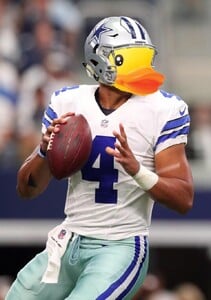
 Still young, will heal quickly. EDIT: oh s*** just saw the clip EDIT2: The good news is that Duck and Nick Chubb both came back after similar injuries. Yes, I’m aware every injury’s different, but it seems it doesn’t necessarily mean your career’s over. EDIT3: Just watched the clip again, it's so over. RIP.
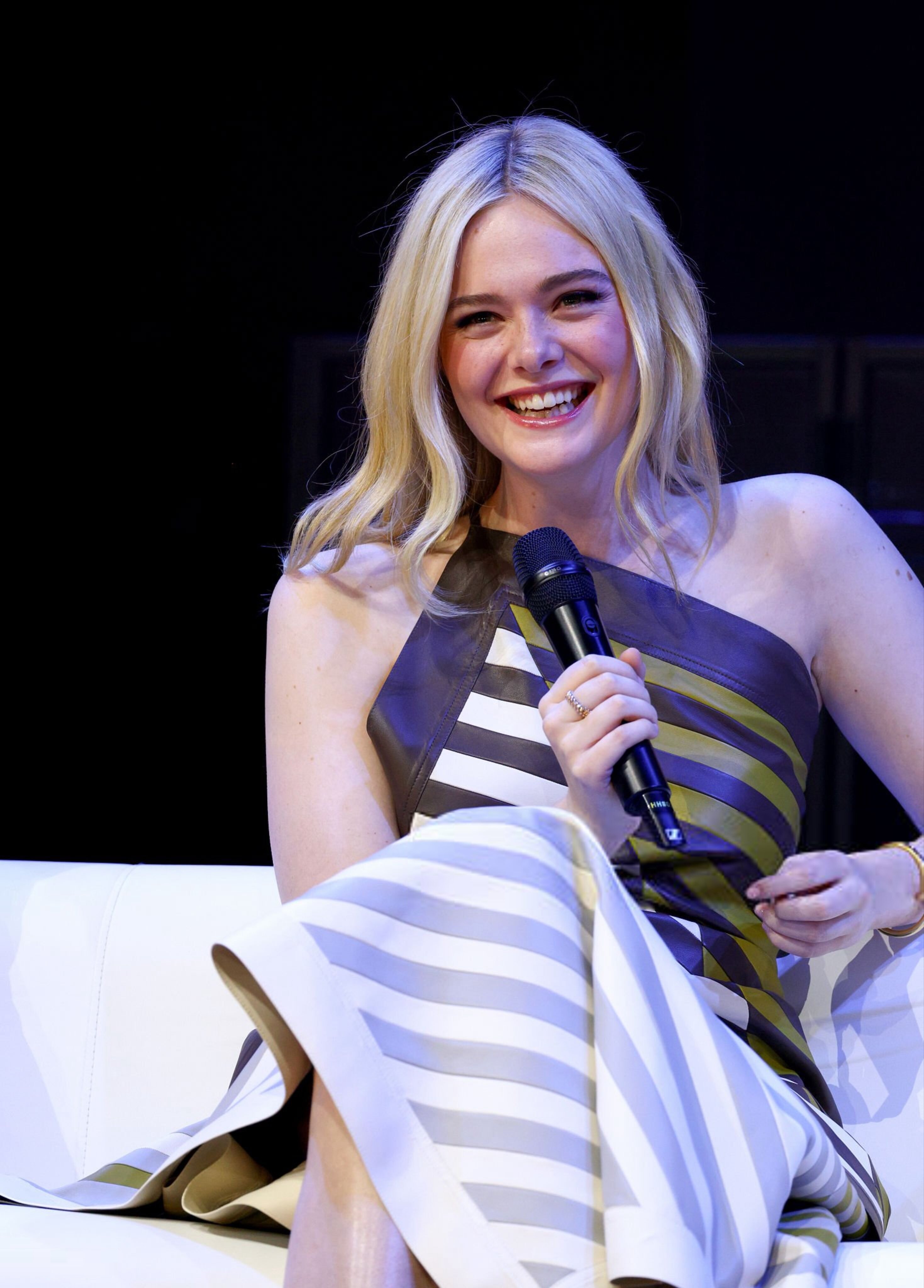
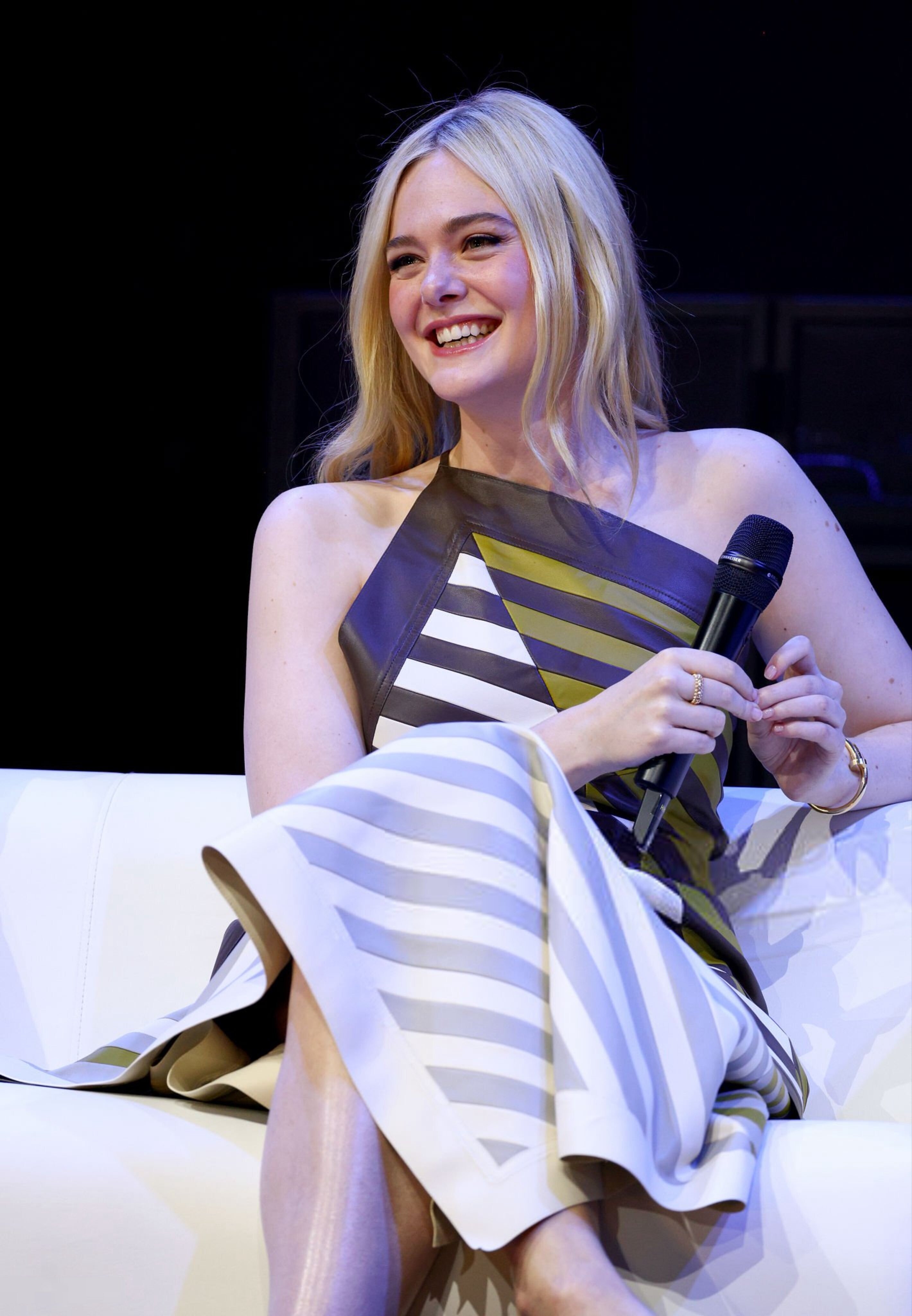
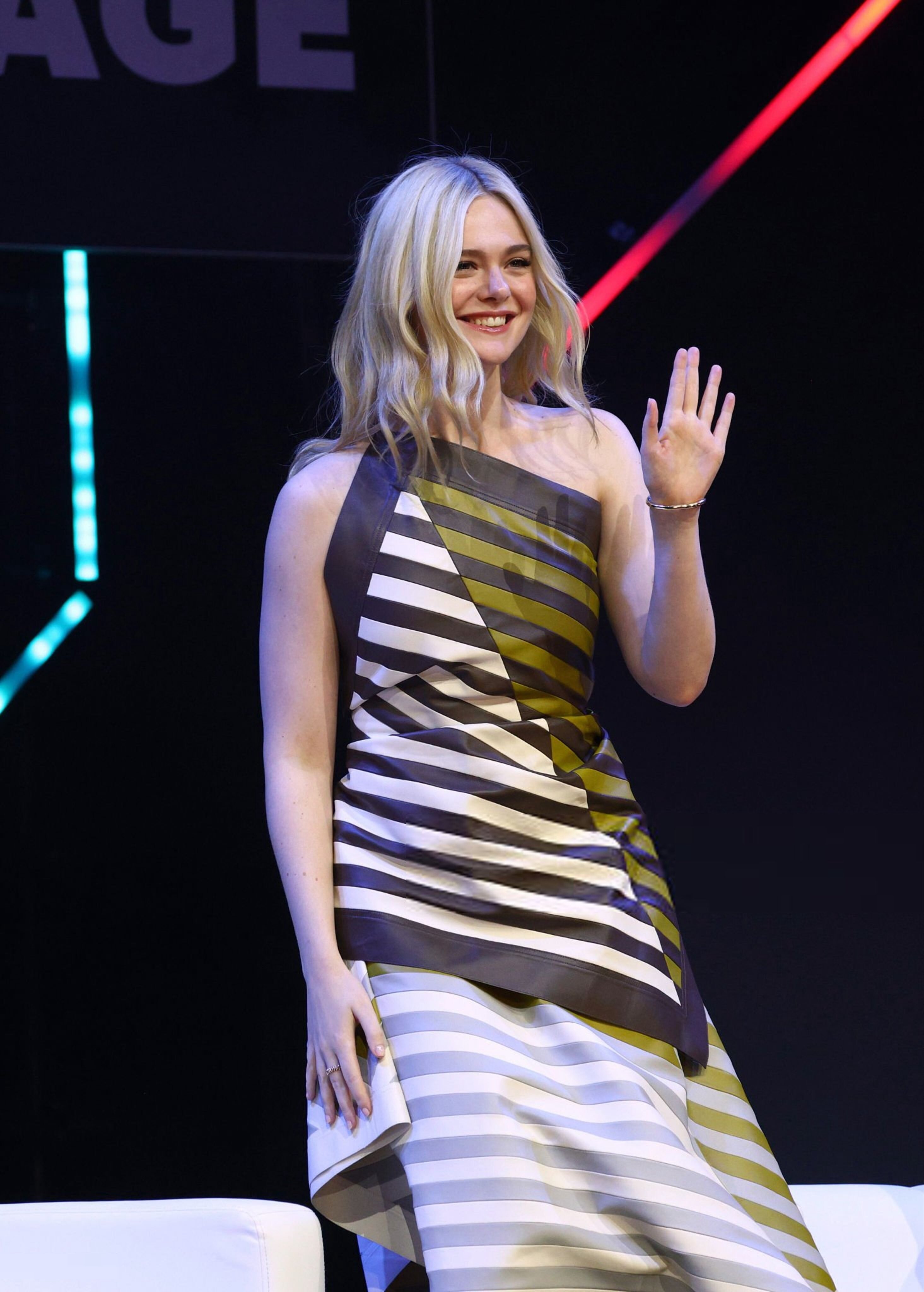
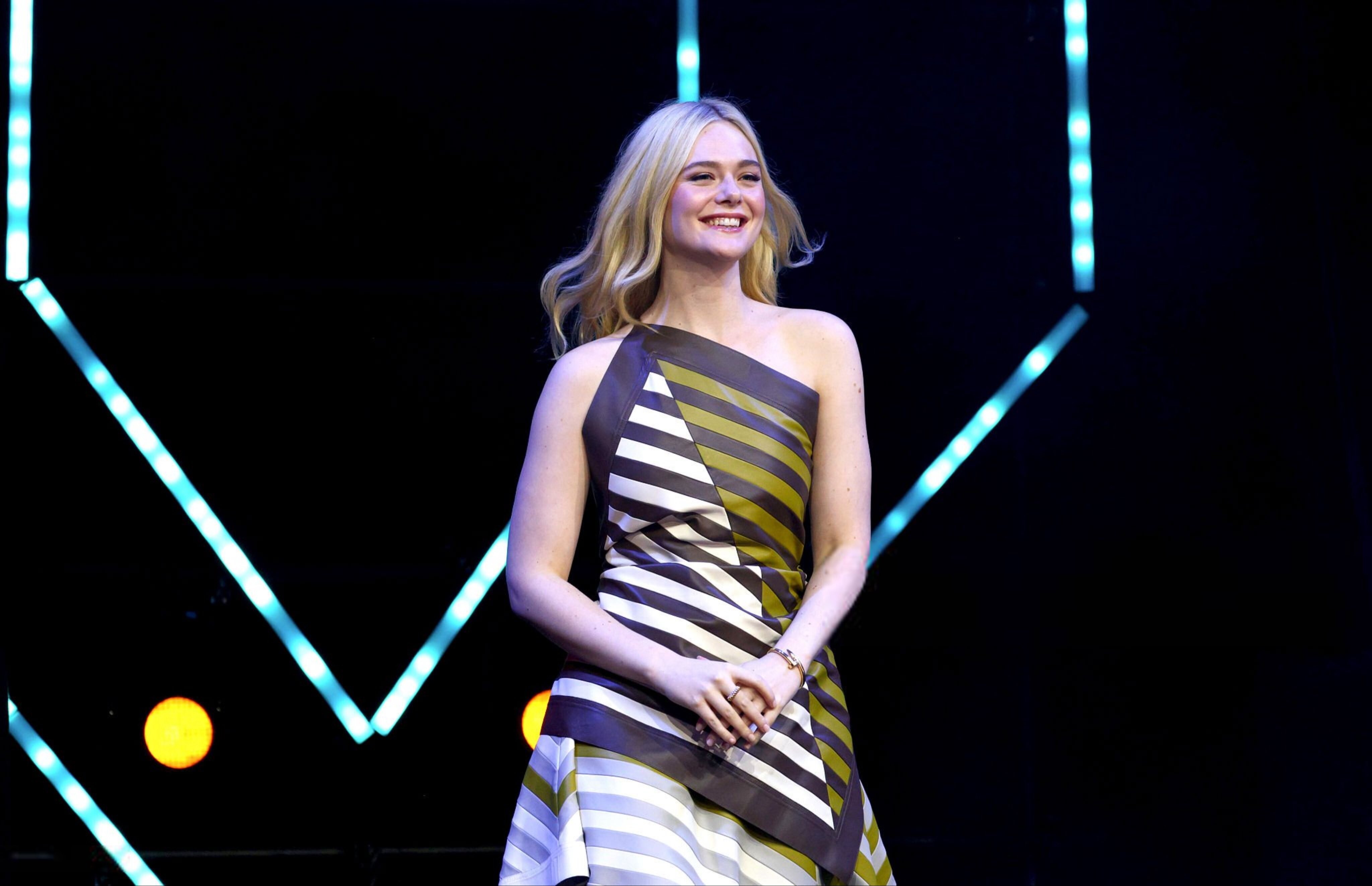
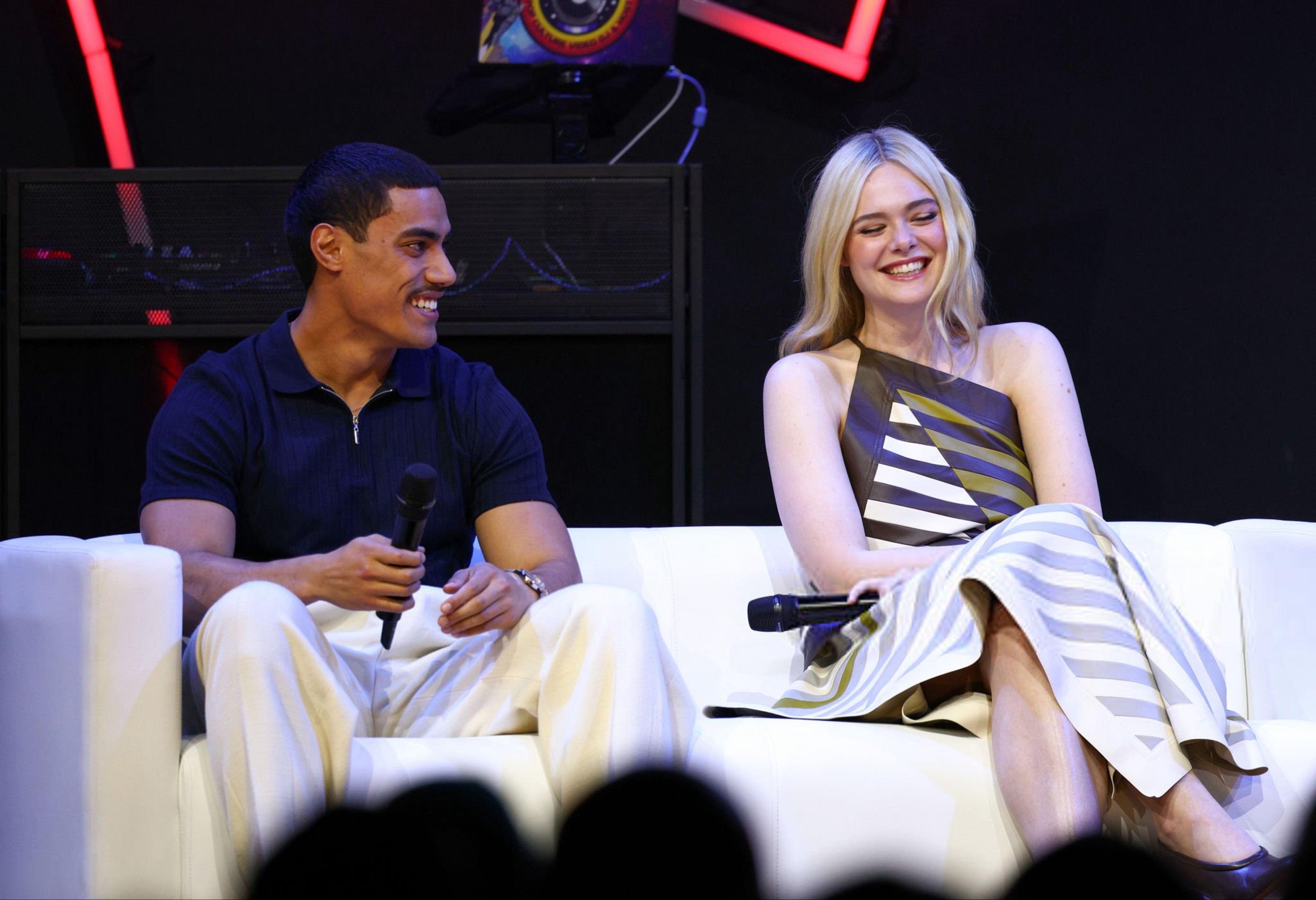
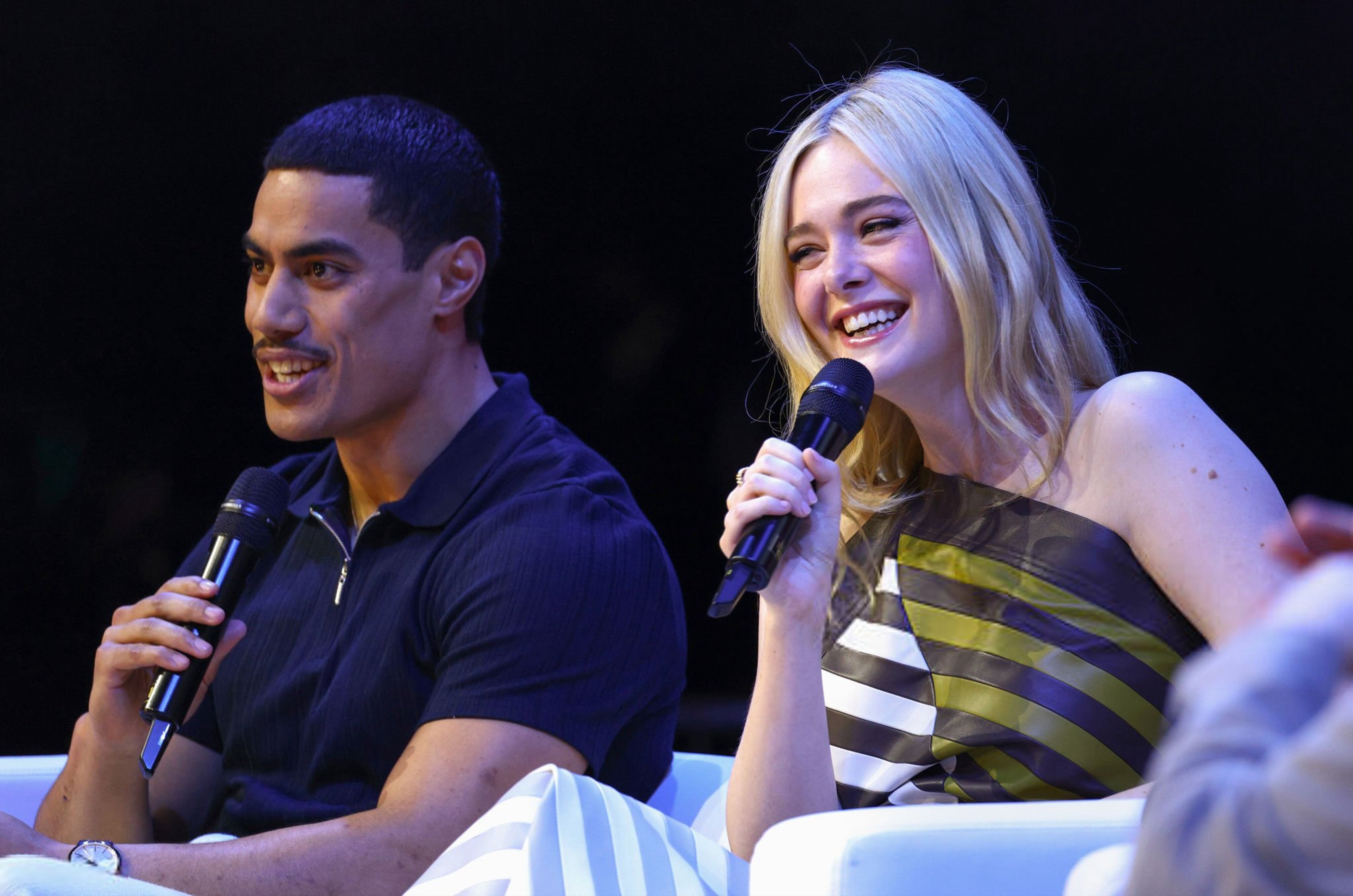
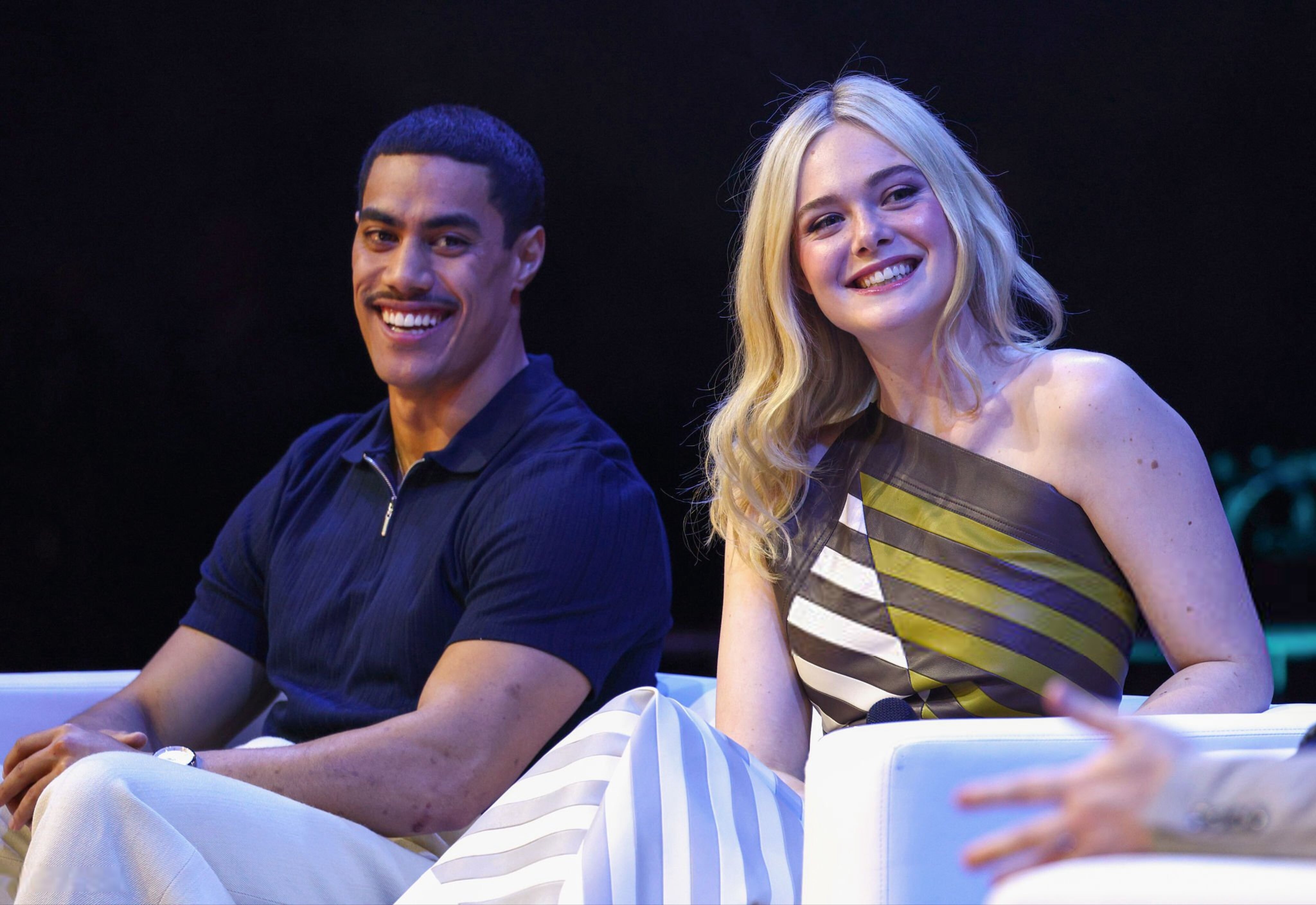
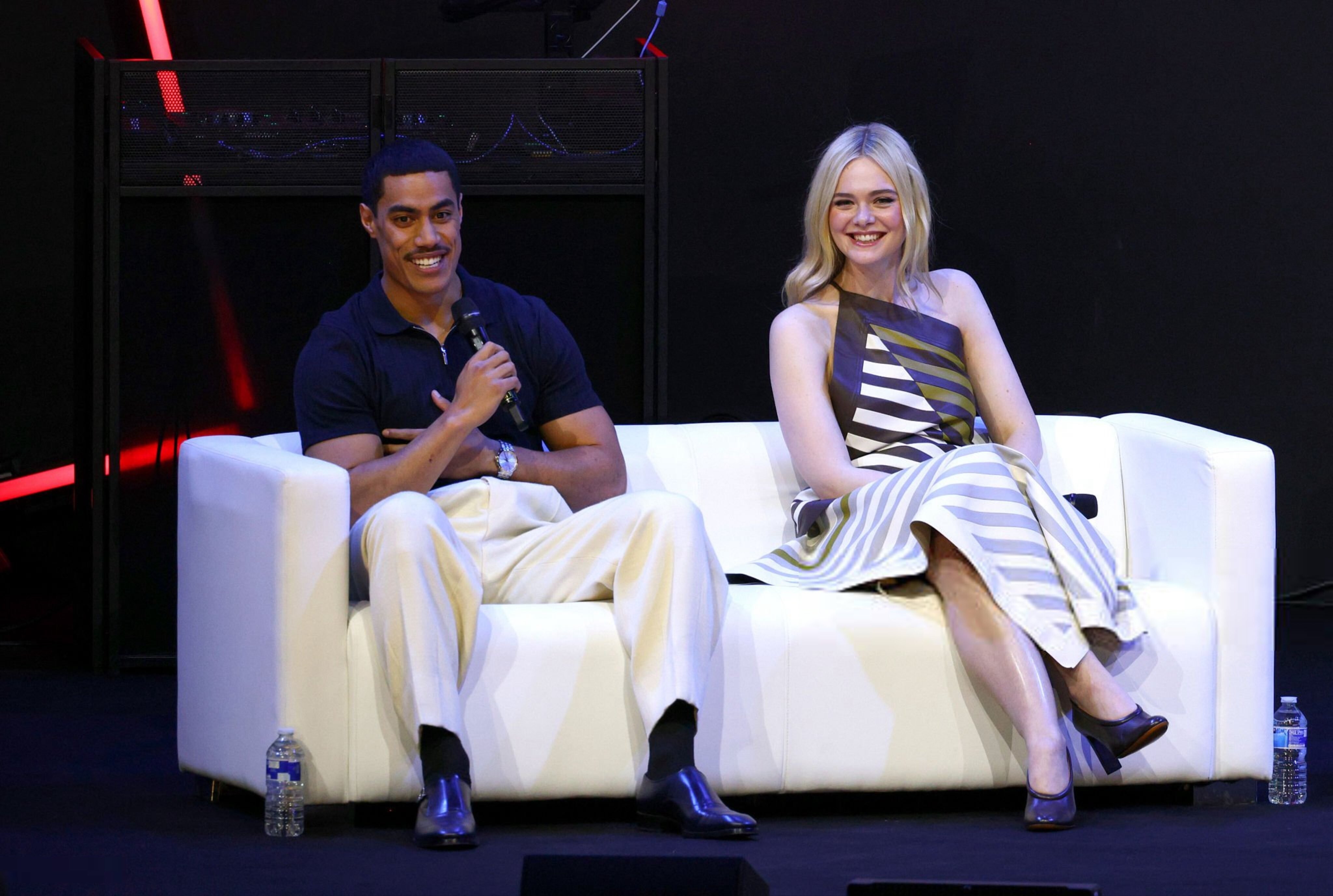
 MCM Comic Con London Panel of Predator: Badlands






 @everyoneonBZ
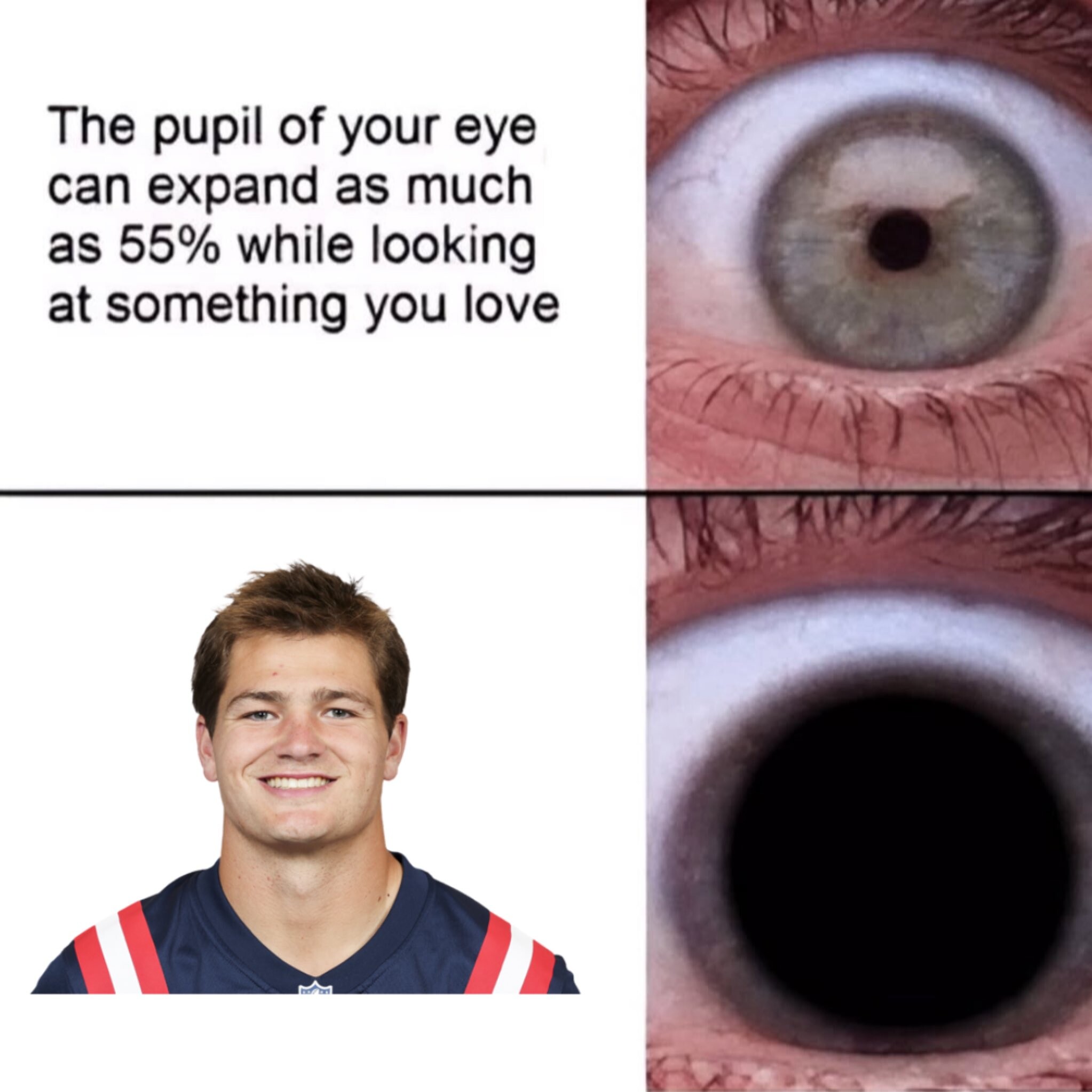
Drake Maye time.
@everyoneonBZ
Drake Maye time.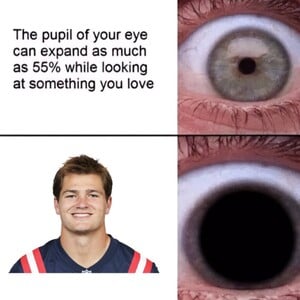
 ...
Love the vids, thank you @Bettina Saw-Morgan
Sarah Waddles: Face: 5 Body: 3 Fandom: 4 Ilona Arsentieva: Face: 2 Body: 4 Fandom: 3 Leilani Eddie: Face: 2 Body: 3 Fandom: 3 Amelie Collard: Face: 1 Body: 0 Fandom: 0
And yes, her hair is shorter now. Clip ssstwitter.com_1761451996350.mp4
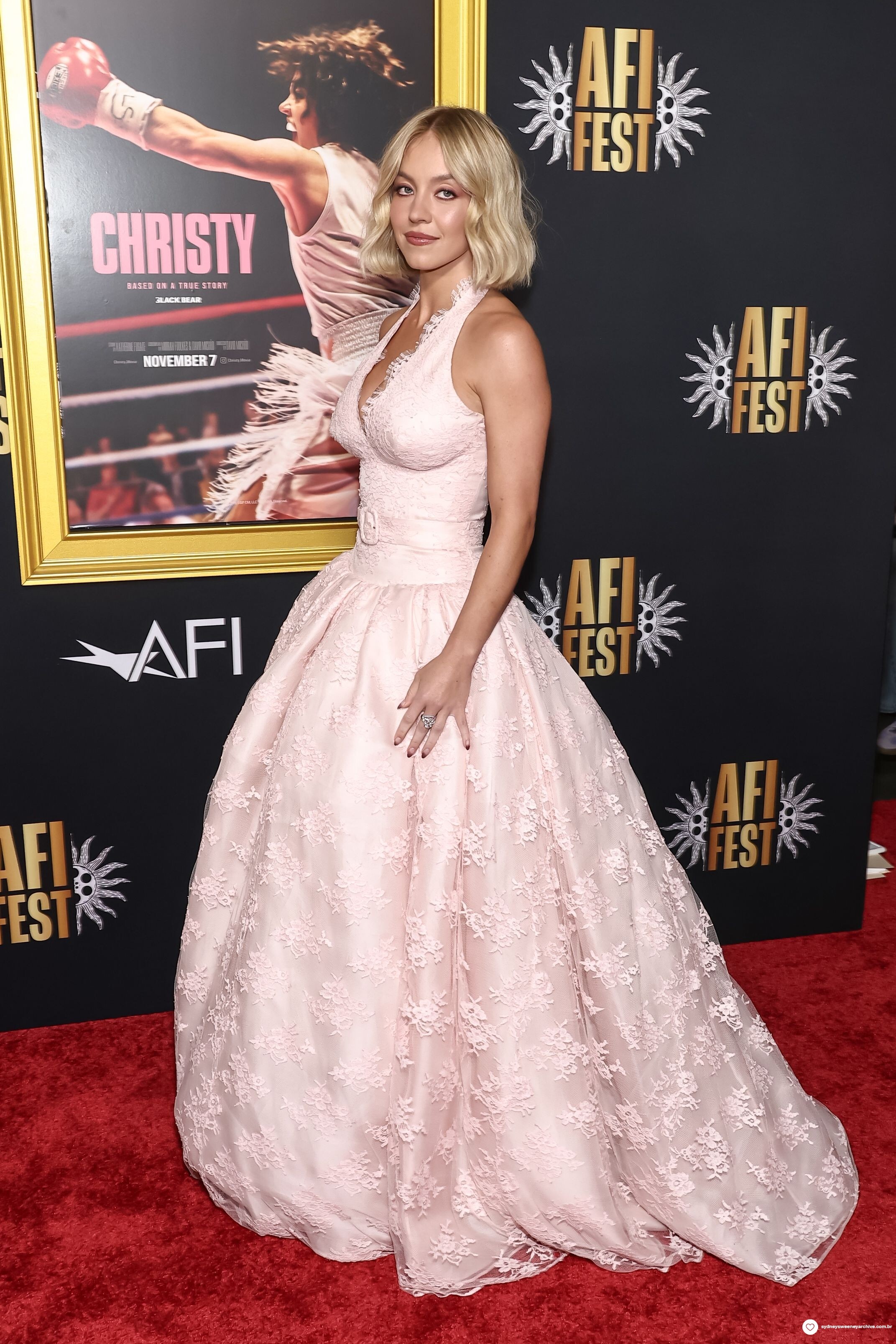
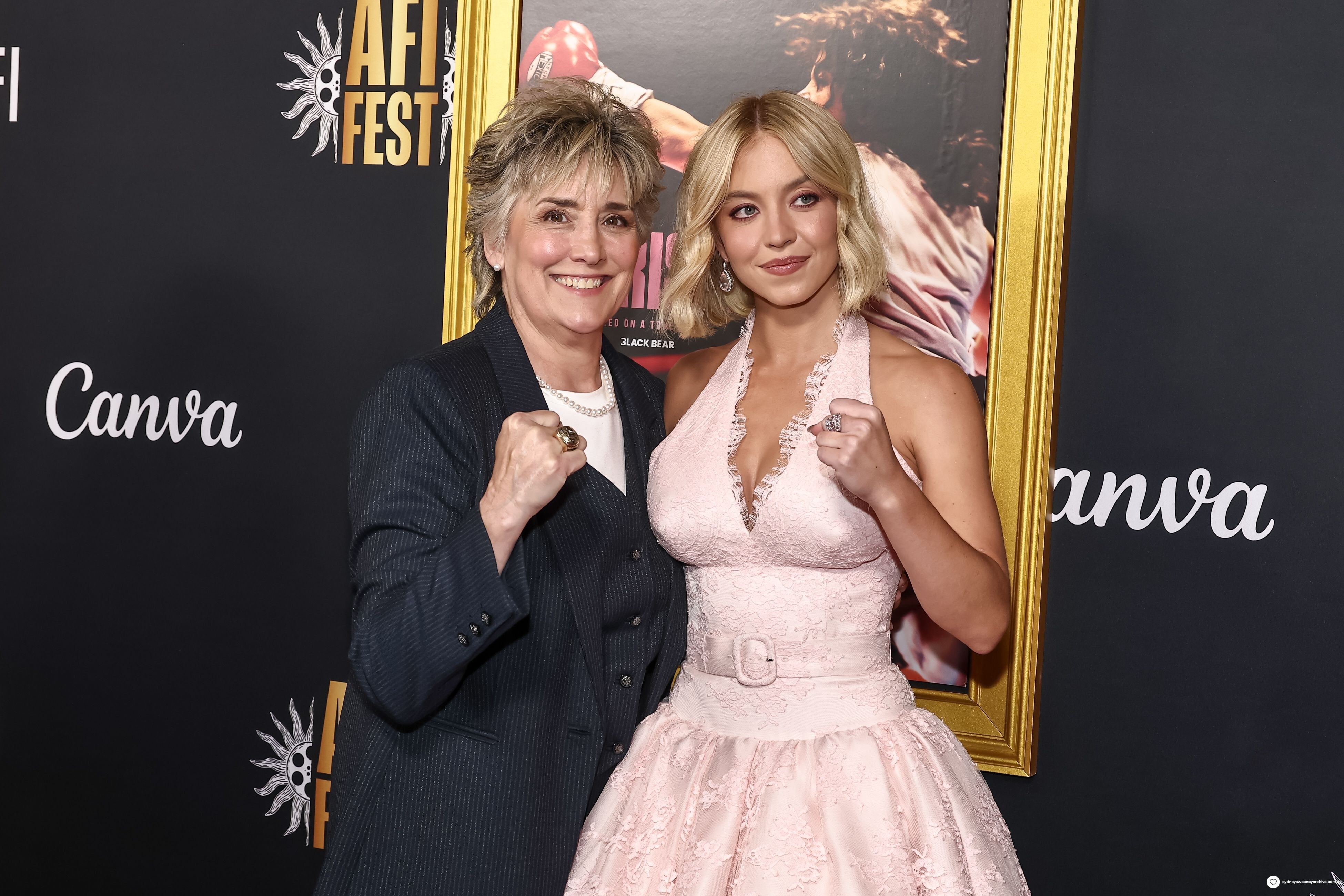
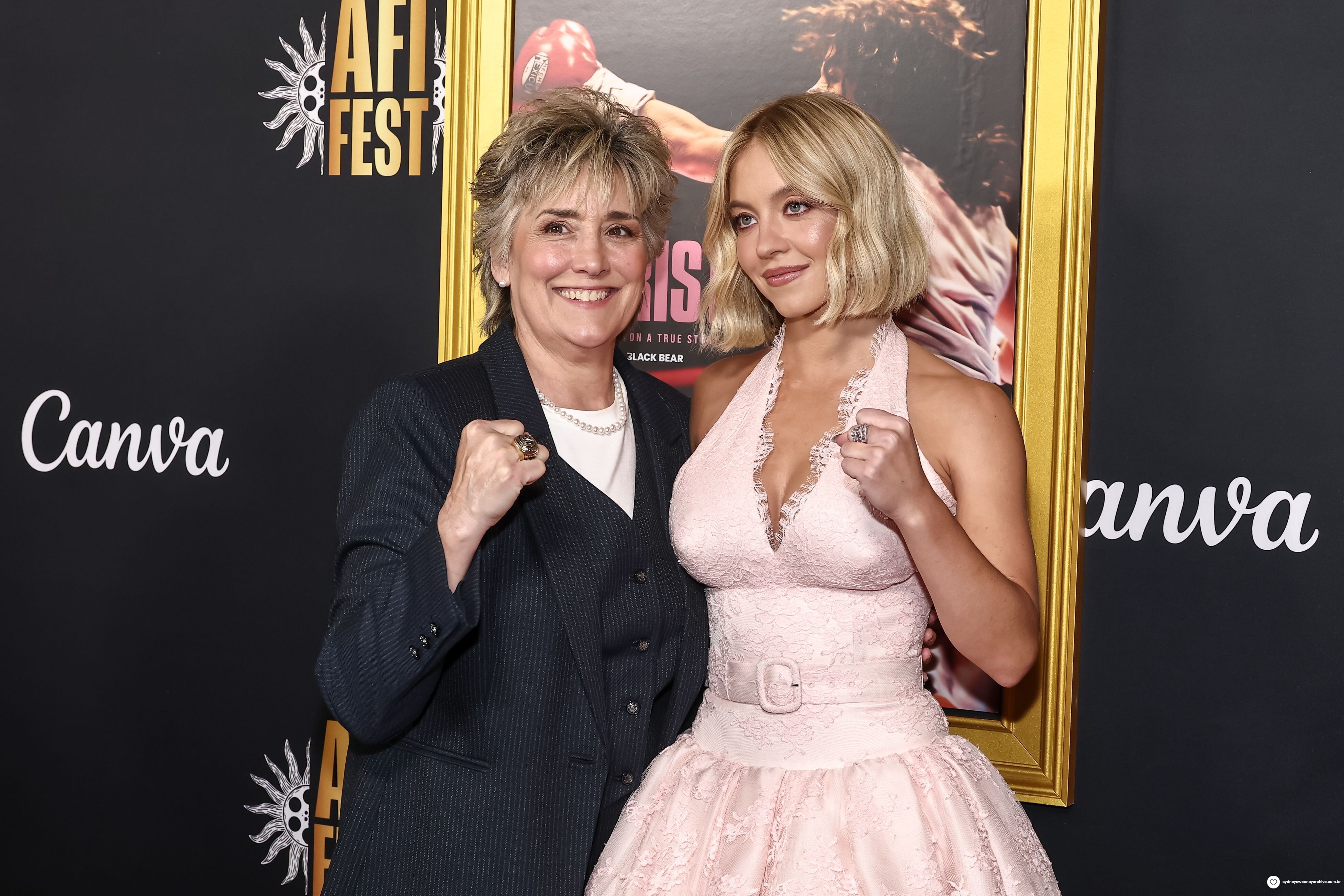
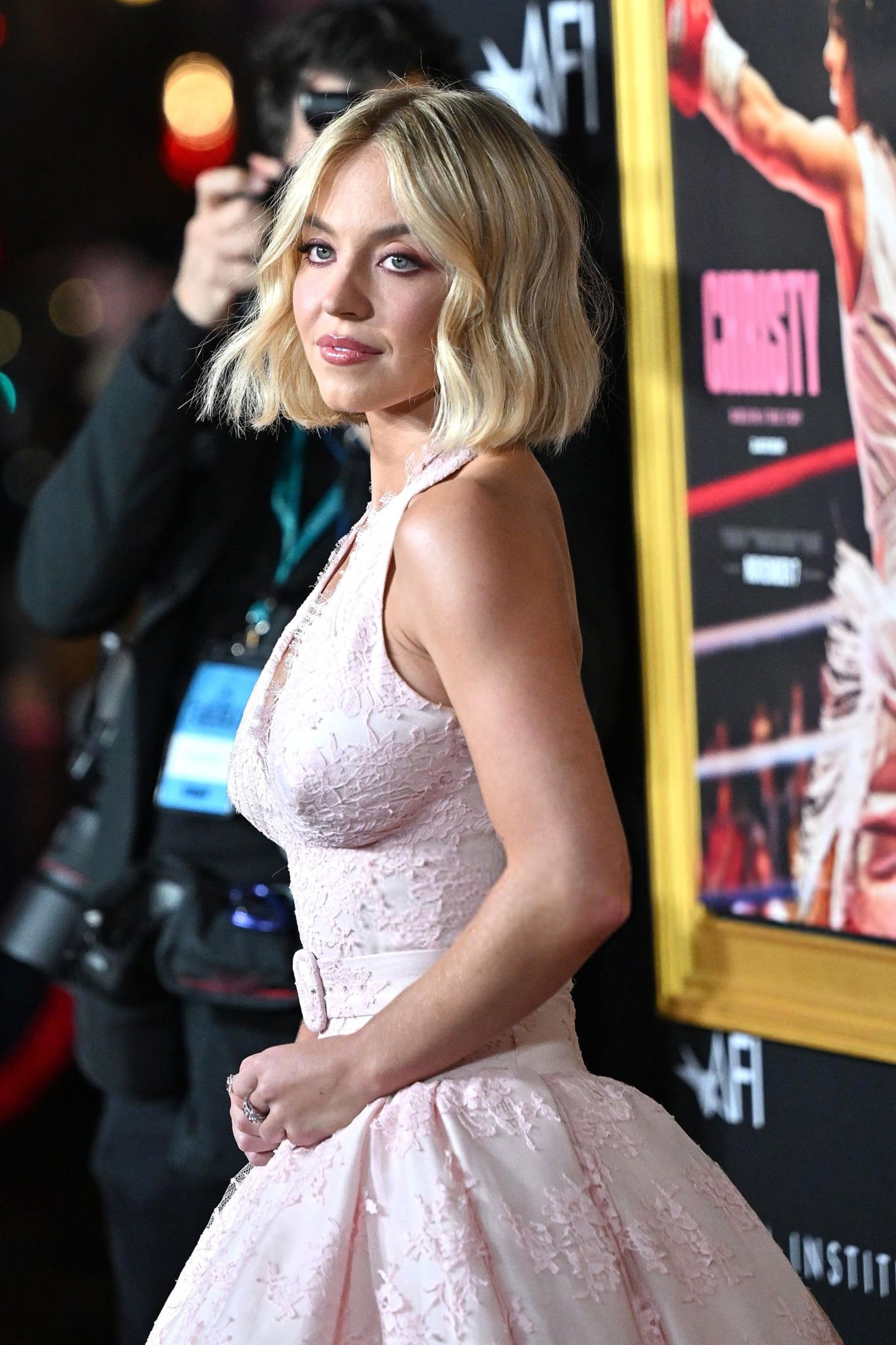
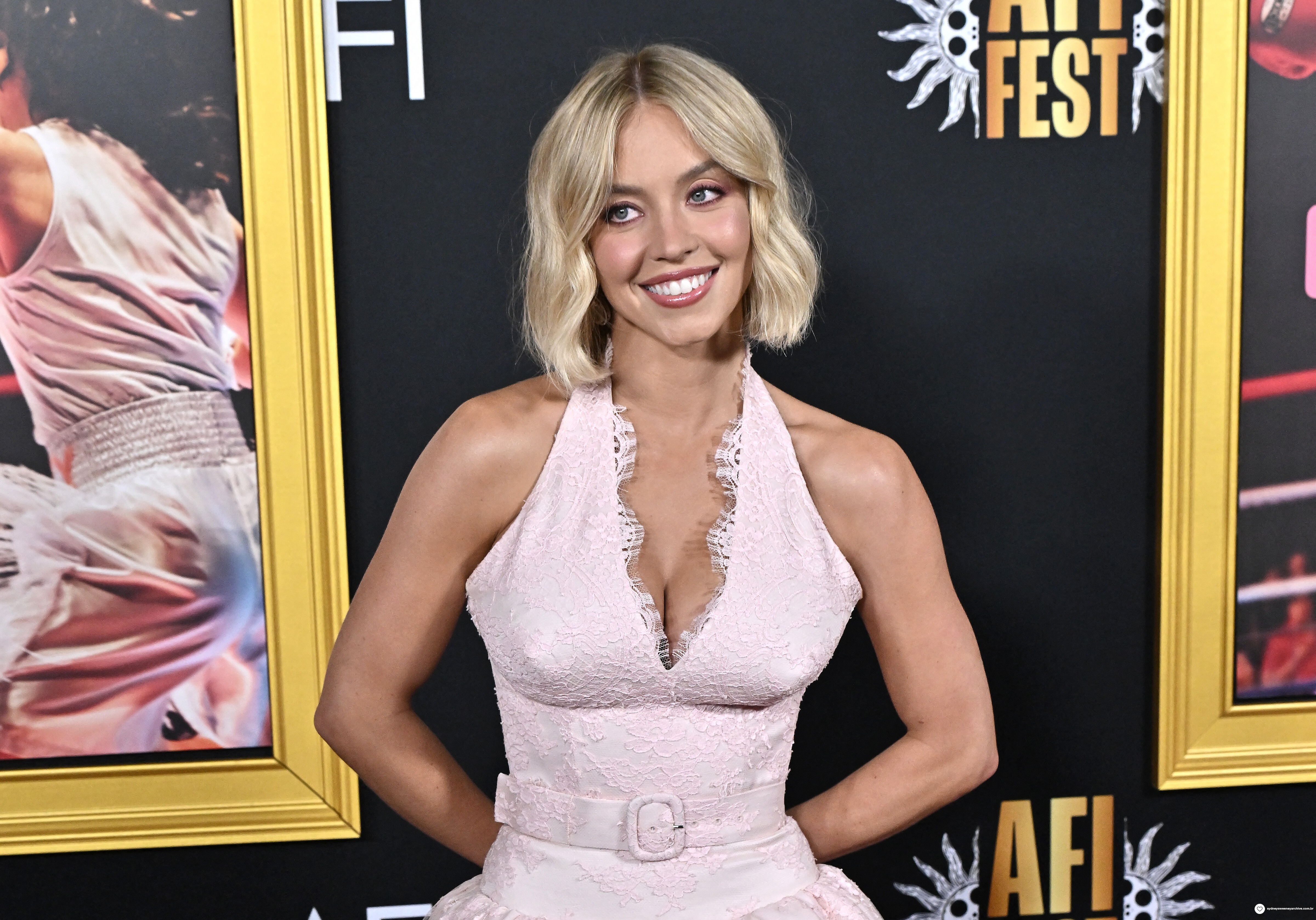
AFI Fest 2025 Premiere of "Christy" in Los Angeles, California via Variety variety.mp4 via The Hollywood Reporter ssstwitter.com_1761452237168.mp4 qmark.mp4
...
Love the vids, thank you @Bettina Saw-Morgan
Sarah Waddles: Face: 5 Body: 3 Fandom: 4 Ilona Arsentieva: Face: 2 Body: 4 Fandom: 3 Leilani Eddie: Face: 2 Body: 3 Fandom: 3 Amelie Collard: Face: 1 Body: 0 Fandom: 0
And yes, her hair is shorter now. Clip ssstwitter.com_1761451996350.mp4
AFI Fest 2025 Premiere of "Christy" in Los Angeles, California via Variety variety.mp4 via The Hollywood Reporter ssstwitter.com_1761452237168.mp4 qmark.mp4























 6-2.
chefs kiss
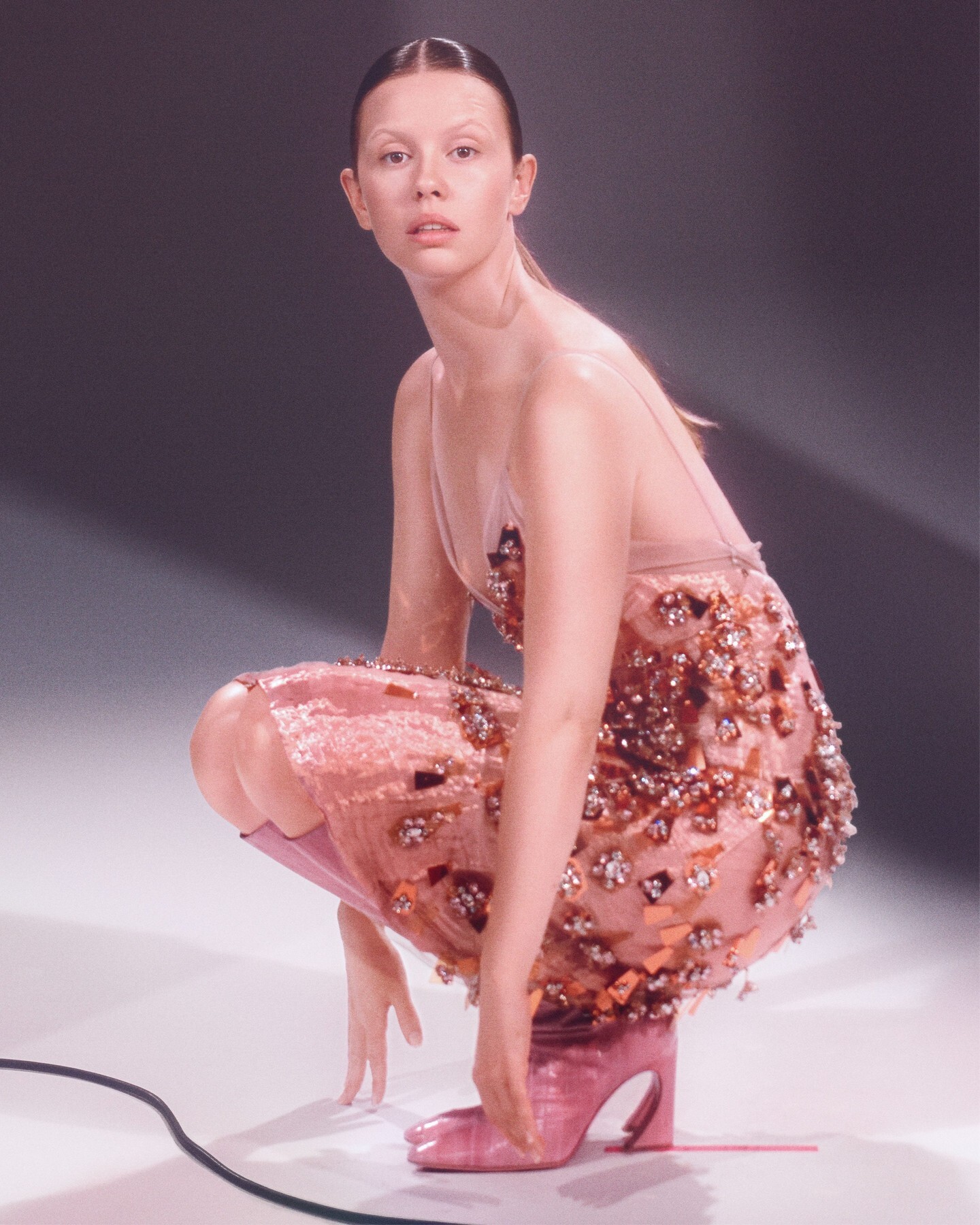
Vogue Italia Ph. Mark Peckmezian
6-2.
chefs kiss
Vogue Italia Ph. Mark Peckmezian Protect this man at all costs.
Texas lol
The Huskies are back in the mix, nice.
Huh? Maybe just crank up the difficulty. The AI can actually get really smart - try CP2077 on harder settings if you're looking for a challenge.
Protect this man at all costs.
Texas lol
The Huskies are back in the mix, nice.
Huh? Maybe just crank up the difficulty. The AI can actually get really smart - try CP2077 on harder settings if you're looking for a challenge.





























Account
Search
Configure browser push notifications
Chrome (Android)
- Tap the lock icon next to the address bar.
- Tap Permissions → Notifications.
- Adjust your preference.
Chrome (Desktop)
- Click the padlock icon in the address bar.
- Select Site settings.
- Find Notifications and adjust your preference.
Safari (iOS 16.4+)
- Ensure the site is installed via Add to Home Screen.
- Open Settings App → Notifications.
- Find your app name and adjust your preference.
Safari (macOS)
- Go to Safari → Preferences.
- Click the Websites tab.
- Select Notifications in the sidebar.
- Find this website and adjust your preference.
Edge (Android)
- Tap the lock icon next to the address bar.
- Tap Permissions.
- Find Notifications and adjust your preference.
Edge (Desktop)
- Click the padlock icon in the address bar.
- Click Permissions for this site.
- Find Notifications and adjust your preference.
Firefox (Android)
- Go to Settings → Site permissions.
- Tap Notifications.
- Find this site in the list and adjust your preference.
Firefox (Desktop)
- Open Firefox Settings.
- Search for Notifications.
- Find this site in the list and adjust your preference.