

Matt!
Members
-
Joined
-
Last visited
Everything posted by Matt!
-
 Poor Marge, now she has to sit with Bernie. EDIT: Marge strikes back lmao
-
Sydney Sweeney Answers The Web's Most Searched Questions | WIRED
JAN Winterboek 2025
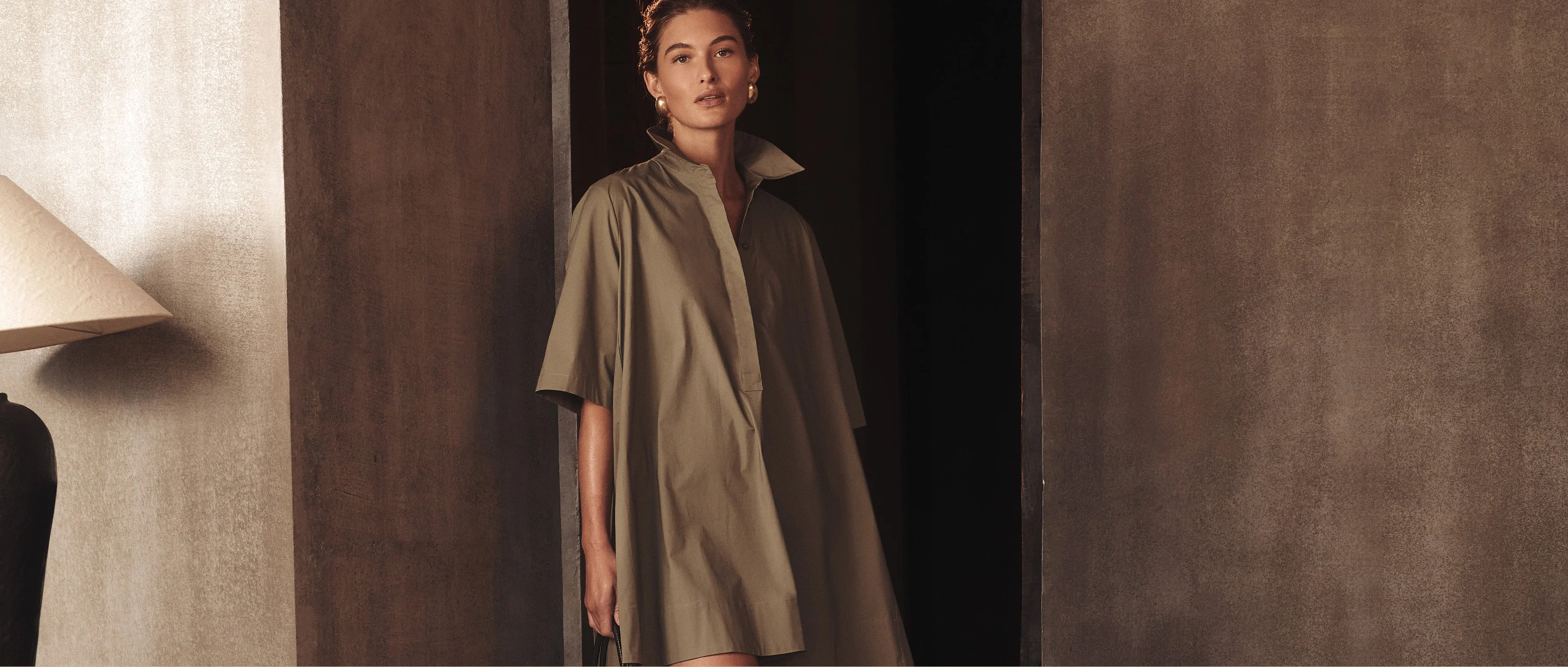
 Donna Karan Weekend b07a0b45fcc34e578534dce3b4980f2e.HD-1080p-7.2Mbps-61861839.mp4












 Christiana Robinson: Face: 2 Body: 5 Fandom: 2.5 Allison Mason: Face: 1.5 Body: 2 Fandom: 1 Lotta Kaijarvi: Face: 6 Body: 3 Fandom: 7 Dunya Navabi: Face: 3 Body: 2.5 Fandom: 2 Aminah Layla: Face: 0 Body: 0 Fandom: 0
Ph. Michaela Halse
Christiana Robinson: Face: 2 Body: 5 Fandom: 2.5 Allison Mason: Face: 1.5 Body: 2 Fandom: 1 Lotta Kaijarvi: Face: 6 Body: 3 Fandom: 7 Dunya Navabi: Face: 3 Body: 2.5 Fandom: 2 Aminah Layla: Face: 0 Body: 0 Fandom: 0
Ph. Michaela Halse

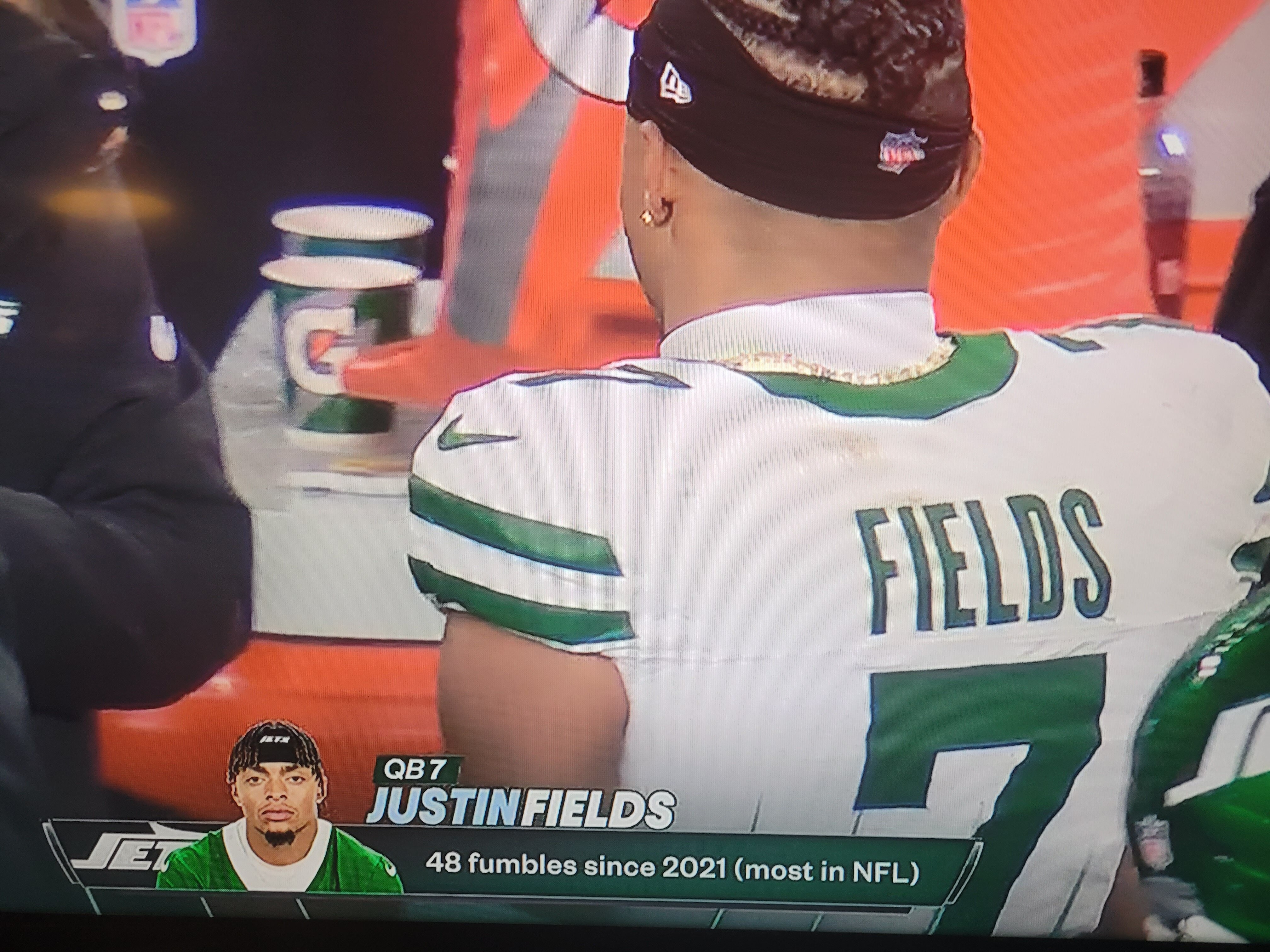
 9-2
Oh, we're so gonna lose.
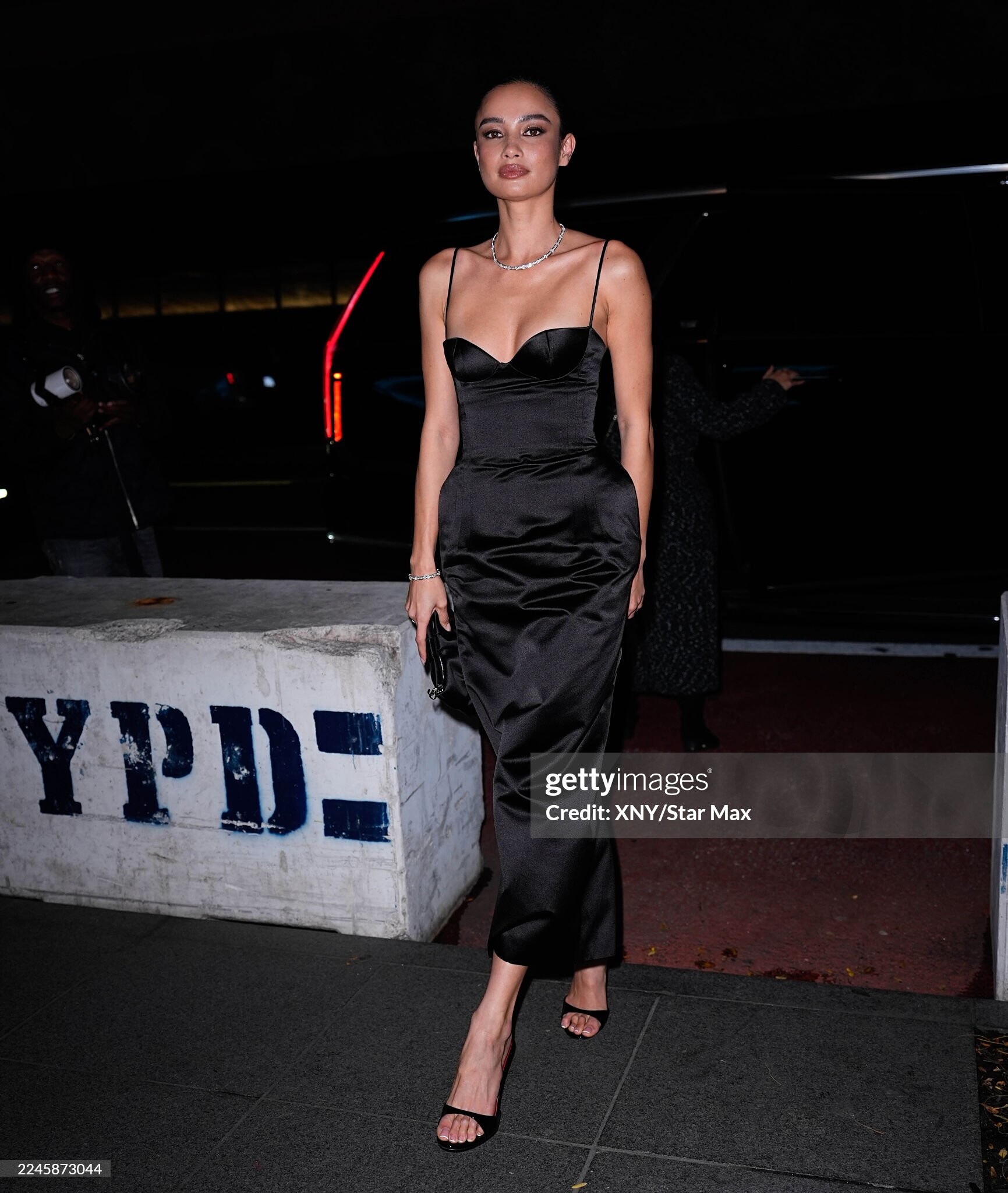
Museum of Modern Art Film Benefit presented by Chanel Via Samantha McMillen
9-2
Oh, we're so gonna lose.
Museum of Modern Art Film Benefit presented by Chanel Via Samantha McMillen
 Museum of Modern Art Film Benefit presented by Chanel


 Tiffany & Co. Celebrates the Holidays at The Landmark clips via IG kelseymerritt's2025-11-13-20.38.772 story.mp4kelseymerritt's2025-11-13-20.38.41 story.mp4










 Tiffany & Co.

 TheWrap Shaving Leo’s Face and MMA Training: How Chase Infiniti Landed Her Breakout Role in ‘One Battle After Another’ Ph. Bjorn Iooss https://www.thewrap.com/chase-infiniti-one-battle-after-another-interview/



 nimbus_siberian_3765088221651924896.mp4
Mikey Madison x Dior via Melissa Hernandez
nimbus_siberian_3765088221651924896.mp4
Mikey Madison x Dior via Melissa Hernandez



 Fiona Briseno: Face: 0 Body: 2 Fandom: 0 Ira Asllani: Face: 2 Body: 2 Fandom: 1 Tia Mallia: Face: 2 Body: 3 Fandom: 3 Mariana Nunes: Face: 6 Body: 3 Fandom: 6










































































Account
Search
Configure browser push notifications
Chrome (Android)
- Tap the lock icon next to the address bar.
- Tap Permissions → Notifications.
- Adjust your preference.
Chrome (Desktop)
- Click the padlock icon in the address bar.
- Select Site settings.
- Find Notifications and adjust your preference.
Safari (iOS 16.4+)
- Ensure the site is installed via Add to Home Screen.
- Open Settings App → Notifications.
- Find your app name and adjust your preference.
Safari (macOS)
- Go to Safari → Preferences.
- Click the Websites tab.
- Select Notifications in the sidebar.
- Find this website and adjust your preference.
Edge (Android)
- Tap the lock icon next to the address bar.
- Tap Permissions.
- Find Notifications and adjust your preference.
Edge (Desktop)
- Click the padlock icon in the address bar.
- Click Permissions for this site.
- Find Notifications and adjust your preference.
Firefox (Android)
- Go to Settings → Site permissions.
- Tap Notifications.
- Find this site in the list and adjust your preference.
Firefox (Desktop)
- Open Firefox Settings.
- Search for Notifications.
- Find this site in the list and adjust your preference.