ASwanQueen
Members
-
Joined
-
Last visited
Everything posted by ASwanQueen
-
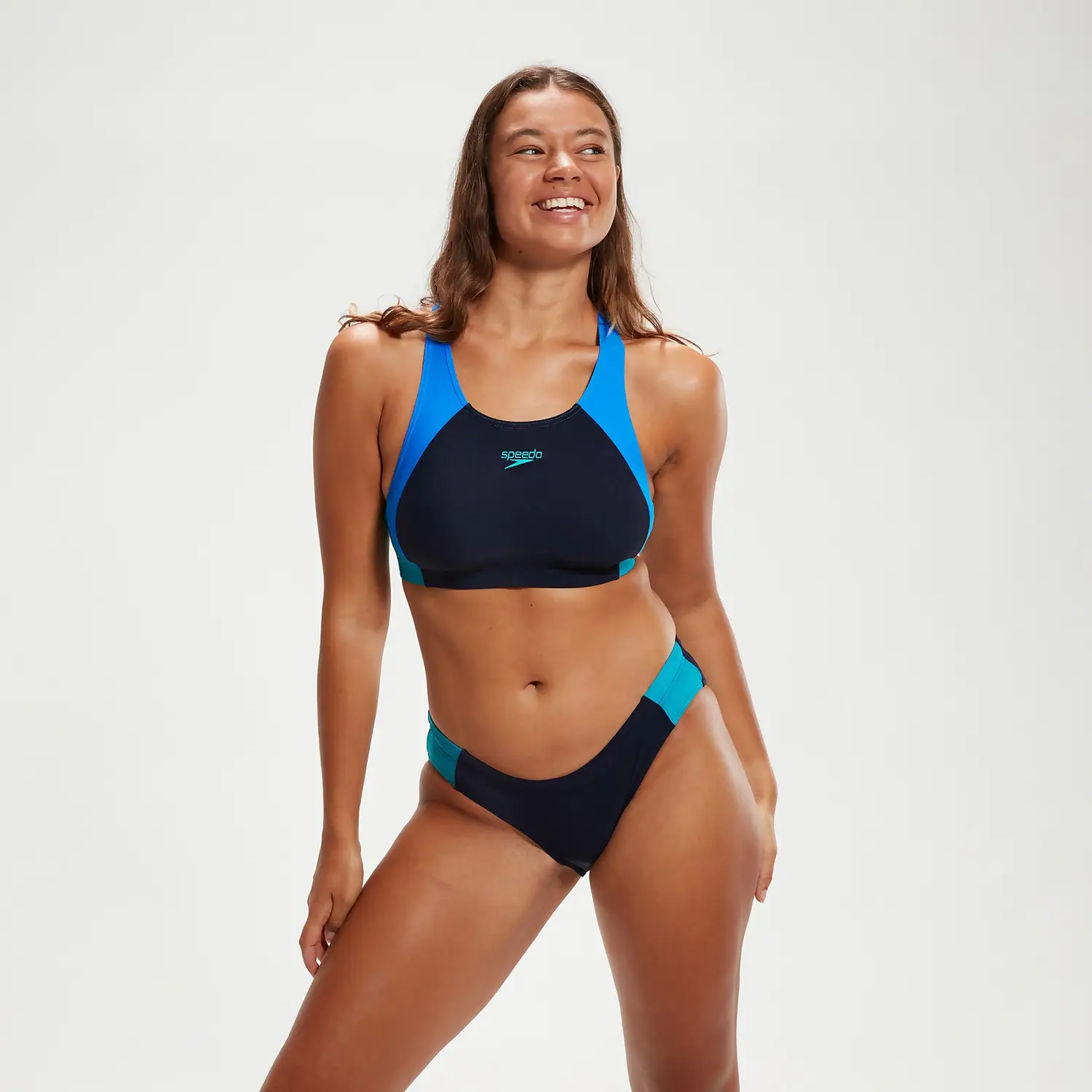
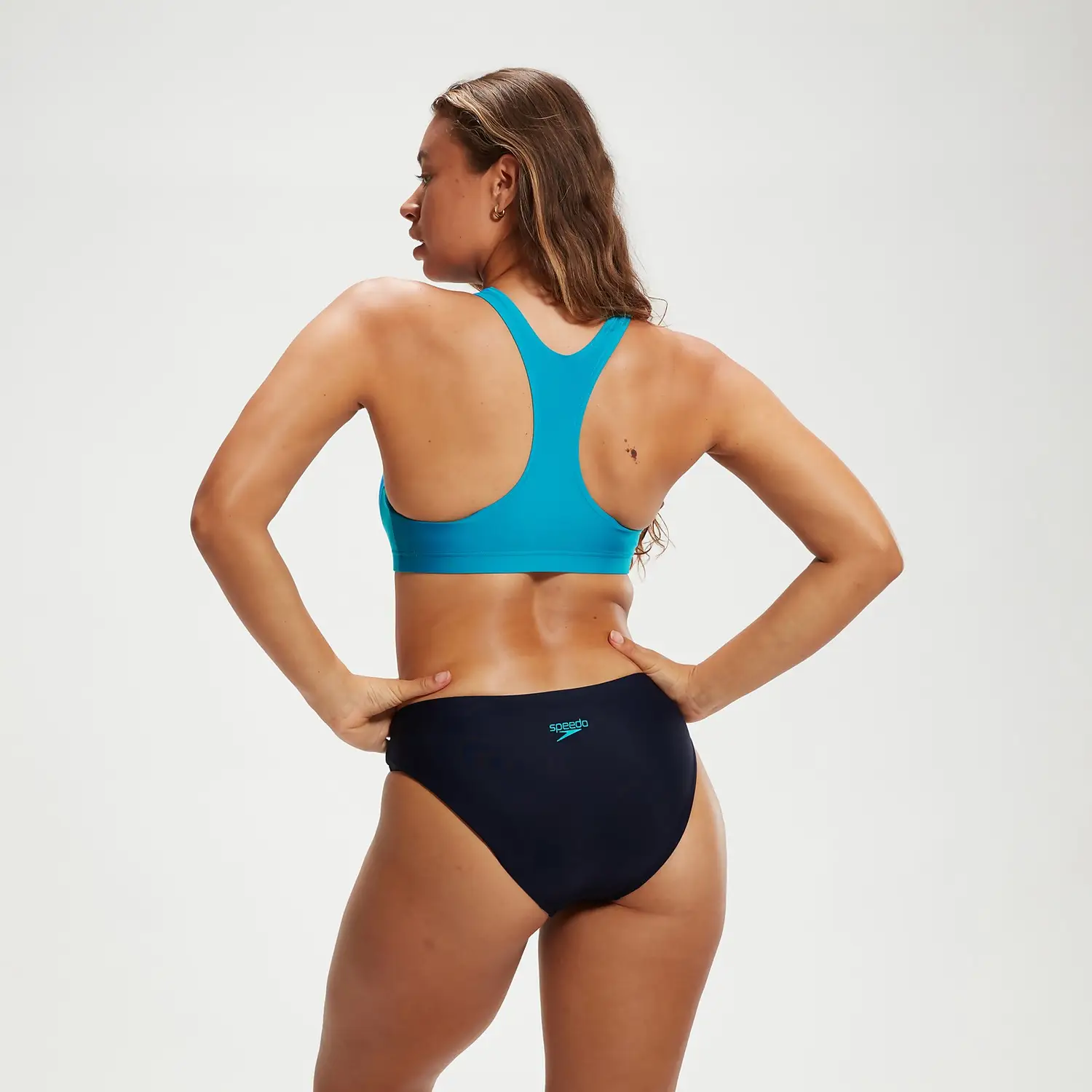
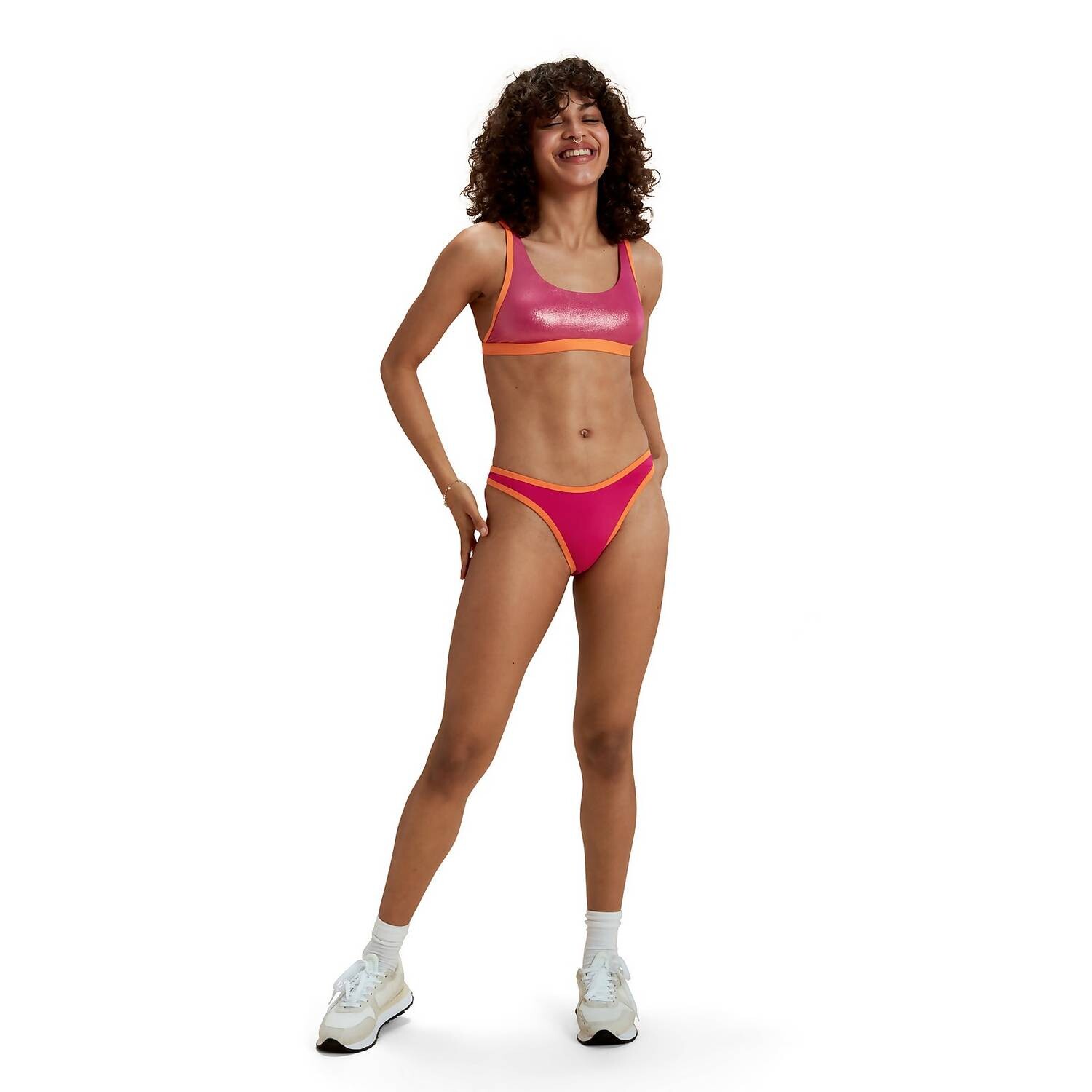
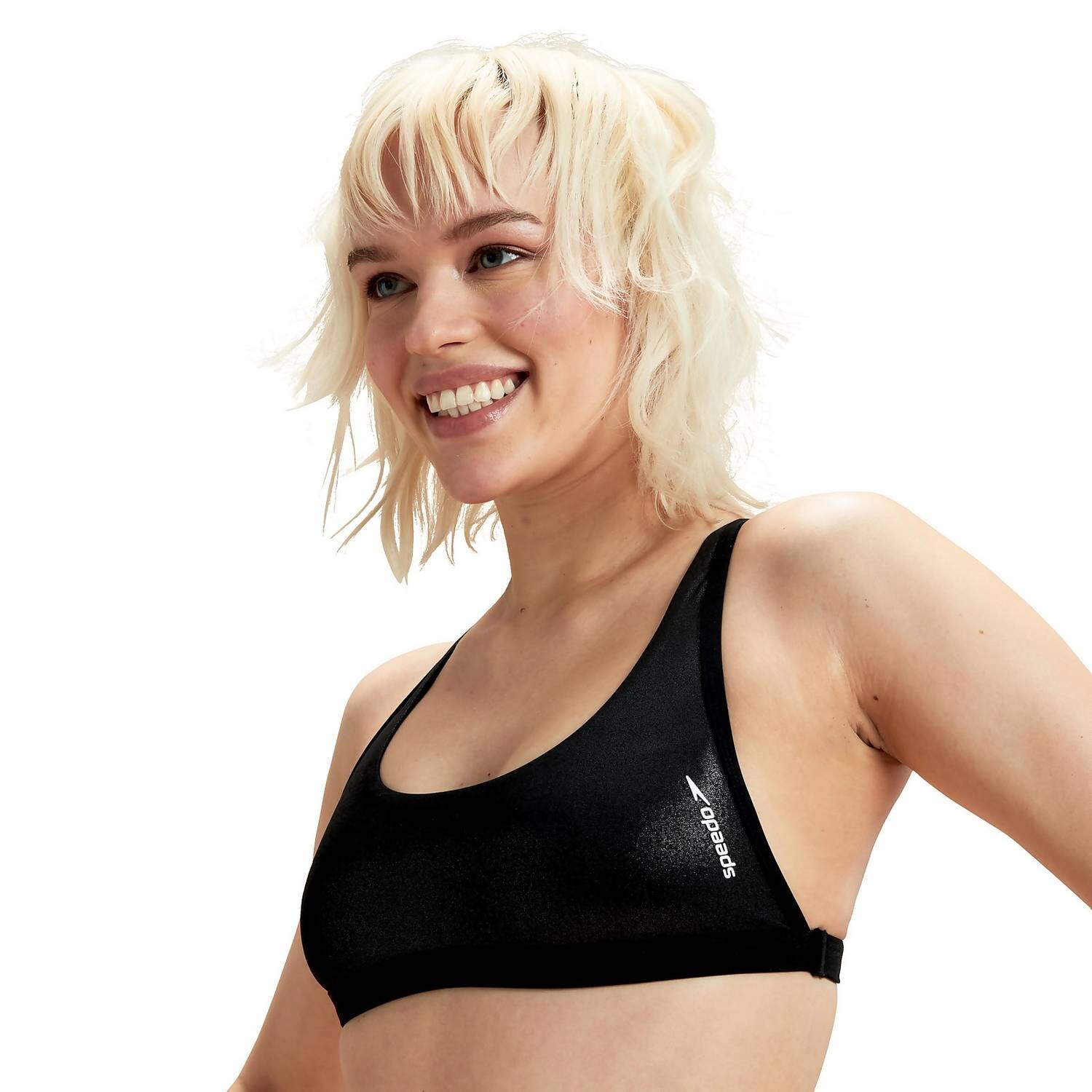
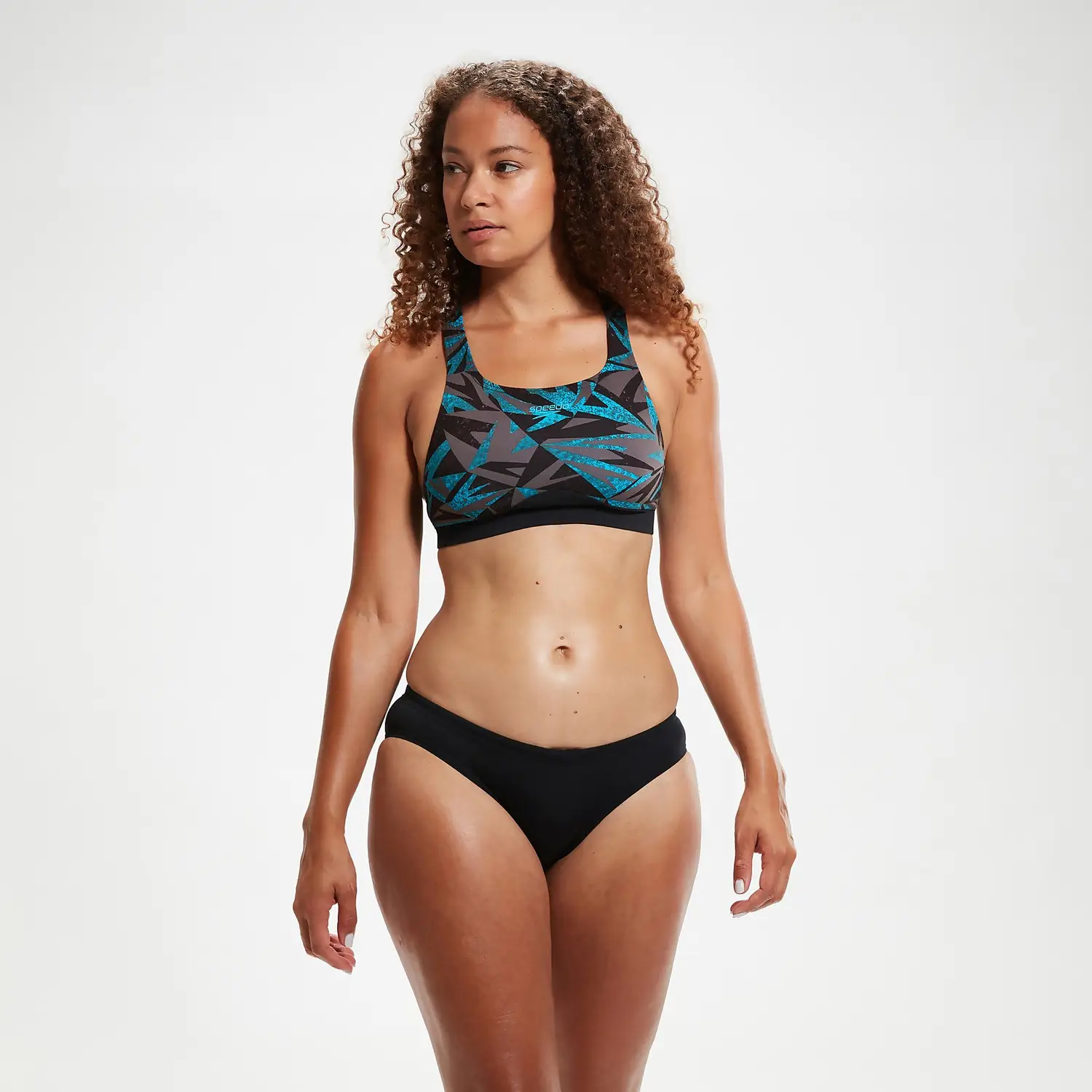
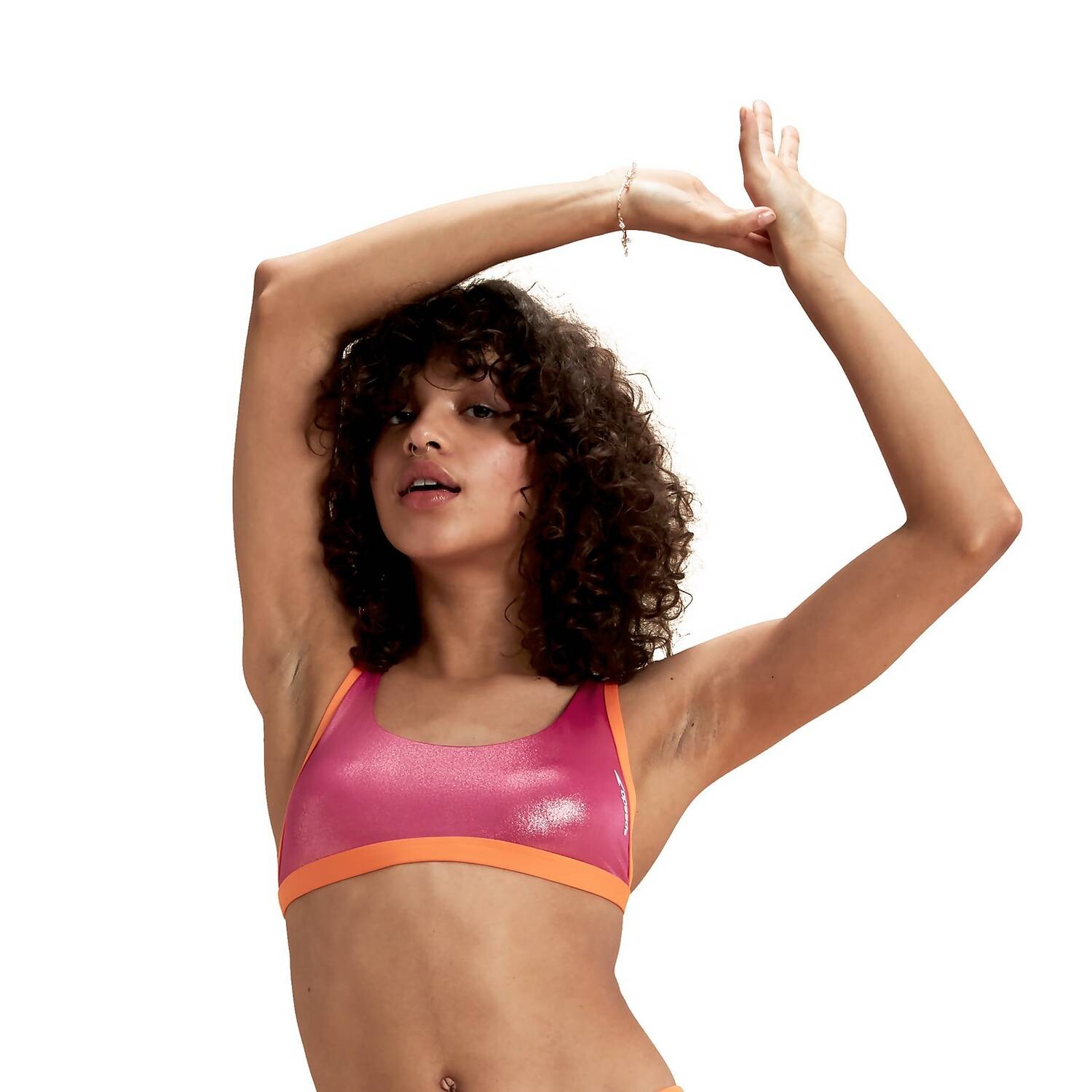
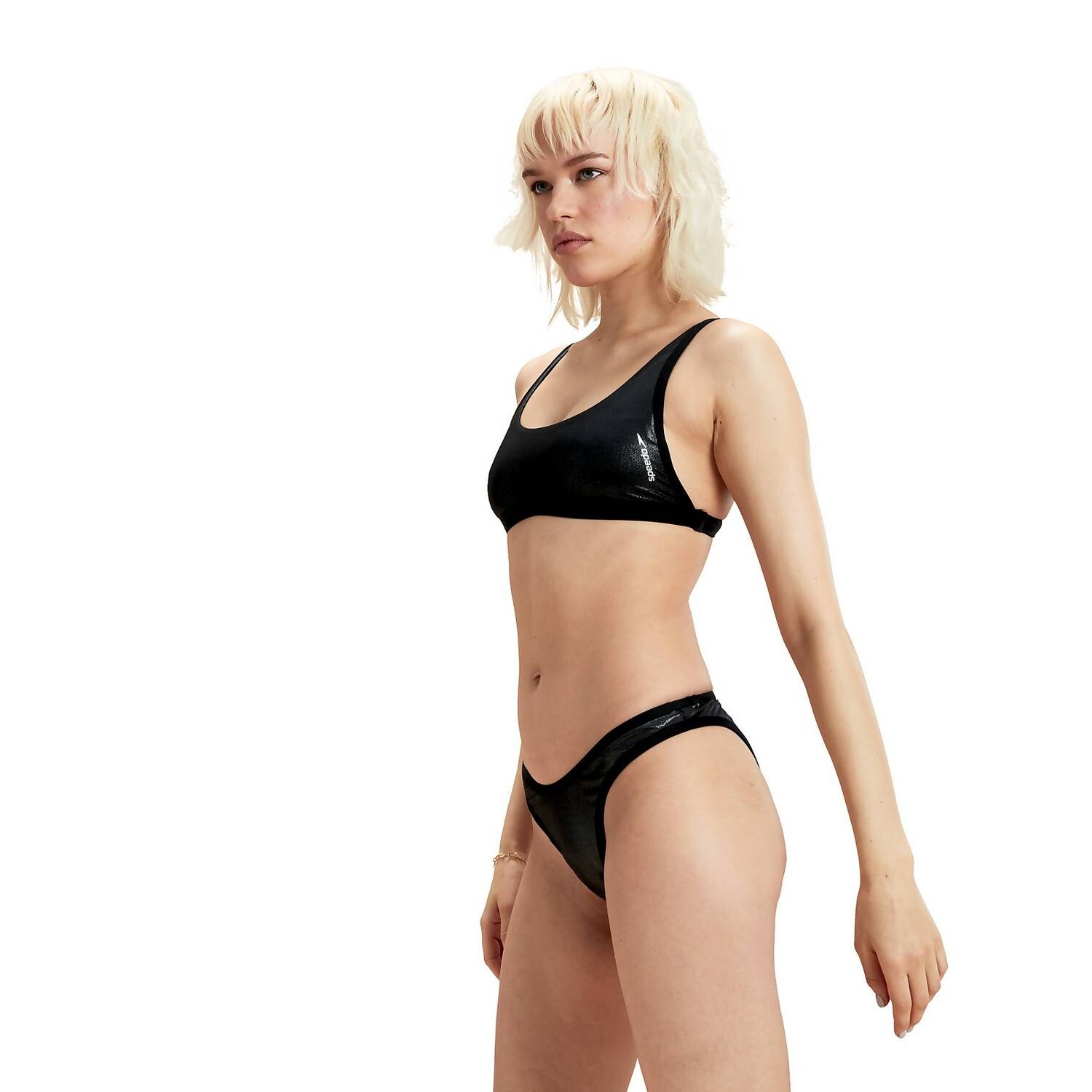
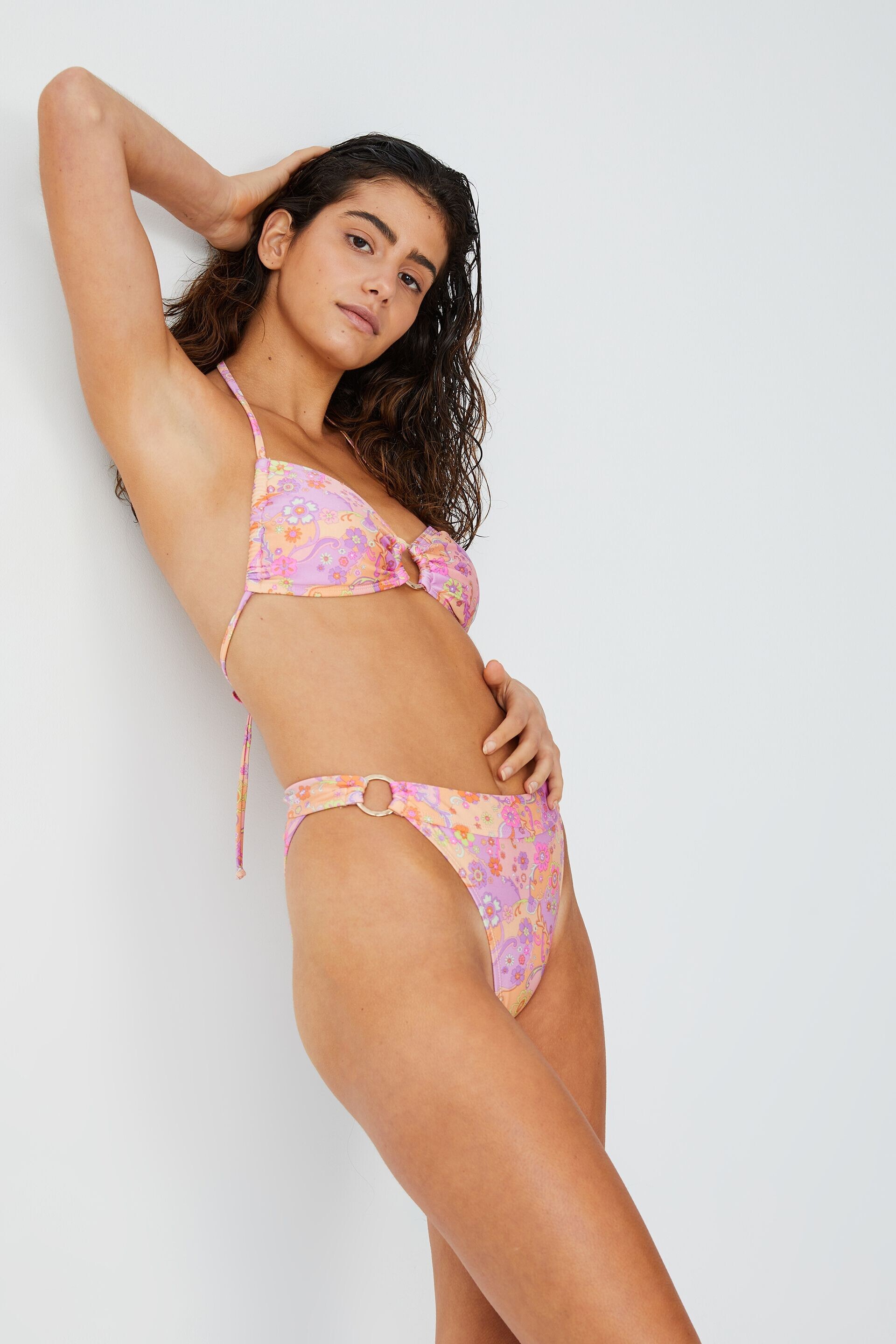
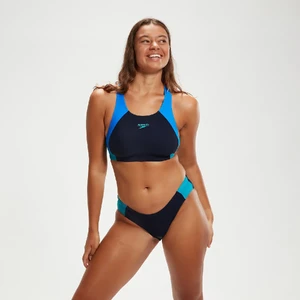
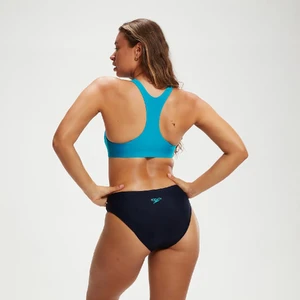
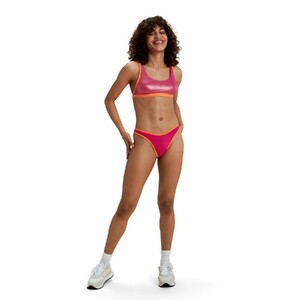
Can anyone help me ID-ing four different Speedo models here, please? Thanks in advance! 1. 2. 3. 4.
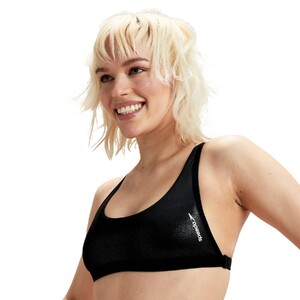
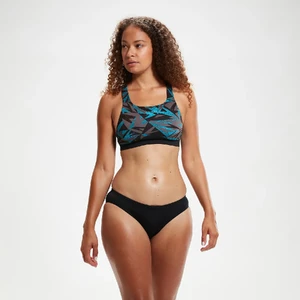
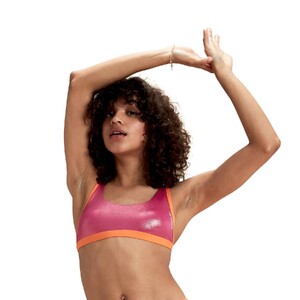
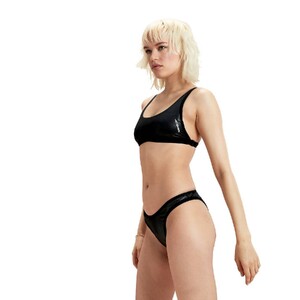
-
Love this version of her!
-
I see, didn't notice until later, not to mention I actually got what I need thankfully so case closed here.
-
I wonder if you have more of her ASOS pics because I noticed that some of these products' images have changed (and yes, I have a tendency to collect e-commerce pics)
-
Thank you so much!
-
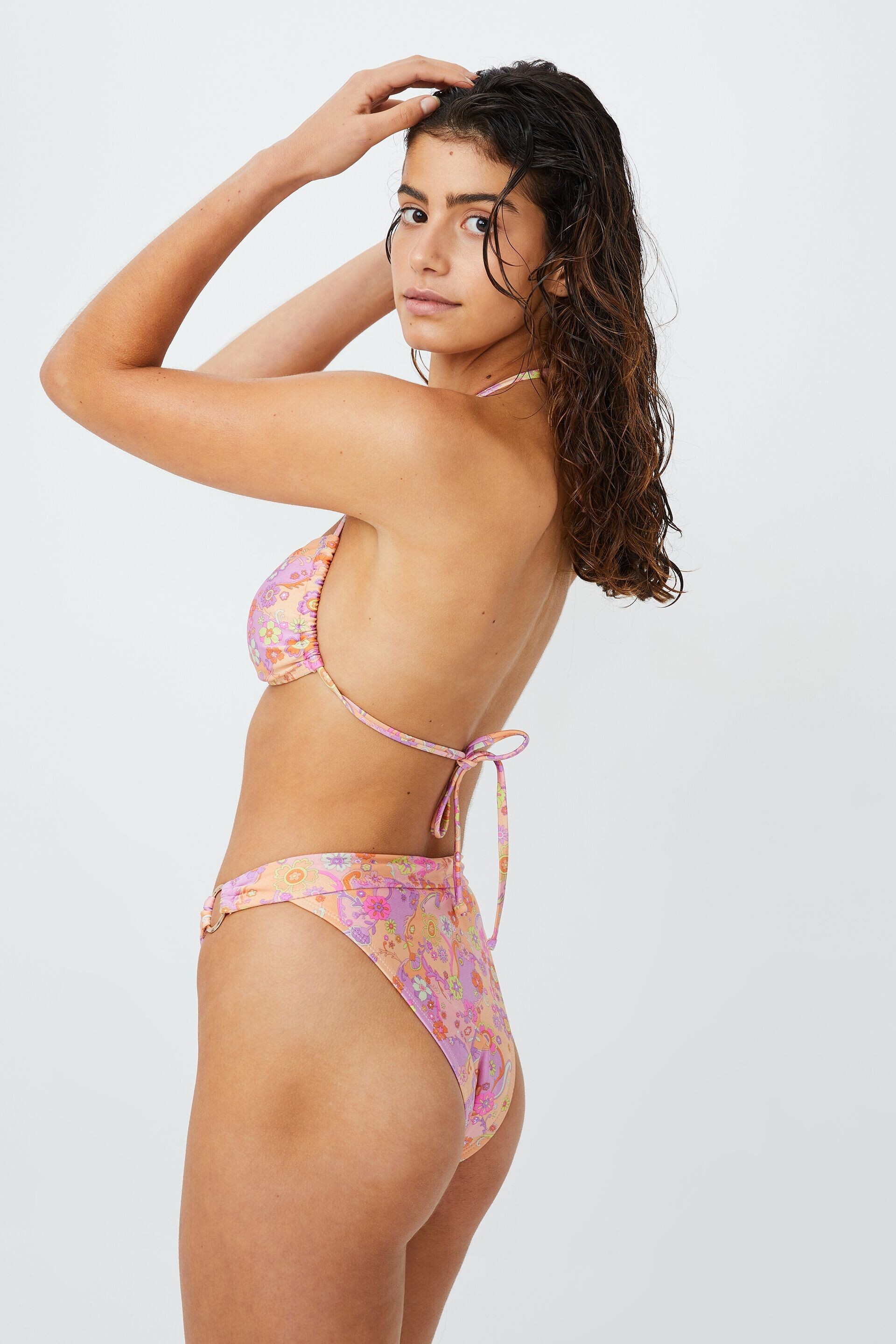
Anyone can ID the brunette model from Cotton On? She looks gorgeous. Thanks in advance!
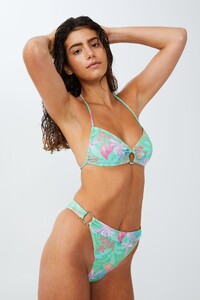
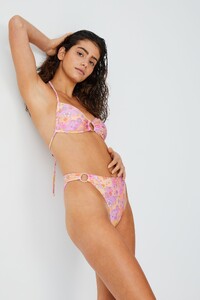
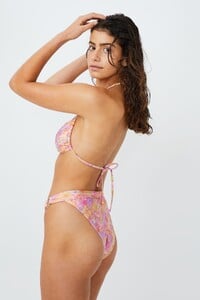
-
I wonder if it's actually Amber Jepson herself...
-
Thank you so much!
-
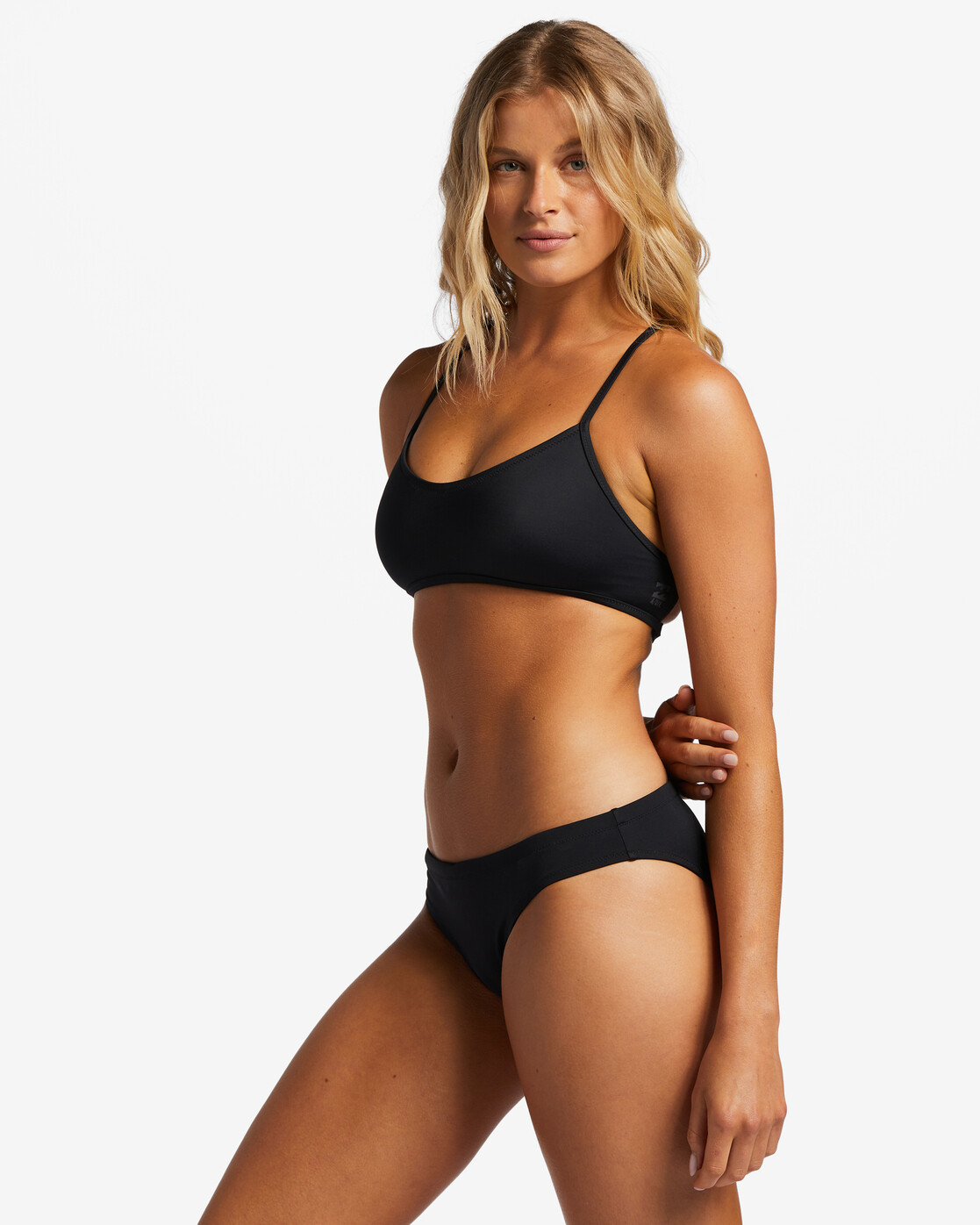
Anyone can help me ID-ing this model from the Billabong website? Thank you in advance!
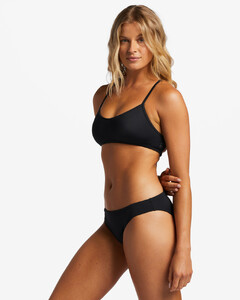
-
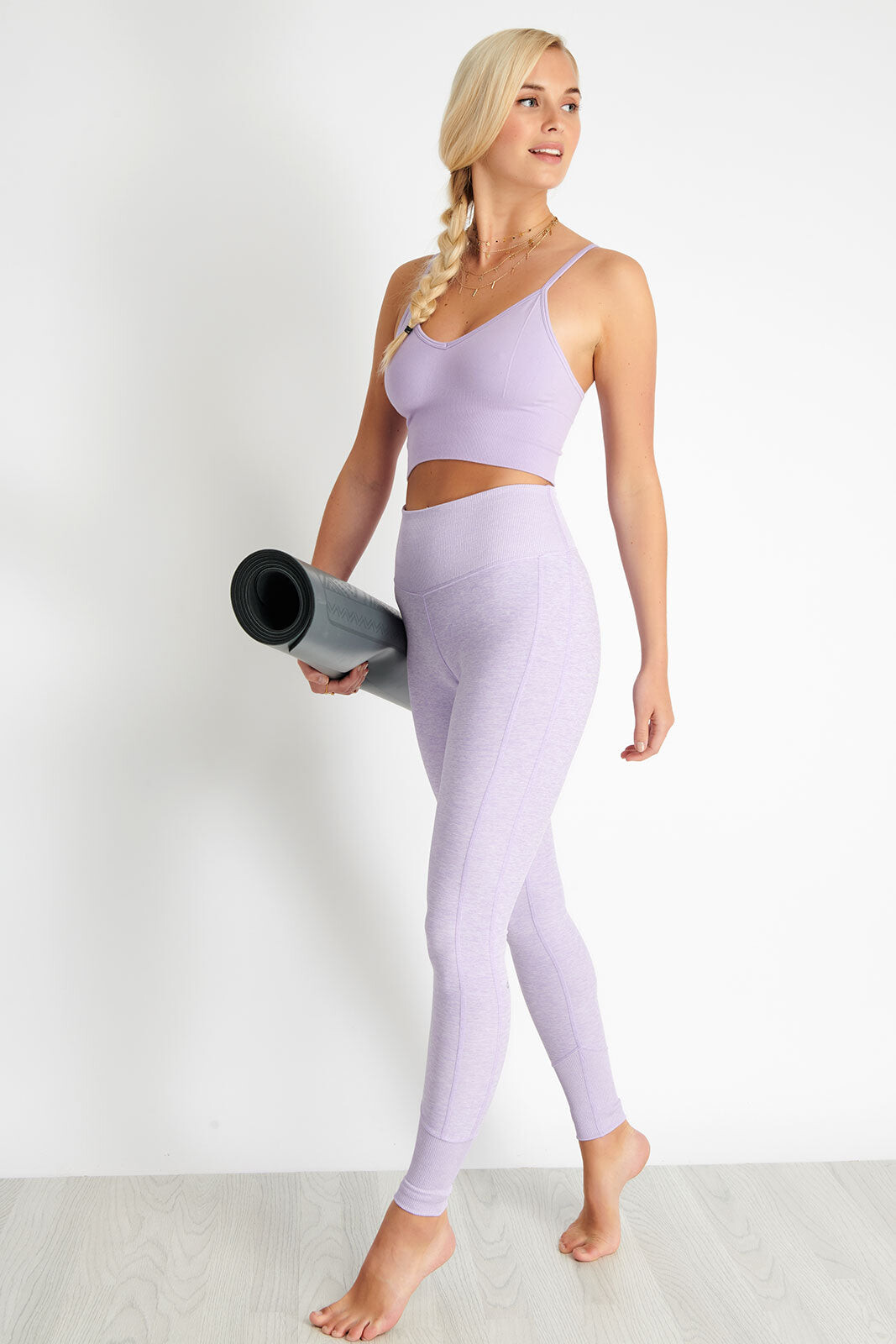
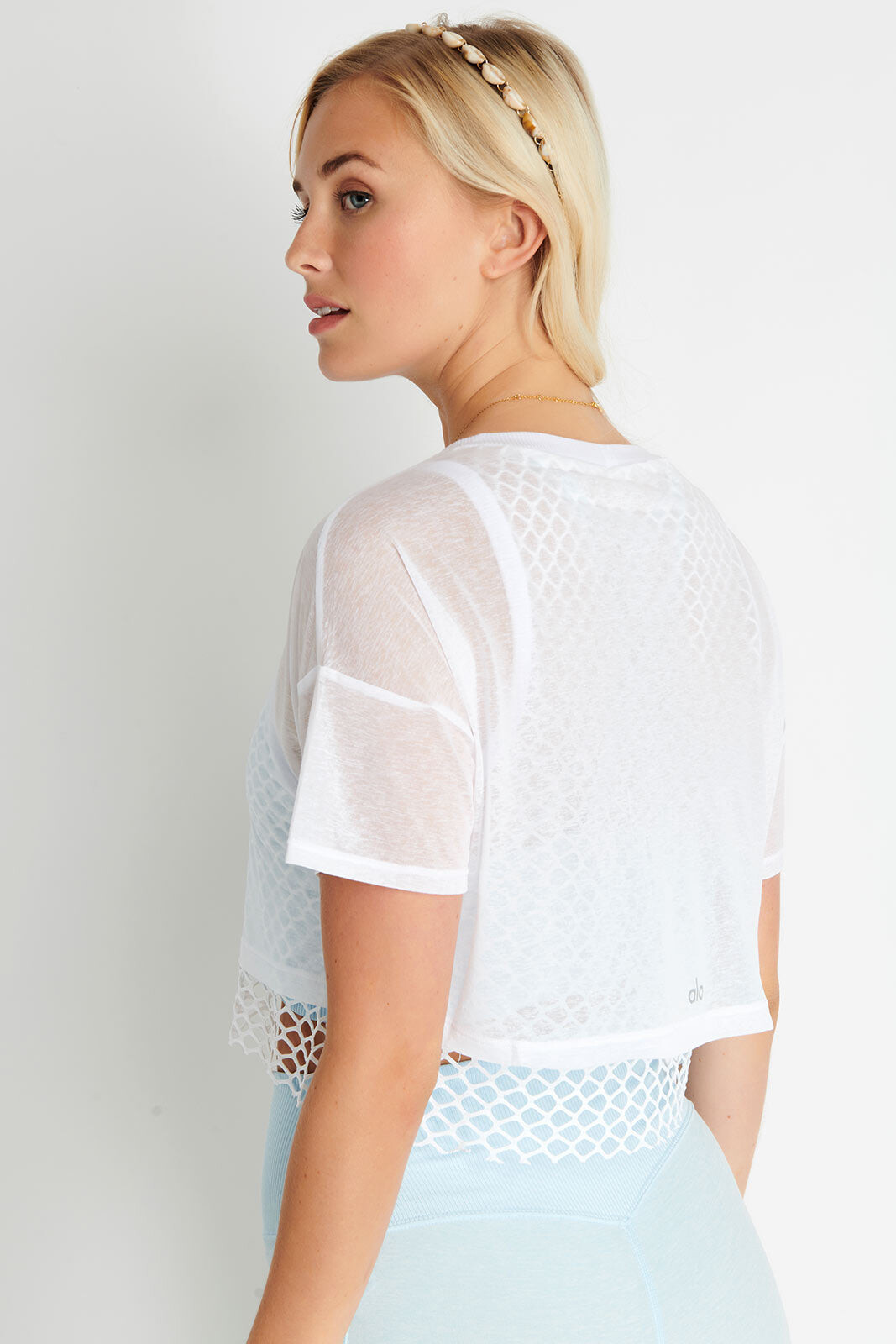
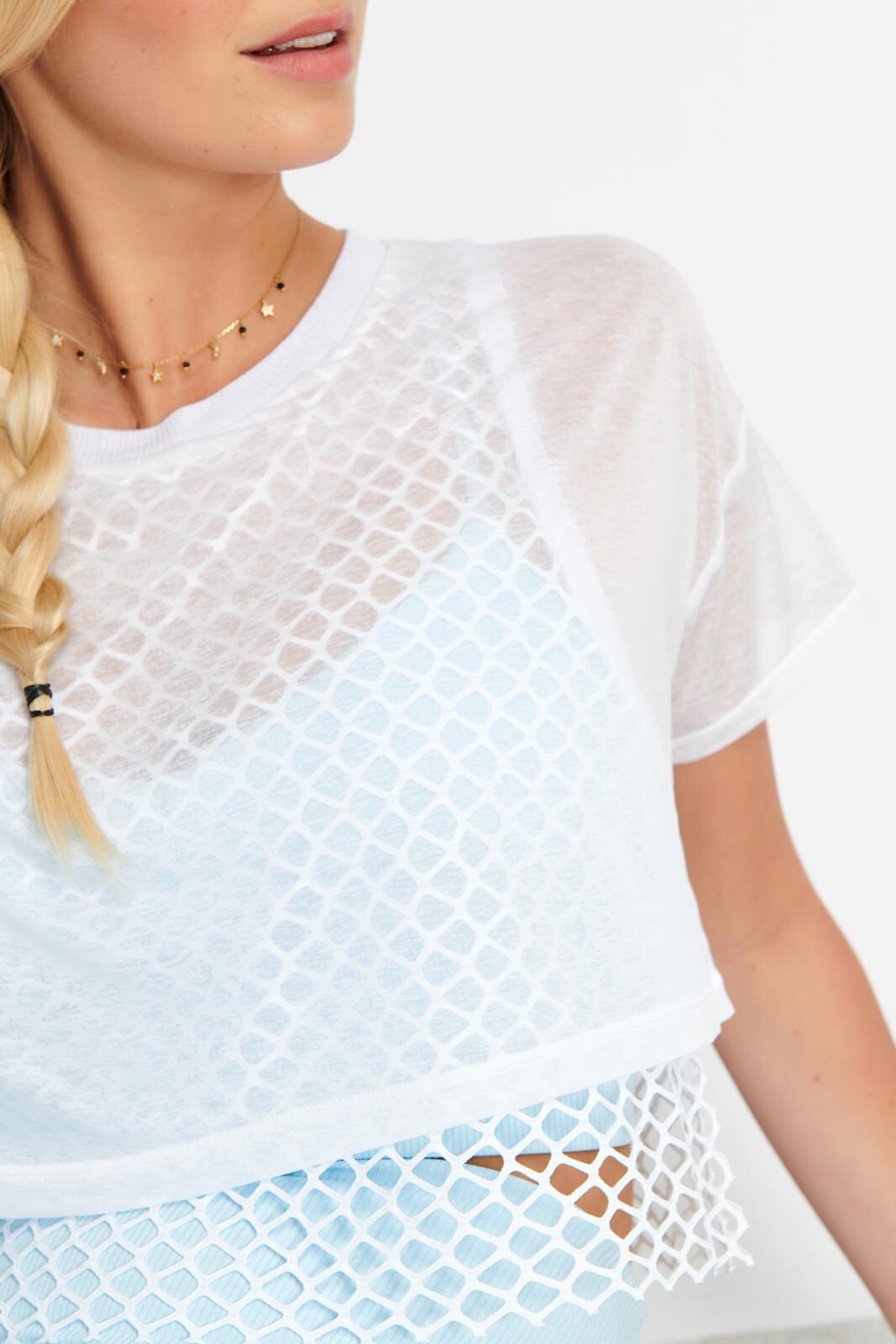
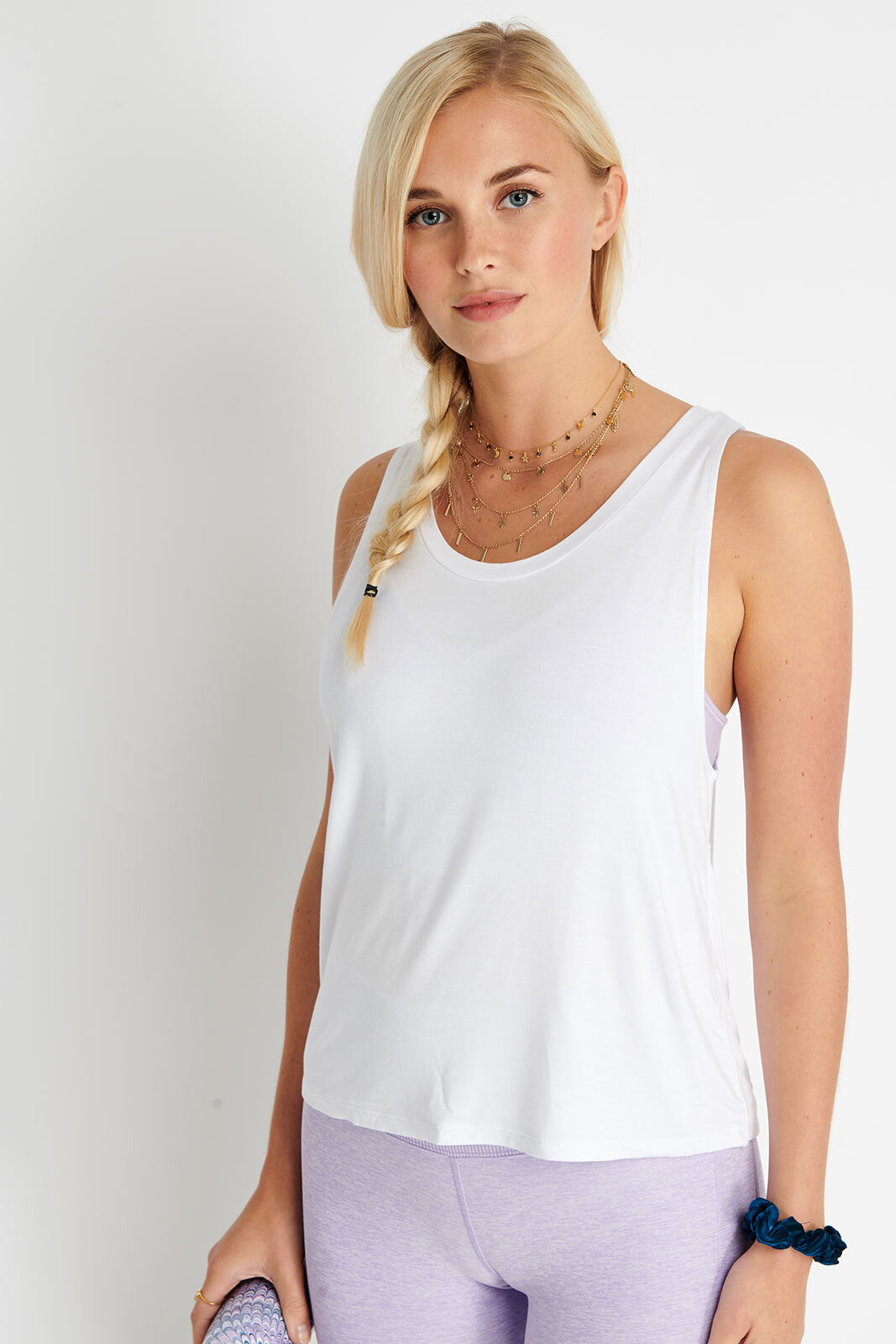
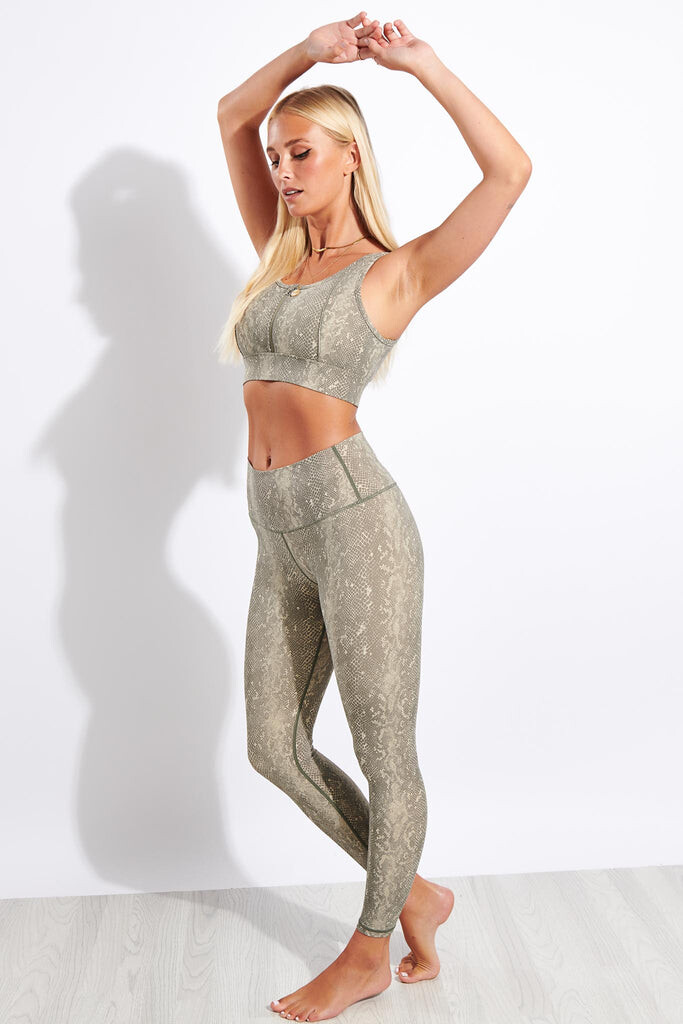
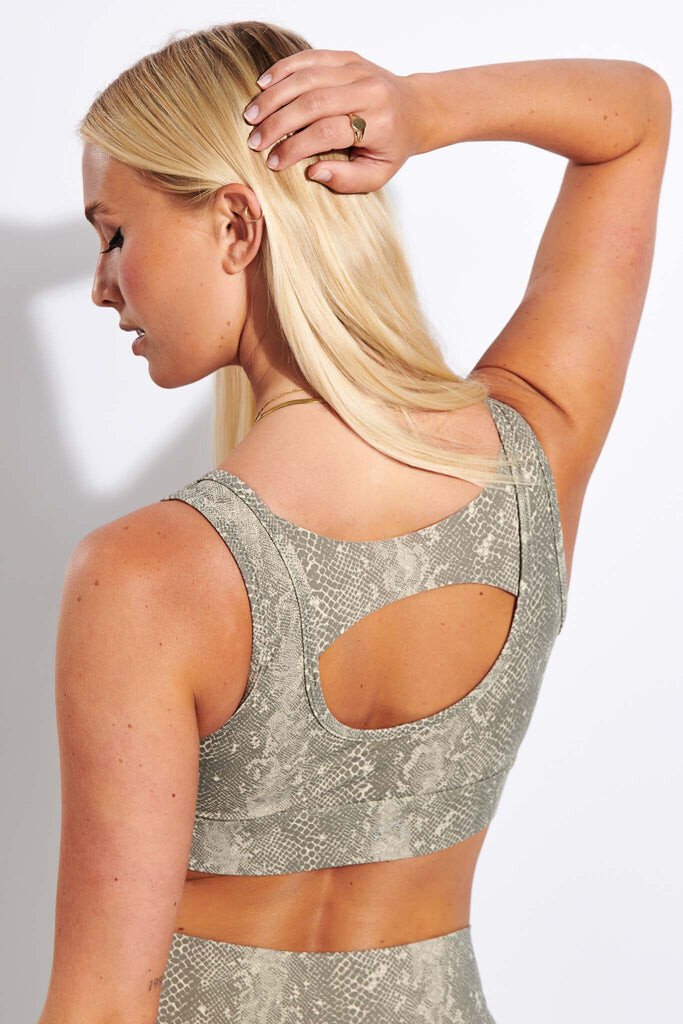
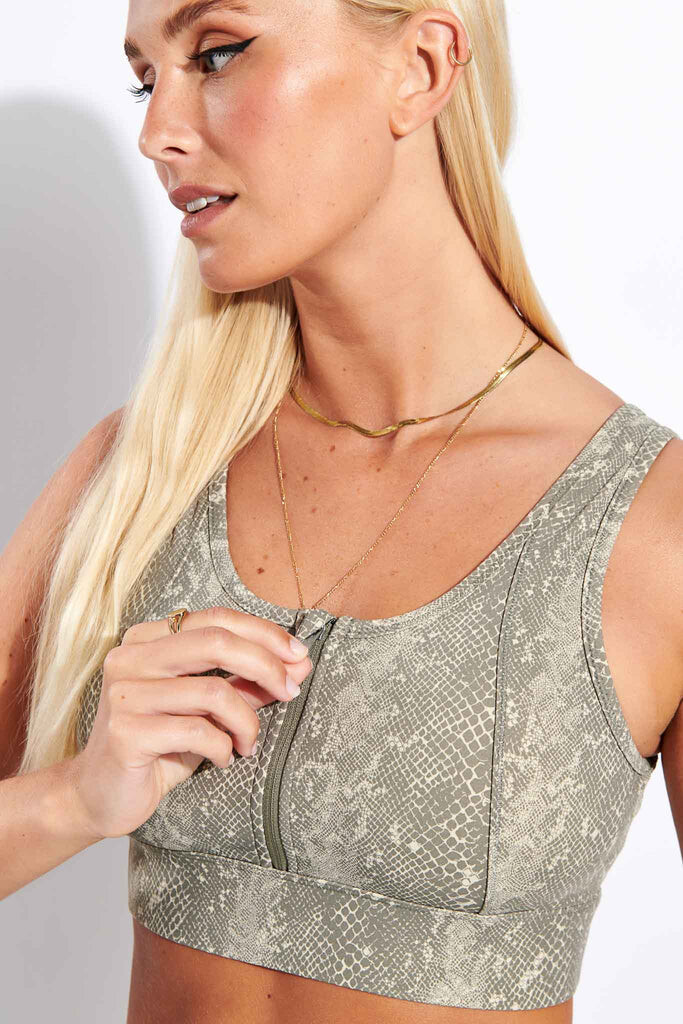
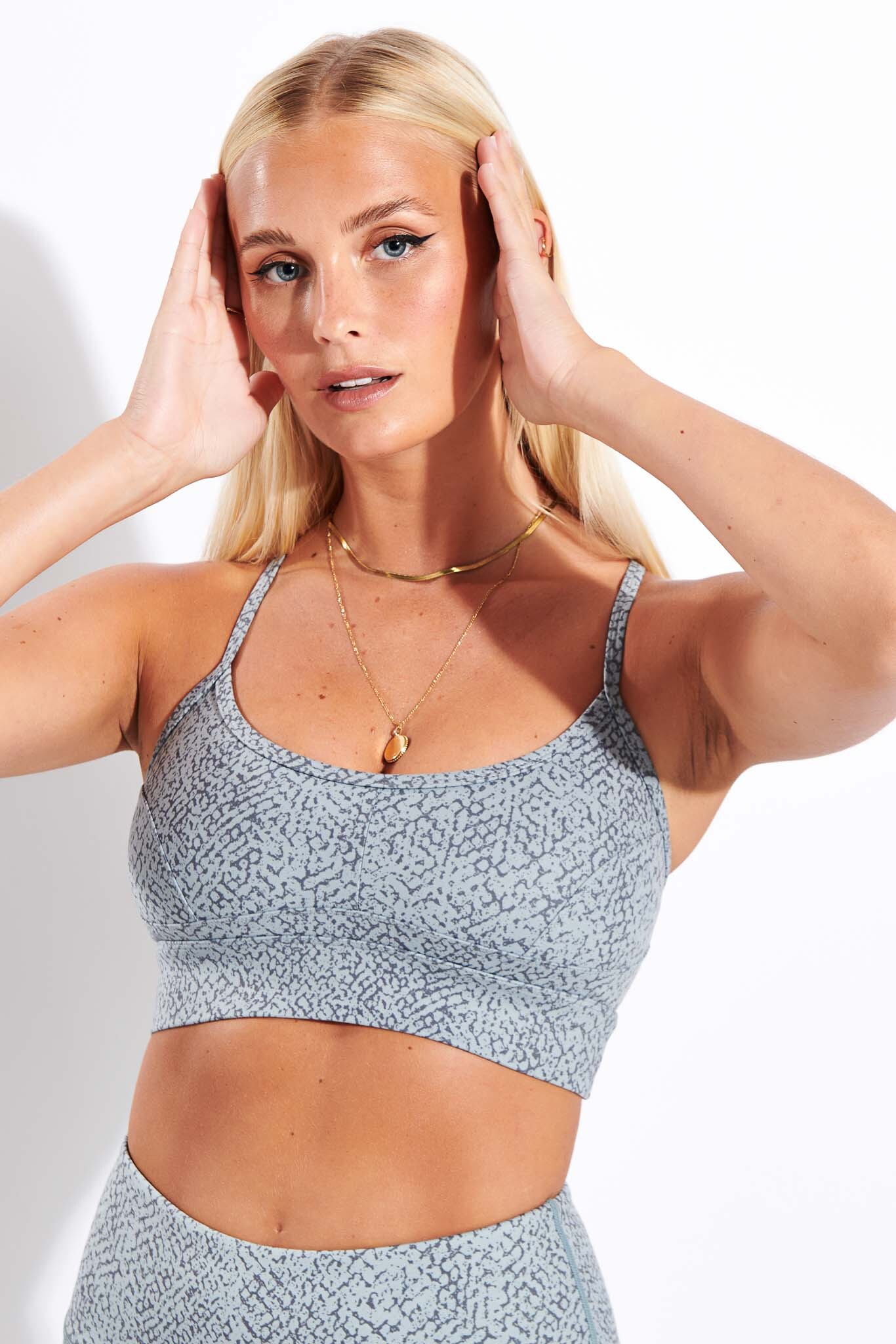
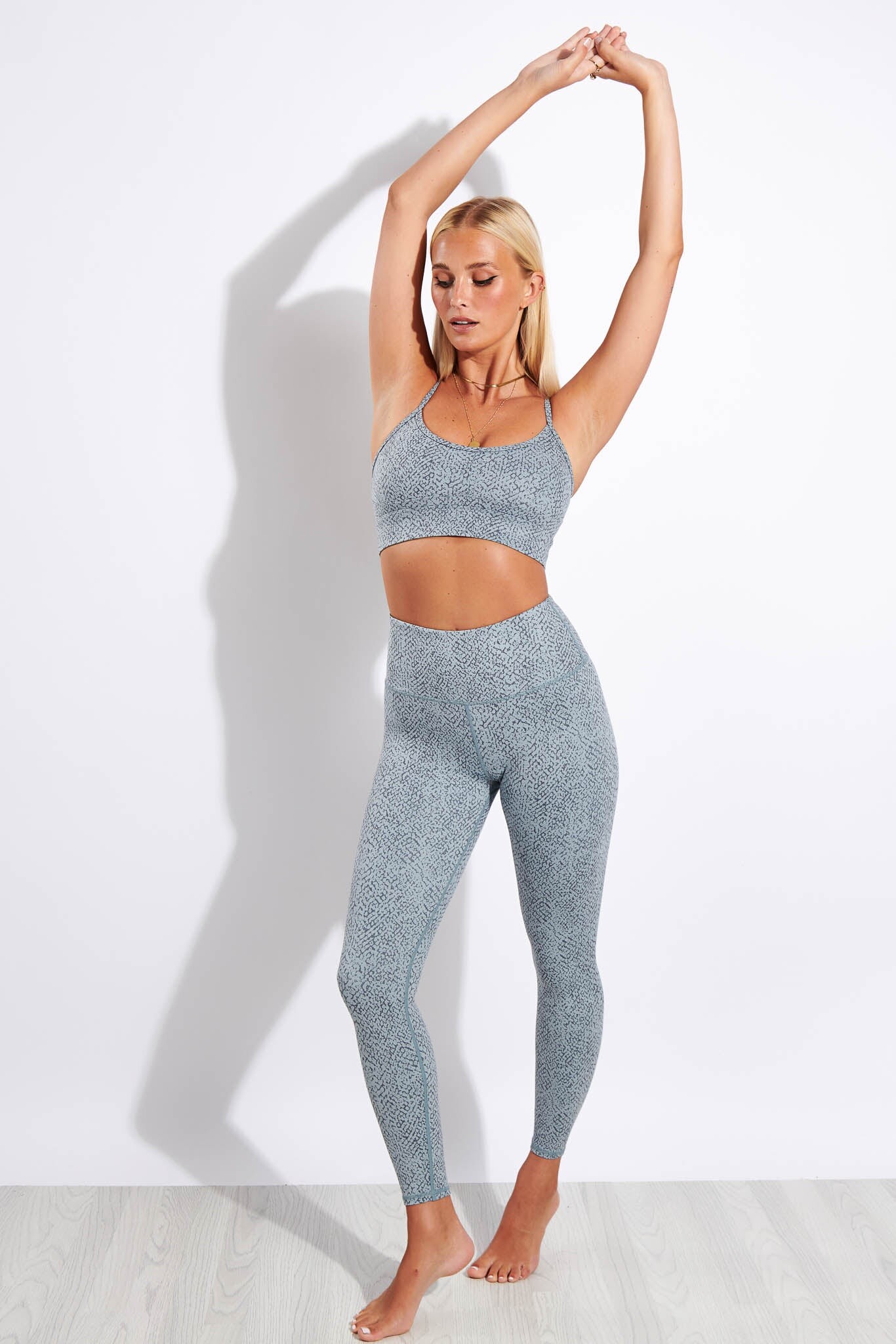
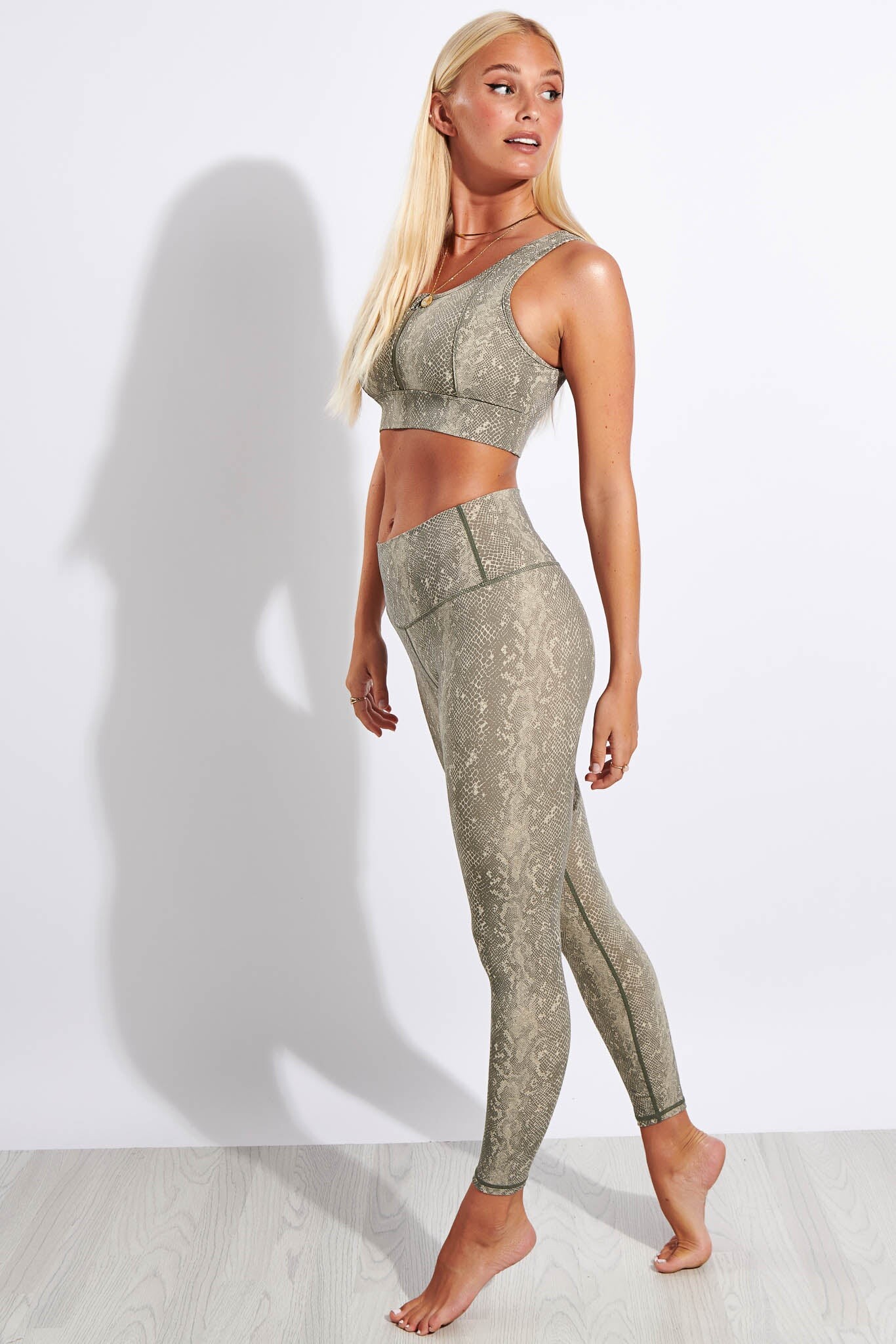
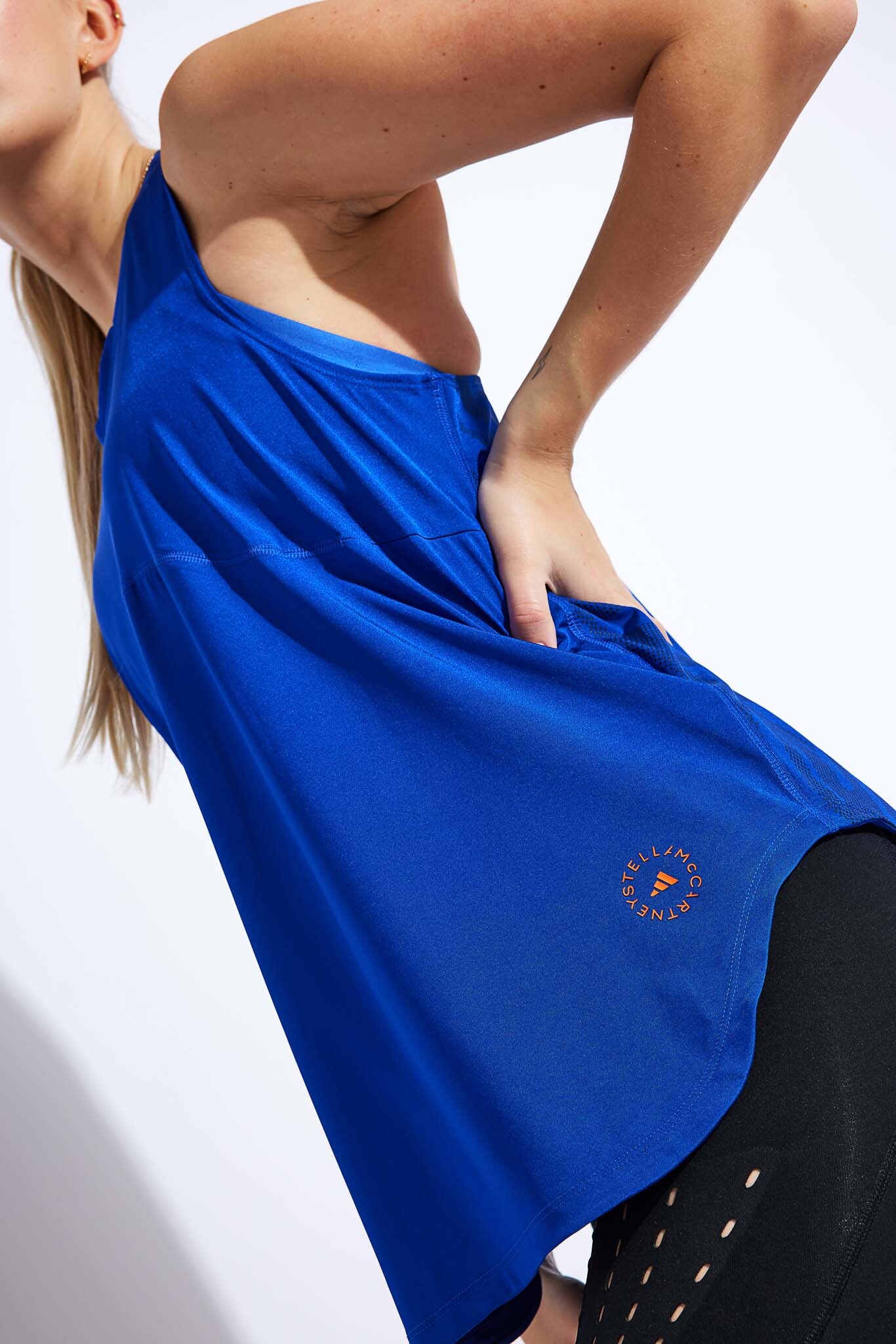
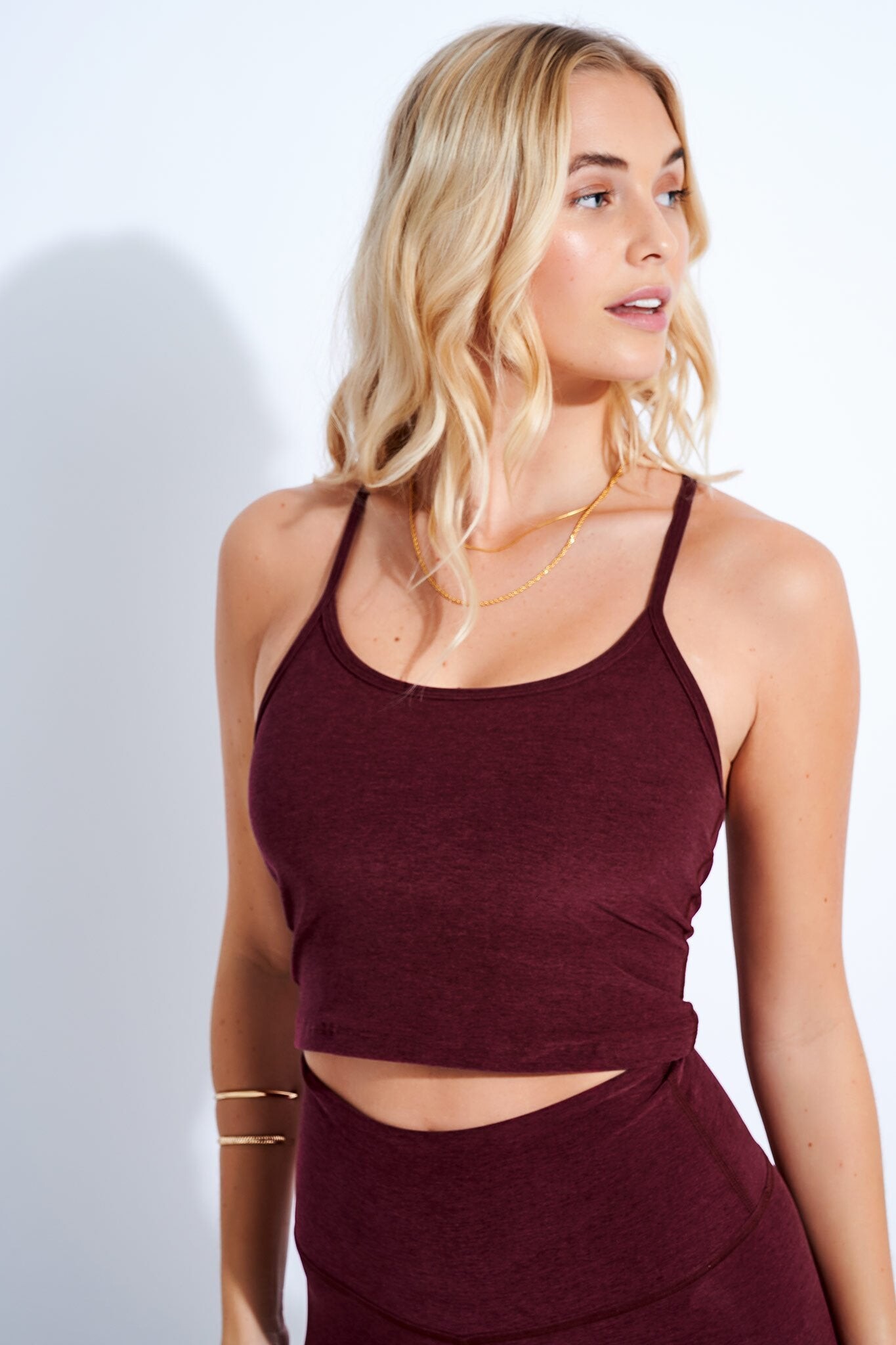
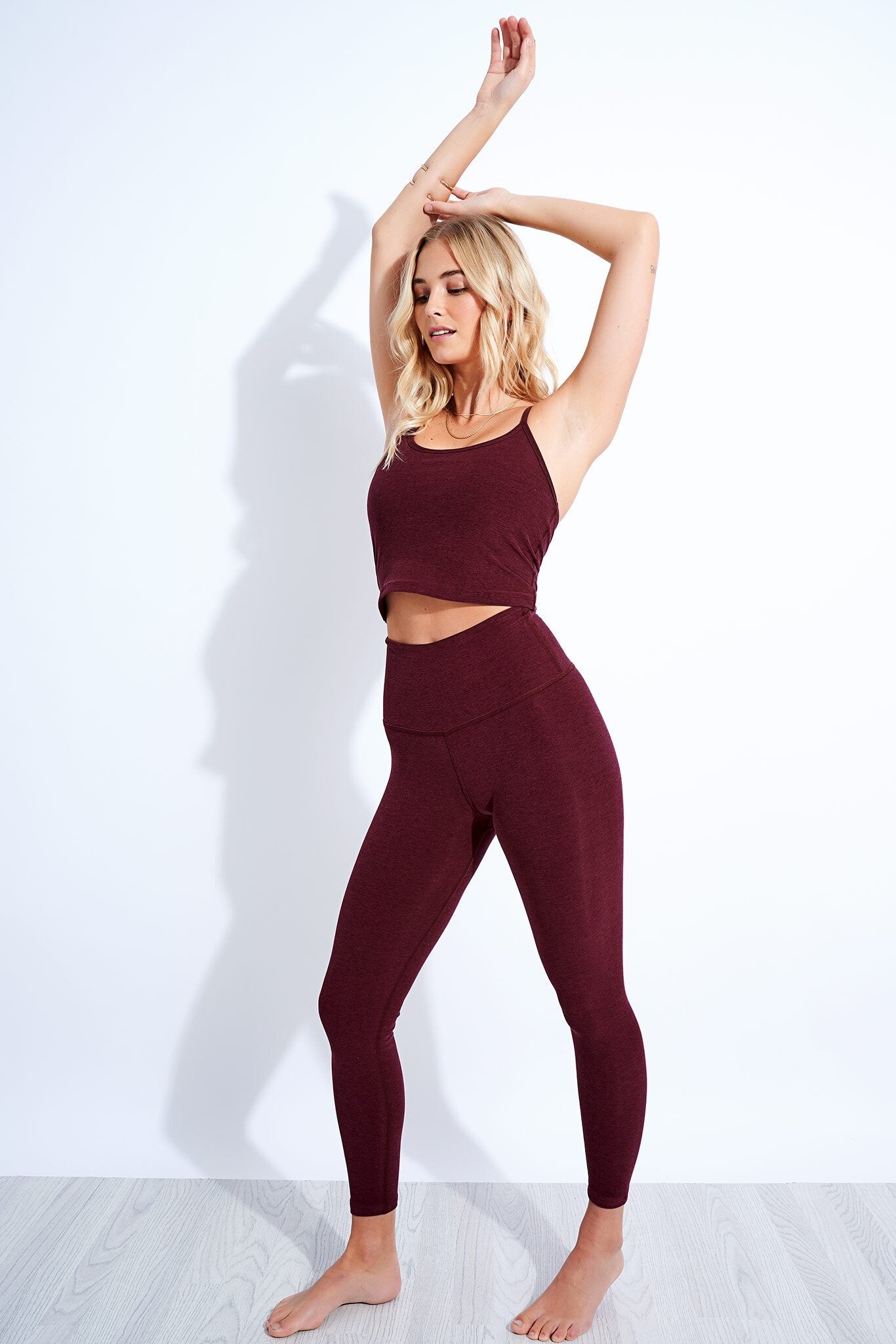
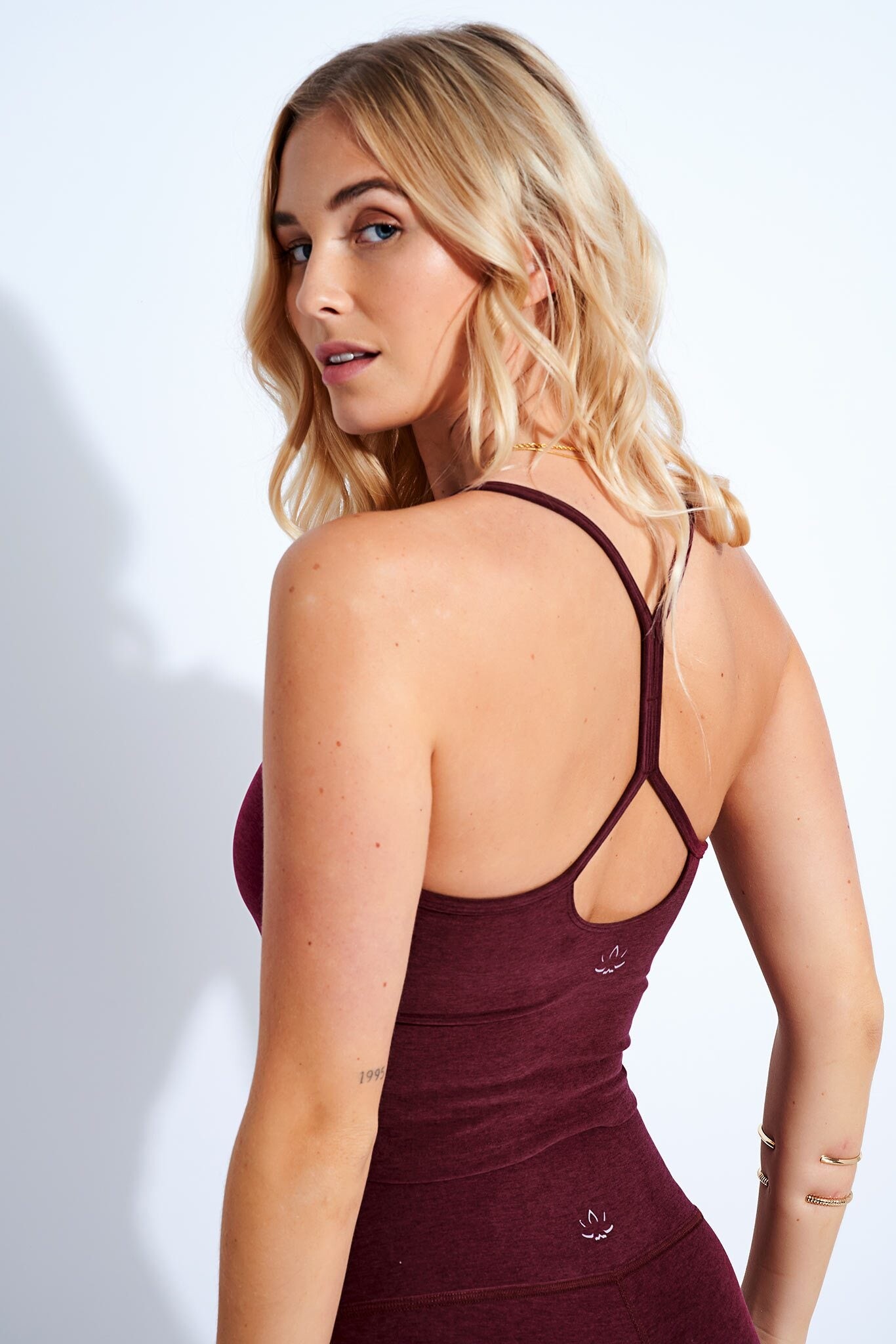
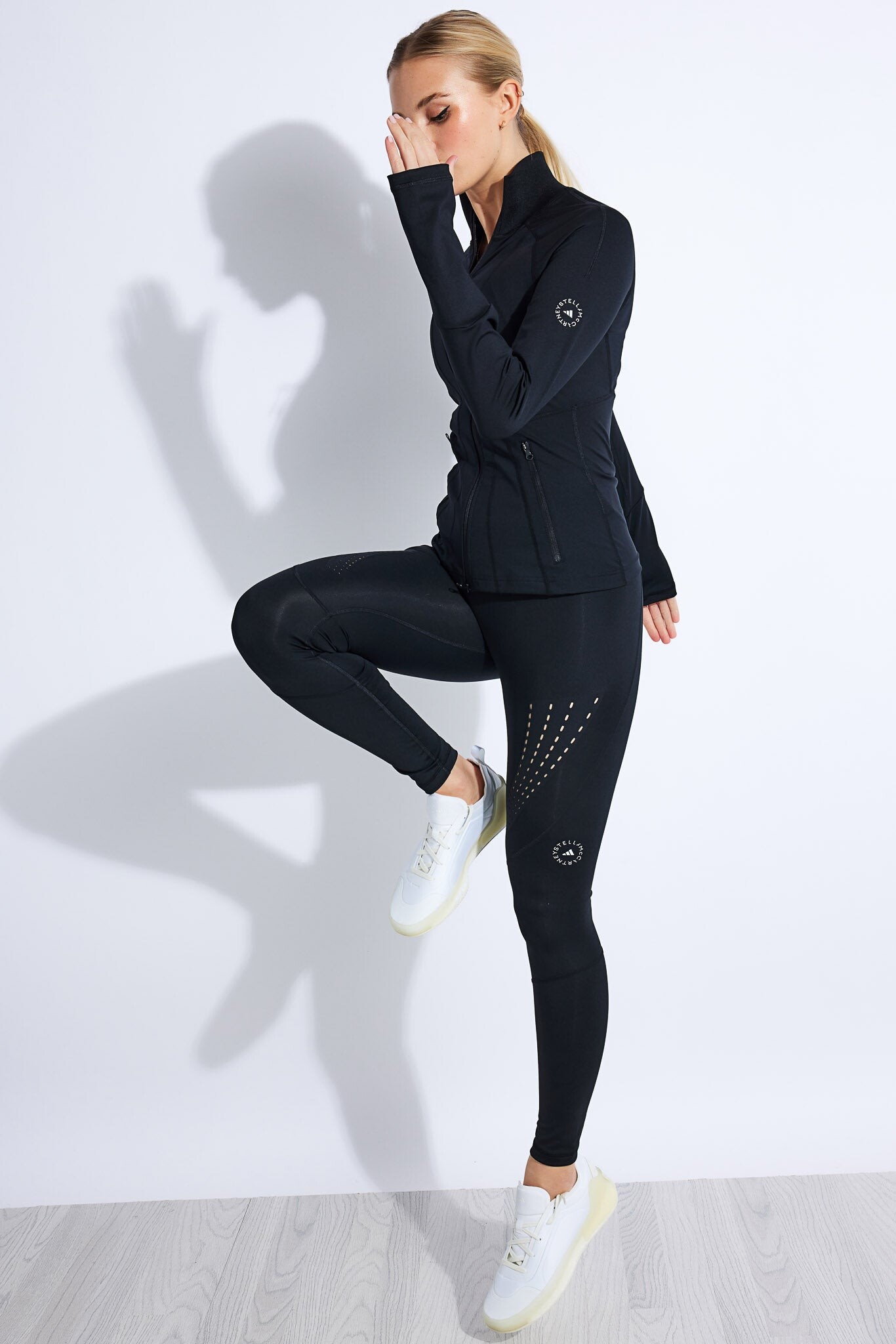
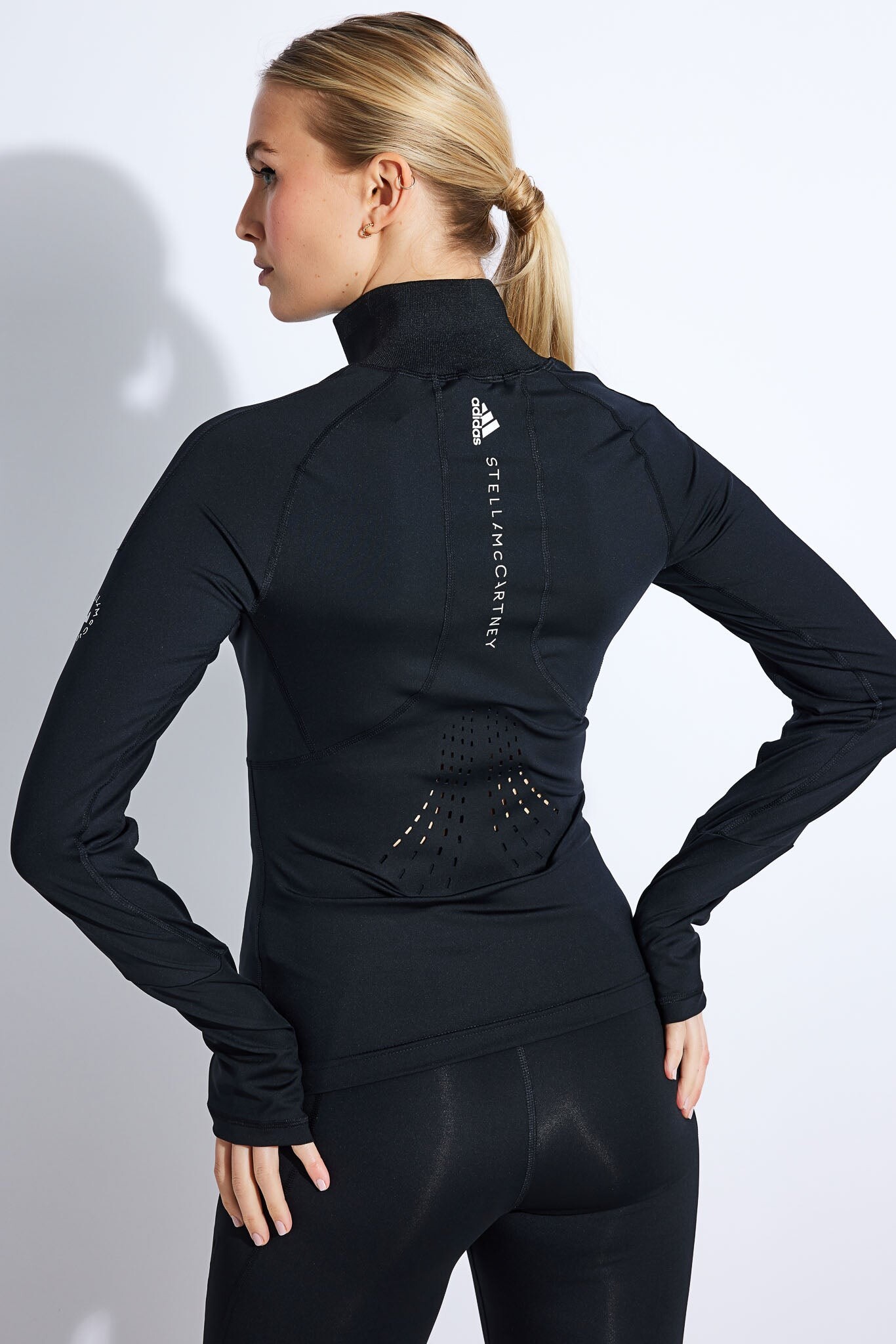
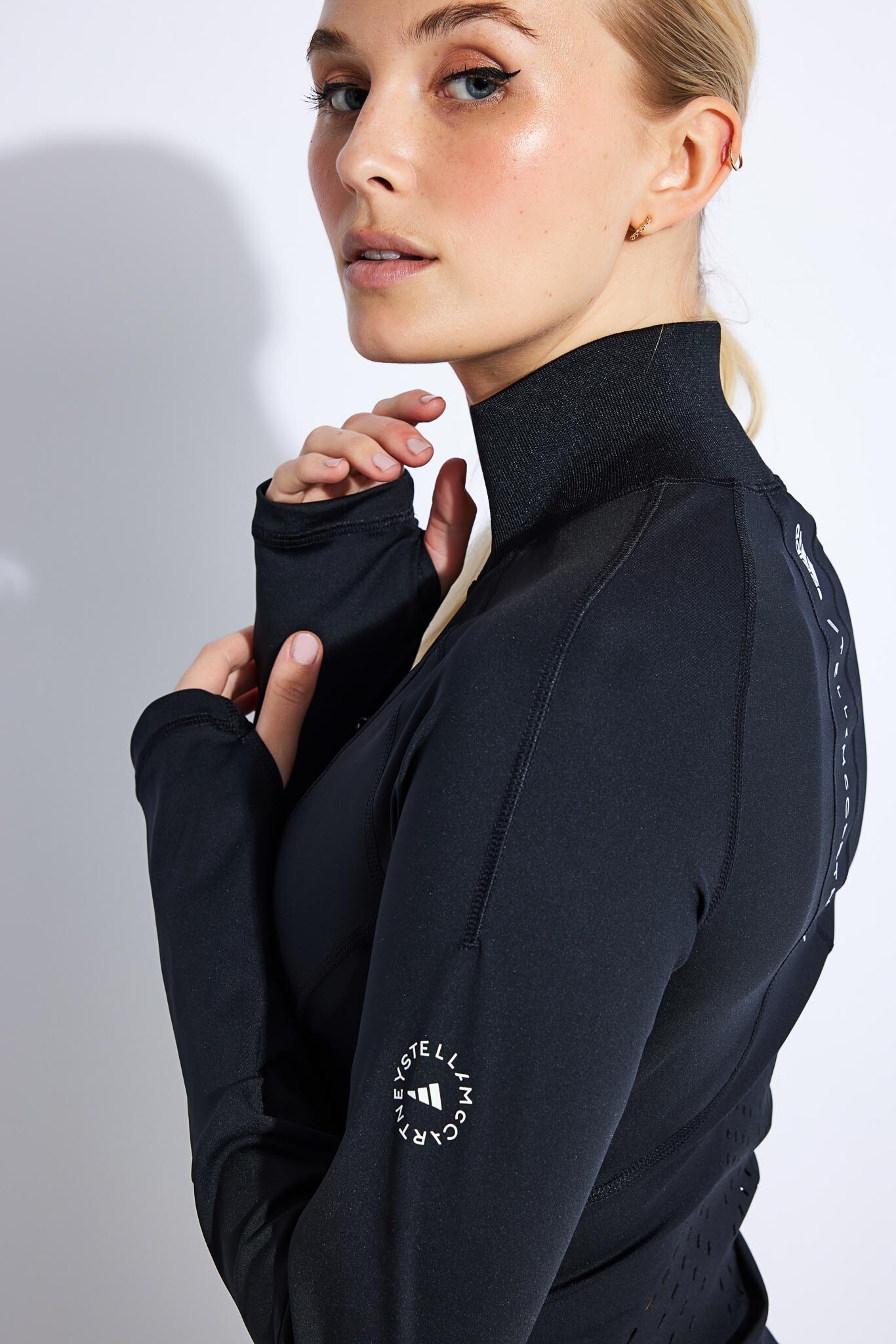
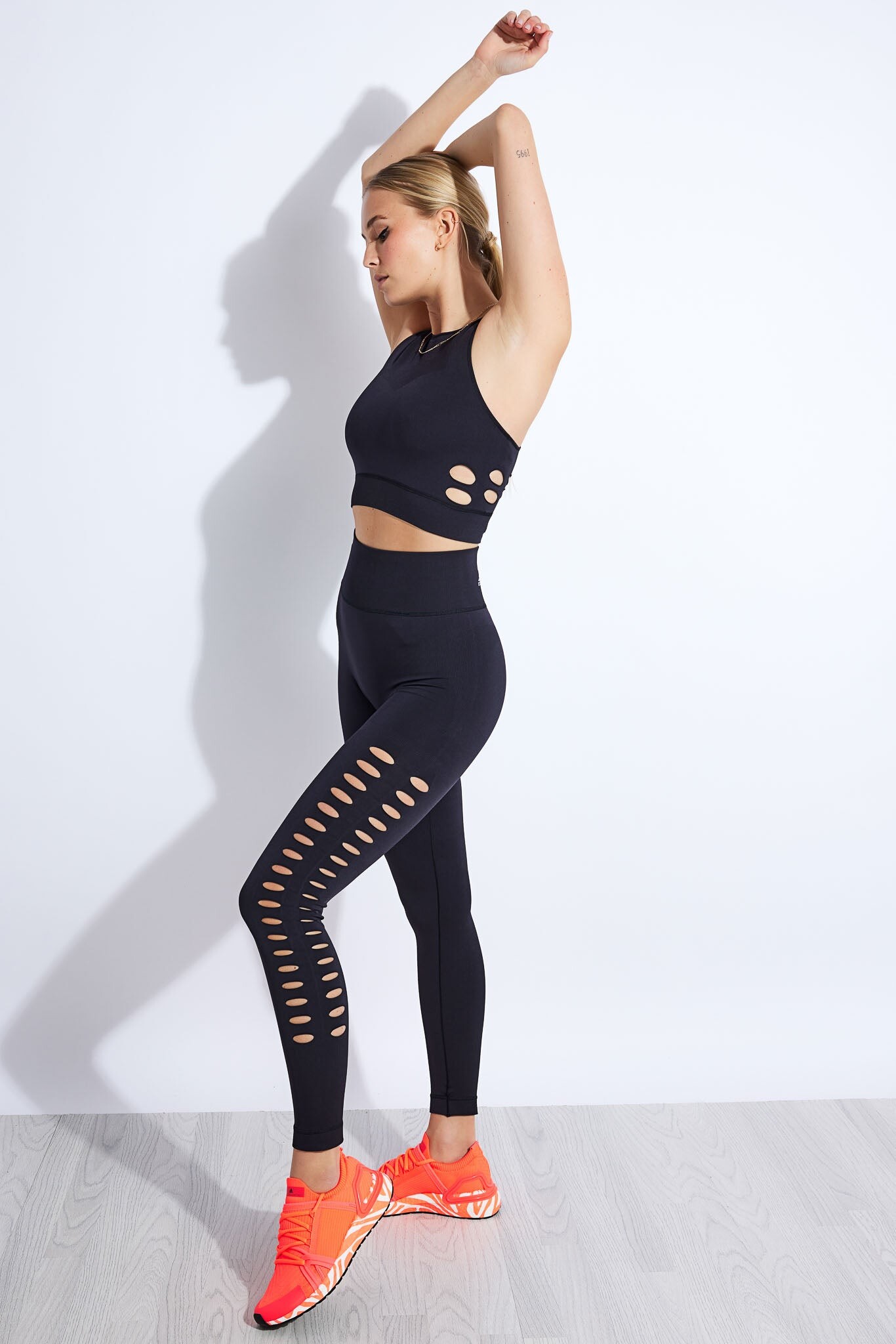
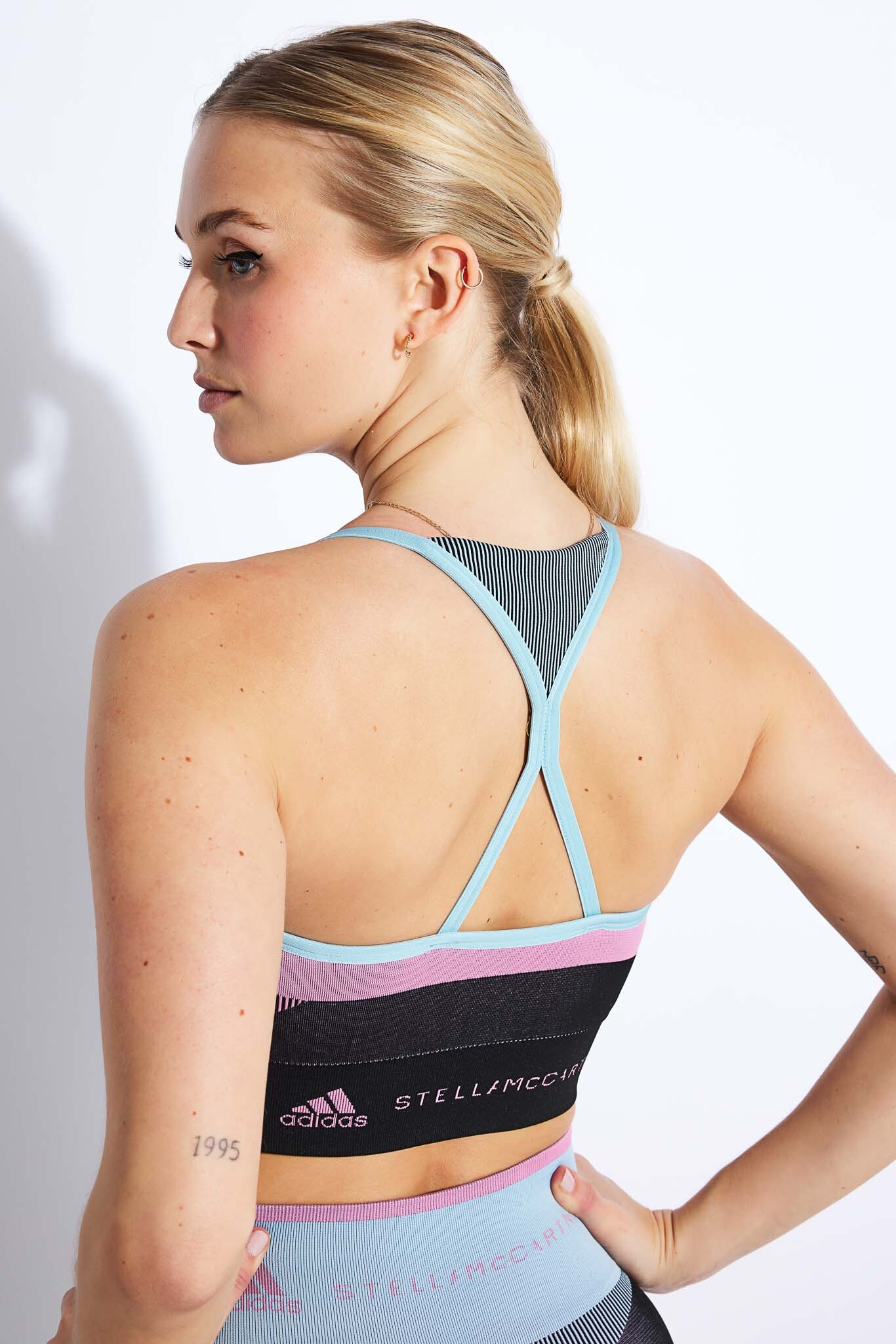
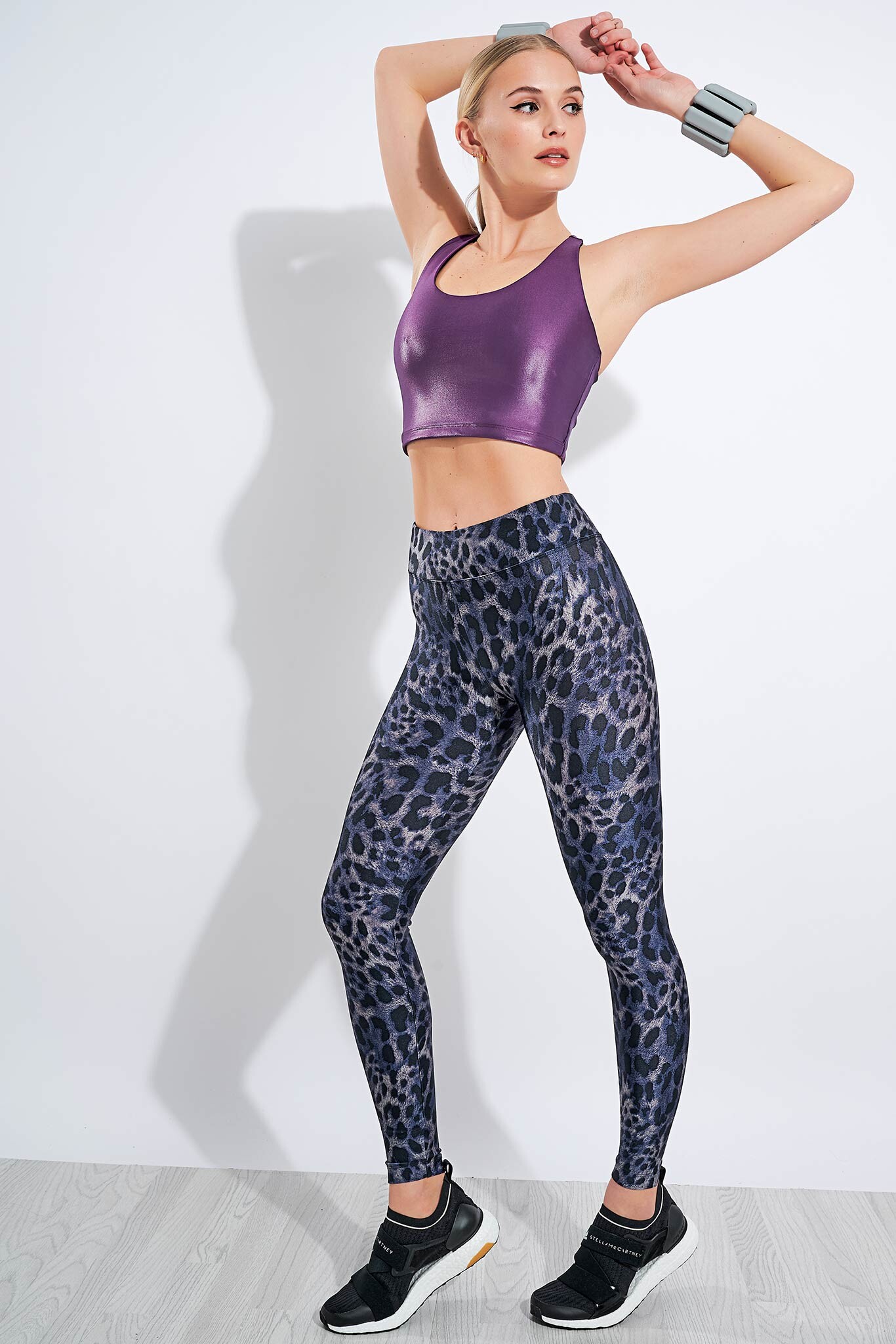
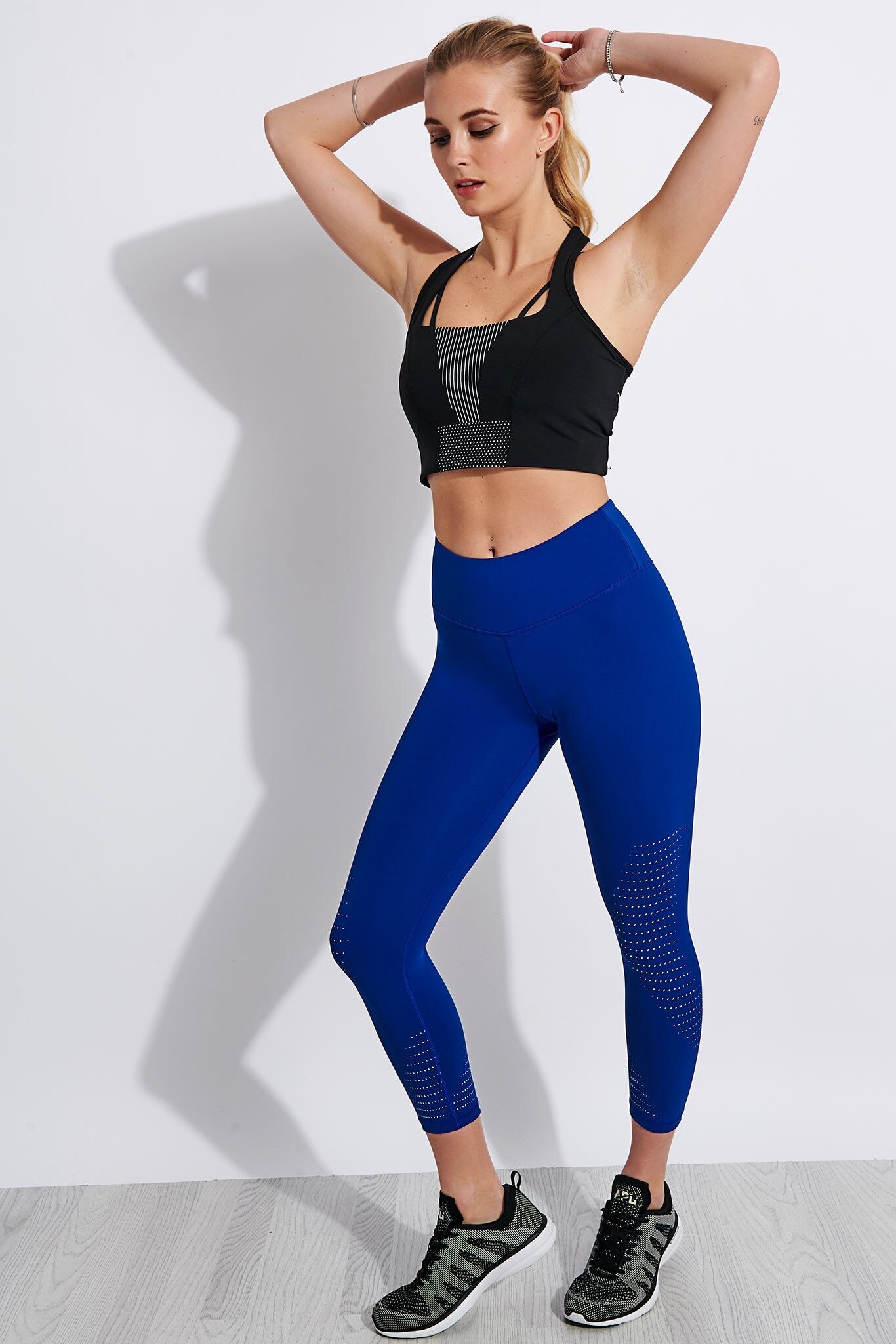
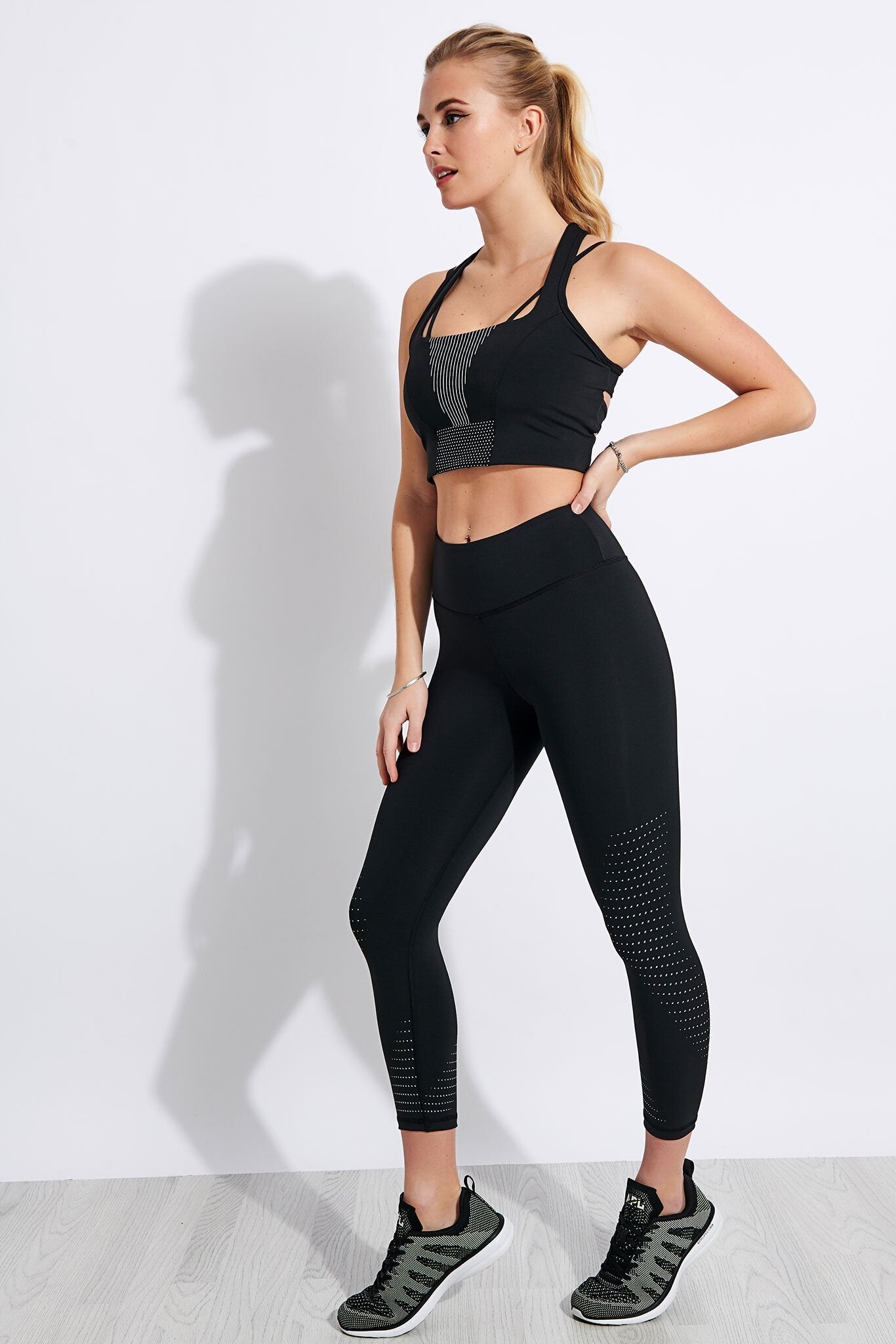
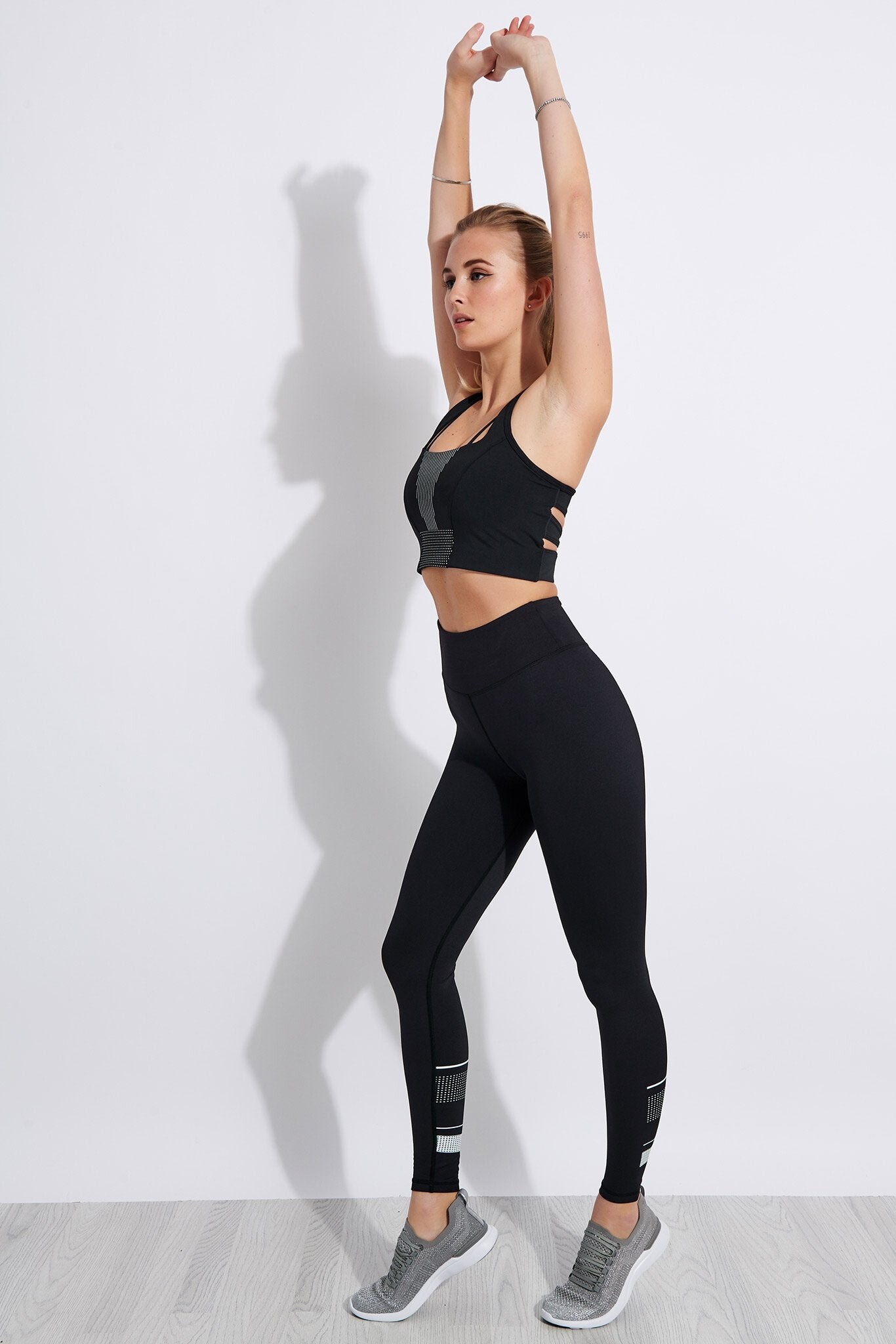
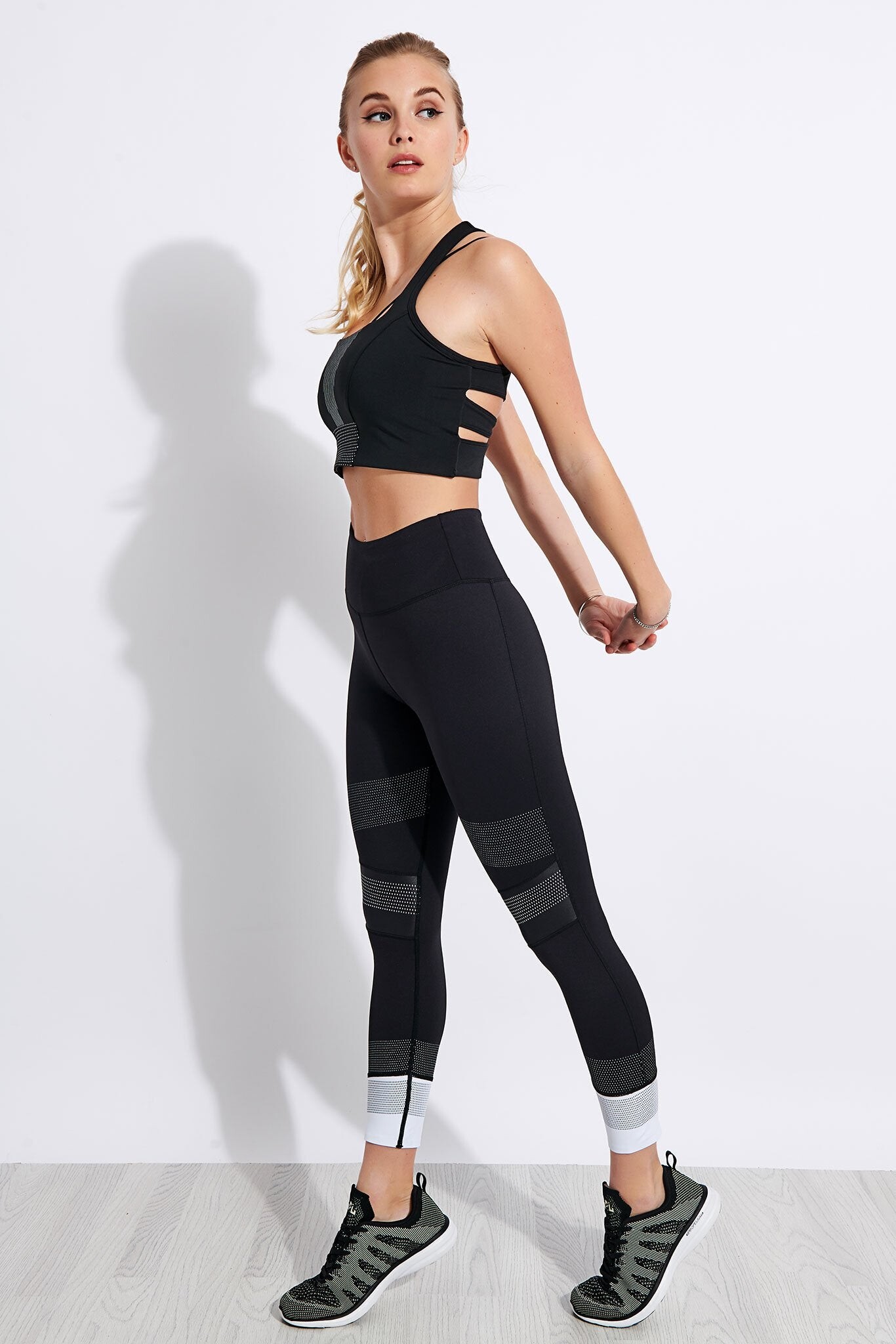
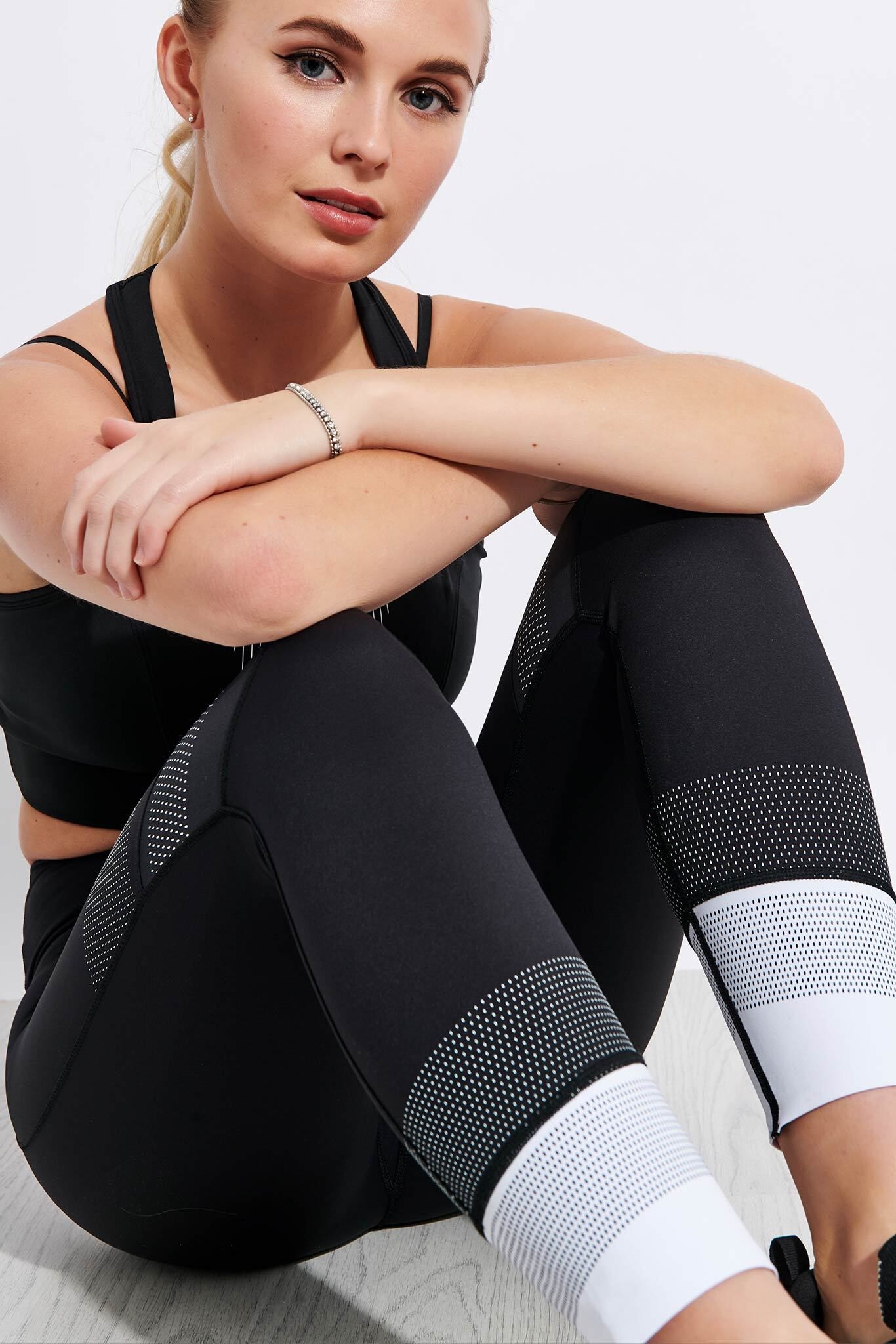
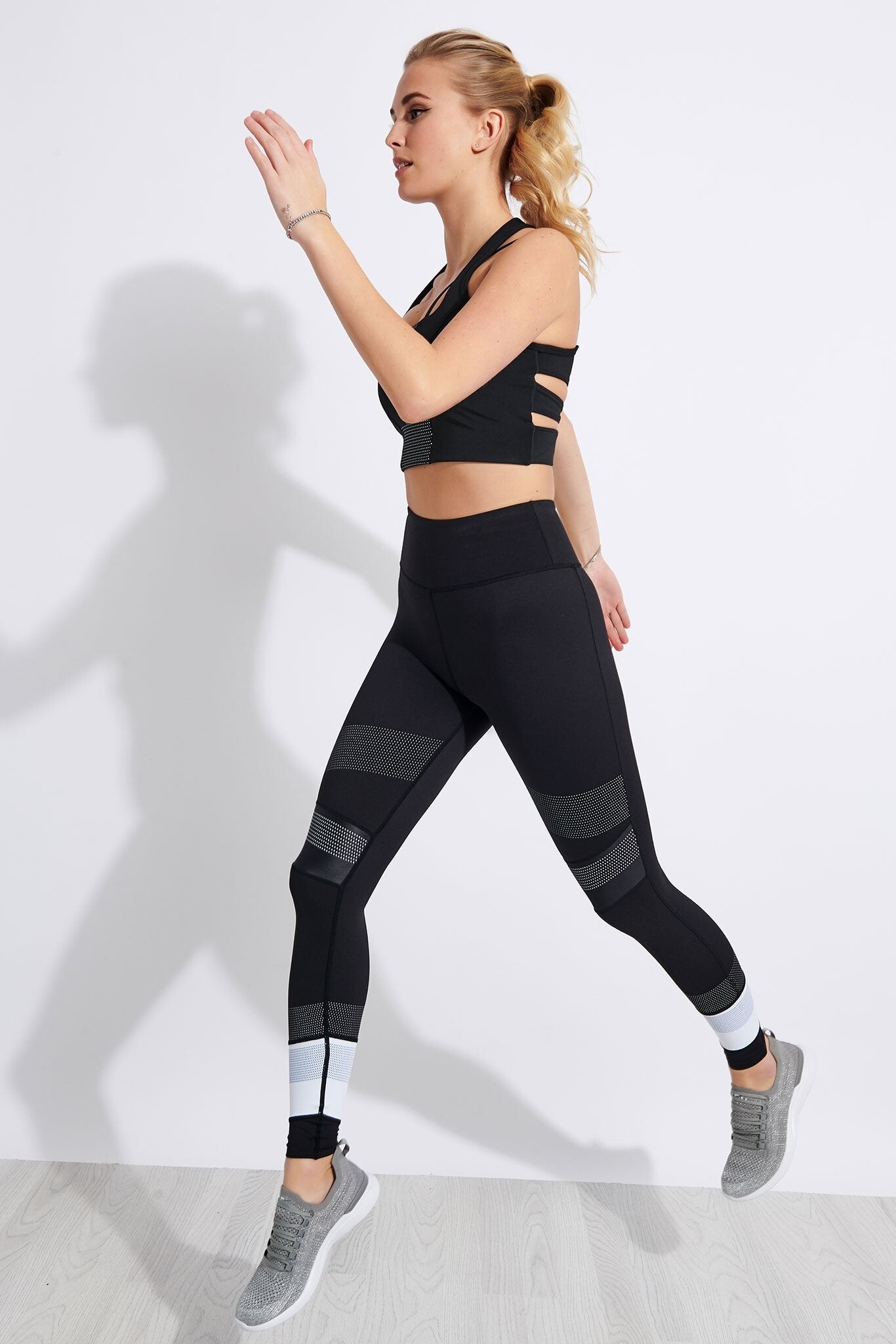
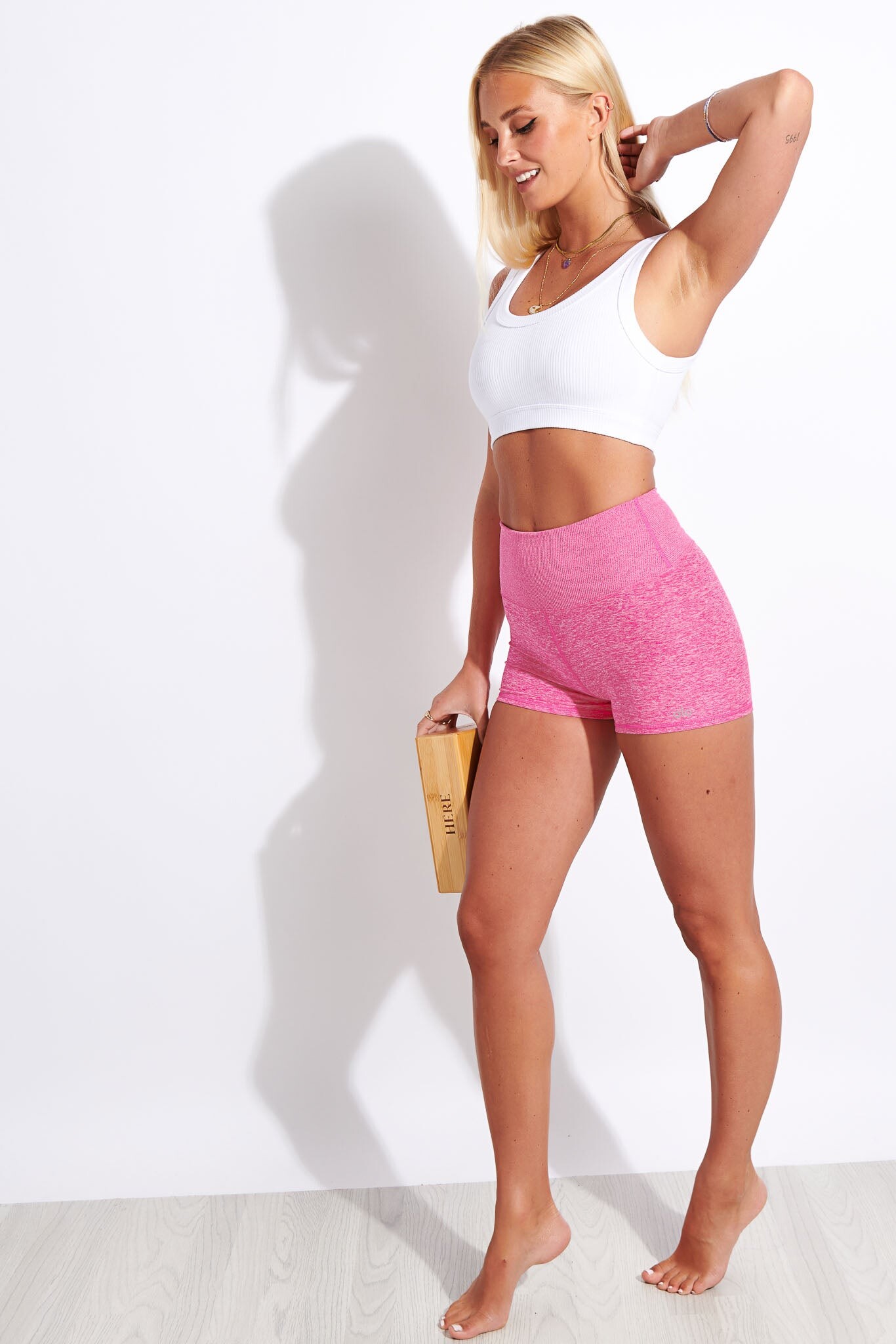
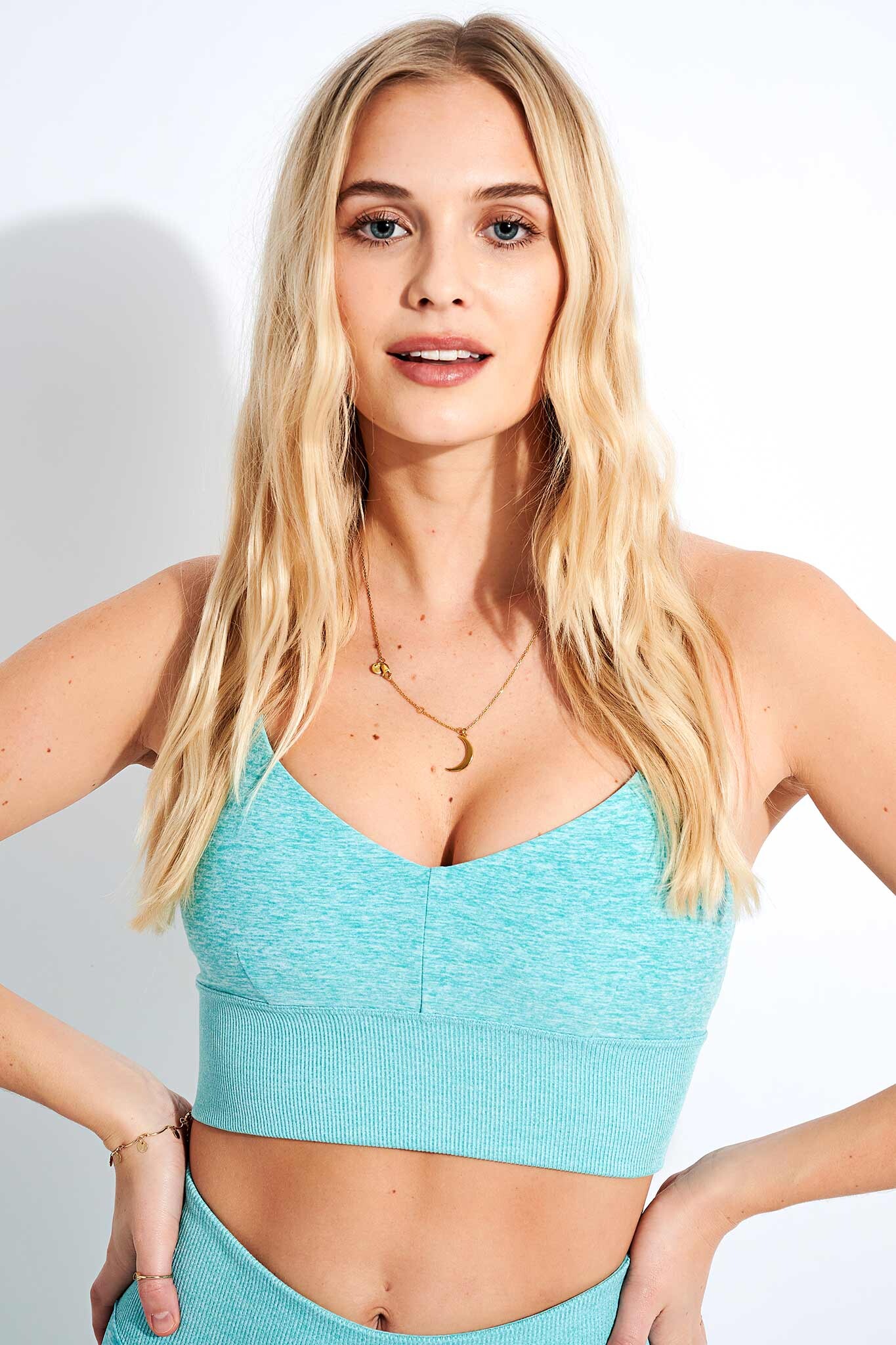
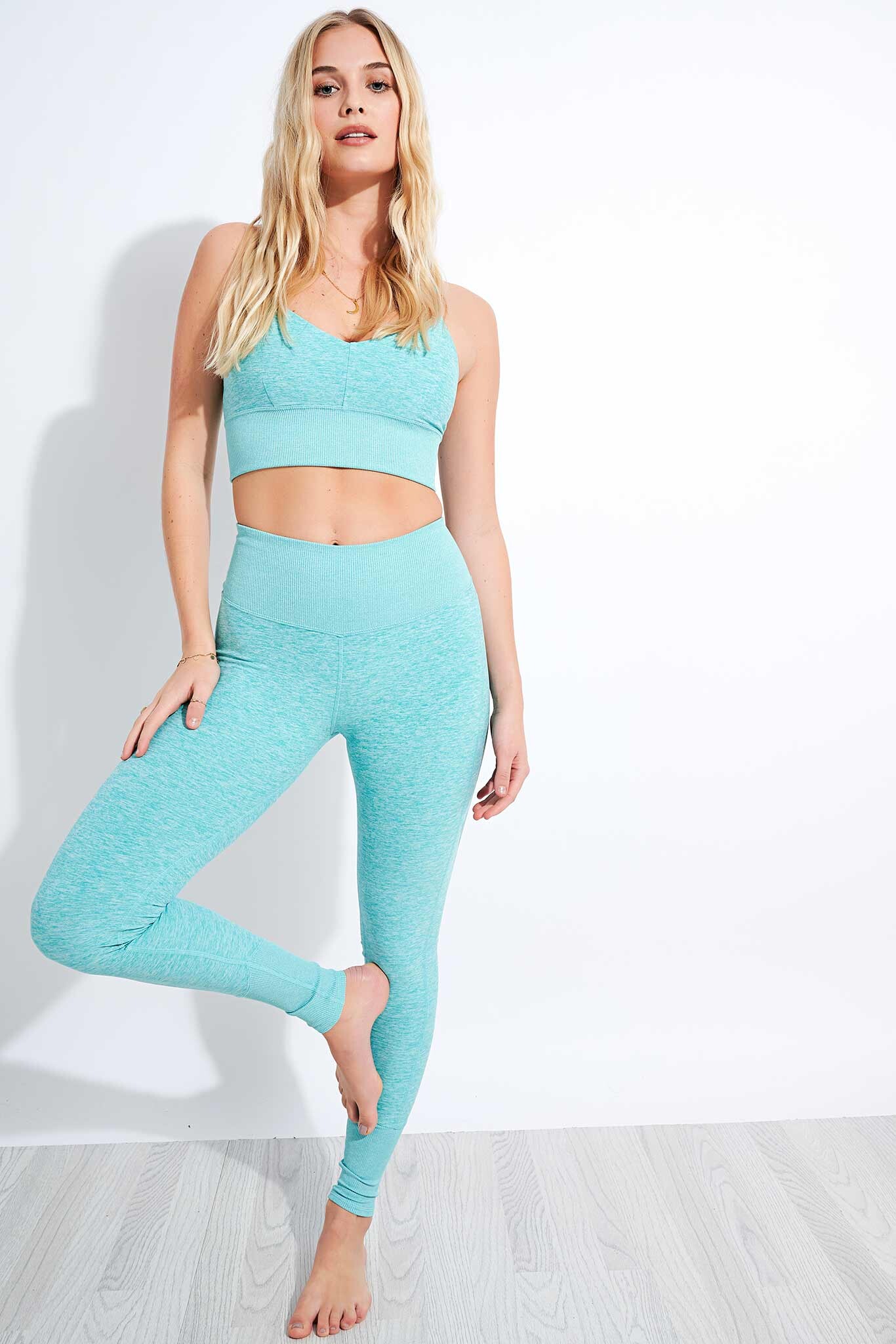
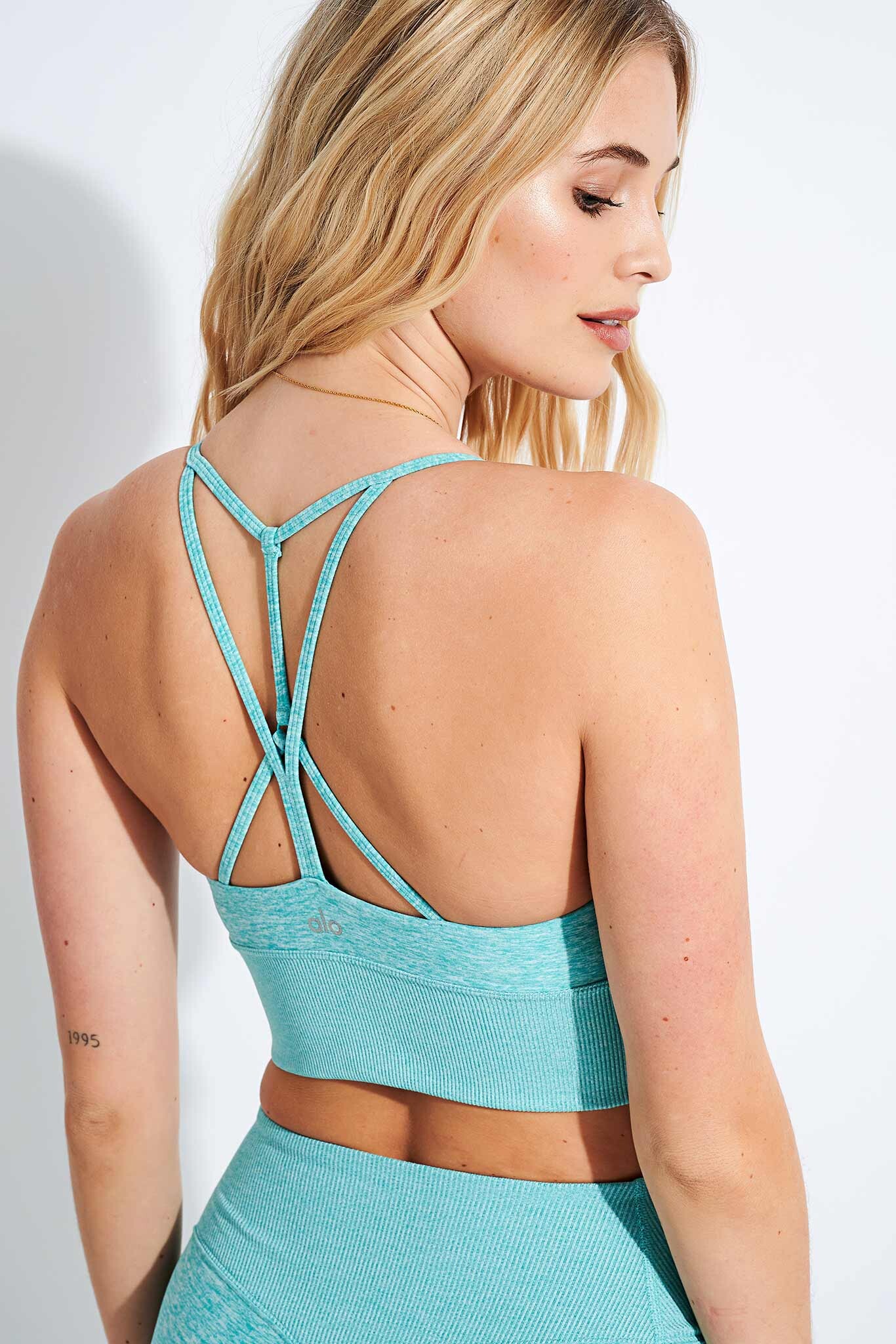
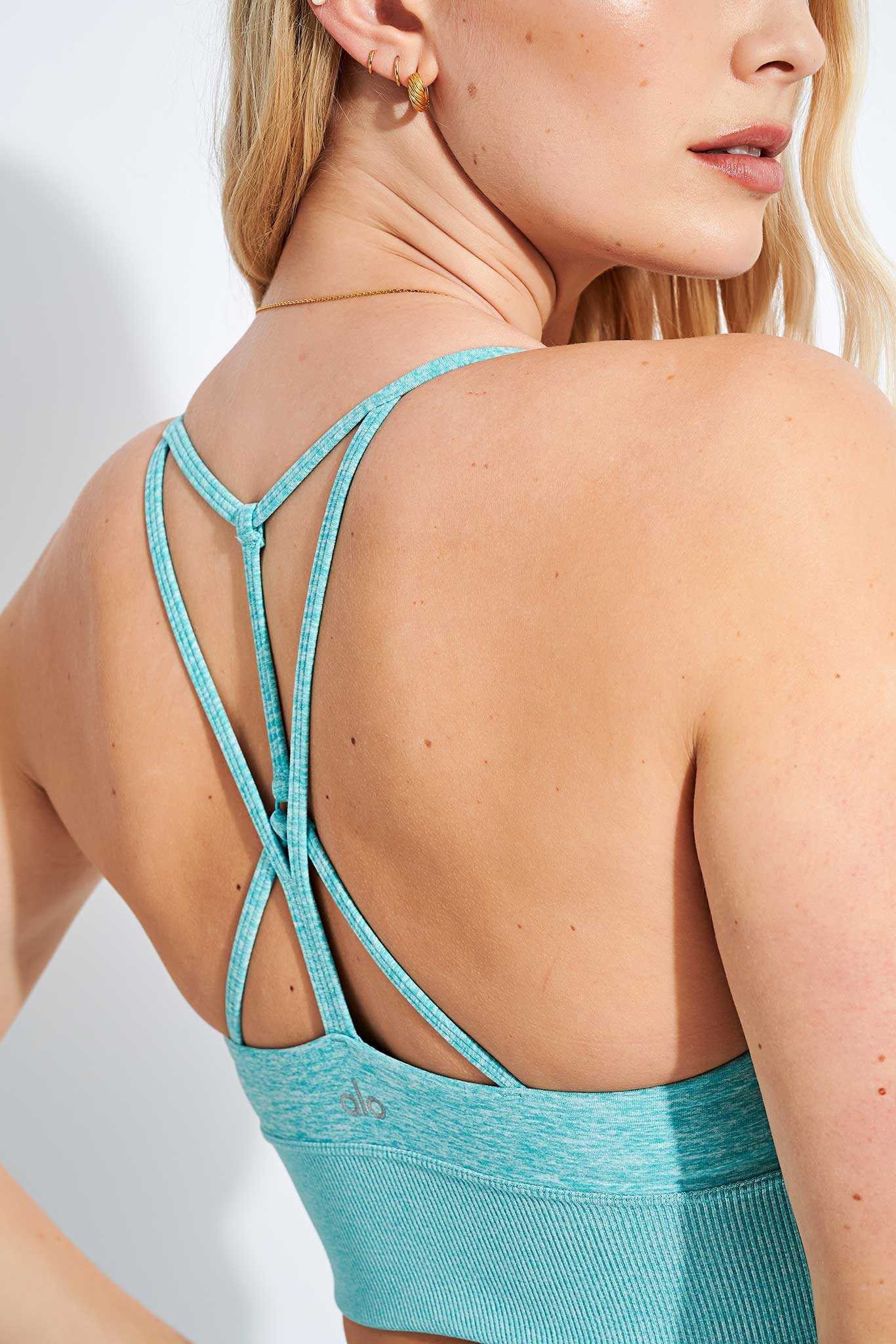
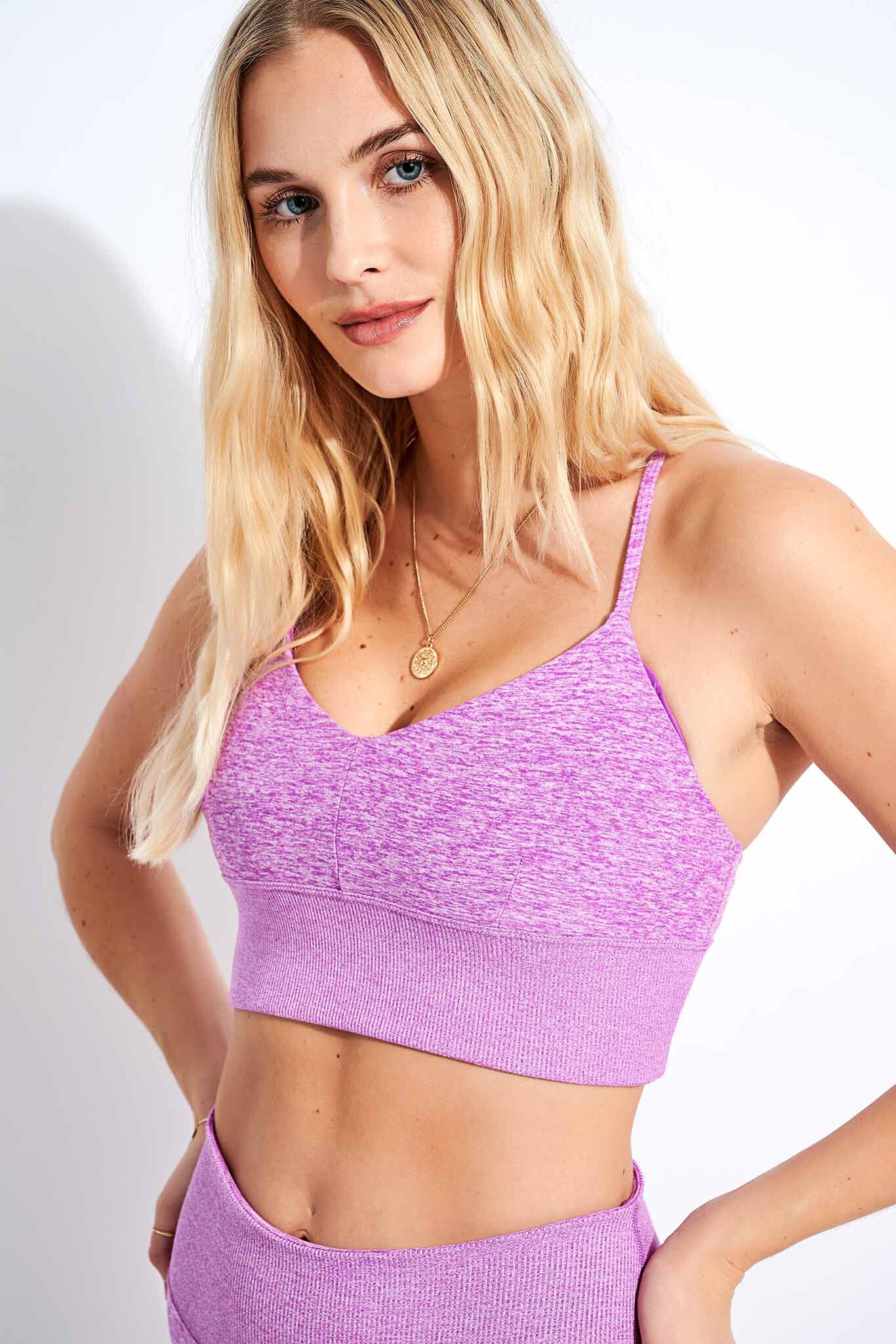
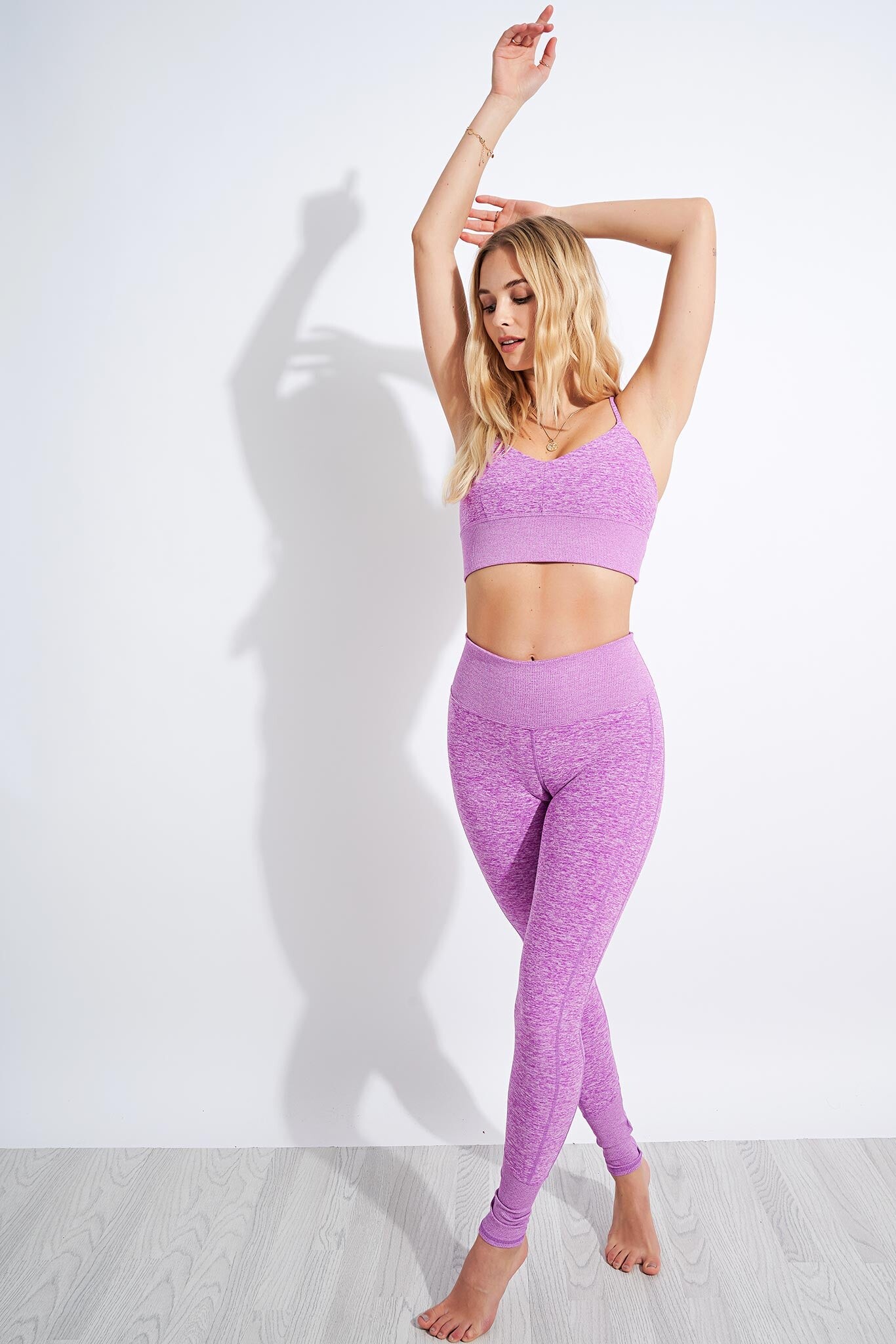
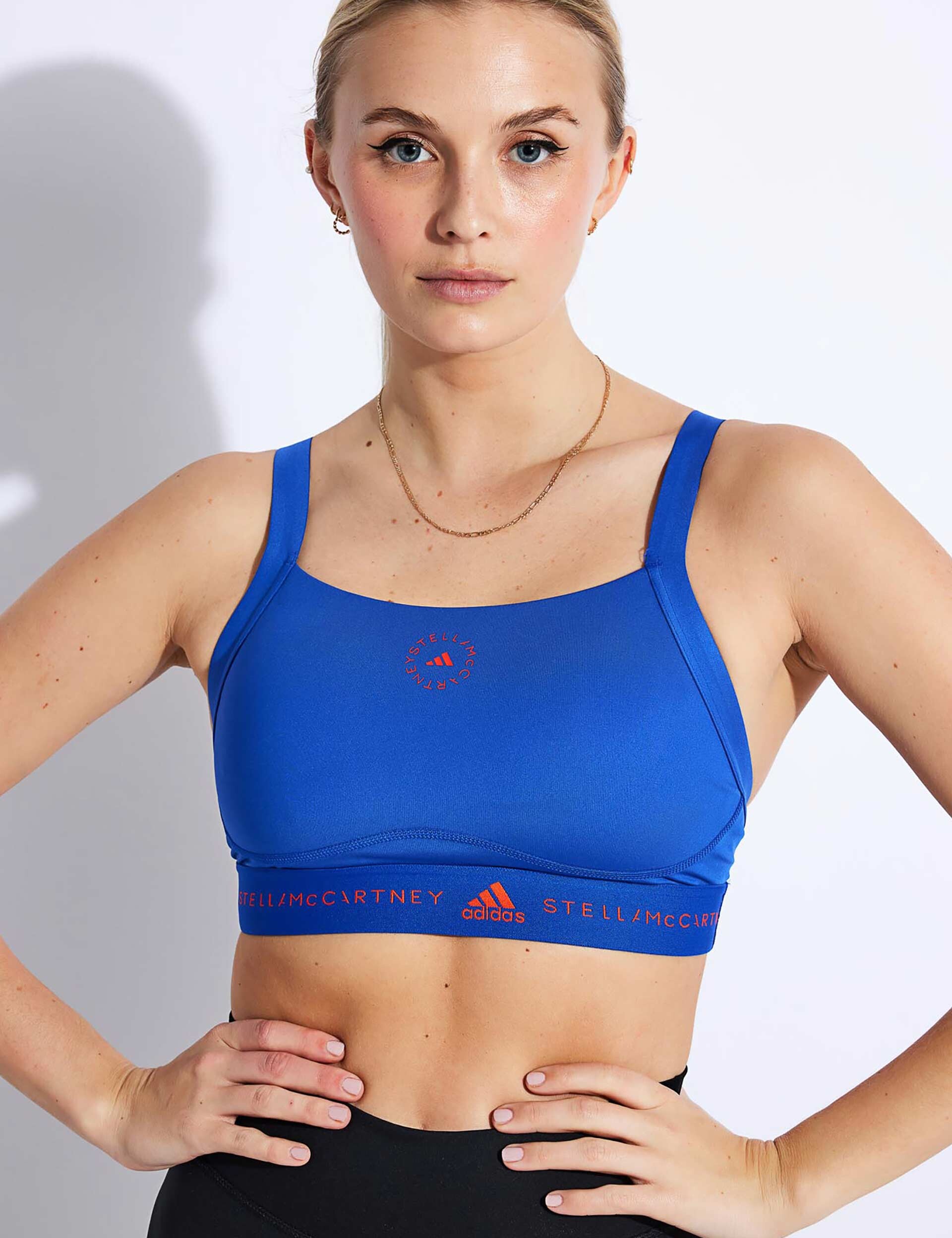
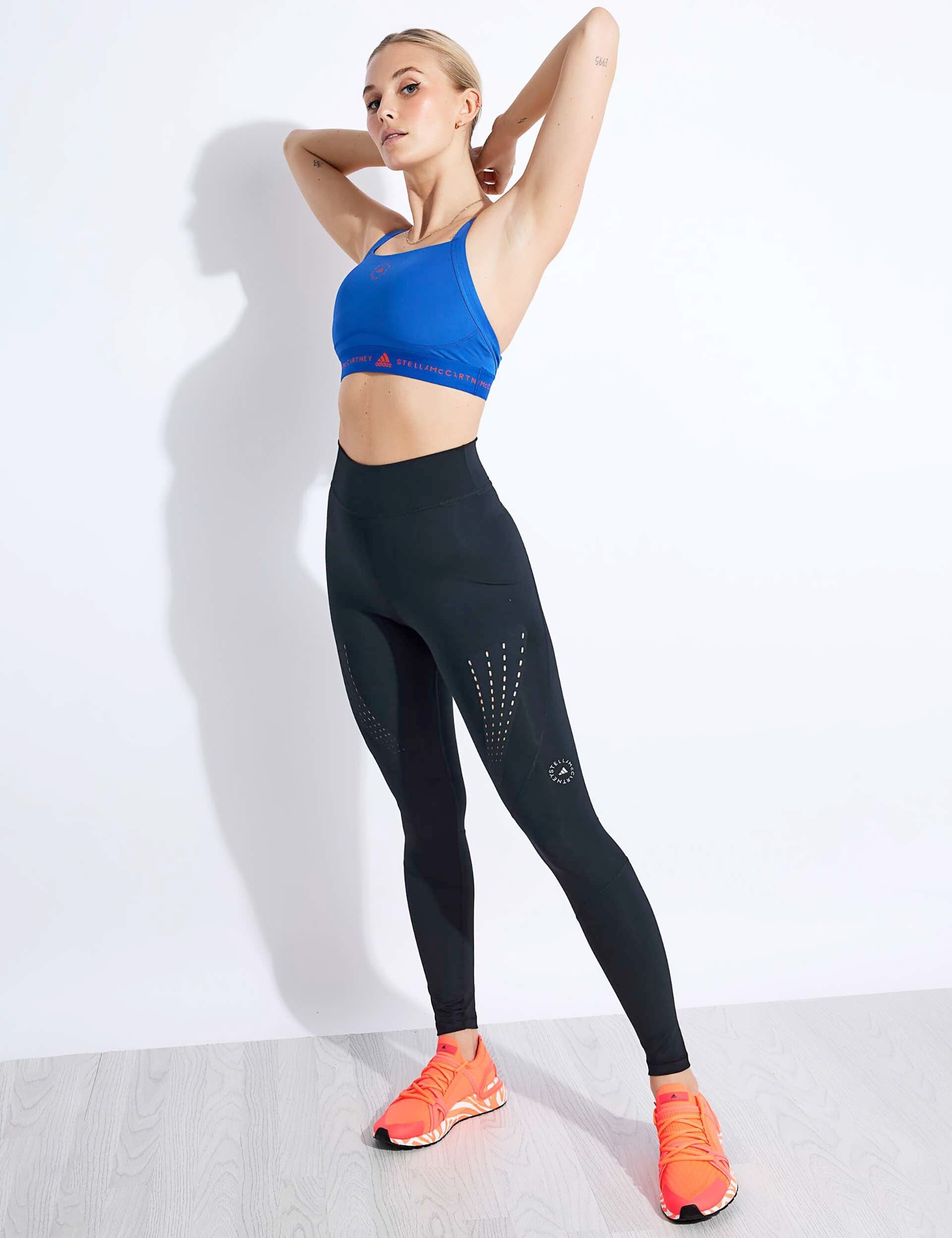
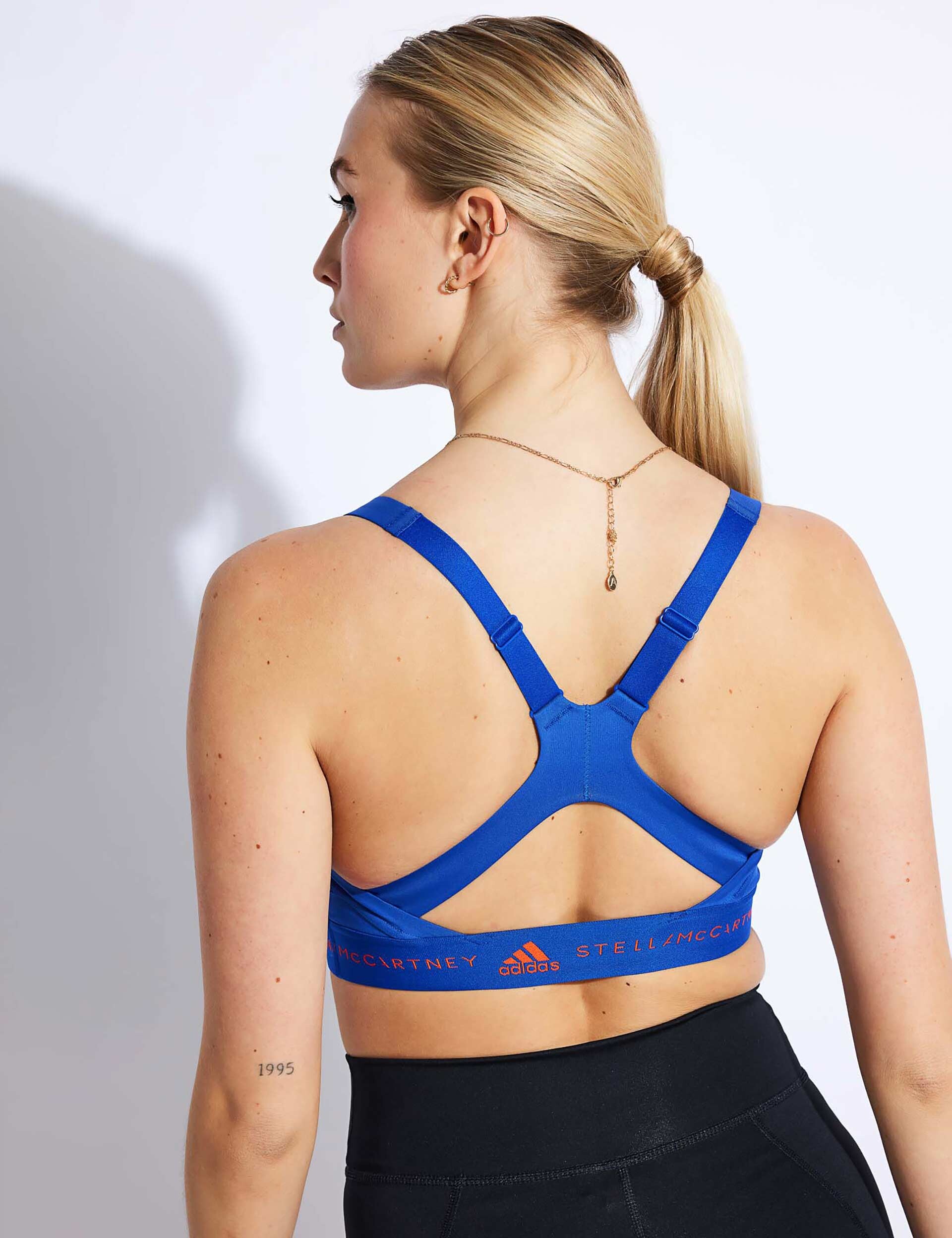
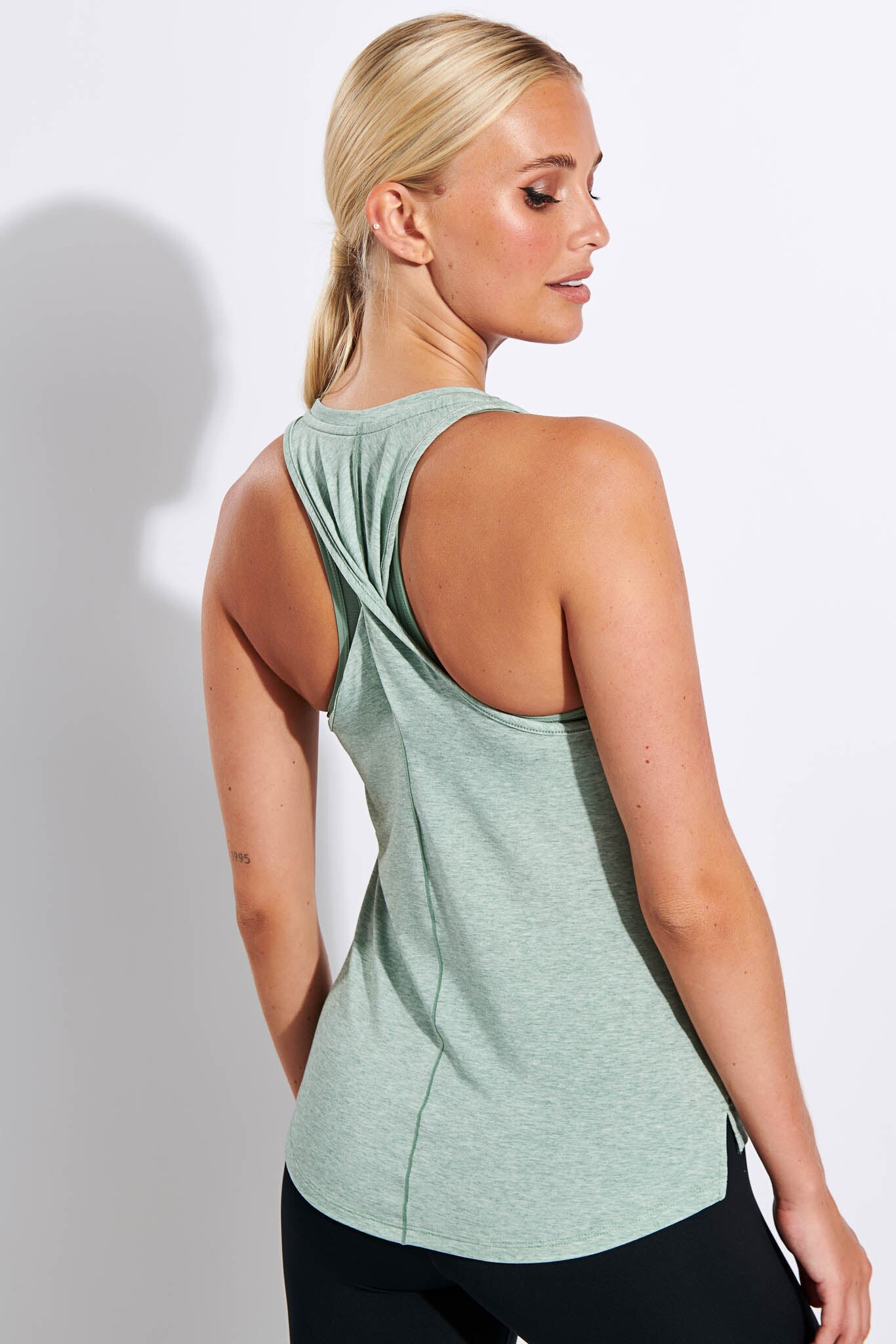
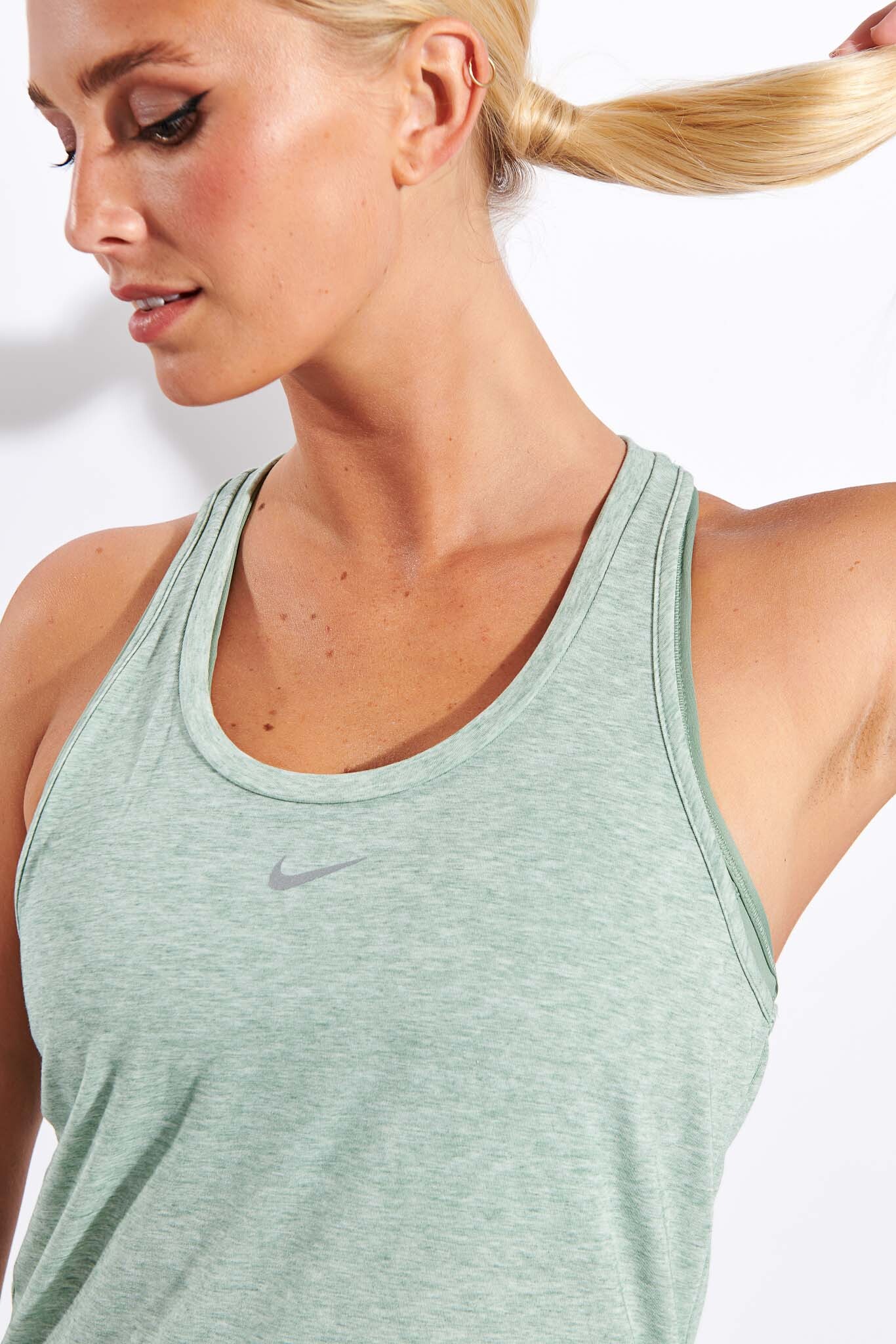
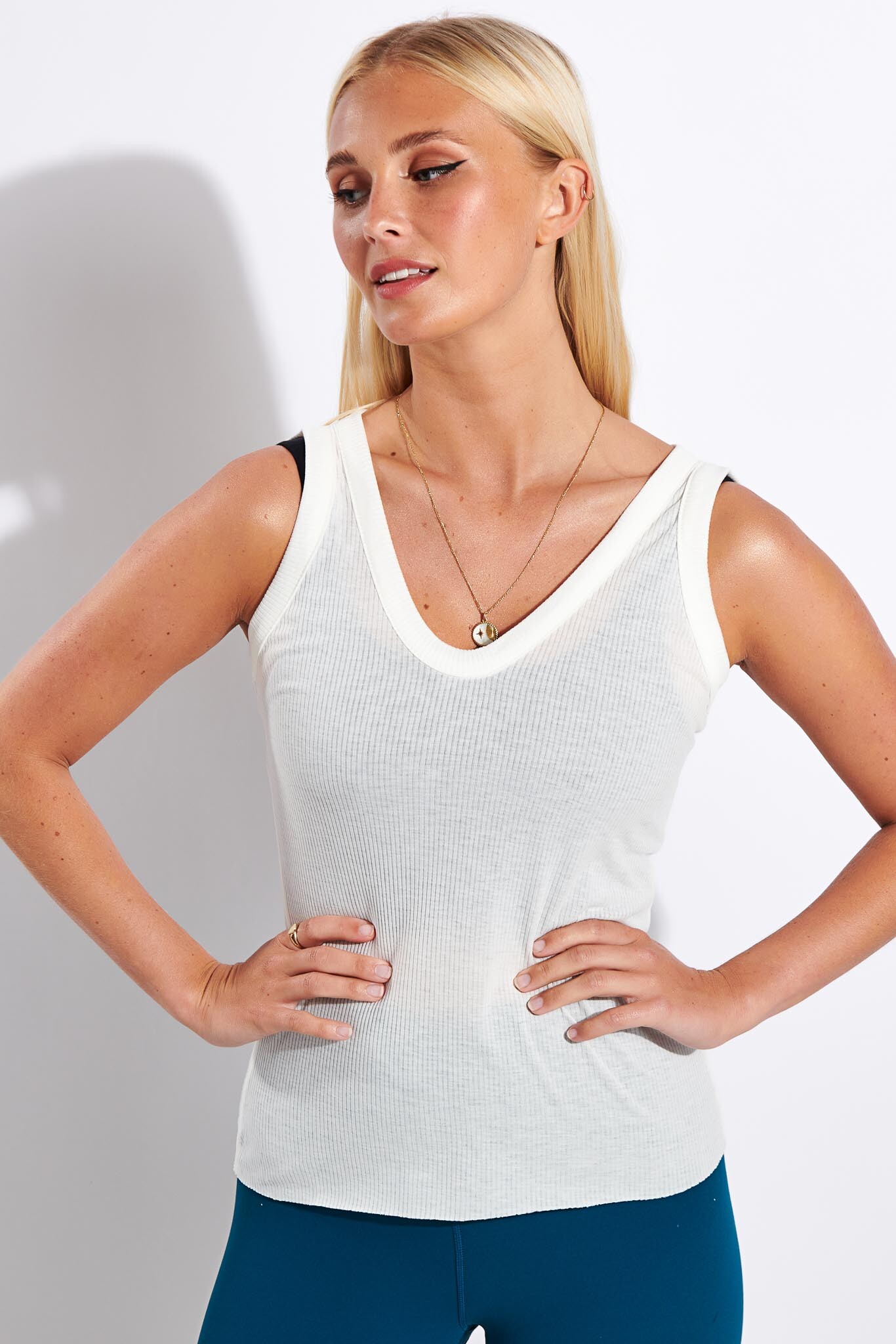
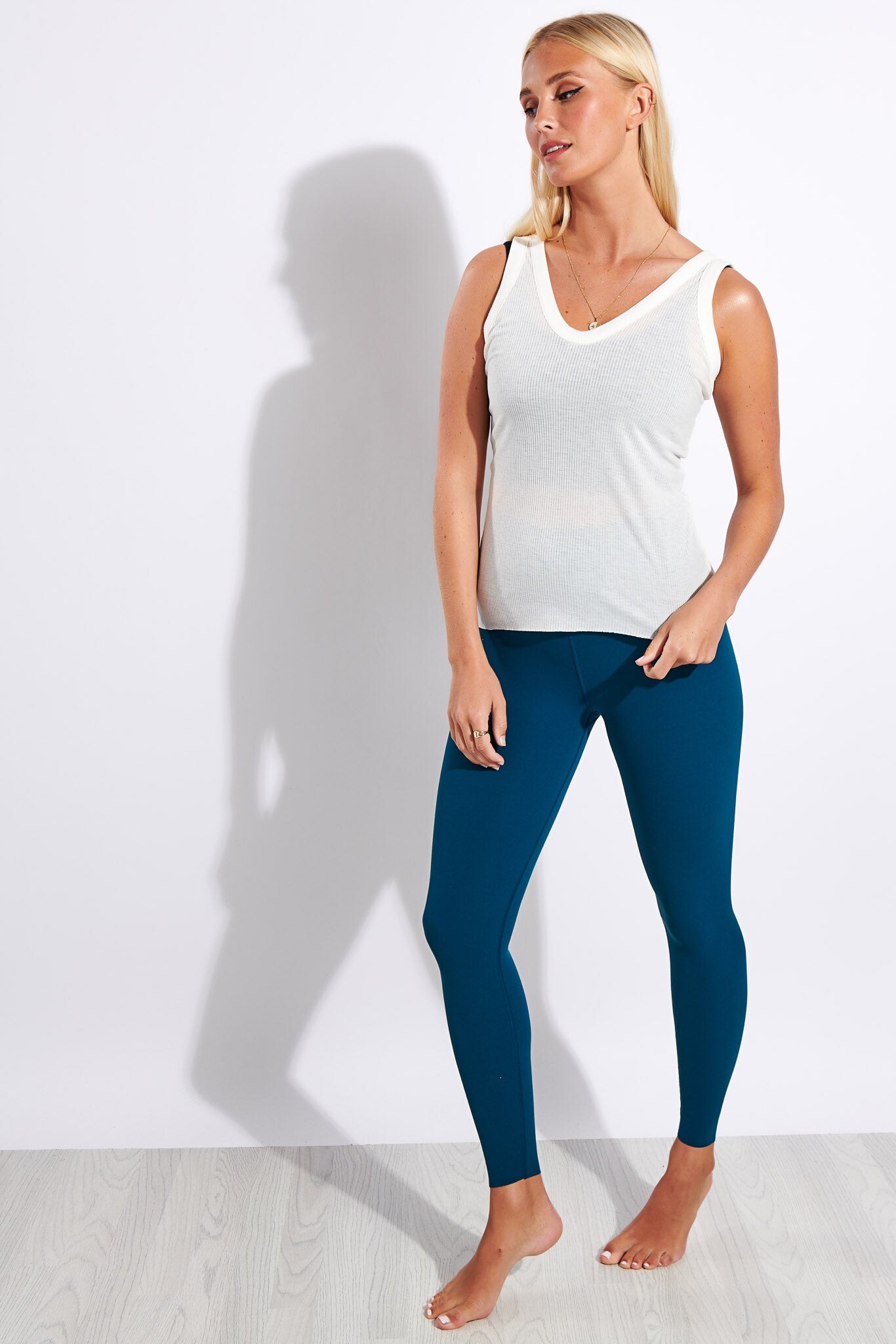
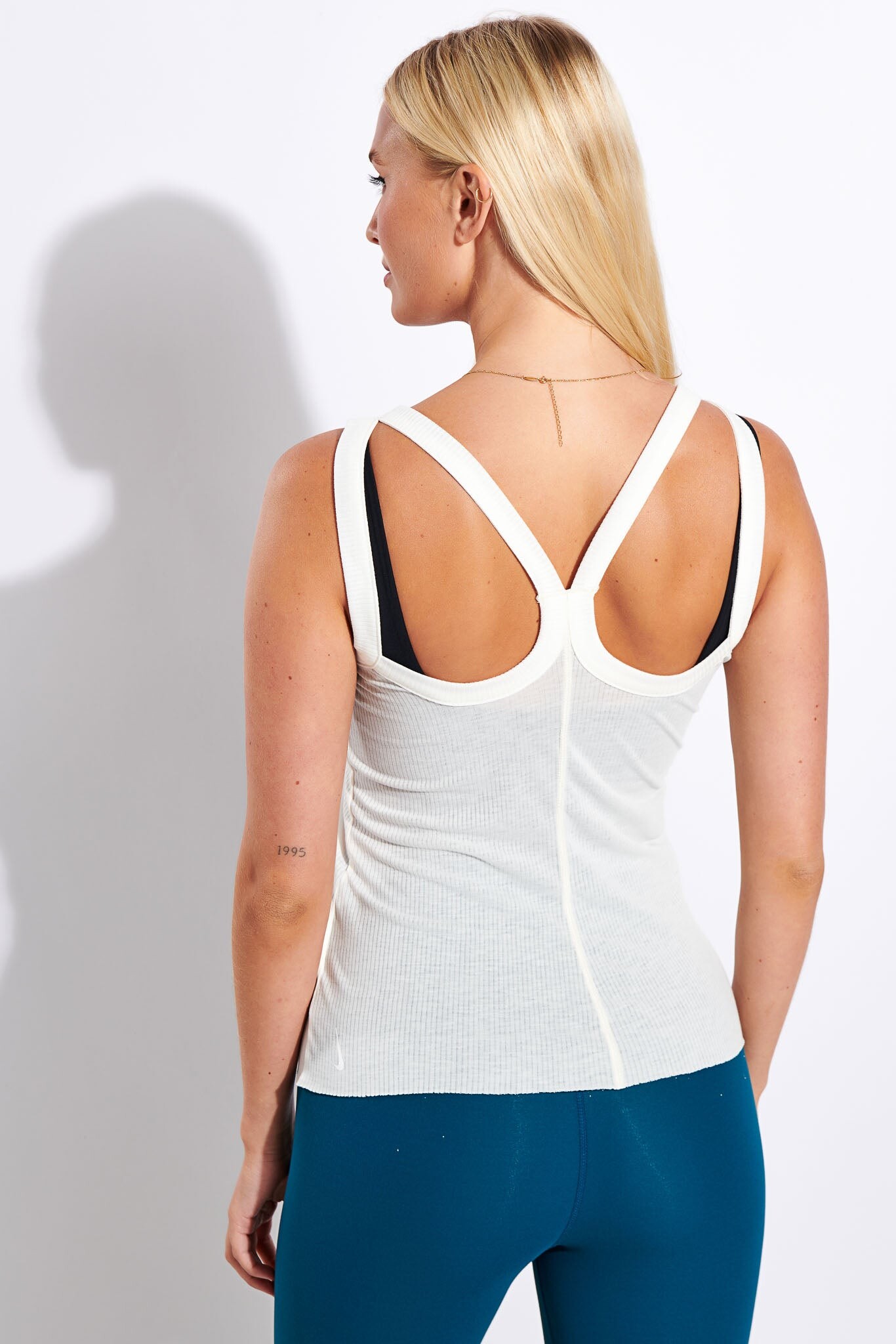
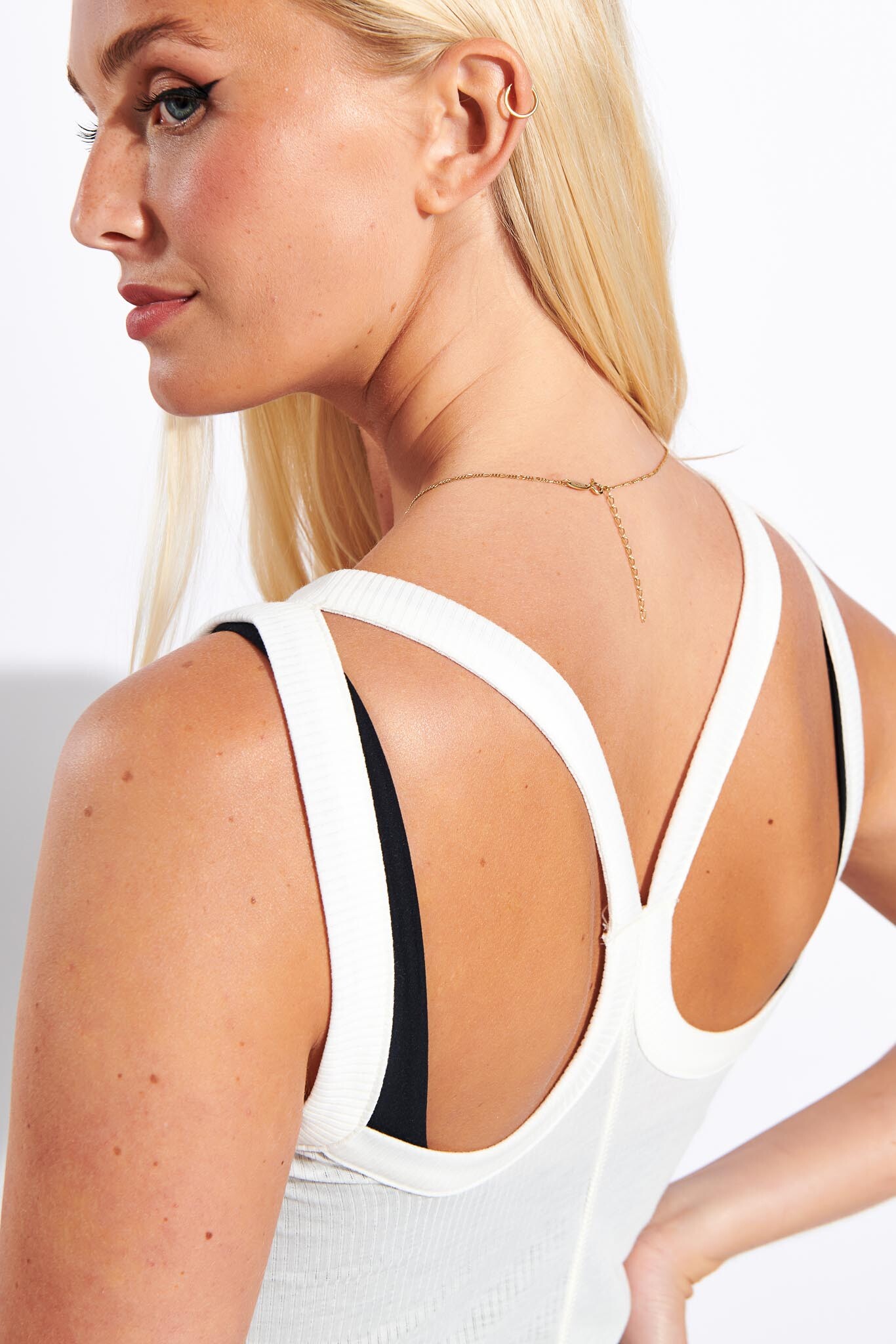
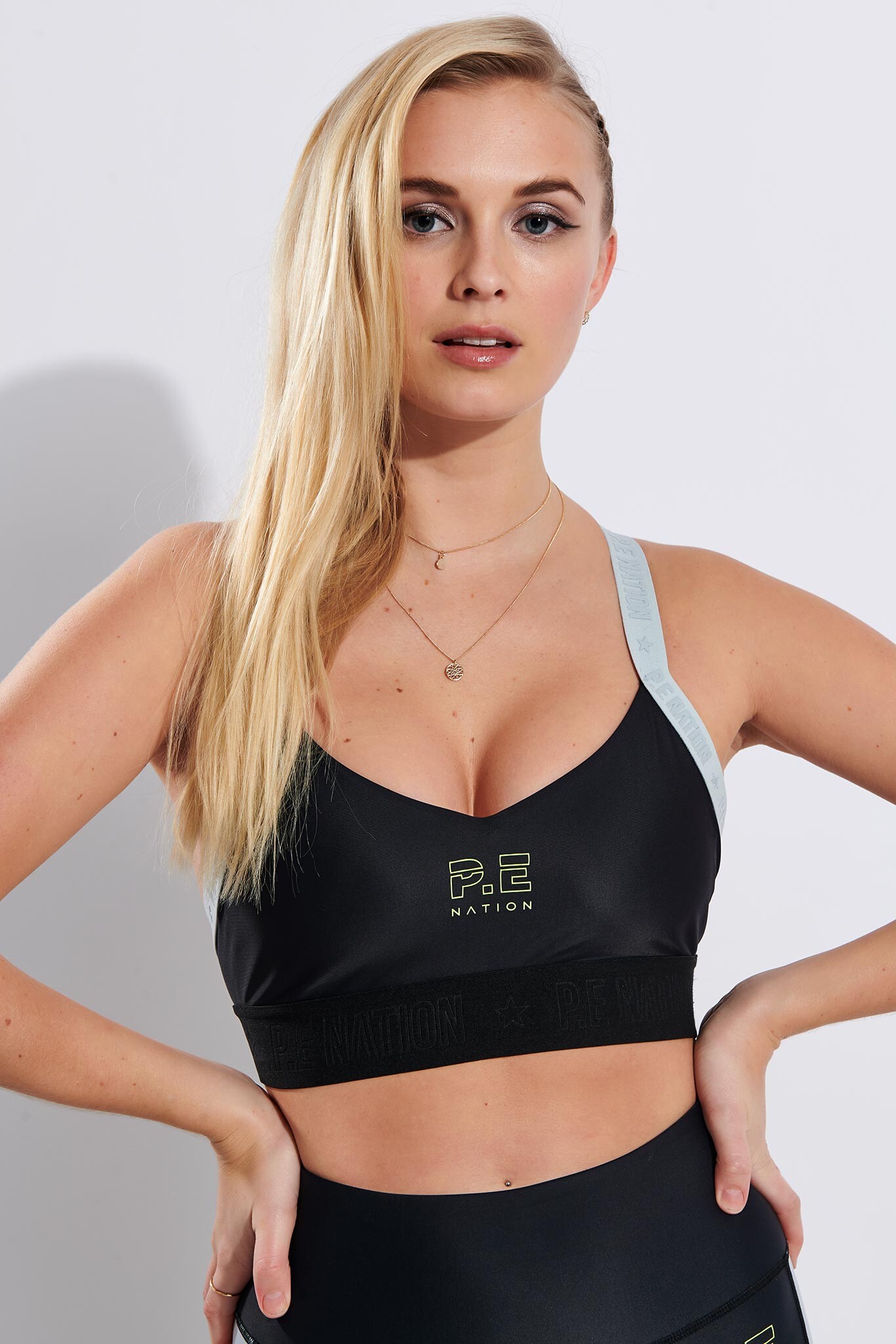
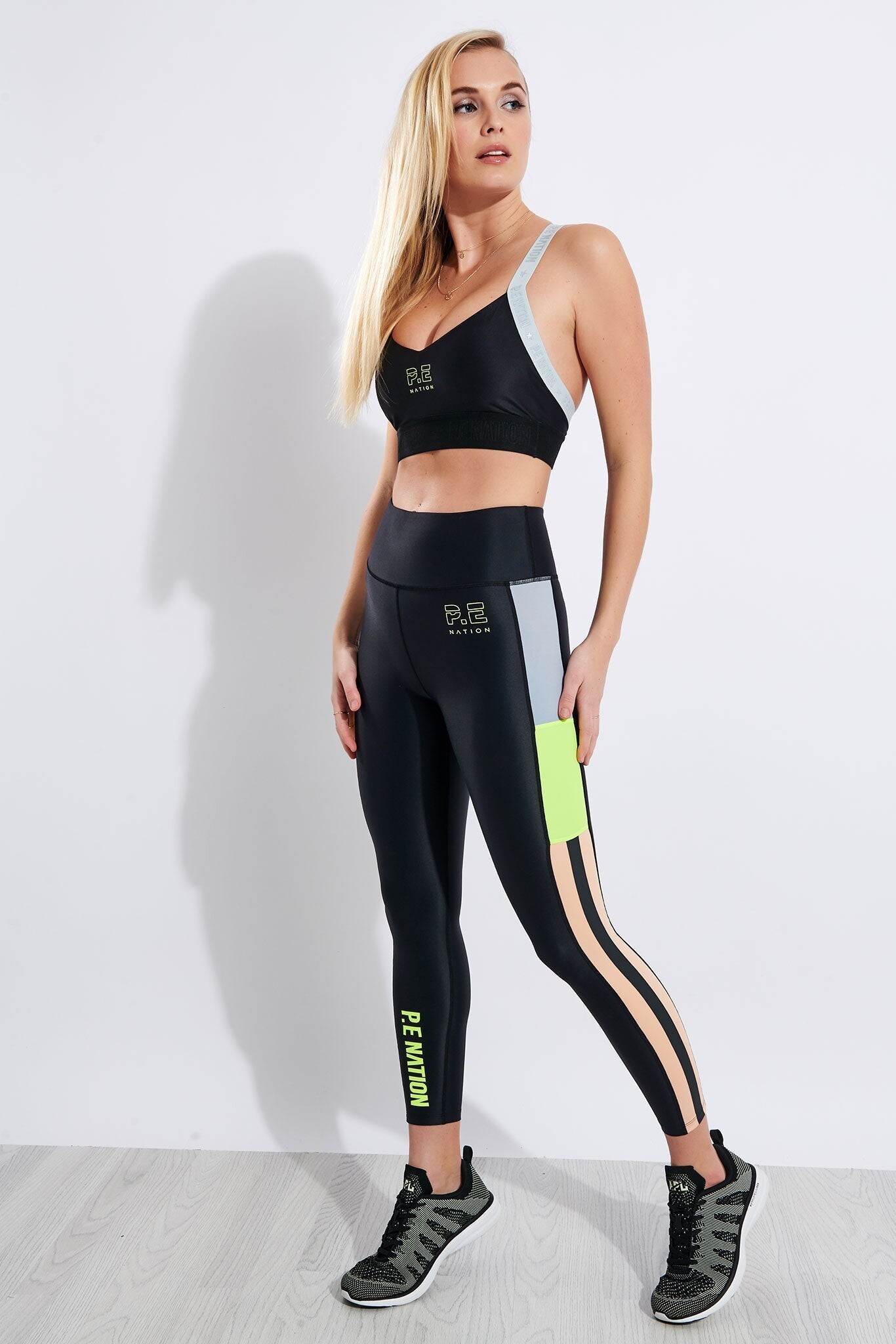
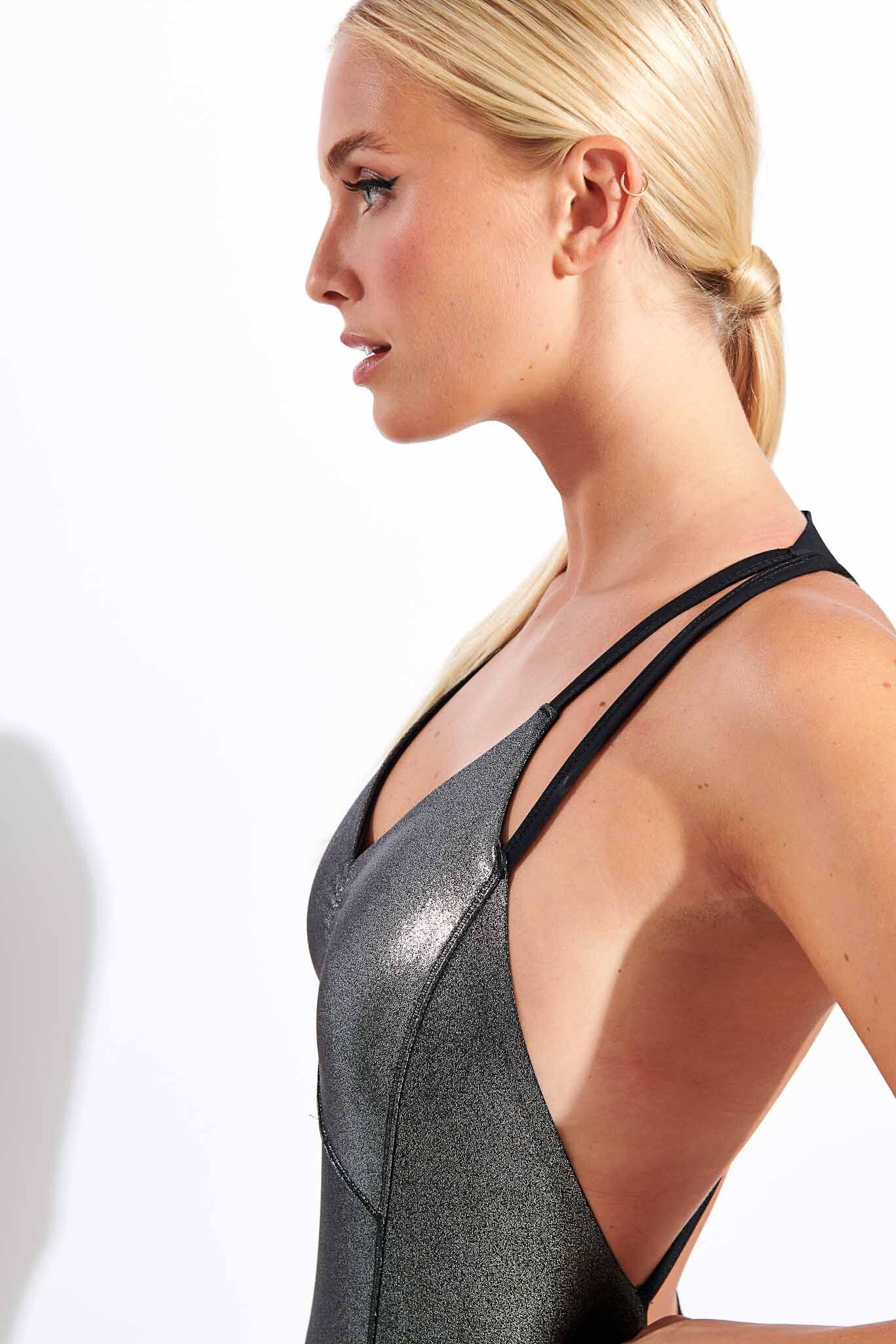
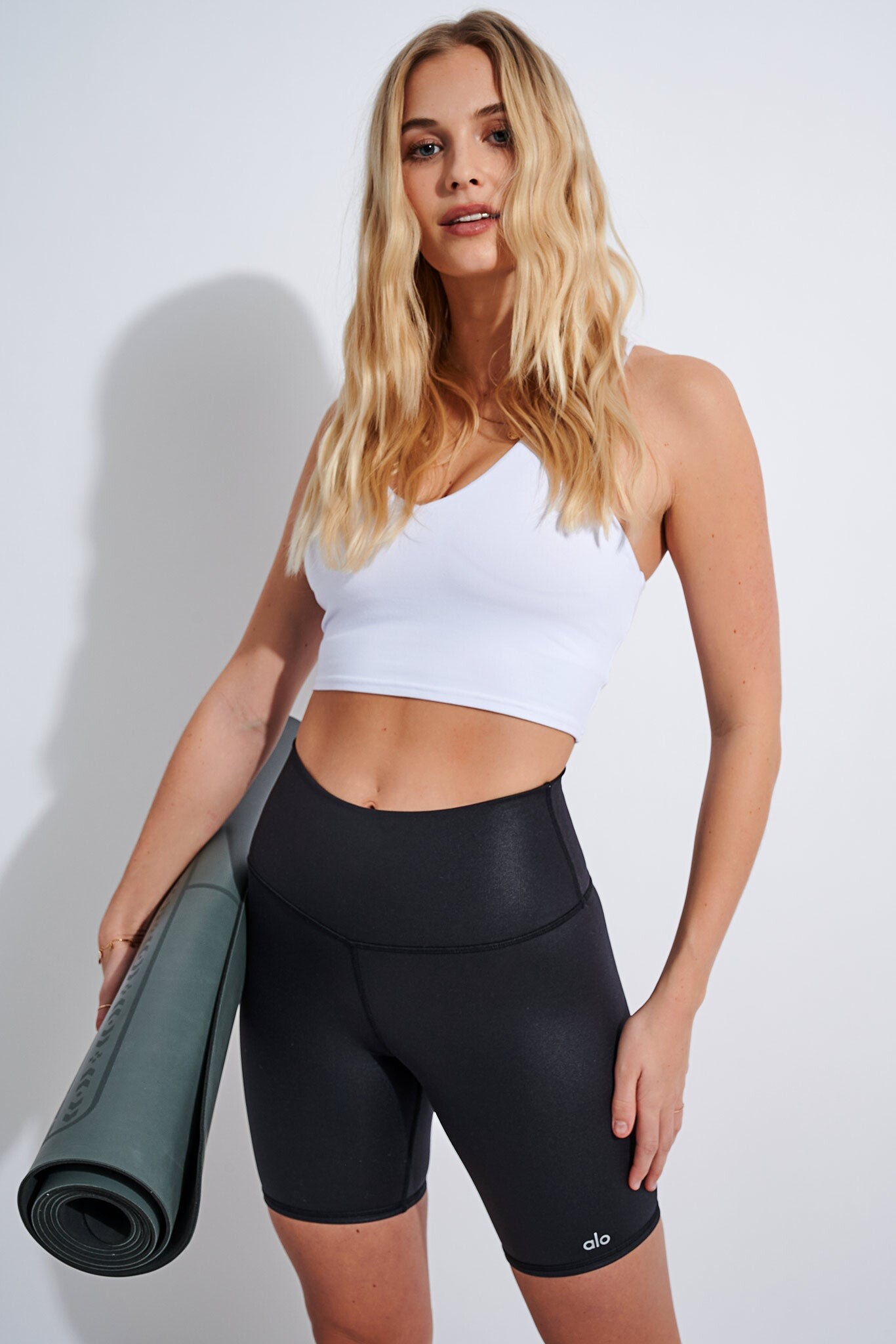
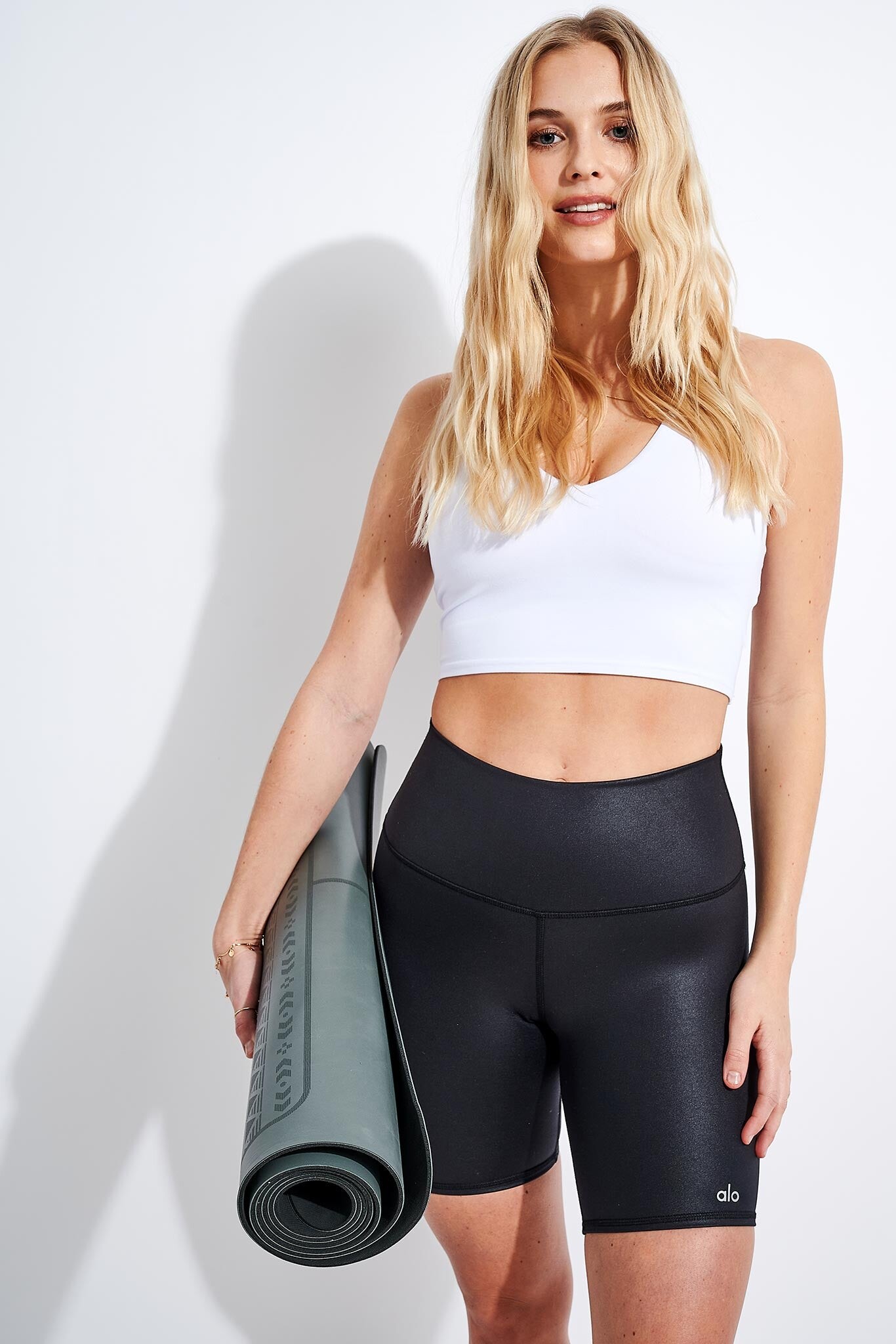
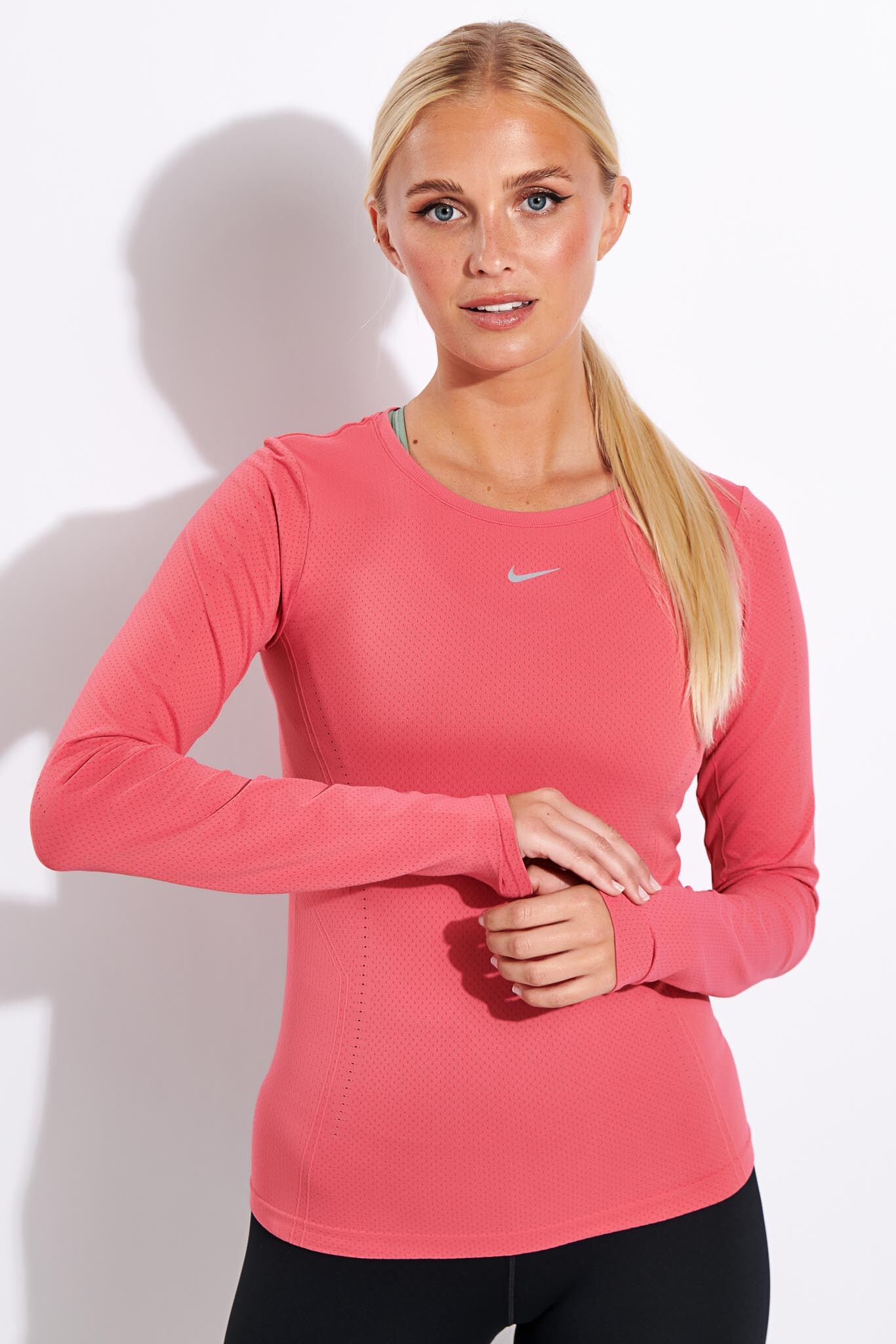
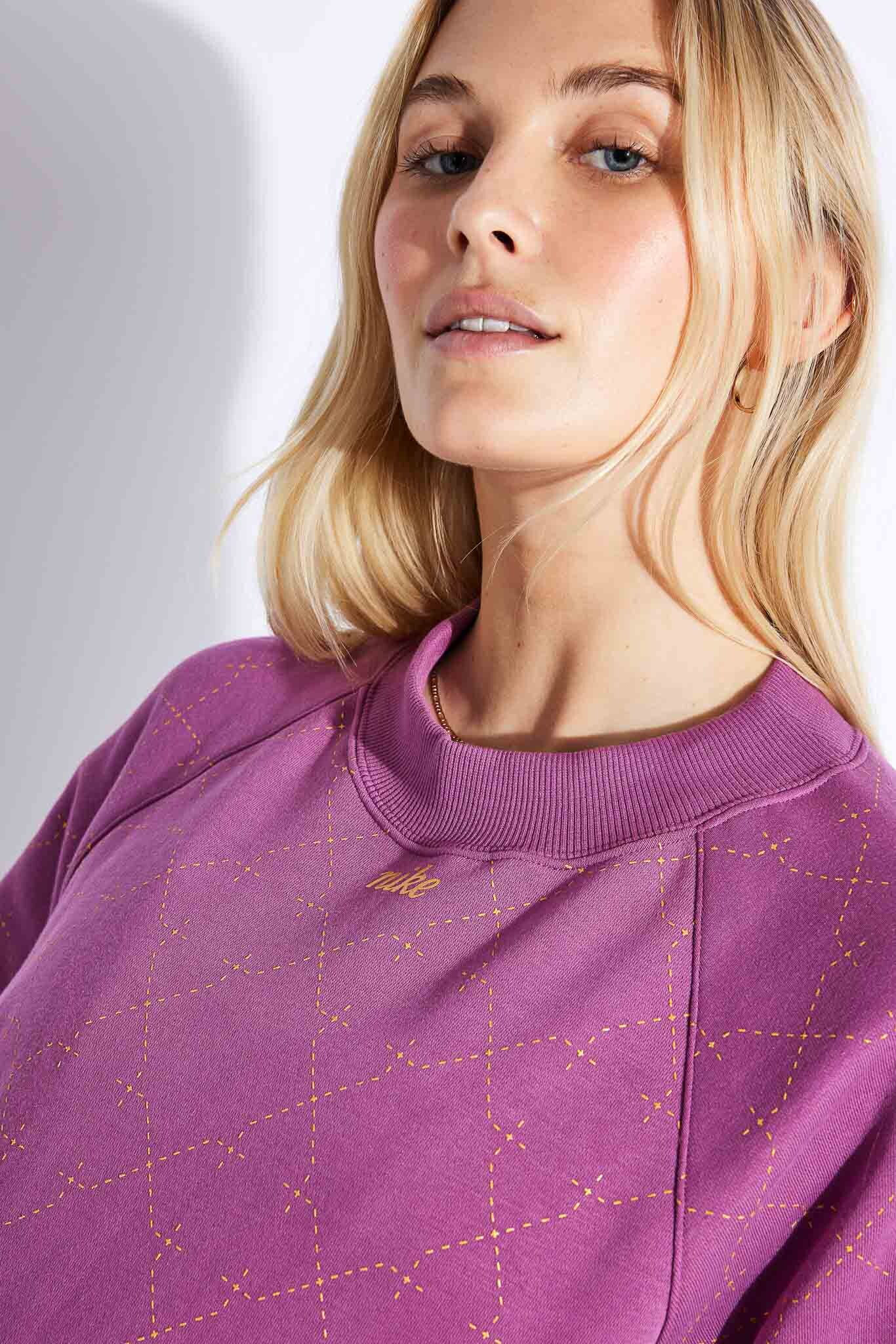
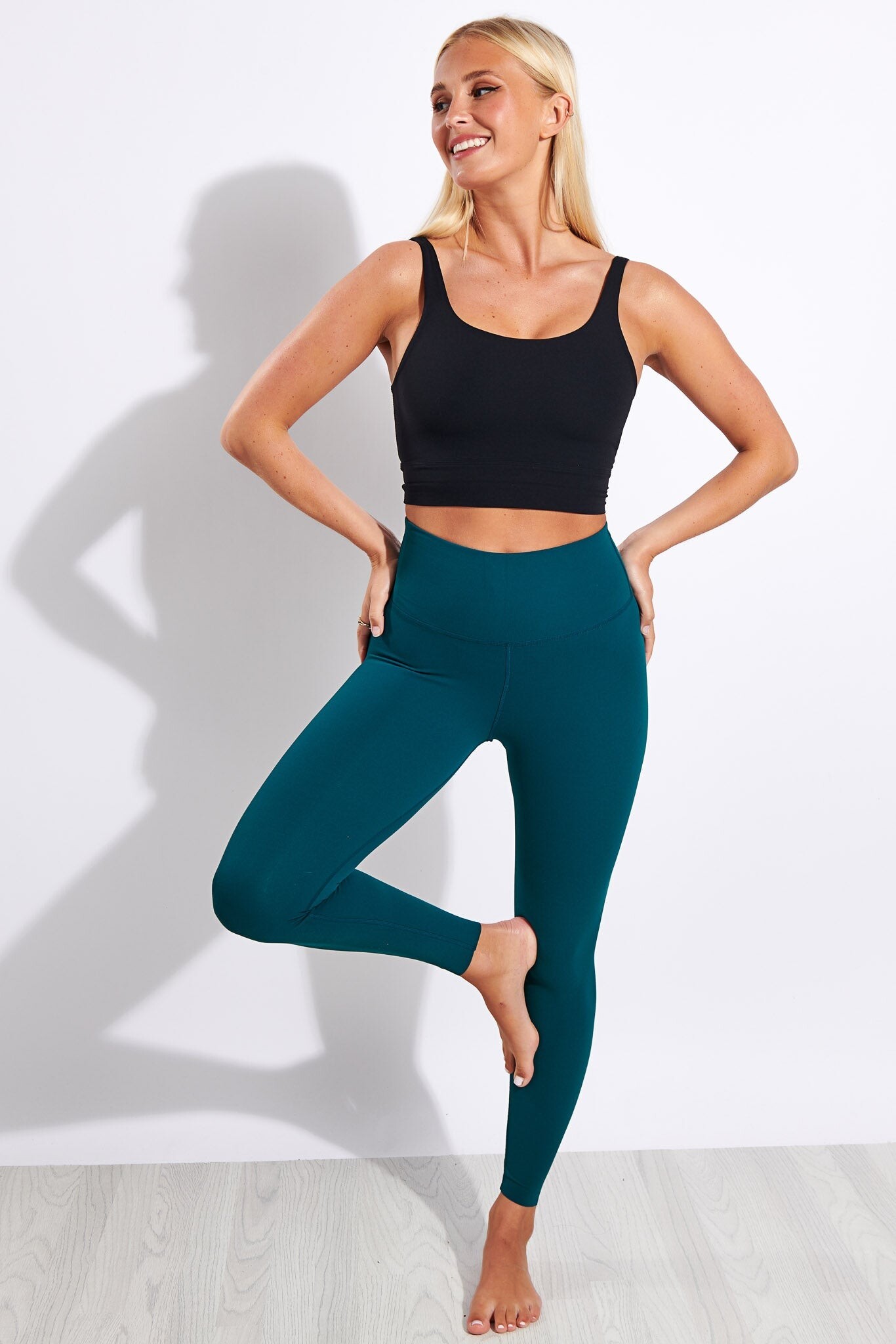
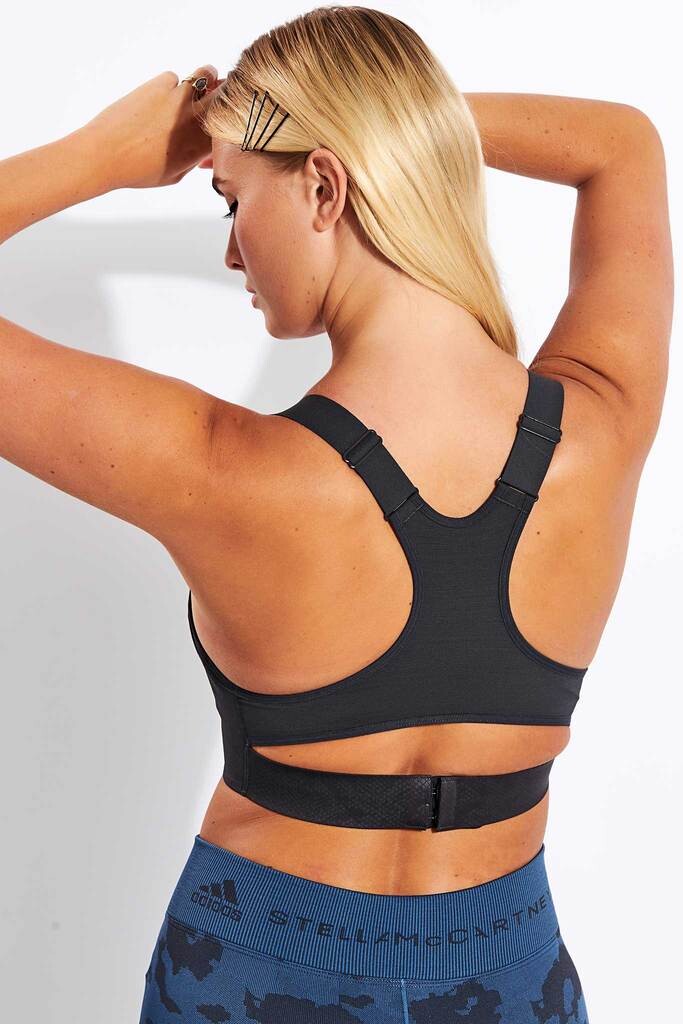
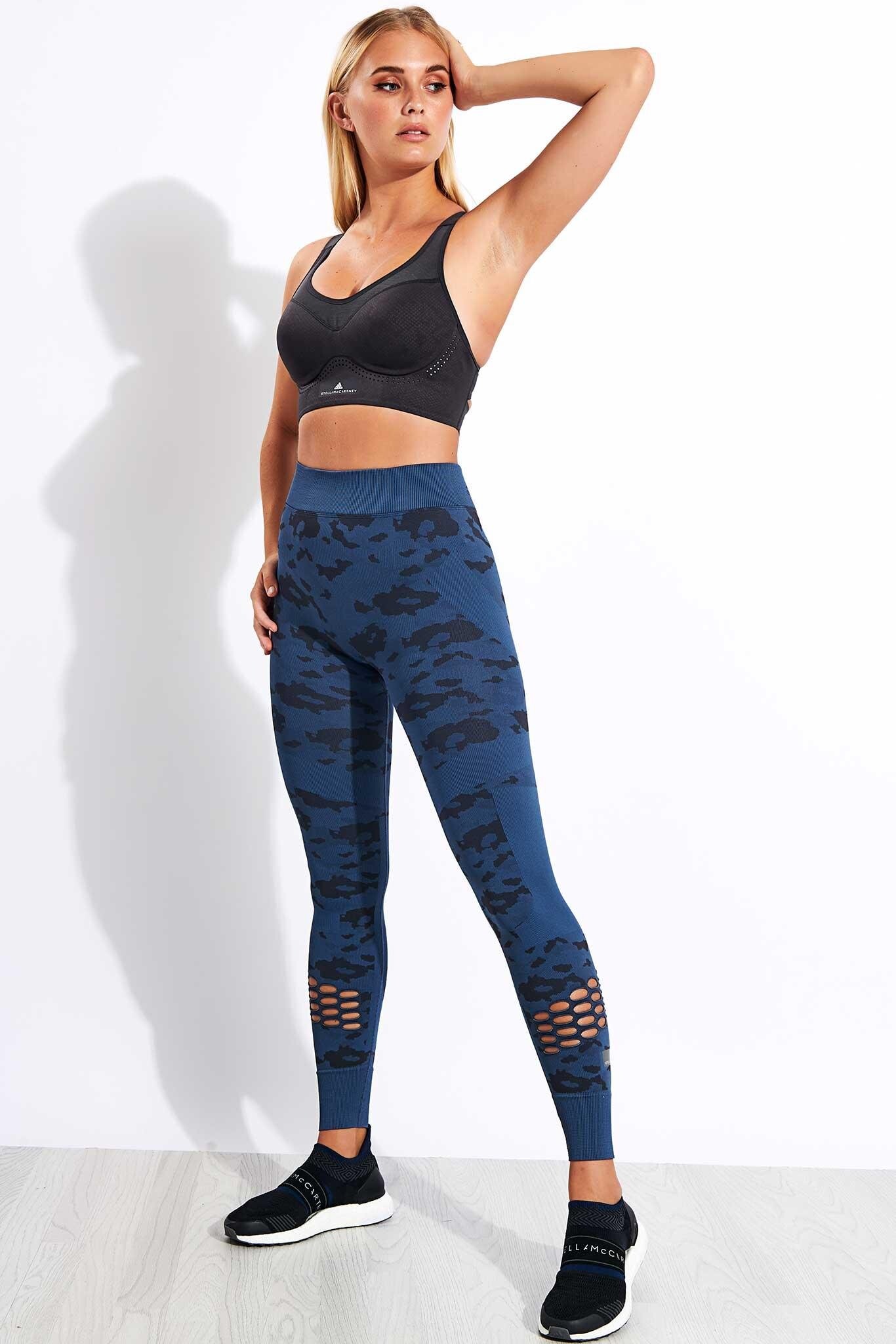
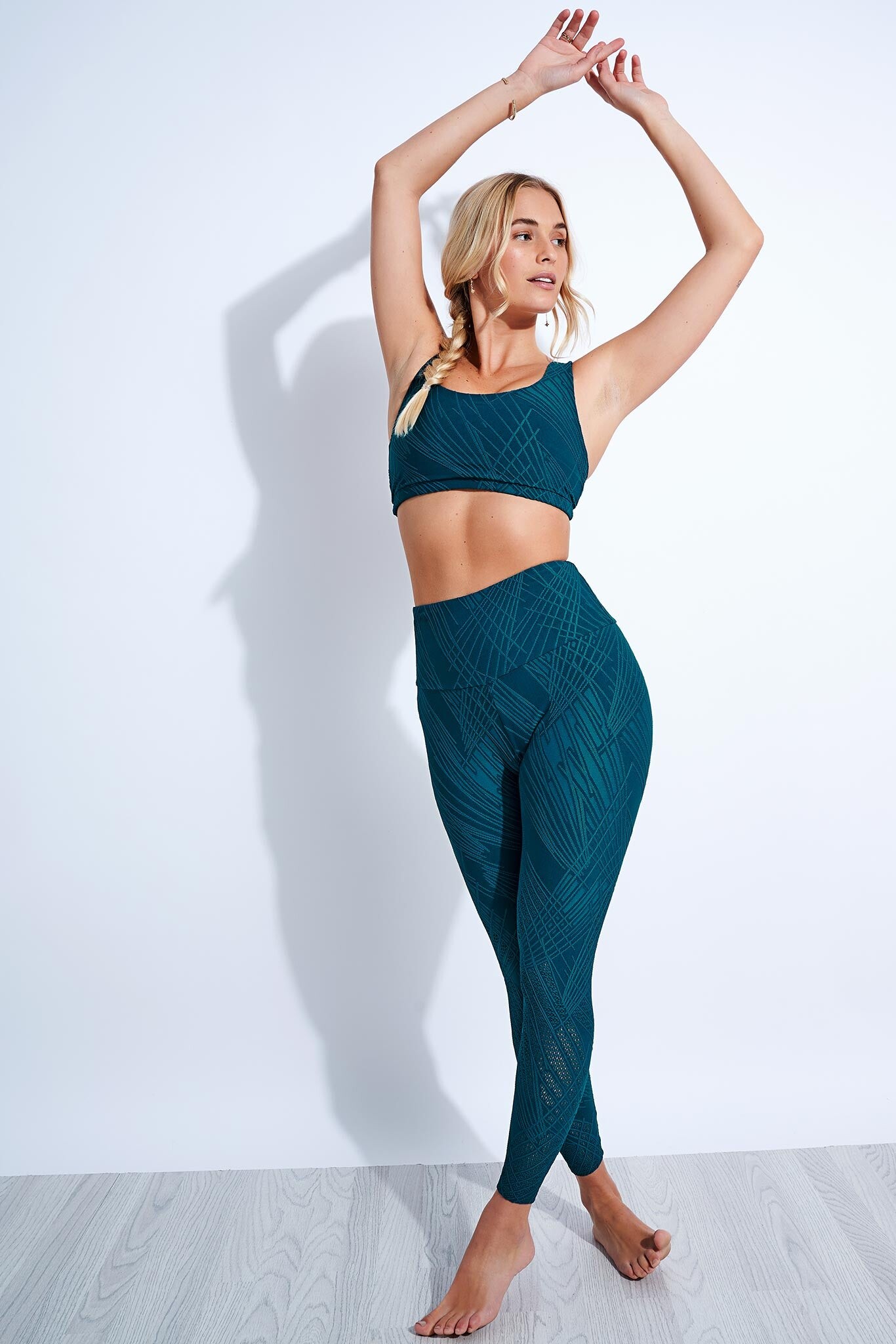
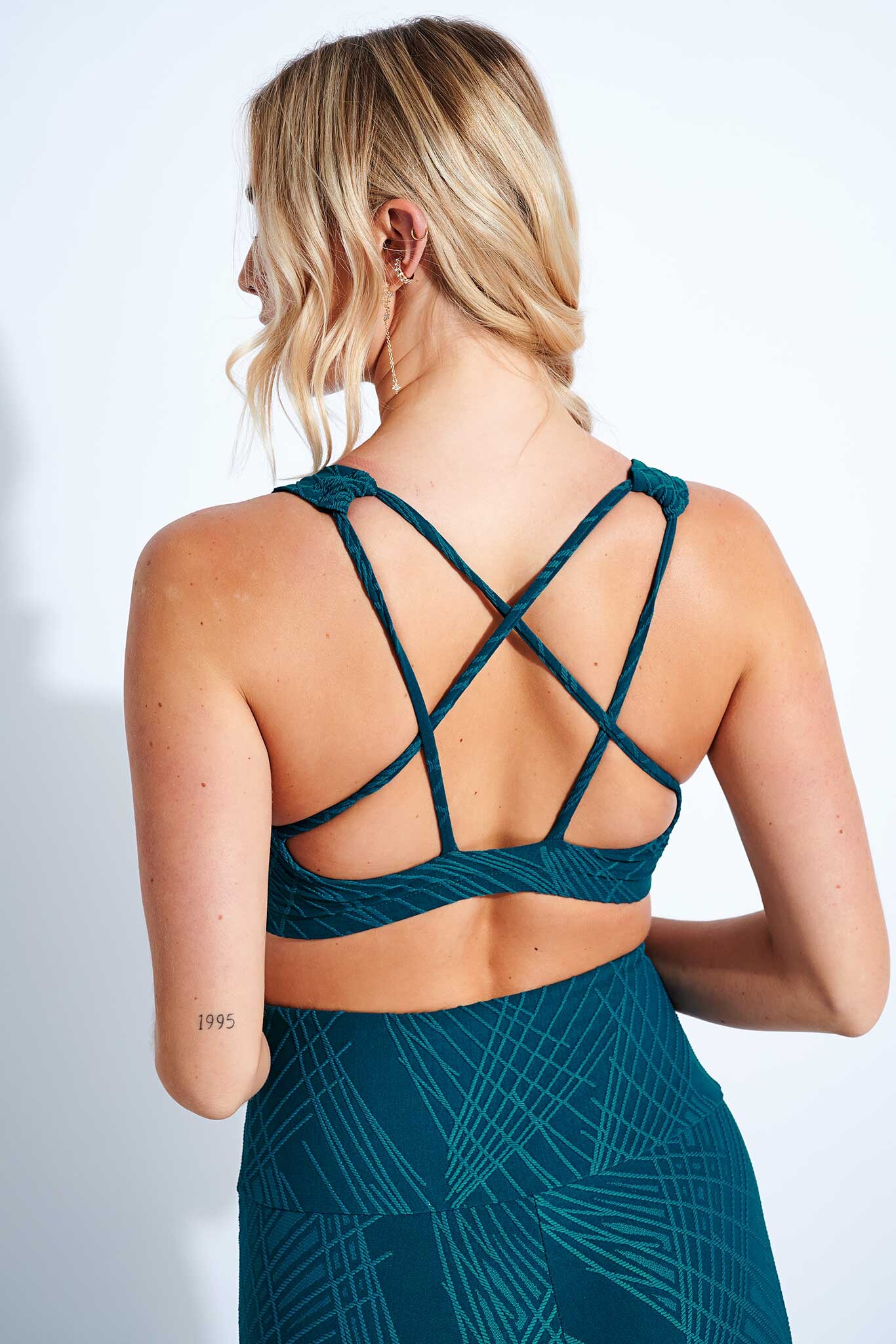
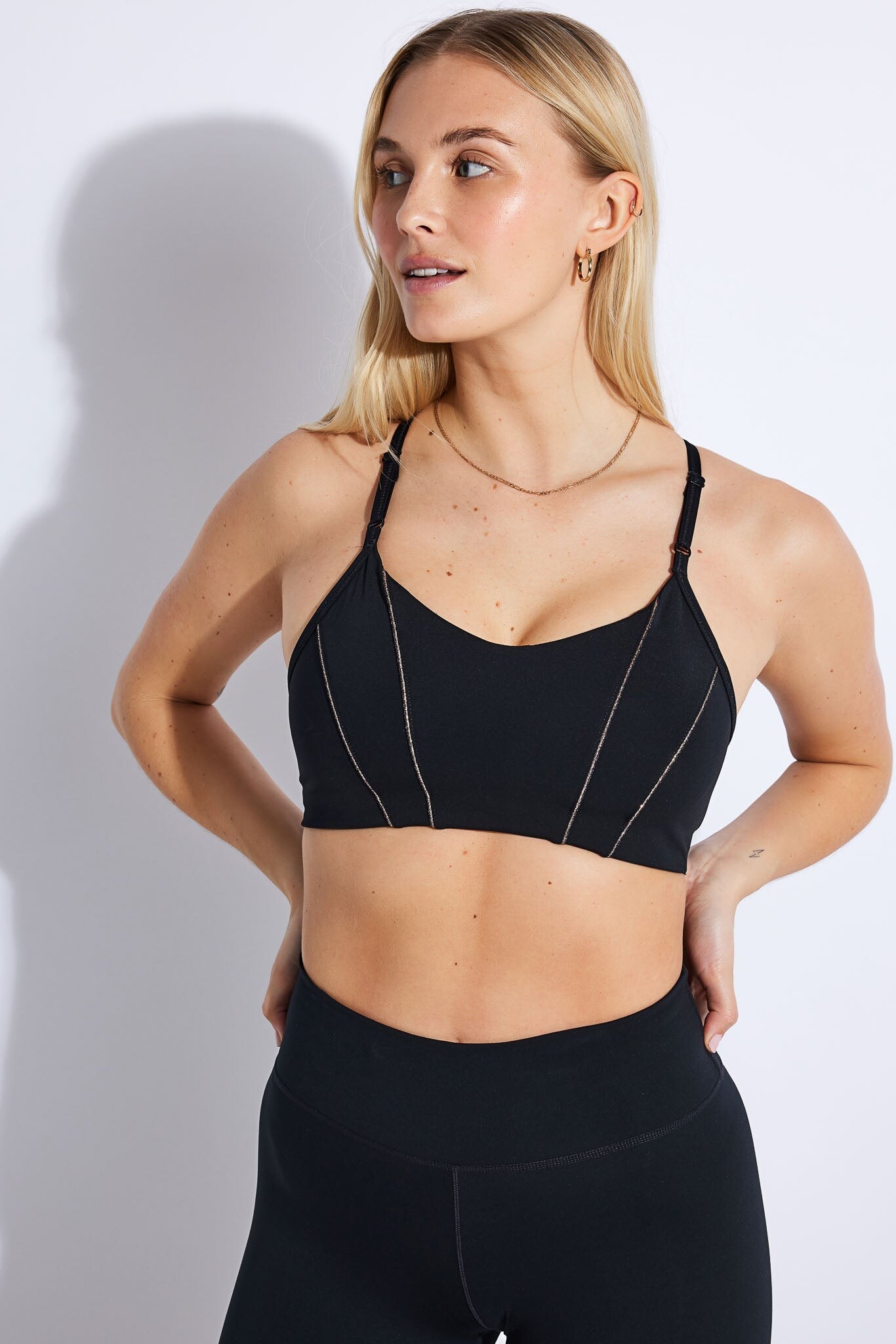
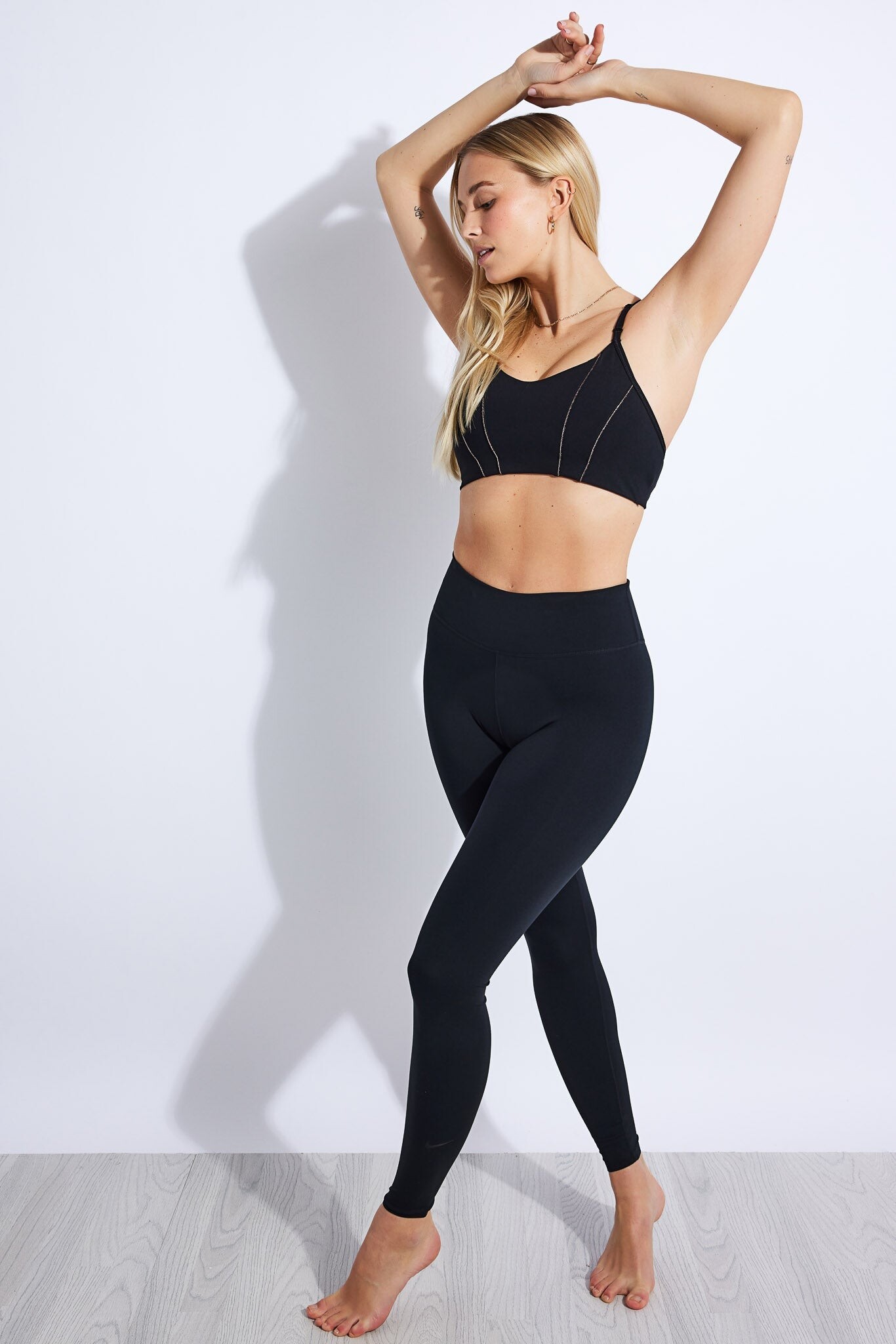
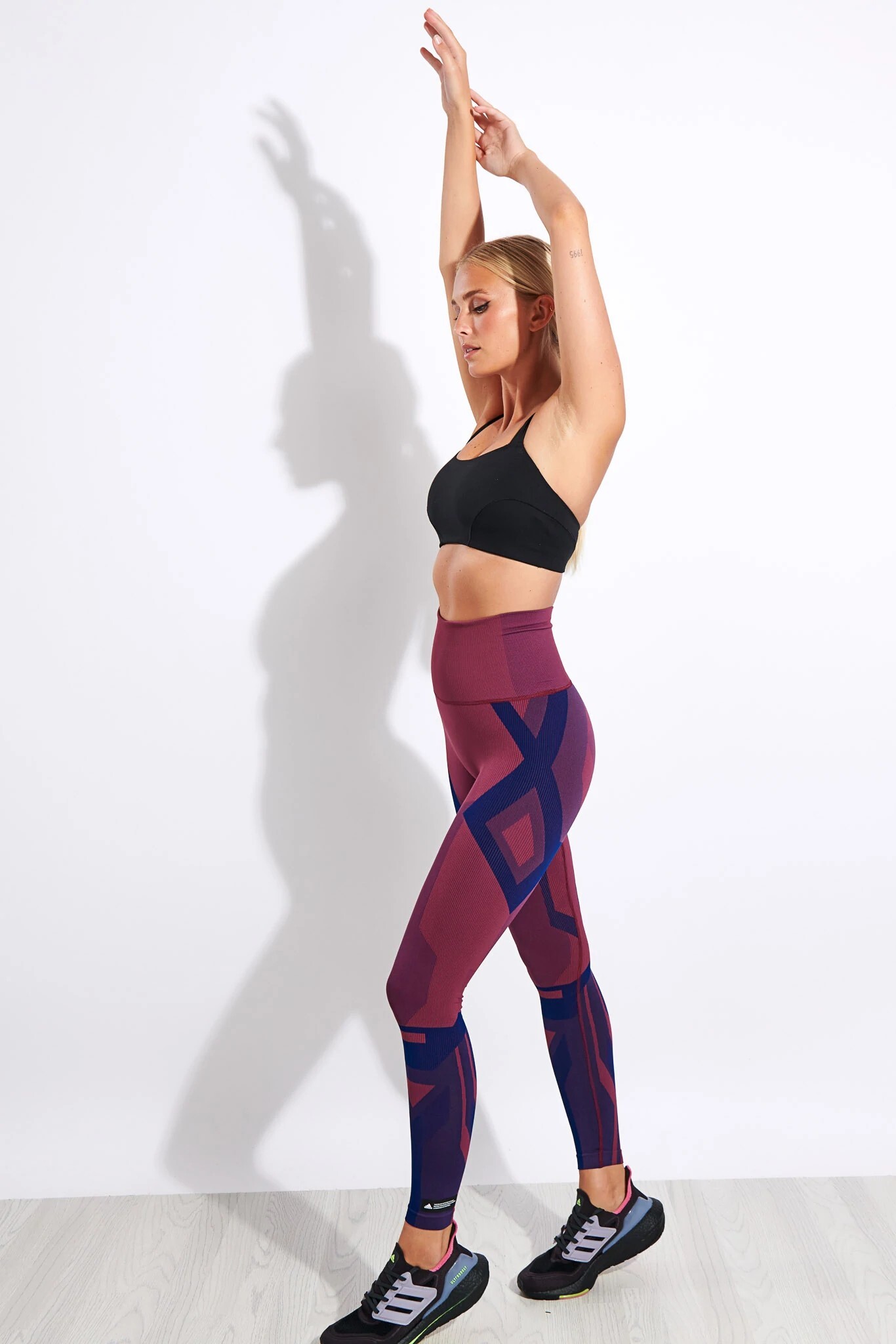
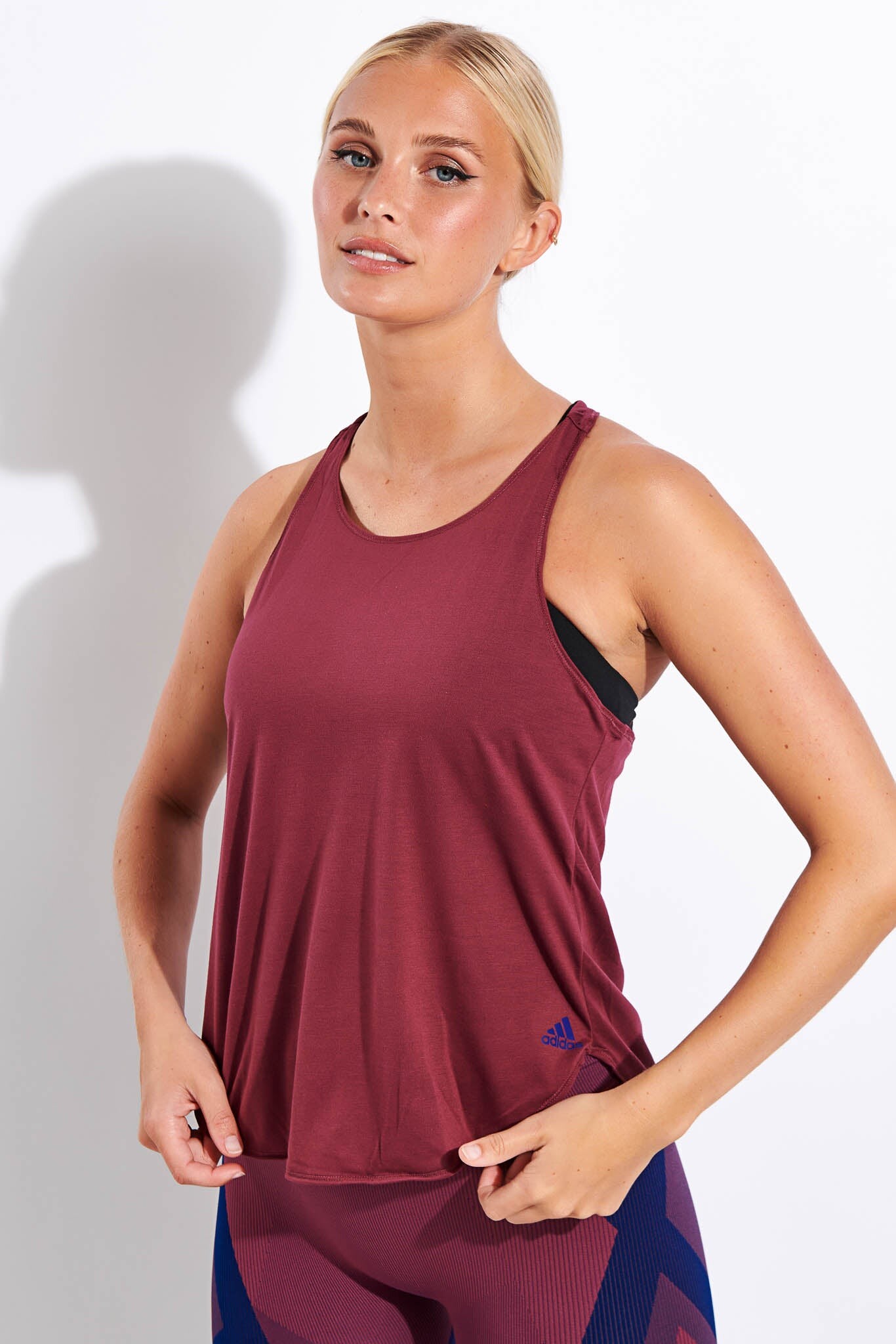
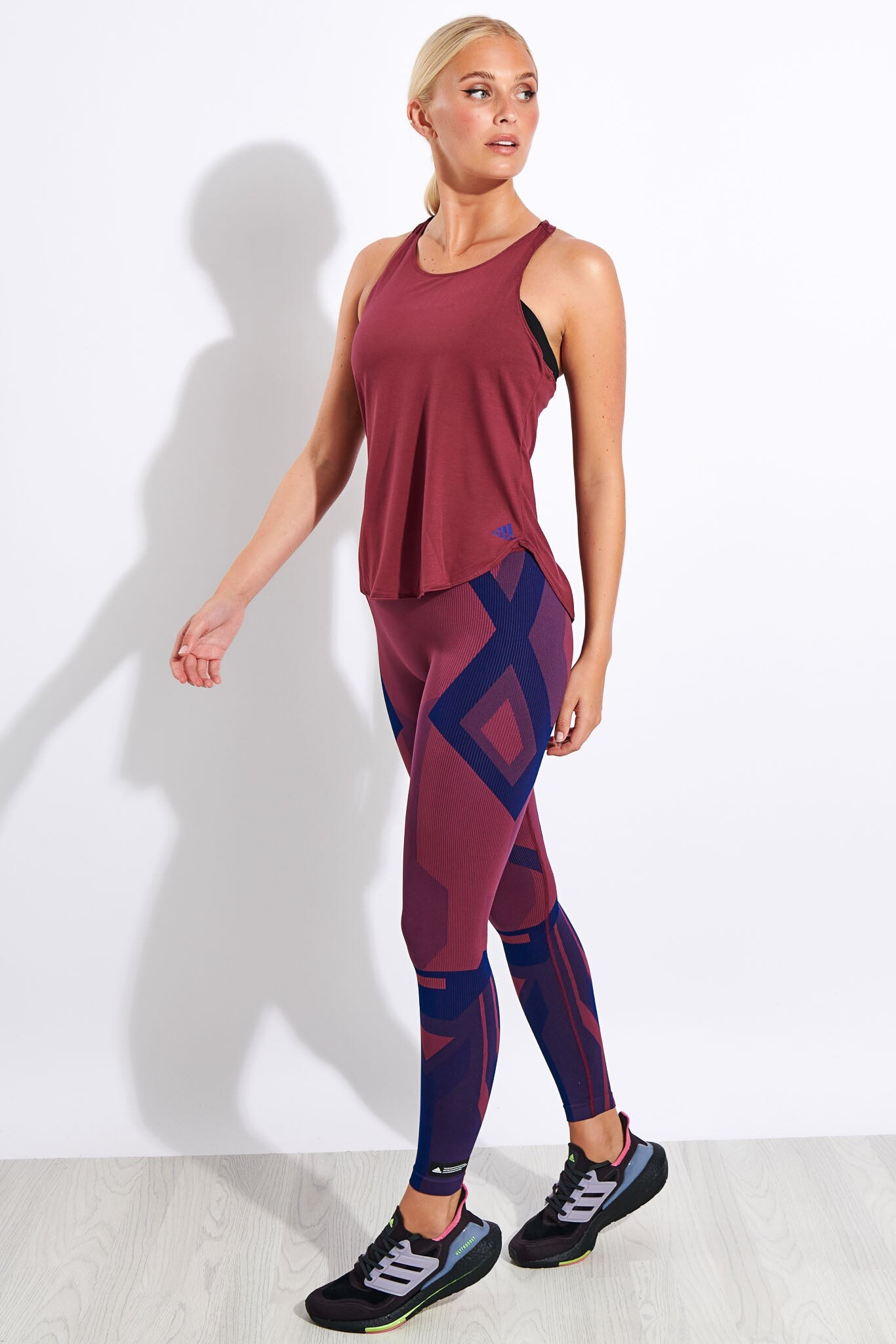
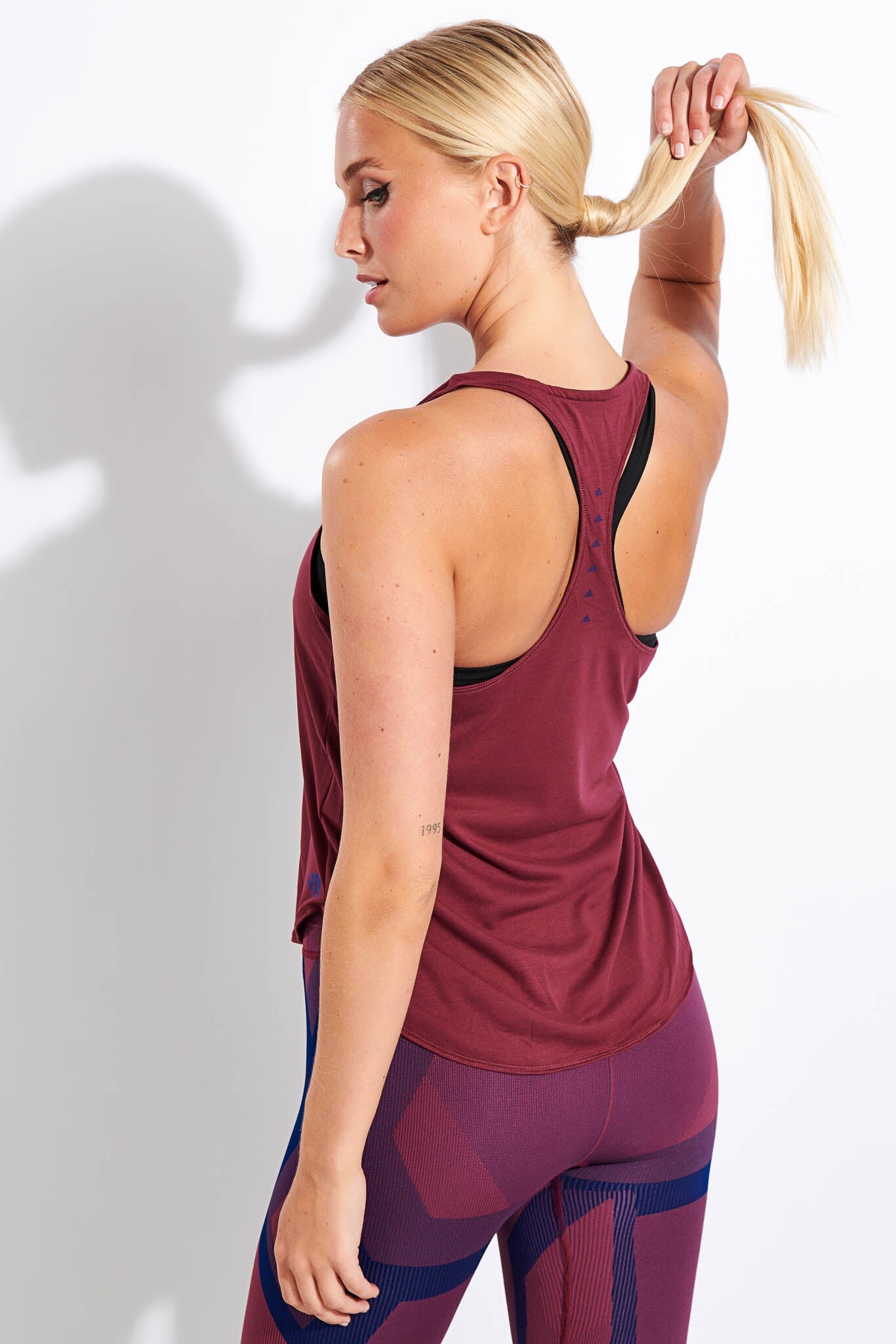
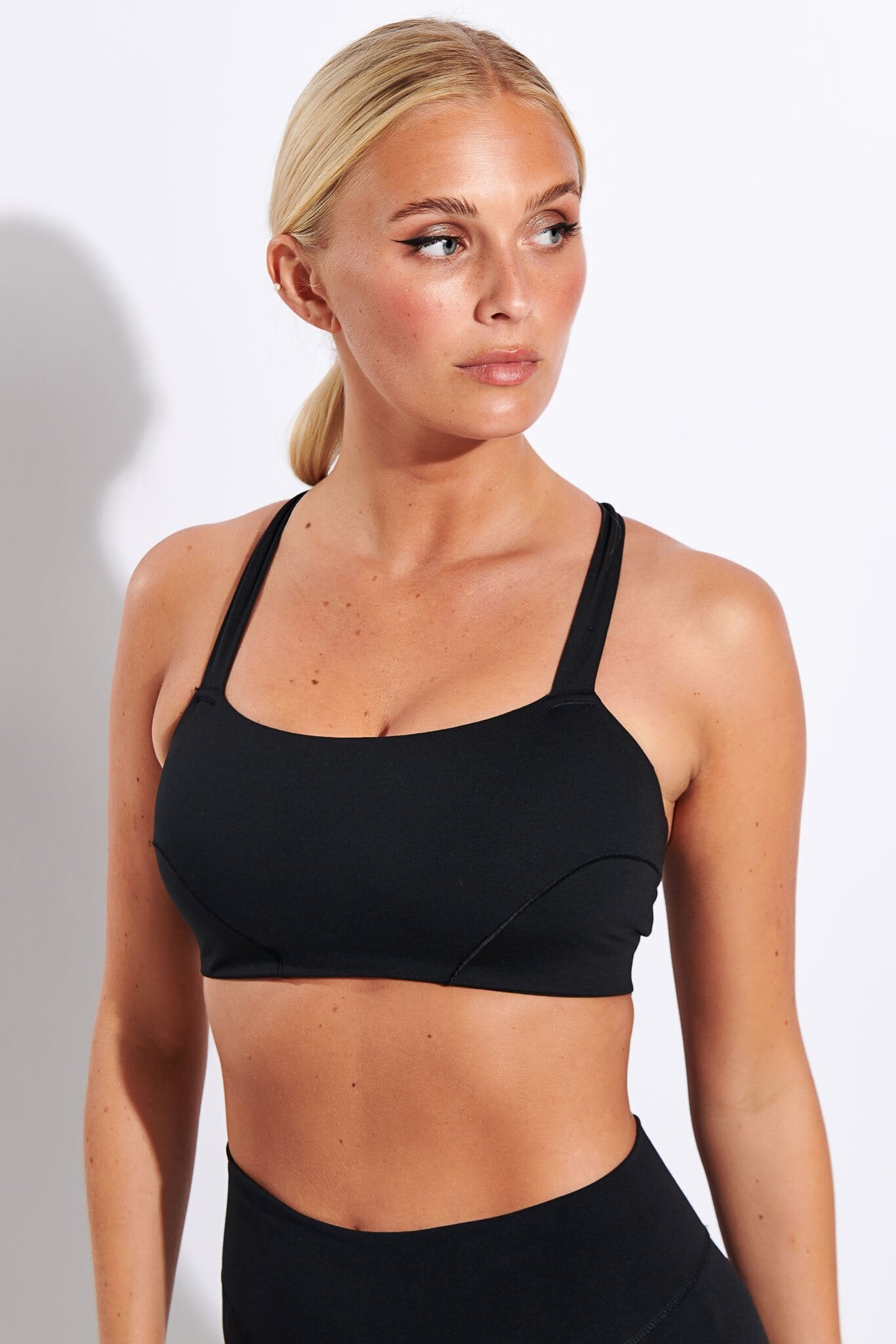
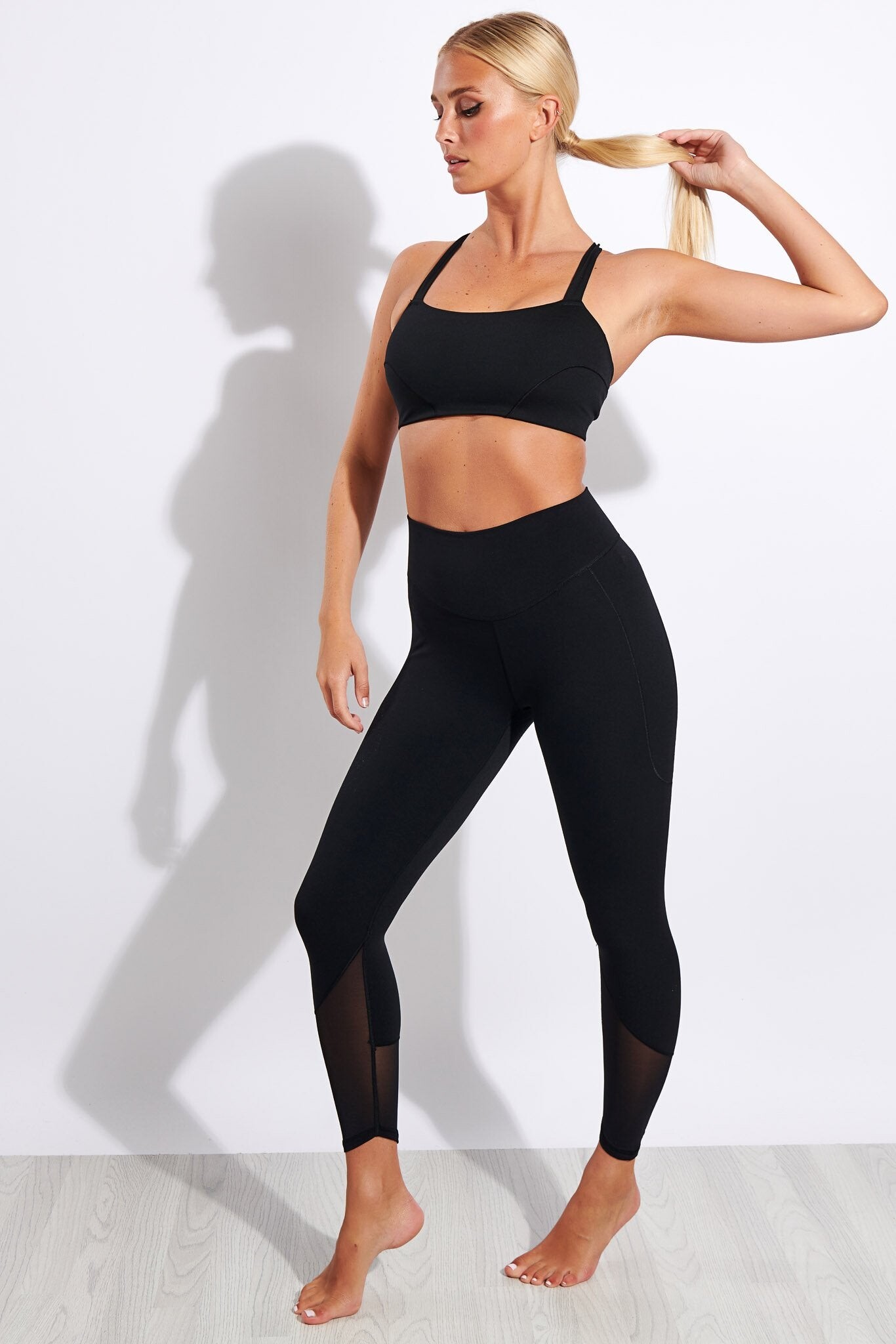
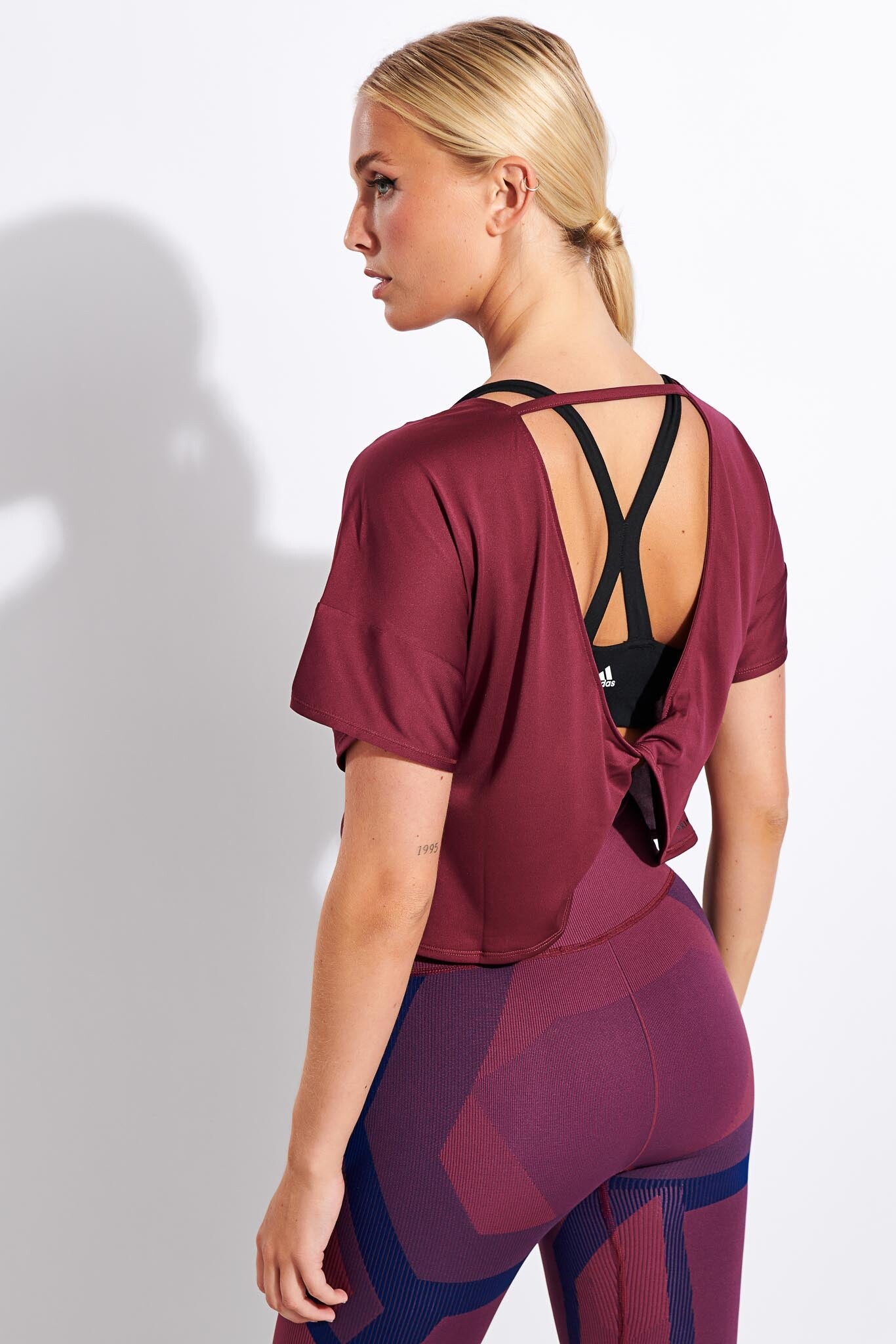
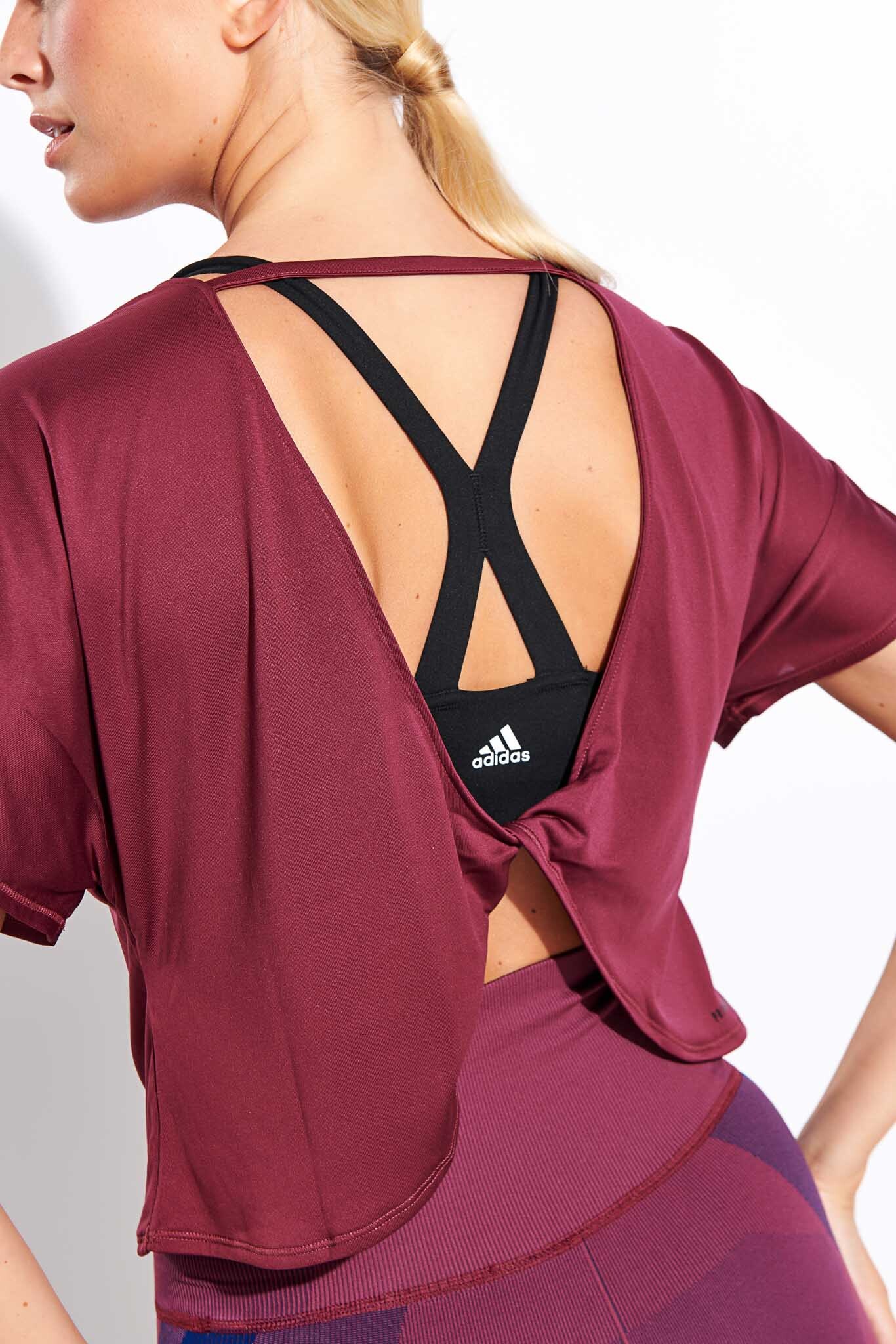
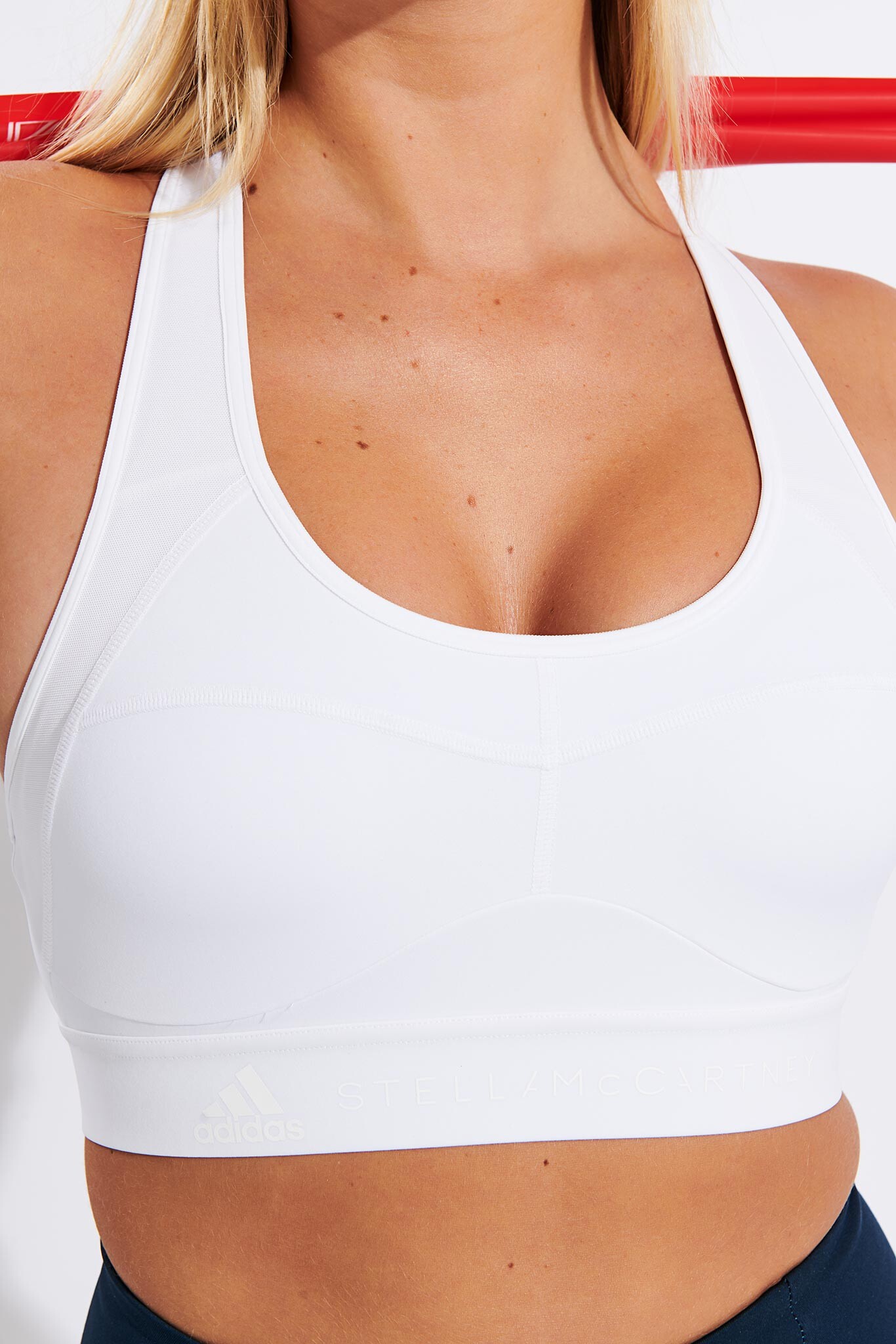
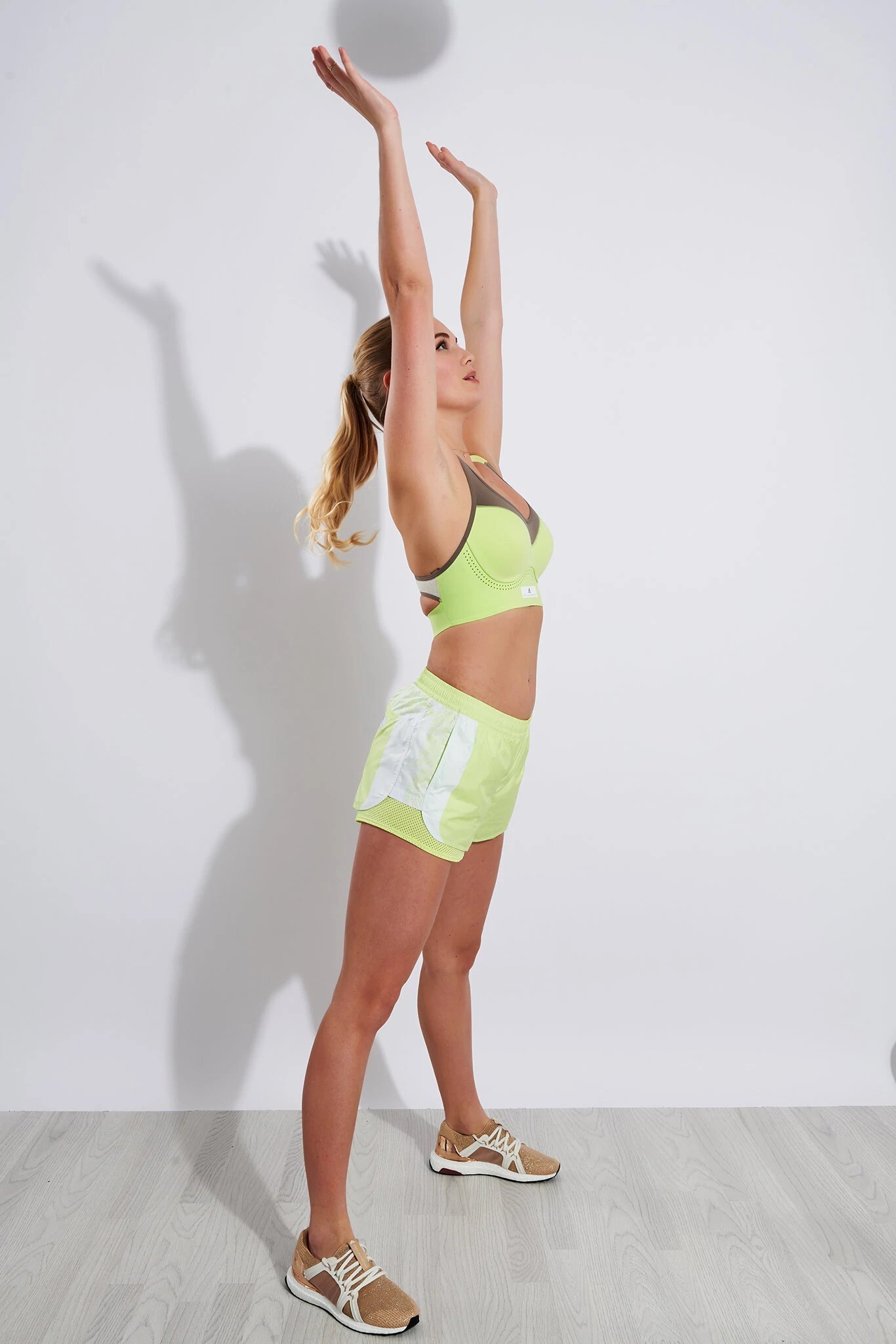
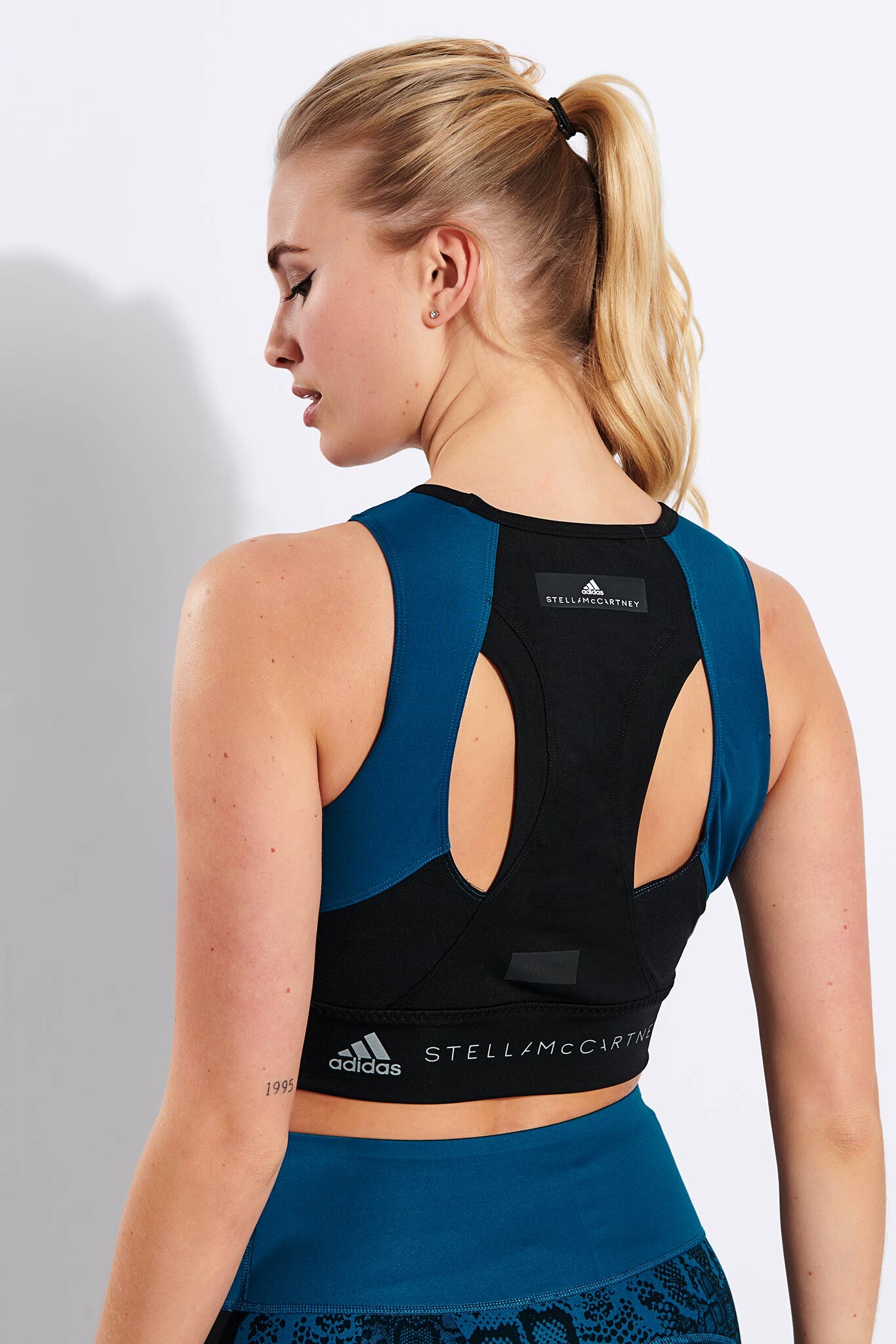
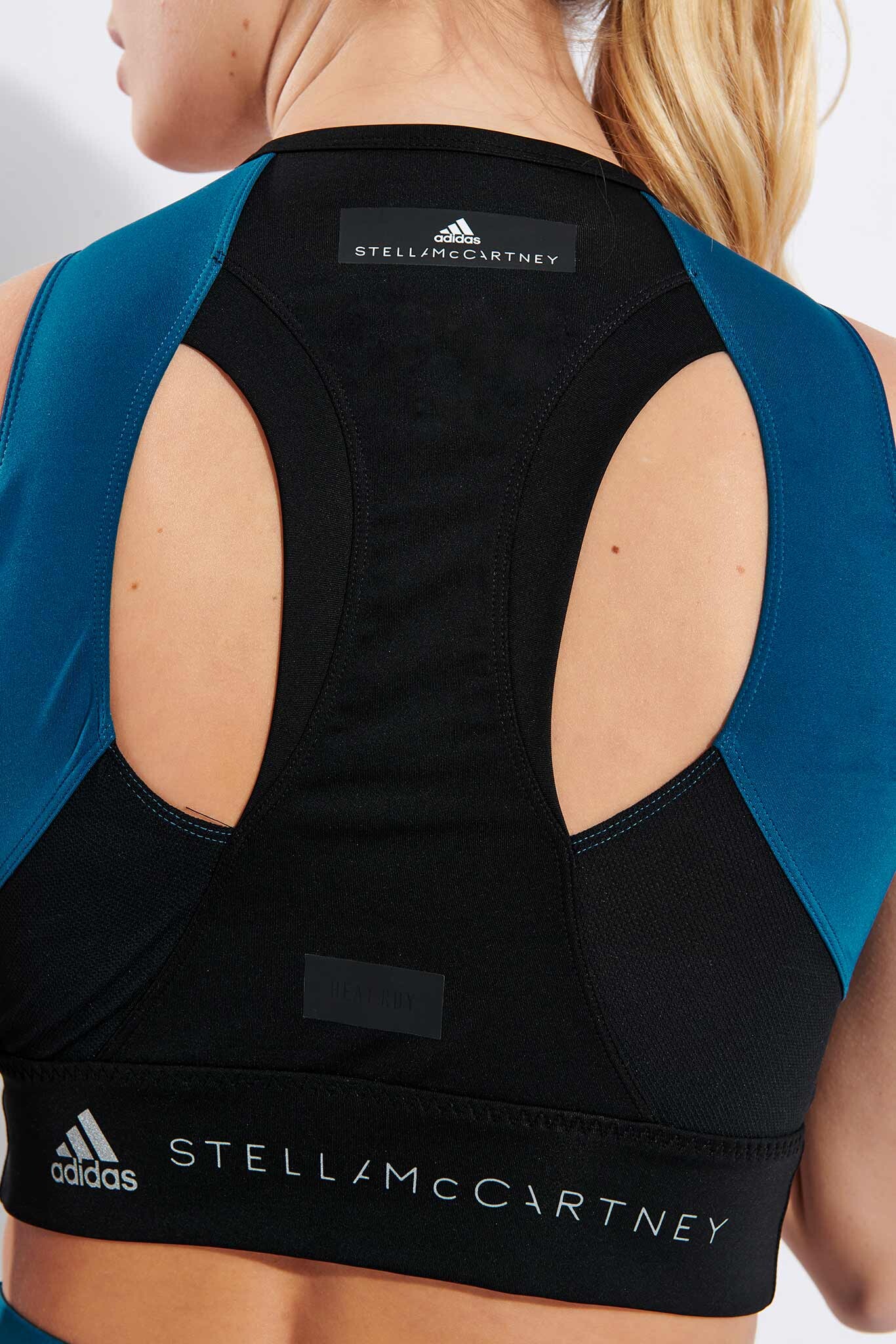
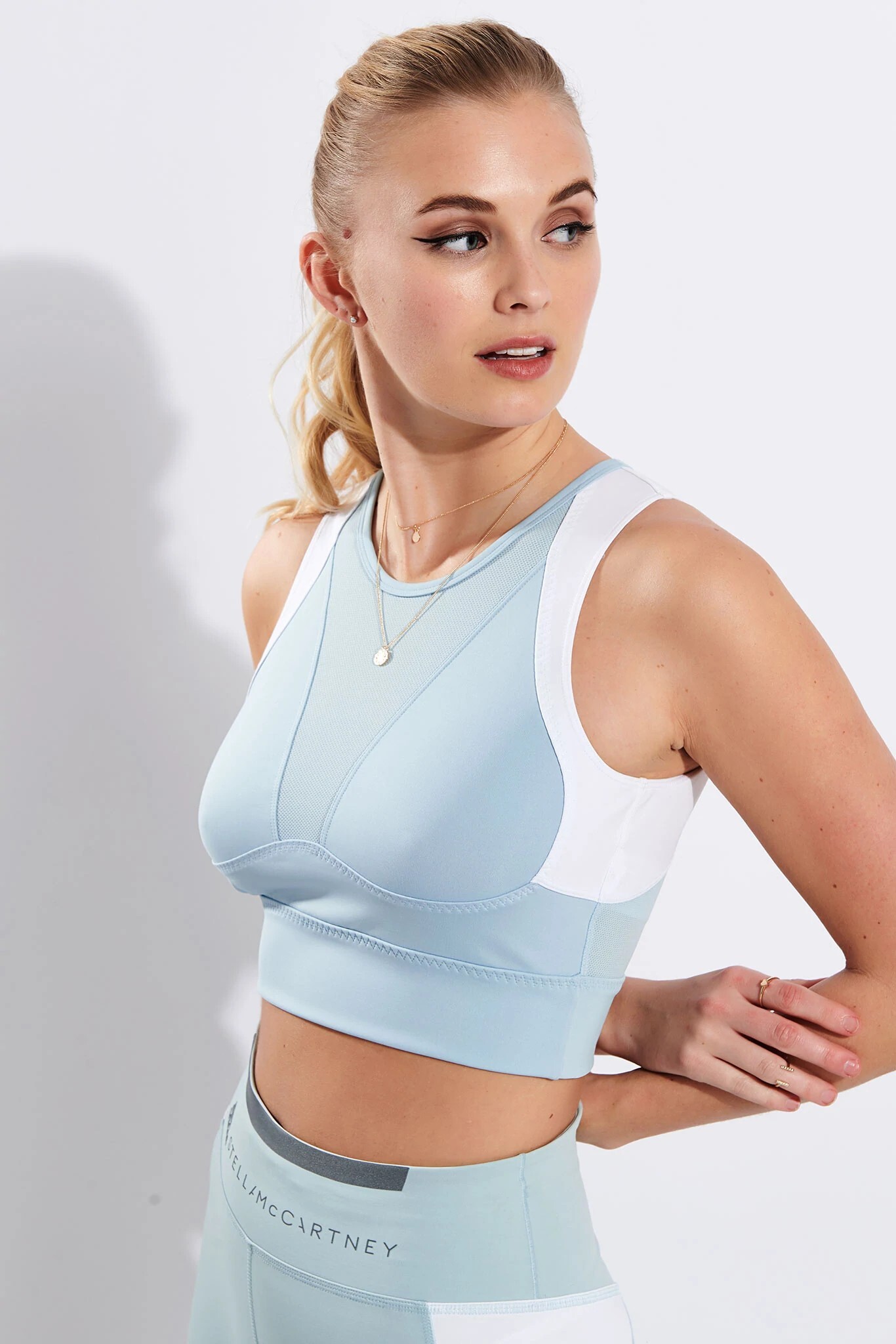
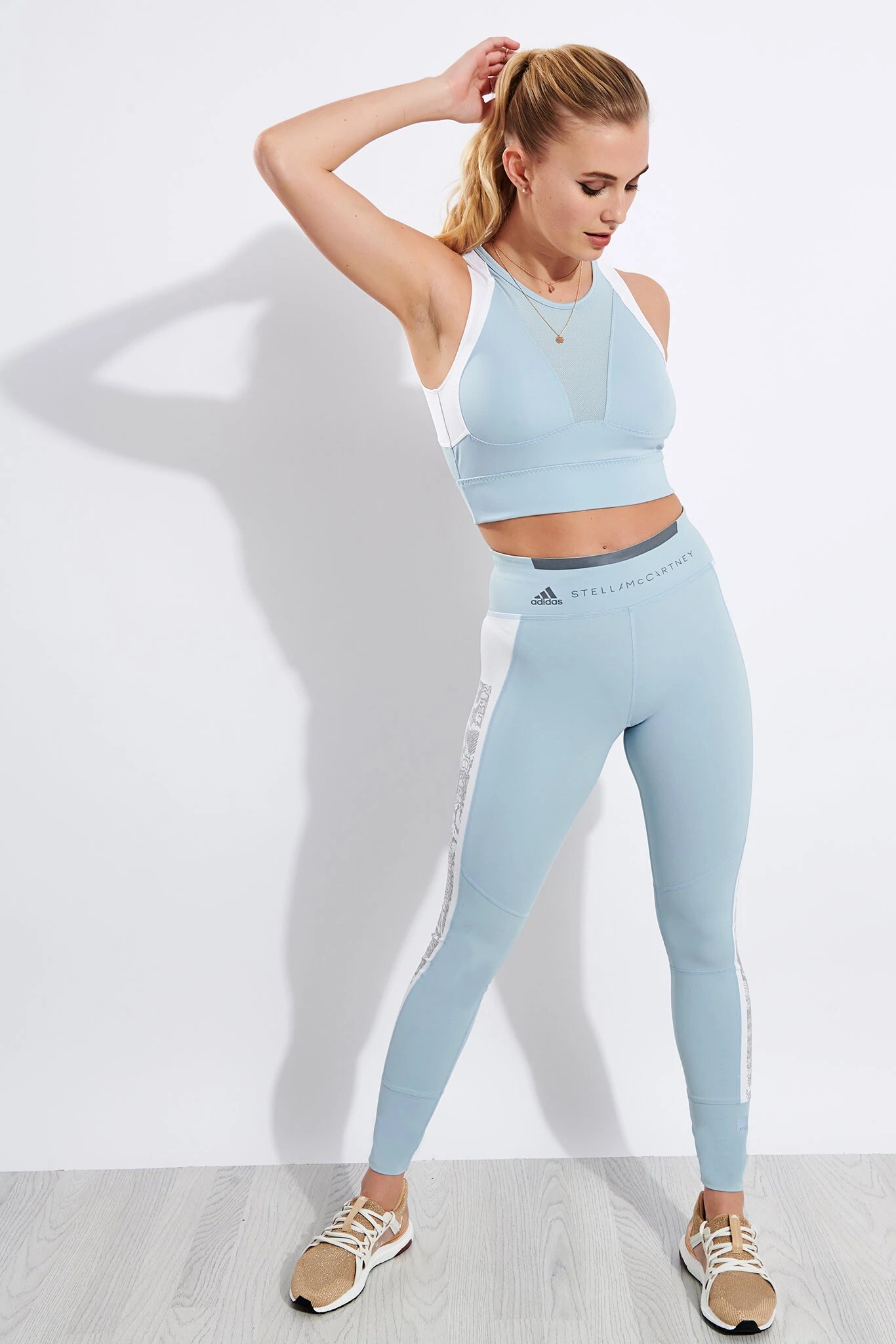
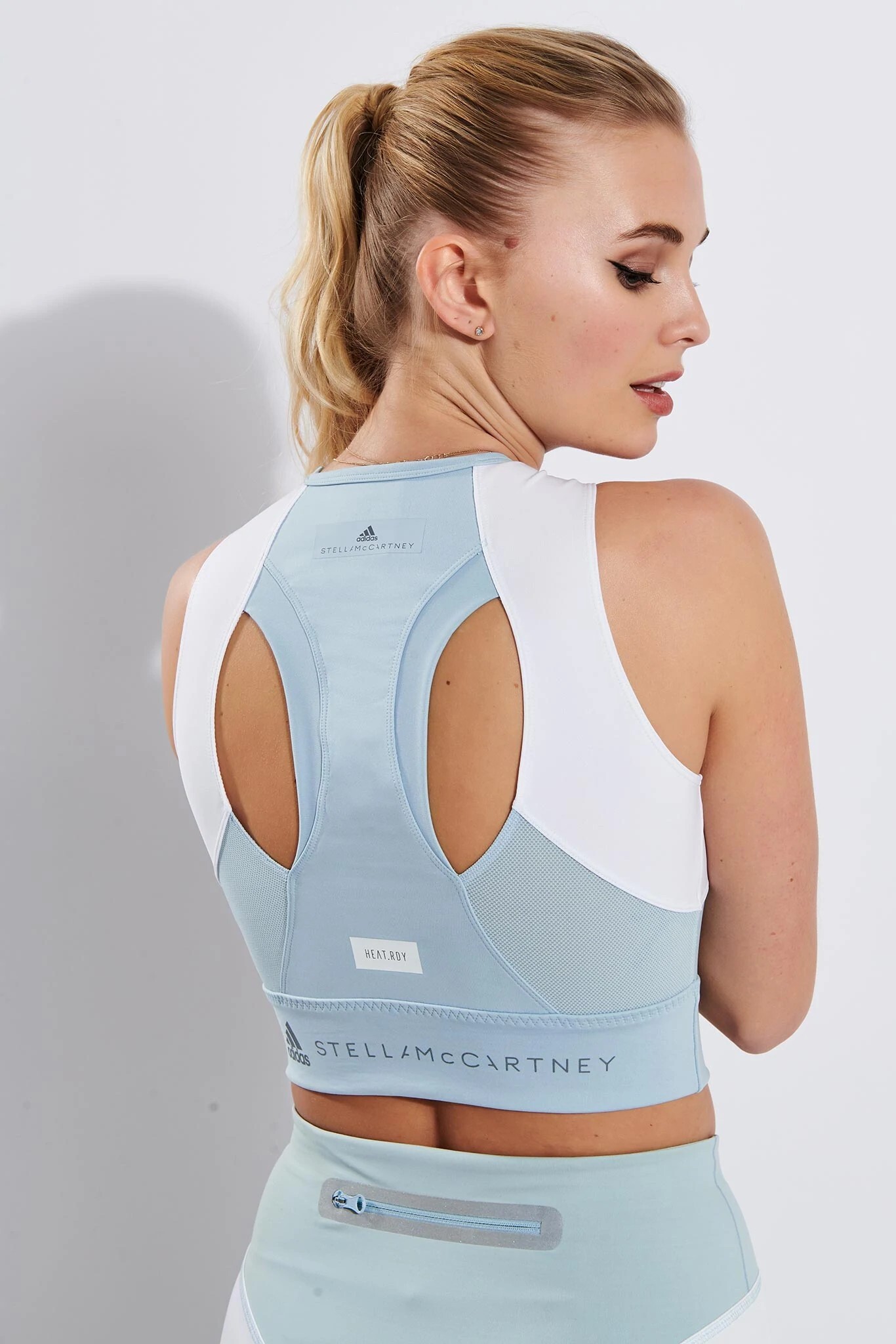
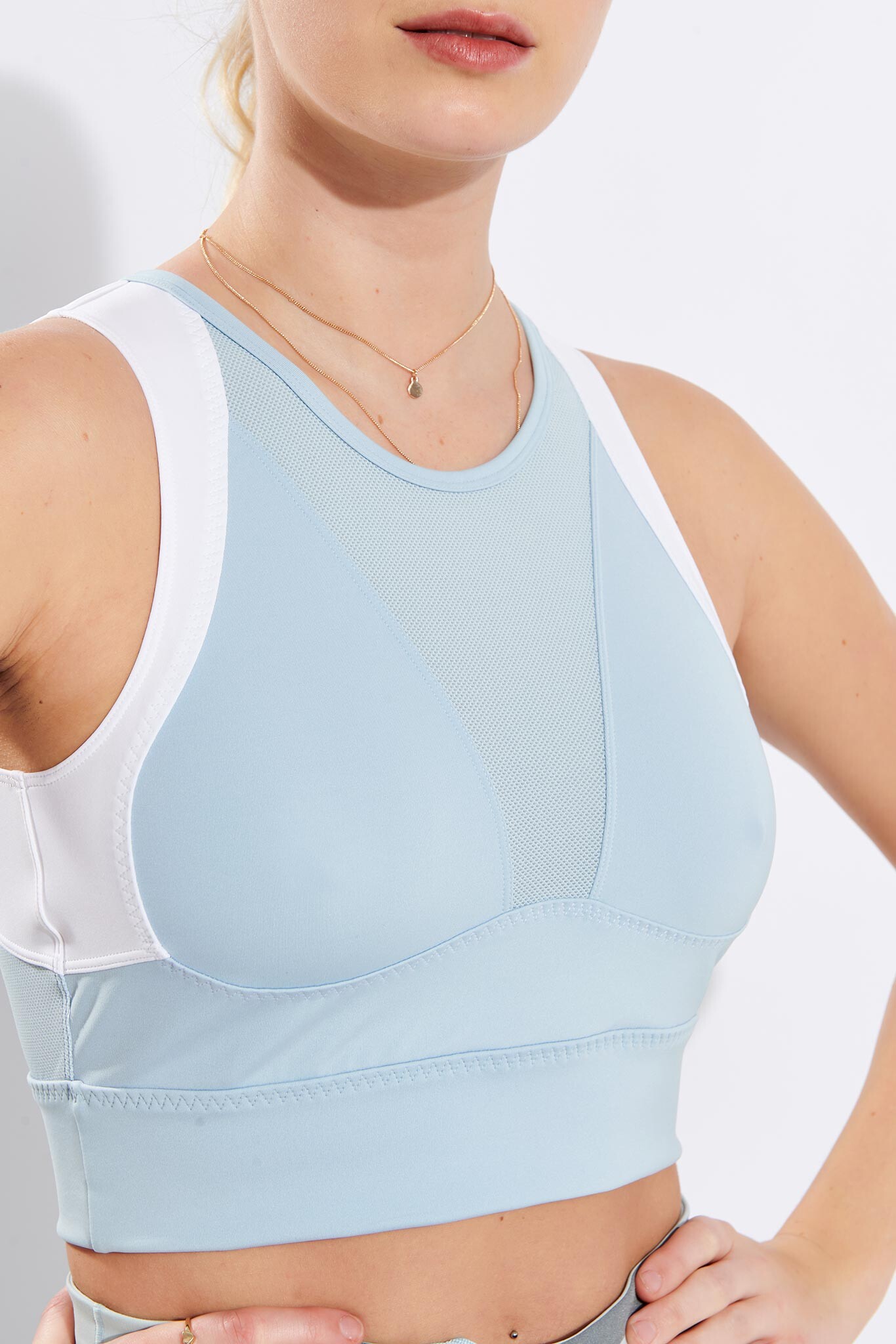
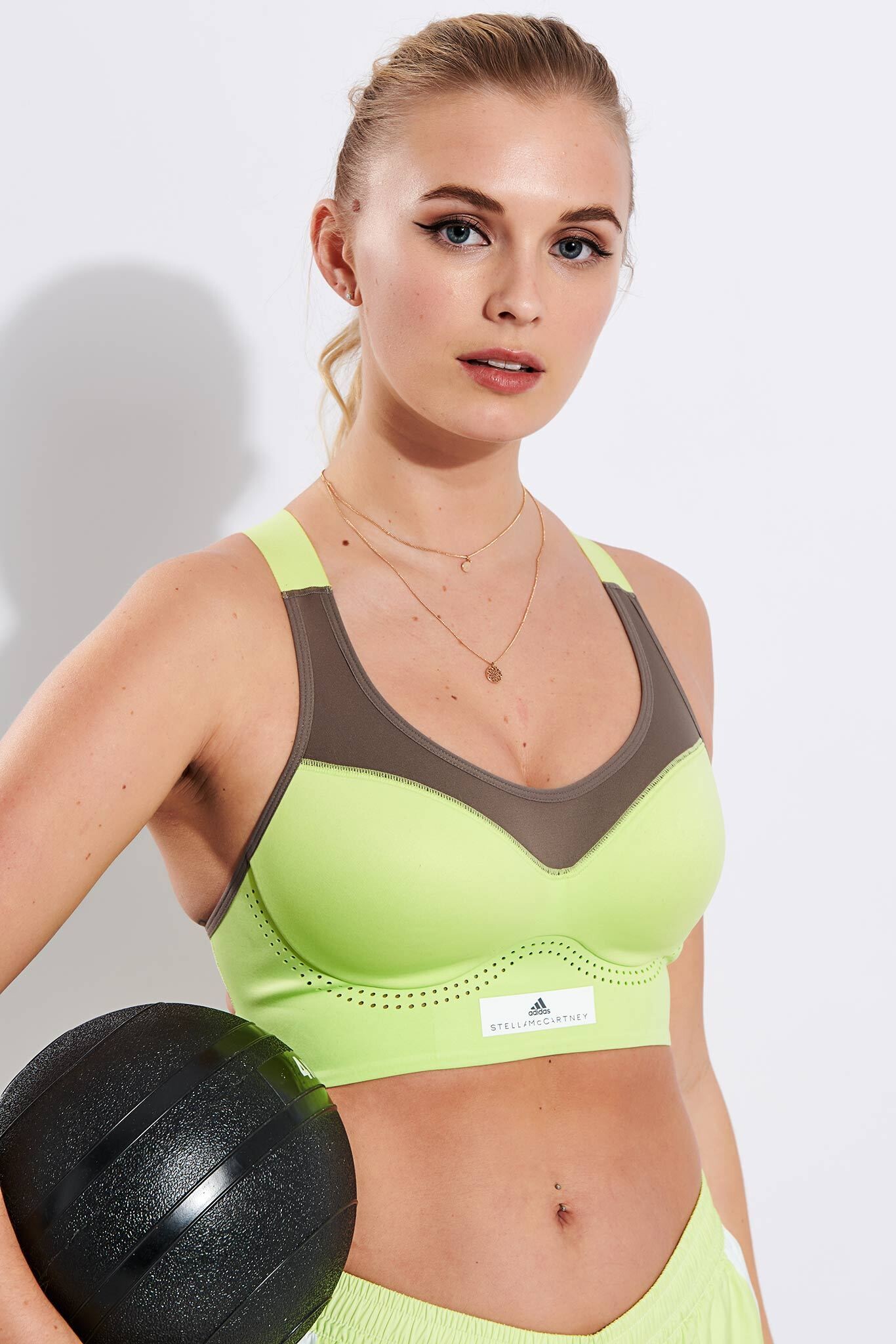
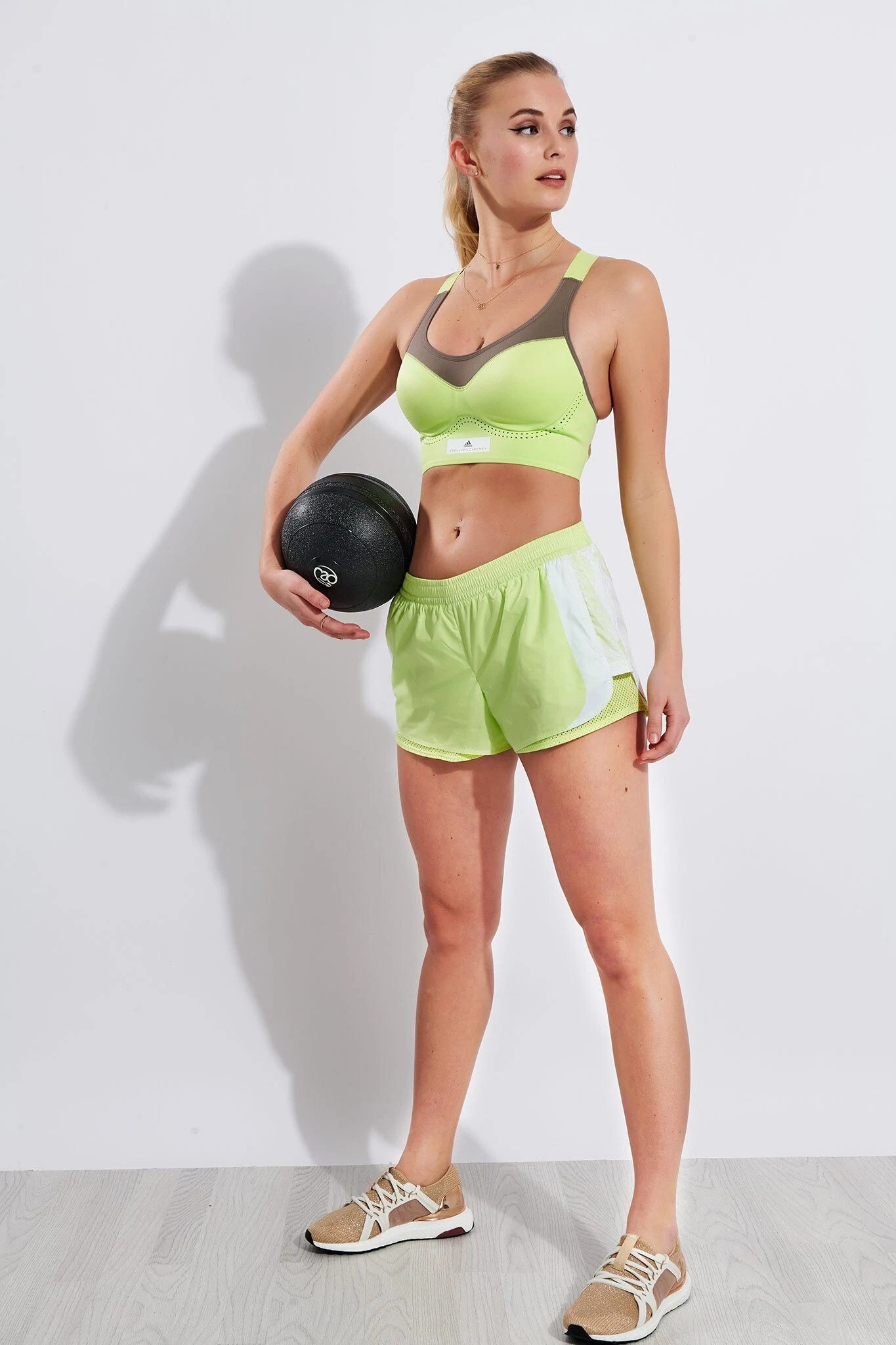
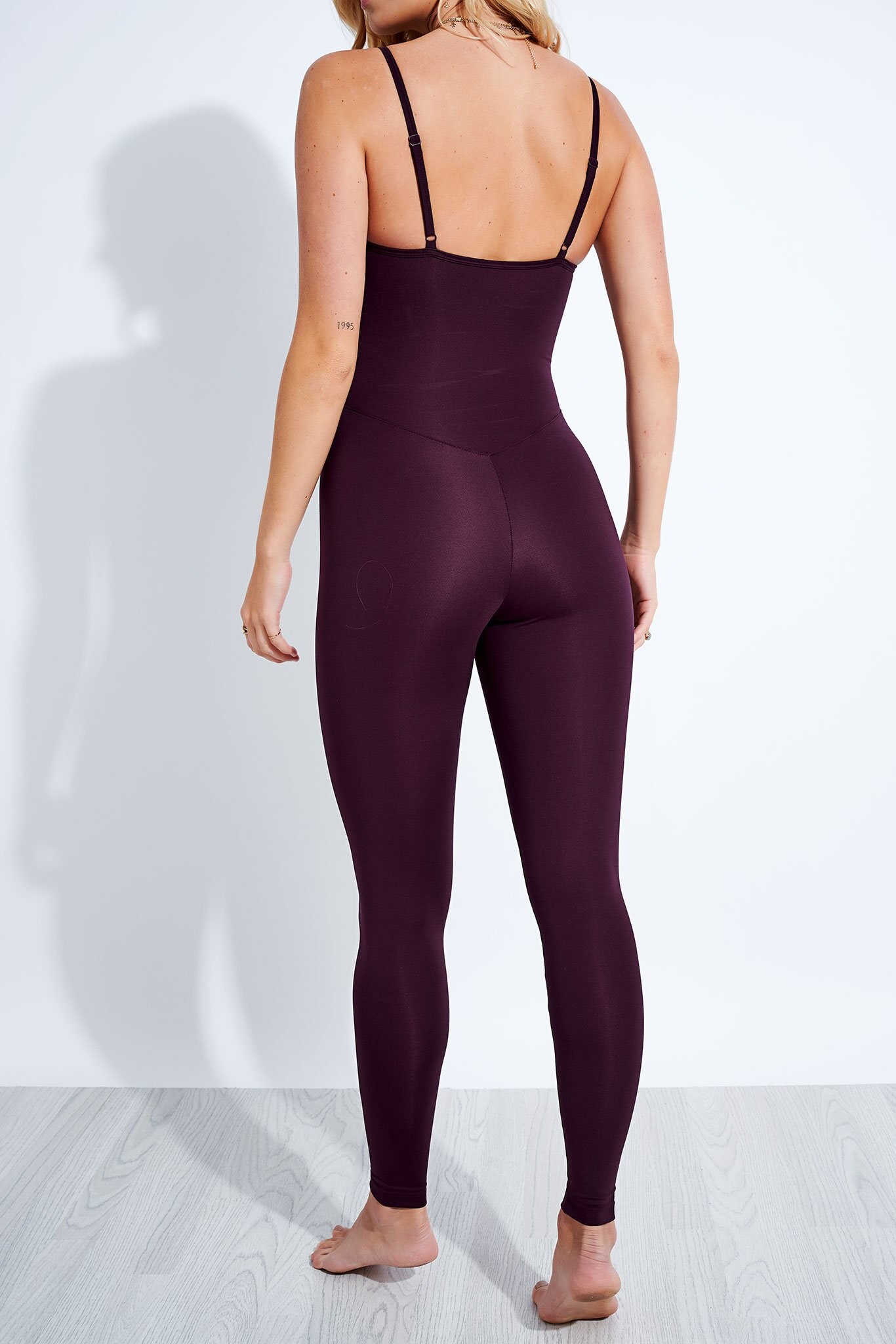
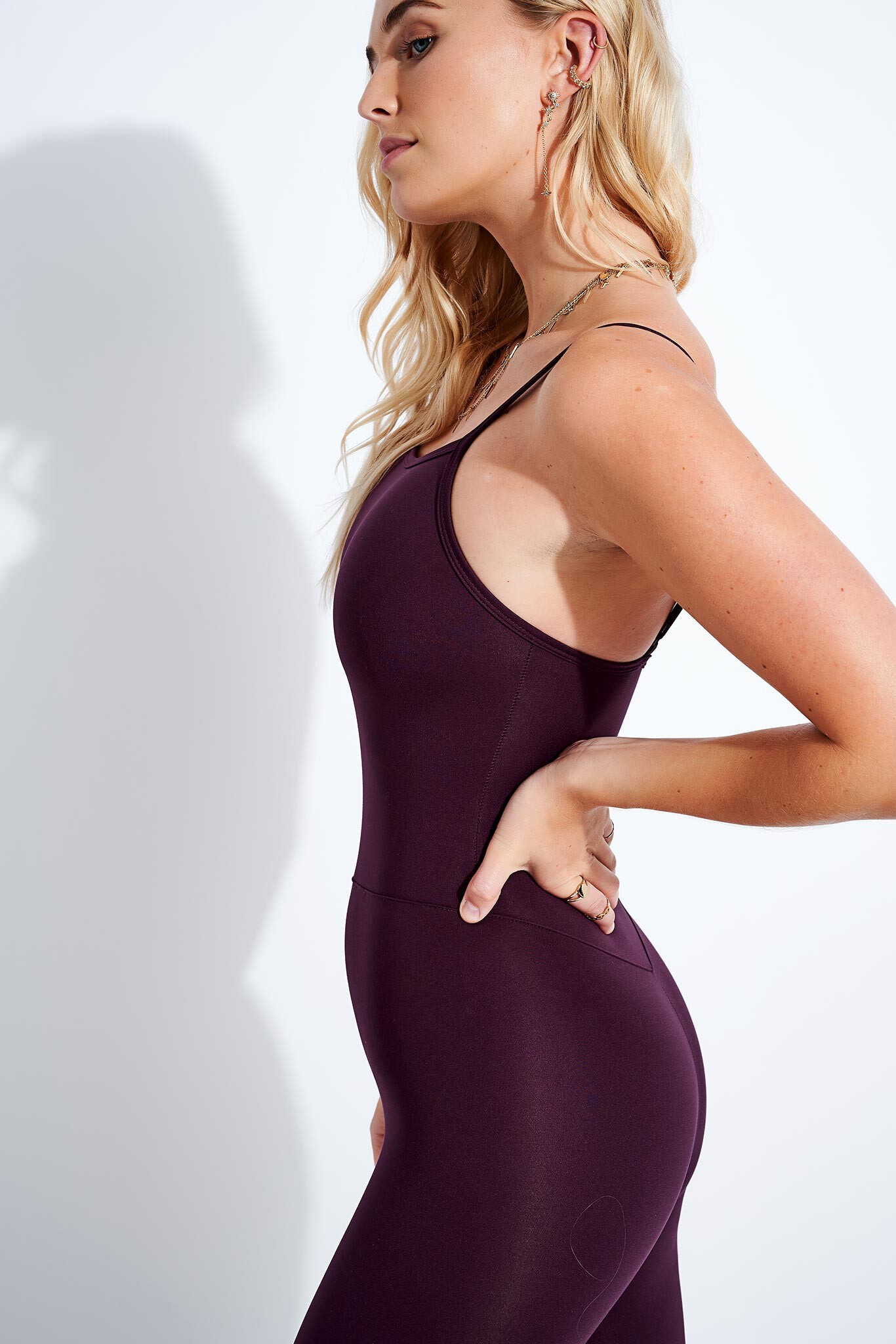
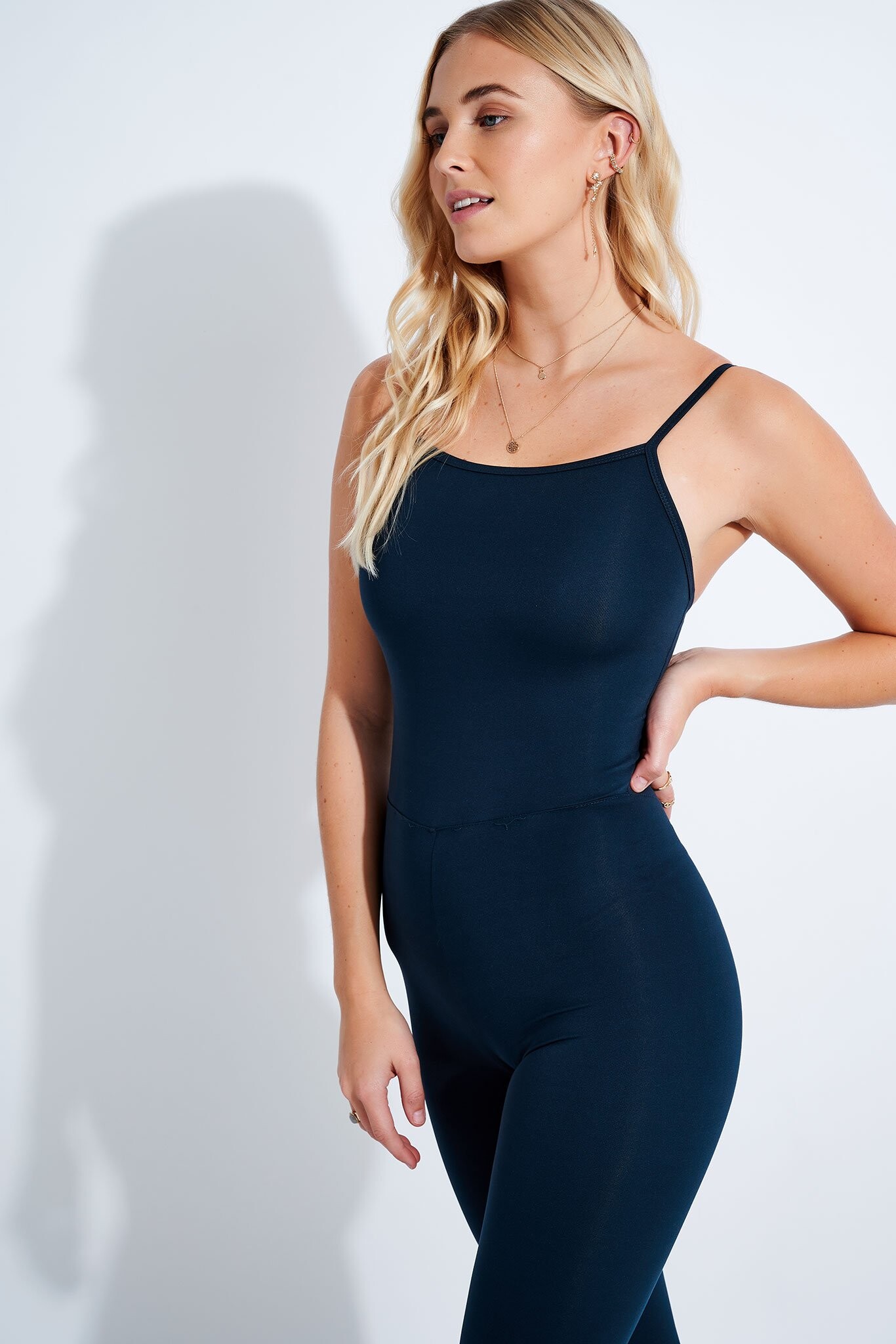
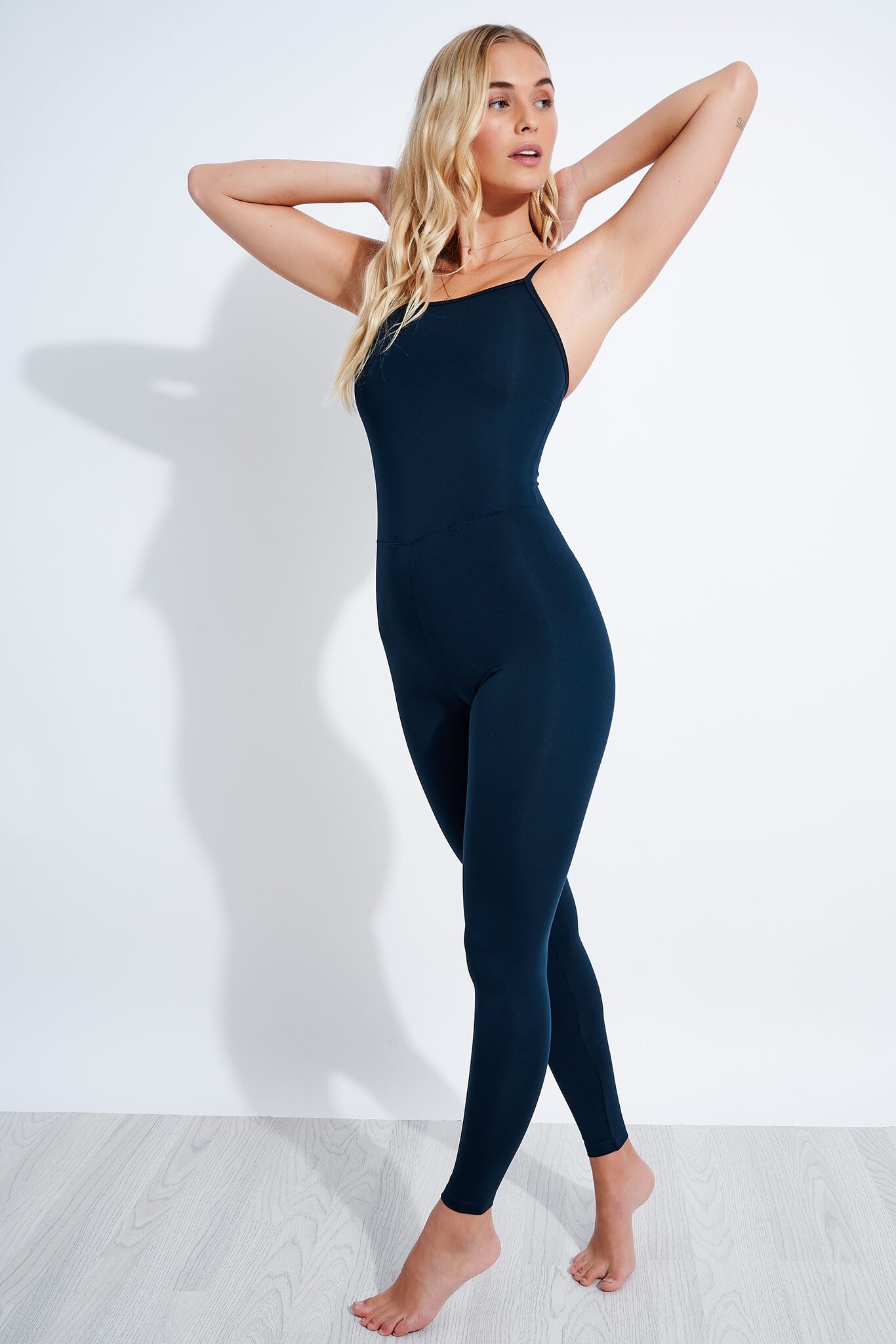
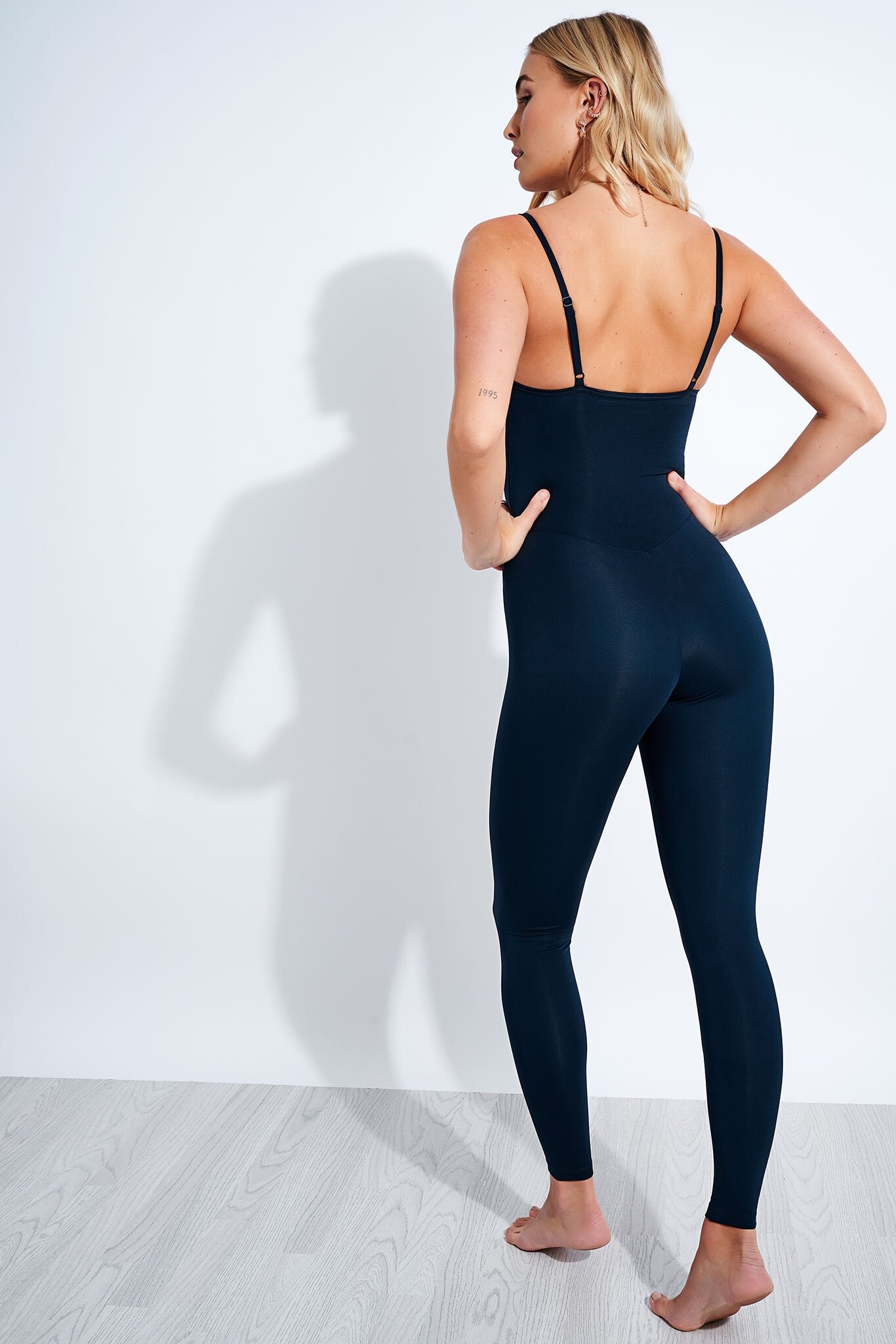
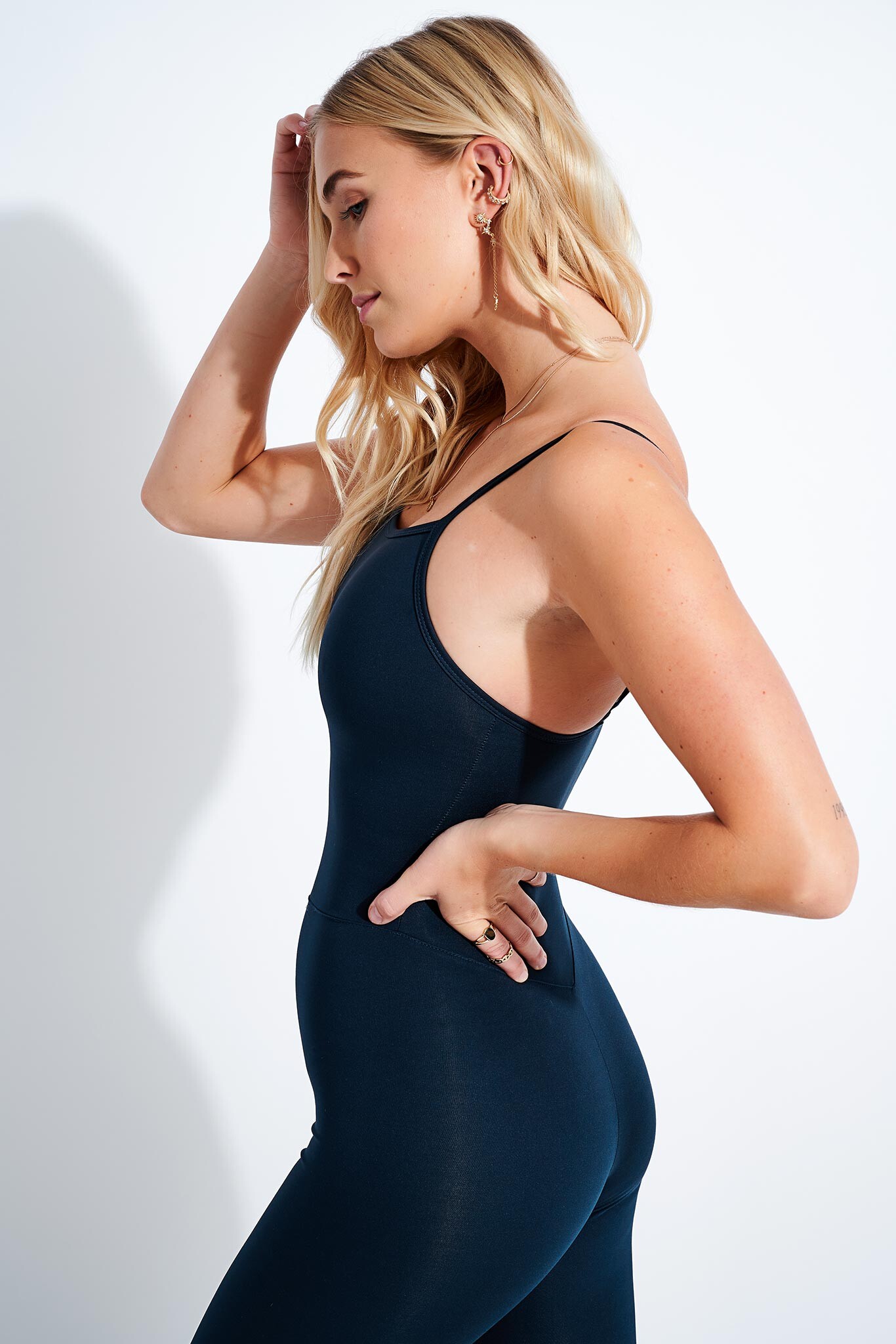
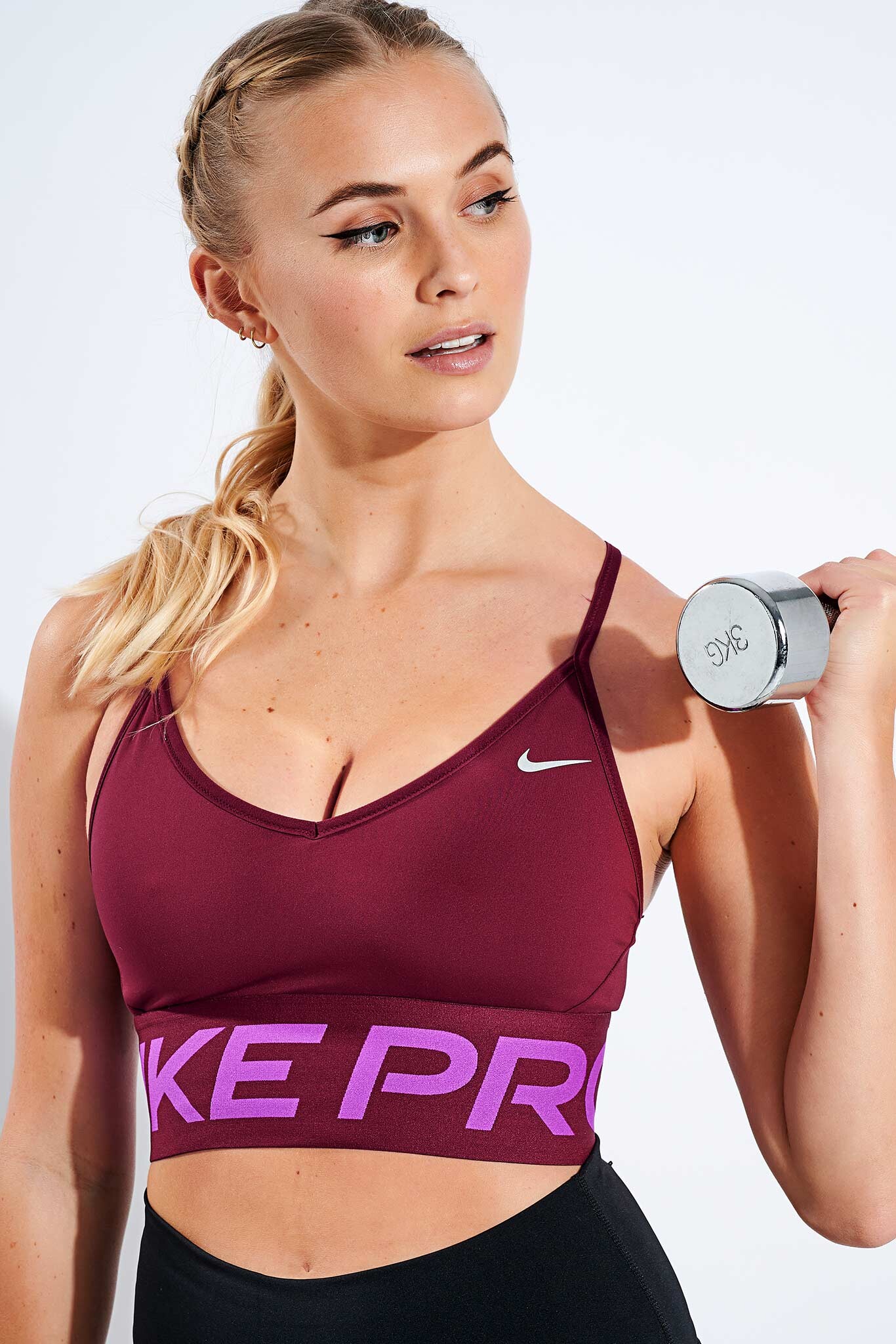
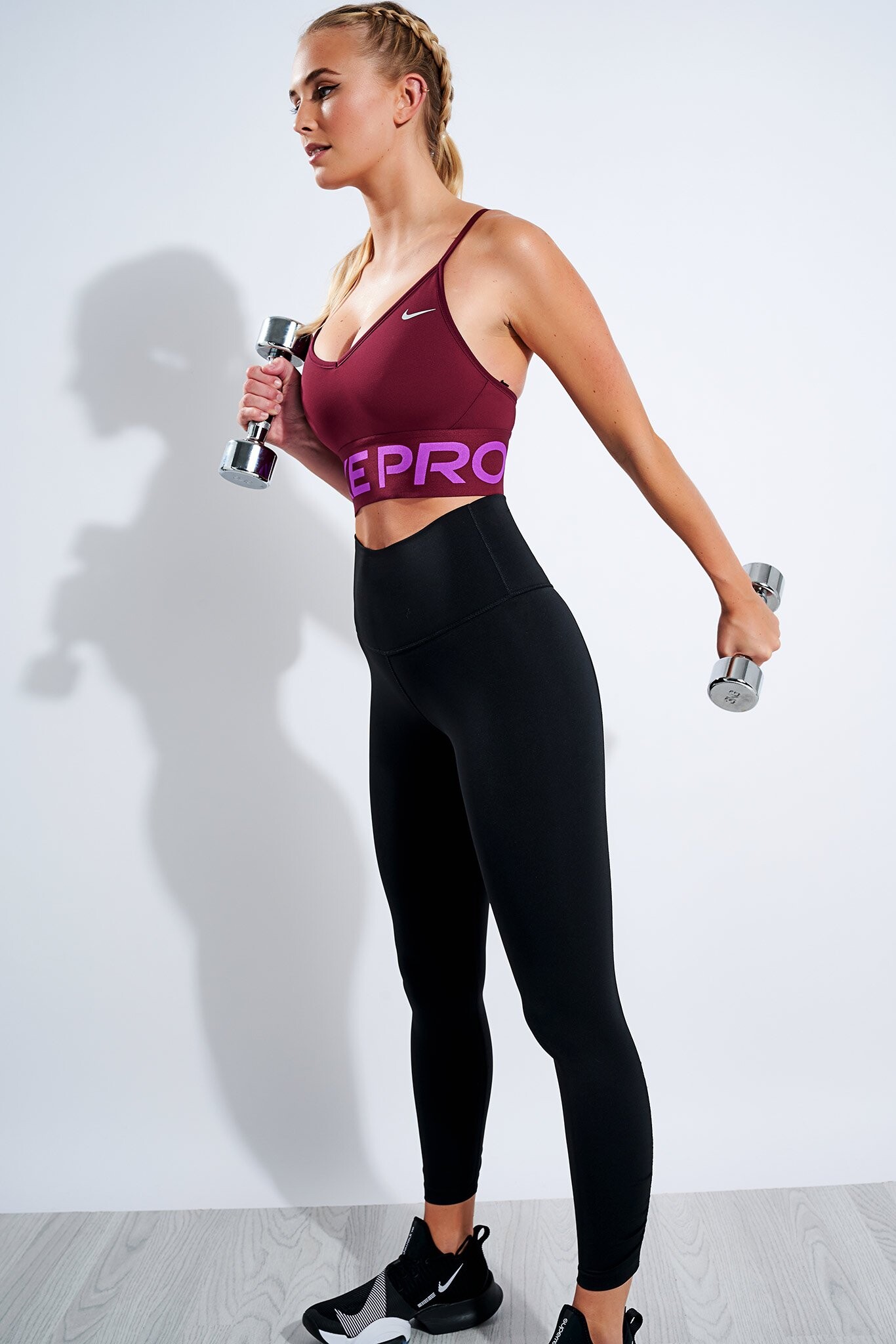
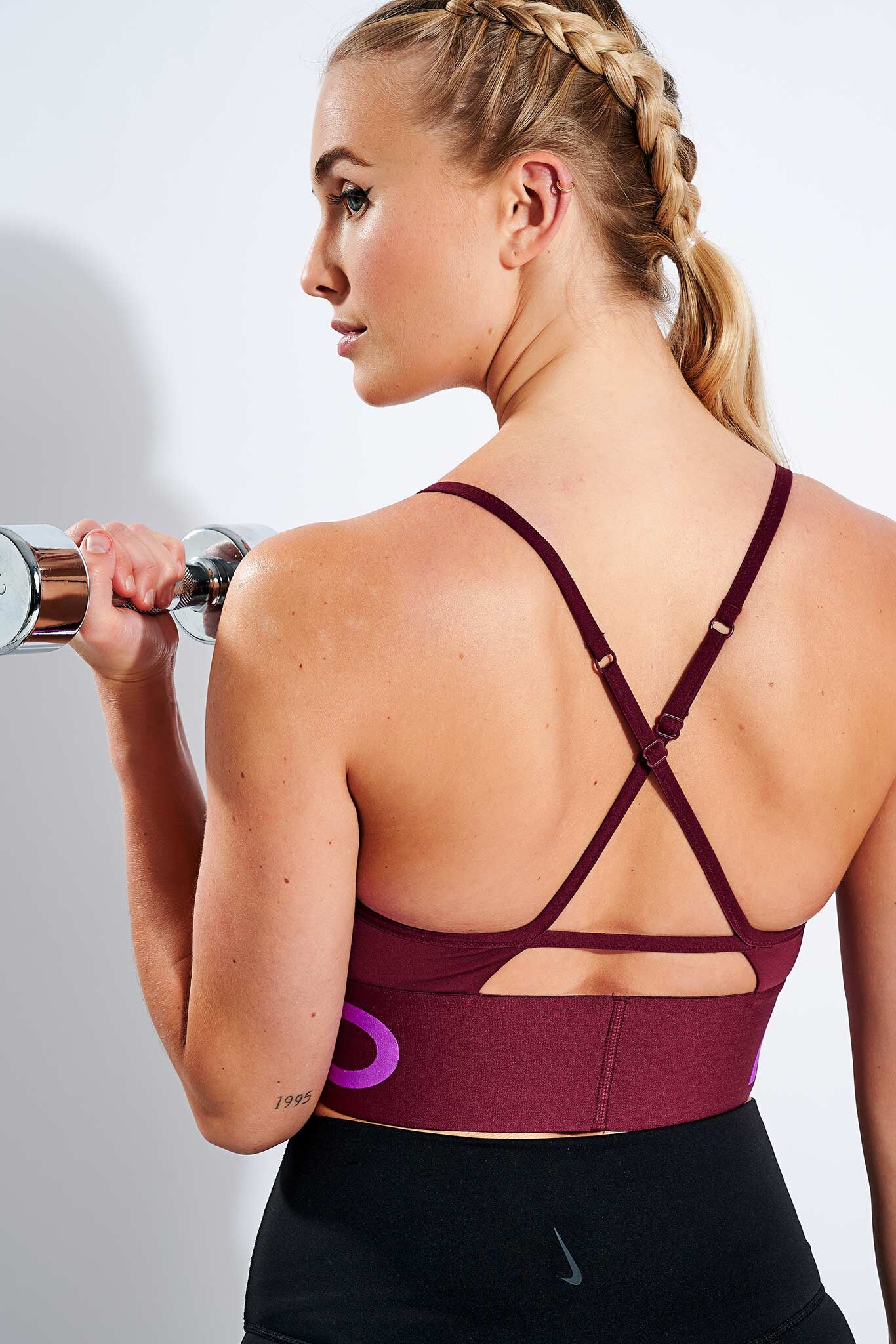
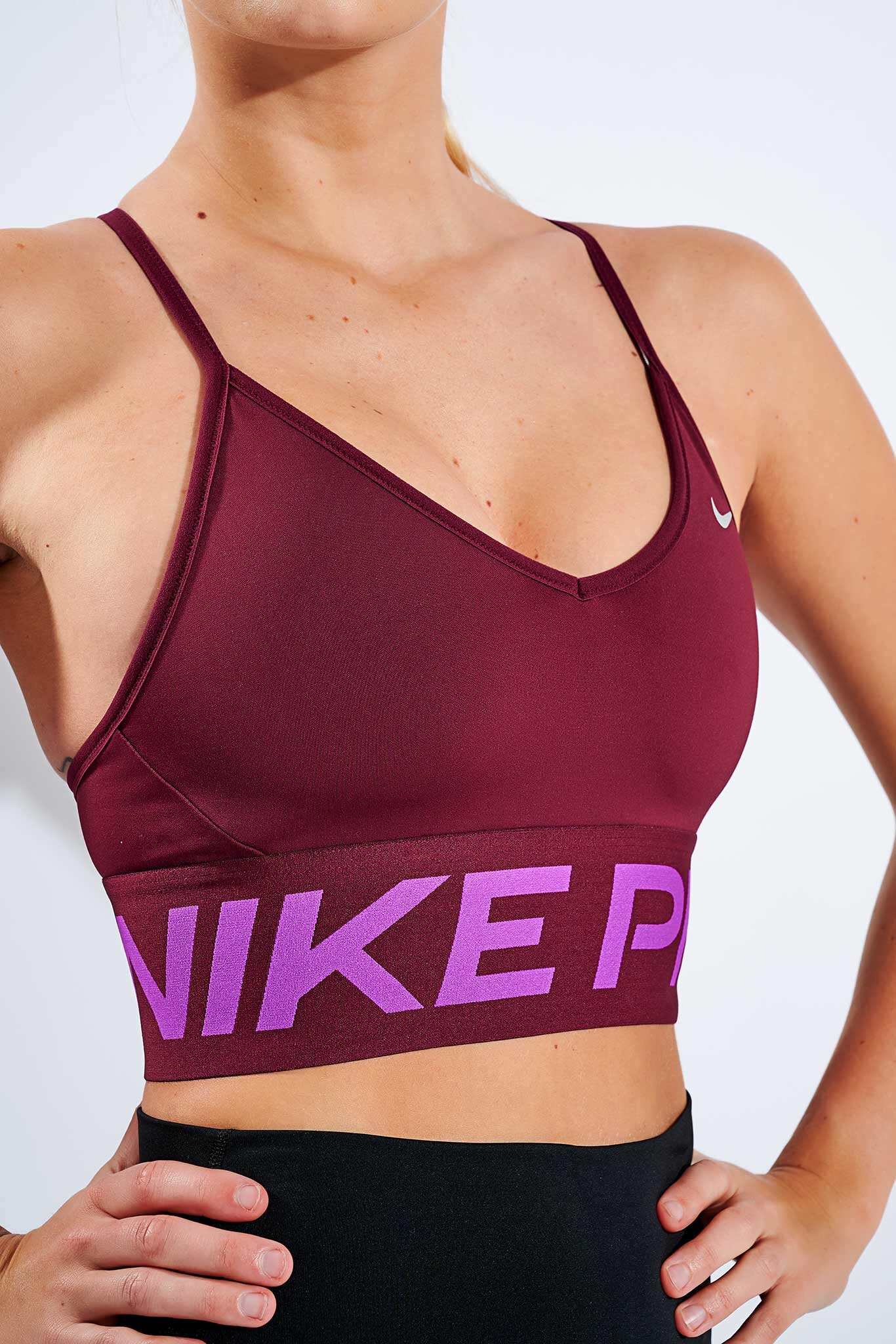
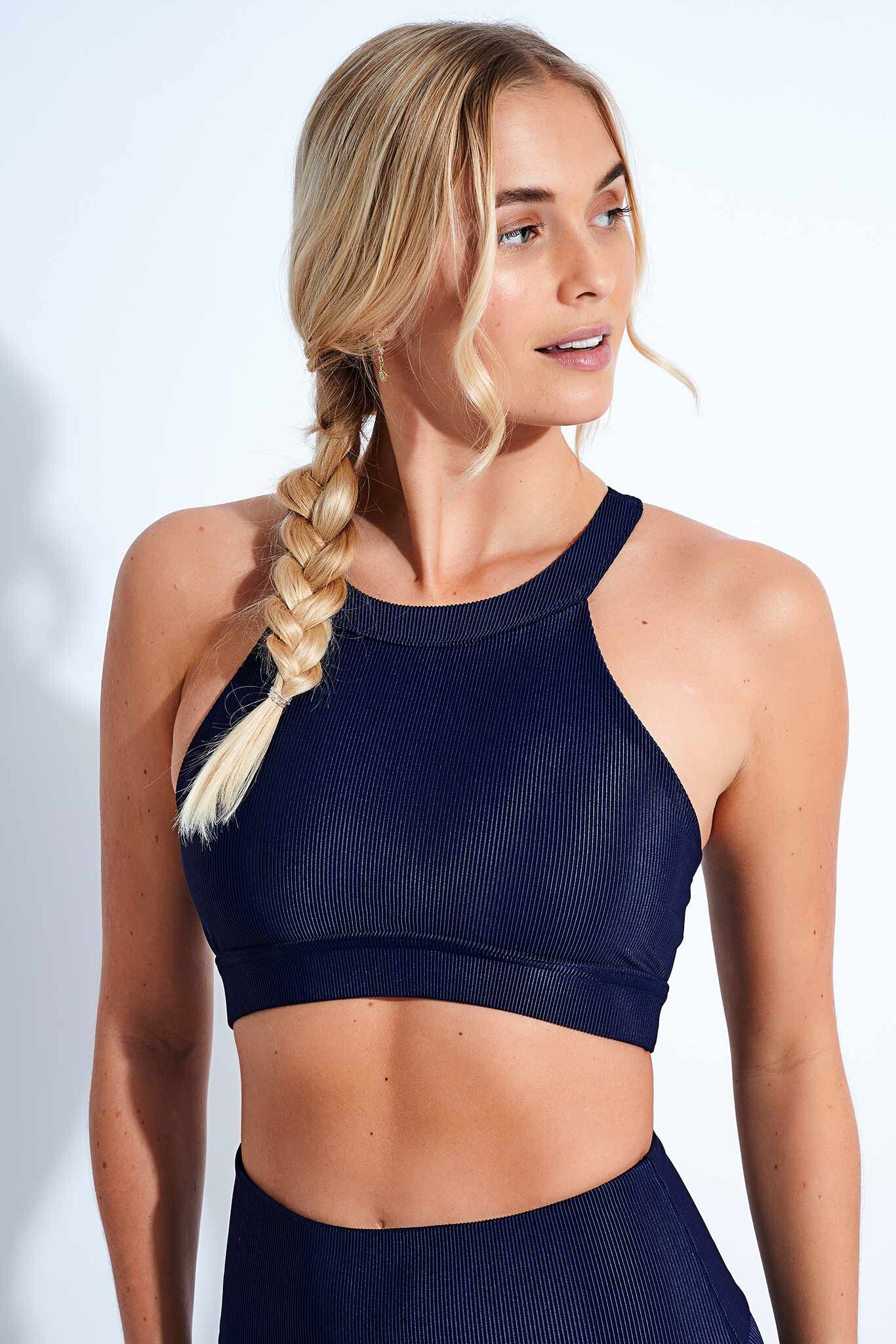
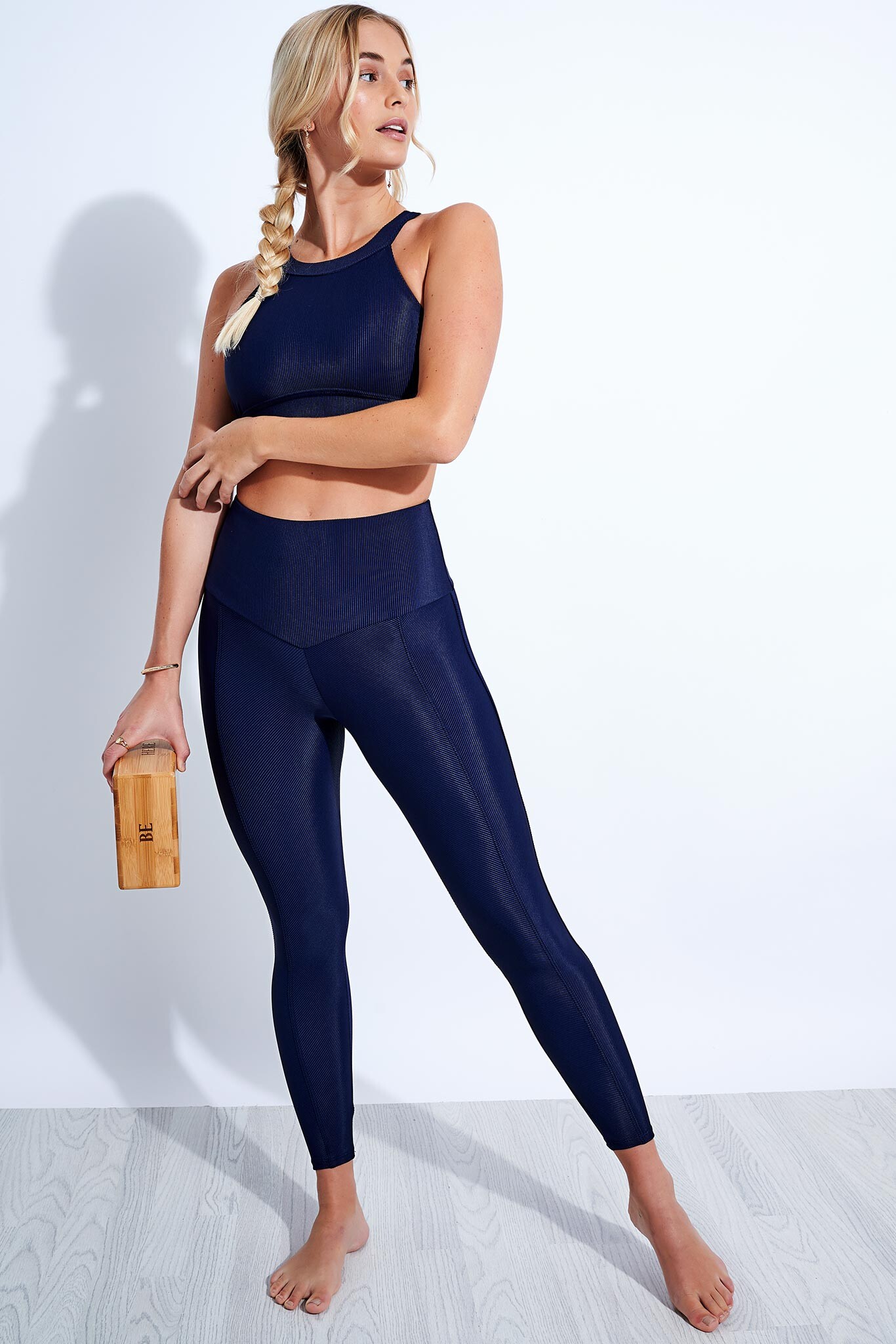
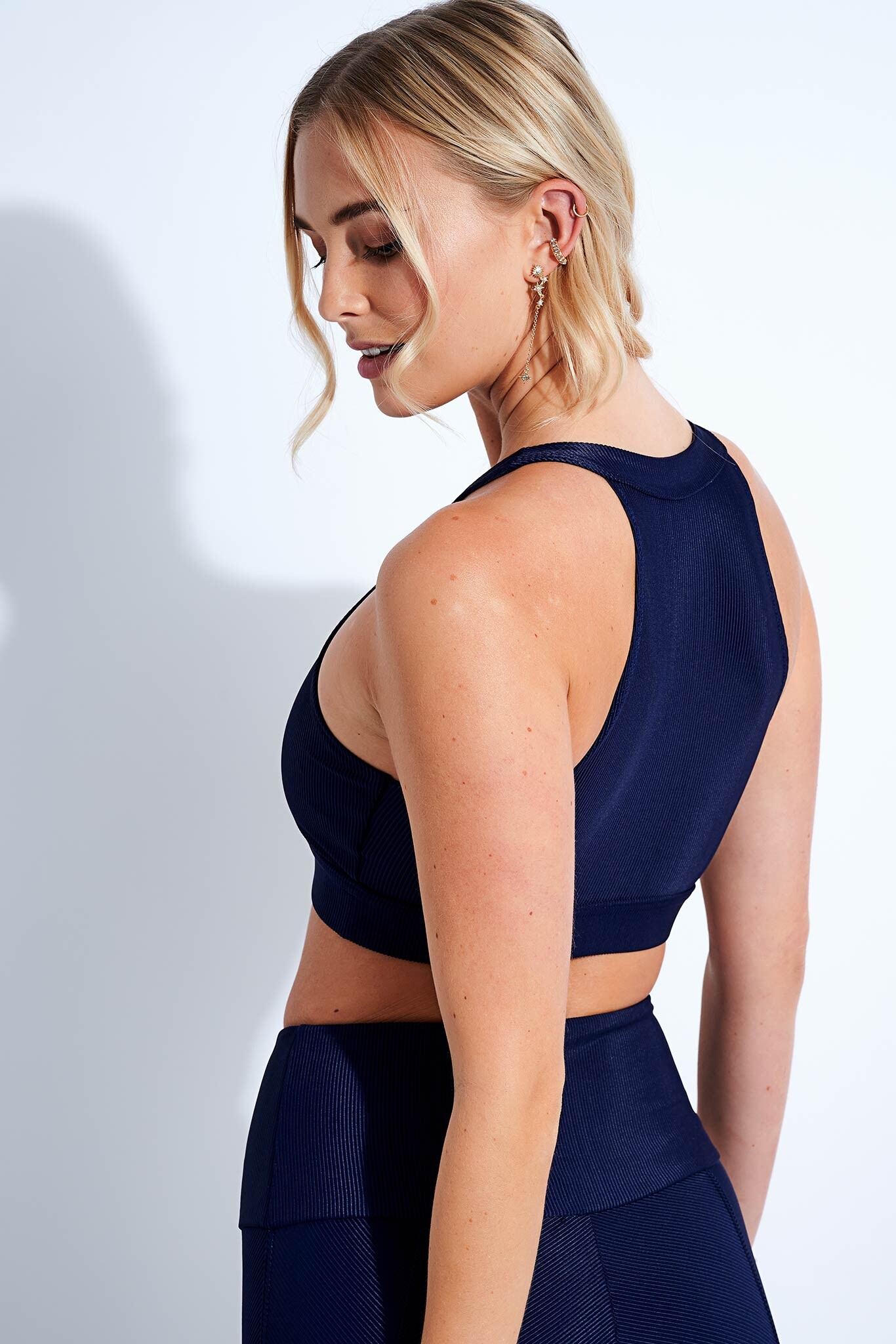
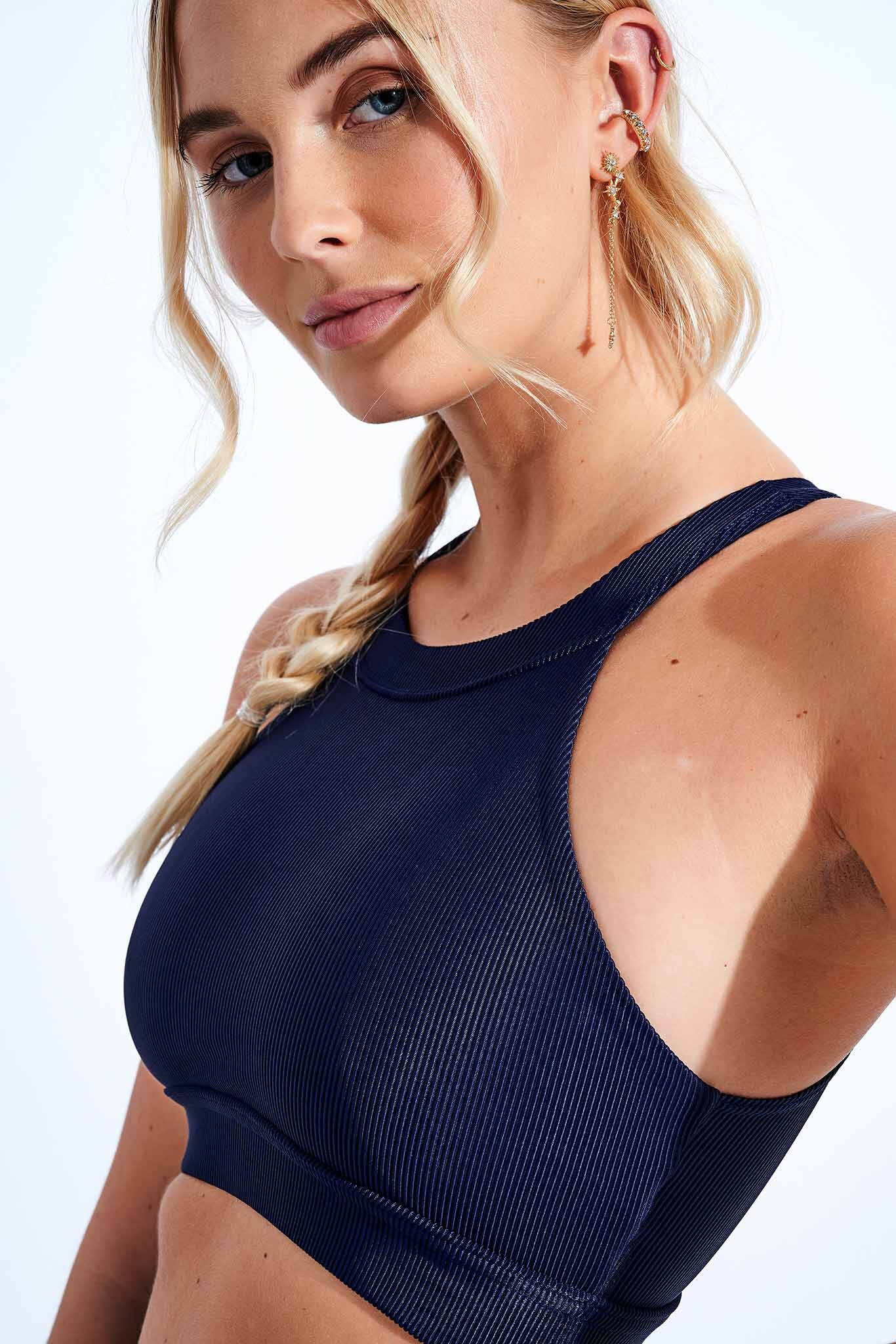
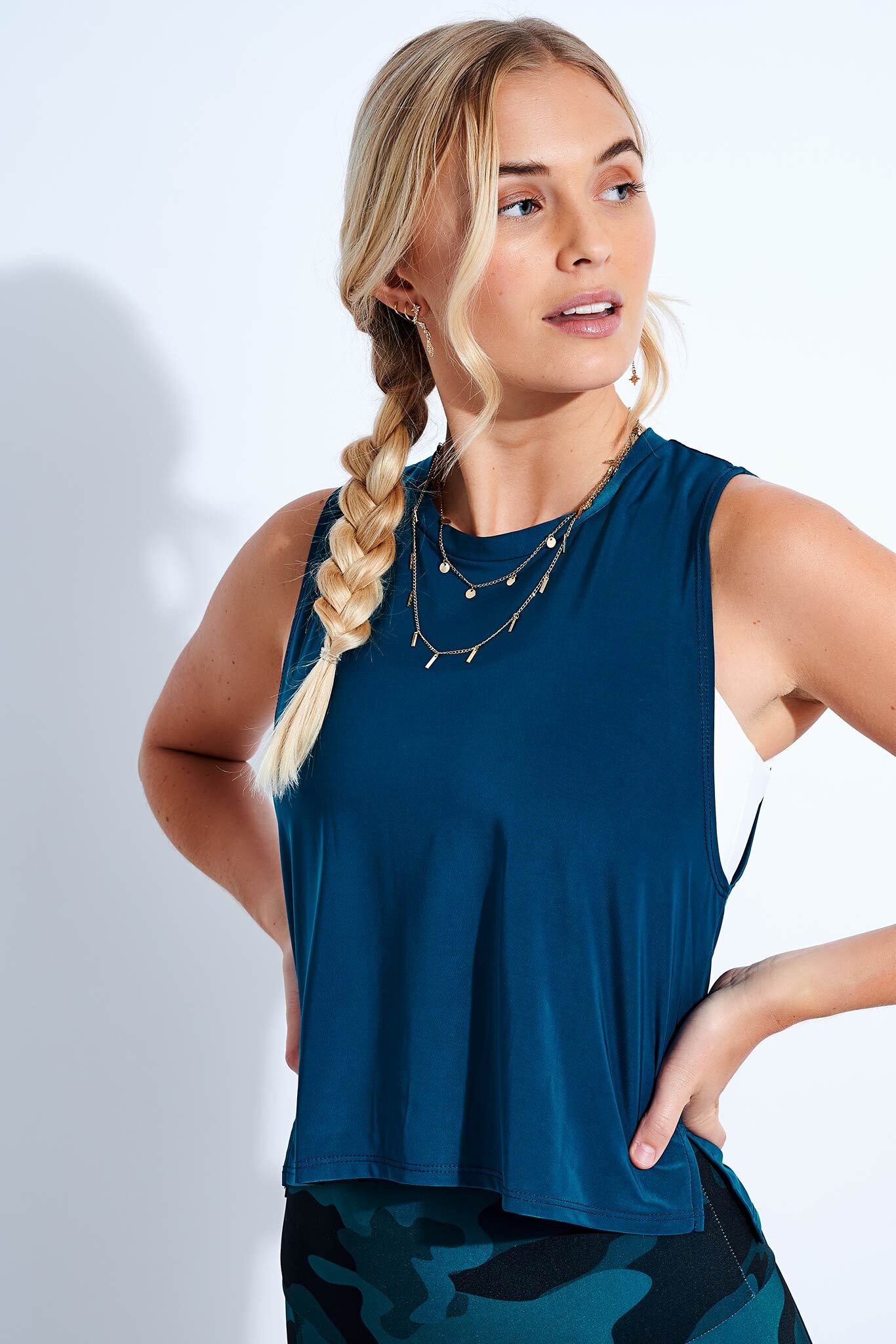
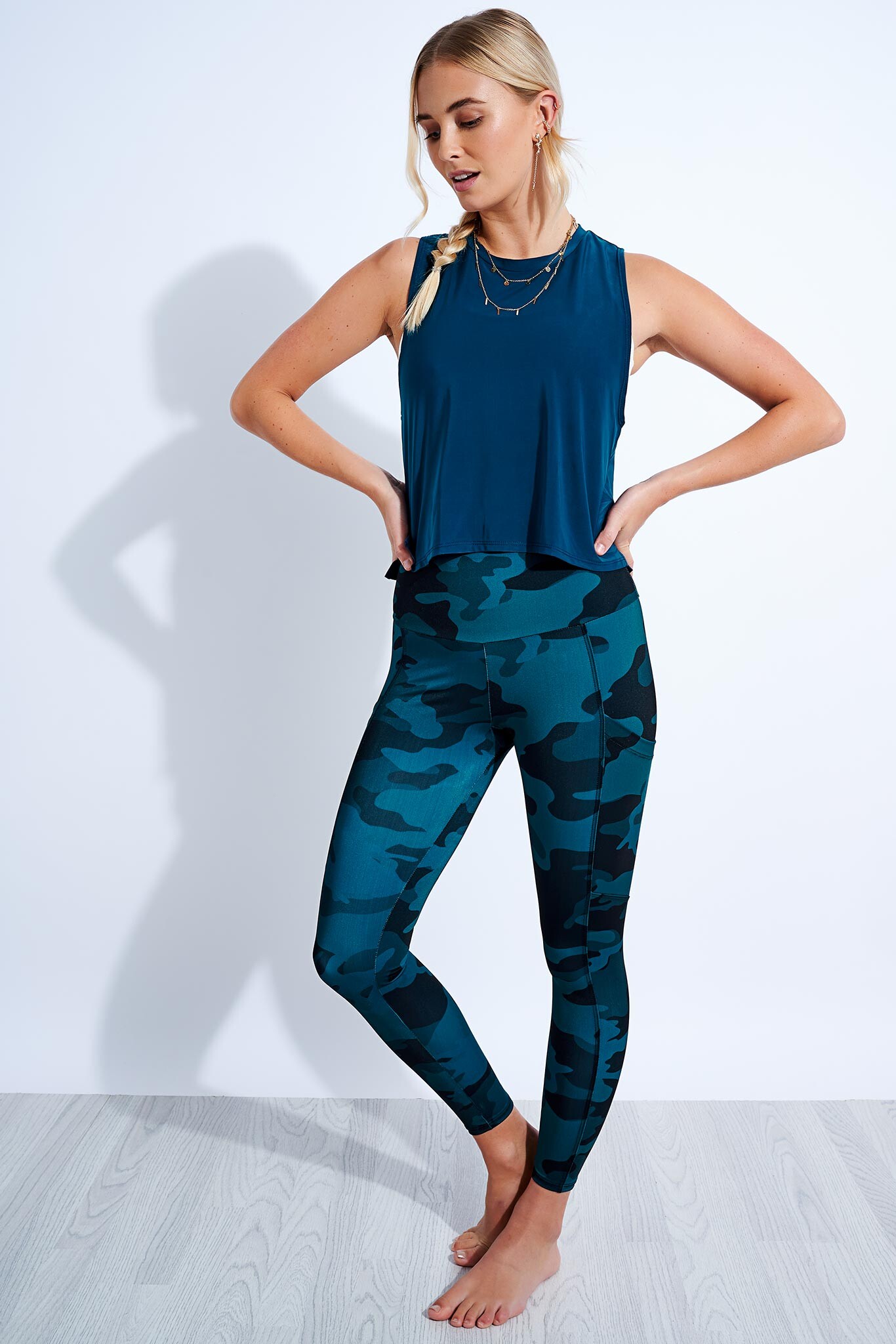
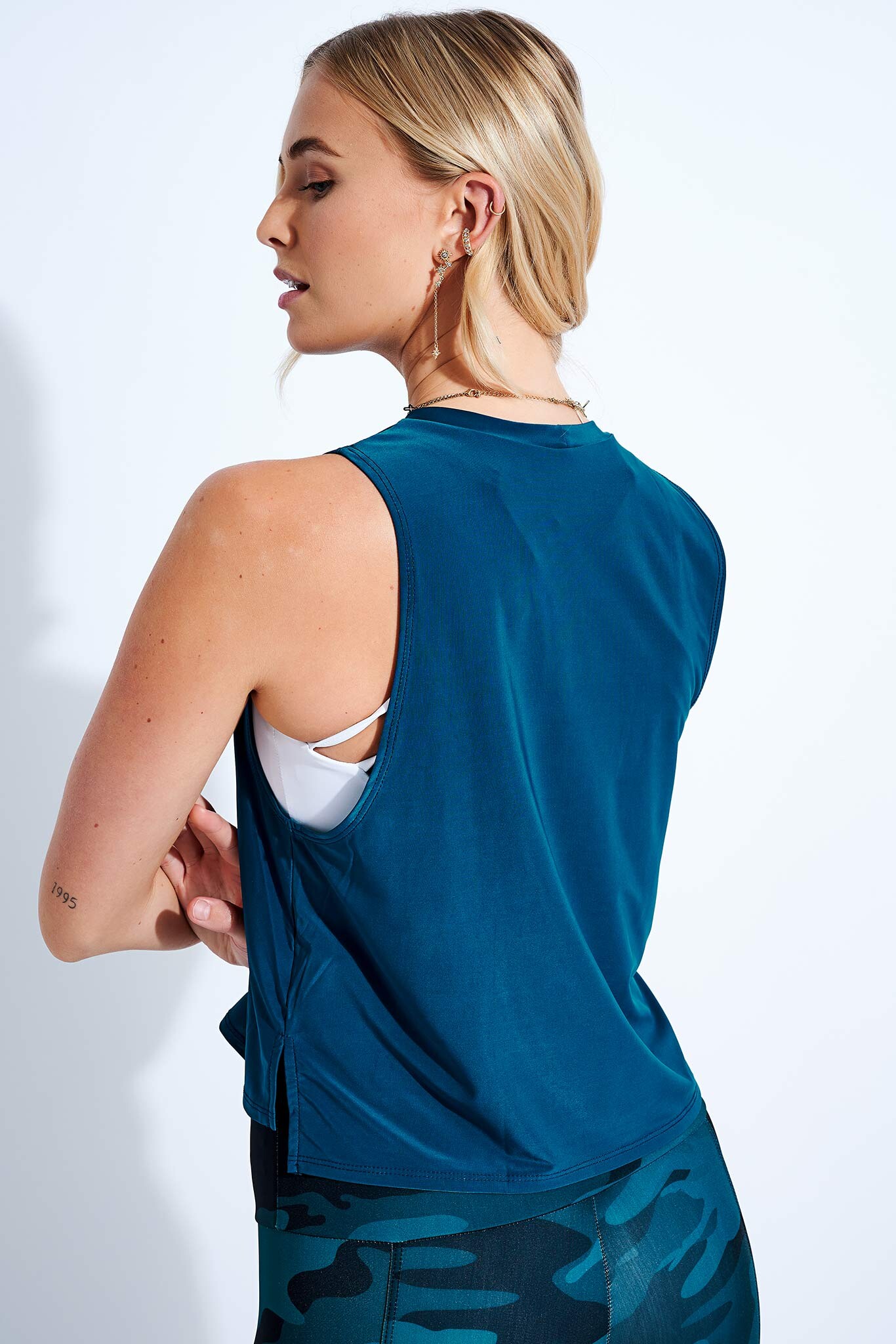
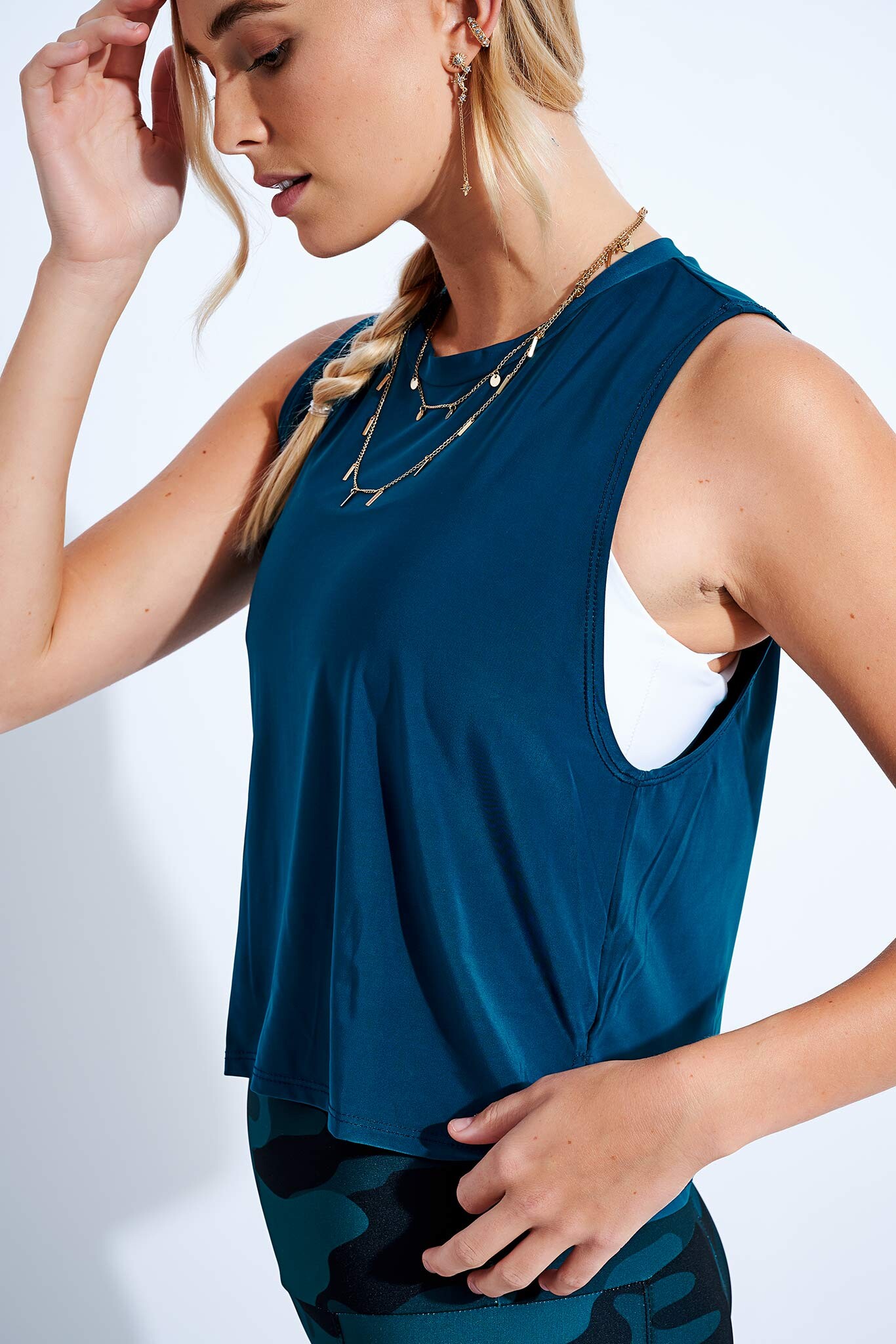
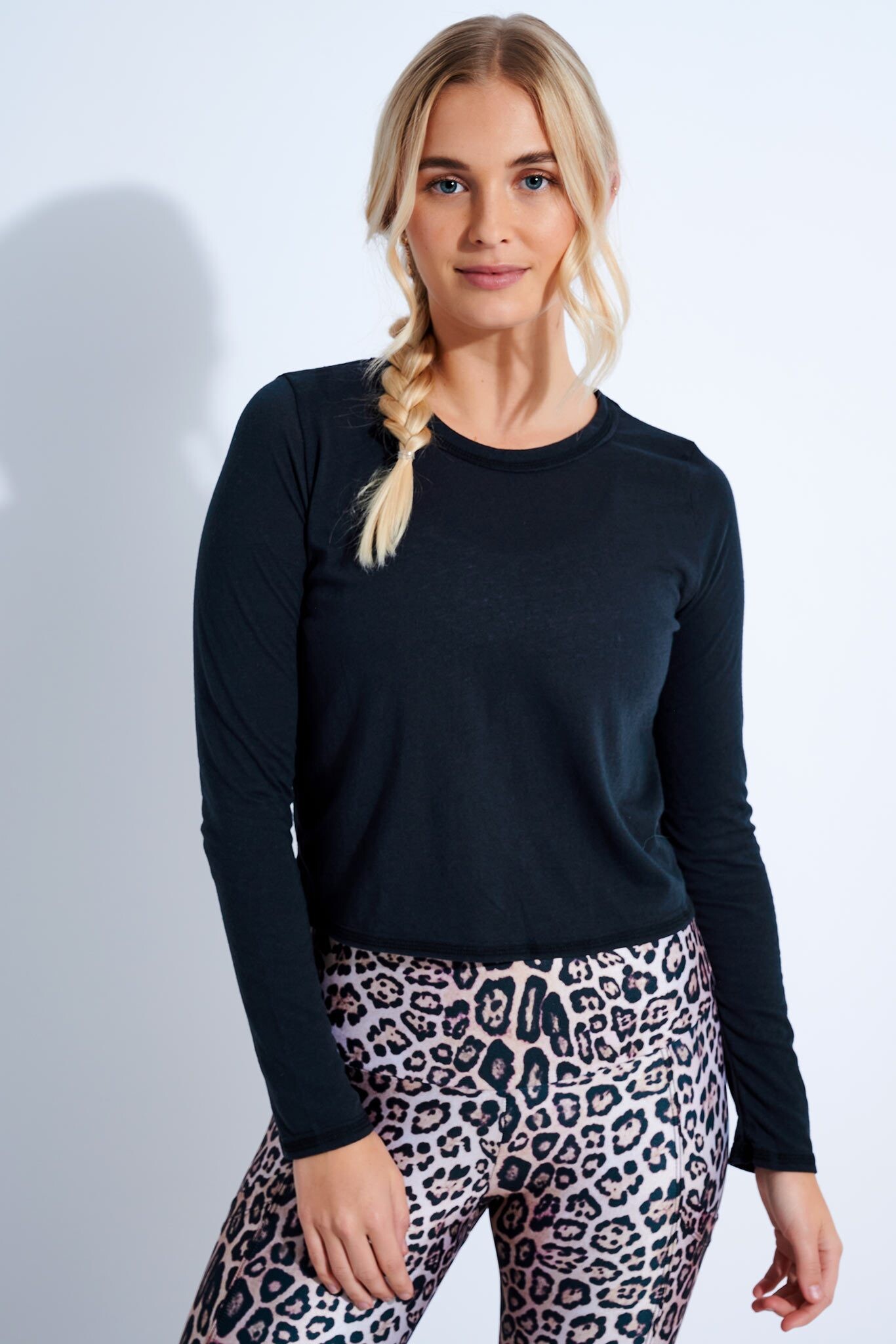
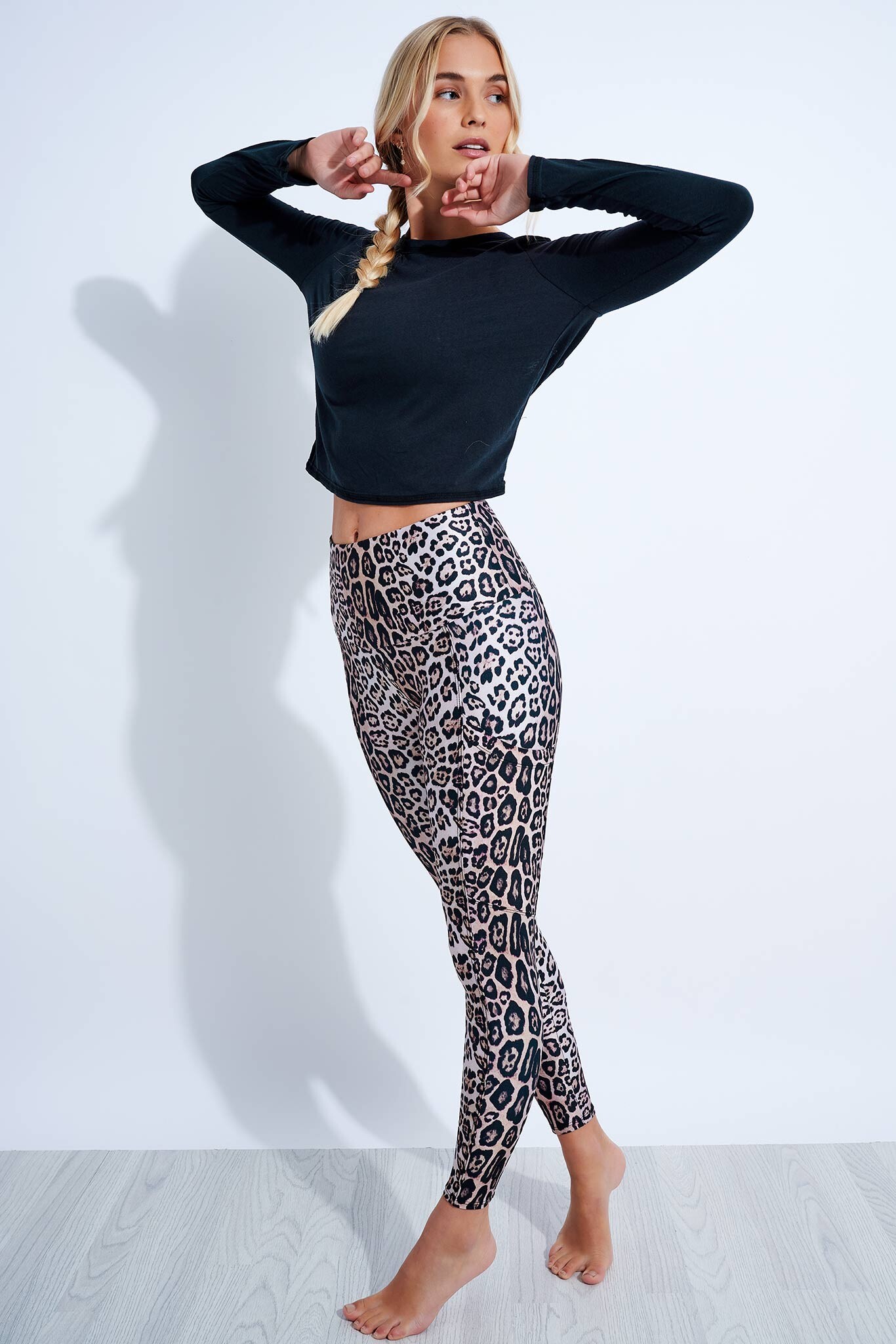
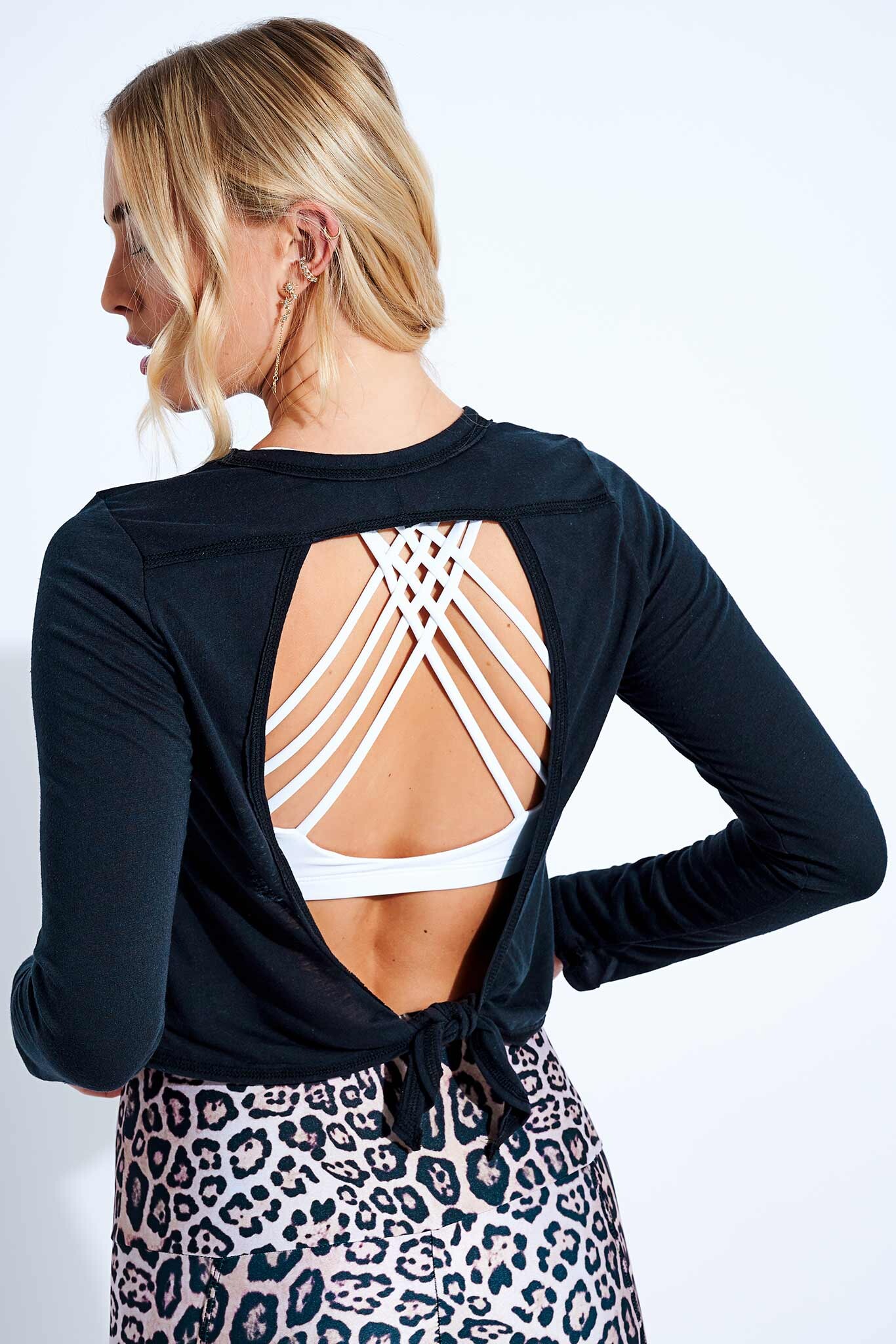
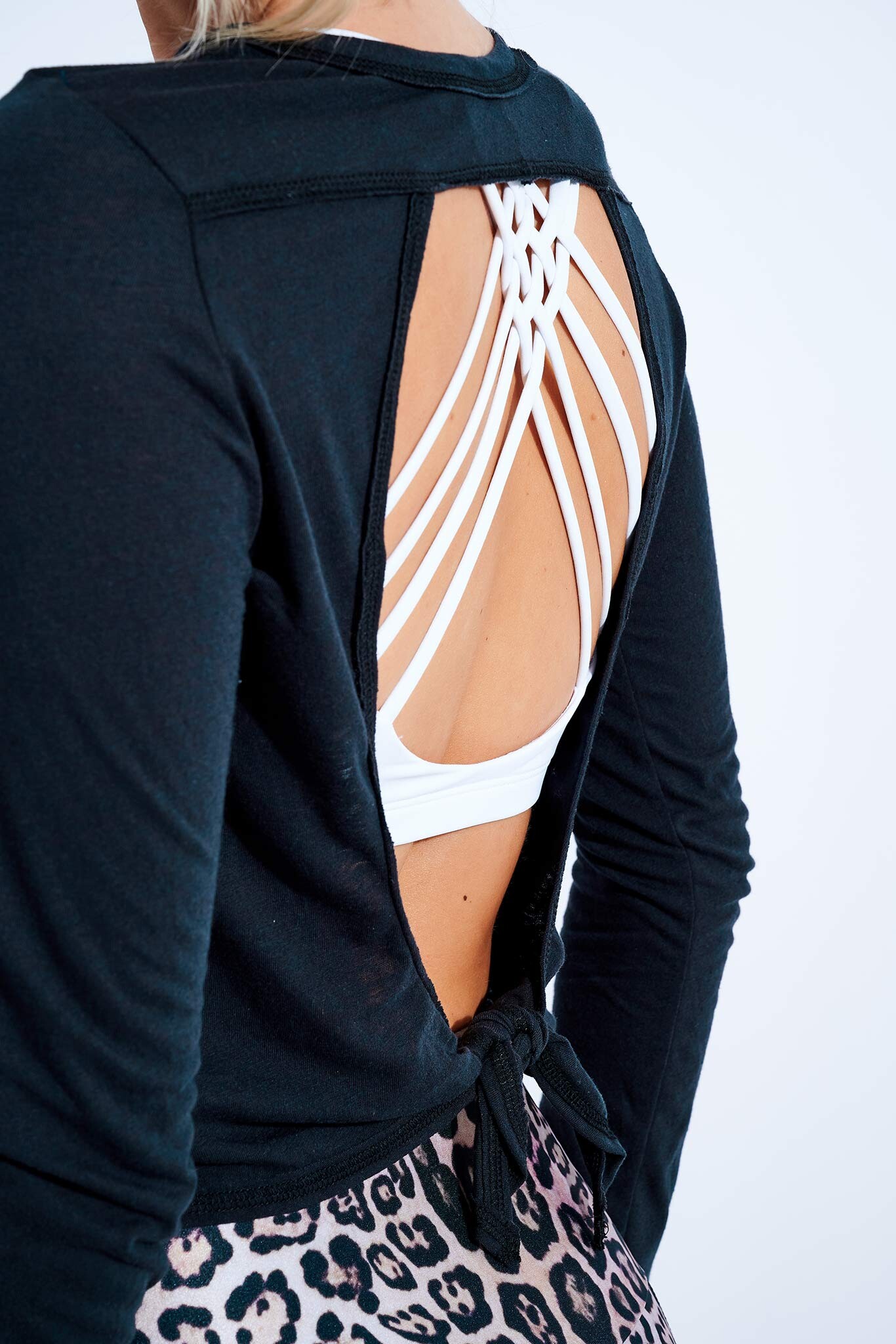
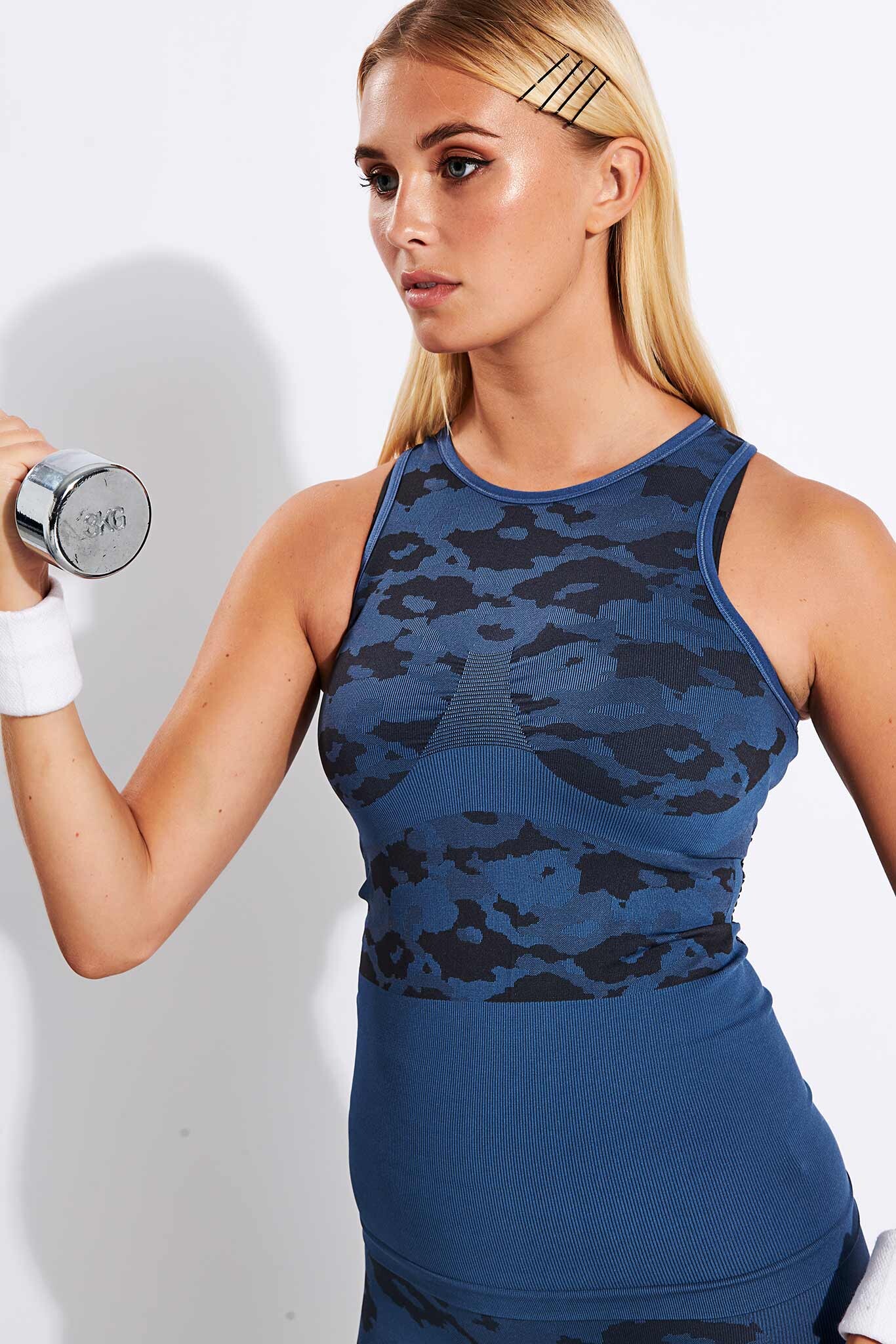
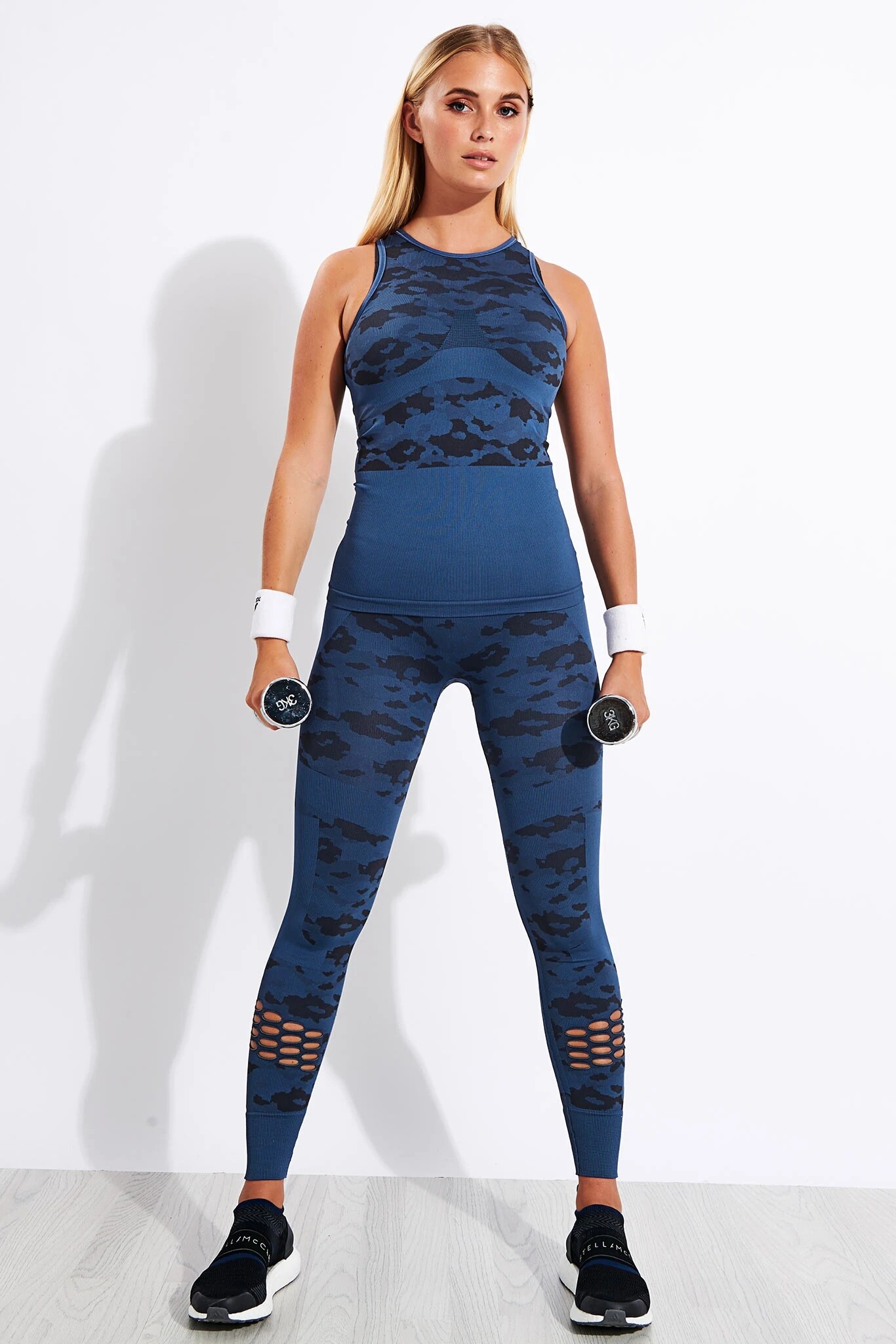
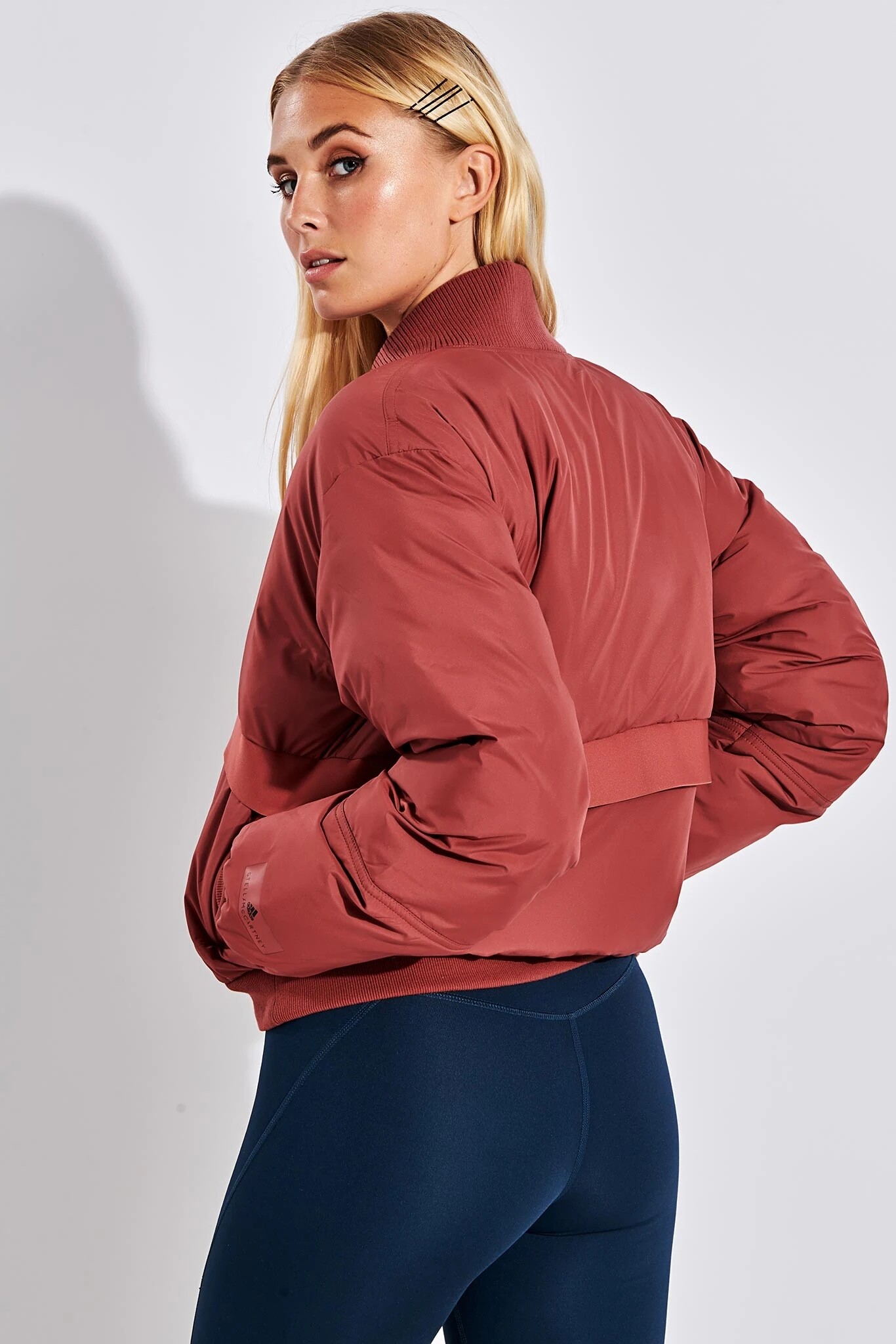
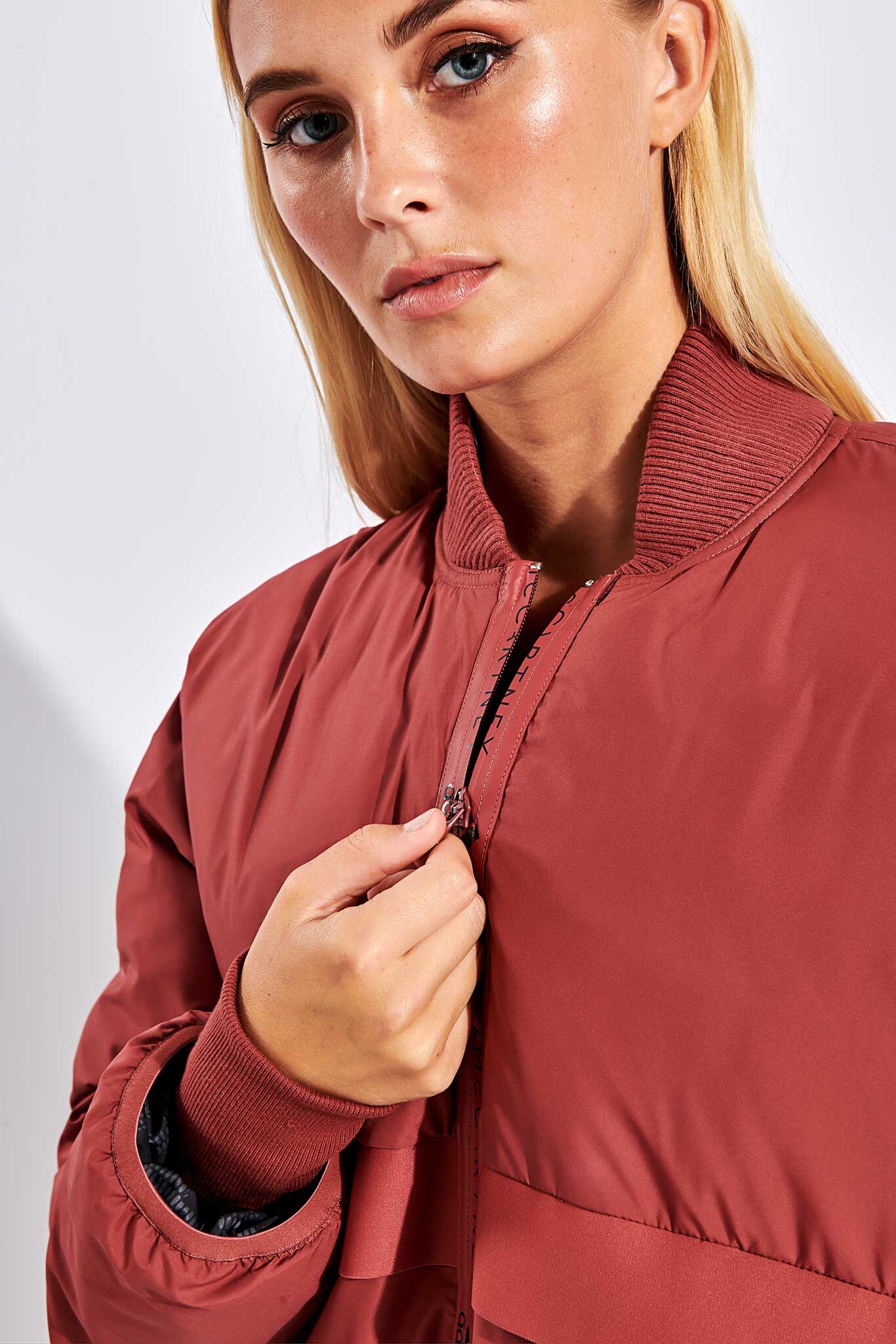
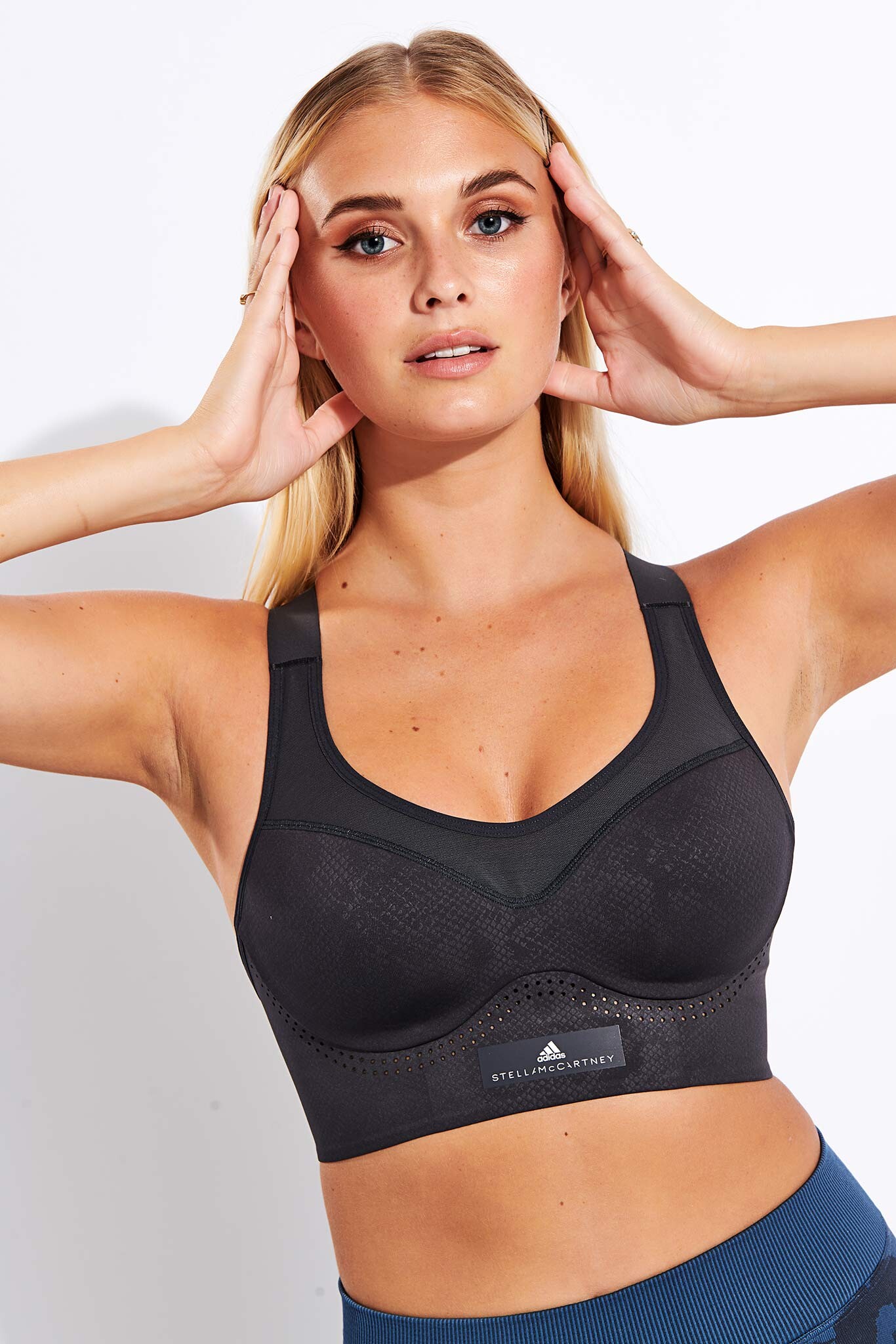
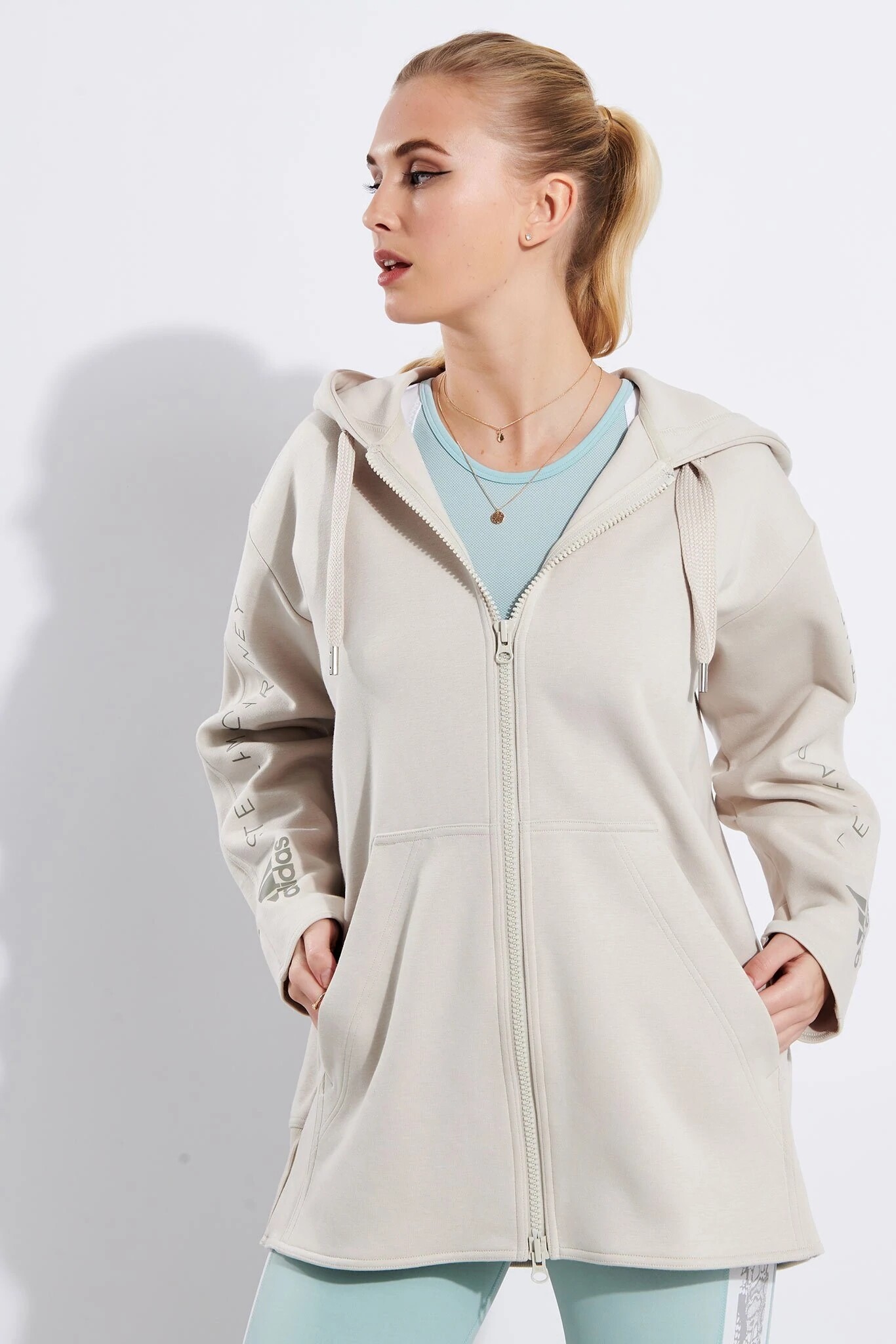
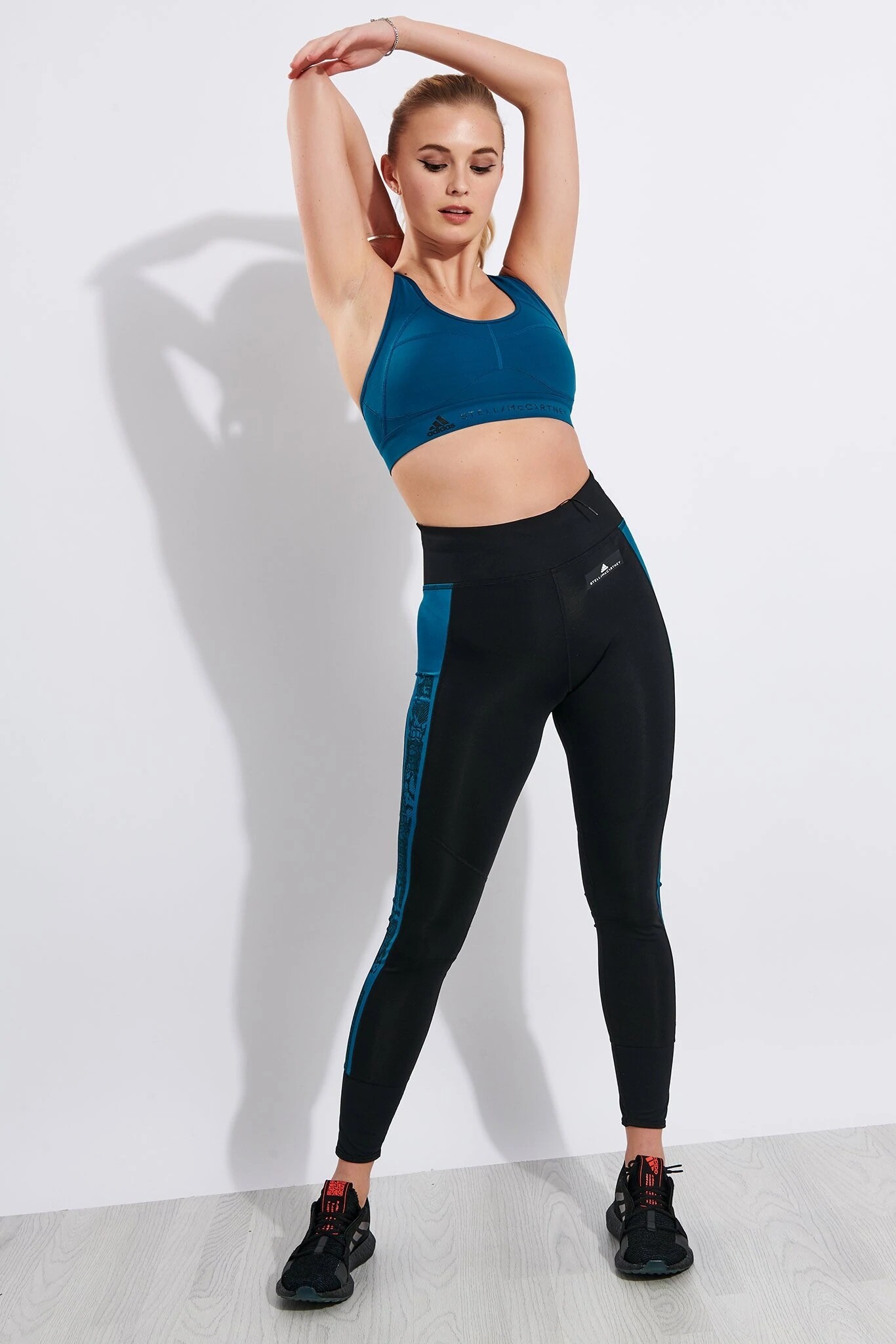
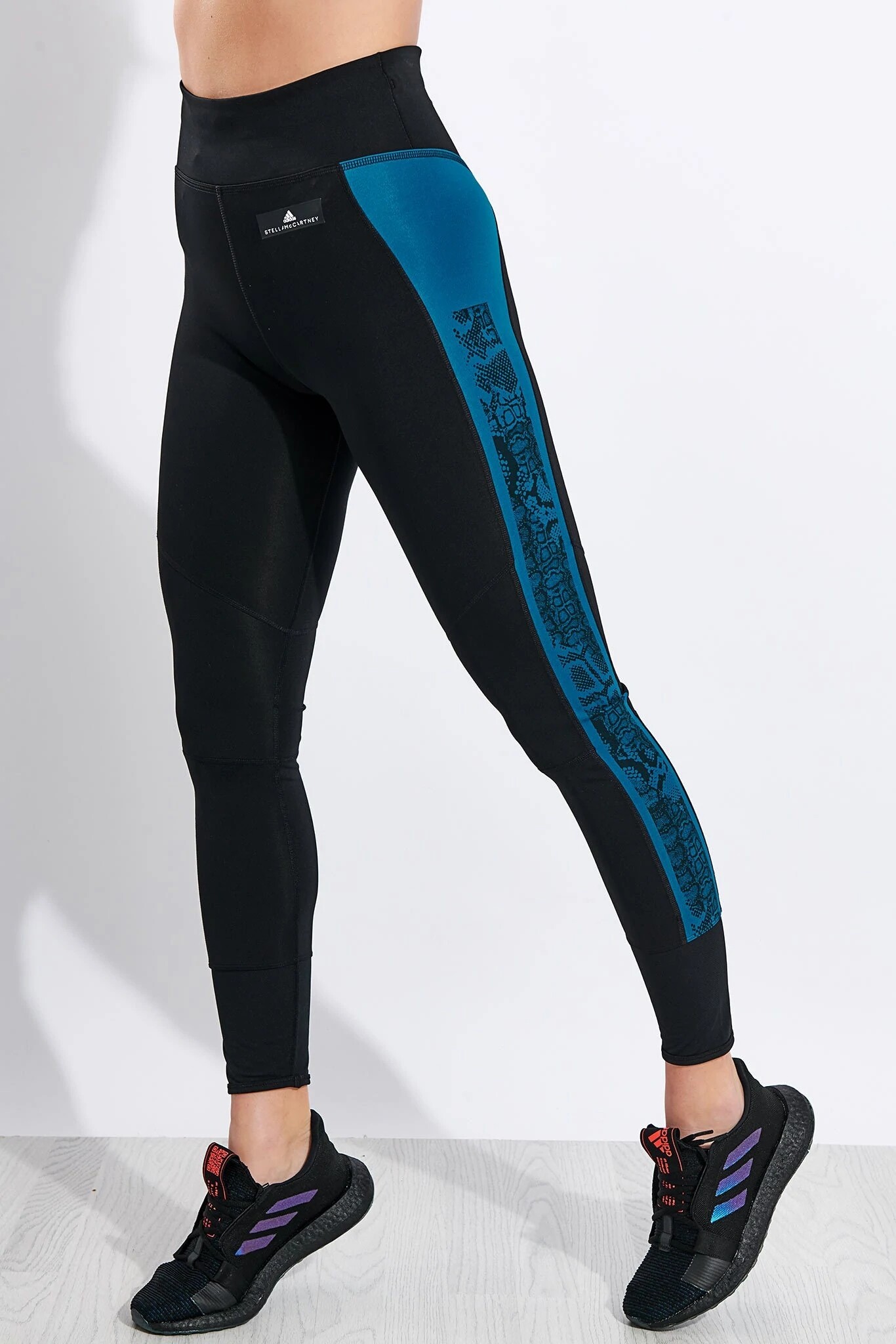
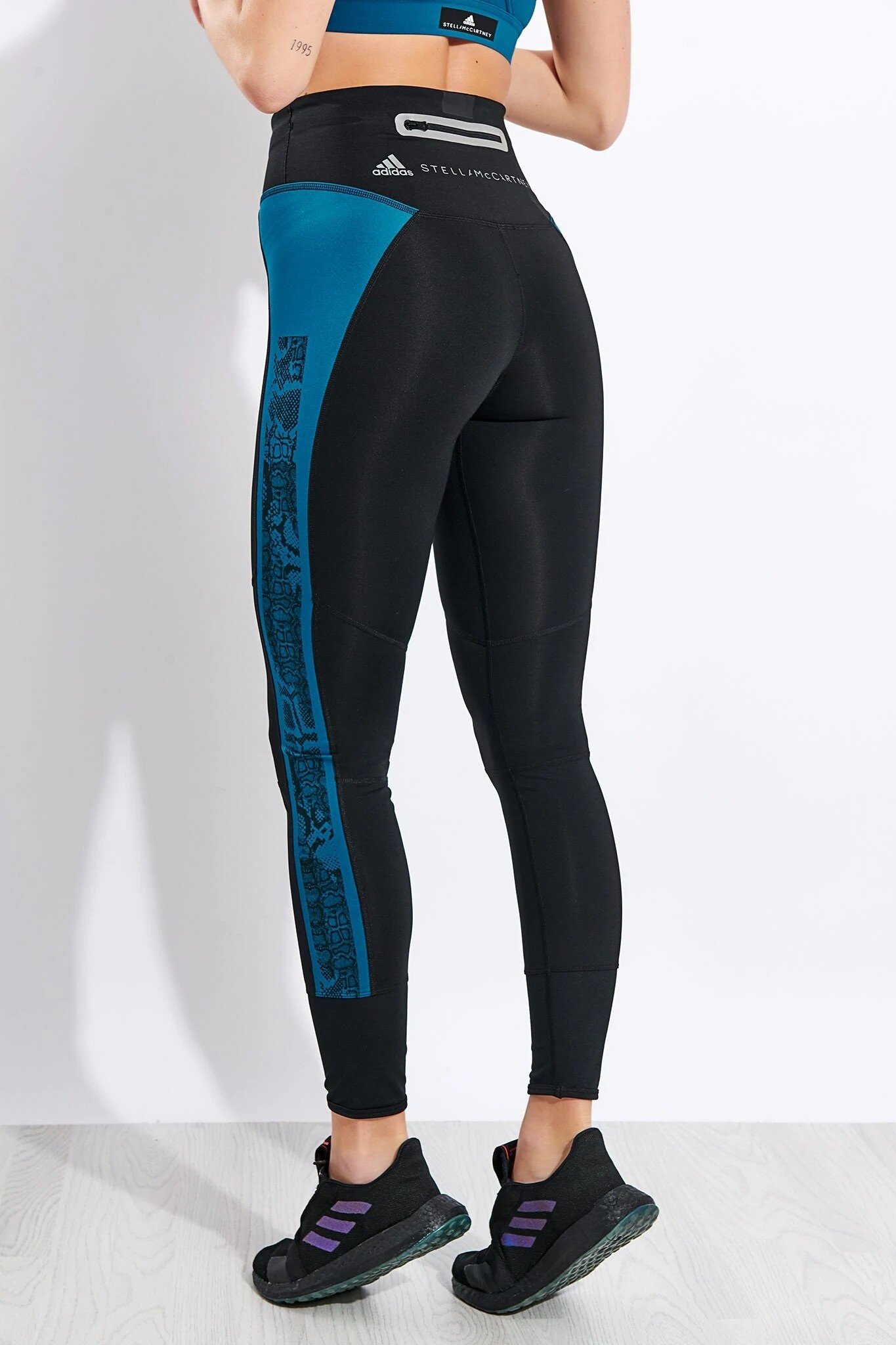
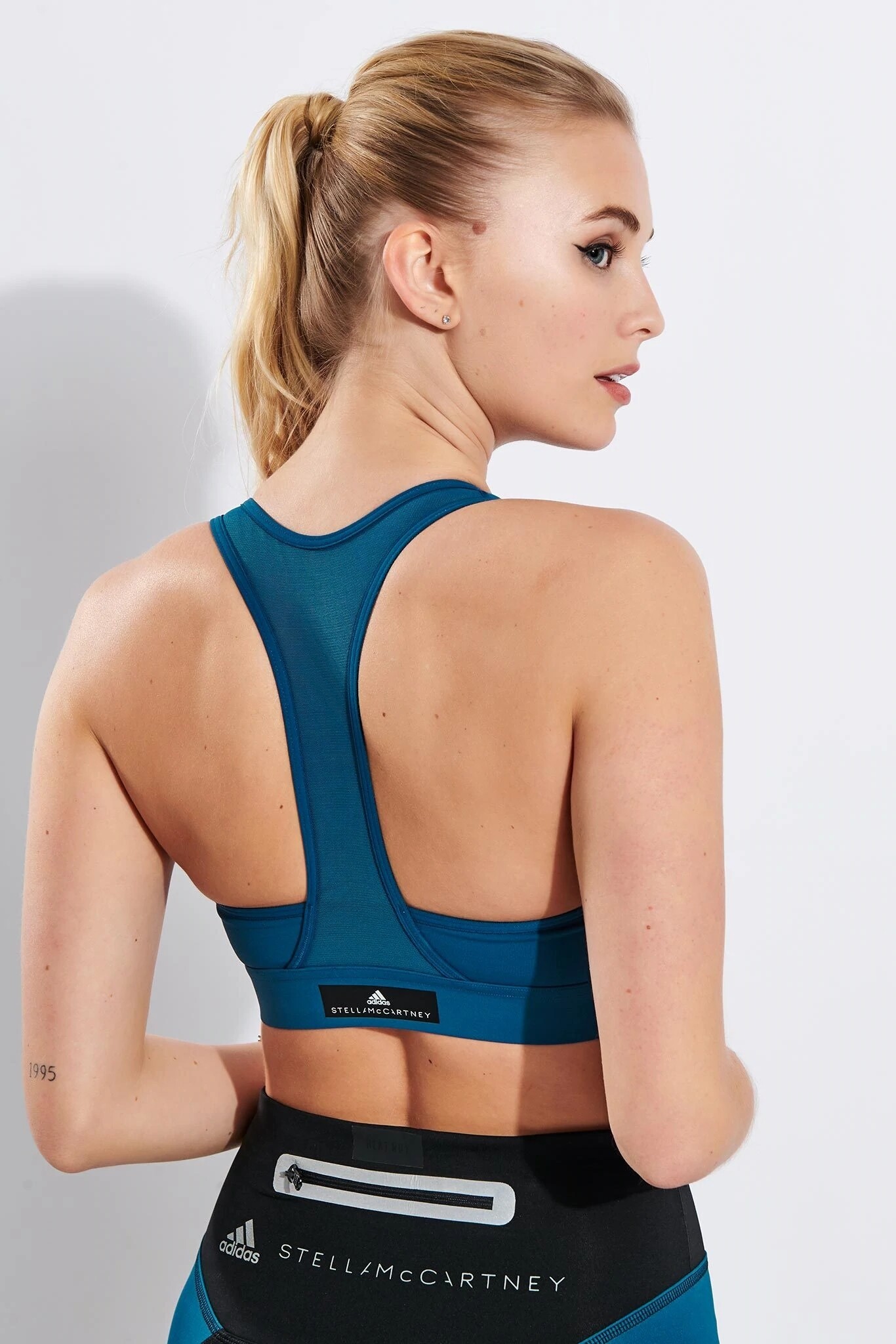
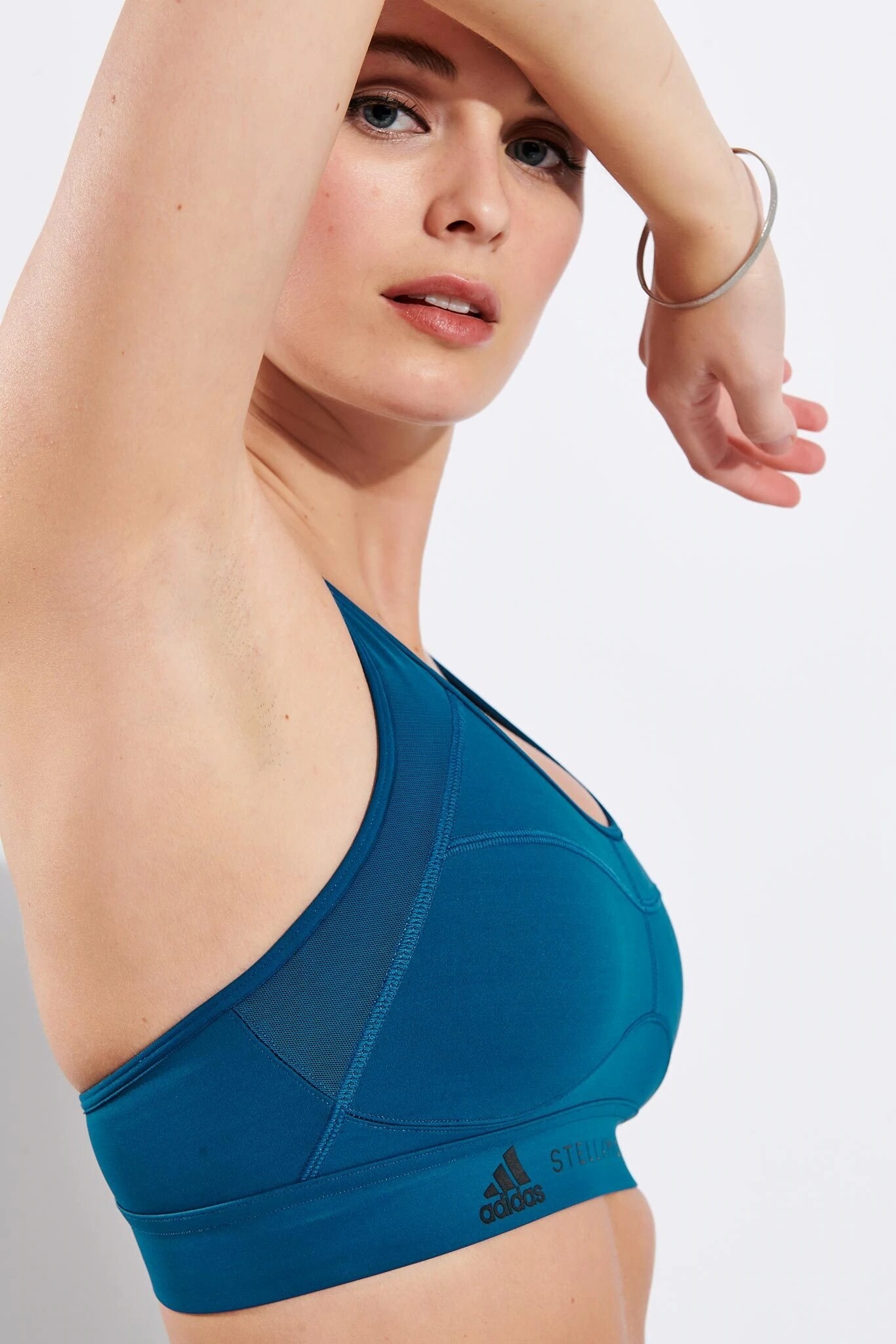
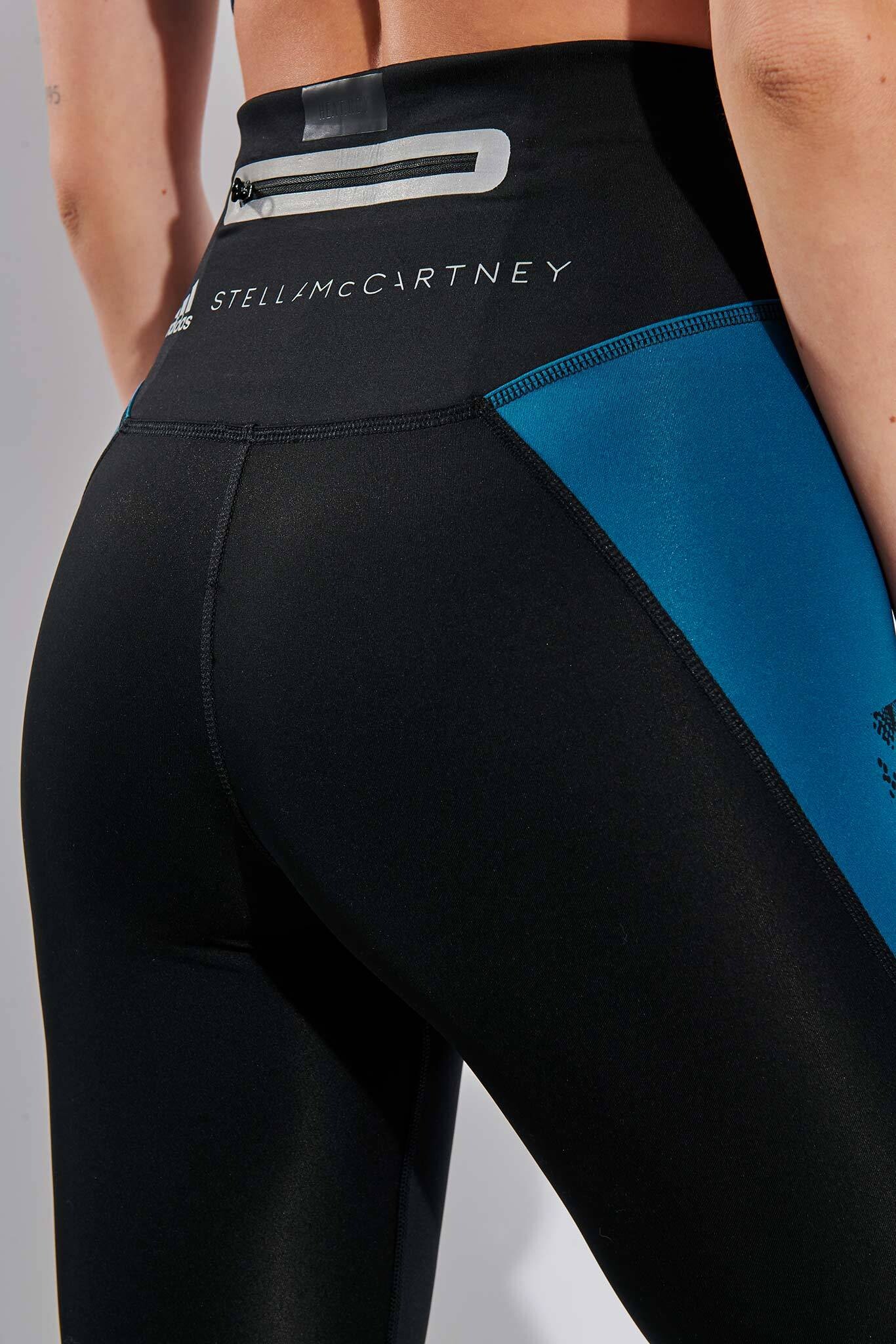
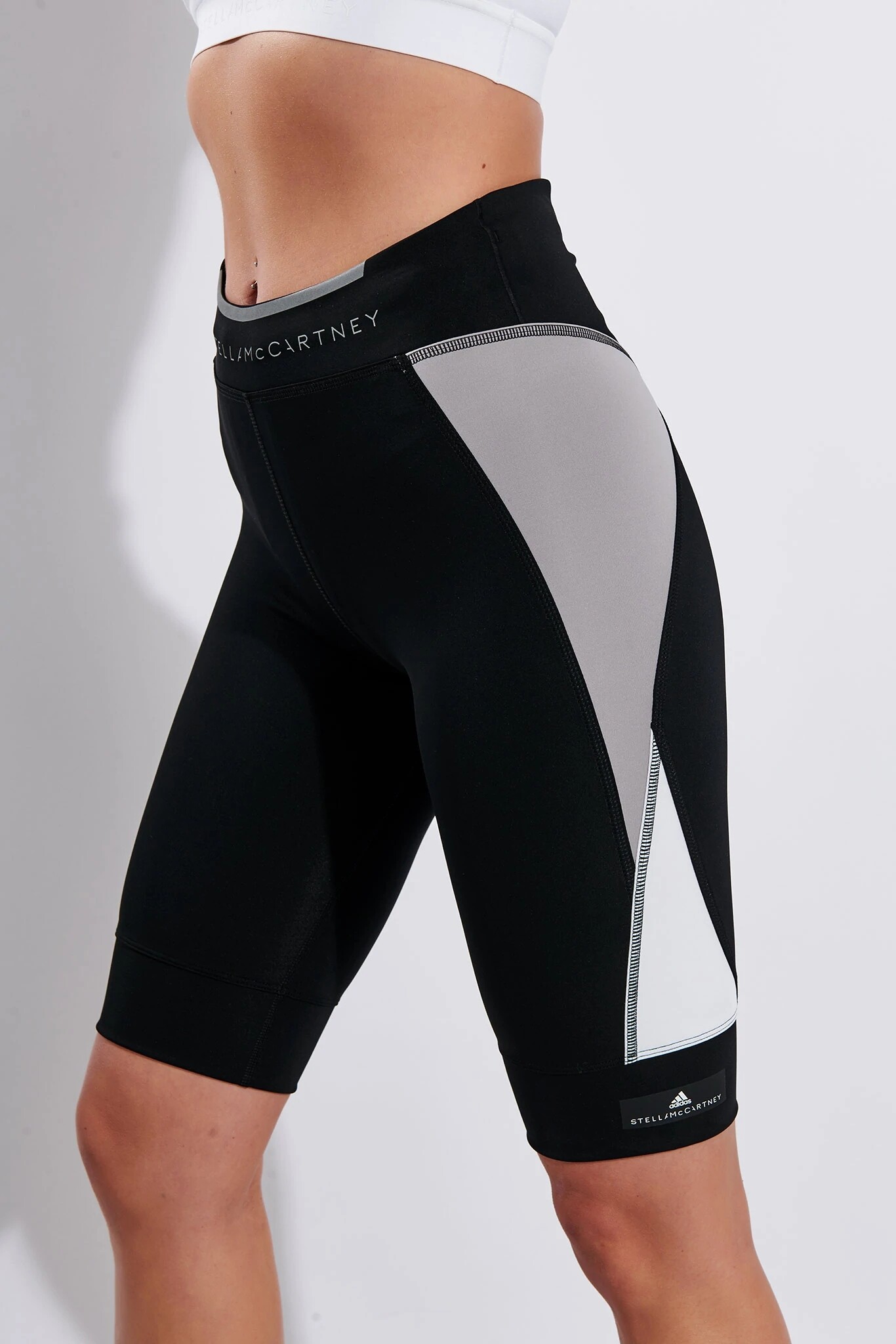
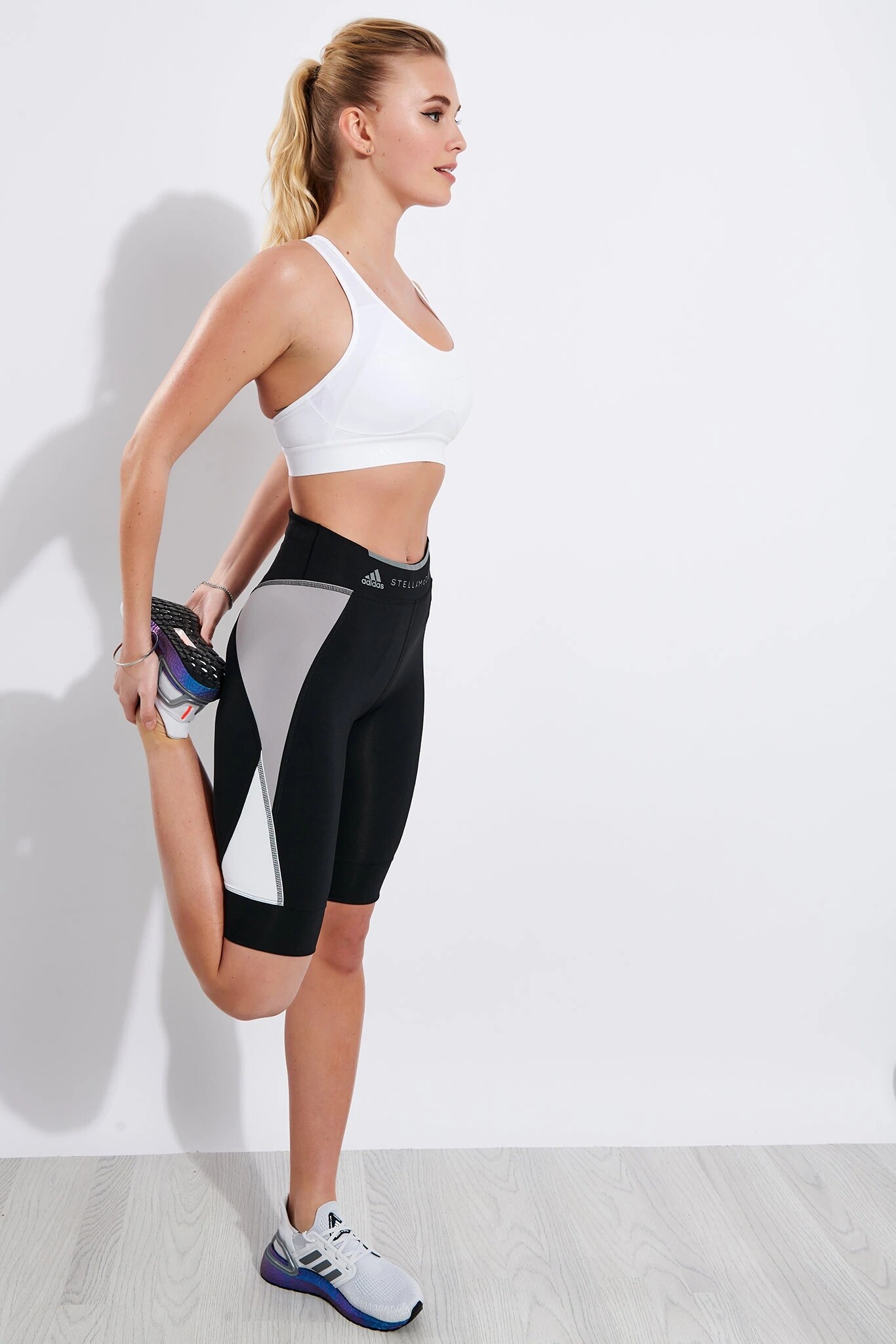
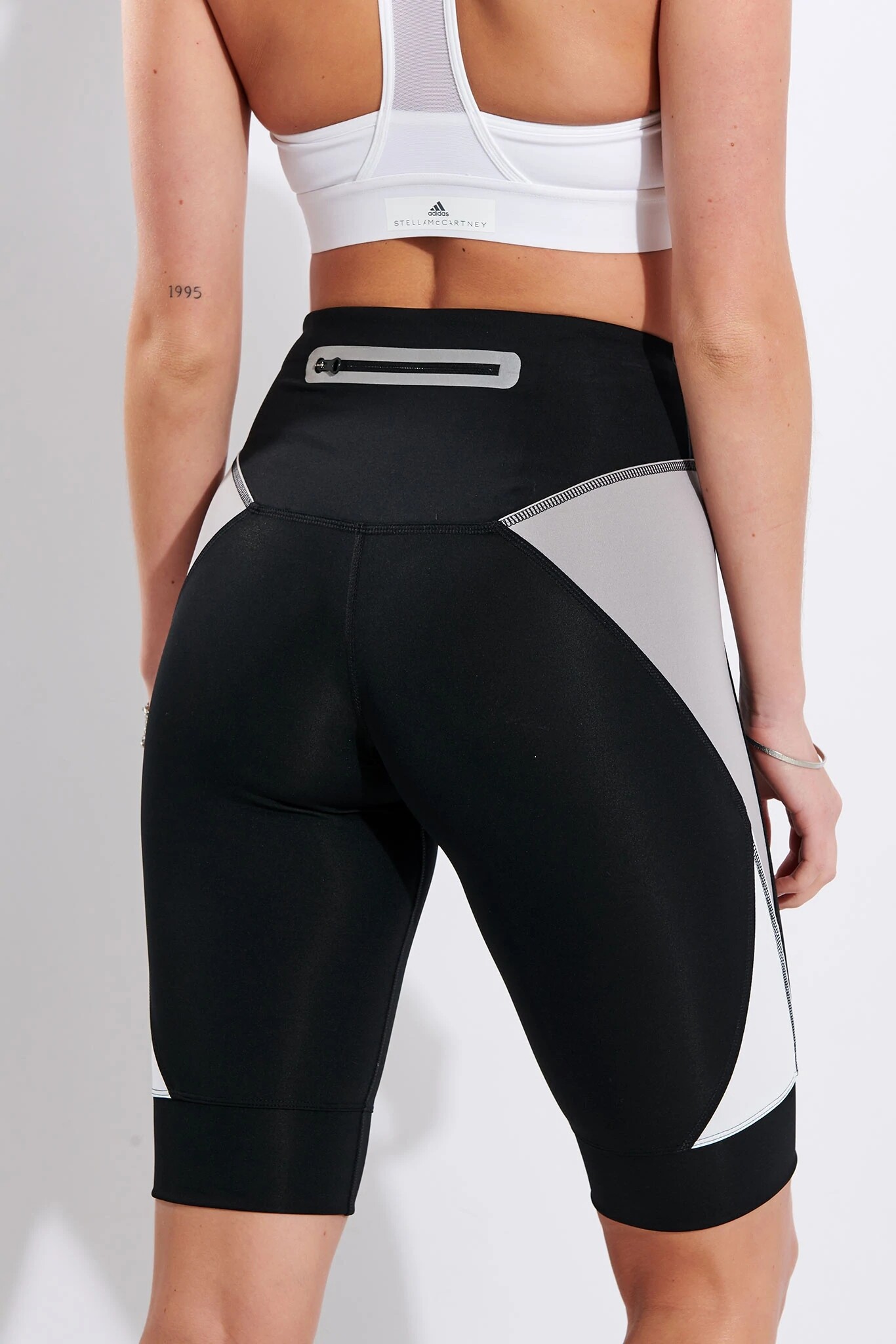
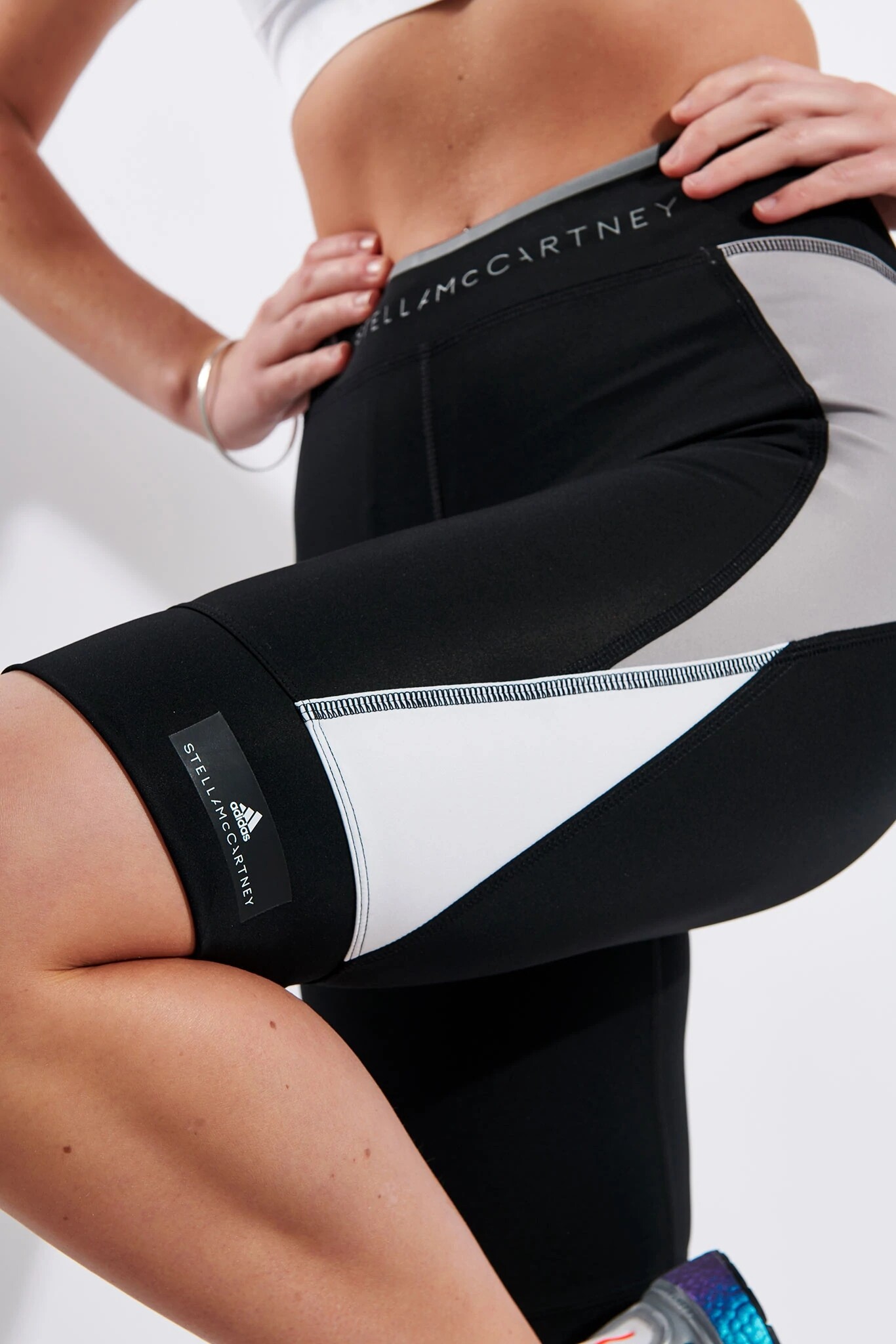
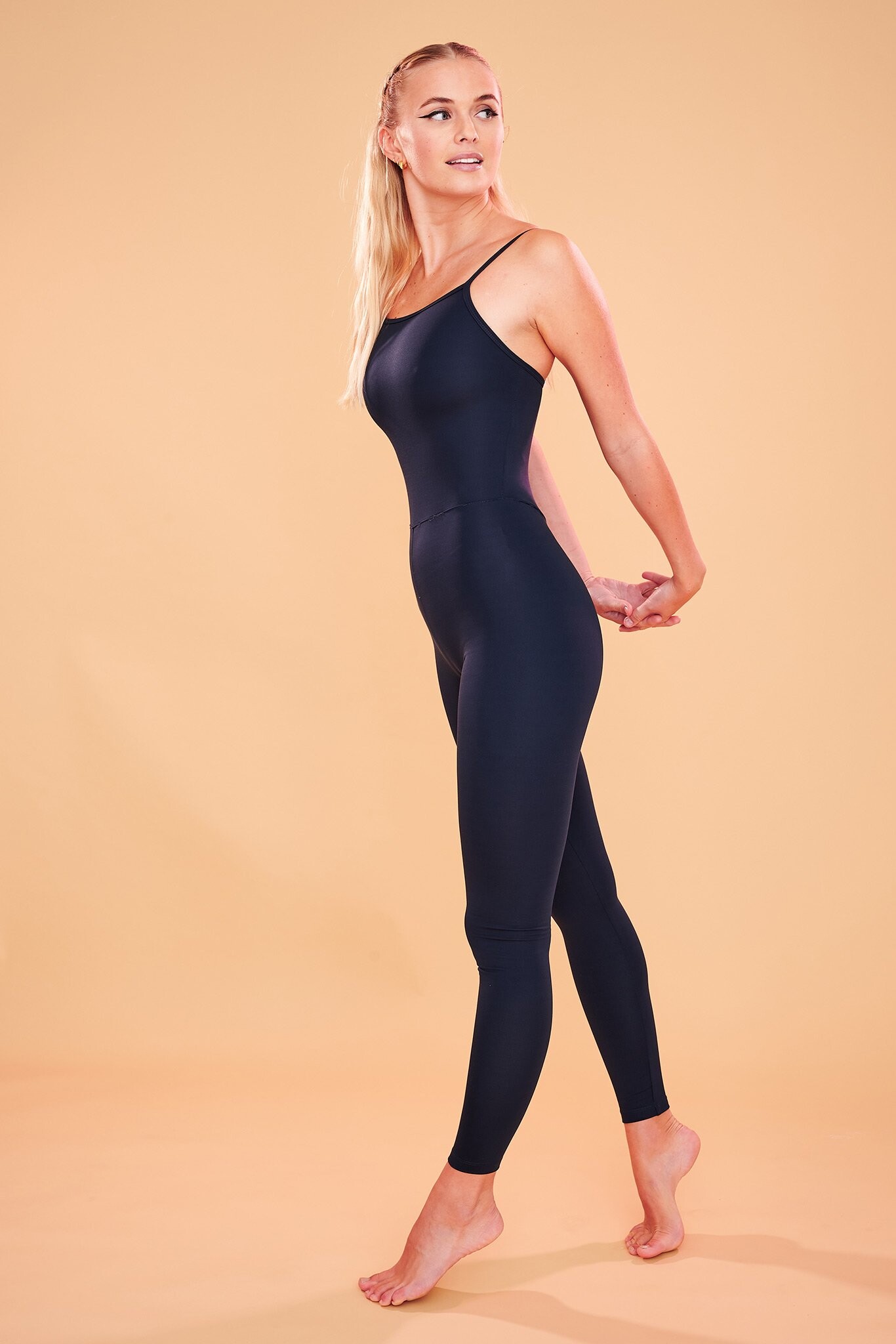
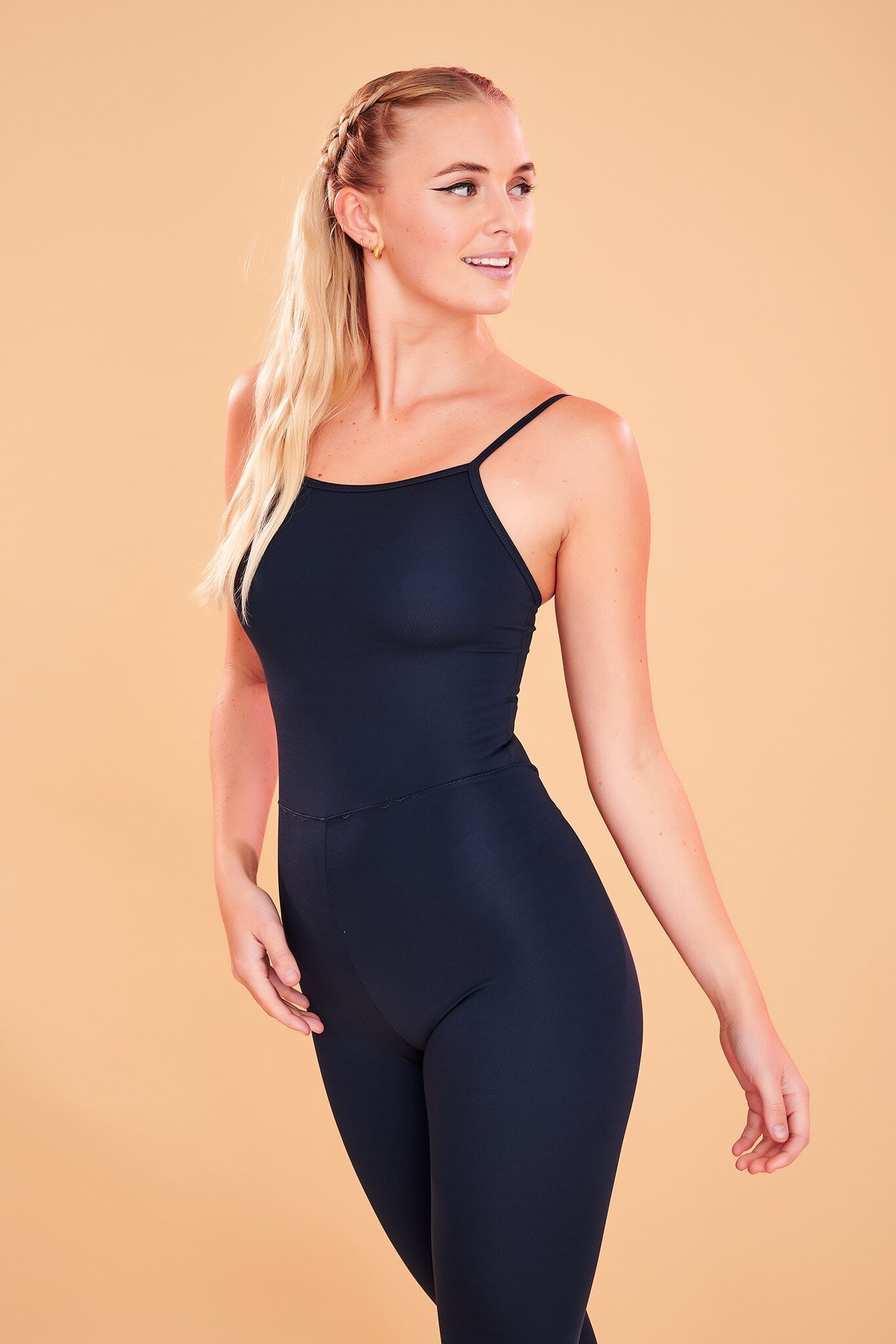
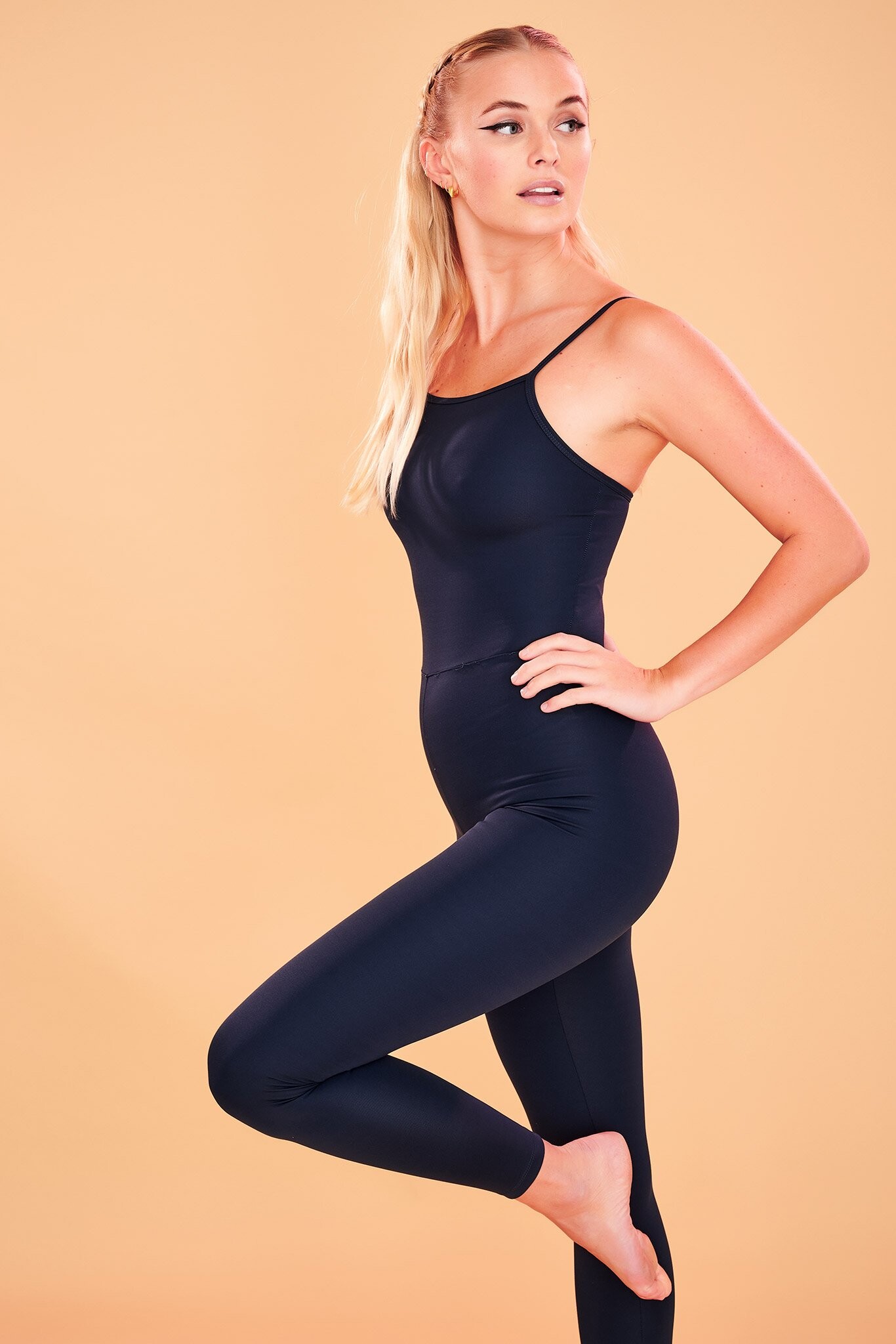
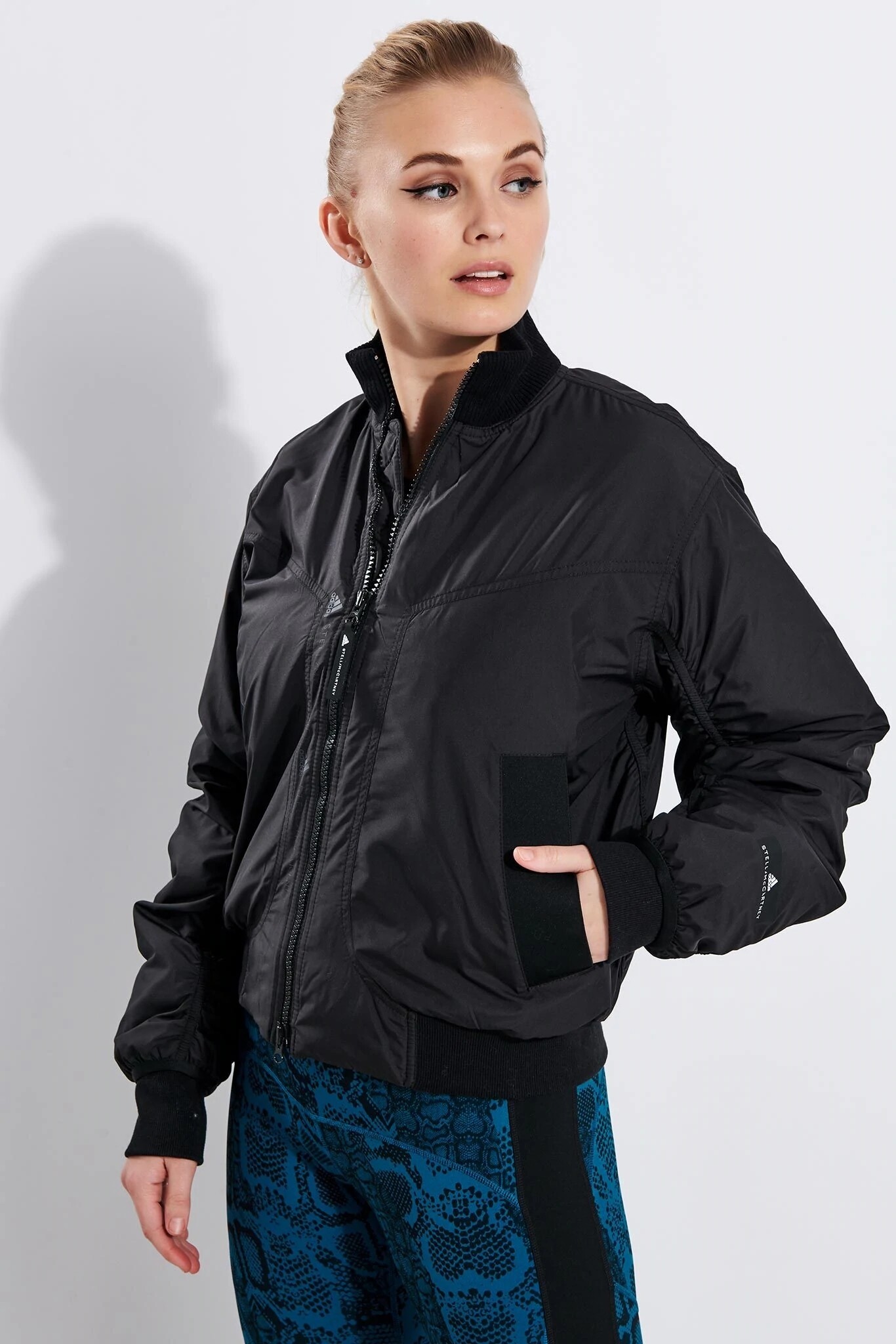
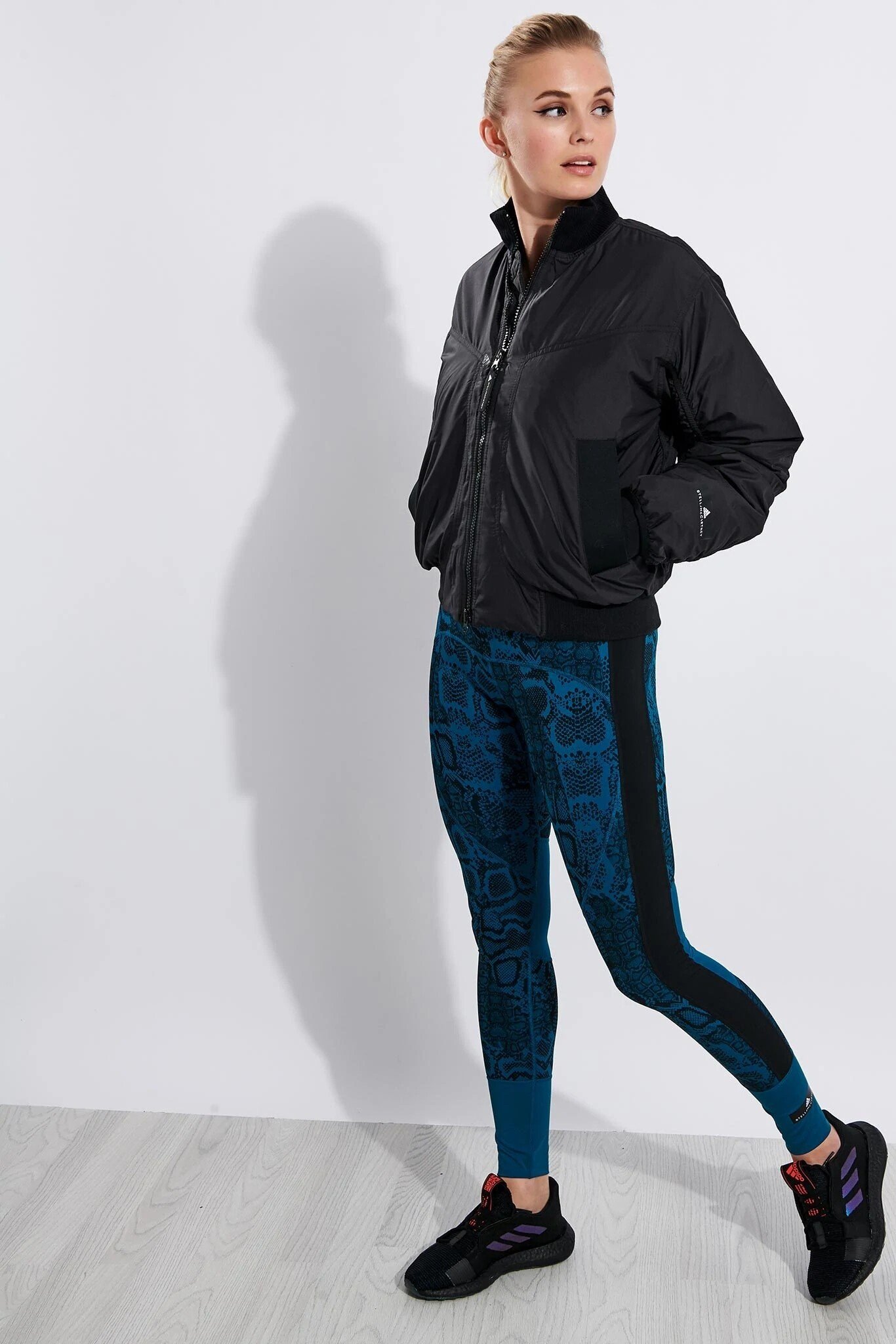
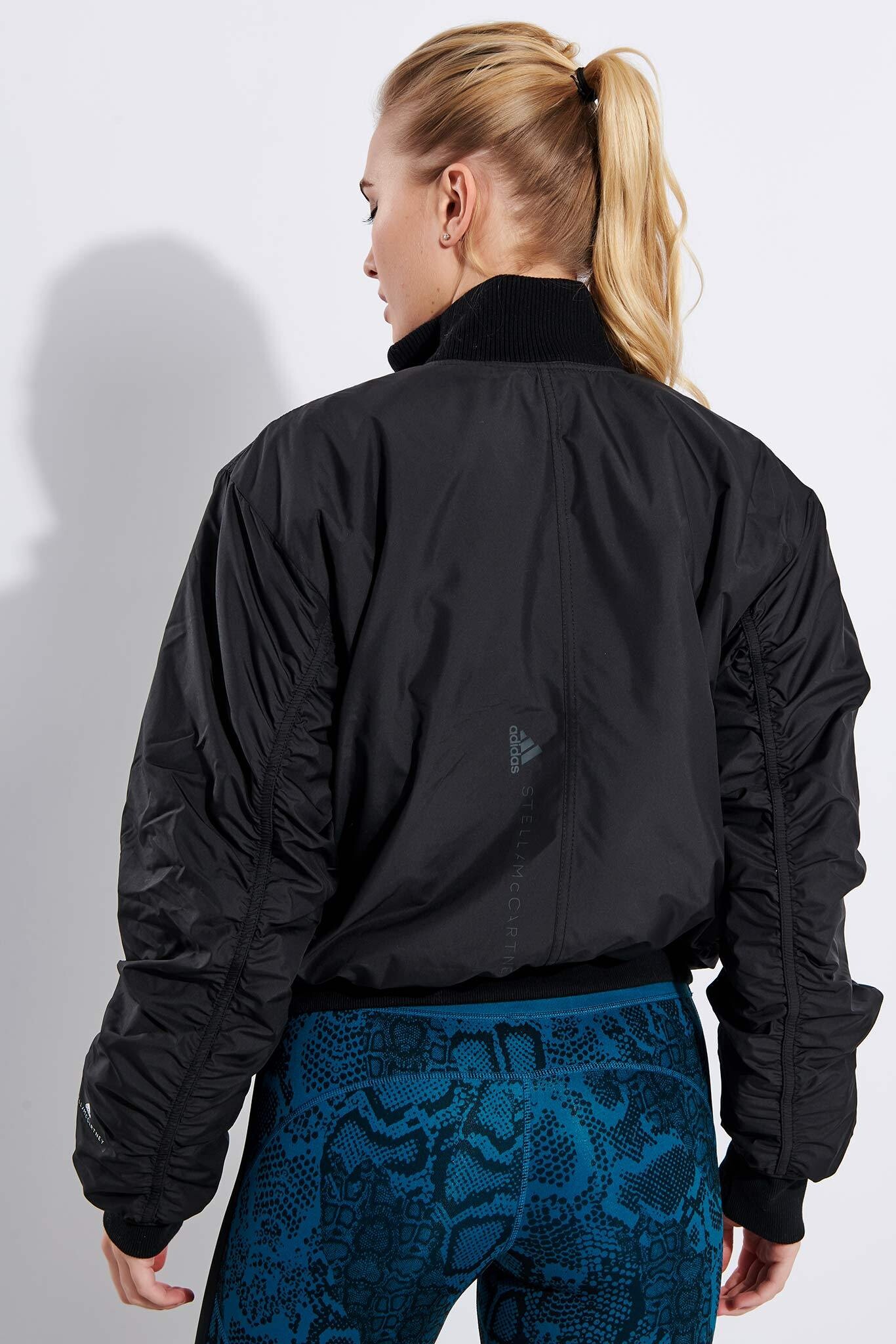
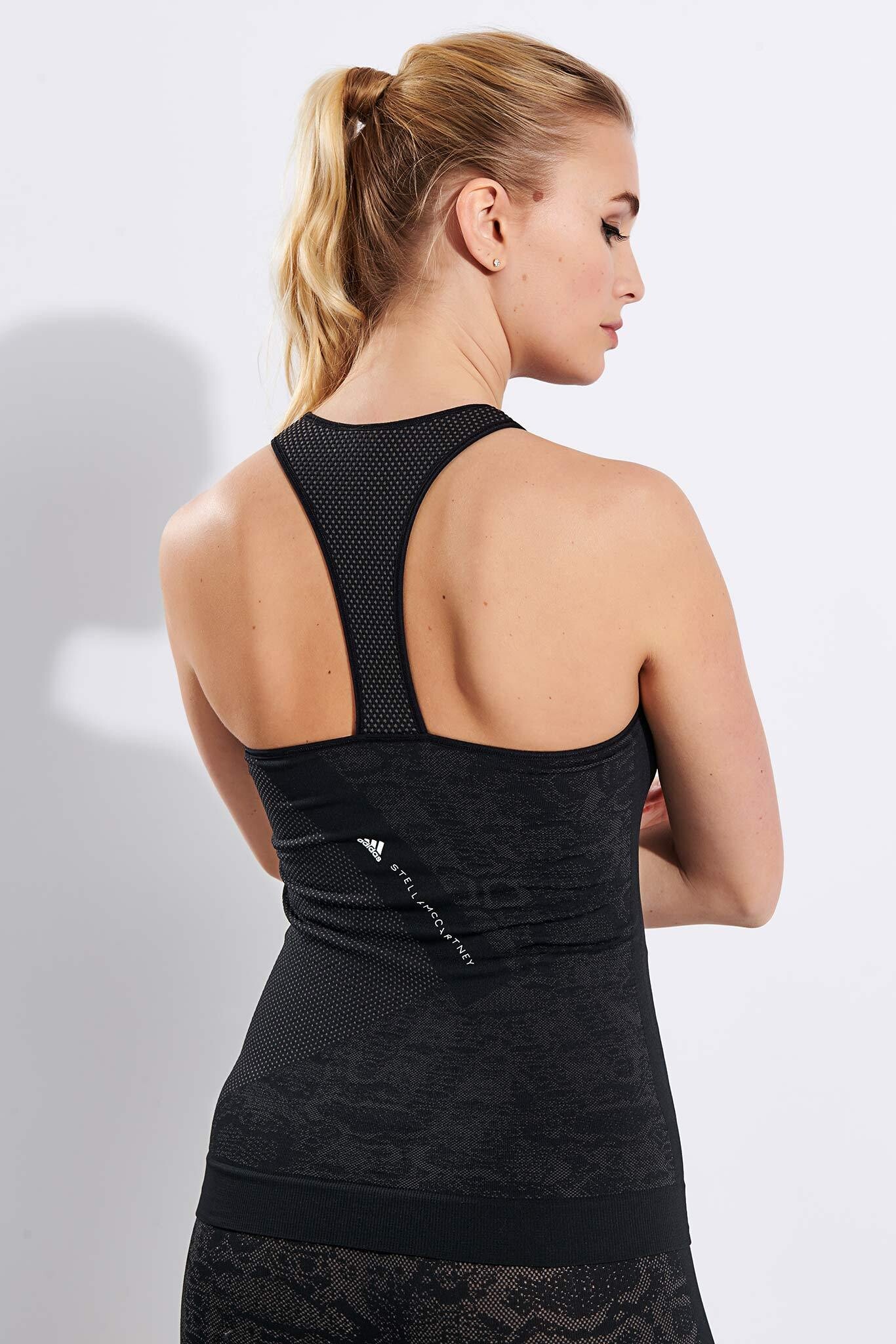
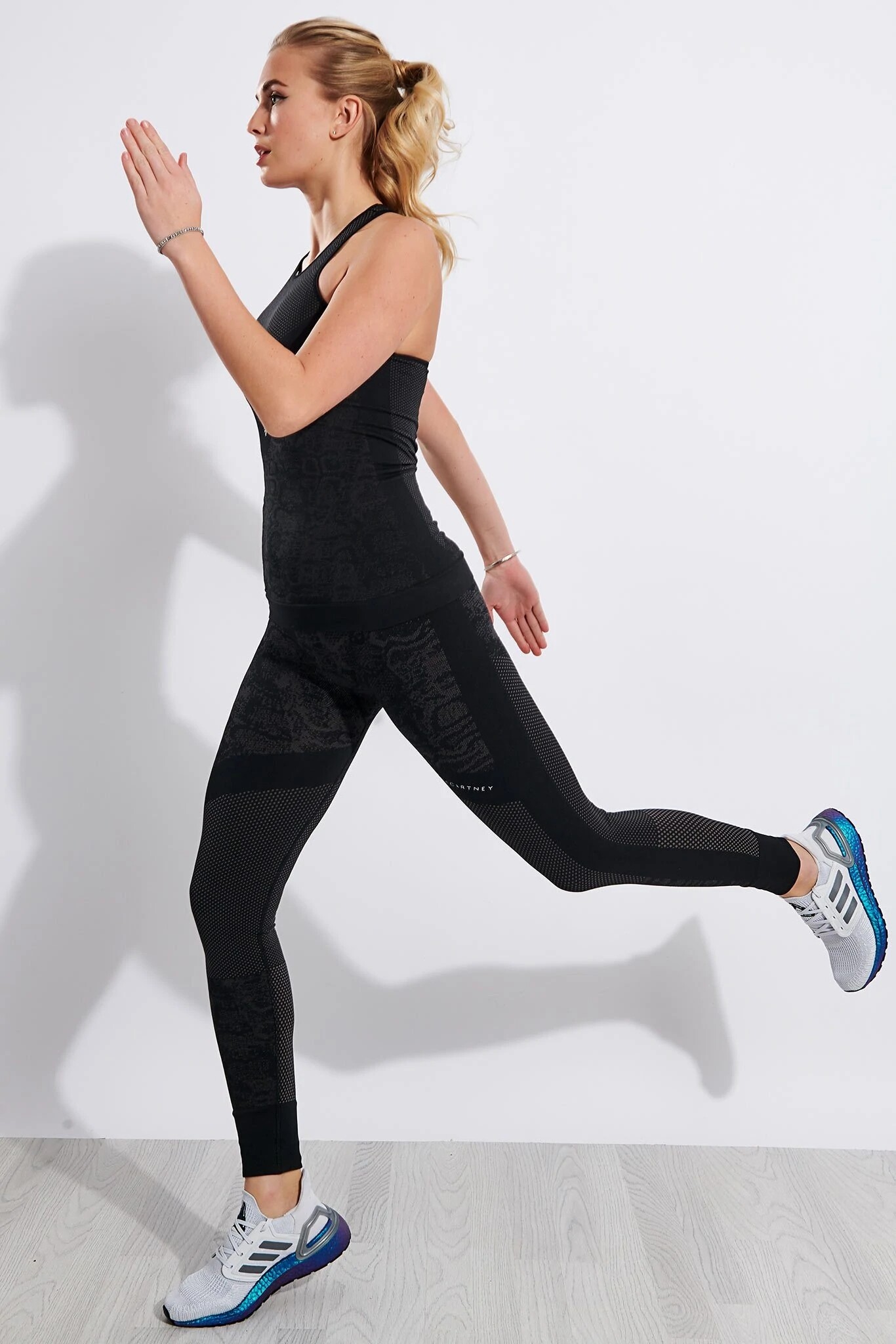
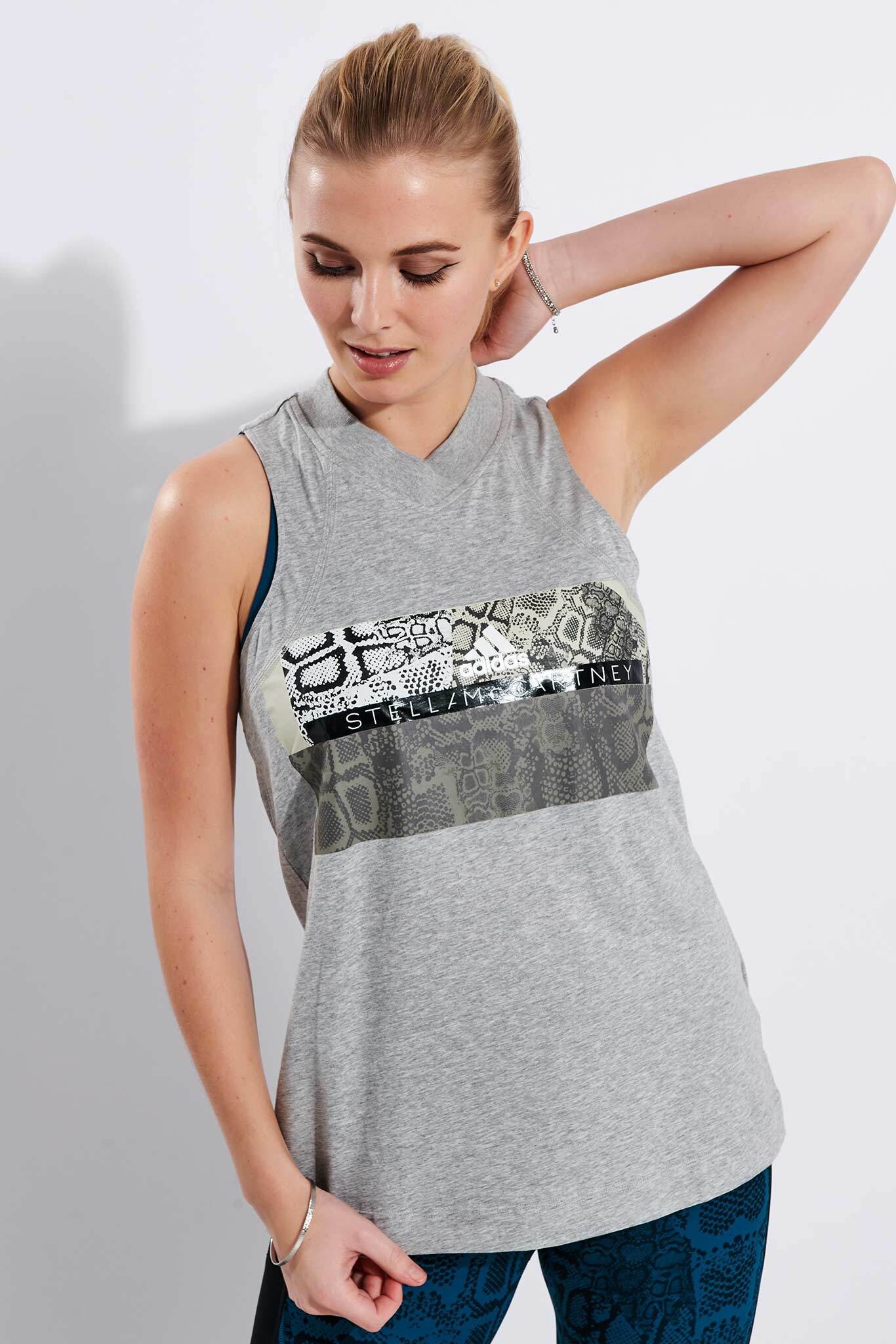
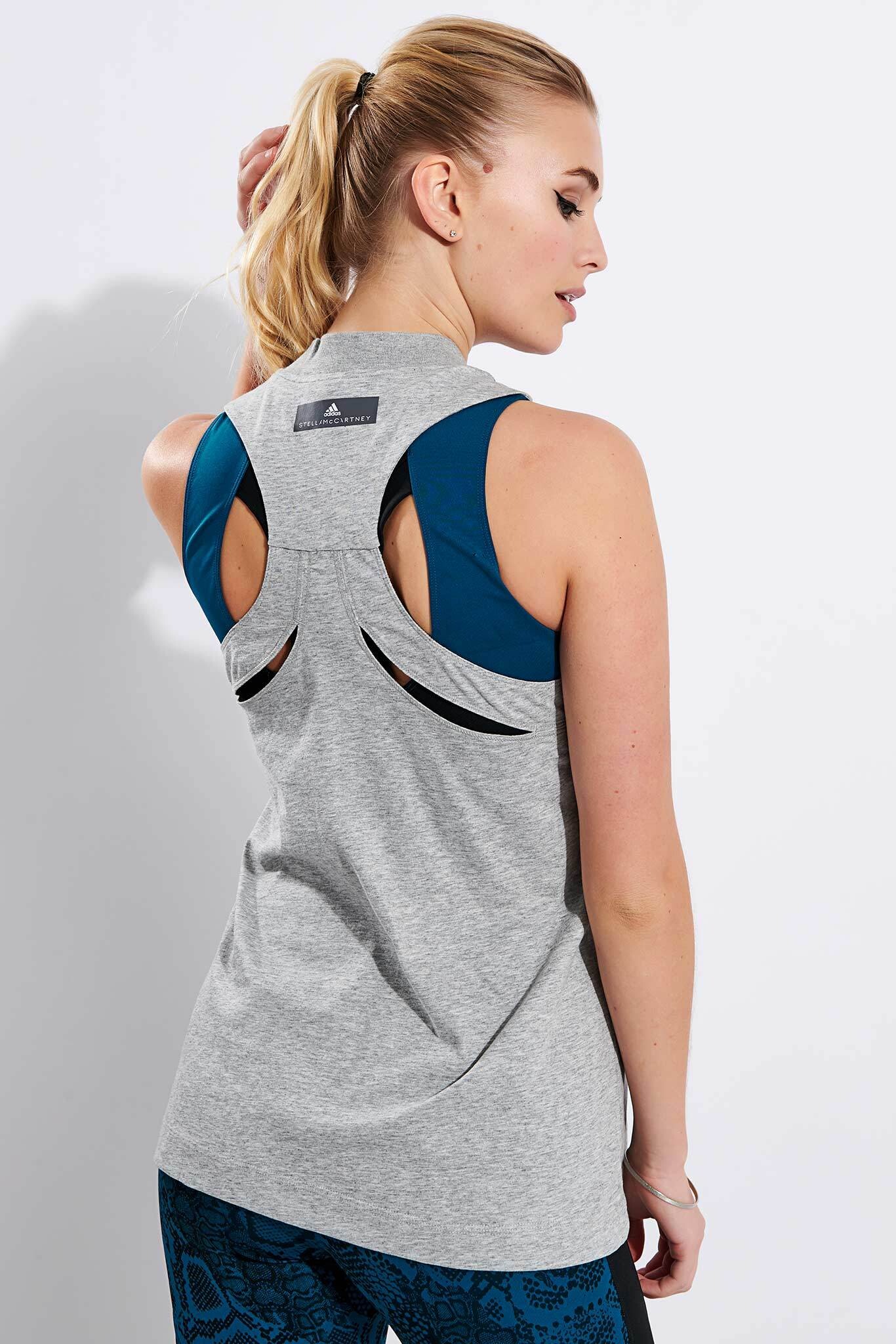
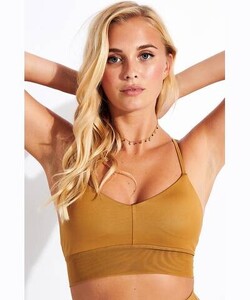
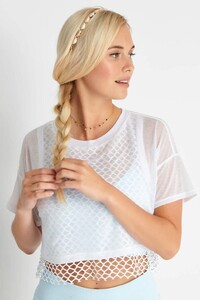
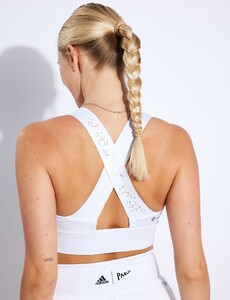
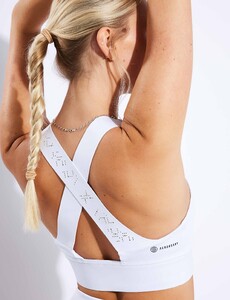
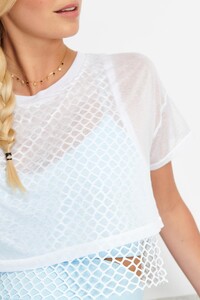
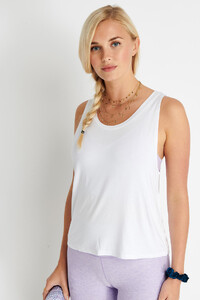
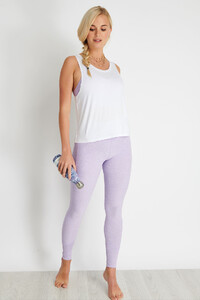
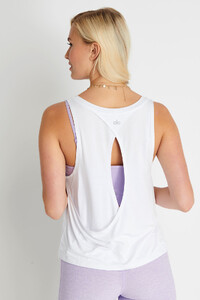
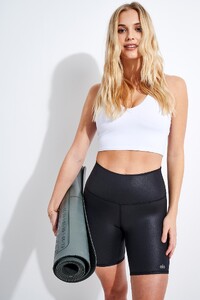
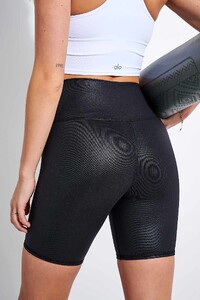
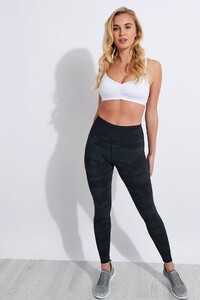
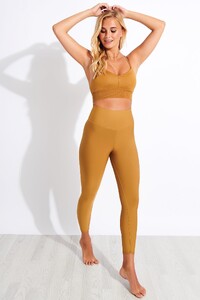
Damn, I think I'm continuing this as I have a few more of her Sports Edit works. Though I wonder if anyone here got some of her older Sports Edit stuffs because some of them no longer exist... The Sports Edit
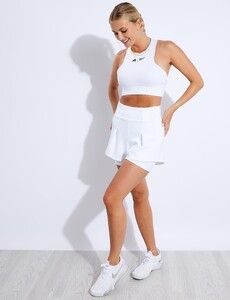
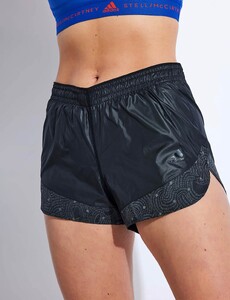
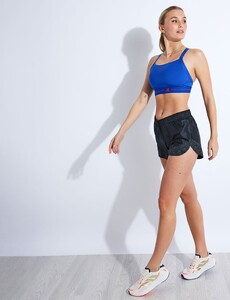
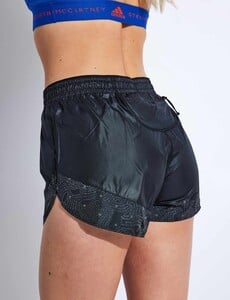
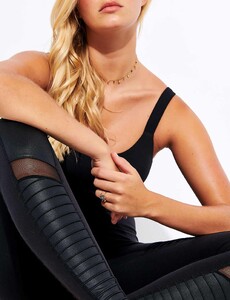
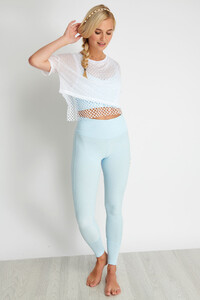
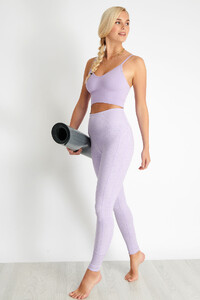
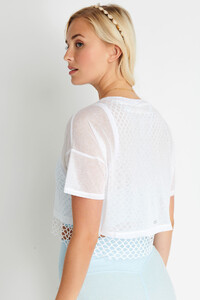
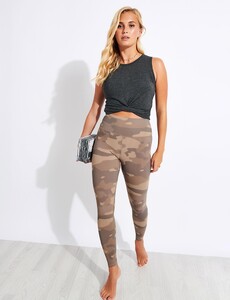
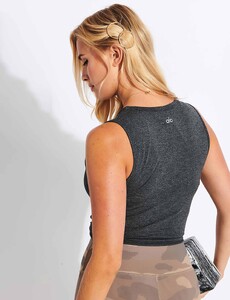
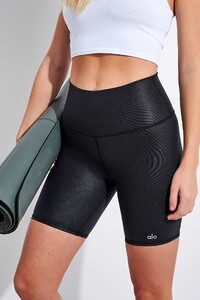
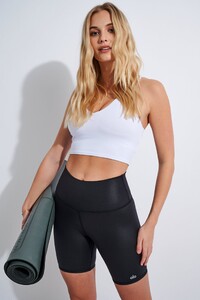
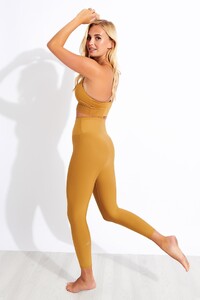
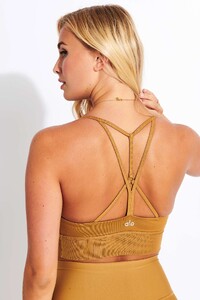
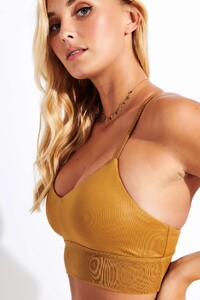
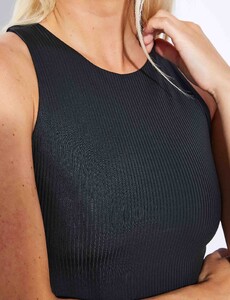
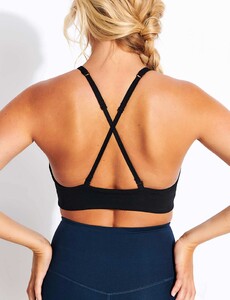
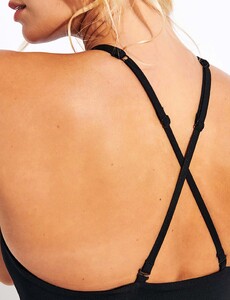
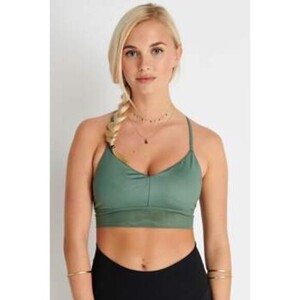
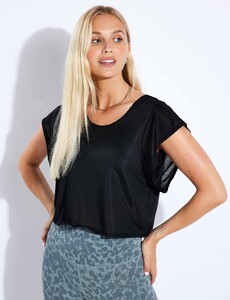
-
The Sports Edit
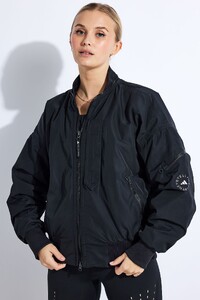
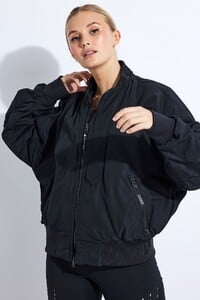
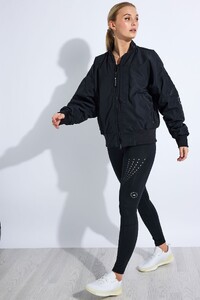
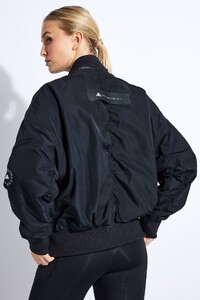
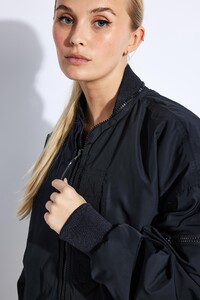
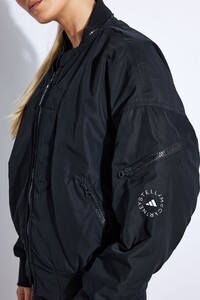
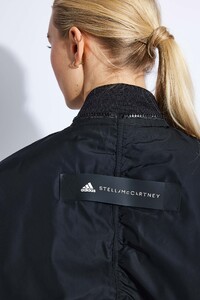
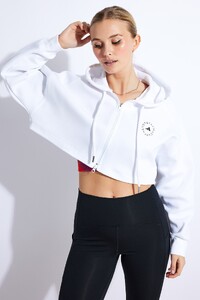
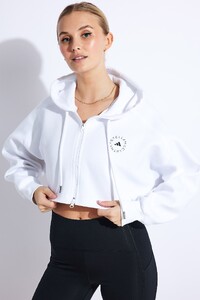
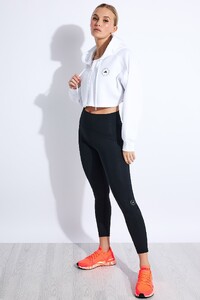
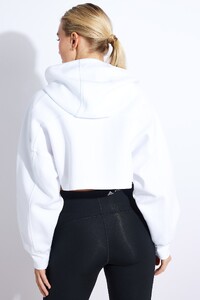
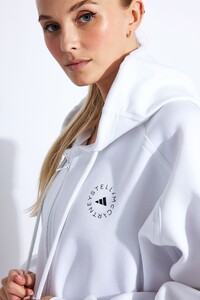
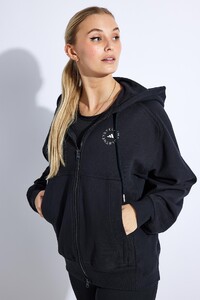
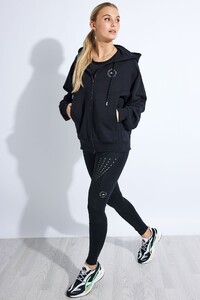
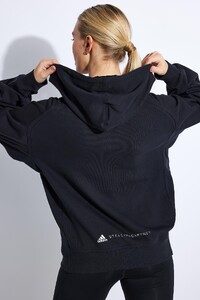
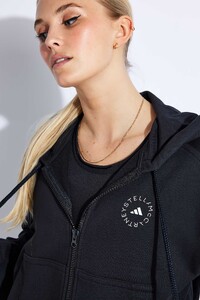
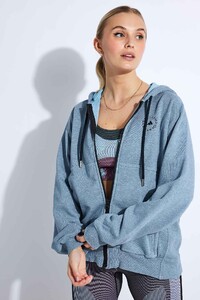
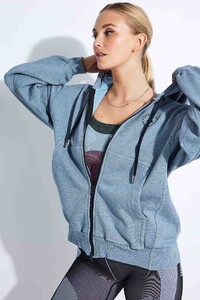
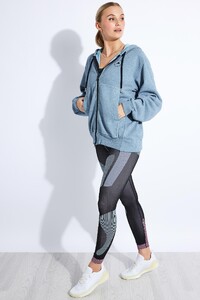
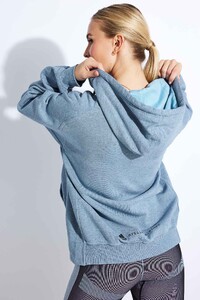
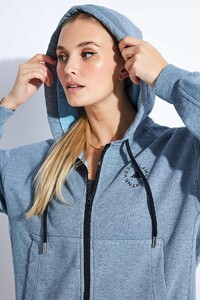
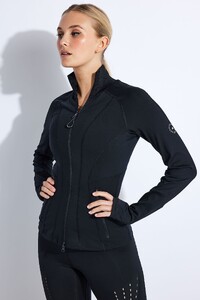
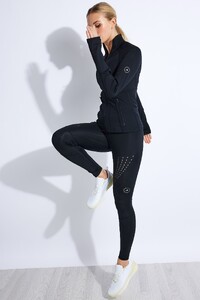
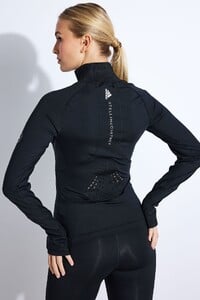
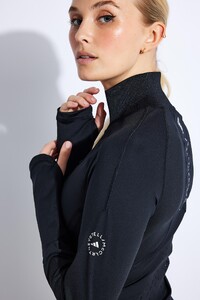
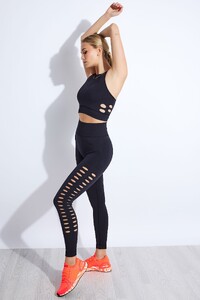
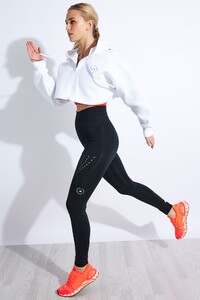
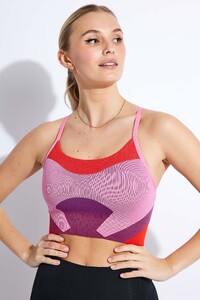
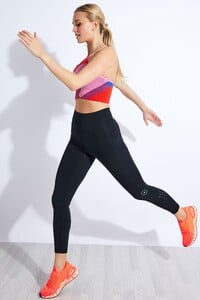
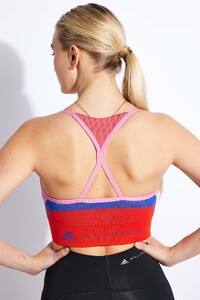
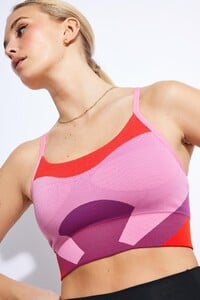
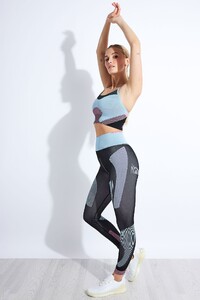
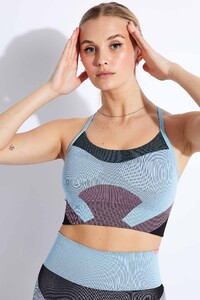
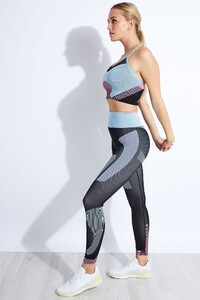
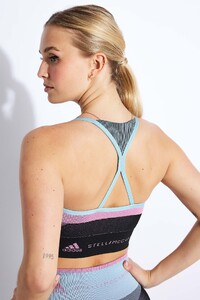 The Sports Edit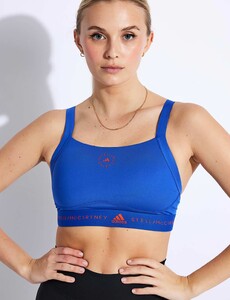
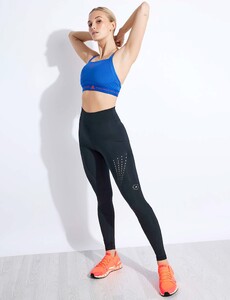
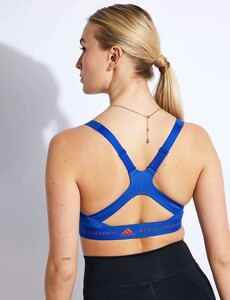
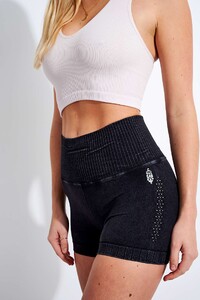
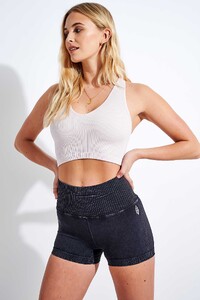
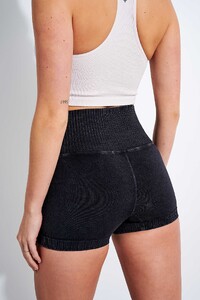
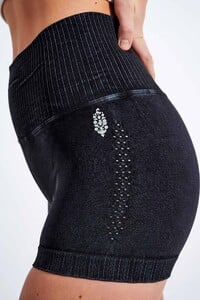
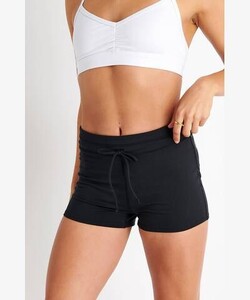
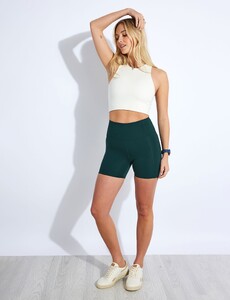
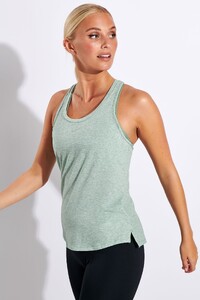
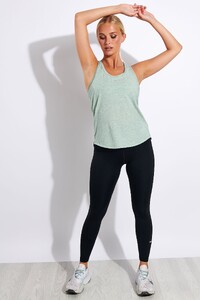
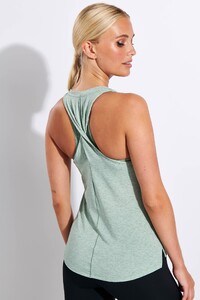
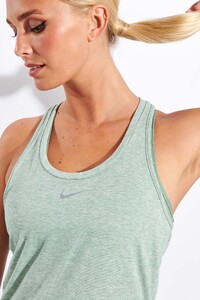
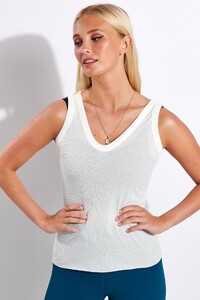
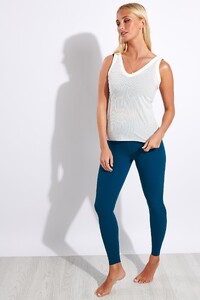
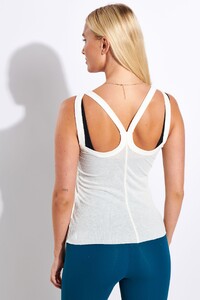
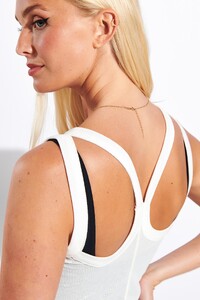
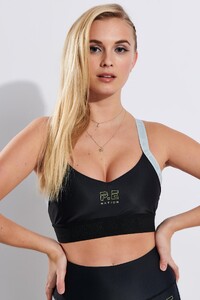
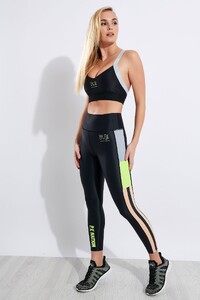
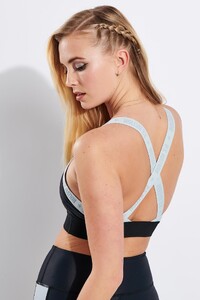
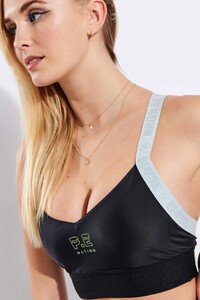
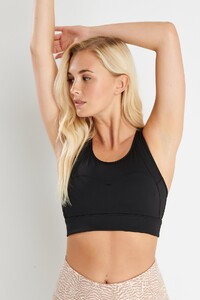
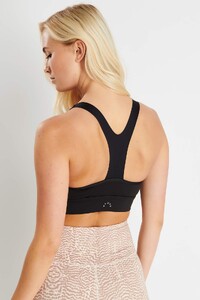
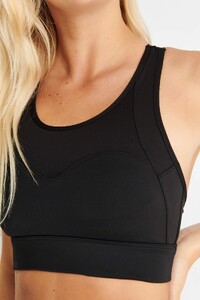
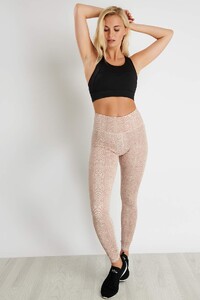
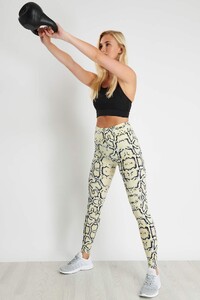
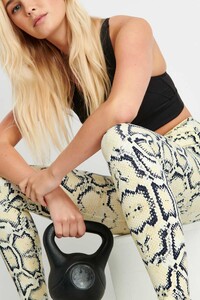
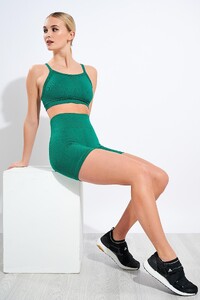
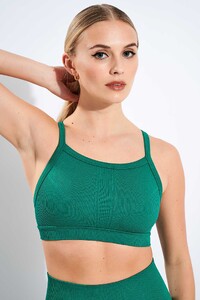
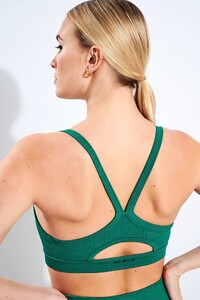
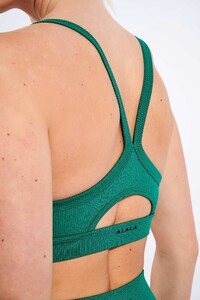
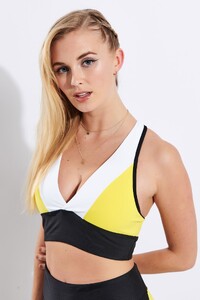
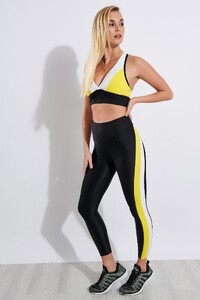
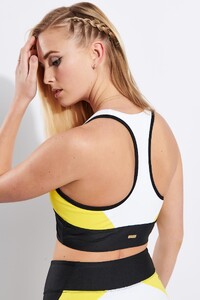
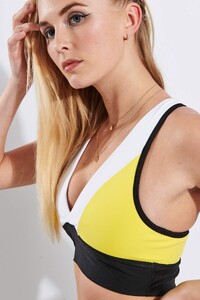
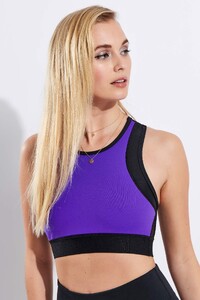
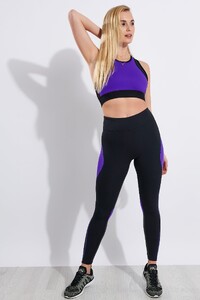
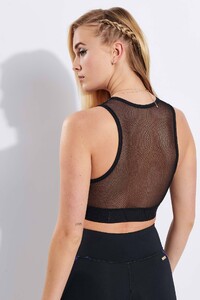
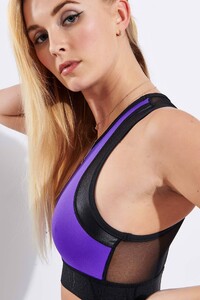 The Sports Edit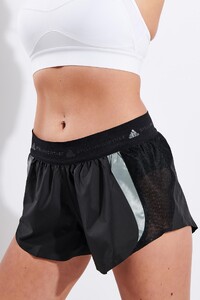
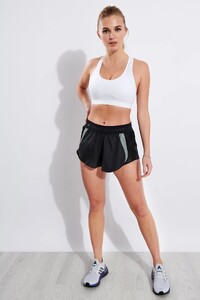
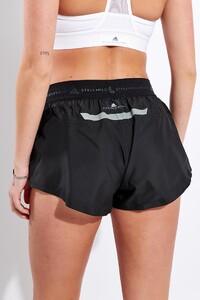
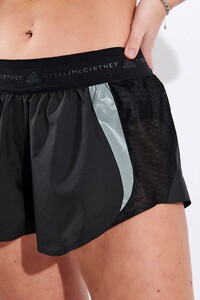
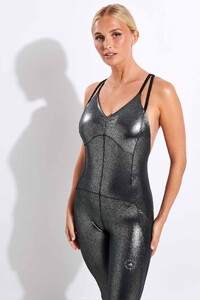
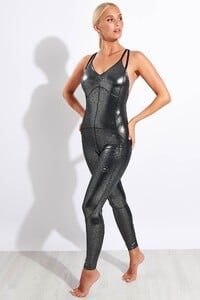
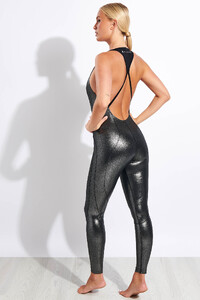
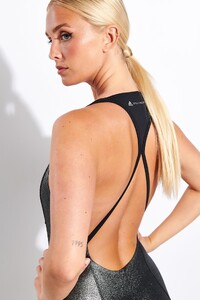
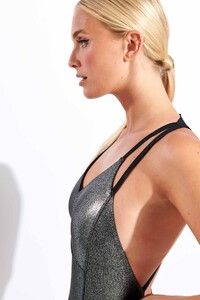
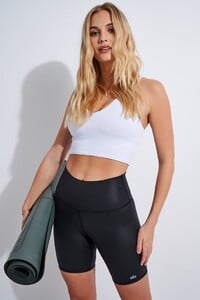
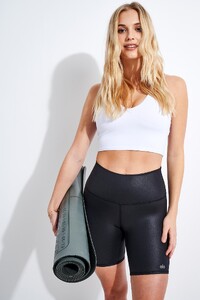
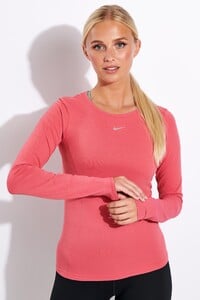
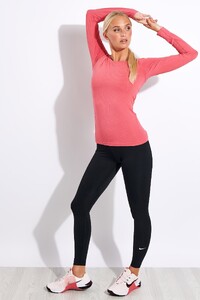
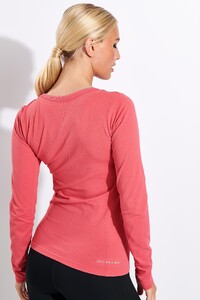
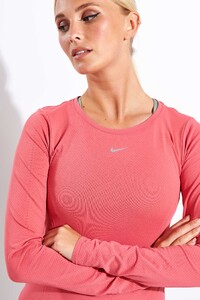
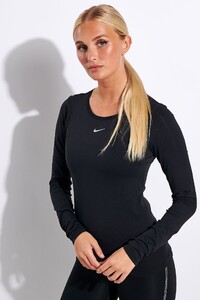
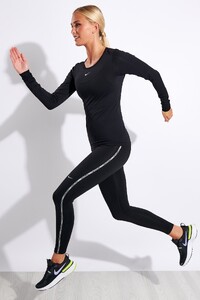
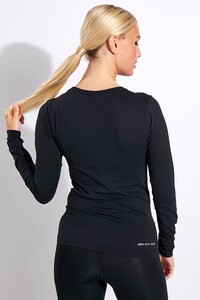
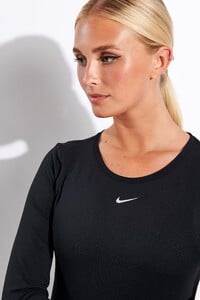
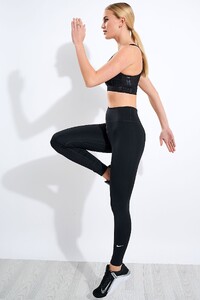
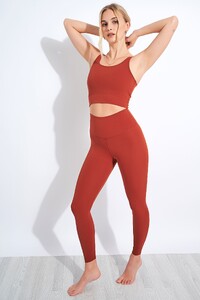
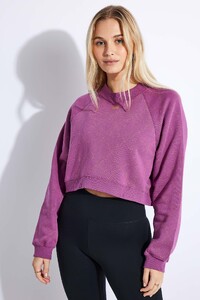
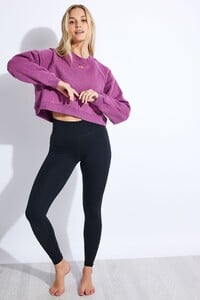
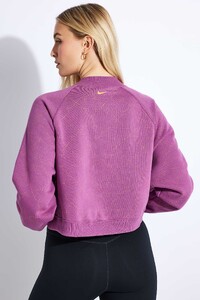
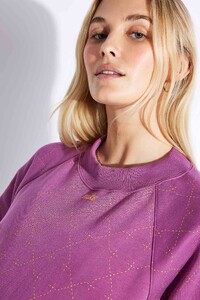
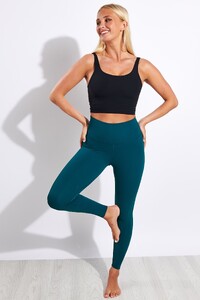
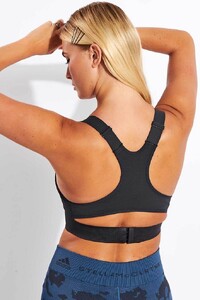
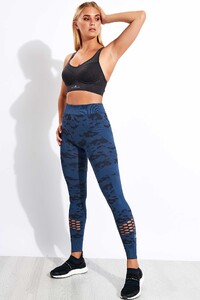 The Sports Edit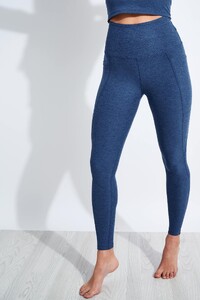
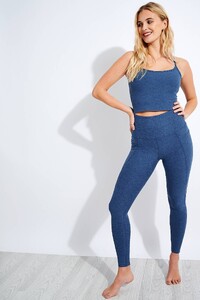
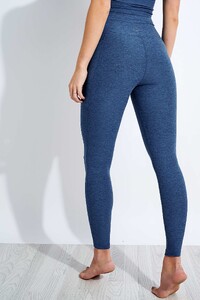
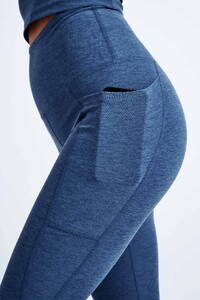
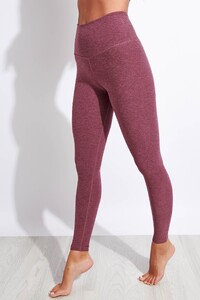
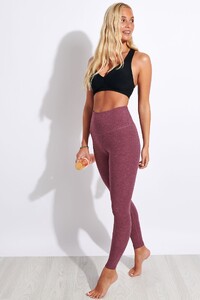
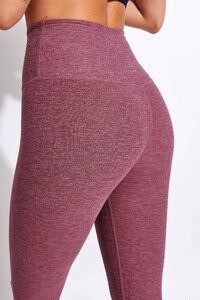
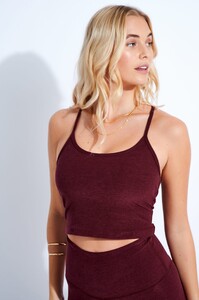
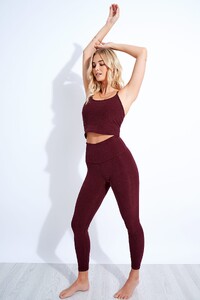
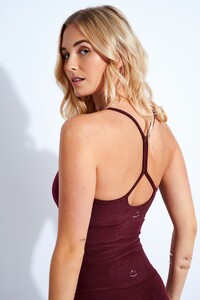
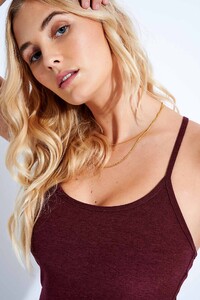
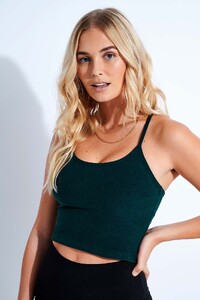
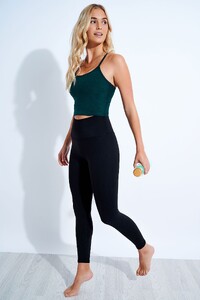
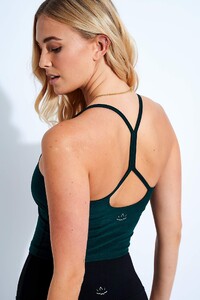
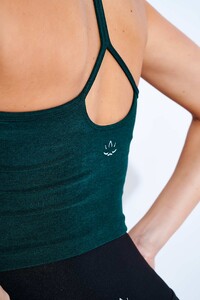
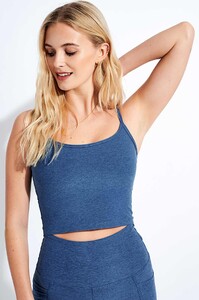
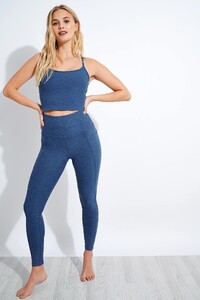
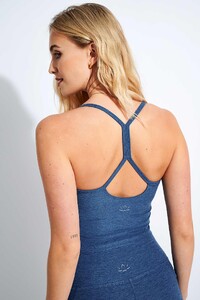
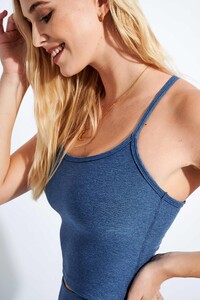
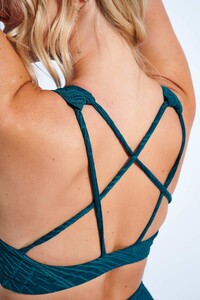
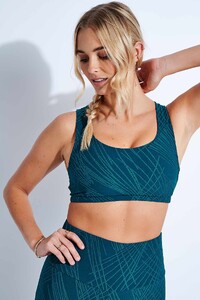
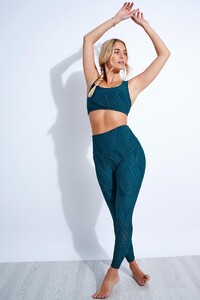
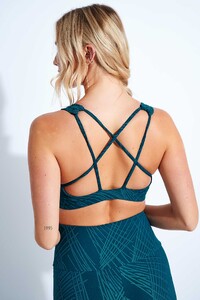
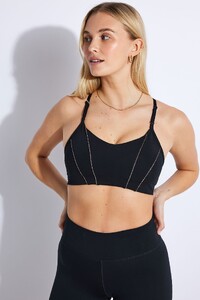
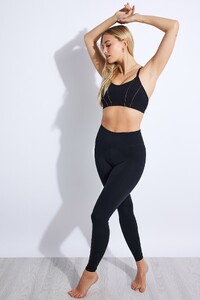
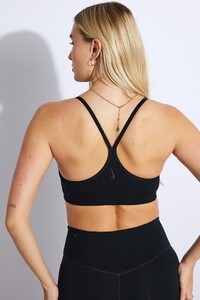
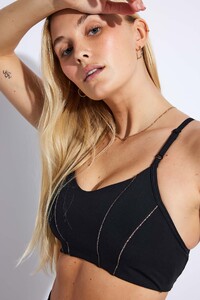
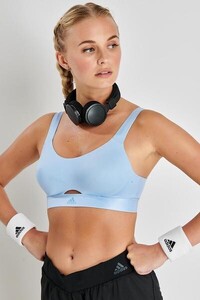
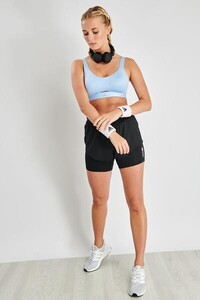
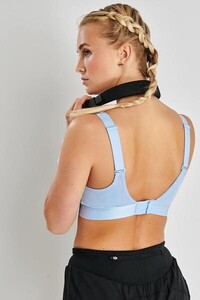
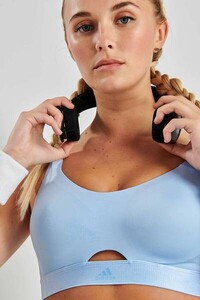 The Sports Edit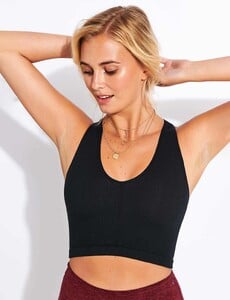
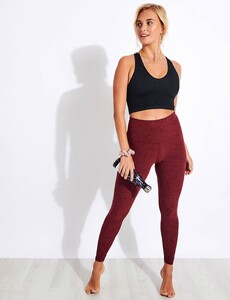
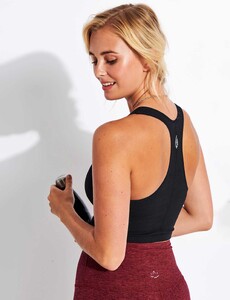
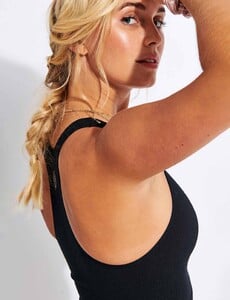
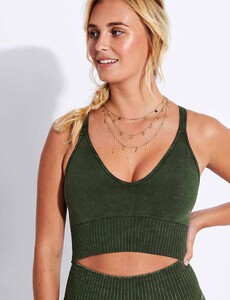
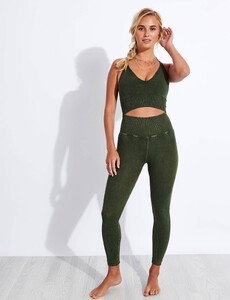
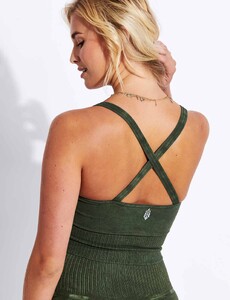
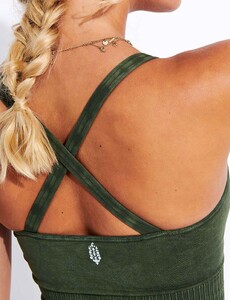
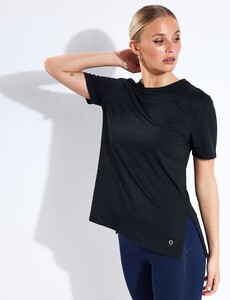
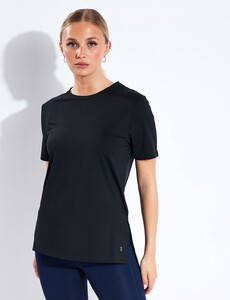
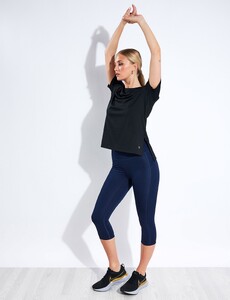
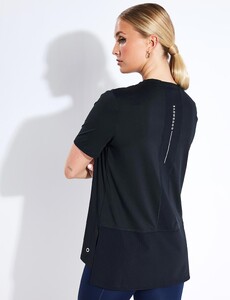
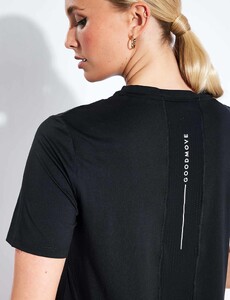
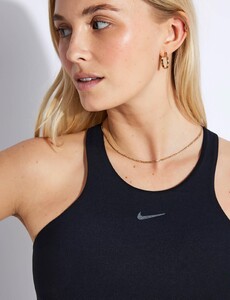
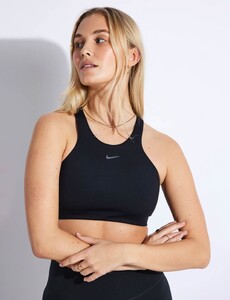
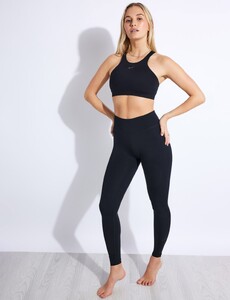
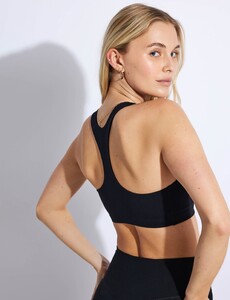
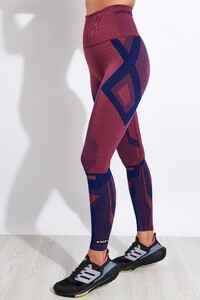
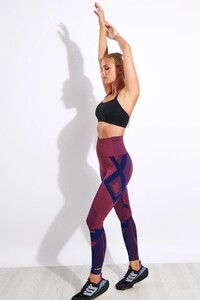
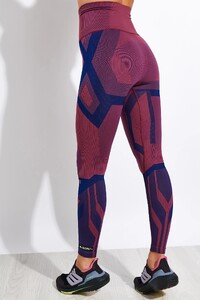
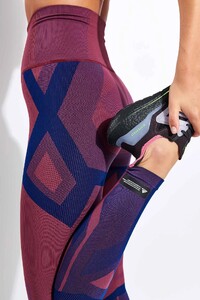
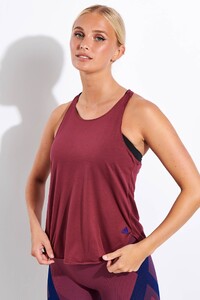
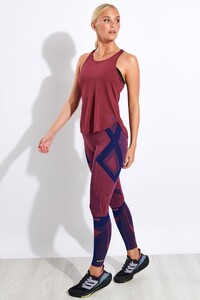
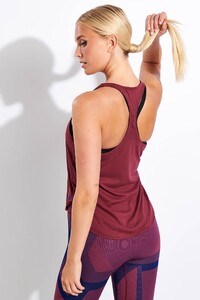
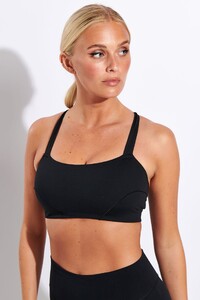
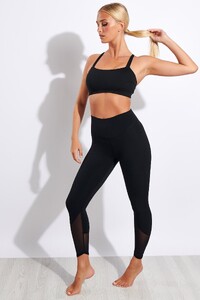
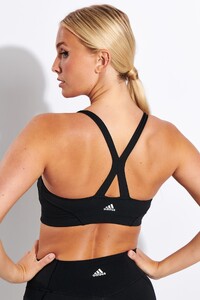
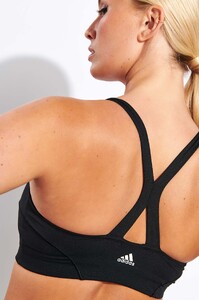
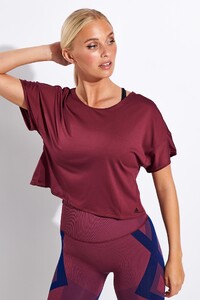
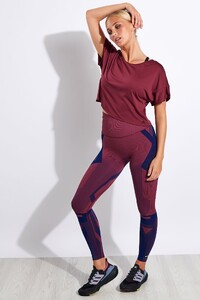
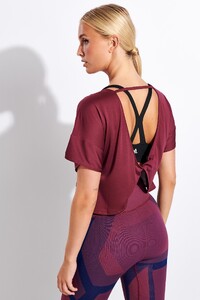
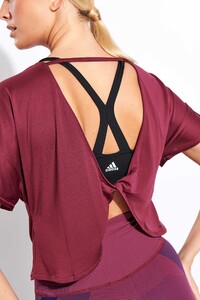
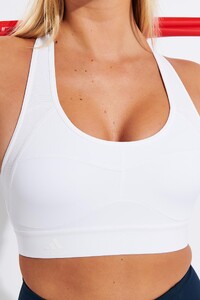
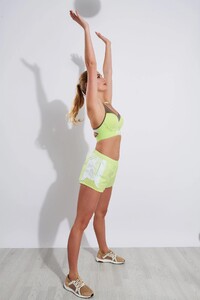
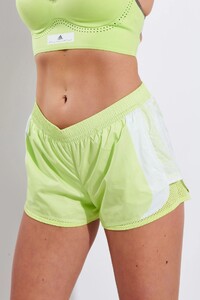
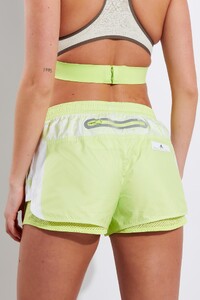
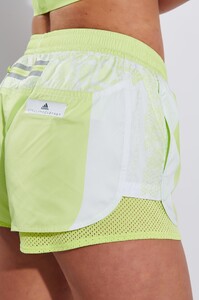
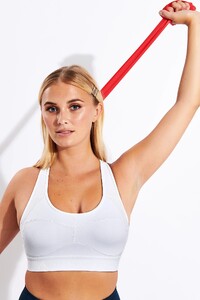
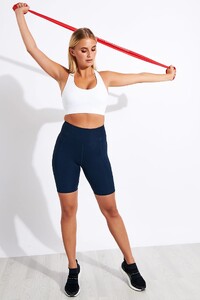
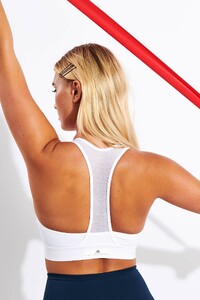
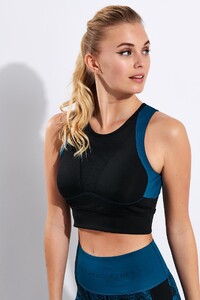
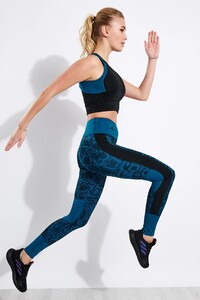
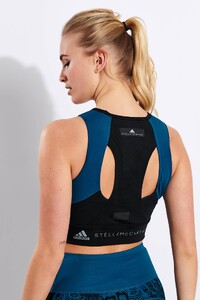
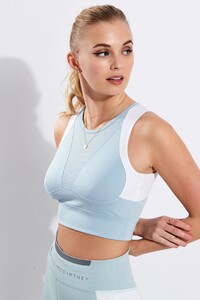
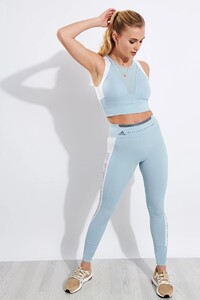
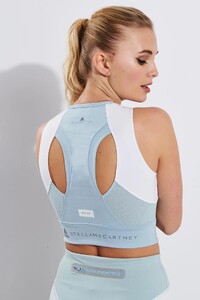
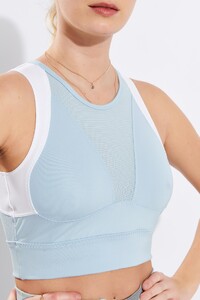
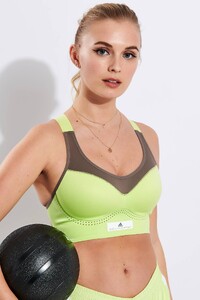
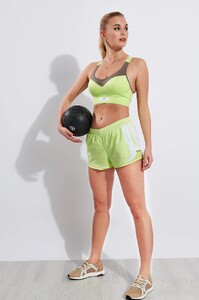
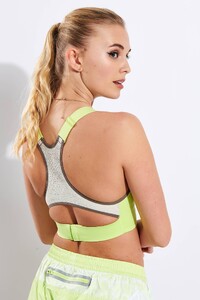
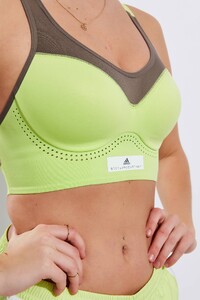 The Sports Edit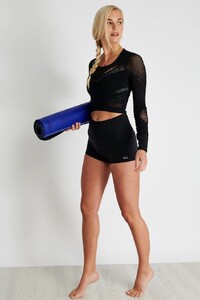
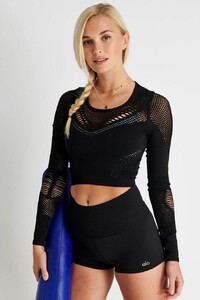
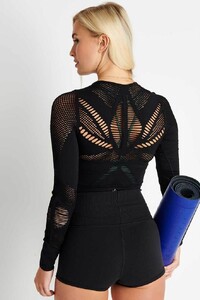
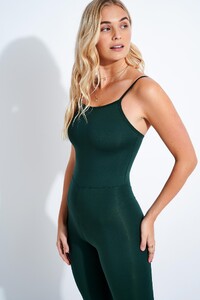
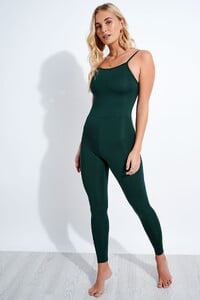
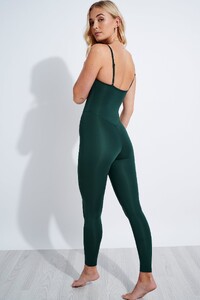
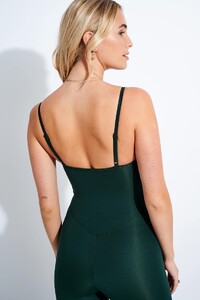
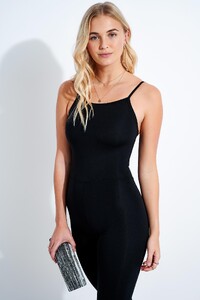
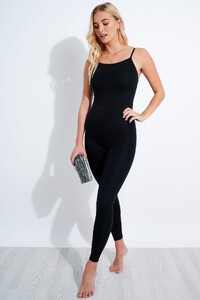
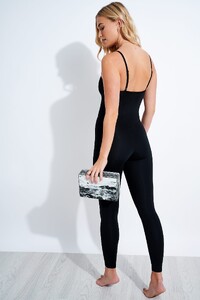
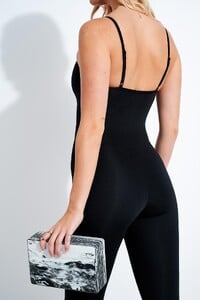
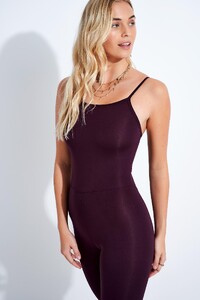
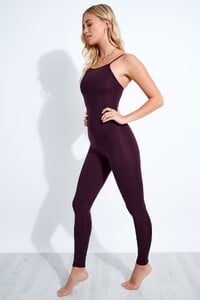
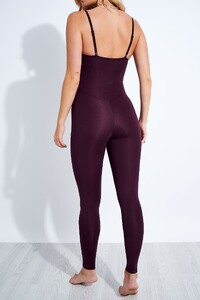
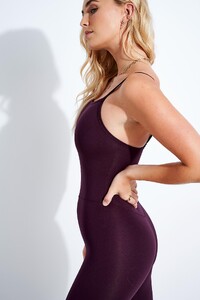
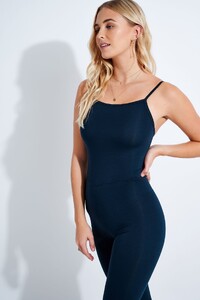
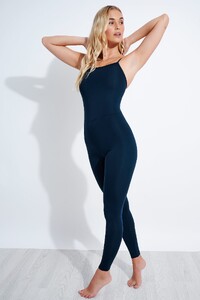
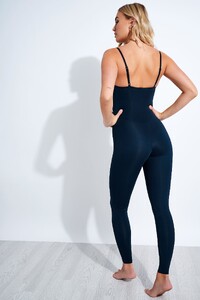
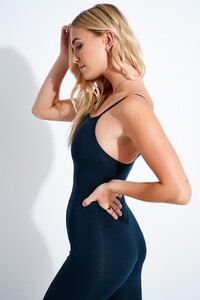
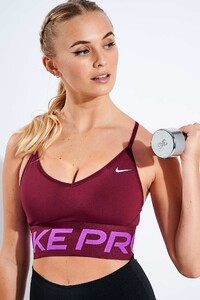
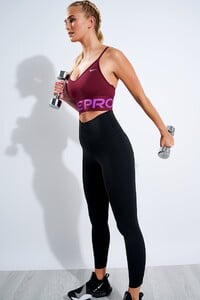
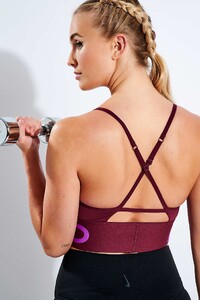
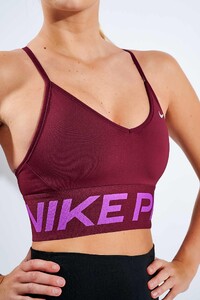
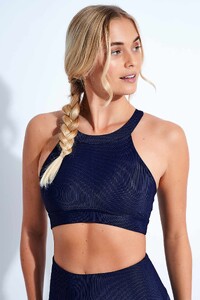
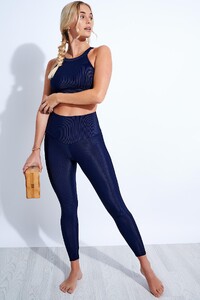
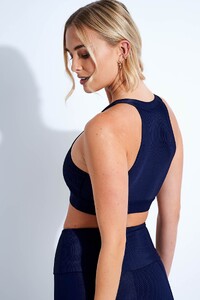
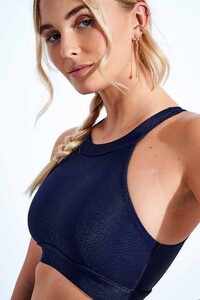
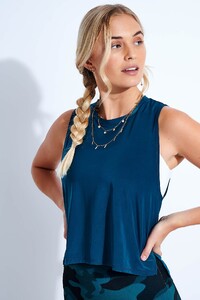
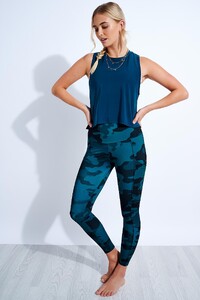
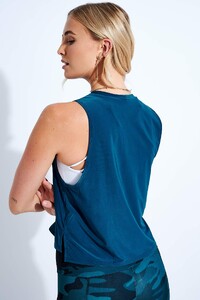
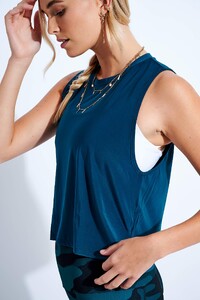
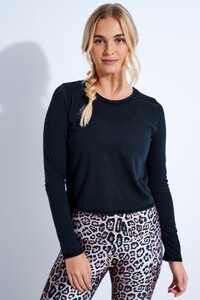
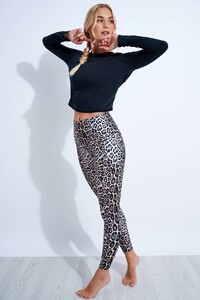
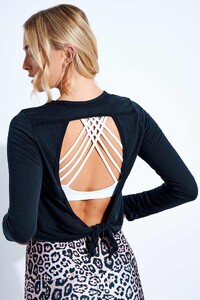
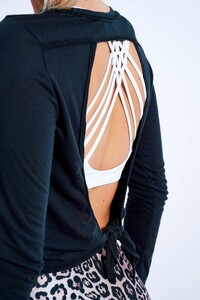 The Sports Edit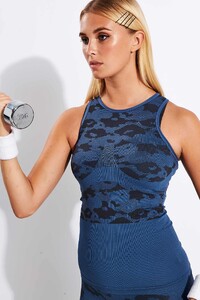
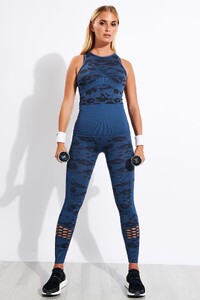
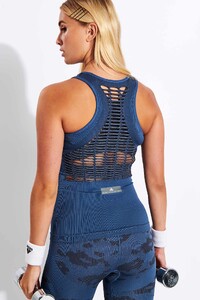
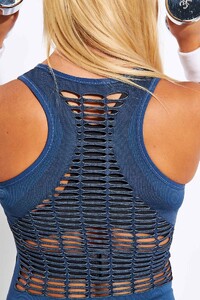
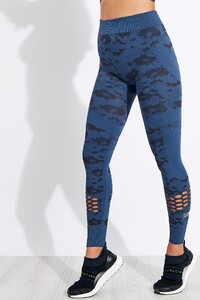
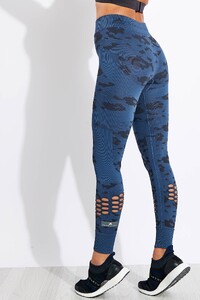
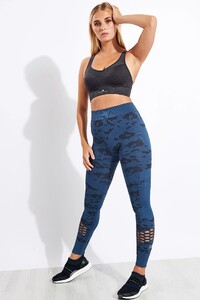
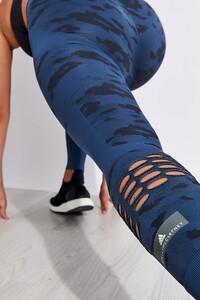
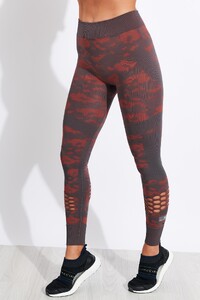
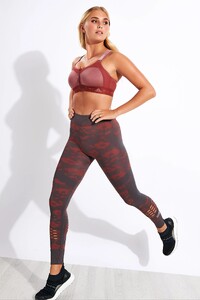
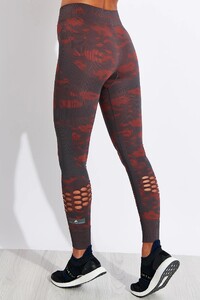
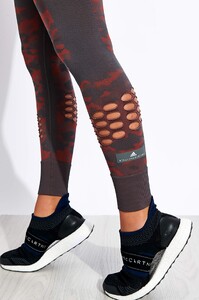
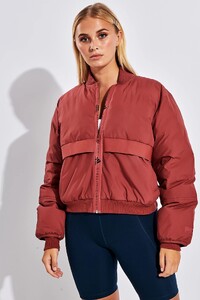
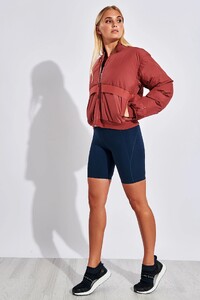
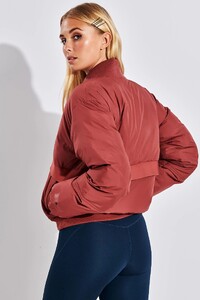
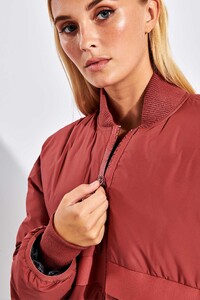
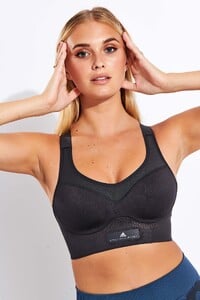
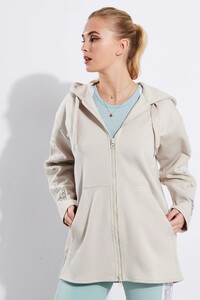
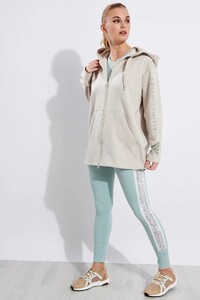
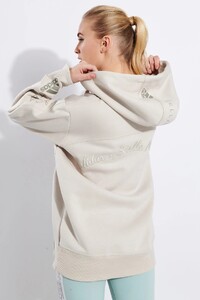
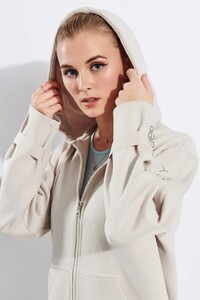
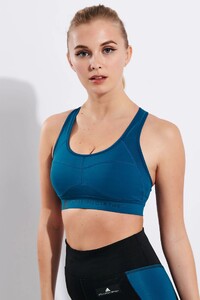
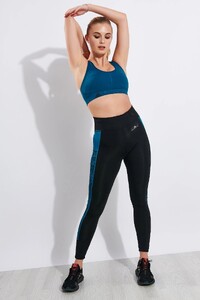
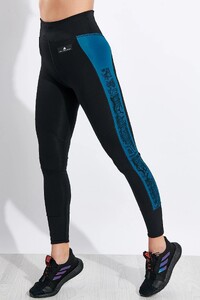
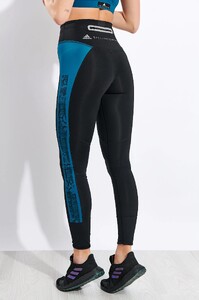
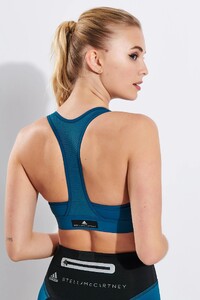
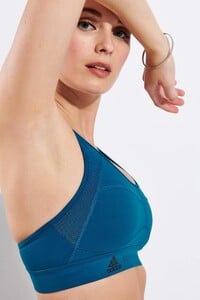
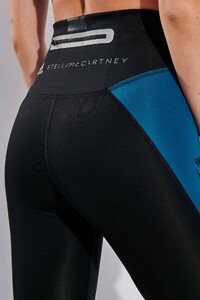
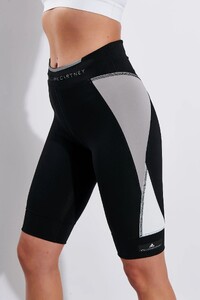
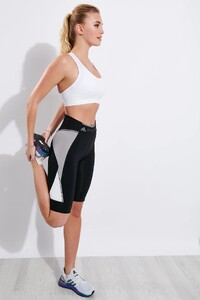
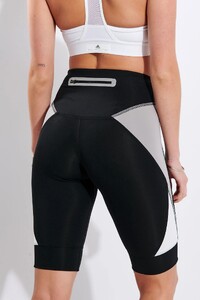
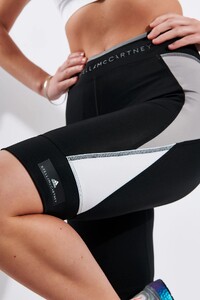 The Sports Edit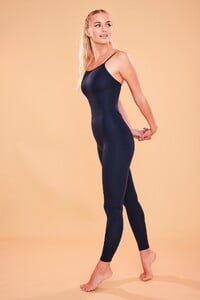
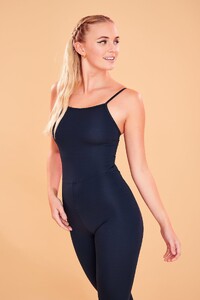
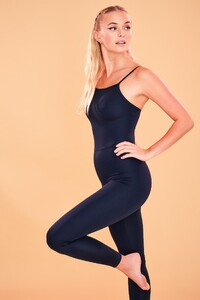
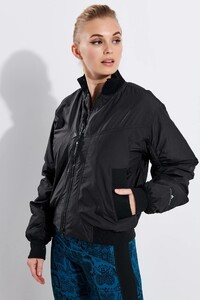
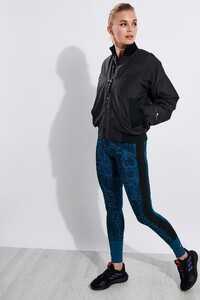
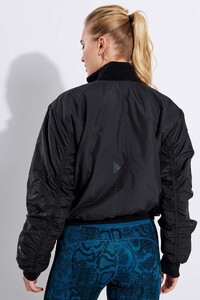
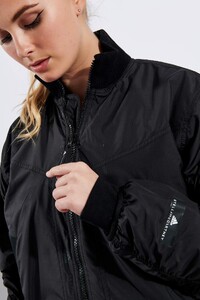
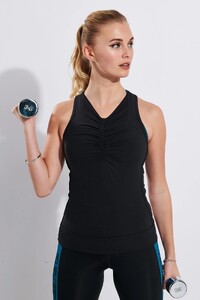
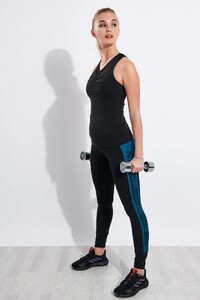
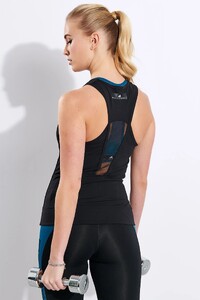
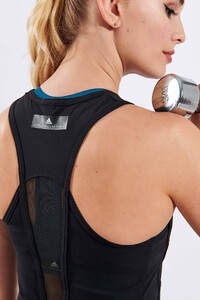
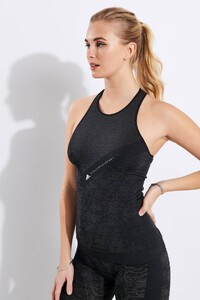
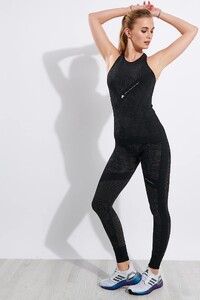
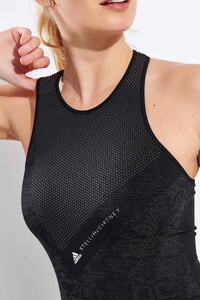
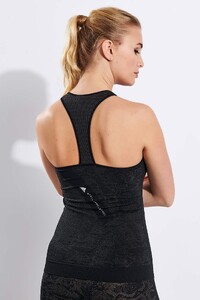
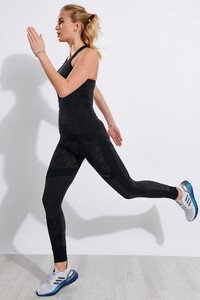
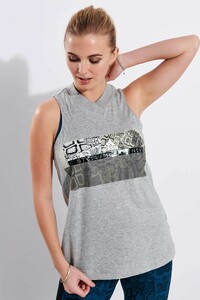
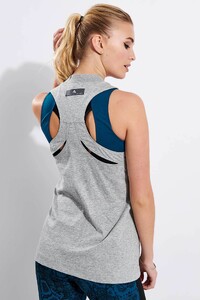
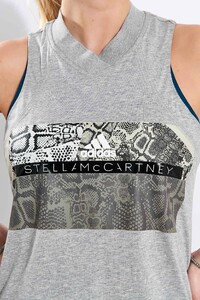
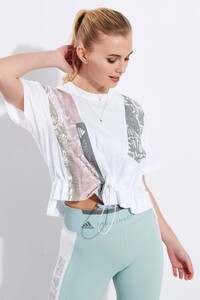
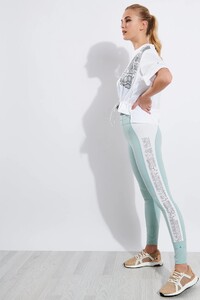
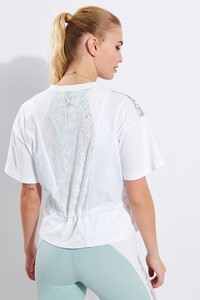
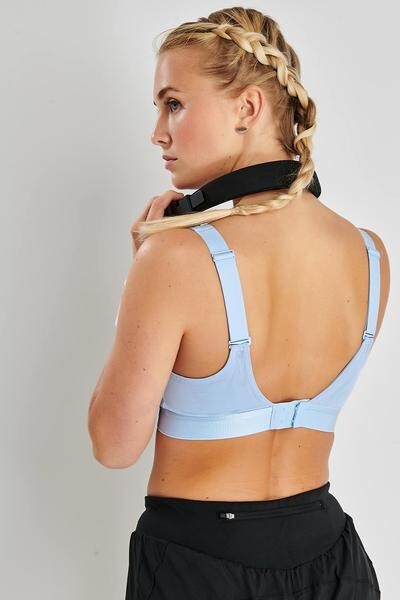
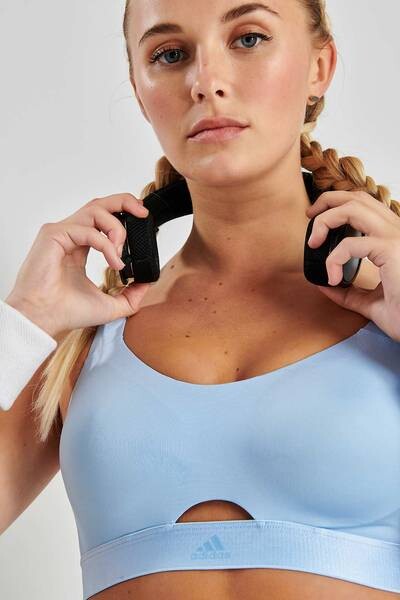
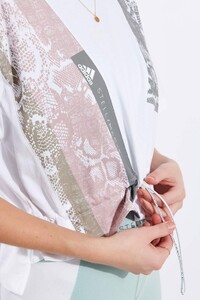 Totally love her Sports Edit works! She's always mothering 🥰
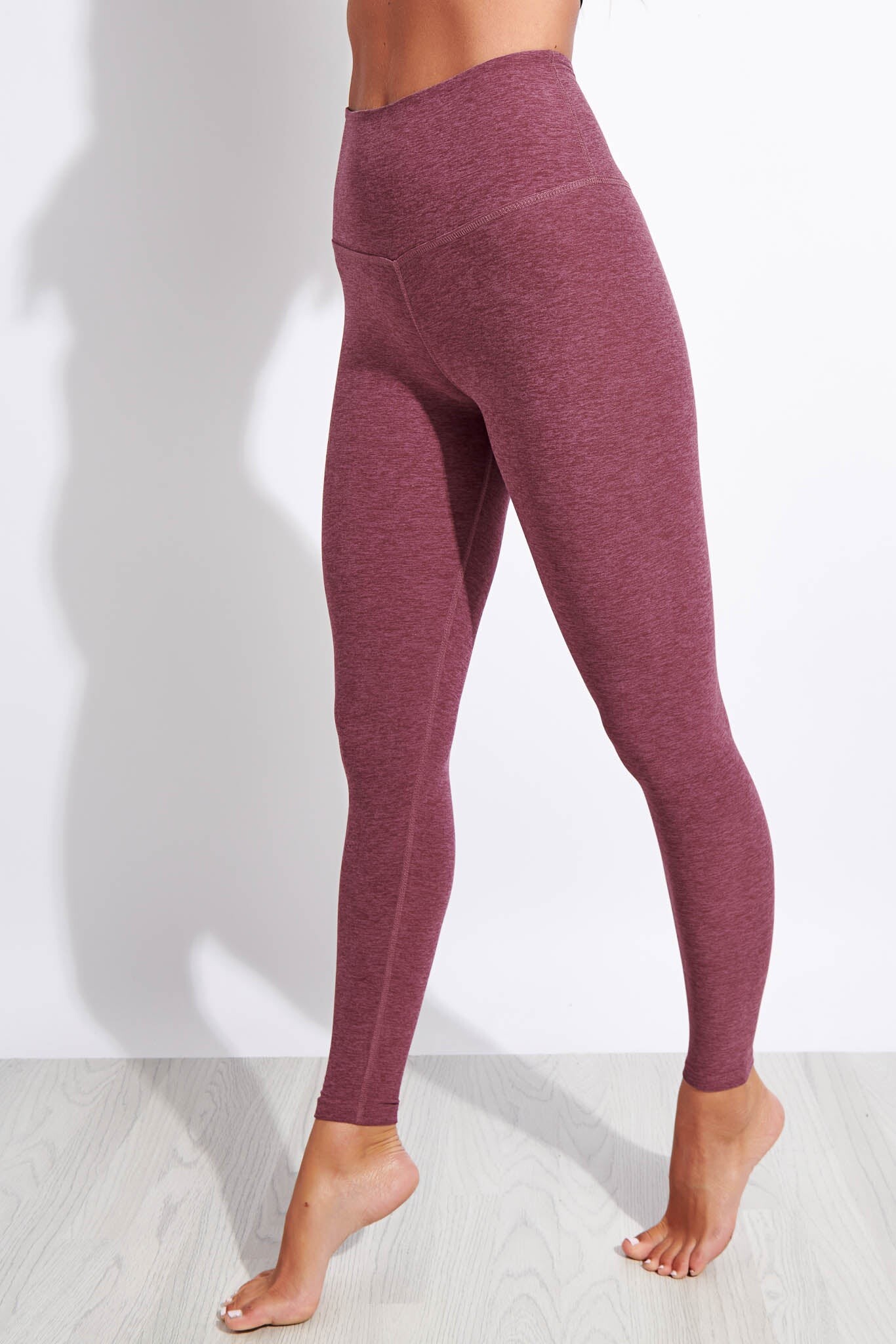
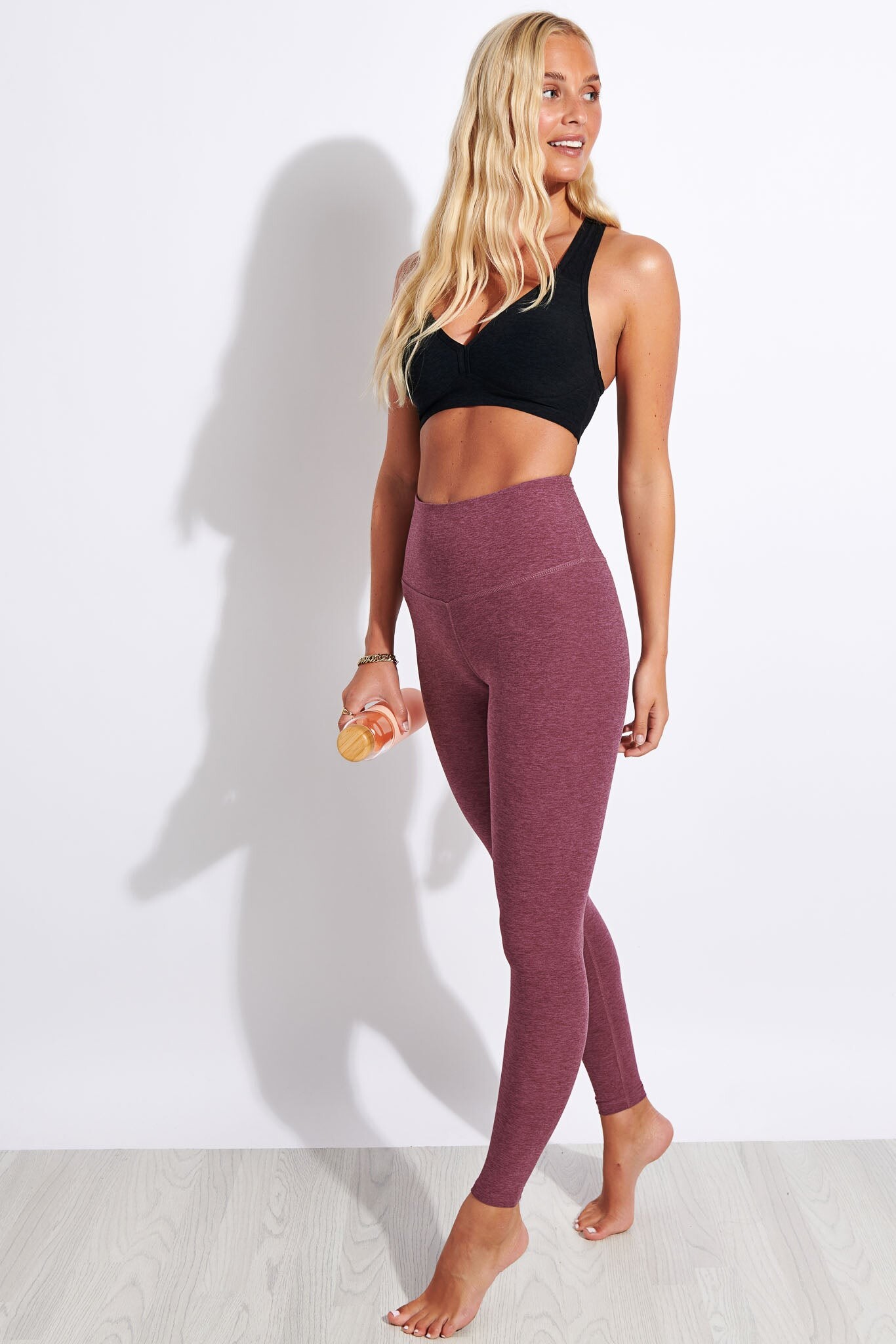
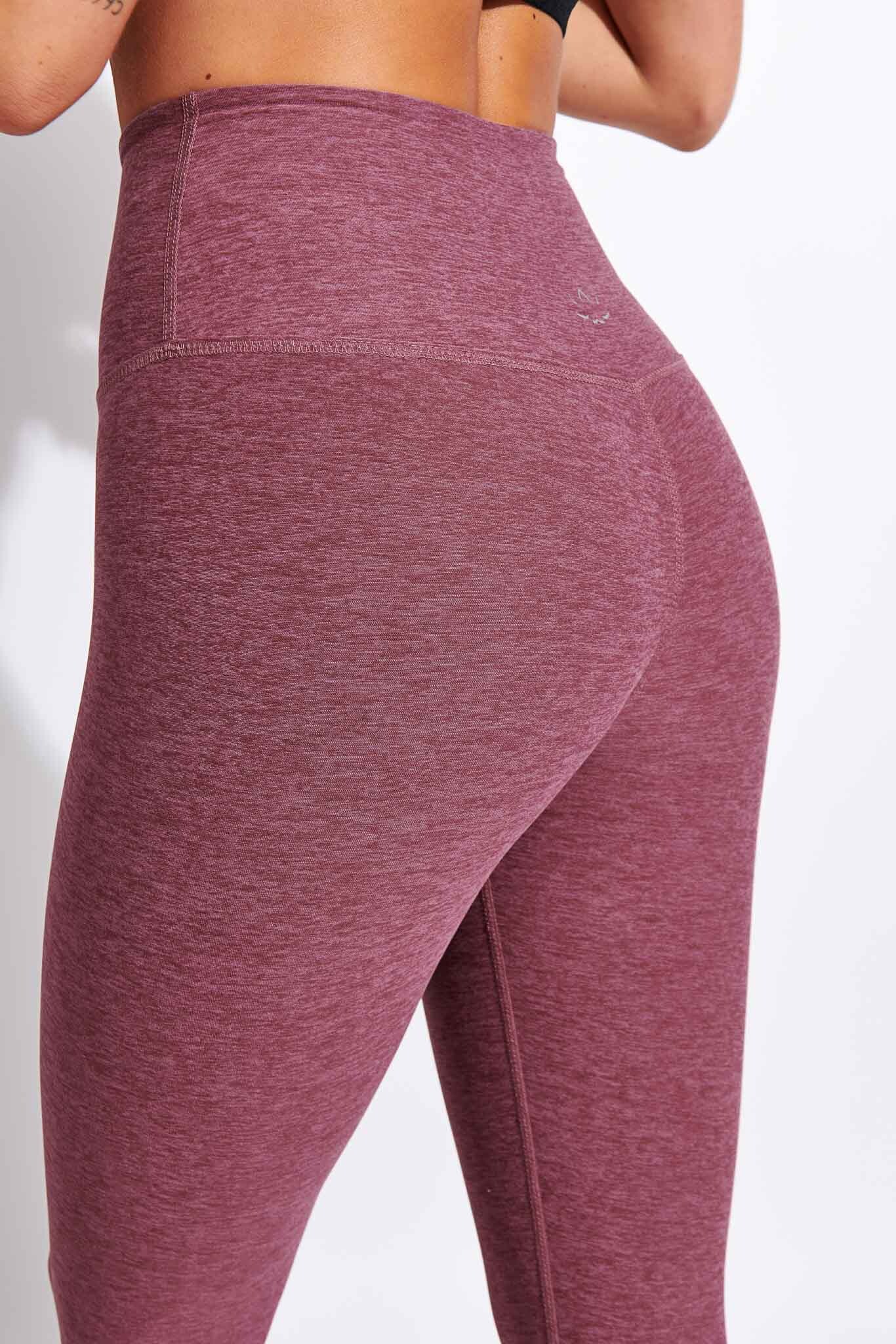
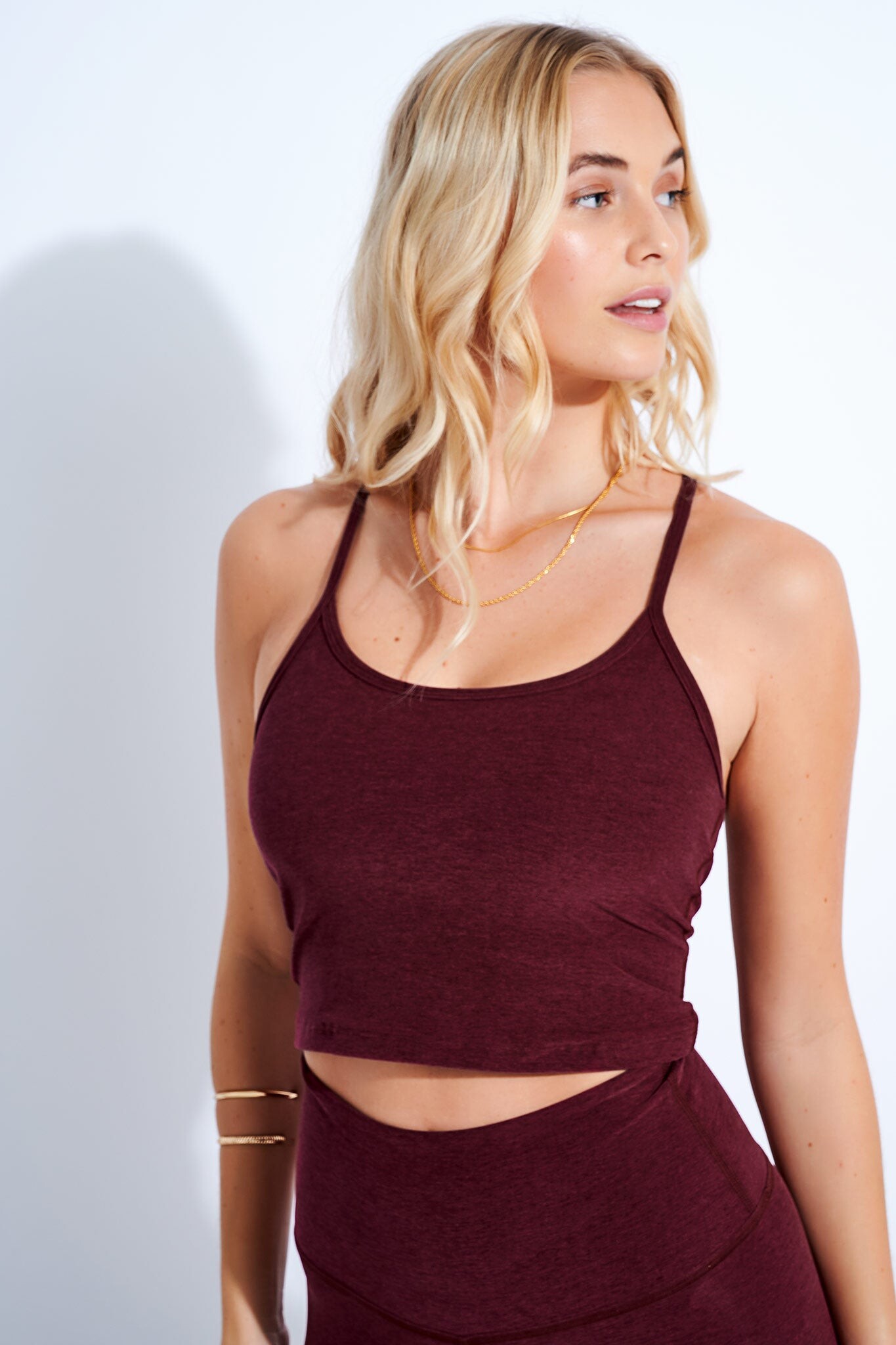
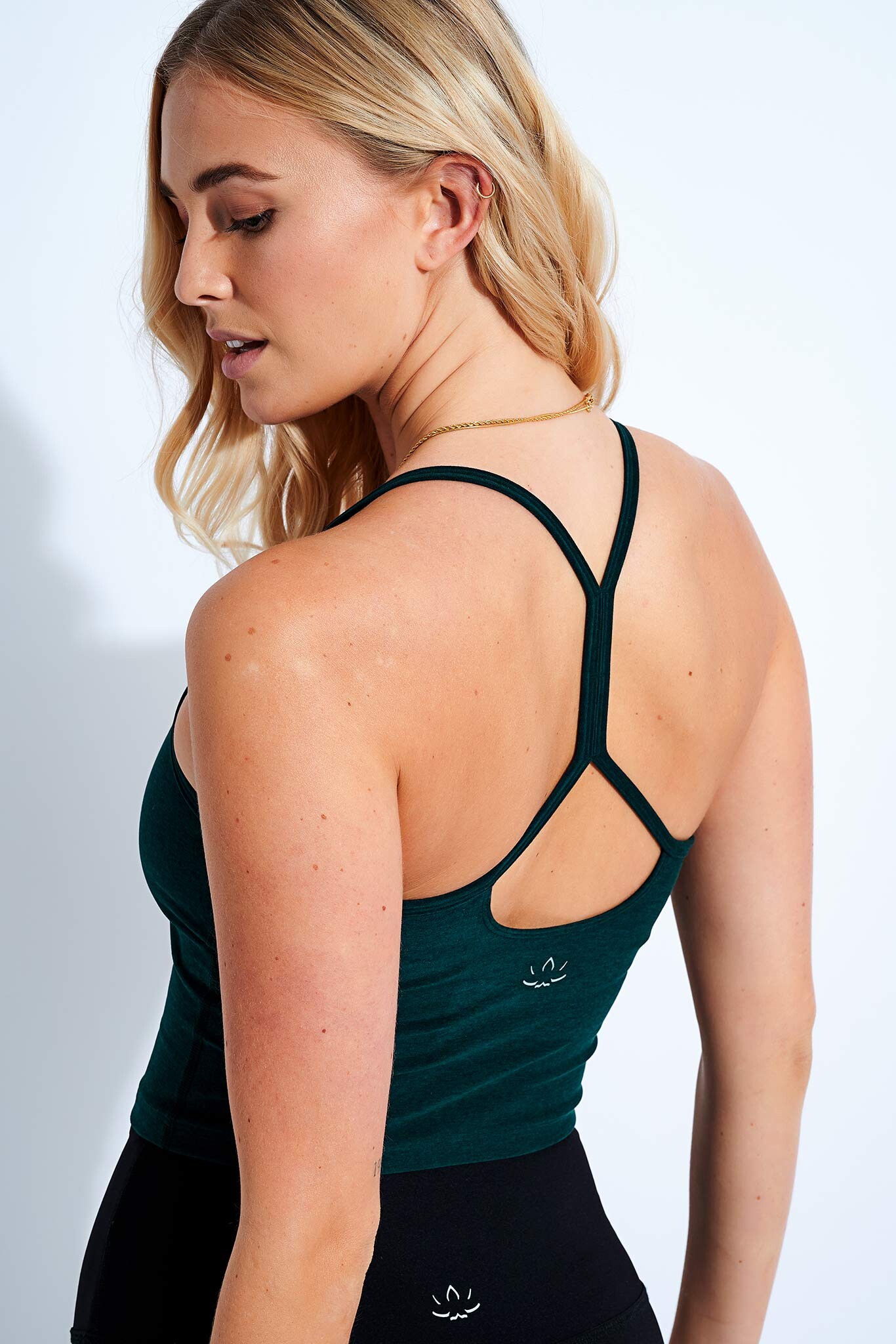
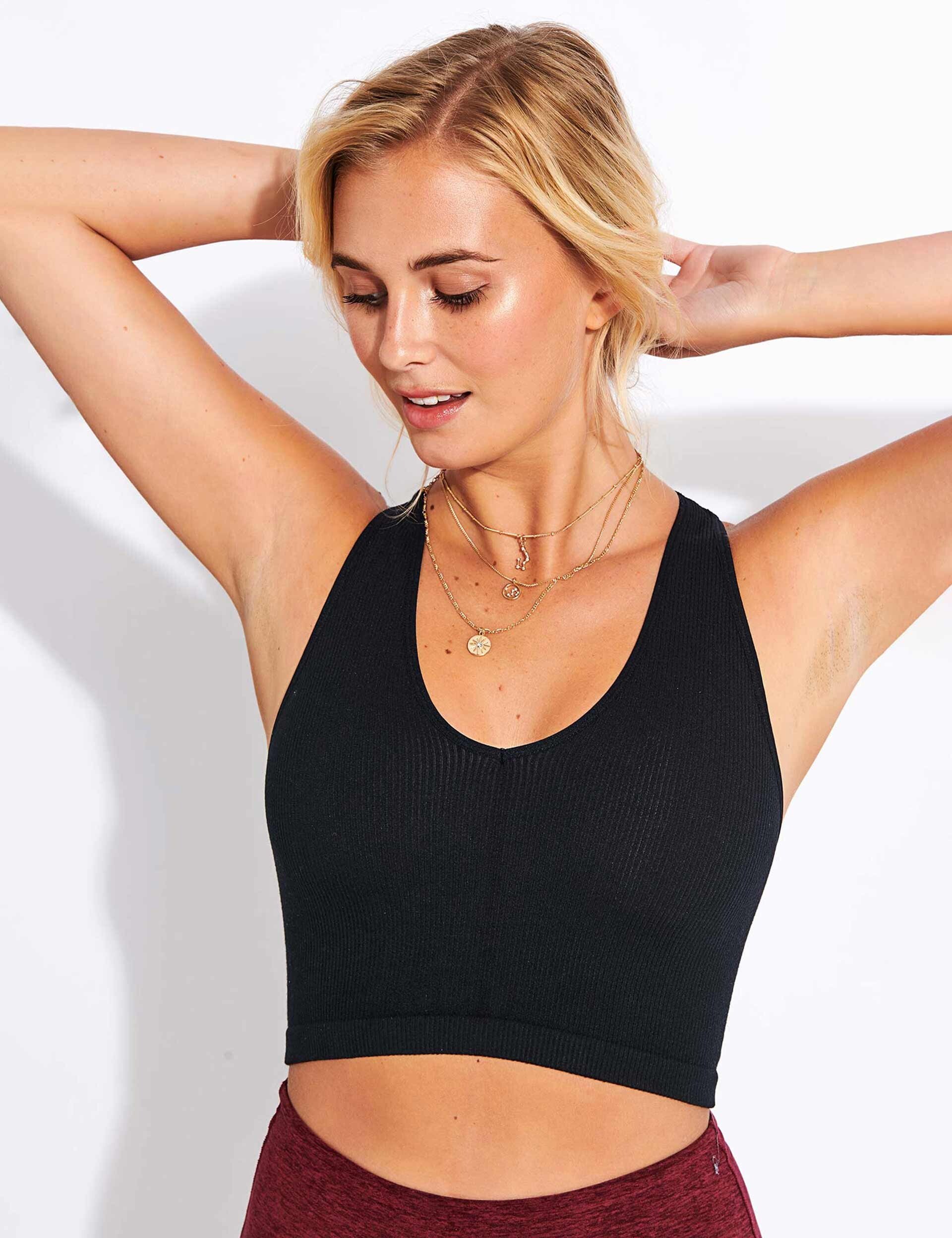
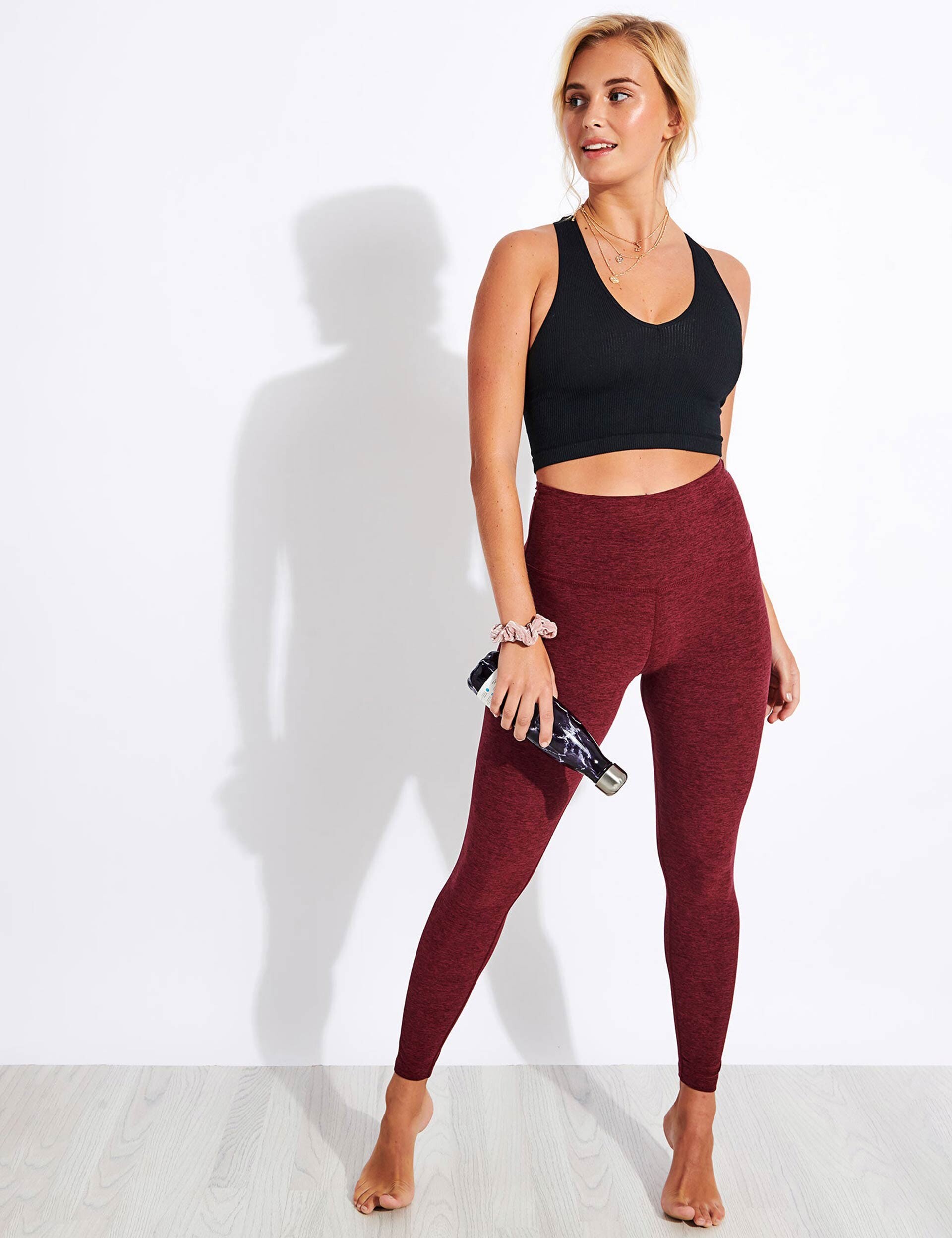
Welp, looks like the images (also Beyond Yoga's) are broken, do you still have them for re-up?
Sorry for bumping the old topic but apparently it's Lauren Elizabeth Patrick.
My guess is Paris Chardonnay
My guess would be Freya Haworth
Totally love her Sports Edit works! She's always mothering 🥰
Welp, looks like the images (also Beyond Yoga's) are broken, do you still have them for re-up?
Sorry for bumping the old topic but apparently it's Lauren Elizabeth Patrick.
My guess is Paris Chardonnay
My guess would be Freya Haworth