

vishu
Members
-
Joined
-
Last visited
Everything posted by vishu
-
-
almost dead topic. so sad because she's amazing. new pics IG





-
-
I hope to see this enlarged and in good quality 😉

-
I never tire of saying it - she always looks amazing!












-
-
-
-
she has an amazing body
-
BTS @intimissimi Cashmere Collection 🤎The real MVP @giovanni28iovino on wind 🌬️.mp4
-
I won't get tired of saying this, she is an amazing woman















-
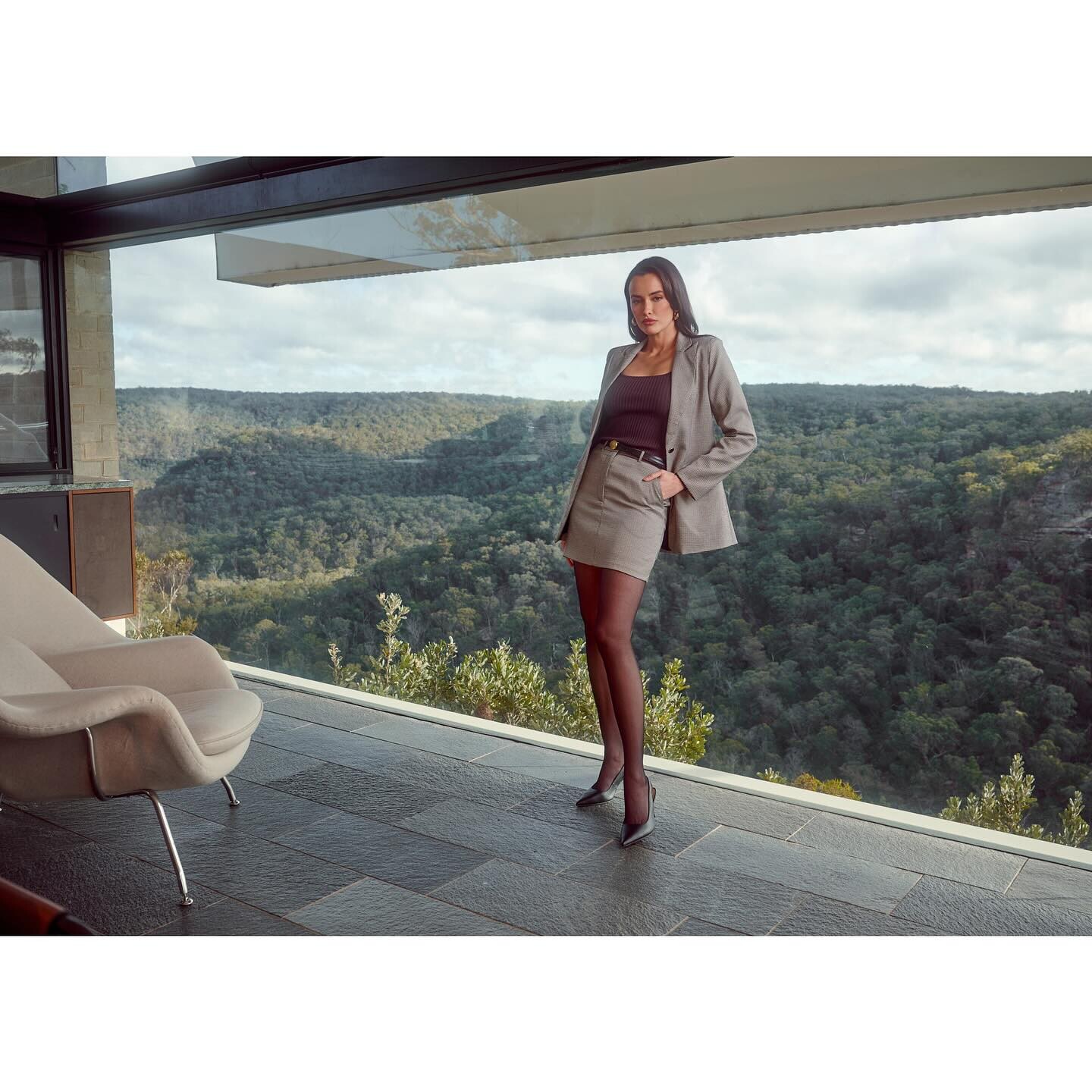
who is other girl? also very beautifuljust wow! very beautiful girl!❤️she removed Bish's lumps, this is very clearly visible in many new photosWhy did she have plastic surgery on her face? She was much prettier before but now she looks like a doll. It's ugly.AI create wonders. But in this case it's definitely very good)









































.jpg.be4982a632a830667ca7a0d8a8a143ed.jpg)
.jpg.b1dc38b052a42290e7204a928657a574.jpg)
.jpg.6fd2f36c36d045a6511e5c957b598eb7.jpg)
.jpg.7a5ad9e12f4d54525e9718b39e589739.jpg)















Account
Navigation
Search
Configure browser push notifications
Chrome (Android)
- Tap the lock icon next to the address bar.
- Tap Permissions → Notifications.
- Adjust your preference.
Chrome (Desktop)
- Click the padlock icon in the address bar.
- Select Site settings.
- Find Notifications and adjust your preference.
Safari (iOS 16.4+)
- Ensure the site is installed via Add to Home Screen.
- Open Settings App → Notifications.
- Find your app name and adjust your preference.
Safari (macOS)
- Go to Safari → Preferences.
- Click the Websites tab.
- Select Notifications in the sidebar.
- Find this website and adjust your preference.
Edge (Android)
- Tap the lock icon next to the address bar.
- Tap Permissions.
- Find Notifications and adjust your preference.
Edge (Desktop)
- Click the padlock icon in the address bar.
- Click Permissions for this site.
- Find Notifications and adjust your preference.
Firefox (Android)
- Go to Settings → Site permissions.
- Tap Notifications.
- Find this site in the list and adjust your preference.
Firefox (Desktop)
- Open Firefox Settings.
- Search for Notifications.
- Find this site in the list and adjust your preference.