tigerrr
Members
-
Joined
-
Last visited
Everything posted by tigerrr
-
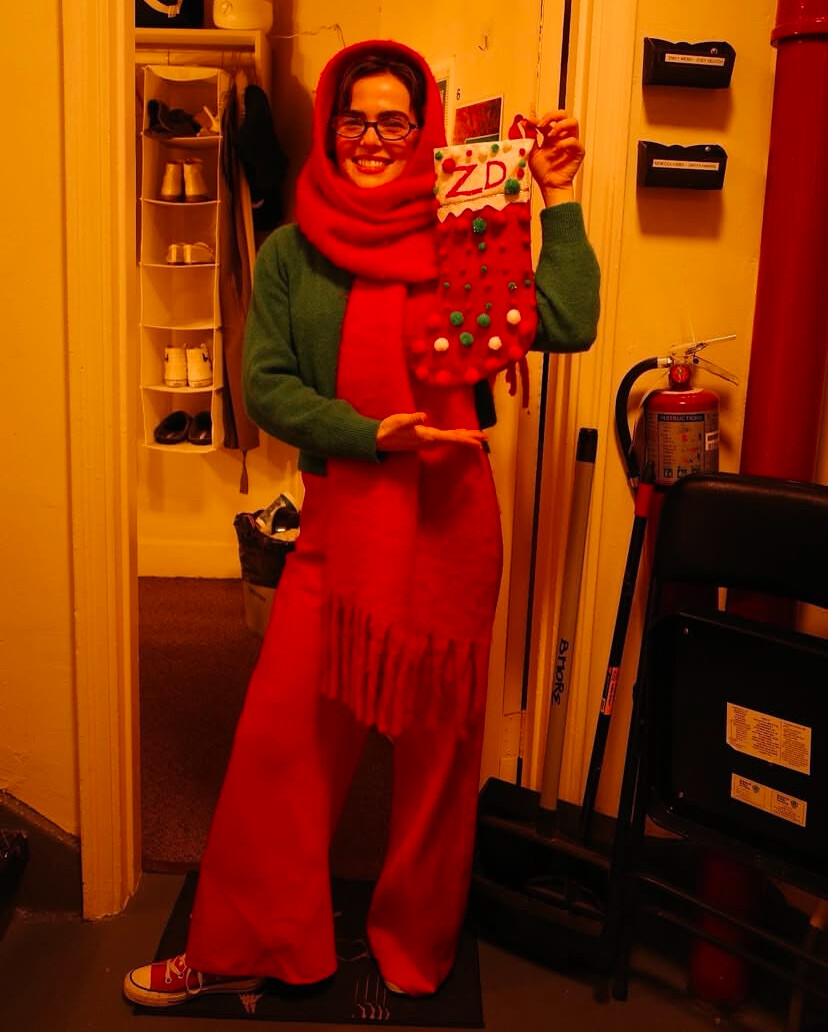
ZOEY DEUTCH Out and About in New York 29 December




-
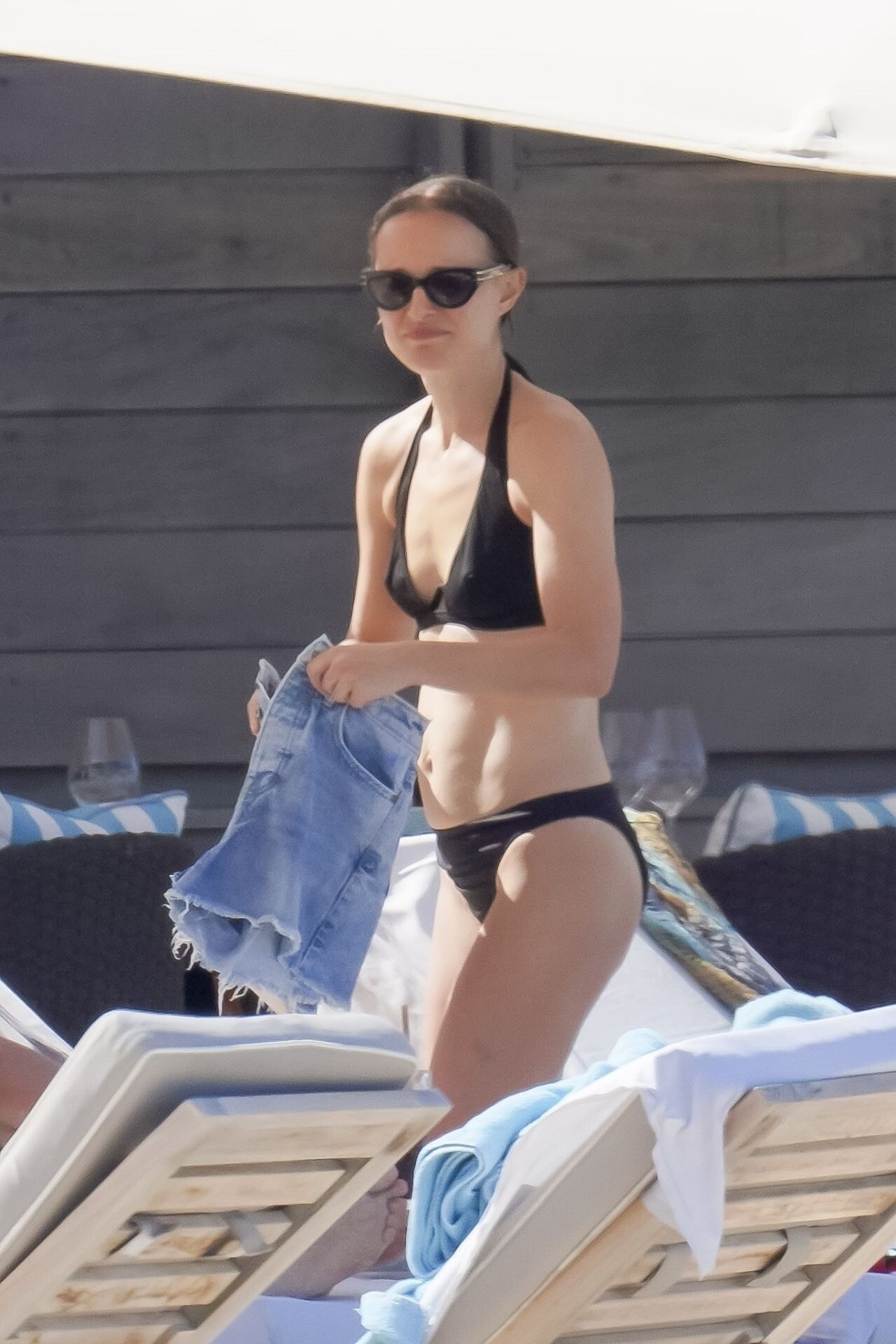
Natalie Portman, the Academy Award-winning actress, continued her family holiday escape at the beautiful beach of Le Barthélemy Hotel in St. Barts, enjoying a relaxing and scenic getaway.









-
-
-
-
17 December dinner in Paris with children





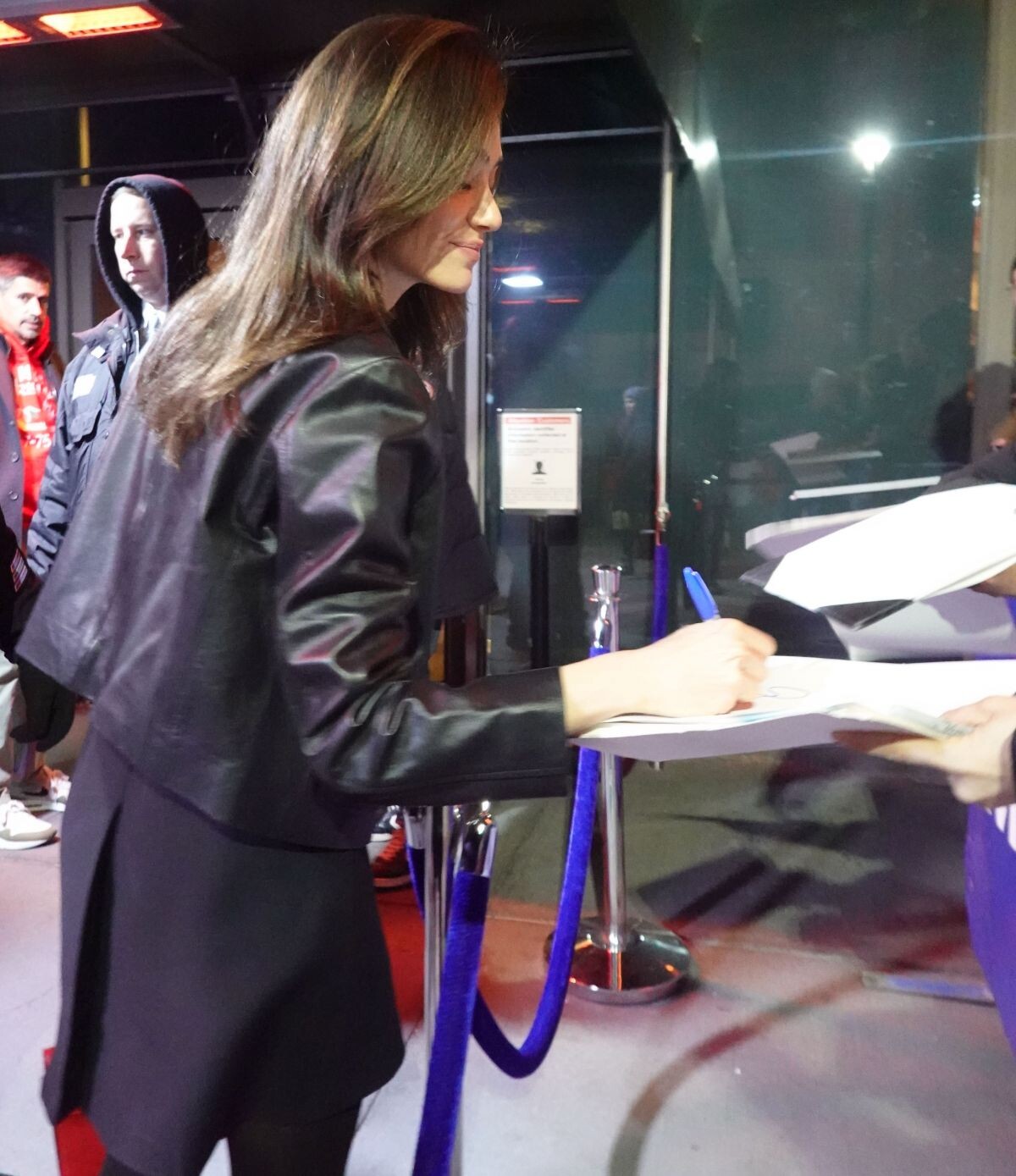
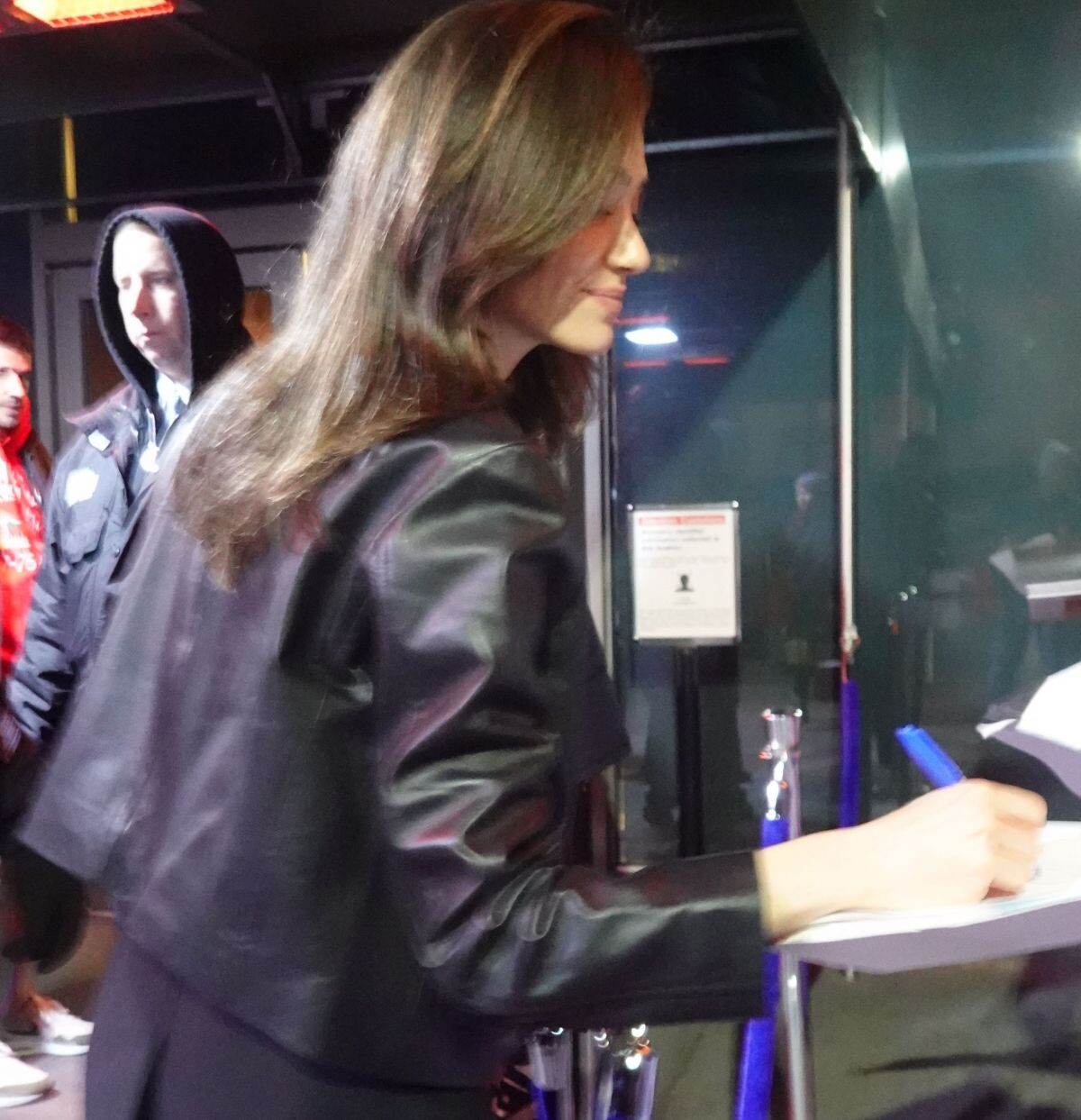
 Emmy-Rossum-stops-for-fans-at-madison-square-garden-in-new-york-city-12-23-2024


 Natalie Portman and Mikey Madison attended a special screening of Anora in Paris
 Lucy-Hale-spotted-in-Los-angeles-on-christmas-eve-12.24.2024


 AQPuSaX_cd8cnV05UzCwGFDZrF81IrKvaTEJyZO6CrzgFuJydCDaMAq1uCcYxK-sKSoE3pbRquHztoYoNhWV4g97.mp4
50485507D210DA919D9543F6940E609B_video_dashinit..mp4
AQPuSaX_cd8cnV05UzCwGFDZrF81IrKvaTEJyZO6CrzgFuJydCDaMAq1uCcYxK-sKSoE3pbRquHztoYoNhWV4g97.mp4
50485507D210DA919D9543F6940E609B_video_dashinit..mp4
Account
Search
Configure browser push notifications
Chrome (Android)
- Tap the lock icon next to the address bar.
- Tap Permissions → Notifications.
- Adjust your preference.
Chrome (Desktop)
- Click the padlock icon in the address bar.
- Select Site settings.
- Find Notifications and adjust your preference.
Safari (iOS 16.4+)
- Ensure the site is installed via Add to Home Screen.
- Open Settings App → Notifications.
- Find your app name and adjust your preference.
Safari (macOS)
- Go to Safari → Preferences.
- Click the Websites tab.
- Select Notifications in the sidebar.
- Find this website and adjust your preference.
Edge (Android)
- Tap the lock icon next to the address bar.
- Tap Permissions.
- Find Notifications and adjust your preference.
Edge (Desktop)
- Click the padlock icon in the address bar.
- Click Permissions for this site.
- Find Notifications and adjust your preference.
Firefox (Android)
- Go to Settings → Site permissions.
- Tap Notifications.
- Find this site in the list and adjust your preference.
Firefox (Desktop)
- Open Firefox Settings.
- Search for Notifications.
- Find this site in the list and adjust your preference.