
benedikt57
Members
-
Joined
-
Last visited
Everything posted by benedikt57
-
3D424E58AF995A9011EF41B50A3C04BE_video_dashinit.mp4 121345920_955706069024381_4084522896903693459_n.mp4 328719402_201254659275159_1115116188658648079_n.mp4 DC43E86309EA0653C61D56302BD938A1_video_dashinit.mp4
insta: 119980275_1942241239489273_2259365930377273617_n.mp4
insta: 10000000_1136244923999774_7807417692915755925_n.mp4 10000000_3494817037501171_4579327025891578021_n.mp4 9A40AEA5C0012FF14942931C35071DAF_video_dashinit.mp4
2E47679C055AF71822CC2136CA087993_video_dashinit.mp4
some more pictures of this time:





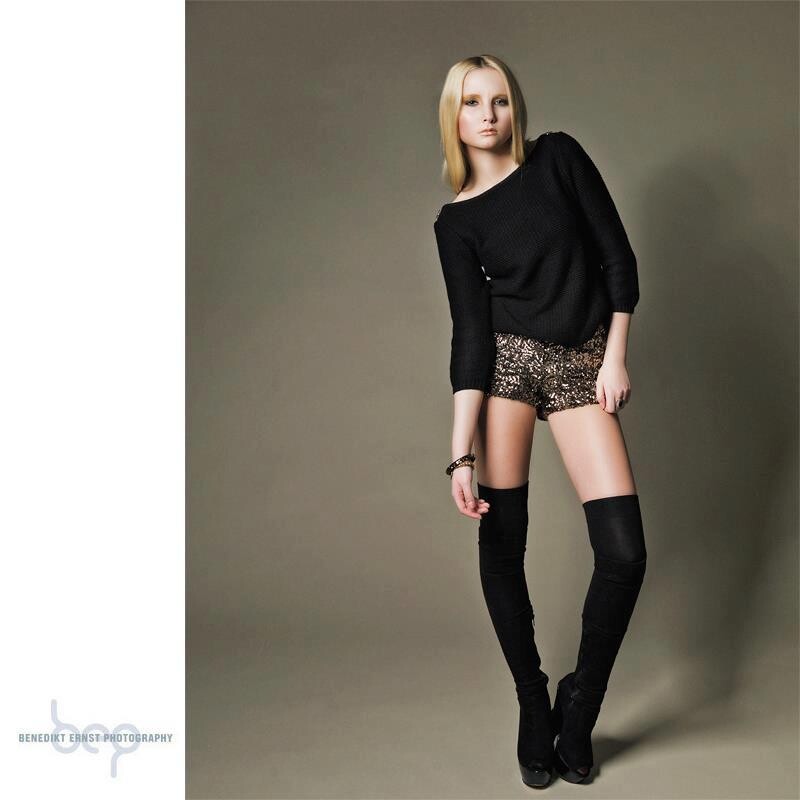
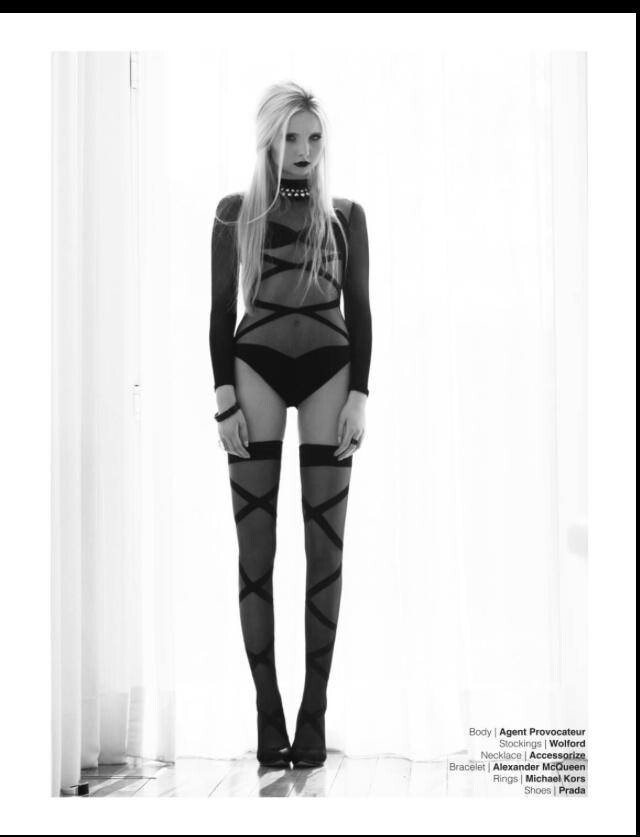
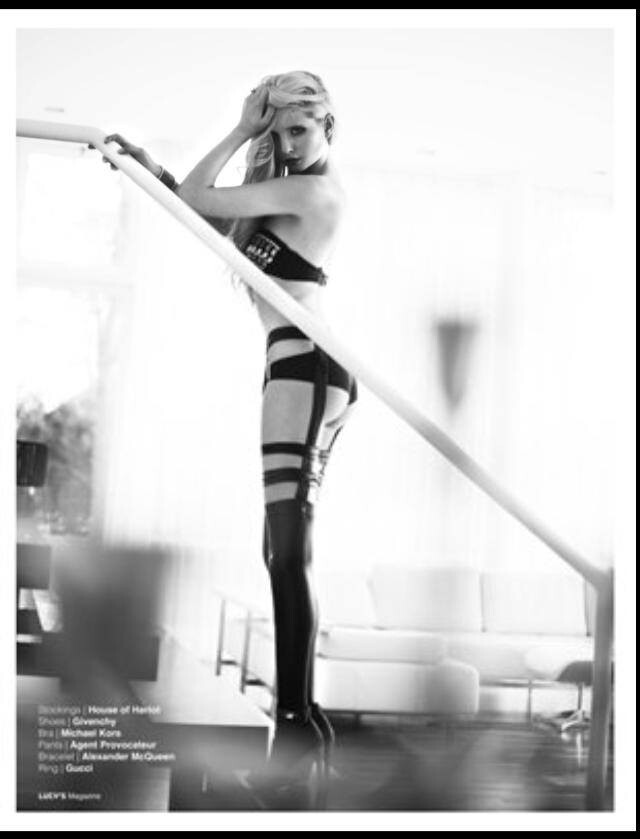
 Some pictures of Benedikt Ernst fotshootings (ithink about 2012.2013)


 2741B8E3B2C17634576BA296A1BC42A3_video_dashinit.mp4
332587675_657253985939705_8994809794437969084_n.mp4
insta: 332587675_657253985939705_8994809794437969084_n.mp4
317058629_3546824142251196_1329855686268659647_n.mp4
insta: 46873539_725612382666006_1991696688759424546_n.mp4 120400738_278683634743101_7252480298706531963_n.mp4
insta: EA4CED636C6E1BF77B57CDFC73C425A7_video_dashinit.mp4
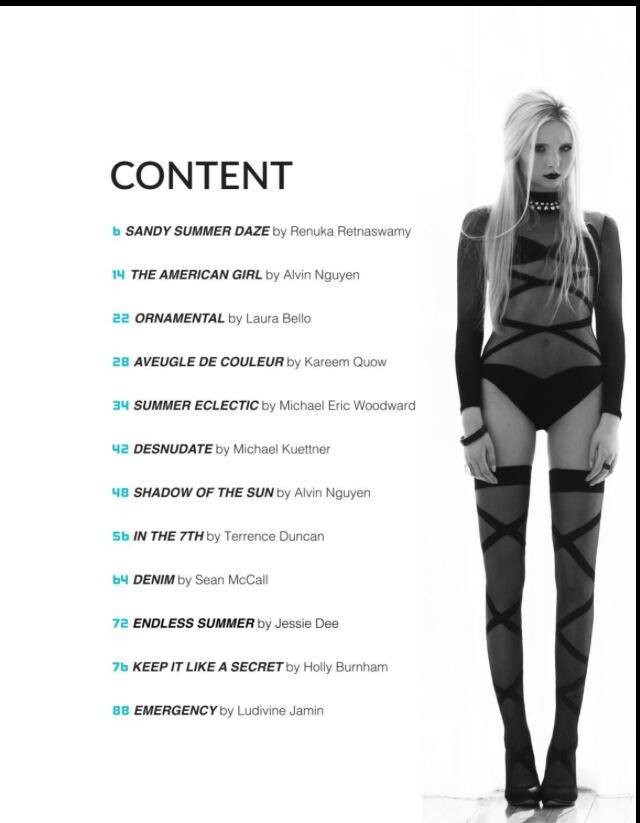
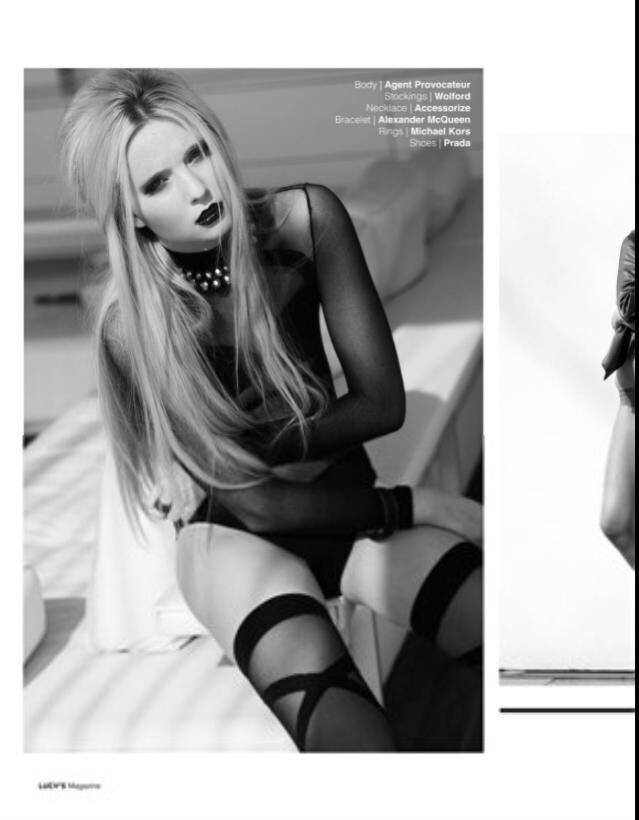
Lucys Magazine 2014 (Pictures by Michael Küttner
2741B8E3B2C17634576BA296A1BC42A3_video_dashinit.mp4
332587675_657253985939705_8994809794437969084_n.mp4
insta: 332587675_657253985939705_8994809794437969084_n.mp4
317058629_3546824142251196_1329855686268659647_n.mp4
insta: 46873539_725612382666006_1991696688759424546_n.mp4 120400738_278683634743101_7252480298706531963_n.mp4
insta: EA4CED636C6E1BF77B57CDFC73C425A7_video_dashinit.mp4
Lucys Magazine 2014 (Pictures by Michael Küttner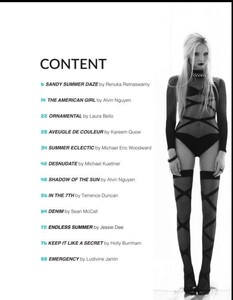


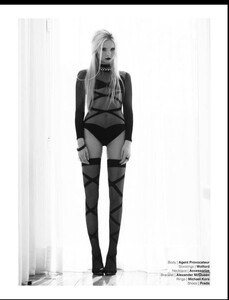

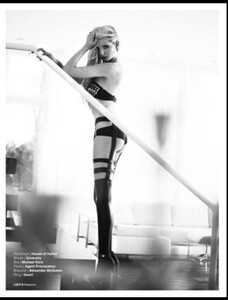 insta: 10000000_237718412458375_5276931696731358489_n.mp4 353622560_1358579994721002_3393470317081428546_n.mp4 6740654B64F61FFE03F7CD7F20DE5285_video_dashinit.mp4


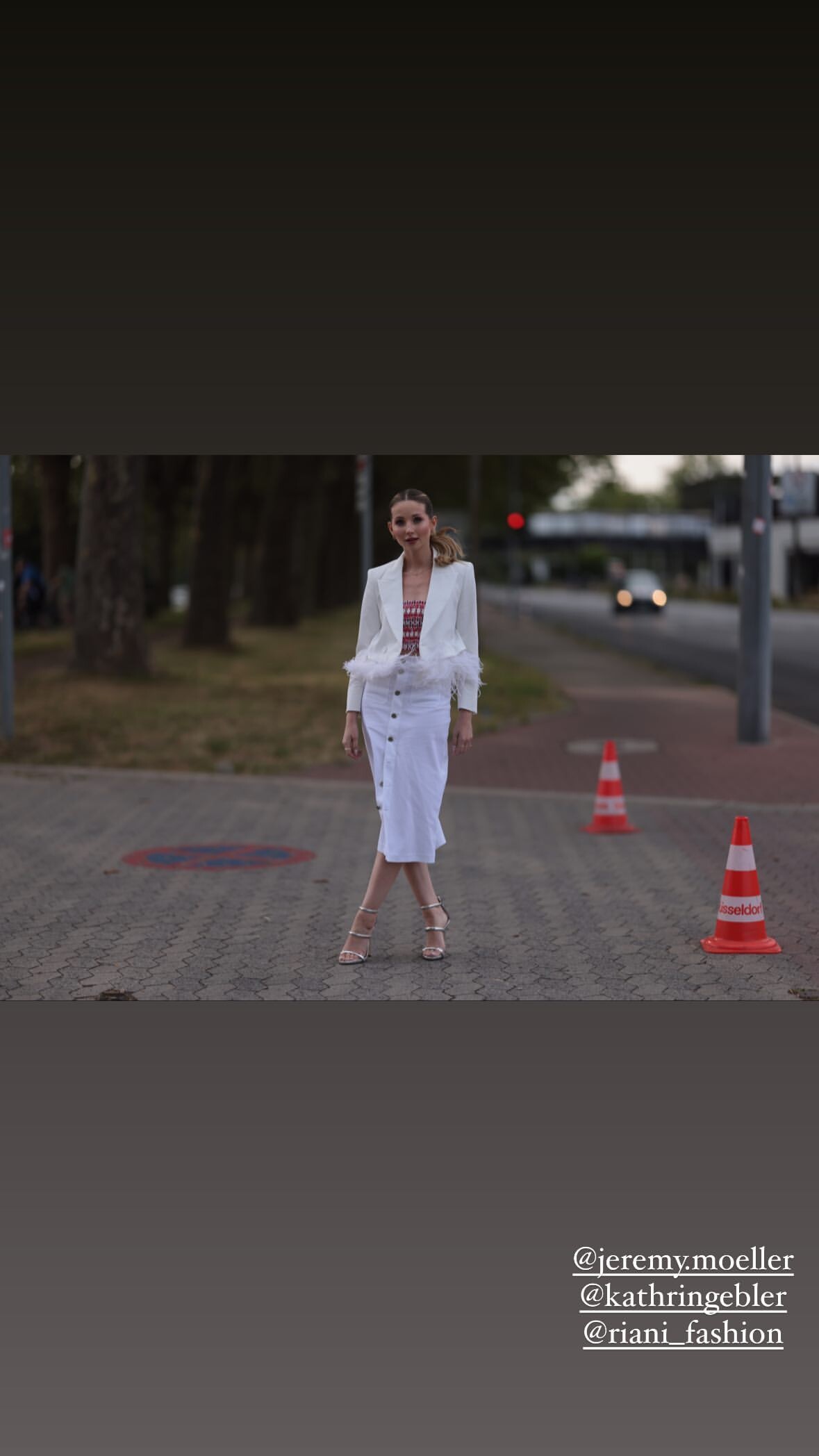





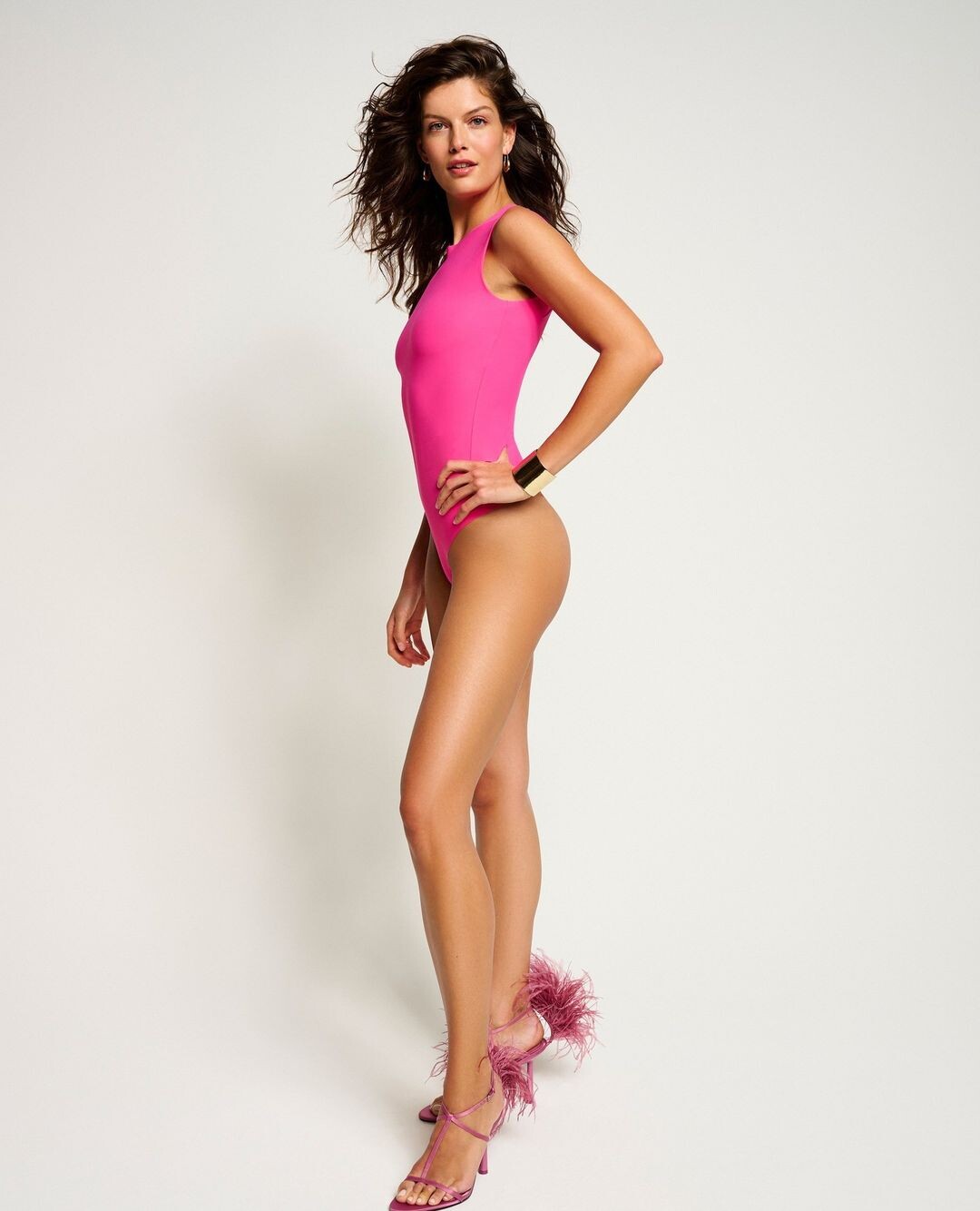
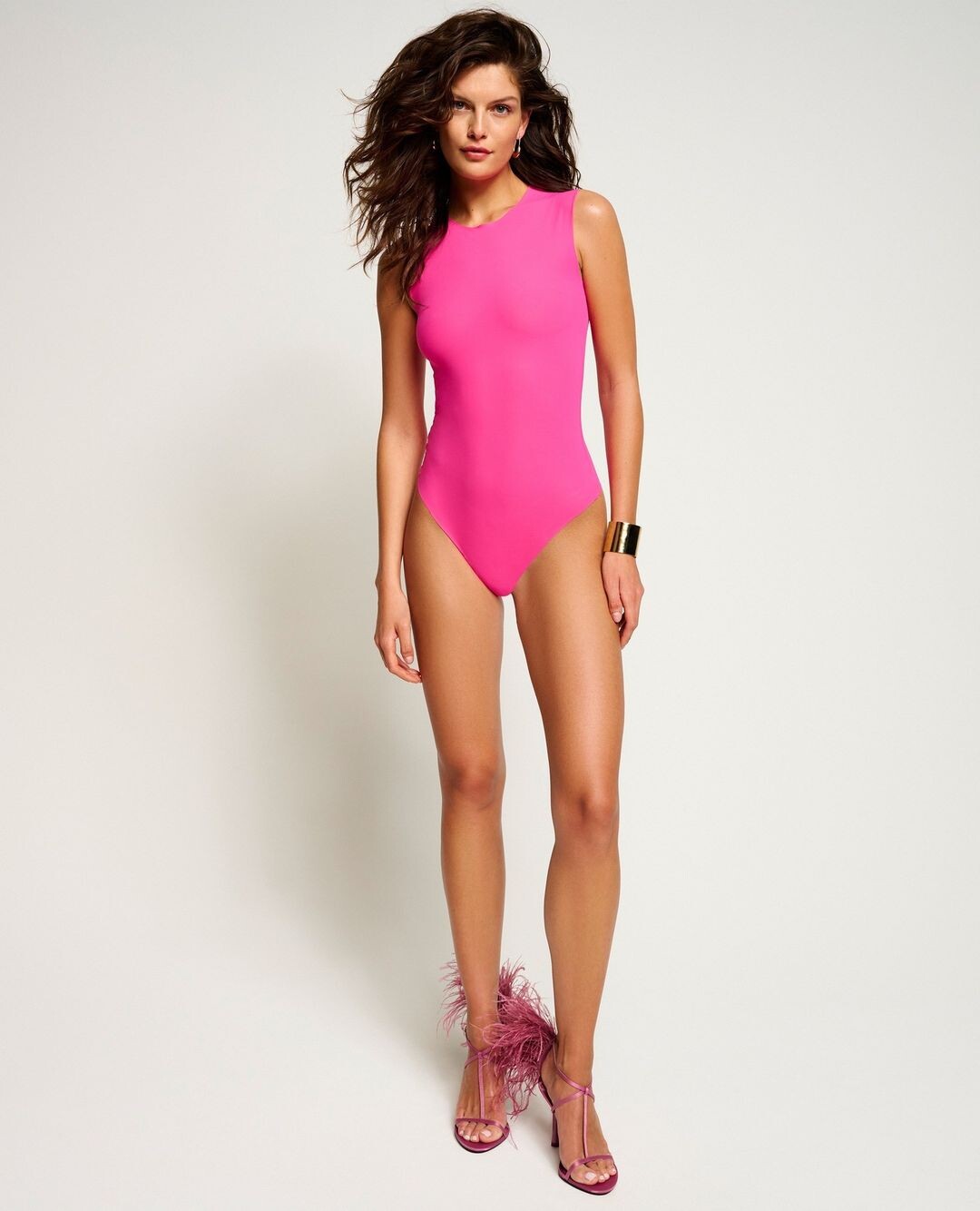





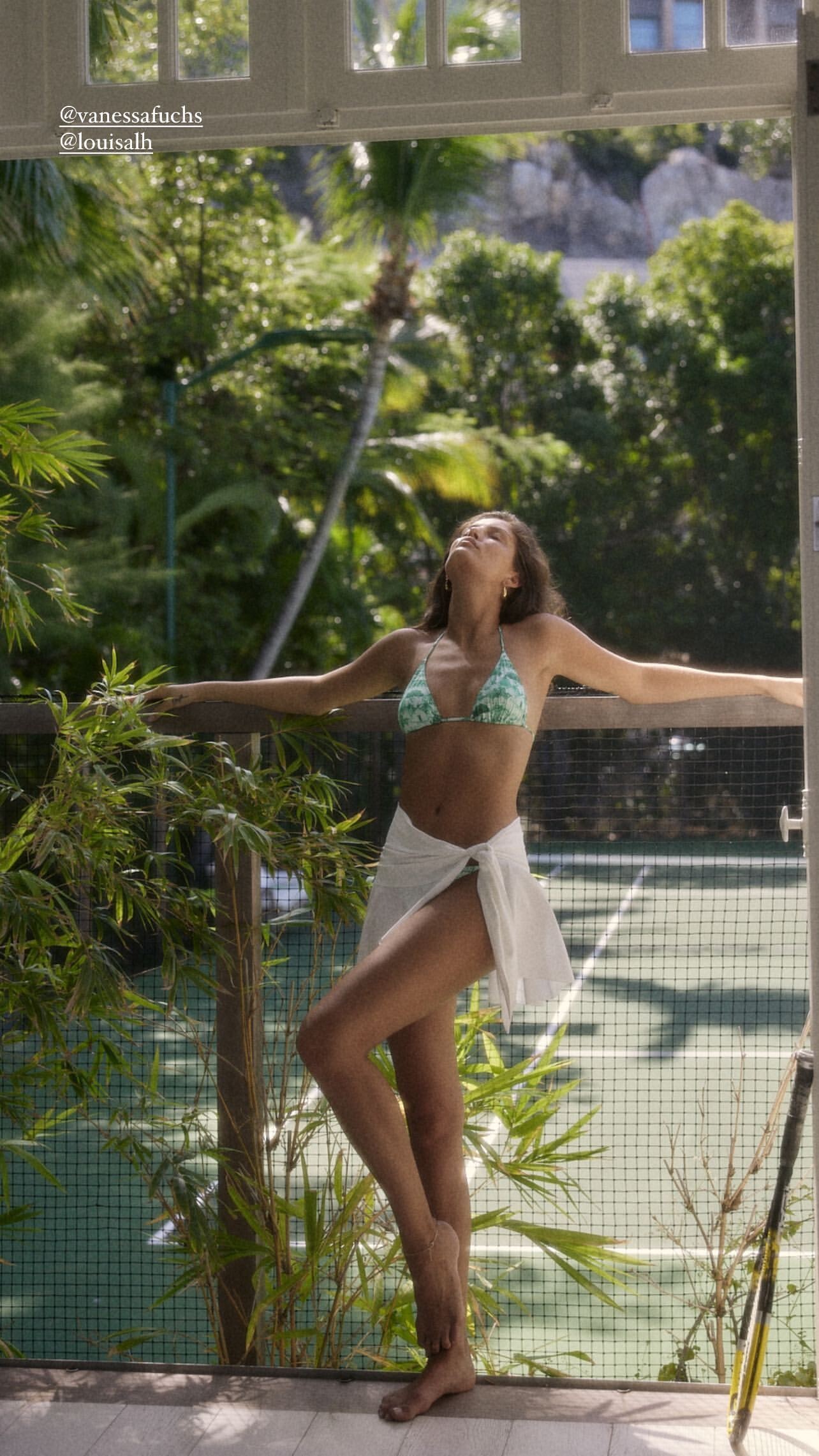















Account
Navigation
Search
Configure browser push notifications
Chrome (Android)
- Tap the lock icon next to the address bar.
- Tap Permissions → Notifications.
- Adjust your preference.
Chrome (Desktop)
- Click the padlock icon in the address bar.
- Select Site settings.
- Find Notifications and adjust your preference.
Safari (iOS 16.4+)
- Ensure the site is installed via Add to Home Screen.
- Open Settings App → Notifications.
- Find your app name and adjust your preference.
Safari (macOS)
- Go to Safari → Preferences.
- Click the Websites tab.
- Select Notifications in the sidebar.
- Find this website and adjust your preference.
Edge (Android)
- Tap the lock icon next to the address bar.
- Tap Permissions.
- Find Notifications and adjust your preference.
Edge (Desktop)
- Click the padlock icon in the address bar.
- Click Permissions for this site.
- Find Notifications and adjust your preference.
Firefox (Android)
- Go to Settings → Site permissions.
- Tap Notifications.
- Find this site in the list and adjust your preference.
Firefox (Desktop)
- Open Firefox Settings.
- Search for Notifications.
- Find this site in the list and adjust your preference.