
Modelove
Members
-
Joined
Everything posted by Modelove
-
Download: 2017-03-23 20.52.45 1477266954342576667_20509713.mp4 2017-03-23 20.52.45 1477266954342576667_20509713.mp4

-
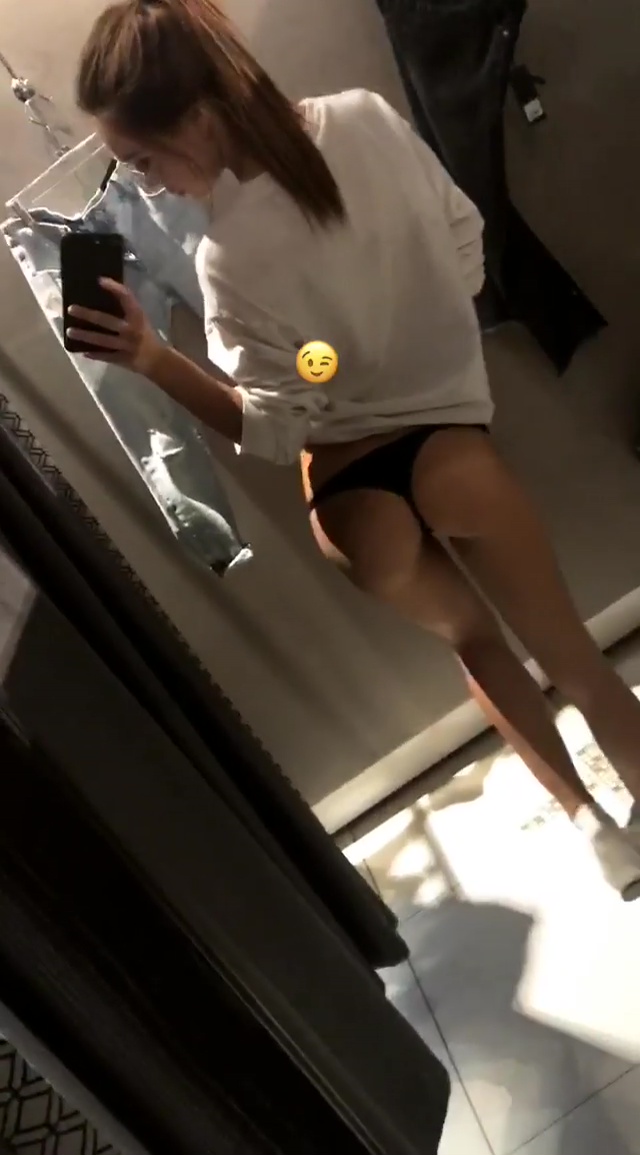
IG Story 03-23-17 17479150_326695114399516_5575789718341156864_n.mp4 17479150_326695114399516_5575789718341156864_n.mp4

-
IG Story 03-21-17 16909824_743178535850755_2967622659786932224_n.mp4 16909824_743178535850755_2967622659786932224_n.mp4

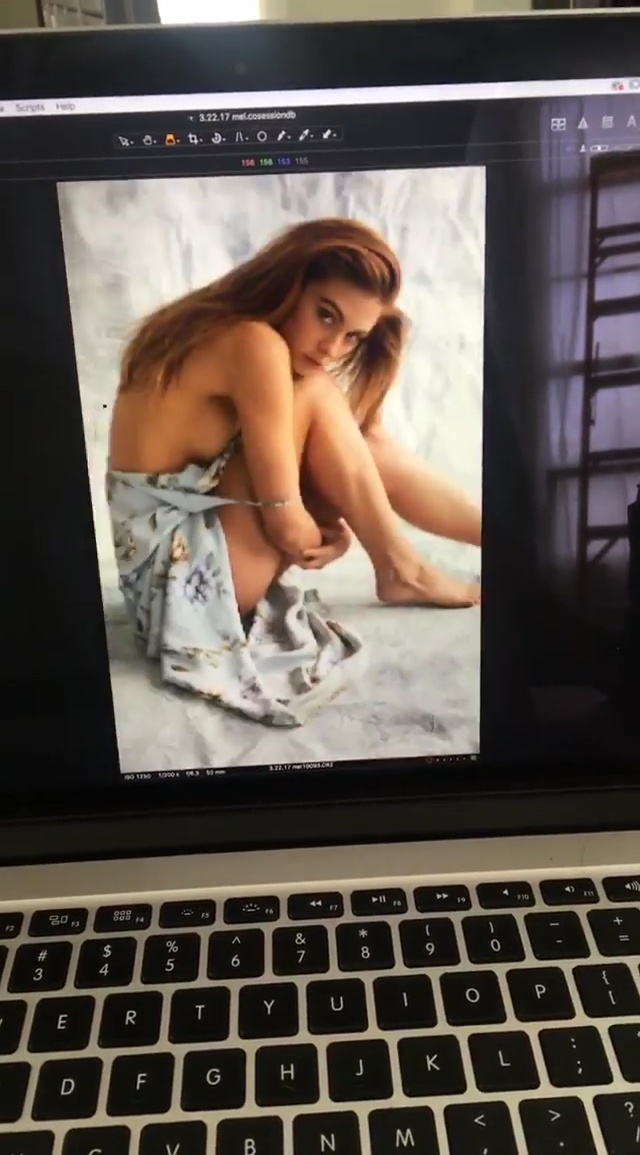
 From IG Story of bleeblu complete picture and better resolution
 Amazing Gigi, thx @Ramses2
IG Story 03-22-17 16777629_1017099021754183_5904812499869368320_n.mp4 16777629_1017099021754183_5904812499869368320_n.mp4
Amazing Gigi, thx @Ramses2
IG Story 03-22-17 16777629_1017099021754183_5904812499869368320_n.mp4 16777629_1017099021754183_5904812499869368320_n.mp4
 Sorry to tell you but she is not our GIGI @Ramses2 But thanks a lot for this post, I did not know that she had campaigned in lingerie
I am amazed! thanks @Ramses2 I share your anxiety @Stranger50
IG Story kailaniswimwear
Sorry to tell you but she is not our GIGI @Ramses2 But thanks a lot for this post, I did not know that she had campaigned in lingerie
I am amazed! thanks @Ramses2 I share your anxiety @Stranger50
IG Story kailaniswimwear







 IG Story 03-21-17
 Thanls @Garrison Tweed! She impact me with this photo
17454009_654671631399947_5019012728140857344_n.mp4 17454009_654671631399947_5019012728140857344_n.mp4
Thanls @Garrison Tweed! She impact me with this photo
17454009_654671631399947_5019012728140857344_n.mp4 17454009_654671631399947_5019012728140857344_n.mp4










































Account
Navigation
Search
Configure browser push notifications
Chrome (Android)
- Tap the lock icon next to the address bar.
- Tap Permissions → Notifications.
- Adjust your preference.
Chrome (Desktop)
- Click the padlock icon in the address bar.
- Select Site settings.
- Find Notifications and adjust your preference.
Safari (iOS 16.4+)
- Ensure the site is installed via Add to Home Screen.
- Open Settings App → Notifications.
- Find your app name and adjust your preference.
Safari (macOS)
- Go to Safari → Preferences.
- Click the Websites tab.
- Select Notifications in the sidebar.
- Find this website and adjust your preference.
Edge (Android)
- Tap the lock icon next to the address bar.
- Tap Permissions.
- Find Notifications and adjust your preference.
Edge (Desktop)
- Click the padlock icon in the address bar.
- Click Permissions for this site.
- Find Notifications and adjust your preference.
Firefox (Android)
- Go to Settings → Site permissions.
- Tap Notifications.
- Find this site in the list and adjust your preference.
Firefox (Desktop)
- Open Firefox Settings.
- Search for Notifications.
- Find this site in the list and adjust your preference.