Modelove
Members
-
Joined
Everything posted by Modelove
-
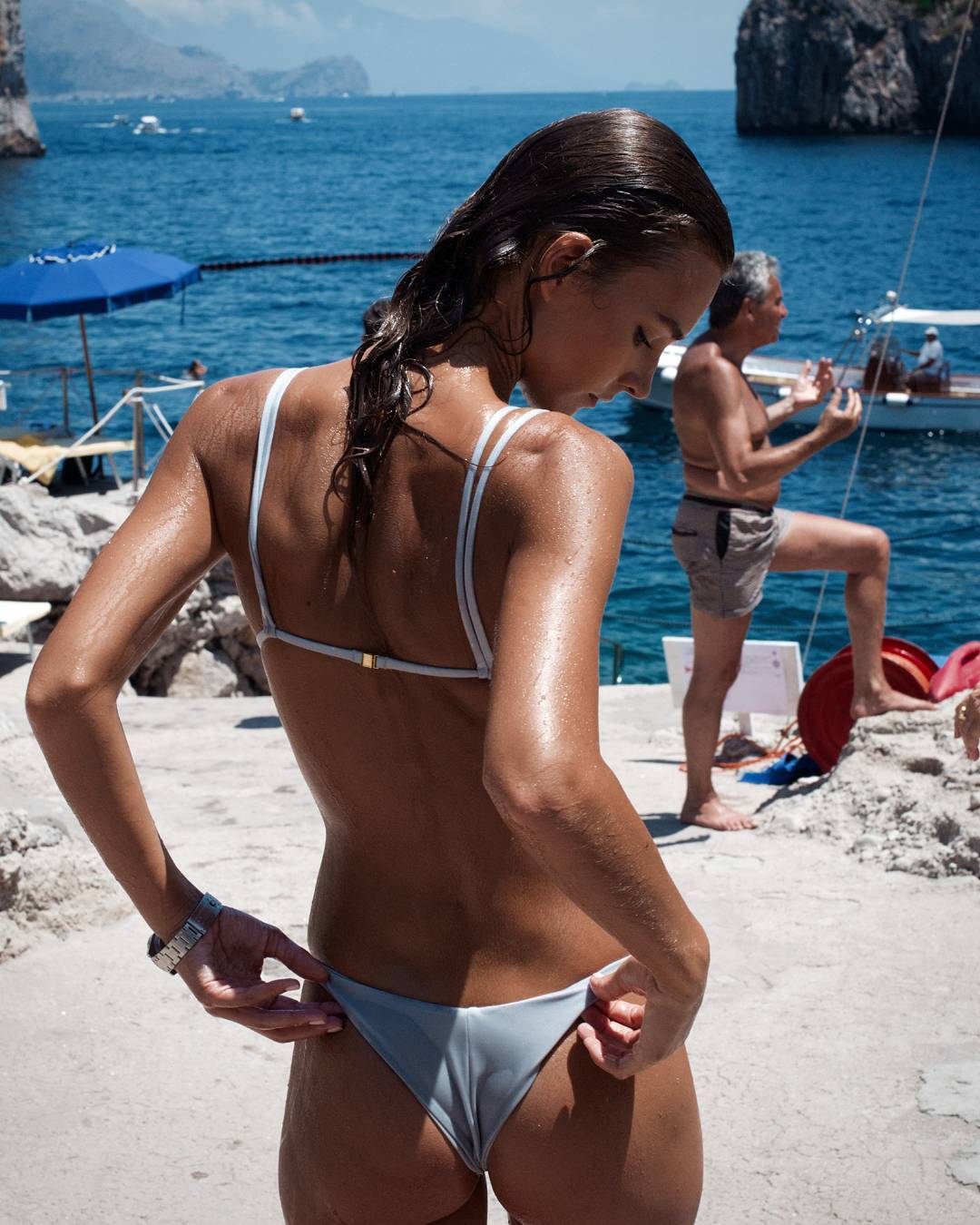
Better Res from Ig Gigi 1003 x 1252 p
 https://instagram.felp1-1.fna.fbcdn.net/t50.2886-16/18137649_1847739742145509_8895917906232082432_n.mp4
Ig Story of ivymatheson 16280710_240734336404175_3840972888987402240_n.mp4
https://instagram.felp1-1.fna.fbcdn.net/t50.2886-16/18137649_1847739742145509_8895917906232082432_n.mp4
Ig Story of ivymatheson 16280710_240734336404175_3840972888987402240_n.mp4
Account
Navigation
Search
Configure browser push notifications
Chrome (Android)
- Tap the lock icon next to the address bar.
- Tap Permissions → Notifications.
- Adjust your preference.
Chrome (Desktop)
- Click the padlock icon in the address bar.
- Select Site settings.
- Find Notifications and adjust your preference.
Safari (iOS 16.4+)
- Ensure the site is installed via Add to Home Screen.
- Open Settings App → Notifications.
- Find your app name and adjust your preference.
Safari (macOS)
- Go to Safari → Preferences.
- Click the Websites tab.
- Select Notifications in the sidebar.
- Find this website and adjust your preference.
Edge (Android)
- Tap the lock icon next to the address bar.
- Tap Permissions.
- Find Notifications and adjust your preference.
Edge (Desktop)
- Click the padlock icon in the address bar.
- Click Permissions for this site.
- Find Notifications and adjust your preference.
Firefox (Android)
- Go to Settings → Site permissions.
- Tap Notifications.
- Find this site in the list and adjust your preference.
Firefox (Desktop)
- Open Firefox Settings.
- Search for Notifications.
- Find this site in the list and adjust your preference.