Jump to content
View in the app

A better way to browse. Learn more.

Bellazon

A full-screen app on your home screen with push notifications, badges and more.

To install this app on iOS and iPadOS
  1. Tap the Share icon in Safari
  2. Scroll the menu and tap Add to Home Screen.
  3. Tap Add in the top-right corner.
To install this app on Android
  1. Tap the 3-dot menu (⋮) in the top-right corner of the browser.
  2. Tap Add to Home screen or Install app.
  3. Confirm by tapping Install.

Modelove

Members
  • Joined

Everything posted by Modelove

  1. Timur Emek 😎
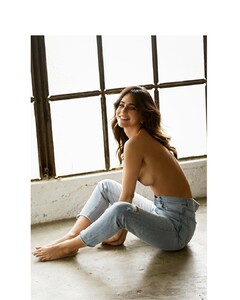
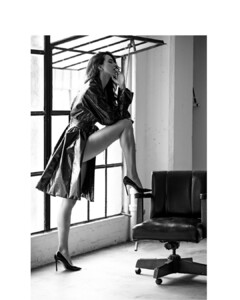
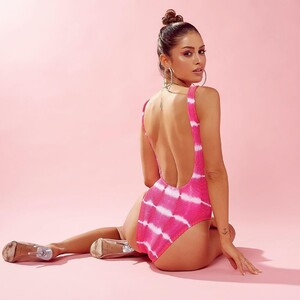
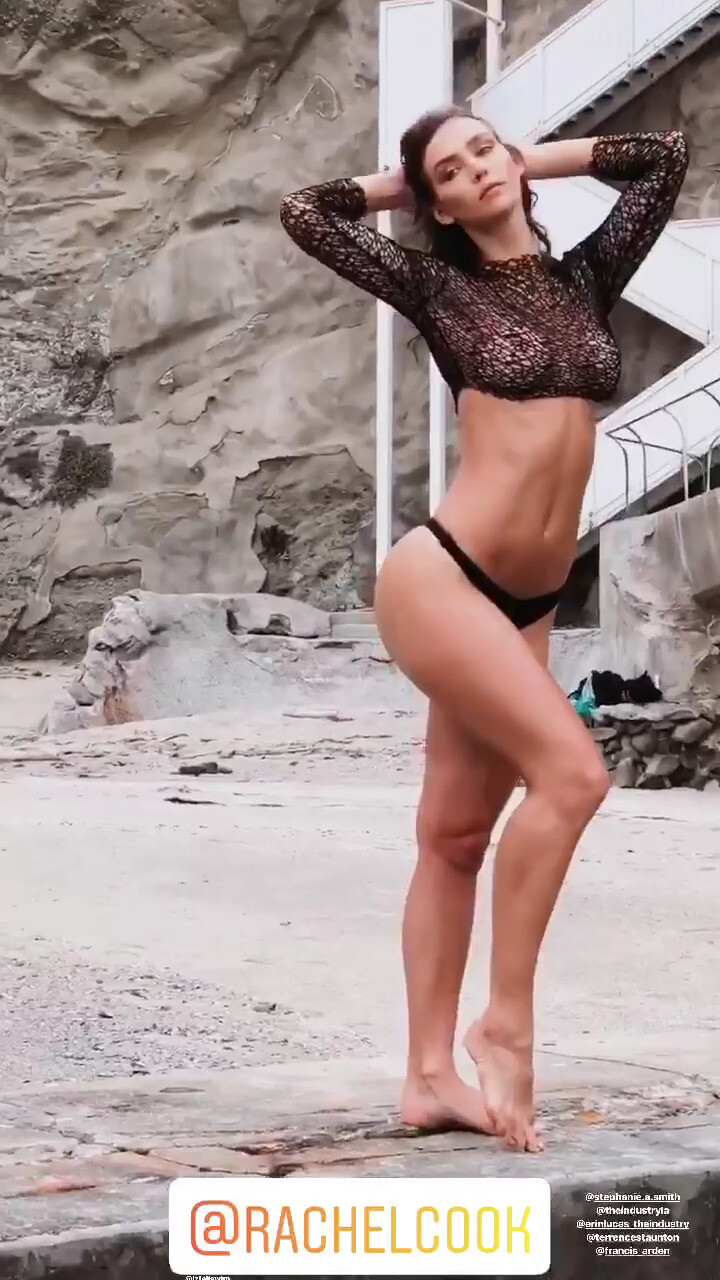
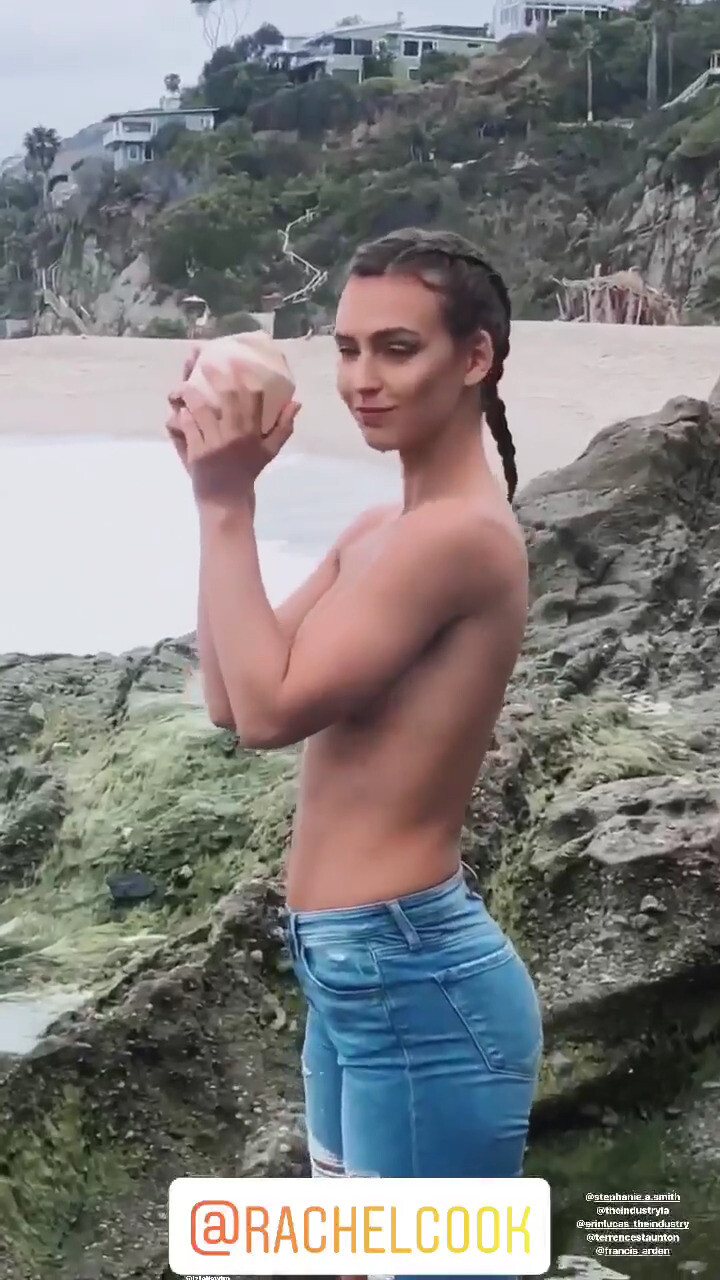
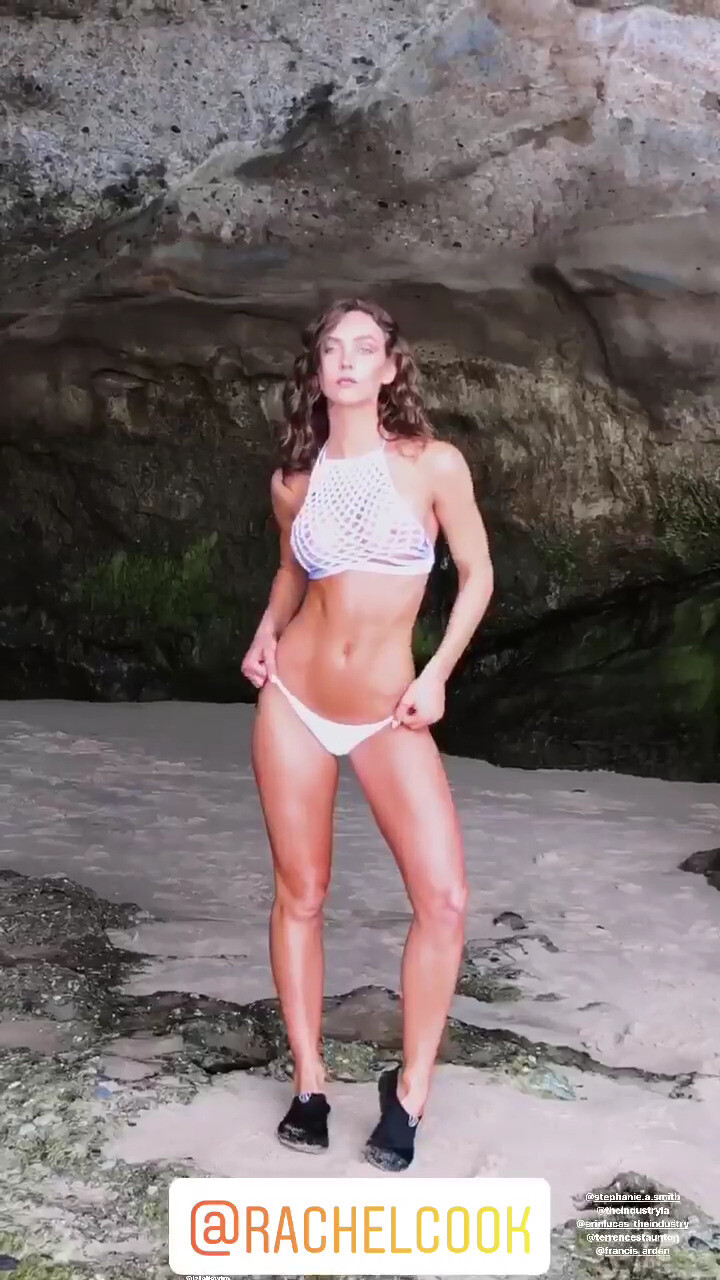
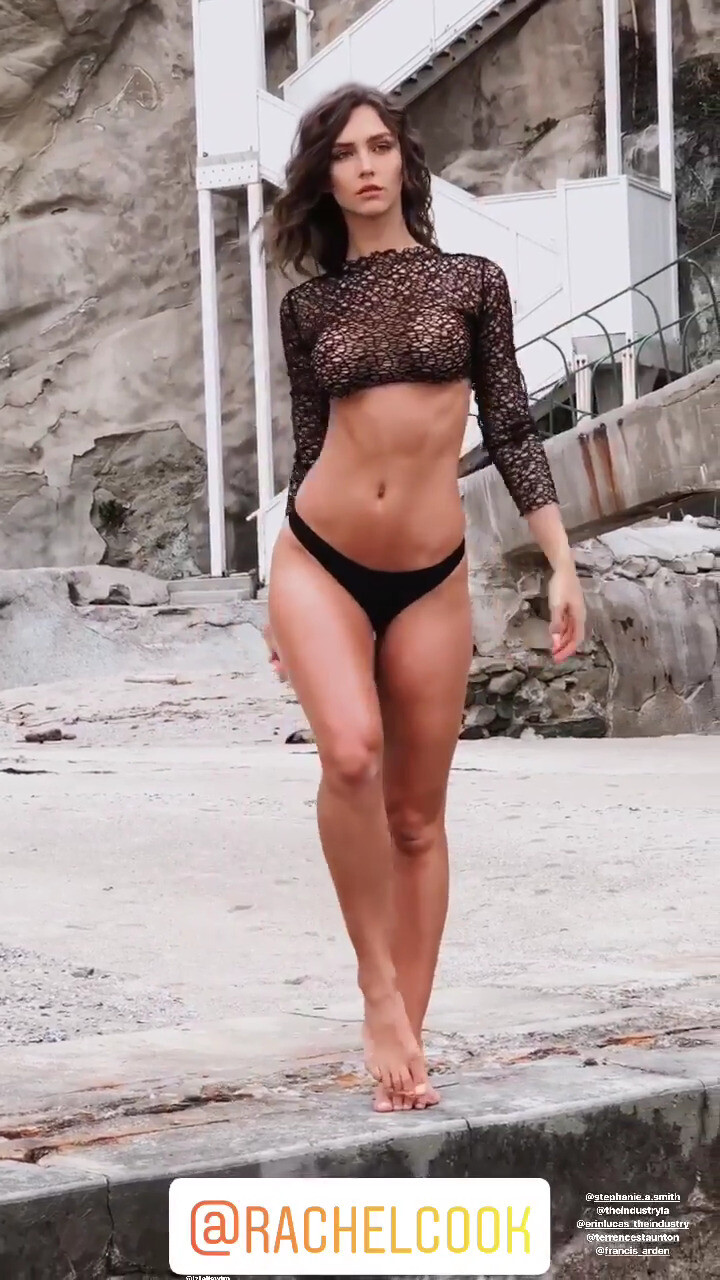
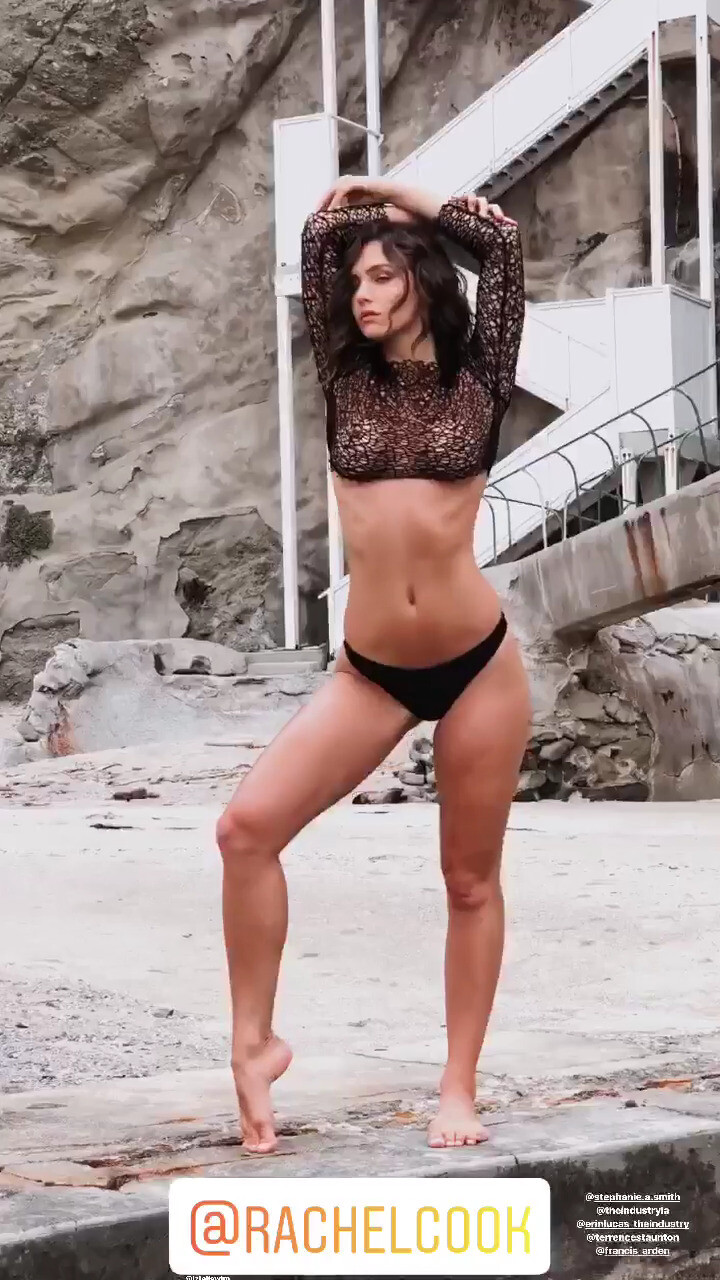
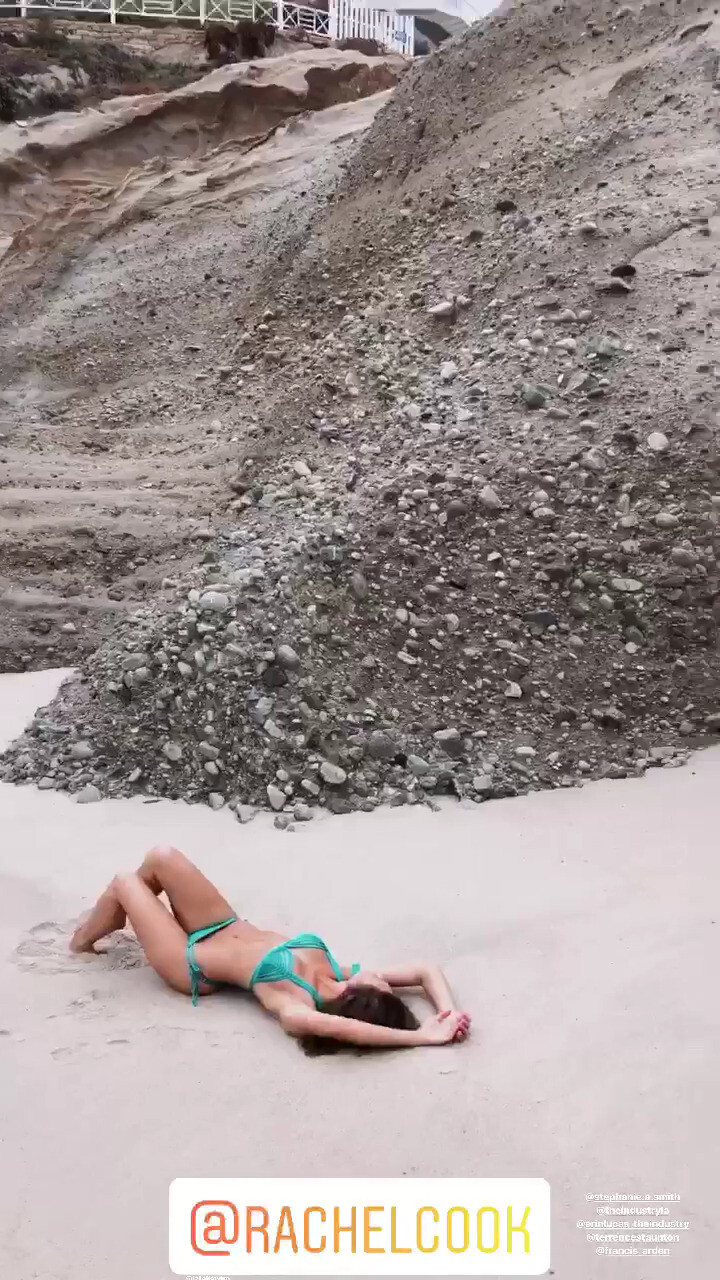
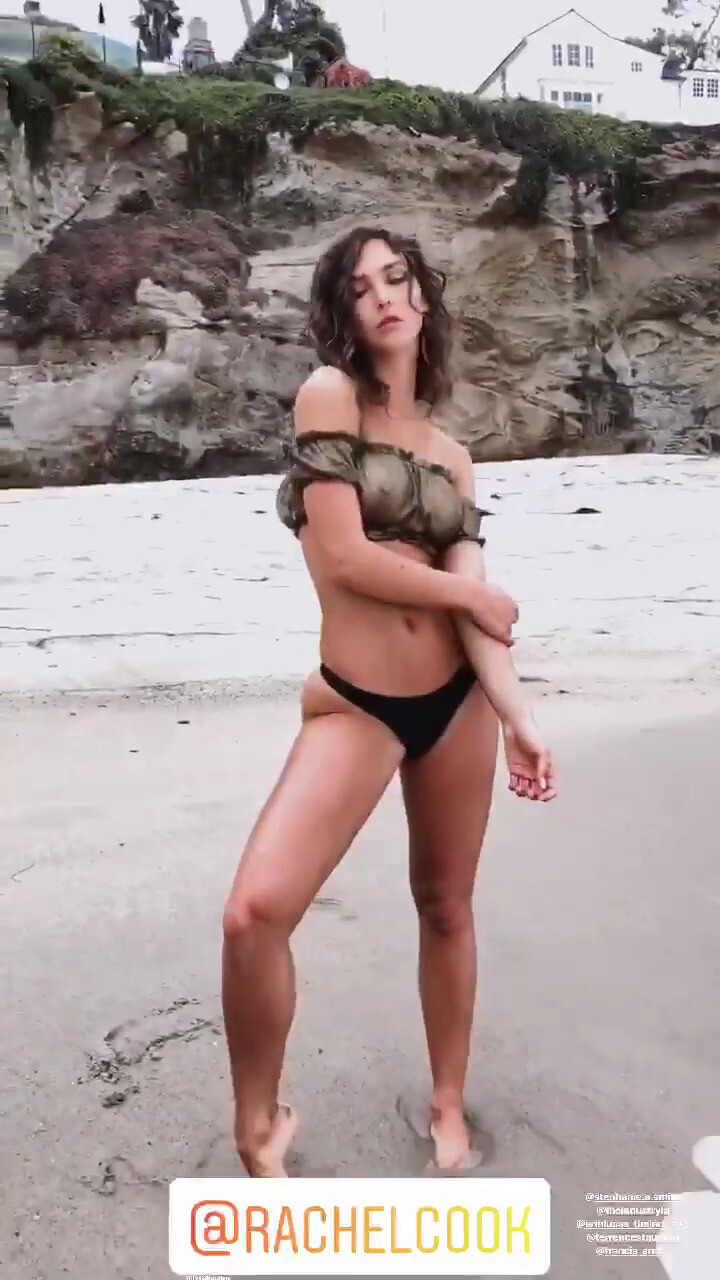
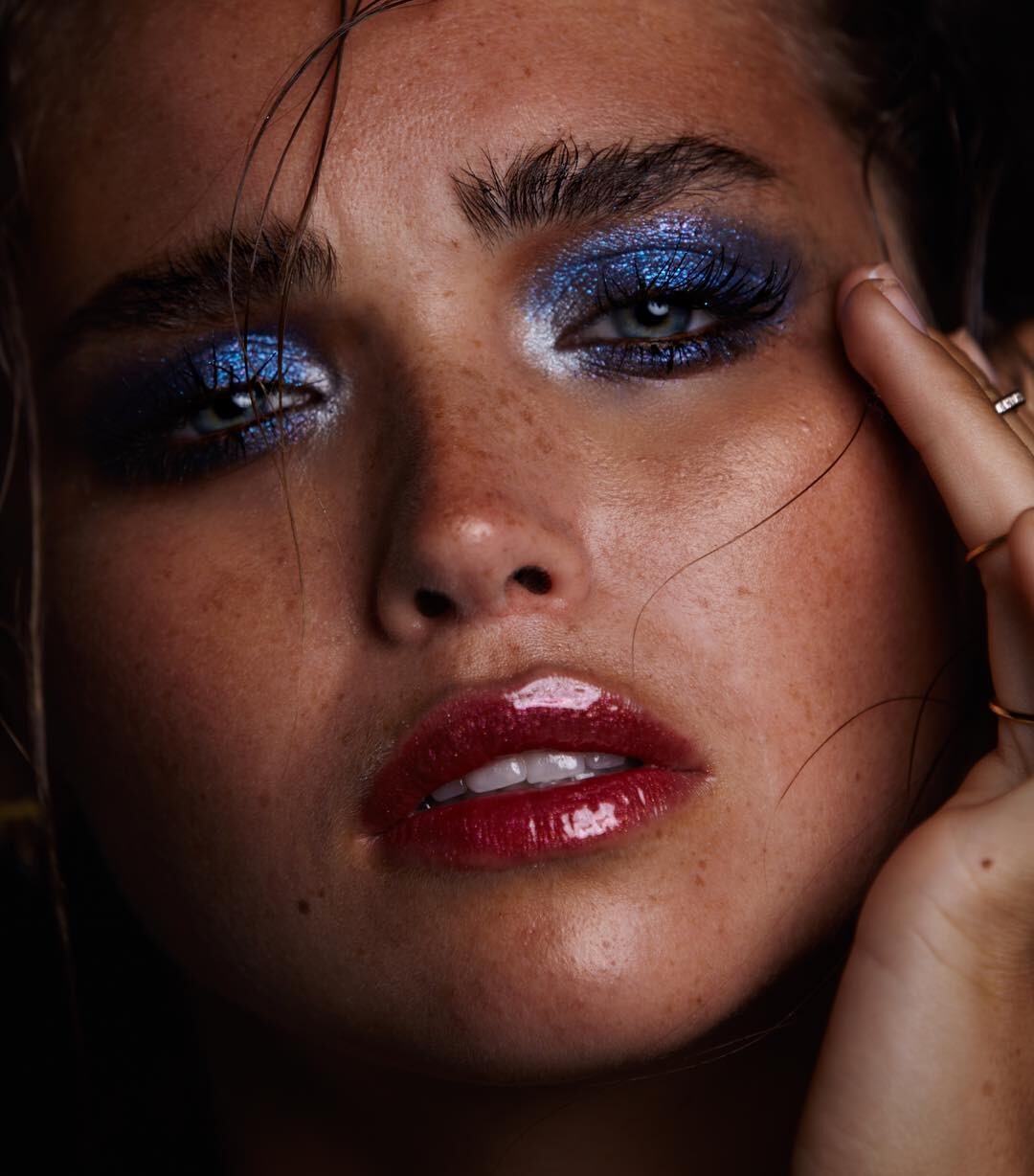
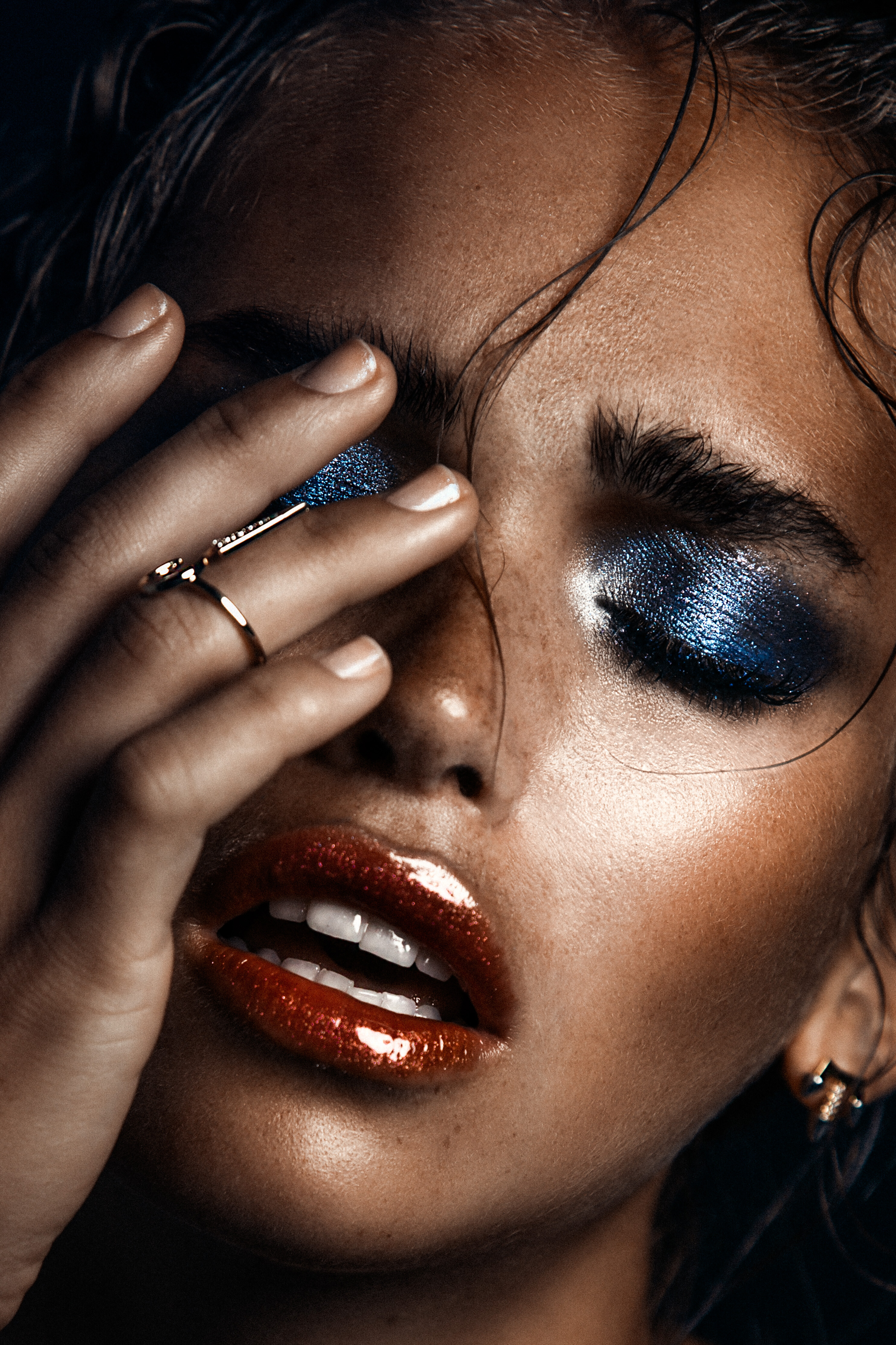
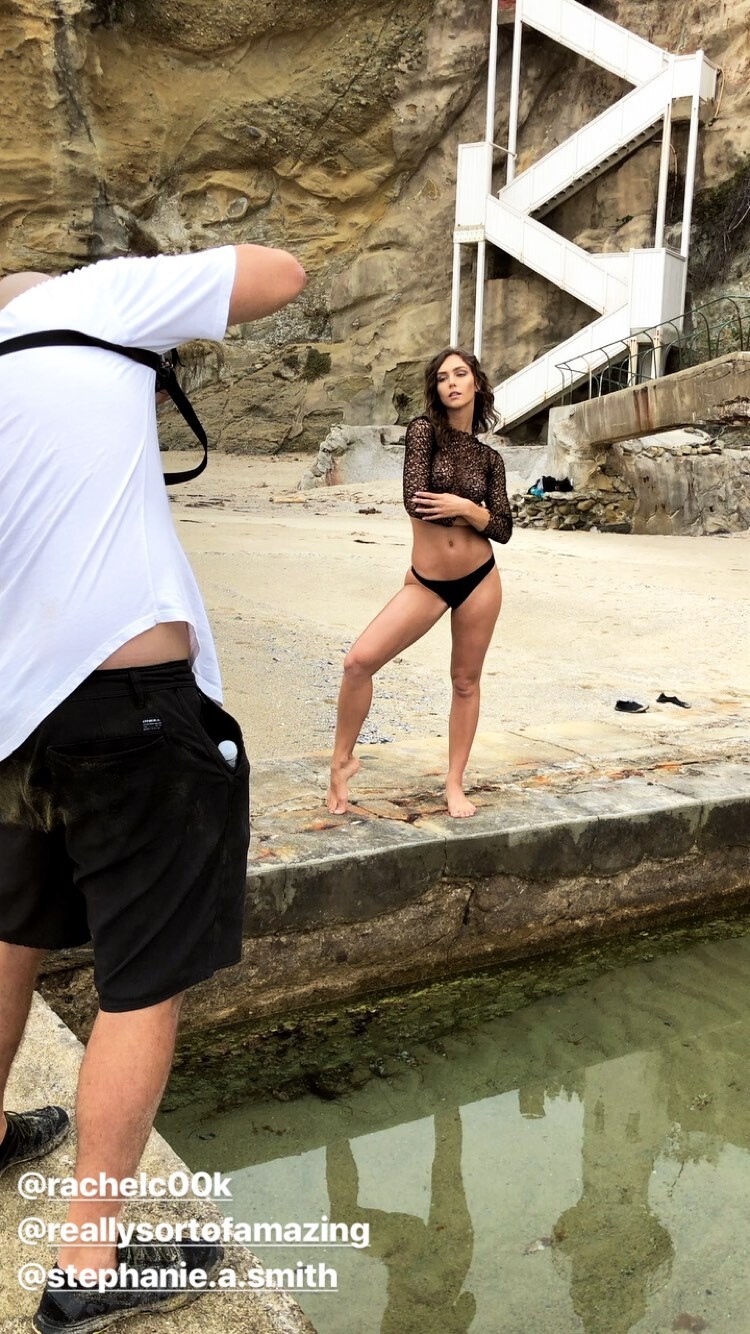
  2. BTS Photoshooting with Jessee Bojorquez Mua: Stephanie A. Smith Nudity (see through) Version IG story (short) better resolutionVer Nudity (see through) Version IG (large video) Low resolution Nudity (see through)
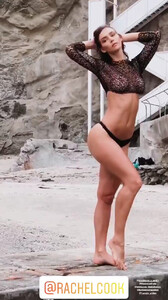
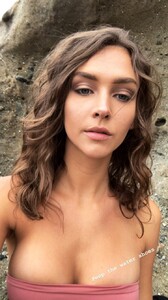
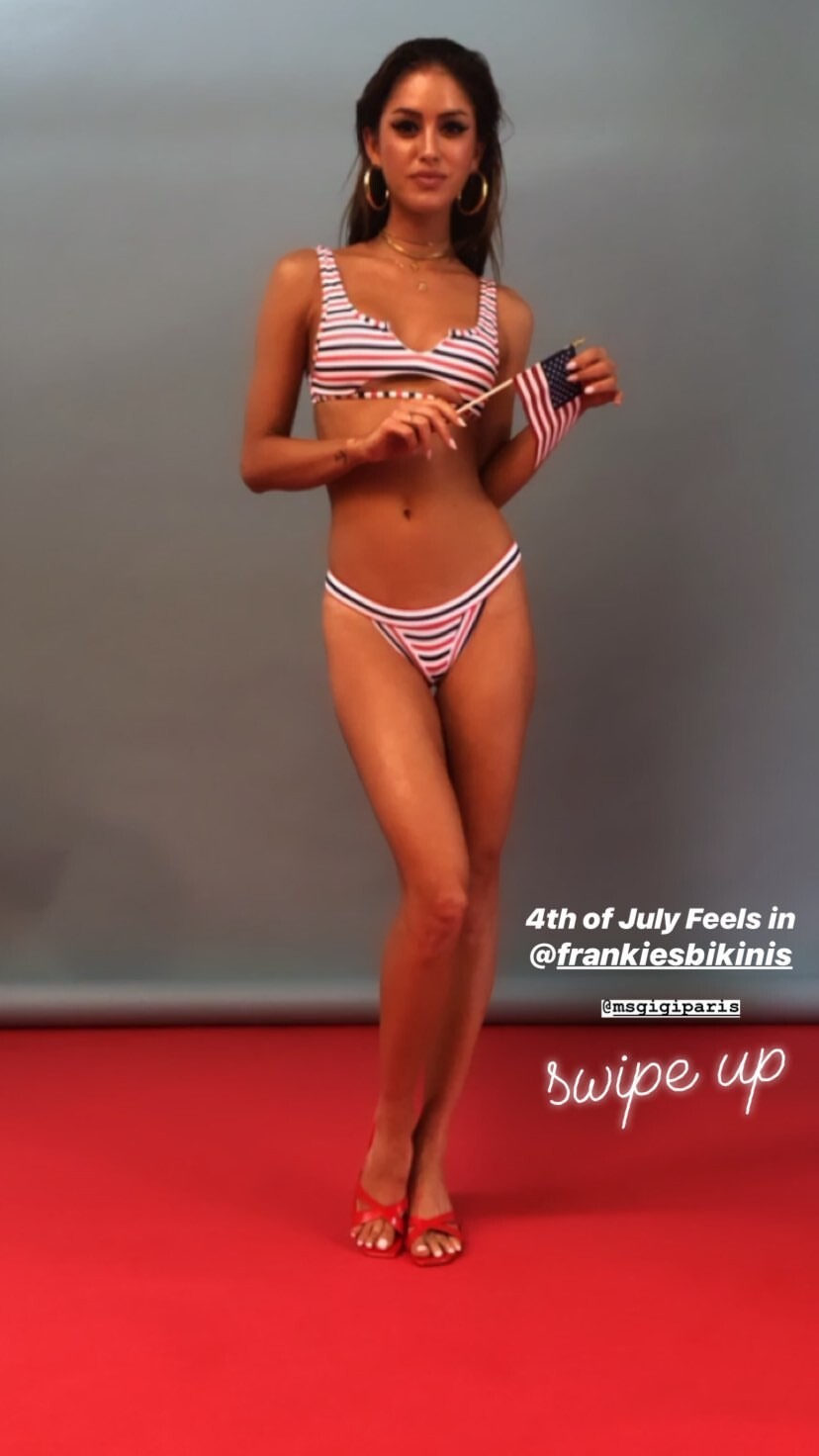
  3. IG Story (06.26.19) @luke.raymond
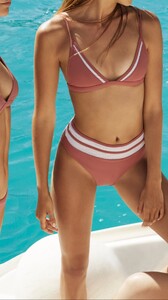
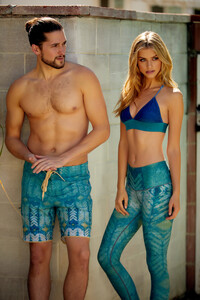
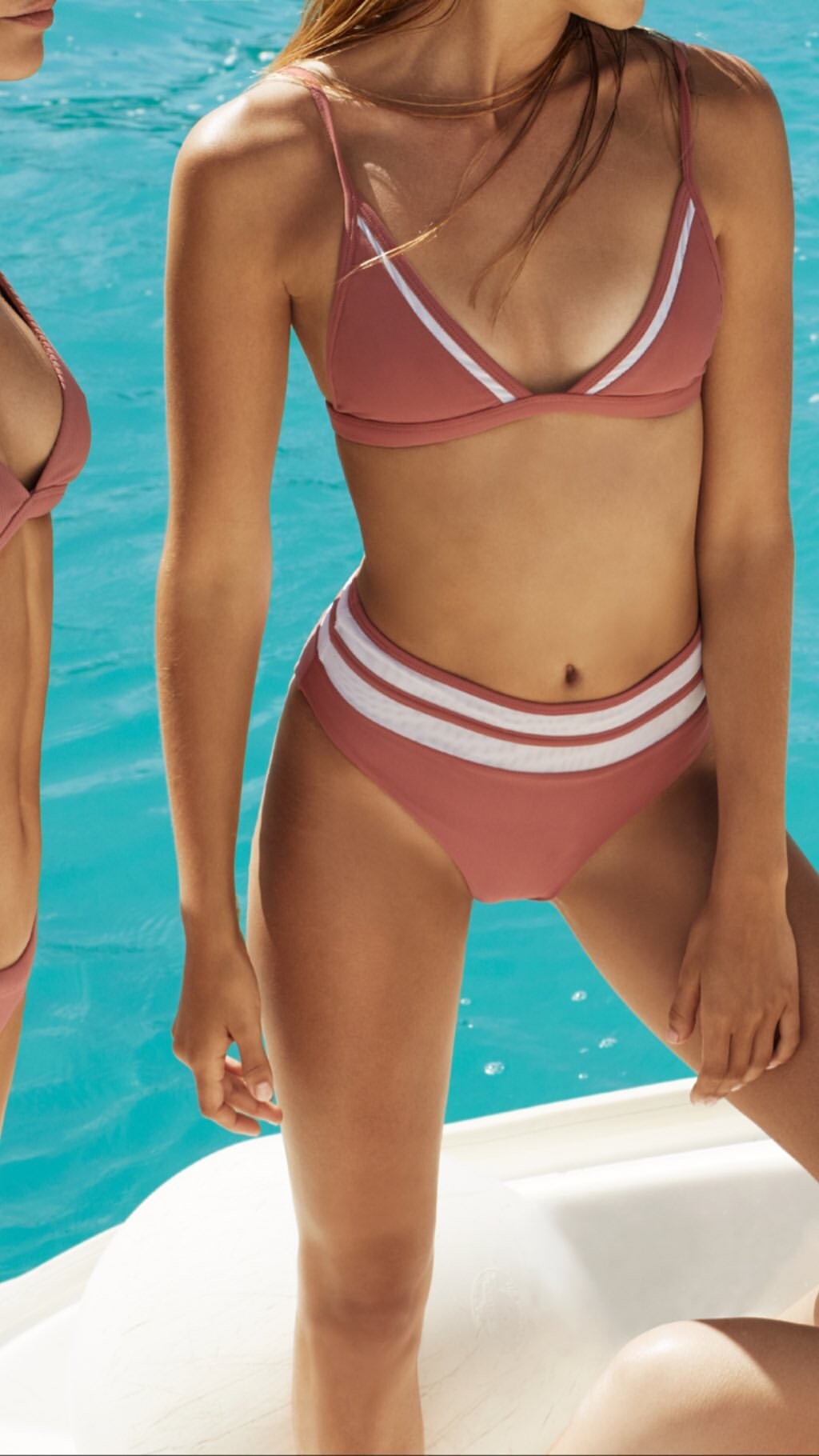
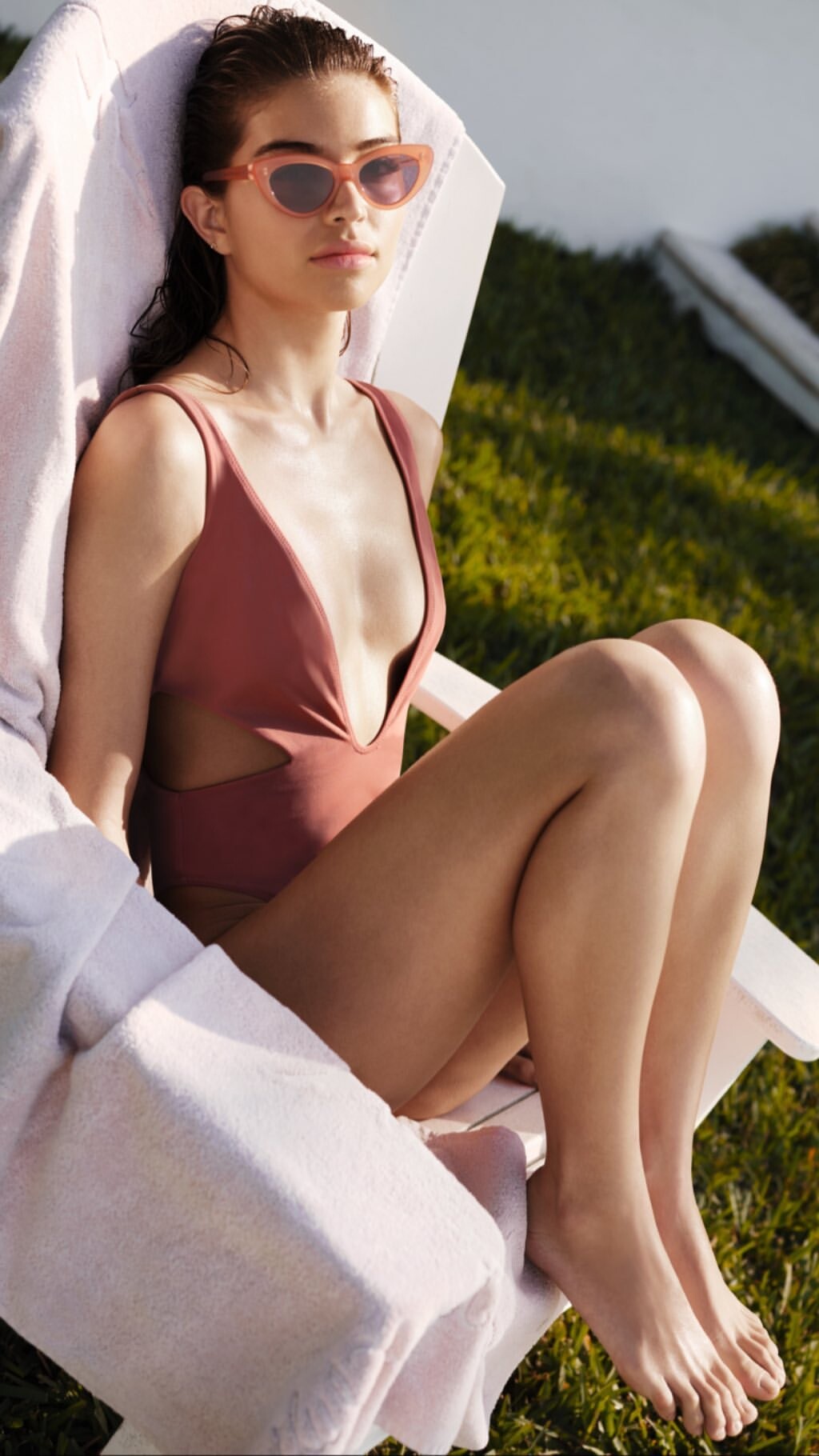
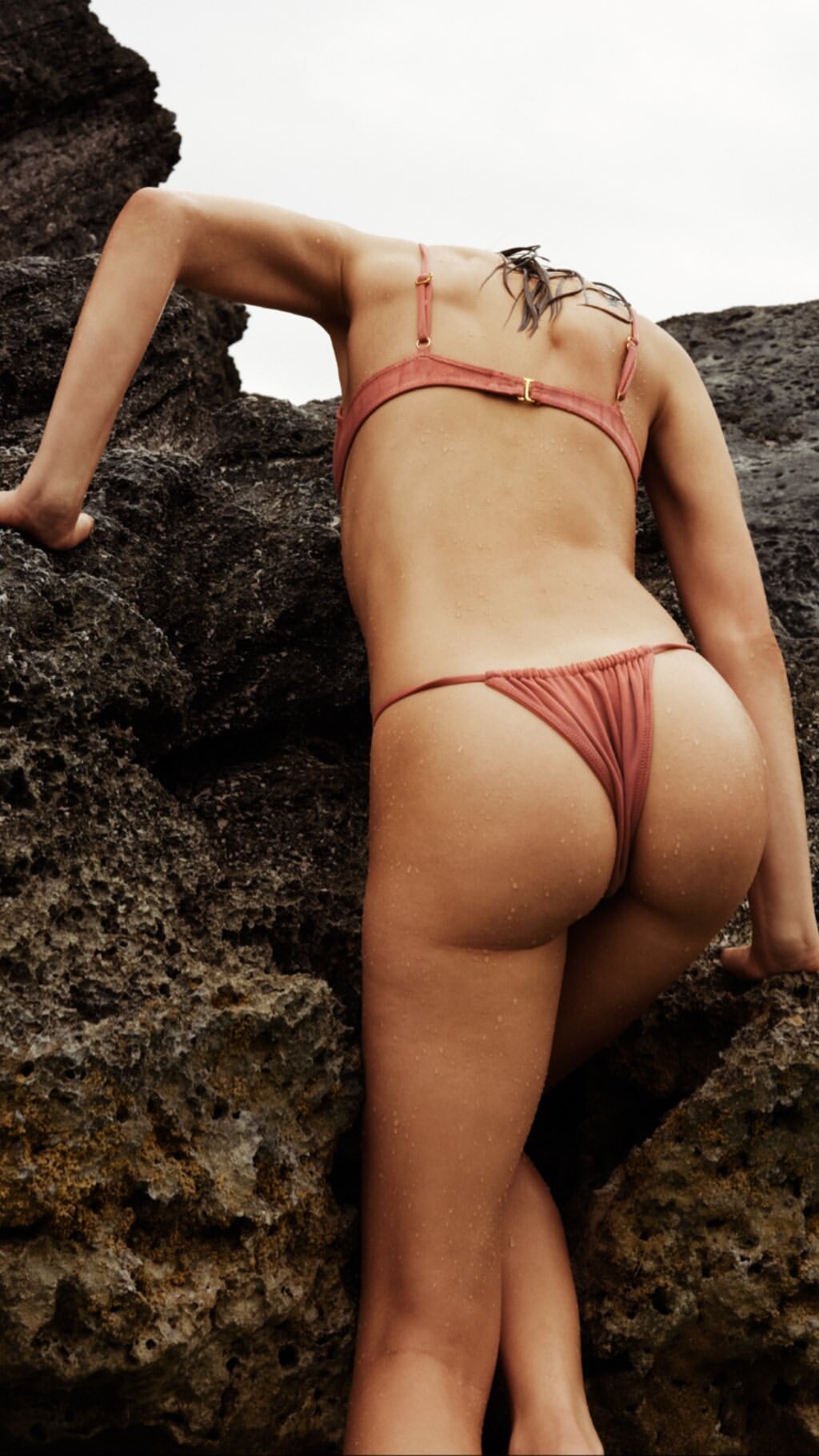
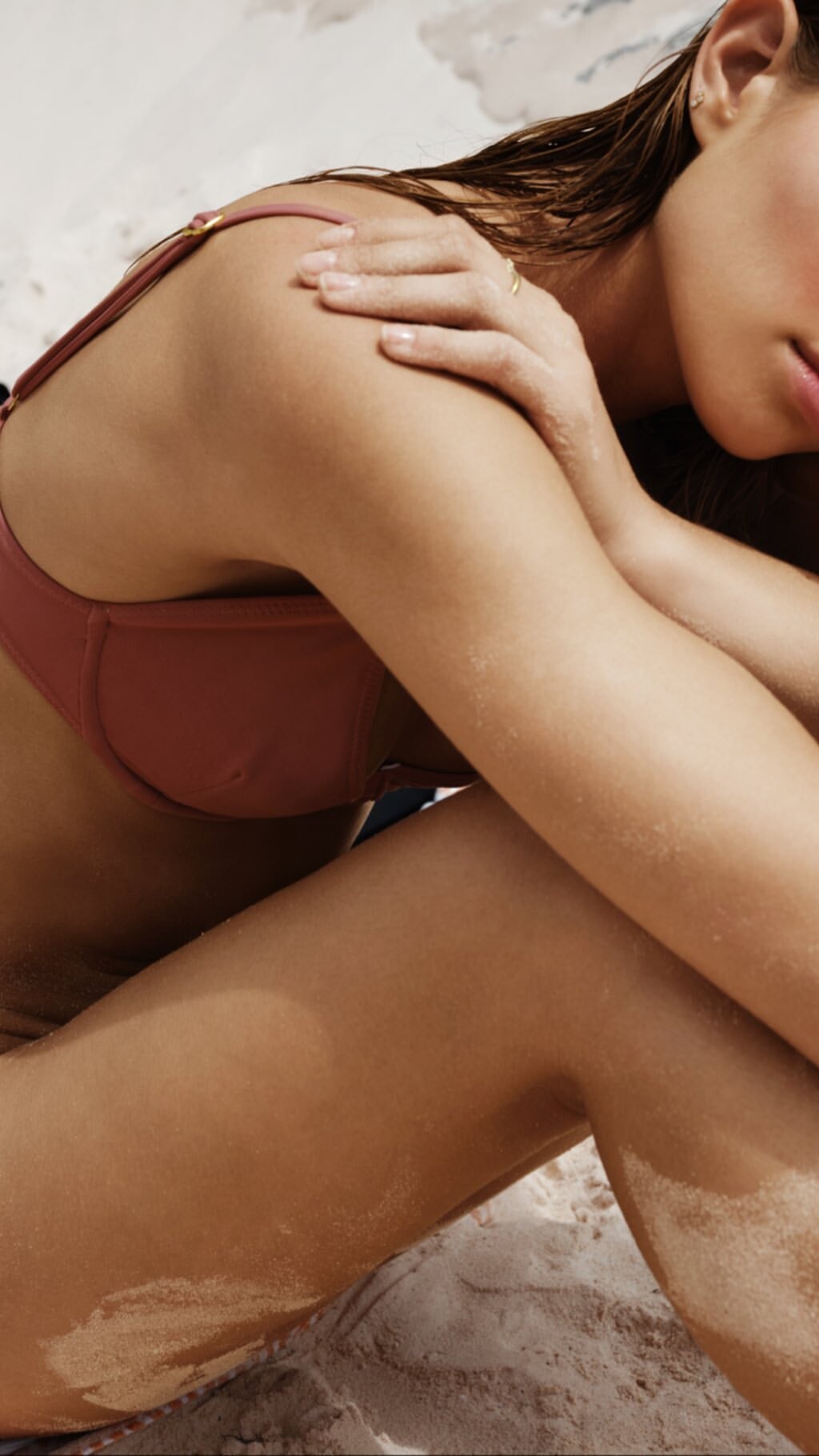
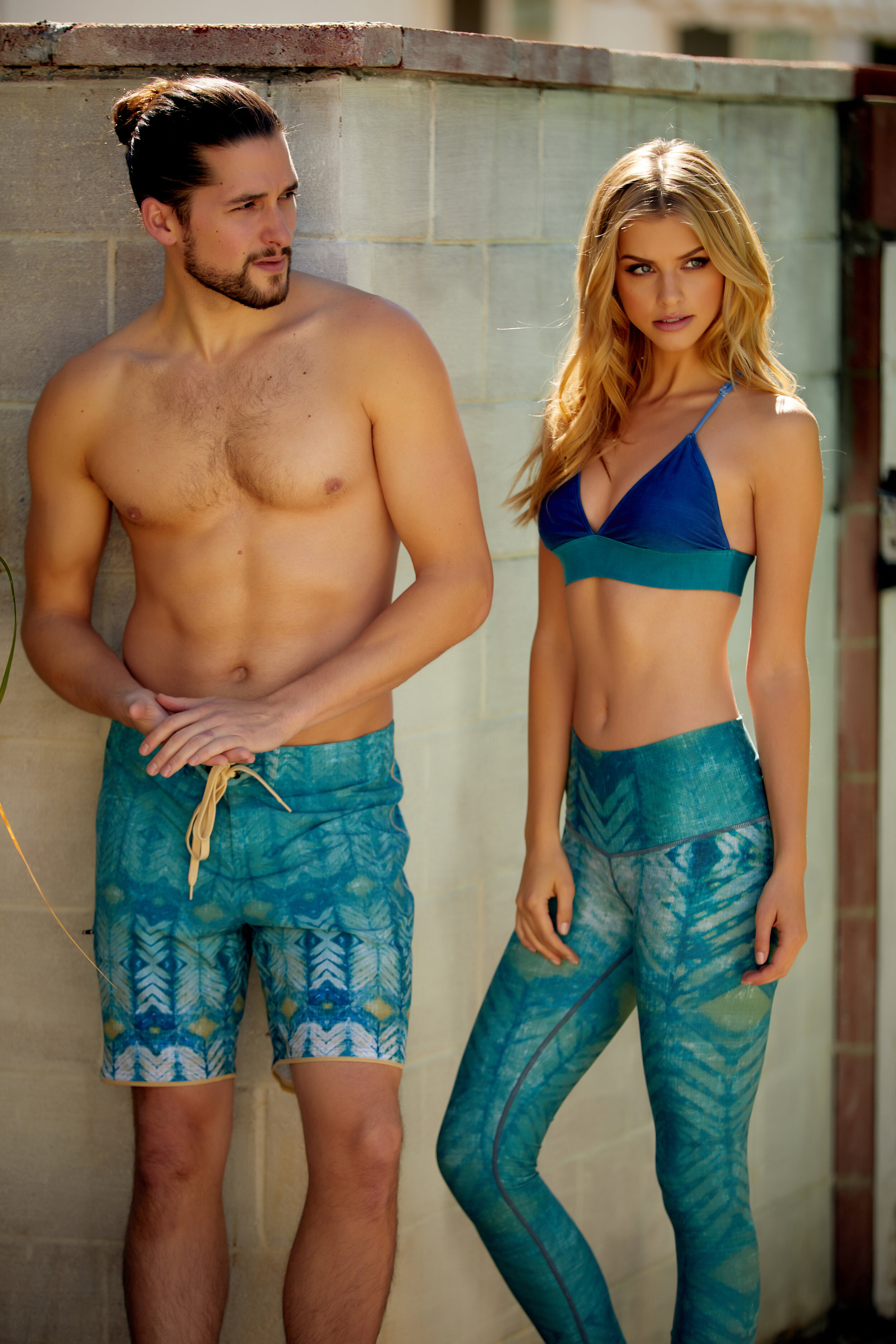
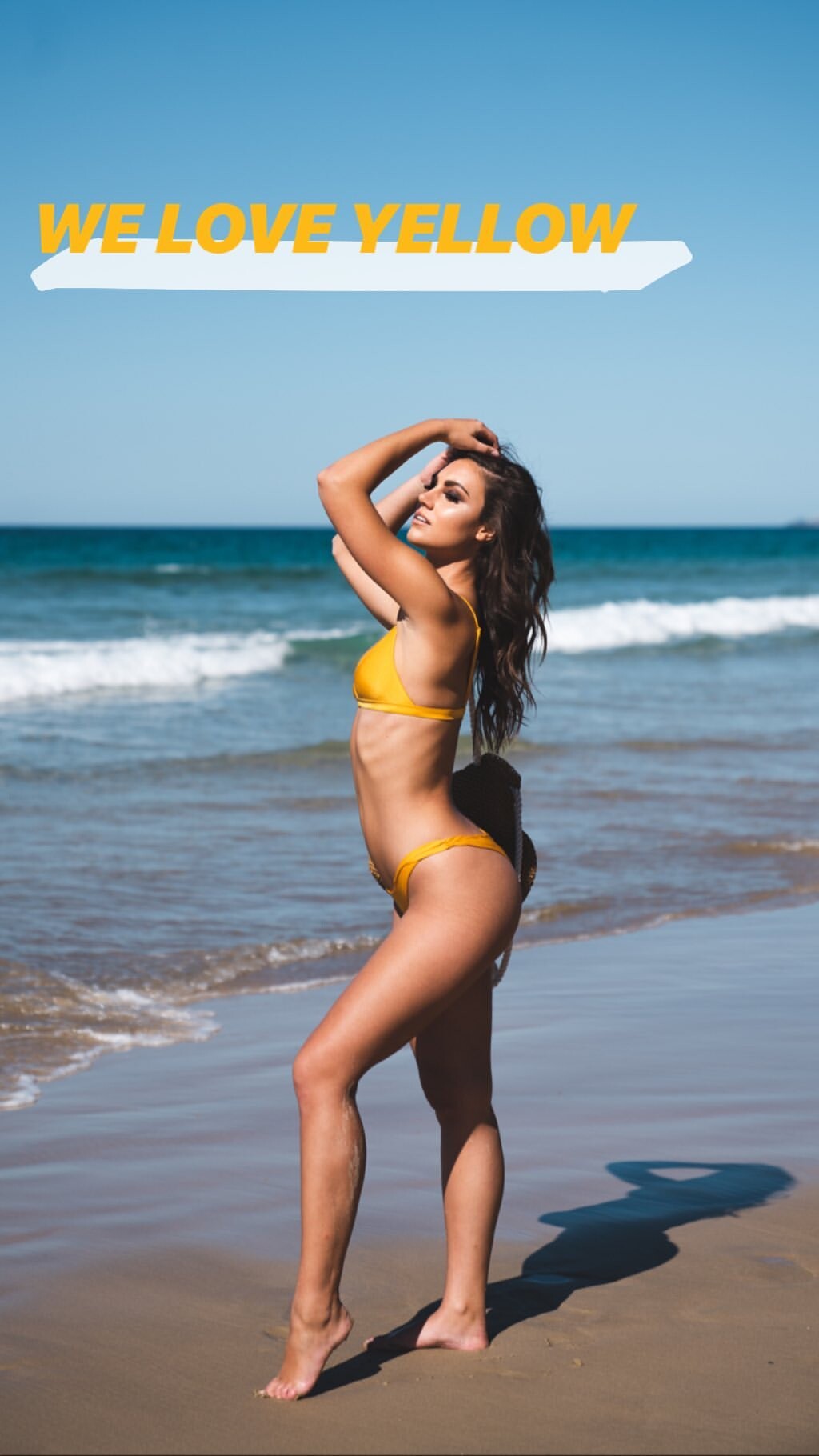
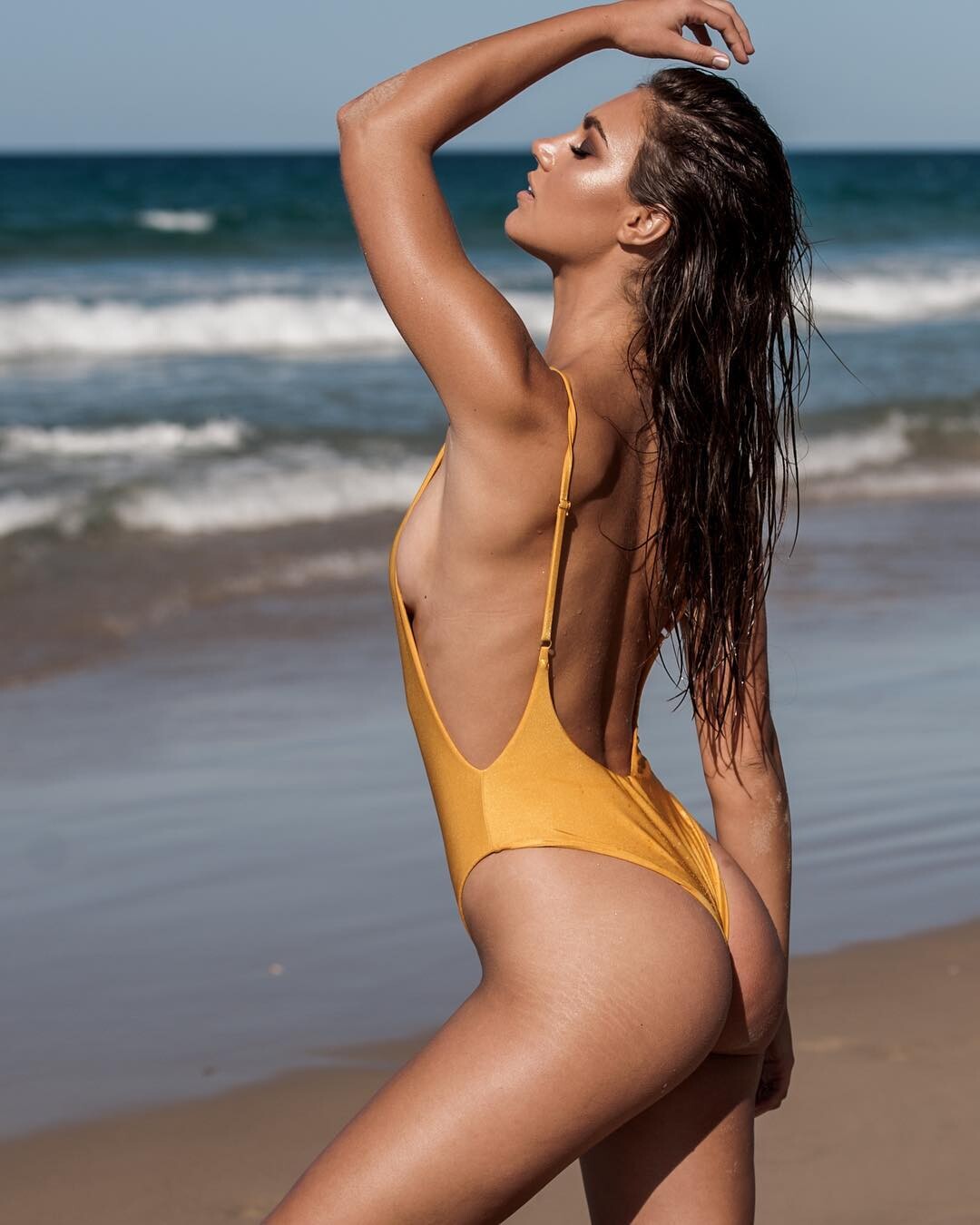
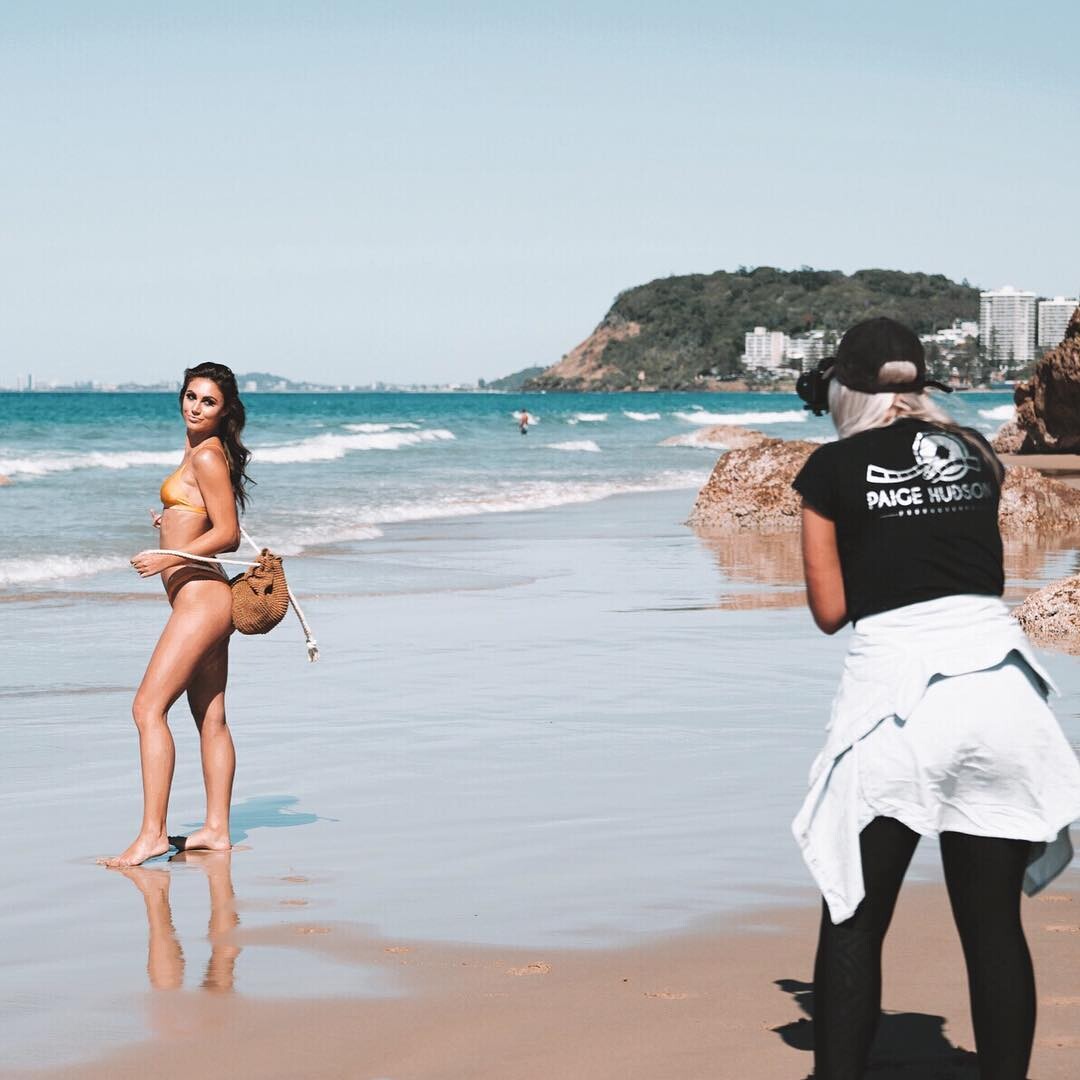
  4. her IG for @rhythmswimwear
  5. Derek Kettela HQ
  6. Lindsay Adler LQ (IG)
  7. Gabriel Fraser IG HQ UHQ
  8. Robby Mueller
  9. IG Story (06.22.19) @laurennlayne

  10. IG Story (06.24-25.19) Photoshooting with Devin Del Santo Preview Videos
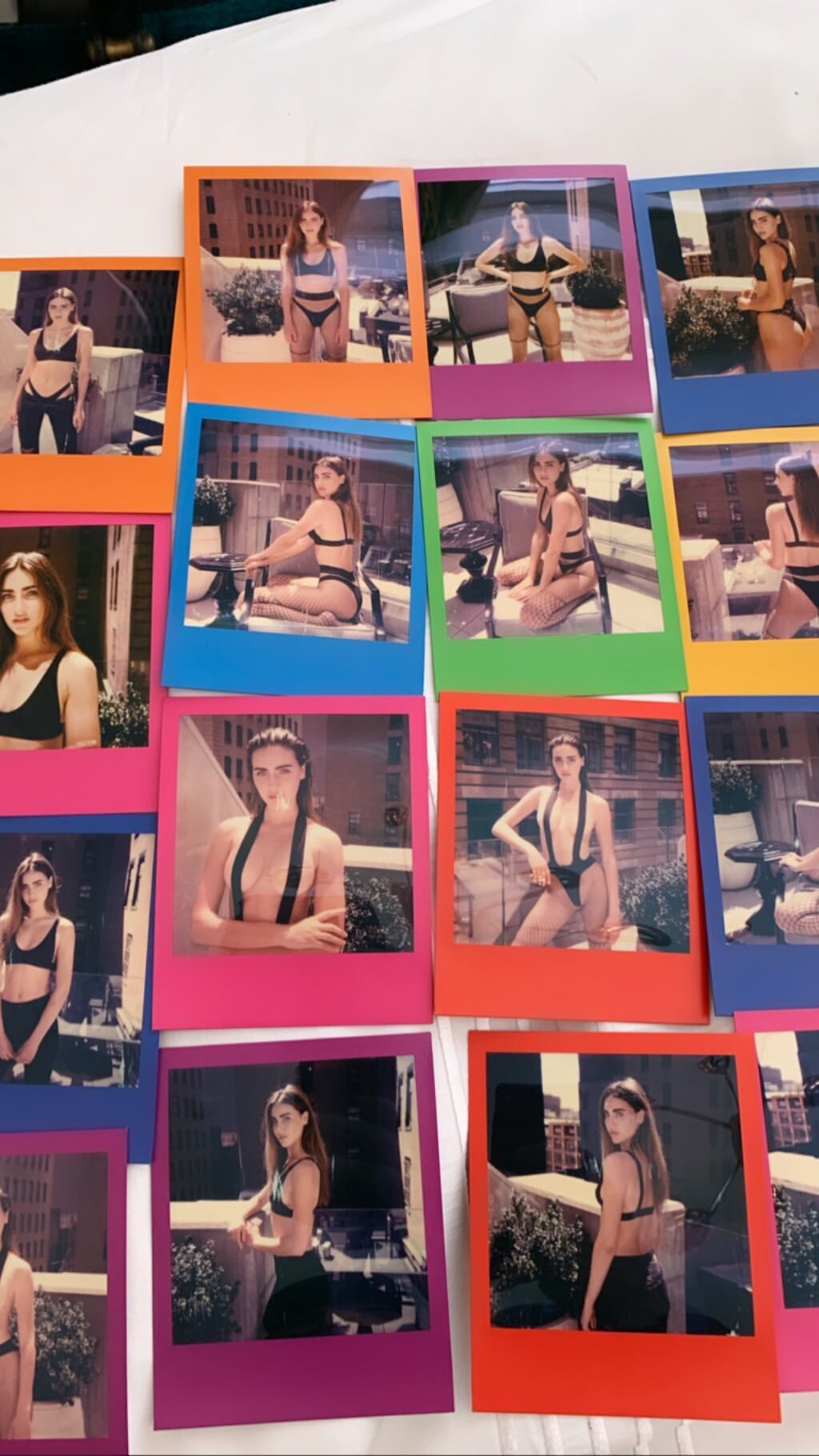
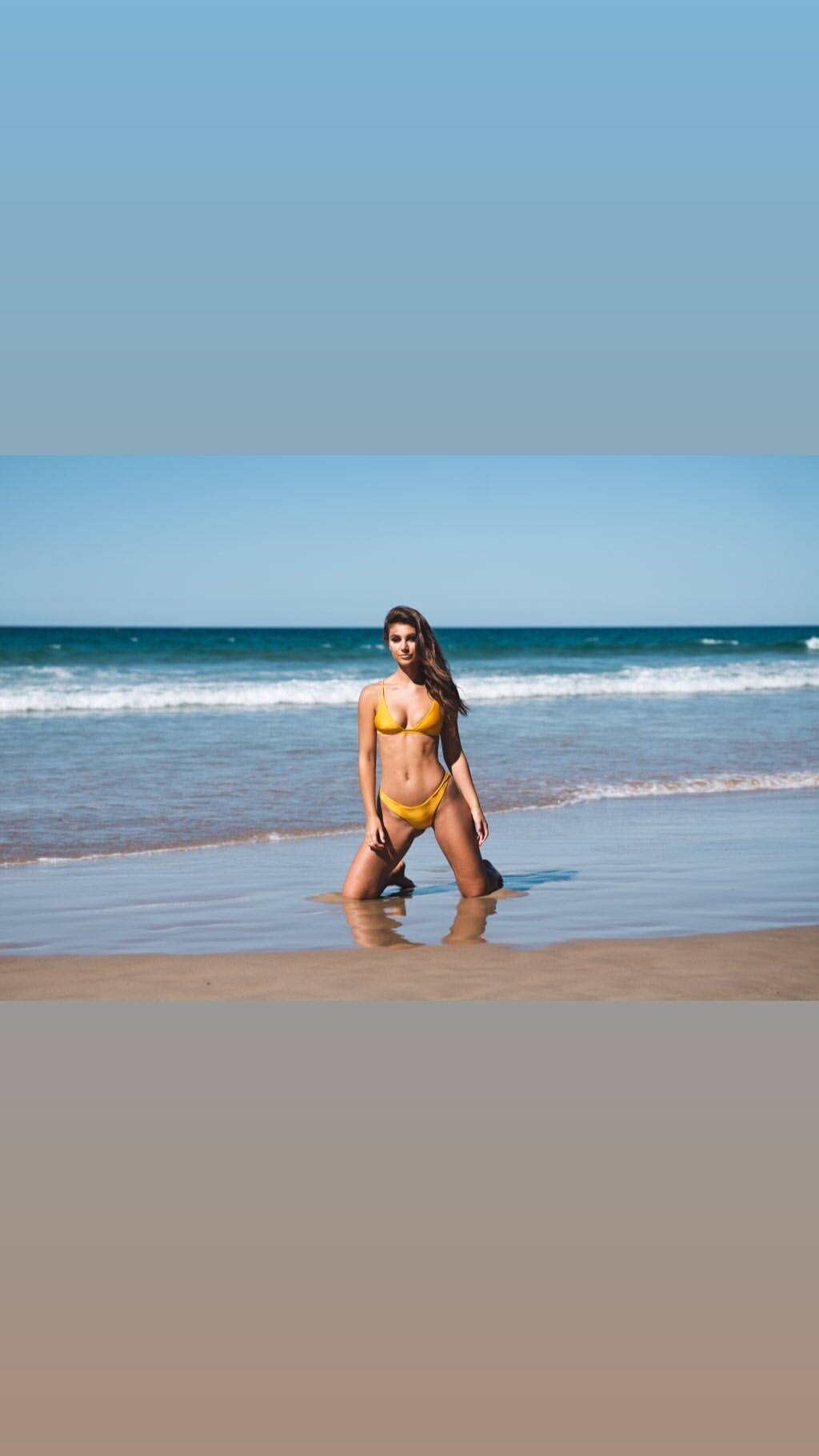
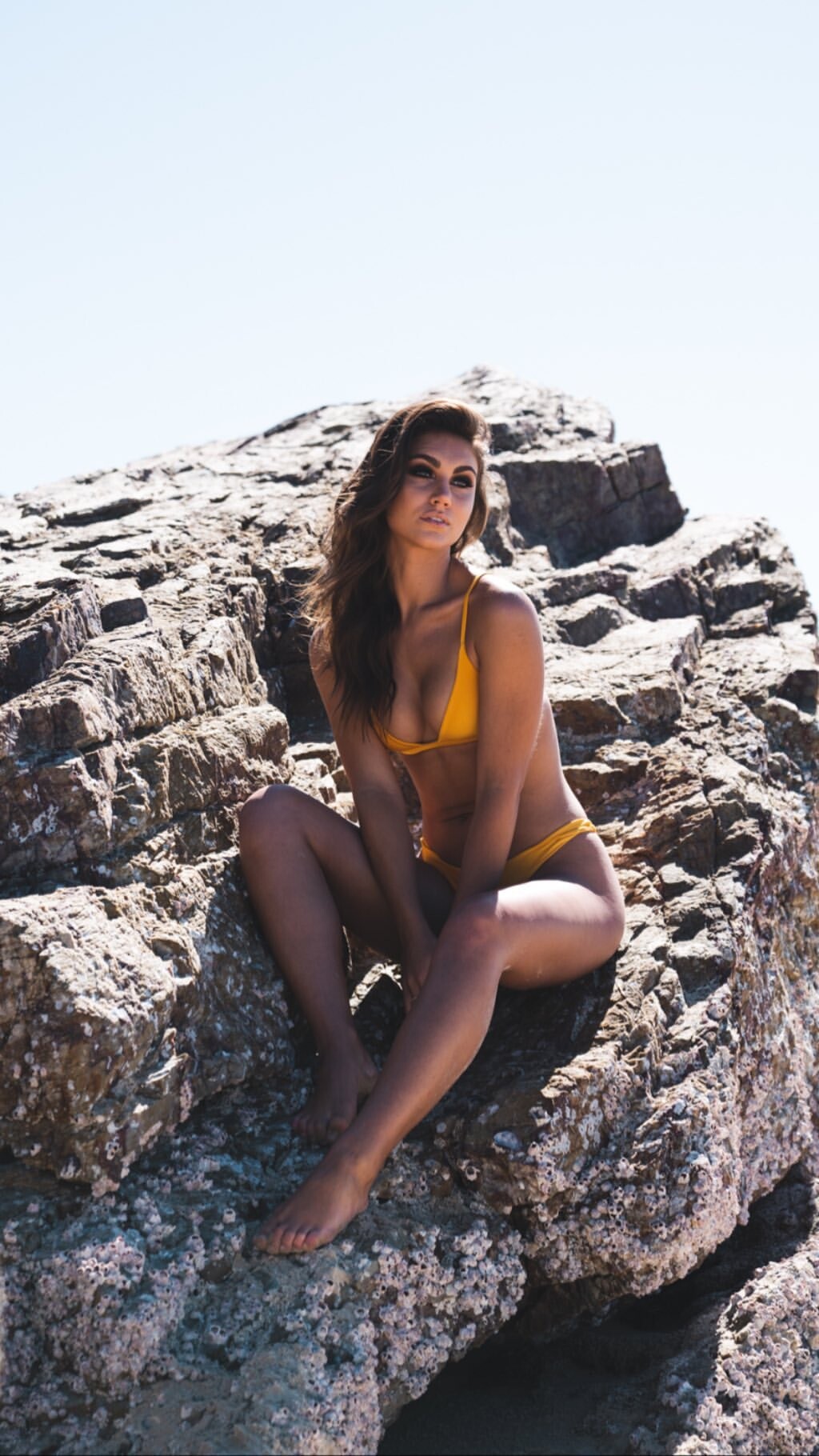
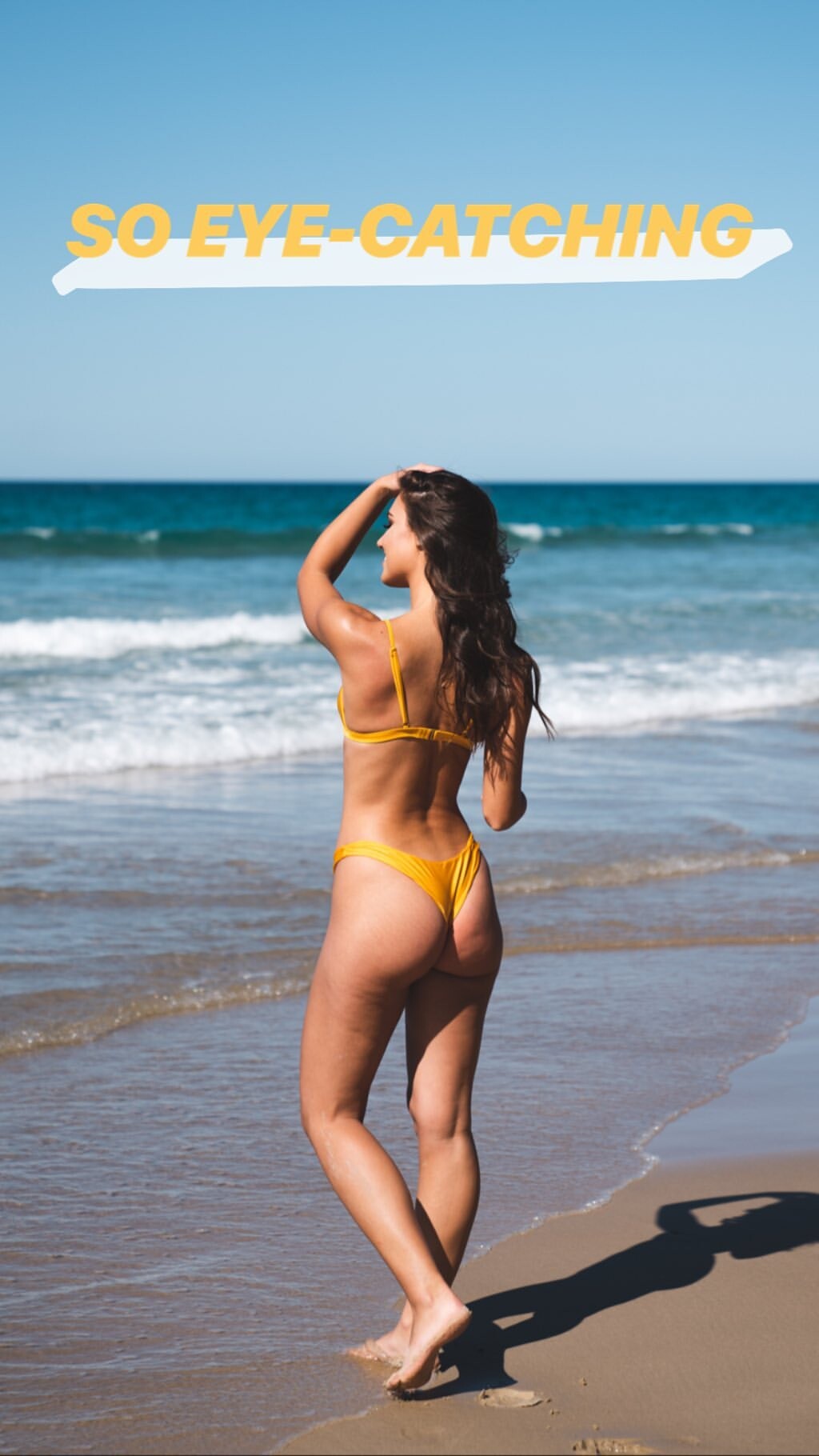
  11. IG Story (06.26.19) Photoshooting with Jessee Bojorquez Mua: Stephanie A. Smith Videos & Pics
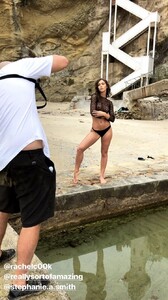
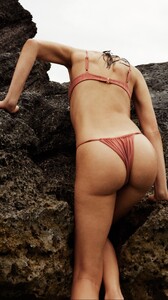
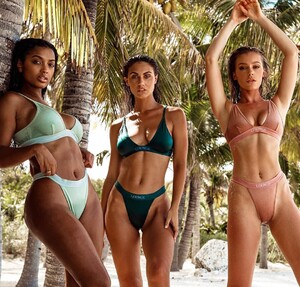
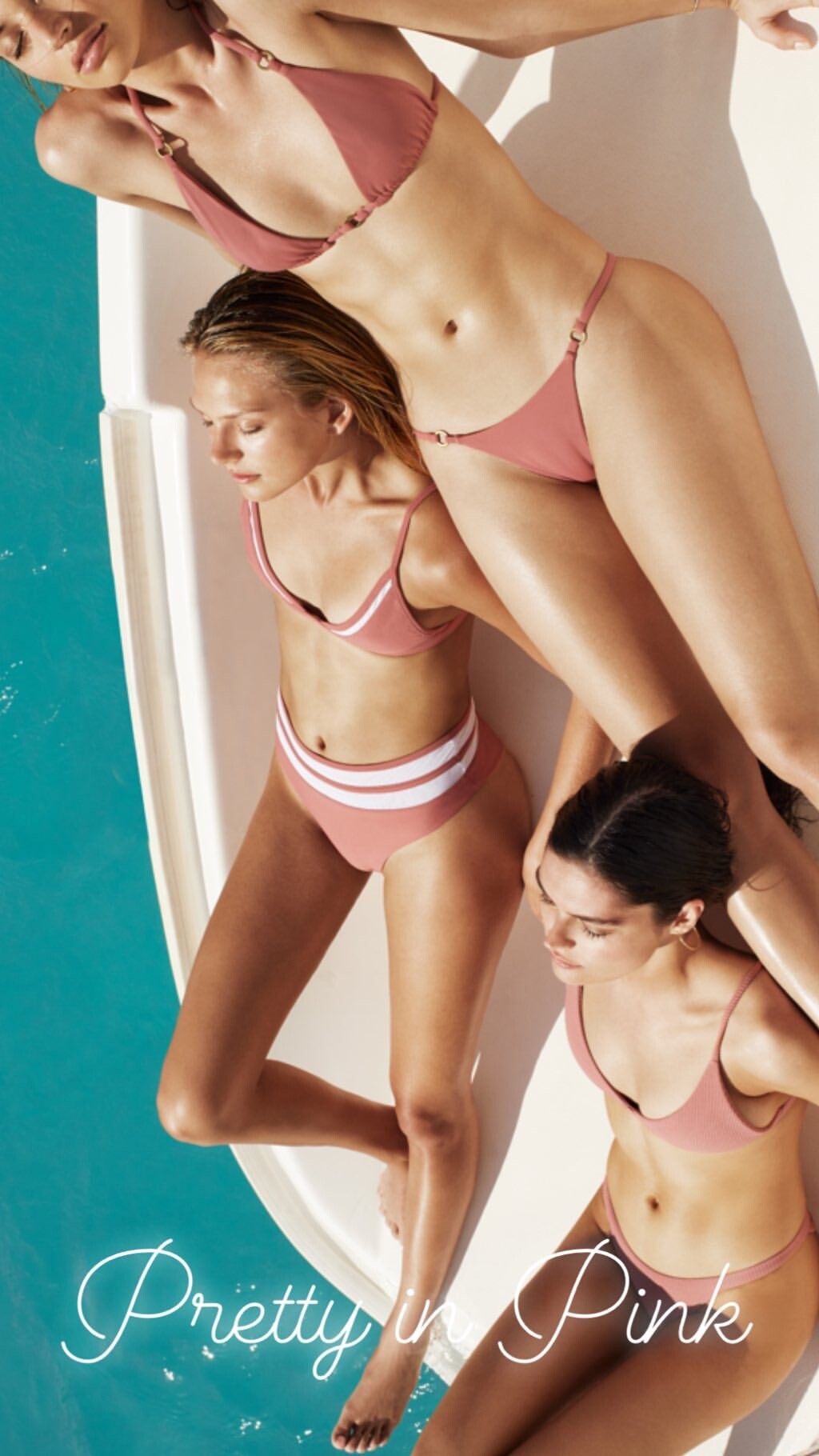
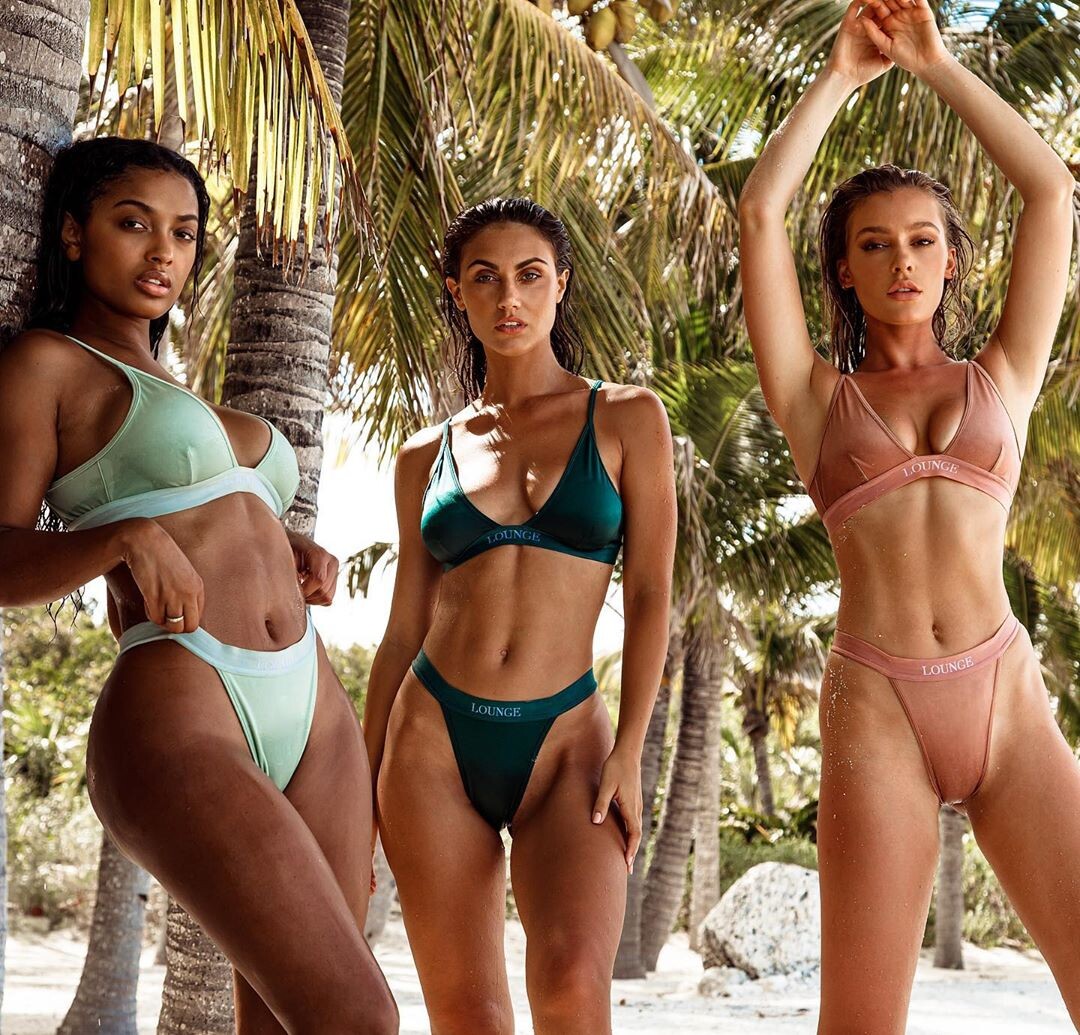
  12. @loungeswim
  13. @shopplanetblue IG Story
  14. @loungeswim
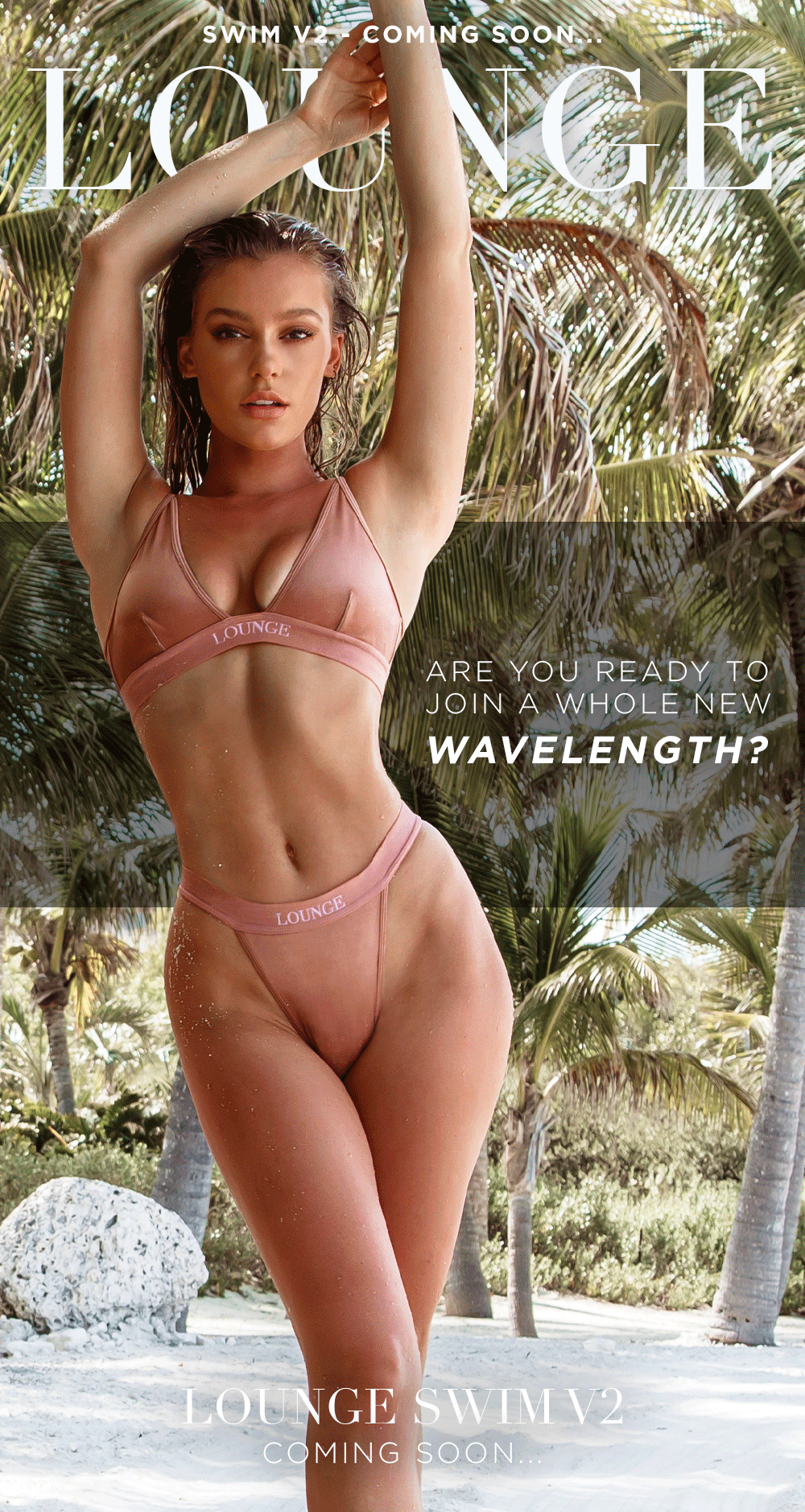
  15. Lounge Swim V2 Mail IG
  16. Summer Adiction Swimwear La Vida Collection Add from IG & IG Story
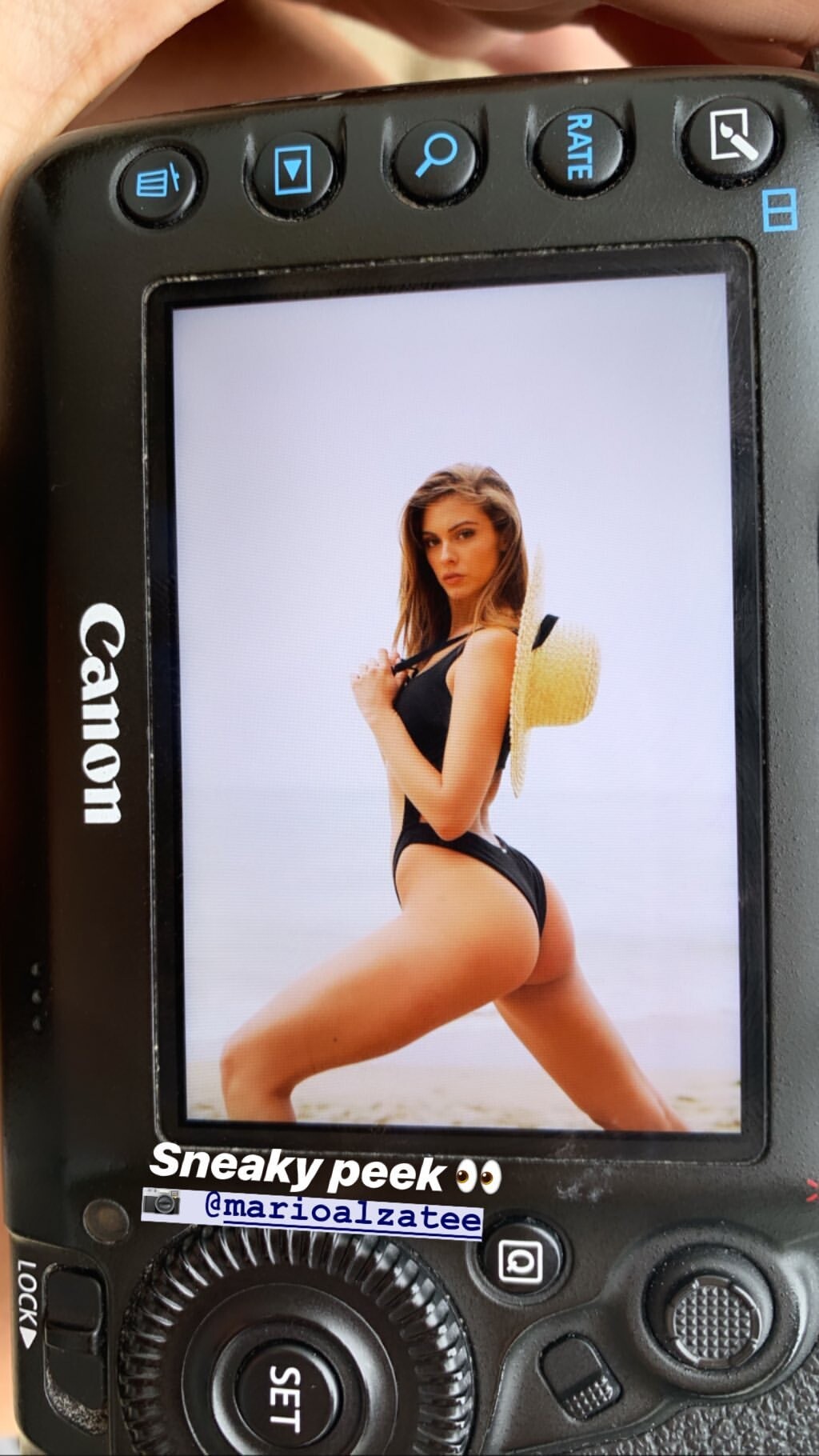
  17. IG Story (06.24.19) Photoshoot with Mario Alzate
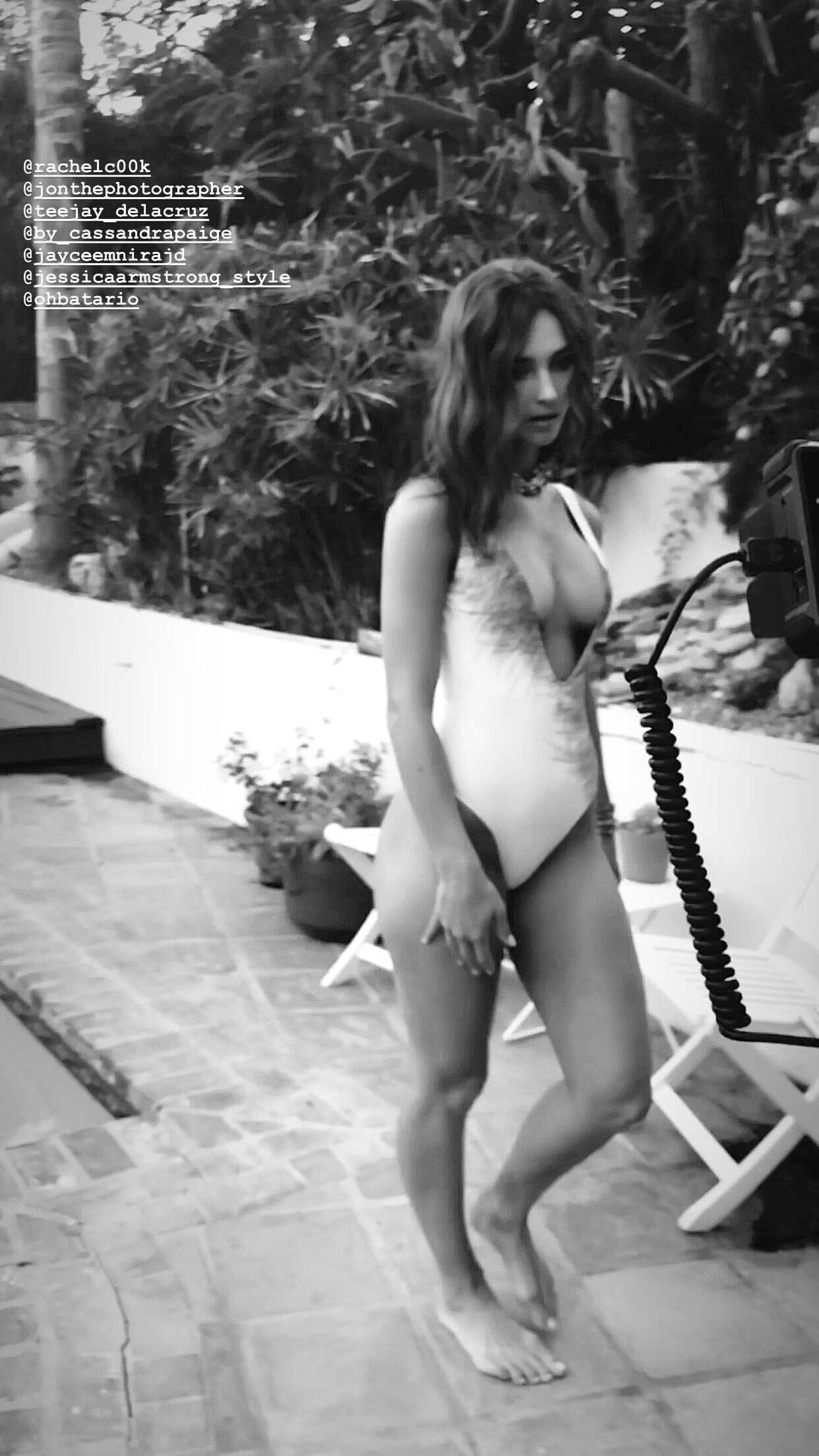
  18. IG Story (06.24.19) Jon Batario

Account

Navigation

Search

Configure browser push notifications

Chrome (Android)
  1. Tap the lock icon next to the address bar.
  2. Tap Permissions → Notifications.
  3. Adjust your preference.
Chrome (Desktop)
  1. Click the padlock icon in the address bar.
  2. Select Site settings.
  3. Find Notifications and adjust your preference.