VS19
Members
-
Joined
Everything posted by VS19
-
What a terrific thread with some great content. Excellent work with this thread, @Stromboli1.
-
Terrific adds. Thanks @Stromboli1.
-
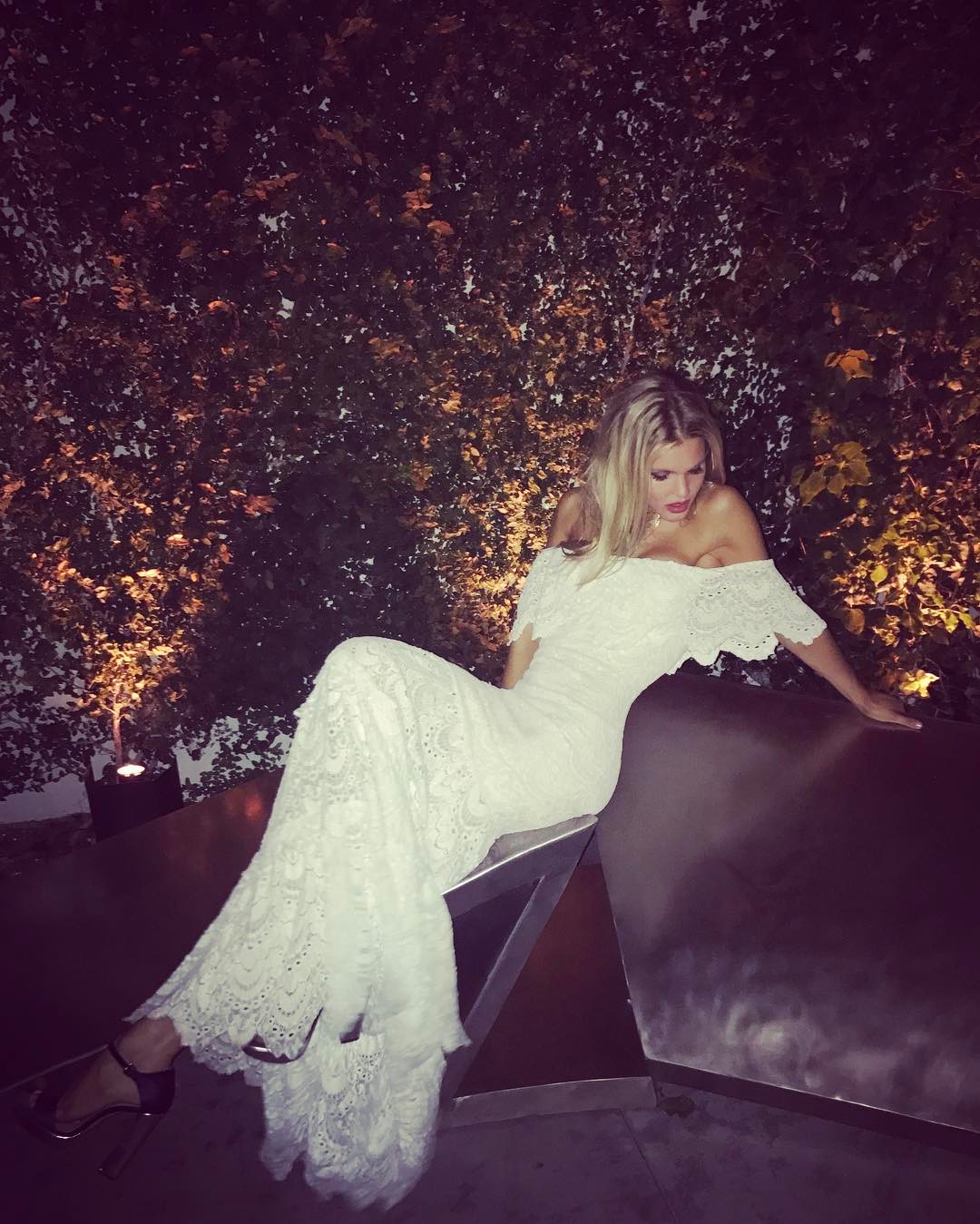
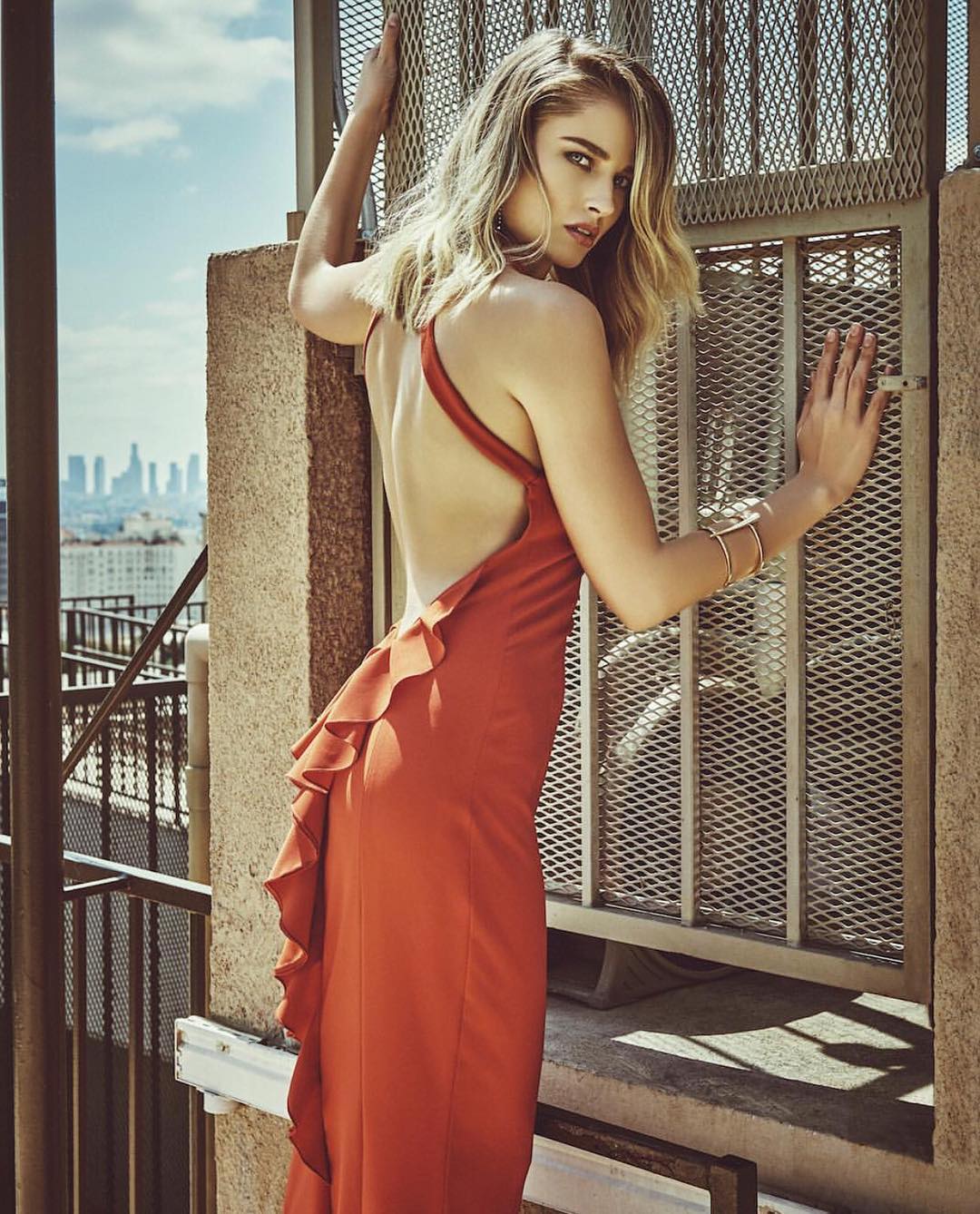
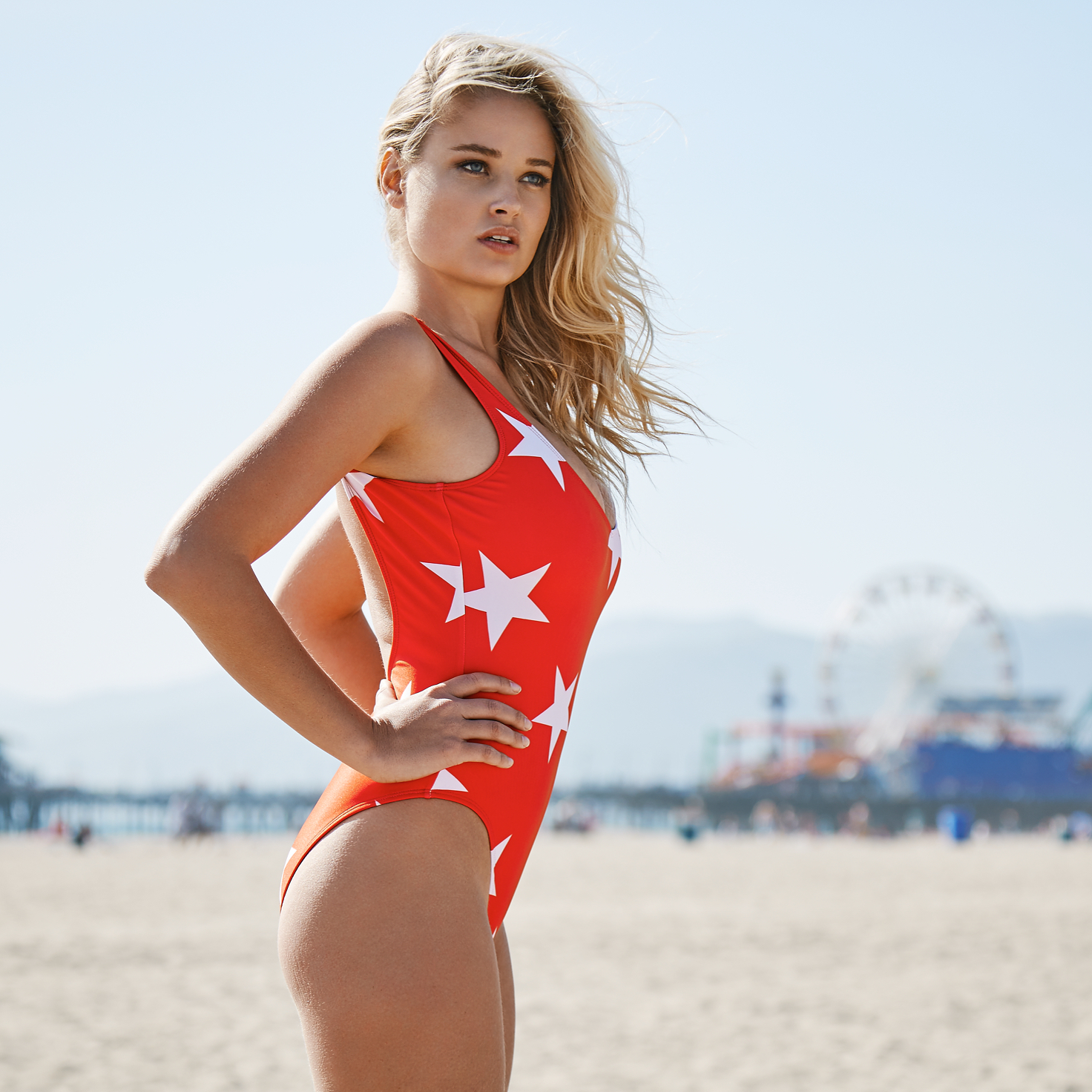
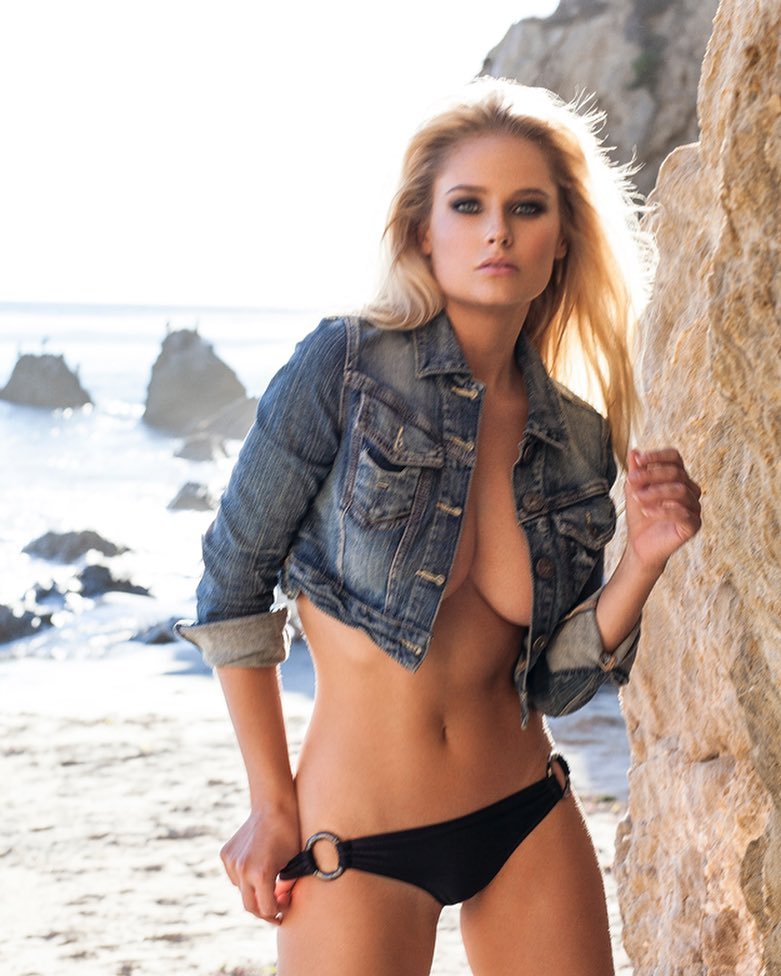
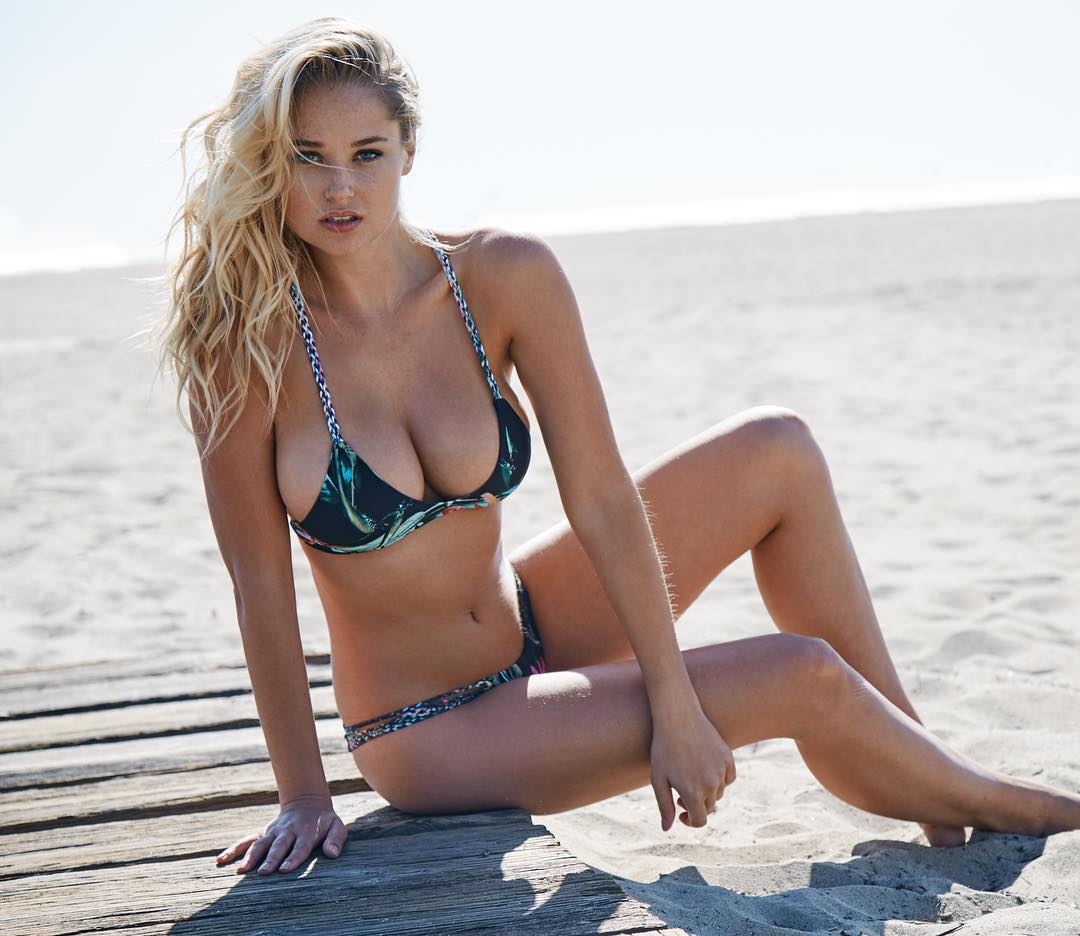
Instagram sources: https://www.instagram.com/p/BQ_2U_ujS44/?taken-by=genevievemorton&hl=en https://www.instagram.com/p/BRCA5BlDj23/
.thumb.jpg.cc911c6eafd04a43a2d4672d2c171259.jpg)
-
Aly Raisman - 9 Bianca Balti (A) - 6 Kate Upton (B) - 9 Lais Ribeiro (A) - 8 Vita Sidorkina (B) - 9
-
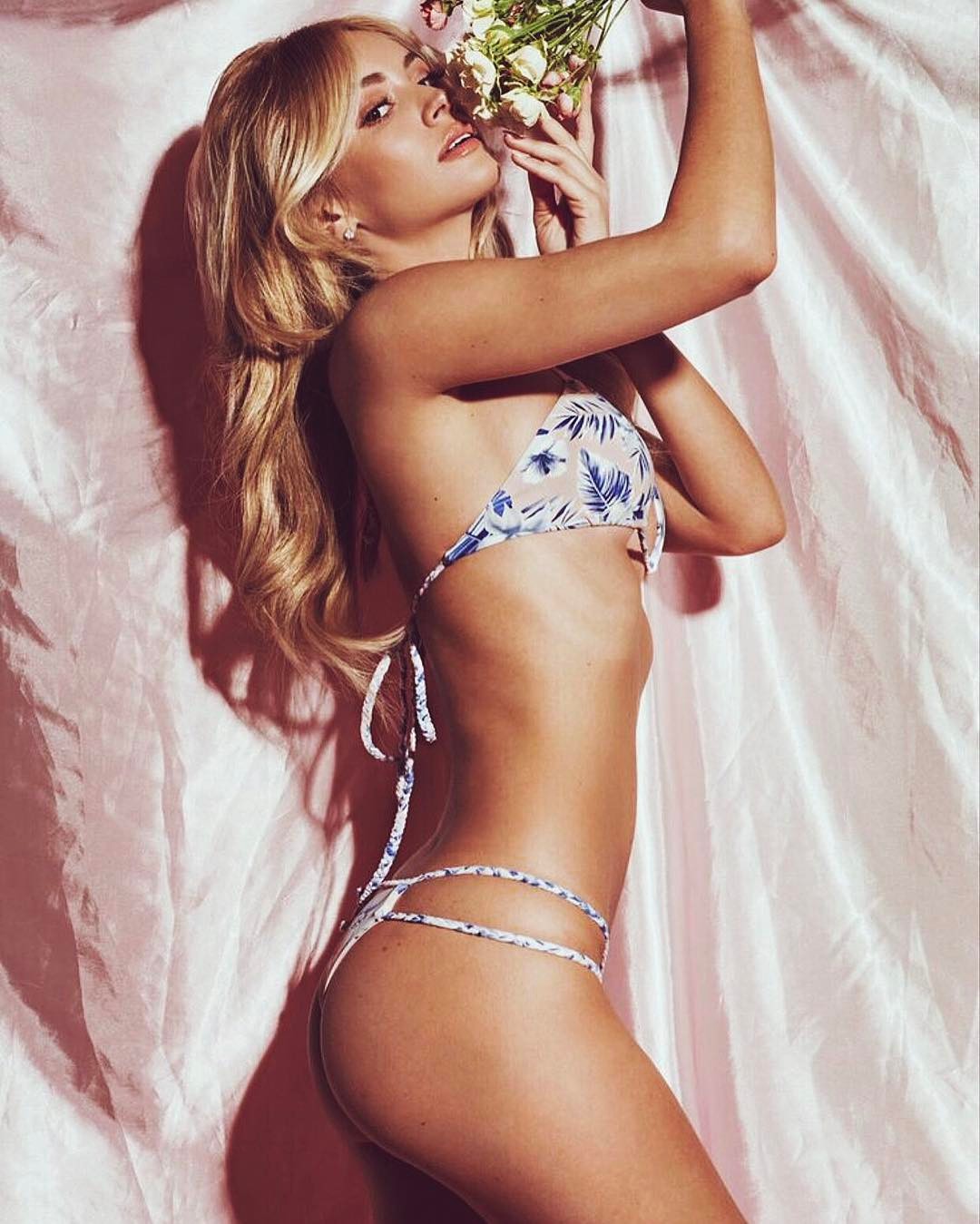
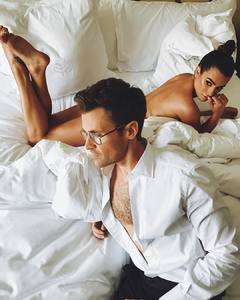
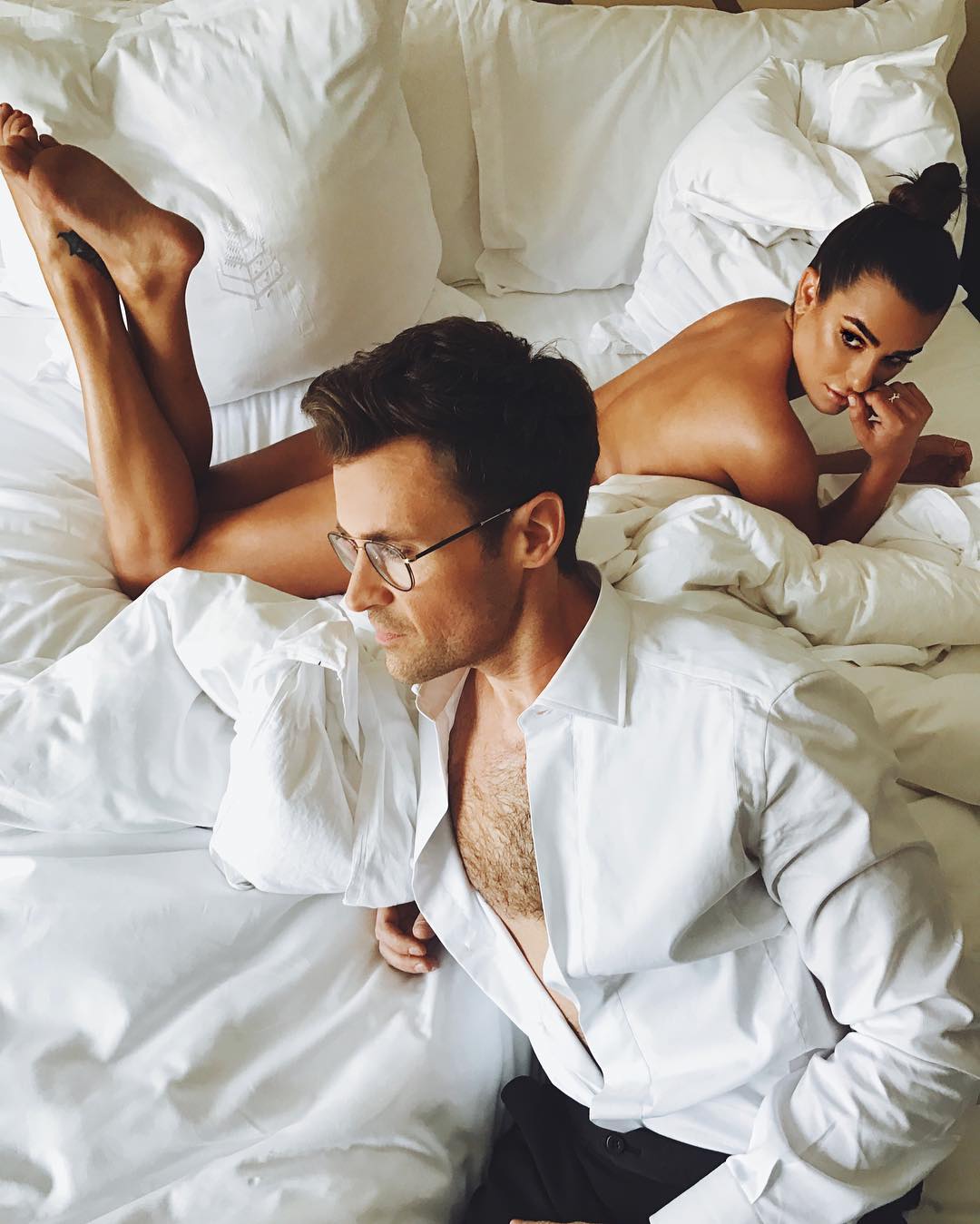
New entry from her "Bed Series", one of the best things going on Instagram at the moment: Bed Series // Oscars
-
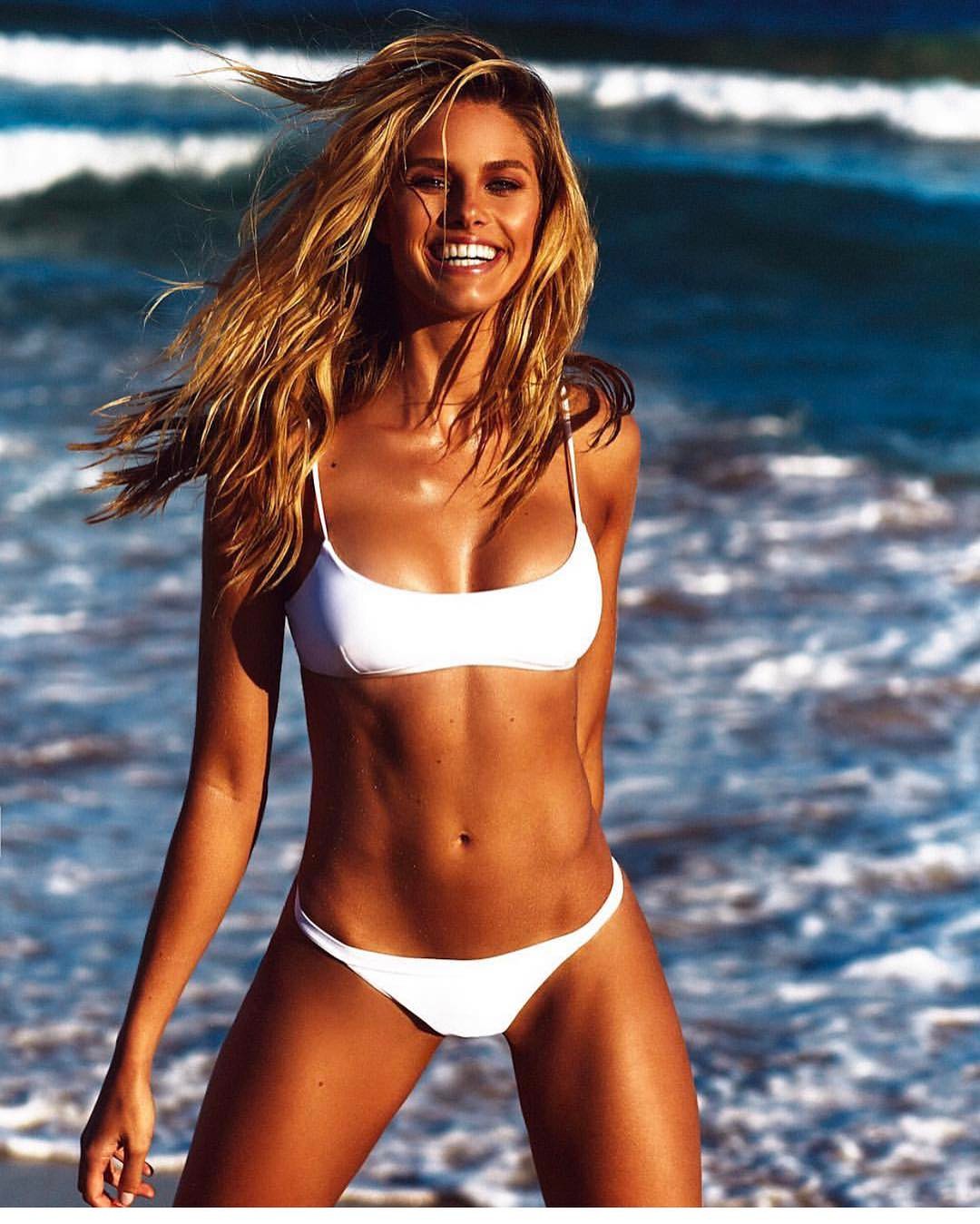
Can't wait to see the finished results of that shoot. Natalie's a star very much on the rise. Everything she's been putting out there lately has been fantastic. Those shots for her own swimsuit line...wow. Can't wait to see more from that shoot as well.
-
Wonderful adds. Thanks @BryJoLove.
-
The Tonight Show Starring Jimmy Fallon - February 24, 2017 source: gotceleb.com
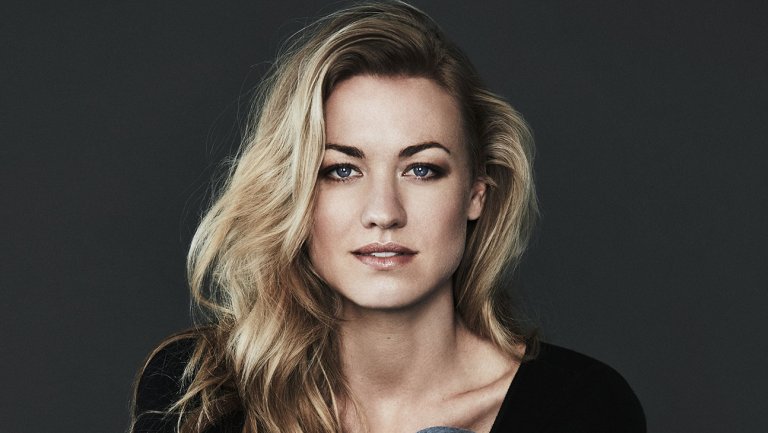
Dennis Leupold Photoshoot source: The Hollywood Reporter
 Same. Always love it when they take photos together.
Great new adds. Her Playboy shoot was tremendous, and it's great to see some new images from it. Thanks
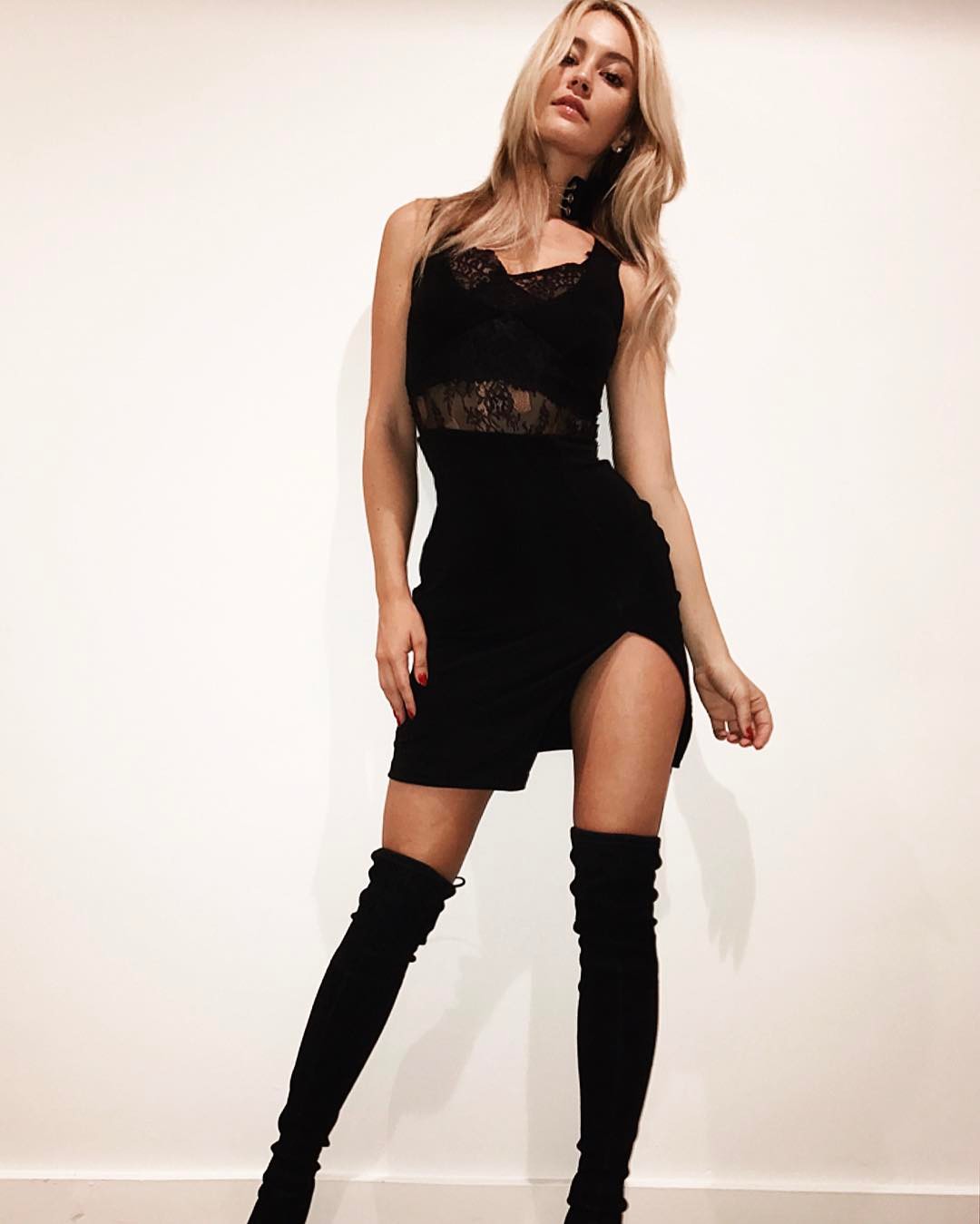
Instagram sources: https://www.instagram.com/p/BQ1fyj3D23p/ https://www.instagram.com/p/BQ3I-WvDwyb/ https://www.instagram.com/p/BQw00K4jzTM/
Same. Always love it when they take photos together.
Great new adds. Her Playboy shoot was tremendous, and it's great to see some new images from it. Thanks
Instagram sources: https://www.instagram.com/p/BQ1fyj3D23p/ https://www.instagram.com/p/BQ3I-WvDwyb/ https://www.instagram.com/p/BQw00K4jzTM/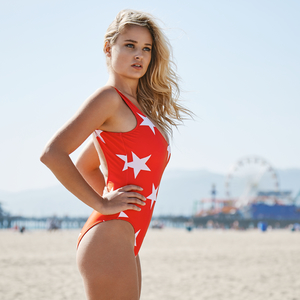
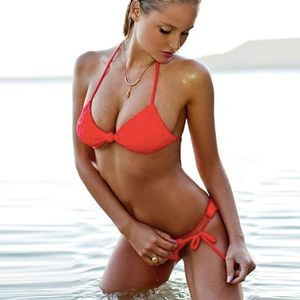
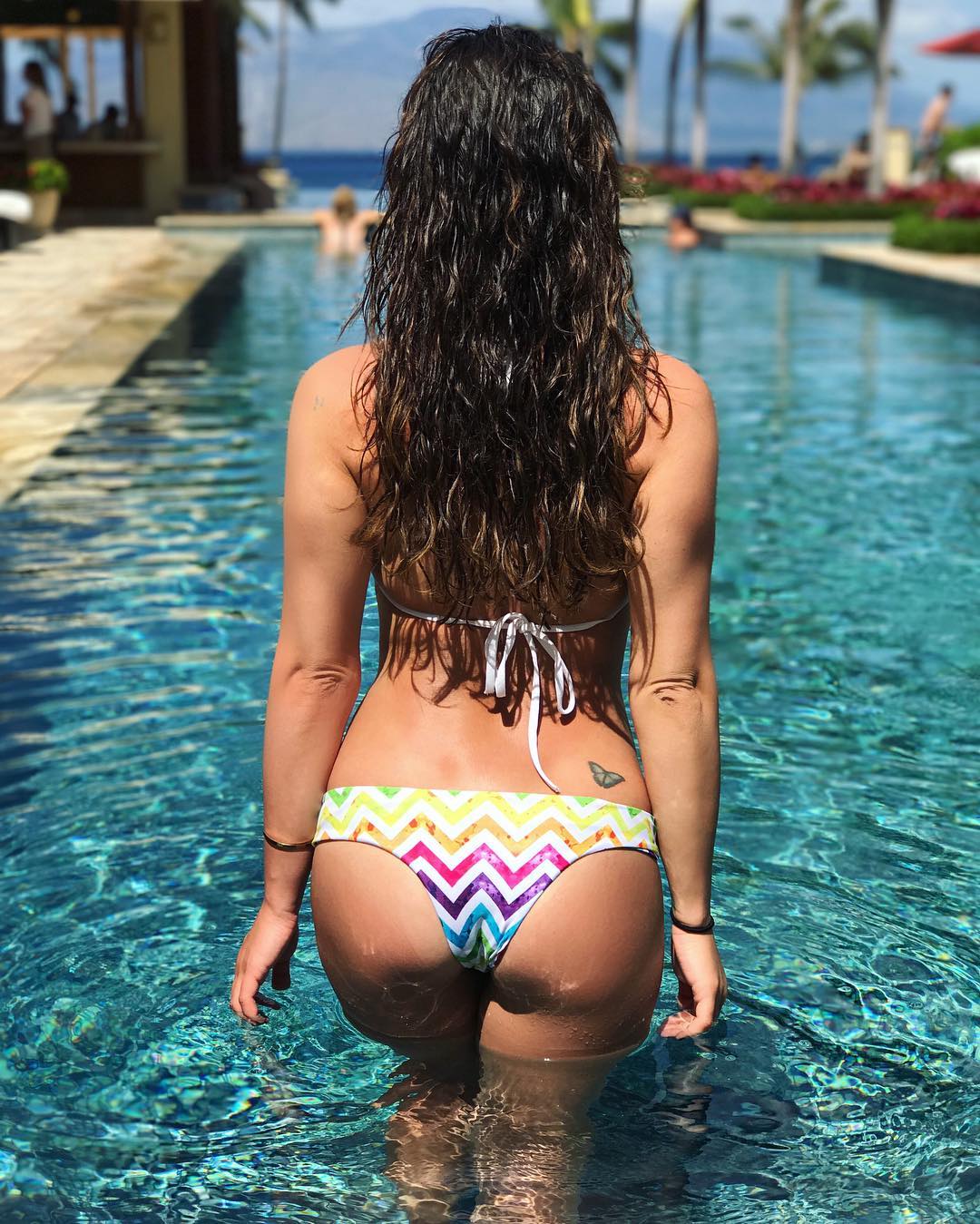
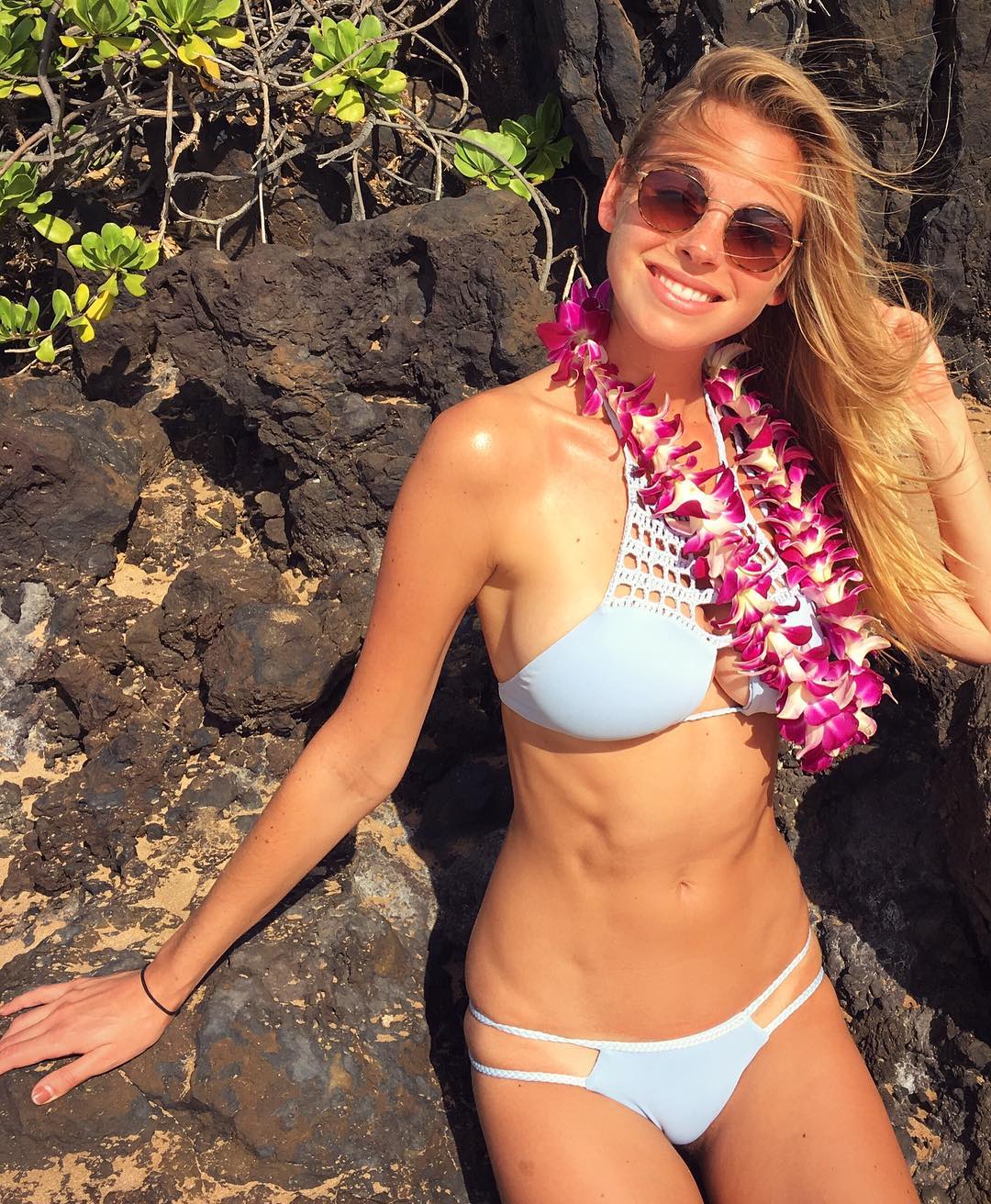
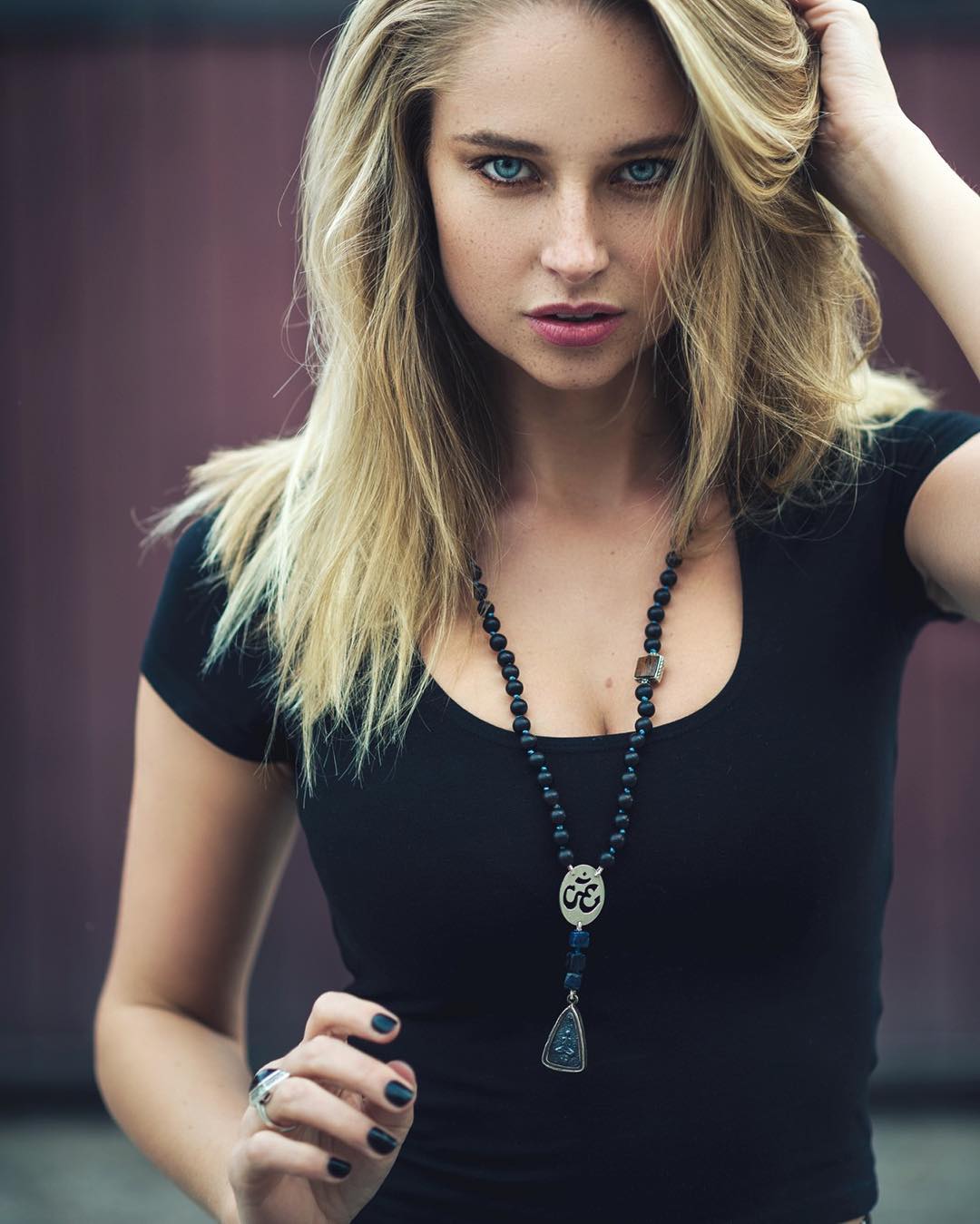
 Instagram source: https://www.instagram.com/p/BQ0a_aRB6pf/
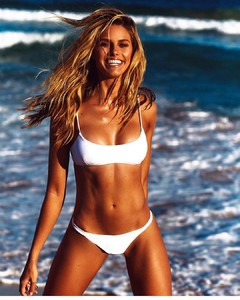 Instagram source: https://www.instagram.com/p/BQ1Do08Fh5D/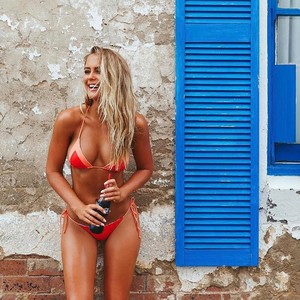
Account
Navigation
Search
Configure browser push notifications
Chrome (Android)
- Tap the lock icon next to the address bar.
- Tap Permissions → Notifications.
- Adjust your preference.
Chrome (Desktop)
- Click the padlock icon in the address bar.
- Select Site settings.
- Find Notifications and adjust your preference.
Safari (iOS 16.4+)
- Ensure the site is installed via Add to Home Screen.
- Open Settings App → Notifications.
- Find your app name and adjust your preference.
Safari (macOS)
- Go to Safari → Preferences.
- Click the Websites tab.
- Select Notifications in the sidebar.
- Find this website and adjust your preference.
Edge (Android)
- Tap the lock icon next to the address bar.
- Tap Permissions.
- Find Notifications and adjust your preference.
Edge (Desktop)
- Click the padlock icon in the address bar.
- Click Permissions for this site.
- Find Notifications and adjust your preference.
Firefox (Android)
- Go to Settings → Site permissions.
- Tap Notifications.
- Find this site in the list and adjust your preference.
Firefox (Desktop)
- Open Firefox Settings.
- Search for Notifications.
- Find this site in the list and adjust your preference.
.jpg.a30f38e41a7715e0f669da20b9085293.jpg)
.jpg.76fa98172c5fb48e1201d8c147255fbe.jpg)