

ArianaVSCouture
Members
-
Joined
Everything posted by ArianaVSCouture
-
VOGUE Greece, April 2023:


-
Backstage at Emporio Armani SS 2000:



-
You're welcome, Rado! ❤️
-
It's here now: http://www.giselebundchenfrance.com/
-
Carmen Marc Valvo SS 2000:














-
-
Victor Alfaro SS 2000:














-
Spammer: https://www.bellazon.com/main/profile/244293-system/
-
If not worse. I'm already dreading it. I wonder if any of the old VS Angels will return? Someone like Tyra, Heidi (she said she was pleased to see Victoria's Secret 'finally' embracing diversity), Helena Christensen, Daniela Pestova (they both did a campaign for VS in 2020) or KK? I guess we'll just have to wait and see.
 I have a feeling it will be a very bad and poor copy of Rihanna's Savage X Fenty show. And can already see all the Kardashians stomping down the runway, including Caitlyn Jenner in a Fantasy Bra. 😁Elie Saab Haute Couture FW 2008:







 Jacques Fath SS 1993:

 Elie Saab HC SS 2007:







 Elie Saab FW 2008:




 Elie Saab HC SS 2007:





 Carolina Herrera SS 1999:















 Carolina Herrera FW 1999:



















 Christian Dior HC FW 2004:





 Christian Dior SS 2004:
 Versus FW 2003:
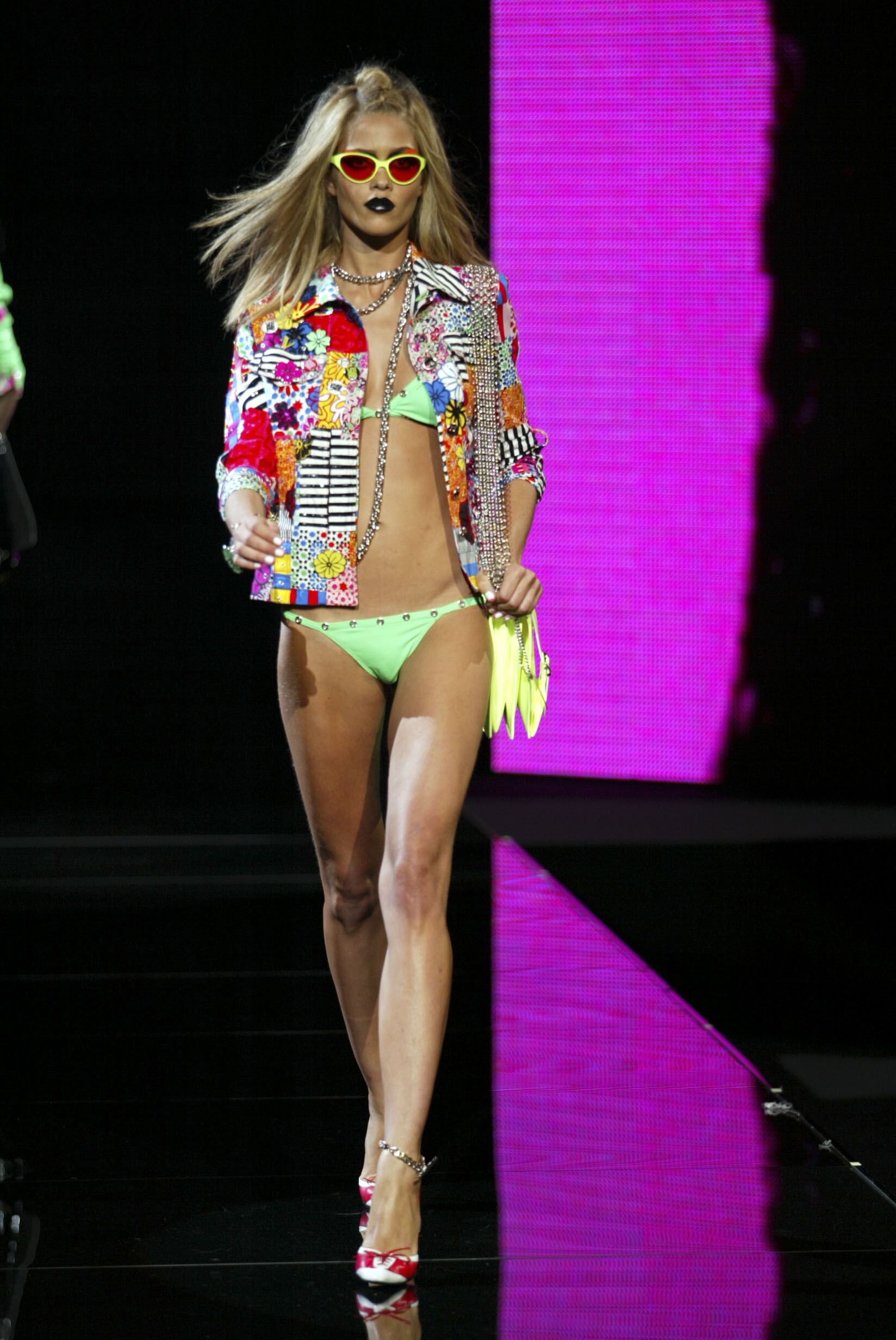
 Versus SS 2003:
 Valentino SS 2003:






































































































































Account
Navigation
Search
Configure browser push notifications
Chrome (Android)
- Tap the lock icon next to the address bar.
- Tap Permissions → Notifications.
- Adjust your preference.
Chrome (Desktop)
- Click the padlock icon in the address bar.
- Select Site settings.
- Find Notifications and adjust your preference.
Safari (iOS 16.4+)
- Ensure the site is installed via Add to Home Screen.
- Open Settings App → Notifications.
- Find your app name and adjust your preference.
Safari (macOS)
- Go to Safari → Preferences.
- Click the Websites tab.
- Select Notifications in the sidebar.
- Find this website and adjust your preference.
Edge (Android)
- Tap the lock icon next to the address bar.
- Tap Permissions.
- Find Notifications and adjust your preference.
Edge (Desktop)
- Click the padlock icon in the address bar.
- Click Permissions for this site.
- Find Notifications and adjust your preference.
Firefox (Android)
- Go to Settings → Site permissions.
- Tap Notifications.
- Find this site in the list and adjust your preference.
Firefox (Desktop)
- Open Firefox Settings.
- Search for Notifications.
- Find this site in the list and adjust your preference.