nhlovesadri
Members
-
Joined
-
Last visited
Everything posted by nhlovesadri
-
 Idk, maybe one of her daughters? It's a child hand.
Adriana is at 14:40, 18:04 and 18:54.
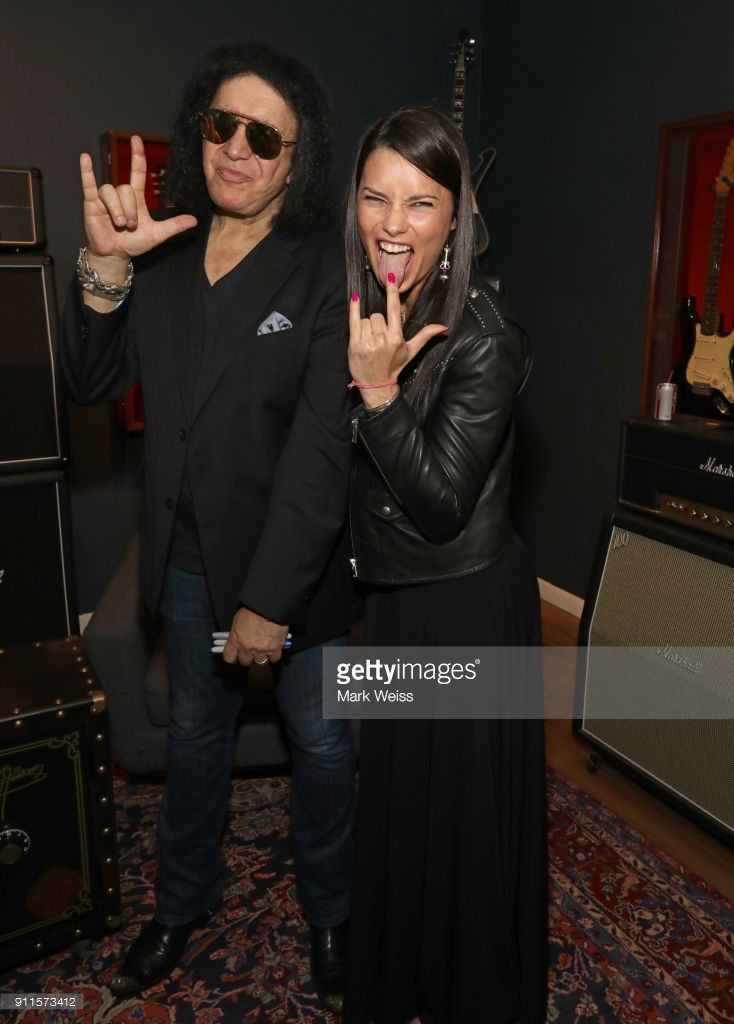
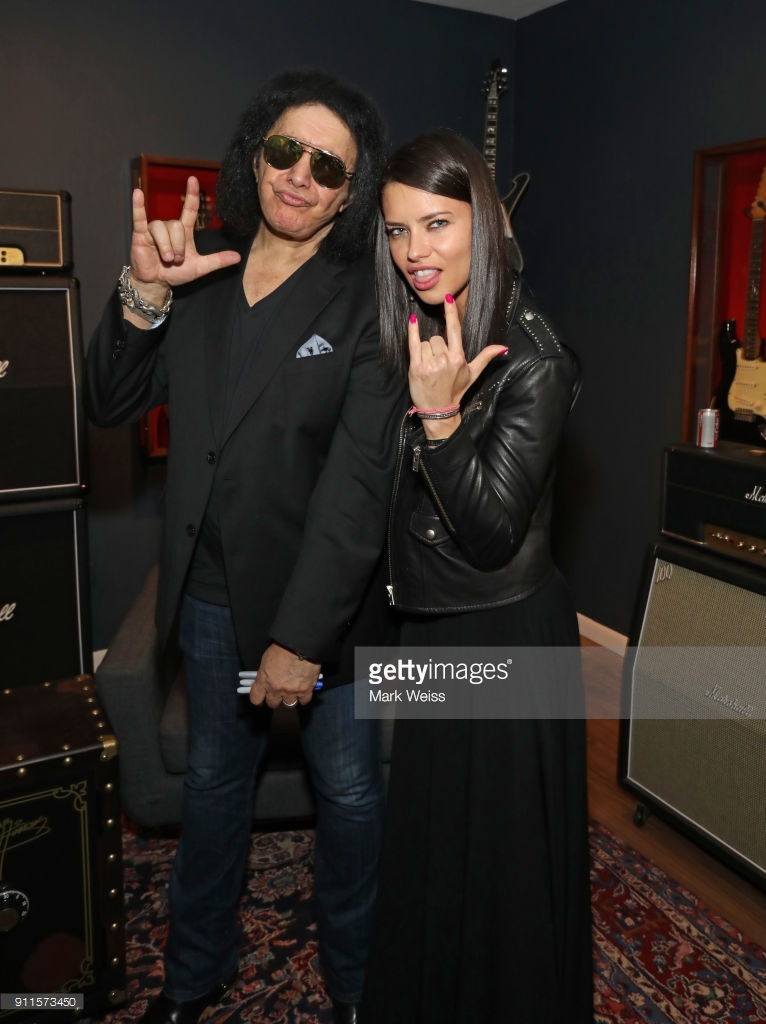
@emerald7 I was only able to find these on Getty
Idk, maybe one of her daughters? It's a child hand.
Adriana is at 14:40, 18:04 and 18:54.
@emerald7 I was only able to find these on Getty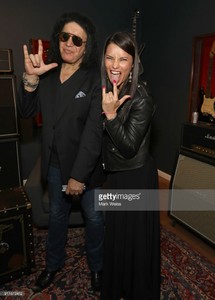
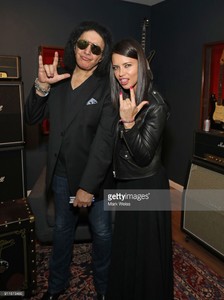 Adriana
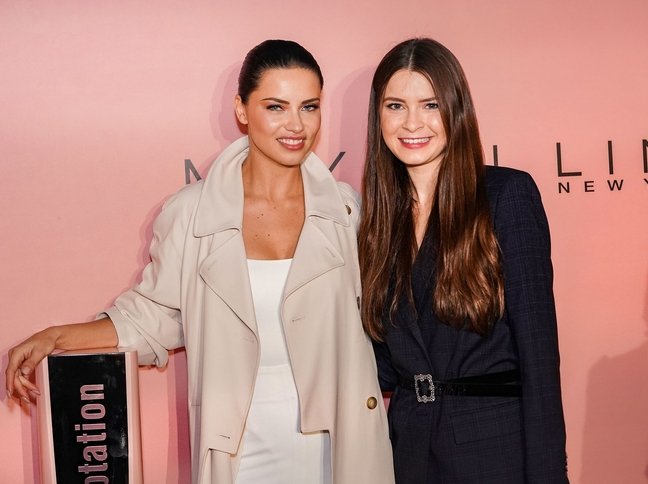
Showing the final comparison is not very business savy from Maybelline tho, because it basically shows that Adriana doesn't need any of their products to look perfect
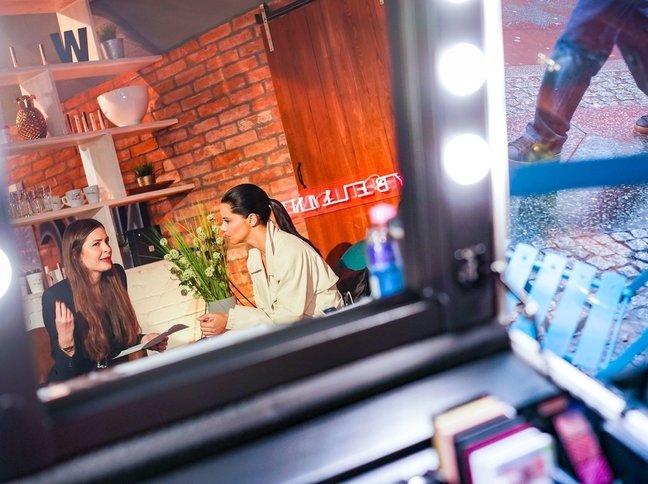
http://www.elle.de/adriana-lima-maybelline-interview Someone can translate this German interview? I used google translator and it seems to work quite fine tho, at least you can understand the general meaning.
Adriana
Showing the final comparison is not very business savy from Maybelline tho, because it basically shows that Adriana doesn't need any of their products to look perfect
http://www.elle.de/adriana-lima-maybelline-interview Someone can translate this German interview? I used google translator and it seems to work quite fine tho, at least you can understand the general meaning.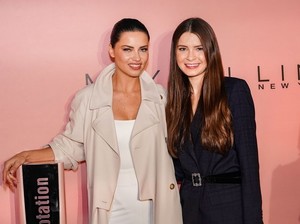
 The German version, in higher quality:
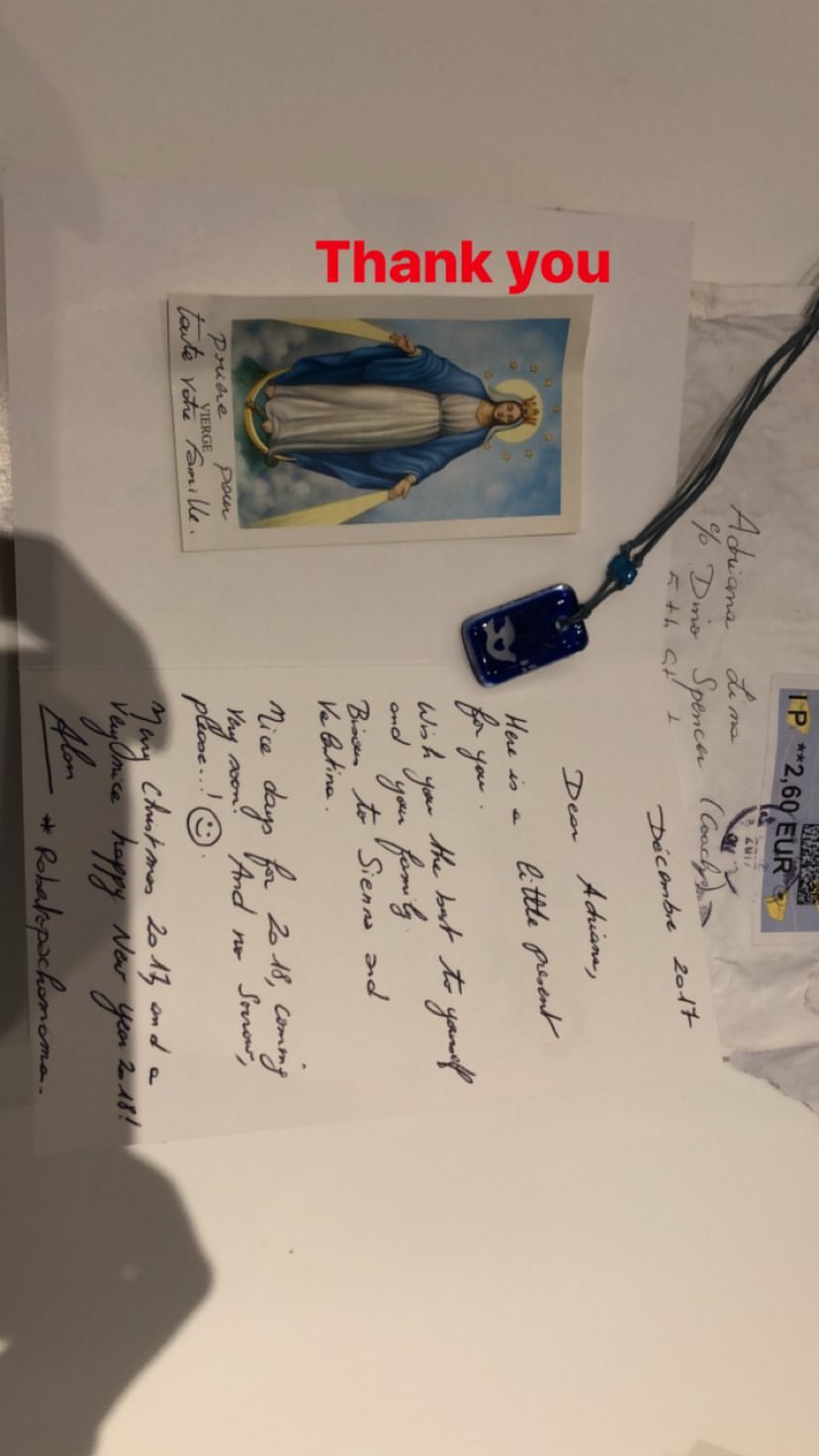
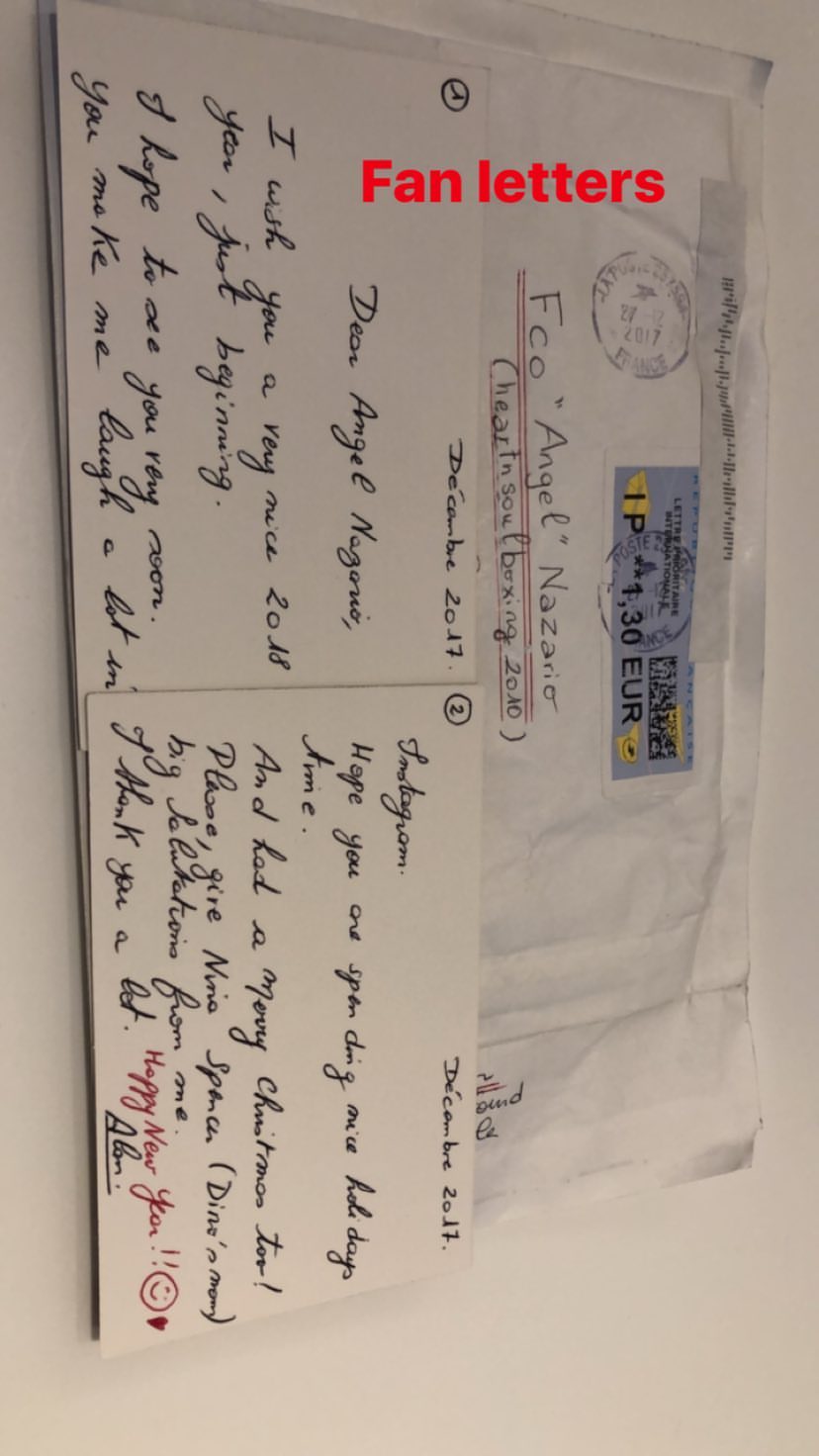
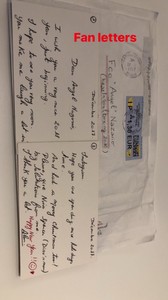
She posted on ig stories these pictures of fan letters she got. One tho doesn't seem for her tho, but for this man: https://www.instagram.com/heartnsoul2010/ who works for an organization that help kids through boxing. Someon knows if she is involved with it too?
The German version, in higher quality:
She posted on ig stories these pictures of fan letters she got. One tho doesn't seem for her tho, but for this man: https://www.instagram.com/heartnsoul2010/ who works for an organization that help kids through boxing. Someon knows if she is involved with it too?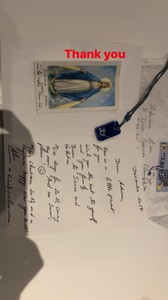
 the second in the gallery is a video
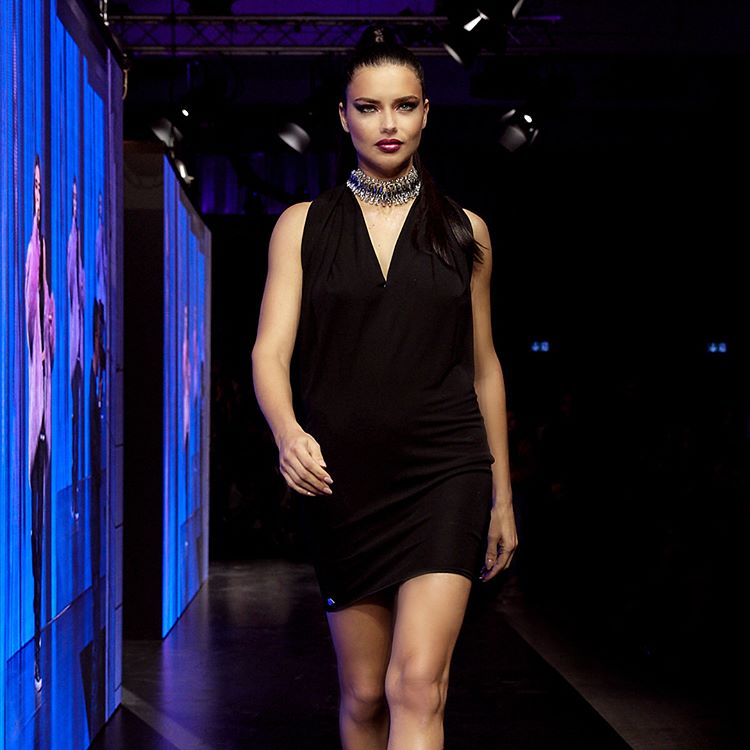
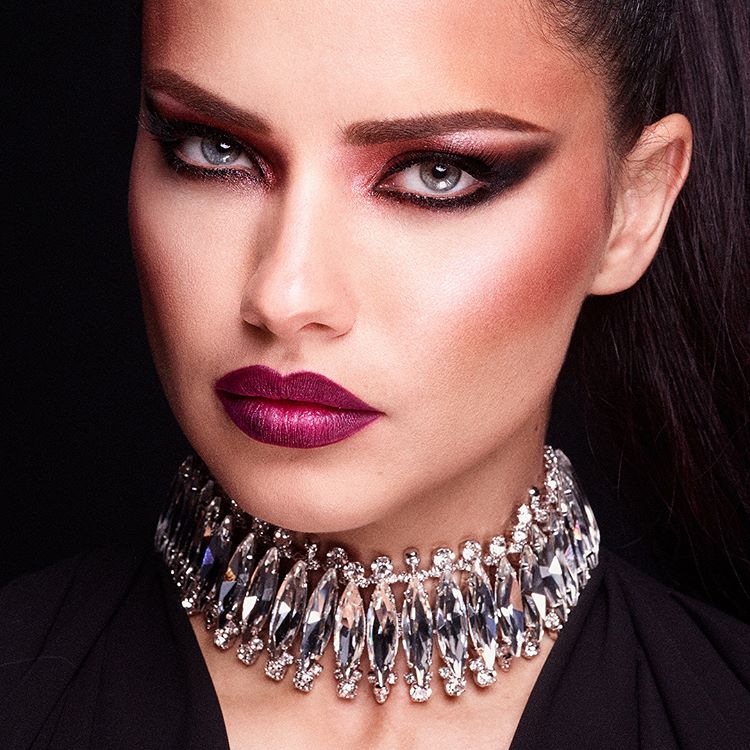
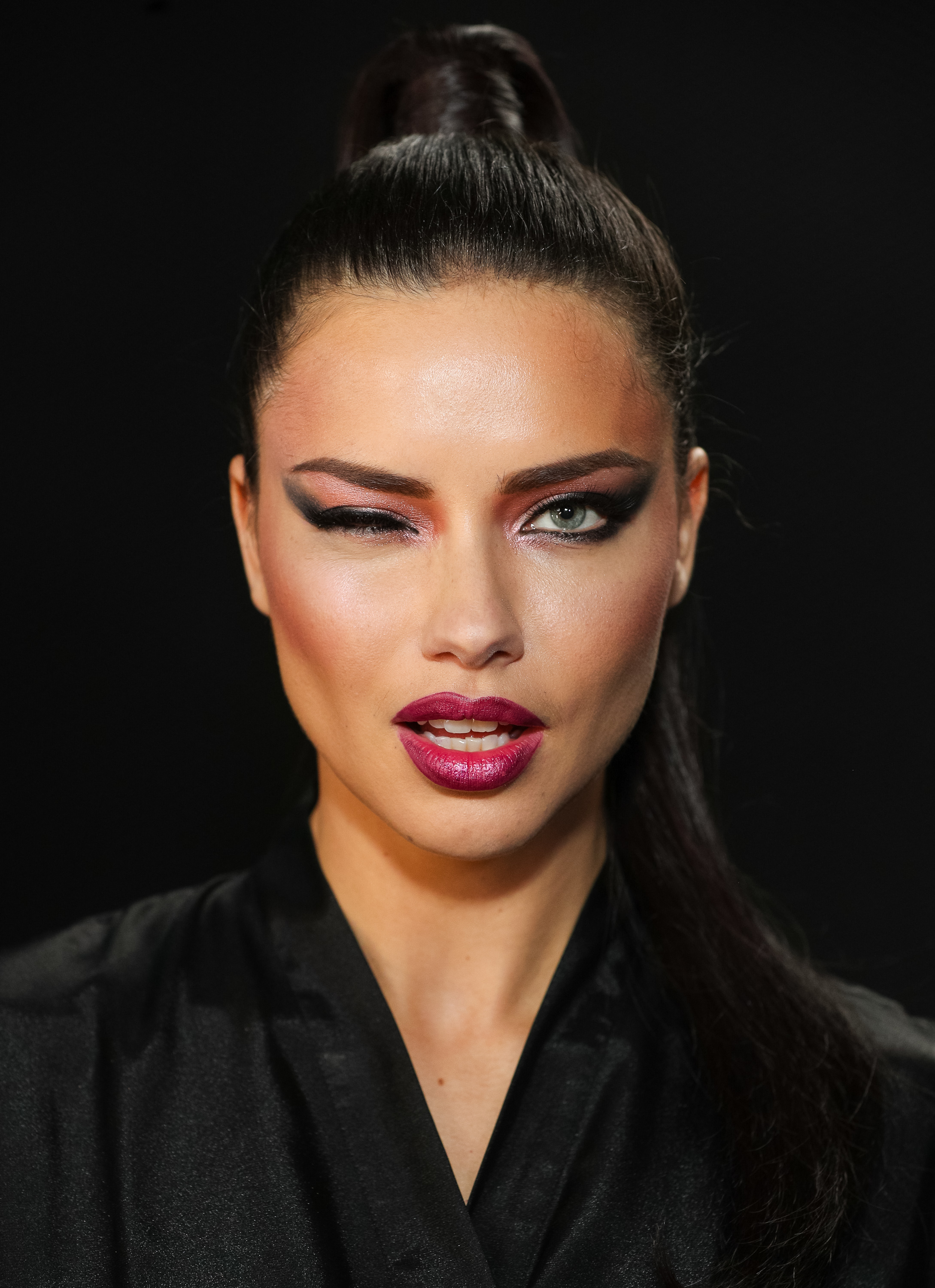
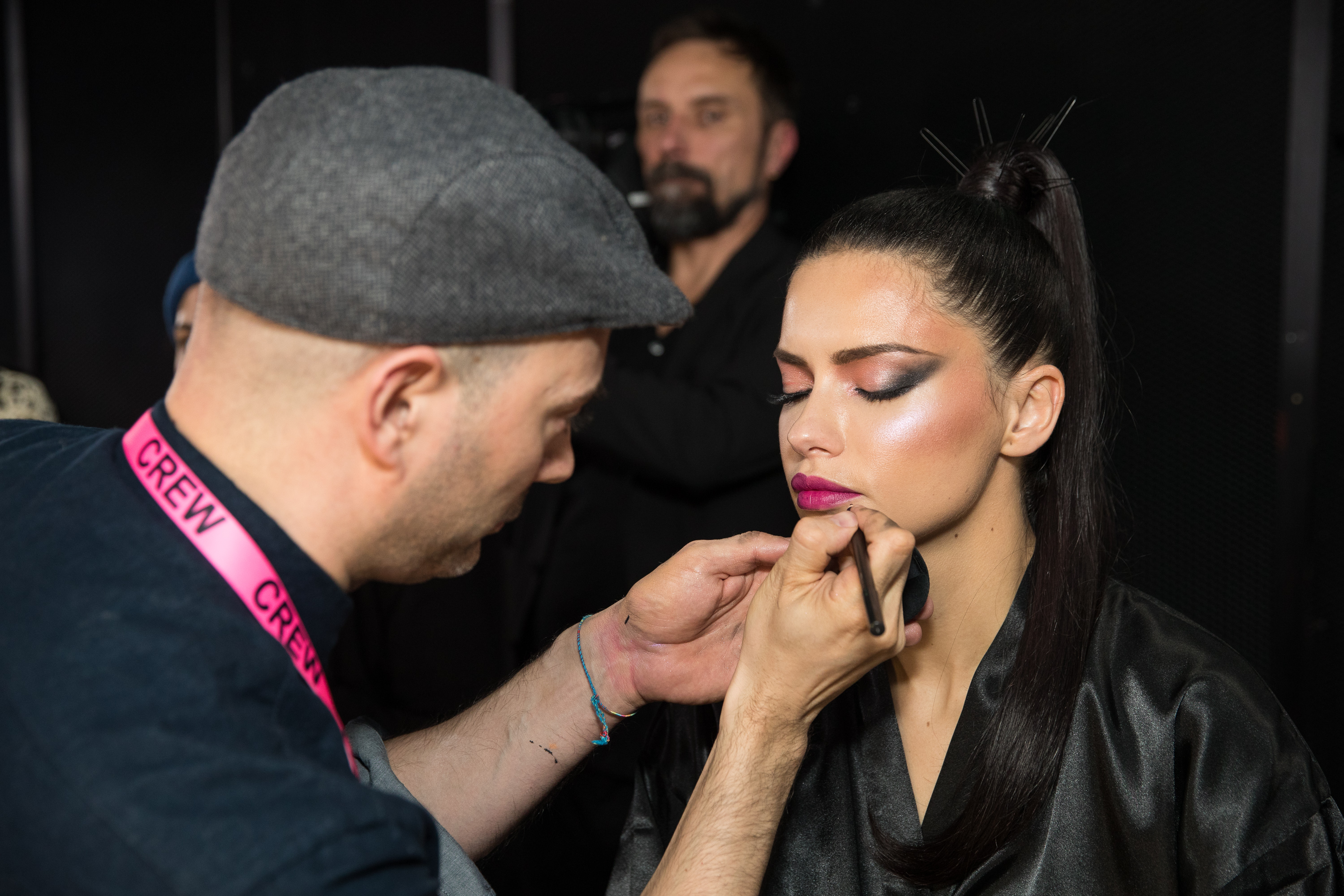
2 backstage HQs I found from a pess article yesterday (sorry I forgot the link where I found them exaclty).
the second in the gallery is a video
2 backstage HQs I found from a pess article yesterday (sorry I forgot the link where I found them exaclty).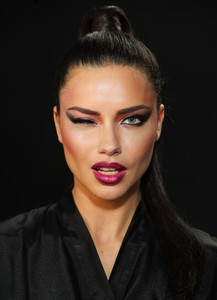
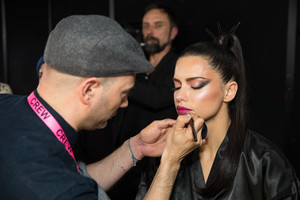 nabiha_nazan ig stories 27053863_400327890421578_7680146891052417024_n.mp4 27070915_155752048411661_2857018236778577920_n.mp4
Account
Navigation
Search
Configure browser push notifications
Chrome (Android)
- Tap the lock icon next to the address bar.
- Tap Permissions → Notifications.
- Adjust your preference.
Chrome (Desktop)
- Click the padlock icon in the address bar.
- Select Site settings.
- Find Notifications and adjust your preference.
Safari (iOS 16.4+)
- Ensure the site is installed via Add to Home Screen.
- Open Settings App → Notifications.
- Find your app name and adjust your preference.
Safari (macOS)
- Go to Safari → Preferences.
- Click the Websites tab.
- Select Notifications in the sidebar.
- Find this website and adjust your preference.
Edge (Android)
- Tap the lock icon next to the address bar.
- Tap Permissions.
- Find Notifications and adjust your preference.
Edge (Desktop)
- Click the padlock icon in the address bar.
- Click Permissions for this site.
- Find Notifications and adjust your preference.
Firefox (Android)
- Go to Settings → Site permissions.
- Tap Notifications.
- Find this site in the list and adjust your preference.
Firefox (Desktop)
- Open Firefox Settings.
- Search for Notifications.
- Find this site in the list and adjust your preference.