nhlovesadri
Members
-
Joined
-
Last visited
Everything posted by nhlovesadri
-
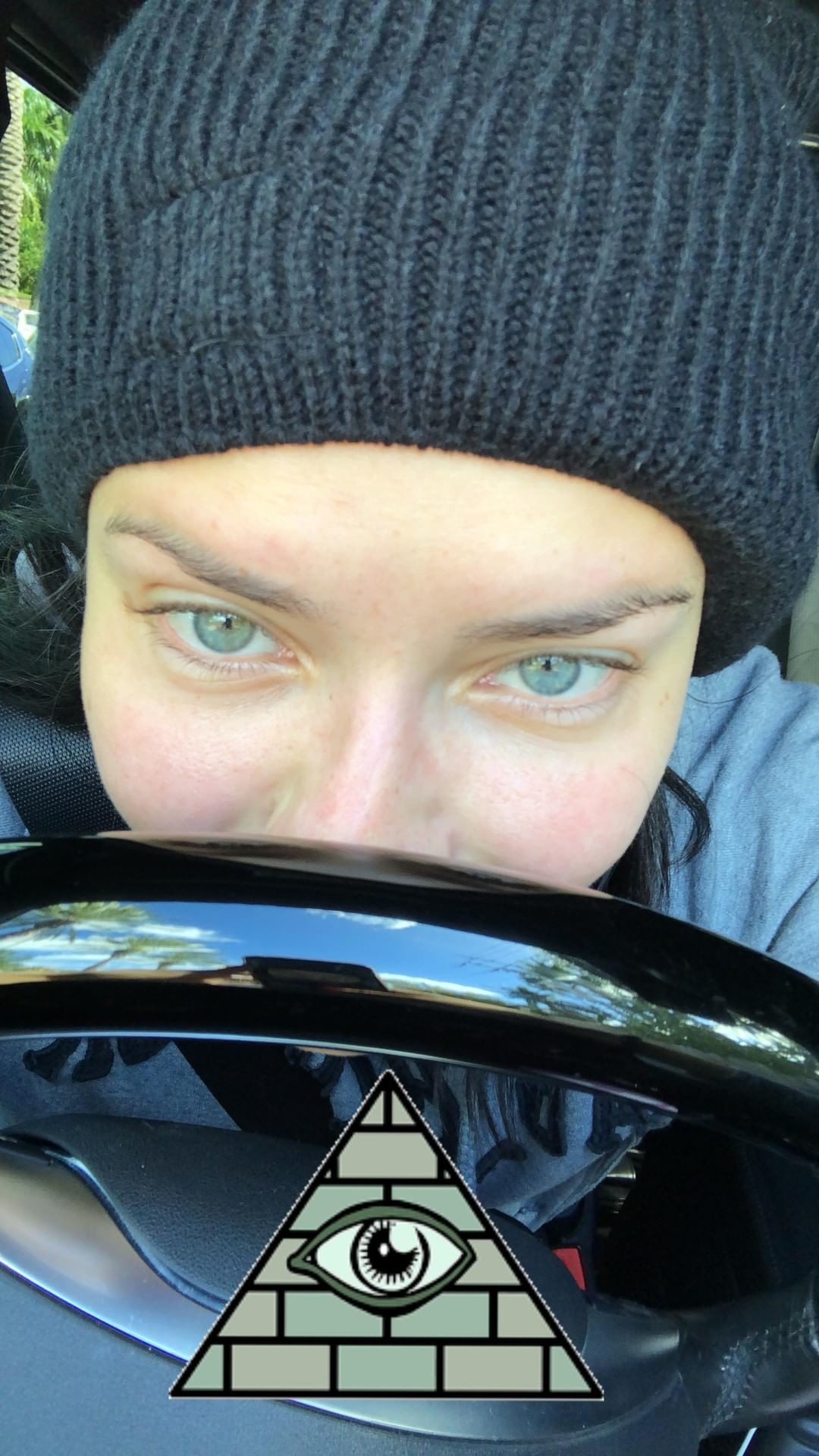
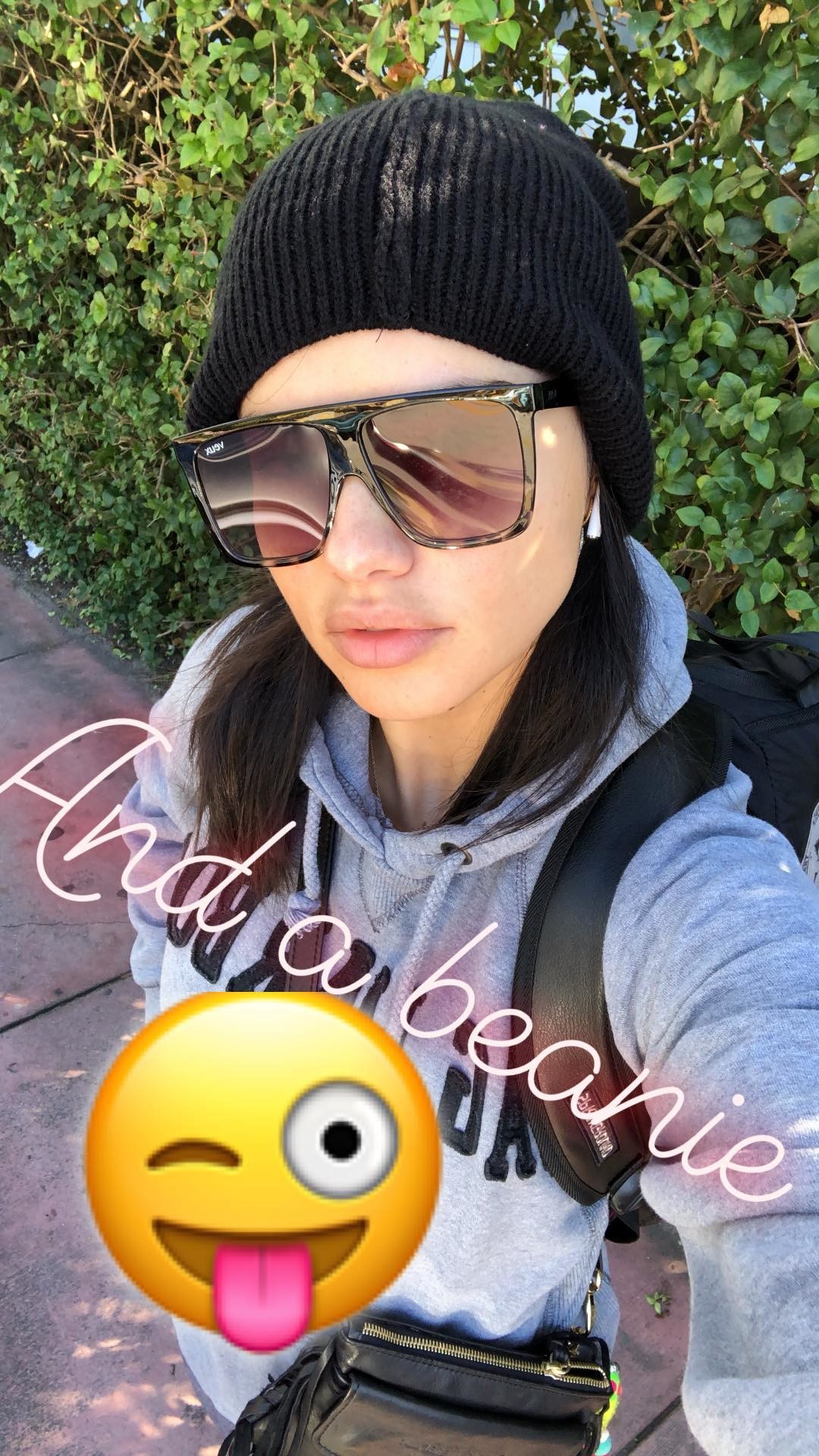
 Her ig stories 47273381_224160941814047_8134428021344407911_n.mp4
 -
-
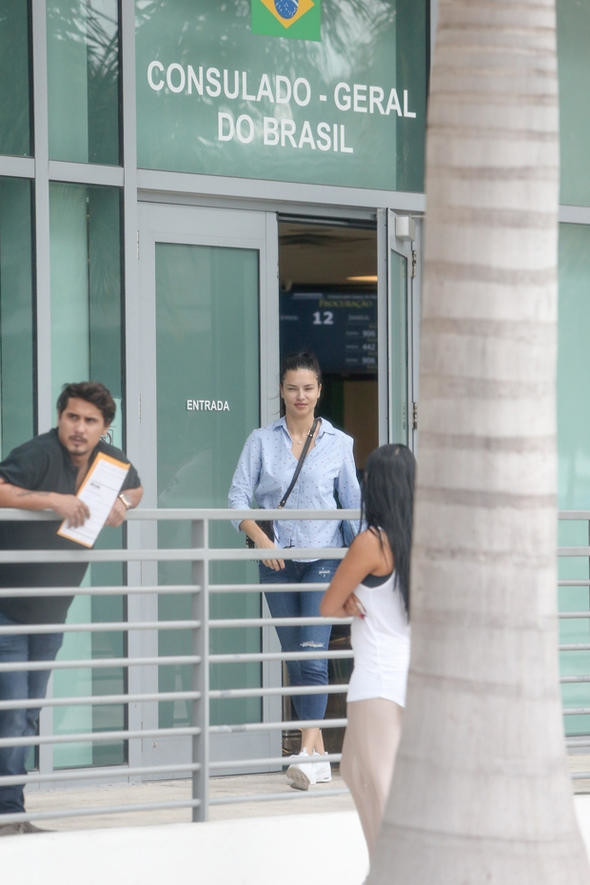
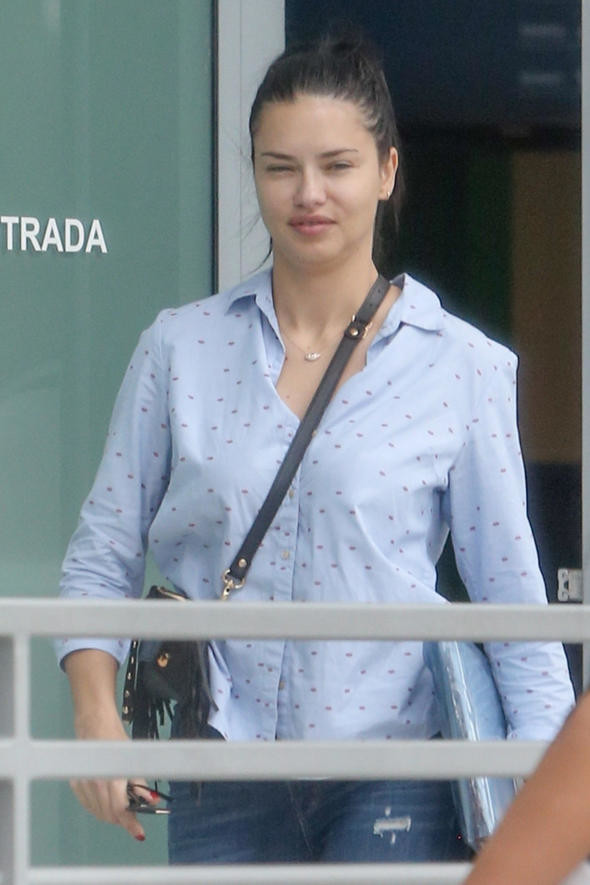
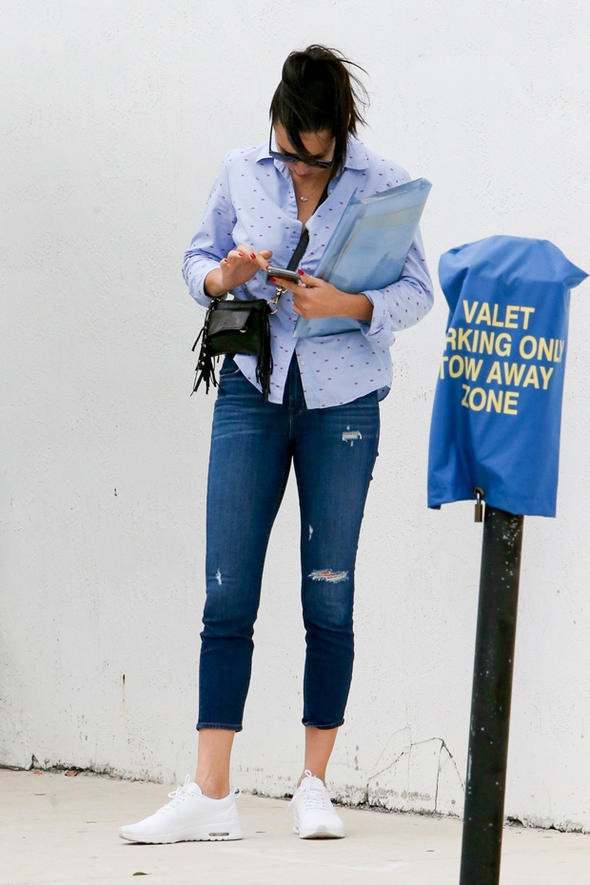
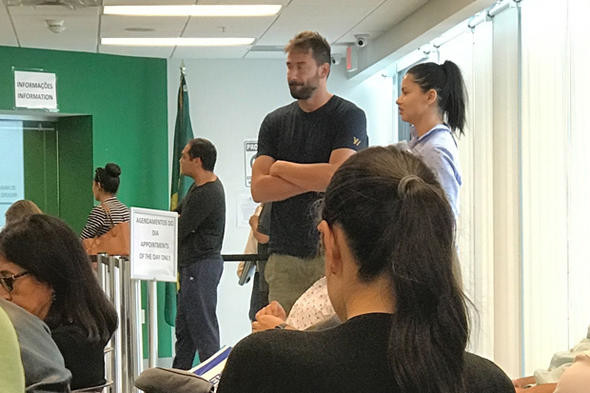
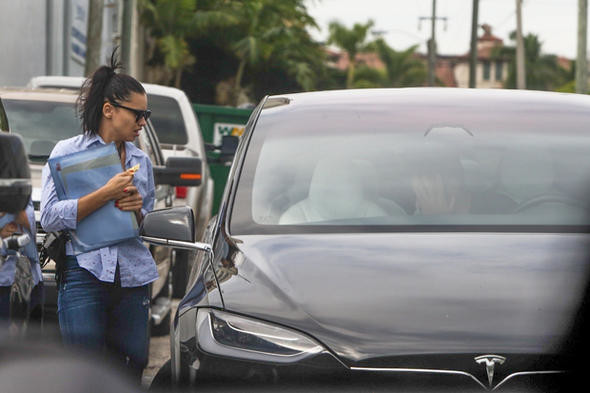
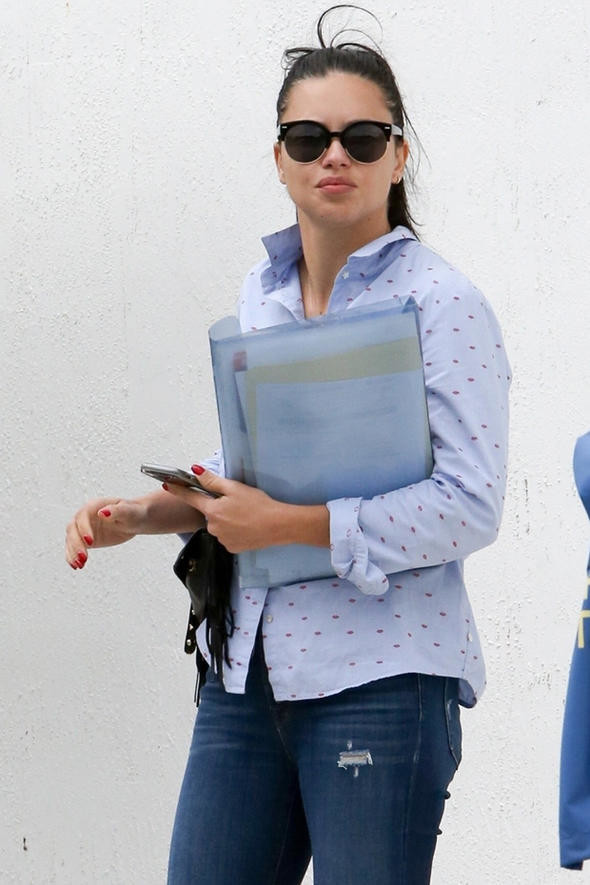
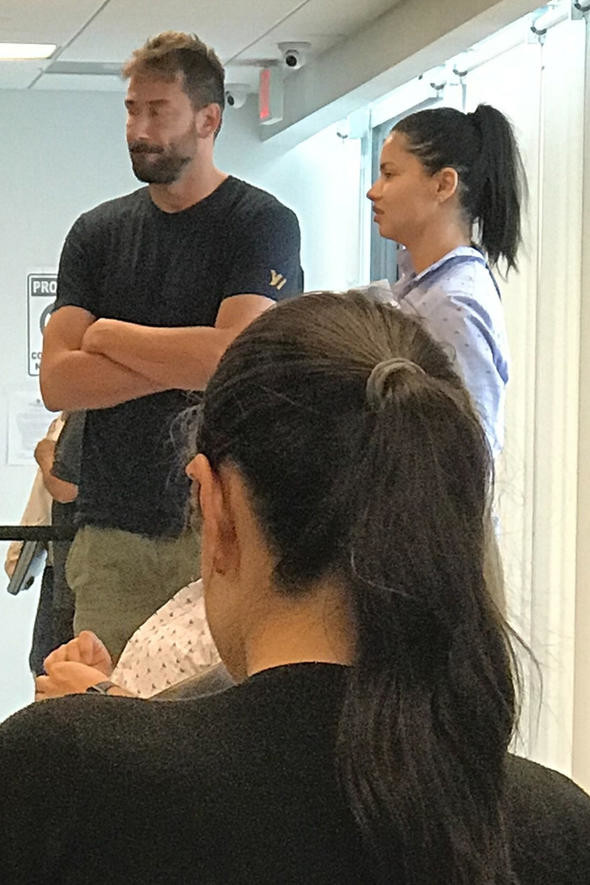
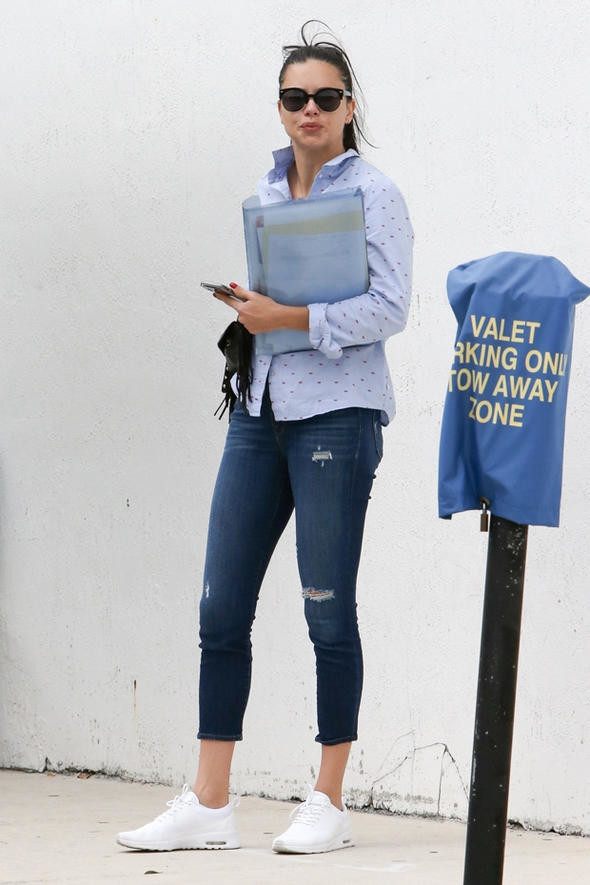
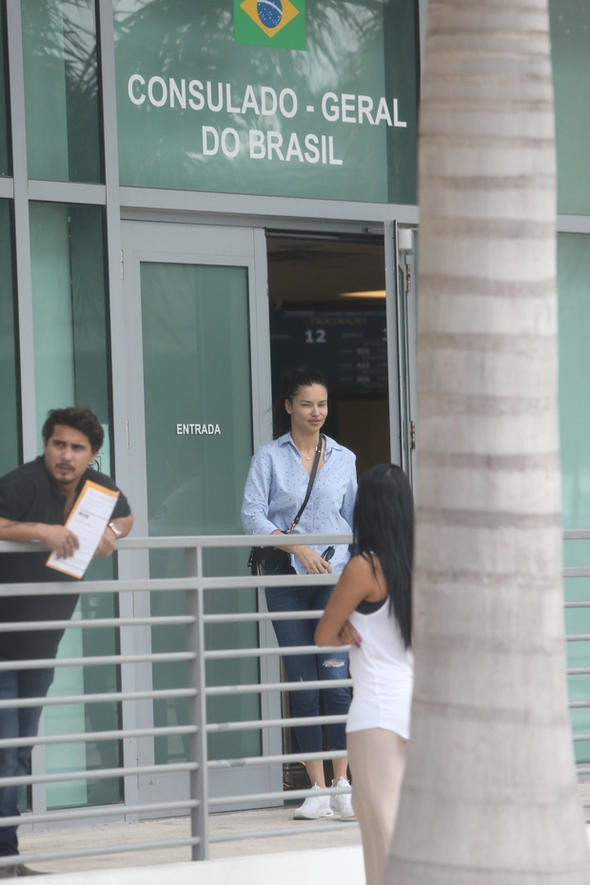
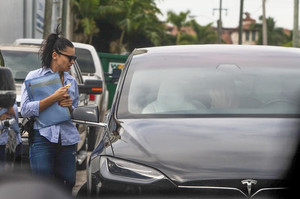
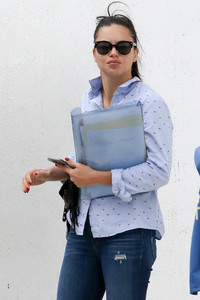
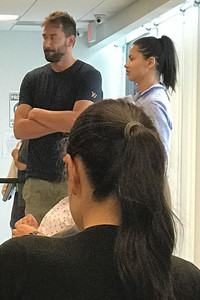
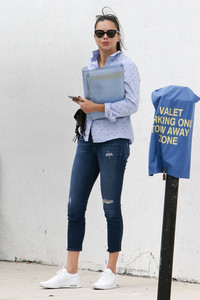
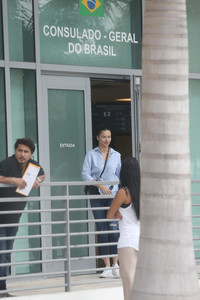
She was at the Brazilian consulate with Marko yesterday in Miami, from a Turkish website www.hurriyet.com.tr/galeri-adriana-eski-kocasiyla-bulustu-41043050?p=1
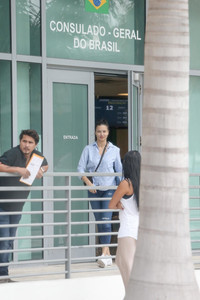
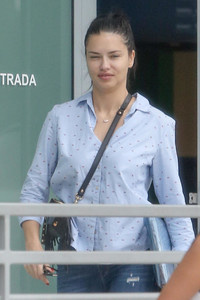
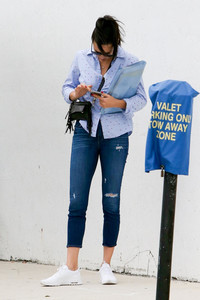
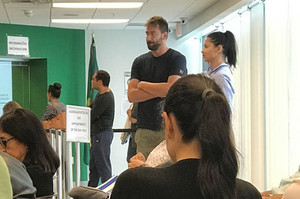
-
My Google translation said: "\ / \ / PROFIT \ / \ / You always wanted to see supermodels like @adrianalima, @lenagercke or @heriethpaul on the #Runway and be part of a Berlin Fashion Week show? On the 17th of January, this dream could come to fruition. We are giving away 2x2 tickets for the big @maybelline show at Fashion Week. Just tell us in the comments what makes you a true make-up addict and which star inspires you to fabulous beauty looks. With a bit of luck we will meet on 17.01.2019 at the Maybelline catwalk. We wish you a lot of luck. The competition ends on 09.12.2018. \ nDisclaimer: Instagram has no connection to this raffle and is not available as a contact person. Our conditions of participation apply:..." So idk if it's a real confirmation that she will be there for sure, or that they will have the Maybelline show with some of their sokemodesmodels like Adriana, Emily or Gigi. She was in Berlin last year but not in New York for the Maybelline show. I hope she will go, but maybe we will get some less ambiguous news before.
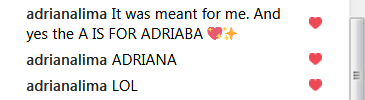
From the vsfs thread somebody made a few days ago a joke about the A wing details, saying Behati's fans are so crazy that they would say the A was BehAti and she gave them to Adriana instead. I know, it was a joke and it has no sense, but this fan account tought it was a legit rumor, and Ariana herelf commented saying they were for her
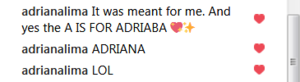 Have a laugh and see that people literally can't even understand irony: that A for behAti thing was written here today as a joke, and obviously on ig they take it like it's real lol
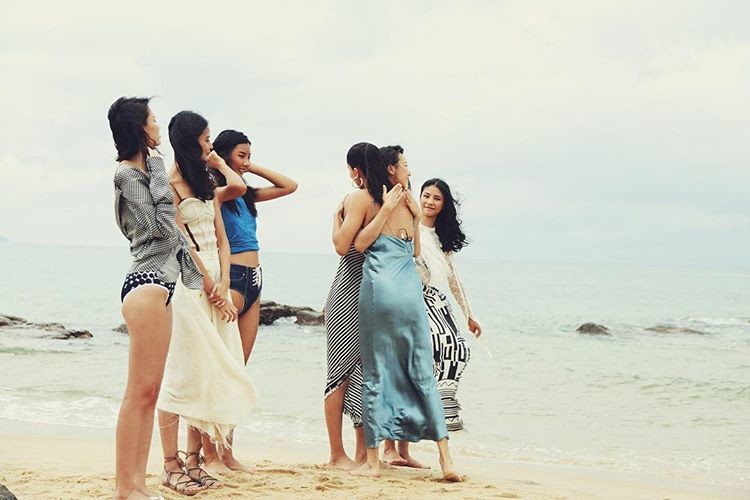
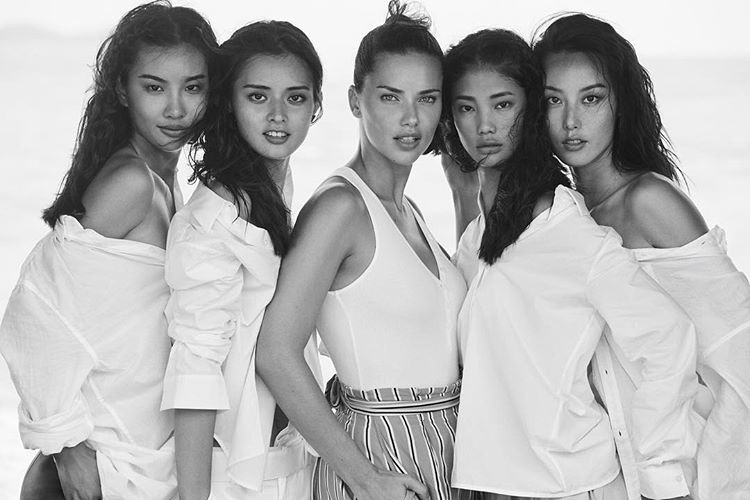
It was for a 2017 Chinese tv program, similar tot he model search competition VS did in 2009 for the show. A few Chinese models were casted and selected through challanges, and one of those challanges was doing a potoshoot with Russell James. He invited Adriana there to help the girls doing the shoot and to teach them how to pose. A link to see that episode is somewhere in the motion section of her thread I believe. She looked adorable, her "mother" side showing with her trying to help the girs. In the end no girl was part of the VS show I think, it ended up in nothing, just pr stuff and publicity.
He ig stories 47057153_194396881511812_7812544585147596679_n.mp4
her ig stories 47569836_2185547221772068_104284412822651535_n.mp4
SAME!!! But we know her, she already did talk in abstract about having more kids, even 2 more, she was joking here. I mean she alreayd did marry after an year or less, and she has seen how it went. I don't think she will do it again after only 1 year of dating. That is like 6 months in reality because they don't live togheter.
Her ig stories, singing to Abba 47484935_2215974195327257_4774800422607469402_n.mp4
Found the first HD torrent for the show, 4GB: https://rarbg.to/torrent/gkhqnwf If it doesn't load the page because in your country it's blocked, don't worry, go here: https://torrents.me/proxy/rarbg/ choose one of the not blocked pages on the list, type the file name on the search bar (Victoria Secret Holiday Special) and you should be able to find it in the search results. Open it, and click on the Magnet link (it looks like a little red magnet, yes, up near the file name). Your torrent program (uTorrent for example) should open and ask you to start the file download.
Found the first HD torrent for the show, 4GB: https://rarbg.to/torrent/gkhqnwf Again if it doesn't load the page because in your country it's blocked, go here: https://torrents.me/proxy/rarbg/ choose one of the not blocked pages on the list, type the file name on the search bar (Victoria Secret Holiday Special) and you should be able to find it in the search results. Open it, and click on the Magnet link (it looks like a little red magnet, yes, up near the file name). Your torrent program (utorrent for example) should open and ask you to start the file download.
Have a laugh and see that people literally can't even understand irony: that A for behAti thing was written here today as a joke, and obviously on ig they take it like it's real lol
It was for a 2017 Chinese tv program, similar tot he model search competition VS did in 2009 for the show. A few Chinese models were casted and selected through challanges, and one of those challanges was doing a potoshoot with Russell James. He invited Adriana there to help the girls doing the shoot and to teach them how to pose. A link to see that episode is somewhere in the motion section of her thread I believe. She looked adorable, her "mother" side showing with her trying to help the girs. In the end no girl was part of the VS show I think, it ended up in nothing, just pr stuff and publicity.
He ig stories 47057153_194396881511812_7812544585147596679_n.mp4
her ig stories 47569836_2185547221772068_104284412822651535_n.mp4
SAME!!! But we know her, she already did talk in abstract about having more kids, even 2 more, she was joking here. I mean she alreayd did marry after an year or less, and she has seen how it went. I don't think she will do it again after only 1 year of dating. That is like 6 months in reality because they don't live togheter.
Her ig stories, singing to Abba 47484935_2215974195327257_4774800422607469402_n.mp4
Found the first HD torrent for the show, 4GB: https://rarbg.to/torrent/gkhqnwf If it doesn't load the page because in your country it's blocked, don't worry, go here: https://torrents.me/proxy/rarbg/ choose one of the not blocked pages on the list, type the file name on the search bar (Victoria Secret Holiday Special) and you should be able to find it in the search results. Open it, and click on the Magnet link (it looks like a little red magnet, yes, up near the file name). Your torrent program (uTorrent for example) should open and ask you to start the file download.
Found the first HD torrent for the show, 4GB: https://rarbg.to/torrent/gkhqnwf Again if it doesn't load the page because in your country it's blocked, go here: https://torrents.me/proxy/rarbg/ choose one of the not blocked pages on the list, type the file name on the search bar (Victoria Secret Holiday Special) and you should be able to find it in the search results. Open it, and click on the Magnet link (it looks like a little red magnet, yes, up near the file name). Your torrent program (utorrent for example) should open and ask you to start the file download.Account
Navigation
Search
Configure browser push notifications
Chrome (Android)
- Tap the lock icon next to the address bar.
- Tap Permissions → Notifications.
- Adjust your preference.
Chrome (Desktop)
- Click the padlock icon in the address bar.
- Select Site settings.
- Find Notifications and adjust your preference.
Safari (iOS 16.4+)
- Ensure the site is installed via Add to Home Screen.
- Open Settings App → Notifications.
- Find your app name and adjust your preference.
Safari (macOS)
- Go to Safari → Preferences.
- Click the Websites tab.
- Select Notifications in the sidebar.
- Find this website and adjust your preference.
Edge (Android)
- Tap the lock icon next to the address bar.
- Tap Permissions.
- Find Notifications and adjust your preference.
Edge (Desktop)
- Click the padlock icon in the address bar.
- Click Permissions for this site.
- Find Notifications and adjust your preference.
Firefox (Android)
- Go to Settings → Site permissions.
- Tap Notifications.
- Find this site in the list and adjust your preference.
Firefox (Desktop)
- Open Firefox Settings.
- Search for Notifications.
- Find this site in the list and adjust your preference.