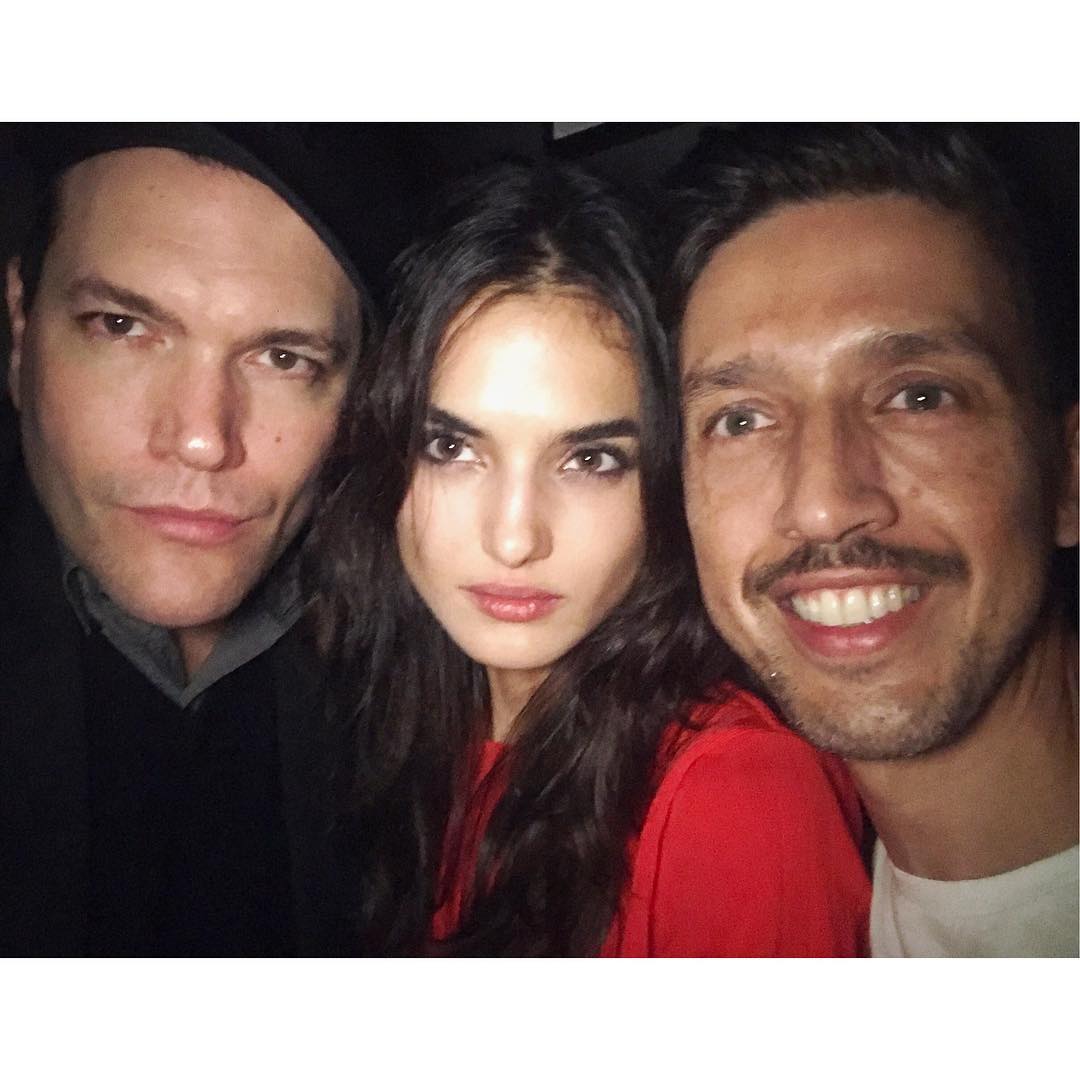

DolceGabbanaLove5
Members
-
Joined
-
Last visited
Everything posted by DolceGabbanaLove5
-
 Dolce & Gabbana Light Blue winter 2016 by Mario Testino
 IG story
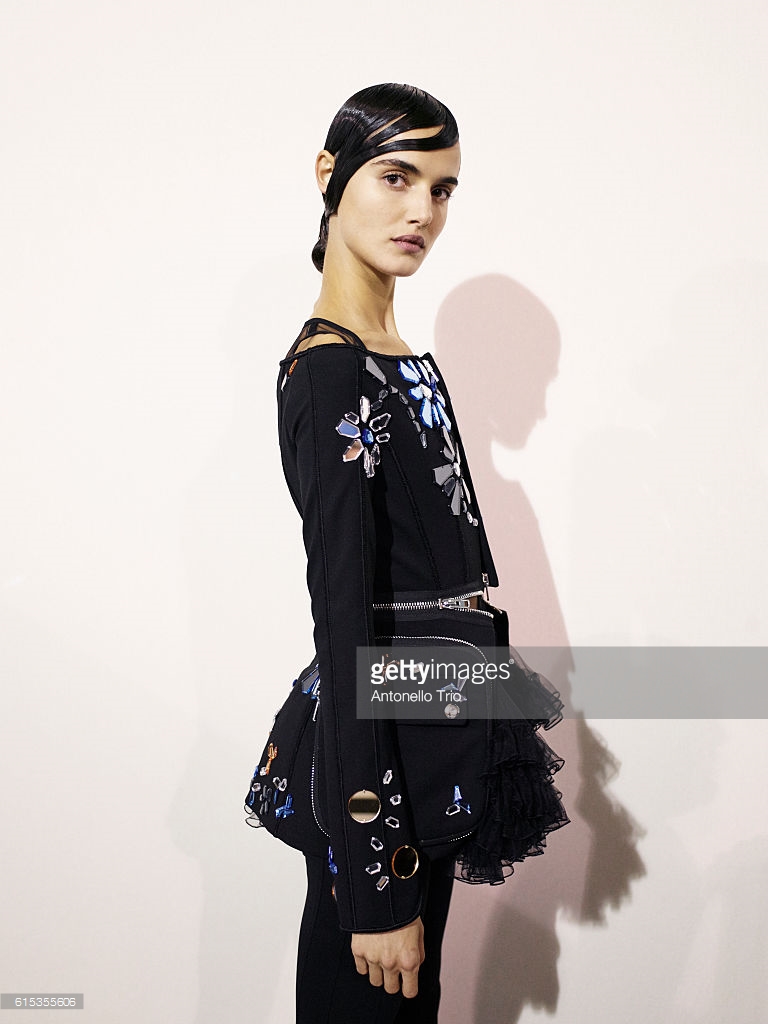
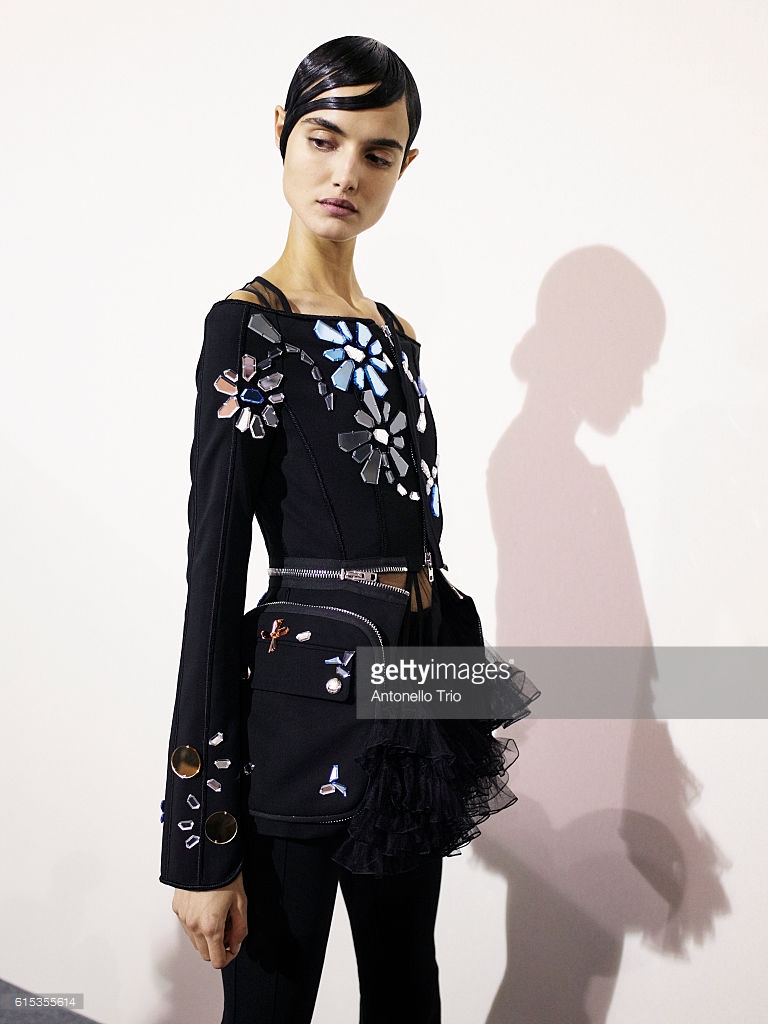
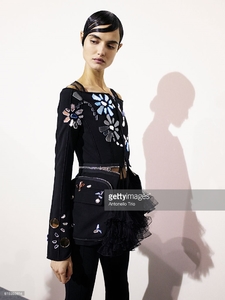
 Givenchy S/S 2017 backstage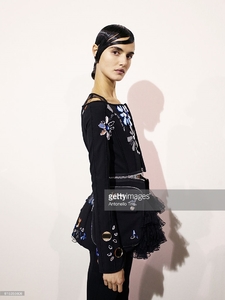
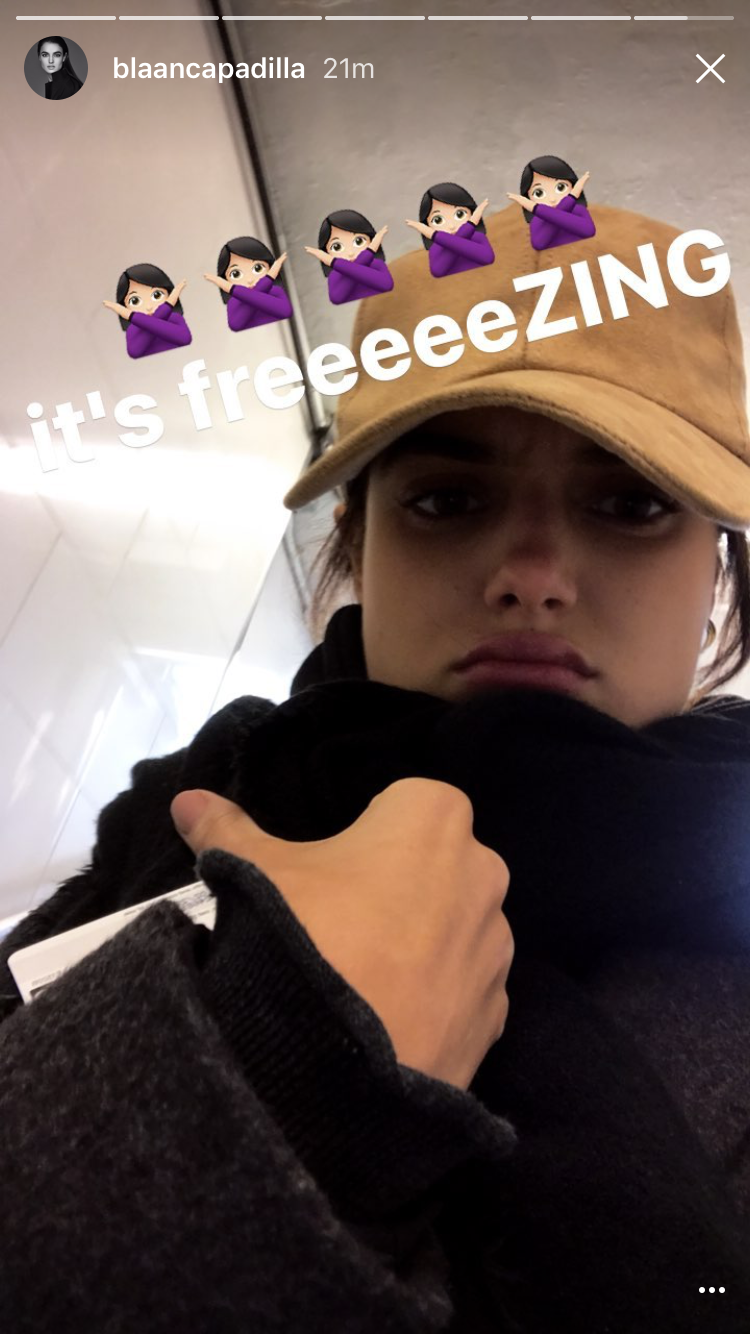
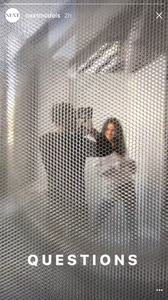
 IG stories and Snapchat (looks like she was doing an interview for Next Management's YouTube page)



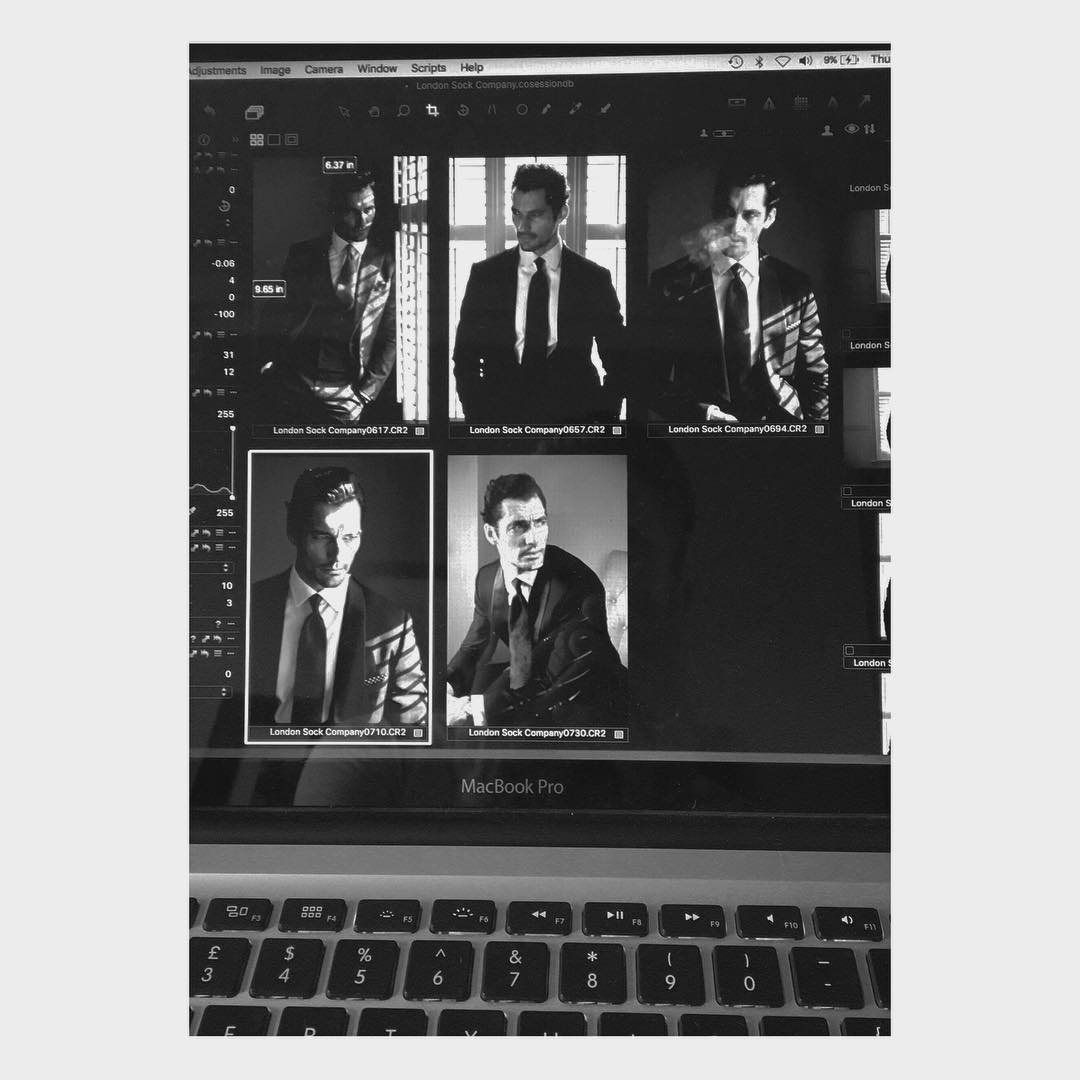
 David Gandy joins BOMBAY SAPPHIRE to celebrate the launch of The Grand Journey, a new immersive drinking and tasting experience inspired by the 10 botanicals that make the gin on October 17, 2016 in Shoreditch, London, England.








 So, one of my best friends from high school met Karlie today.
@Manan Instagram has a strict rule about nudity, and those images are via her Instagram.
IG story
So, one of my best friends from high school met Karlie today.
@Manan Instagram has a strict rule about nudity, and those images are via her Instagram.
IG story
 Ditto. Especially since a lot of these photos are in the wrong thread too, and as you've said a lot of them are reposts.
From Thursday
Ditto. Especially since a lot of these photos are in the wrong thread too, and as you've said a lot of them are reposts.
From Thursday From yesterday
 IG story
 @duhampi @flowerfield100 Thank you for all the adds!
This girl is on fire!
@duhampi @flowerfield100 Thank you for all the adds!
This girl is on fire!
Account
Navigation
Search
Configure browser push notifications
Chrome (Android)
- Tap the lock icon next to the address bar.
- Tap Permissions → Notifications.
- Adjust your preference.
Chrome (Desktop)
- Click the padlock icon in the address bar.
- Select Site settings.
- Find Notifications and adjust your preference.
Safari (iOS 16.4+)
- Ensure the site is installed via Add to Home Screen.
- Open Settings App → Notifications.
- Find your app name and adjust your preference.
Safari (macOS)
- Go to Safari → Preferences.
- Click the Websites tab.
- Select Notifications in the sidebar.
- Find this website and adjust your preference.
Edge (Android)
- Tap the lock icon next to the address bar.
- Tap Permissions.
- Find Notifications and adjust your preference.
Edge (Desktop)
- Click the padlock icon in the address bar.
- Click Permissions for this site.
- Find Notifications and adjust your preference.
Firefox (Android)
- Go to Settings → Site permissions.
- Tap Notifications.
- Find this site in the list and adjust your preference.
Firefox (Desktop)
- Open Firefox Settings.
- Search for Notifications.
- Find this site in the list and adjust your preference.