

Everything posted by PrettyDeadThings
-
 I was there too, but no judgment.
 -
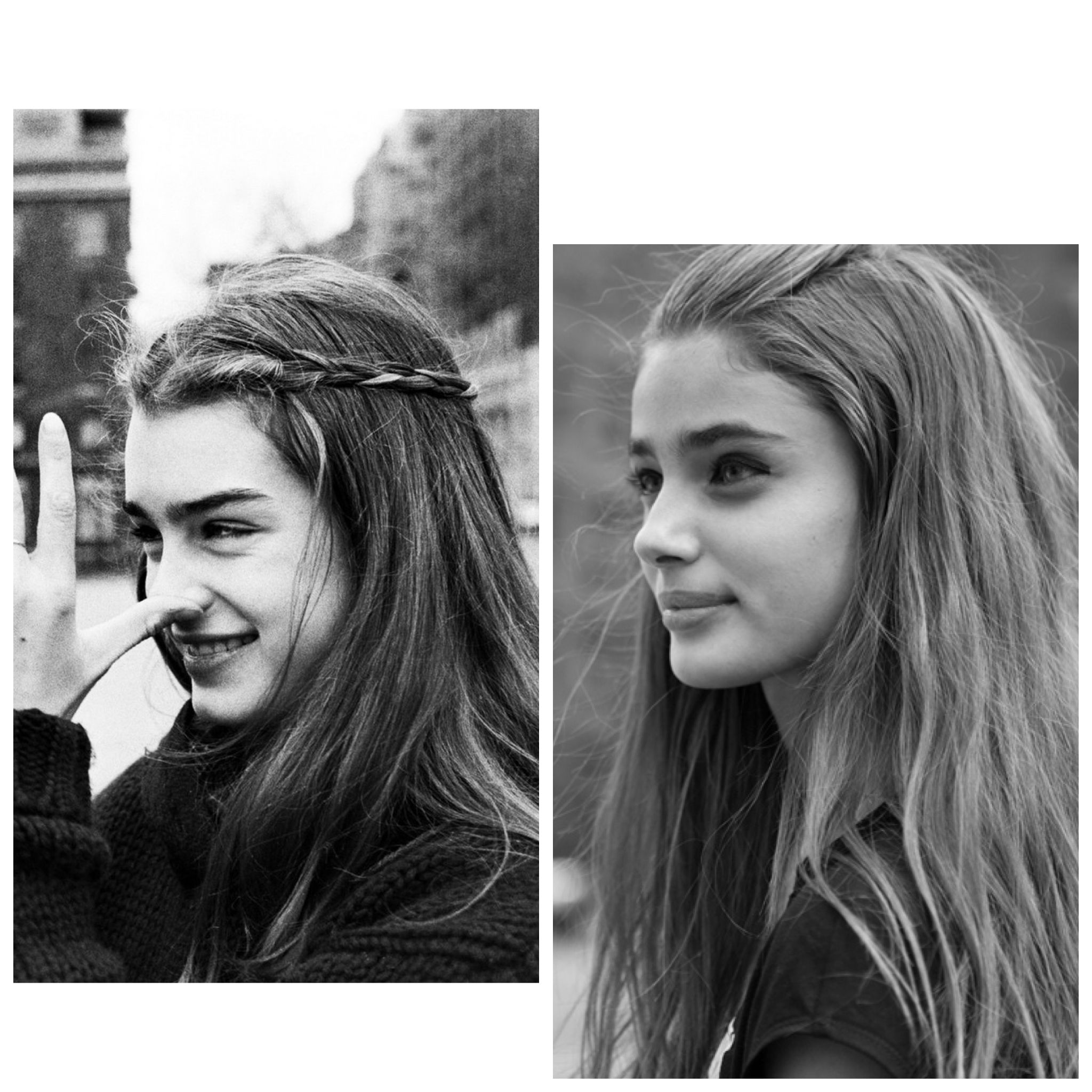
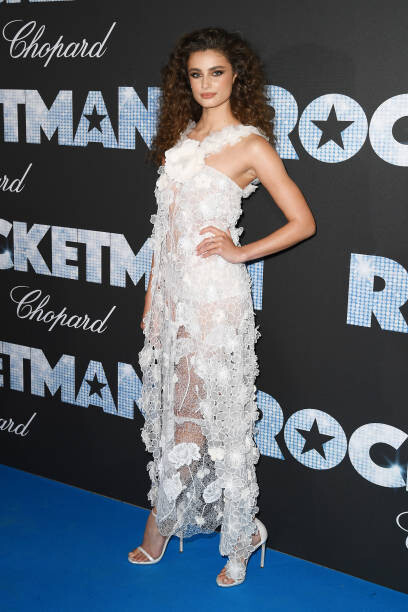
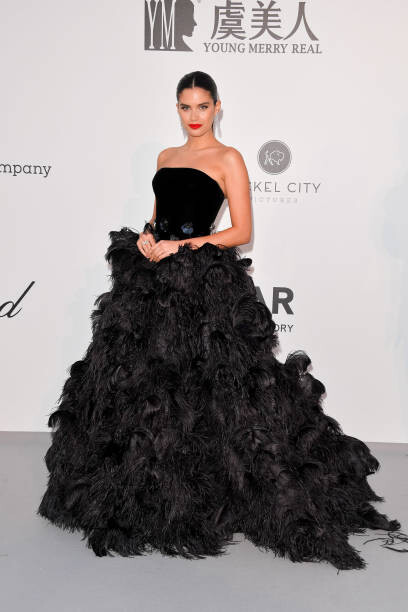
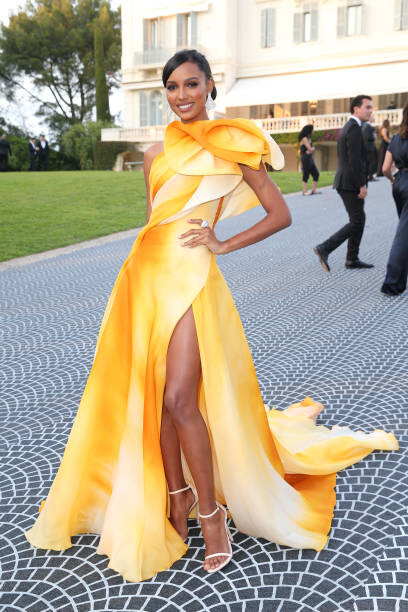
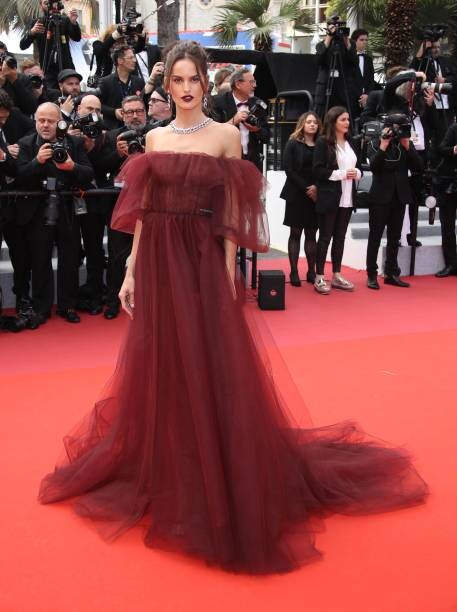
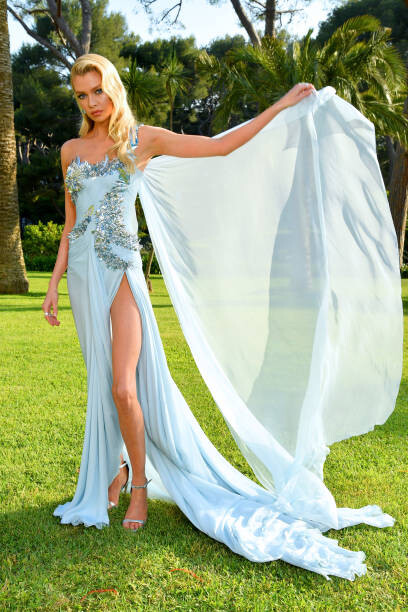
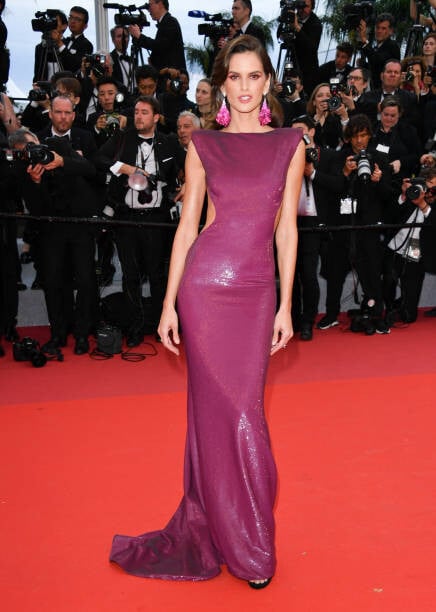
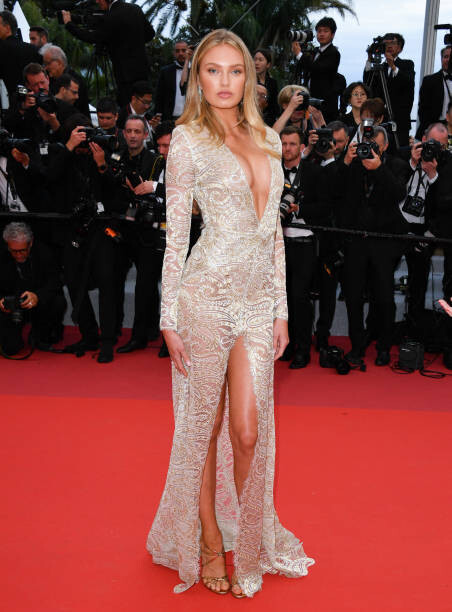
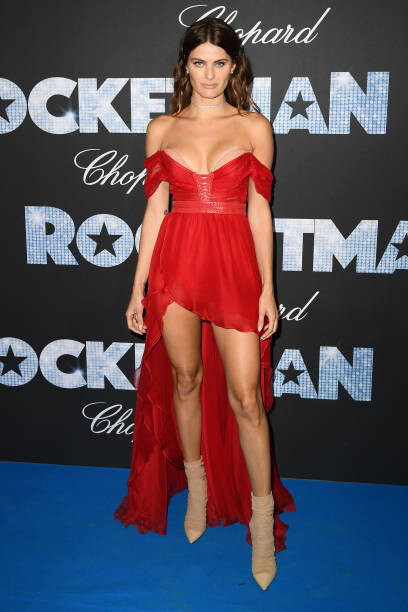
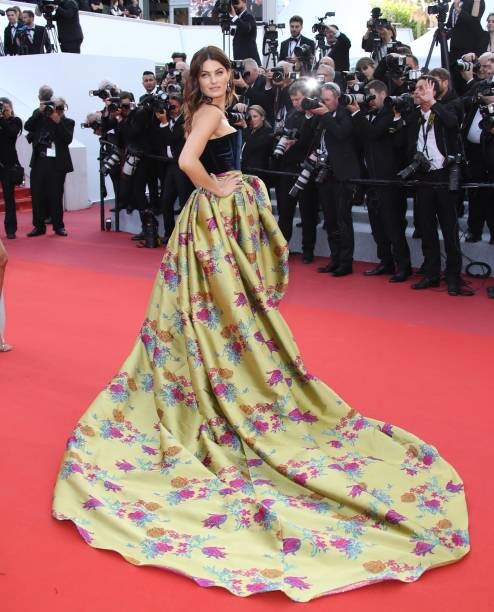
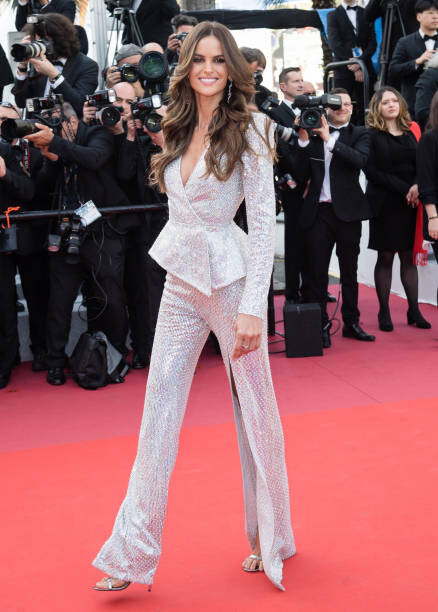
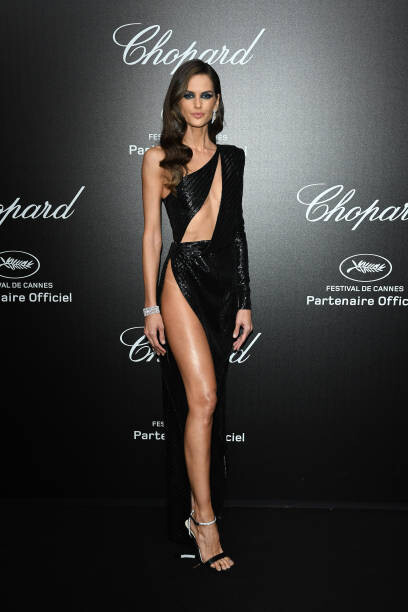
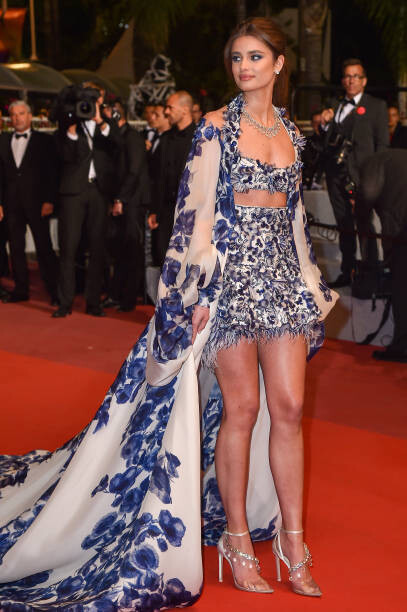
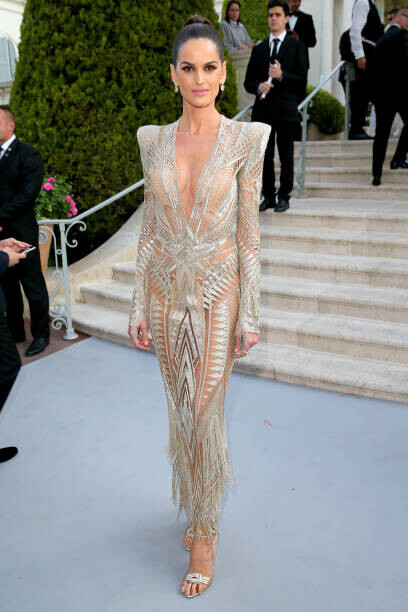
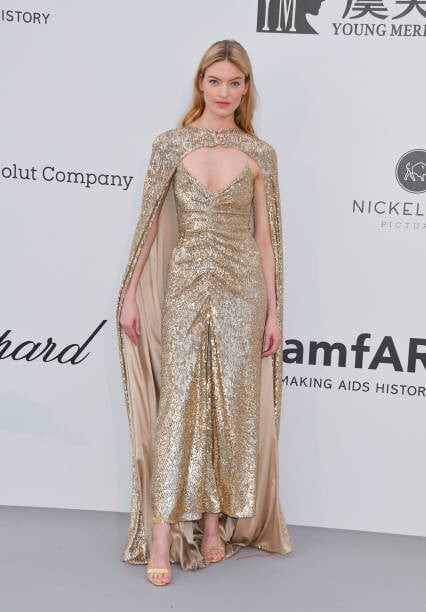
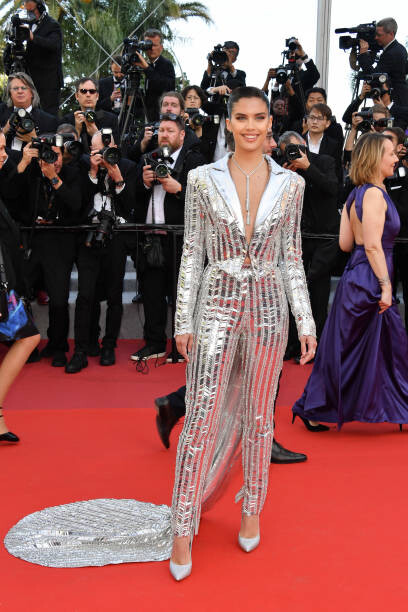
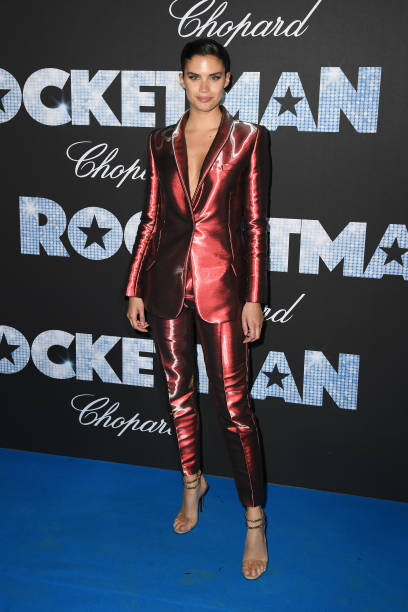
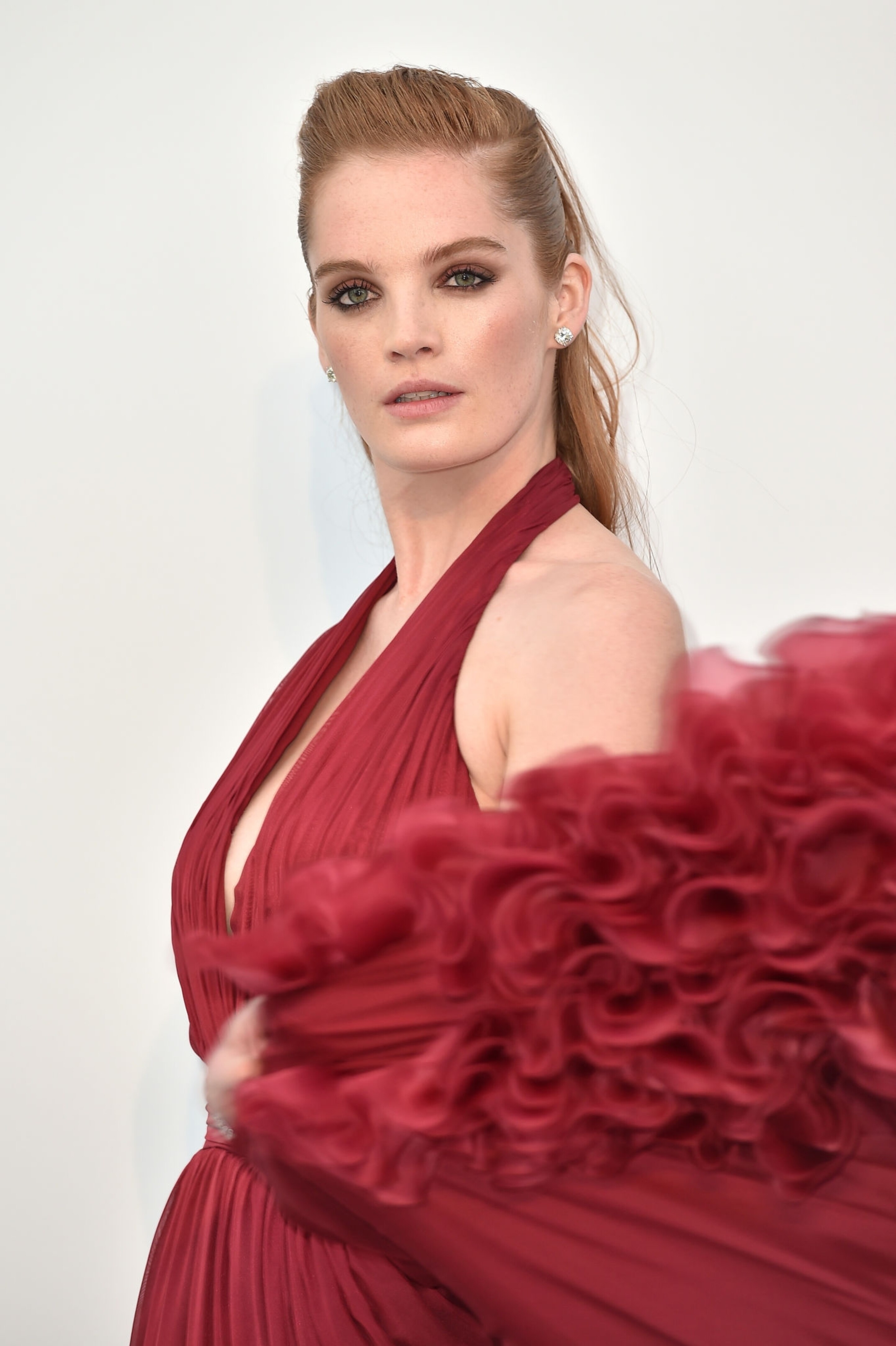
Taylor at times is a dead ringer for Brooke Shields, other times she could pass at her daughter or sister. And the look if you know anything about clothing history Taylors look was a very similar cut and style that was popular back in the 70's. Even the hair is spot on. Actually, if we're being honest, most of the looks on the red carpet have been giving homage to looks from the late '60s, '70s and early '80s. From Sara's pants sets to Taylor's white/purple number which is a nod to Audrey Hepburn (who Taylor has also been compared too), Brigitte Bardot and Parisian Avant-Garde fashions of the '60s and '70s and even a little modern gypsy culture. There are also nods to Disco in a couple of the looks Izabel worn (among many others) Fashion at it's best is just recycled fads, camp, and styles from yesteryear...


-
Homage to Studio 54 is never a bad thing lol The inner channelings of Brooke Sheilds are real, but I understand how it may not be to your liking.
Again it doesn't sound like they're canceling it, just changing the way it's viewed and formatted. Here is the full memo
Rachel Gabrielle Nicole Natalie
= Poggers/best looks = FeelsOkayMan = FeelsBadMan


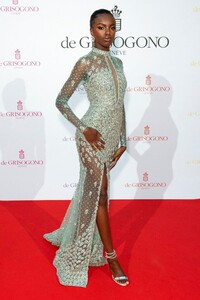
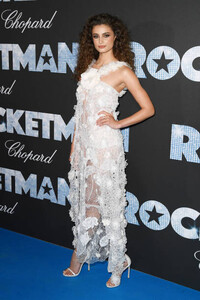
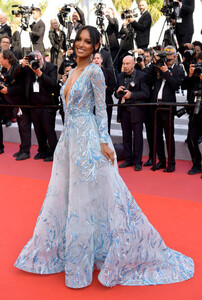
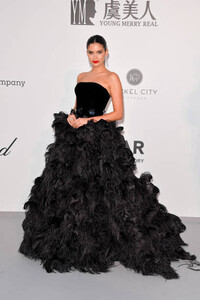
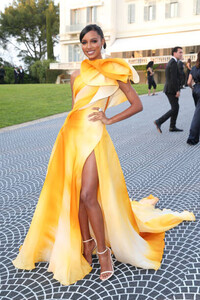



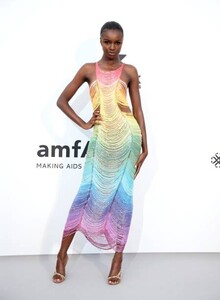


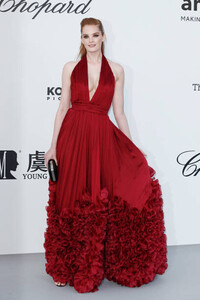
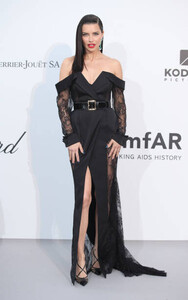
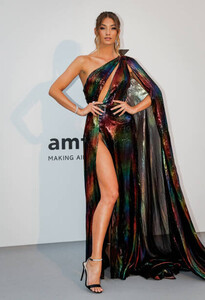
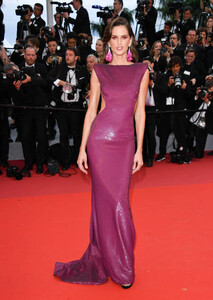
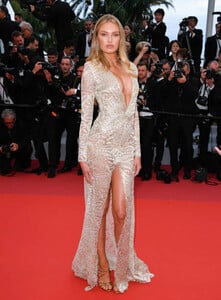
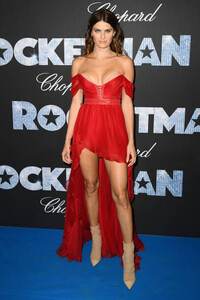

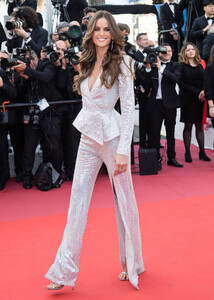


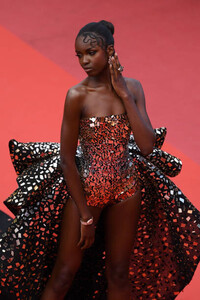
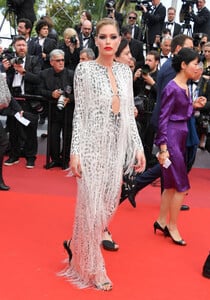
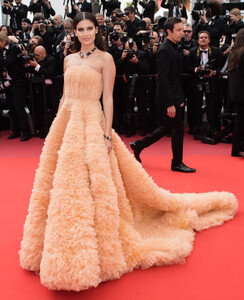
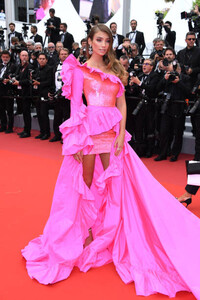

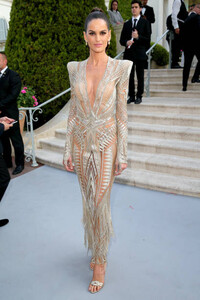
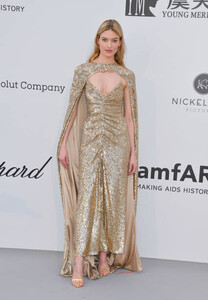
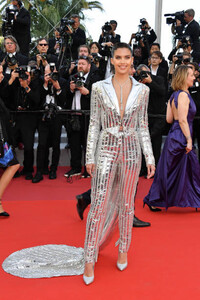
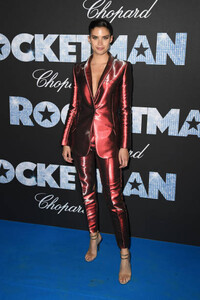

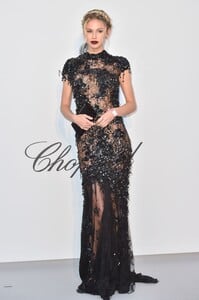 UHQ
UHQ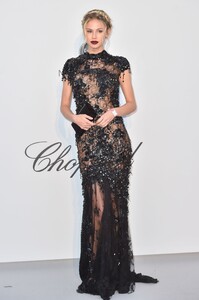
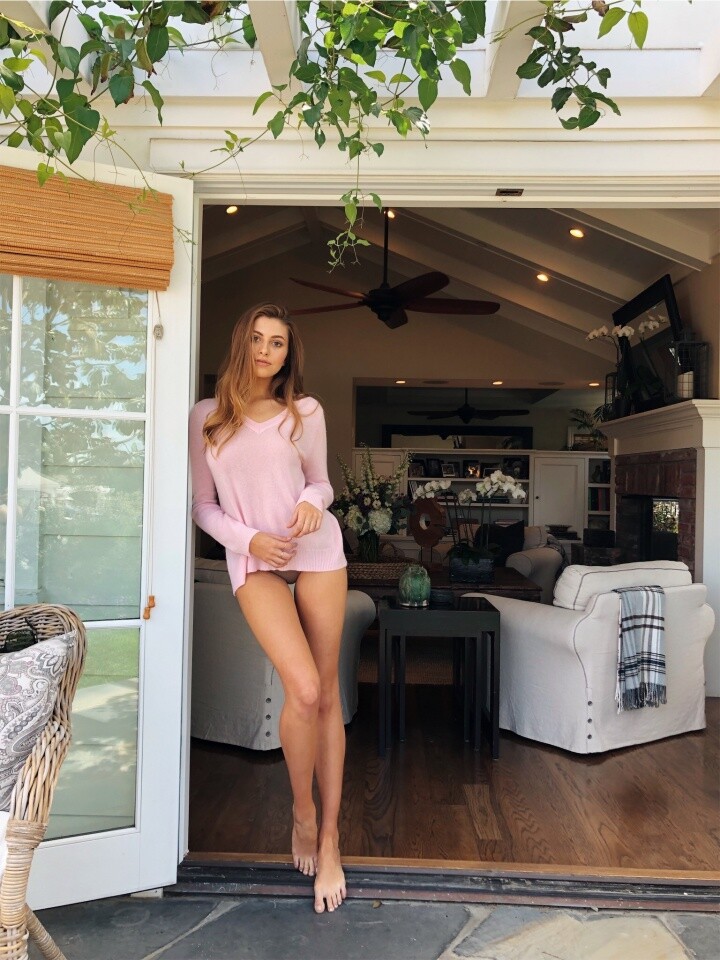
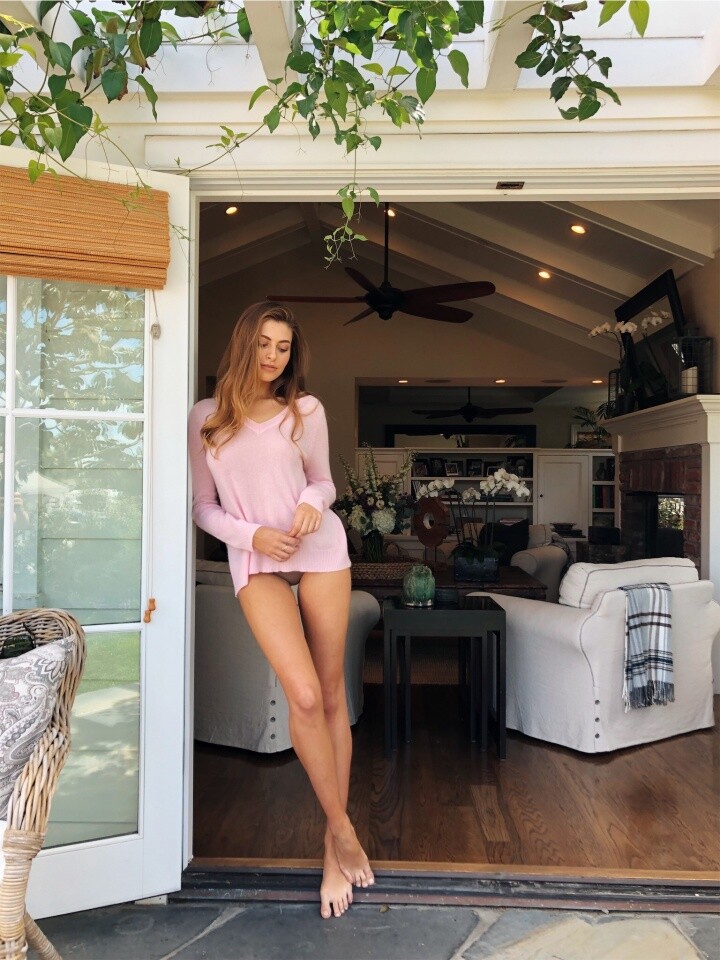
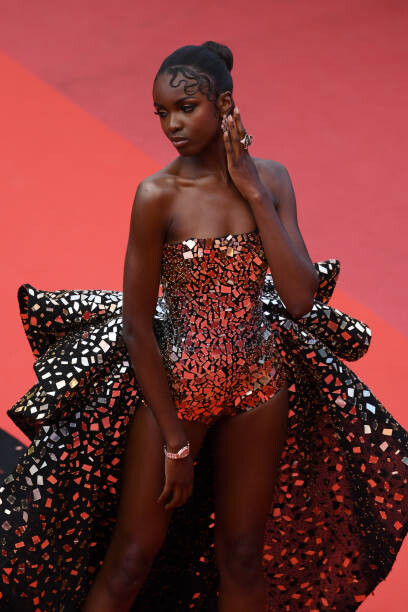
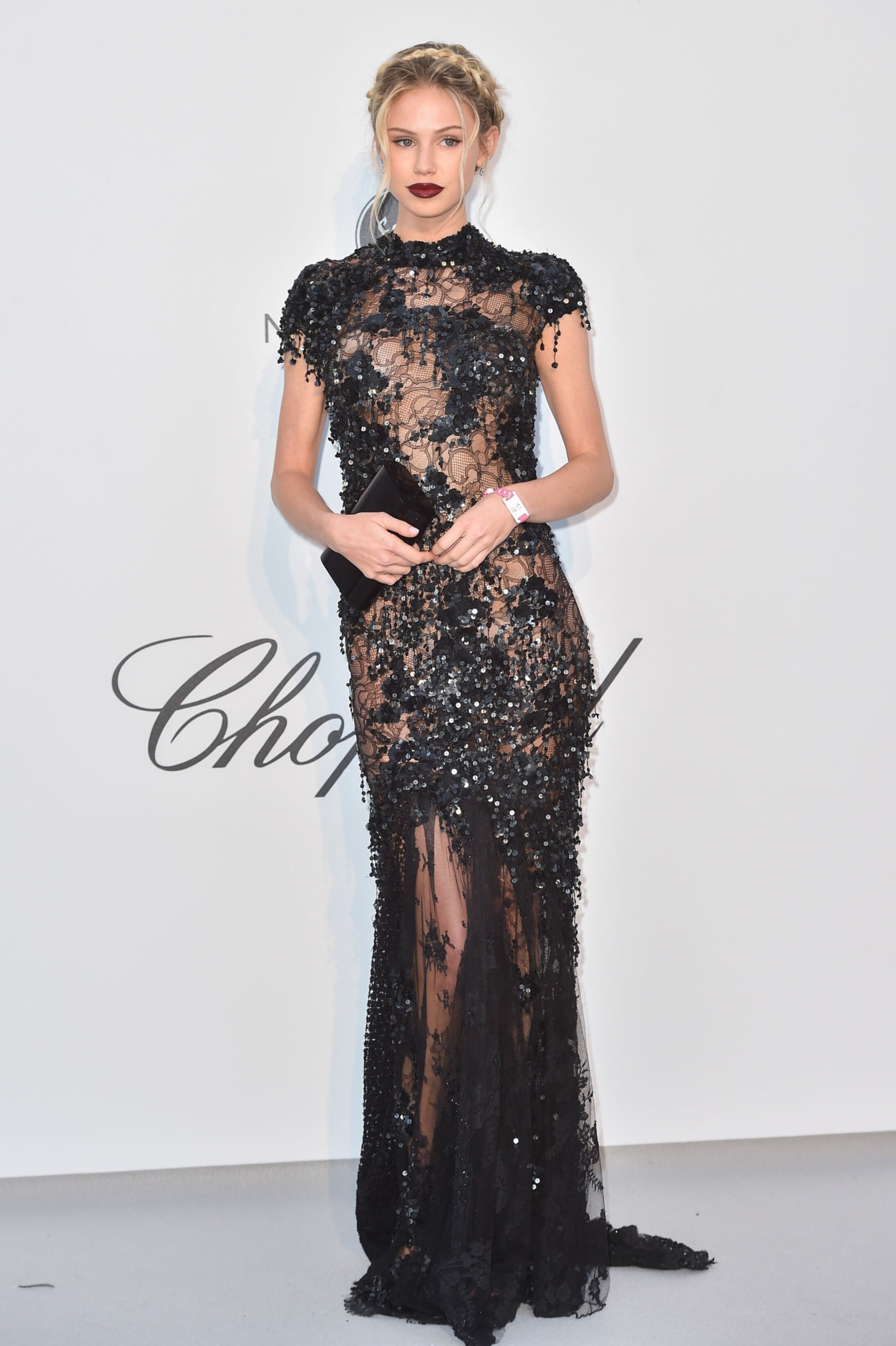
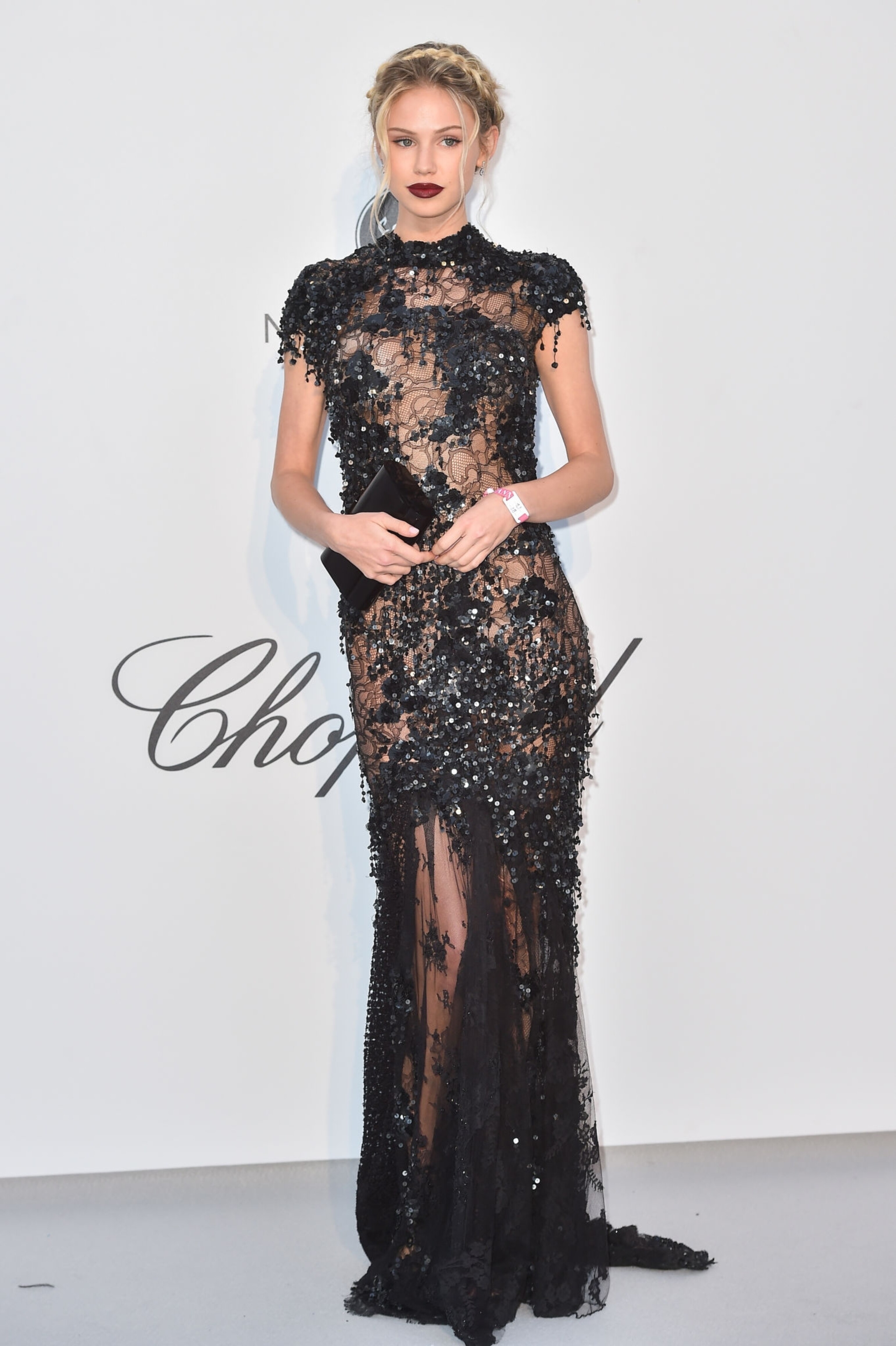
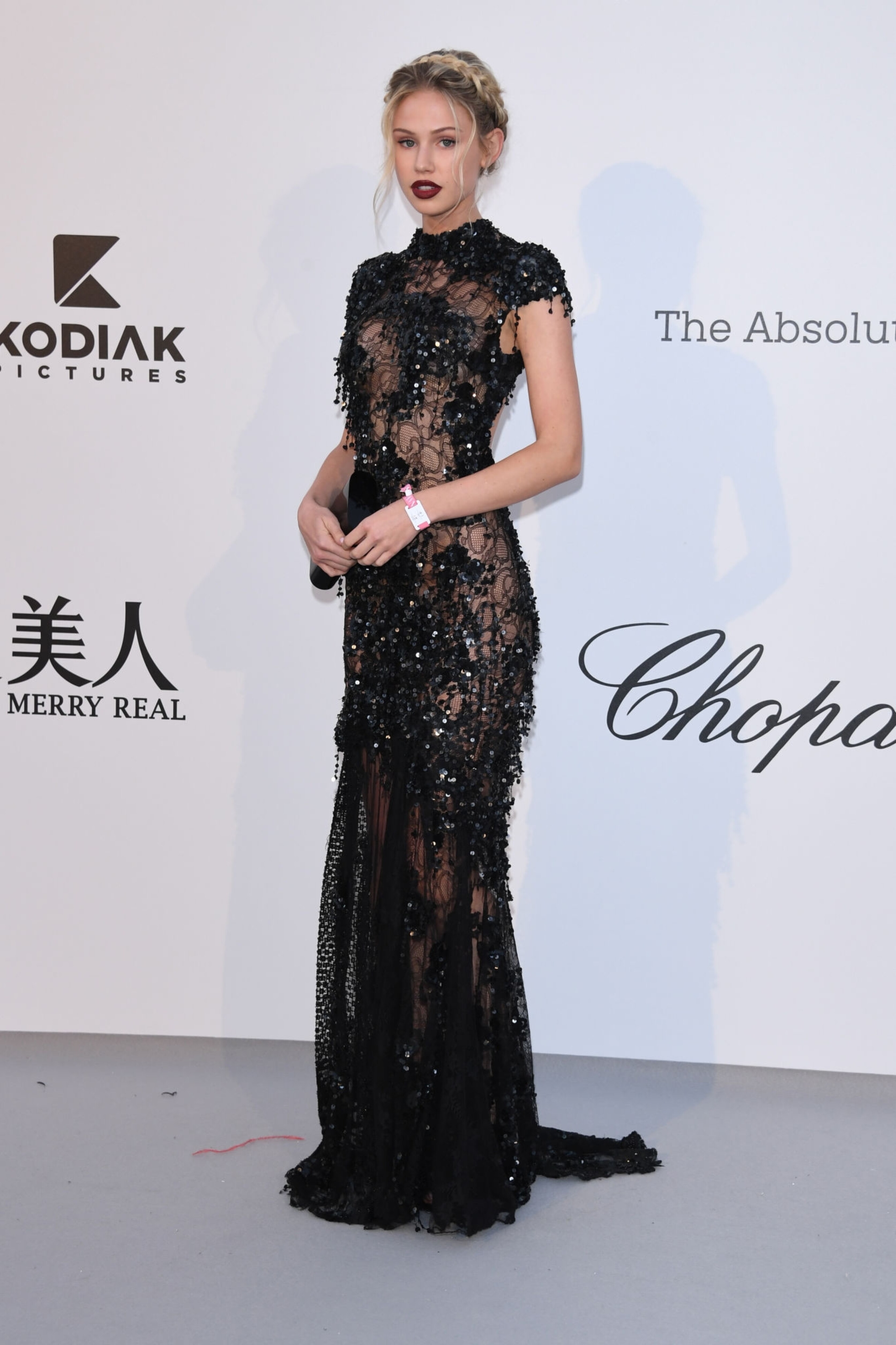
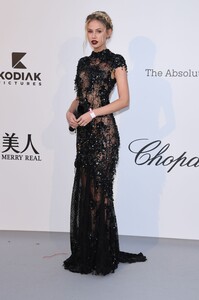 Scarlet Leithold - UHQ
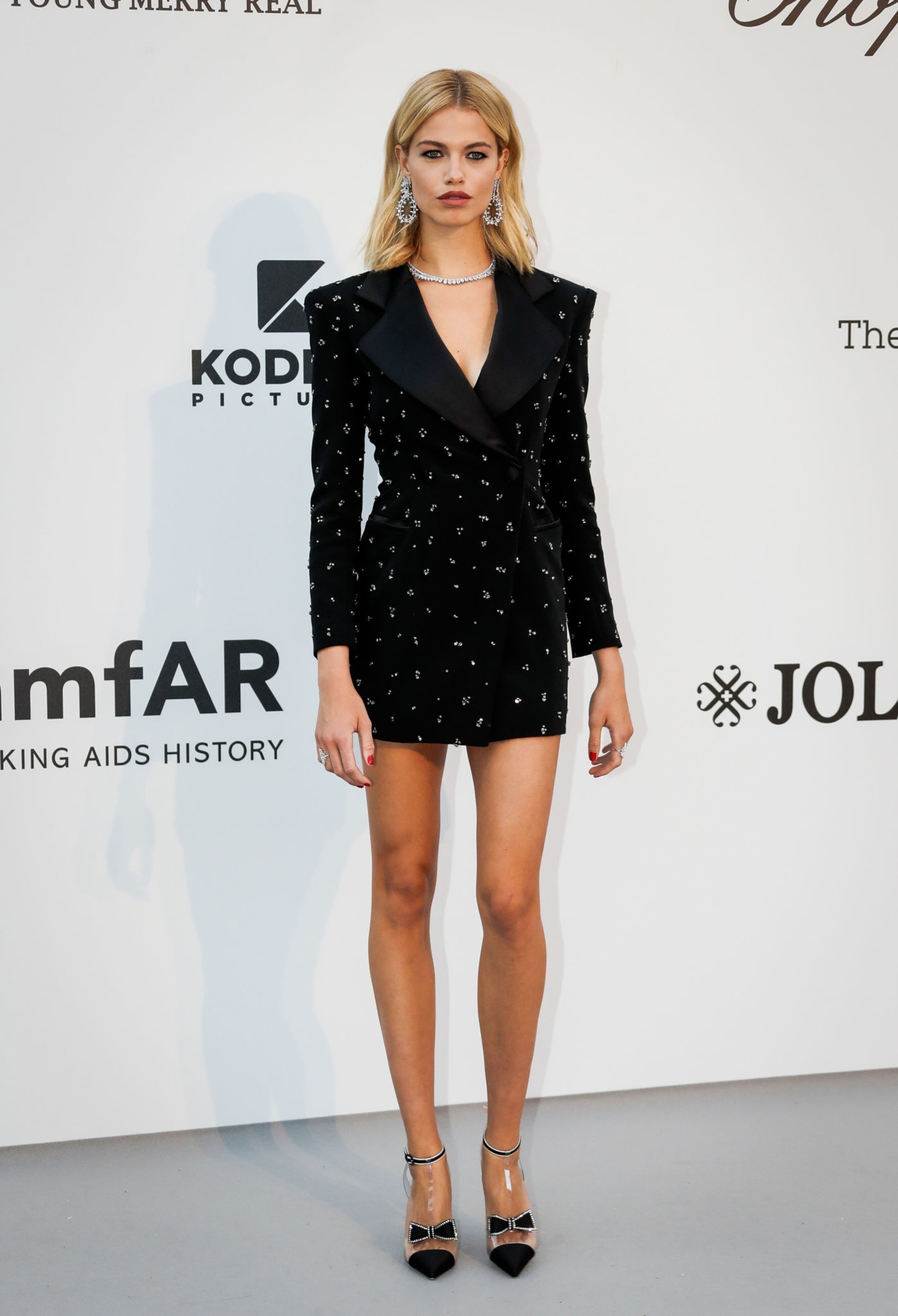
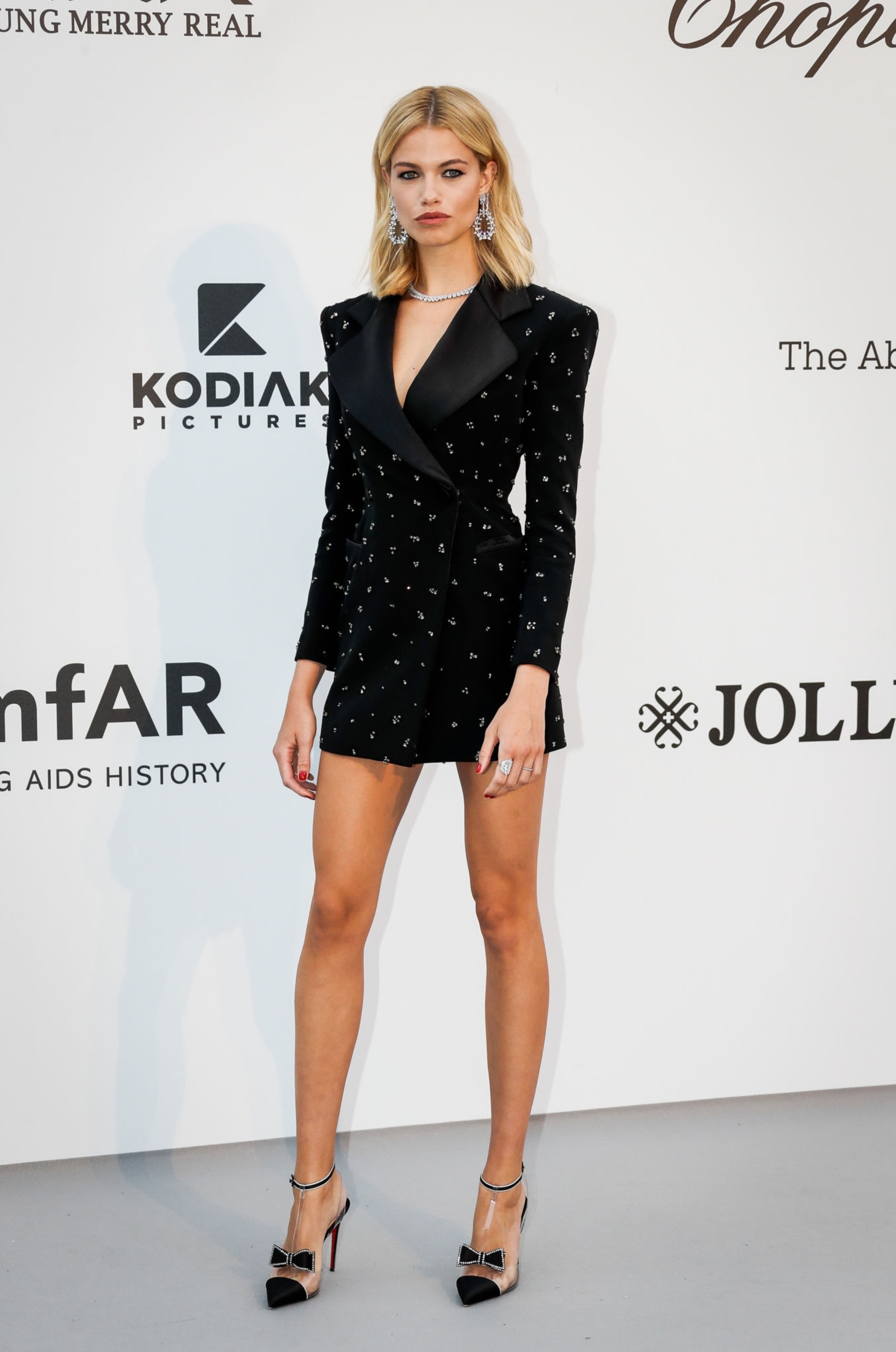
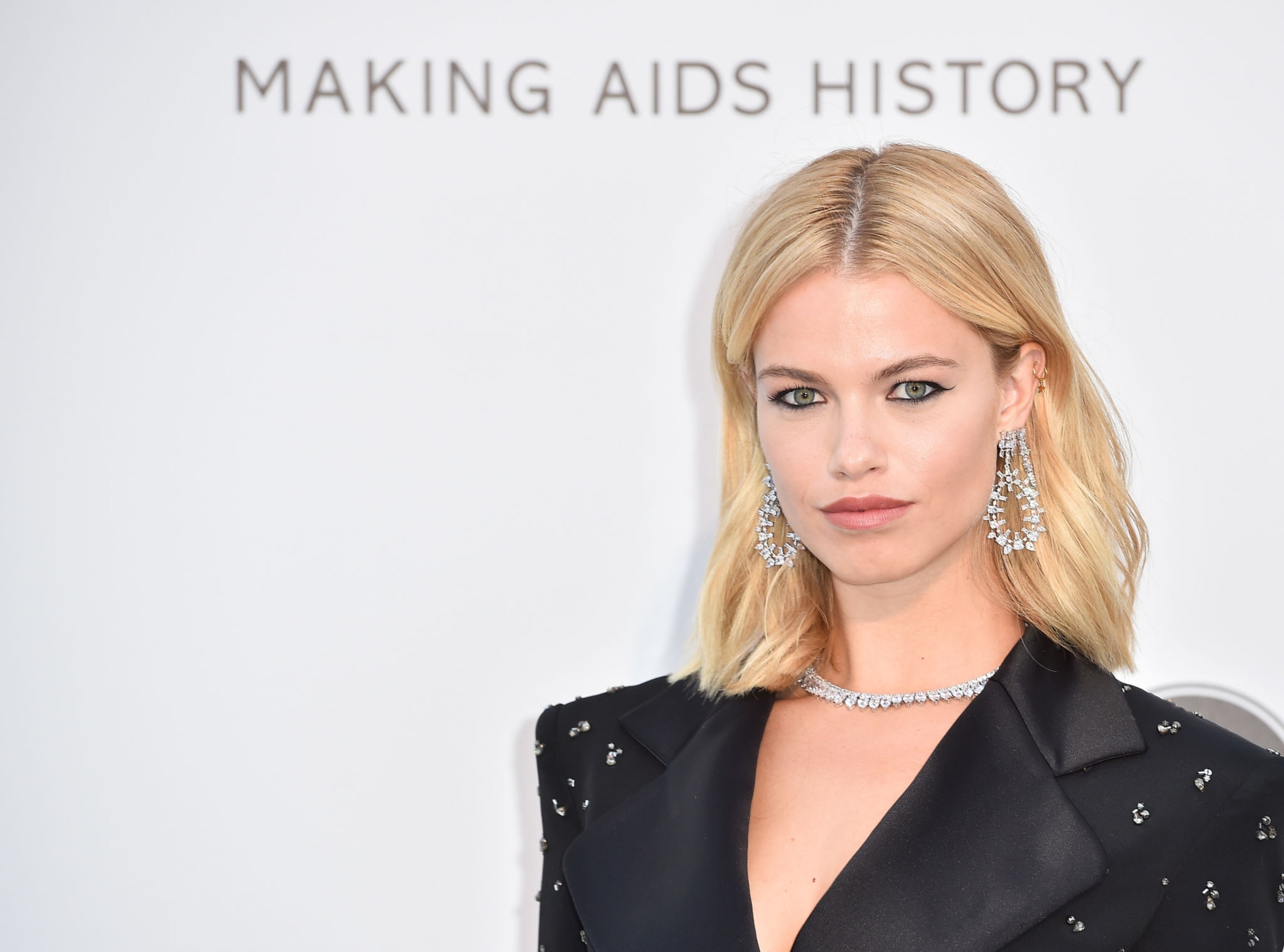
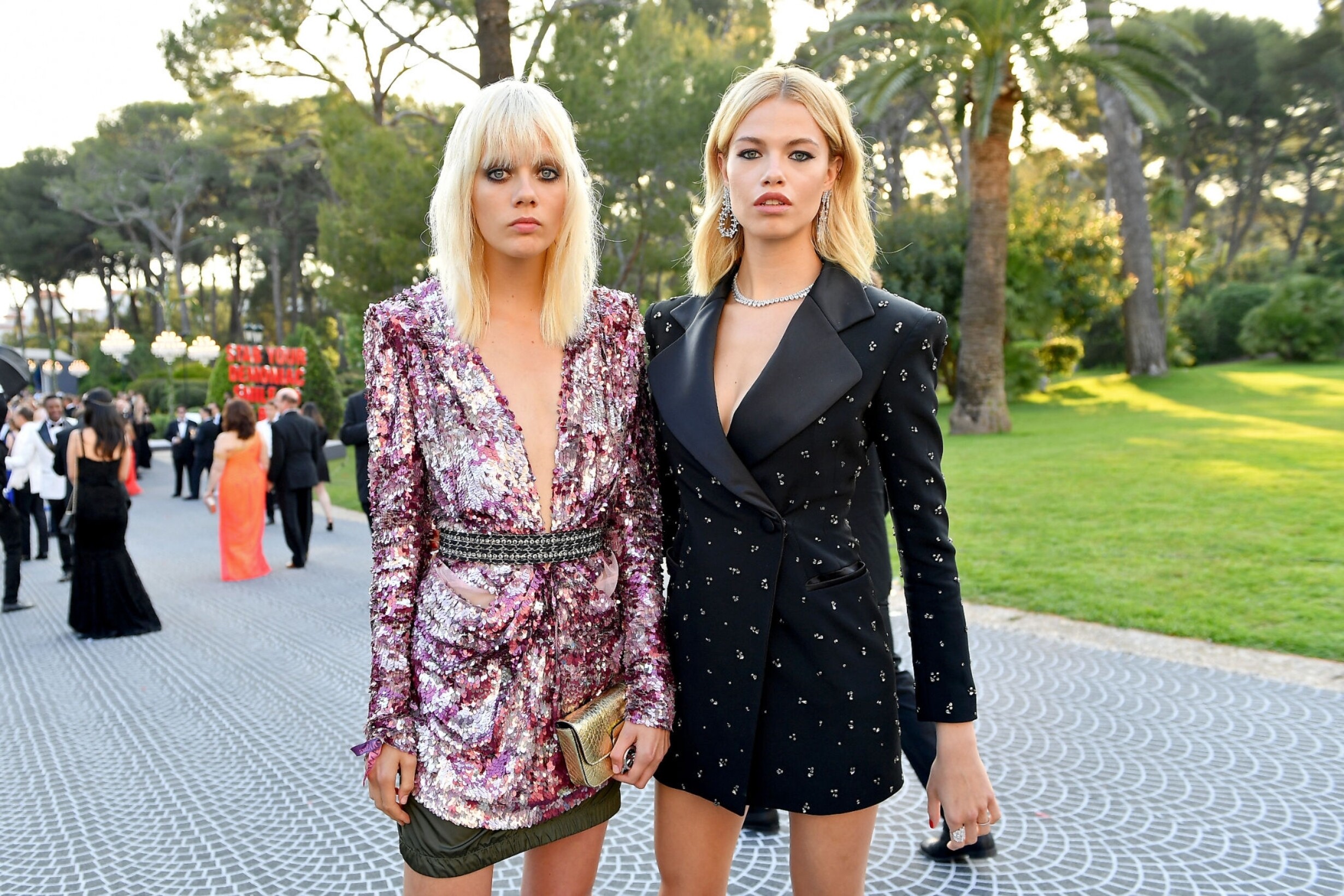
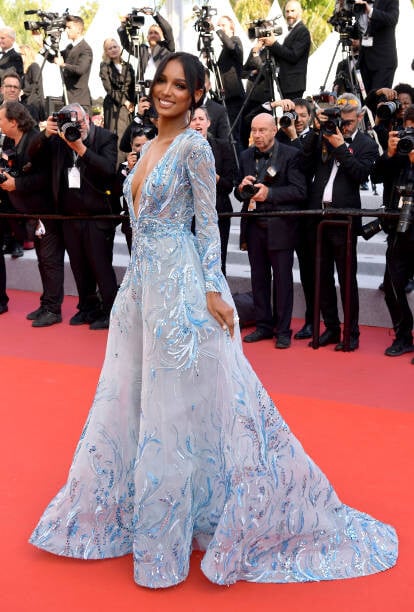
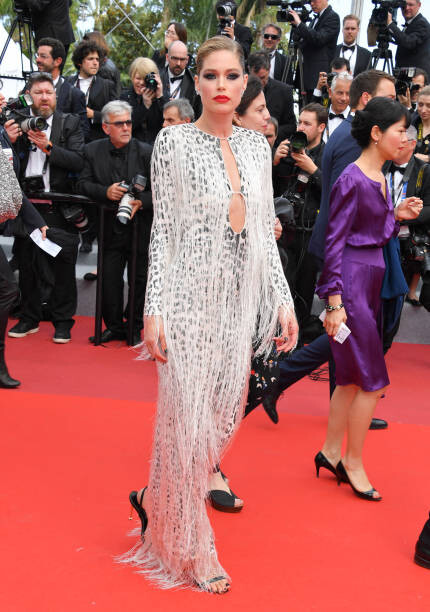
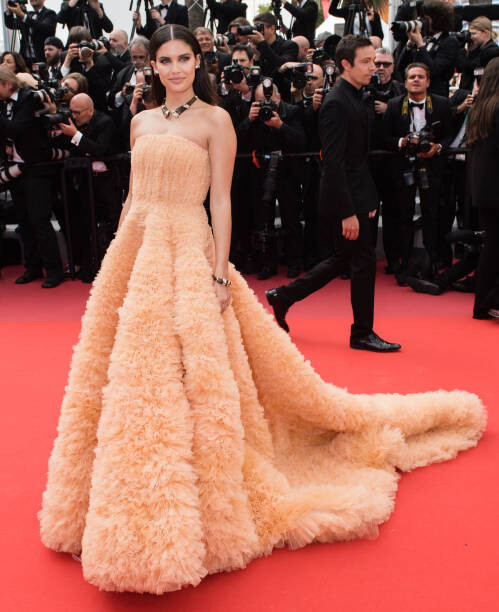
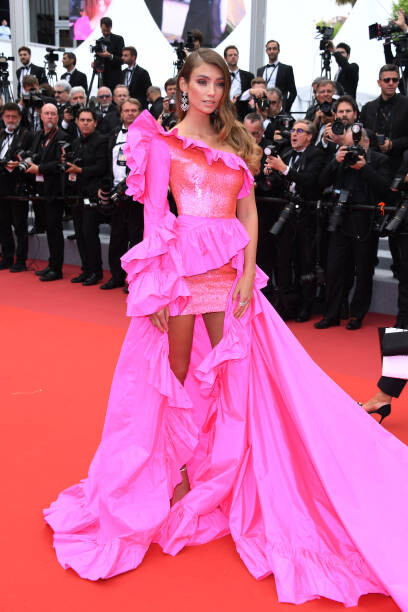
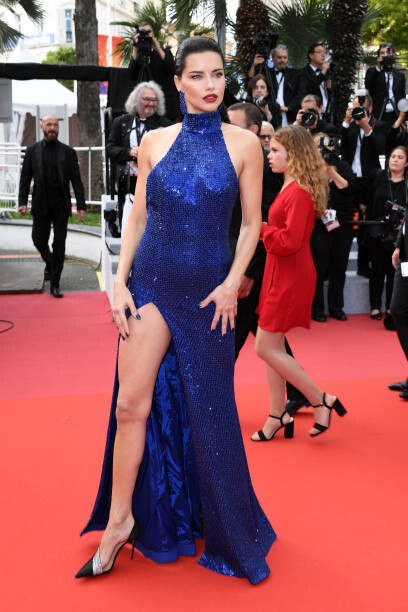
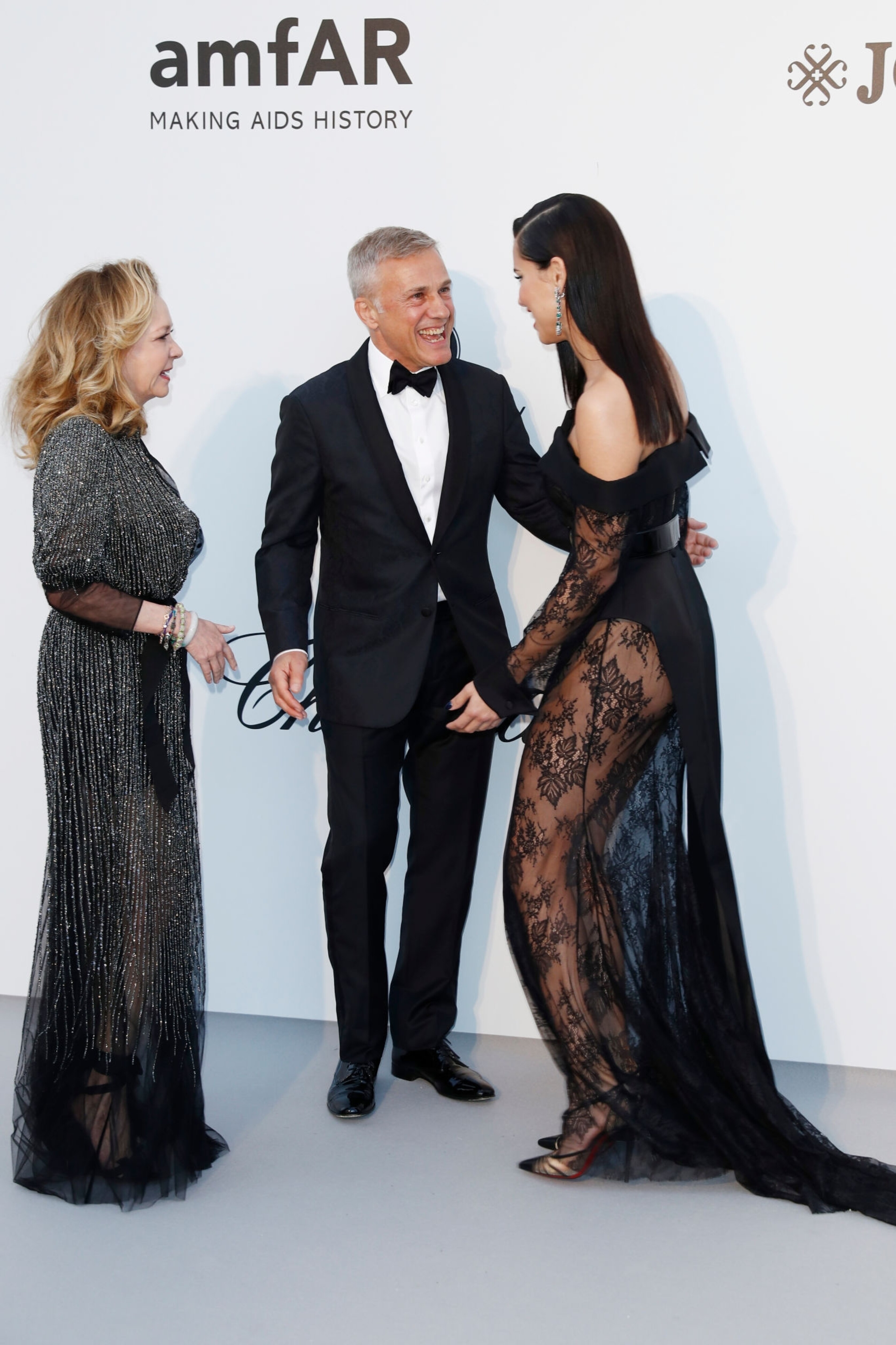
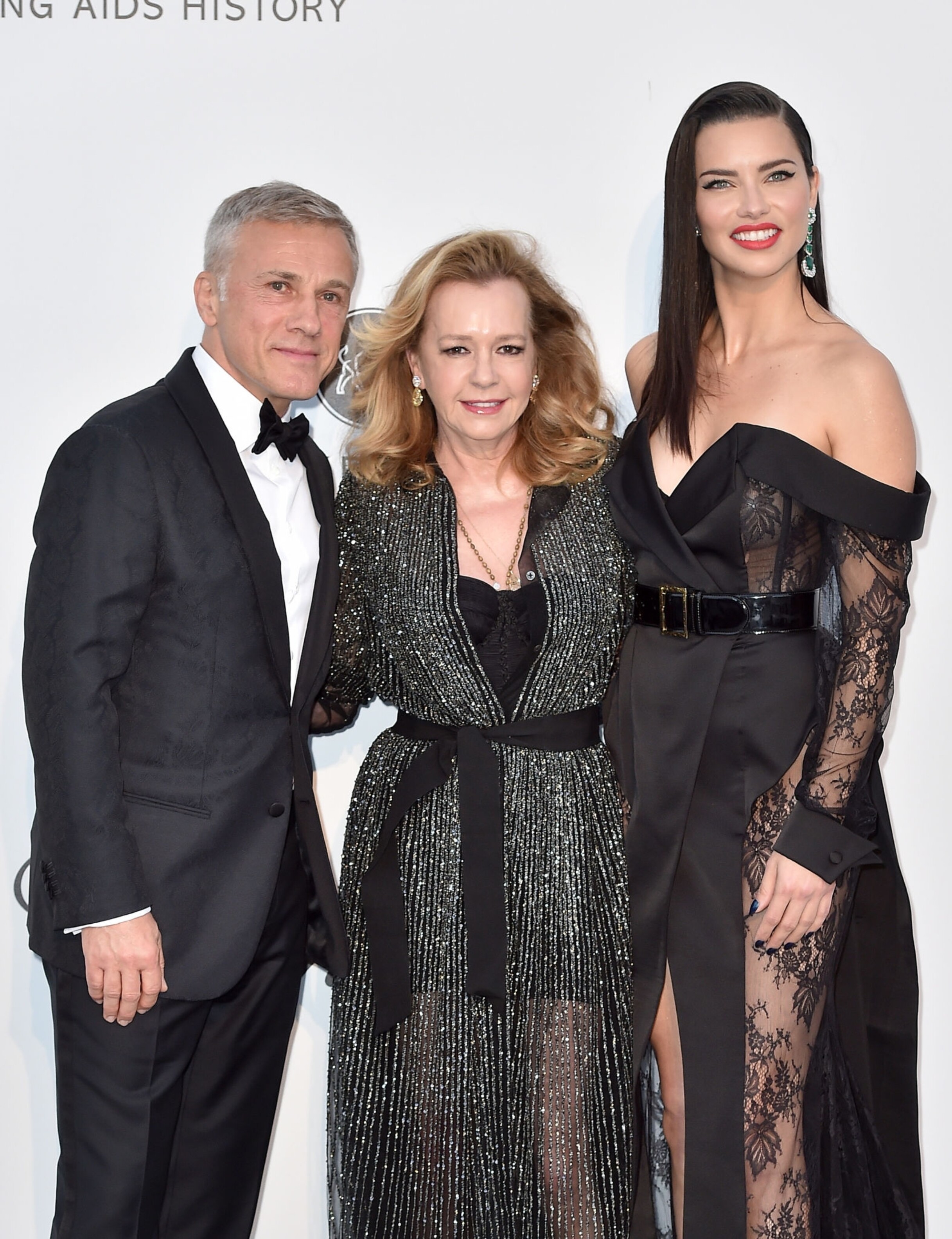
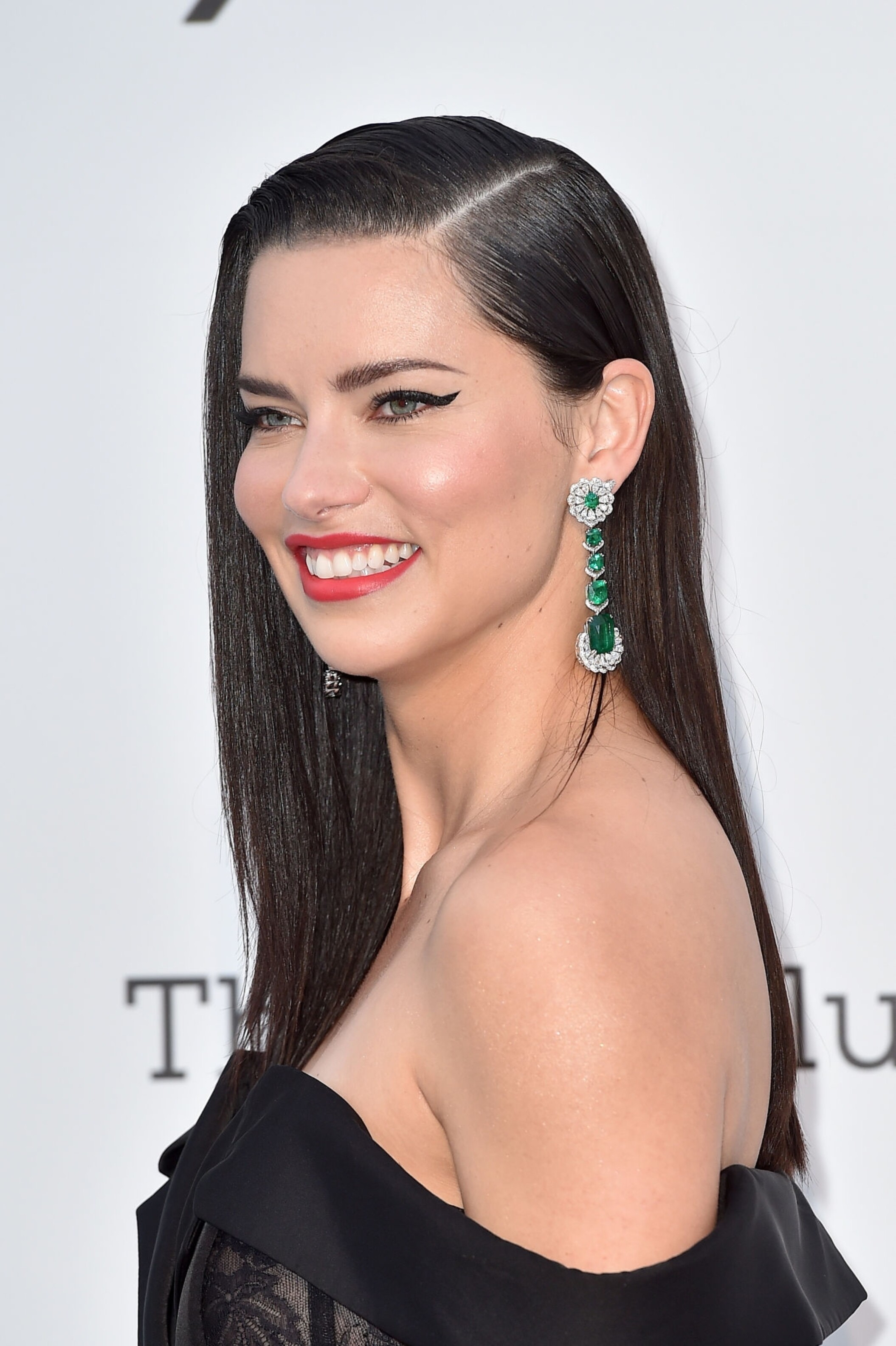
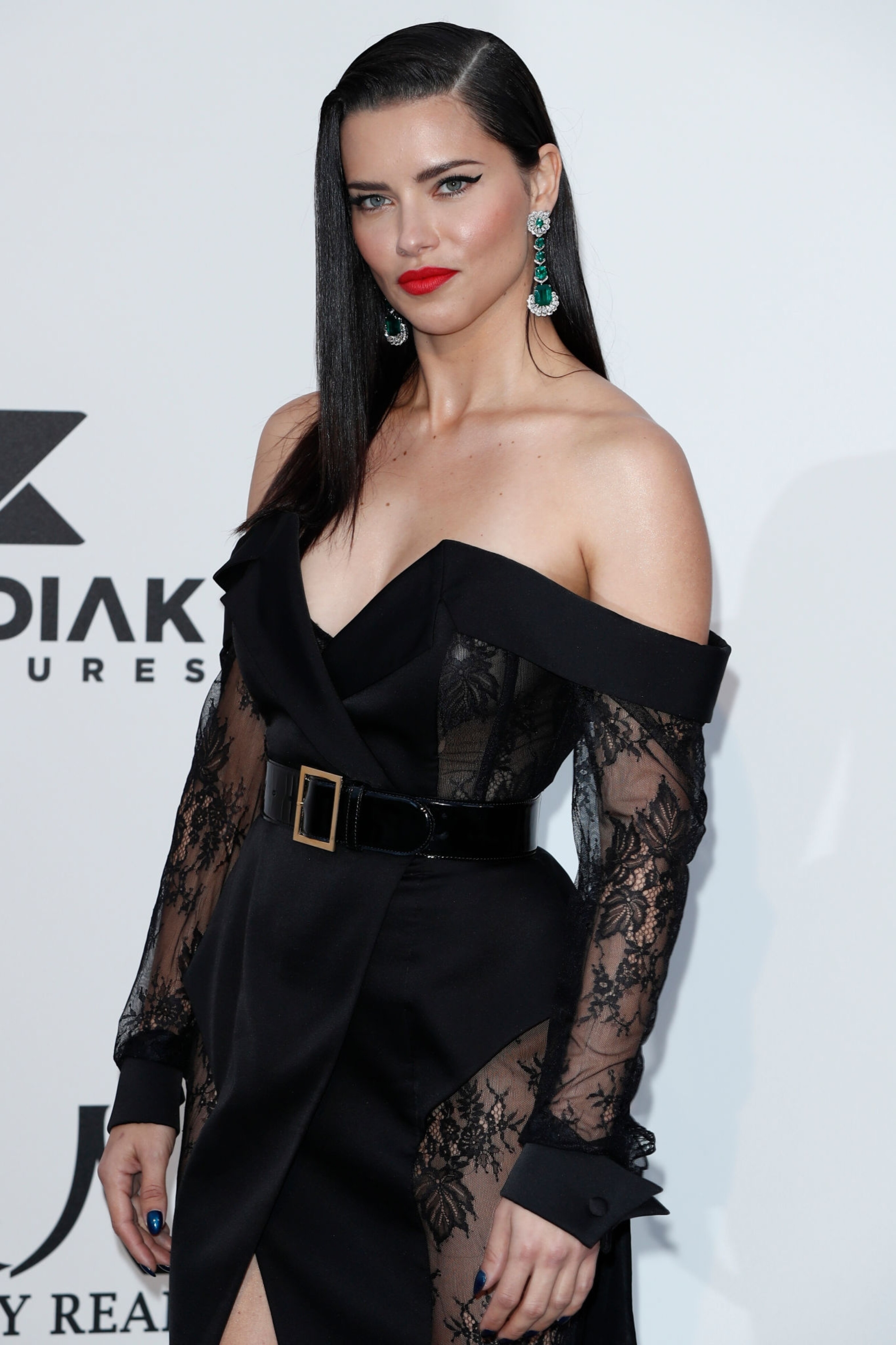
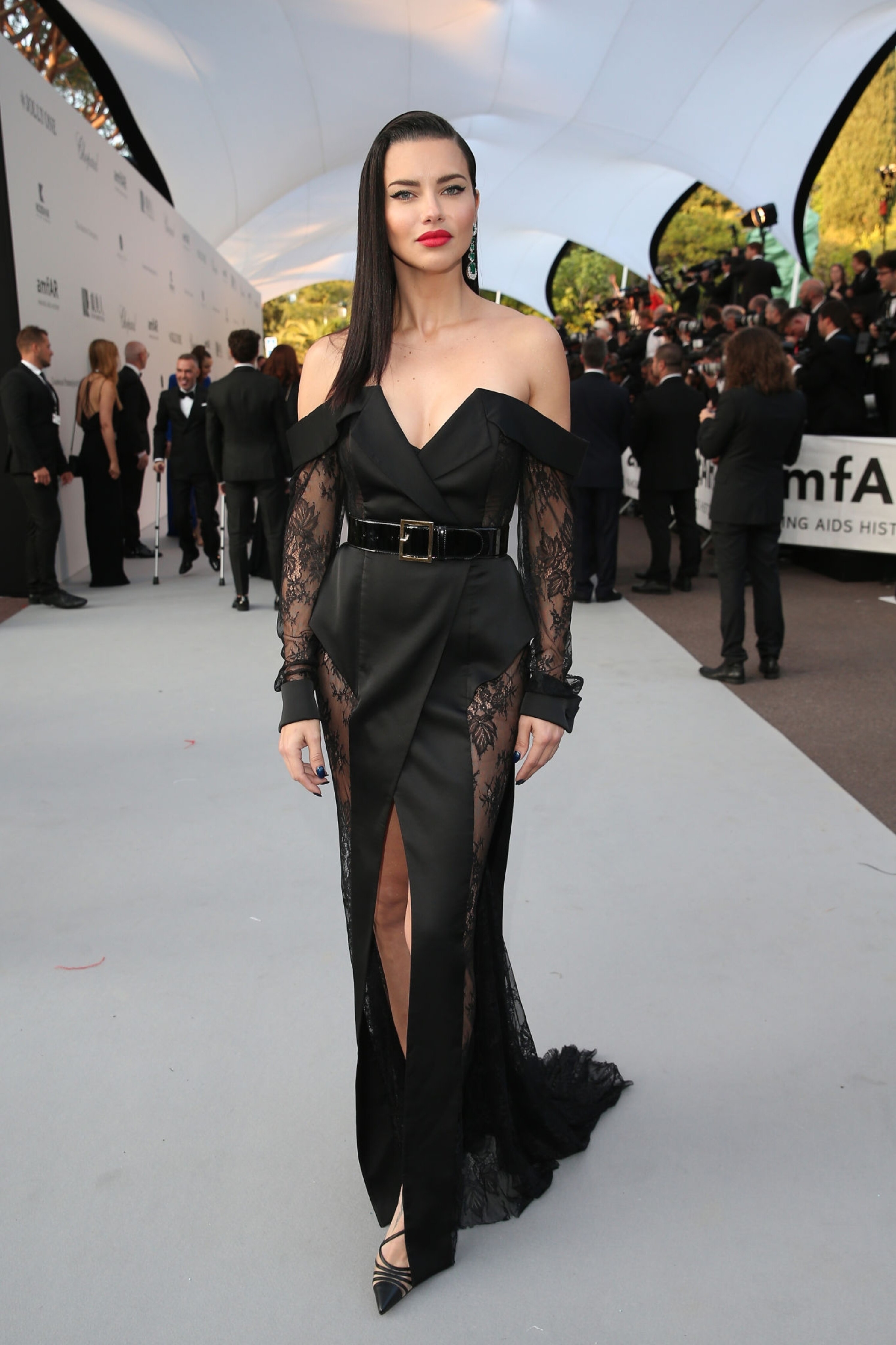
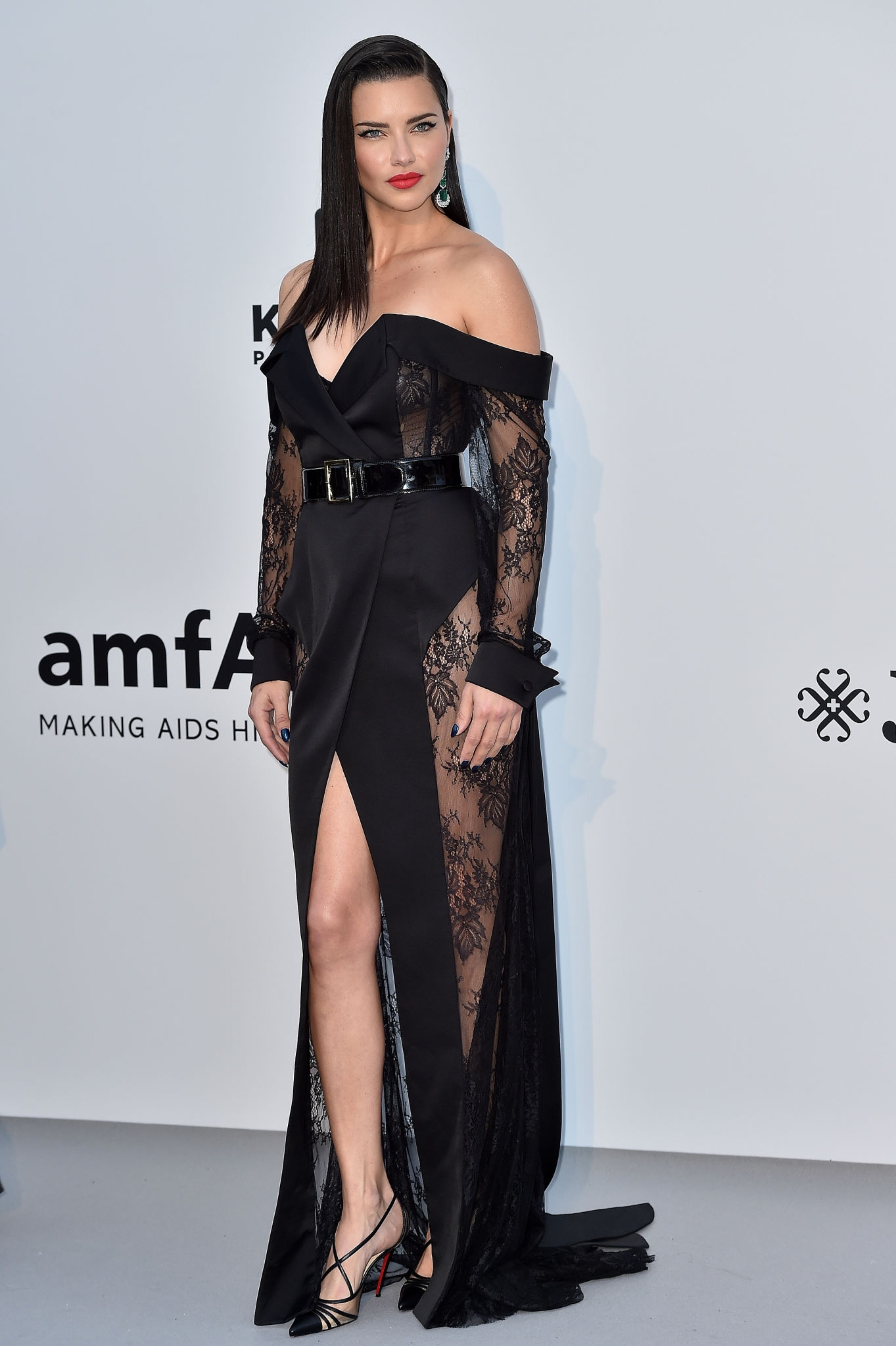
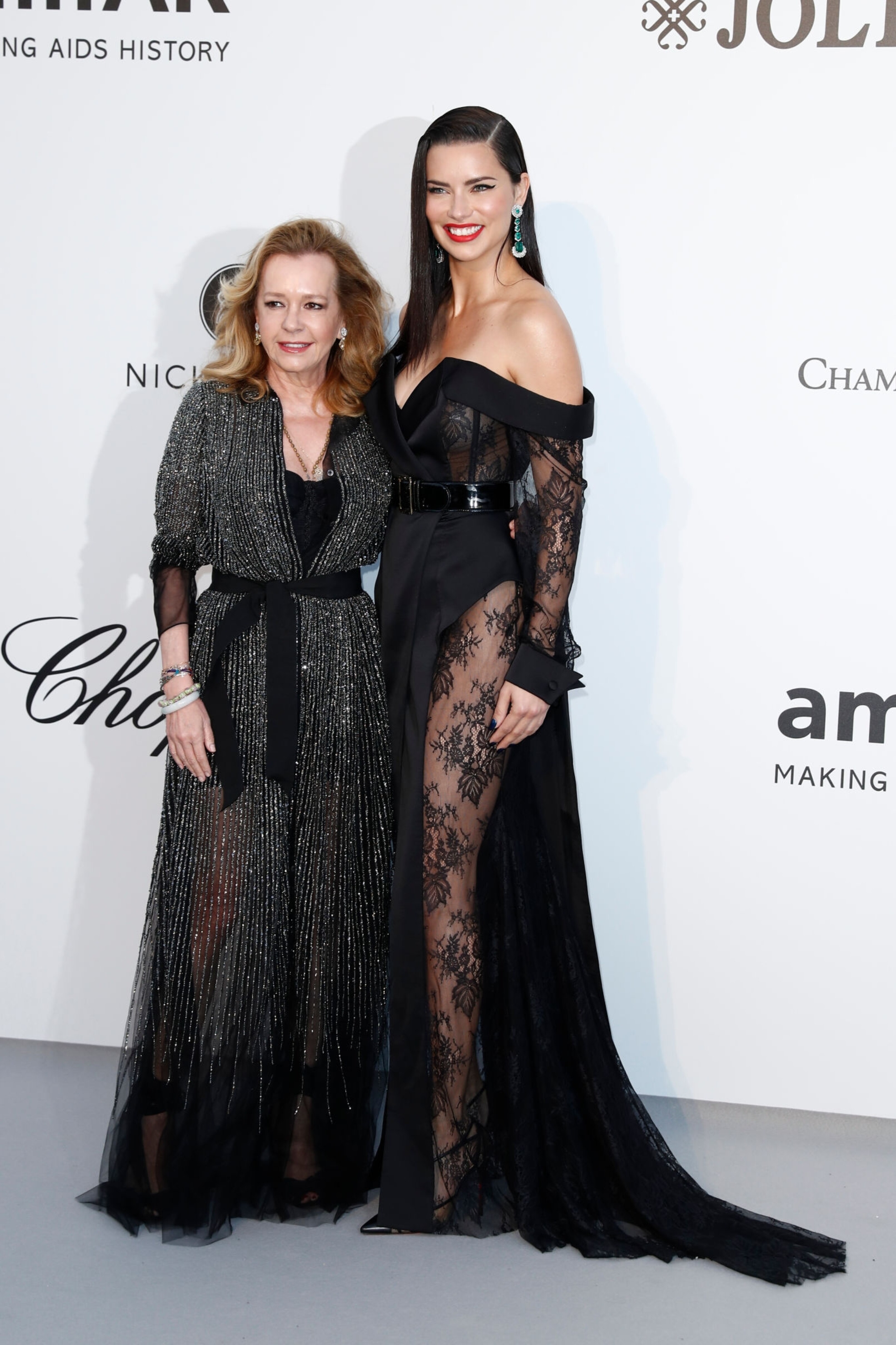
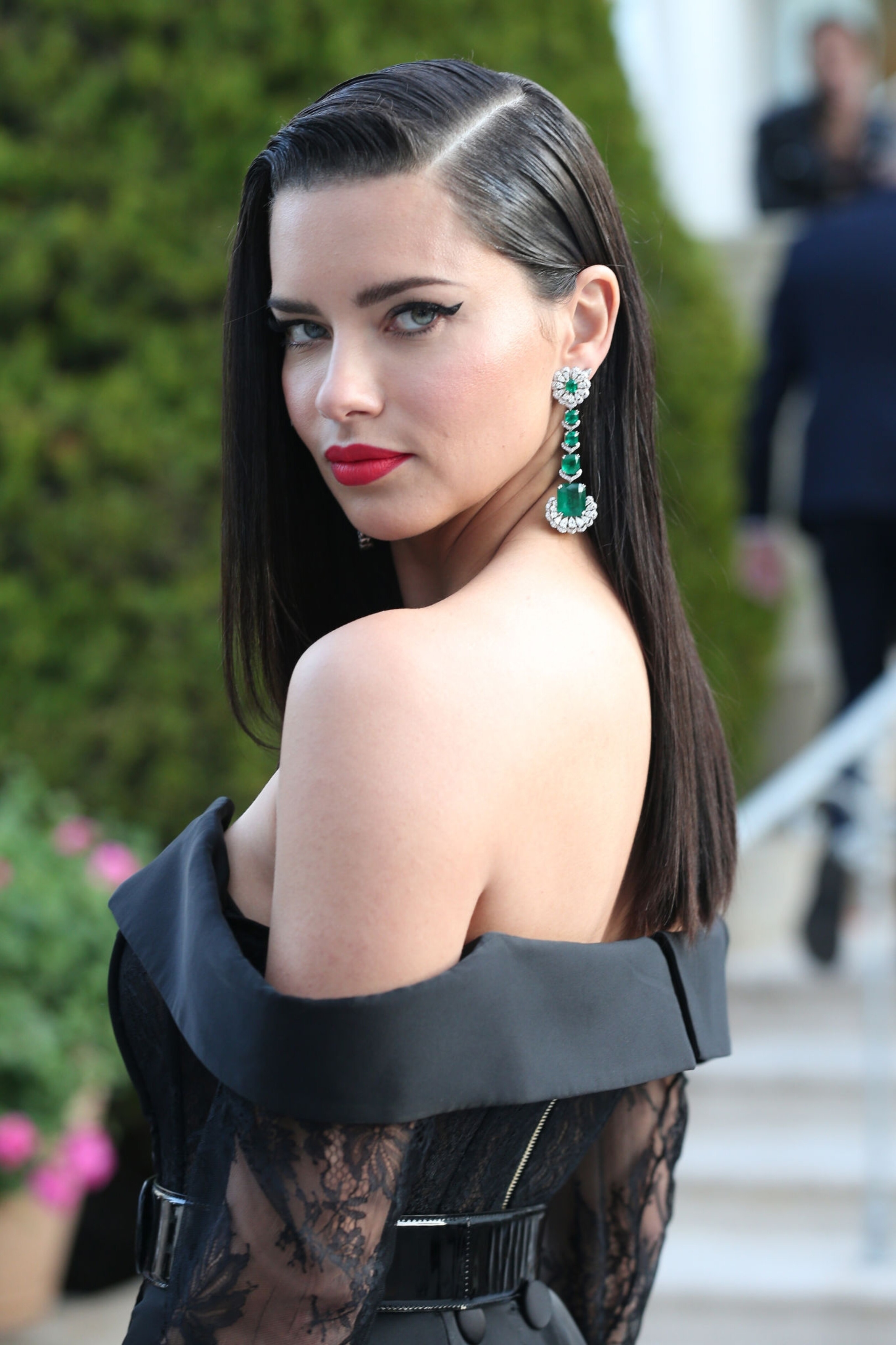
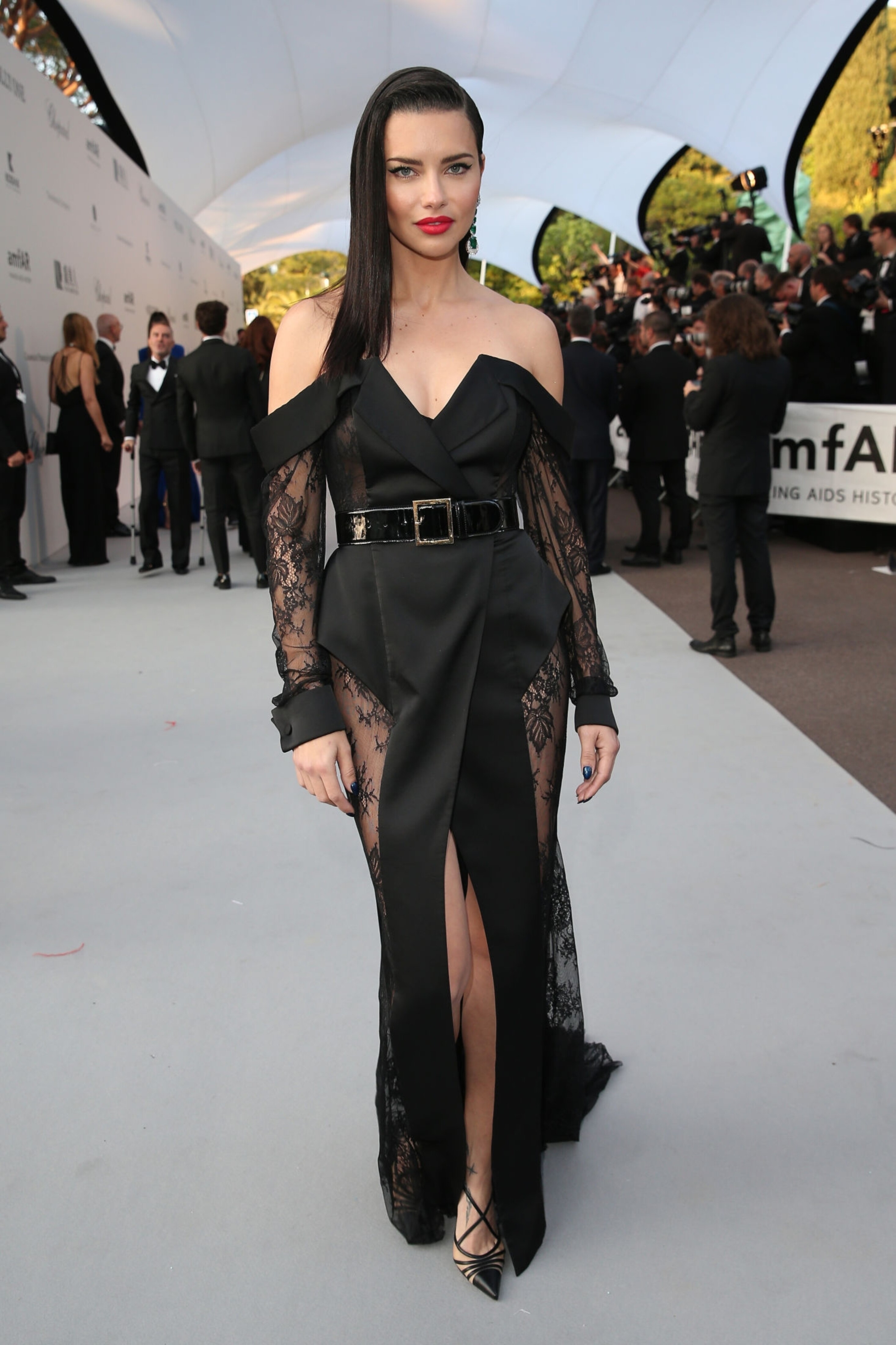
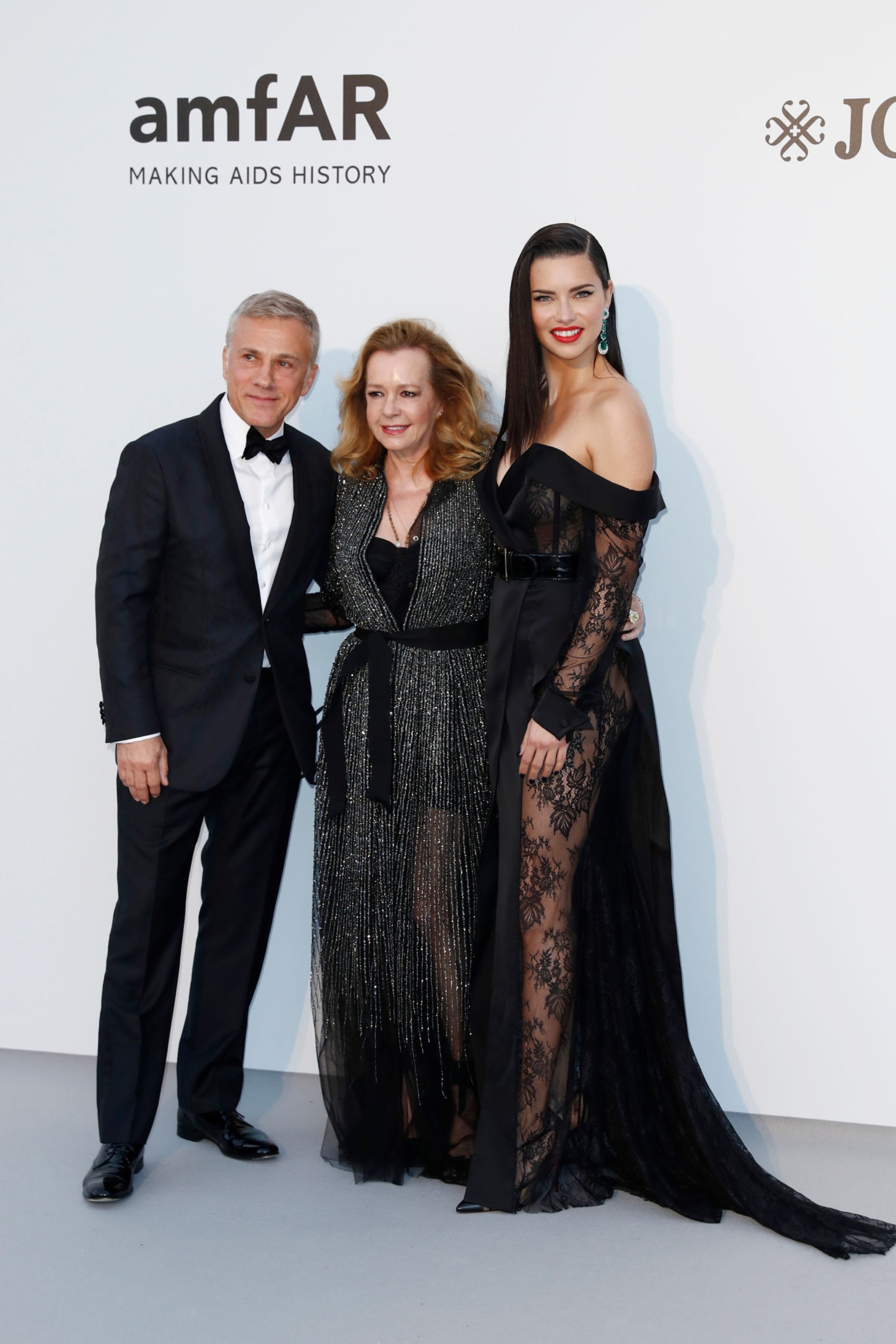
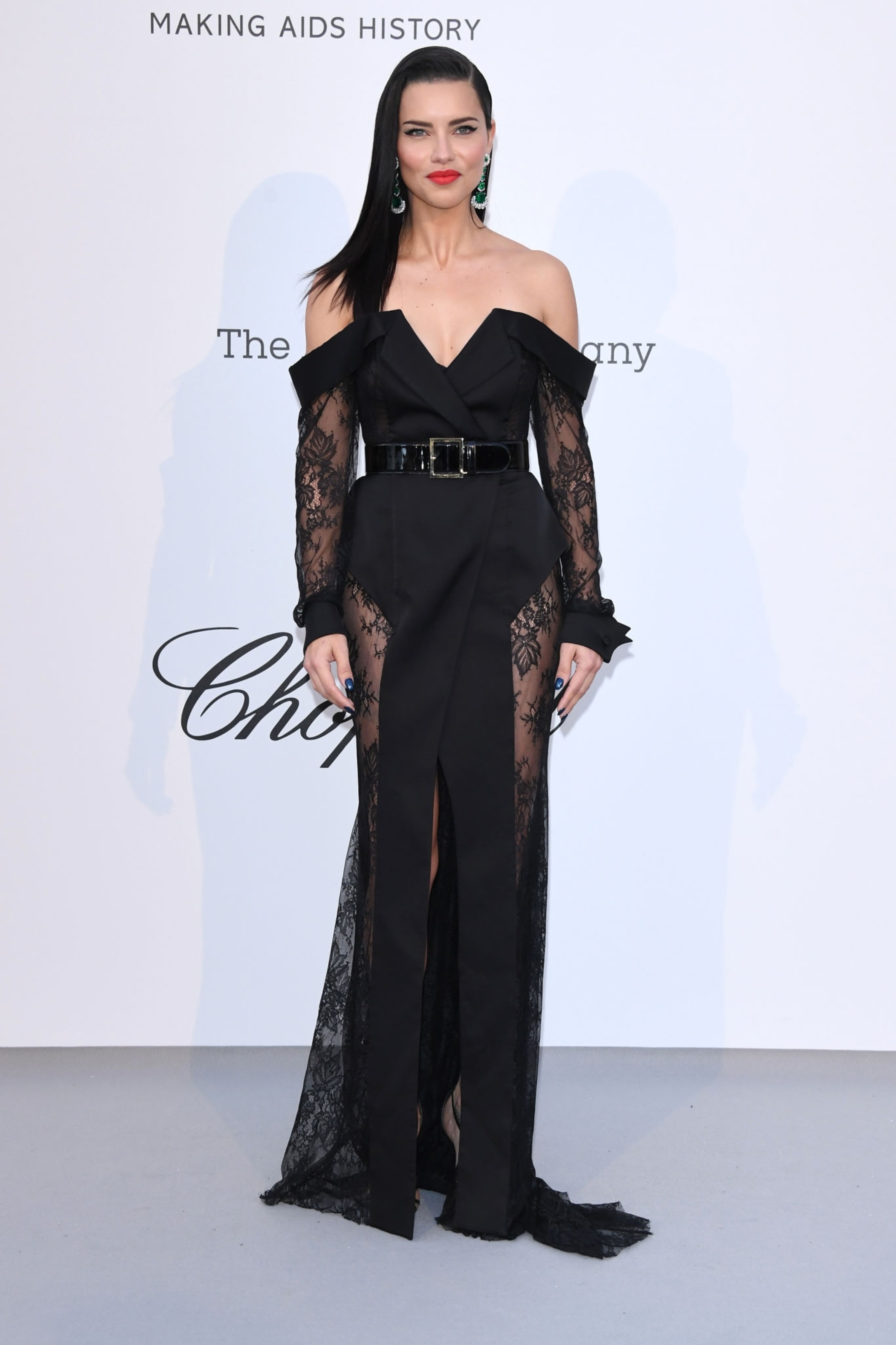
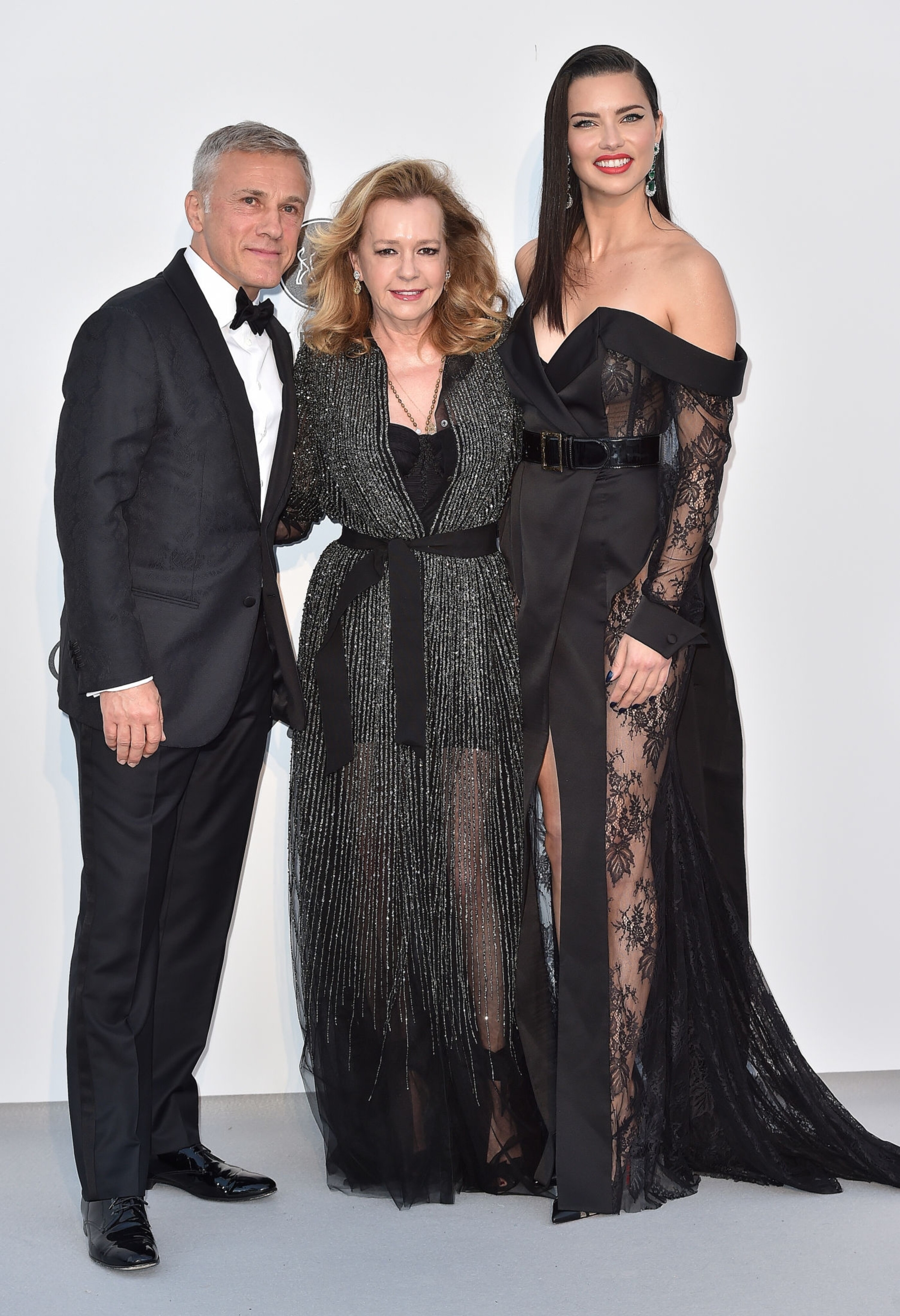
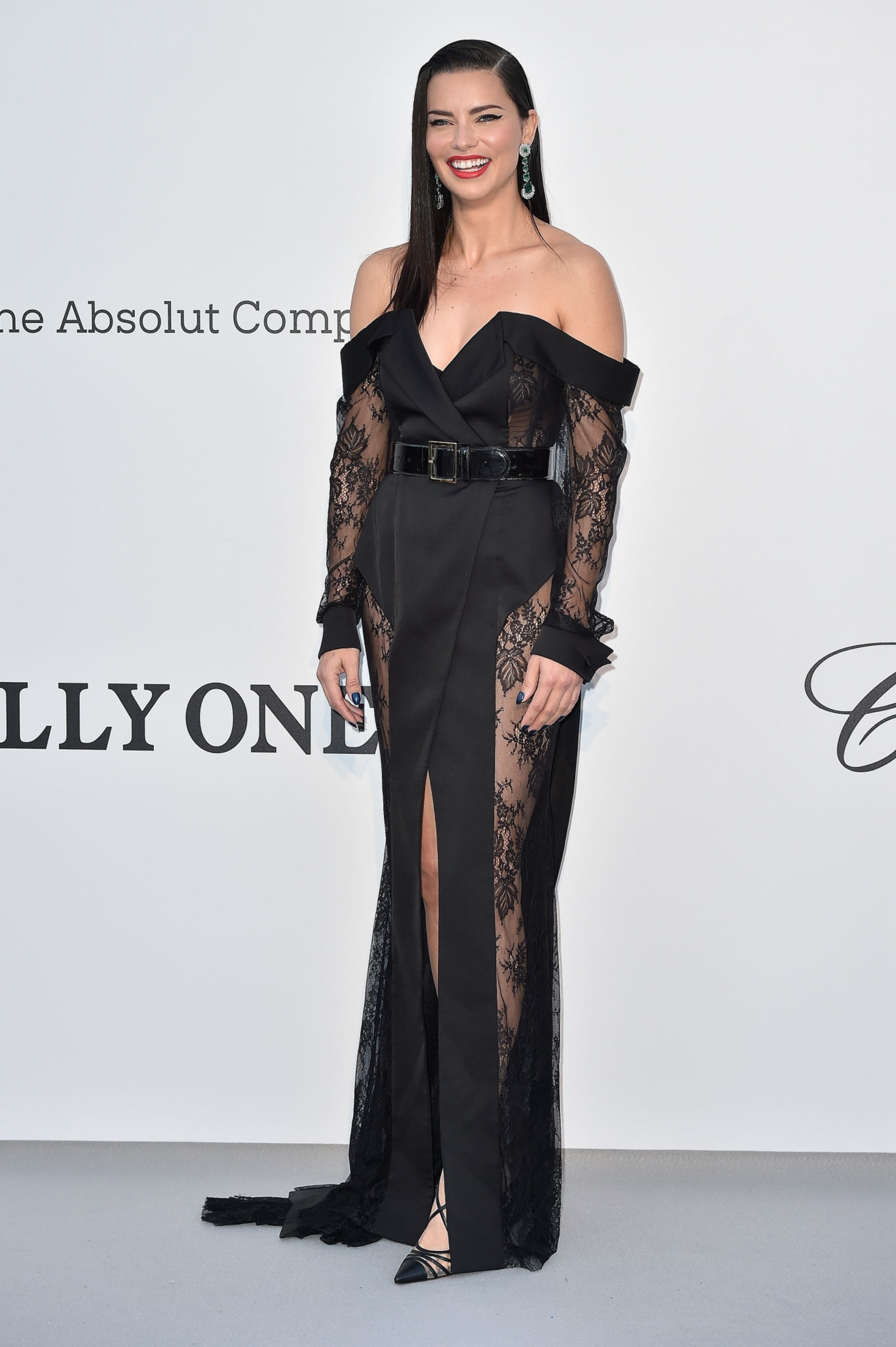
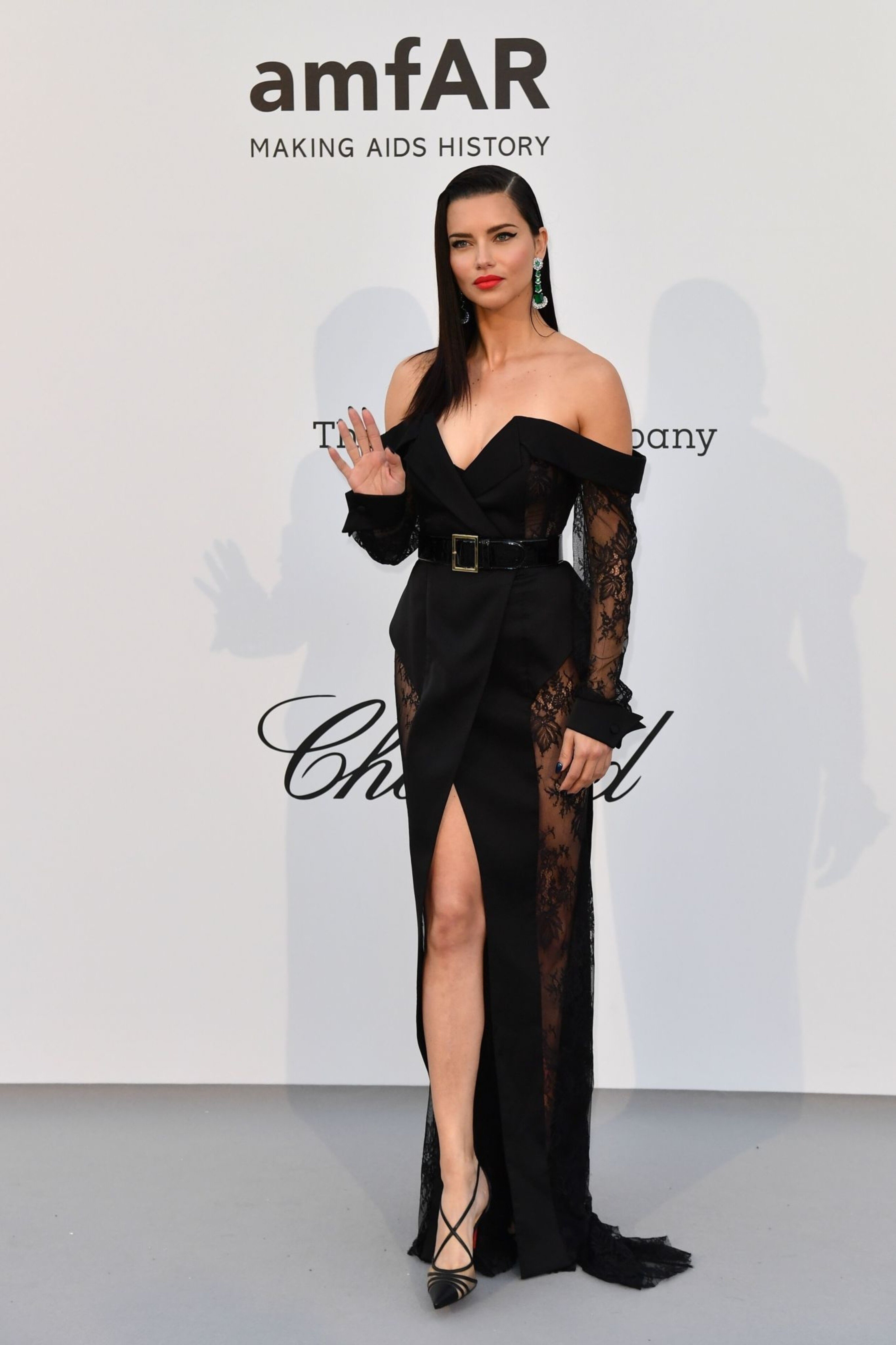
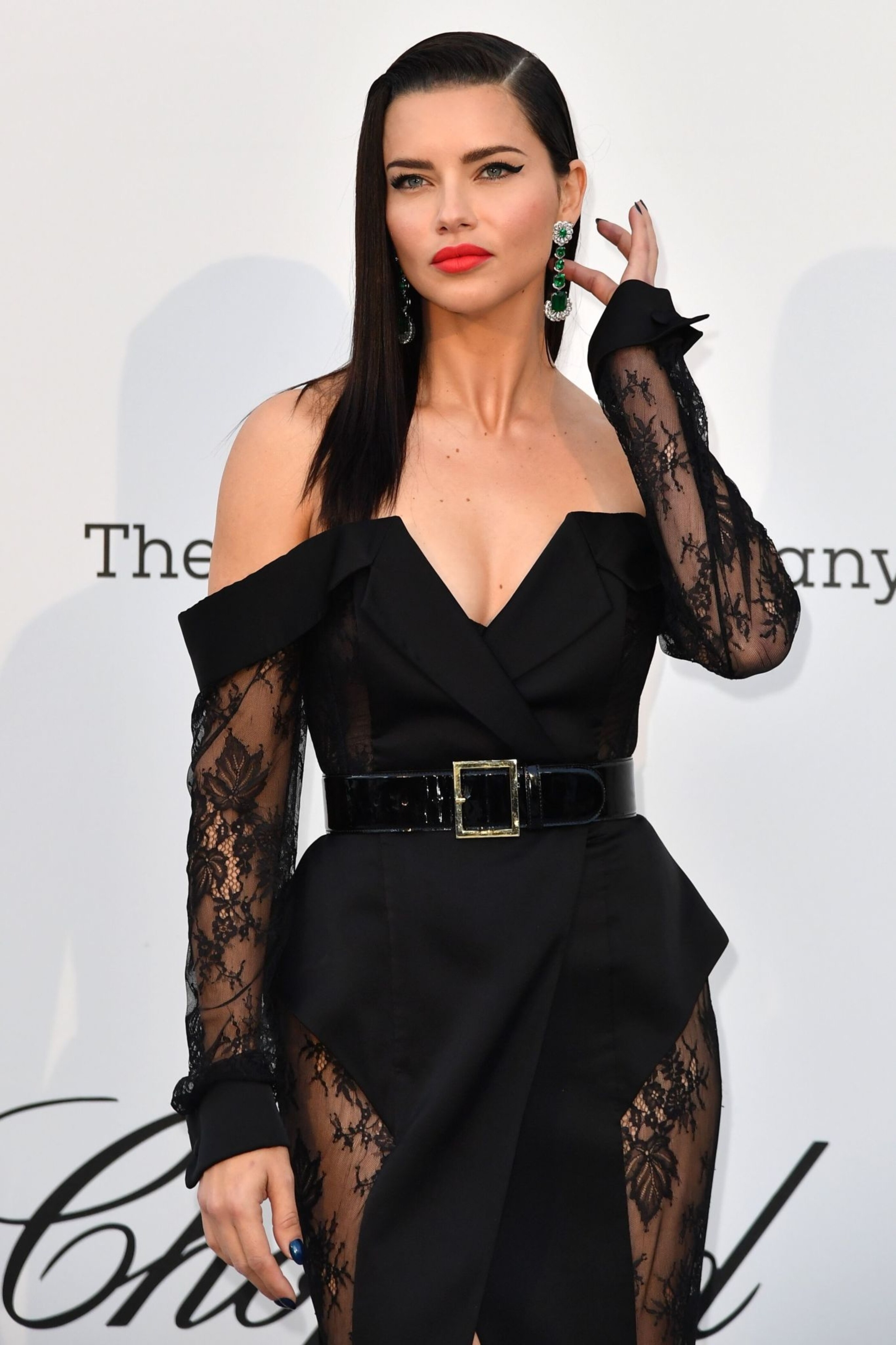
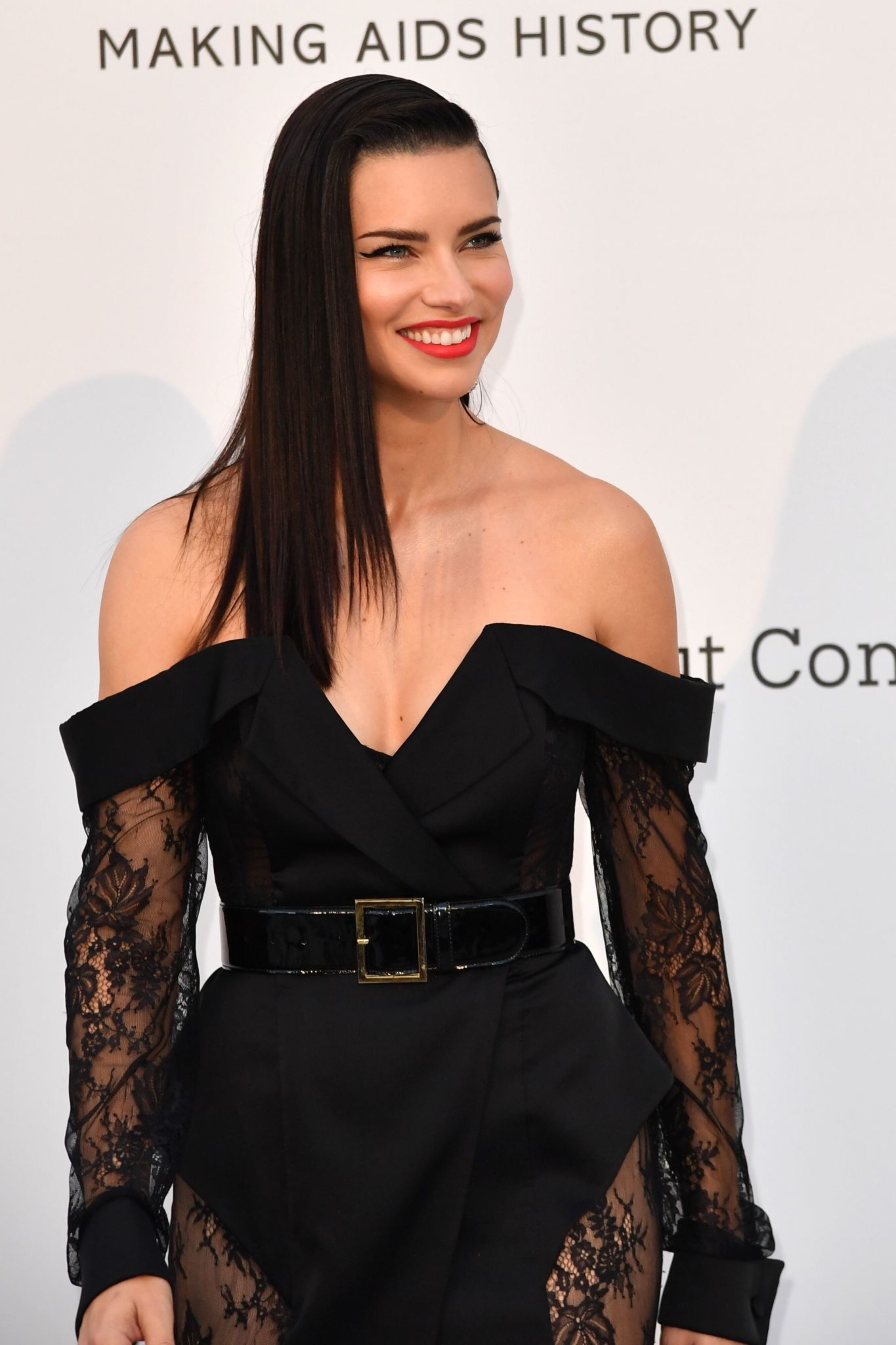
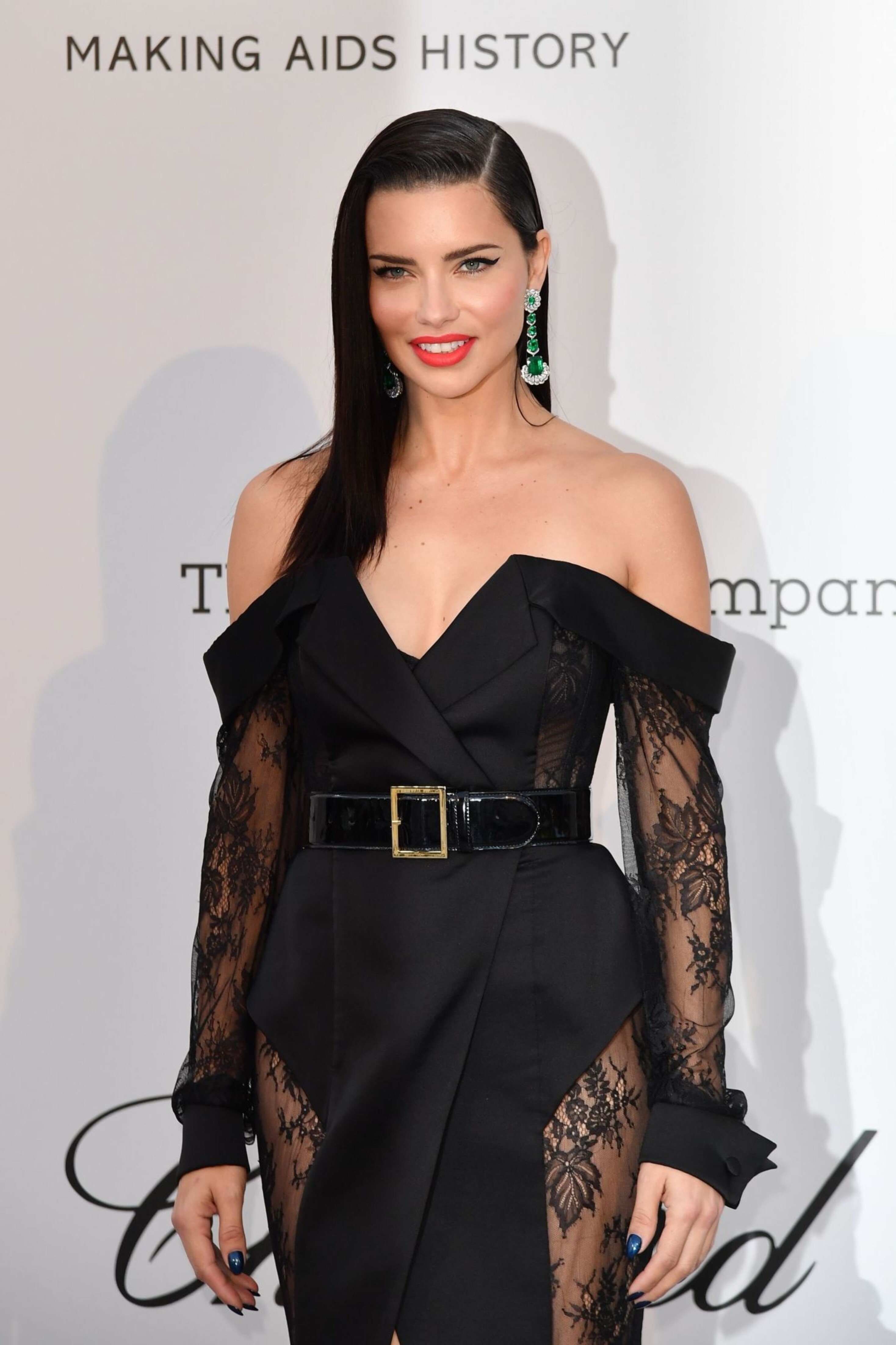
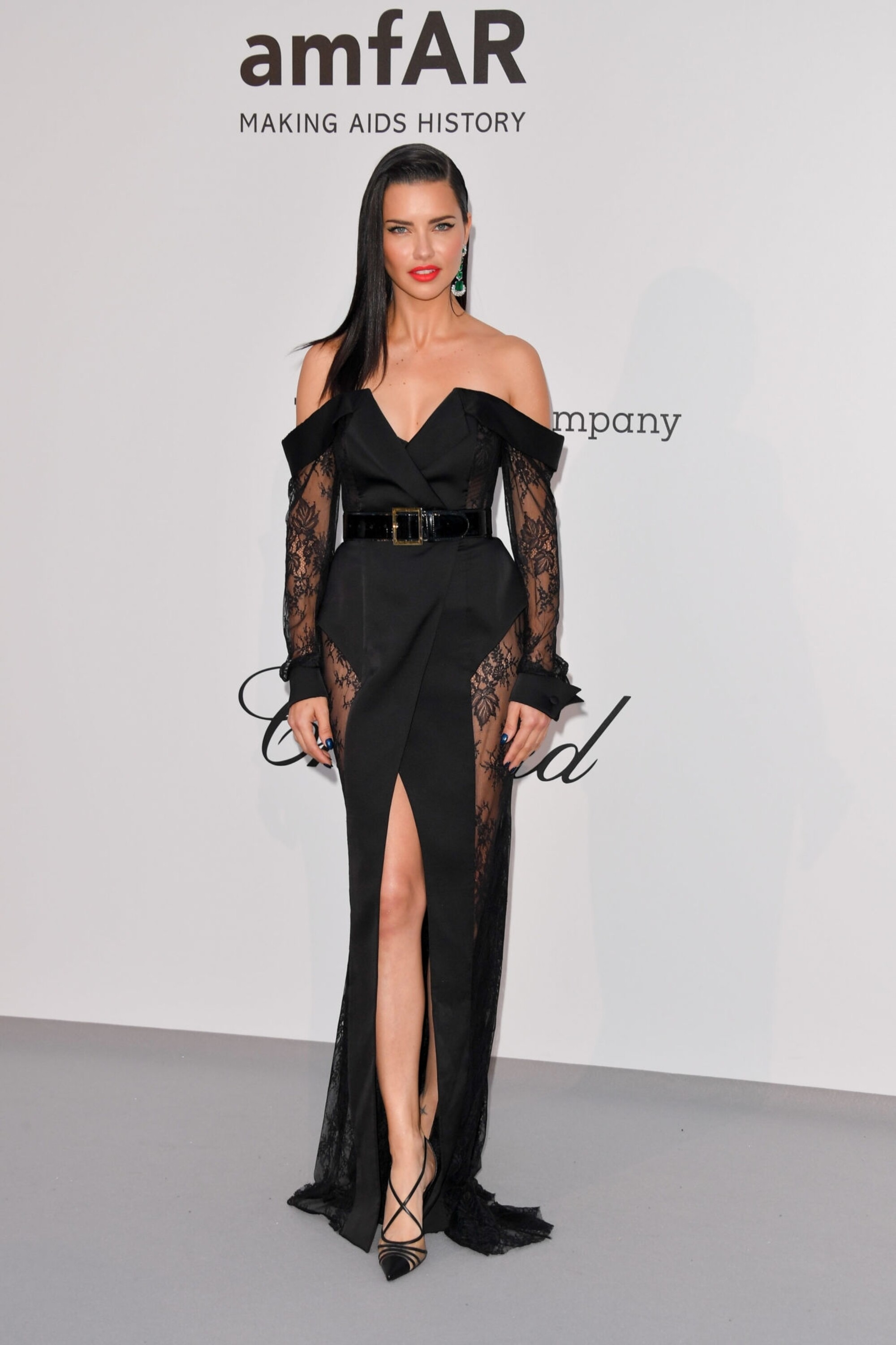
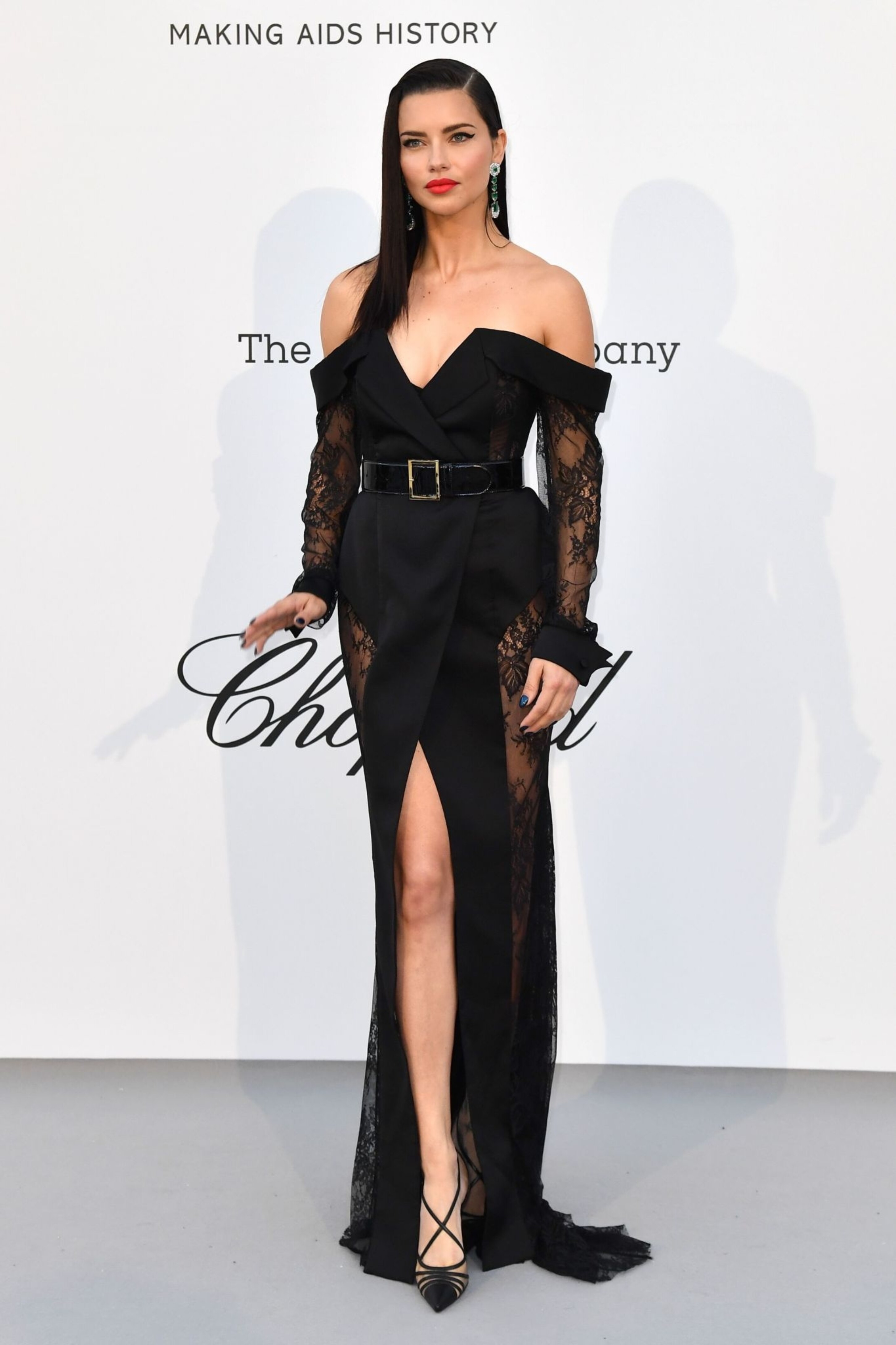
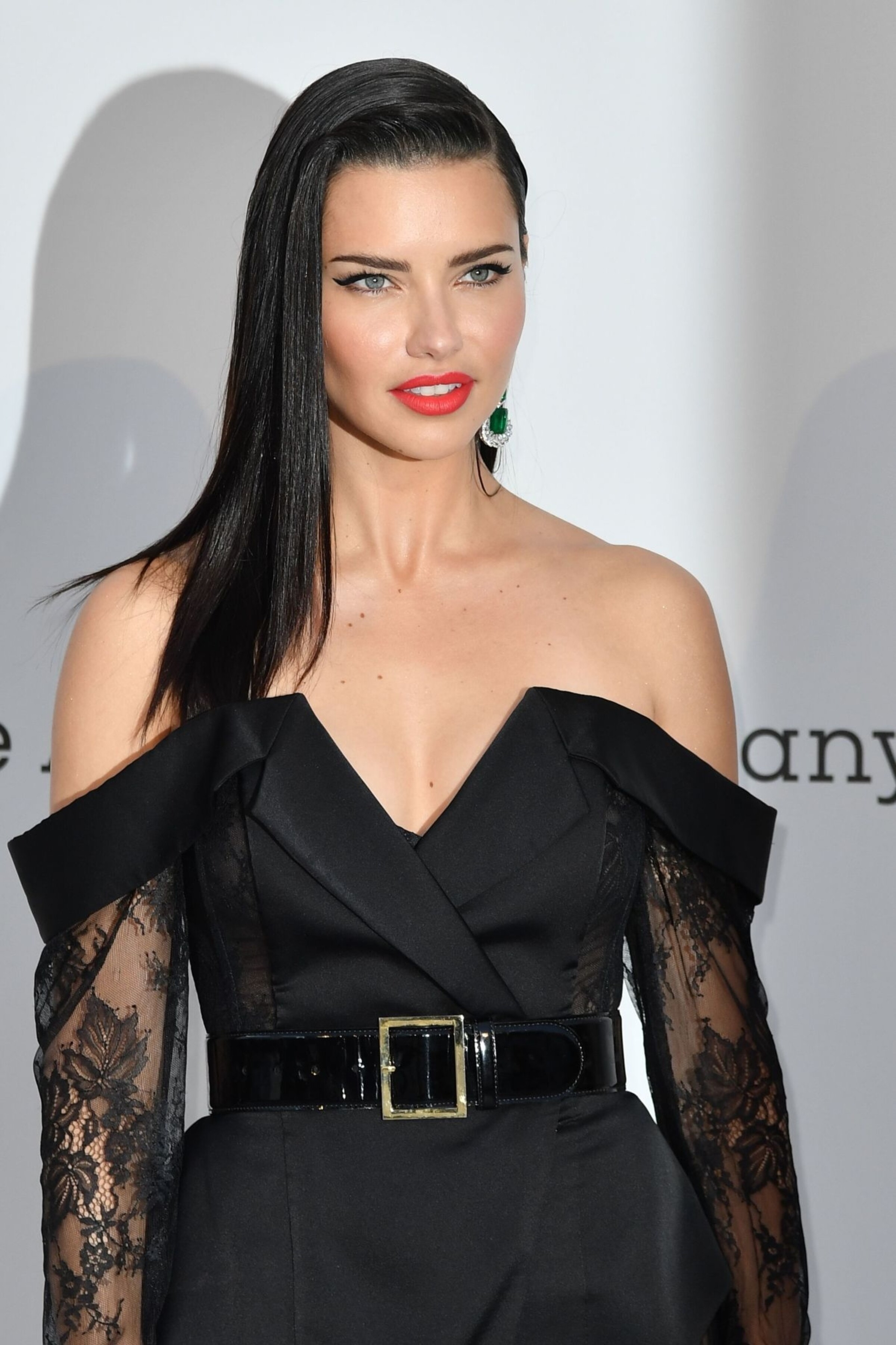
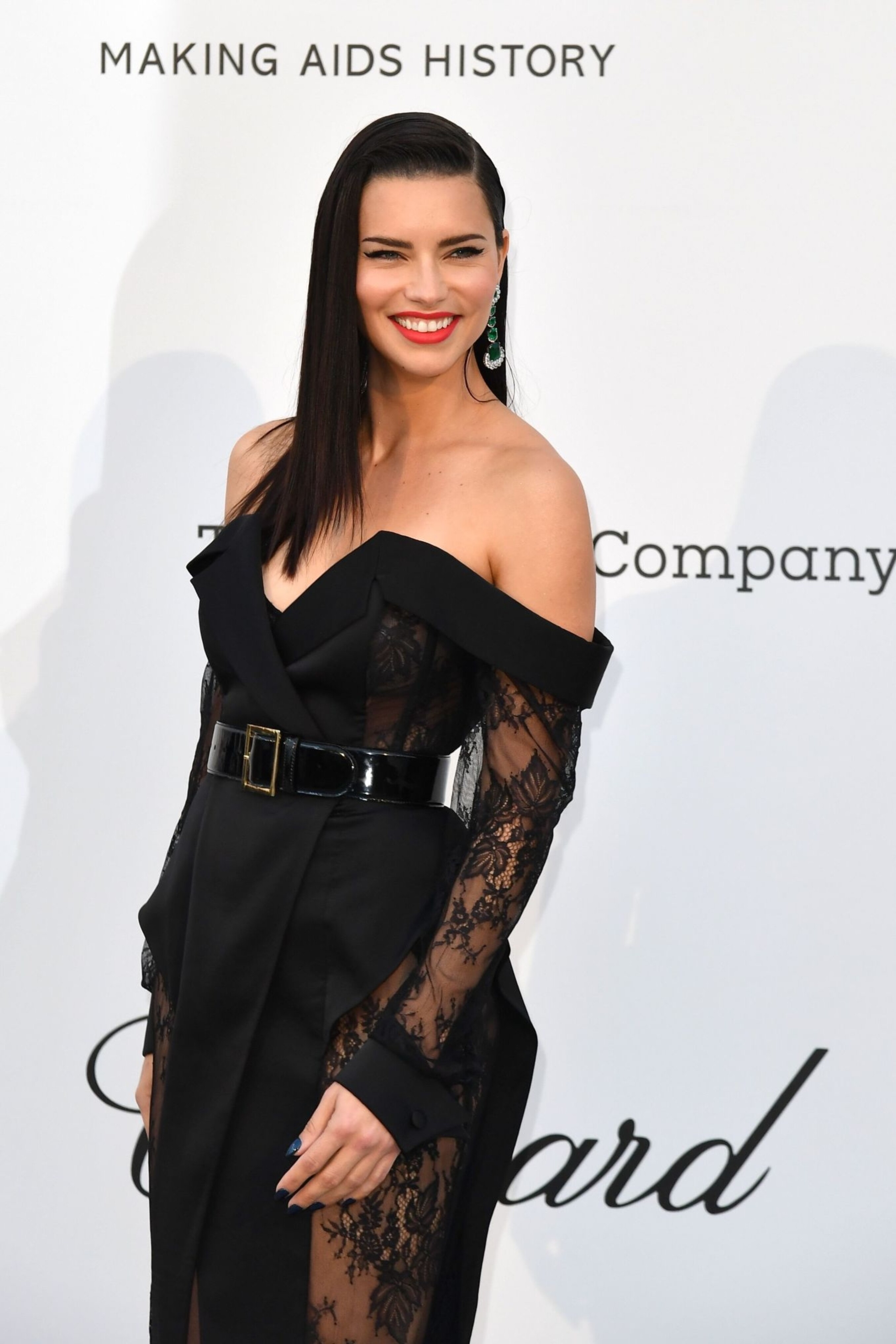
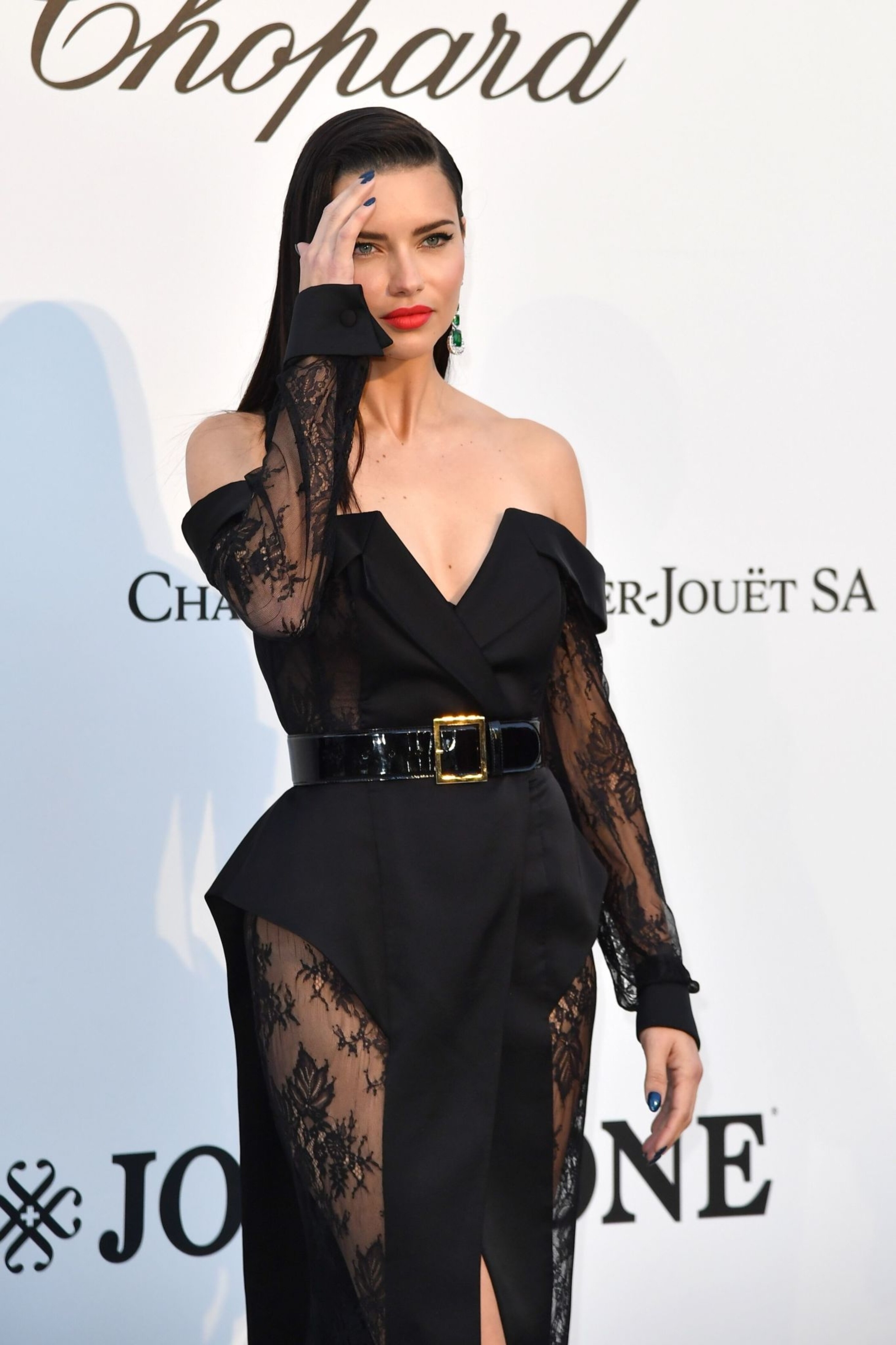
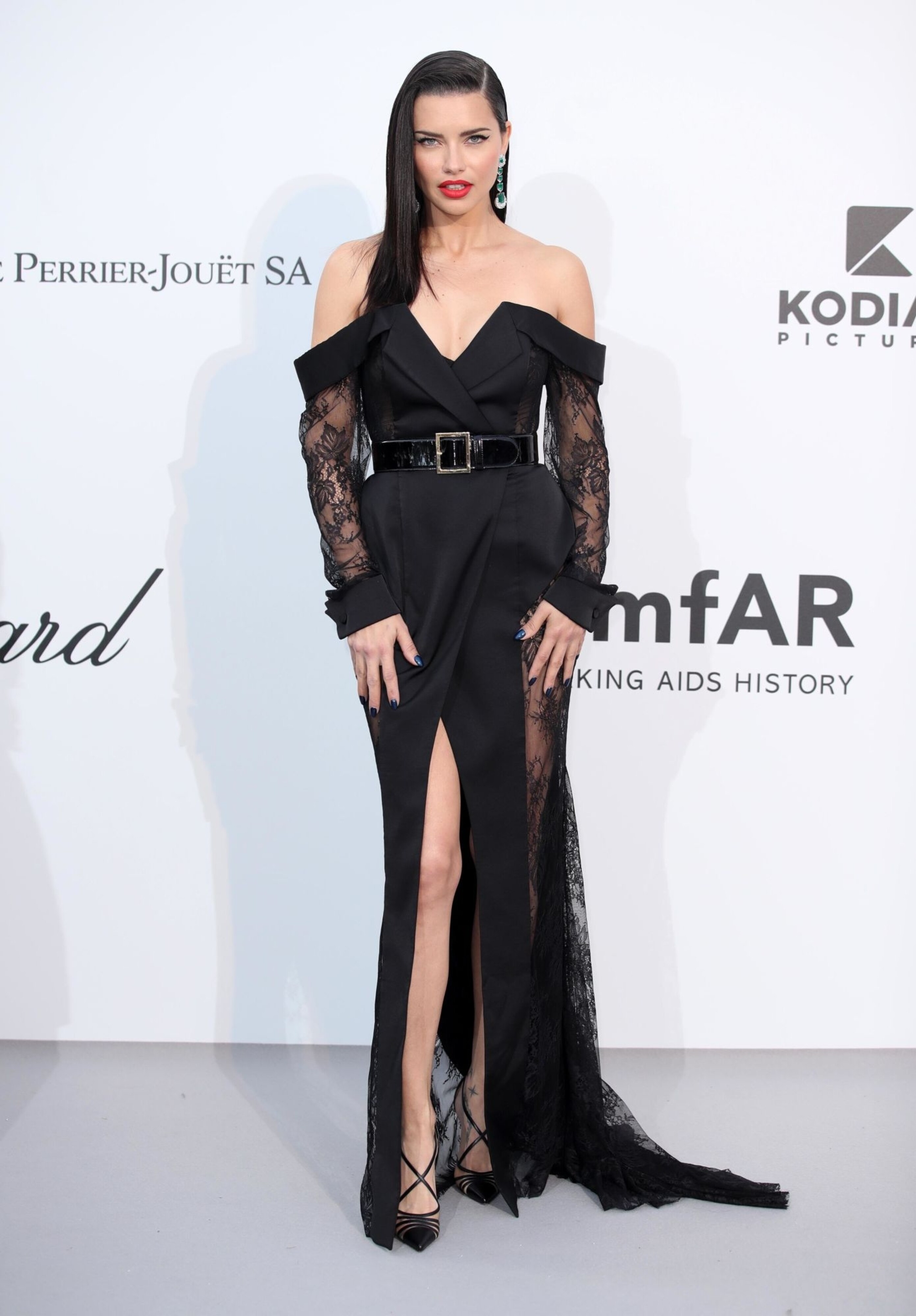
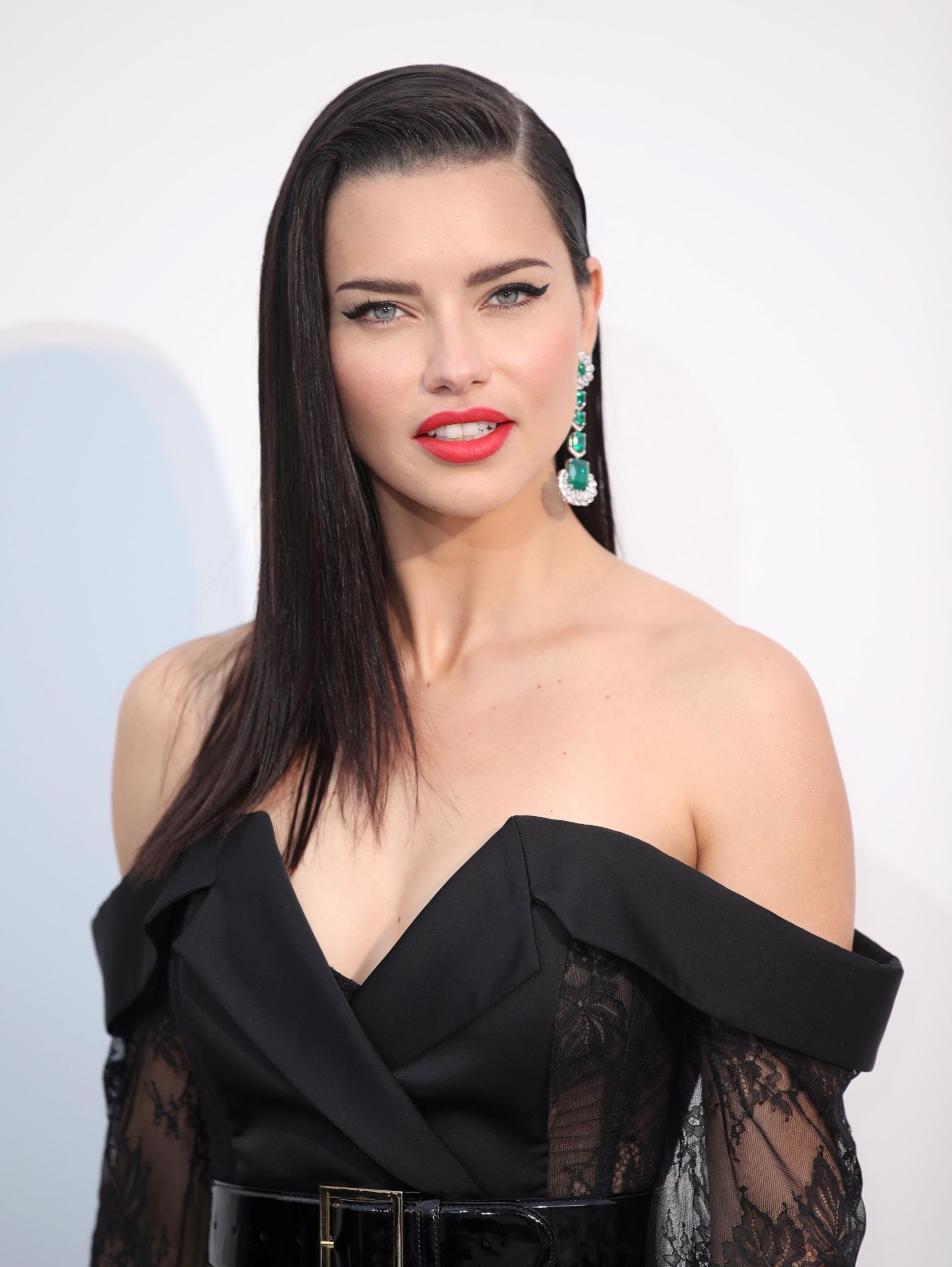
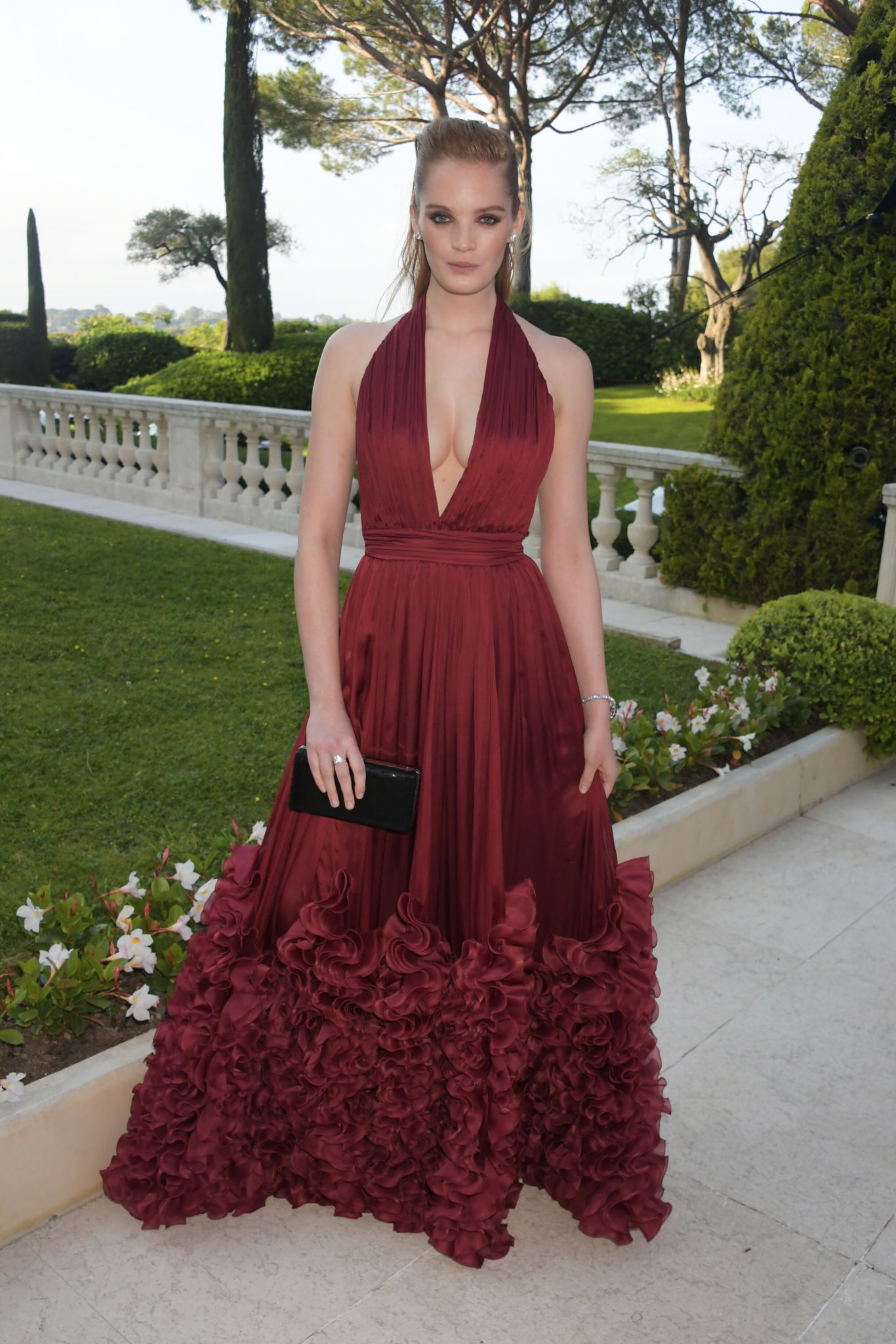
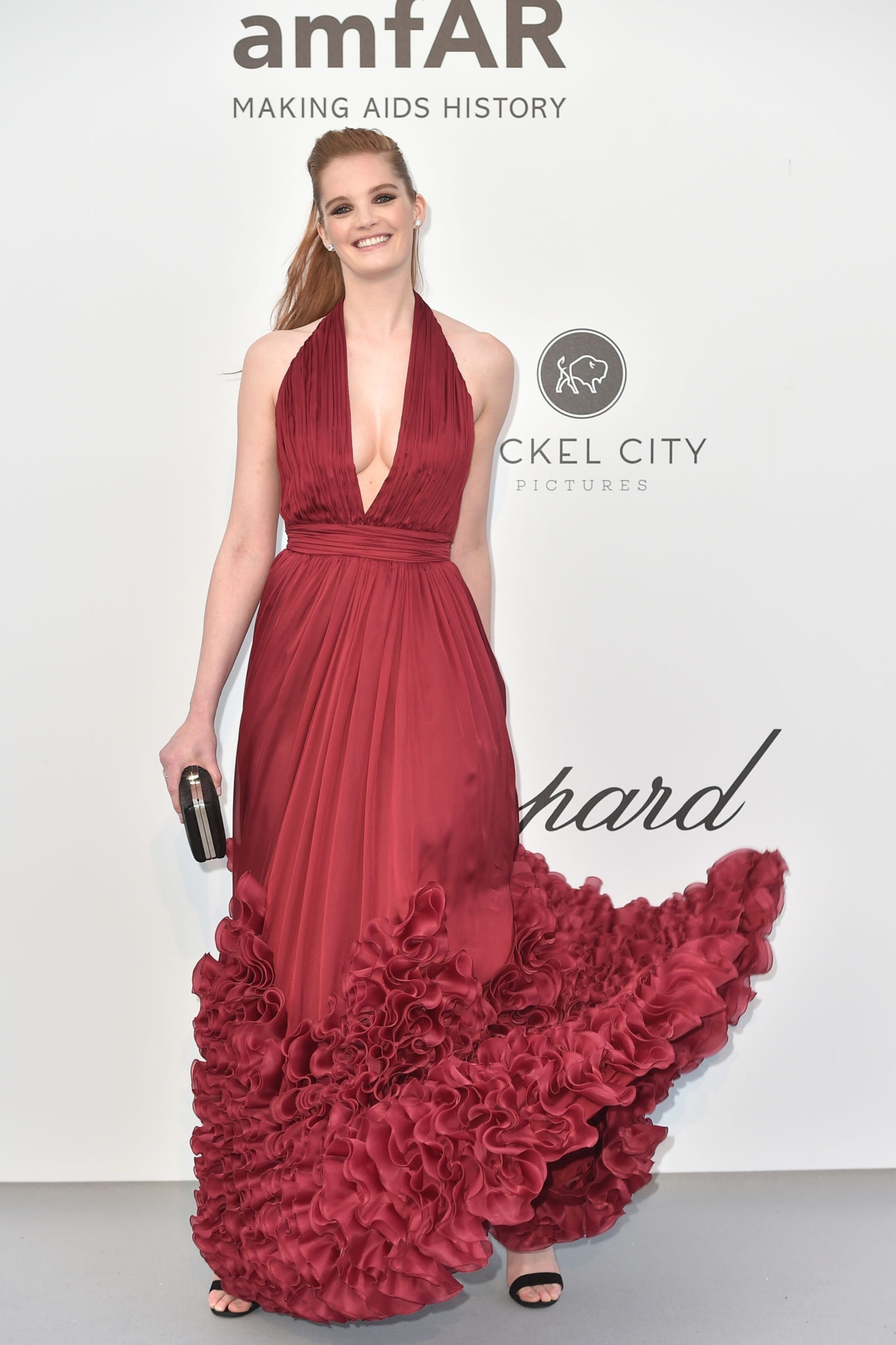
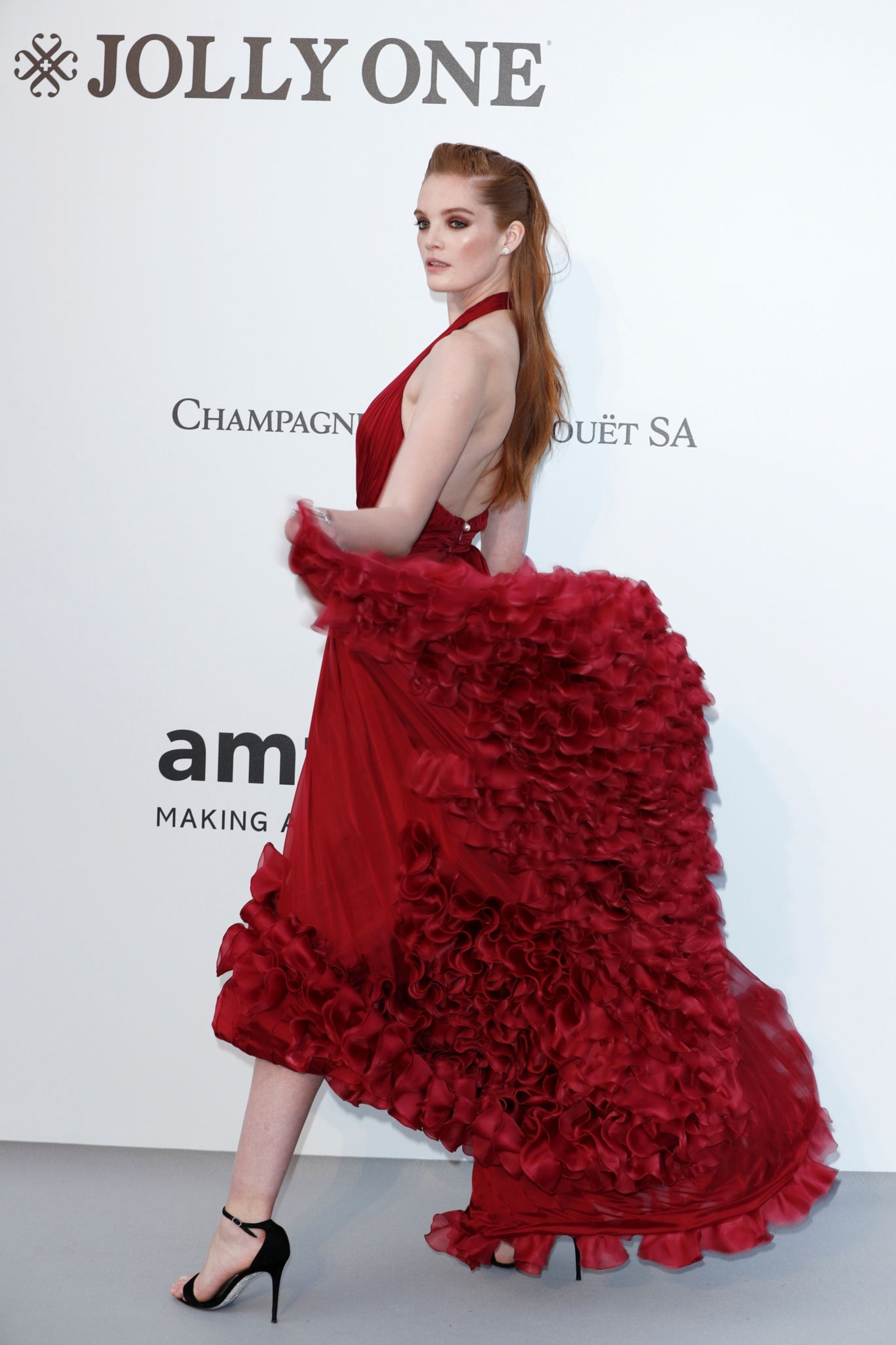
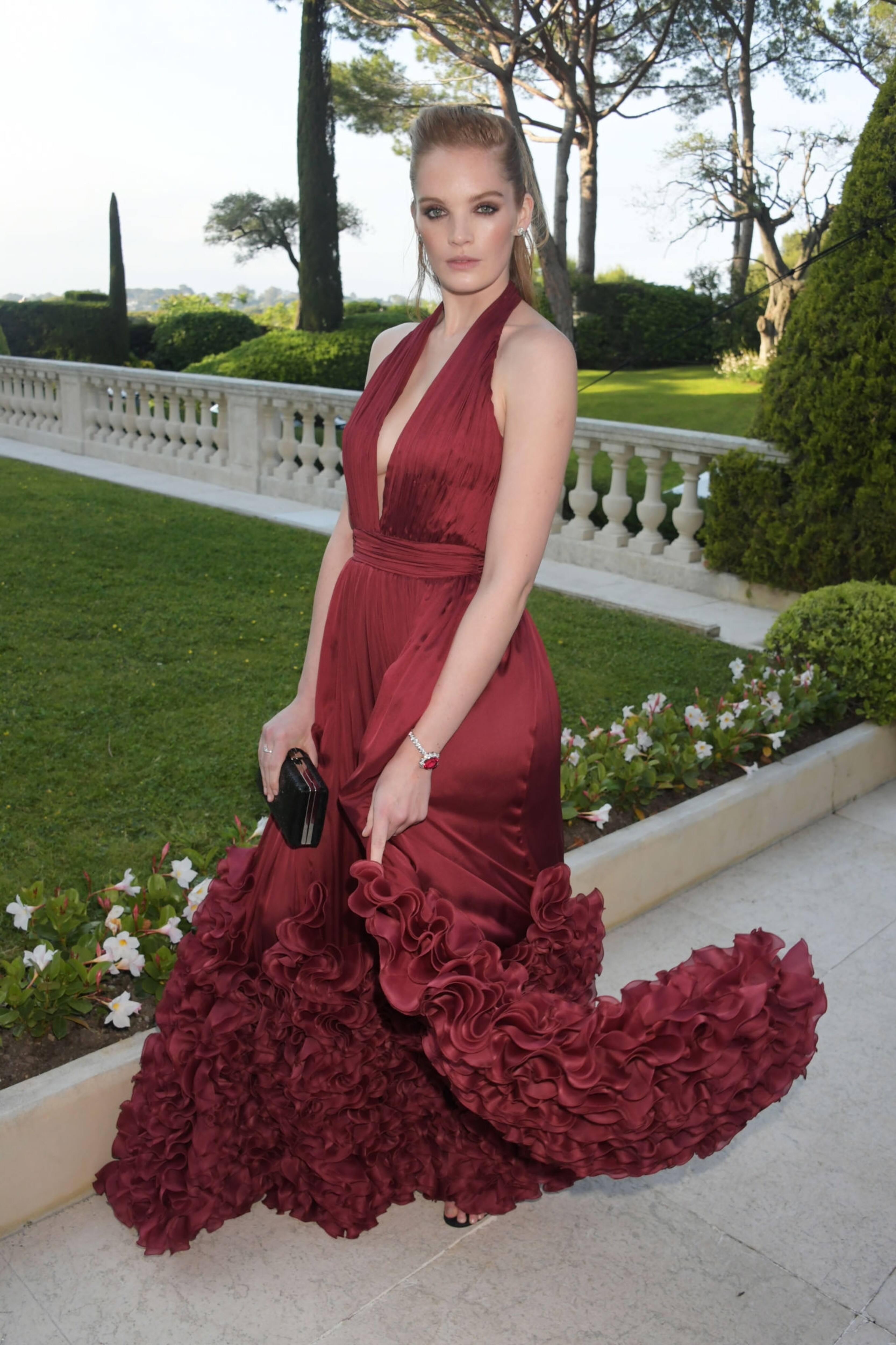
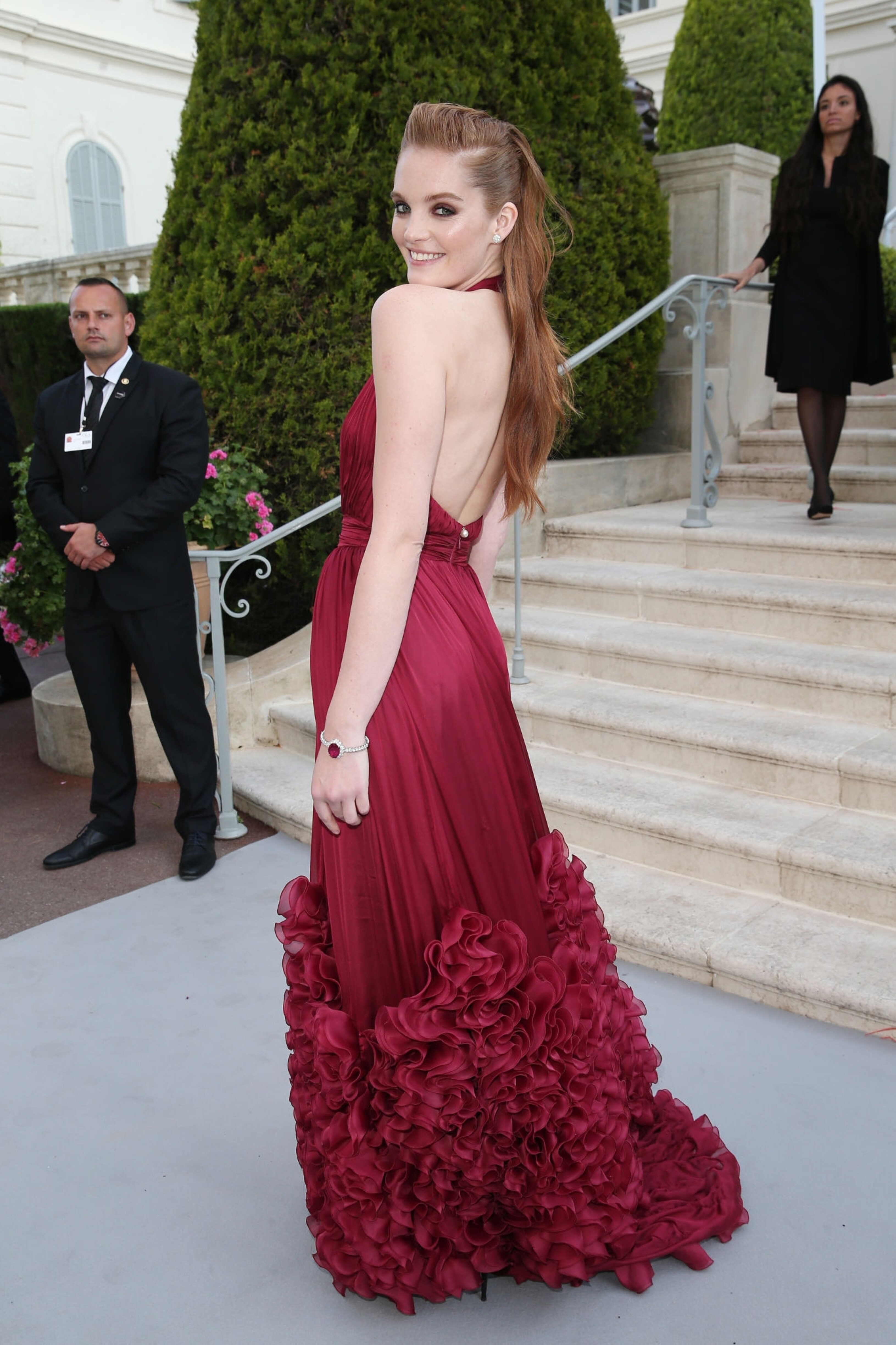
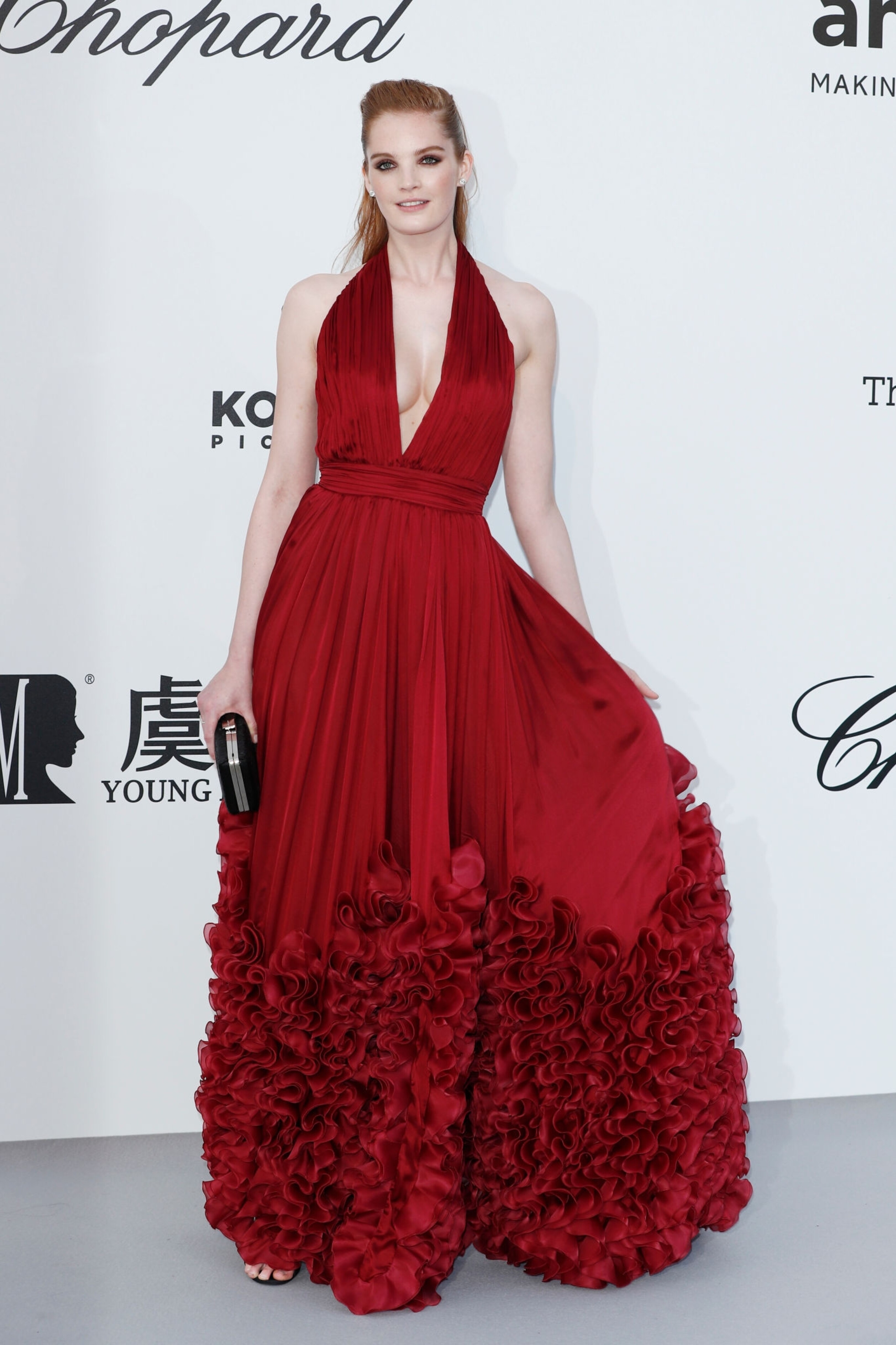
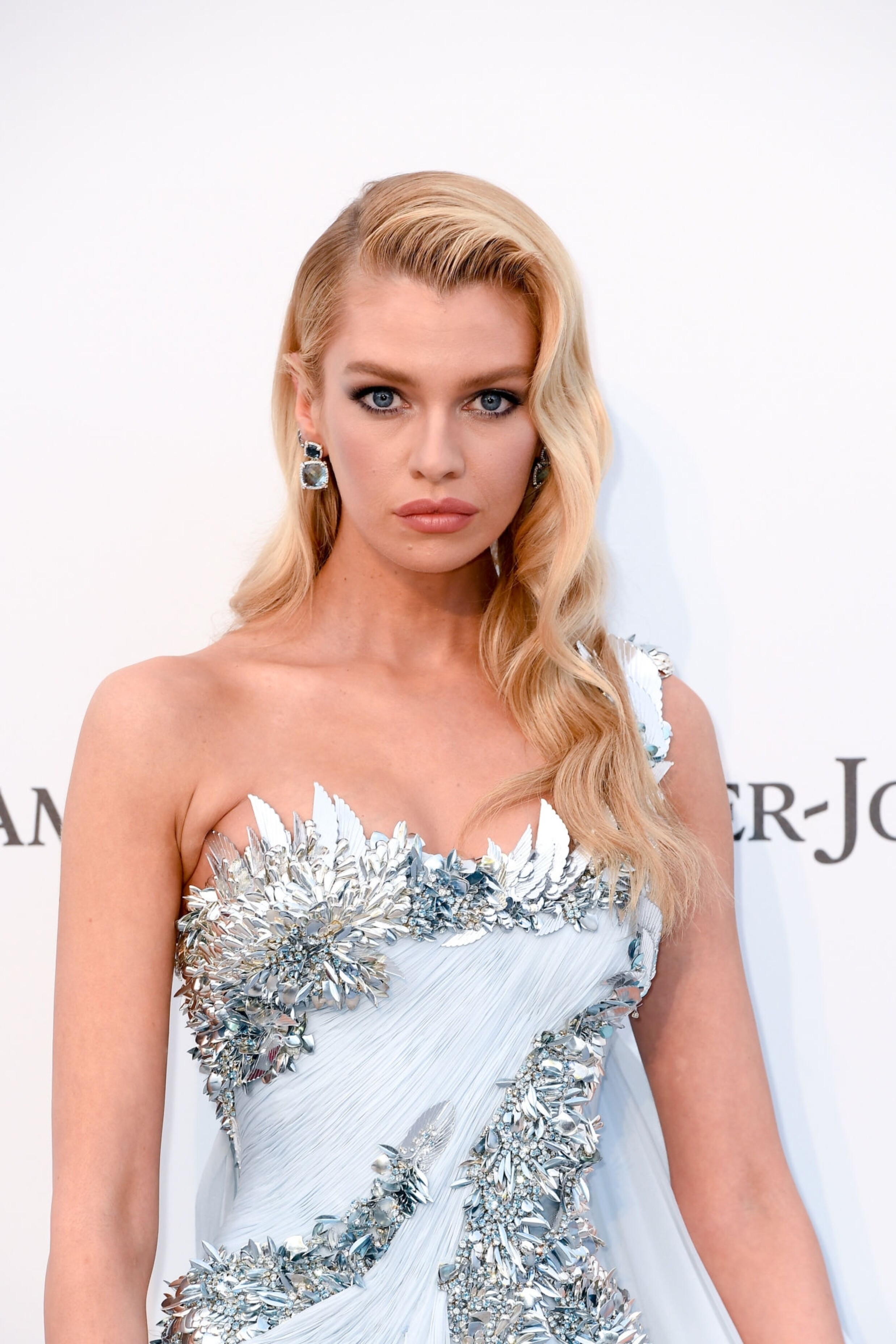
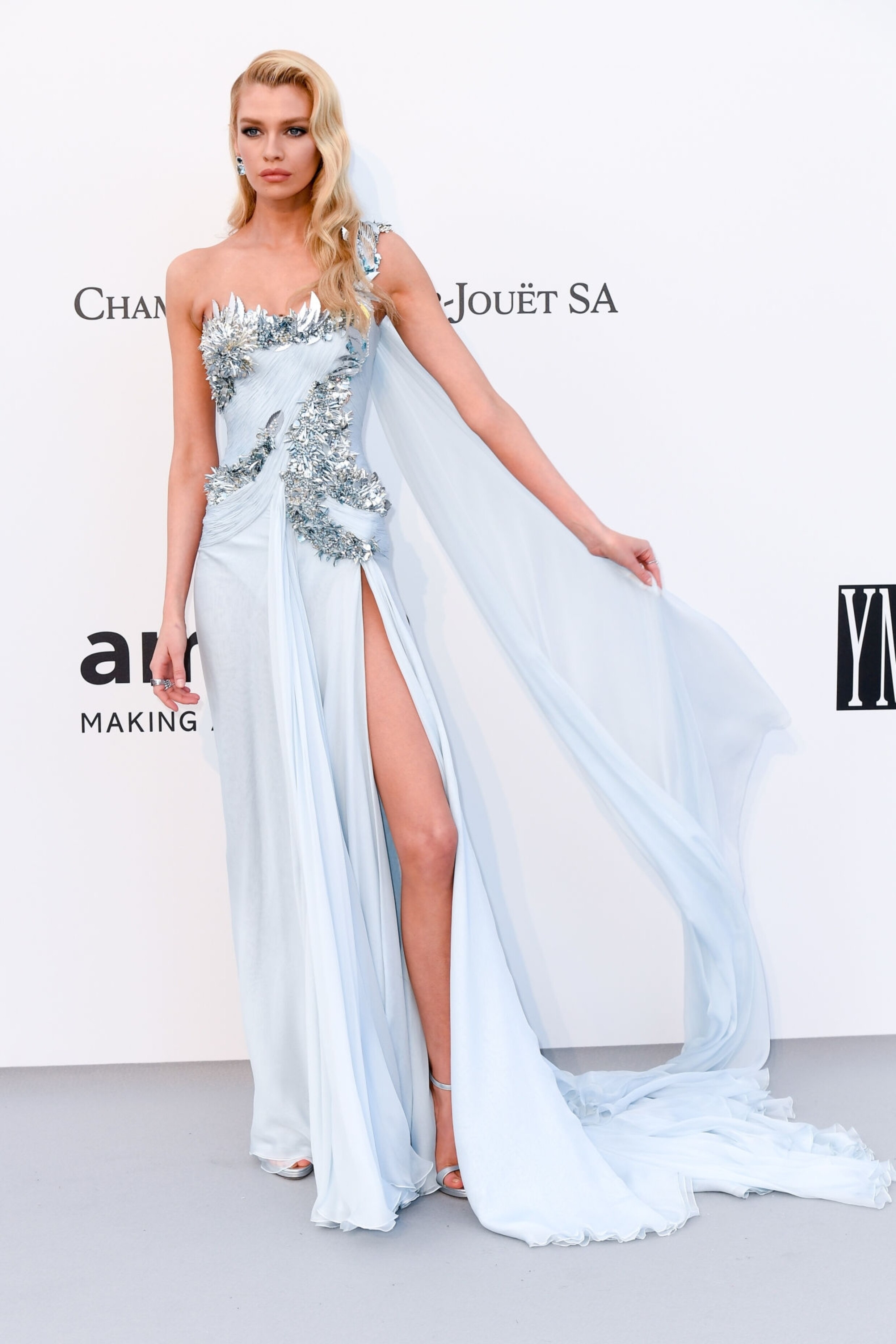
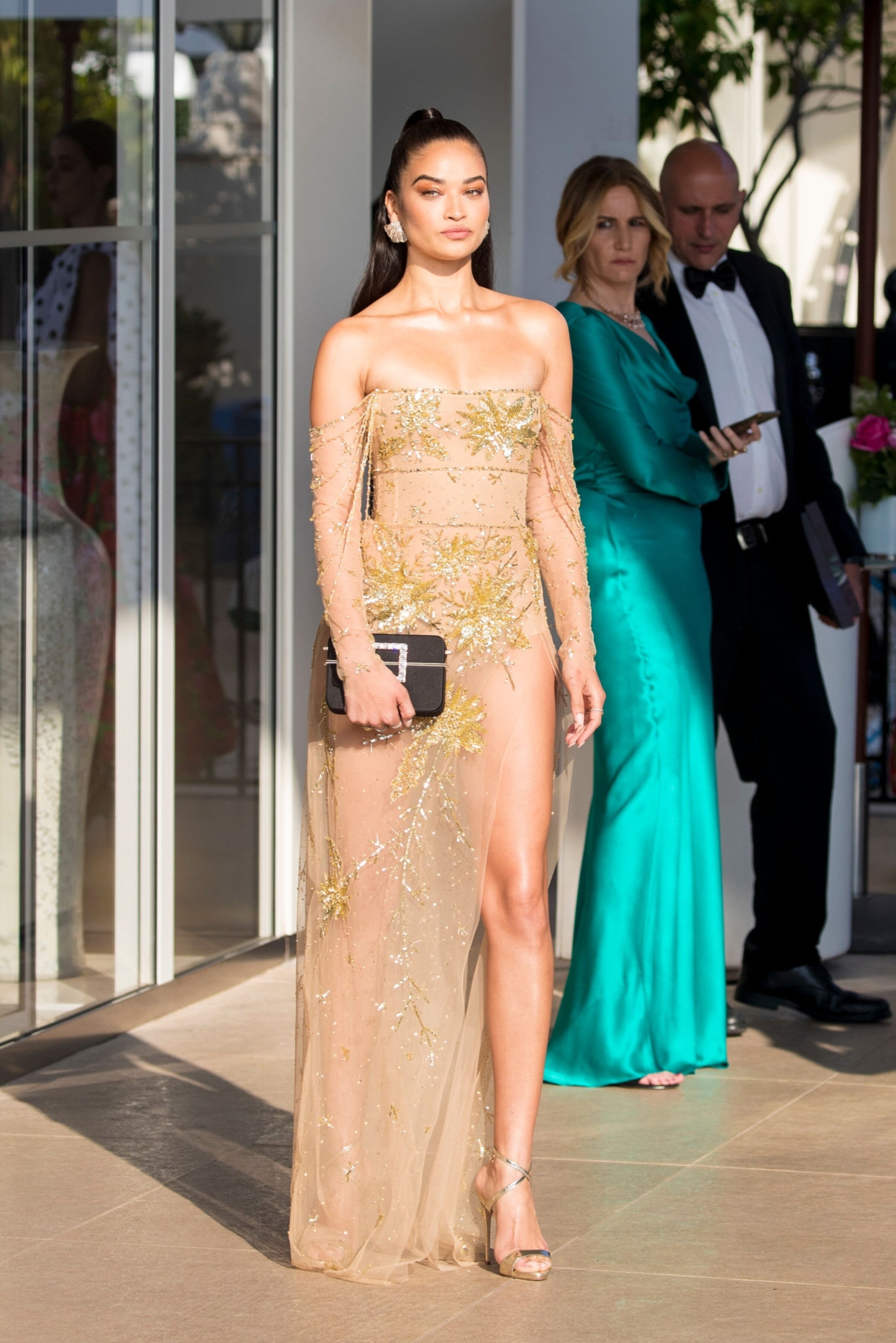
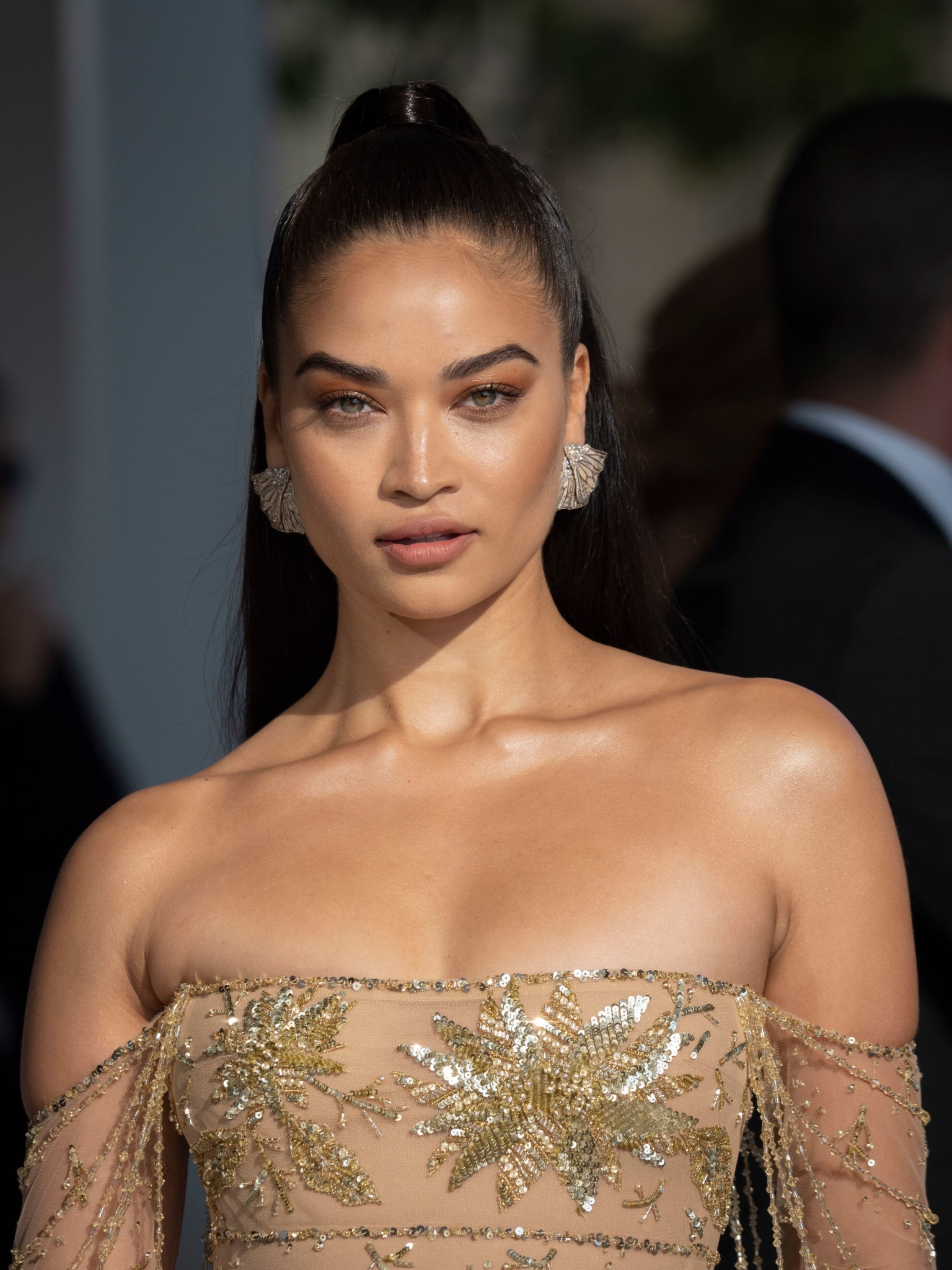
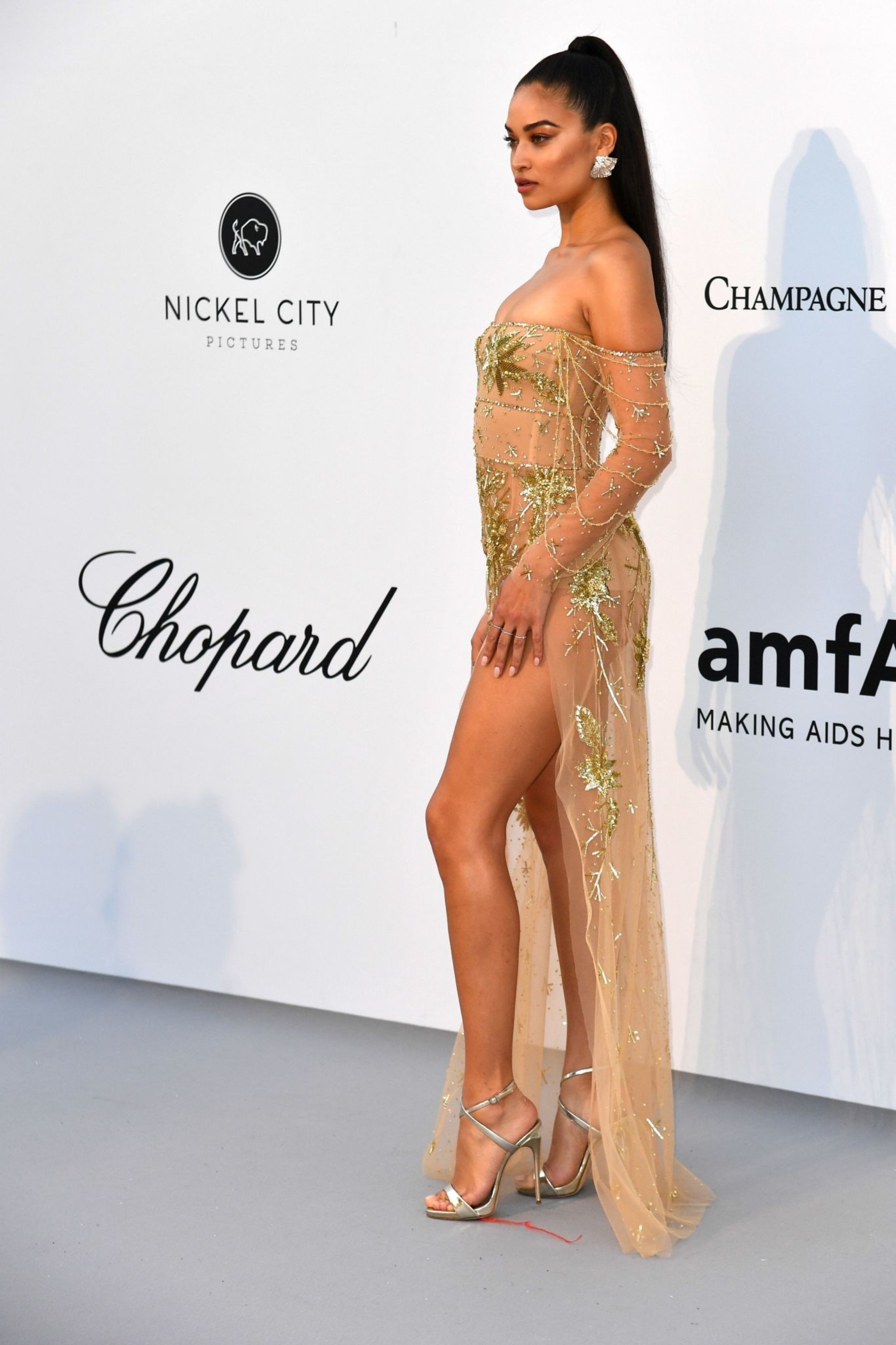
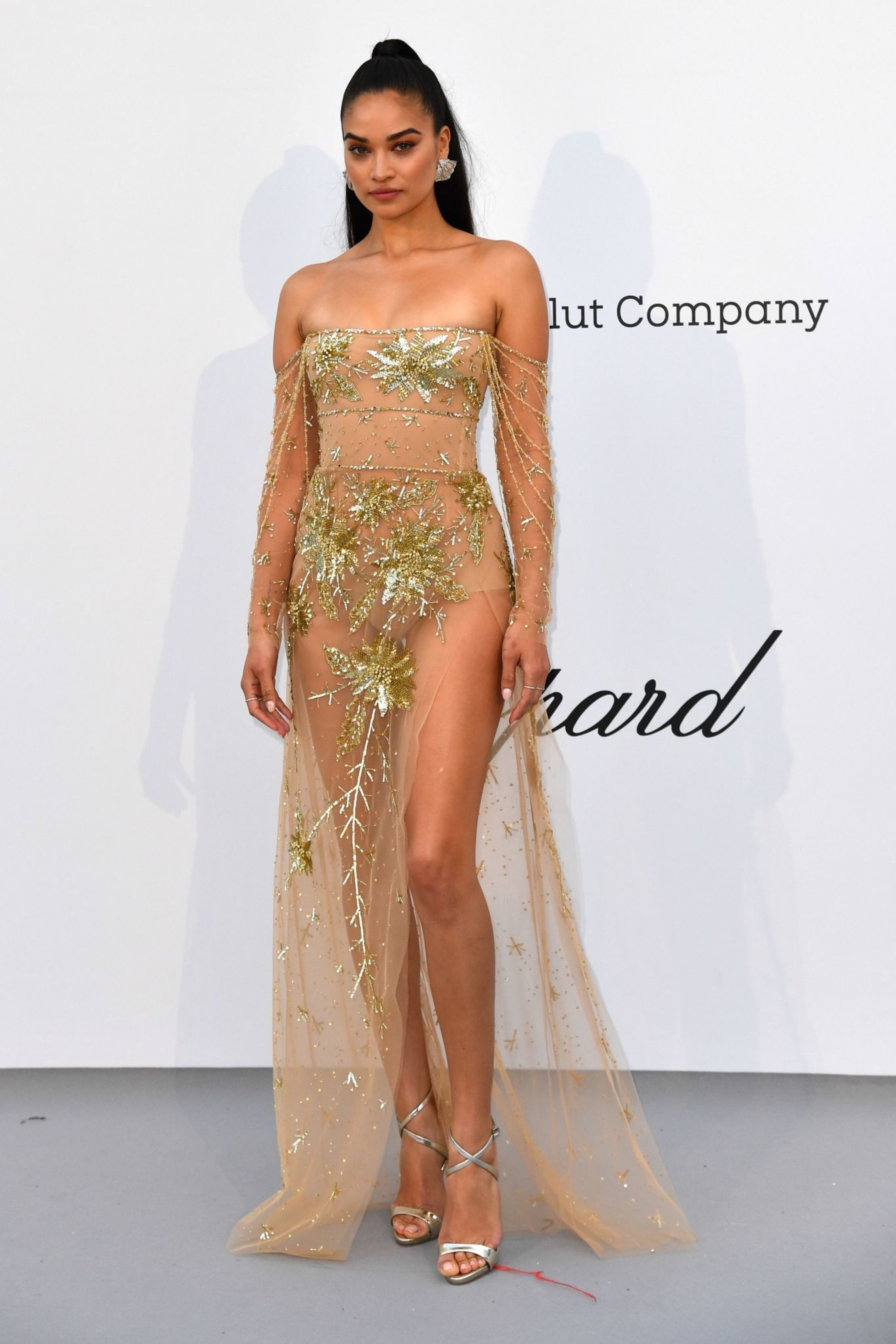
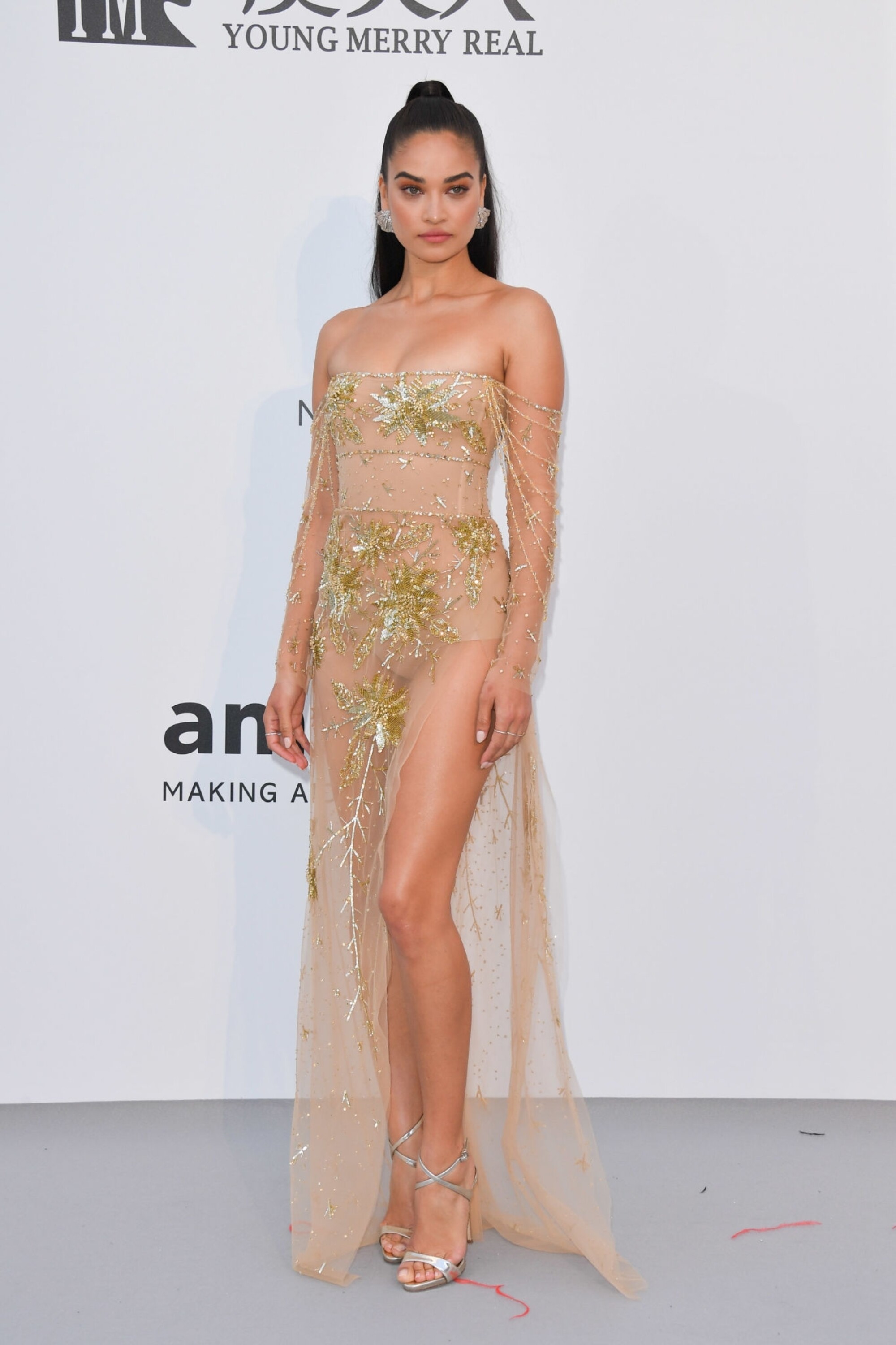
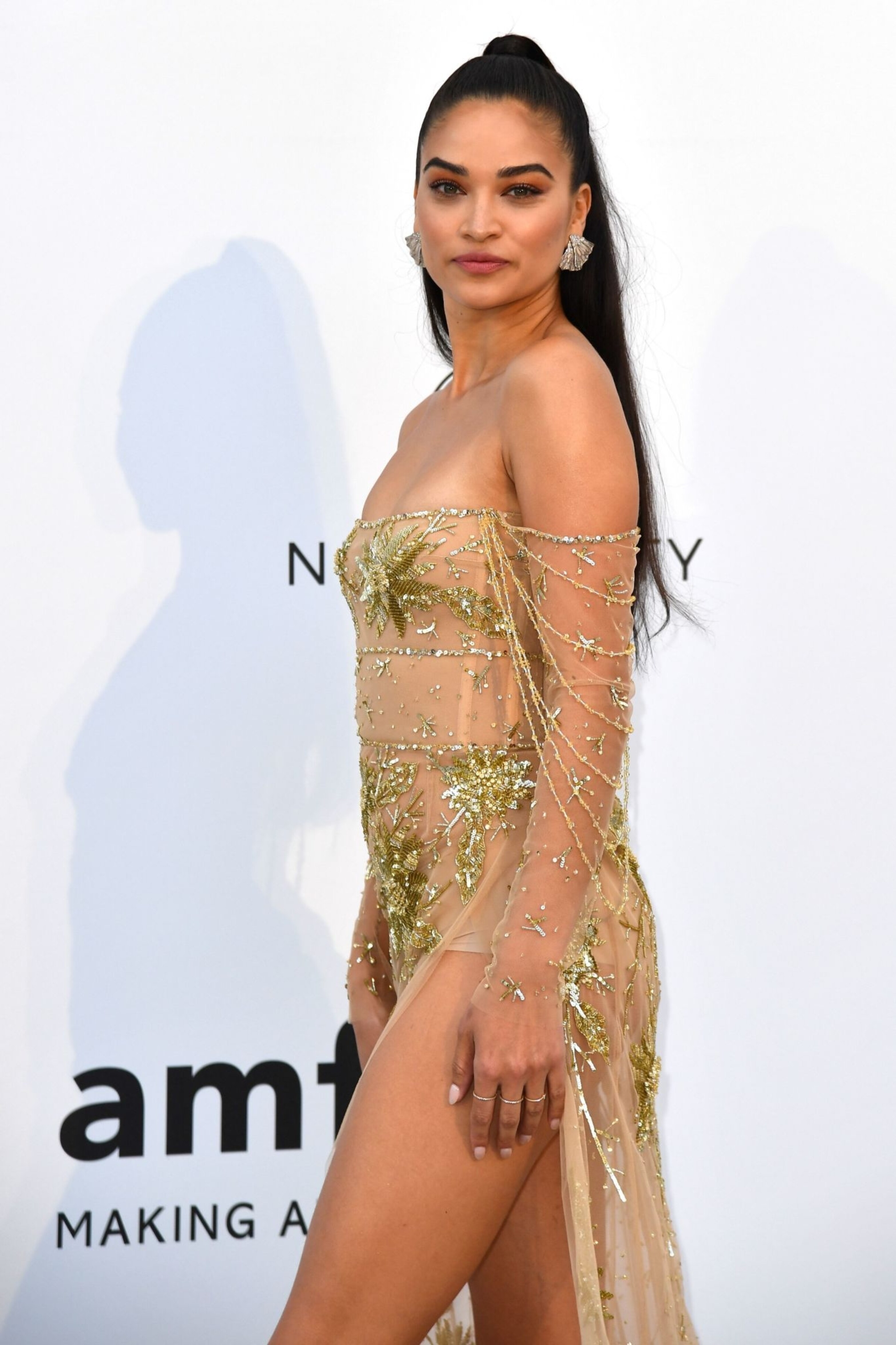
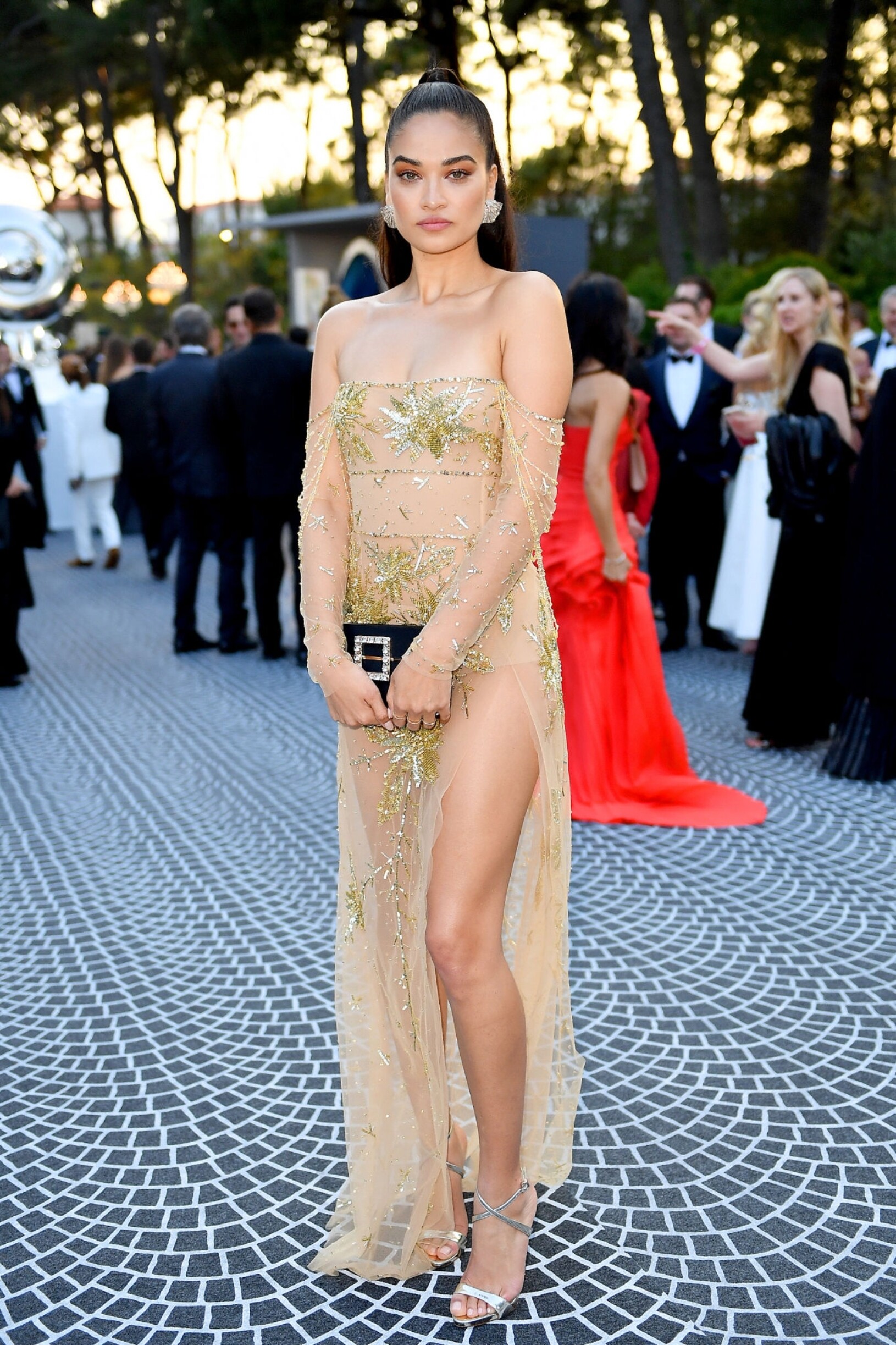
AMFAR - Cocktails & Red Carpet - UHQ If reposting please credit BZ, thanks
Scarlet Leithold - UHQ
AMFAR - Cocktails & Red Carpet - UHQ If reposting please credit BZ, thanks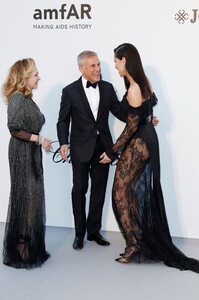
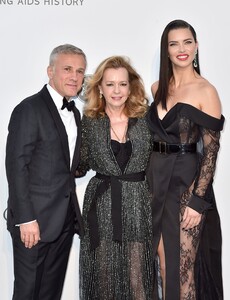

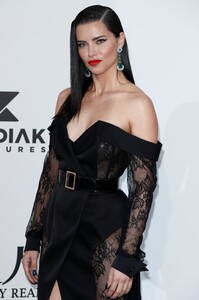
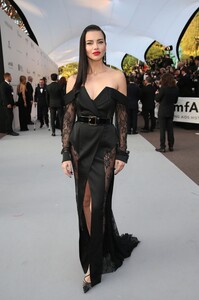

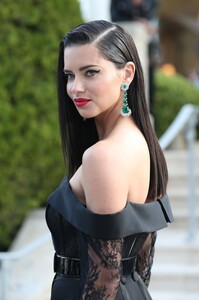
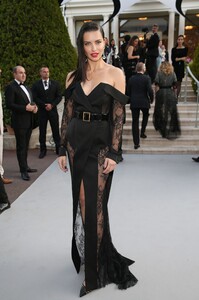
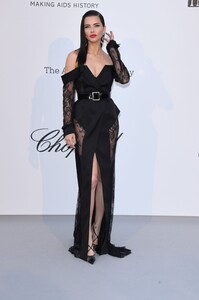
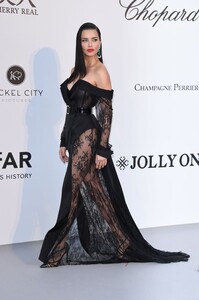
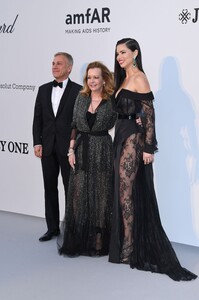
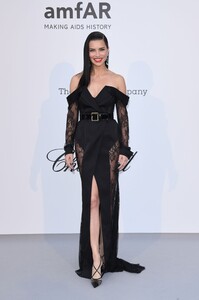
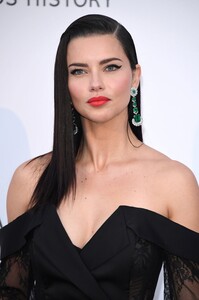
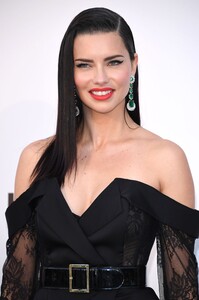
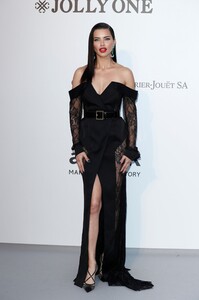
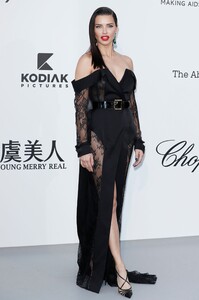

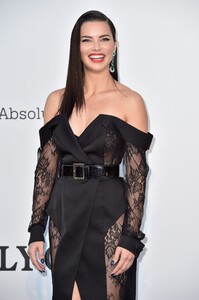
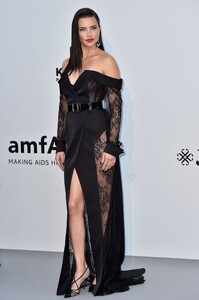
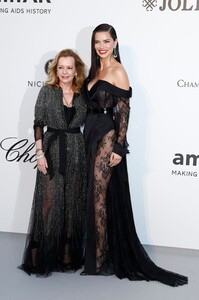
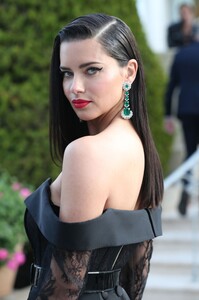
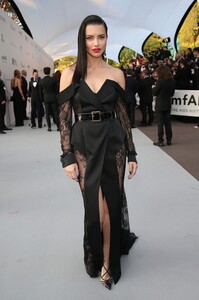
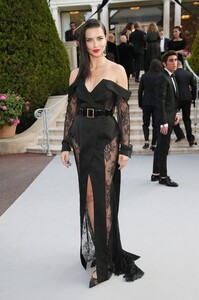

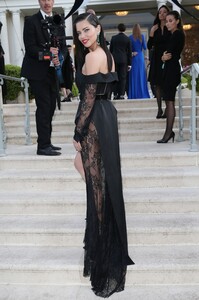
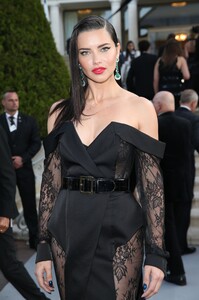
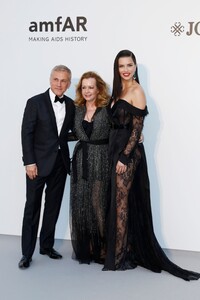
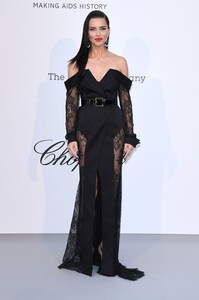
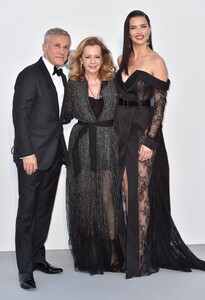
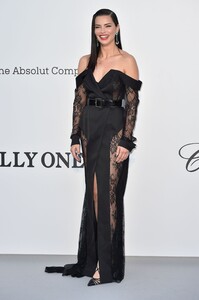

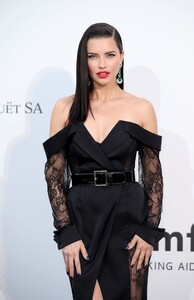


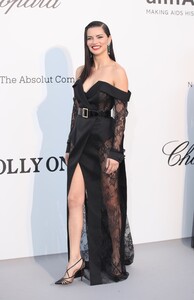
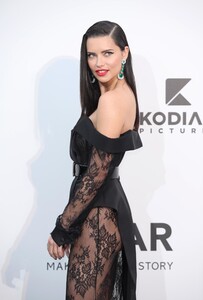
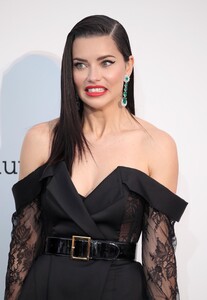
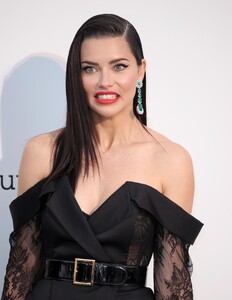
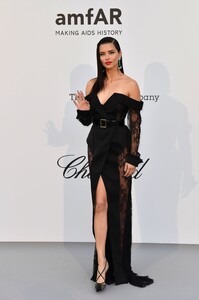

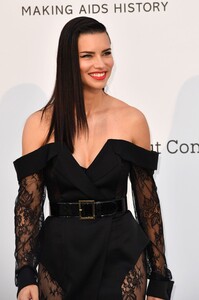
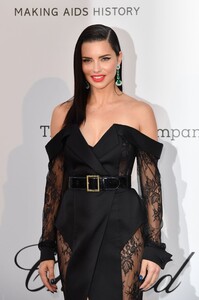
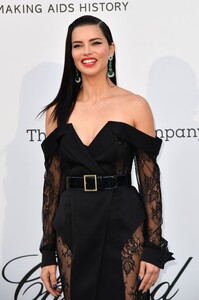
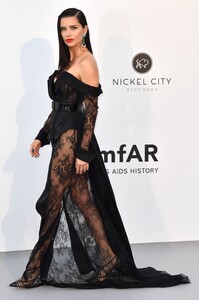
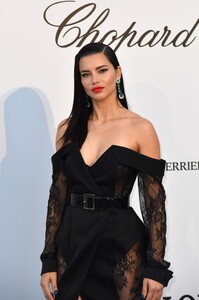
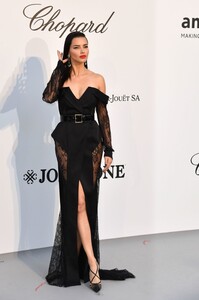
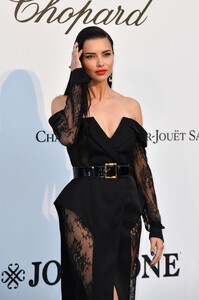
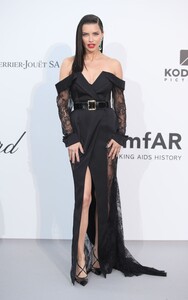
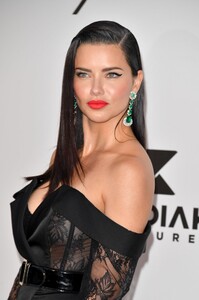

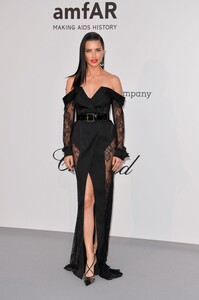
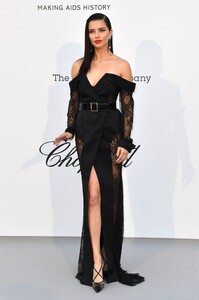

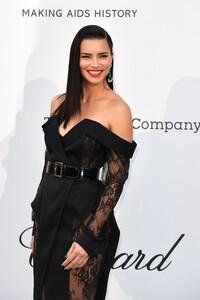
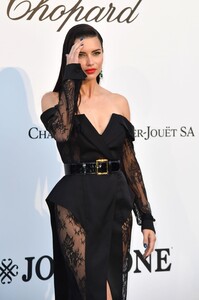
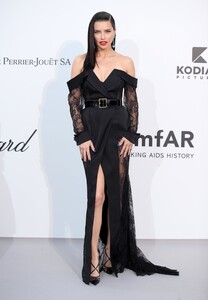
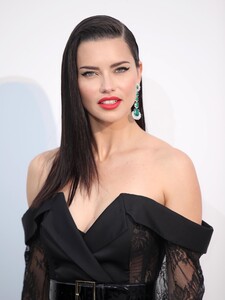
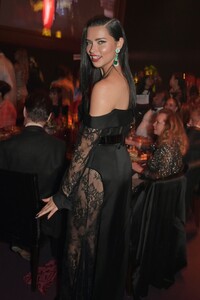
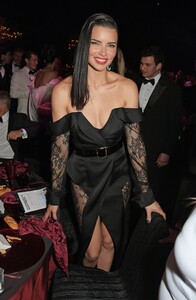
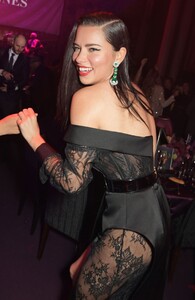
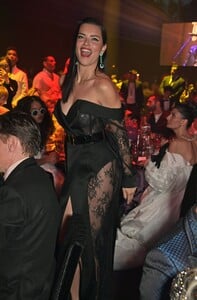

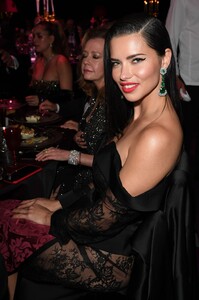
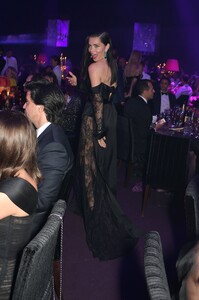
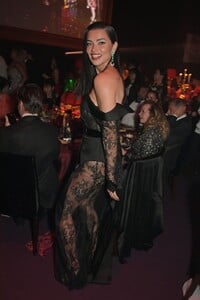
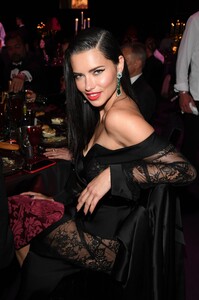
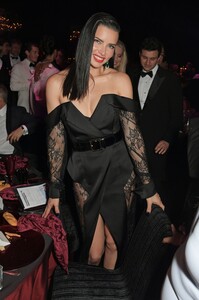
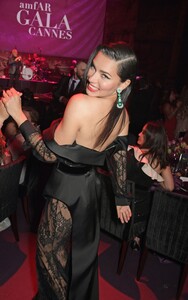
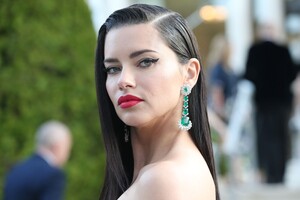
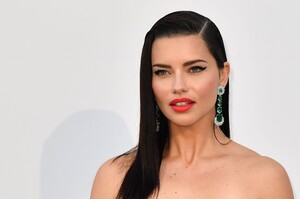

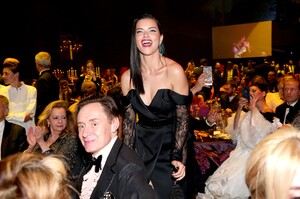
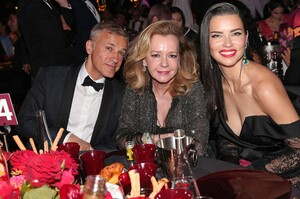
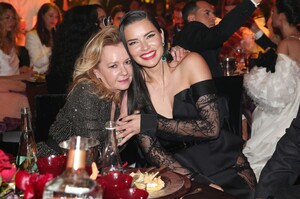



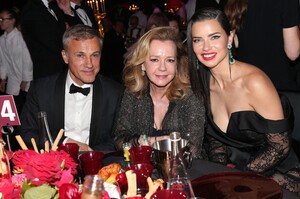
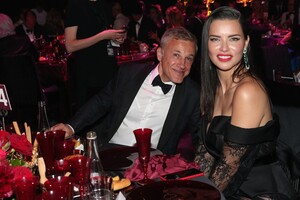
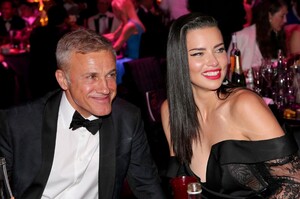
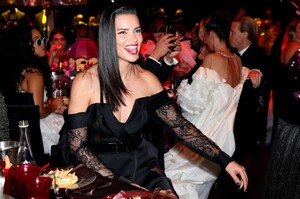

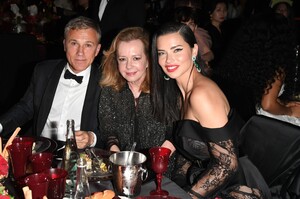
 AMFAR - Cocktails & Red Carpet - UHQ If reposting please credit BZ, thanks
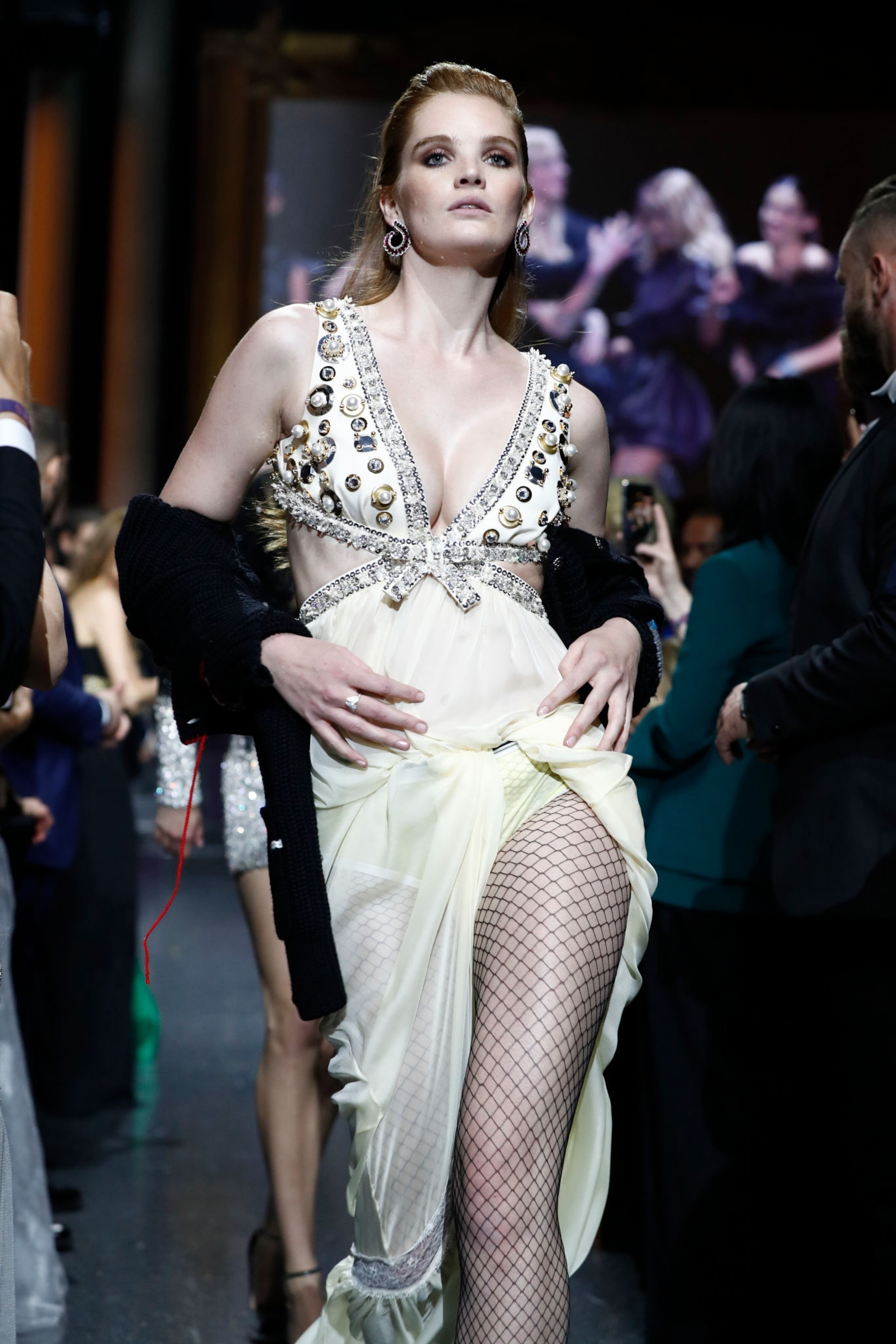
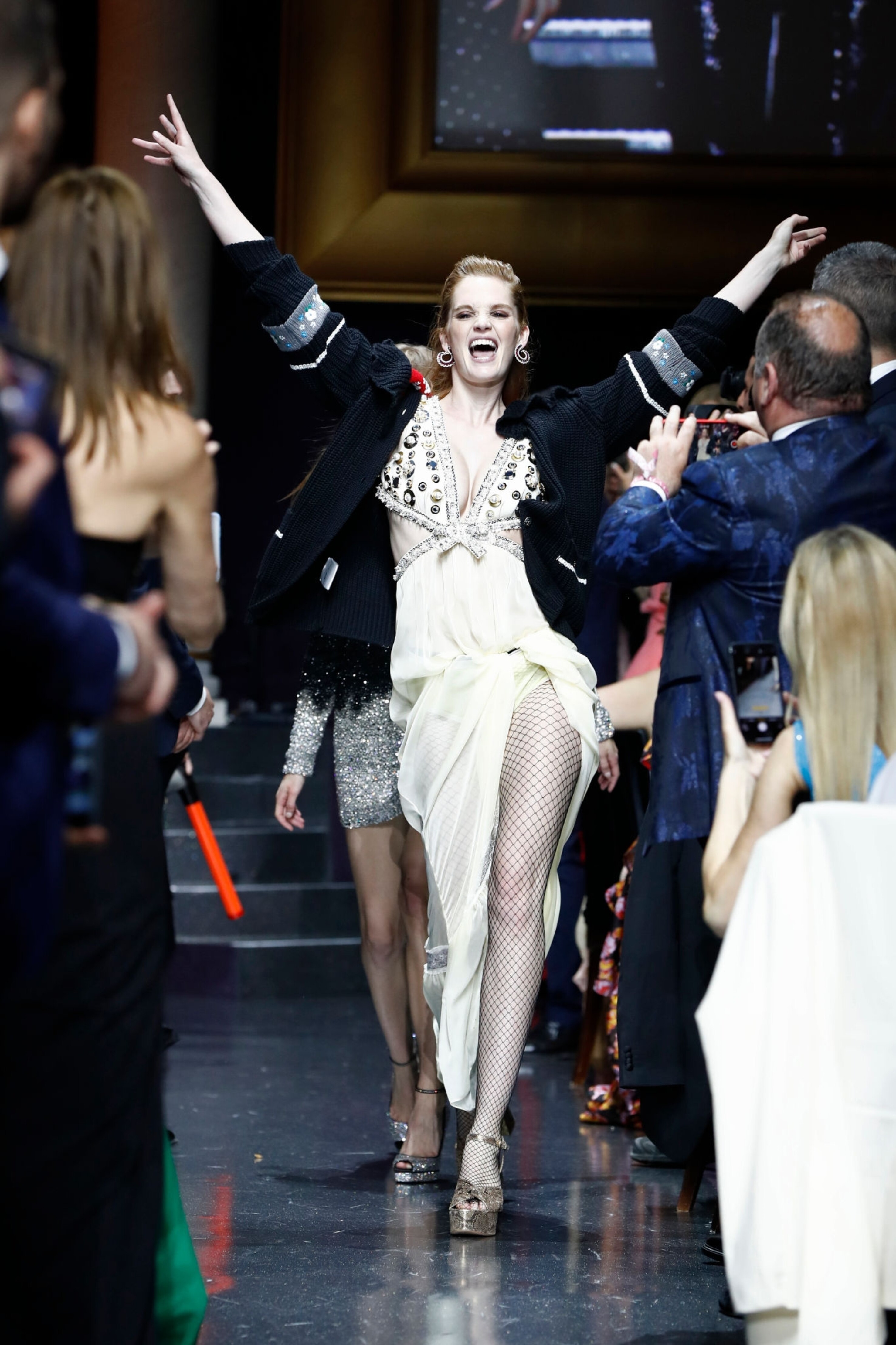
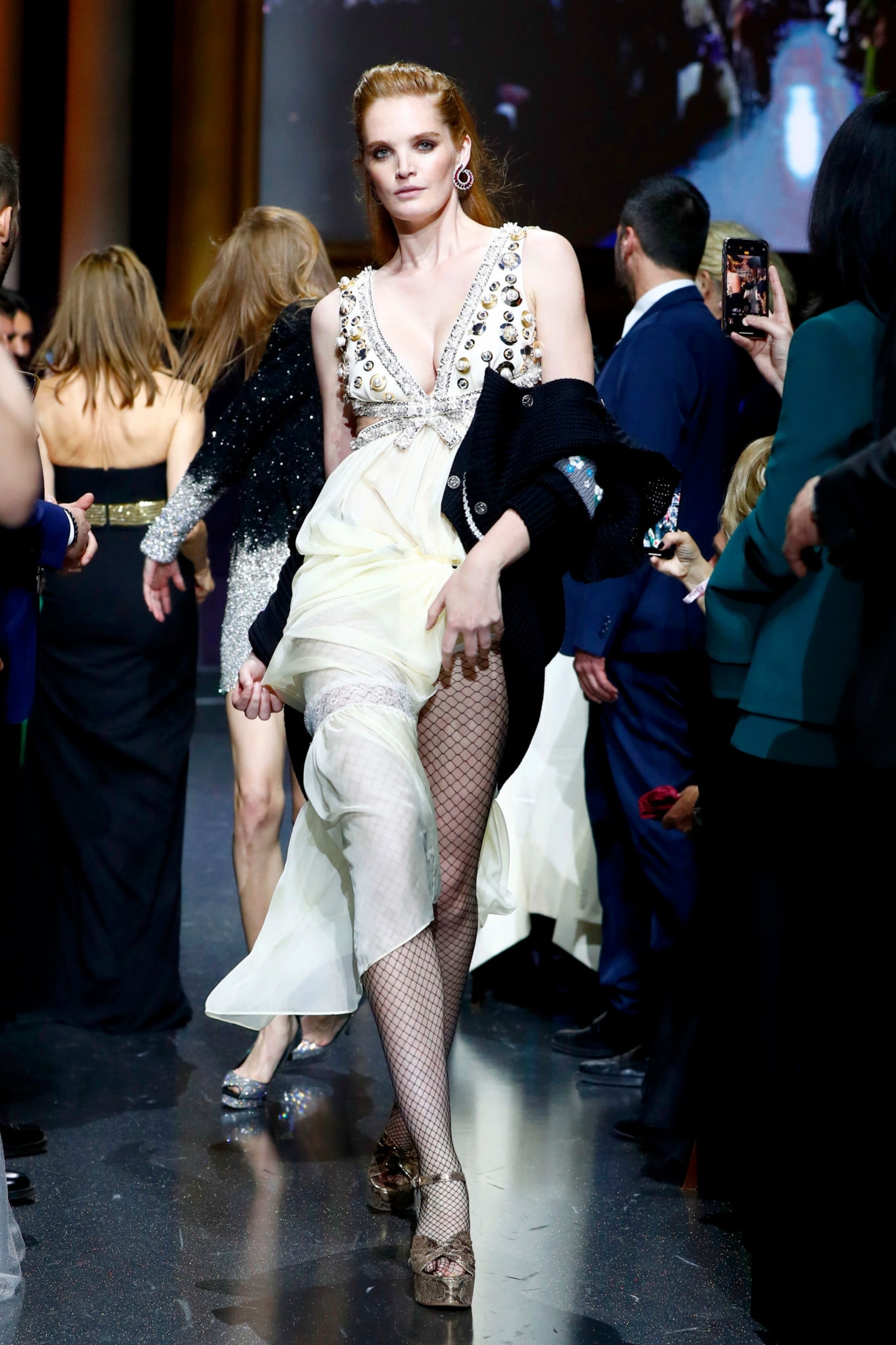
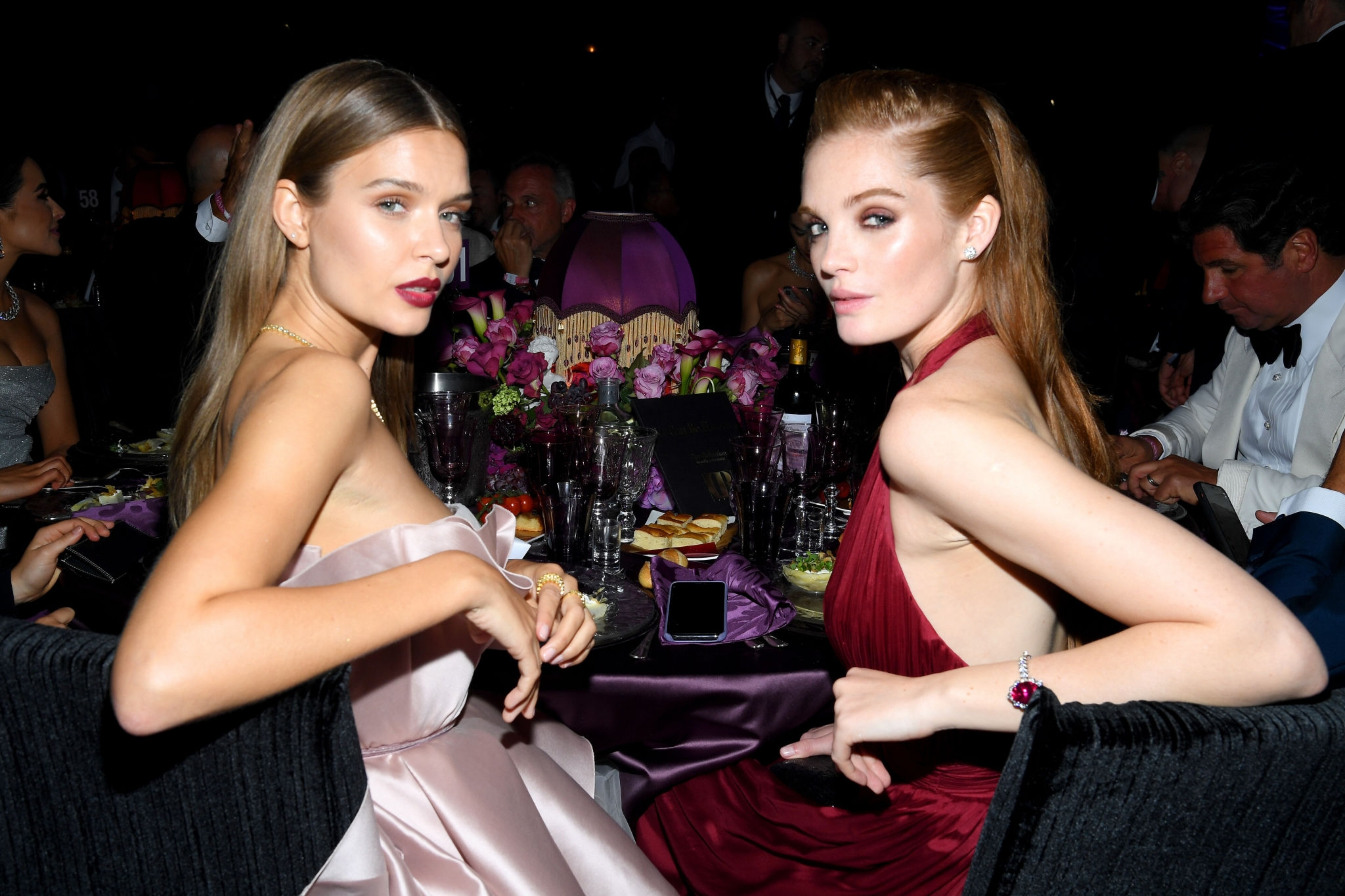
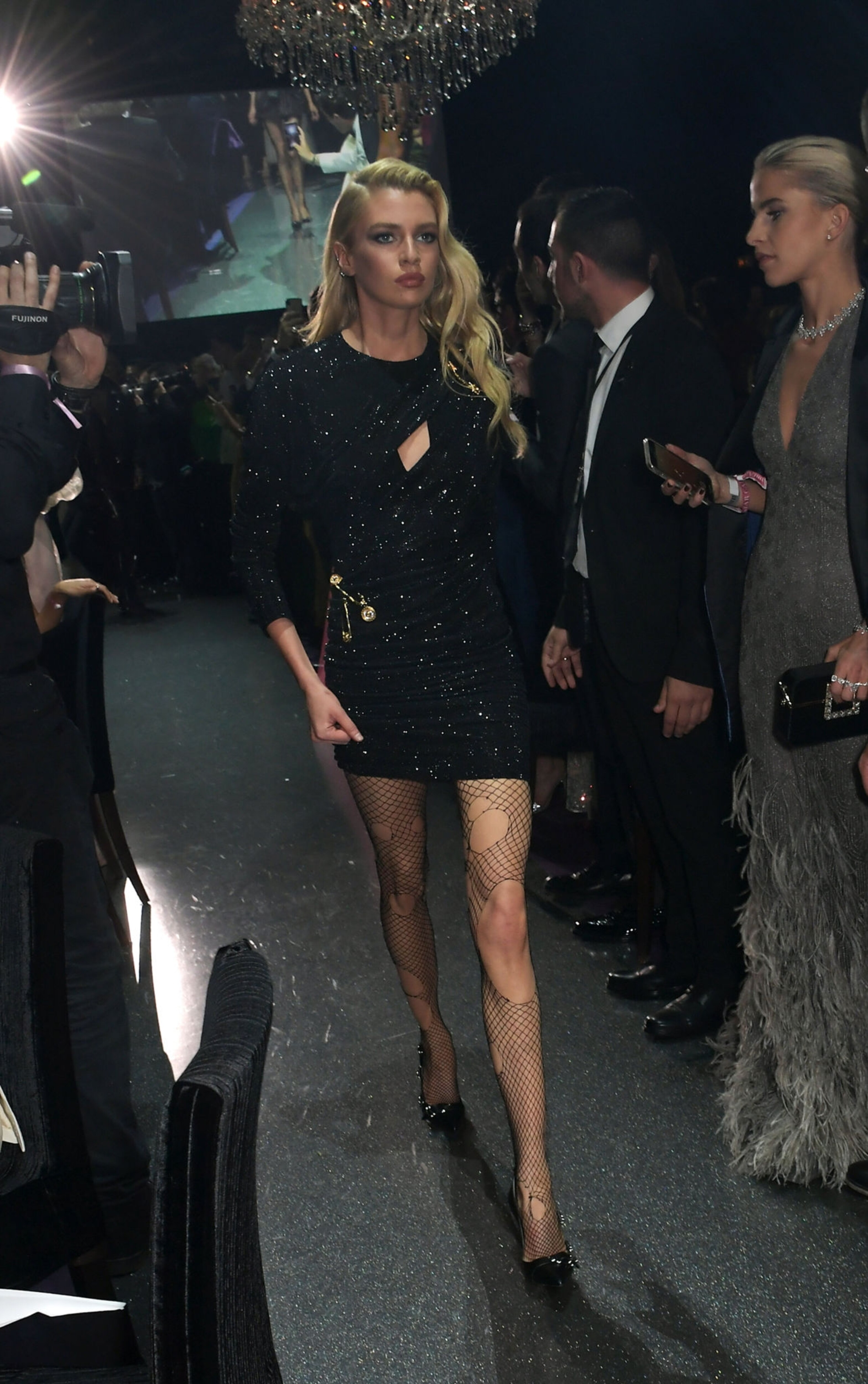
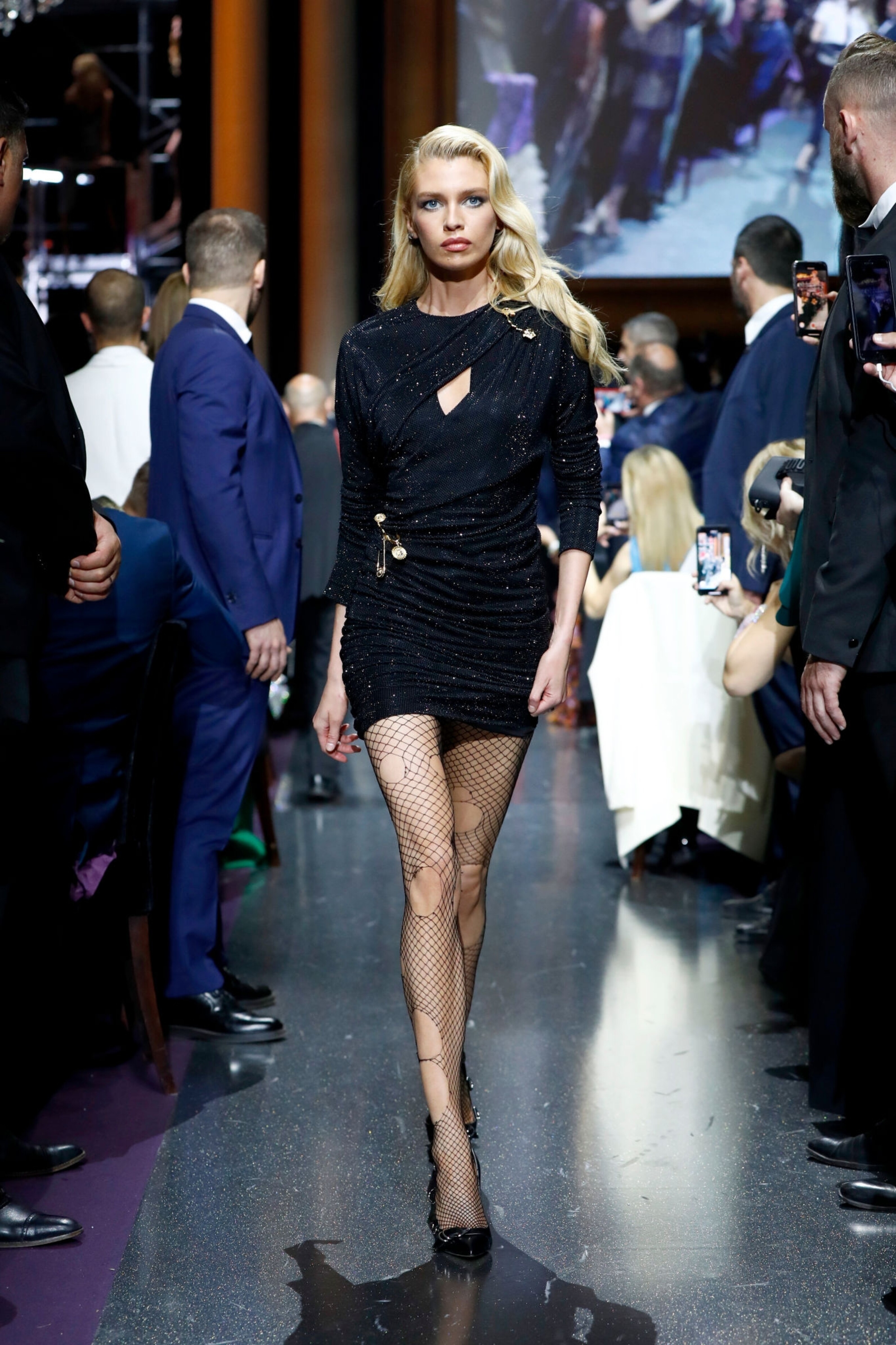
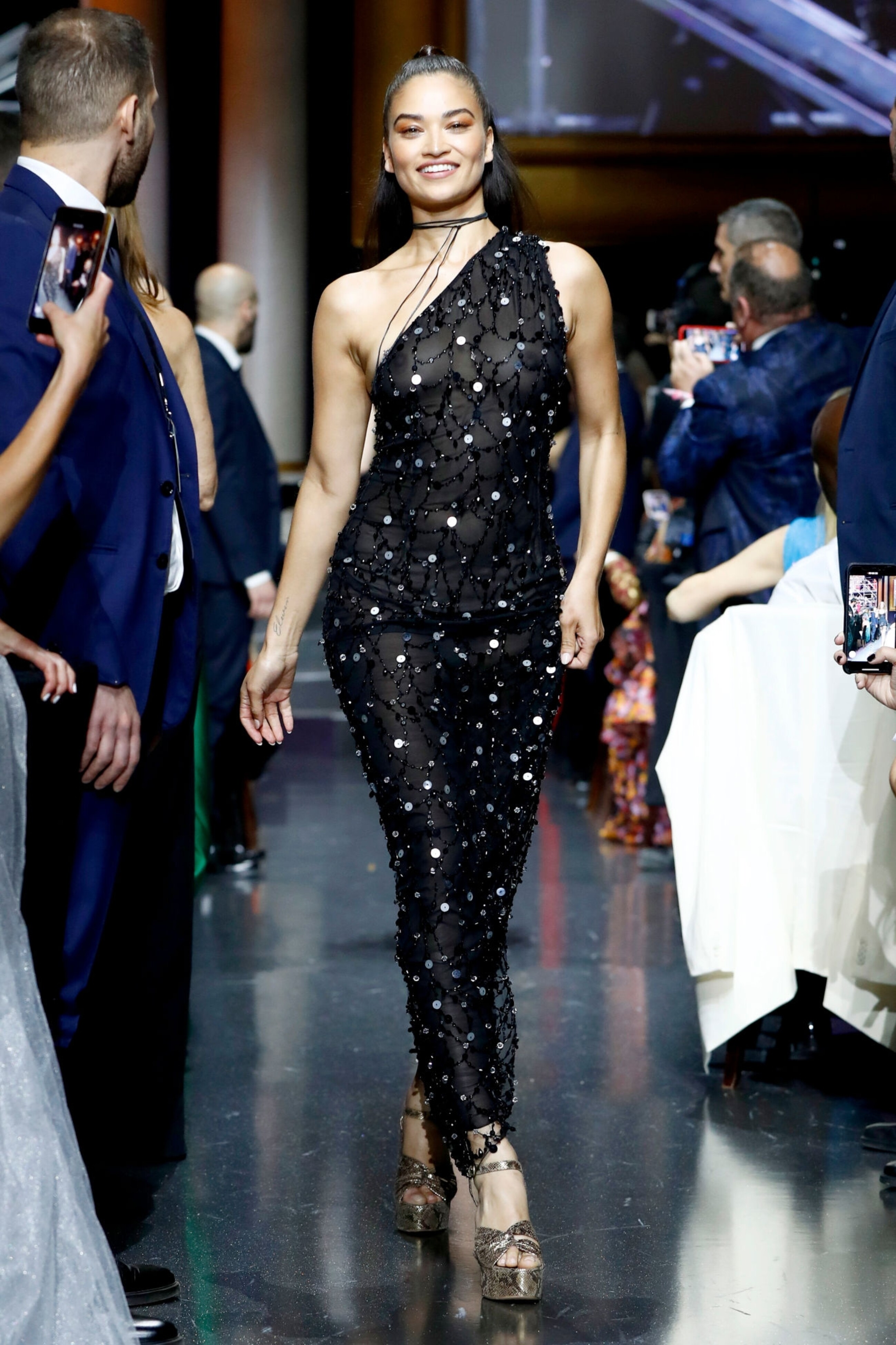
AMFAR - Runway, Cocktails & Red Carpet - UHQ If reposting please credit BZ, thanks
AMFAR - Cocktails & Red Carpet - UHQ If reposting please credit BZ, thanks
AMFAR - Runway, Cocktails & Red Carpet - UHQ If reposting please credit BZ, thanks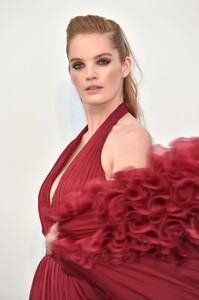
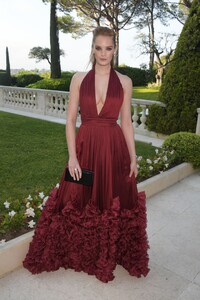
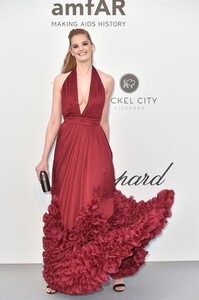
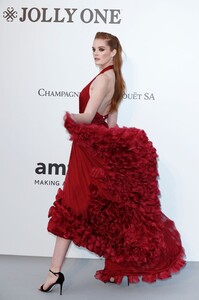

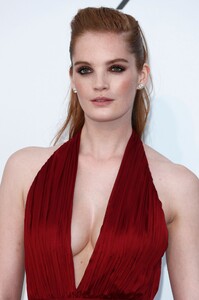
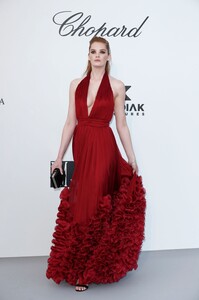
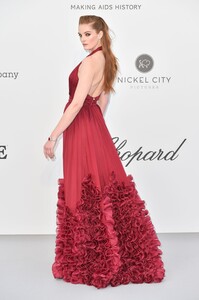
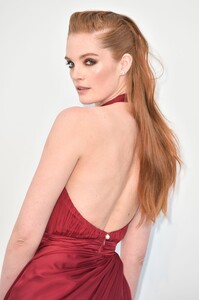
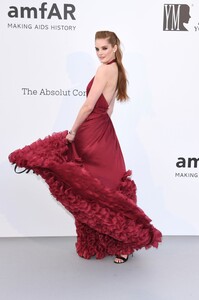
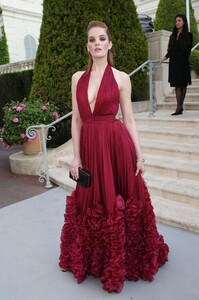
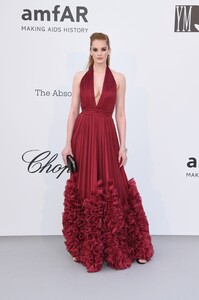
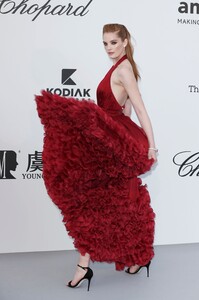
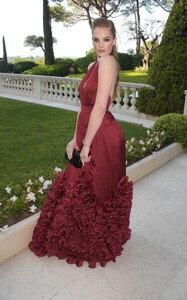
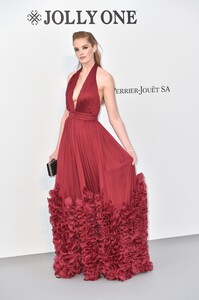
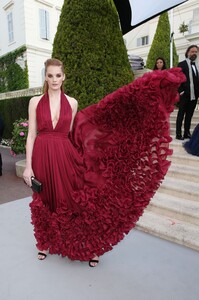

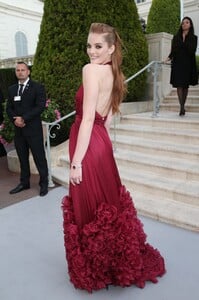
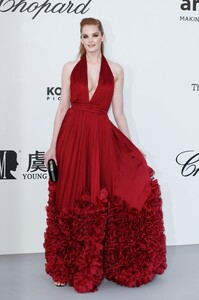
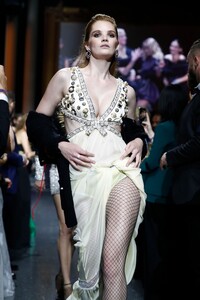

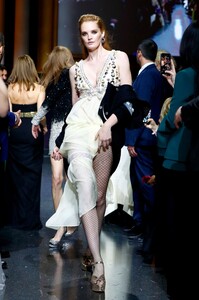
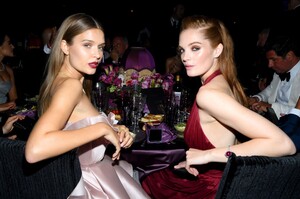 AMFAR - Runway, Cocktails & Red Carpet - UHQ If reposting please credit BZ, thanks
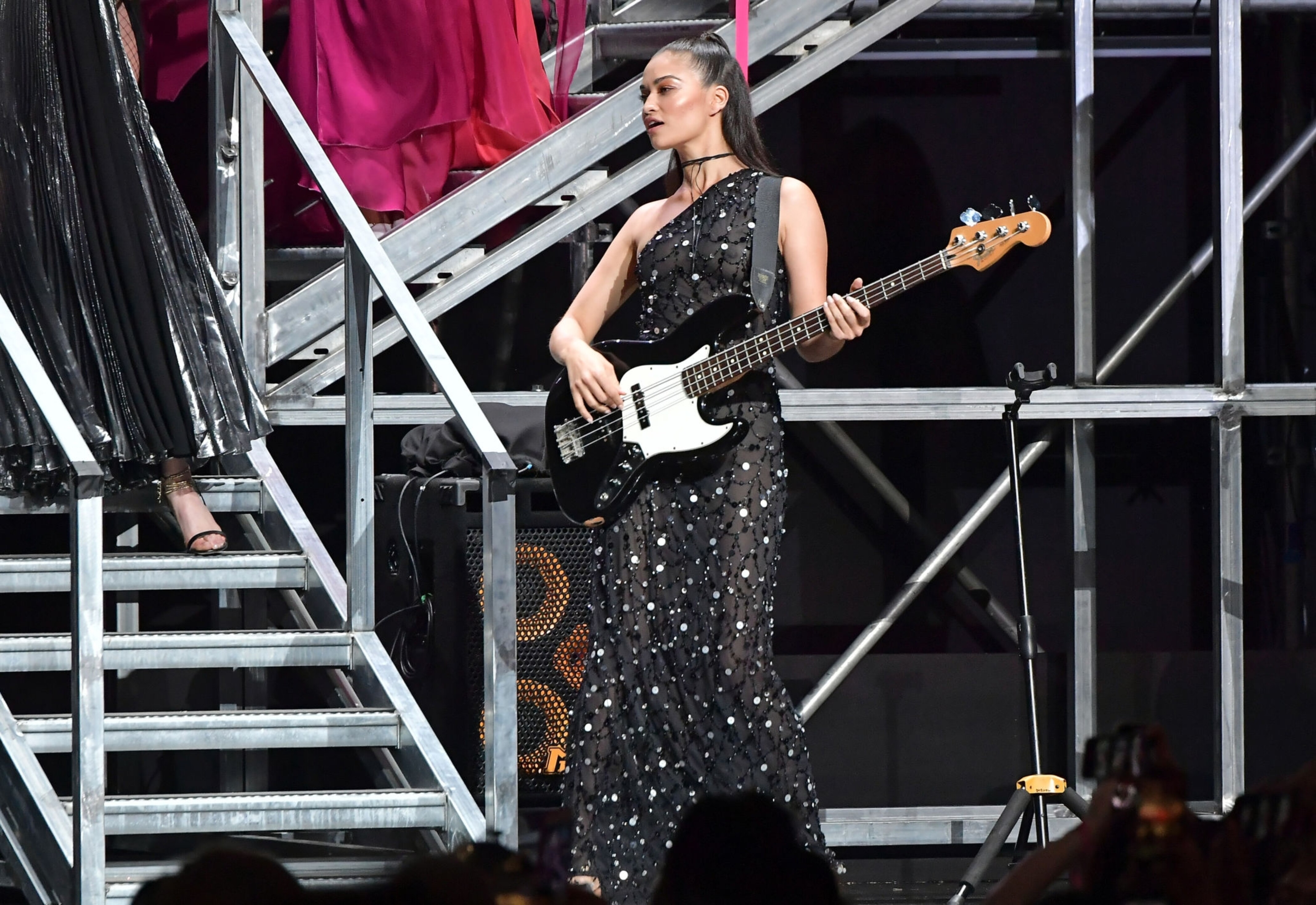
AMFAR - Runway, Cocktails & Red Carpet - UHQ If reposting please credit BZ, thanks
AMFAR - Runway, Cocktails & Red Carpet - UHQ If reposting please credit BZ, thanks
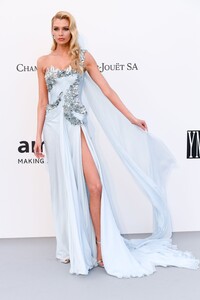
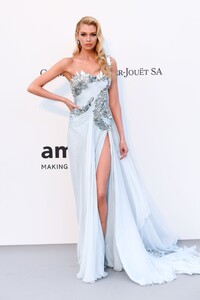
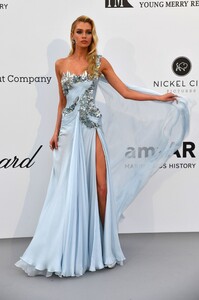
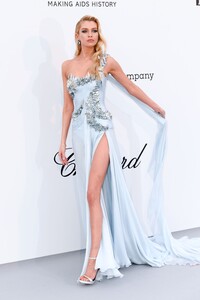
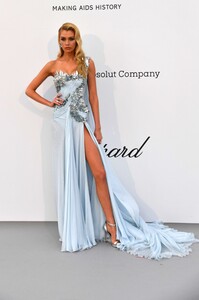

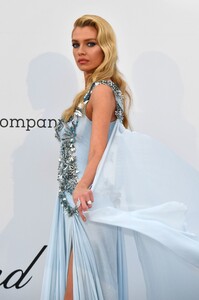
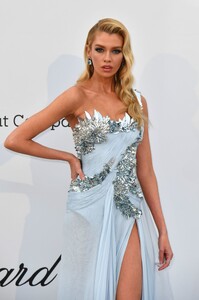
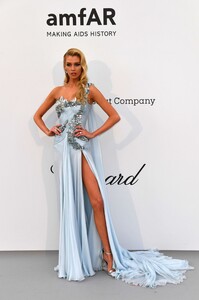

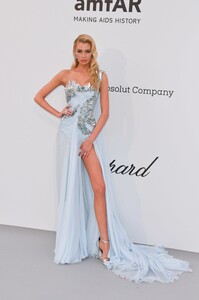
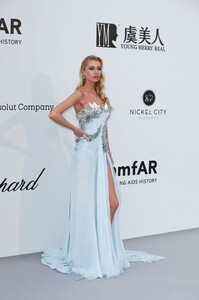
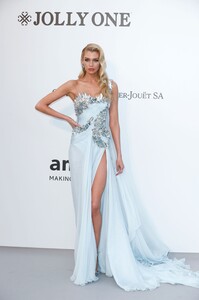
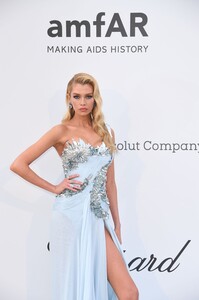
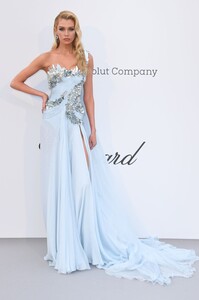
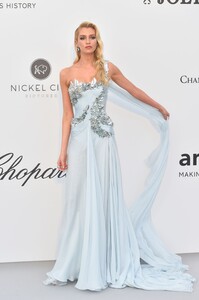
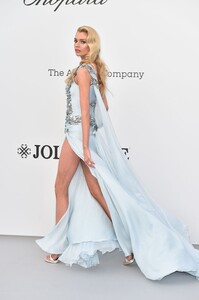
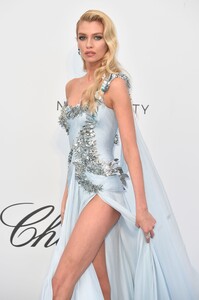

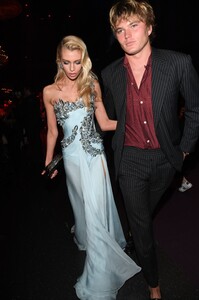




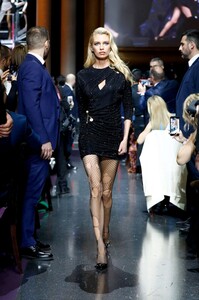
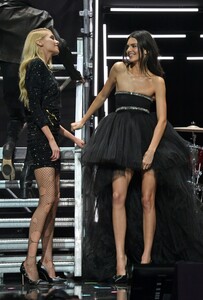
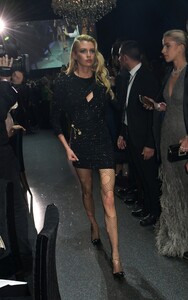
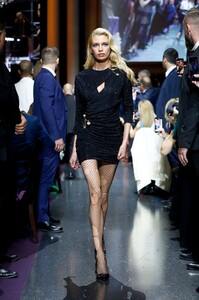 AMFAR - Runway, Cocktails & Red Carpet - UHQ If reposting please credit BZ, thanks
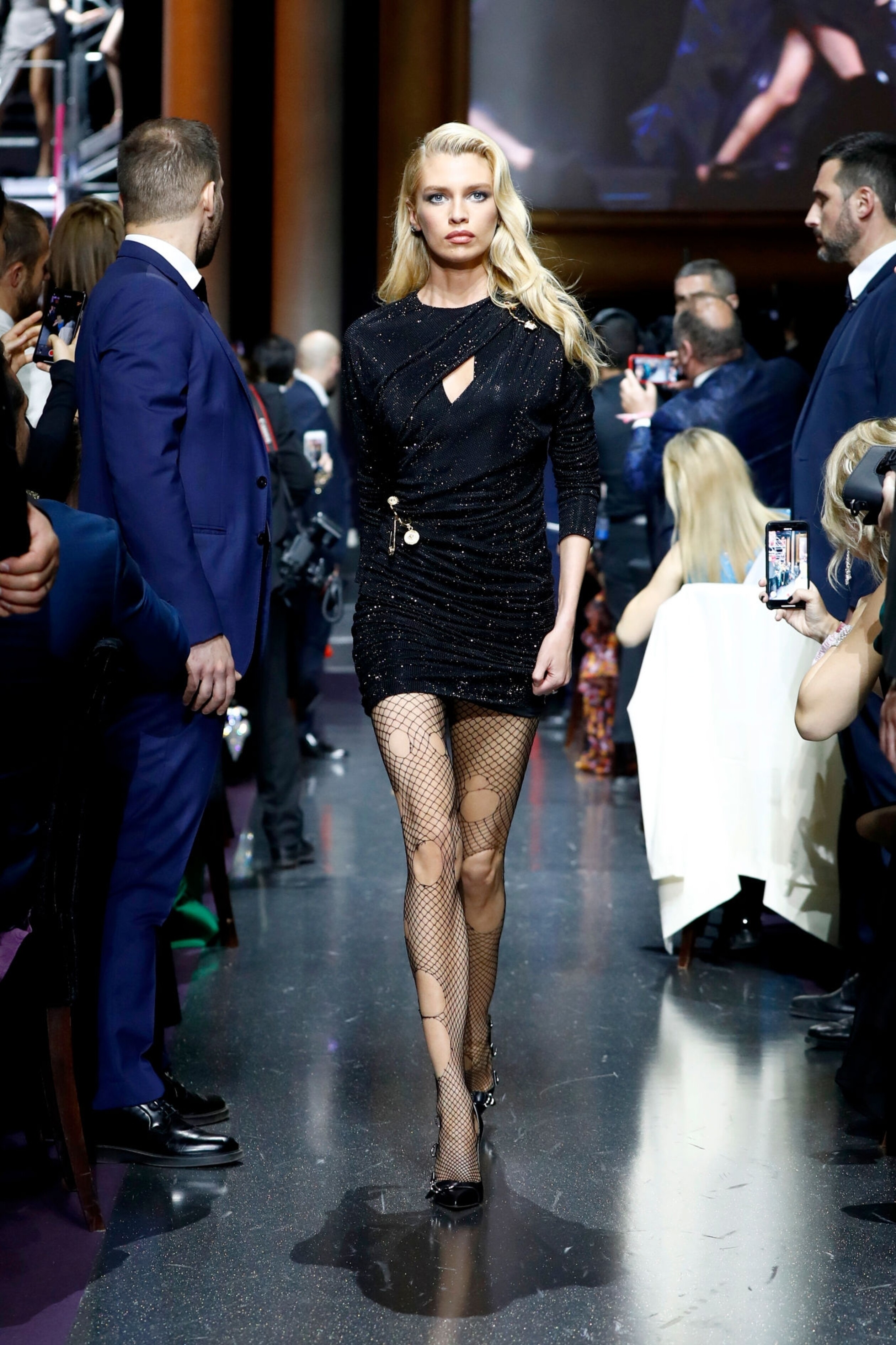
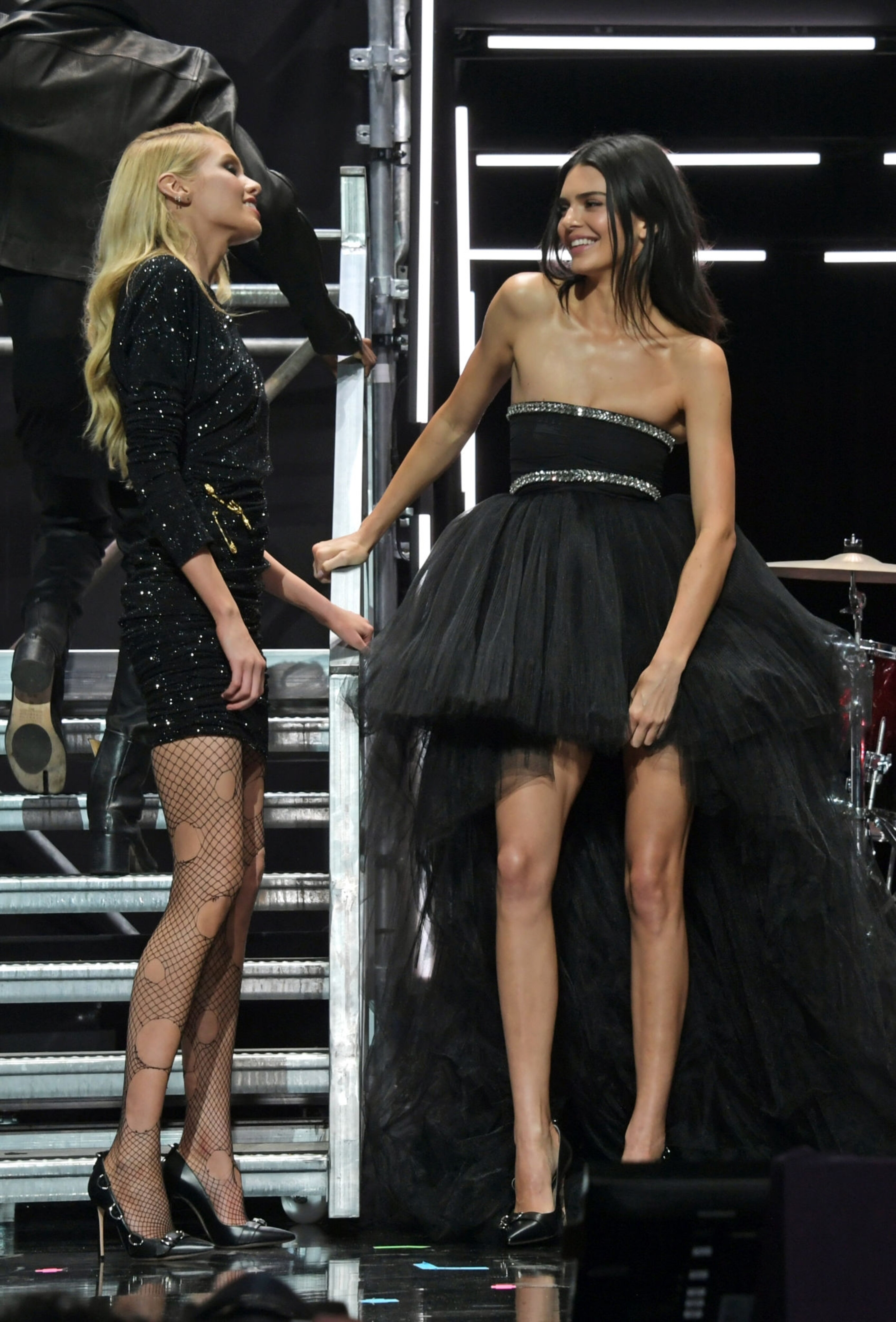
amfAR, Cocktail, Runway & Red Carpet - UHQ
AMFAR - Runway, Cocktails & Red Carpet - UHQ If reposting please credit BZ, thanks
amfAR, Cocktail, Runway & Red Carpet - UHQ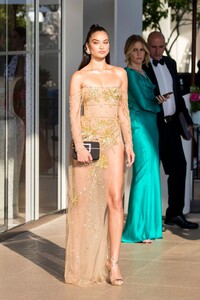
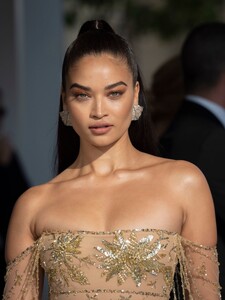
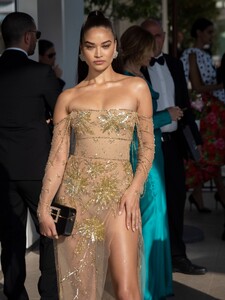
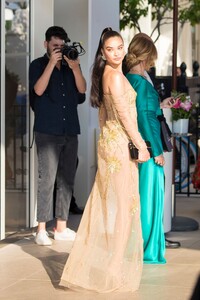
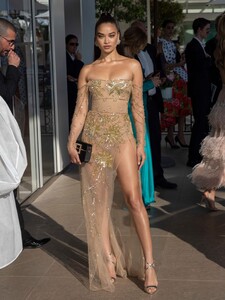
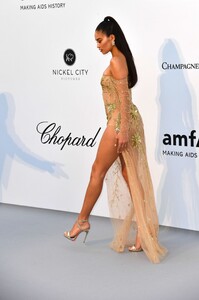
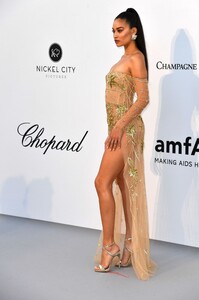
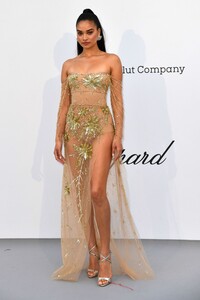
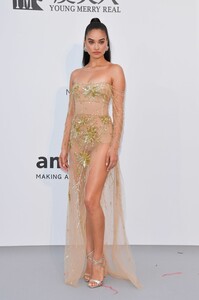
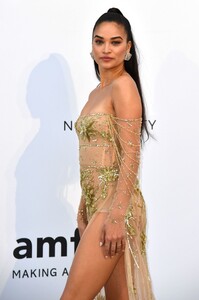
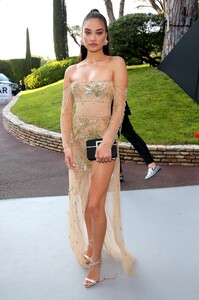
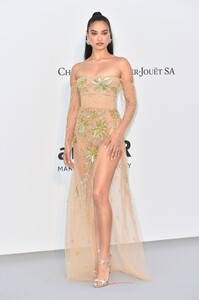
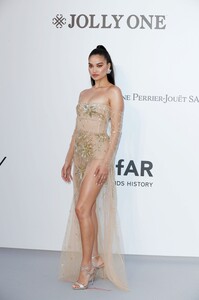
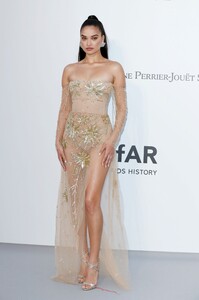
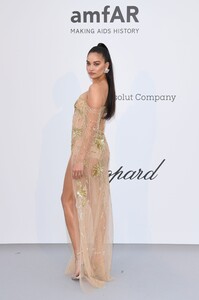
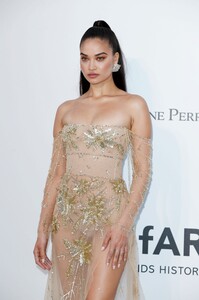
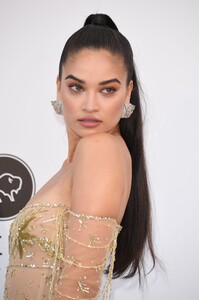
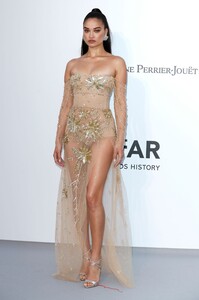

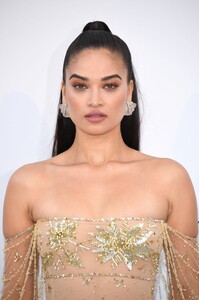
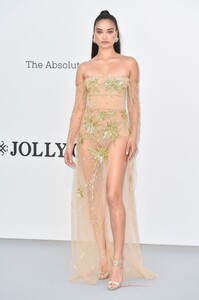
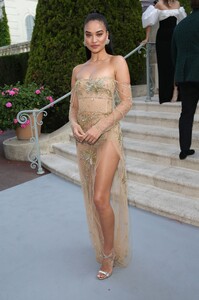
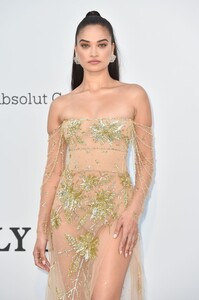
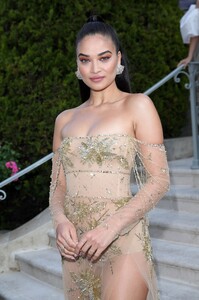
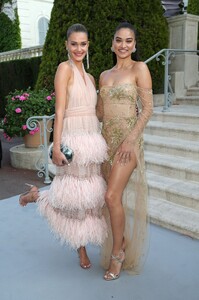
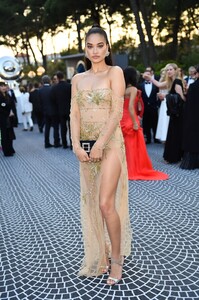
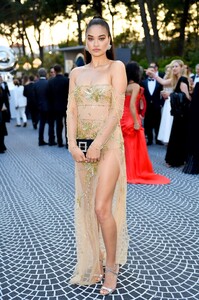
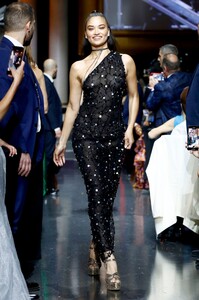
 amfAR, Cocktail, Runway & Red Carpet - UHQ
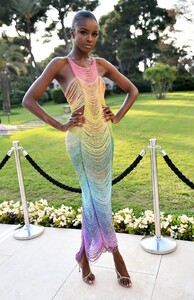
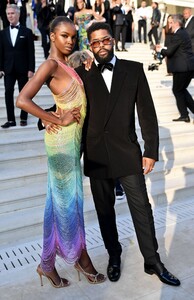
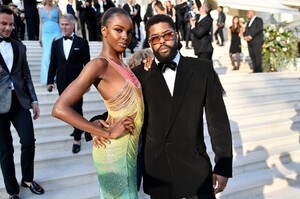
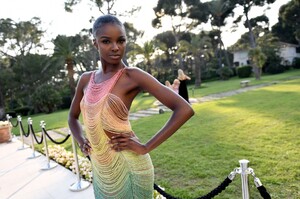
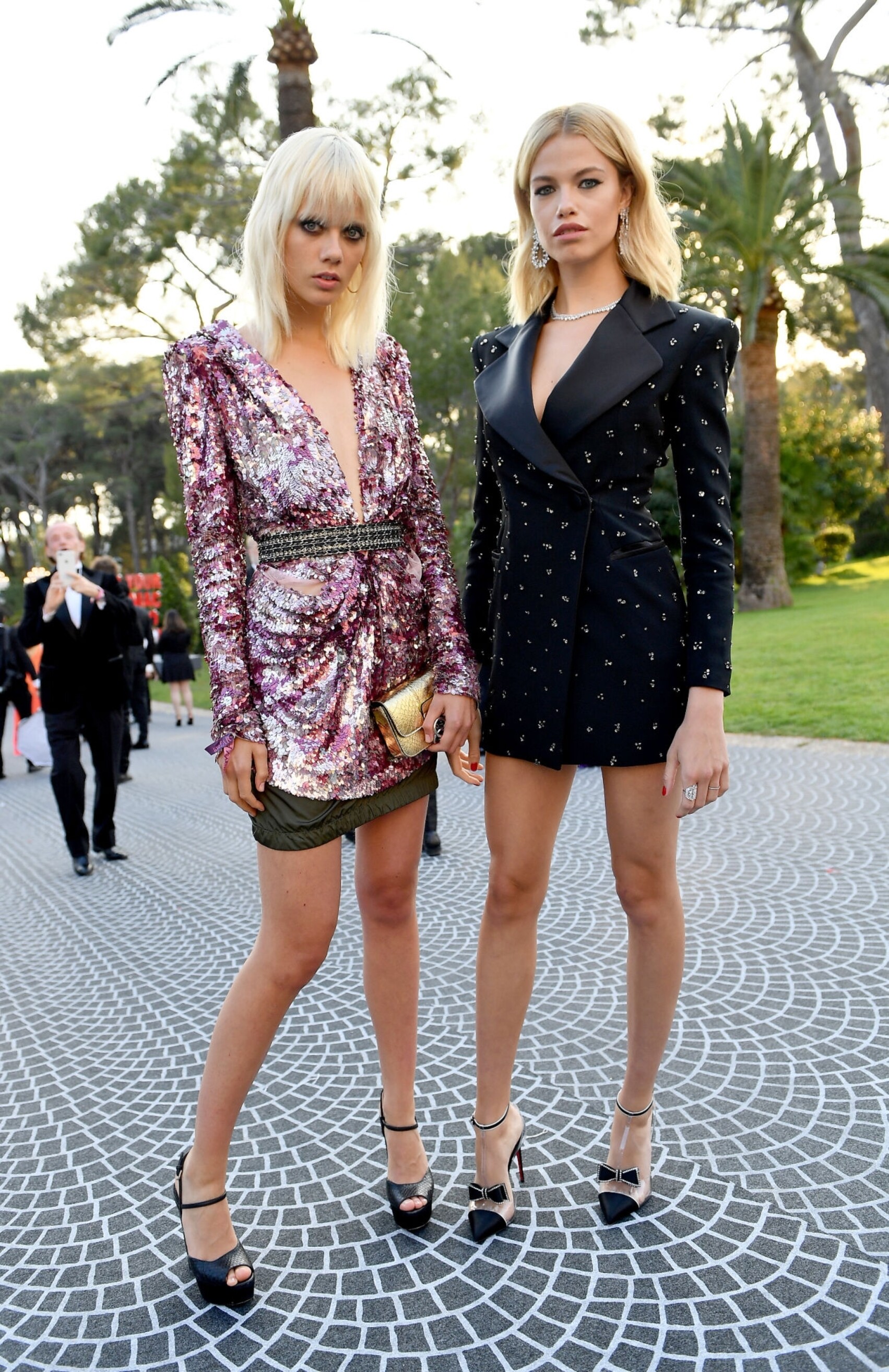
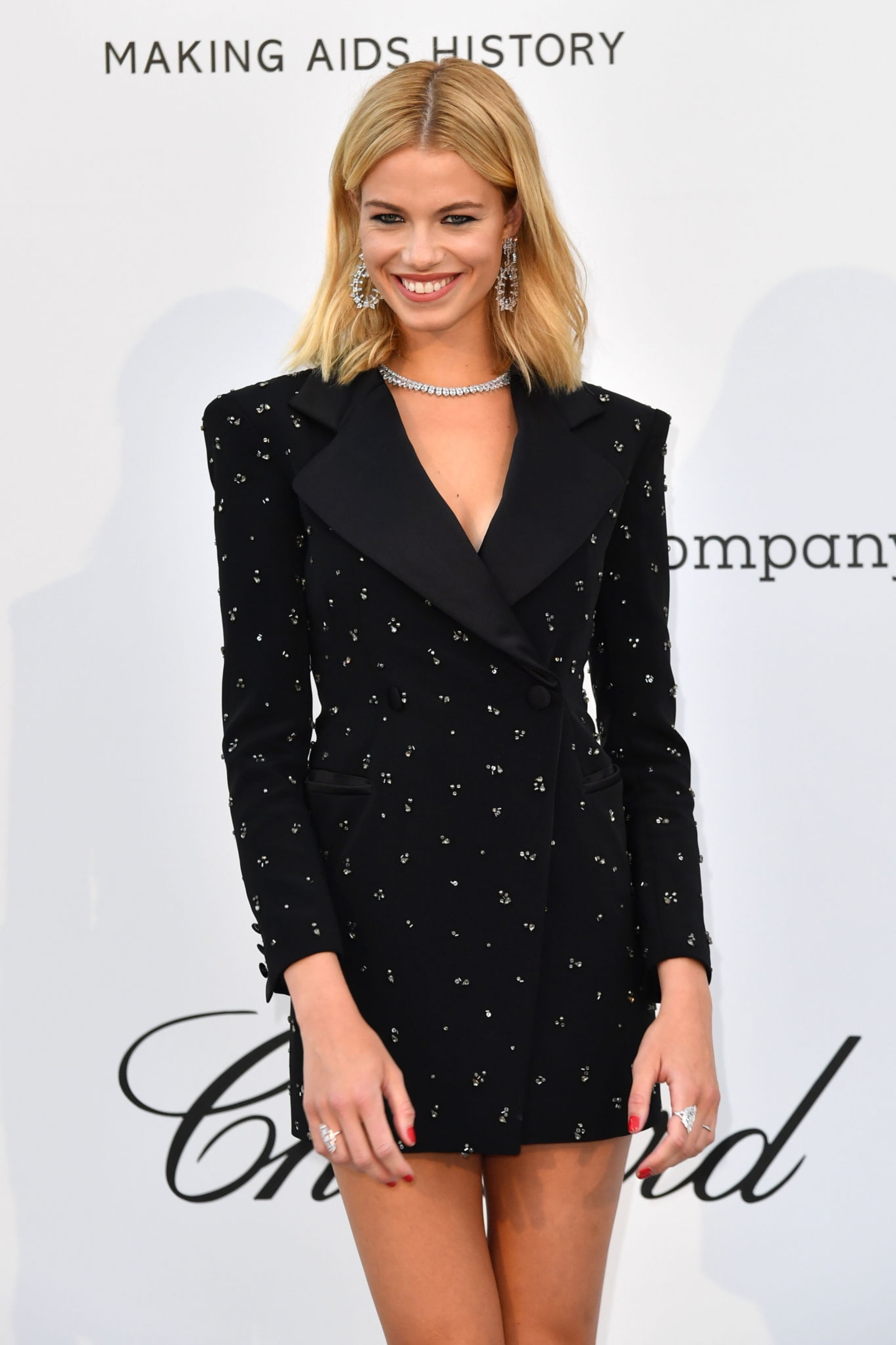
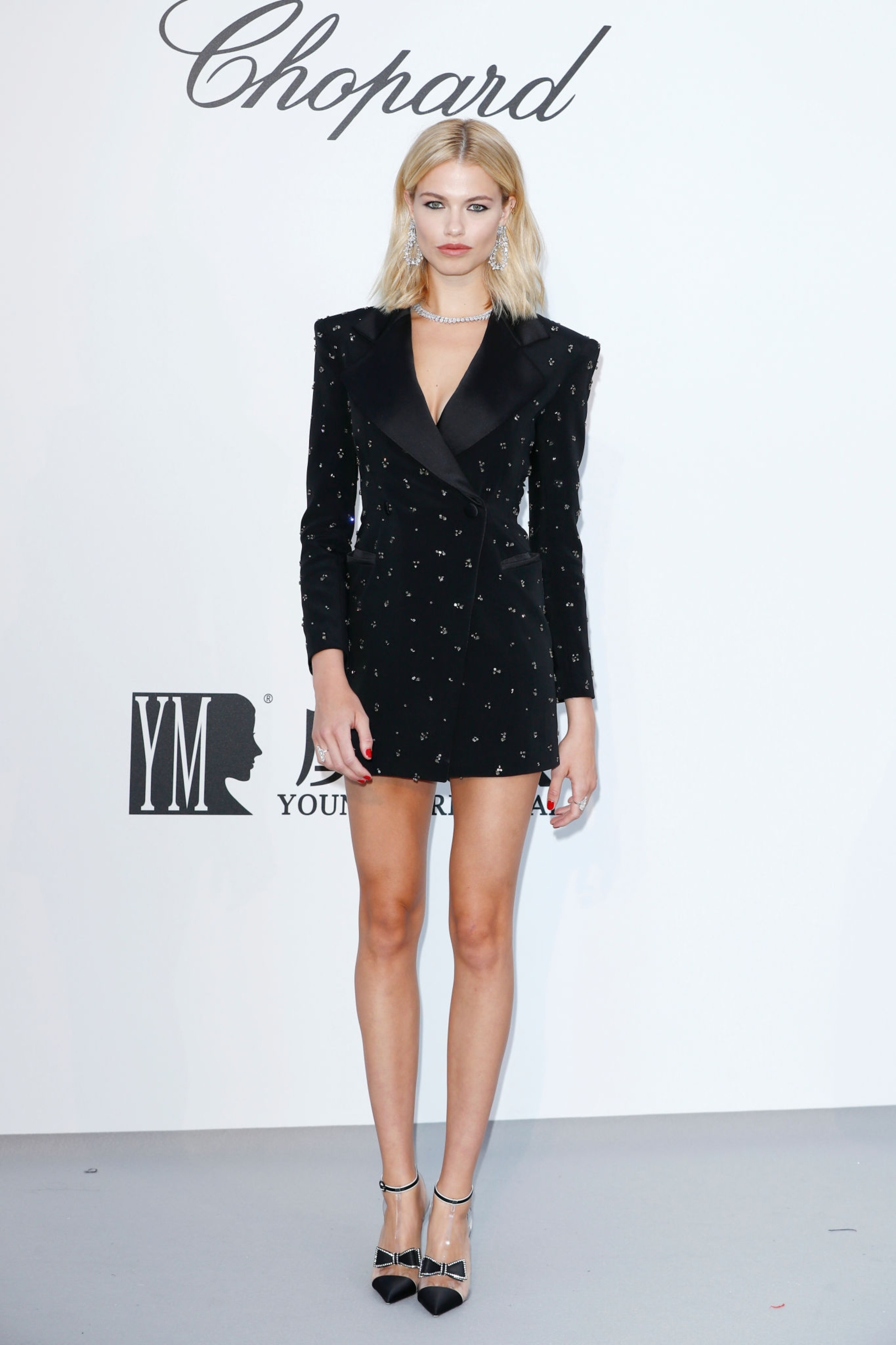
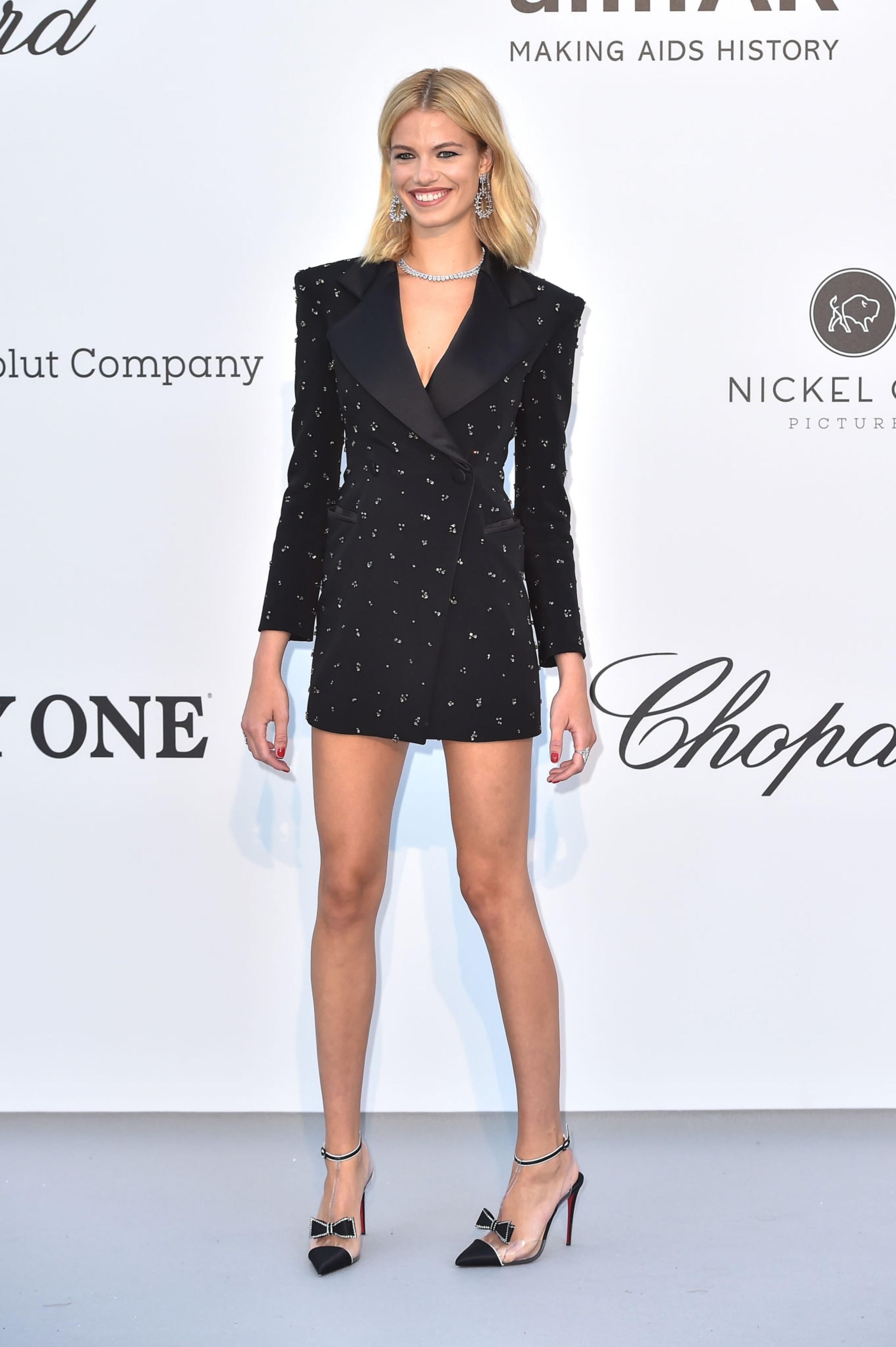
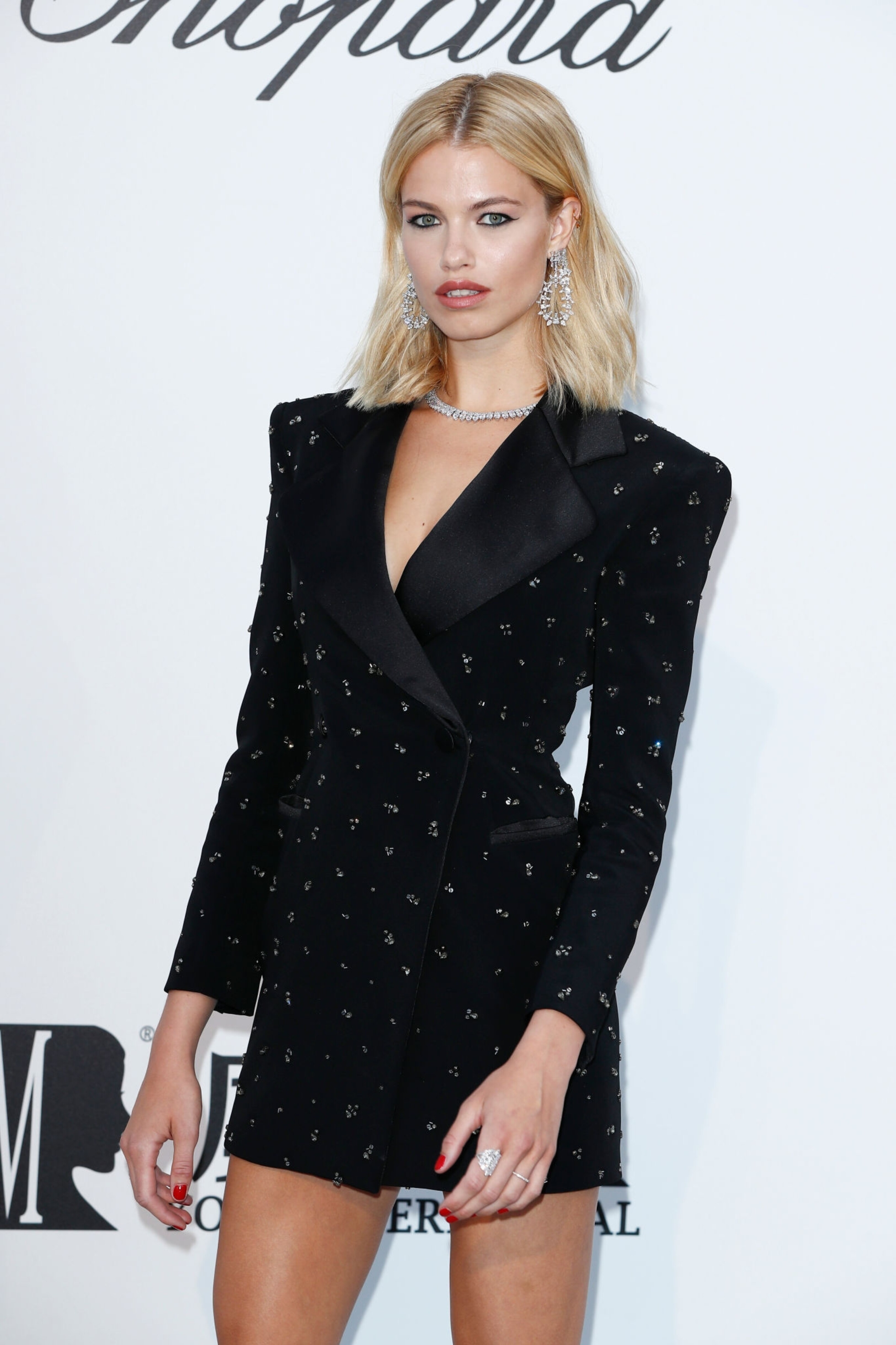
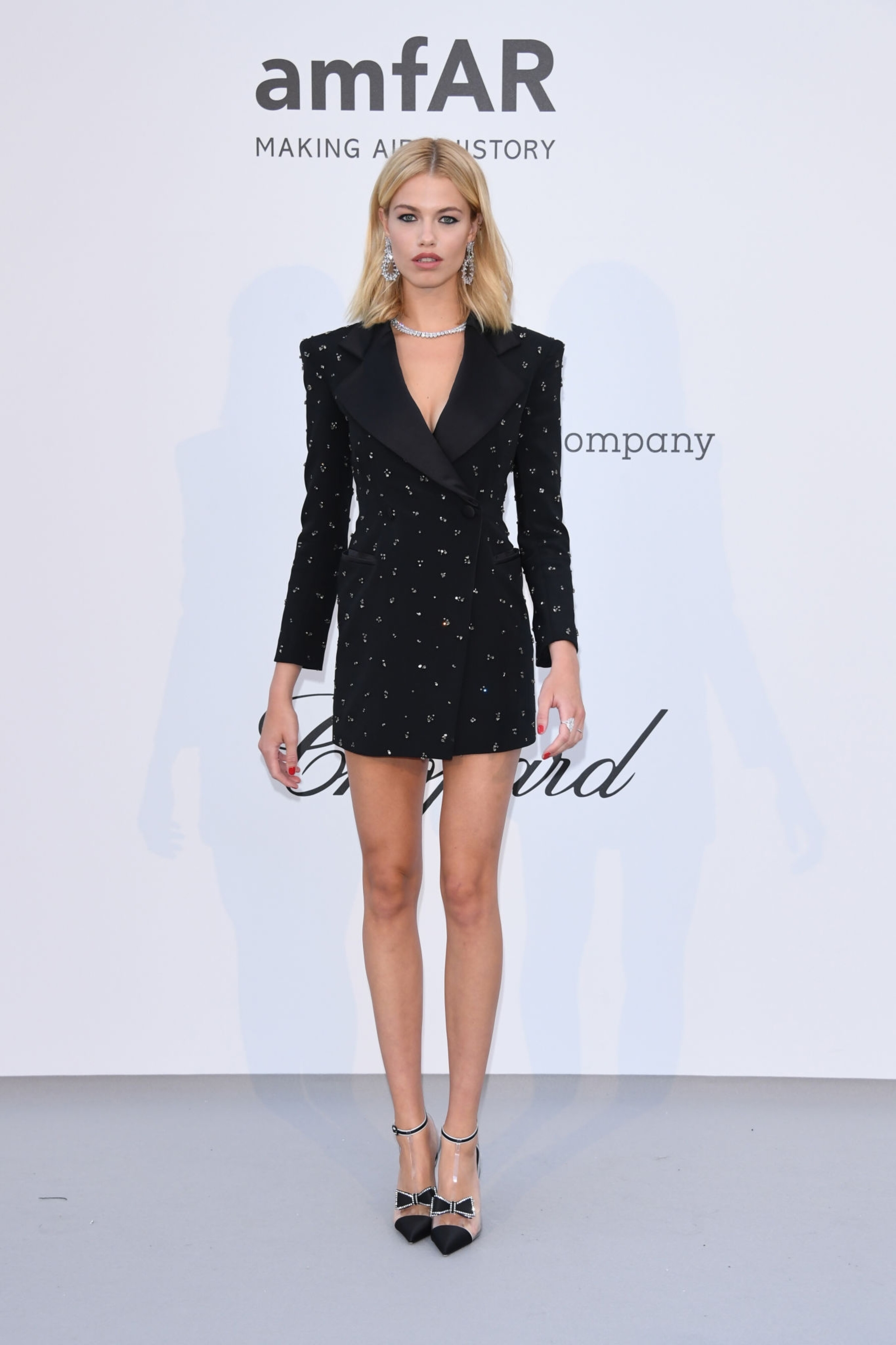
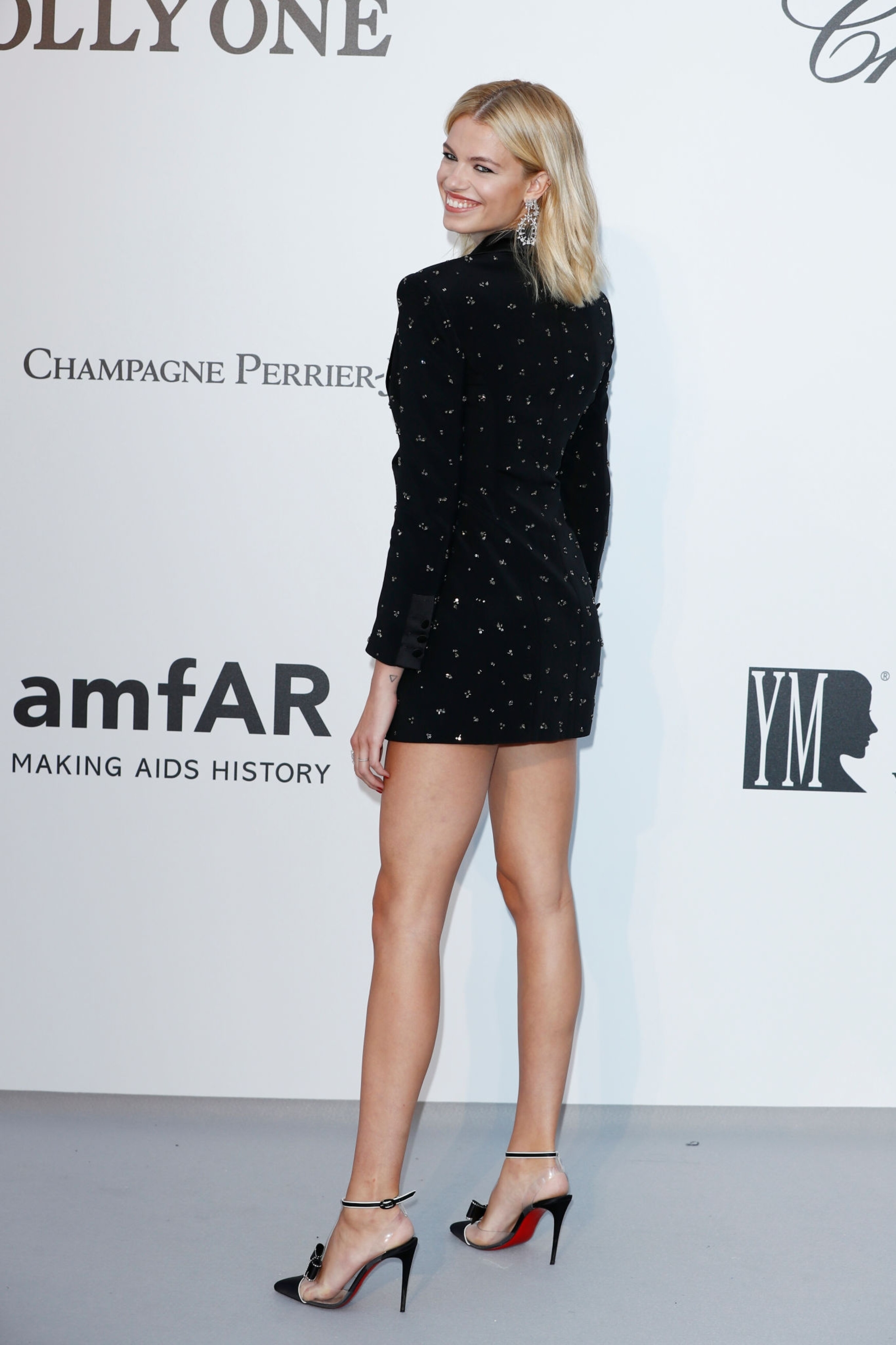
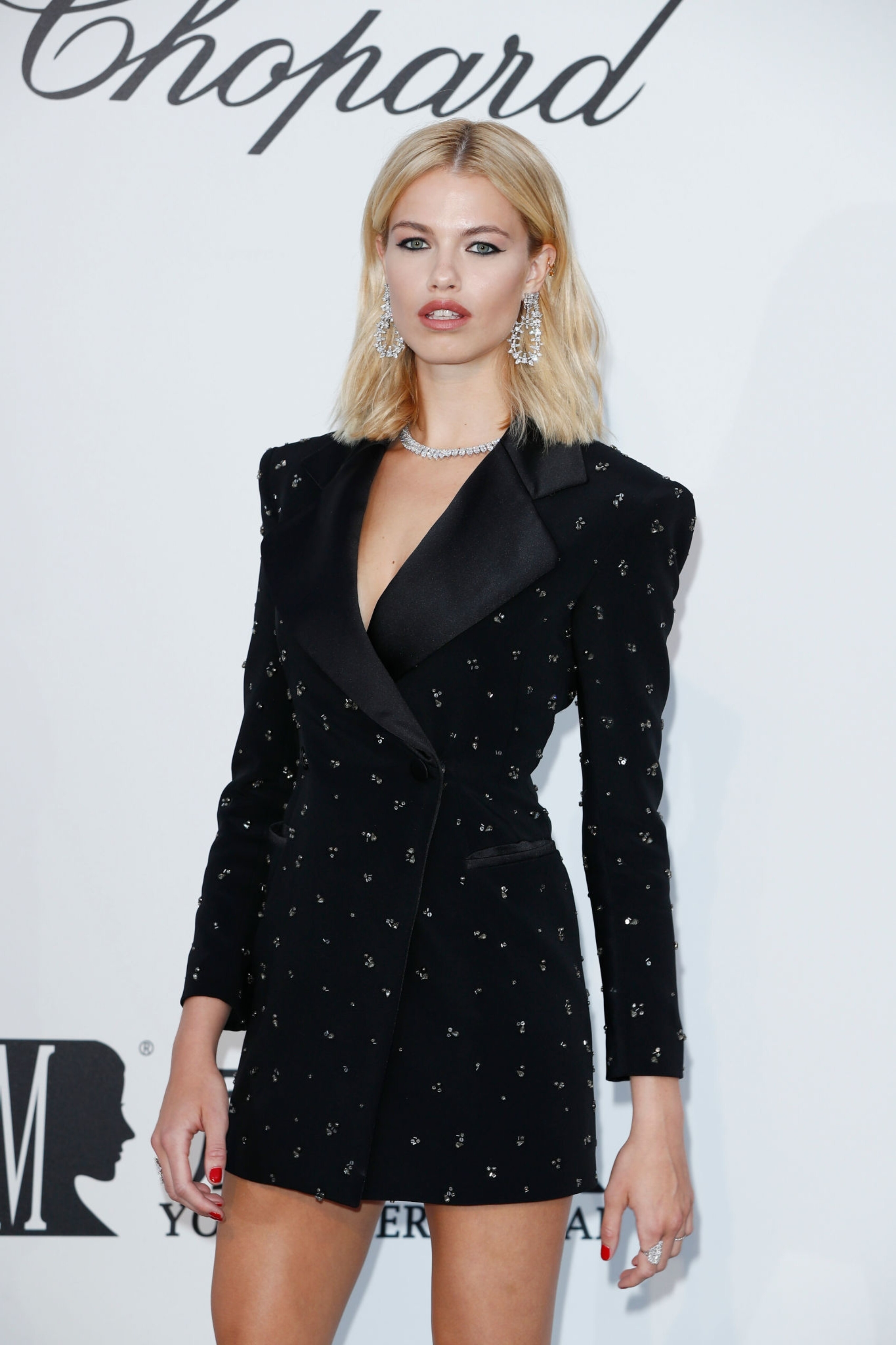
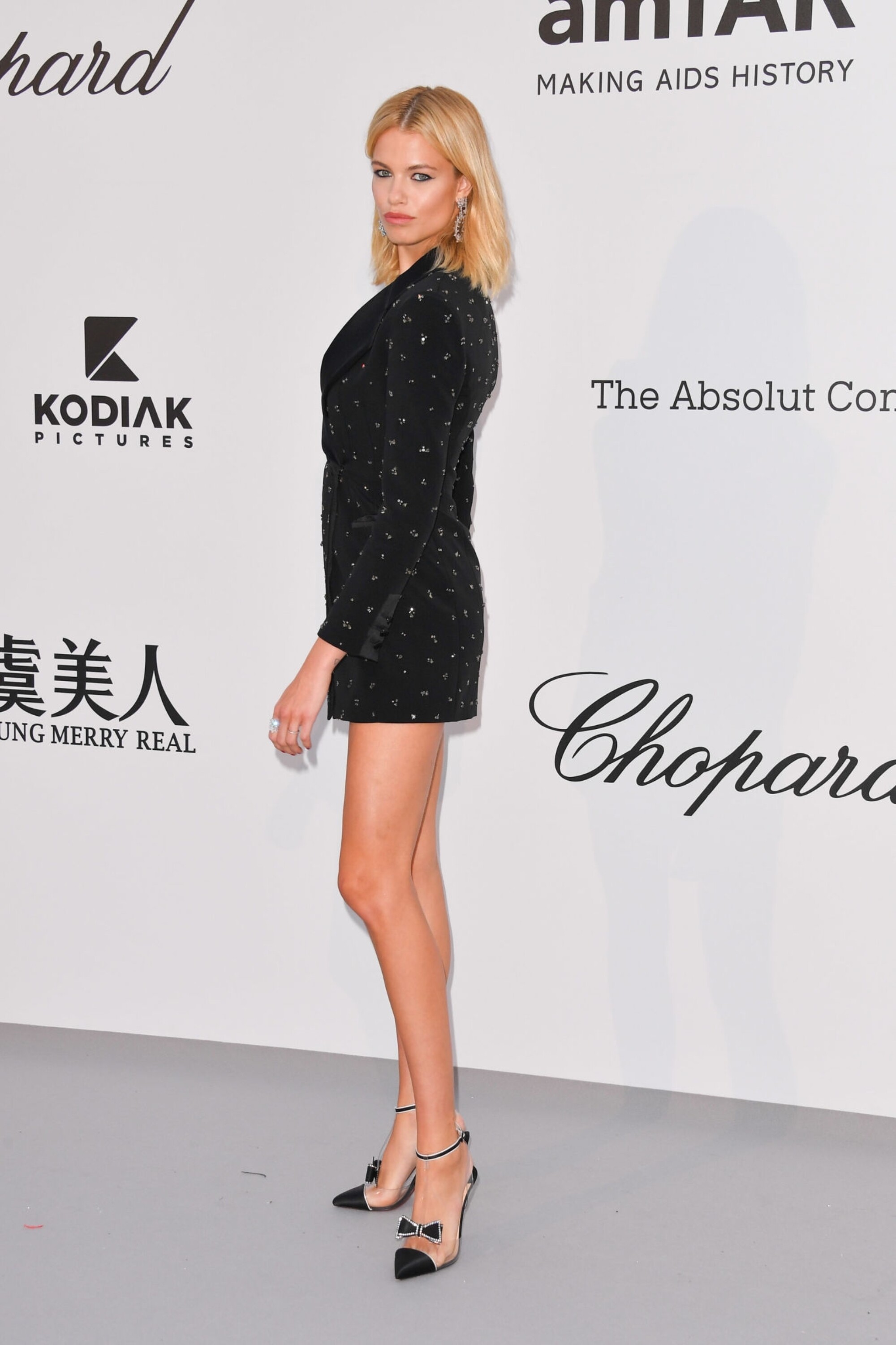
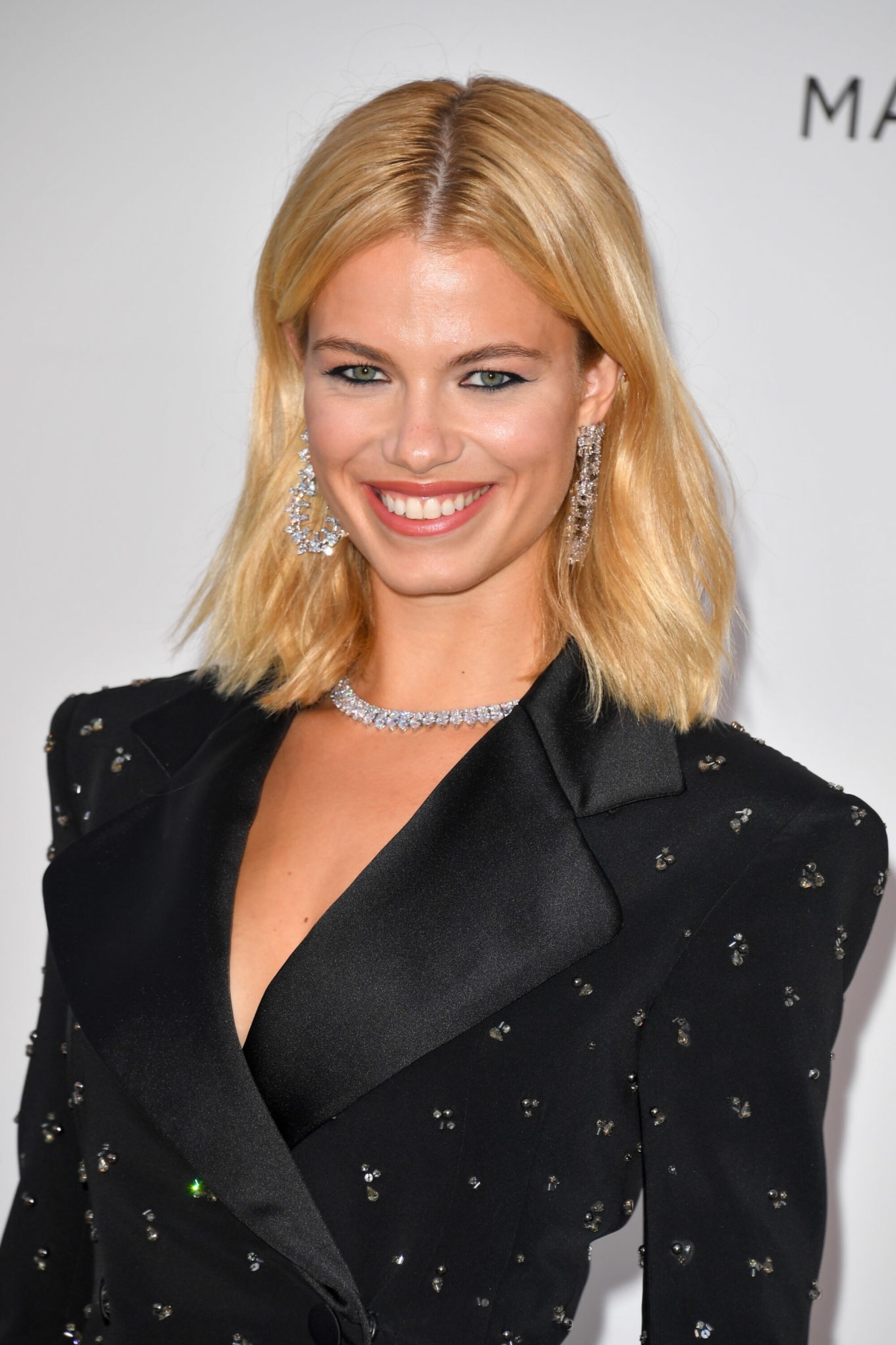
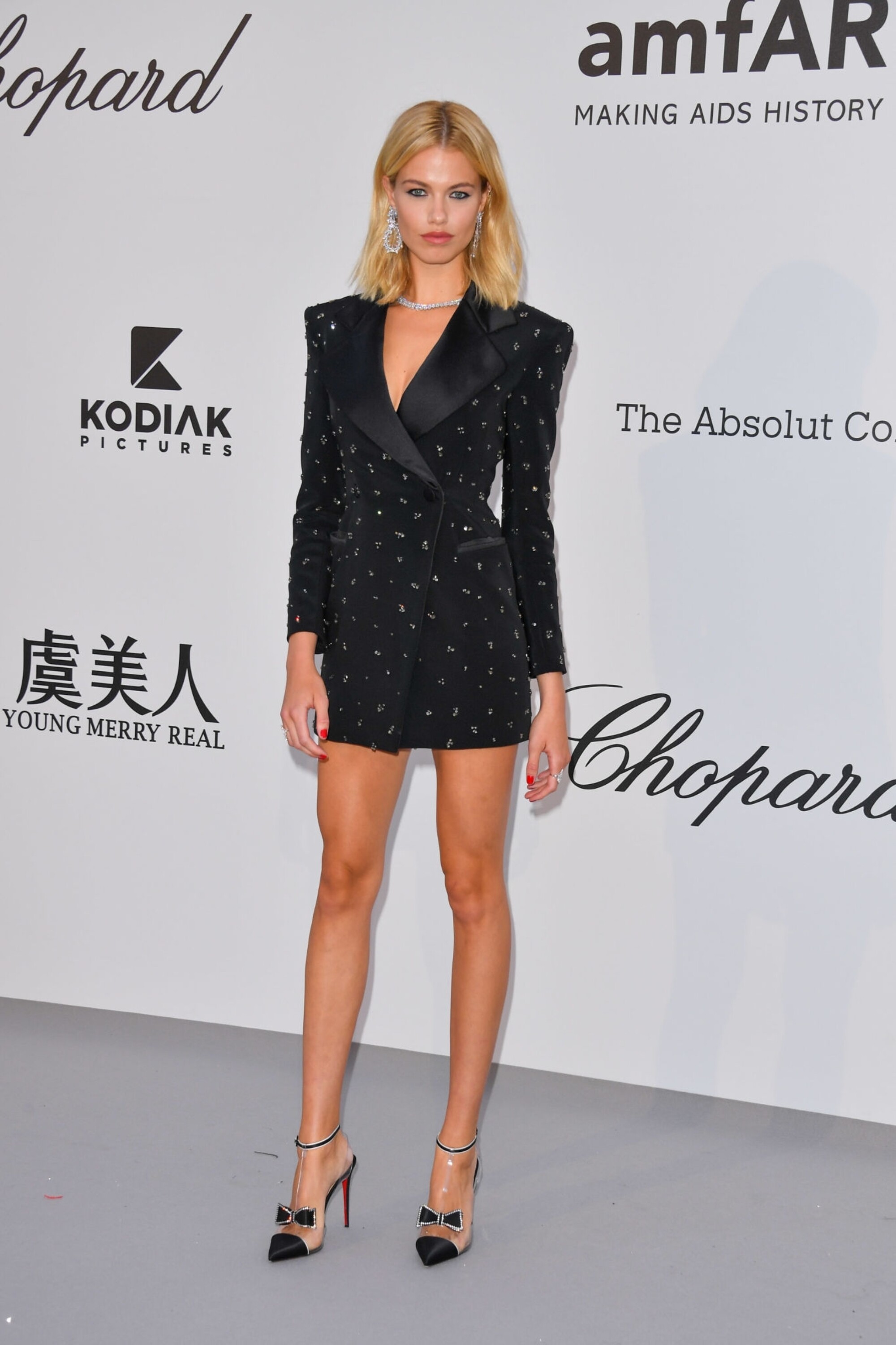
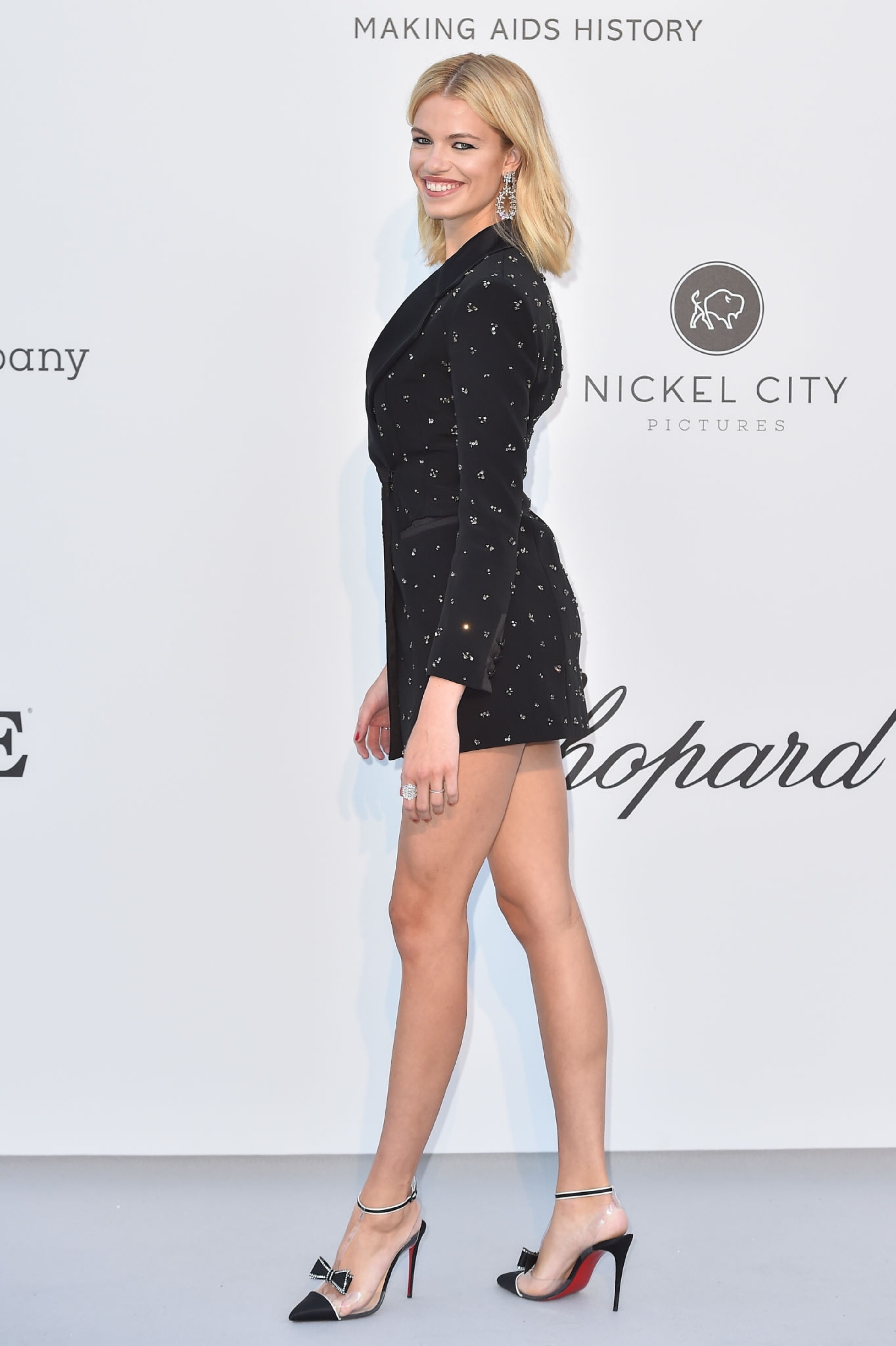
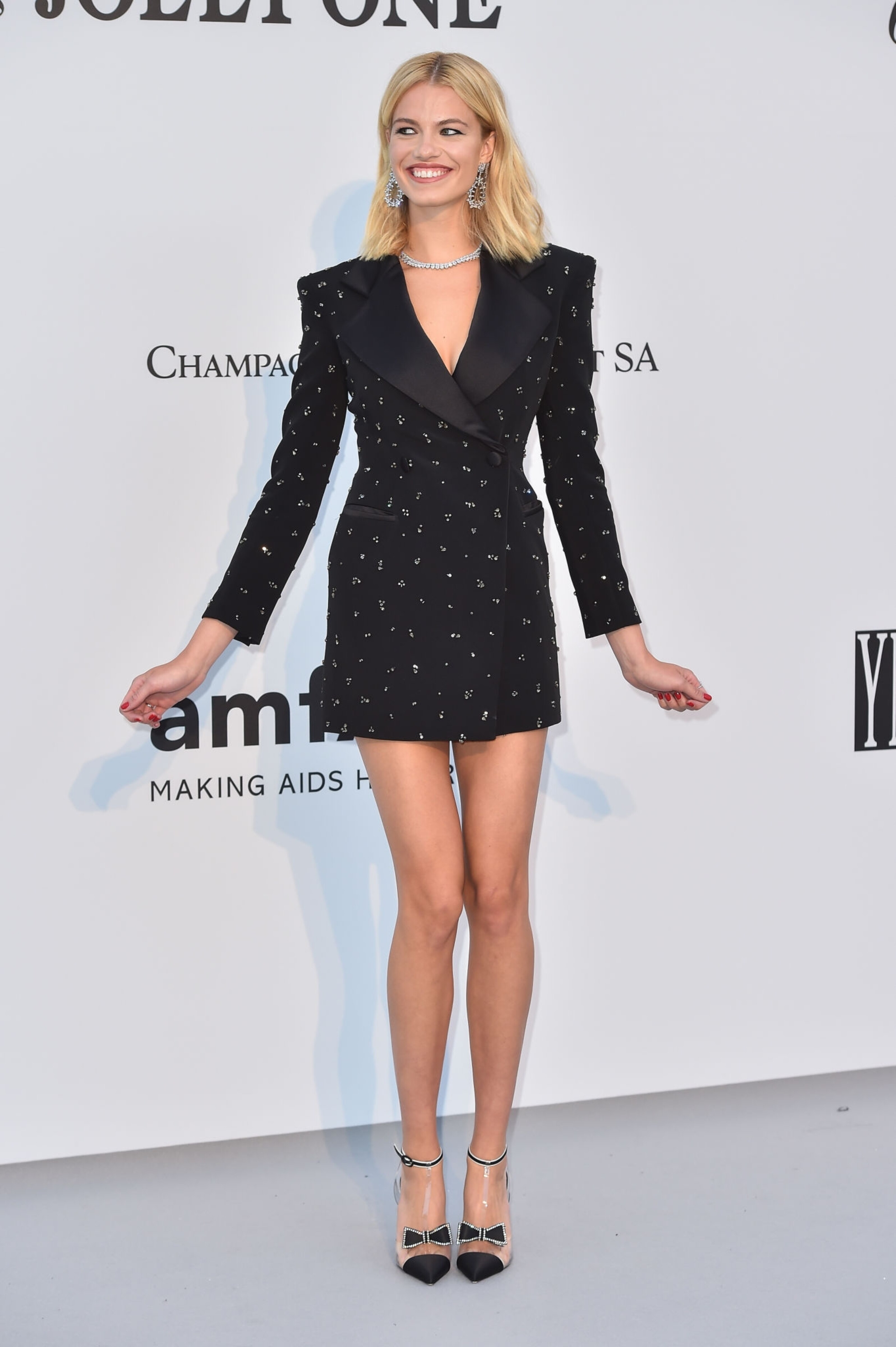
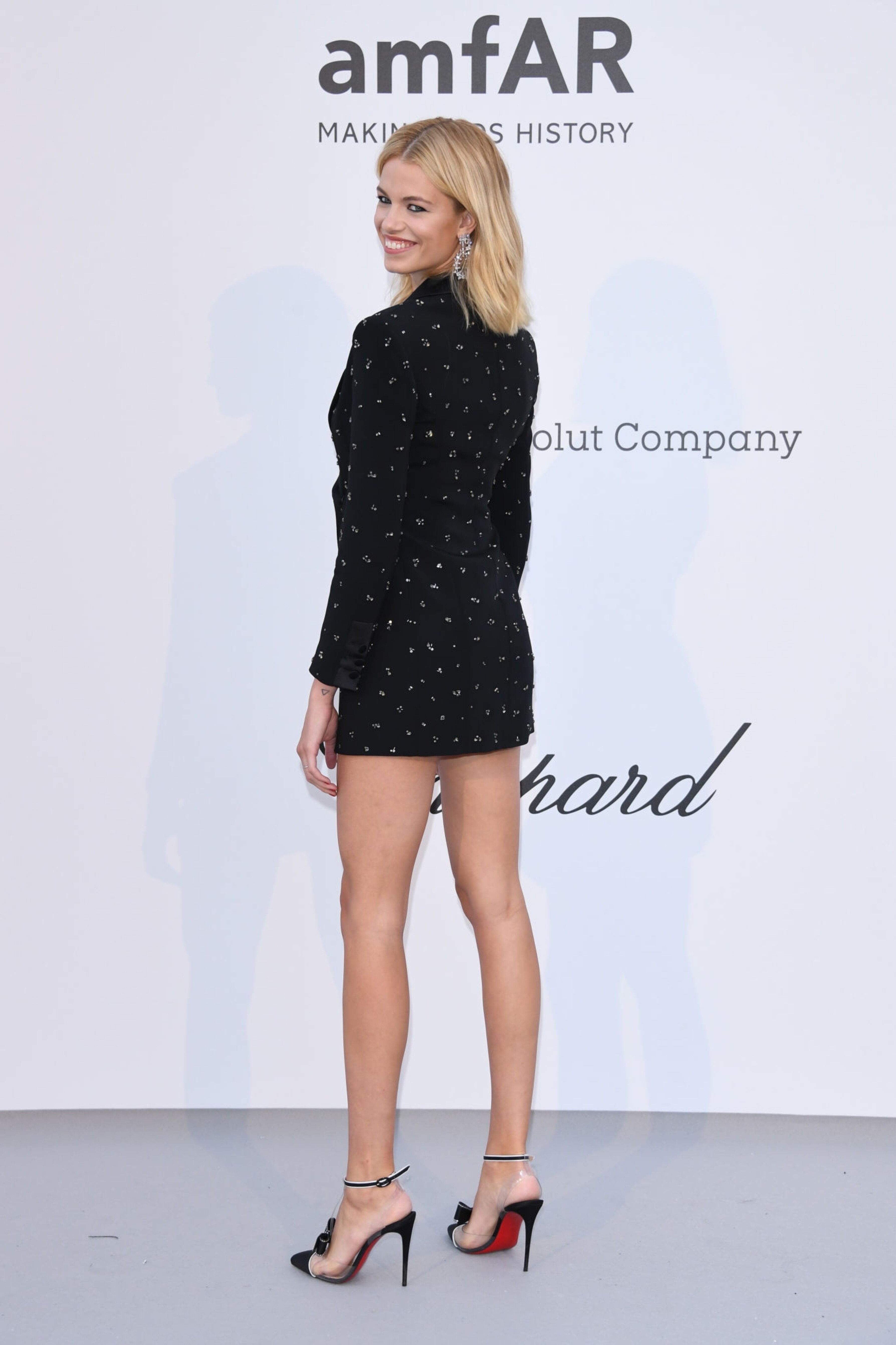
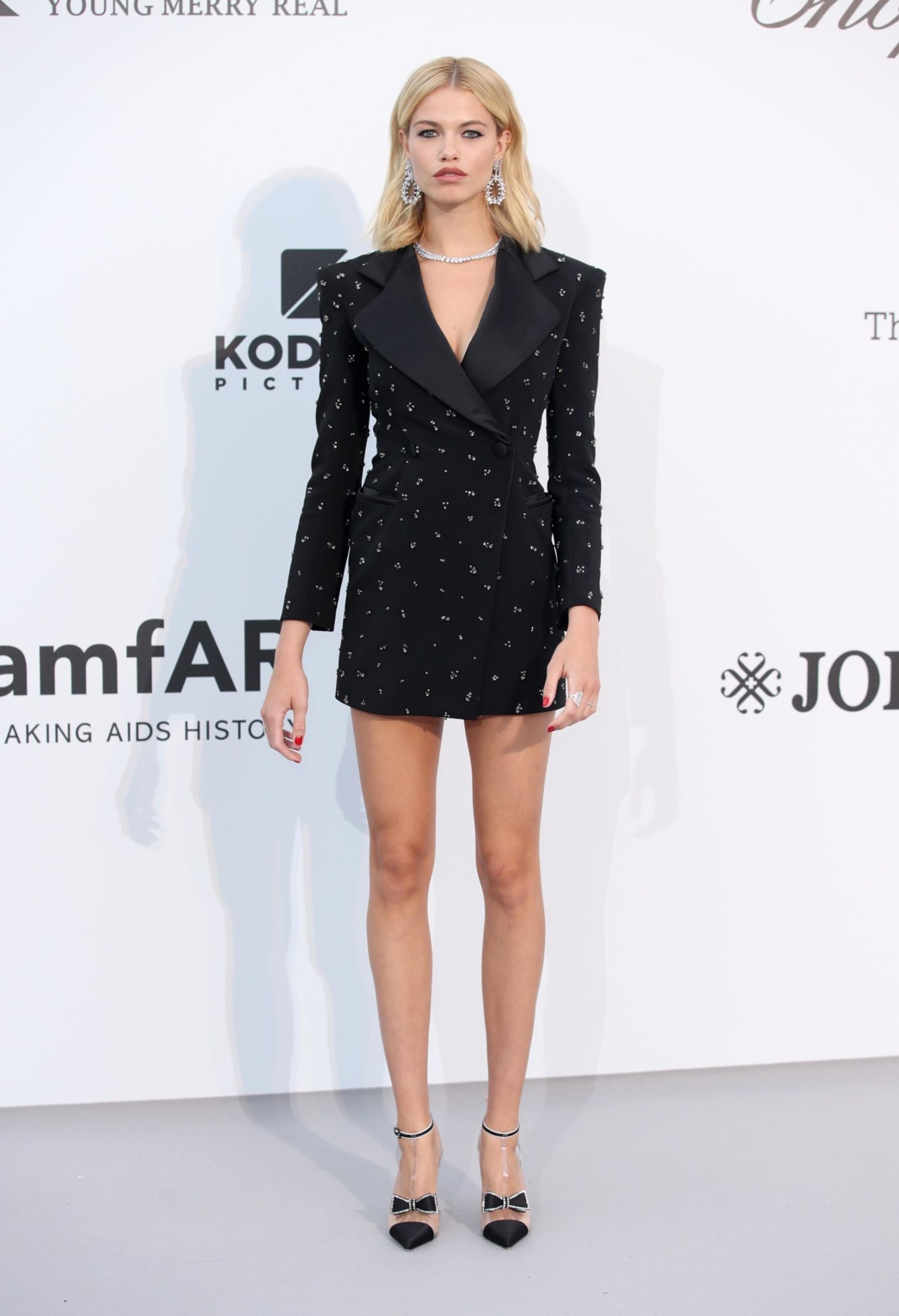
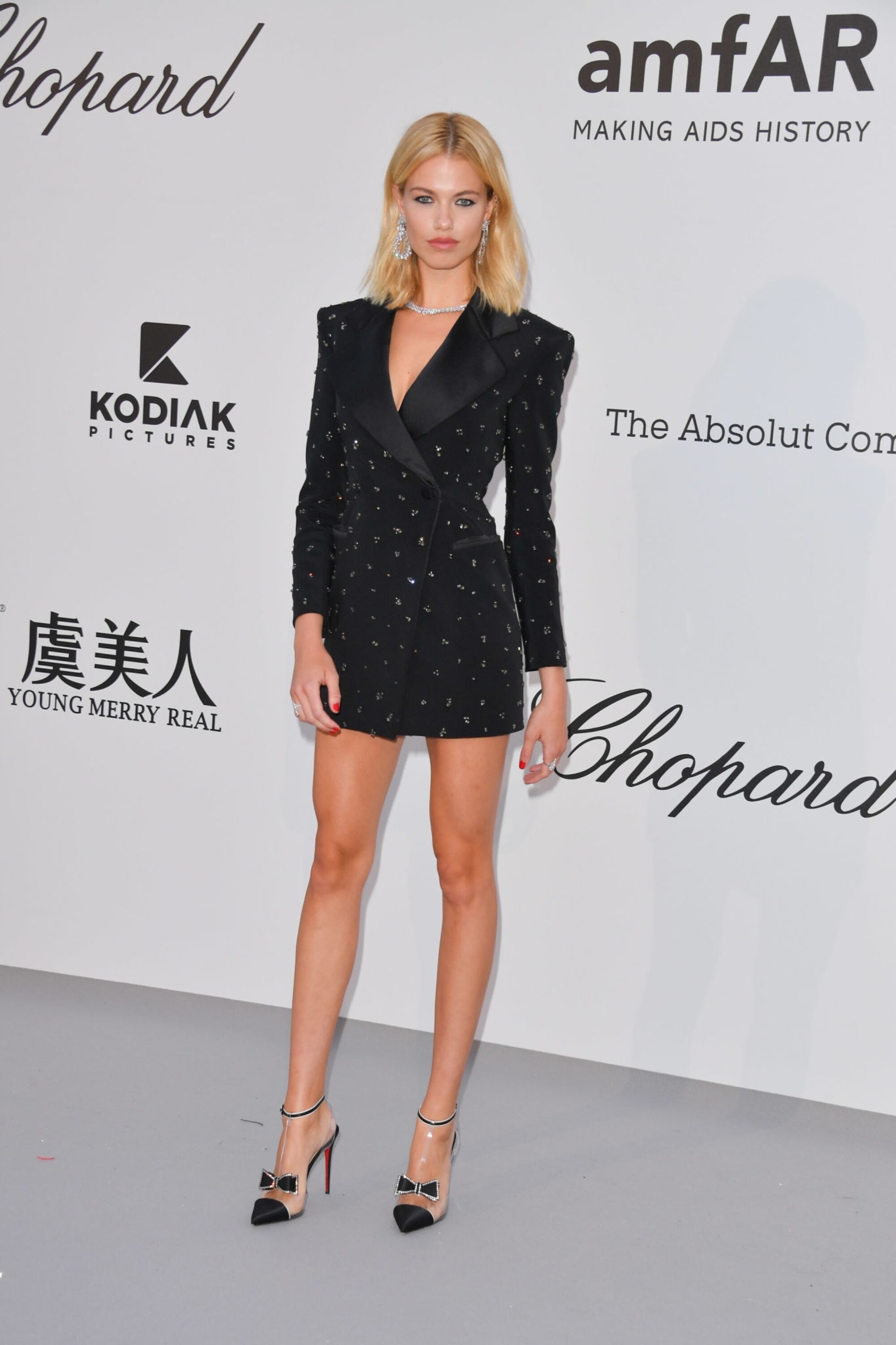
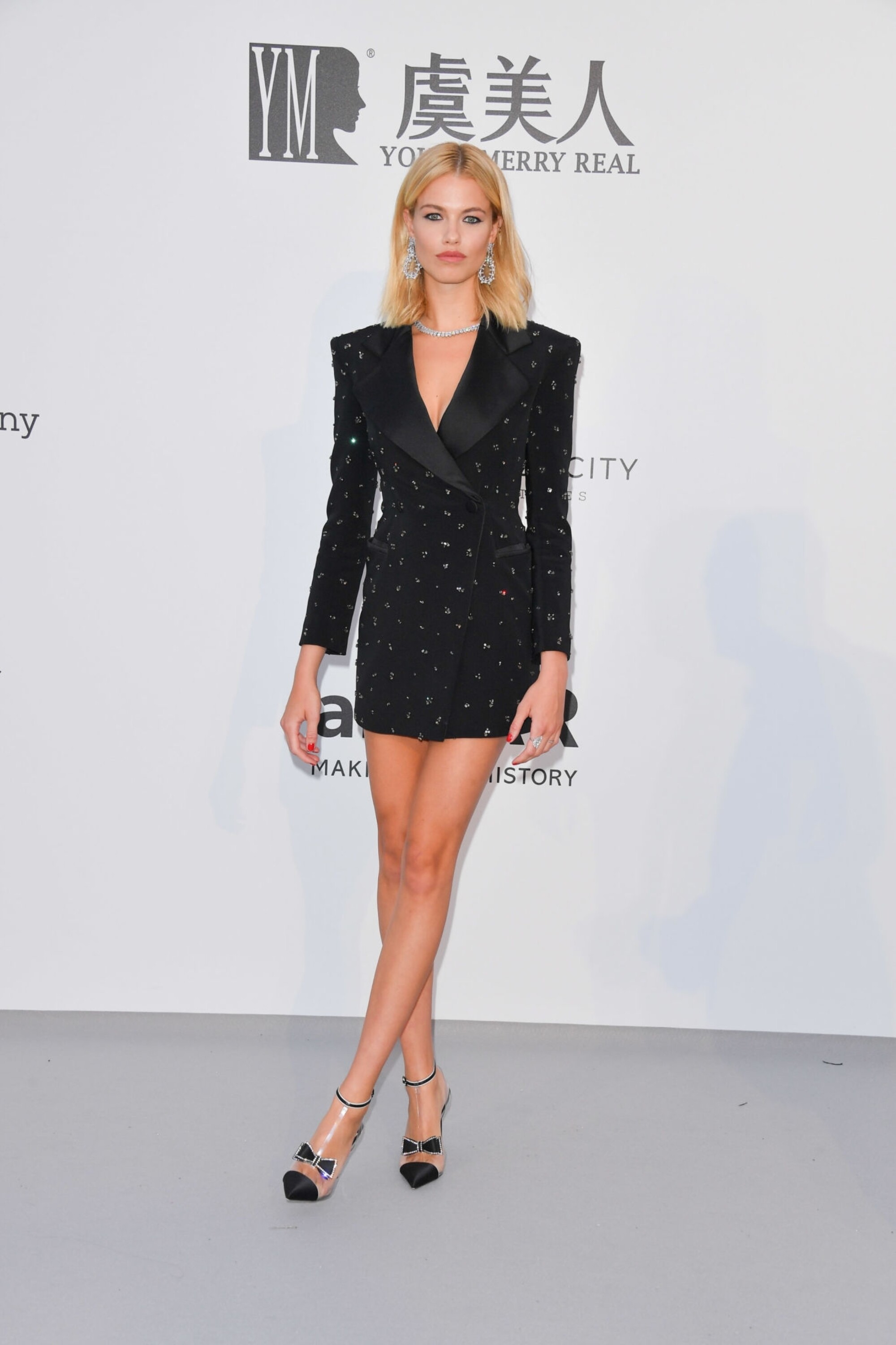
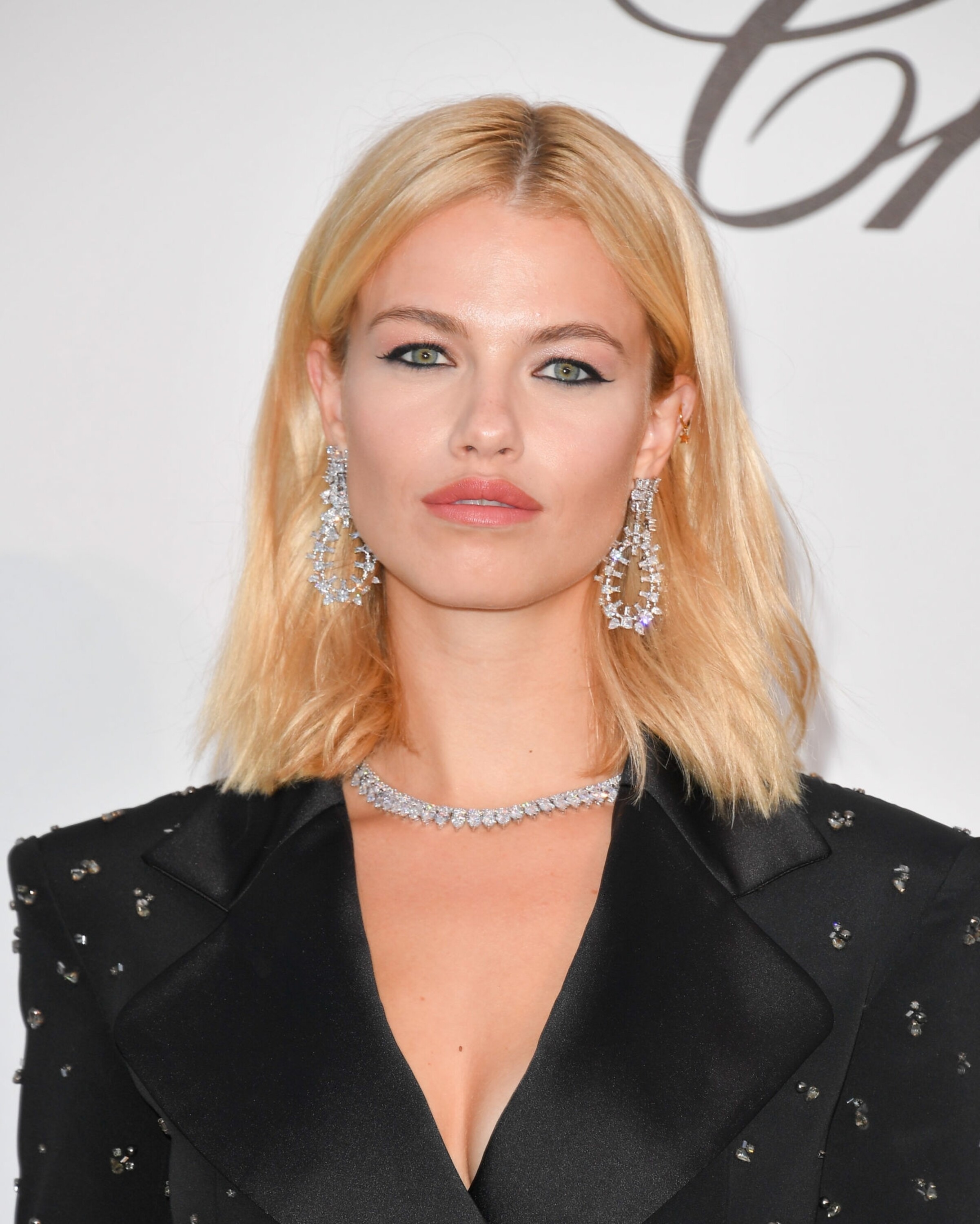
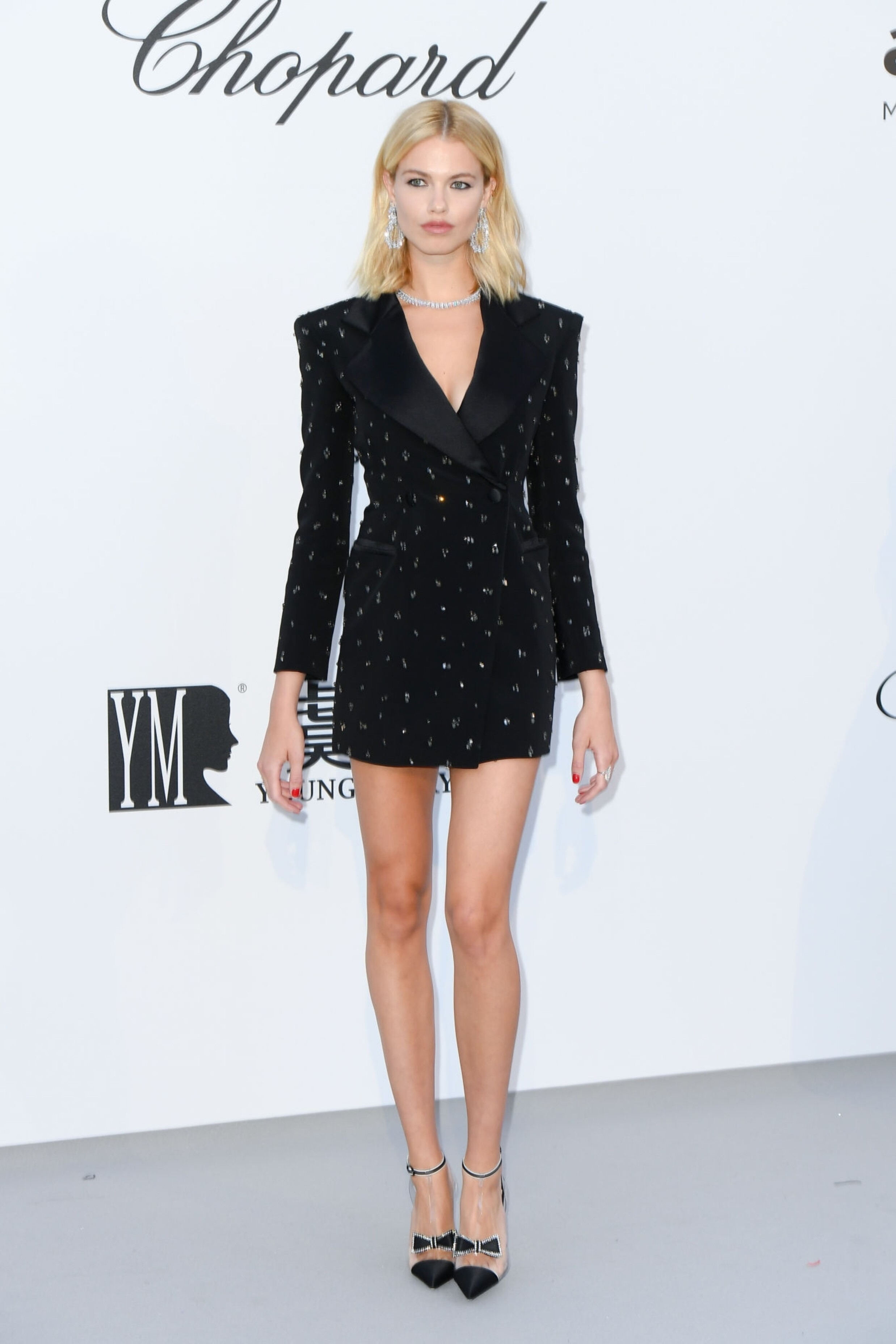
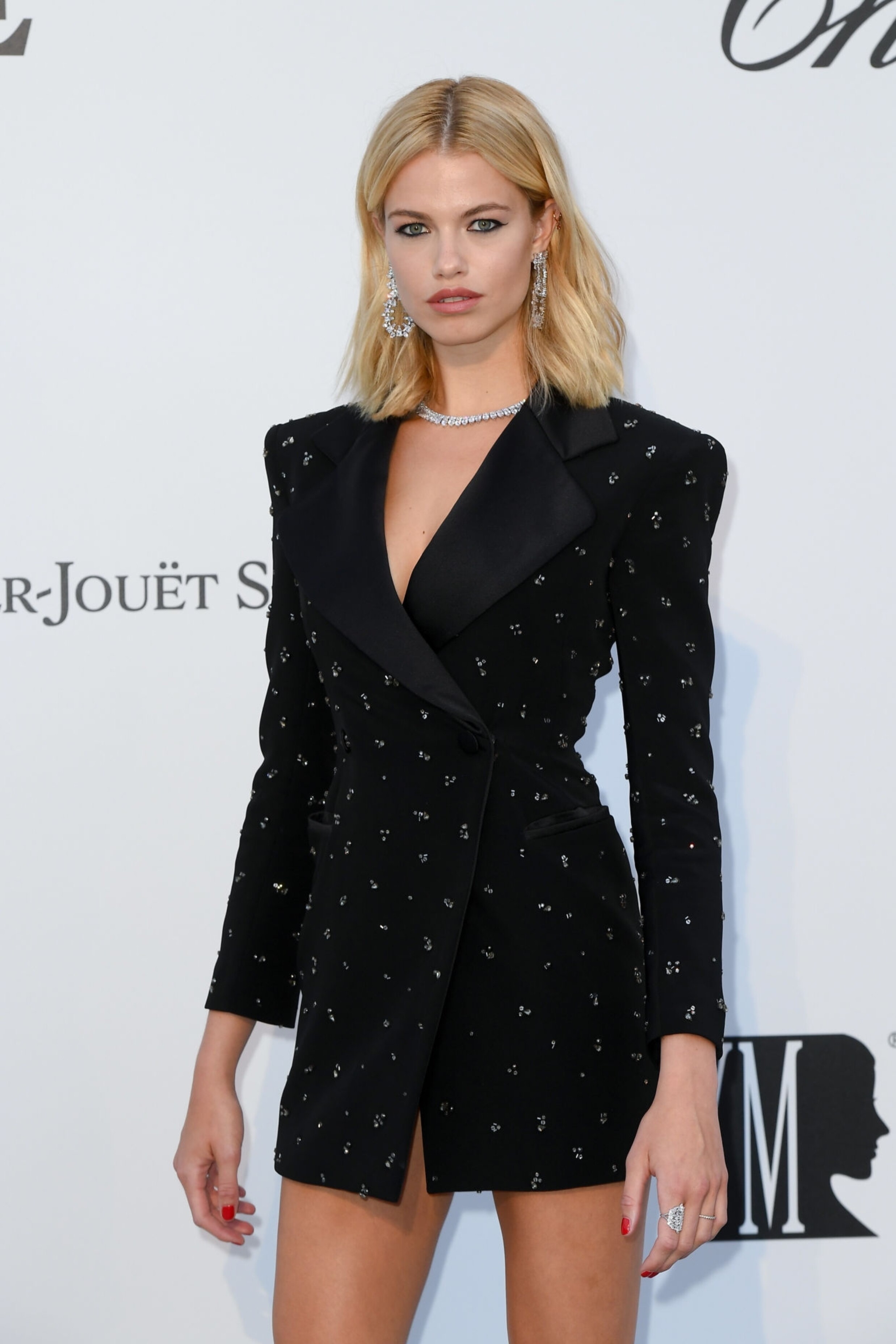
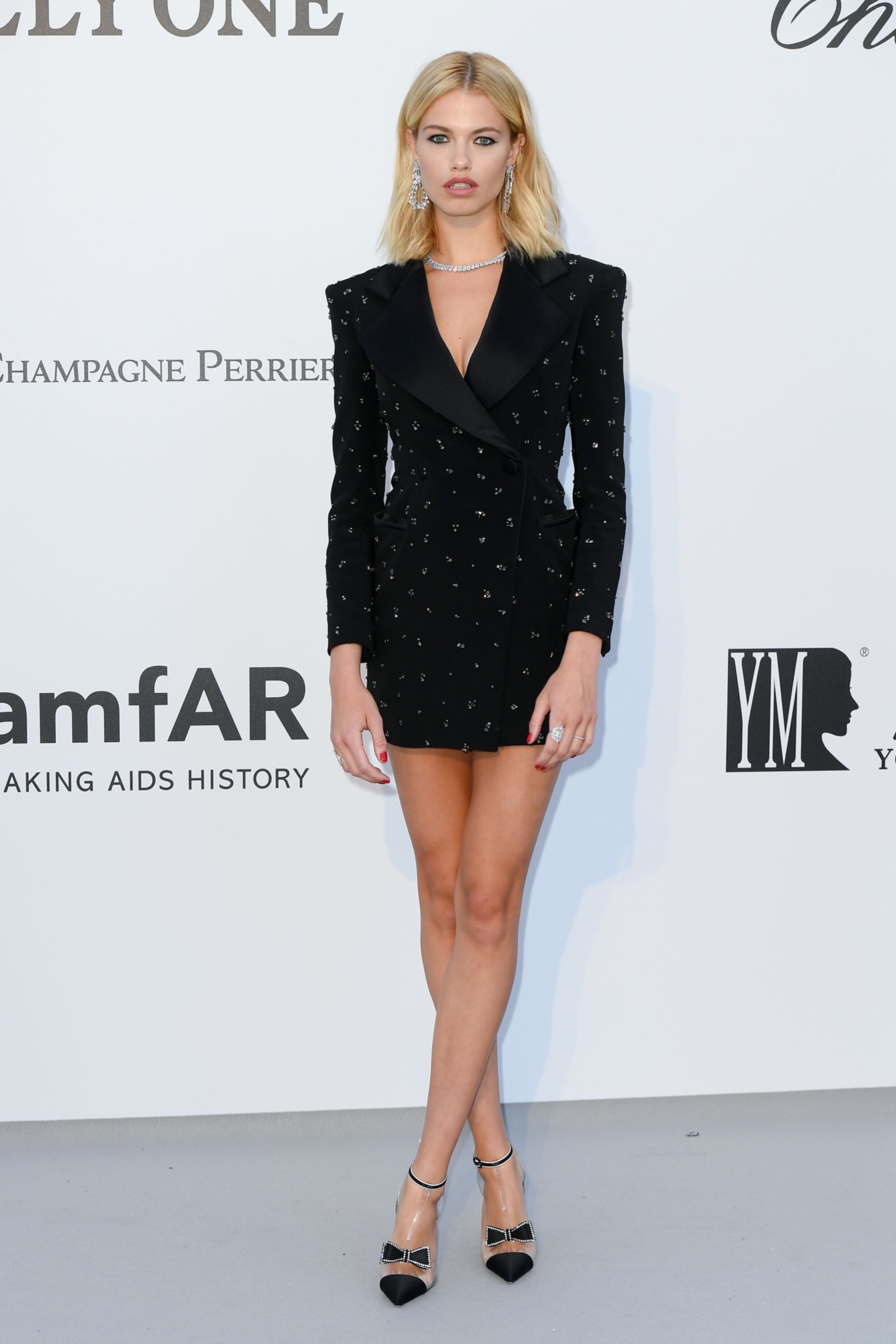
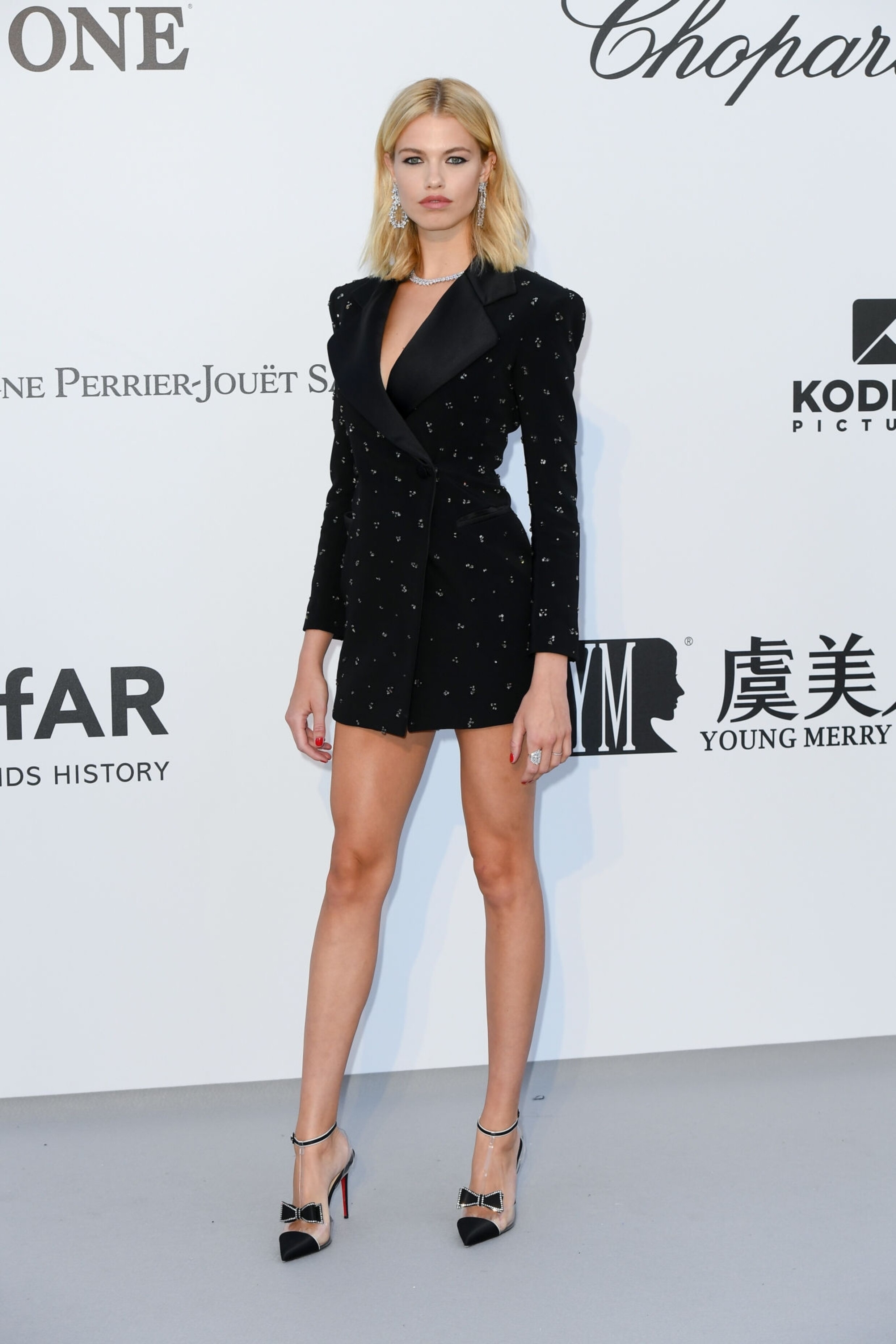
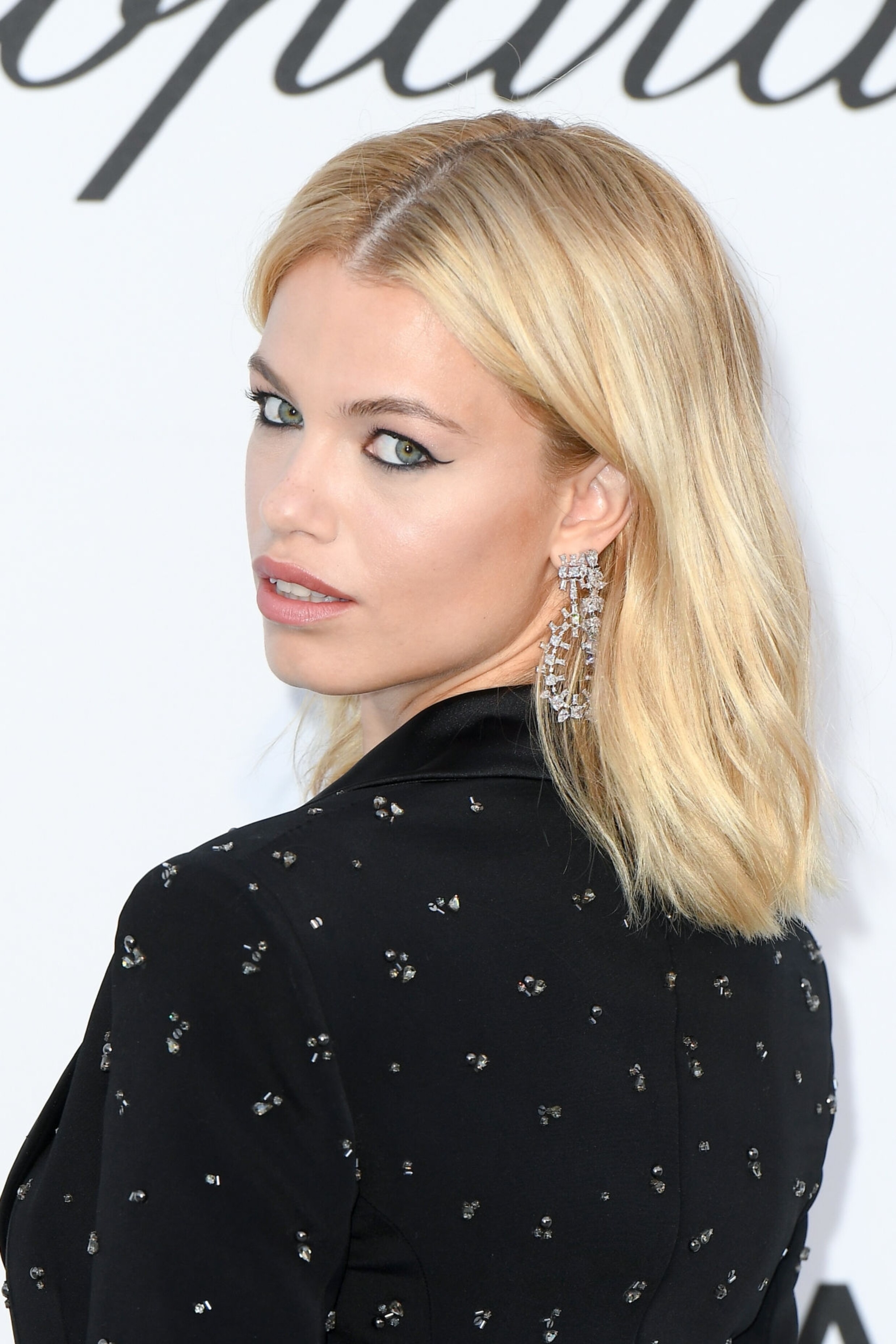
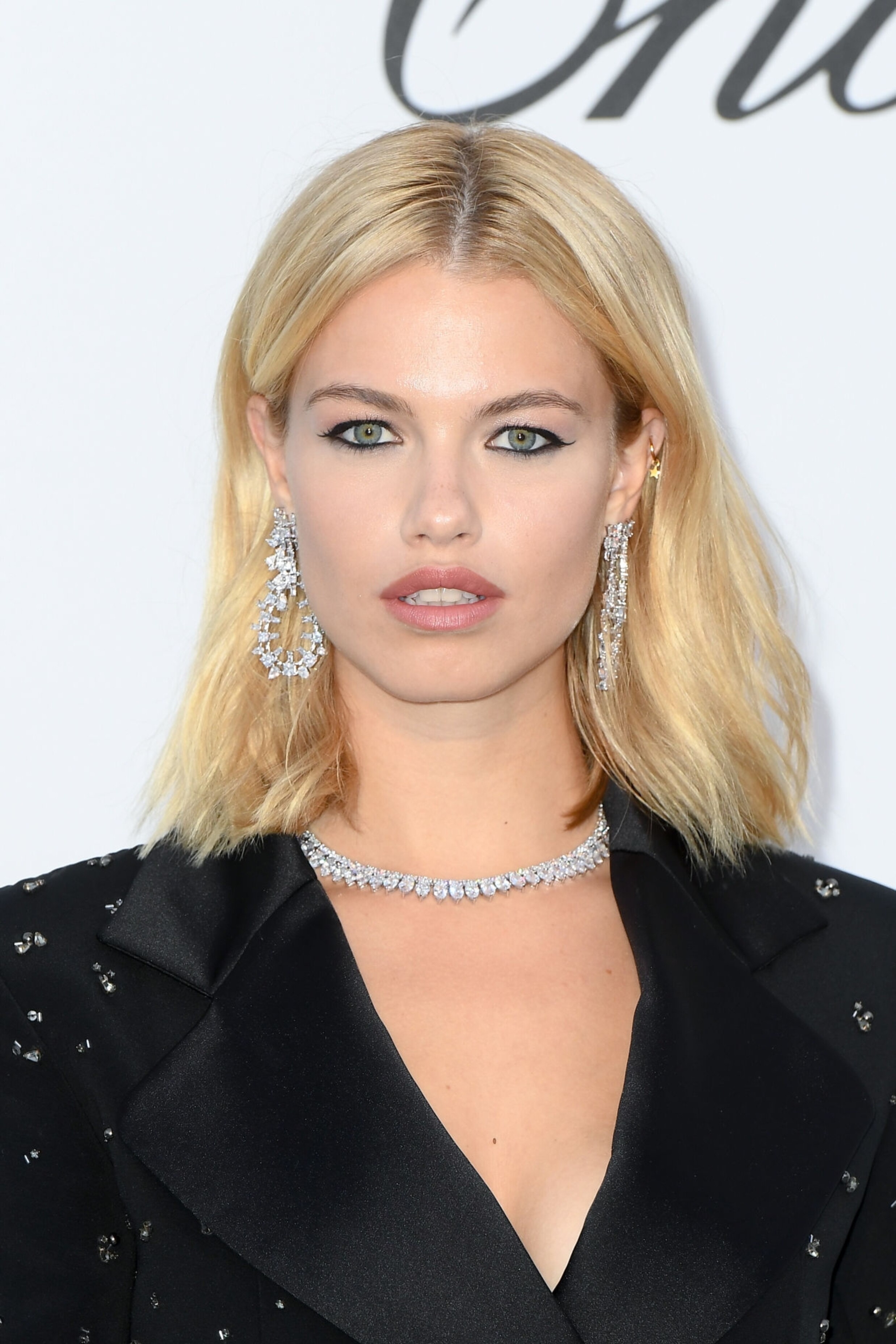
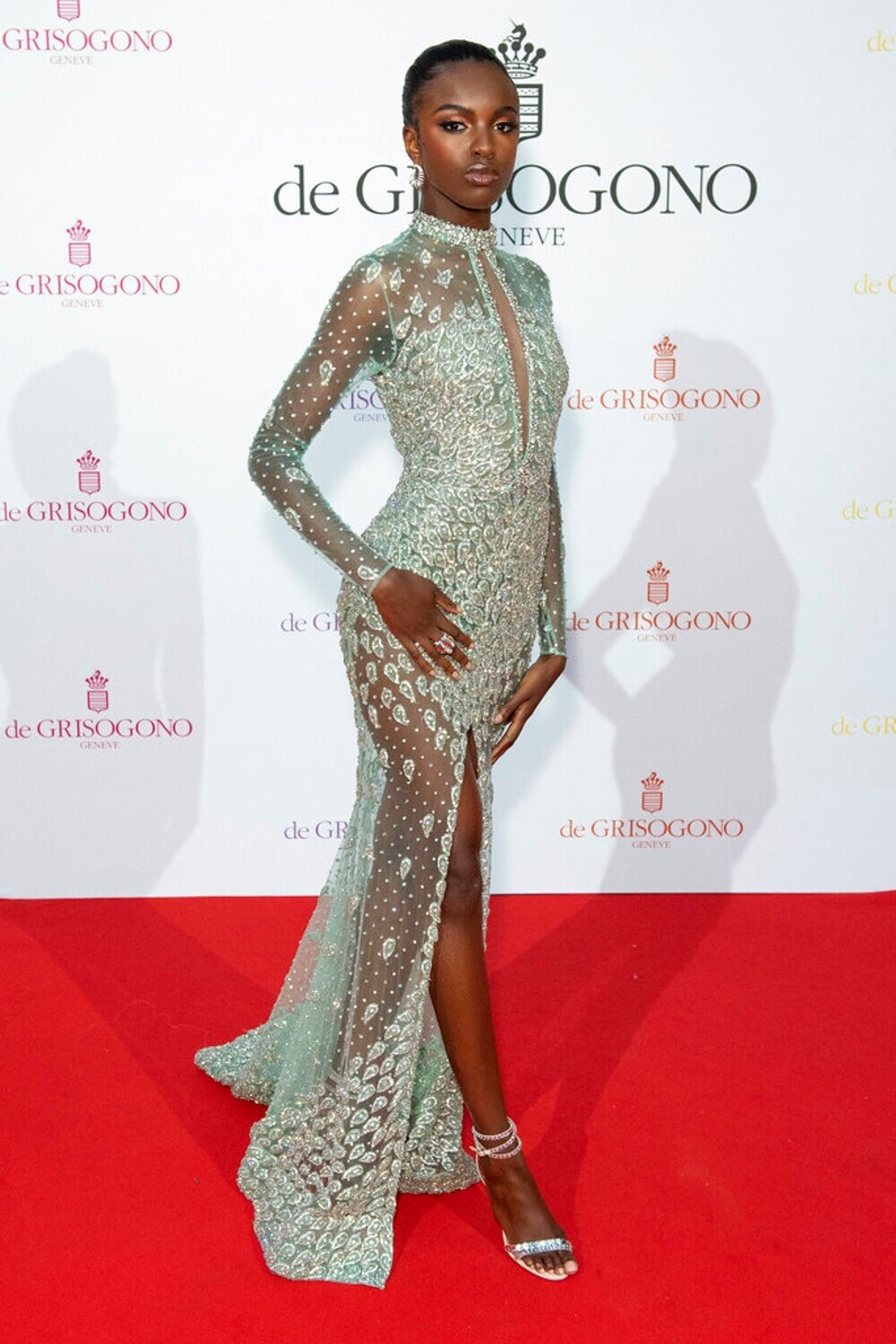
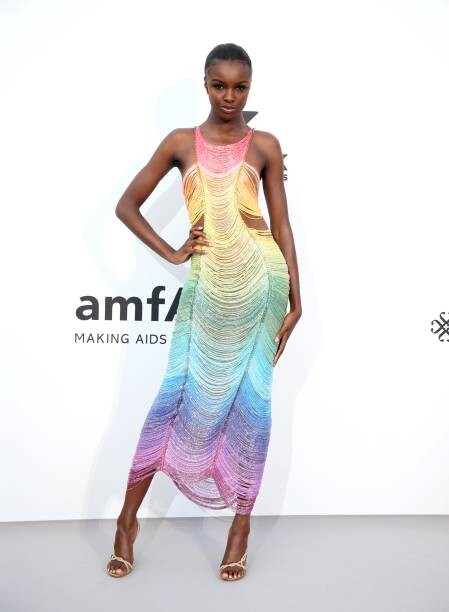
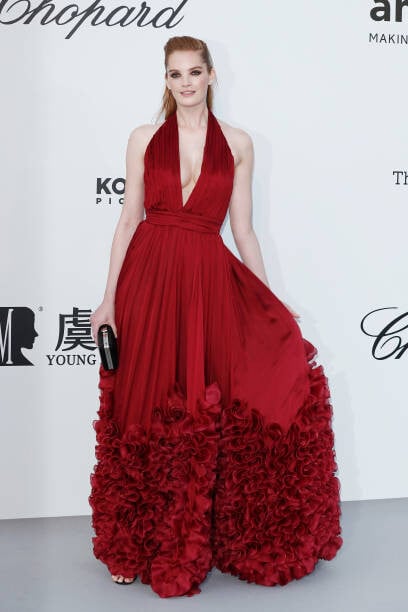
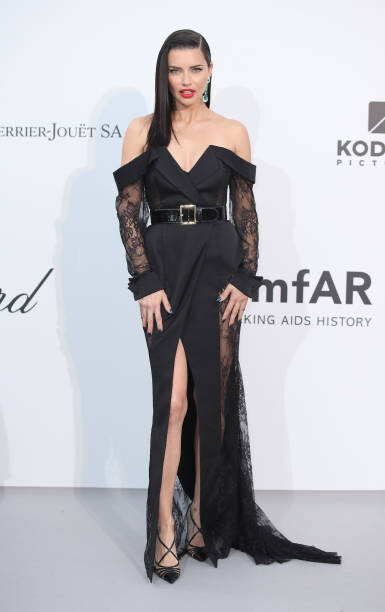
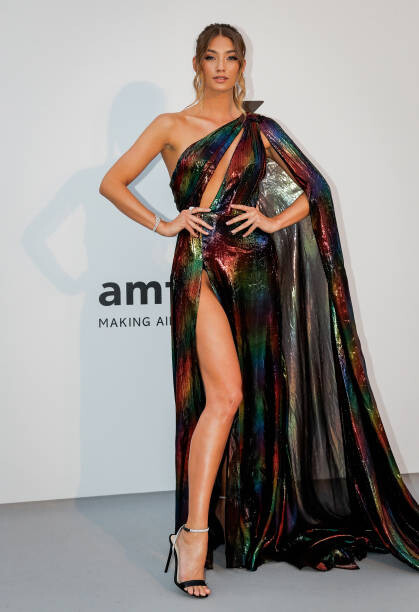
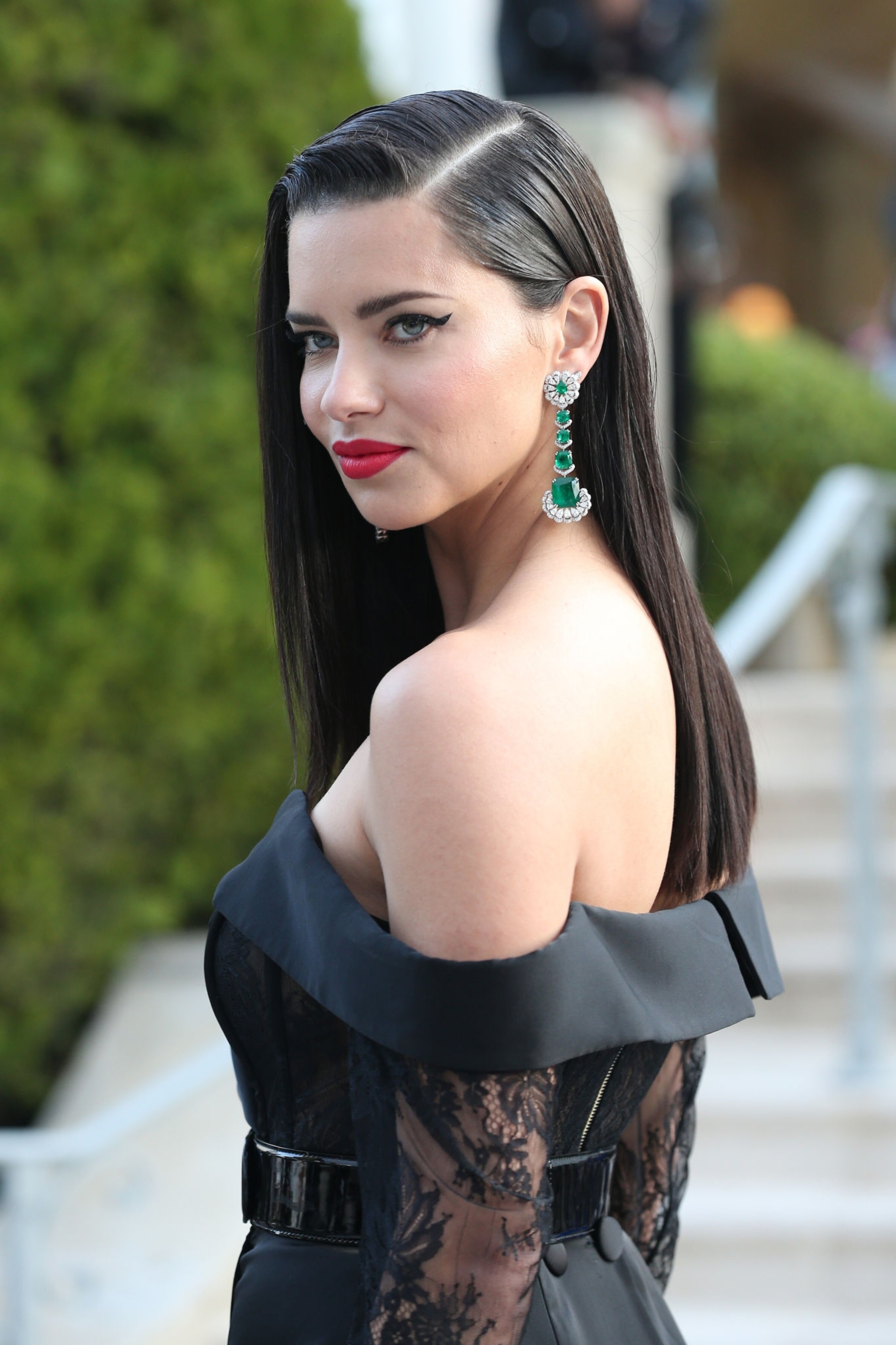
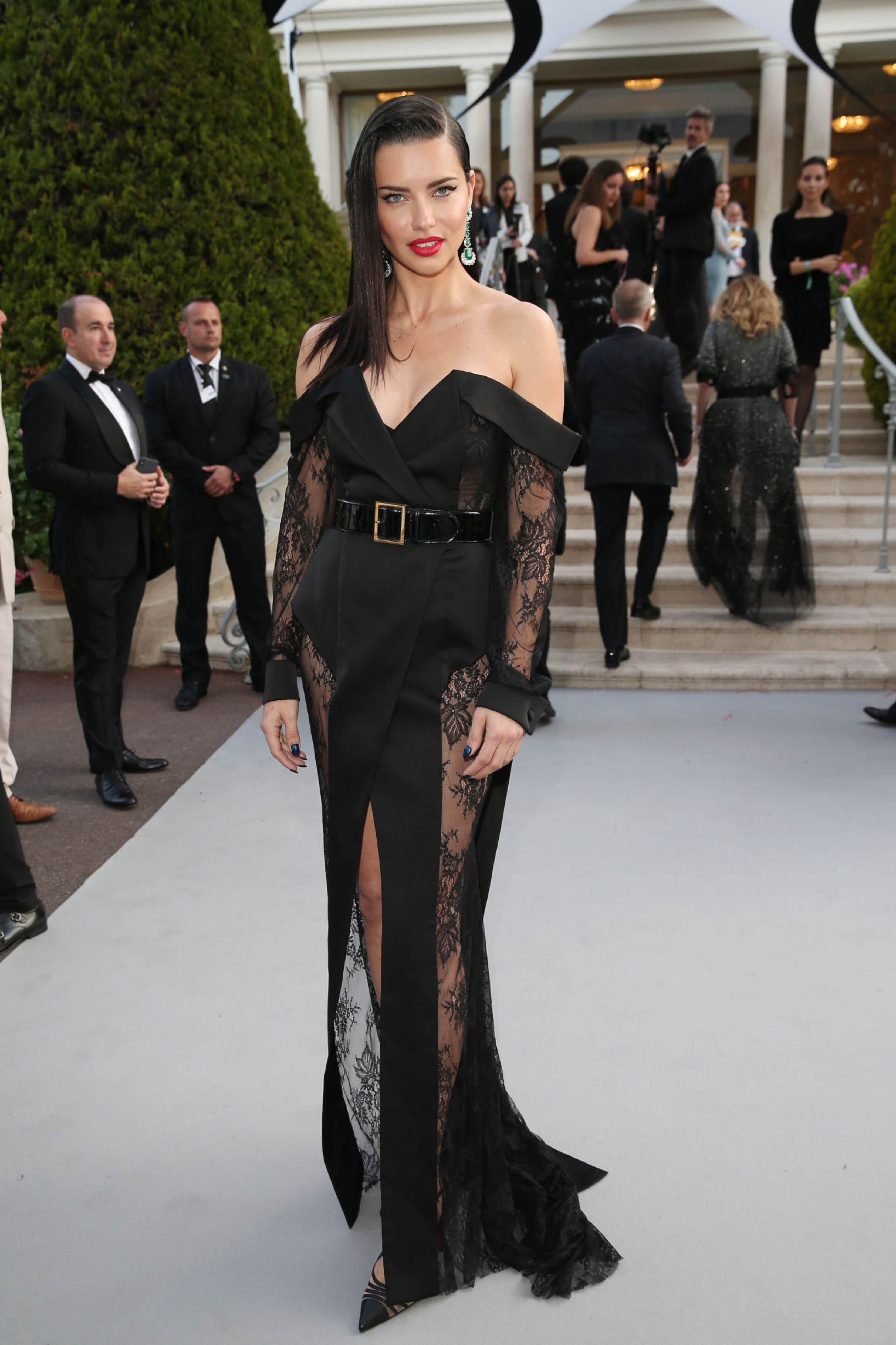
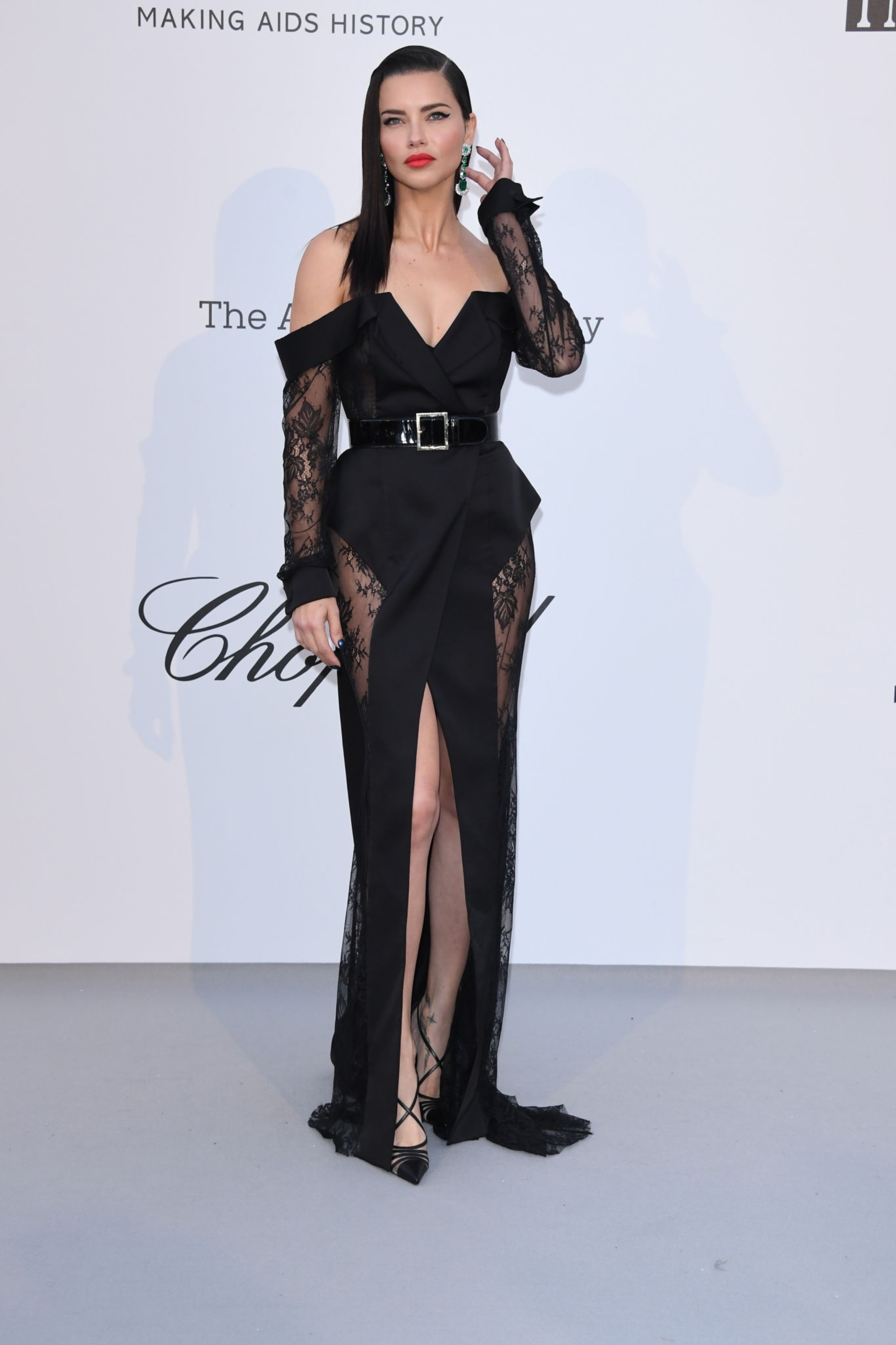
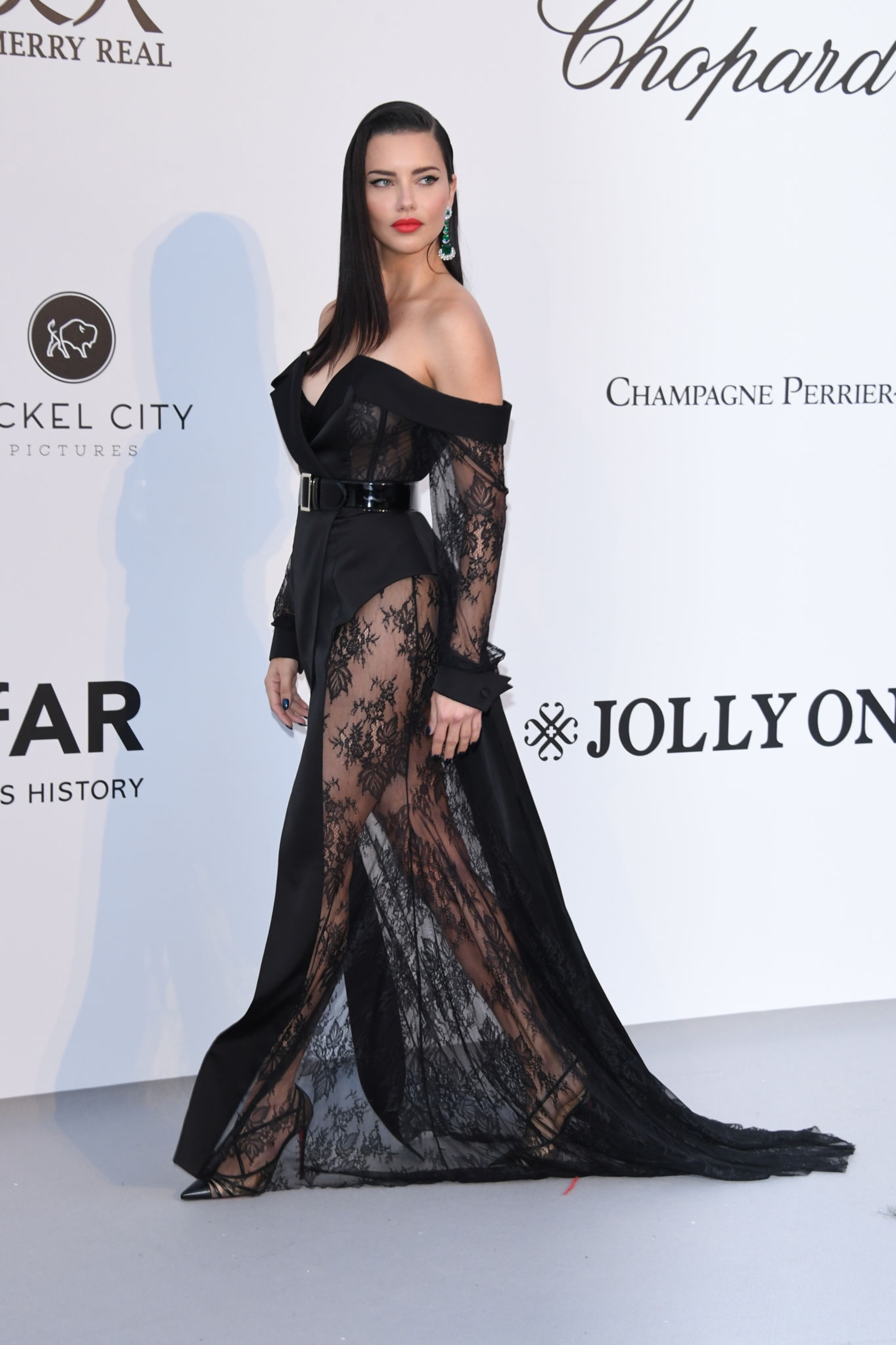
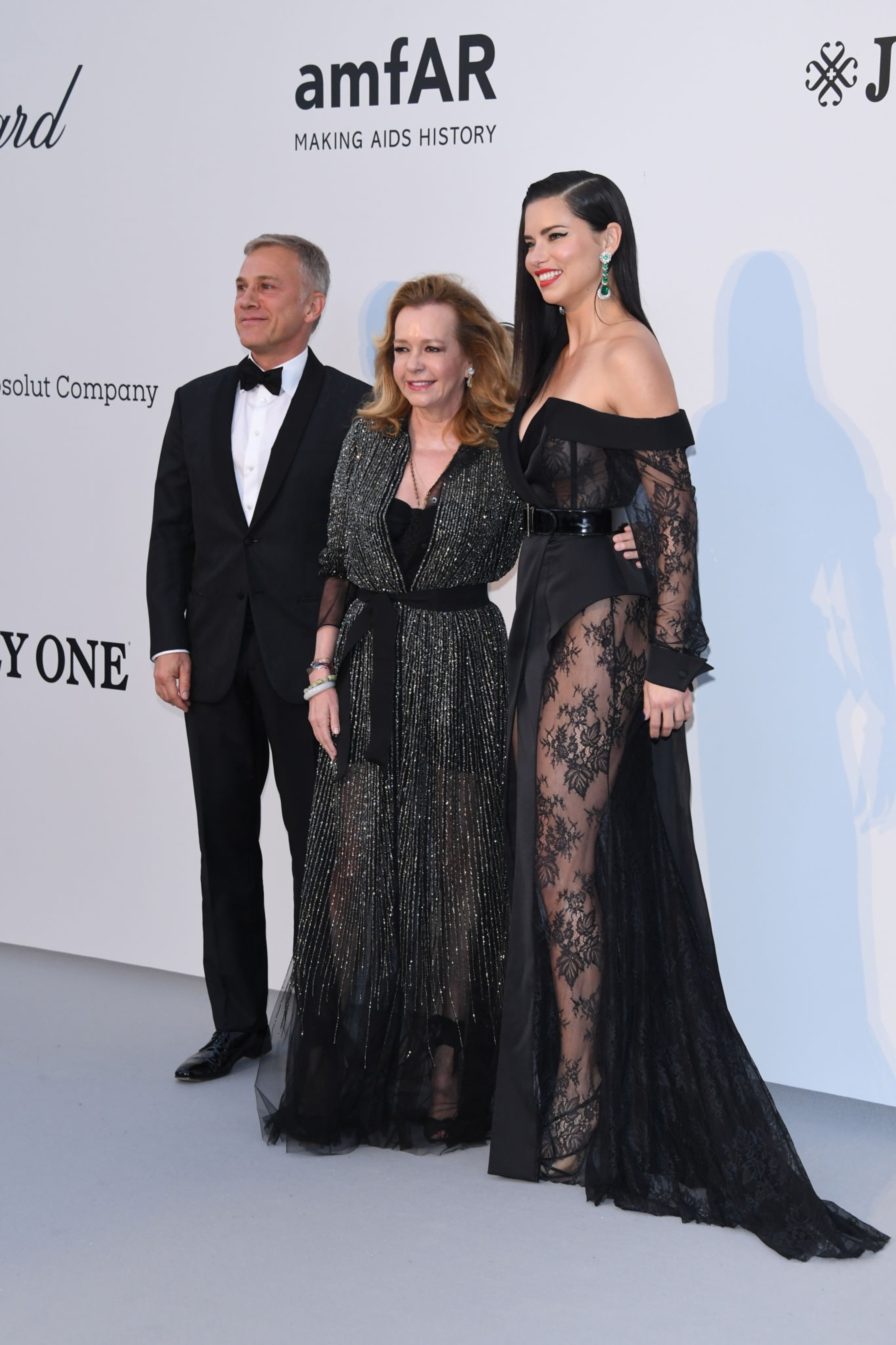
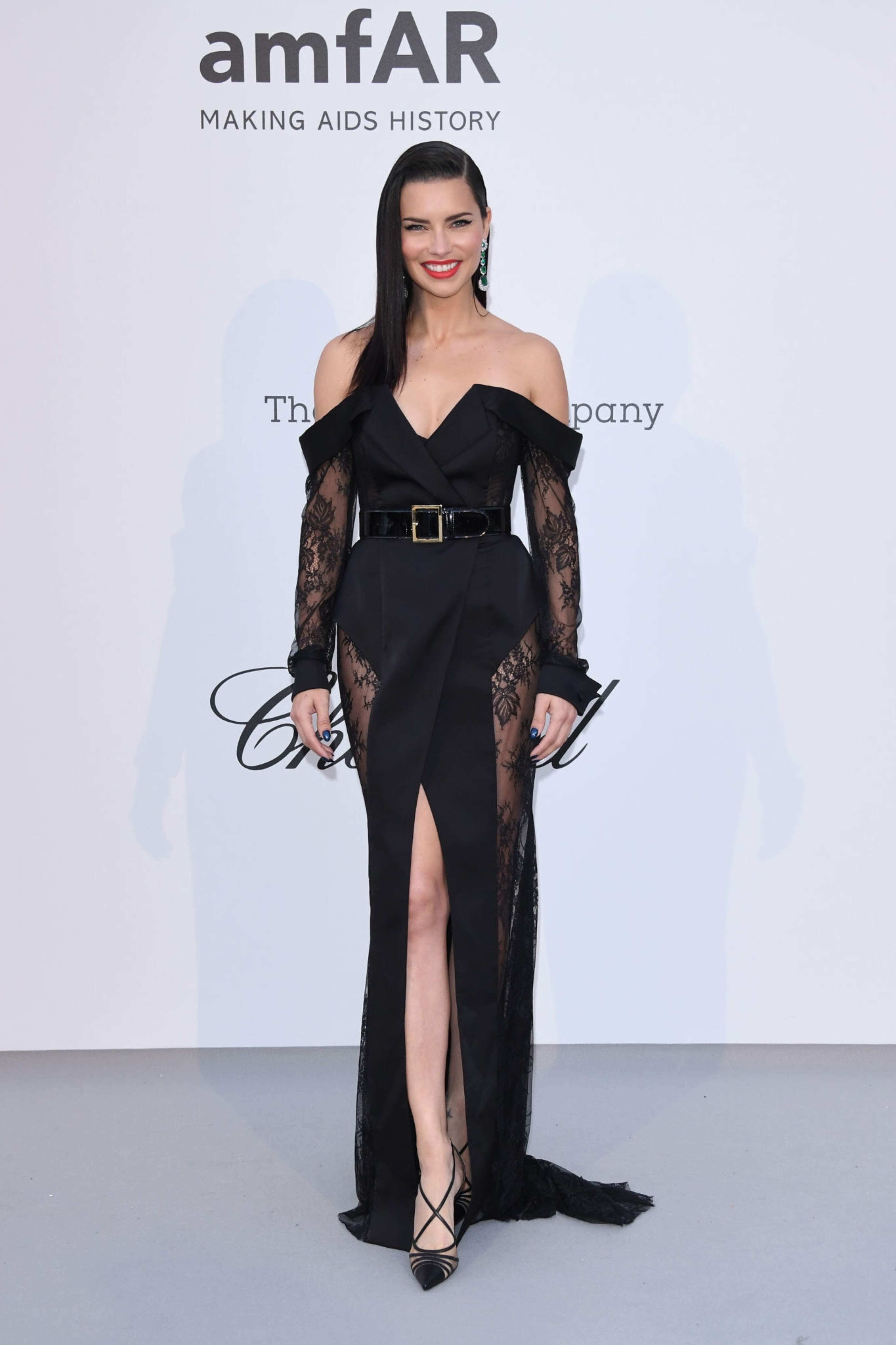
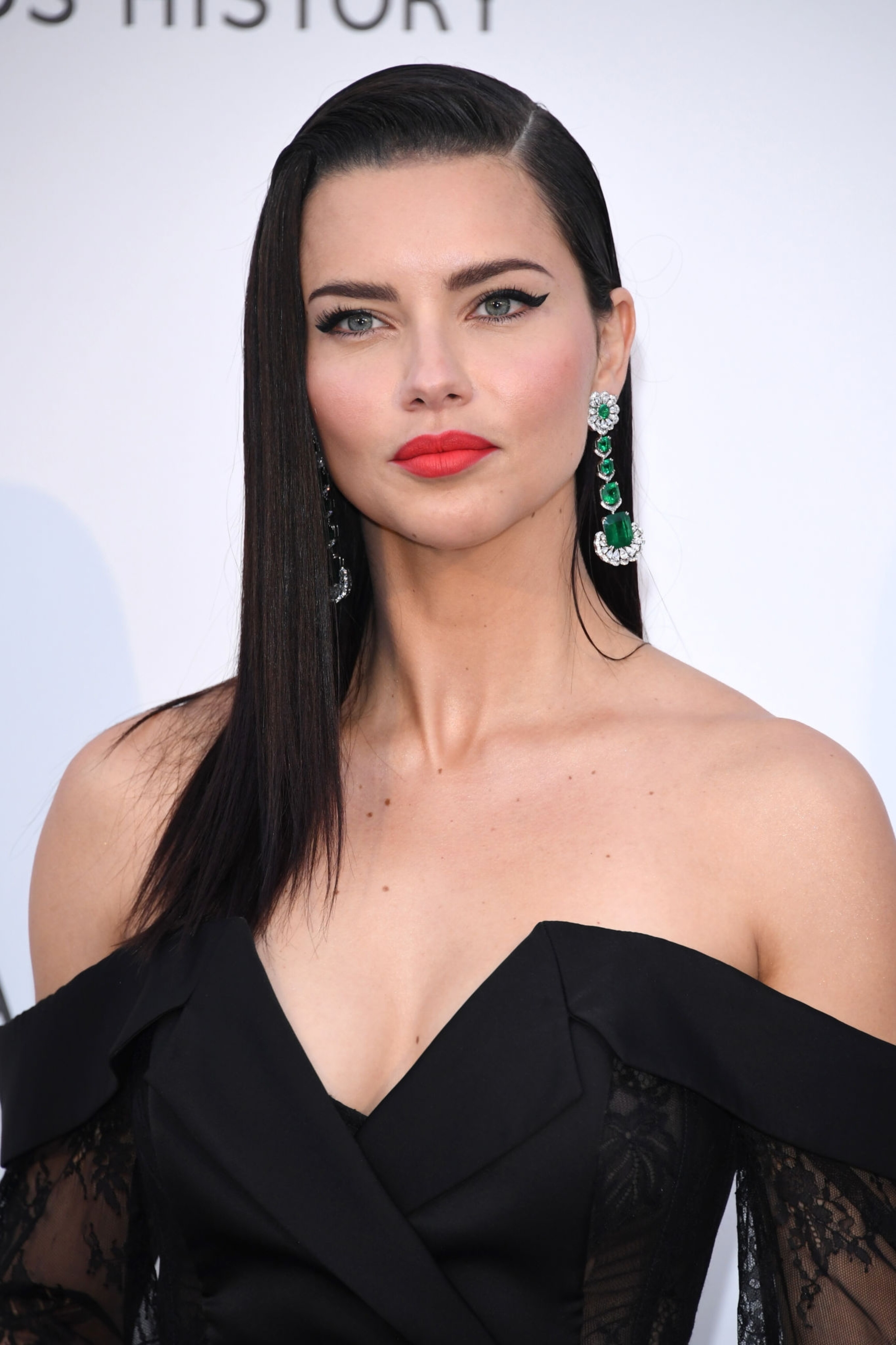
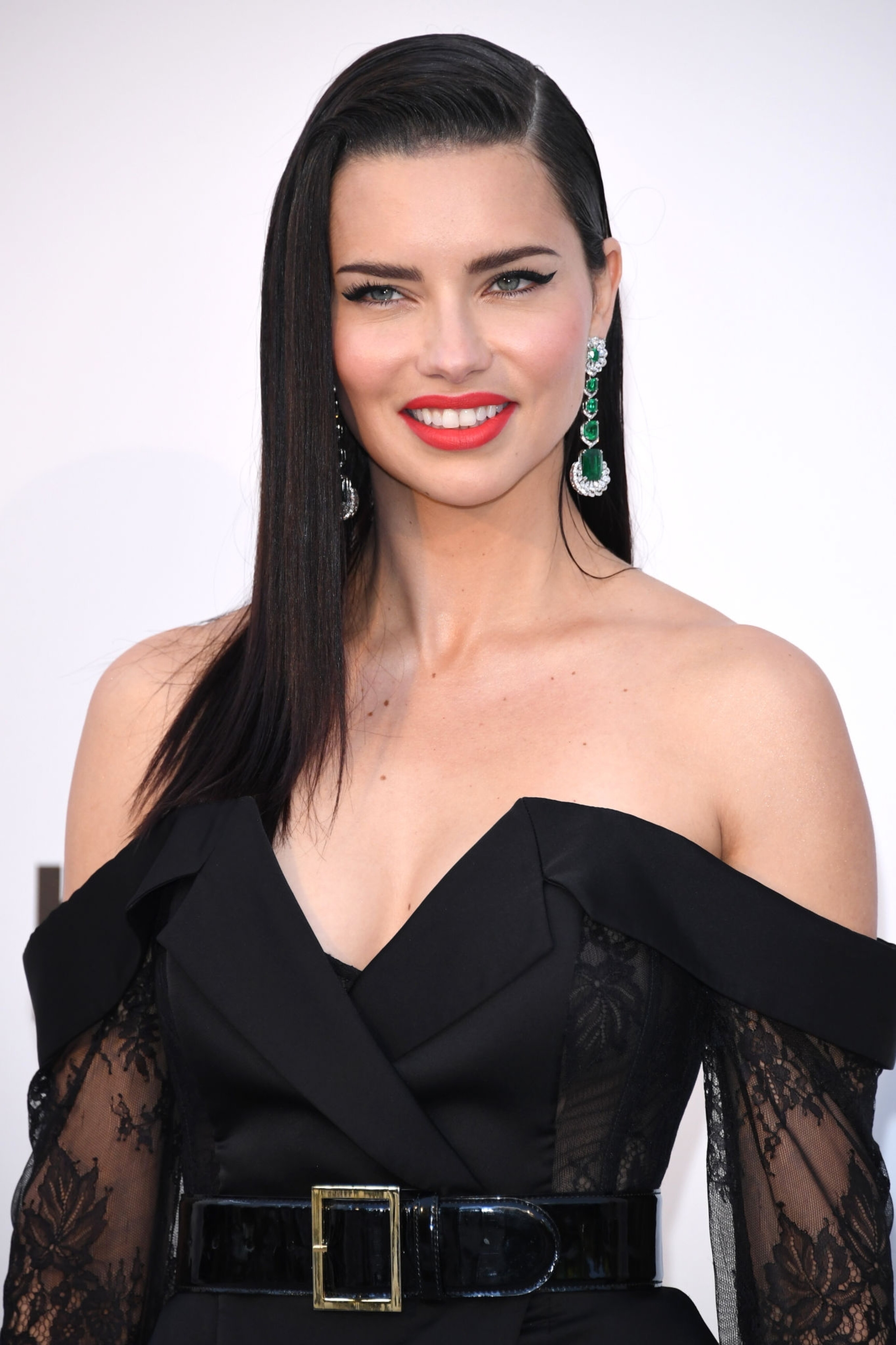
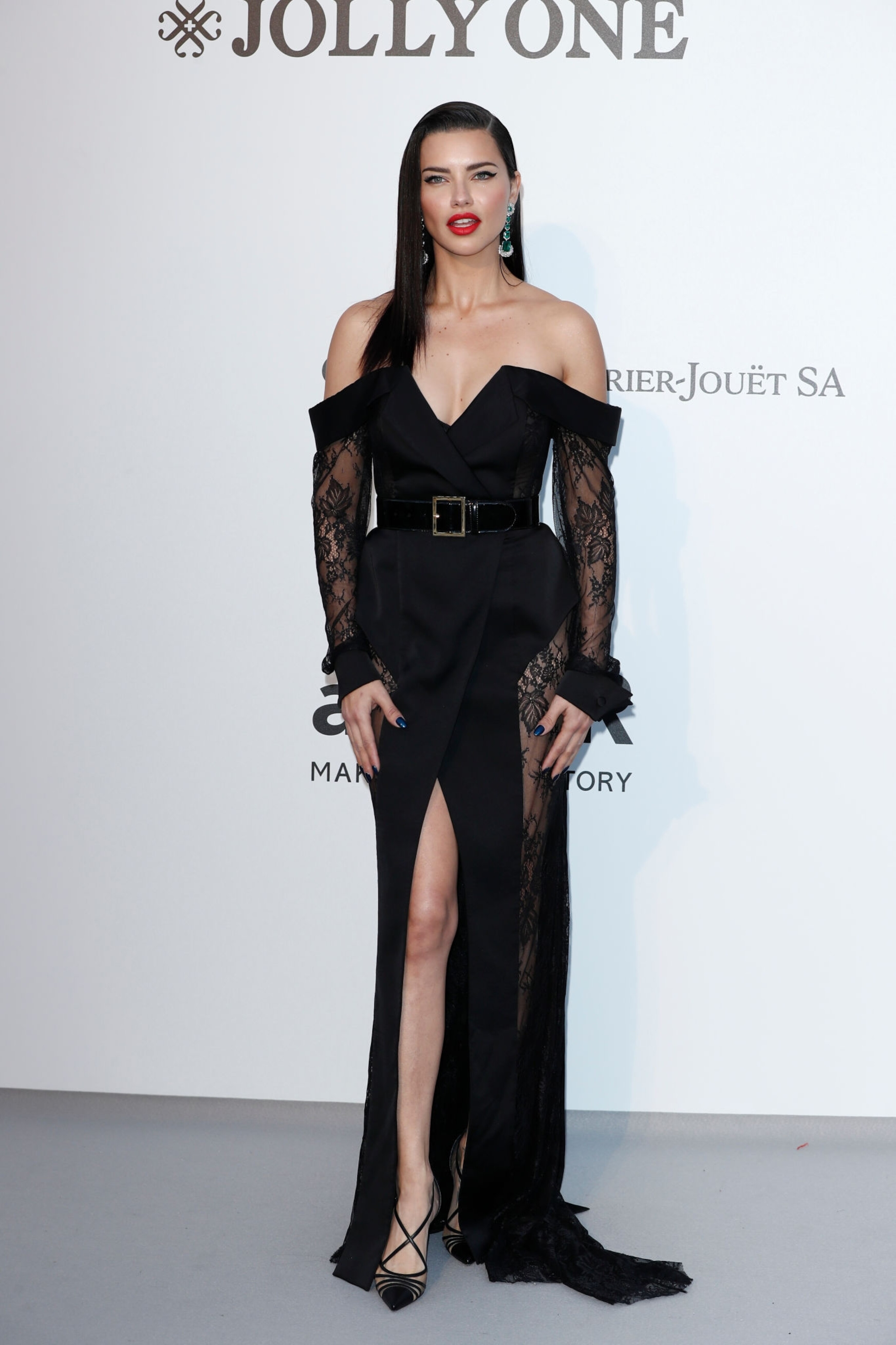
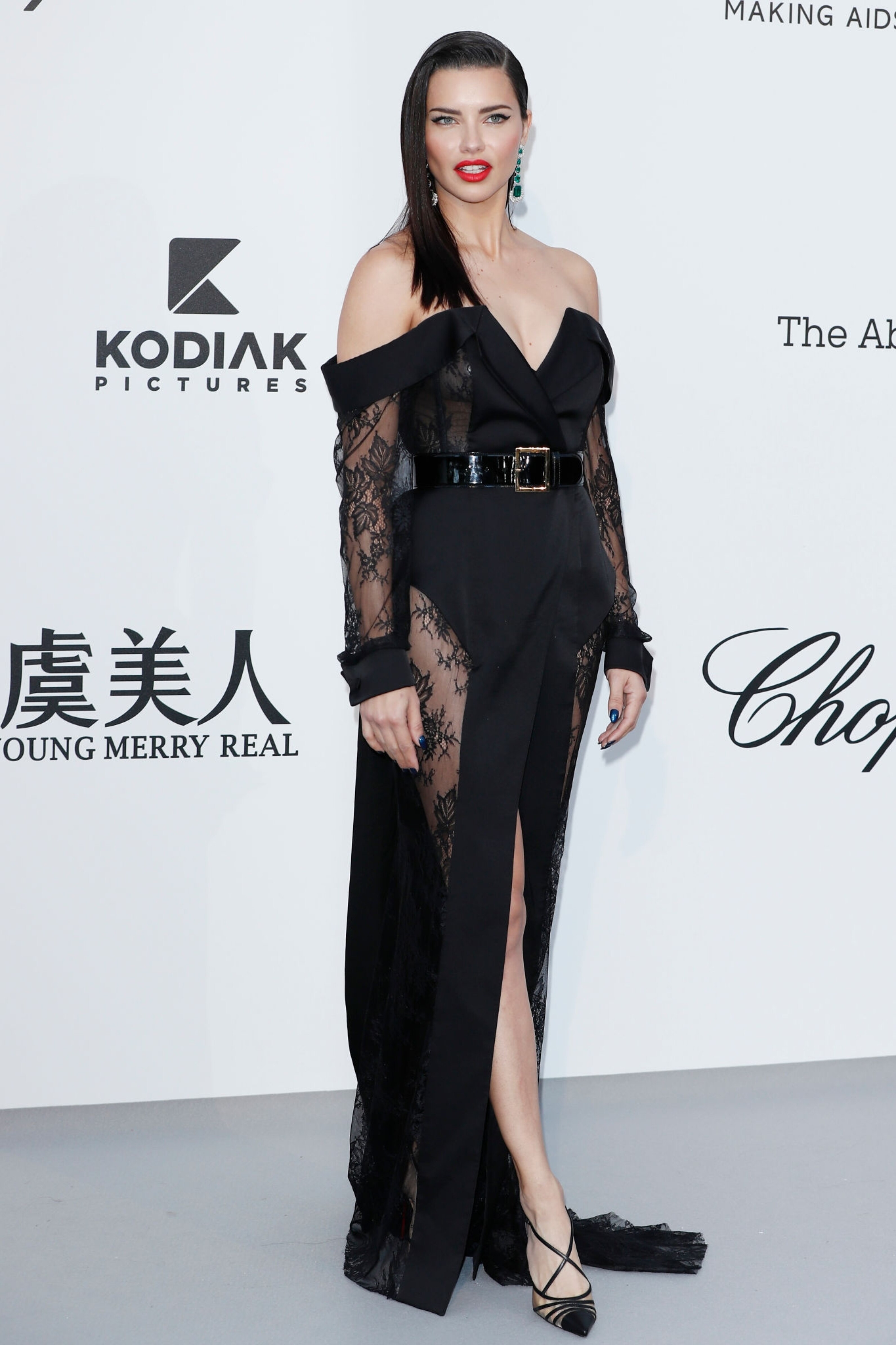
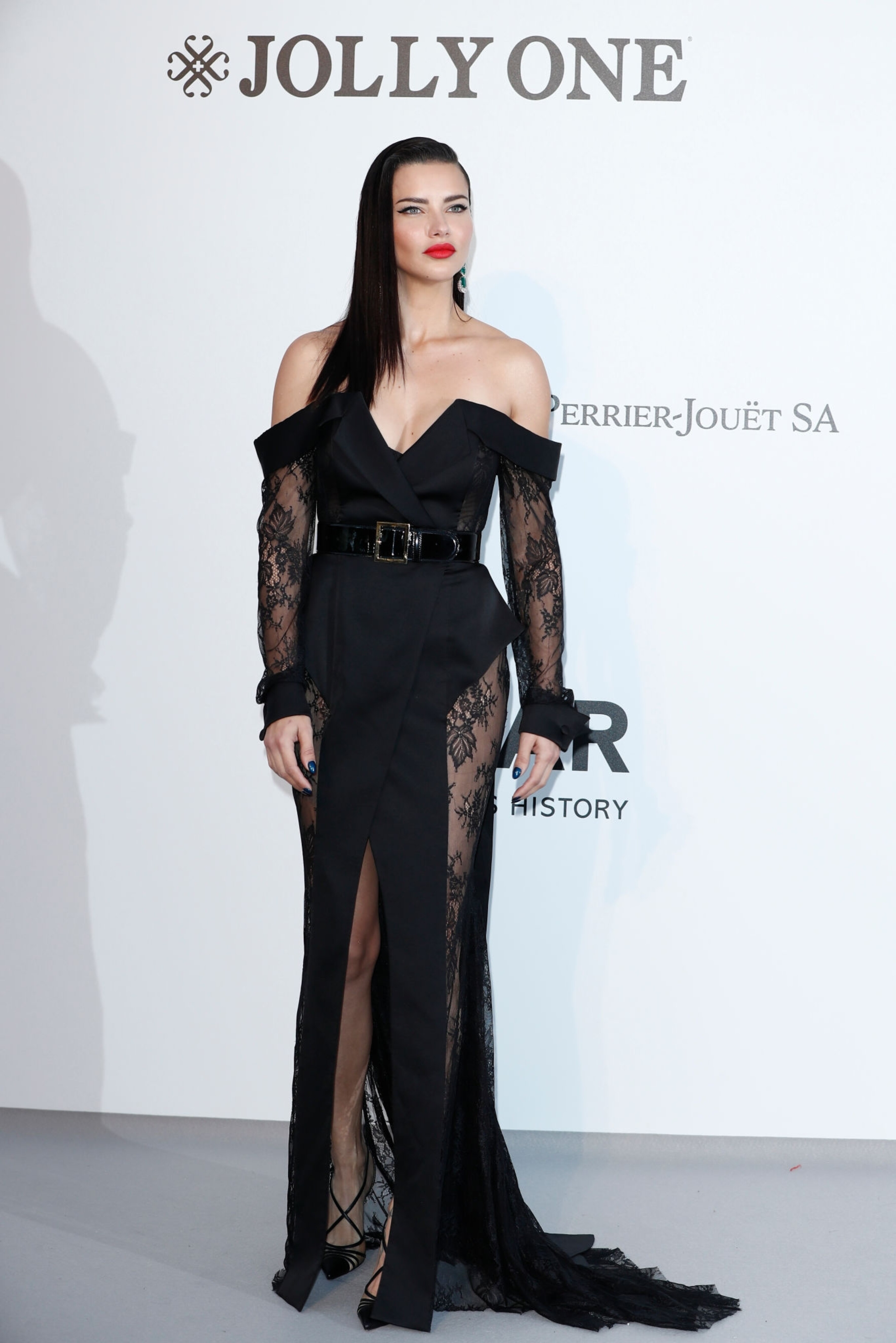
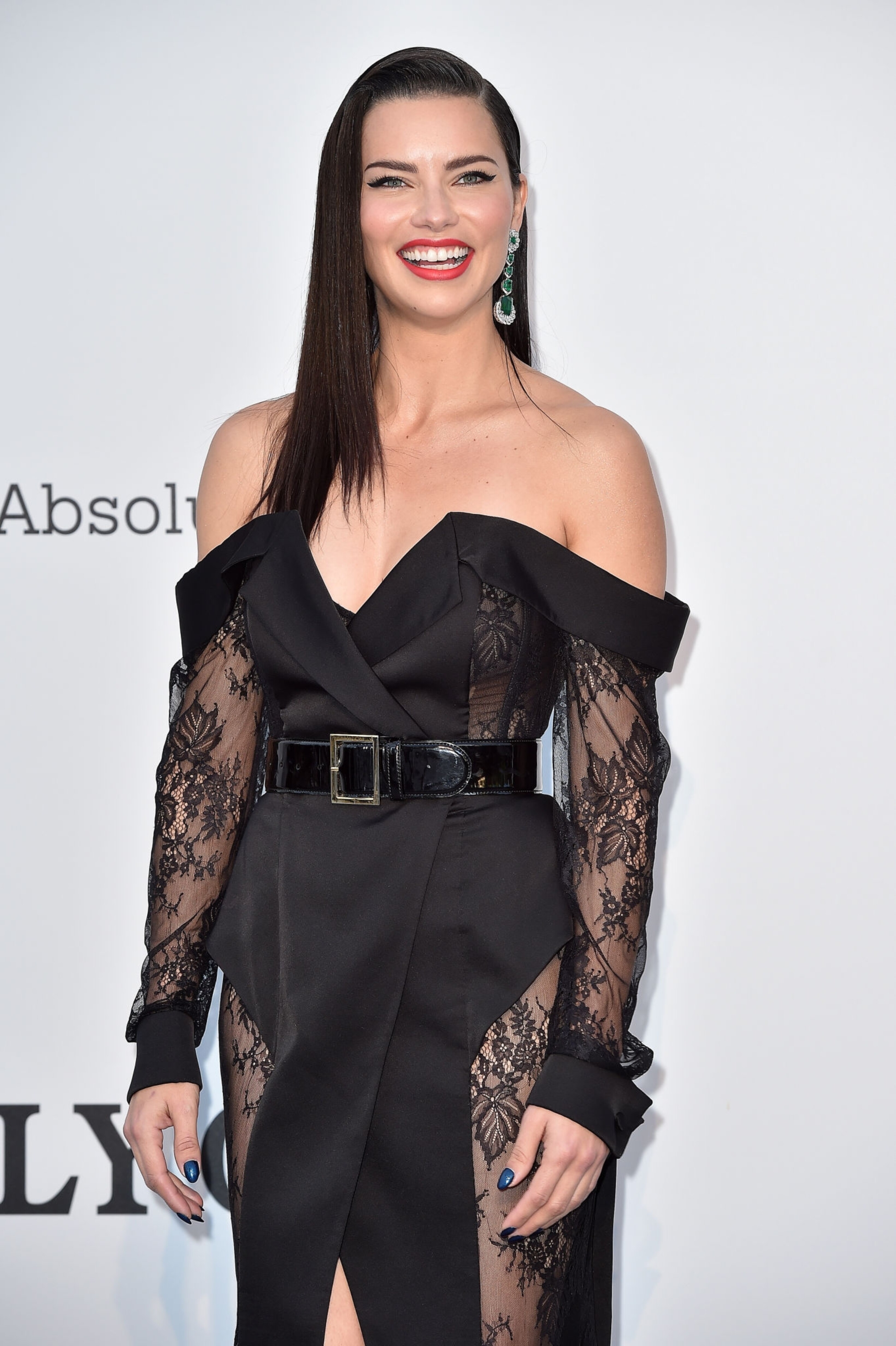
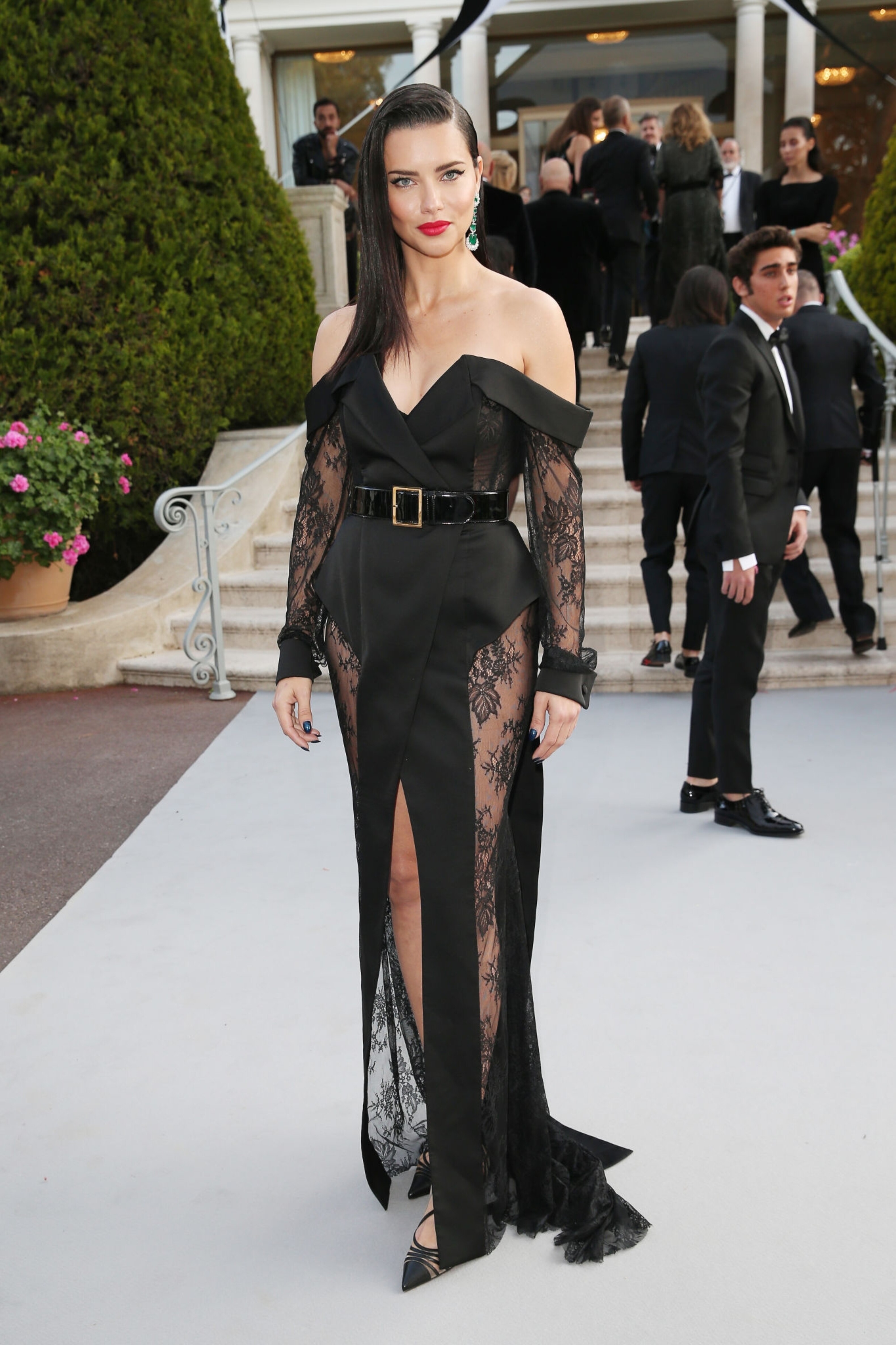
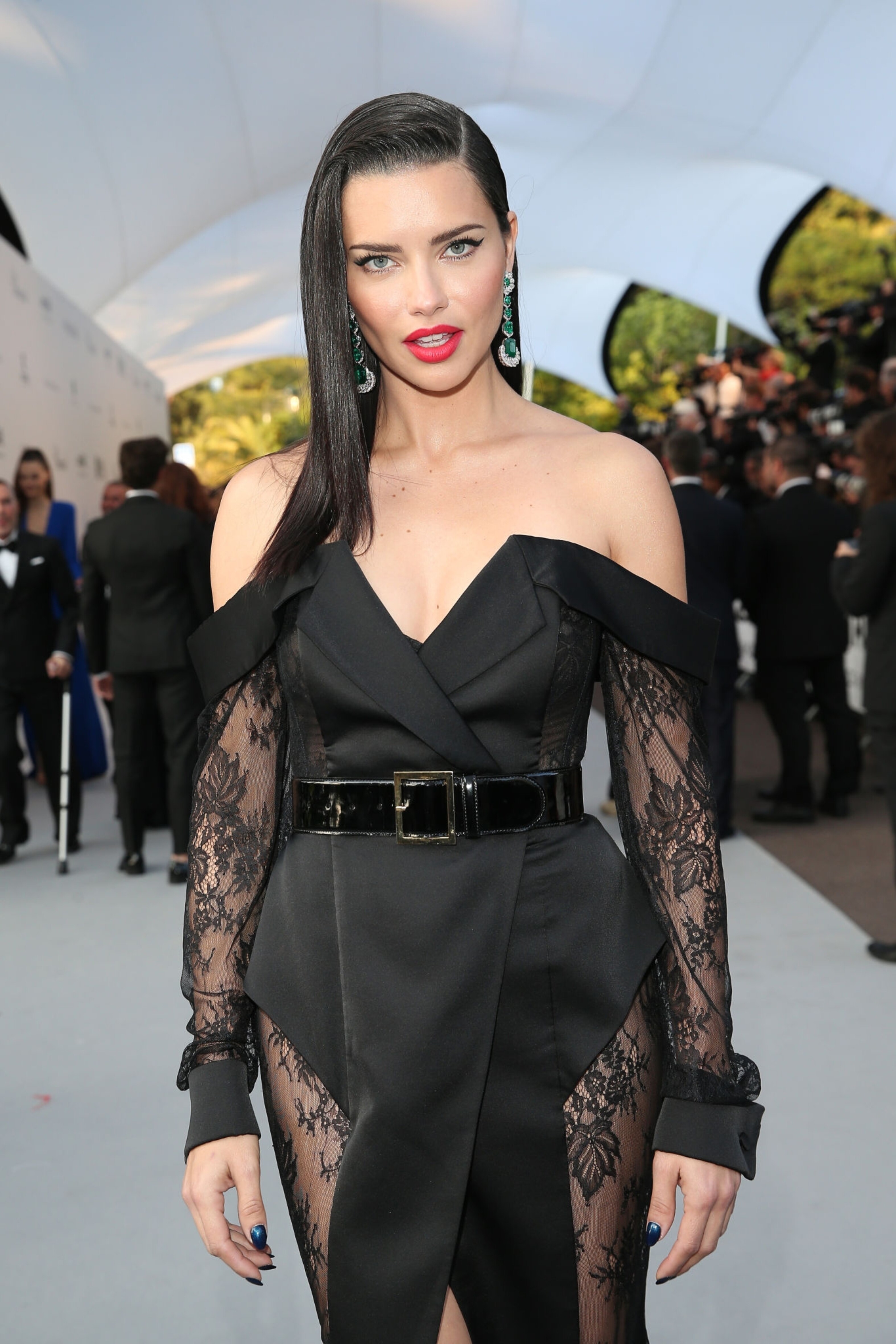
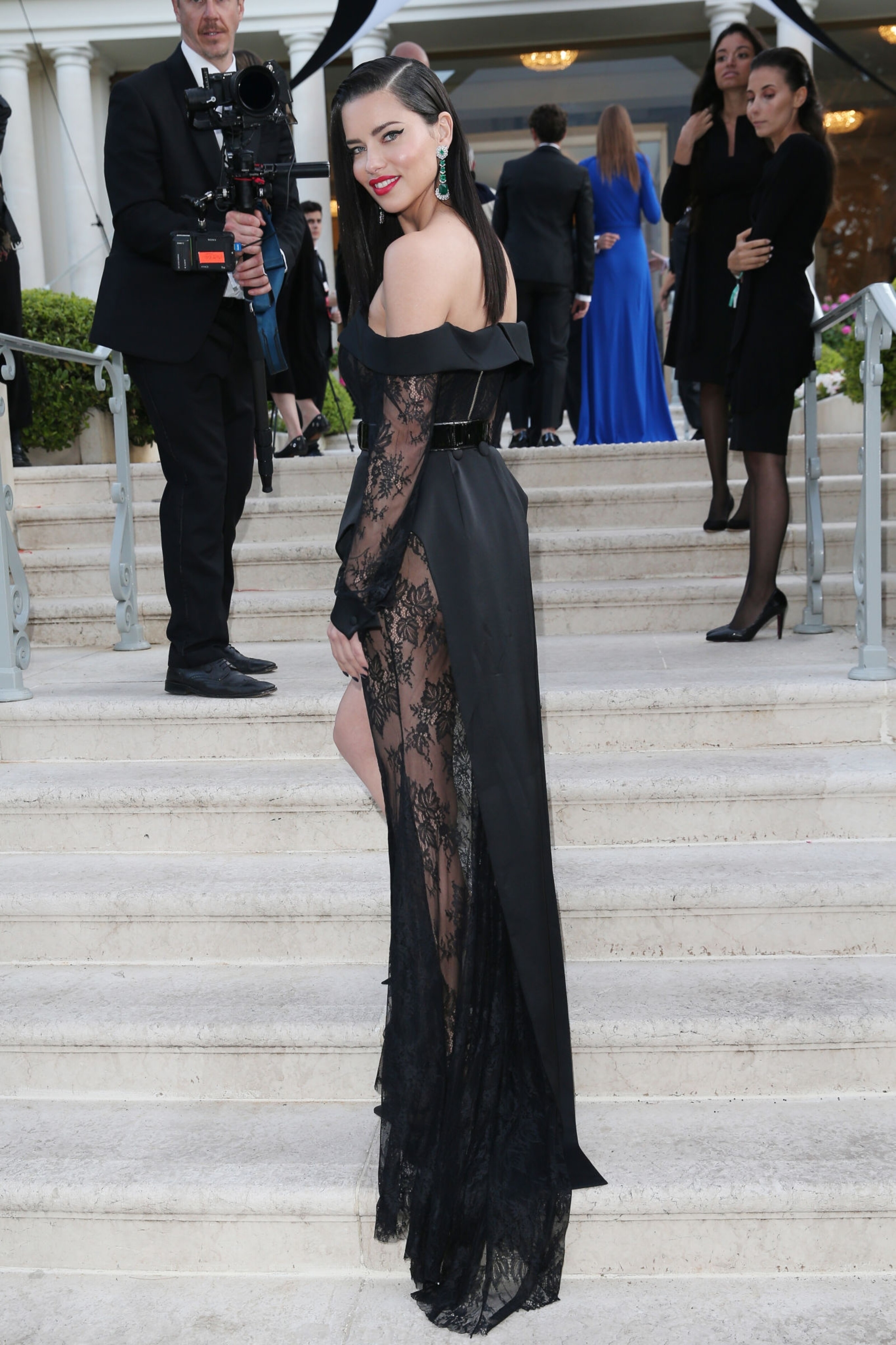
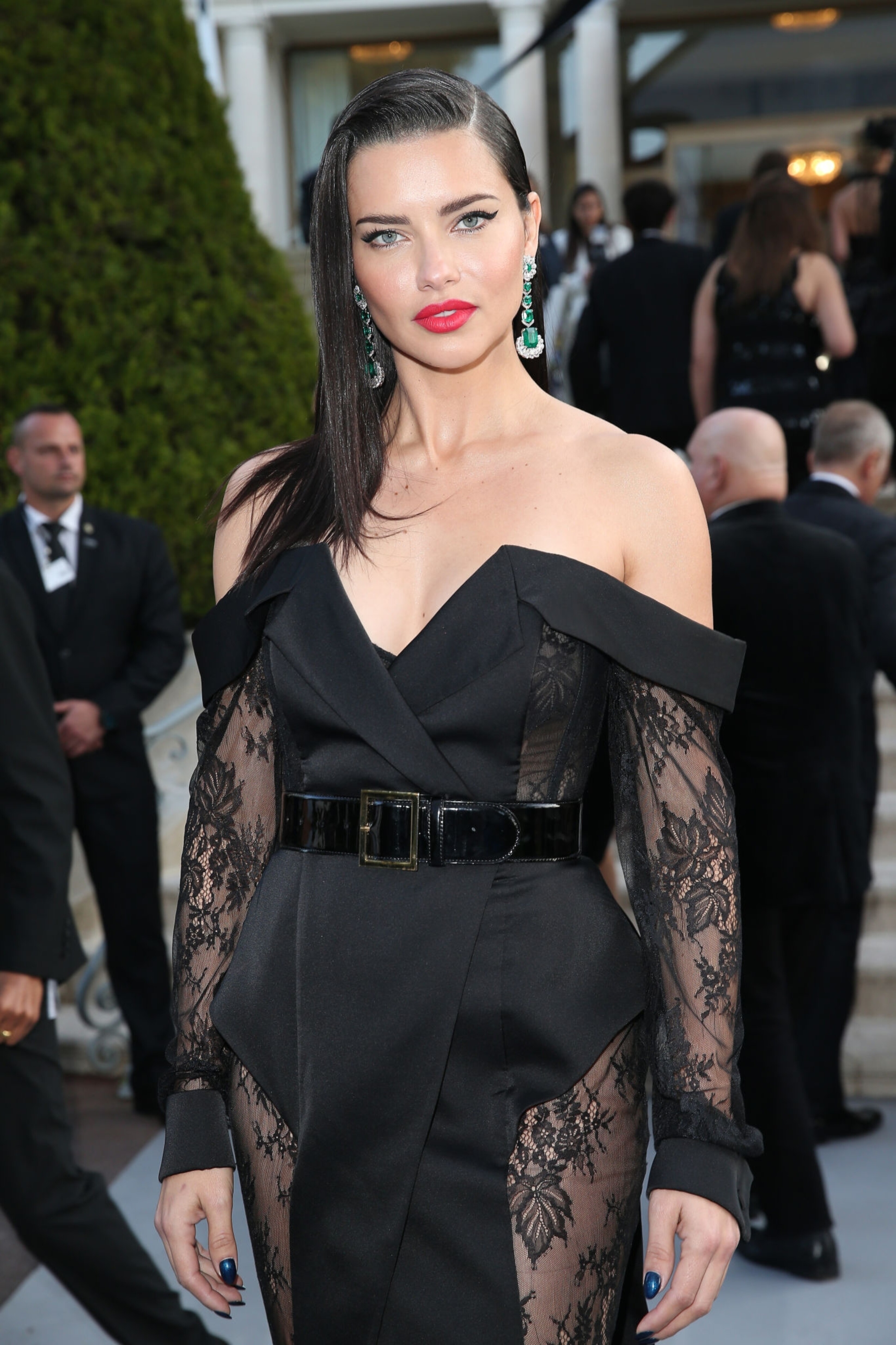
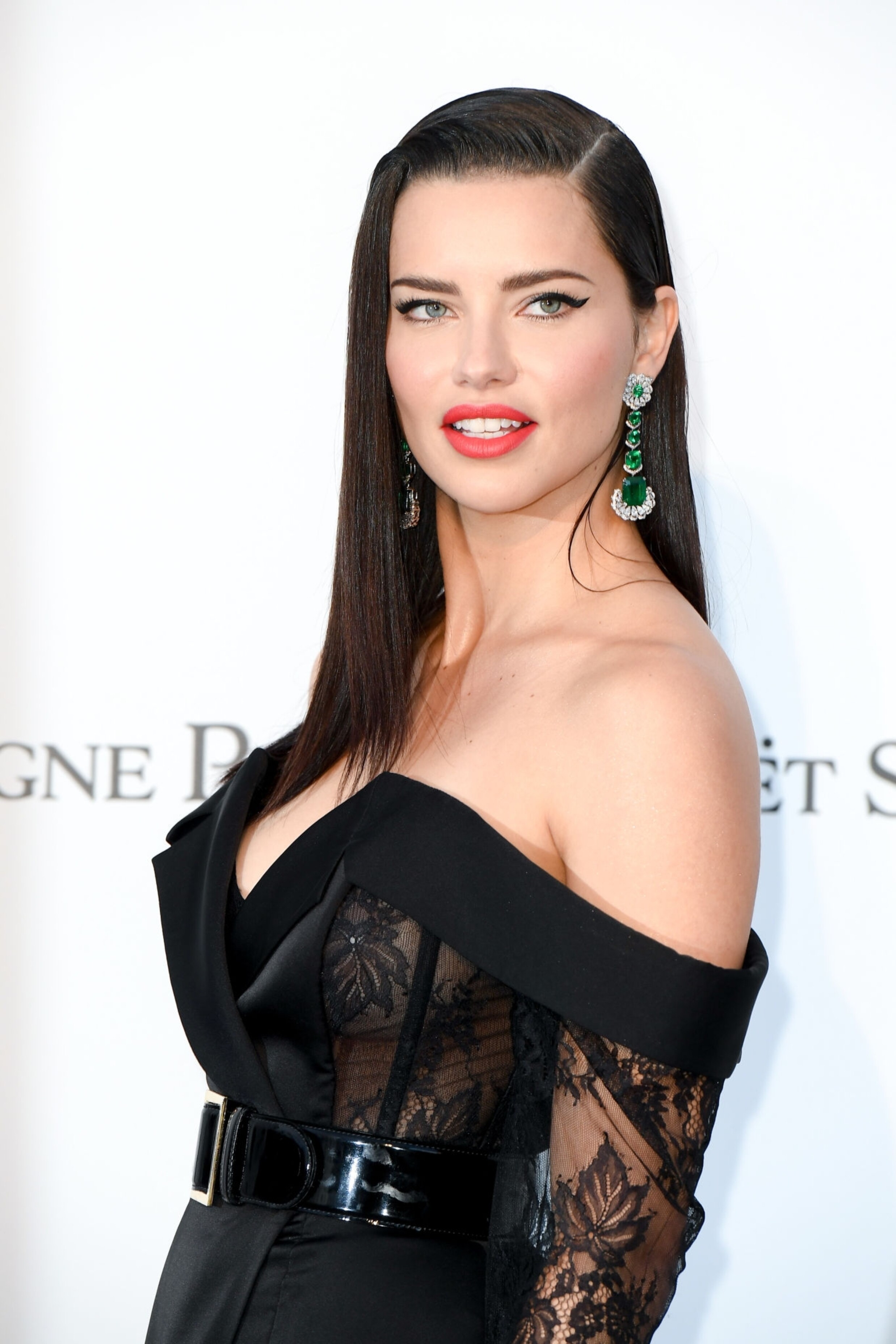
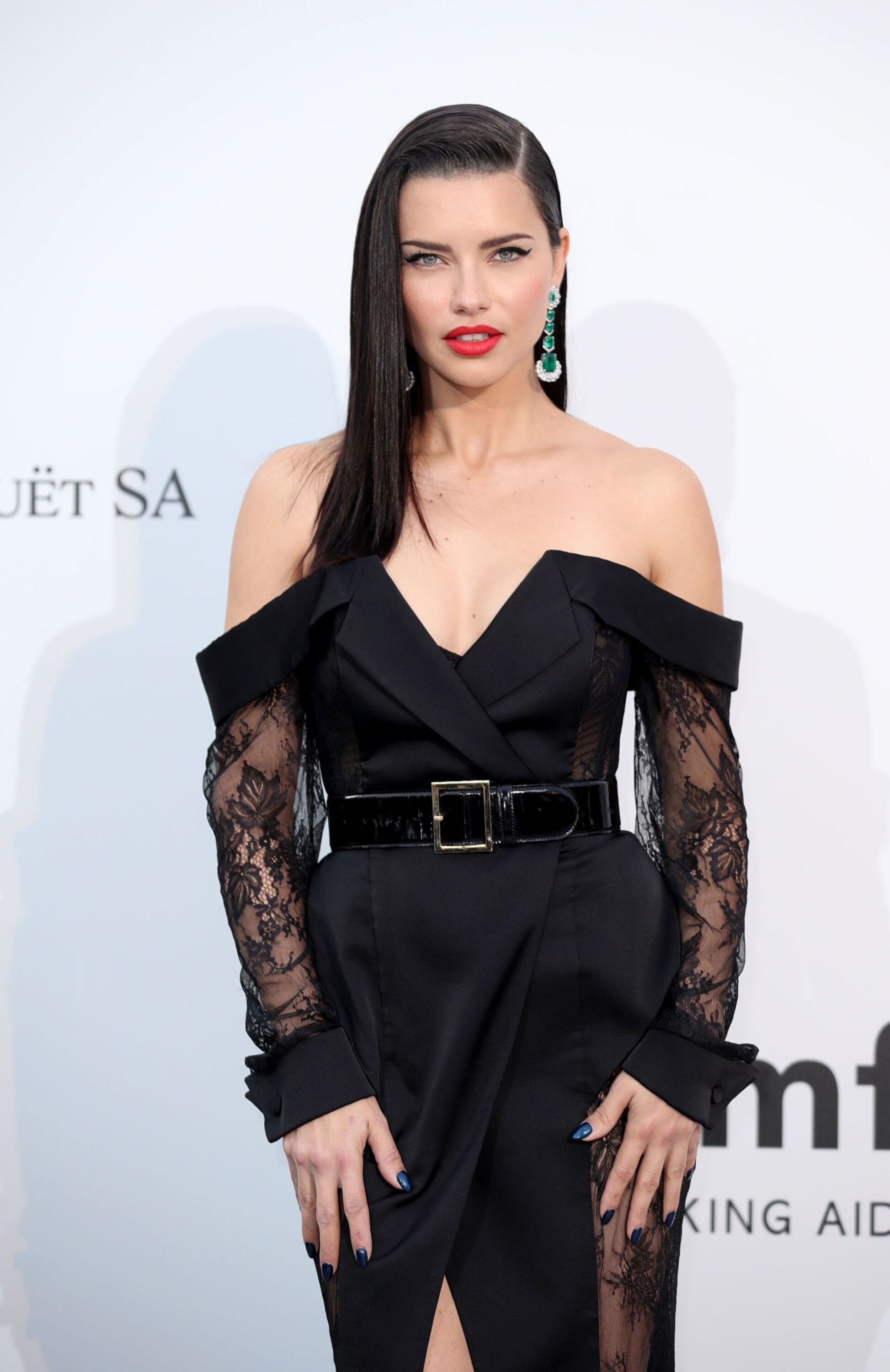
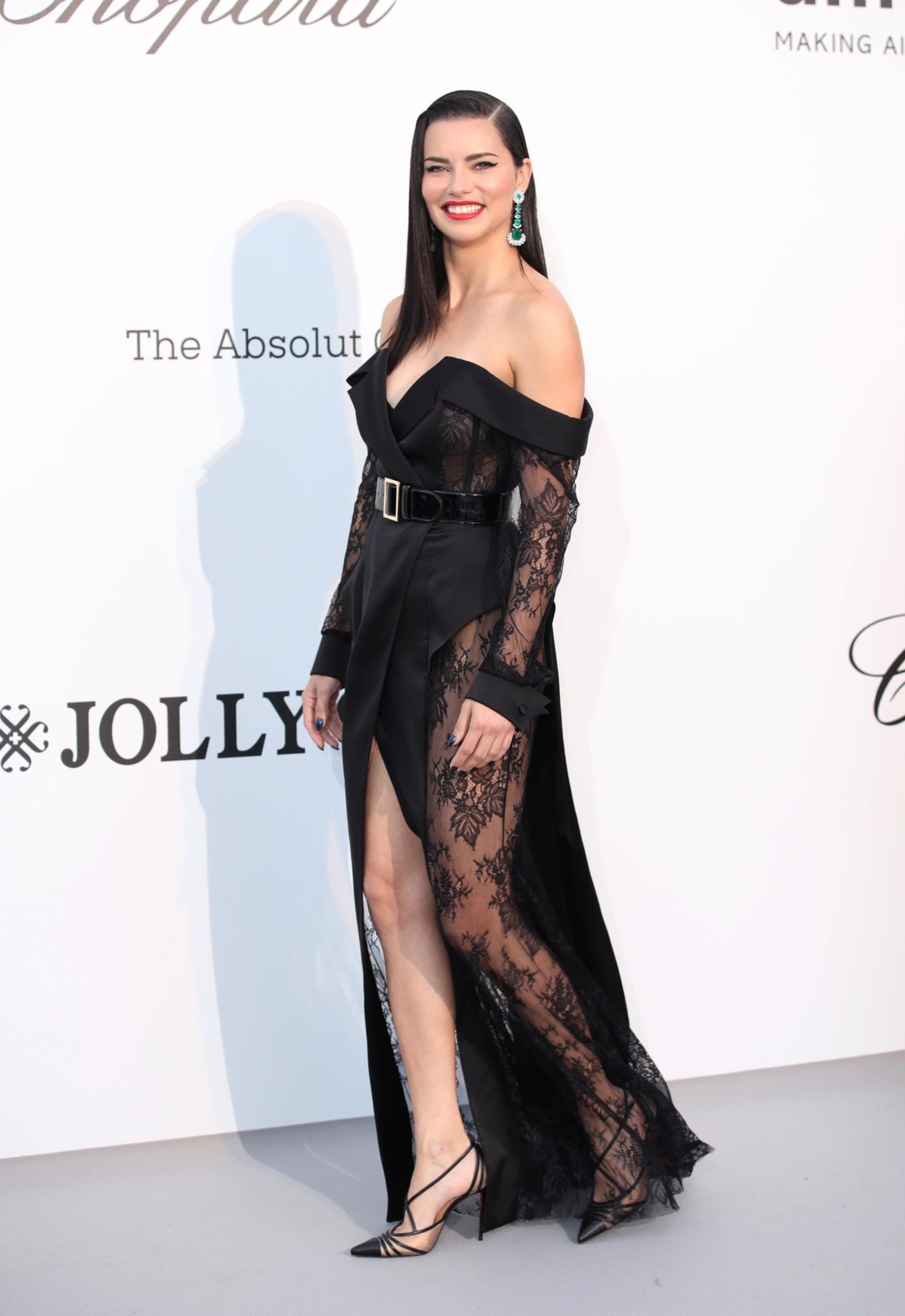
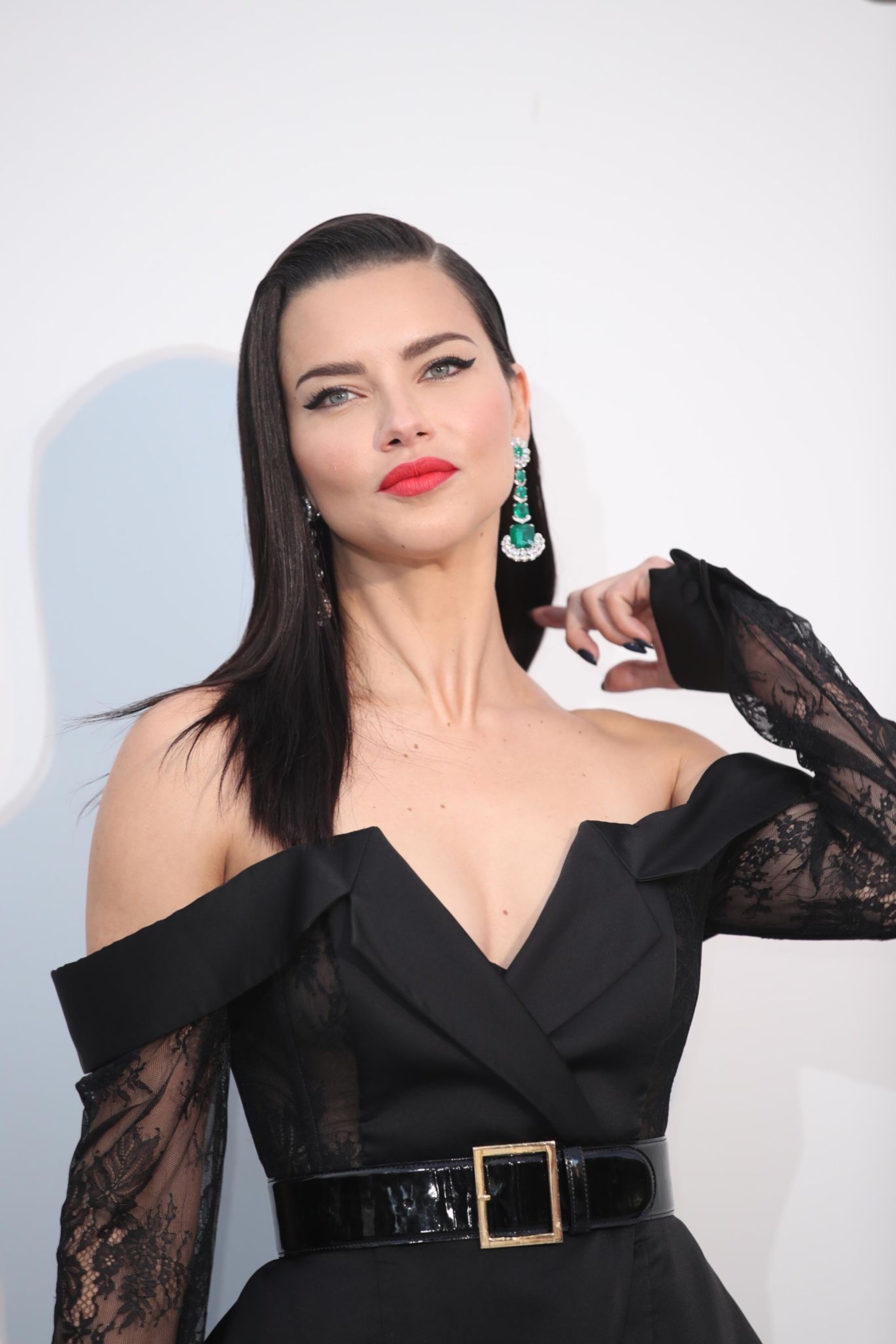
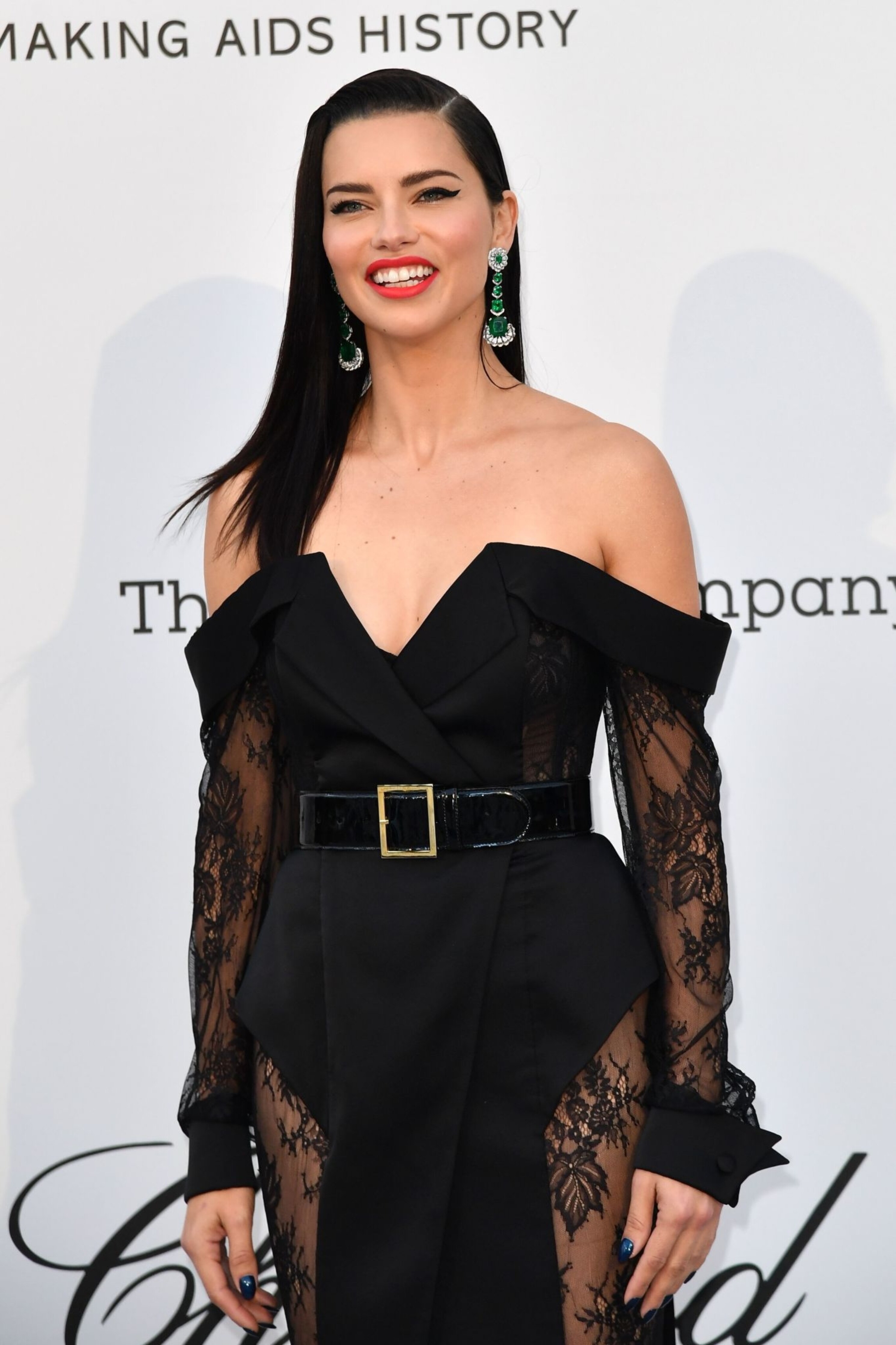
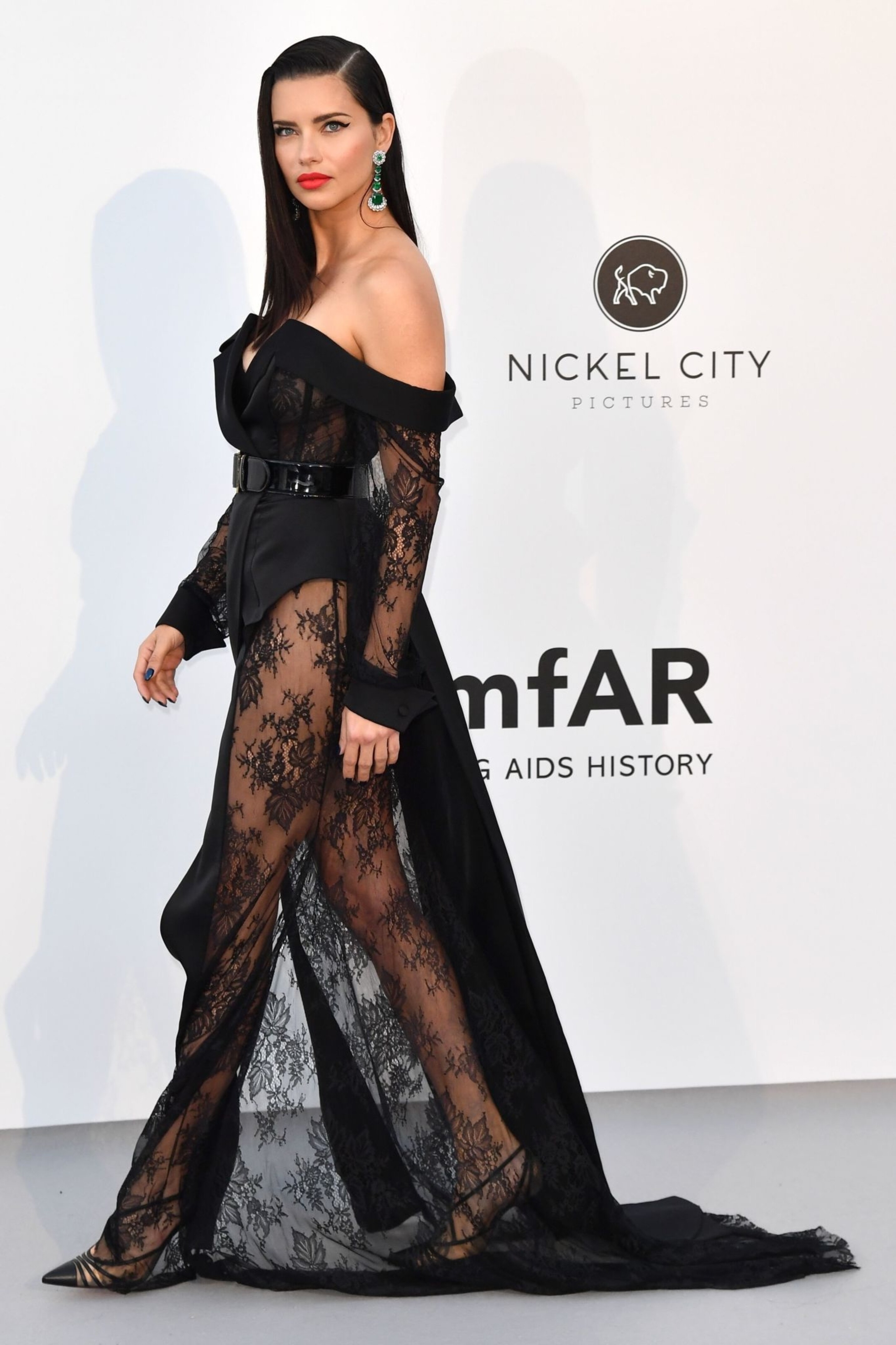
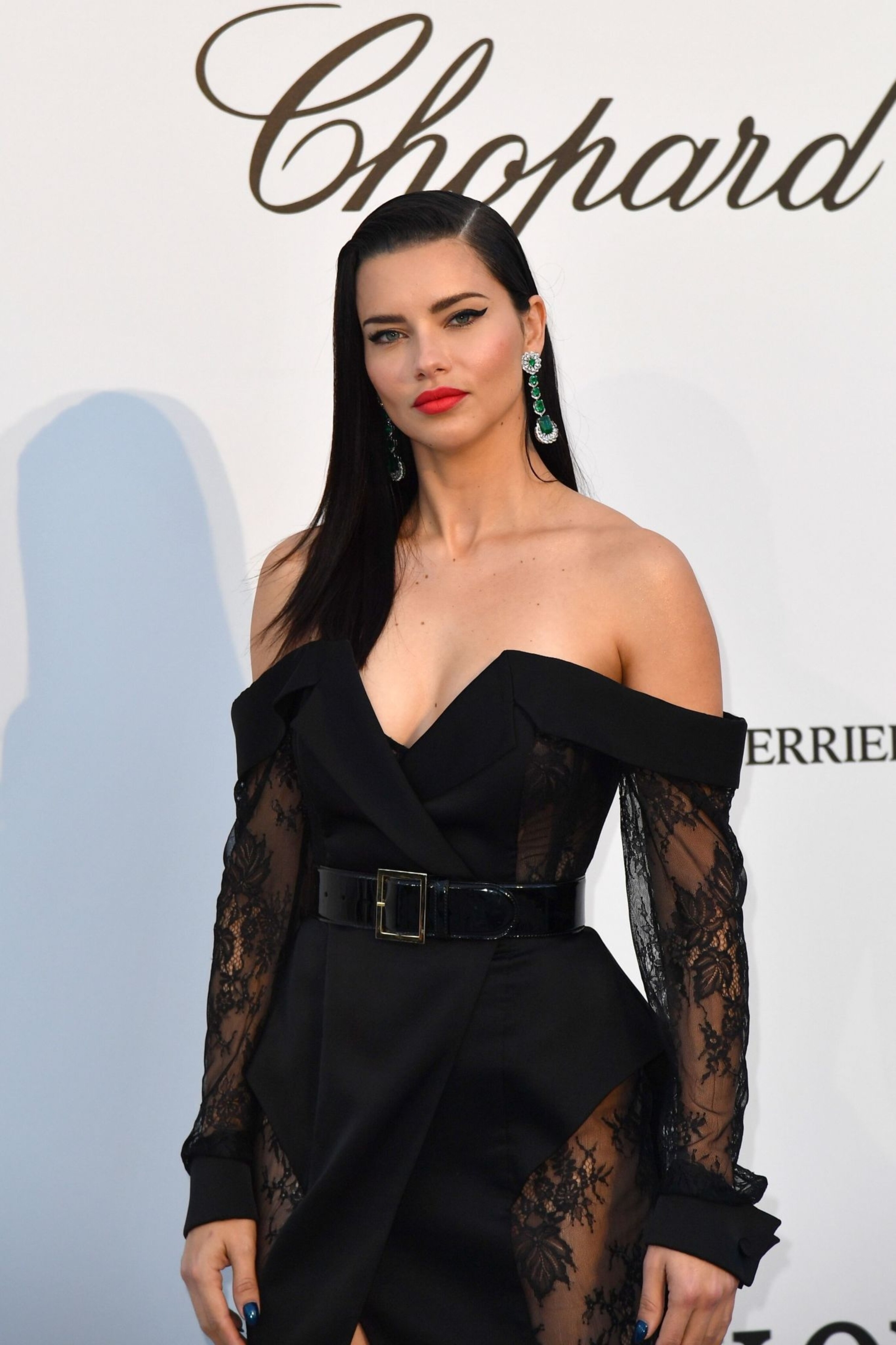
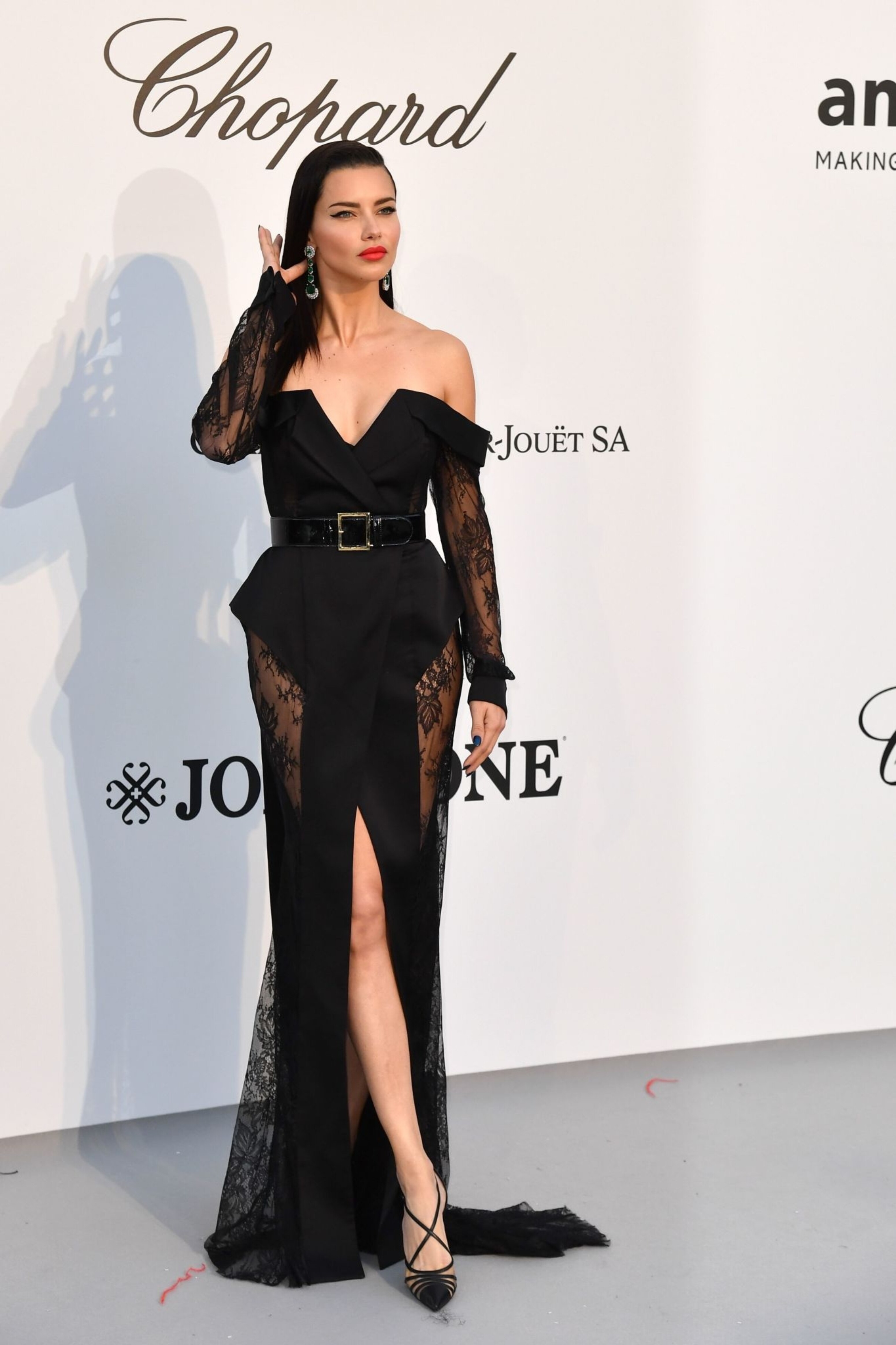
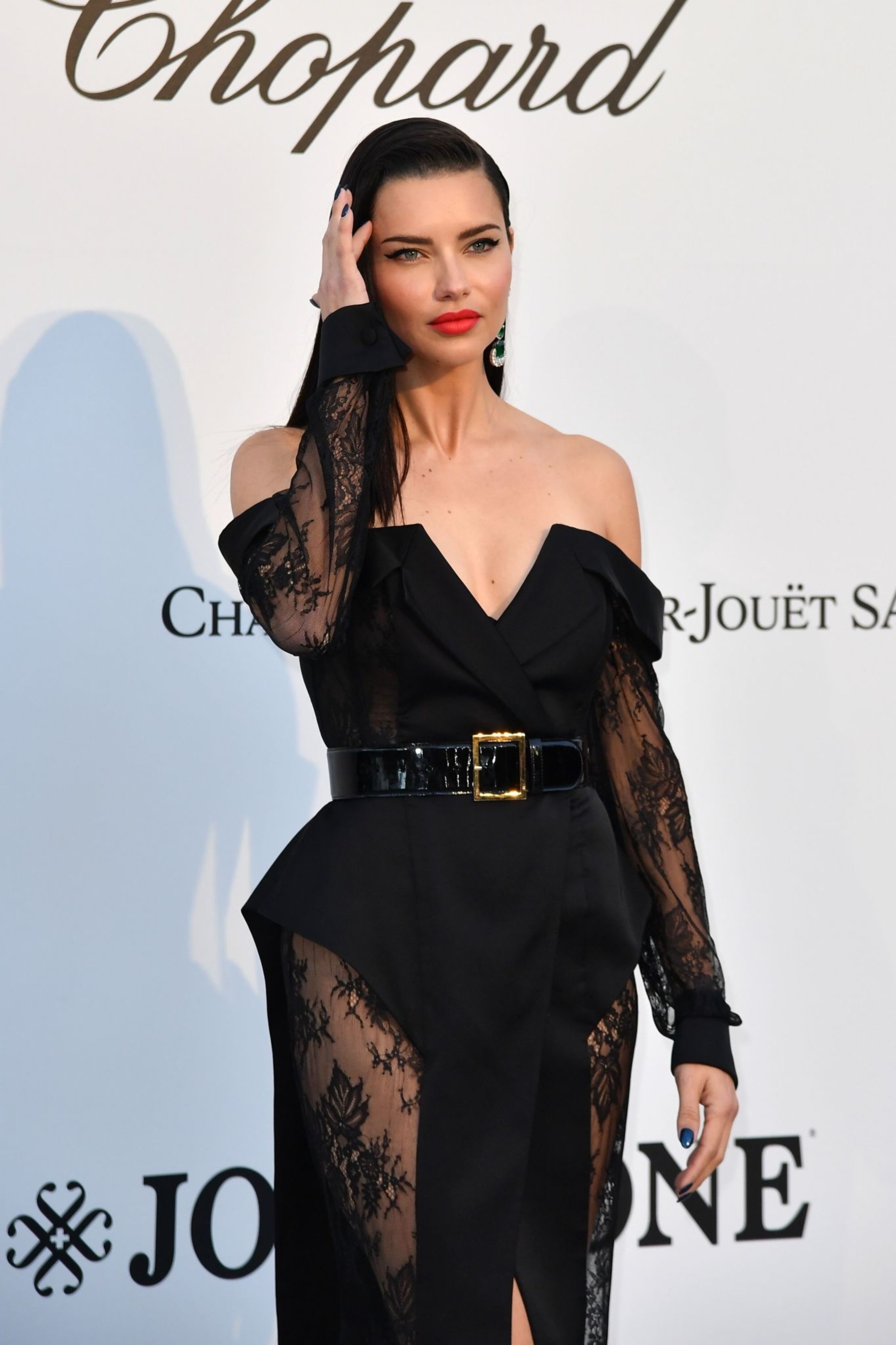
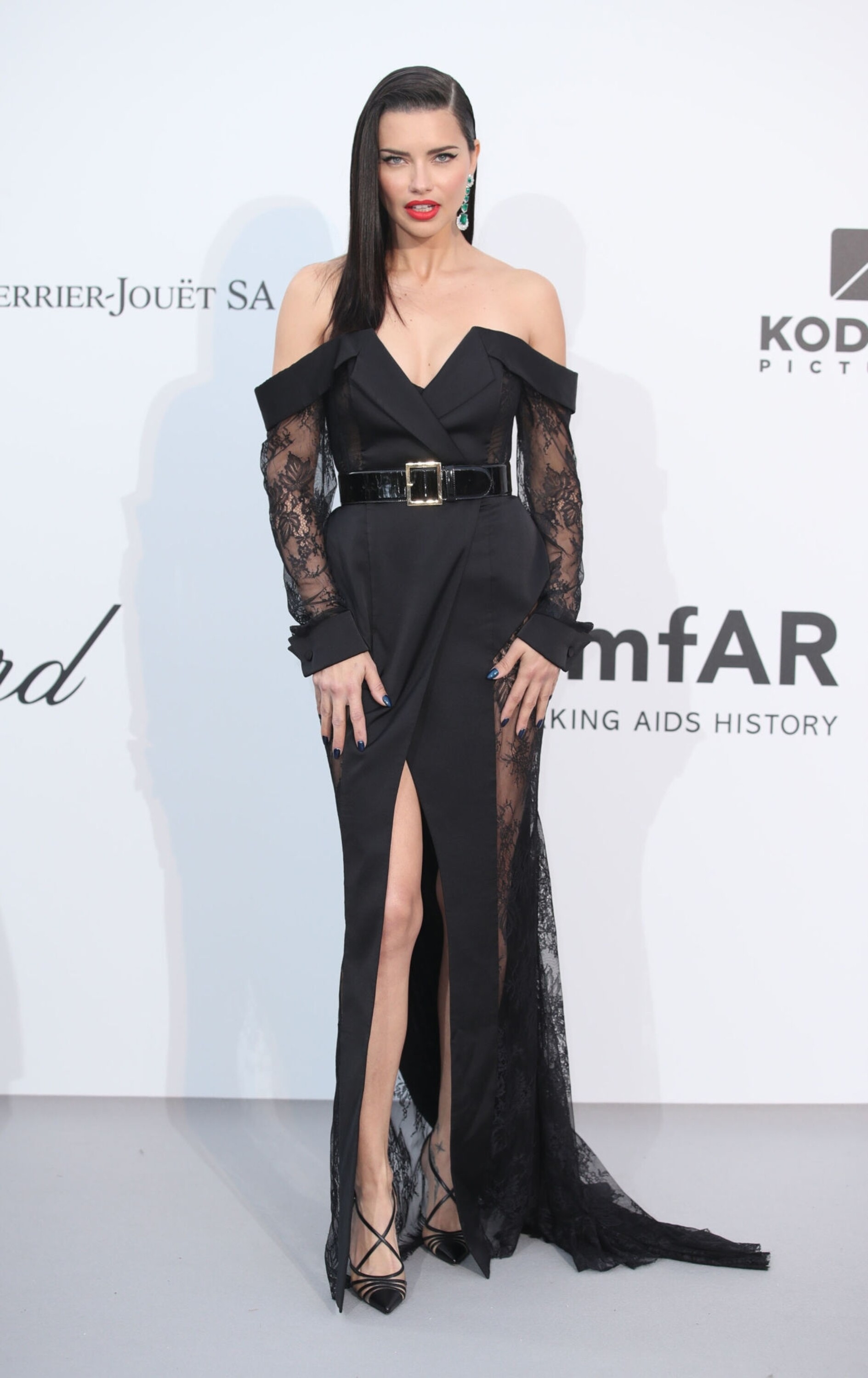
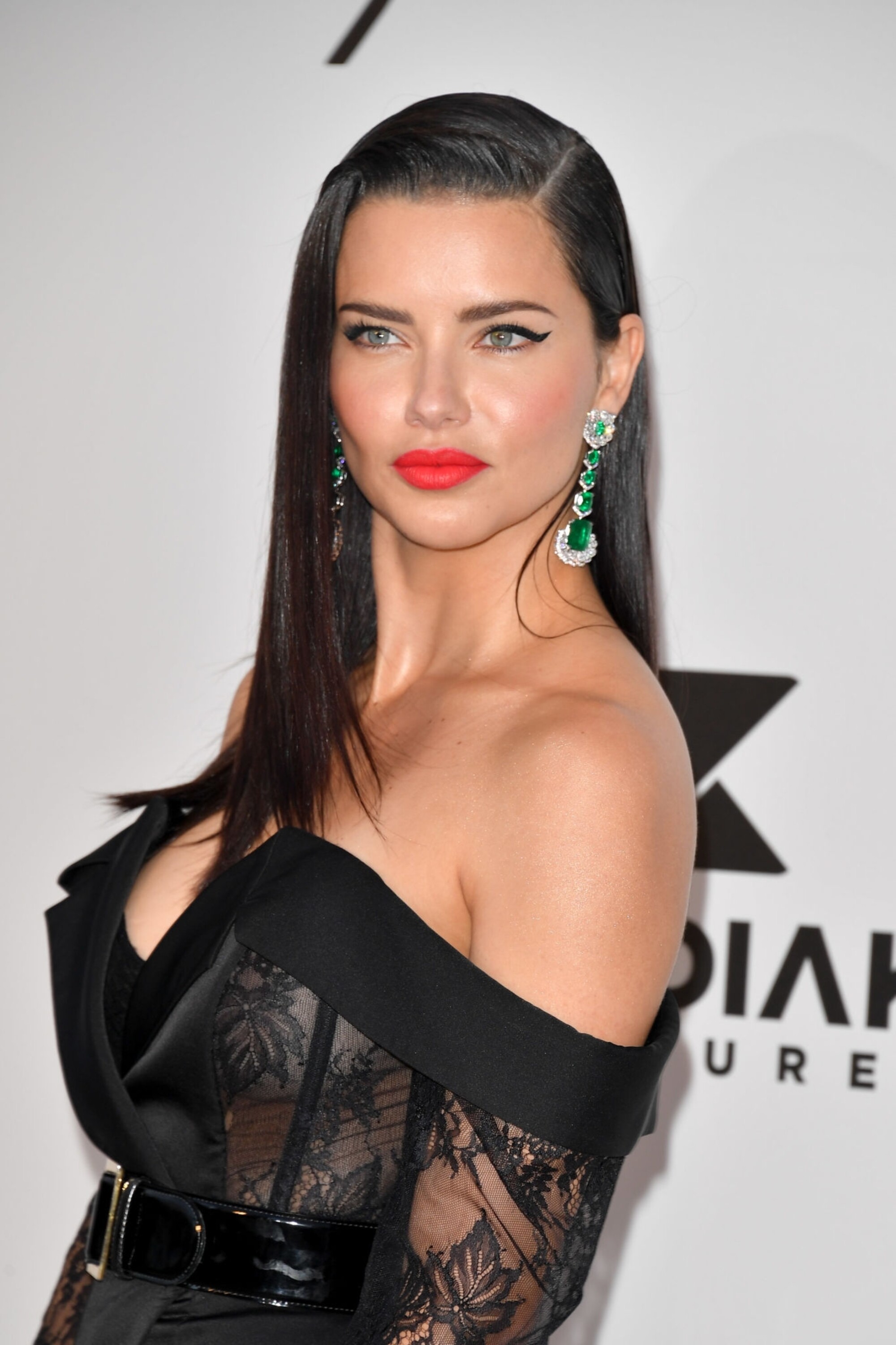
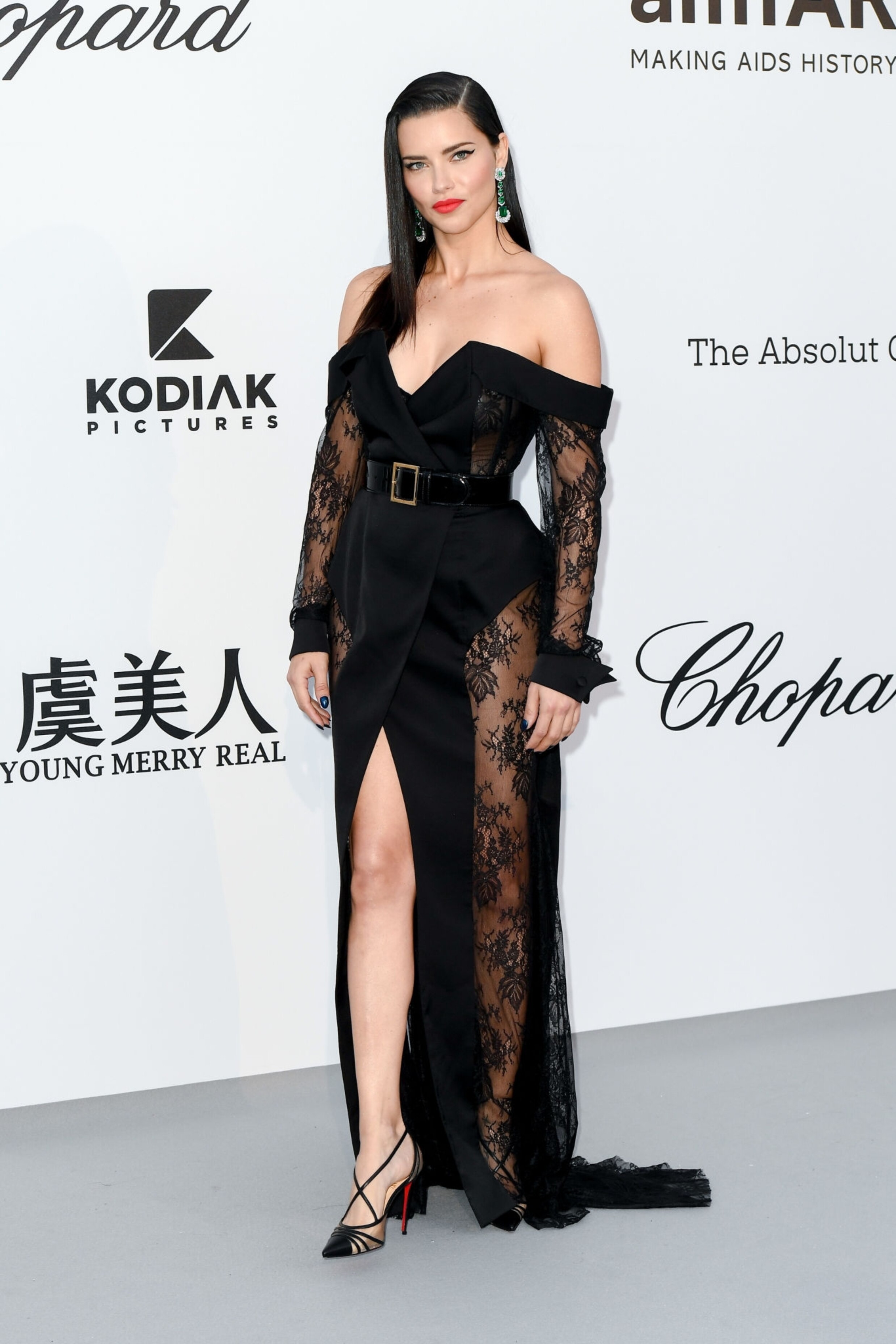
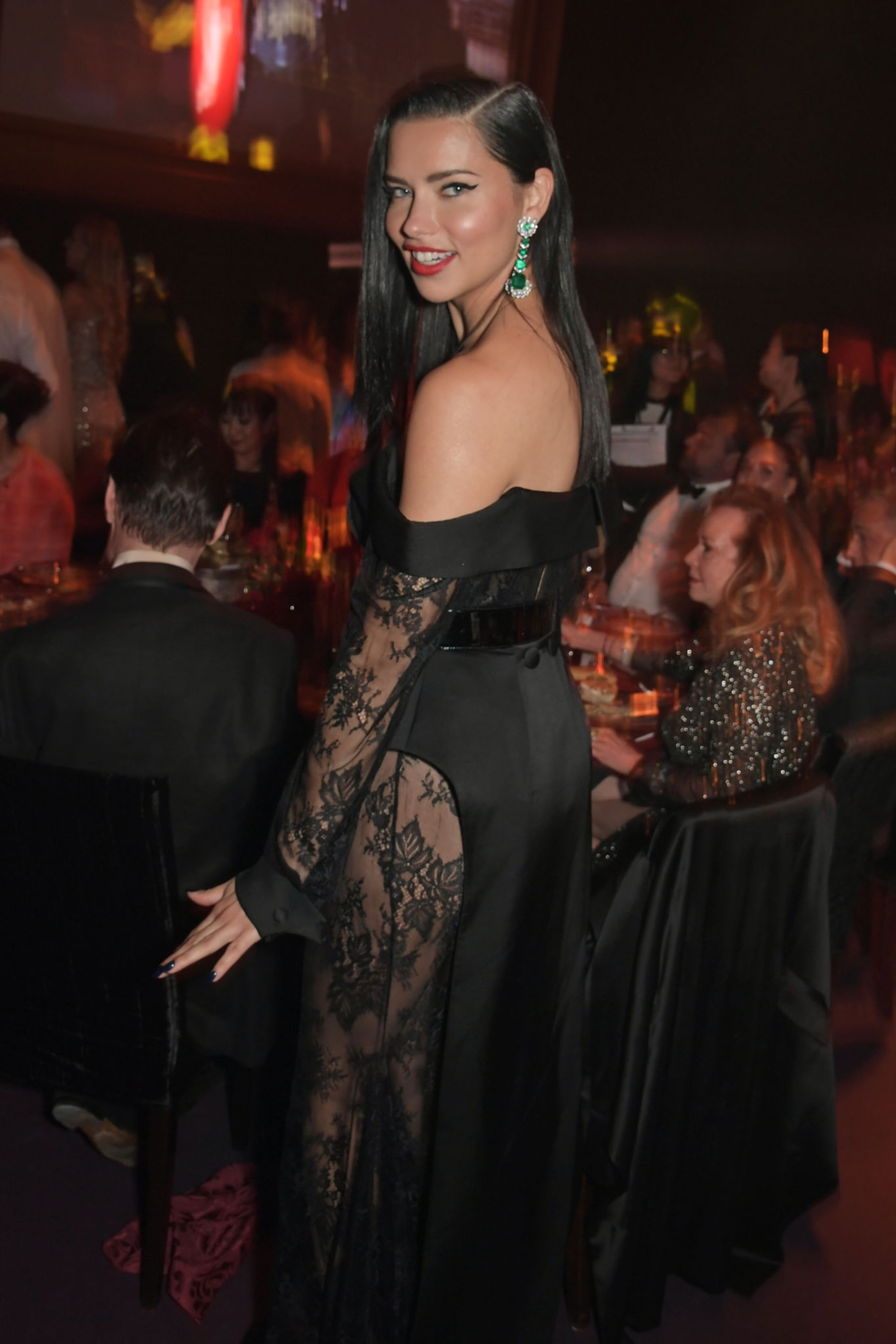
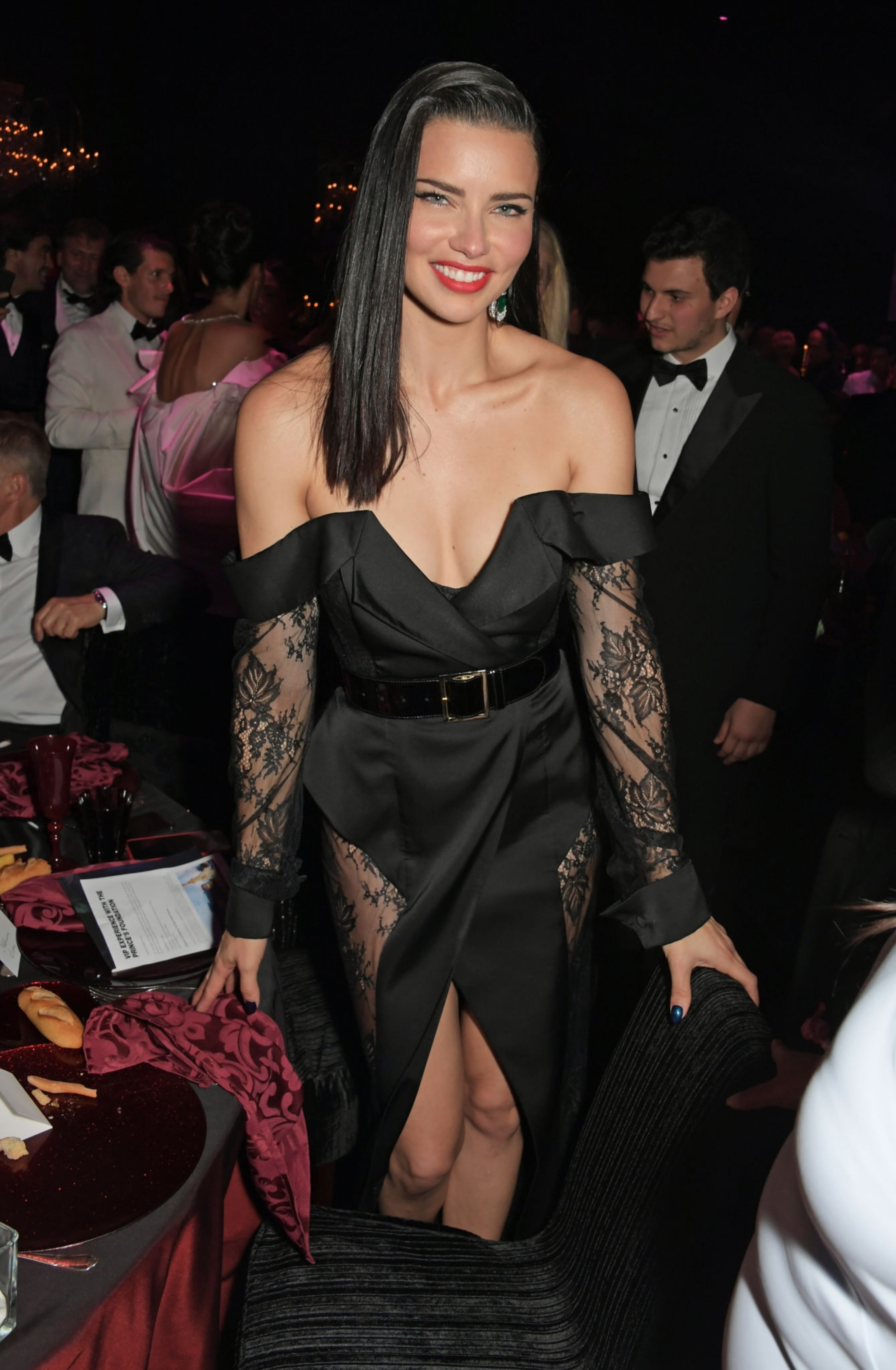
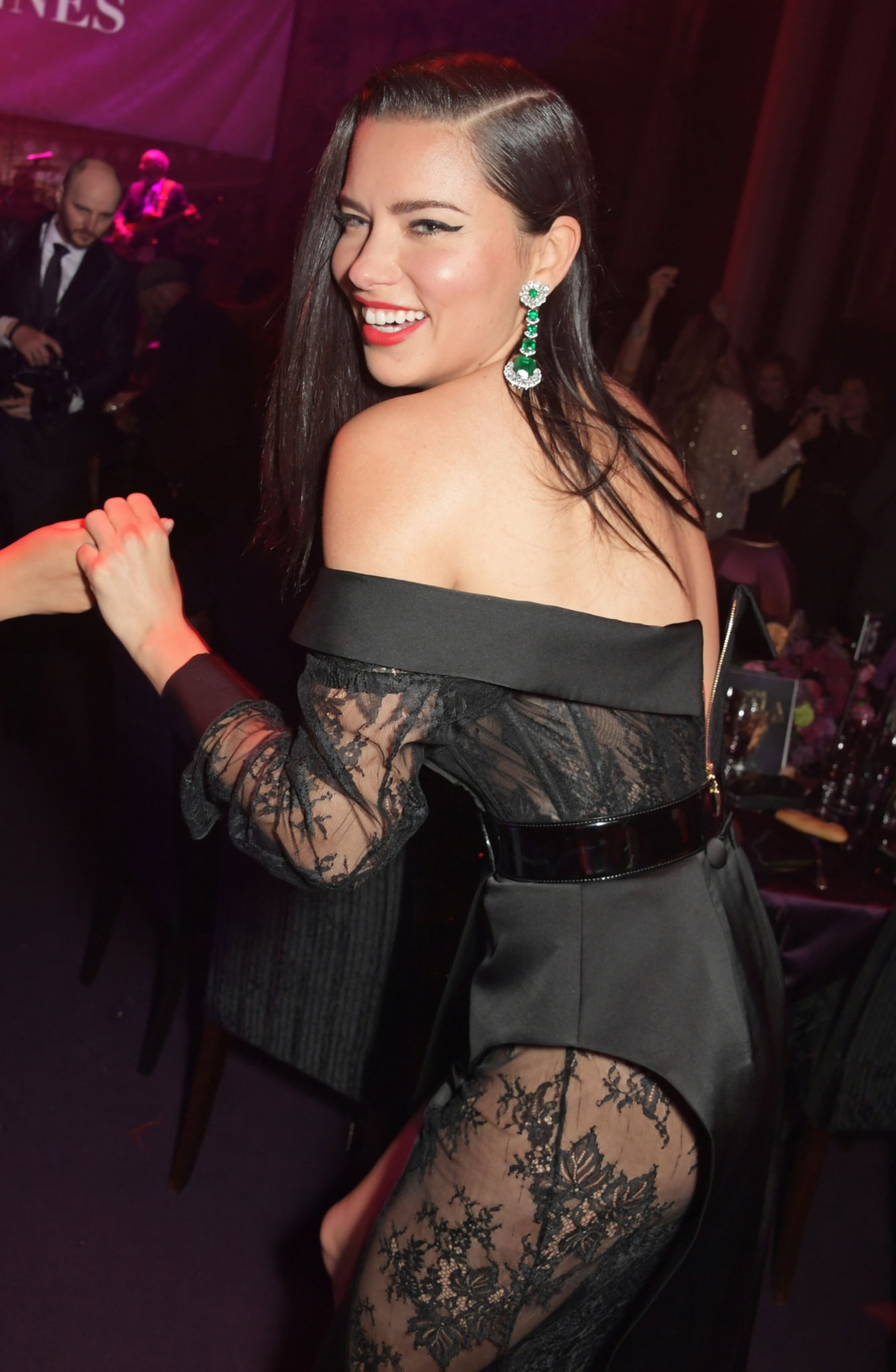
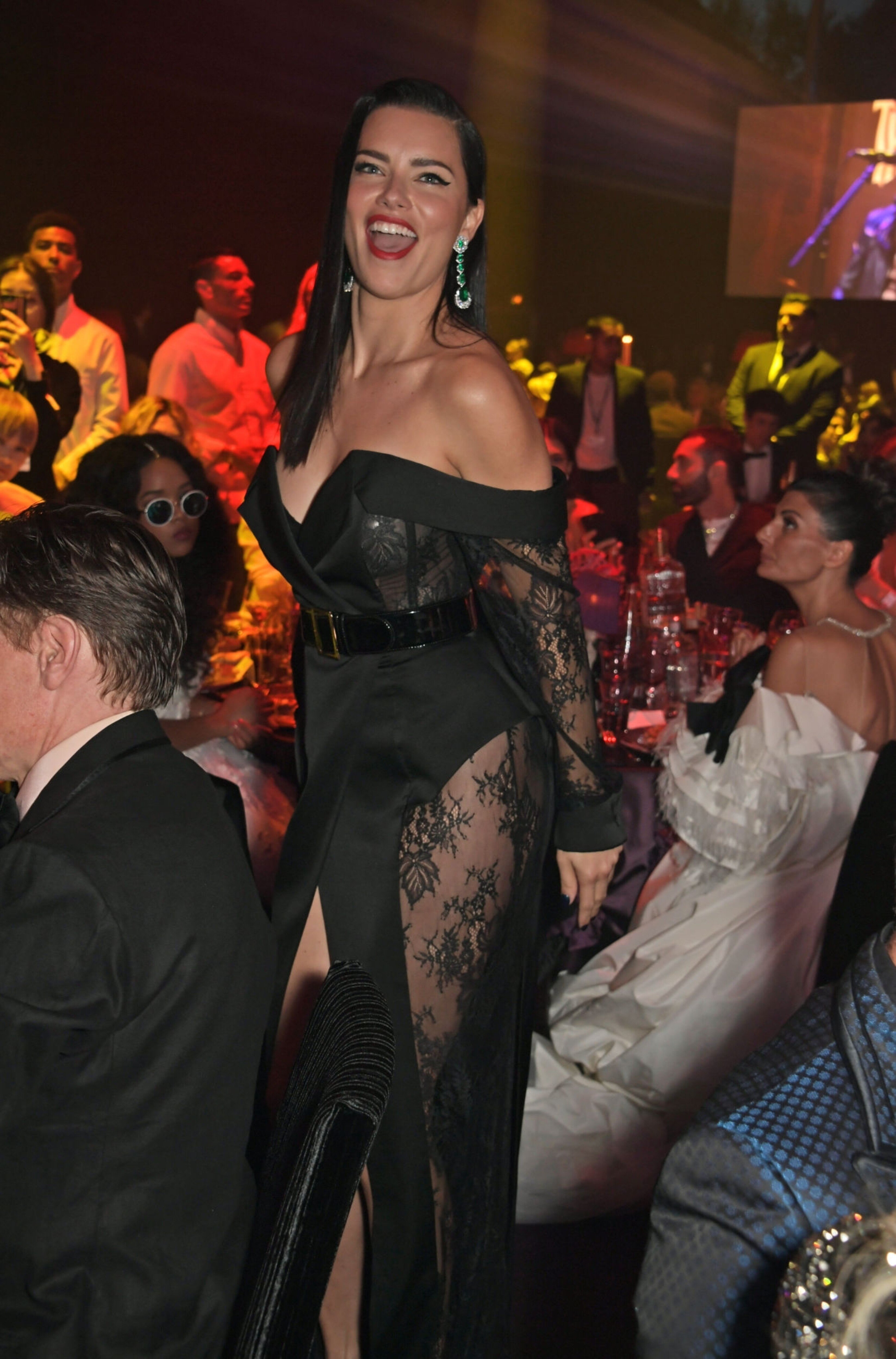
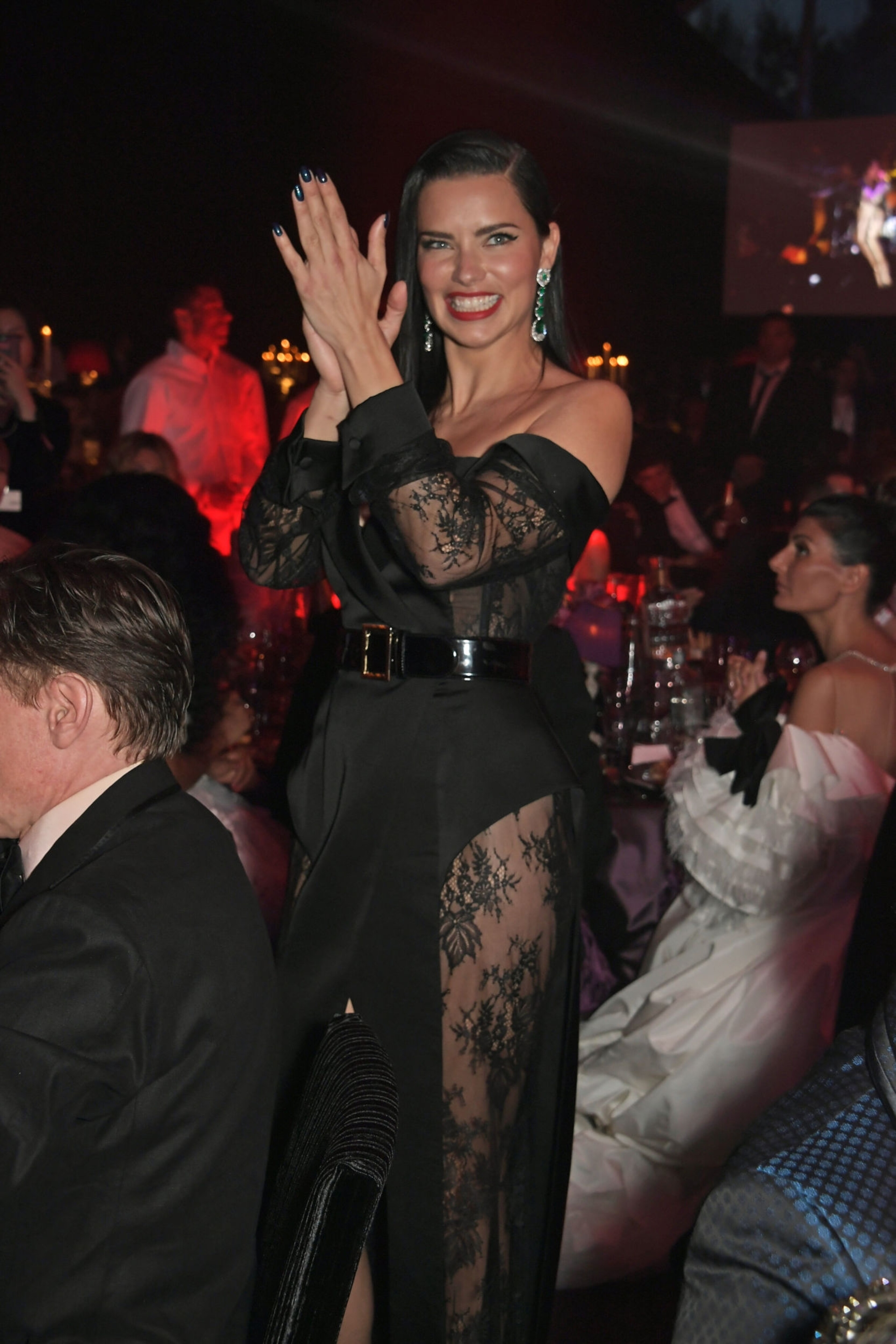
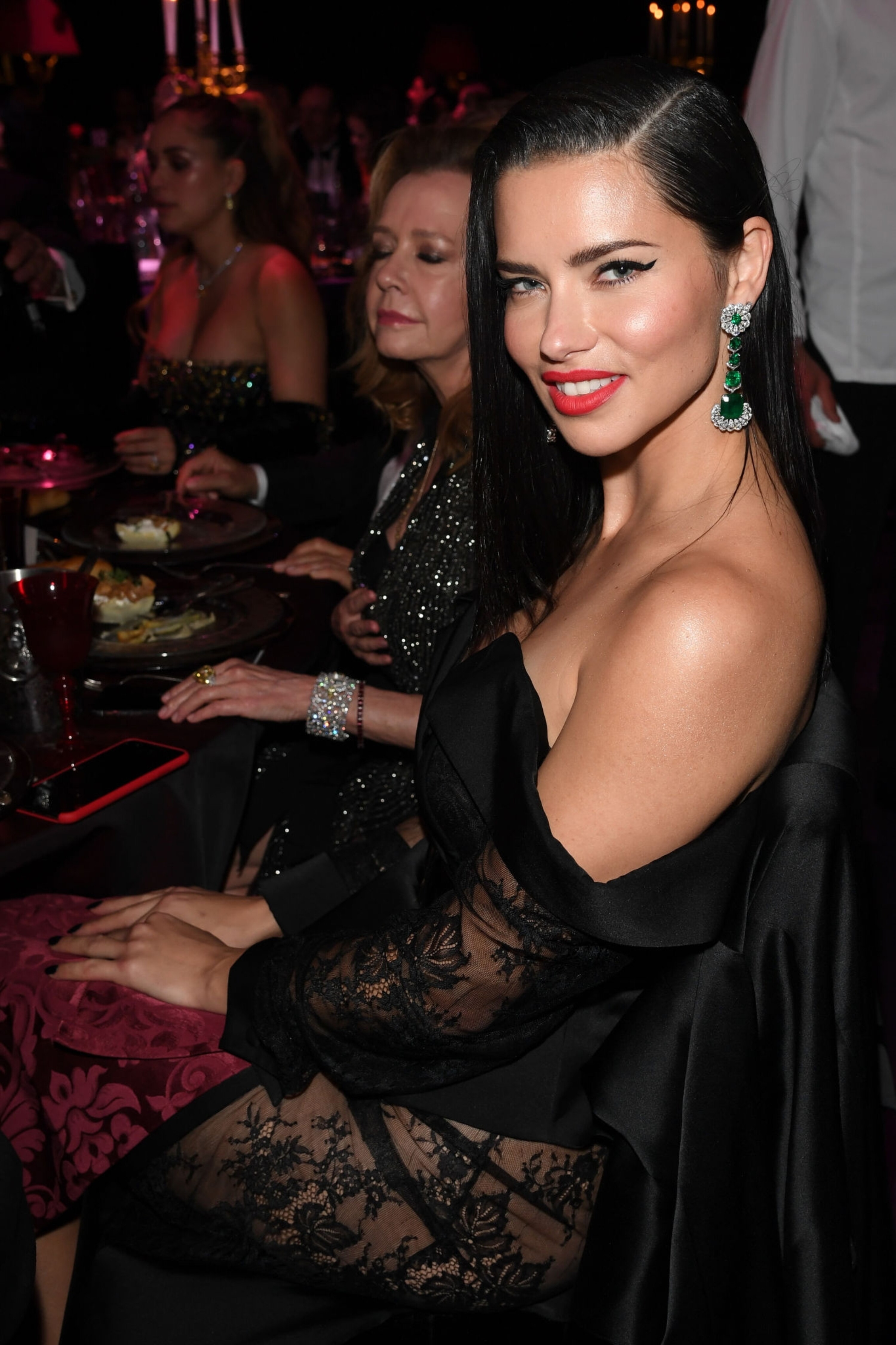
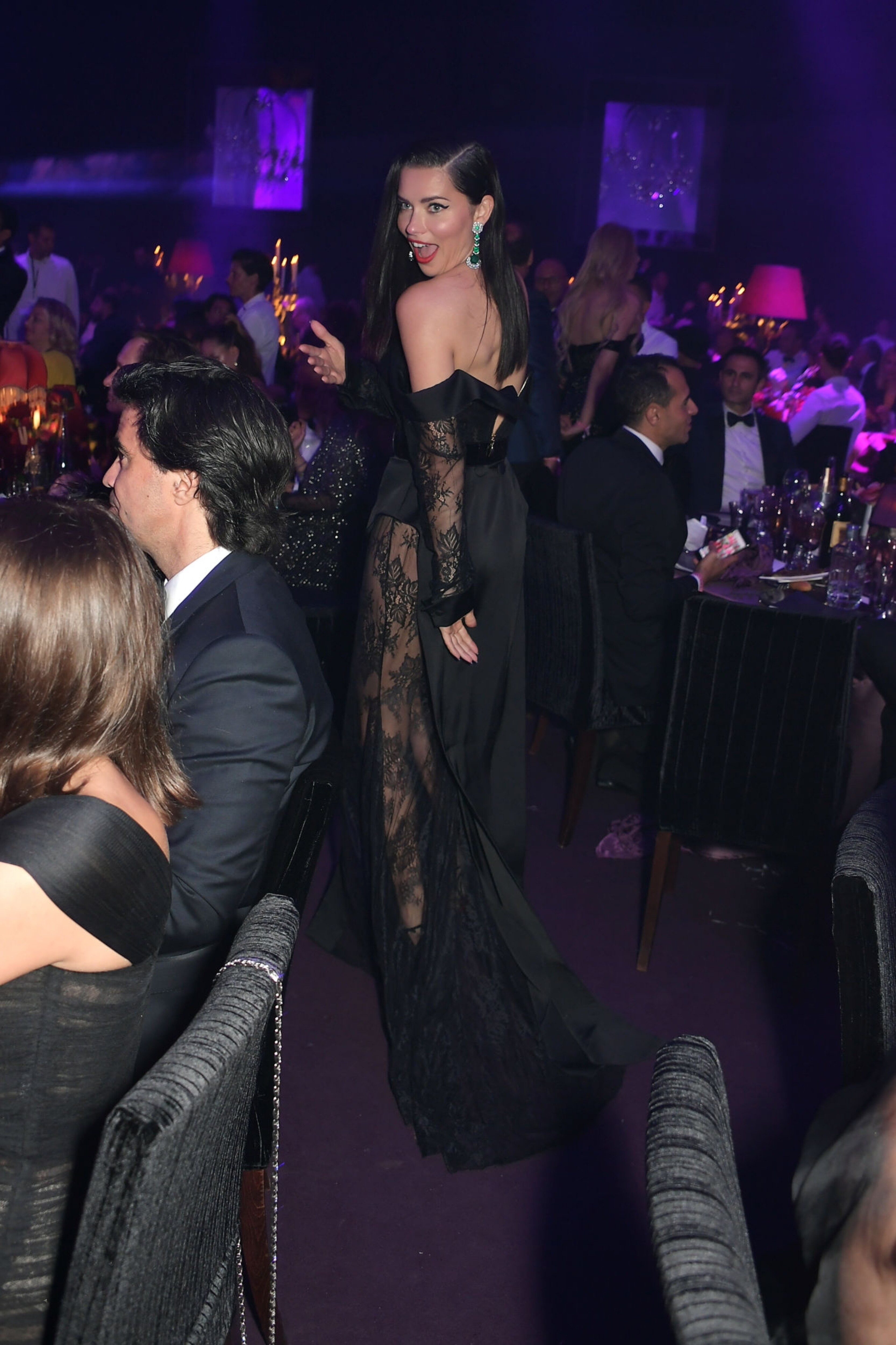
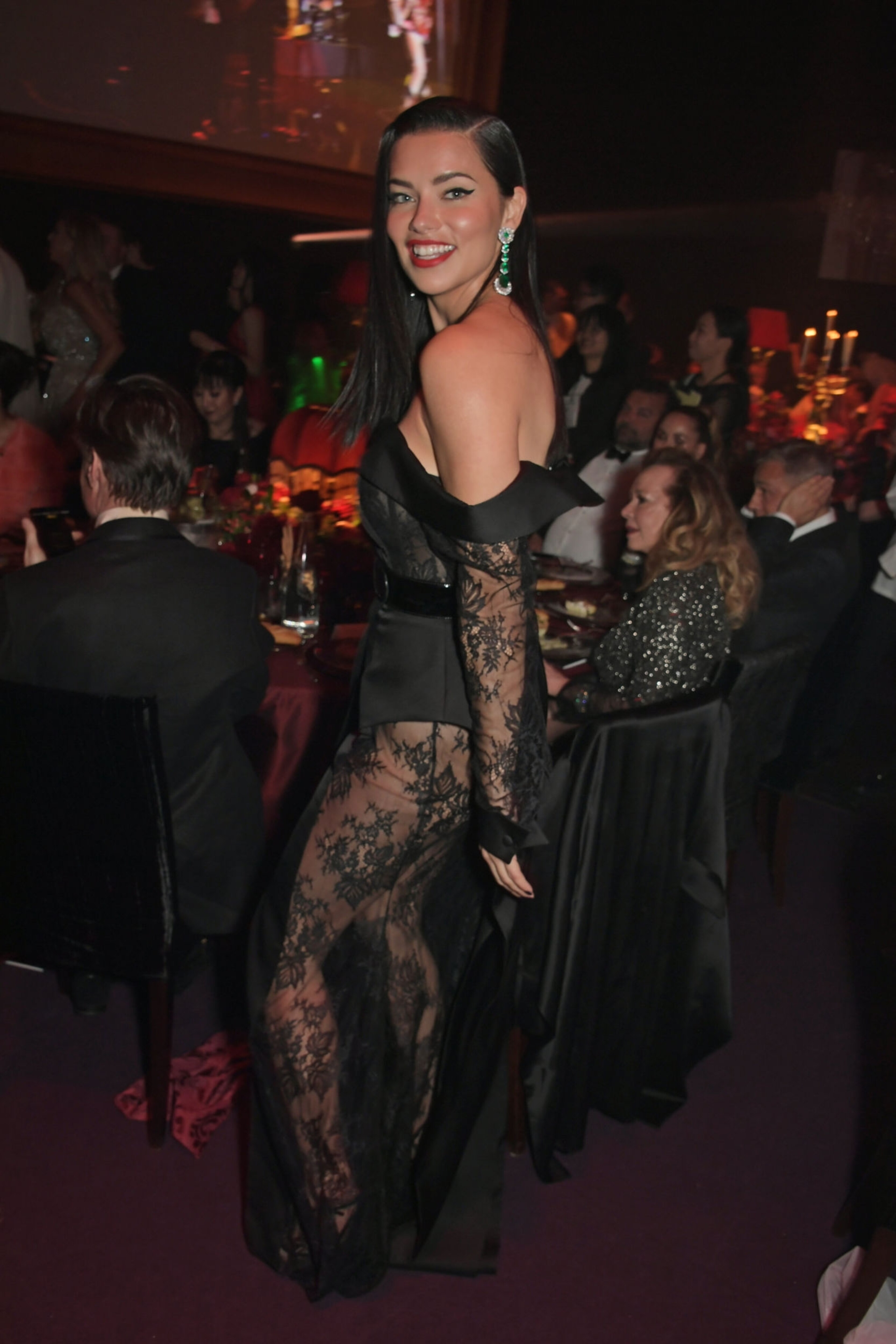
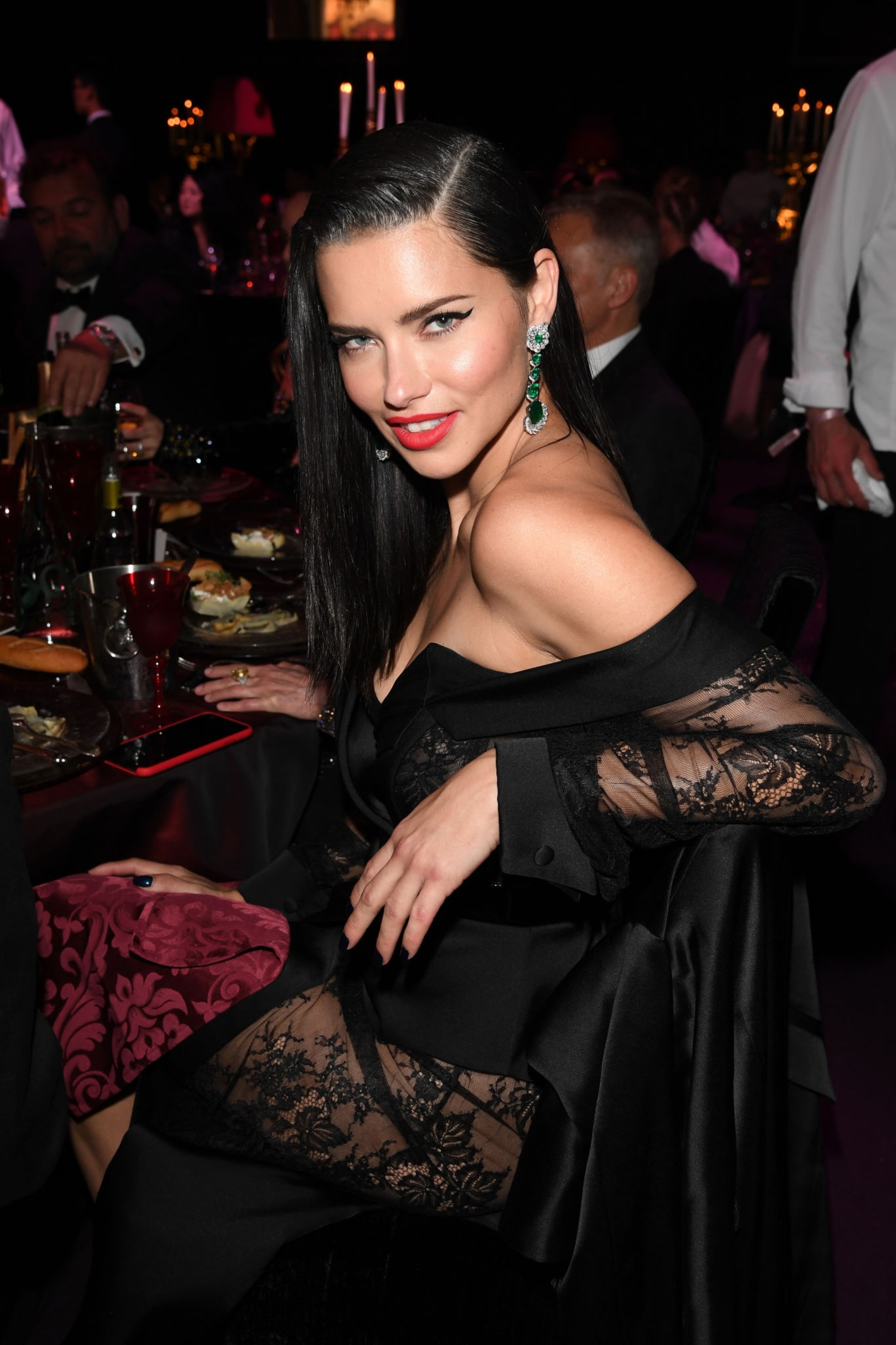
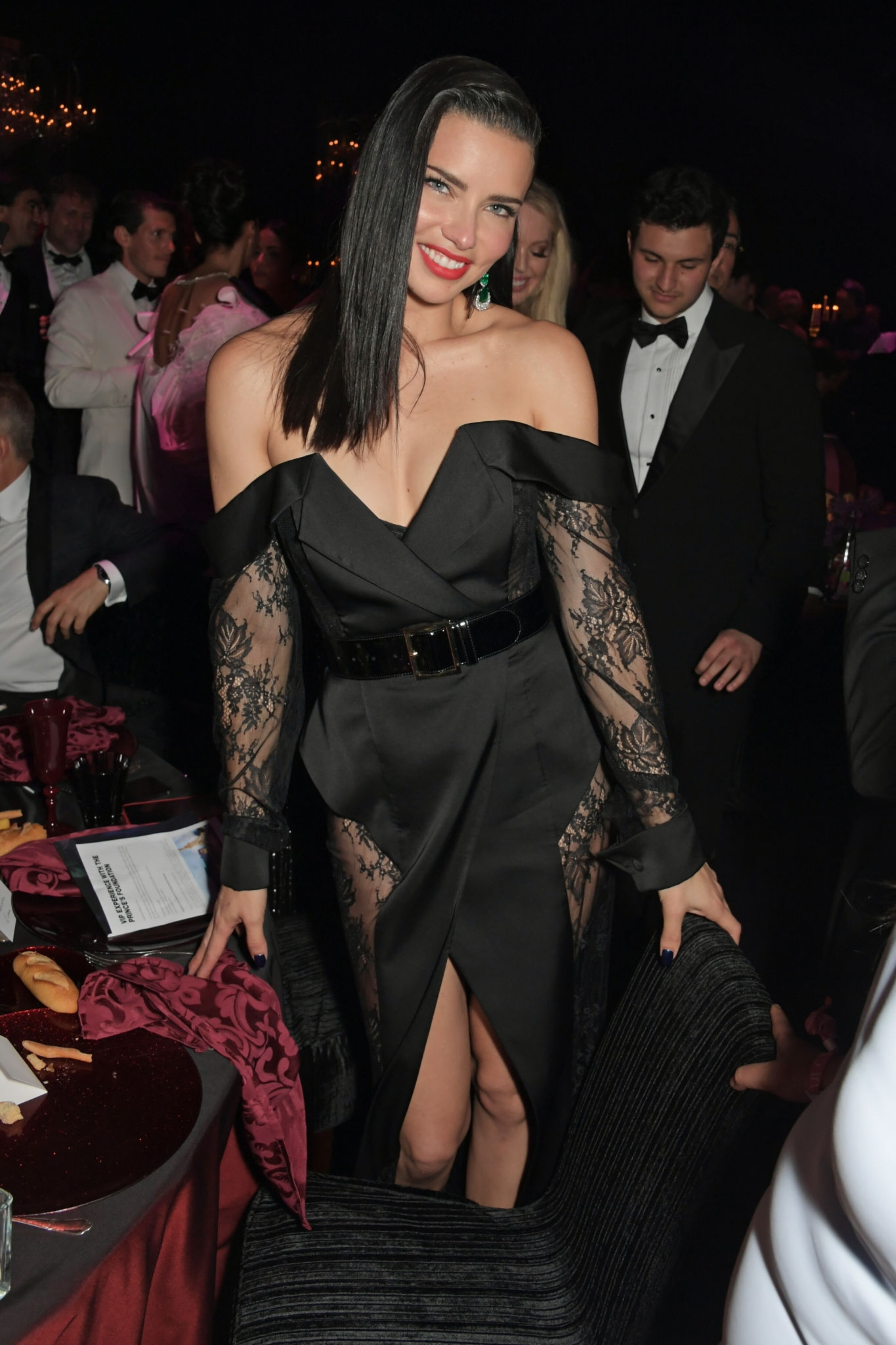
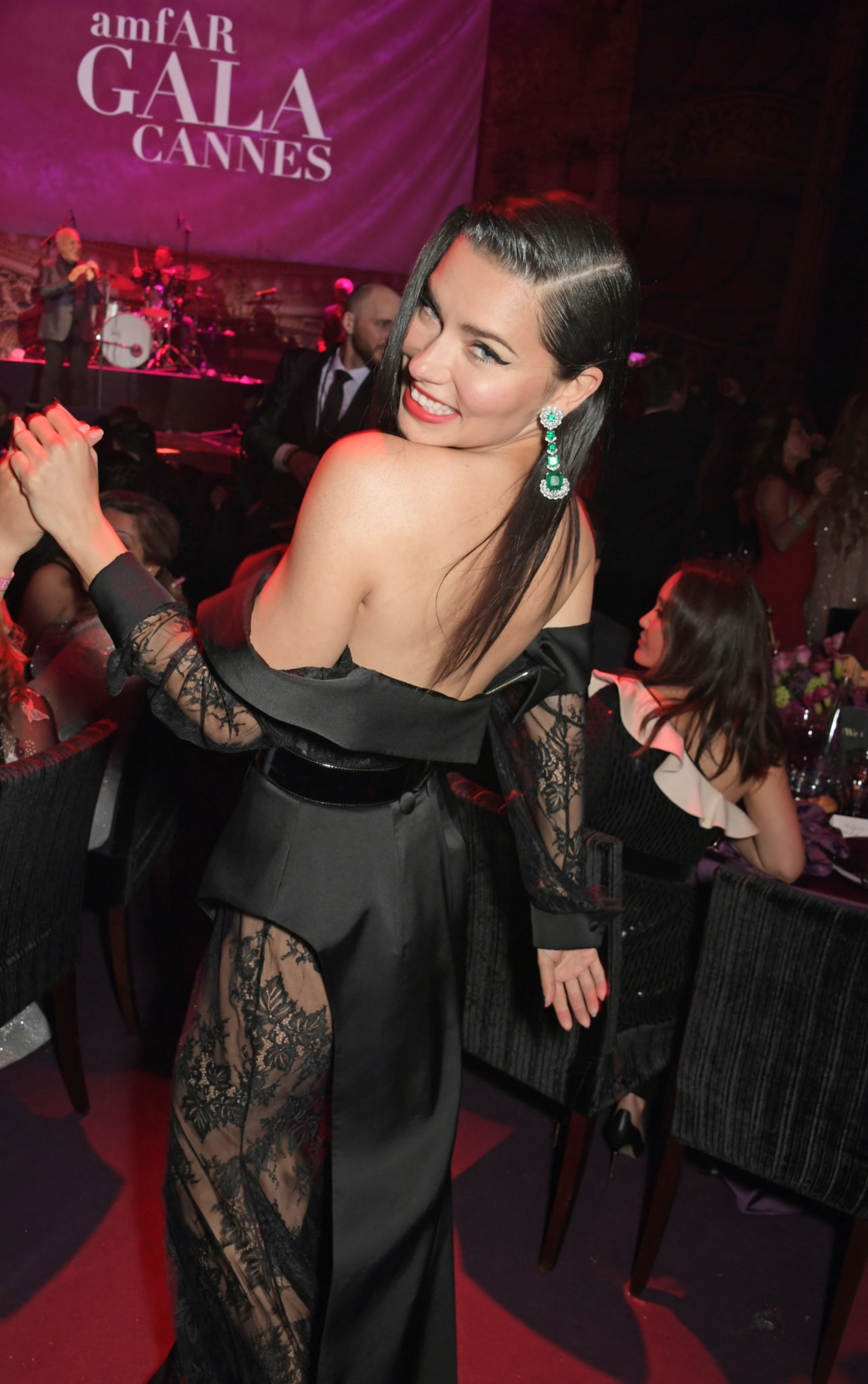
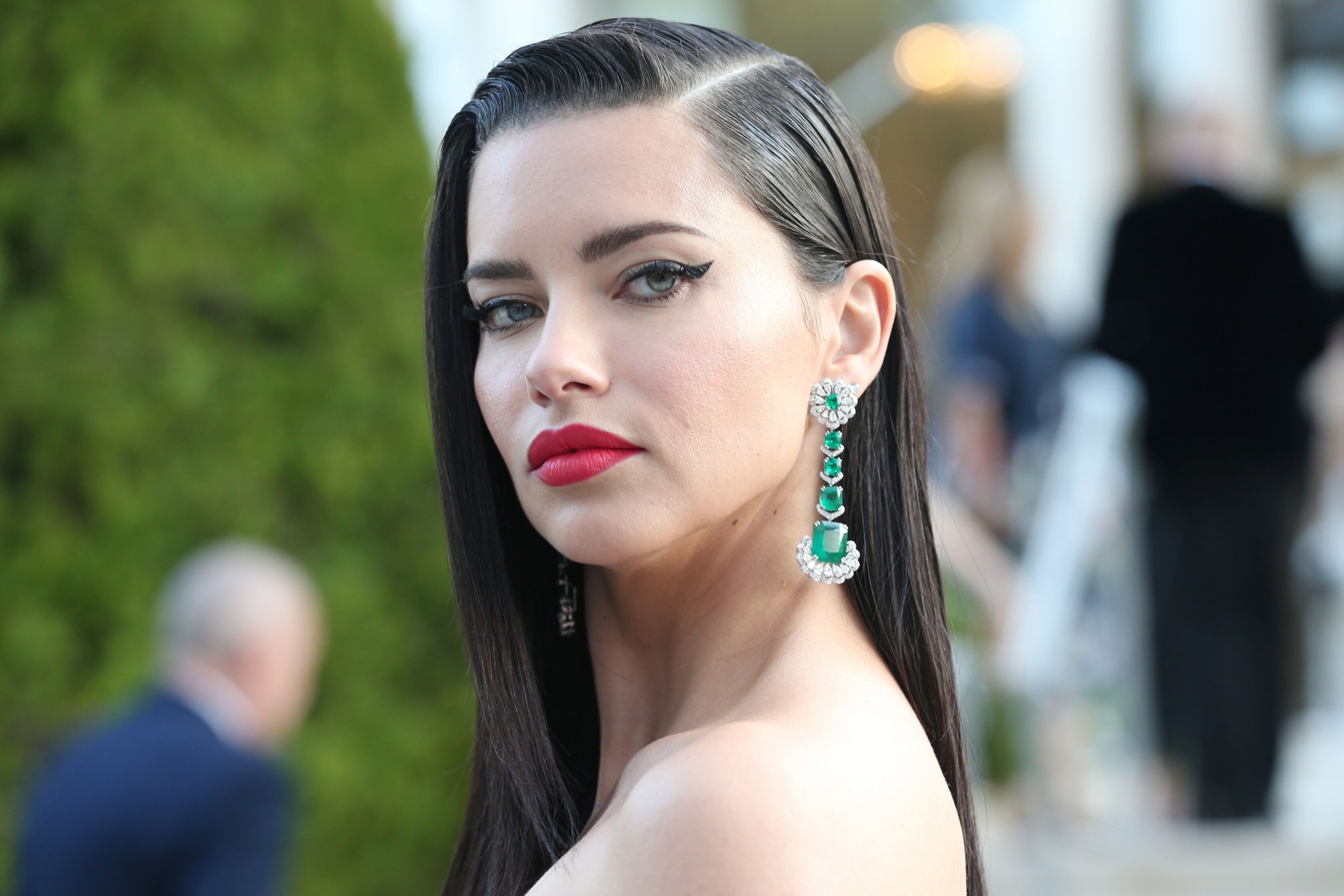
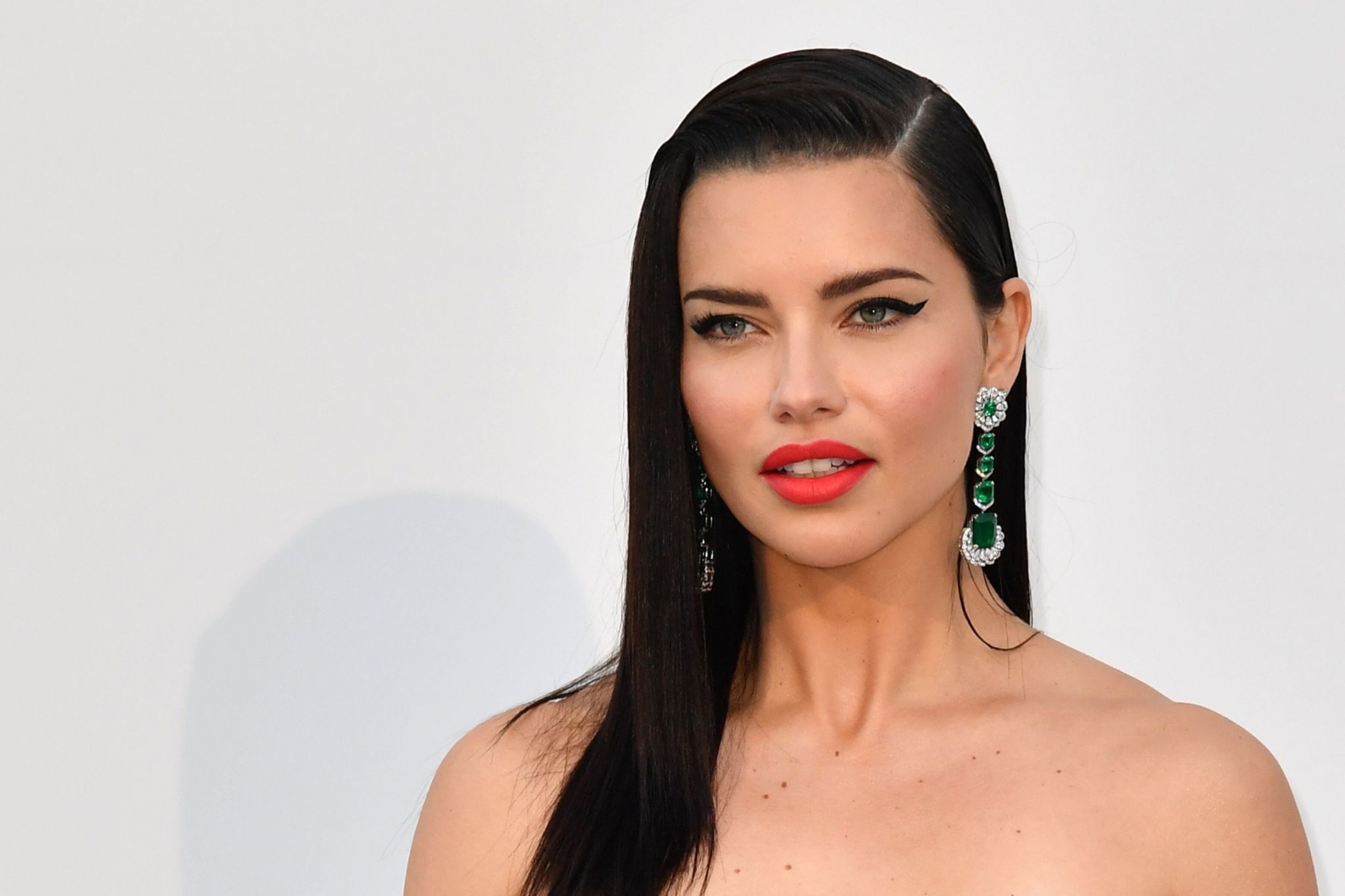
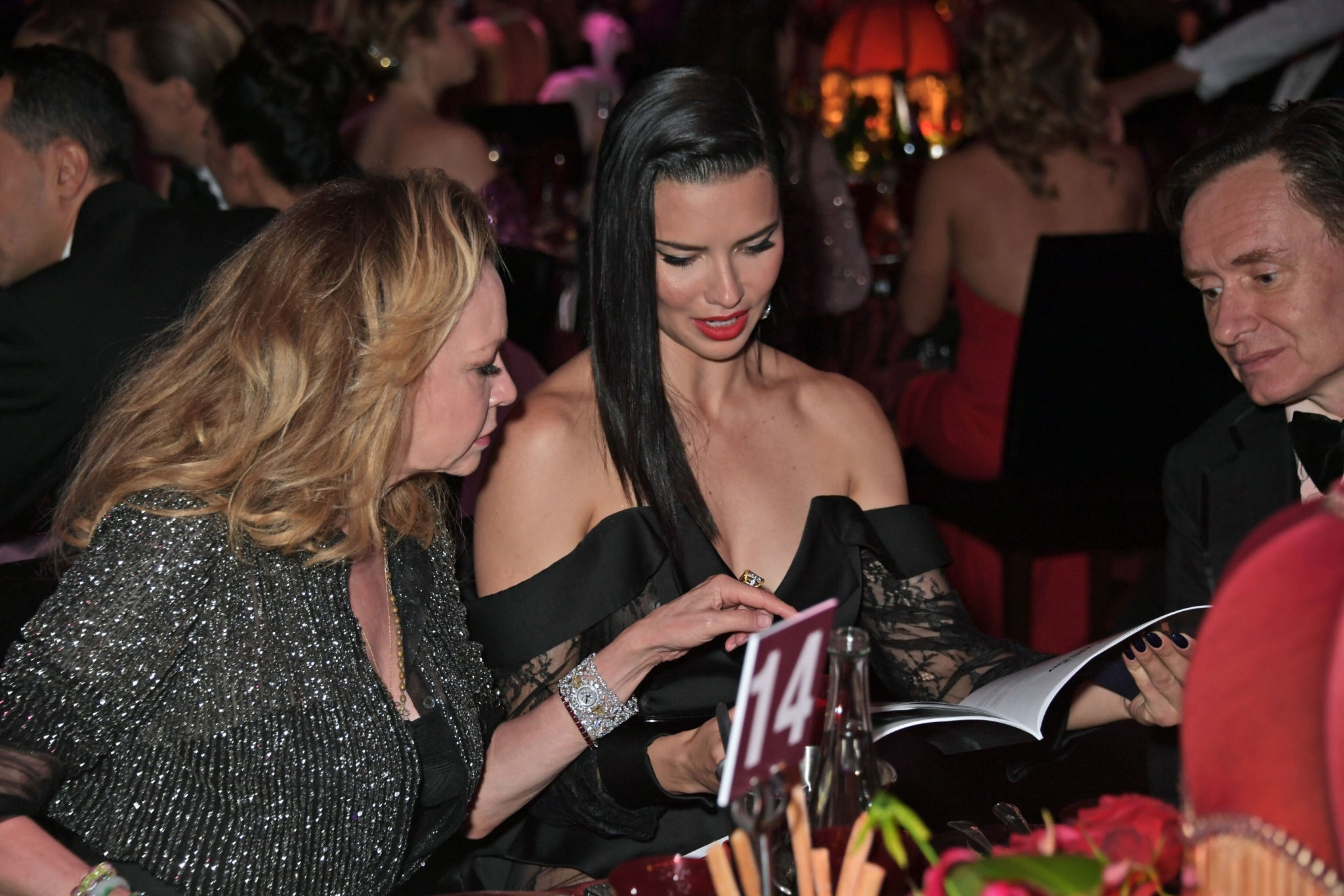
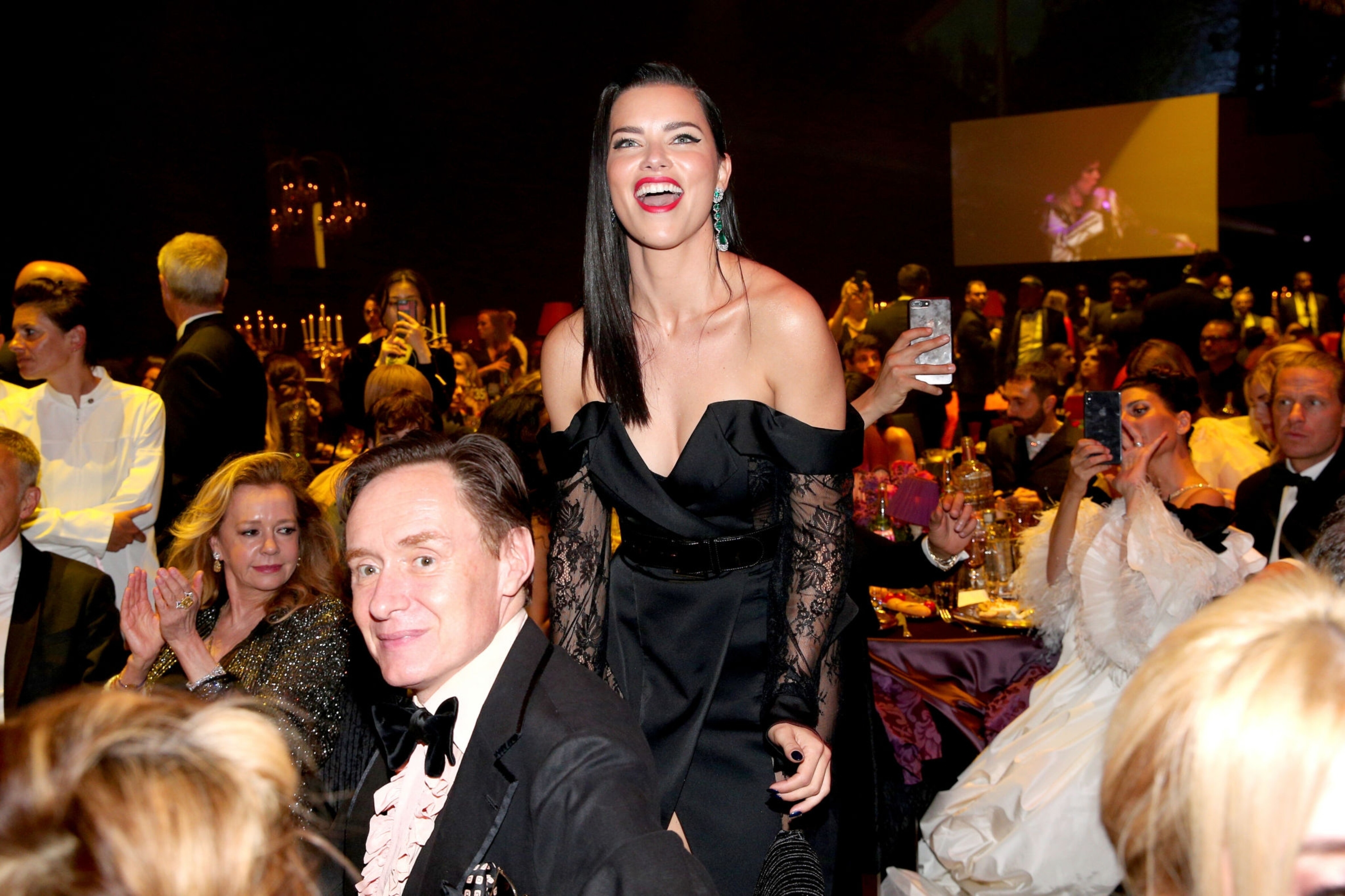
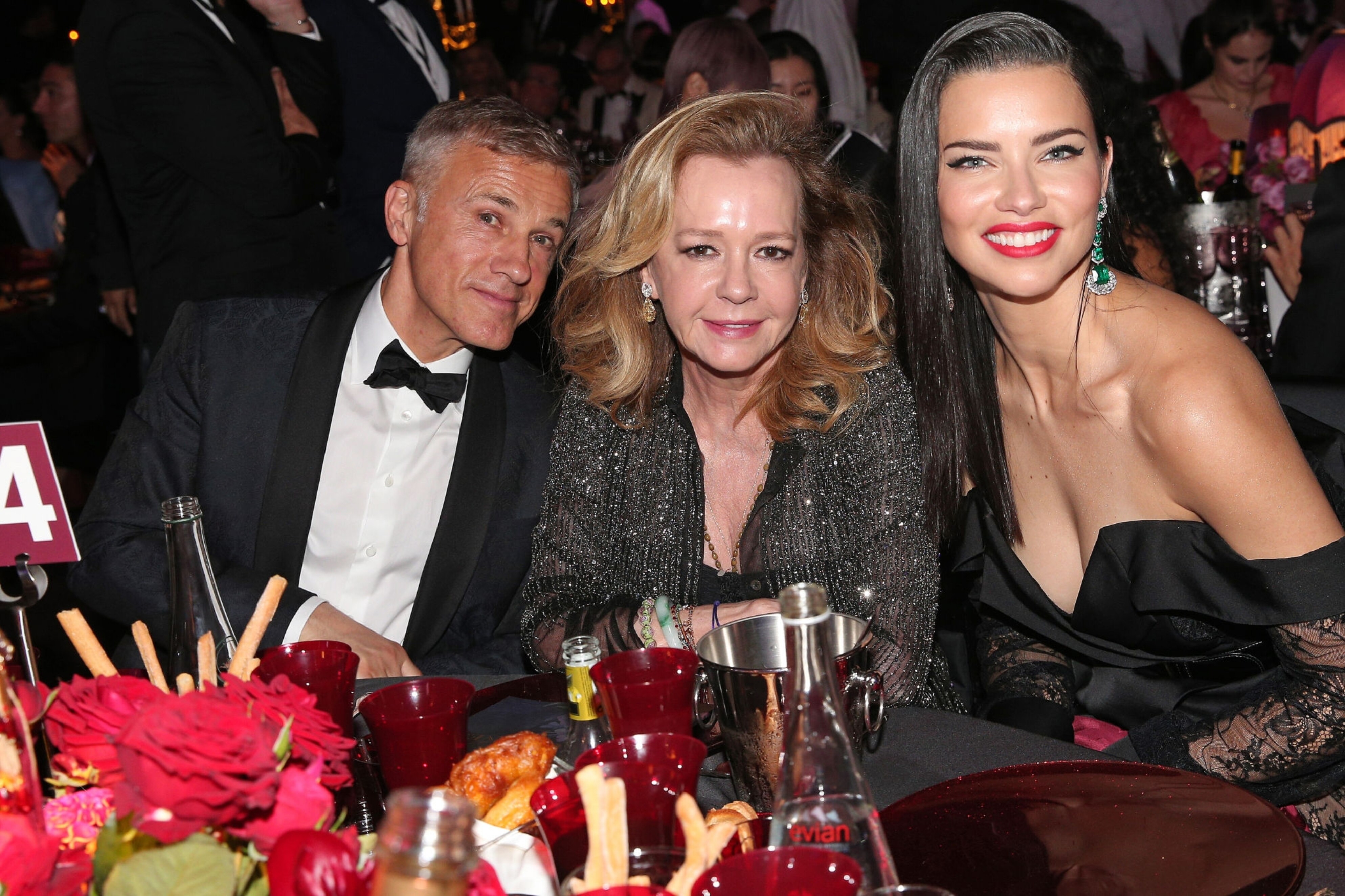
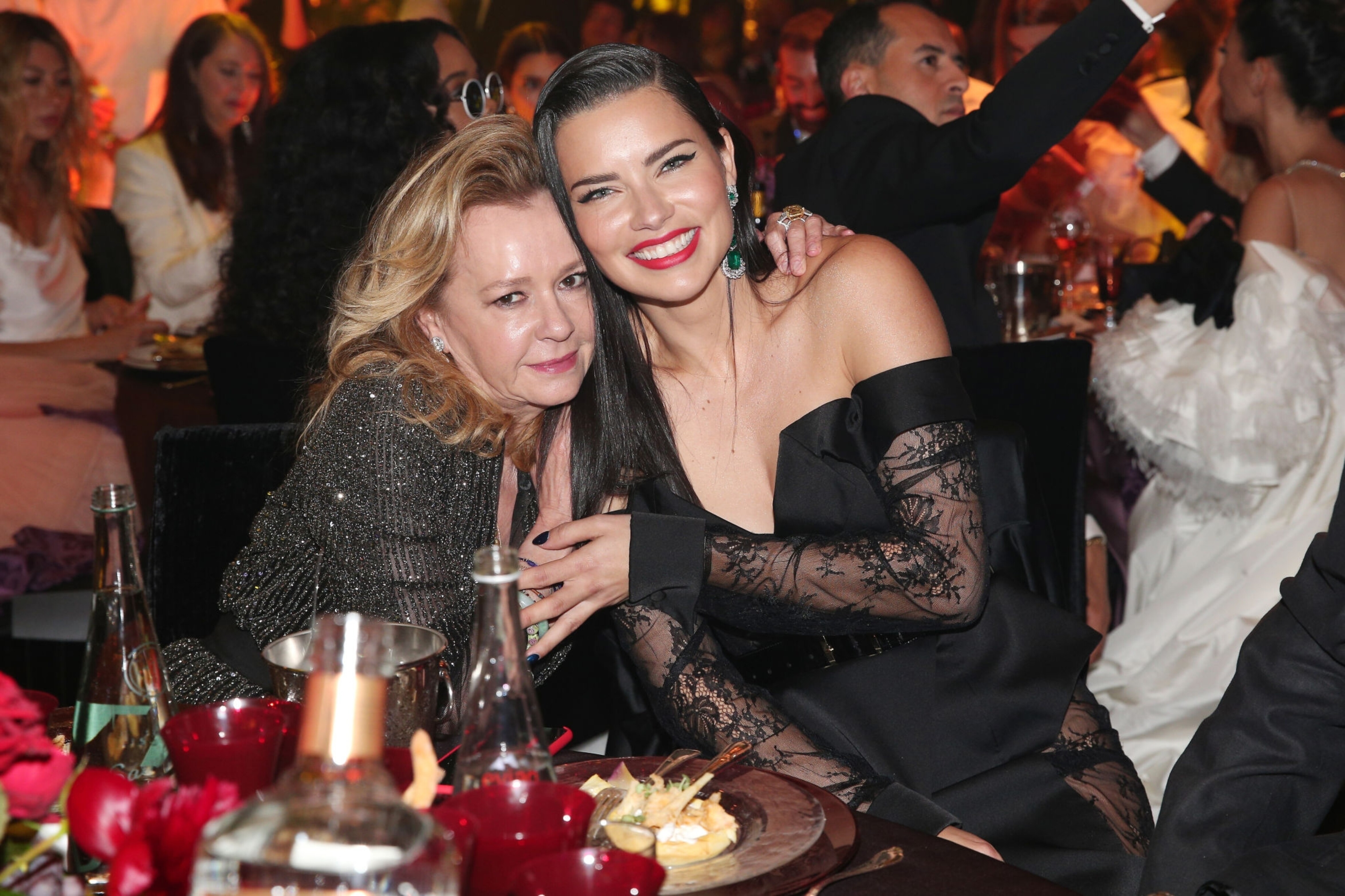
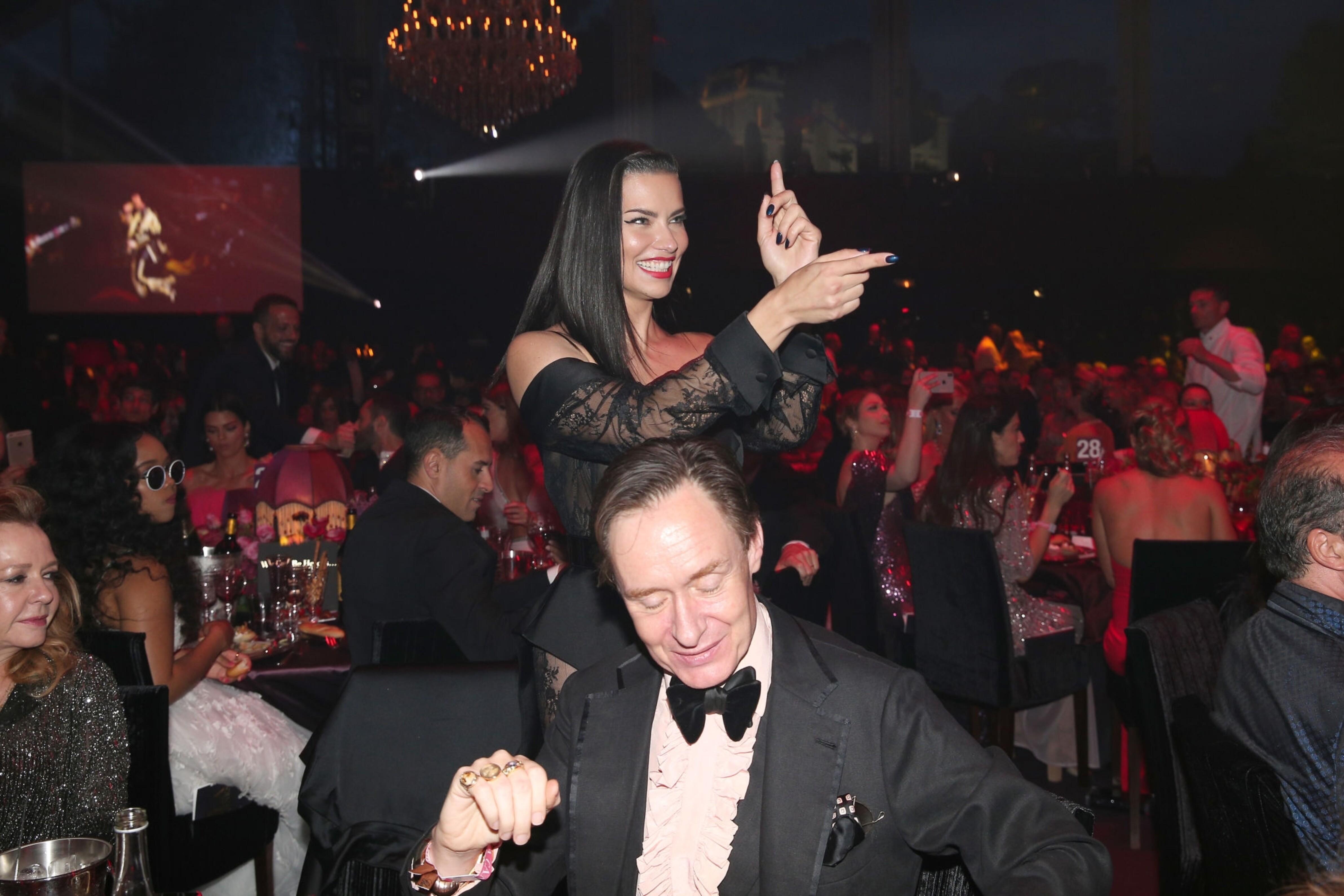
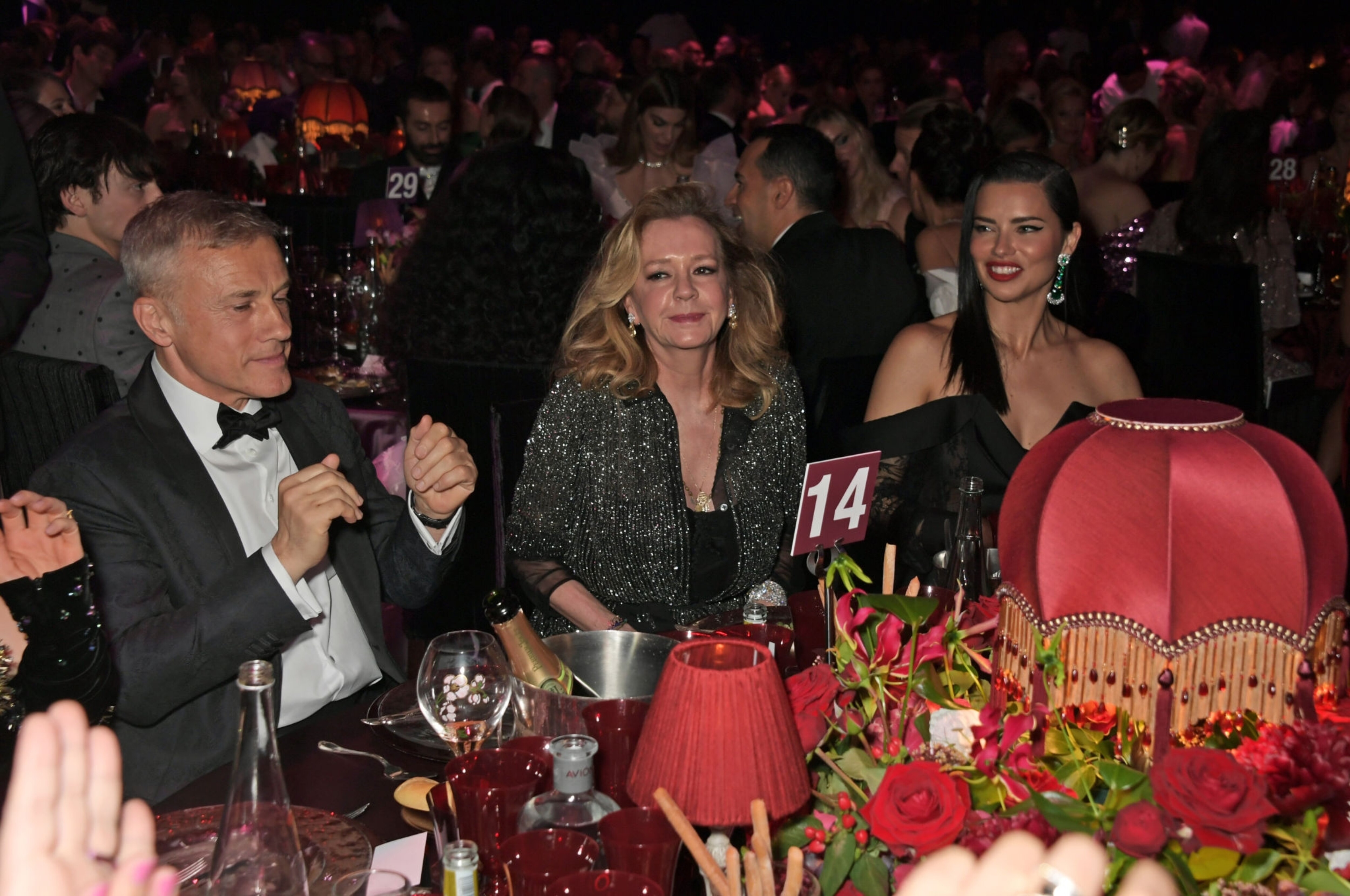
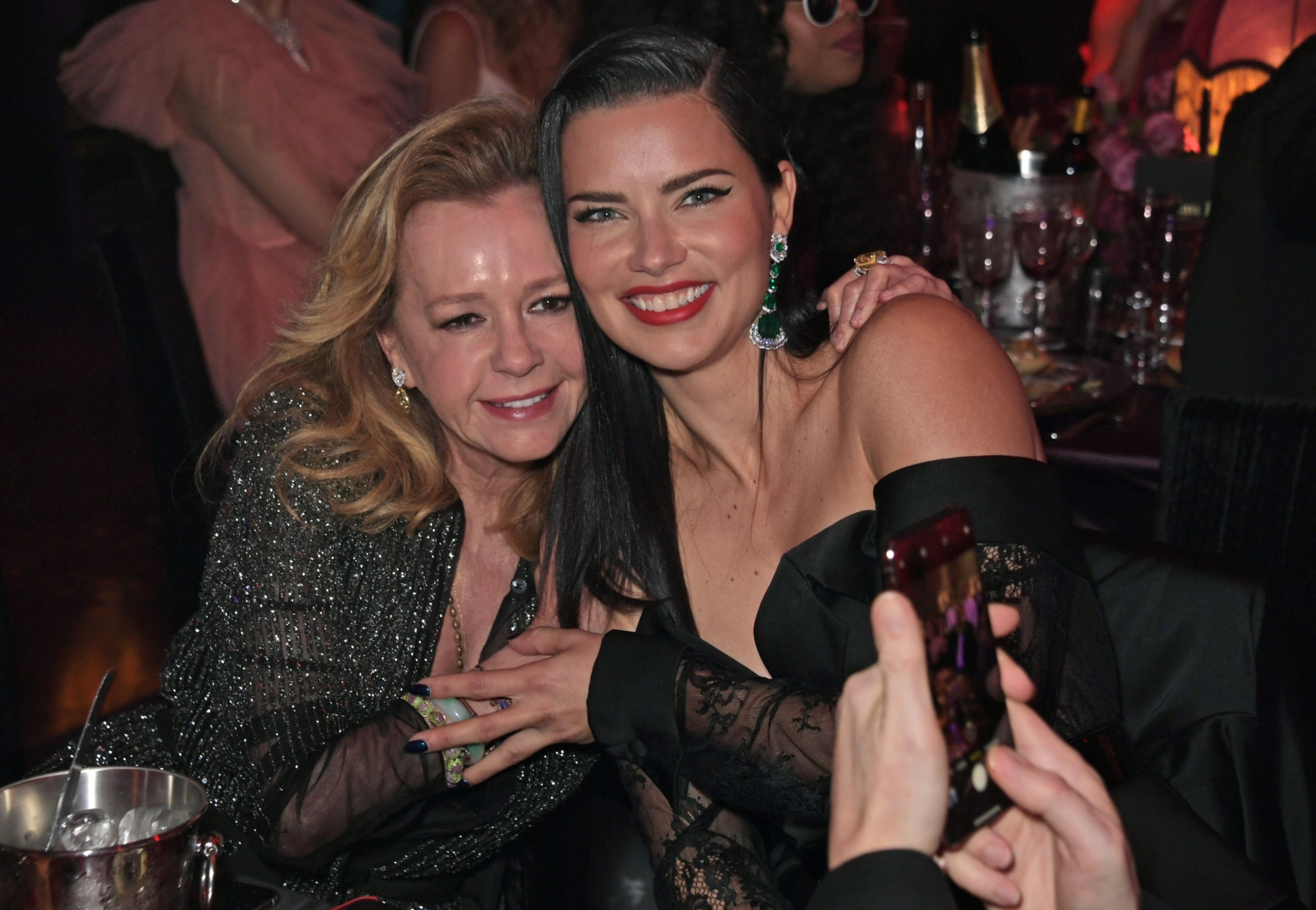
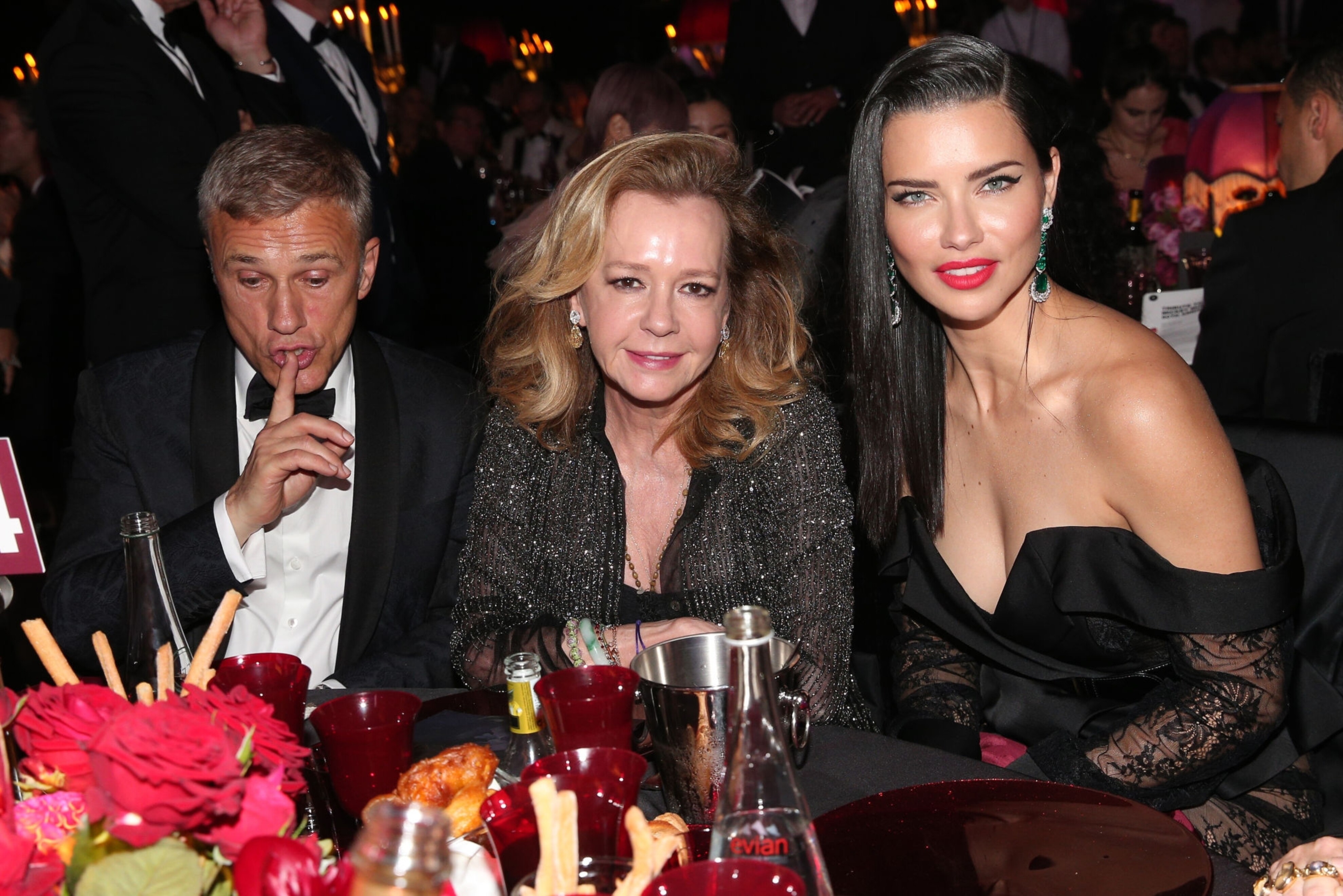
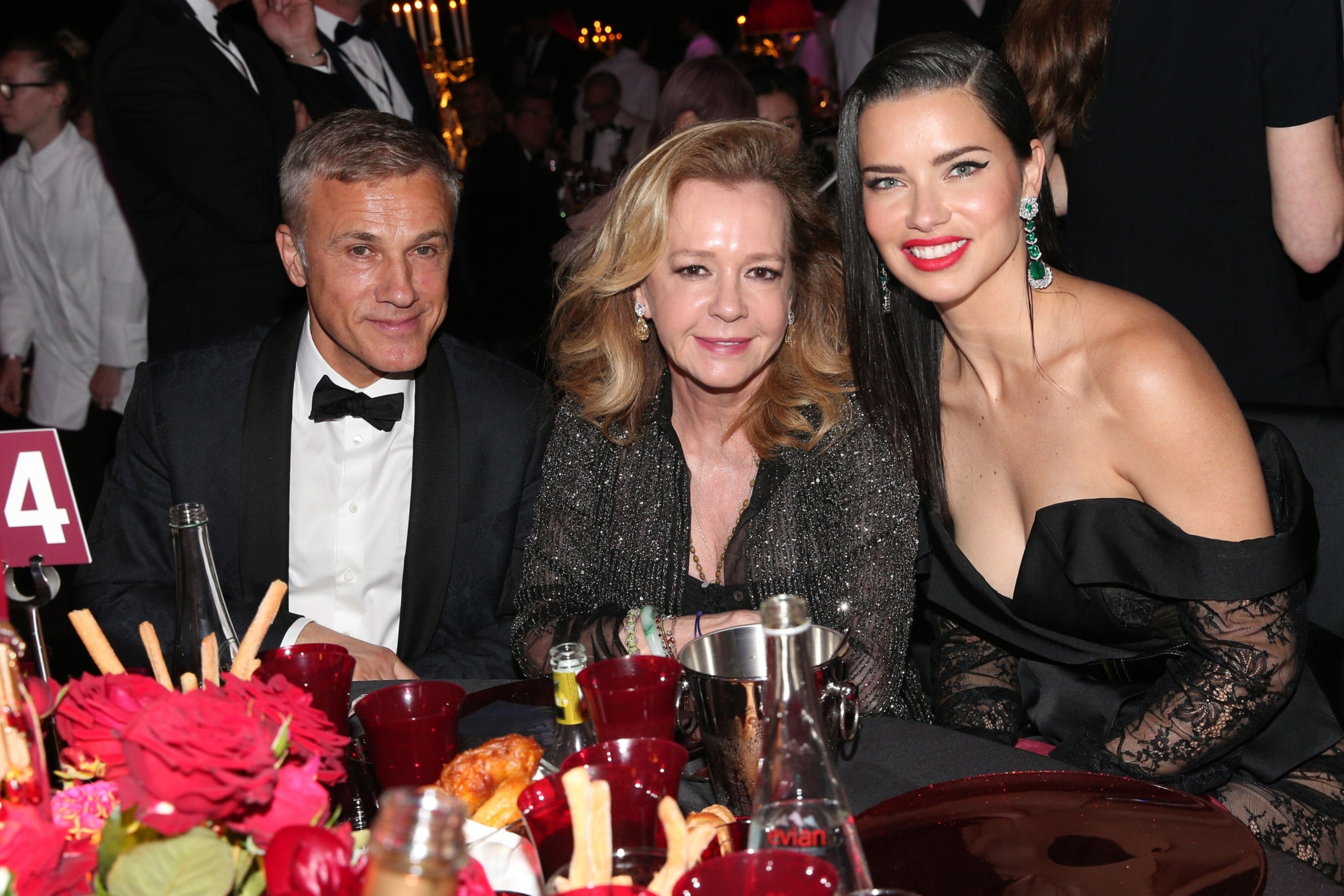
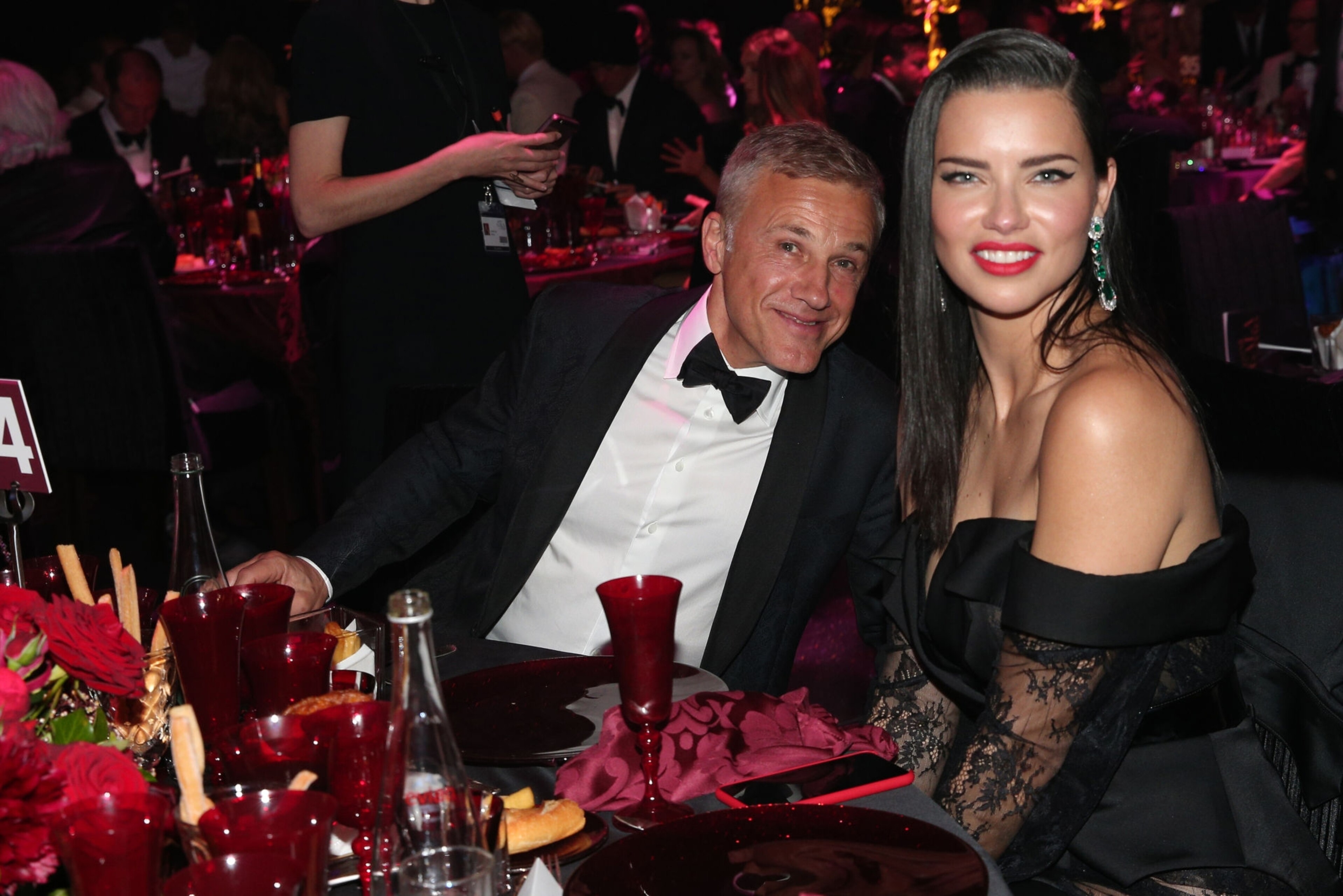
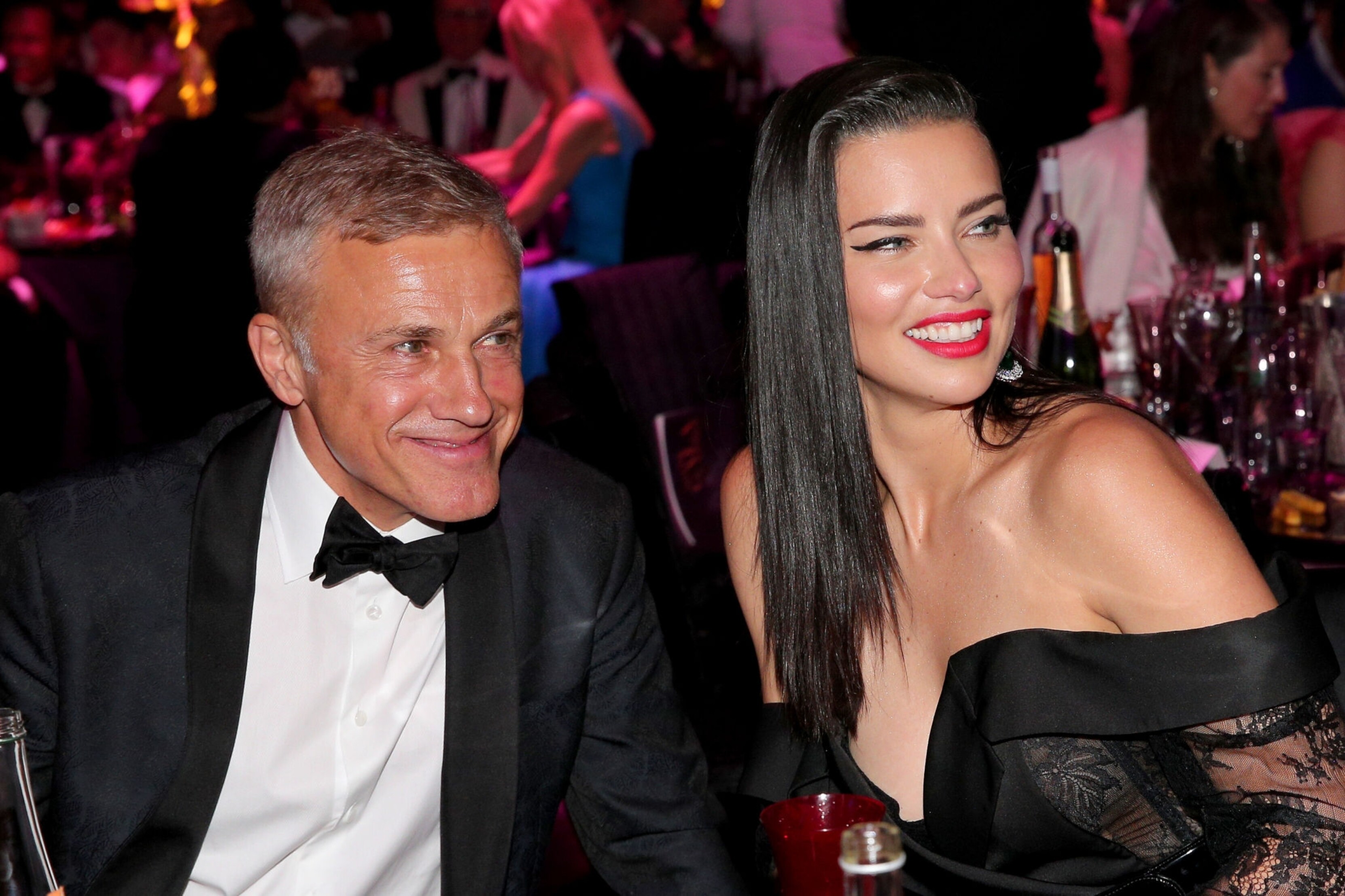
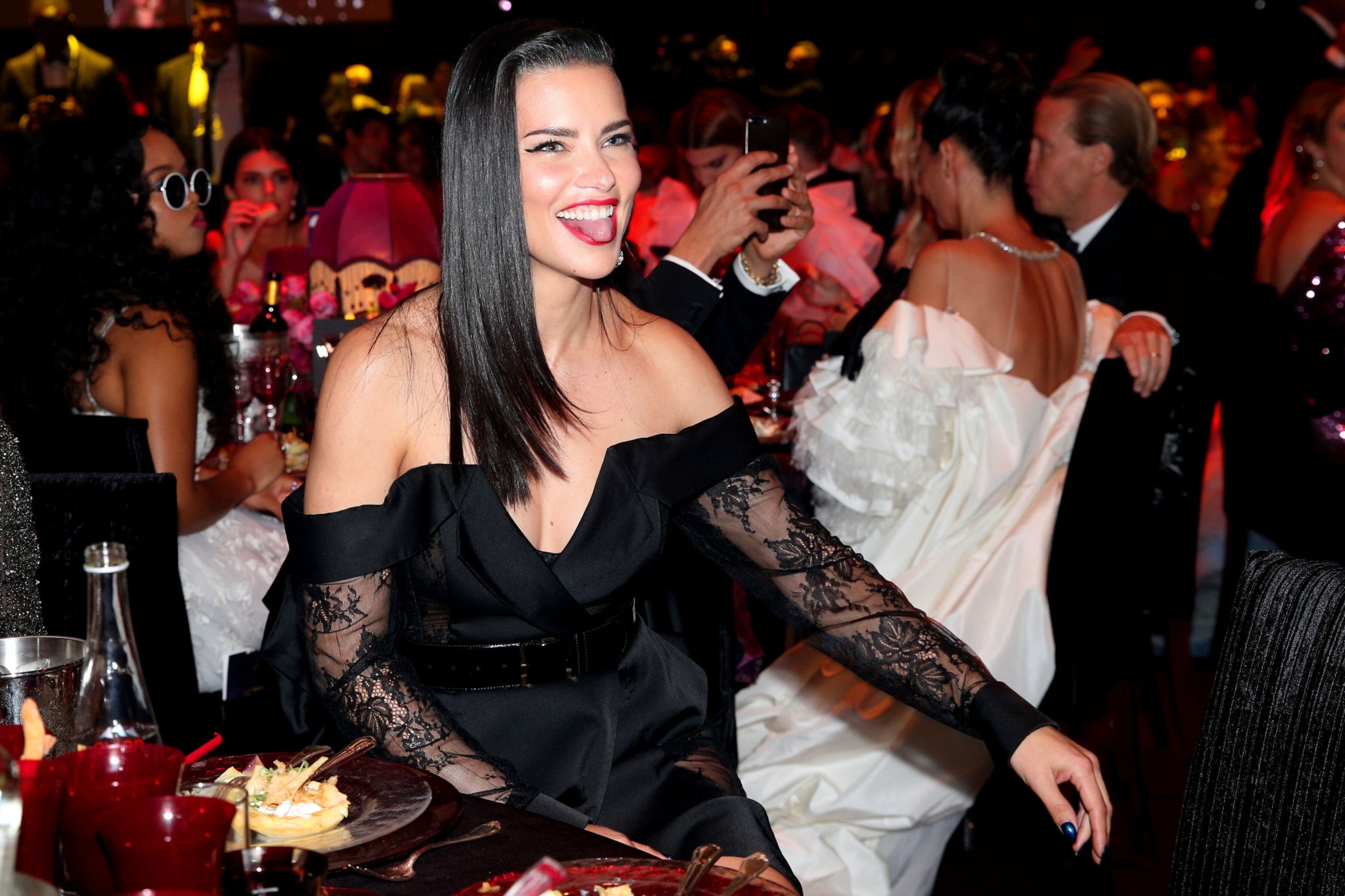
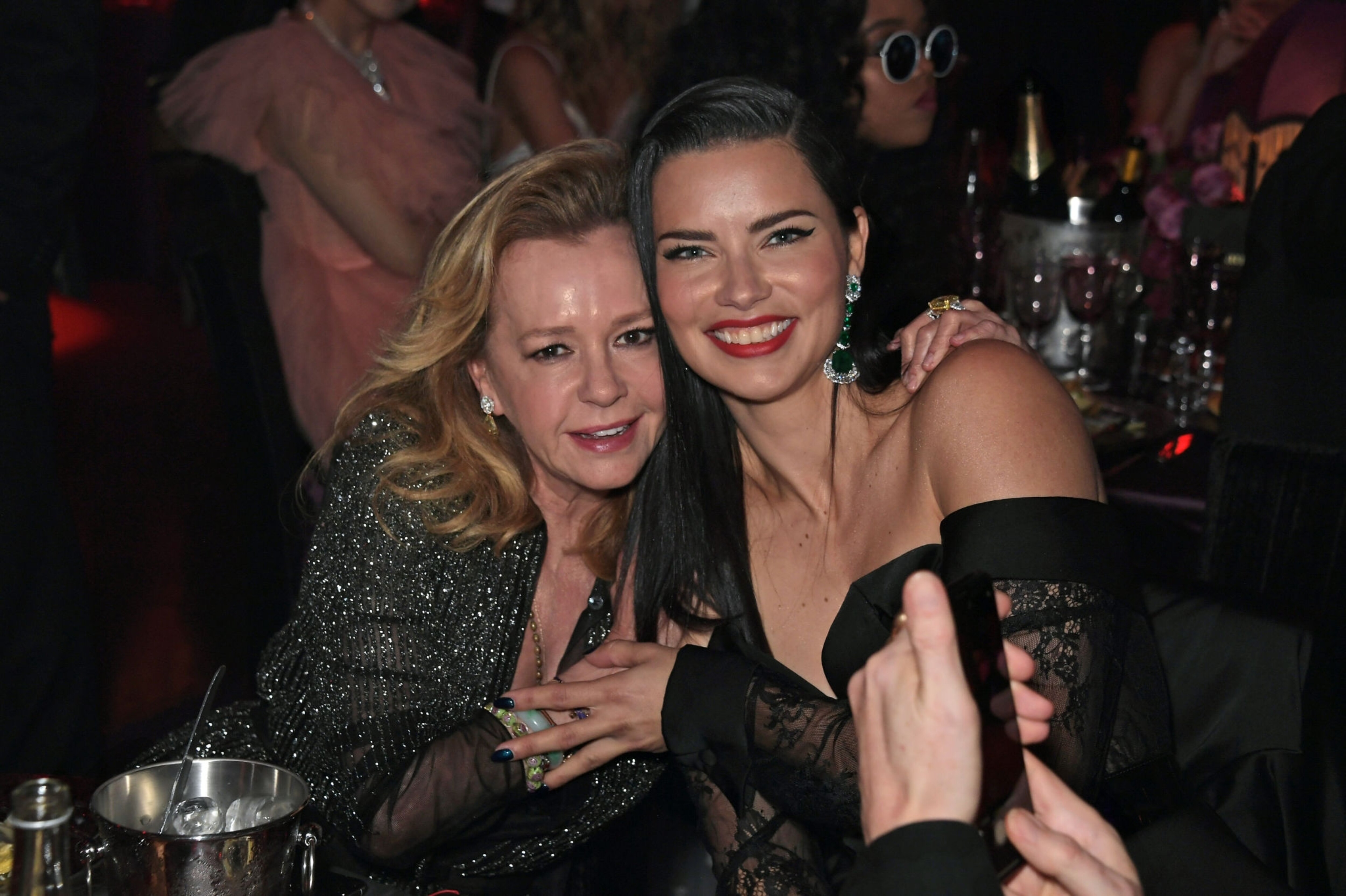
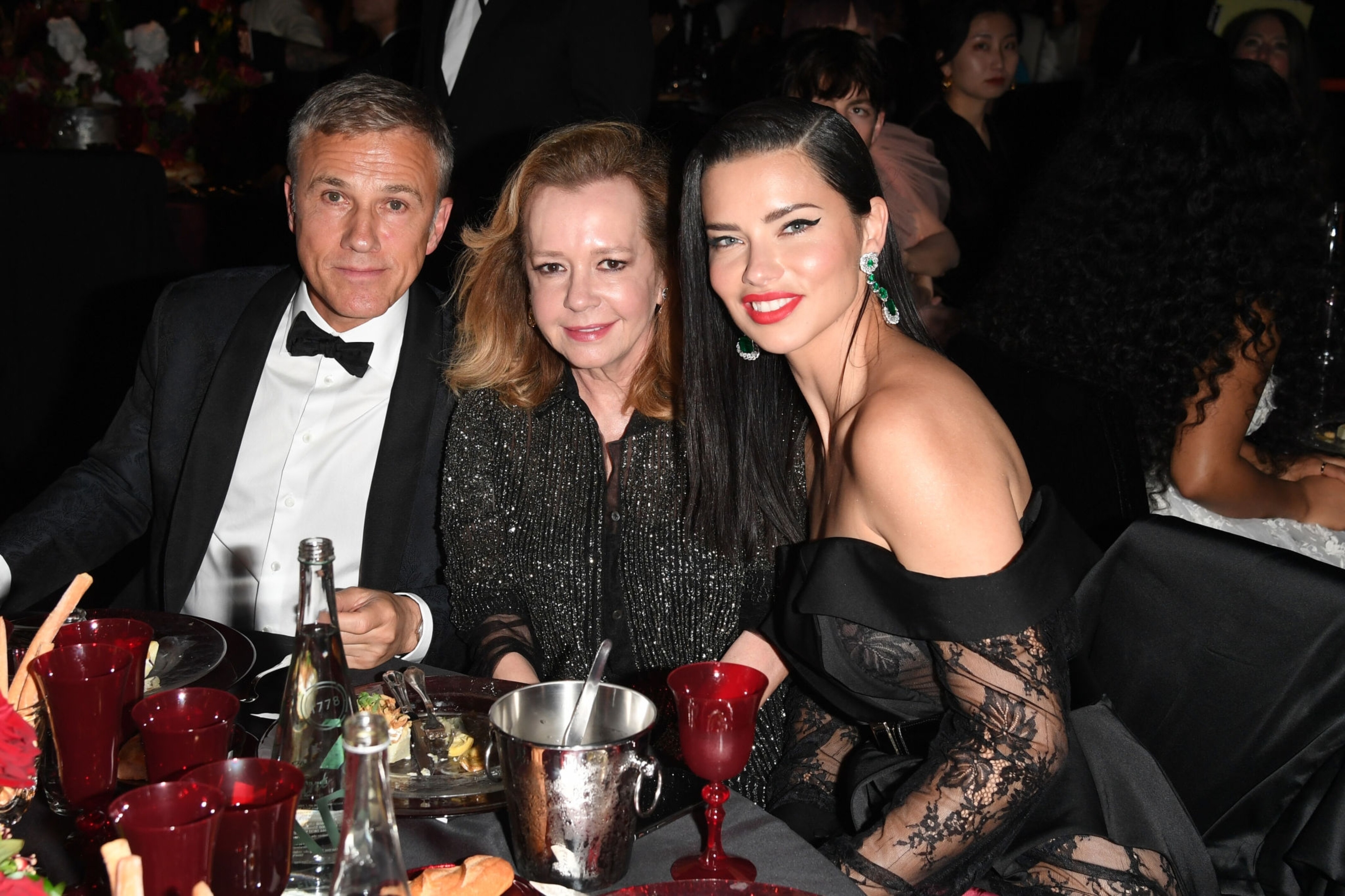
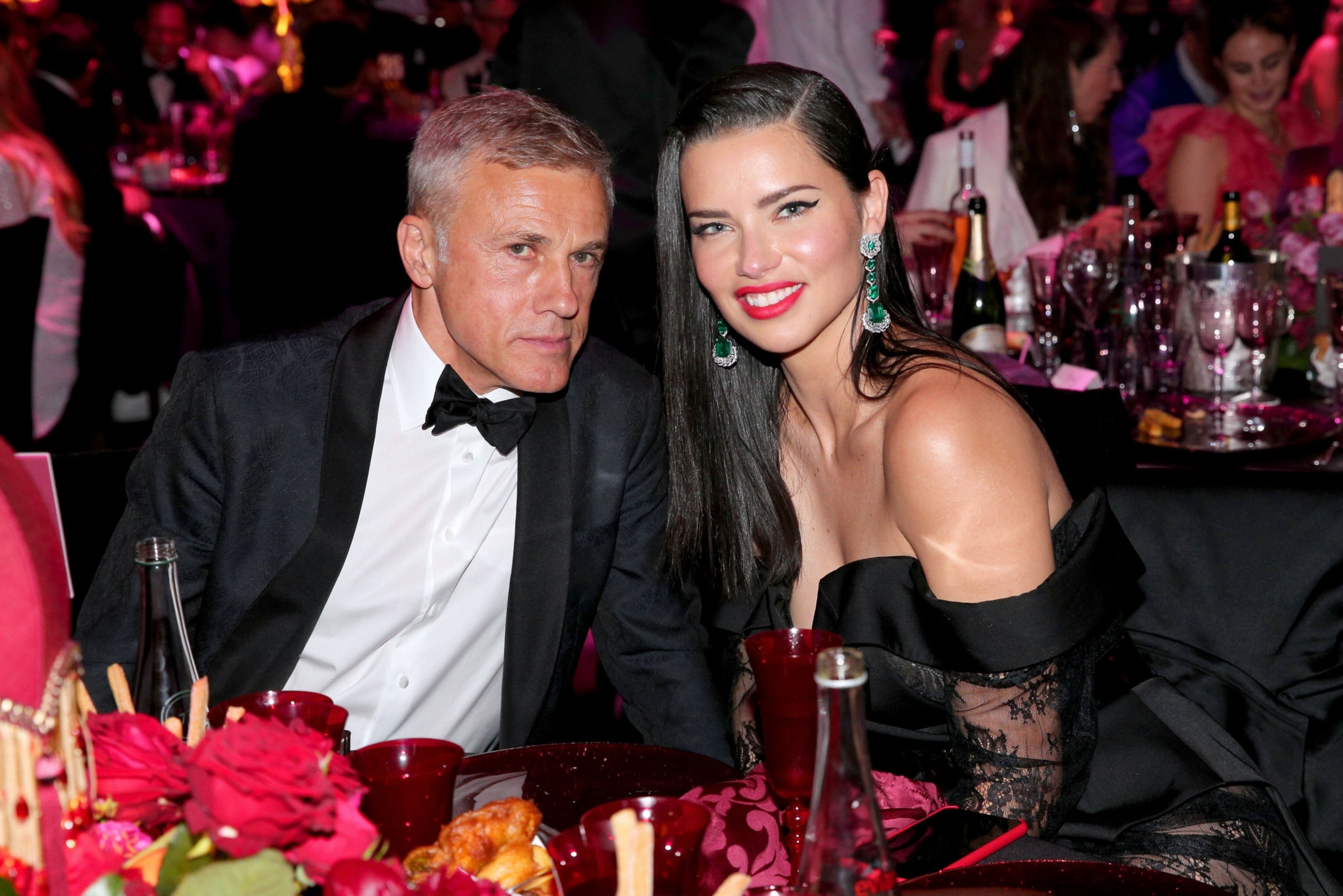
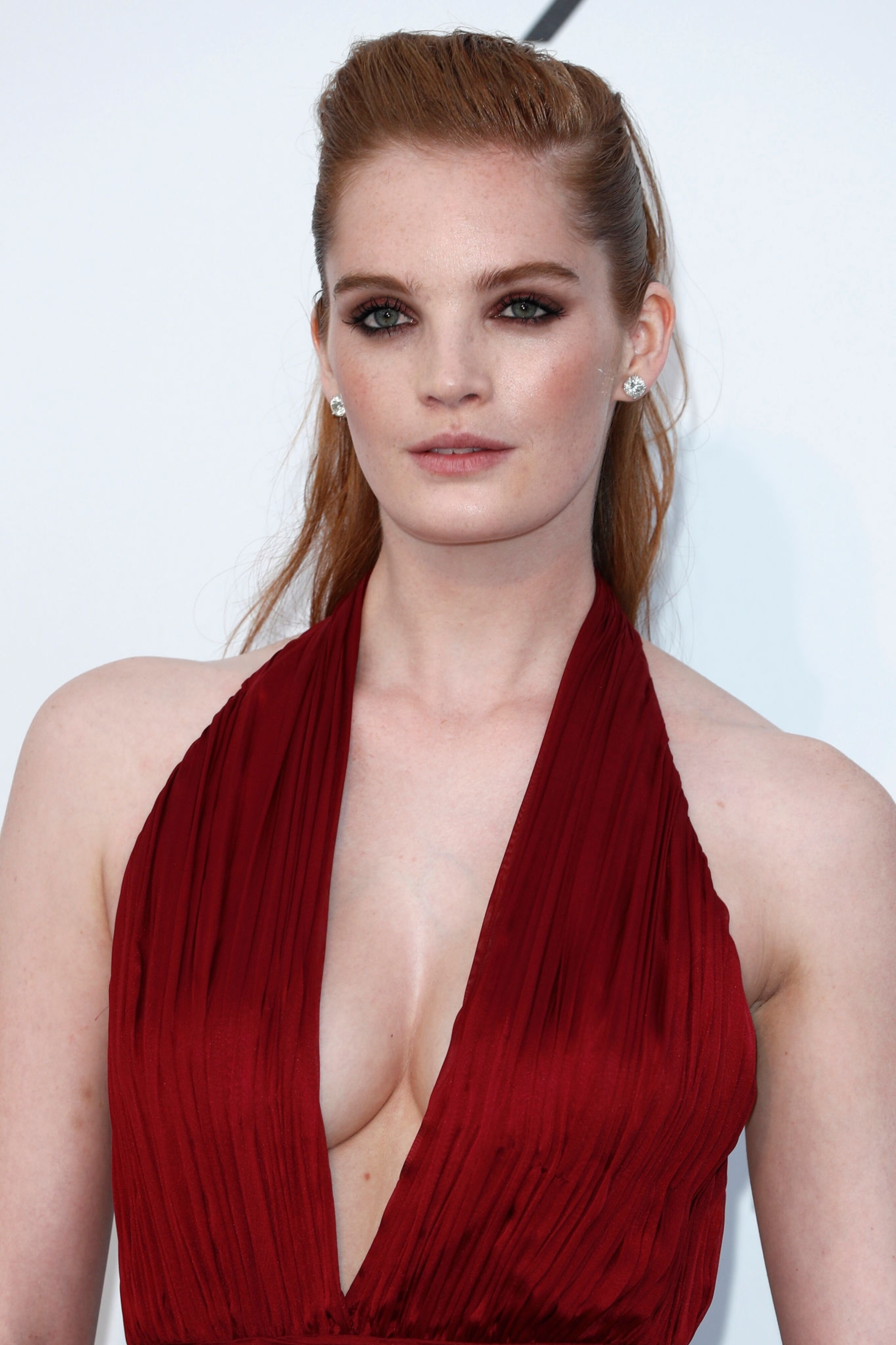
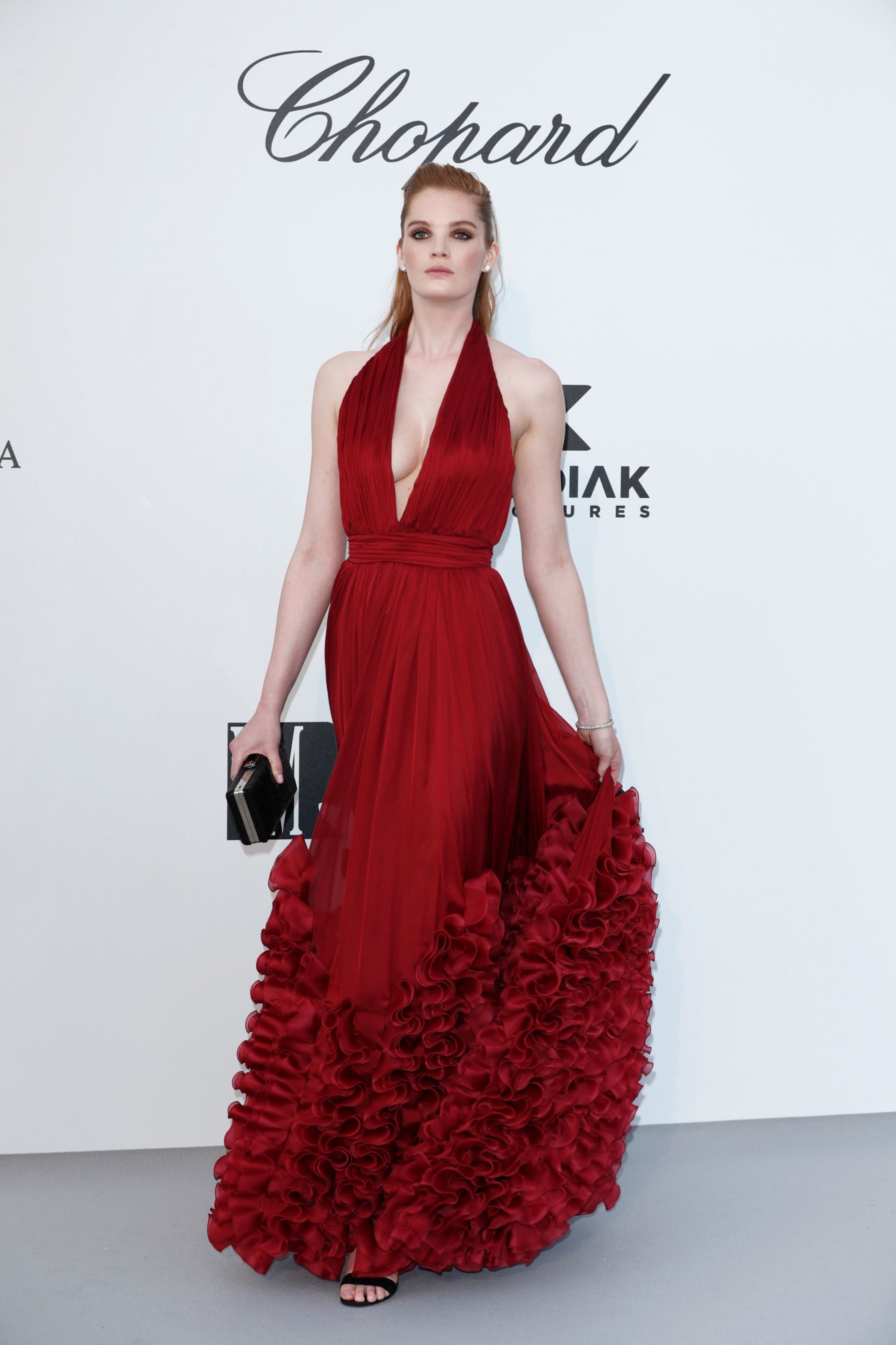
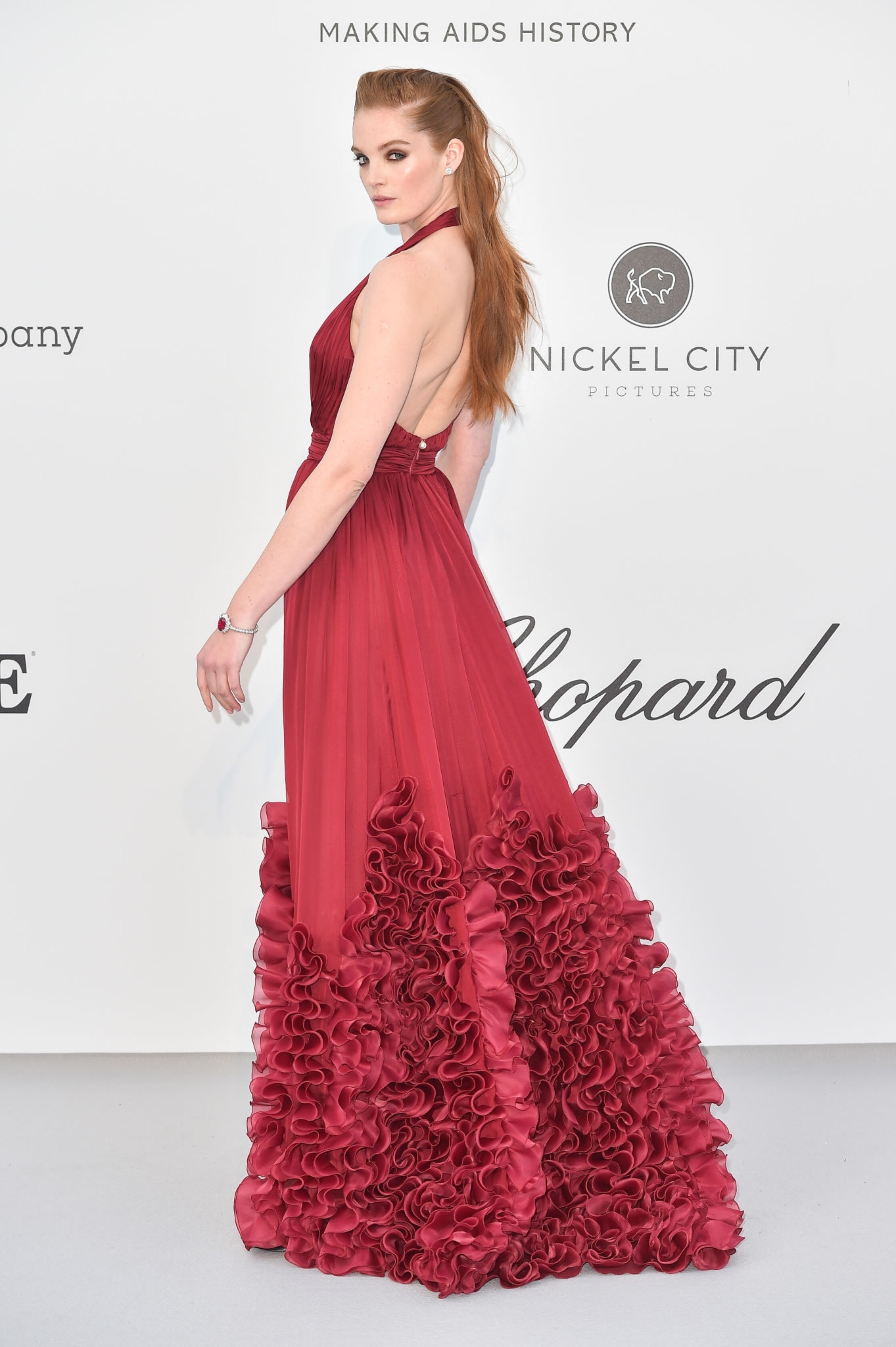
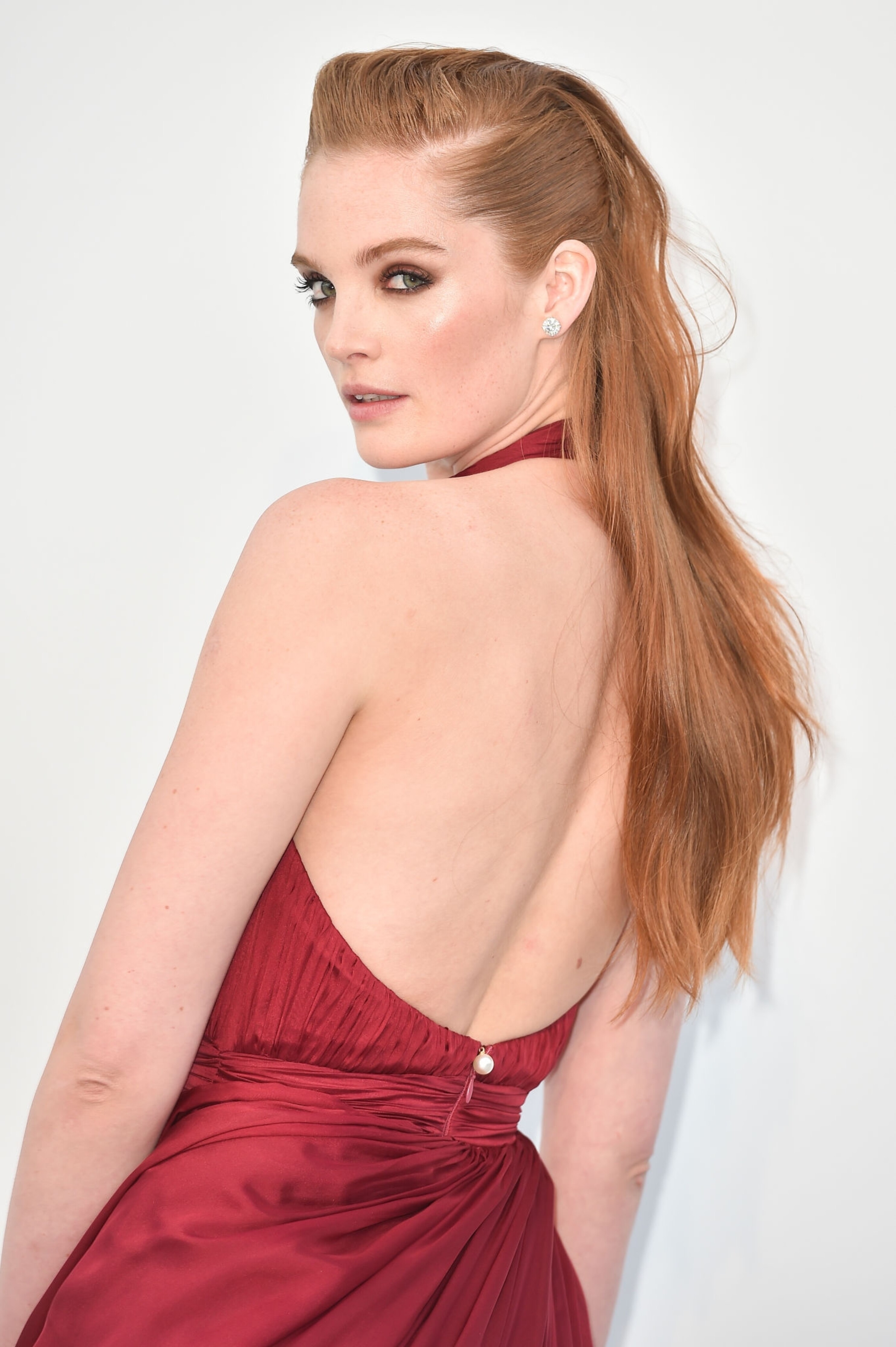
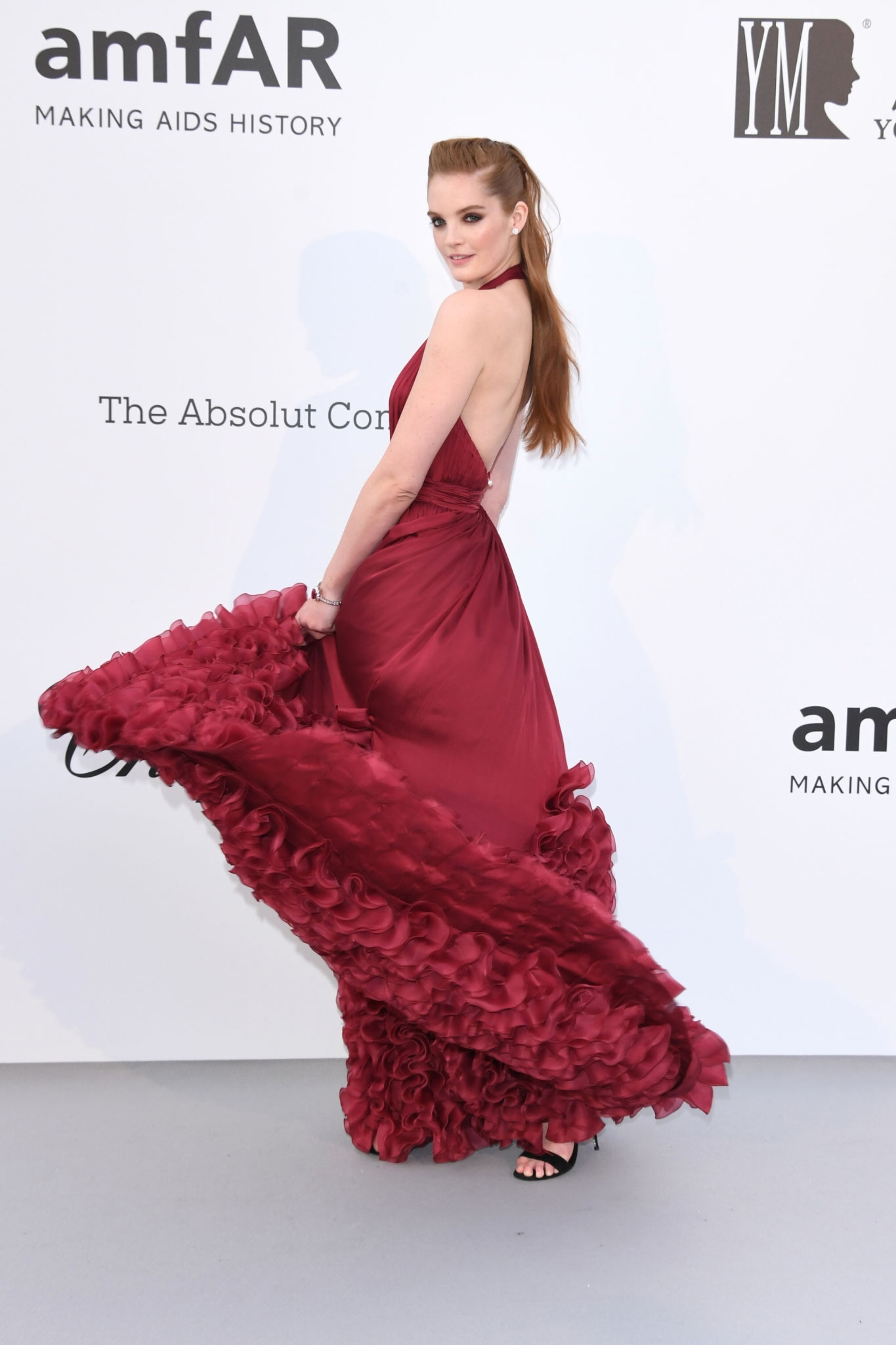
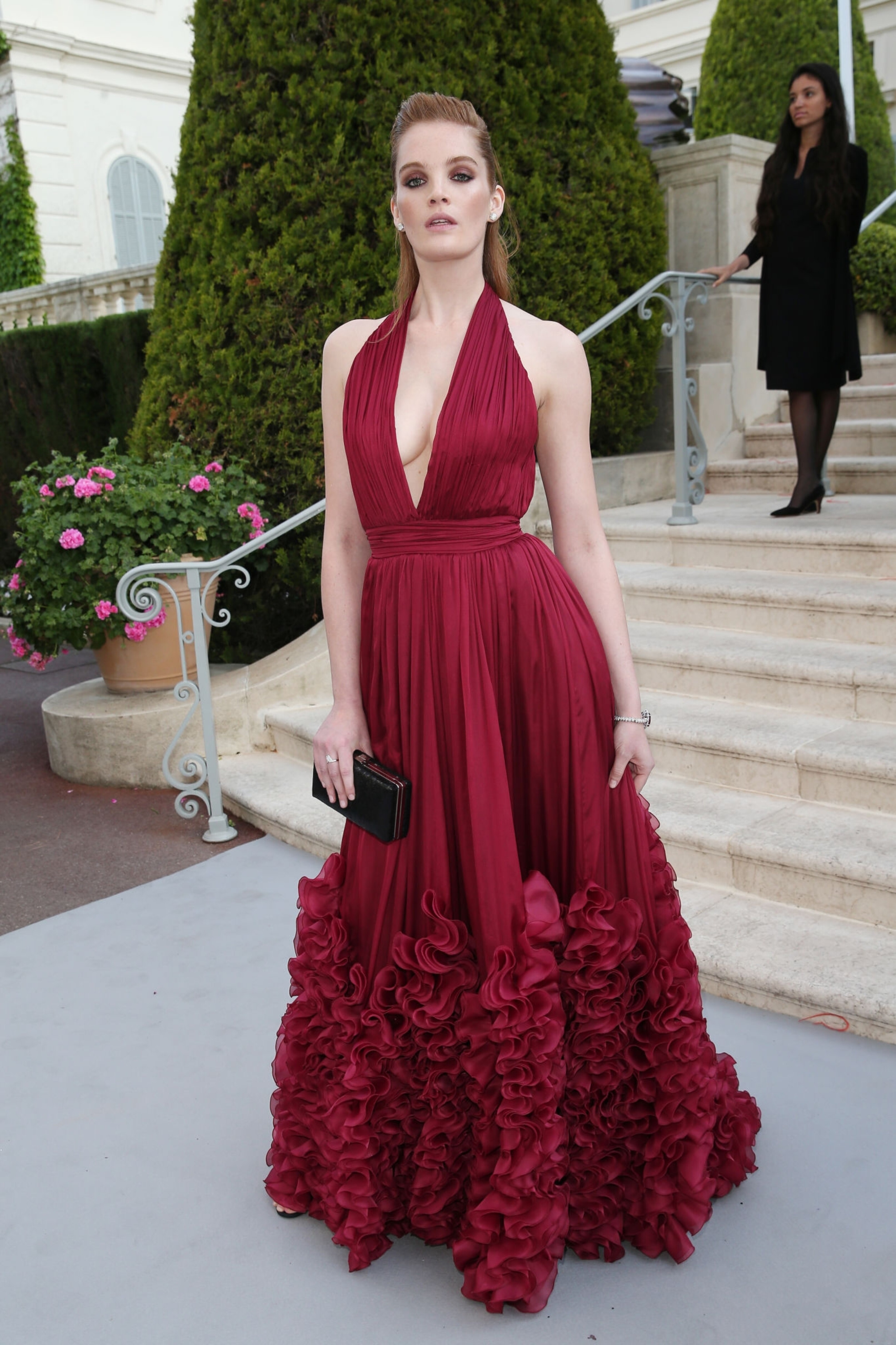
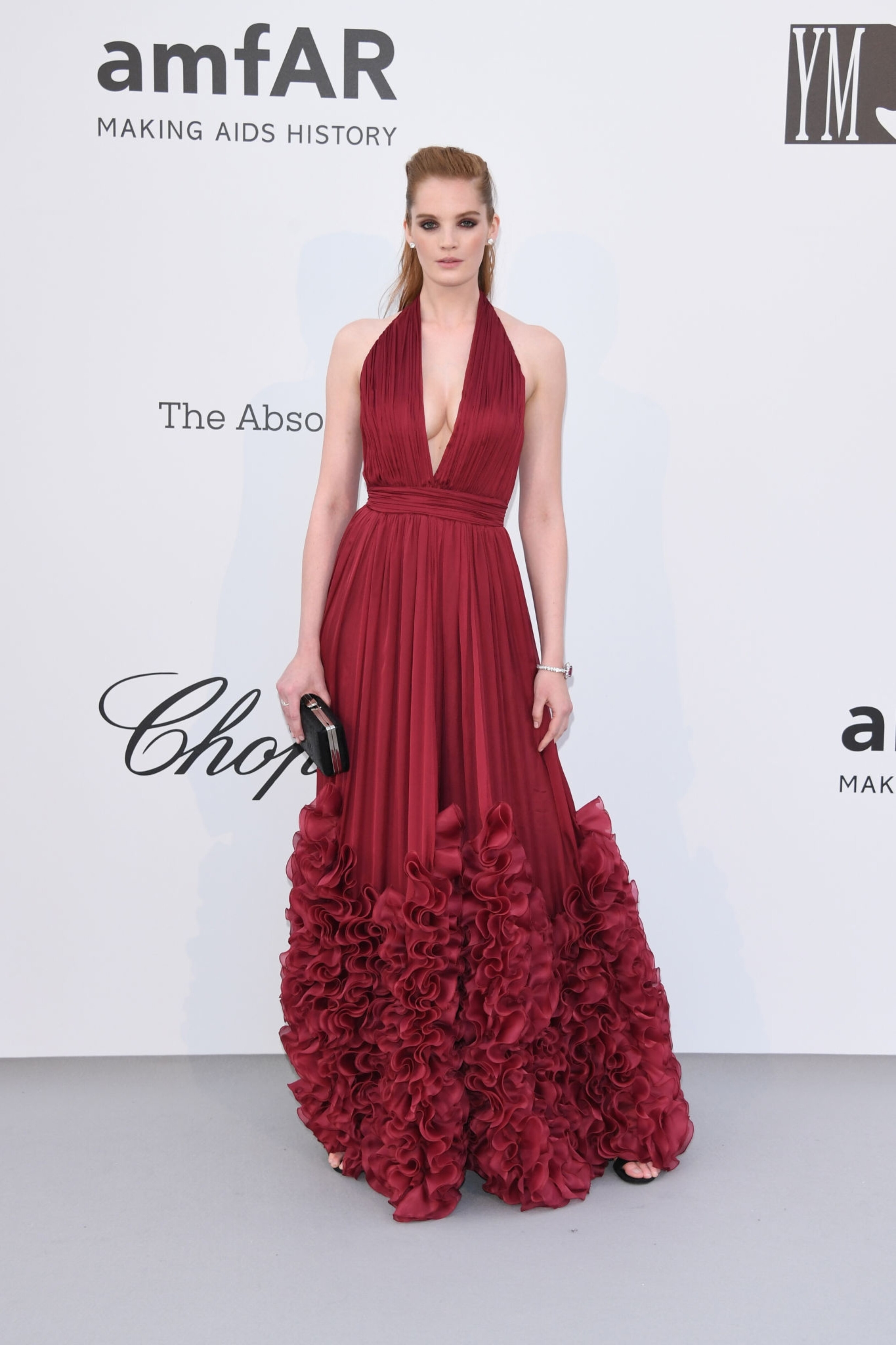
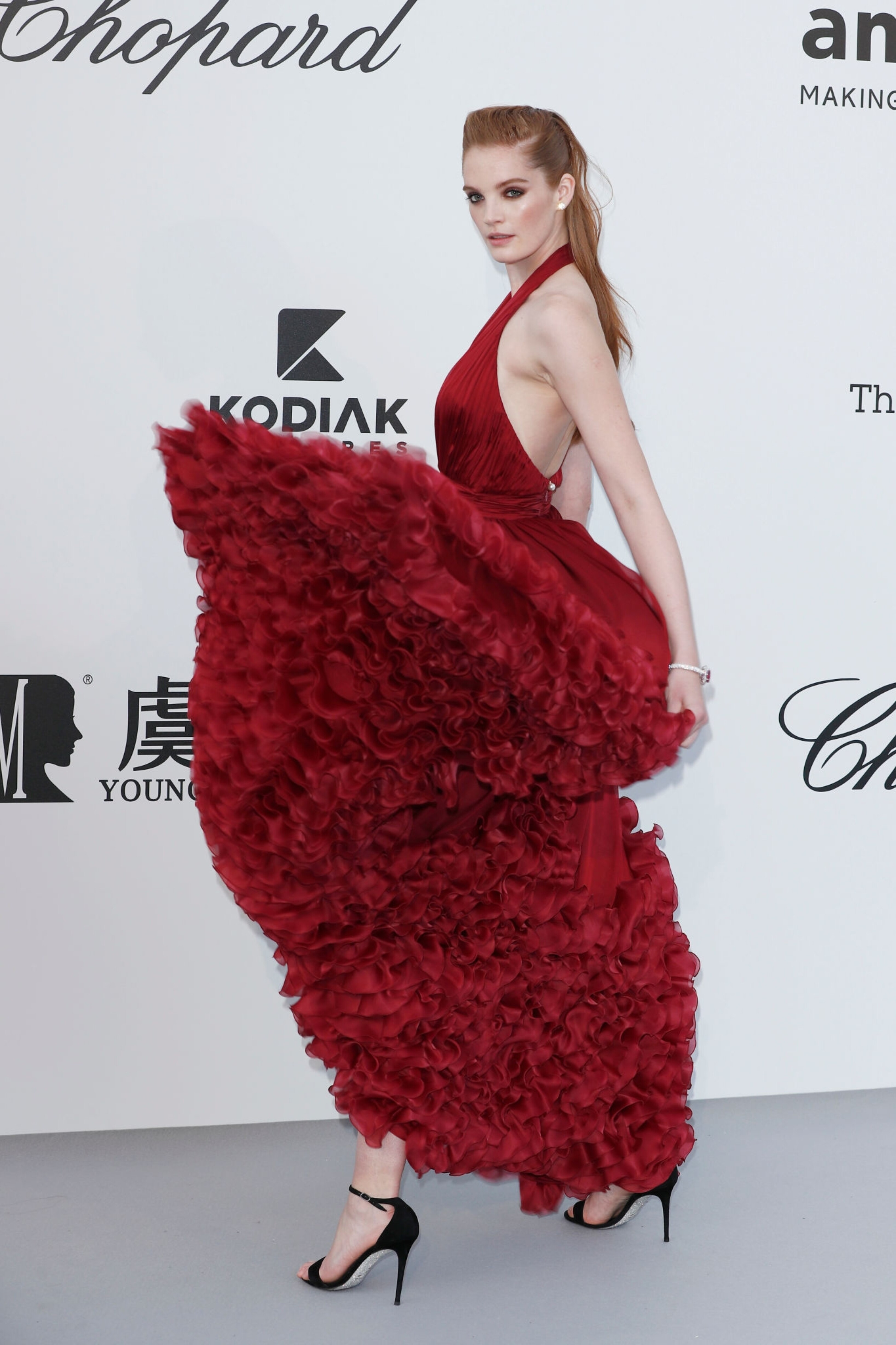
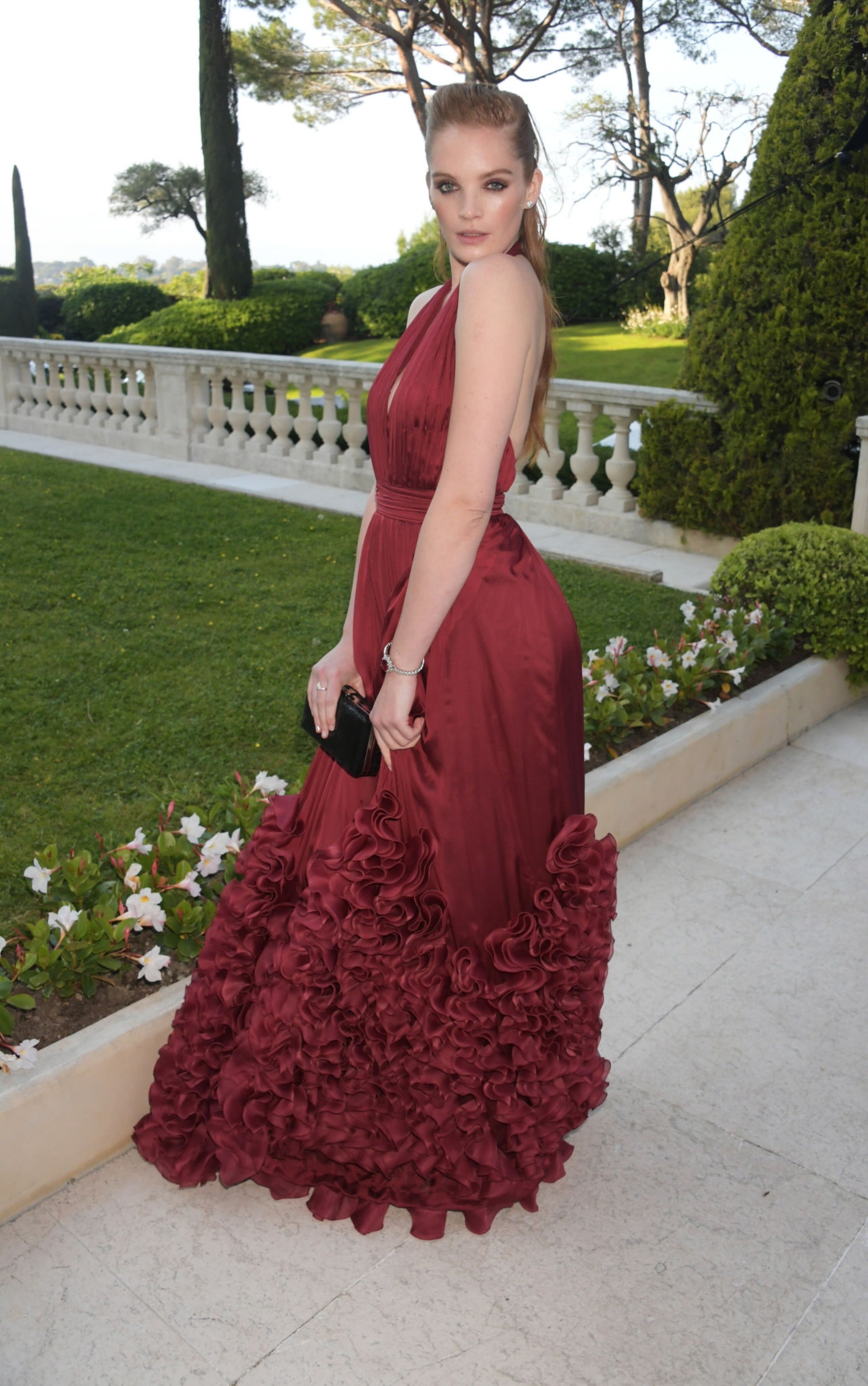
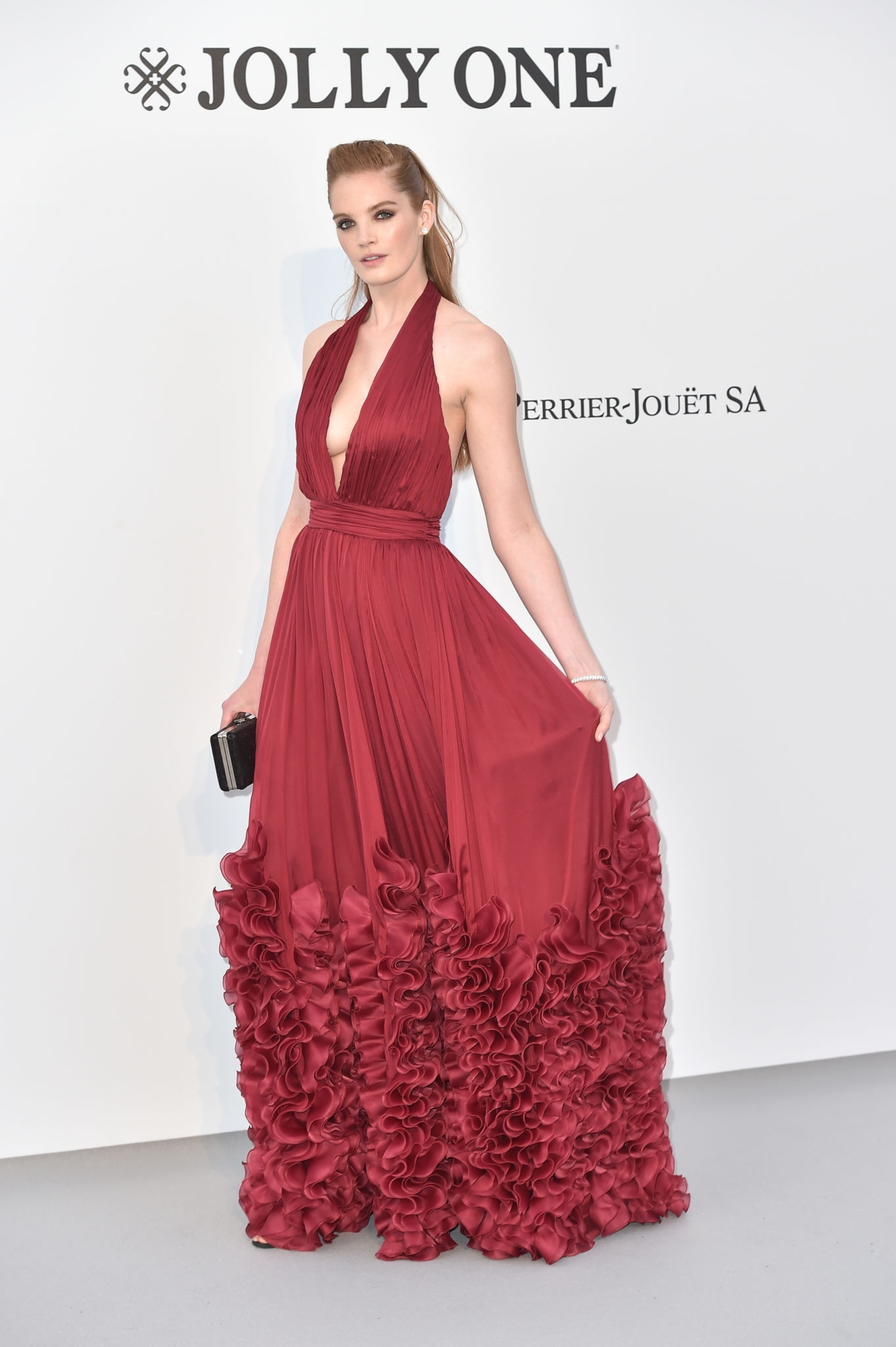
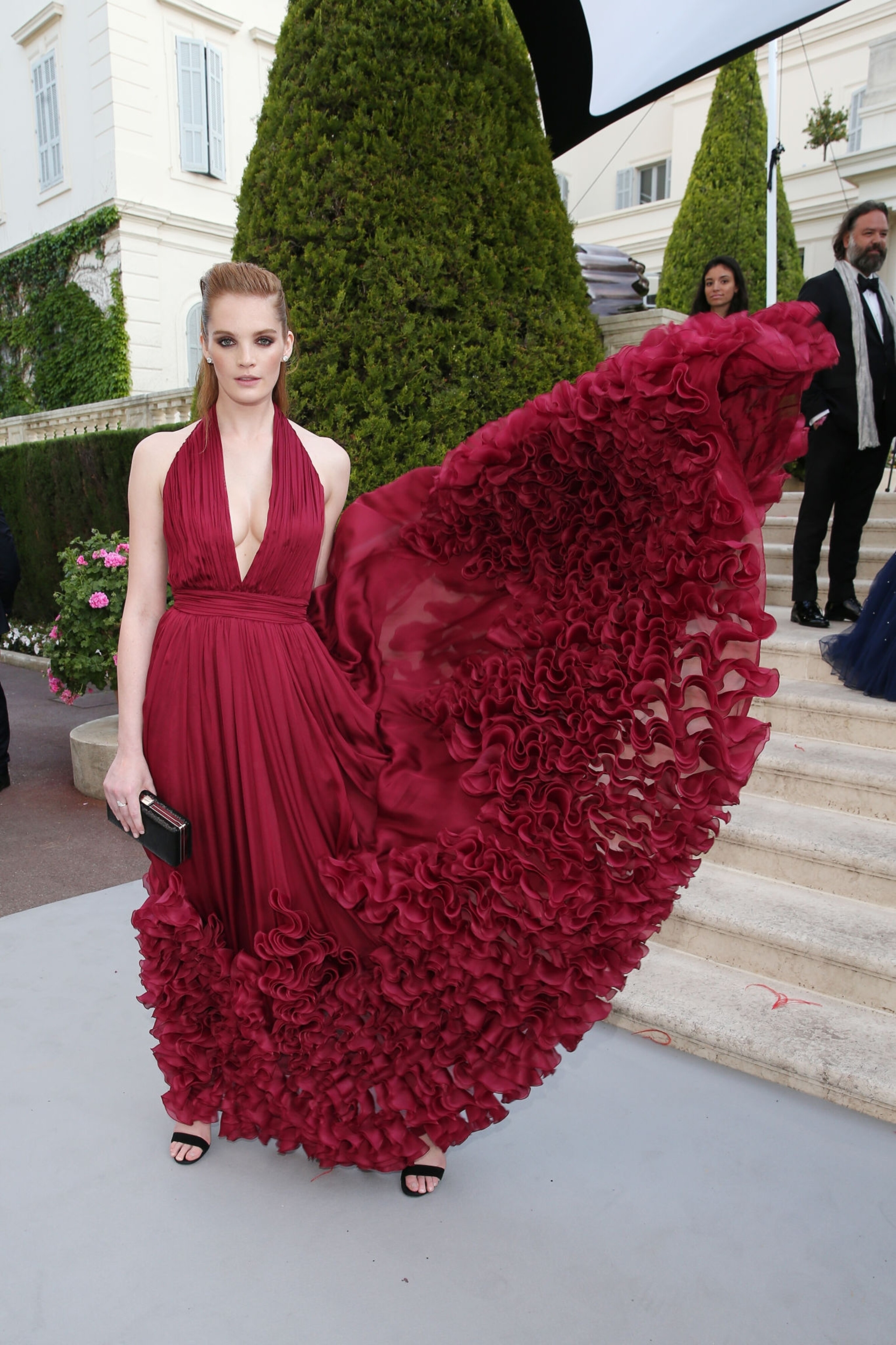
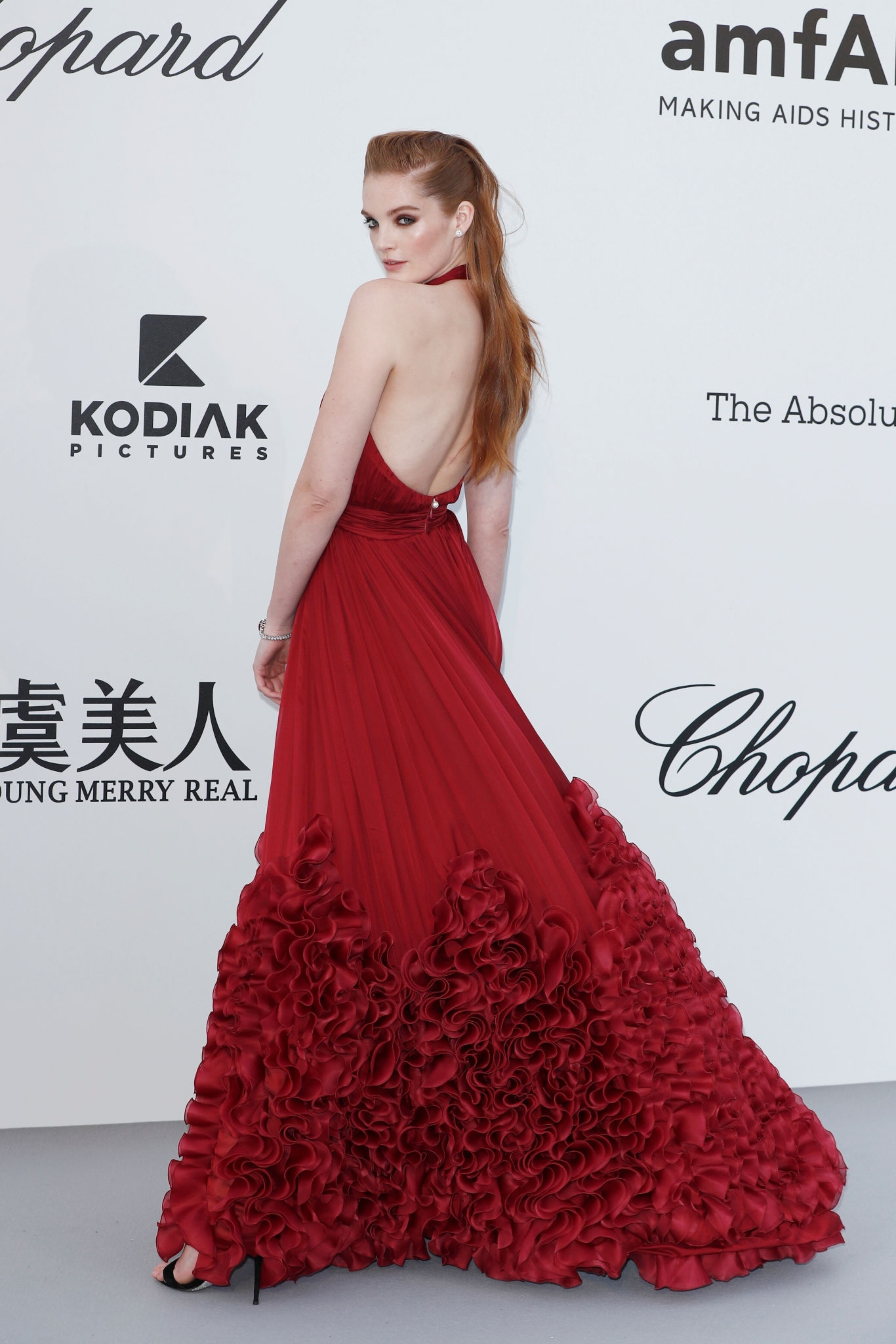
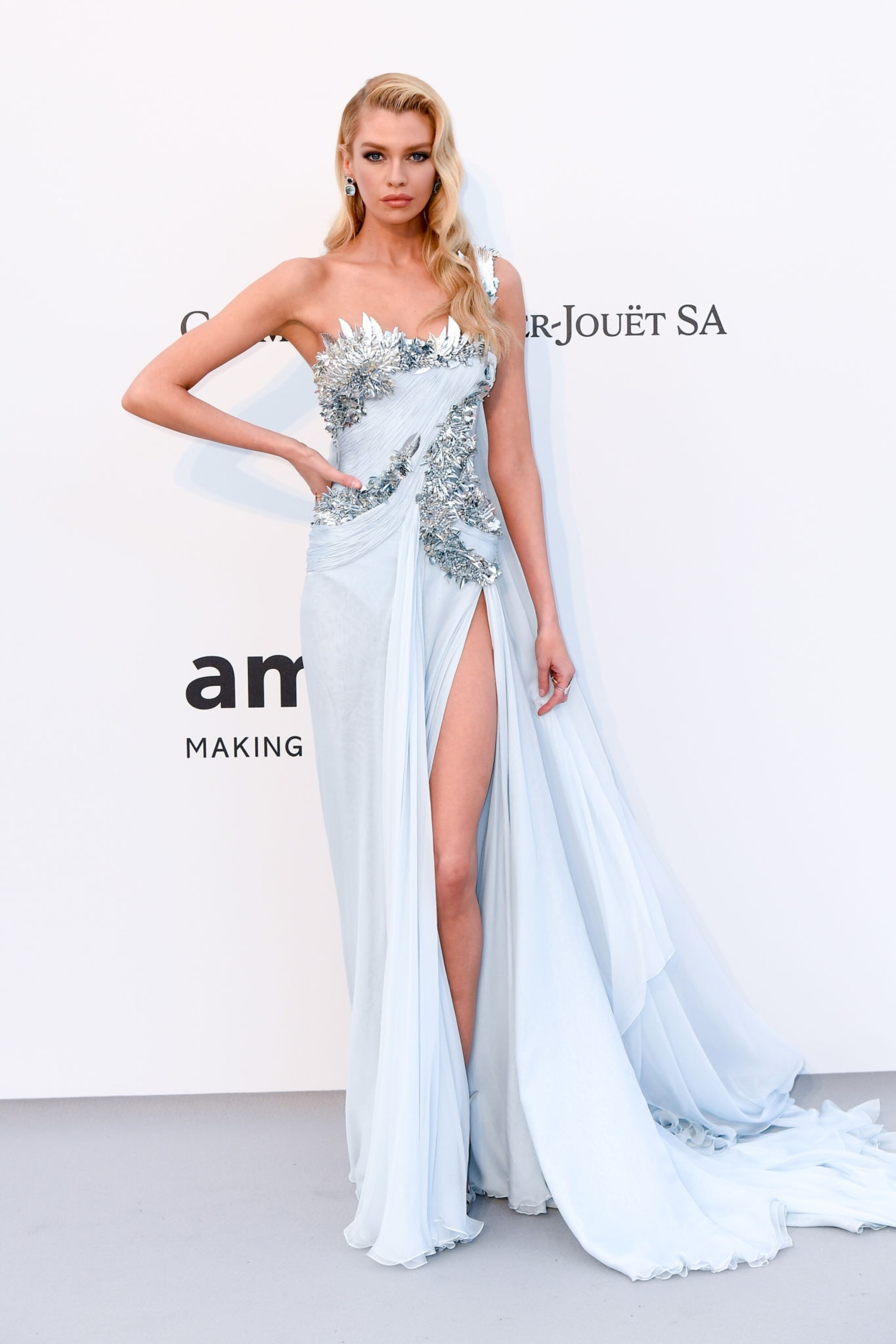
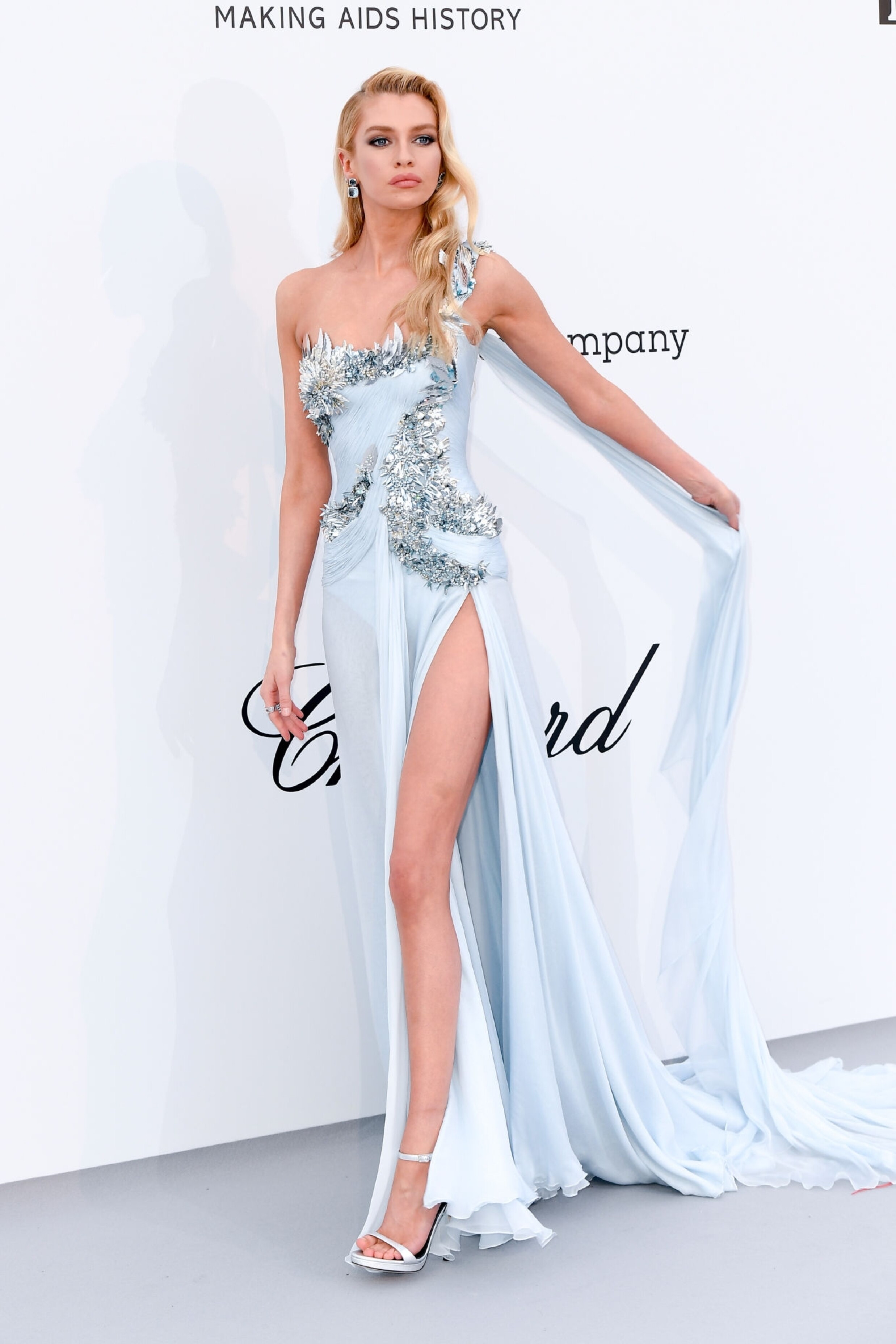
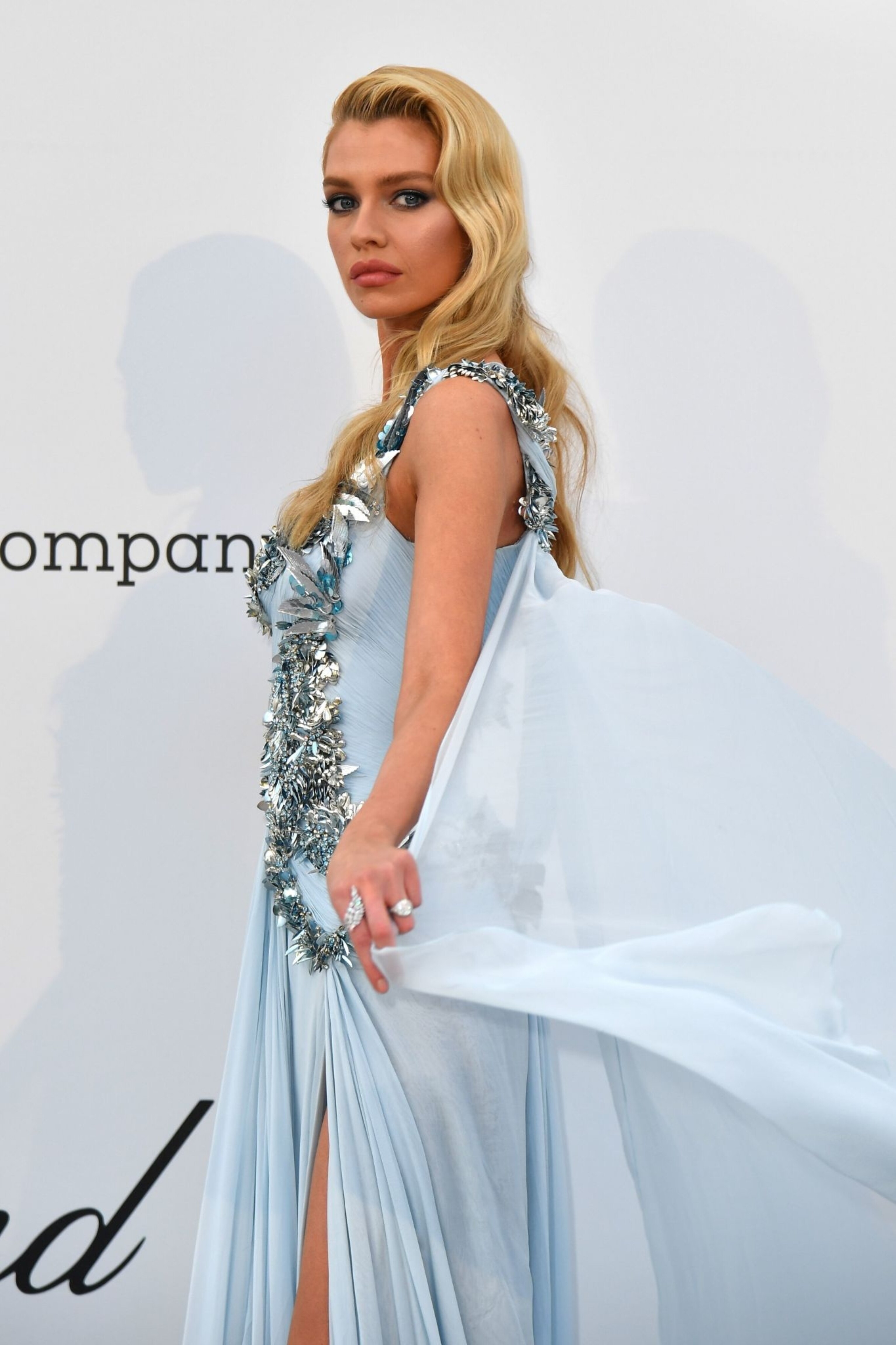
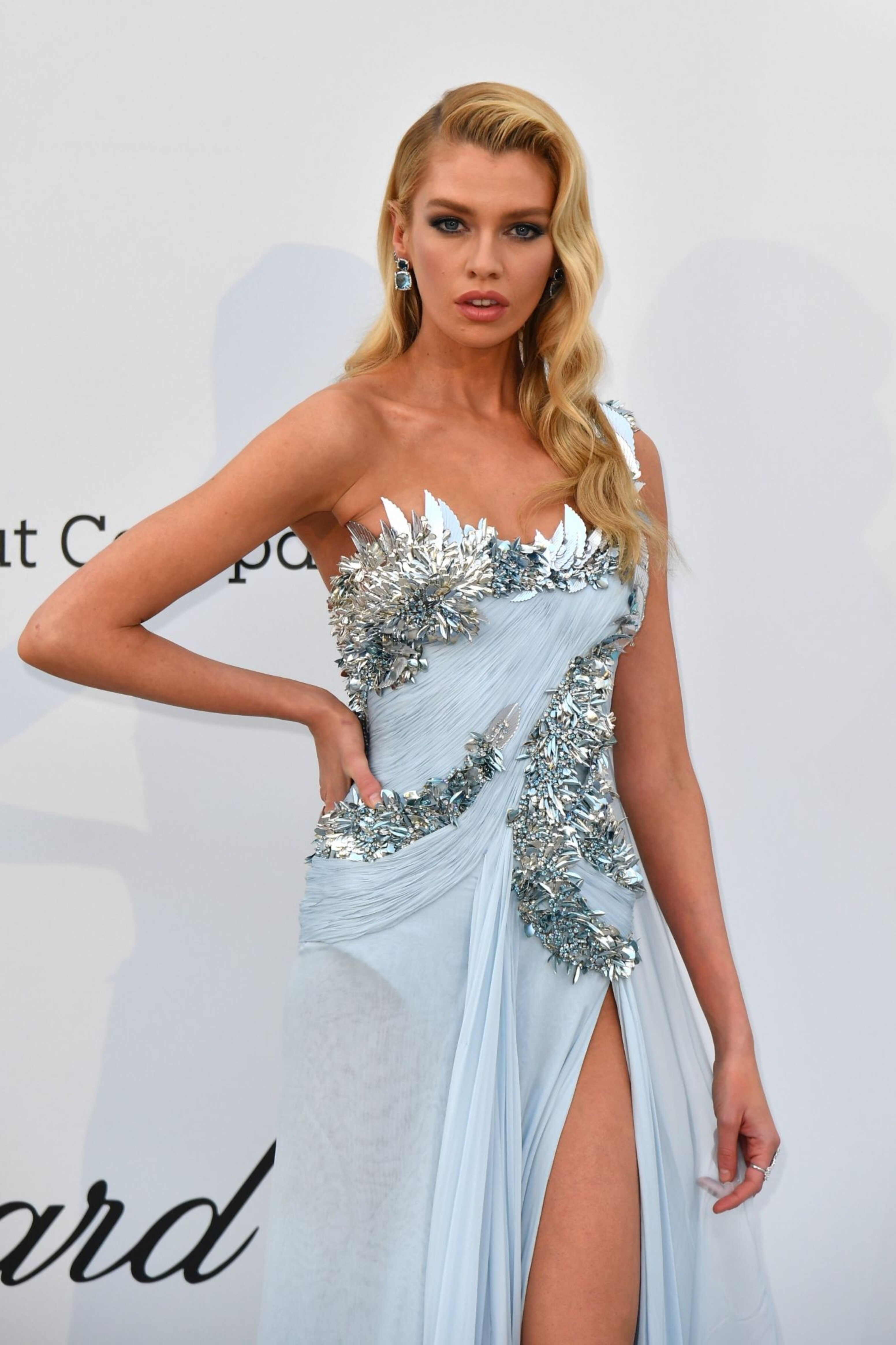
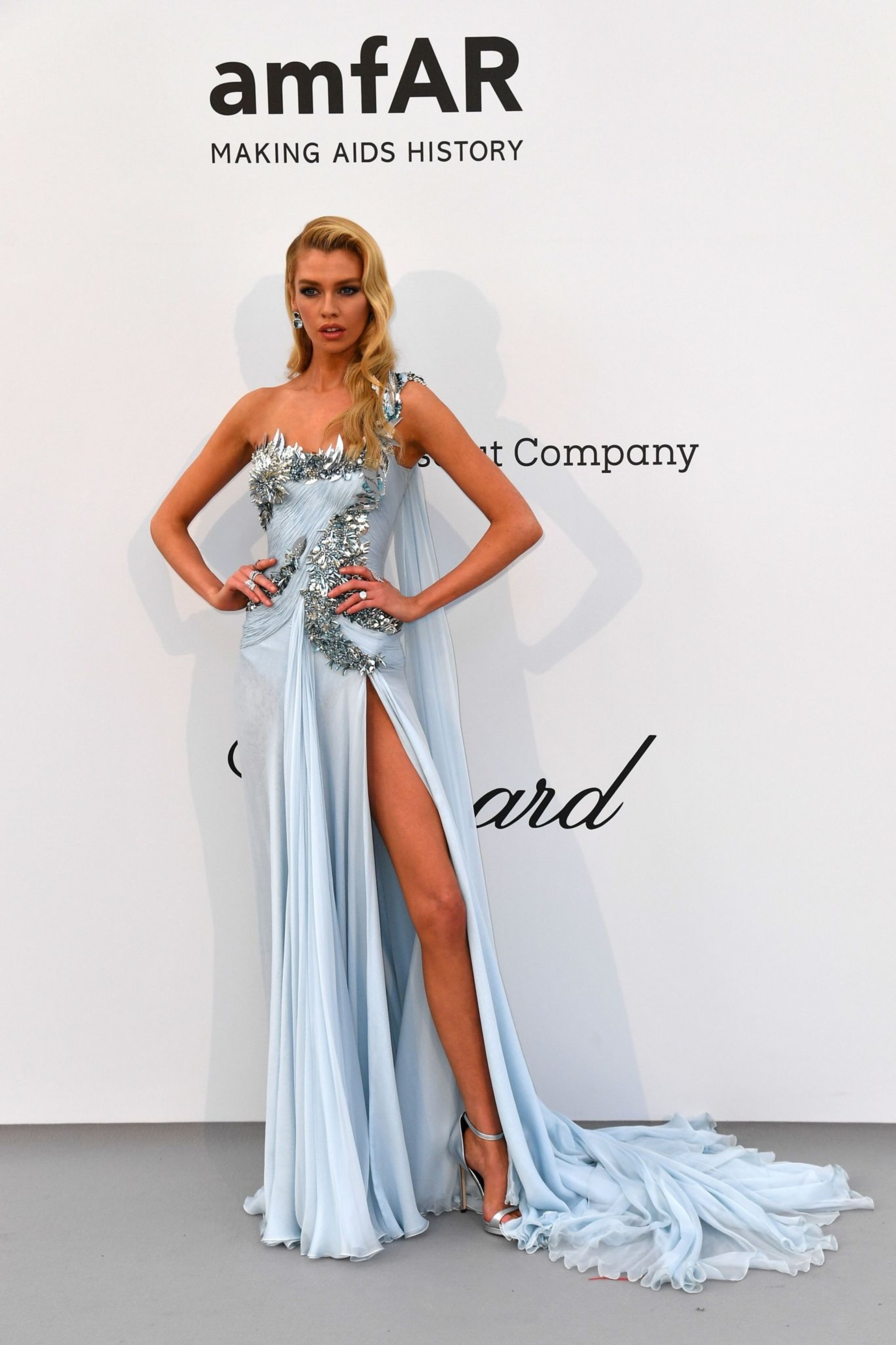
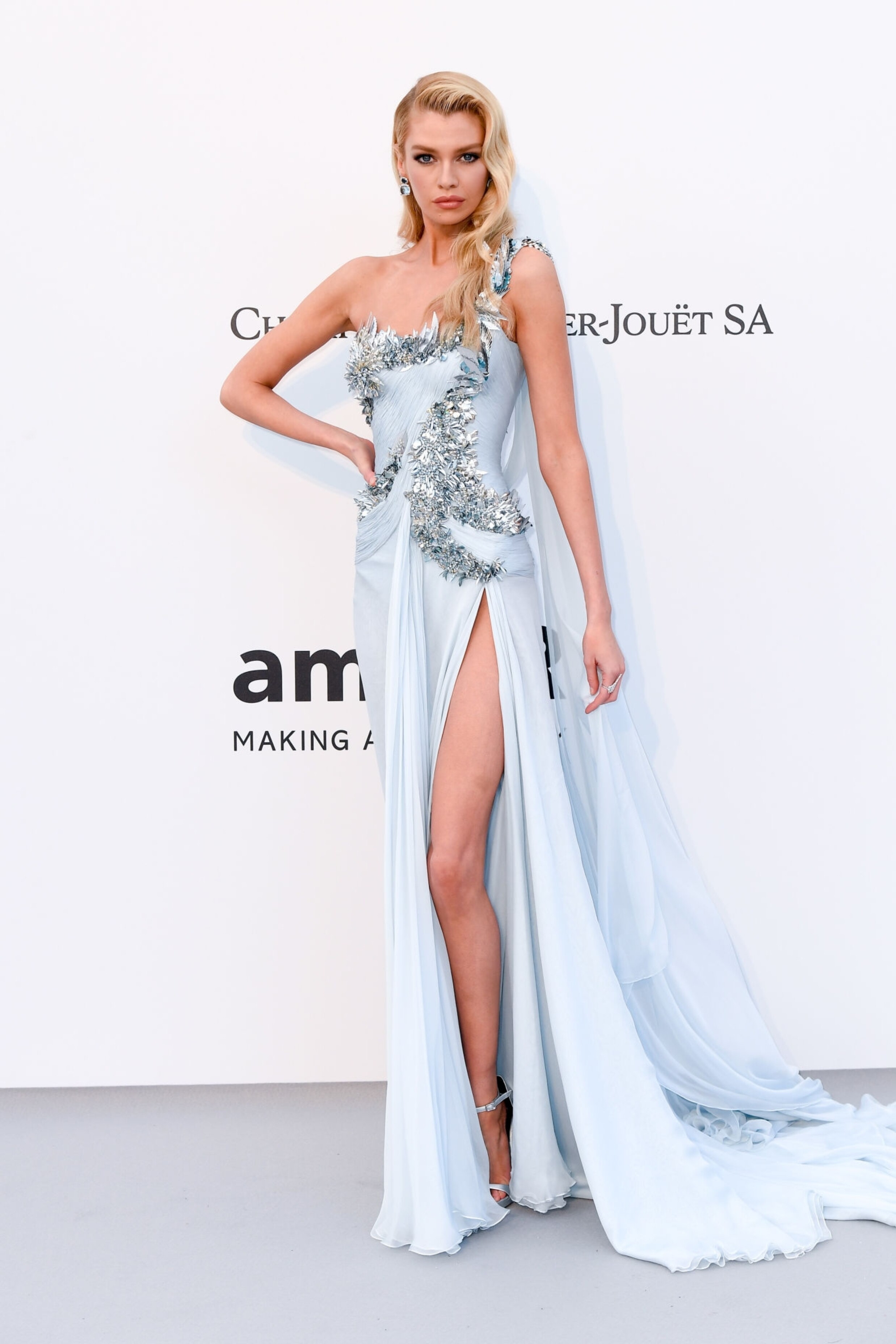
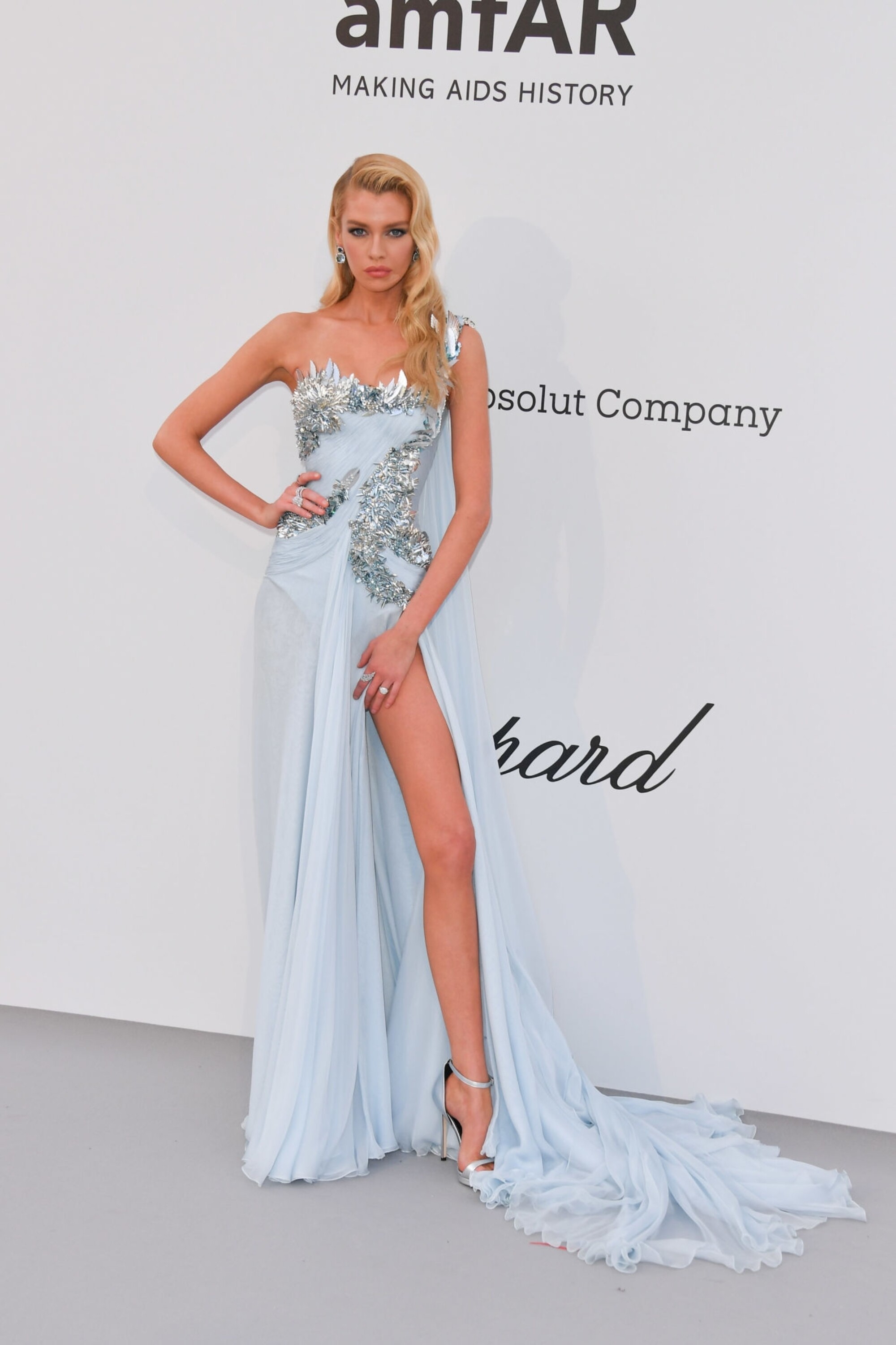
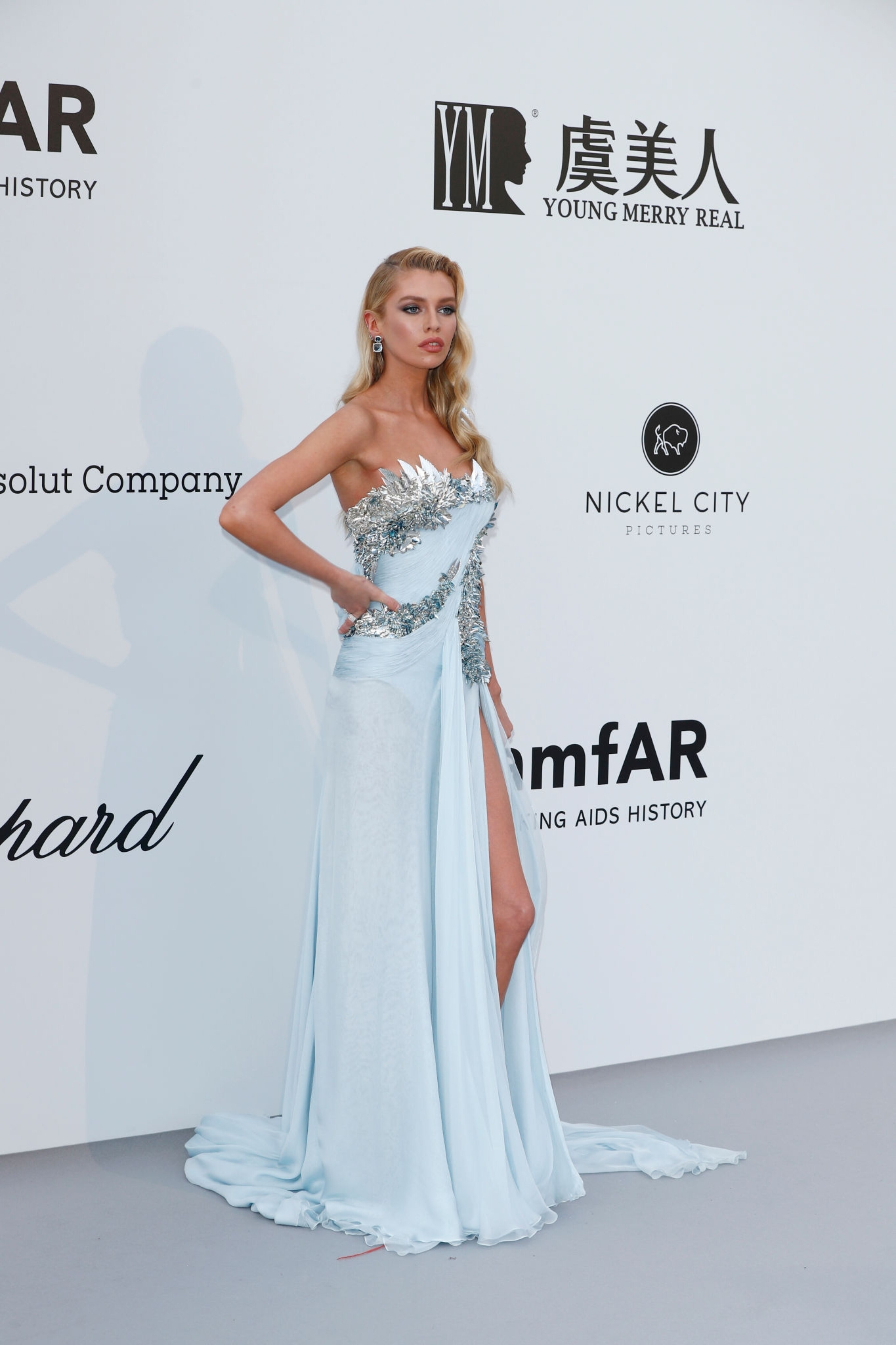
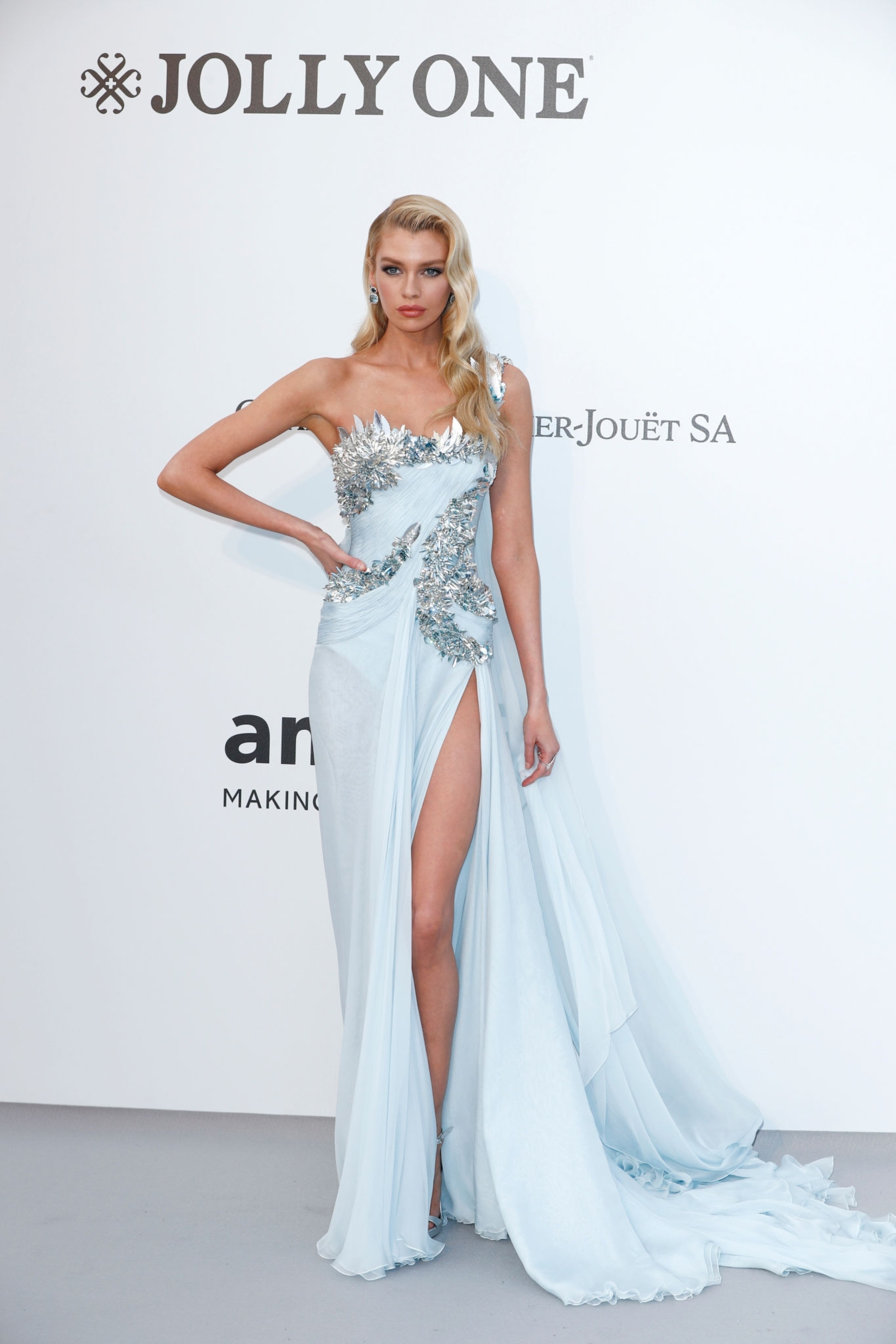
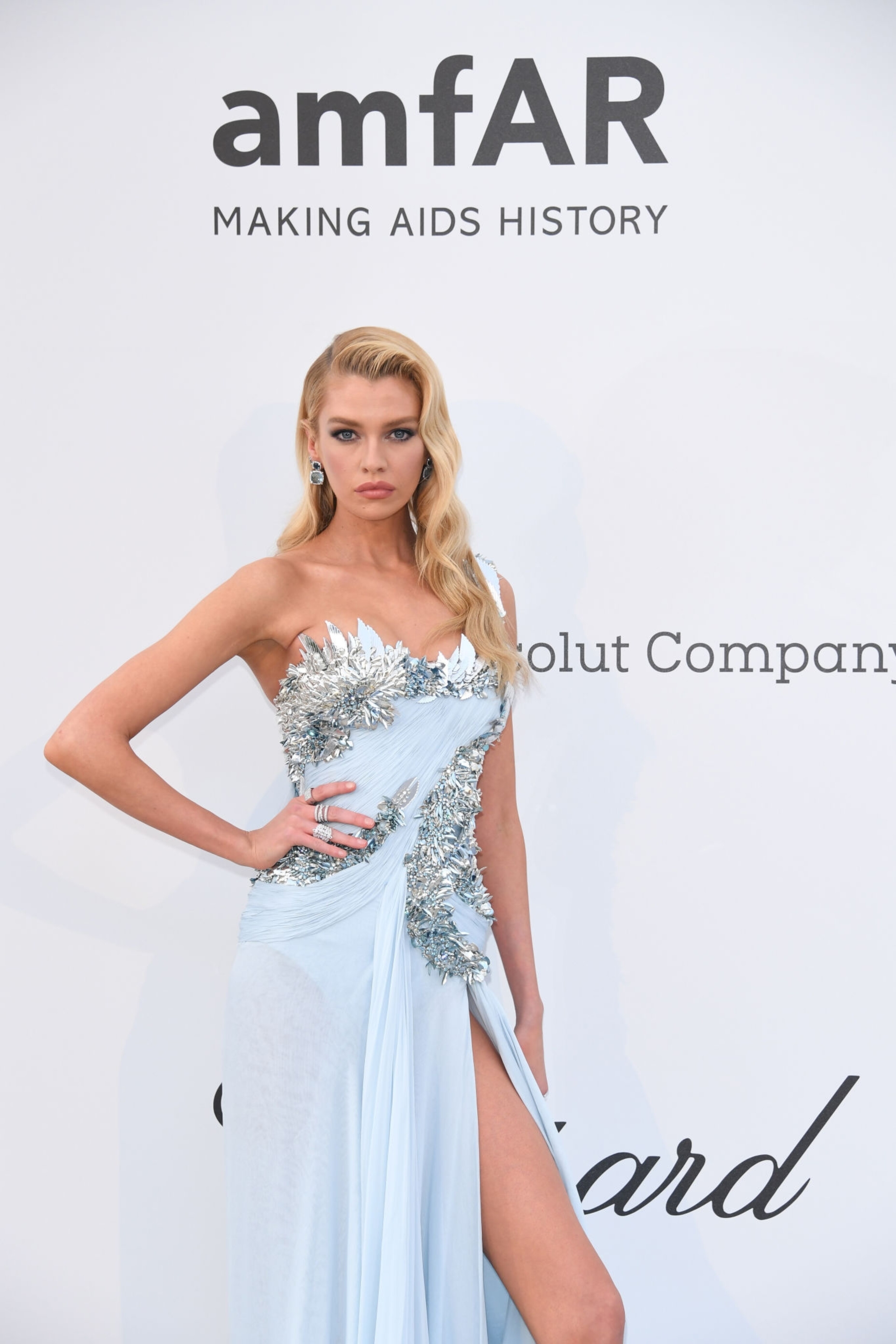
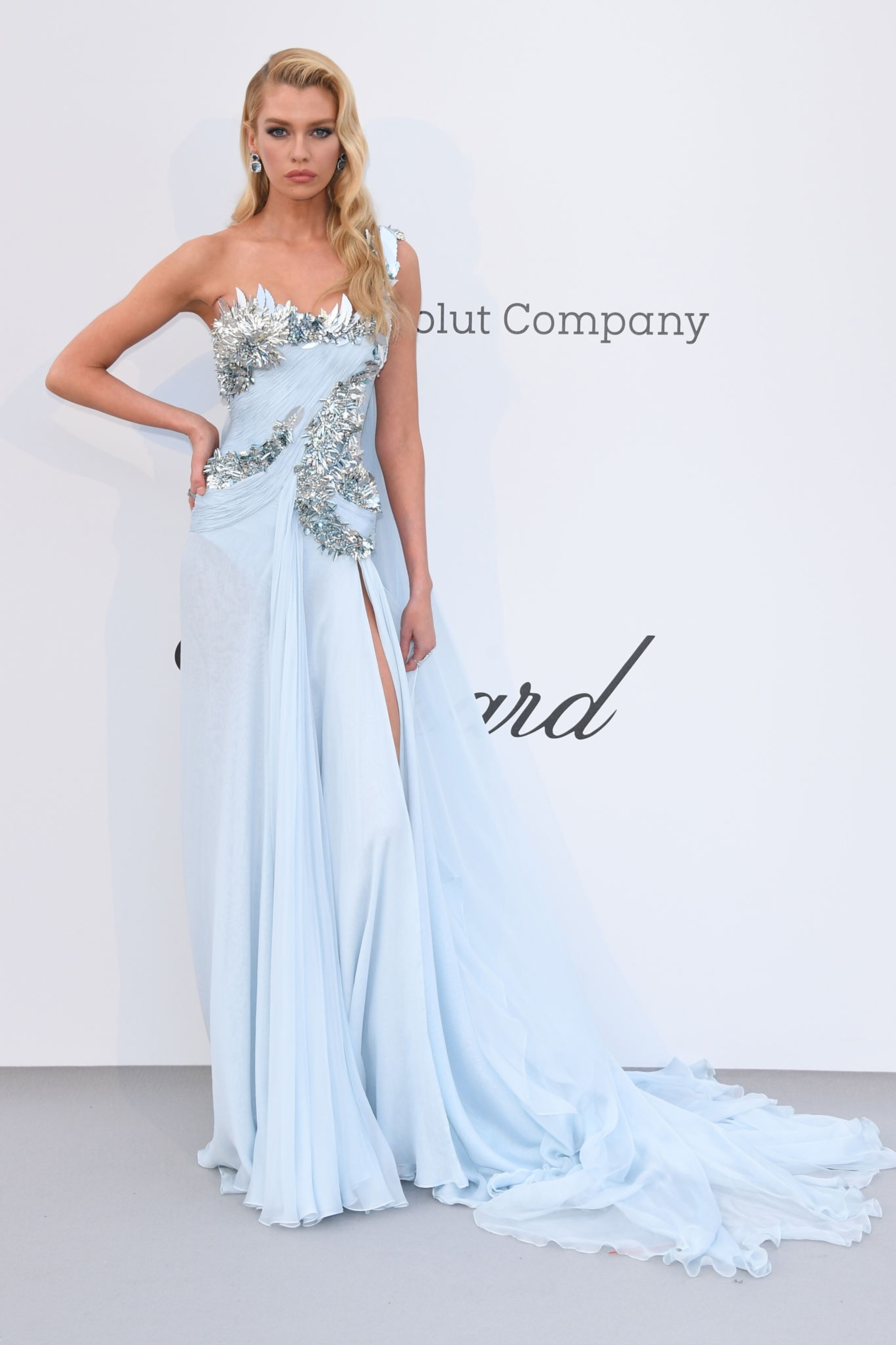
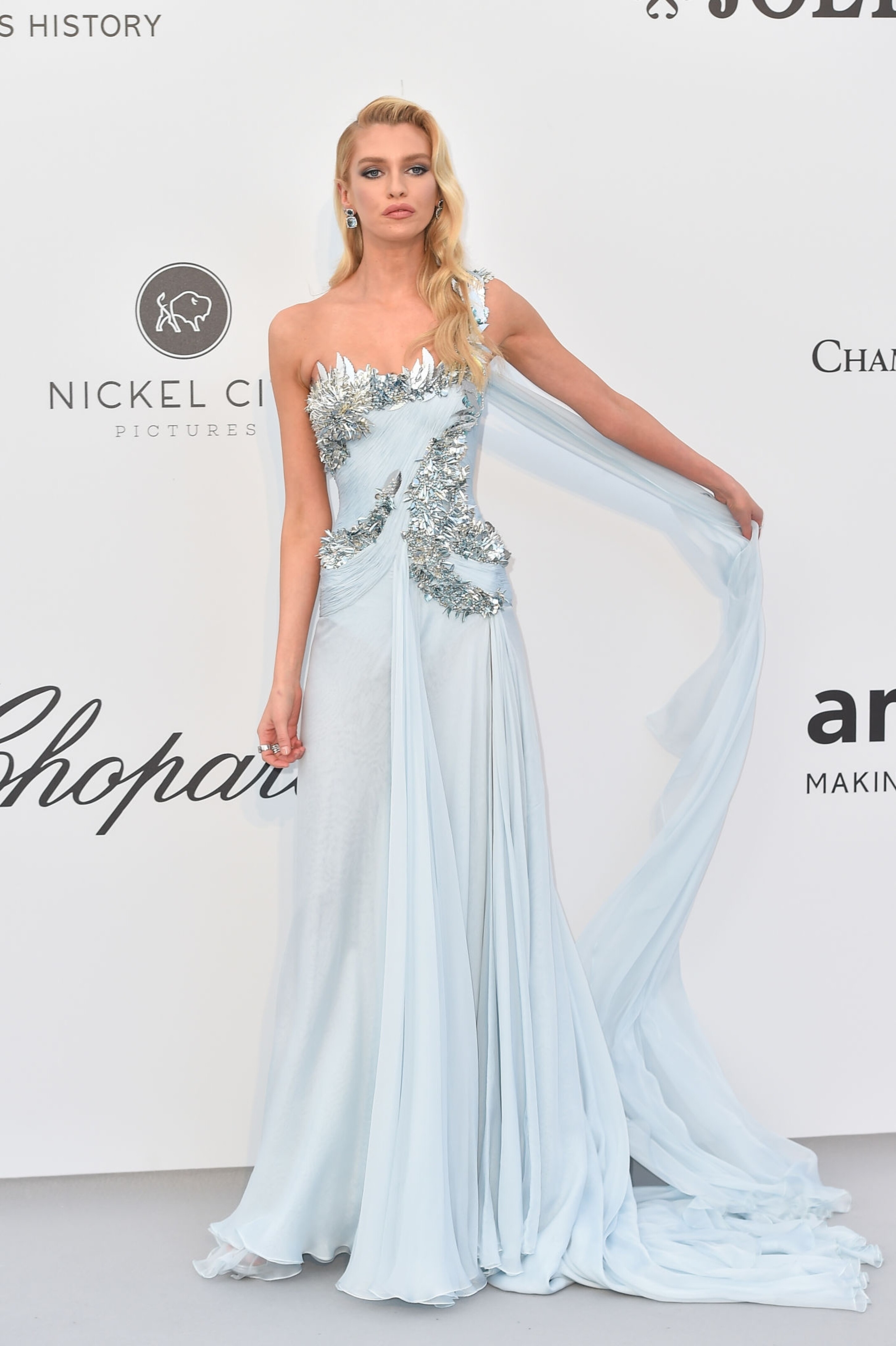
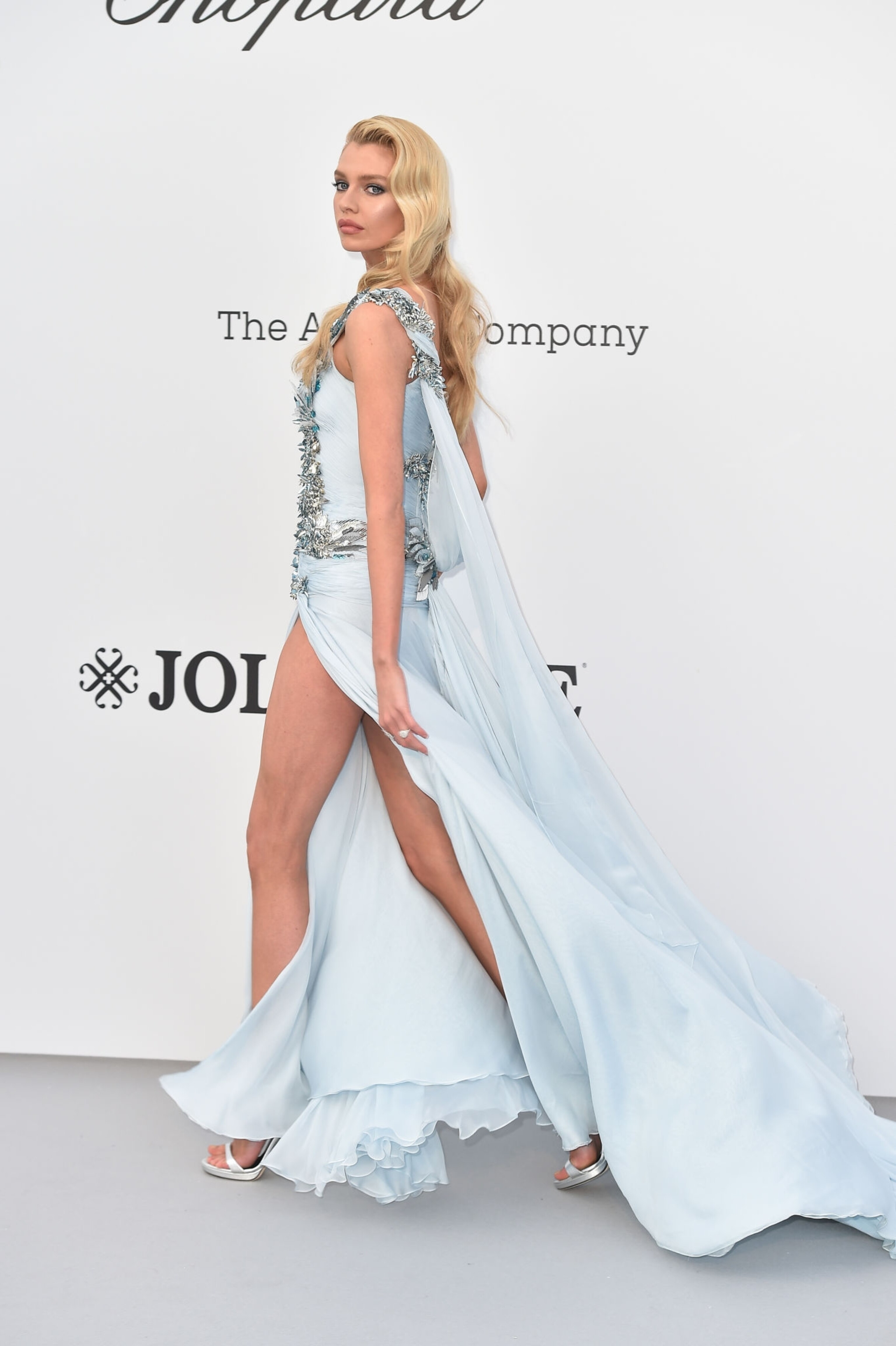
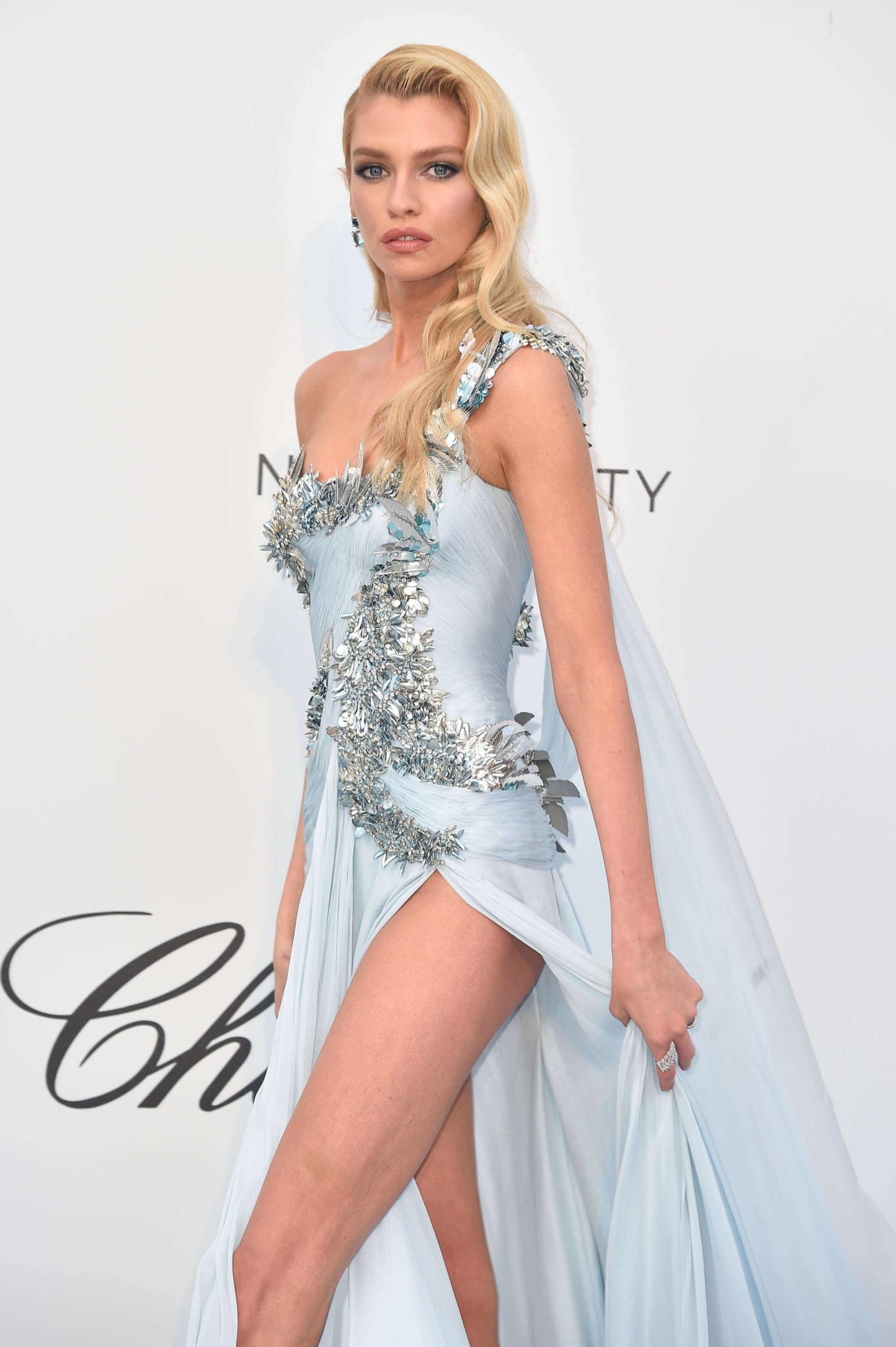
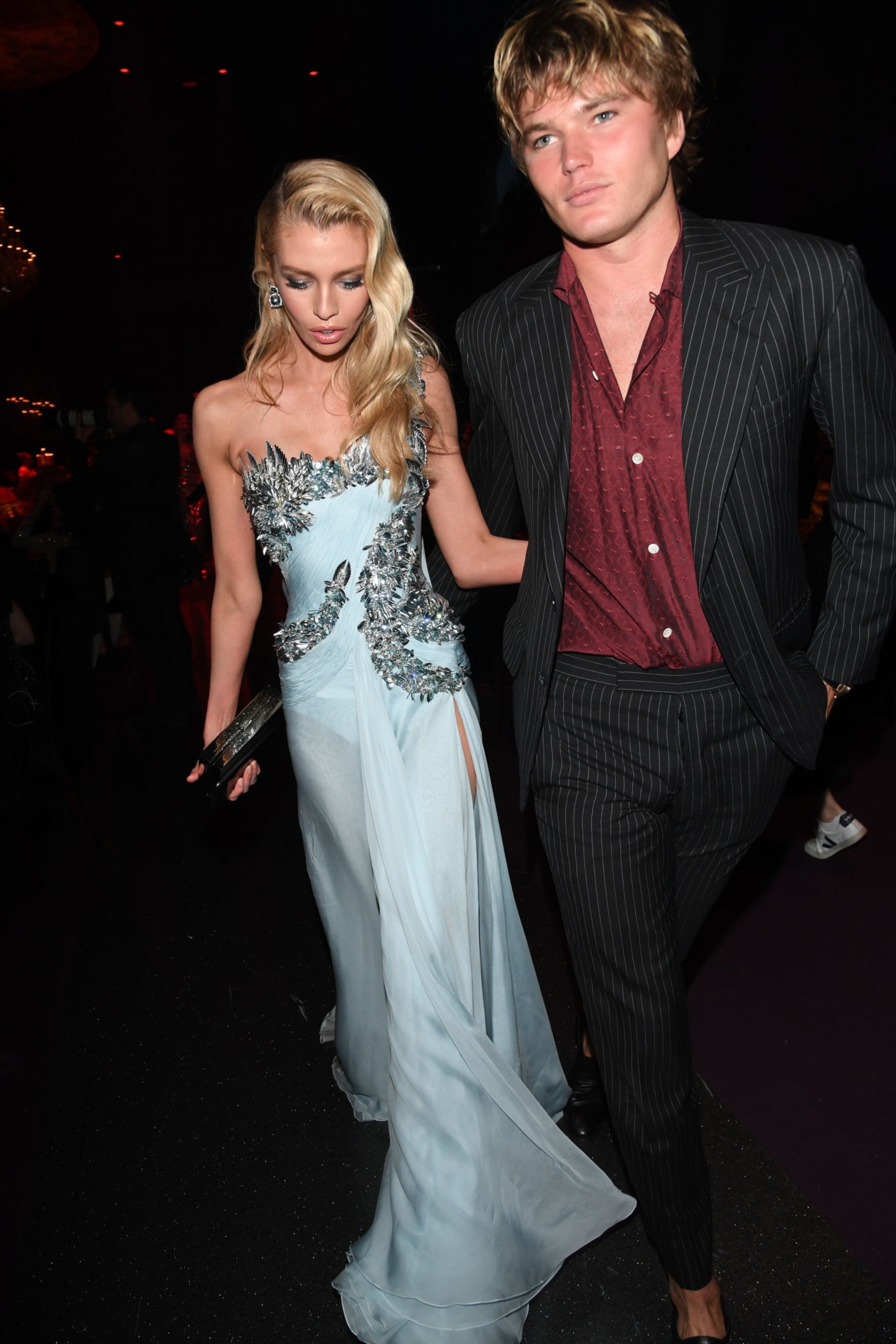
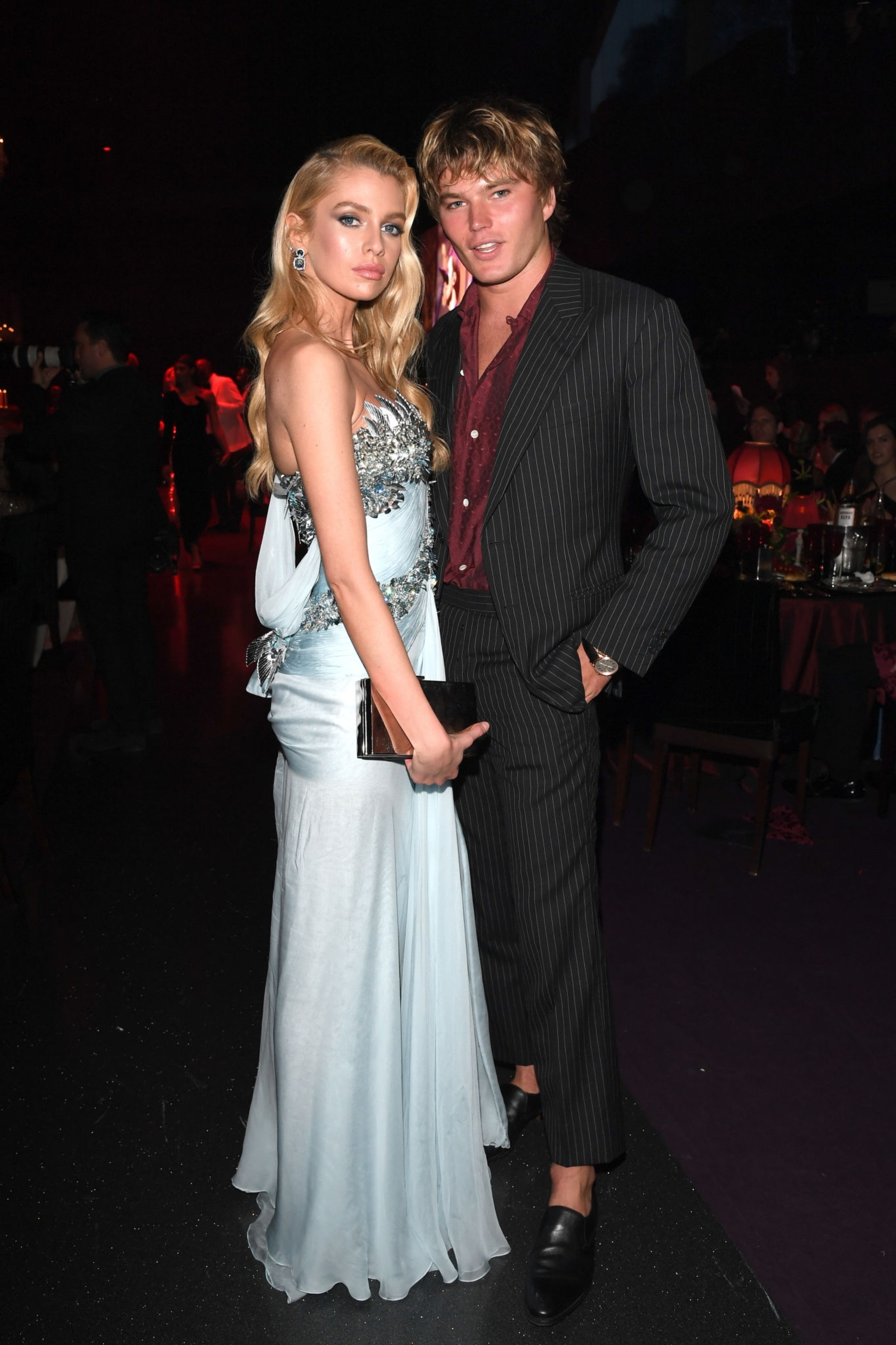
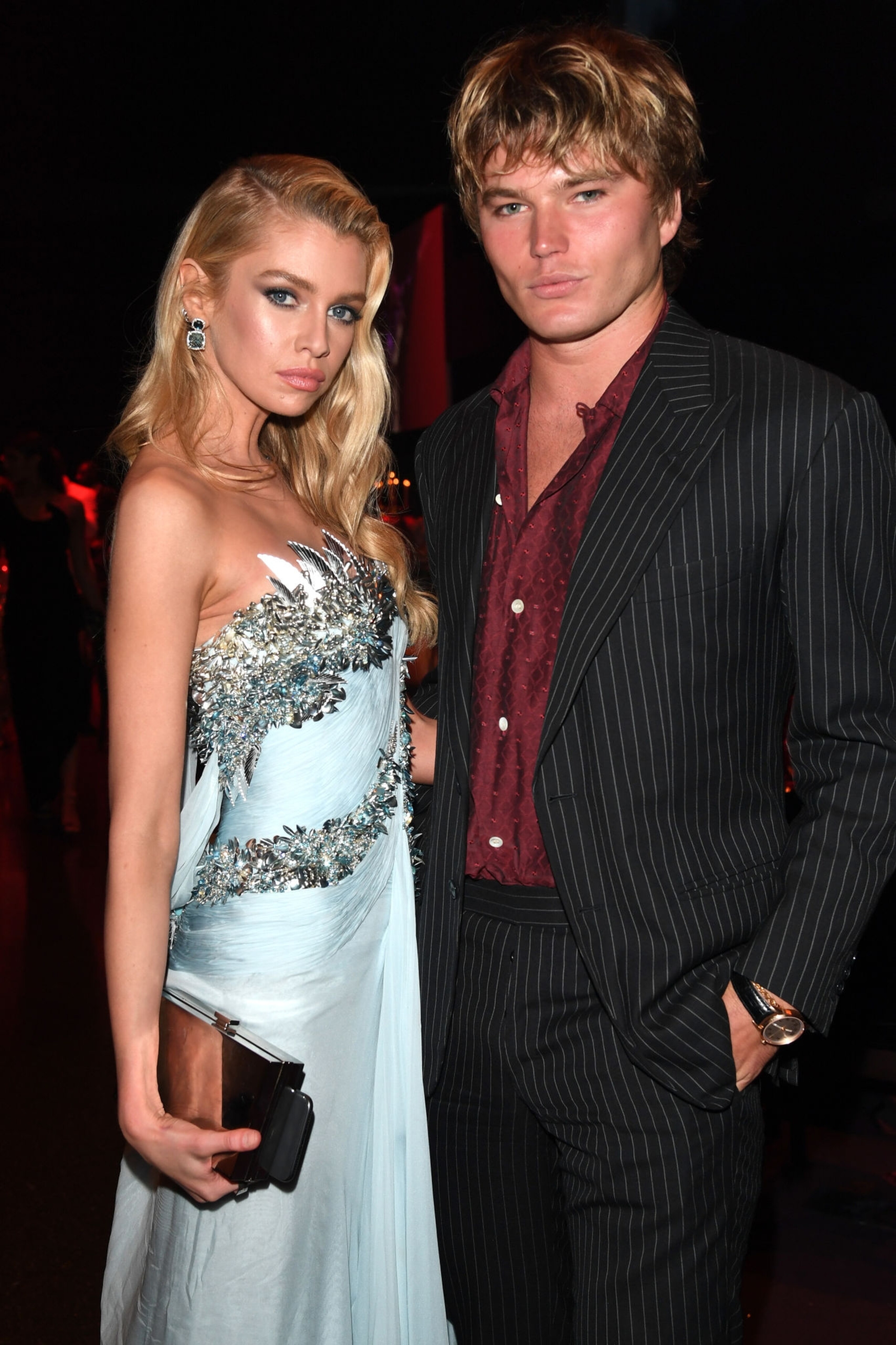
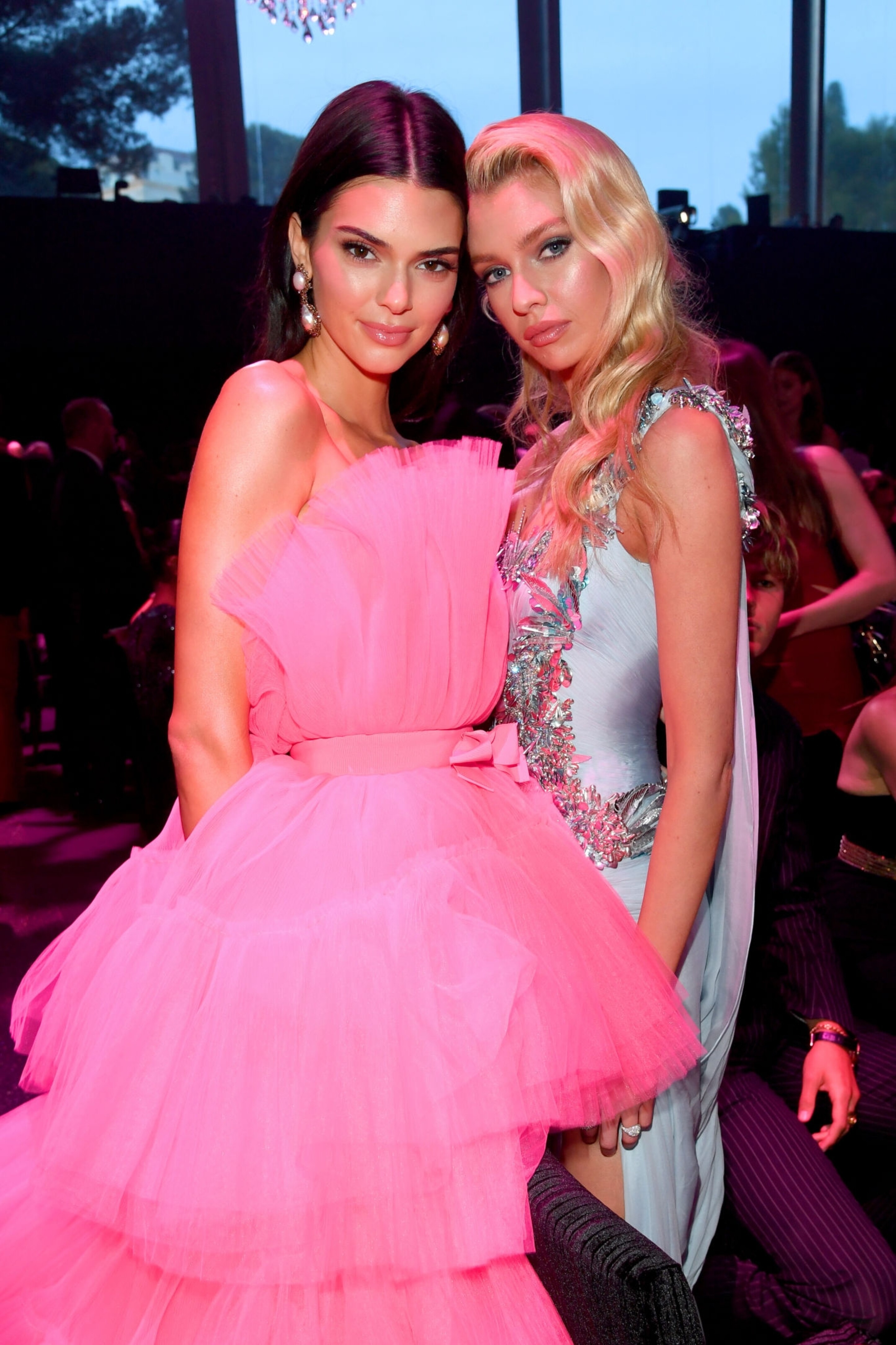
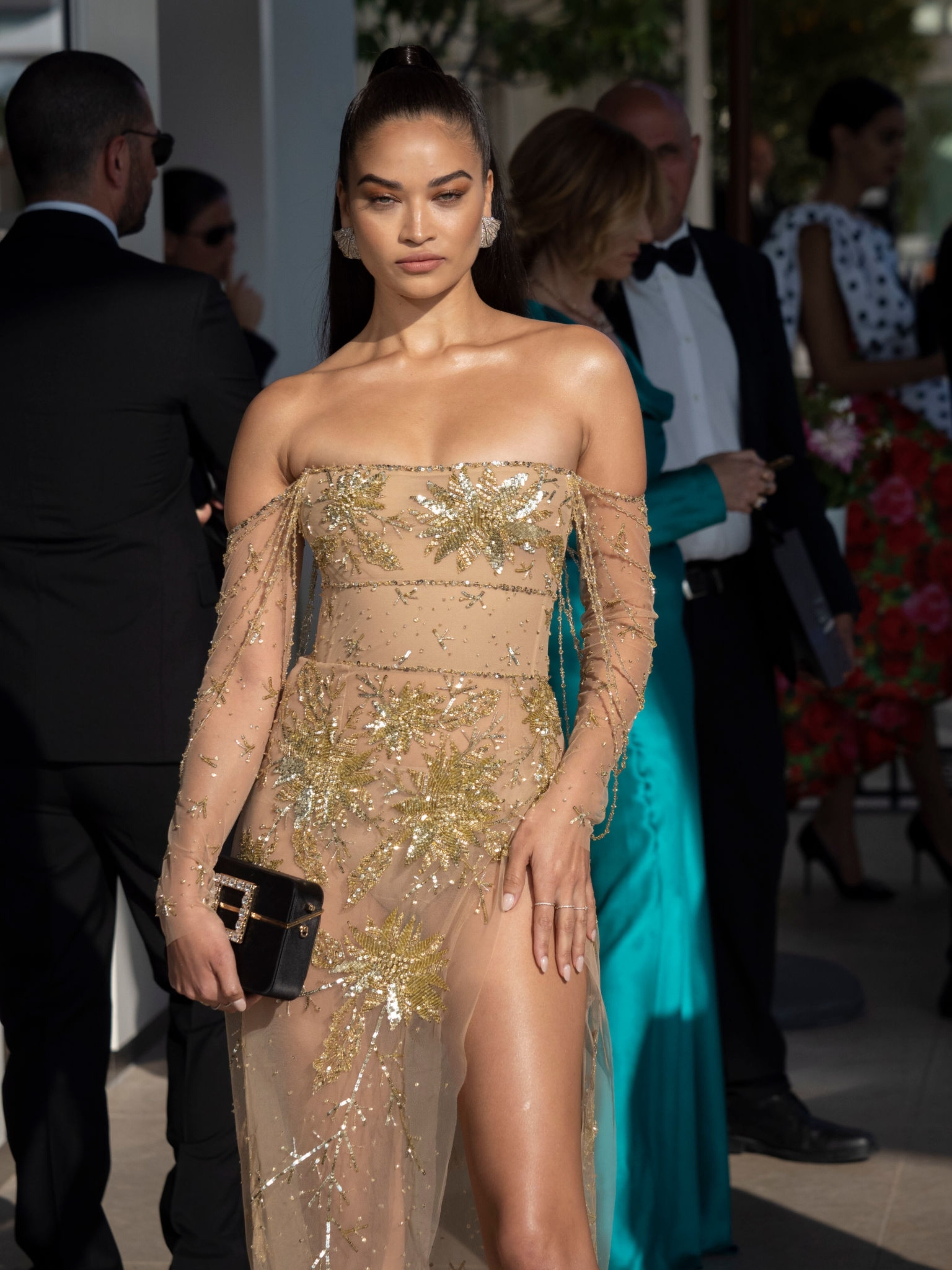
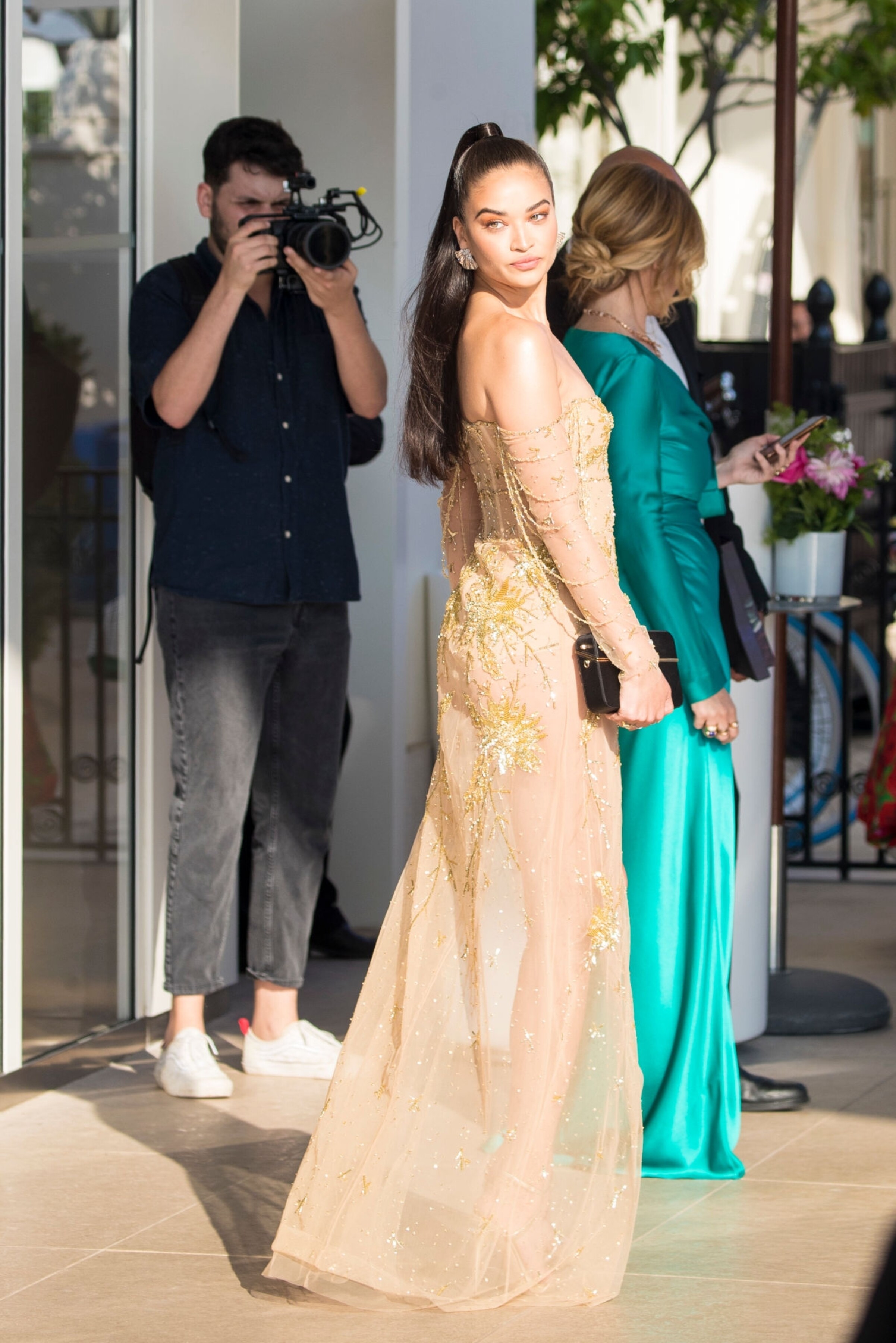
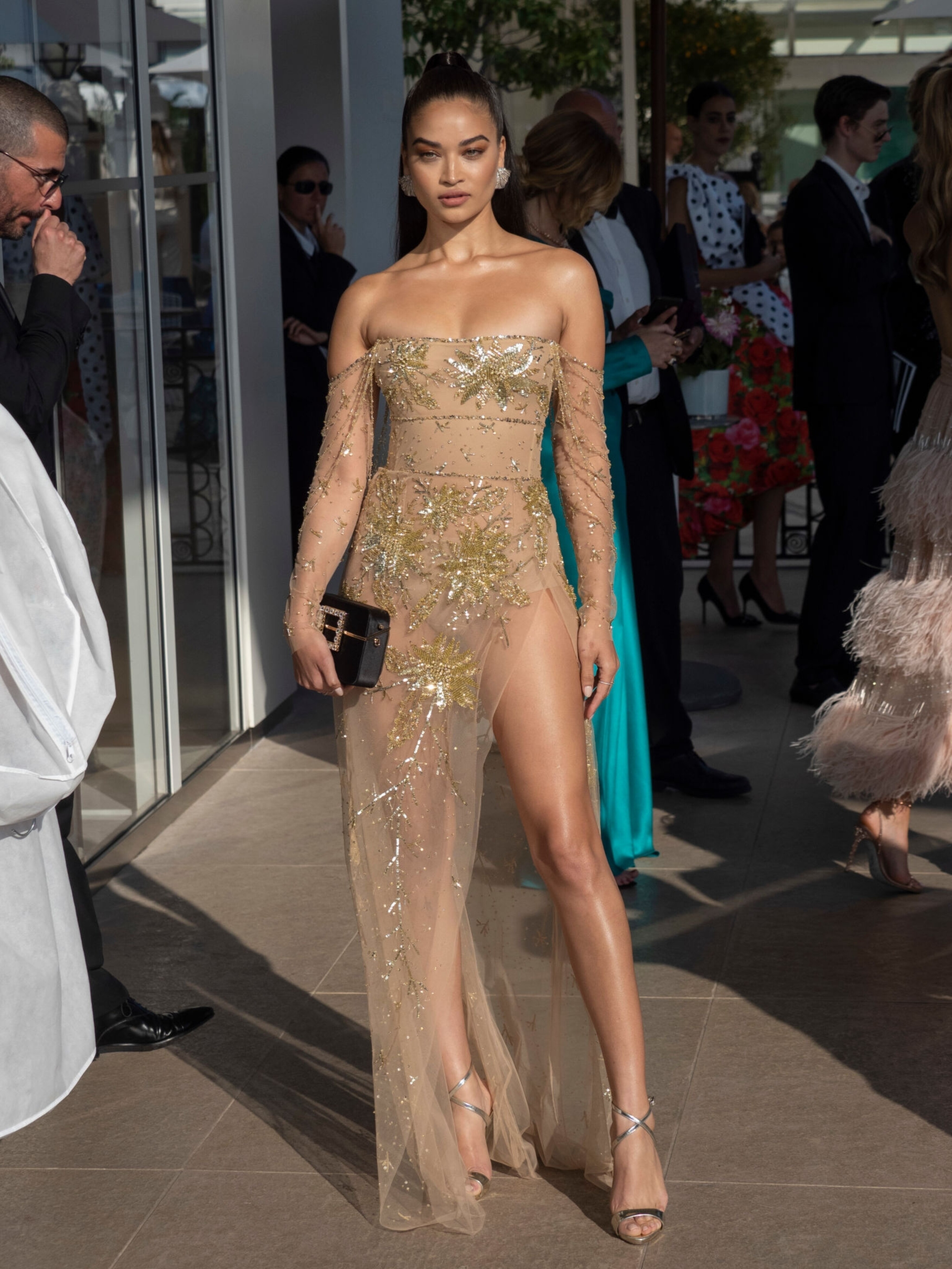
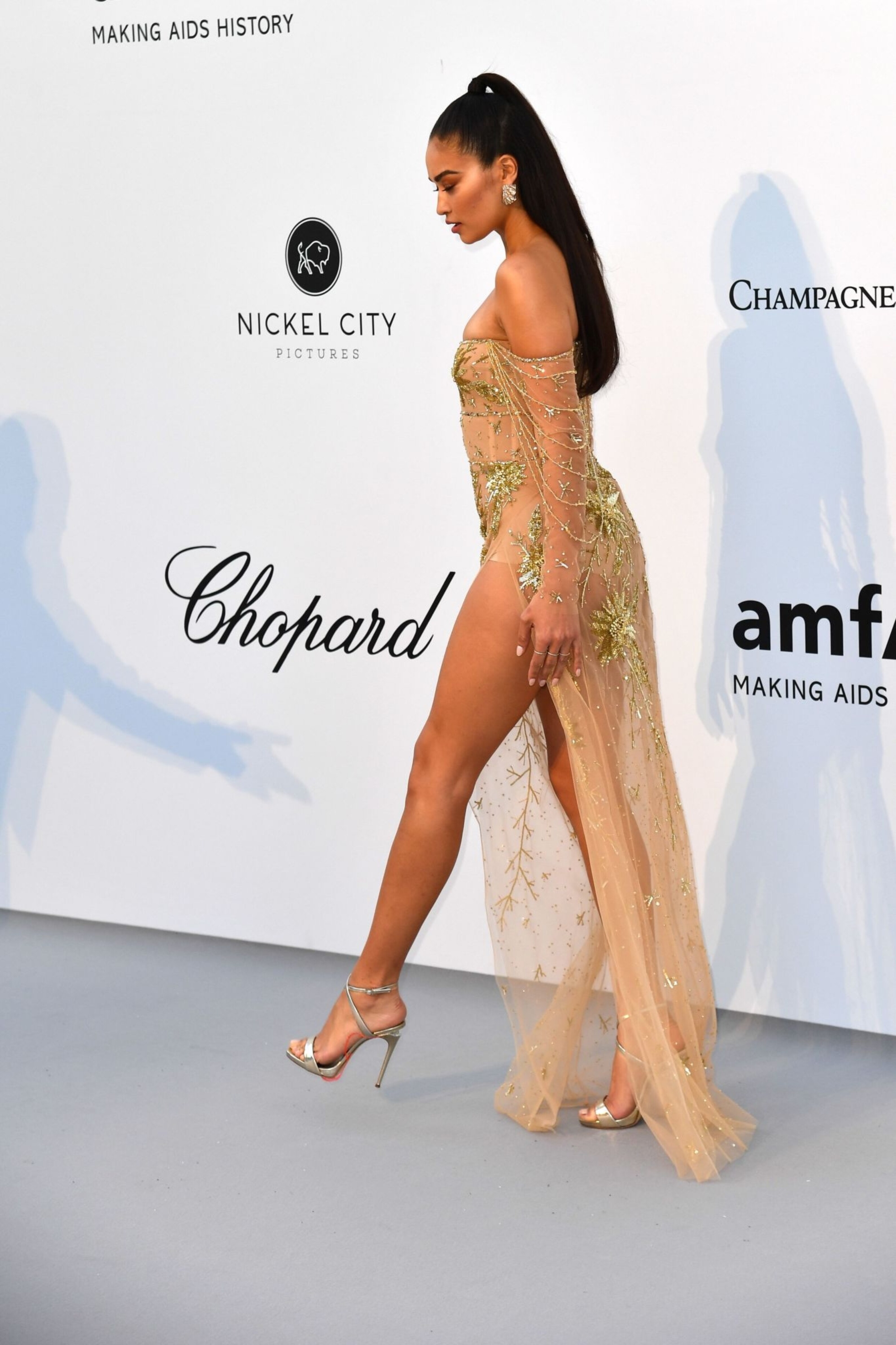
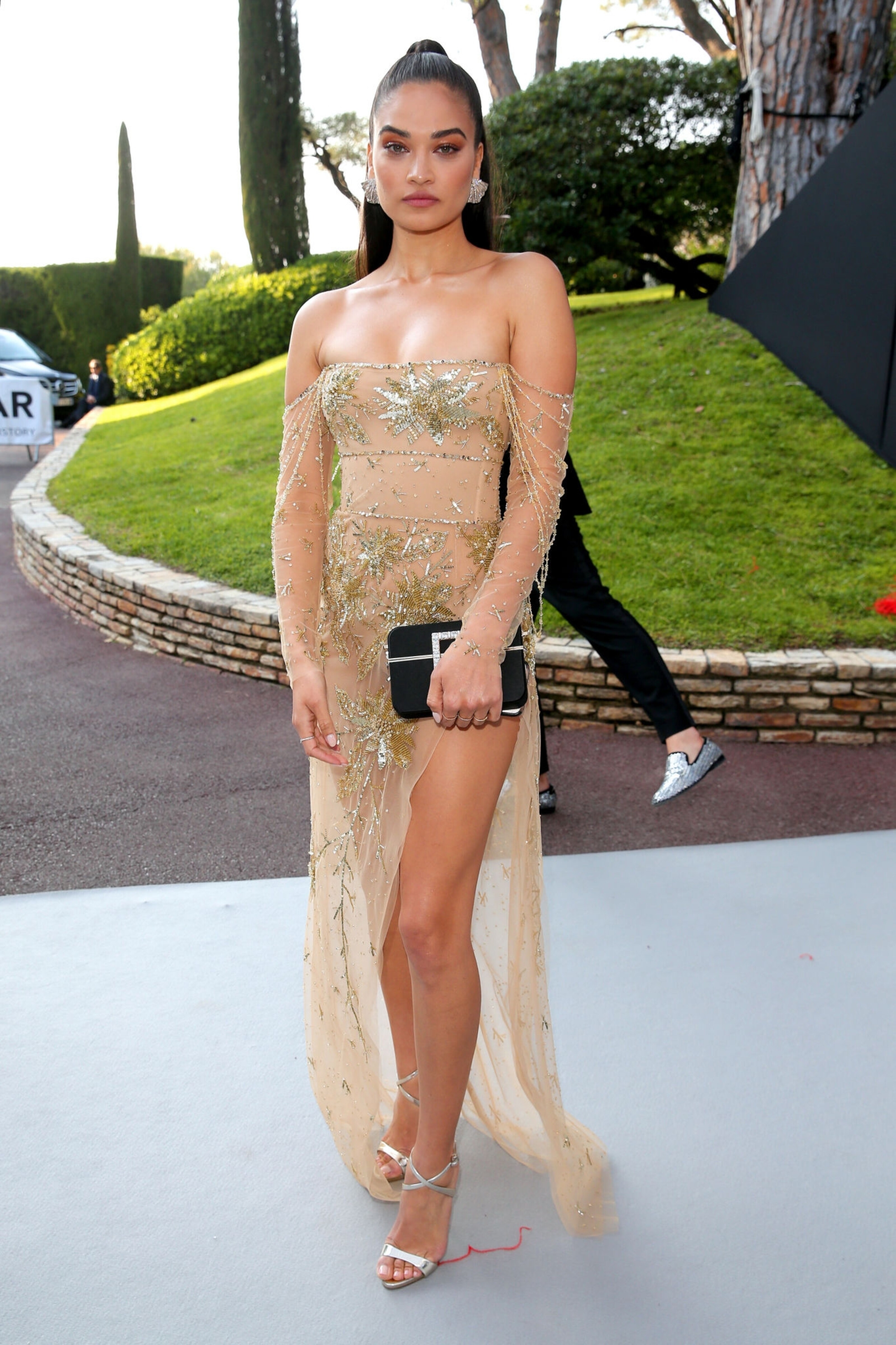
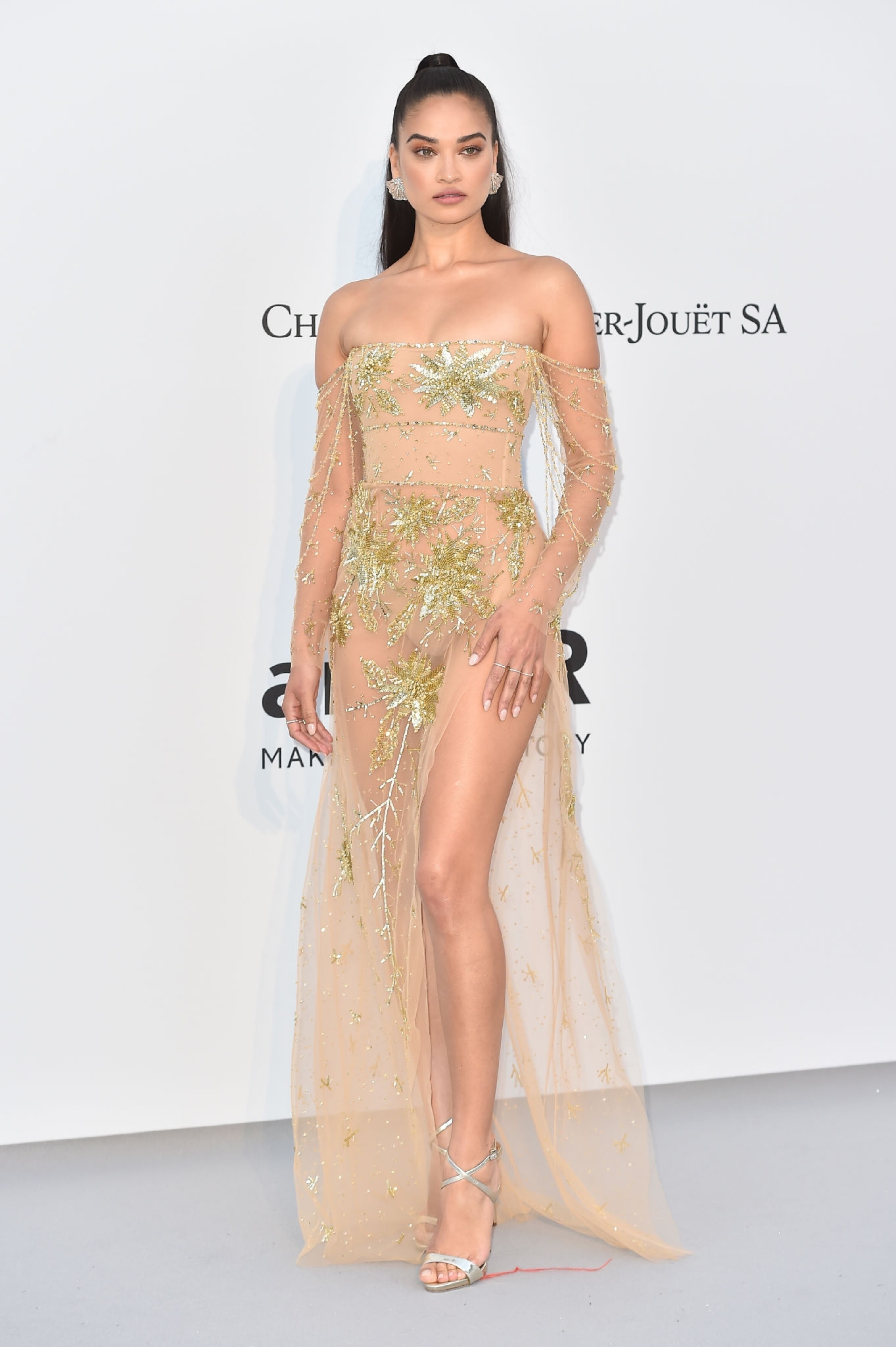
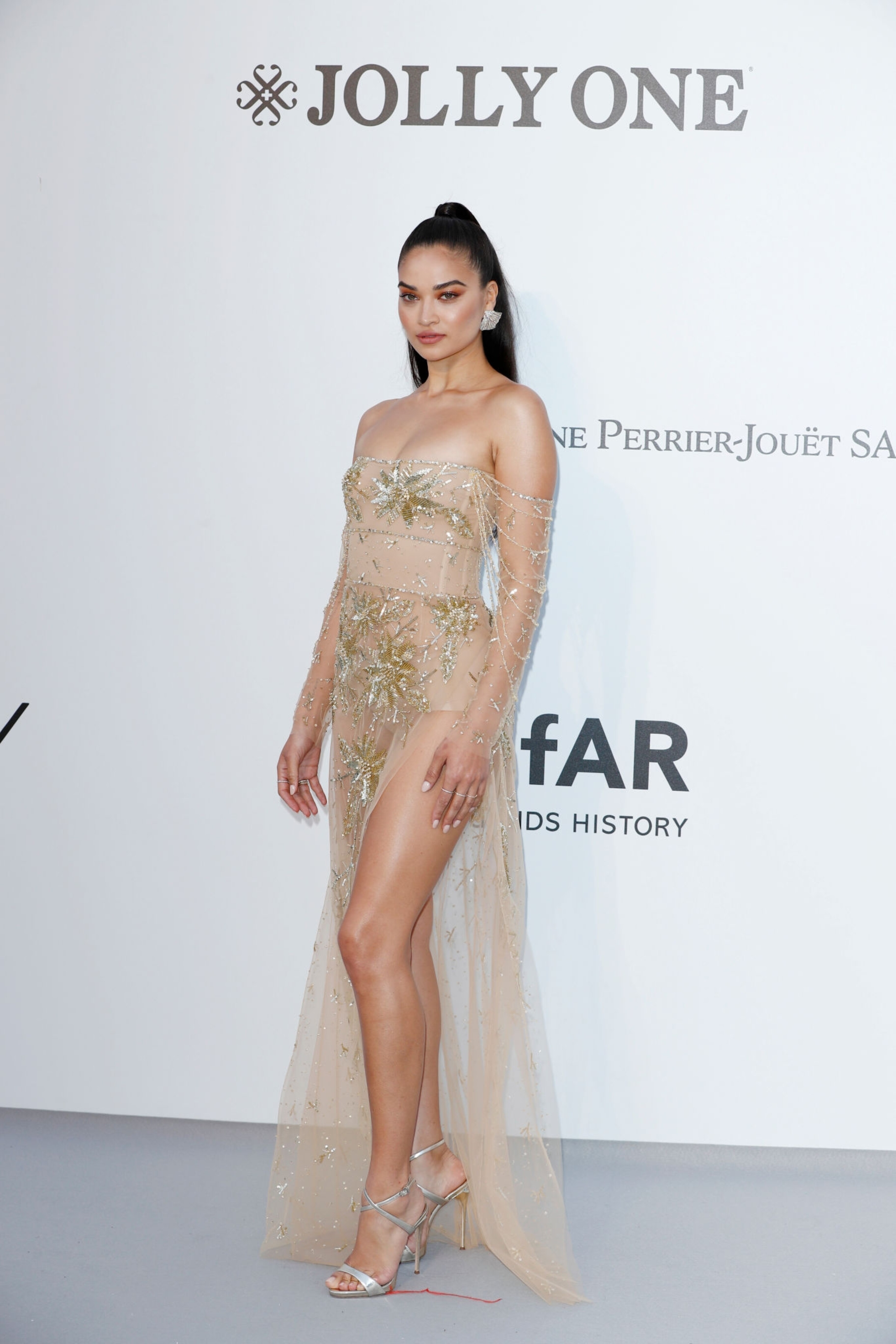
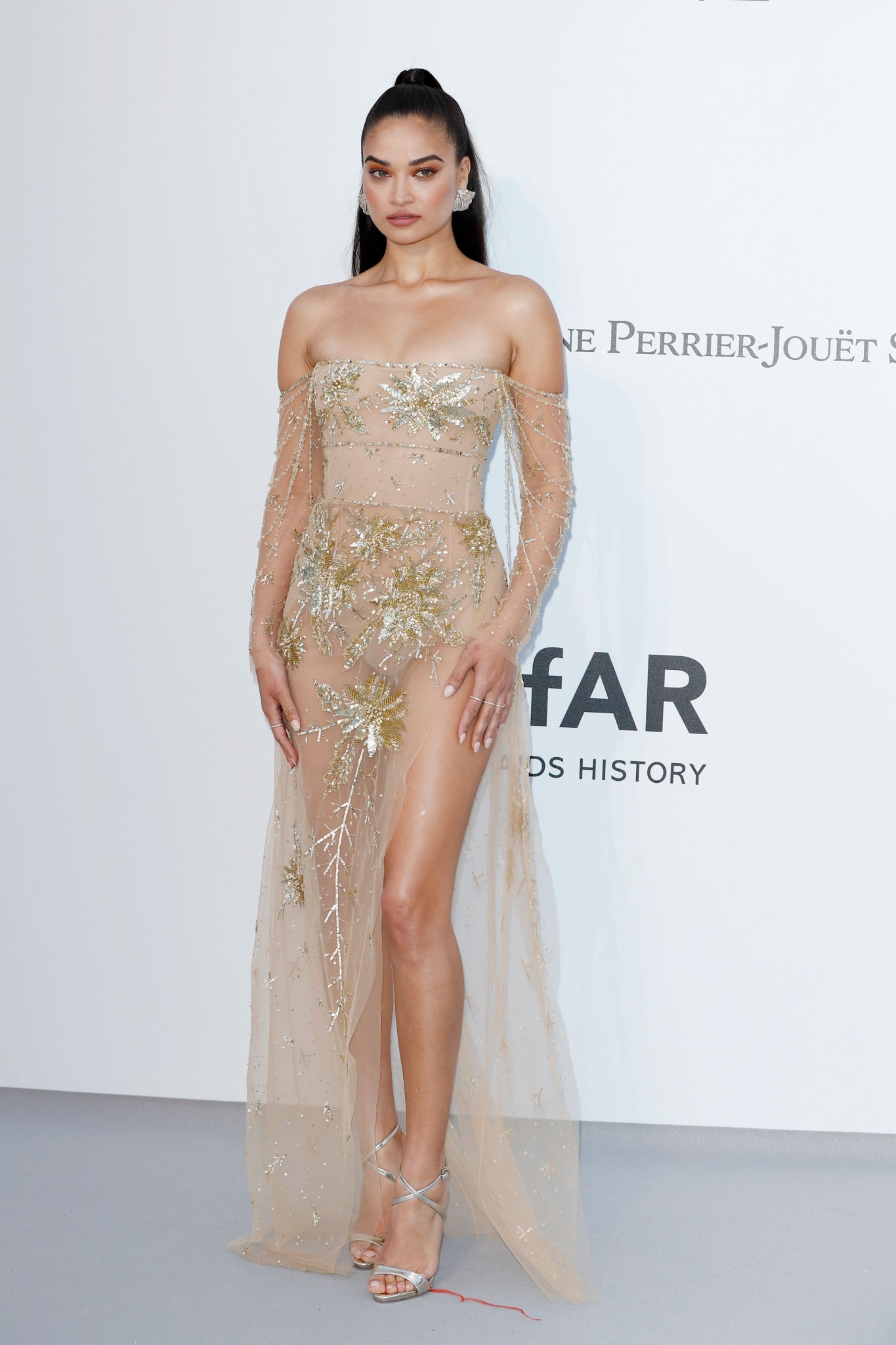
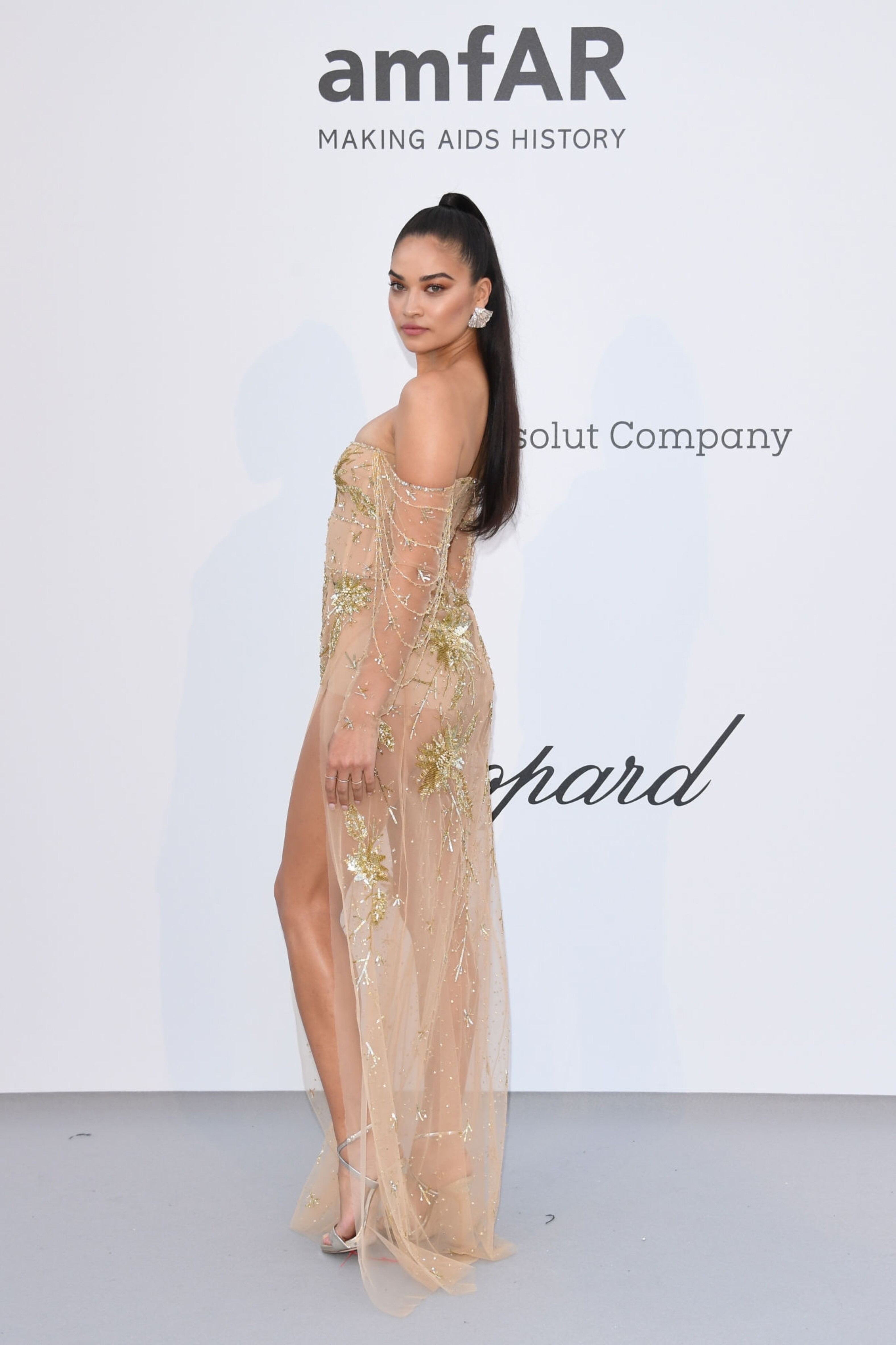
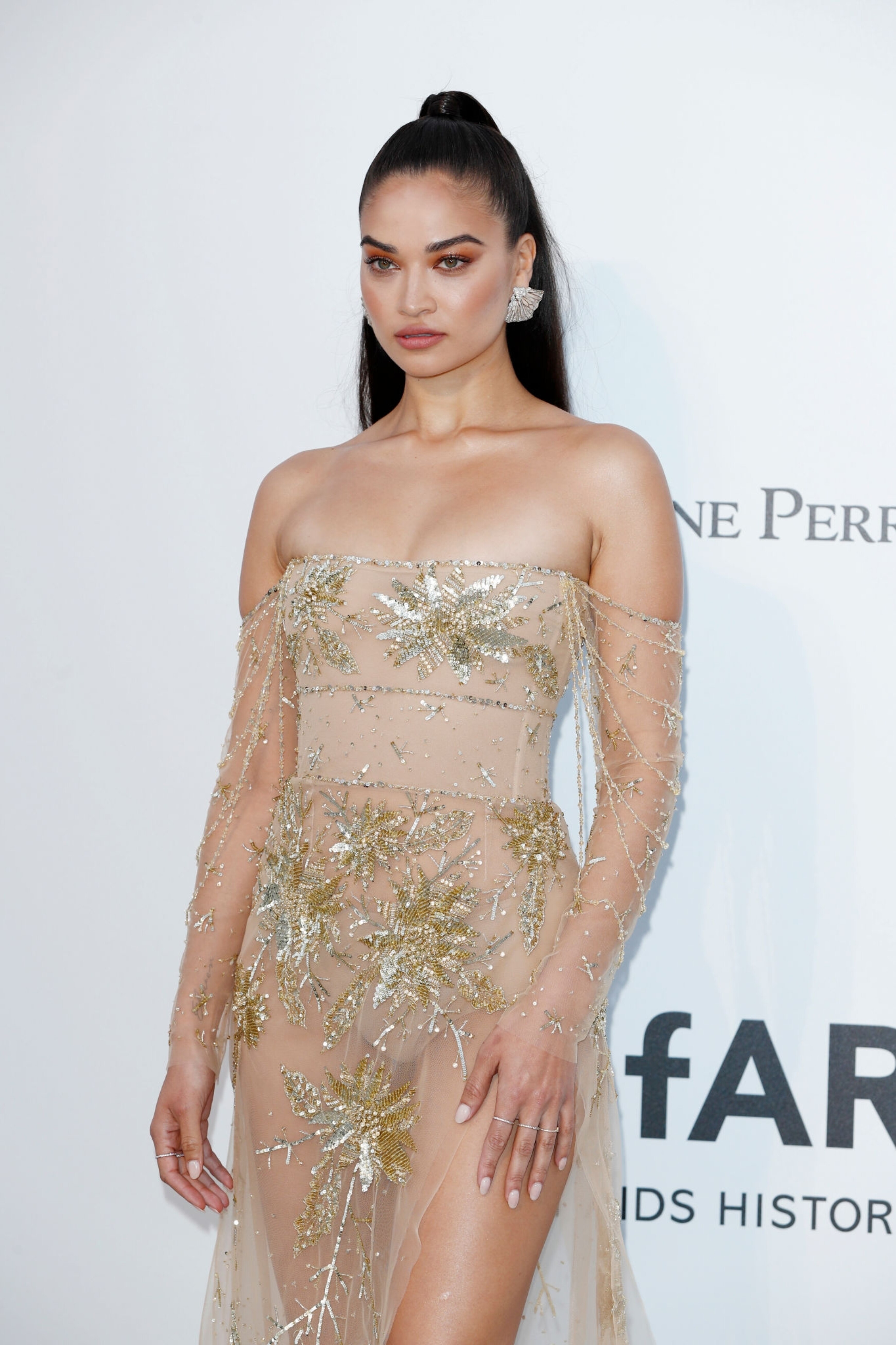
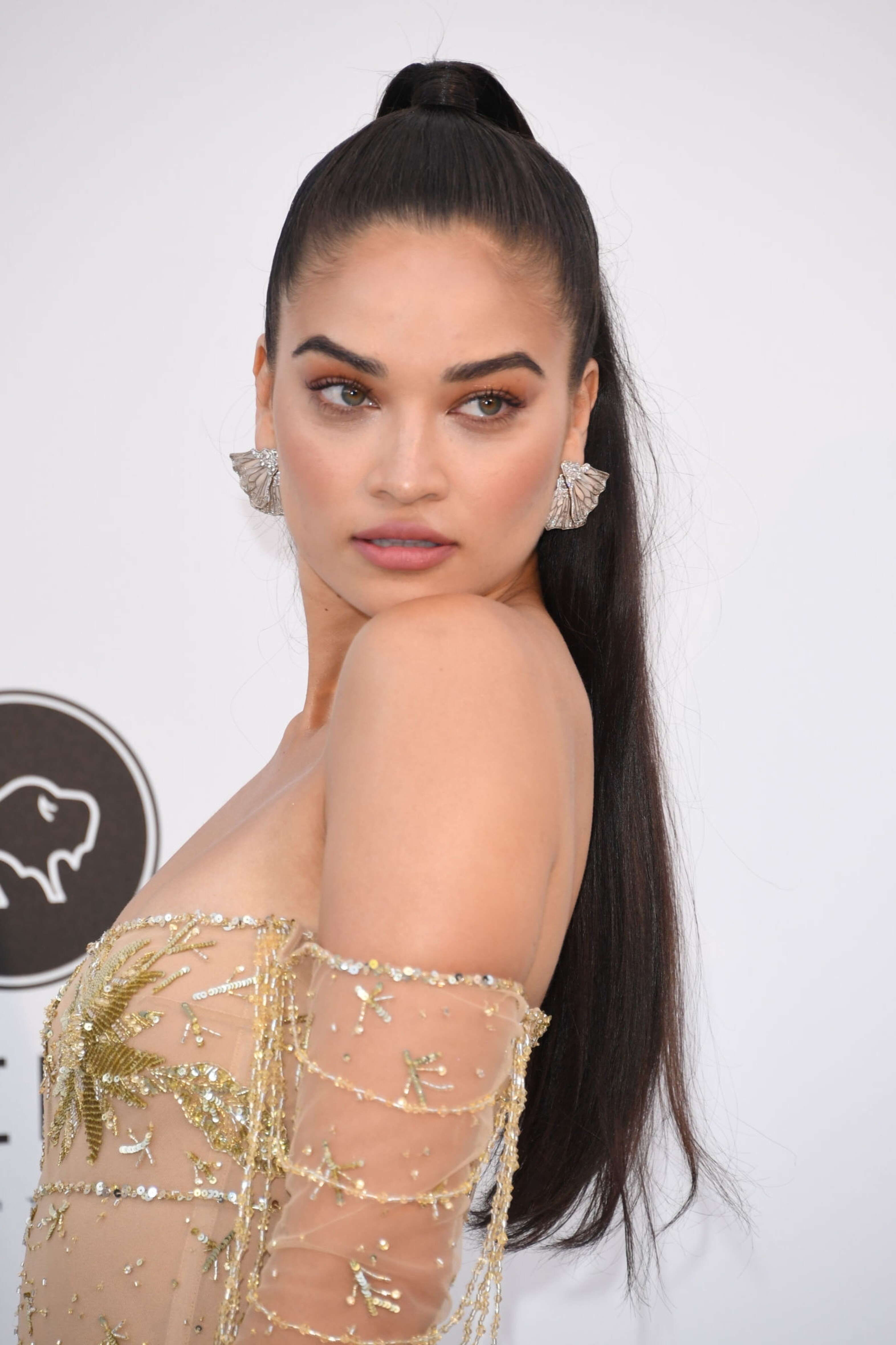
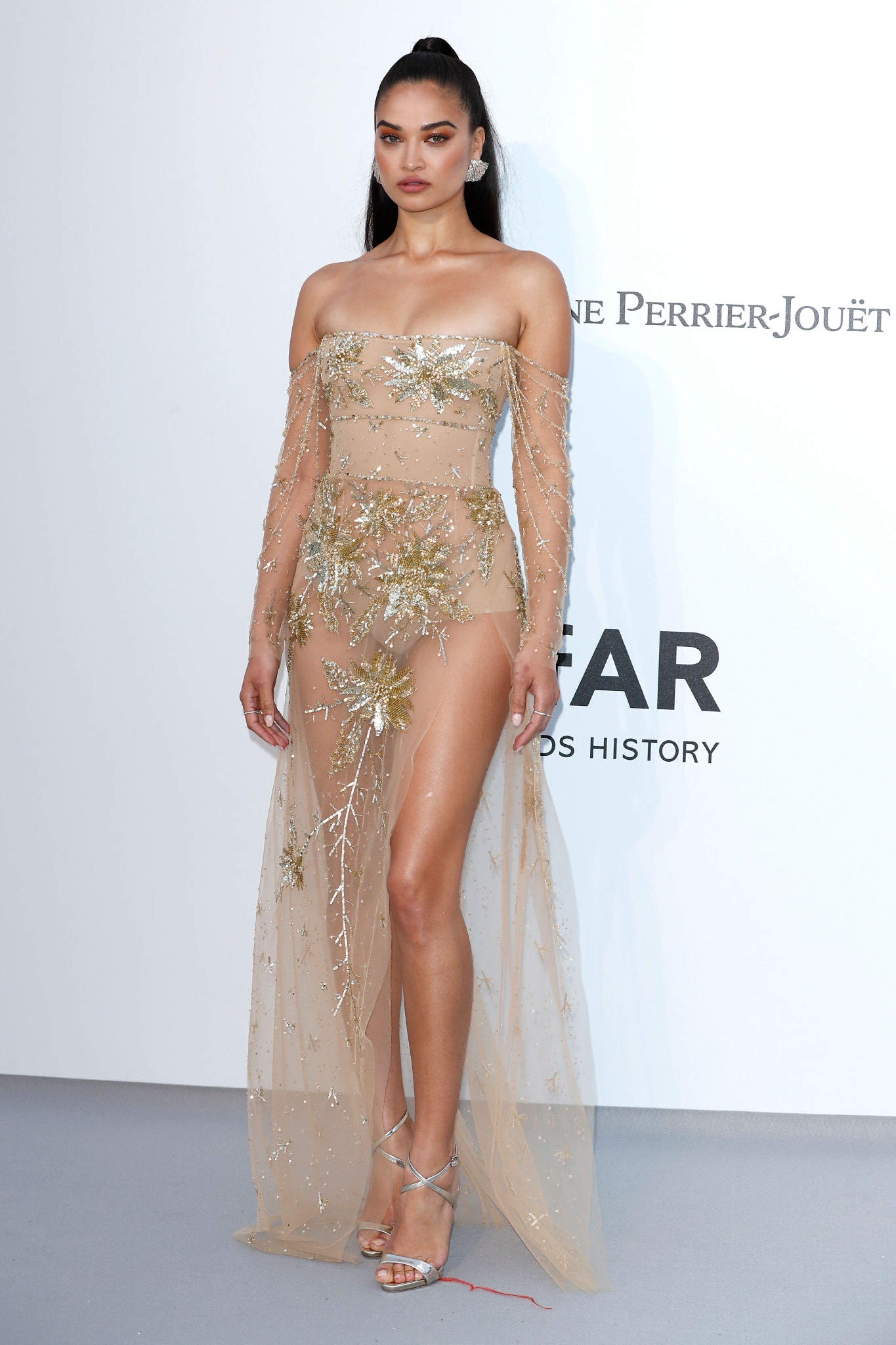
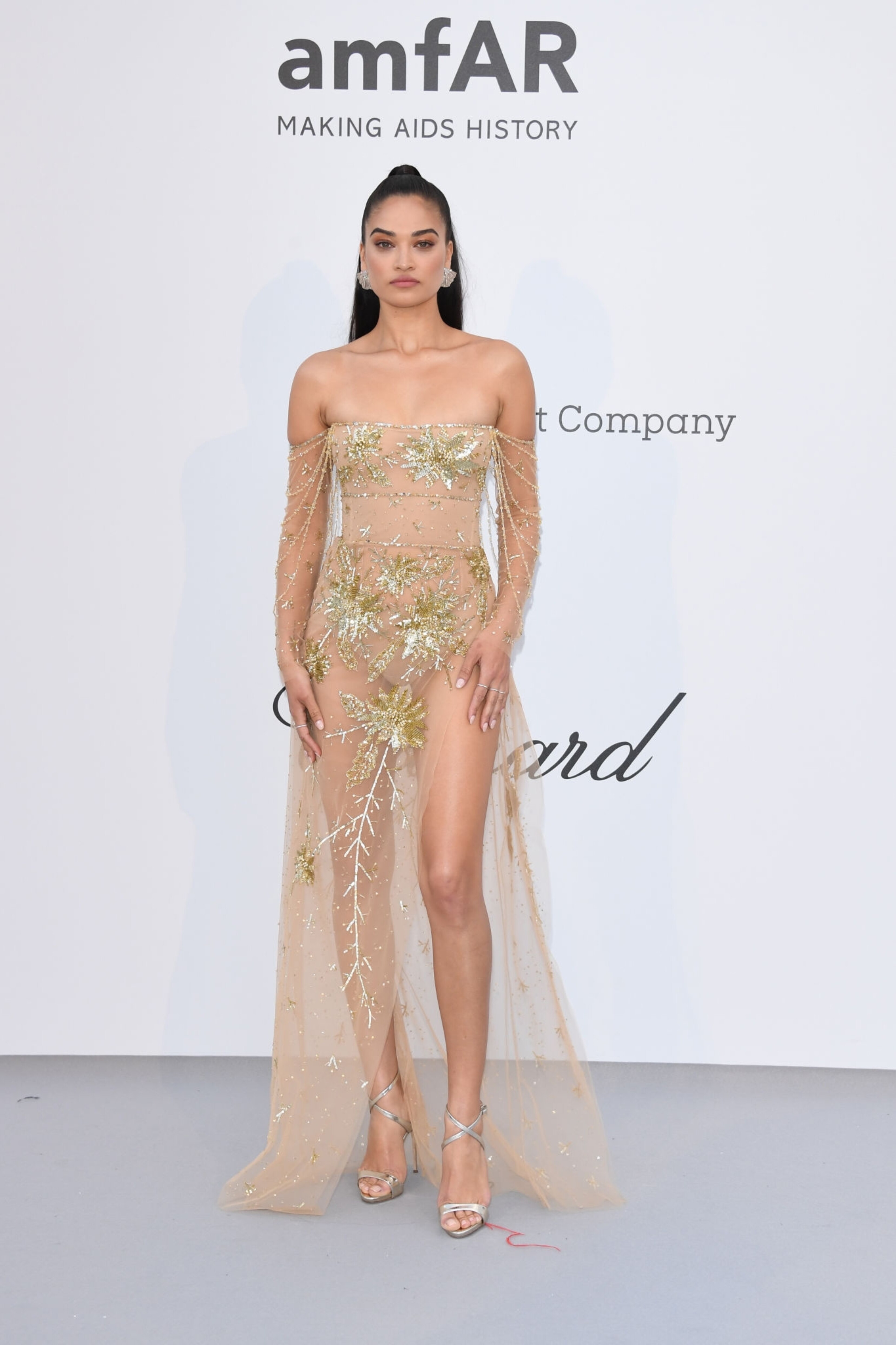
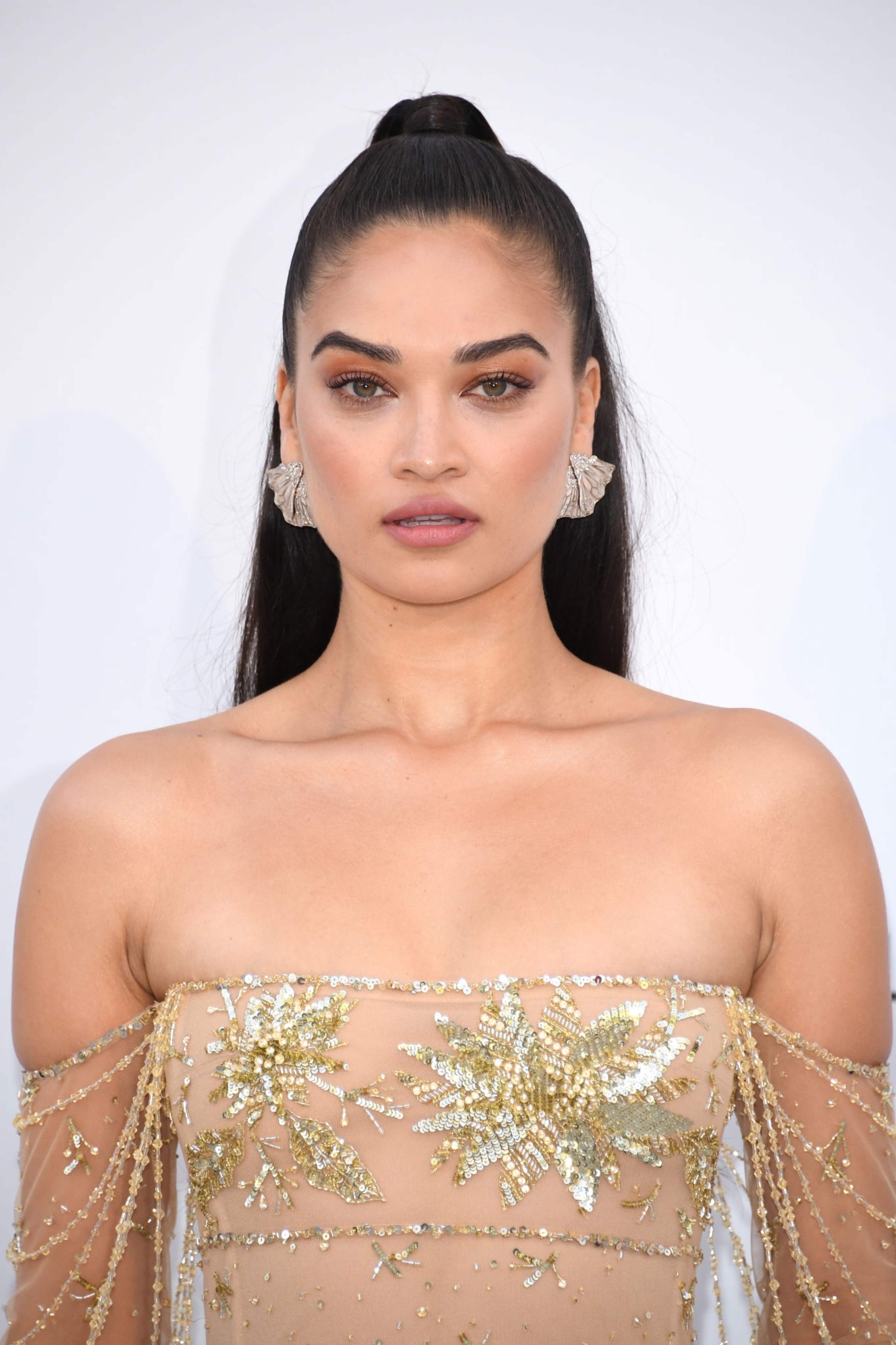
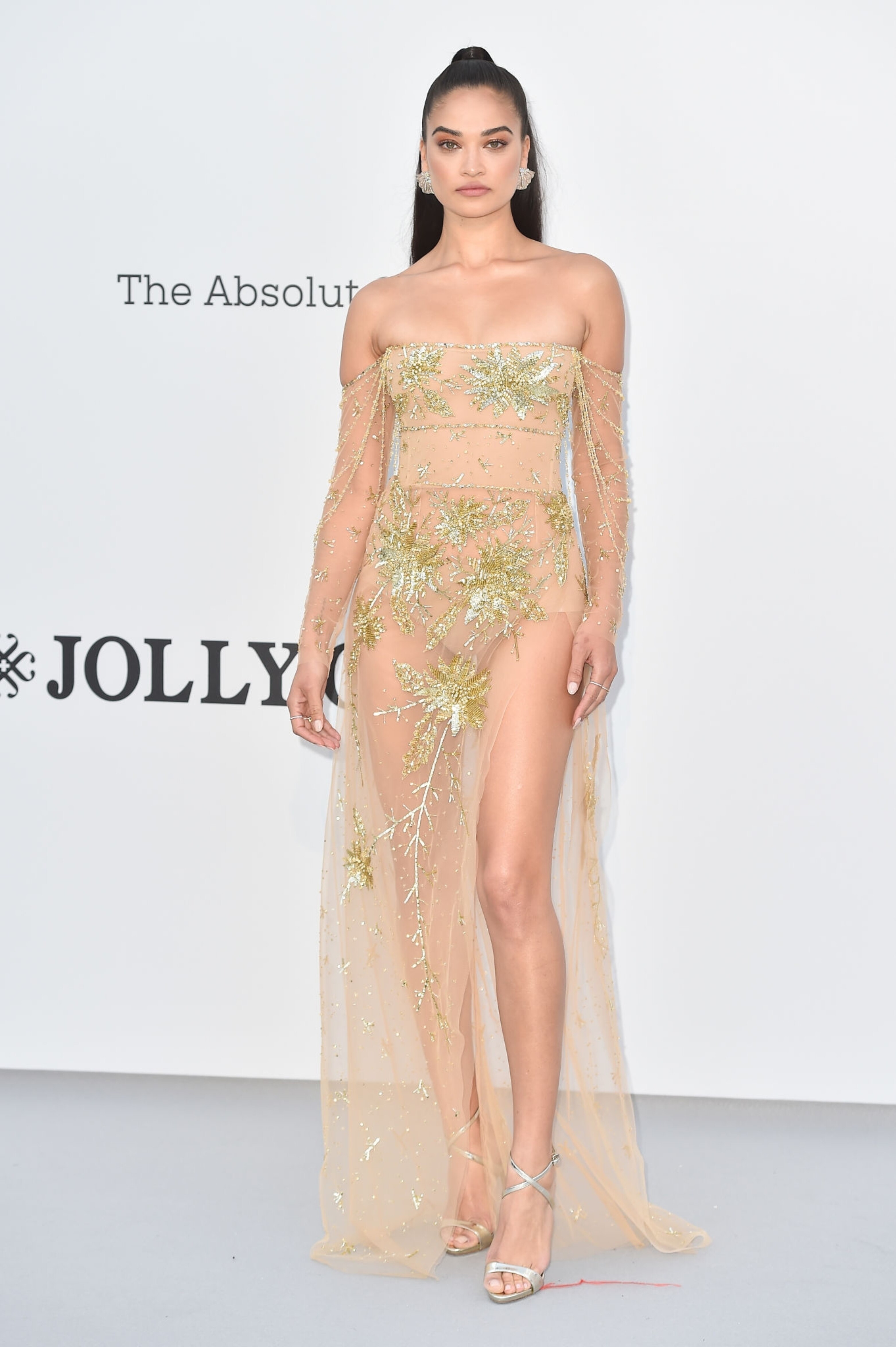
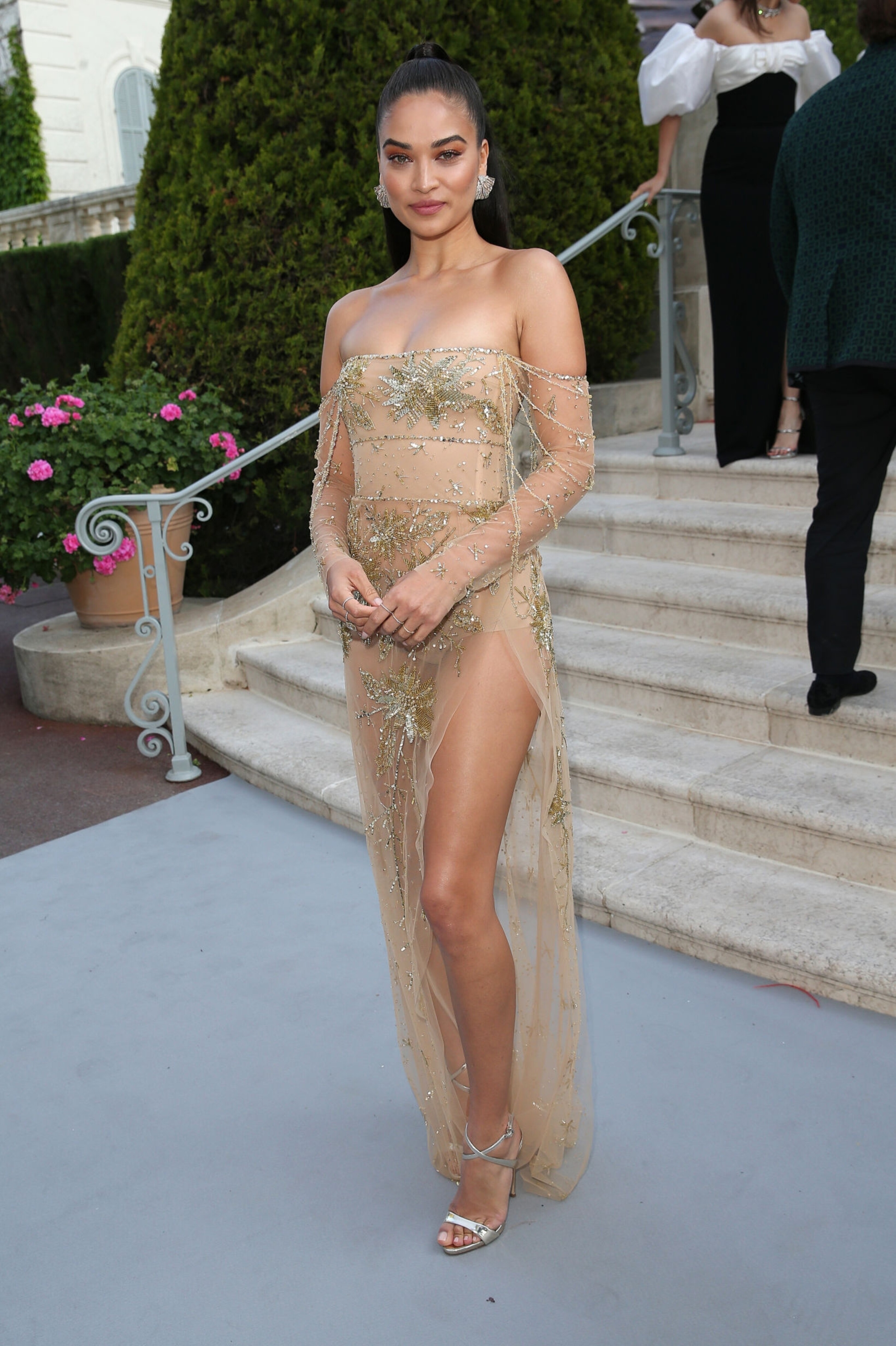
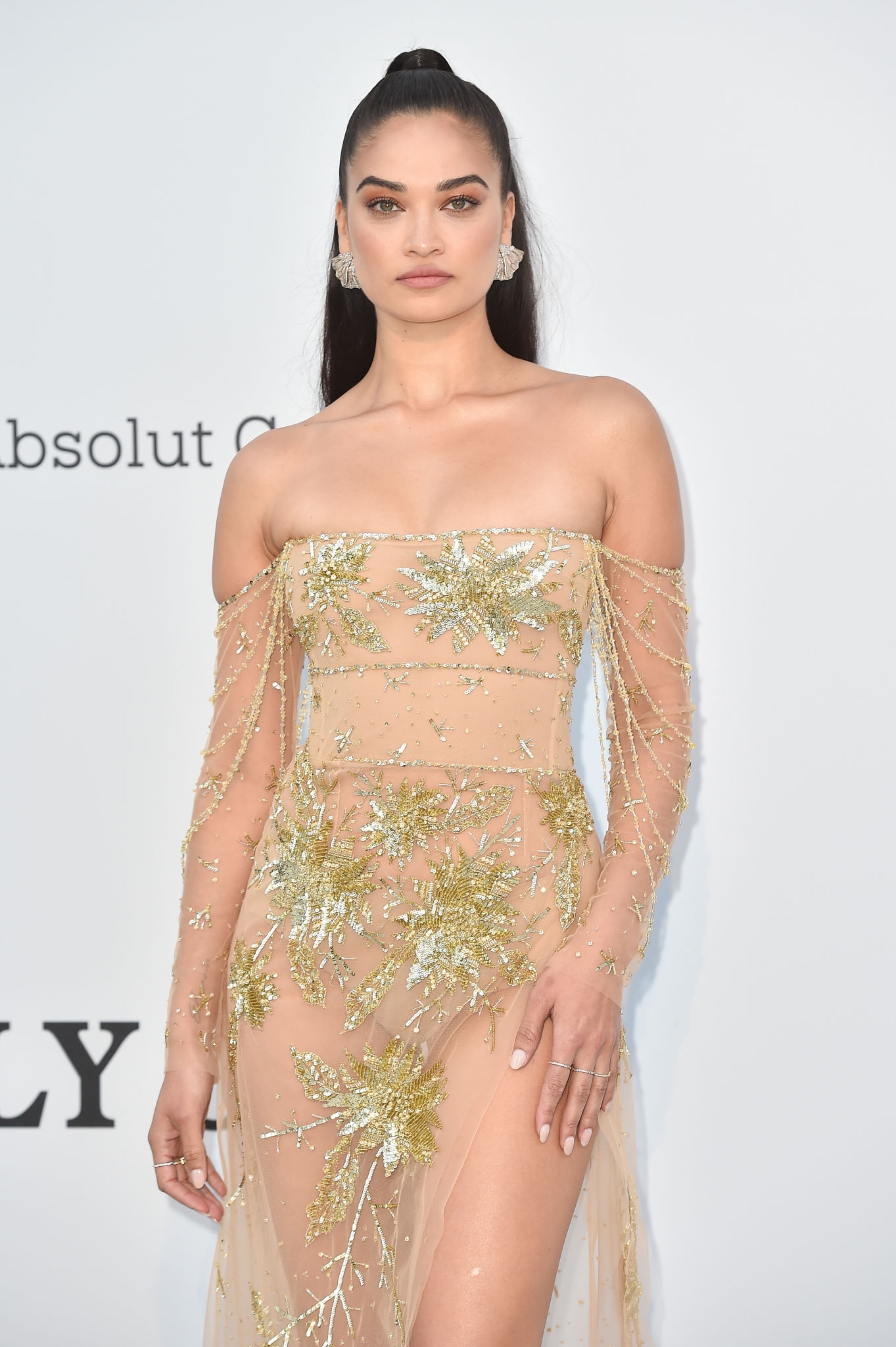
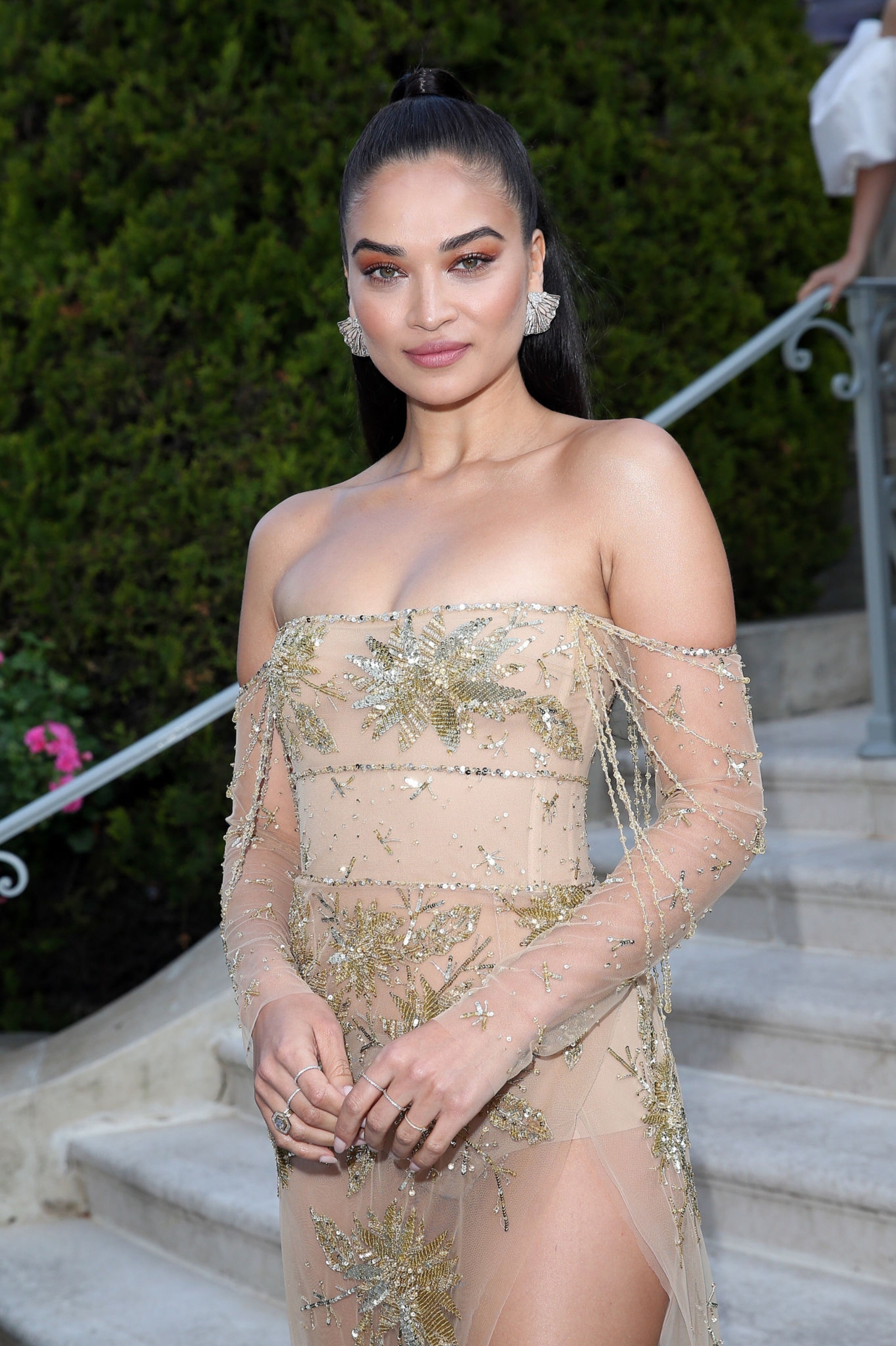
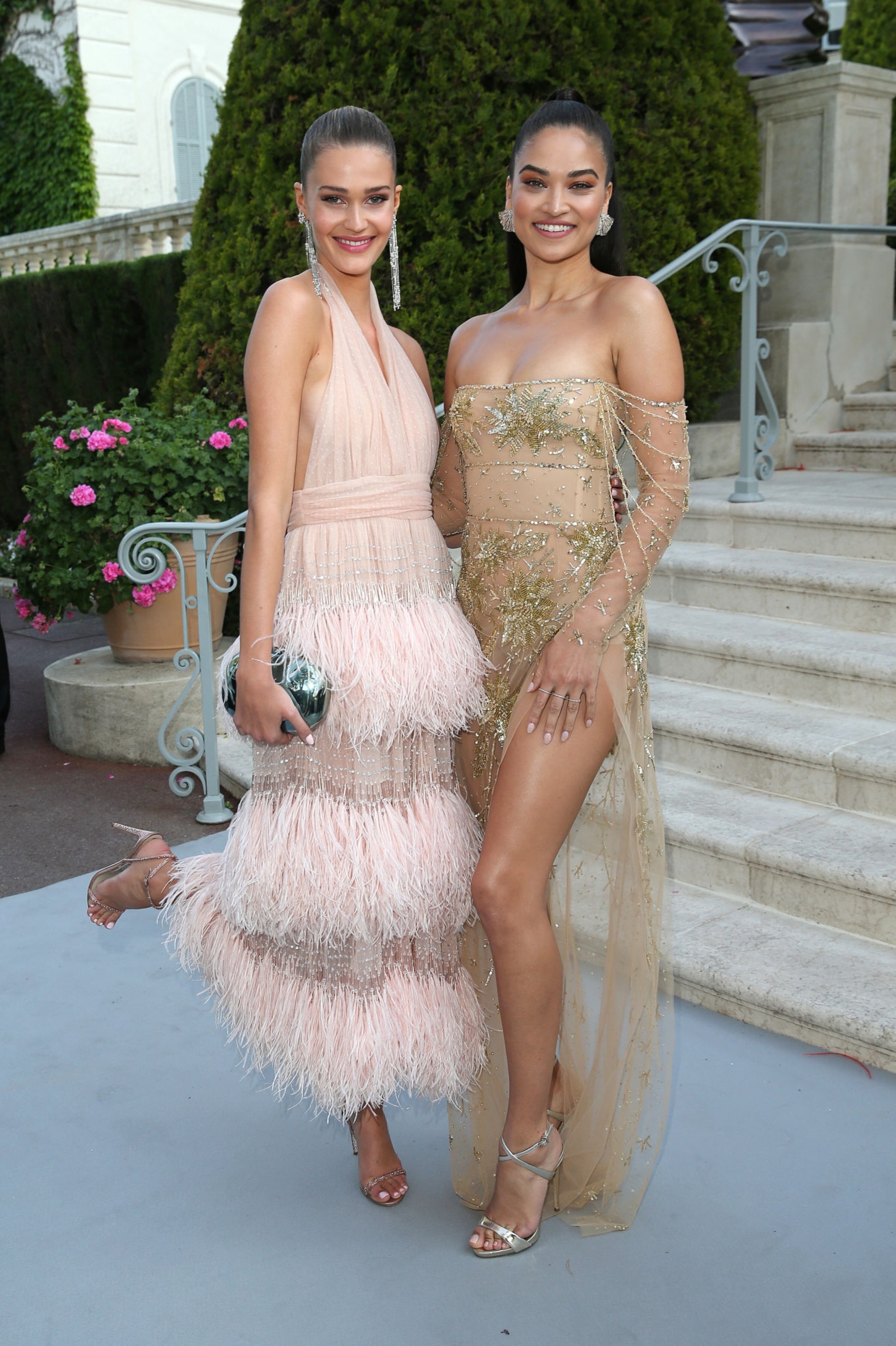
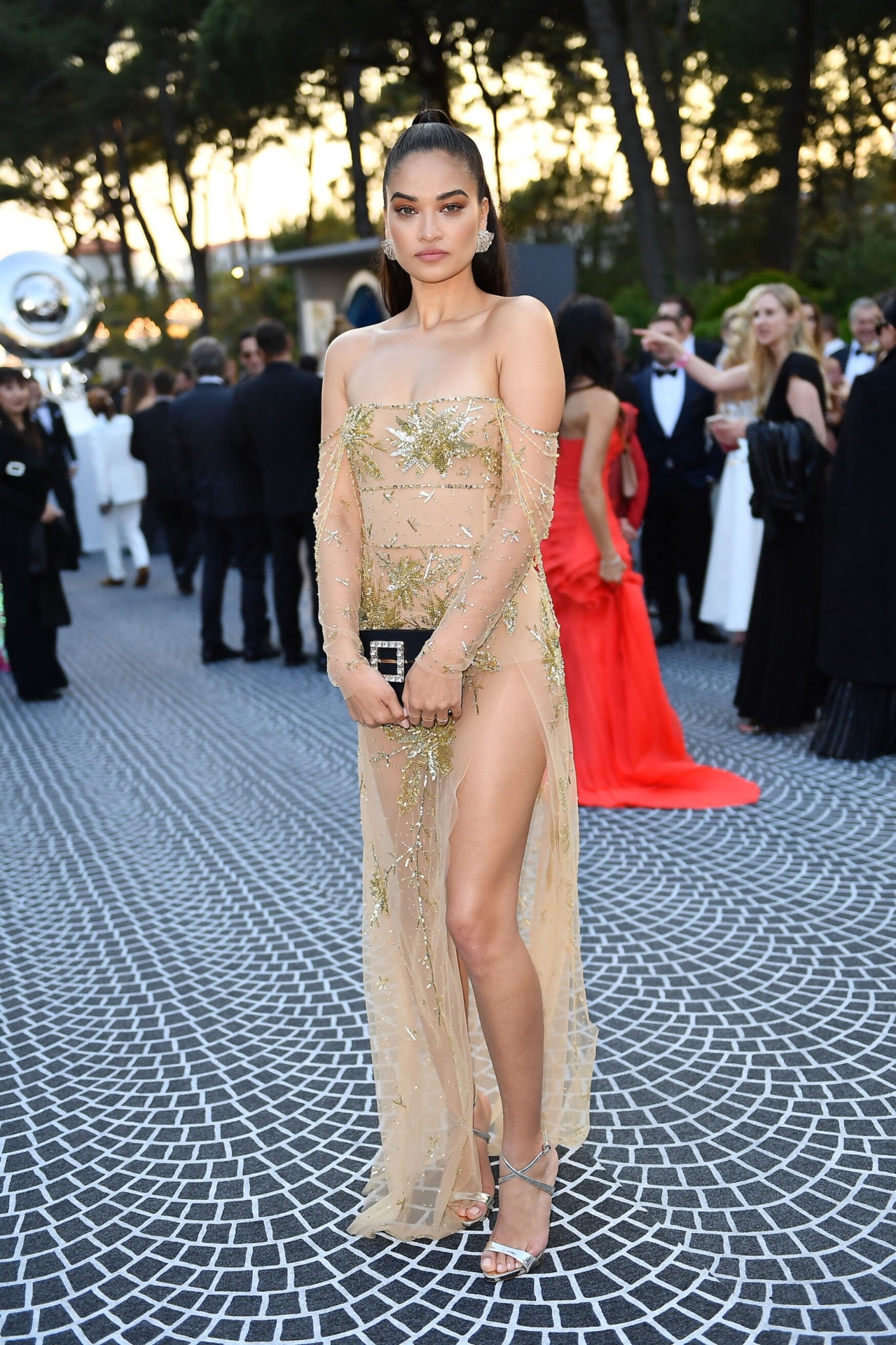
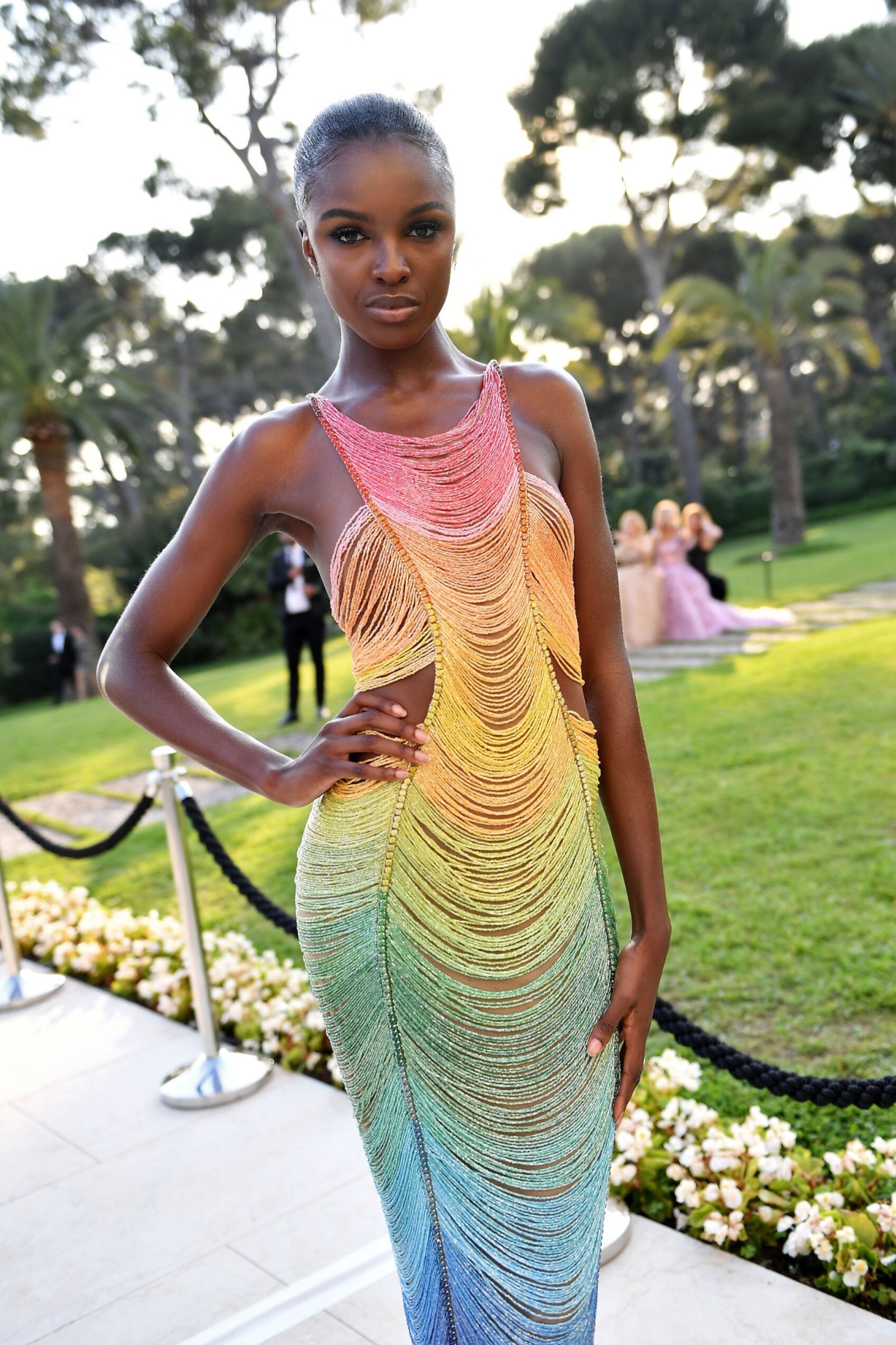
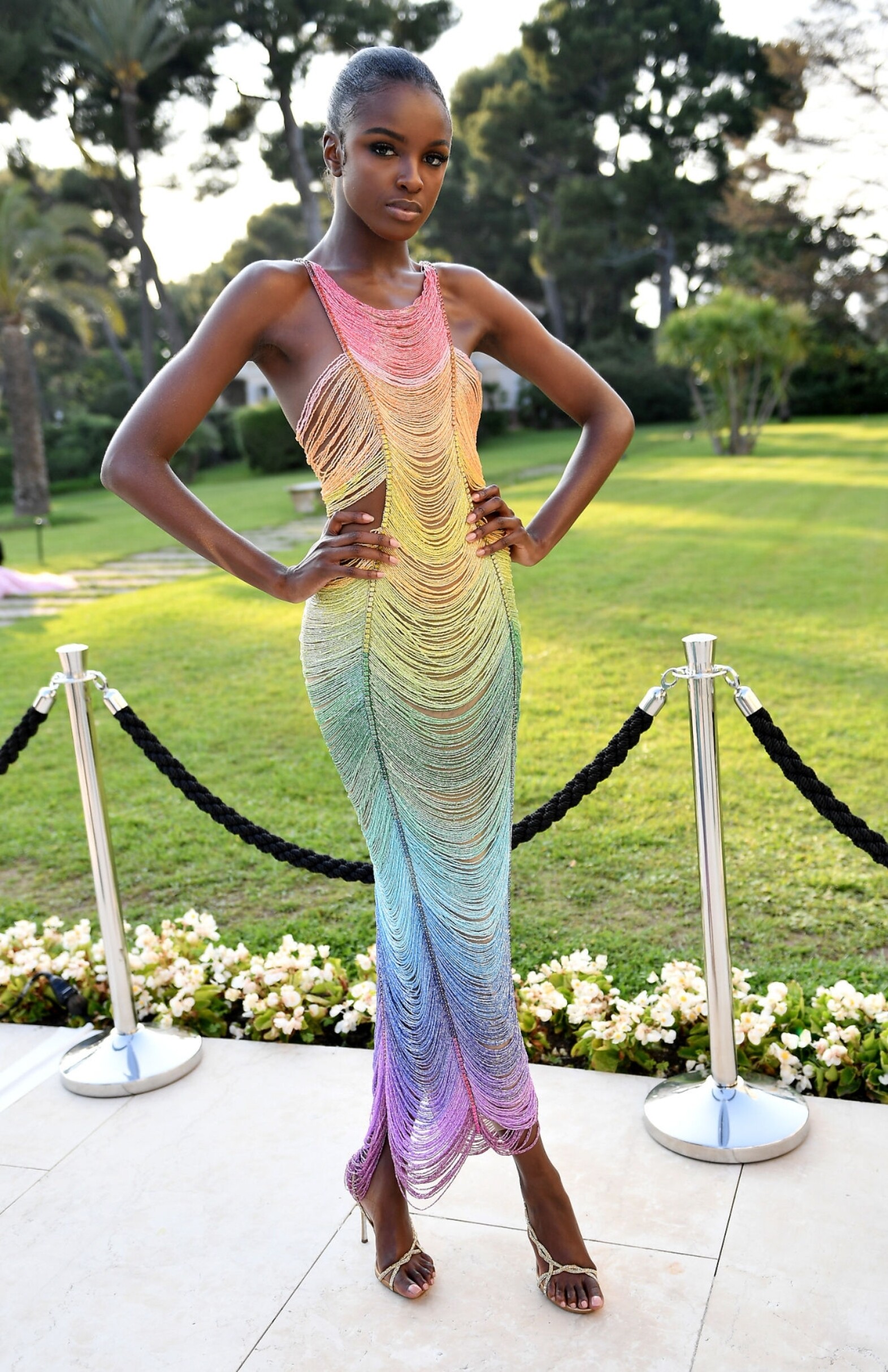
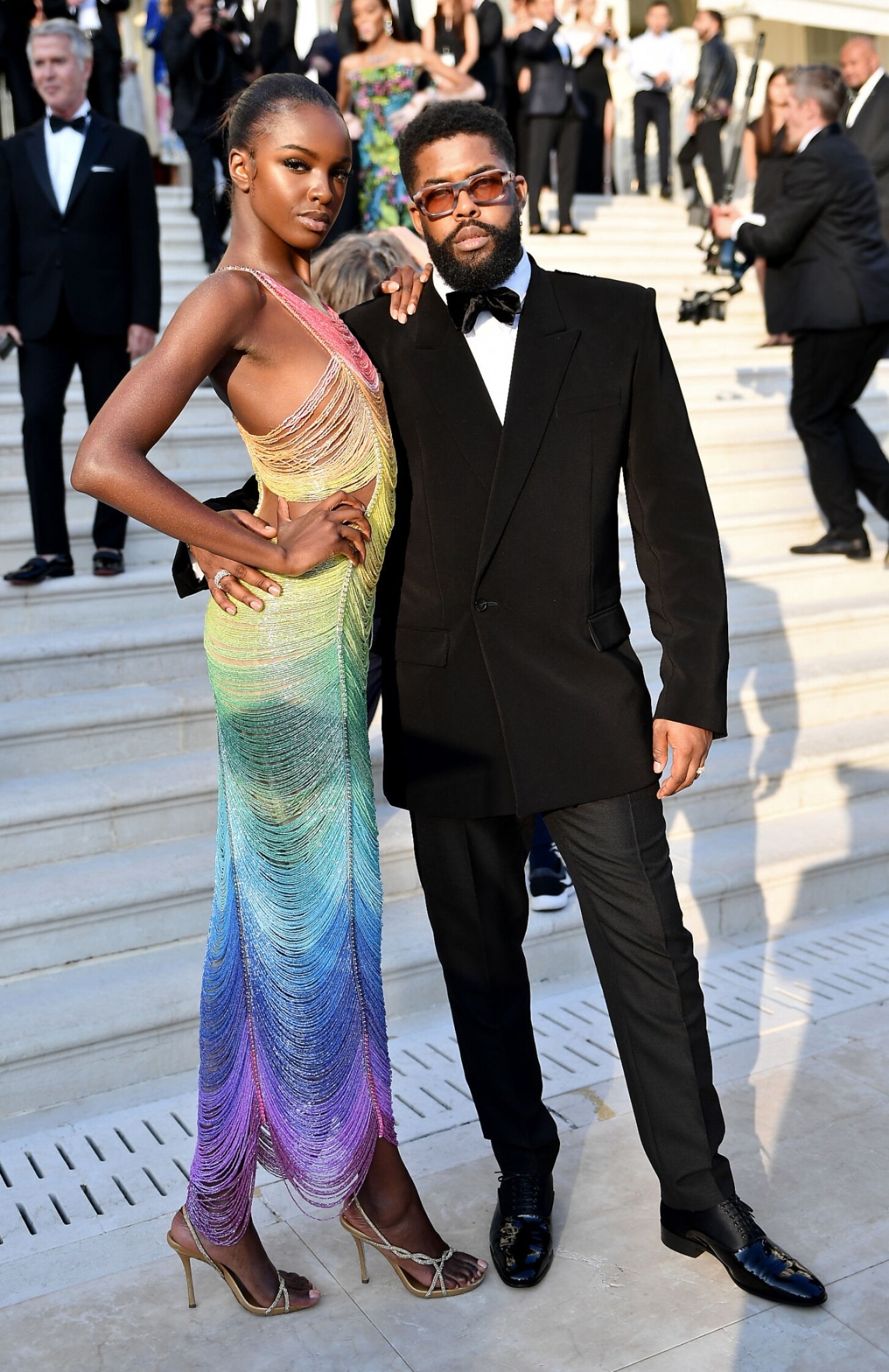
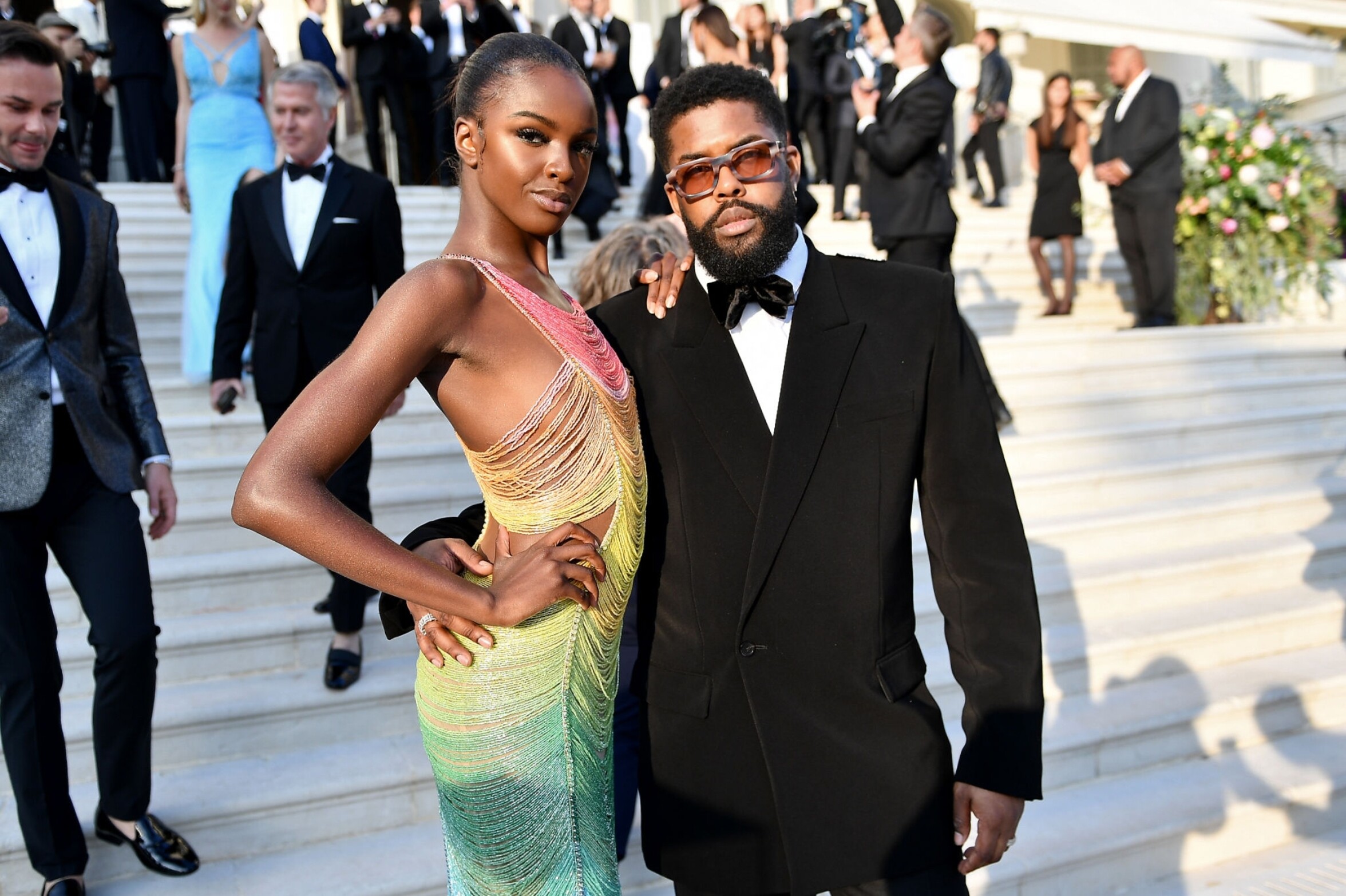
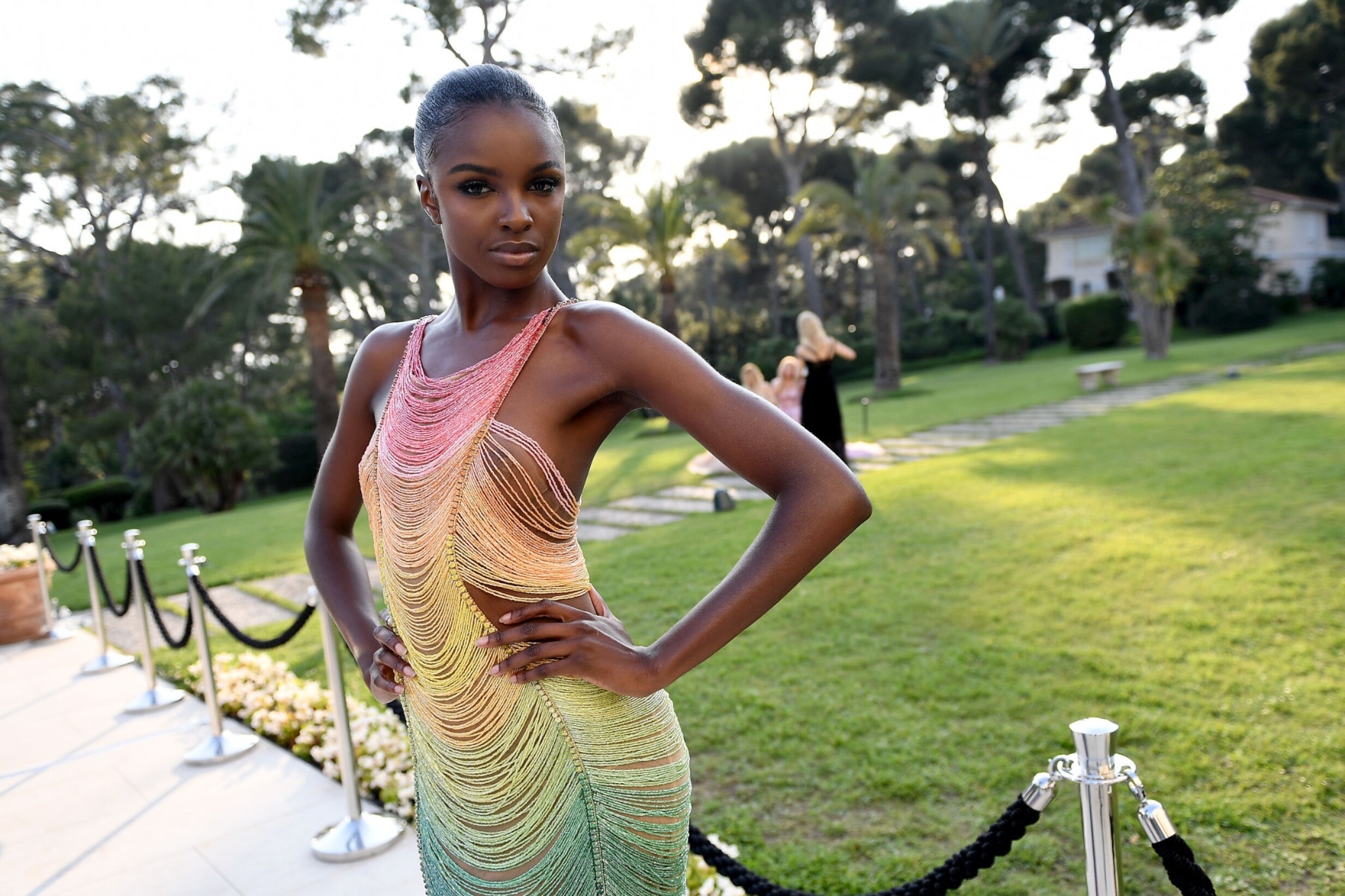
amfAR Cannes Gala 2019 - Cocktail - UHQ'
amfAR, Cocktail, Runway & Red Carpet - UHQ
amfAR Cannes Gala 2019 - Cocktail - UHQ'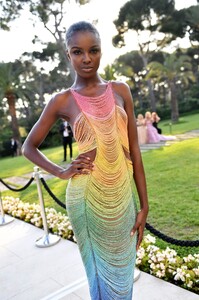










.png.2ca6efd47269391023167d6840628f26.png)





















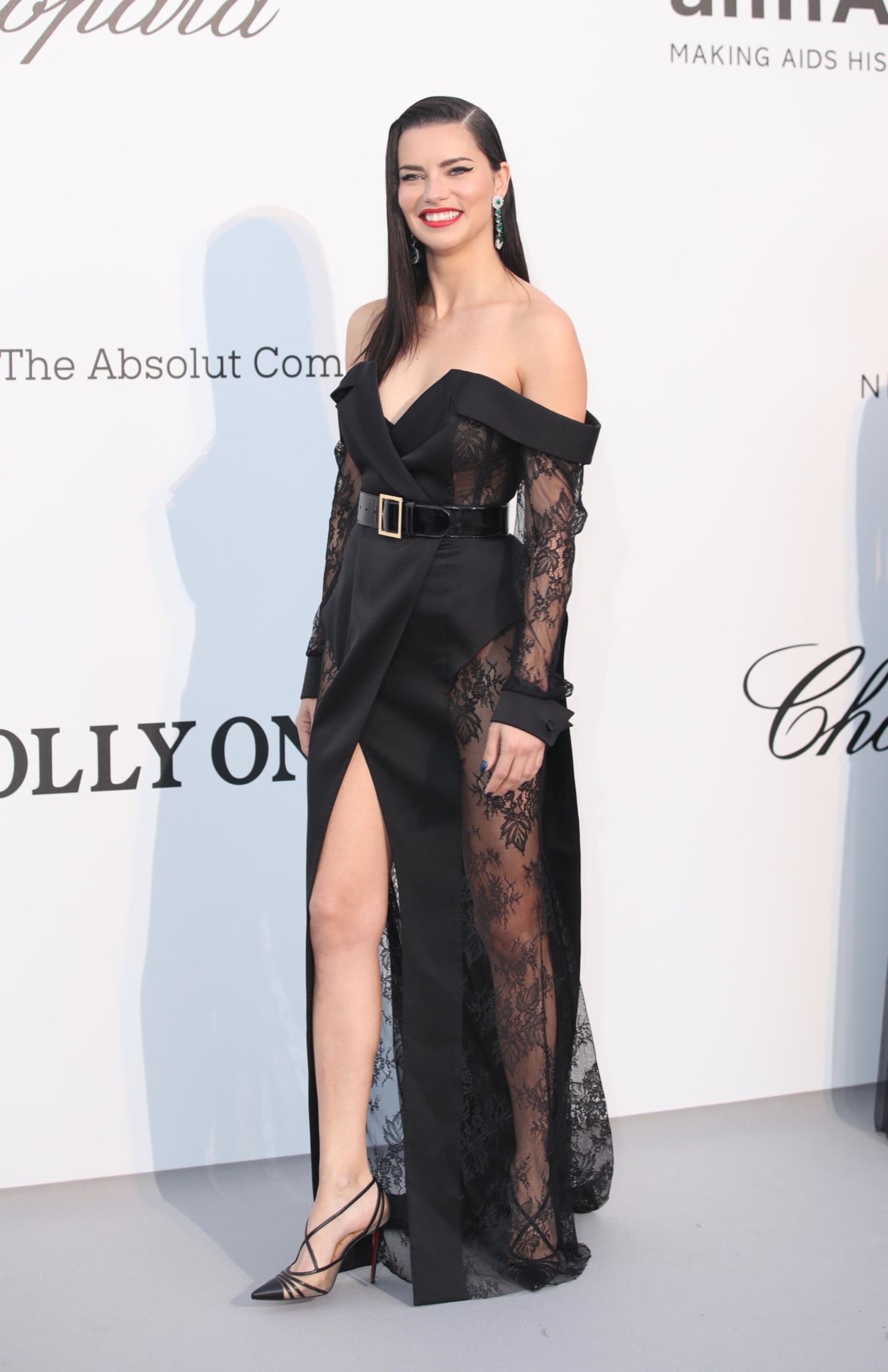
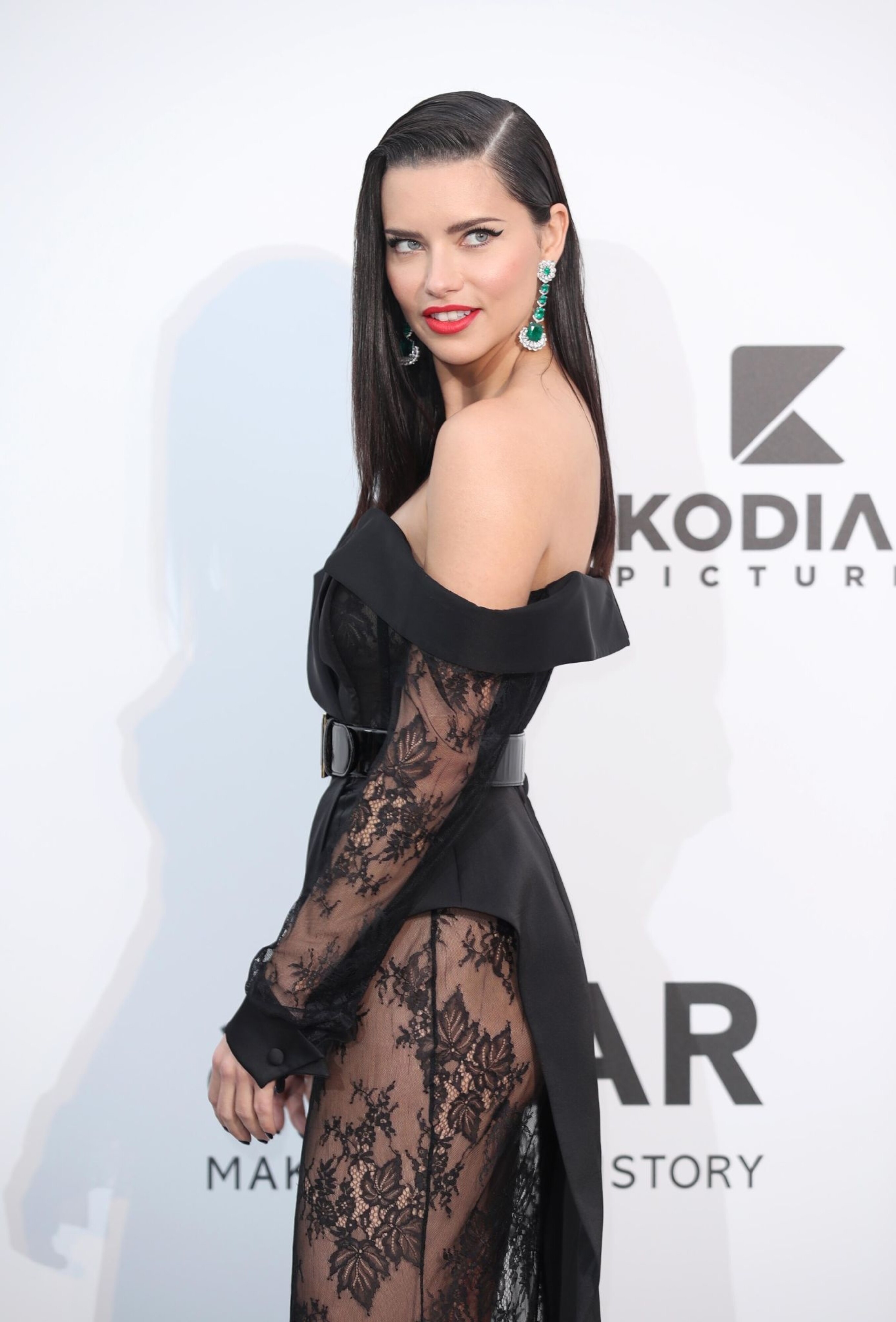
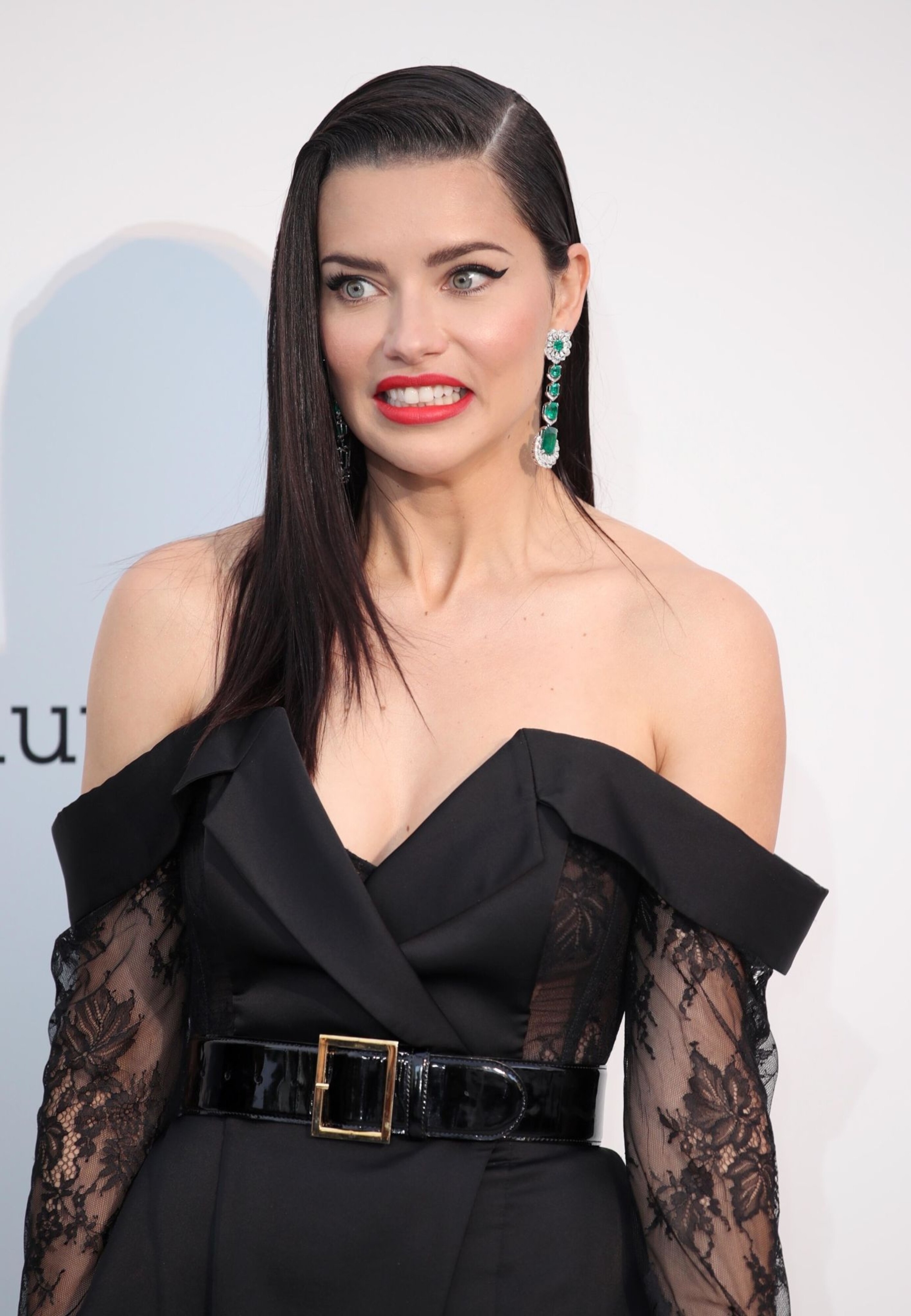
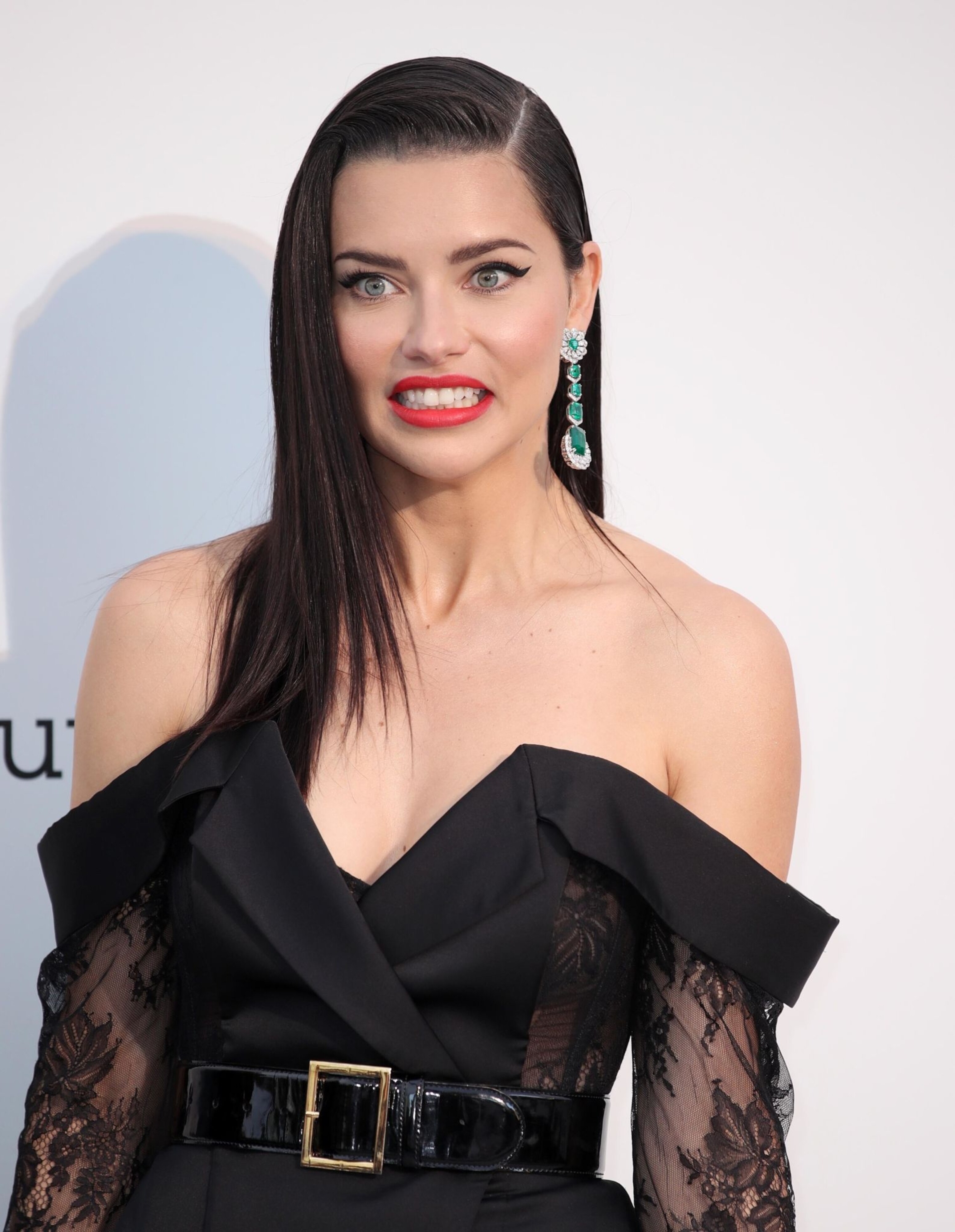





Account
Navigation
Search
Configure browser push notifications
Chrome (Android)
- Tap the lock icon next to the address bar.
- Tap Permissions → Notifications.
- Adjust your preference.
Chrome (Desktop)
- Click the padlock icon in the address bar.
- Select Site settings.
- Find Notifications and adjust your preference.
Safari (iOS 16.4+)
- Ensure the site is installed via Add to Home Screen.
- Open Settings App → Notifications.
- Find your app name and adjust your preference.
Safari (macOS)
- Go to Safari → Preferences.
- Click the Websites tab.
- Select Notifications in the sidebar.
- Find this website and adjust your preference.
Edge (Android)
- Tap the lock icon next to the address bar.
- Tap Permissions.
- Find Notifications and adjust your preference.
Edge (Desktop)
- Click the padlock icon in the address bar.
- Click Permissions for this site.
- Find Notifications and adjust your preference.
Firefox (Android)
- Go to Settings → Site permissions.
- Tap Notifications.
- Find this site in the list and adjust your preference.
Firefox (Desktop)
- Open Firefox Settings.
- Search for Notifications.
- Find this site in the list and adjust your preference.