All Activity
- Past hour
-
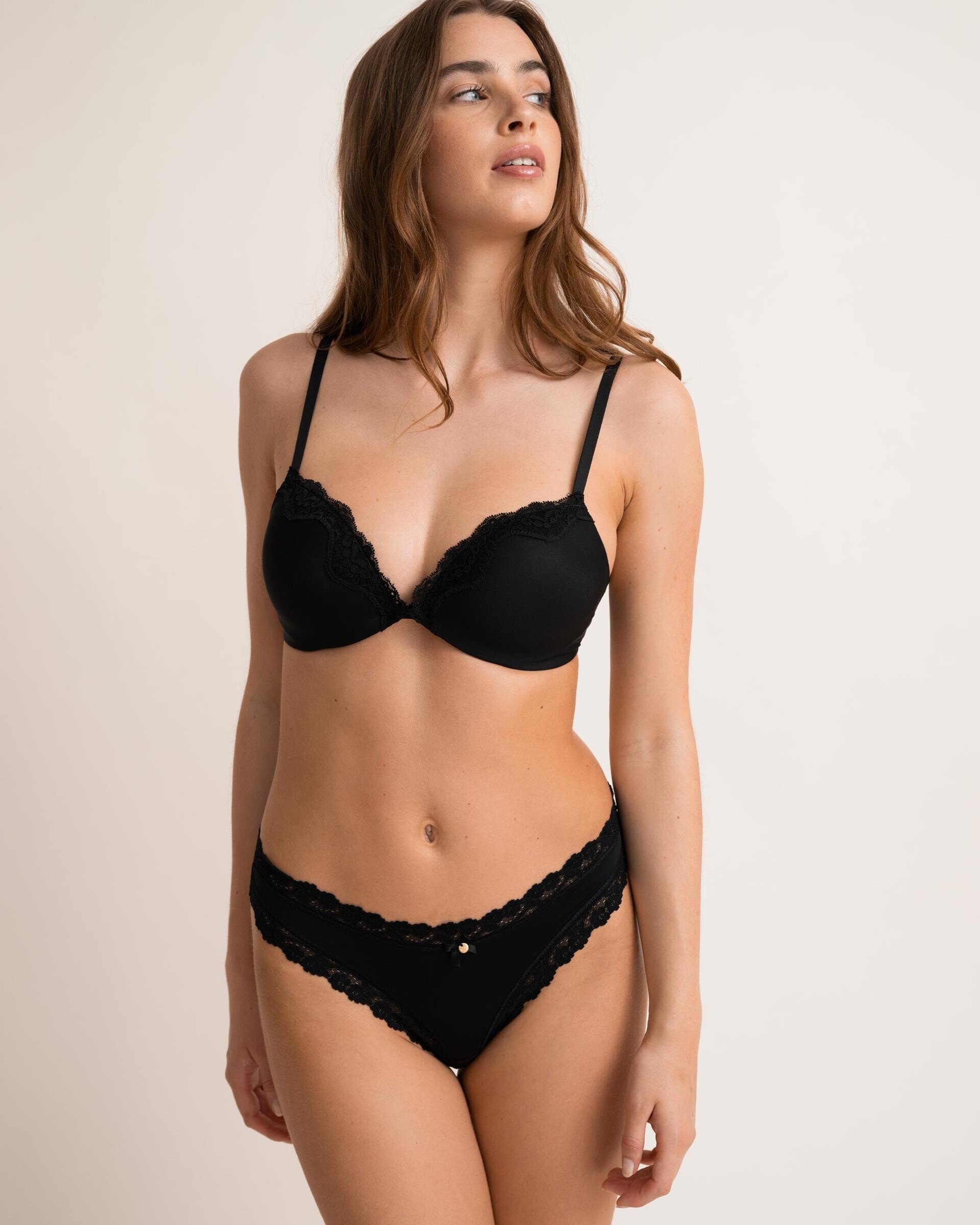
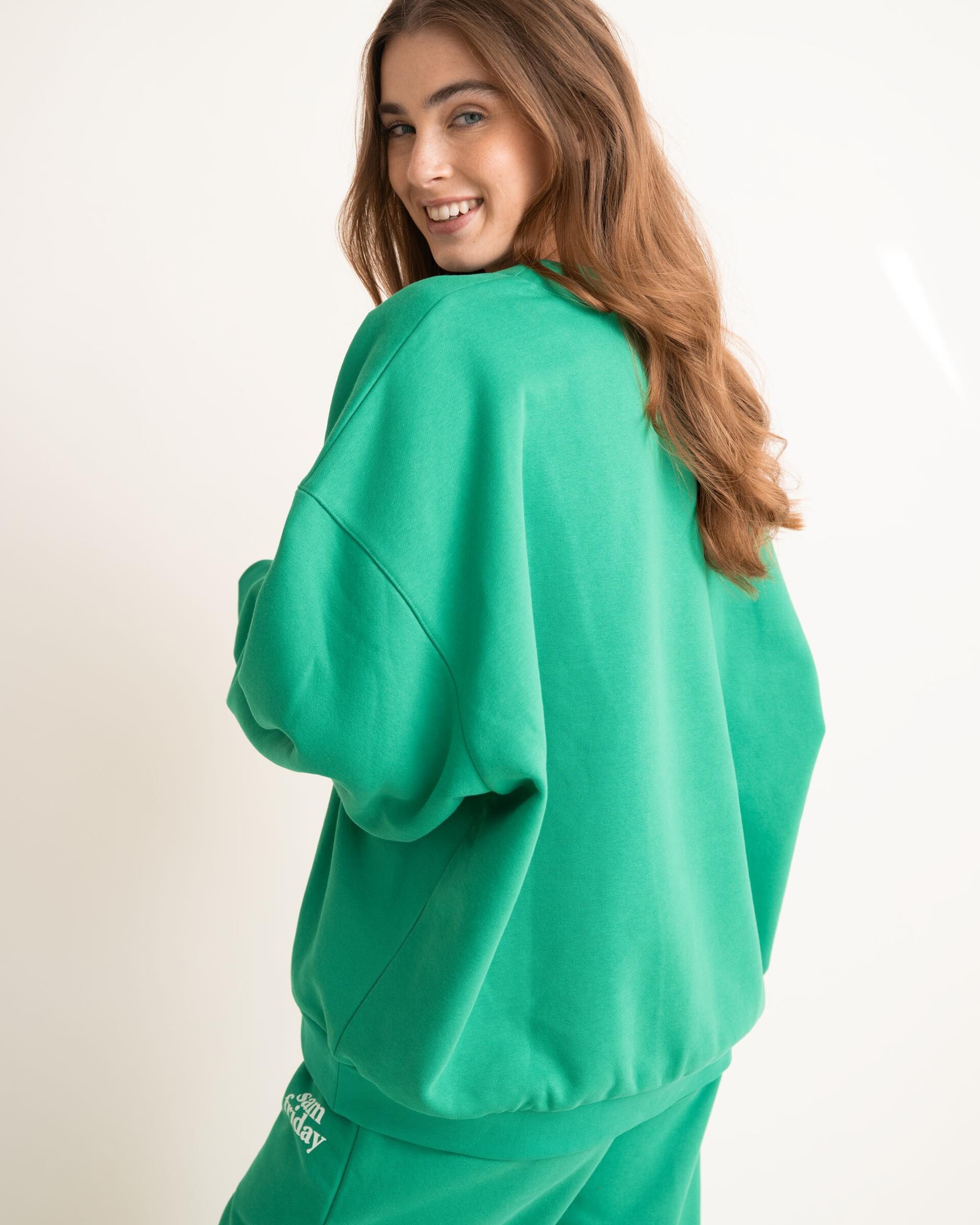
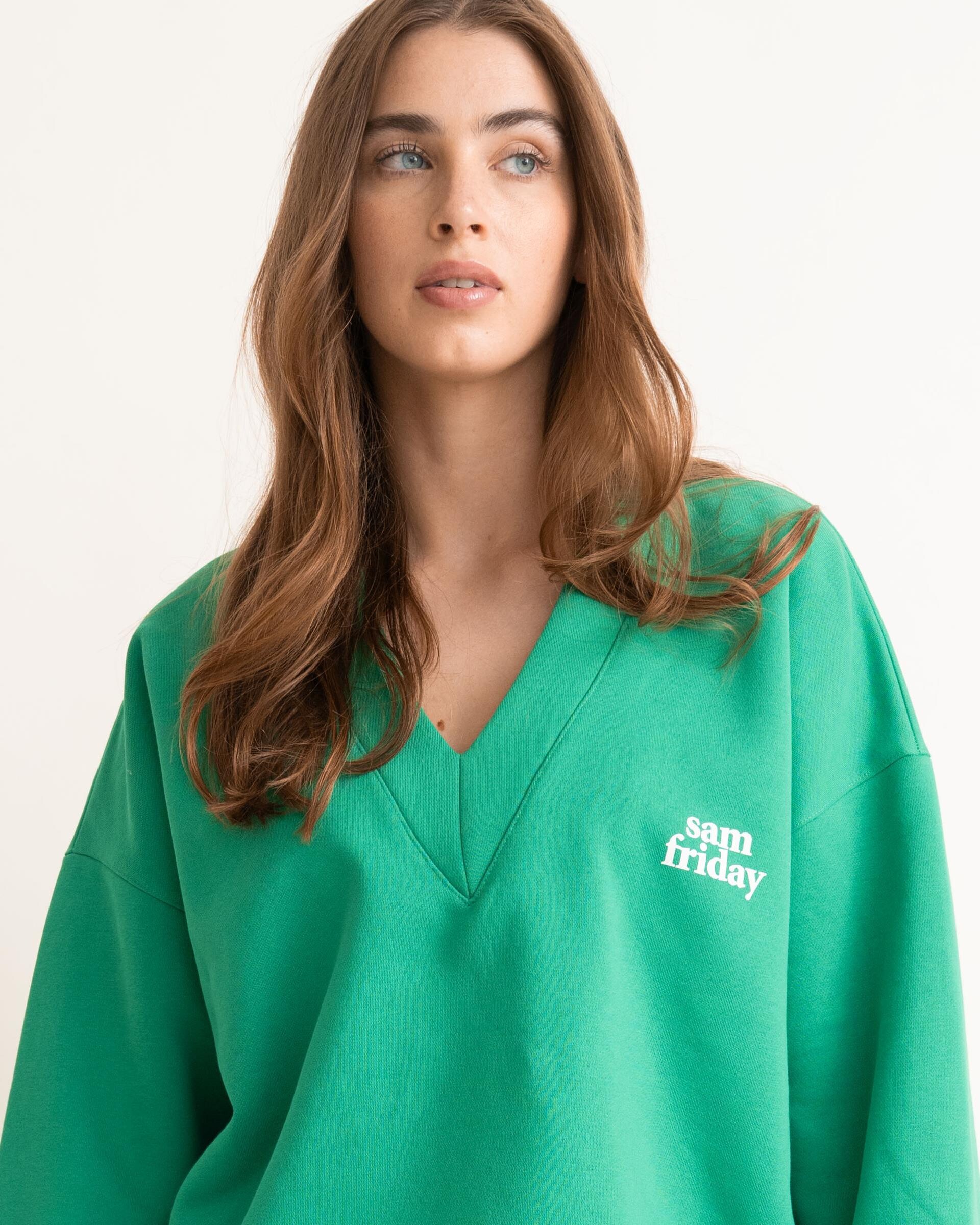
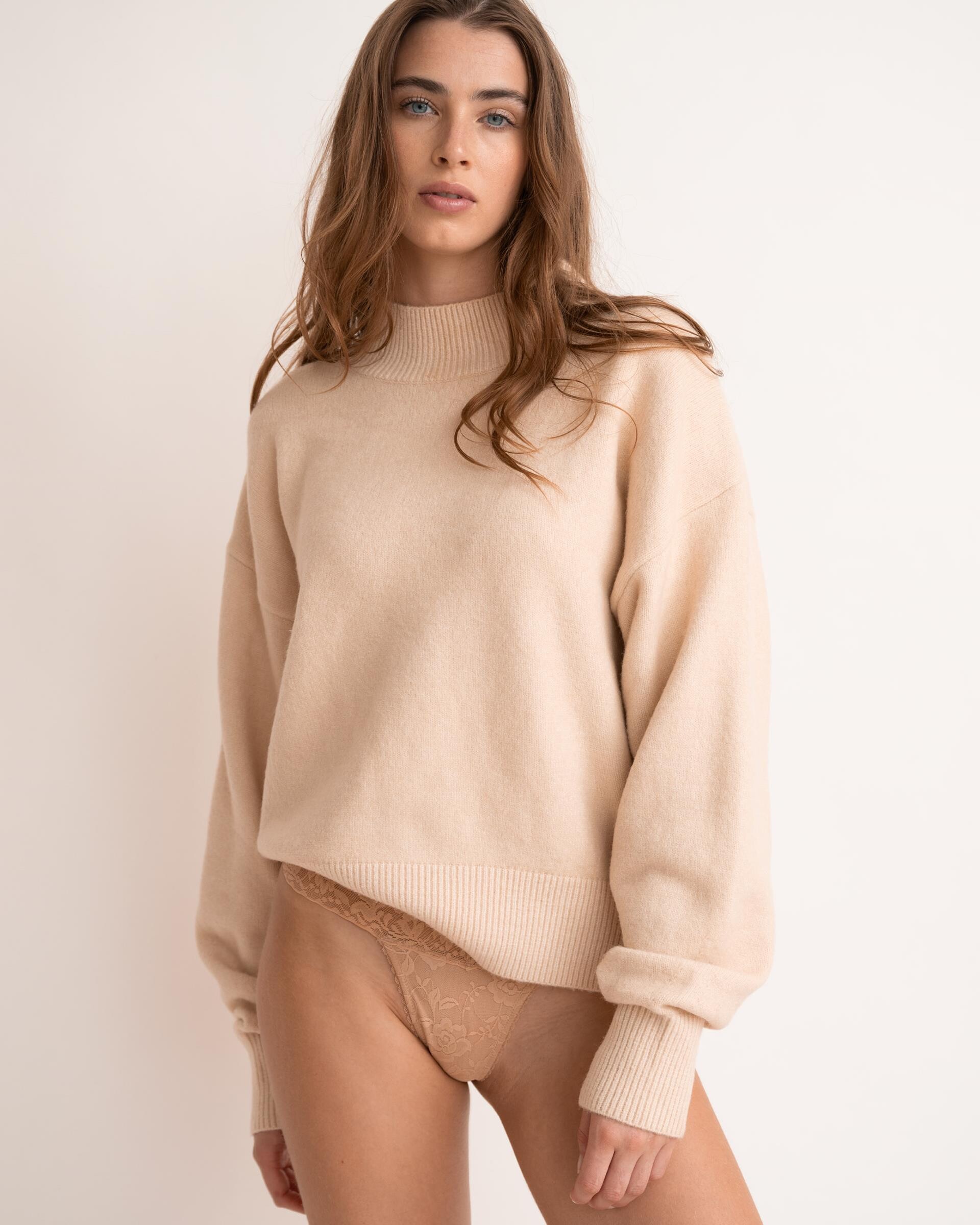
 Sam Friday 8052c01f.mp4 ee641056.mp4 fb887ae6.mp4
 -
 bram0494 joined the community
 -
-
-
-
-

-
 Minerva13 changed their profile photo
 -

 Neither, but well... • Sandra Kubicka • Nina Agdal Same... • Kushi Leggo • Christina Podolyan • Patience Silva • Oriola Marashi • Caroline Corinth • Yasmin Deplidge • Tyler Moolman • Dehandre Van Tonder • Franceska Rustemi • Kristen Shania • Leilani Eddie
 very slight resemblance to Marina Schlosberg (1996)

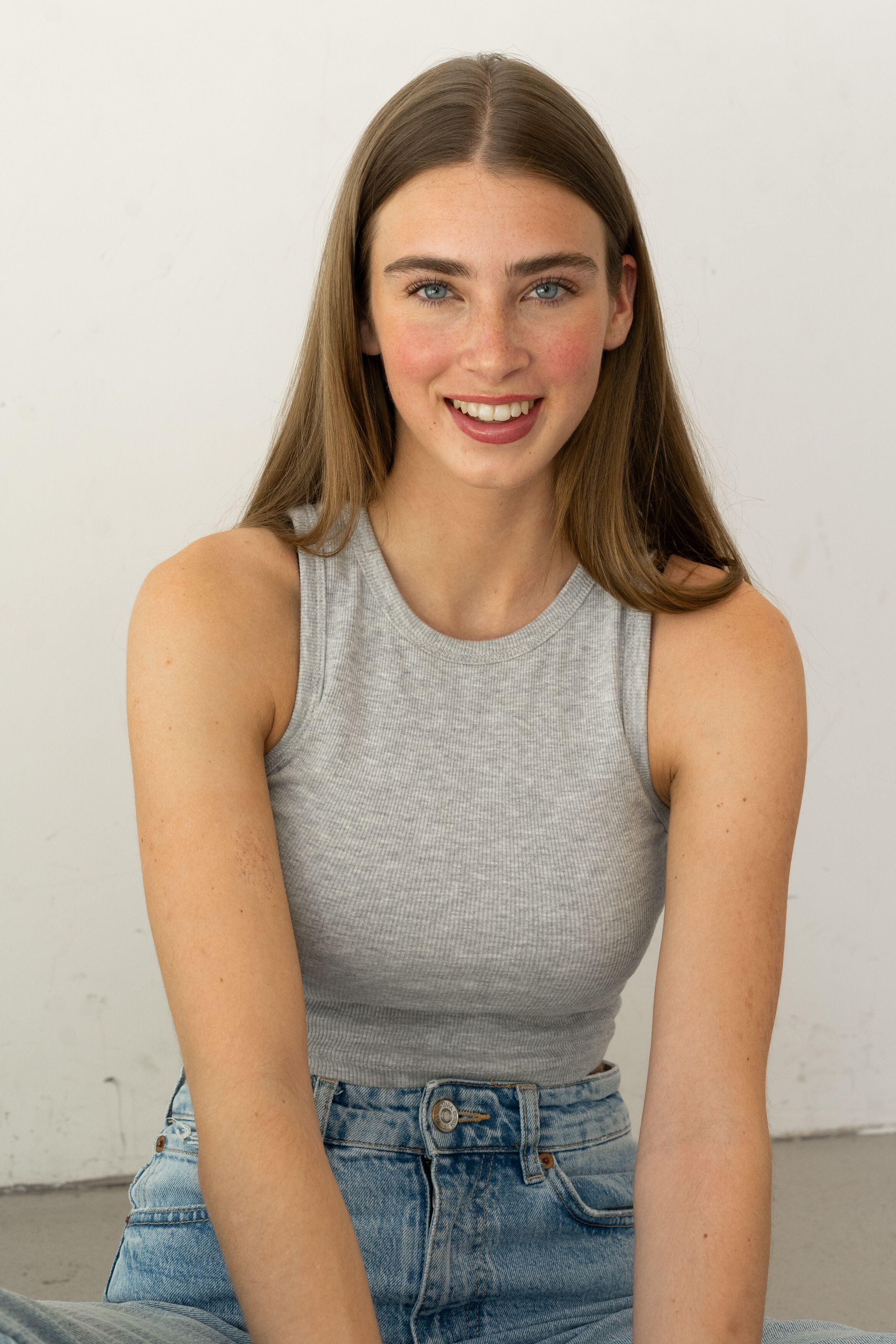
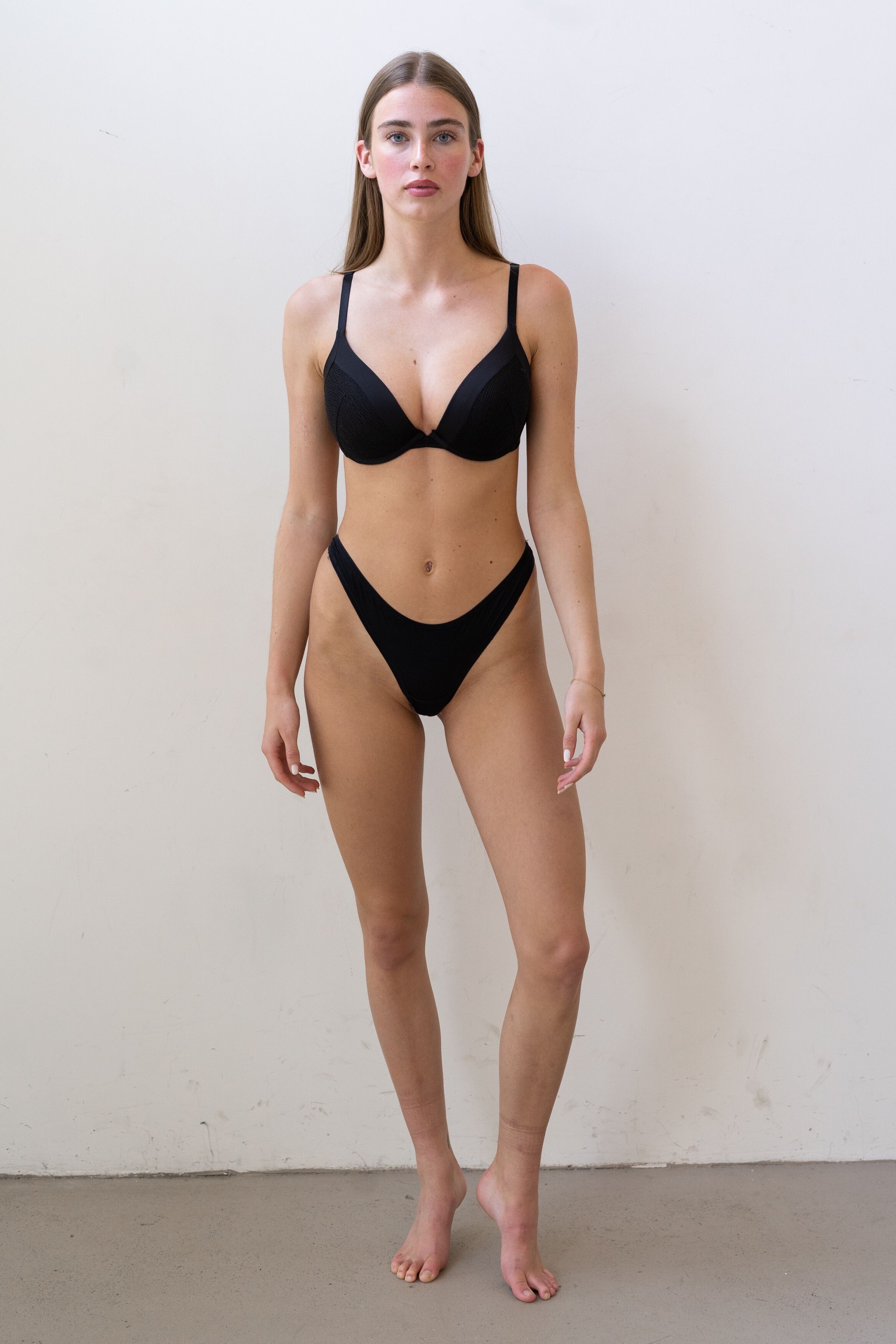
 Brooklyn Management - digitals






 Brooklyn Management - portfolio























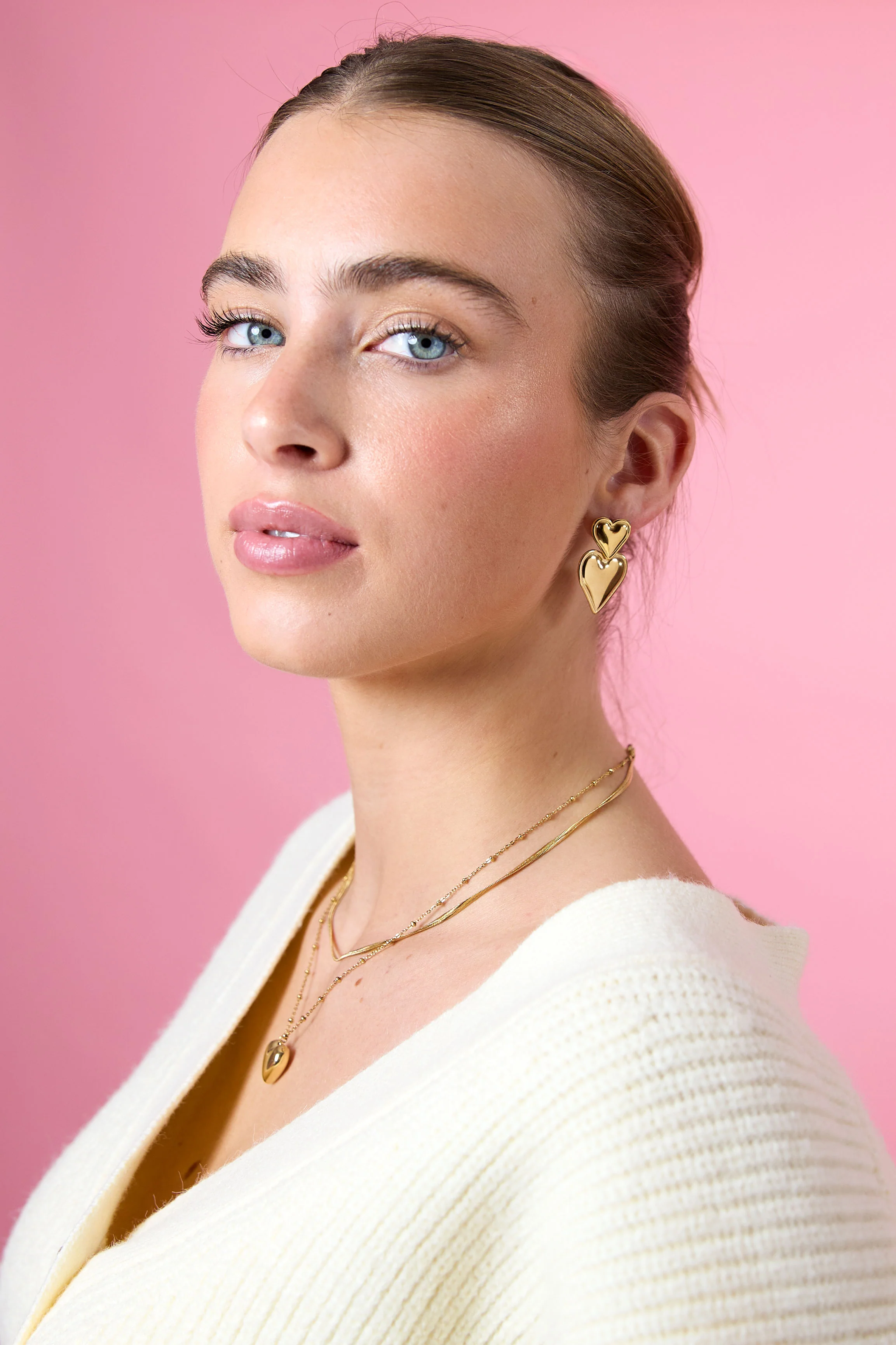
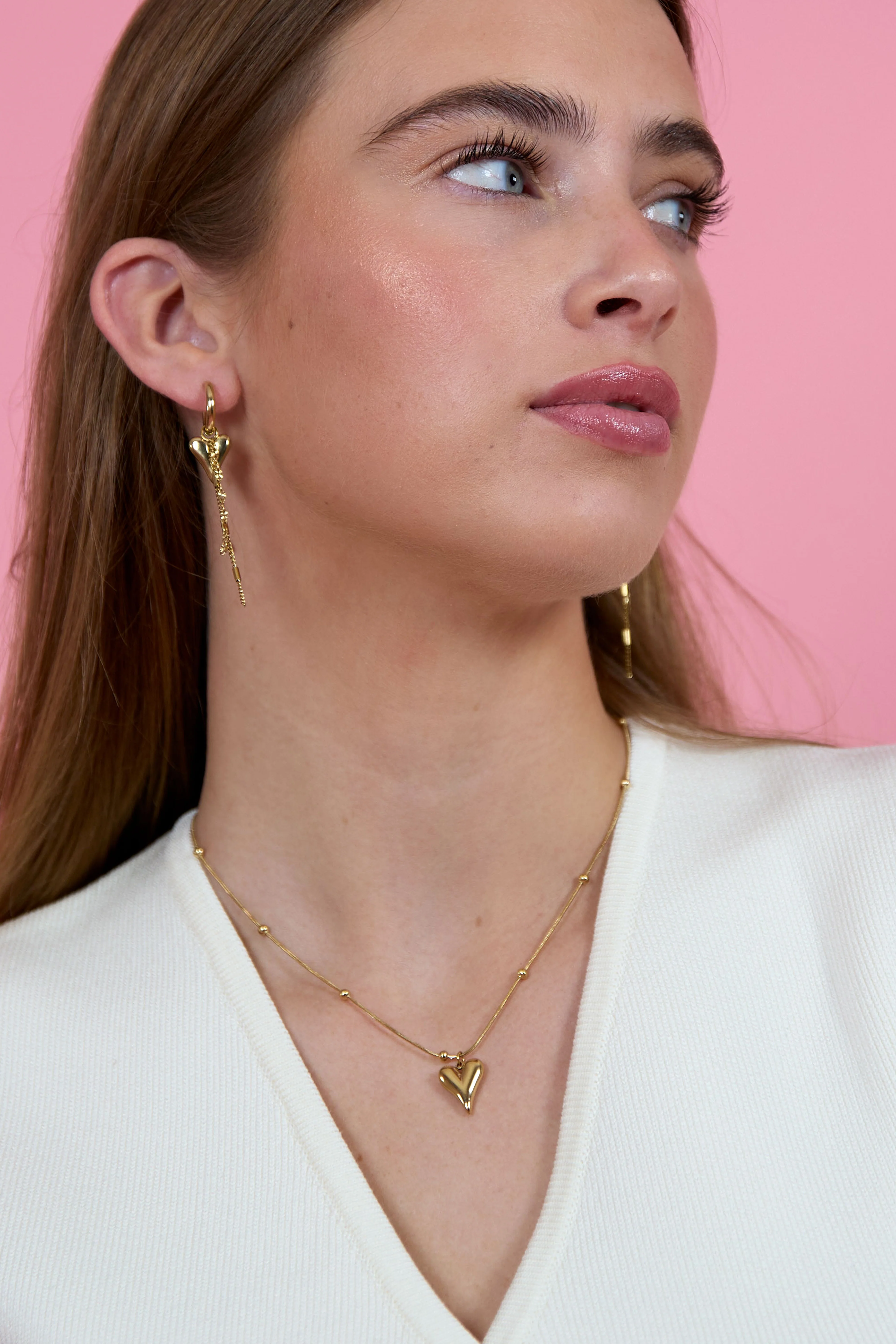
 Fiep Bonnier (Fiep Pauline Elisabeth Bonnier) Height : 5’-7″ - 1,70m Eyes : Blue Hair : Brown https://www.instagram.com/fiepbonnier_/ Brooklyn Model Management, Models Office


- Today
 fratata46 joined the community
 left is Maggie Rawlins
 Happy New Year everyone
 Arango Kure for Vogue (2023)
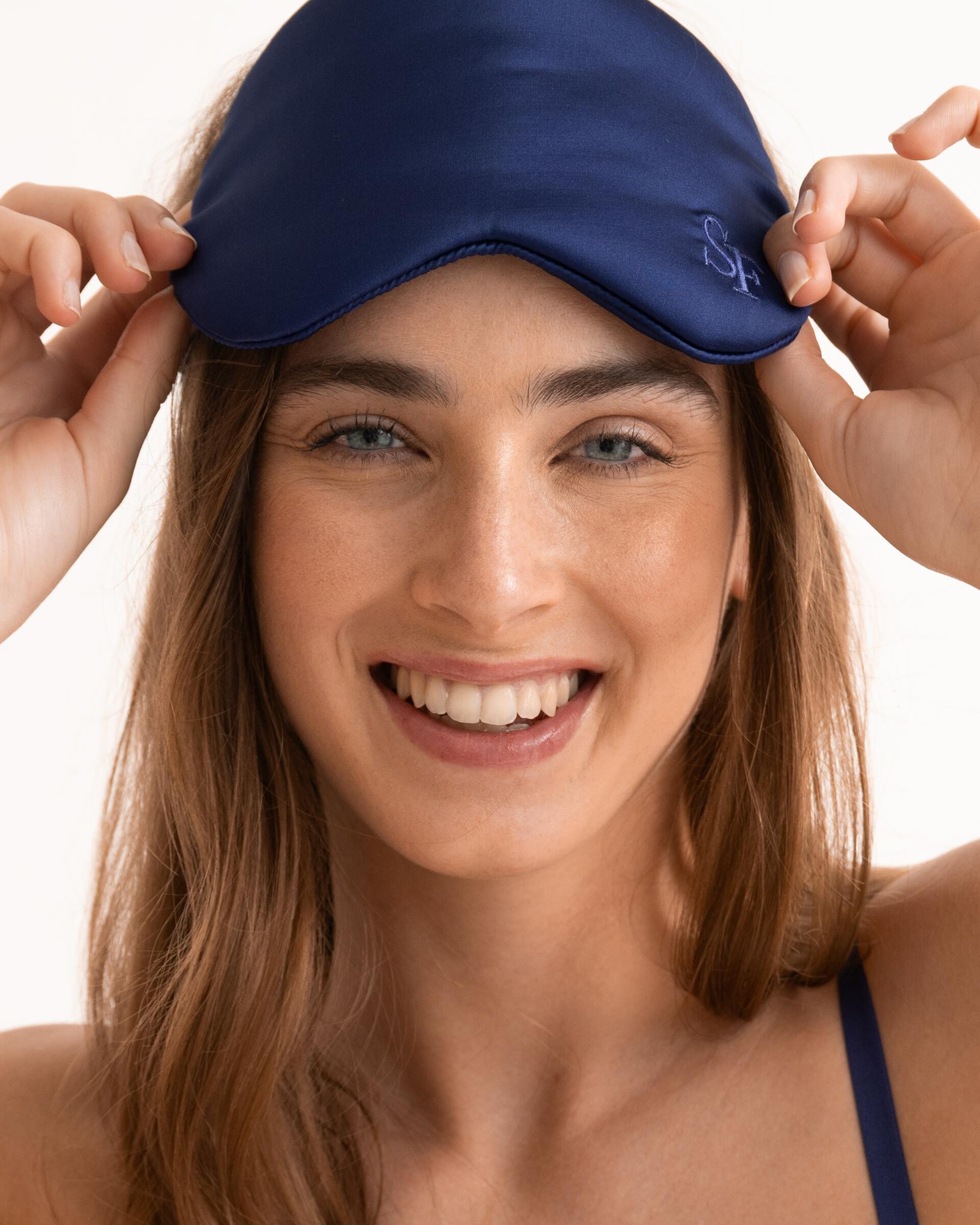
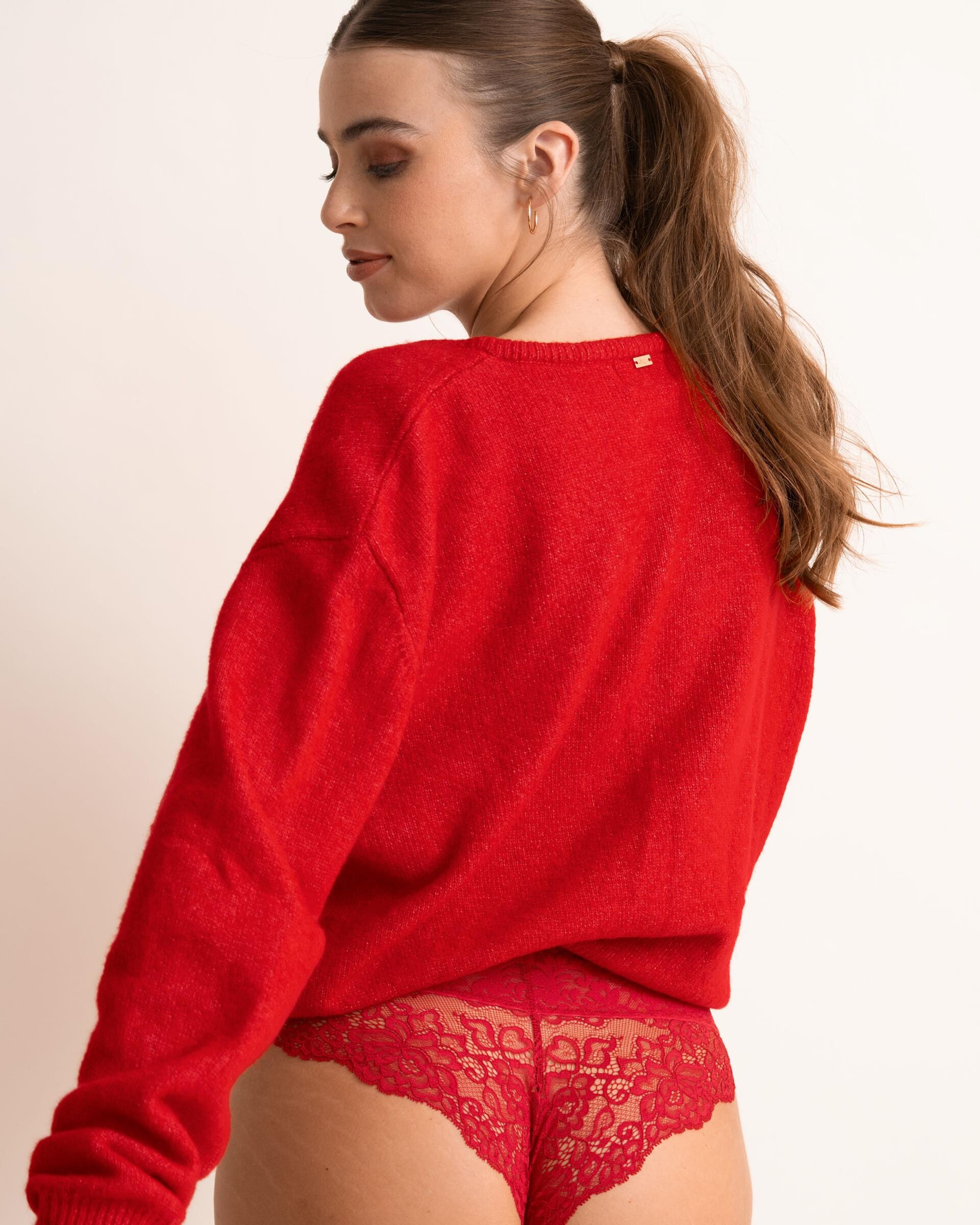
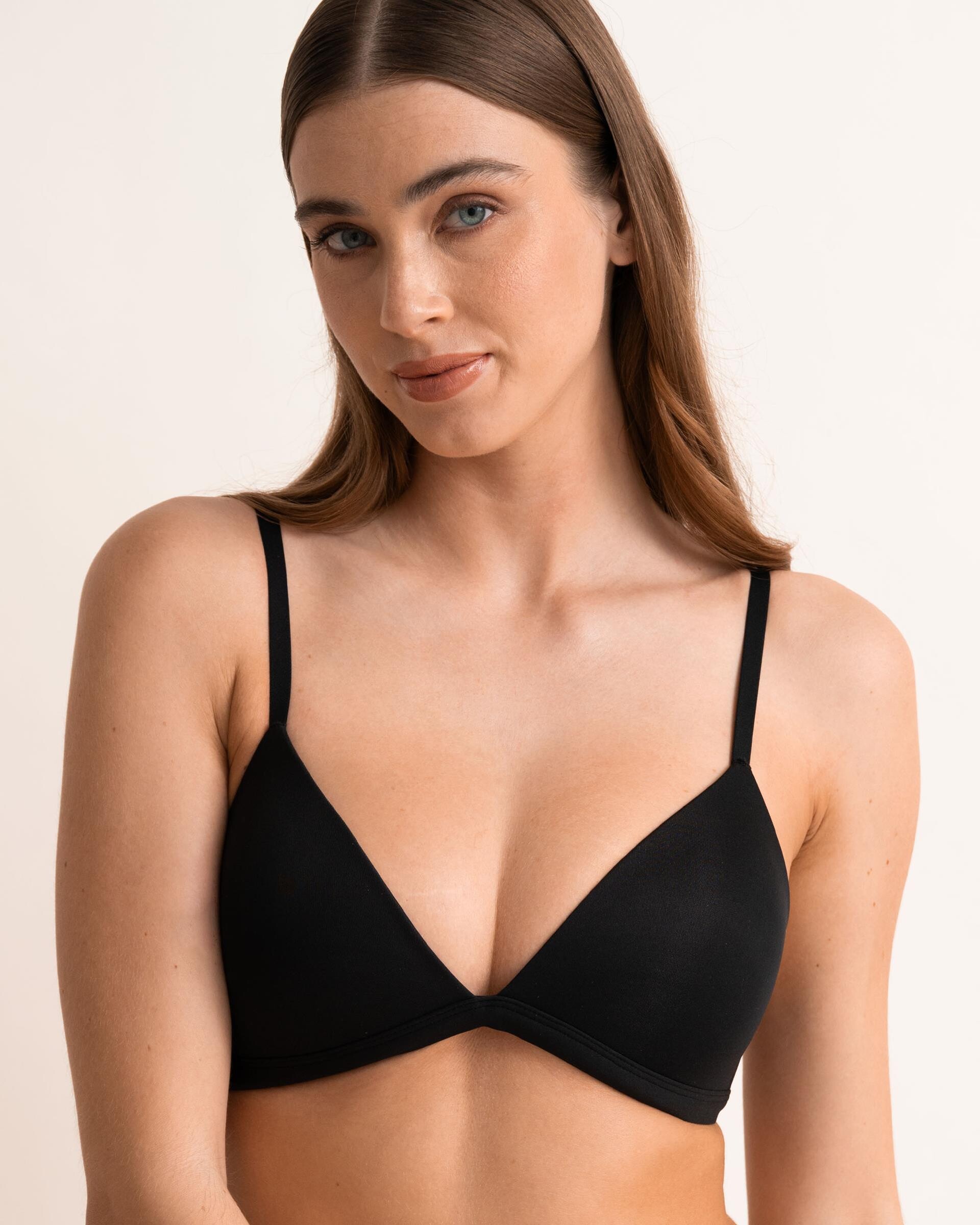
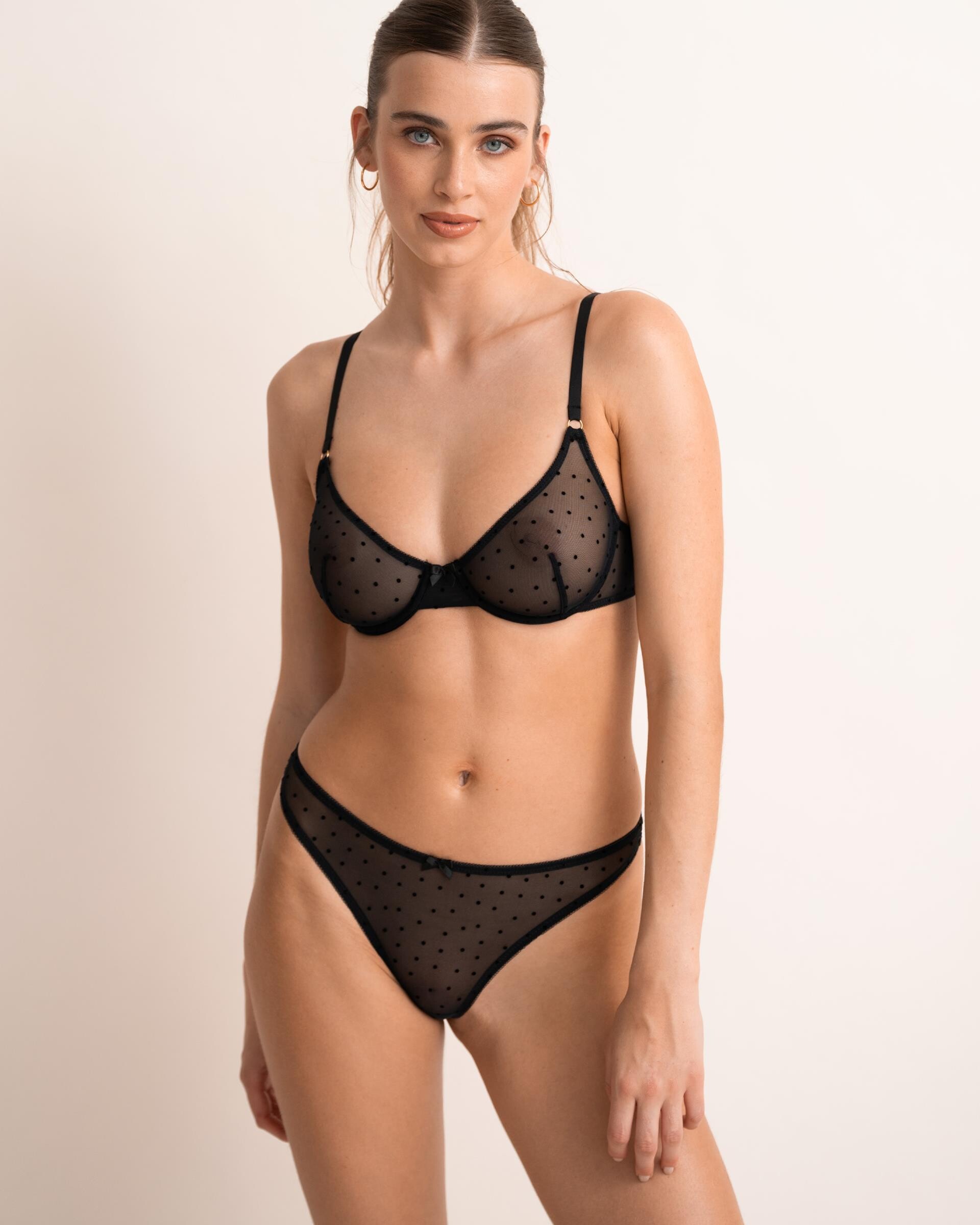
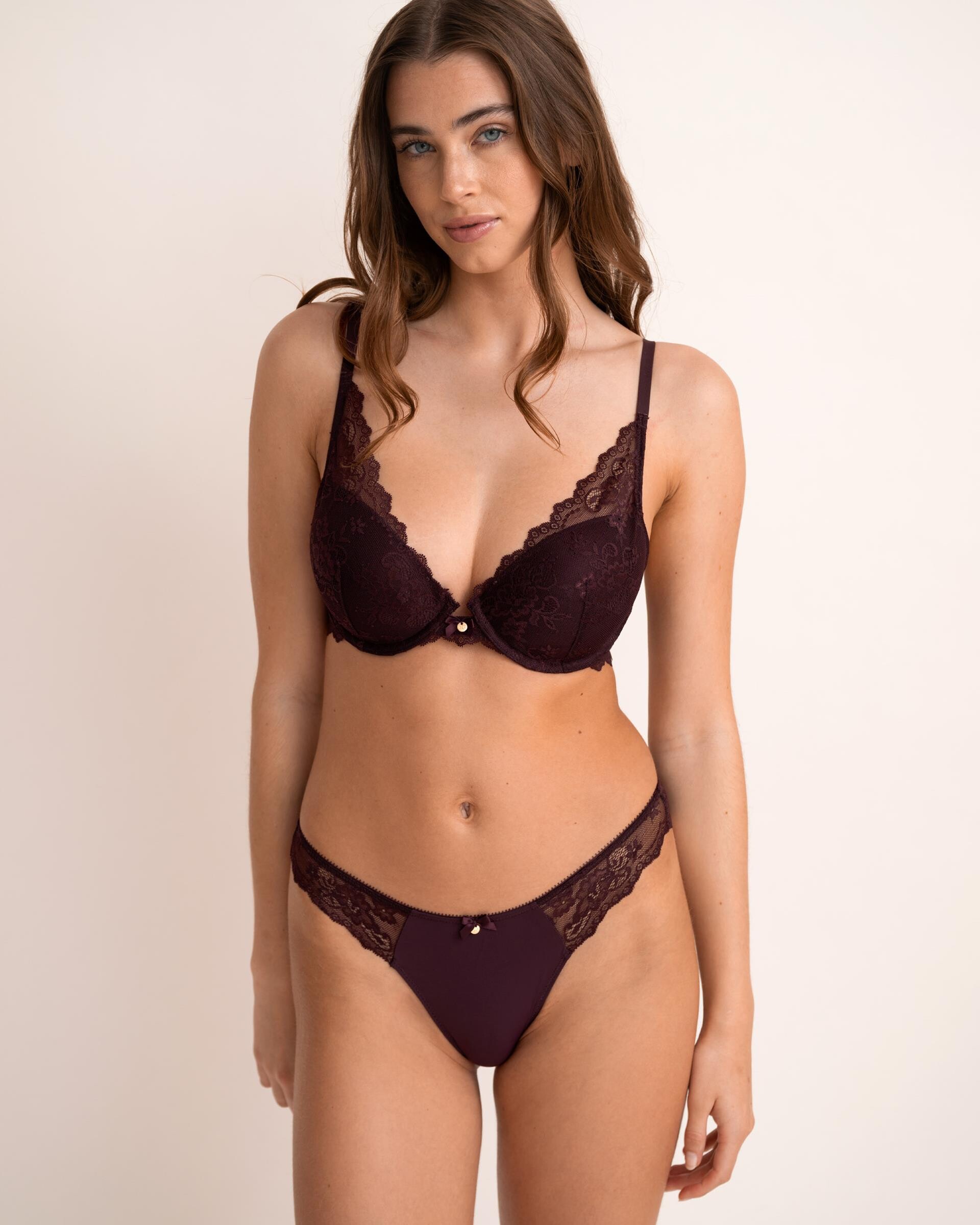
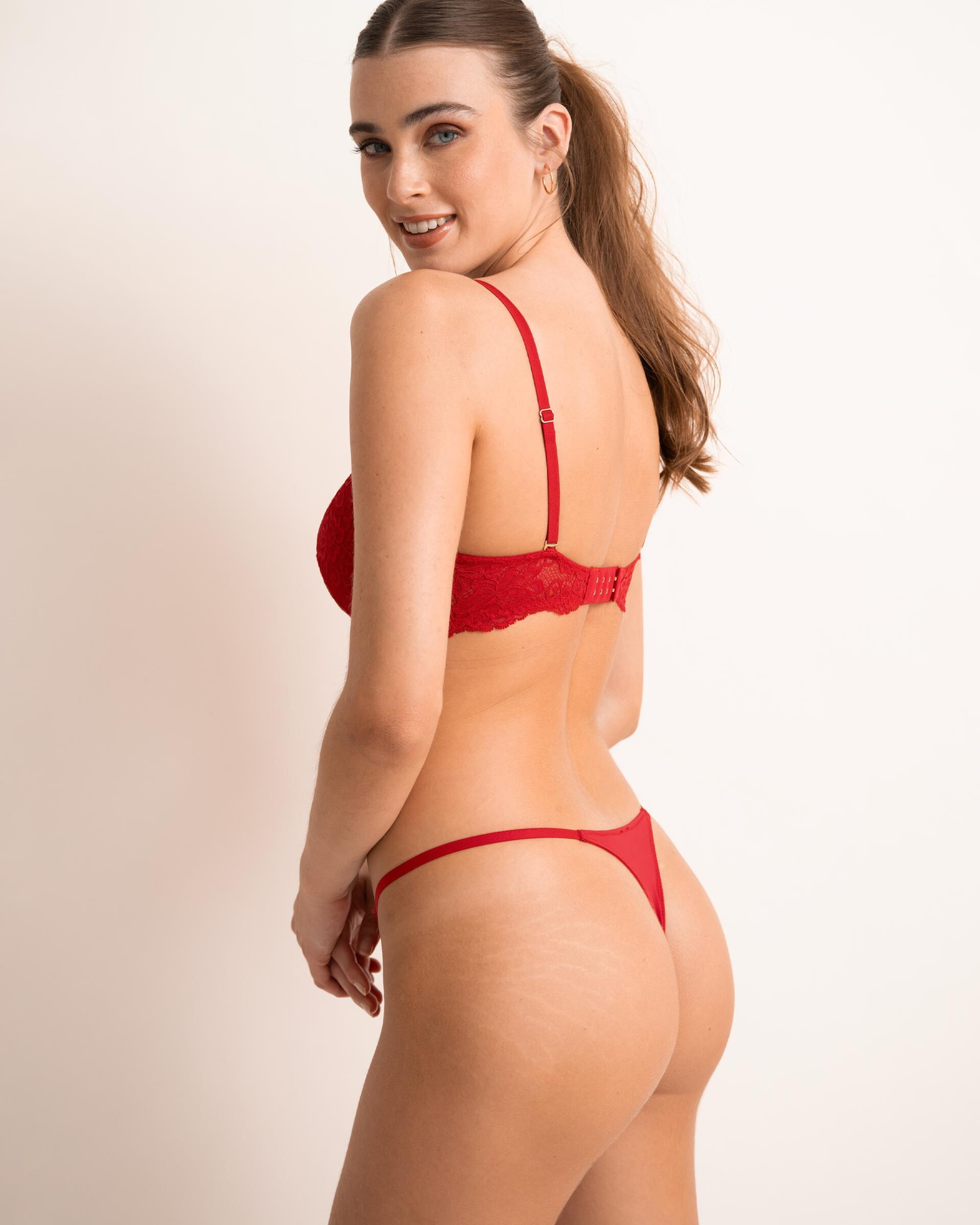
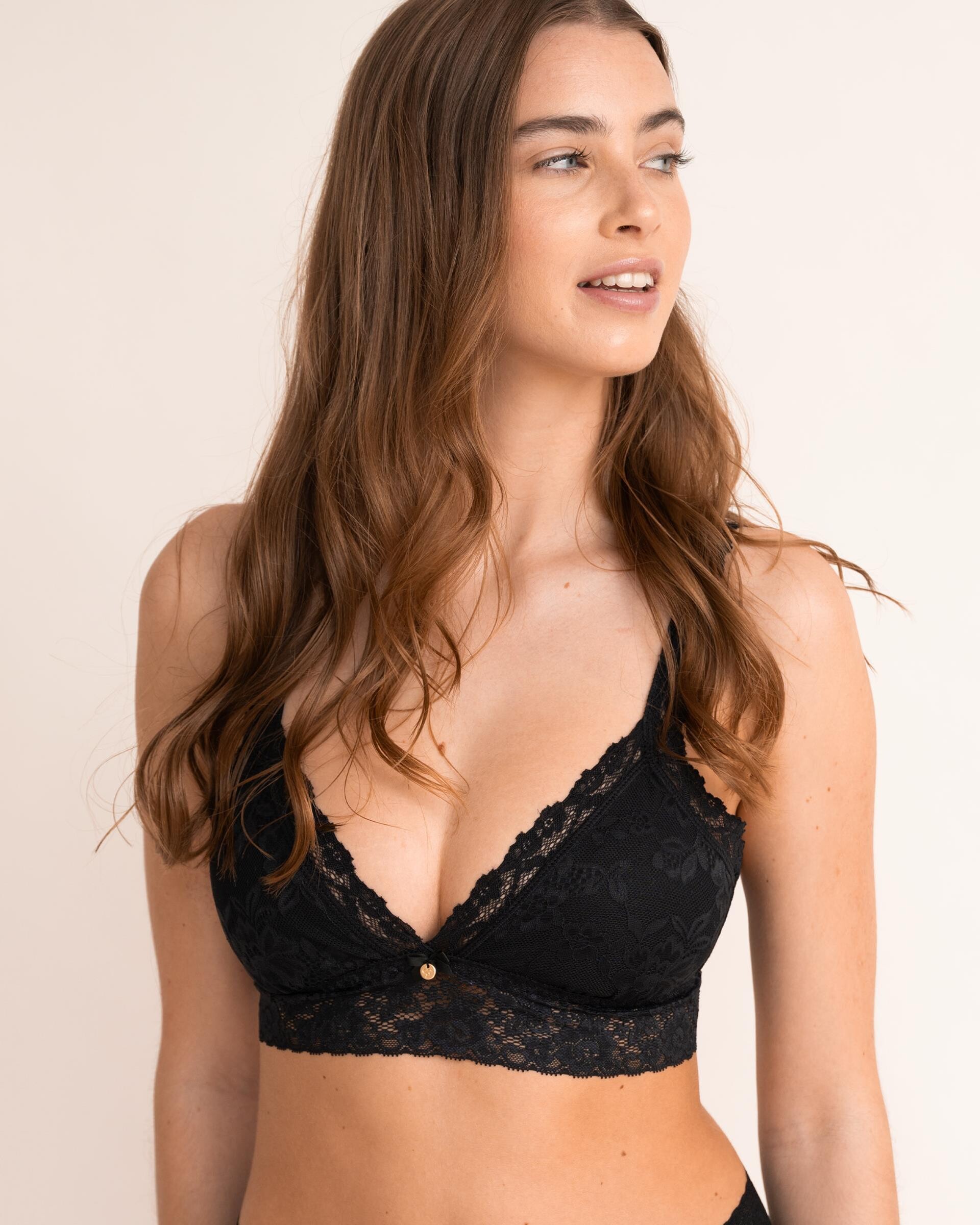
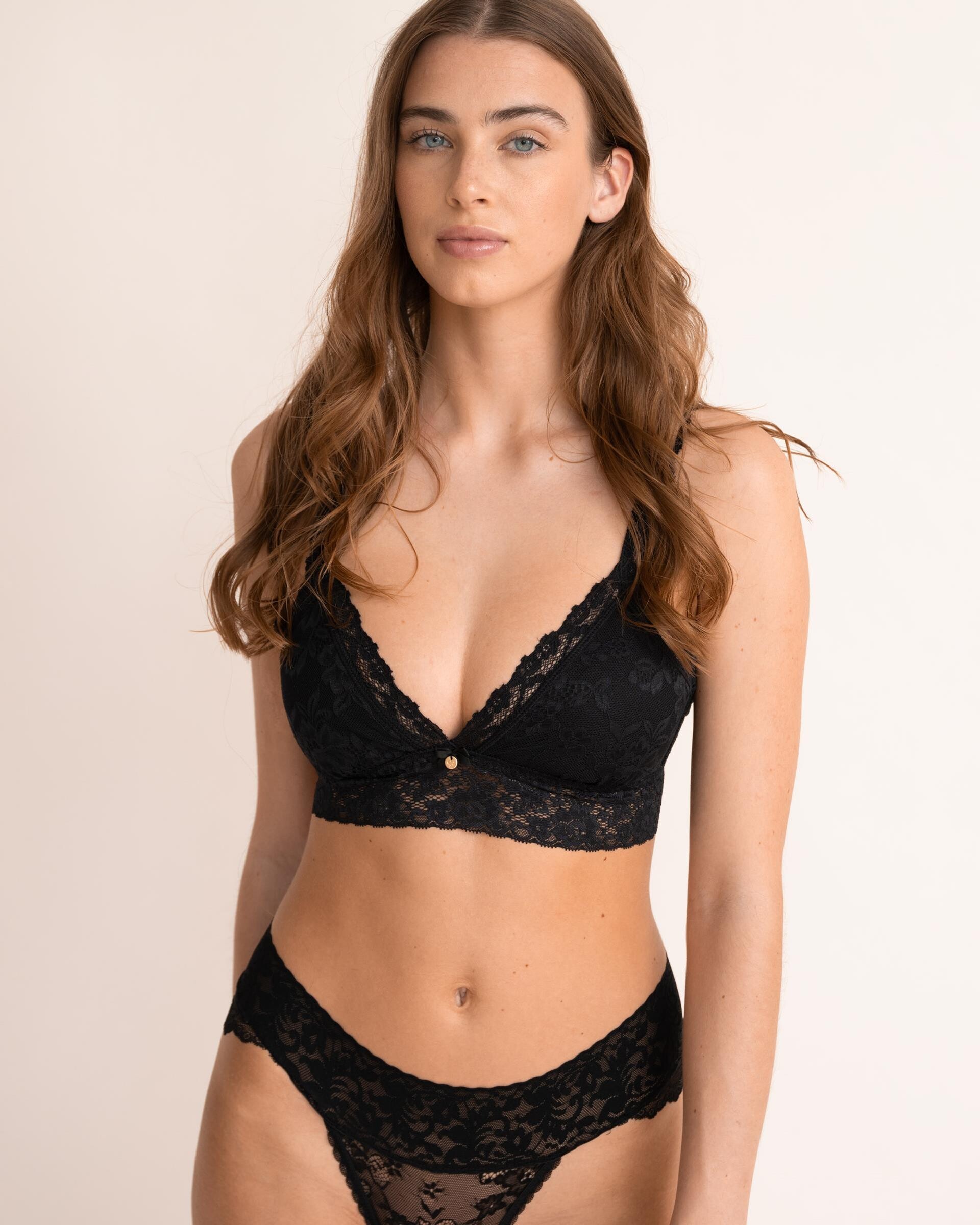
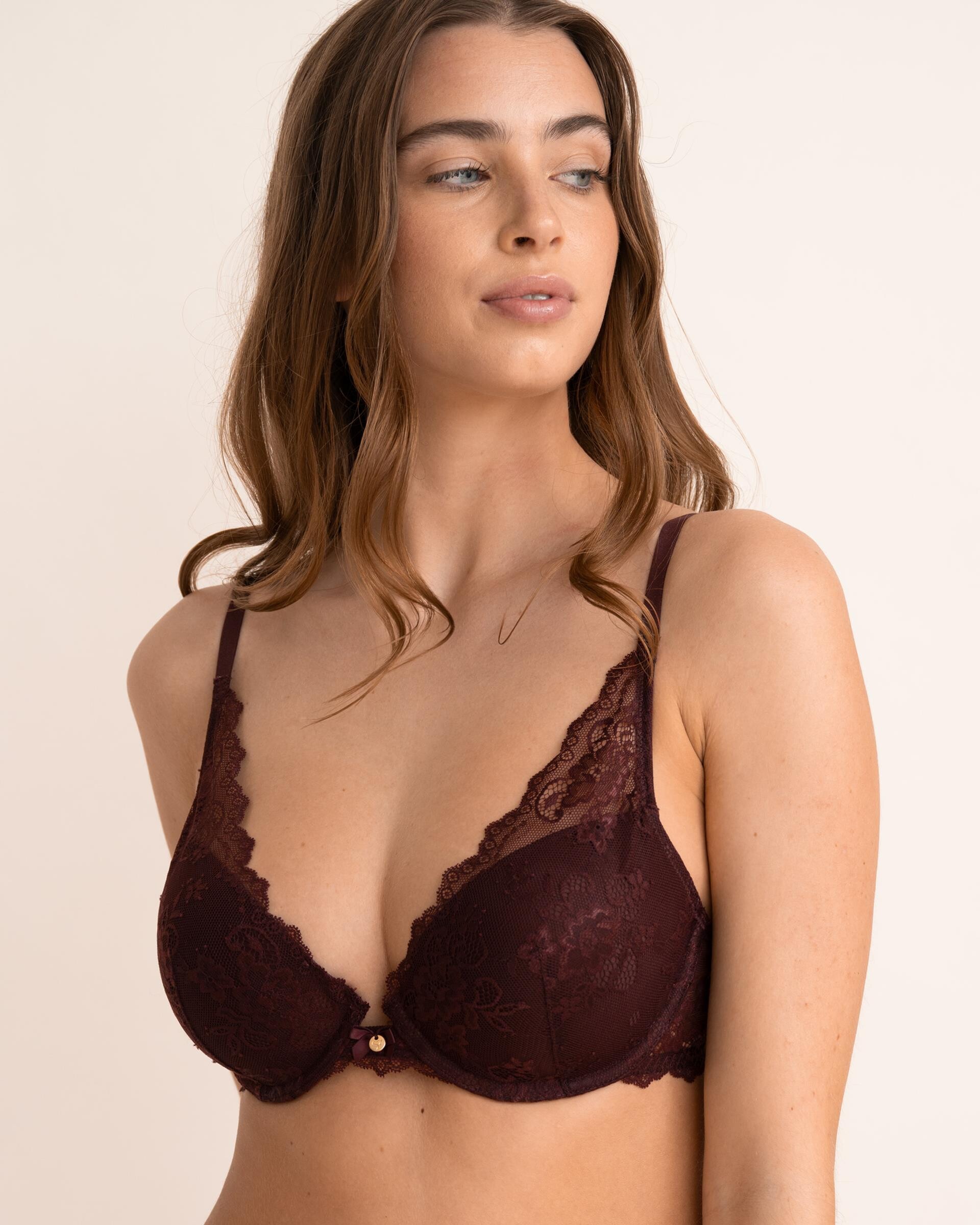
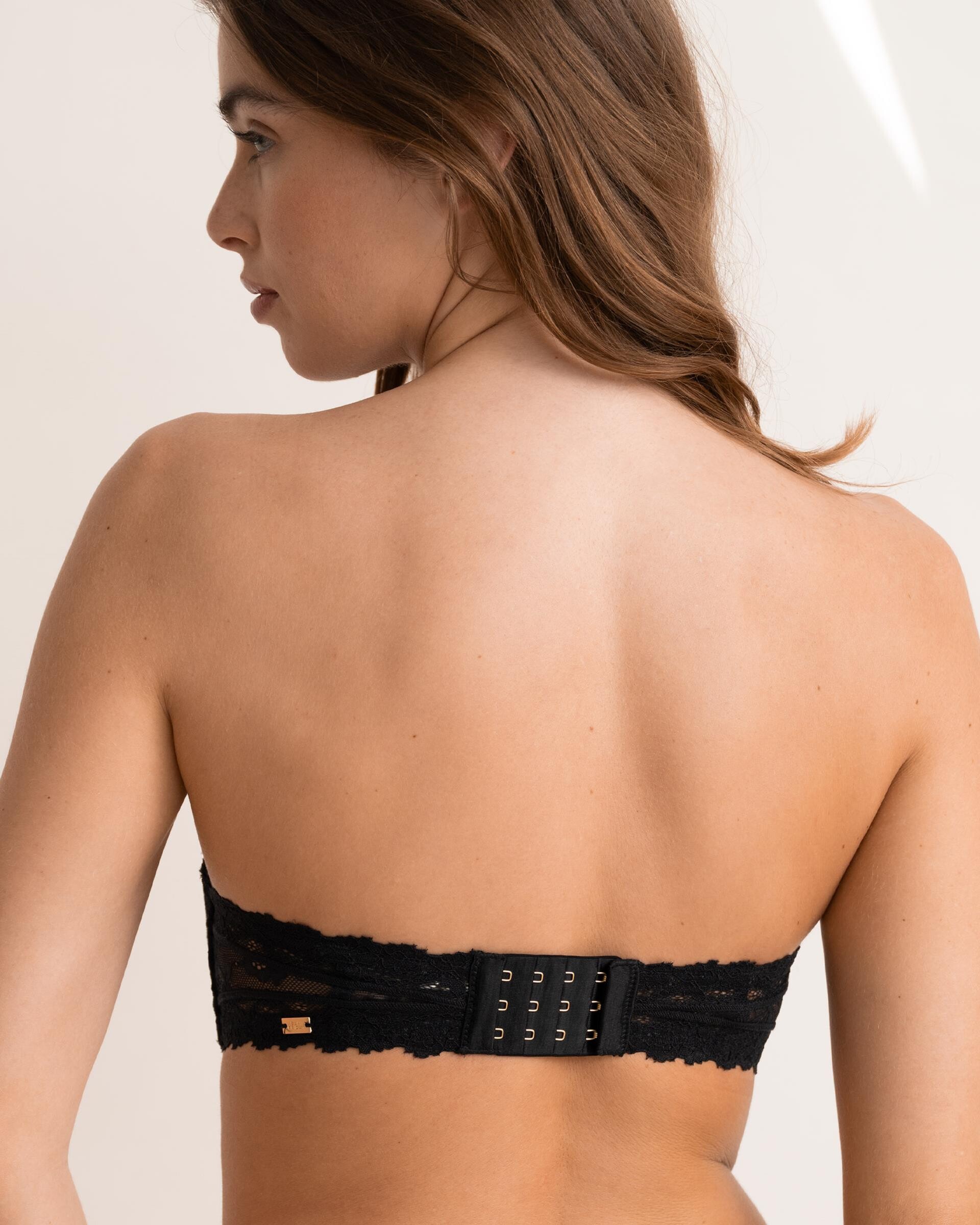
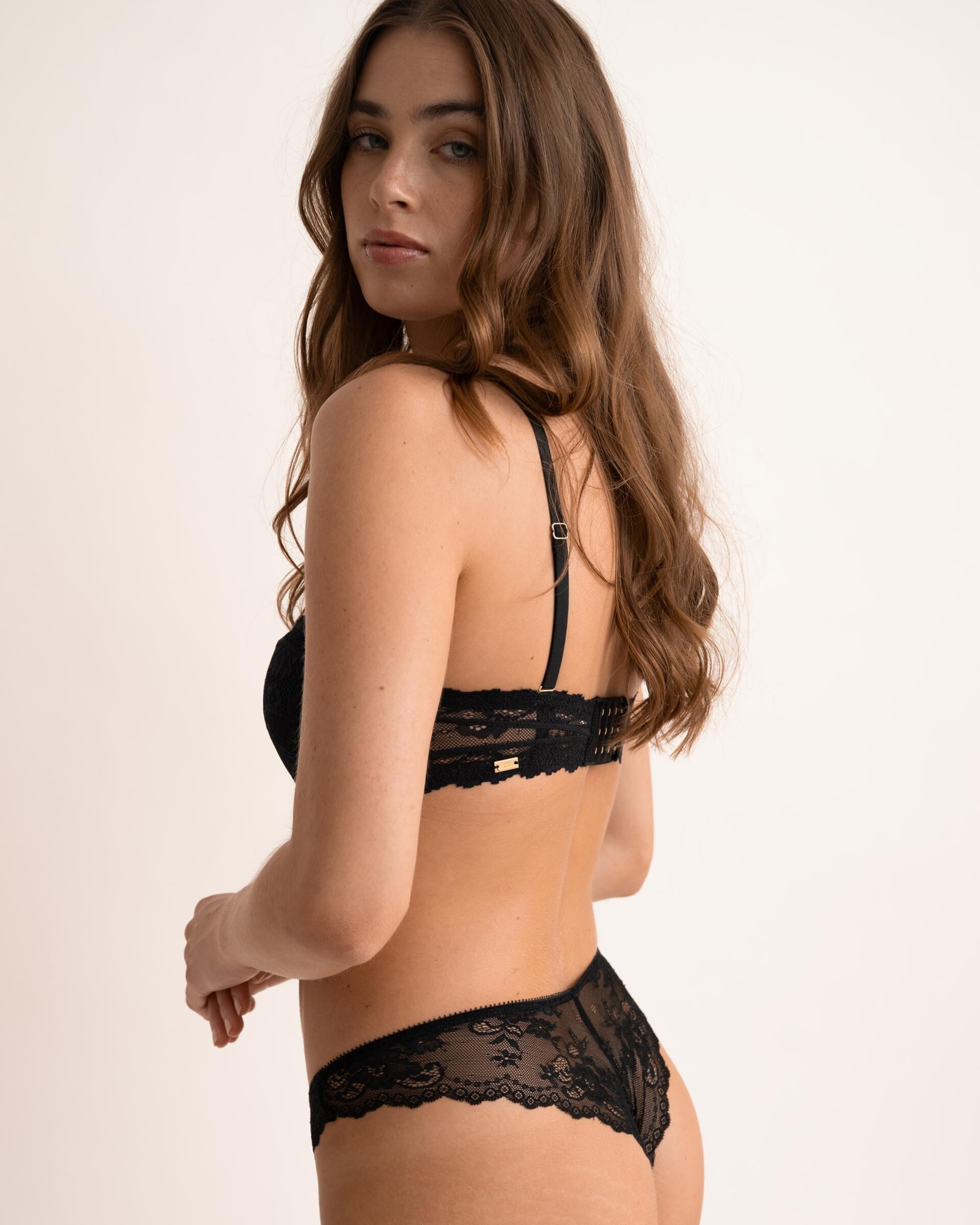
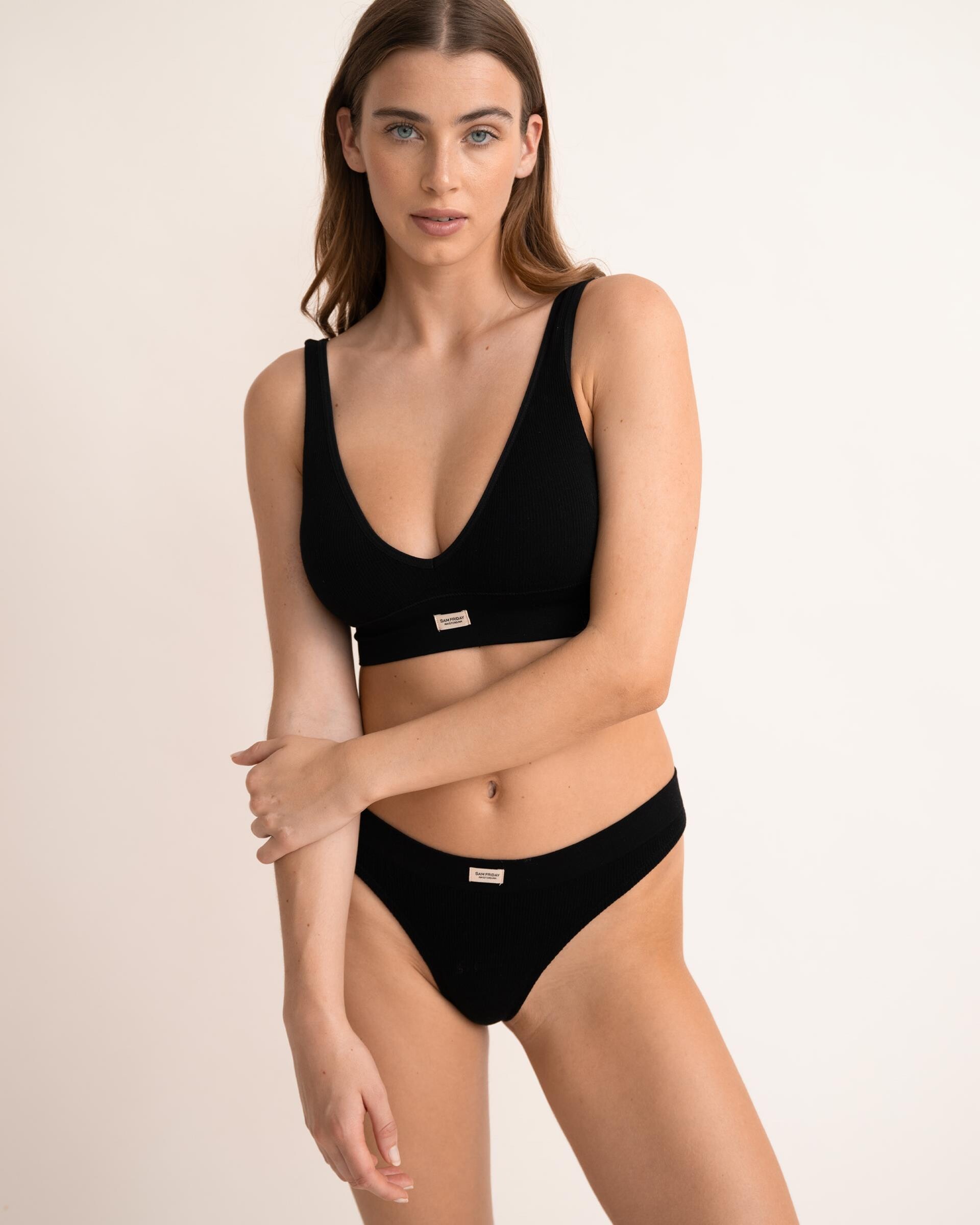
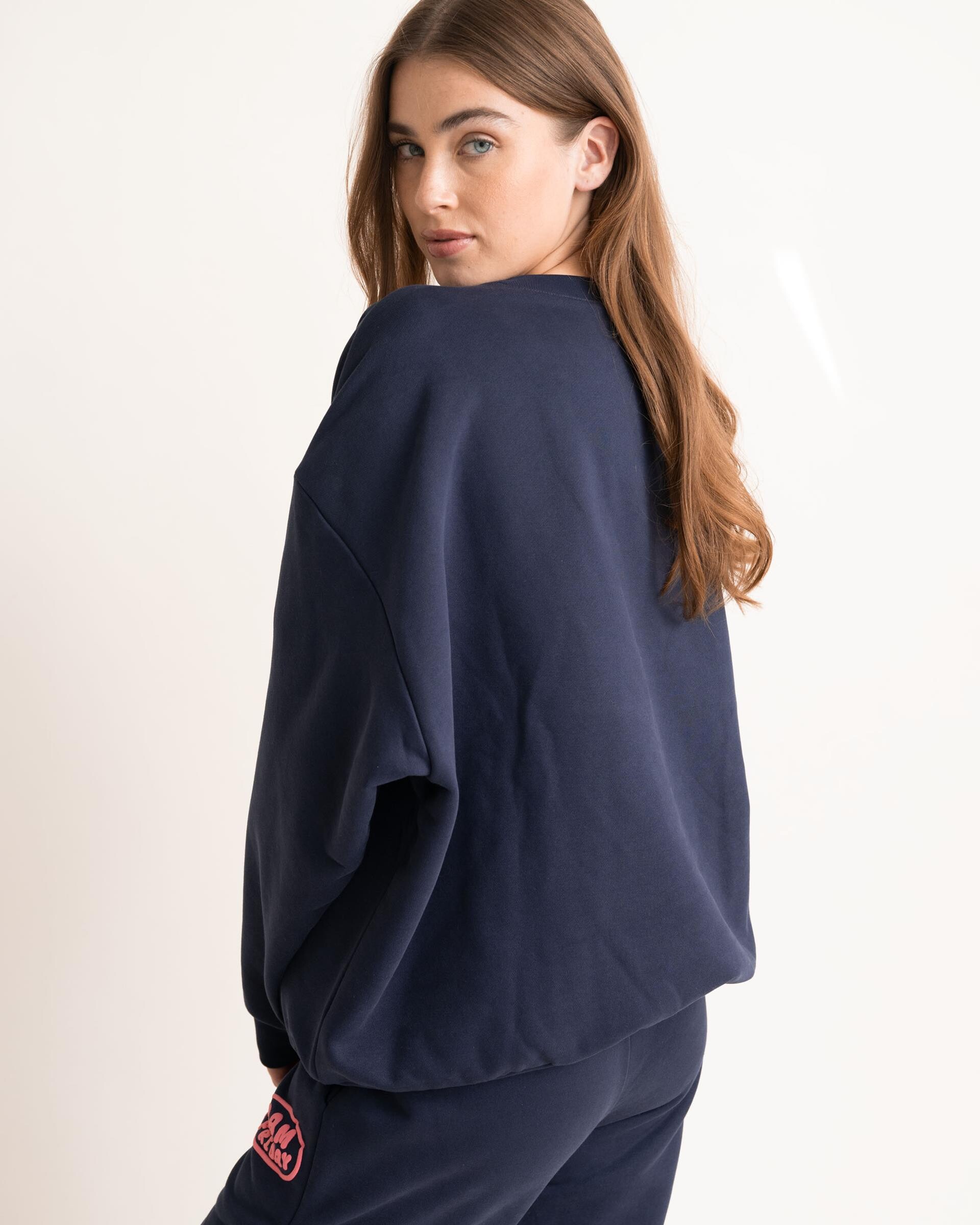
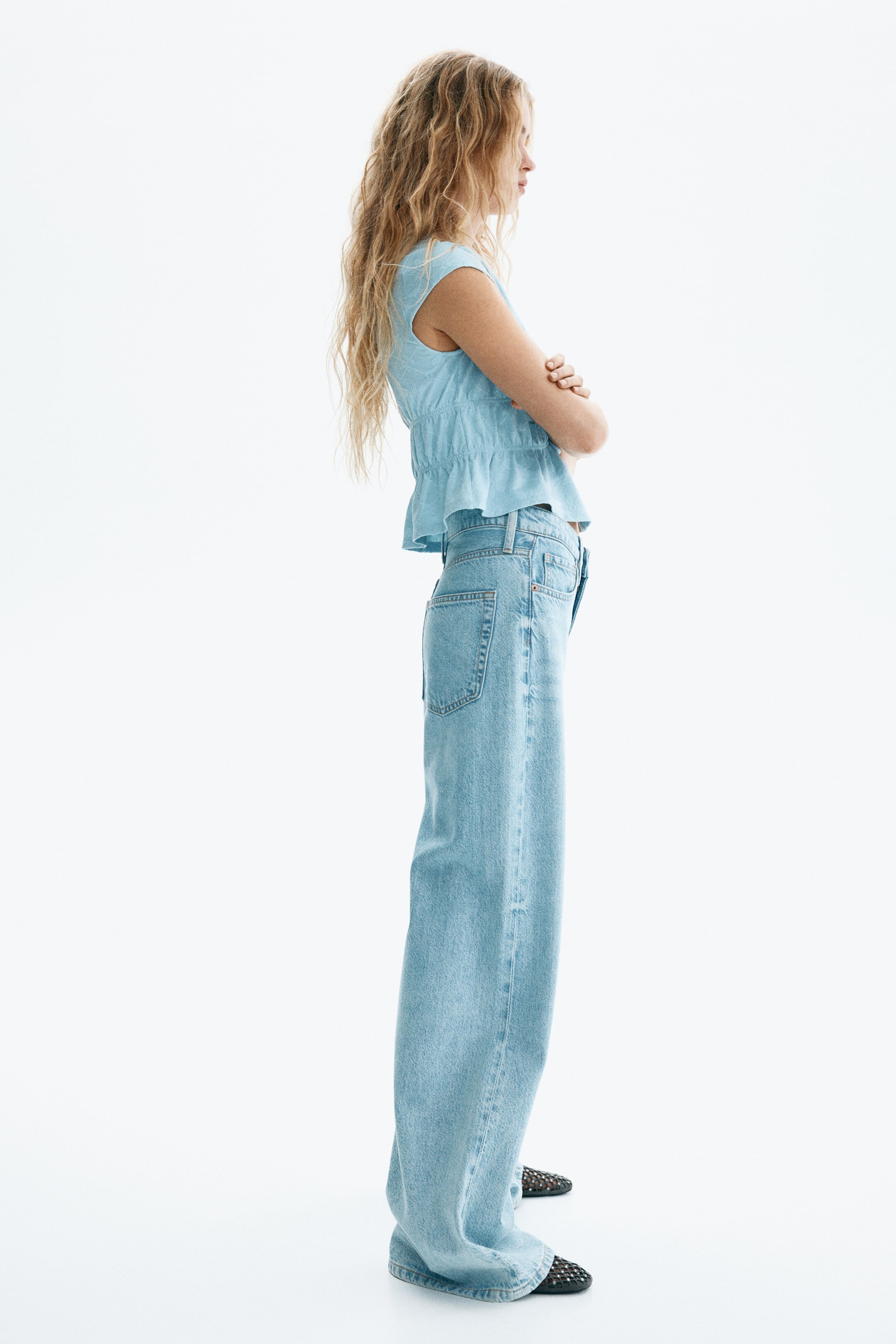
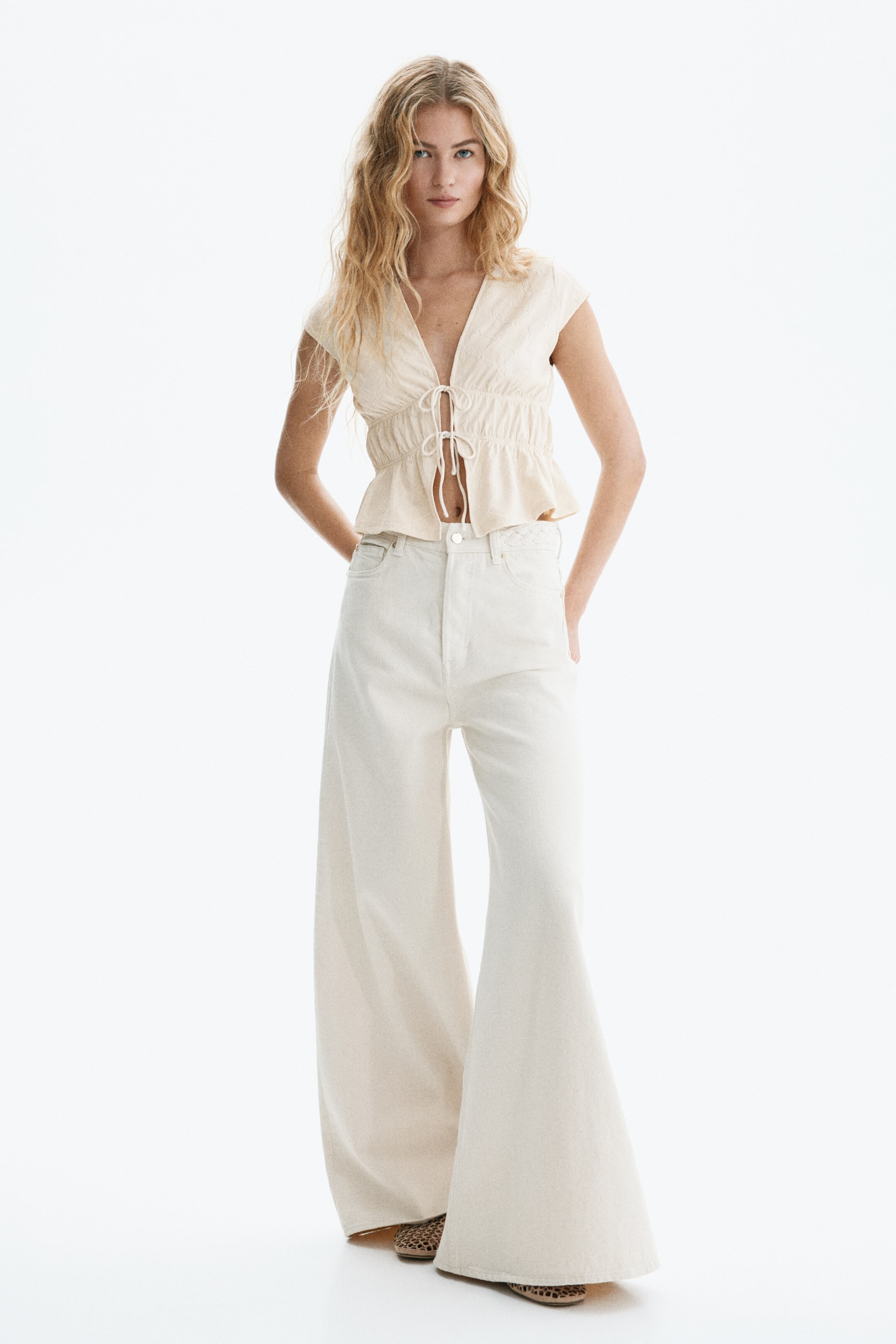
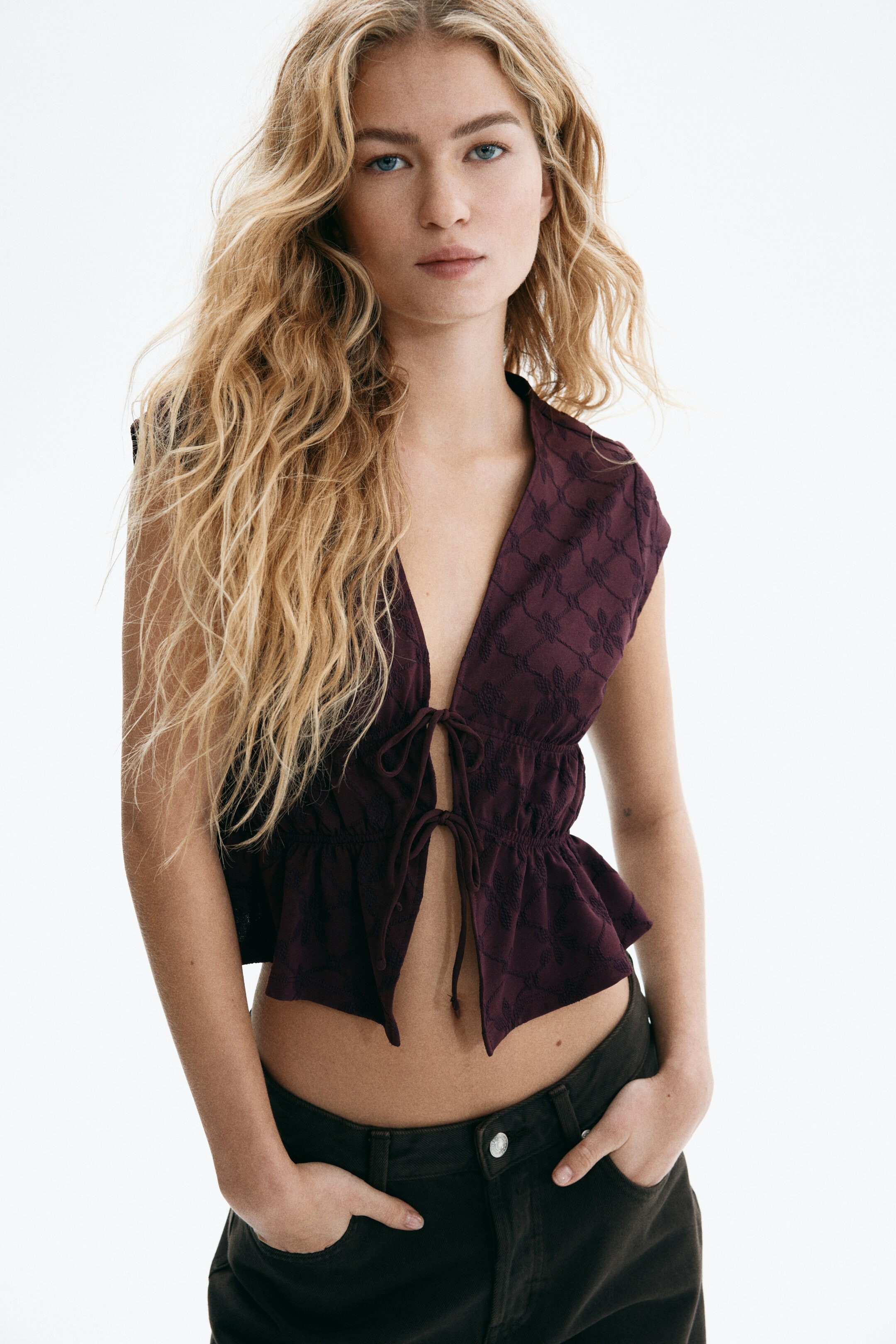
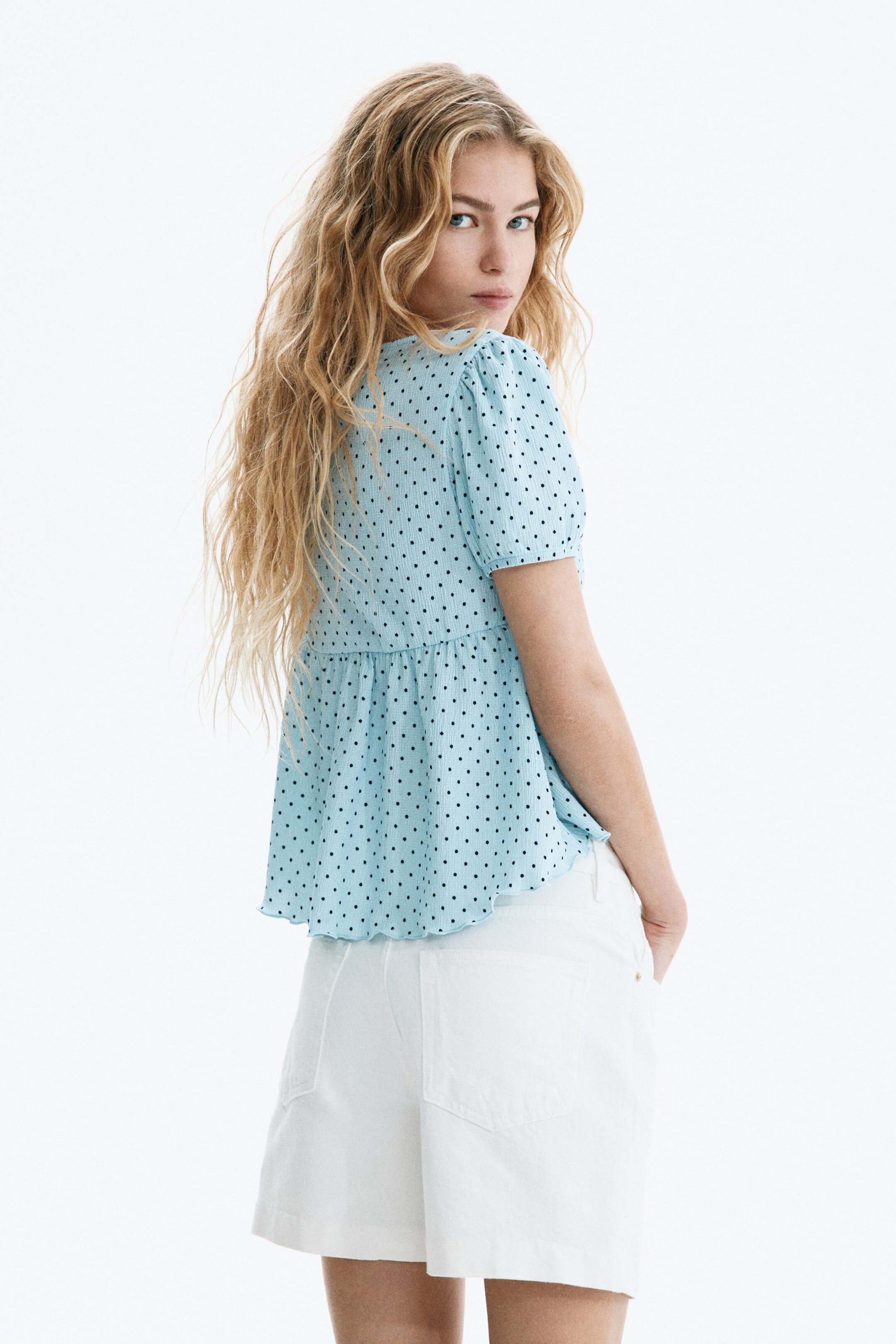
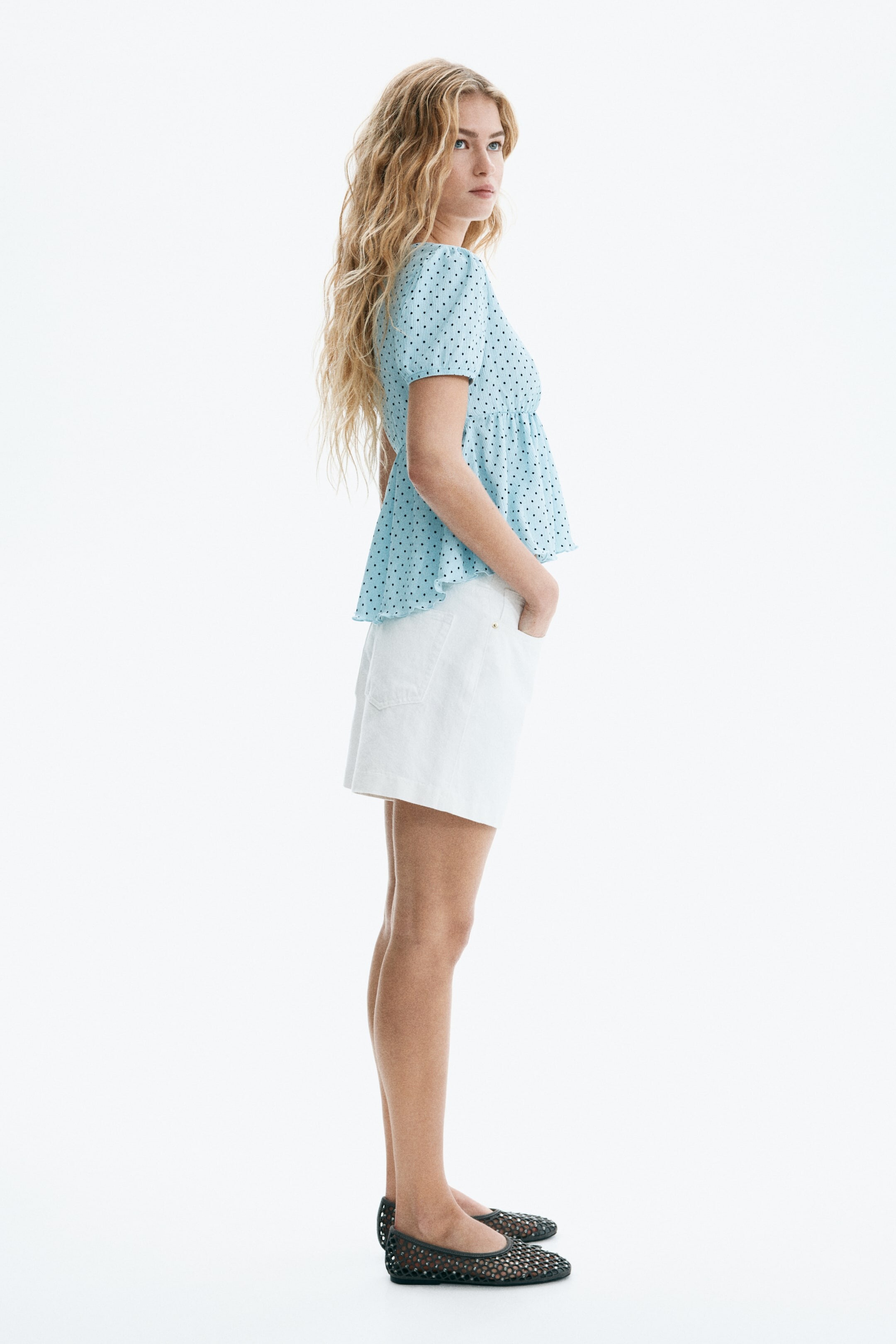
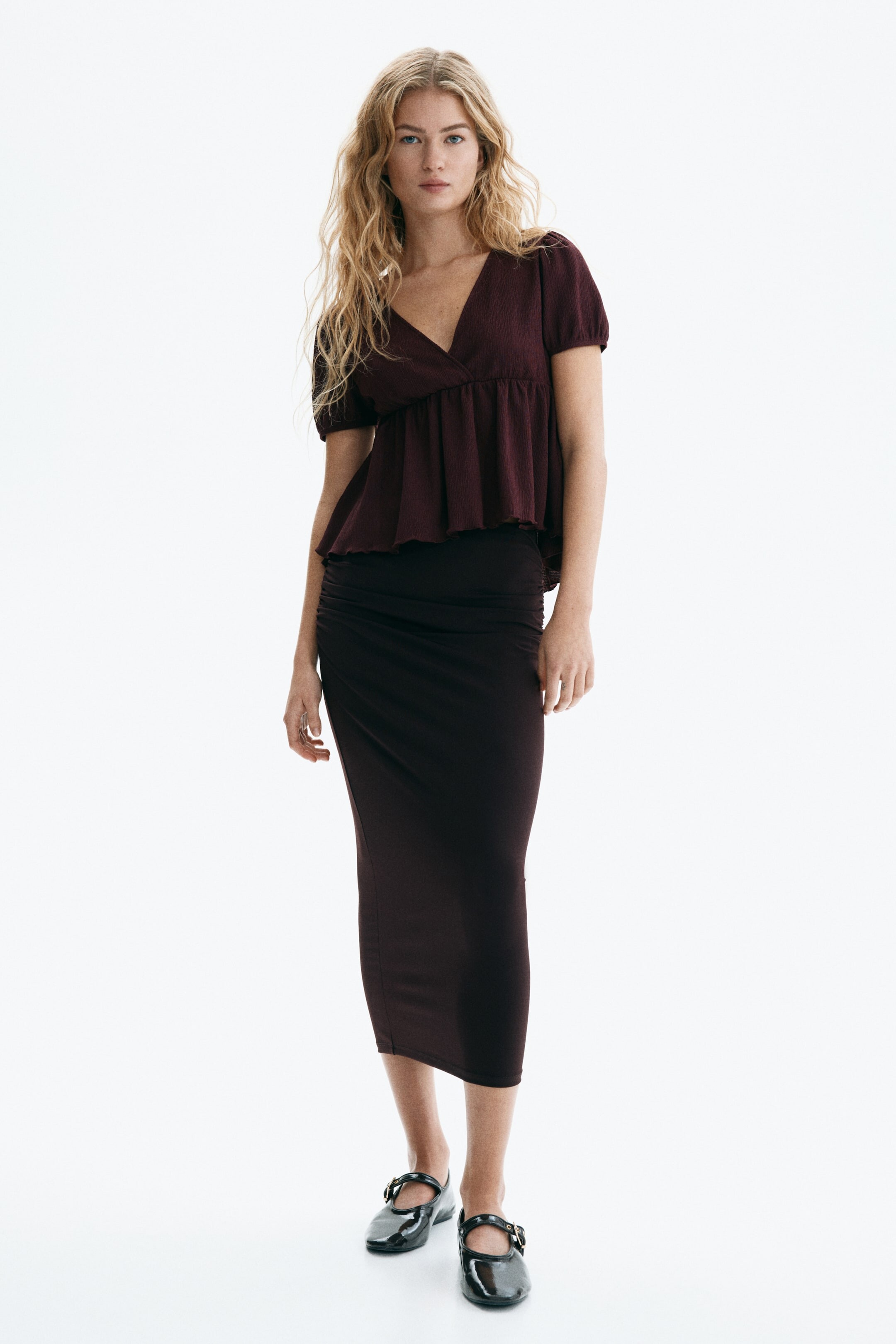
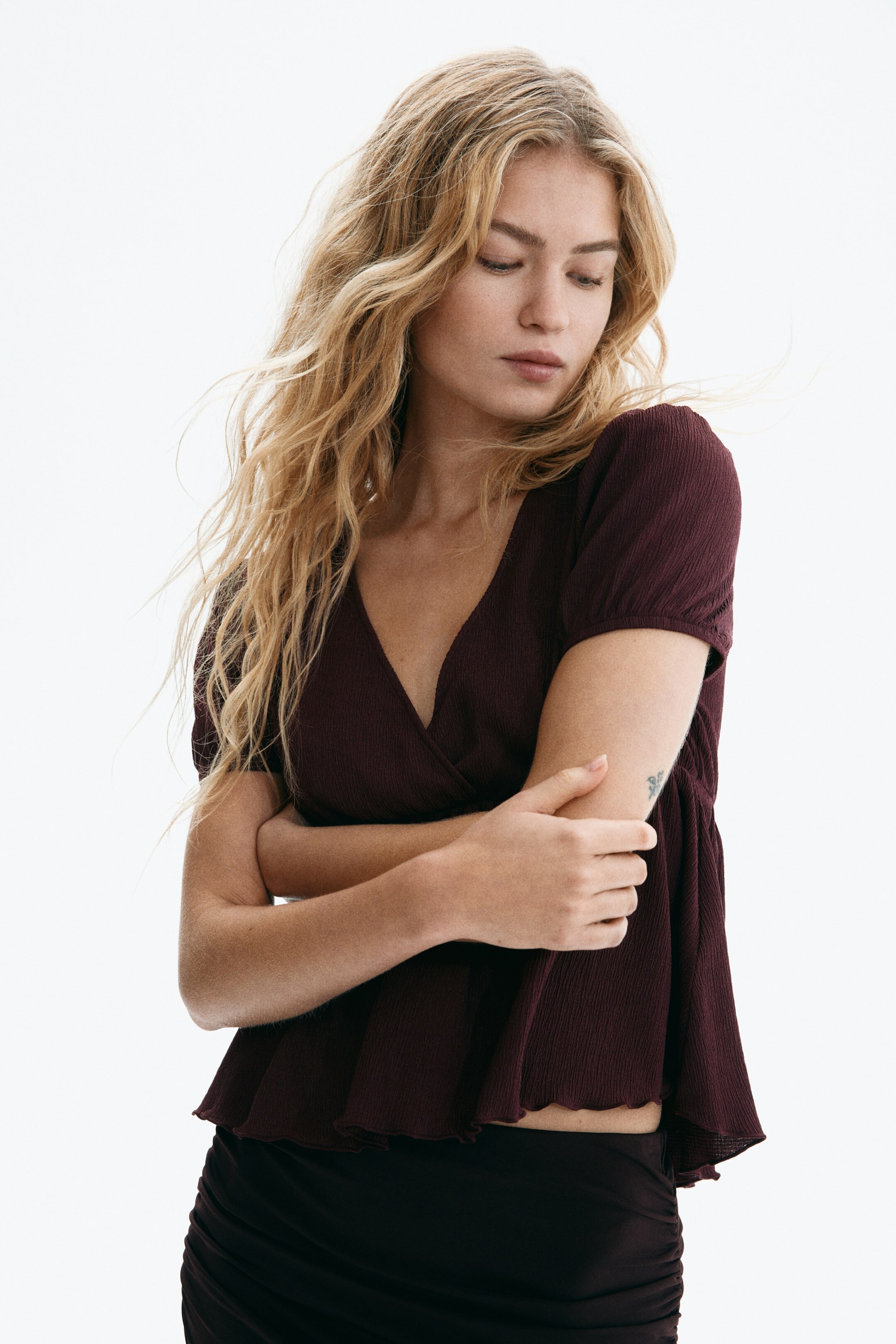
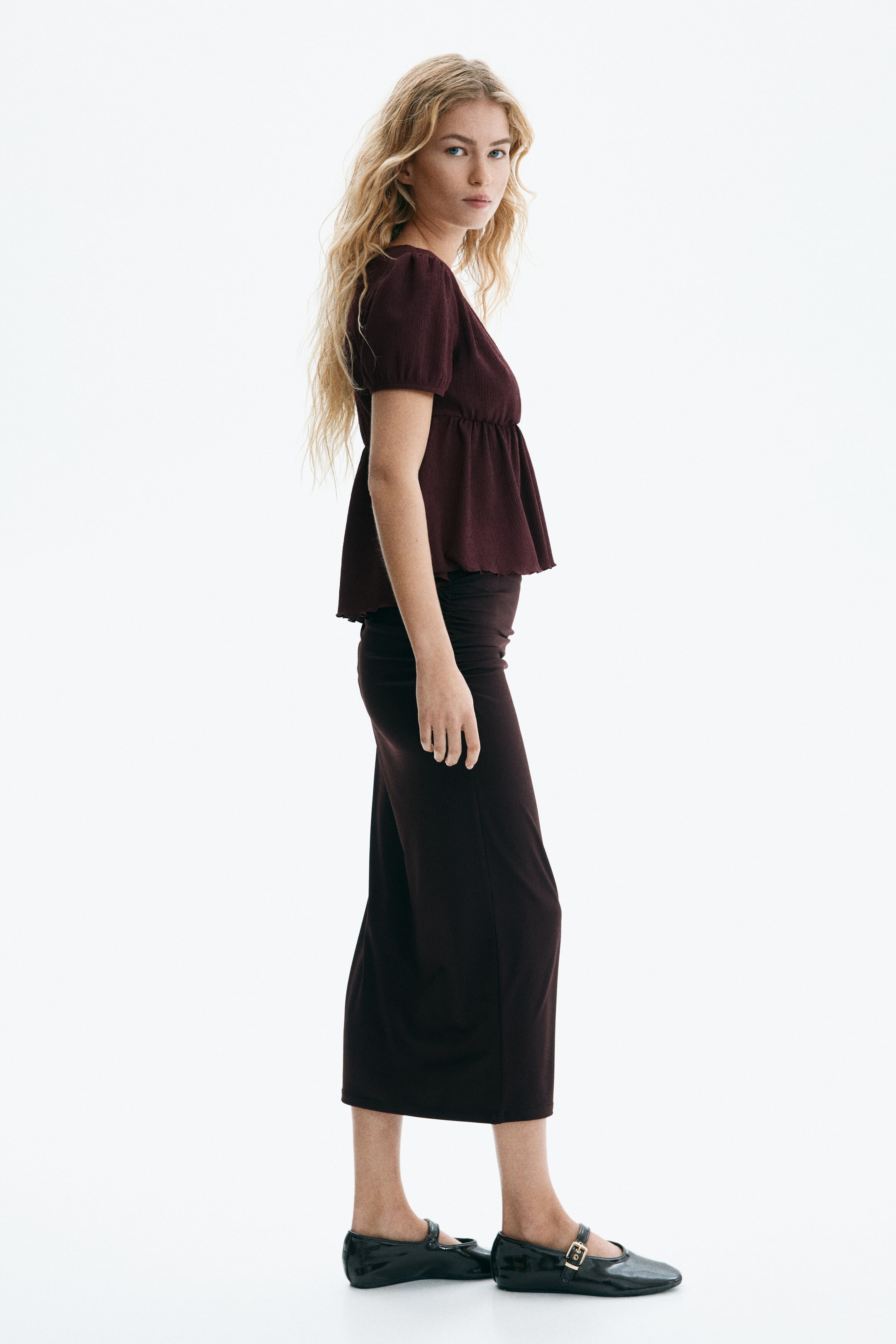
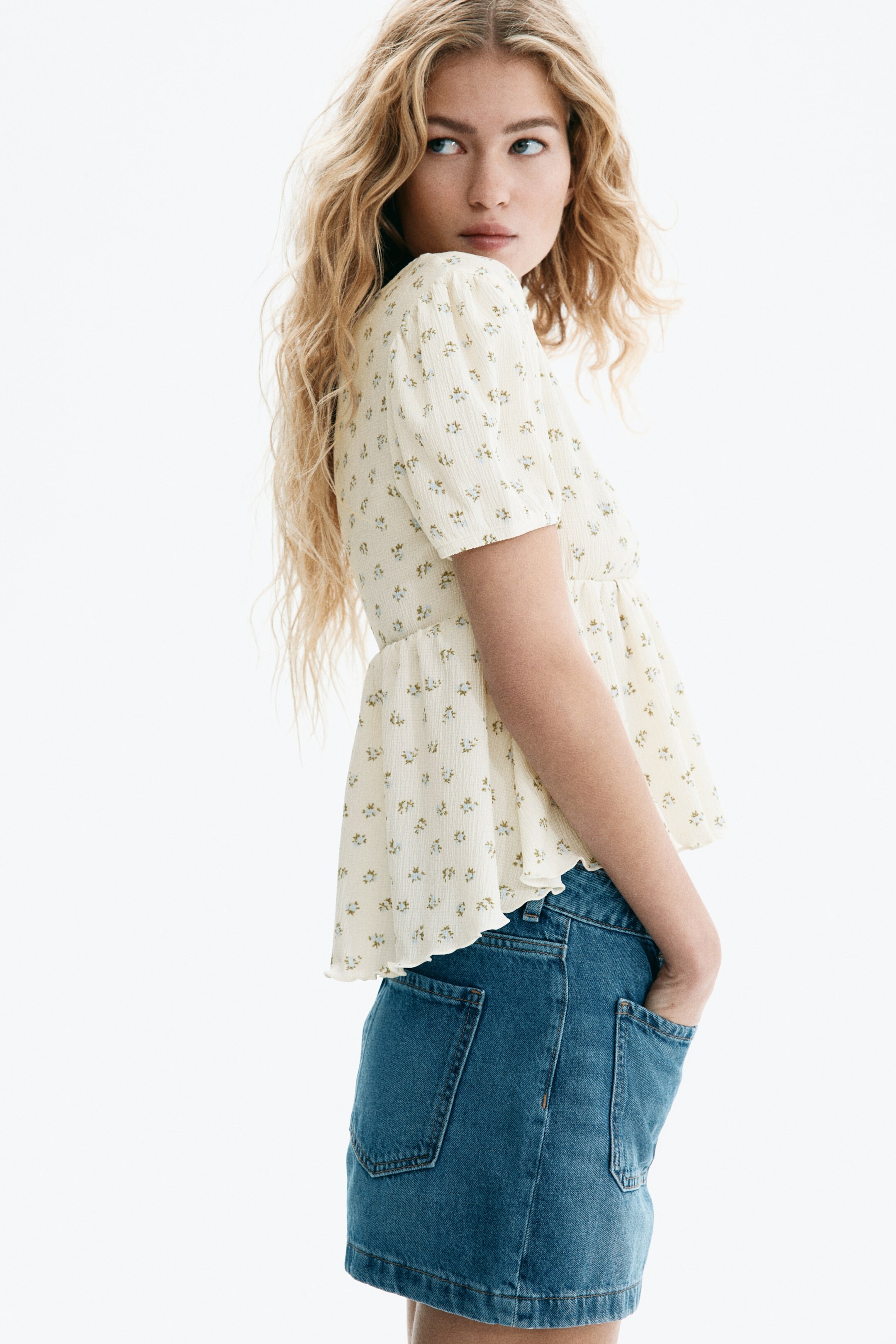
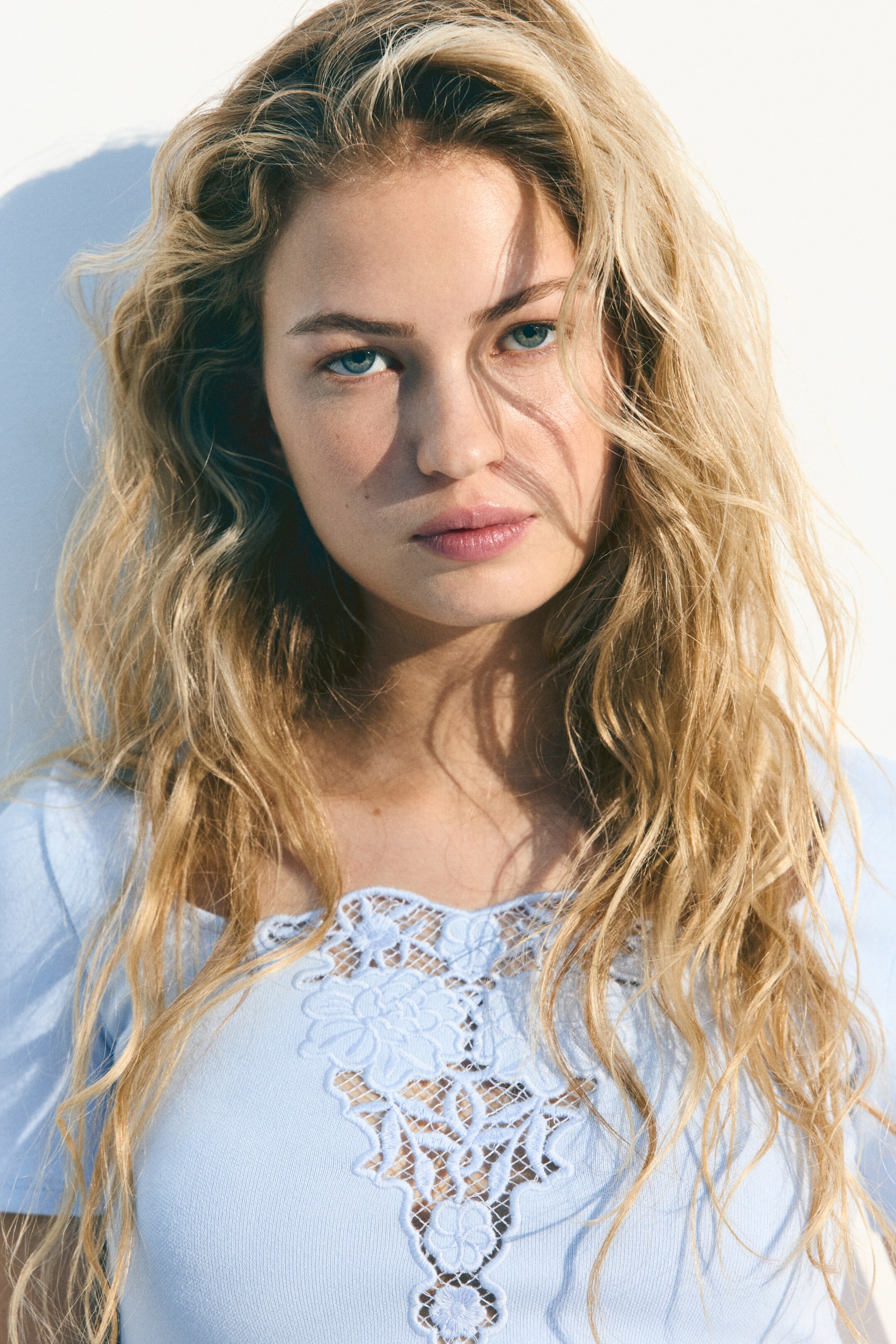
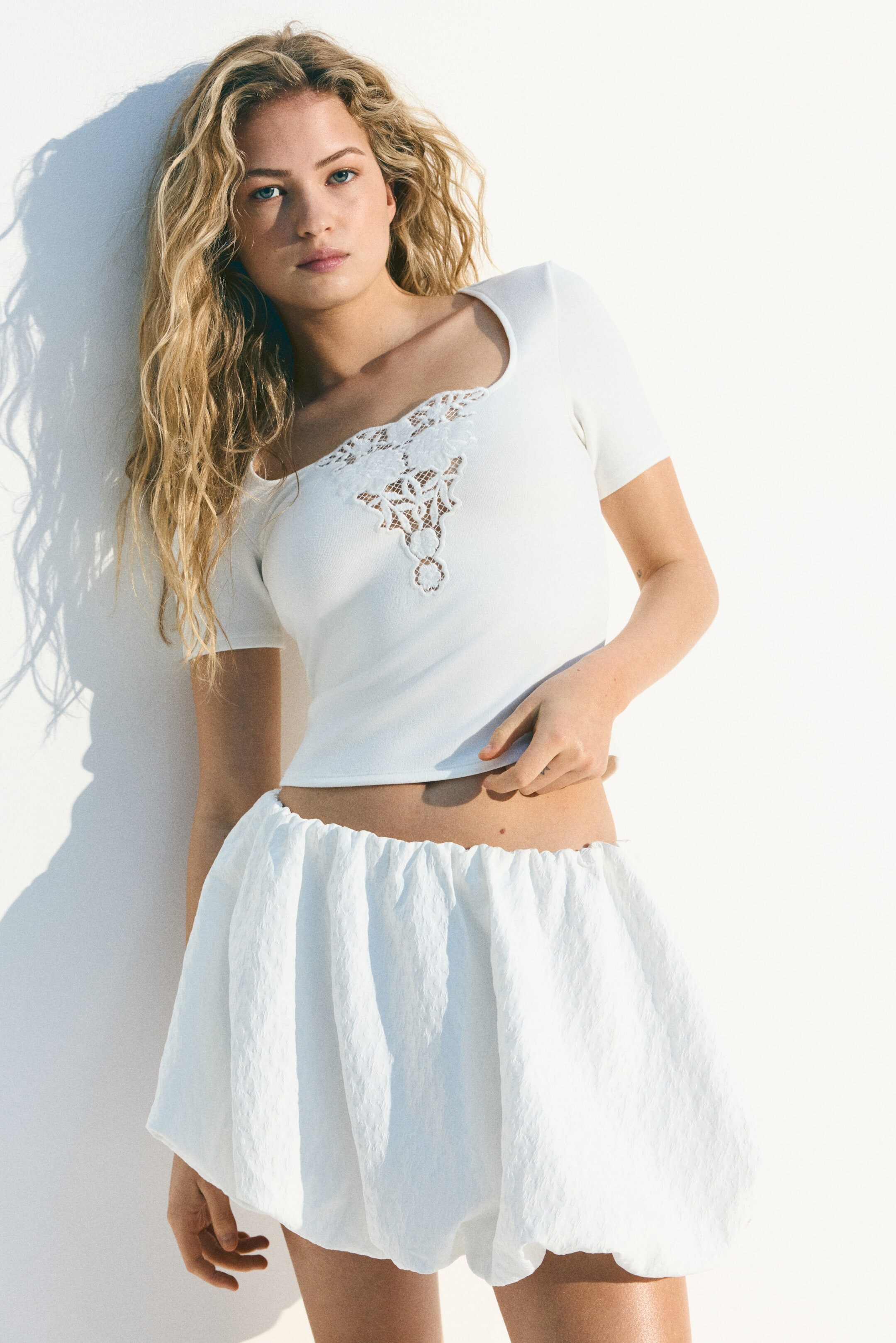
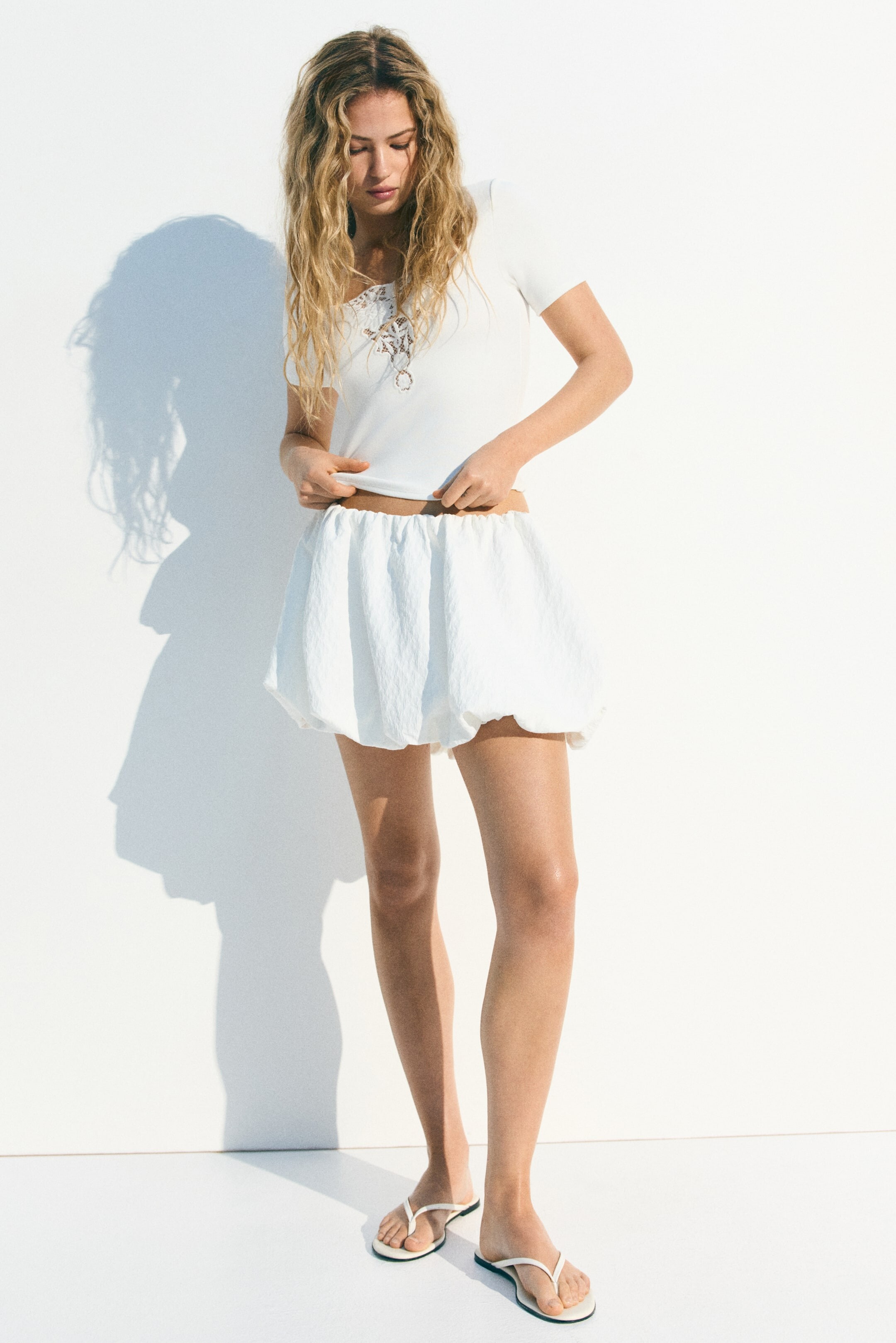
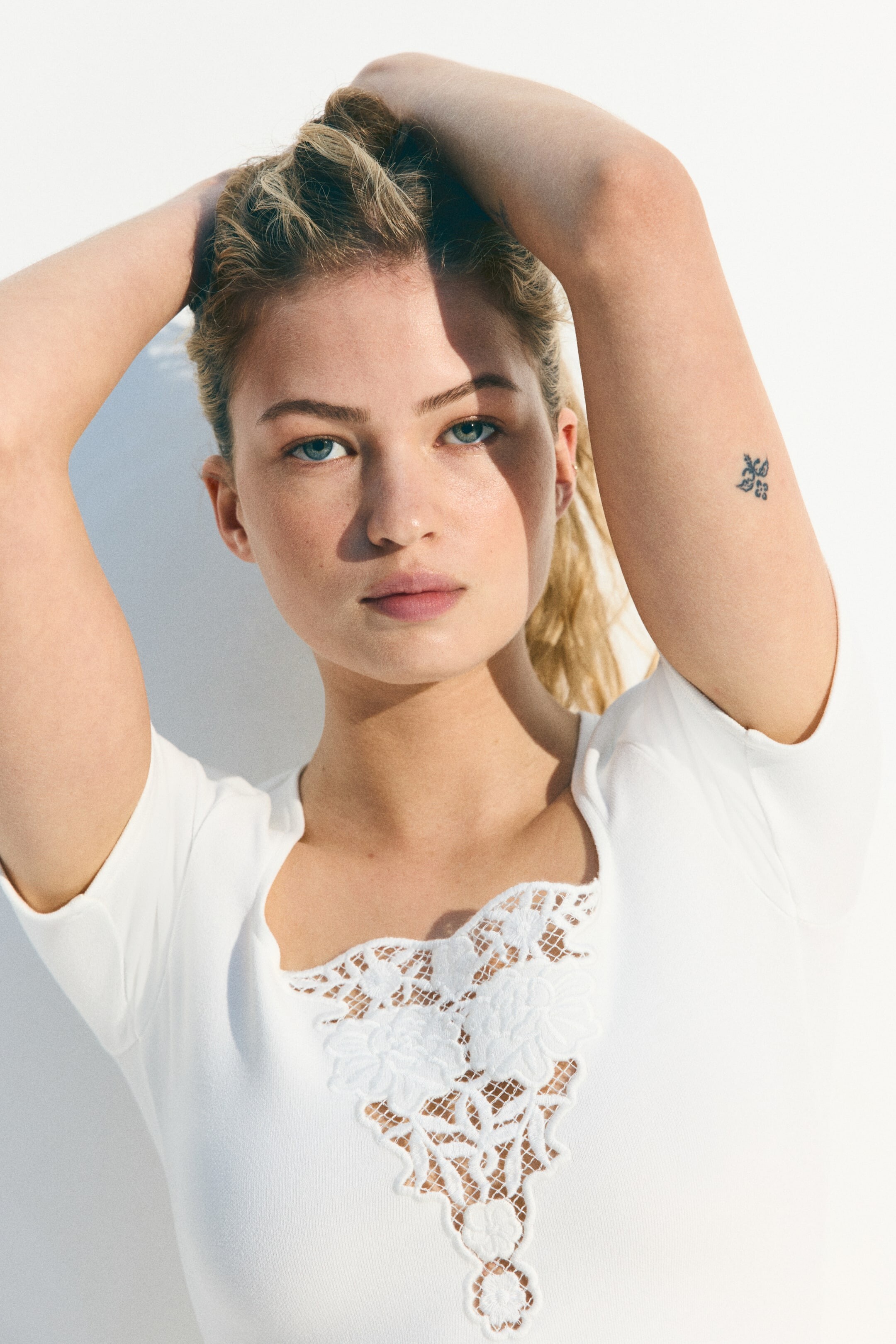
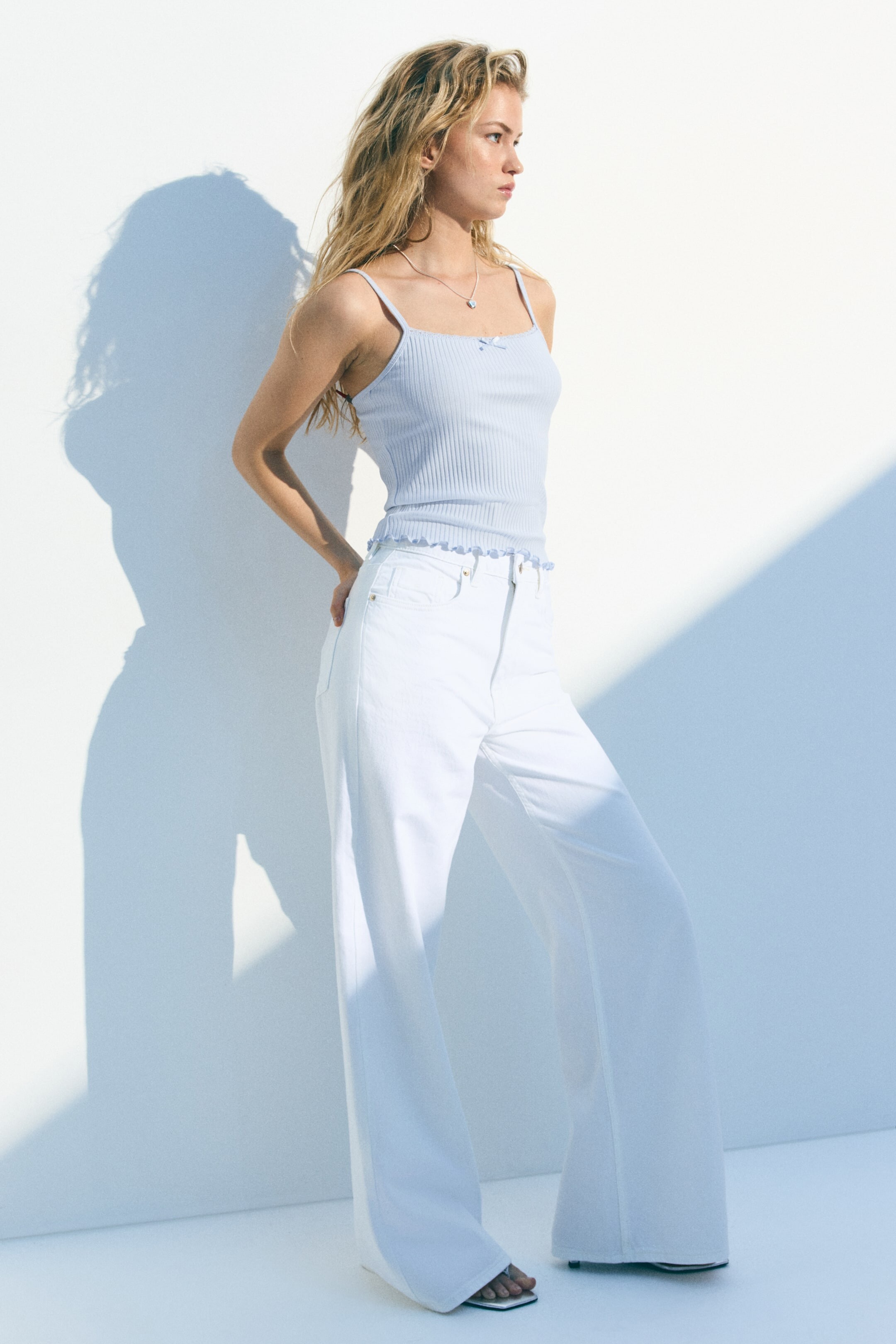
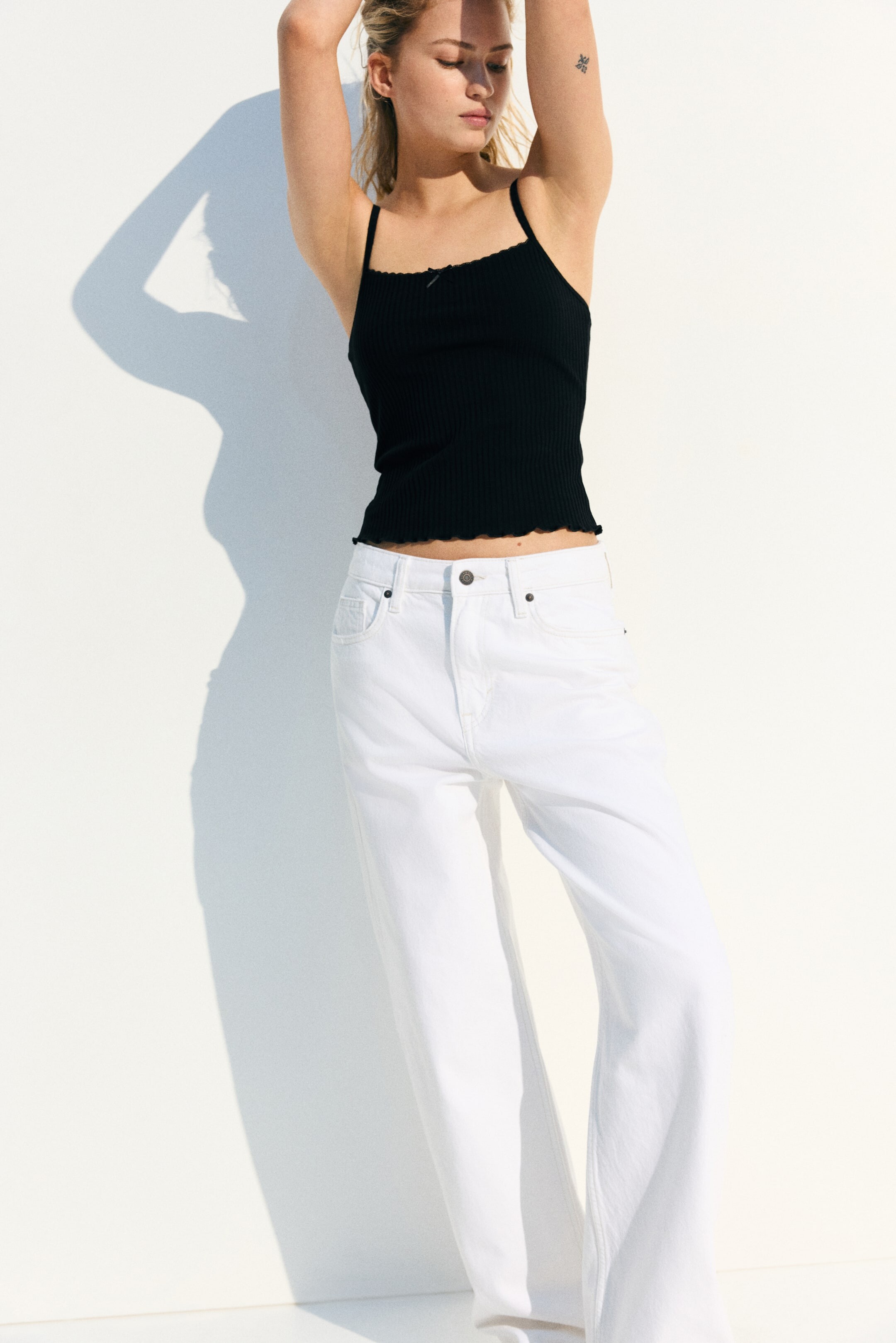
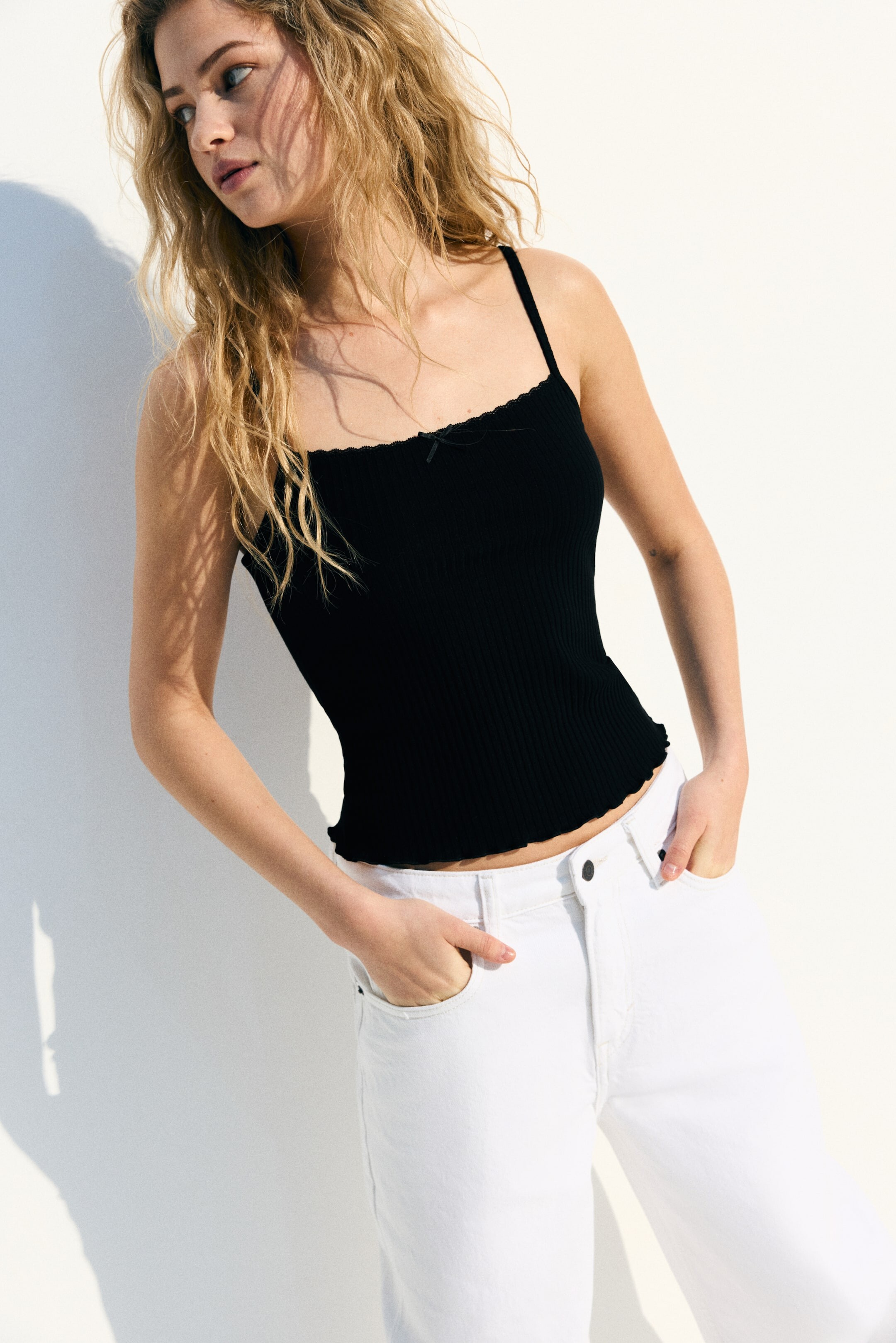
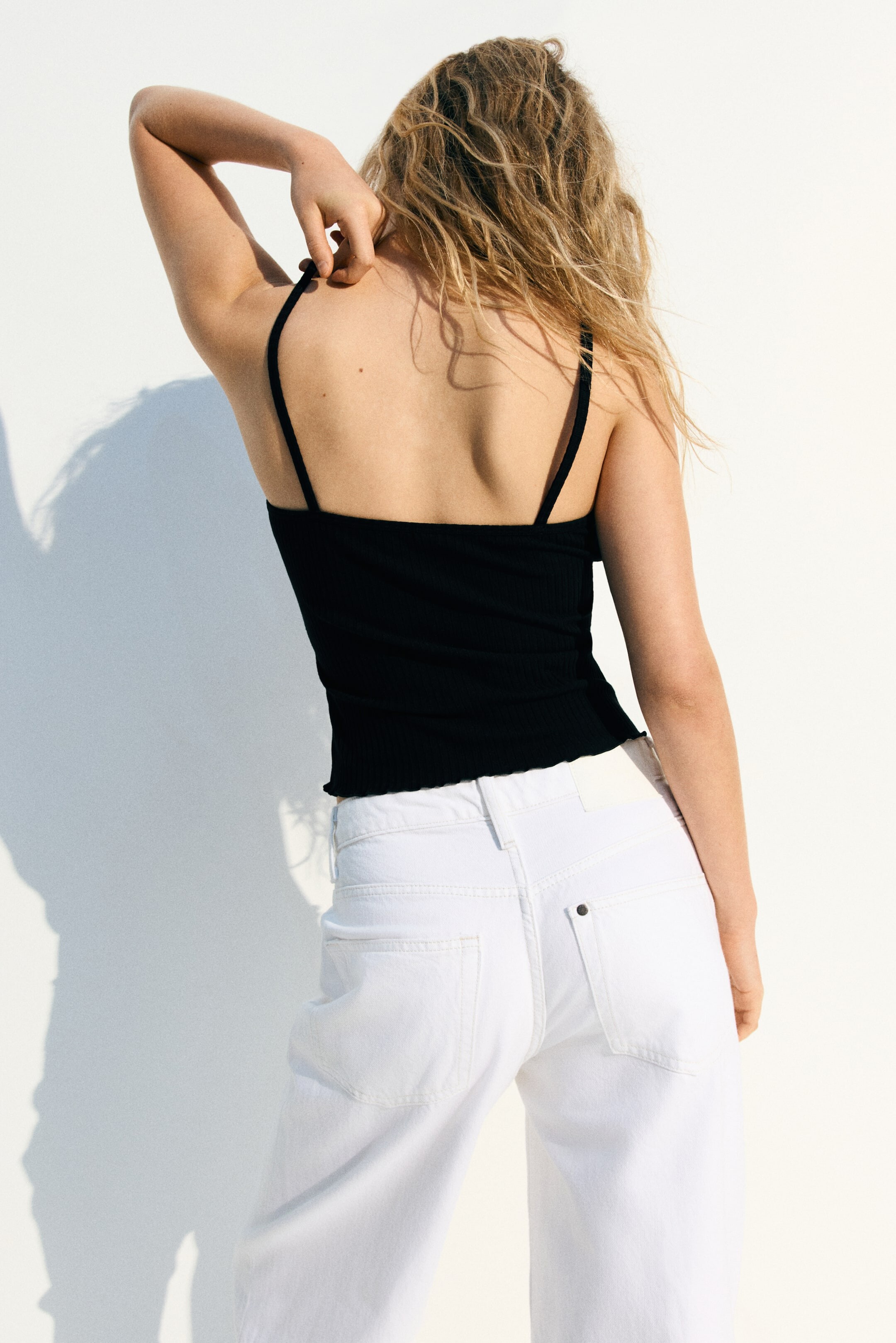
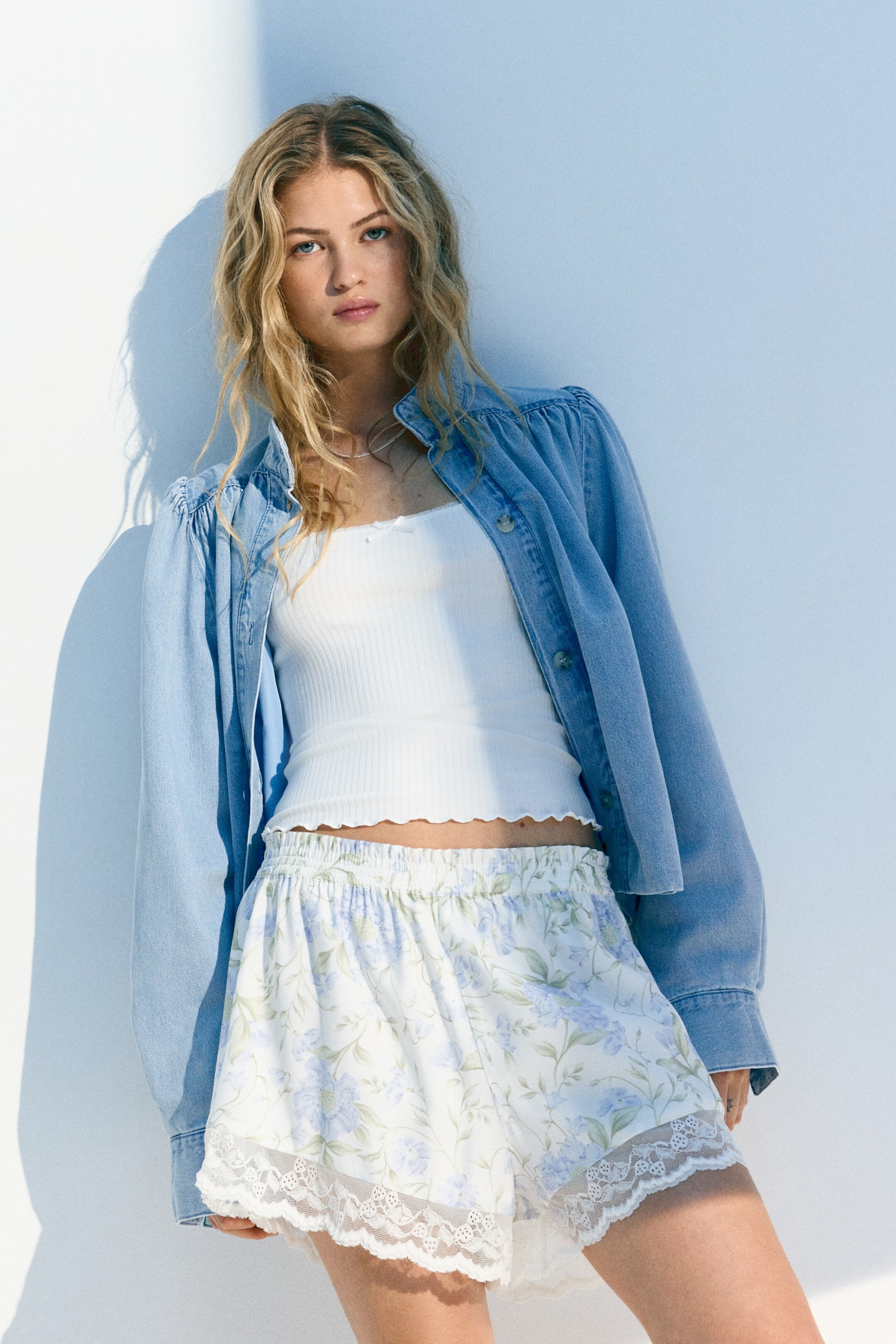
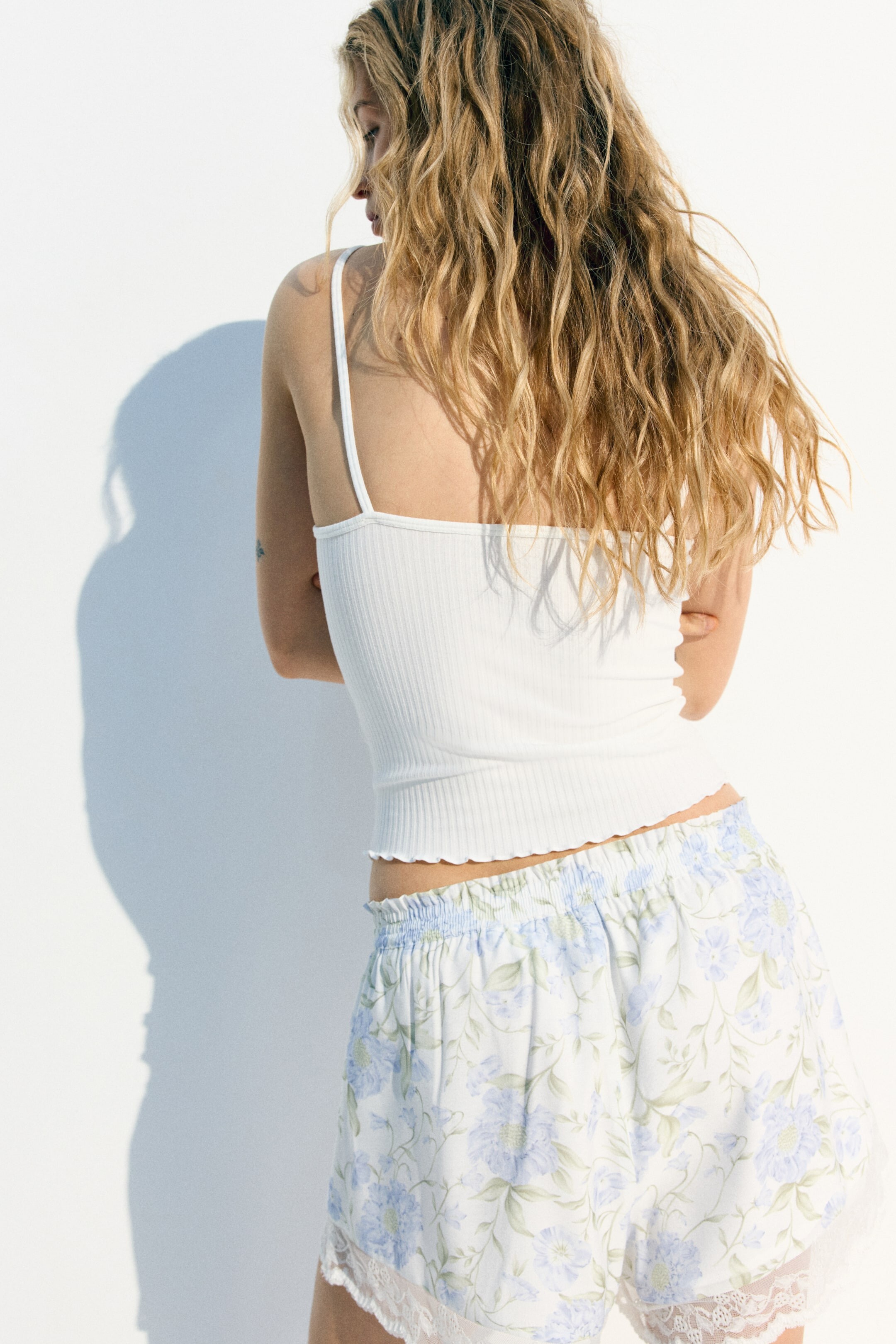
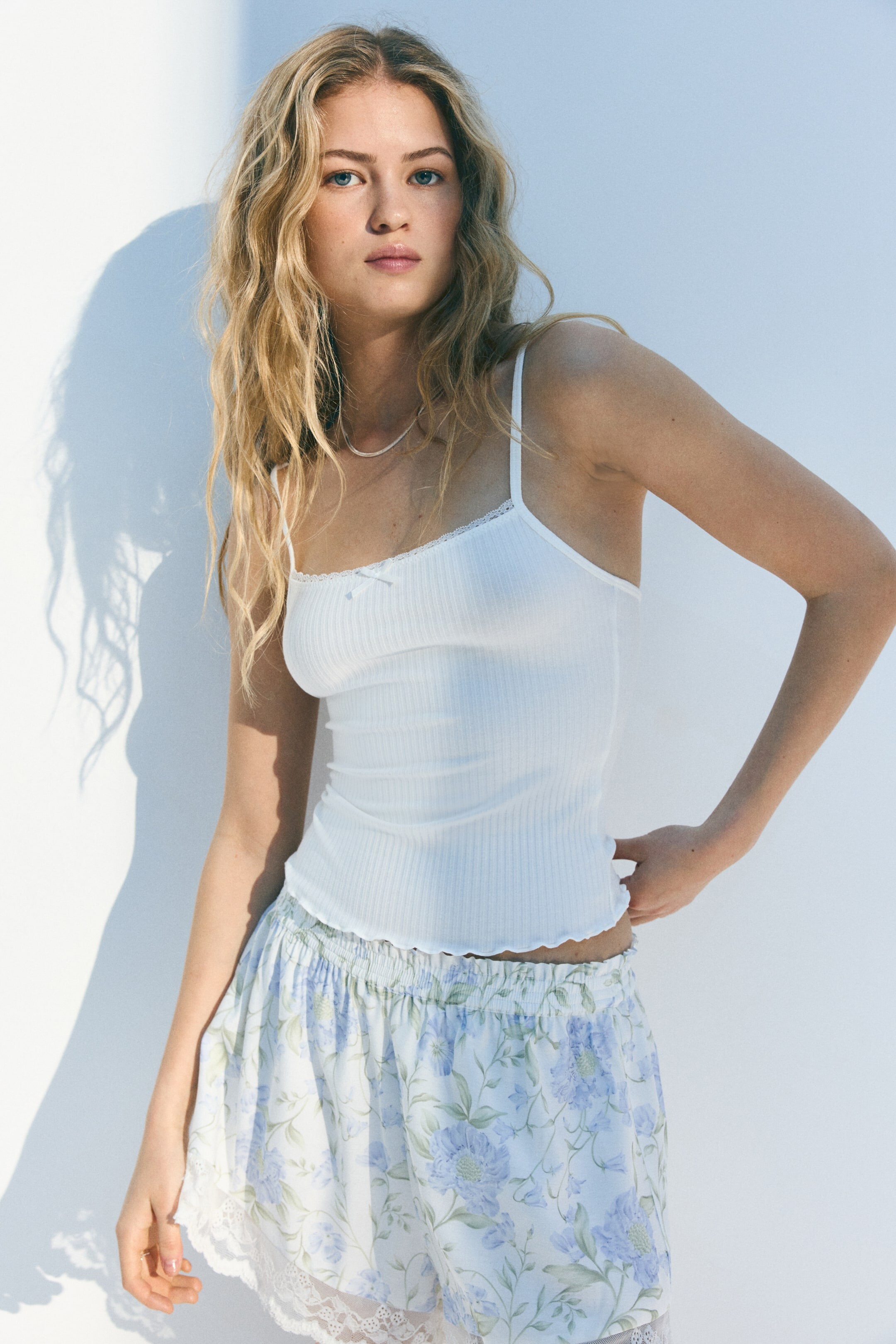
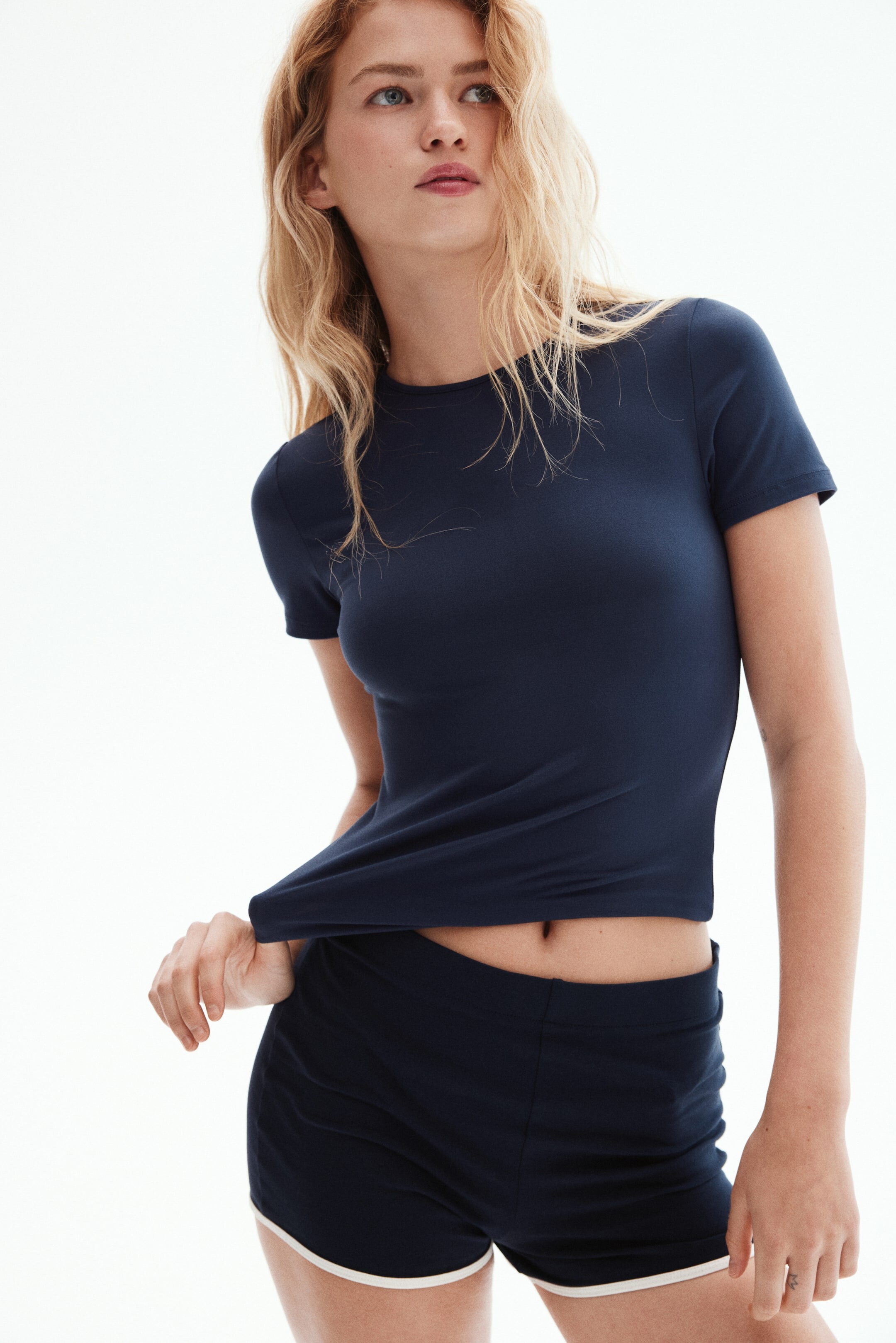
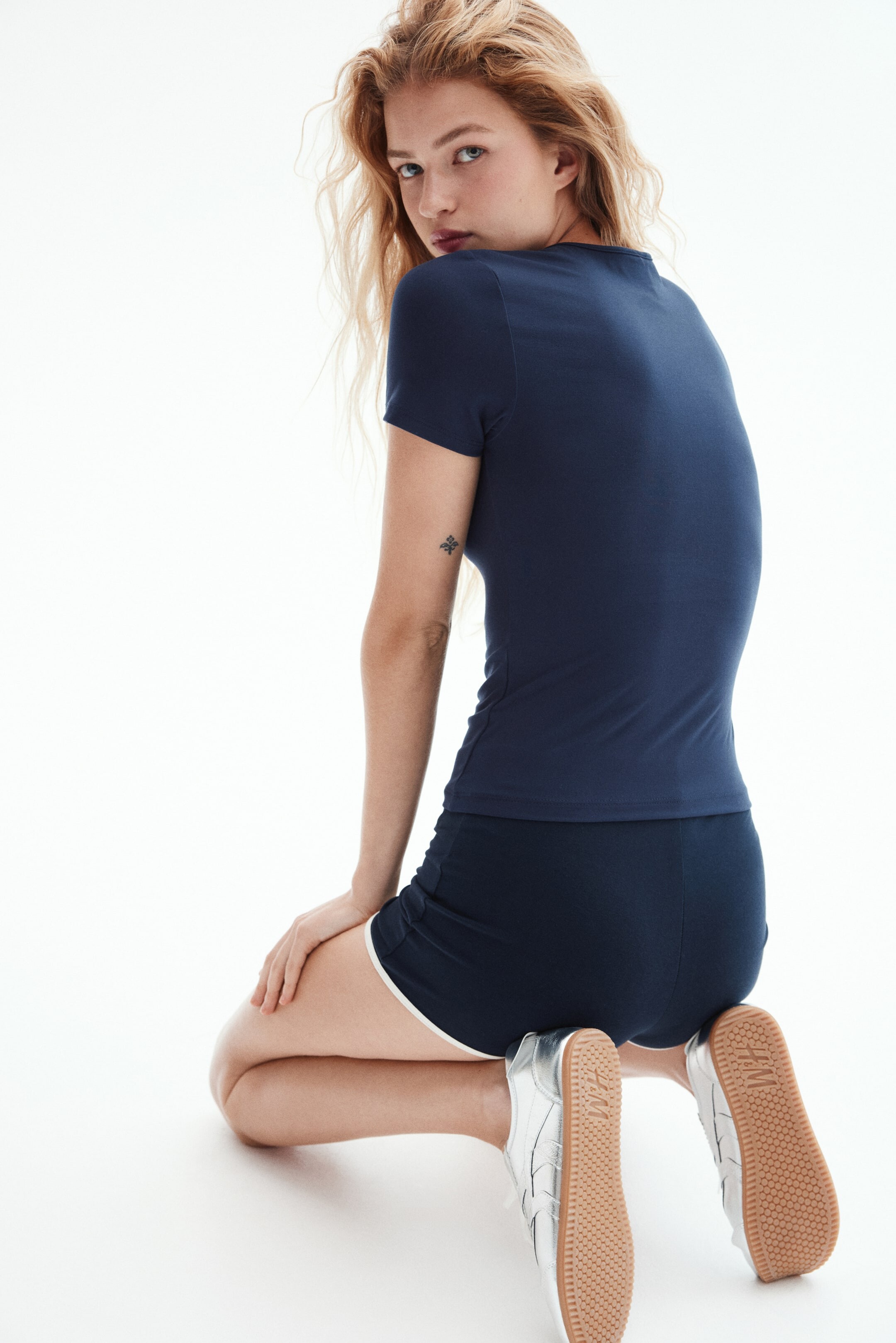
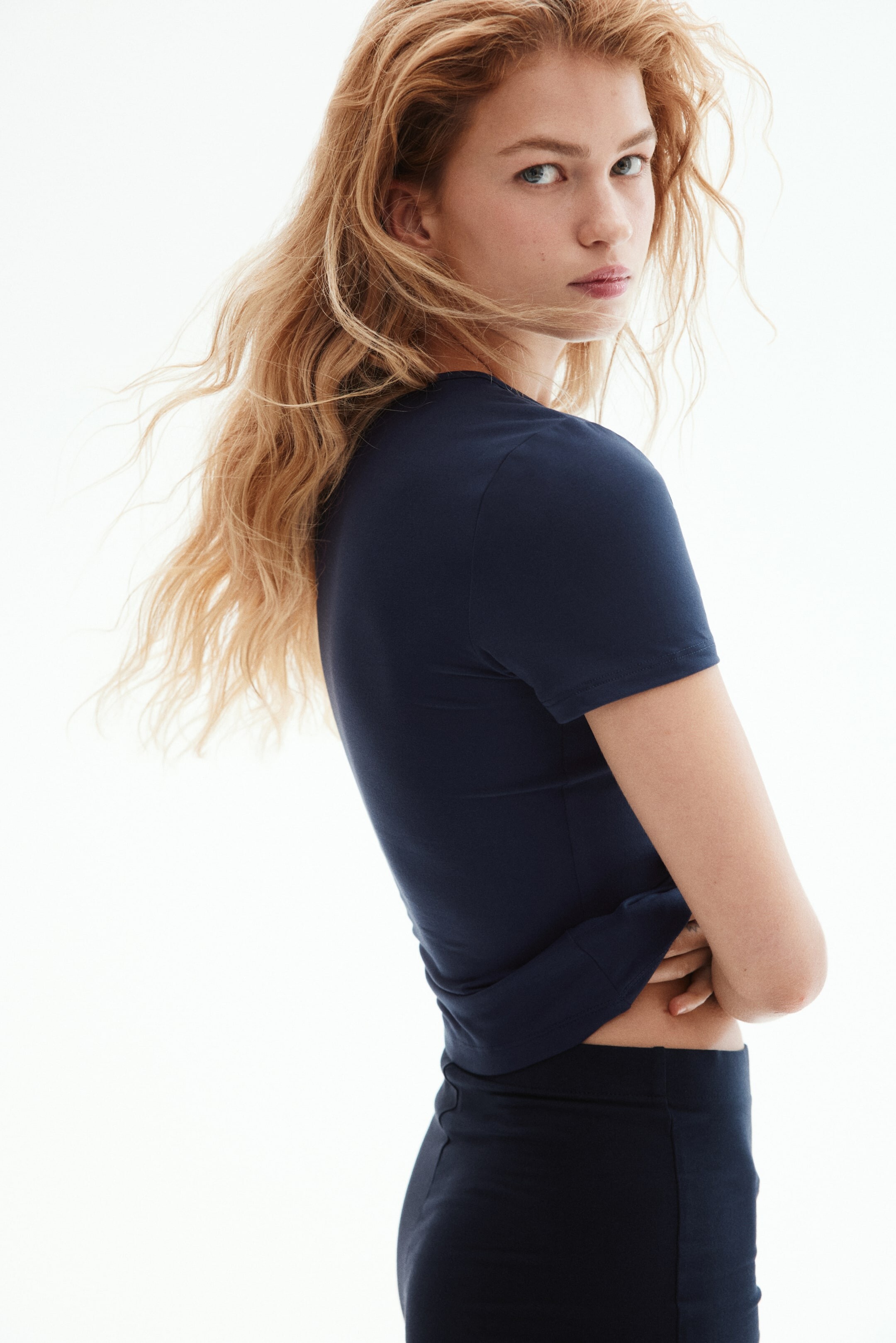
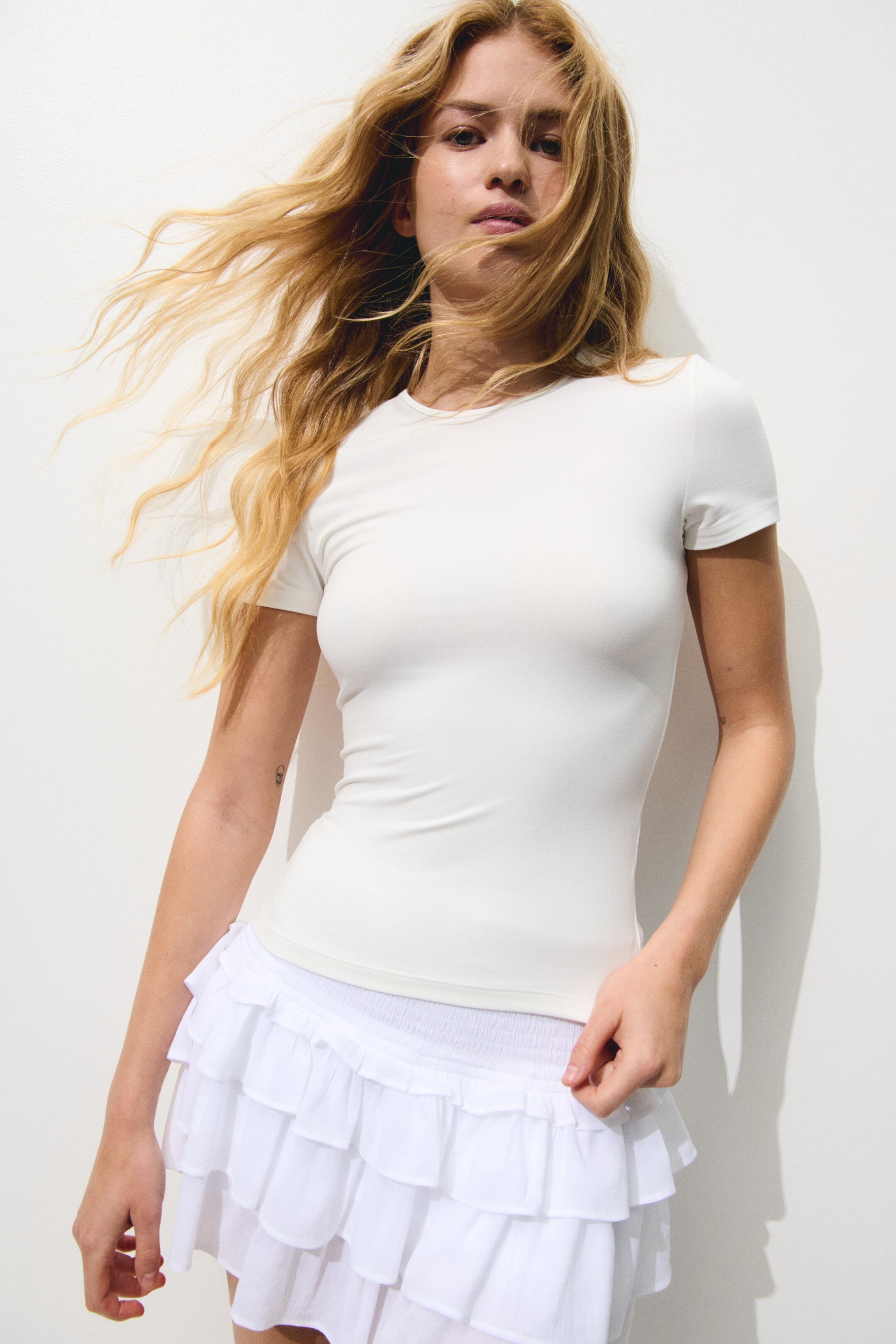
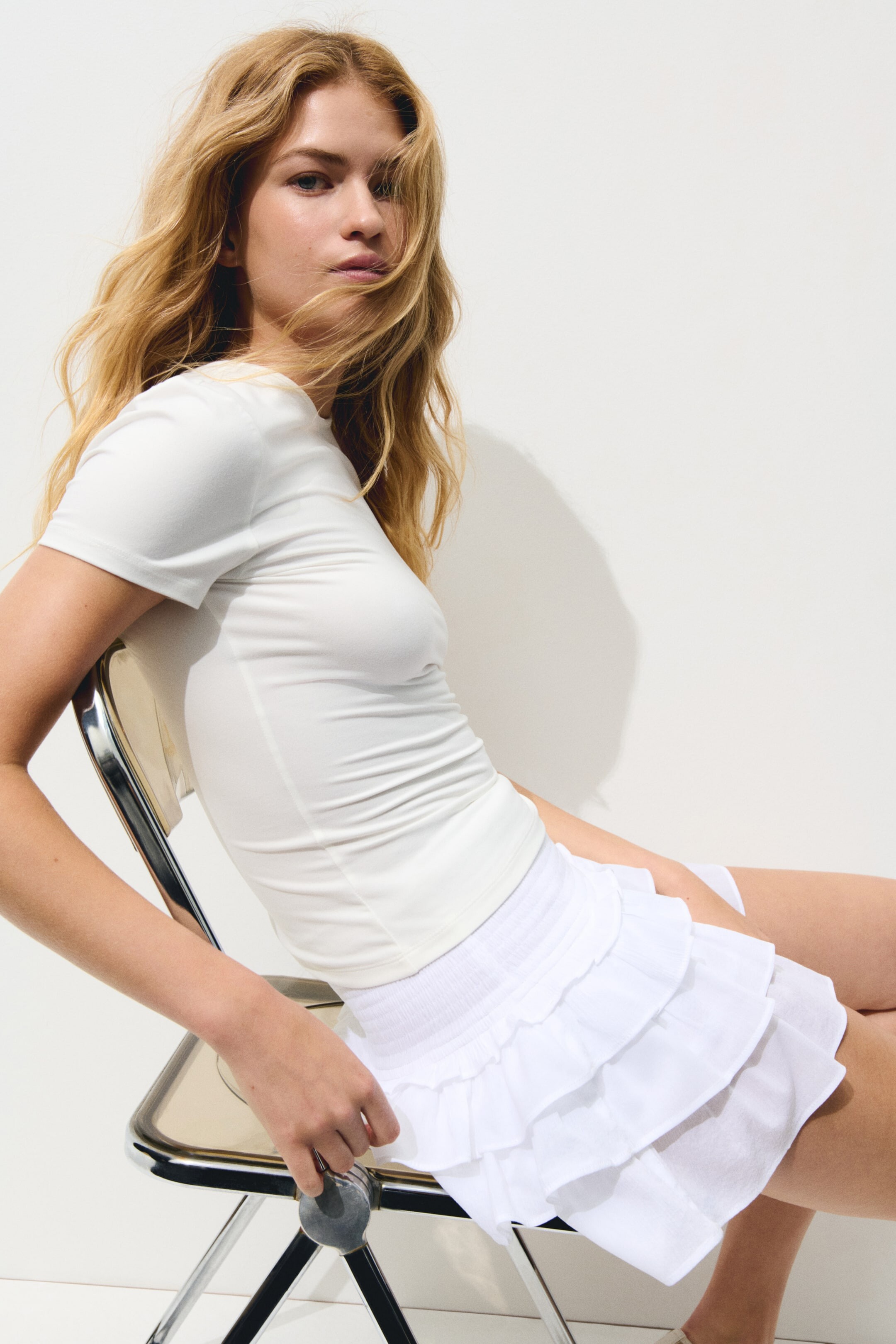
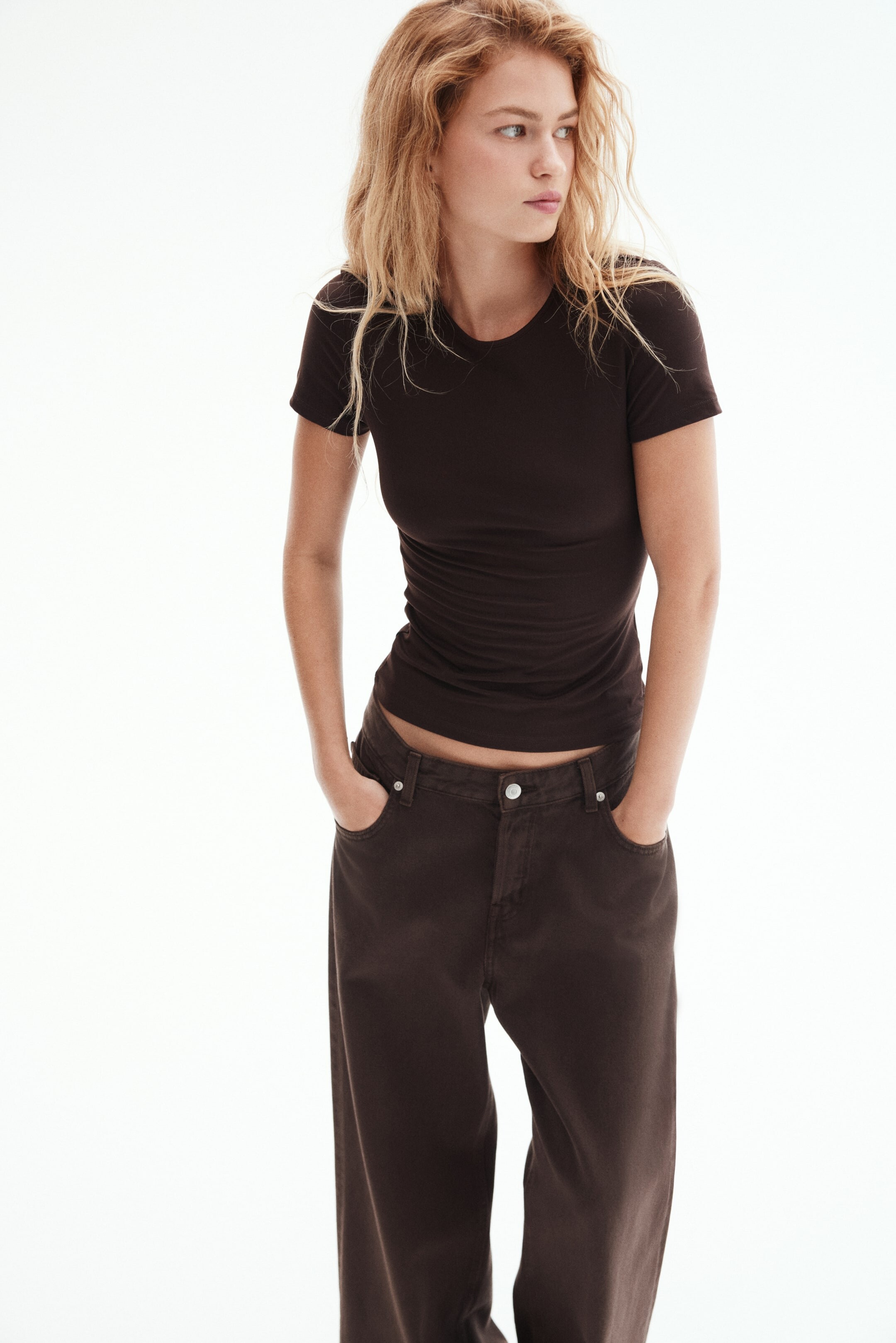
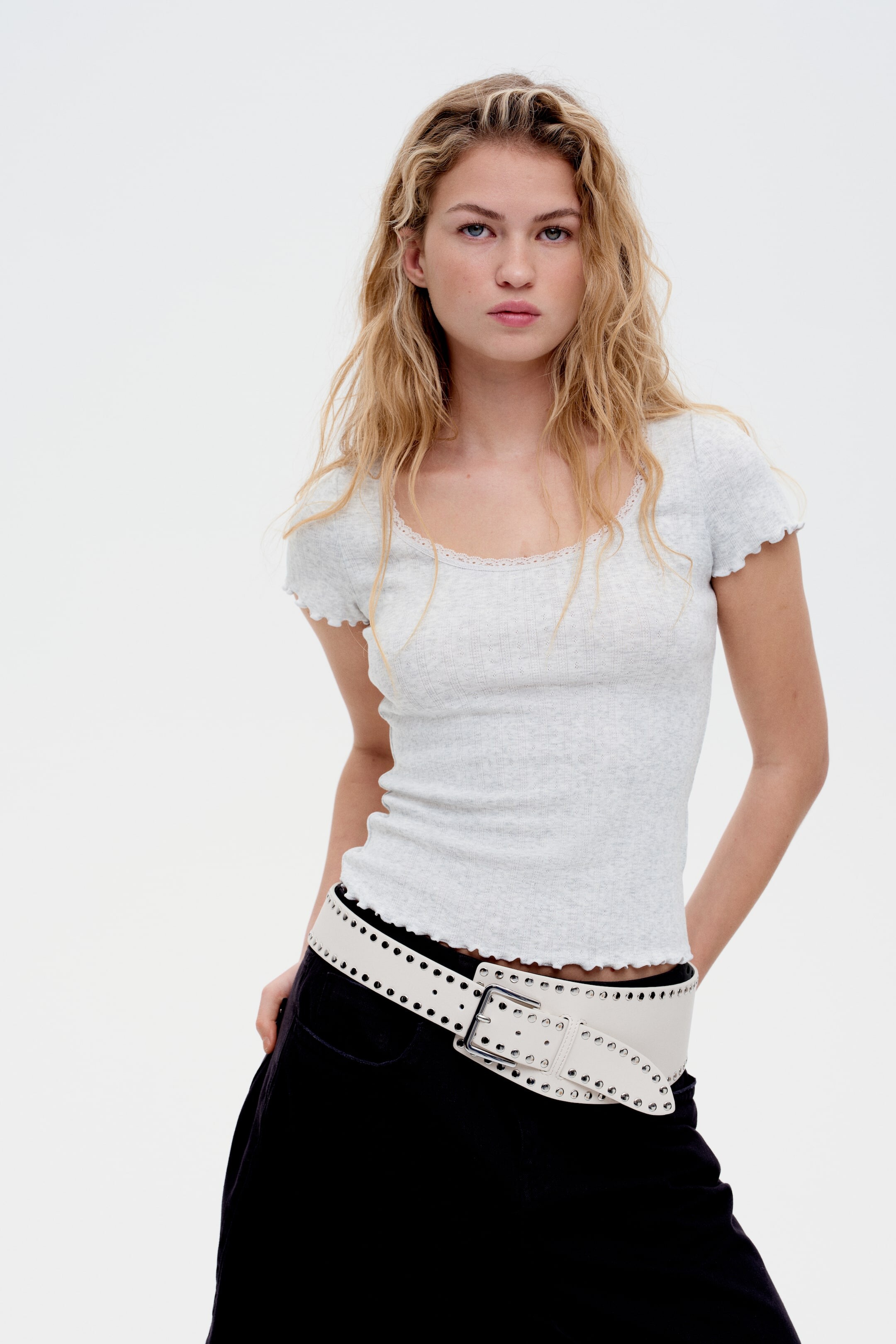
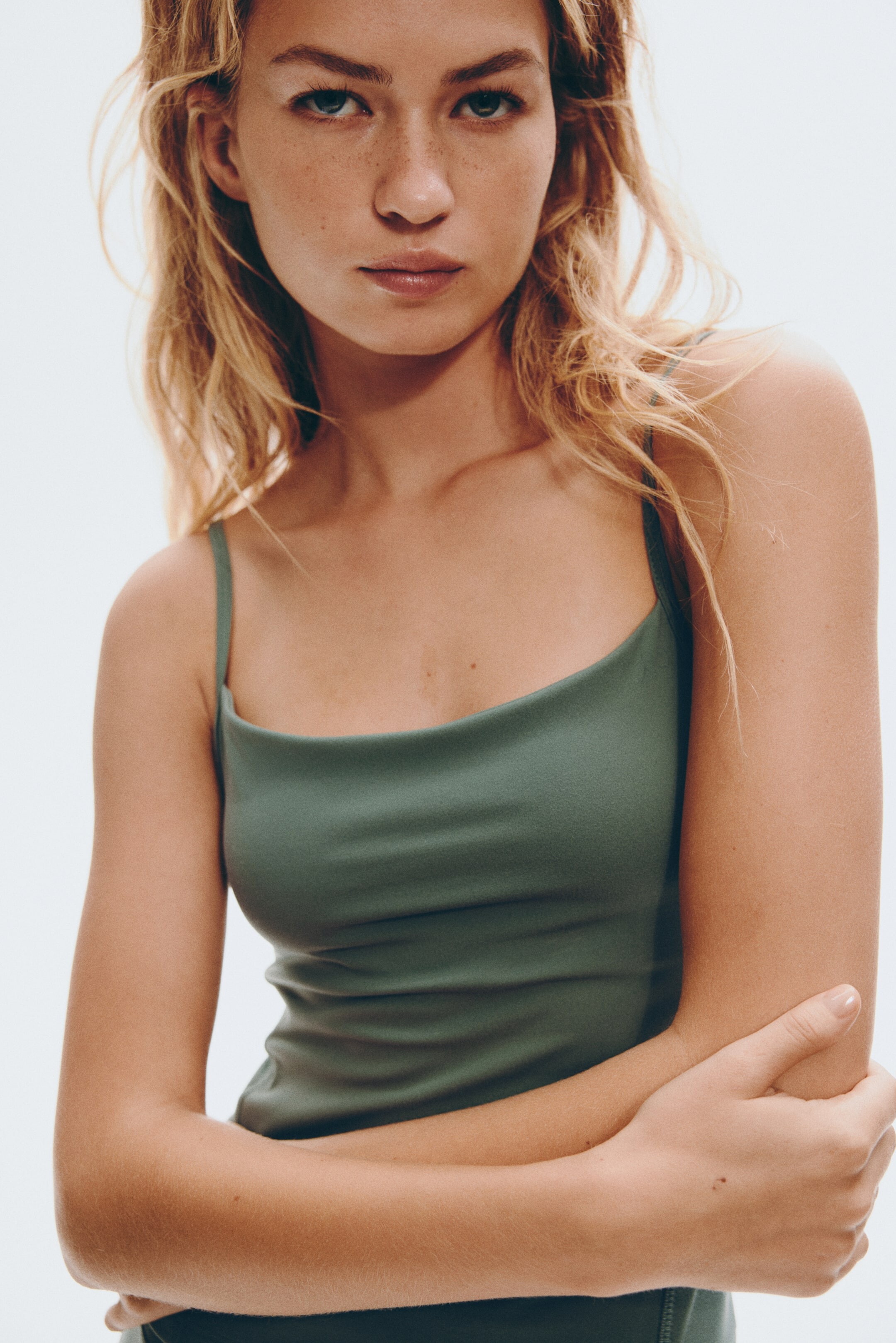
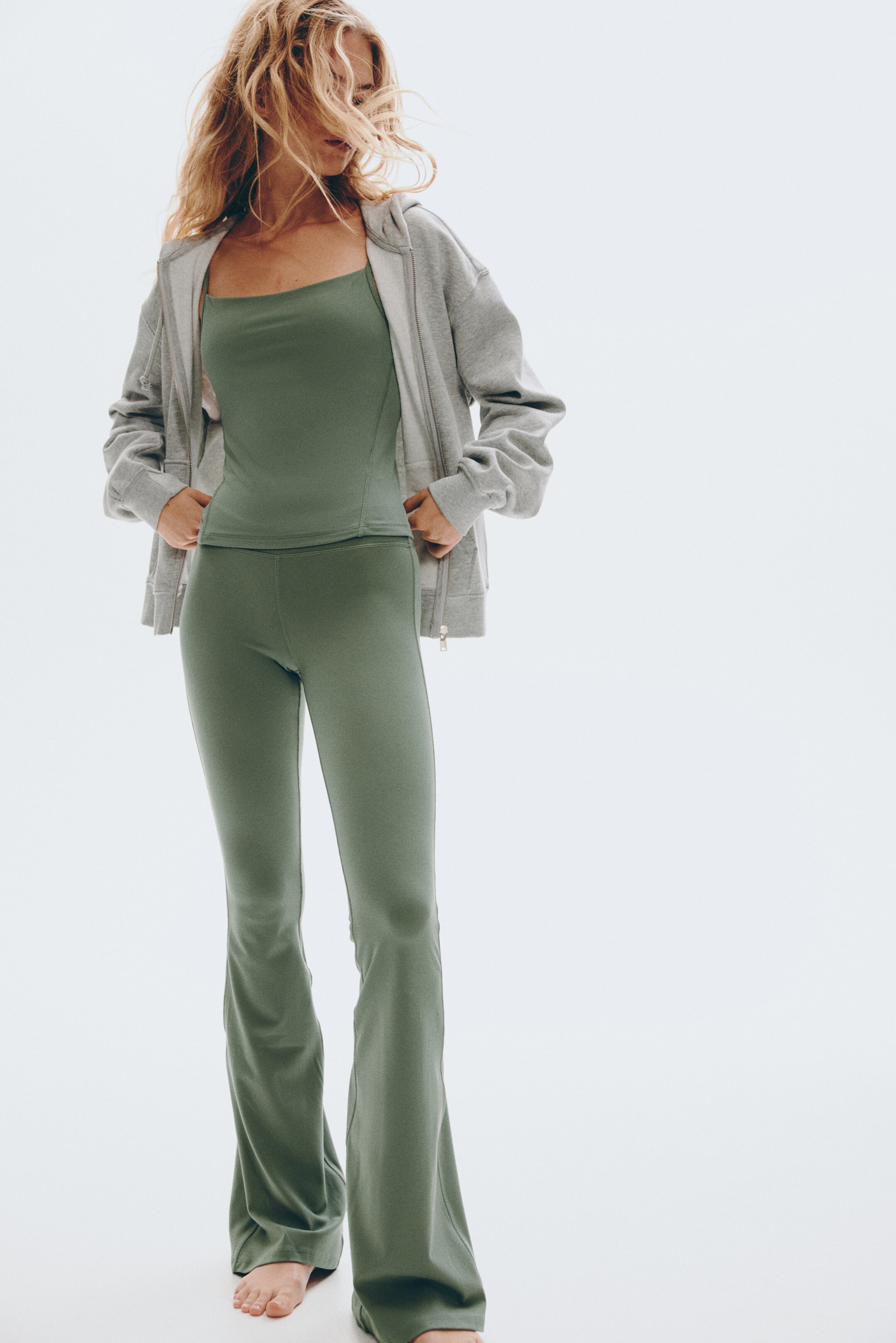
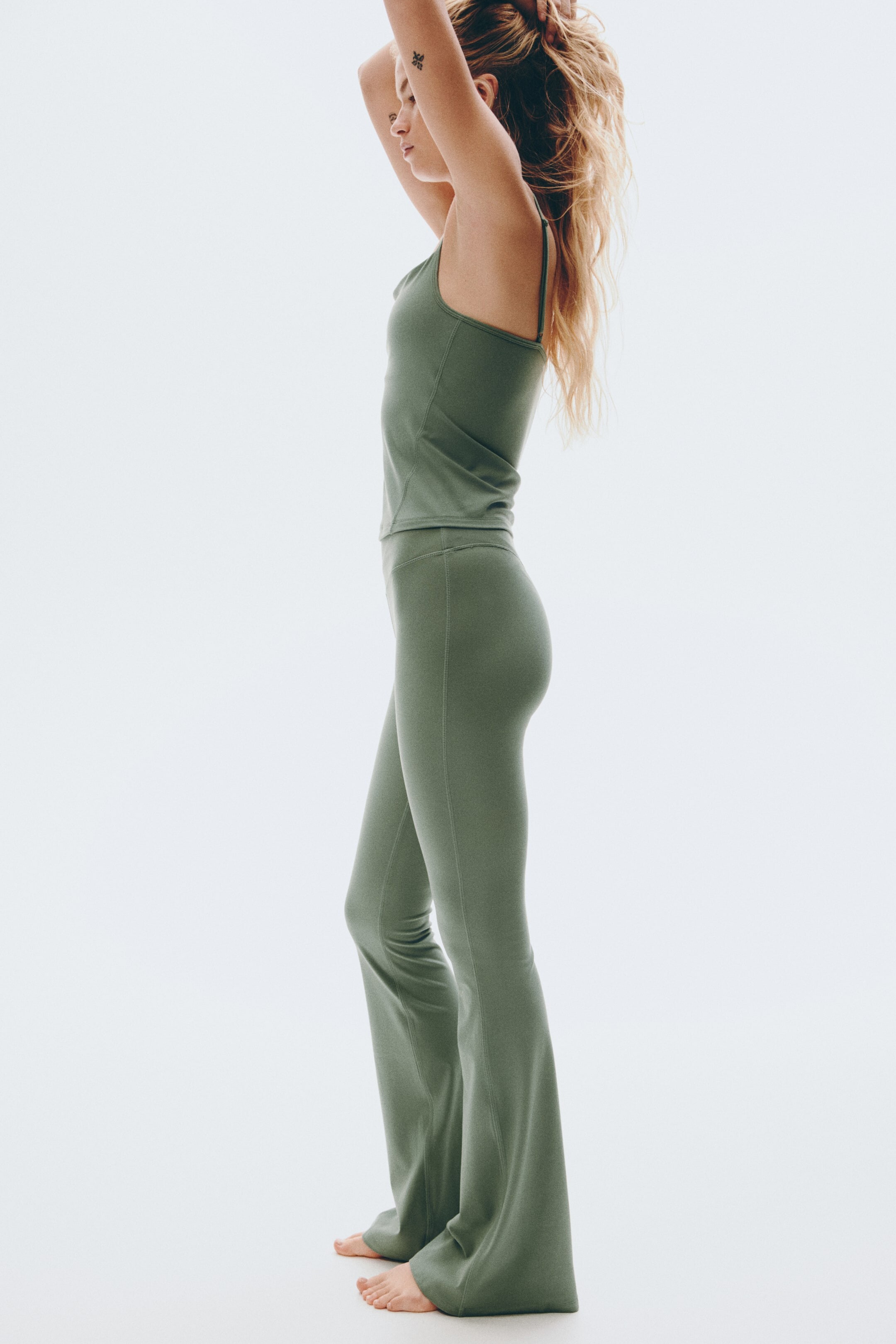
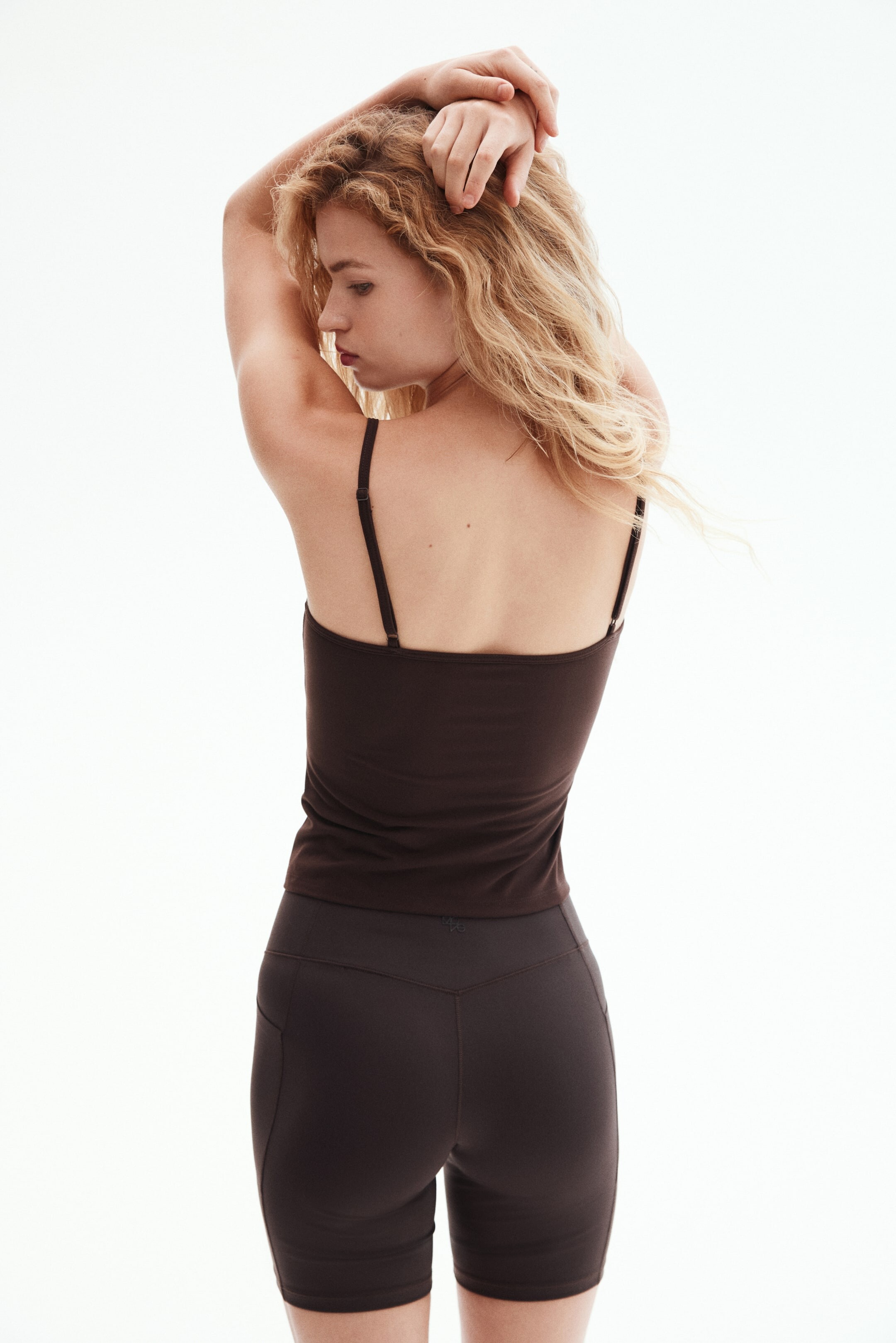
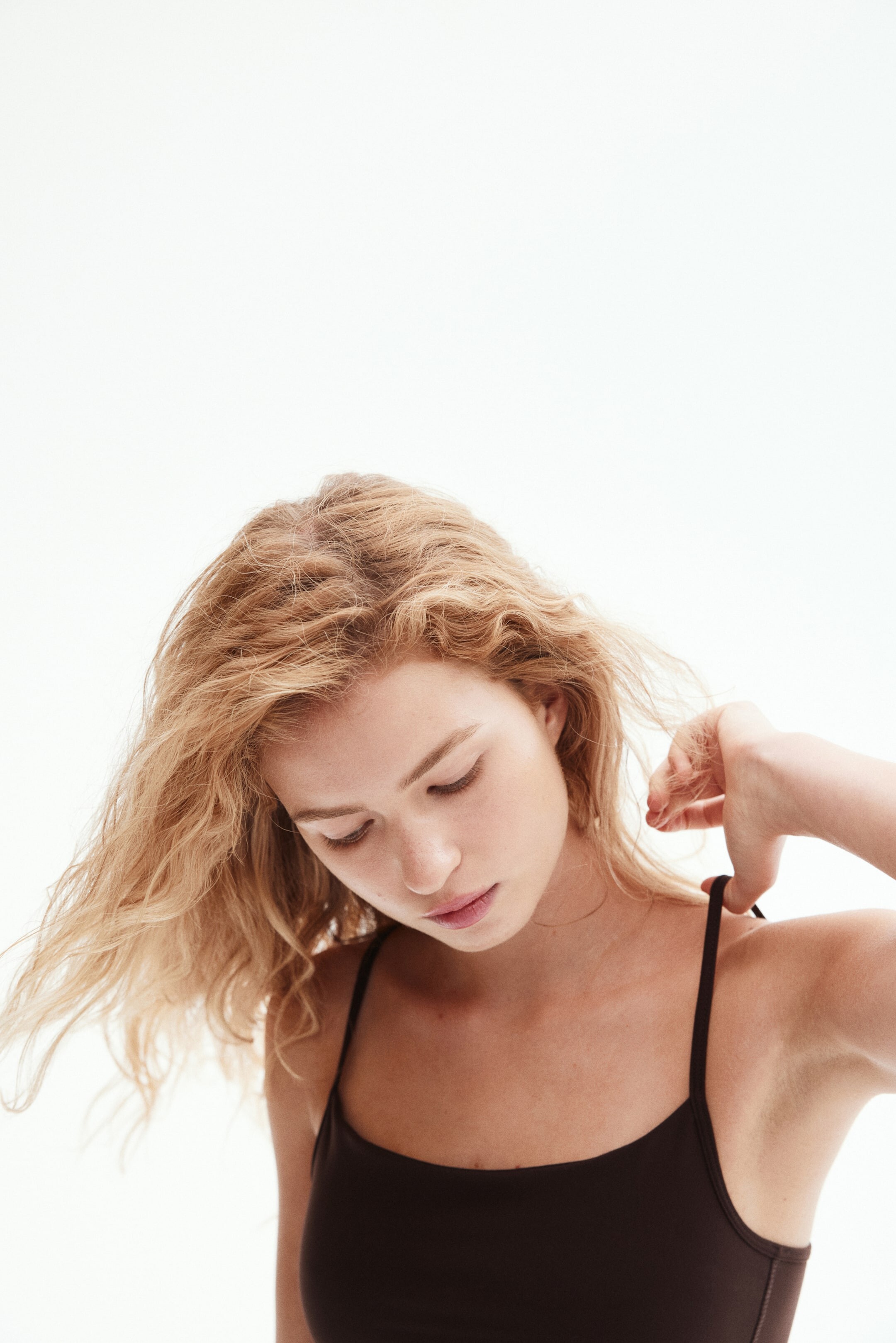
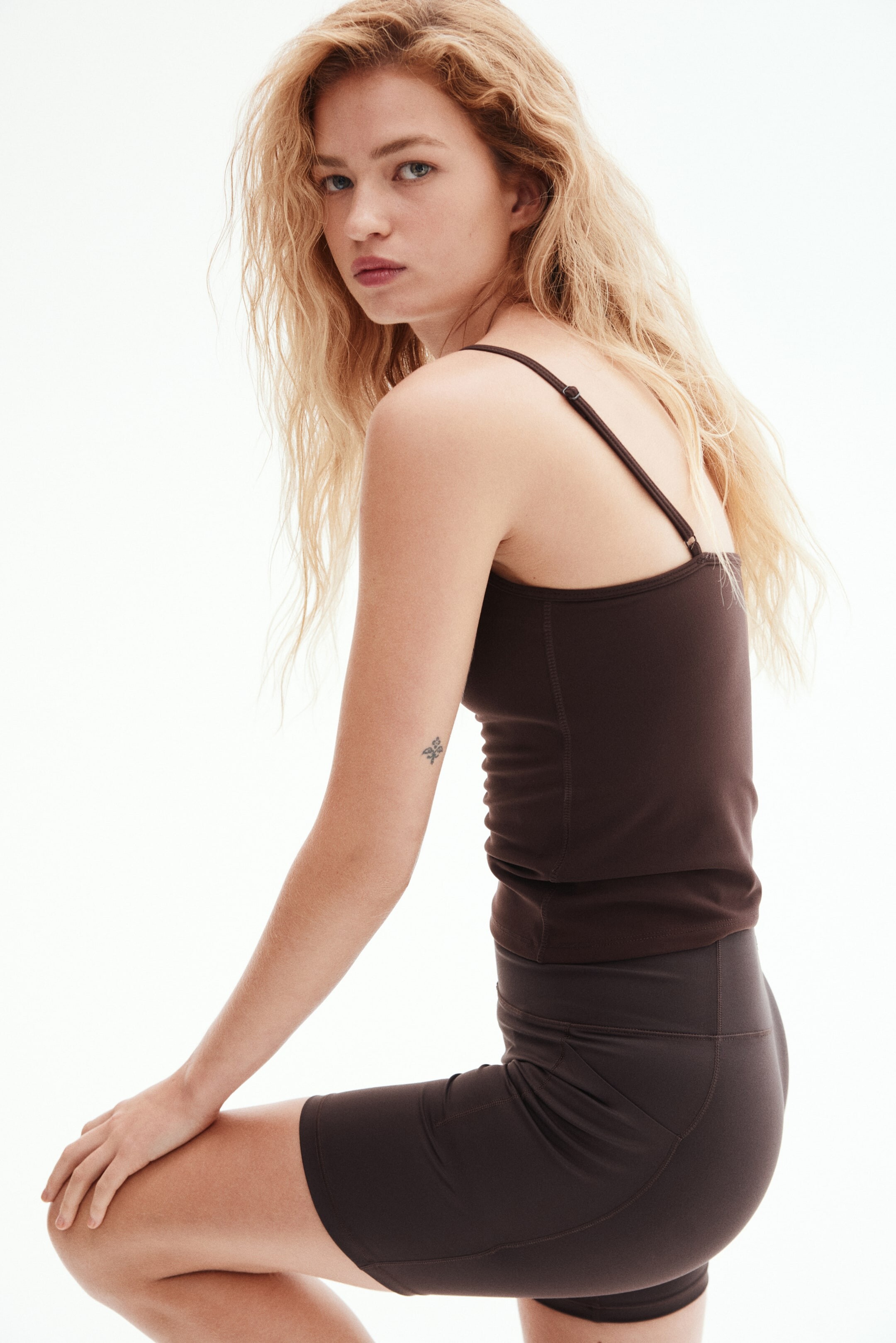
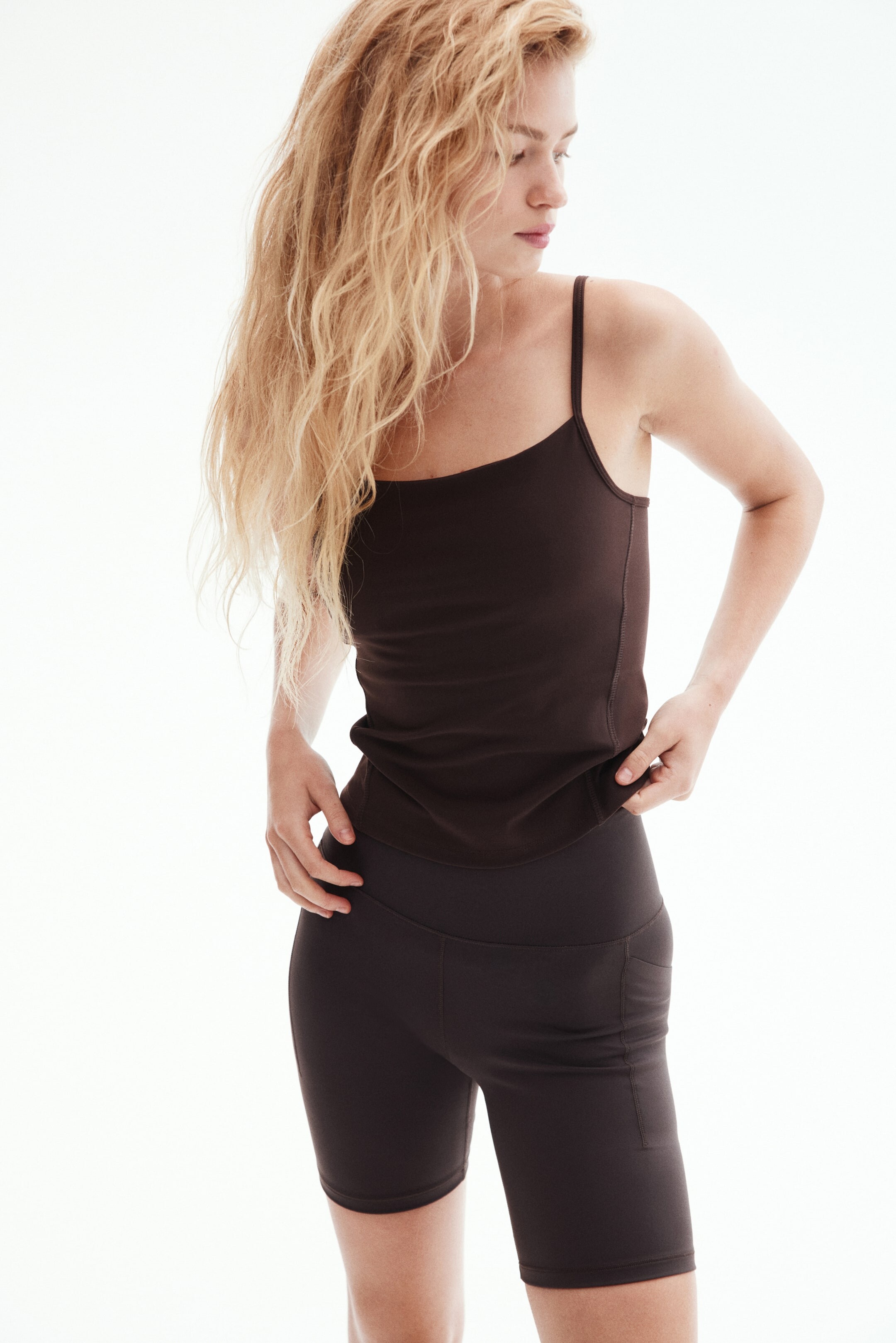
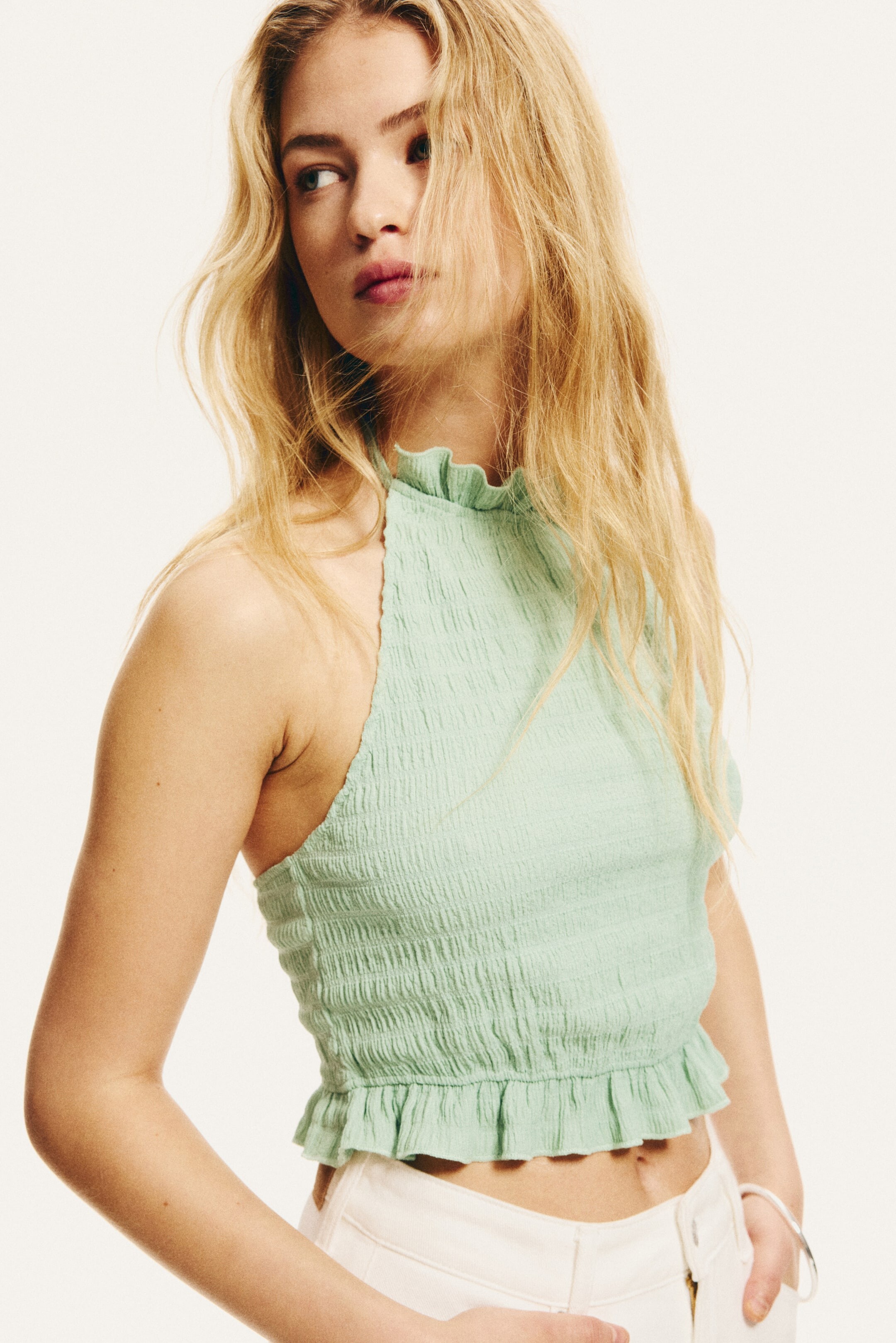
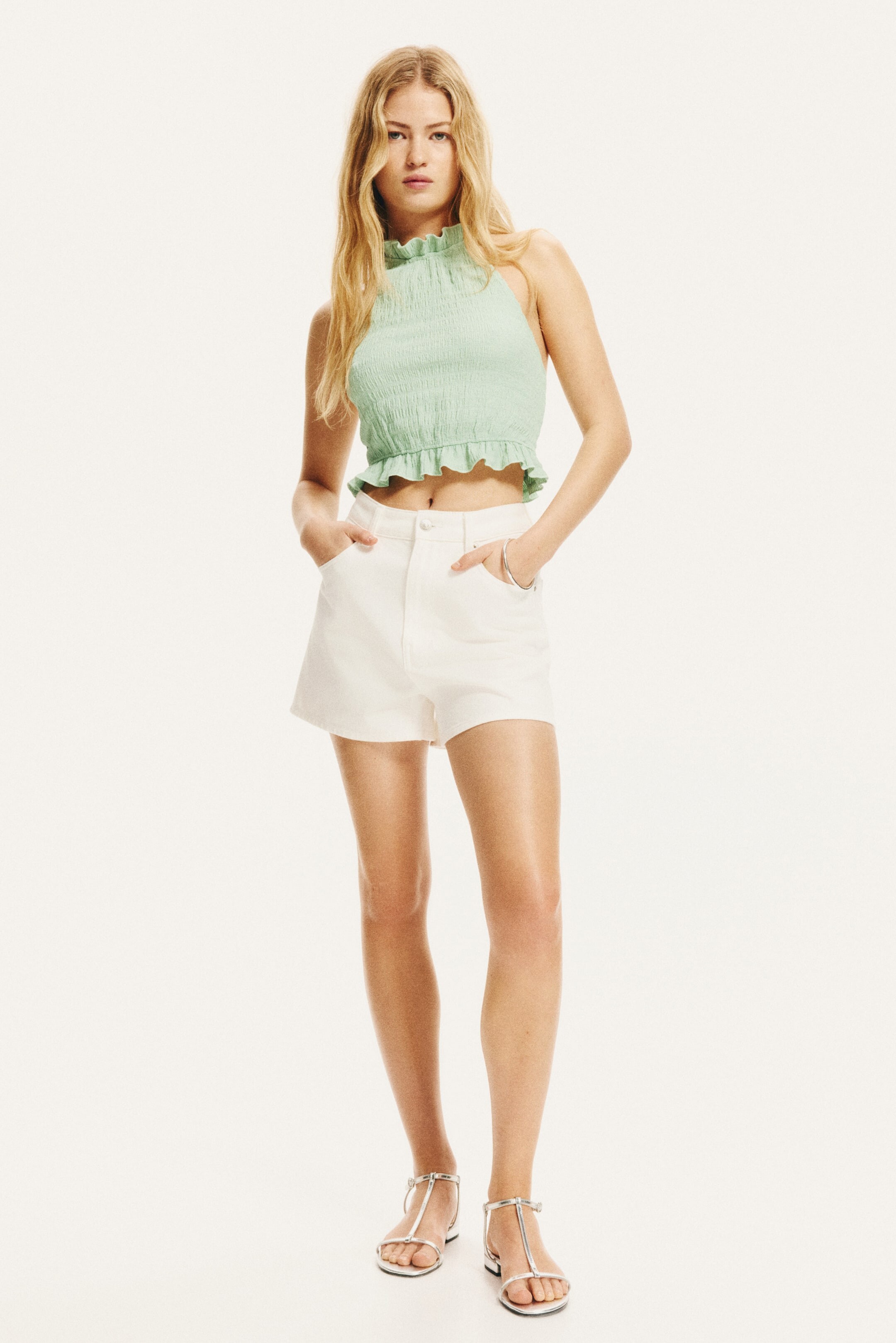
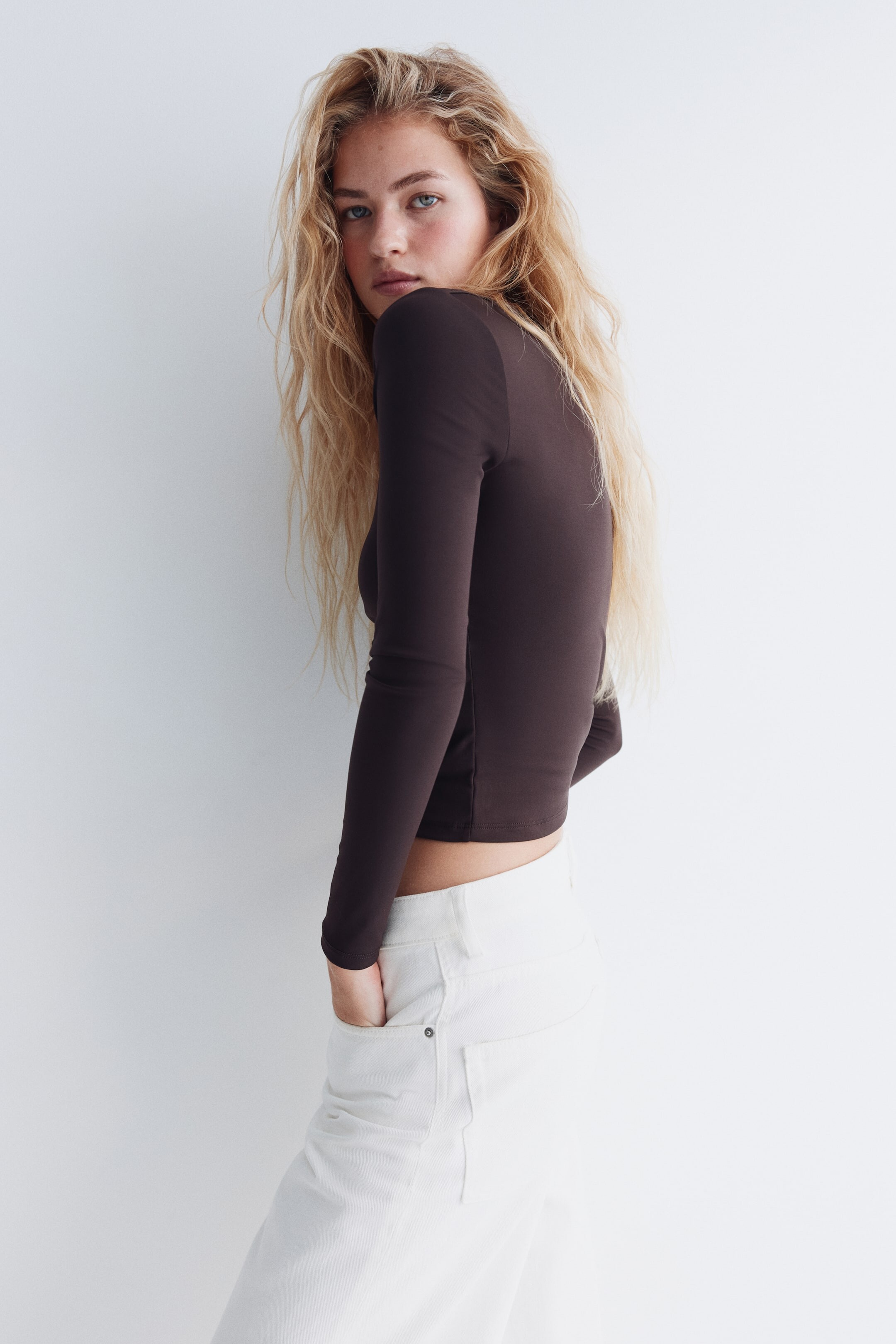
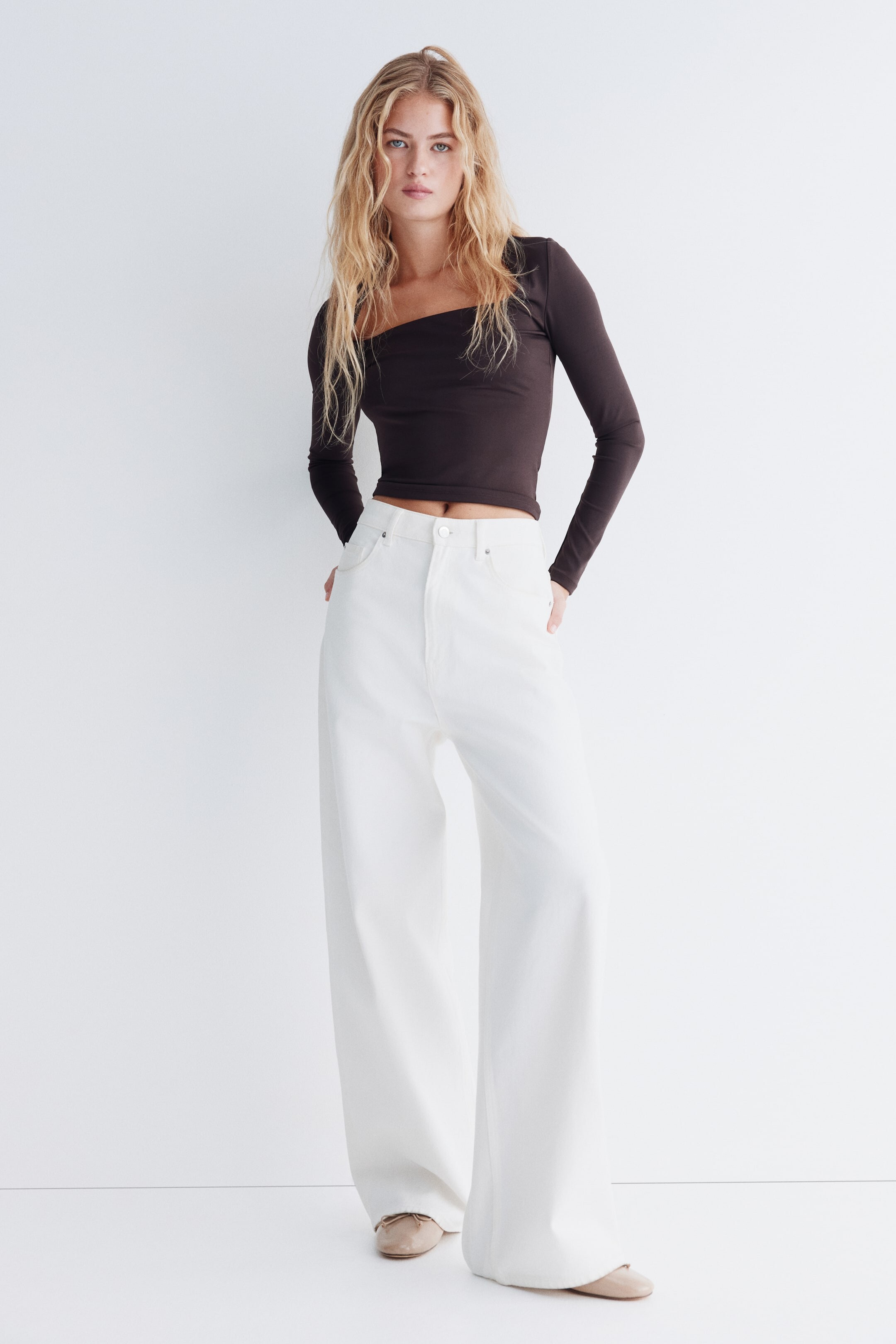
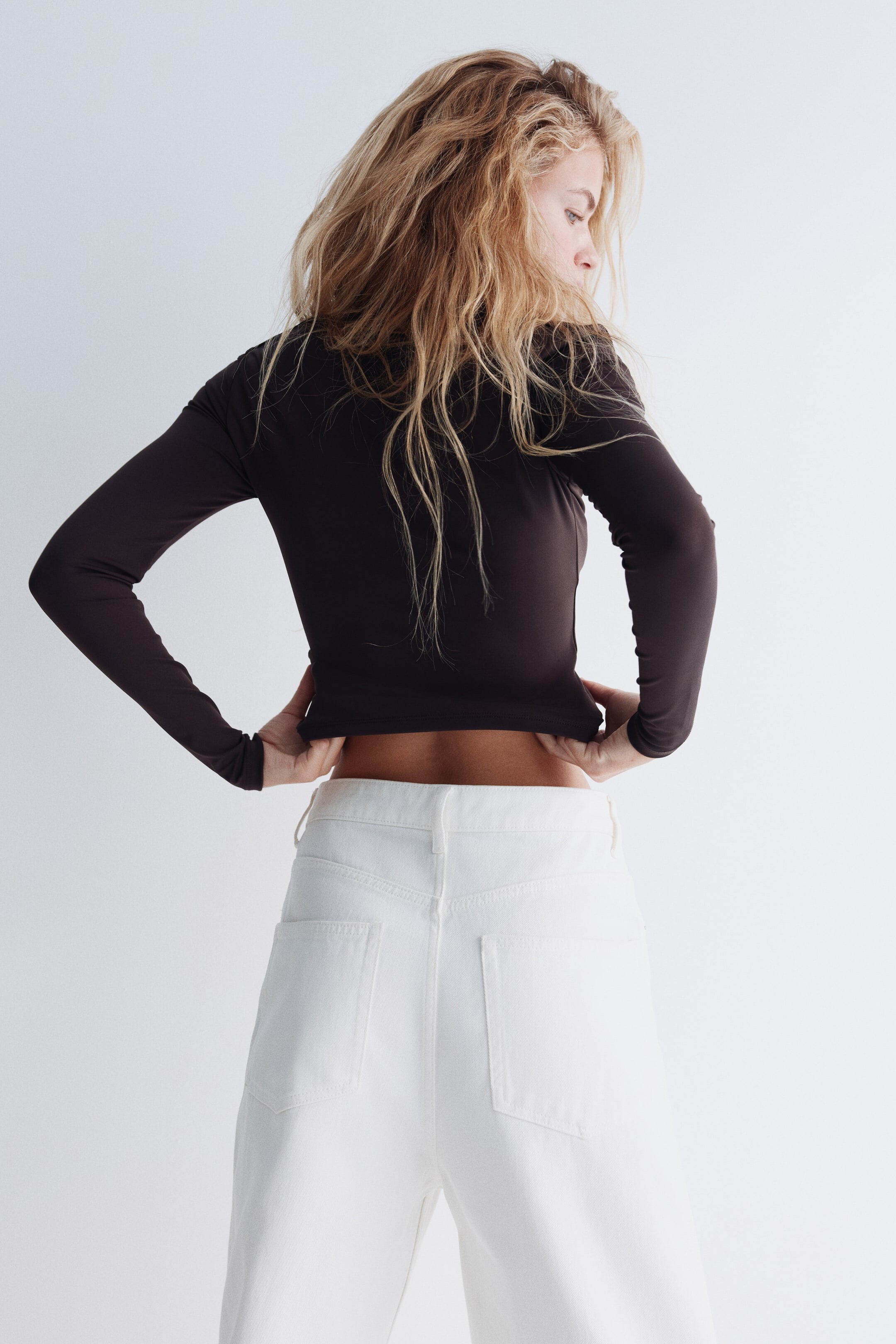
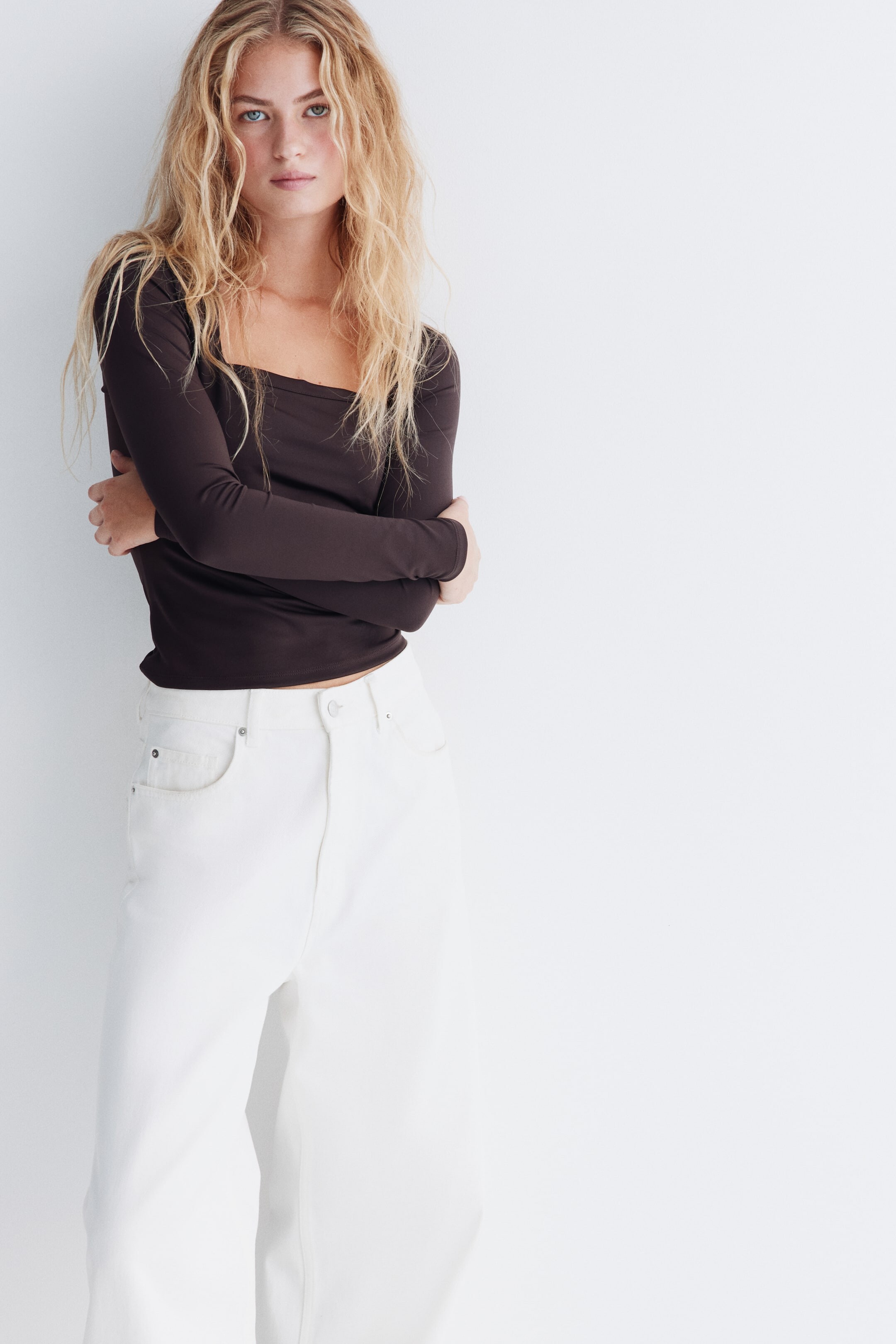
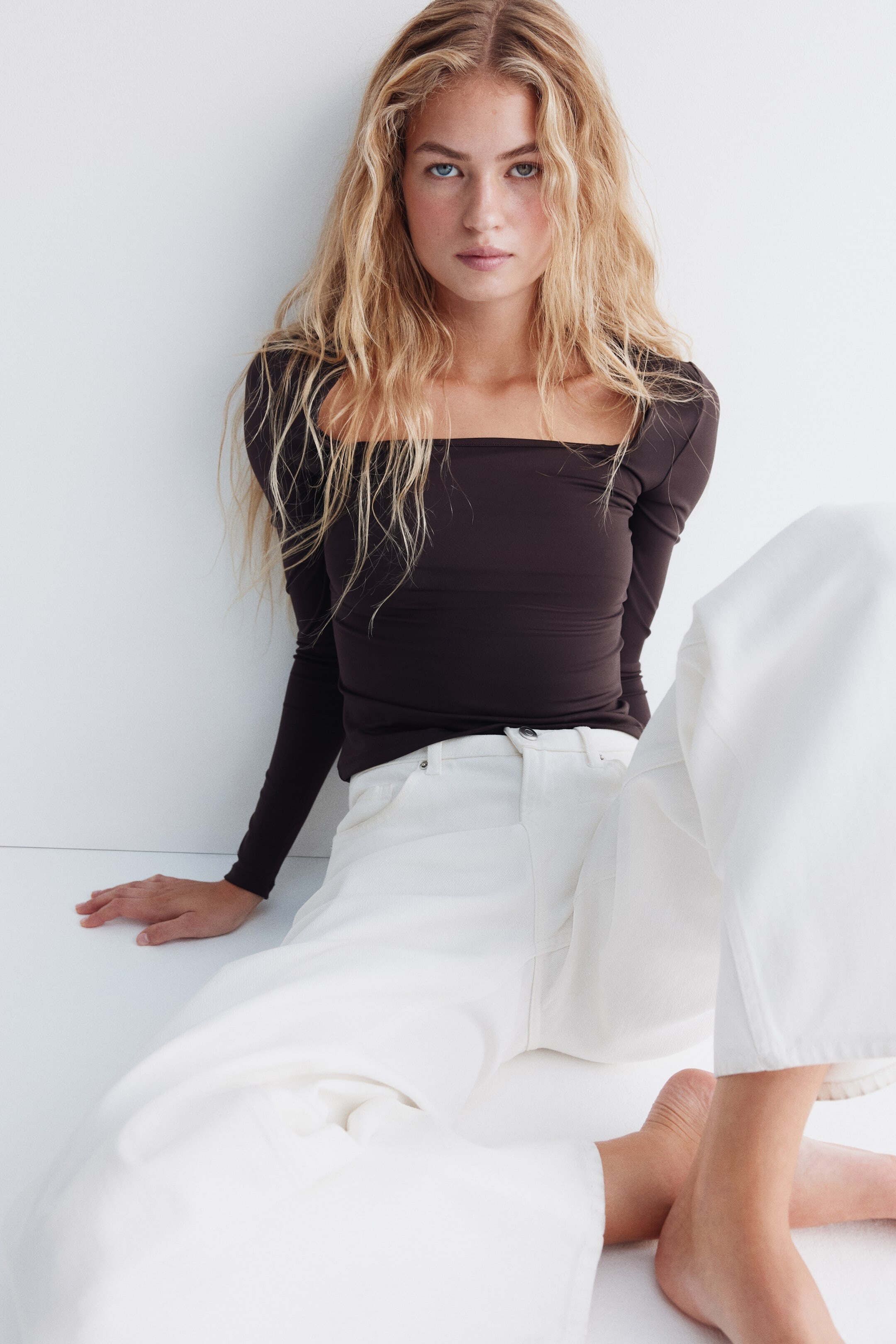
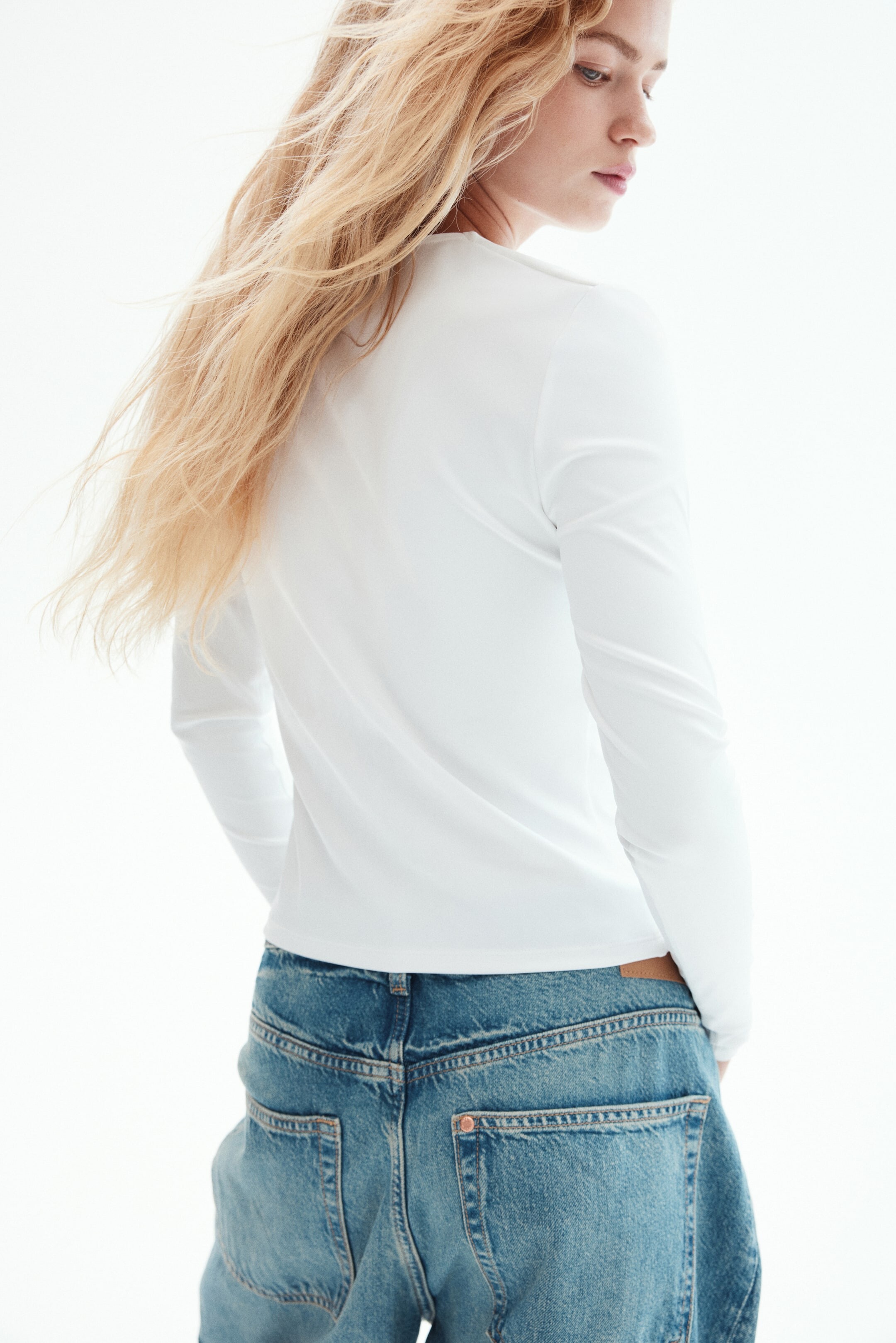
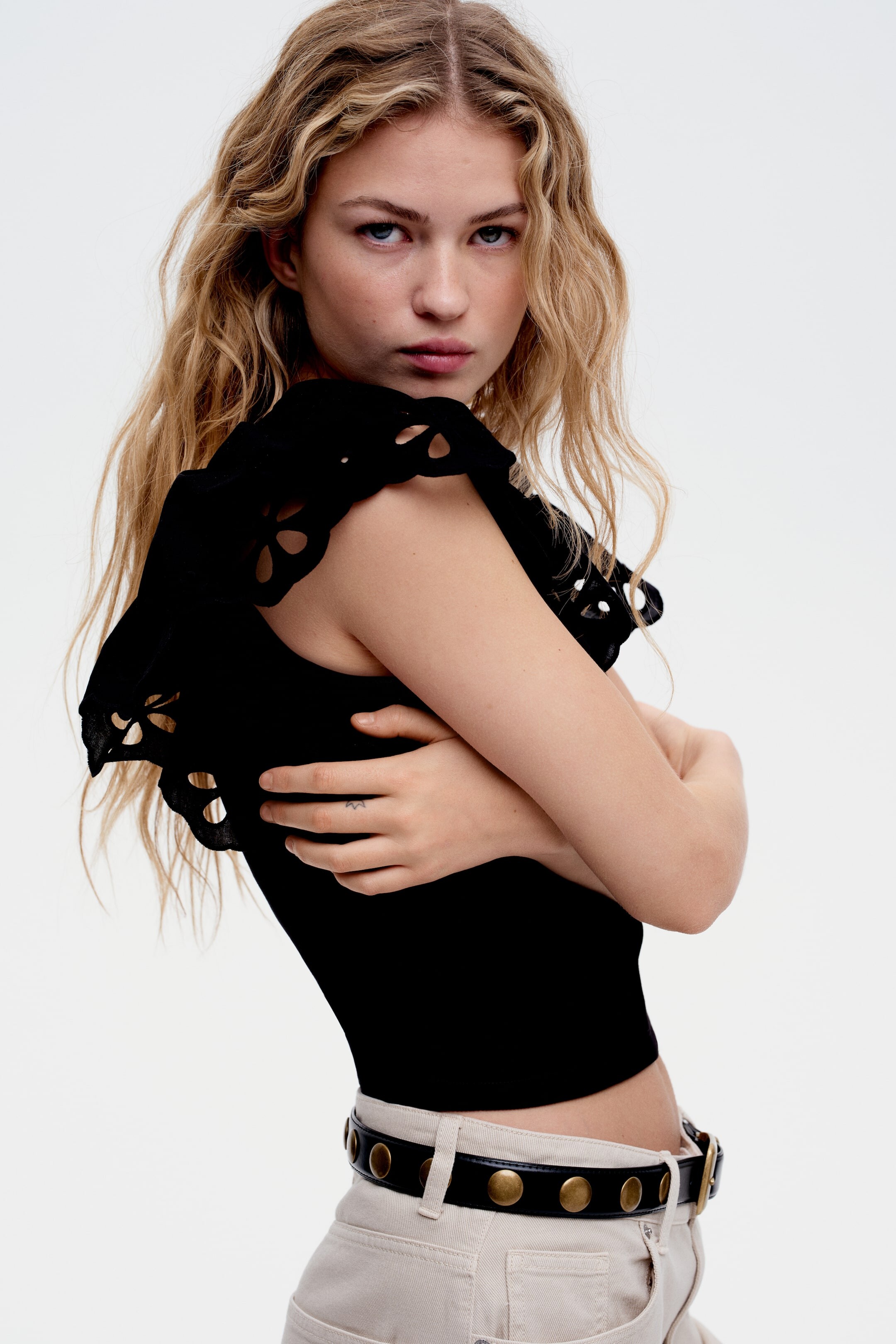
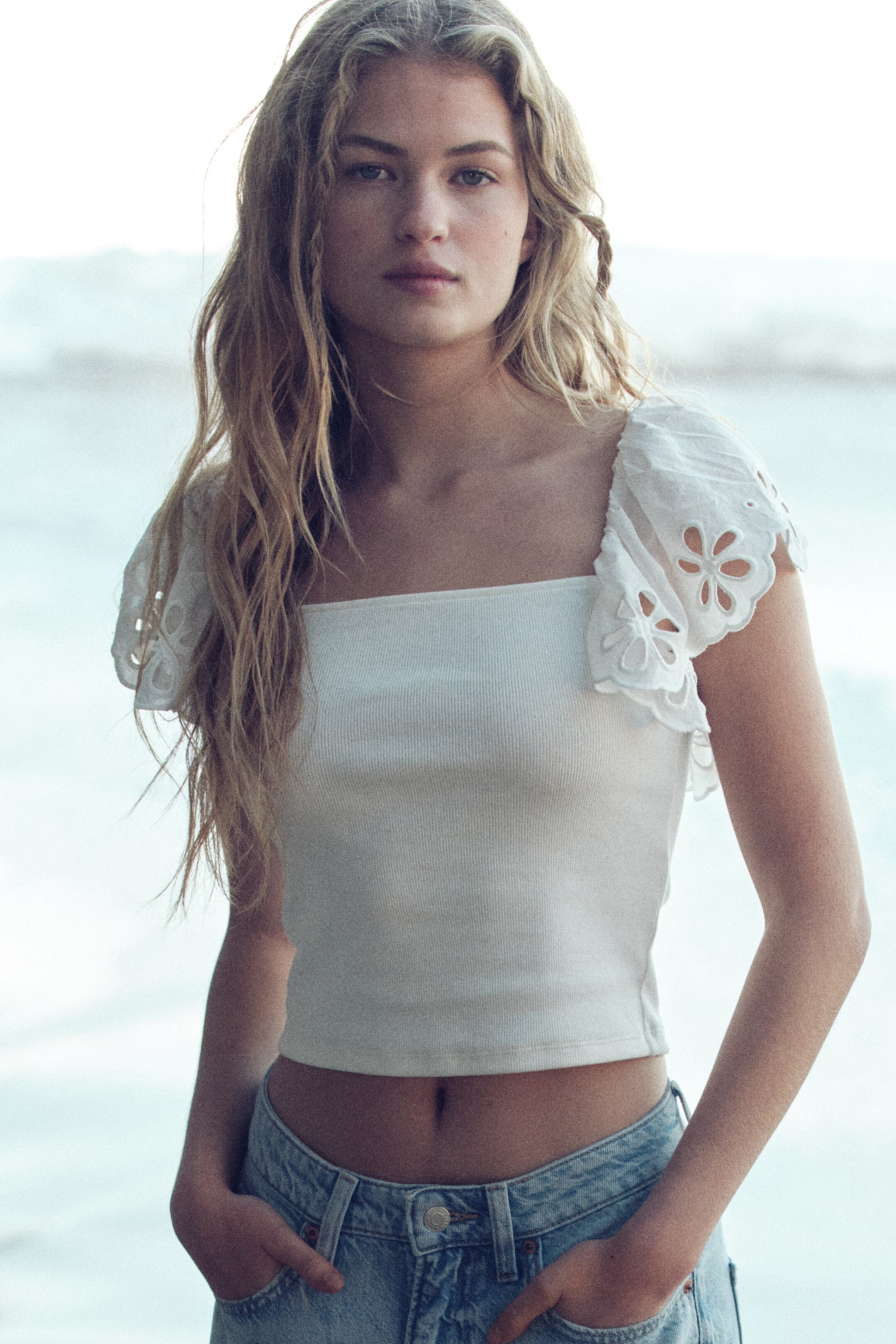
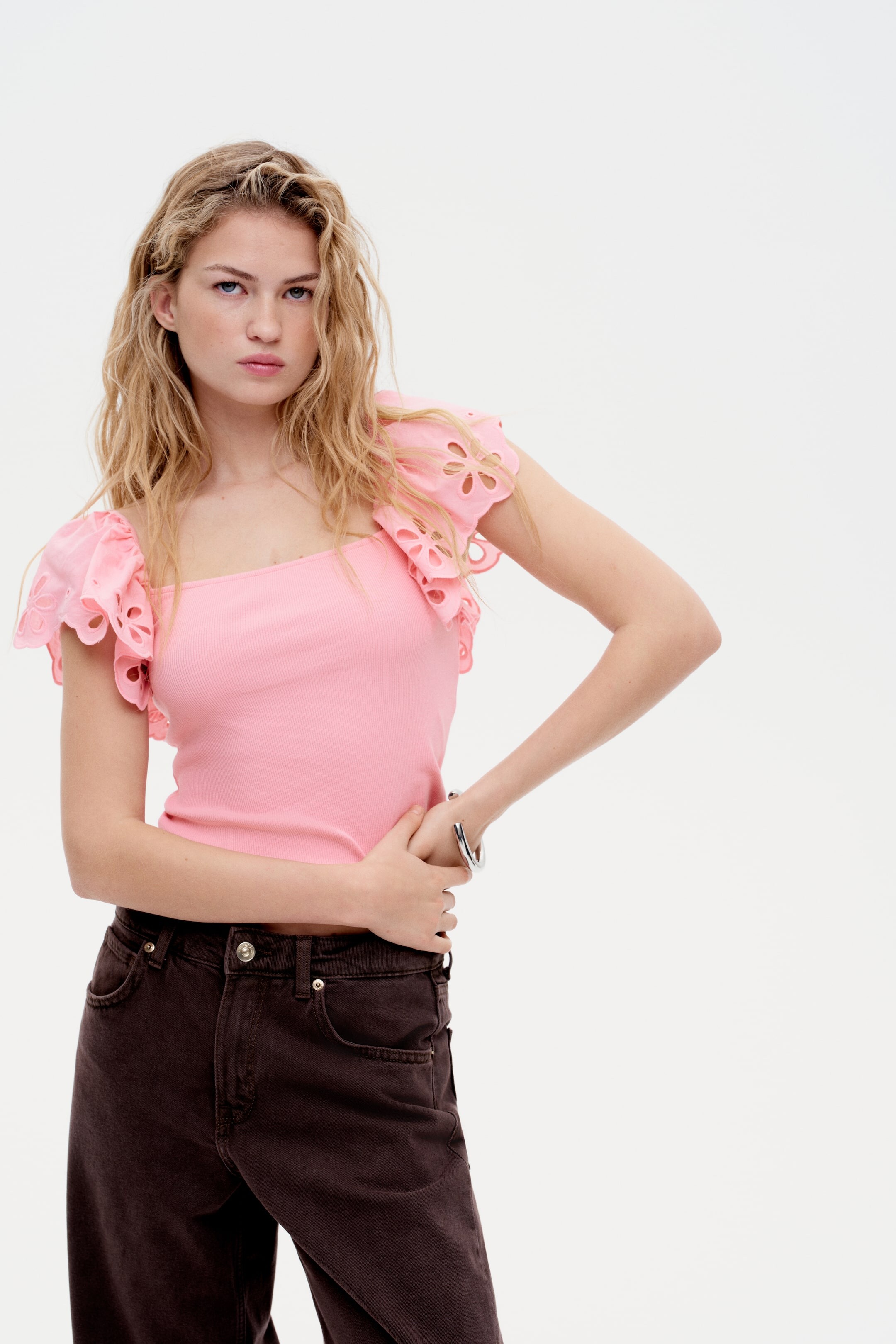
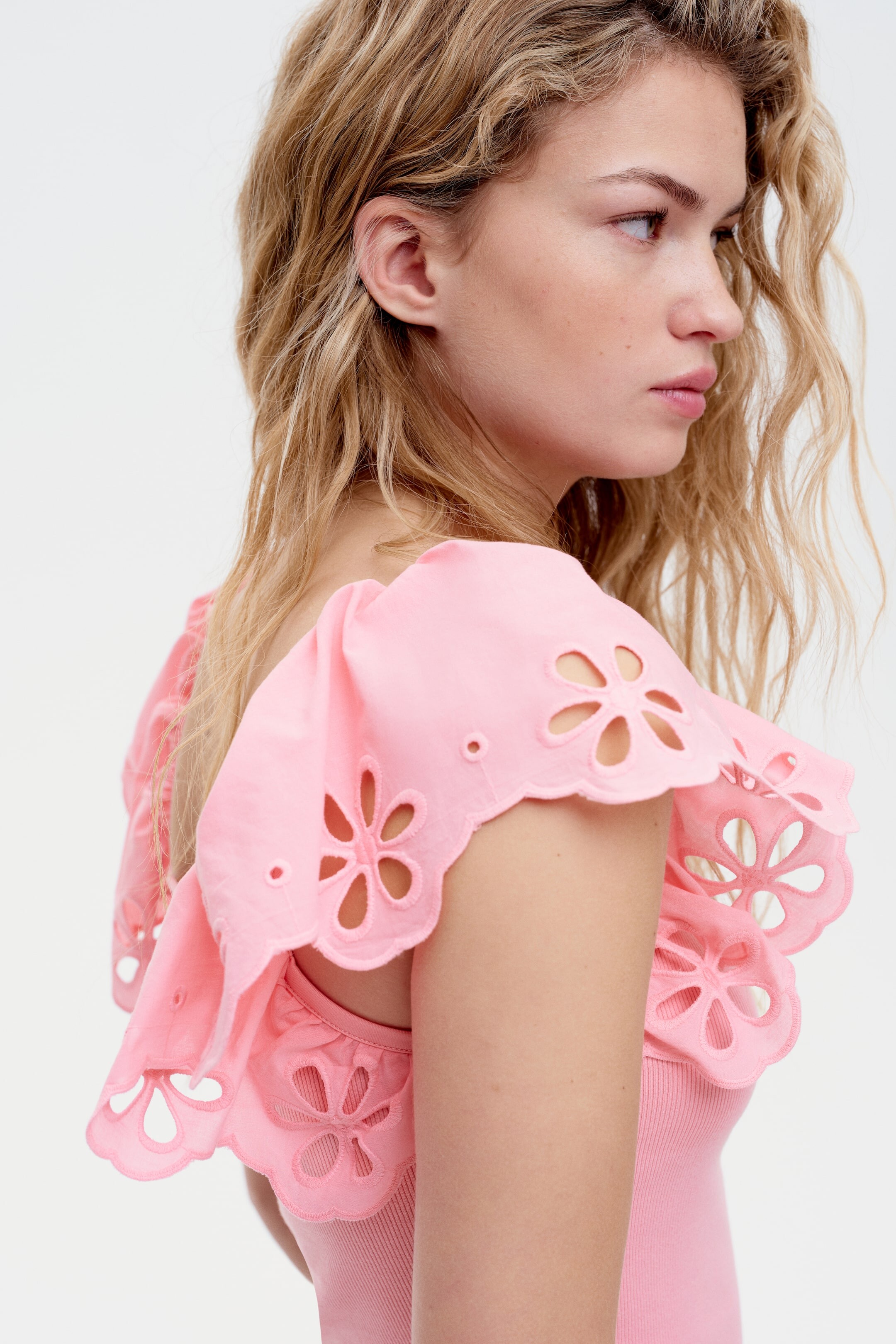
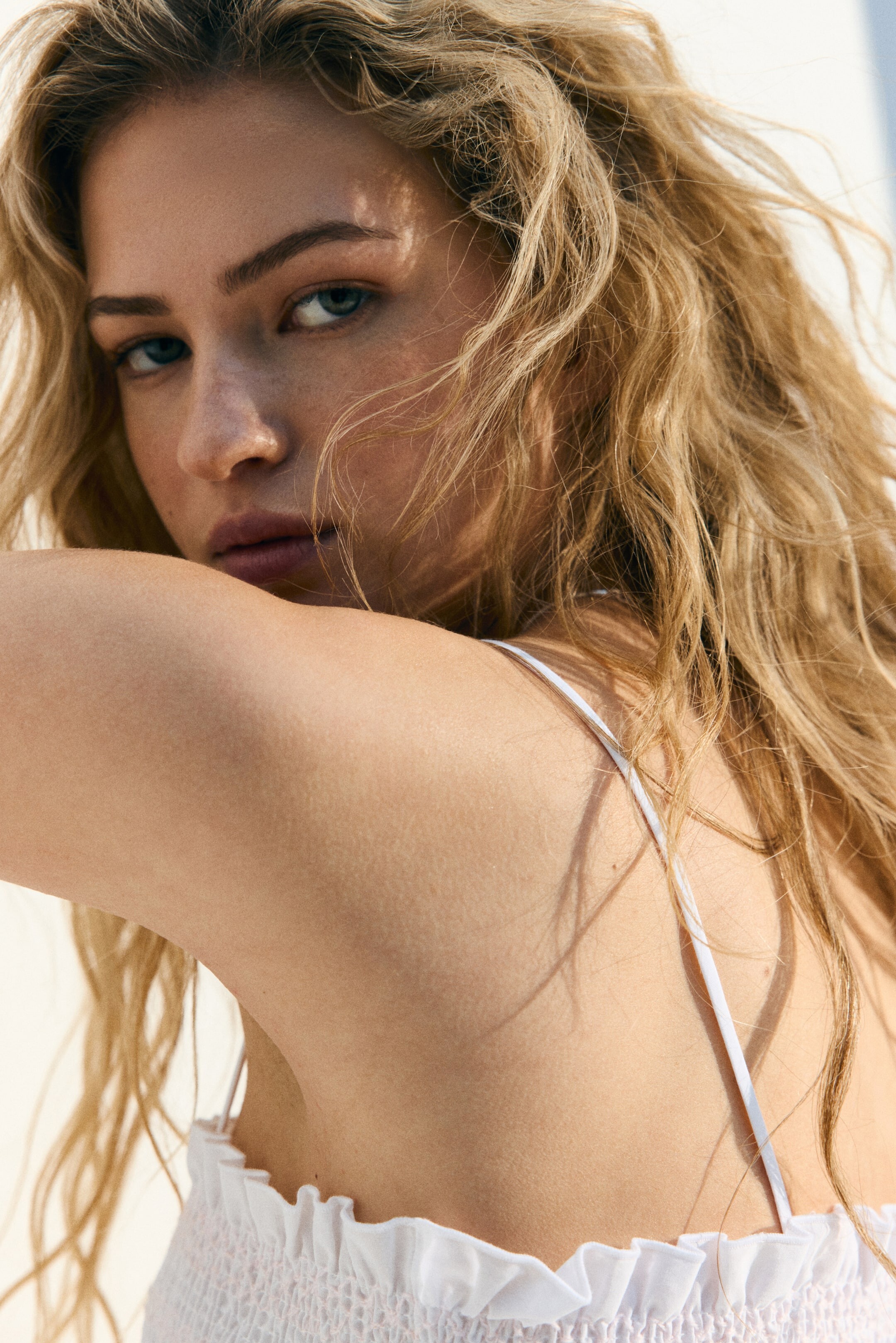
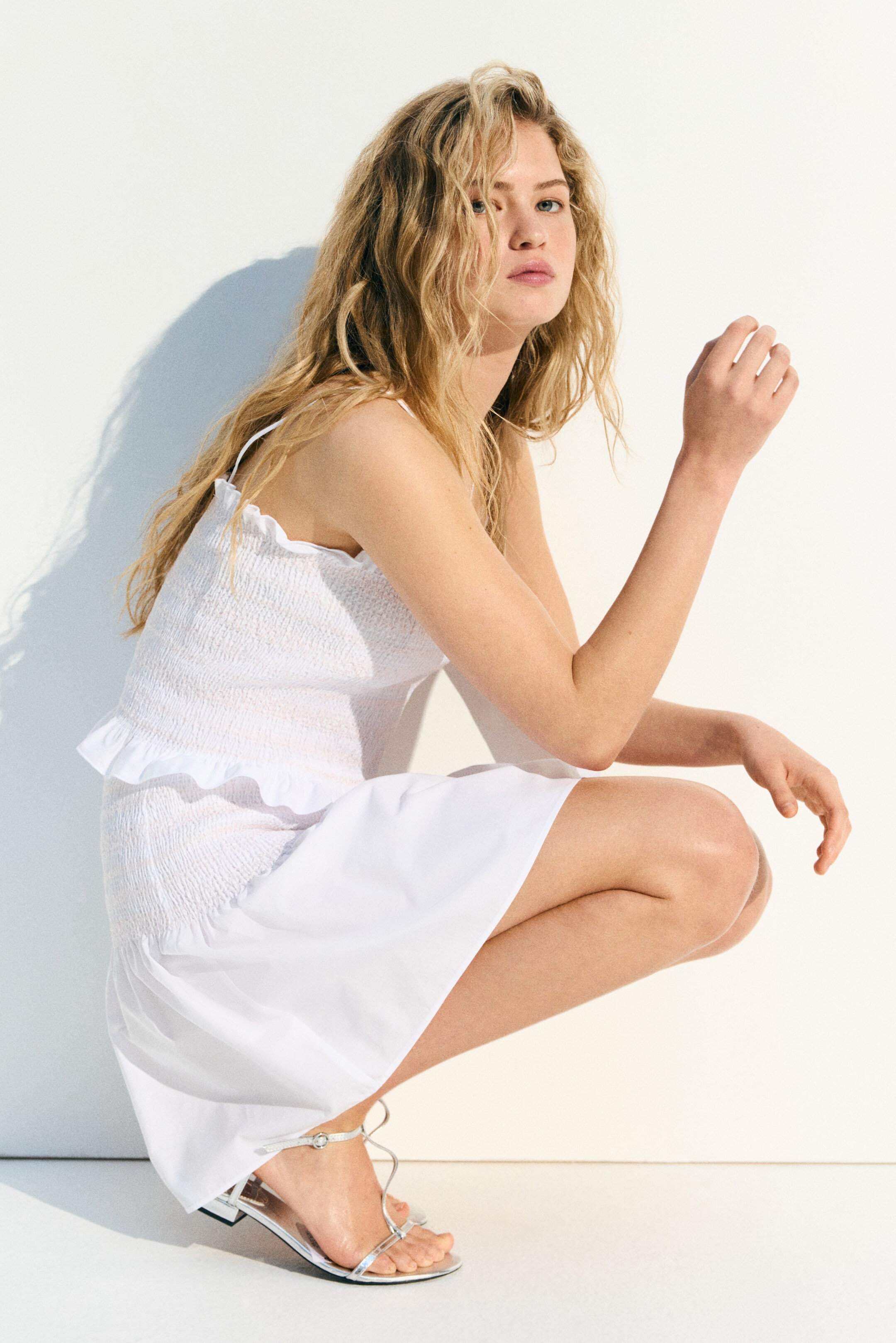
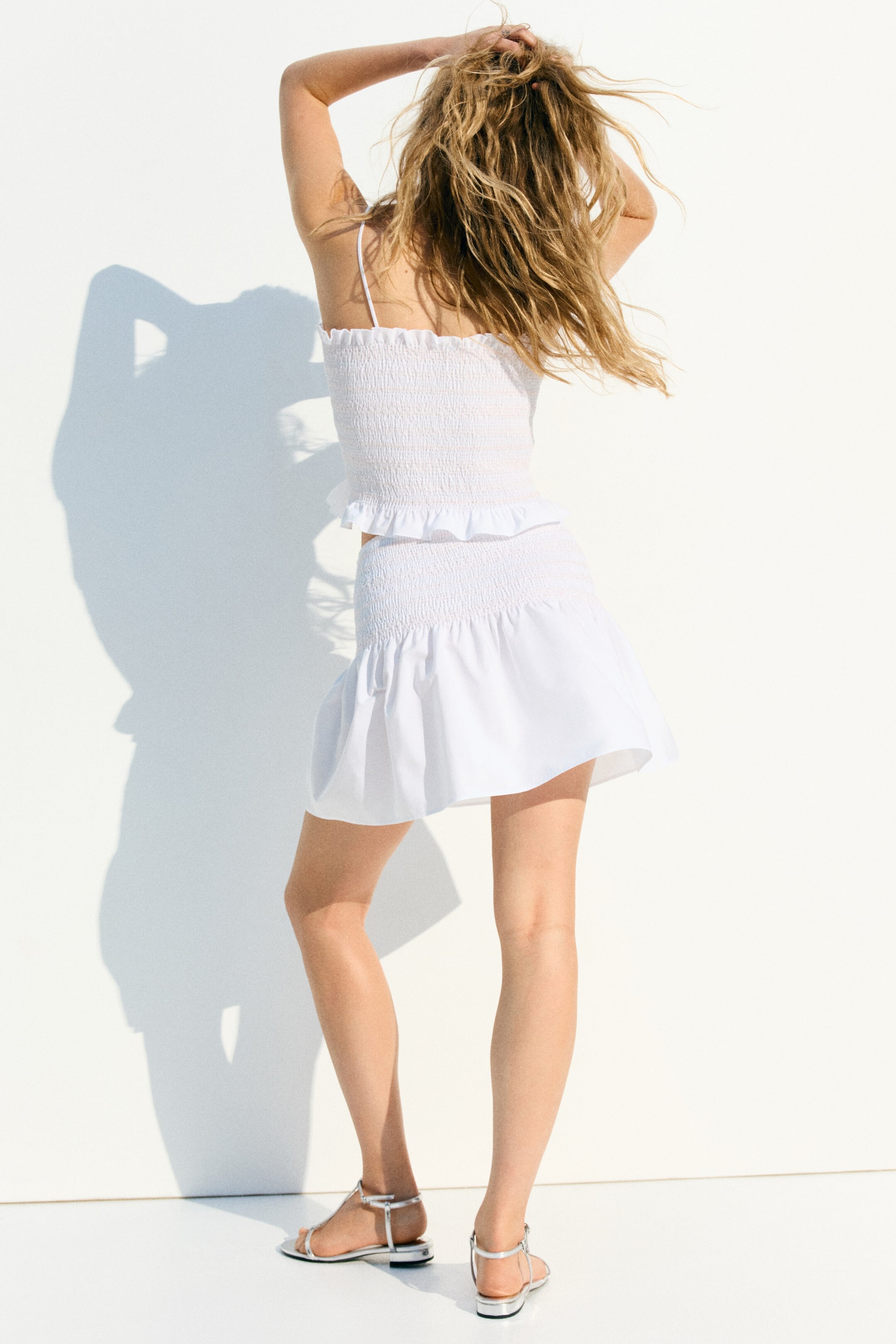
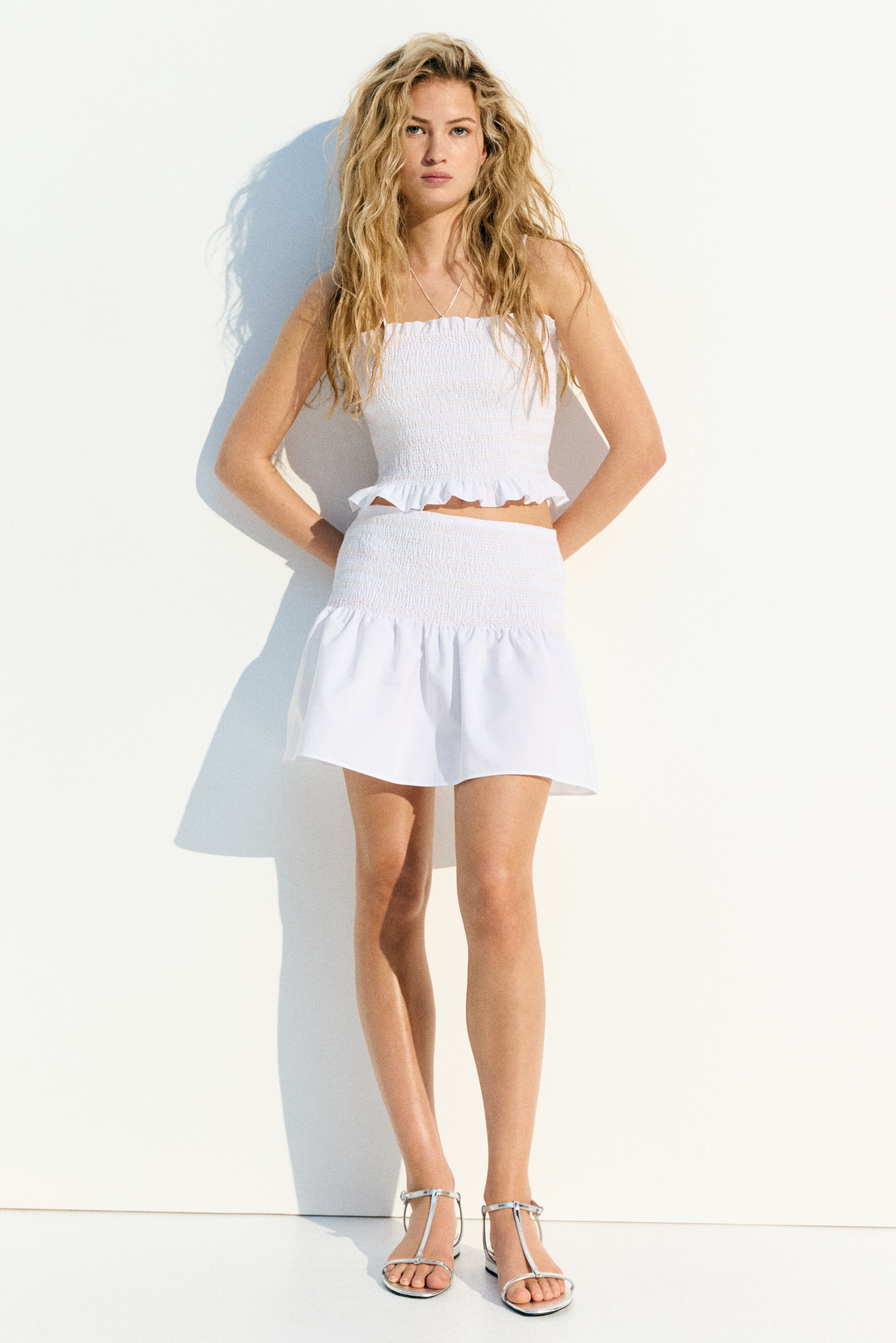
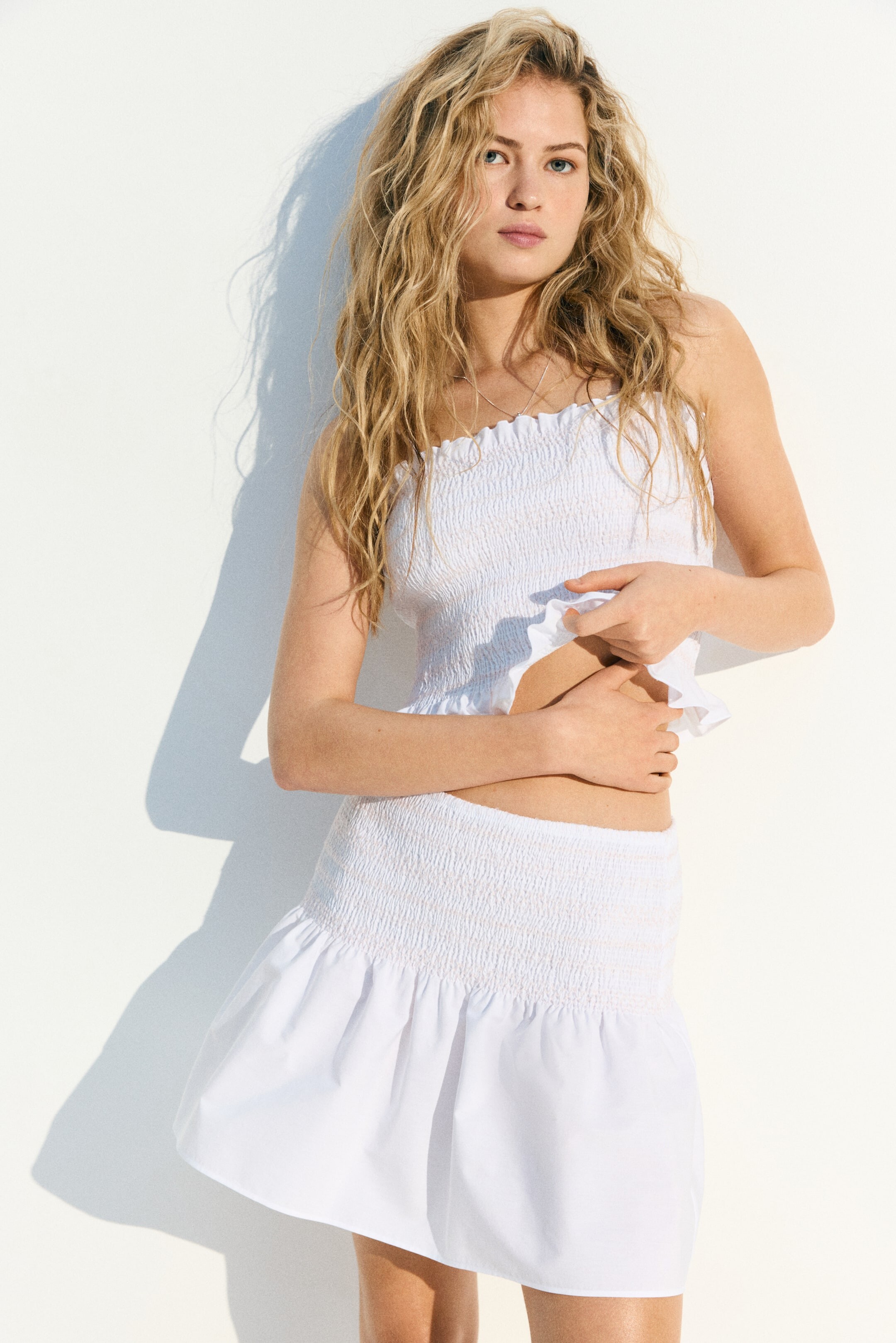
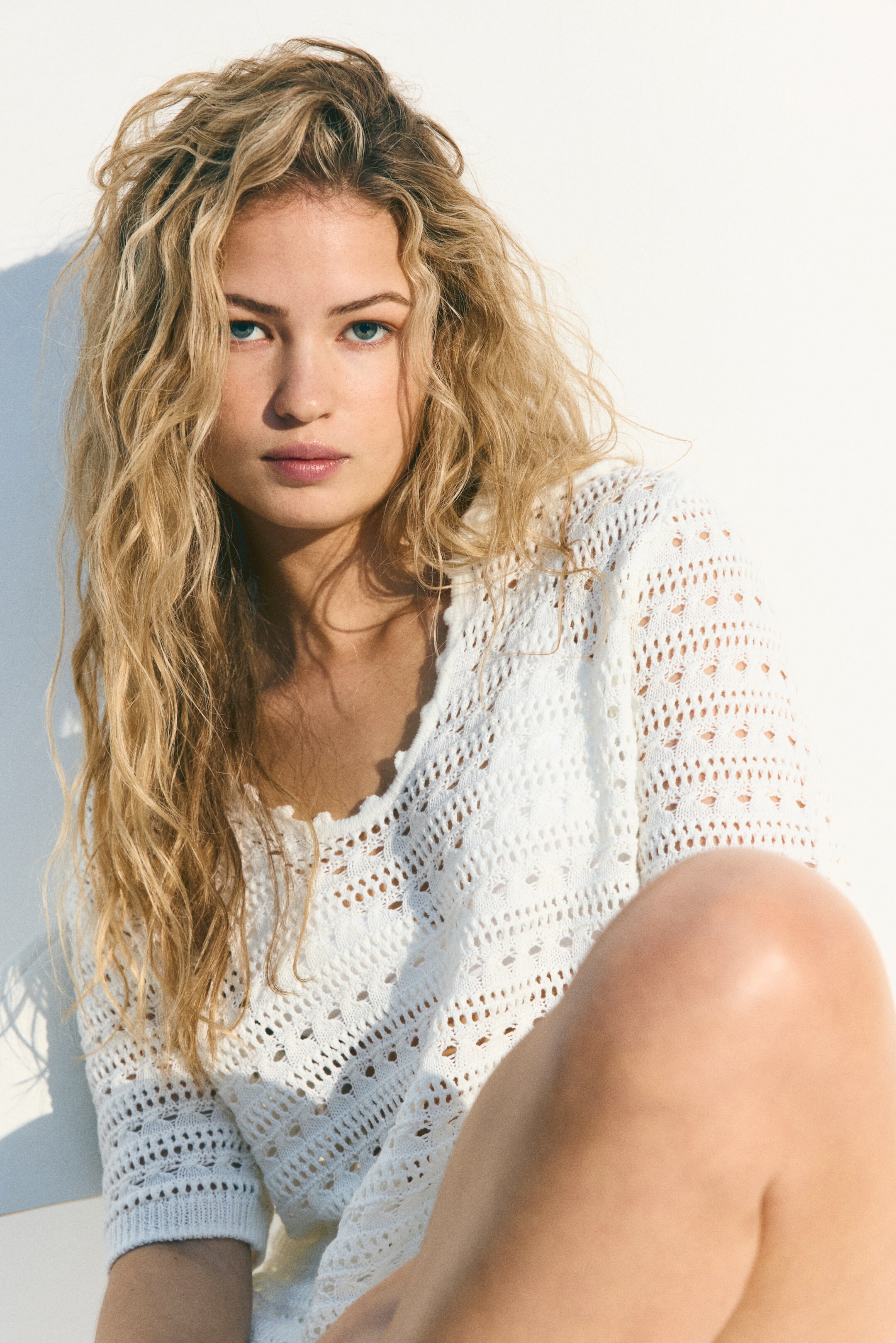
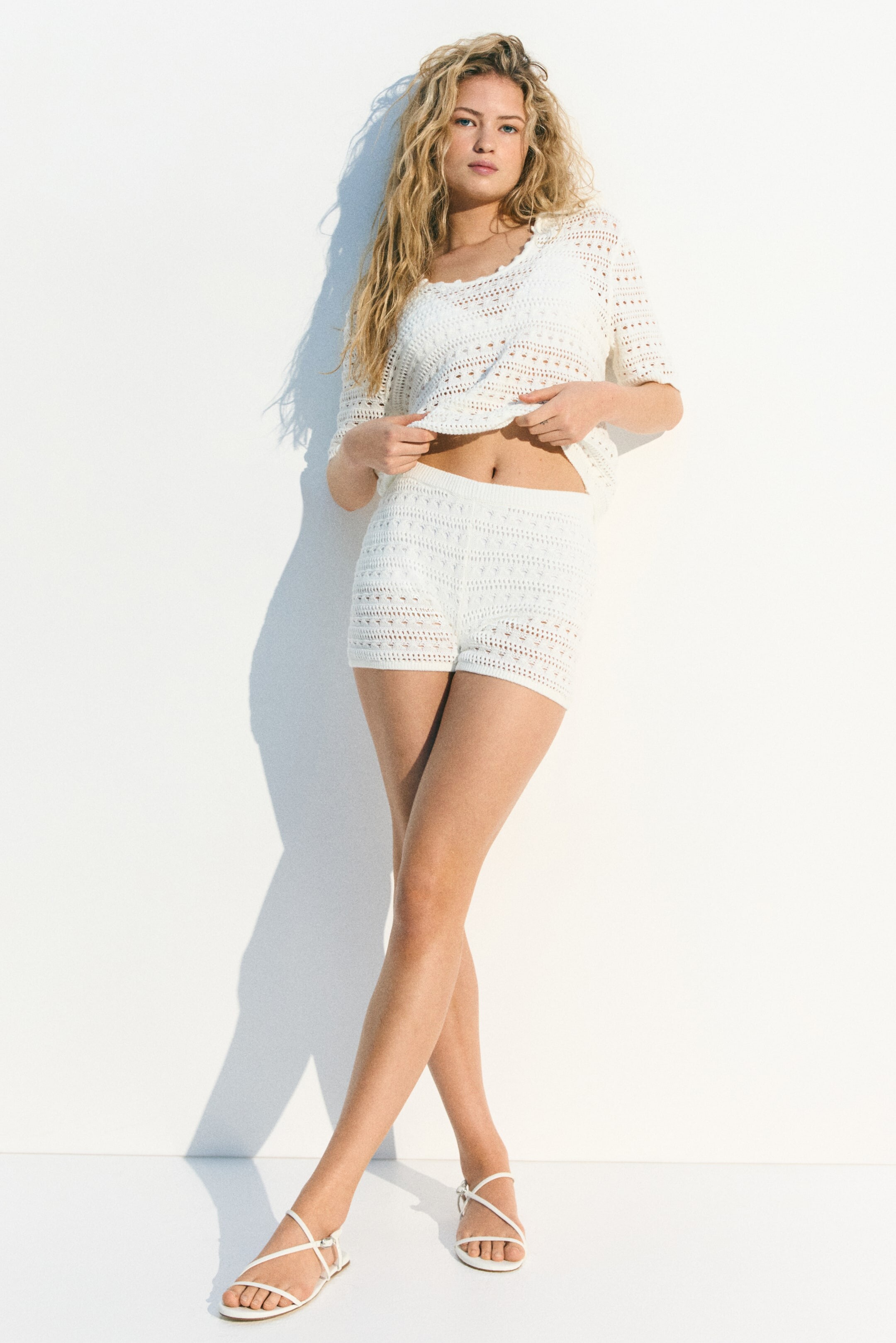
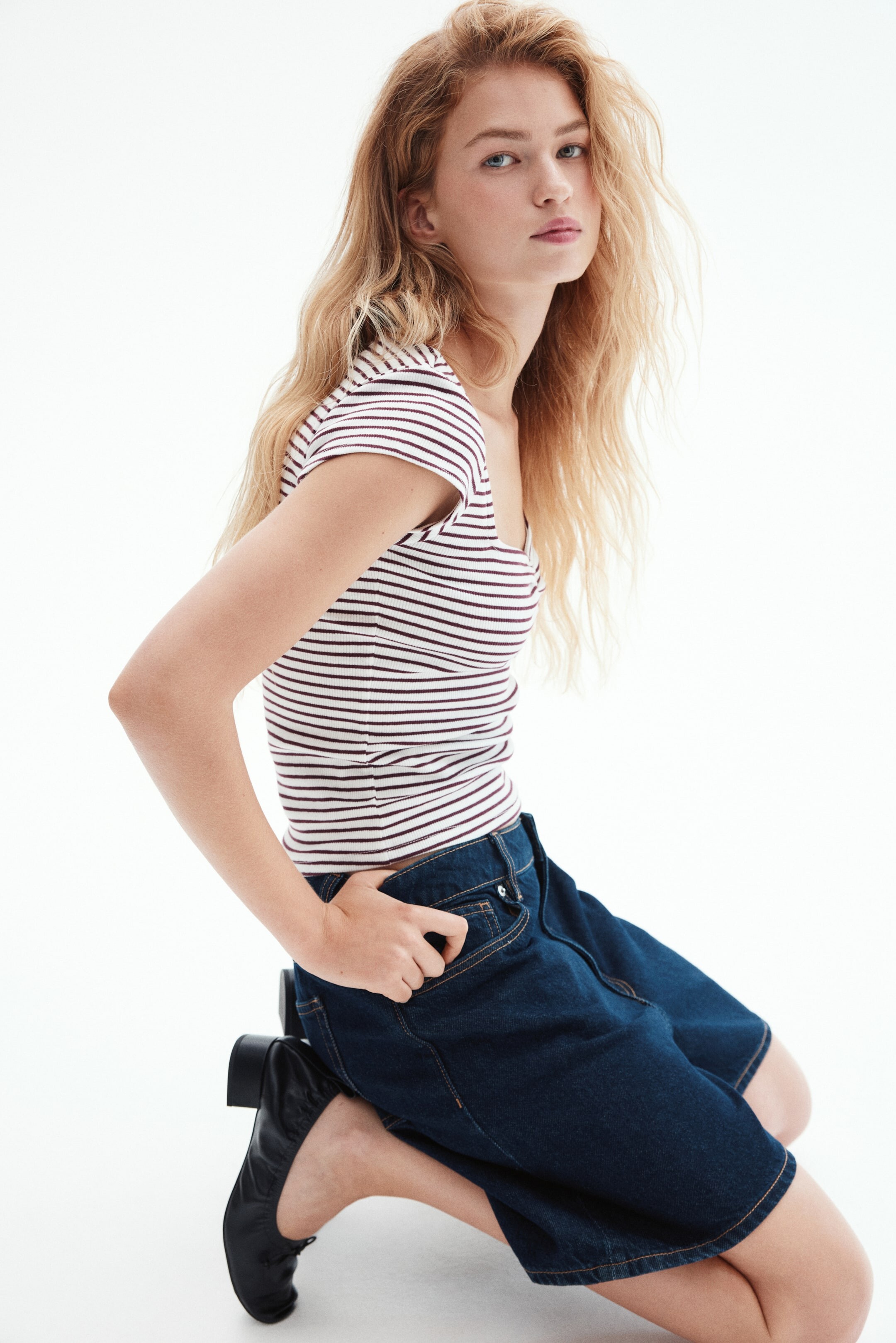
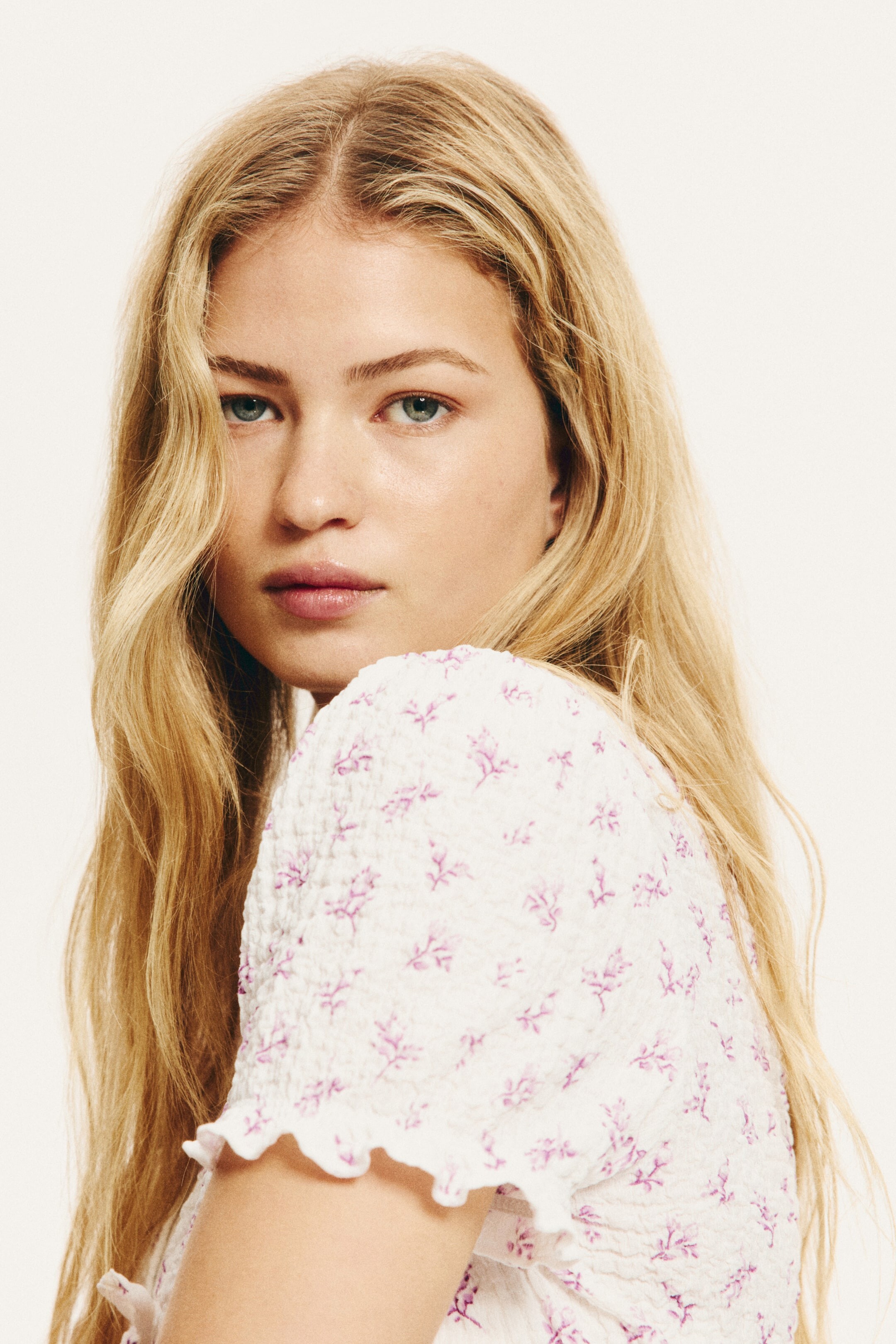
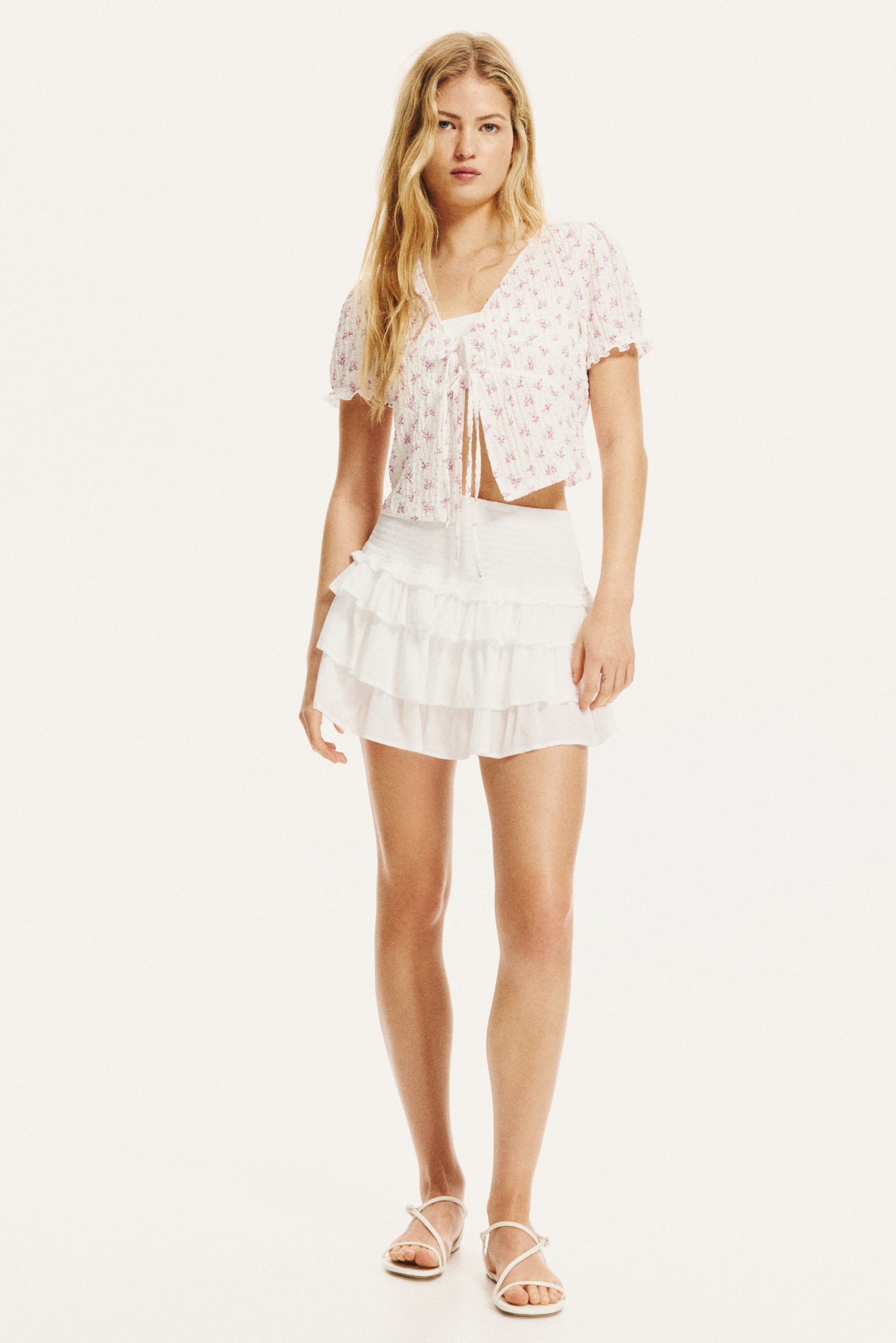
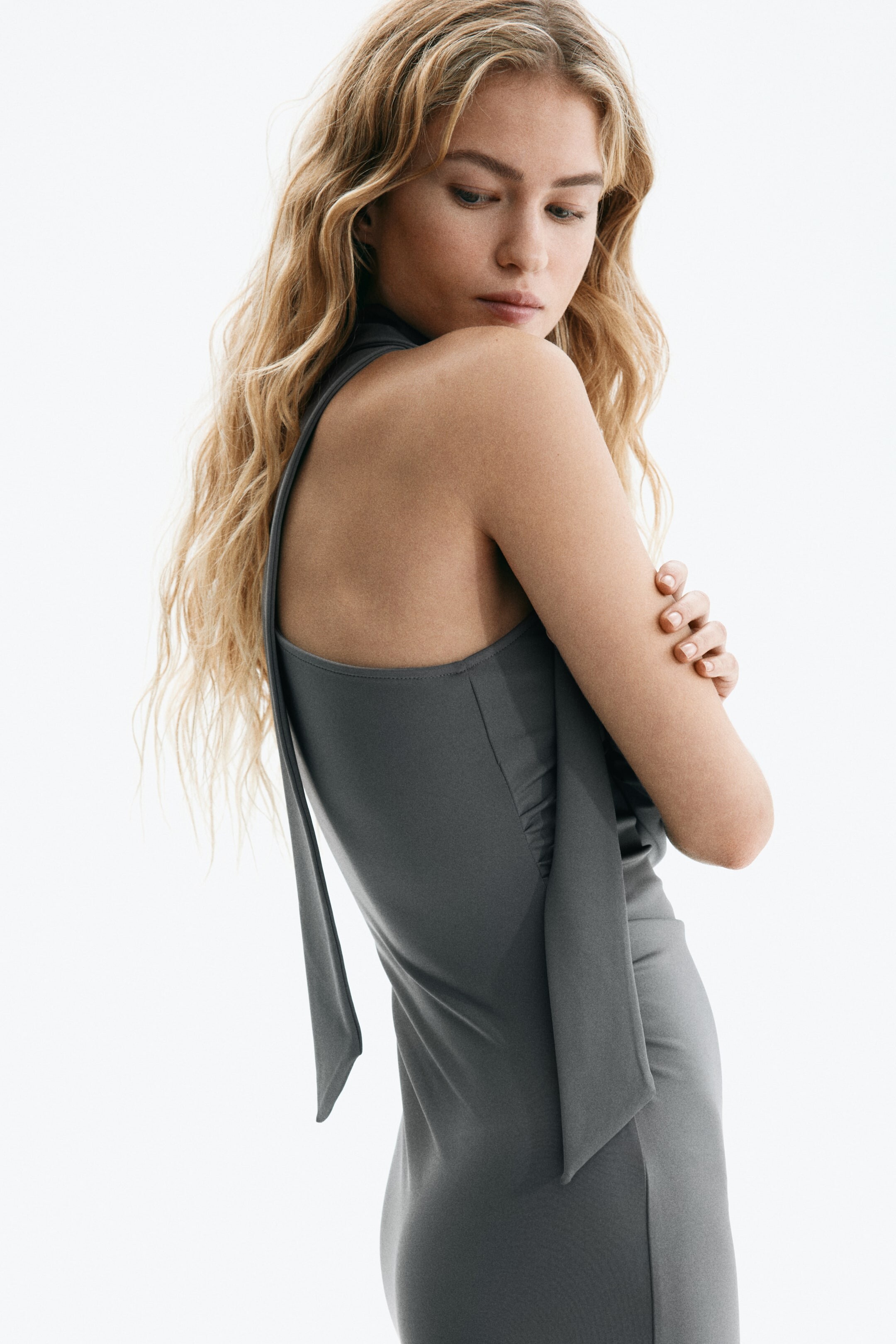
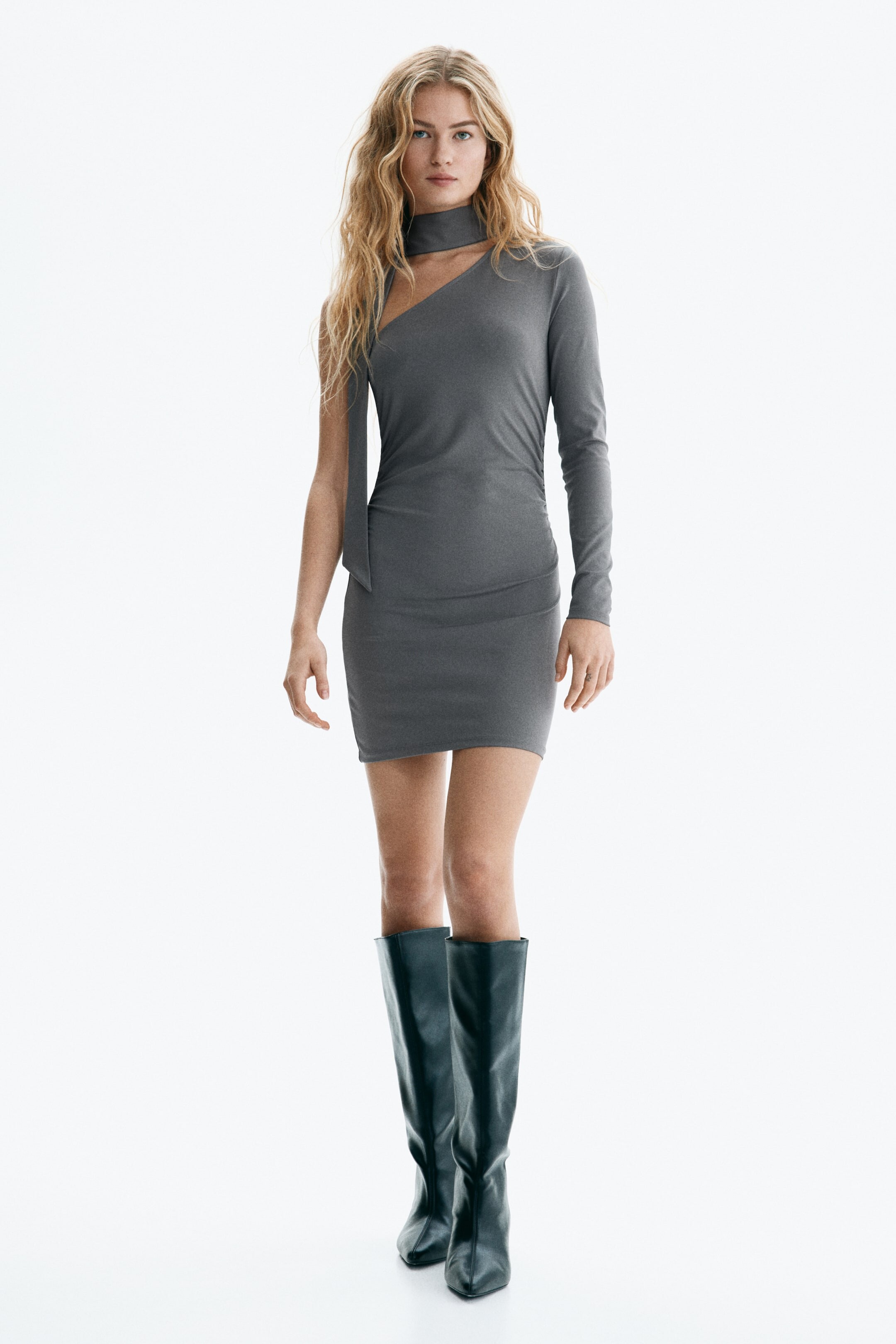
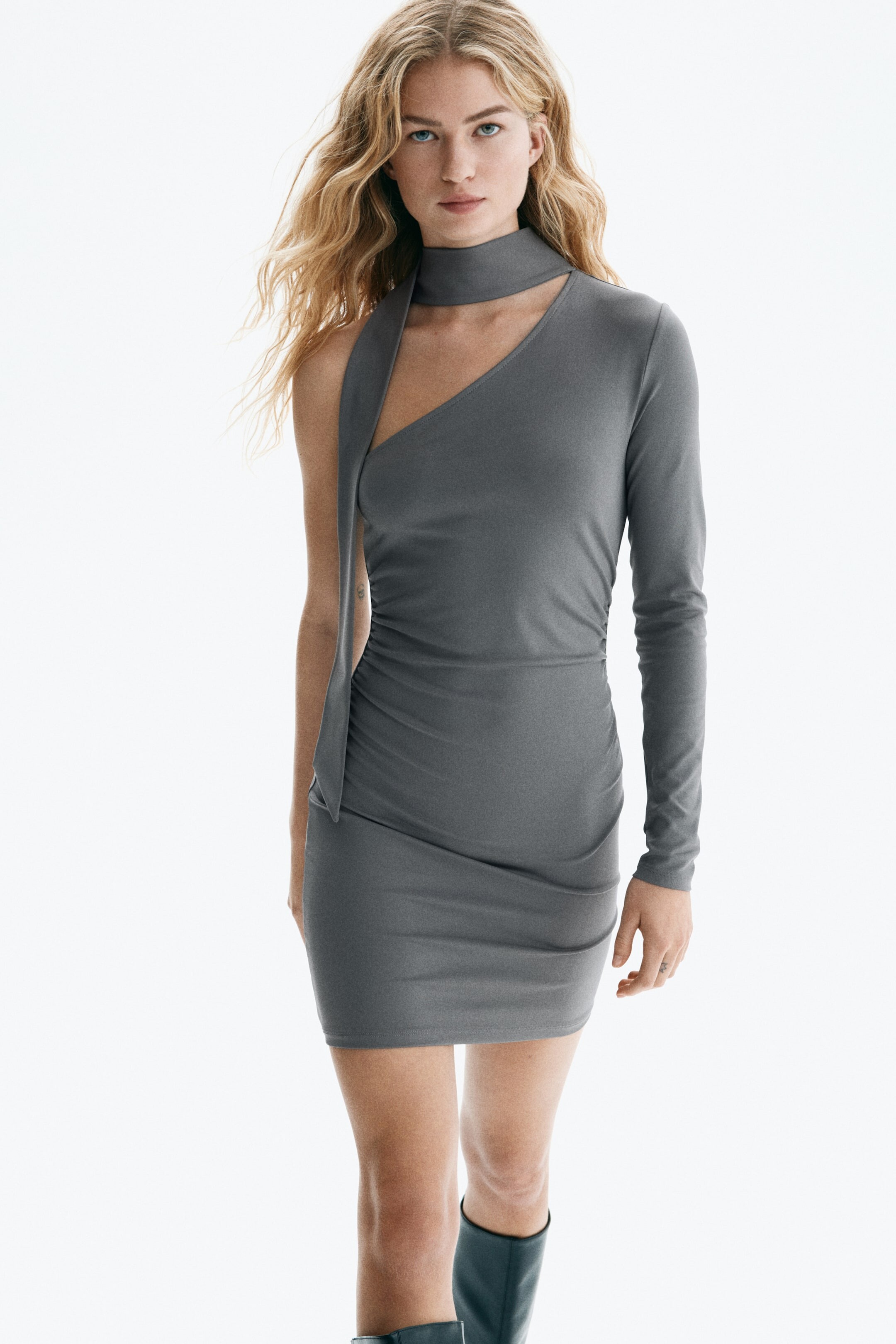
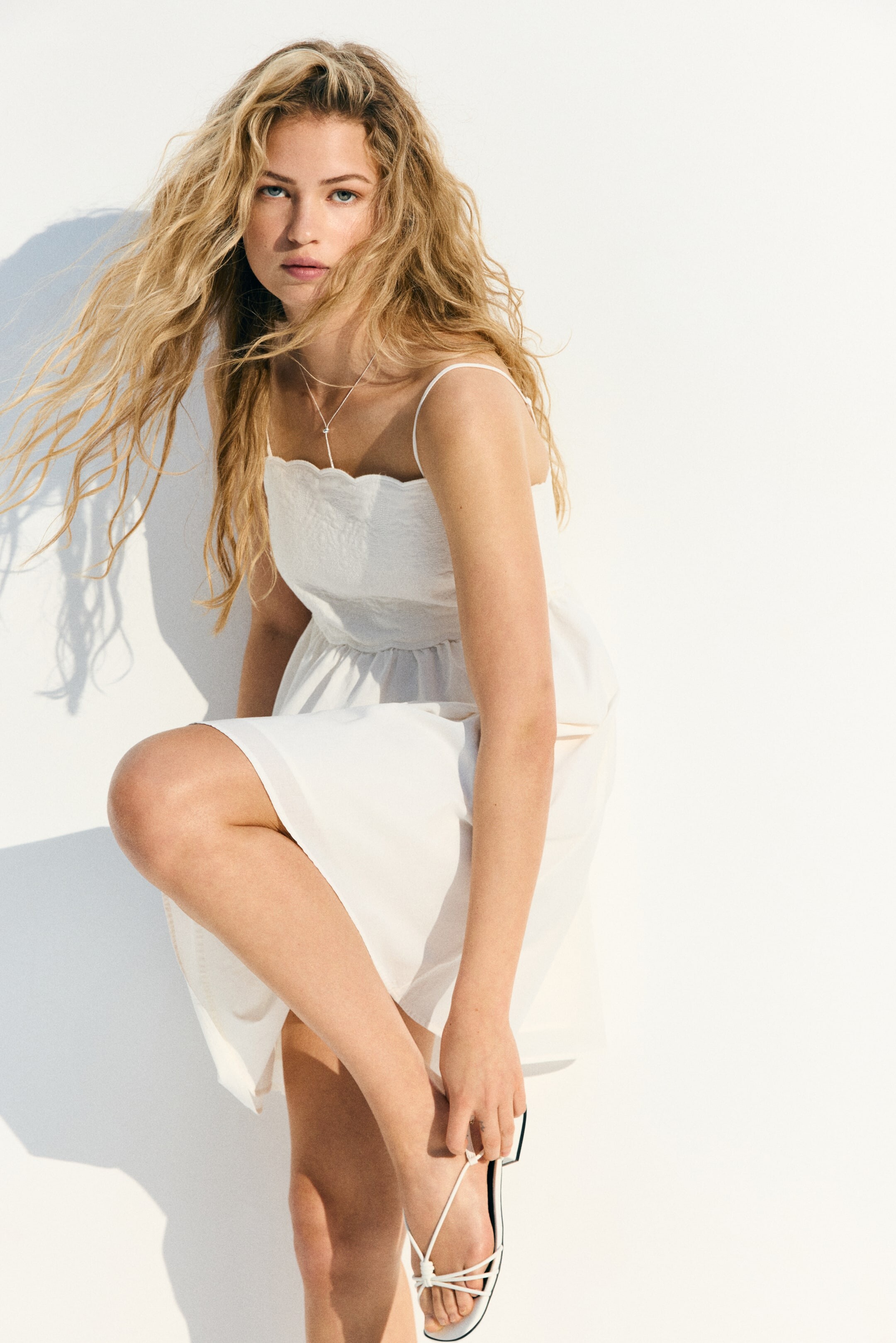
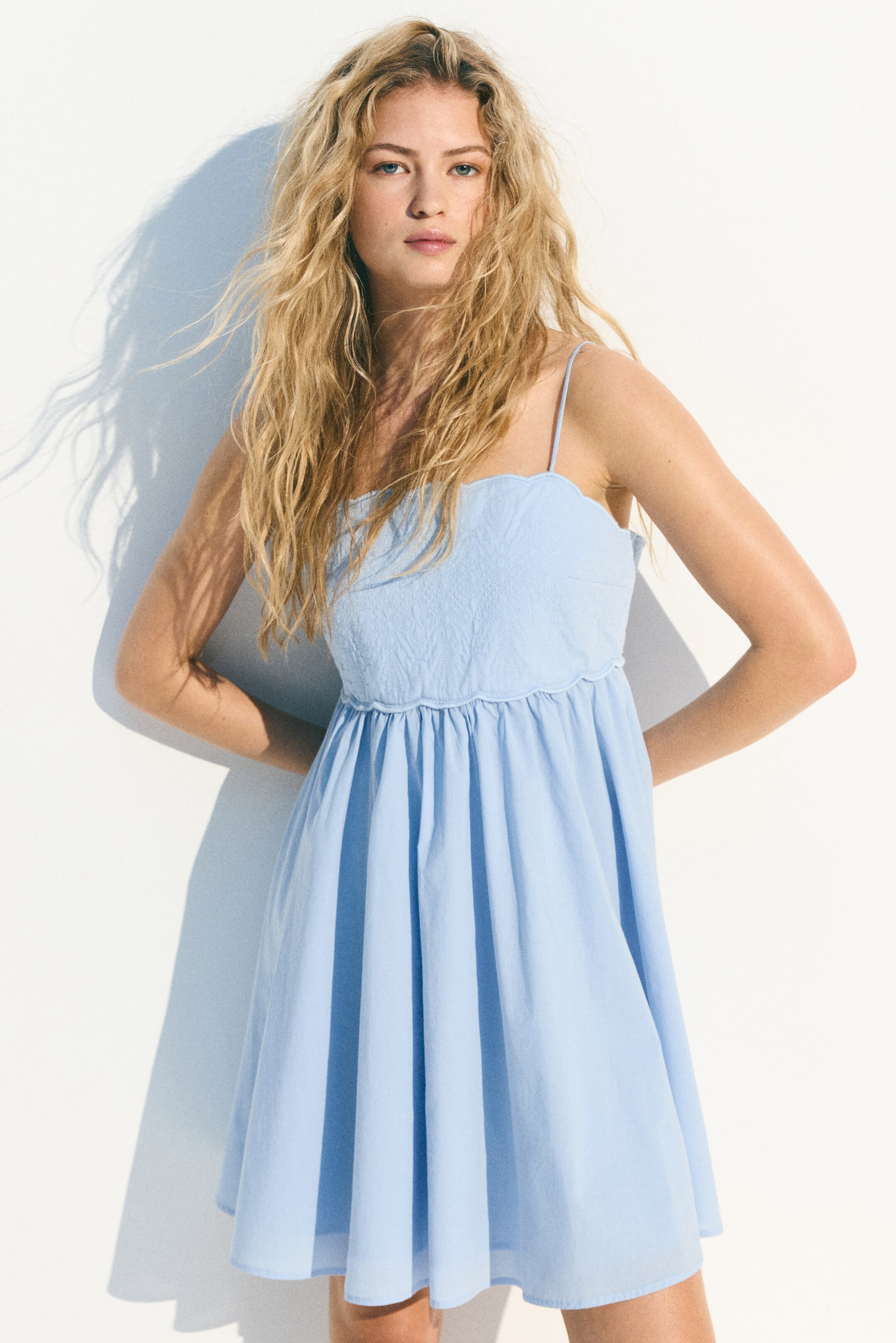
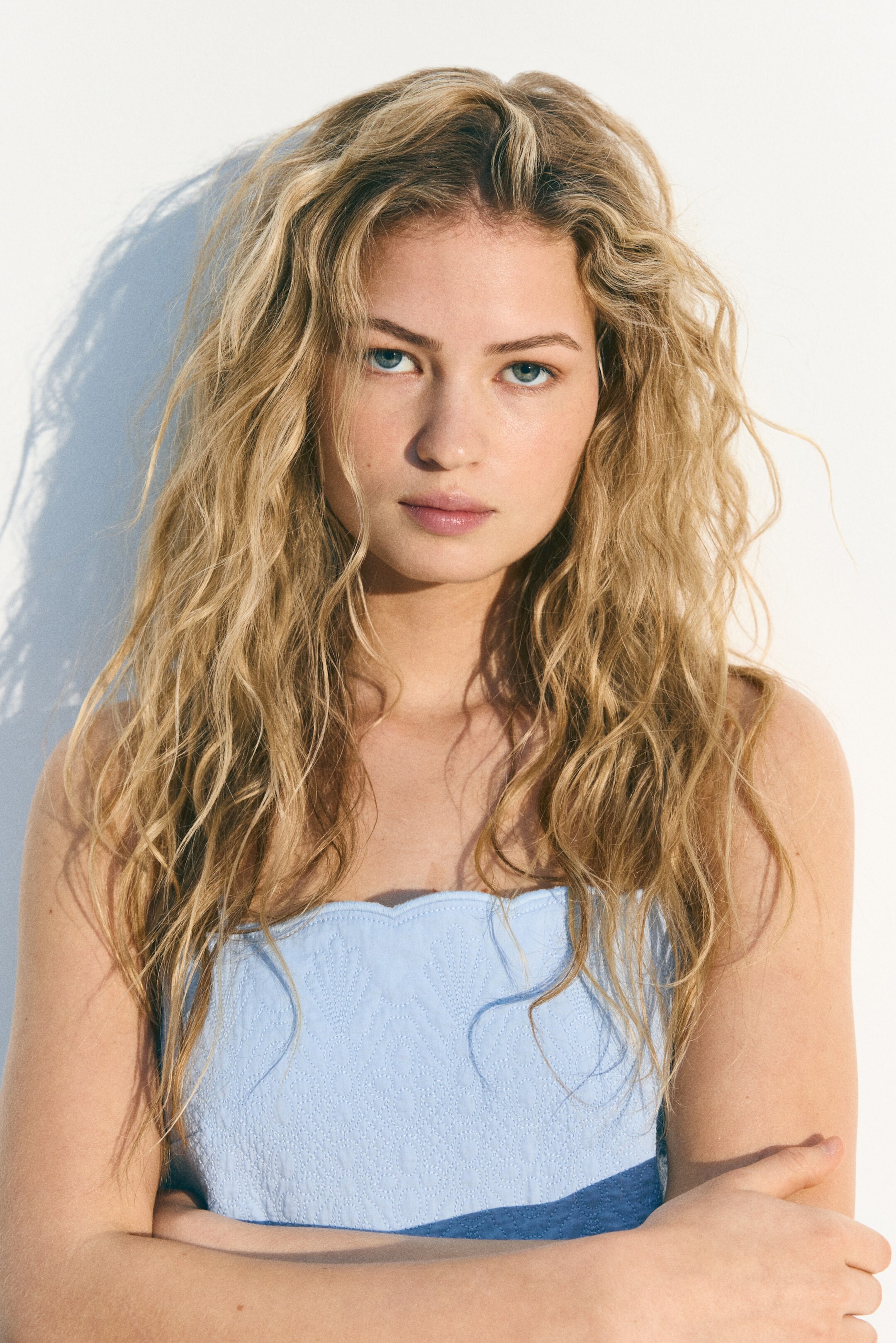
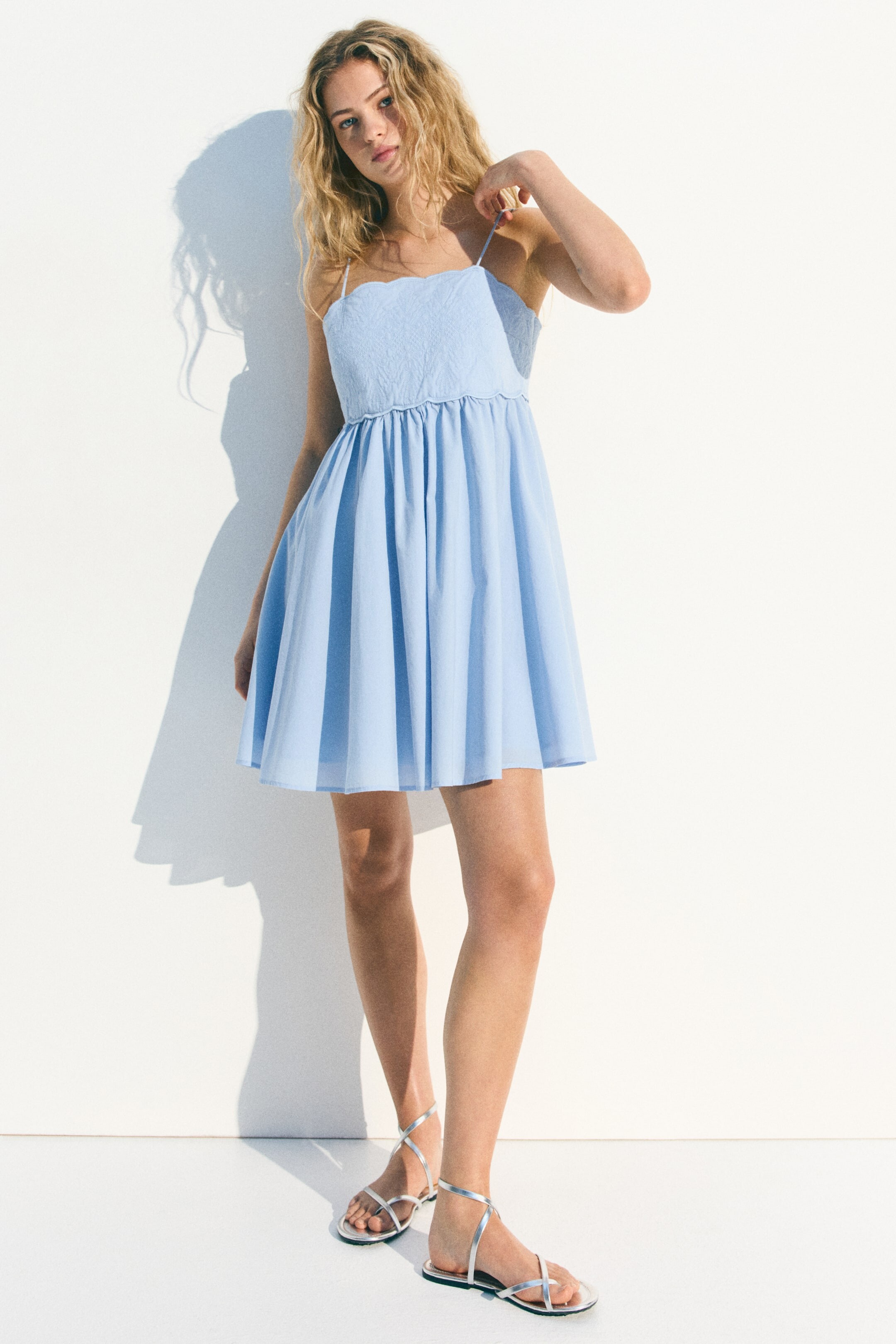
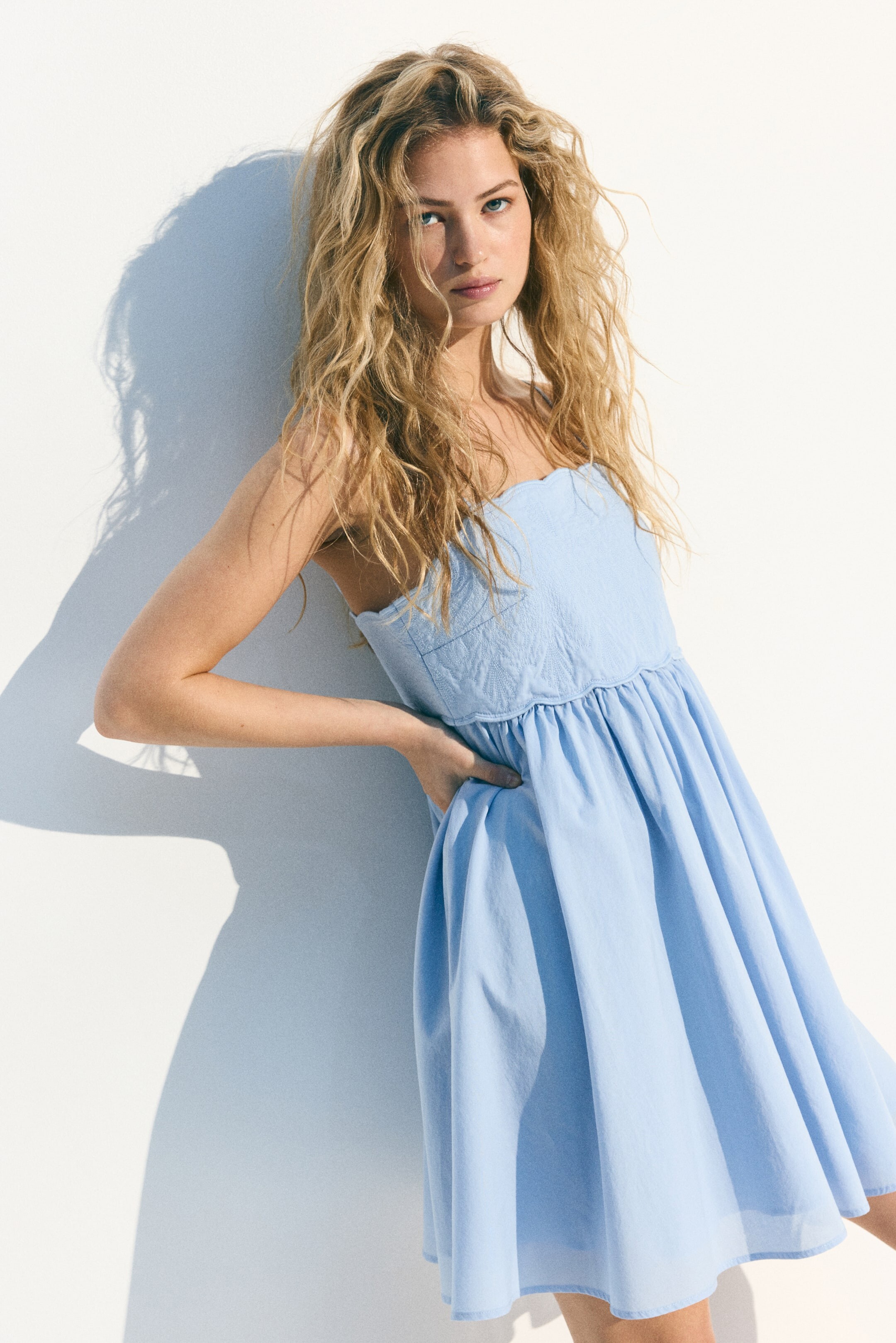
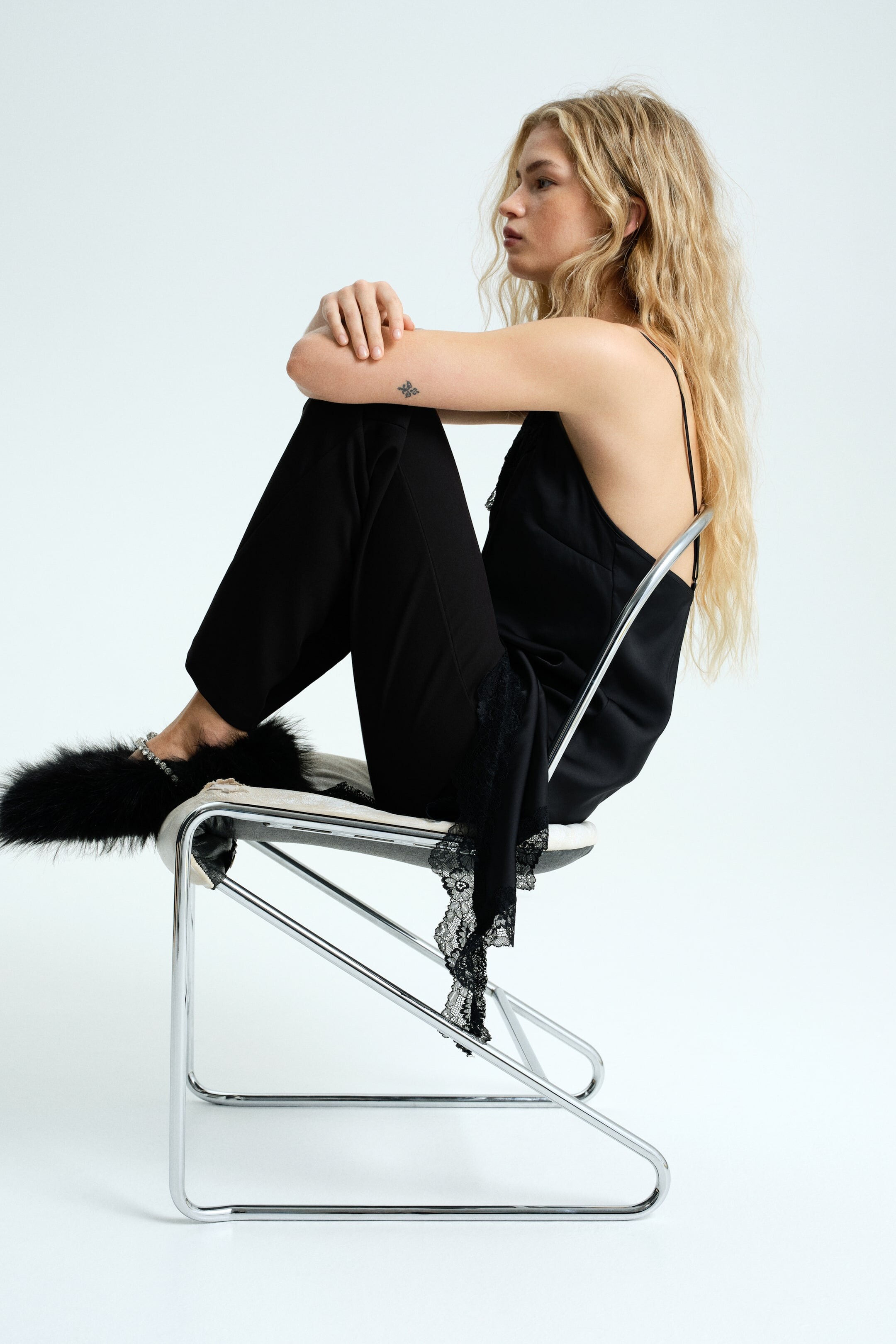
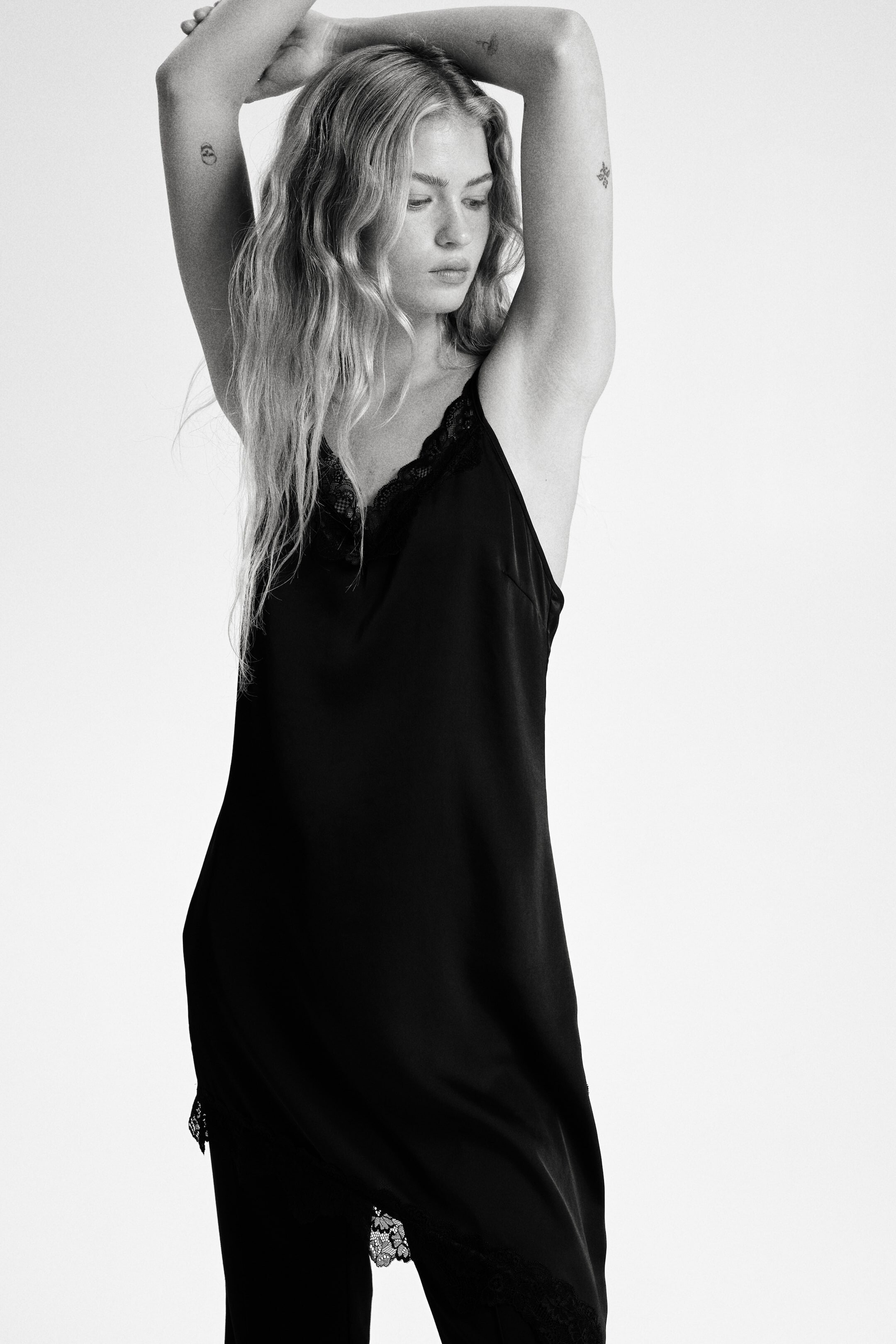
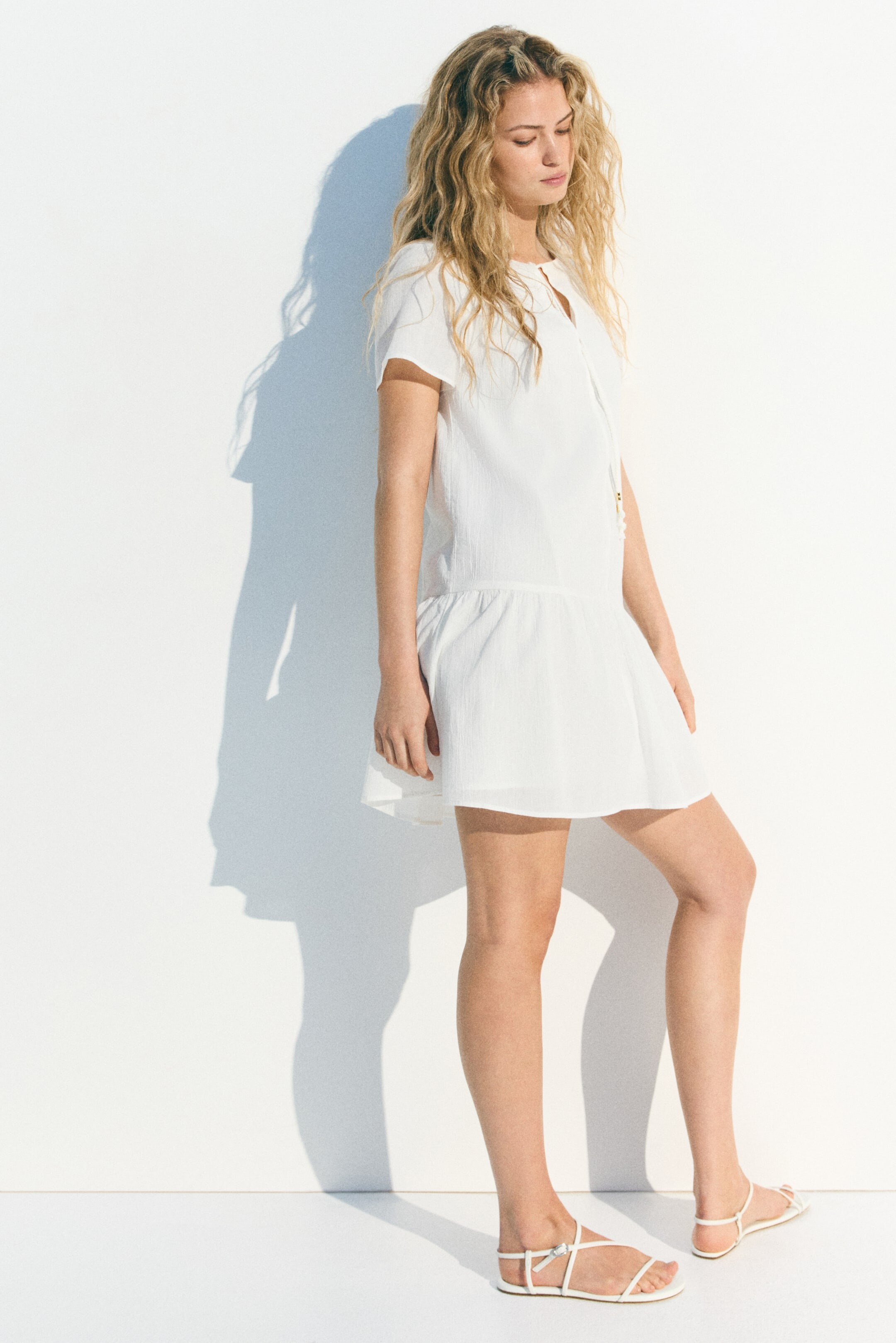
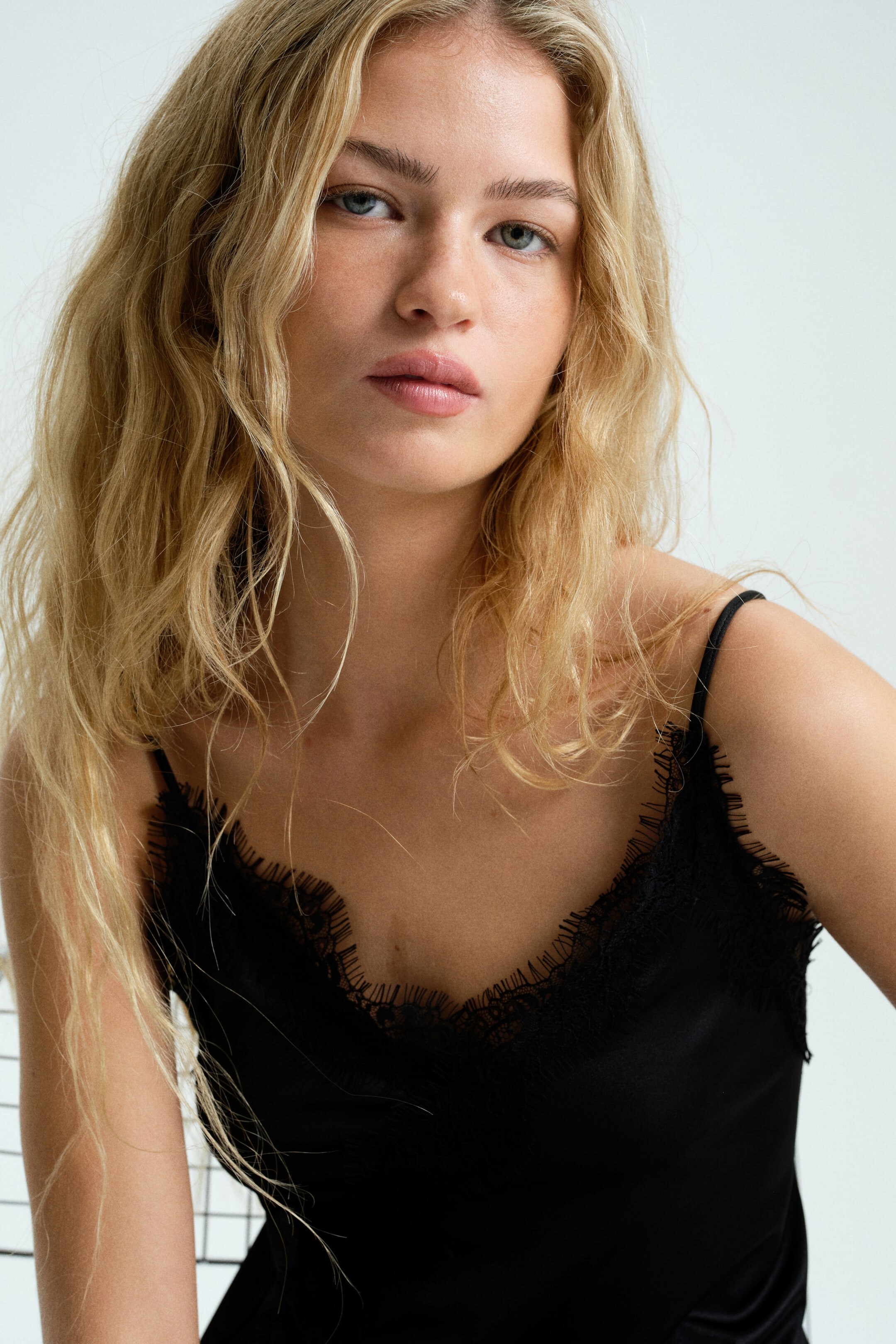
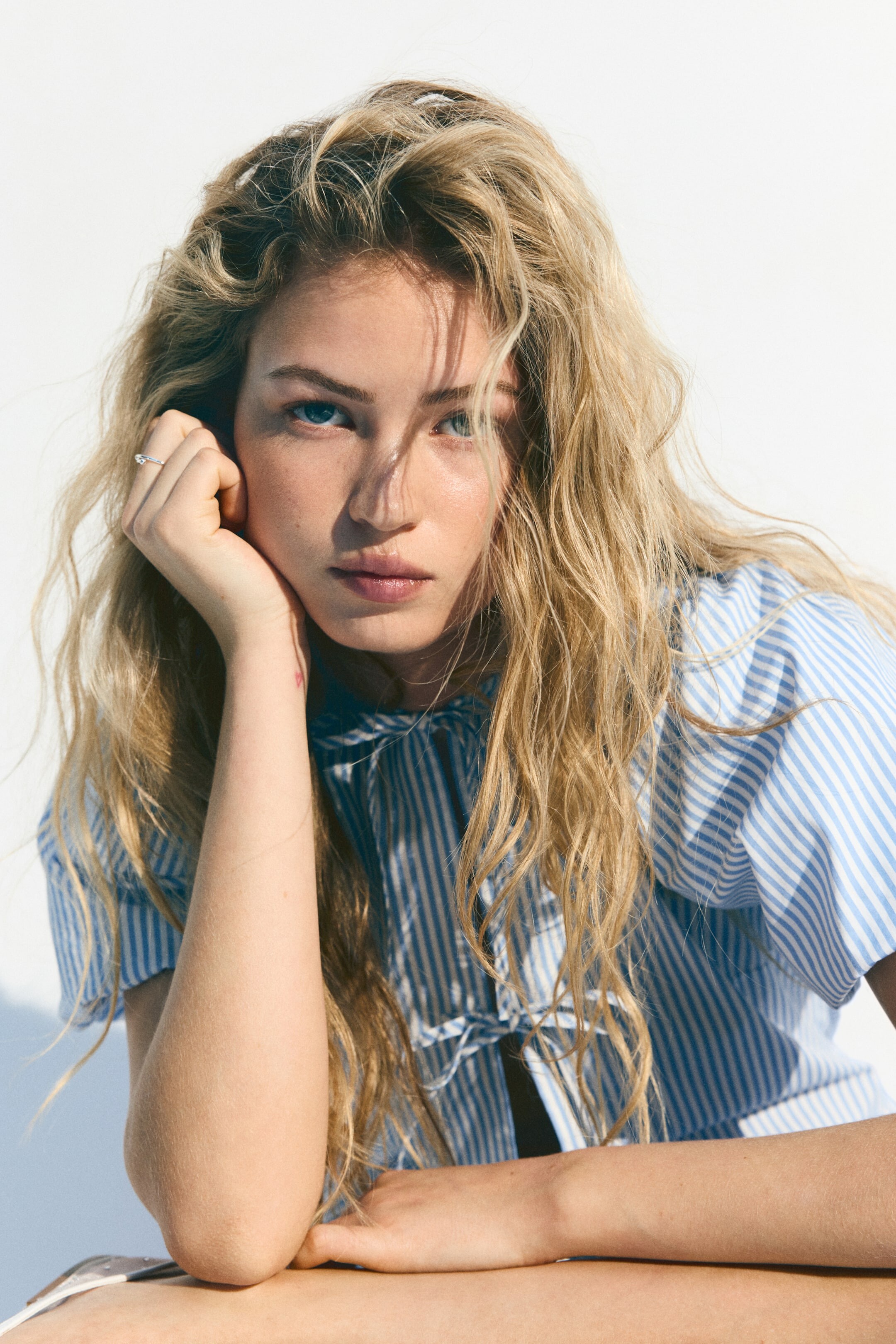
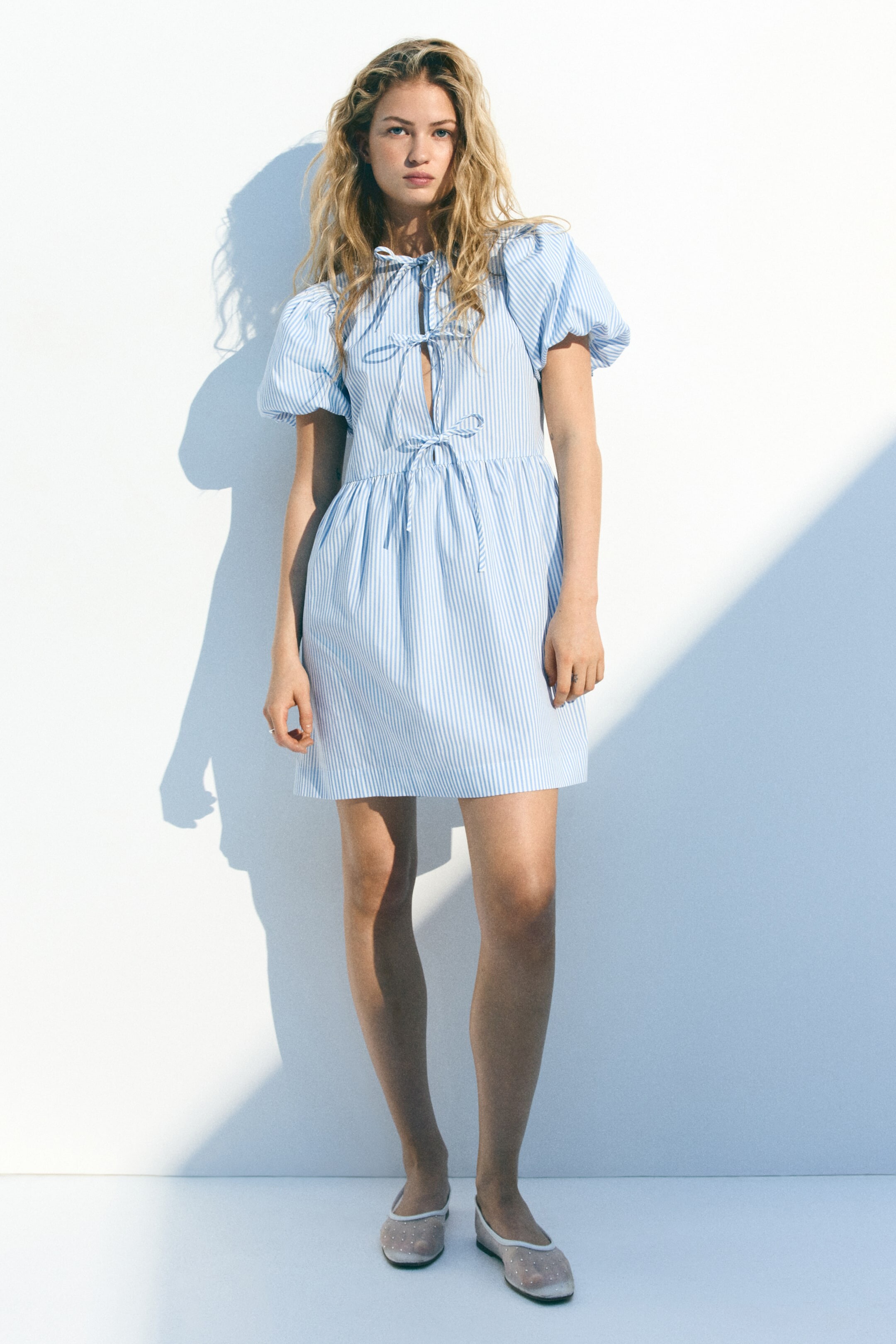
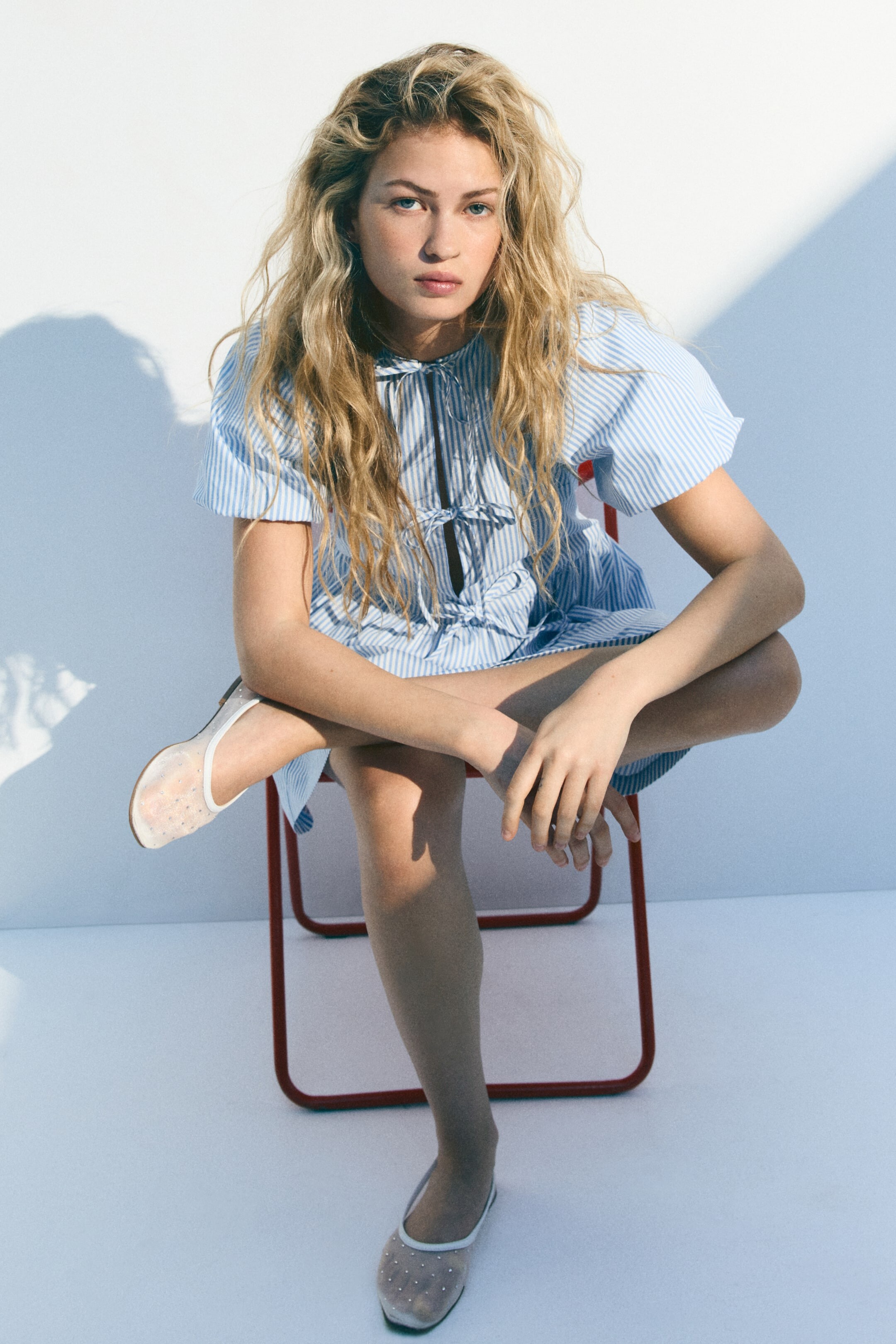
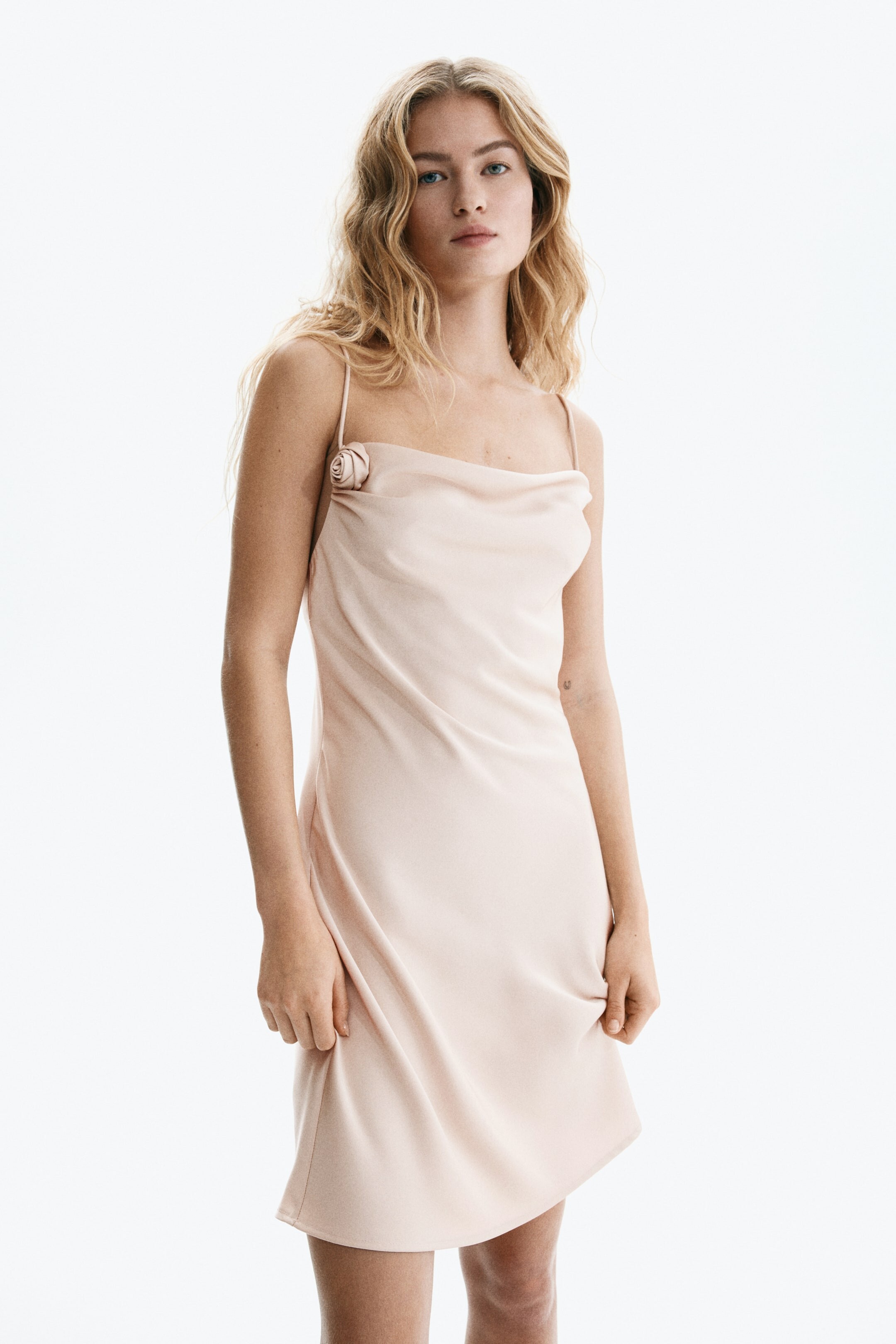
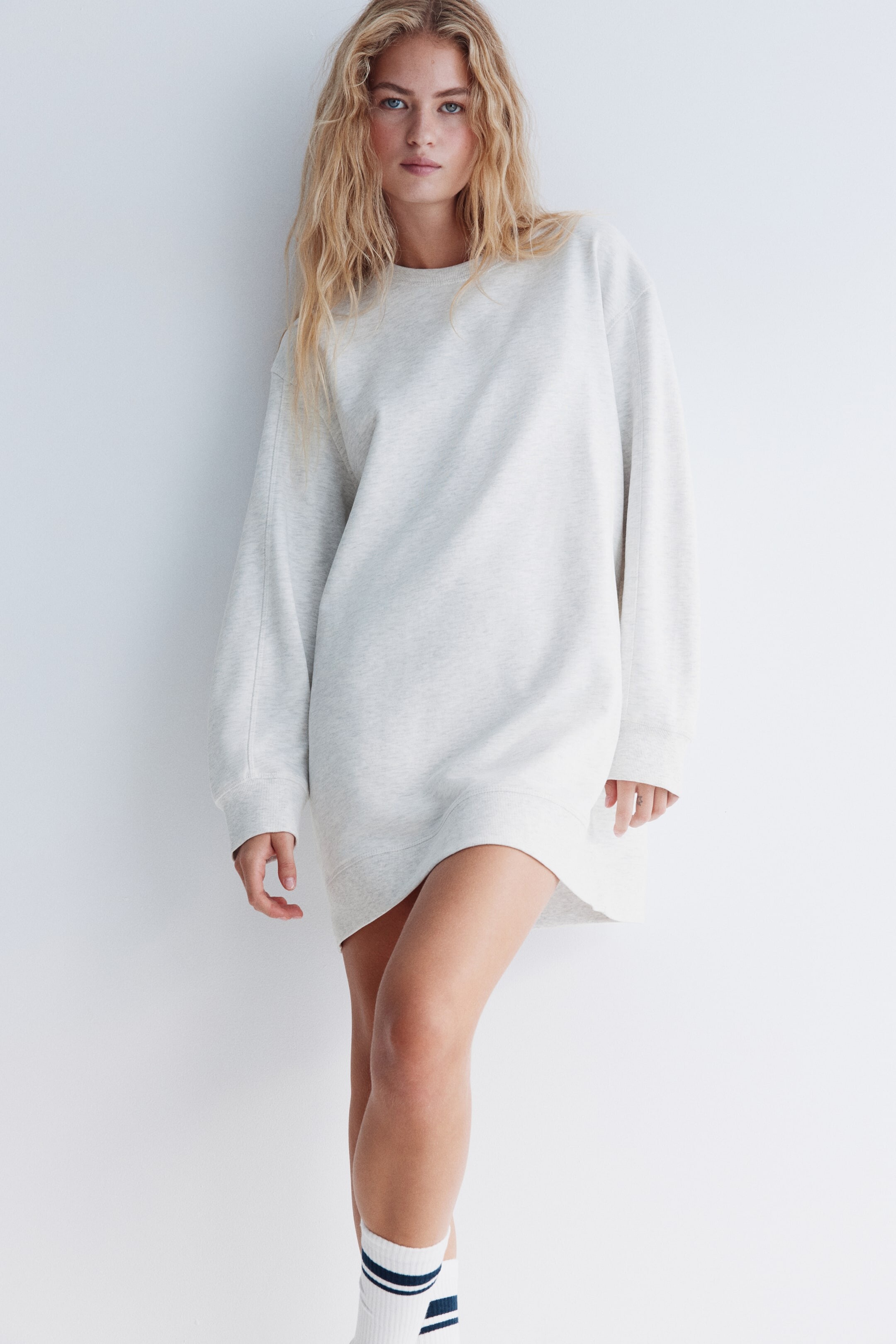
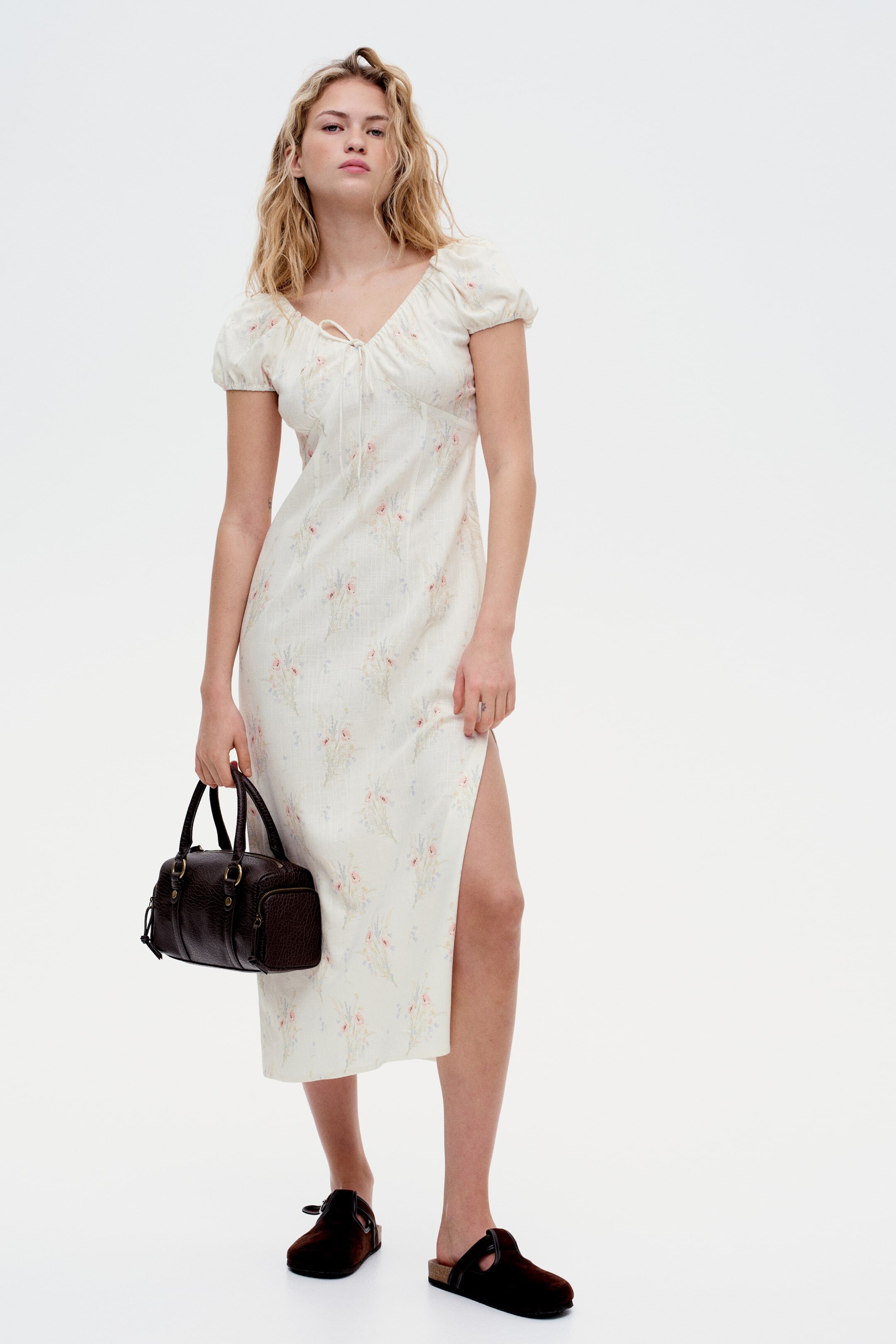
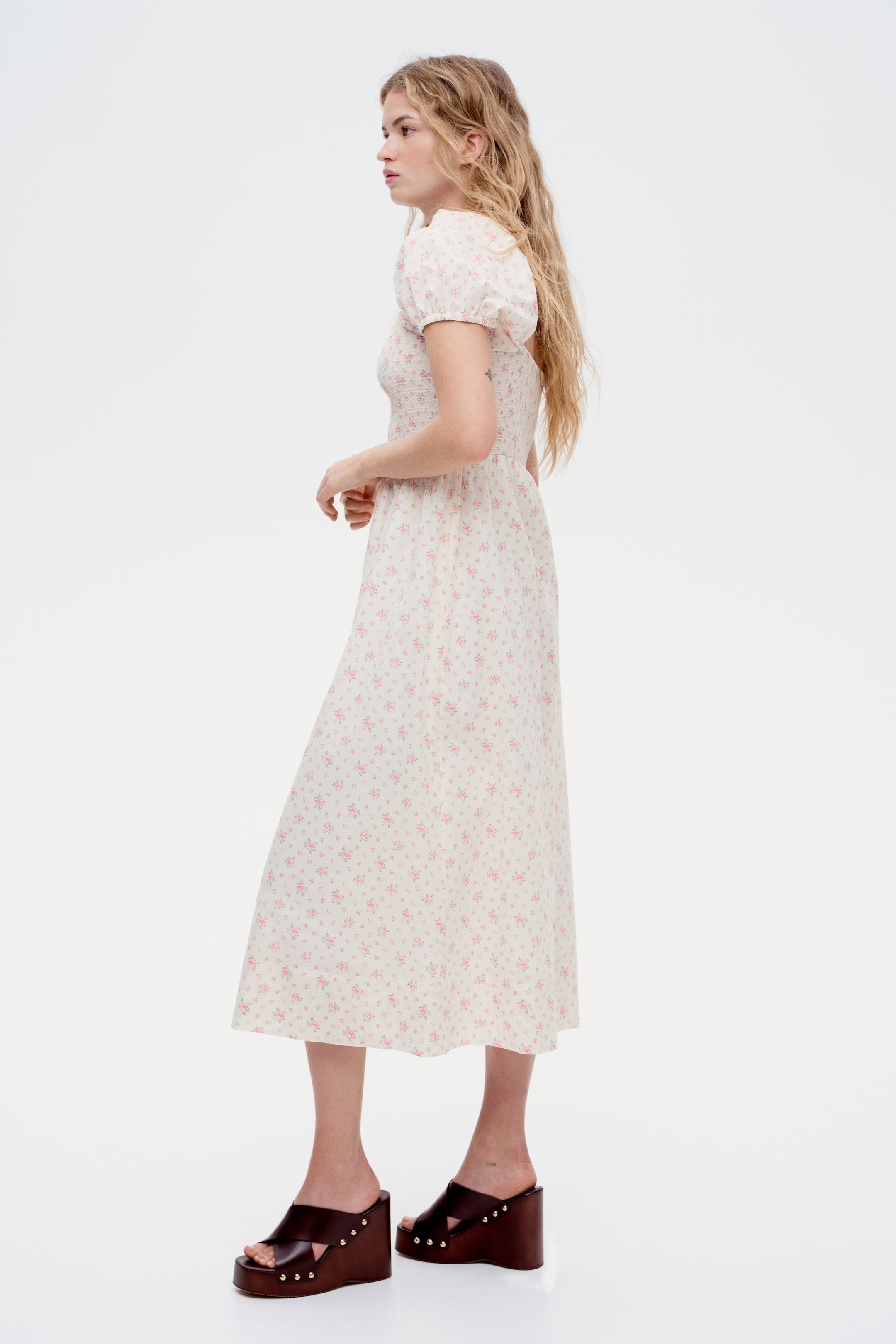
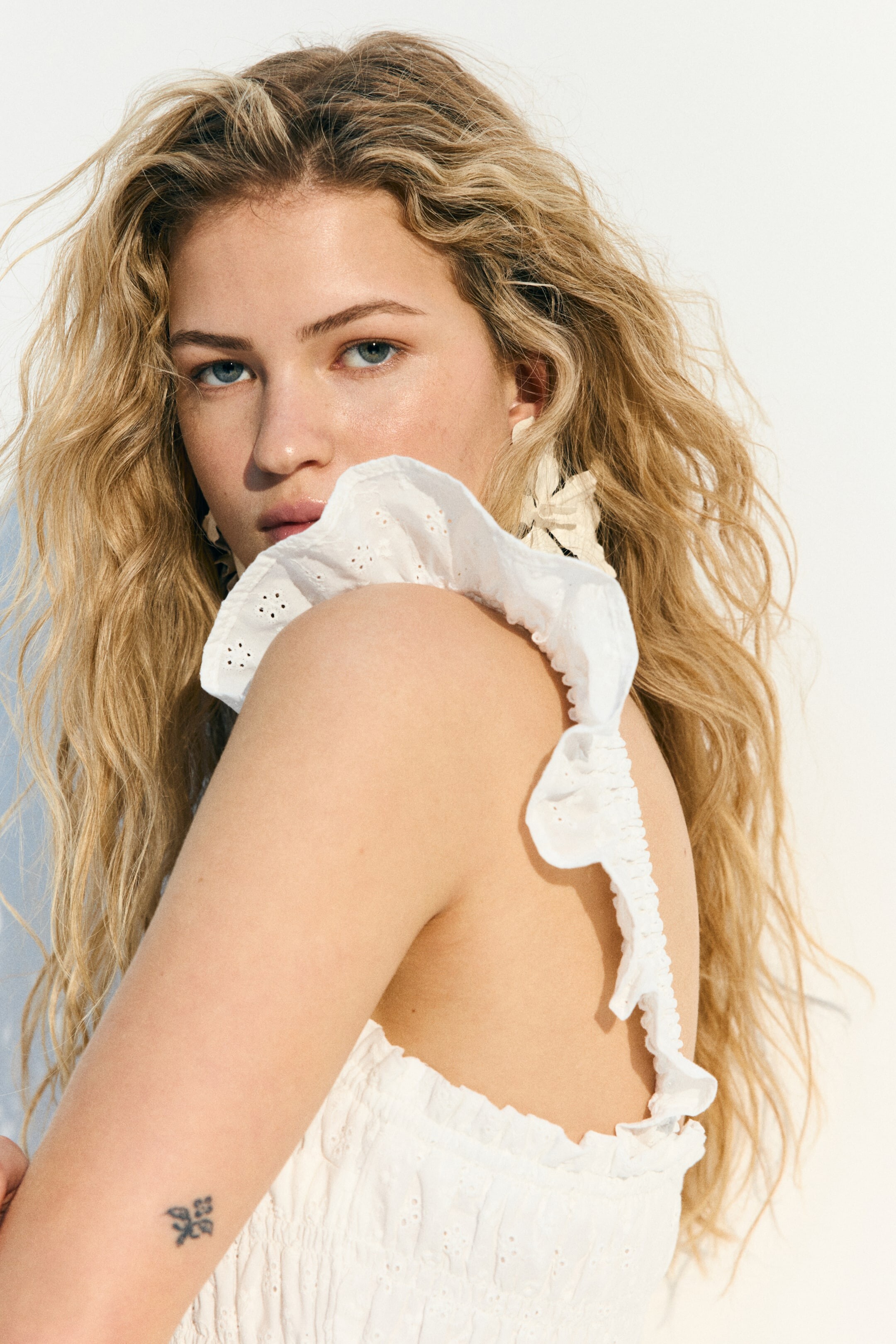
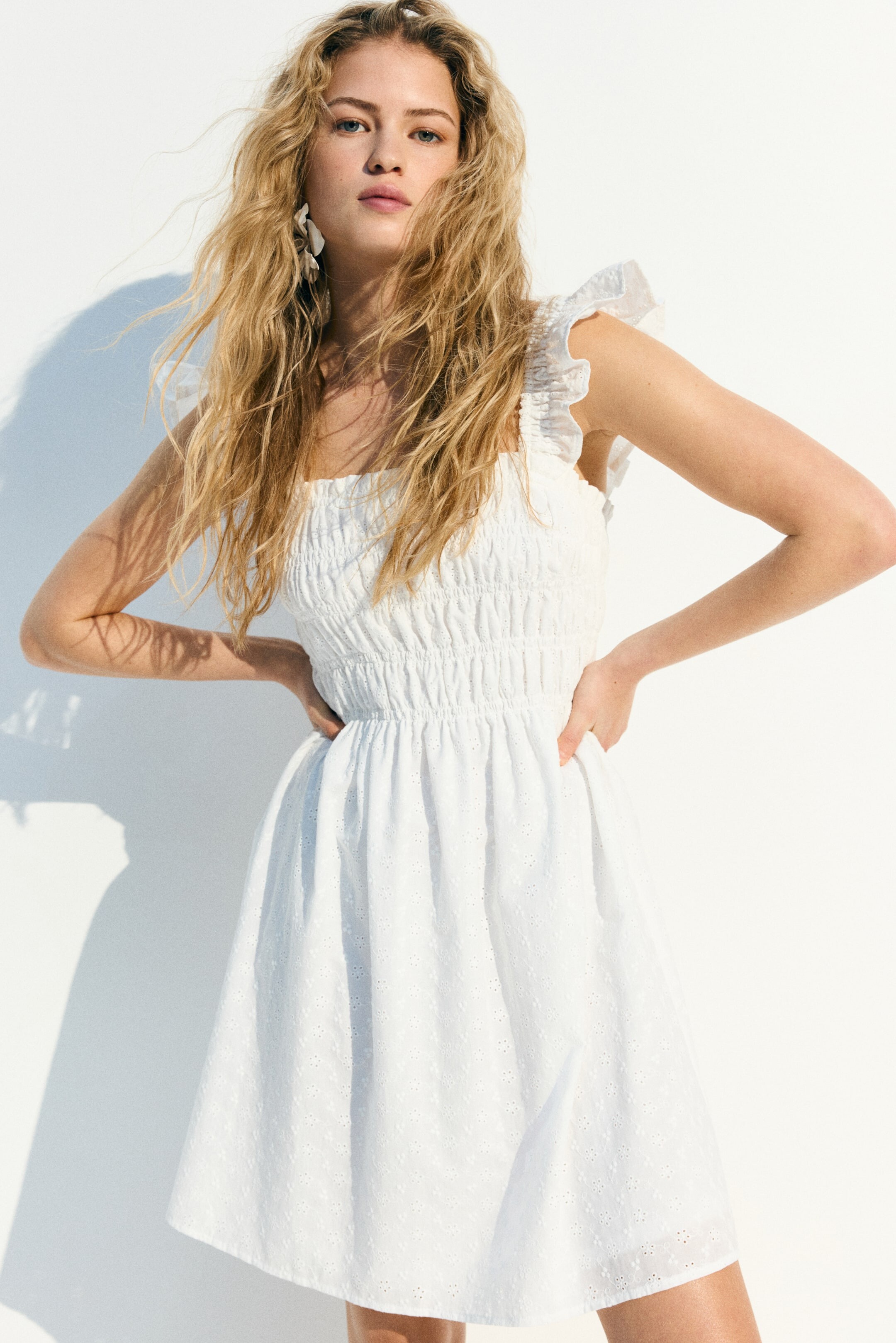
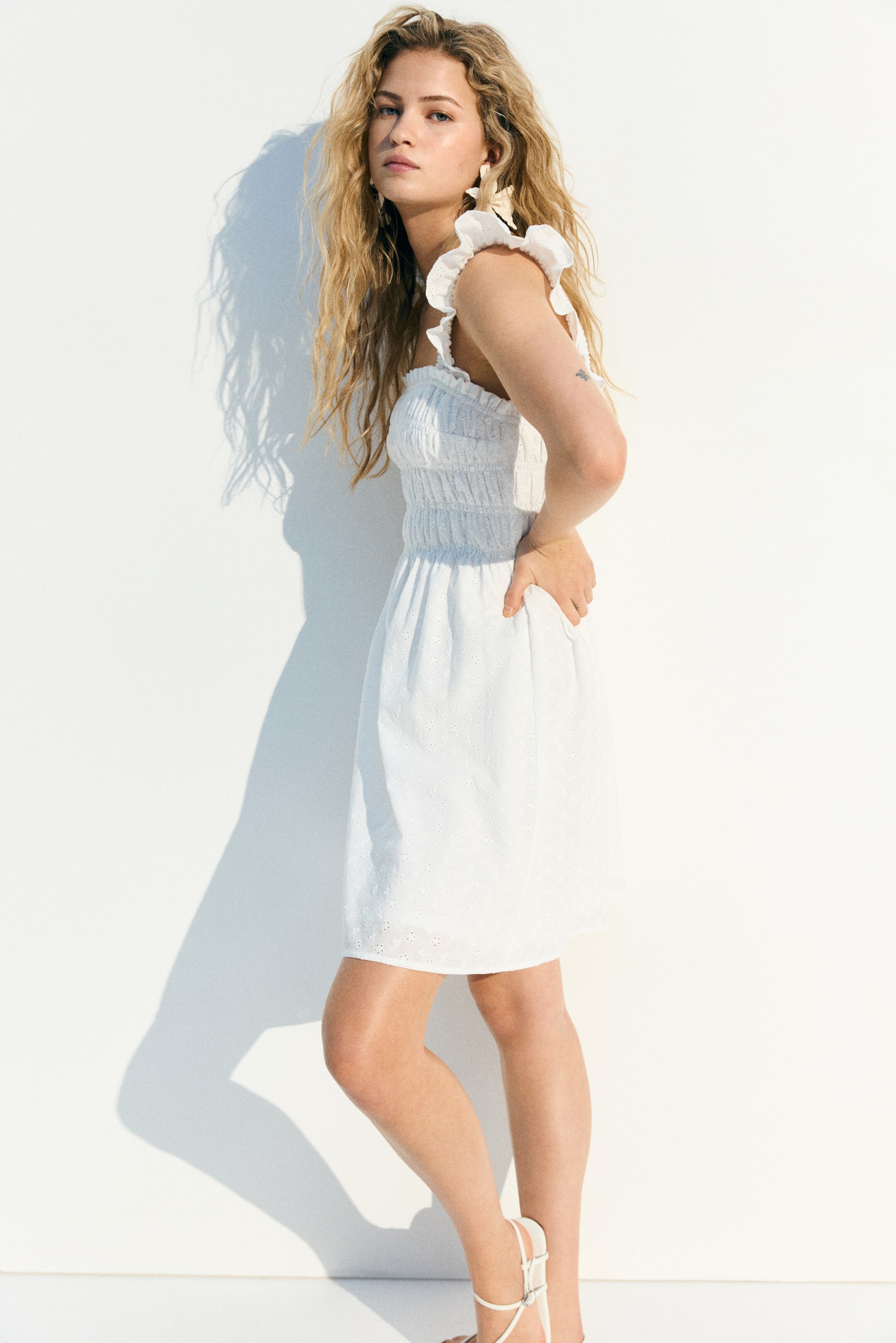
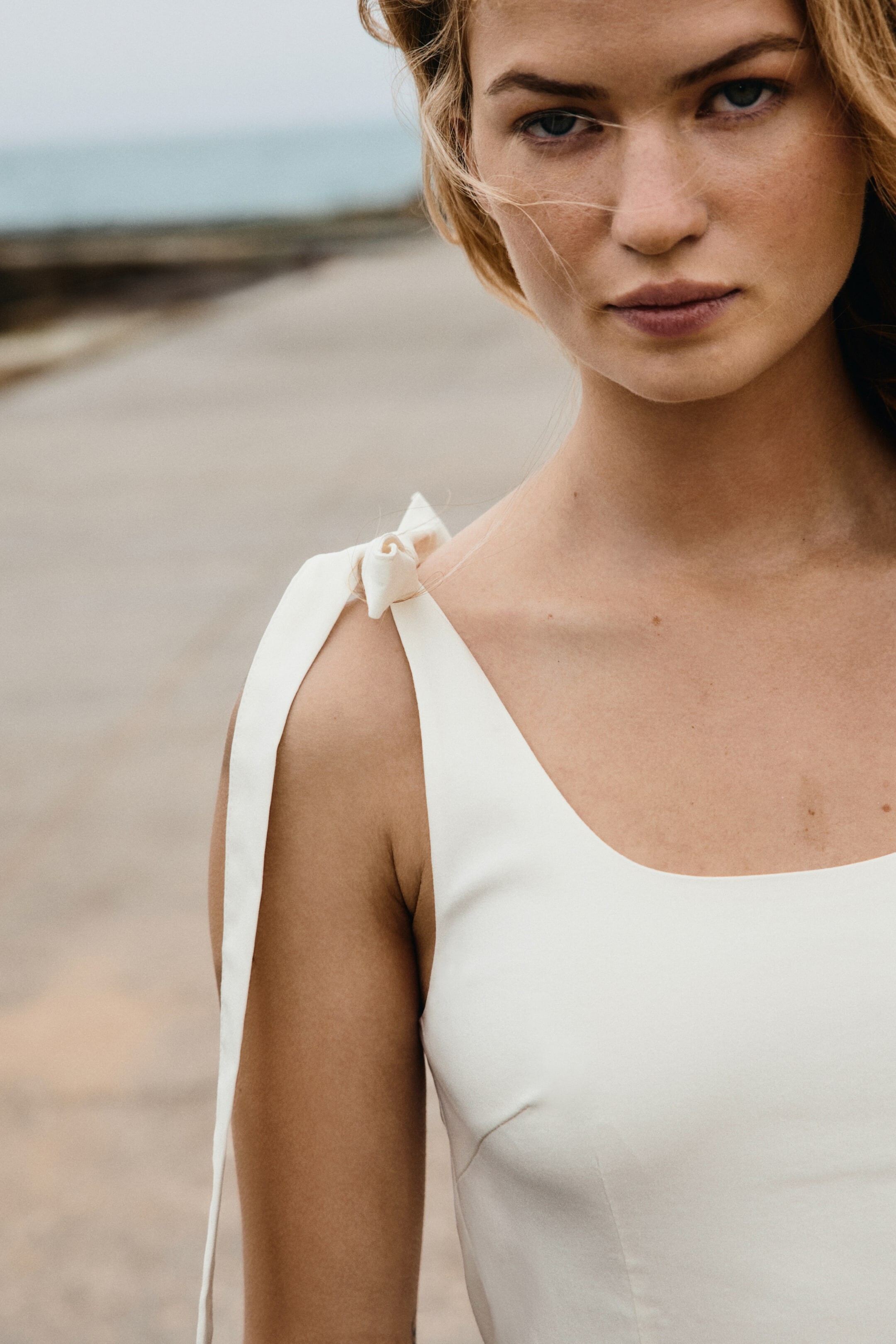
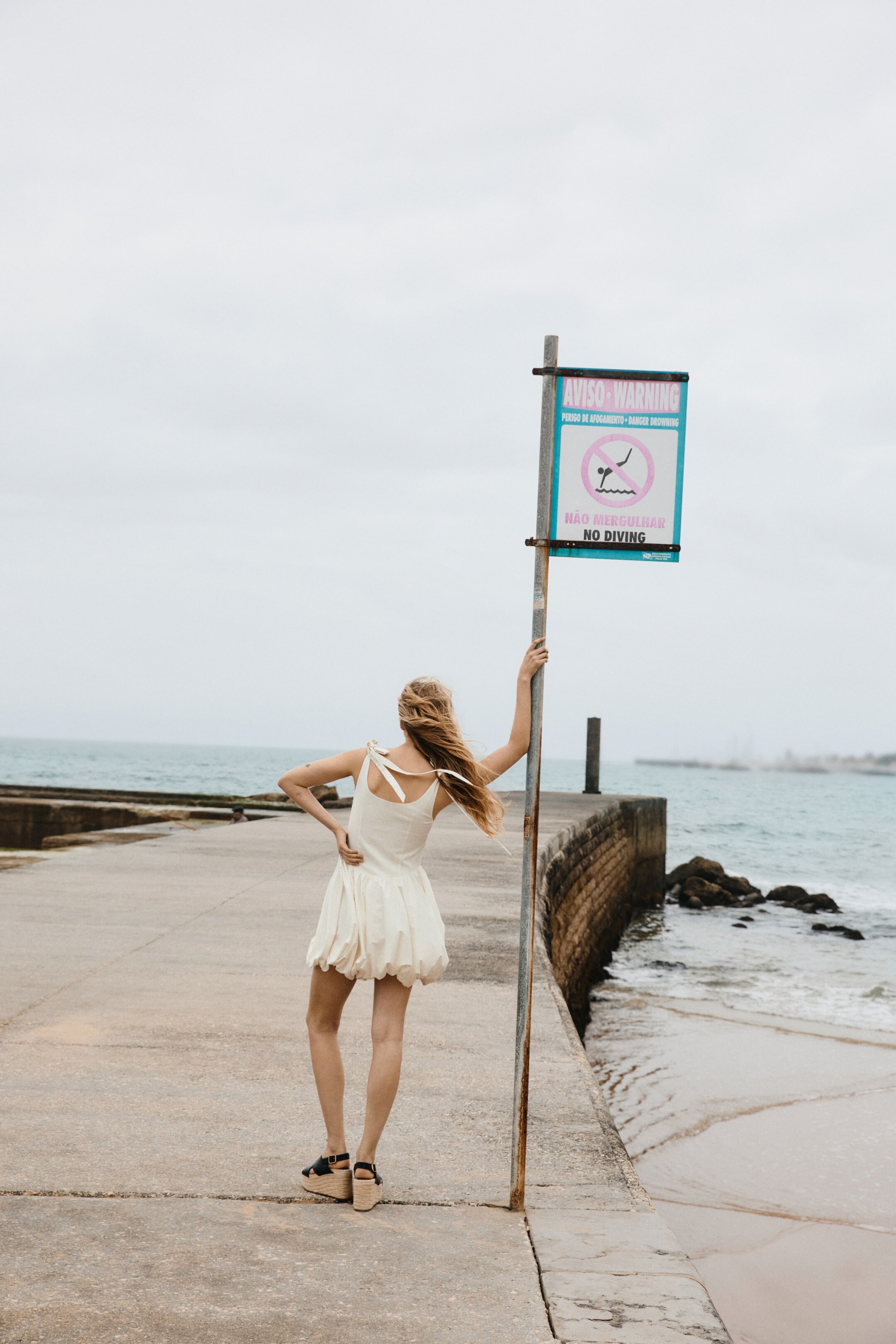
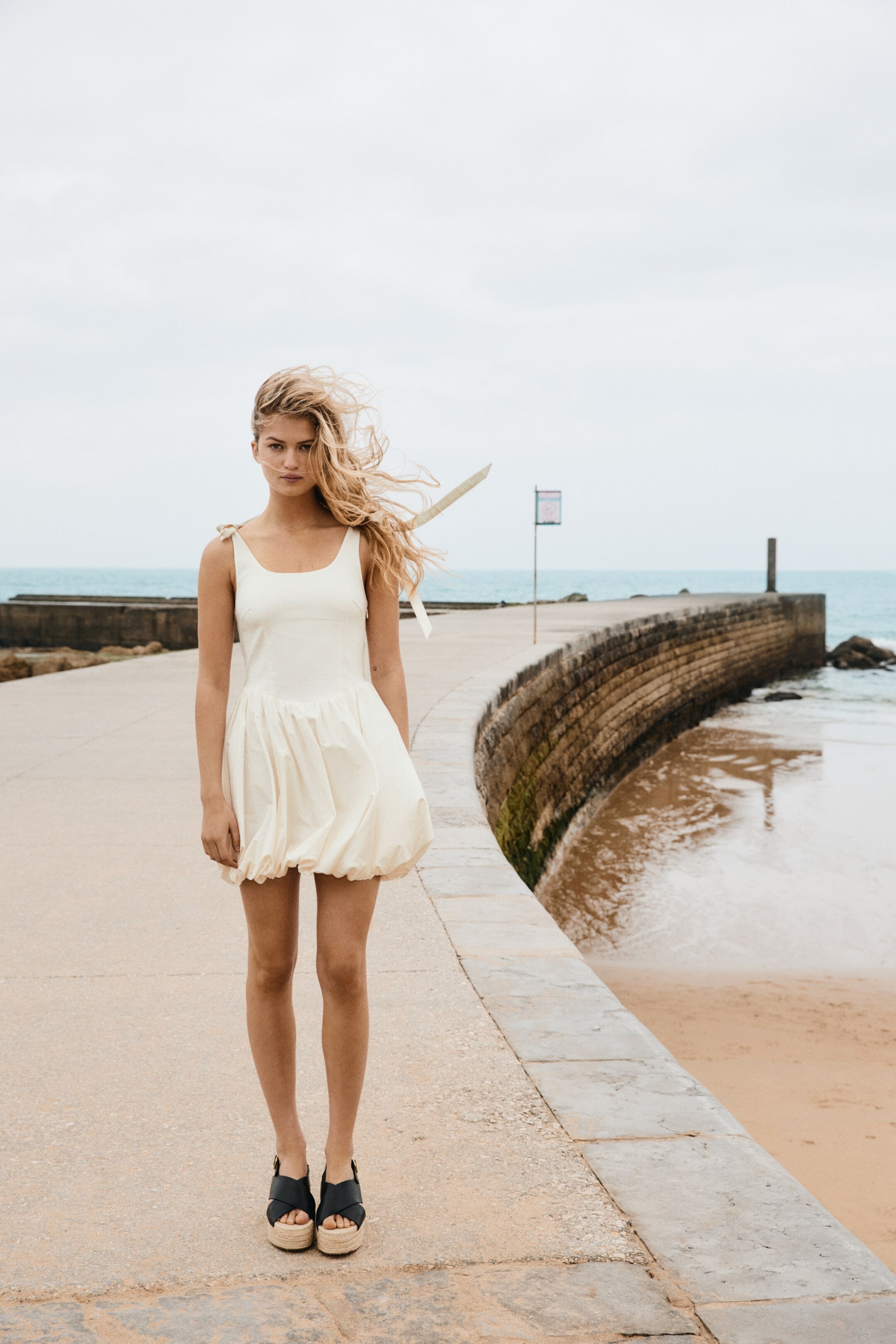
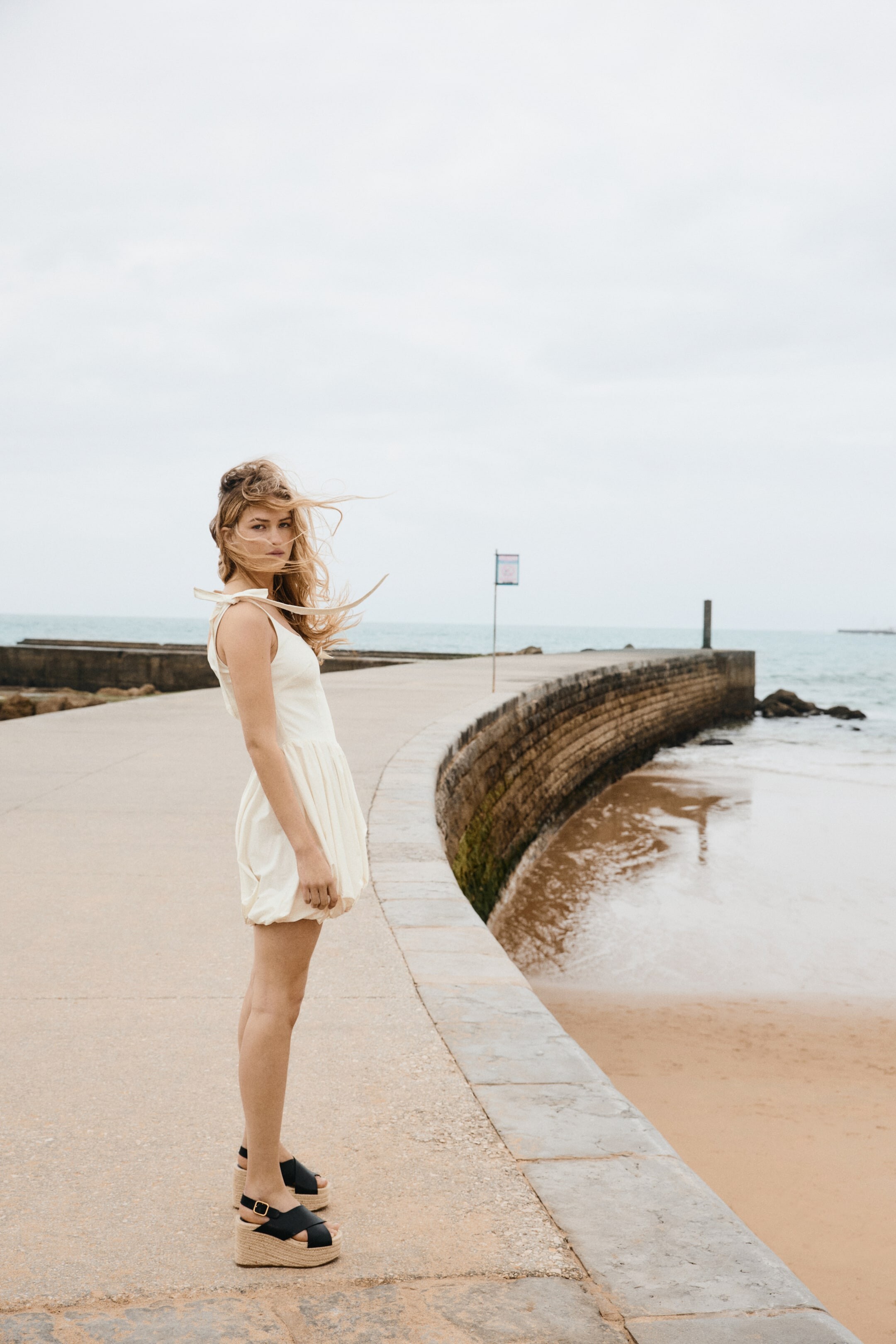
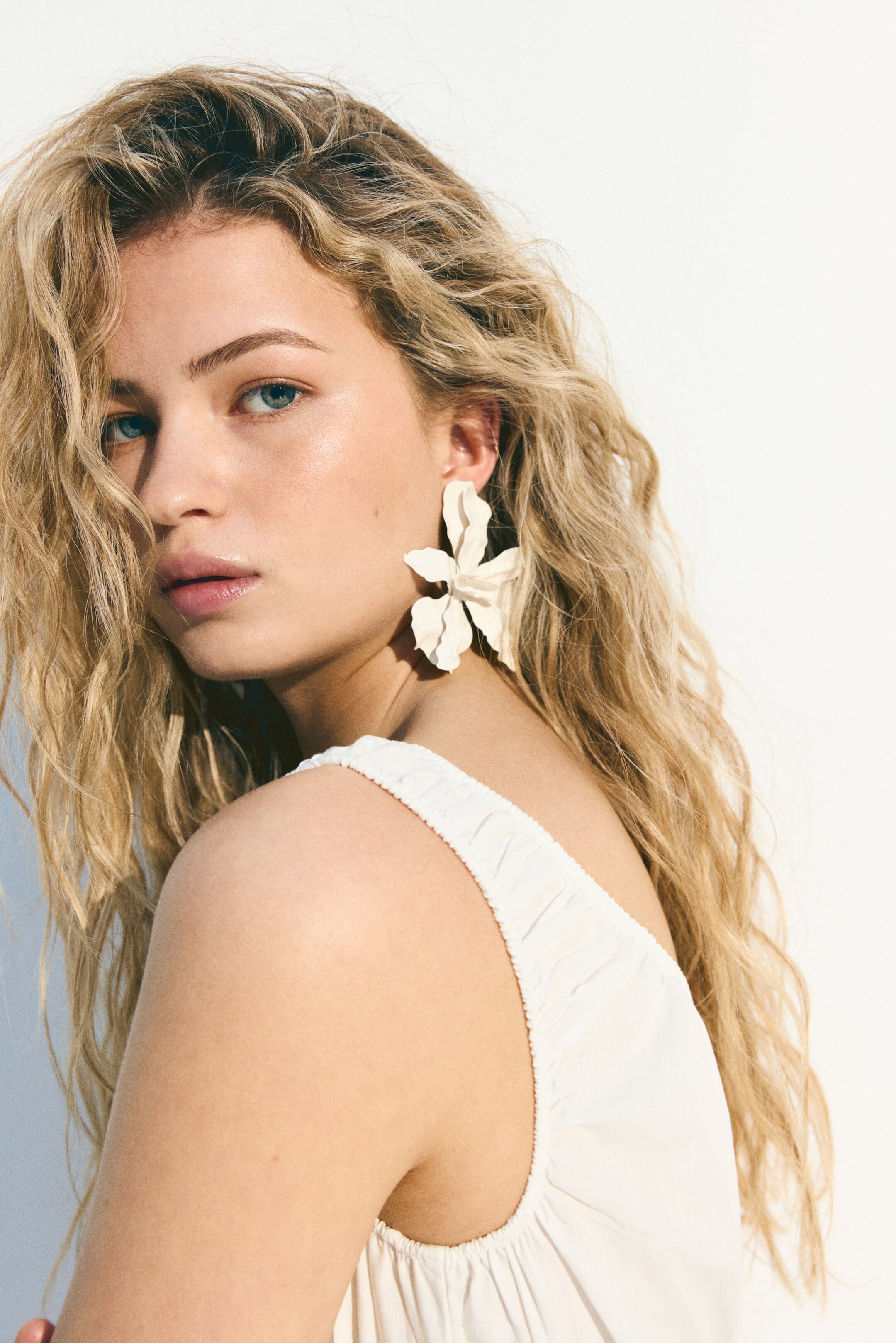
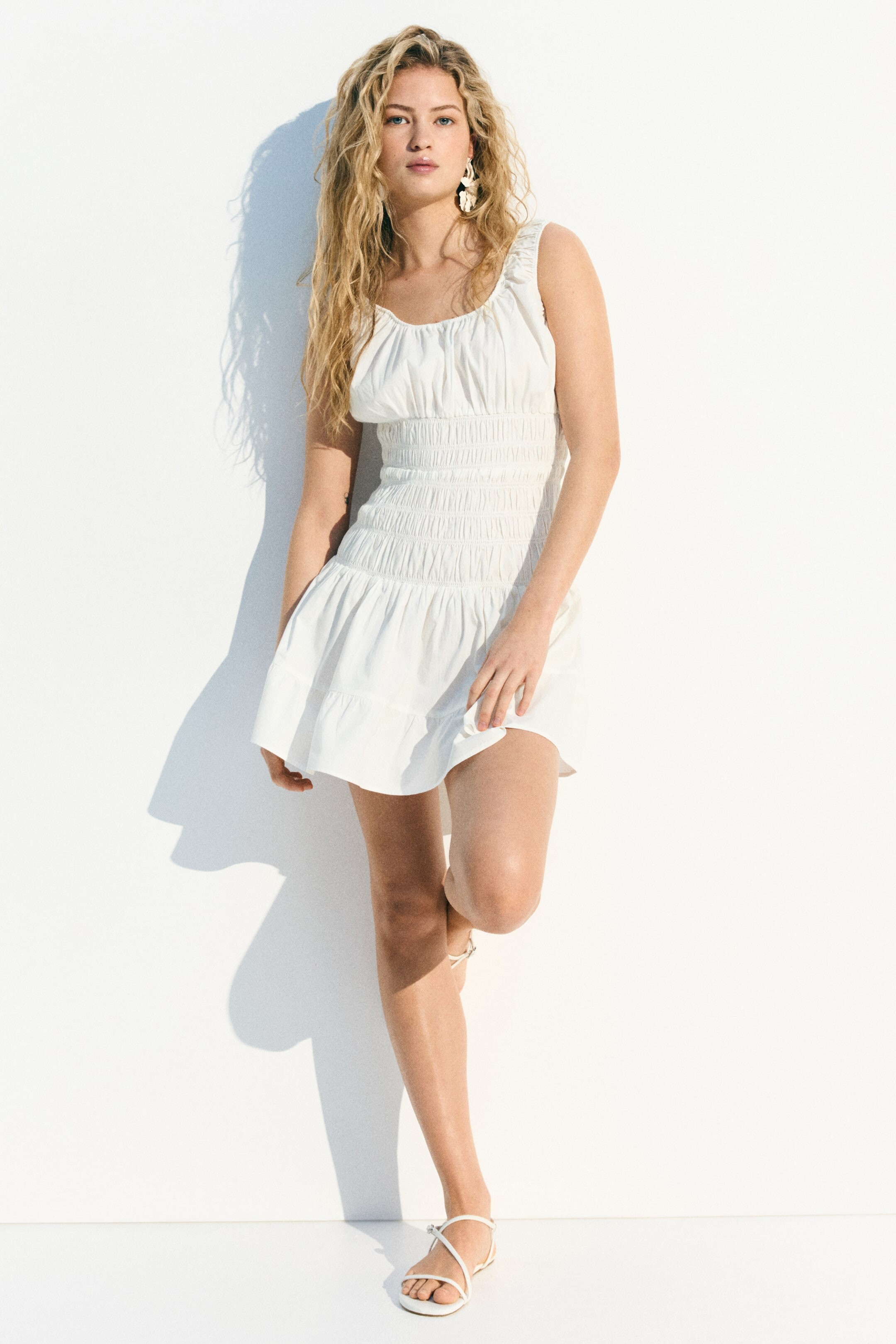
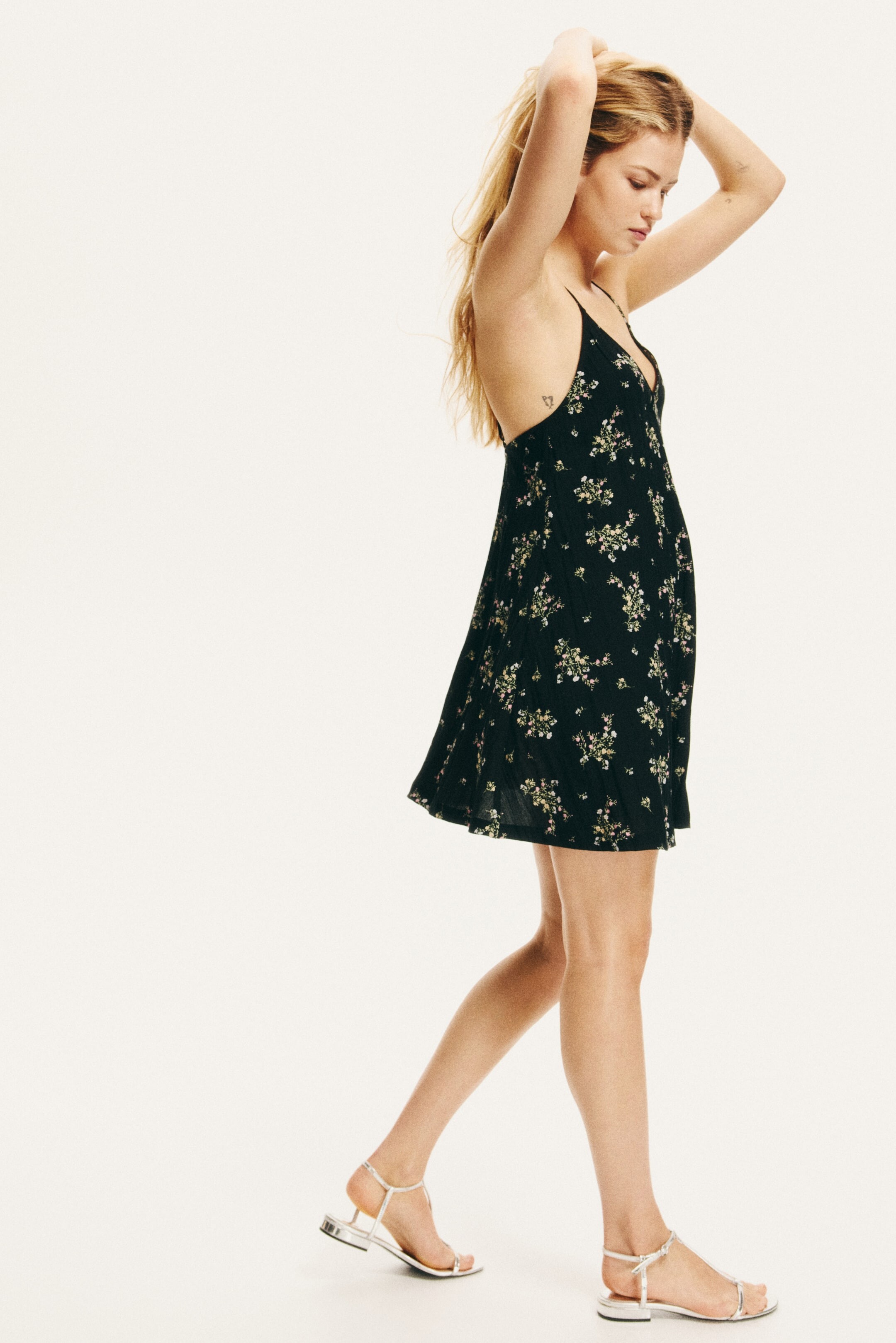
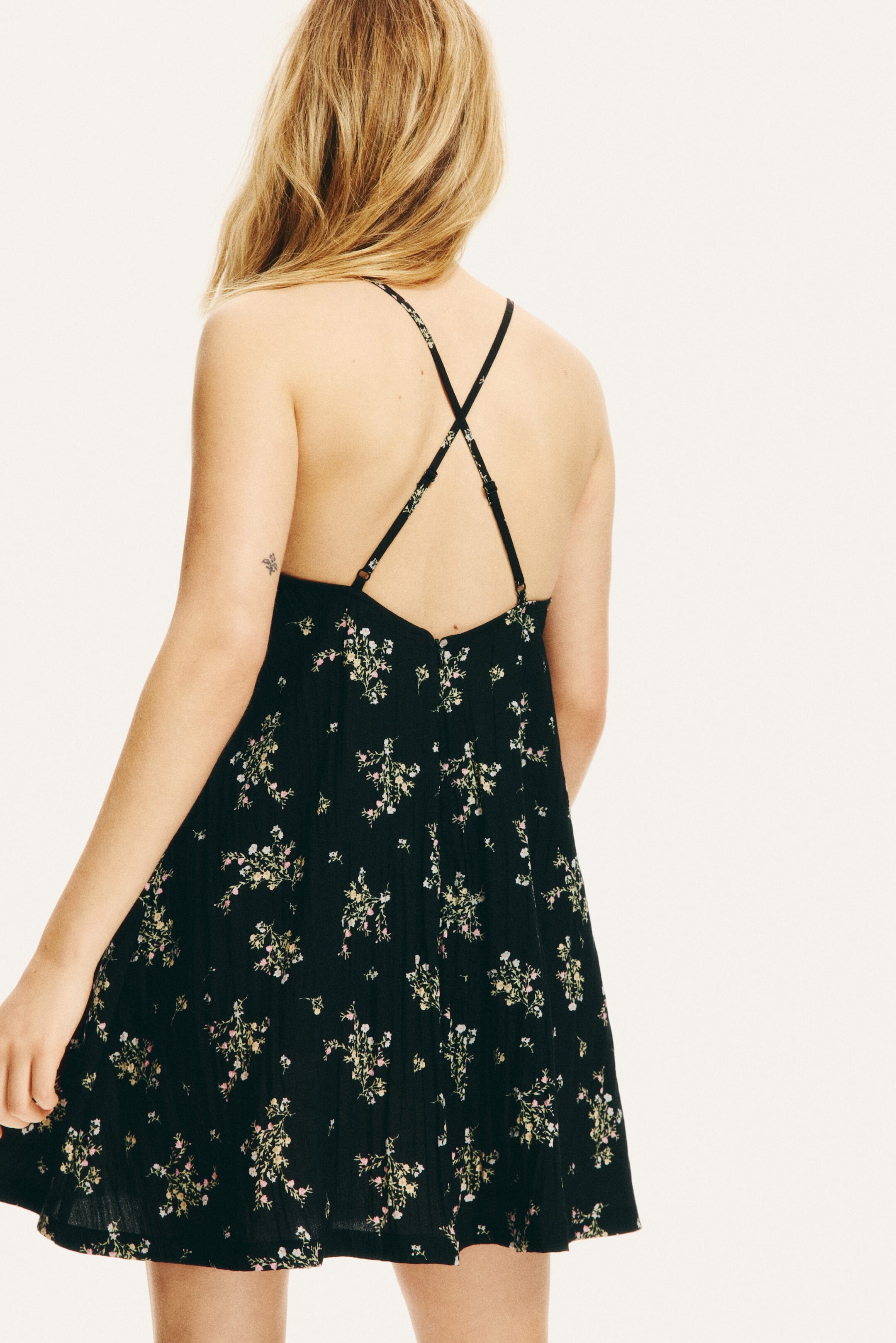
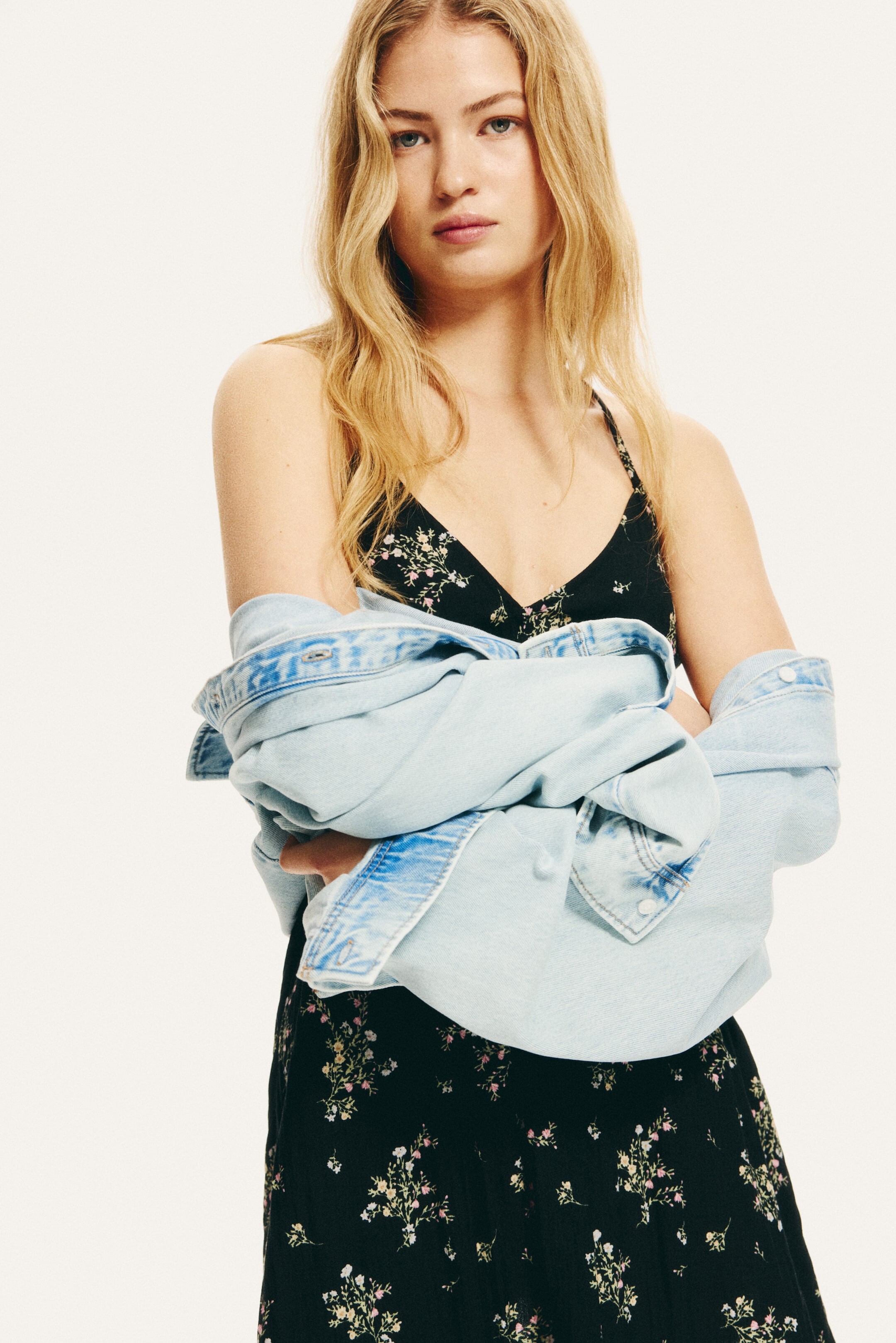
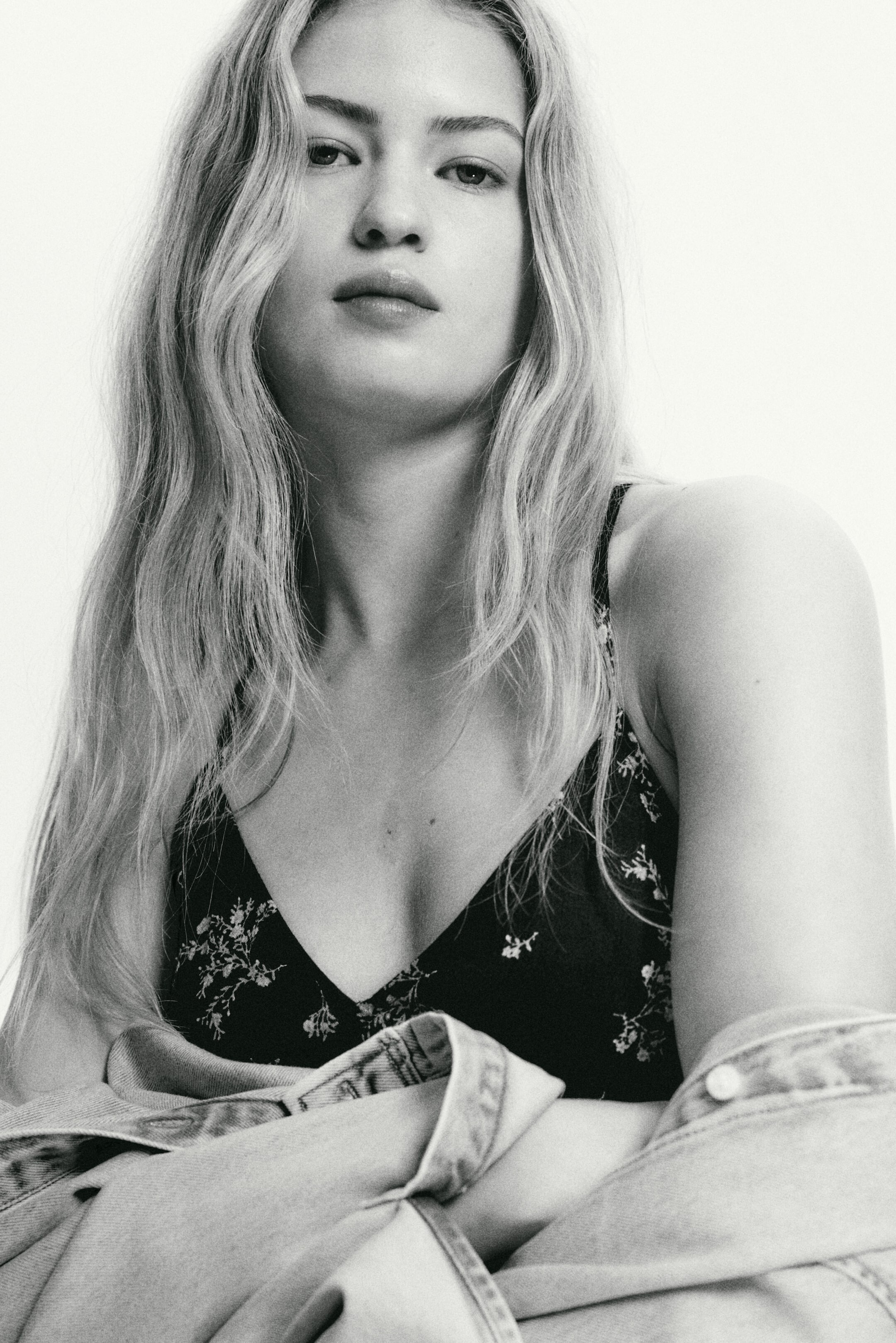
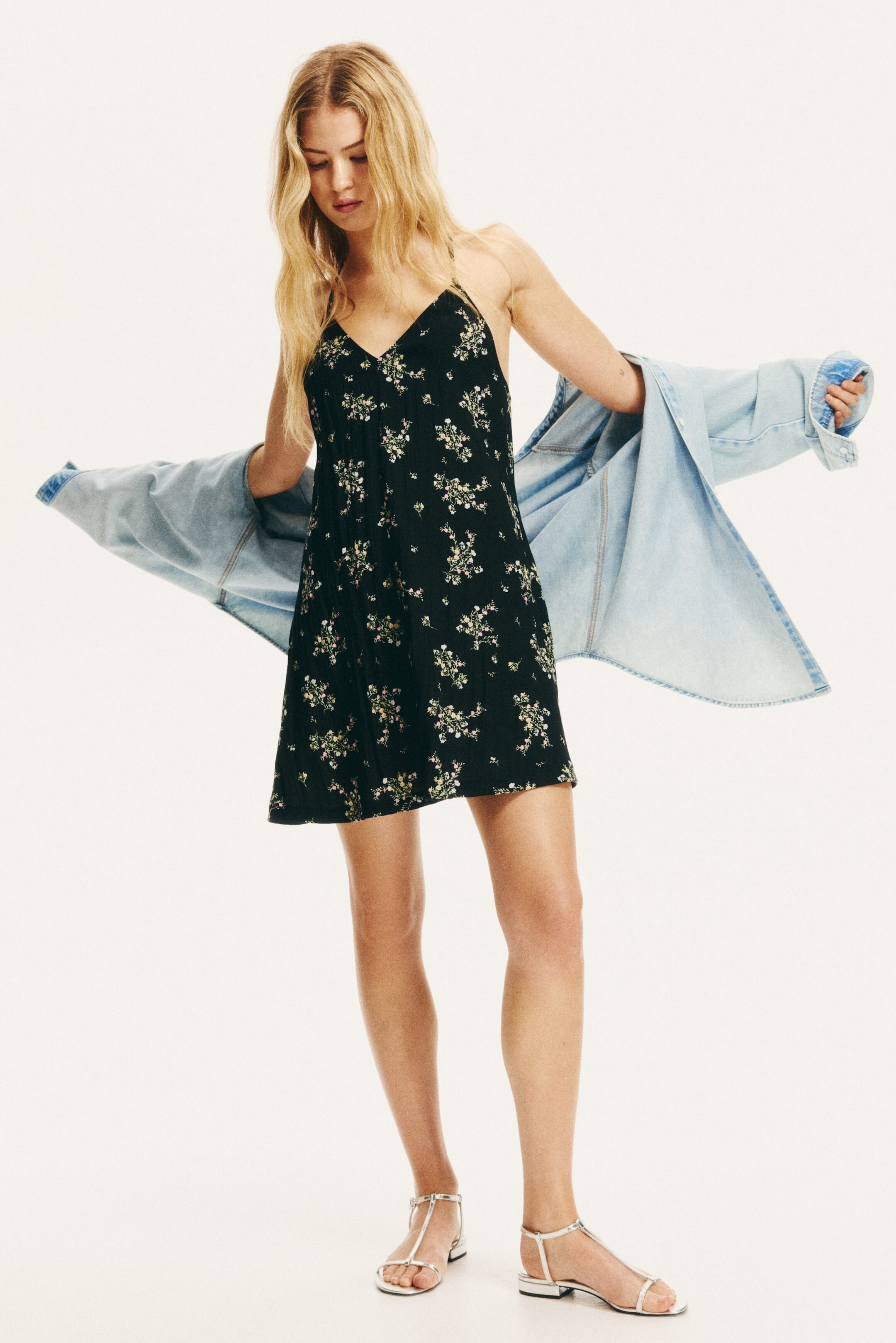
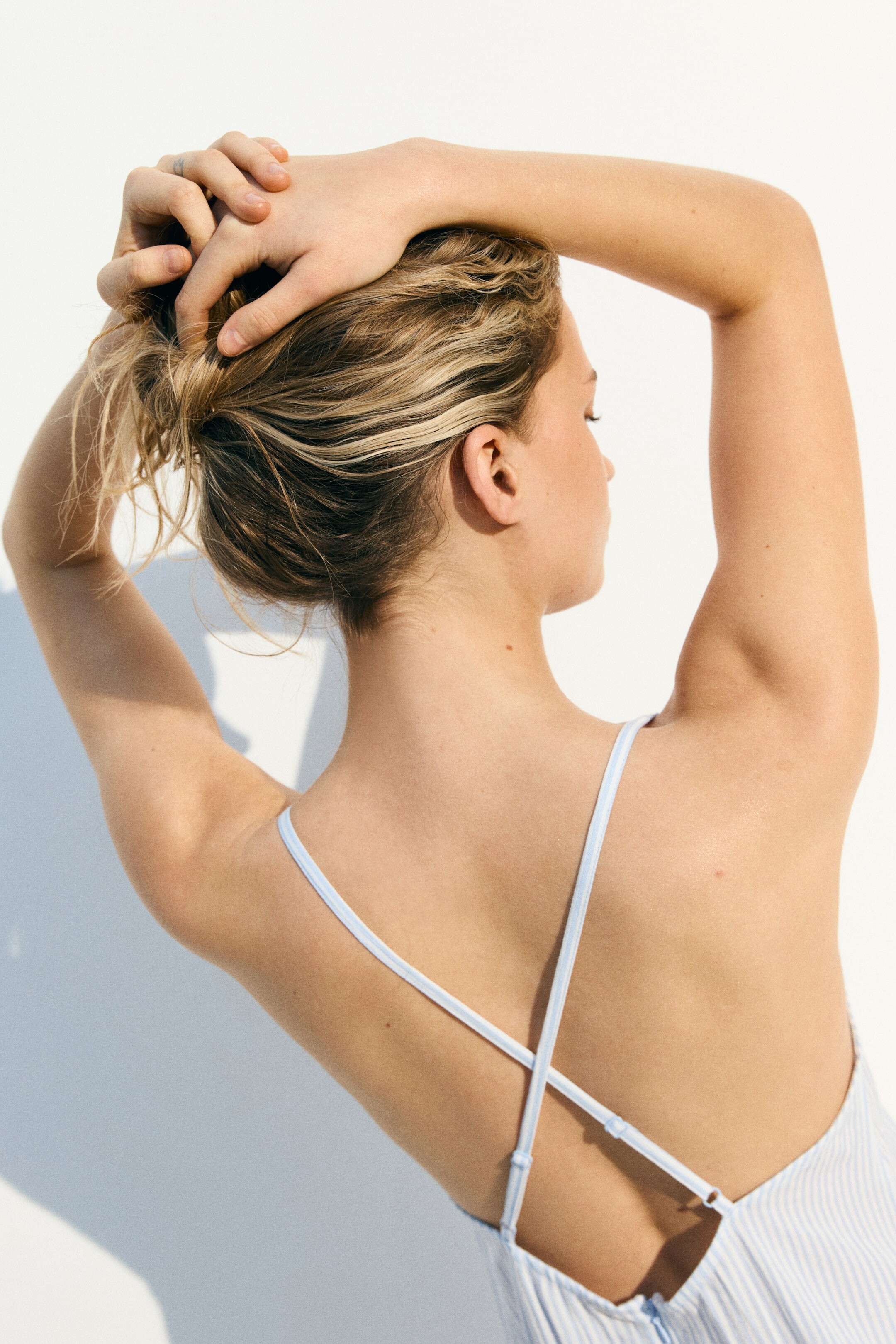
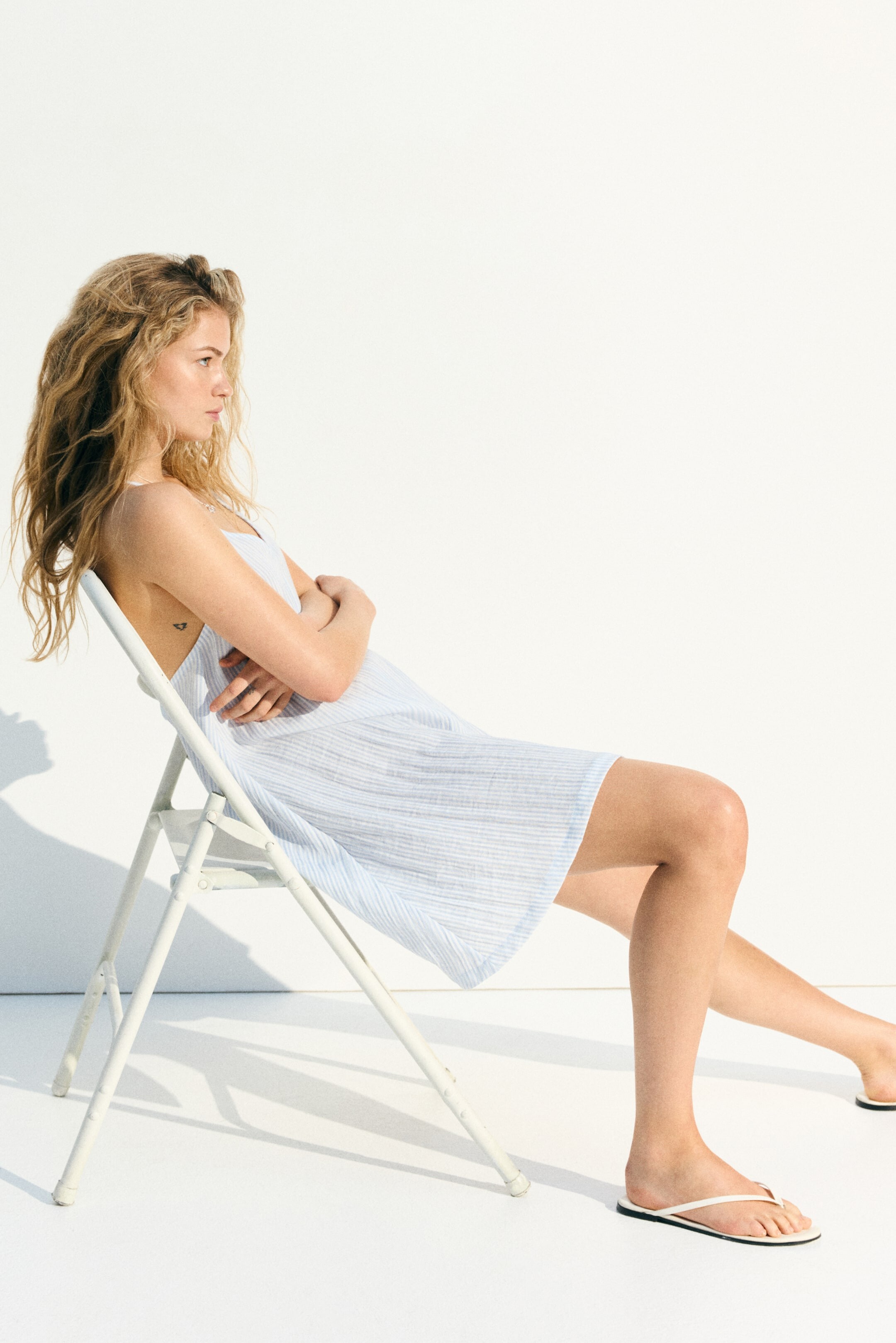
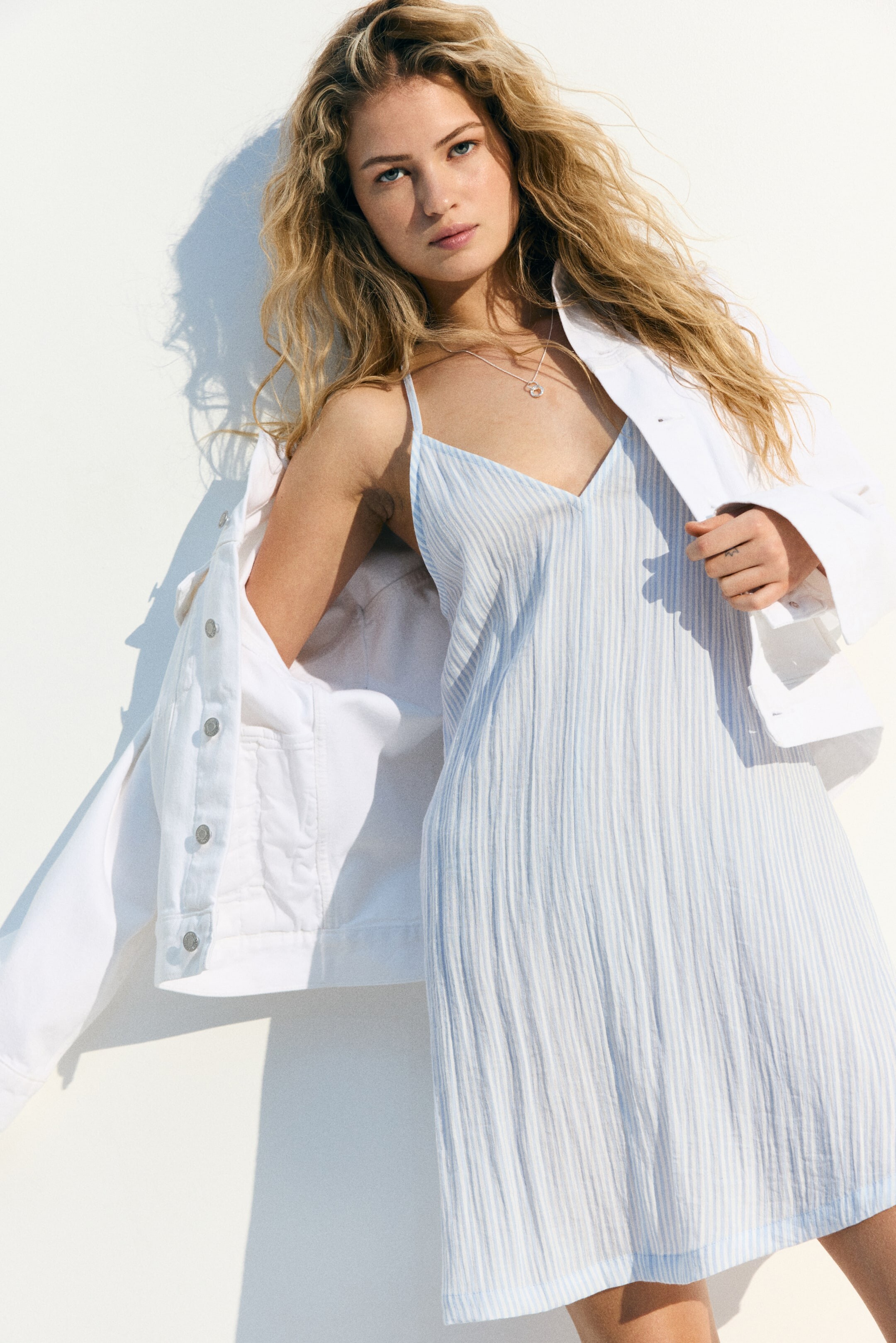
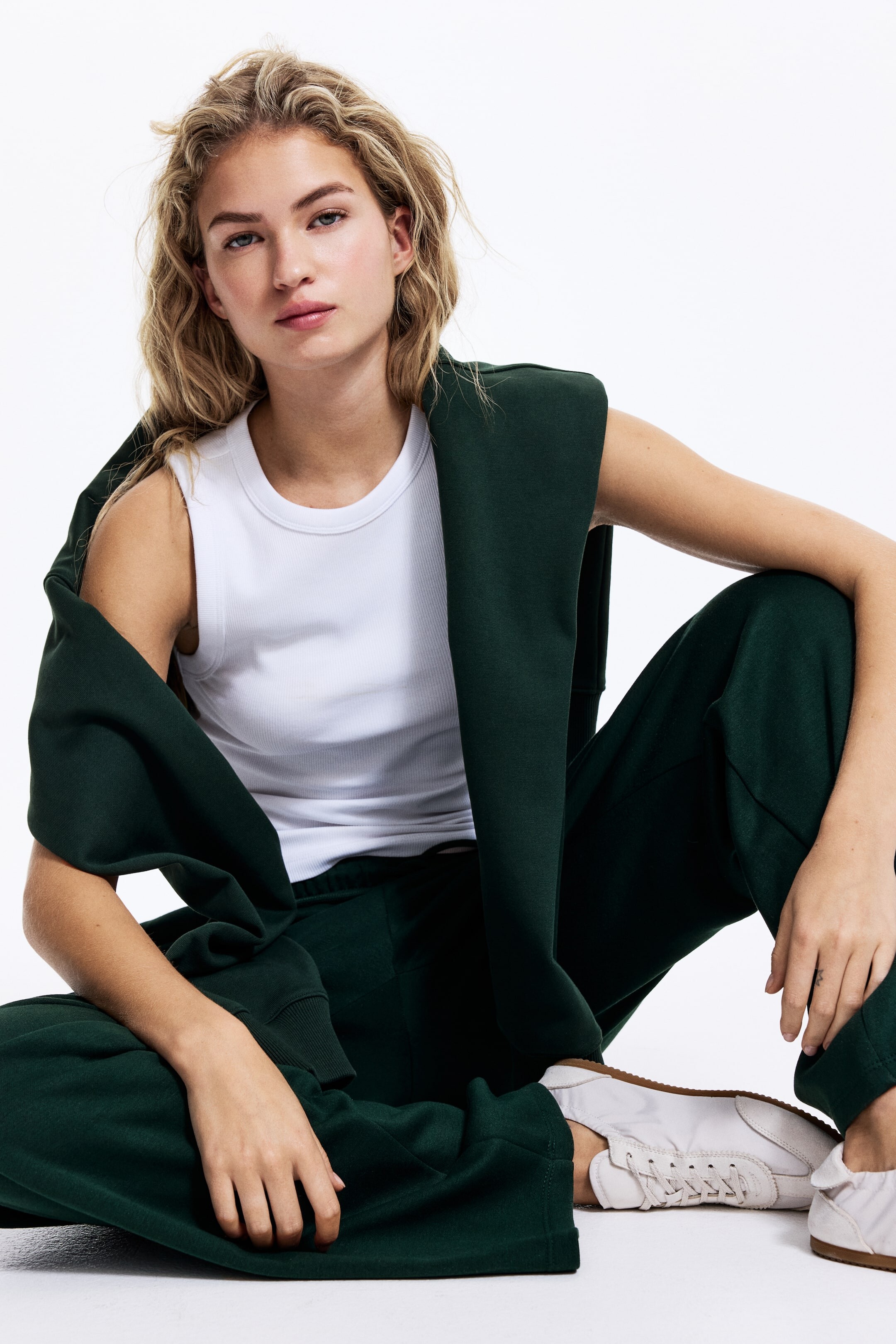
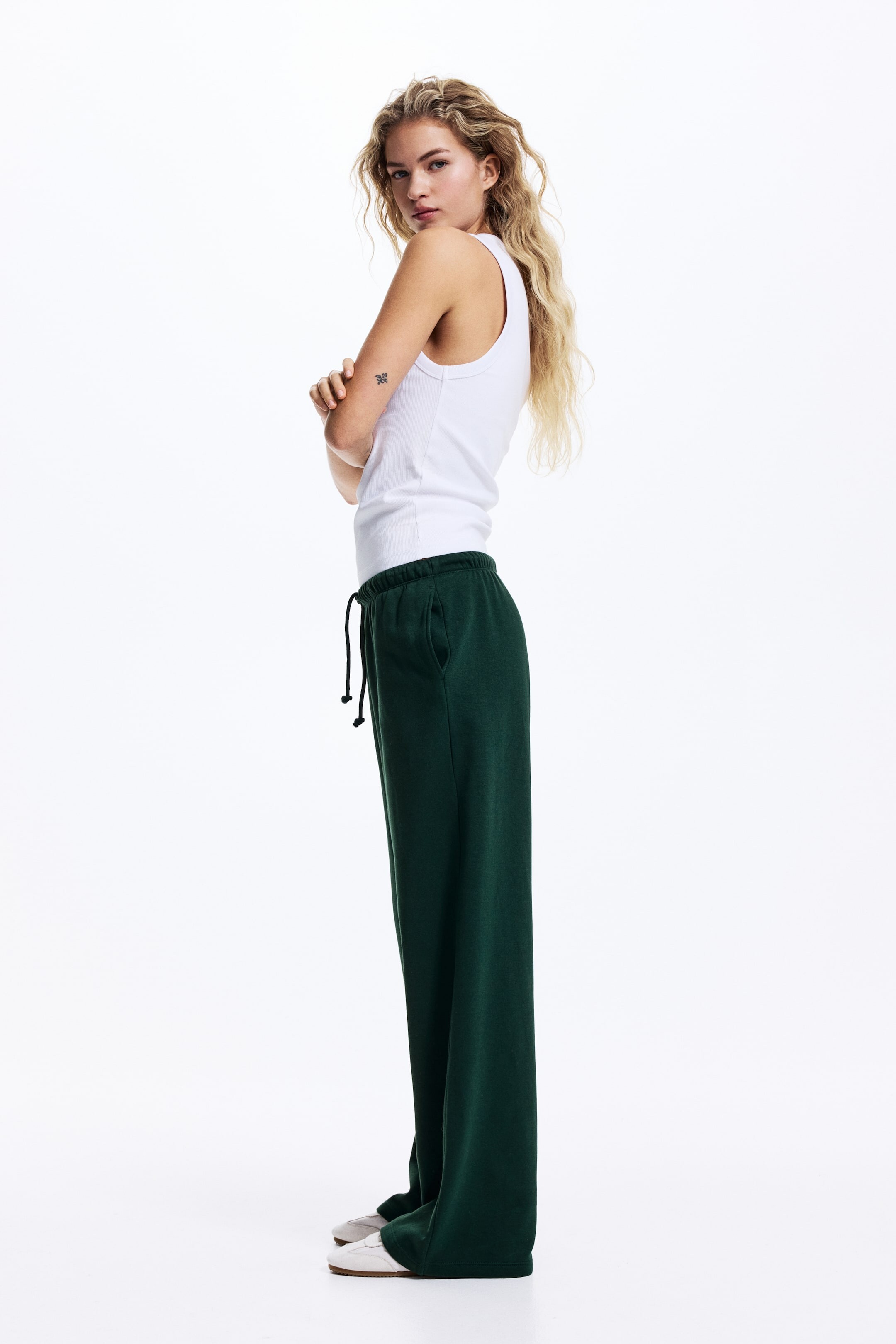
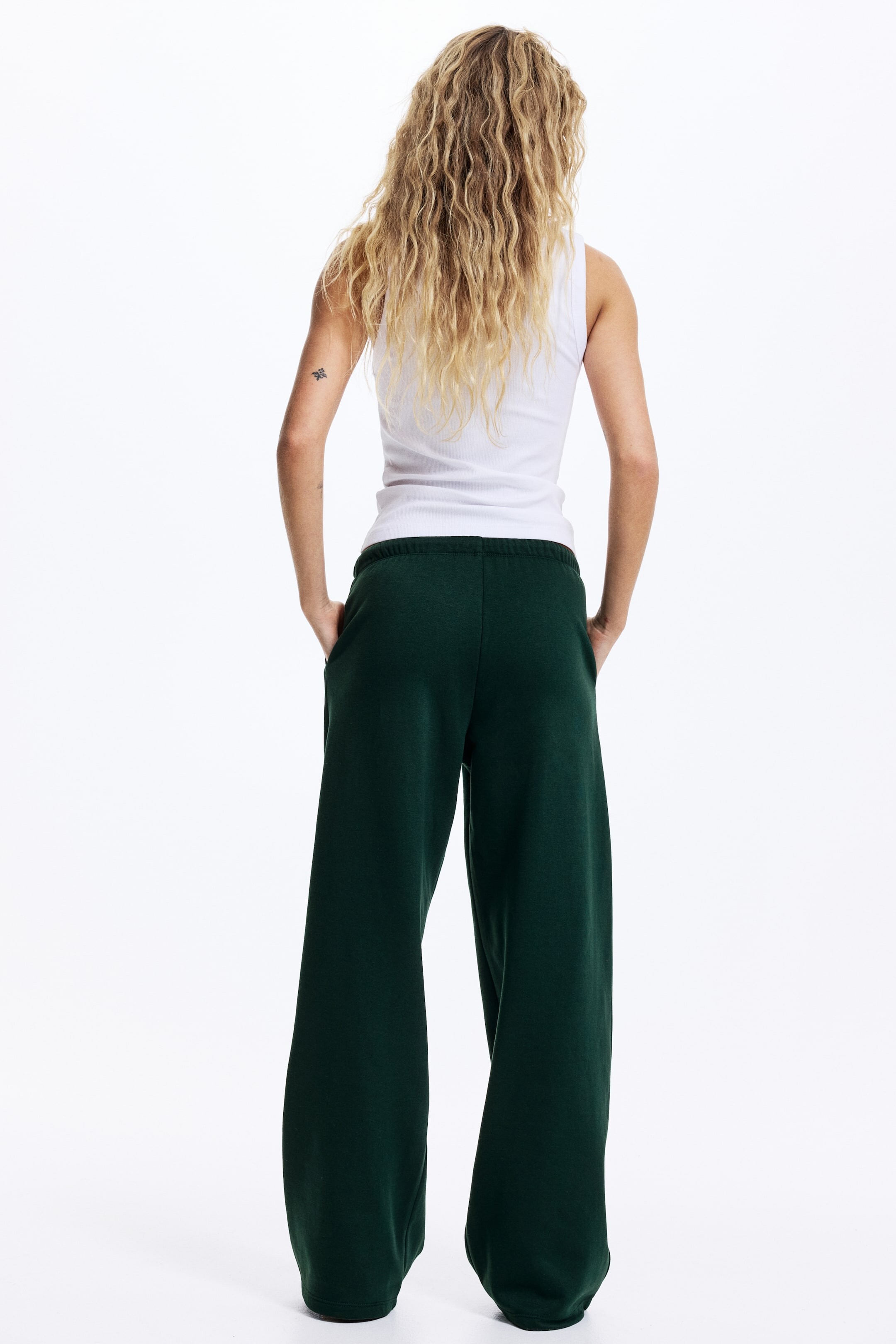
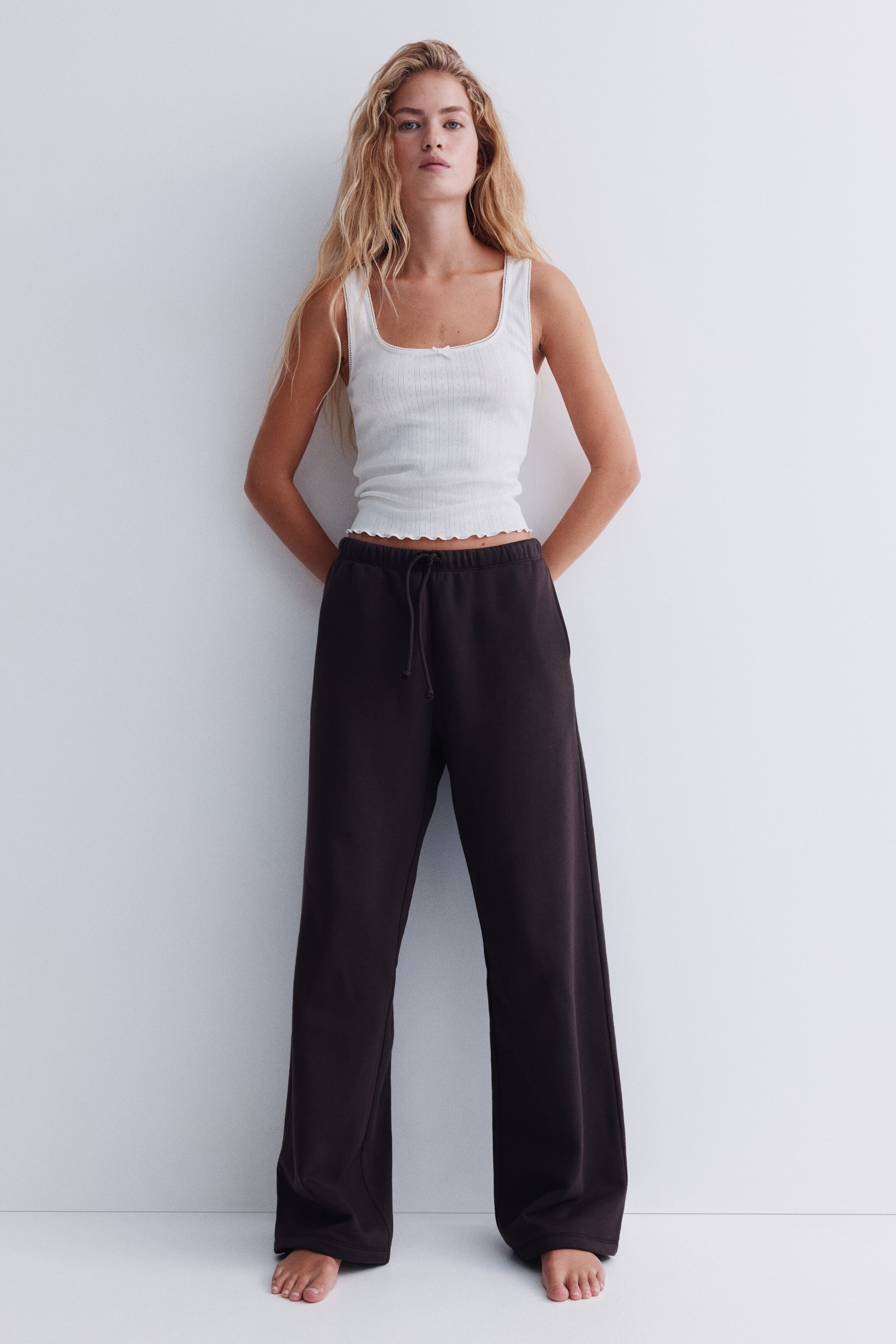
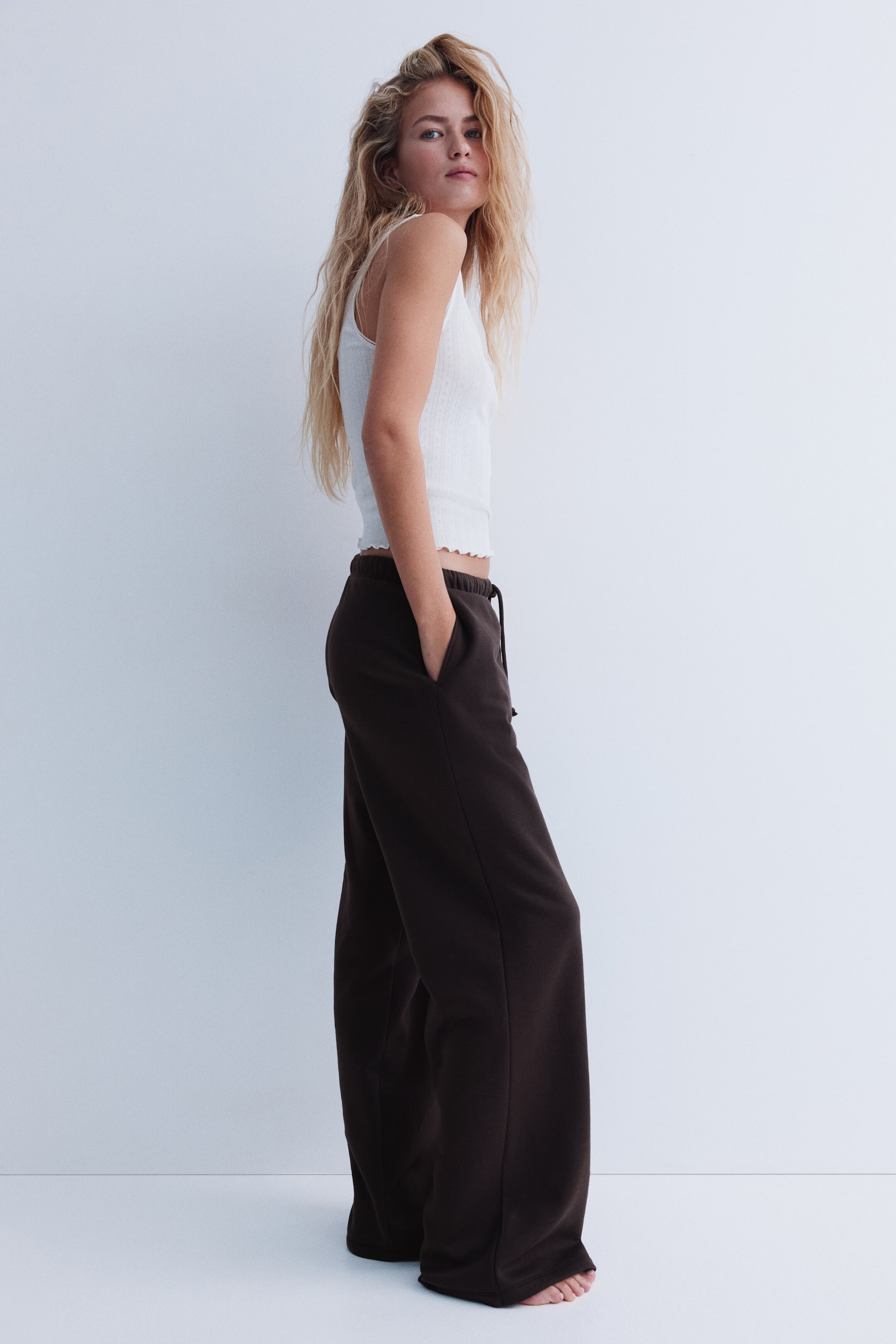
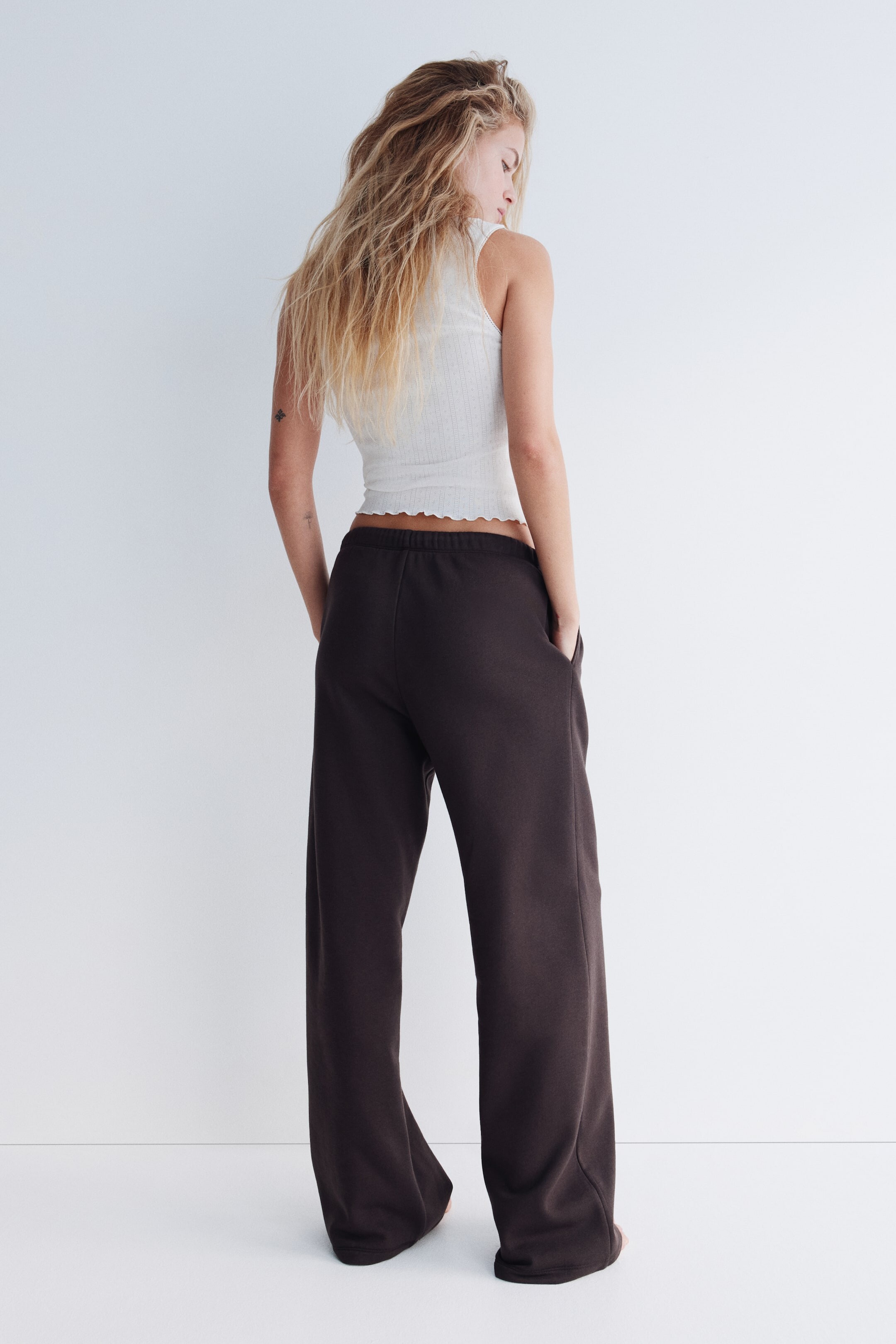
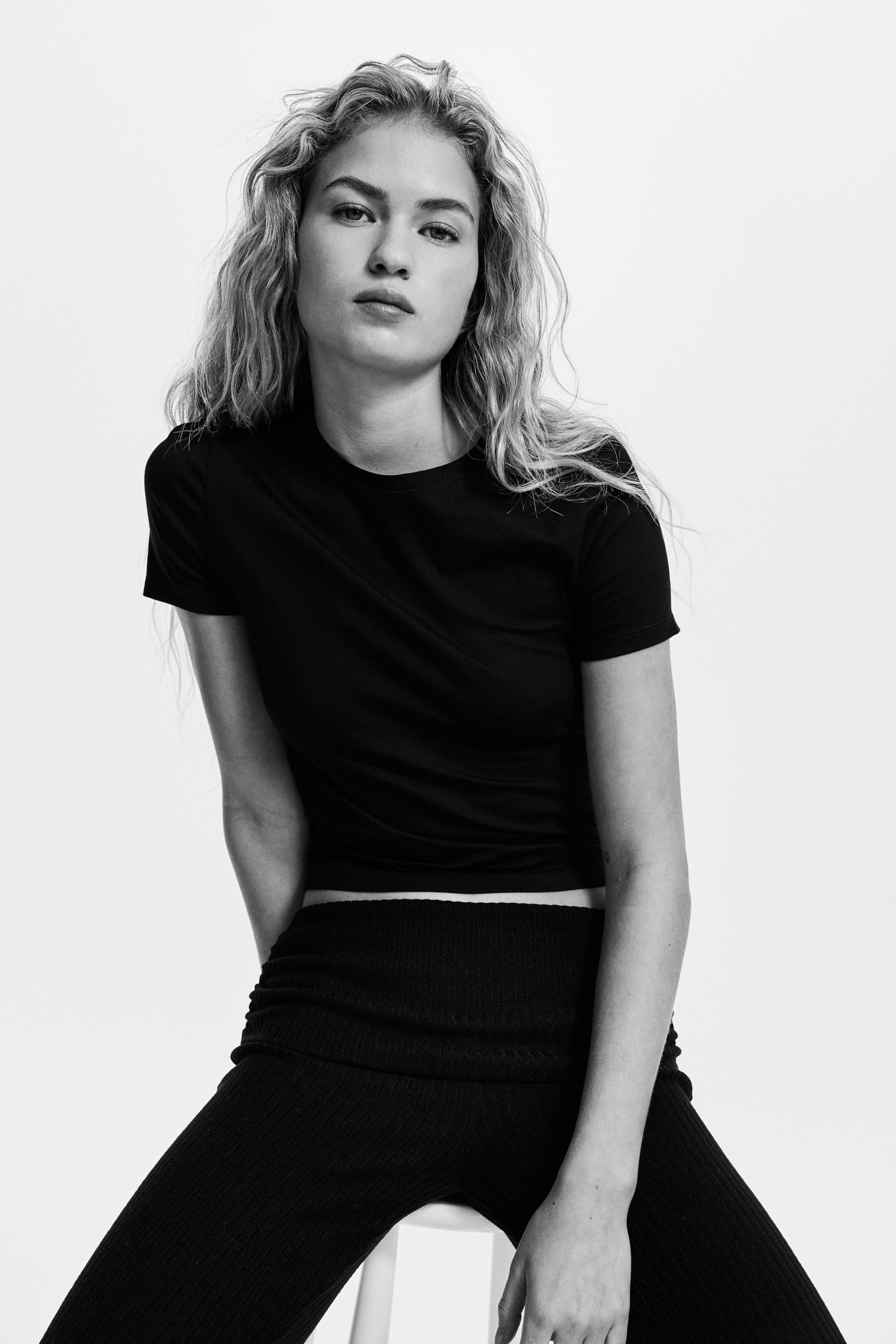
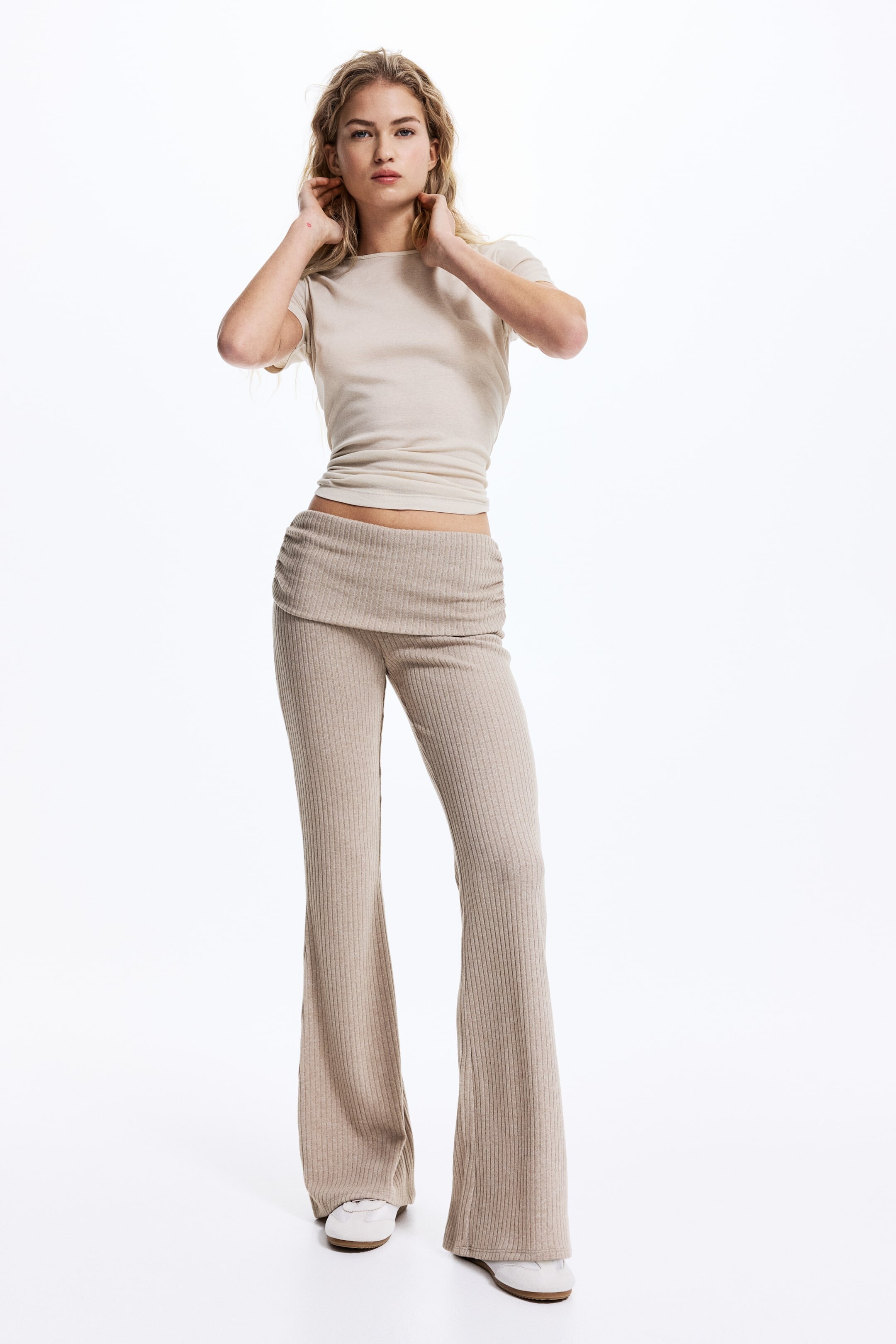
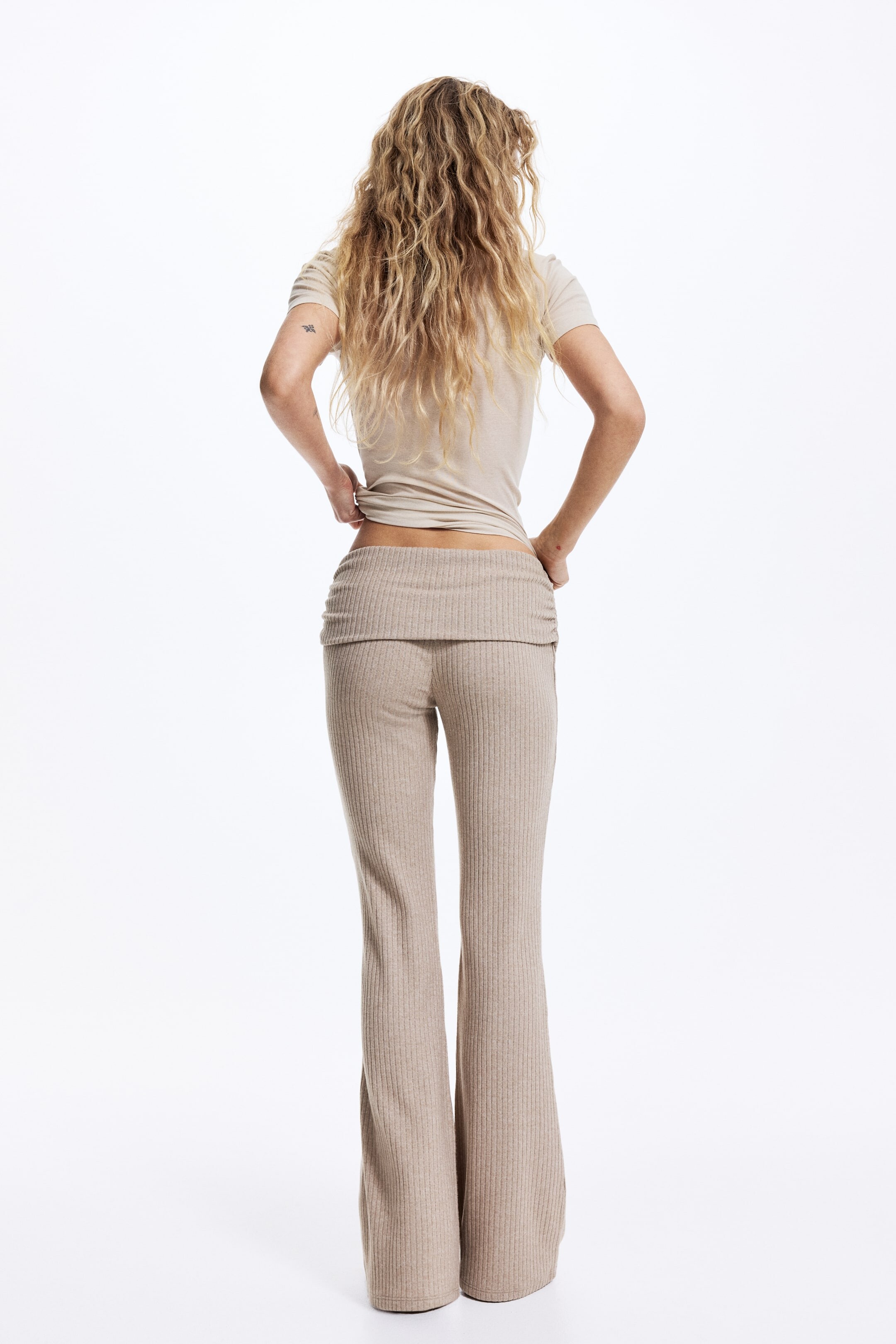
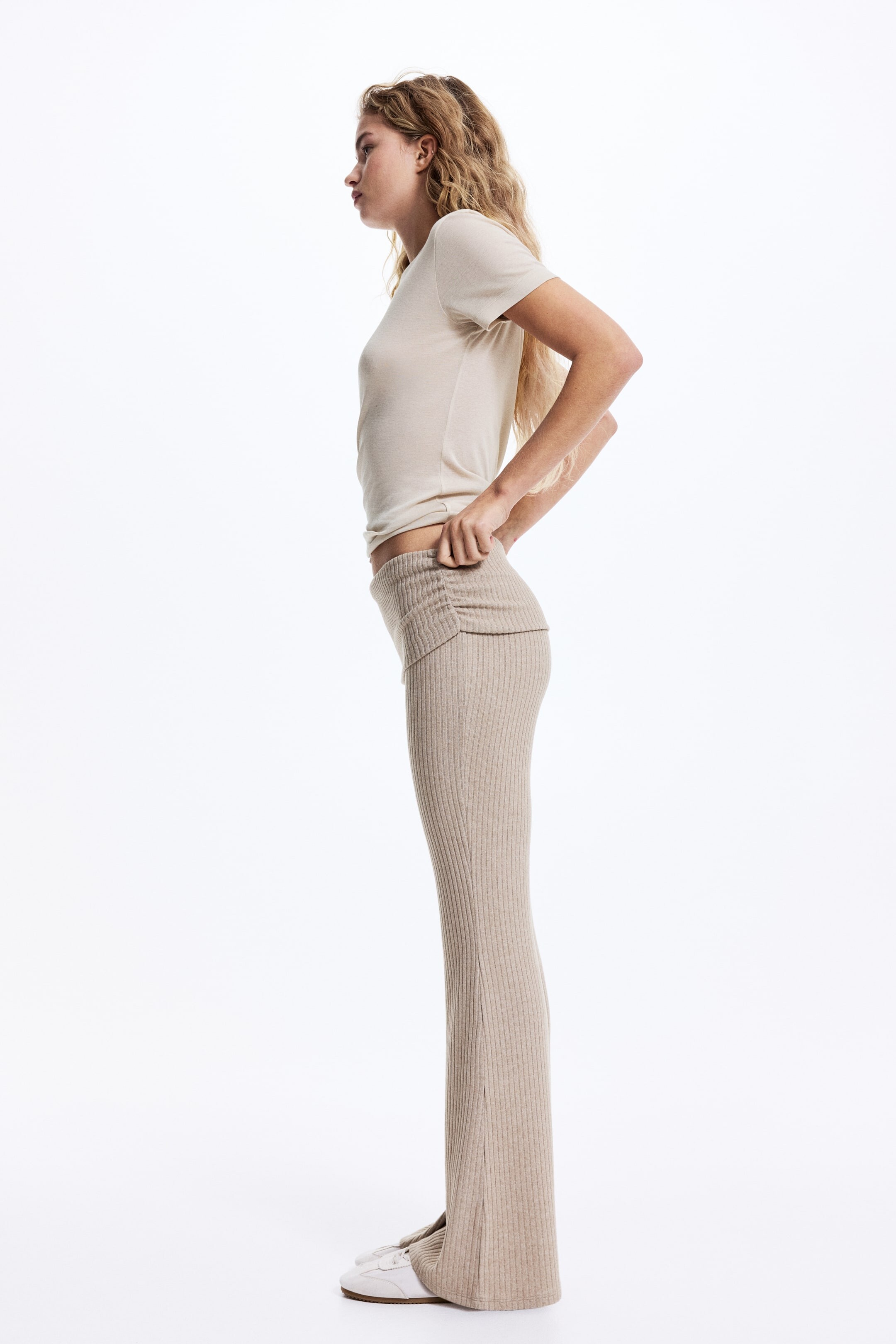
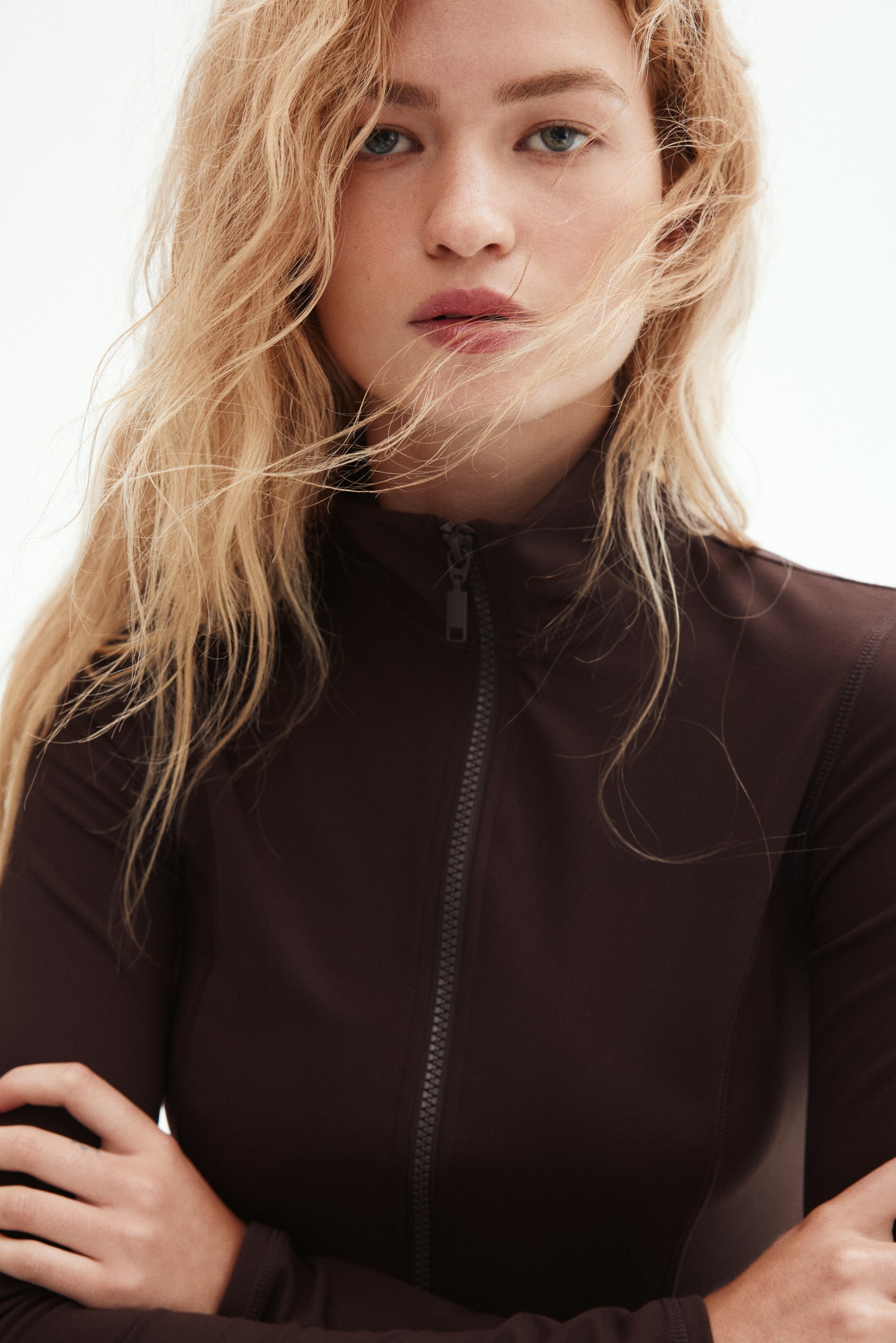
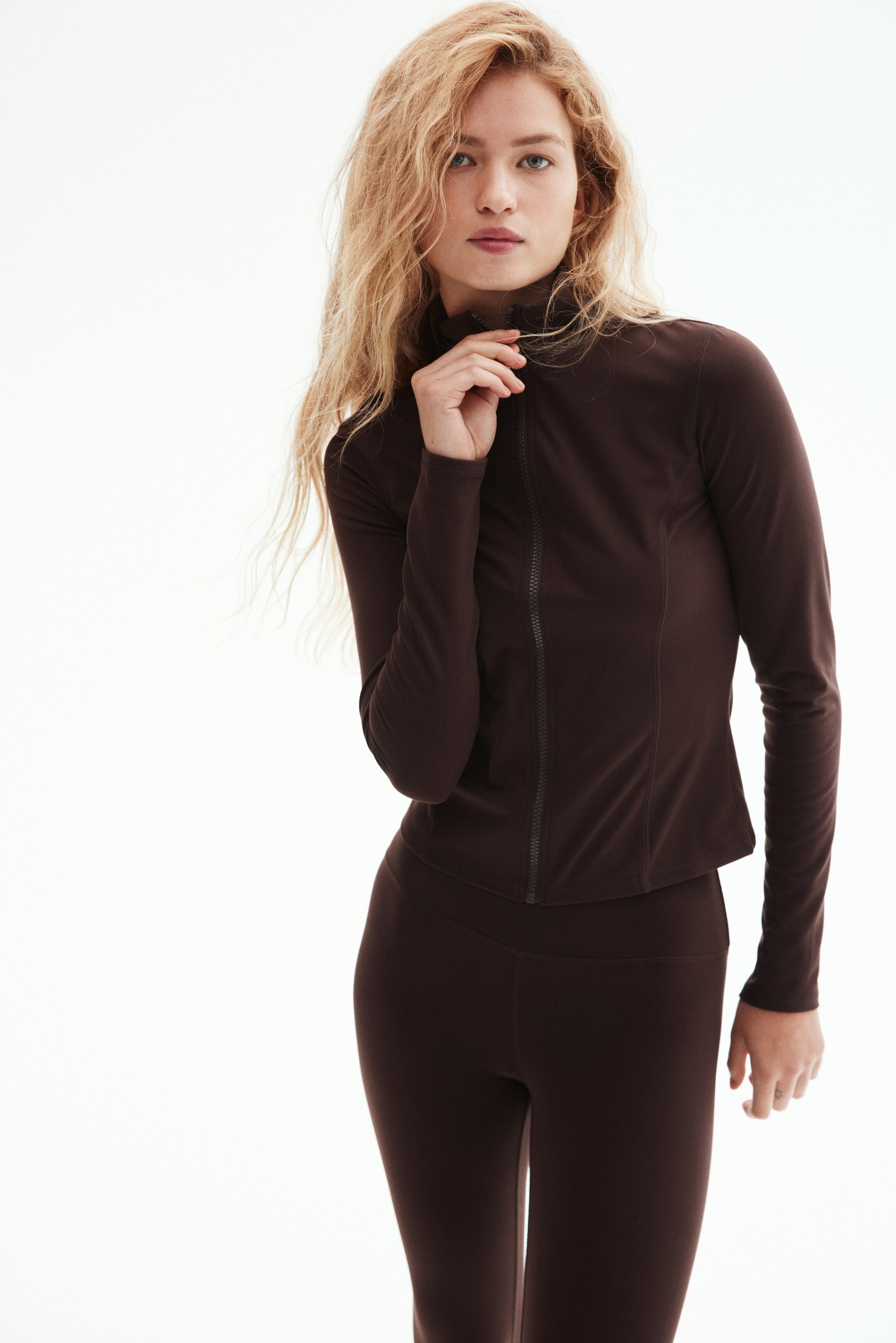
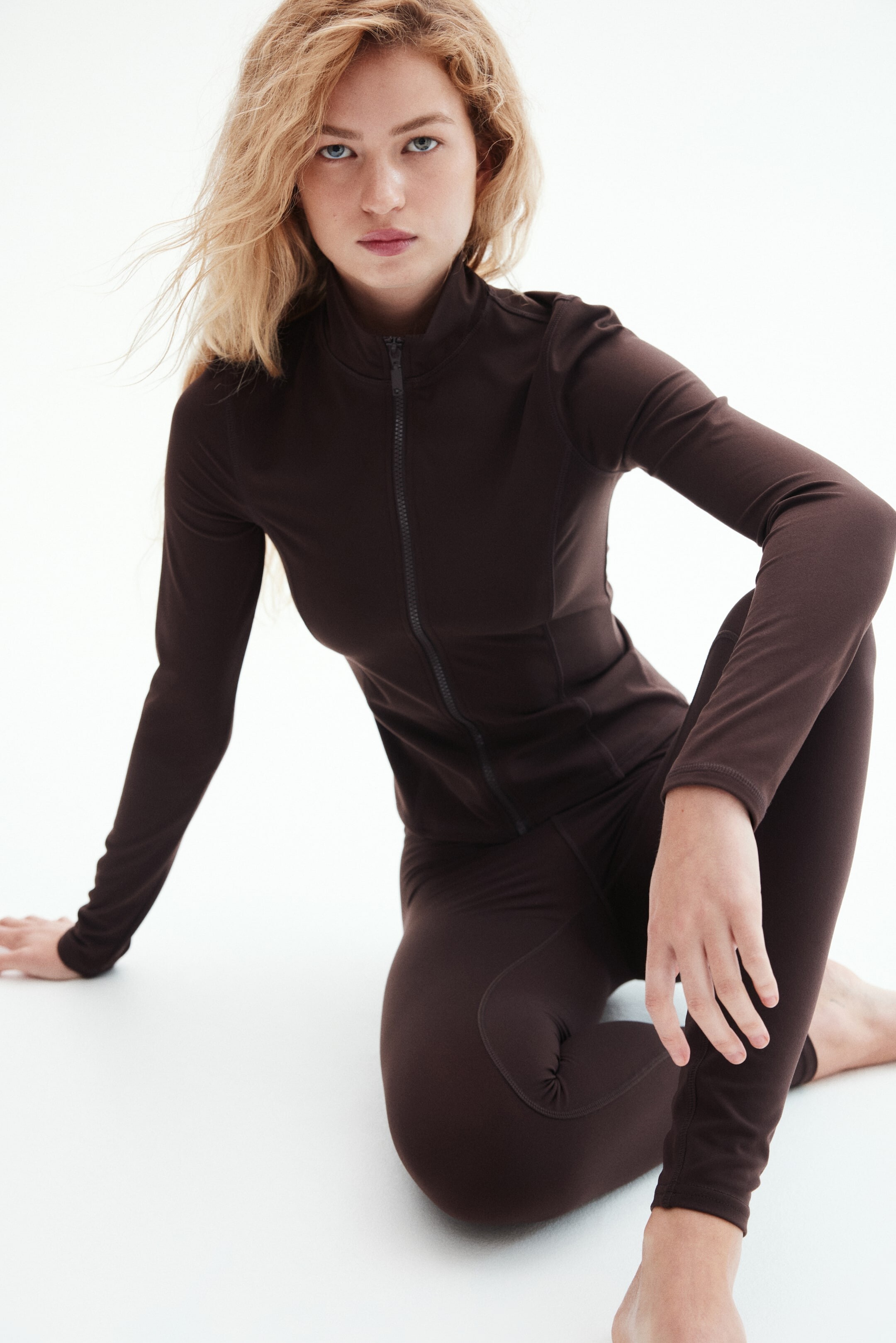
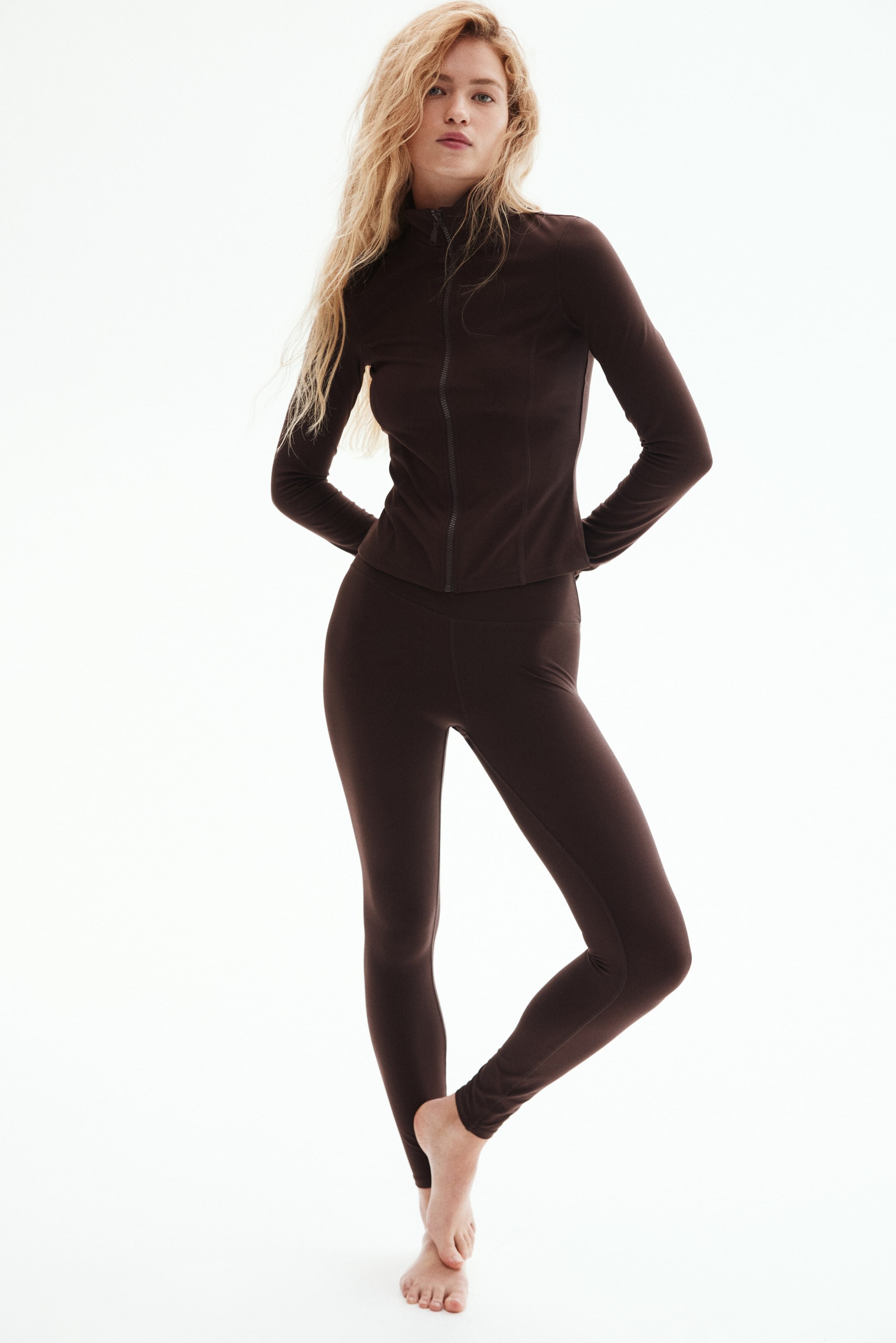
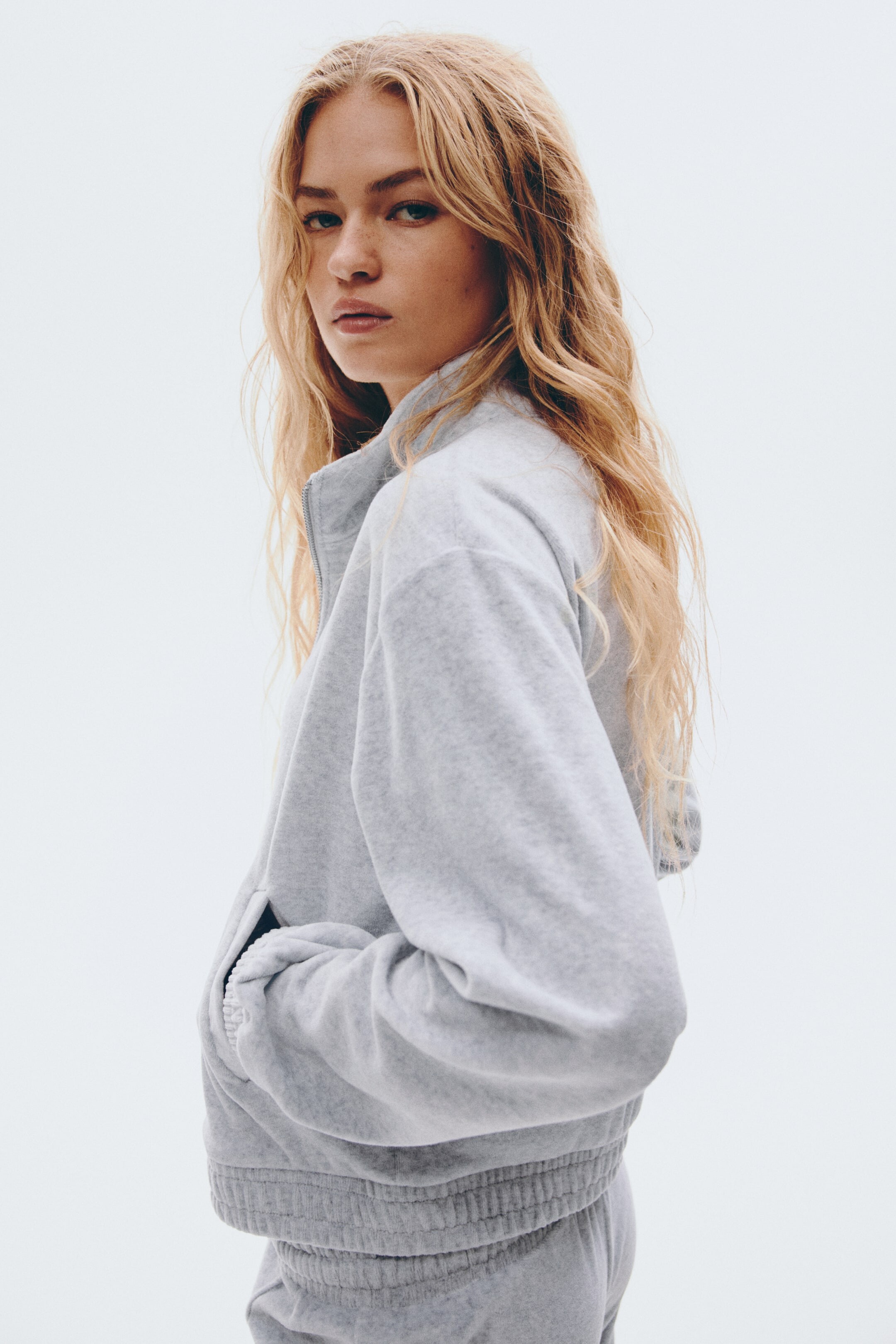
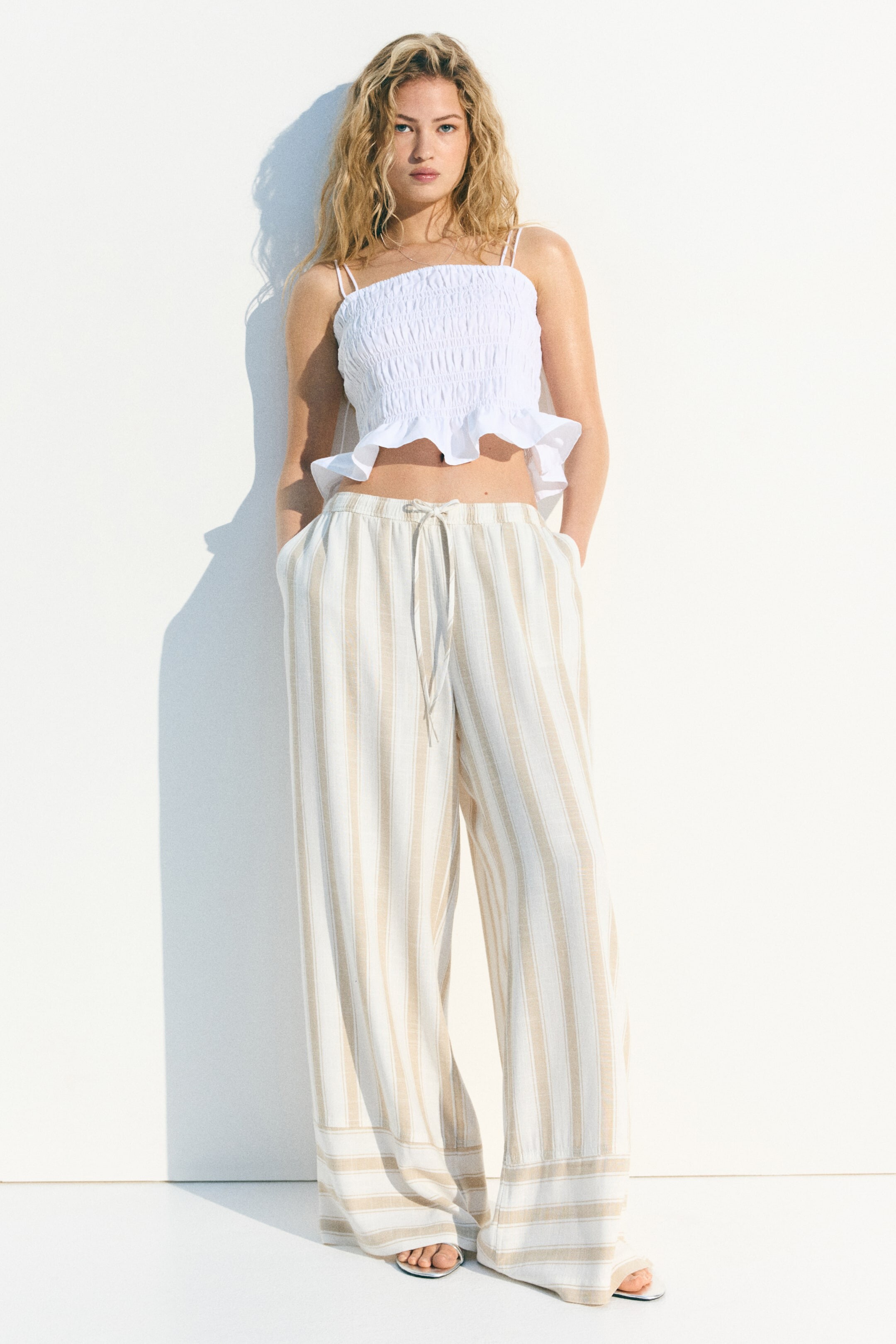
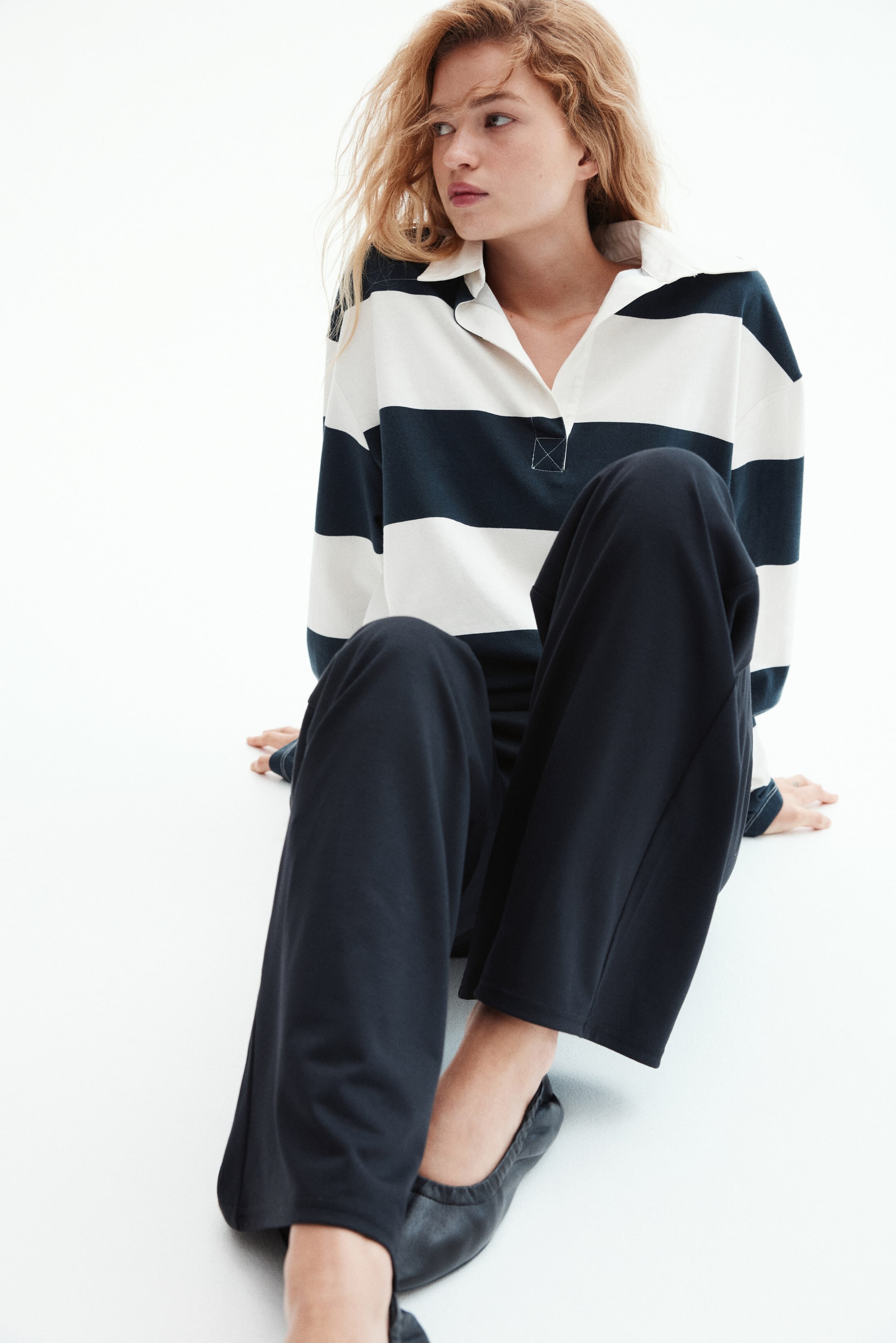
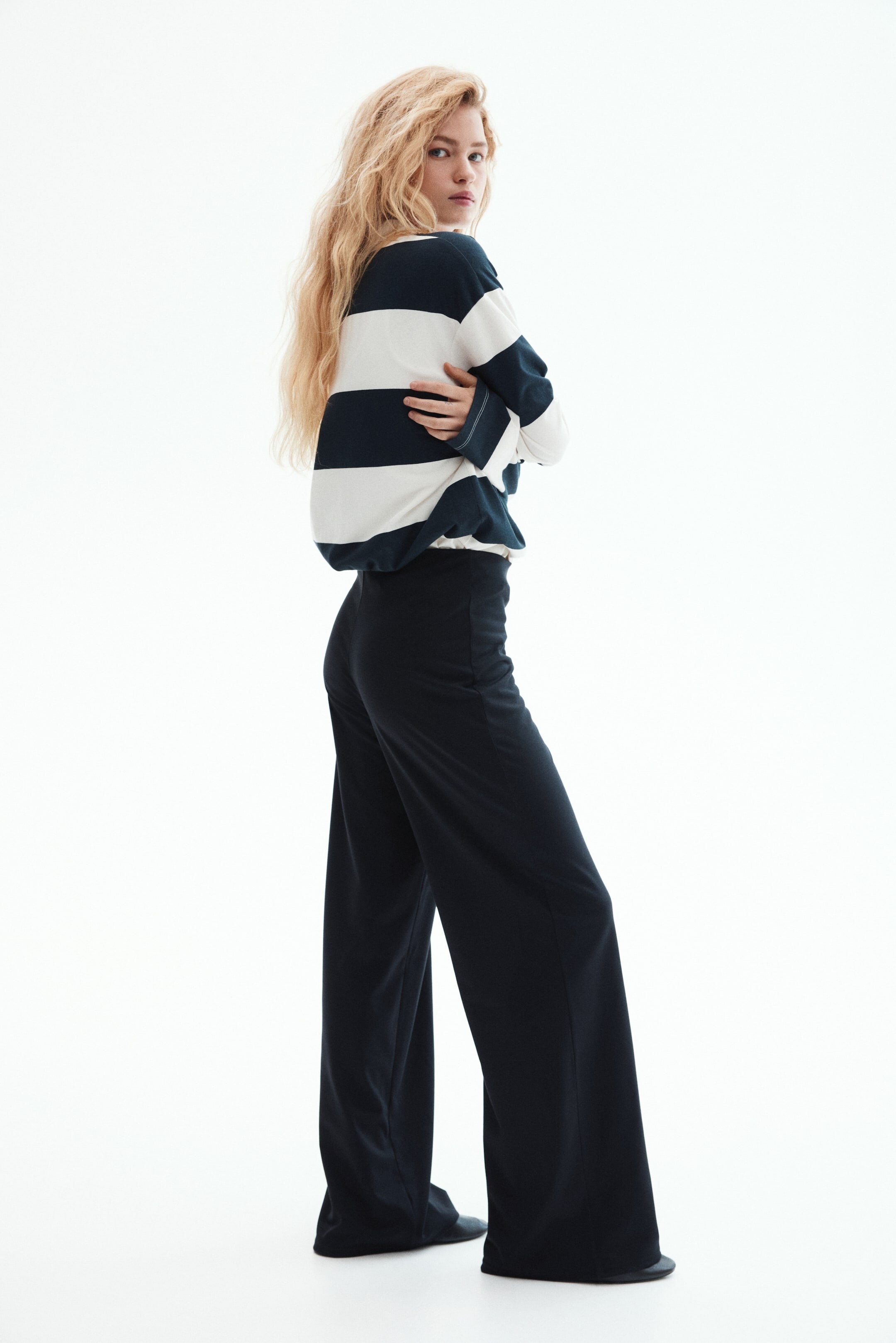
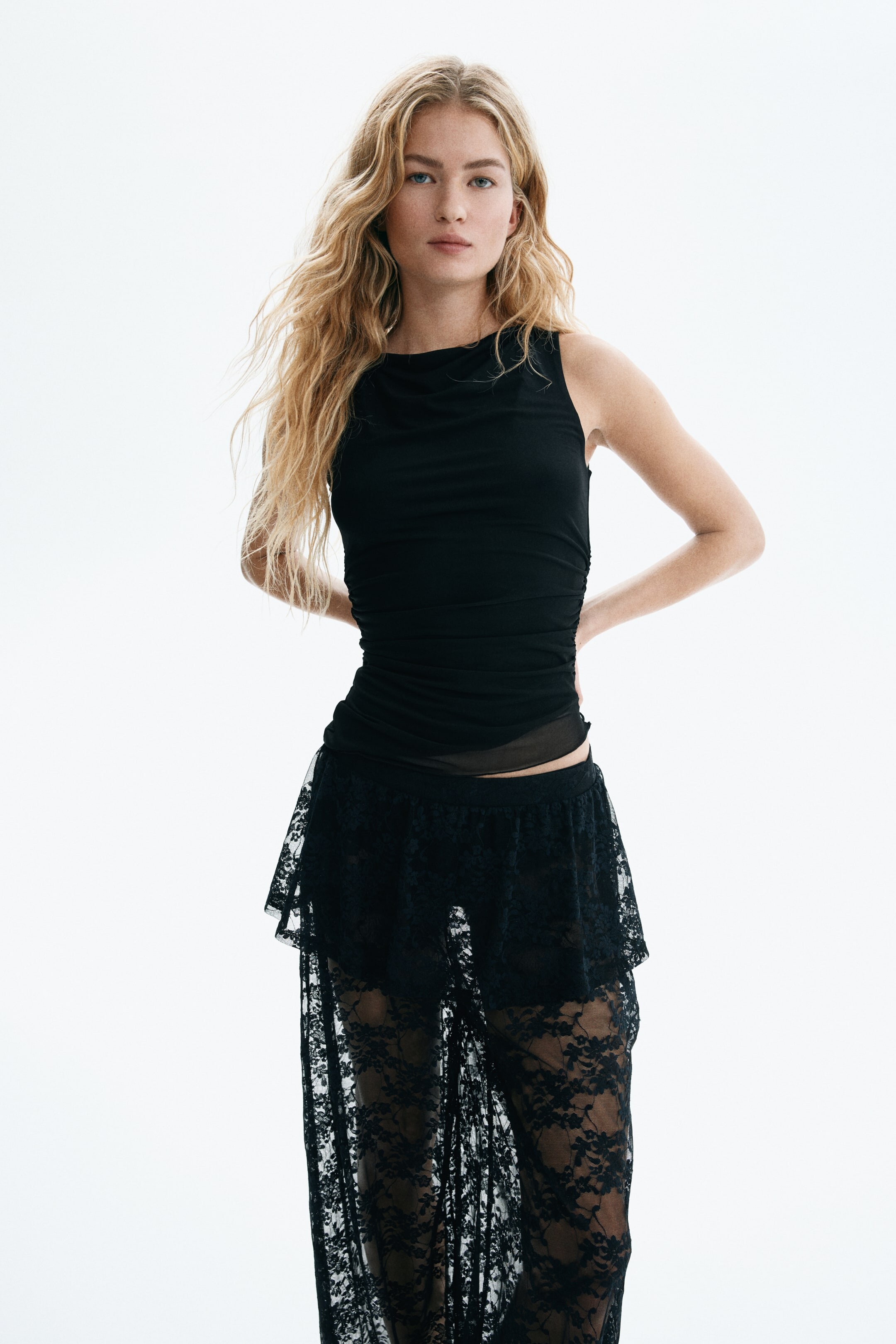
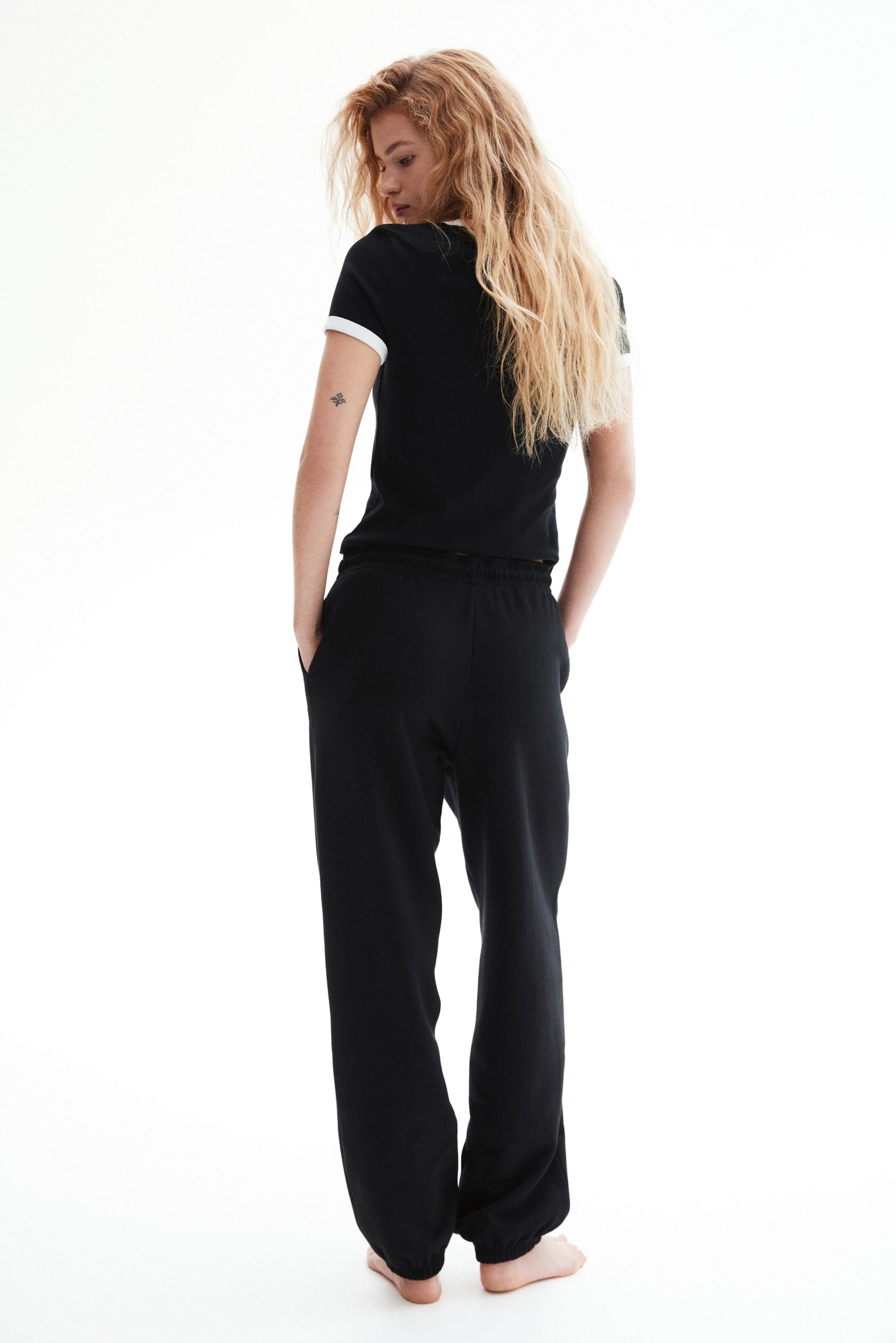
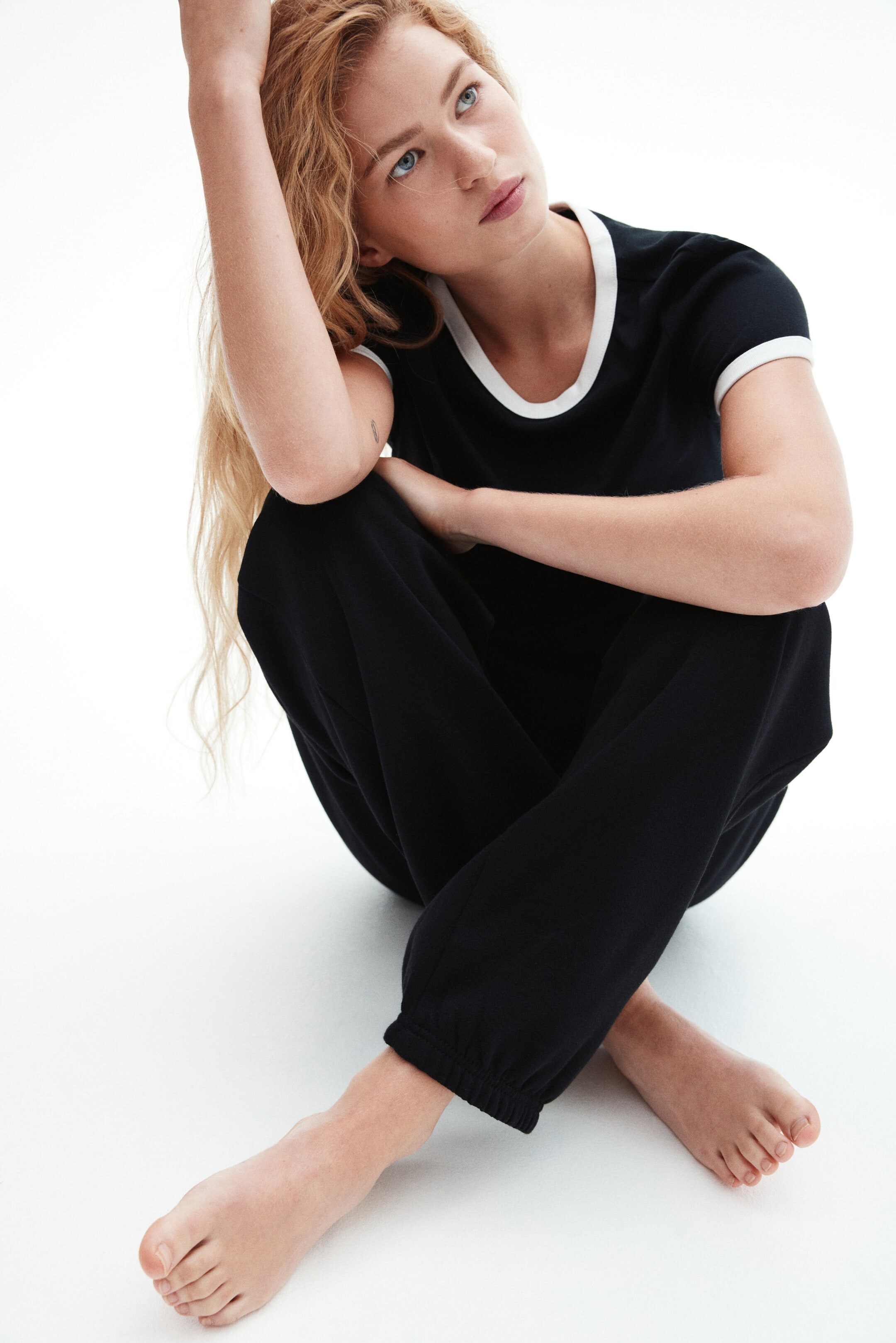
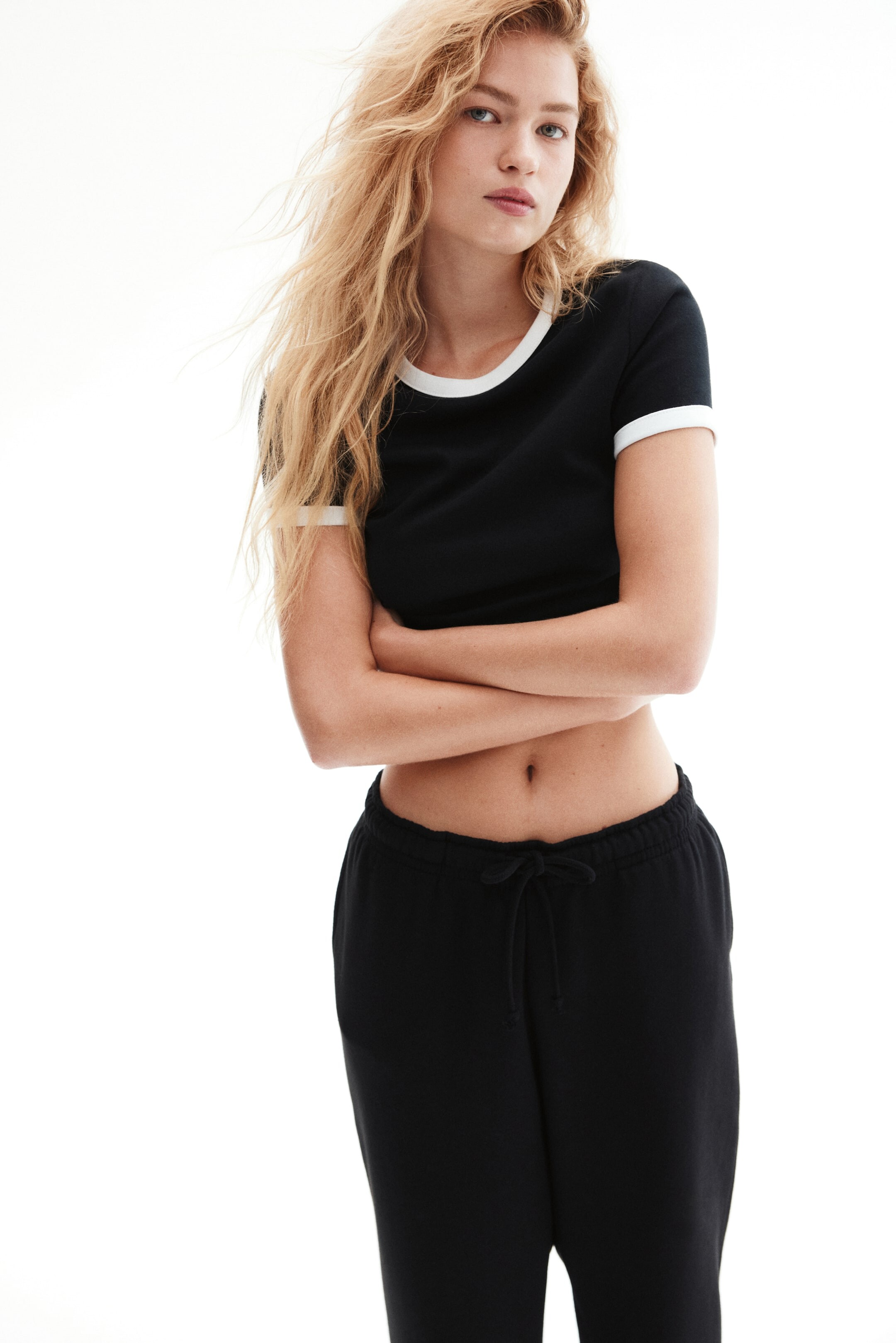
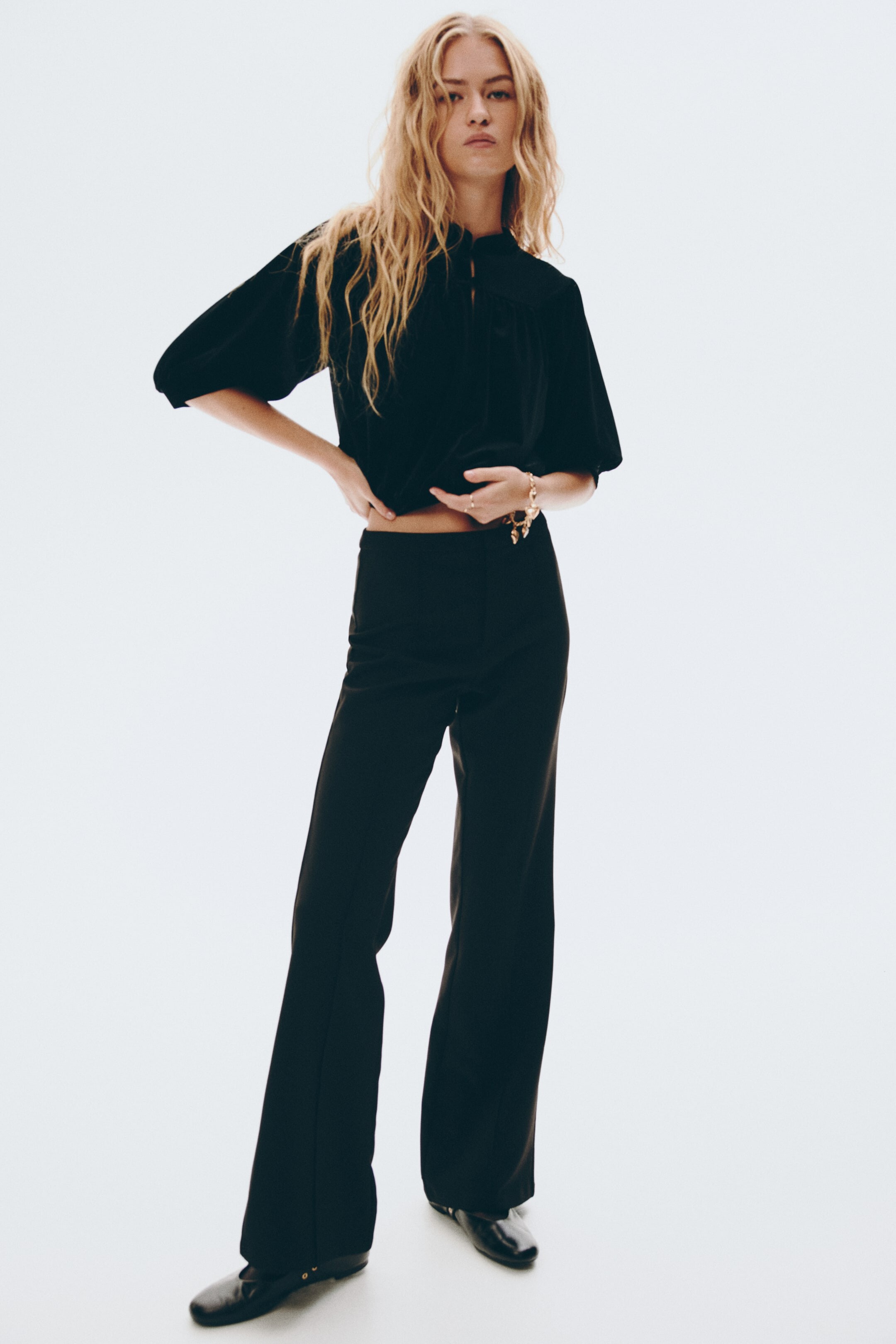
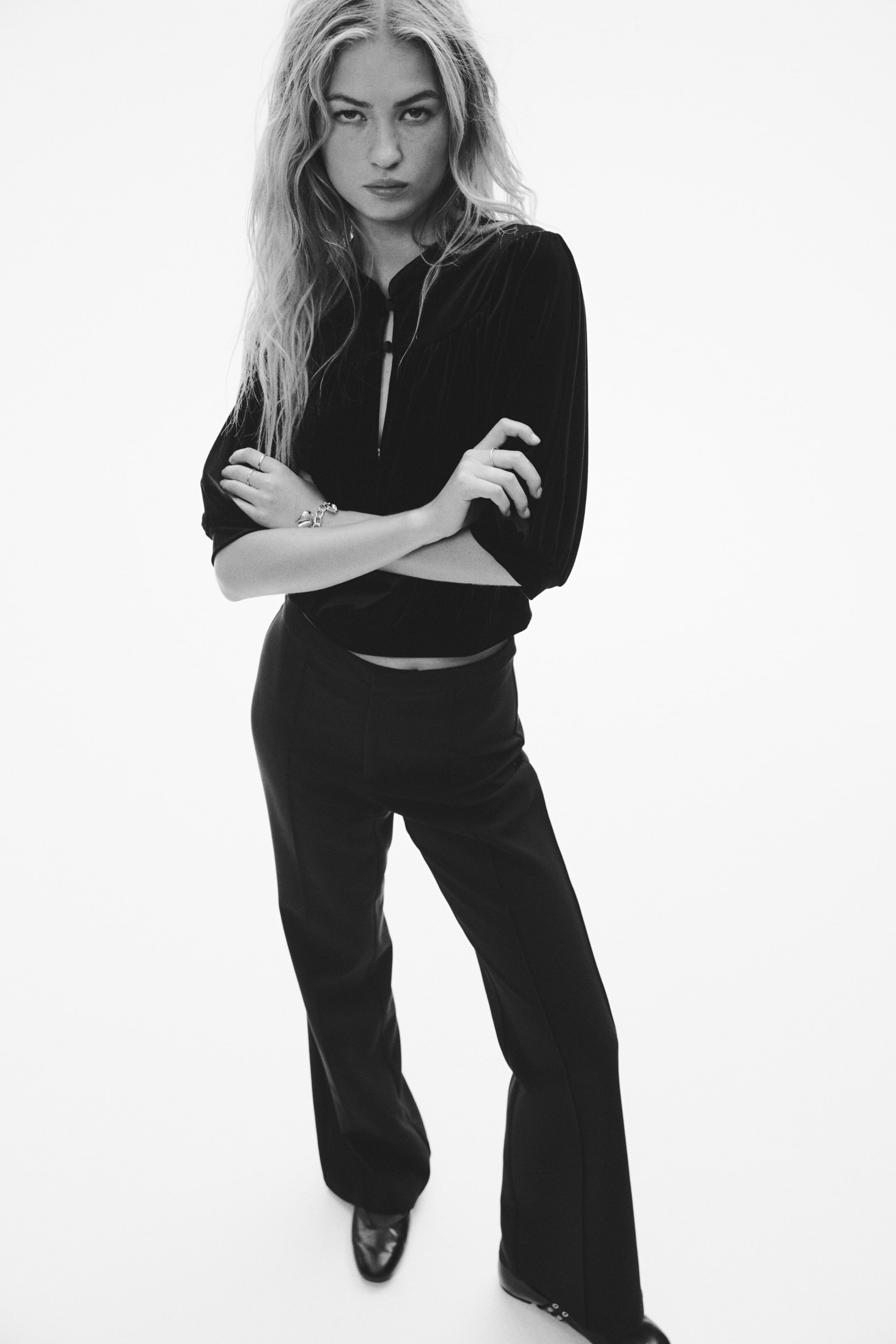
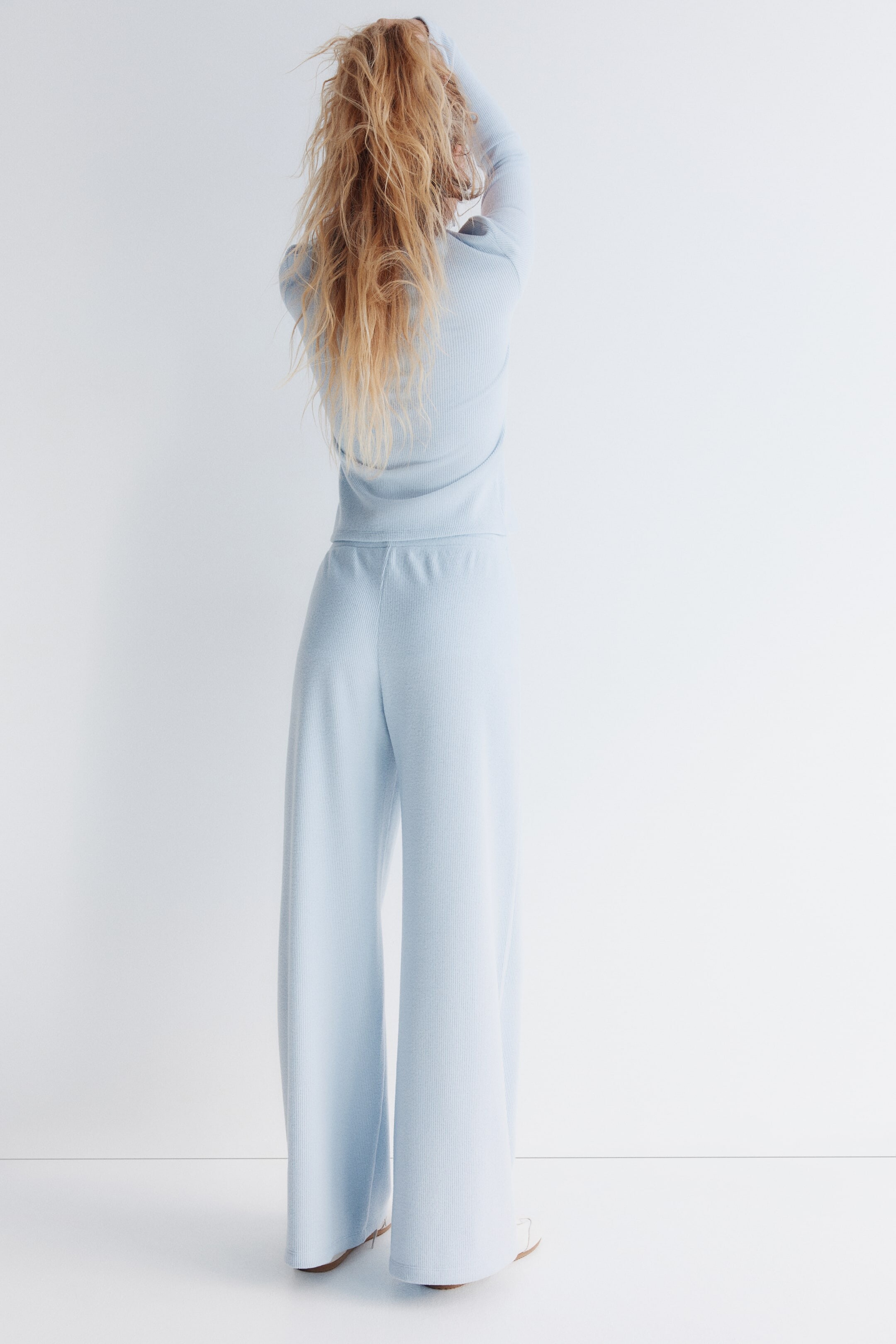
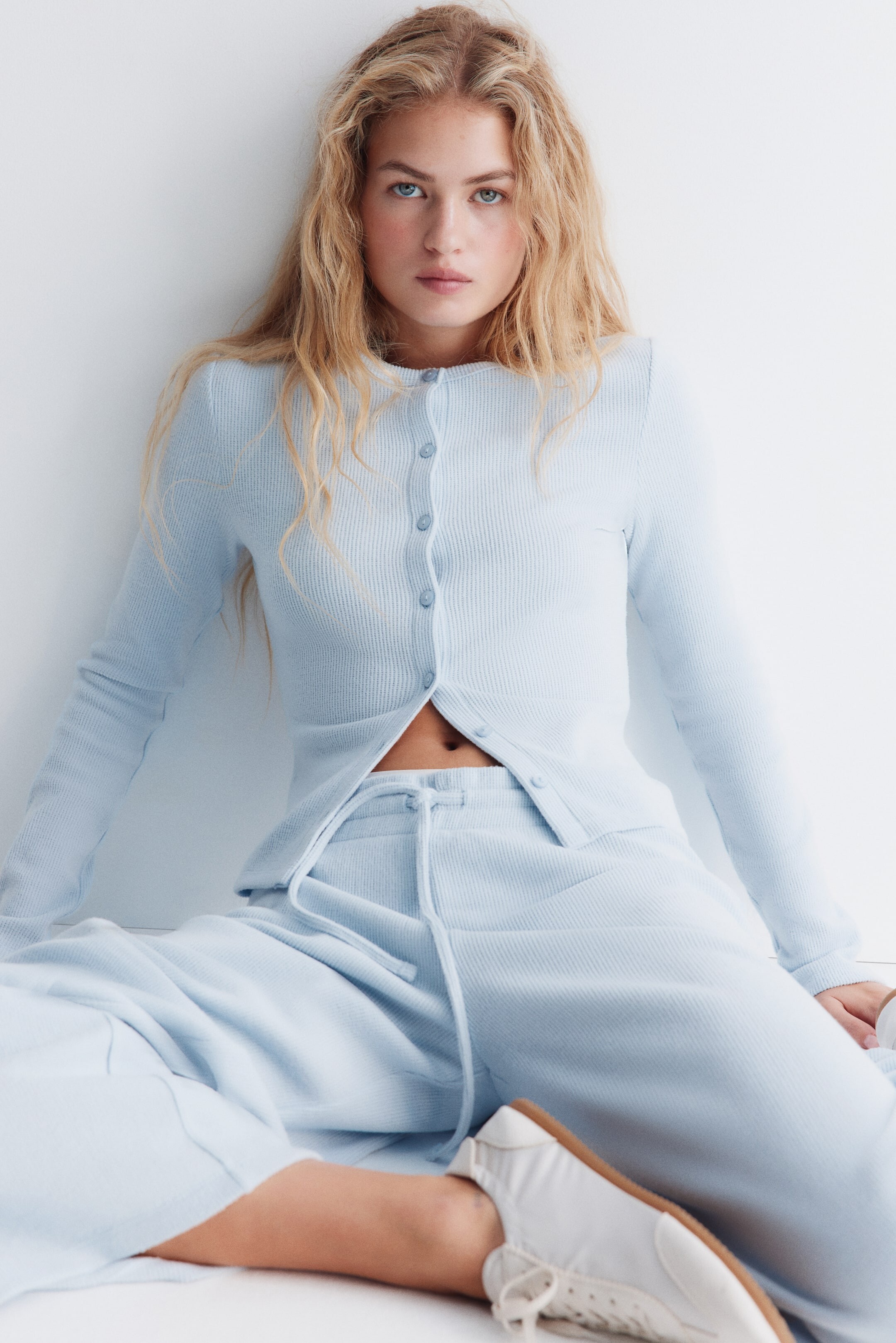
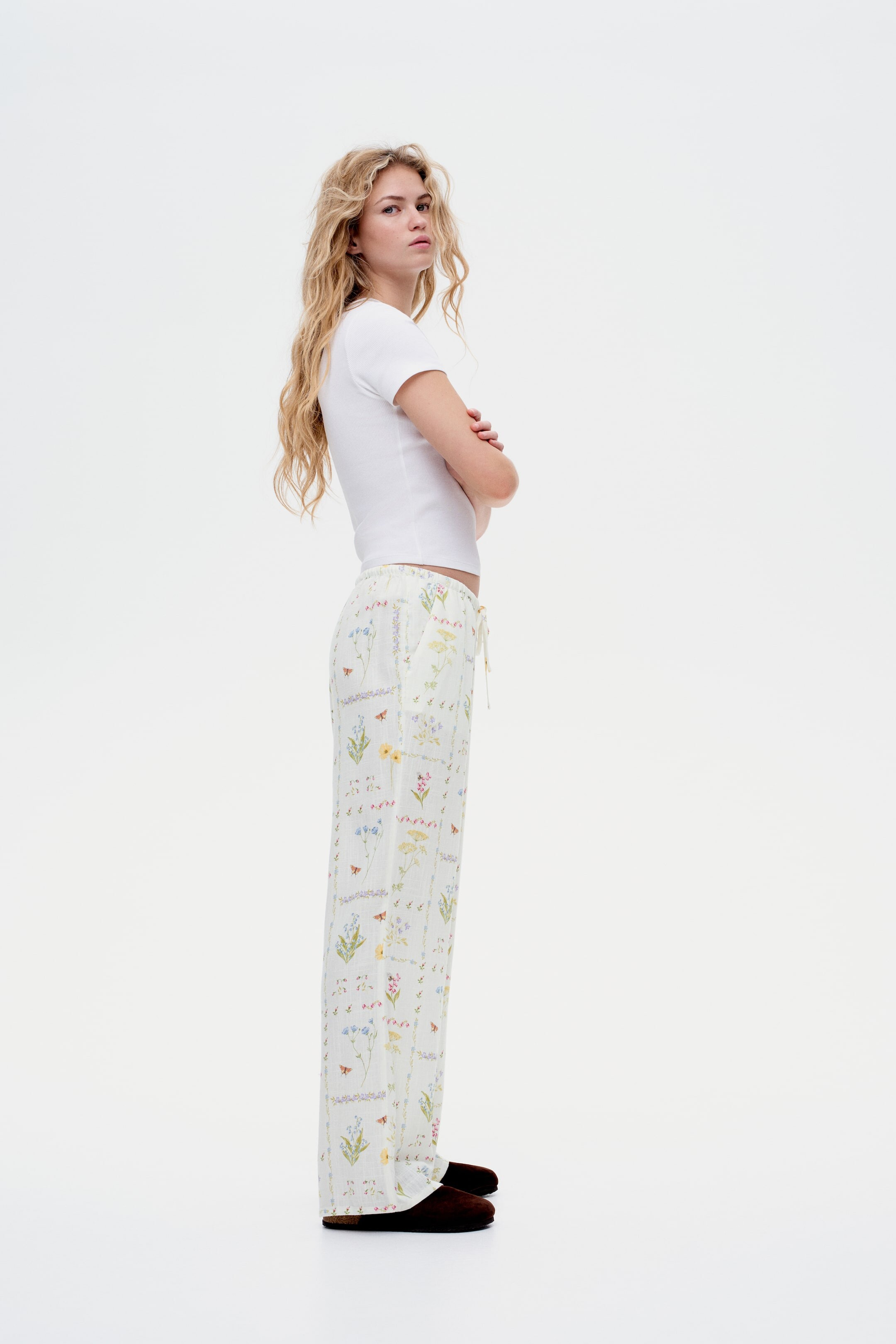
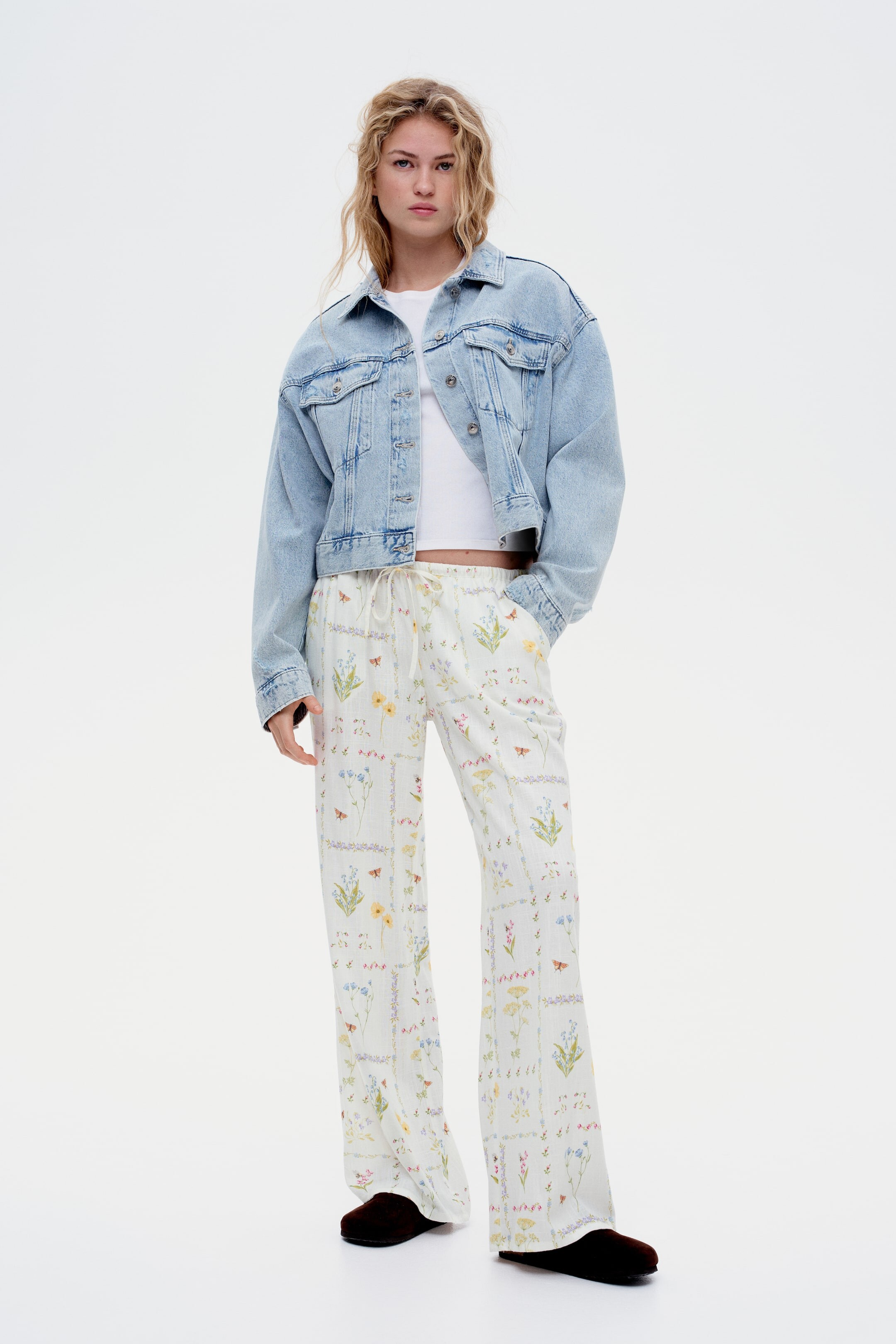
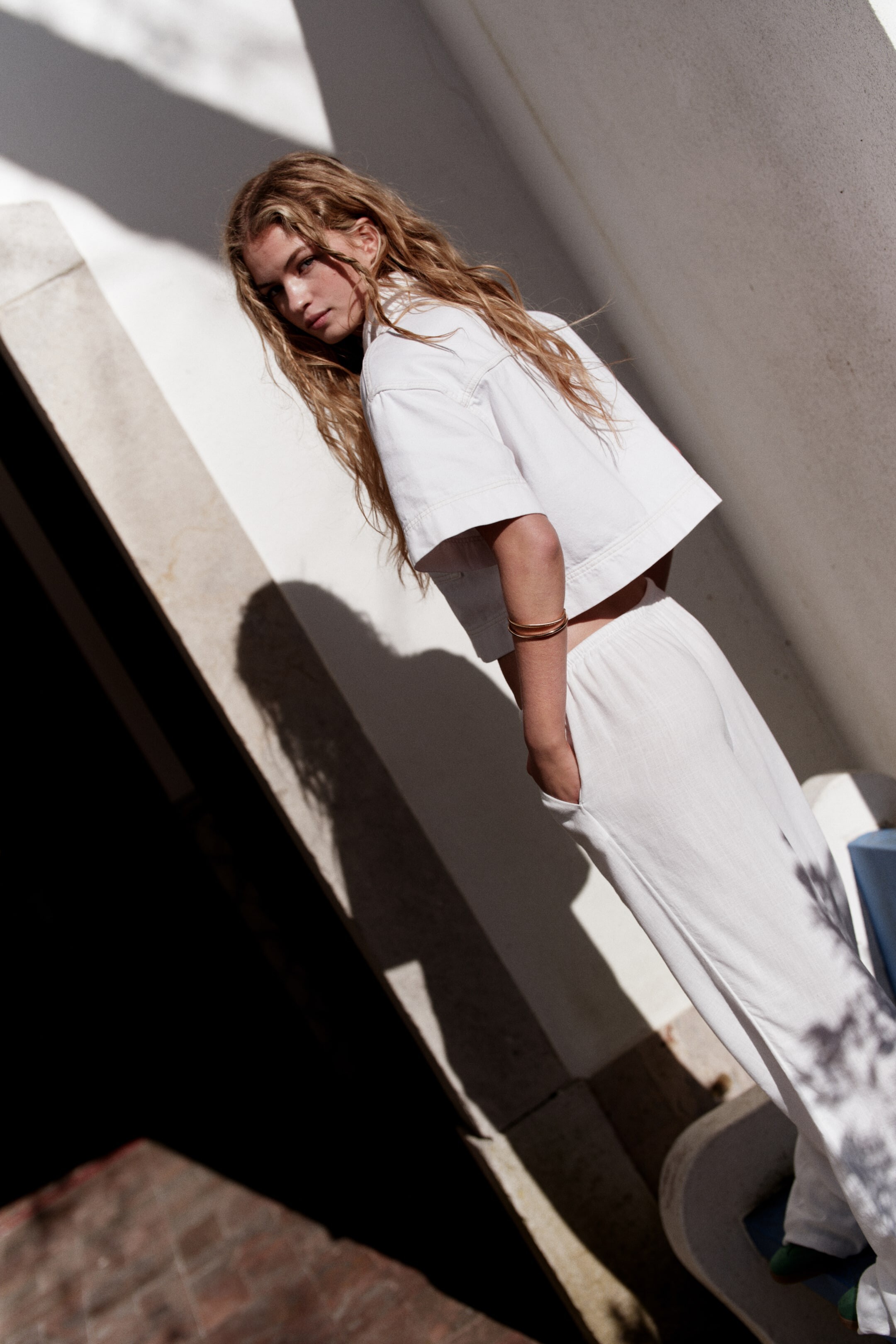
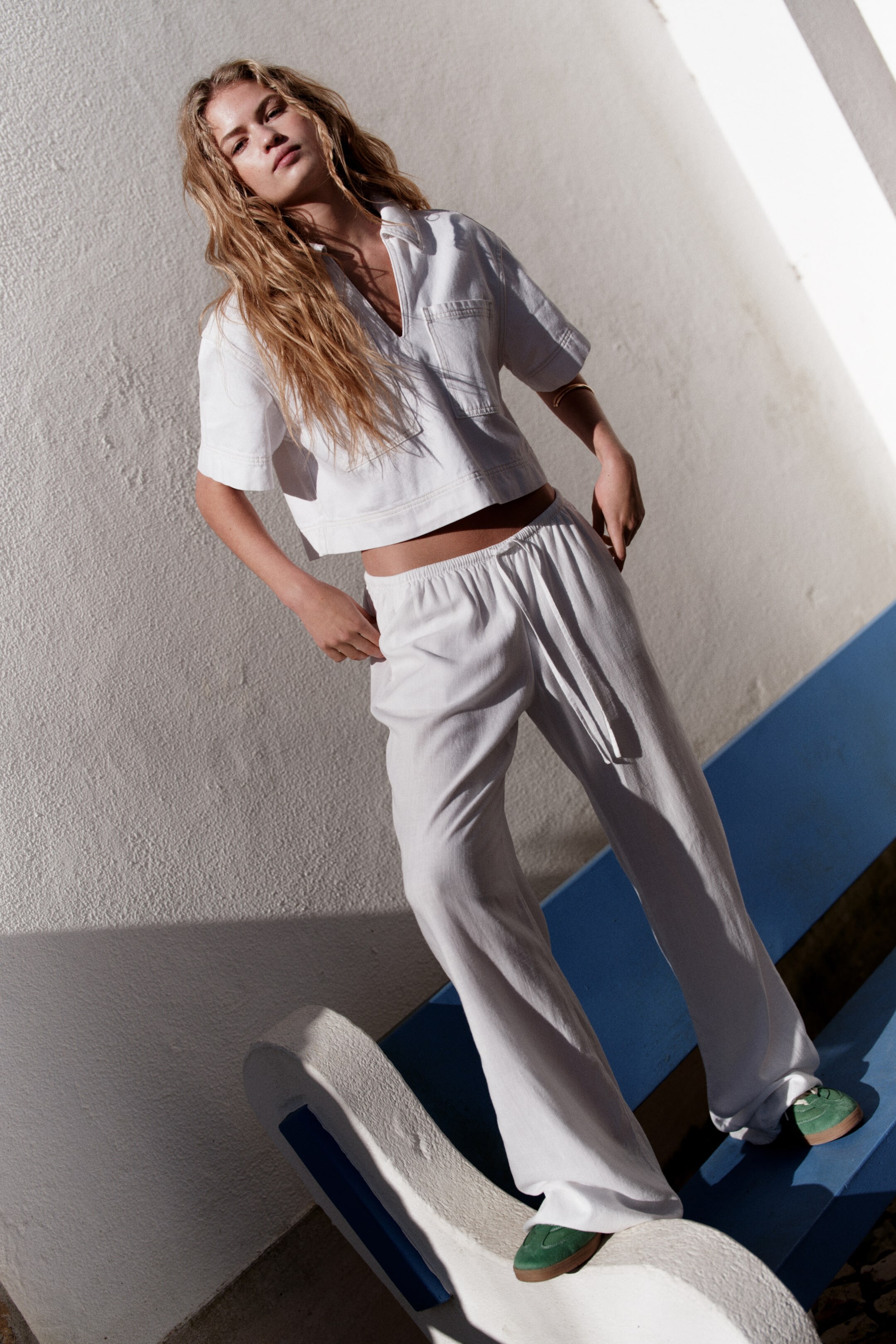
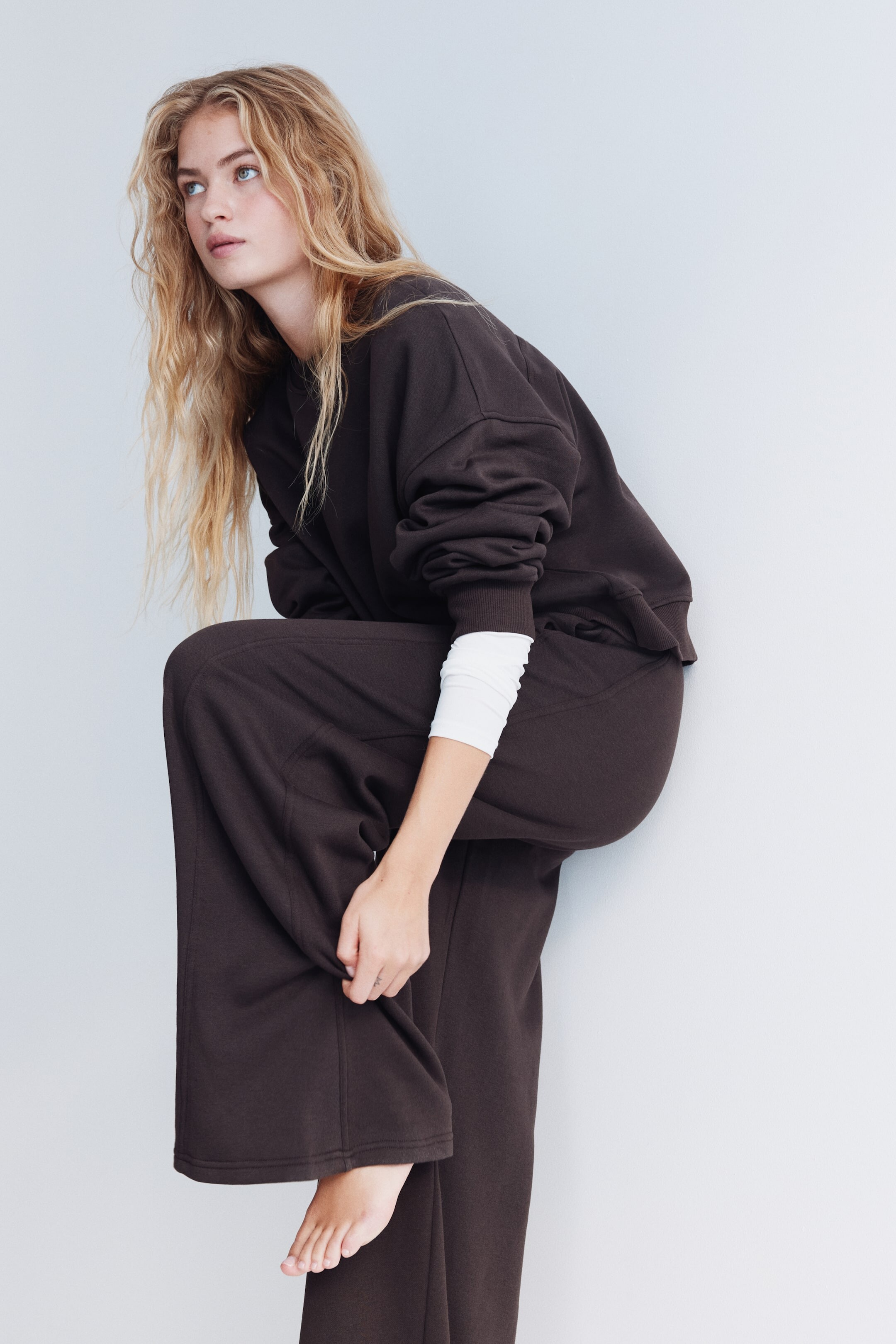
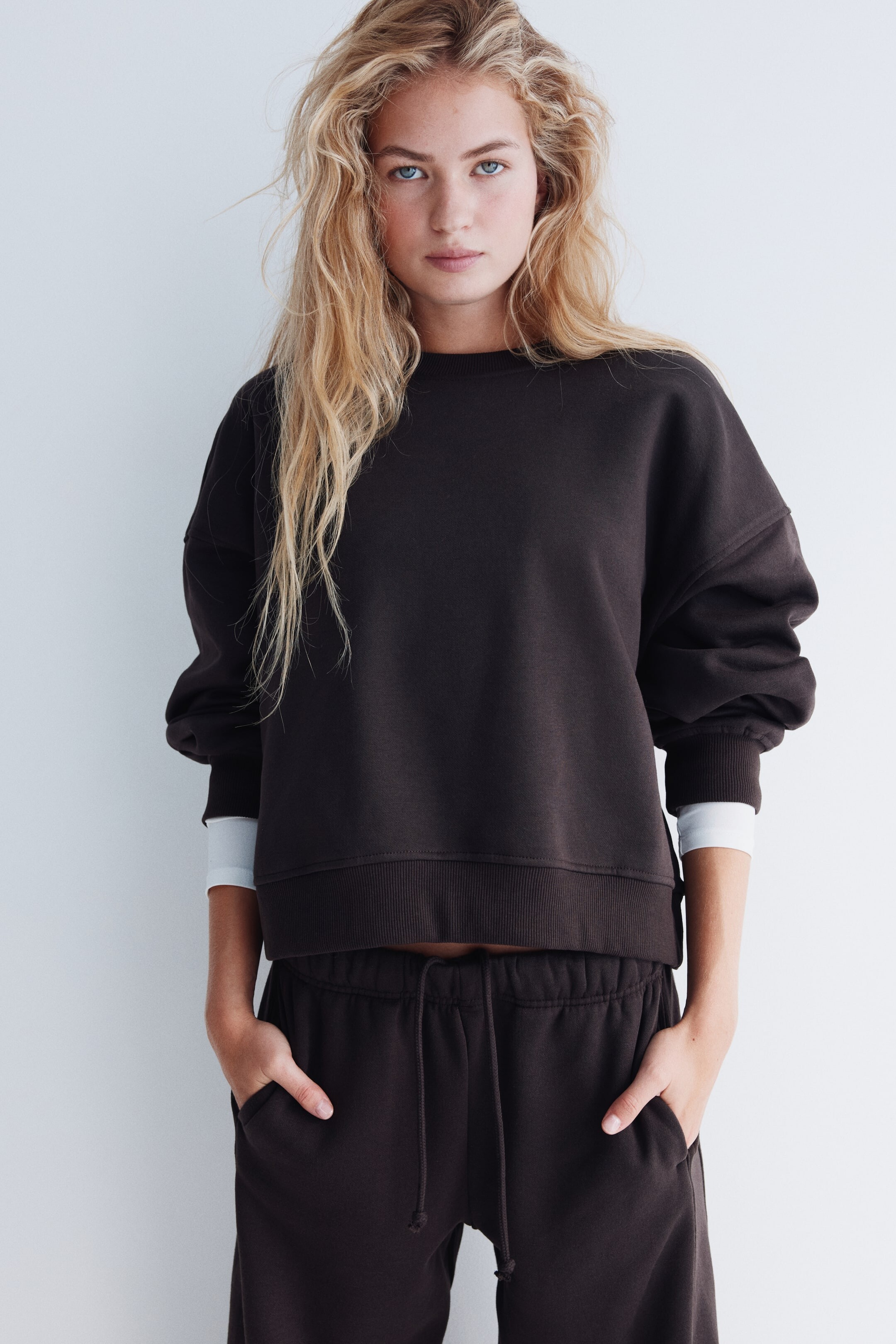
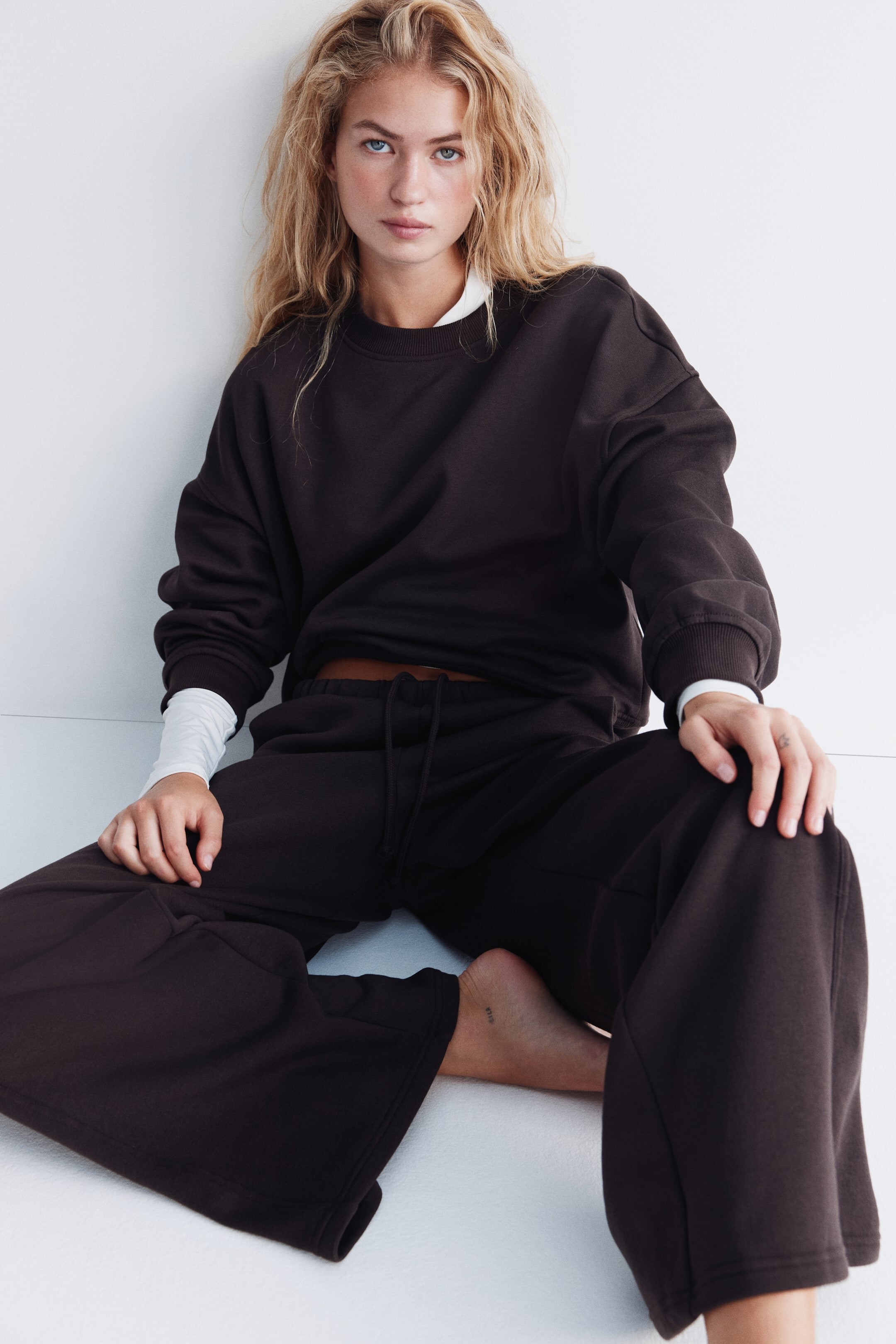
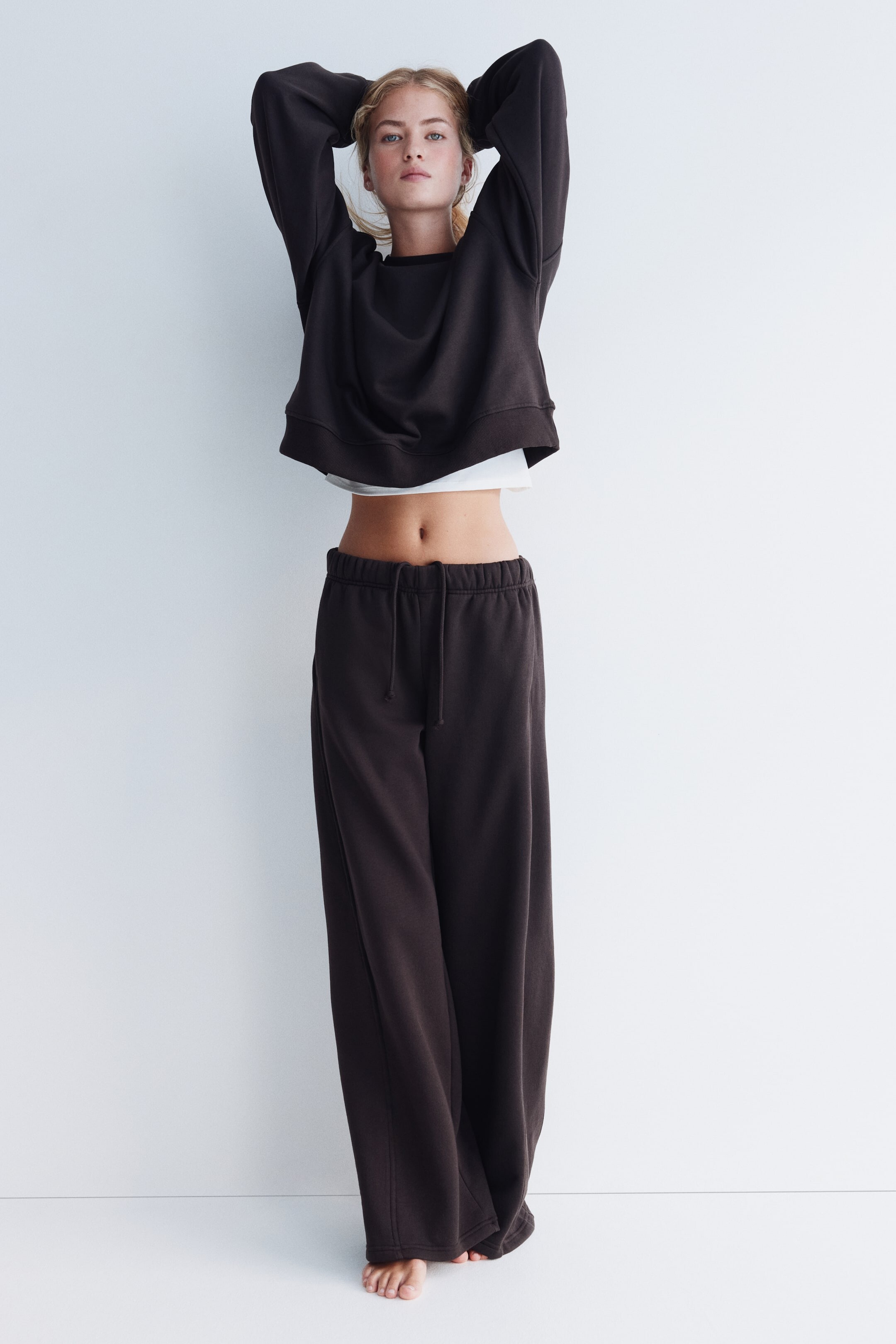
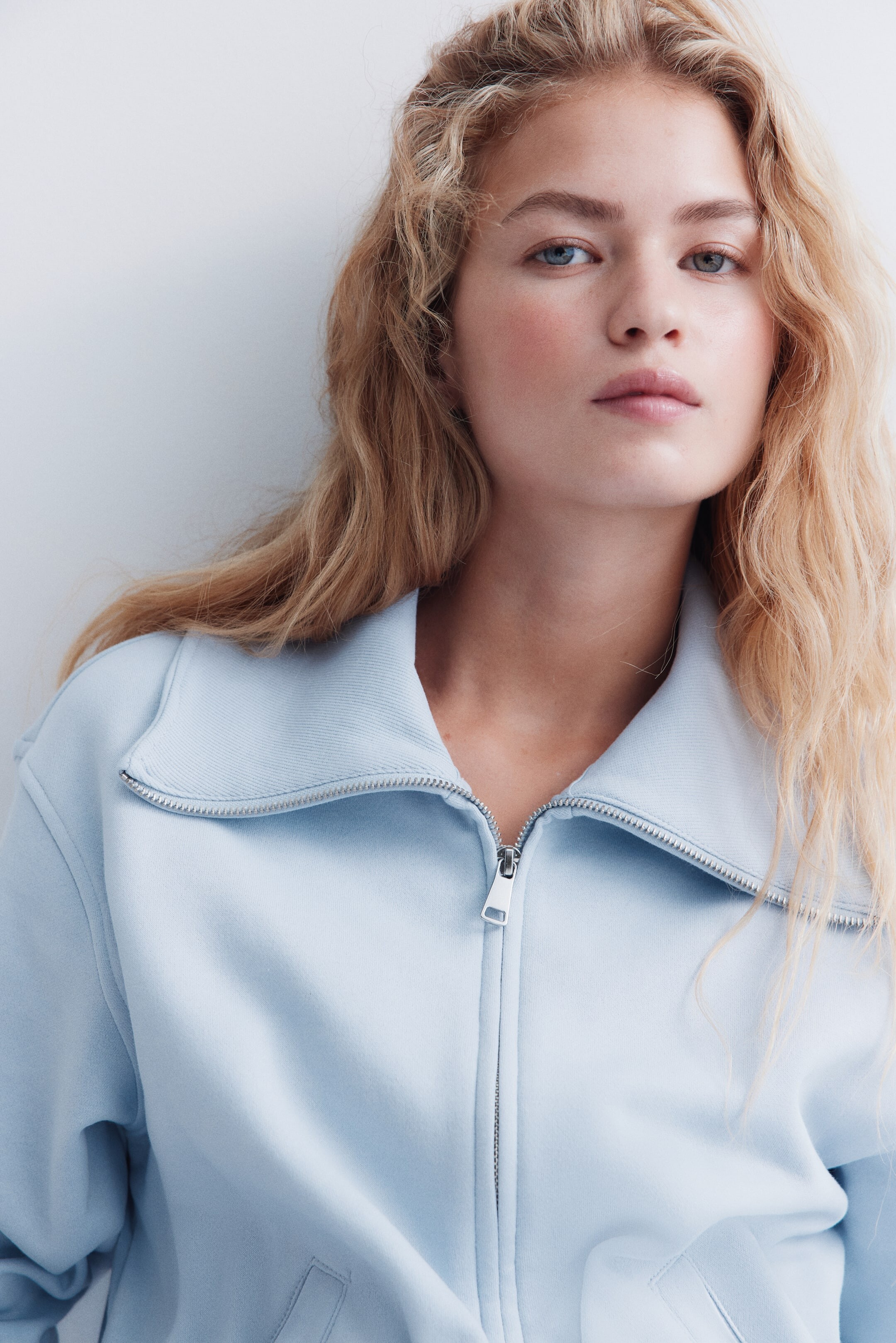
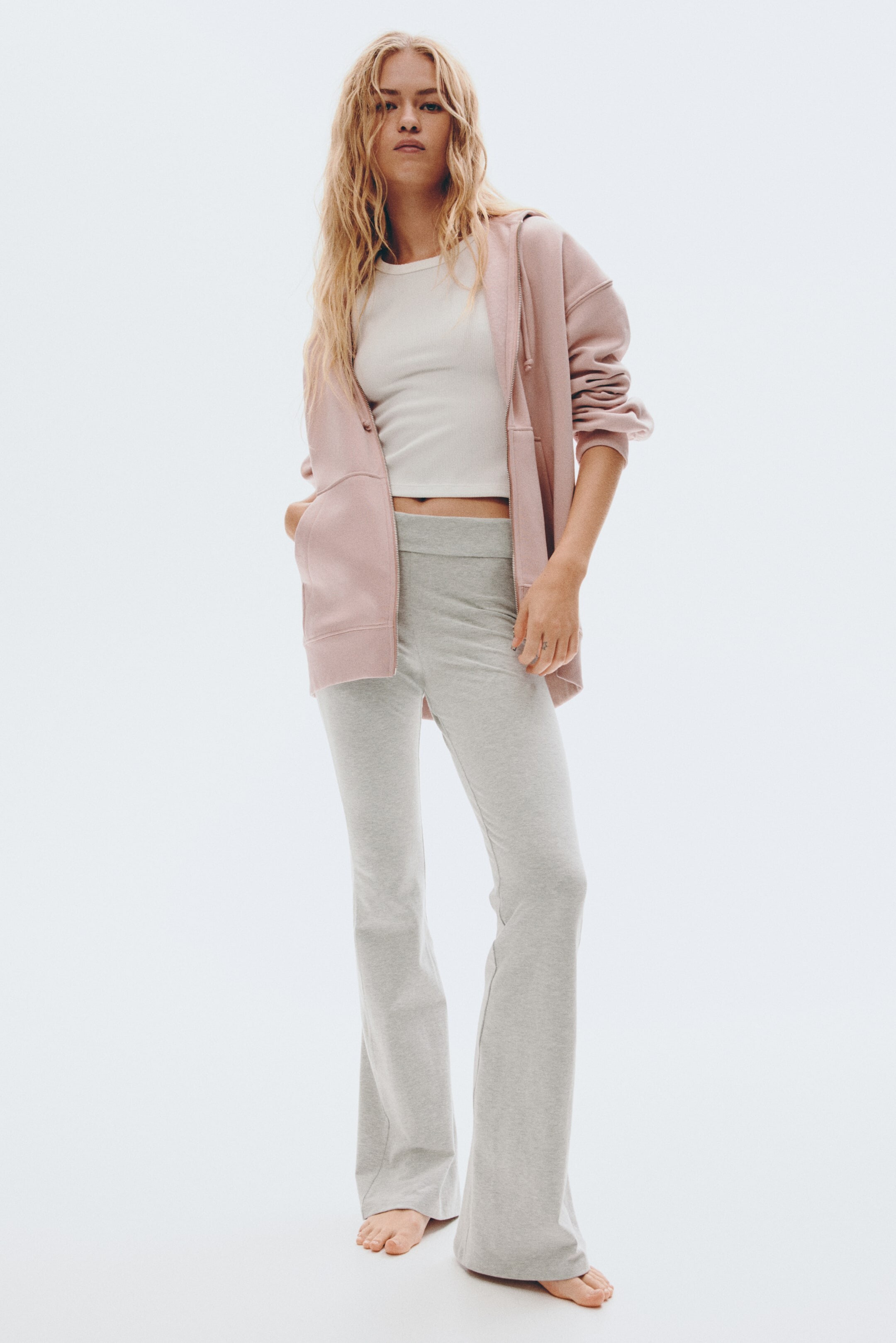
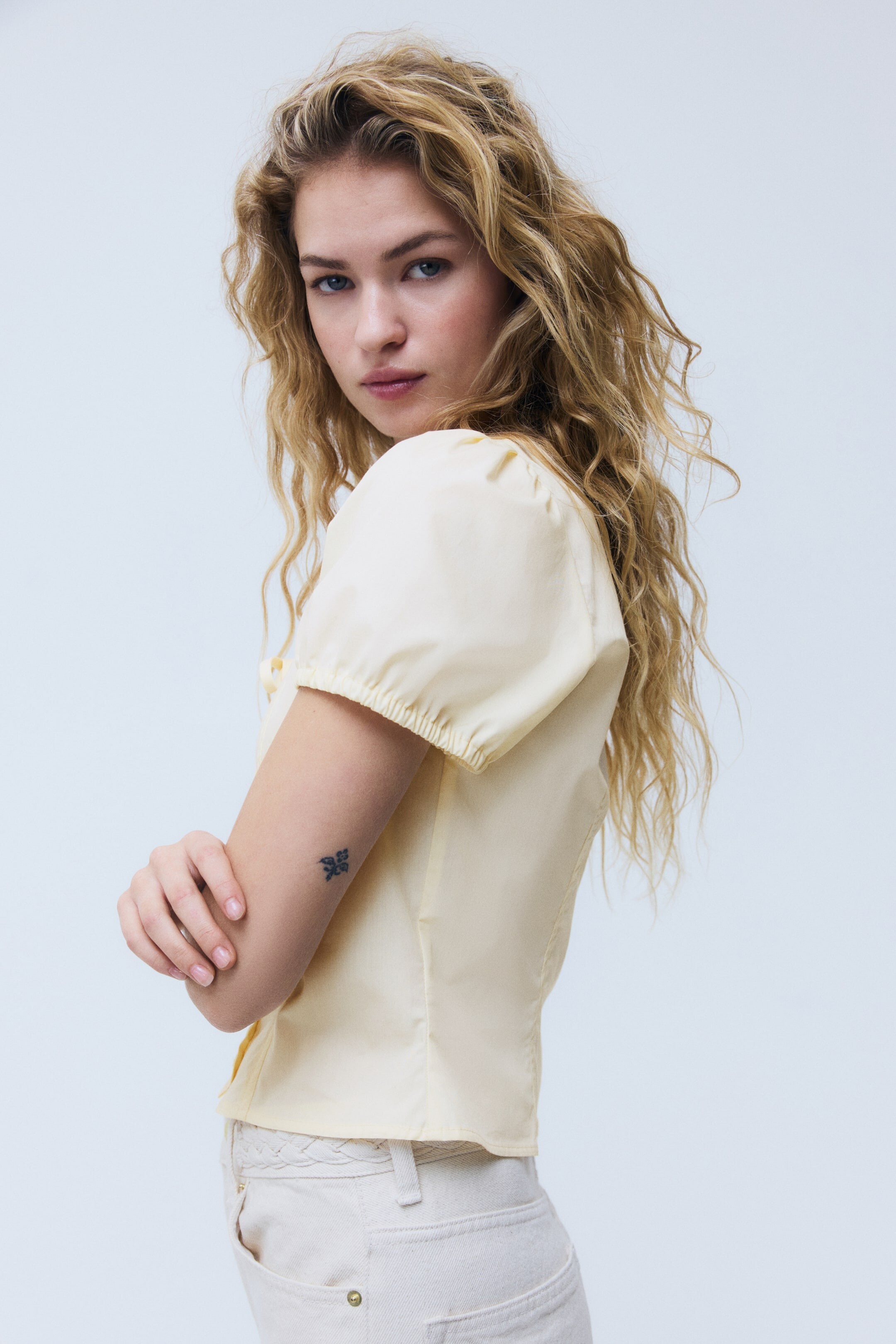
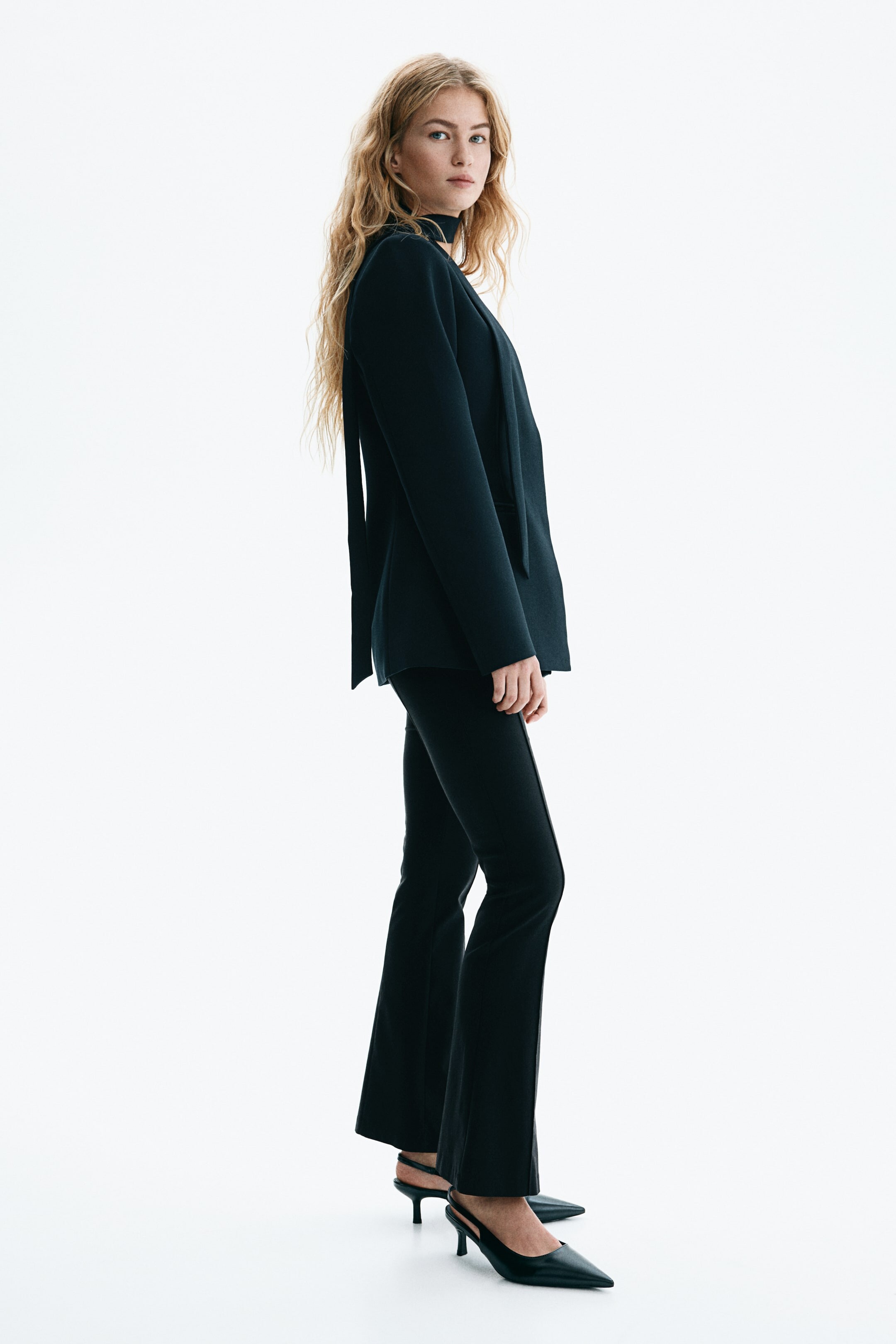
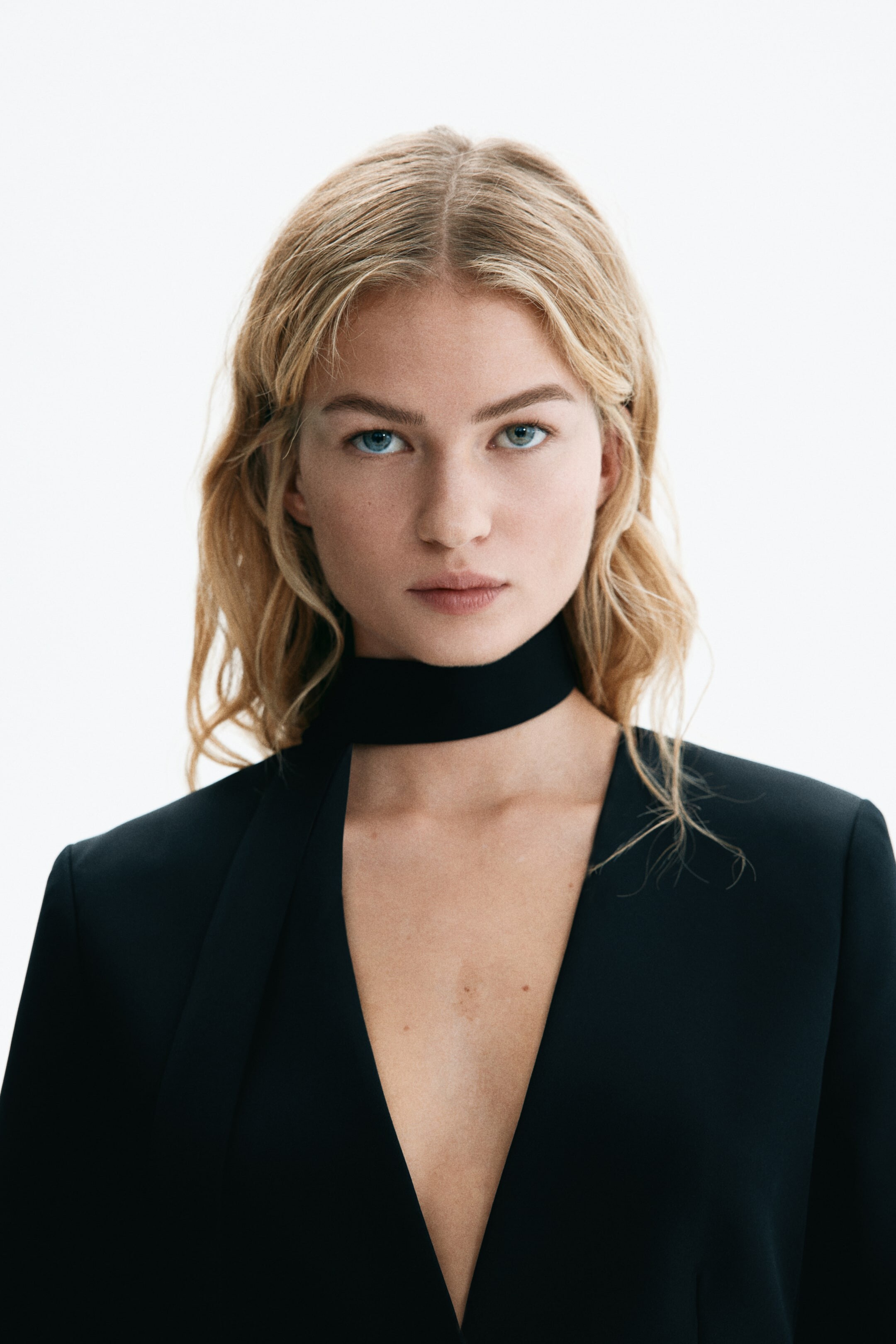
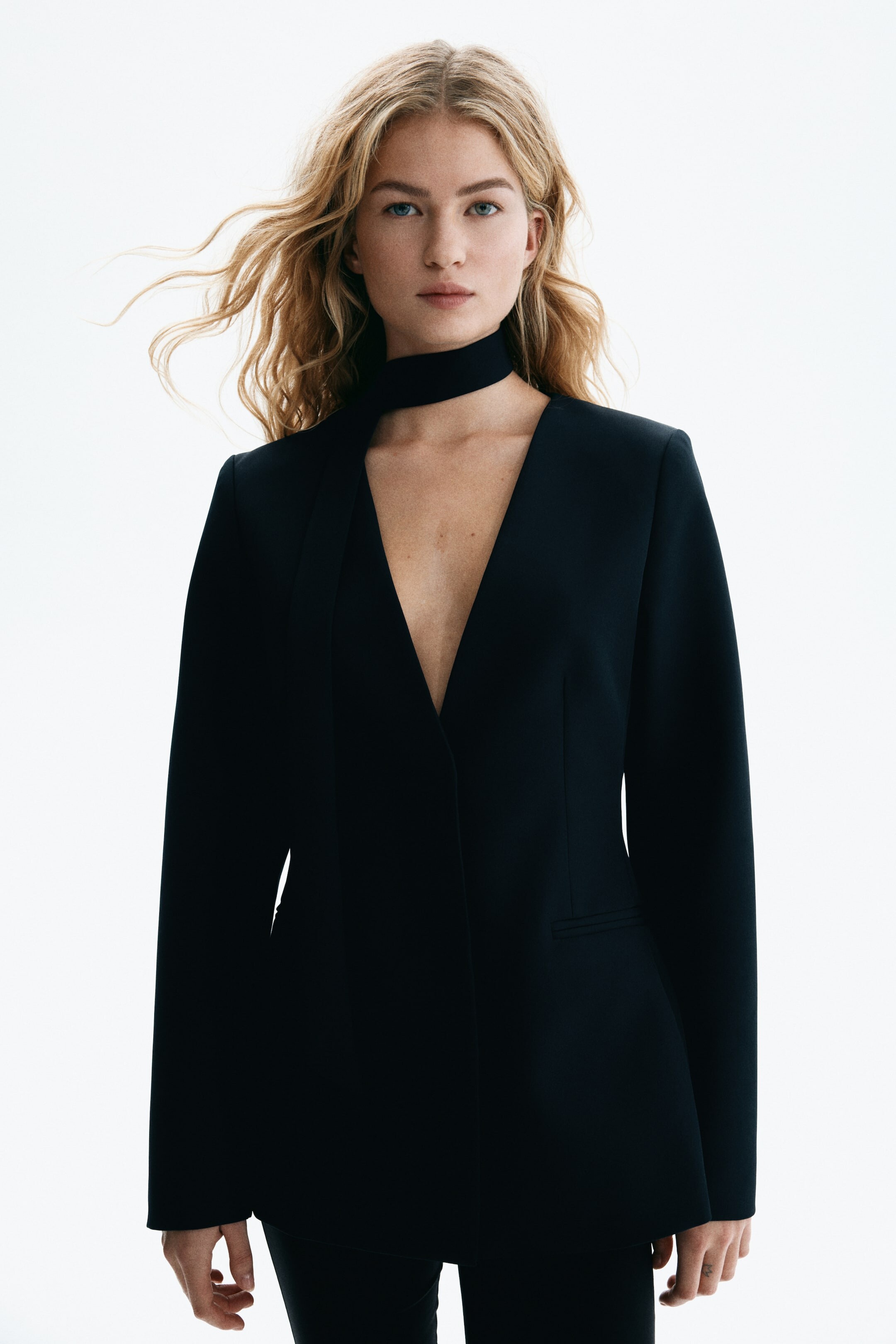
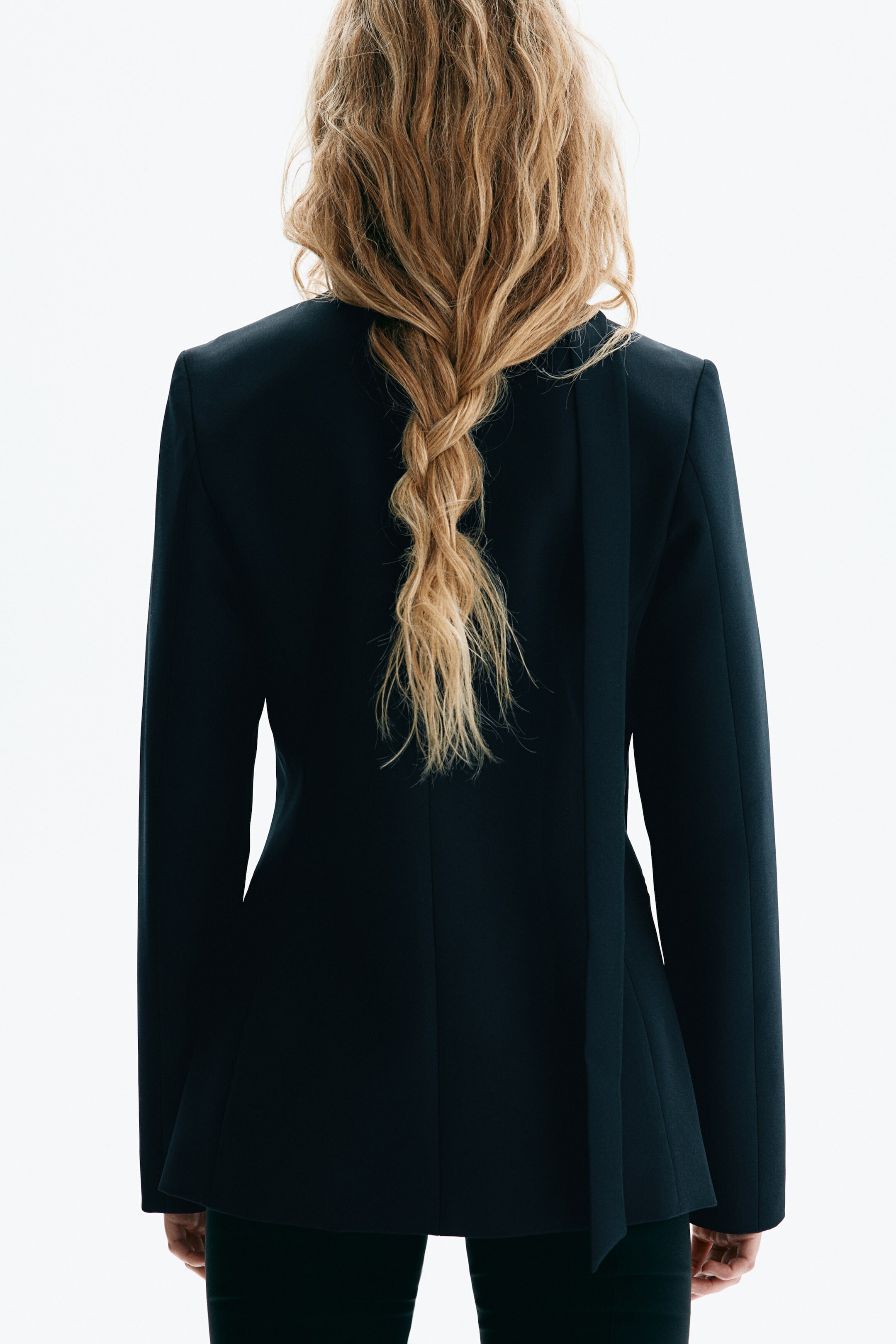
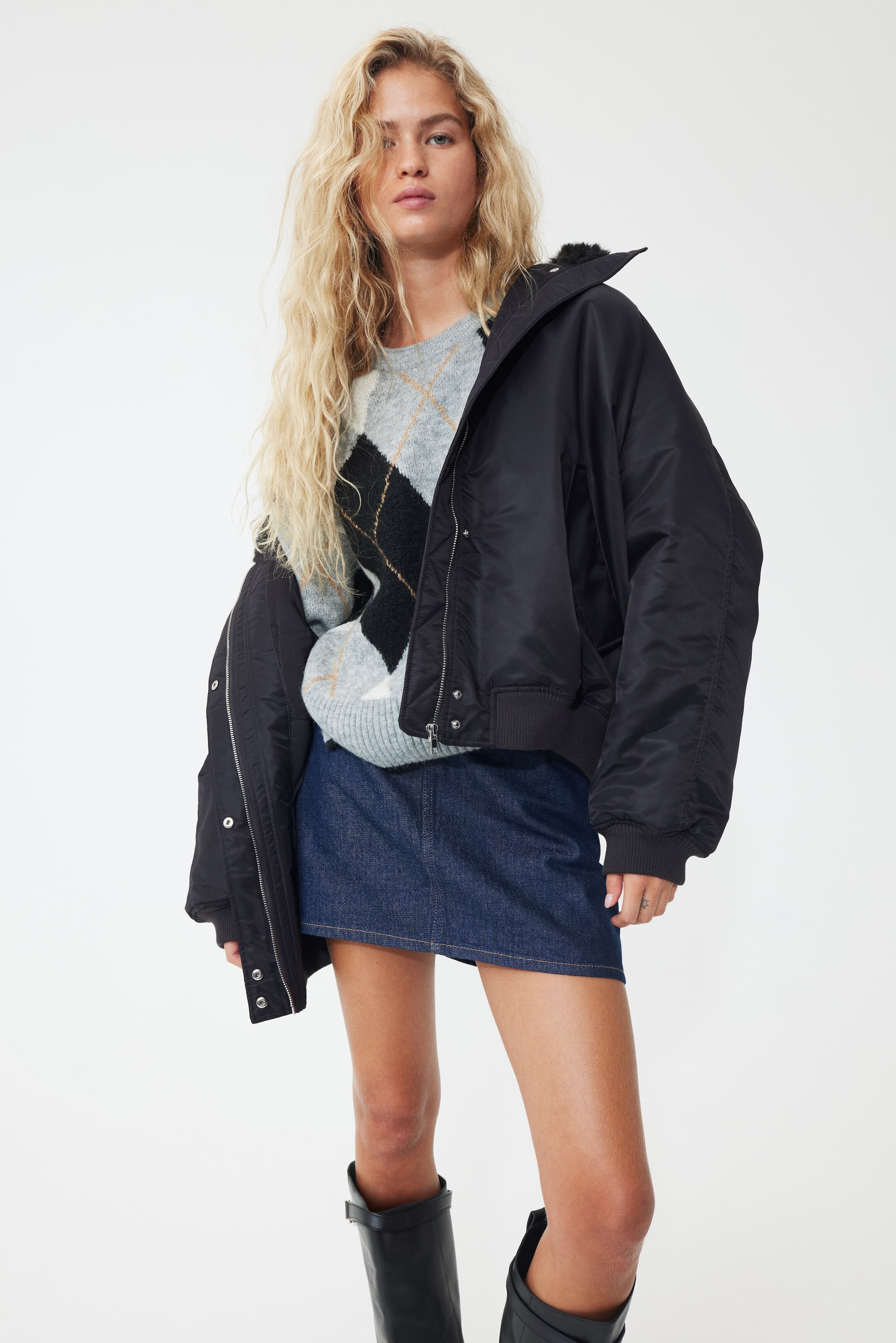
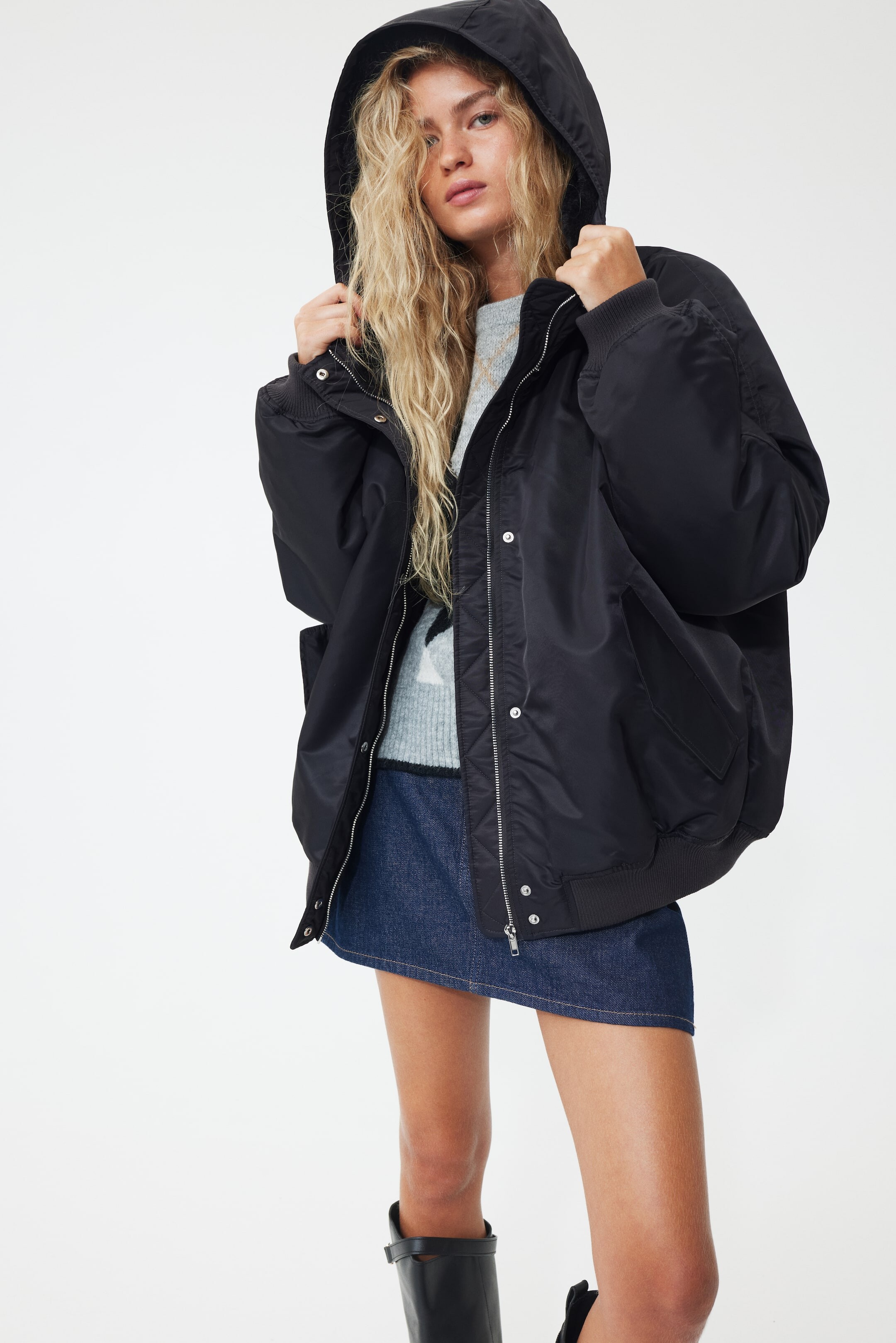
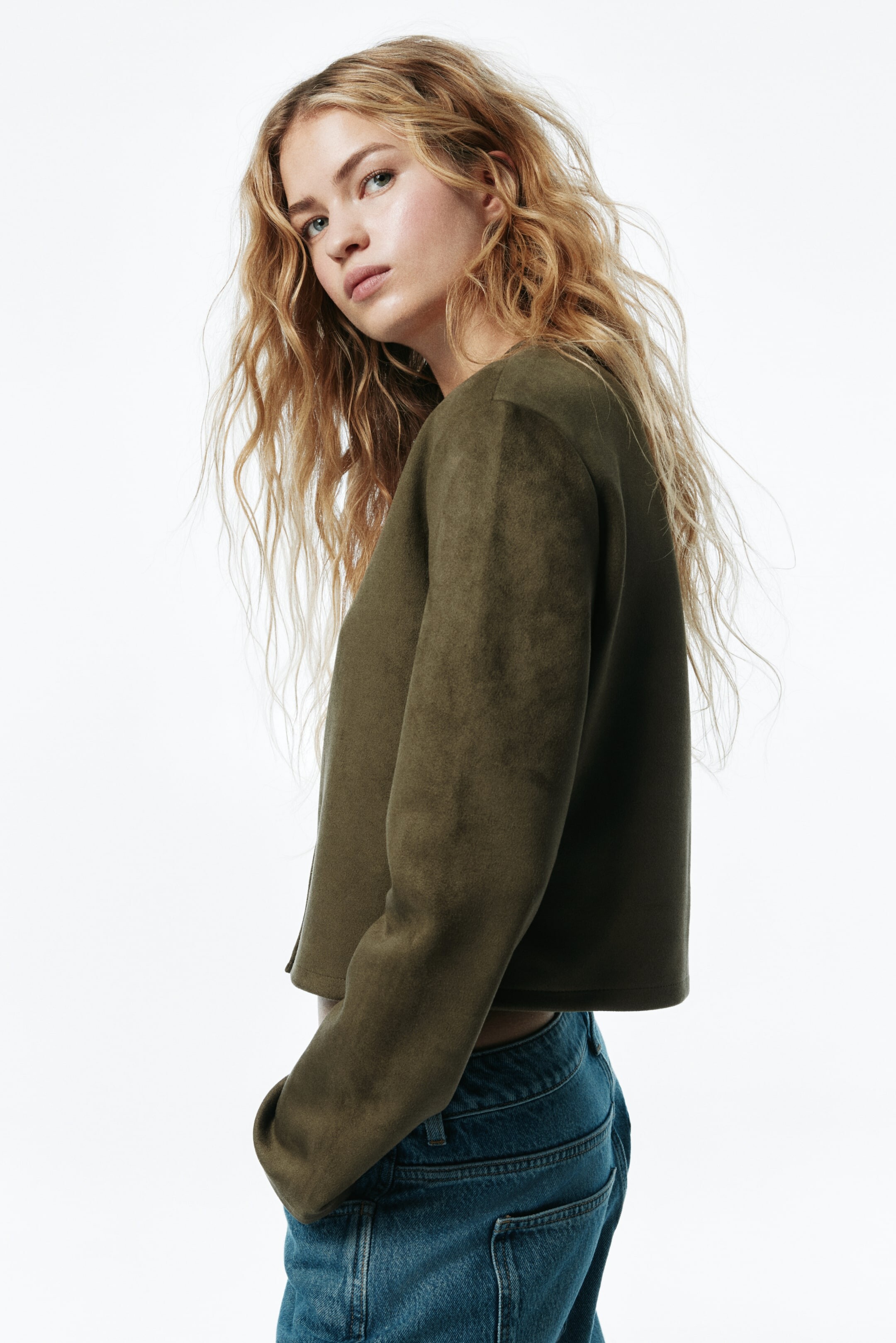
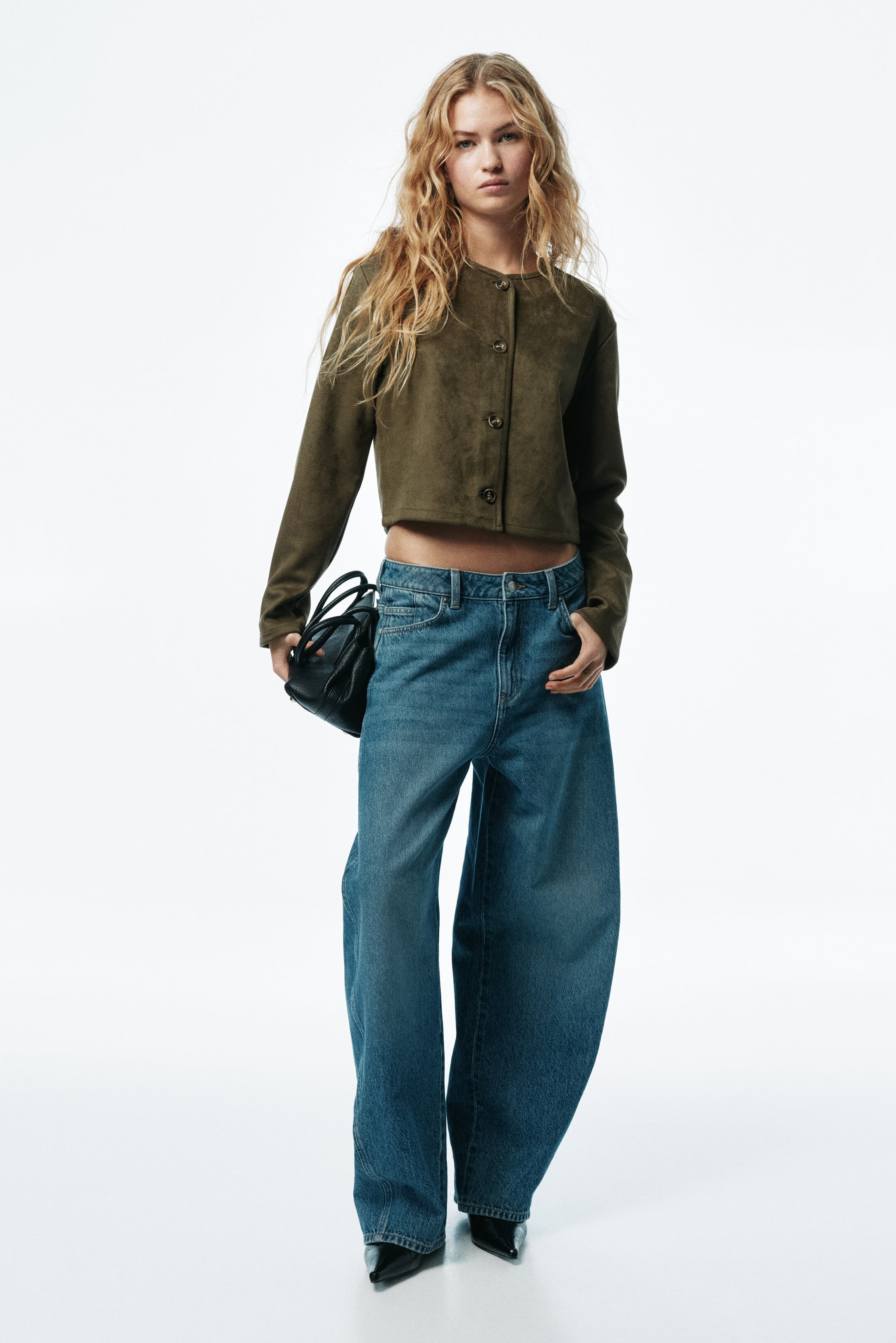
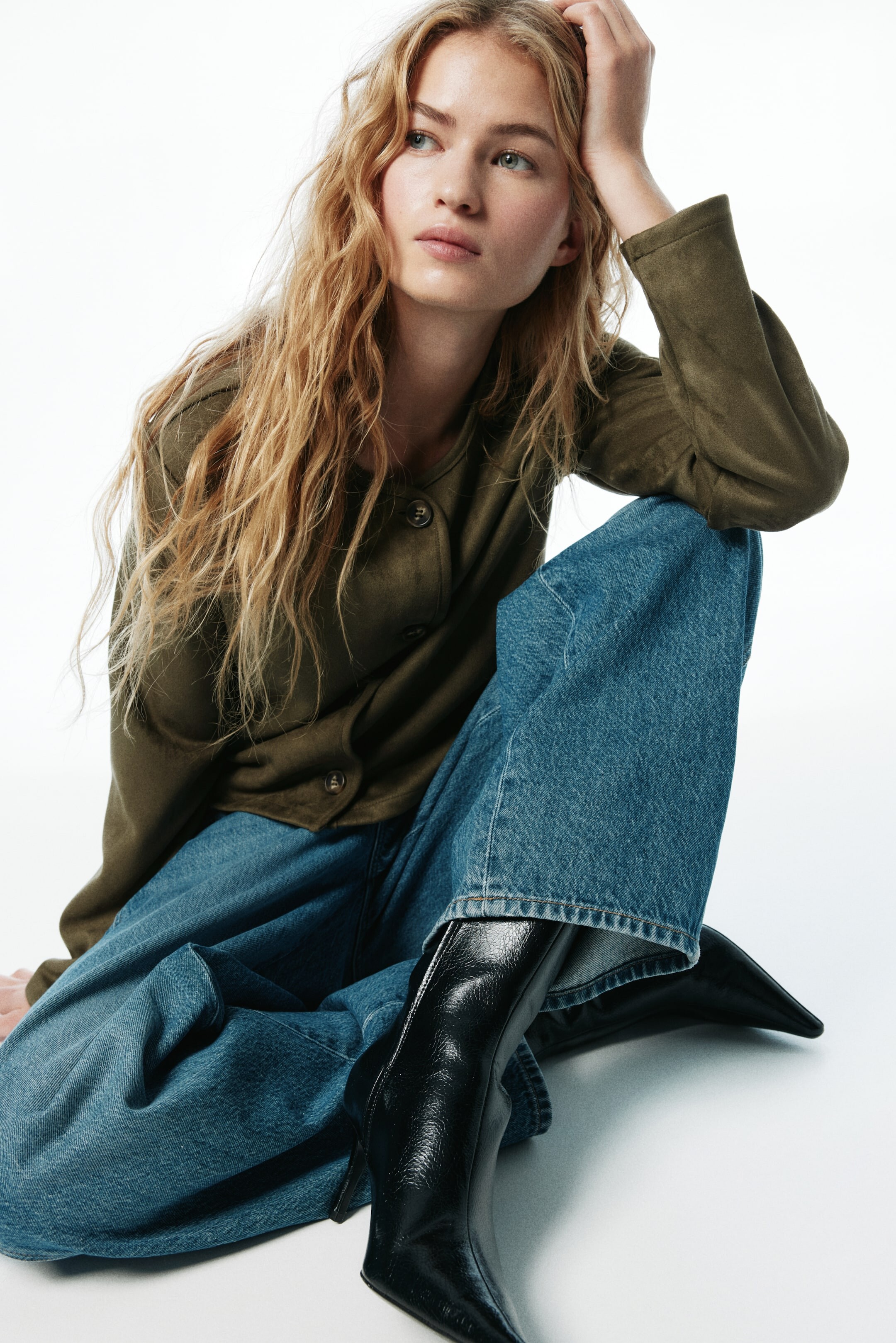
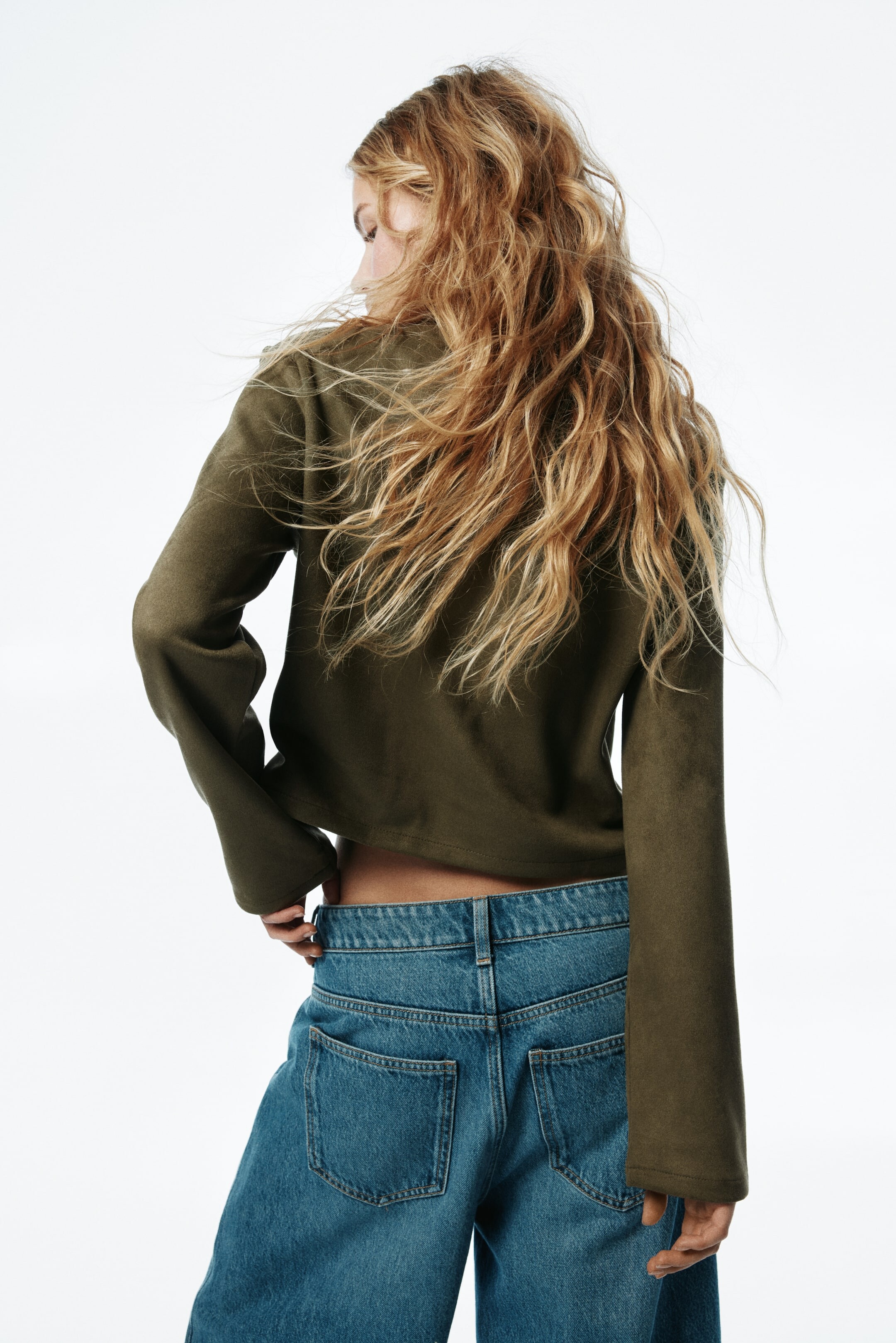
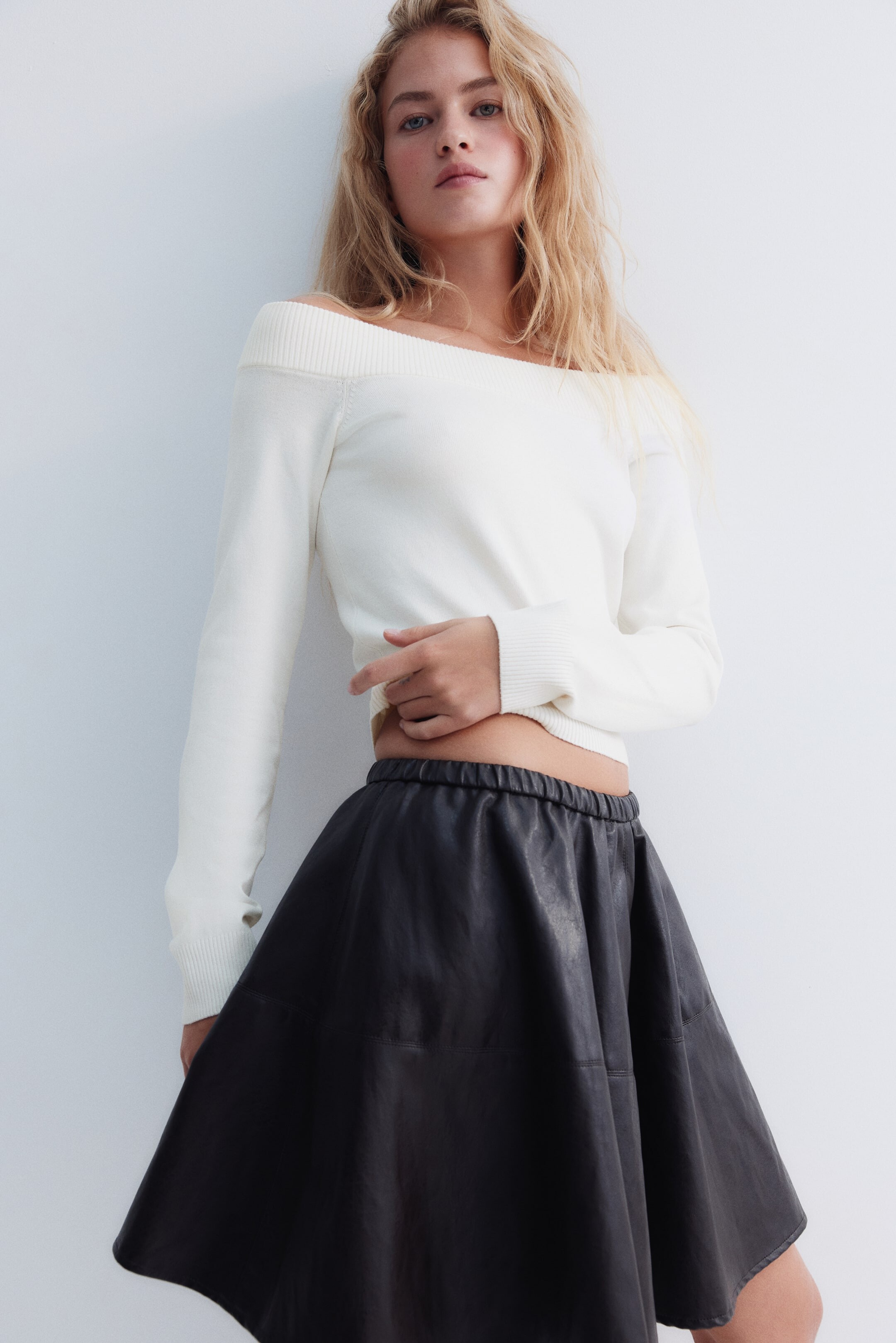
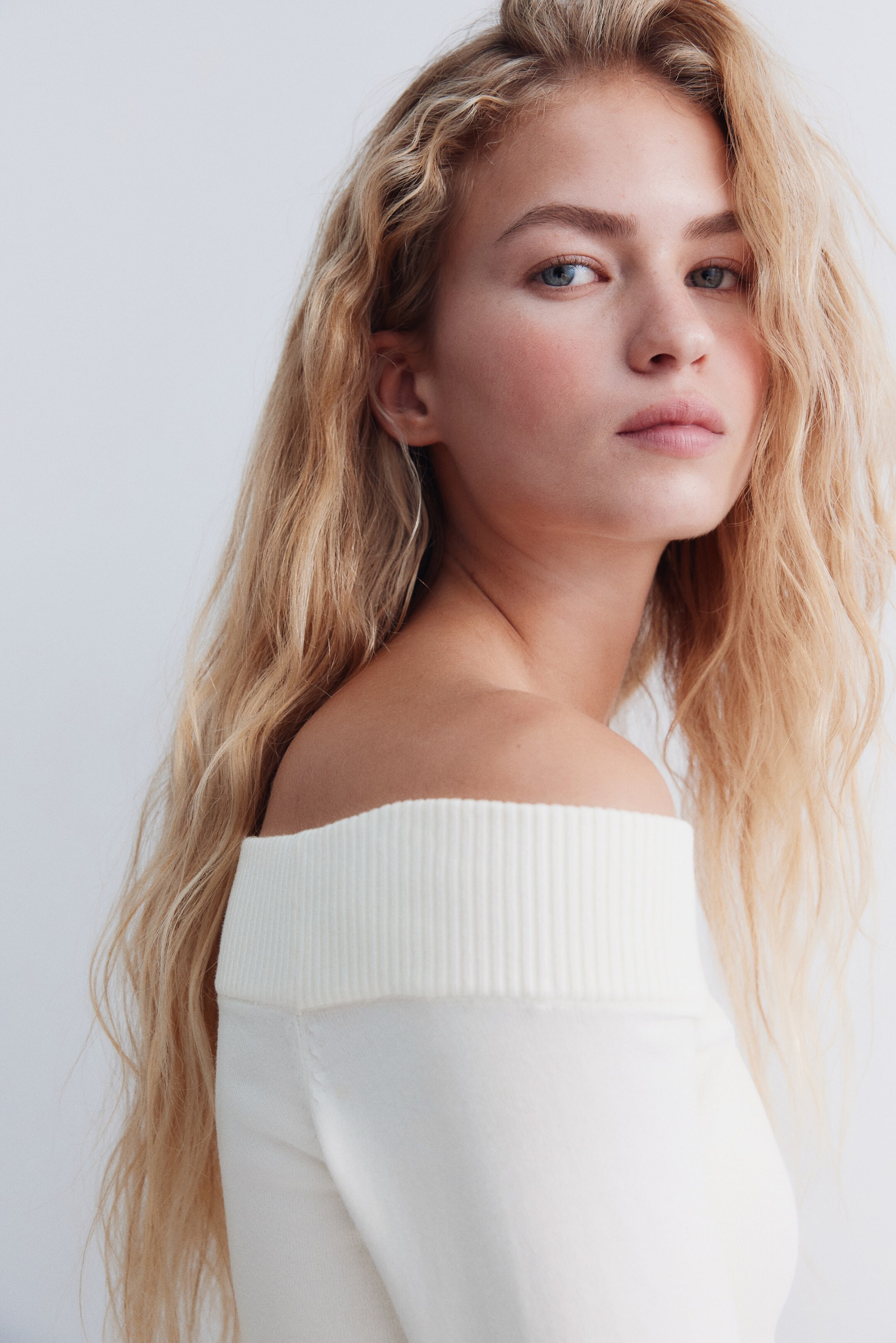
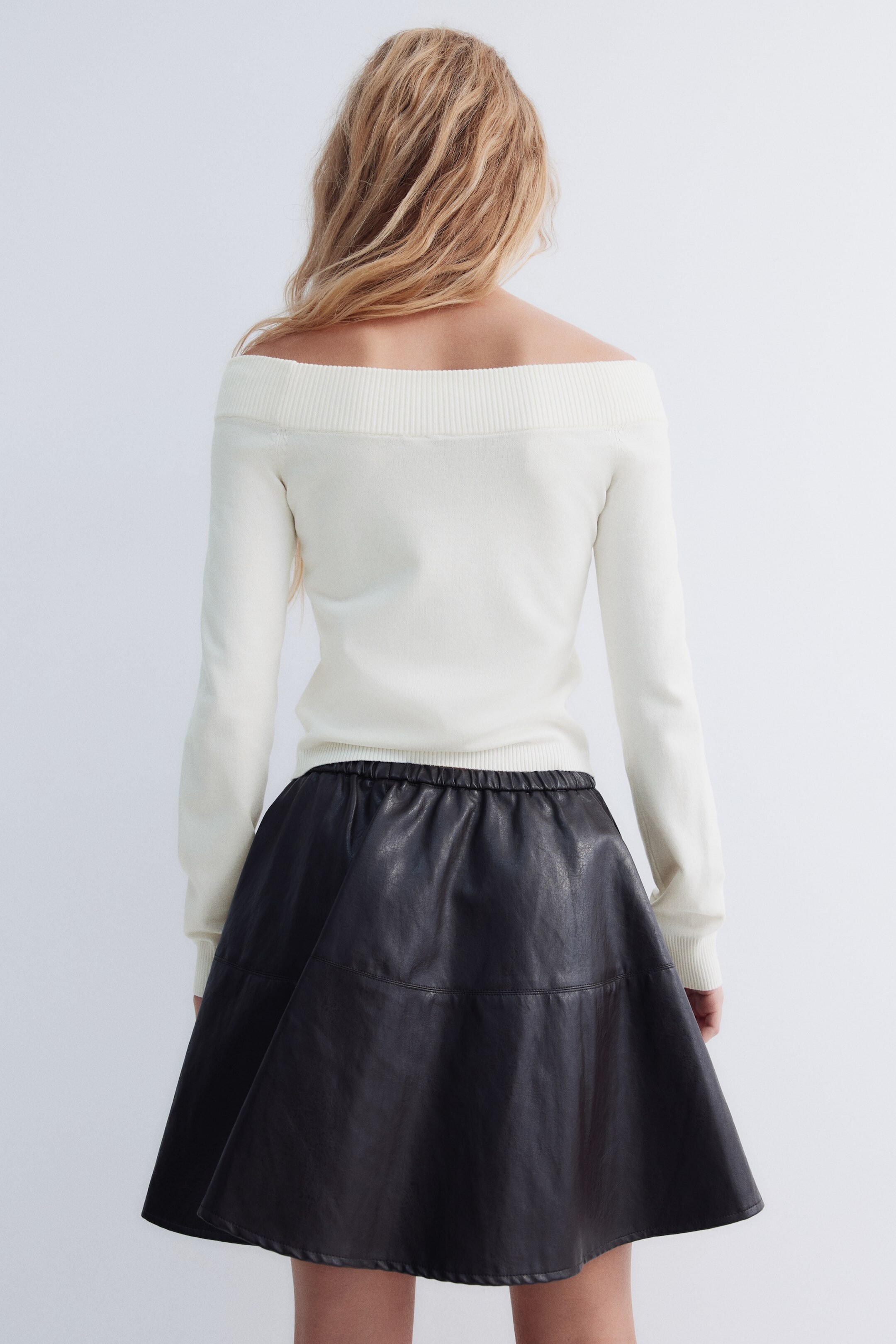
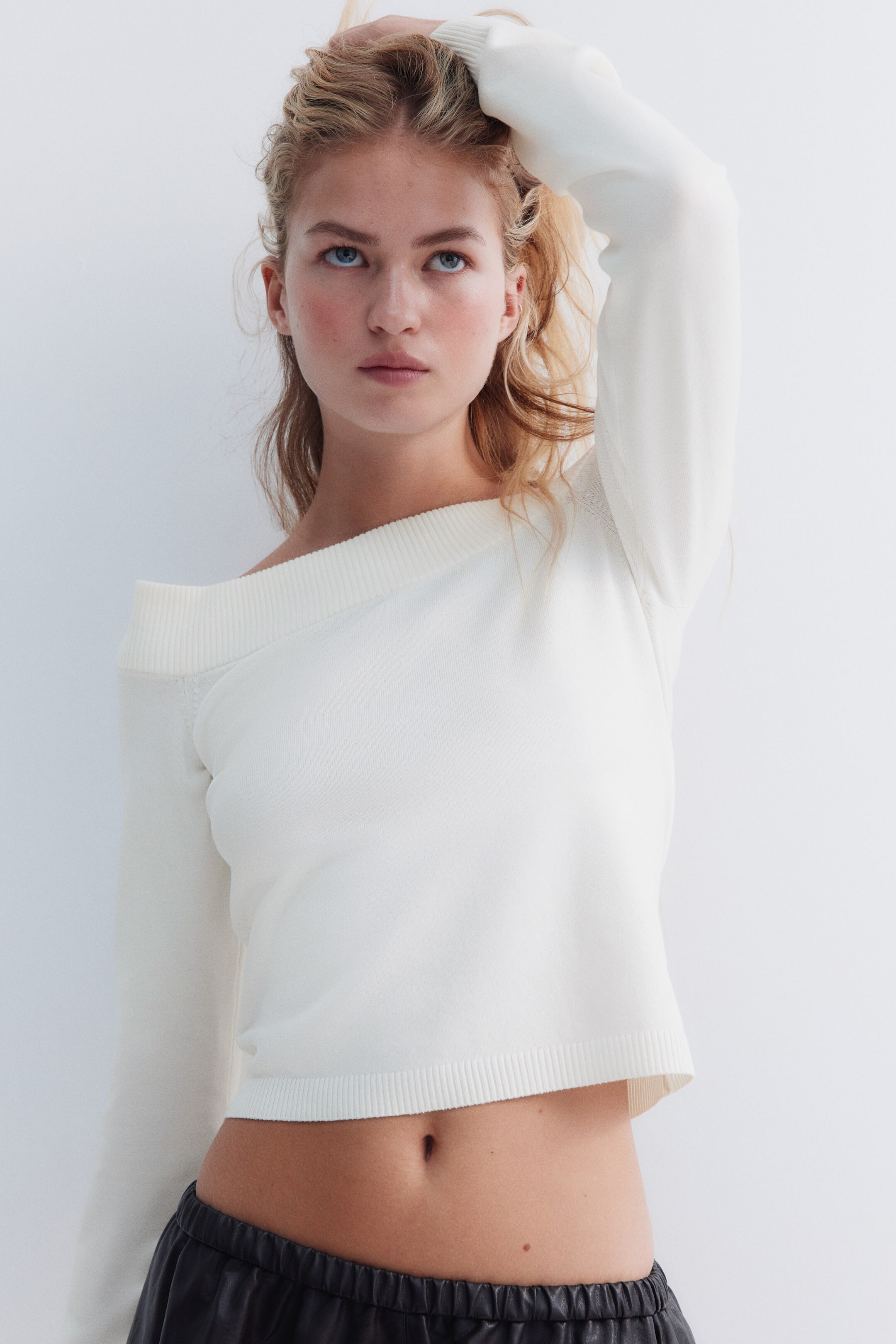
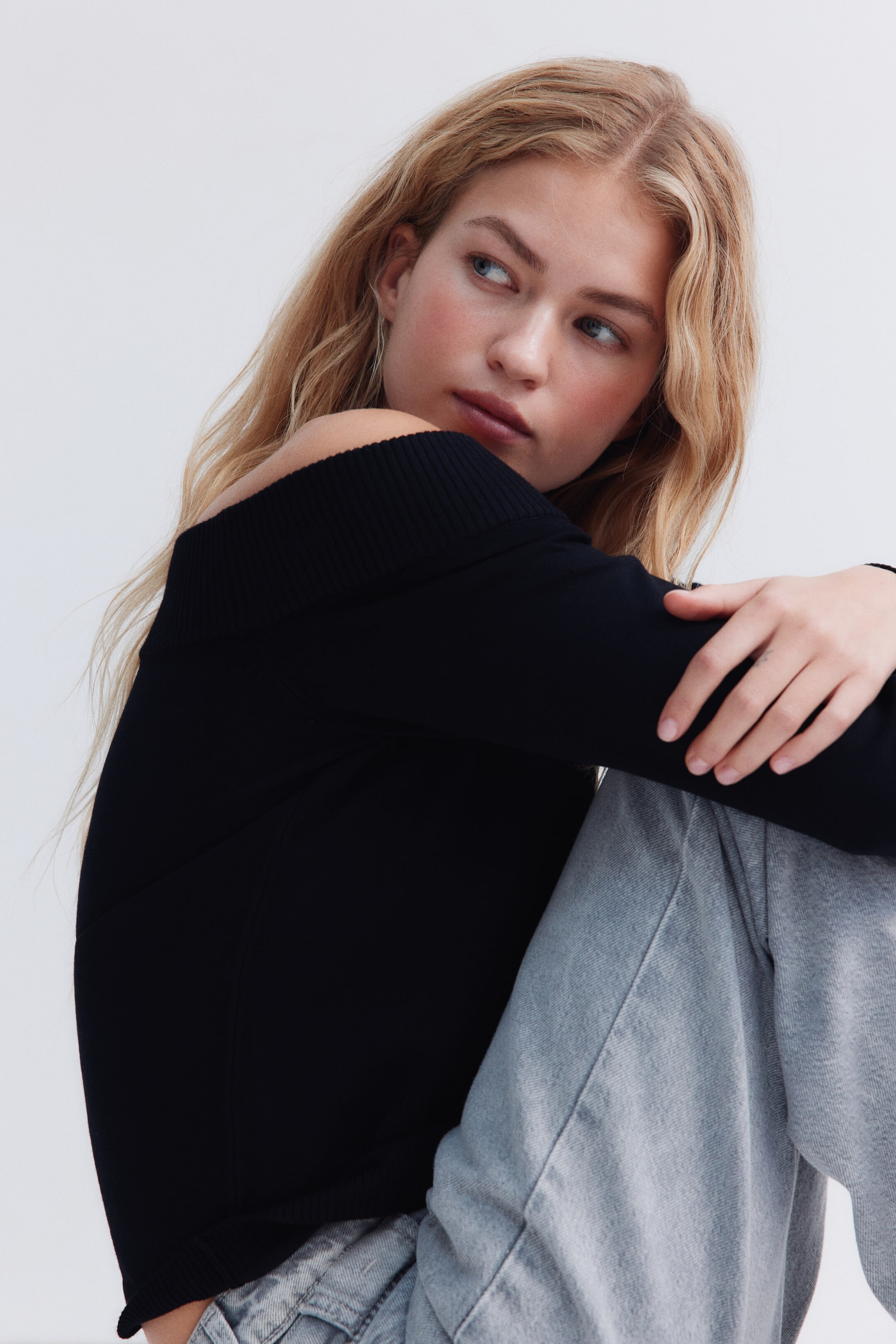
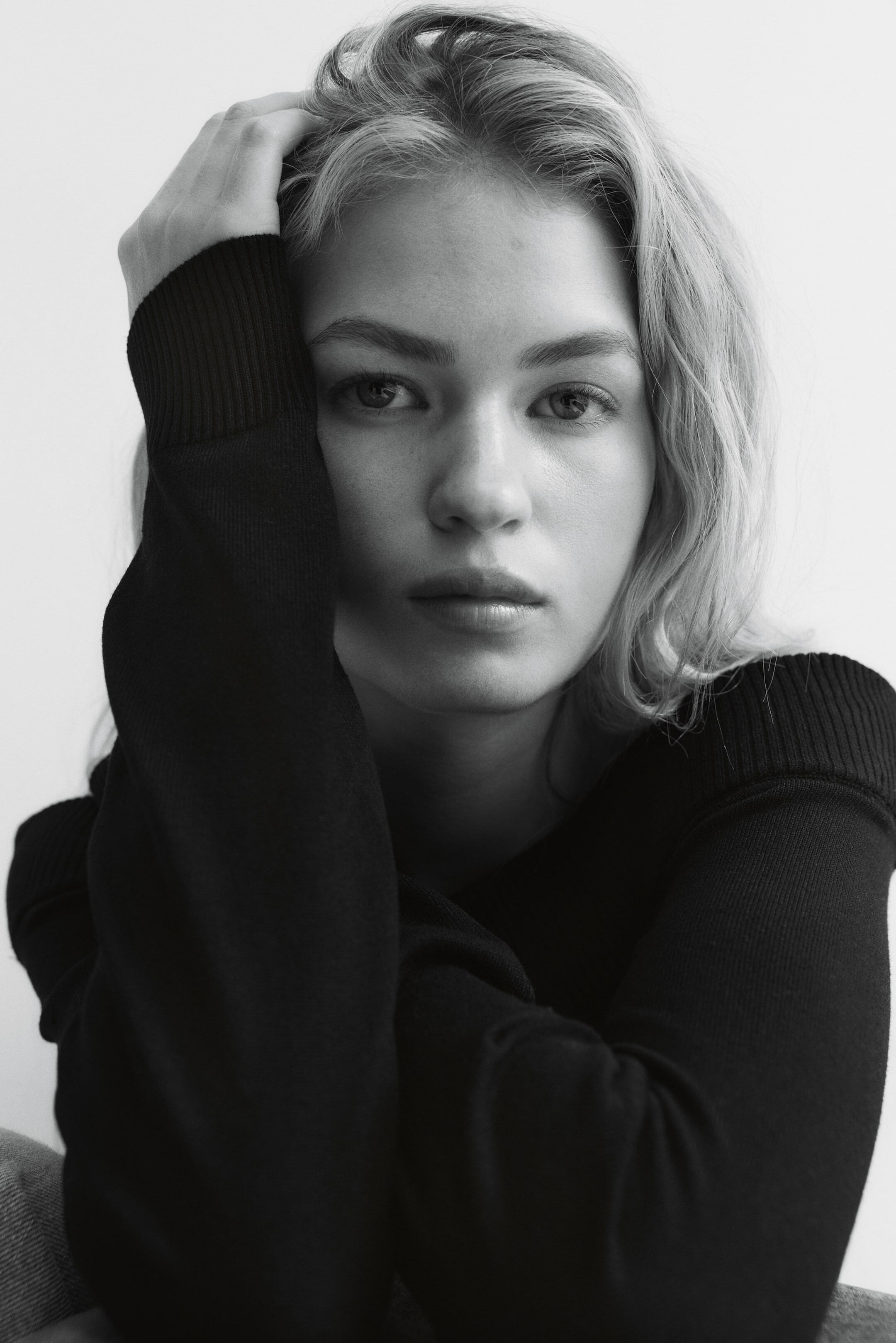
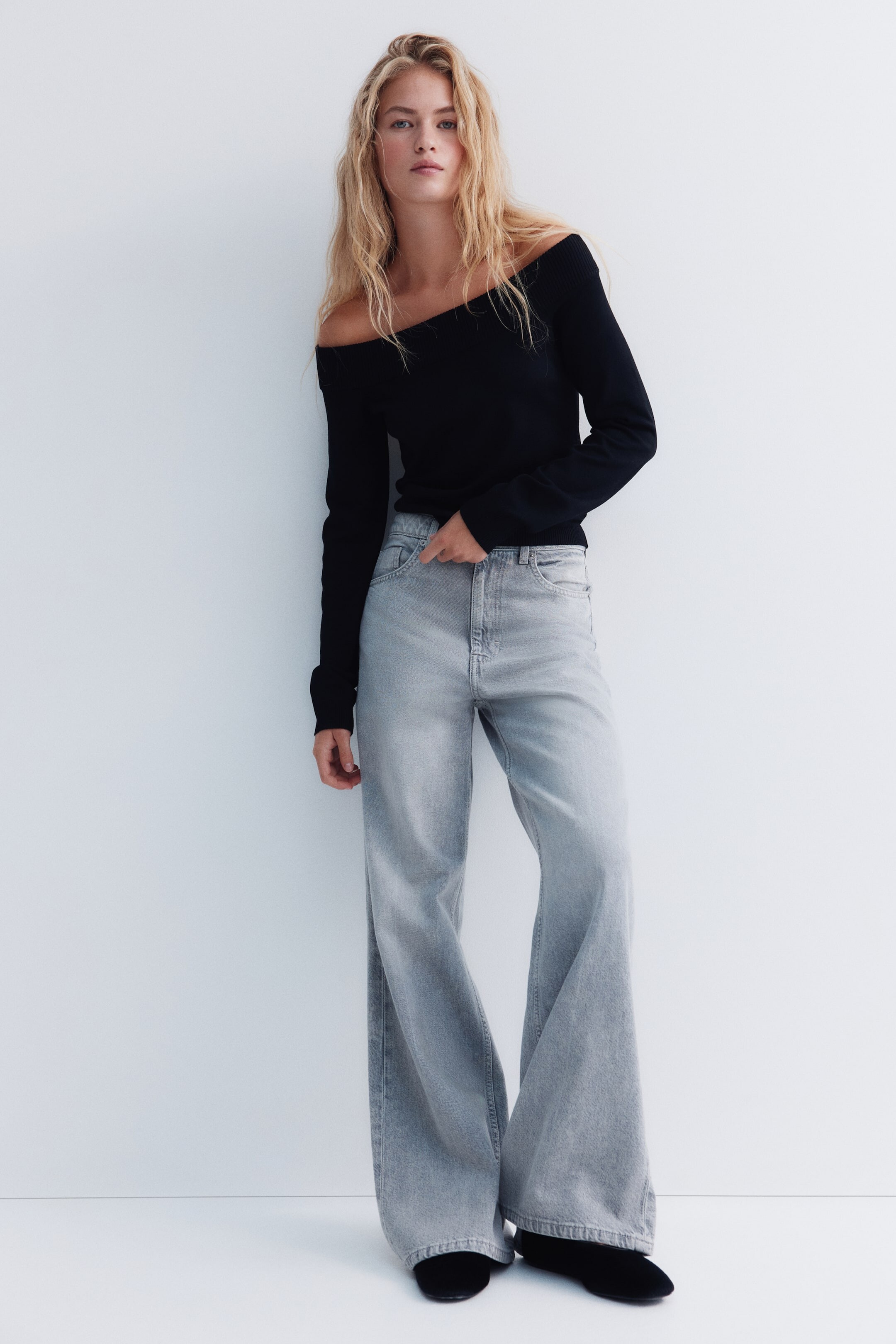
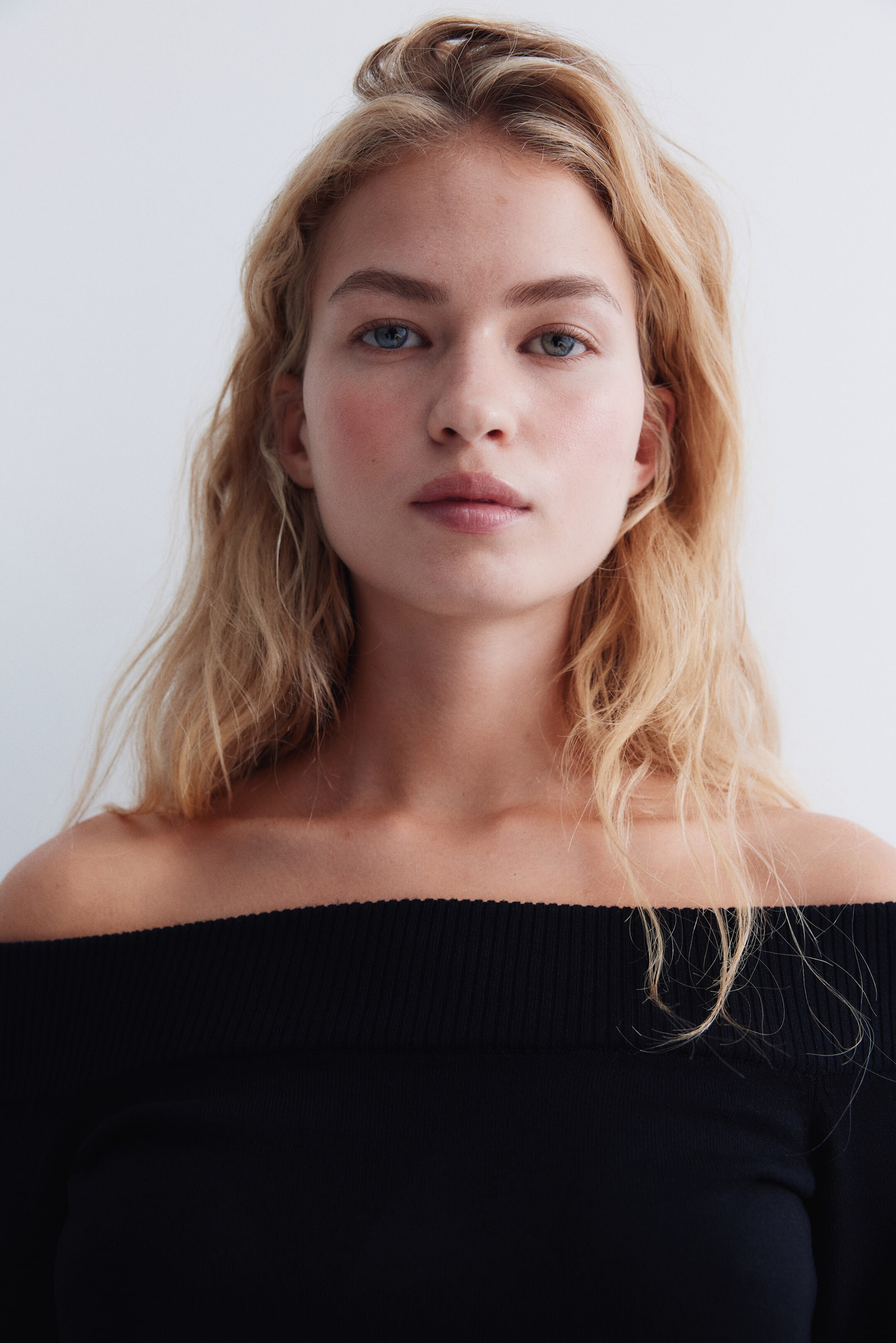
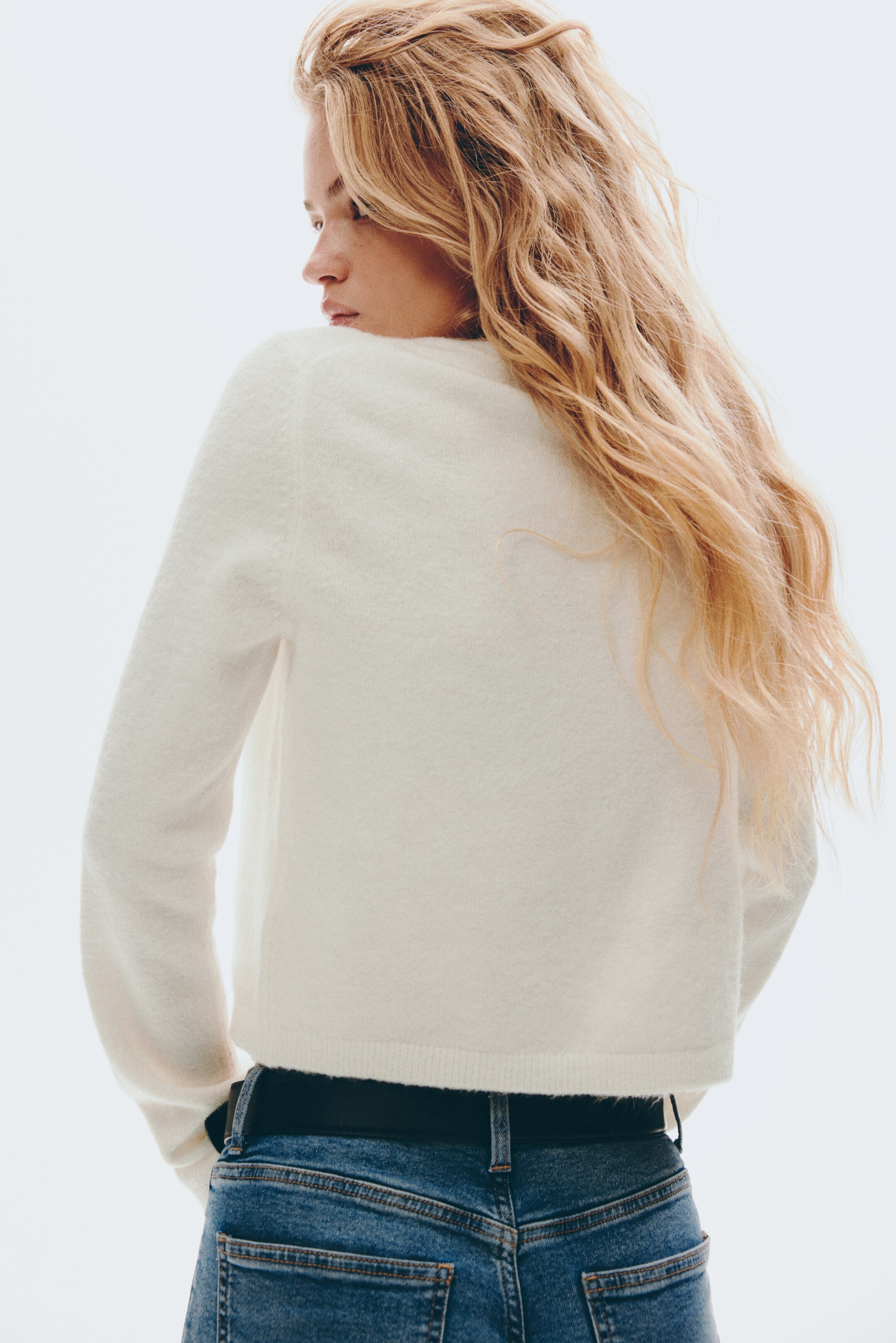
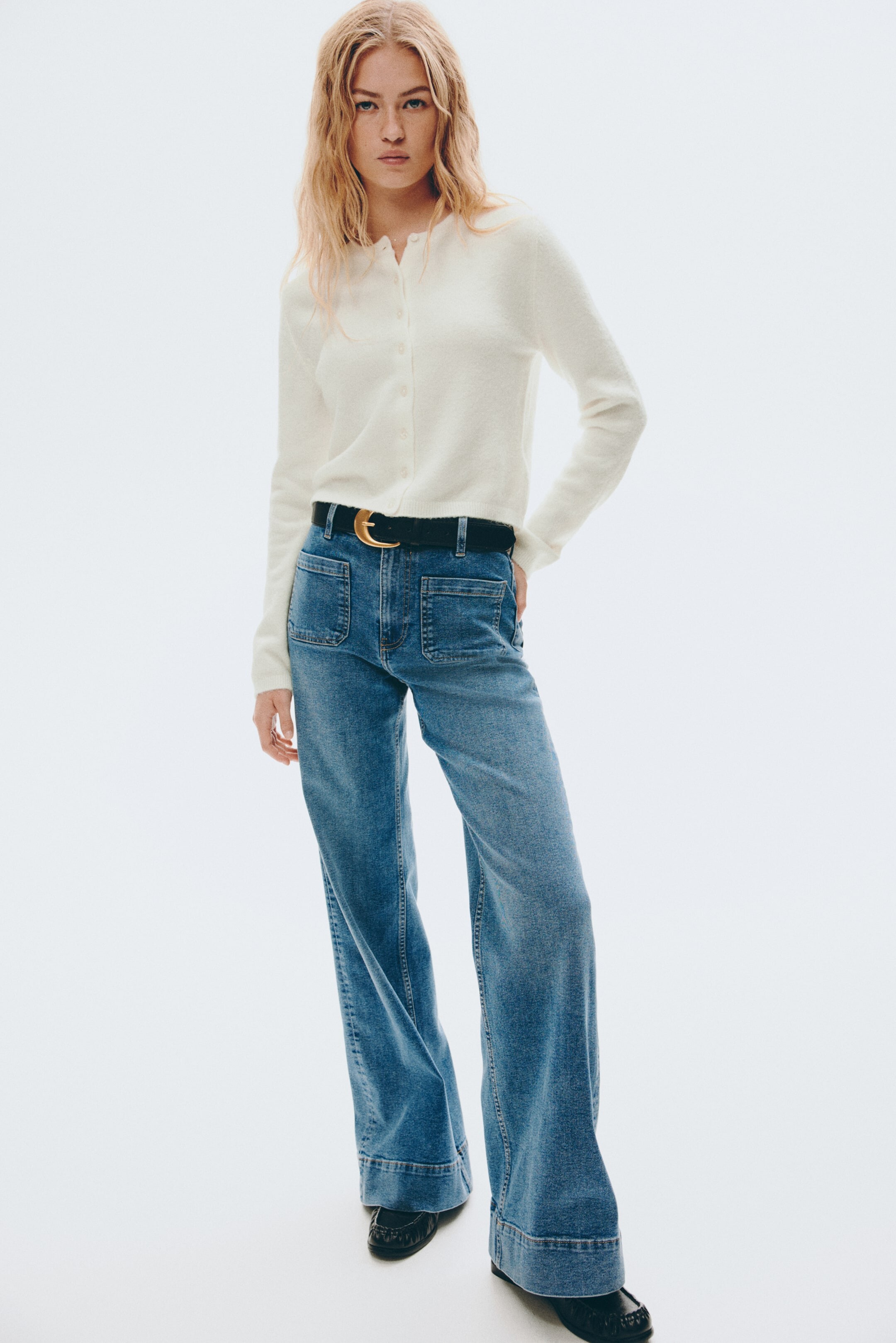
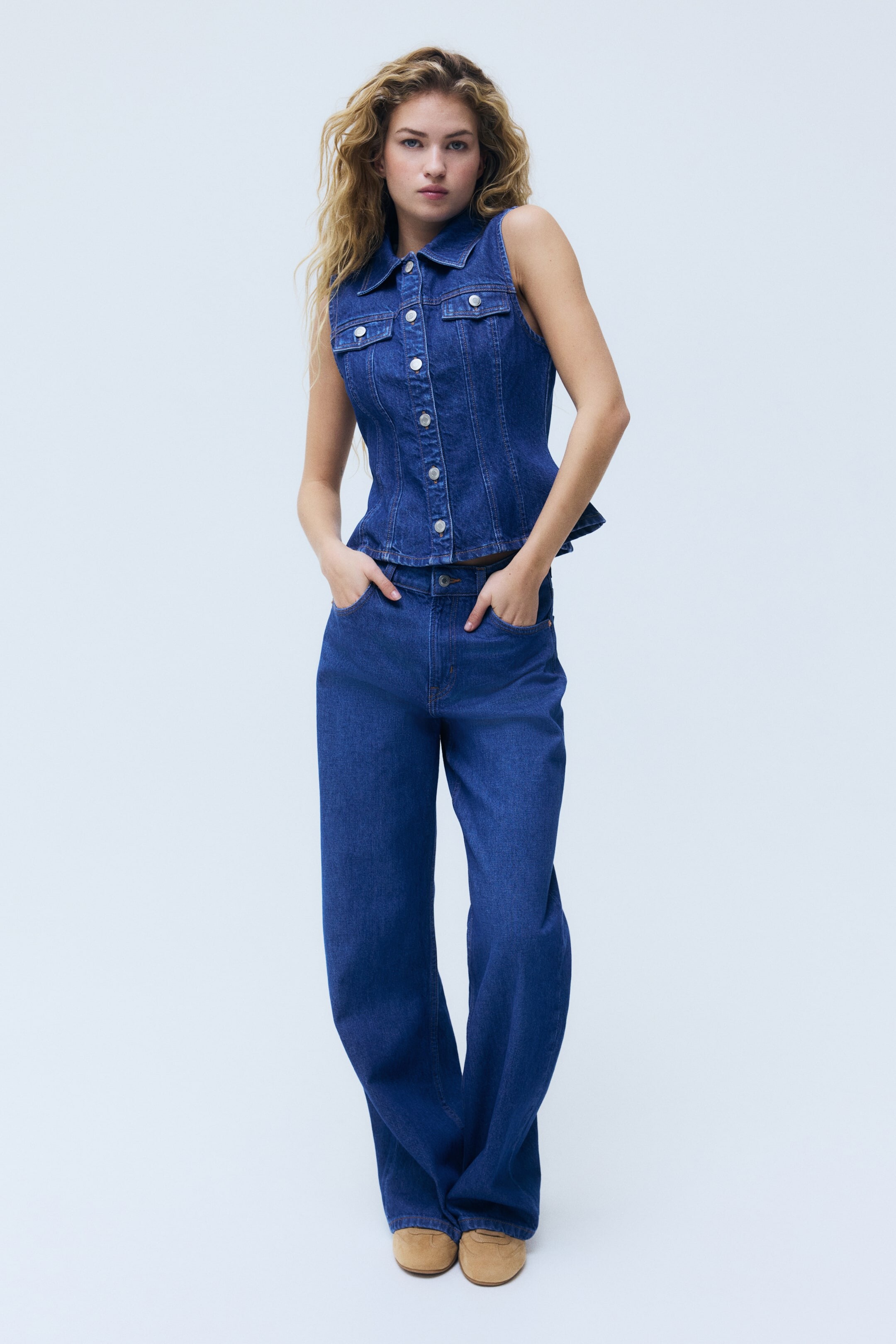
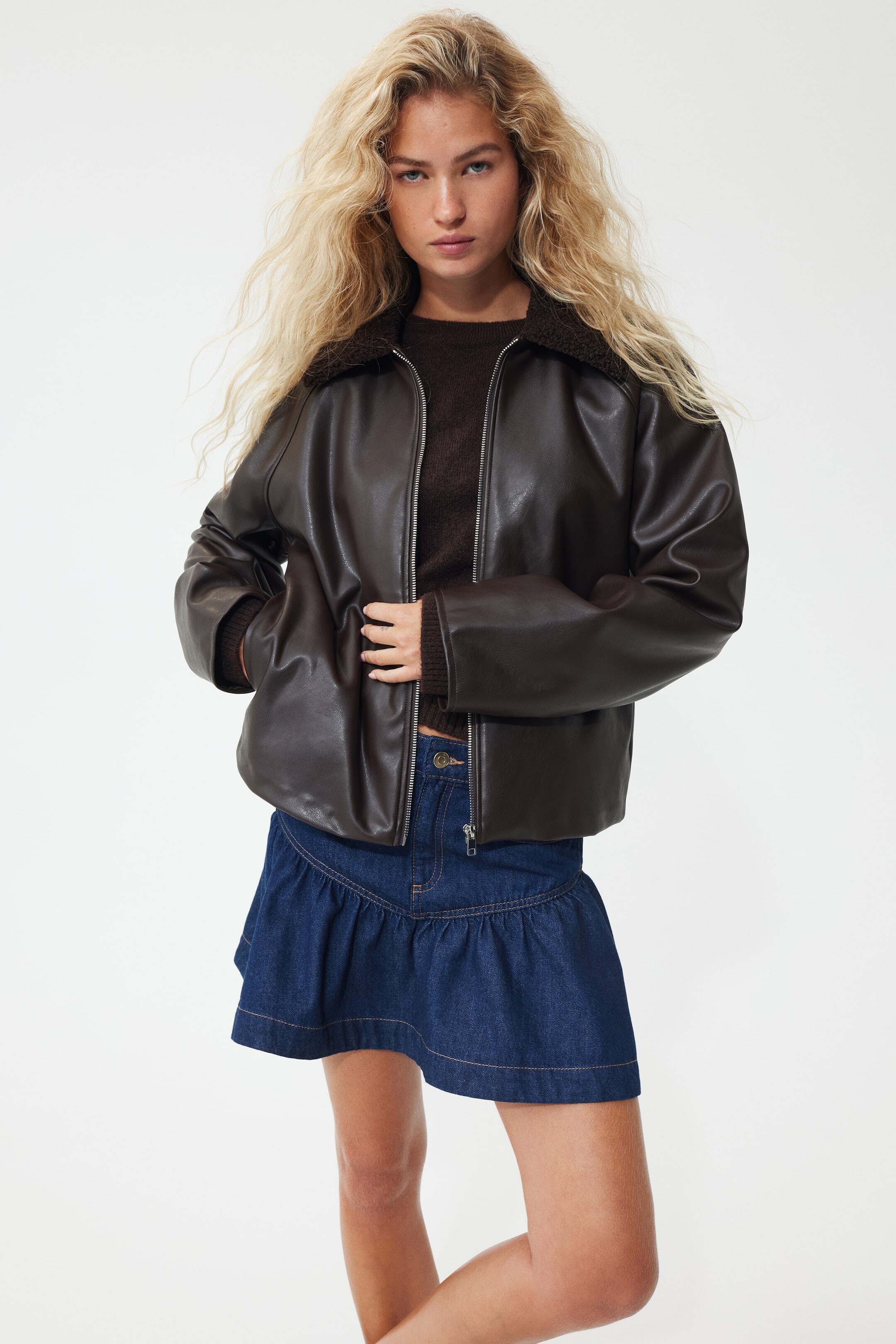
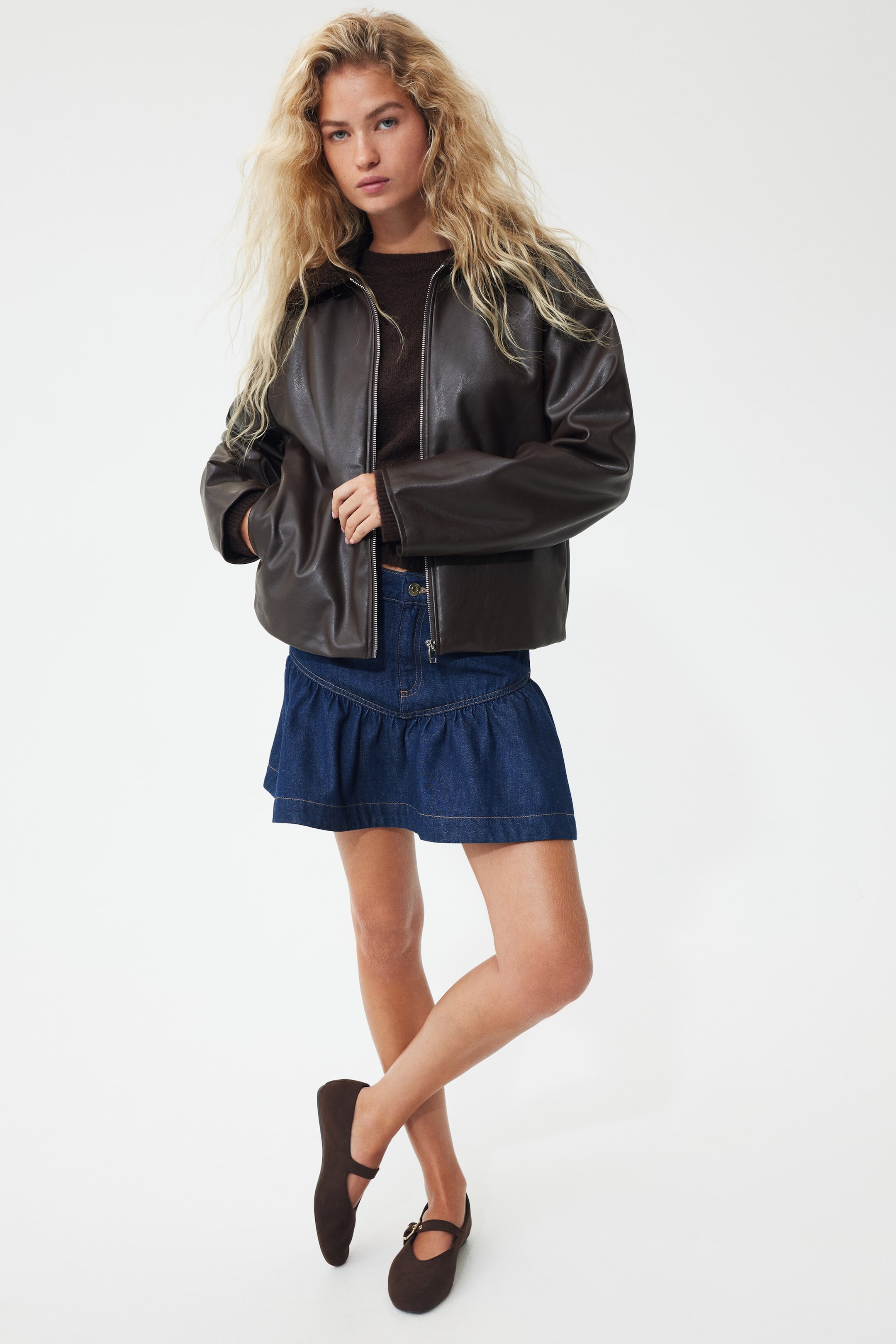
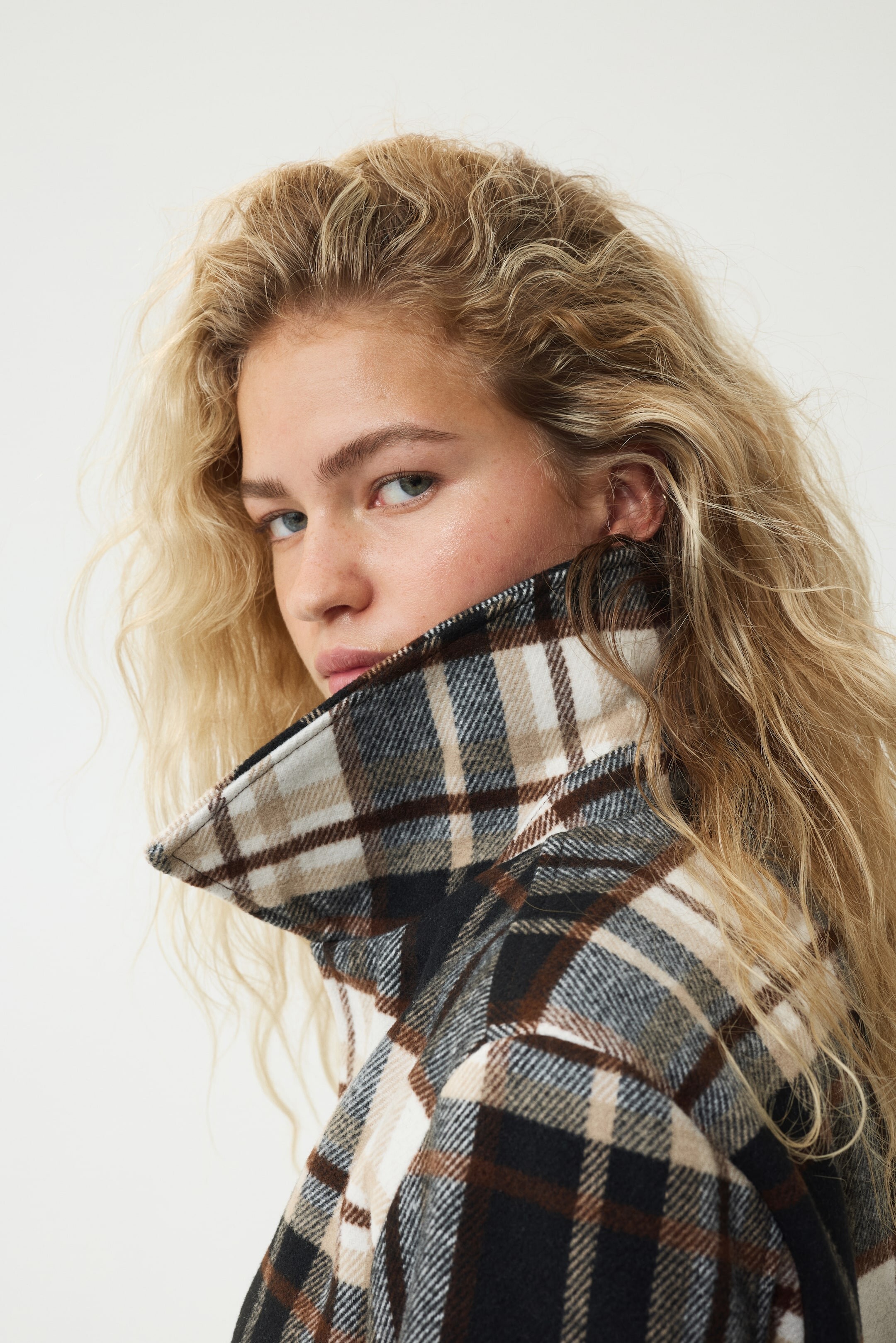
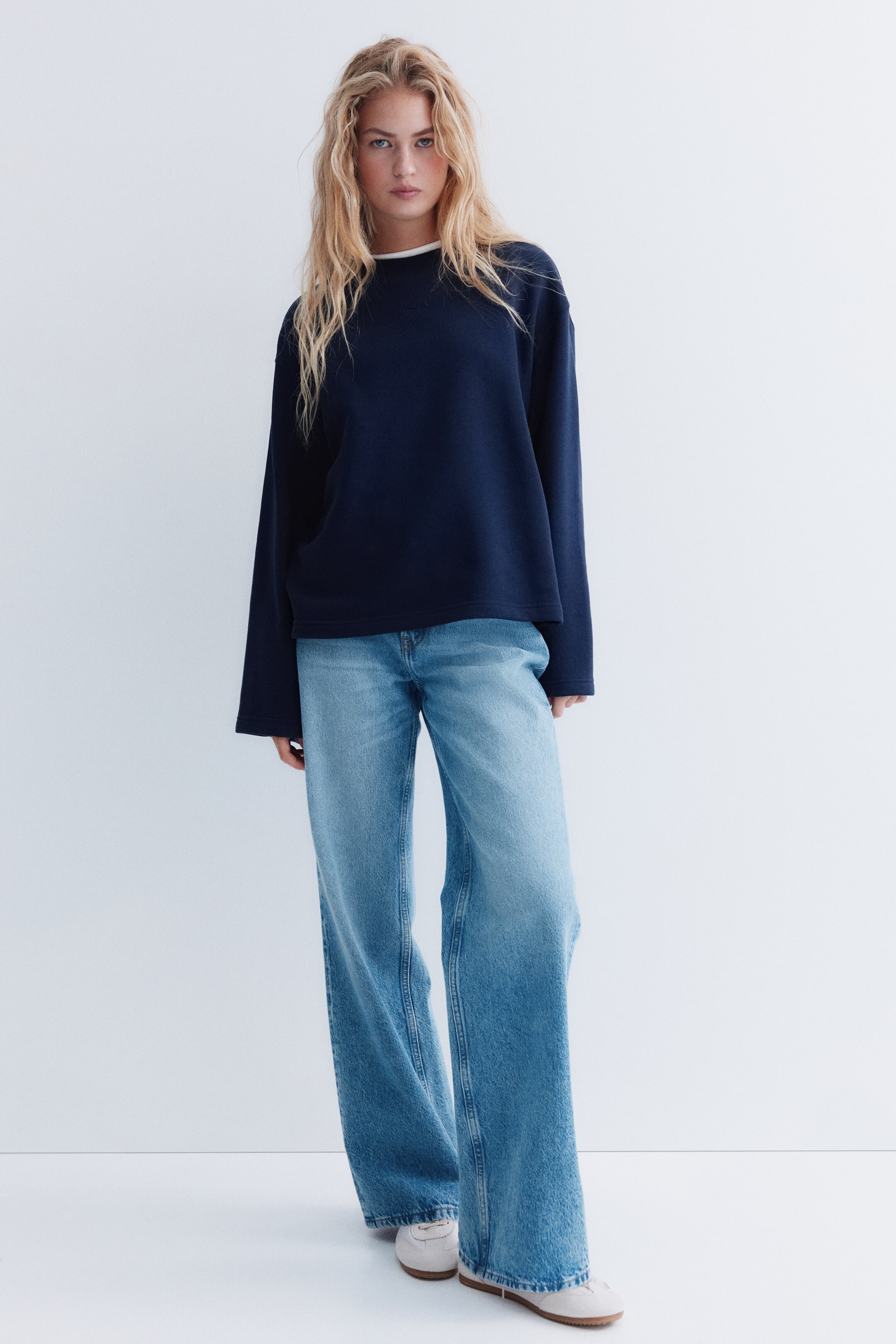
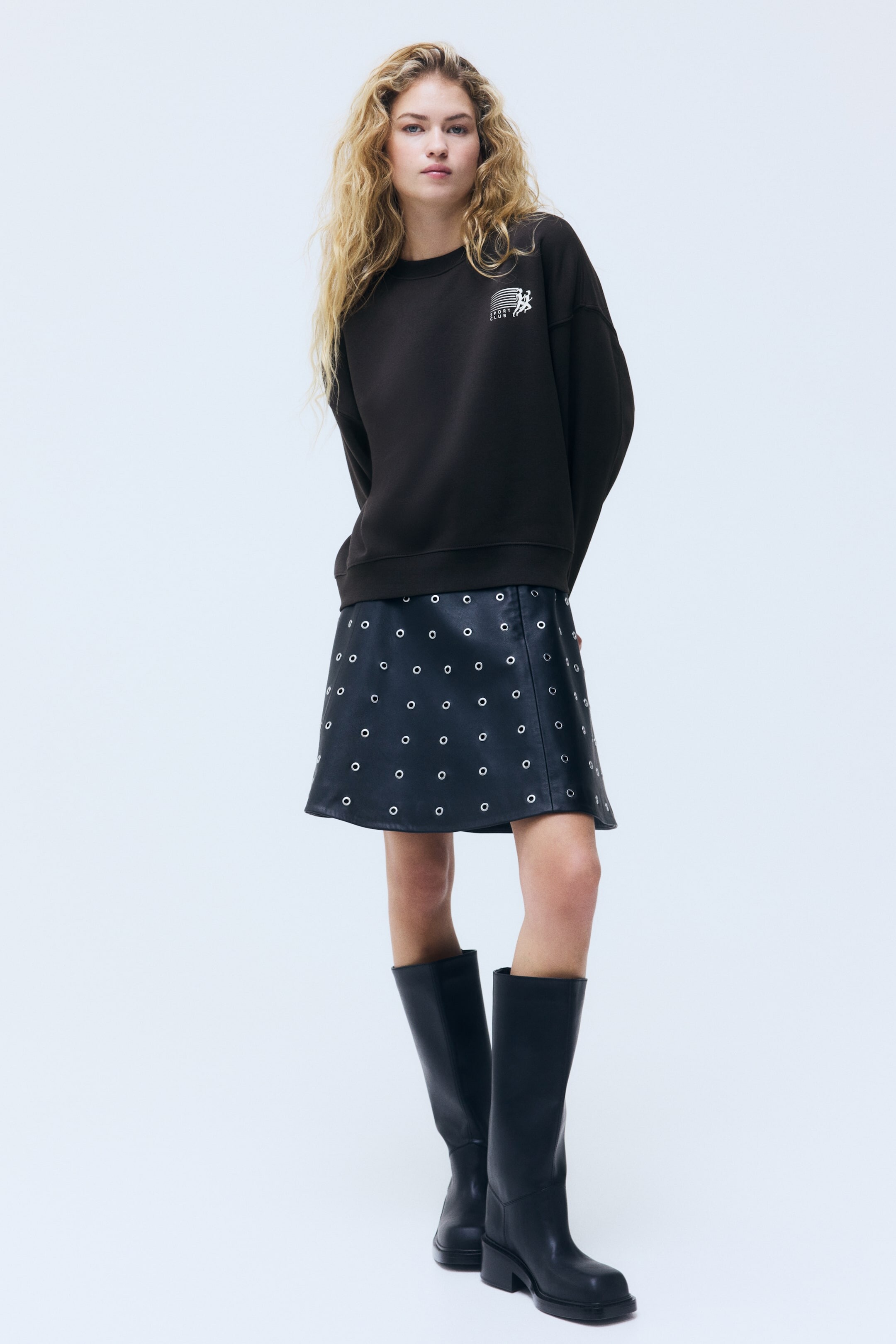
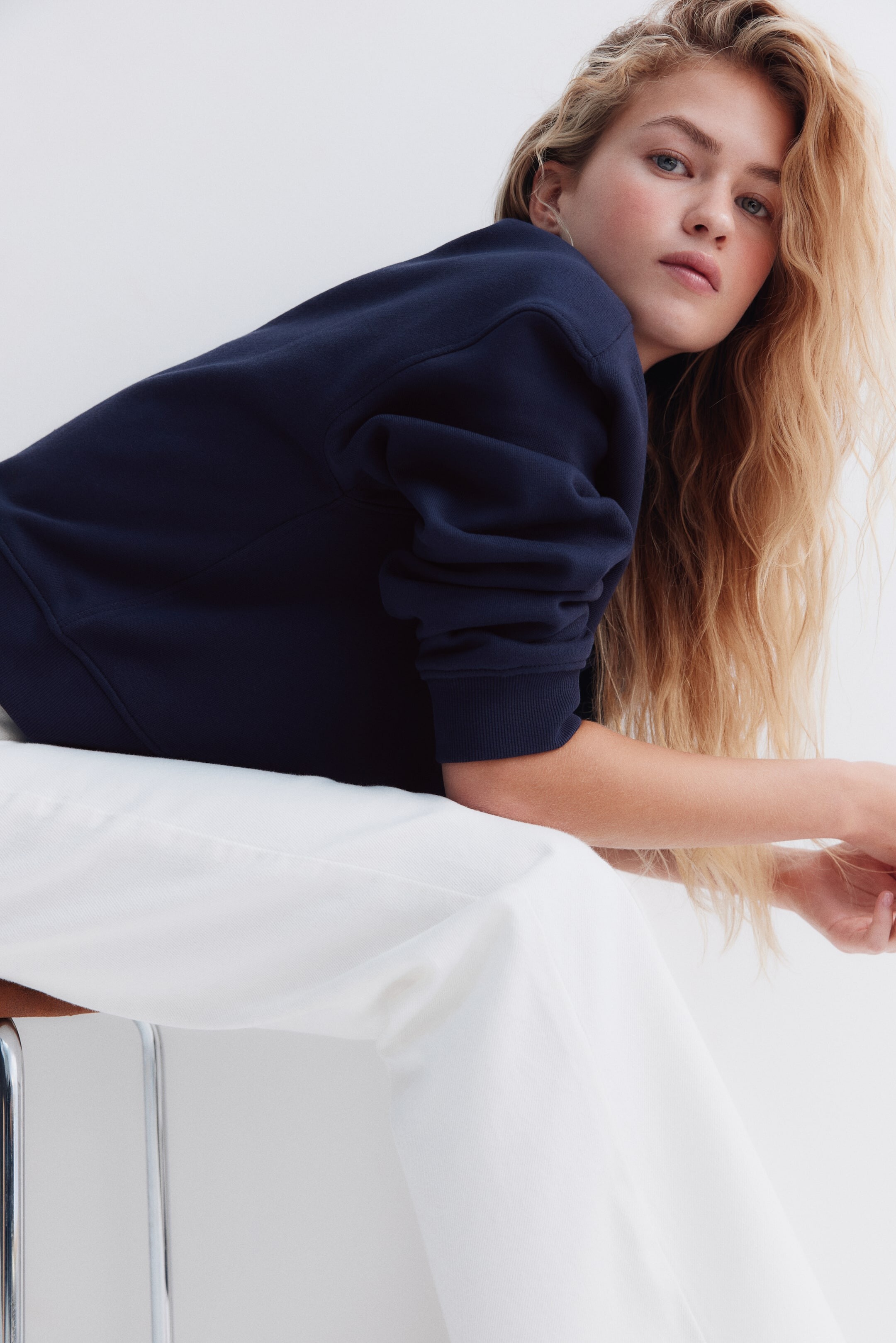
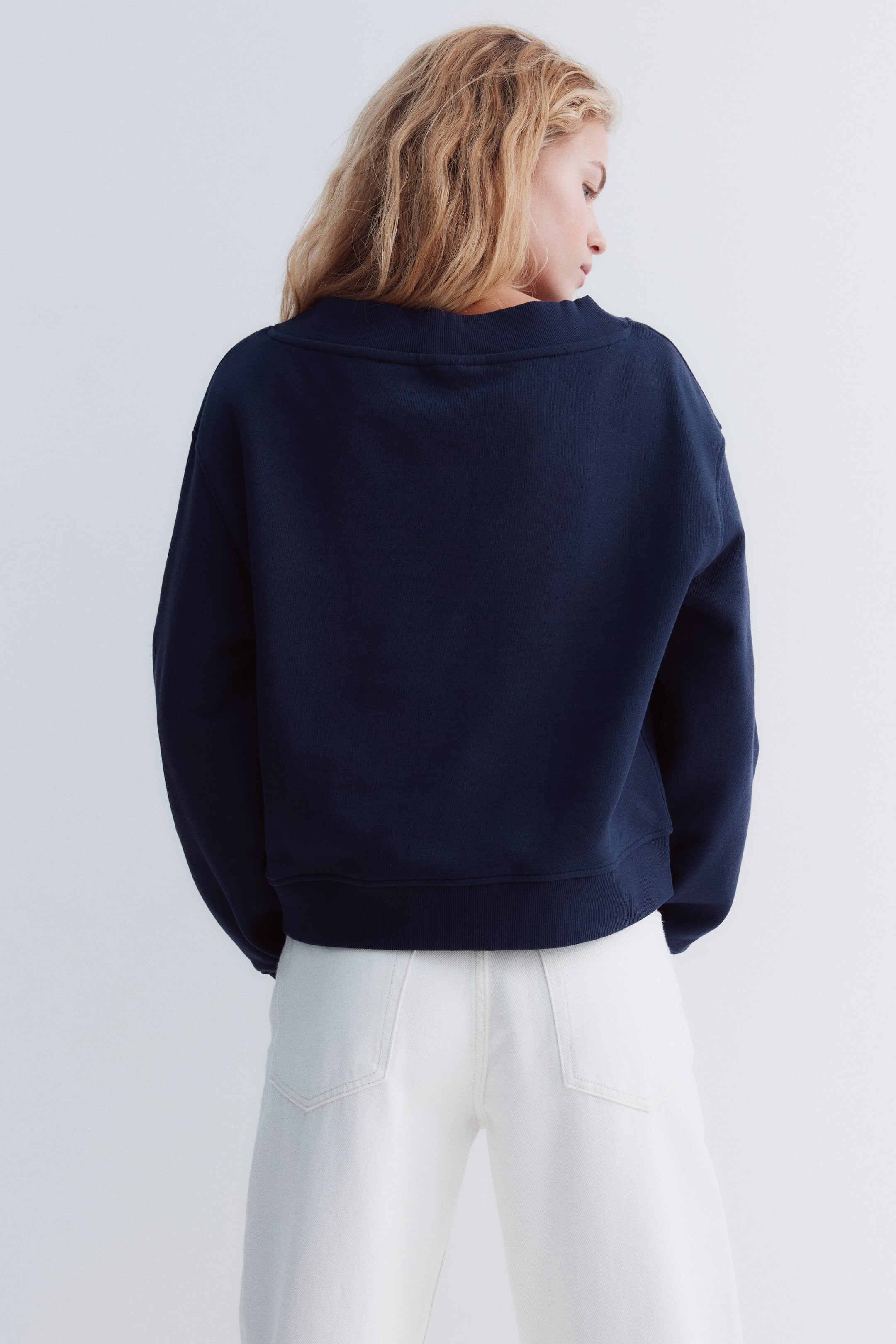
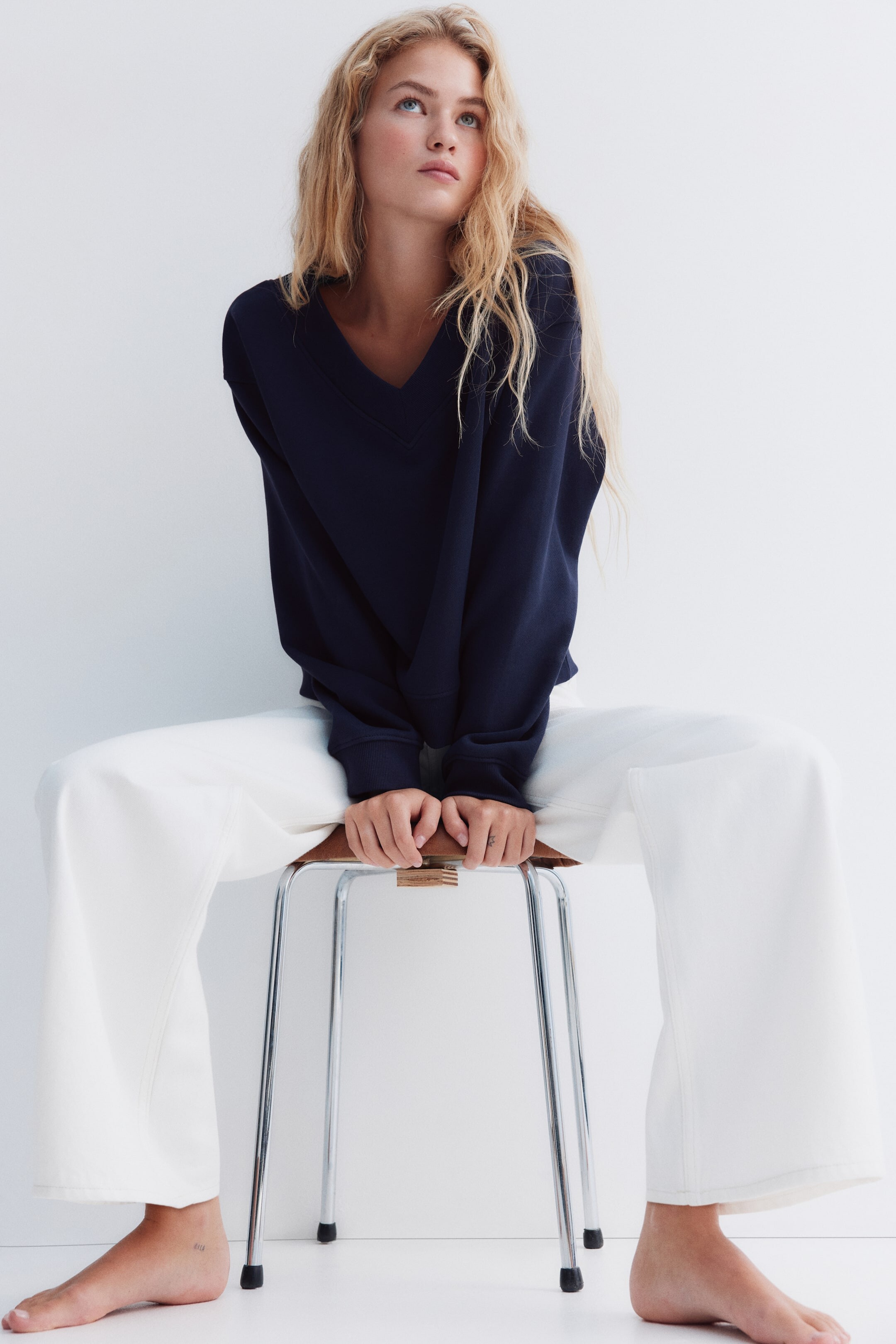
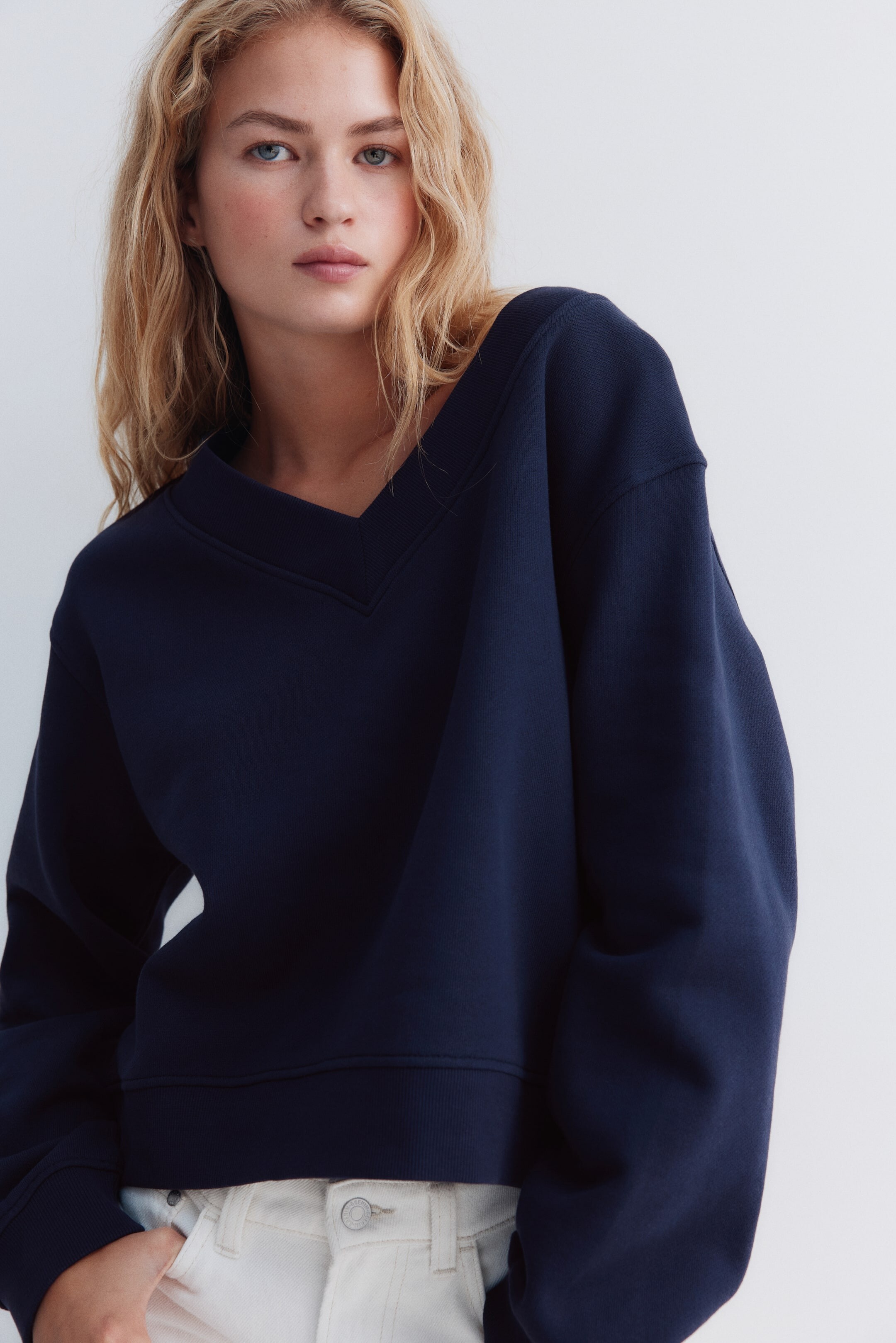
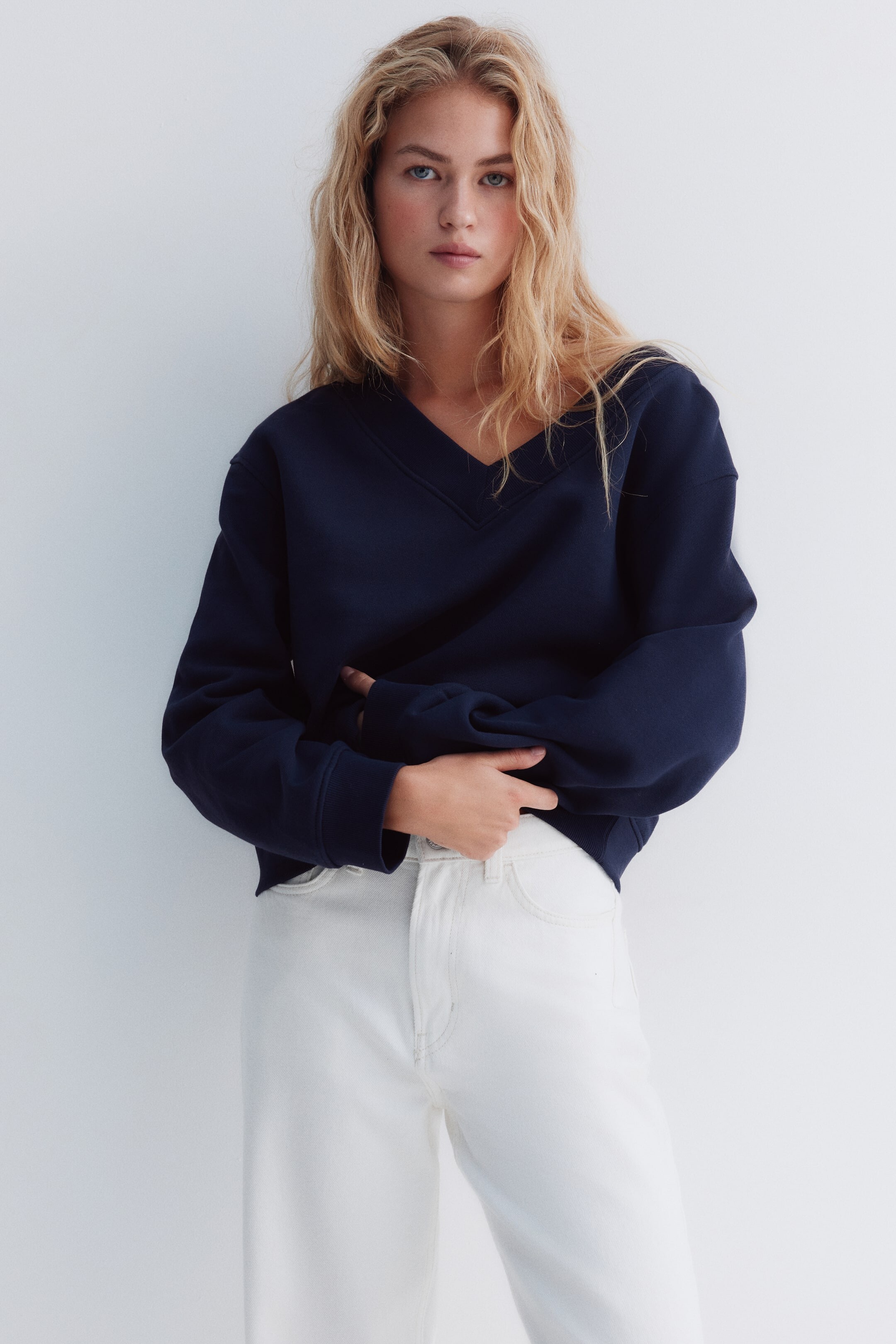
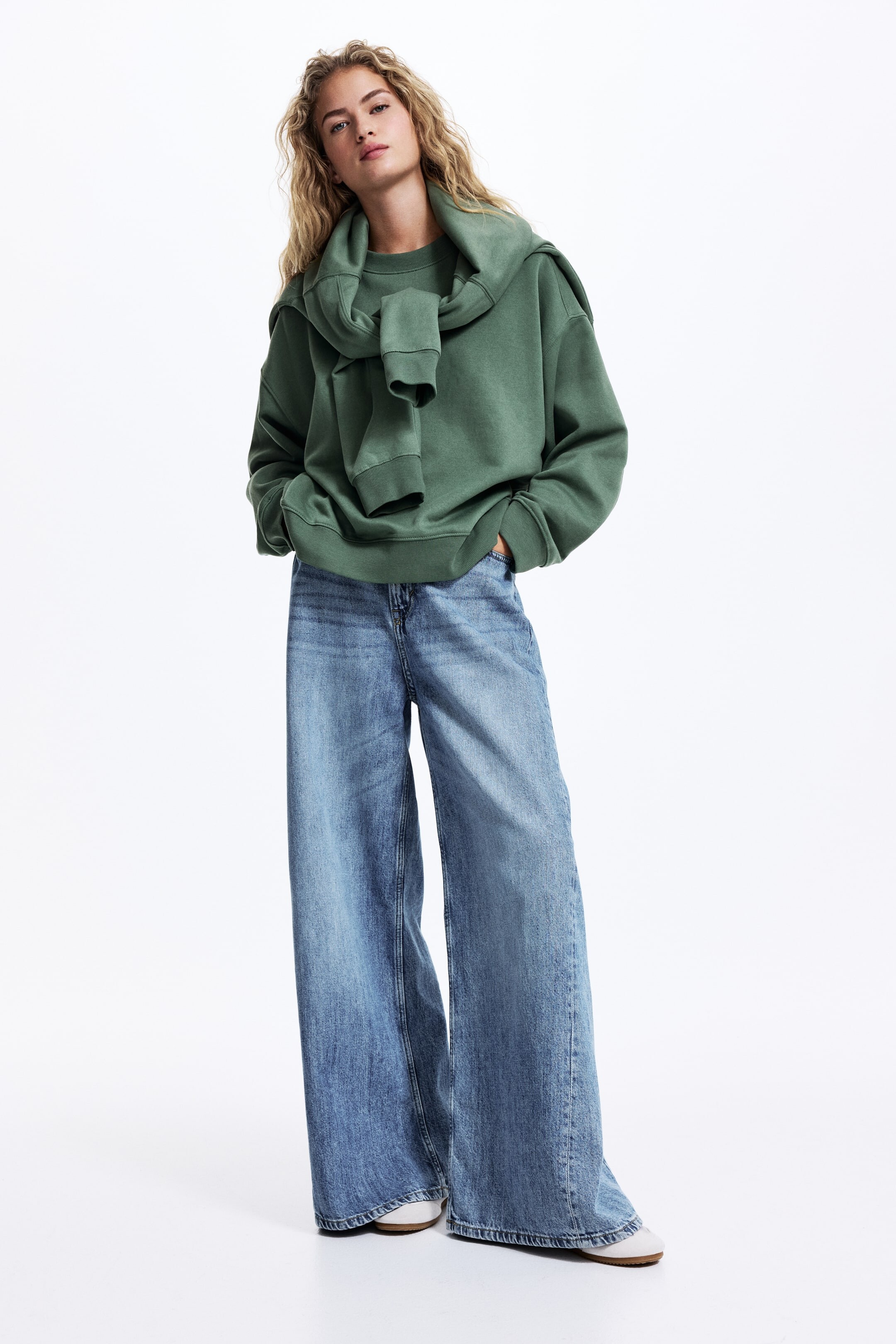
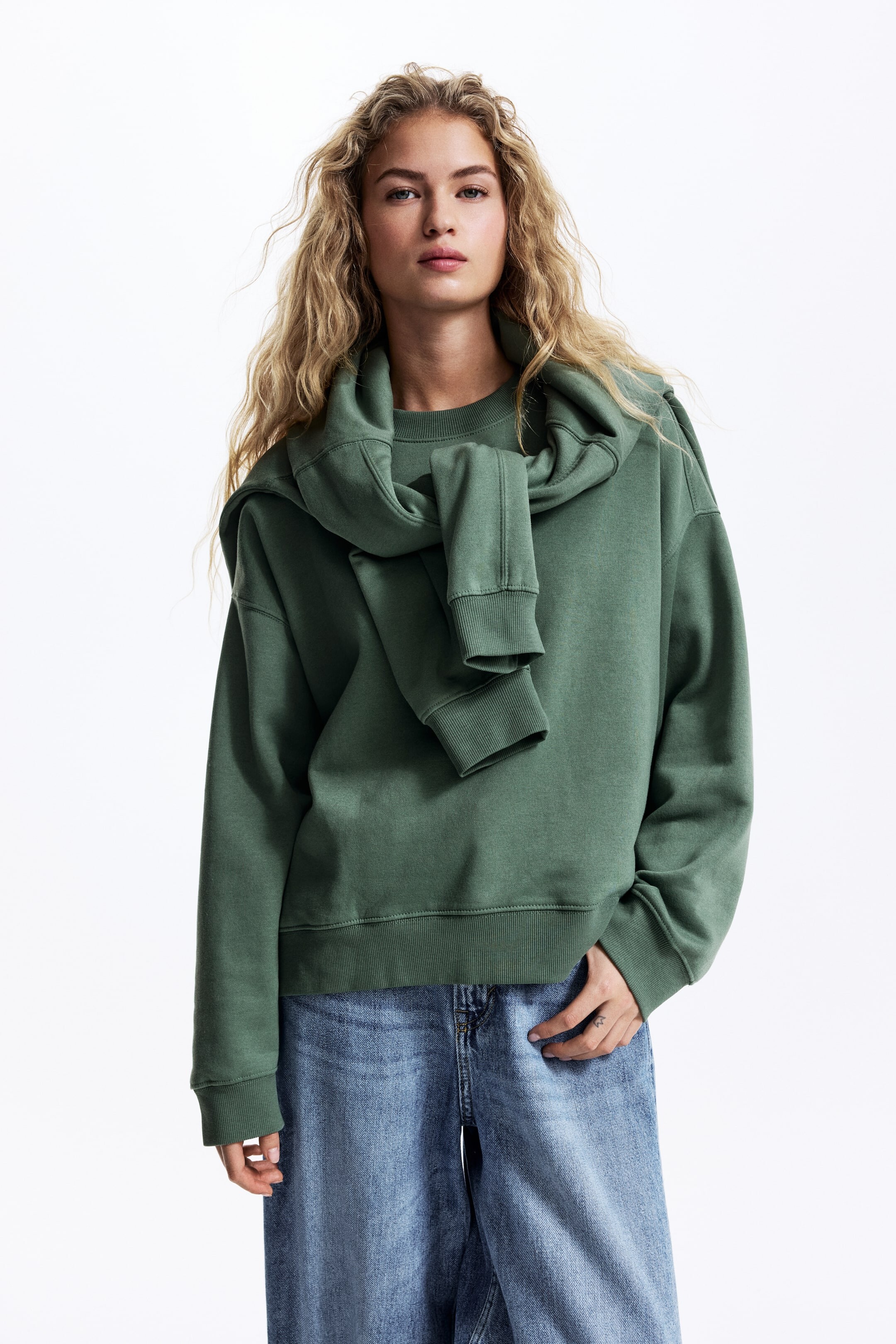
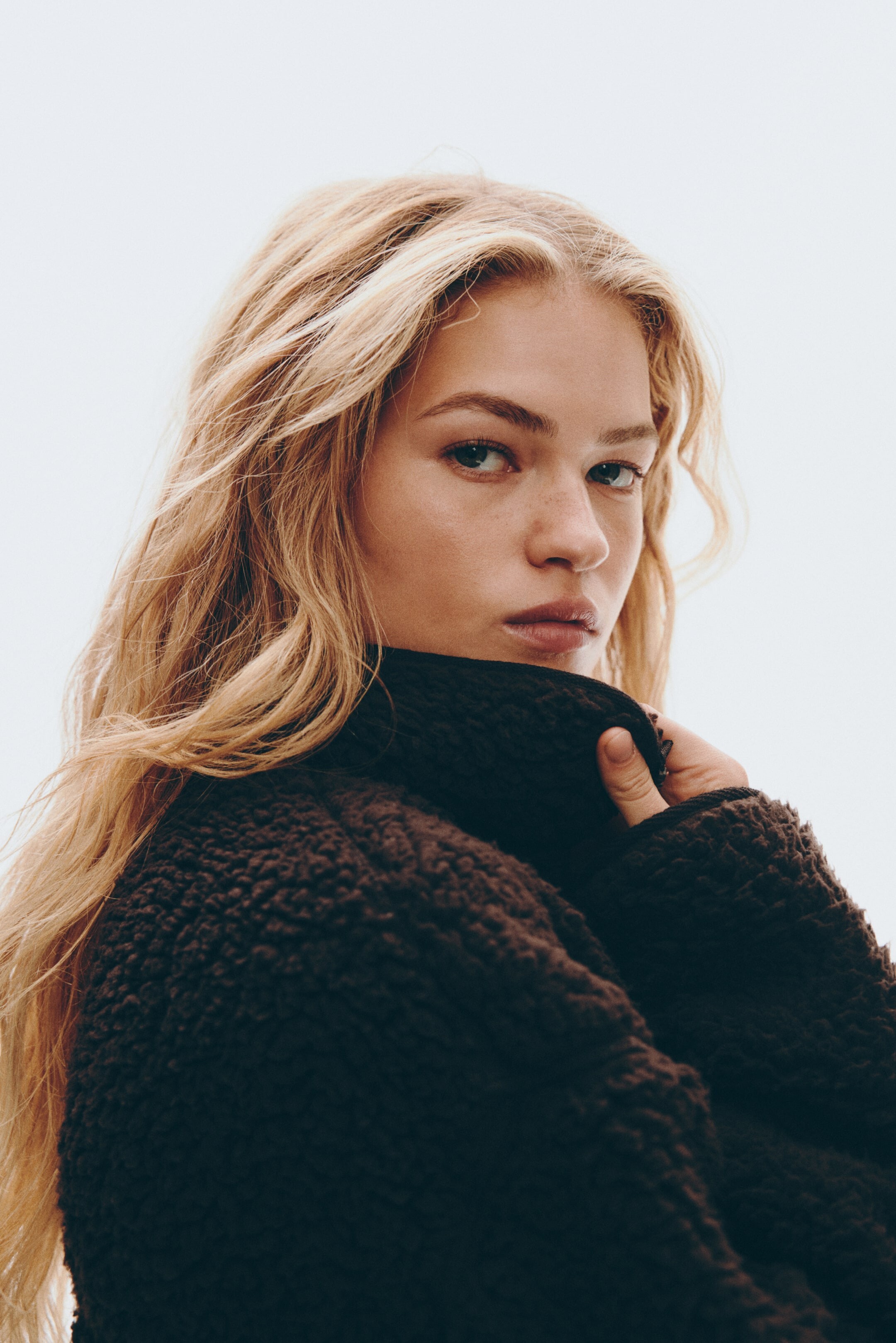
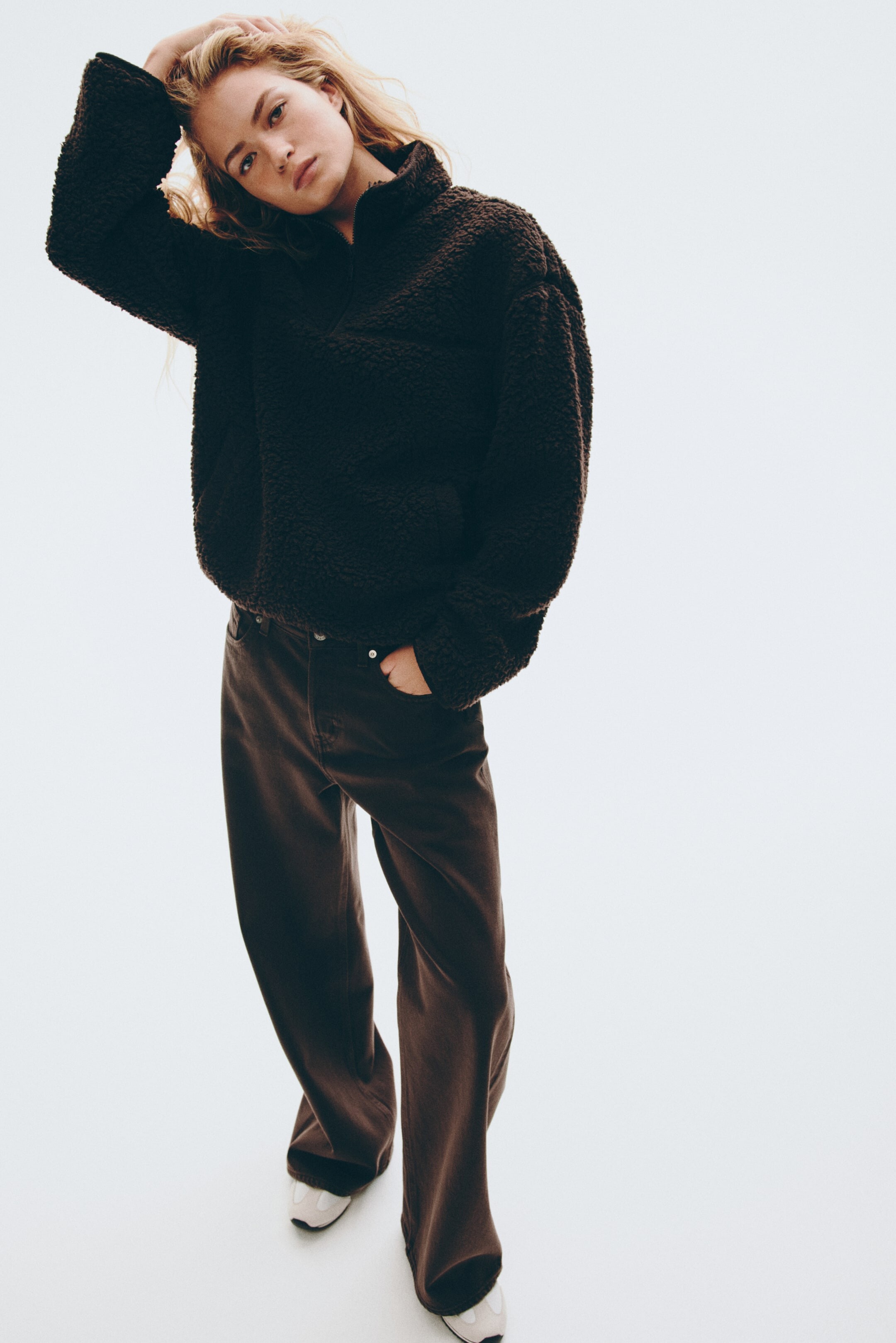
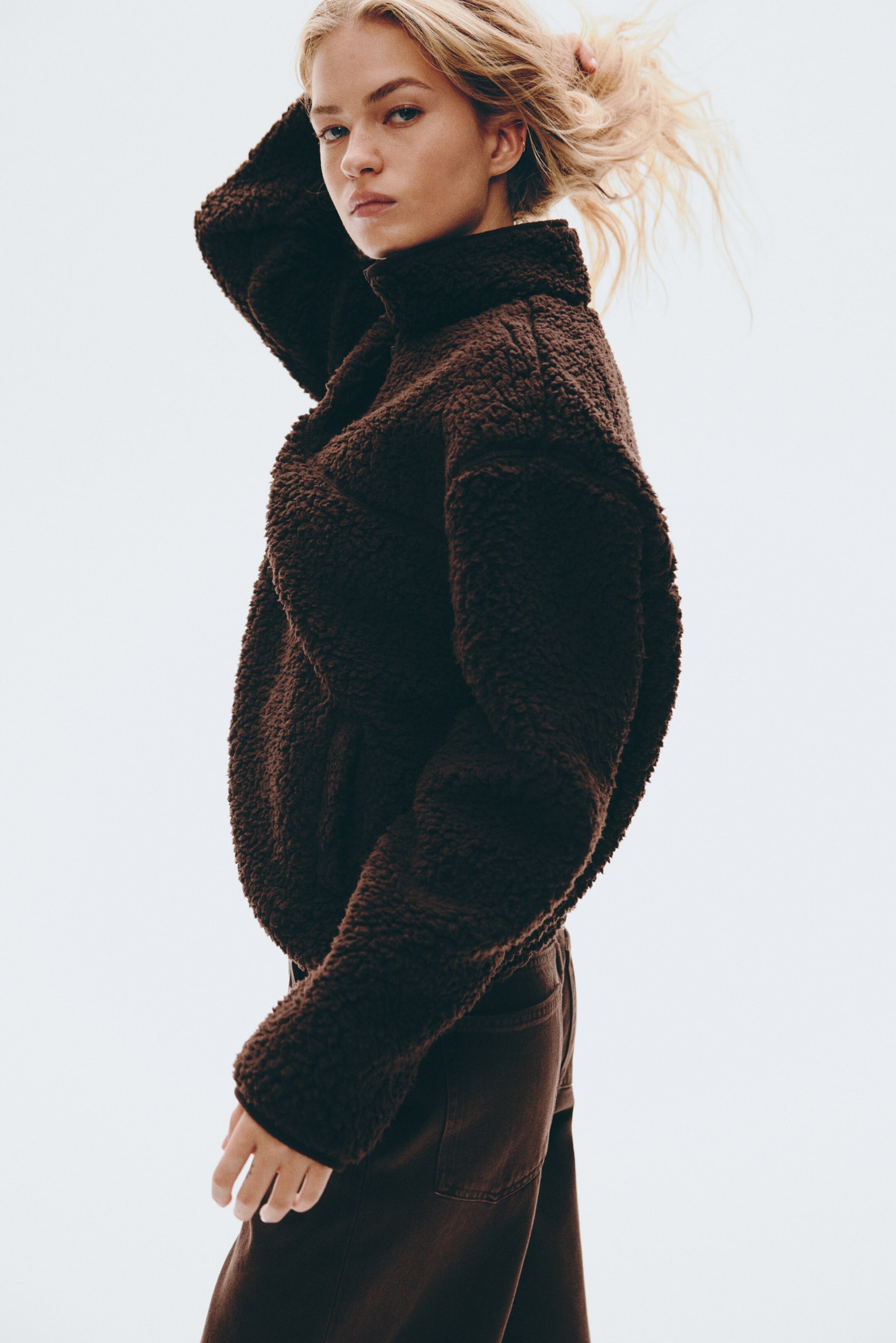
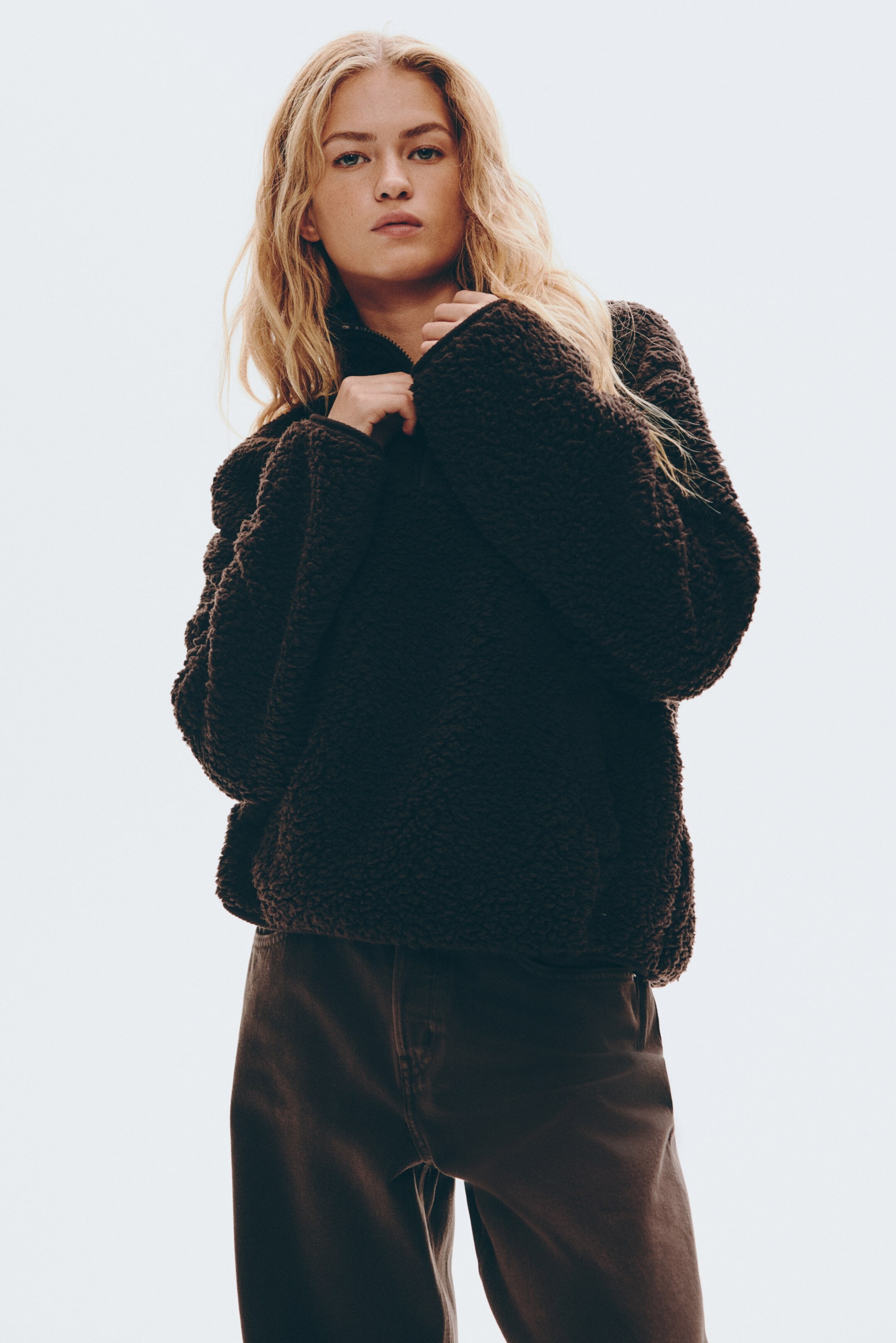
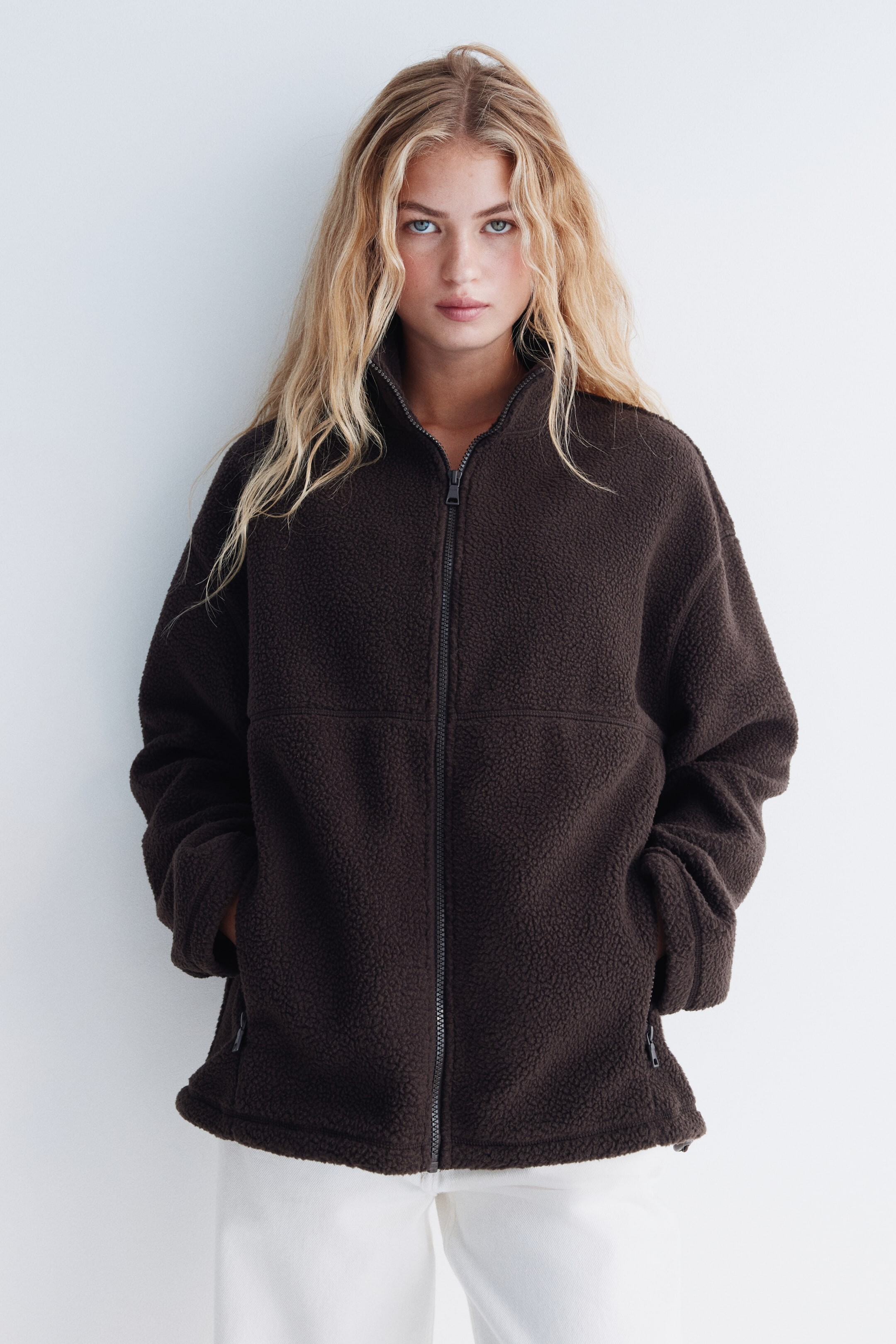
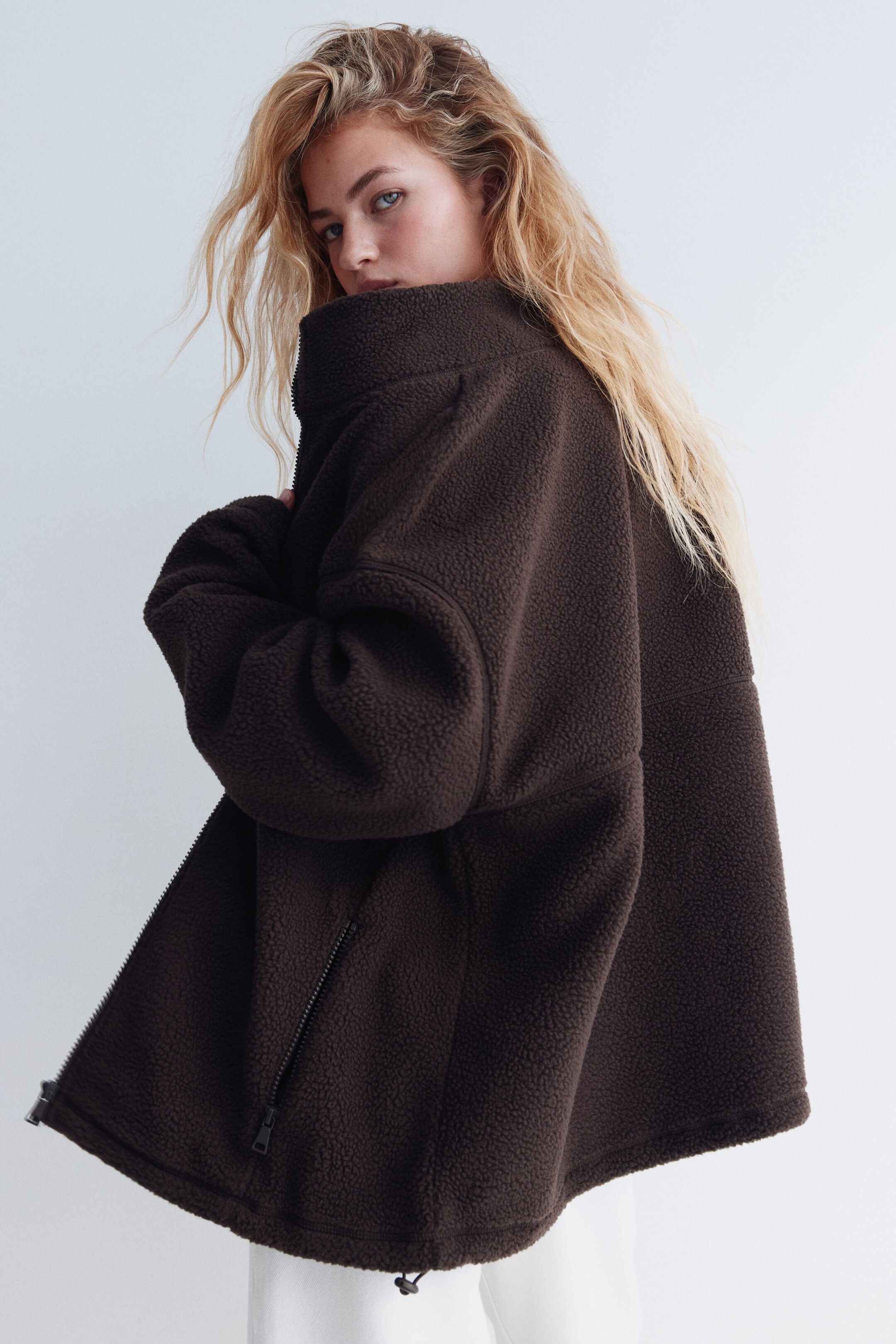
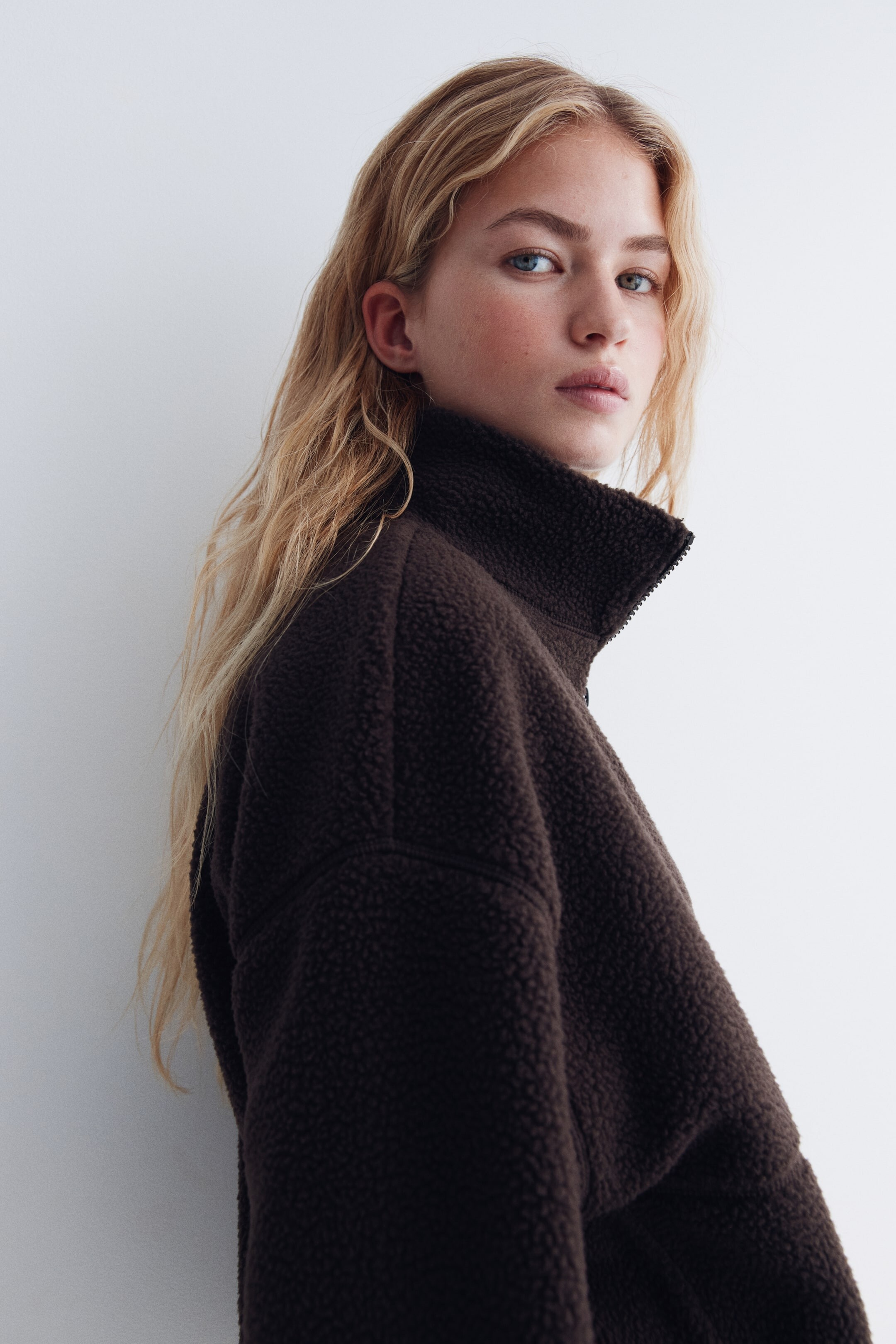
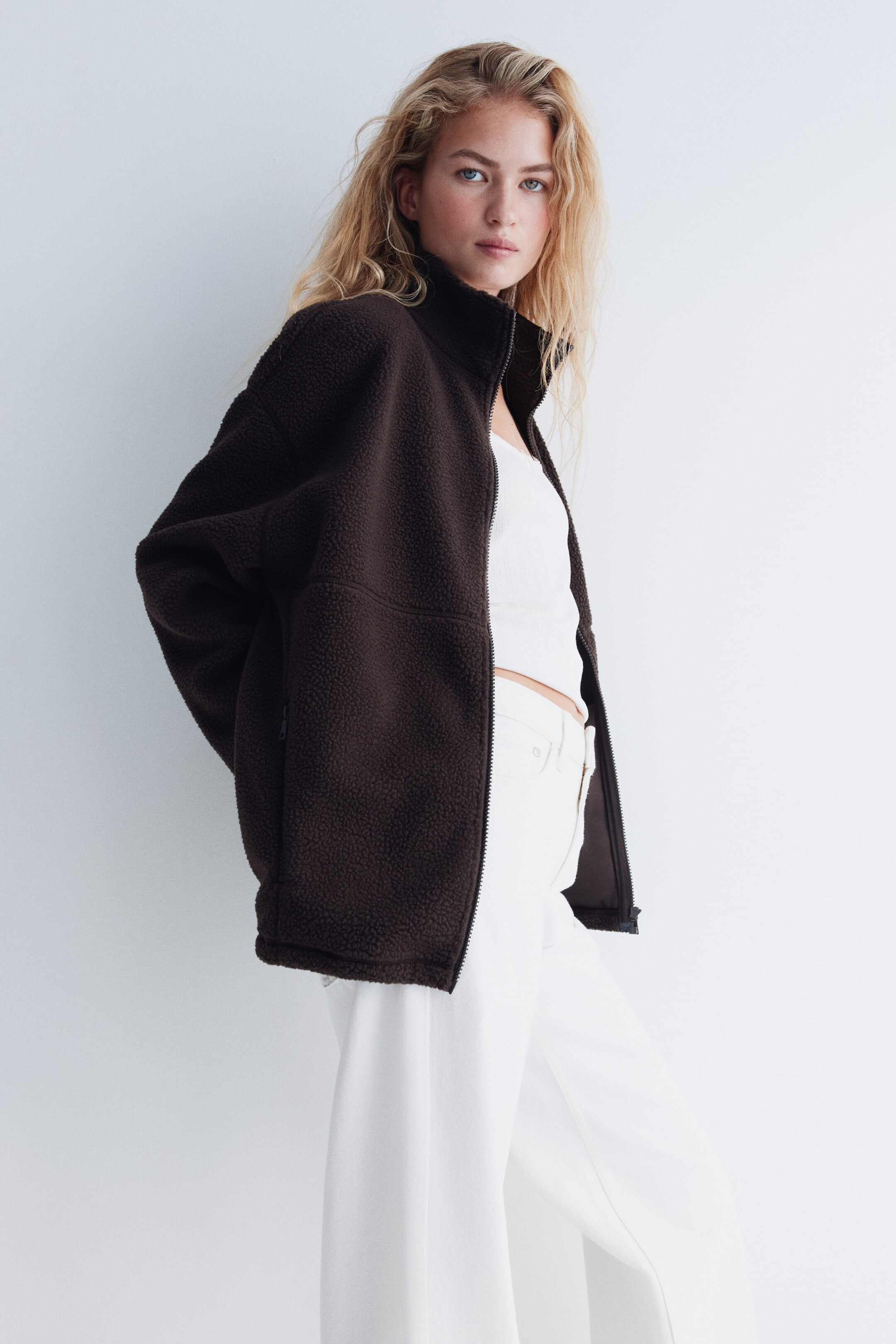
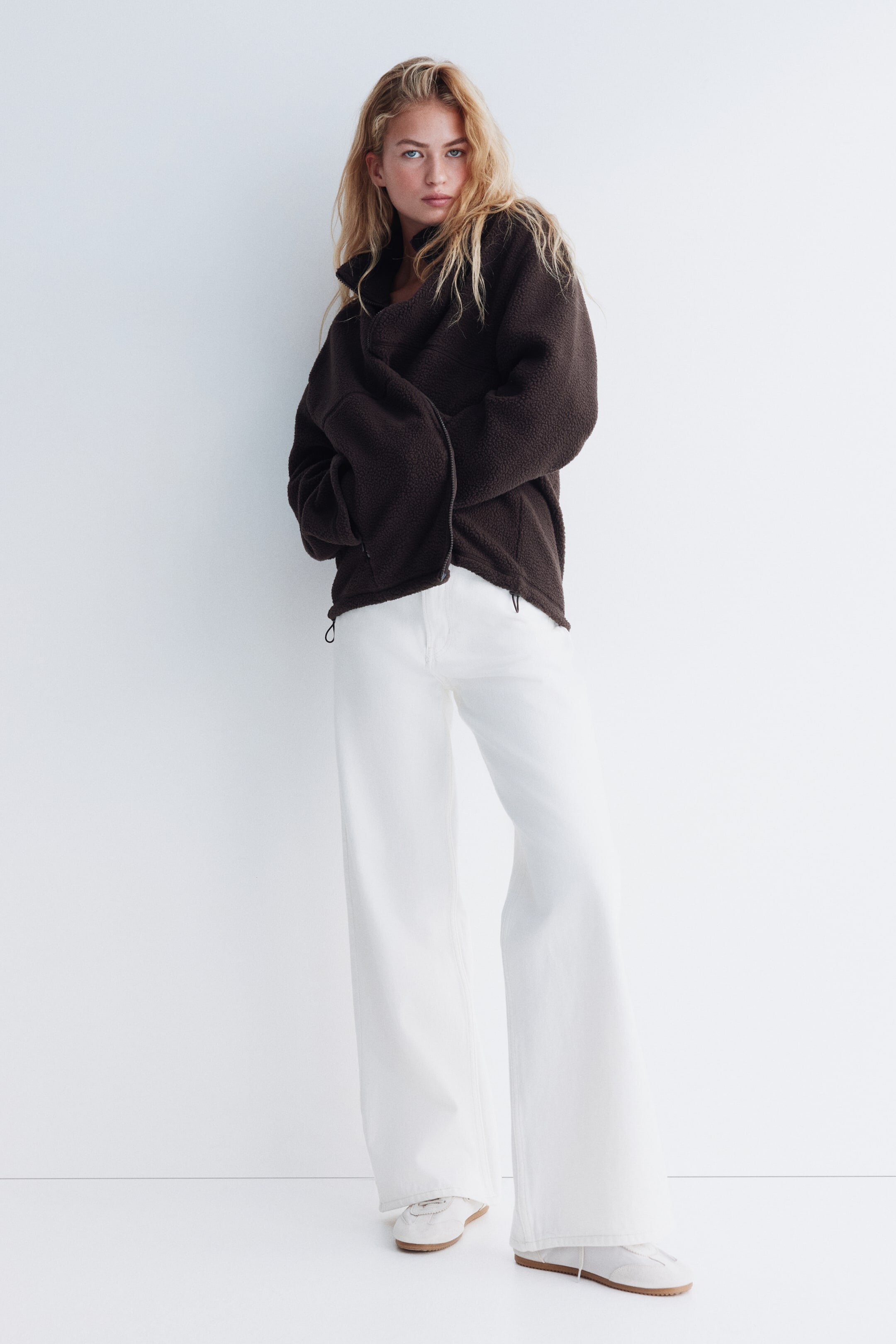
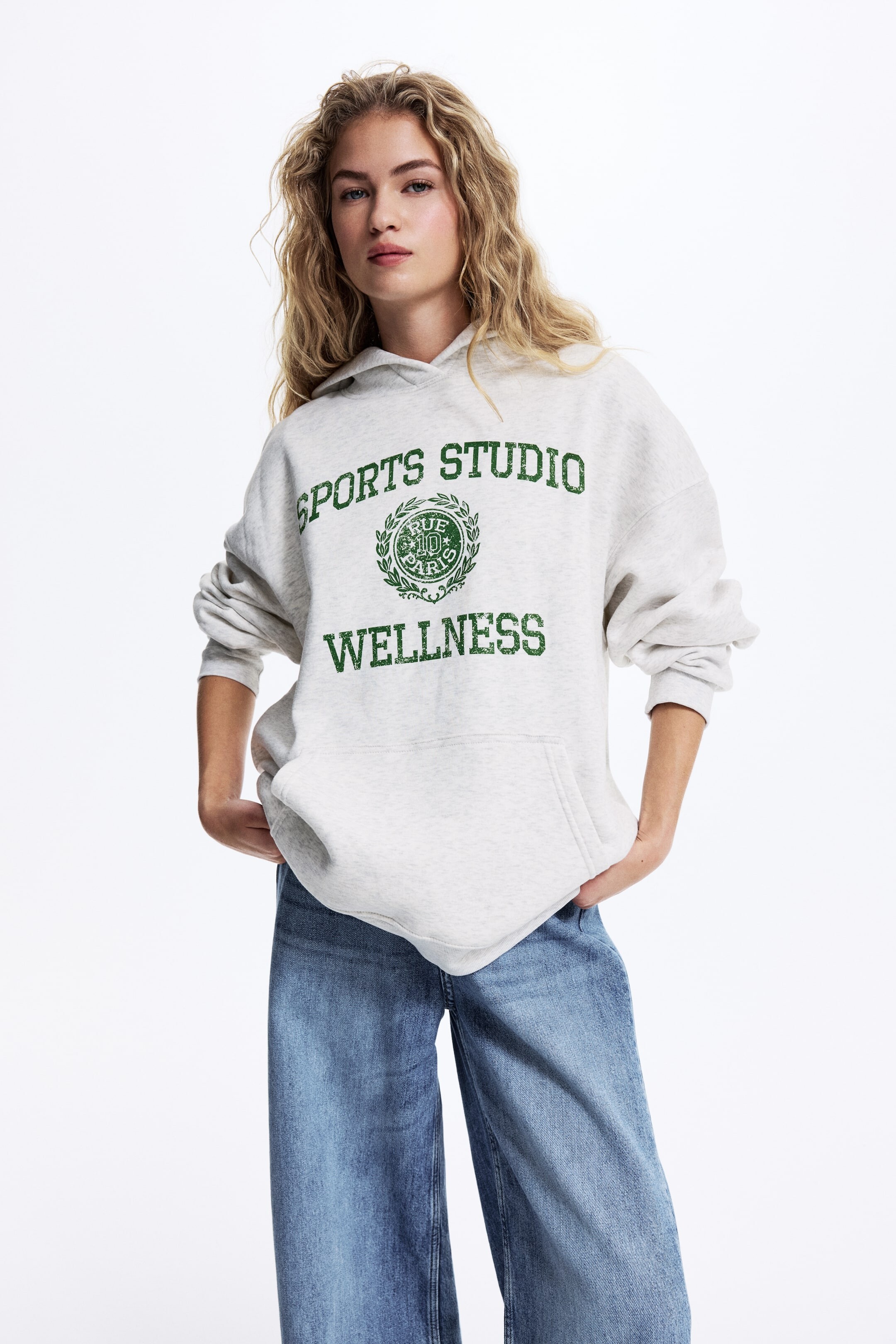
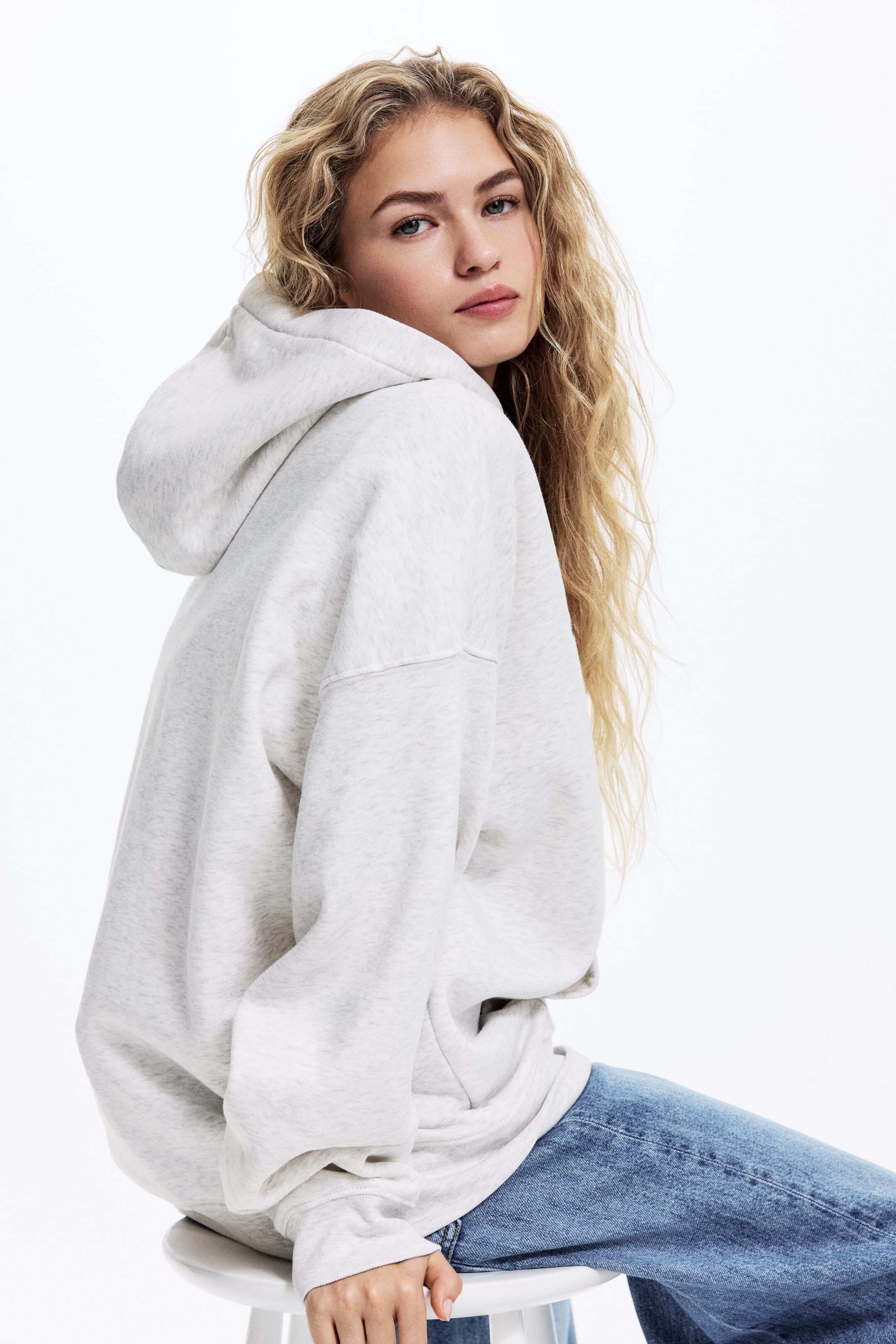
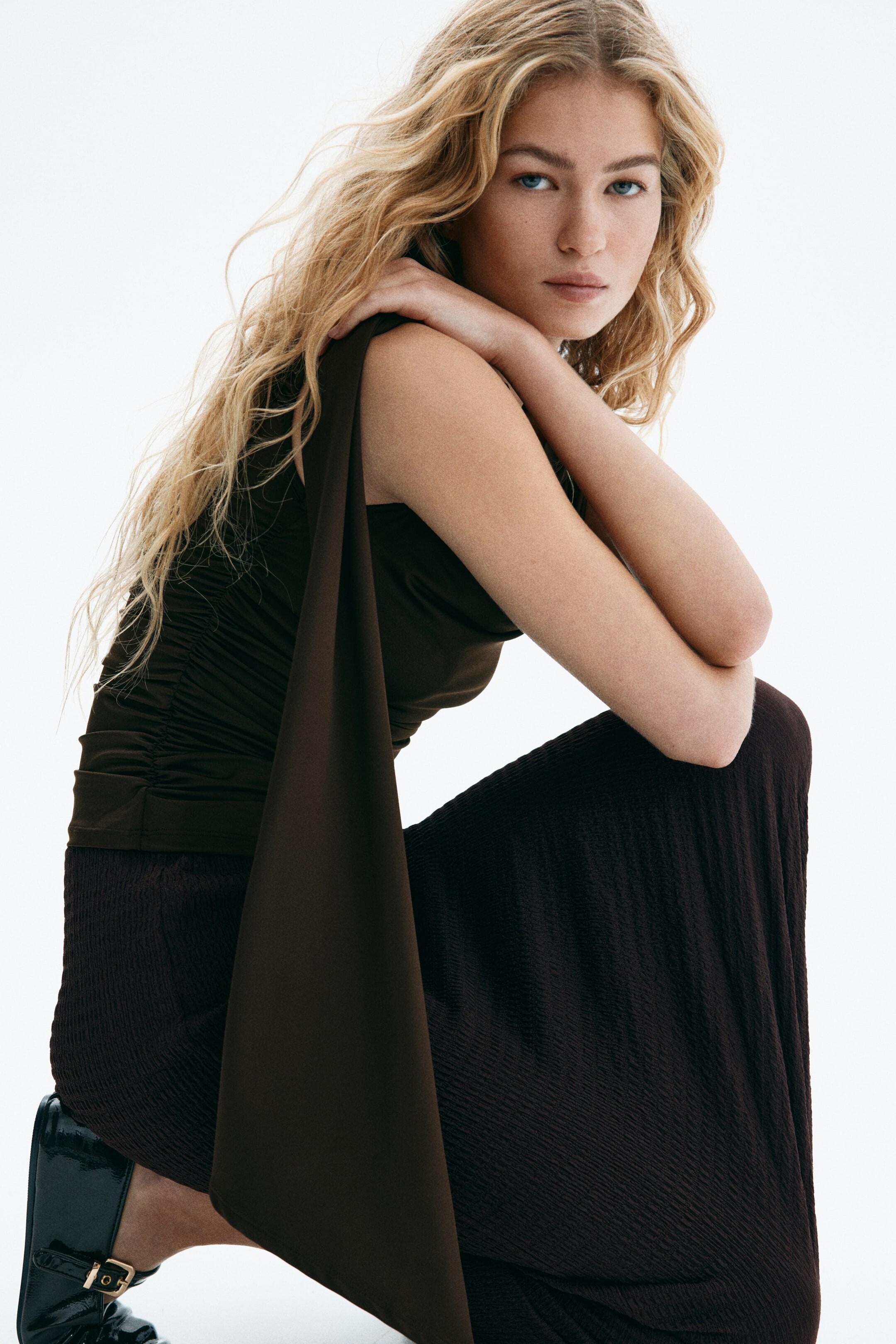
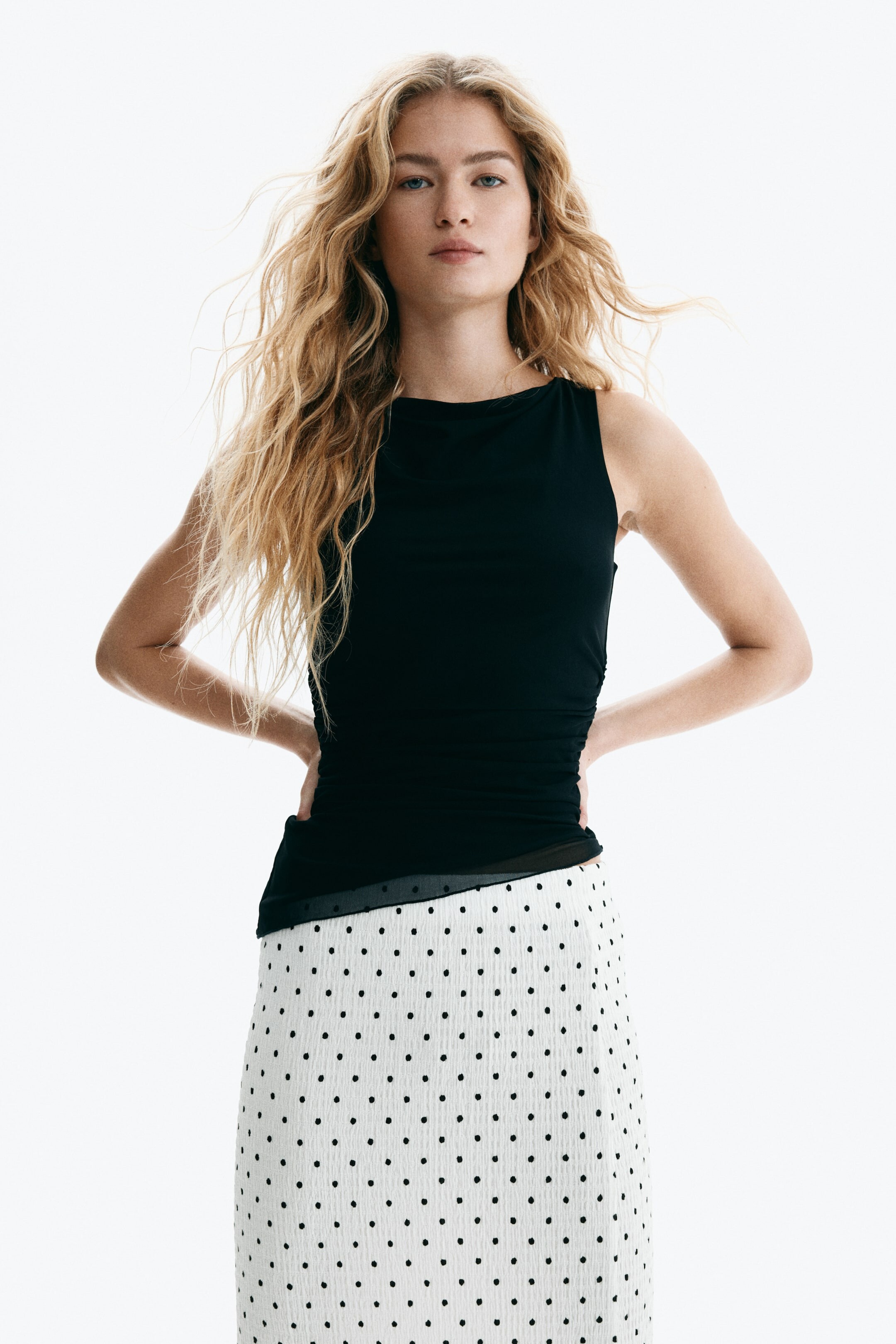
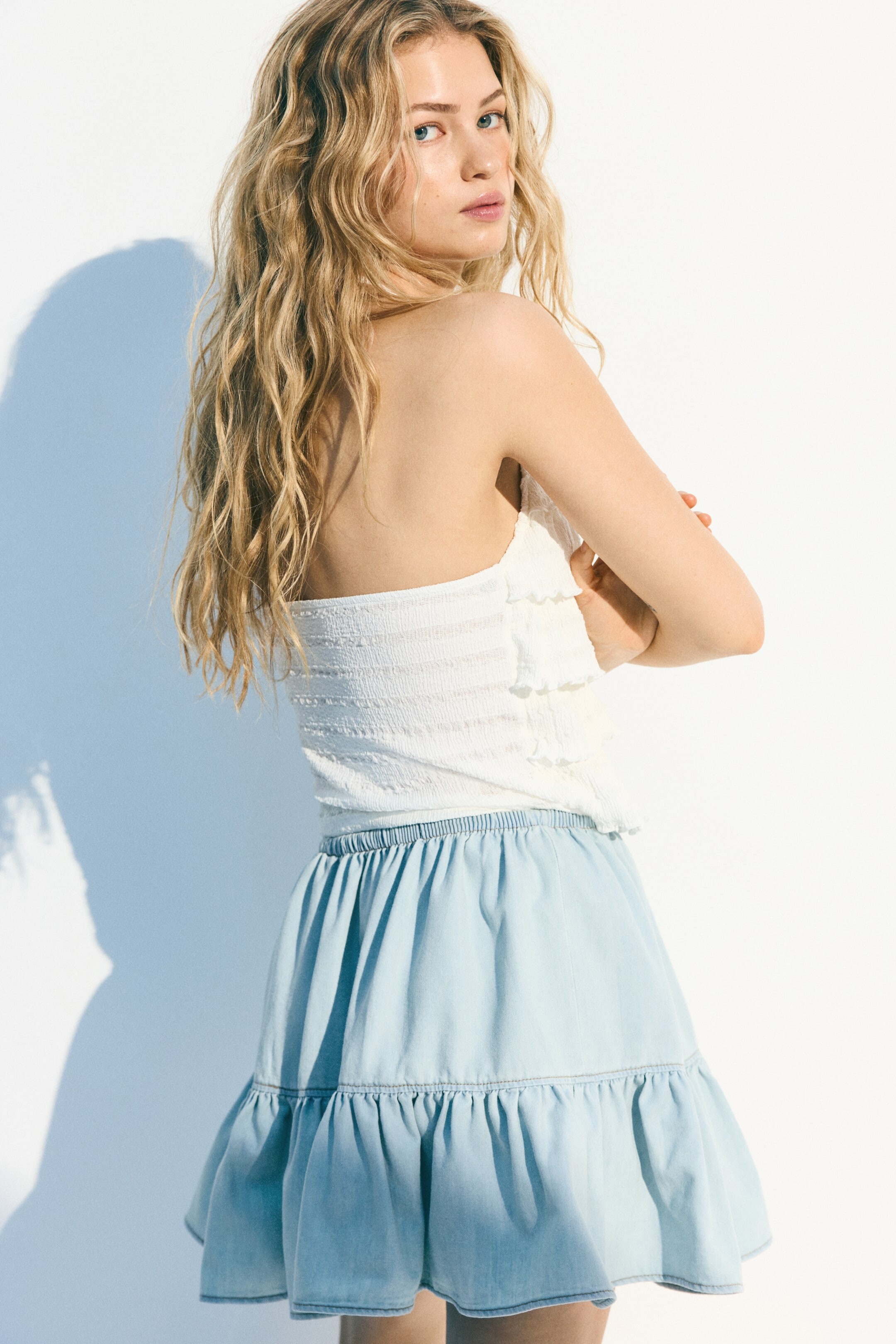
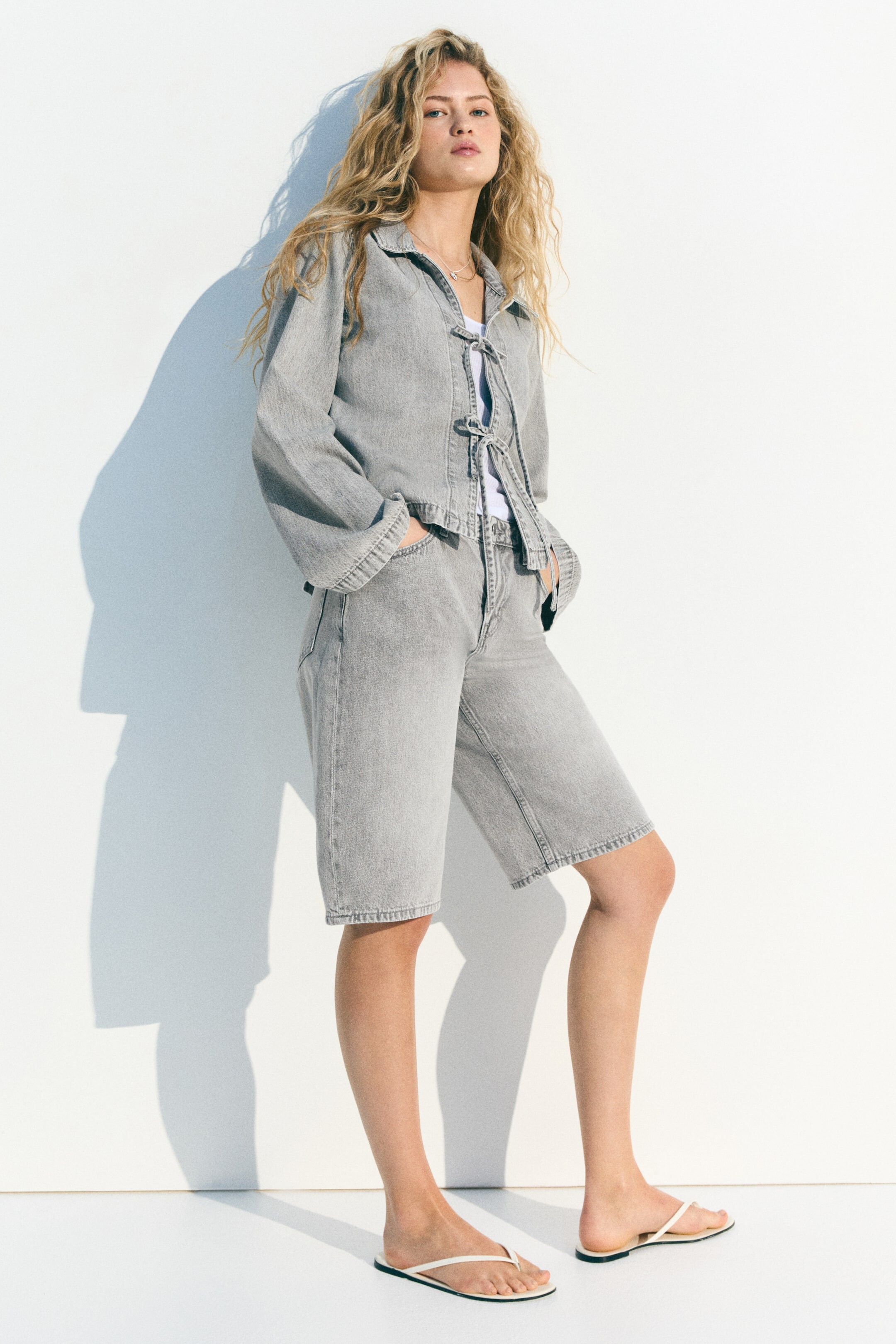
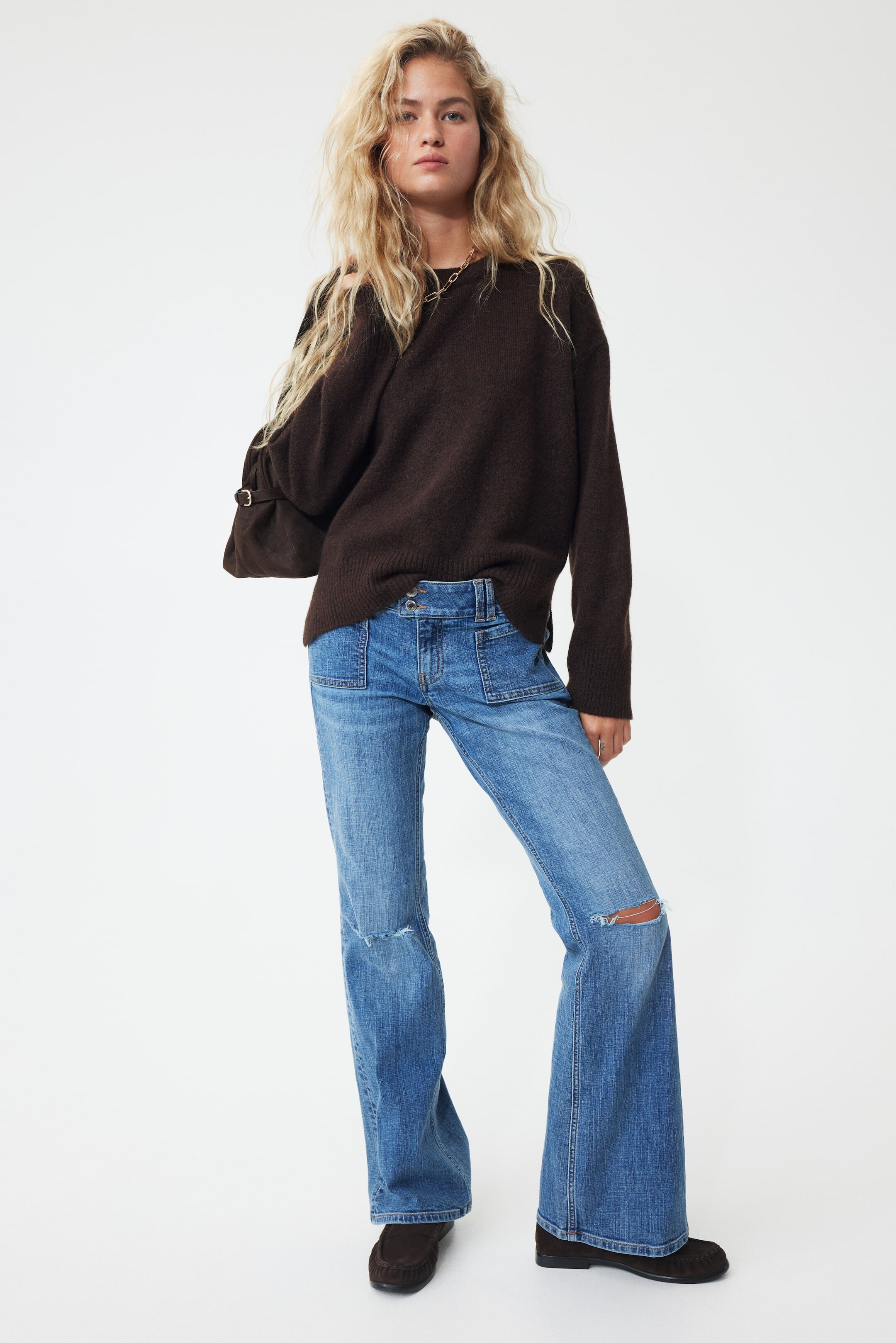
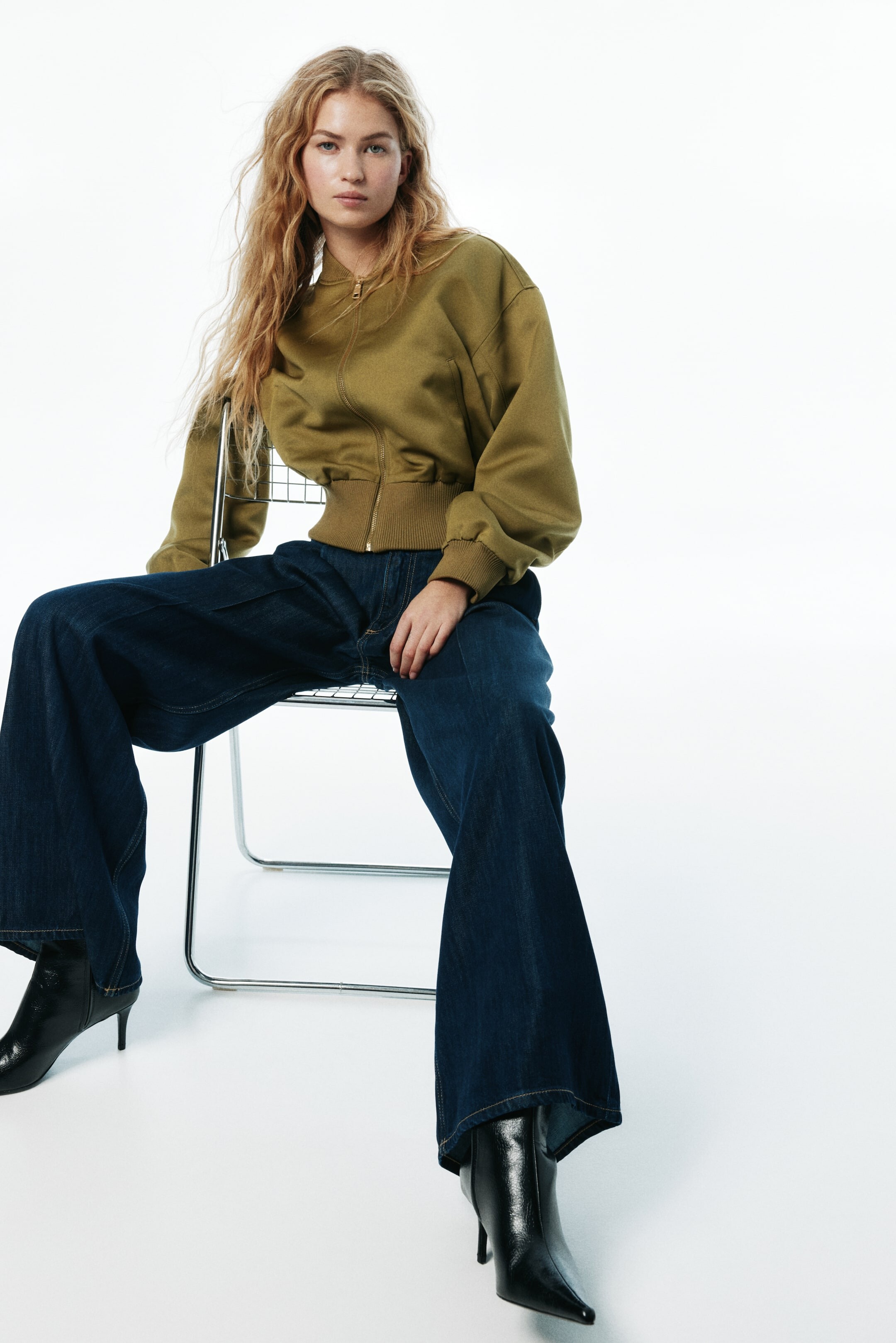
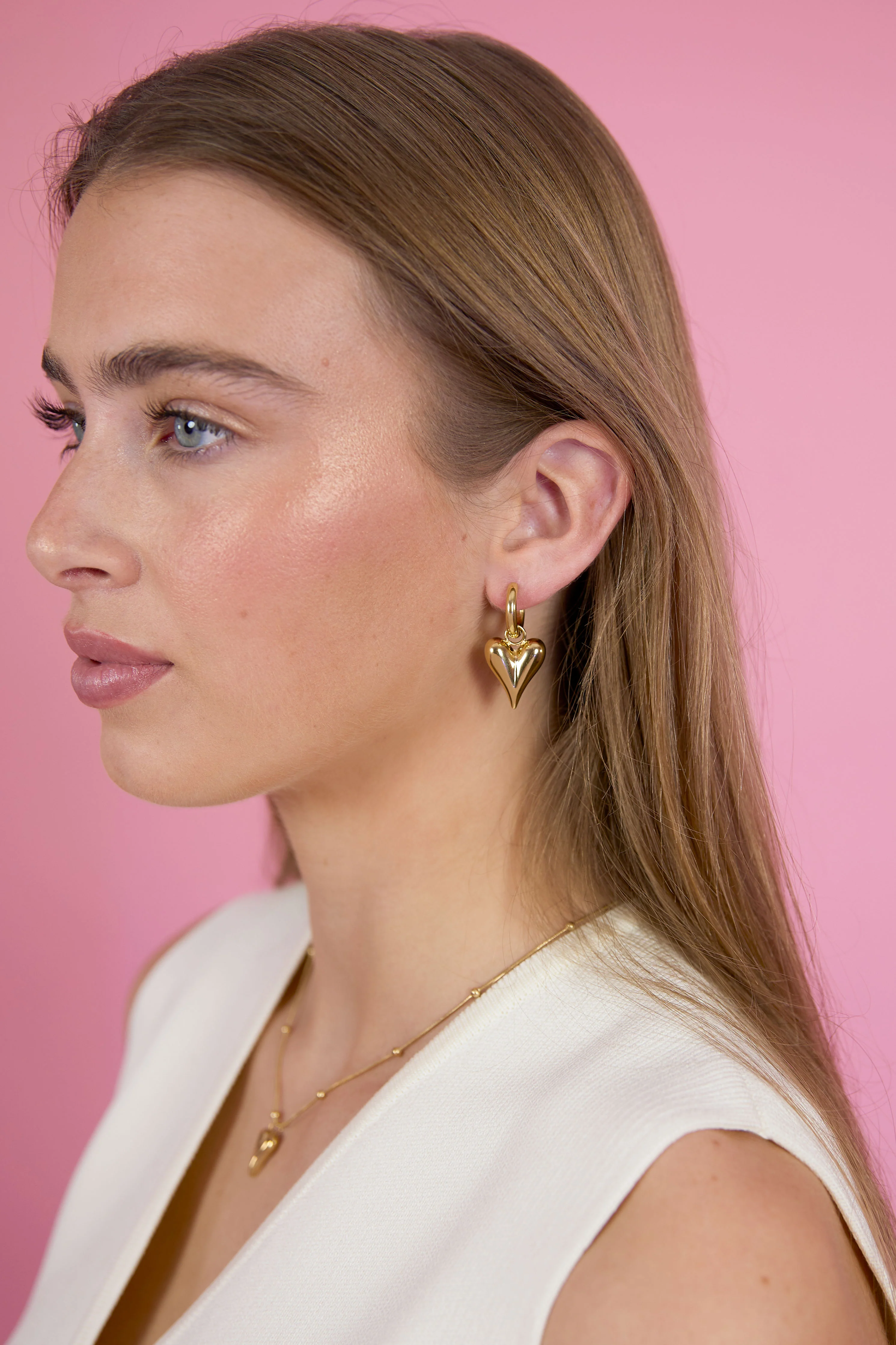
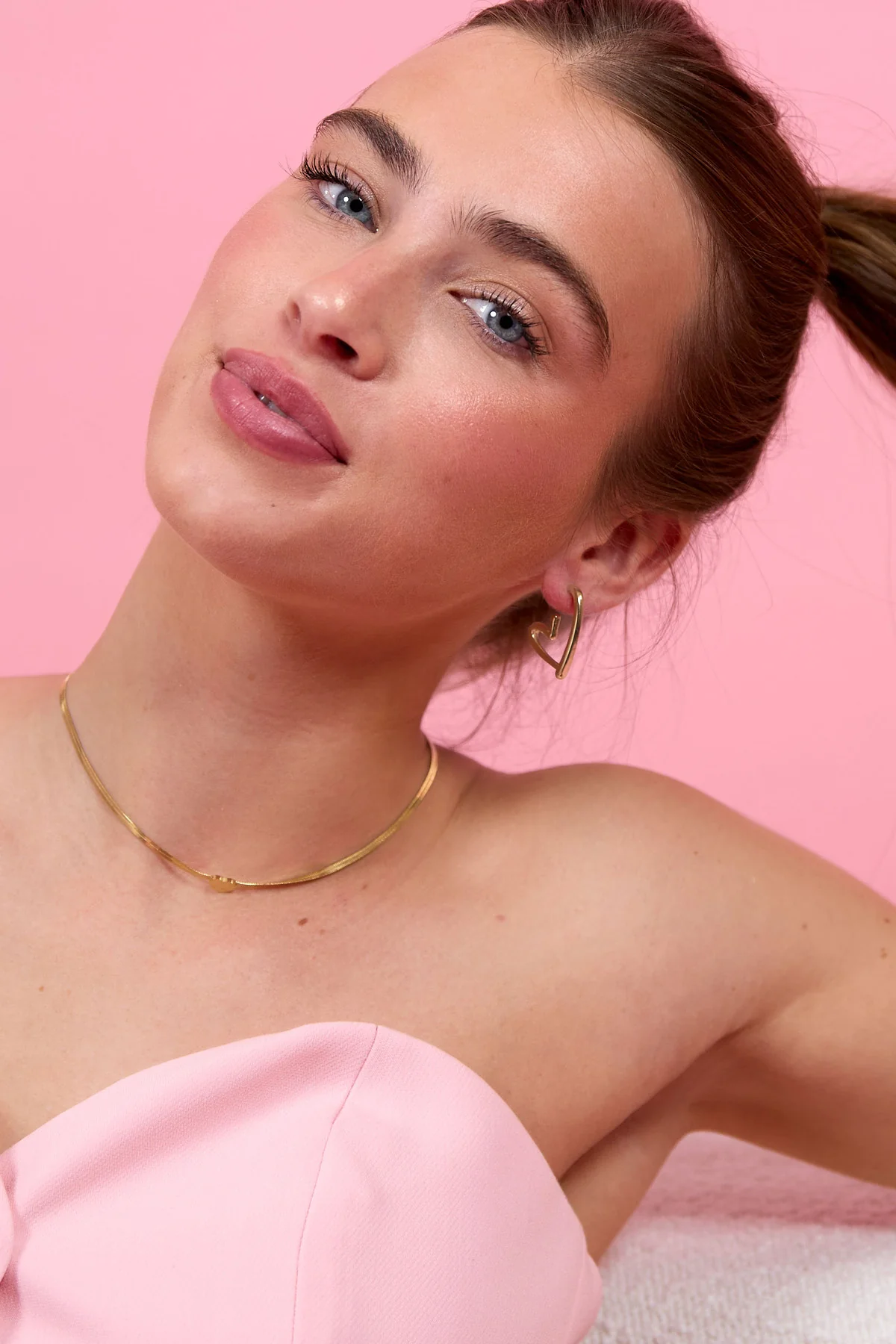
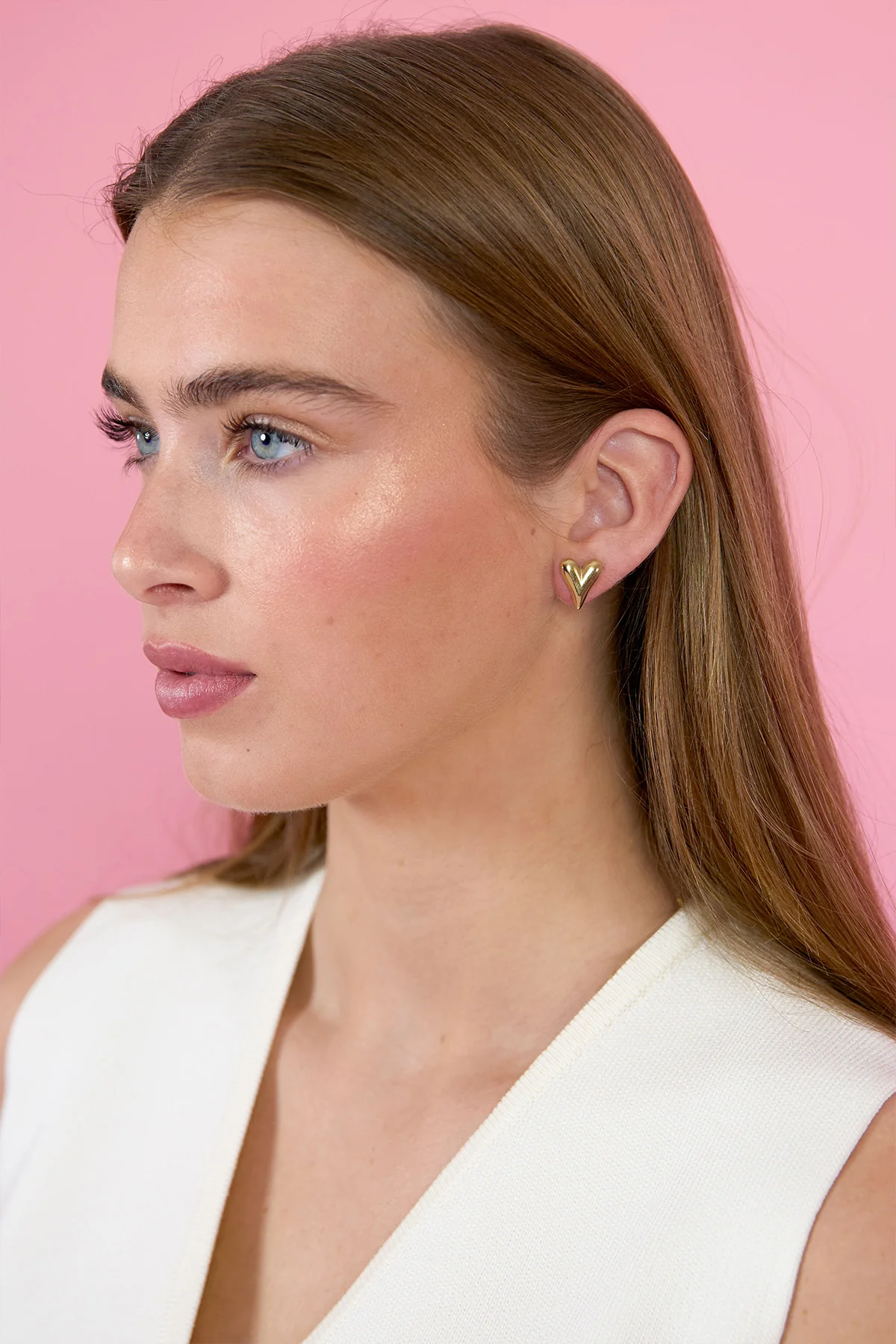
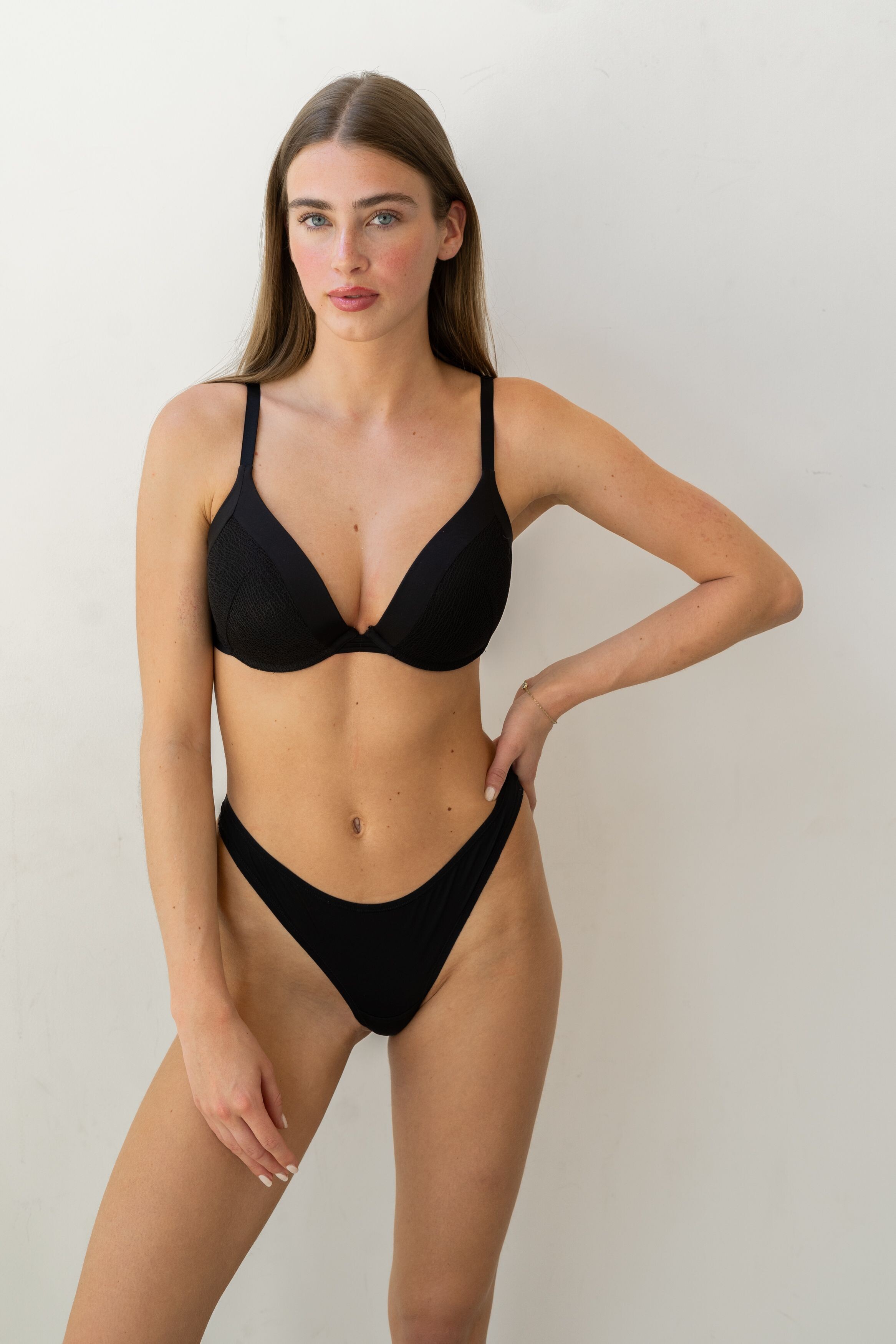
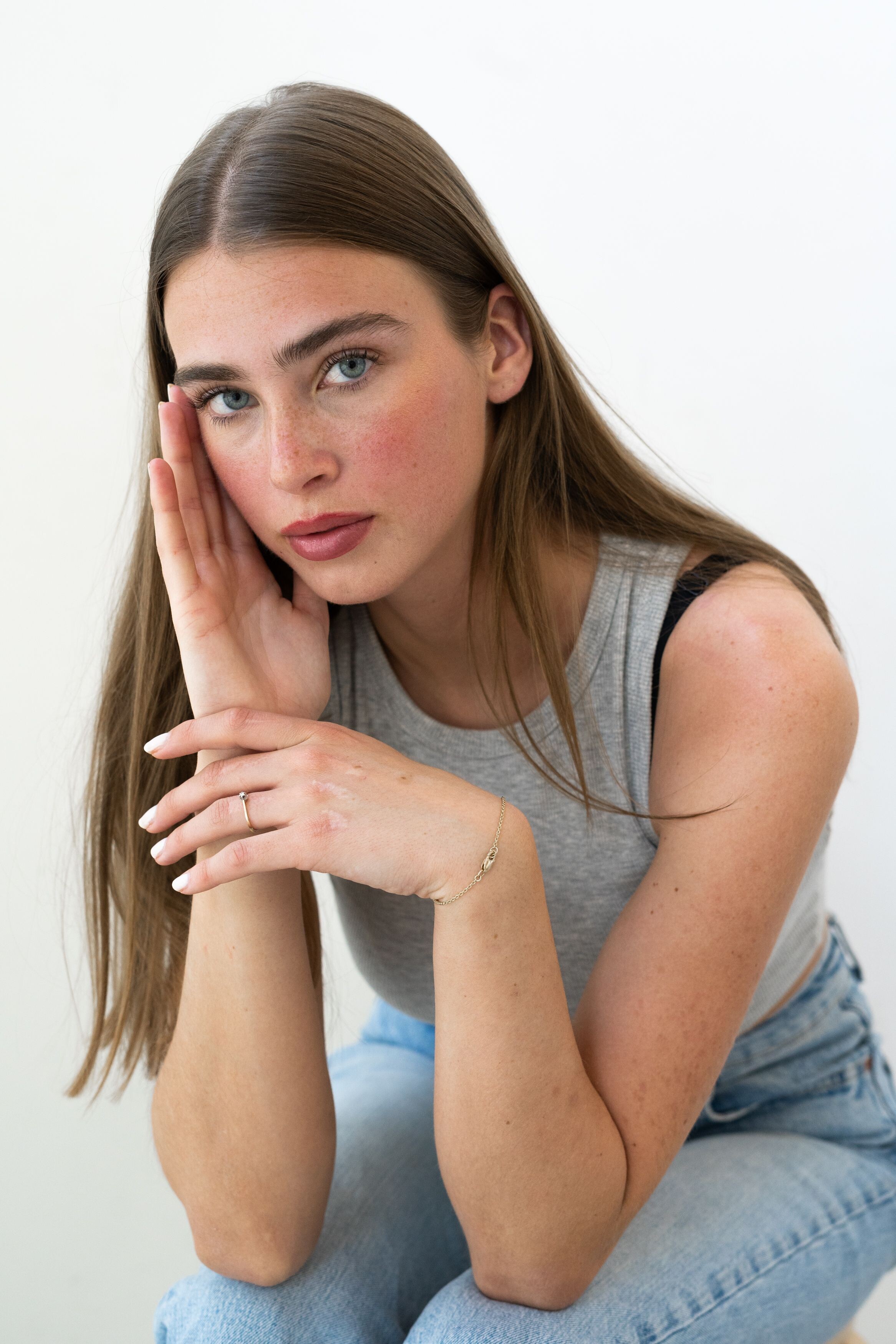
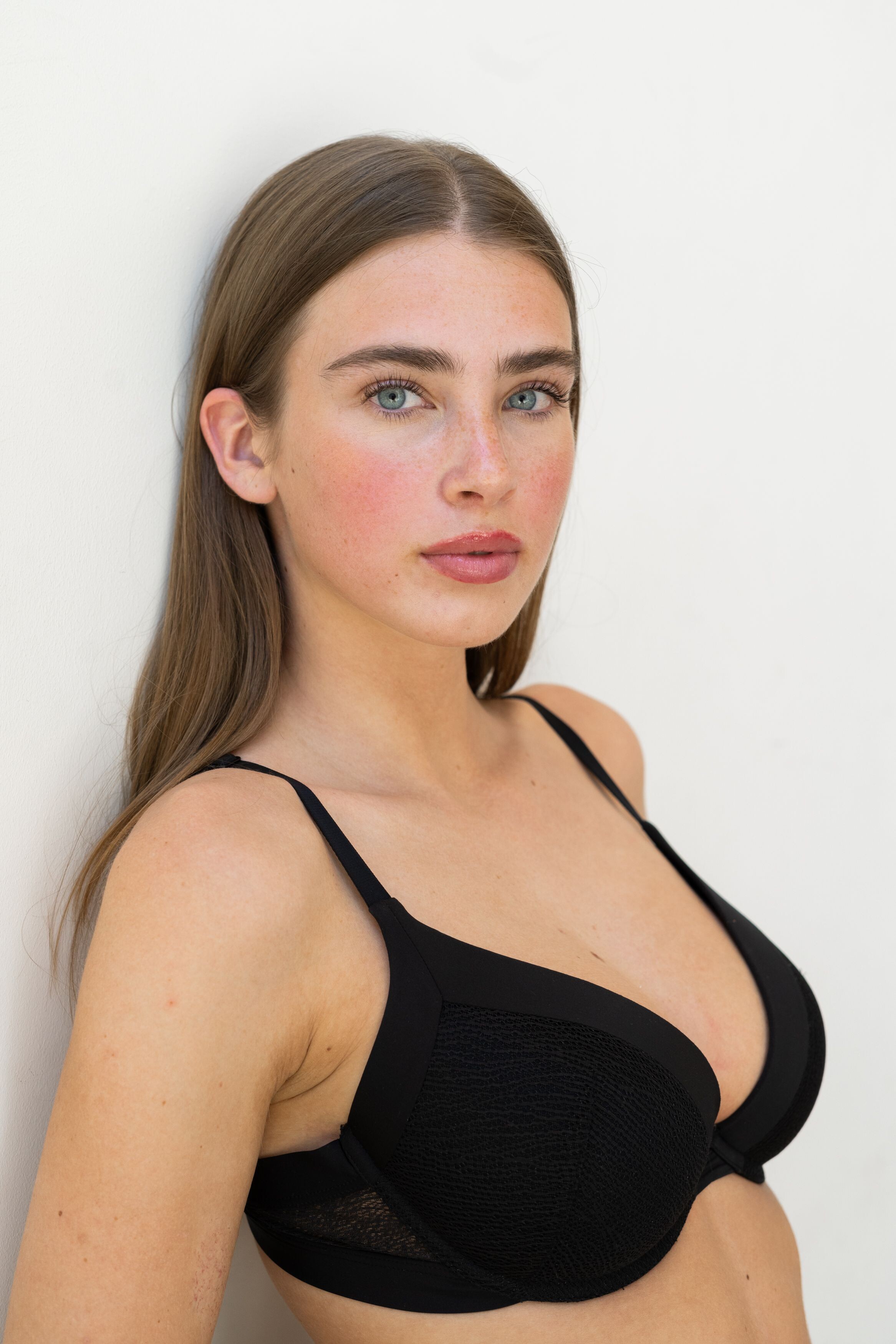
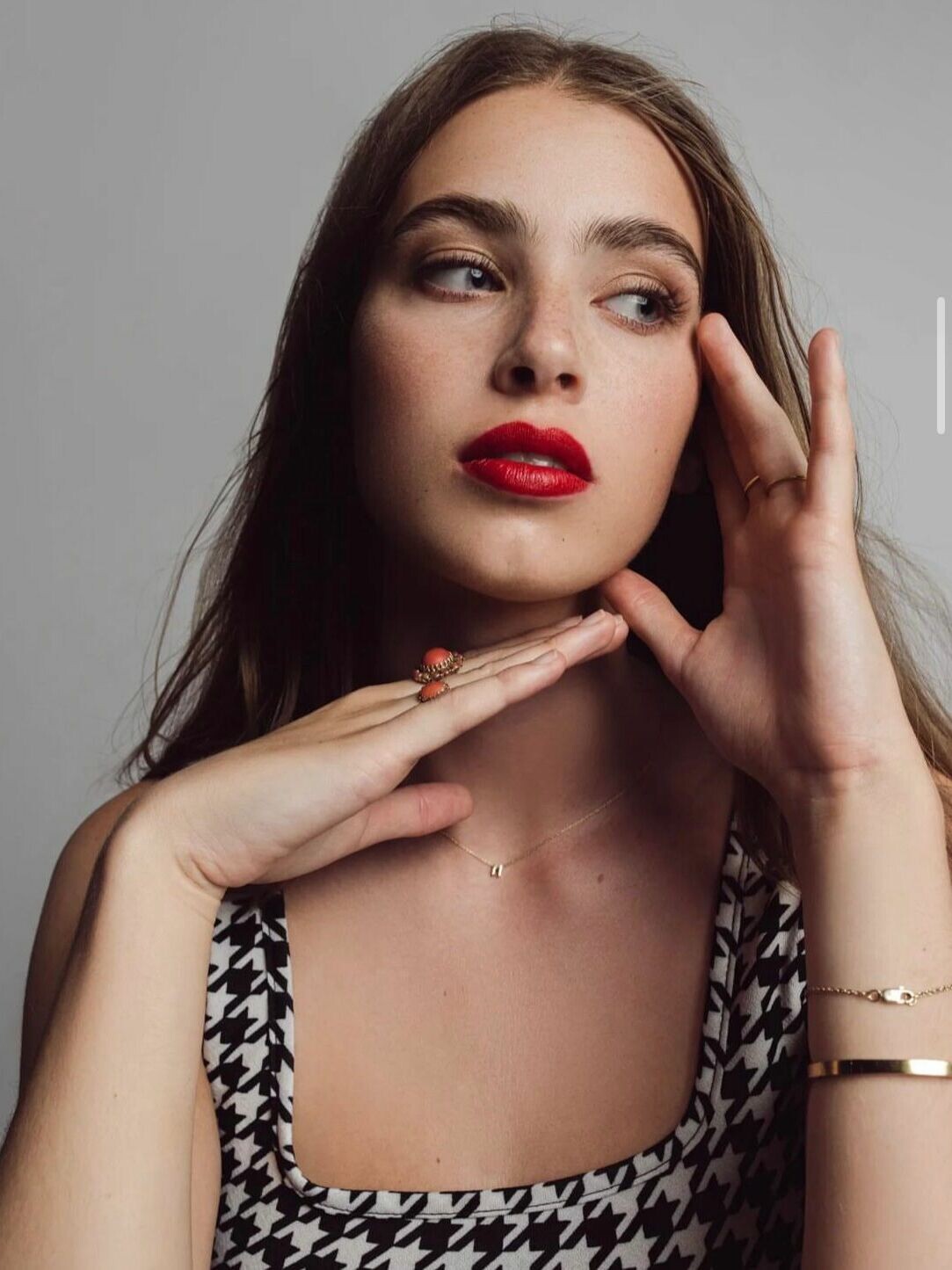
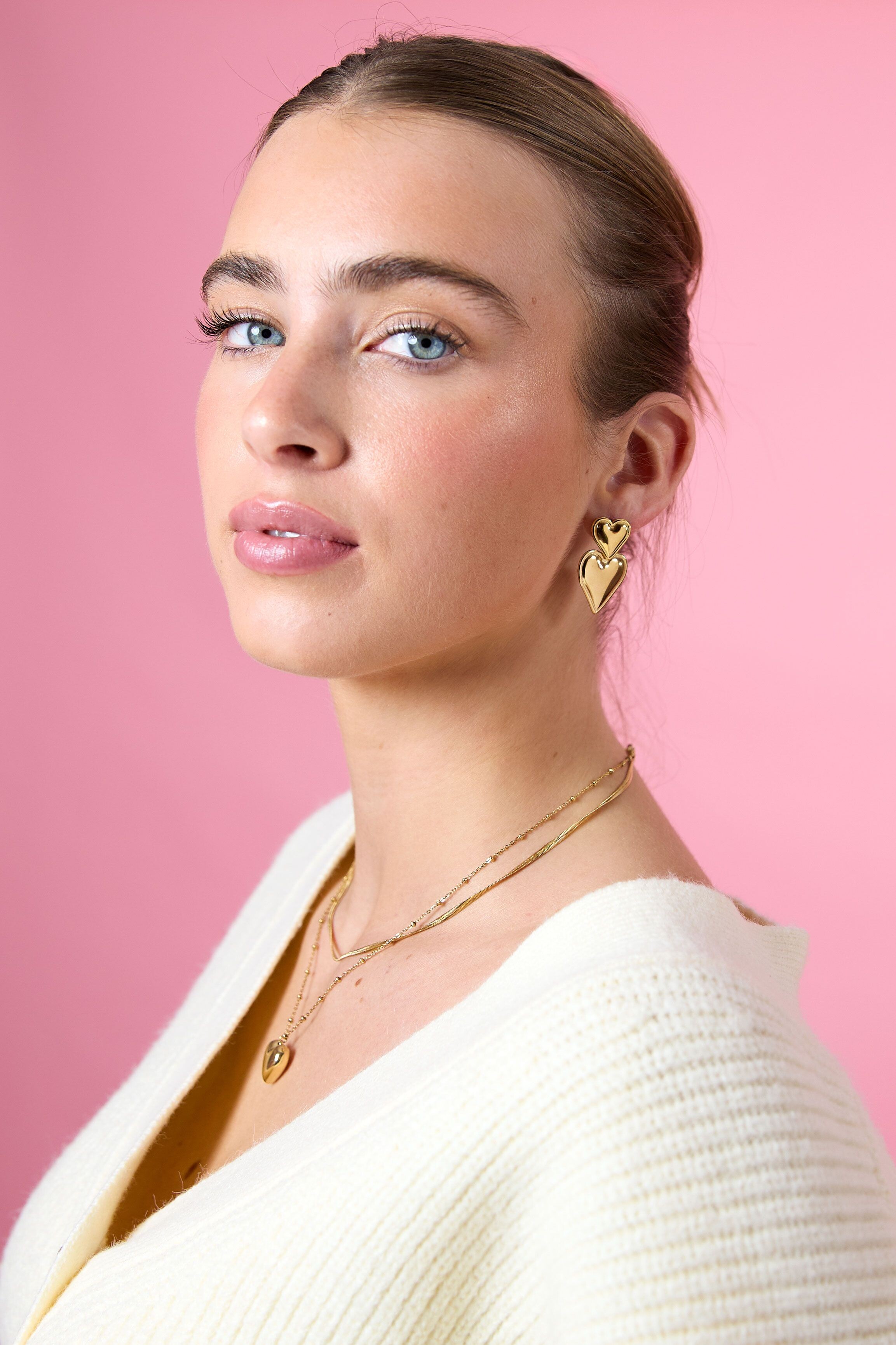
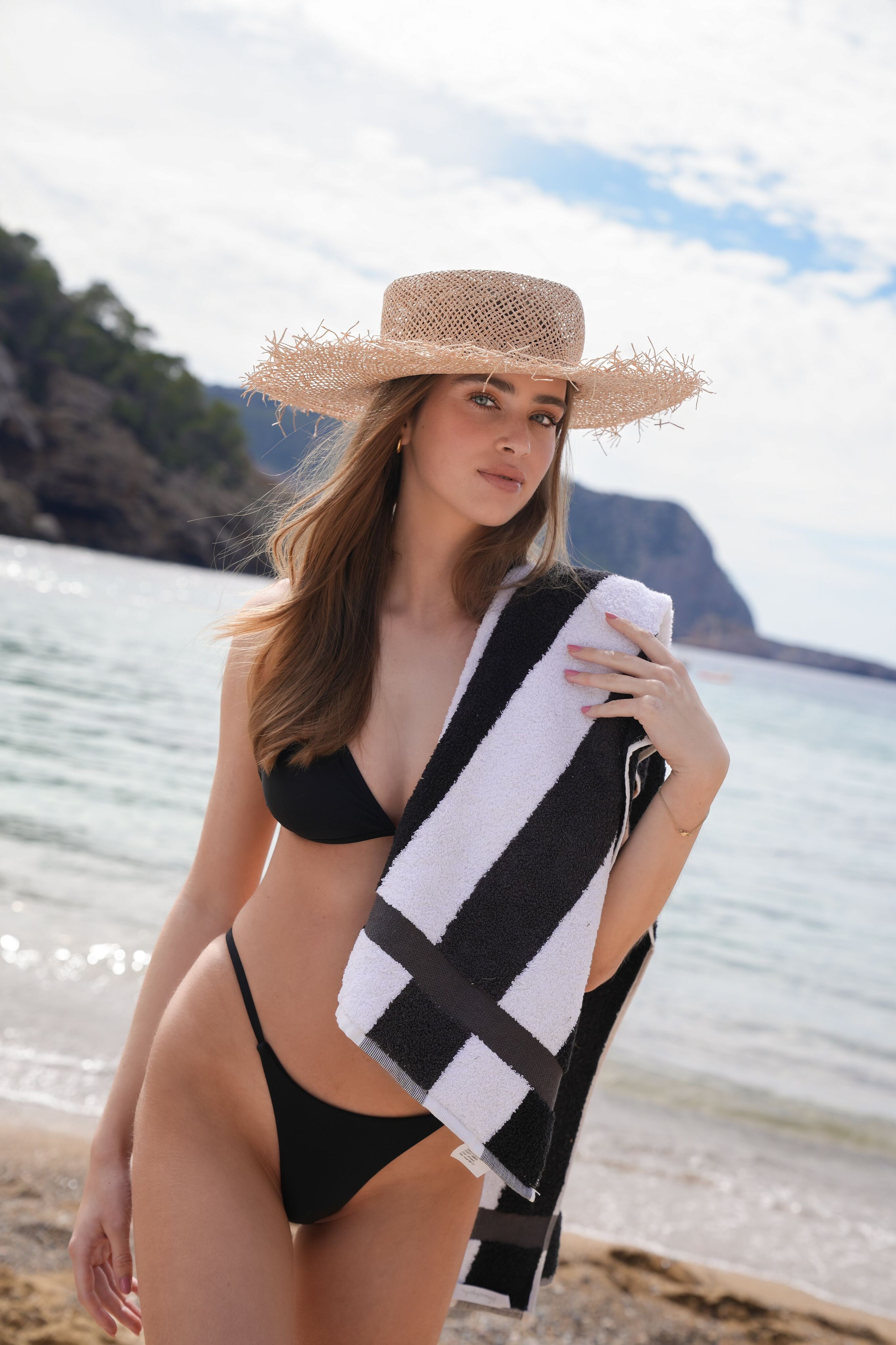
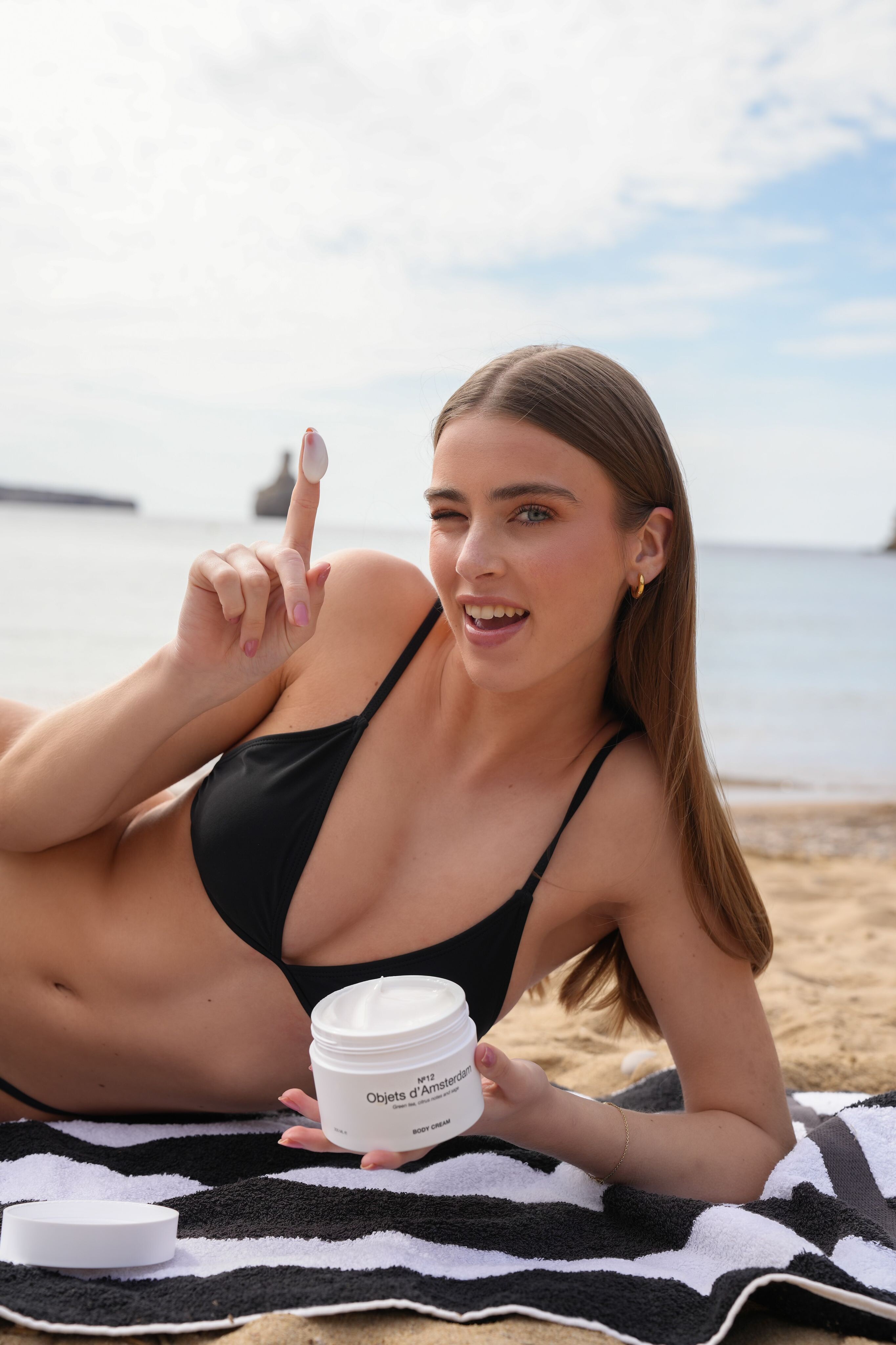
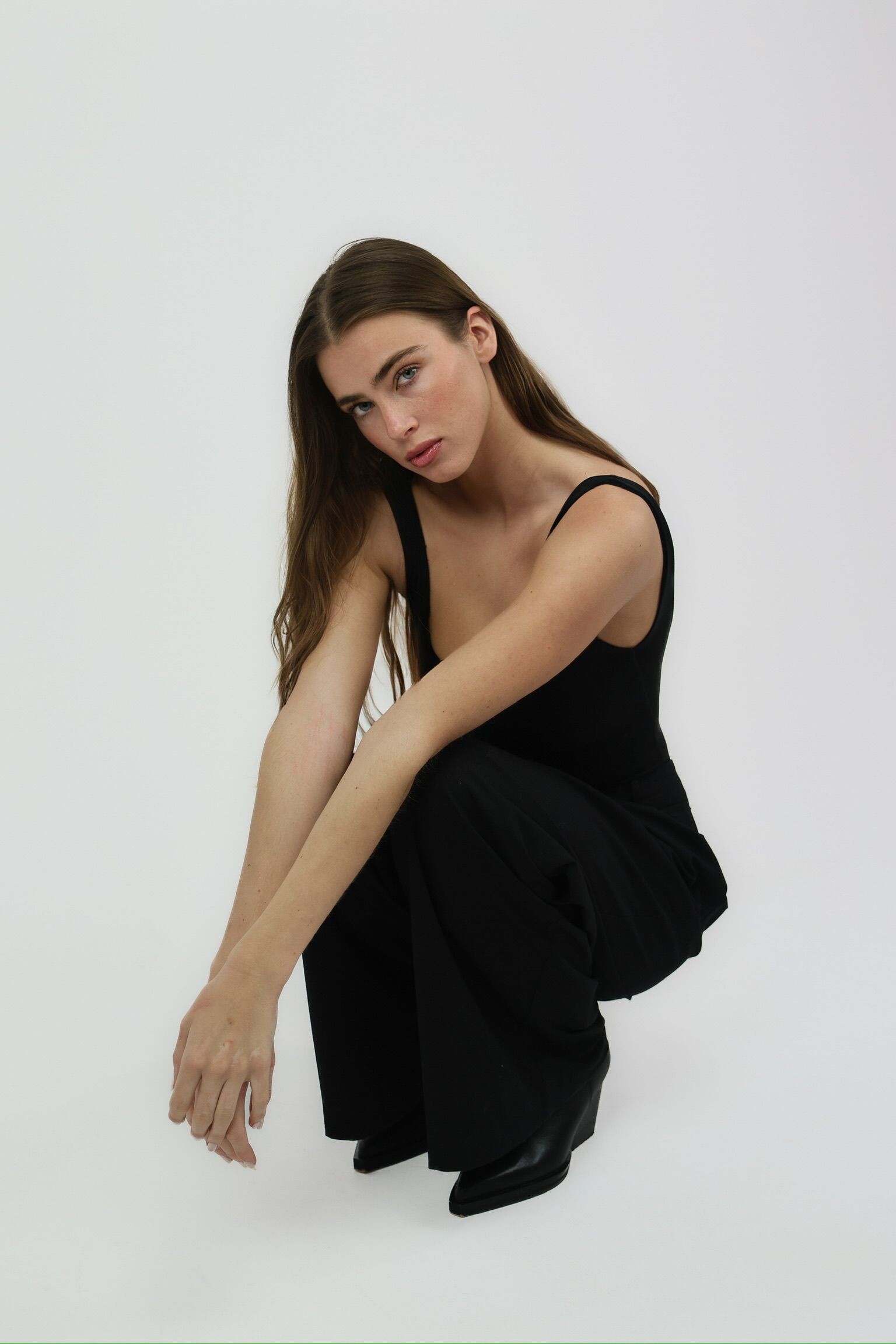
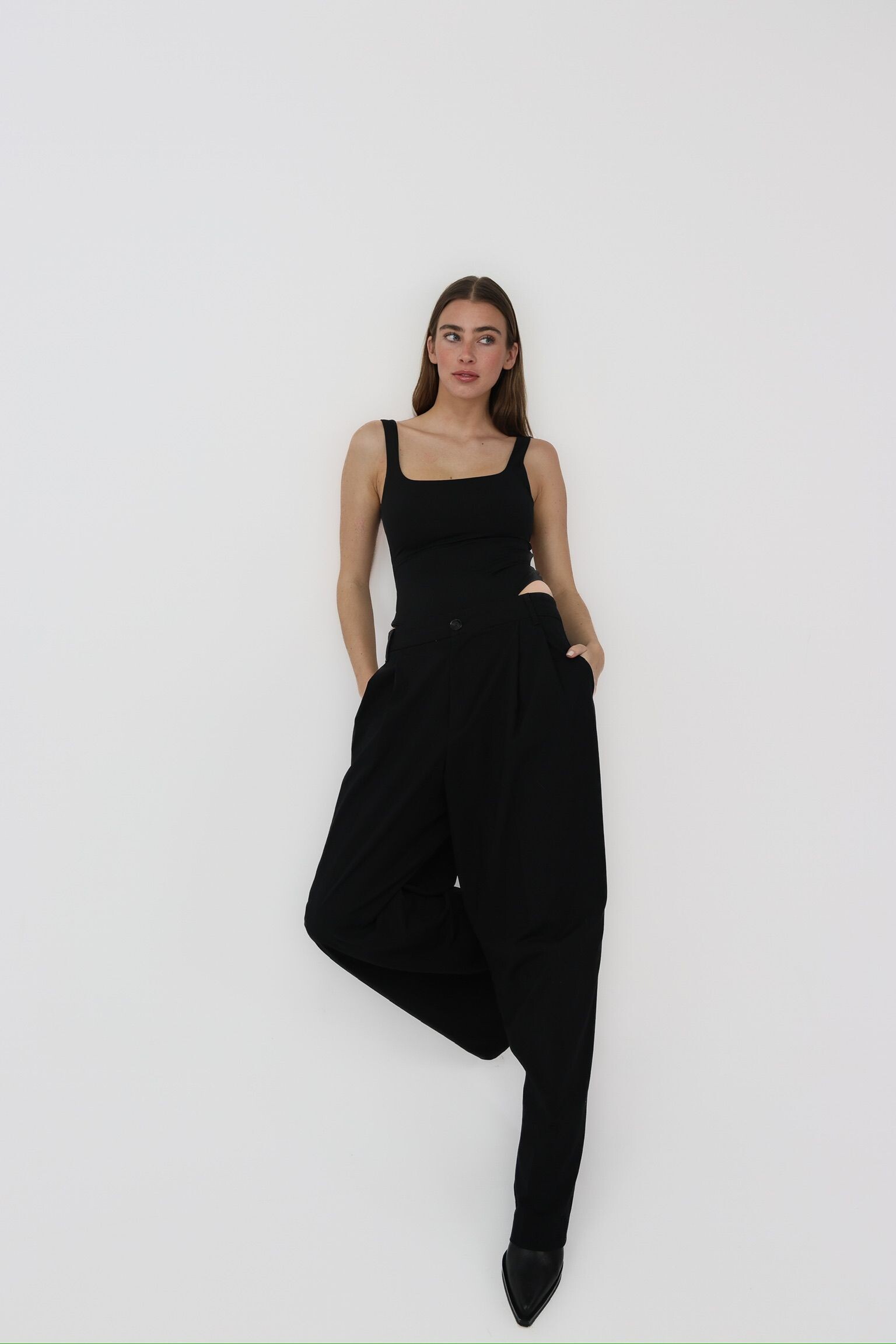
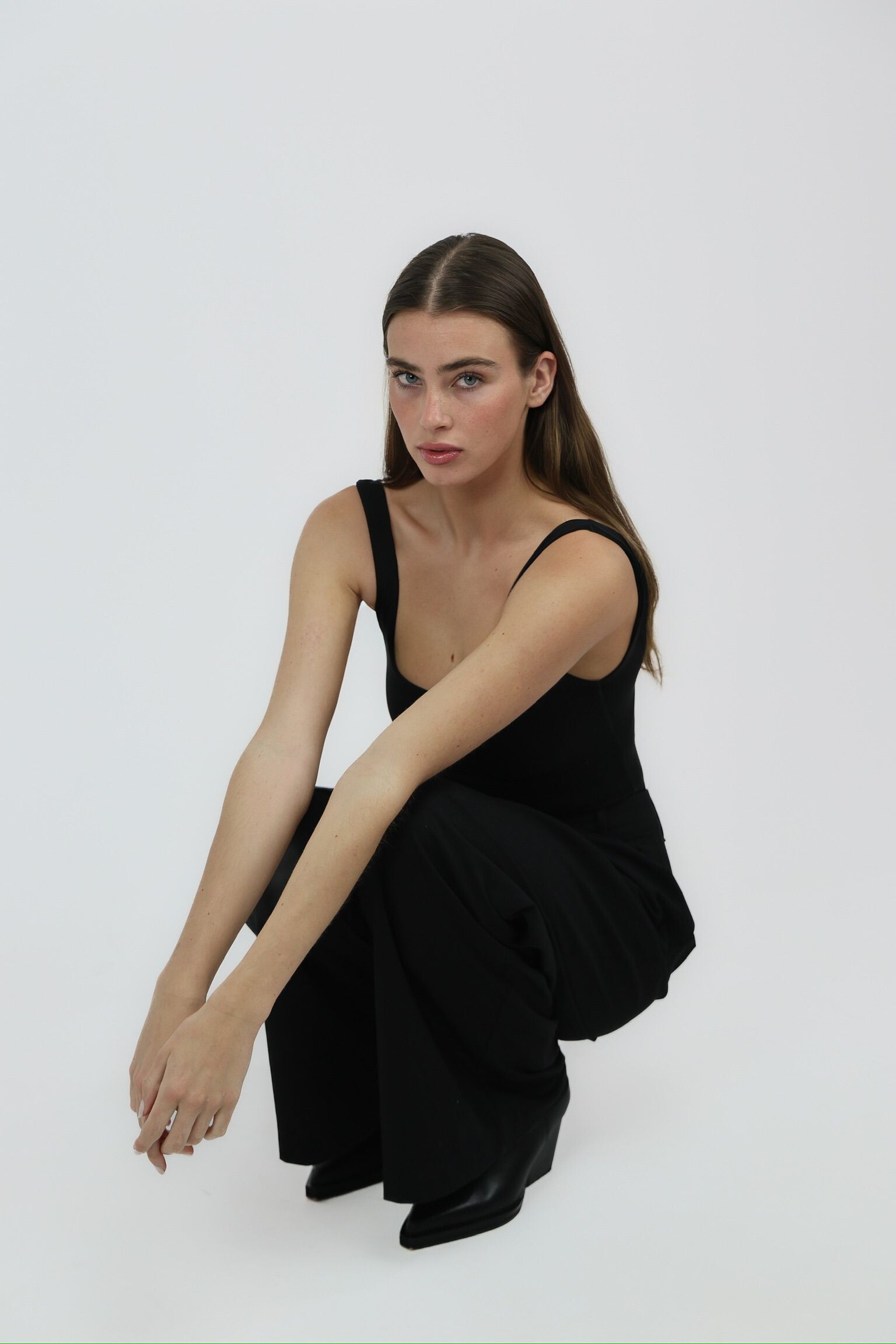
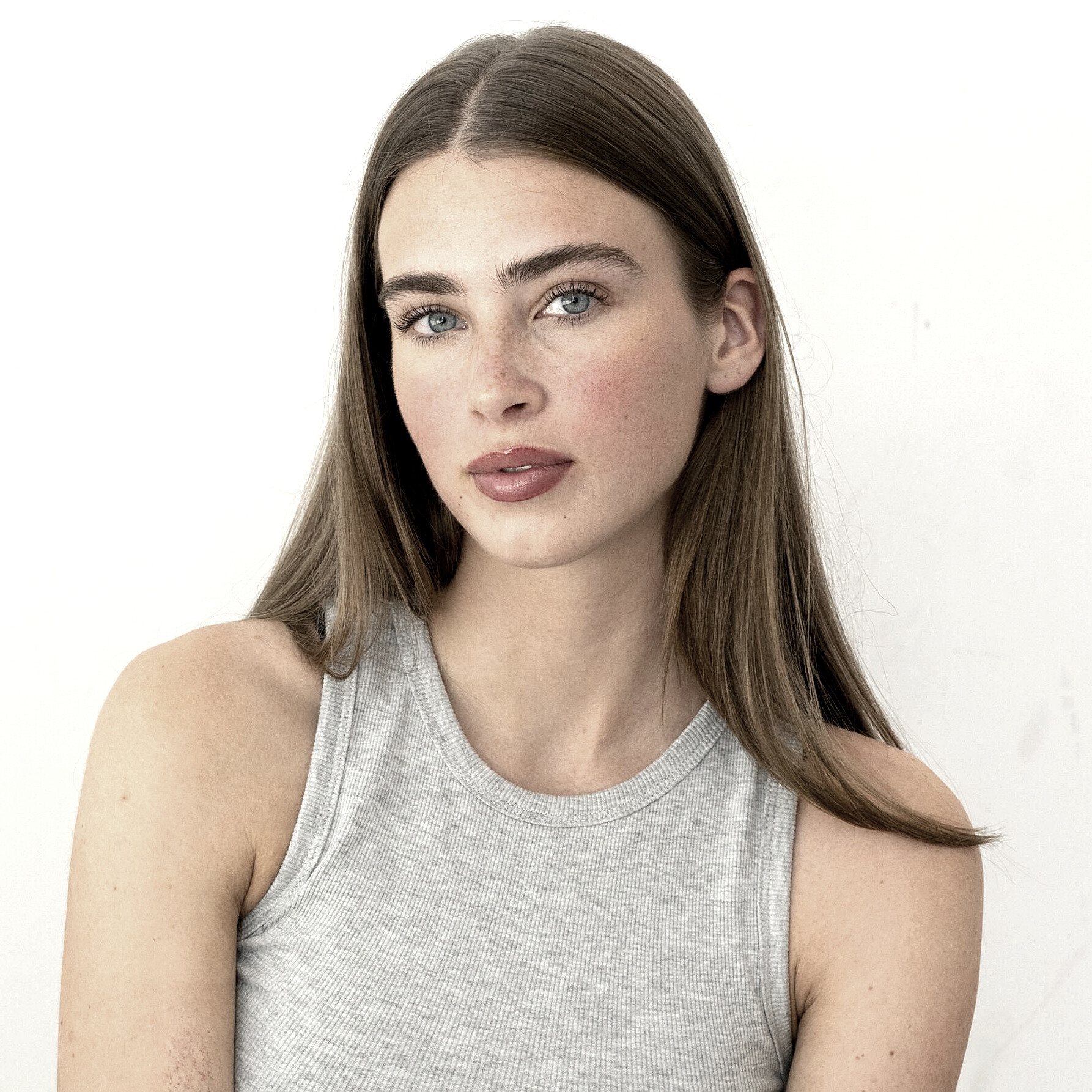
 Do you know this one? She's probably French, as her first name is Anne-Sophie. Hard to find, it seems she is exclusively modelling for Chichi Castelnango.




























































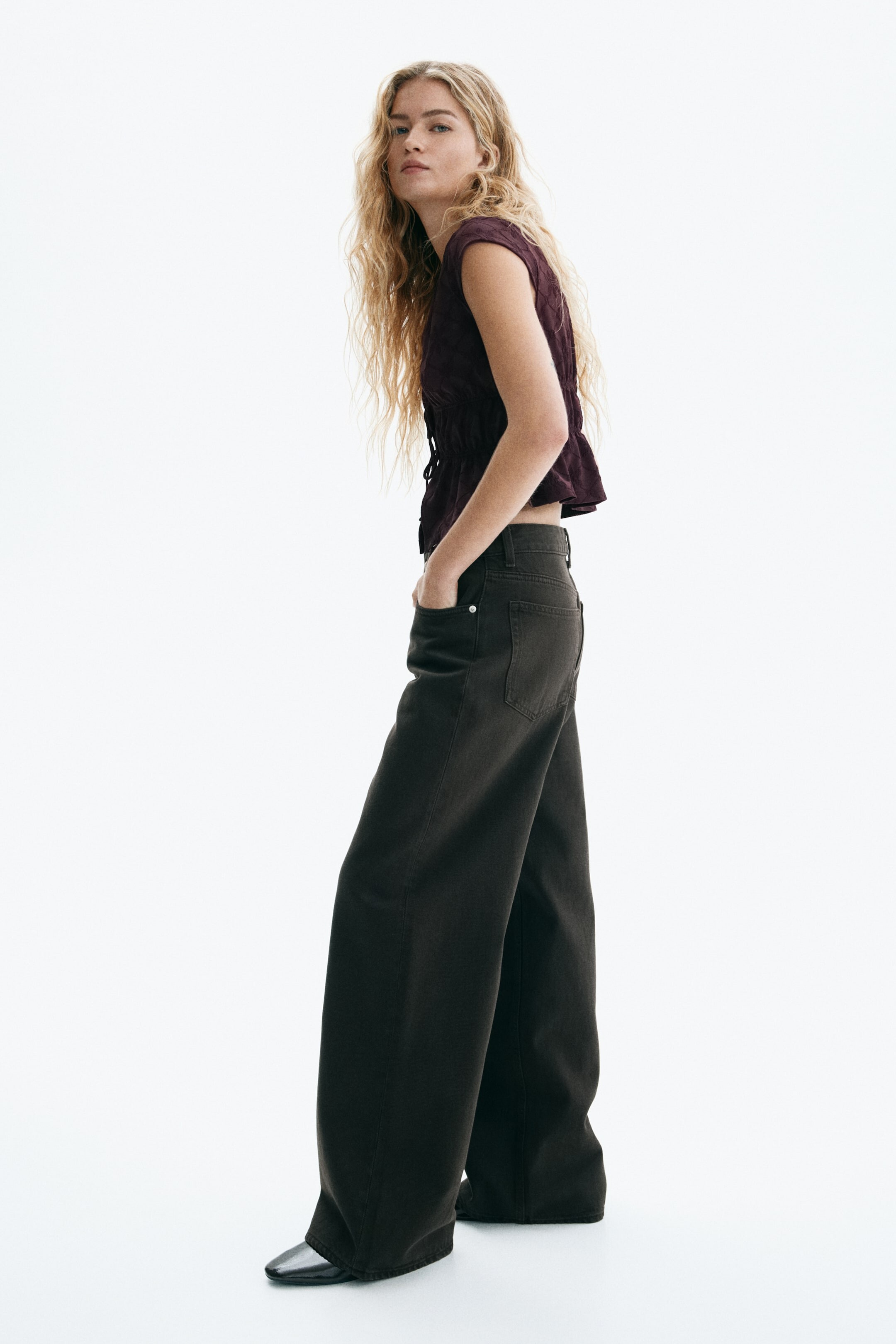
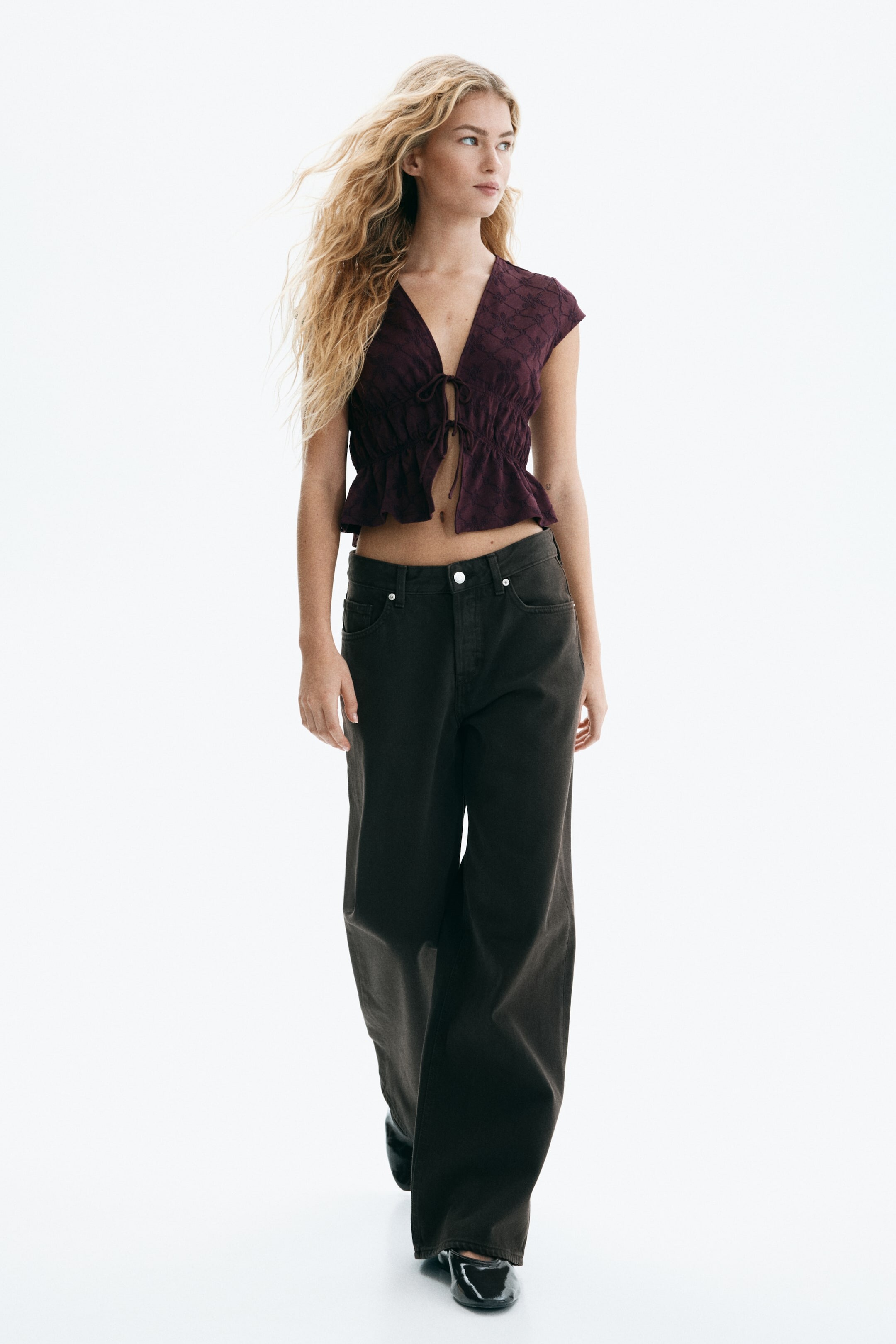










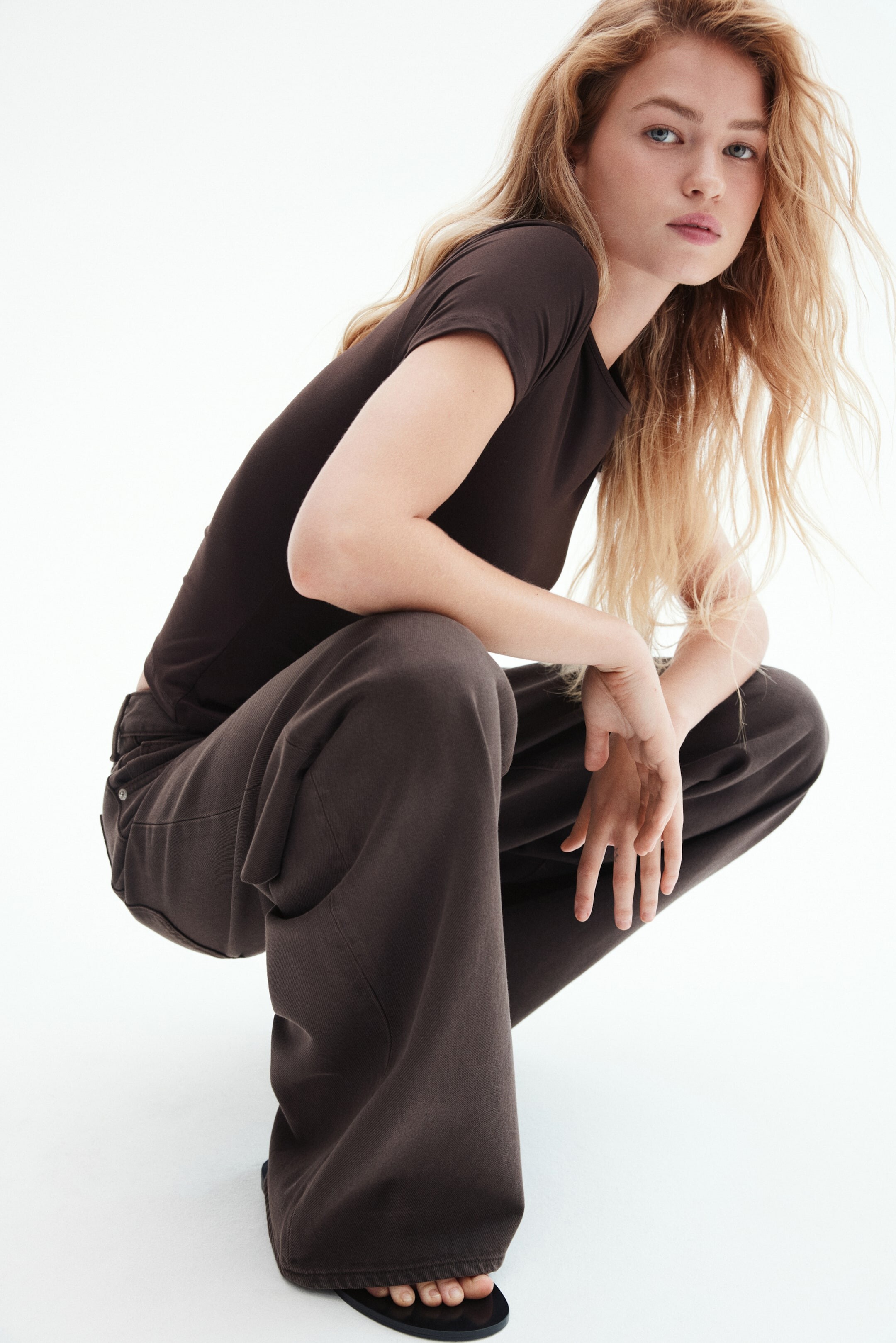
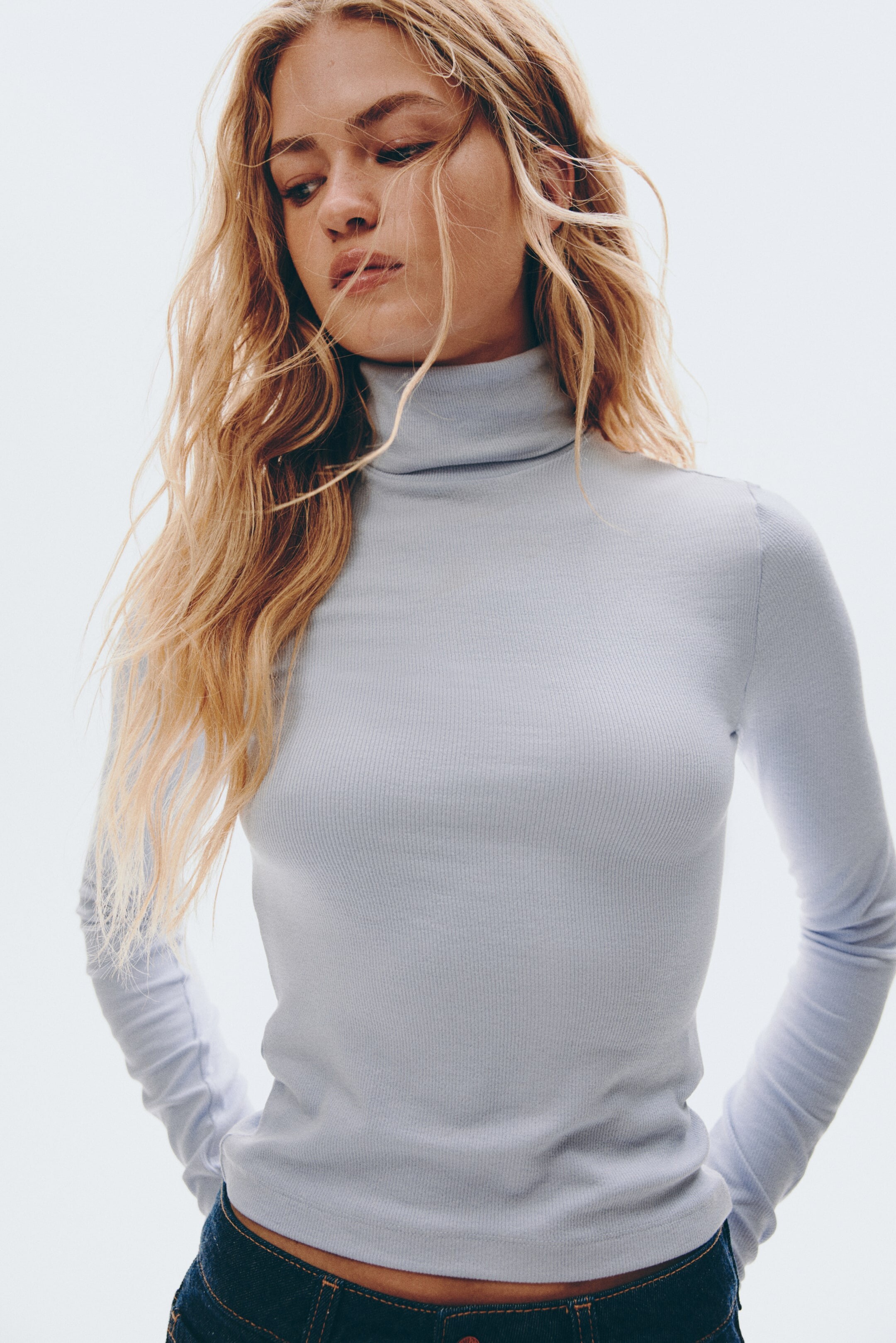
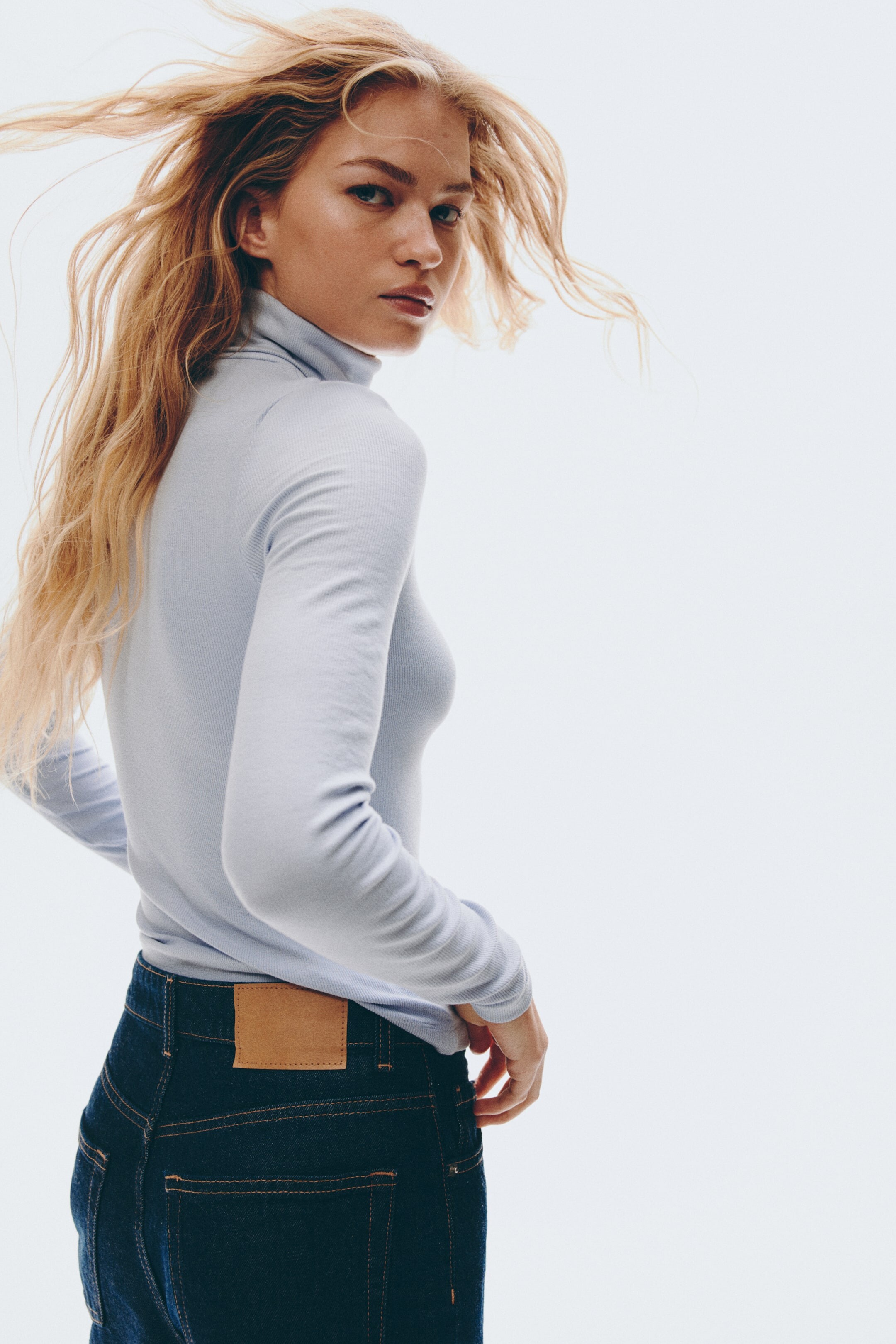
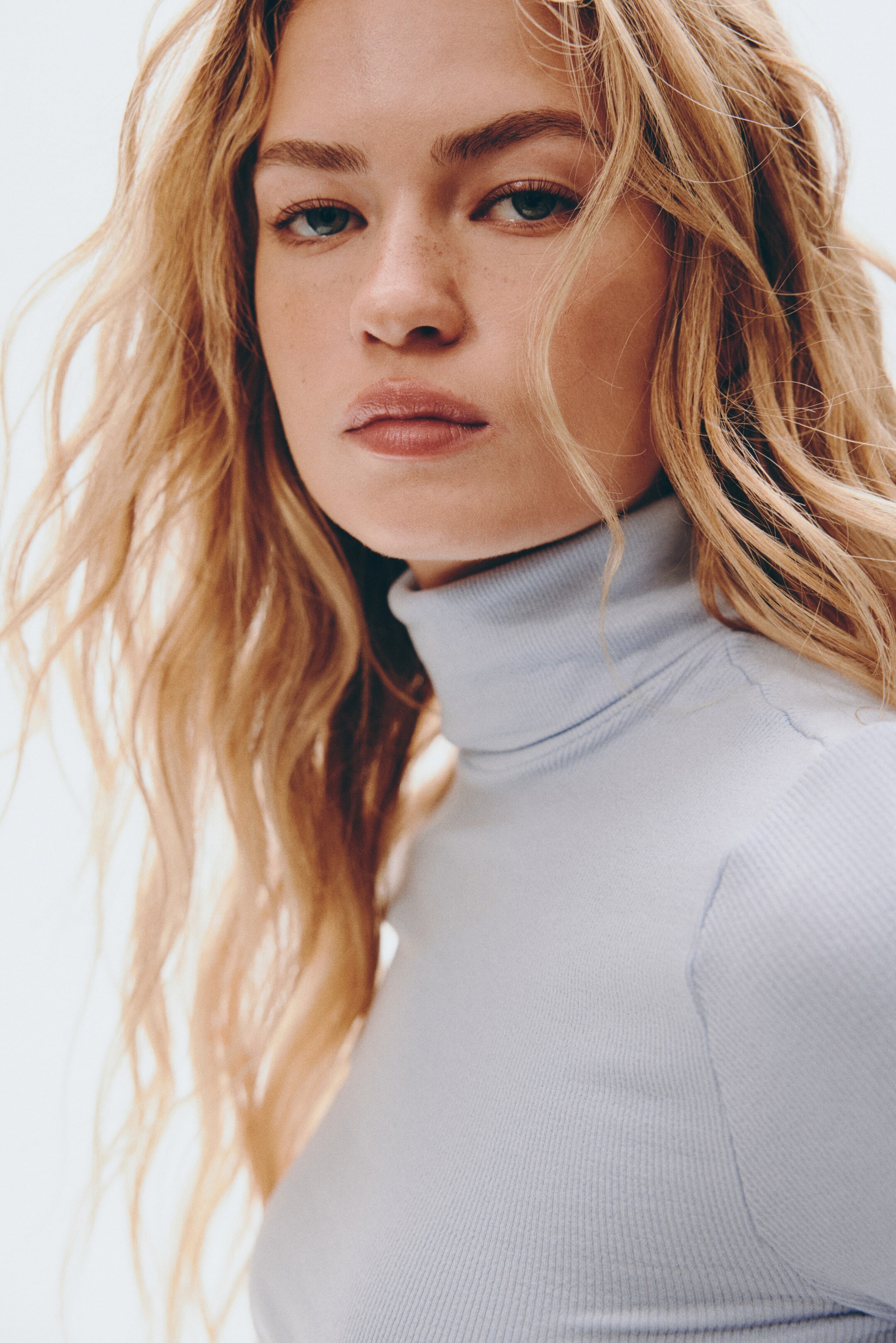







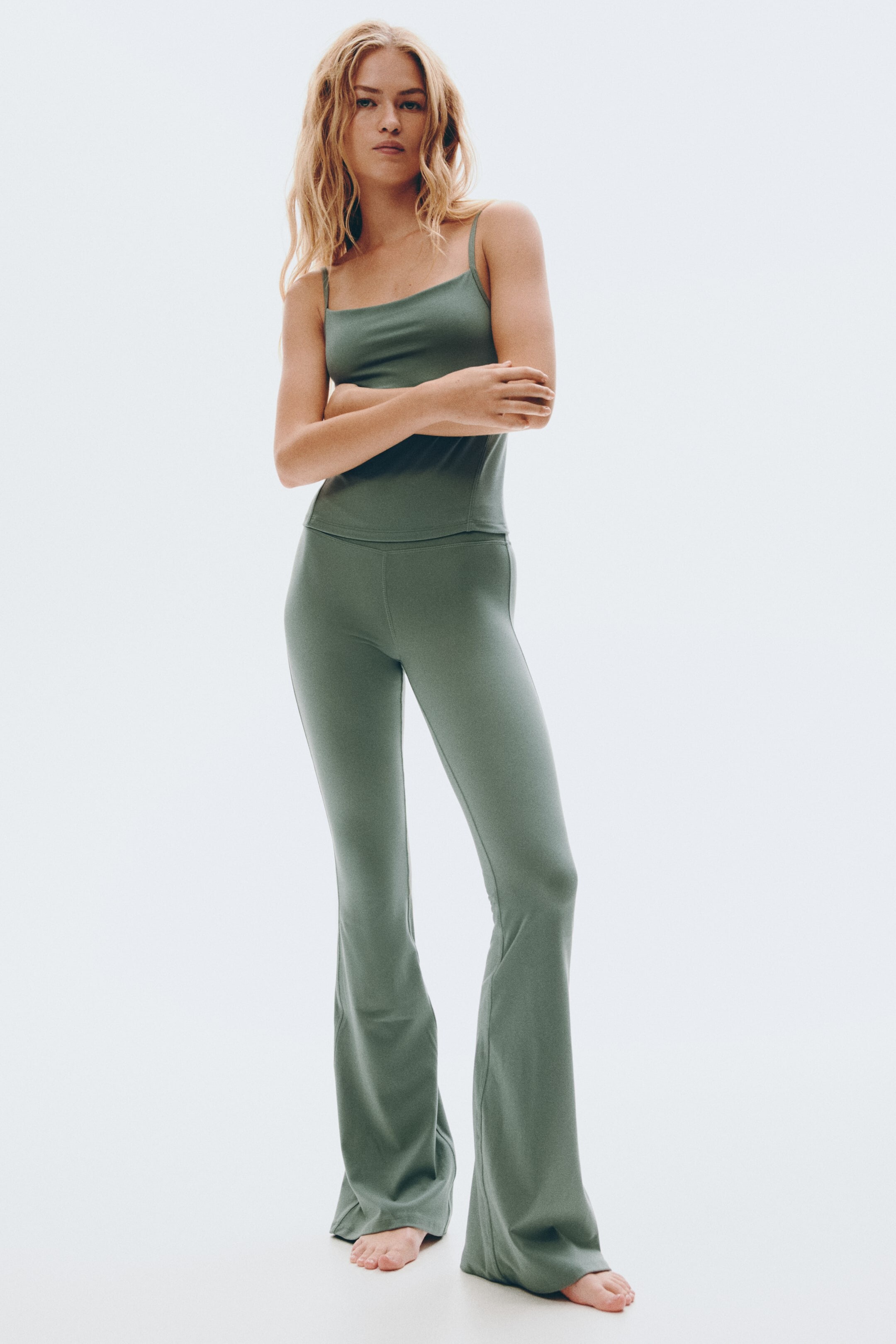
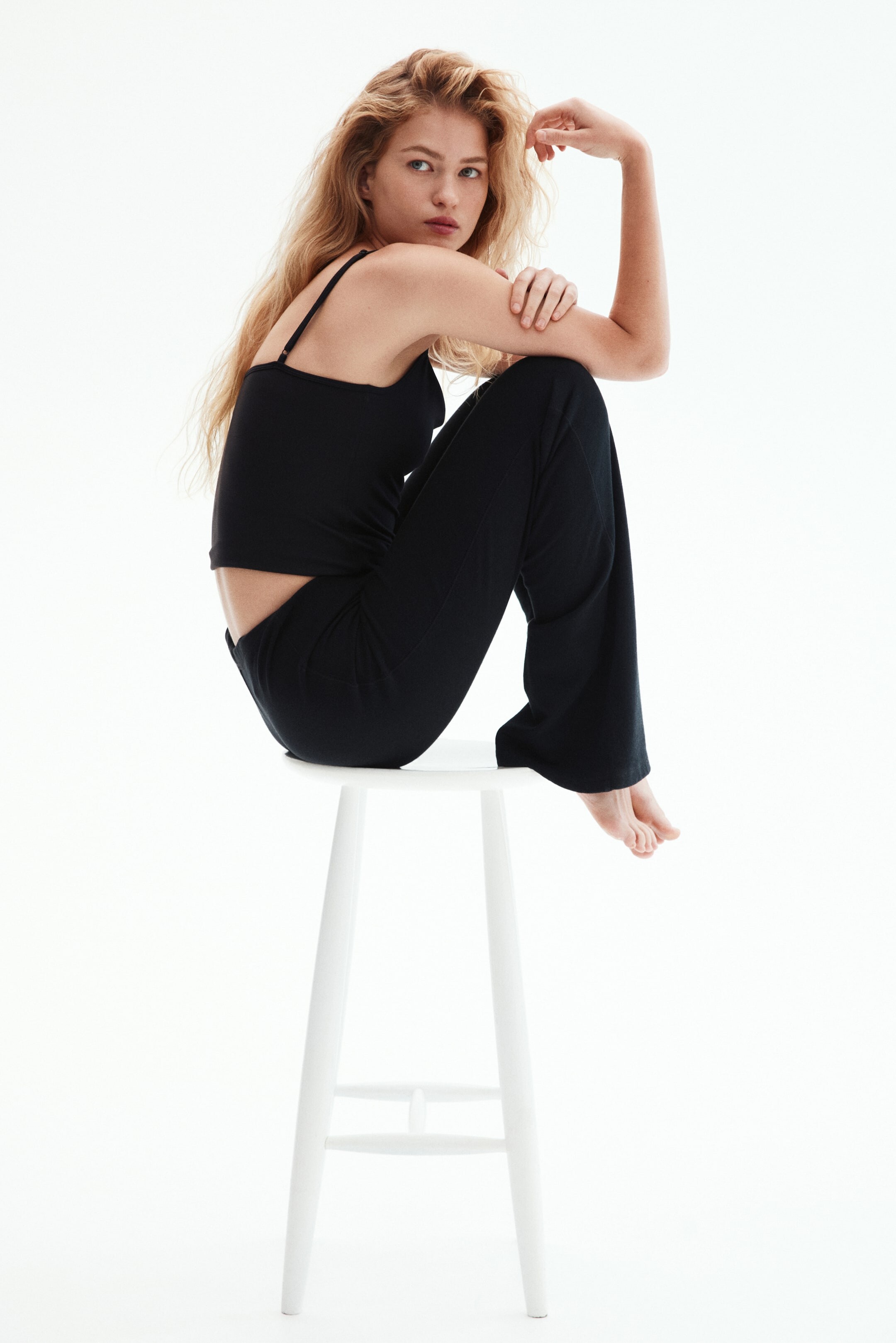
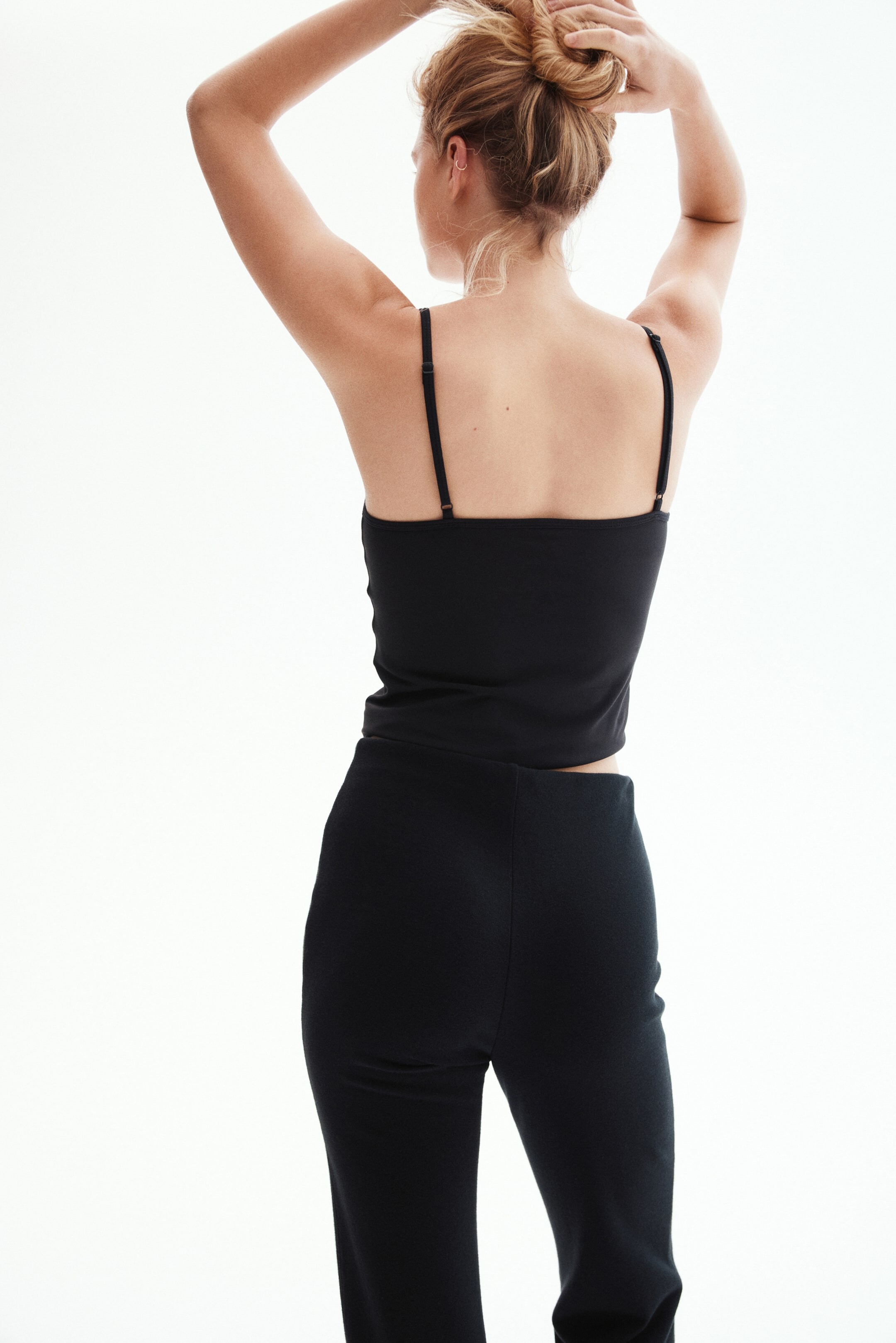
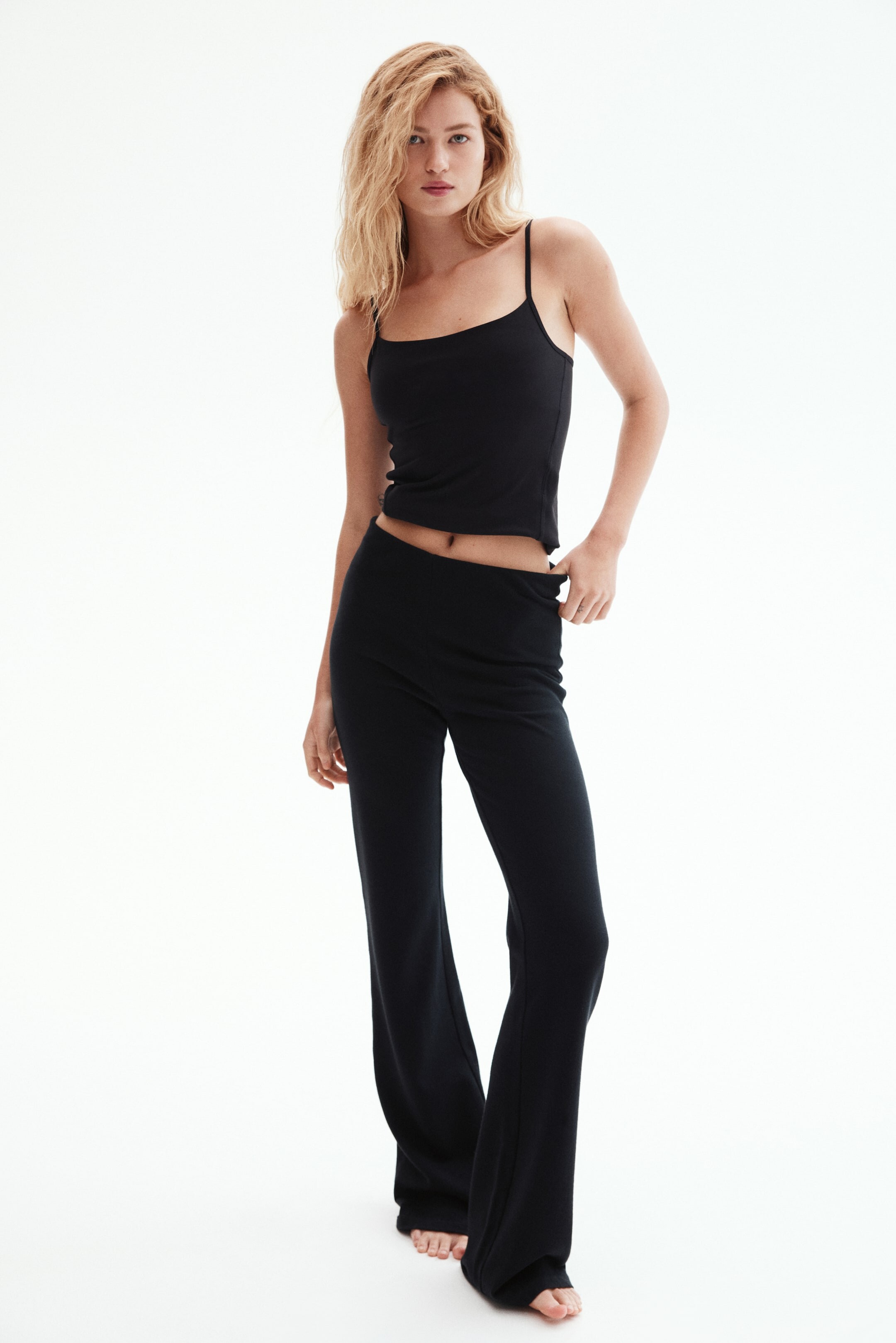








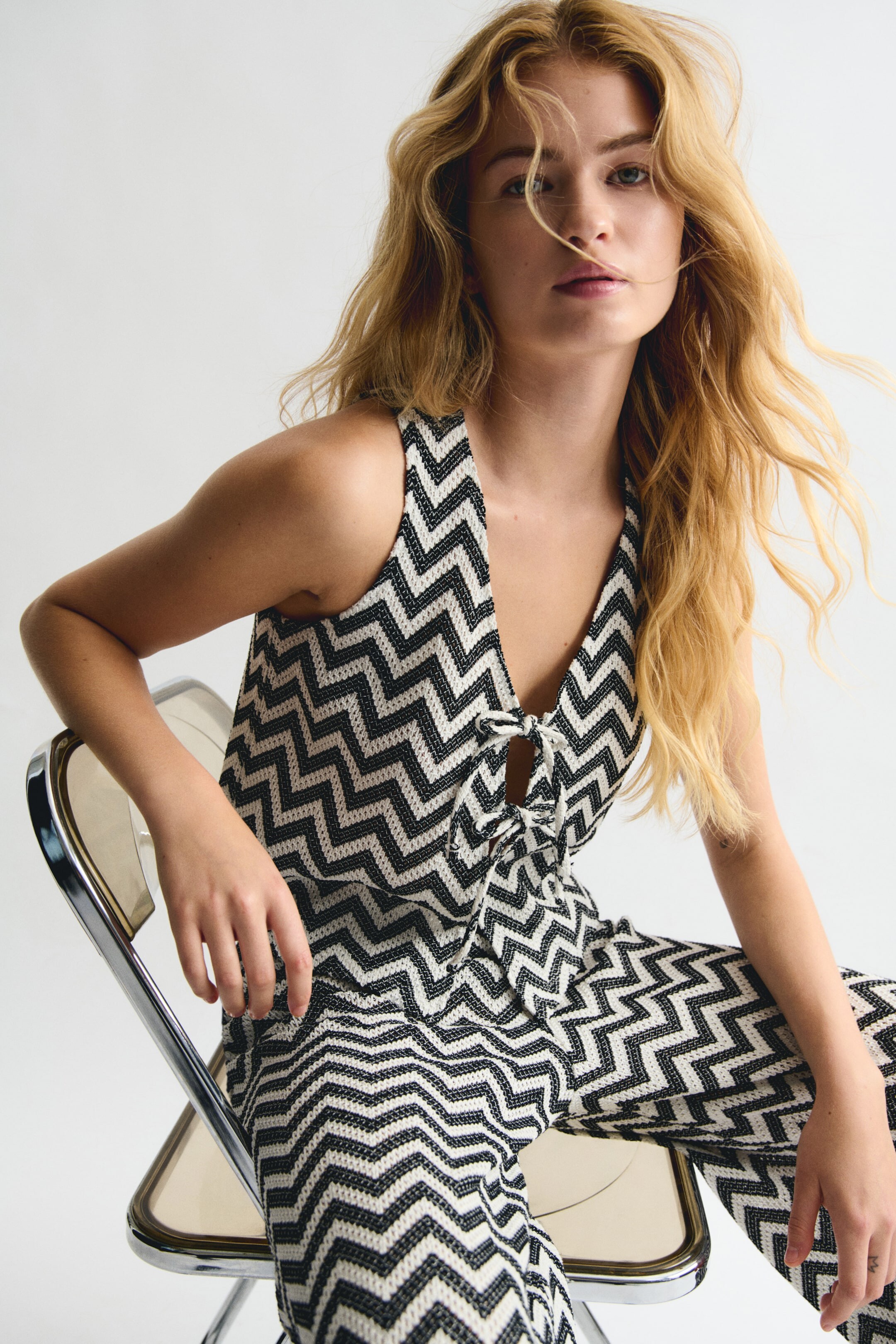

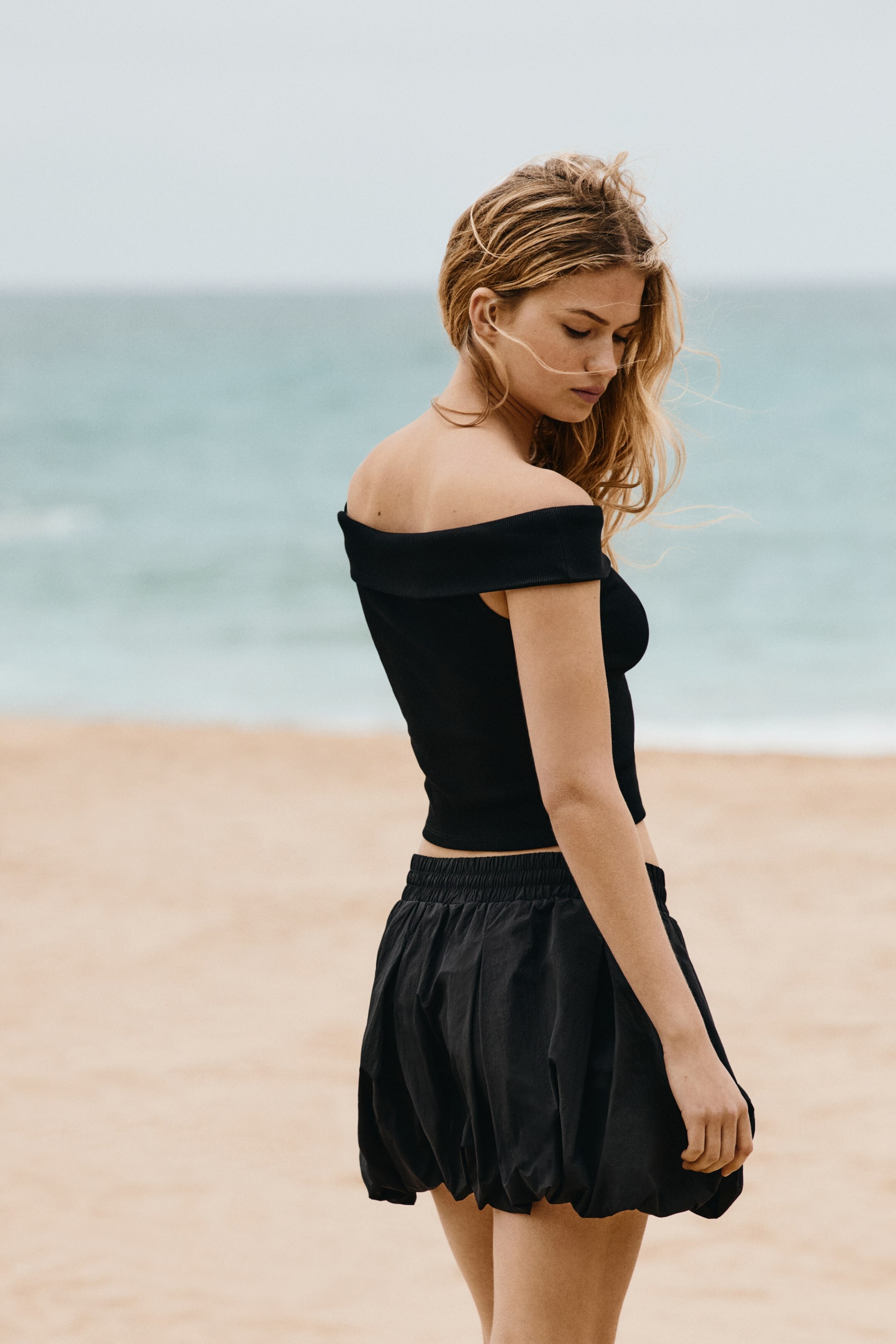
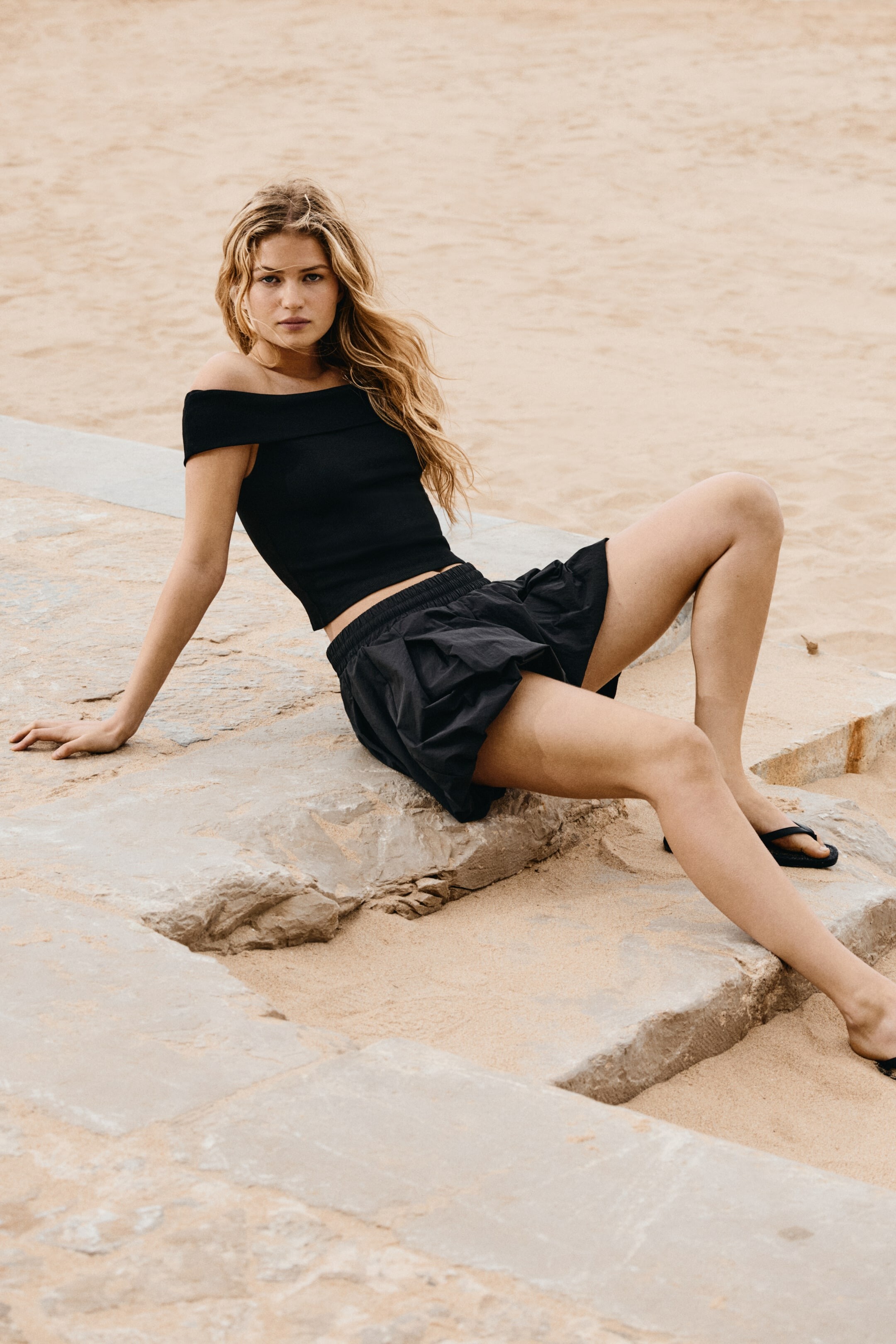
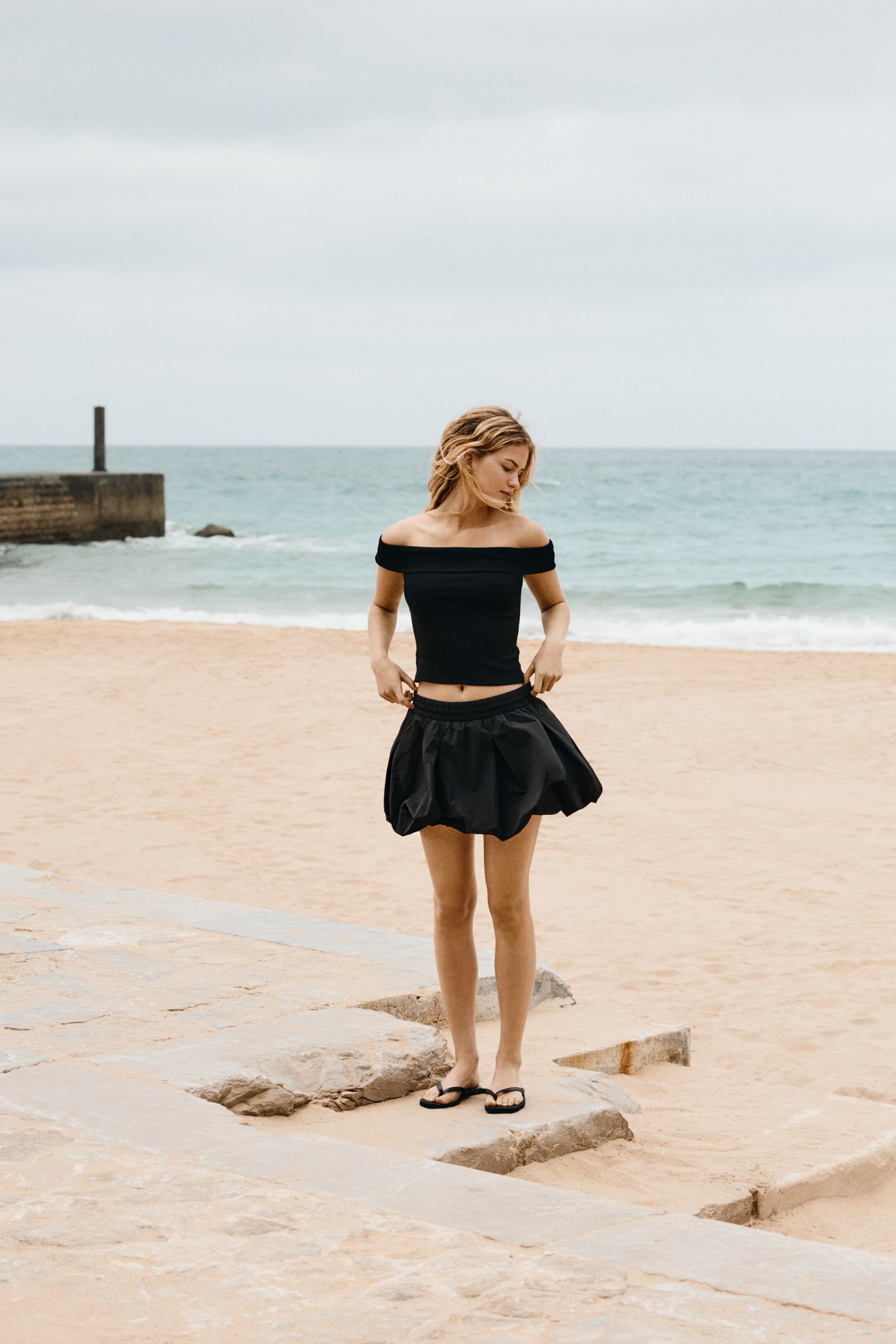
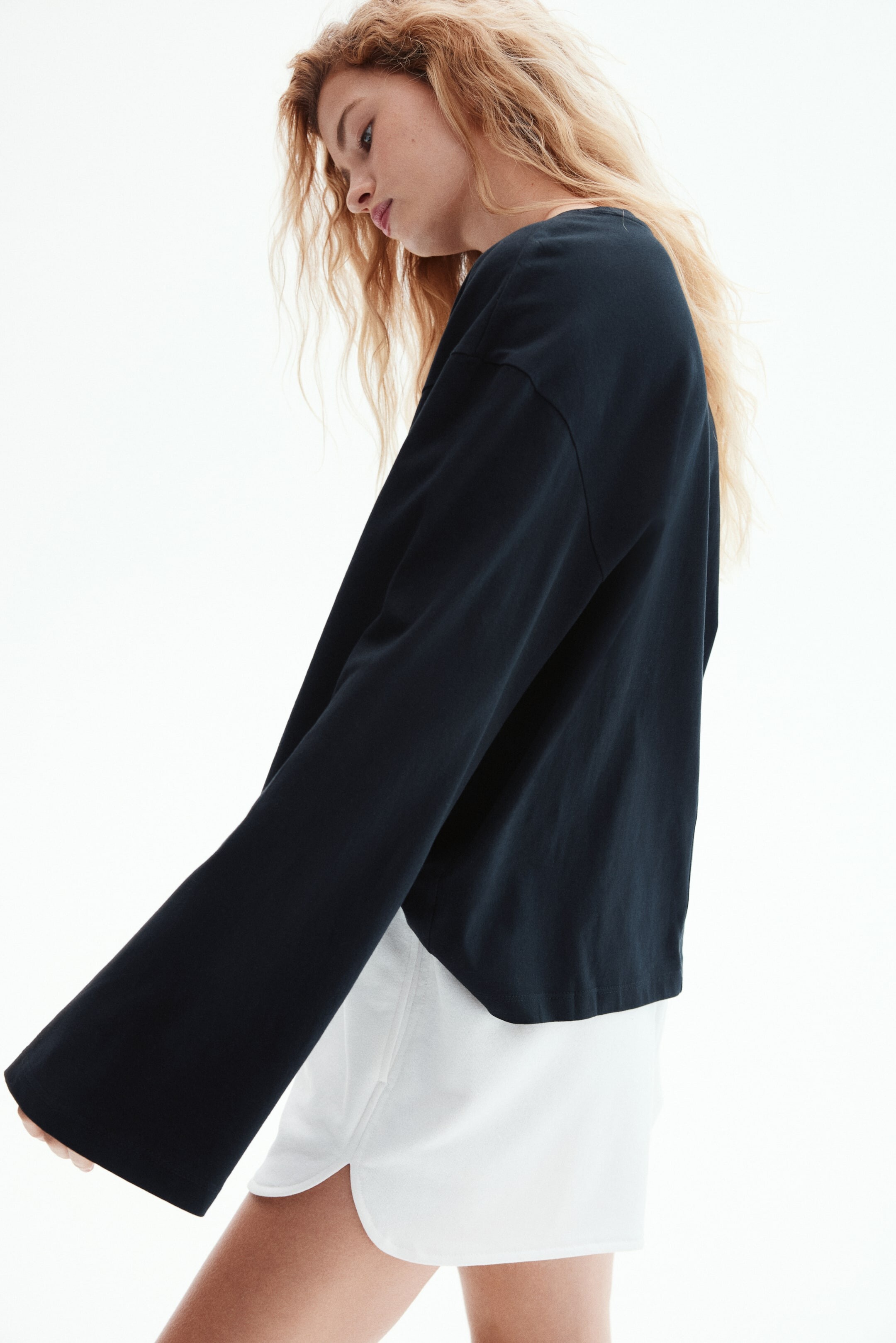
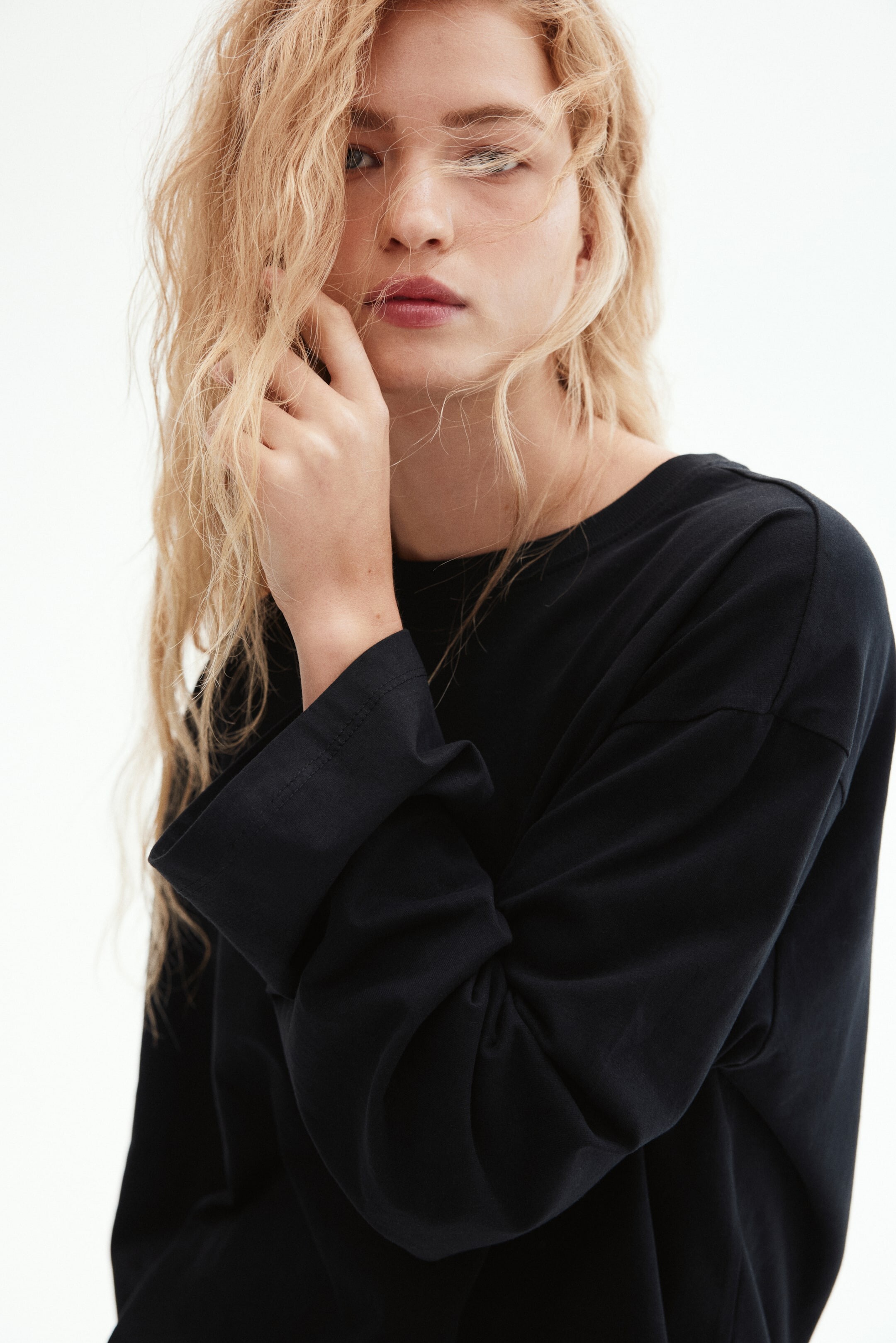
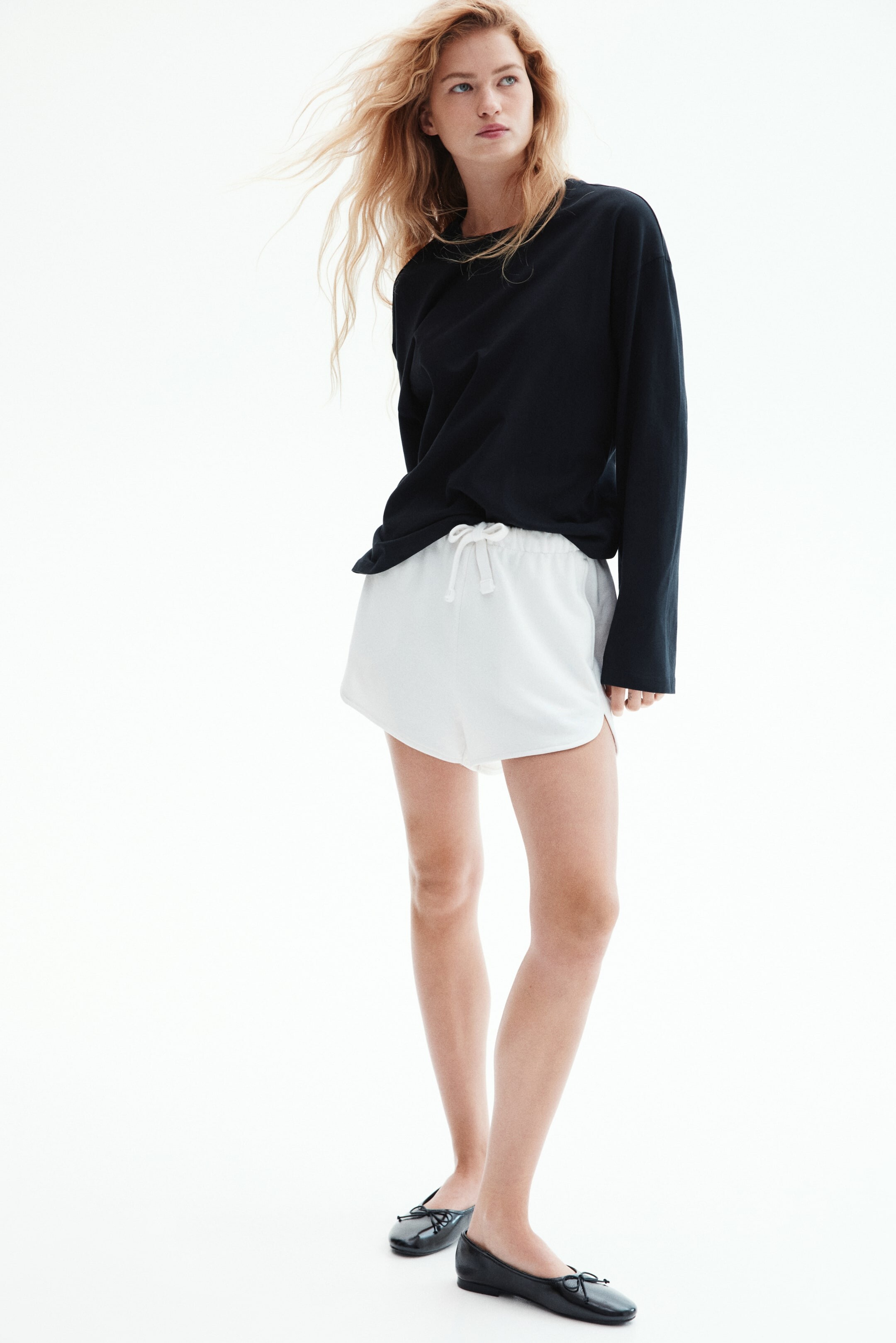
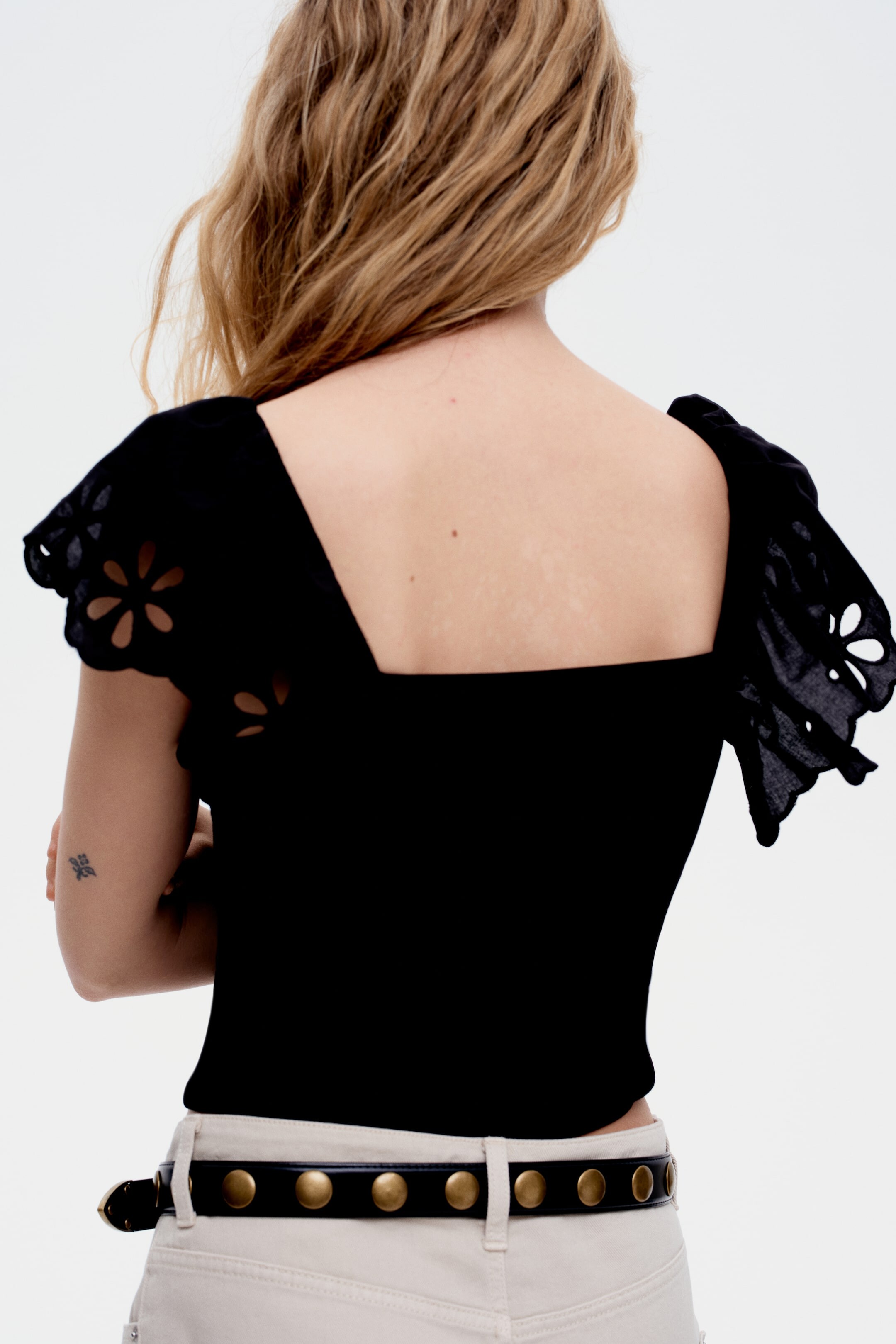








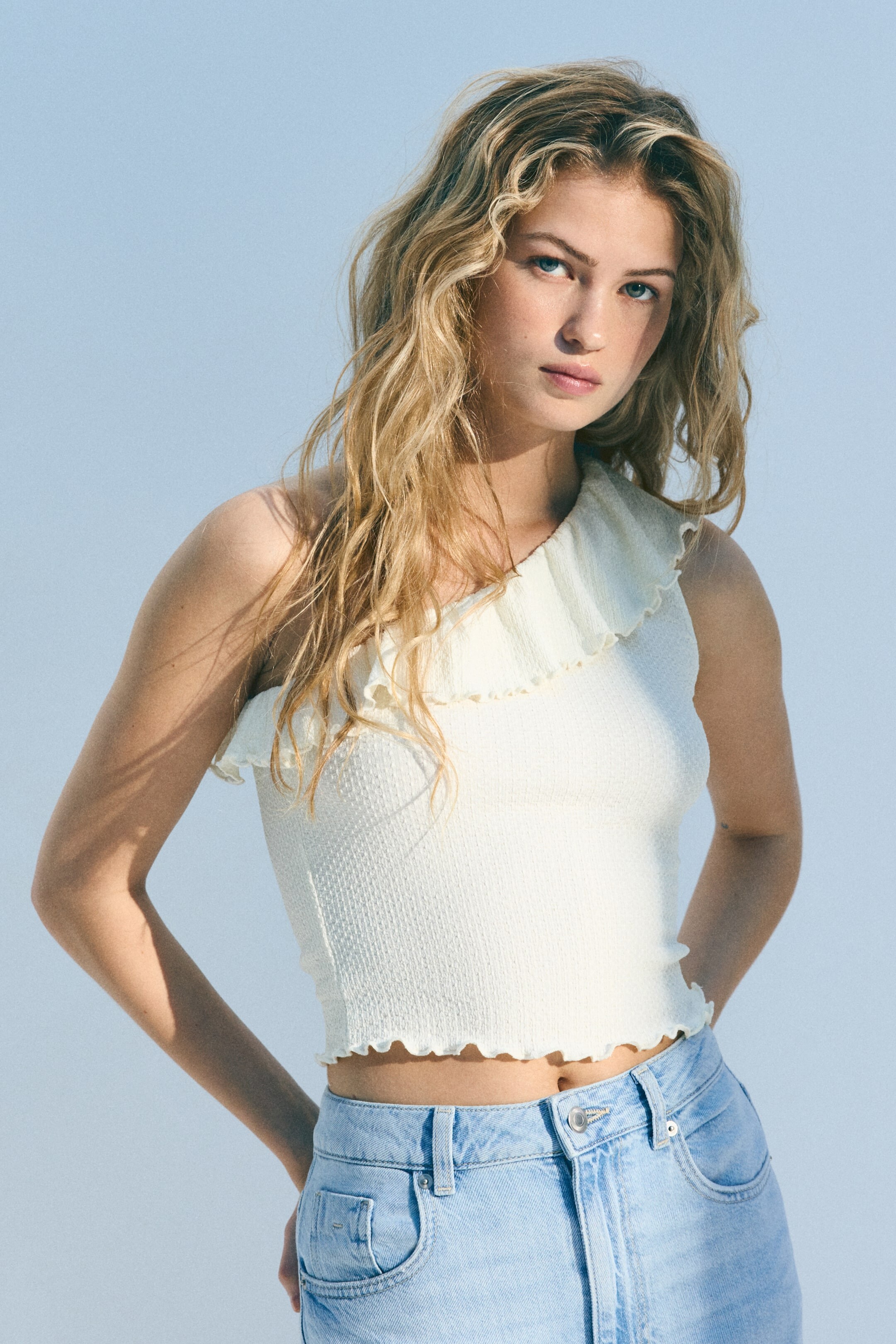

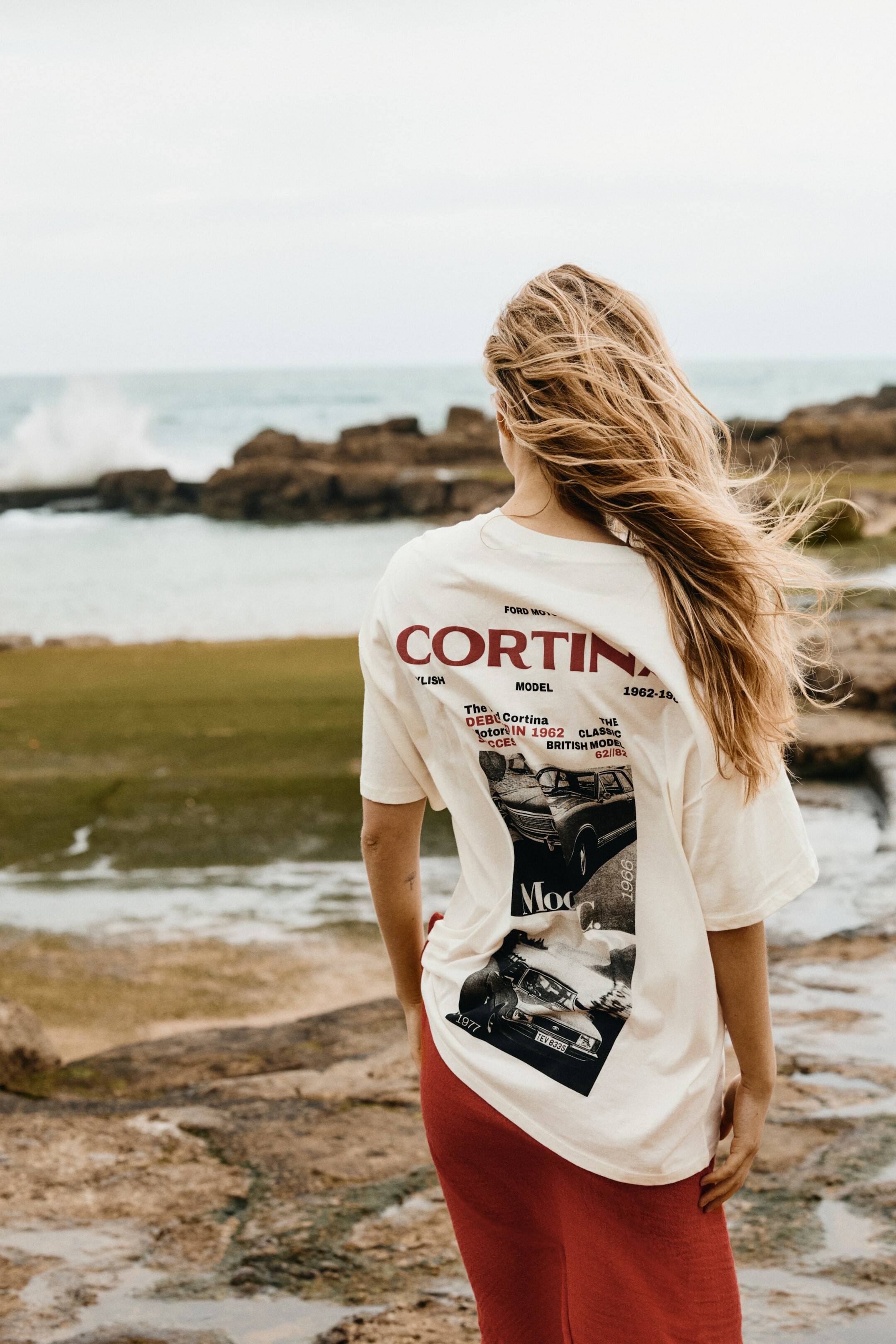
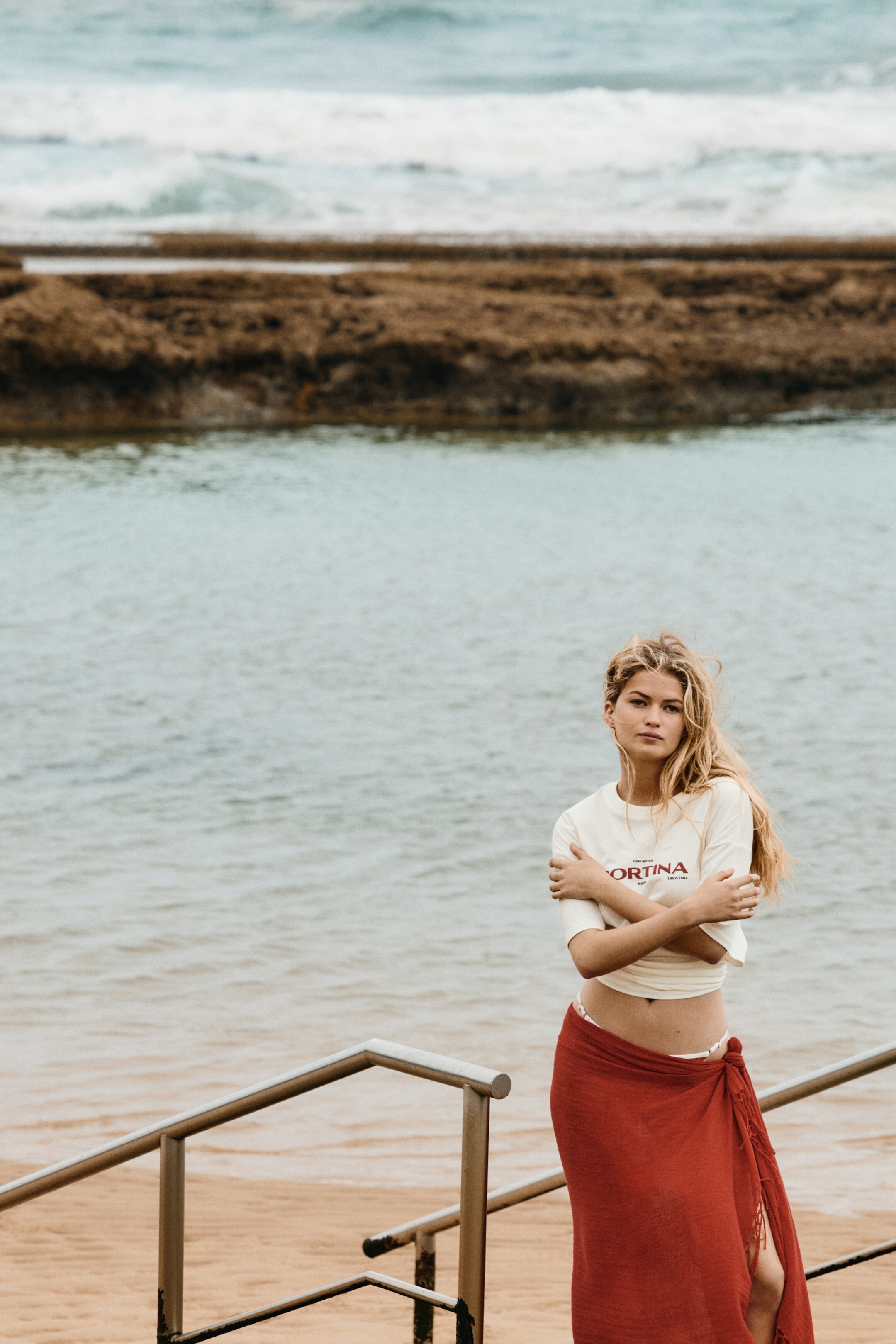
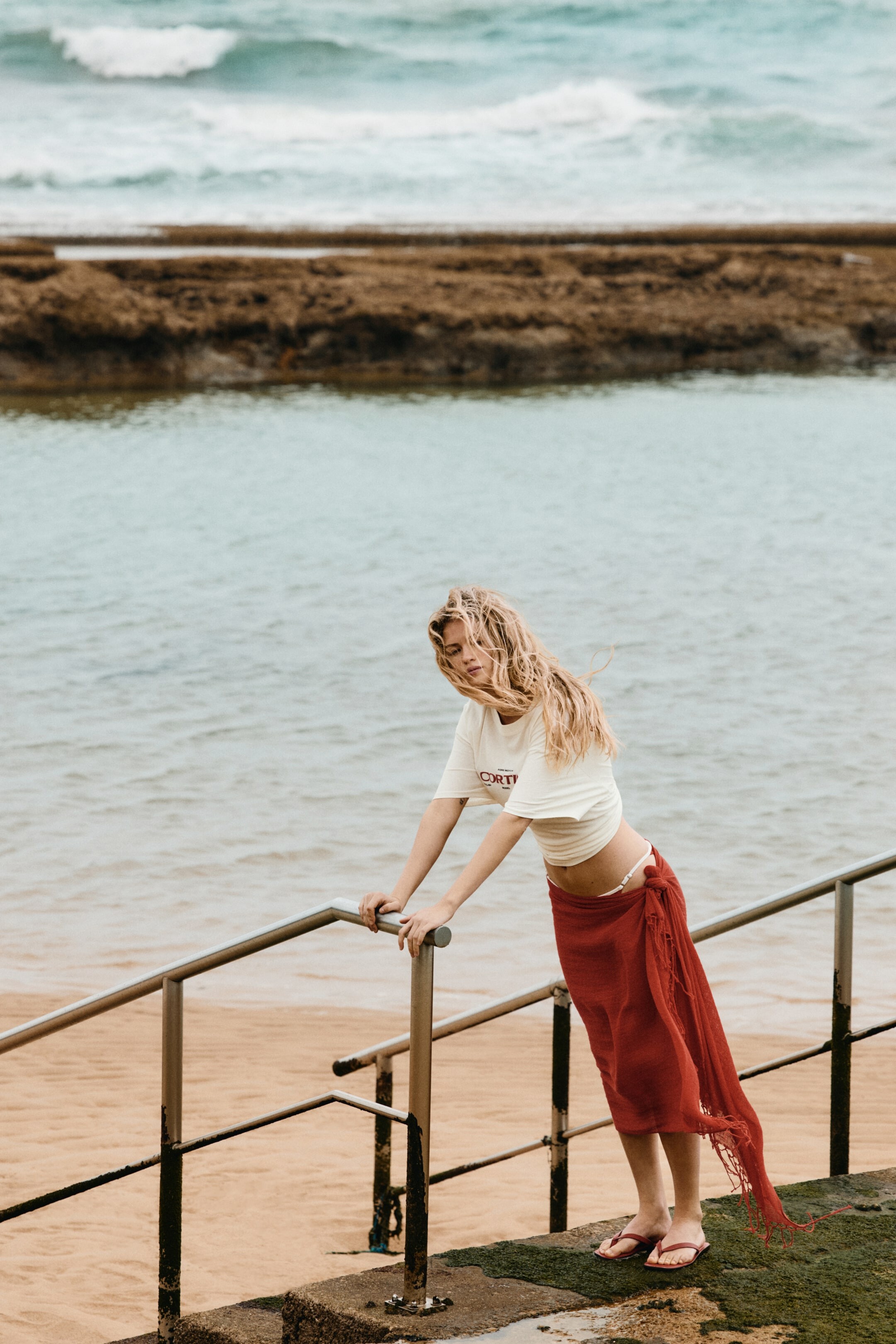





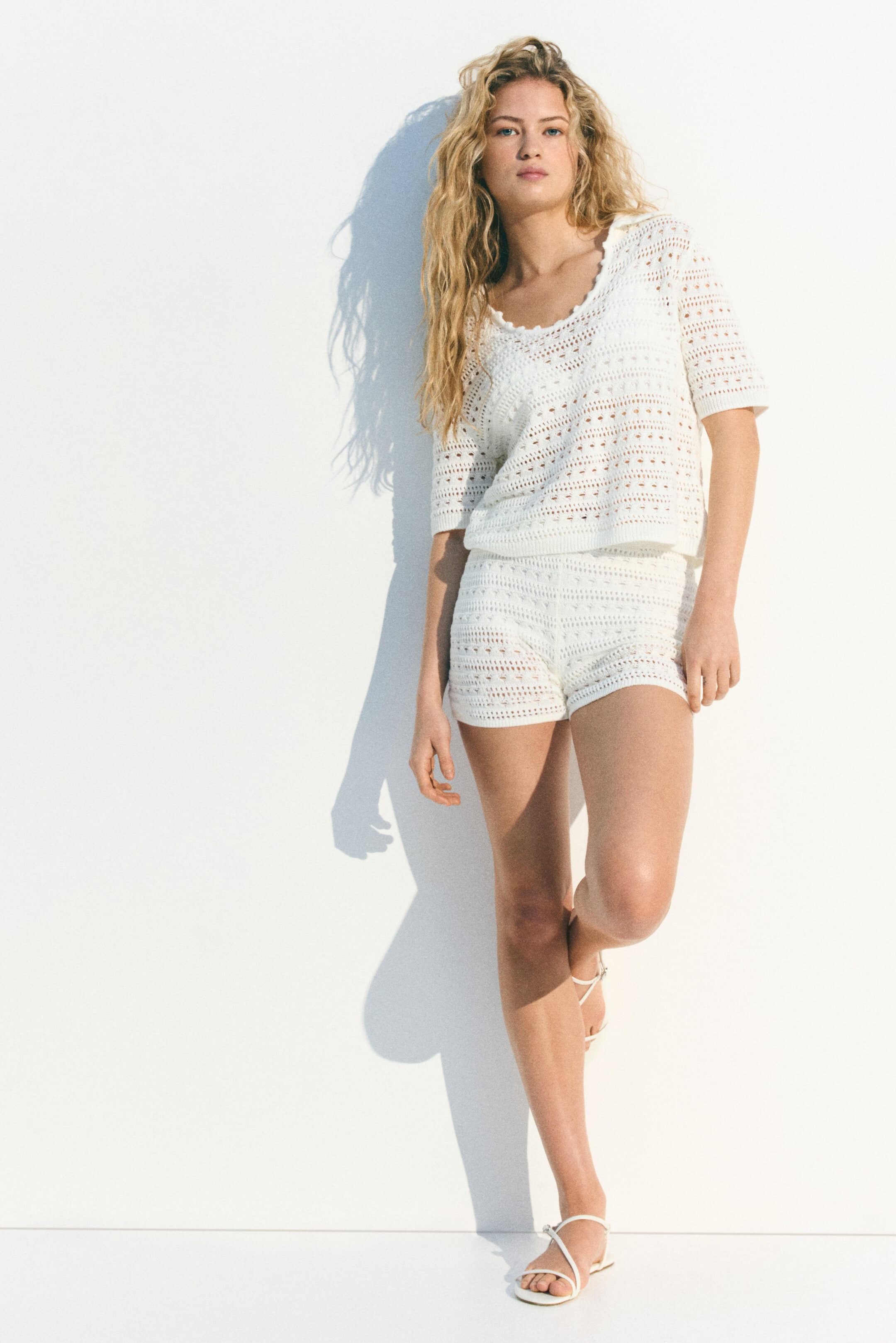

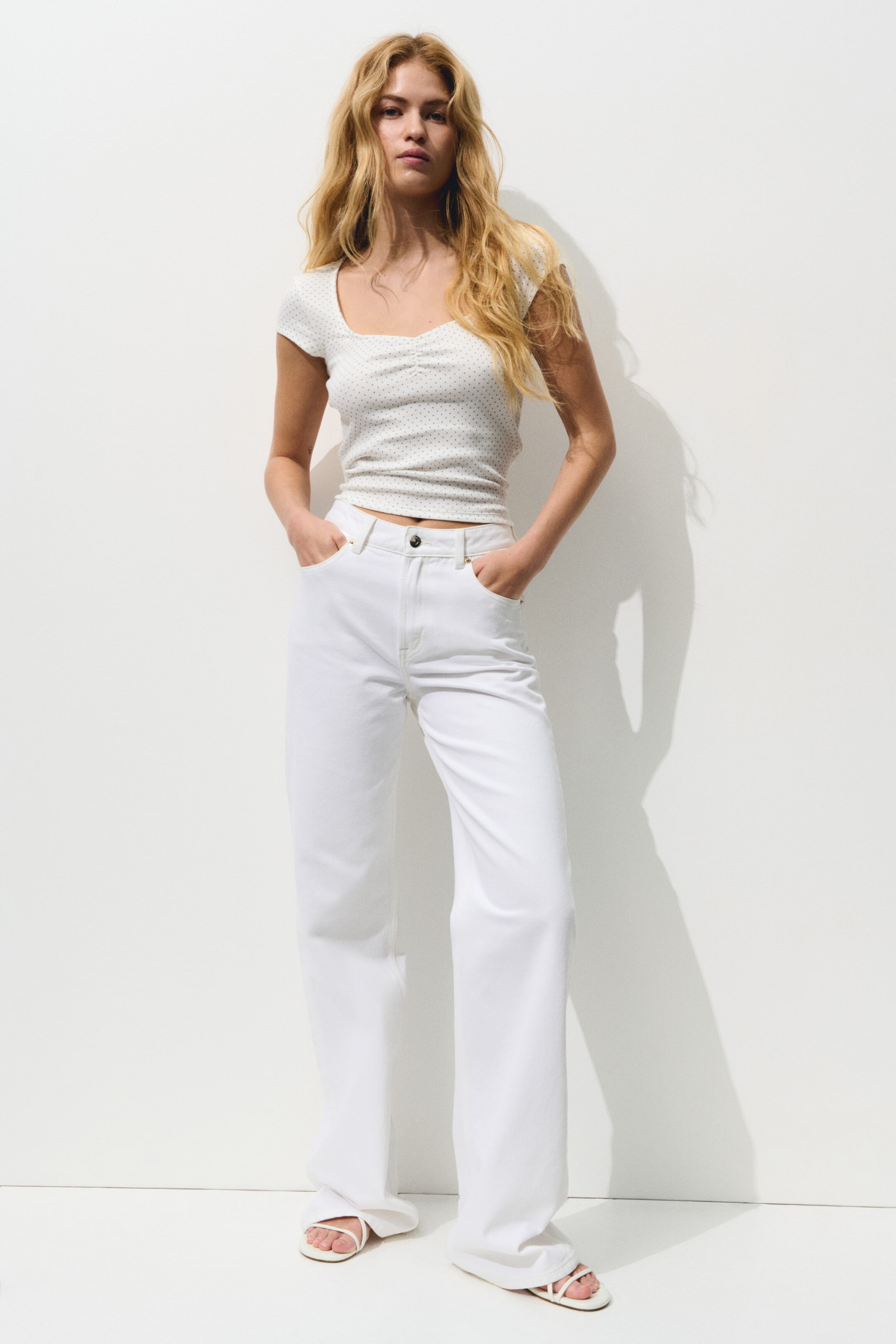

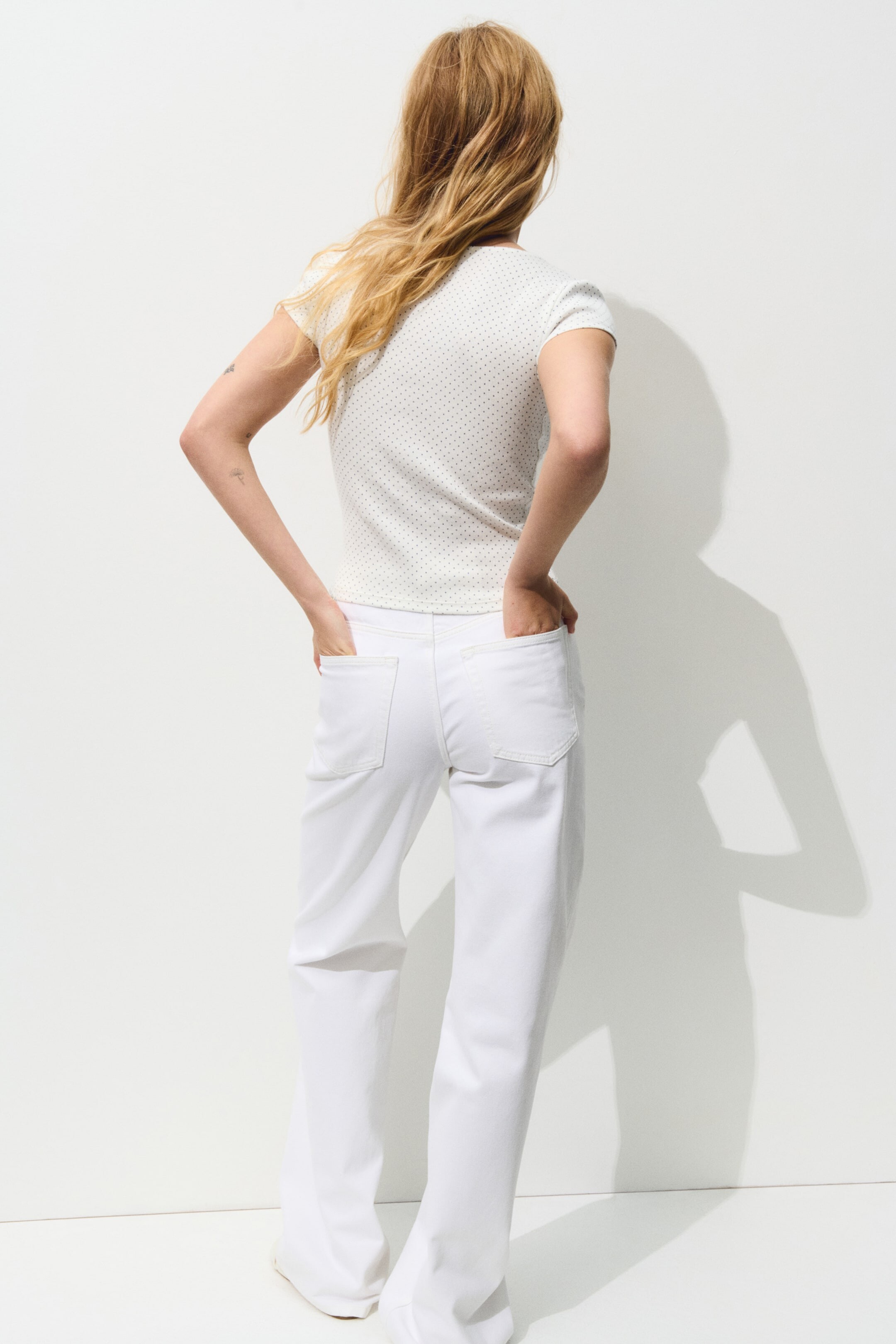
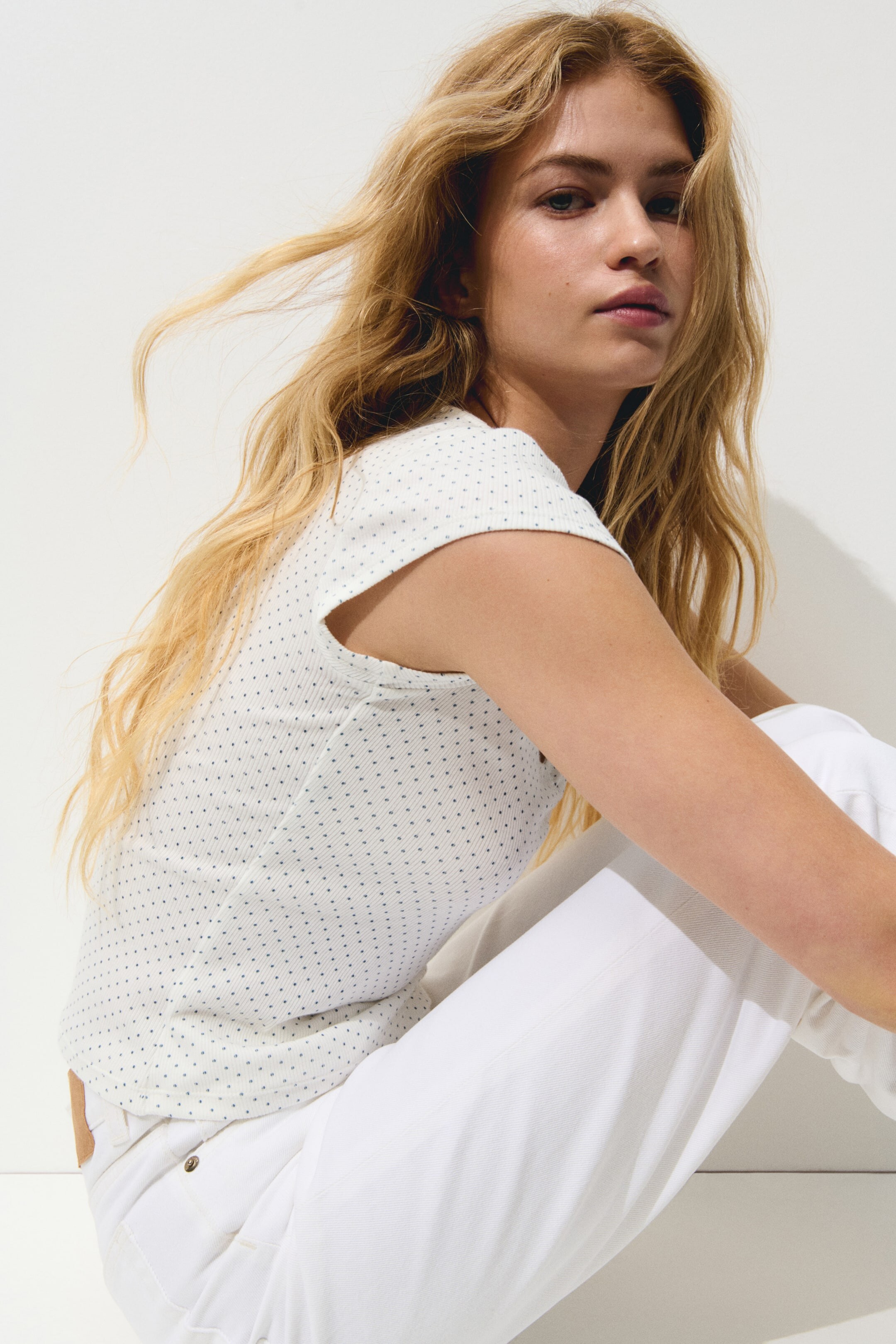








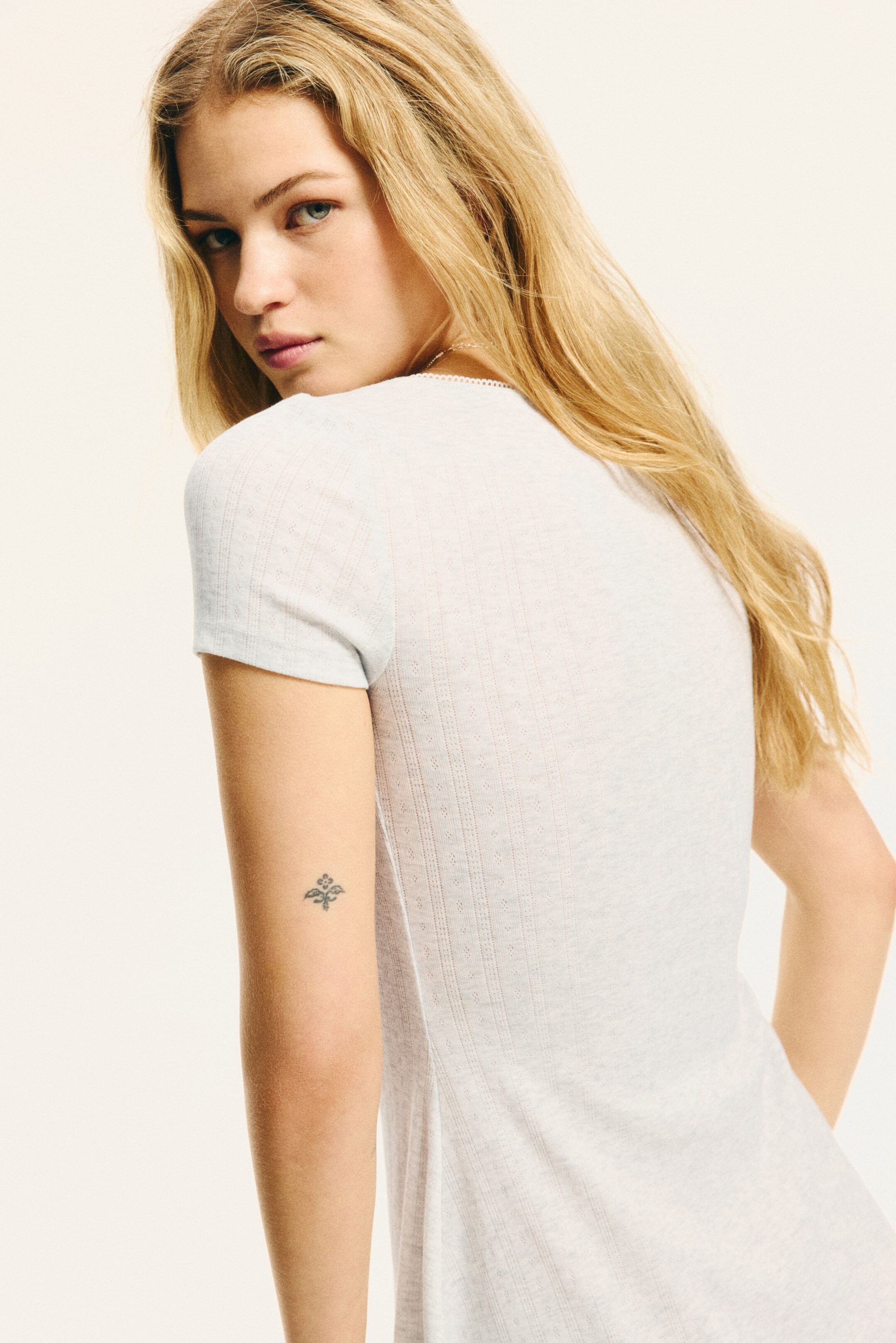
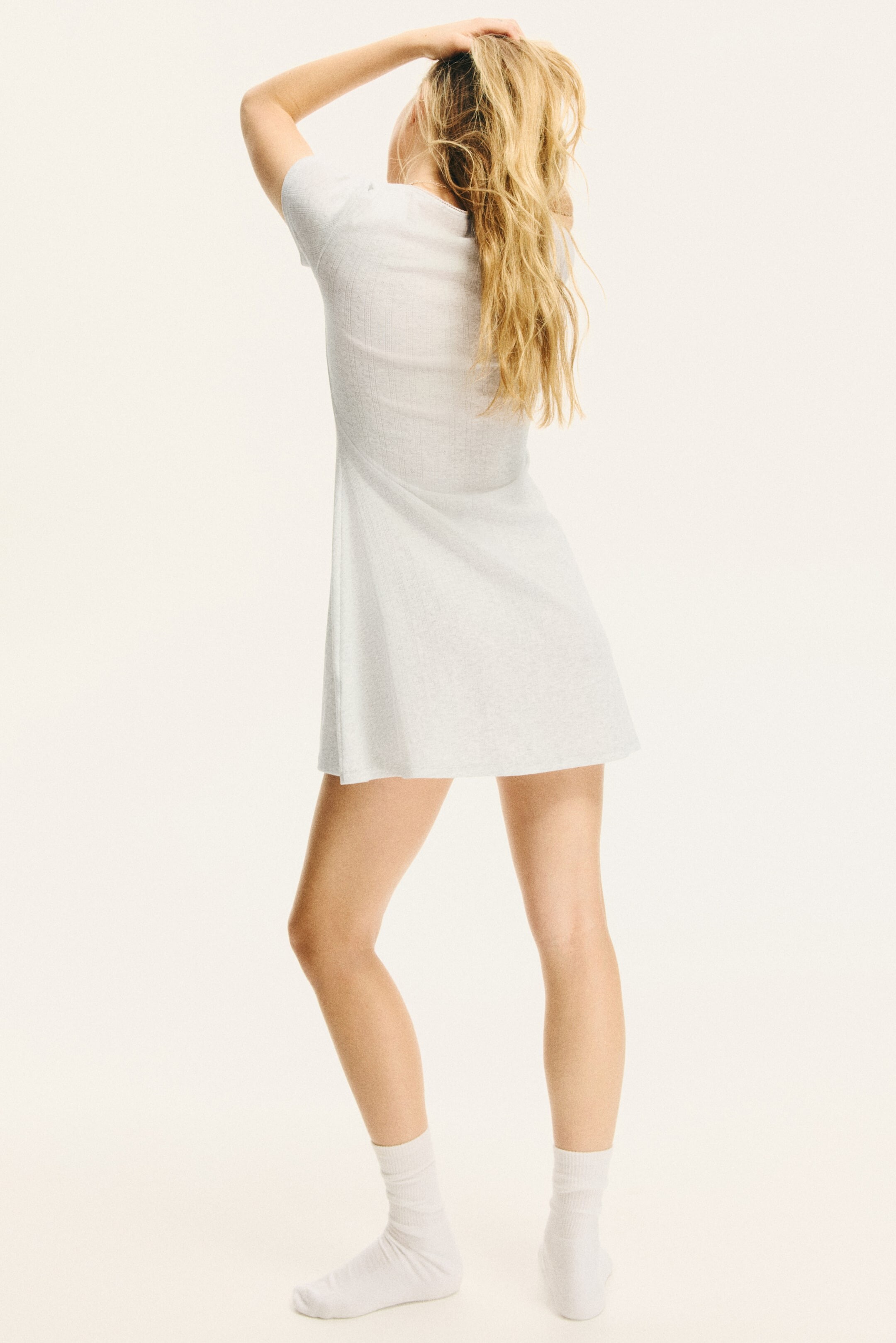

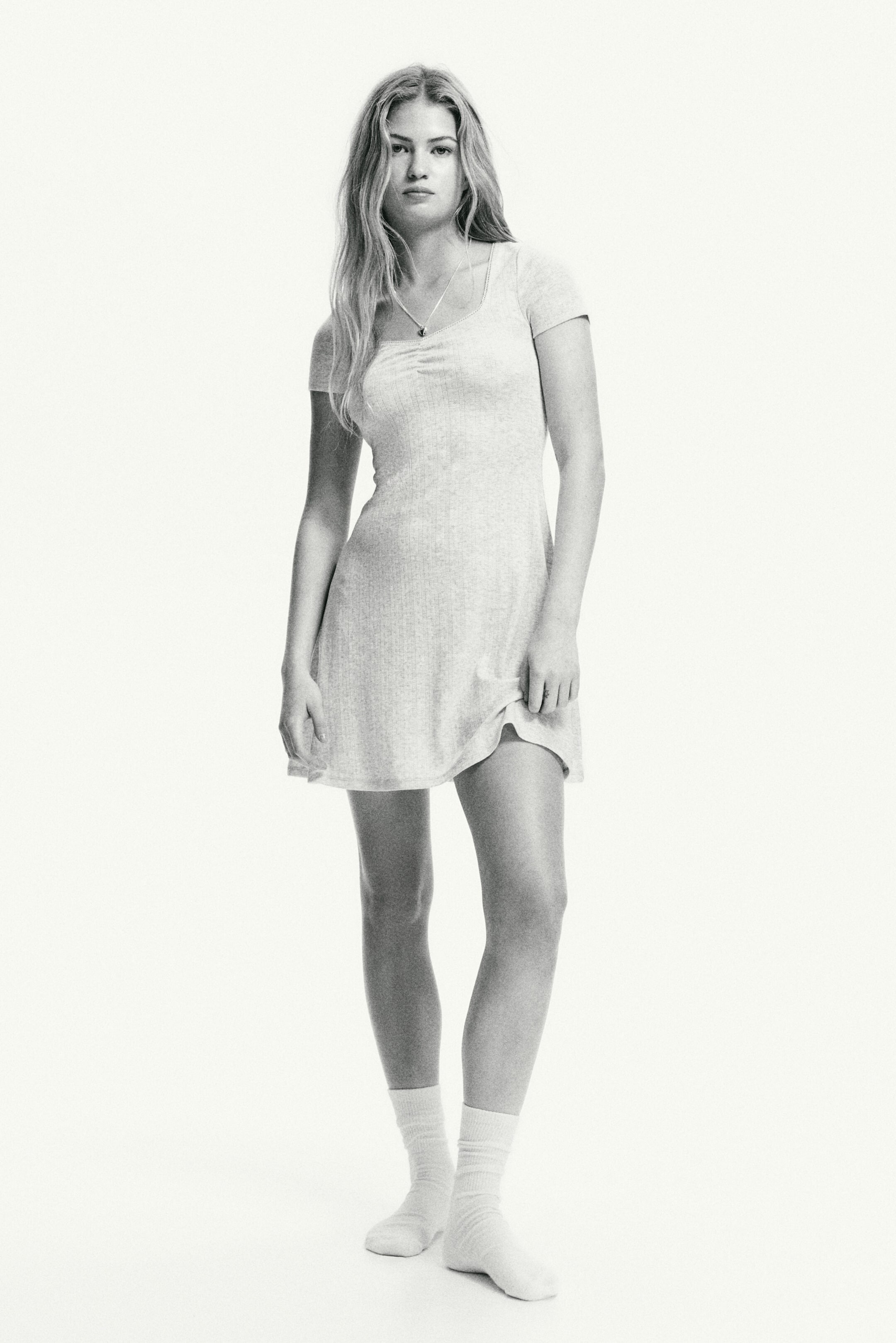





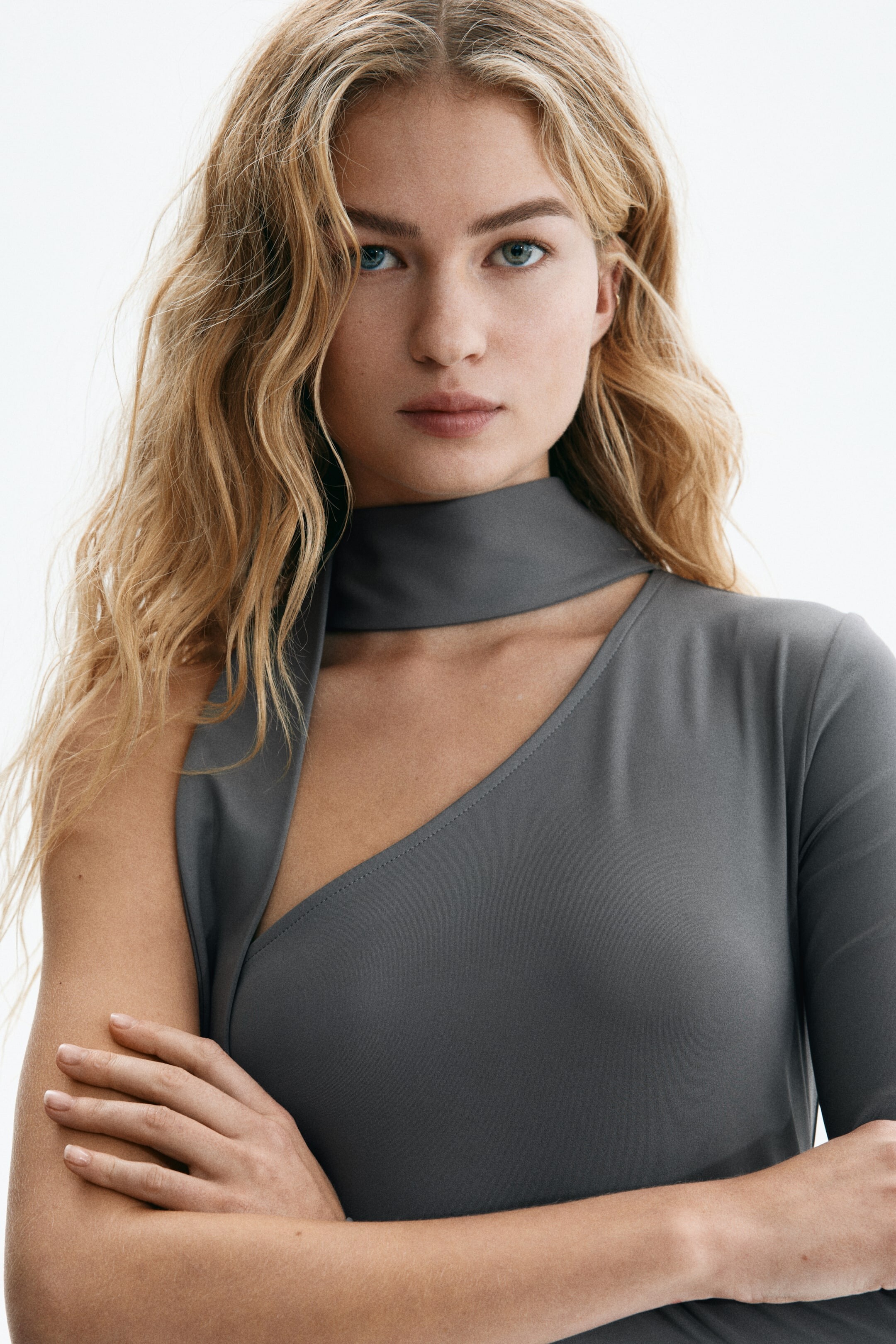
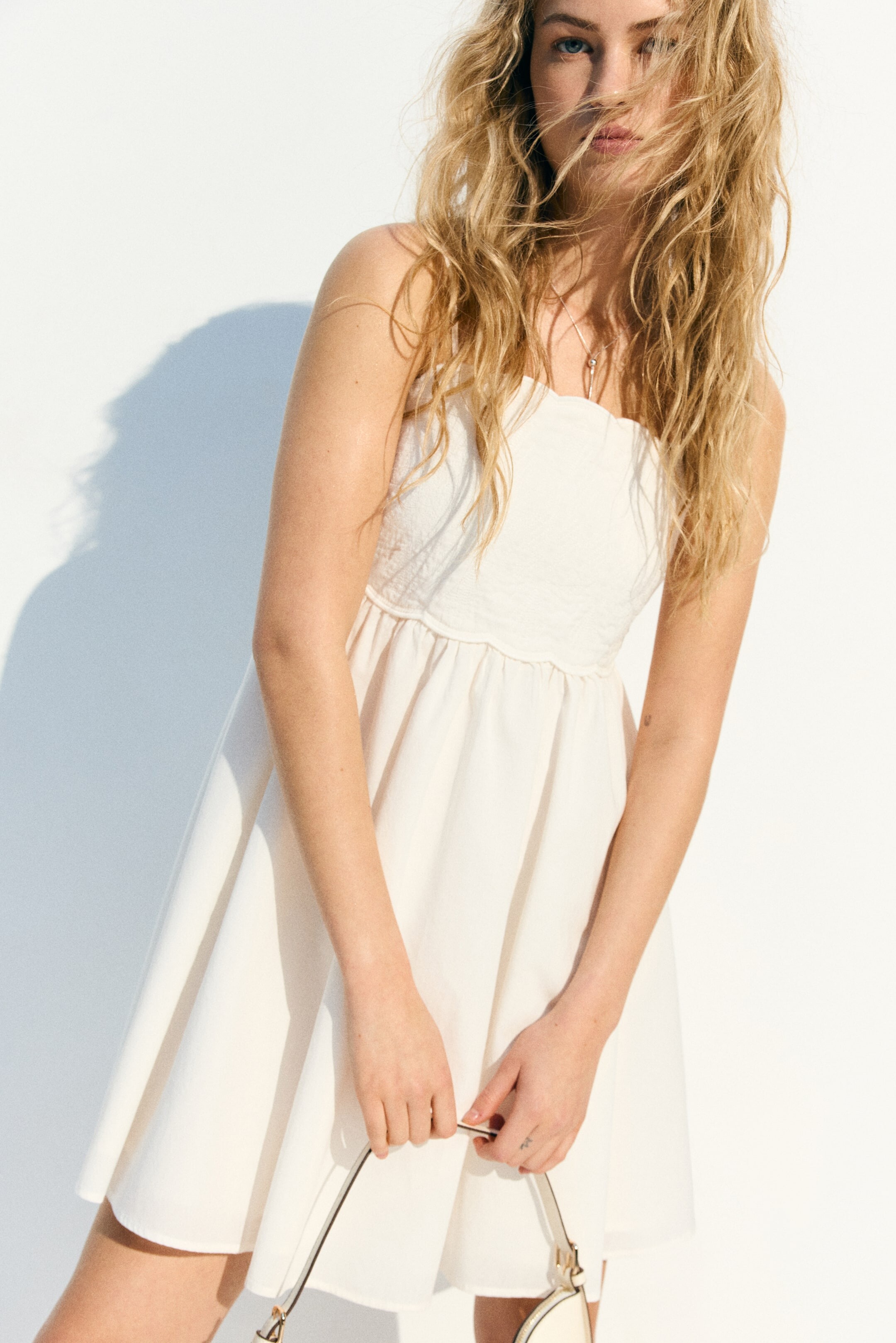
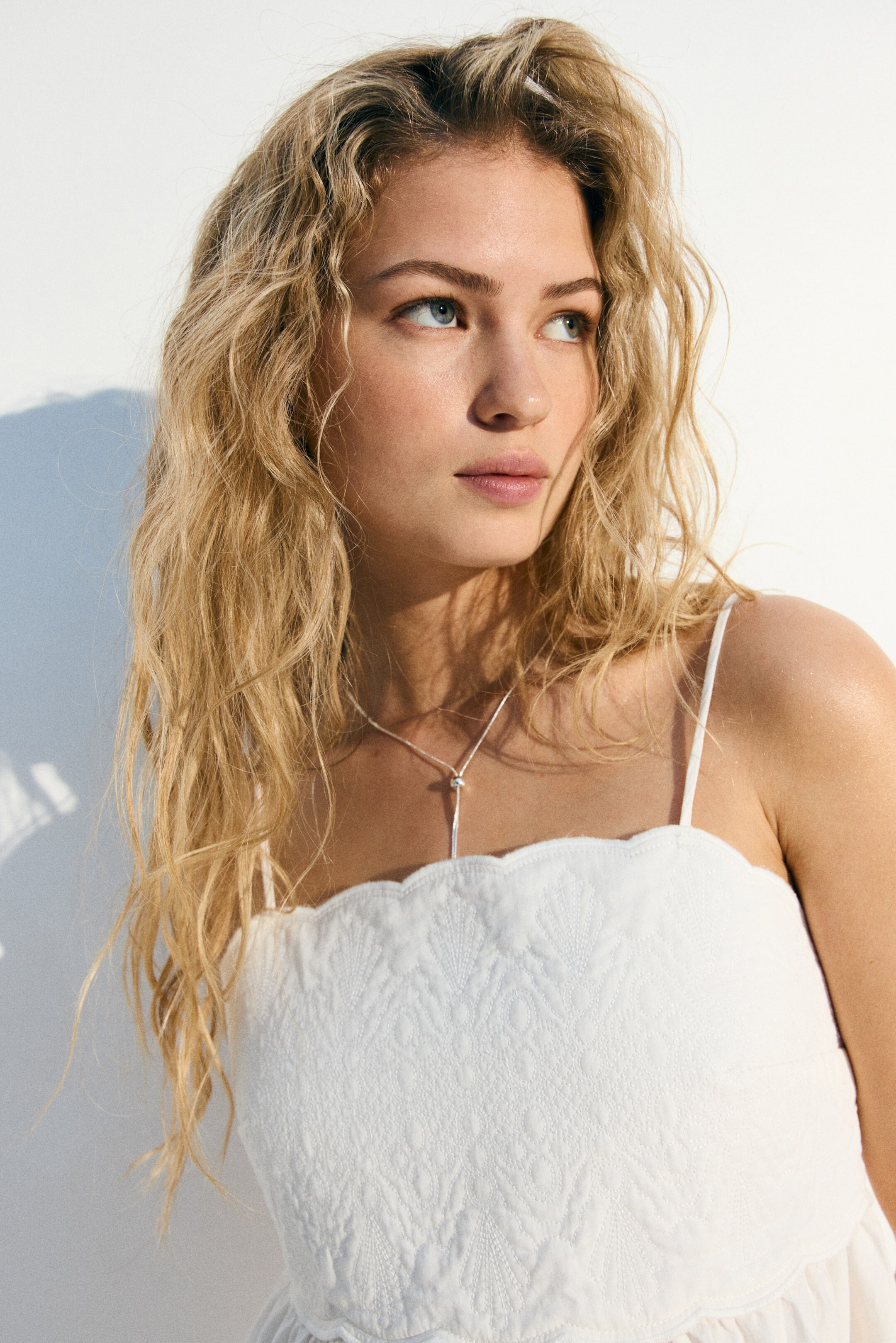
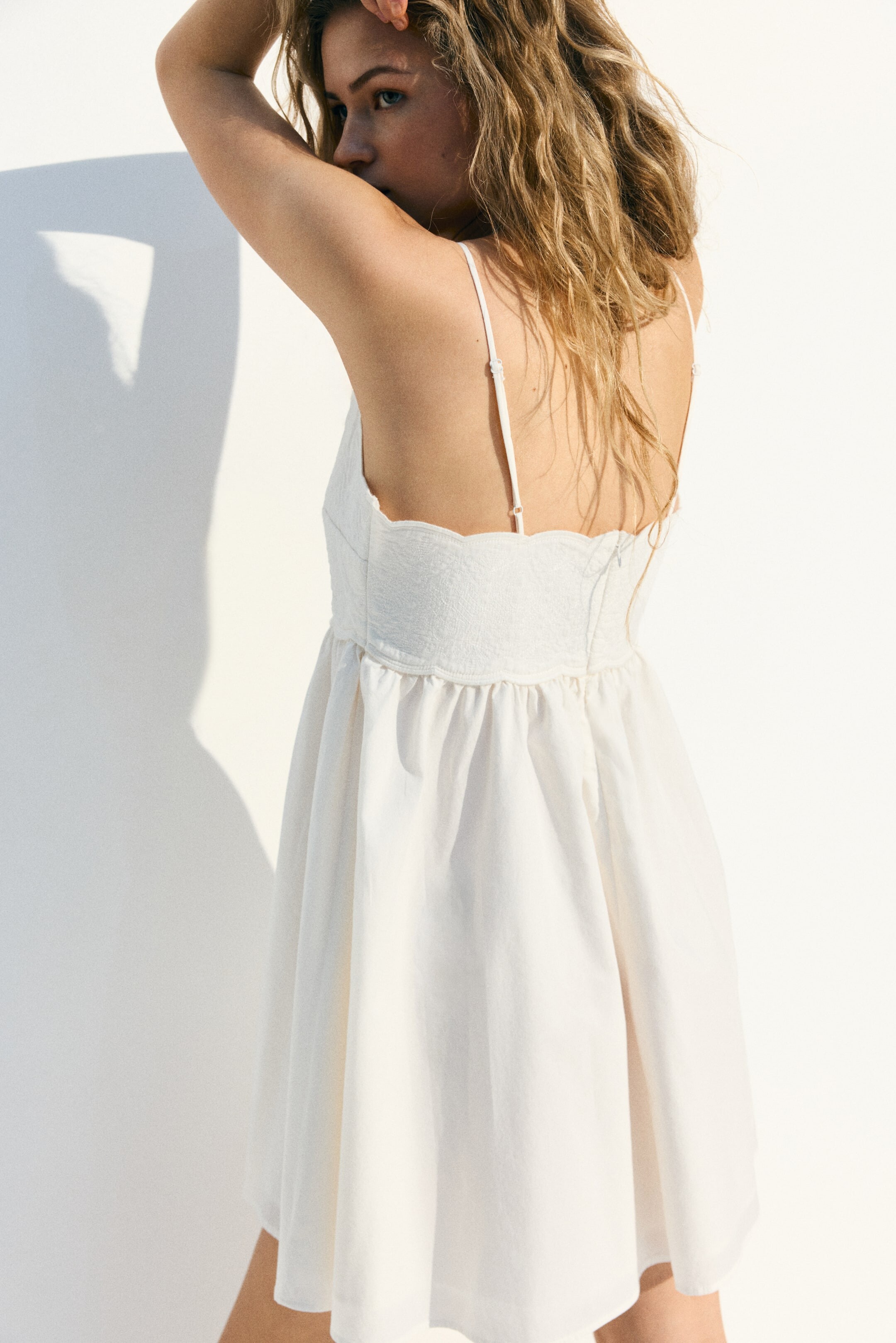
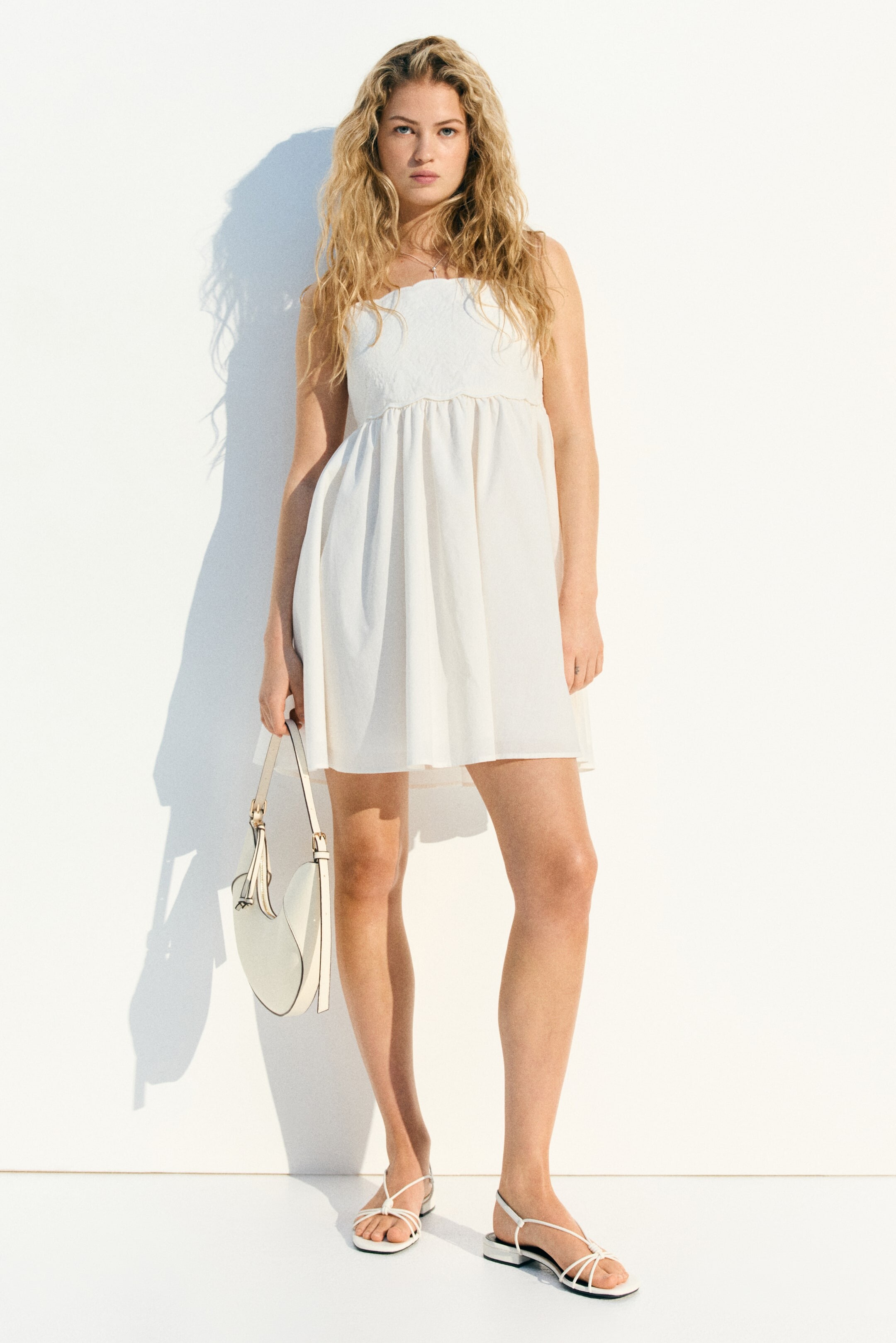









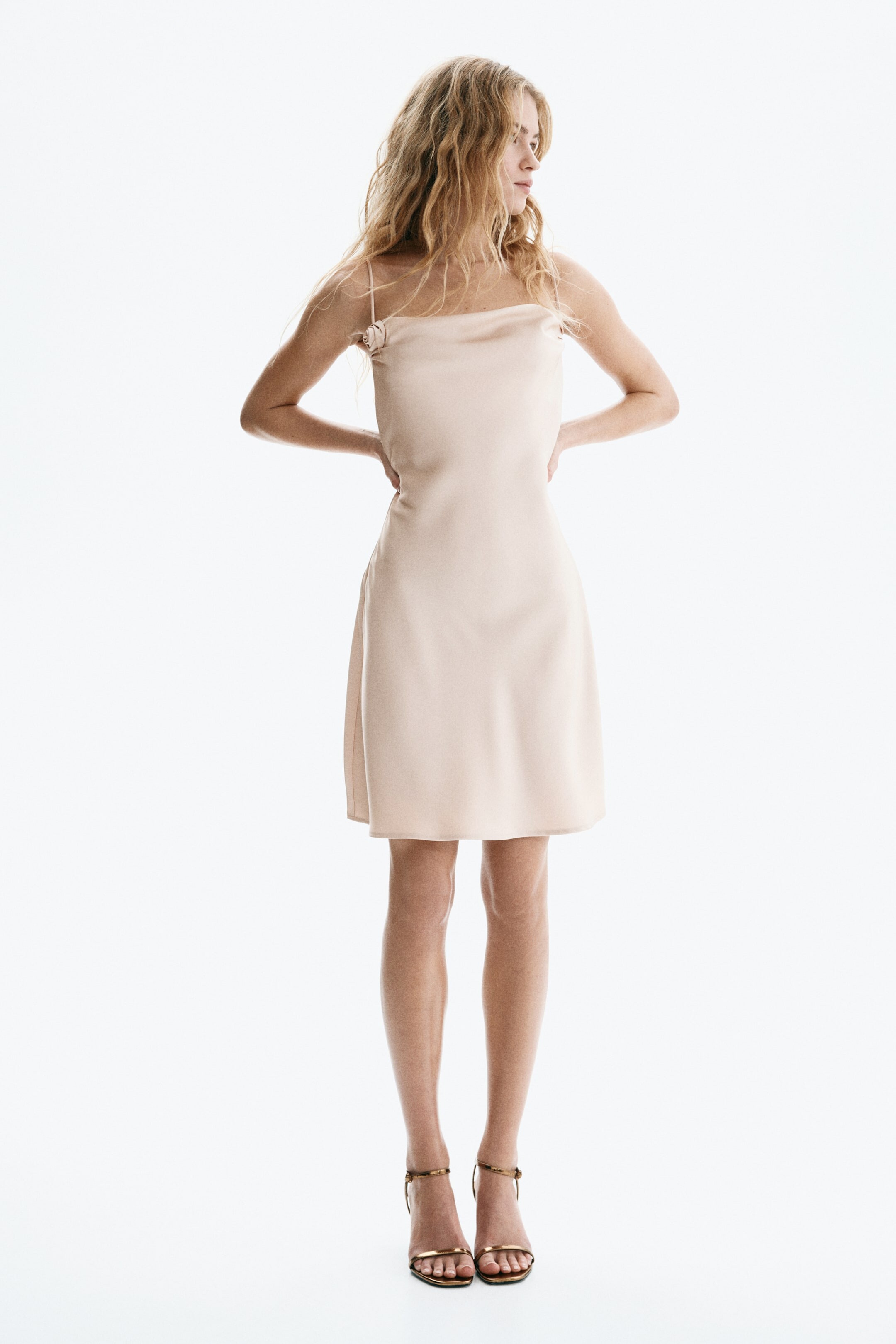
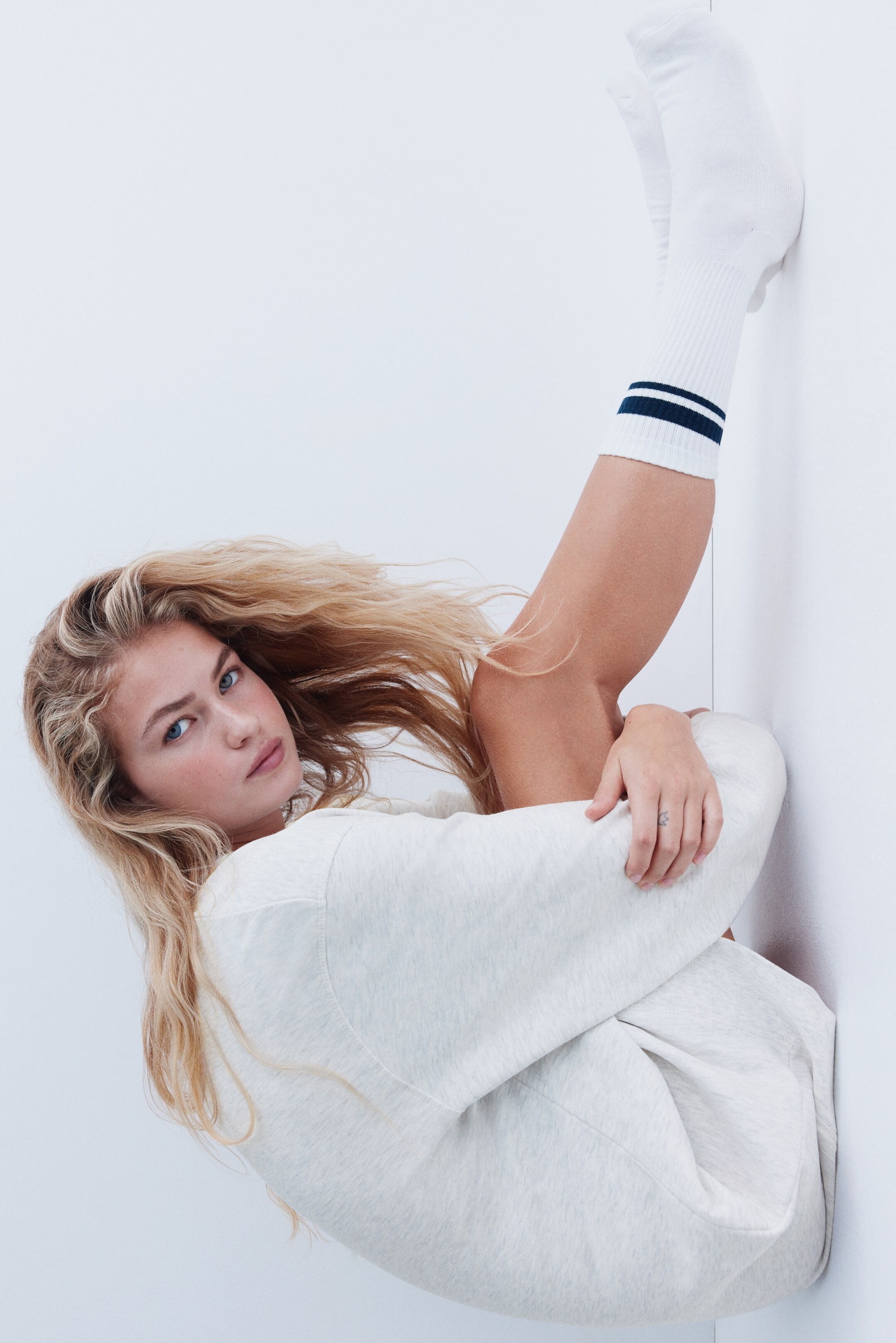
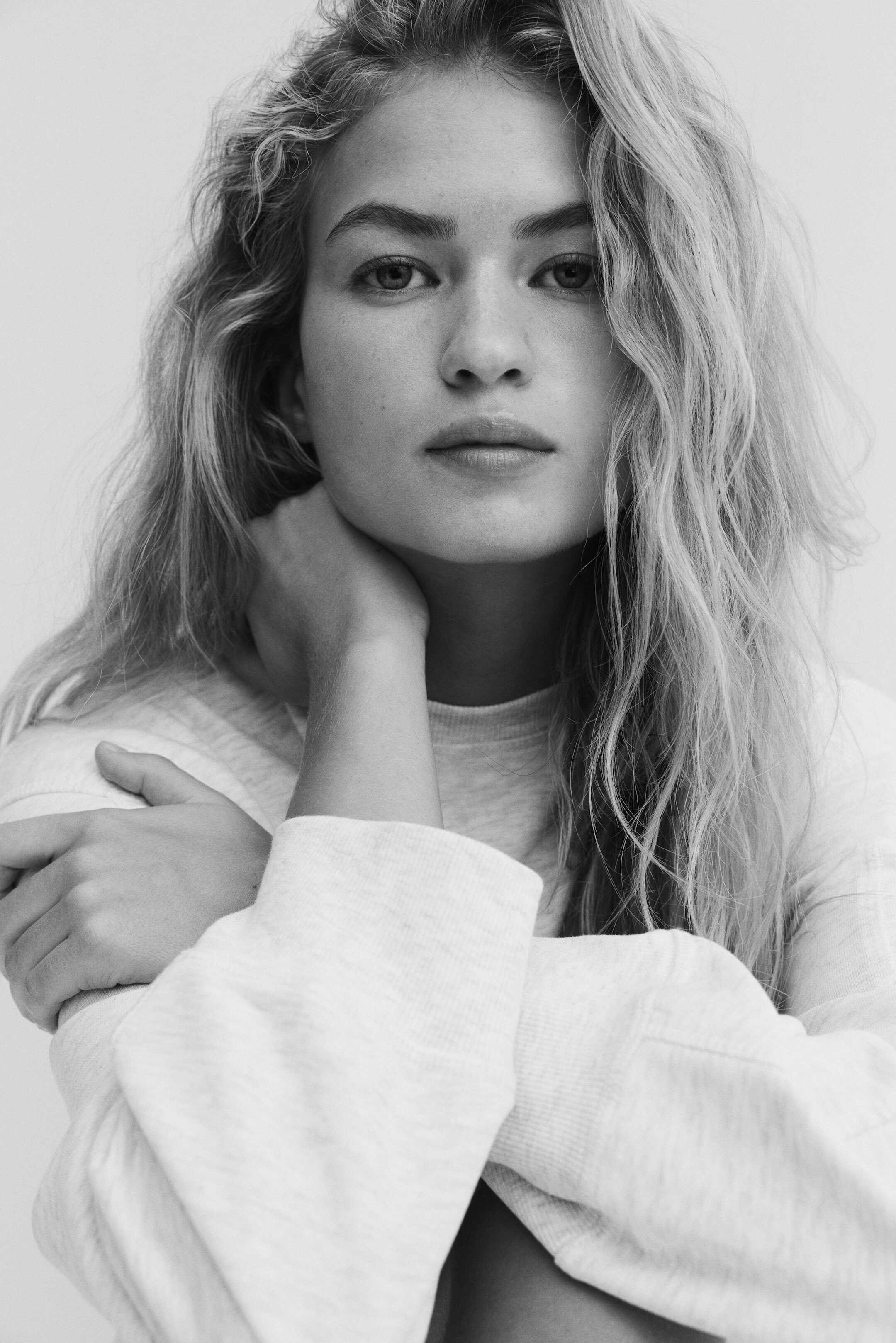
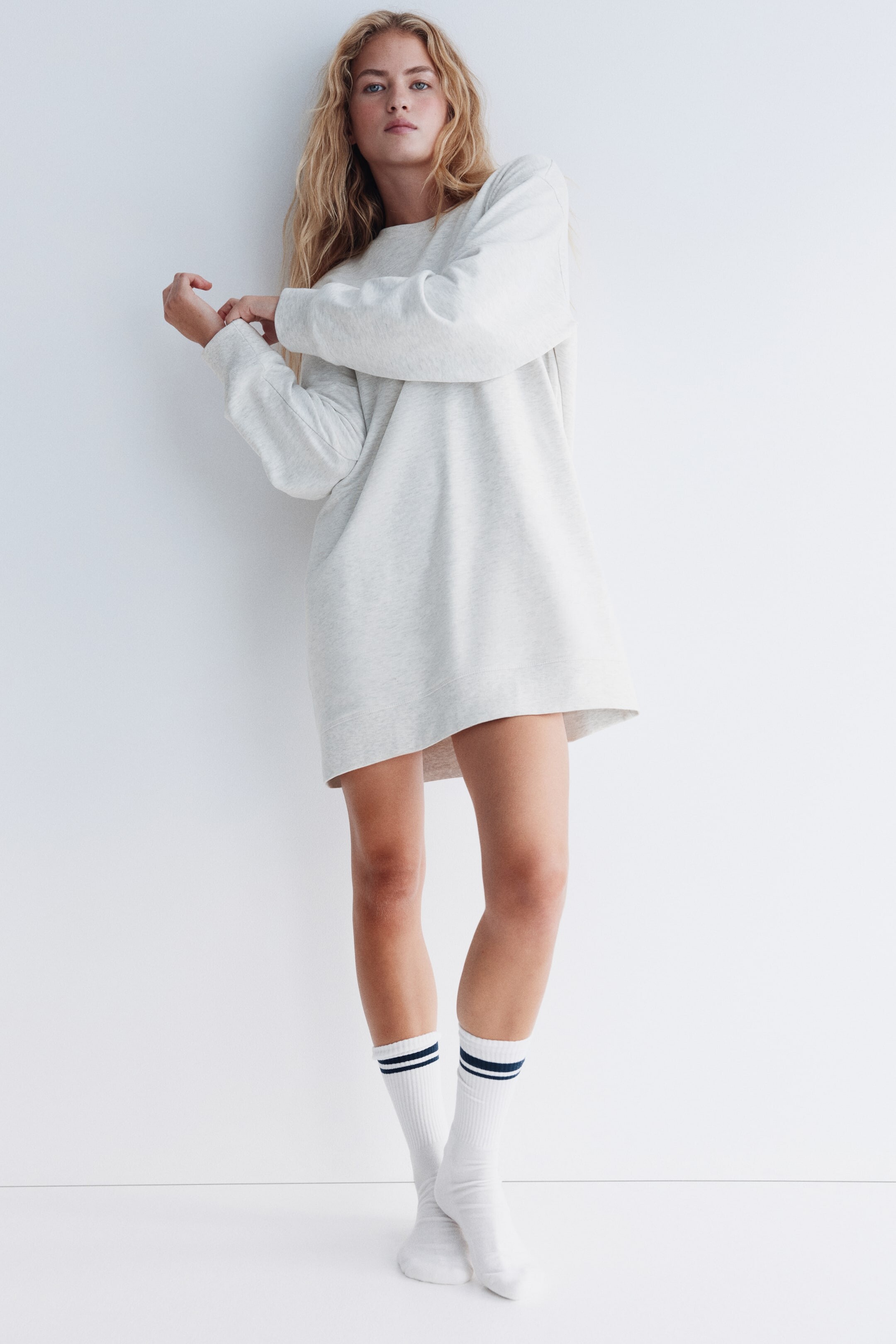








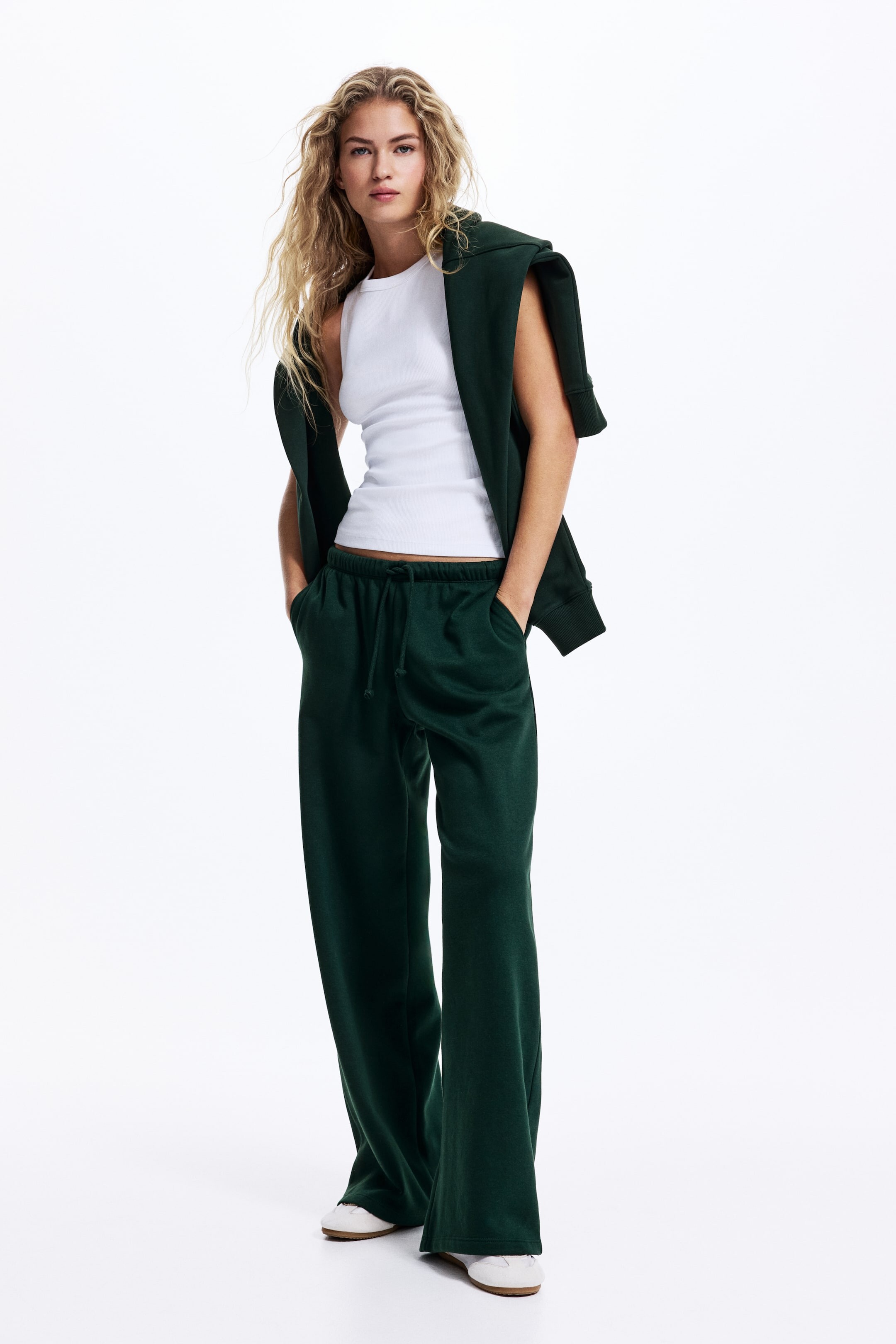



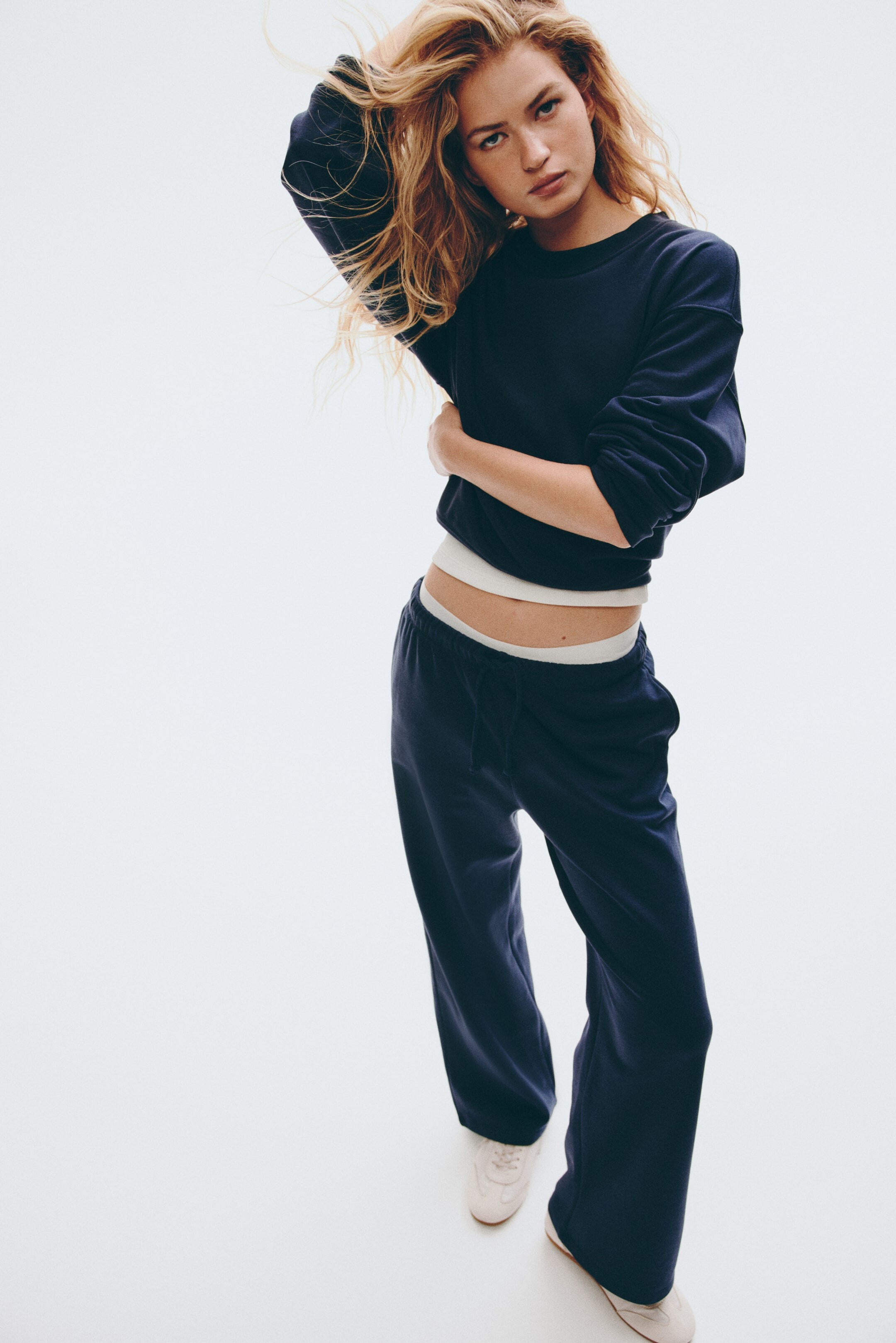
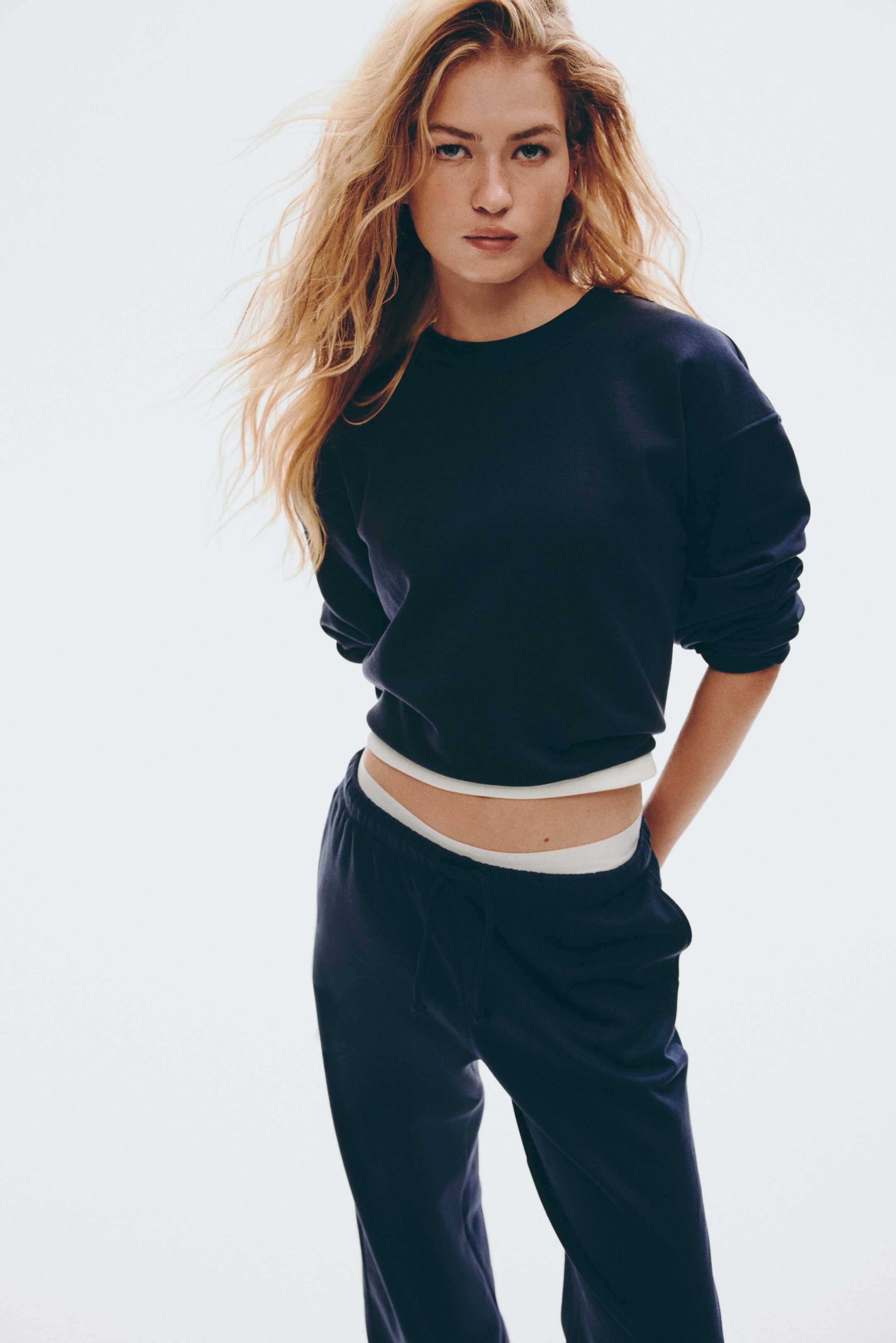
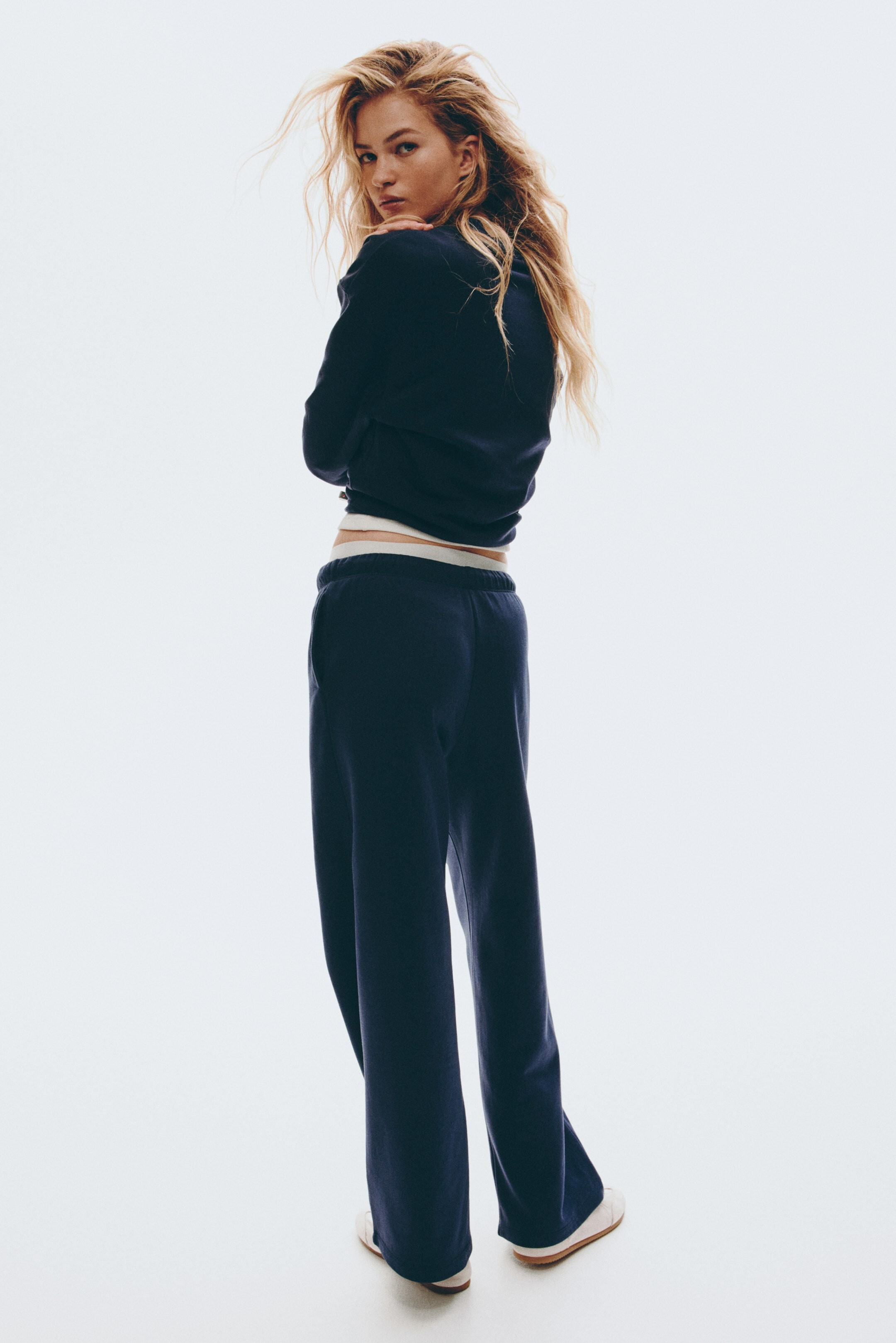

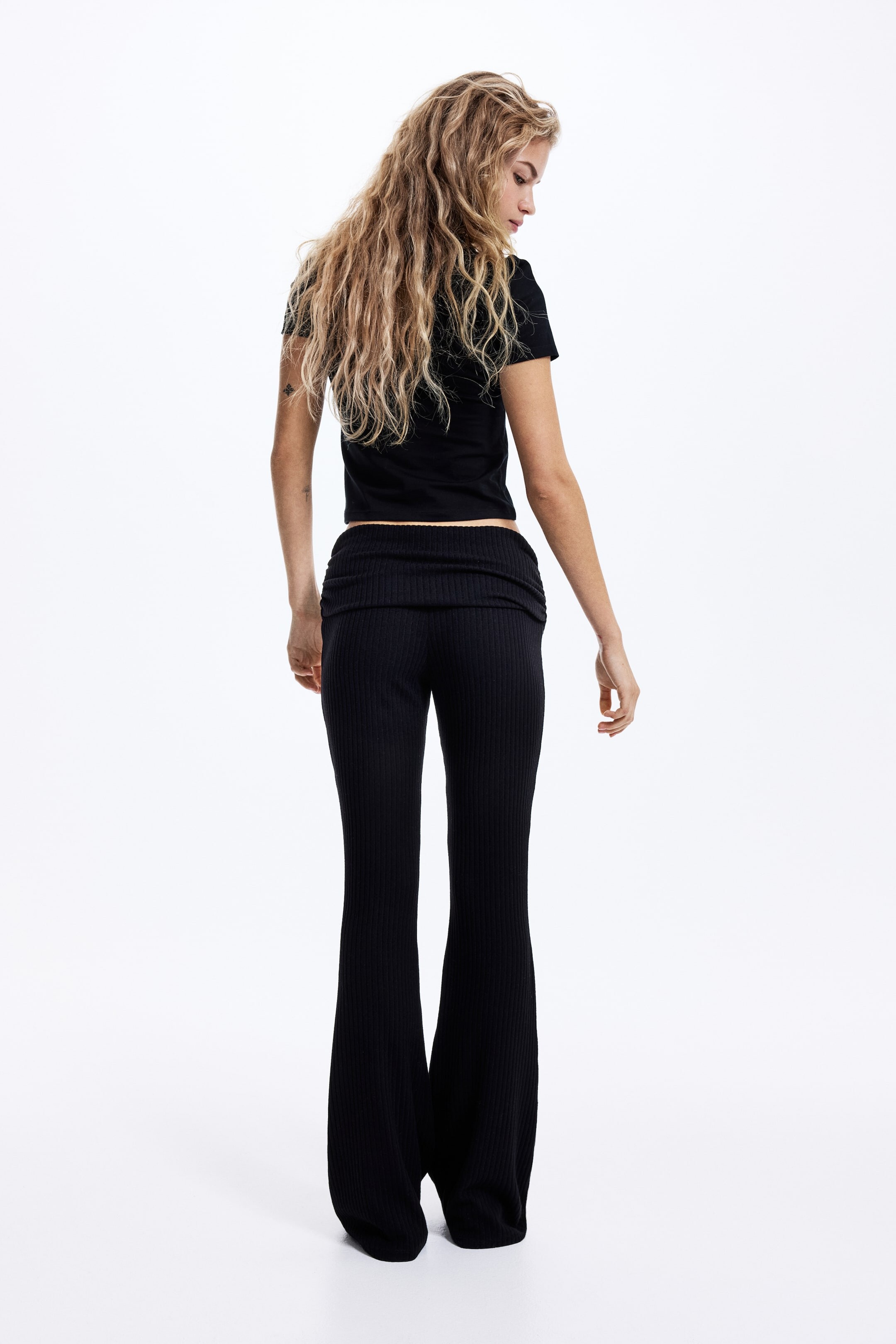
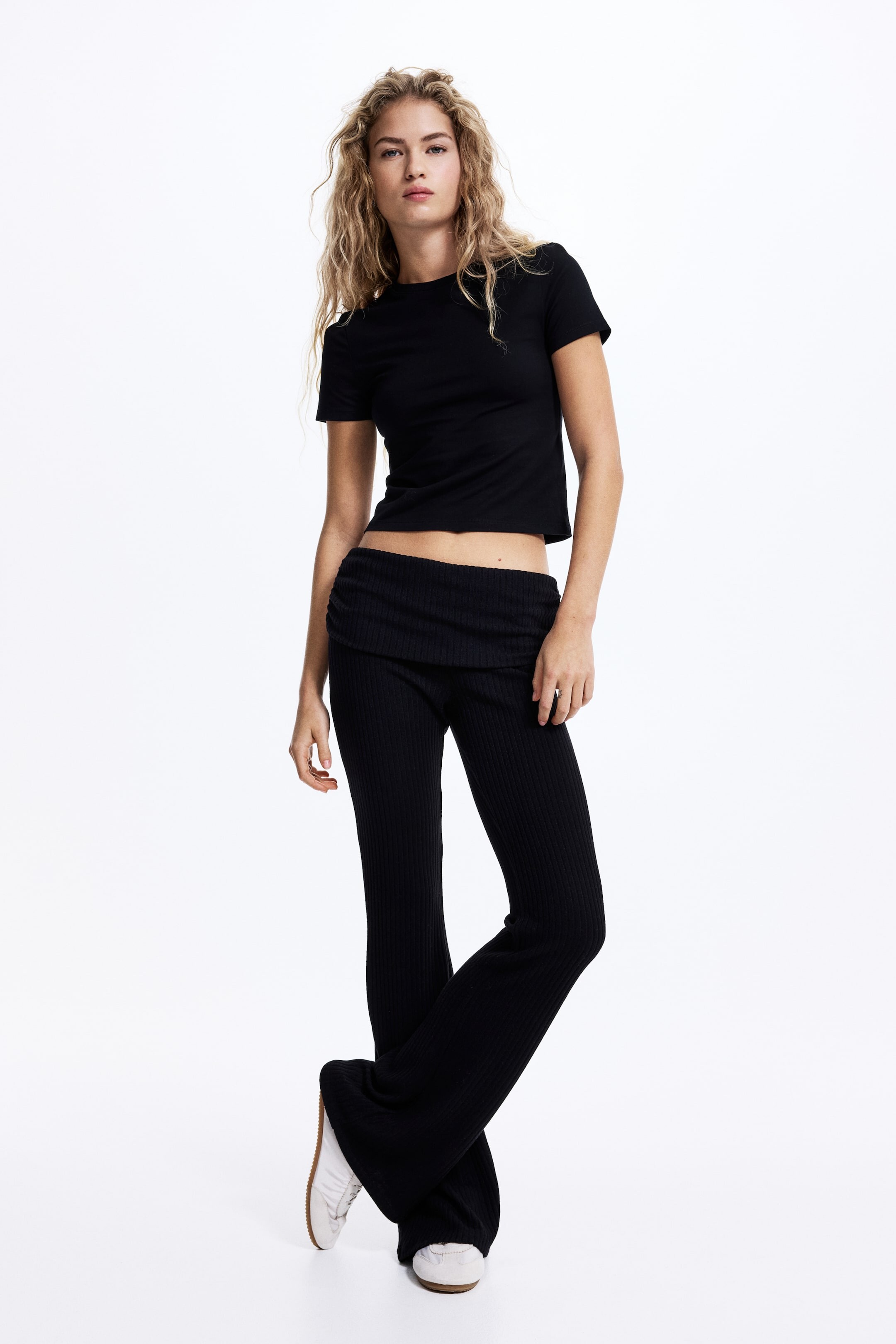
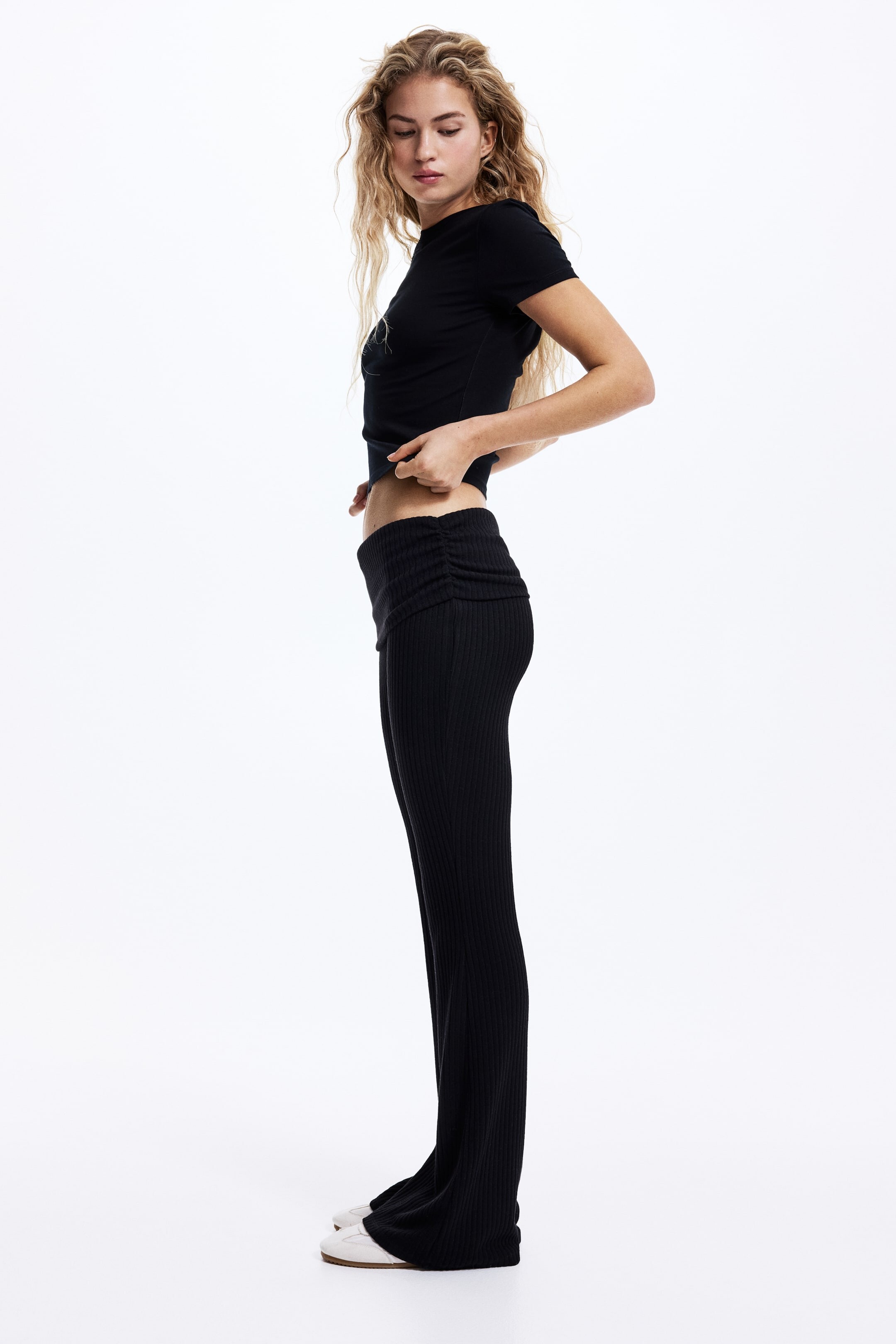
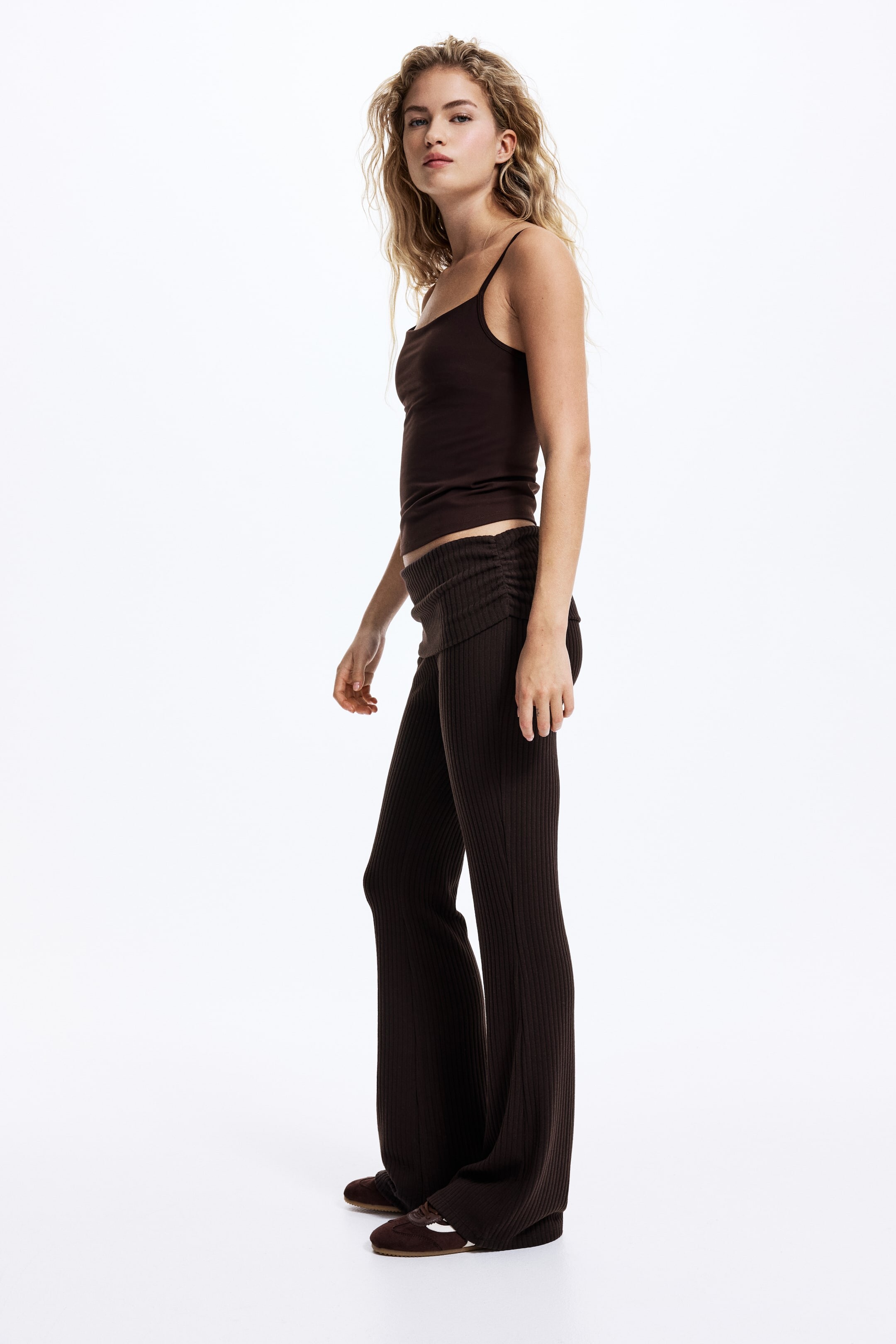
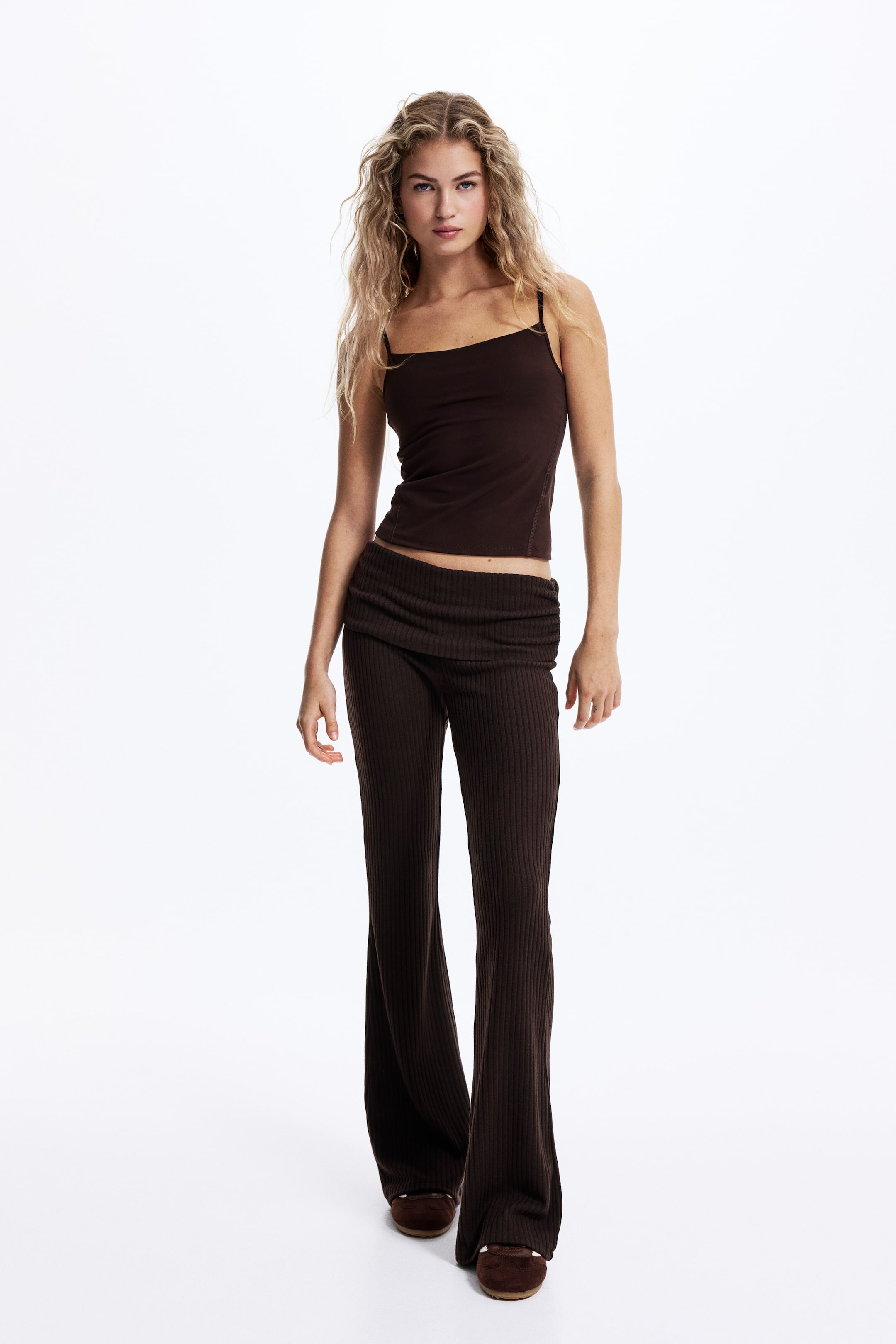
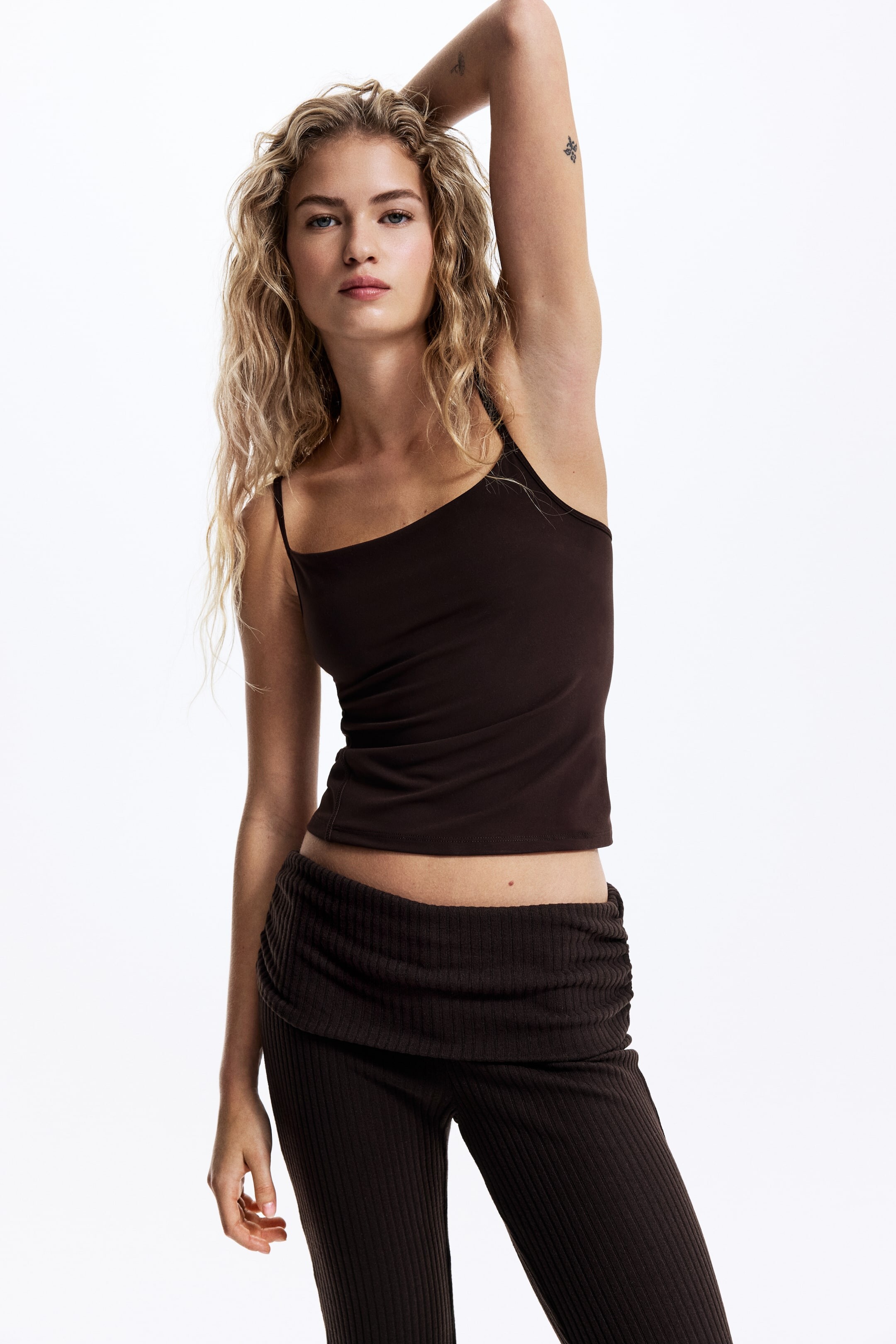
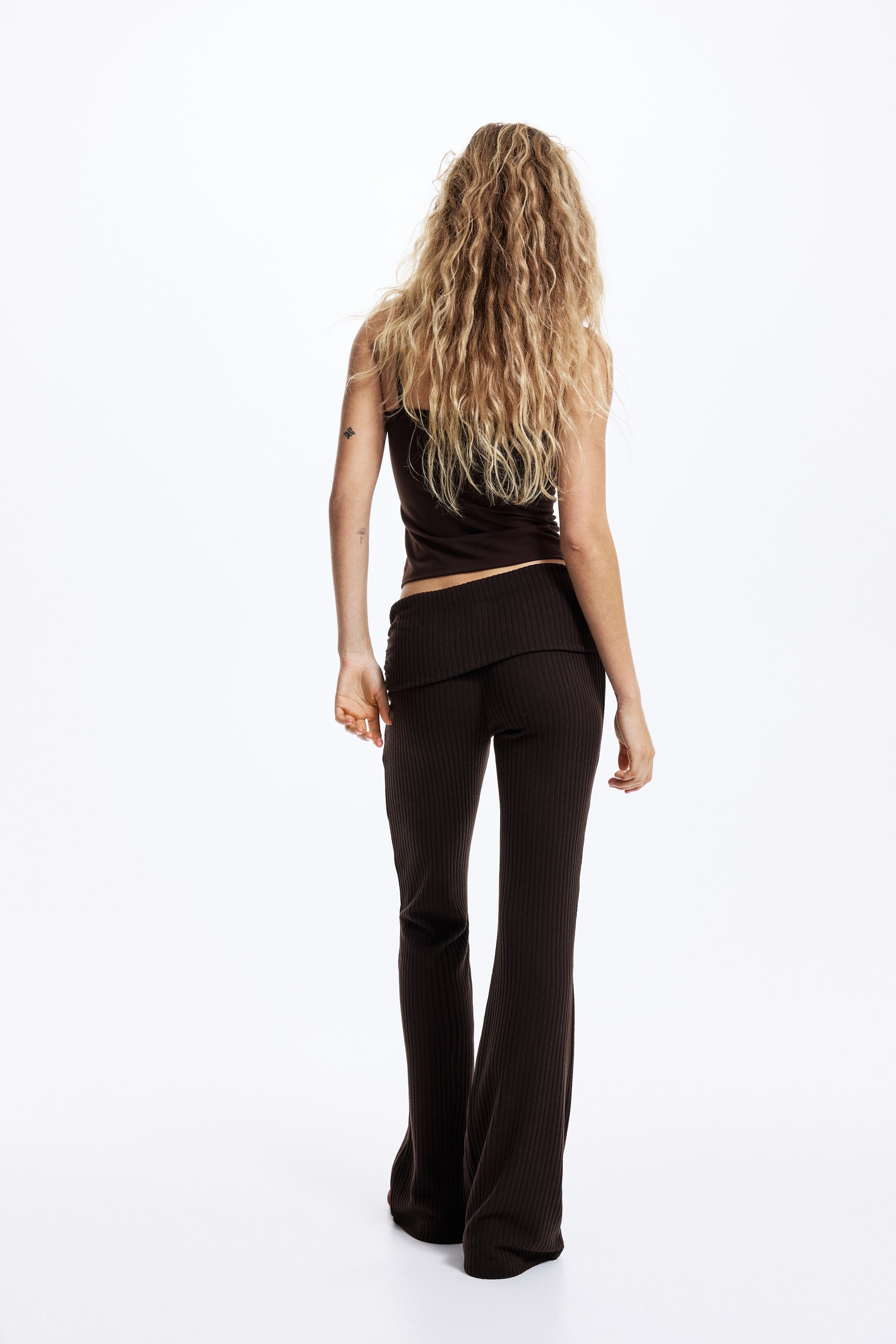
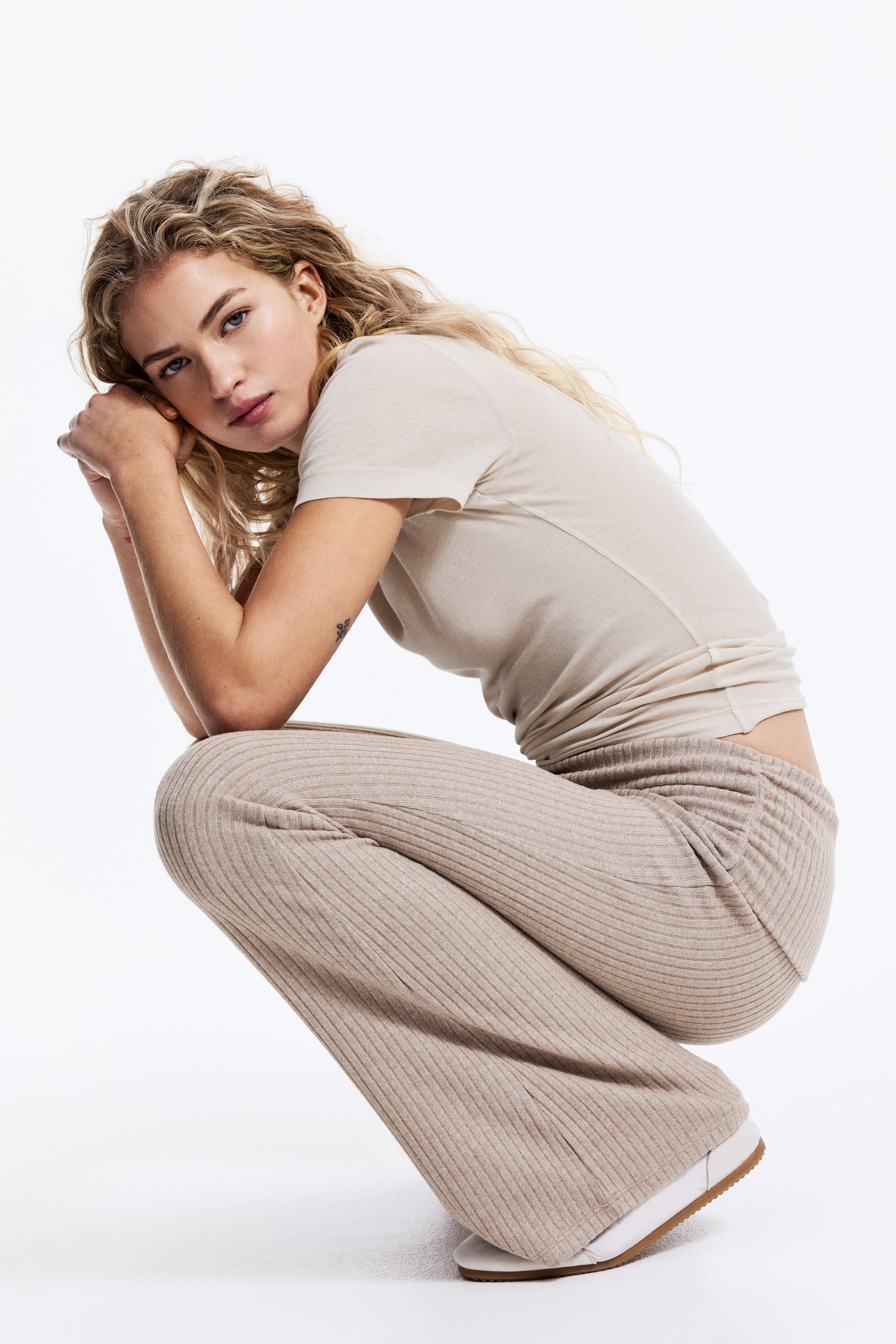



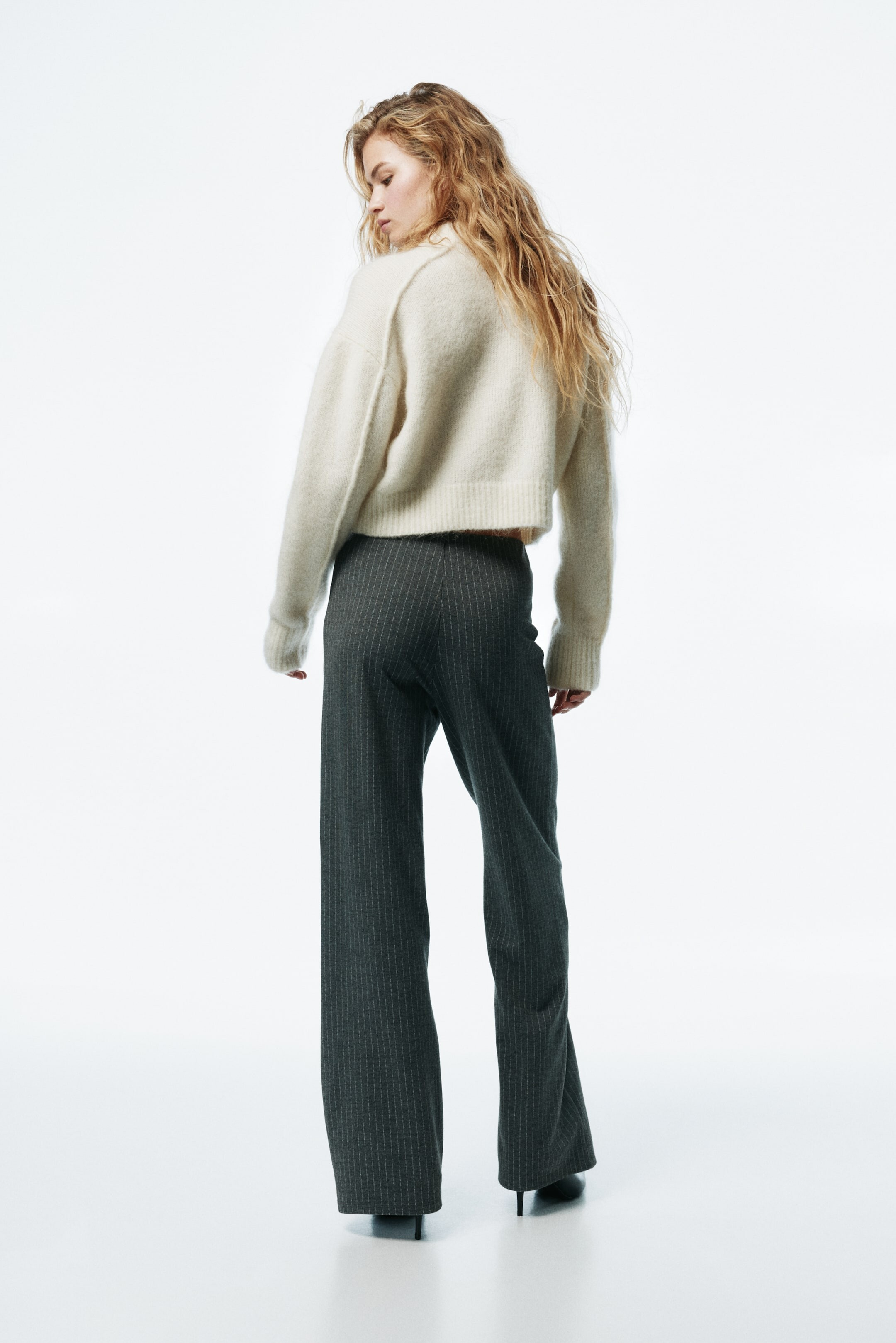

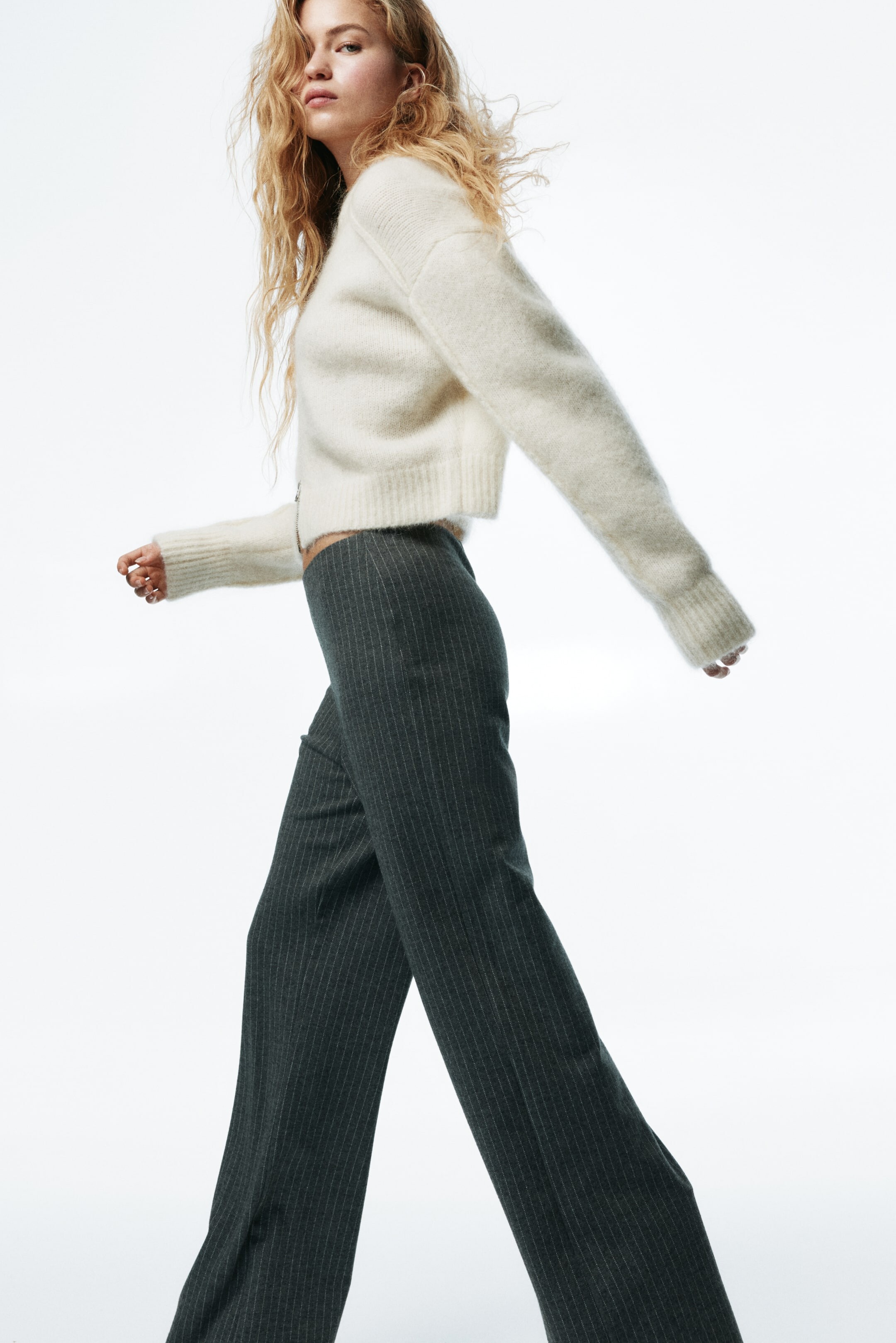

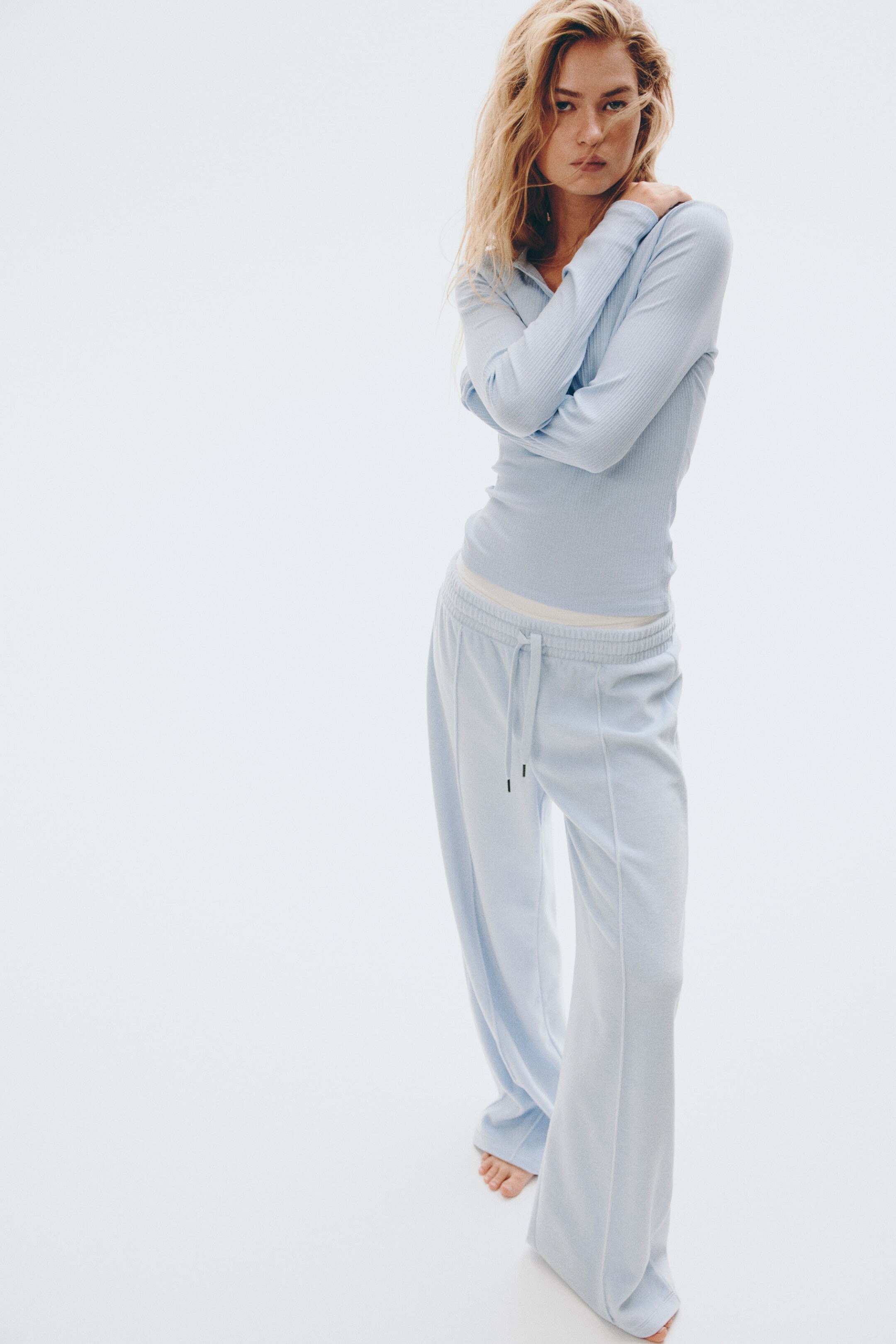
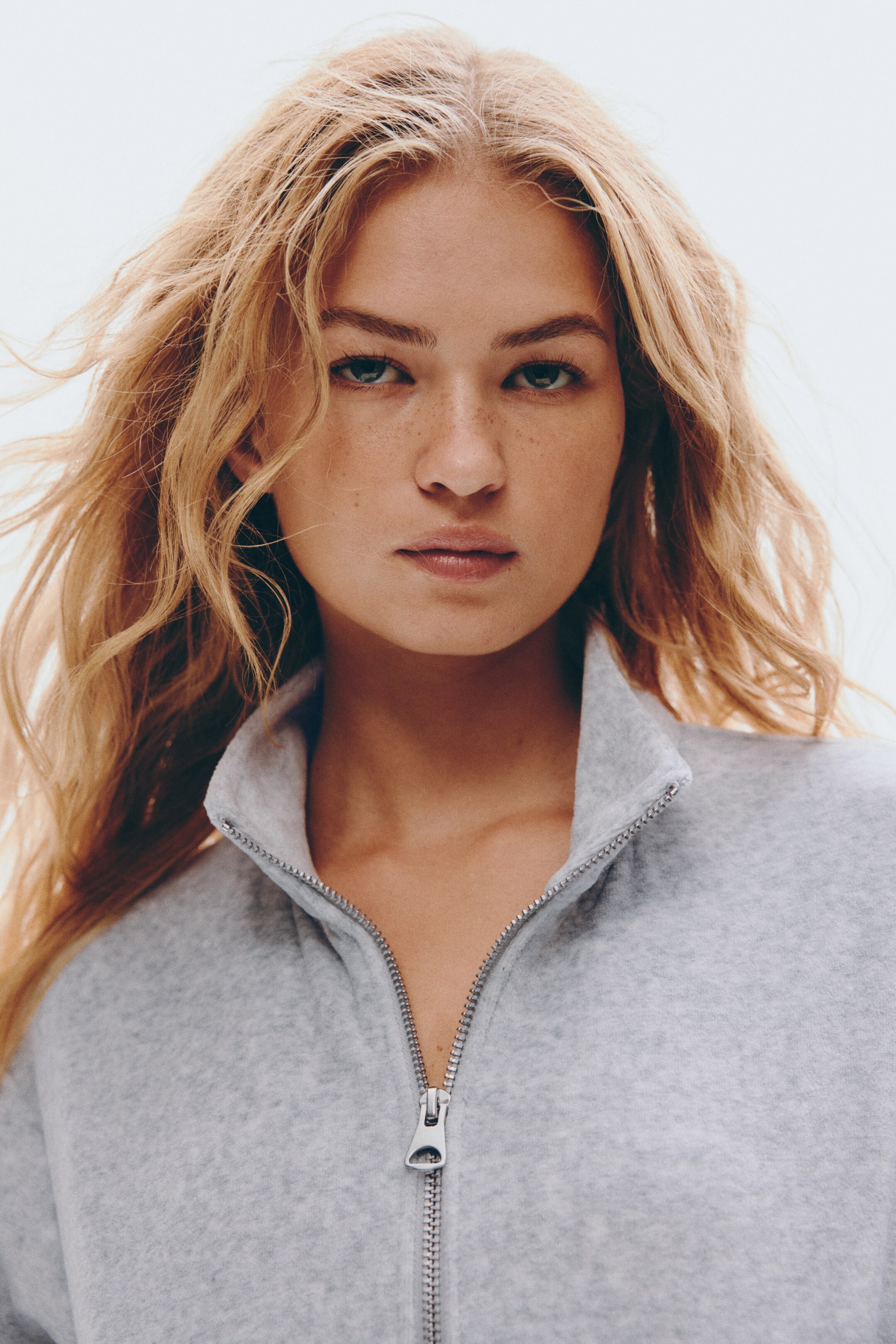






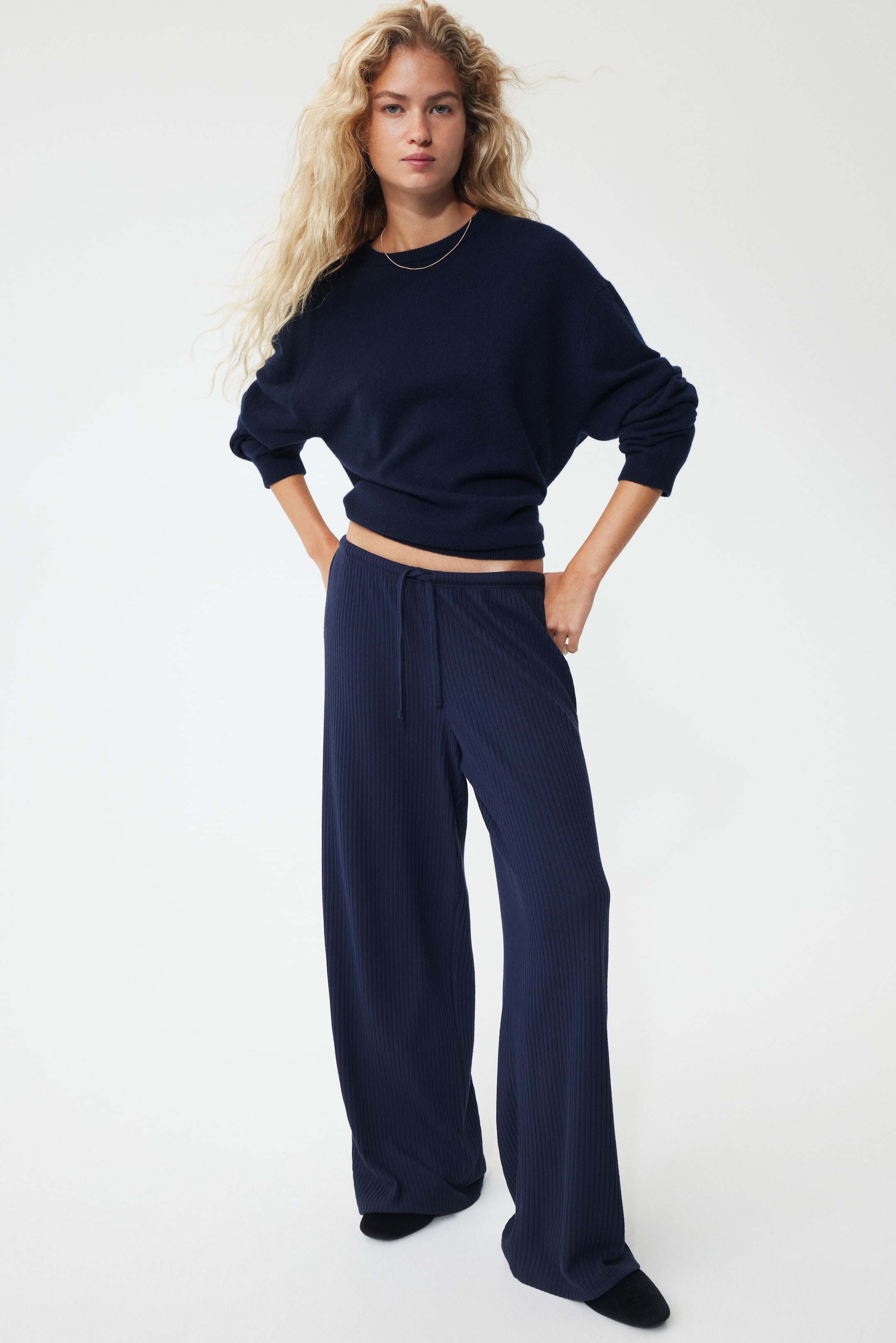
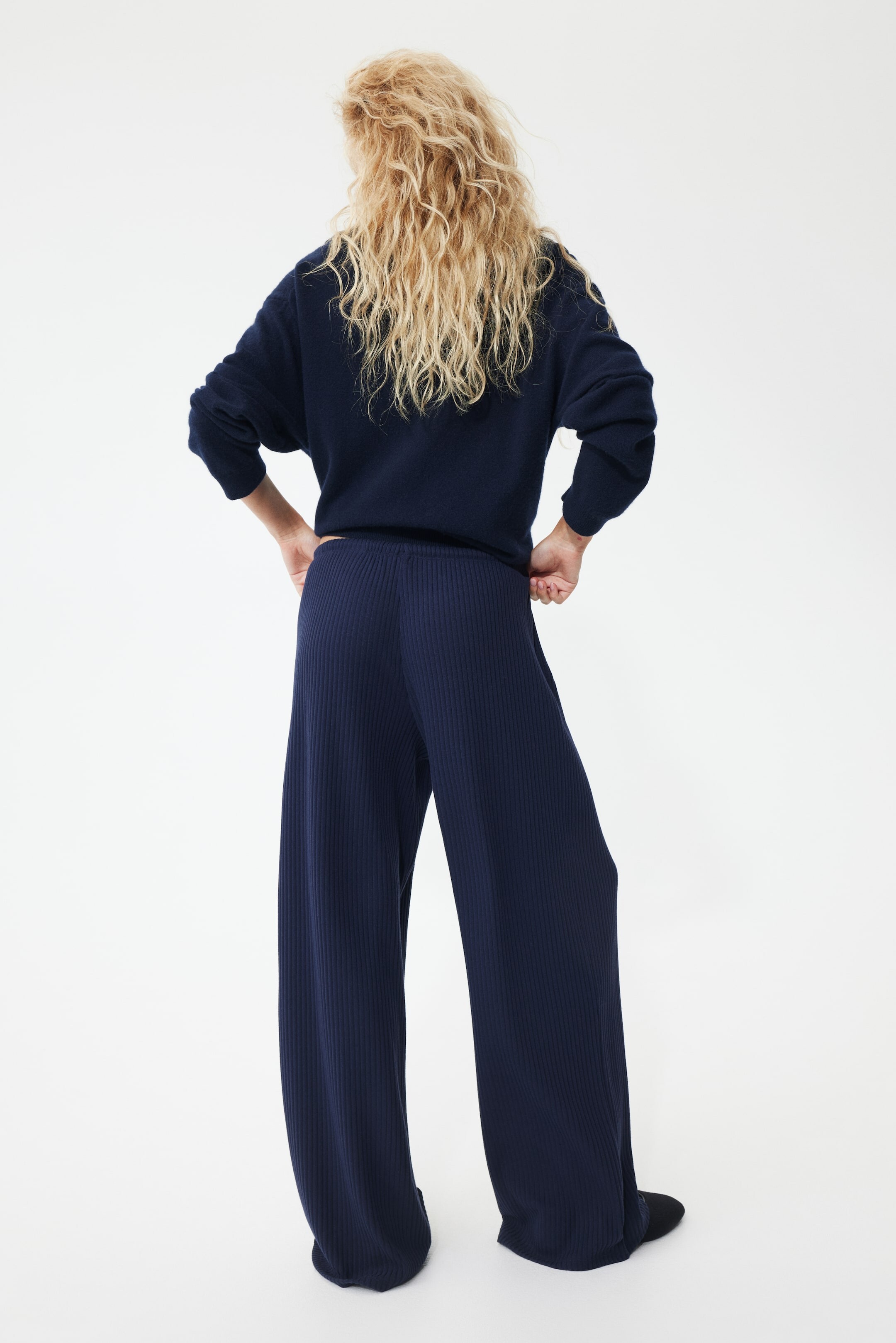

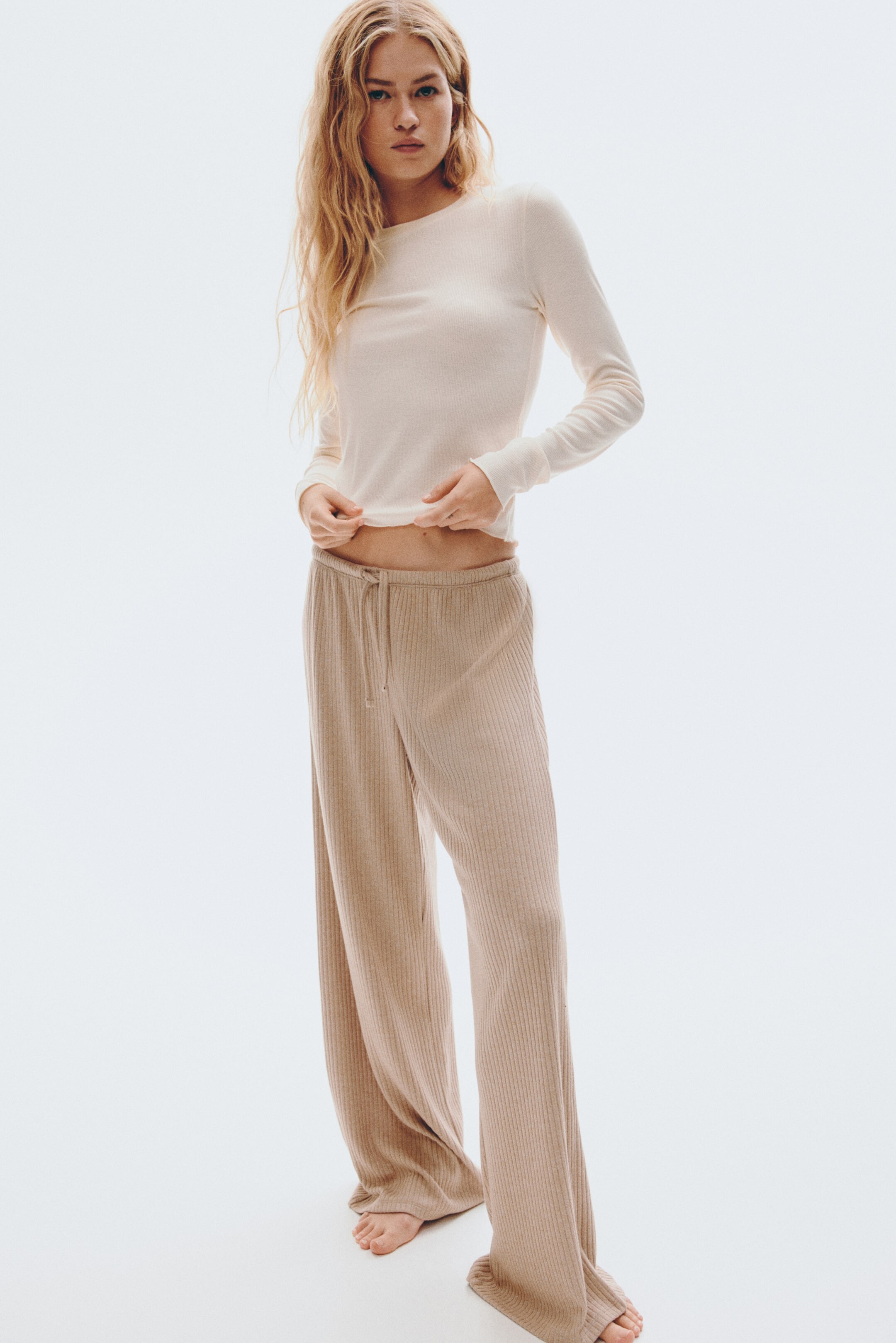

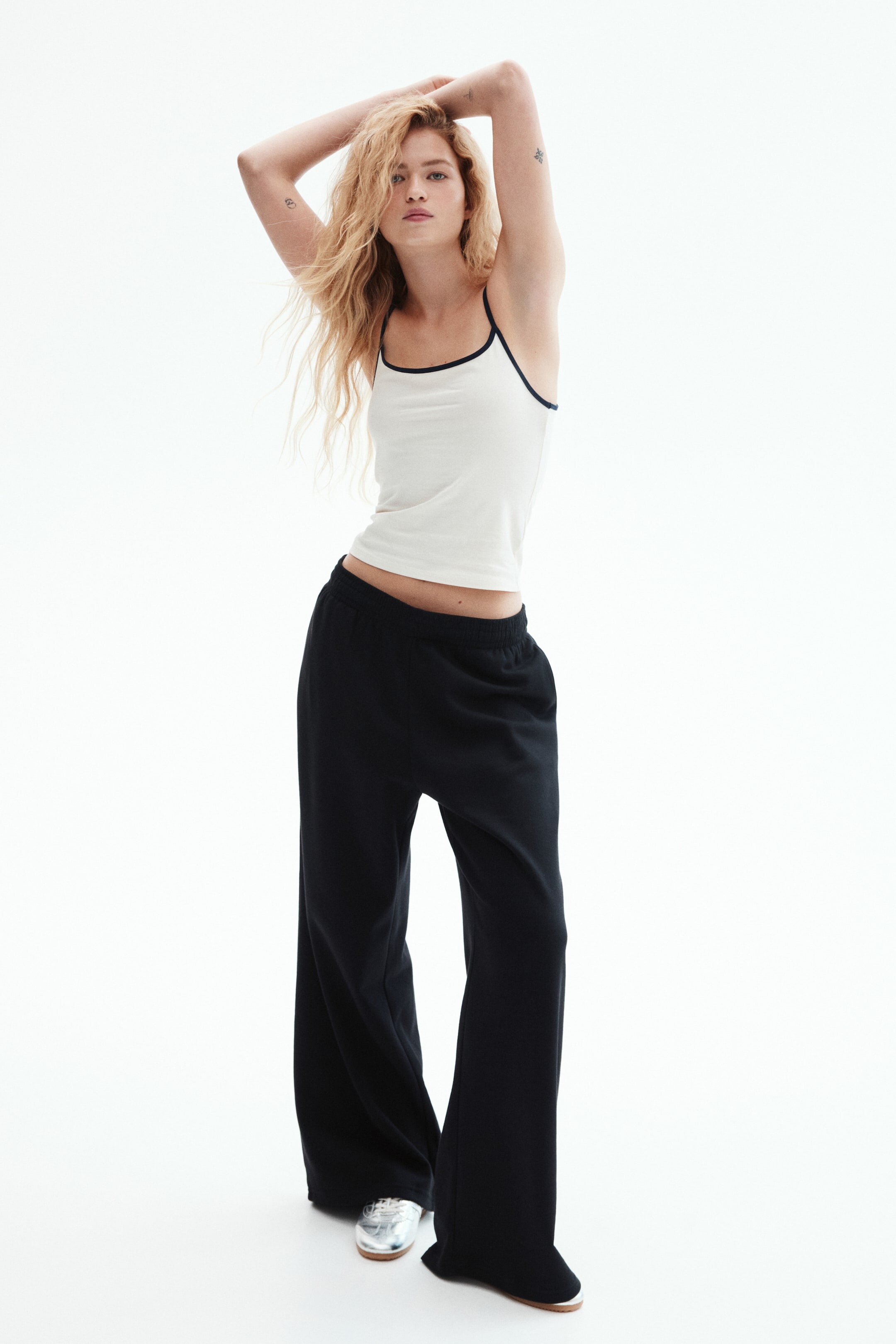









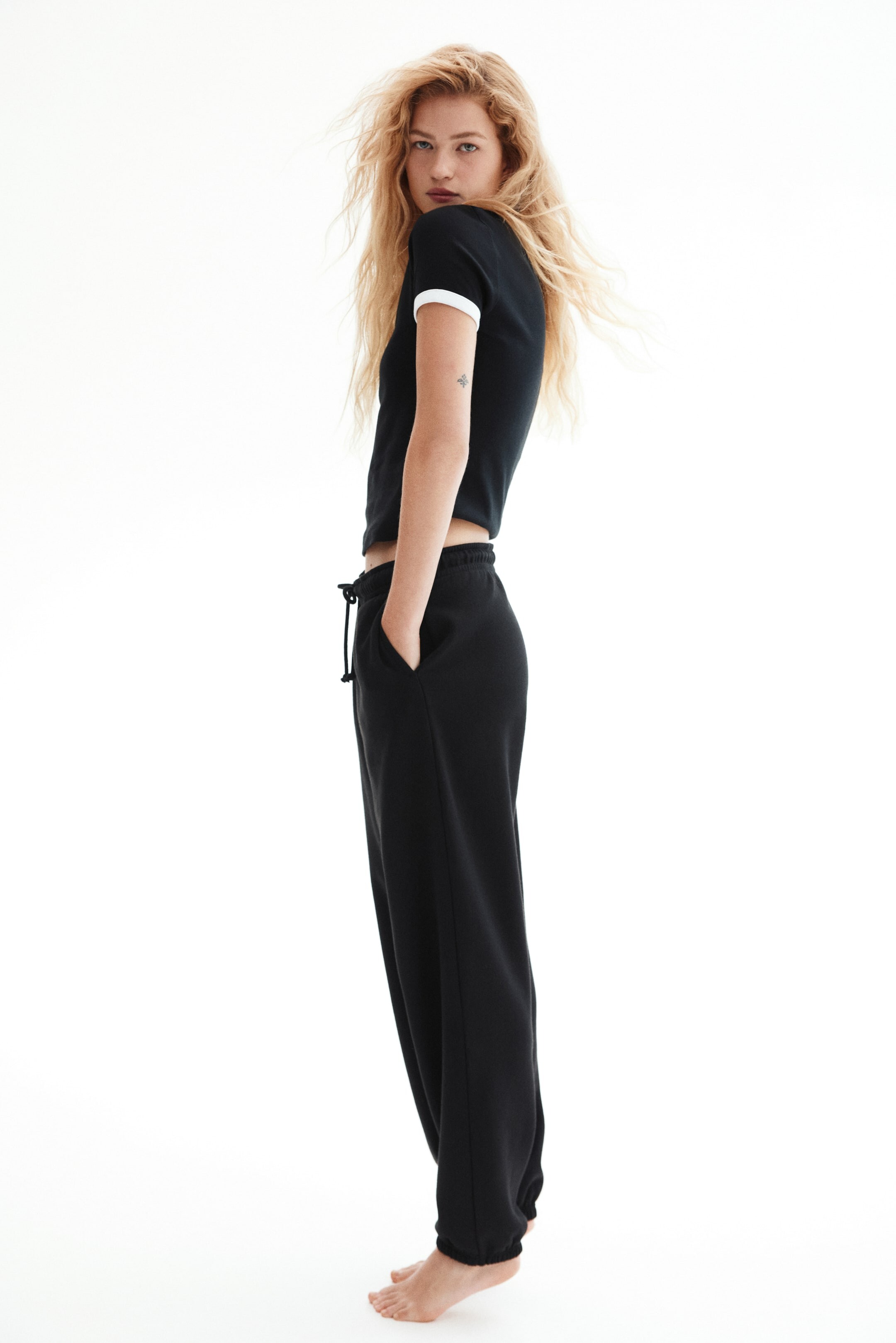


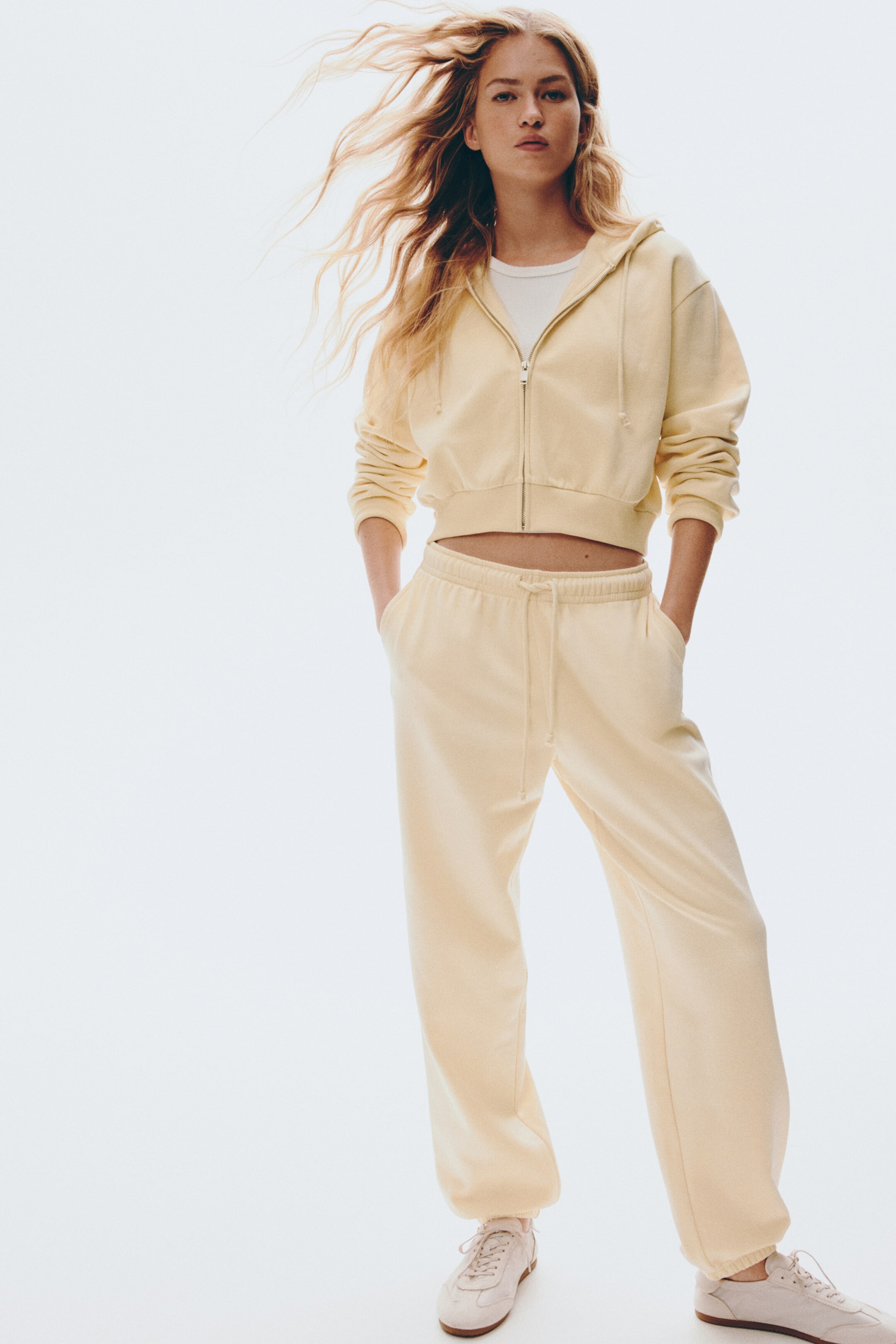
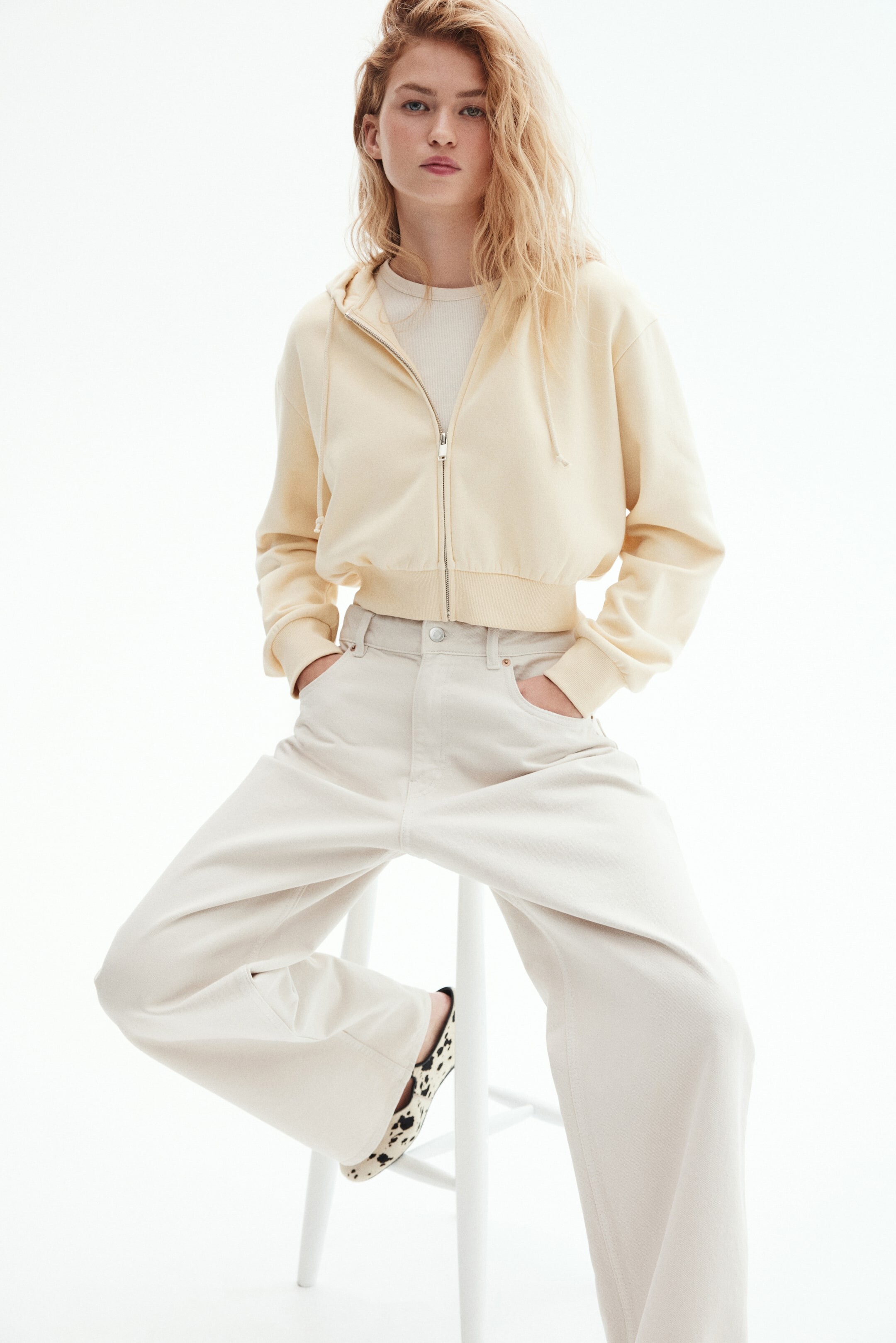

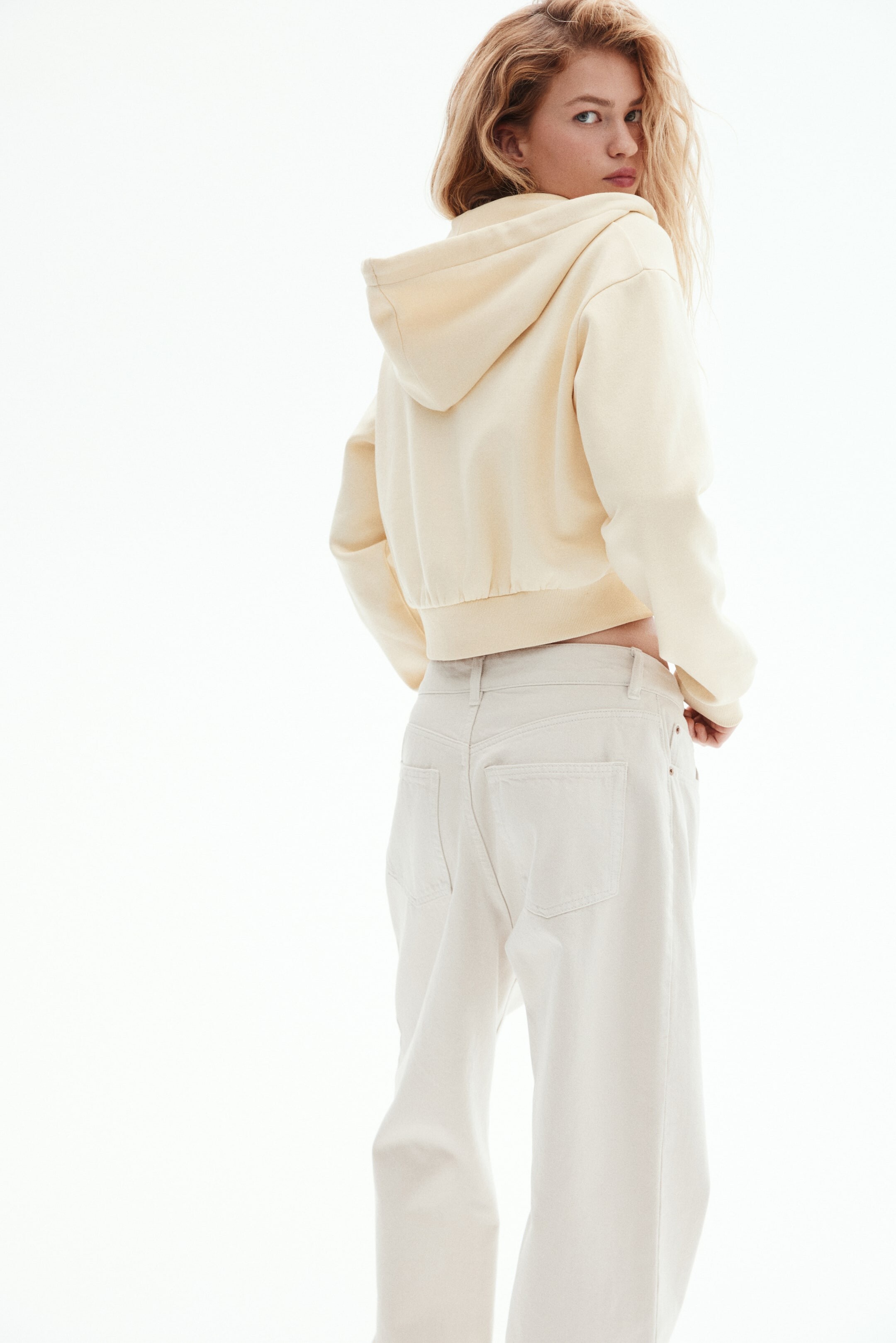











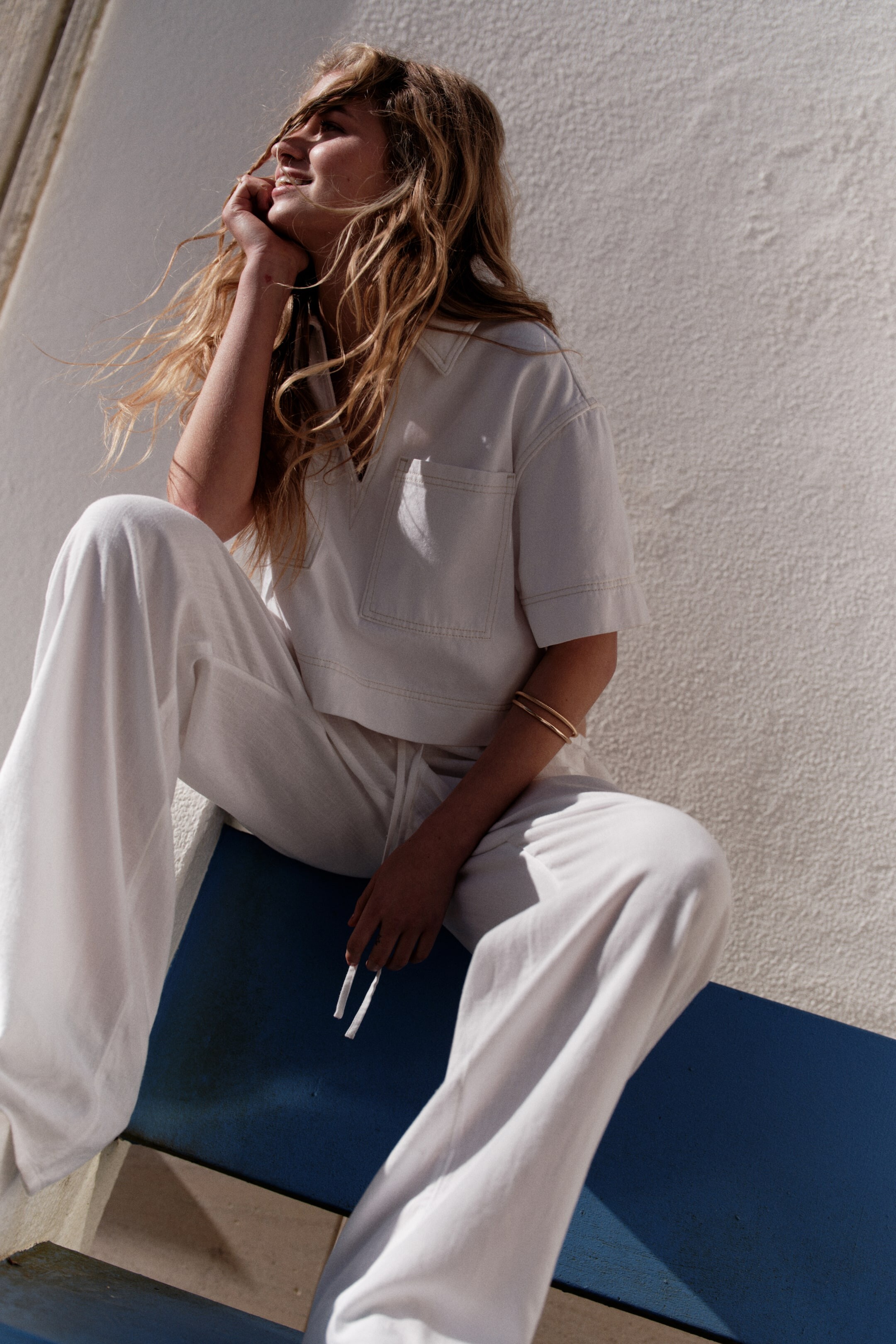
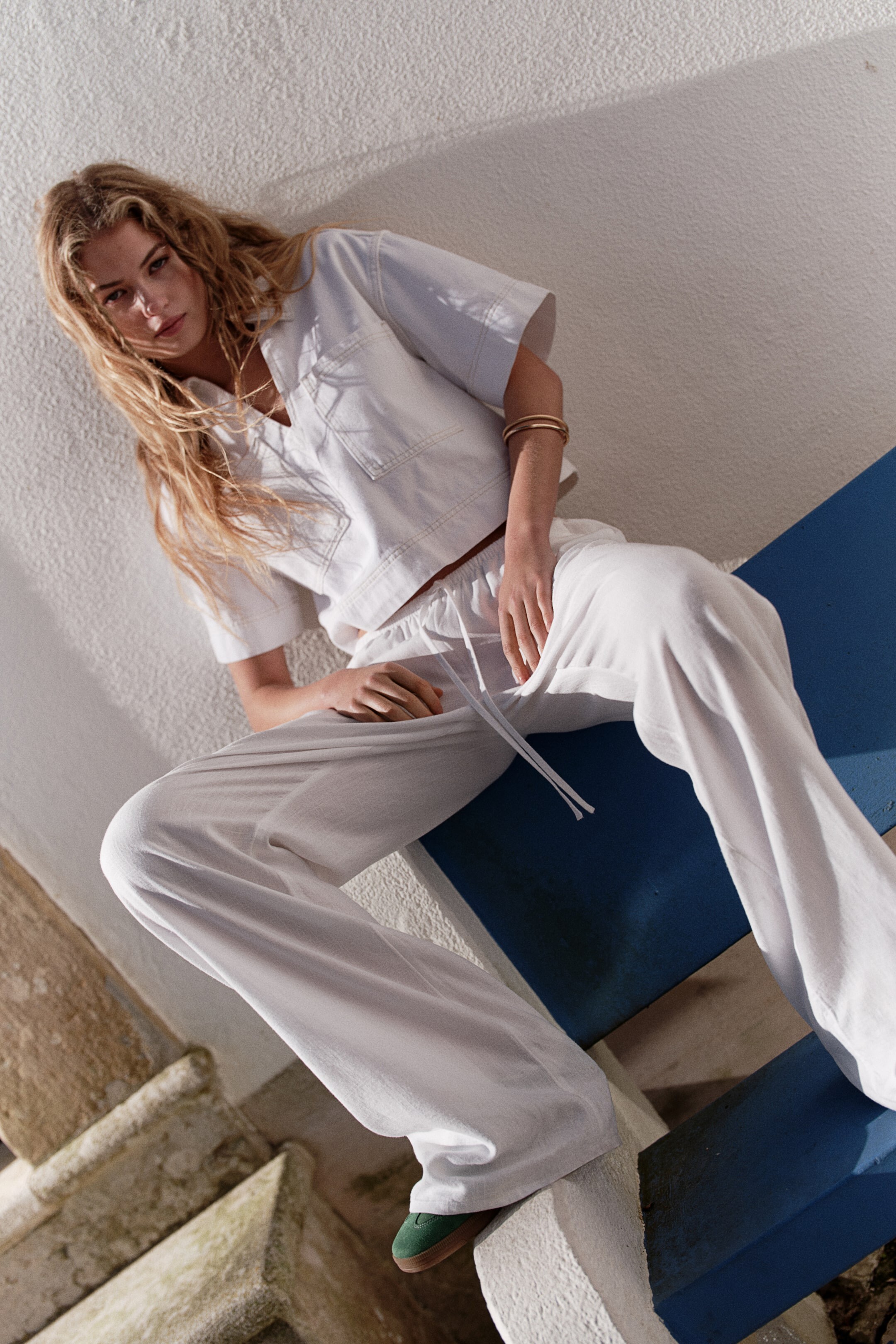

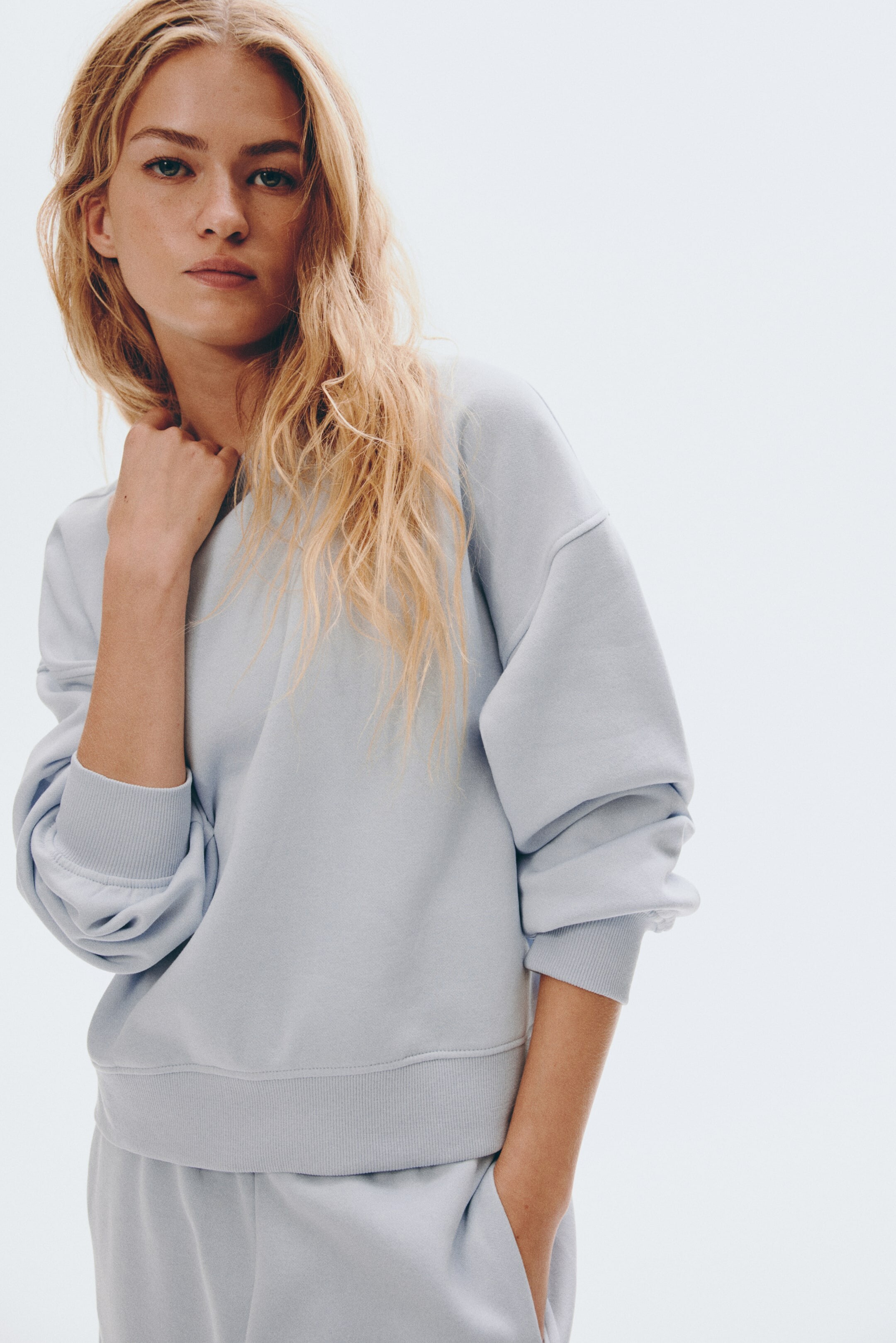


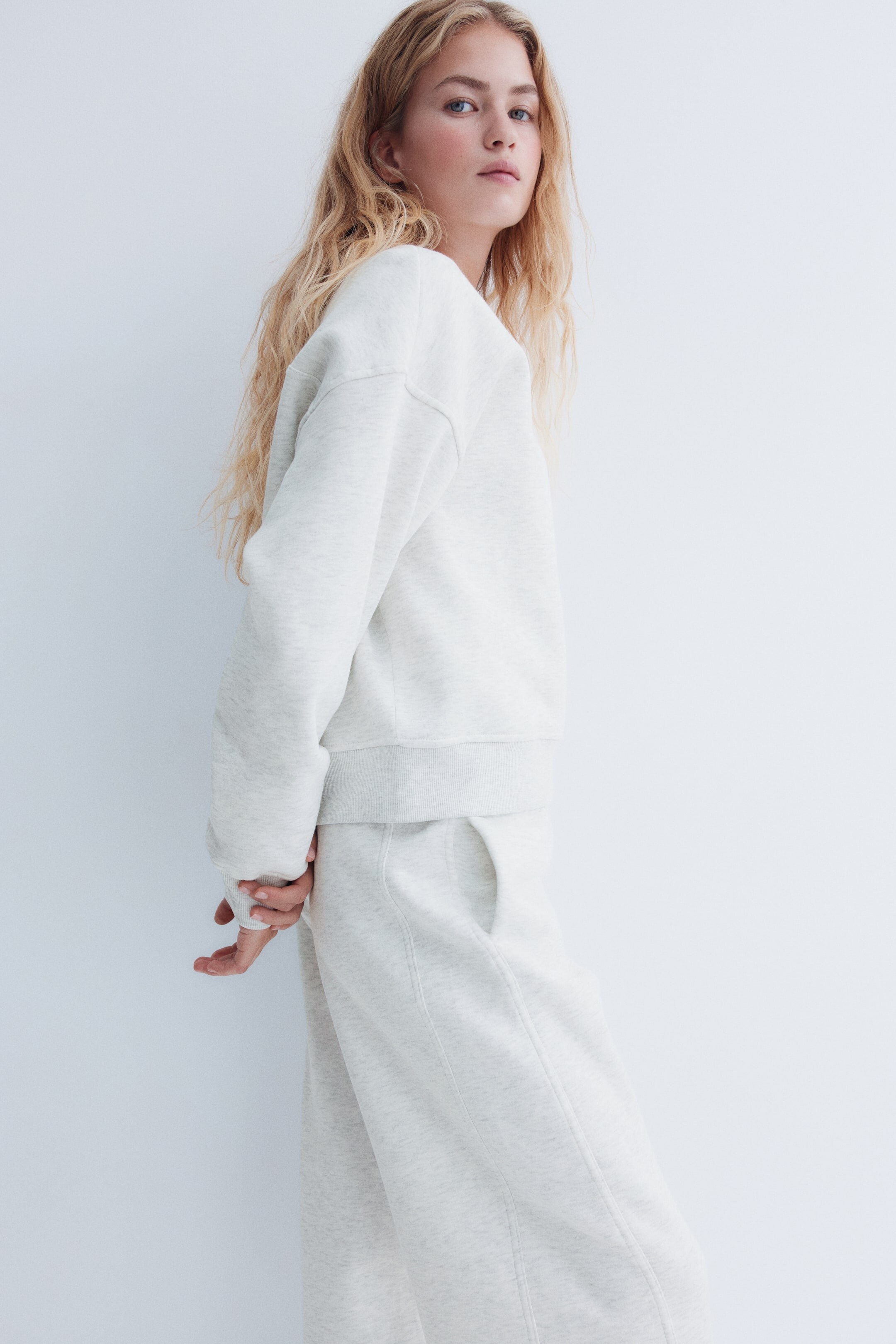






















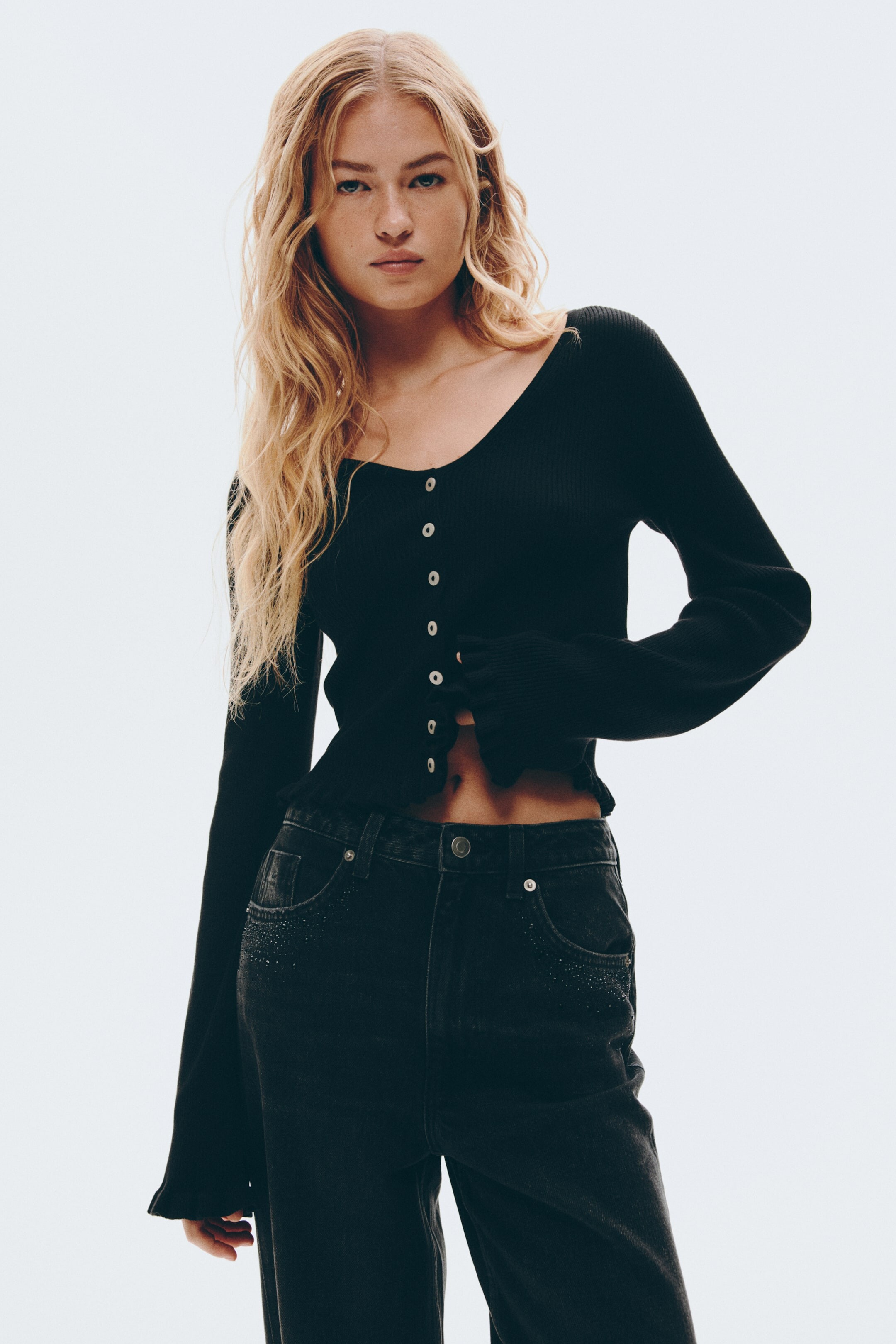
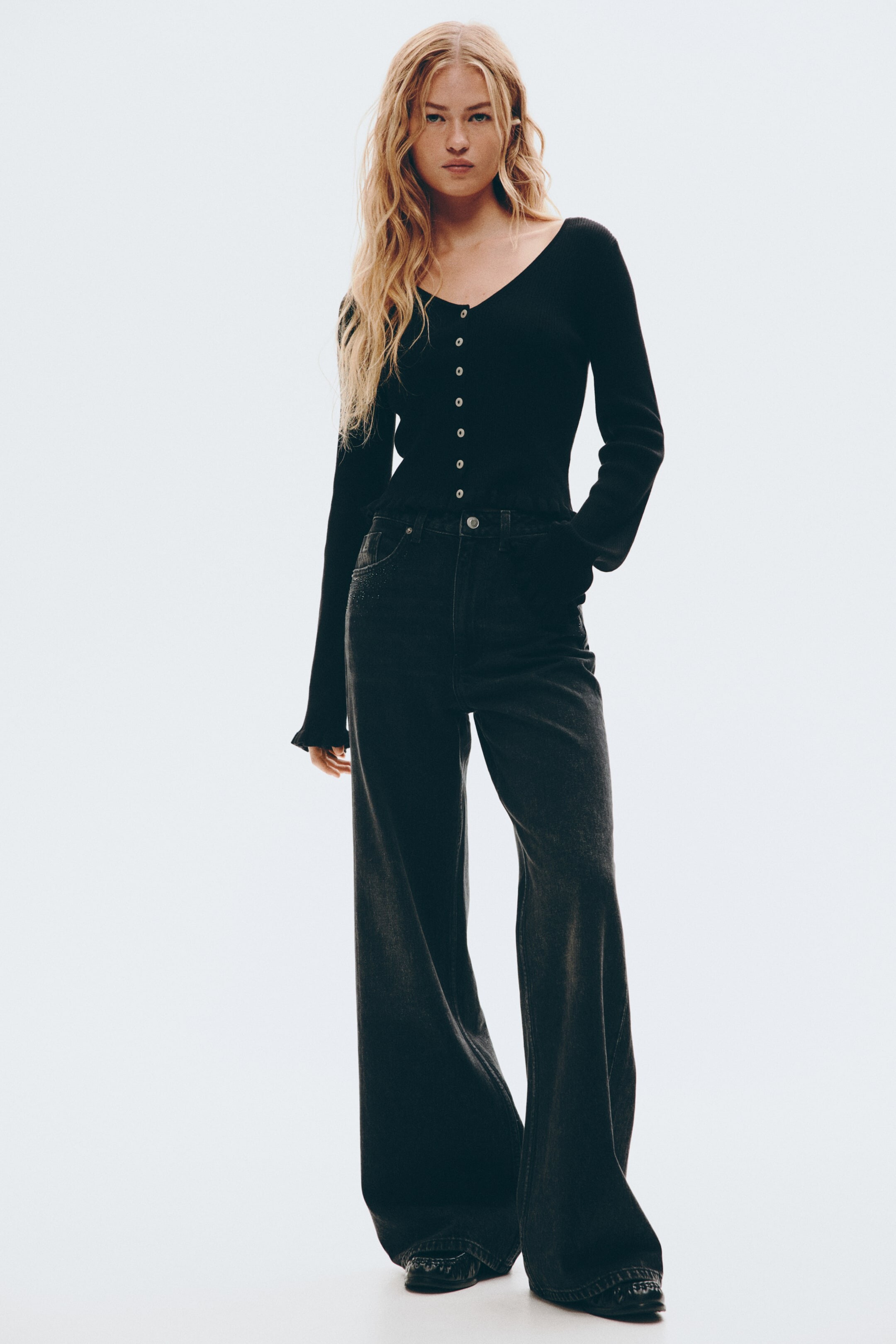
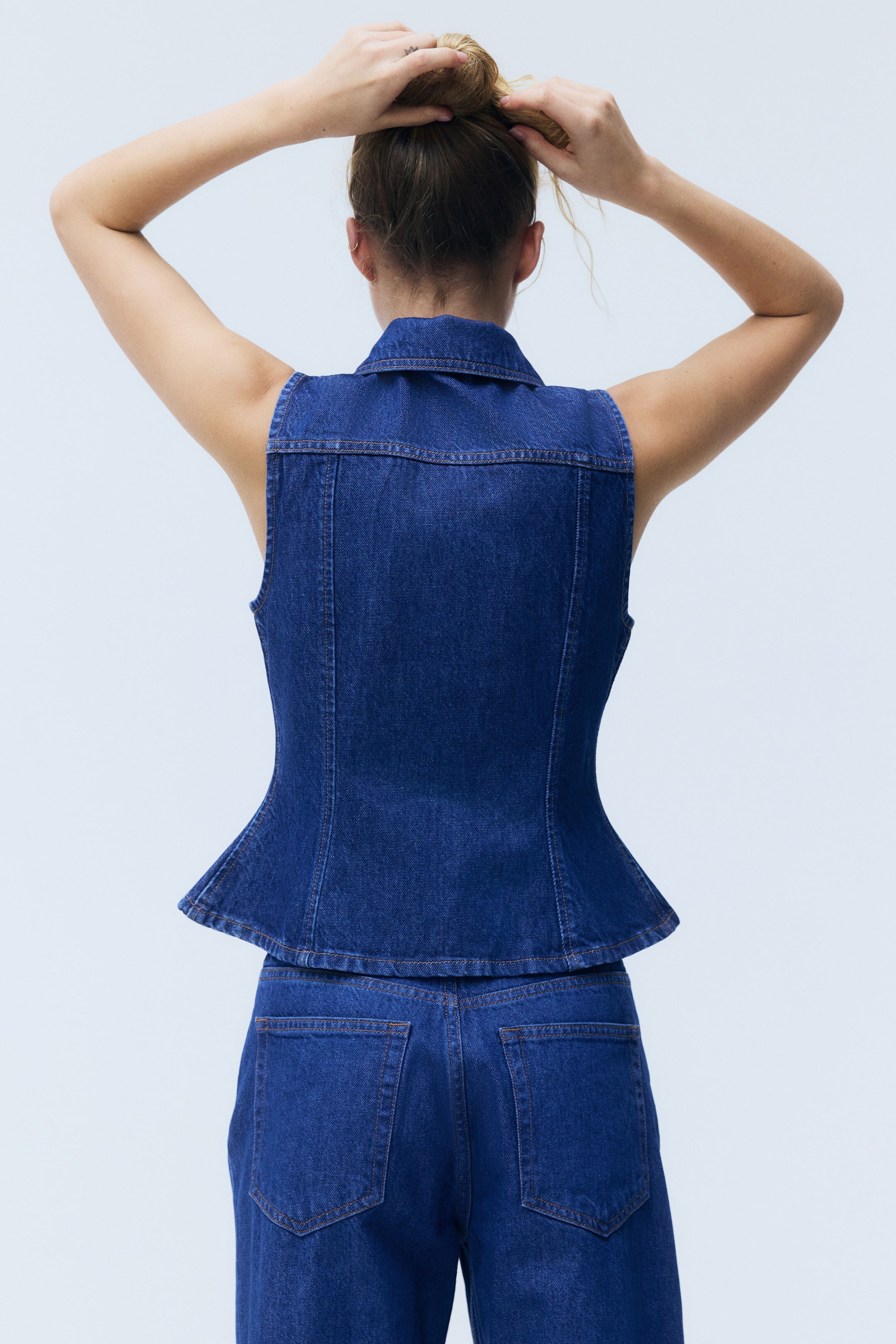
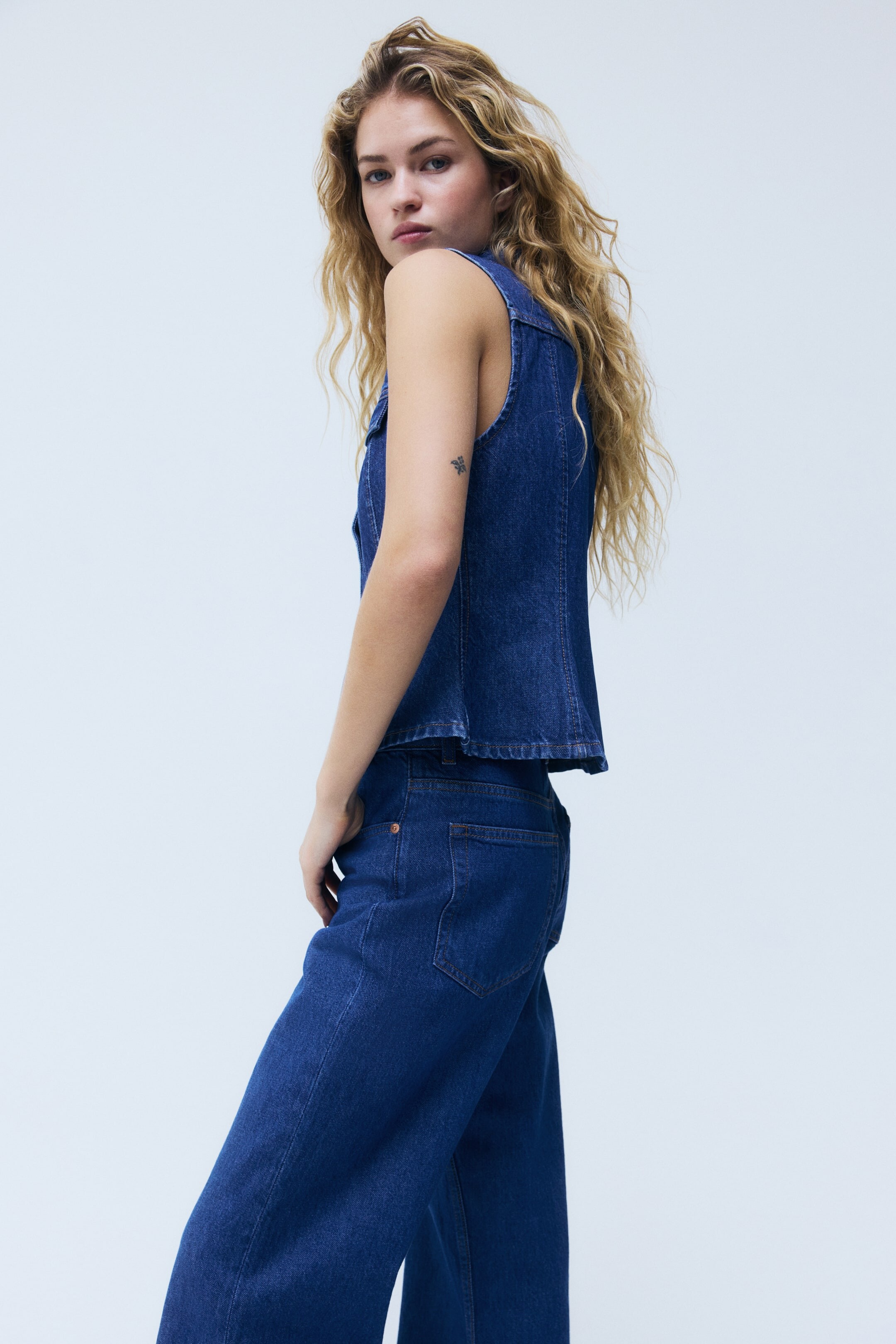




















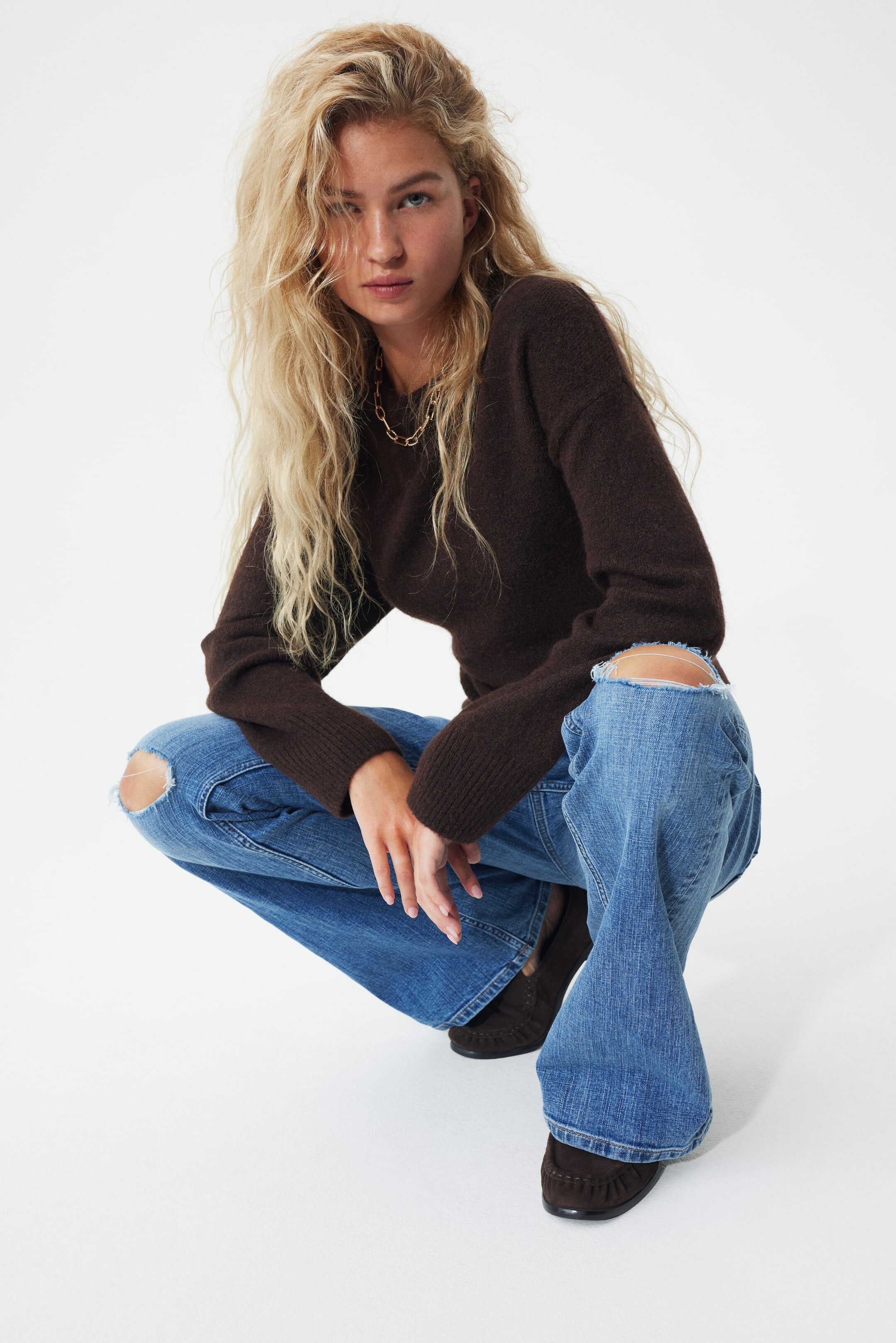
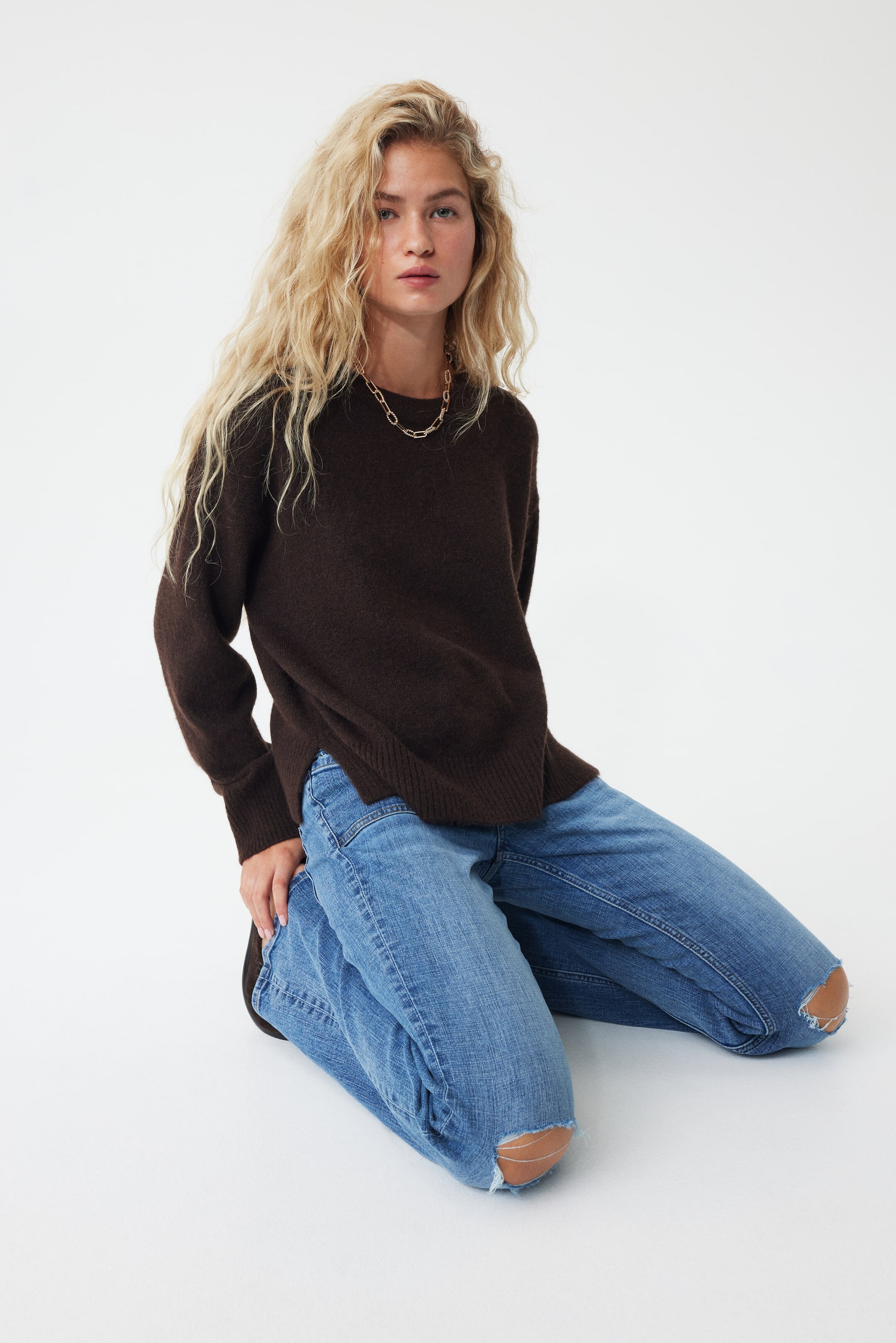

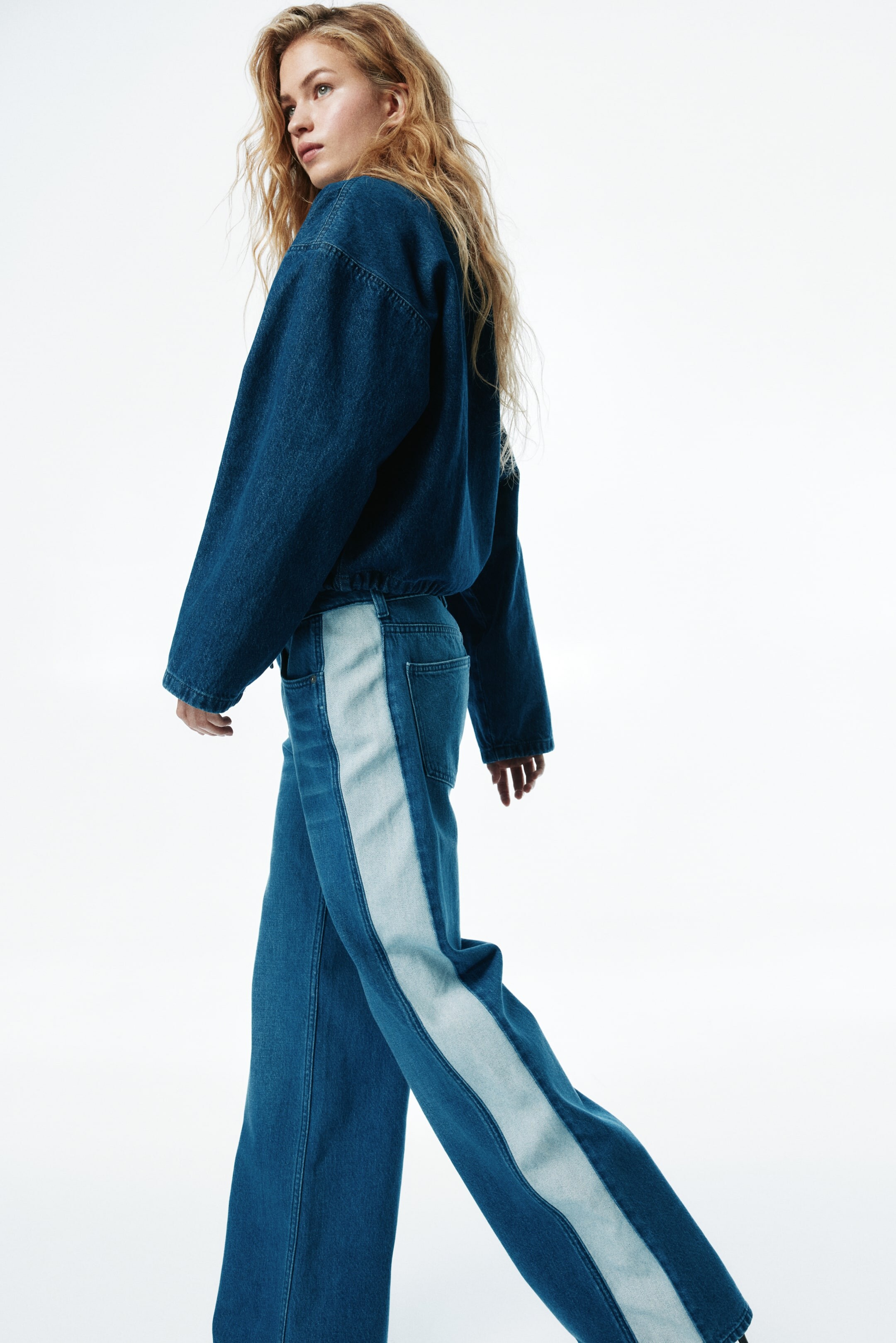
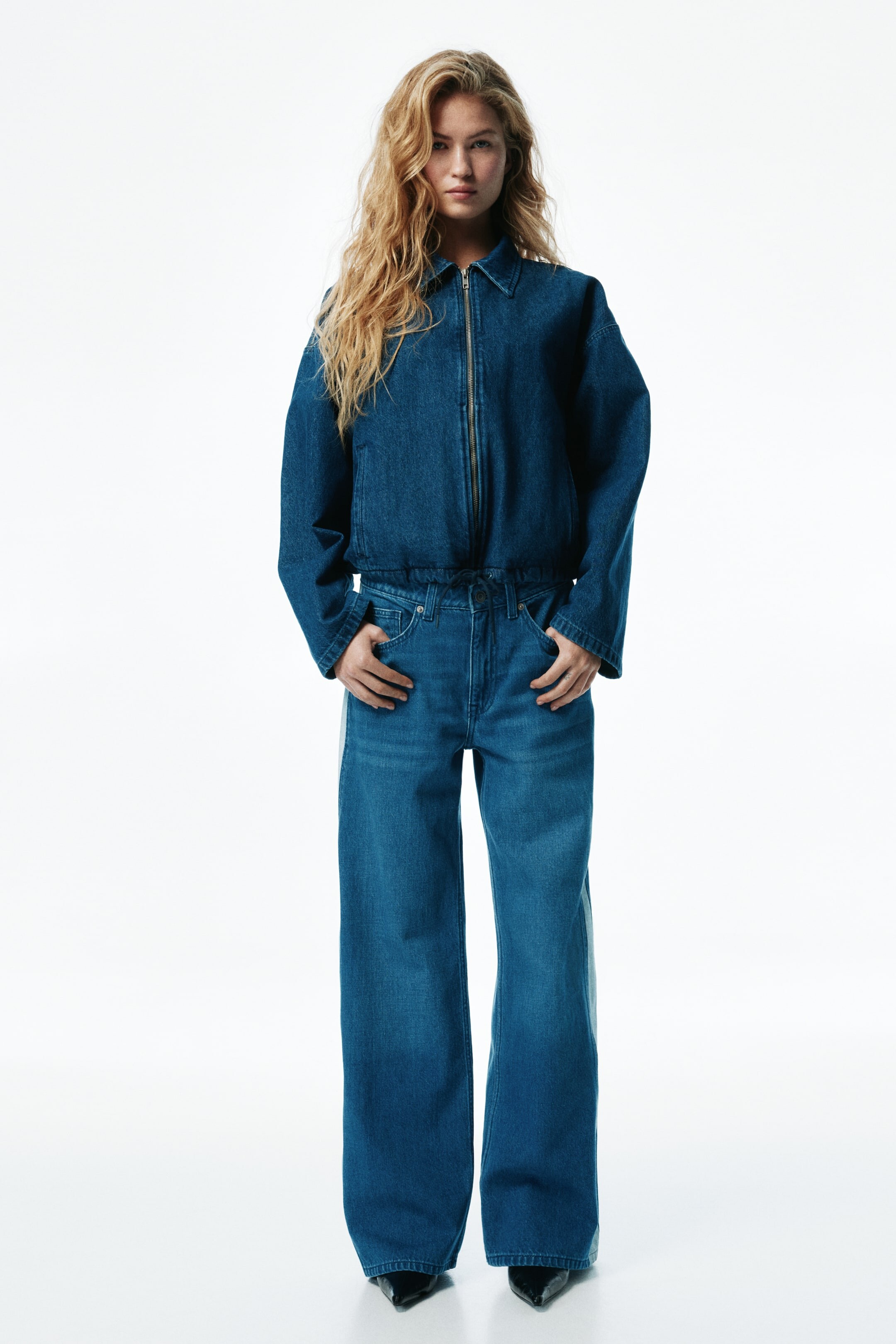



























































Account
Search
Configure browser push notifications
Chrome (Android)
- Tap the lock icon next to the address bar.
- Tap Permissions → Notifications.
- Adjust your preference.
Chrome (Desktop)
- Click the padlock icon in the address bar.
- Select Site settings.
- Find Notifications and adjust your preference.
Safari (iOS 16.4+)
- Ensure the site is installed via Add to Home Screen.
- Open Settings App → Notifications.
- Find your app name and adjust your preference.
Safari (macOS)
- Go to Safari → Preferences.
- Click the Websites tab.
- Select Notifications in the sidebar.
- Find this website and adjust your preference.
Edge (Android)
- Tap the lock icon next to the address bar.
- Tap Permissions.
- Find Notifications and adjust your preference.
Edge (Desktop)
- Click the padlock icon in the address bar.
- Click Permissions for this site.
- Find Notifications and adjust your preference.
Firefox (Android)
- Go to Settings → Site permissions.
- Tap Notifications.
- Find this site in the list and adjust your preference.
Firefox (Desktop)
- Open Firefox Settings.
- Search for Notifications.
- Find this site in the list and adjust your preference.