All Activity
- Past hour
-

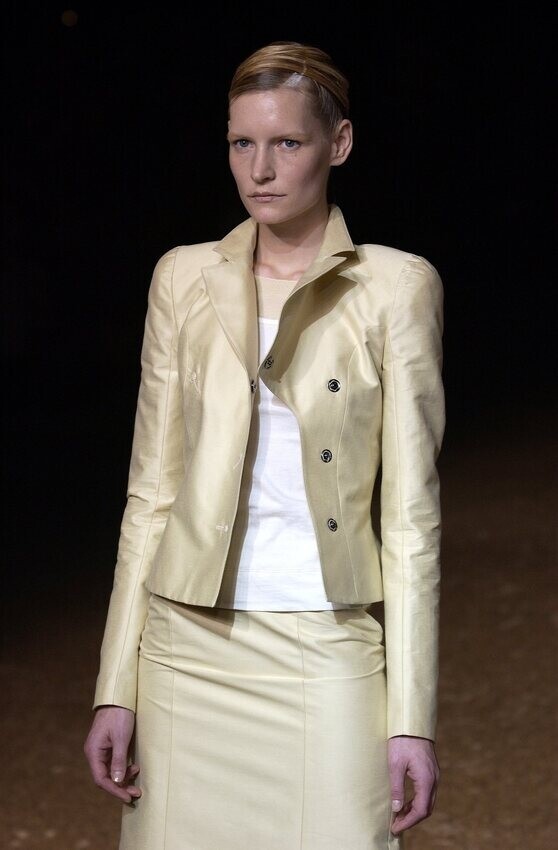
 olivier theyskens s/s 2002


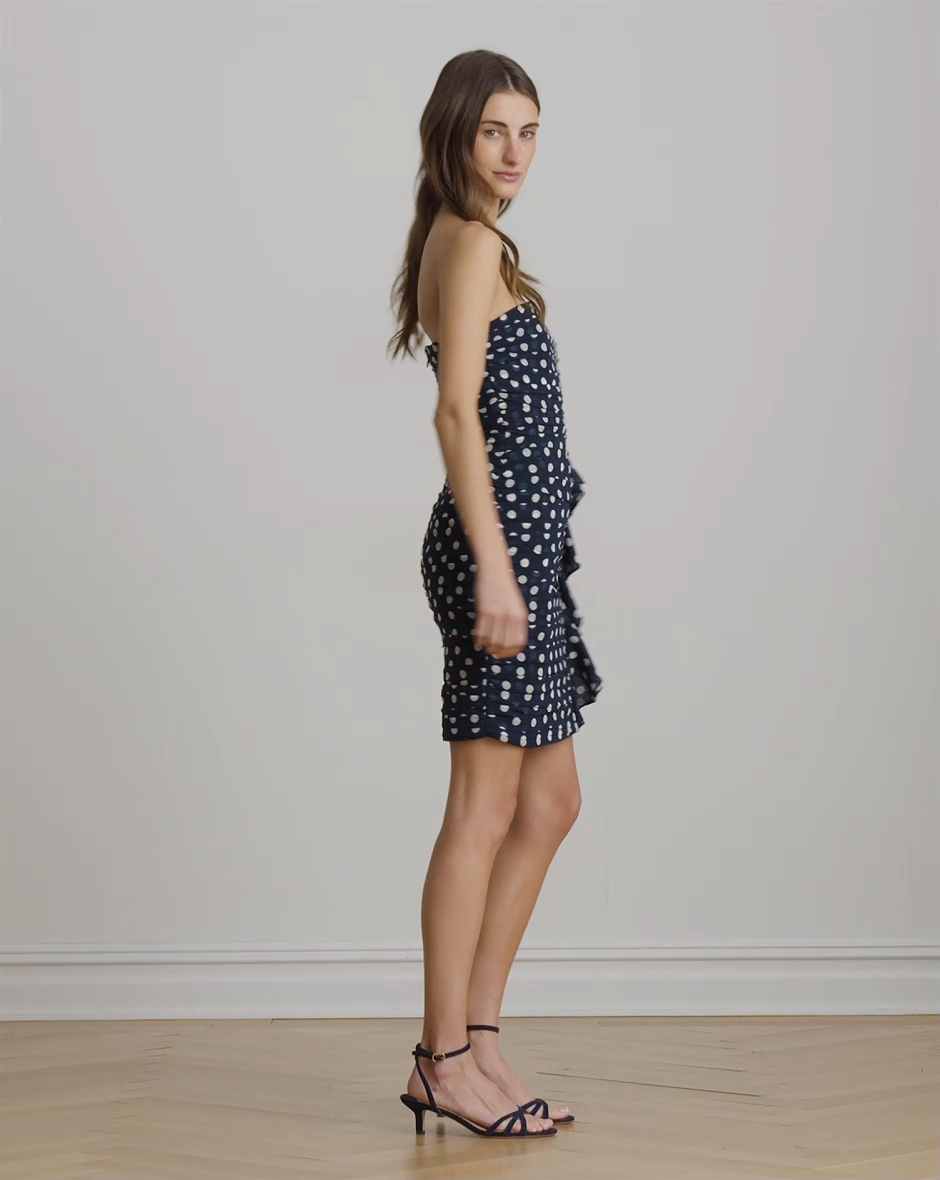
 https://www.instagram.com/parkervalby/
 In other words: oil prices were getting out of hand, so Donald taco’d like he always does. Later this week we’ll hear about a “deal” (the best deal ever, obviously) with Iran and everyone will head home after accomplishing absolutely nothing with this short escalation. EDIT: pretty much this.
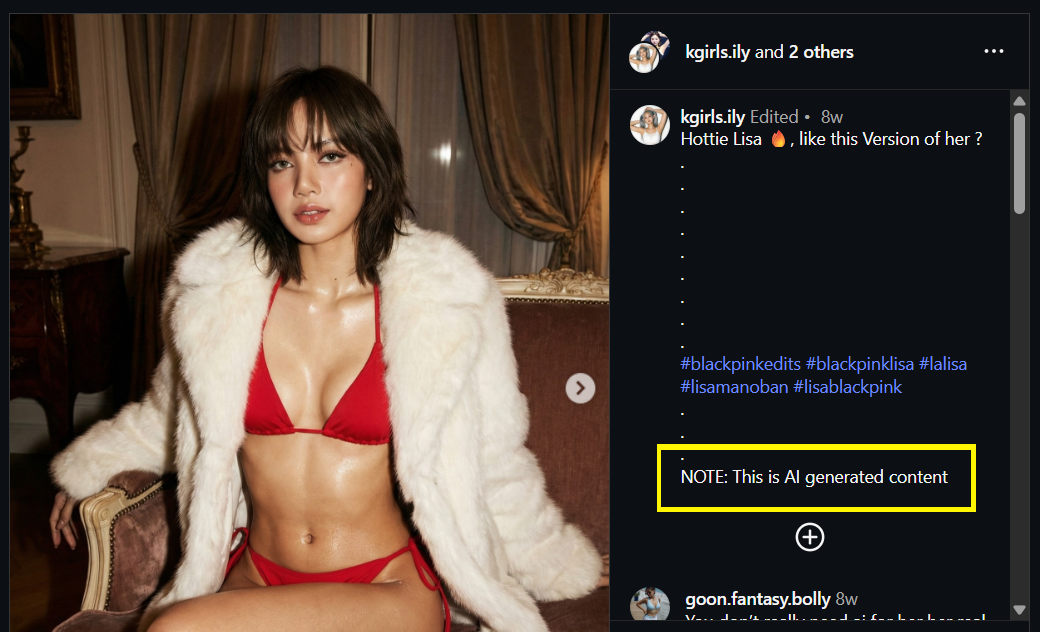
 @nicolas30 Yeah. Please see attached. You're right, it can be hard to tell them apart sometimes. If all the pics have an over-the-top sweaty/glossy feel, and in Lisa's case, not exactly the type of content she usually posts, then it's a clear sign. It's only going to get more difficult soon as AI 'improves'. 🥹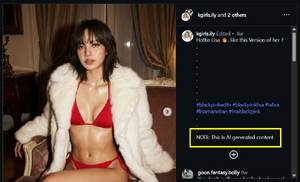
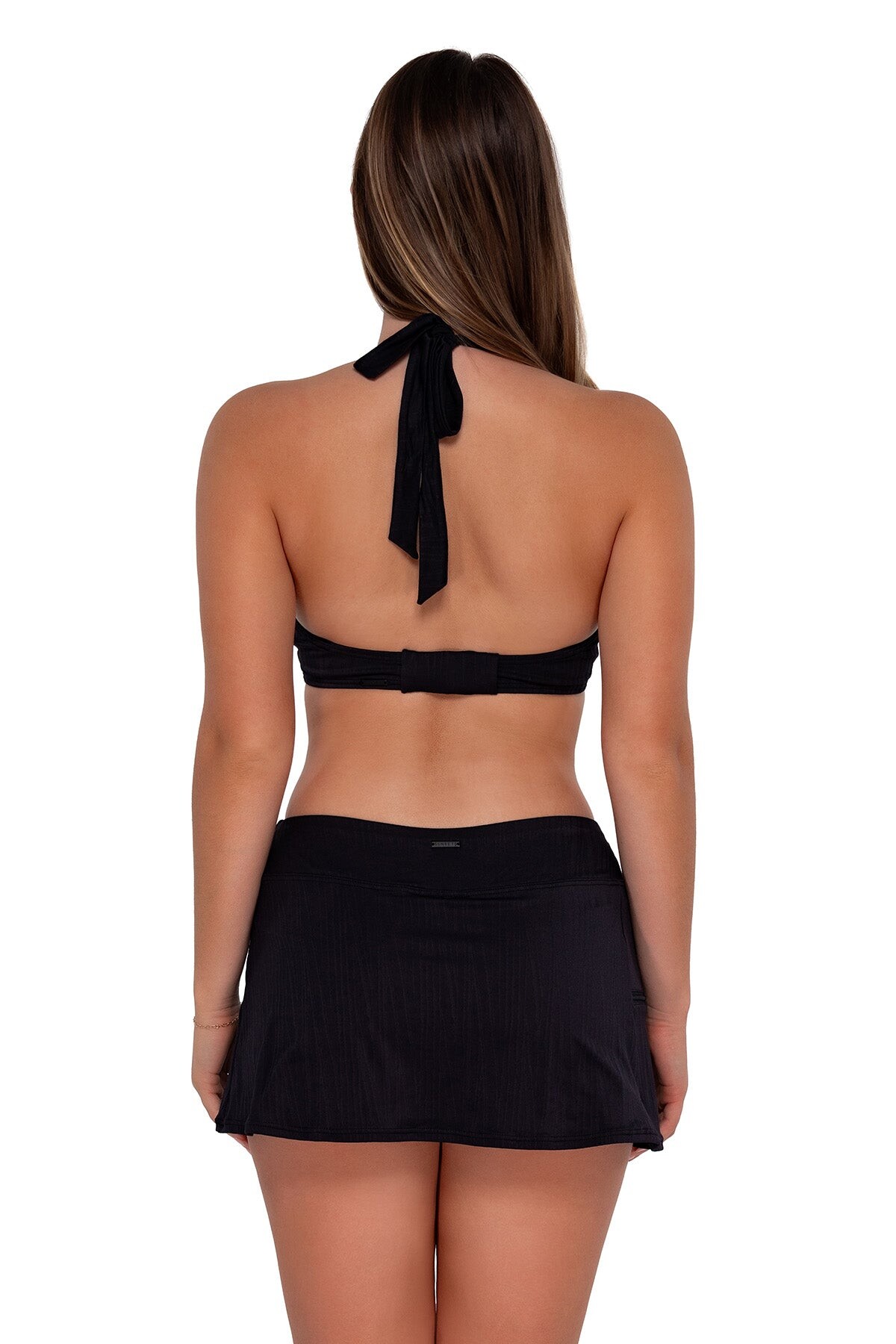
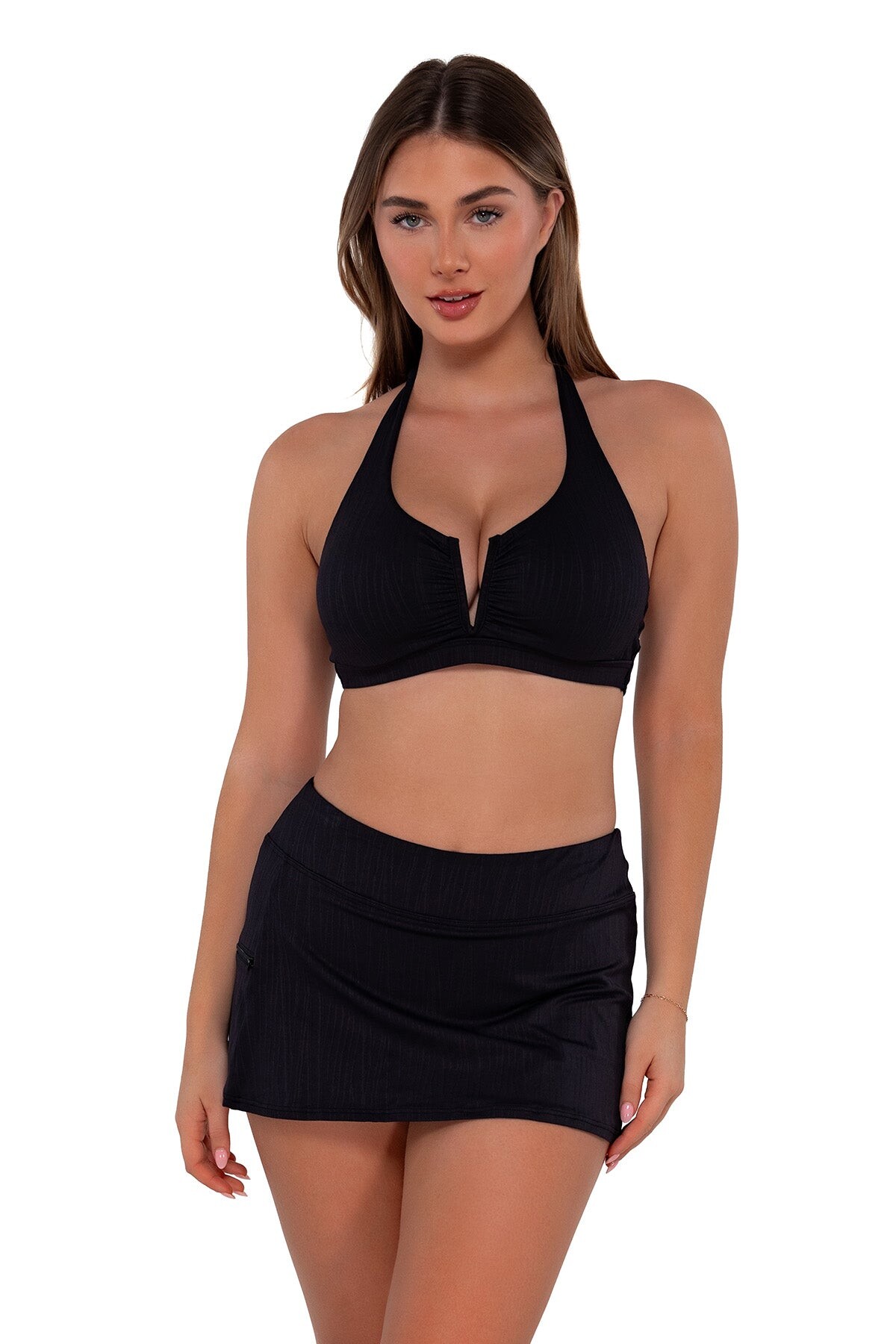
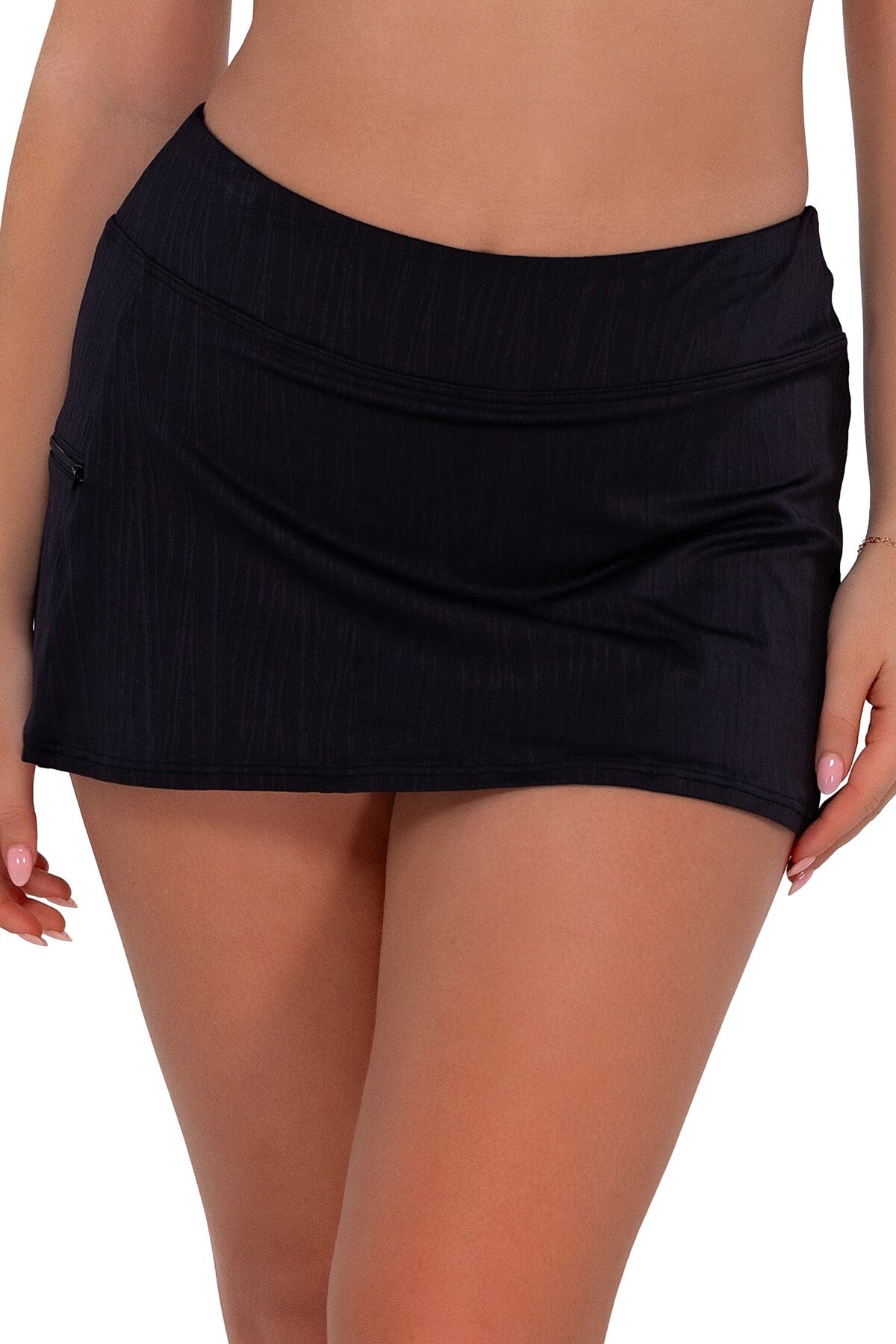
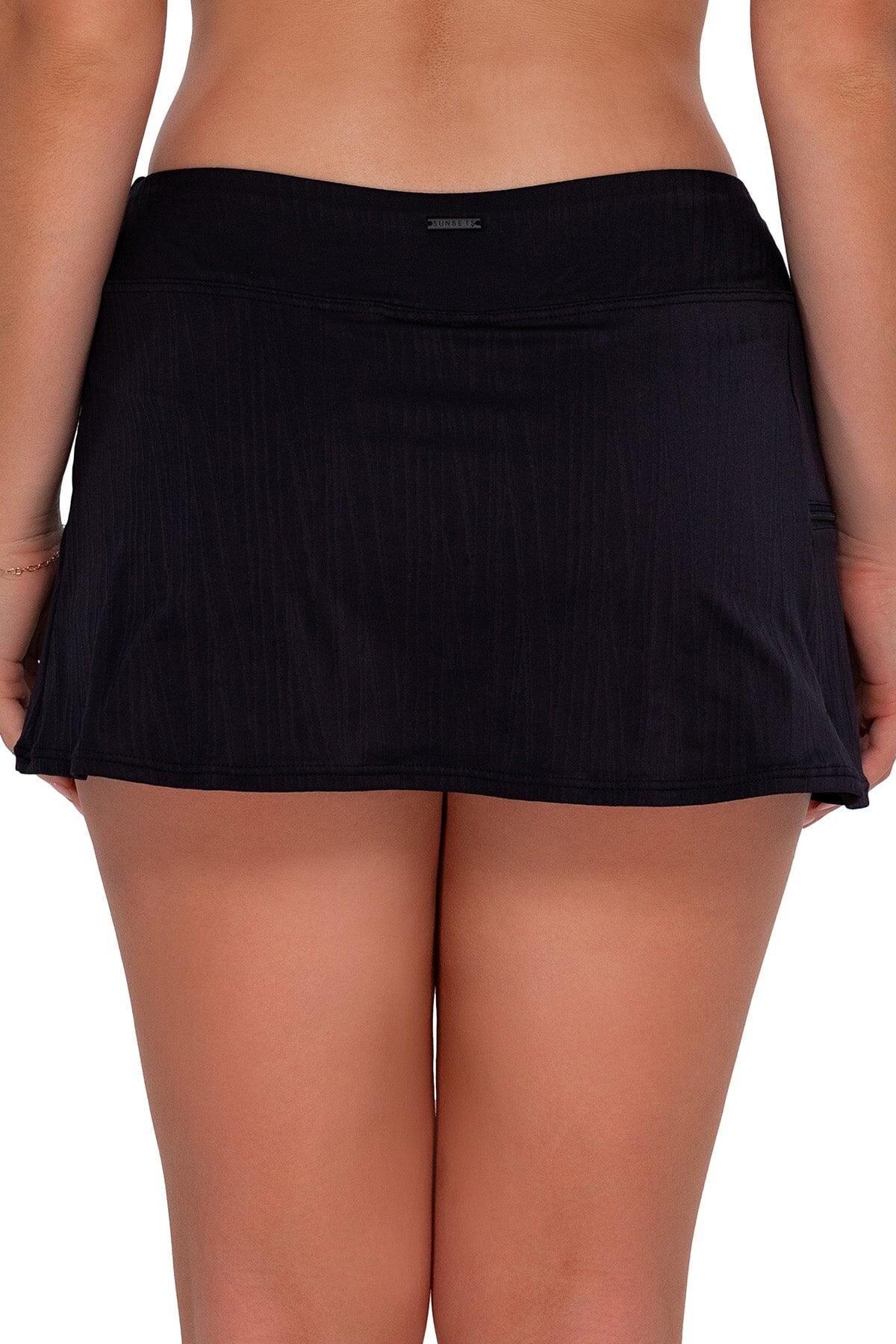
 Sunsets, part 2:






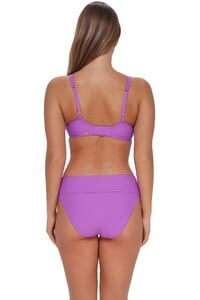


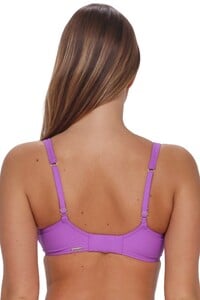
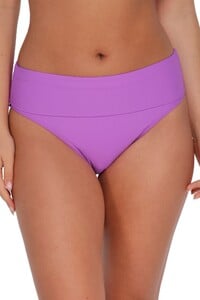
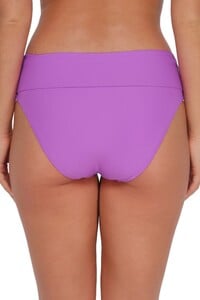
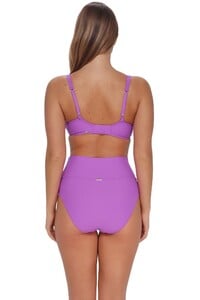
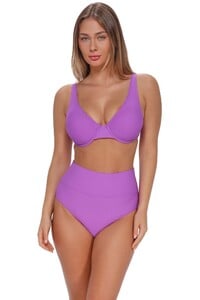

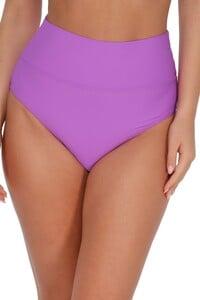
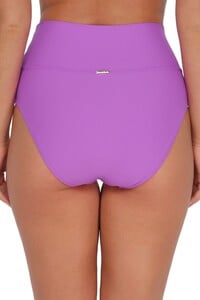









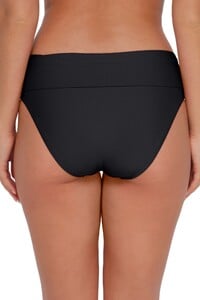
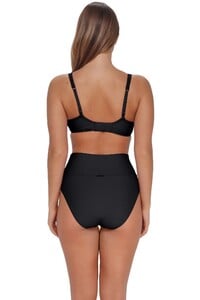
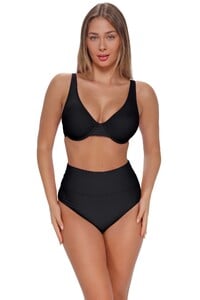
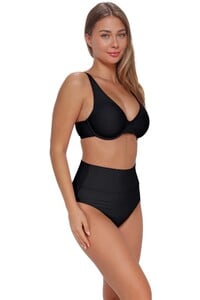
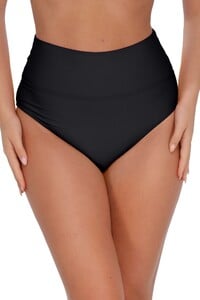
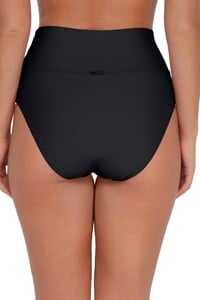



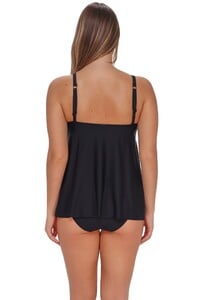



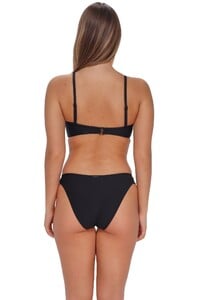






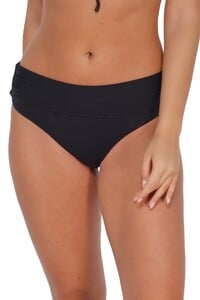
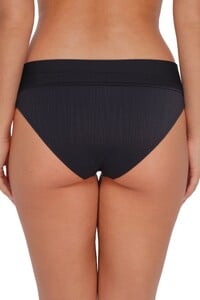
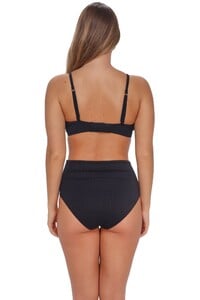
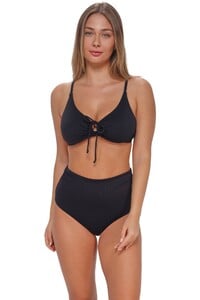
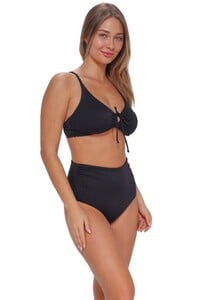

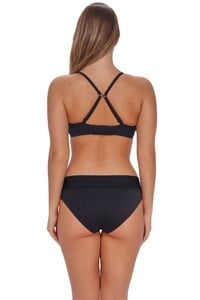


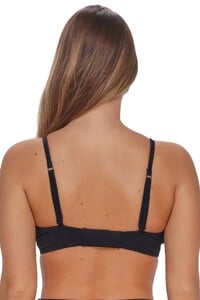

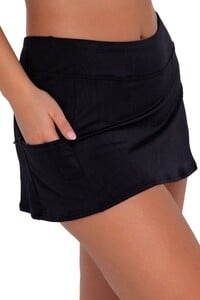

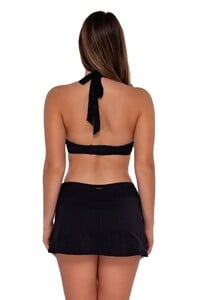


 Apologies for the 6 dupes. I was sorting through Sorrell and Mars on the same day and must have accidentally move Ella's into the wrong sub-directory.
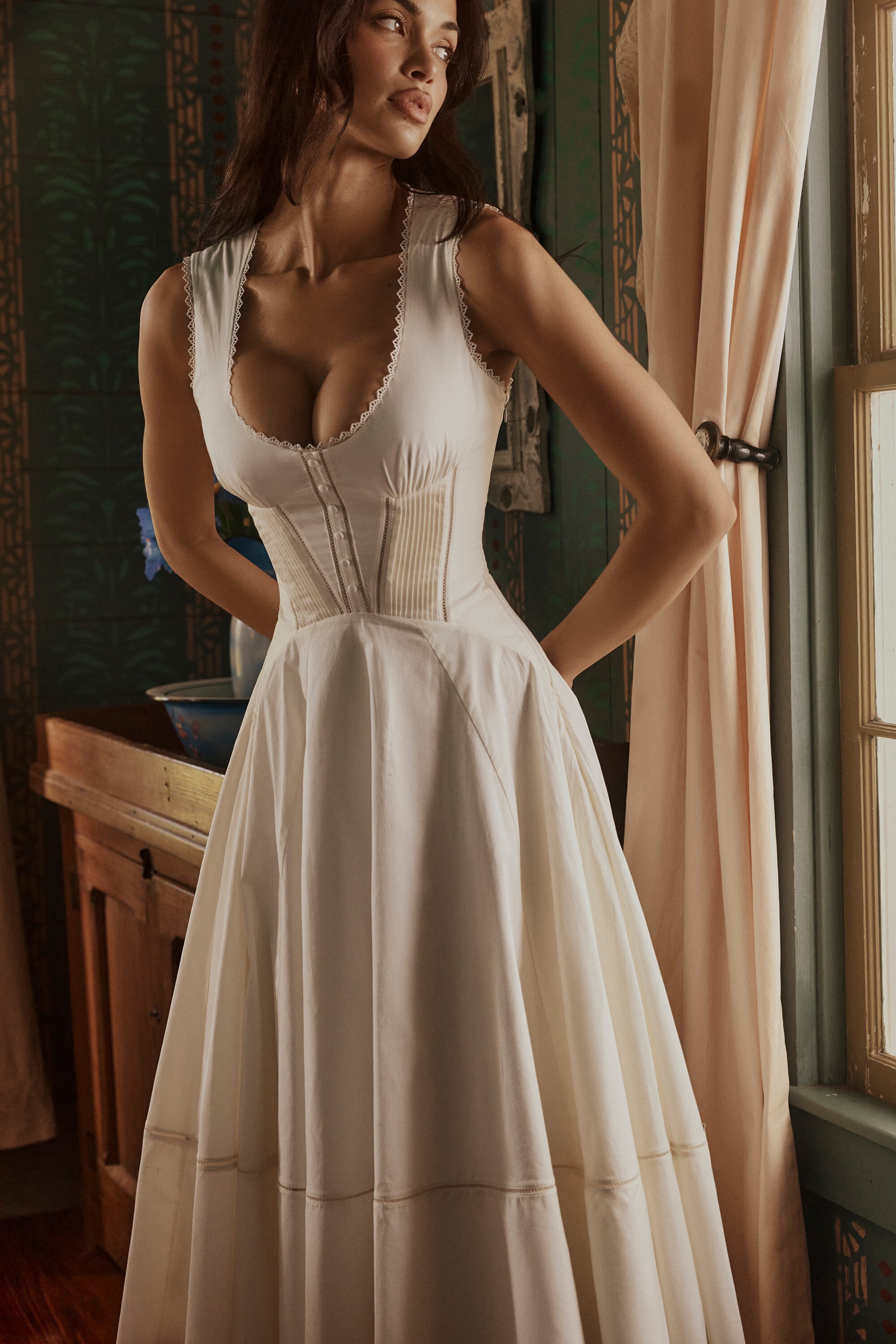
 HOUSE OF CB








































 She has among the most beautiful body in the world! ❤️🥰
Newer images for Sunsets (the first 3 are my favorites): Studio Photos, part 1:
She has among the most beautiful body in the world! ❤️🥰
Newer images for Sunsets (the first 3 are my favorites): Studio Photos, part 1:








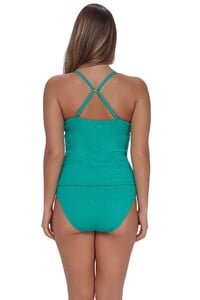

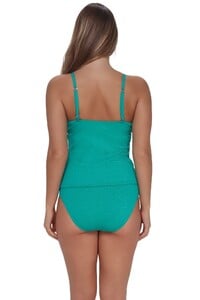

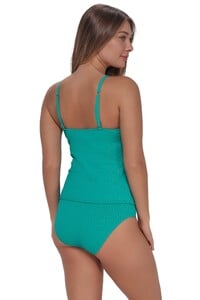

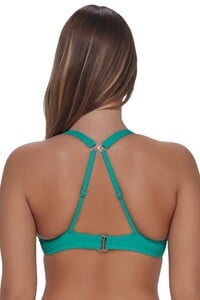

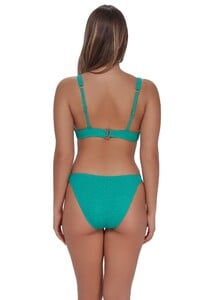


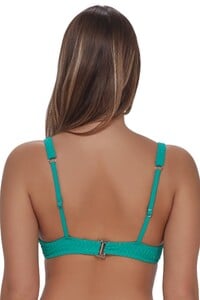
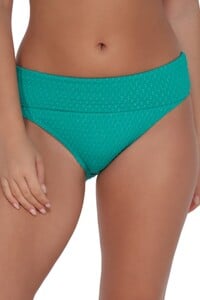
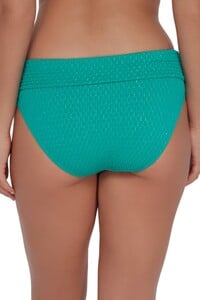
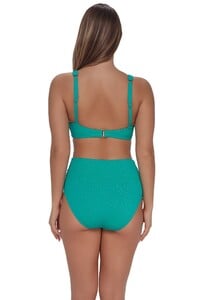


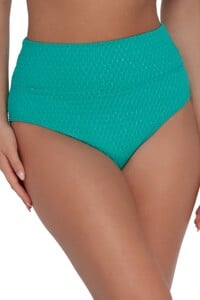
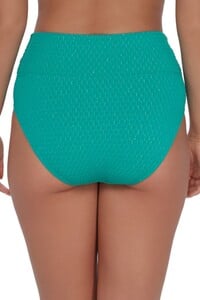
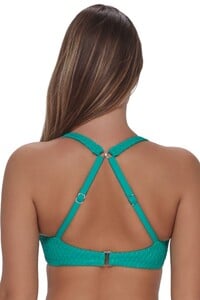

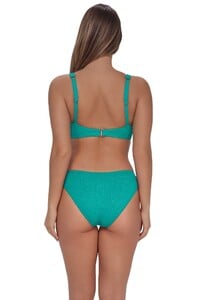


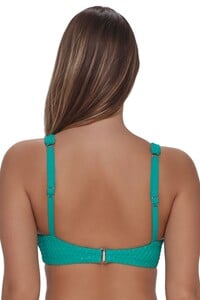
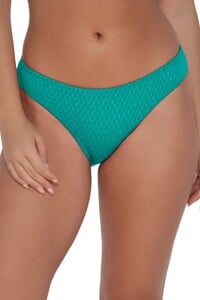
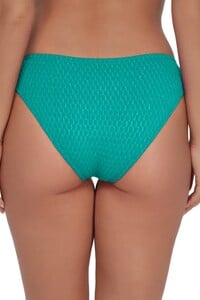

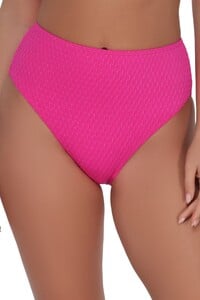
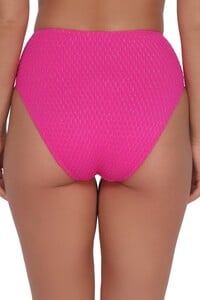
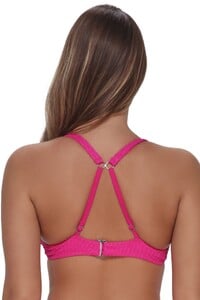

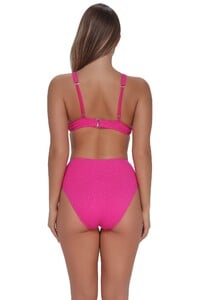


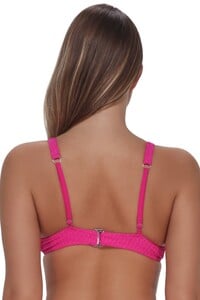
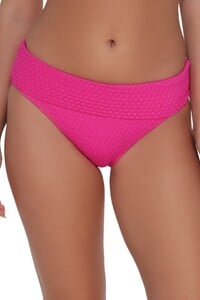
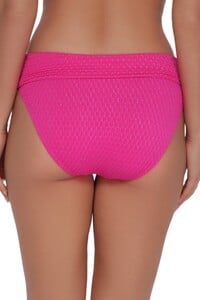
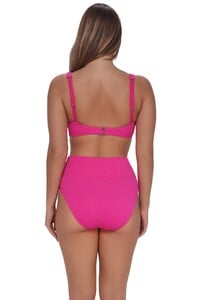


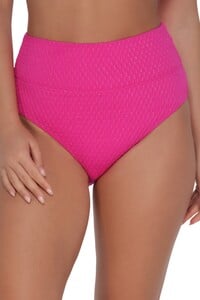
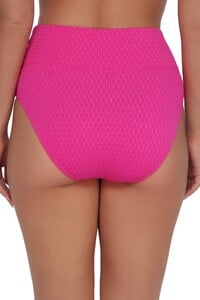
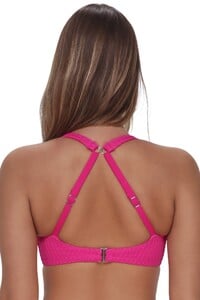

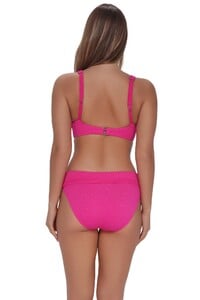


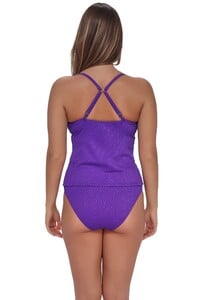

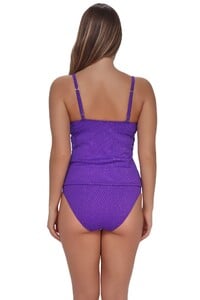



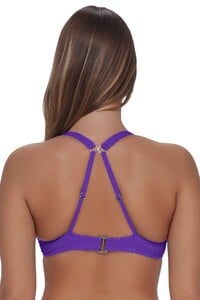

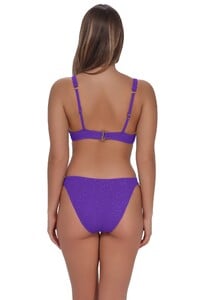


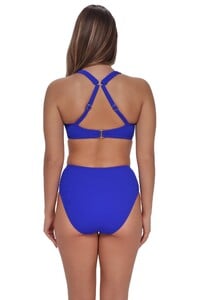

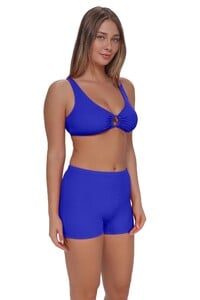
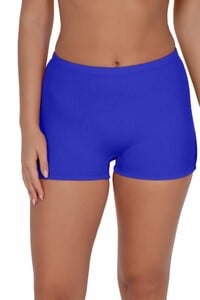
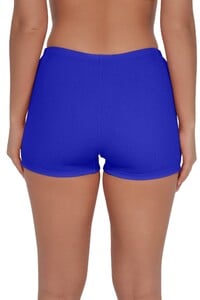
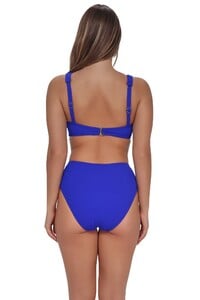
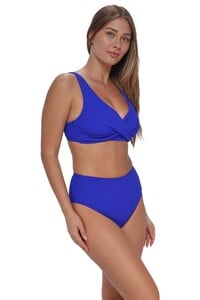

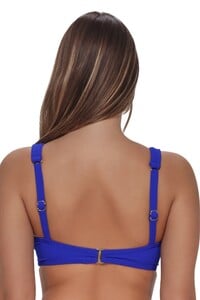
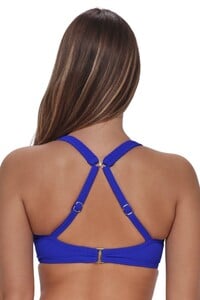
 https://www.instagram.com/hnatyszyn.vanda https://generation-models.com/vanda-hnatyszyn/
- Today
Cute woman! 🥰 You’re welcome 😉

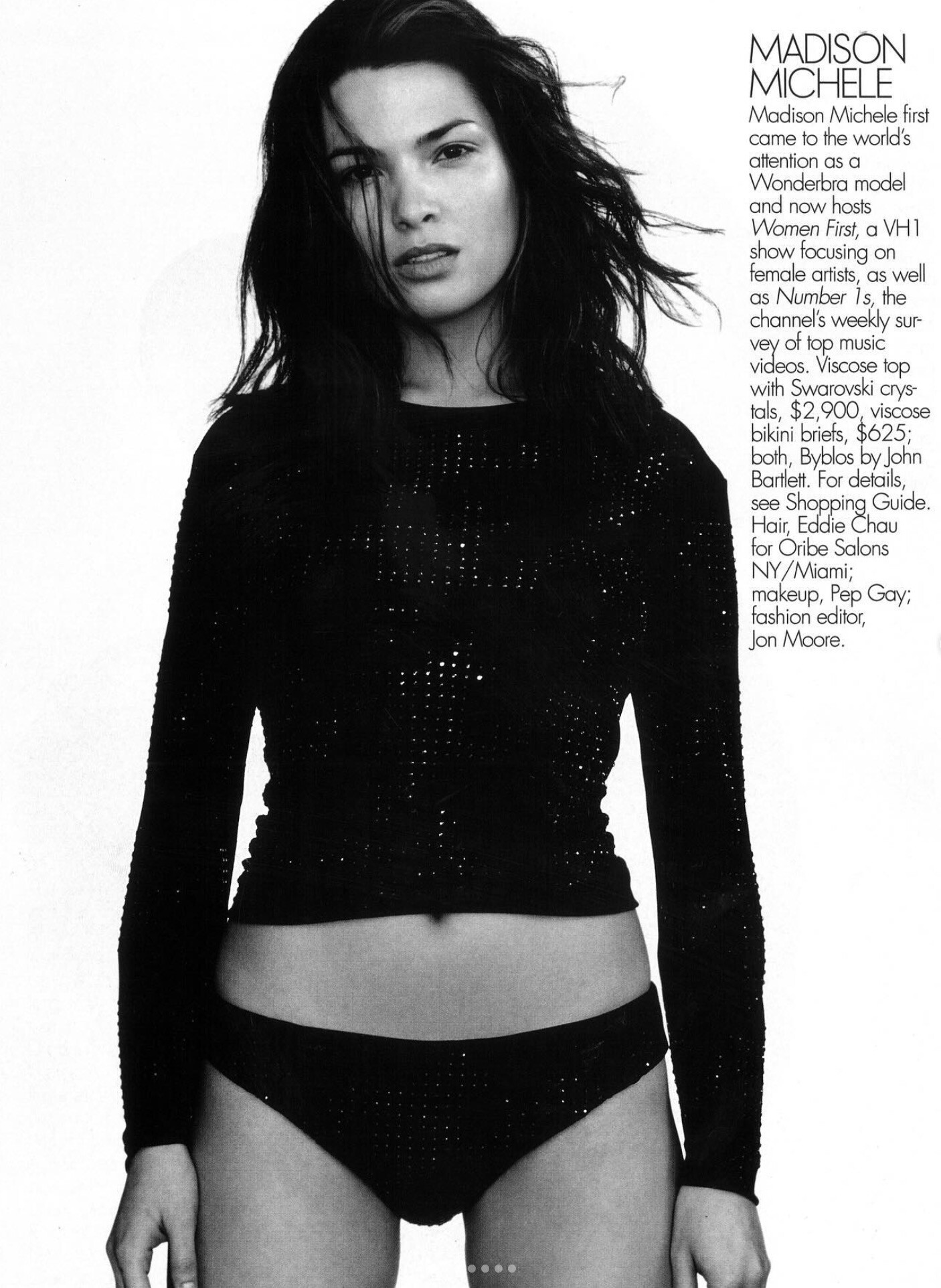
 ELLE US Mar.2000 - photo Gilles Bensimon instagram
Account
Navigation
Search
Configure browser push notifications
Chrome (Android)
- Tap the lock icon next to the address bar.
- Tap Permissions → Notifications.
- Adjust your preference.
Chrome (Desktop)
- Click the padlock icon in the address bar.
- Select Site settings.
- Find Notifications and adjust your preference.
Safari (iOS 16.4+)
- Ensure the site is installed via Add to Home Screen.
- Open Settings App → Notifications.
- Find your app name and adjust your preference.
Safari (macOS)
- Go to Safari → Preferences.
- Click the Websites tab.
- Select Notifications in the sidebar.
- Find this website and adjust your preference.
Edge (Android)
- Tap the lock icon next to the address bar.
- Tap Permissions.
- Find Notifications and adjust your preference.
Edge (Desktop)
- Click the padlock icon in the address bar.
- Click Permissions for this site.
- Find Notifications and adjust your preference.
Firefox (Android)
- Go to Settings → Site permissions.
- Tap Notifications.
- Find this site in the list and adjust your preference.
Firefox (Desktop)
- Open Firefox Settings.
- Search for Notifications.
- Find this site in the list and adjust your preference.


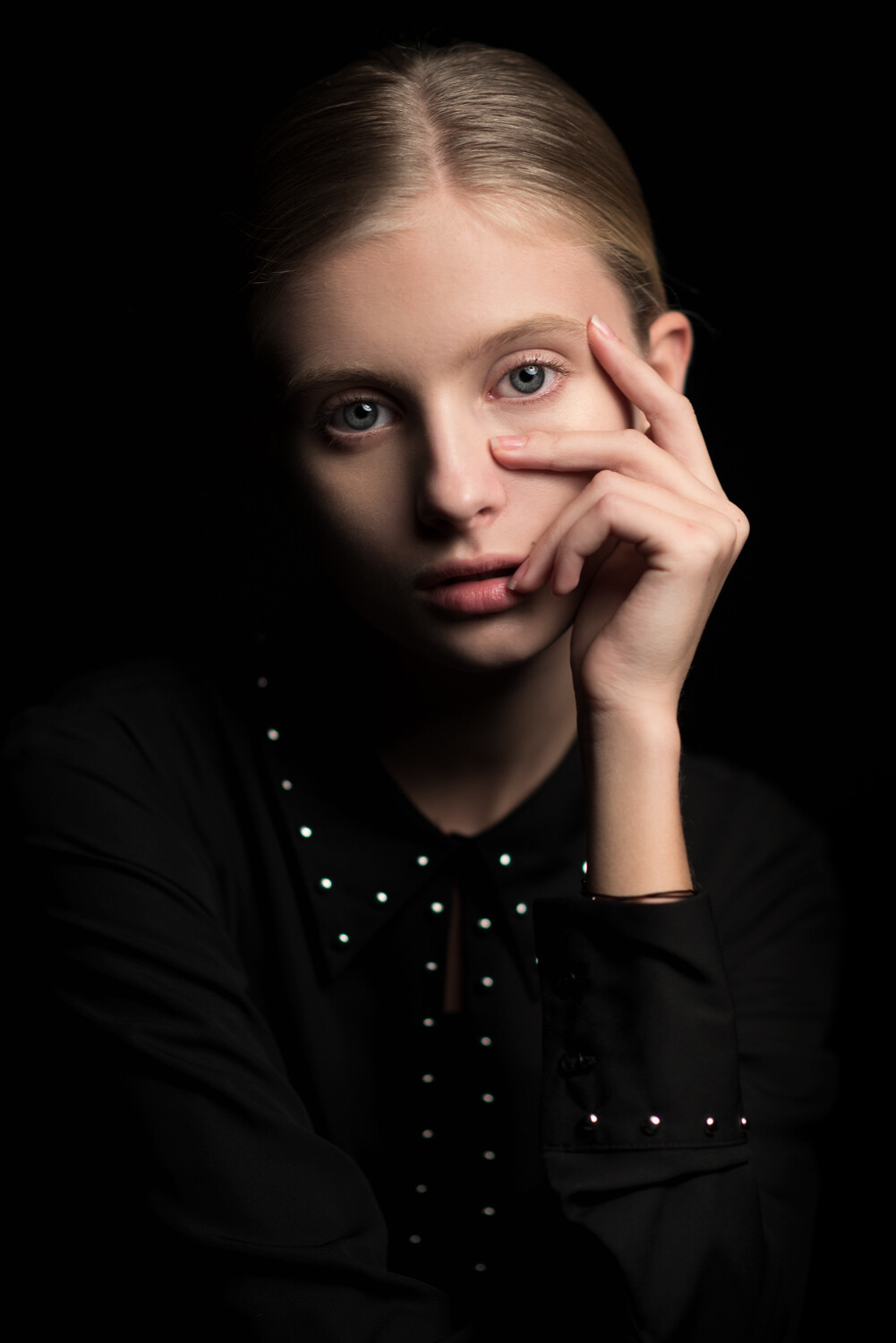













.jpg.a90ed011f246a88596cbf57c81a6dbba.jpg)








.jpg.ef719b3f66d137f82b78c76ffd570cfb.jpg)
.JPG.baea66fd0739625846a4cbc40bfa3a9f.JPG)

.JPG.e8ae21f8c461d62a5c1510f73c174889.JPG)

.jpg.d22e99bfceabbacd67ecaf1f5f7d8c52.jpg)
.jpg.5b5bb7f6ea0932b592c65fbccd5411a3.jpg)



.jpg.e9ab5593244ba36e6efba58d92fe0131.jpg)