All Activity
- Past hour
-

-

-
-
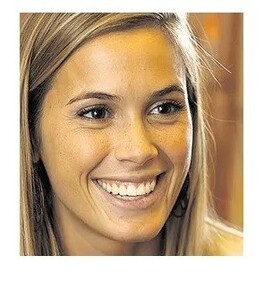
 Cecilia Chechu Bonelli




-
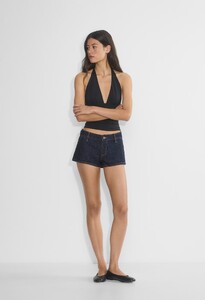
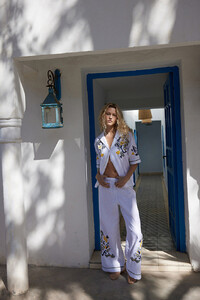
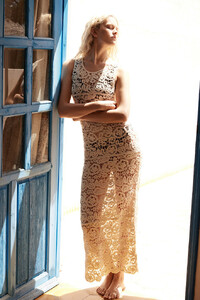
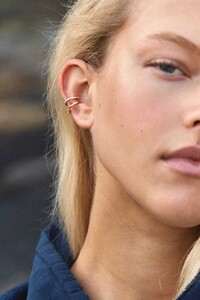
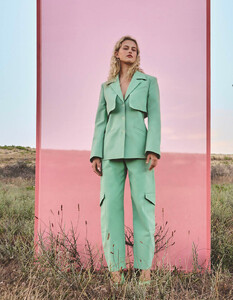
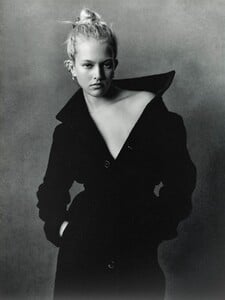
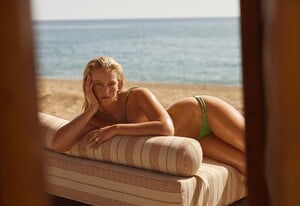
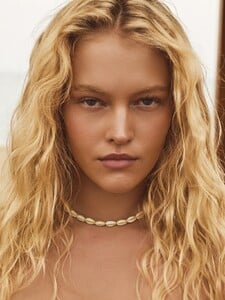
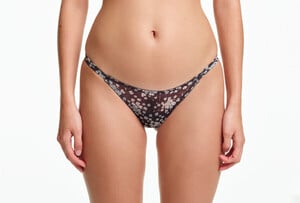
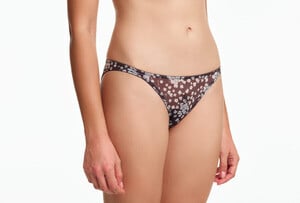
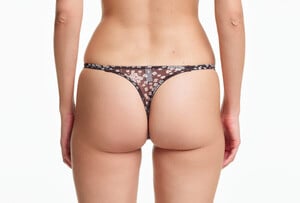
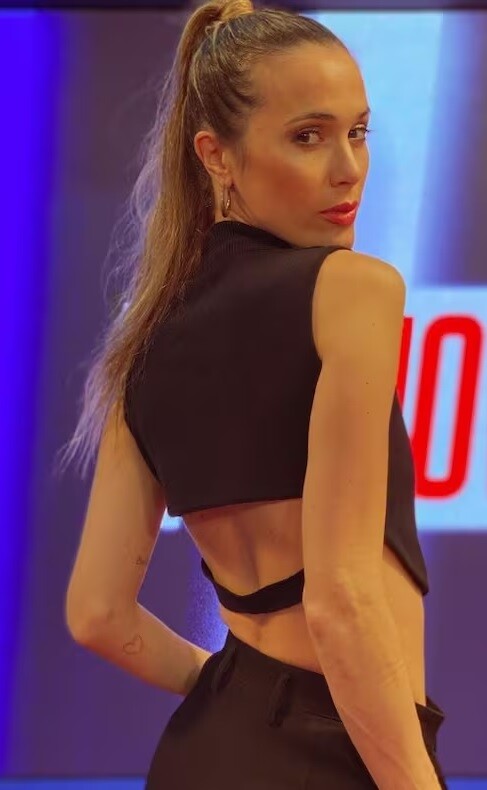
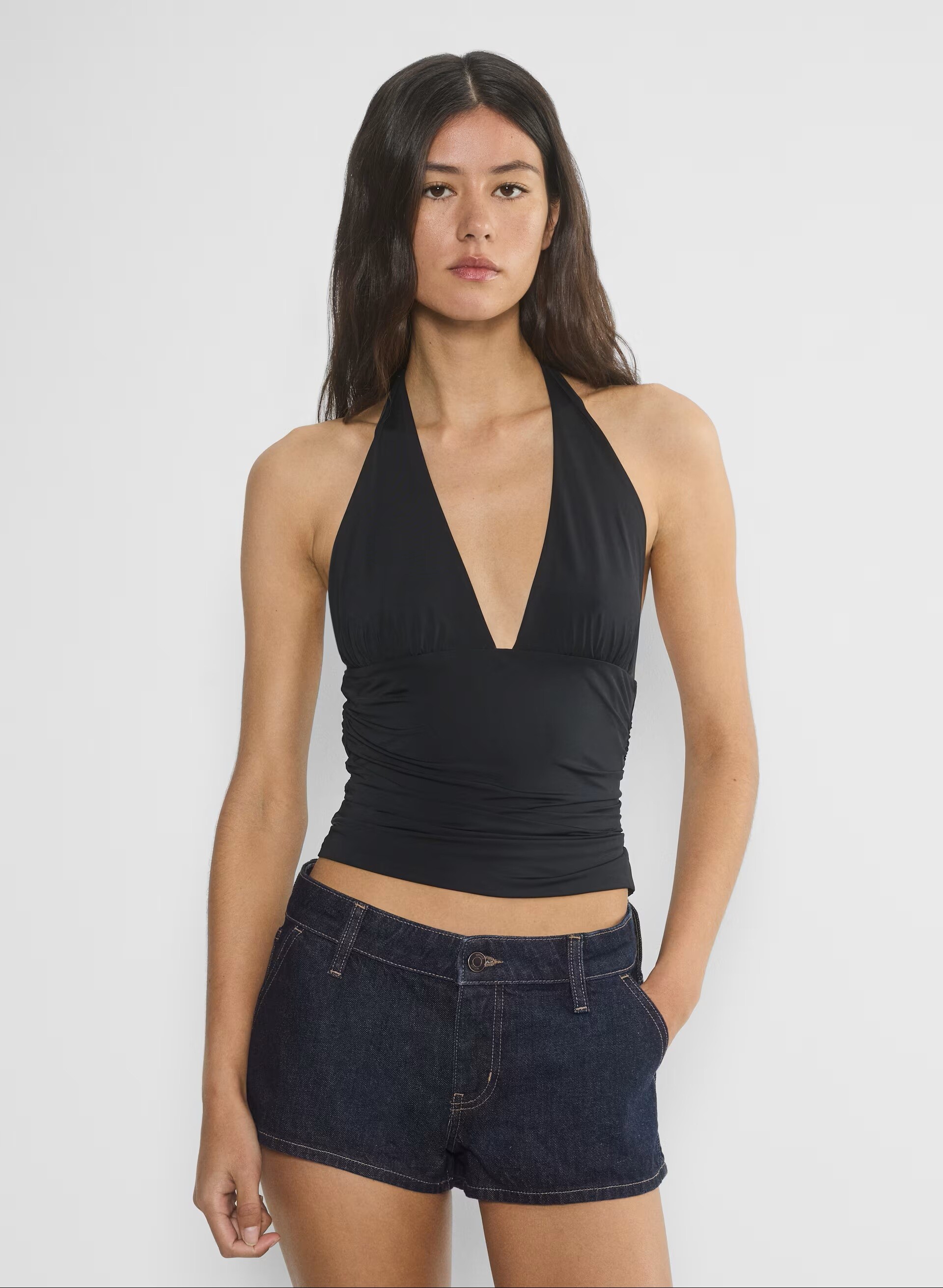
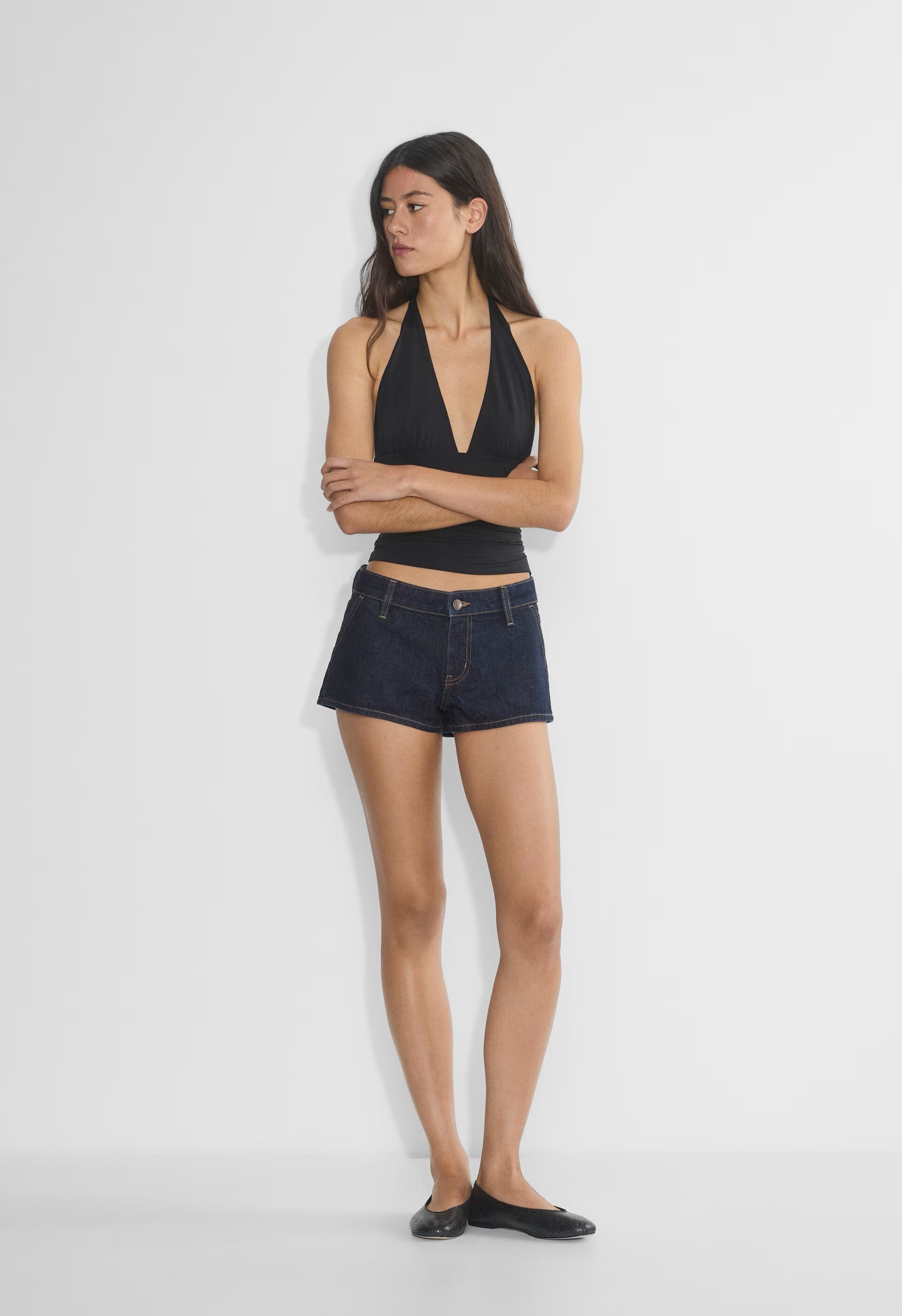
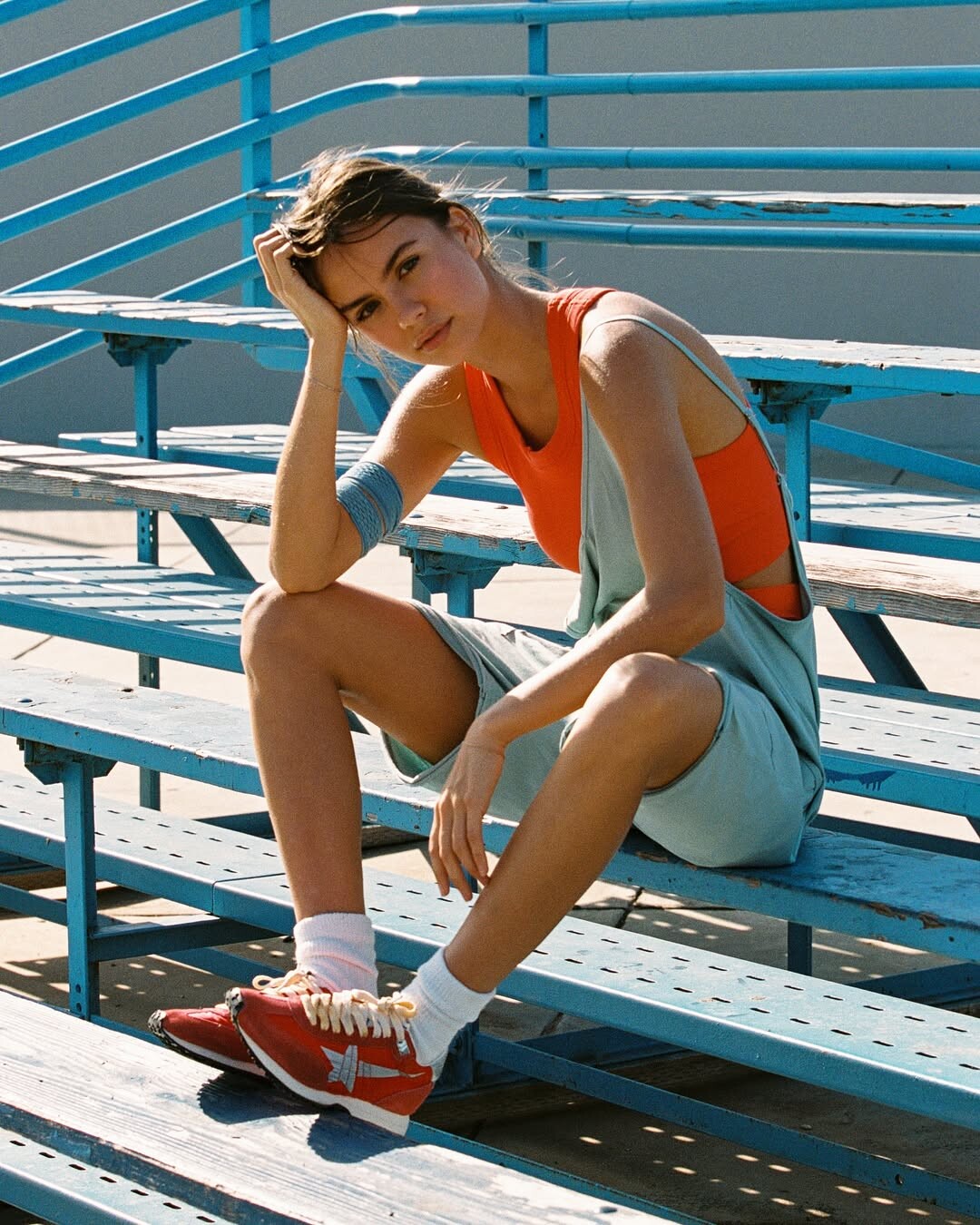
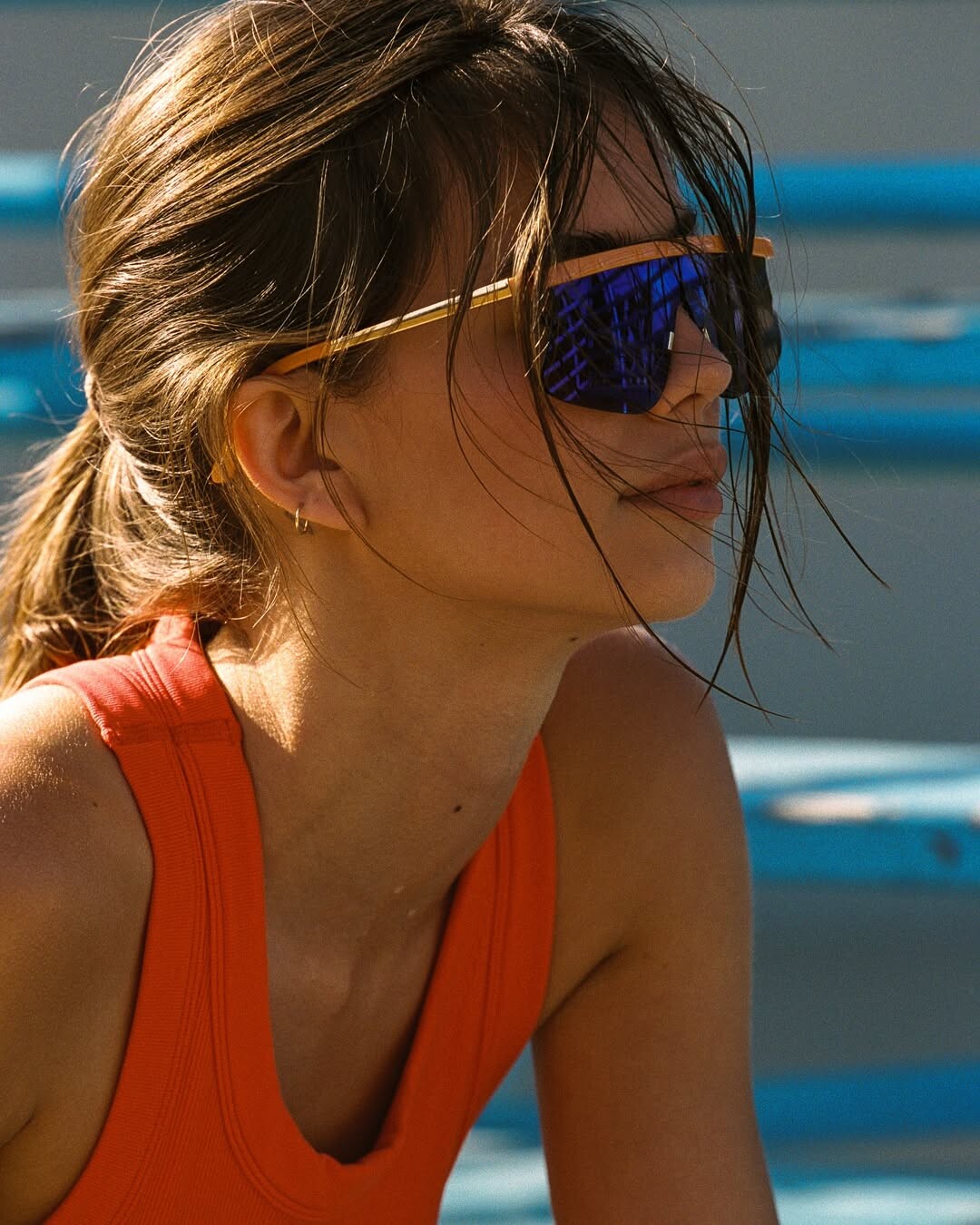
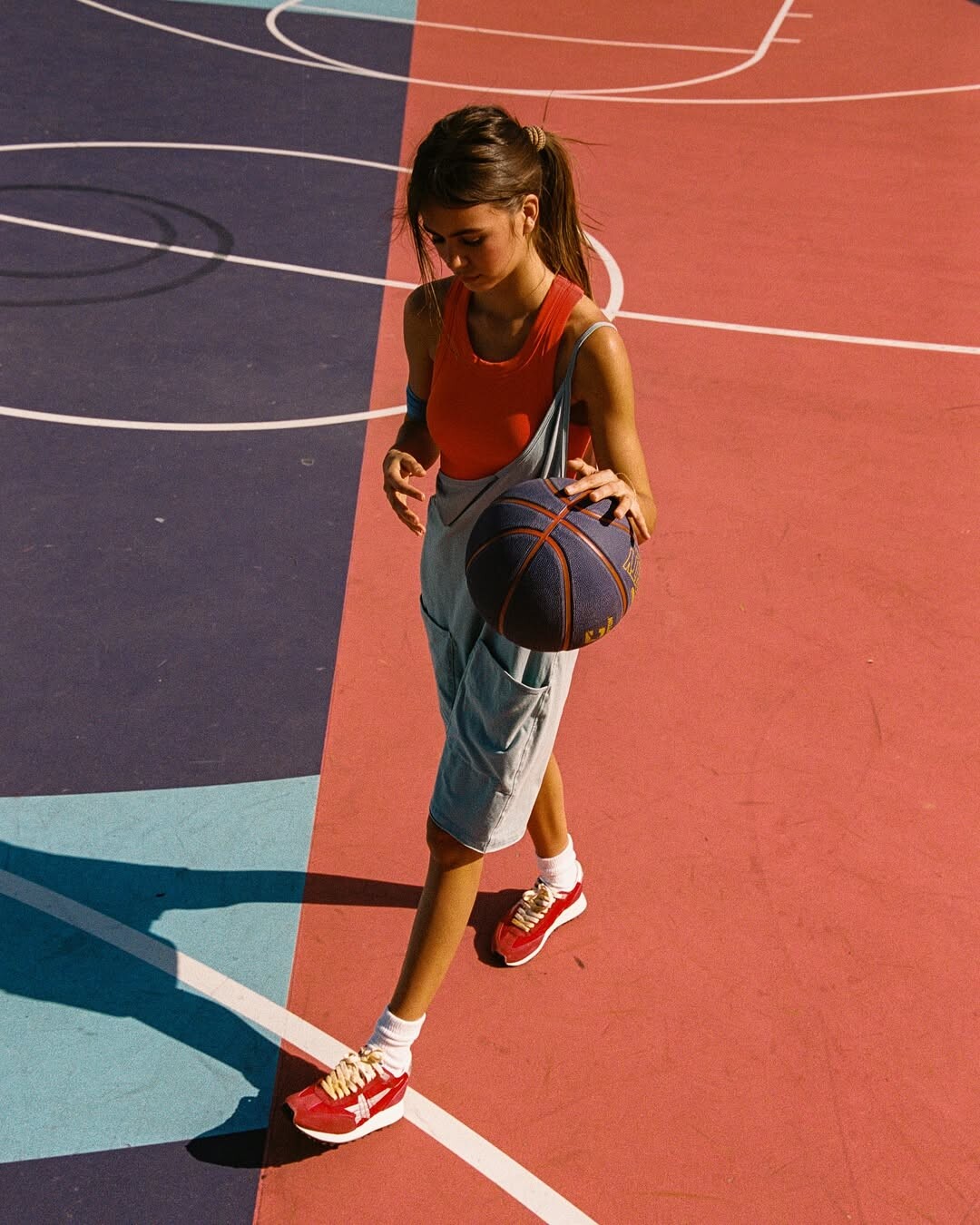
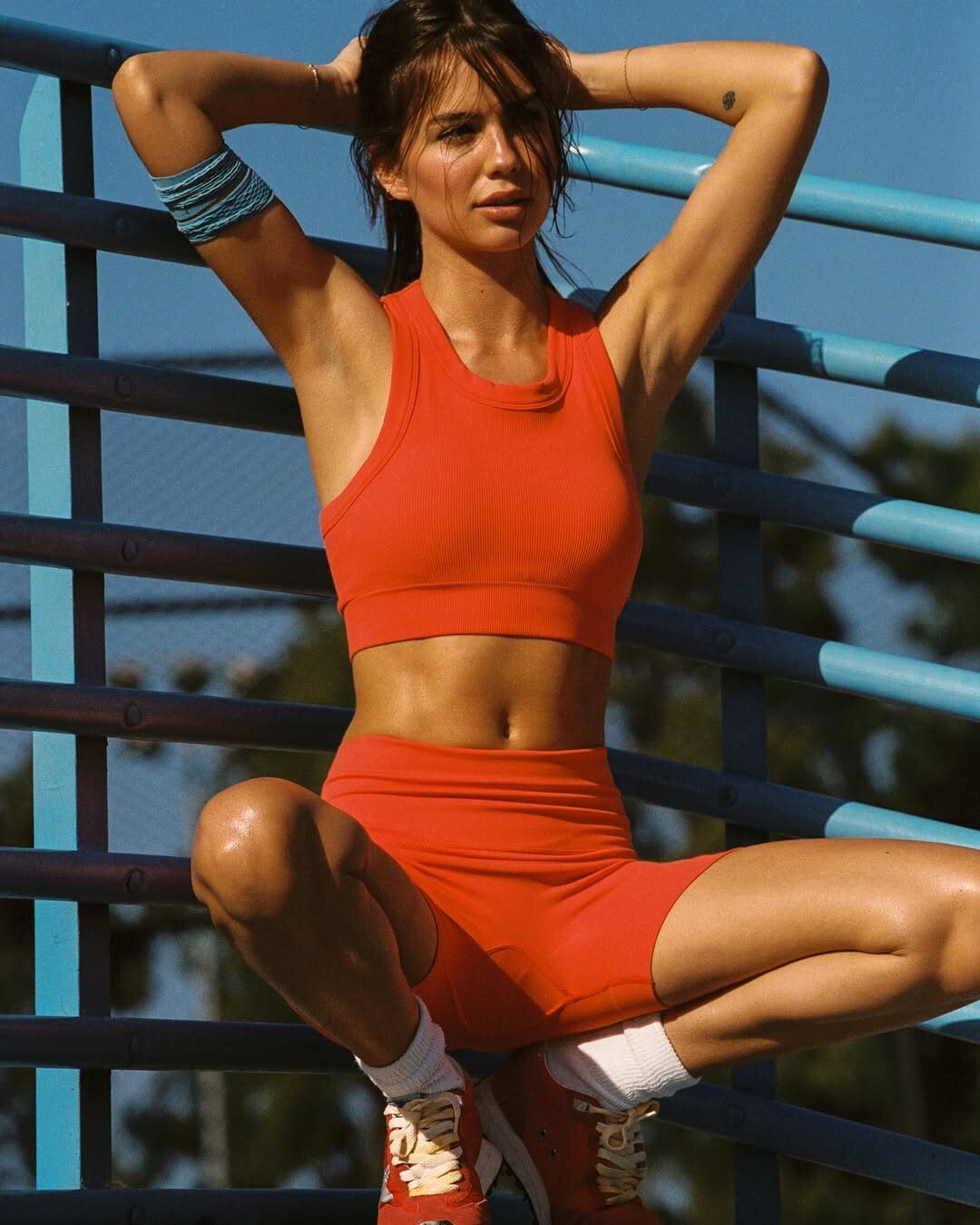
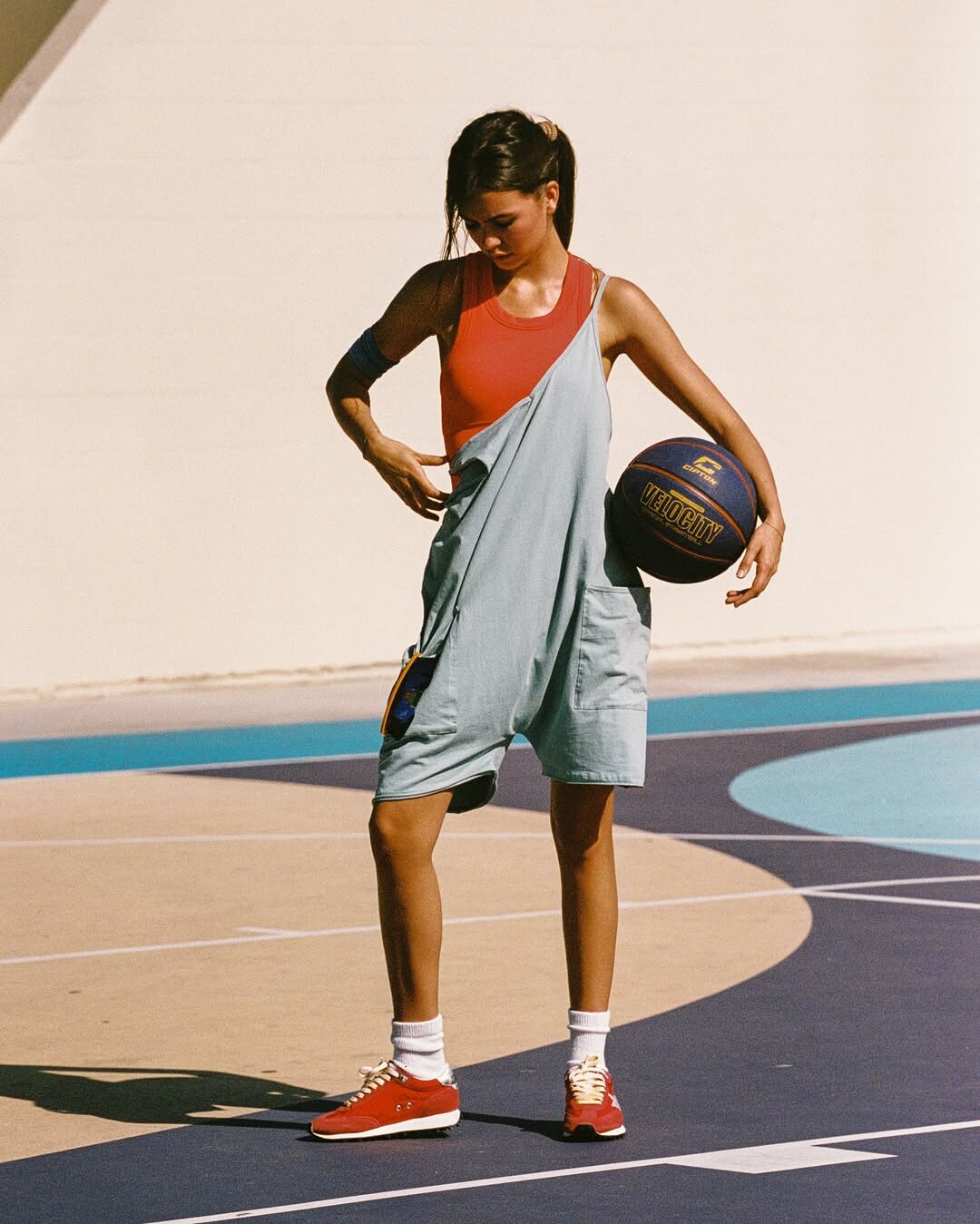
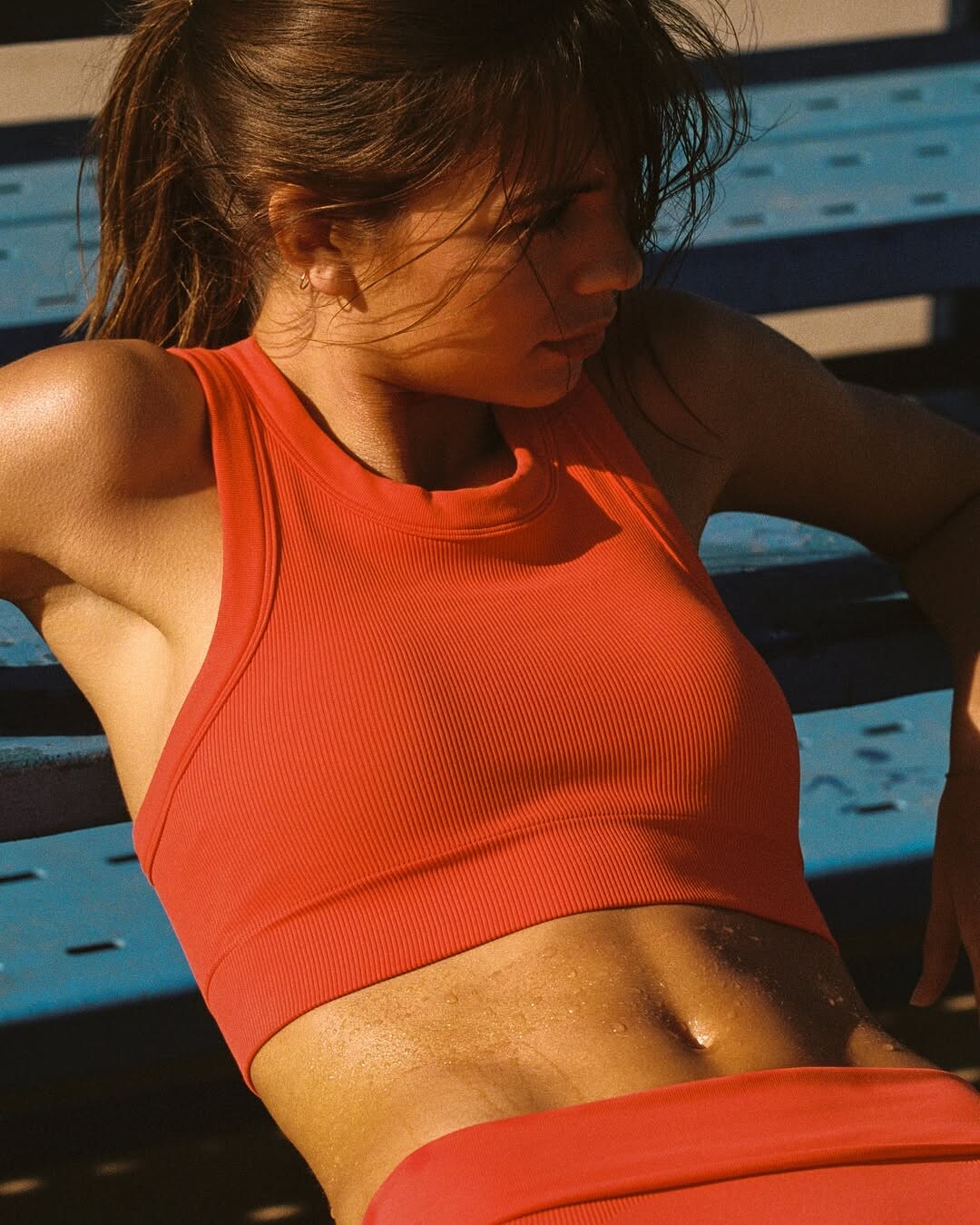
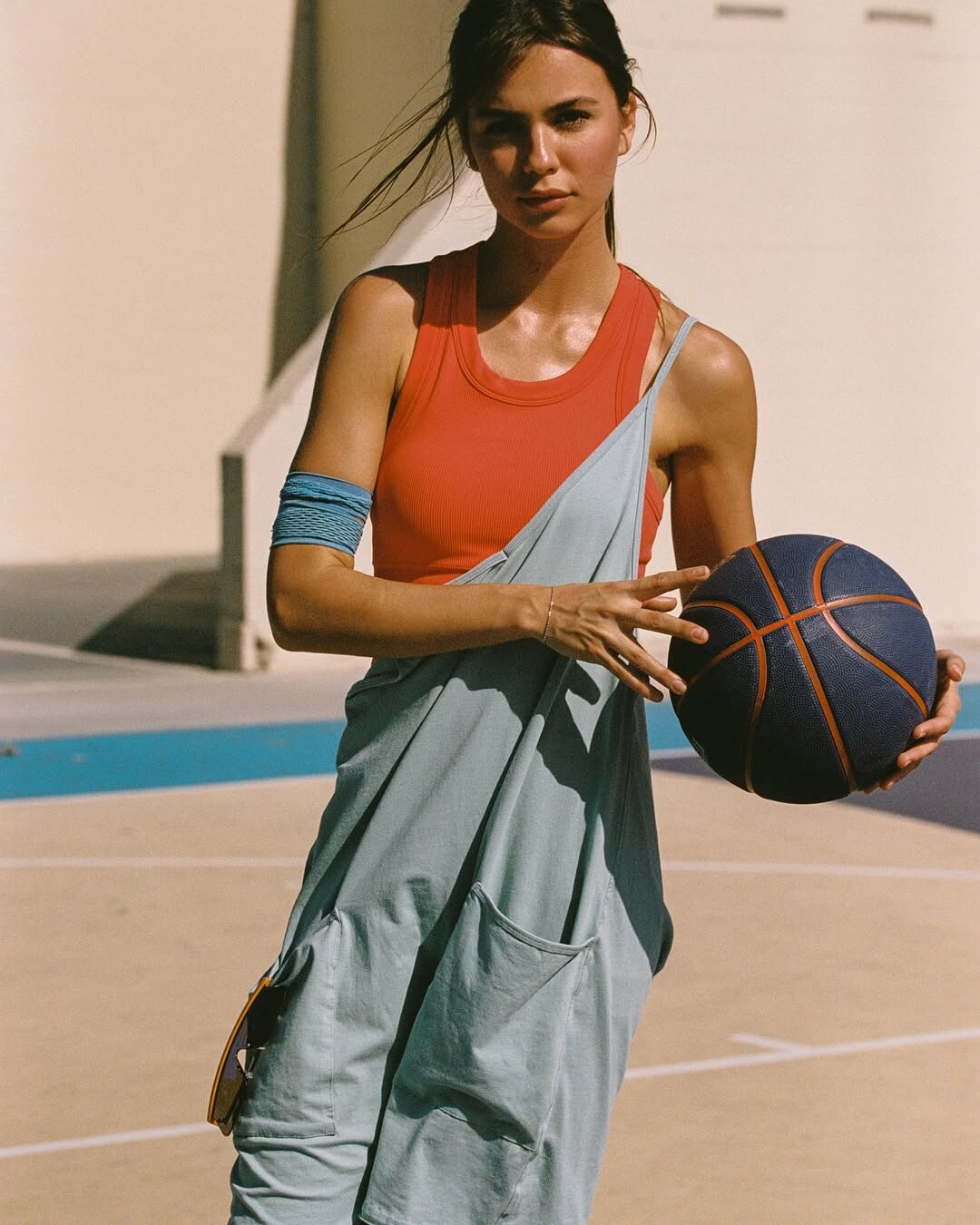
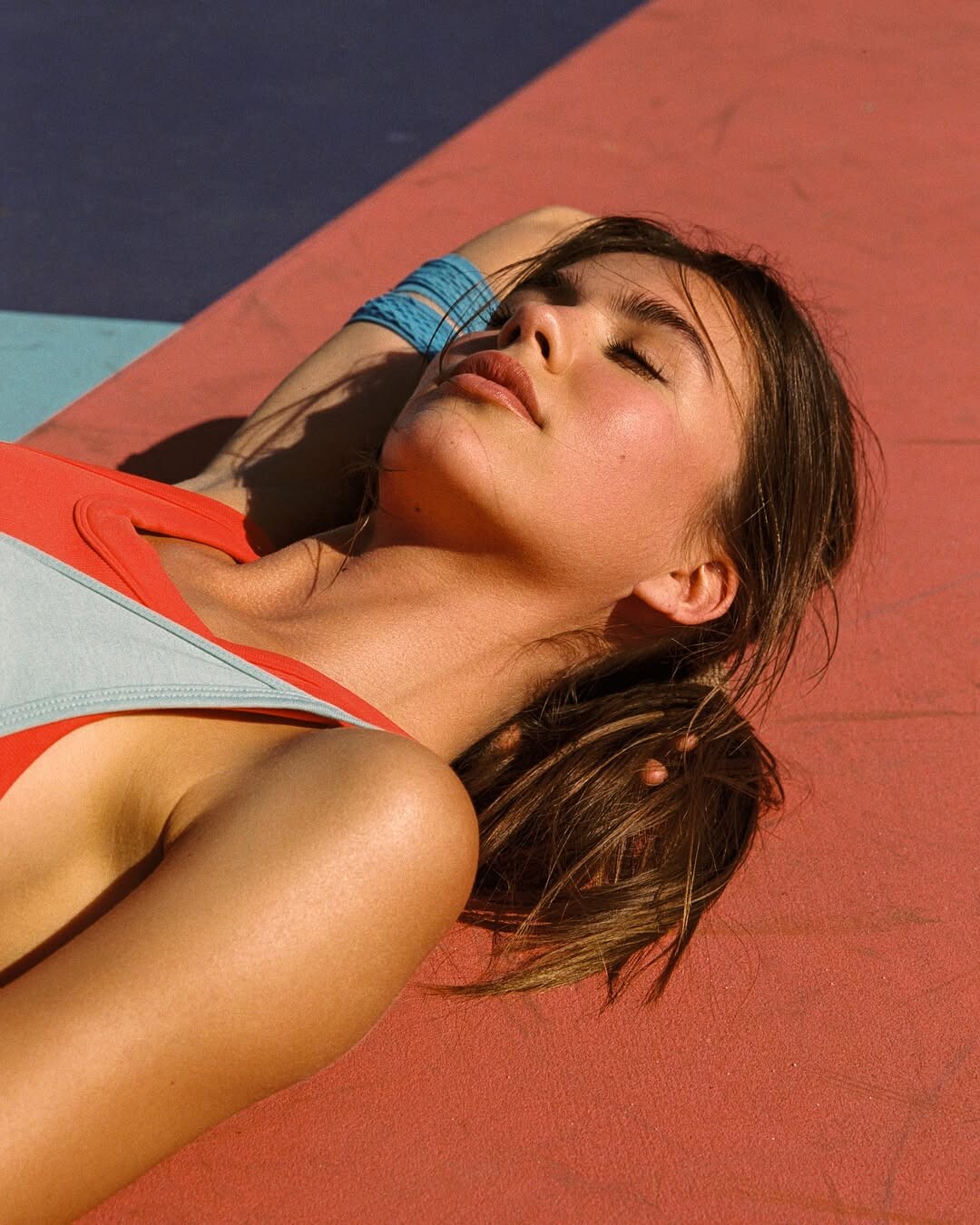
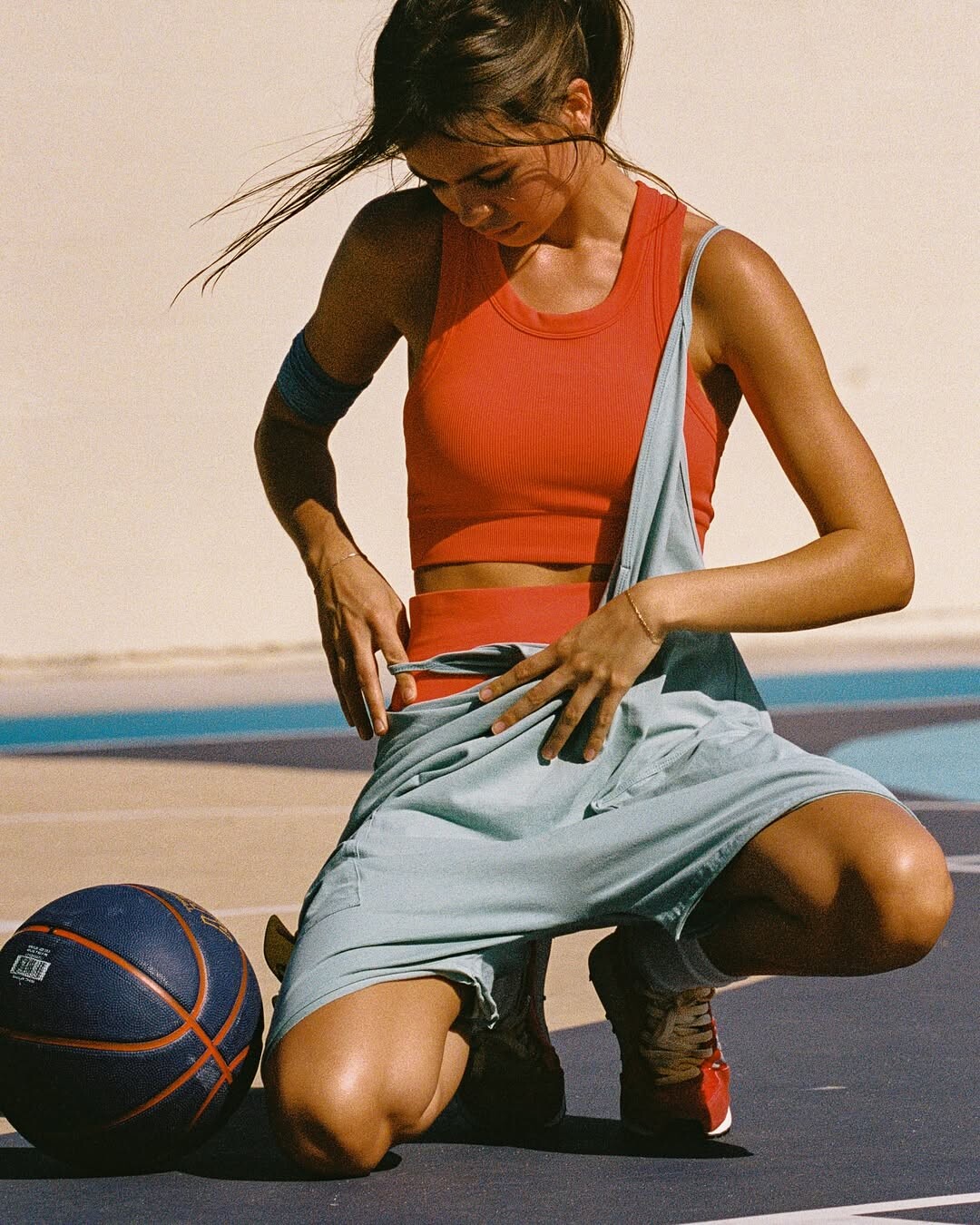
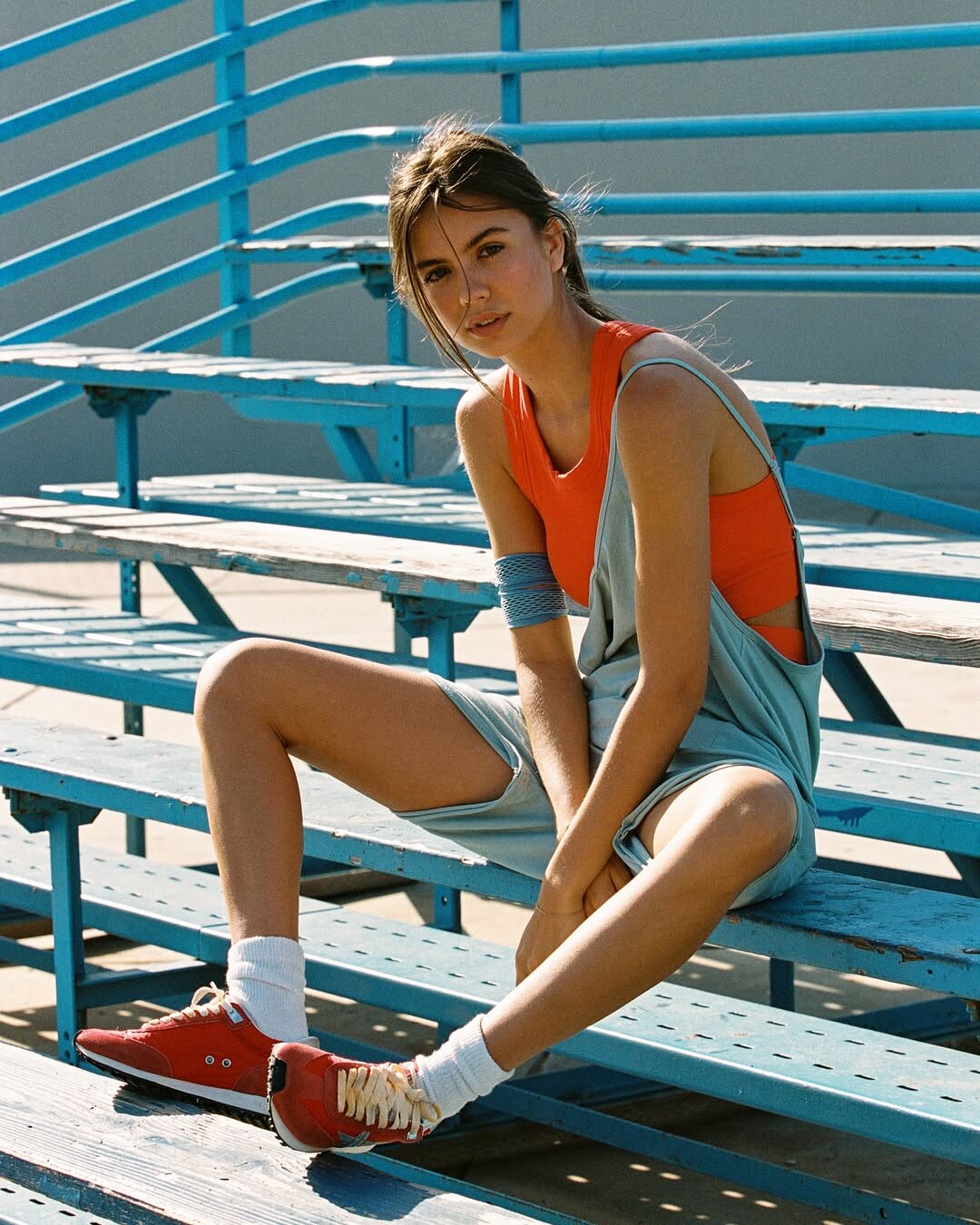
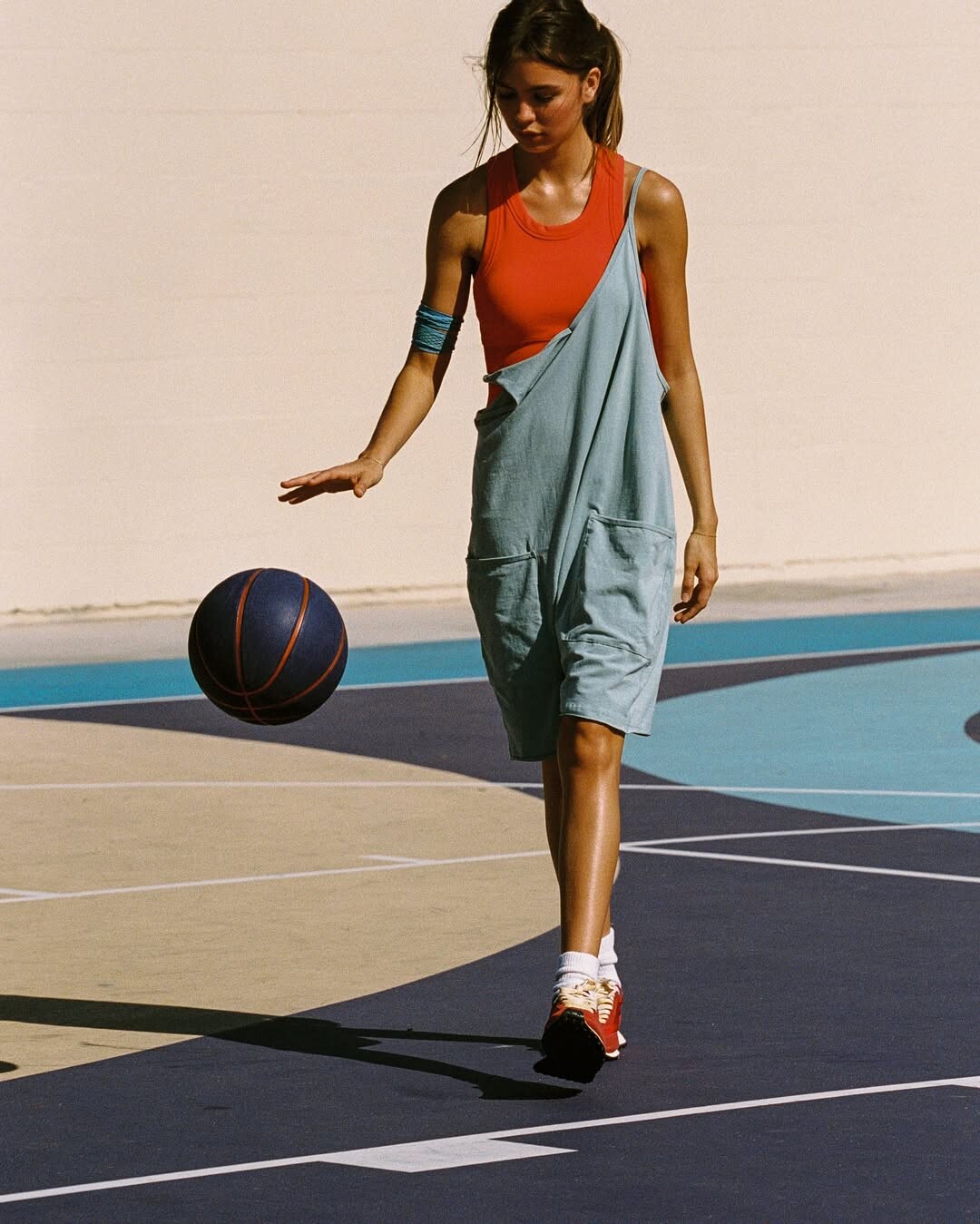
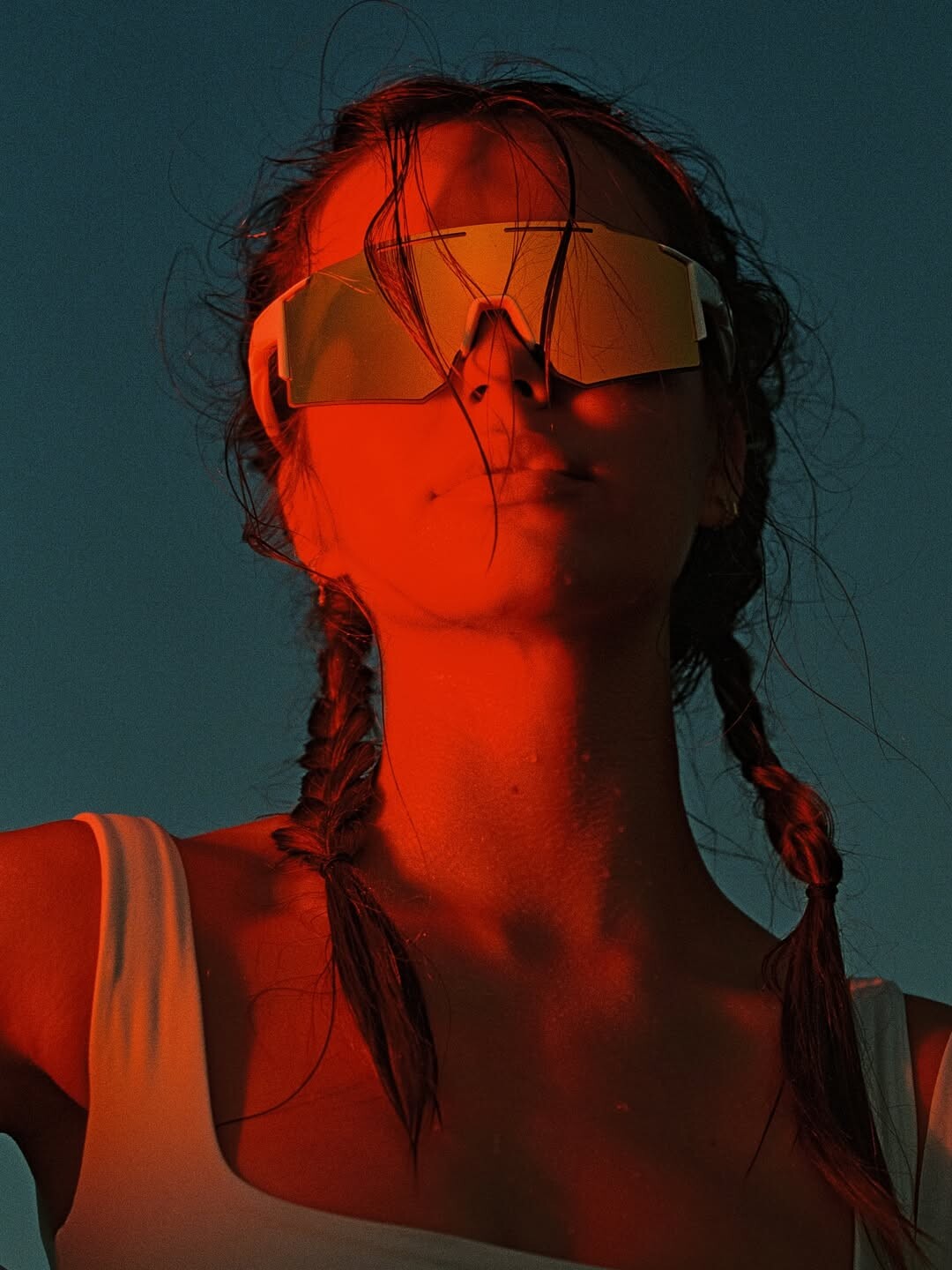
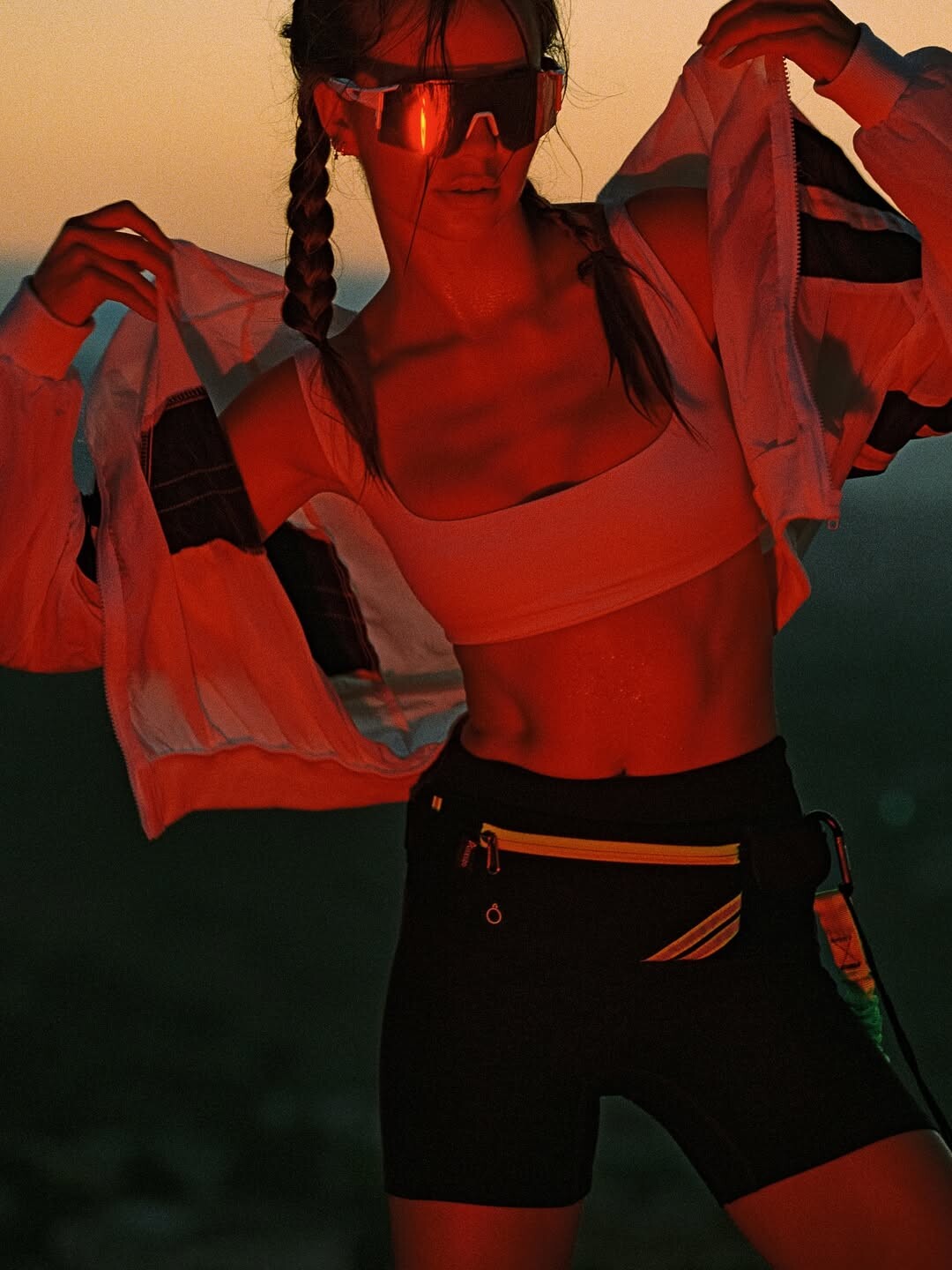
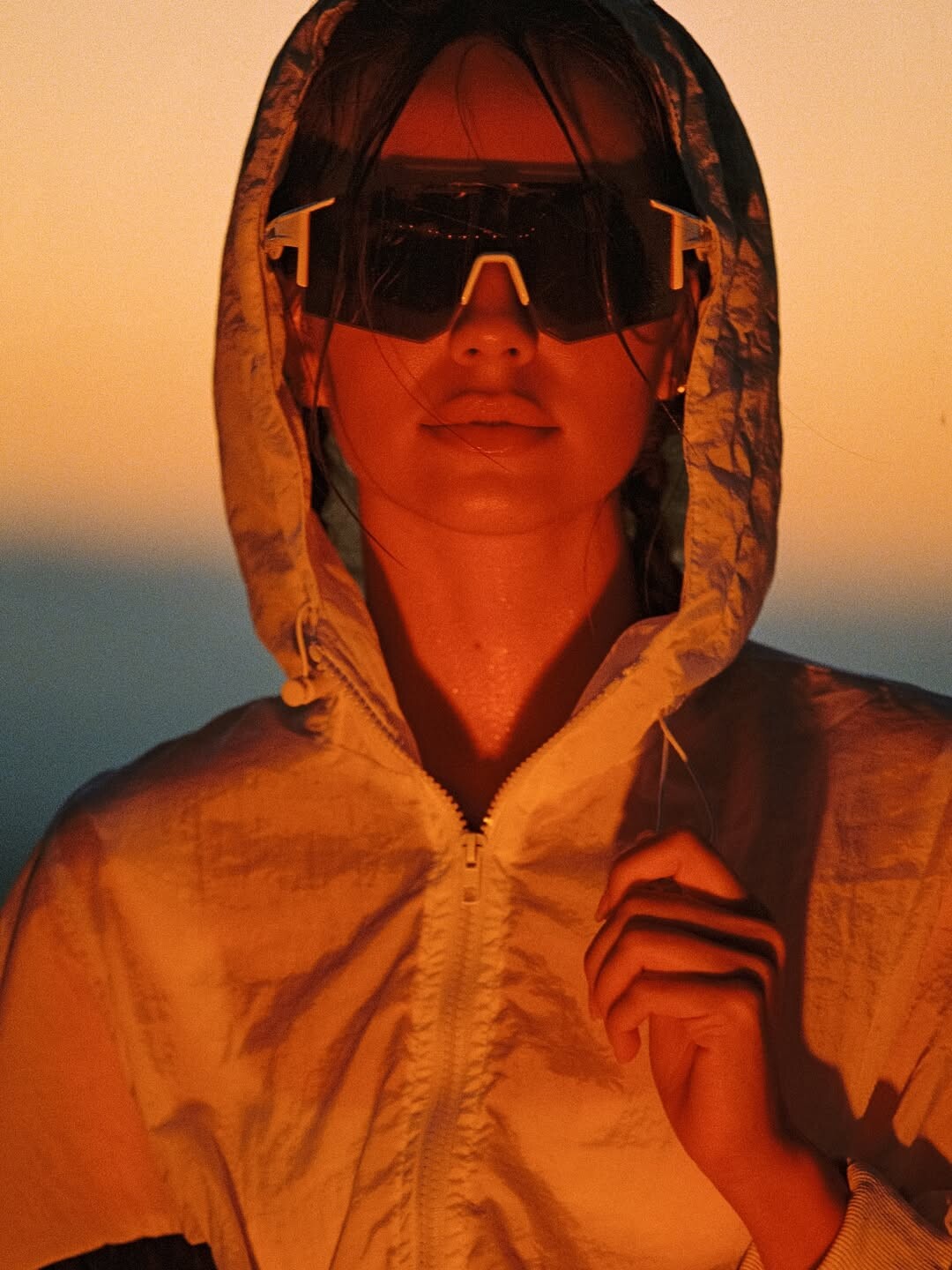
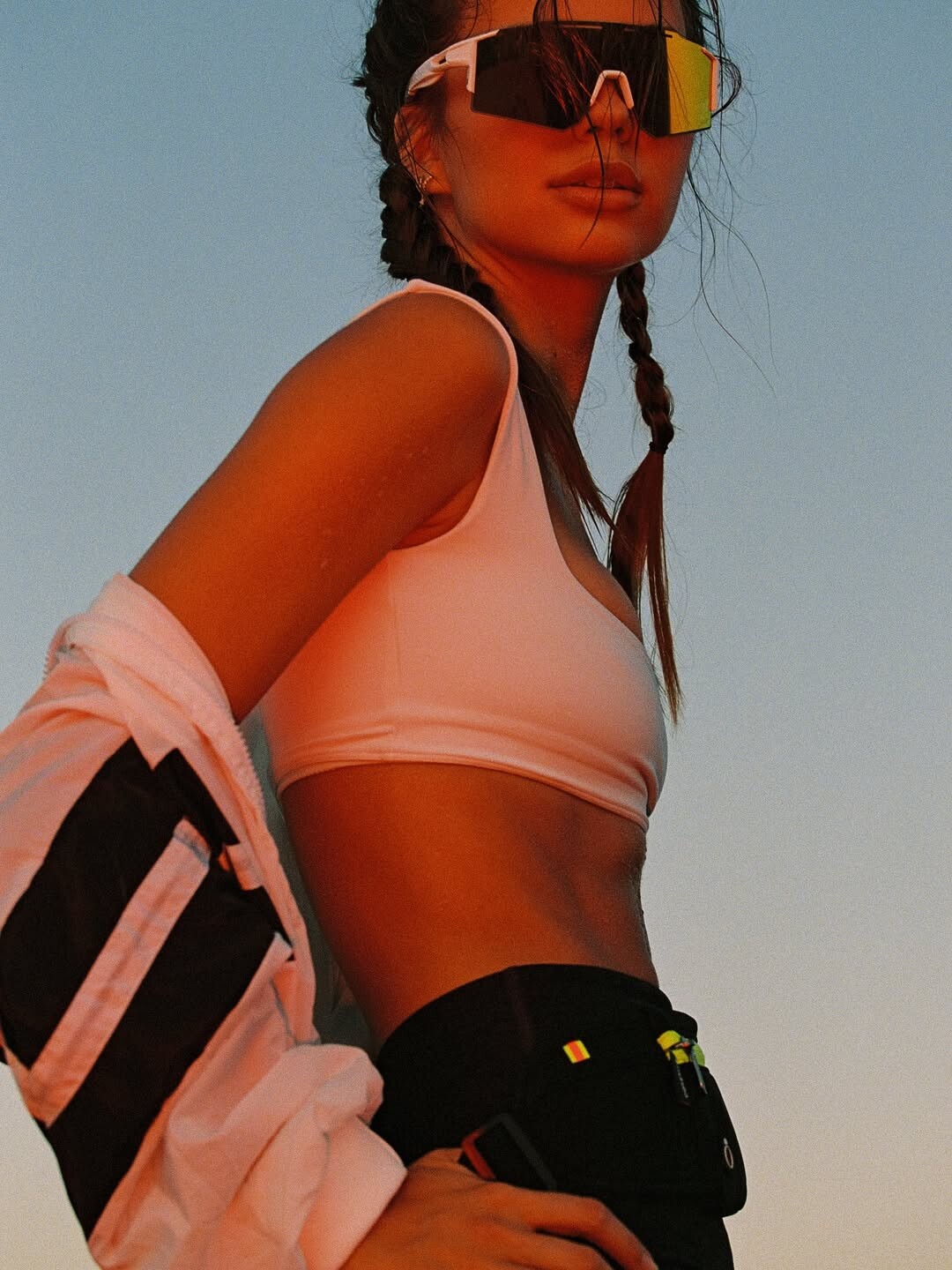
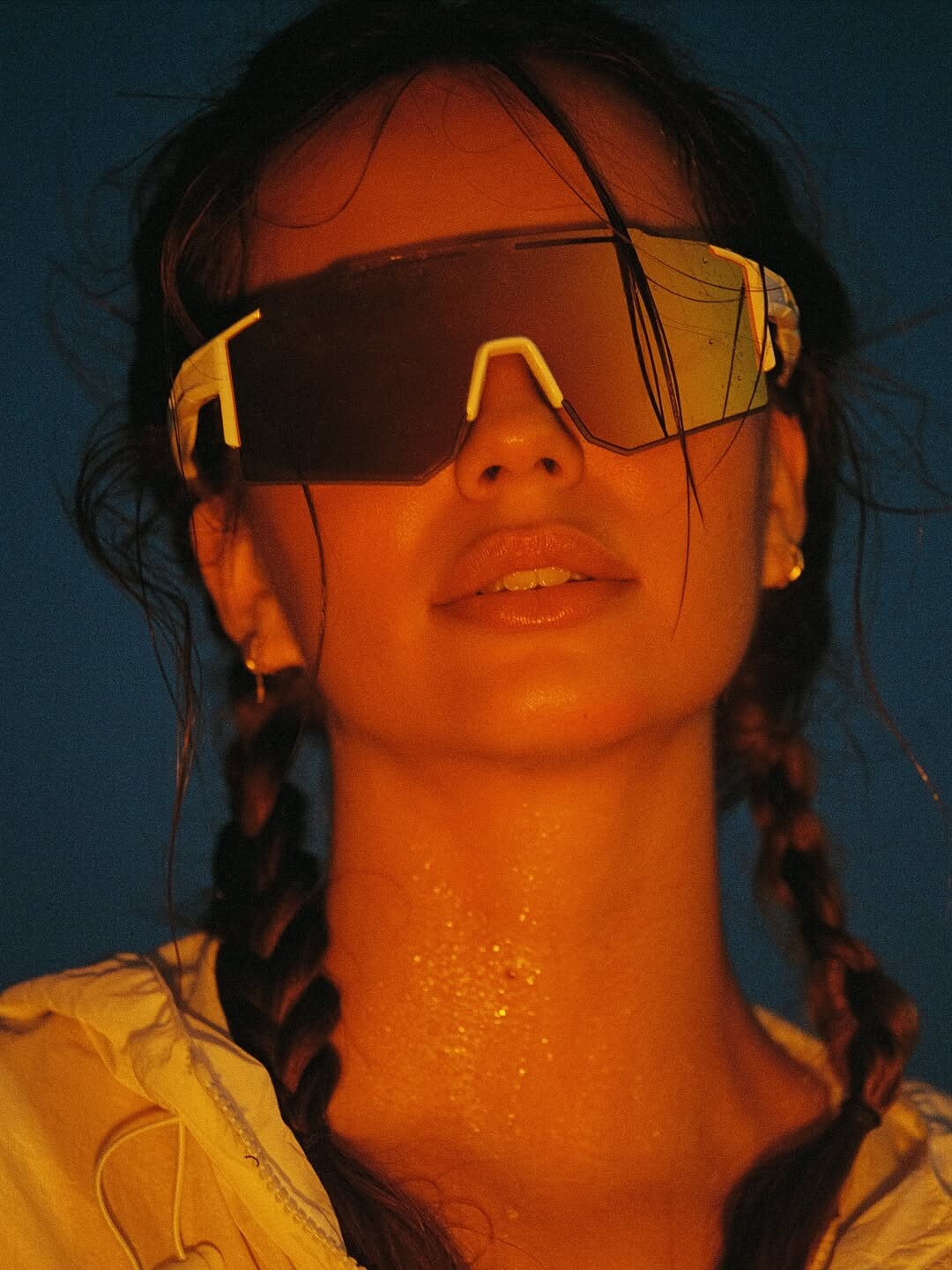
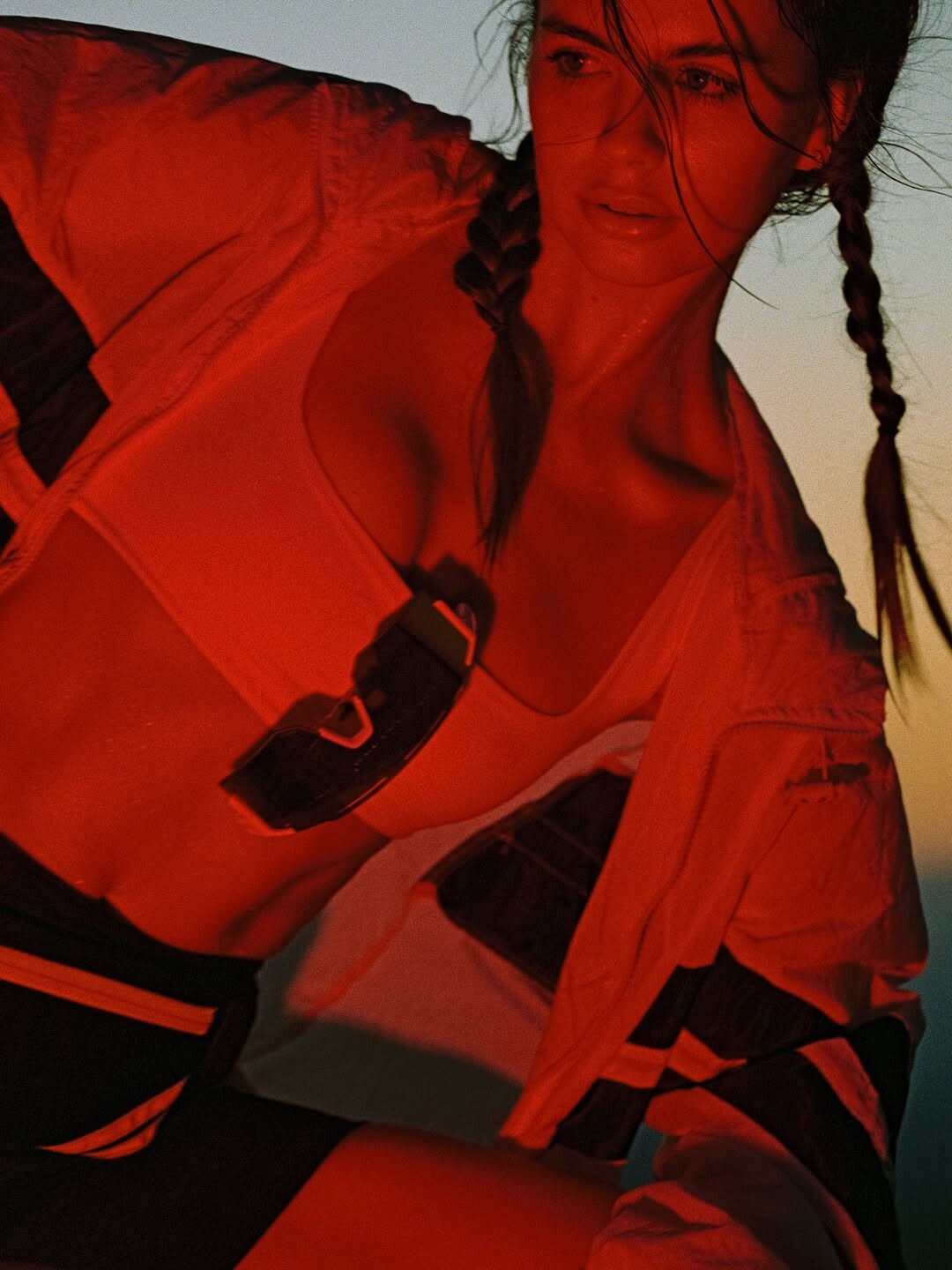
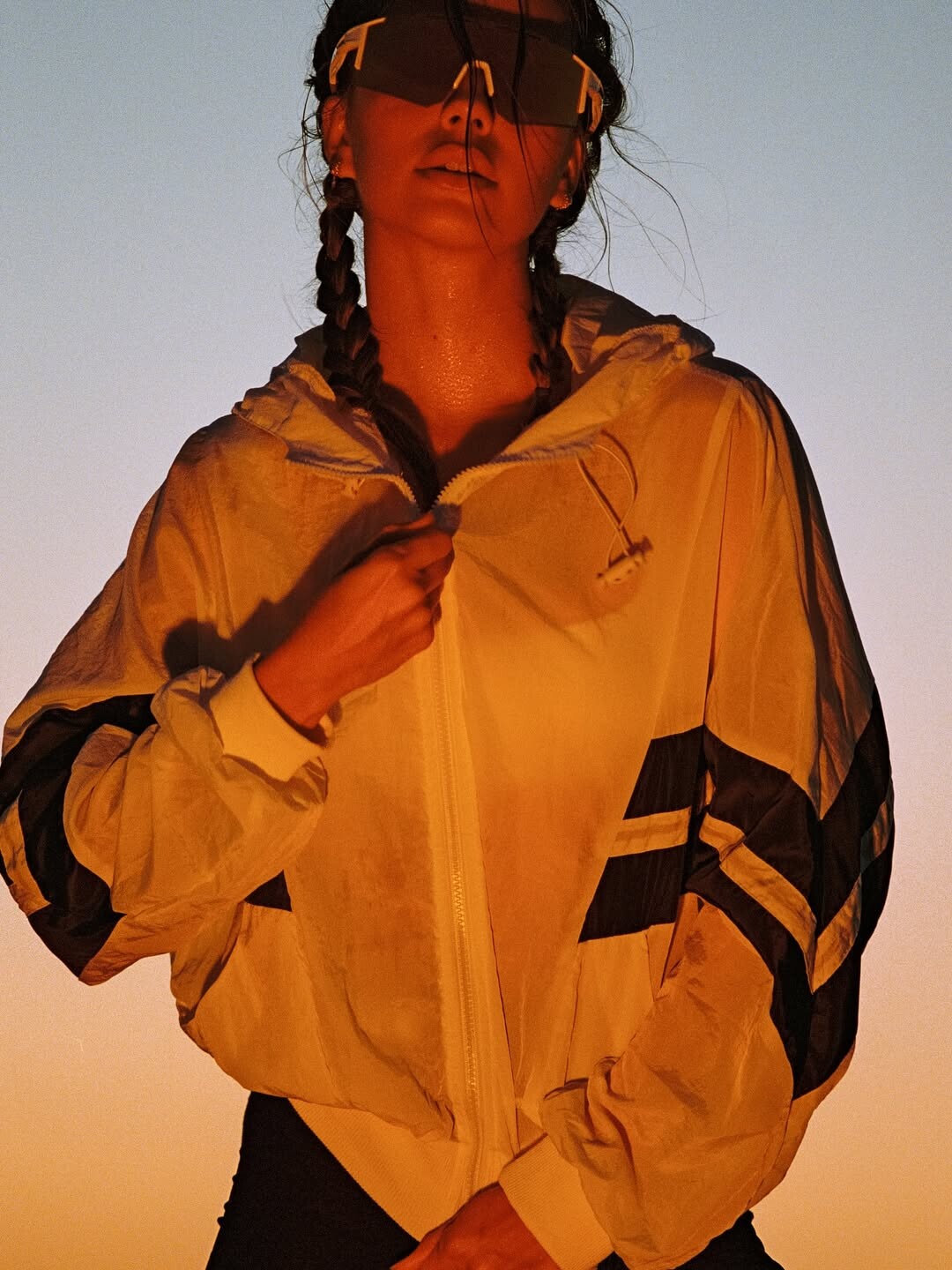
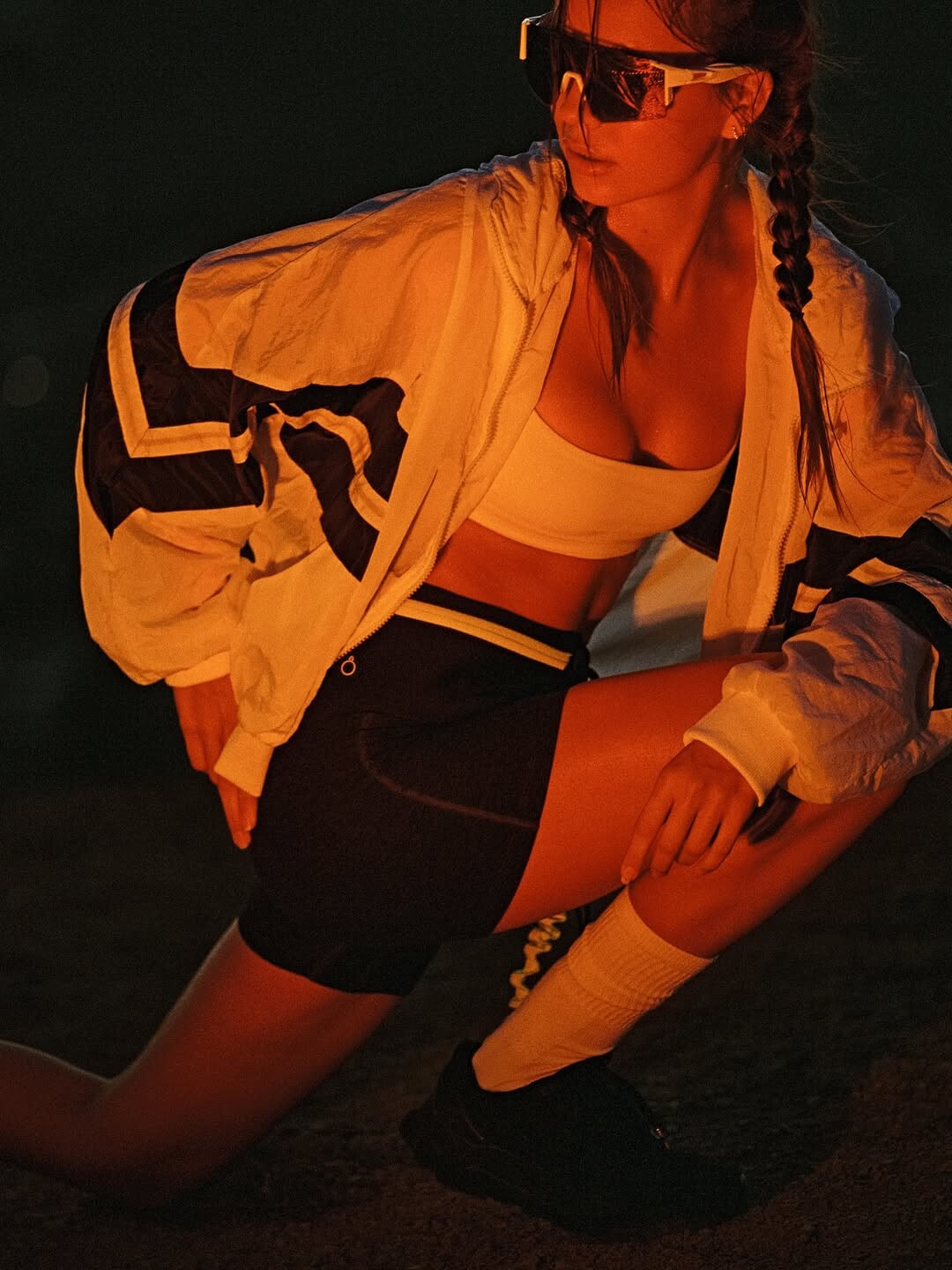
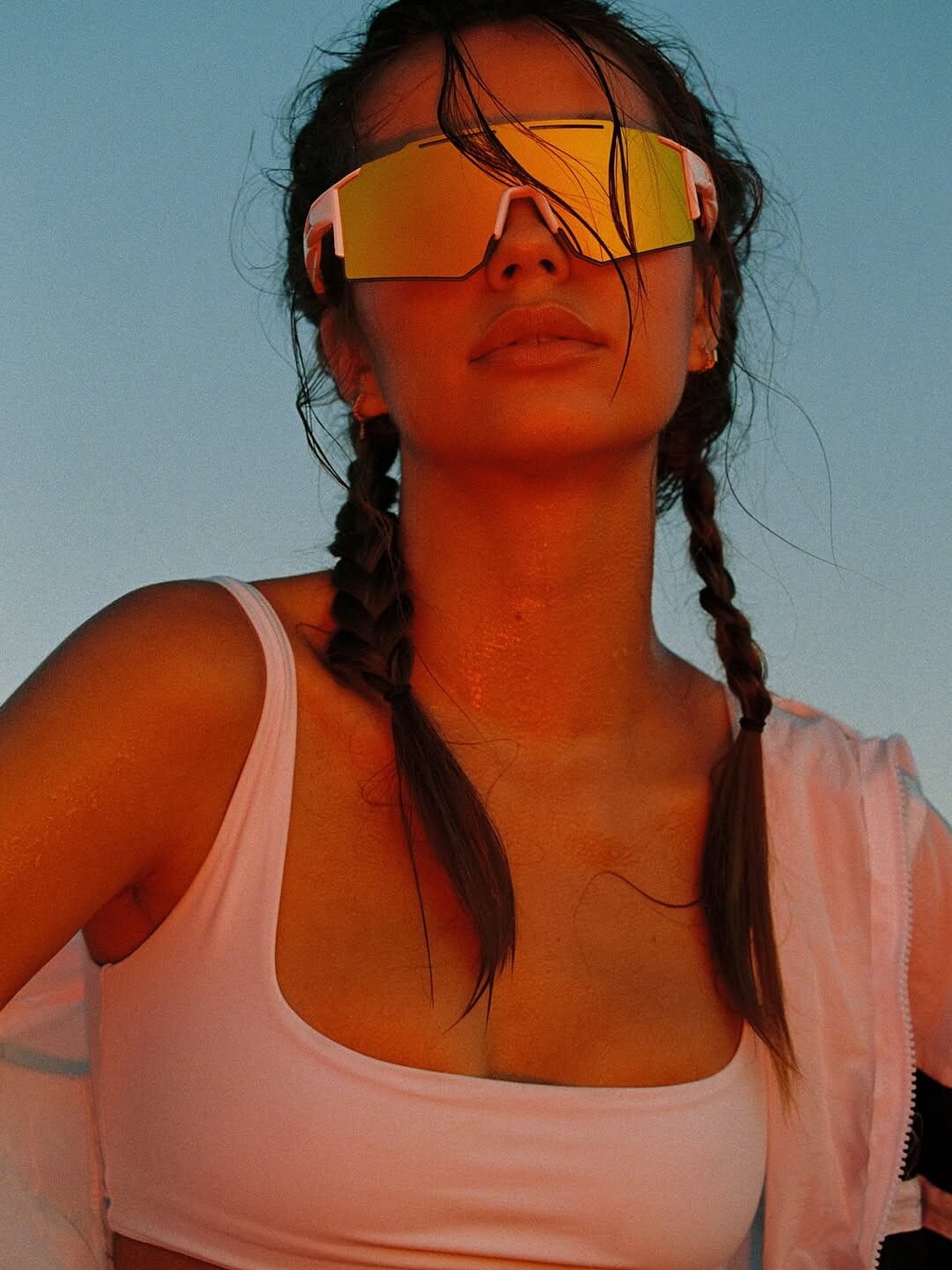
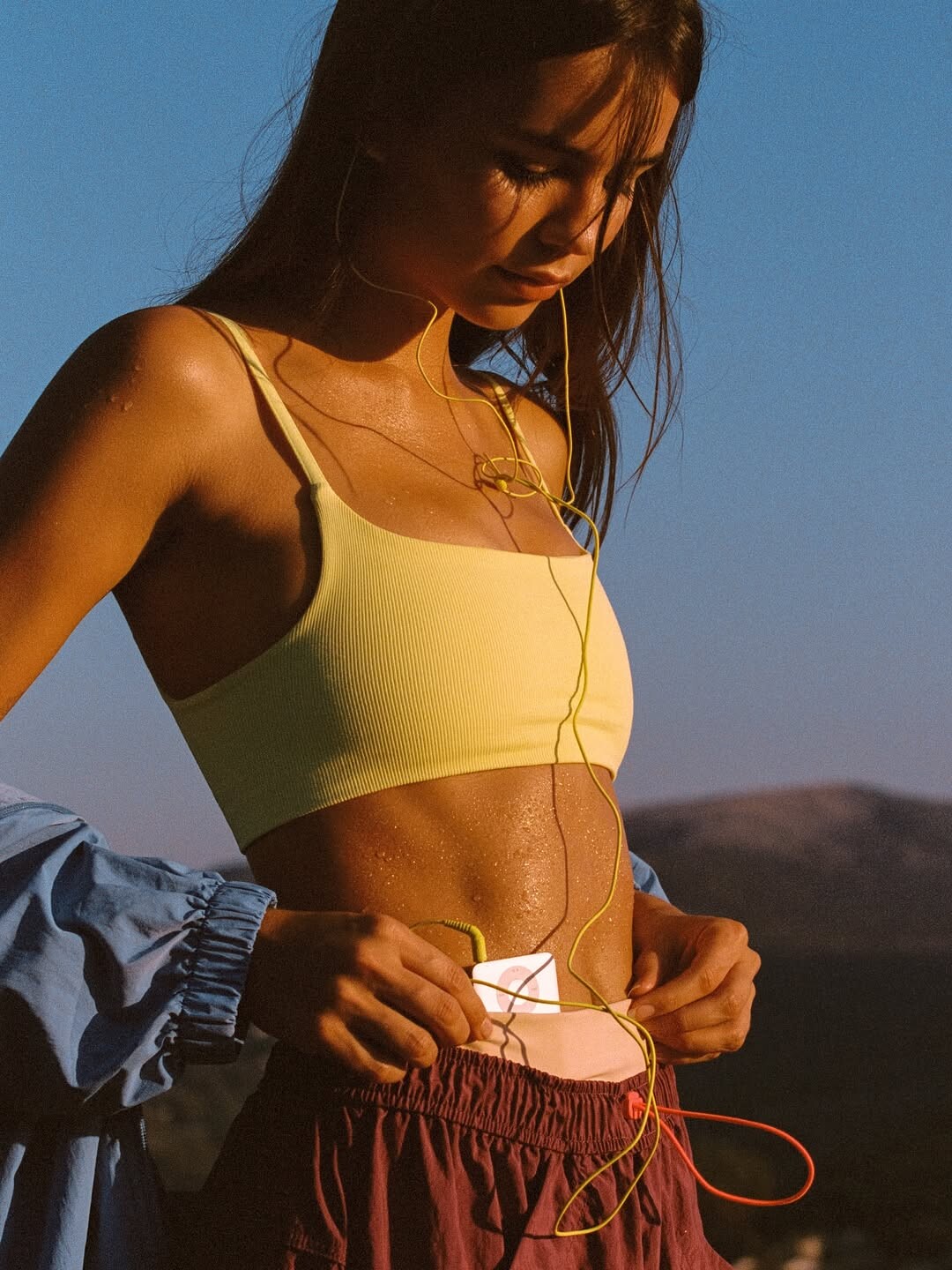
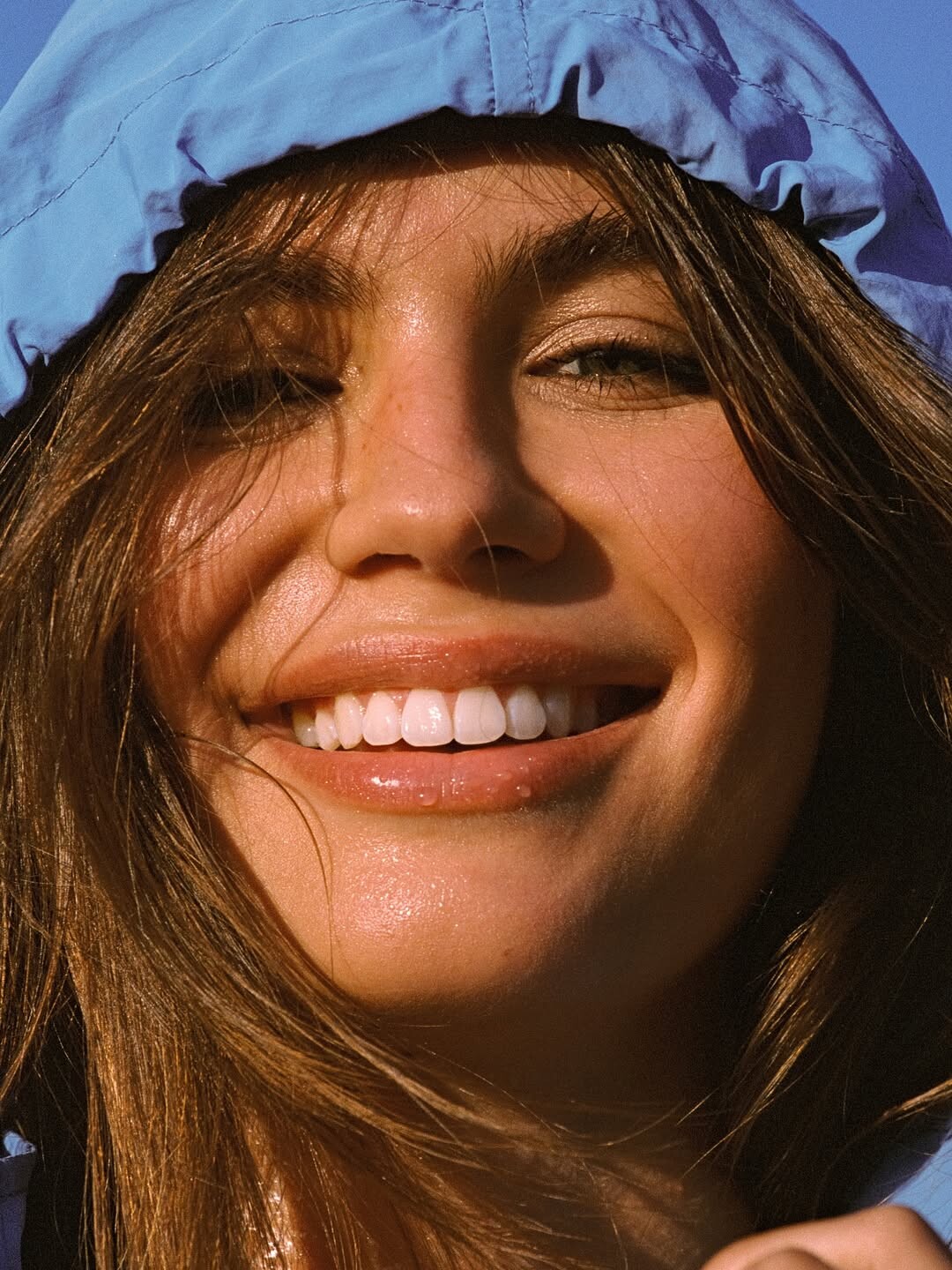
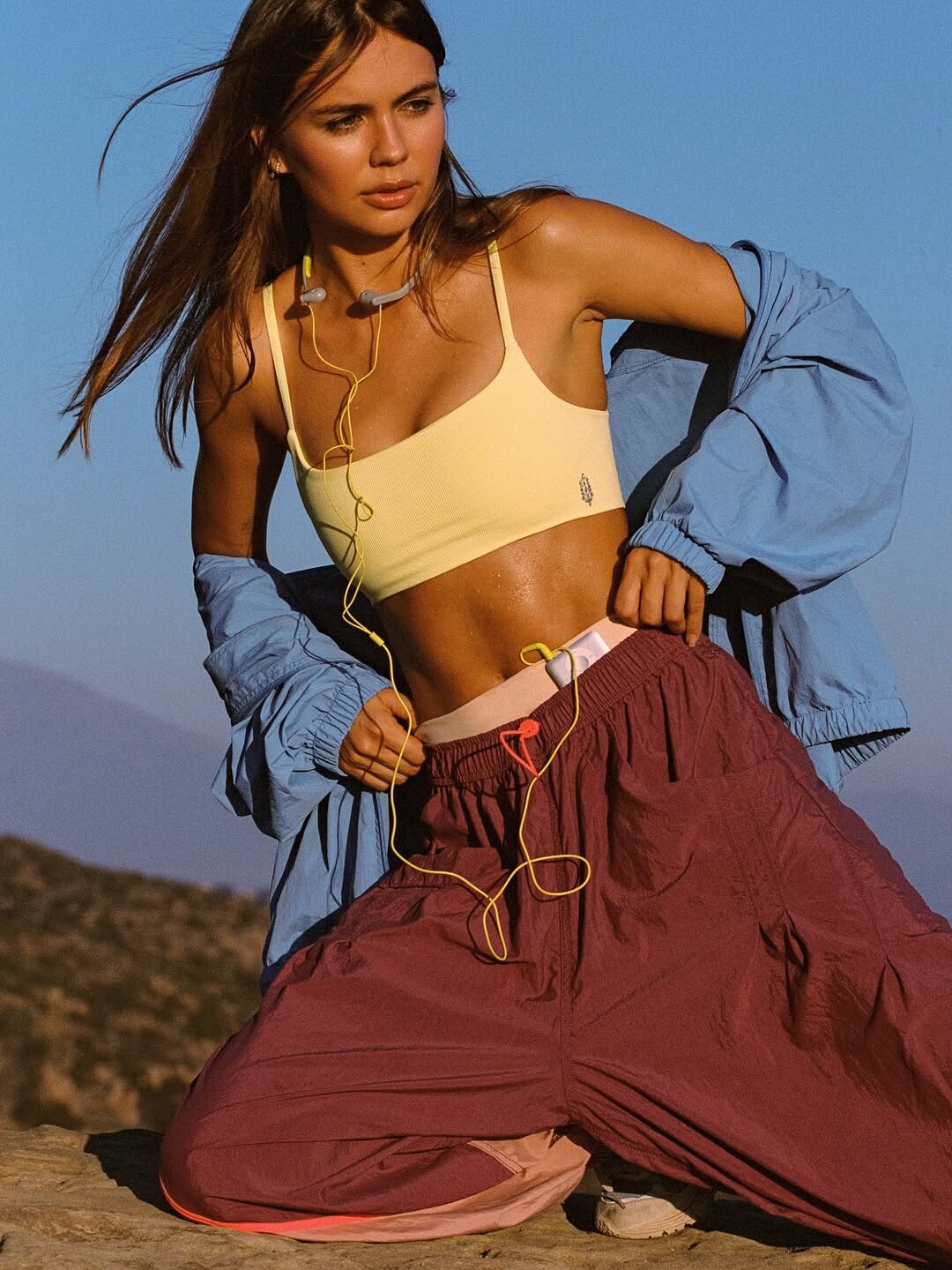
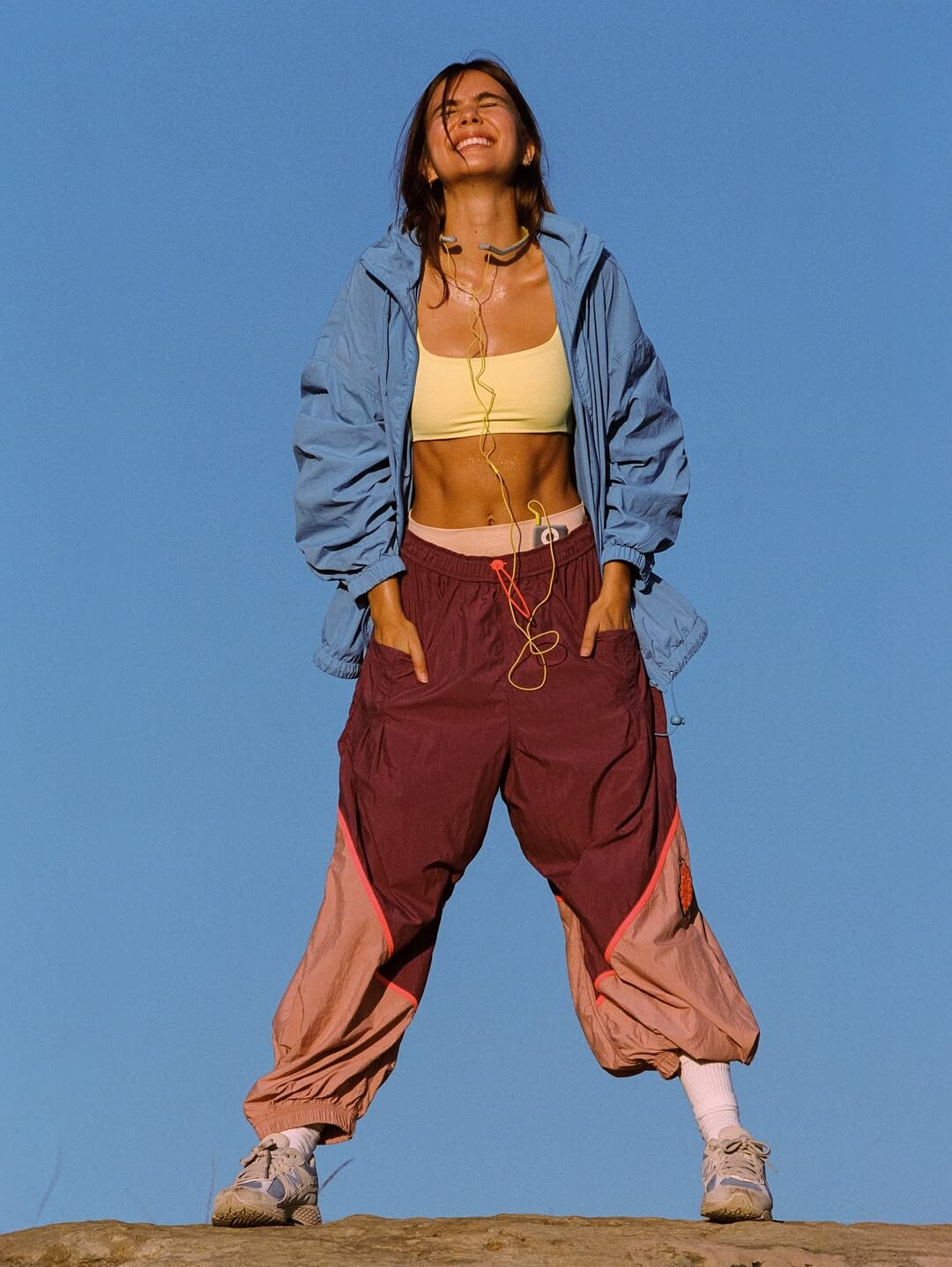
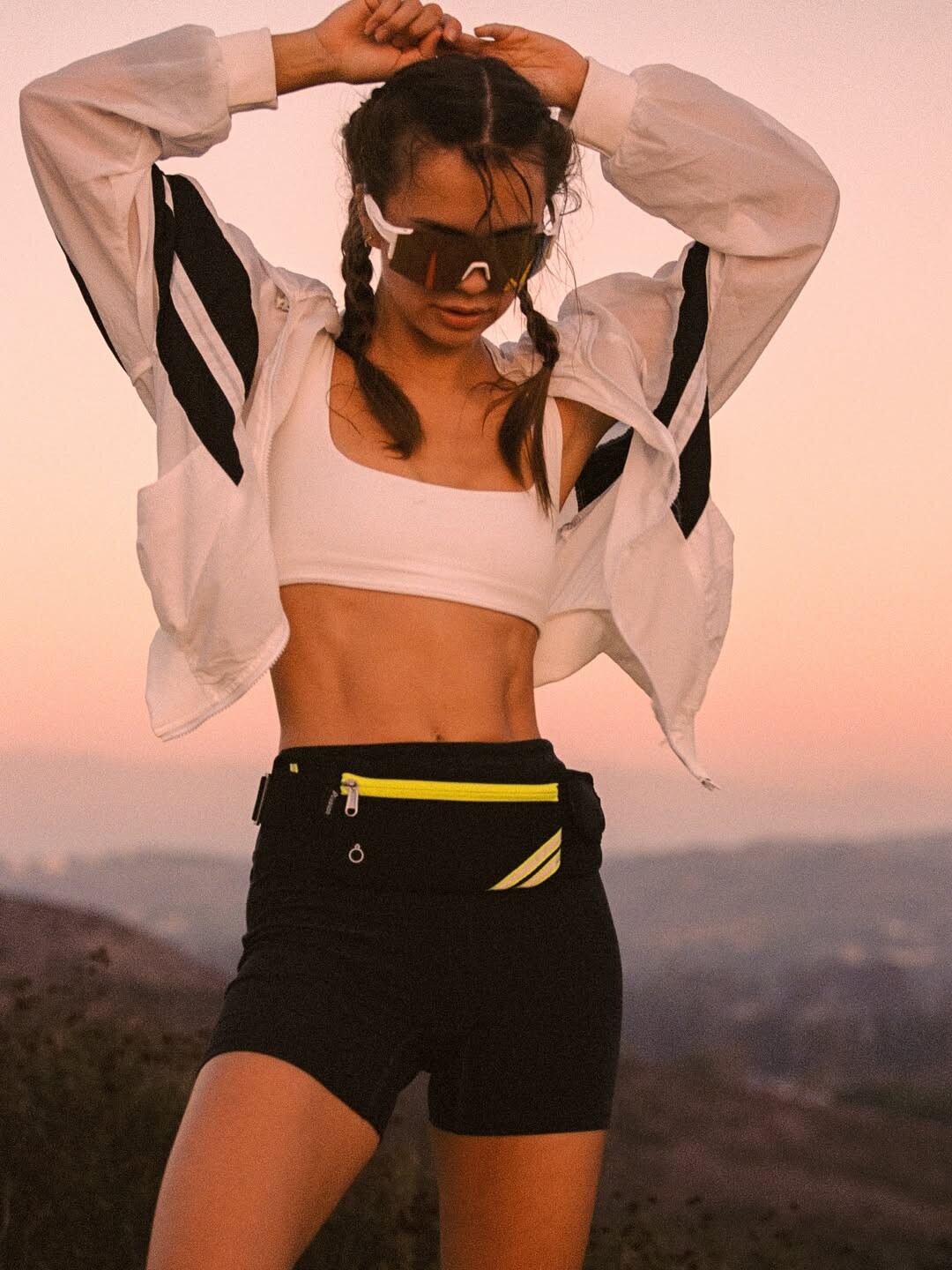
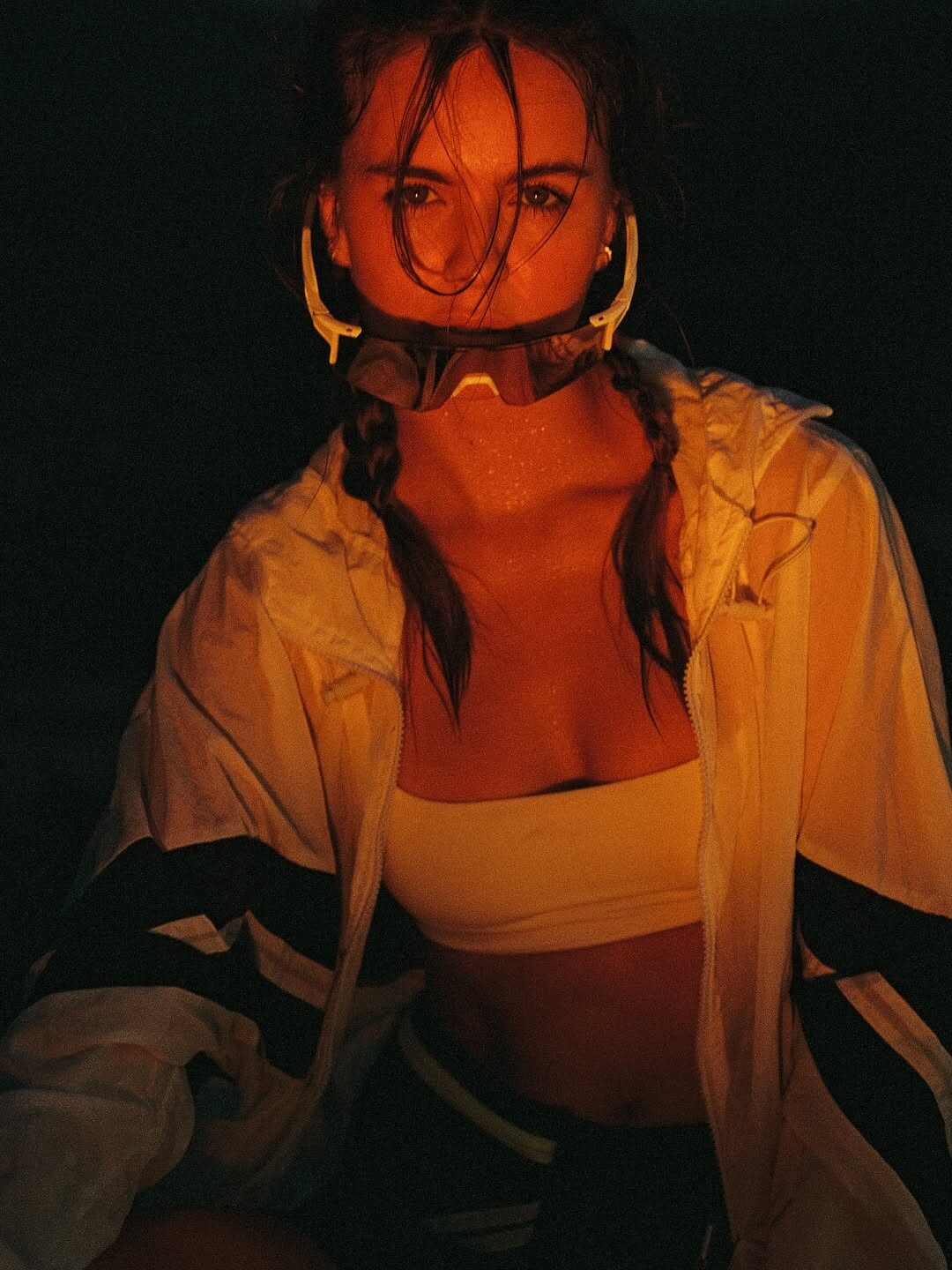
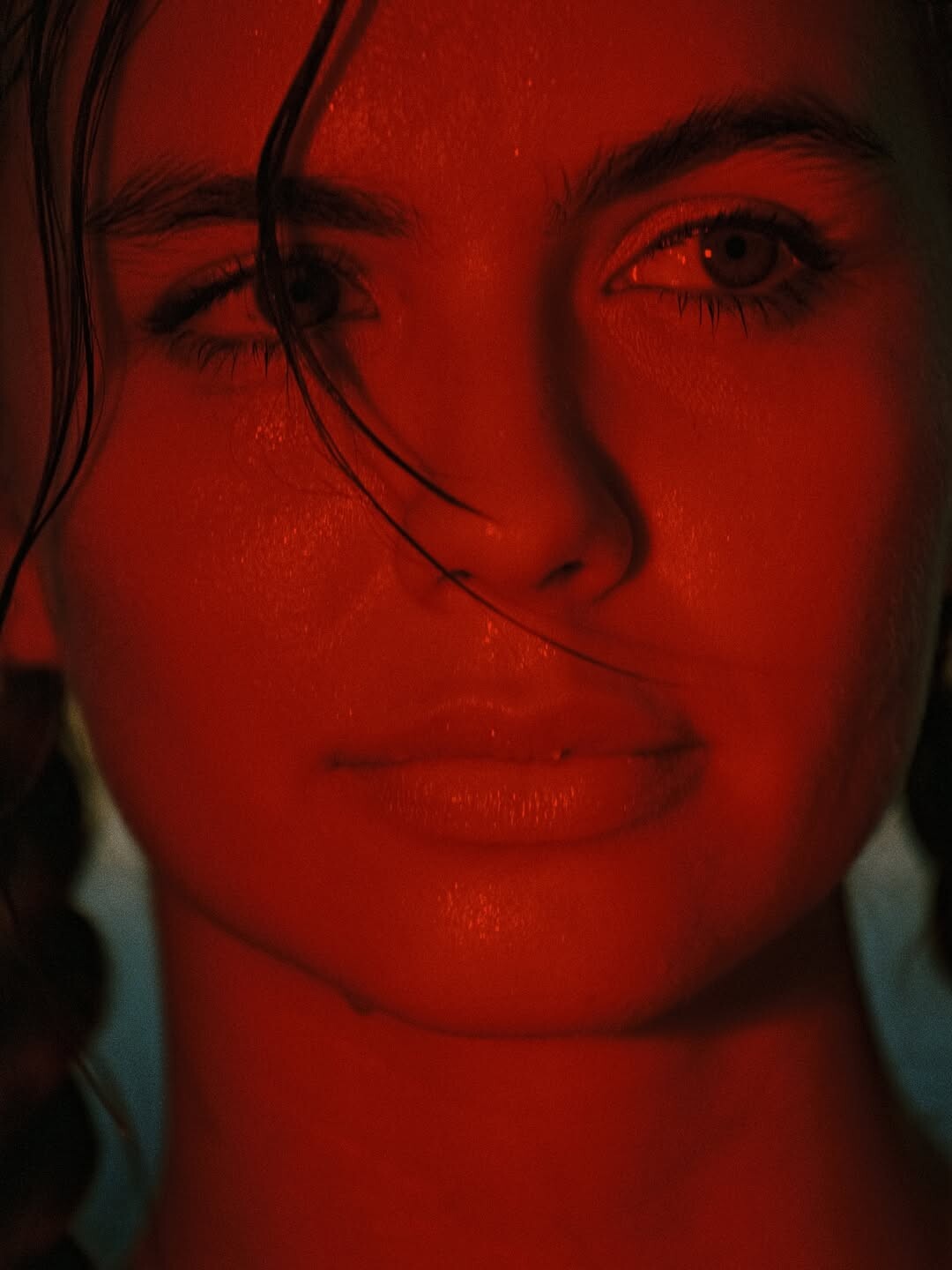
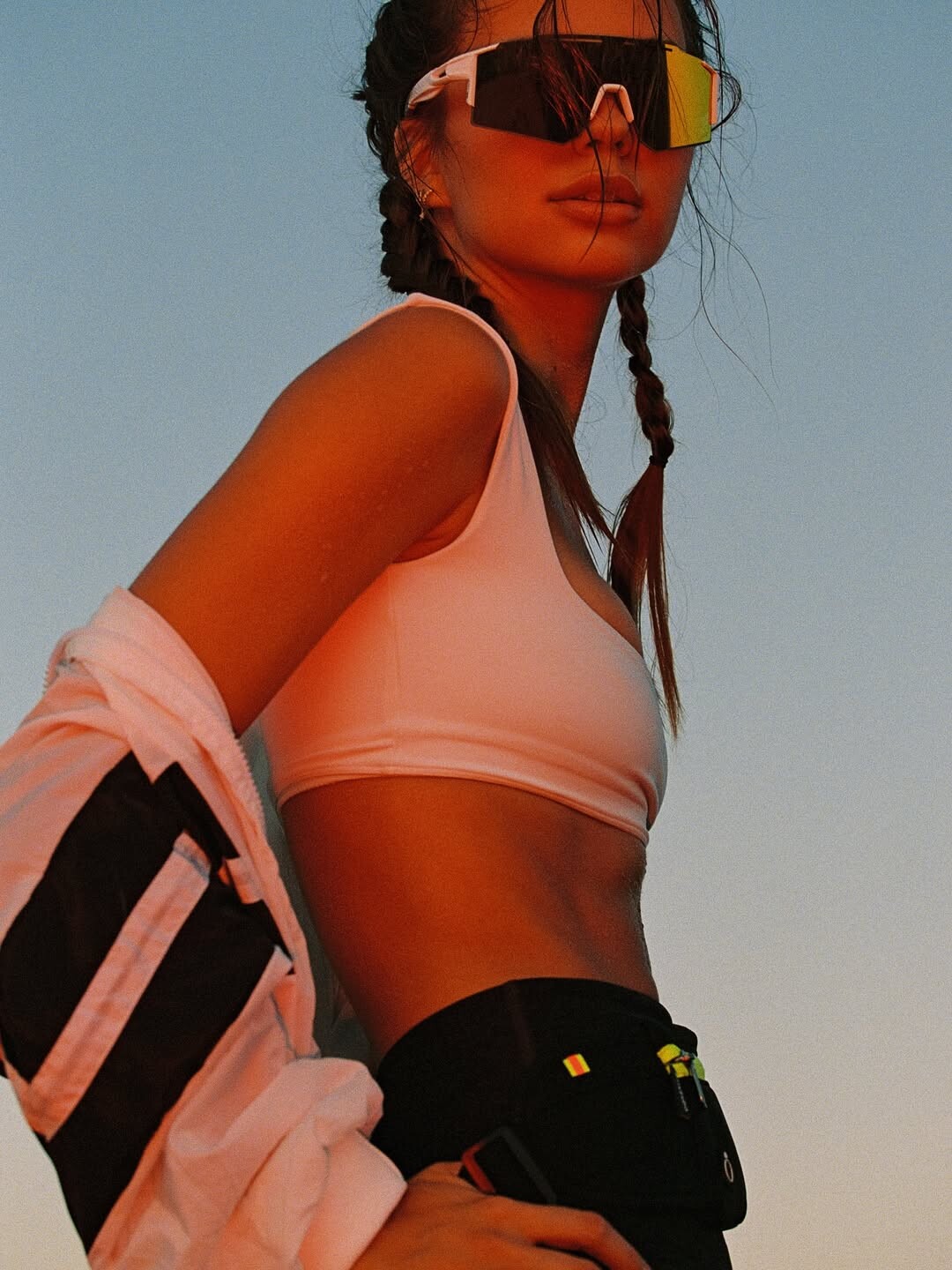
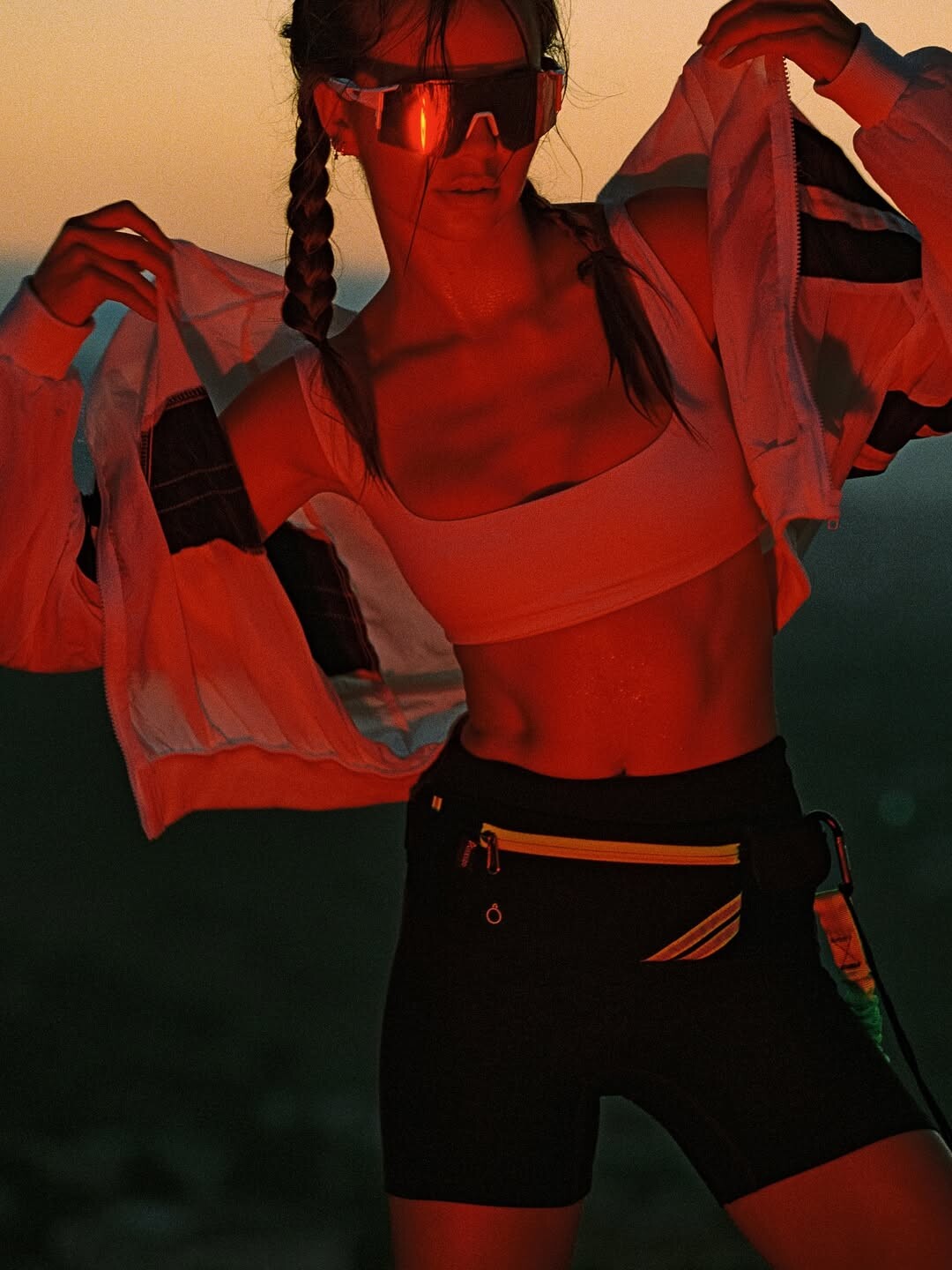
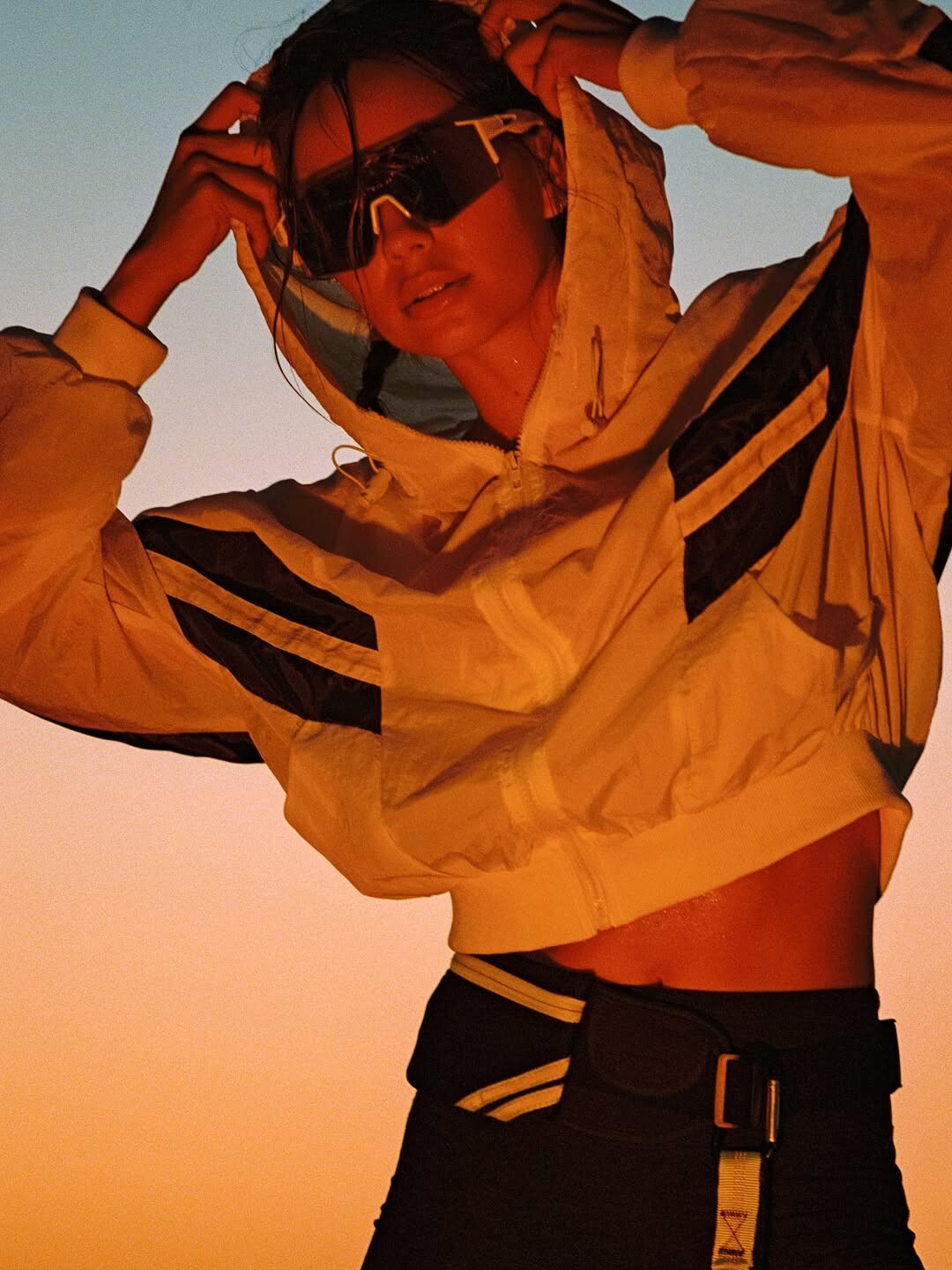
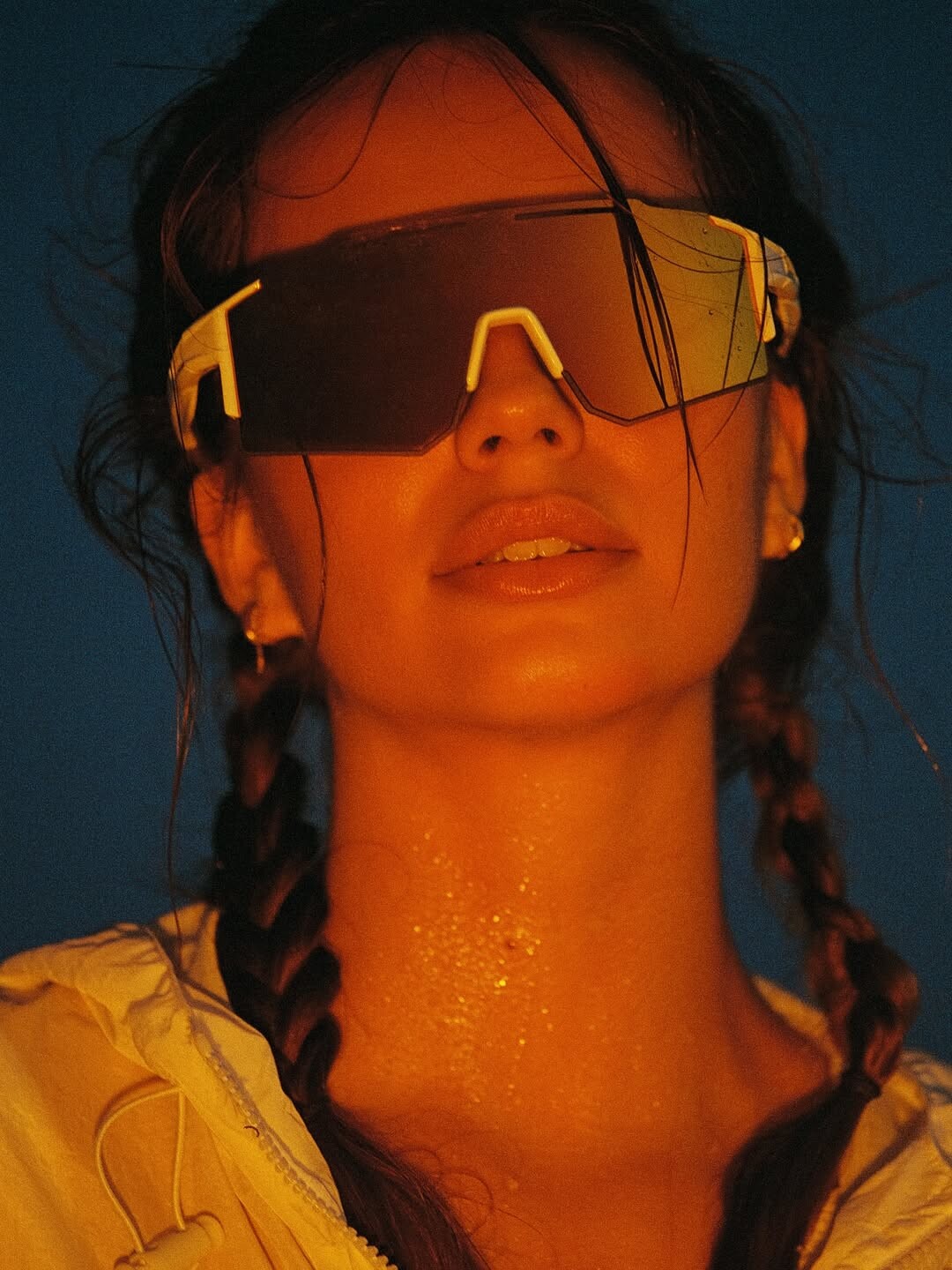
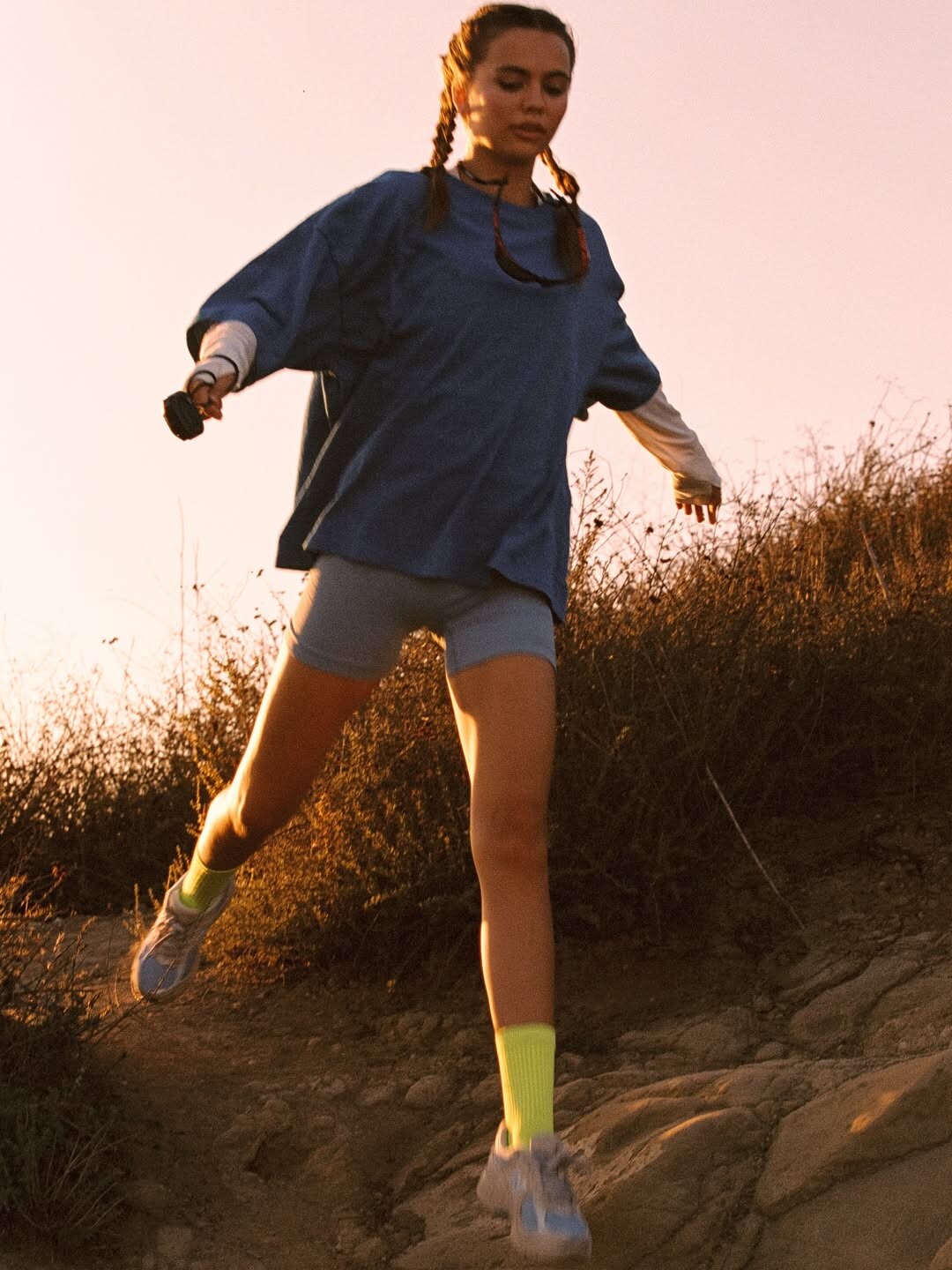
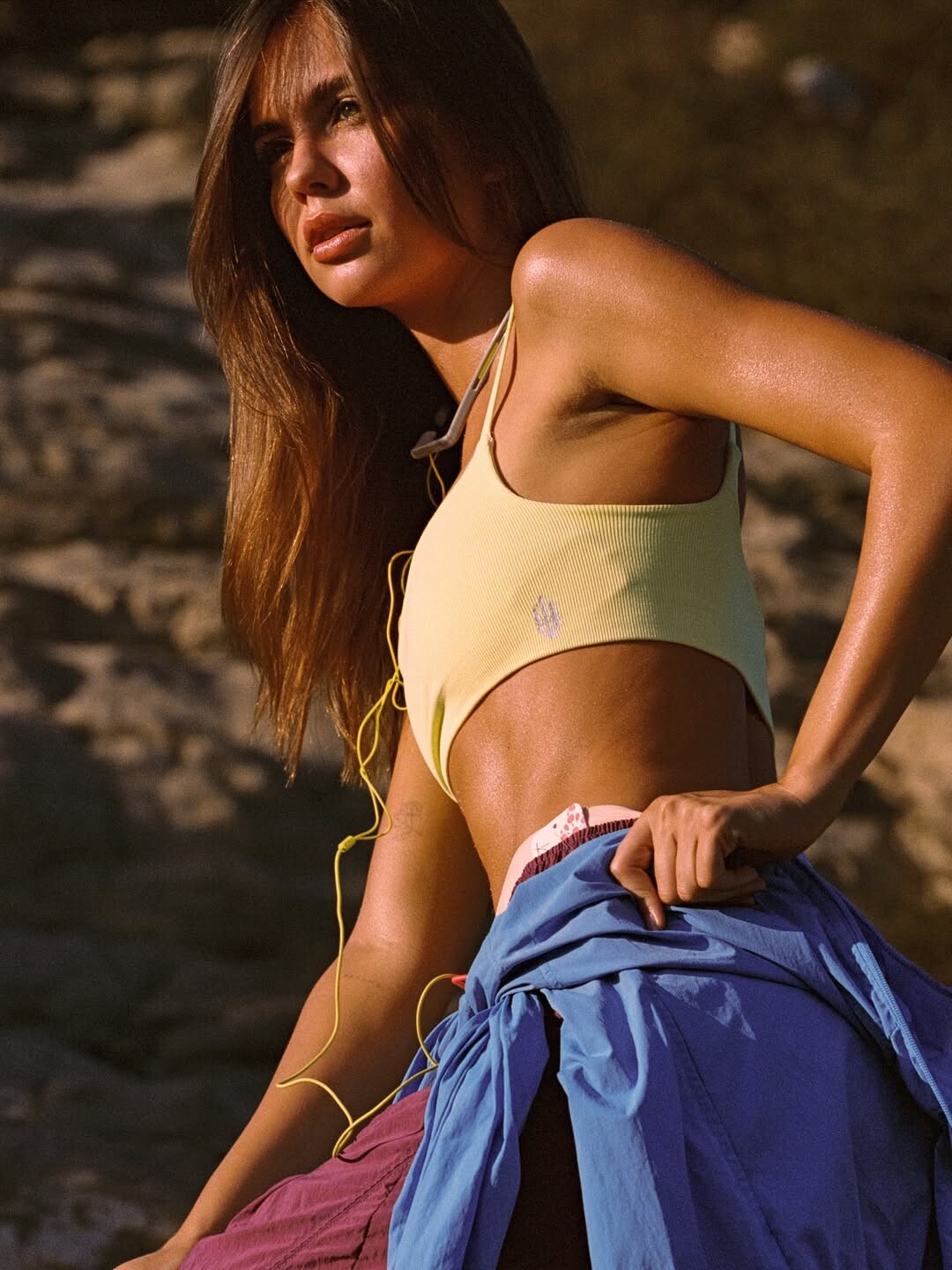
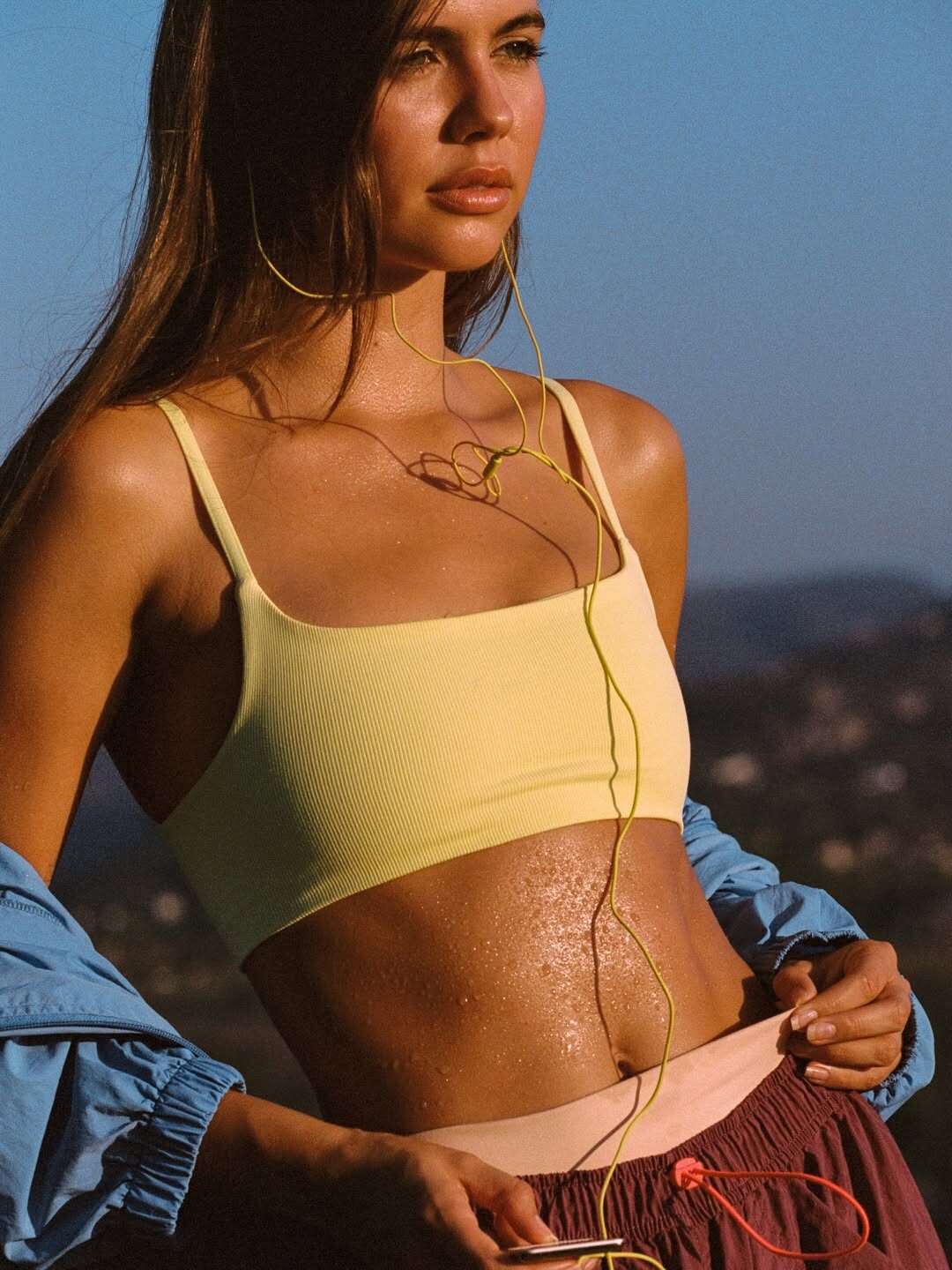
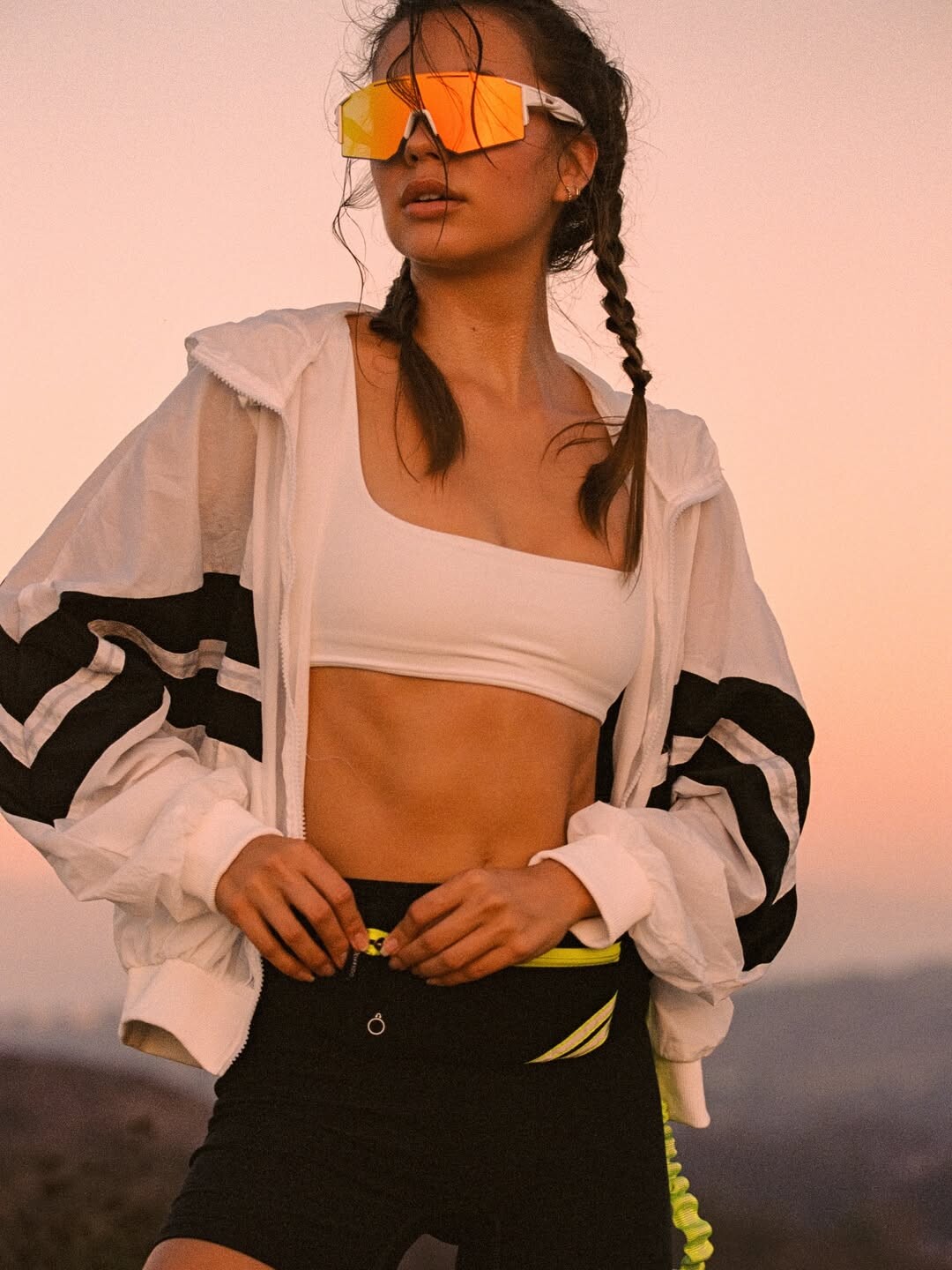
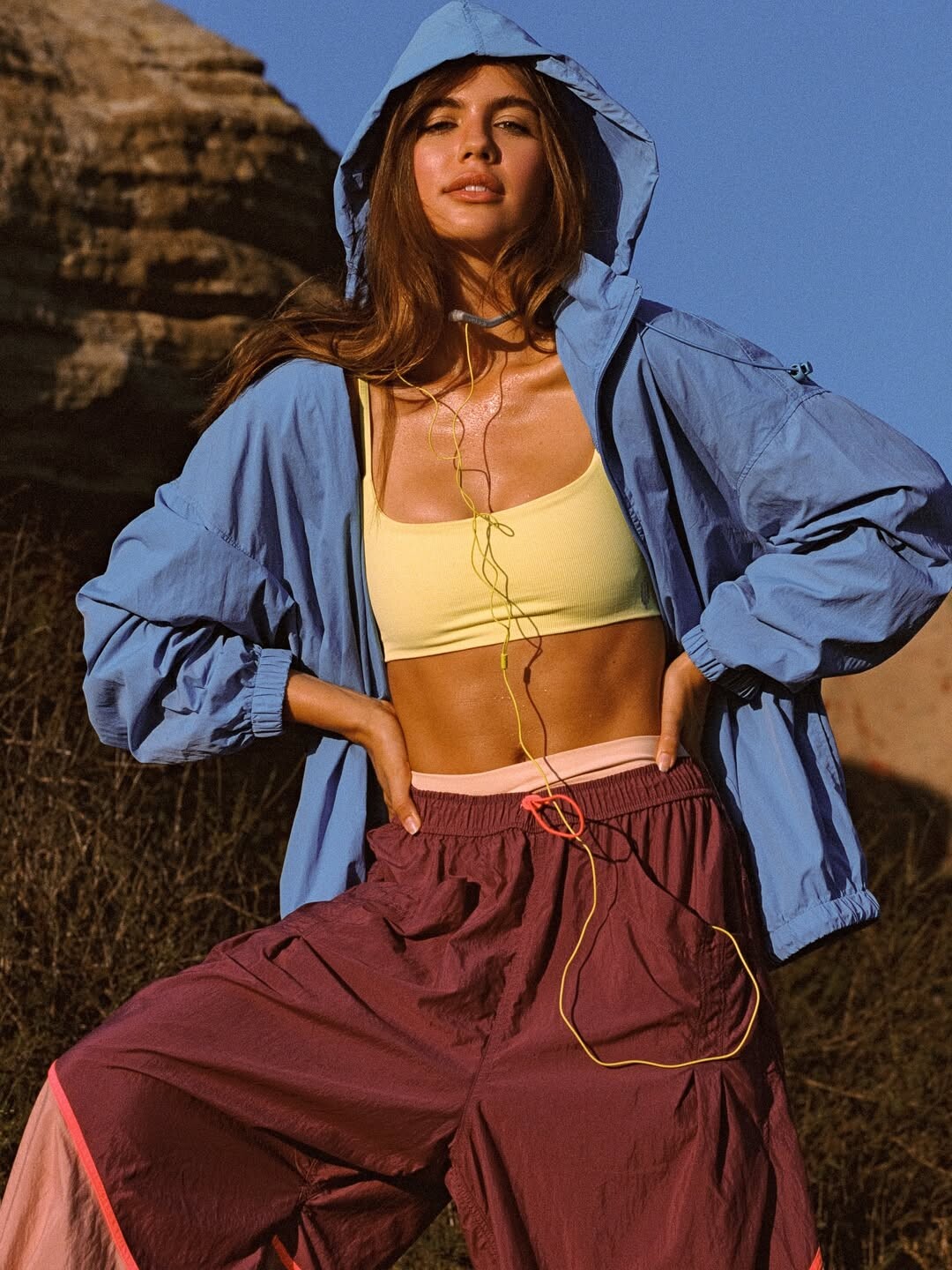
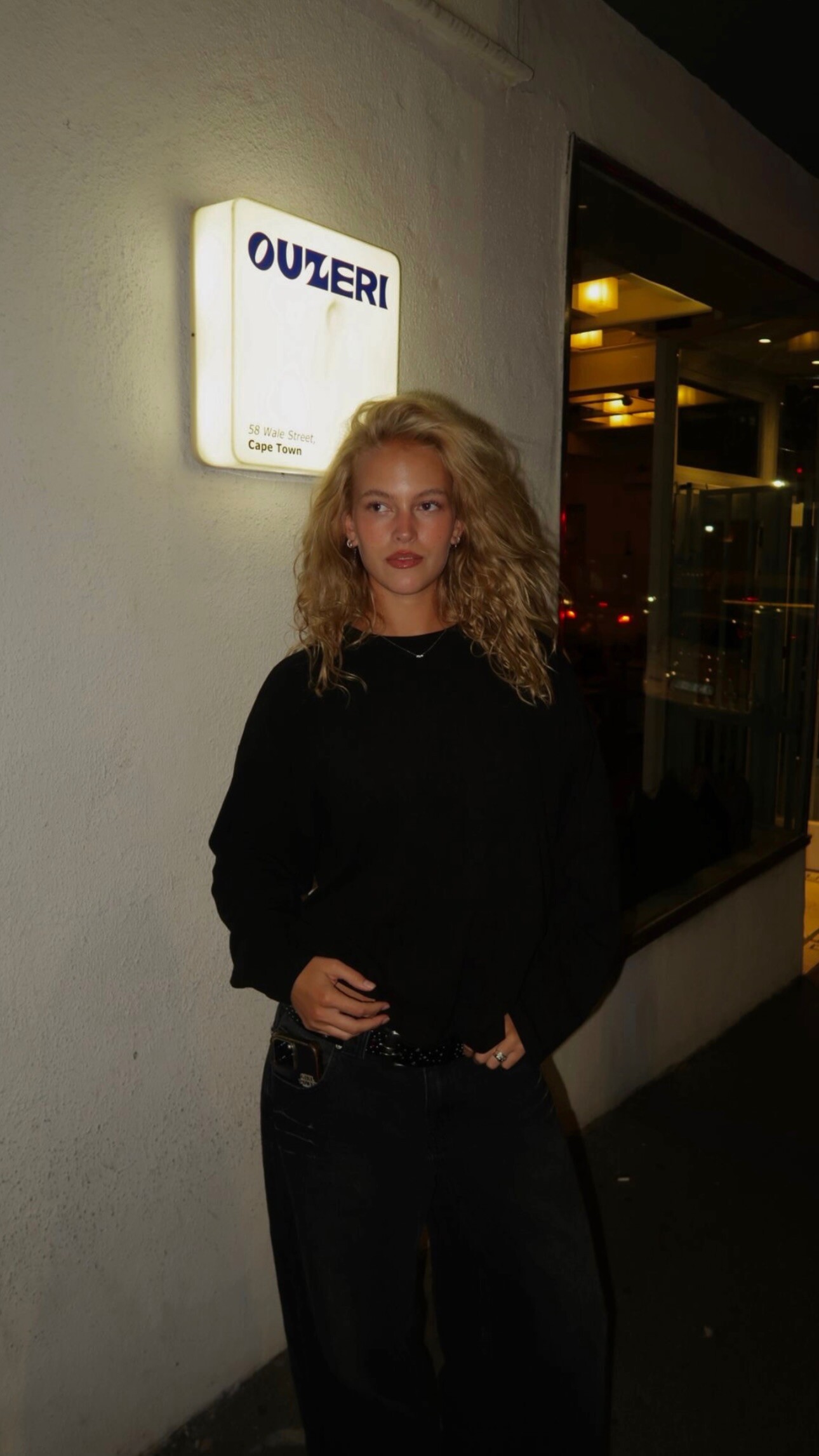
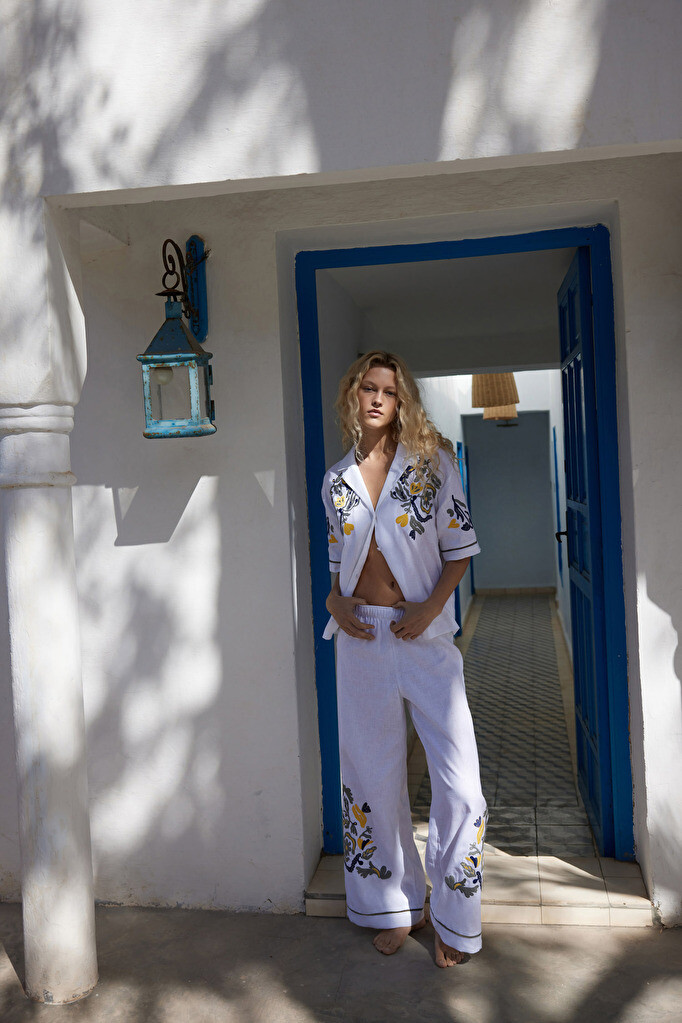
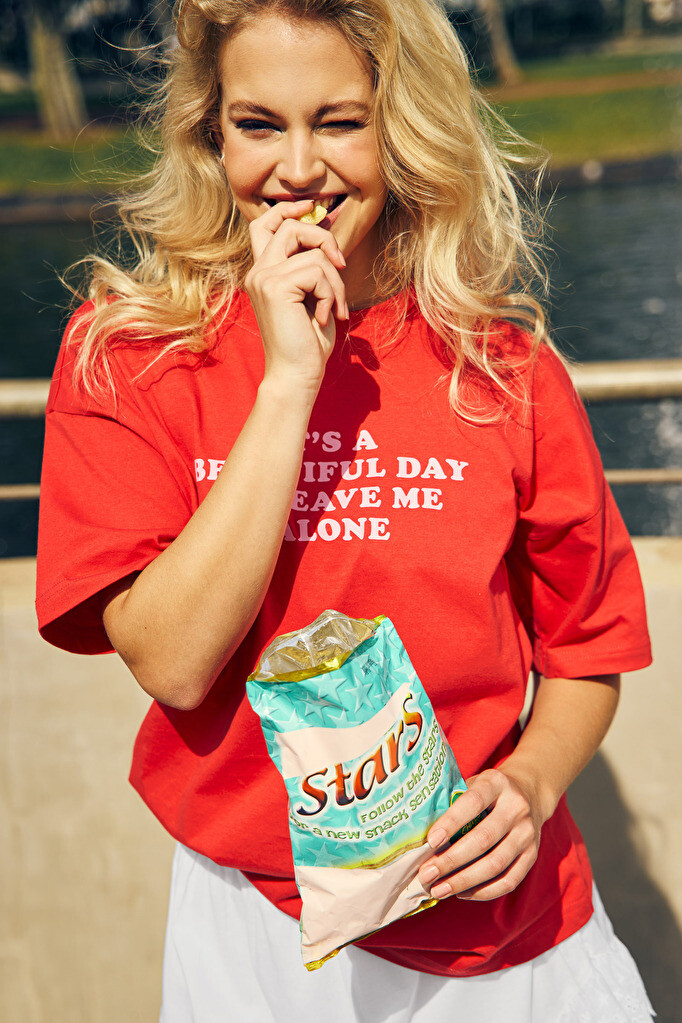
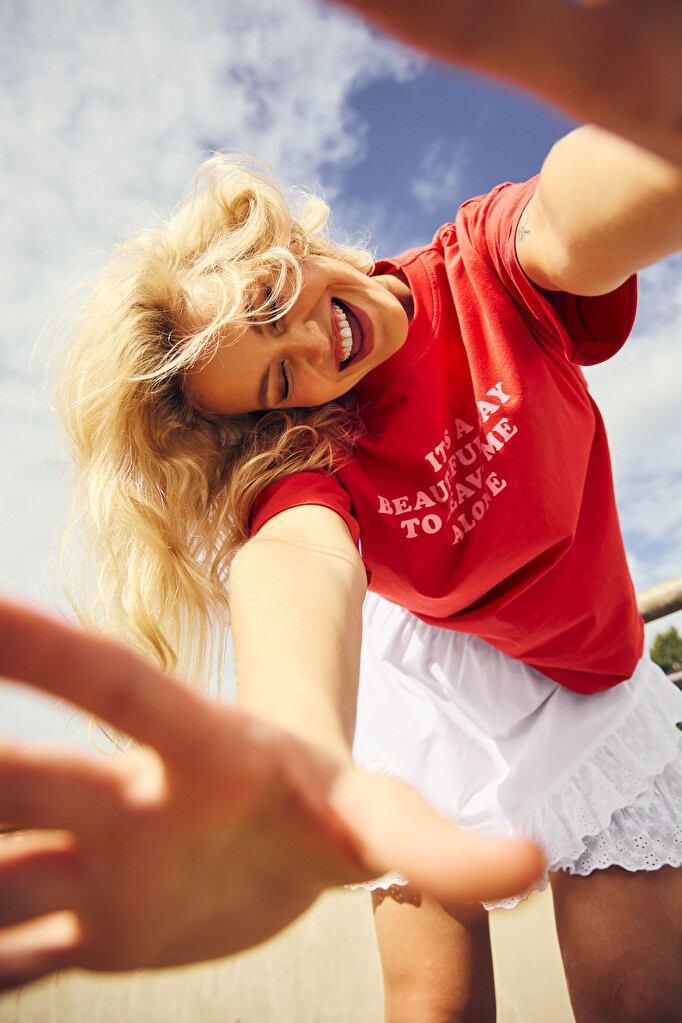
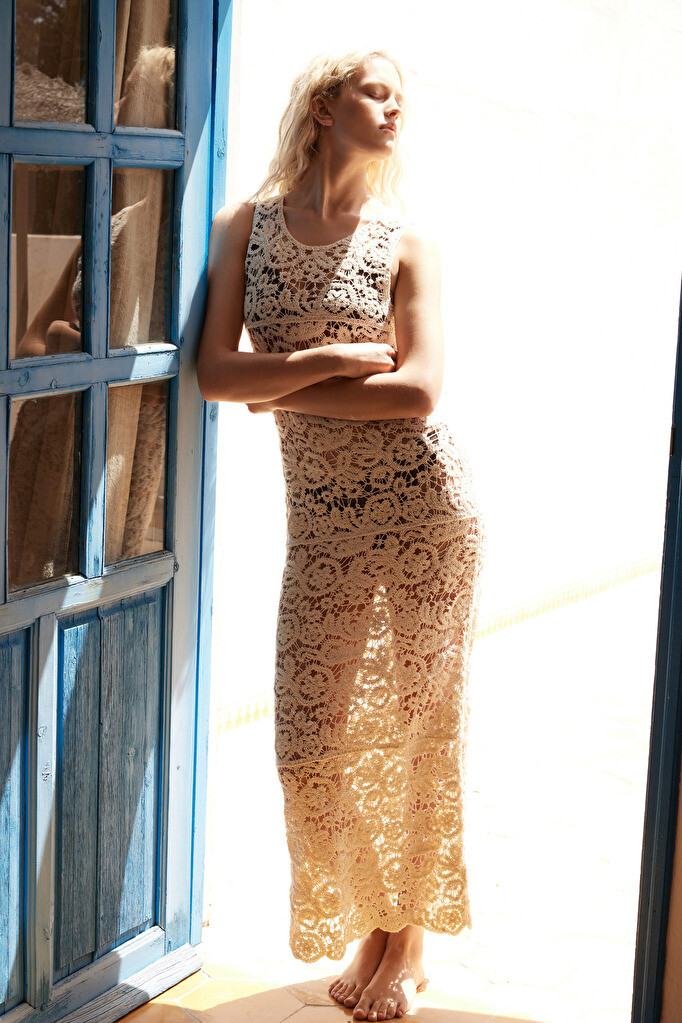
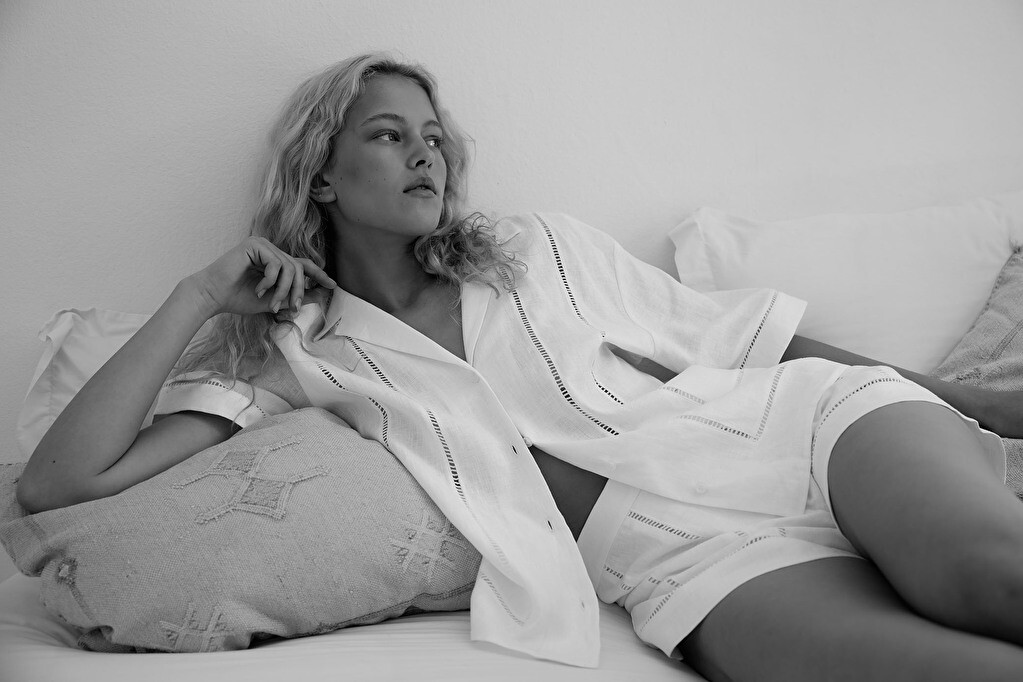
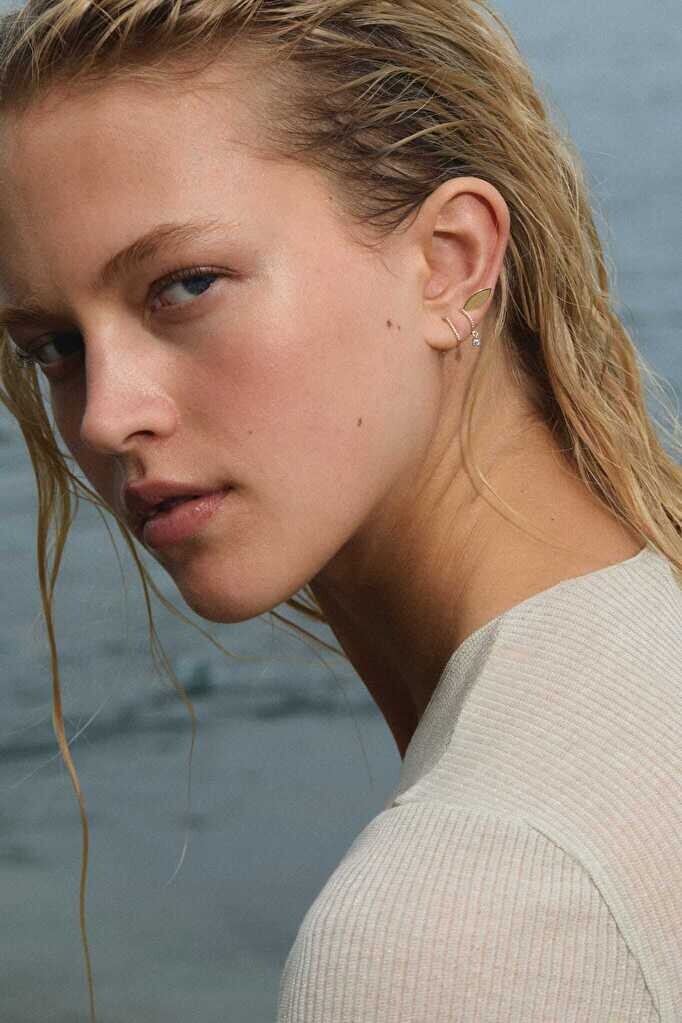
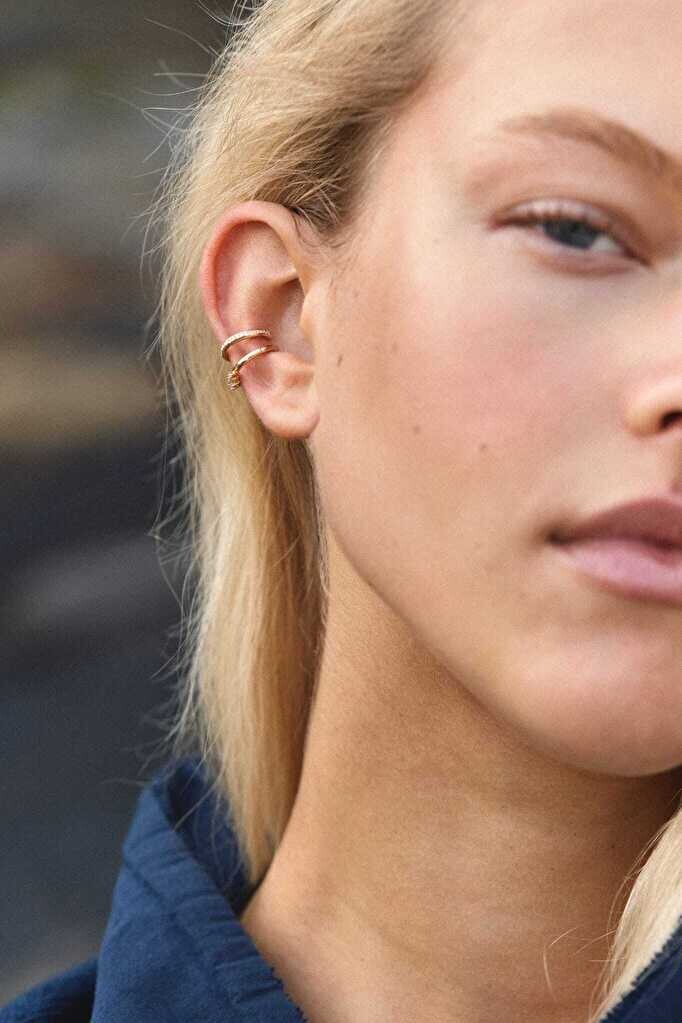
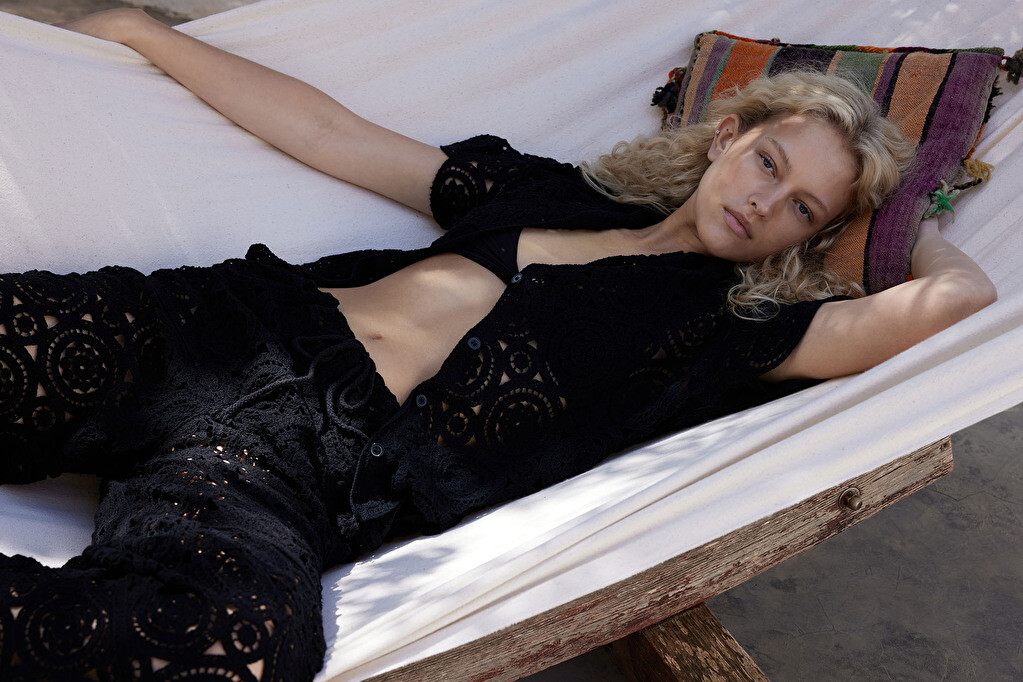
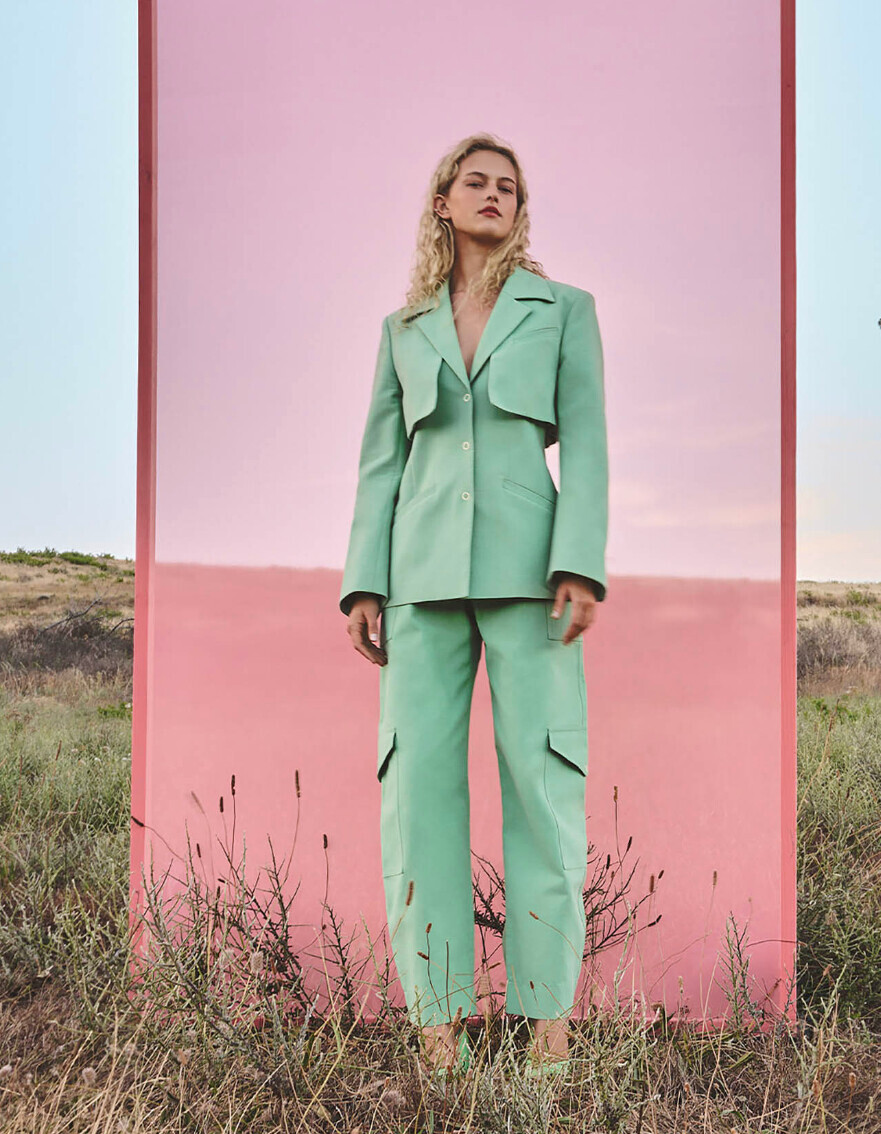
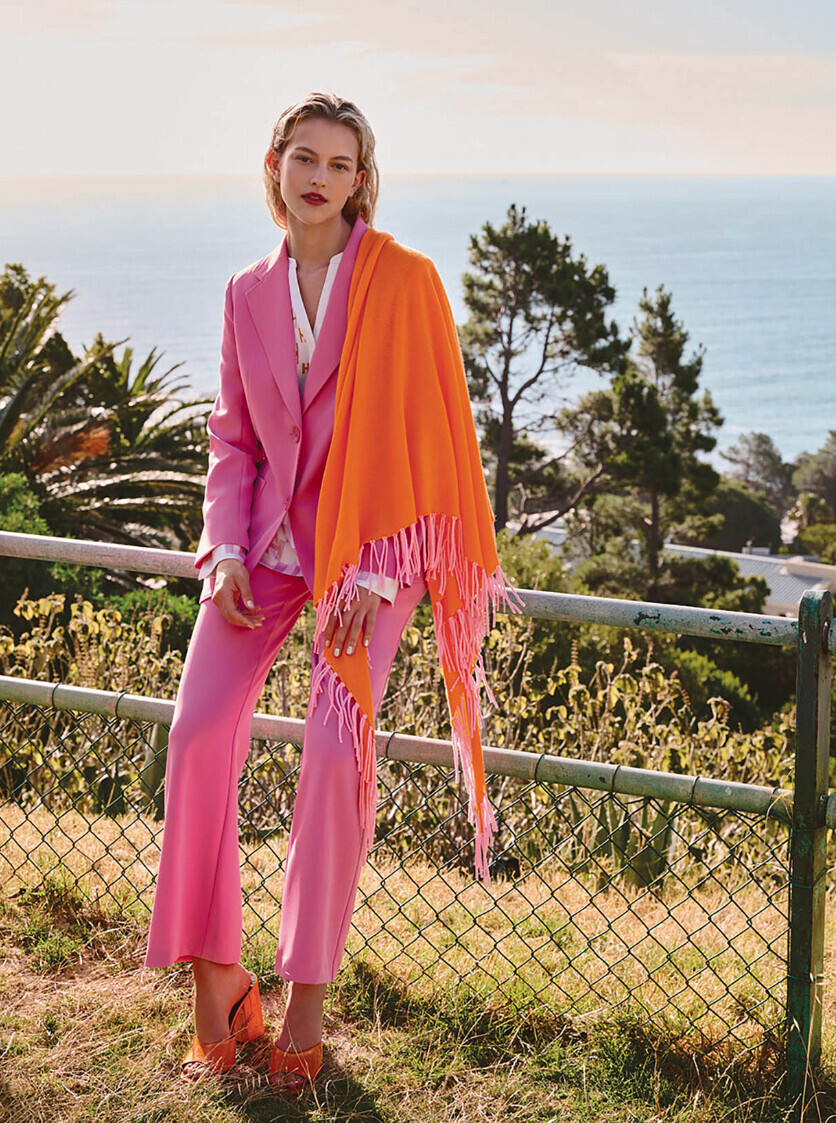
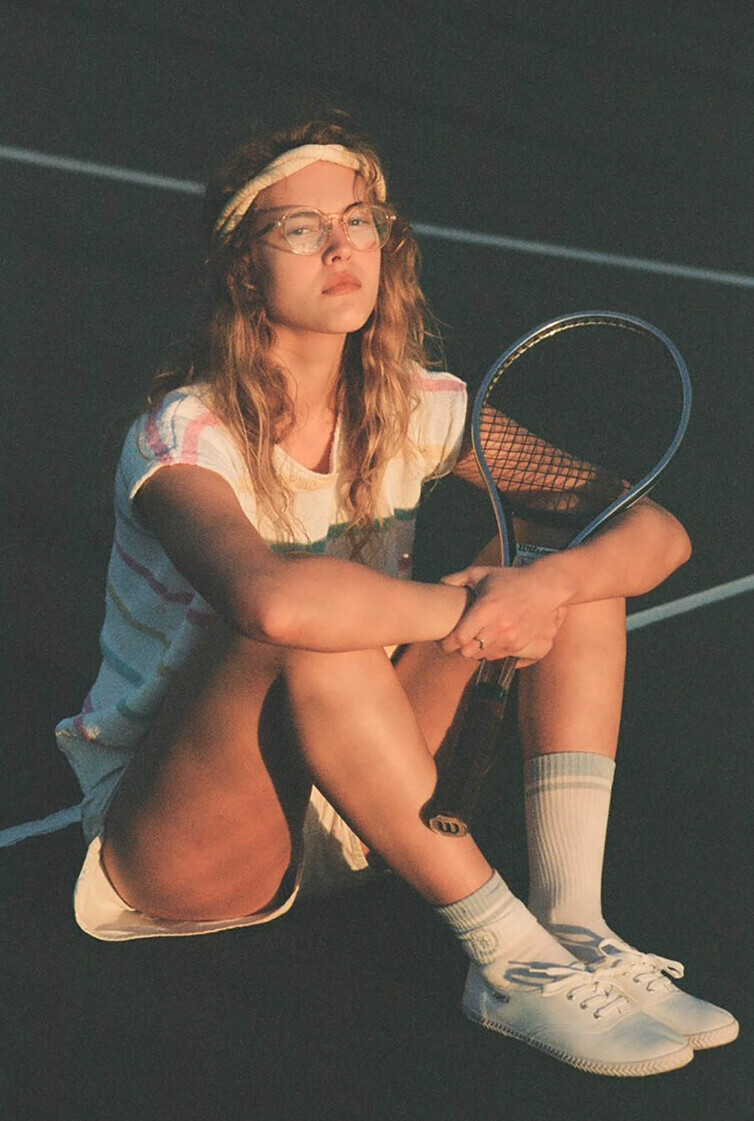
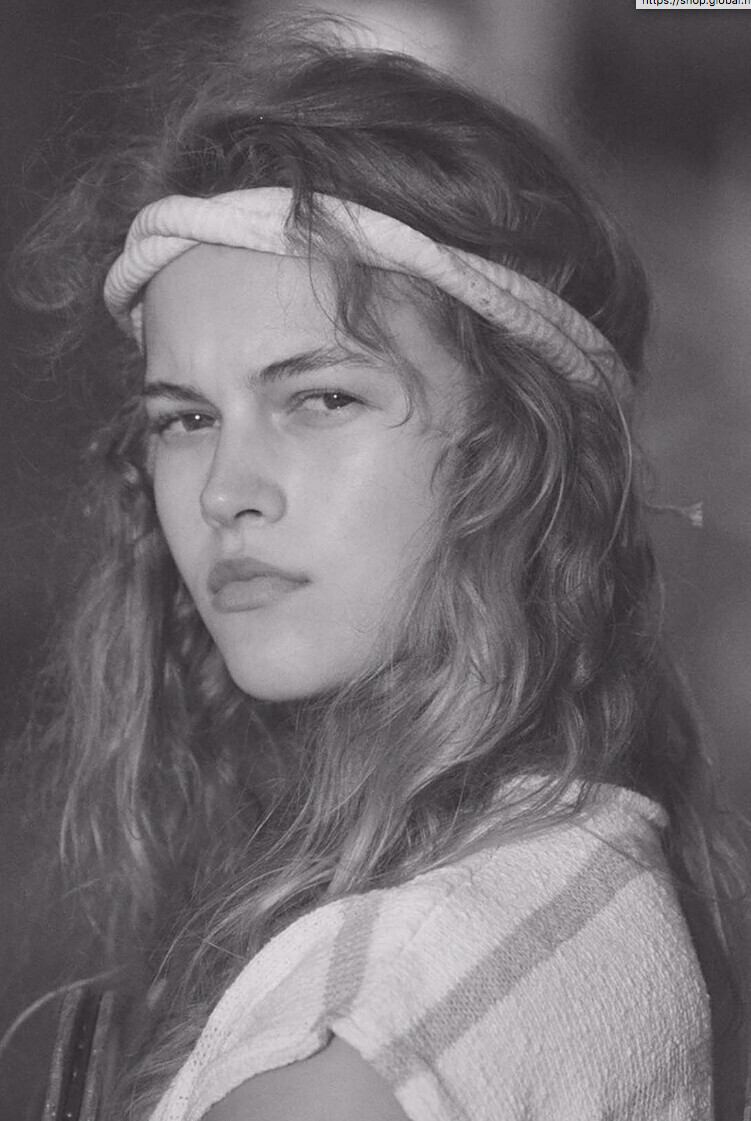
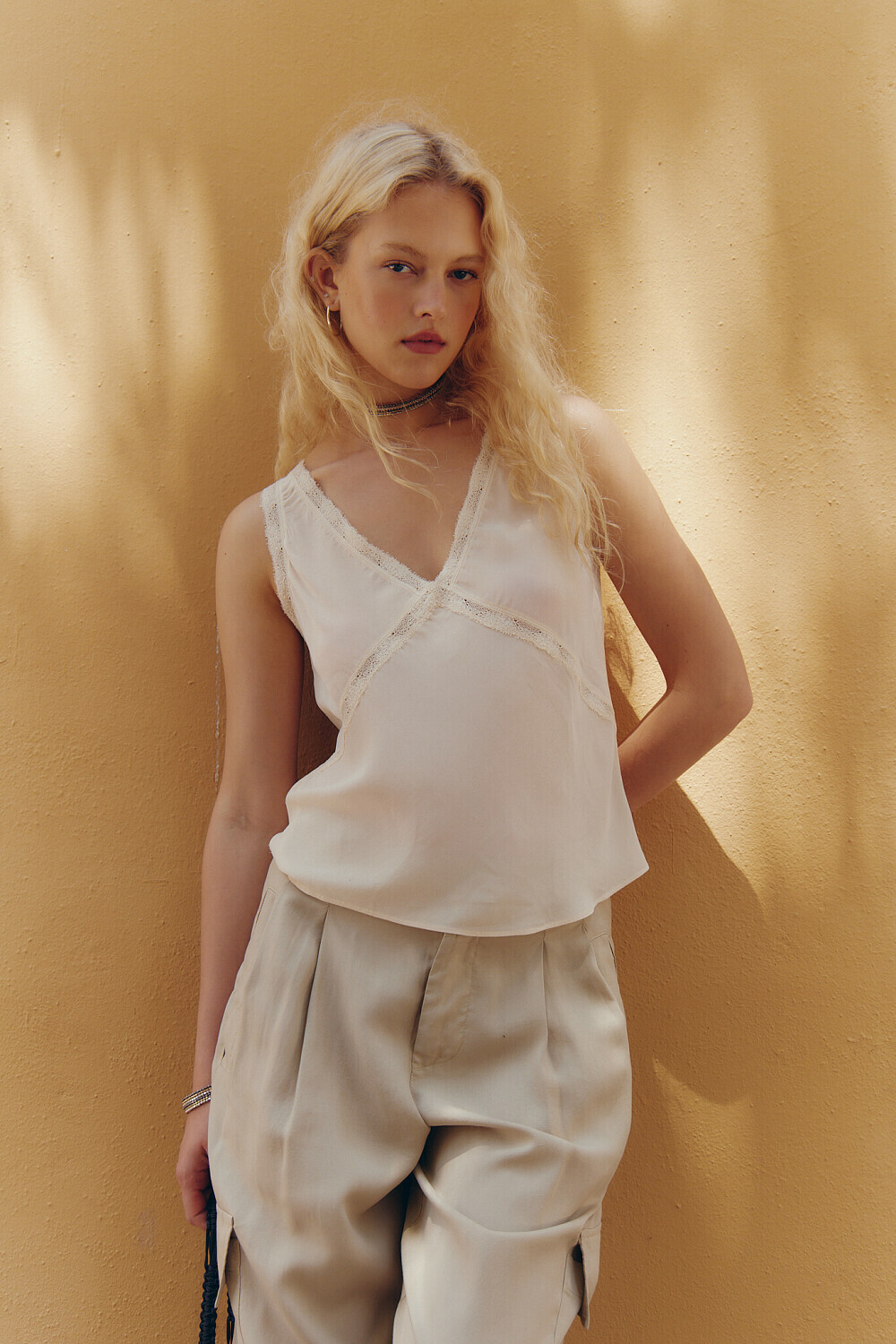
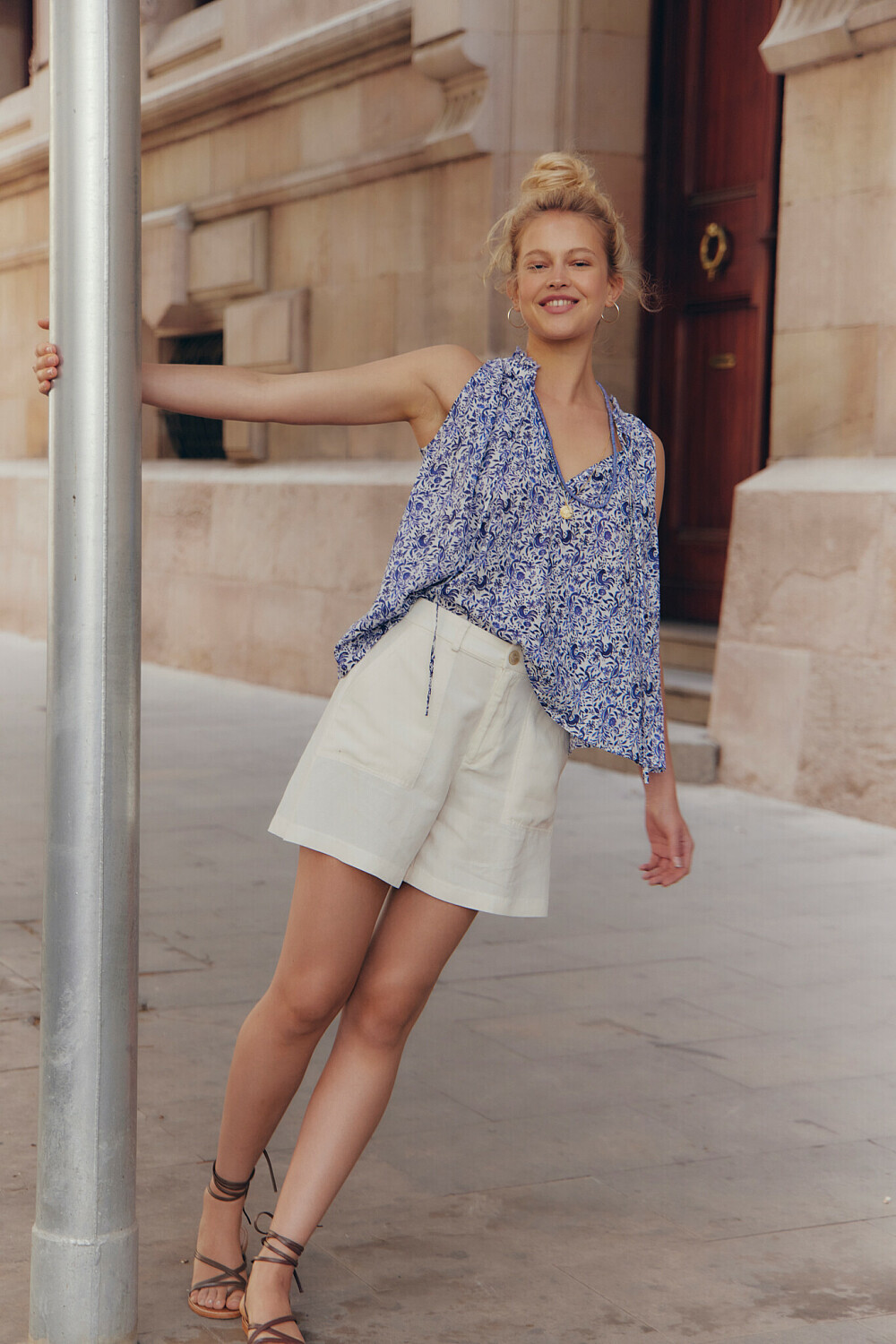
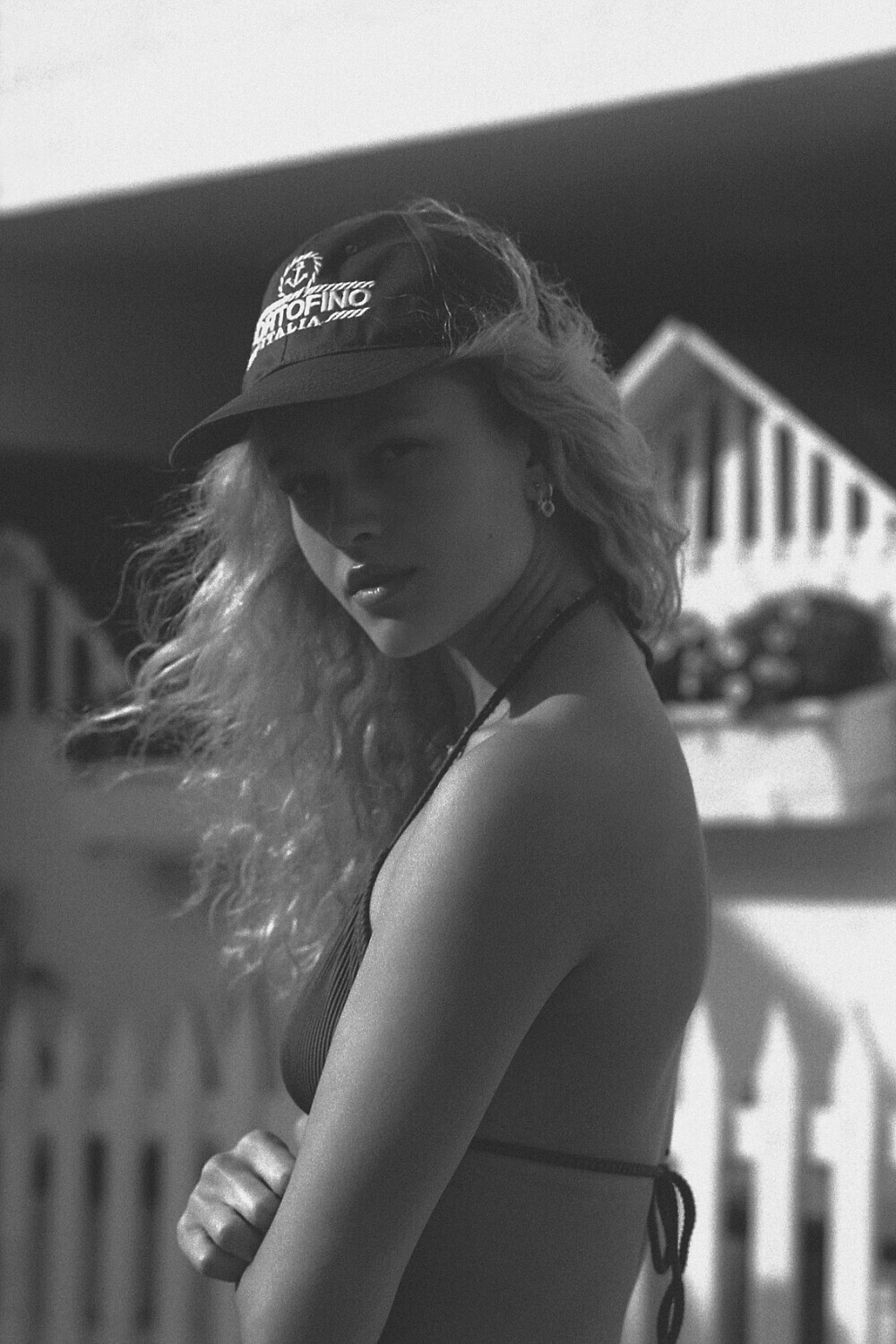
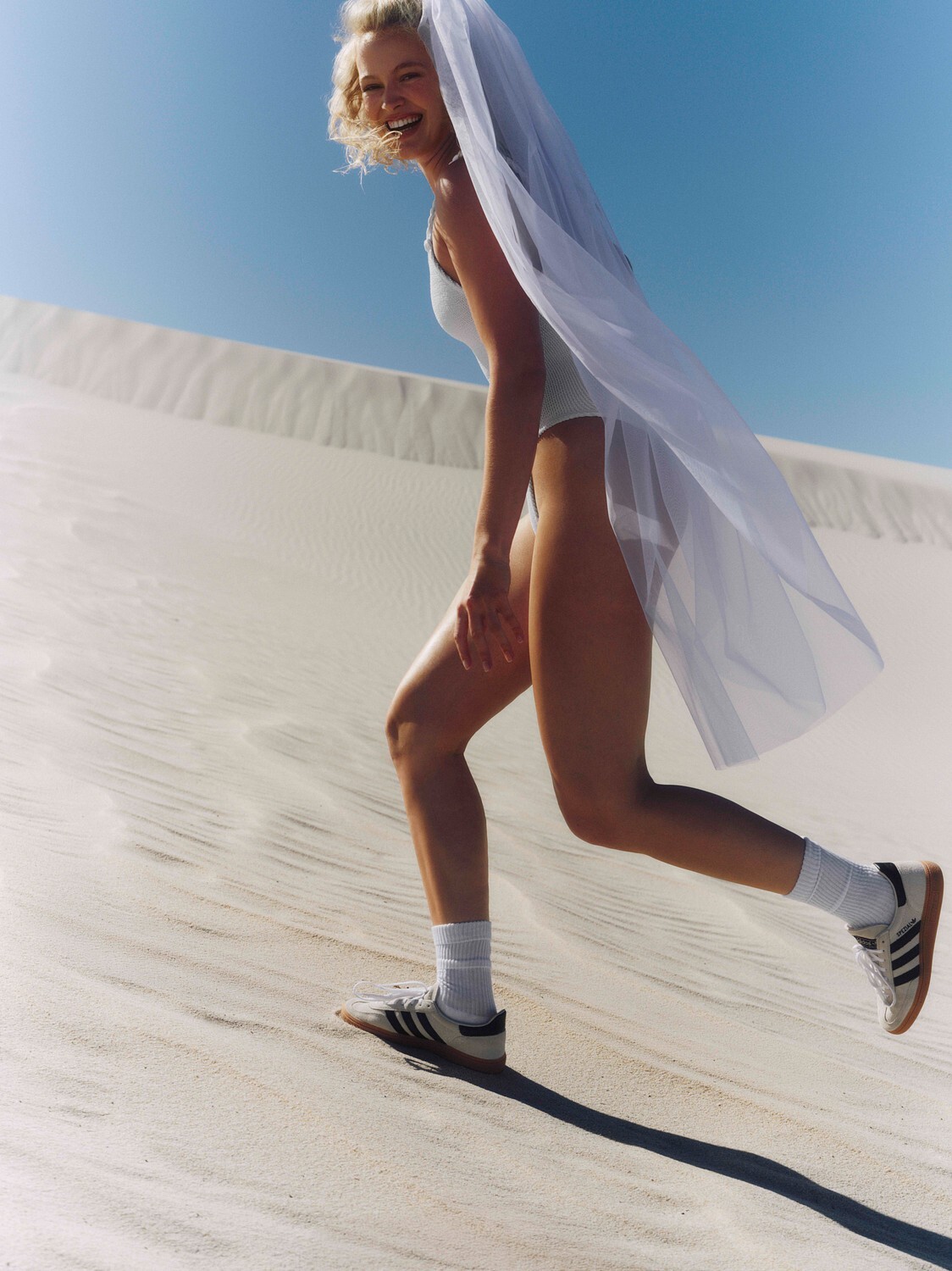
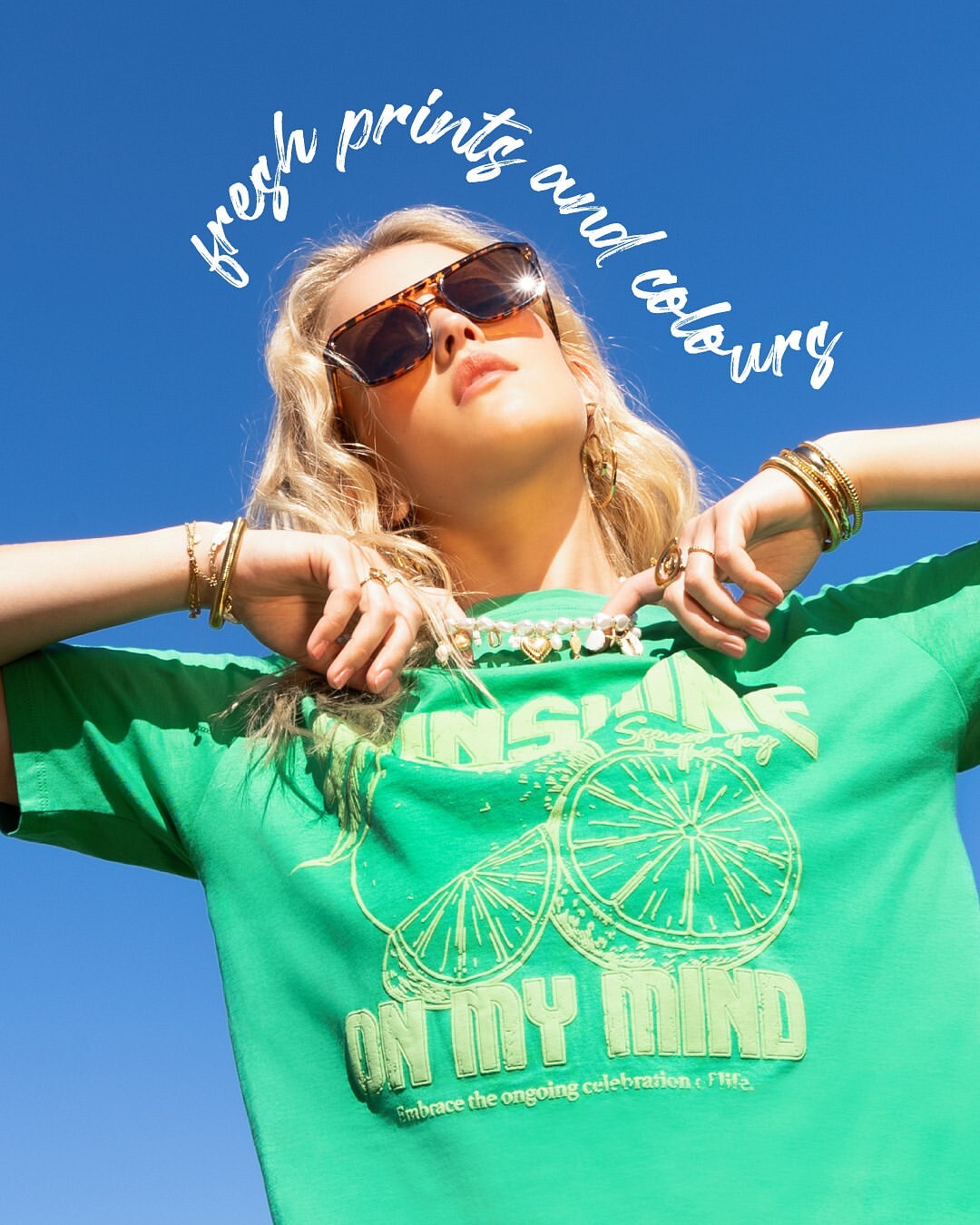
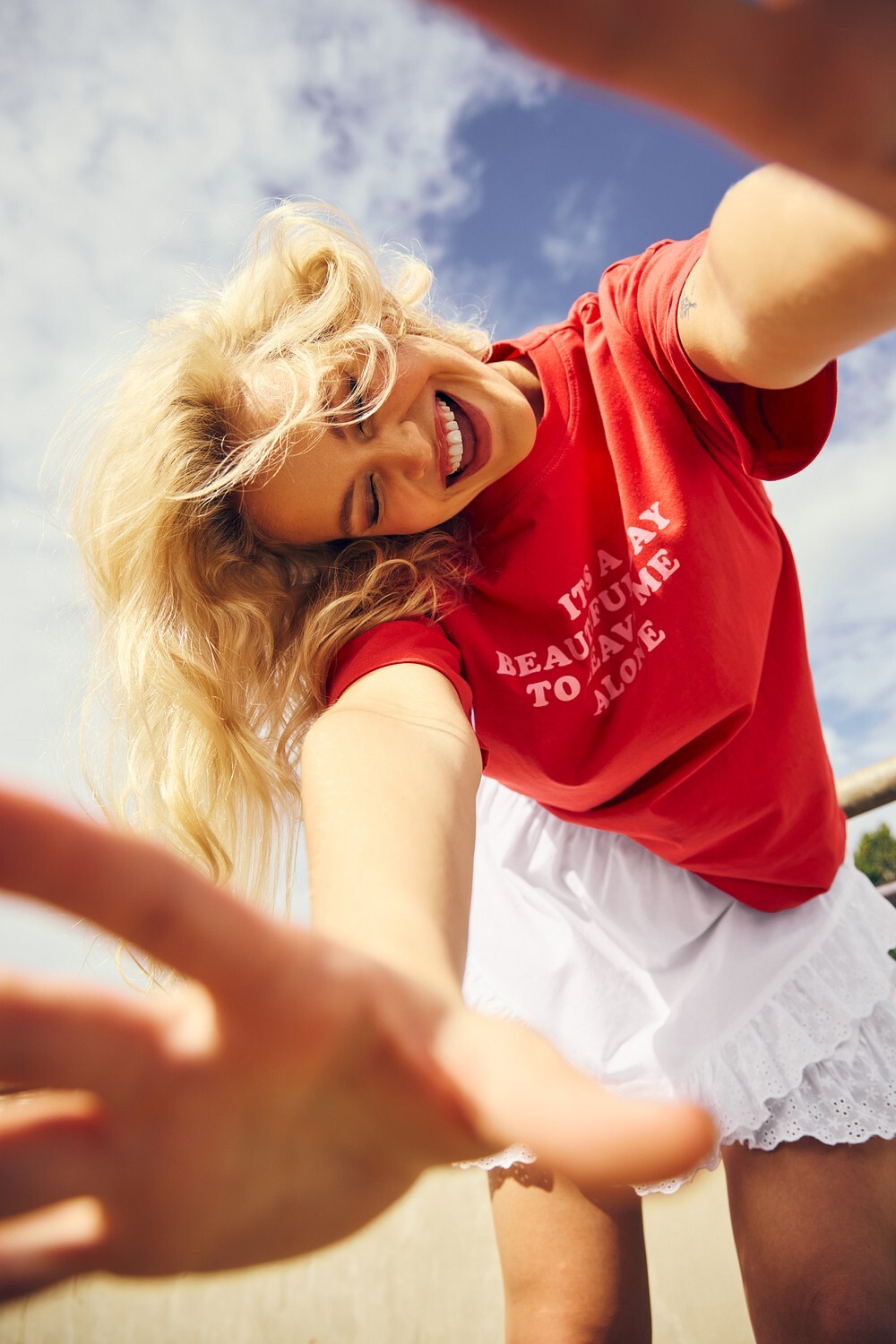
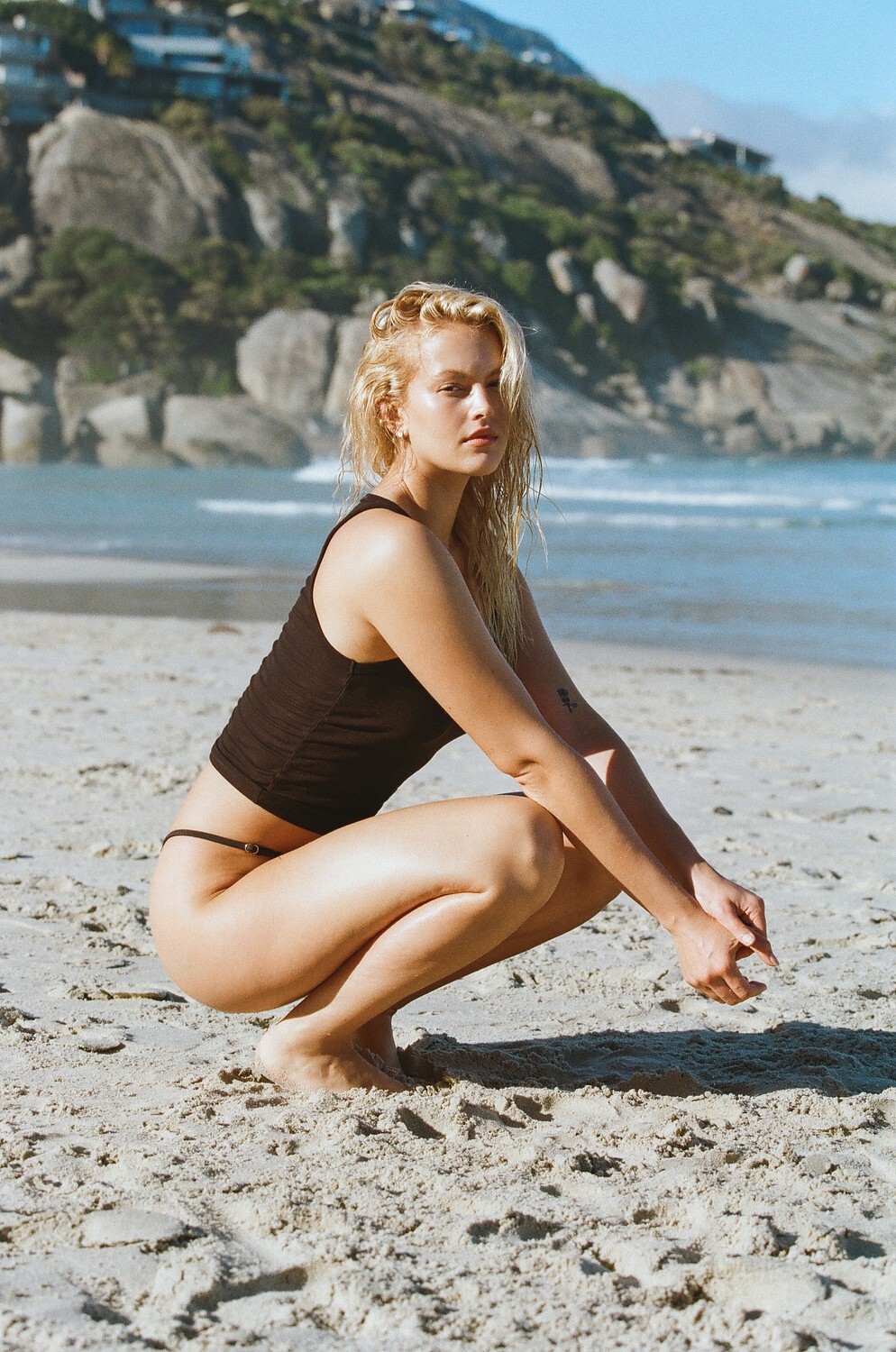
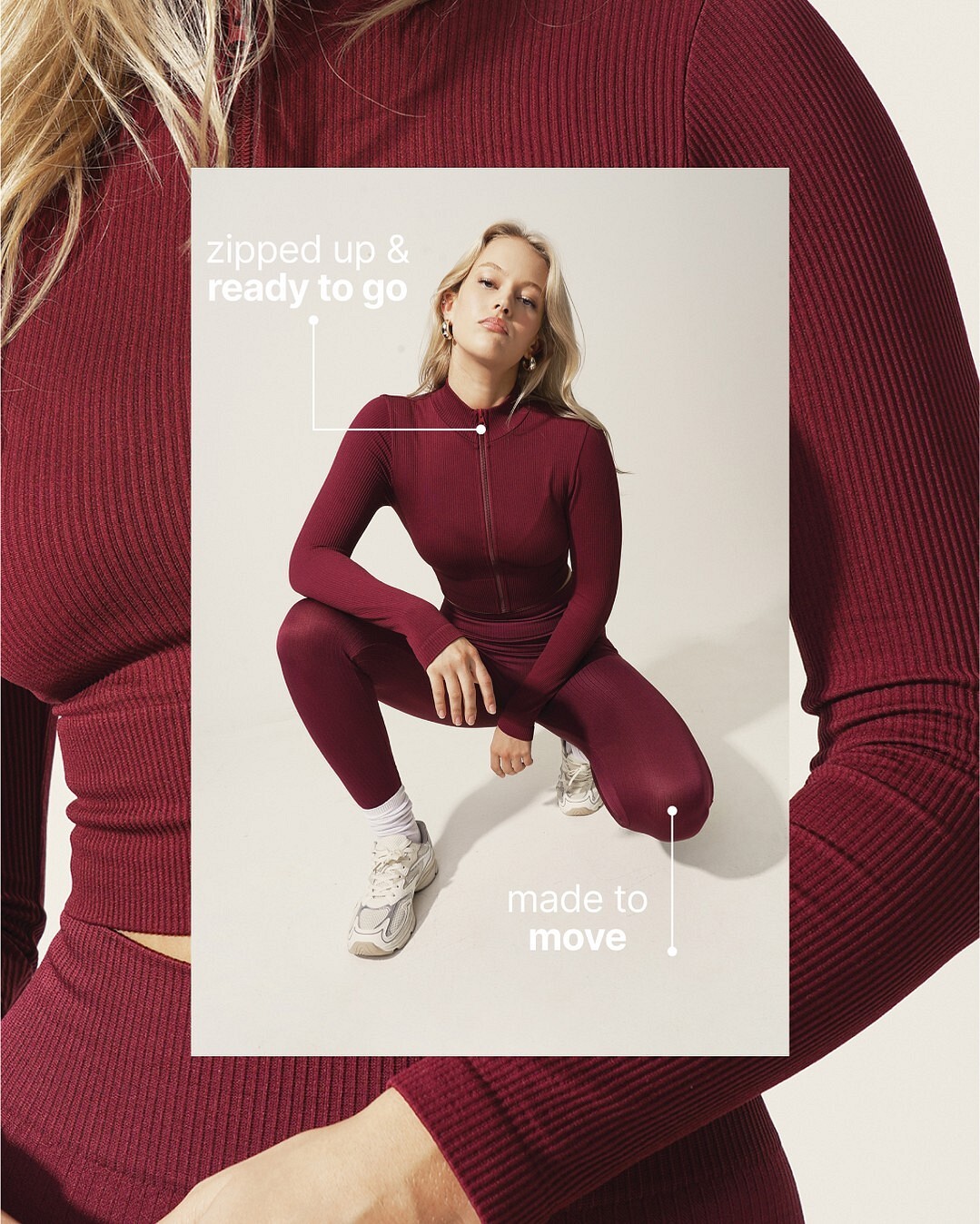
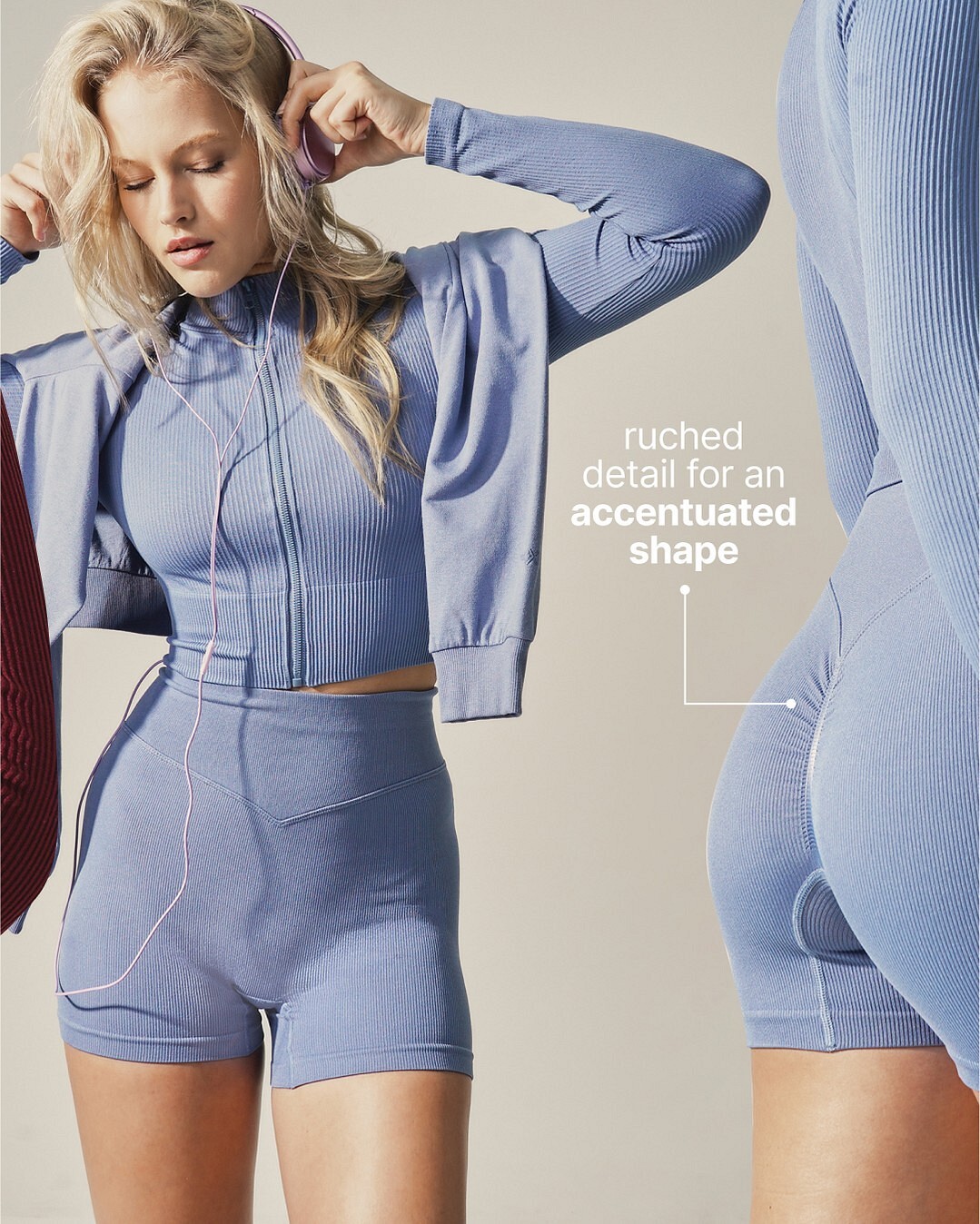
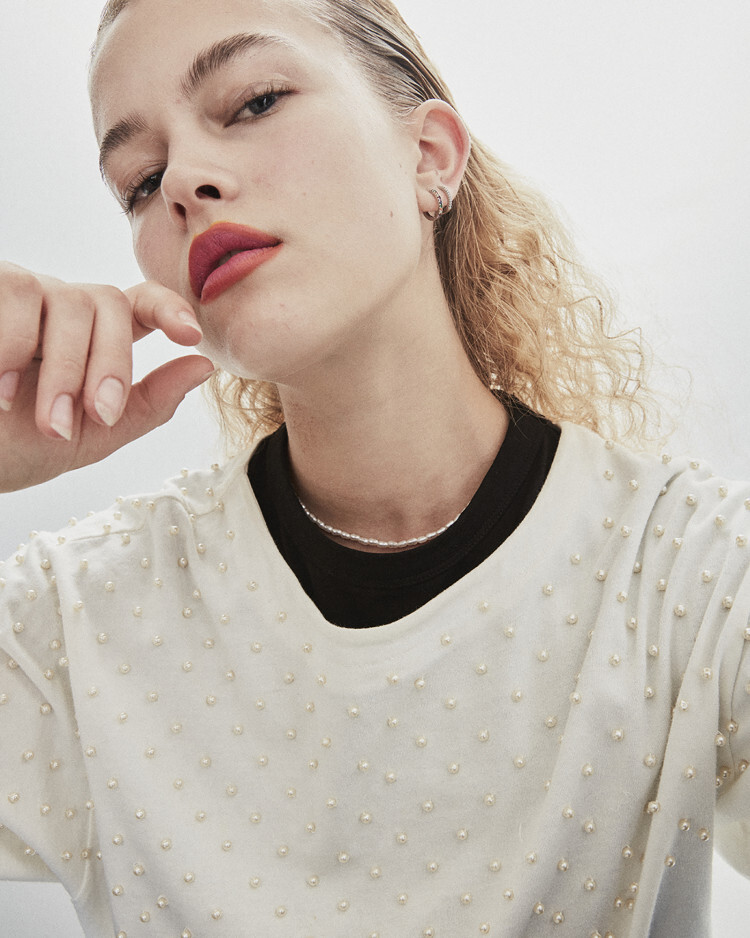
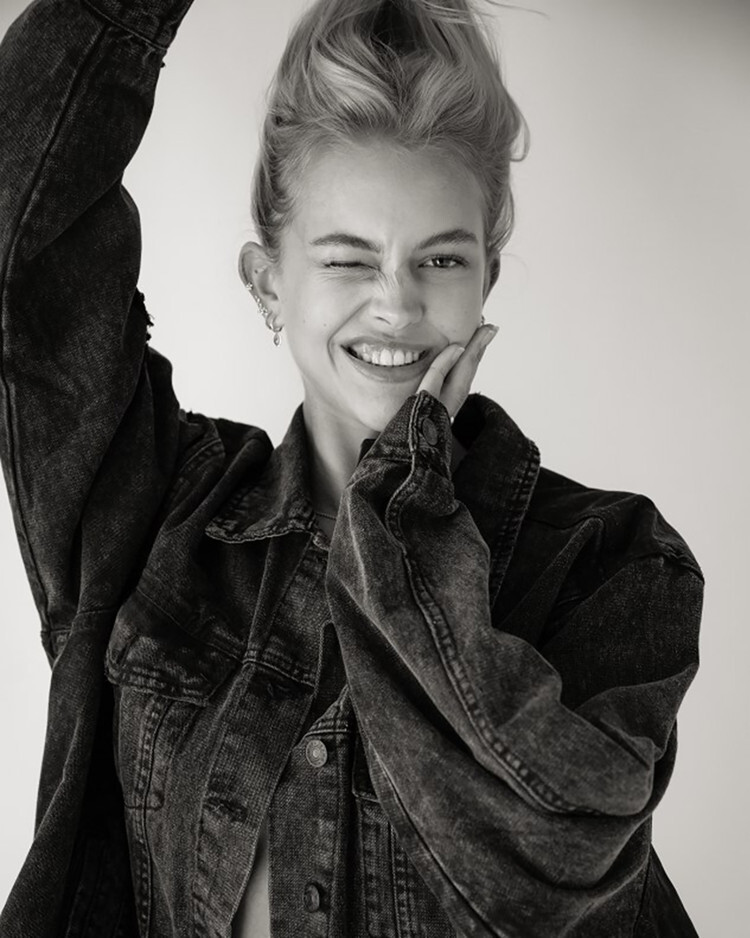
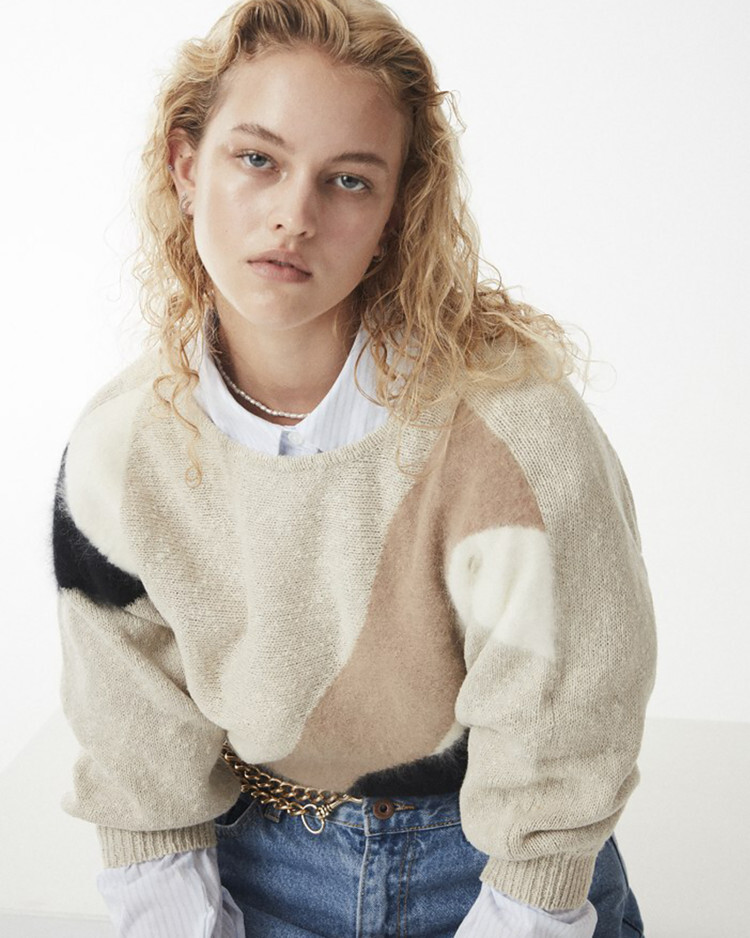
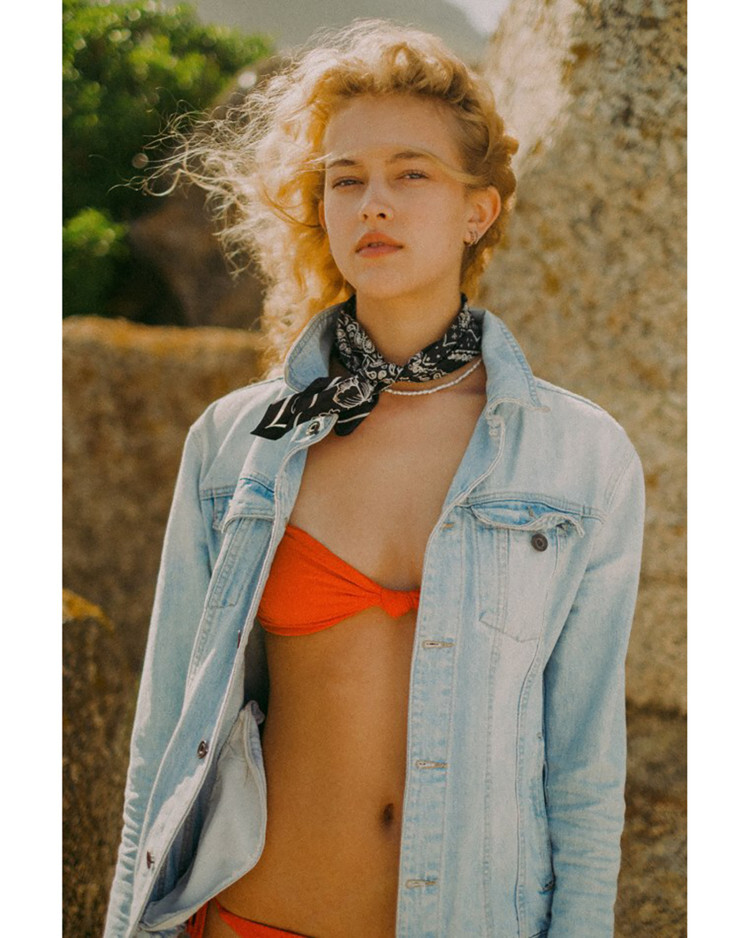
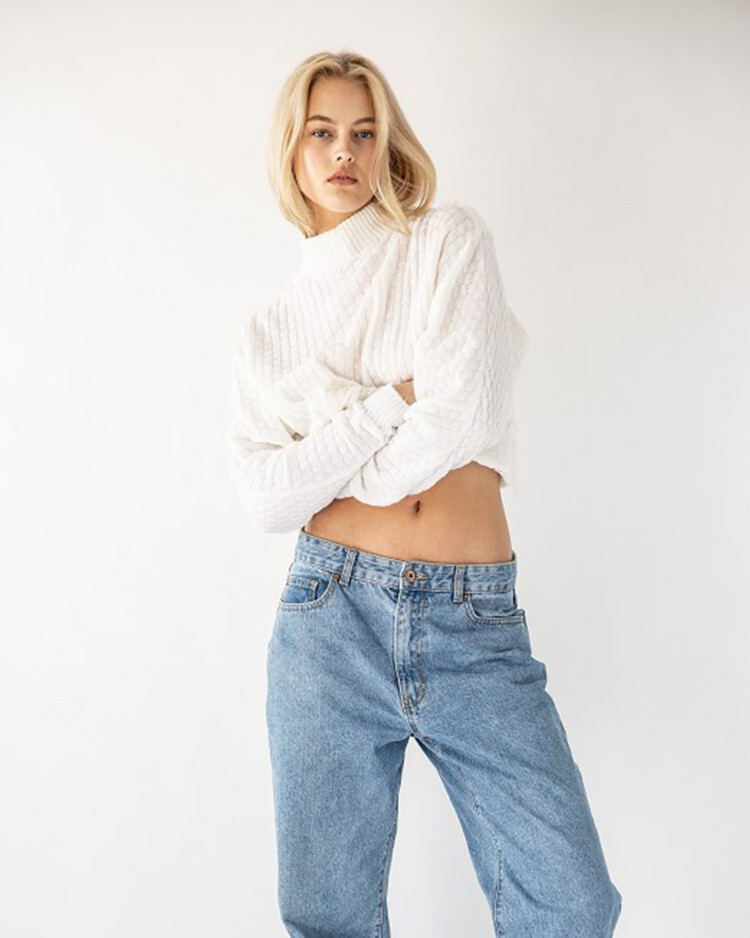
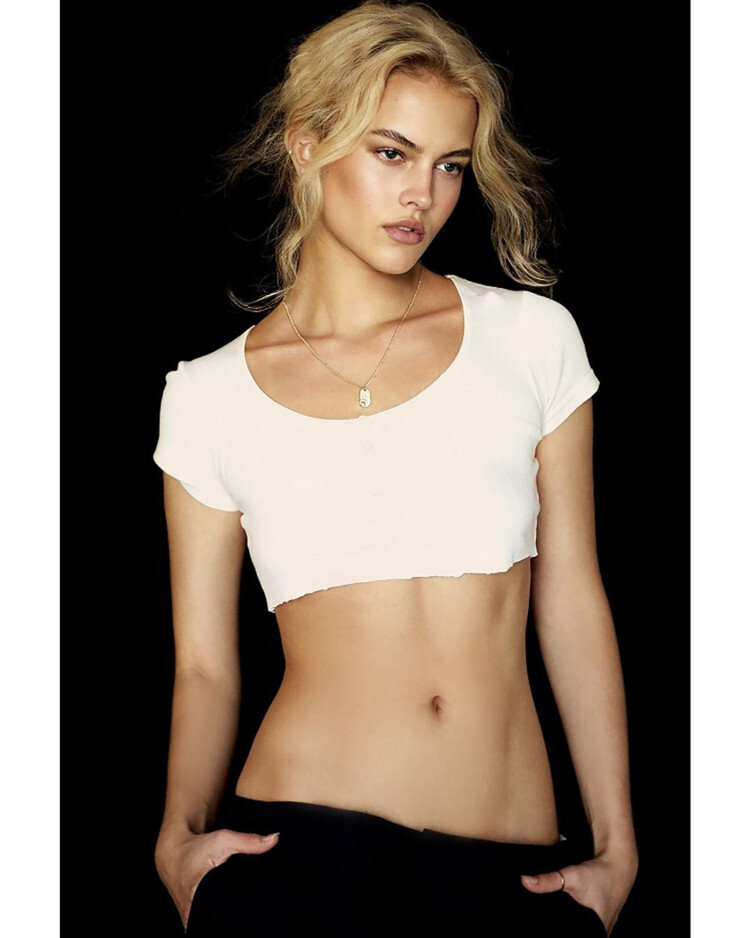
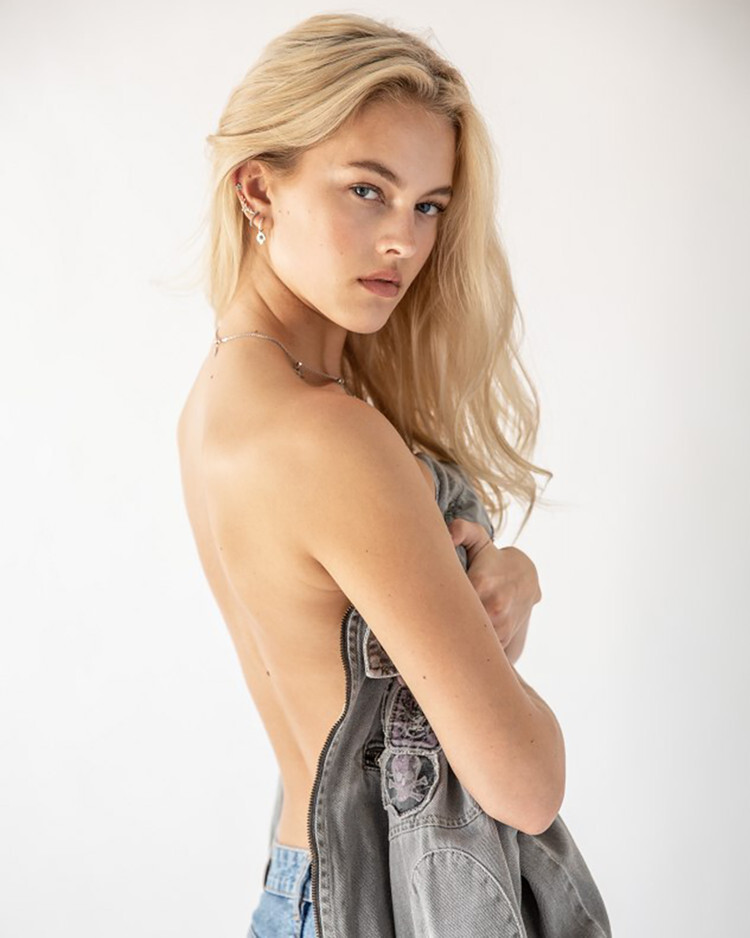
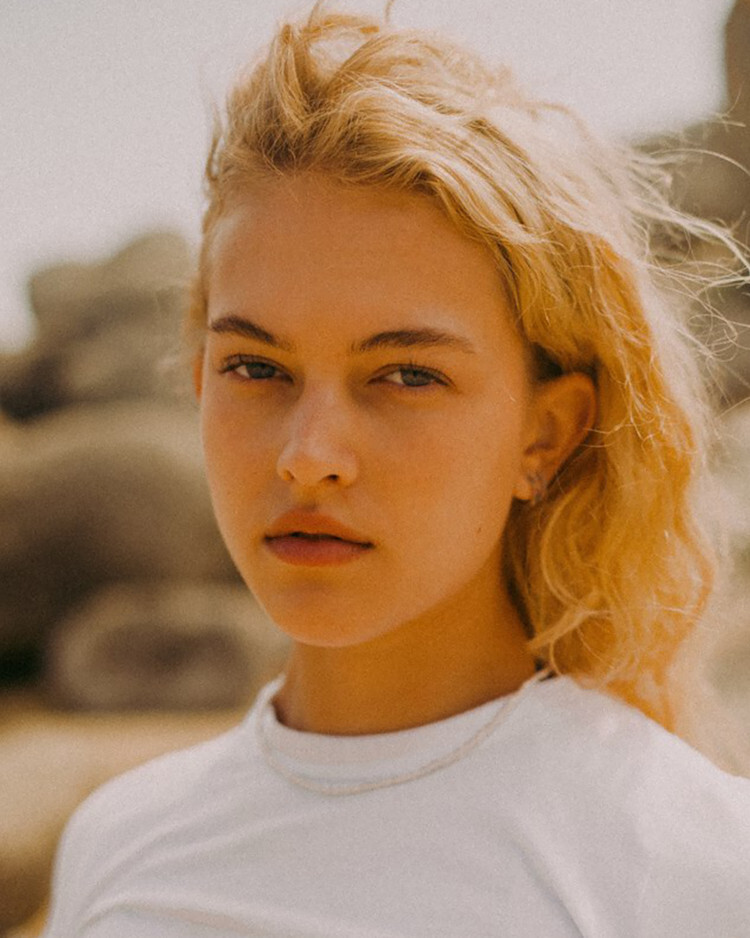
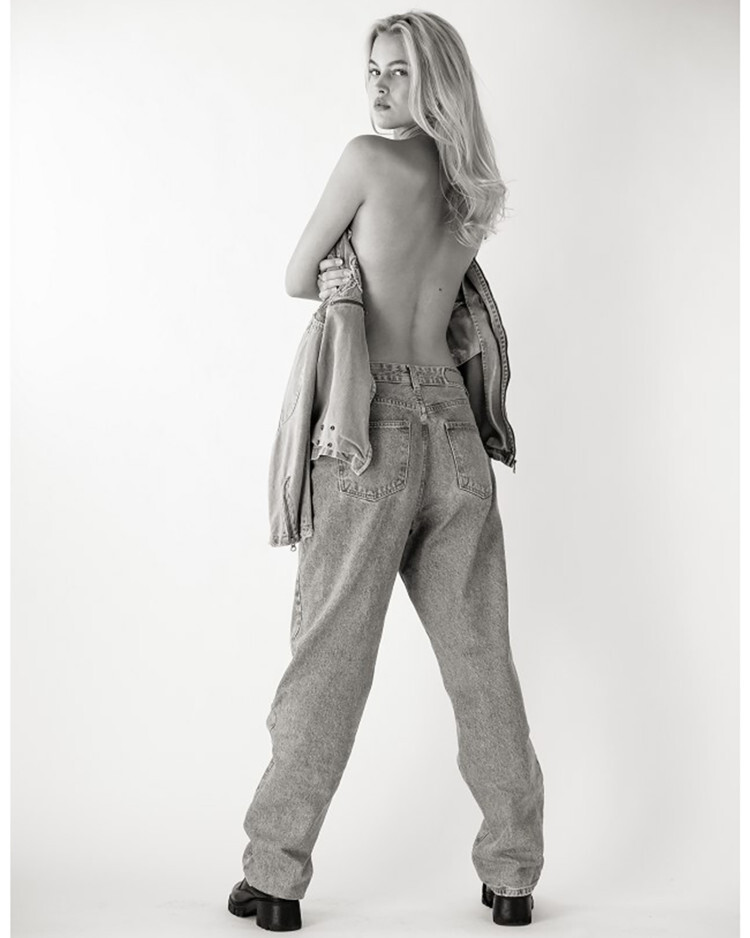
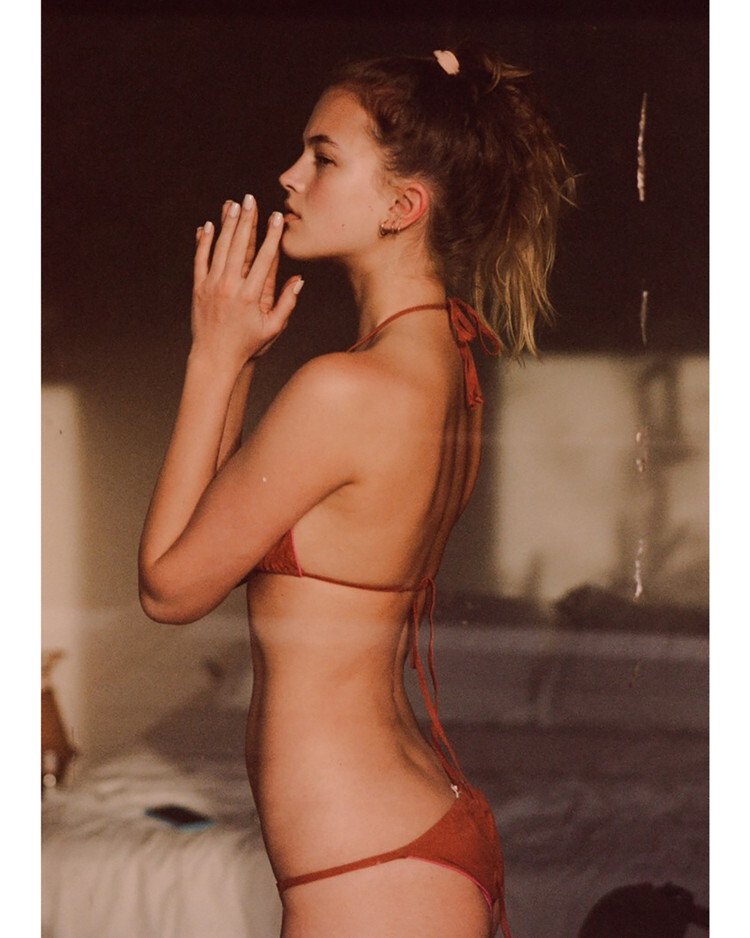
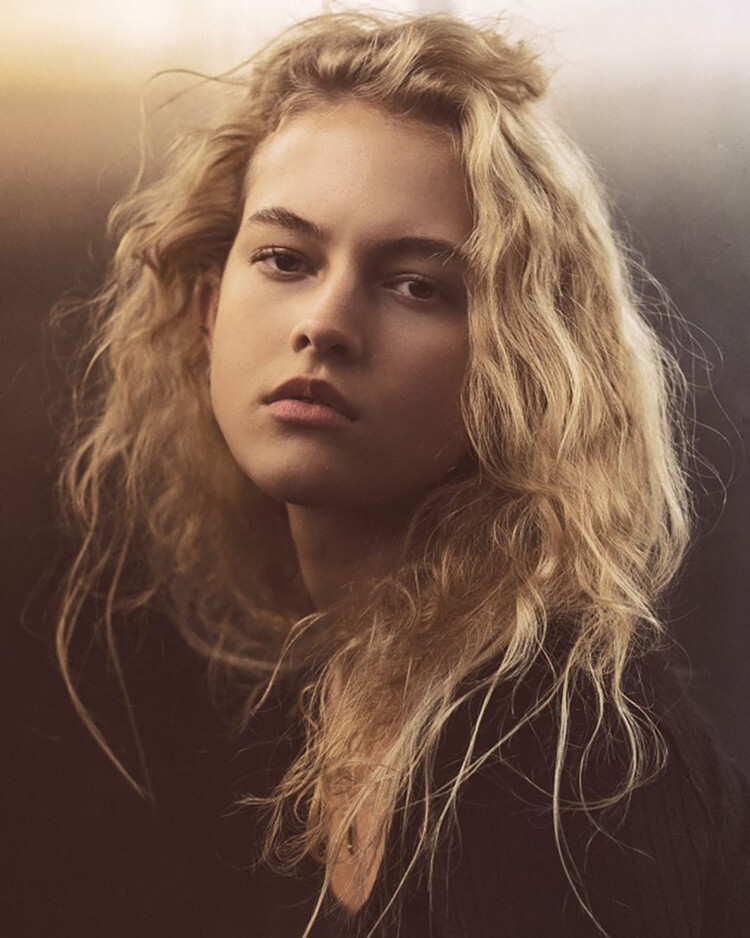
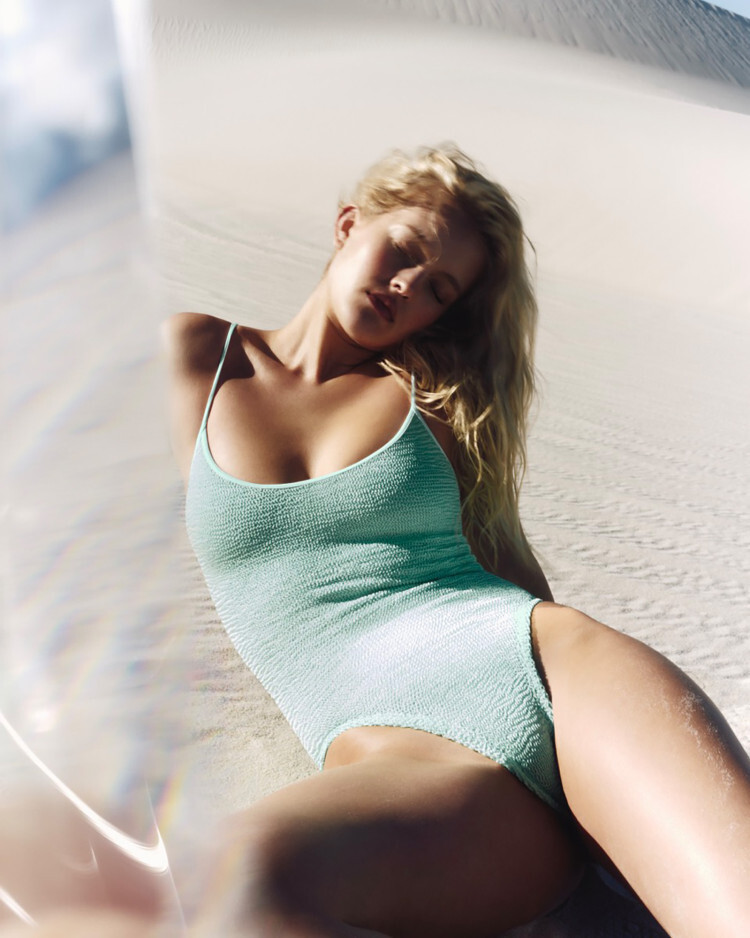
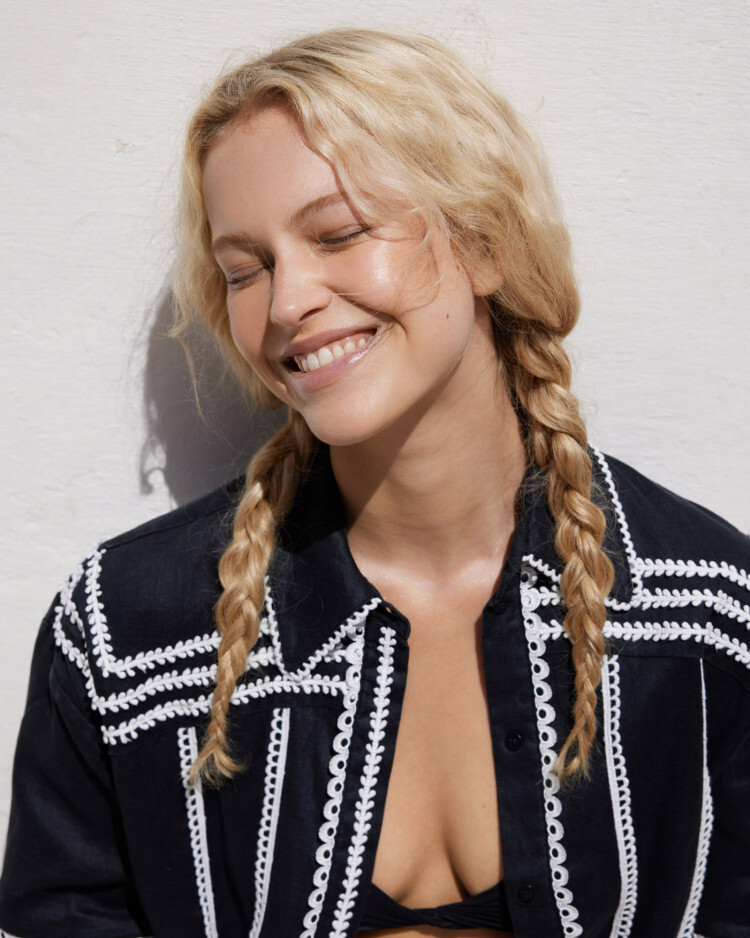
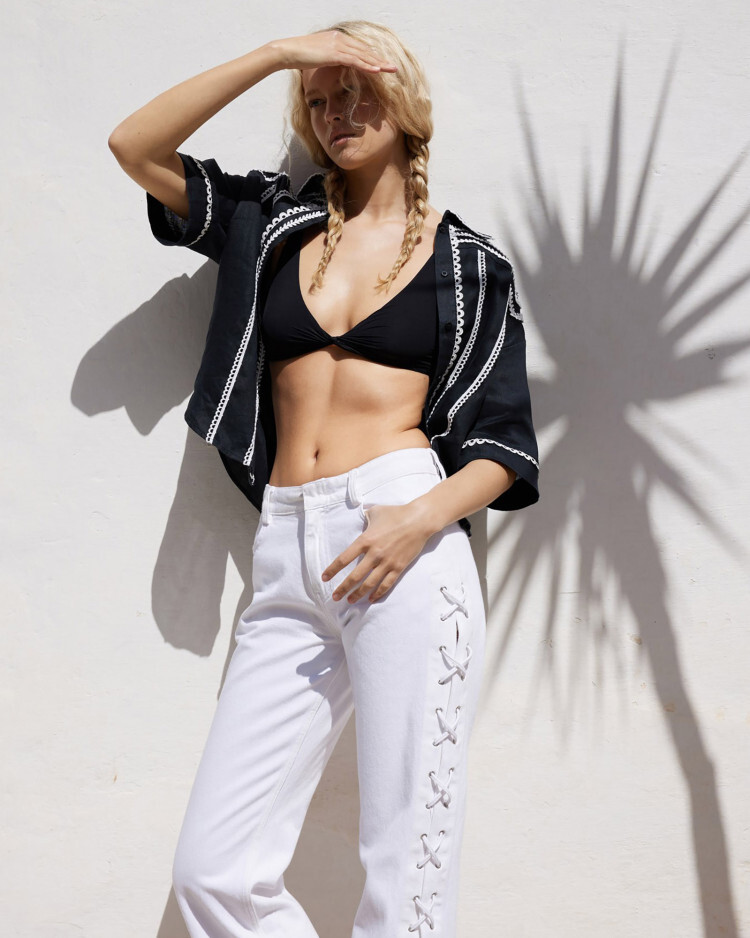
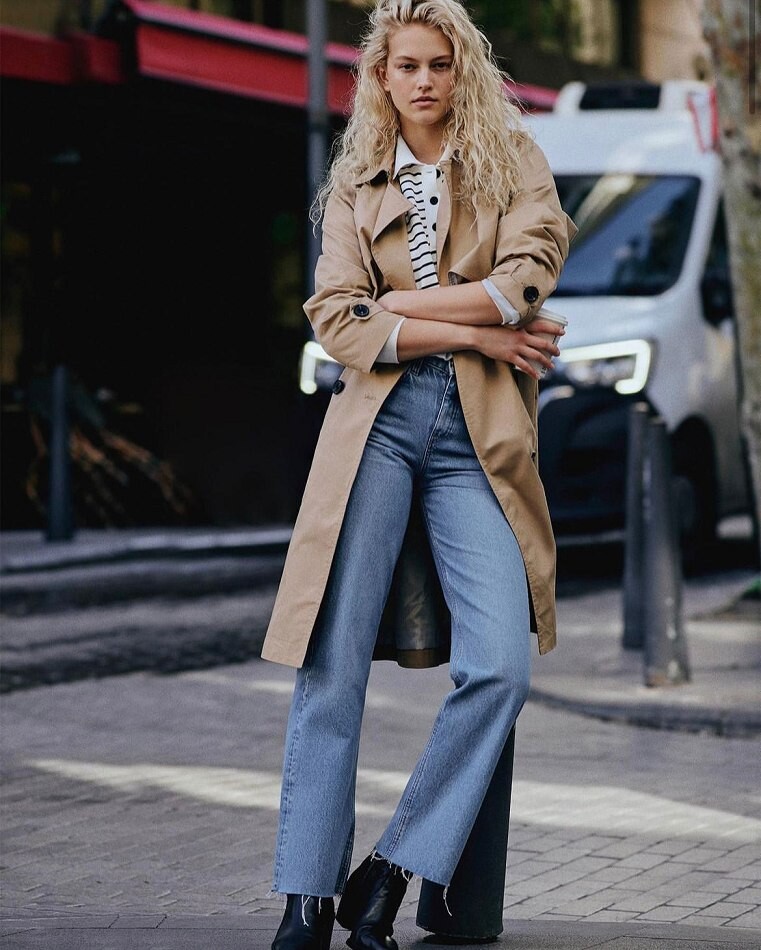
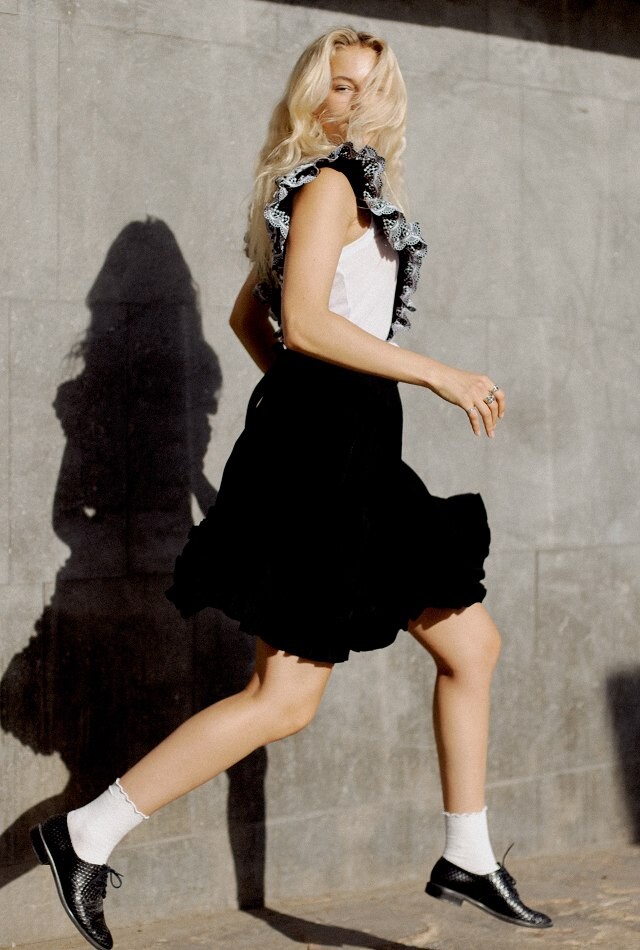
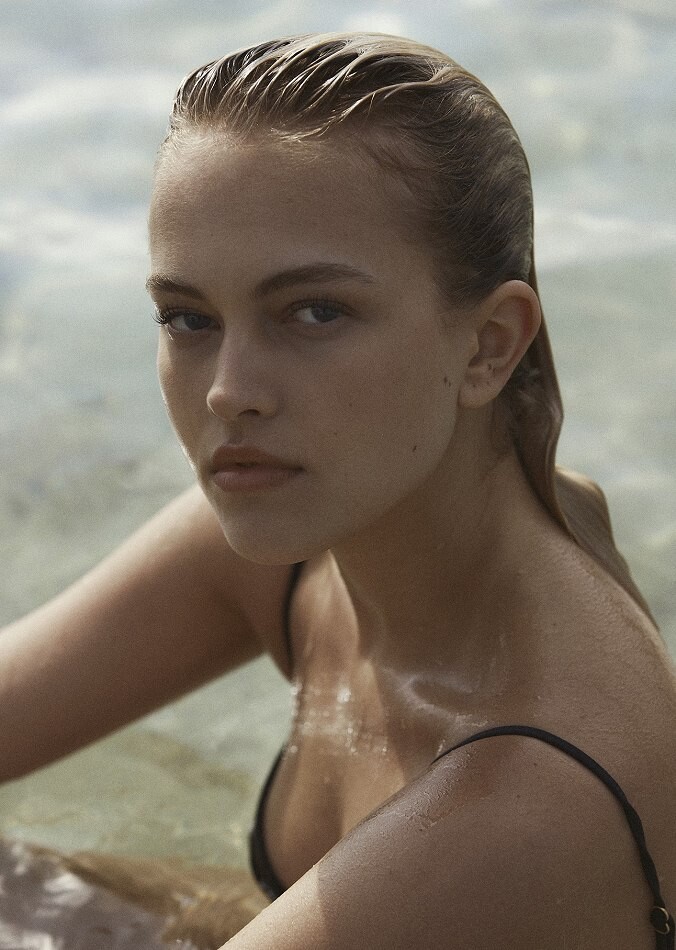
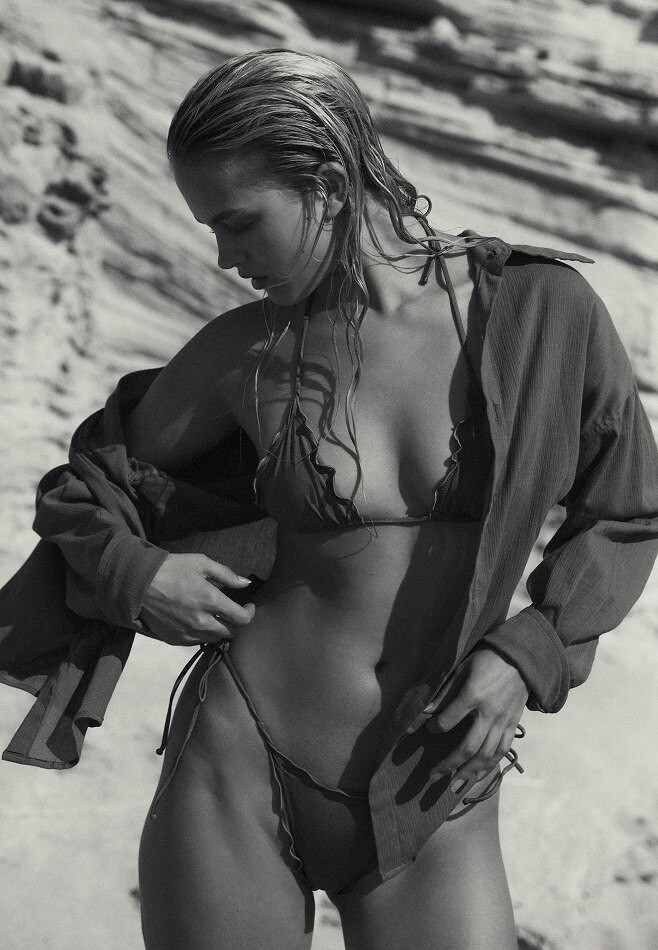
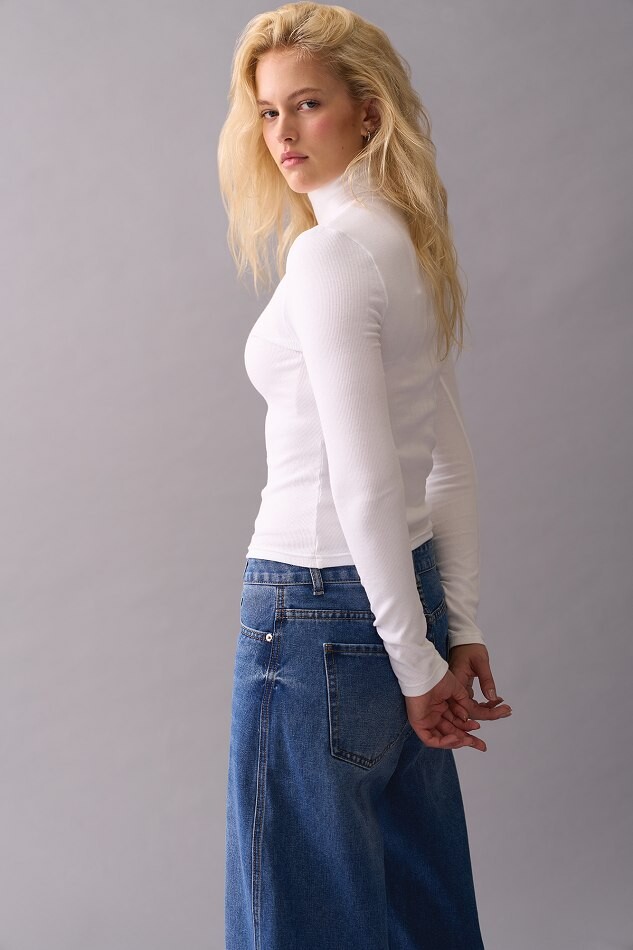
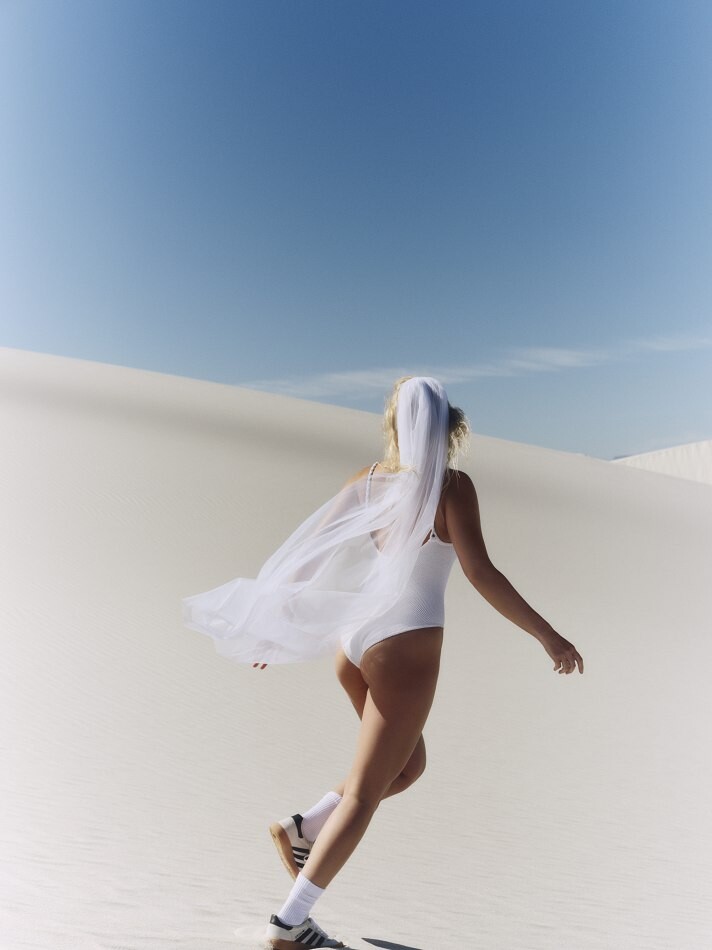
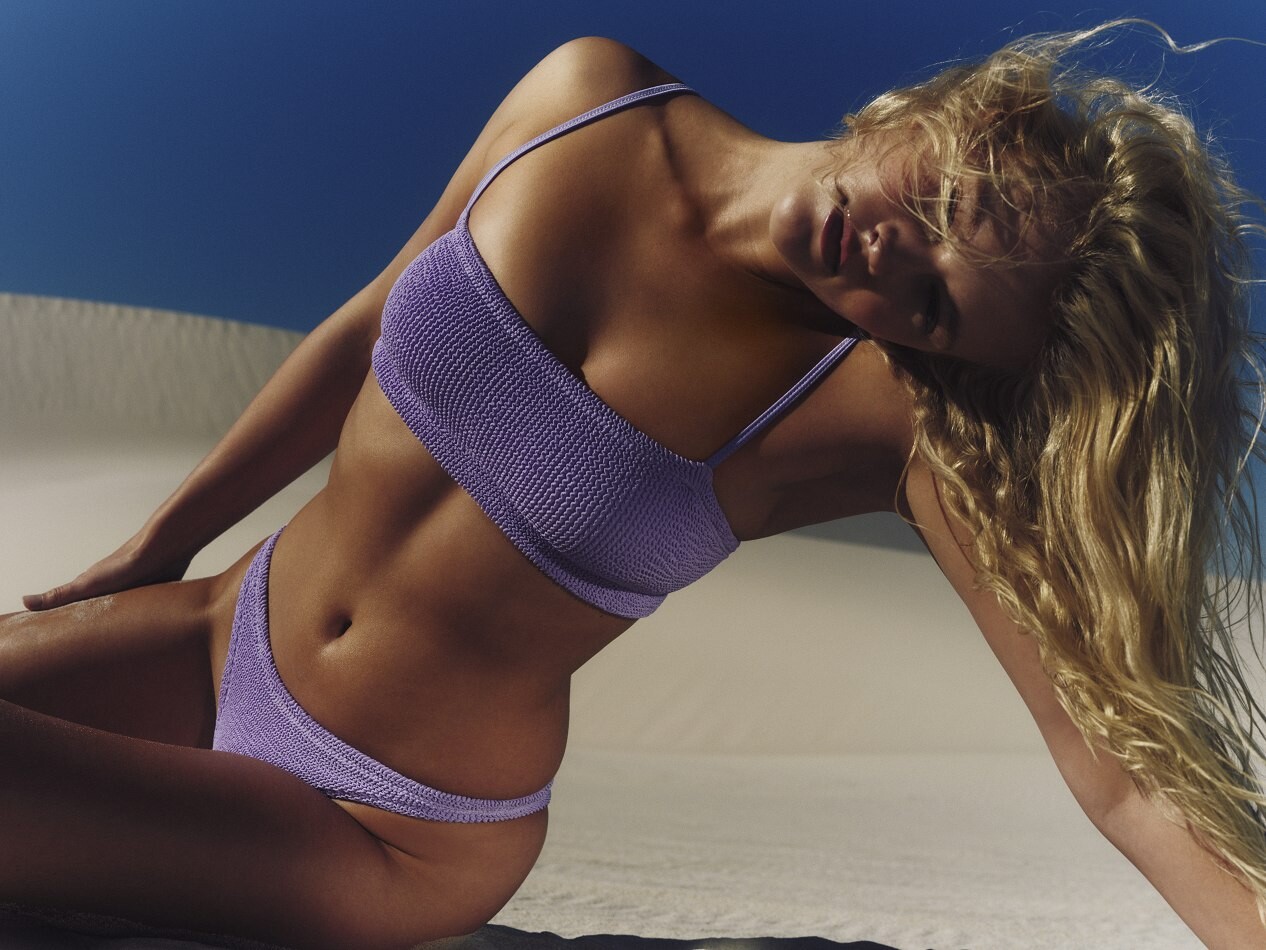
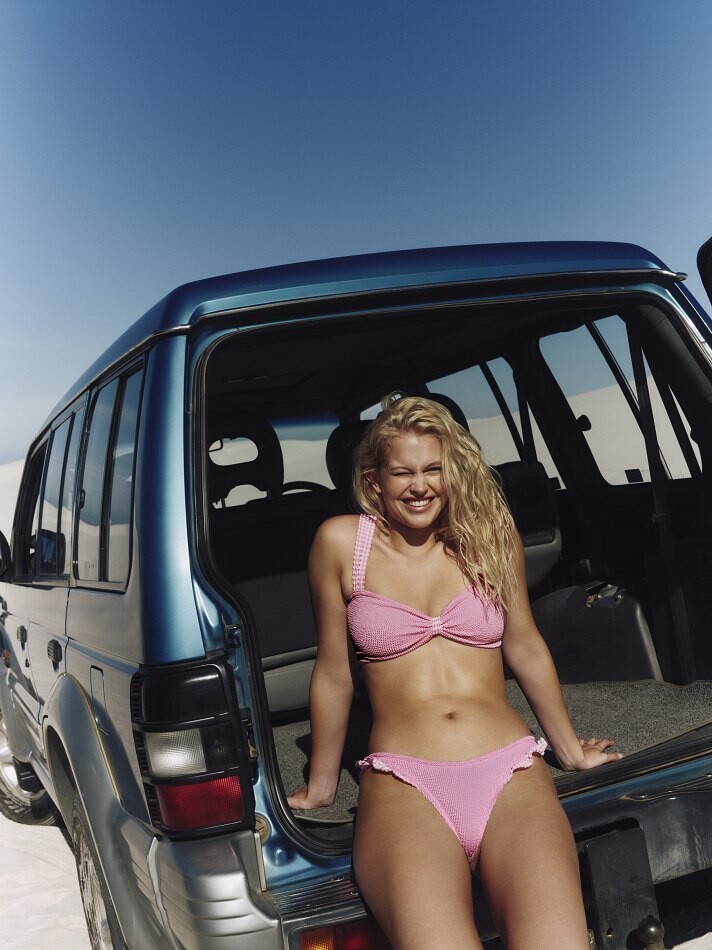
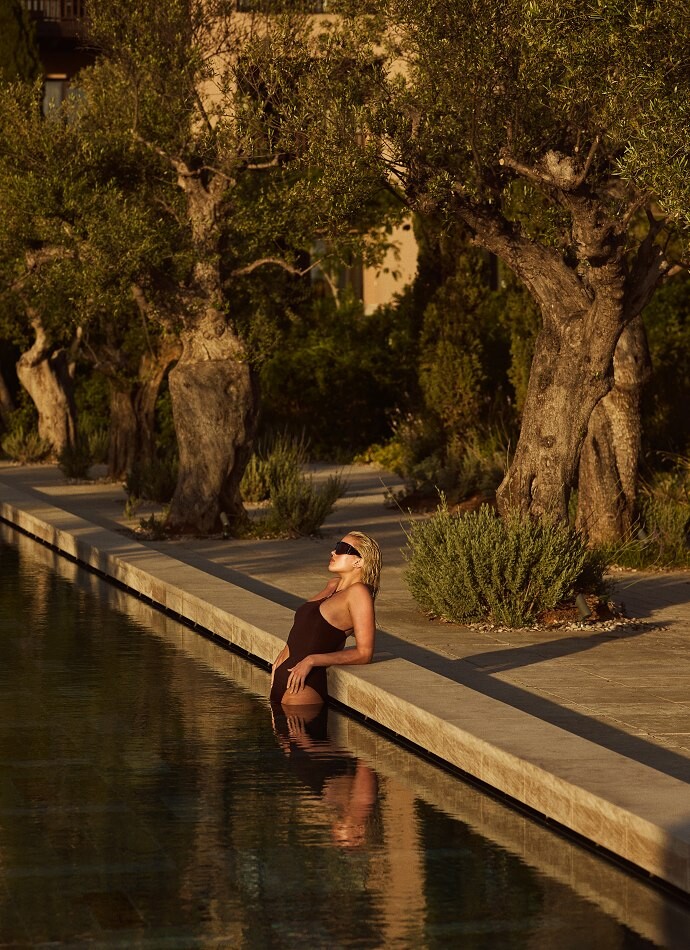
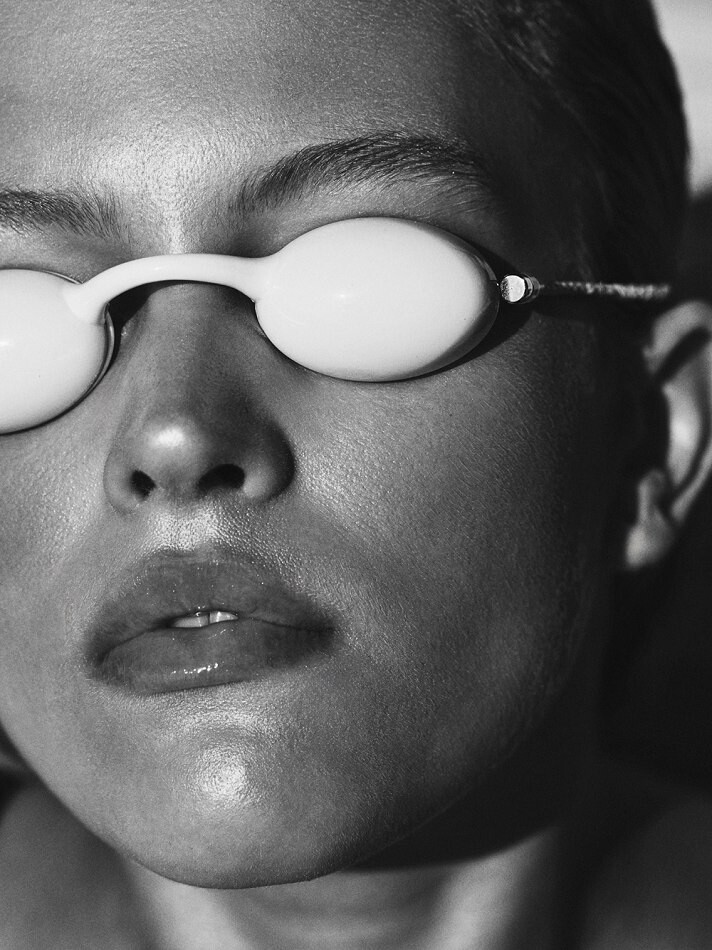
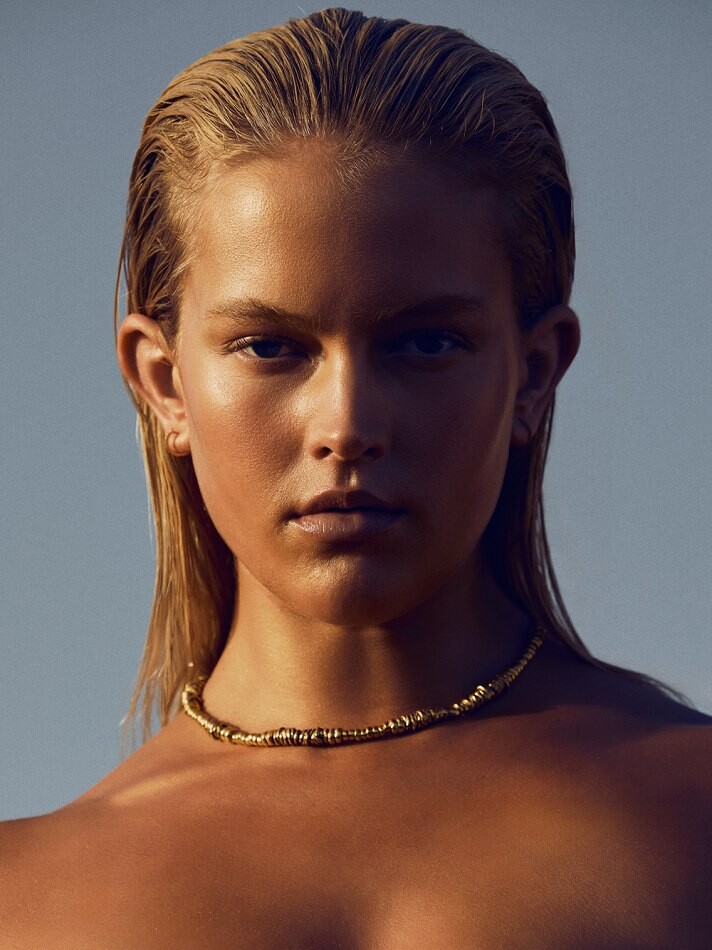
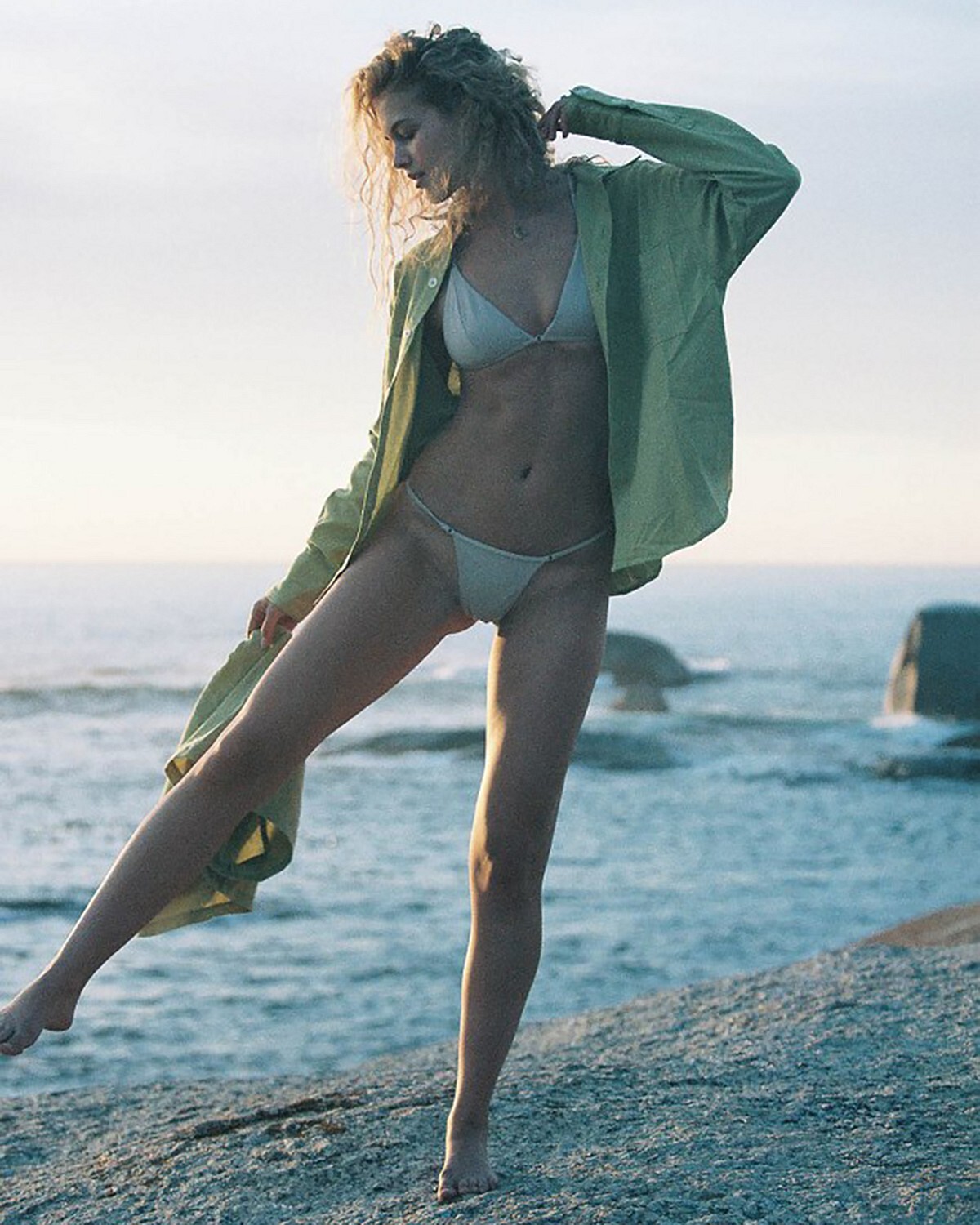
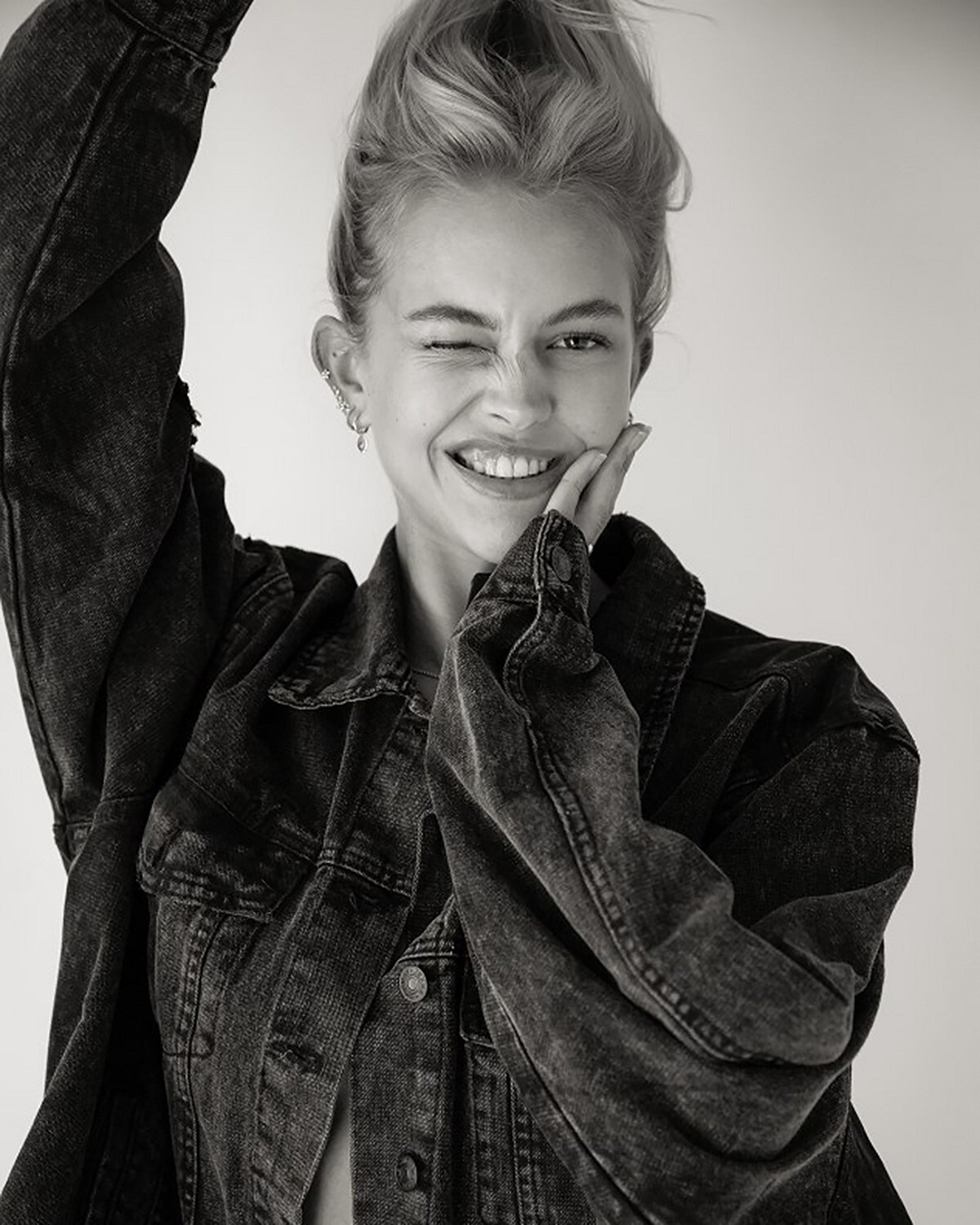
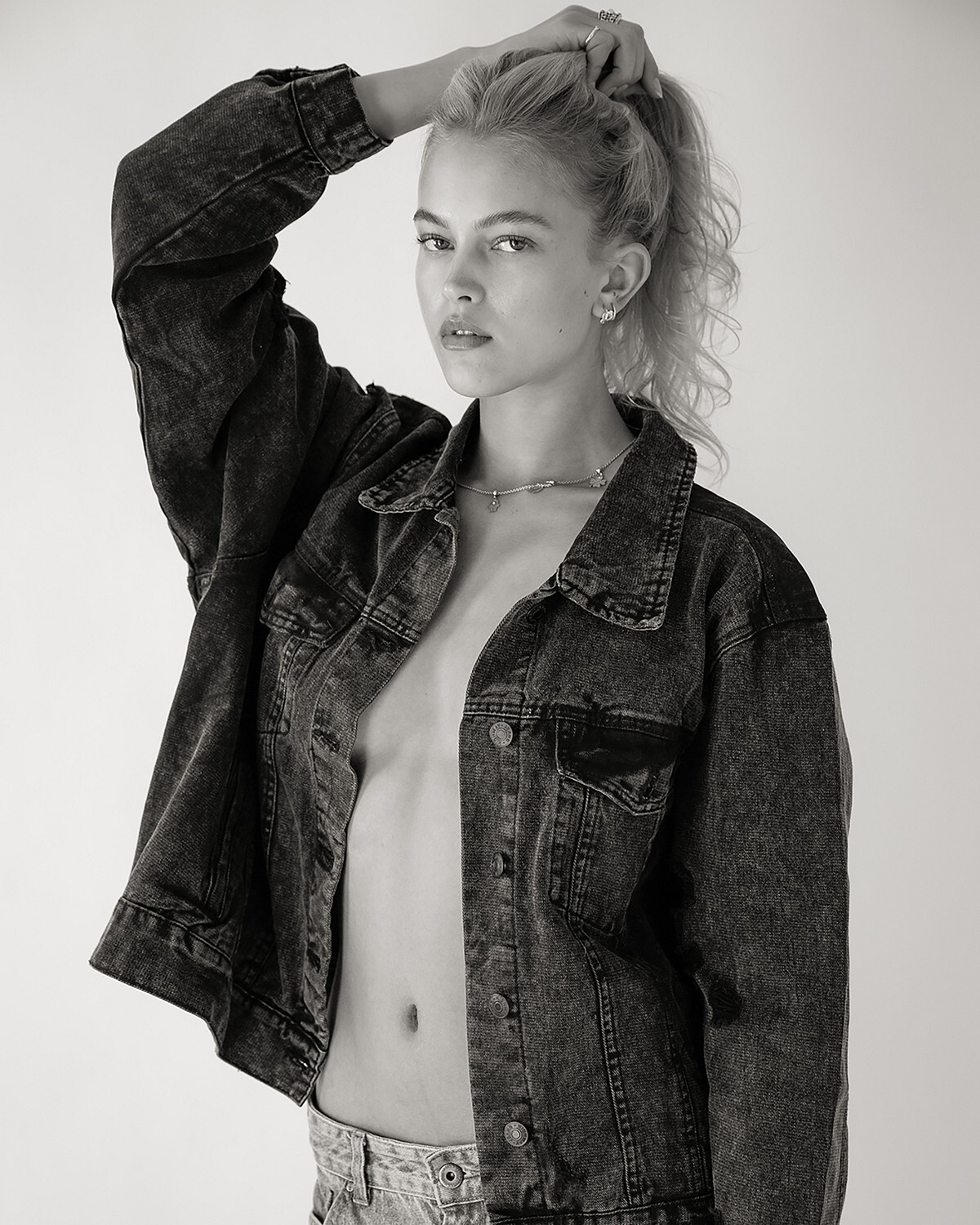
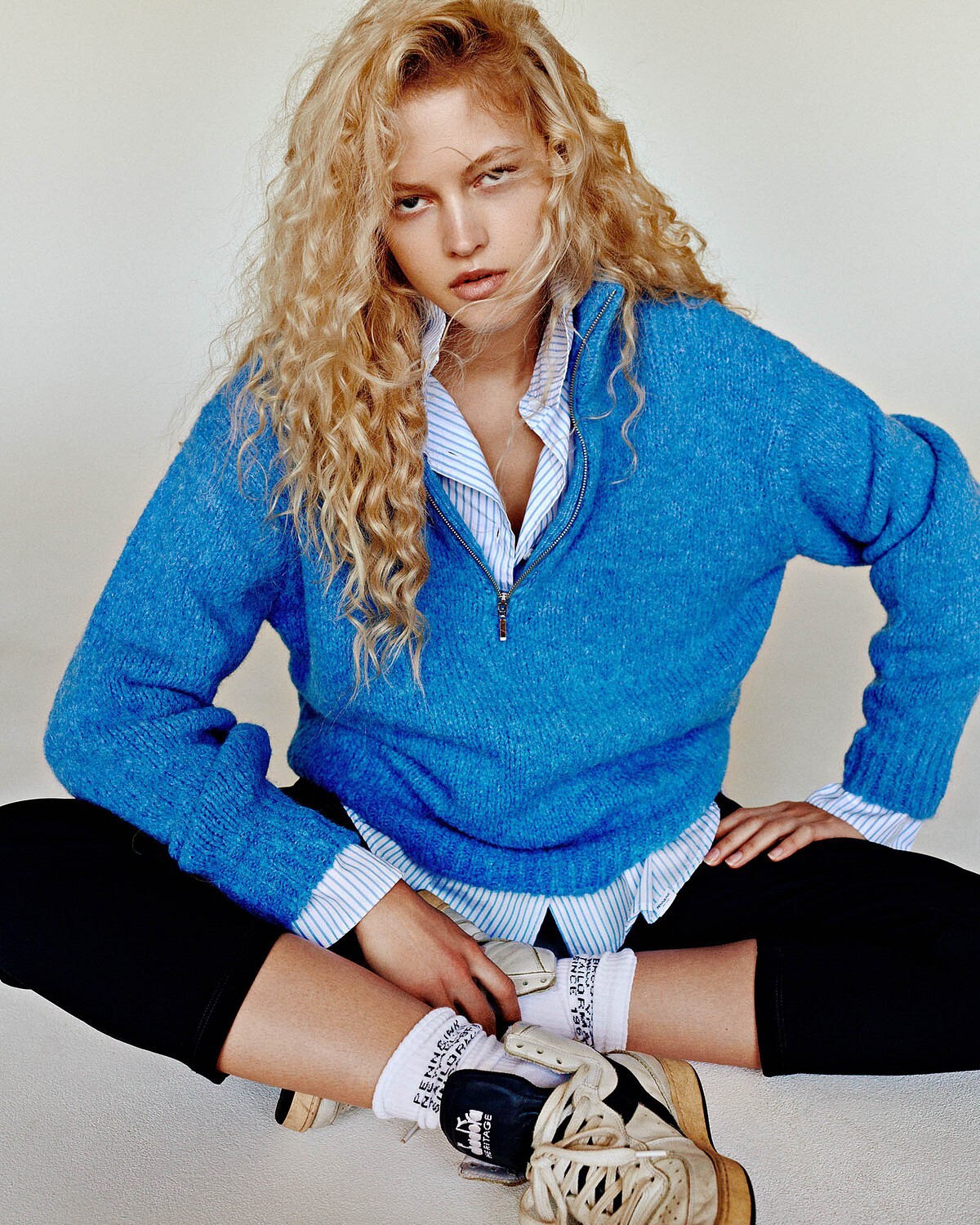
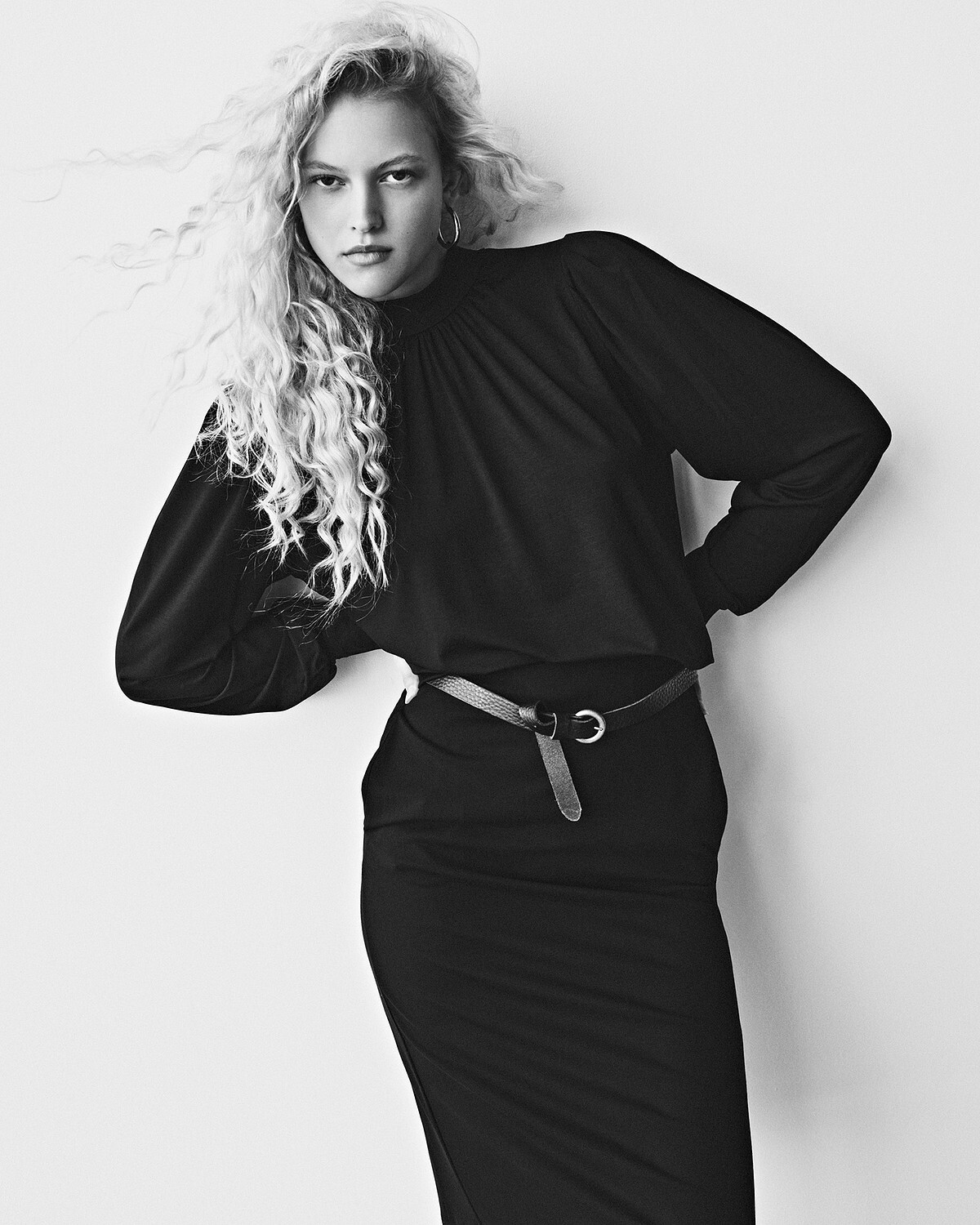
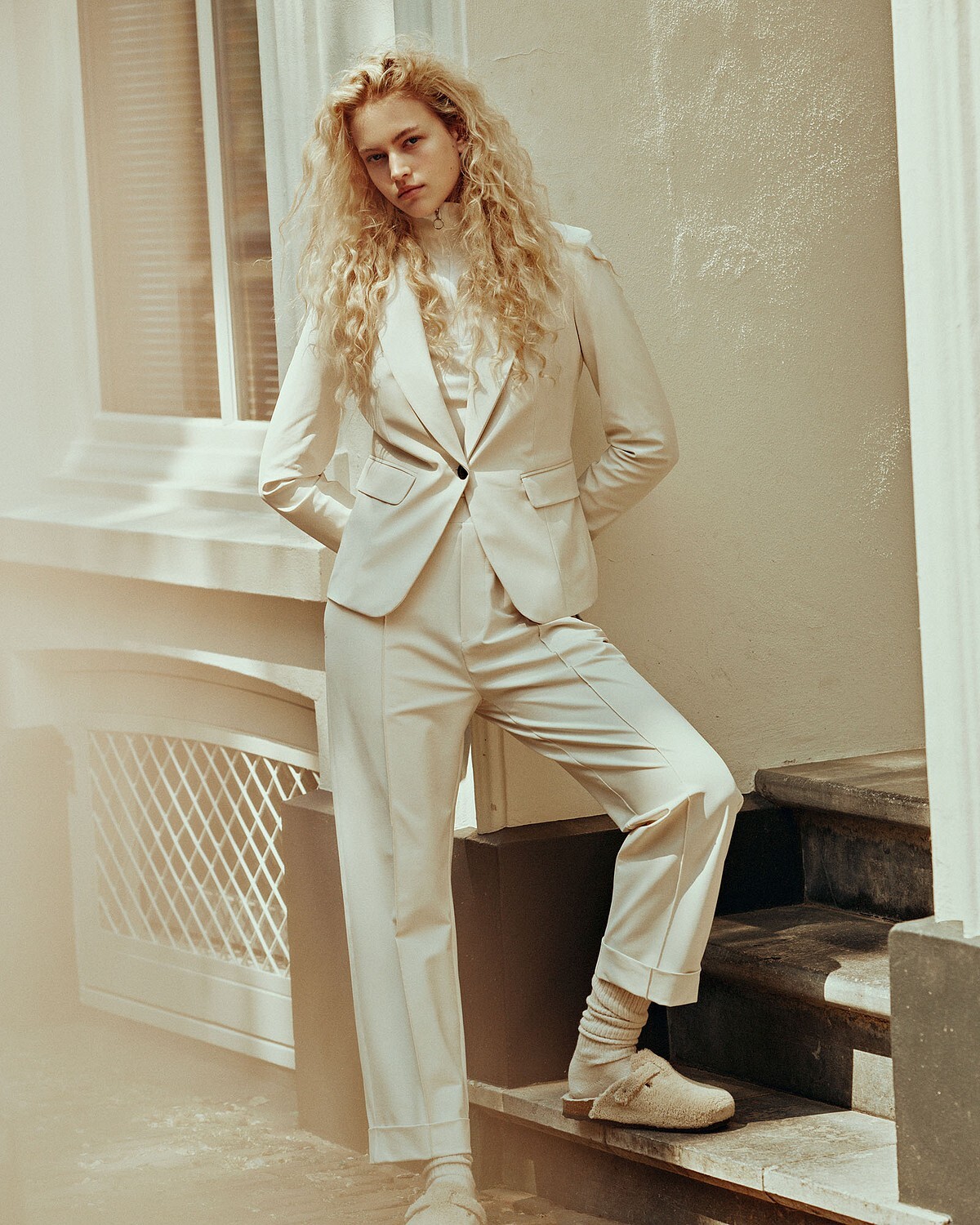
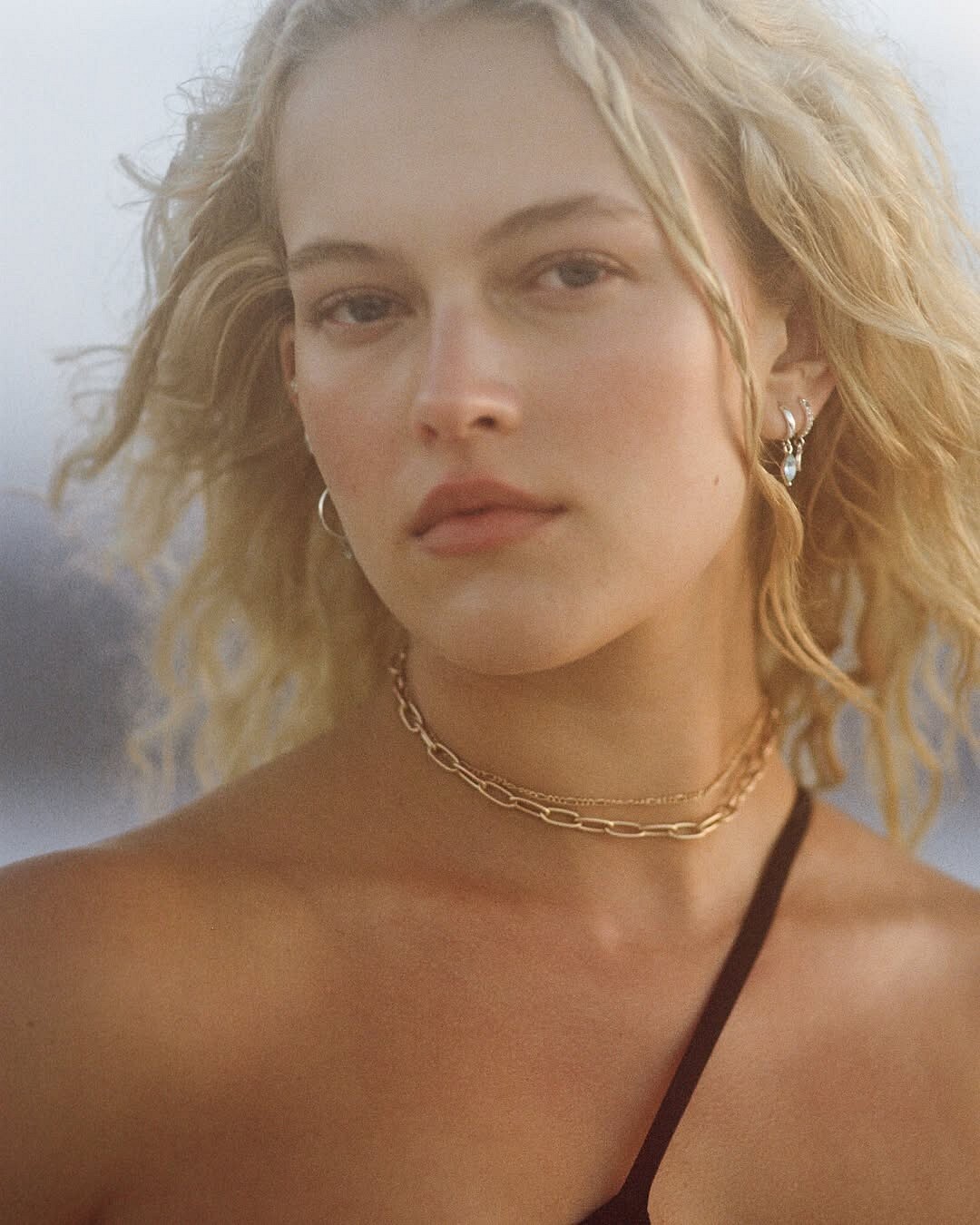
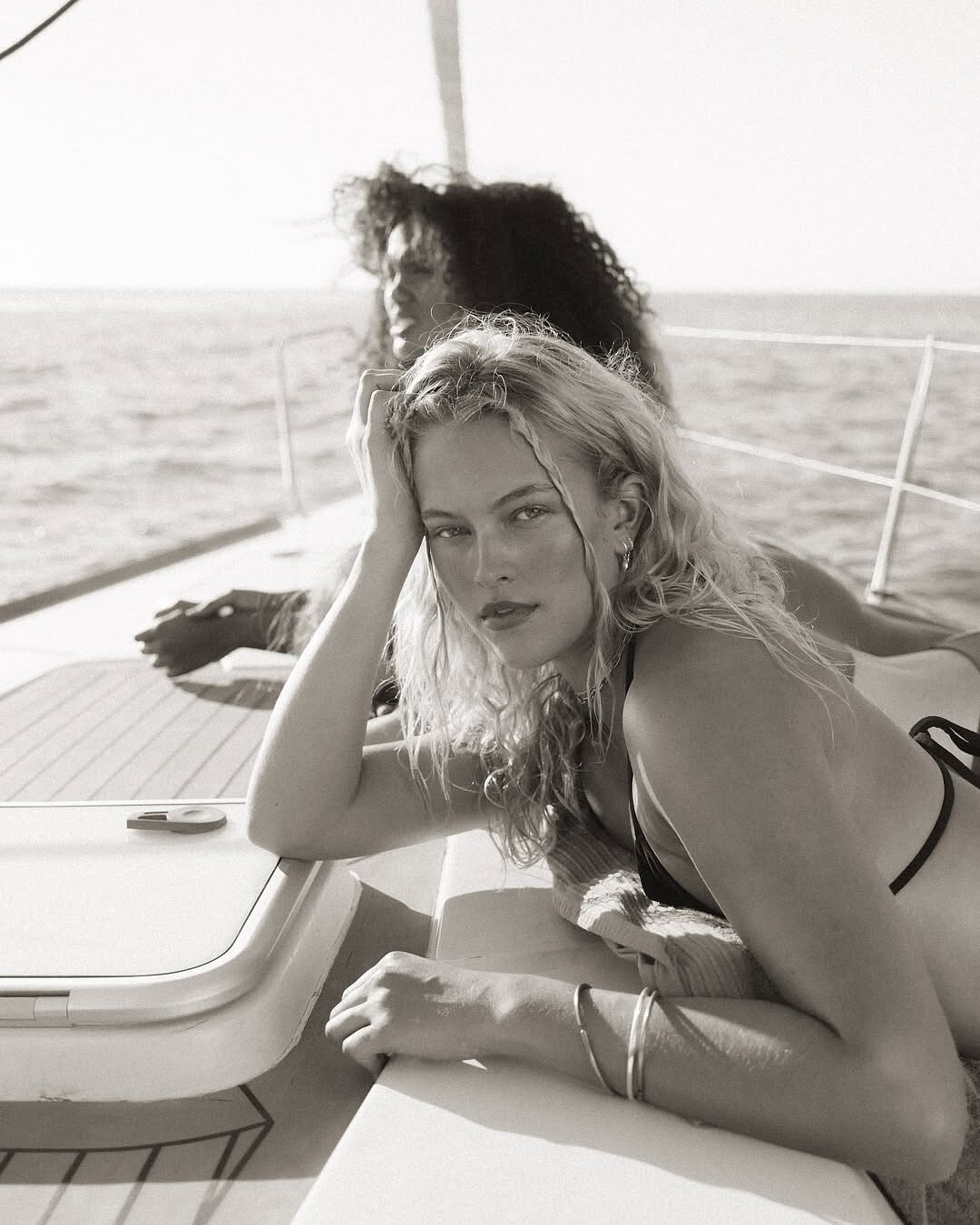
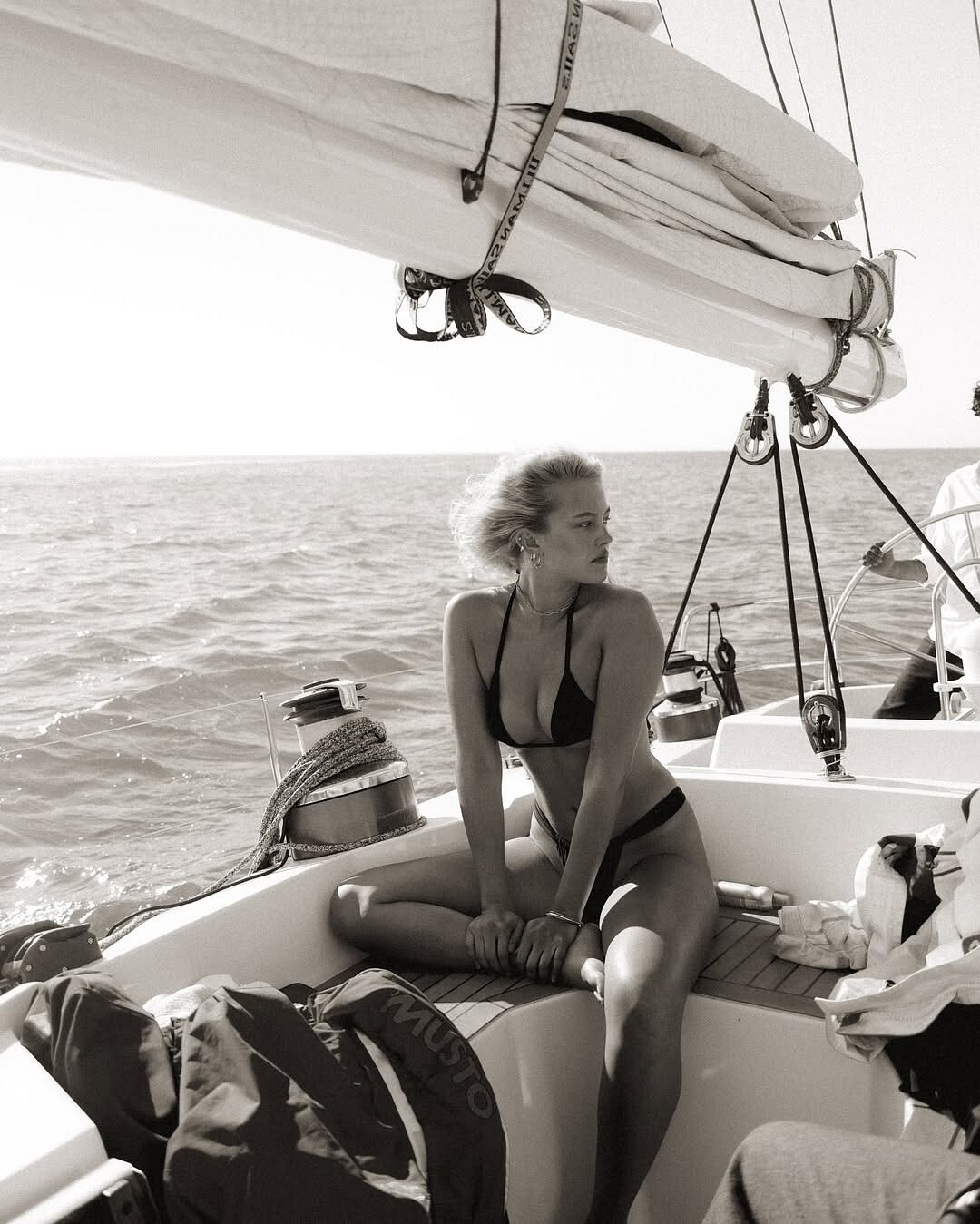
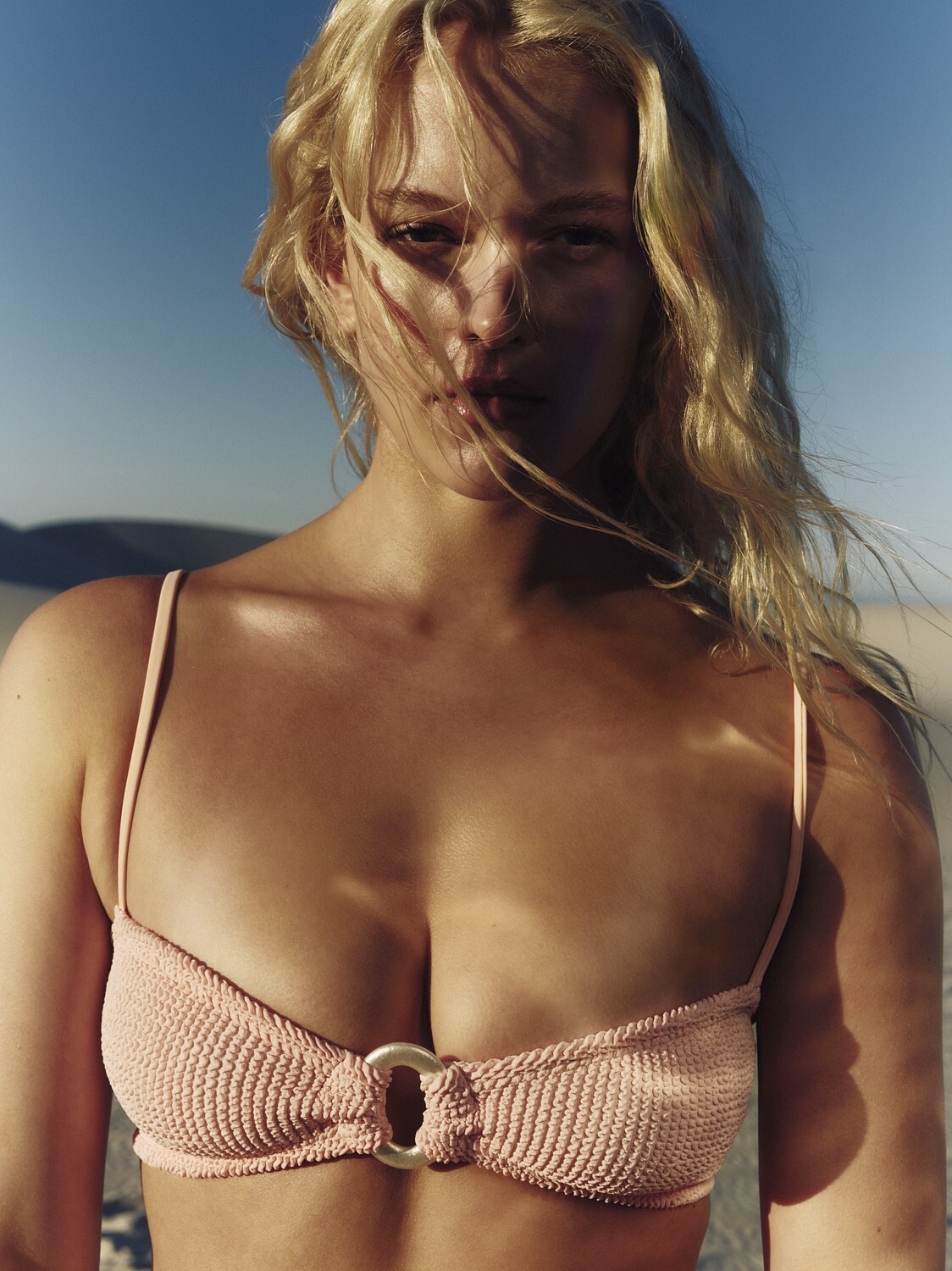
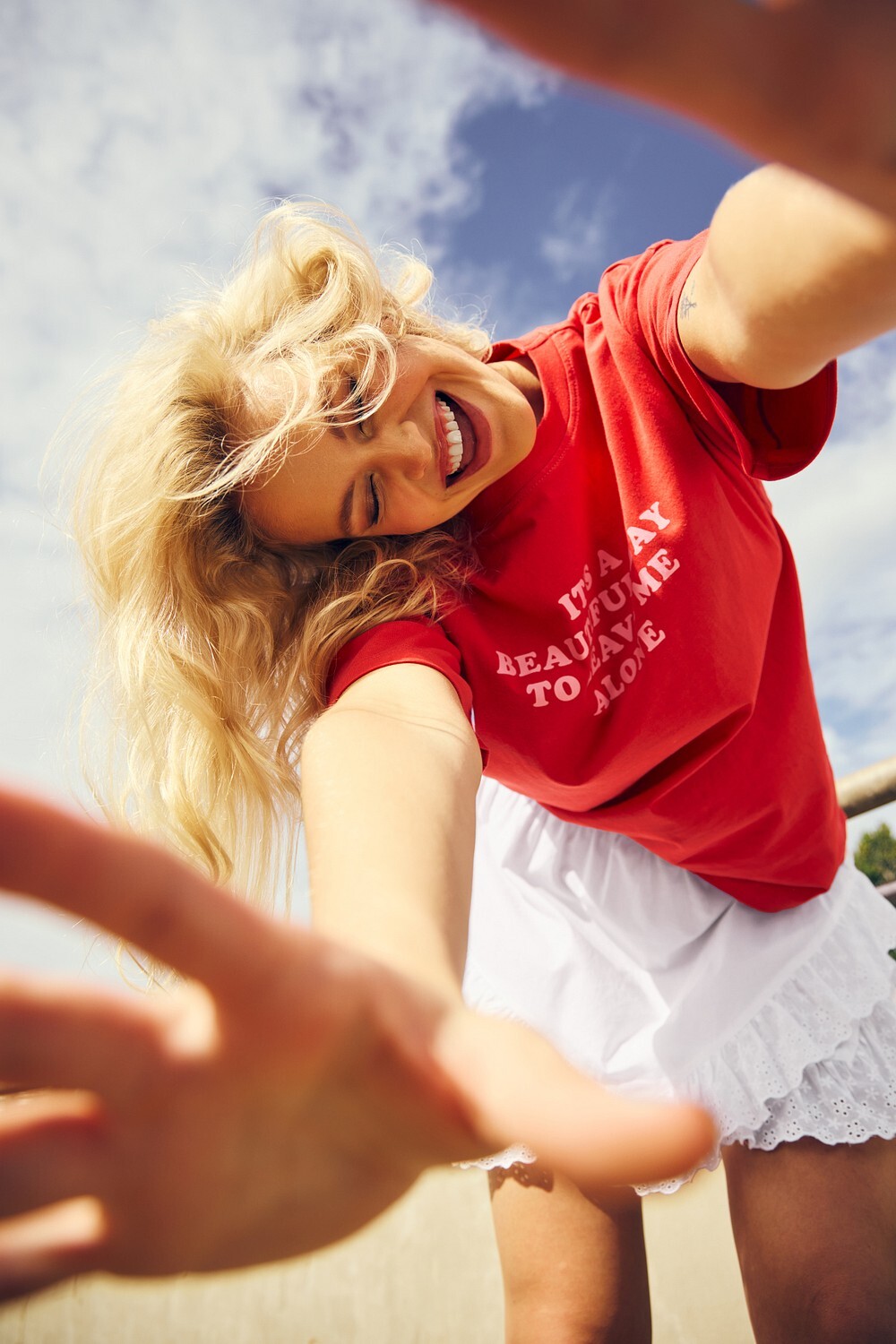
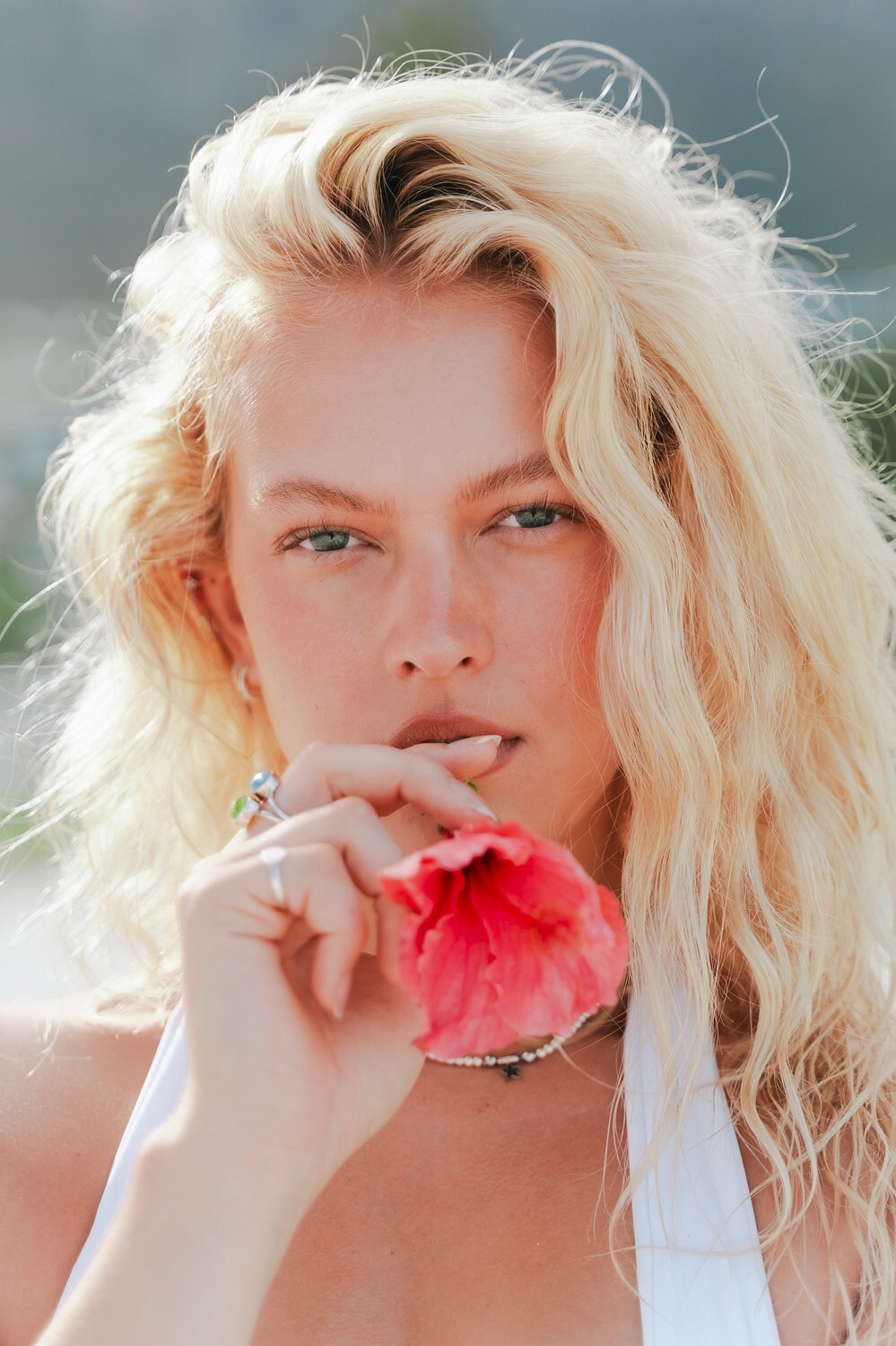
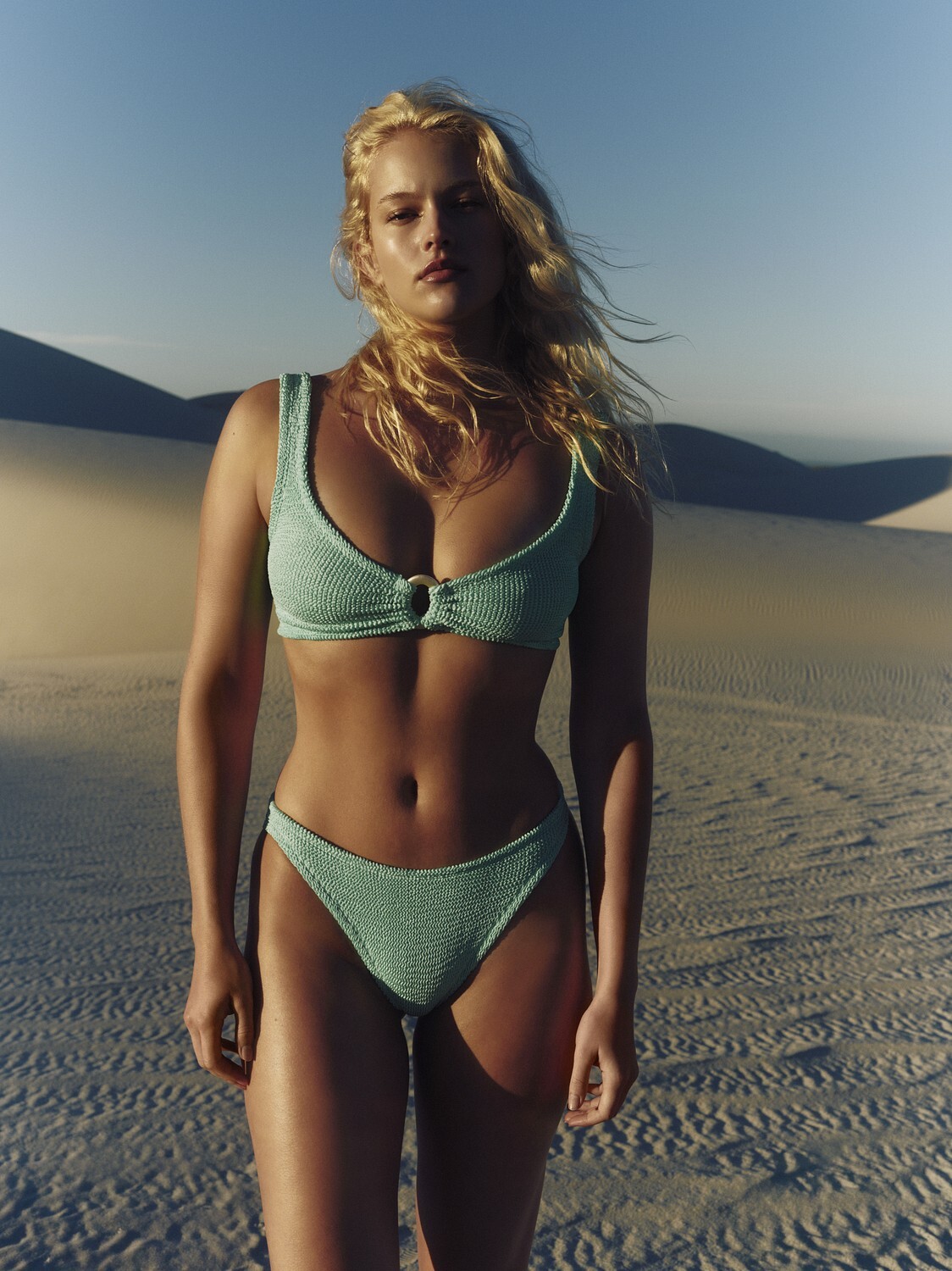
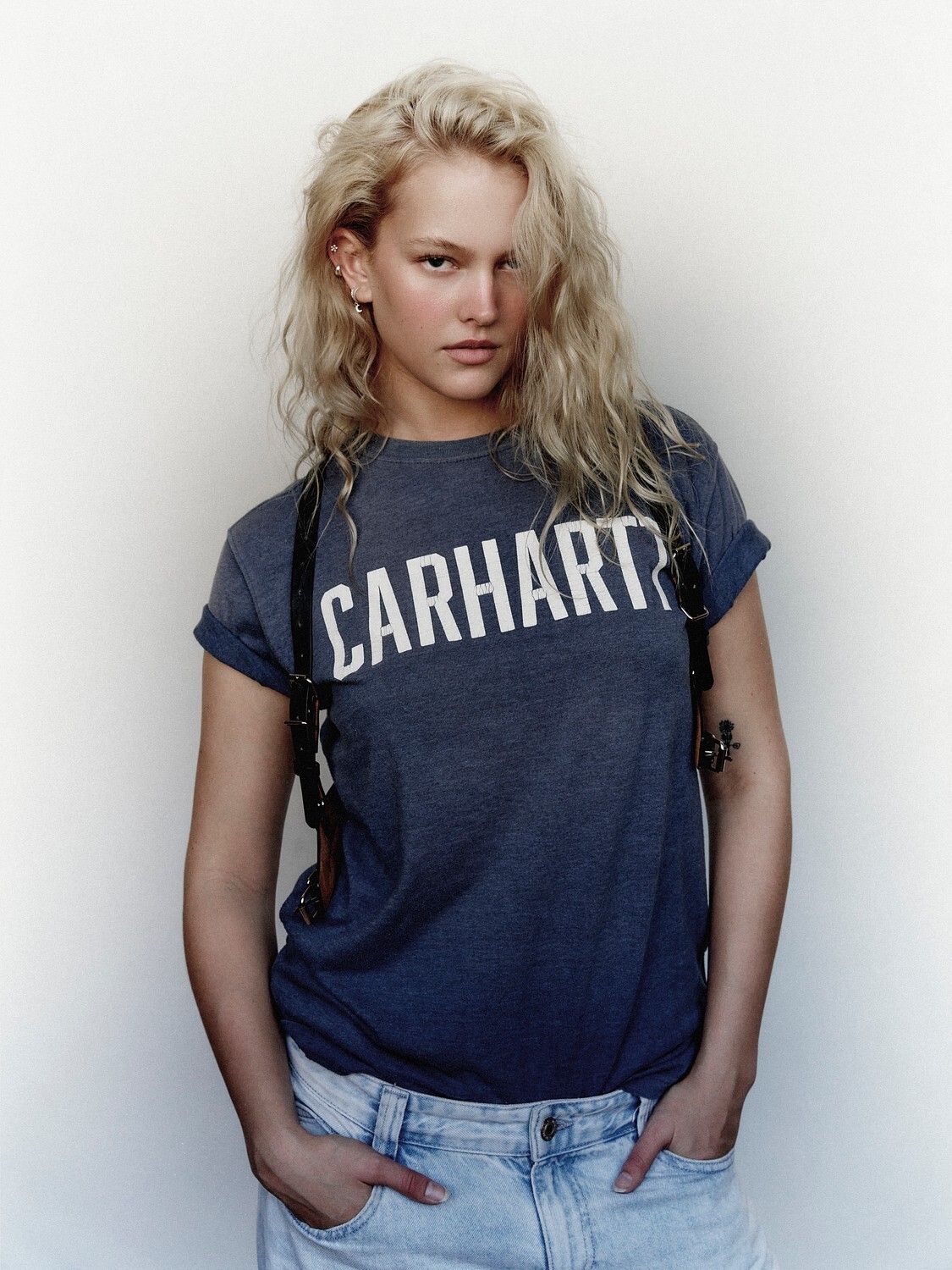
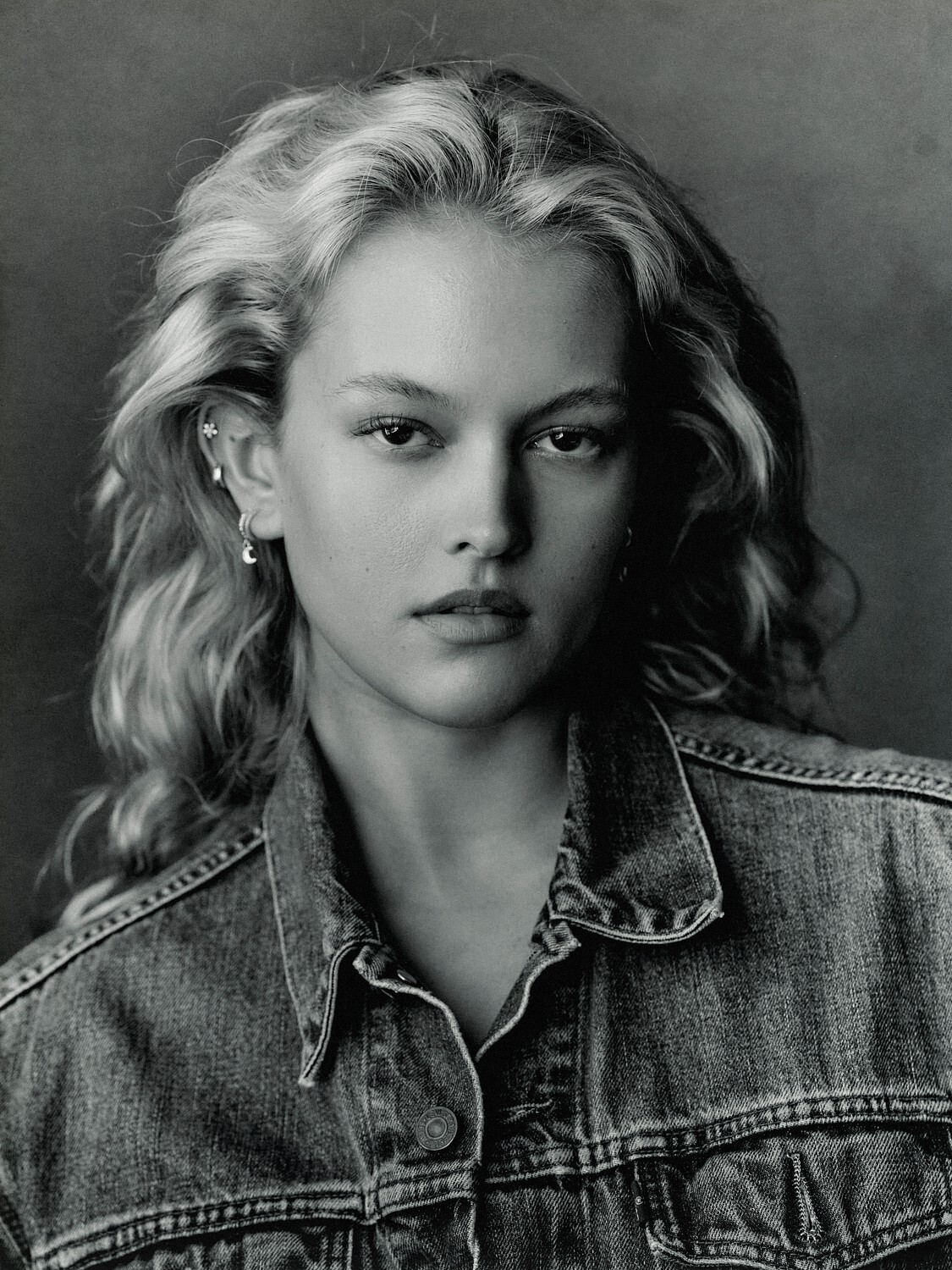
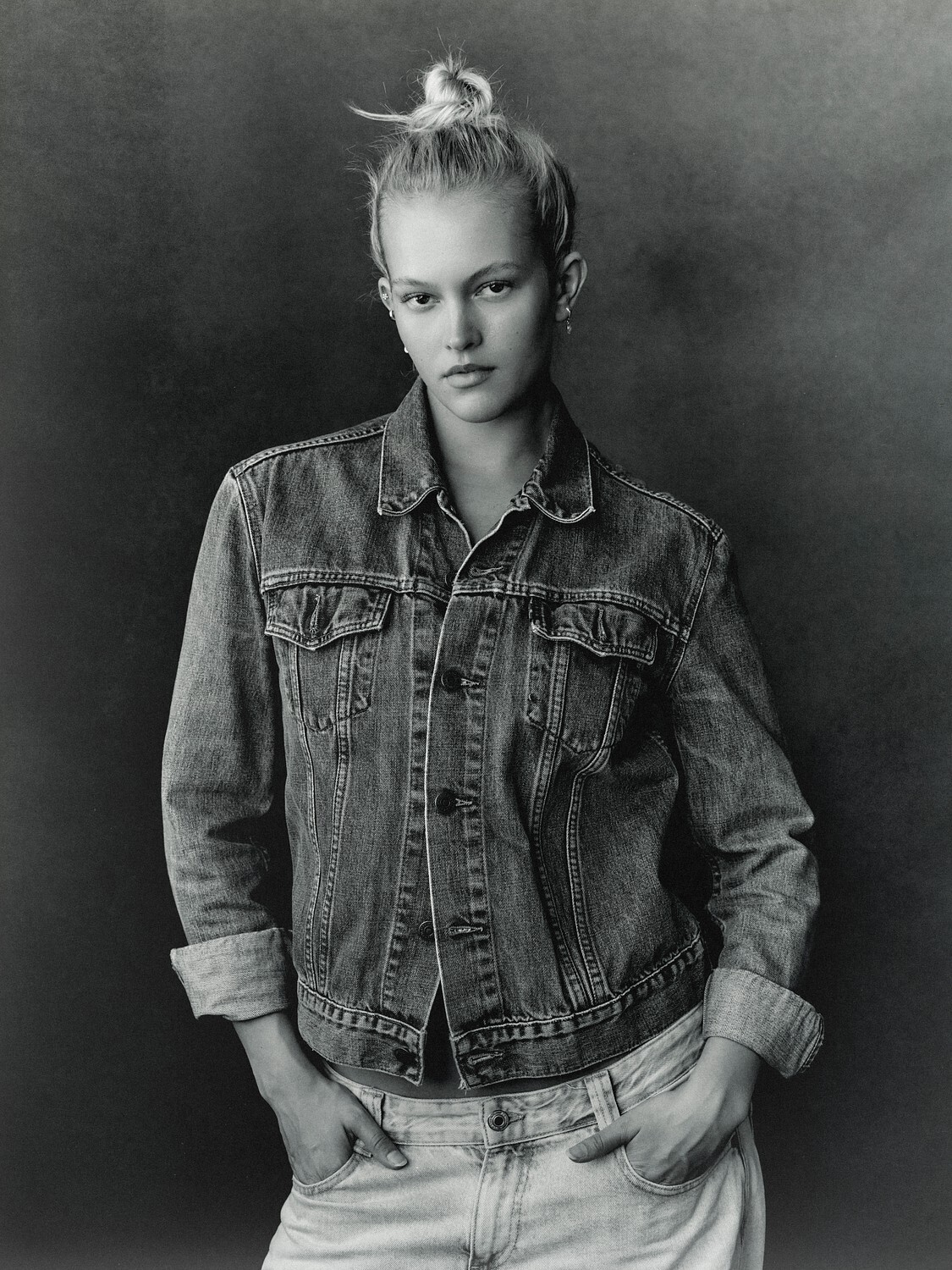
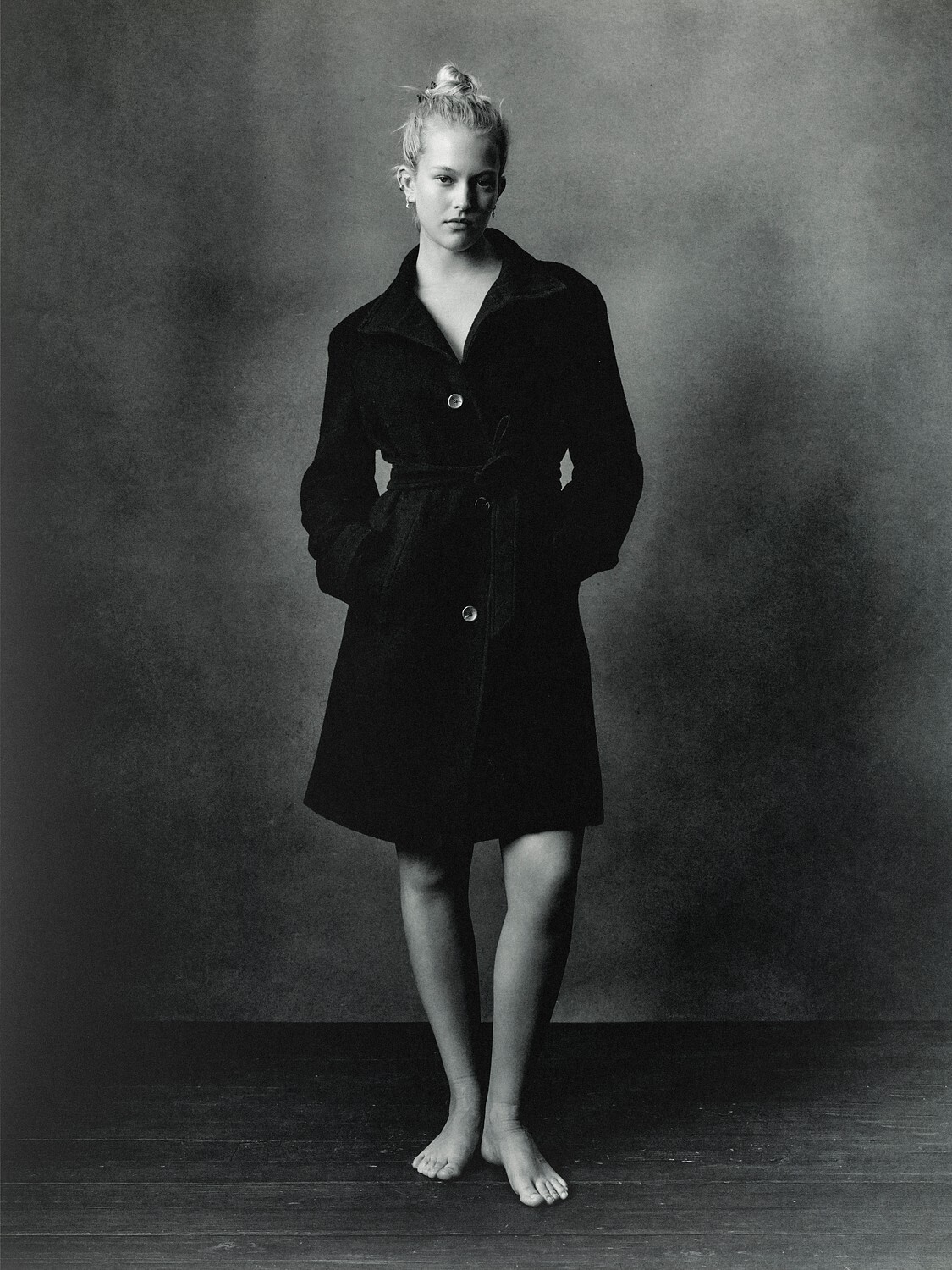
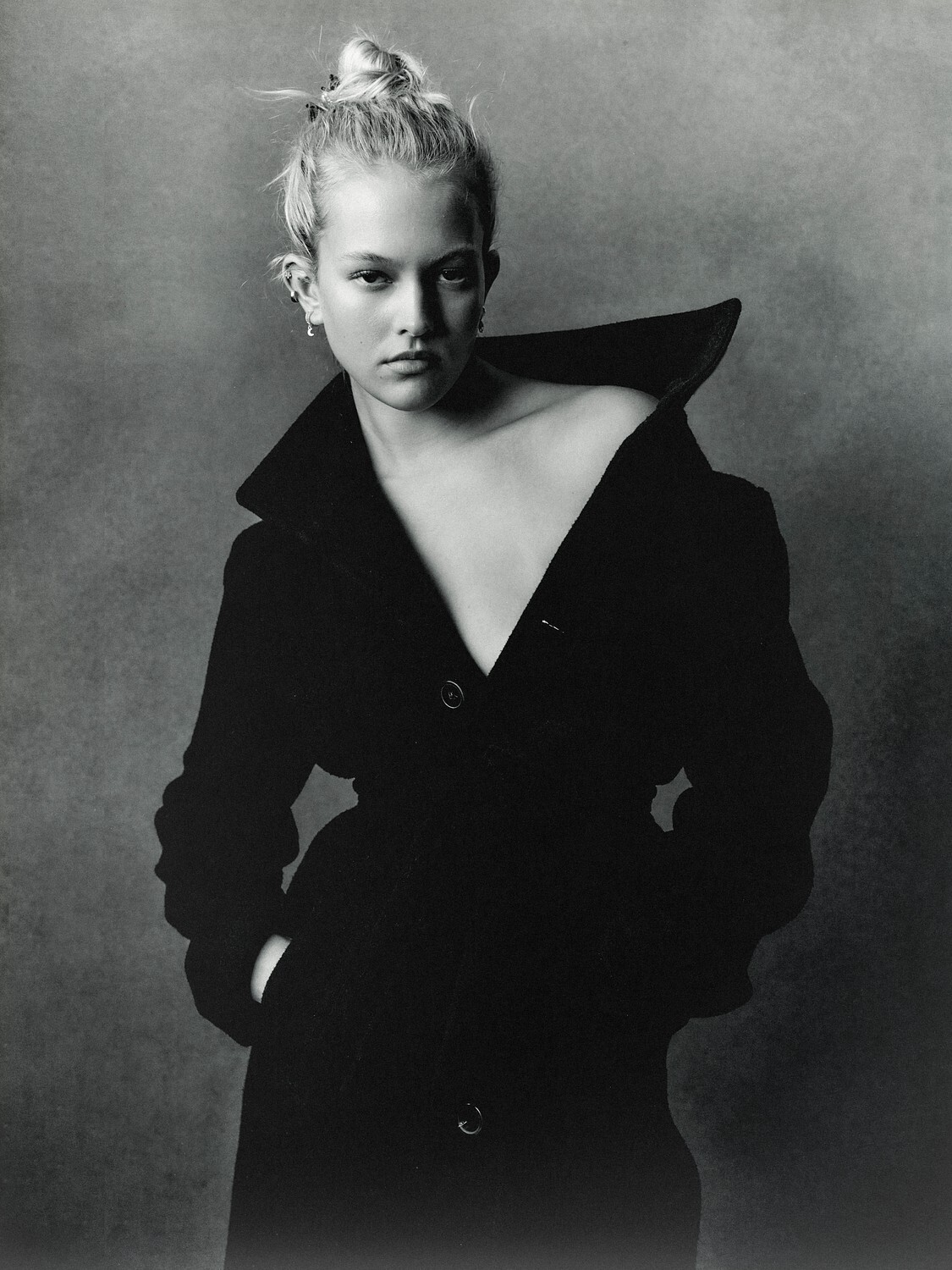
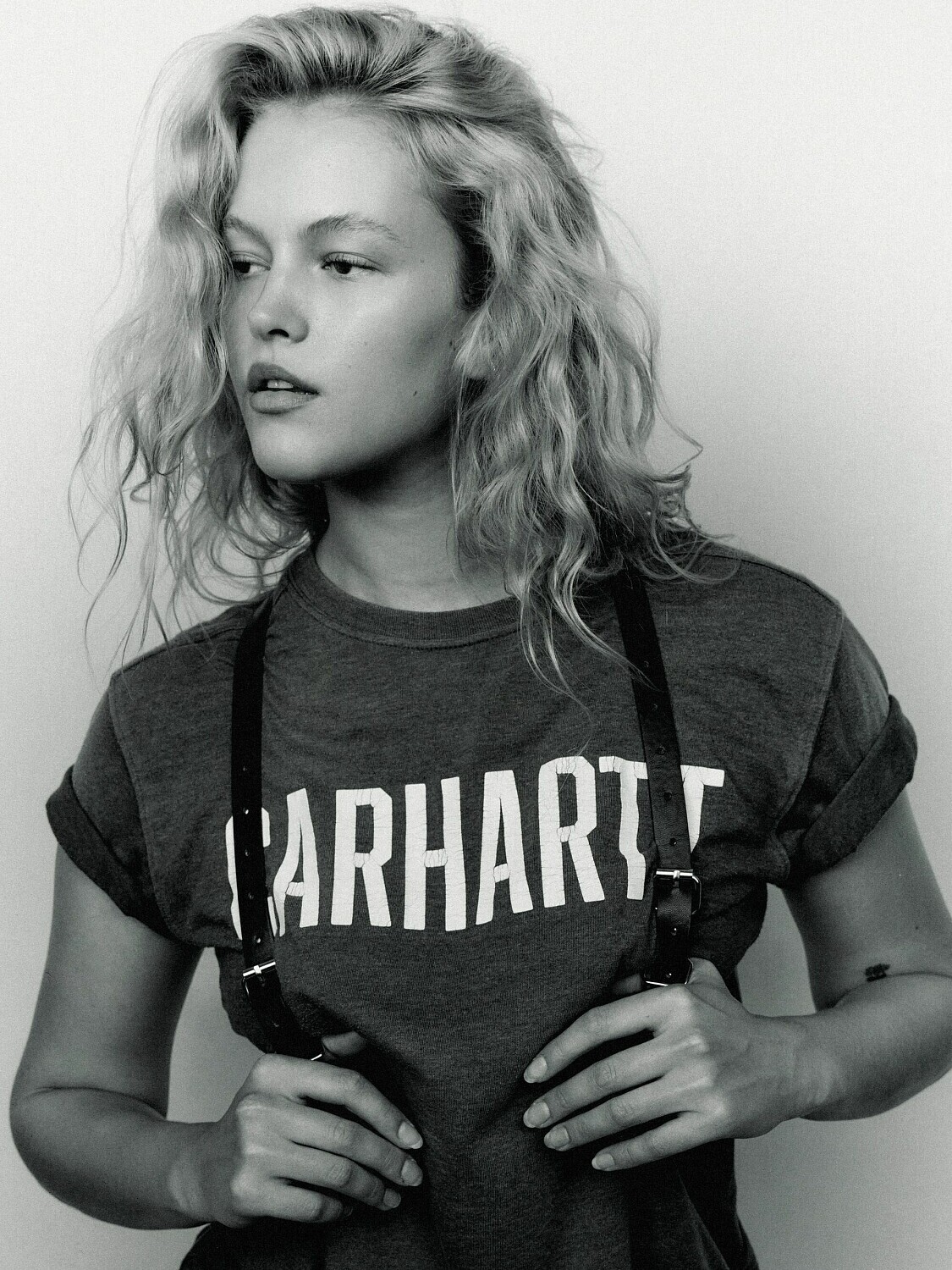
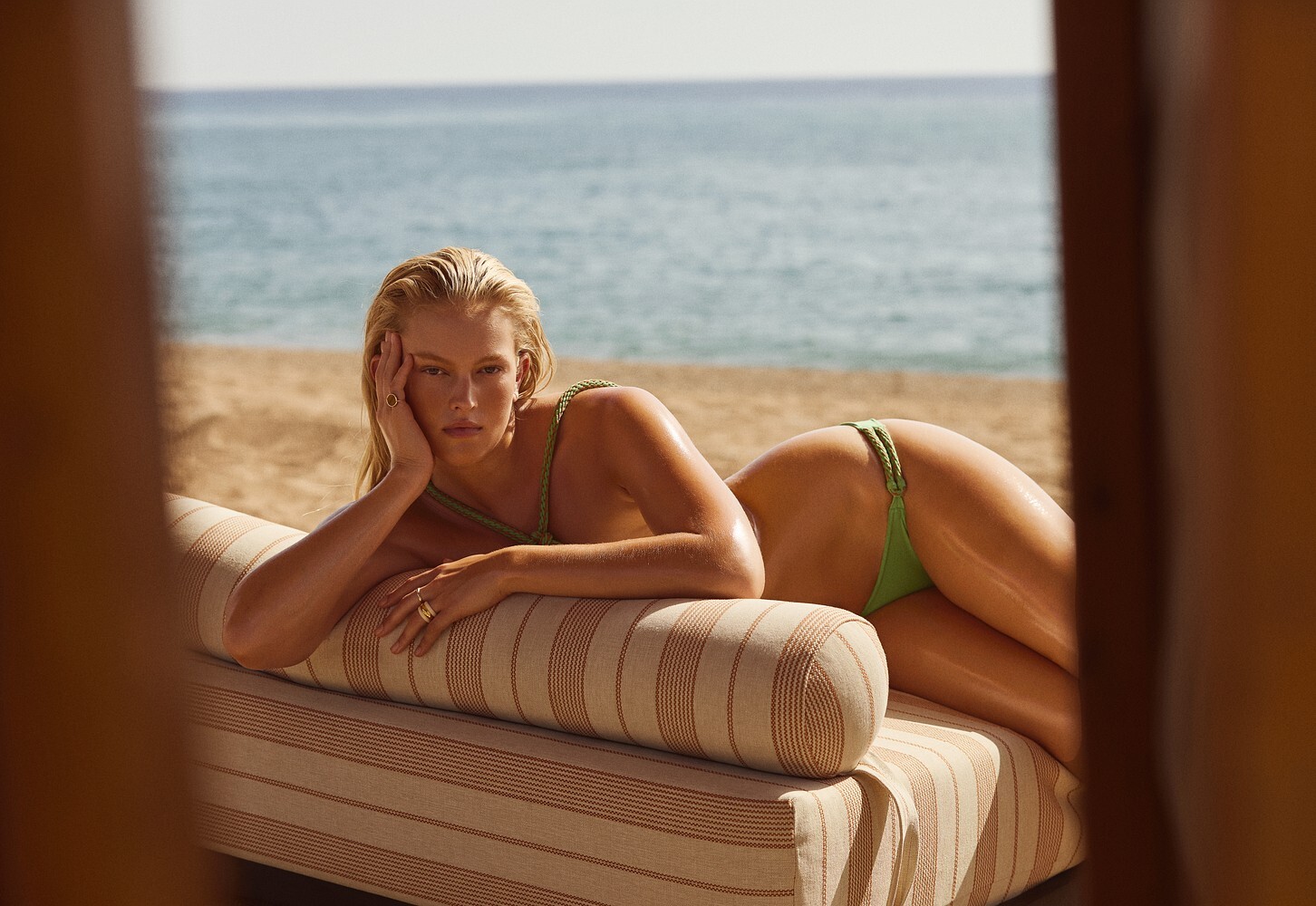
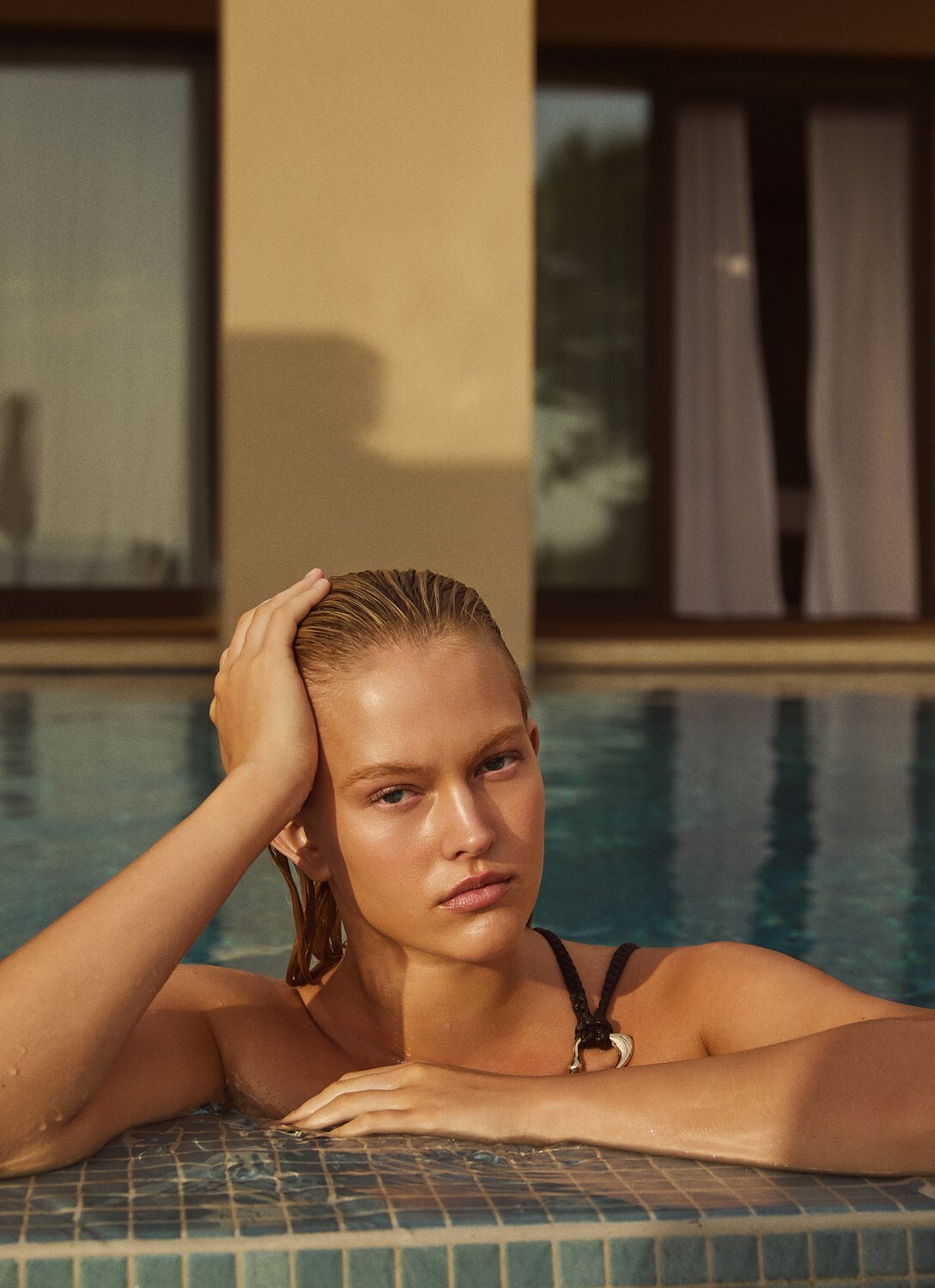
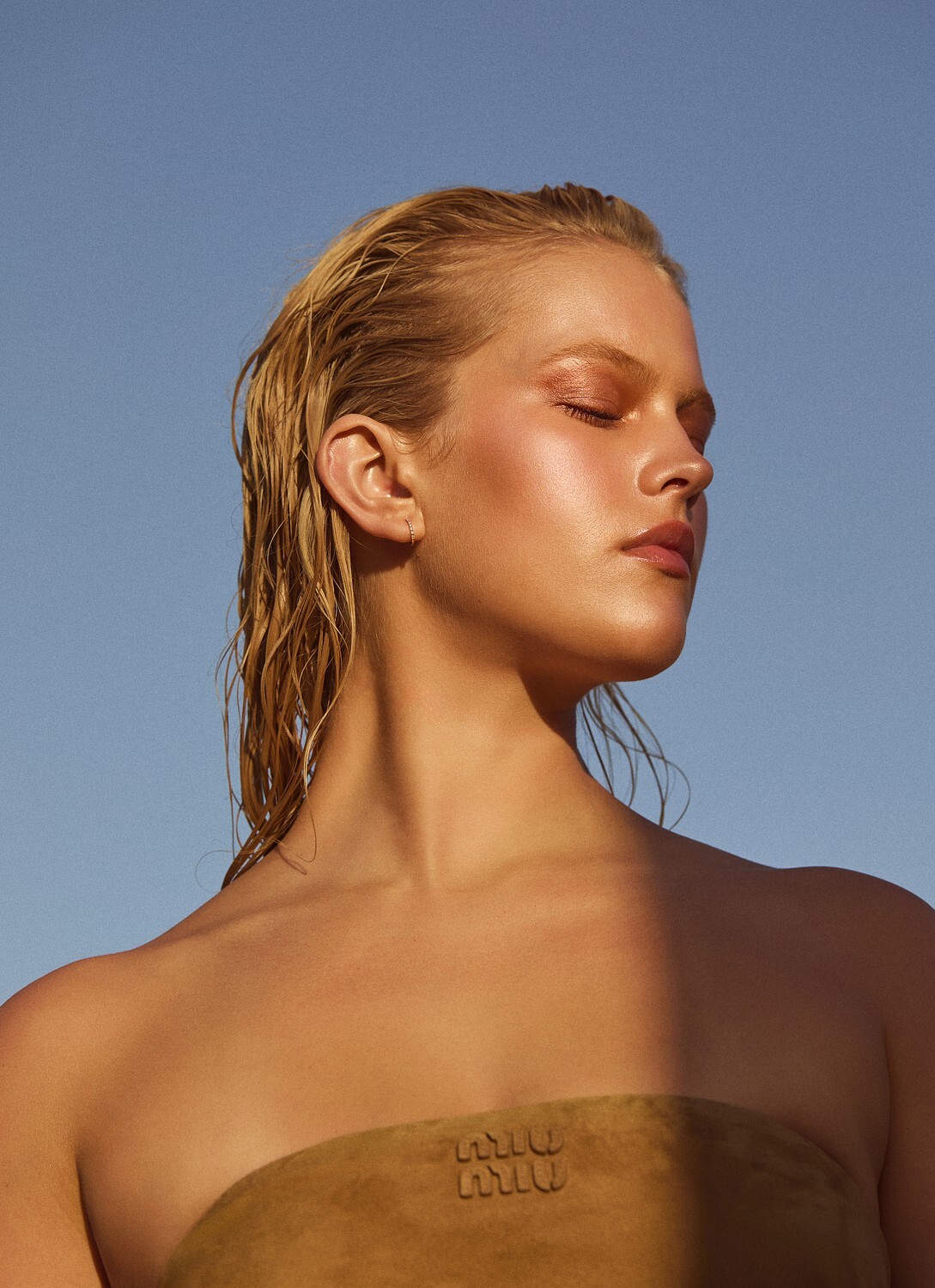
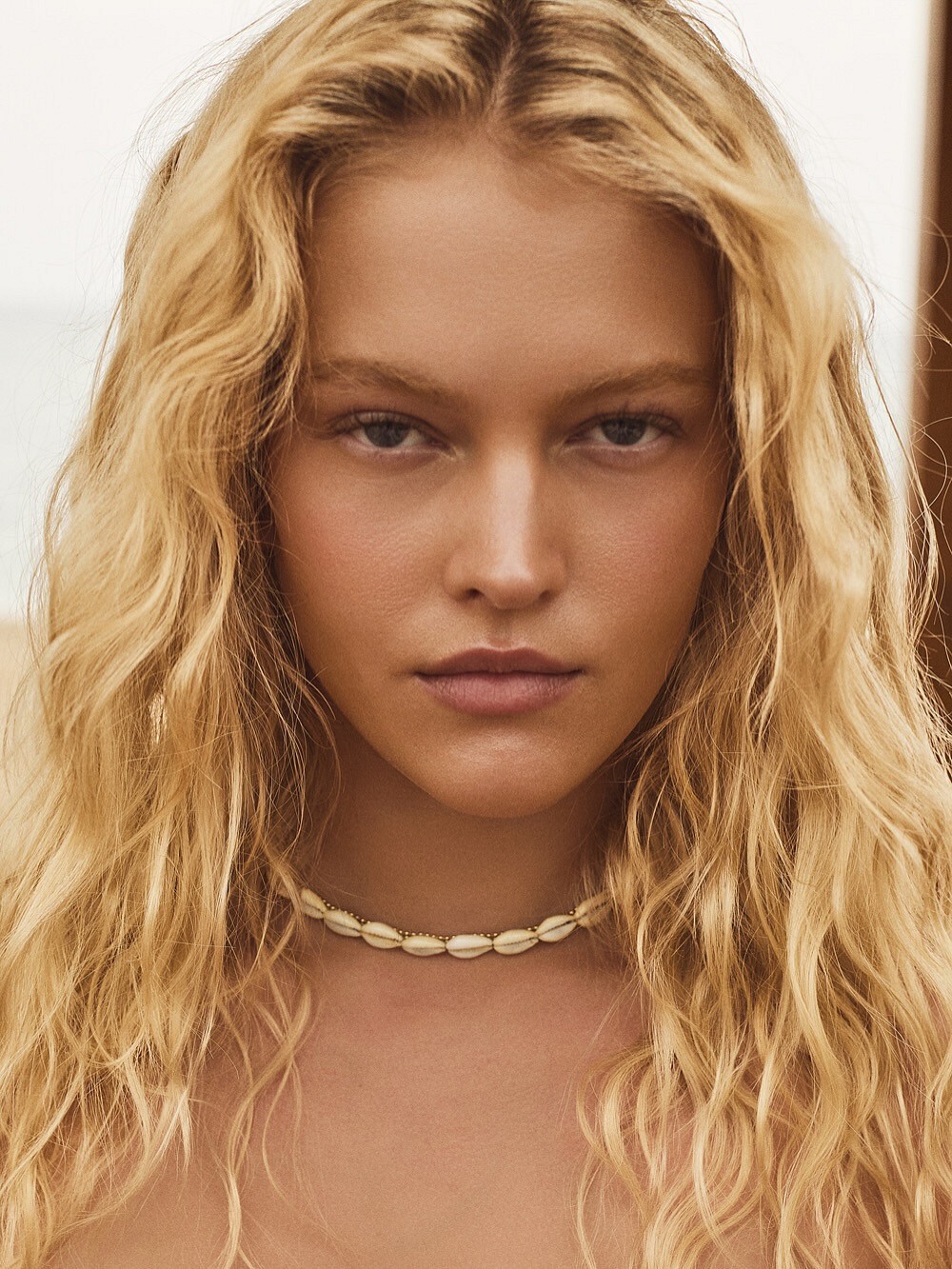
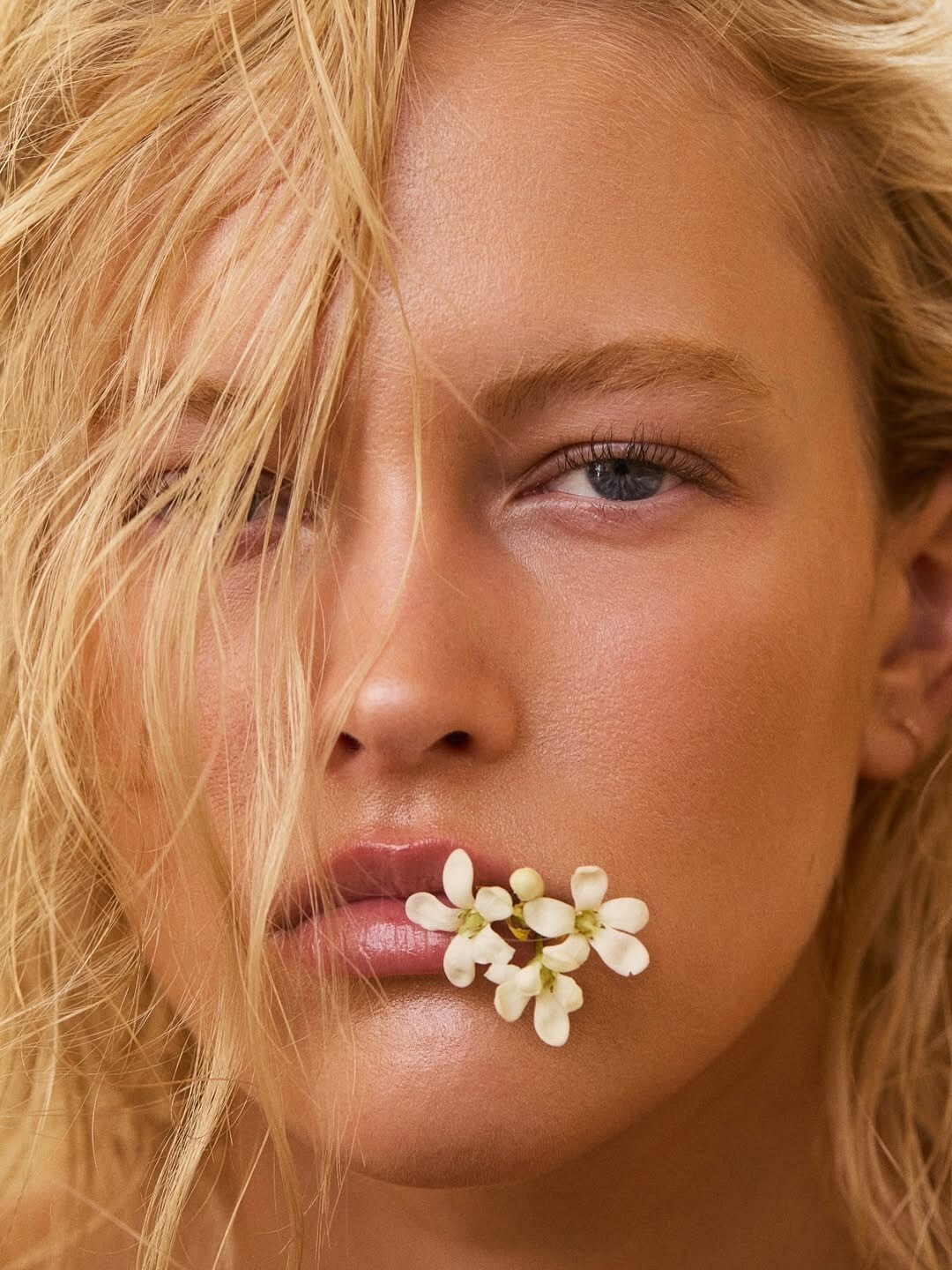
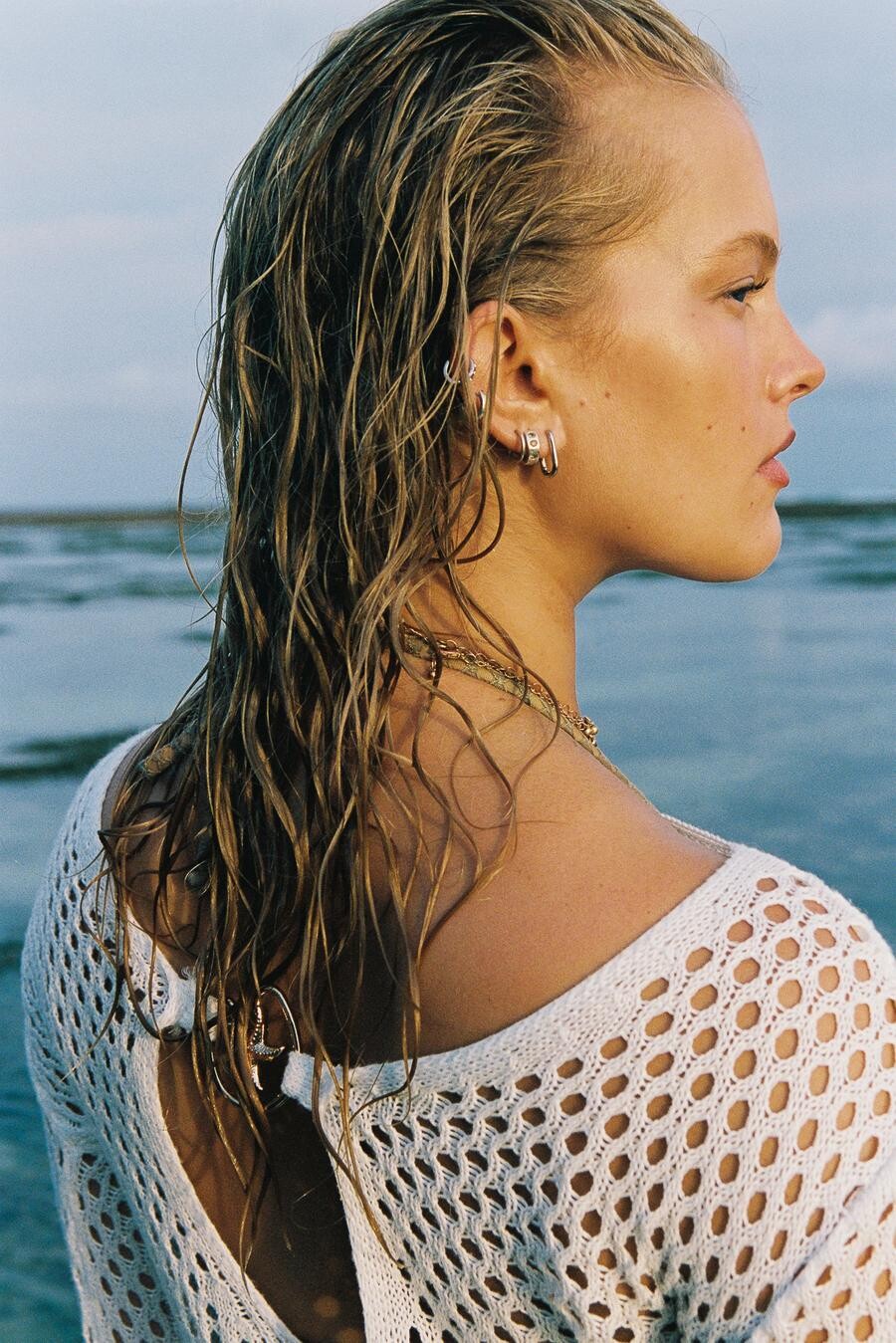
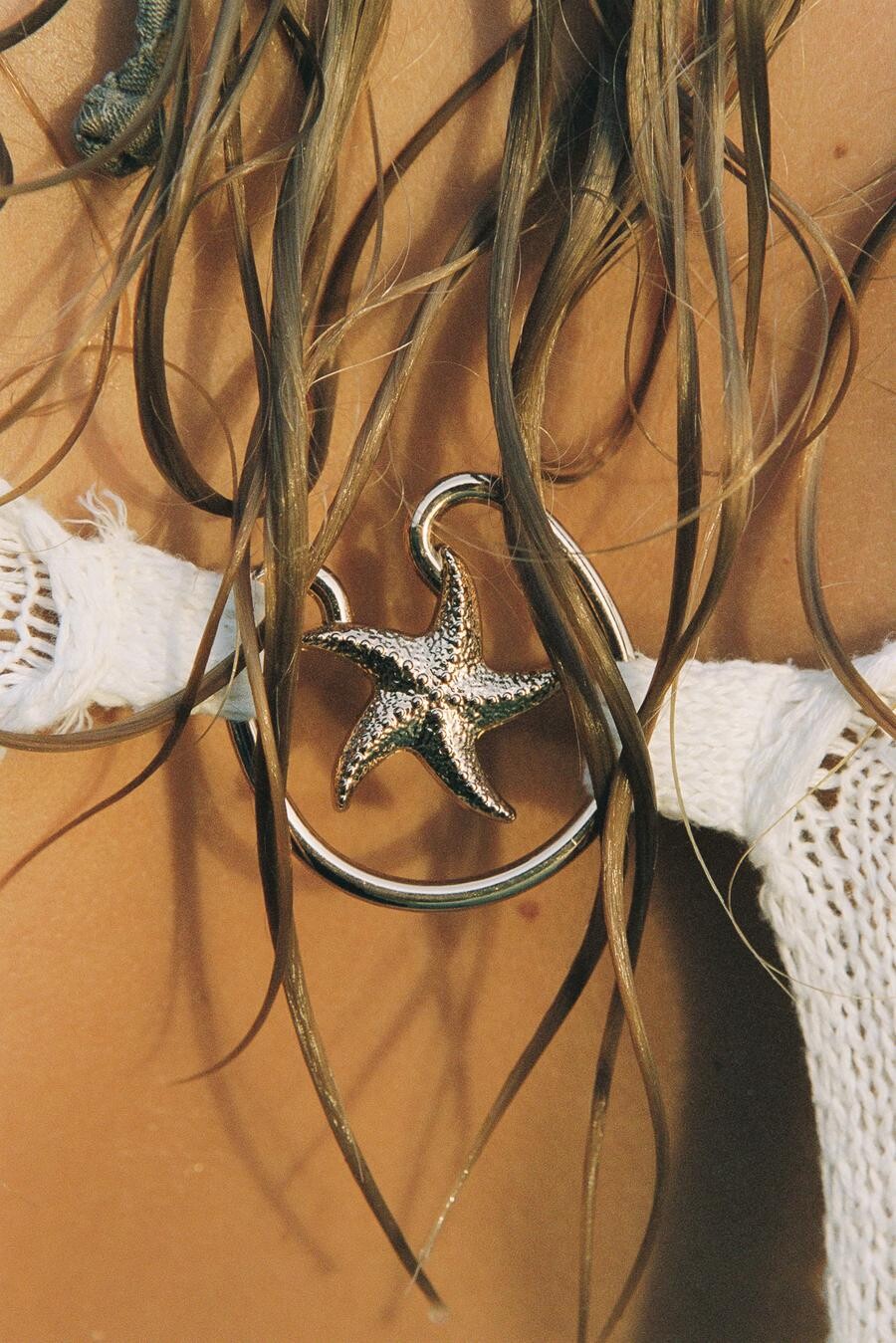
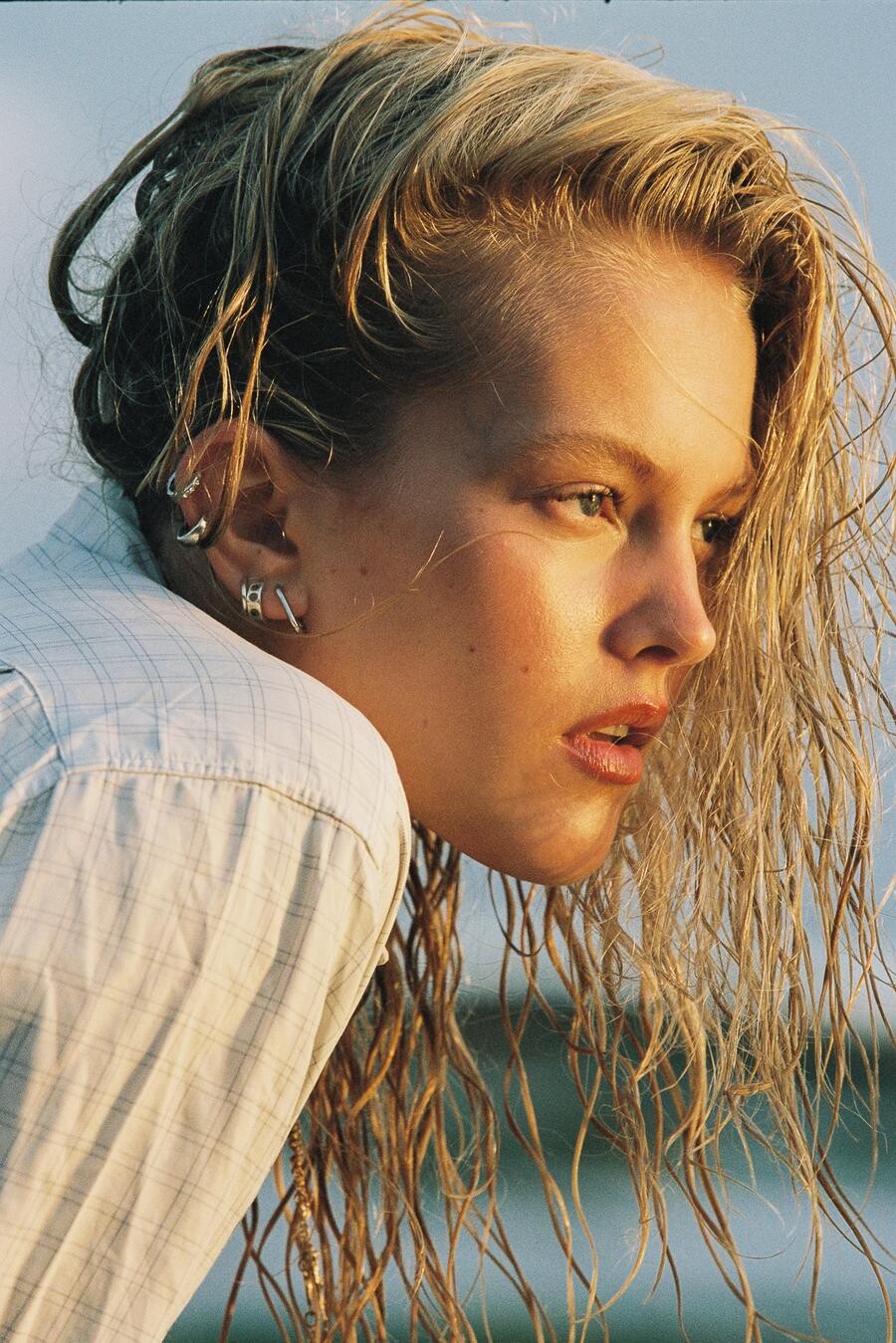
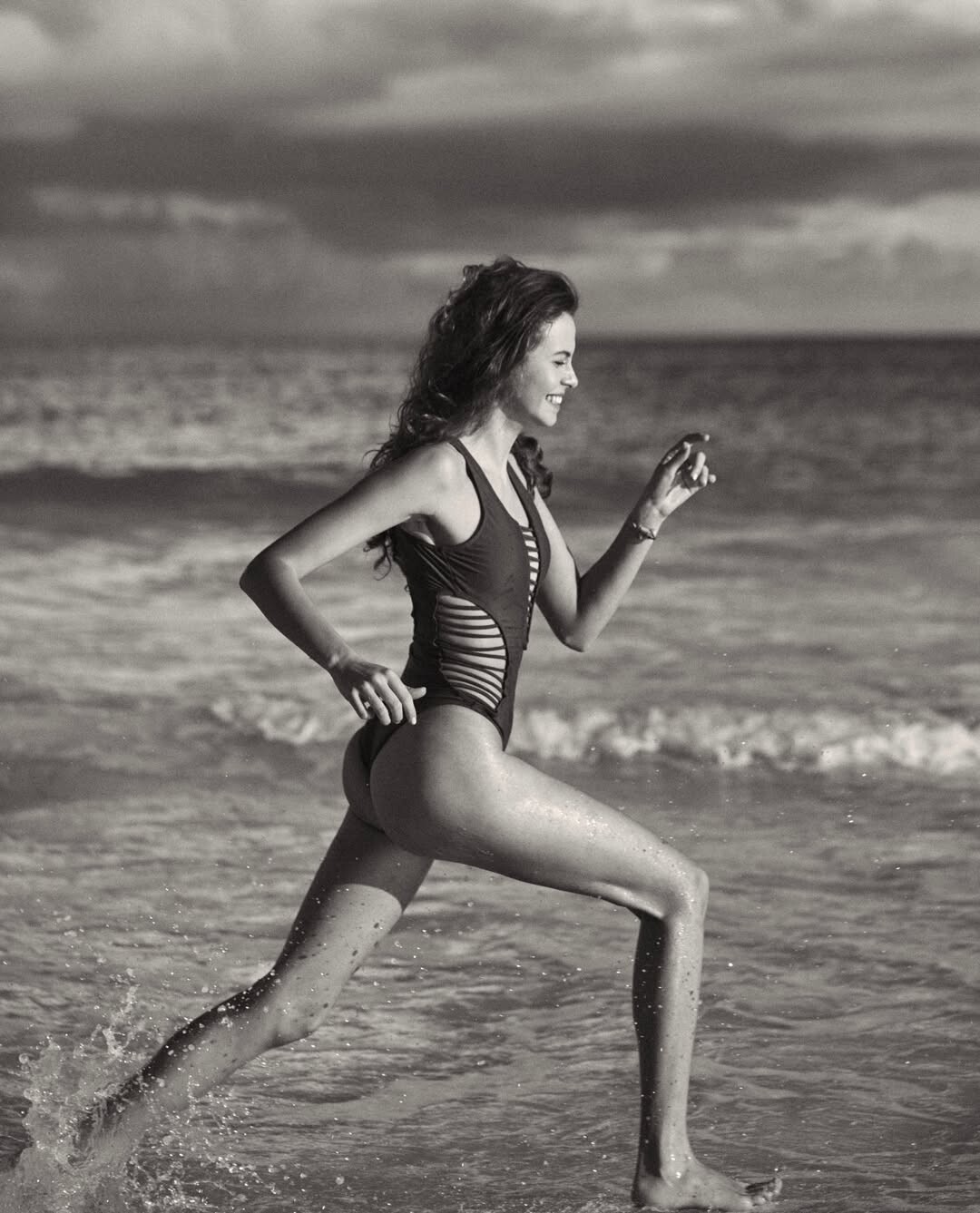
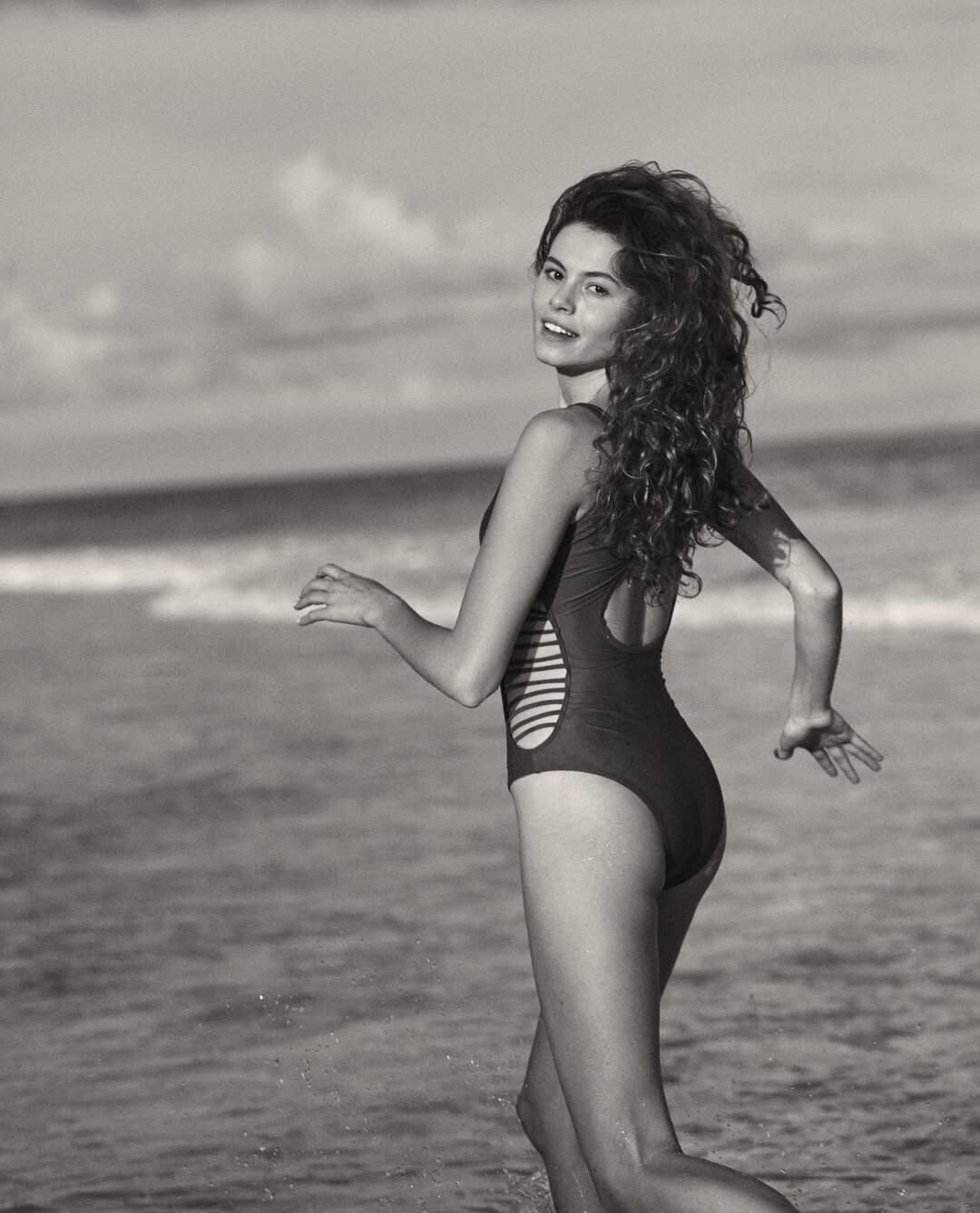
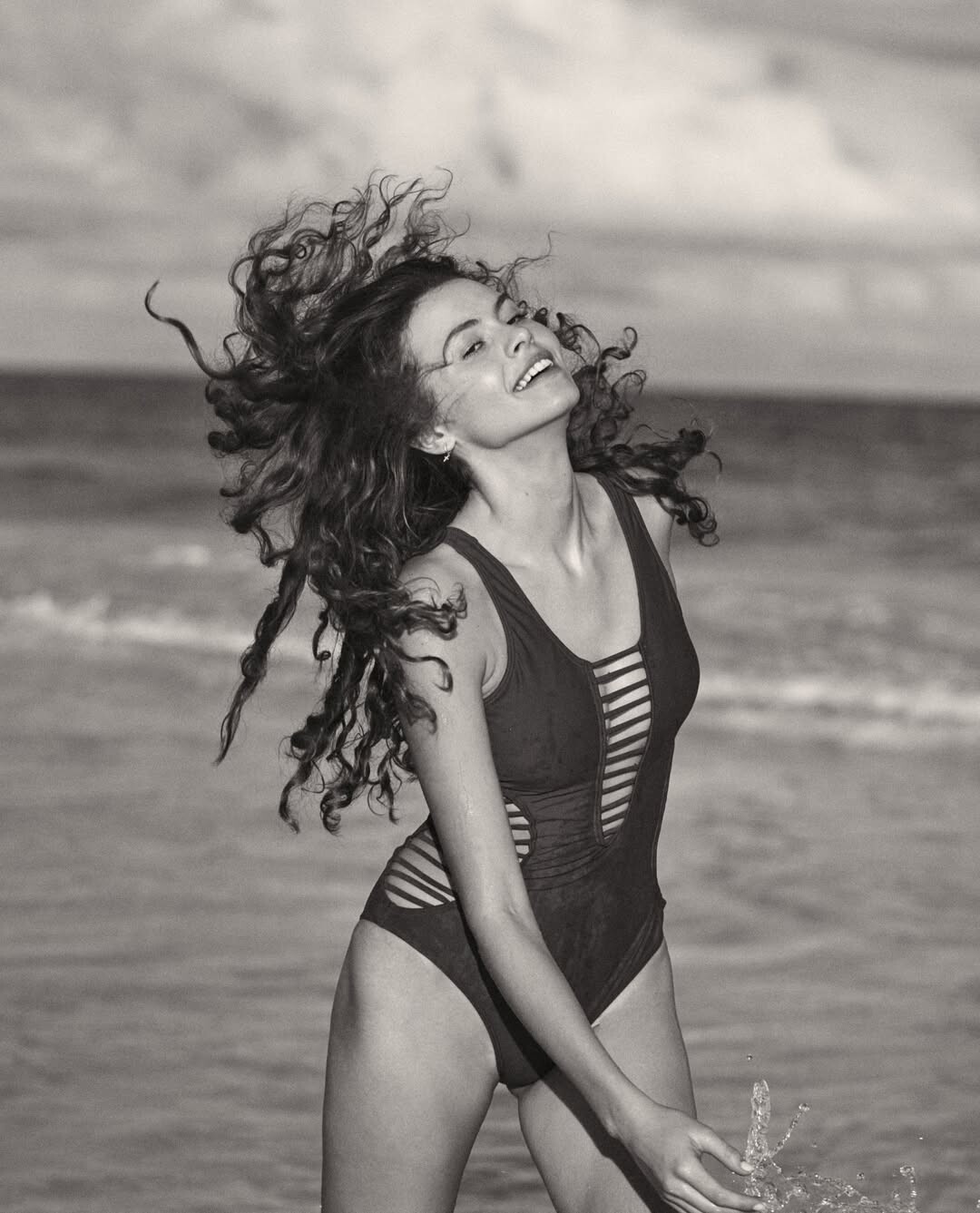
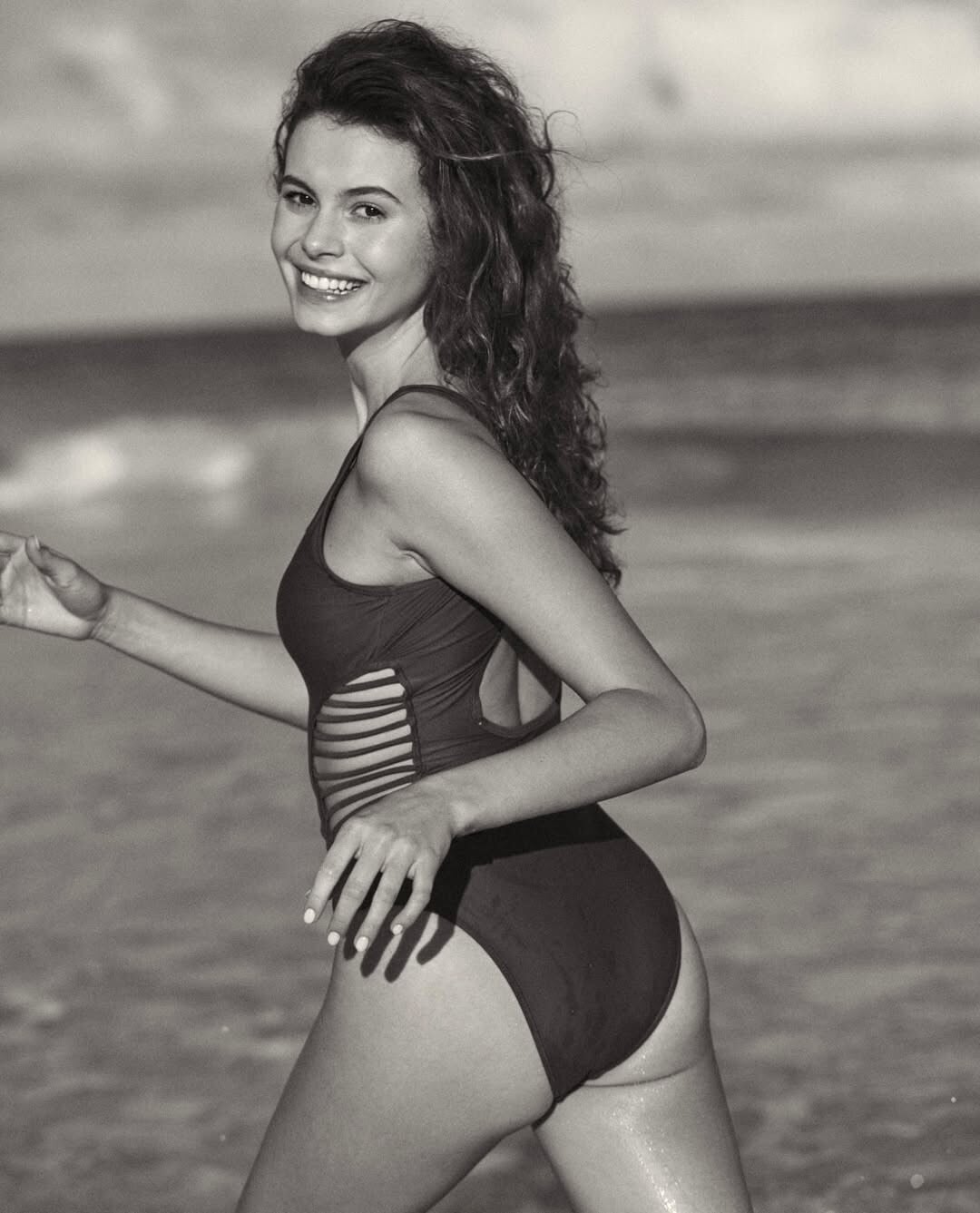
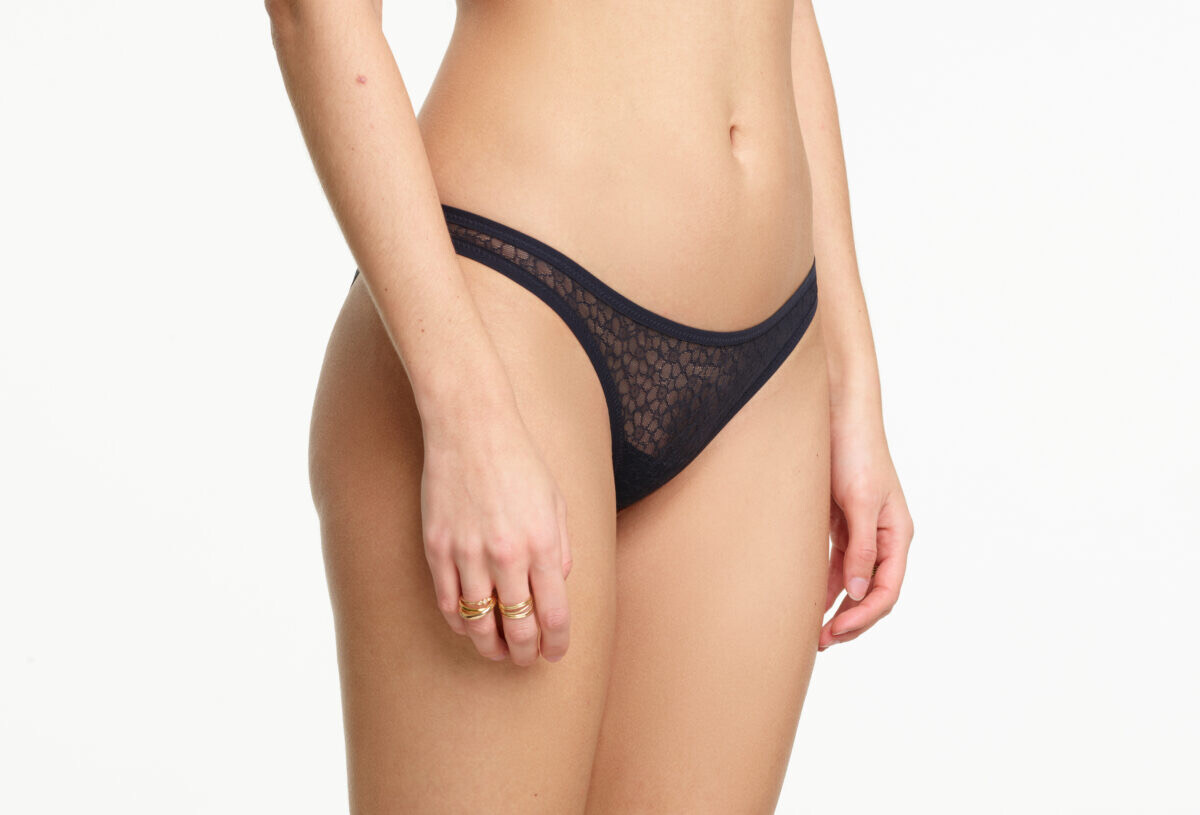
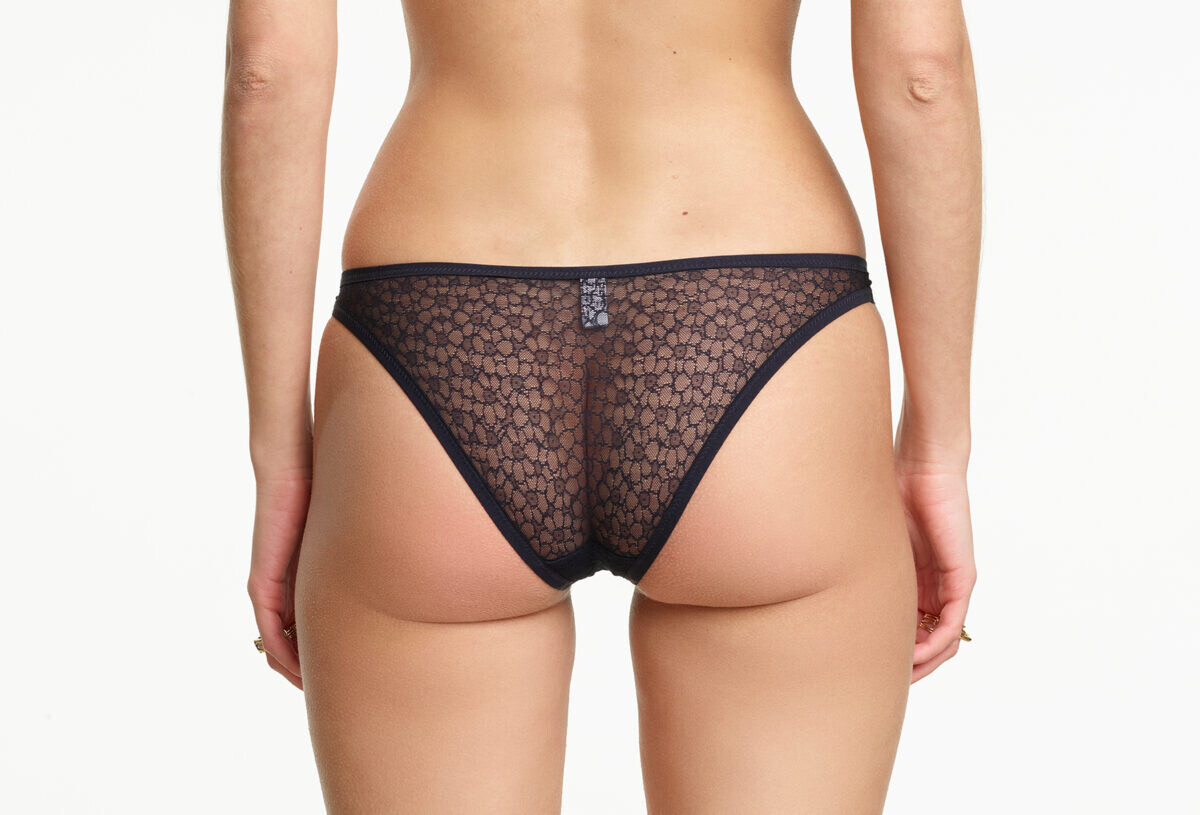
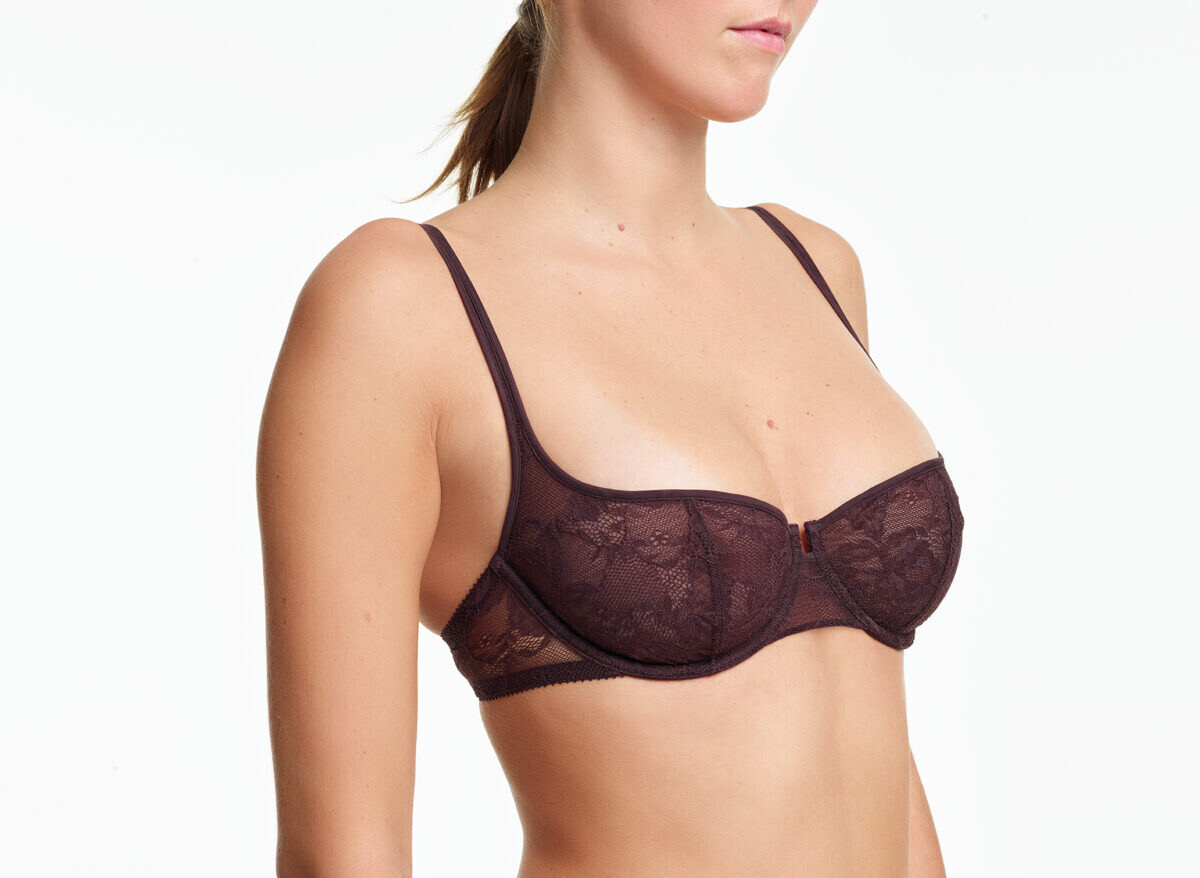
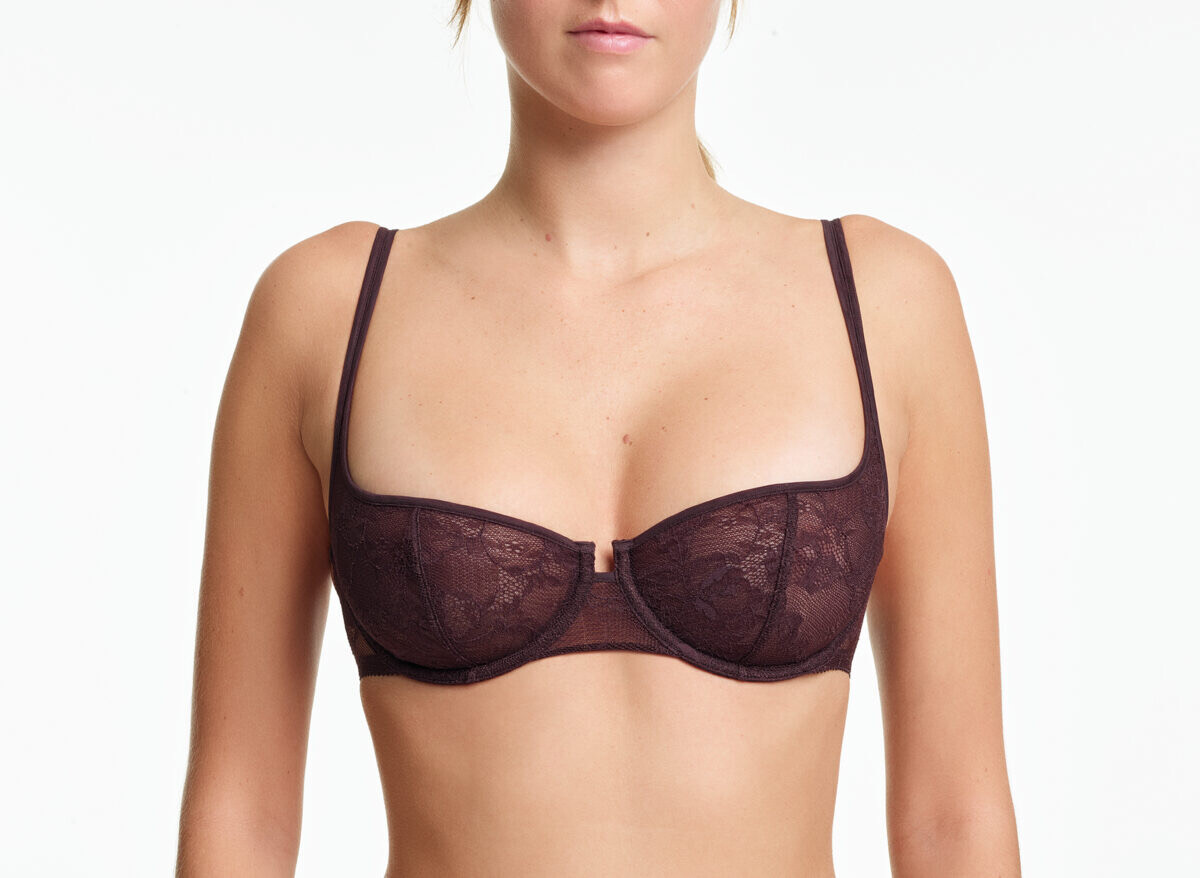
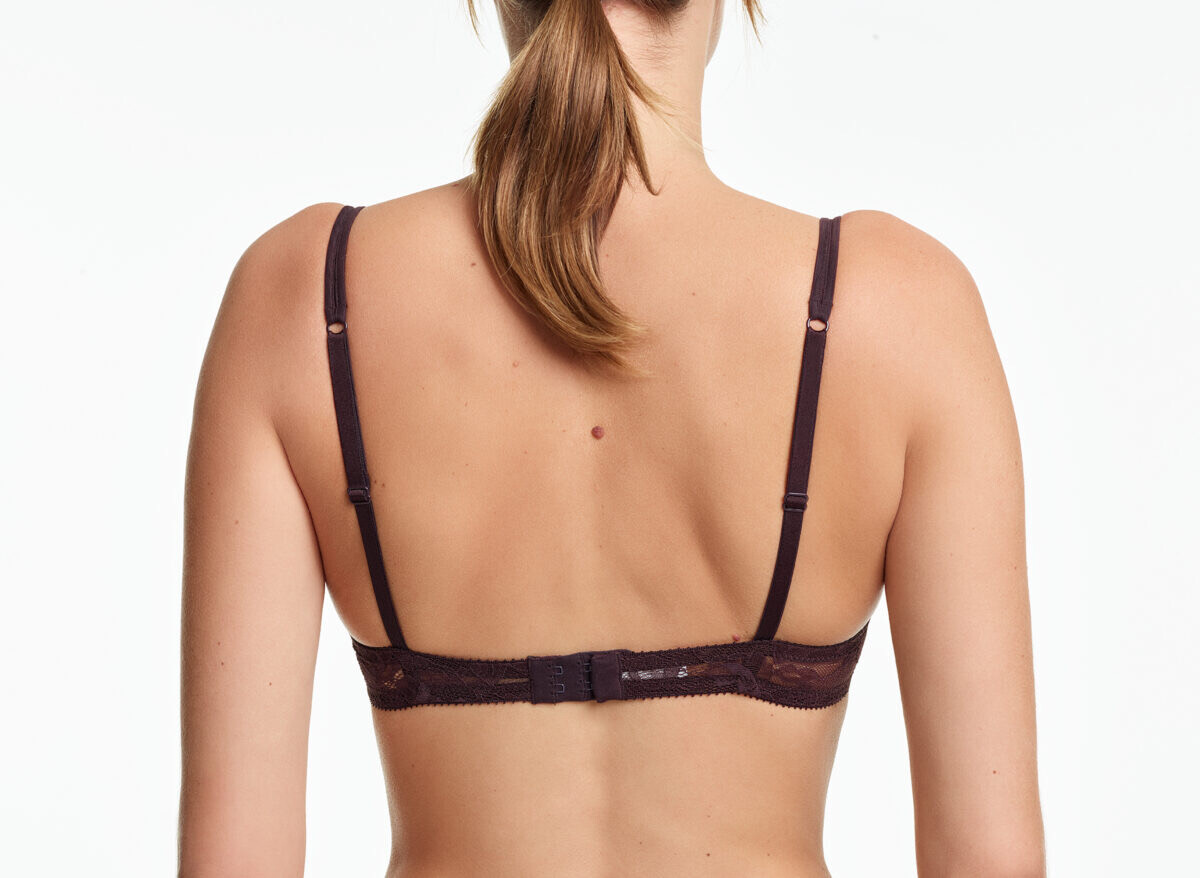
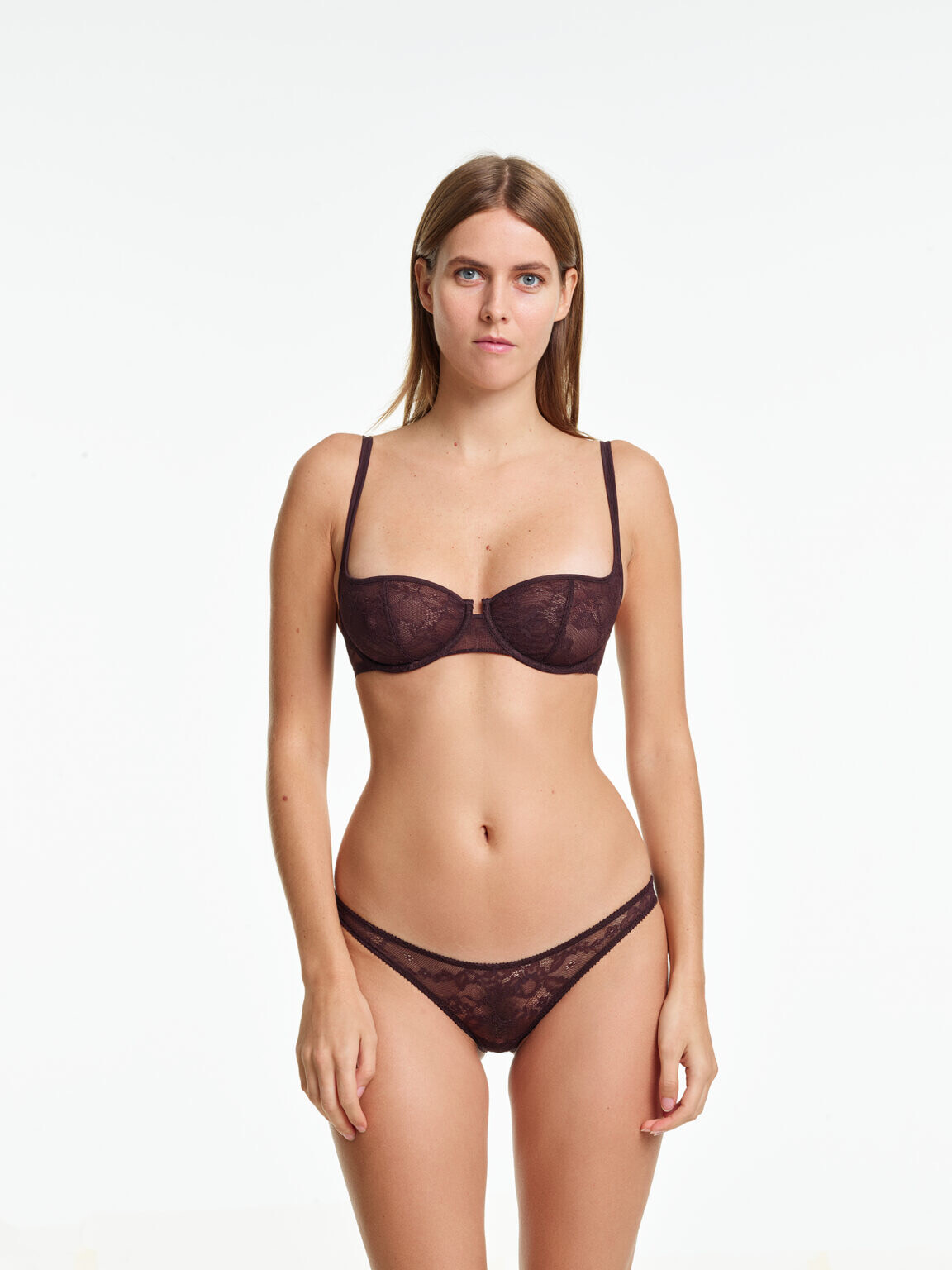
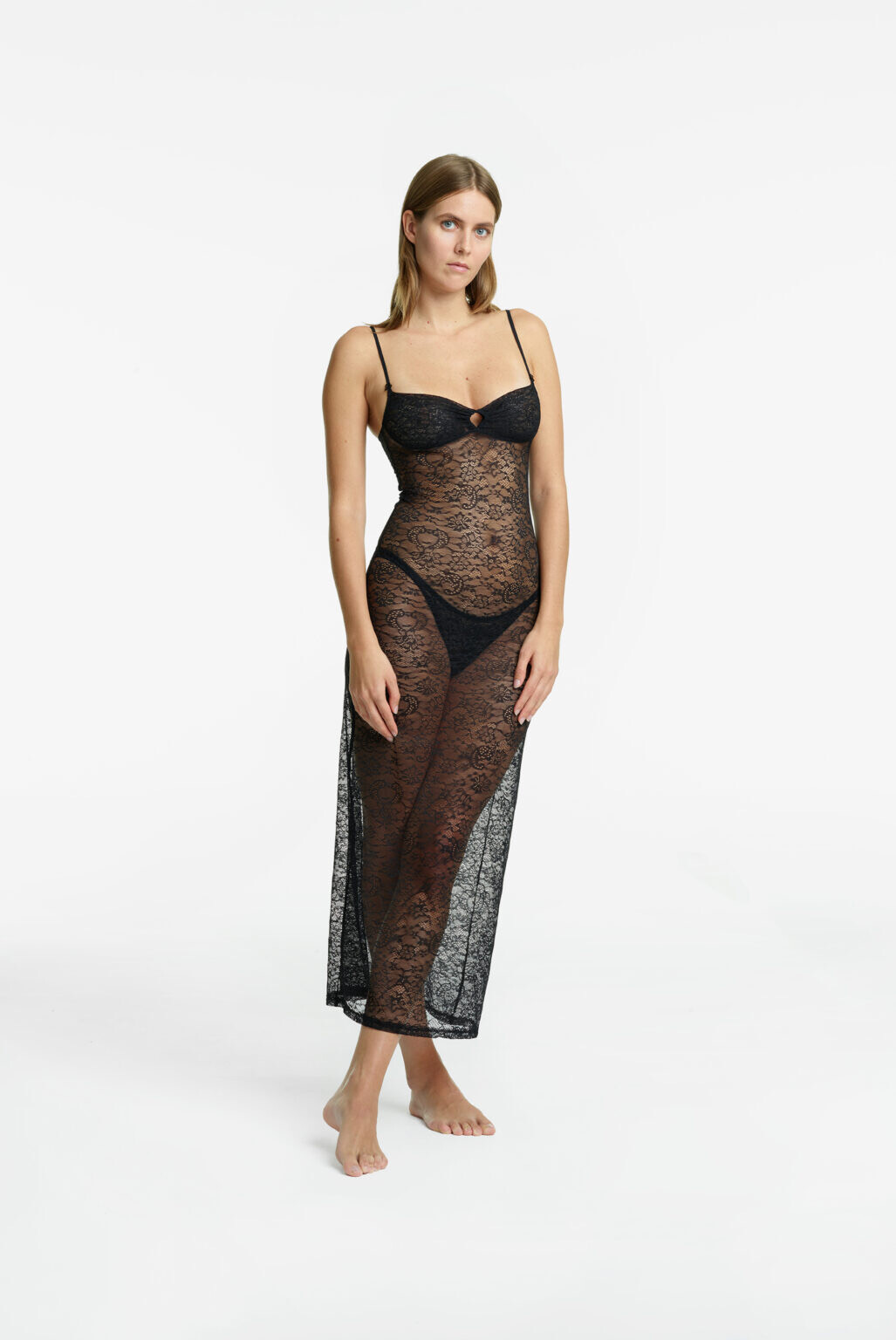
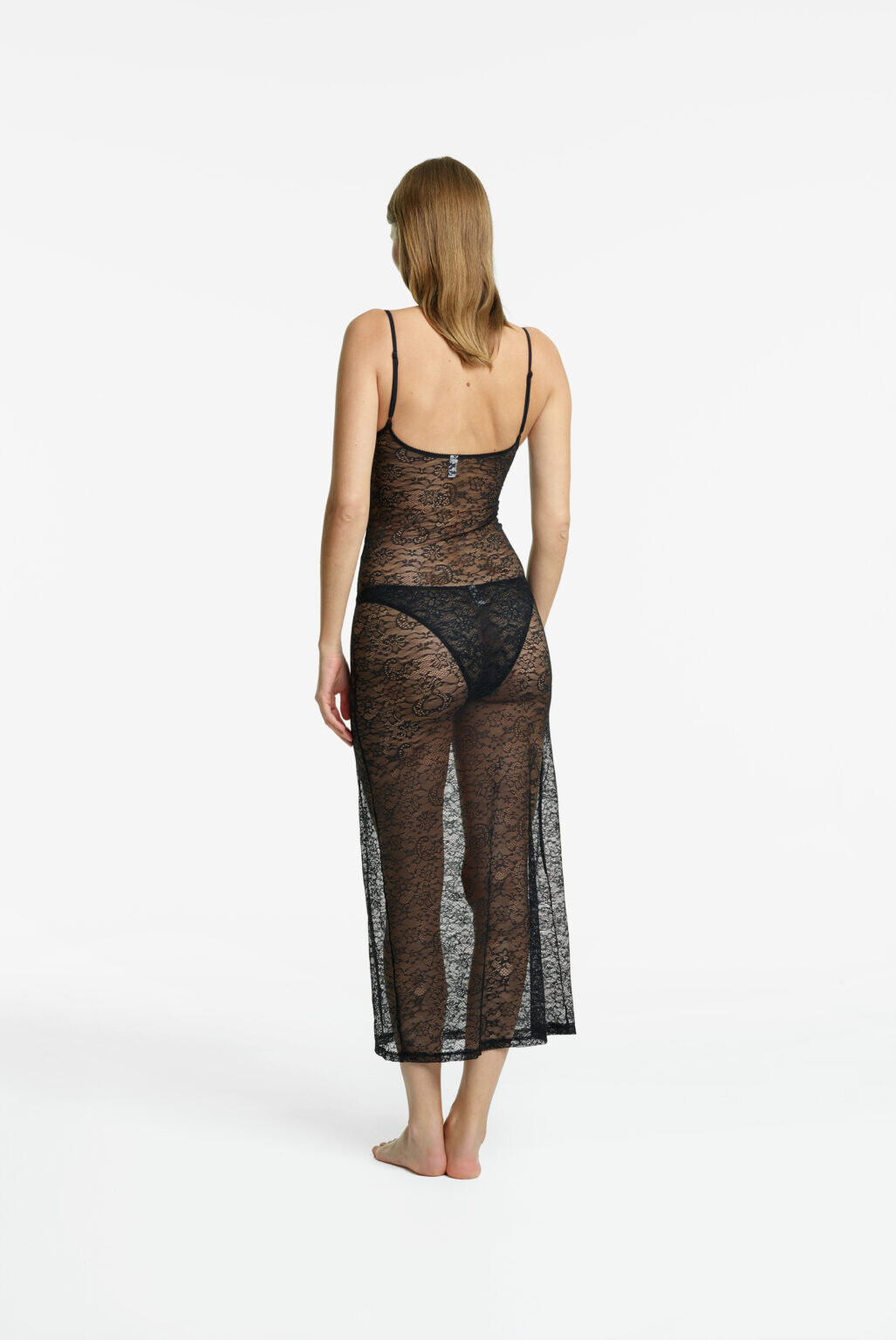
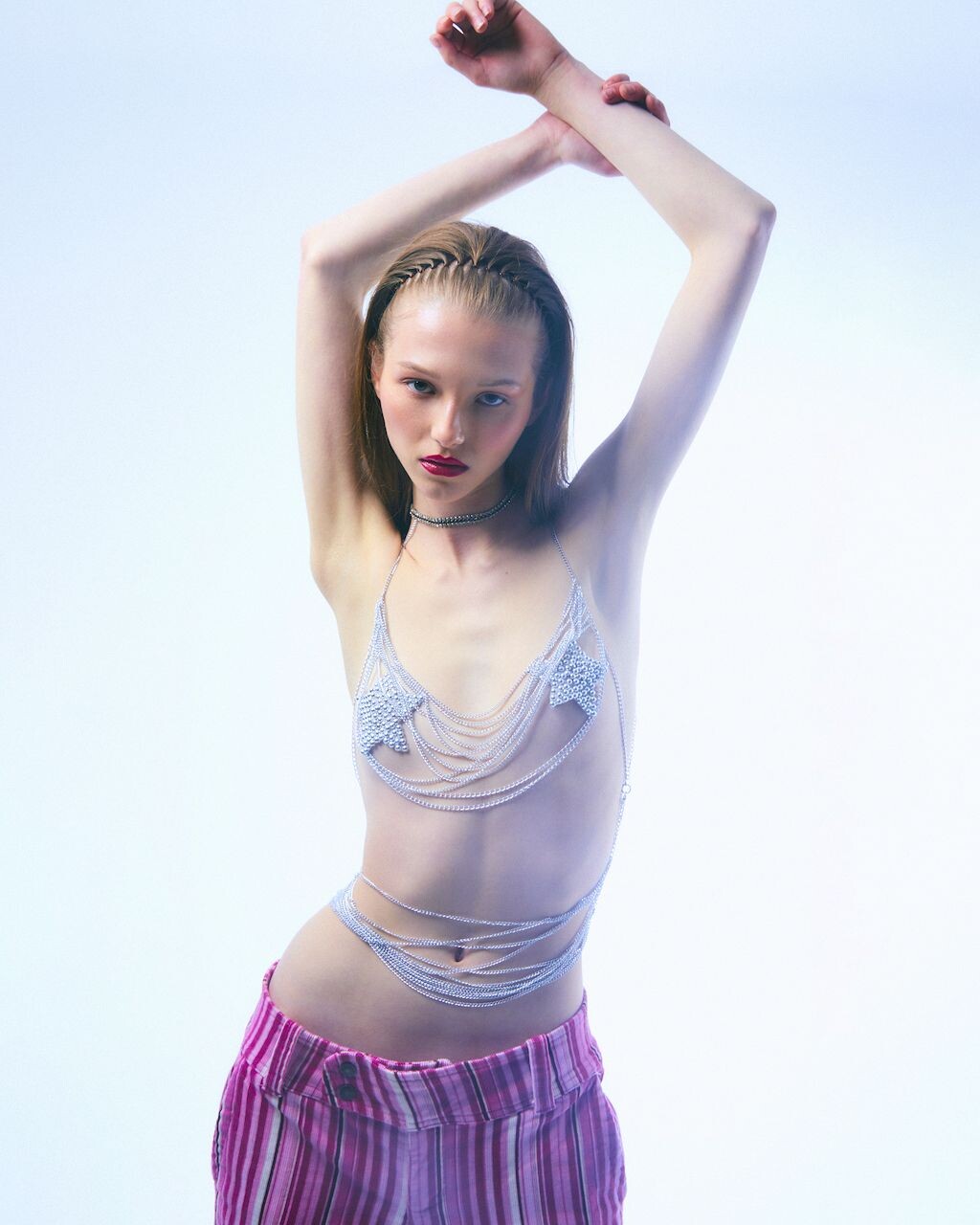
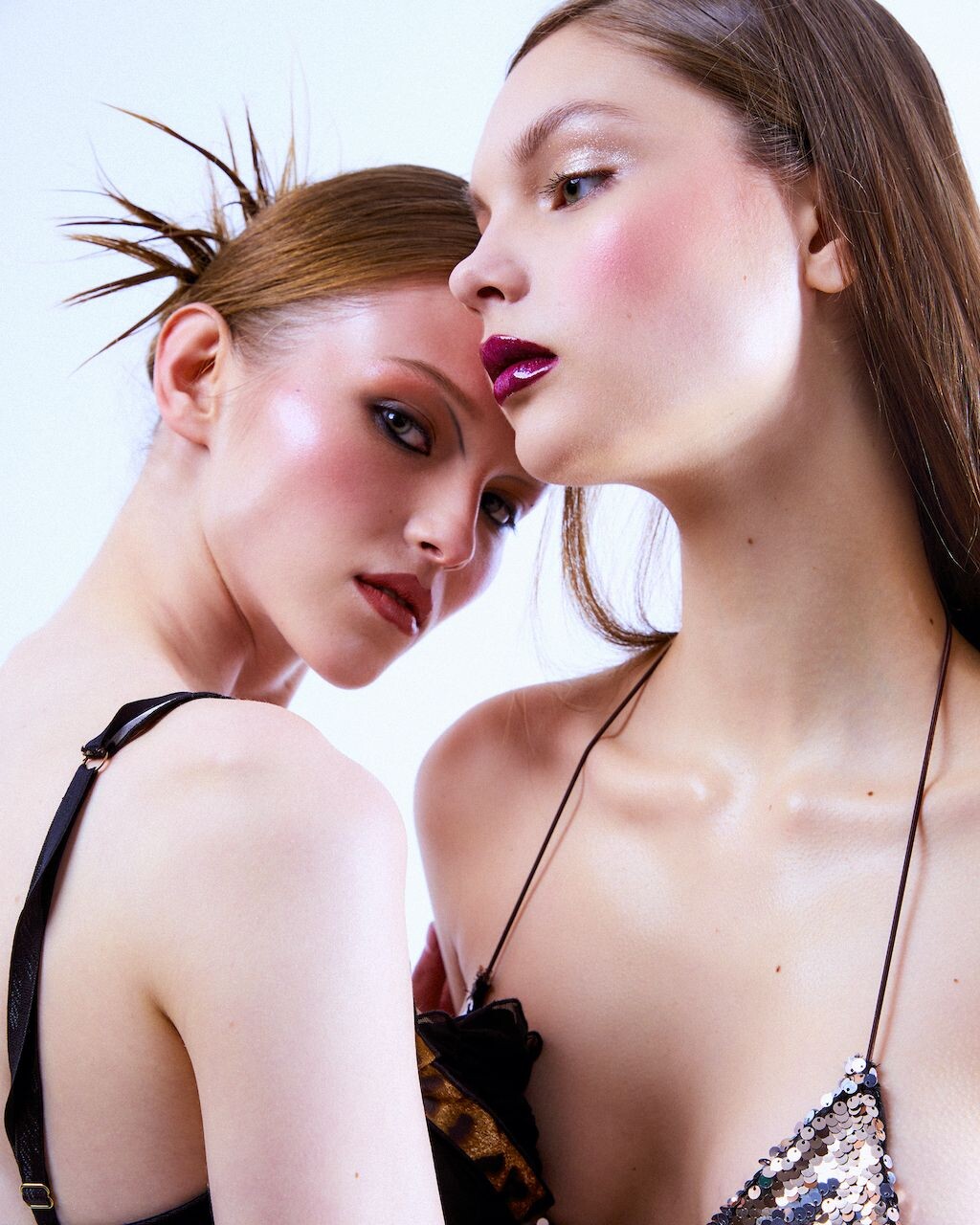
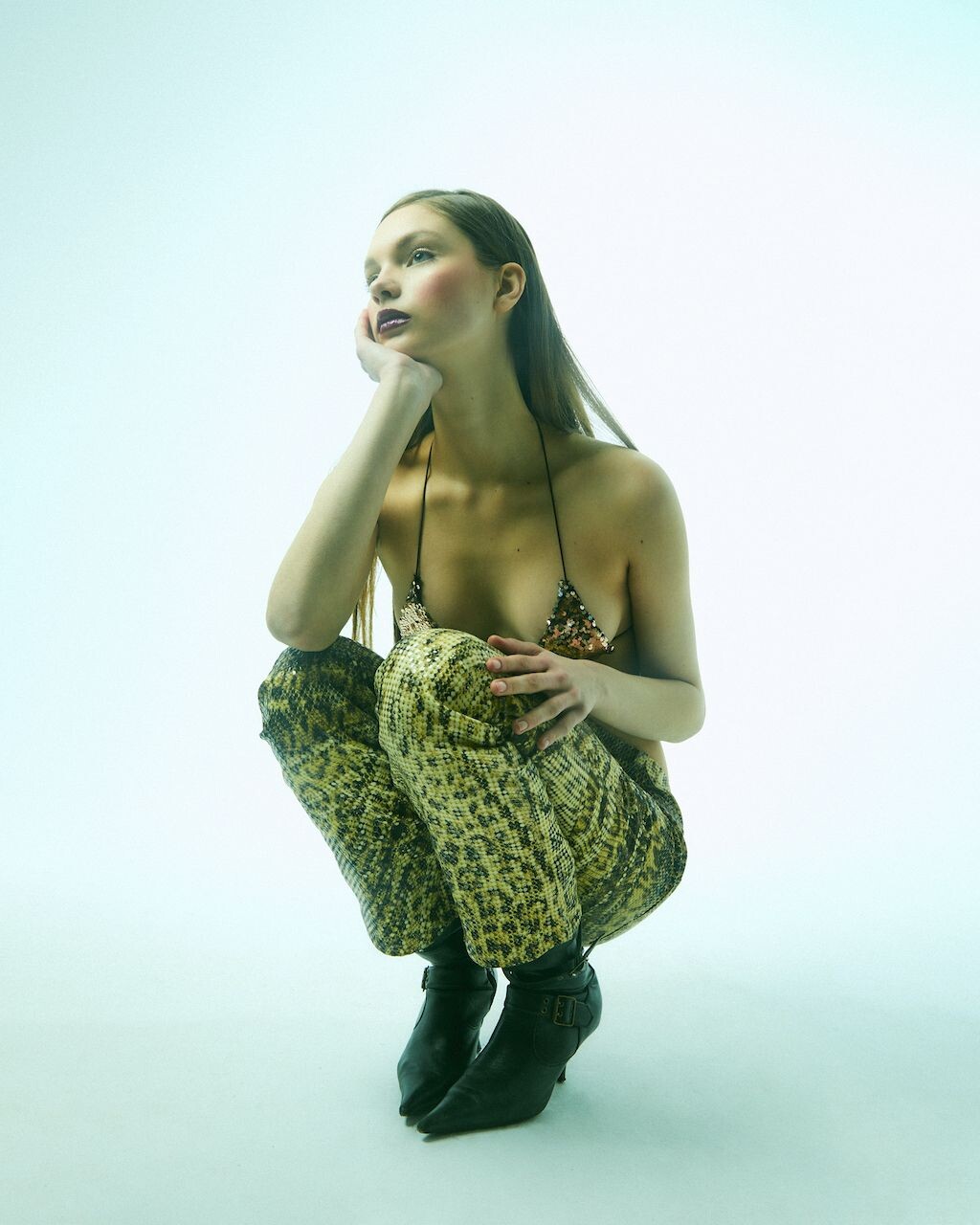
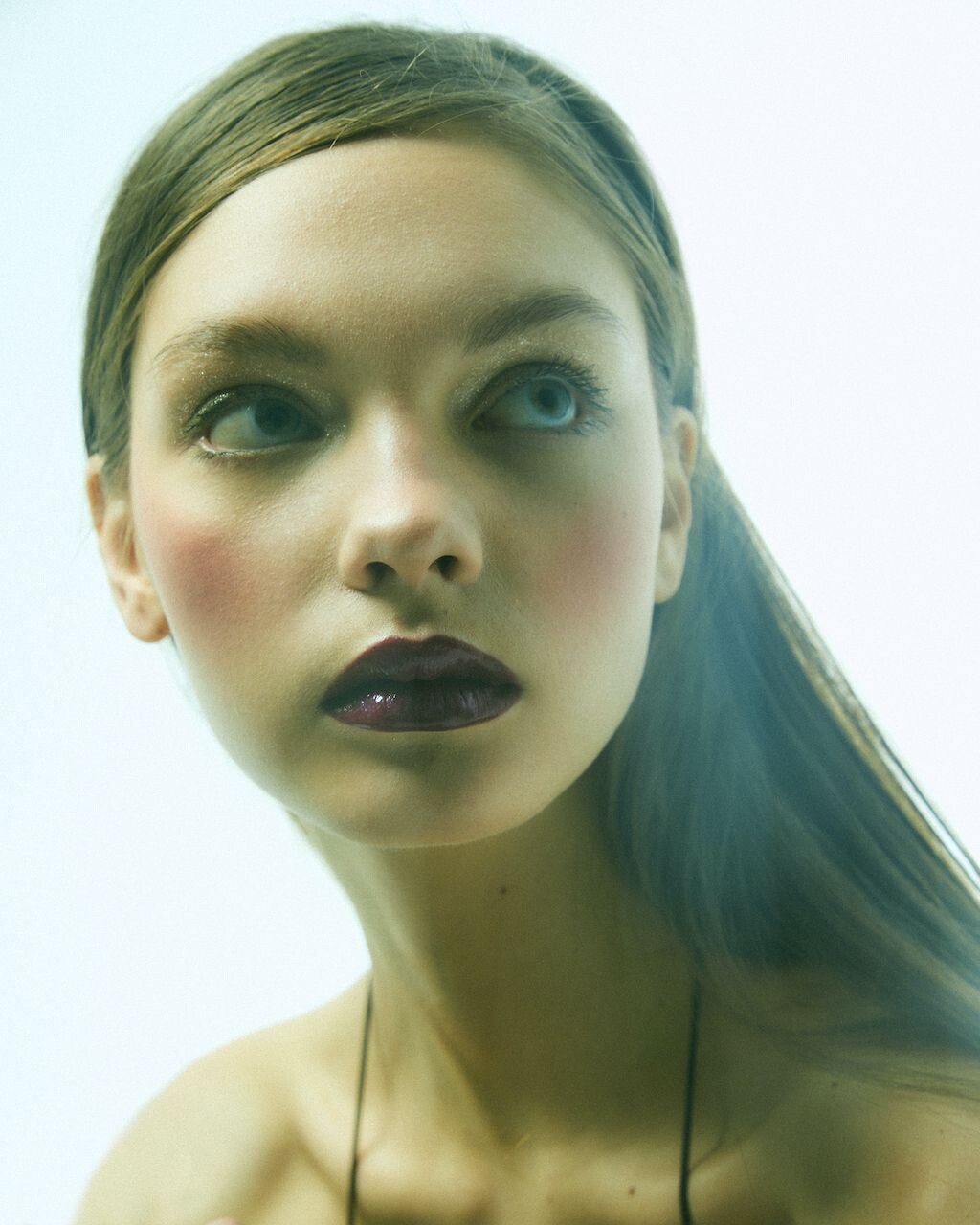
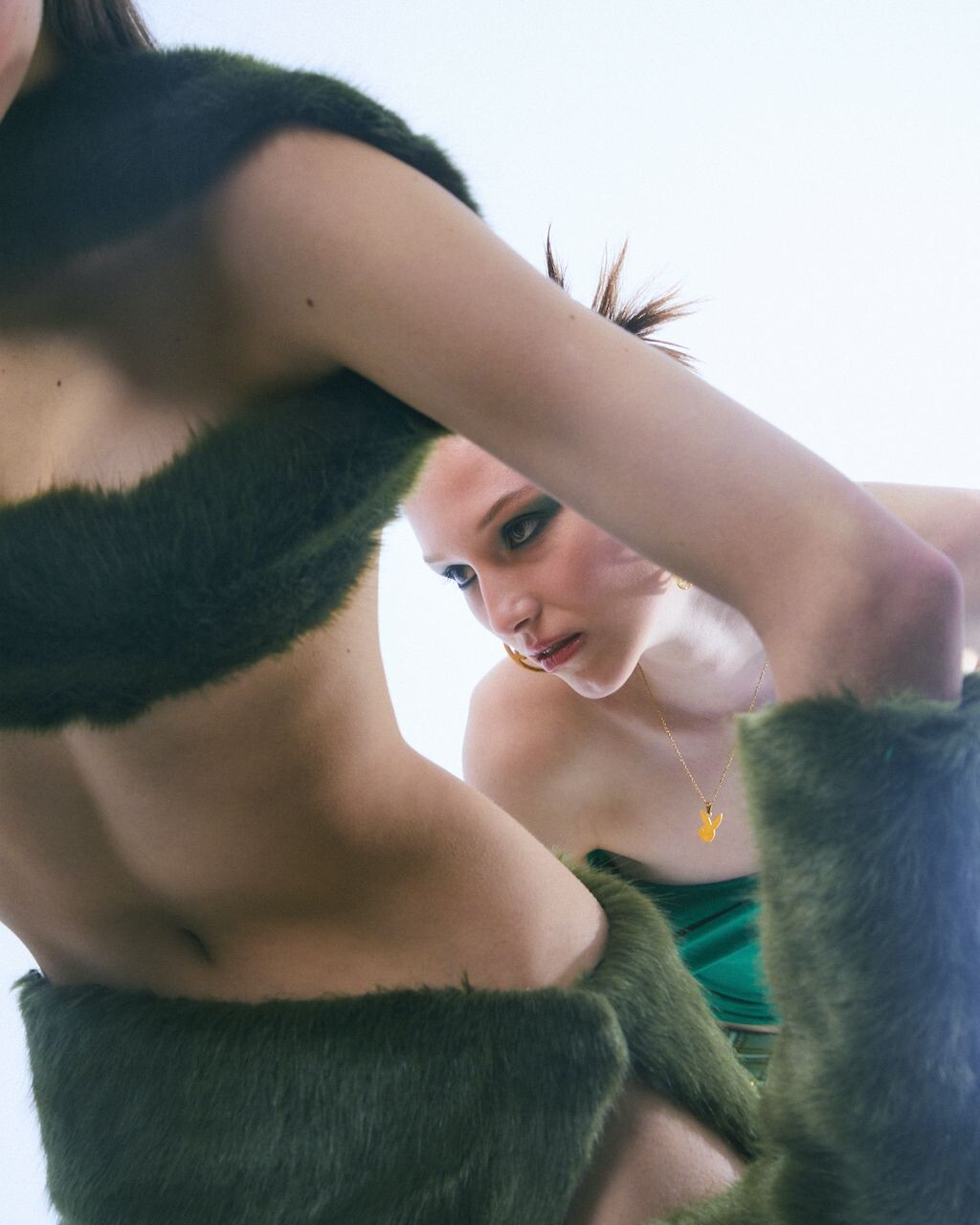
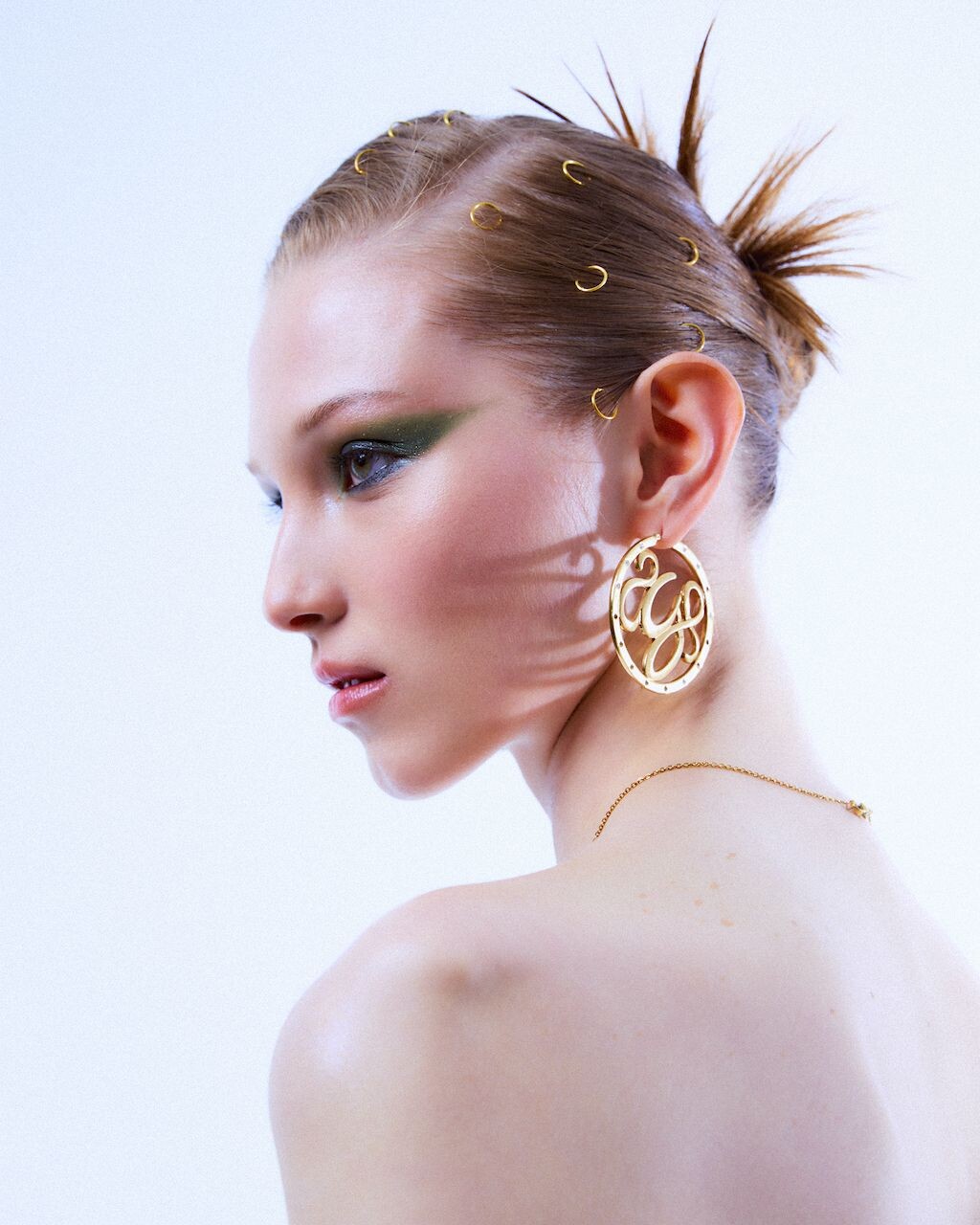
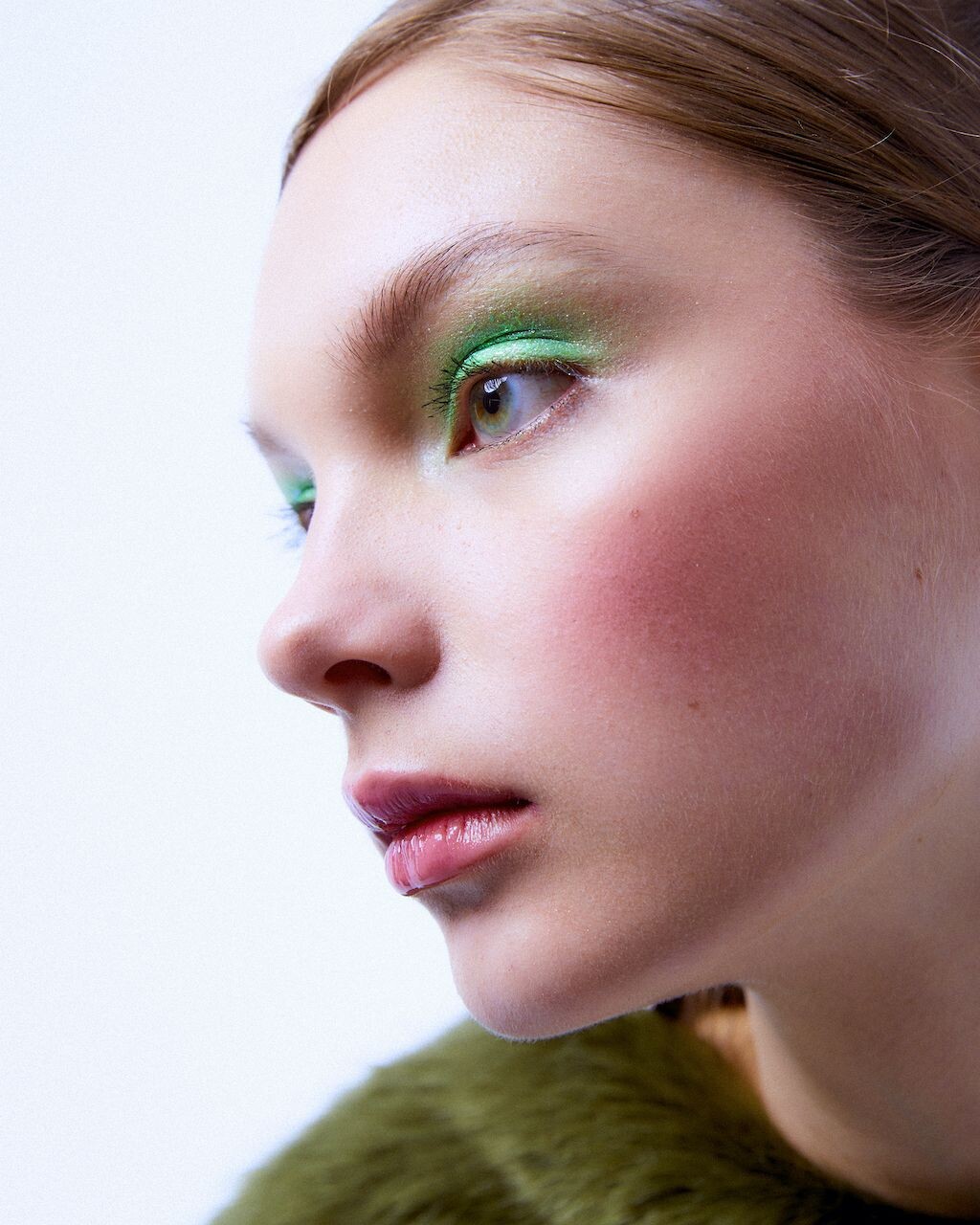
 Looks like this is the place for Aritiza model help. Anyone know who this is? Thanks!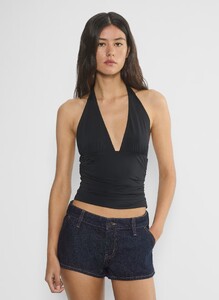
-
 Travel Insurance Quotes joined the community
 -
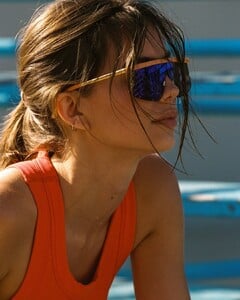
 Ph: Megan Taylor 2025 SnapInsta.to_AQPDD0MD6kcumi4v9Ioj4o84KNiLf7UpAgO4oozTlZRsAaQ6rA4YkzUpHthViPJNUZUy5xhIzcrHj7DulR6RO1QWQun0AAnIP9sOJ-8.mp4











































-
 Recent IG Stories



-
Modelink Portfolio






-
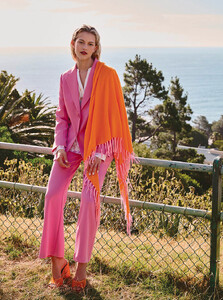
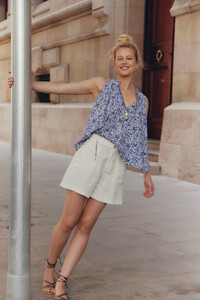
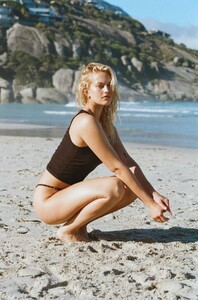
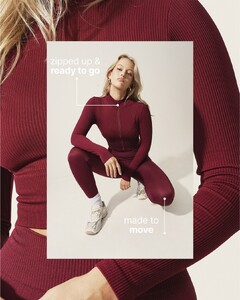
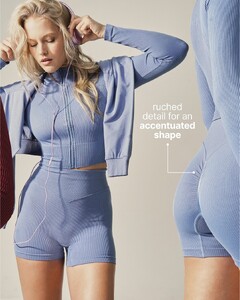
Promod Portfolio












-
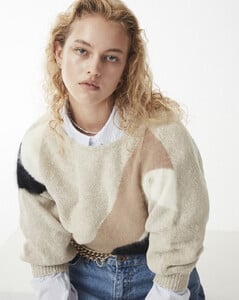
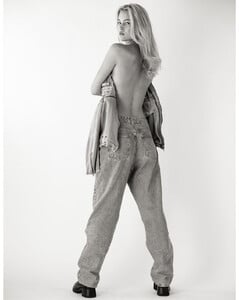
Skin Management Portfolio
















-
-
Image Brand Management Portfolio












-
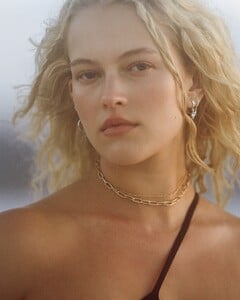
City Model Portfolio














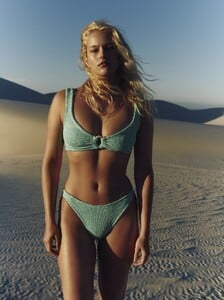

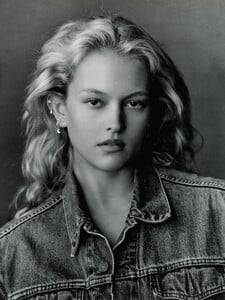
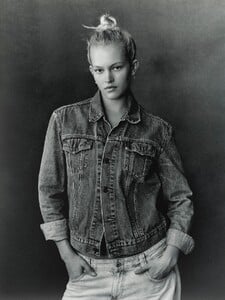
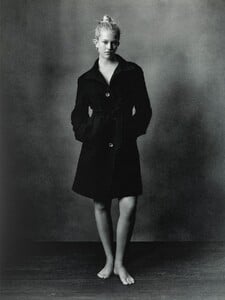








-
Photographed by Arthurdco








- Today
-
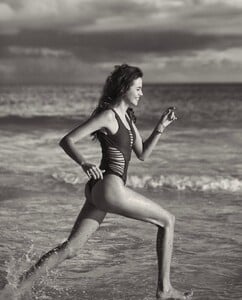
IG Ph: ???



-
 Spoiler SnapInsta.to_AQMmh7HH0zeGb6gFVO1N7qDjSRfoNSeZGVCTH8nQwmtrhta-wc6NVtTKVFWoqW6B2ELTi3aOE3U2_OgLveWwyjLZ0OmdAhFt3vtOT10.mp4AQNRkl3auFmHHhWn9ZCCor61XmVW15Pj9DzVALh3z9wJHocCOWlXk2LeVHFtUzN-ODX1K2jxC9u_t7wQy10Rg3Fu.mp4
-
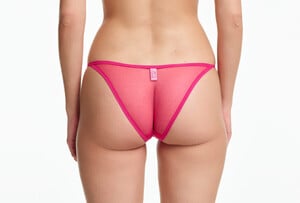
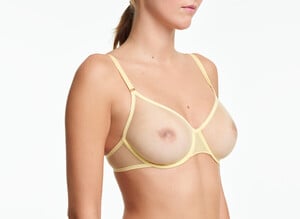
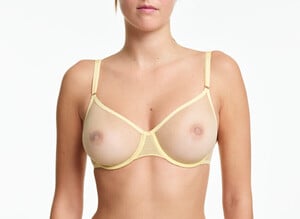
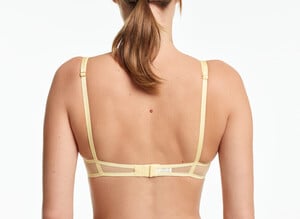
 Yasmine Eslami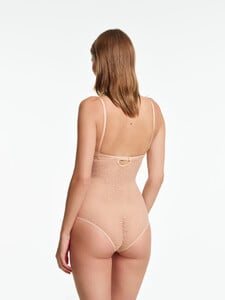
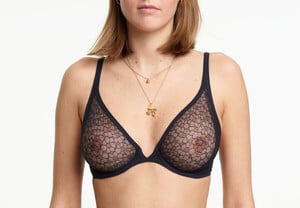
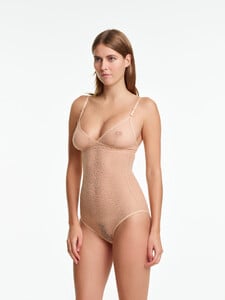
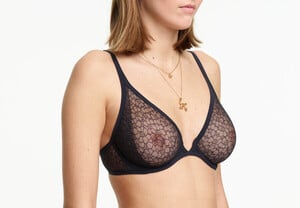
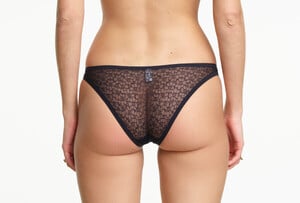
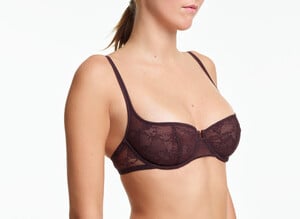
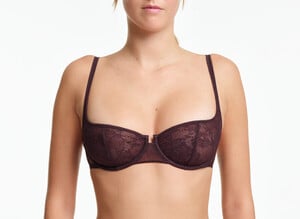
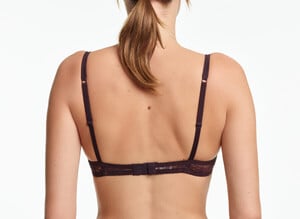
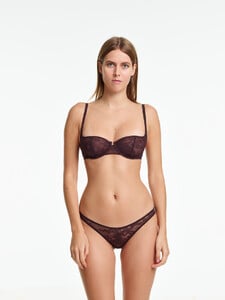
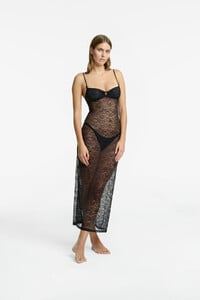
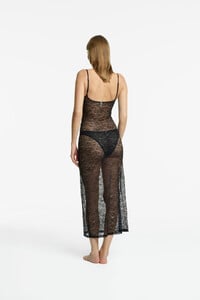
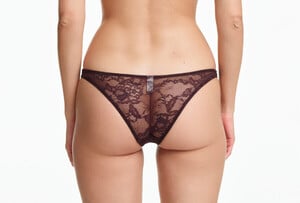
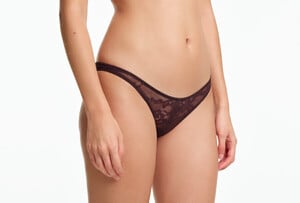
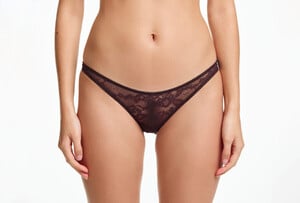
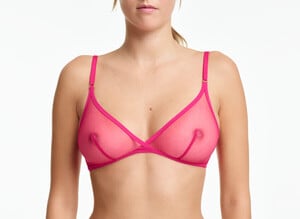
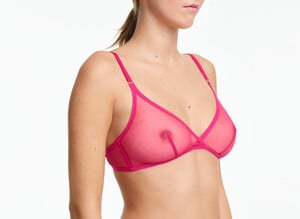
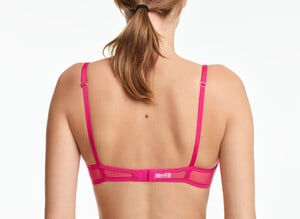
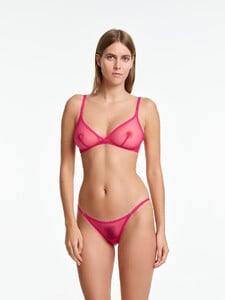
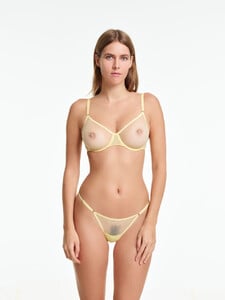
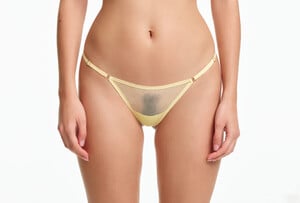
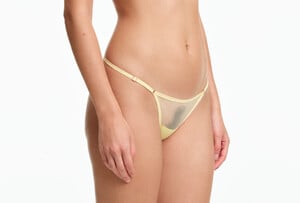
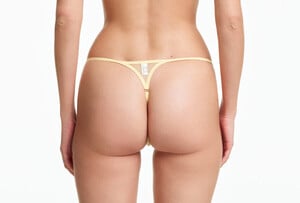
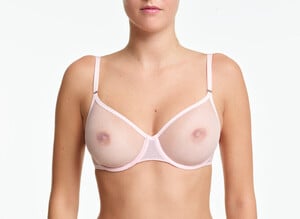

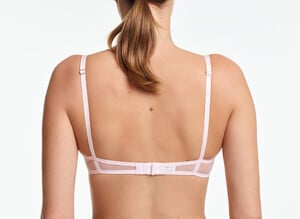
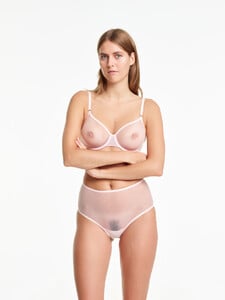
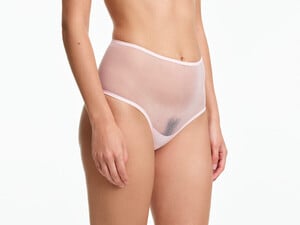
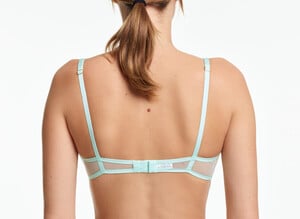
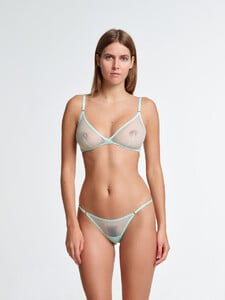
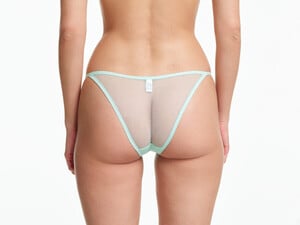
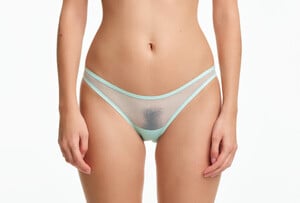
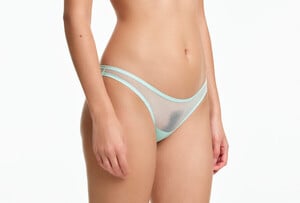
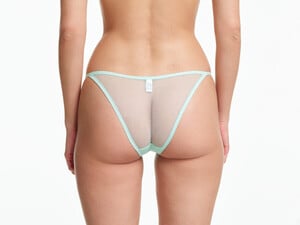
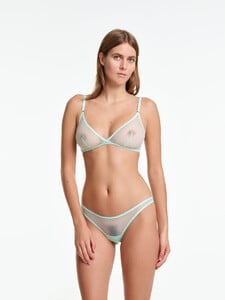
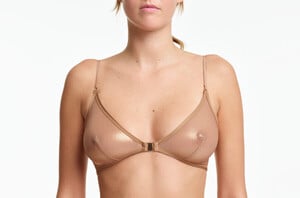
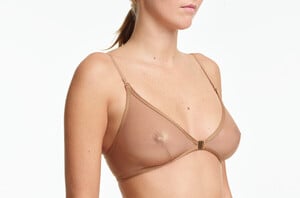
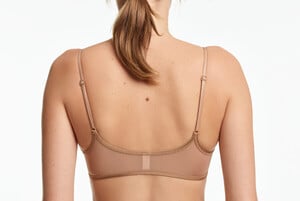
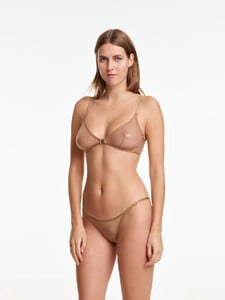
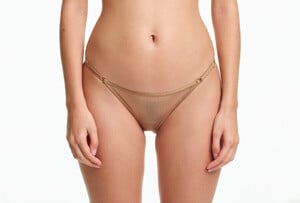
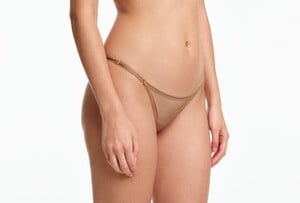
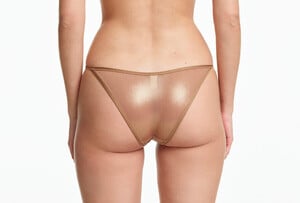
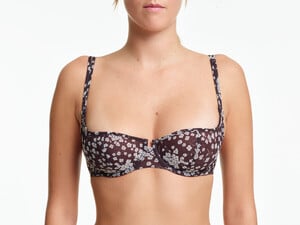
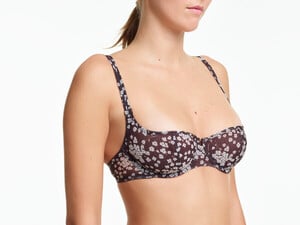
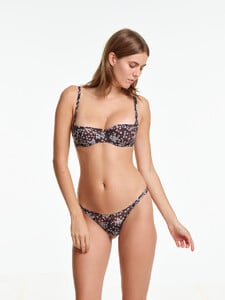
-
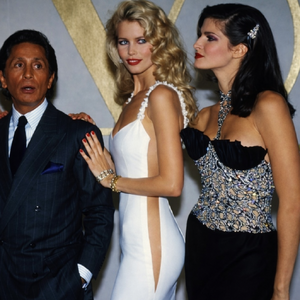
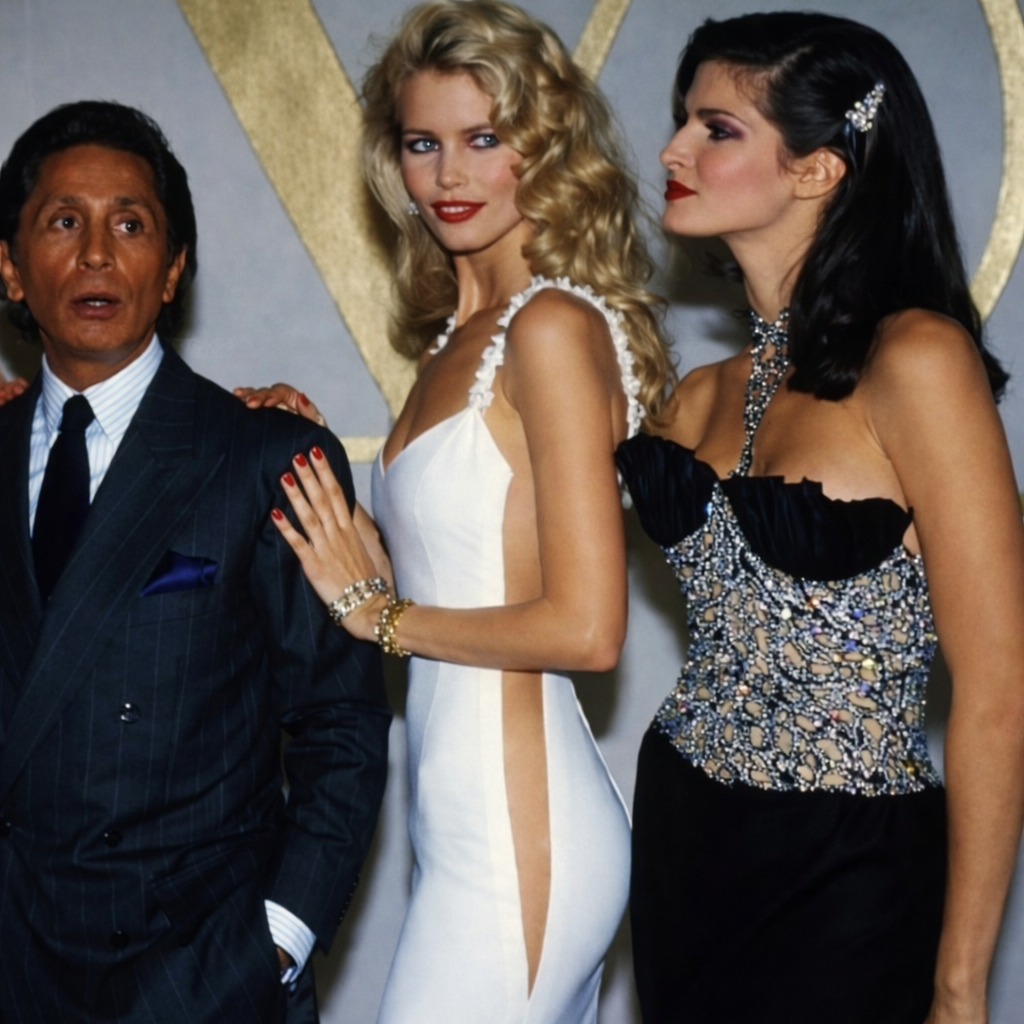
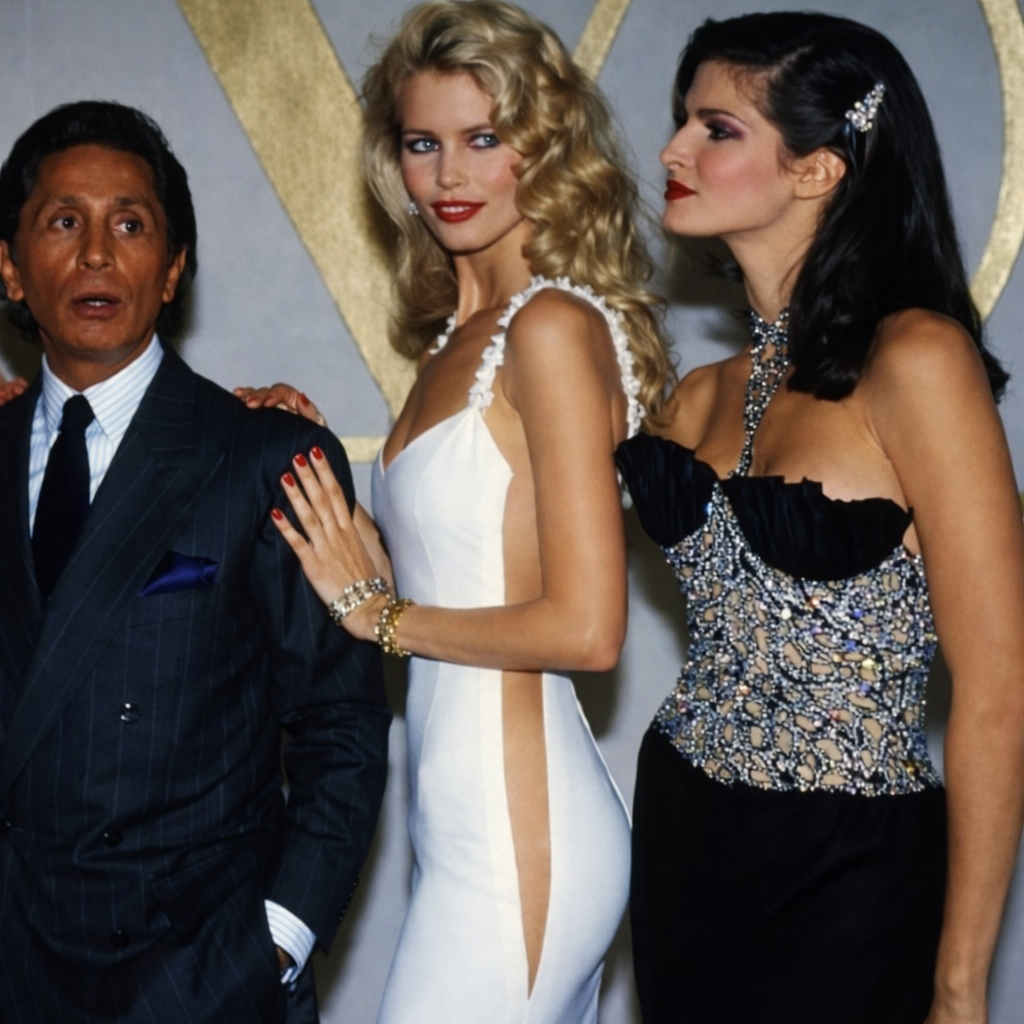
 Valentino Garavani, Claudia Schiffer & Stephanie Seymour backstage @ Valentino, ready-to-wear, spring/summer 1995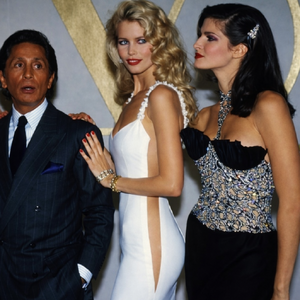
-
Valentino Garavani, Claudia Schiffer & Stephanie Seymour backstage @ Valentino, ready-to-wear, spring/summer 1995
-
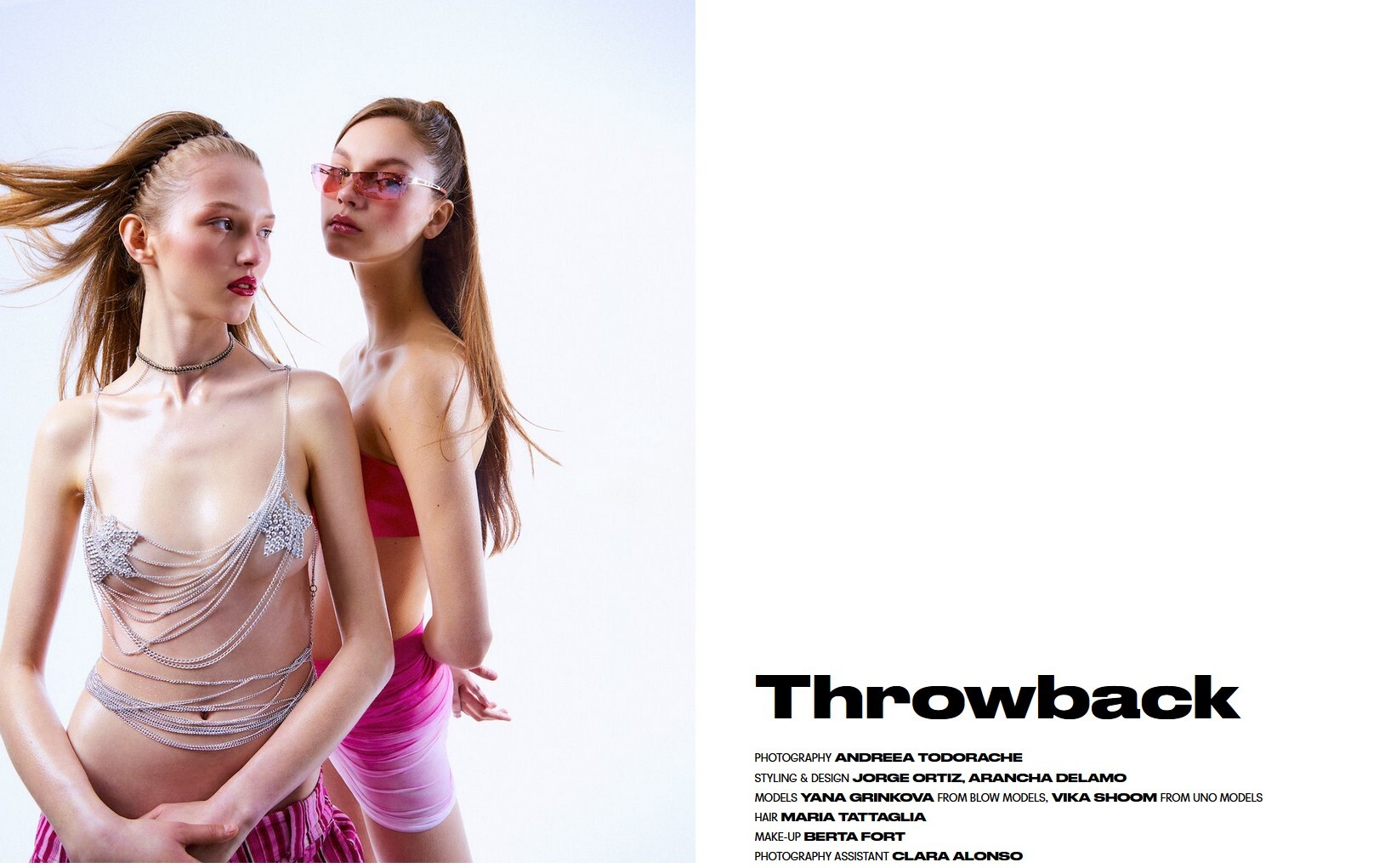
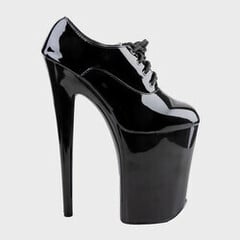 MODELS YANA GRINKOVA, VIKA SHOOM















-
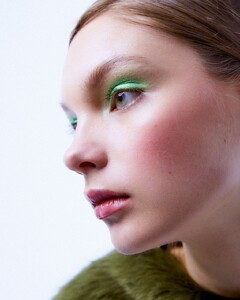
 My favorite model. She's amazing!.. Why don't the photos click and can't I zoom in on them?
 -
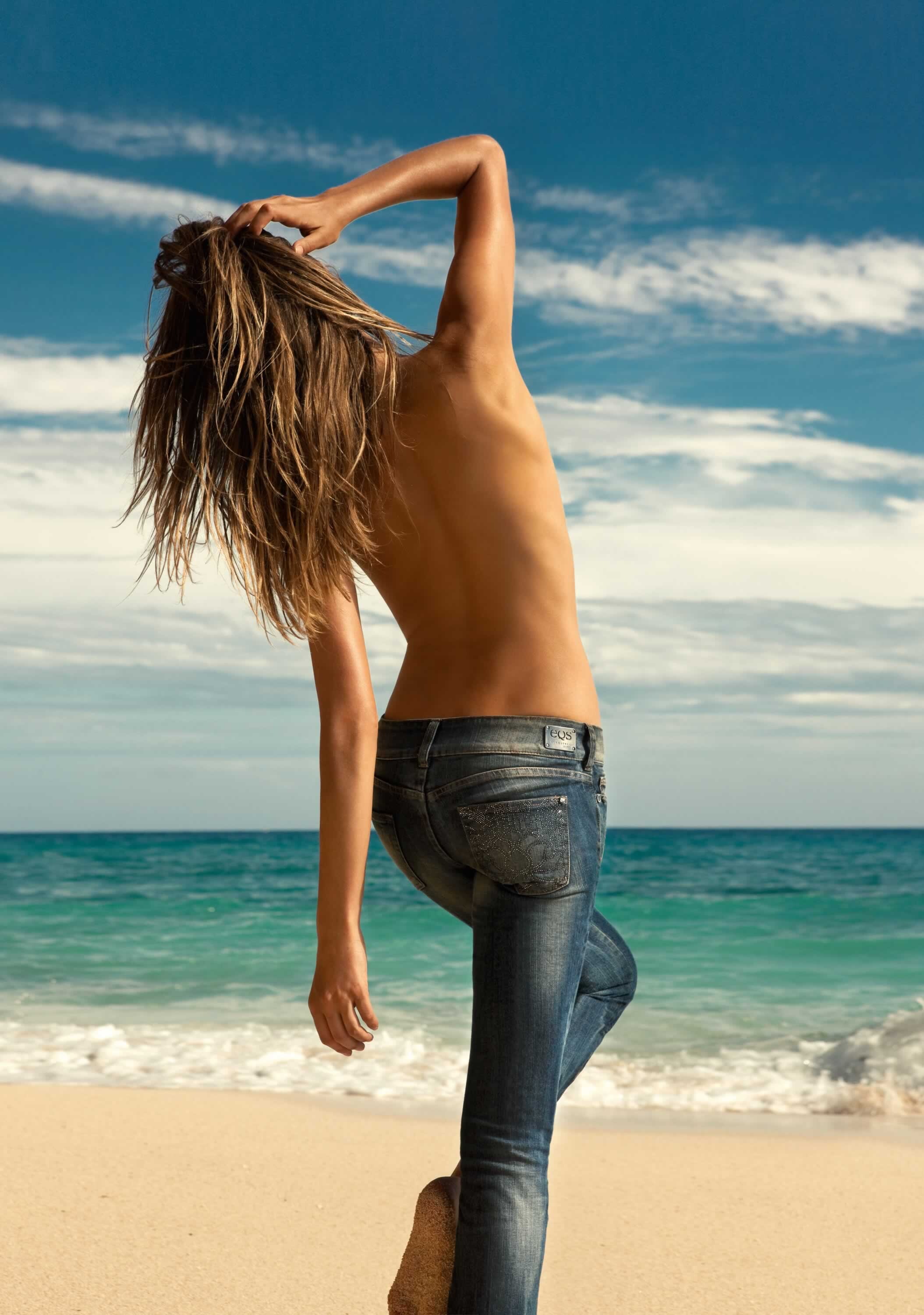
 Oldies - Nicole Whitte for Equus from 2011 She was an attractive but minor model who worked mostly in Italy. According to FMD, her first shows were in 2000, for Armani. She doesn't ever appear to have an entry on Bellazon or Listal.






-

































































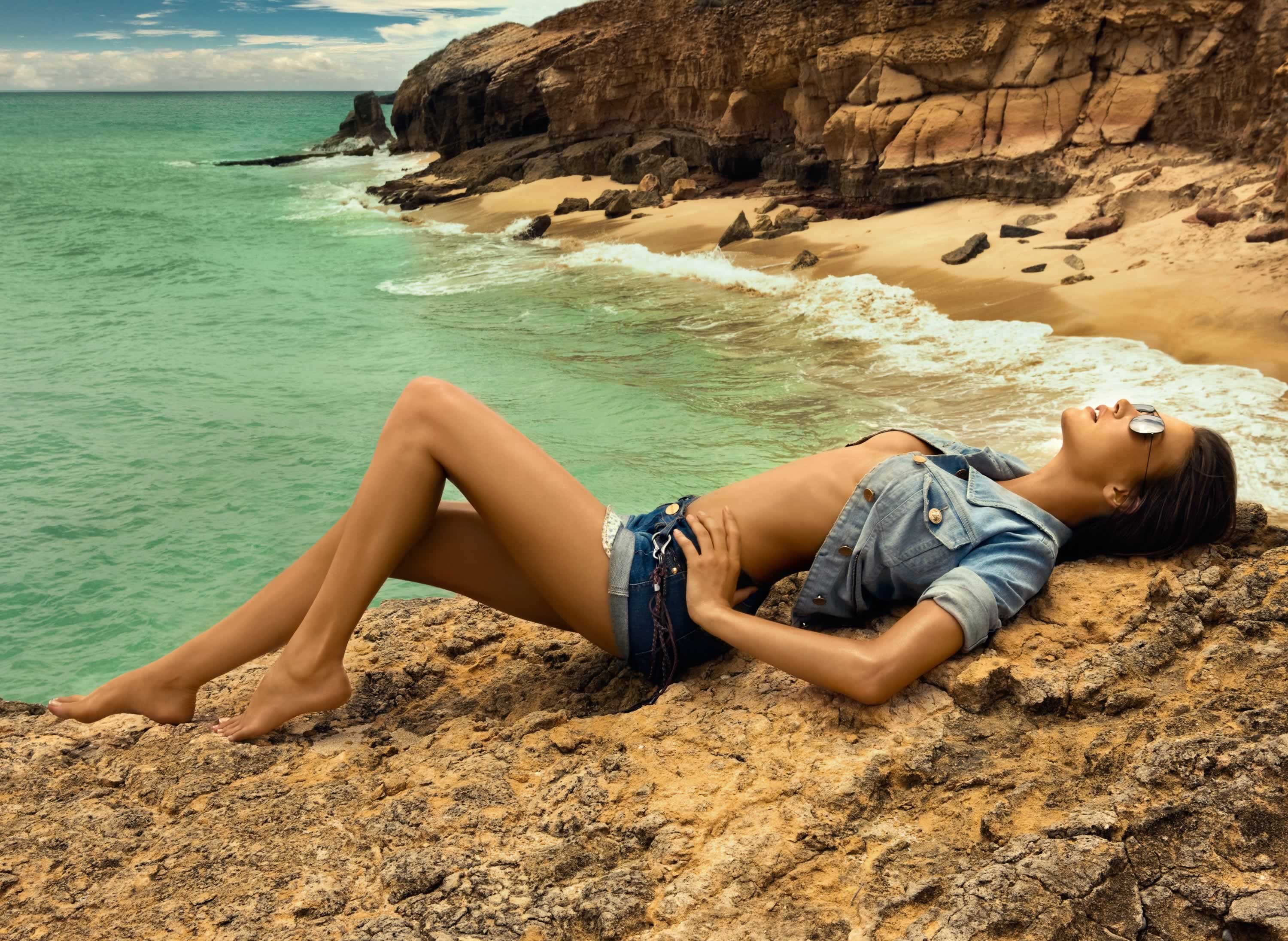
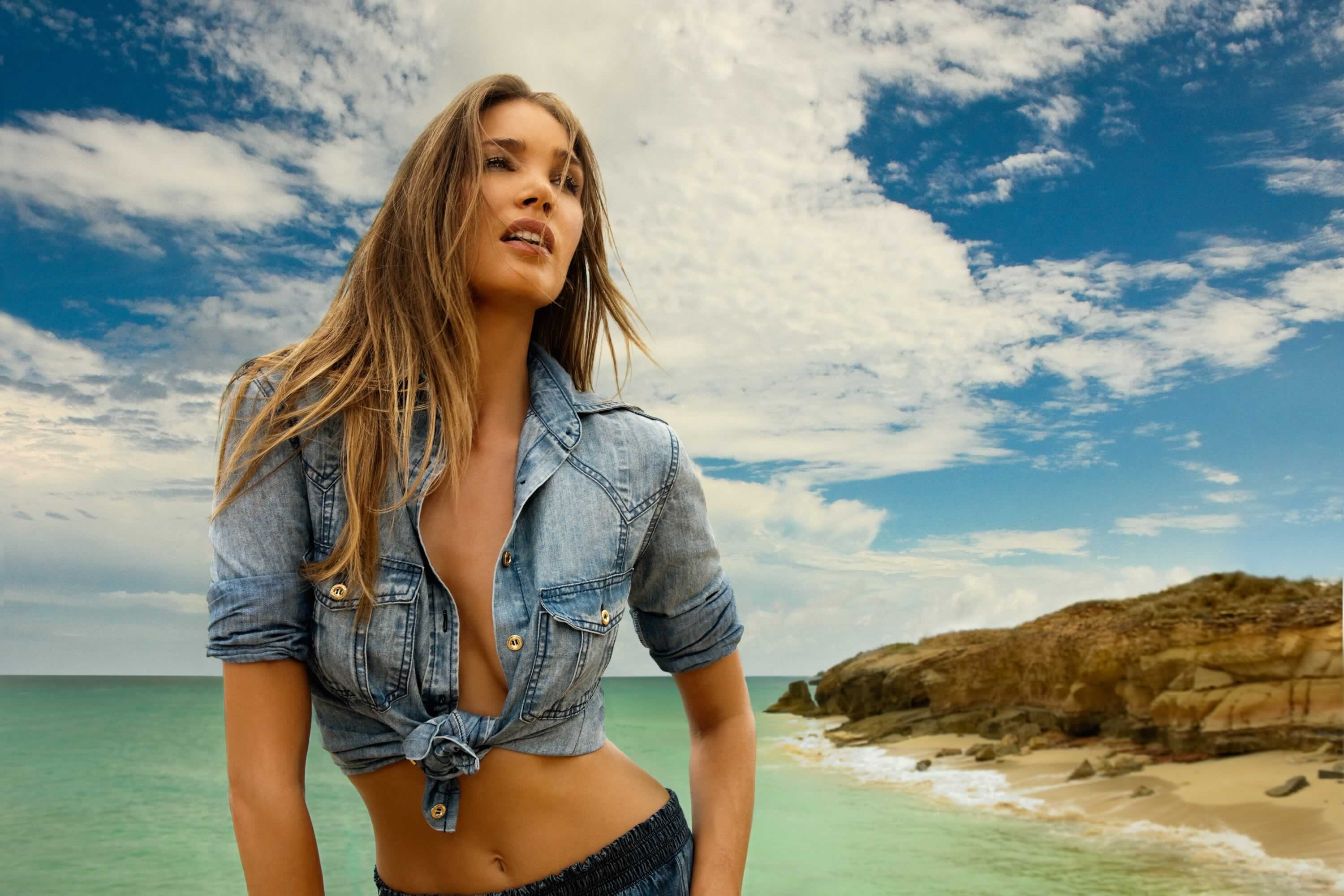
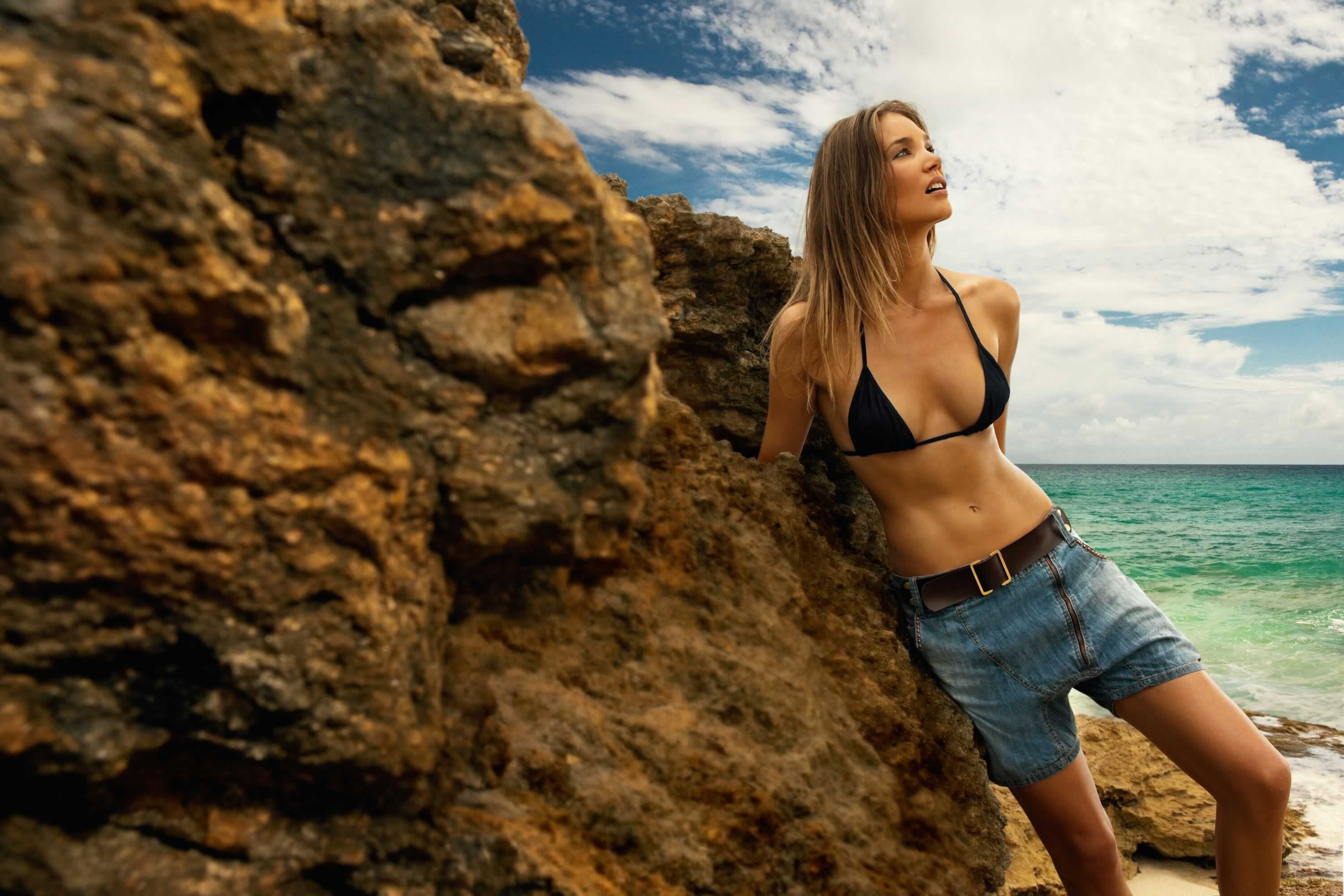
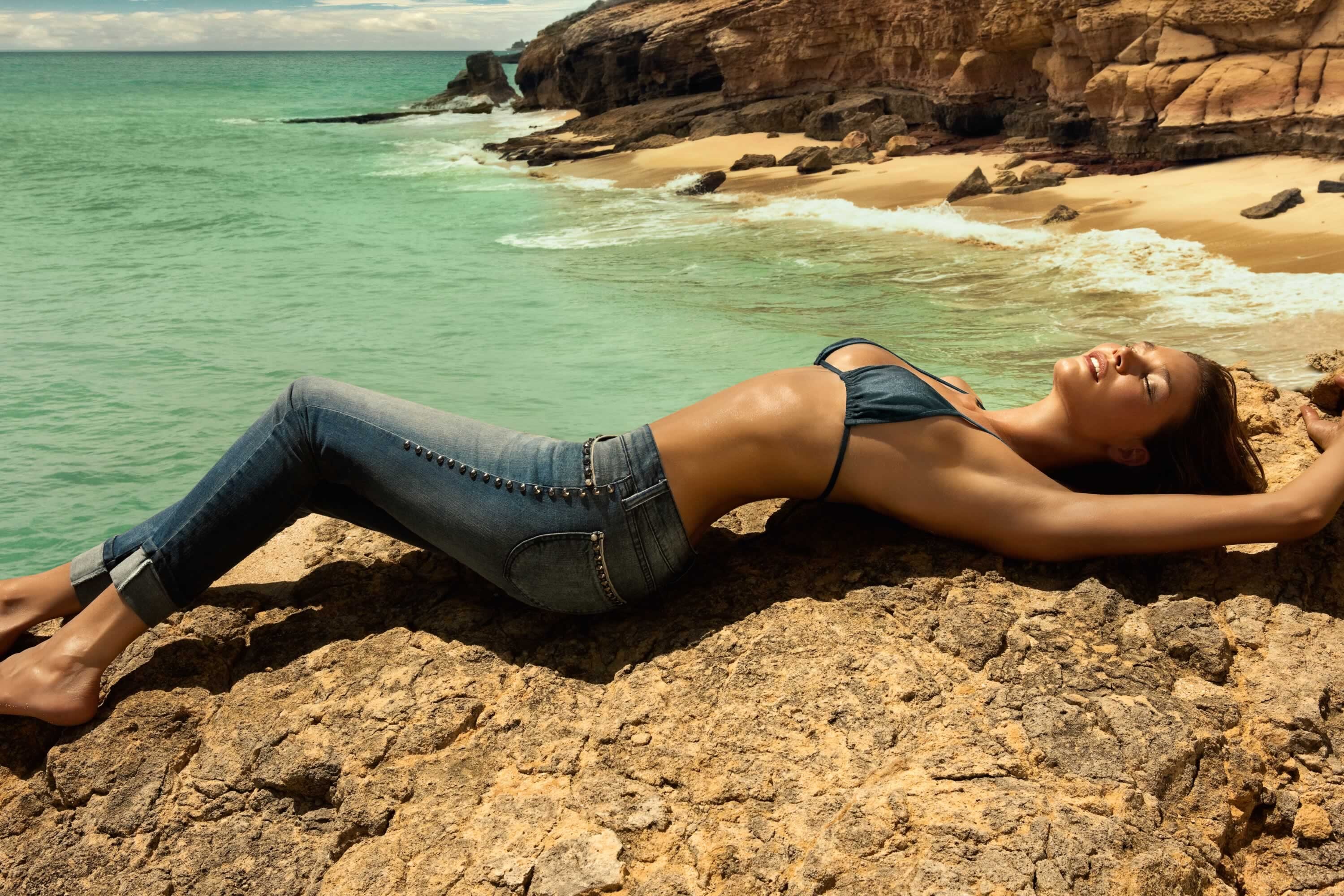
Account
Search
Configure browser push notifications
Chrome (Android)
- Tap the lock icon next to the address bar.
- Tap Permissions → Notifications.
- Adjust your preference.
Chrome (Desktop)
- Click the padlock icon in the address bar.
- Select Site settings.
- Find Notifications and adjust your preference.
Safari (iOS 16.4+)
- Ensure the site is installed via Add to Home Screen.
- Open Settings App → Notifications.
- Find your app name and adjust your preference.
Safari (macOS)
- Go to Safari → Preferences.
- Click the Websites tab.
- Select Notifications in the sidebar.
- Find this website and adjust your preference.
Edge (Android)
- Tap the lock icon next to the address bar.
- Tap Permissions.
- Find Notifications and adjust your preference.
Edge (Desktop)
- Click the padlock icon in the address bar.
- Click Permissions for this site.
- Find Notifications and adjust your preference.
Firefox (Android)
- Go to Settings → Site permissions.
- Tap Notifications.
- Find this site in the list and adjust your preference.
Firefox (Desktop)
- Open Firefox Settings.
- Search for Notifications.
- Find this site in the list and adjust your preference.