All Activity
- Past hour
-
 Predator: Badlands Elle Fanning & Dimitrius Schuster-Koloamatangi Had Way Too Much Fun On Set Screen Rant
 -
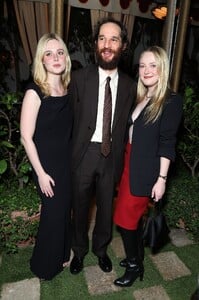
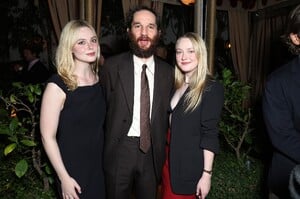
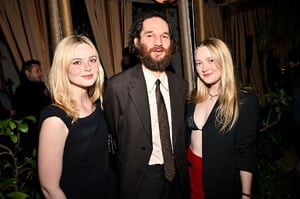
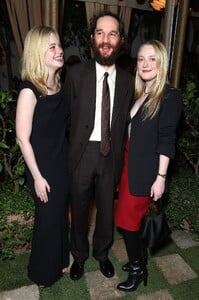
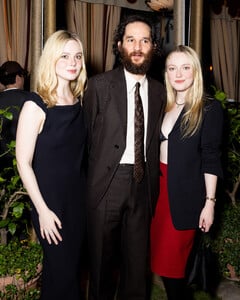
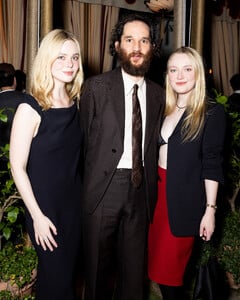
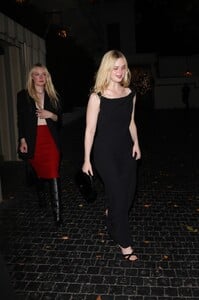
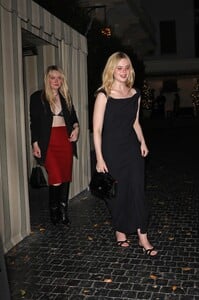
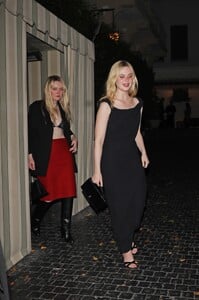
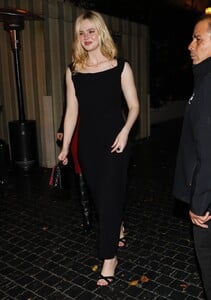
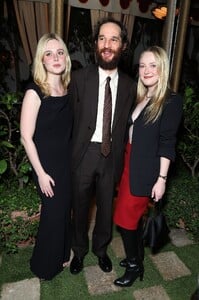
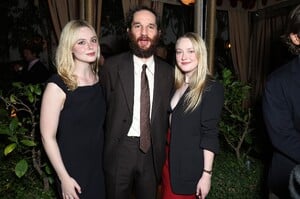
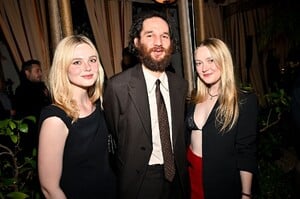
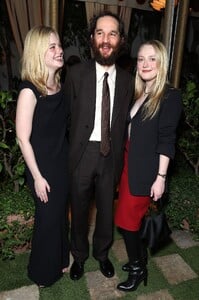
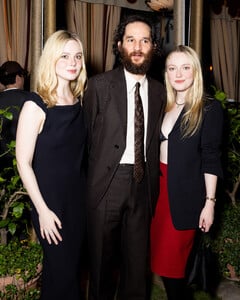
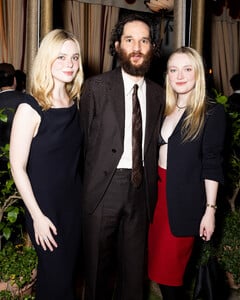
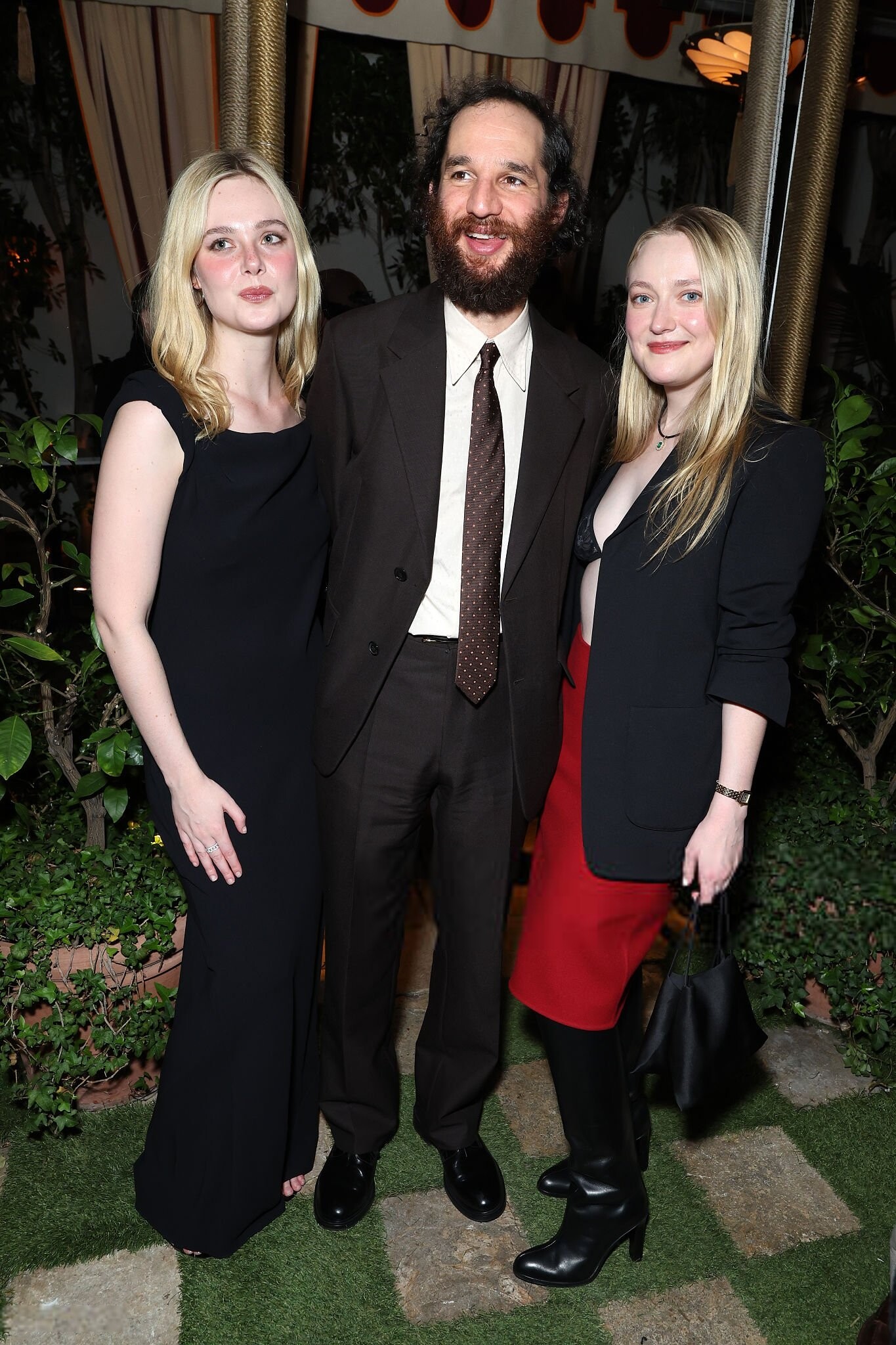
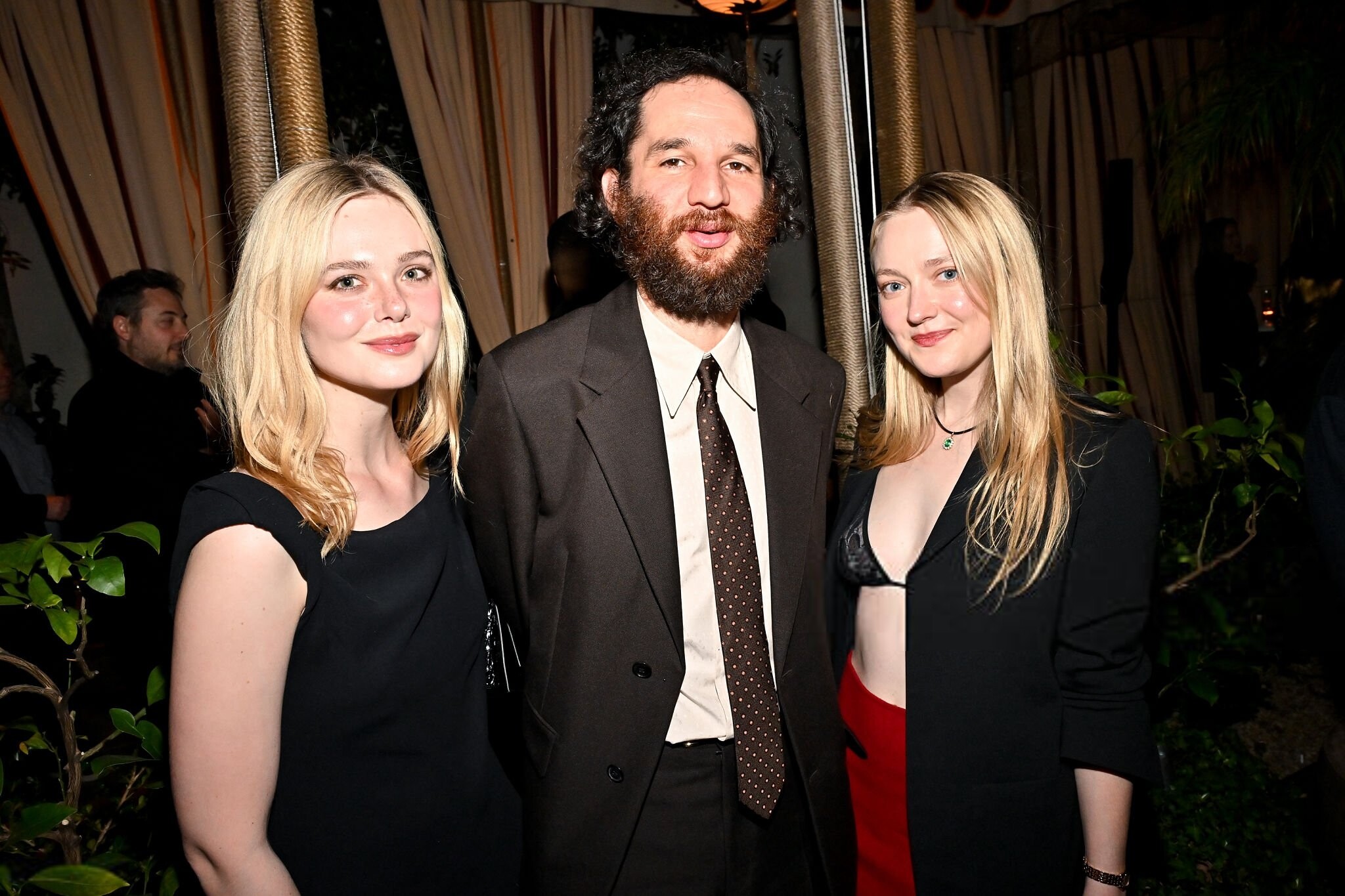
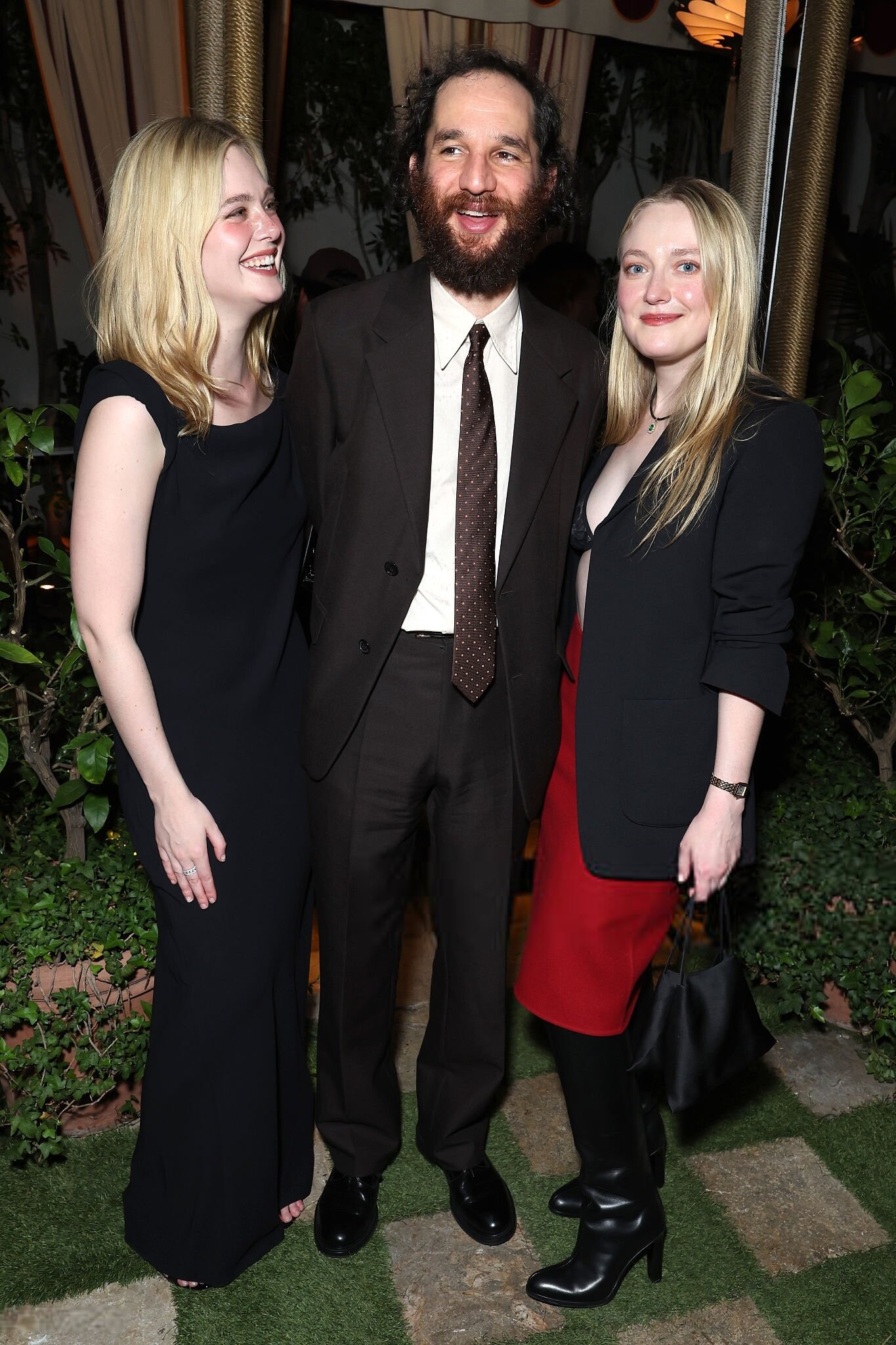
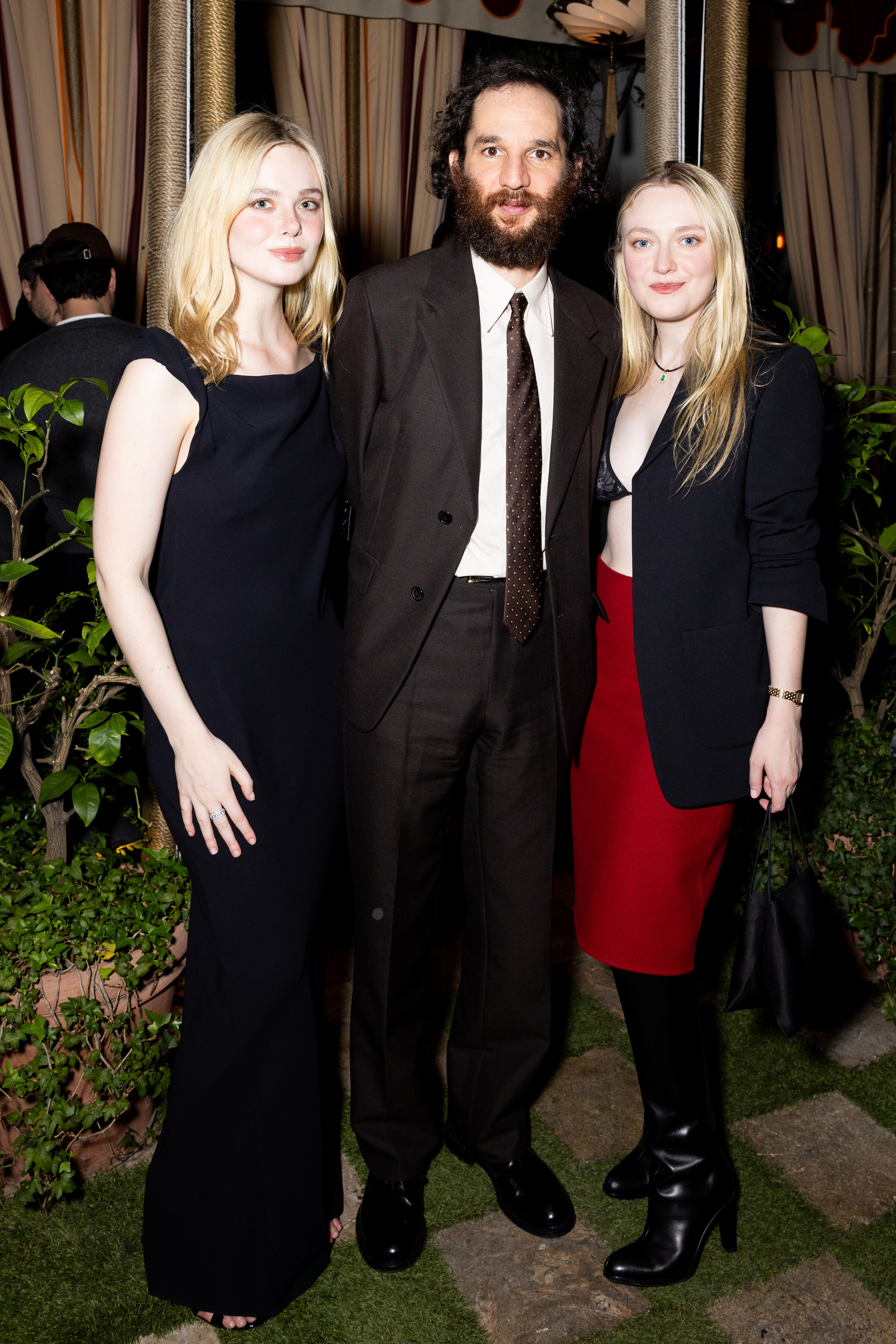
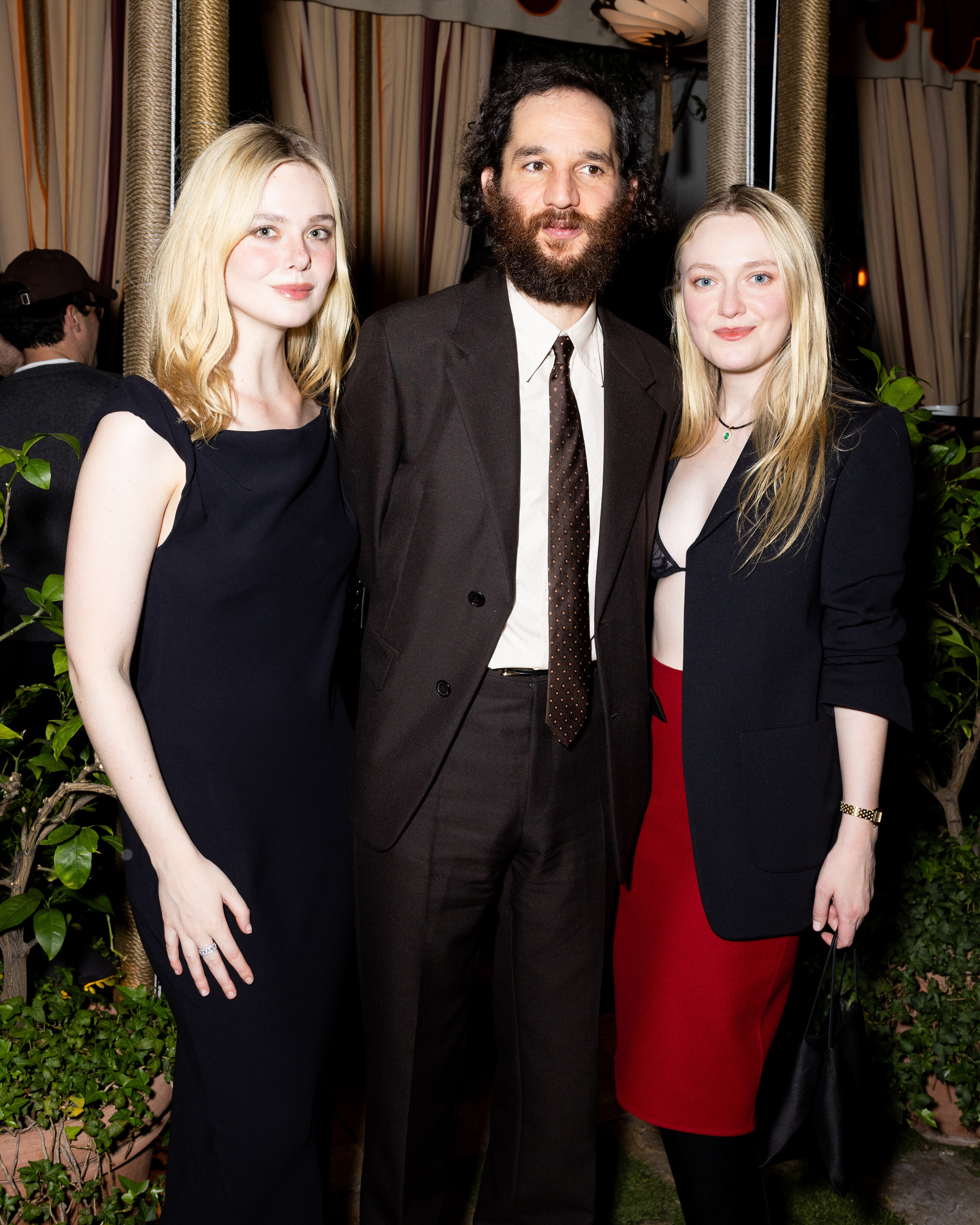
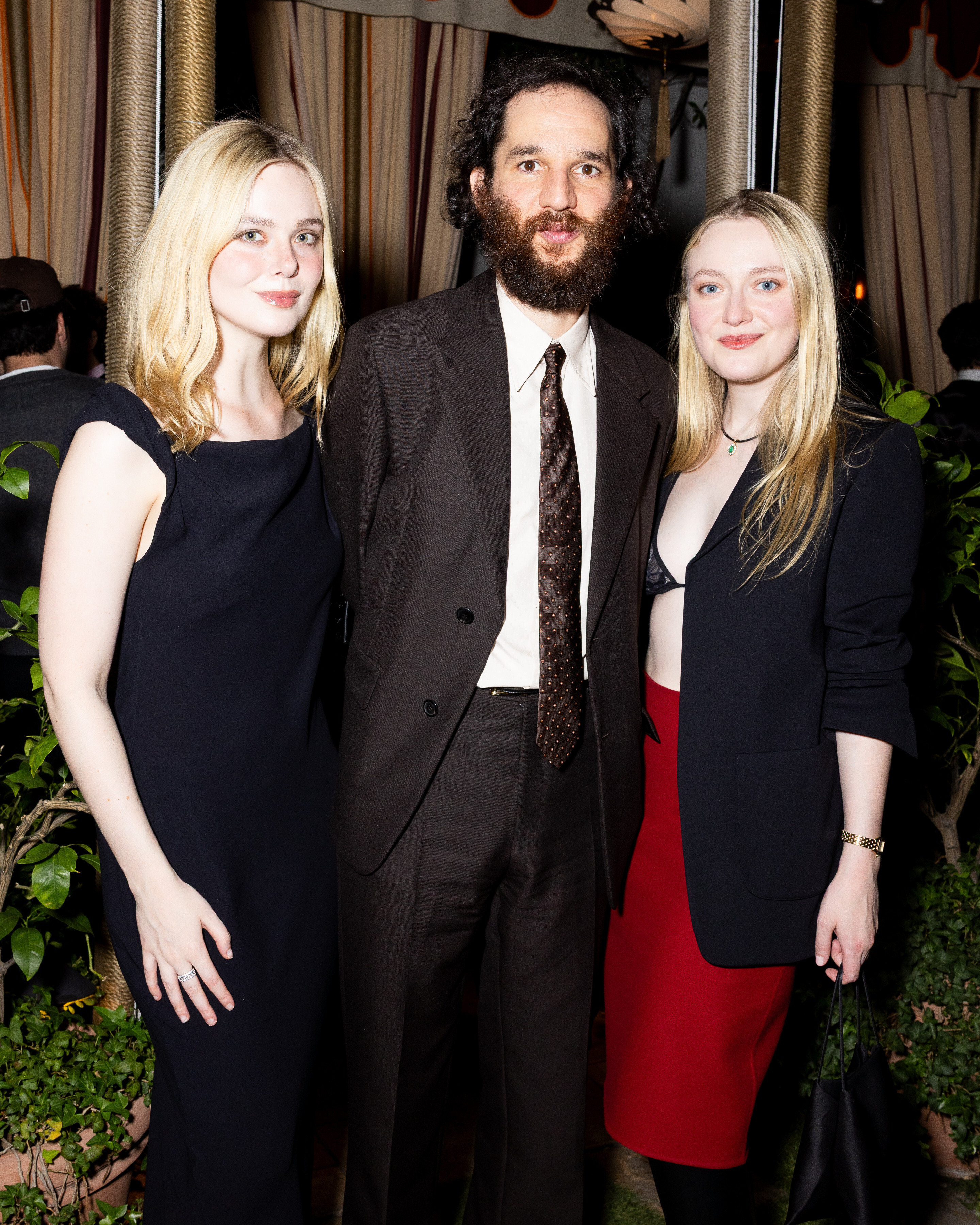
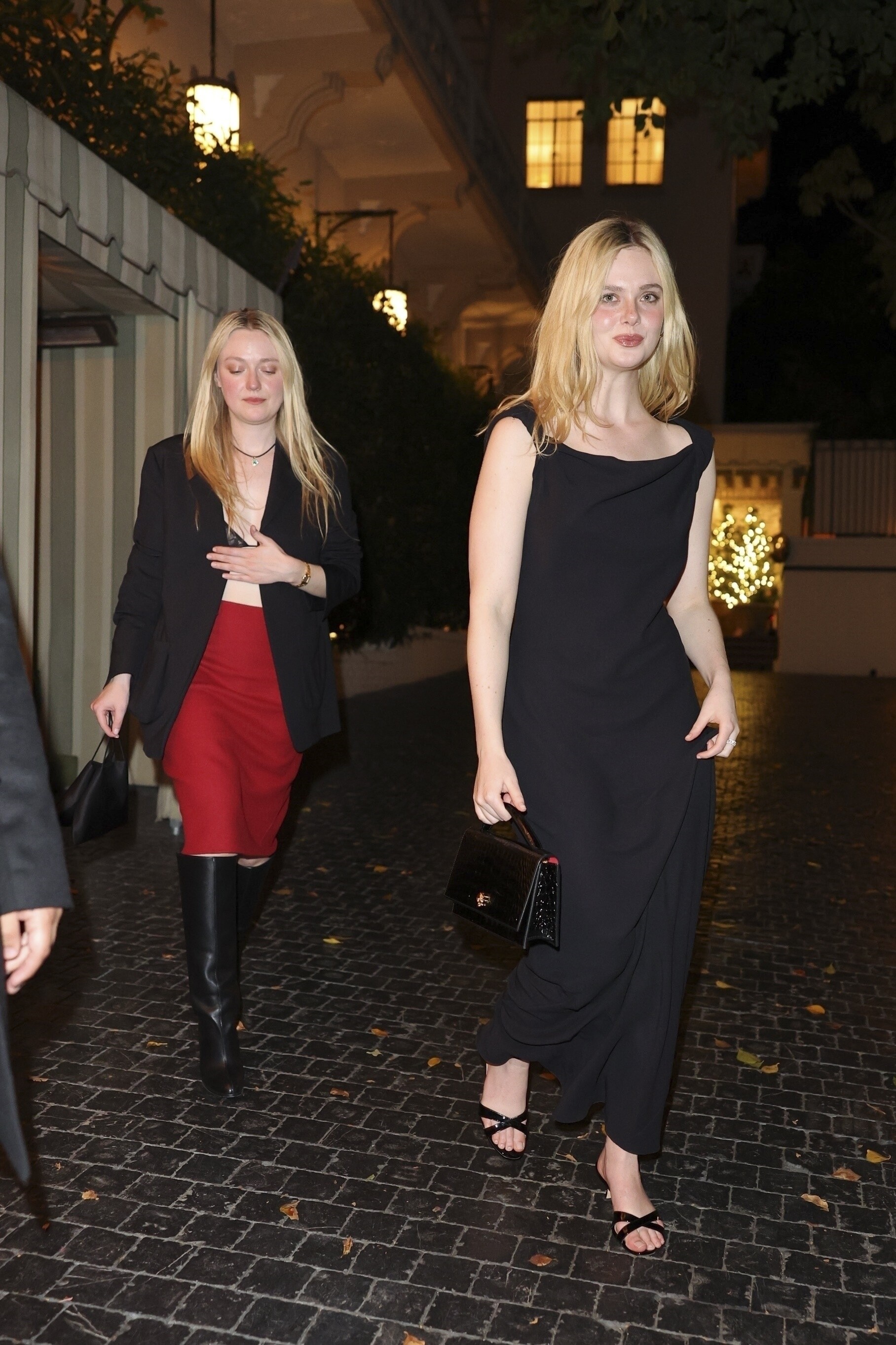
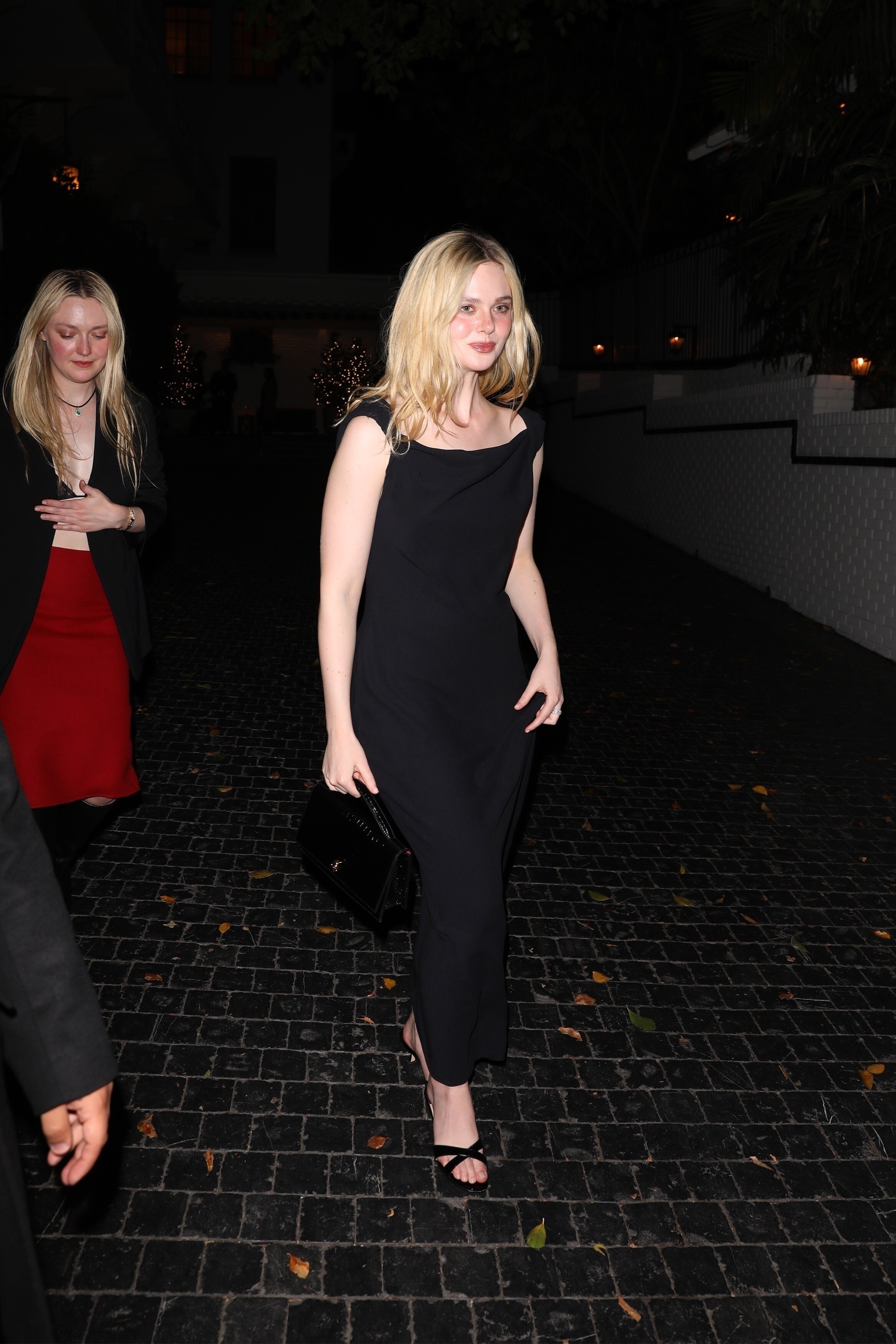
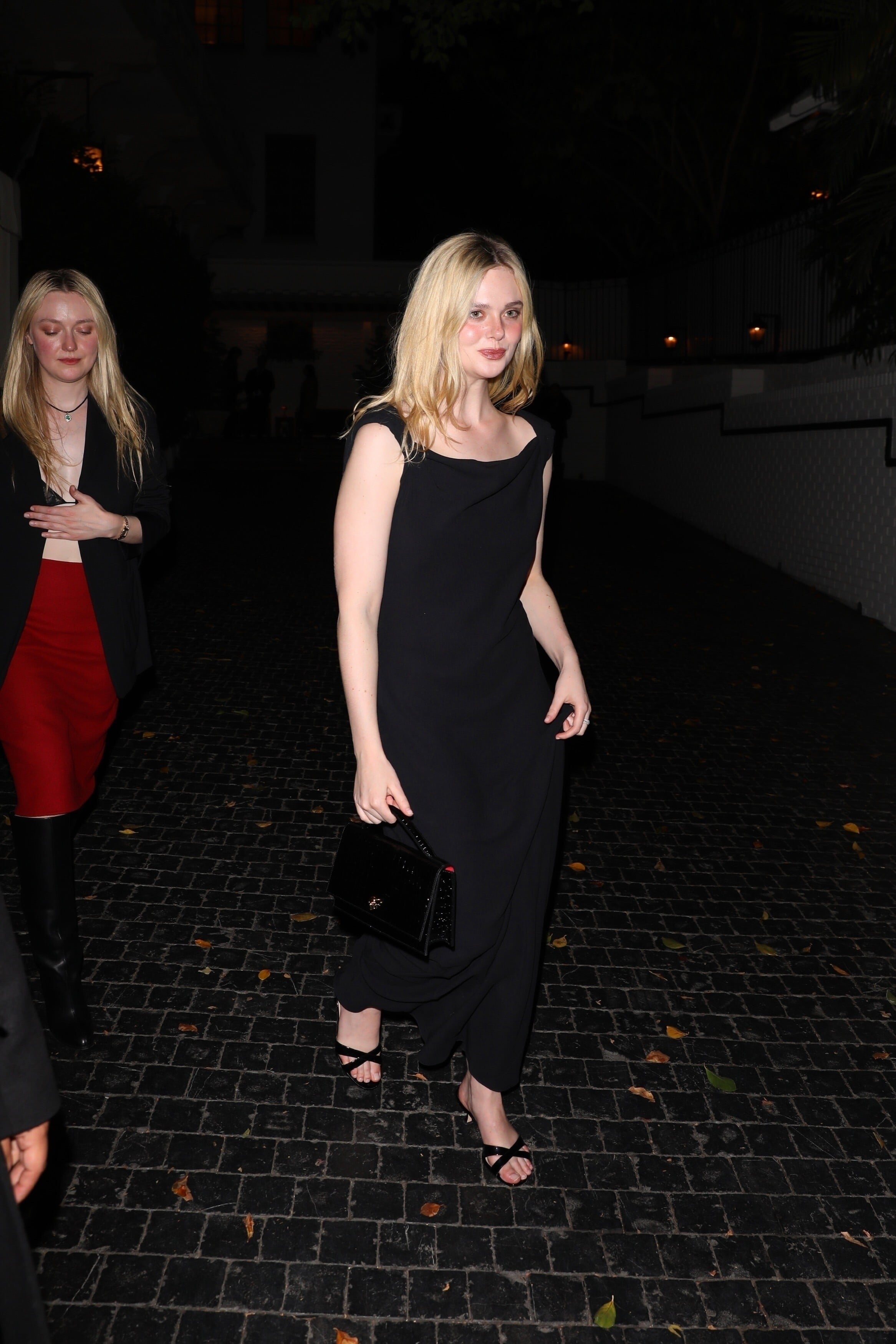
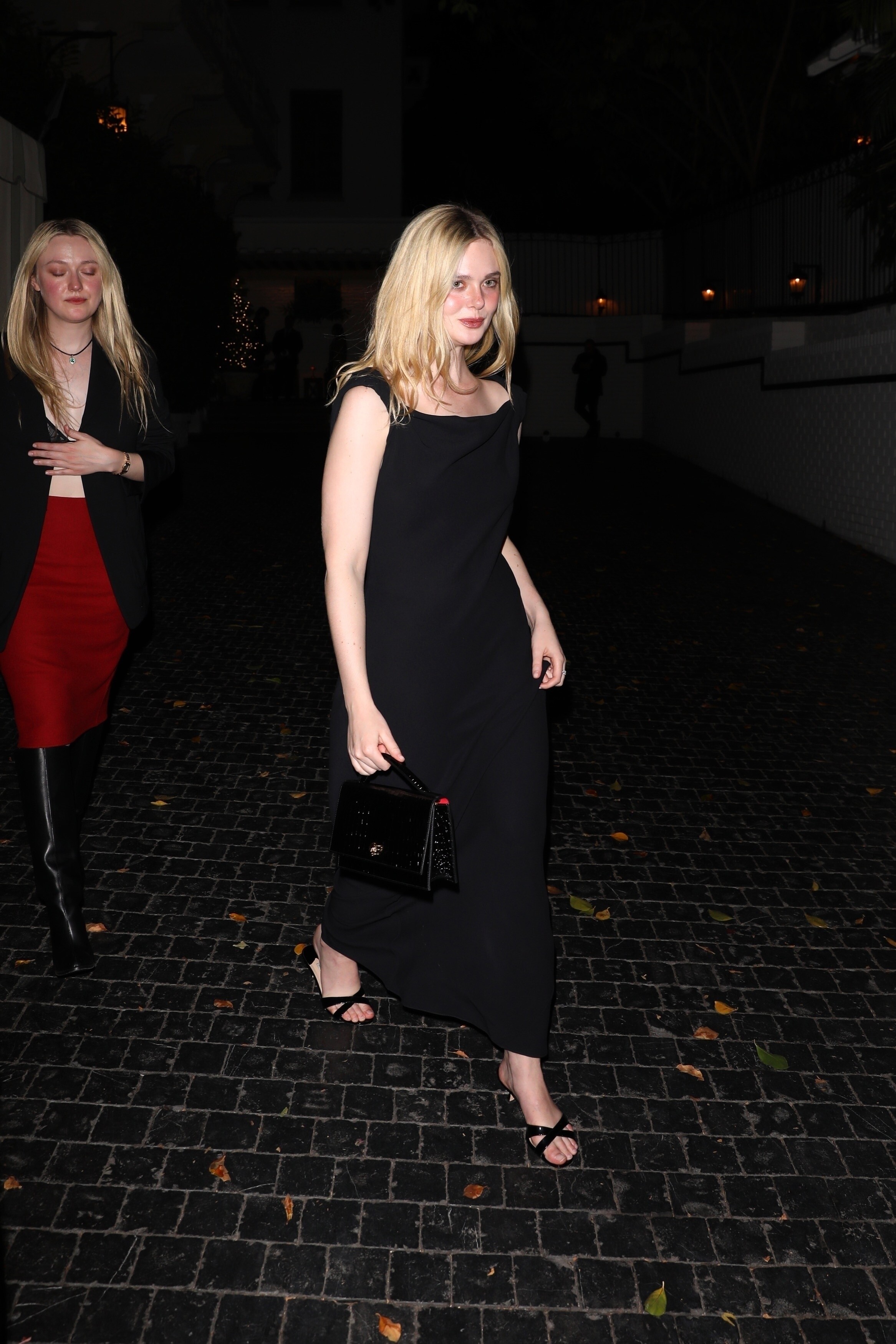
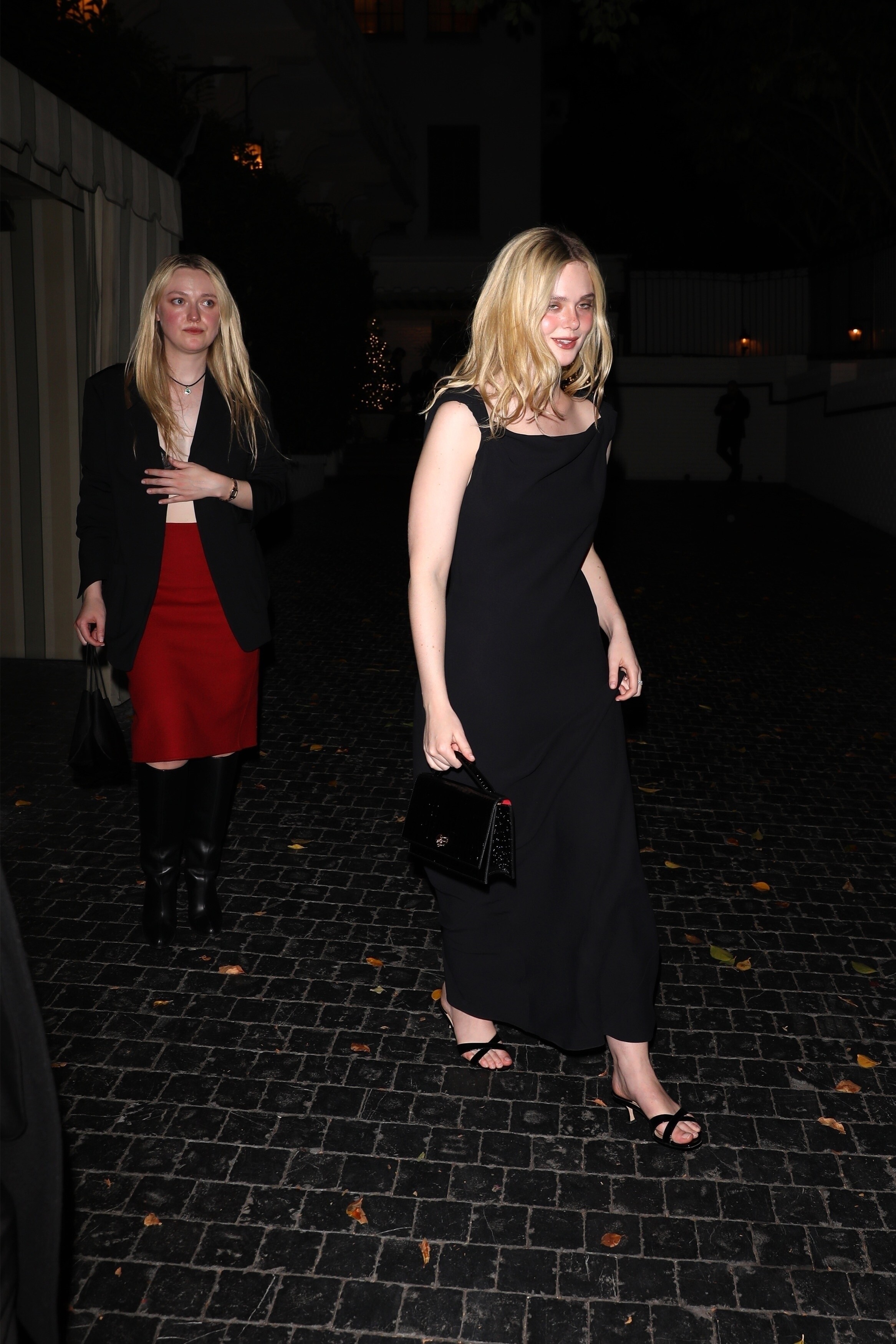
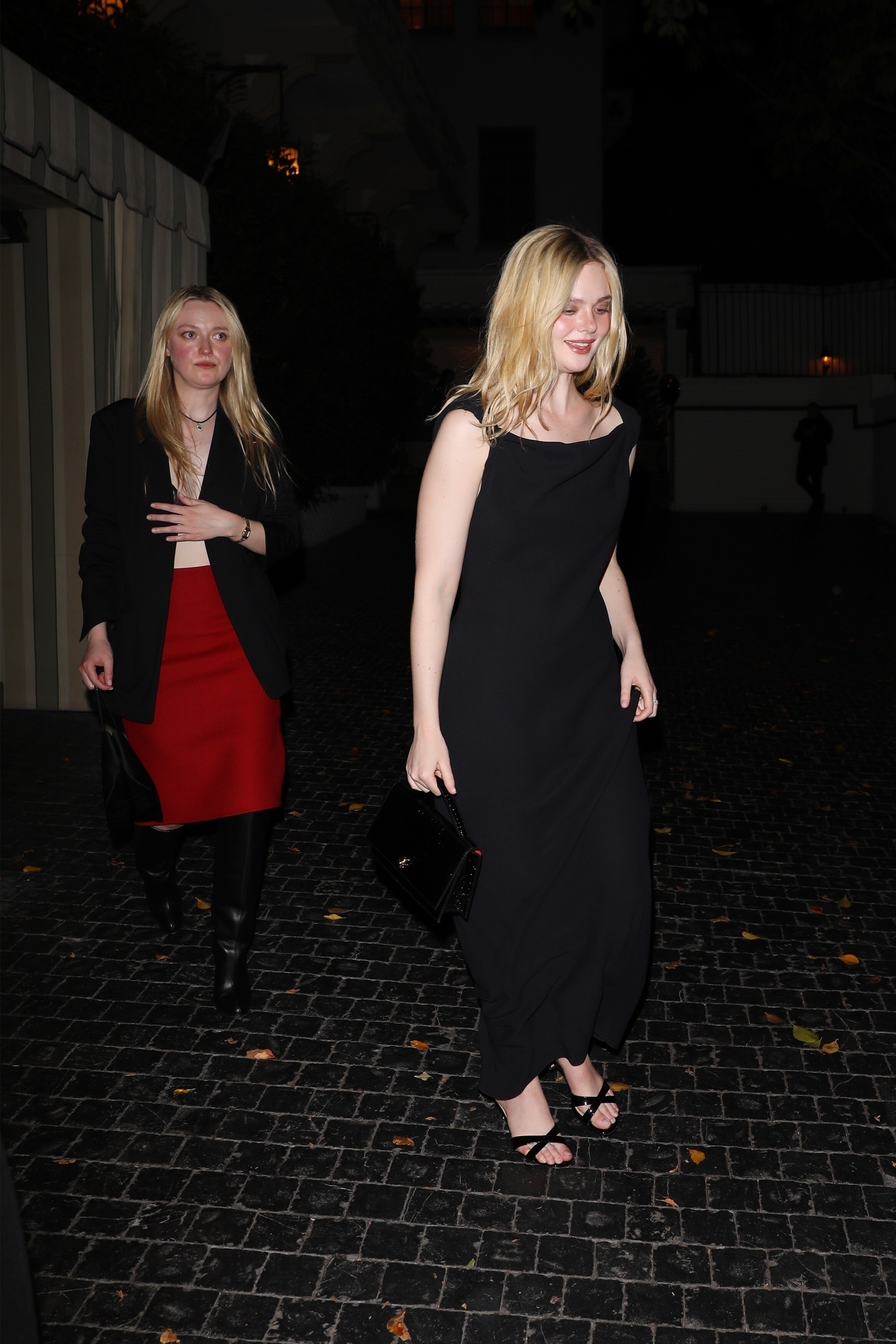
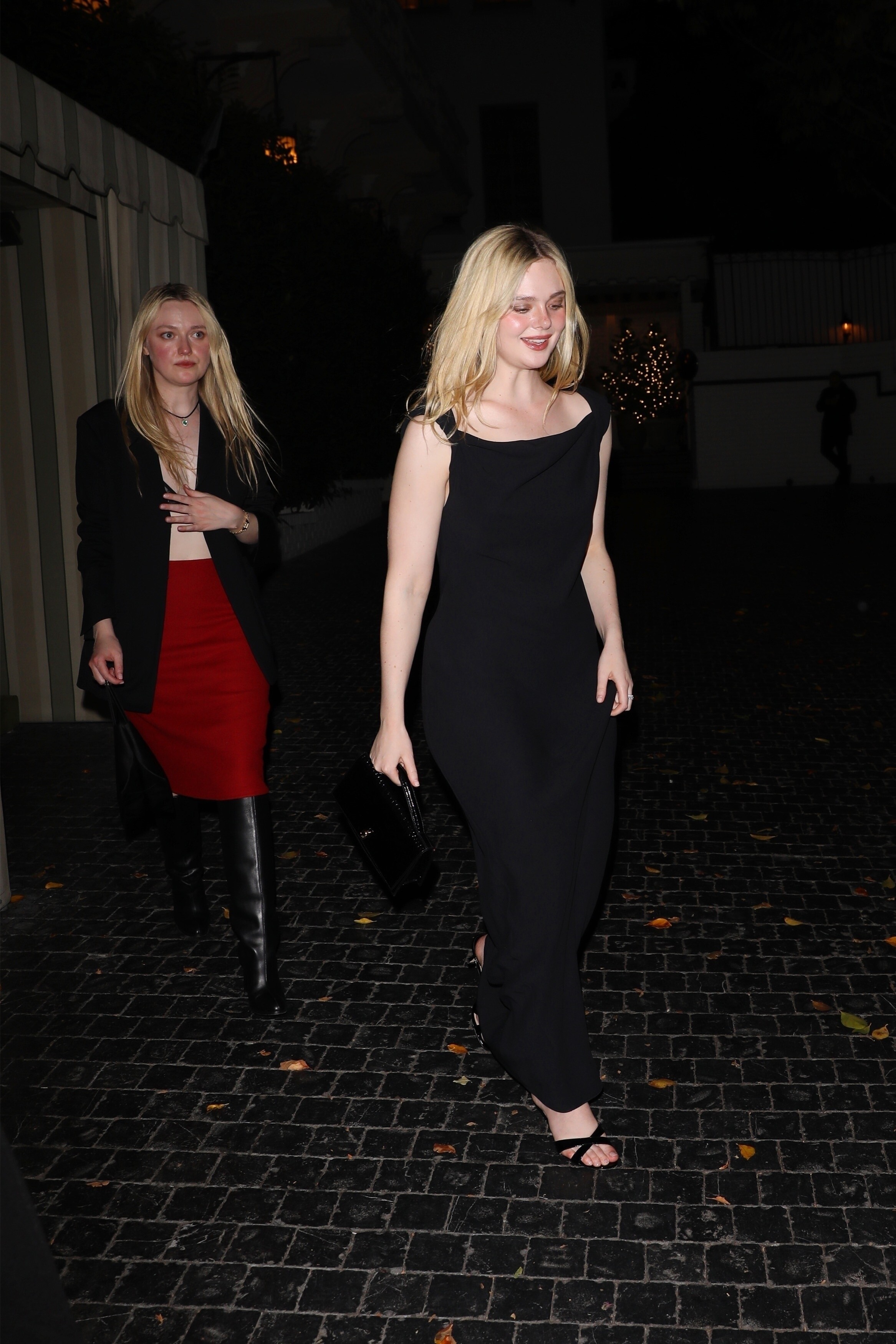
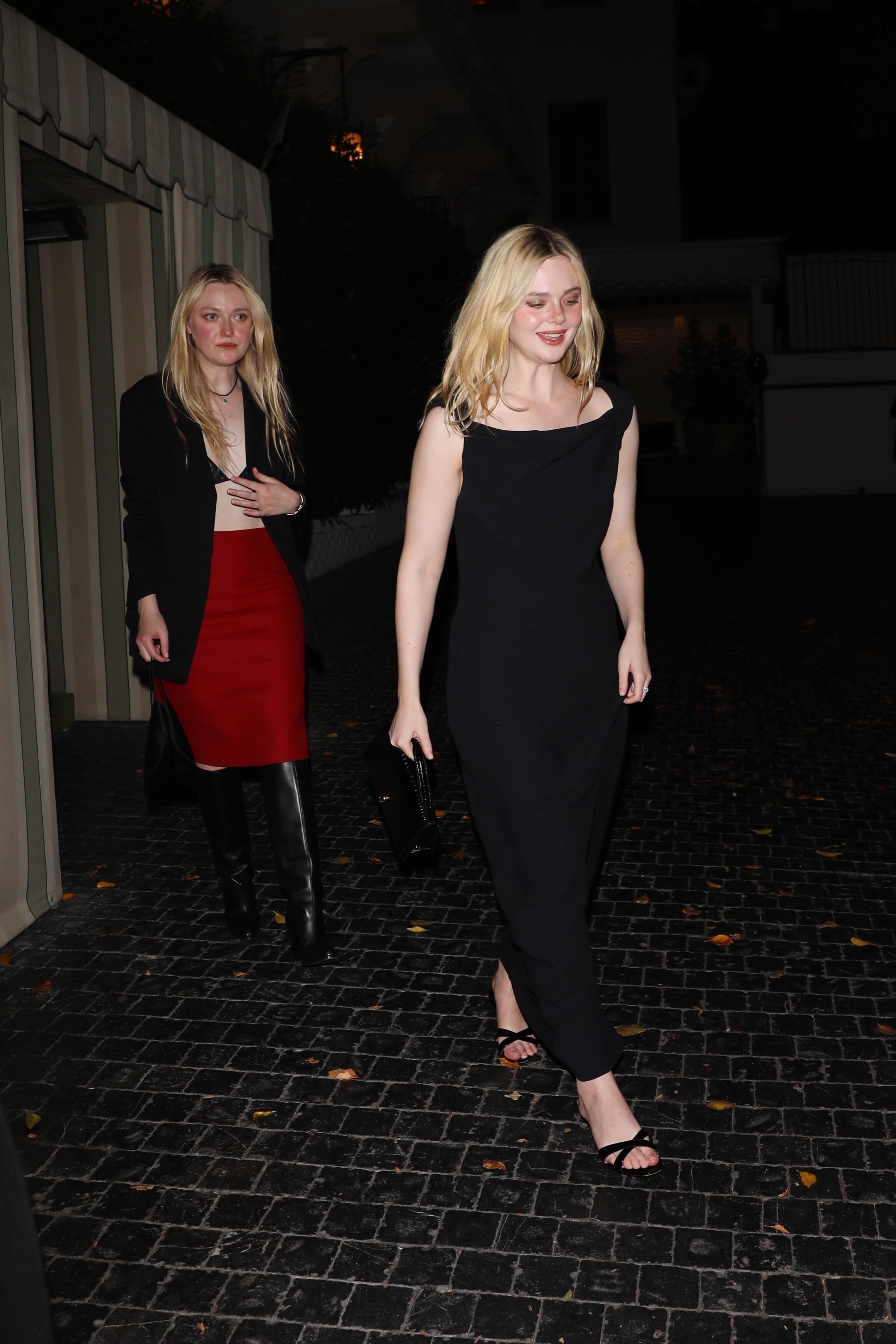
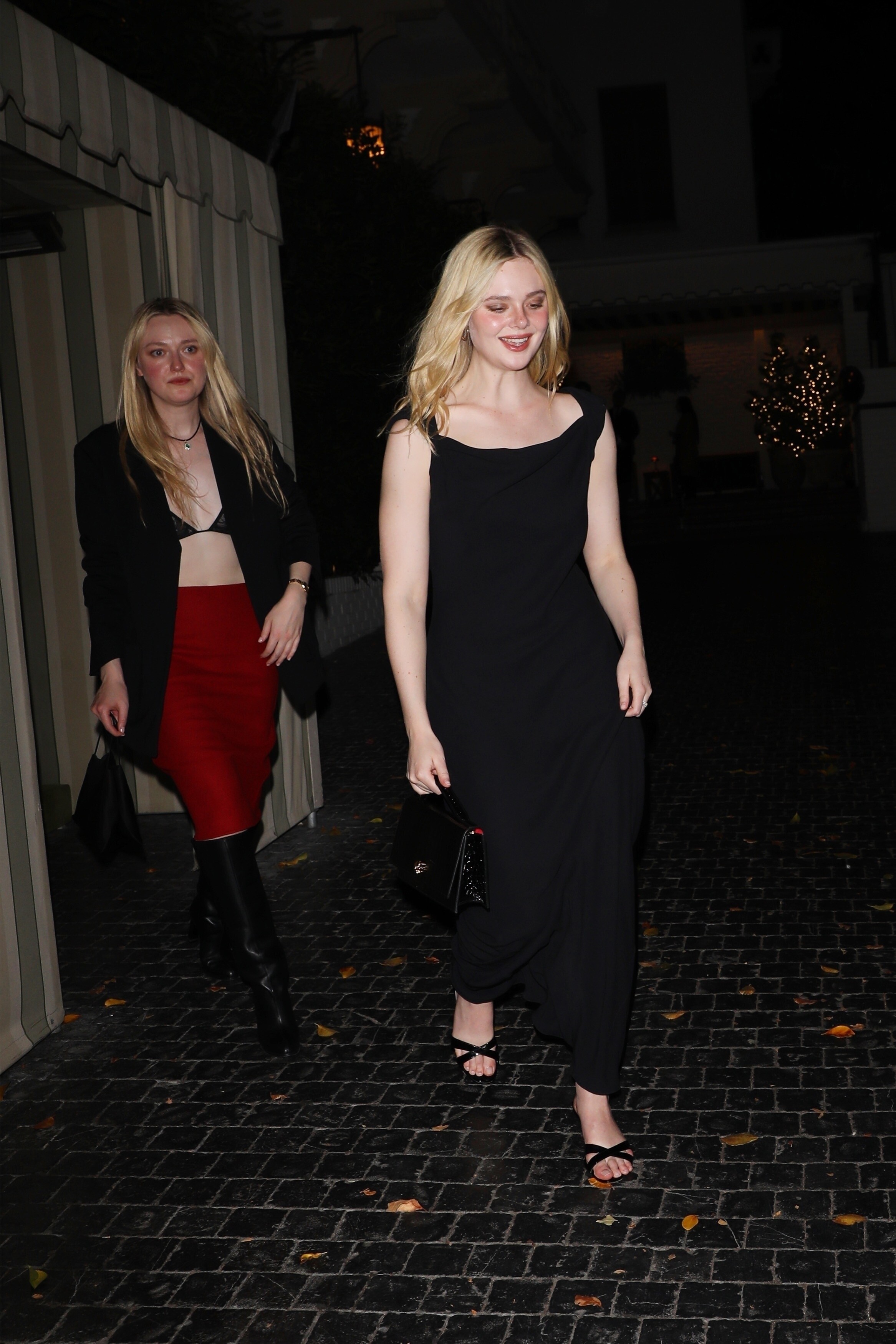
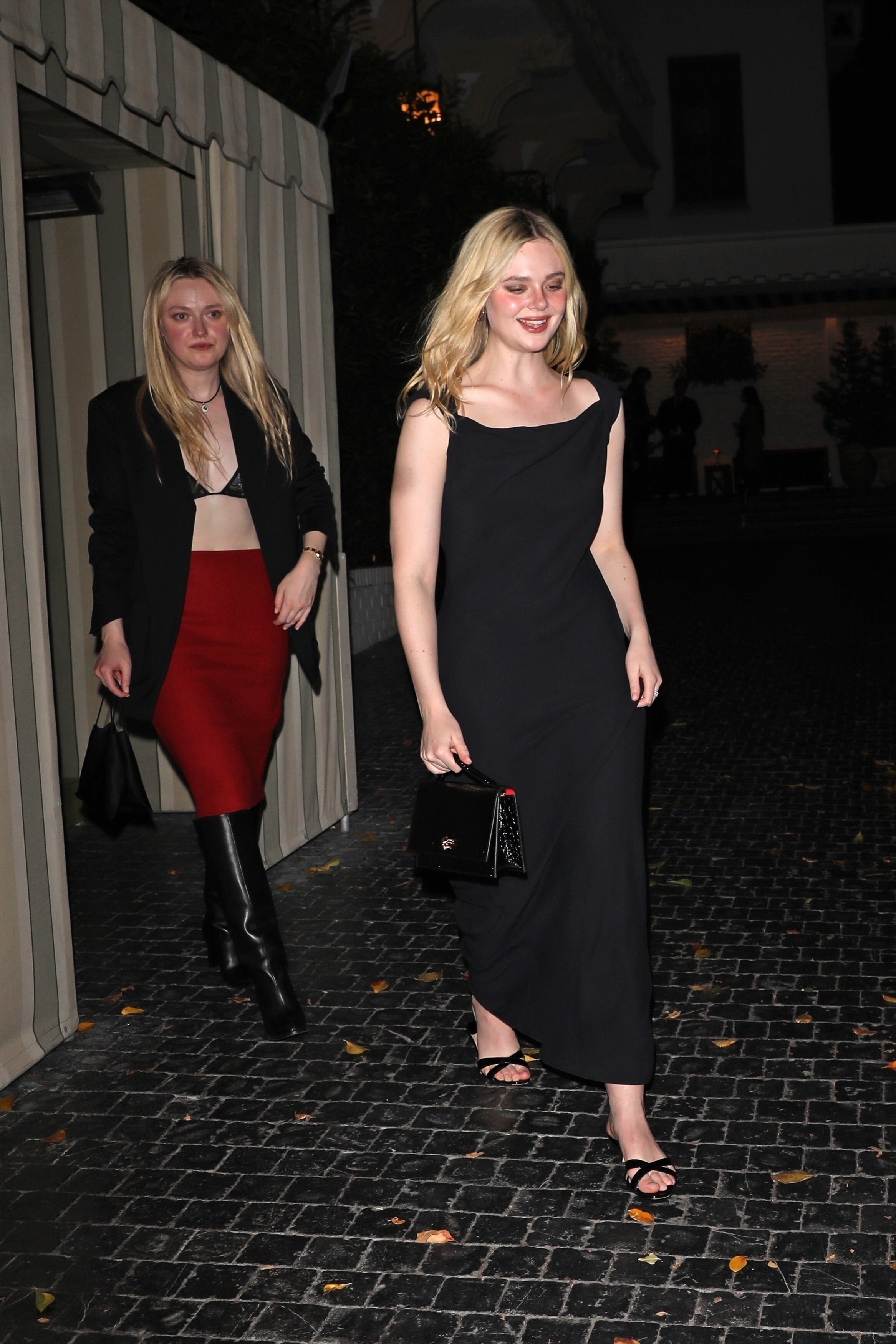
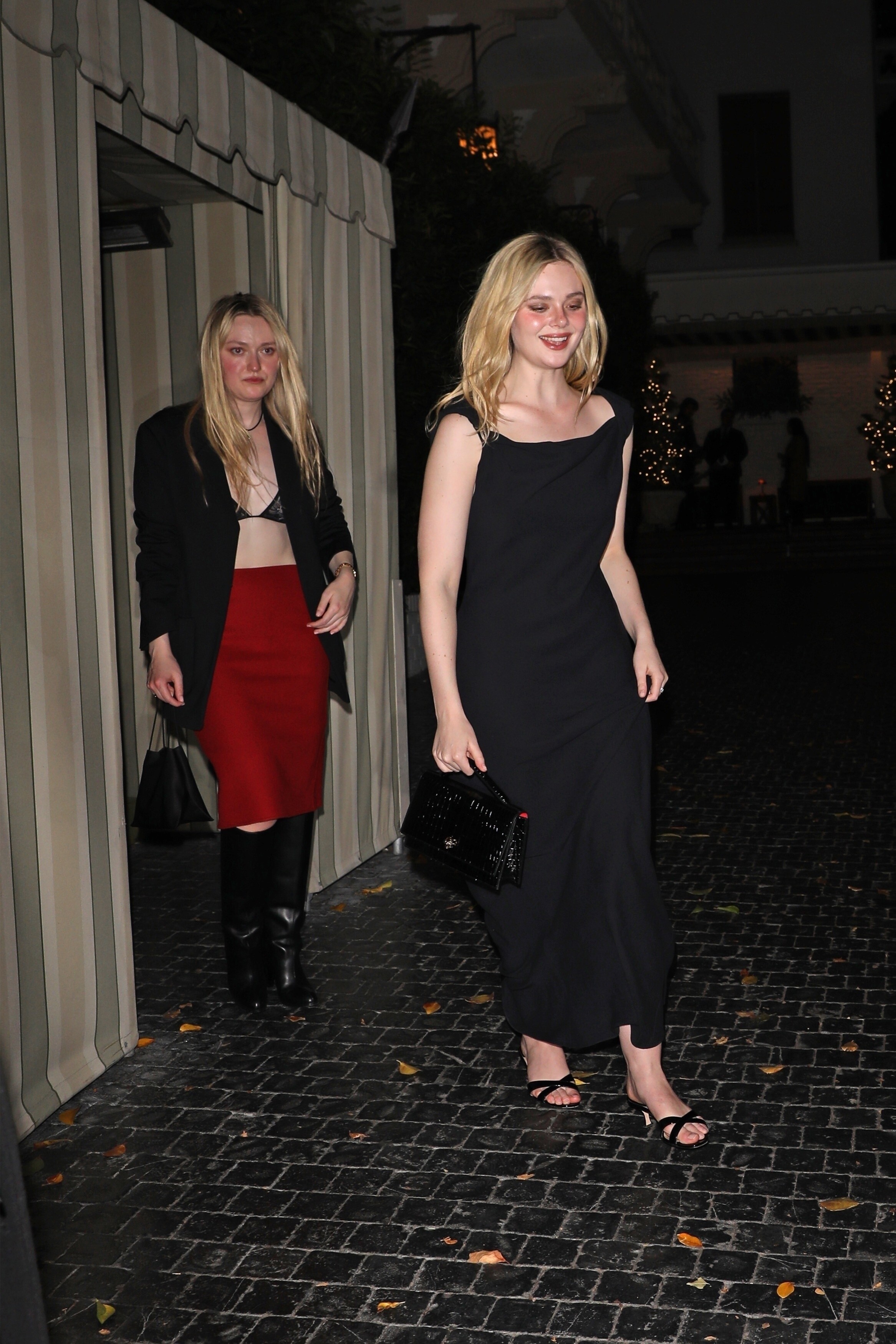
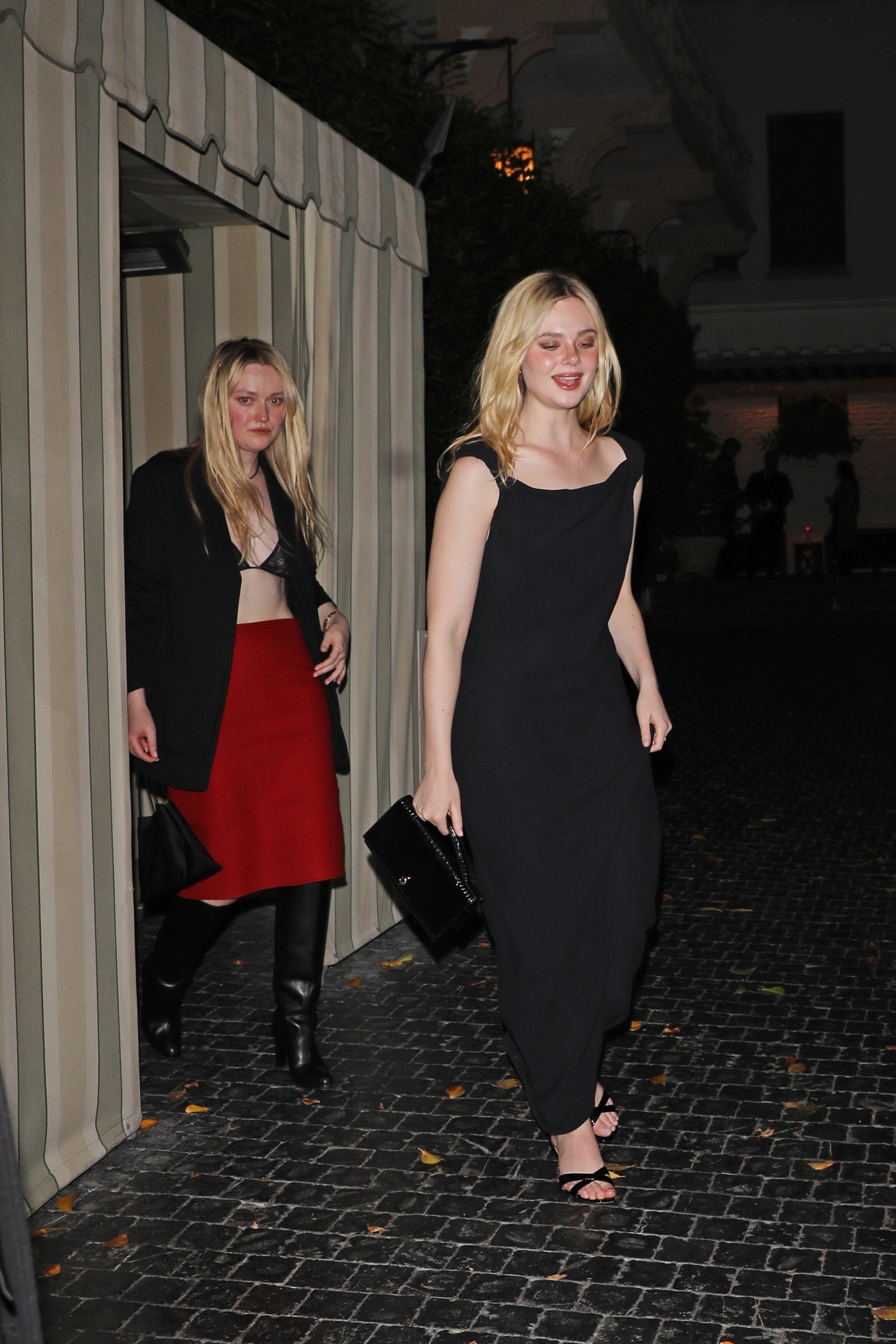
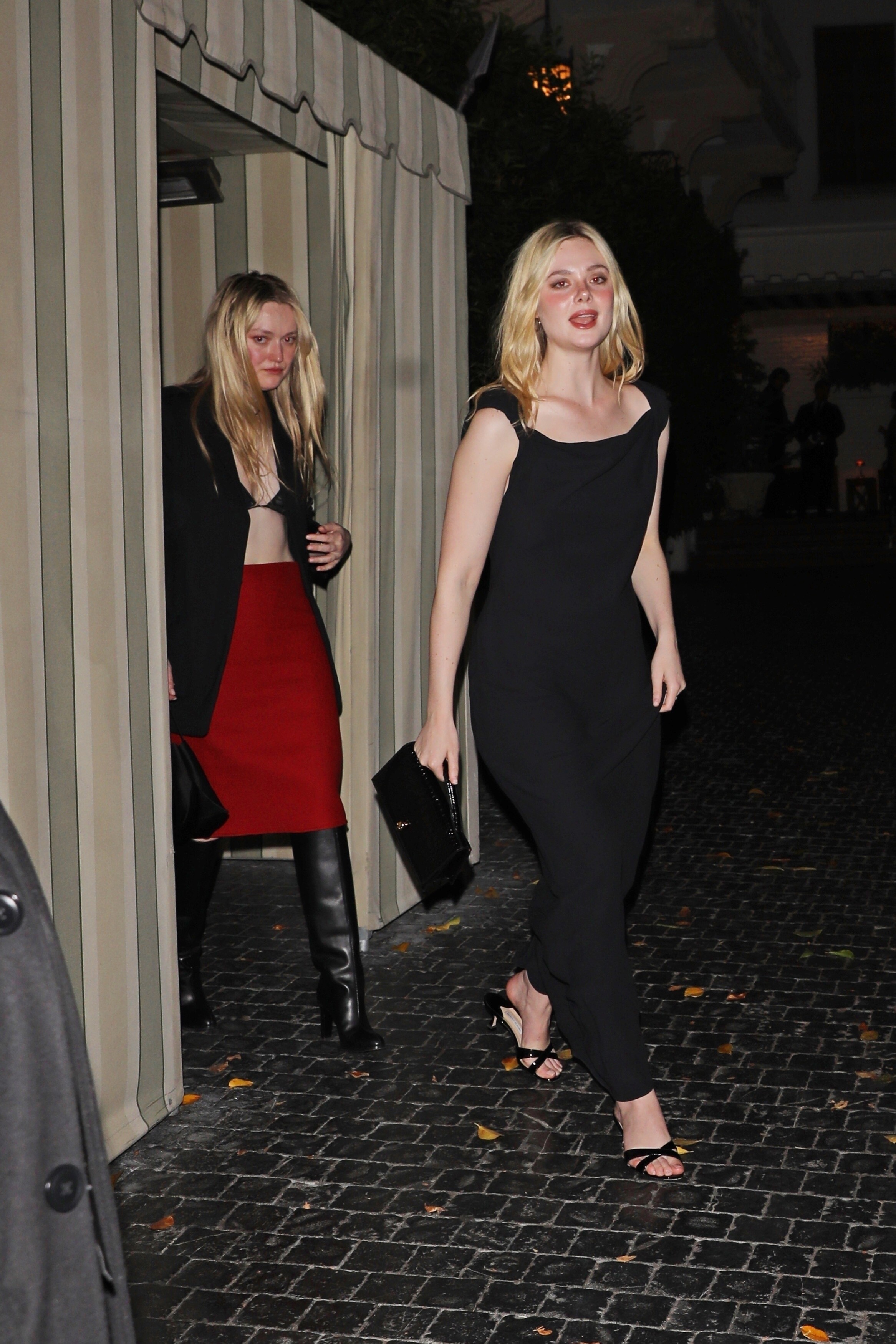
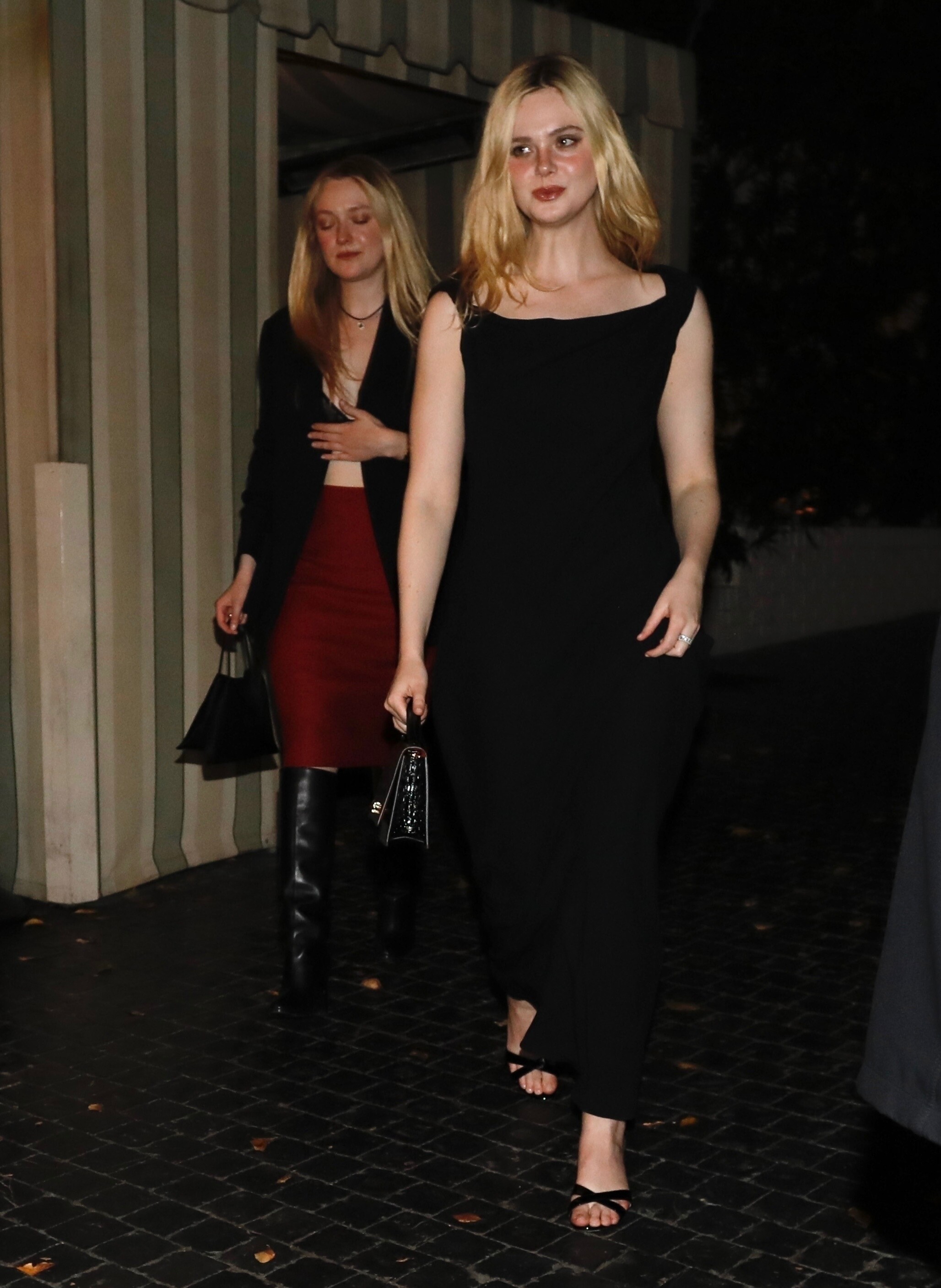
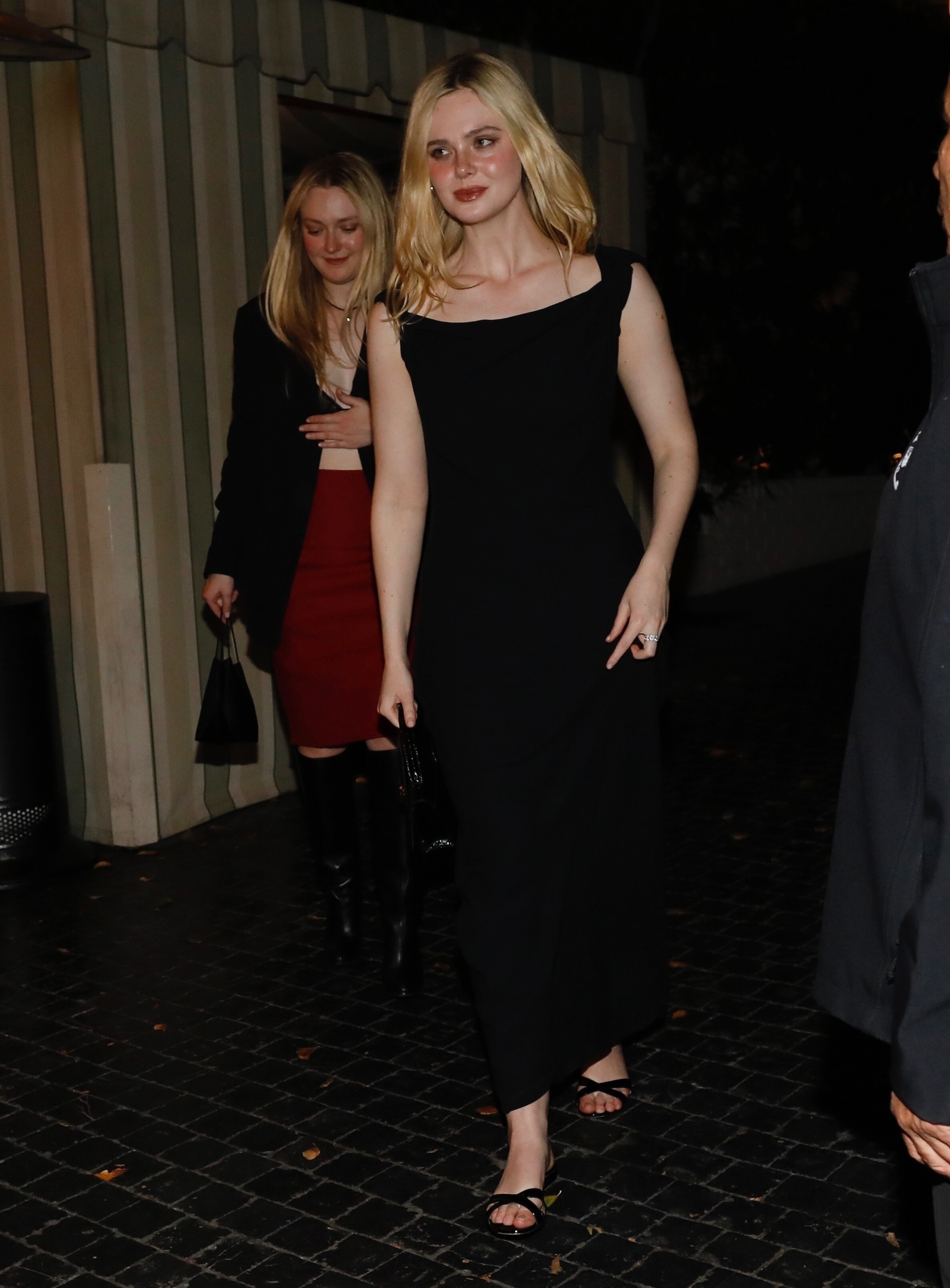
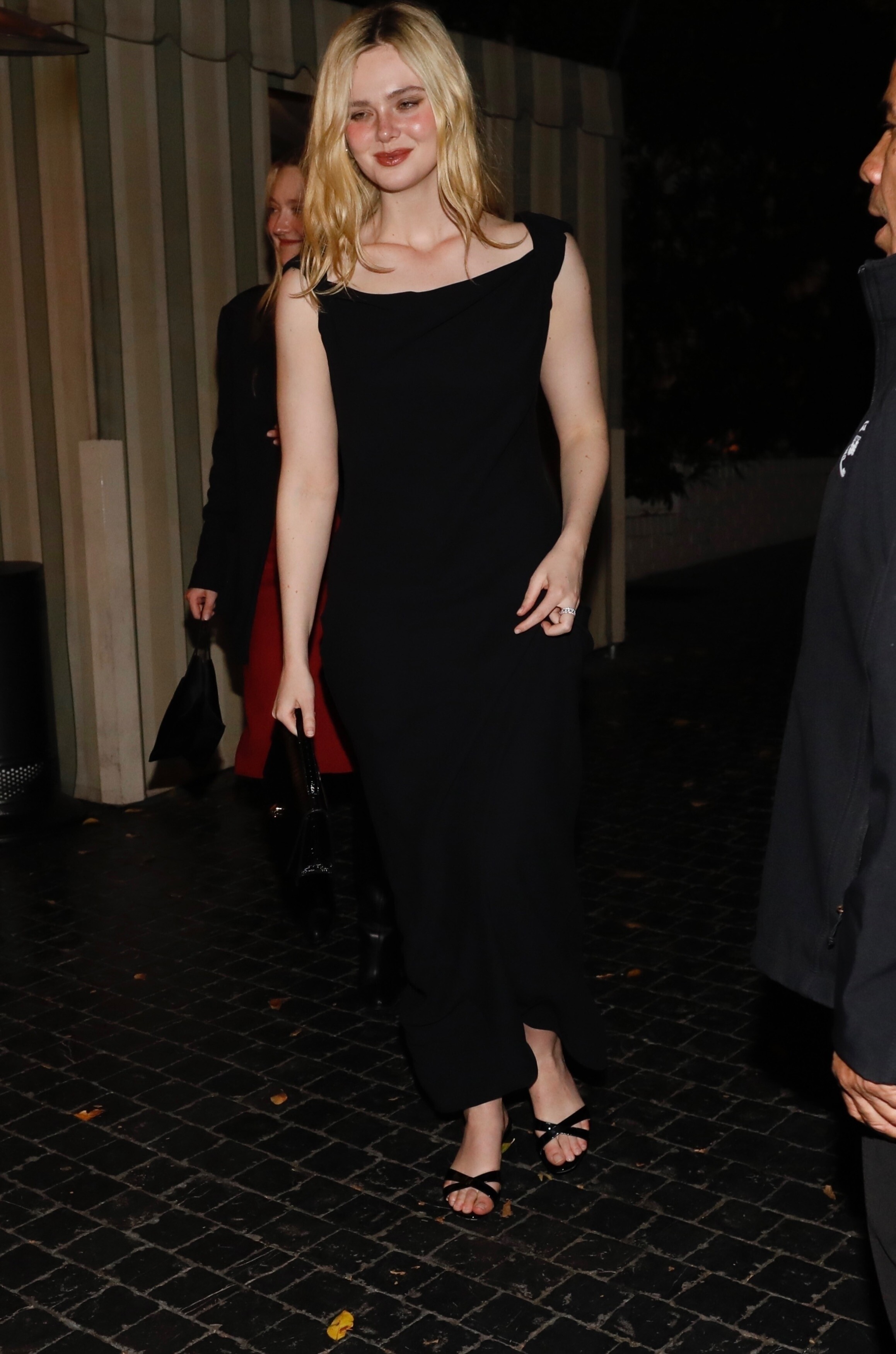
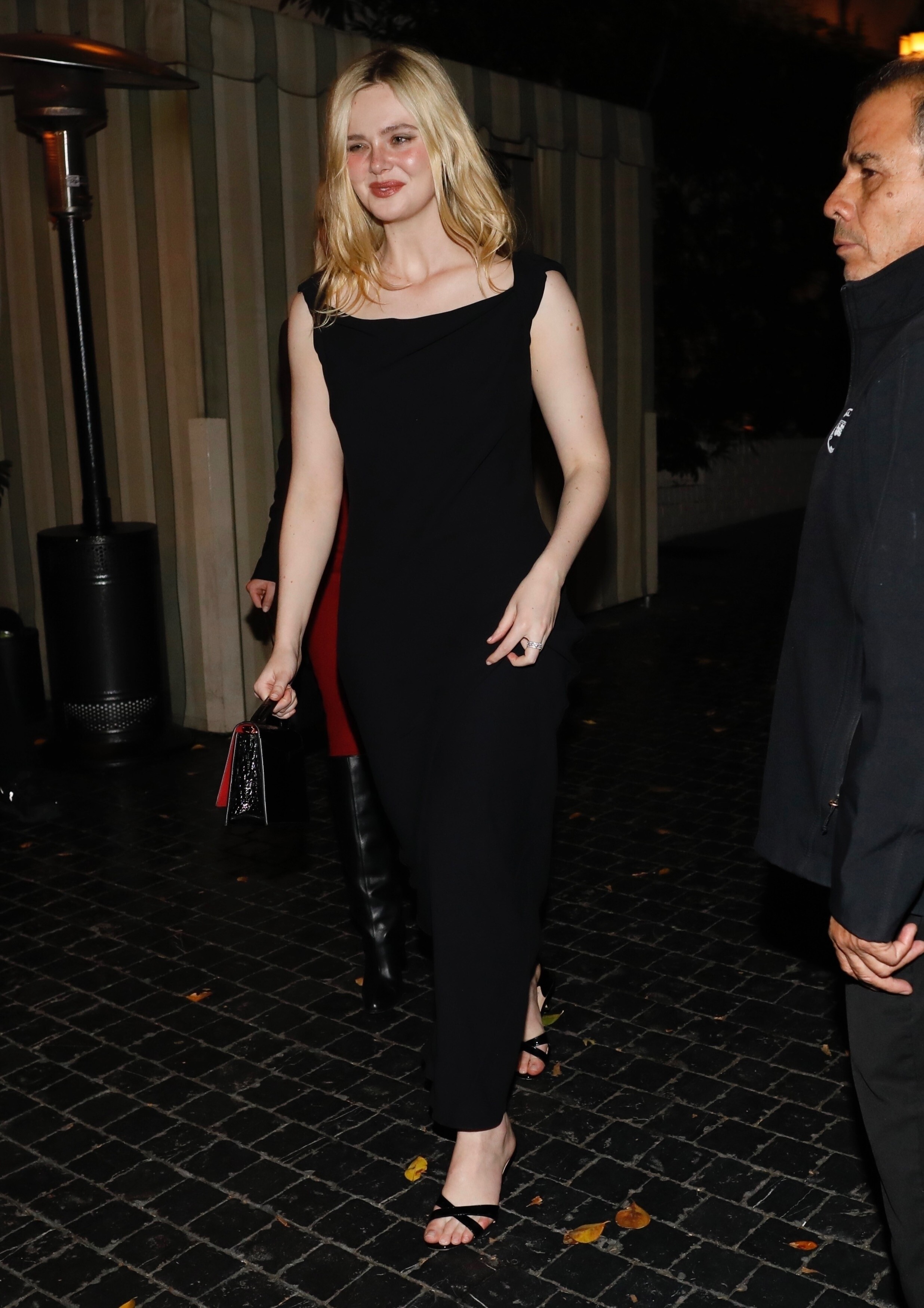
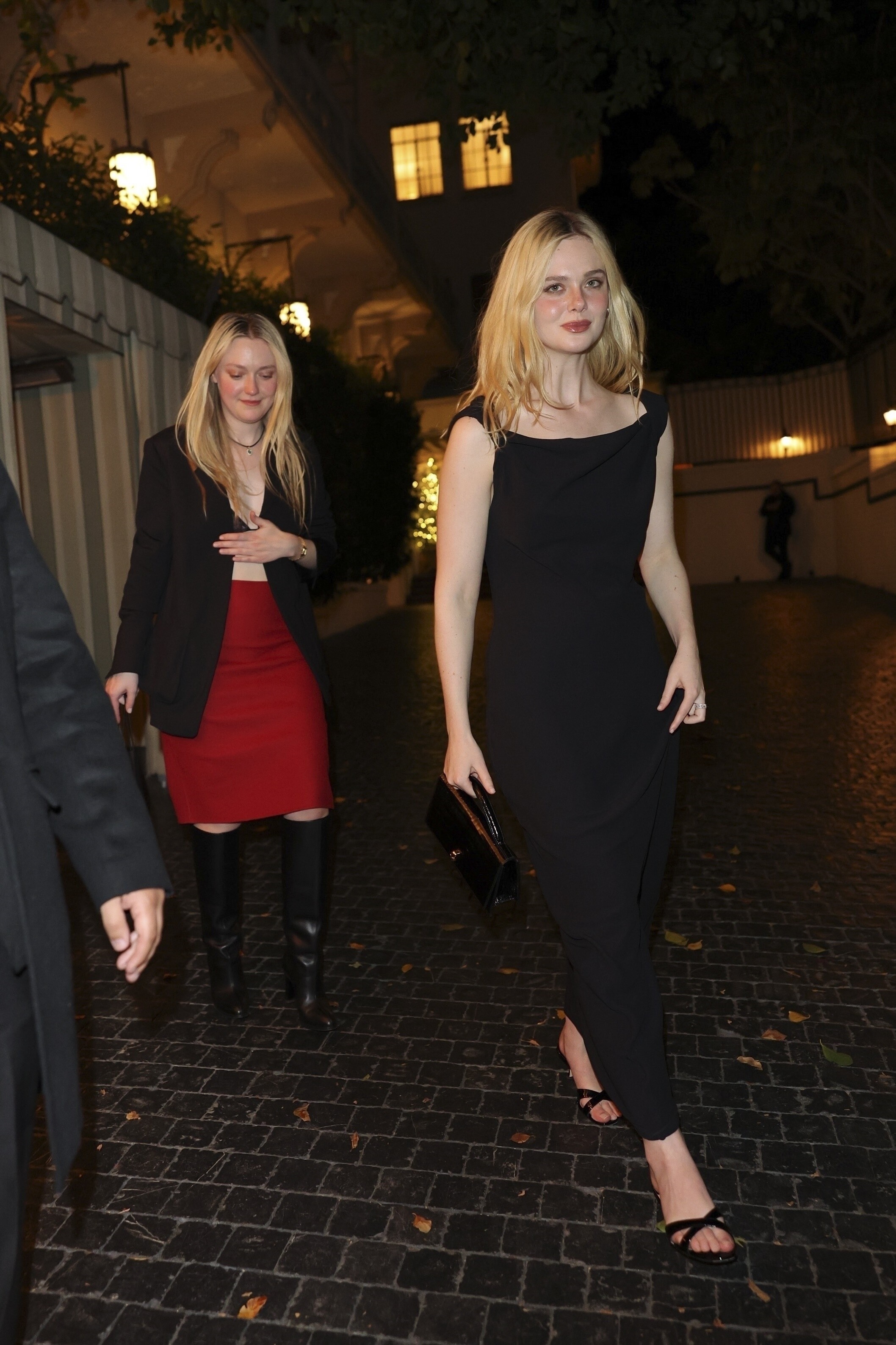
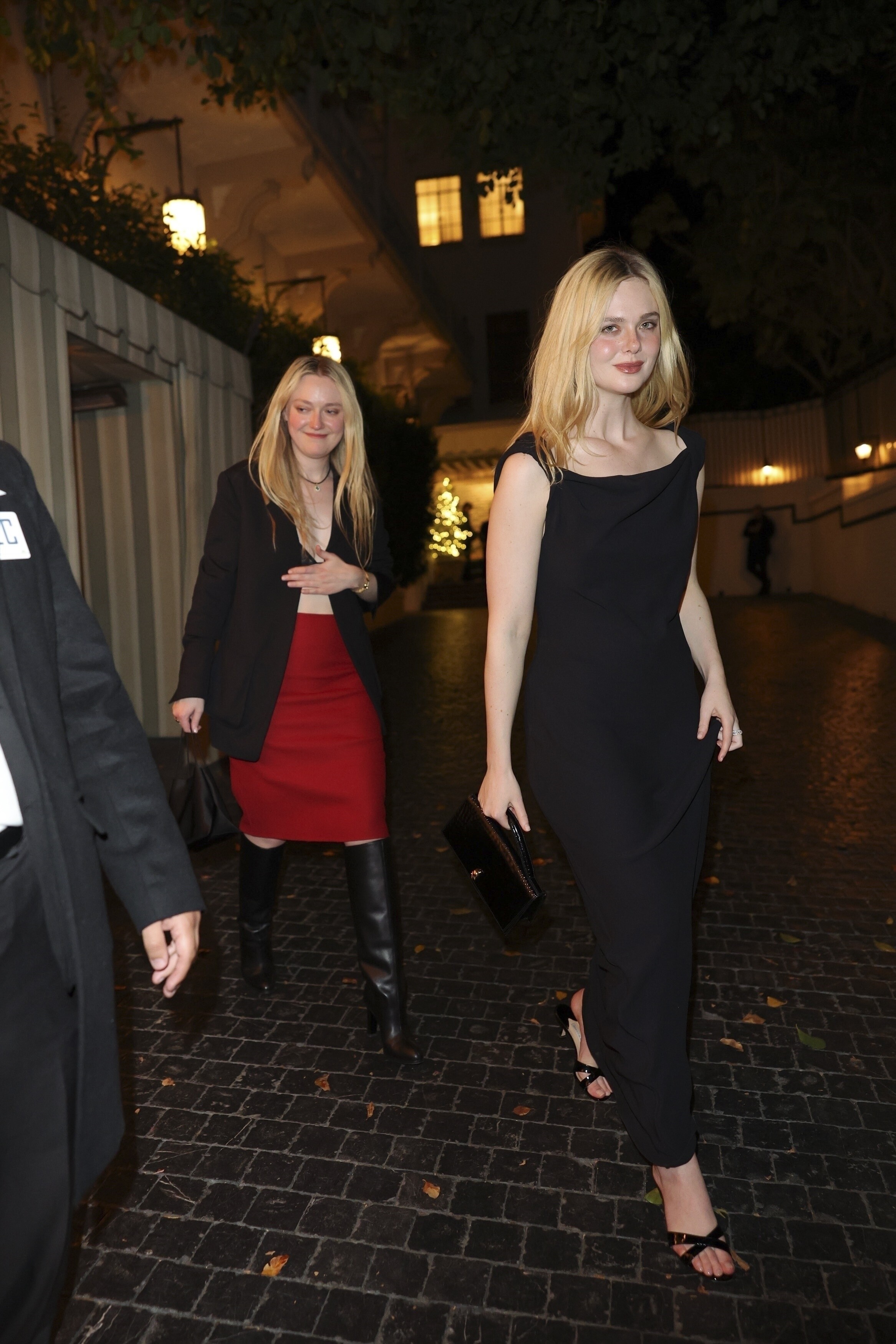
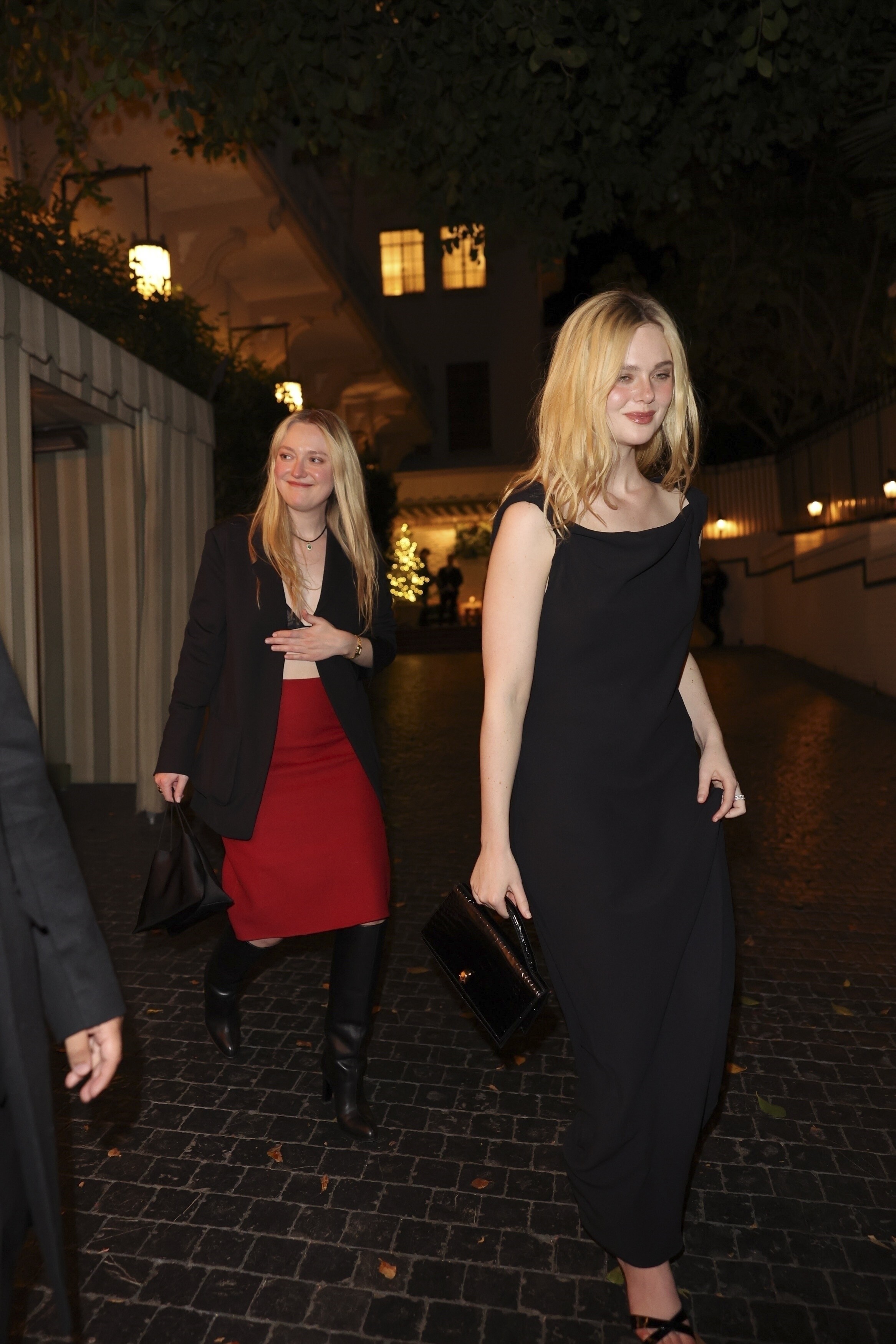
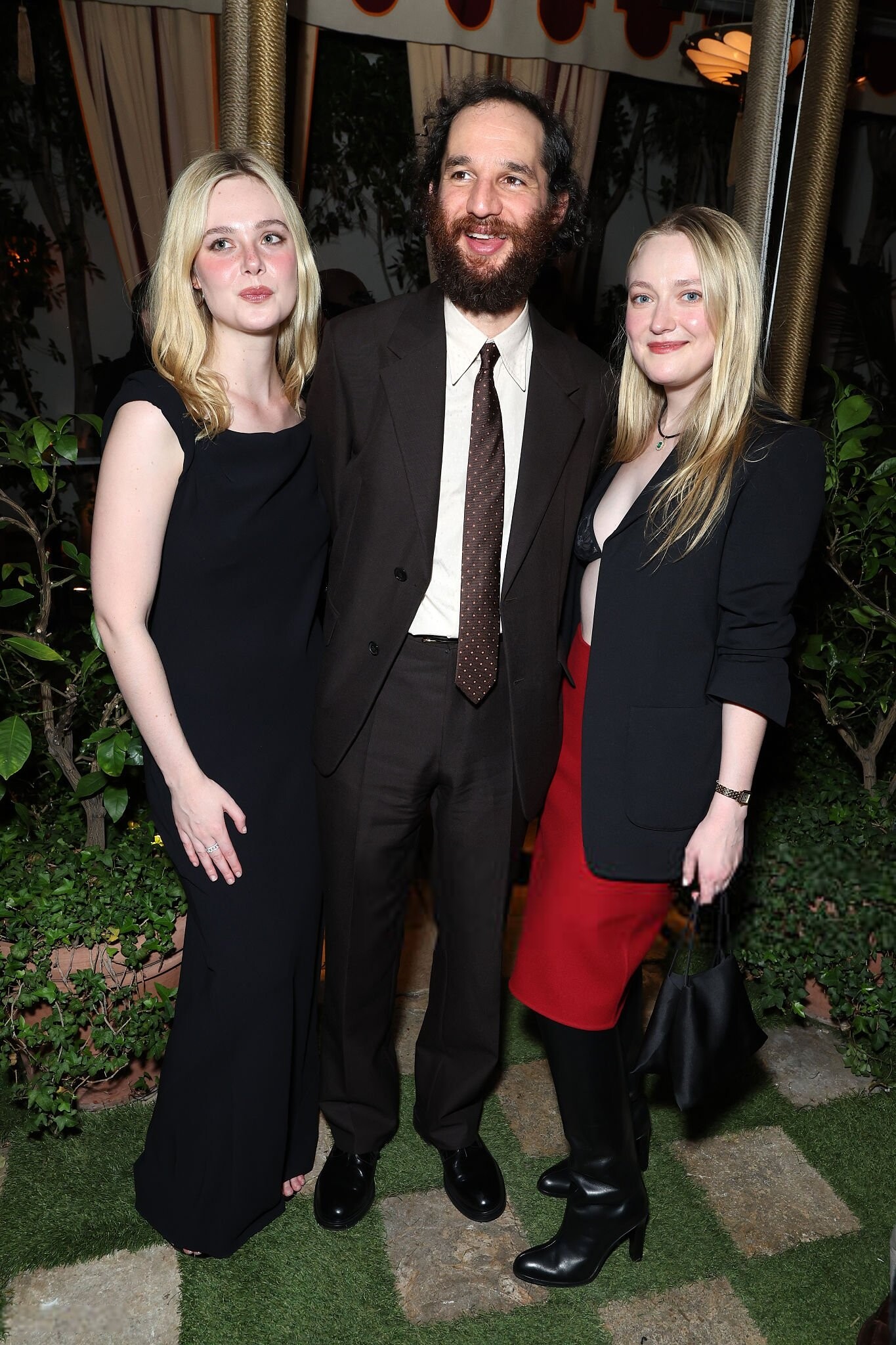
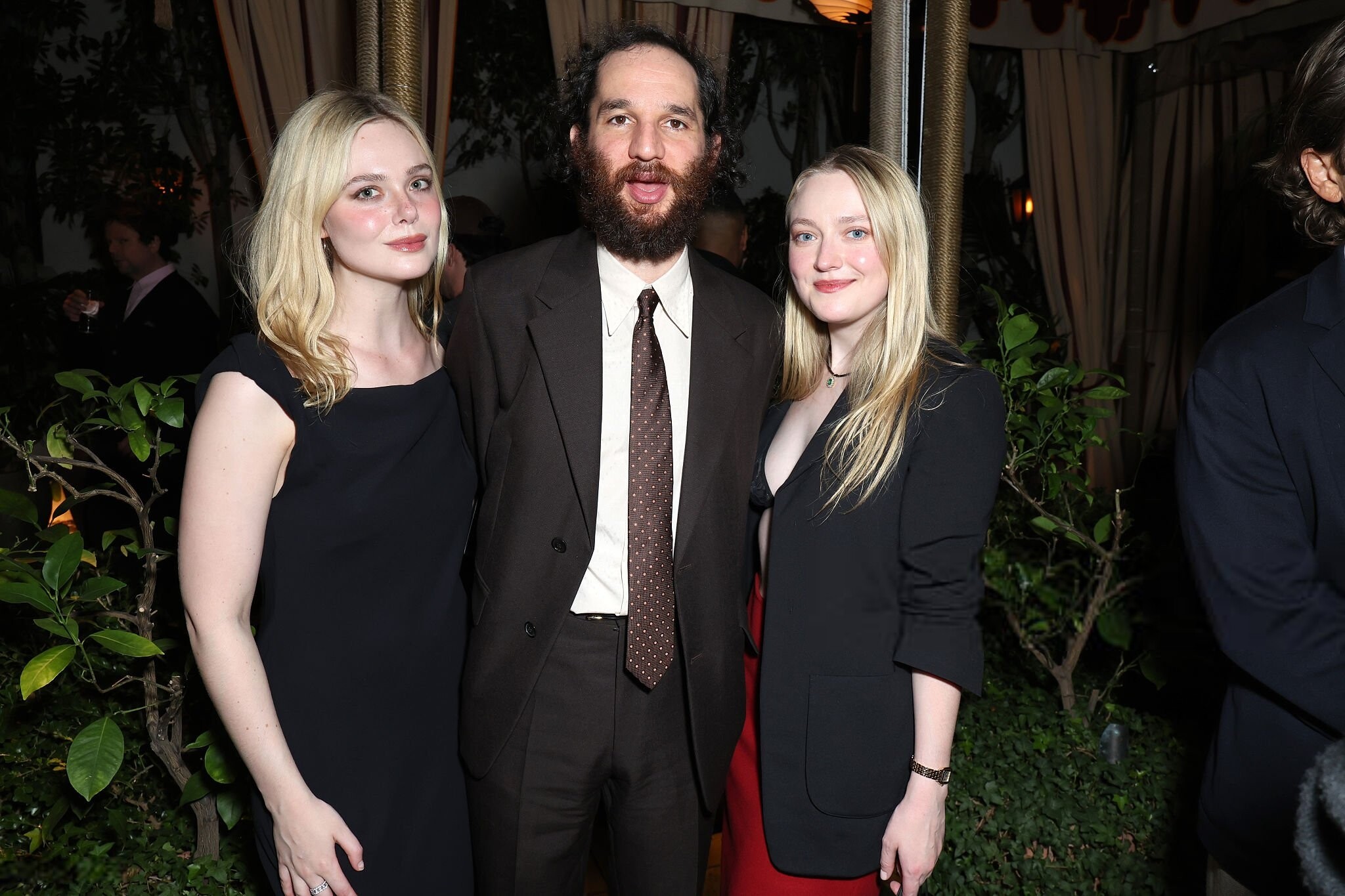
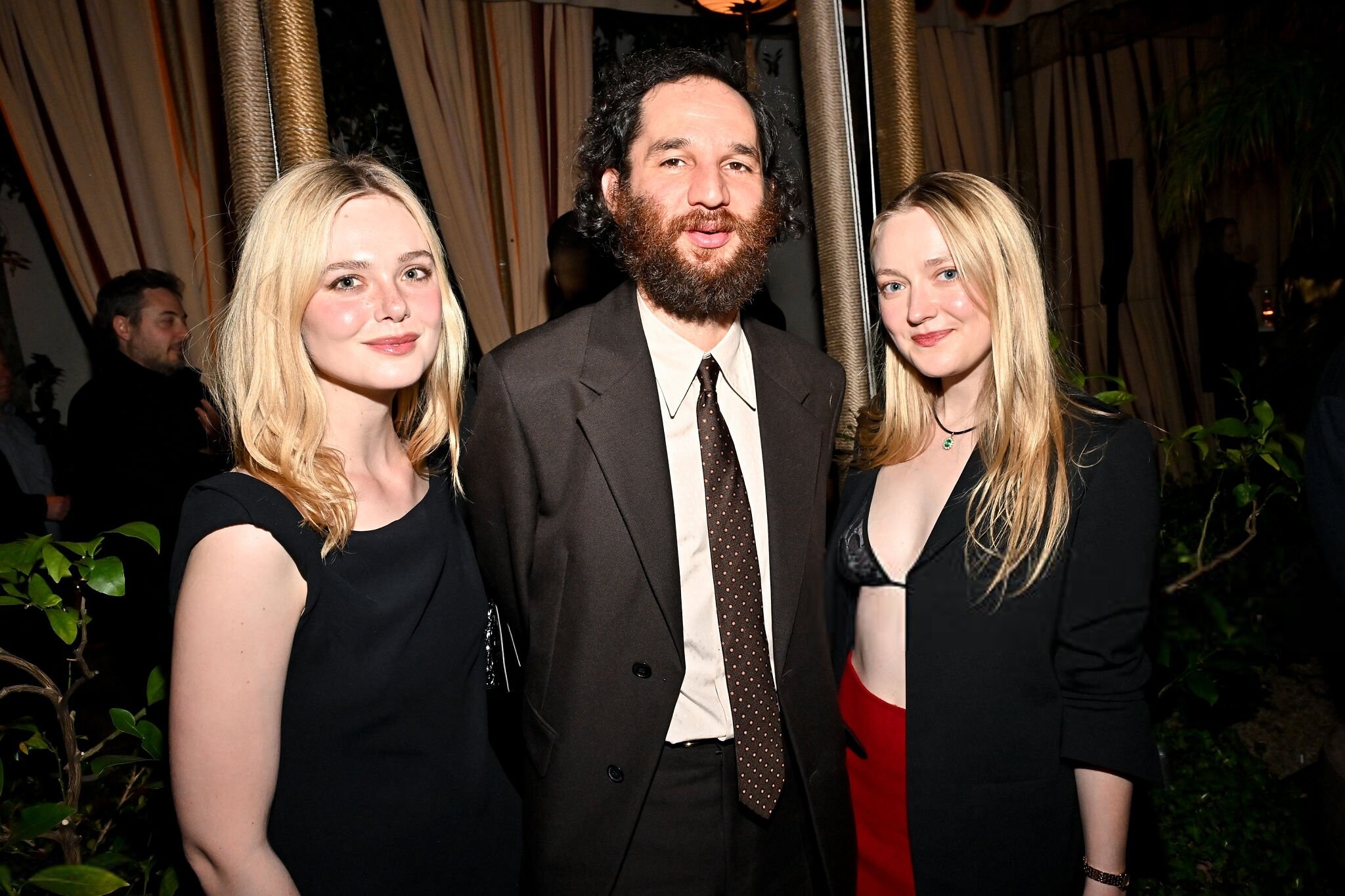
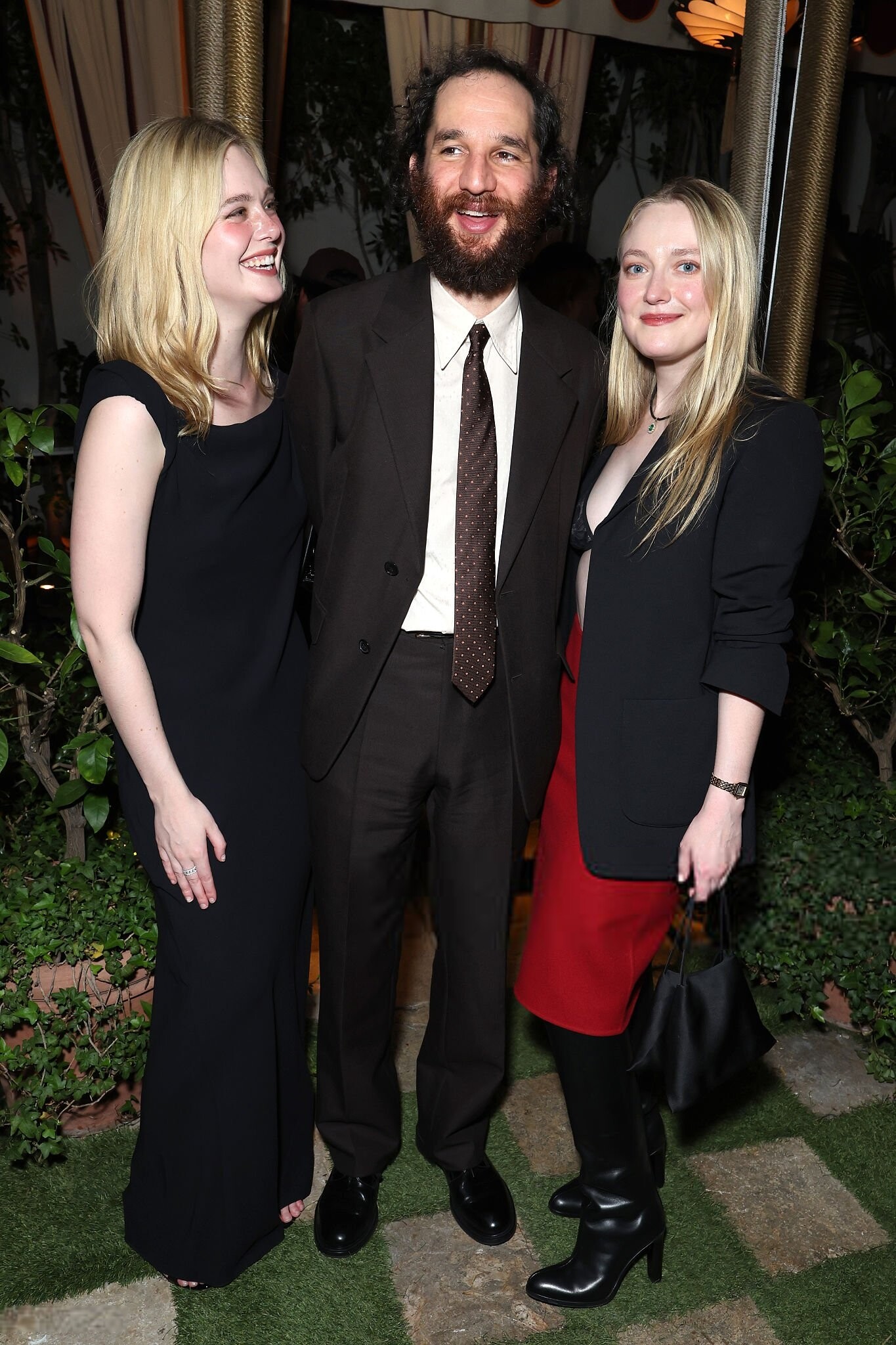
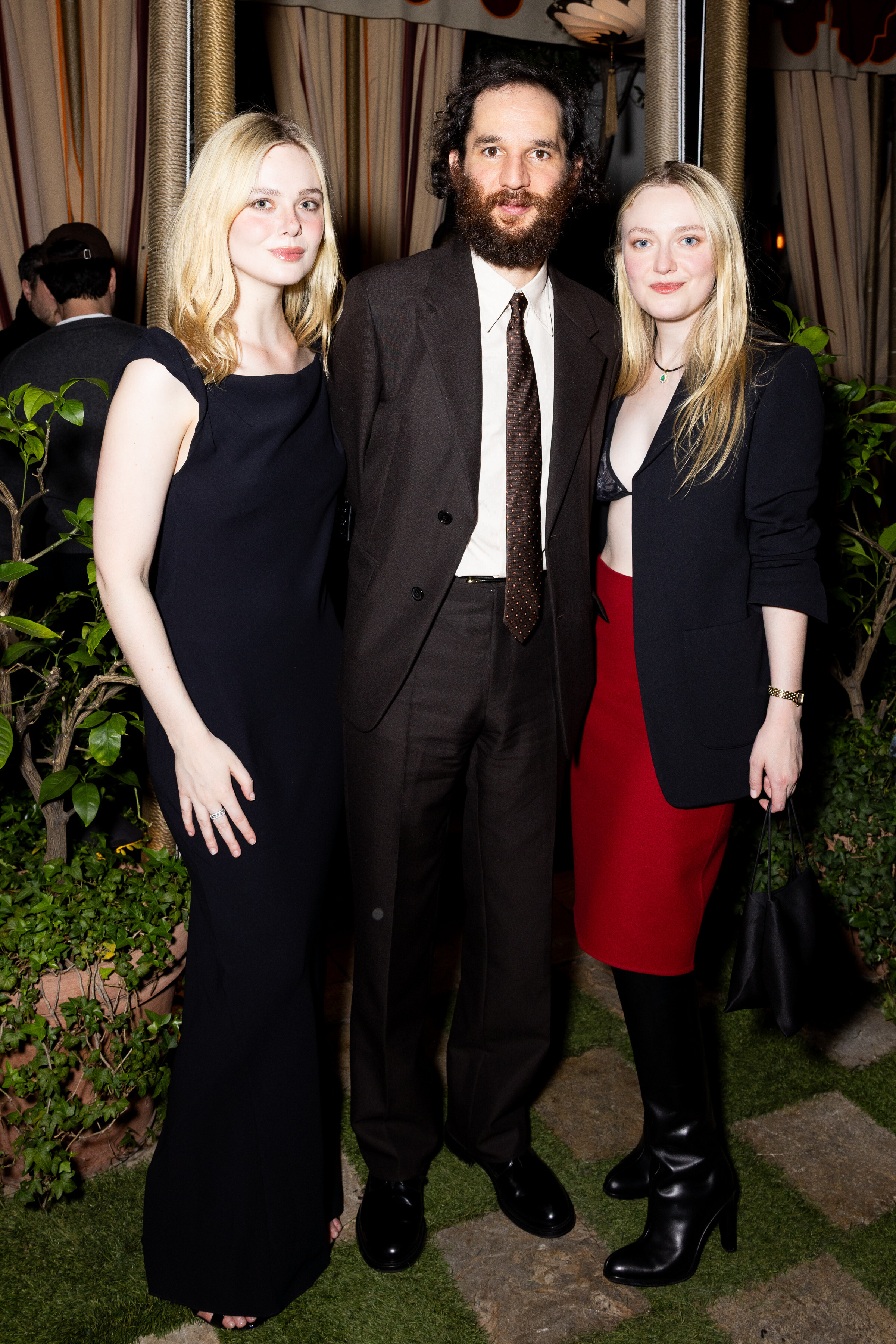
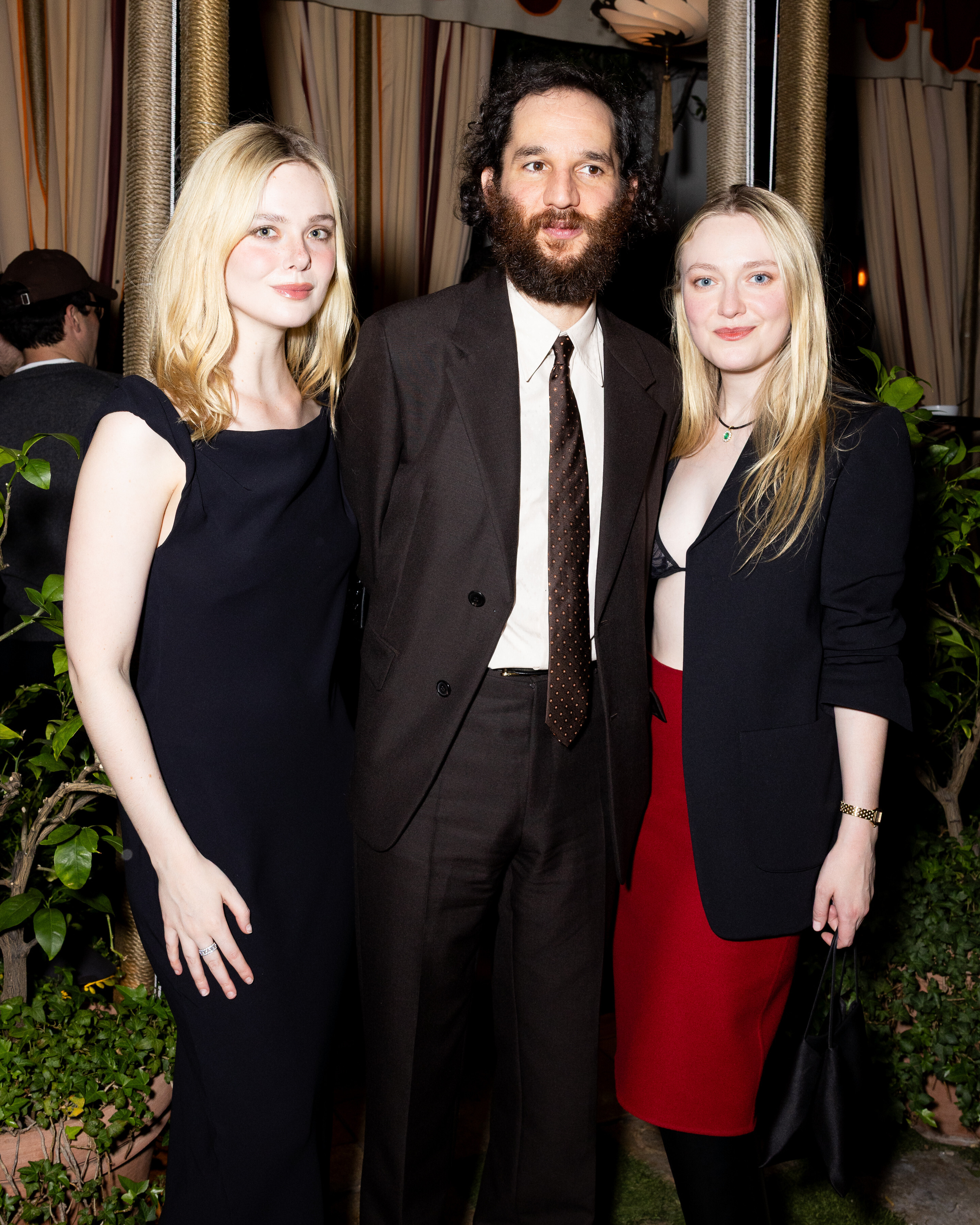
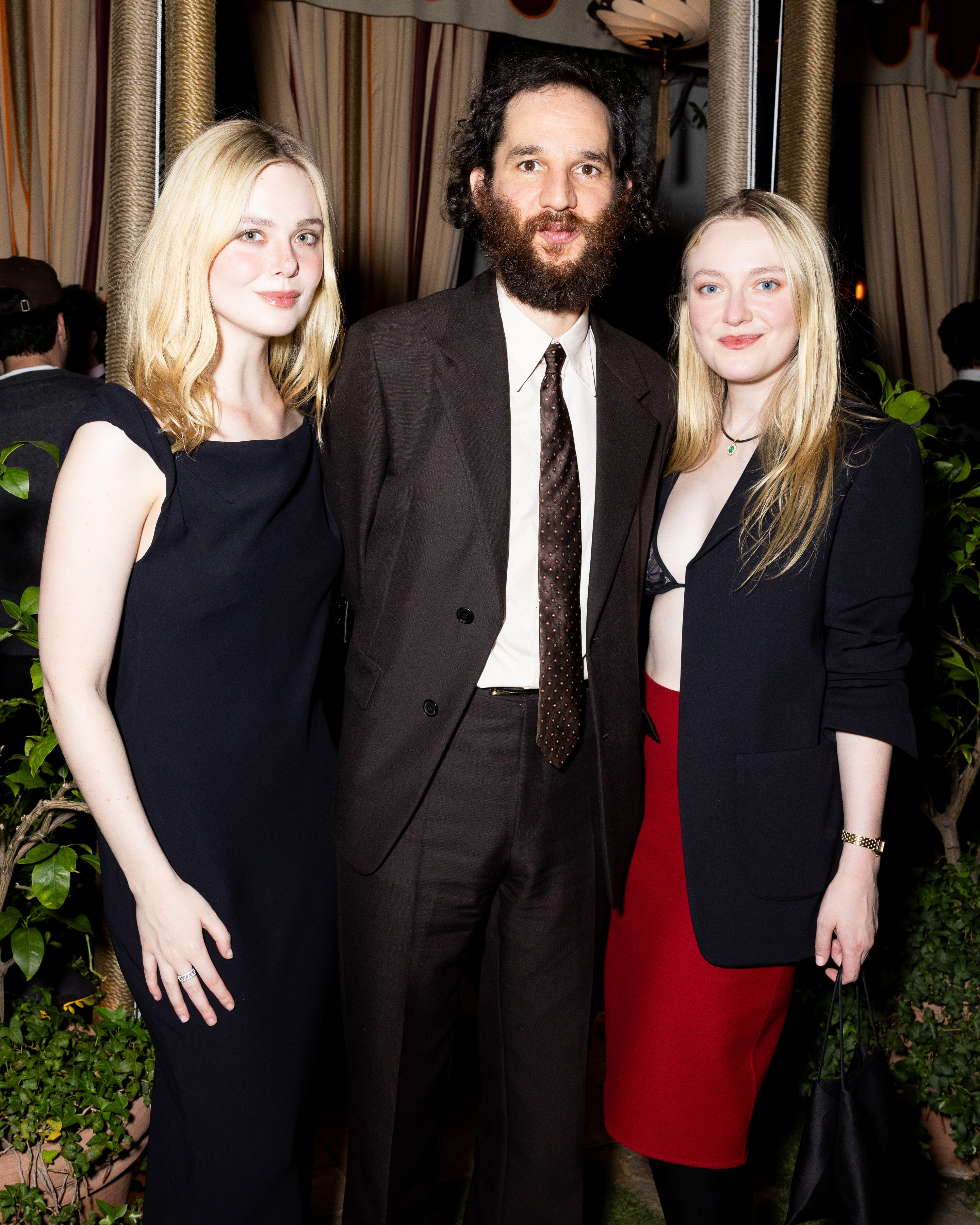
attends the "Marty Supreme" L.A. premiere afterparty, Los Angeles CA - December 8, 2025 joe d at picturepub

















-

-
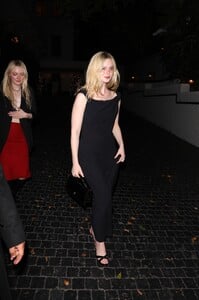
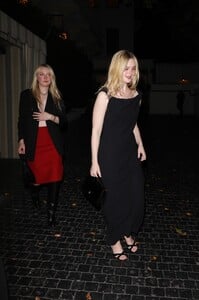
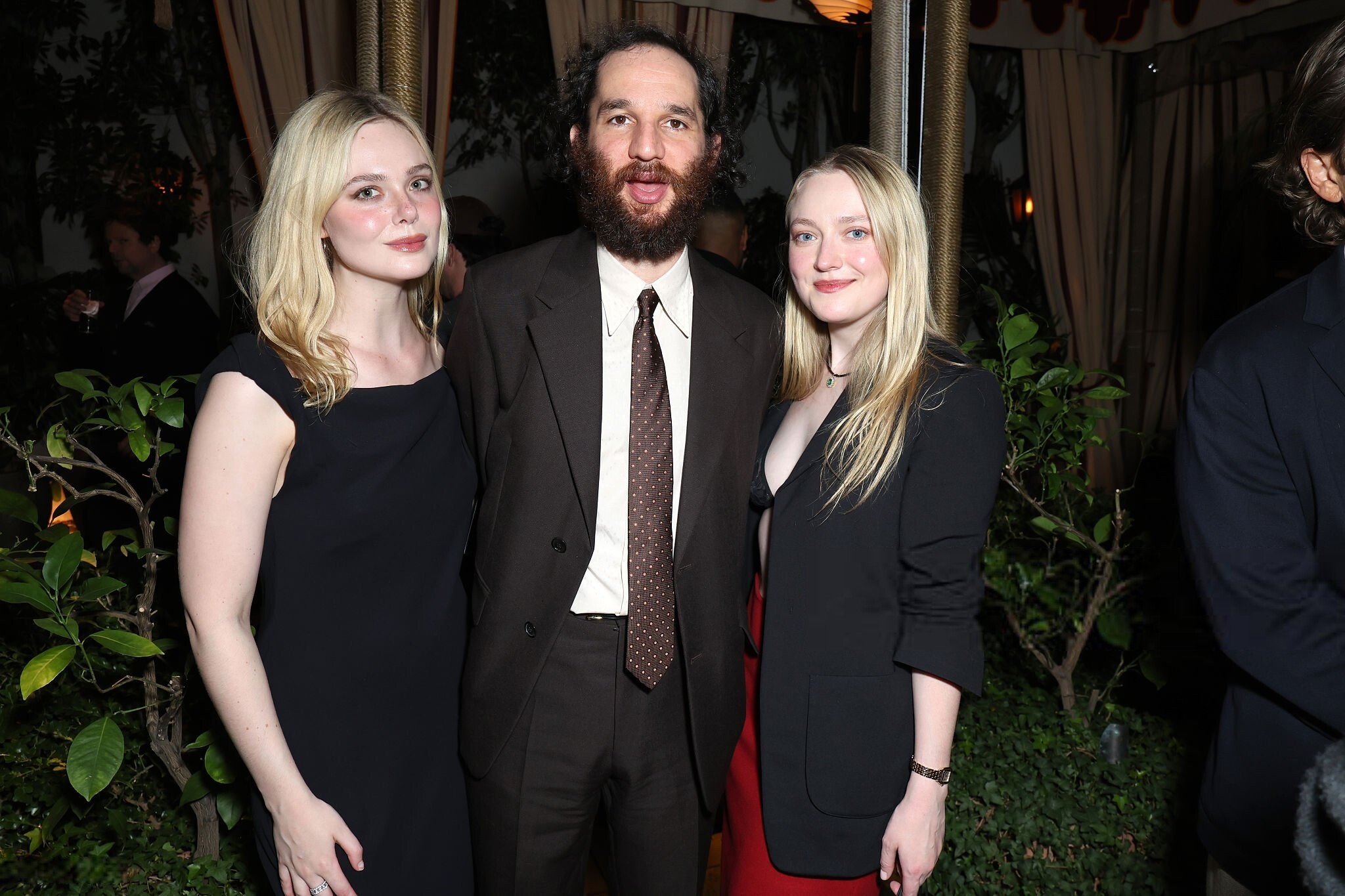
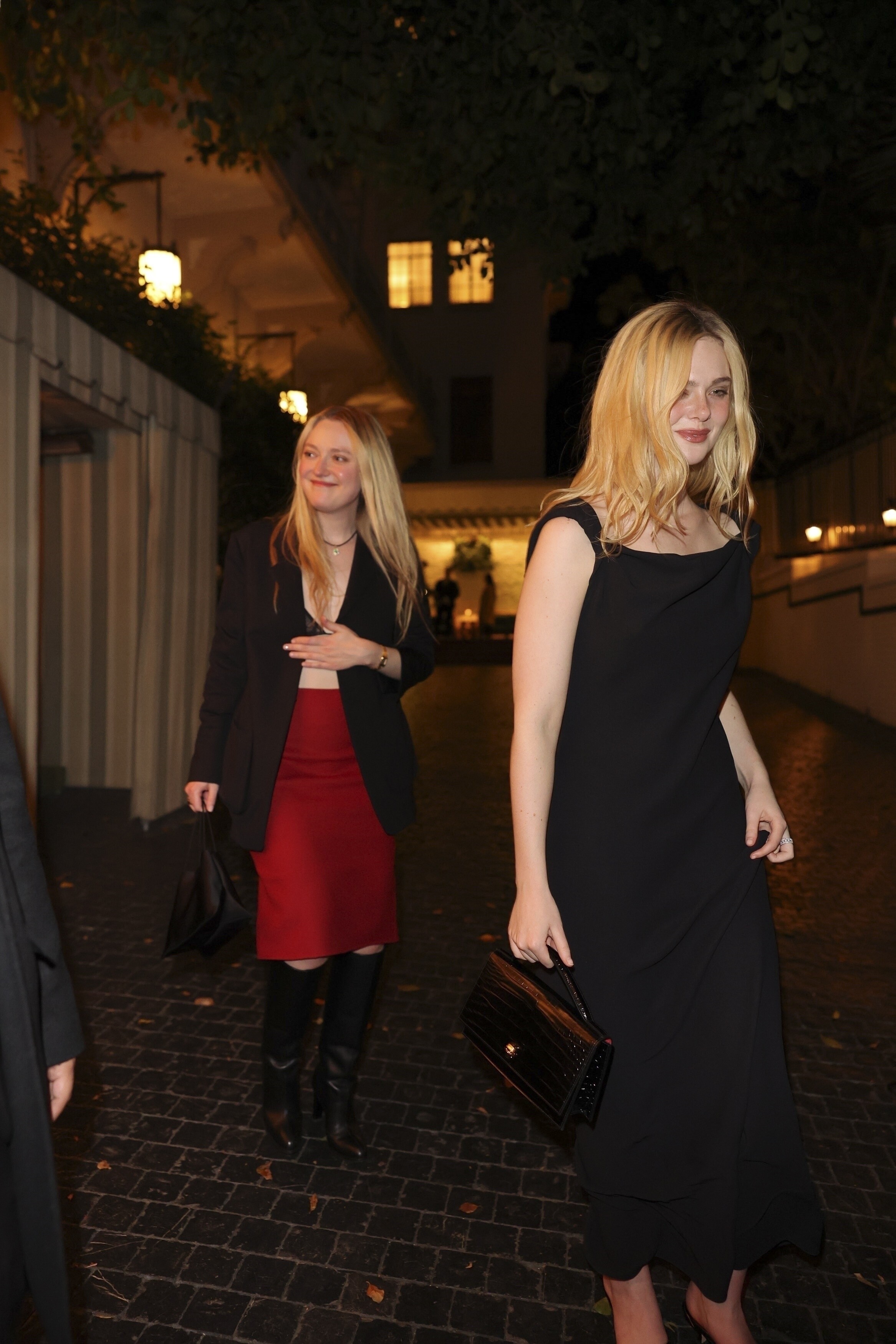
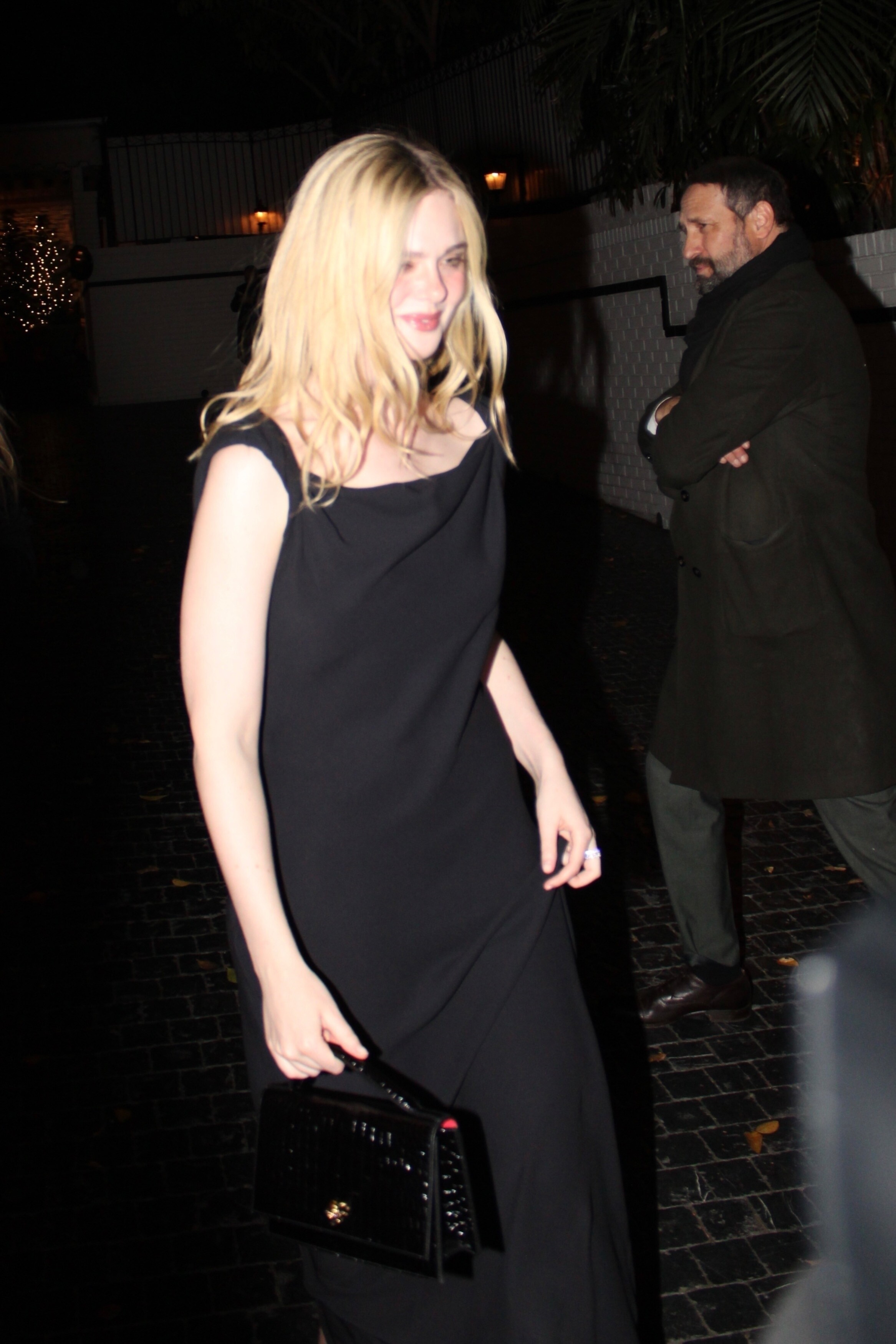
attends the "Marty Supreme" L.A. premiere afterparty, Los Angeles CA - December 8, 2025 joe d at picturepub

-

-
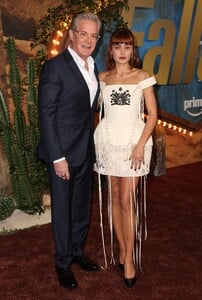
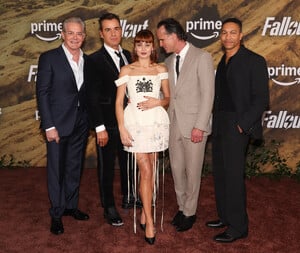
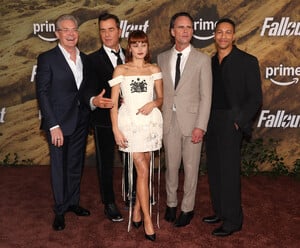
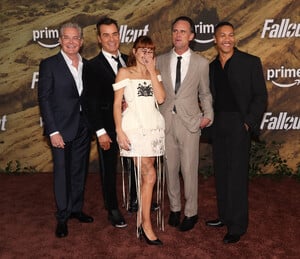
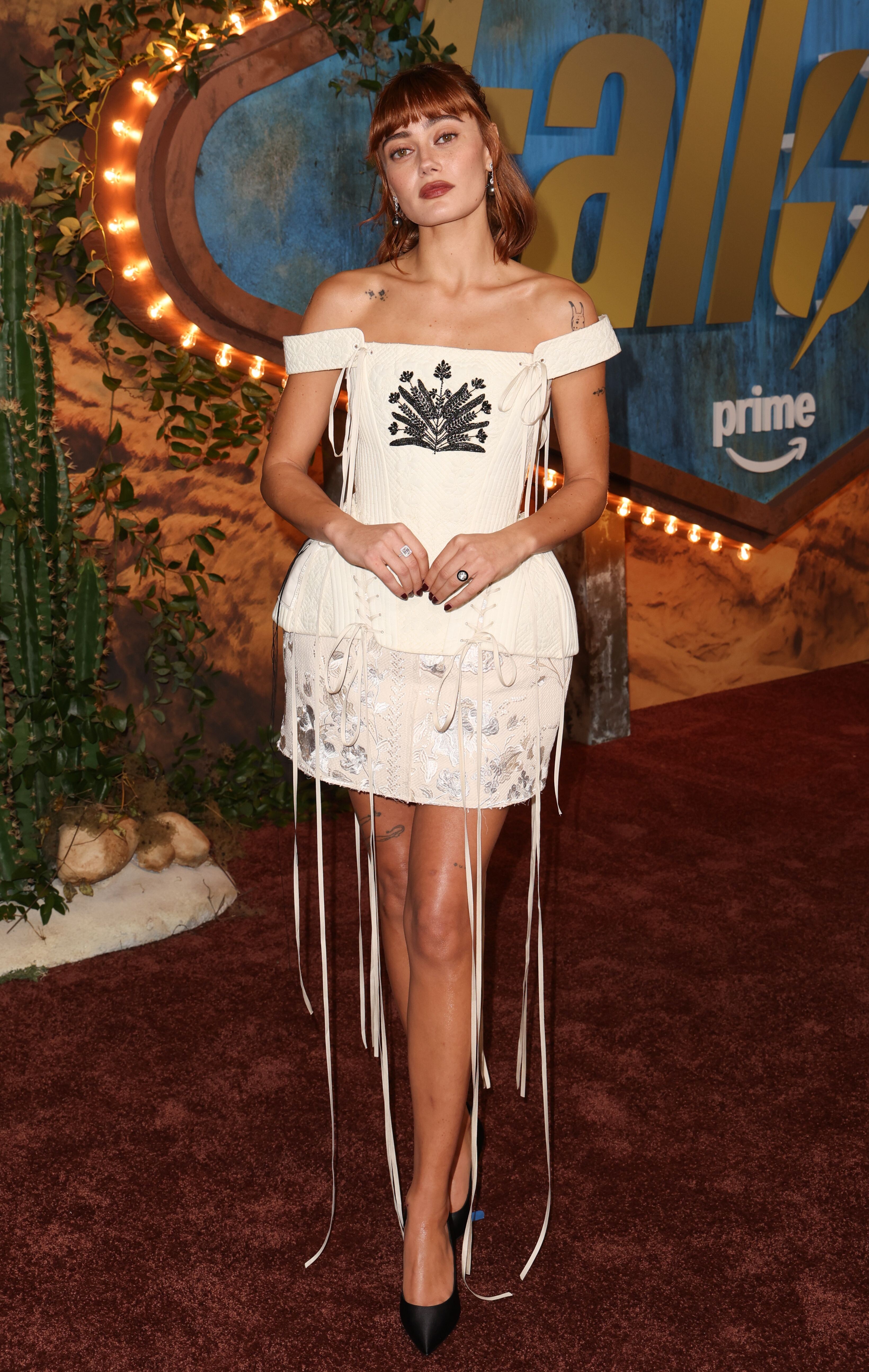
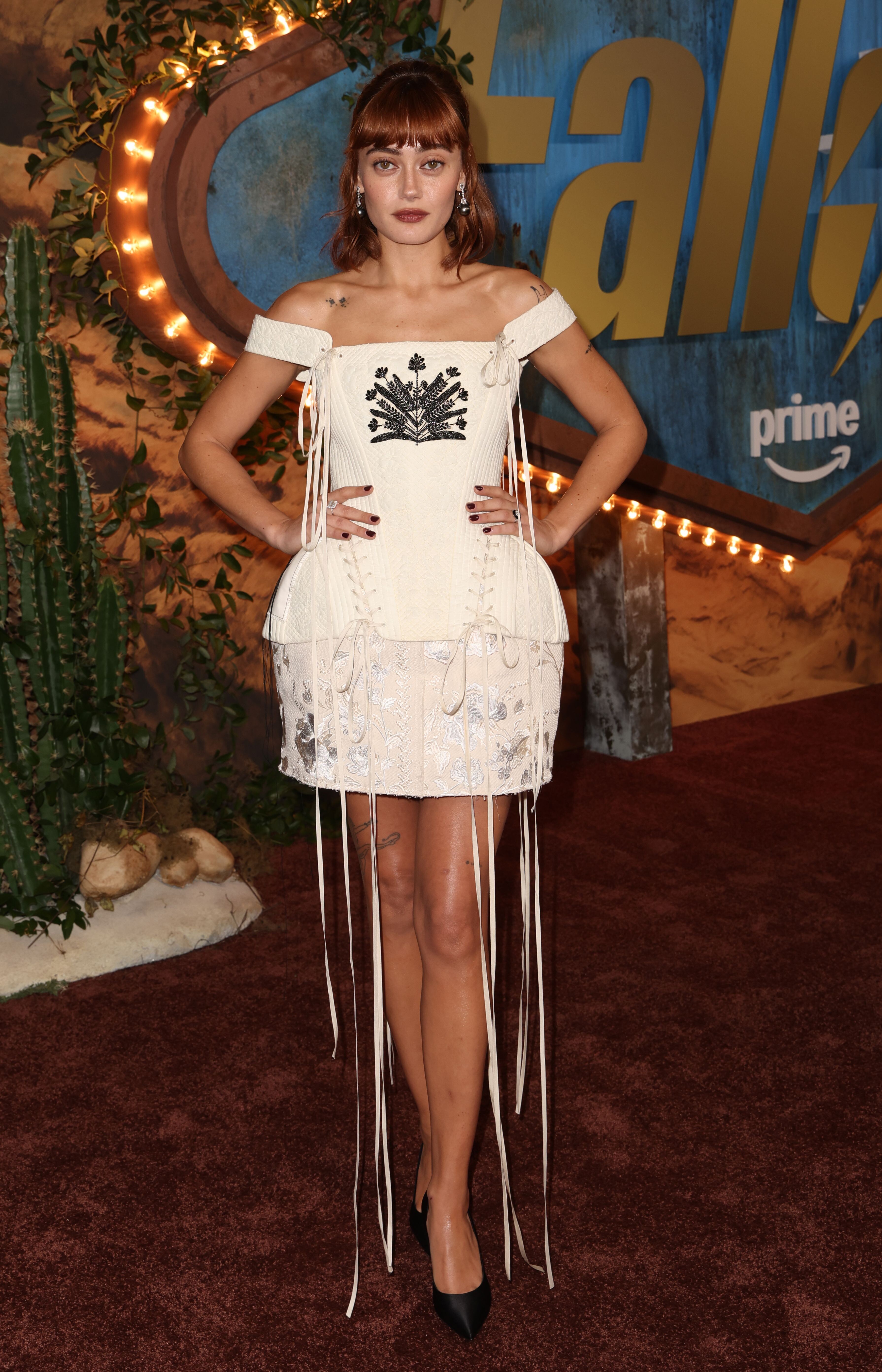
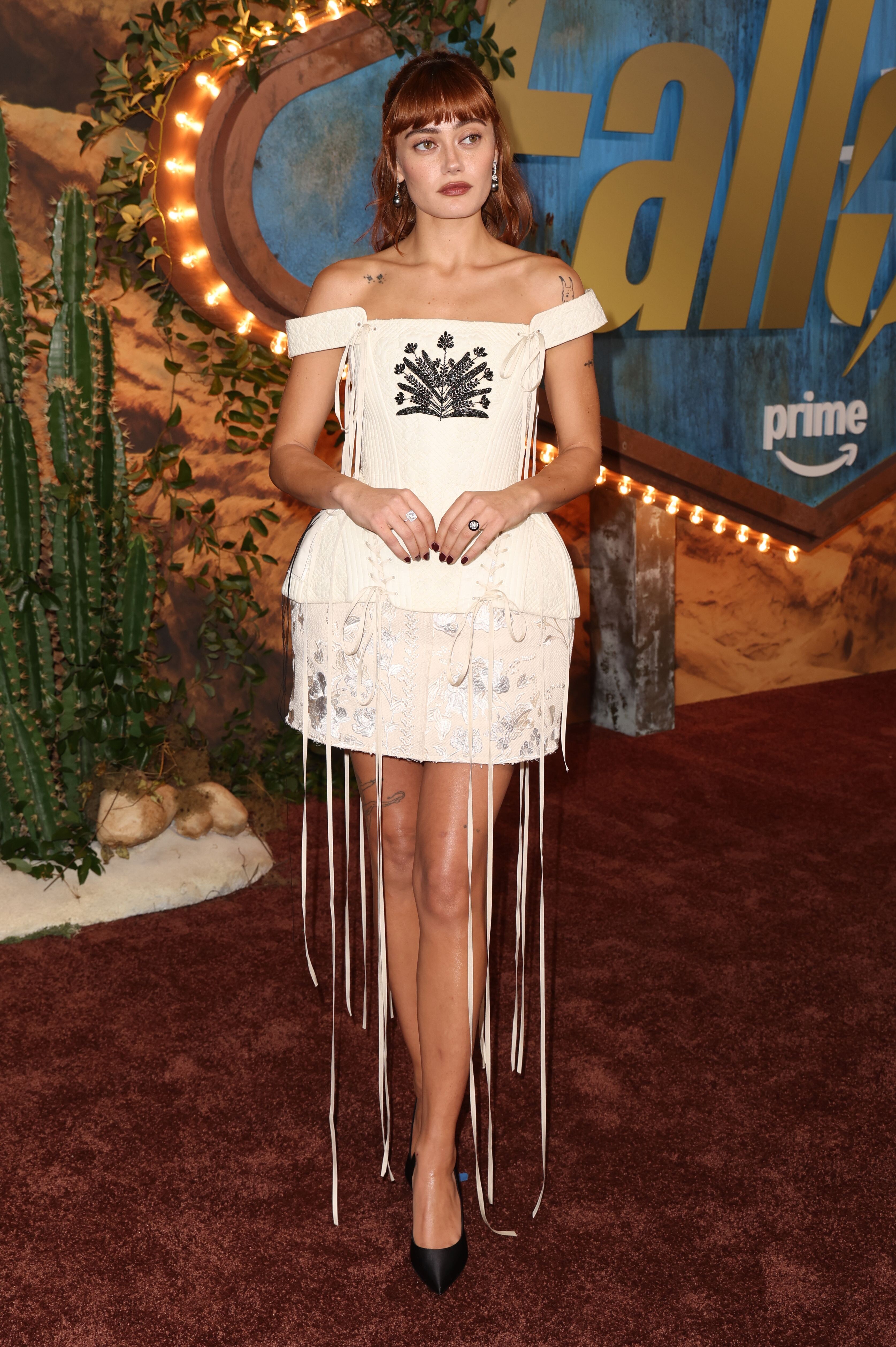
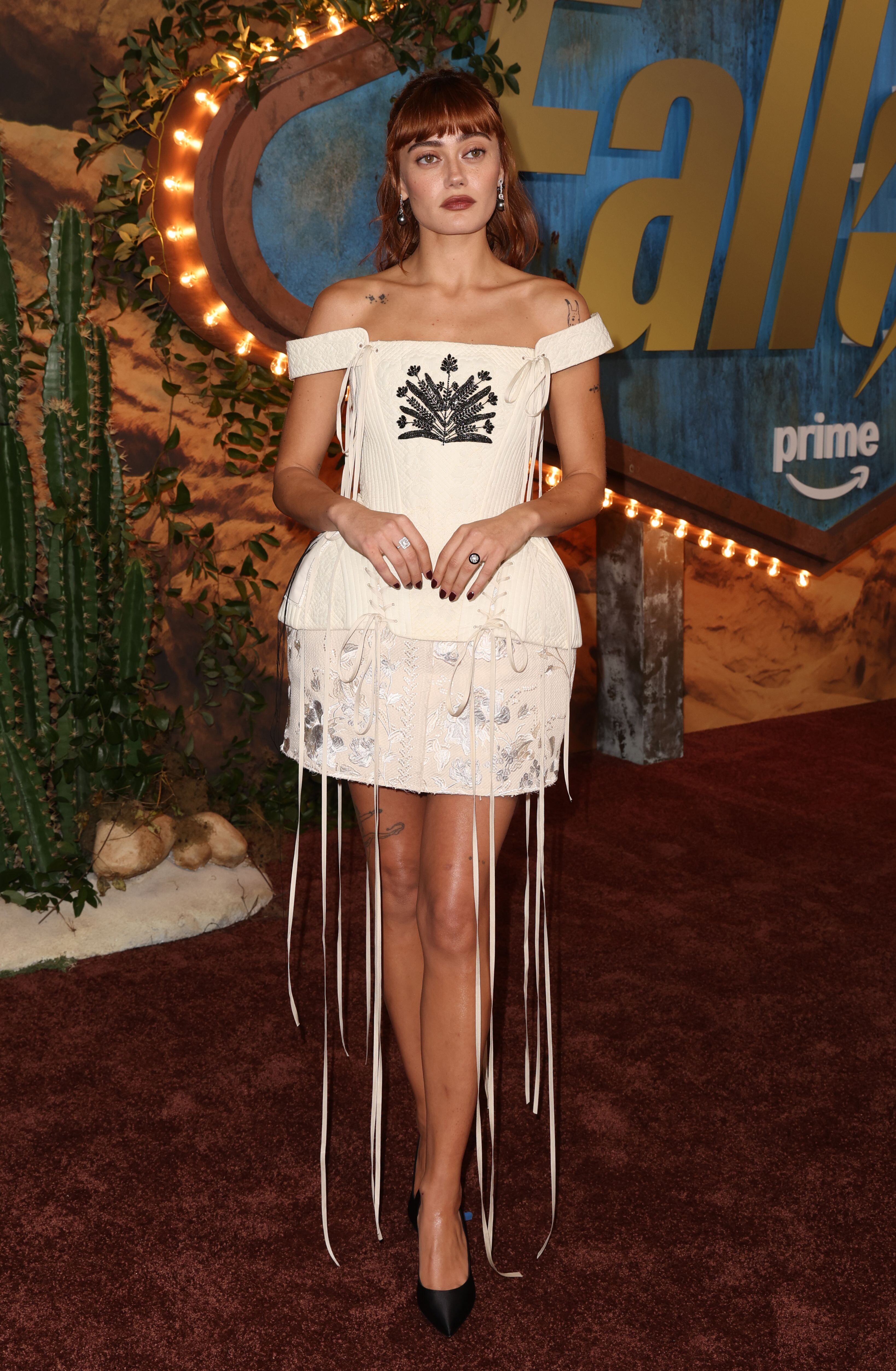
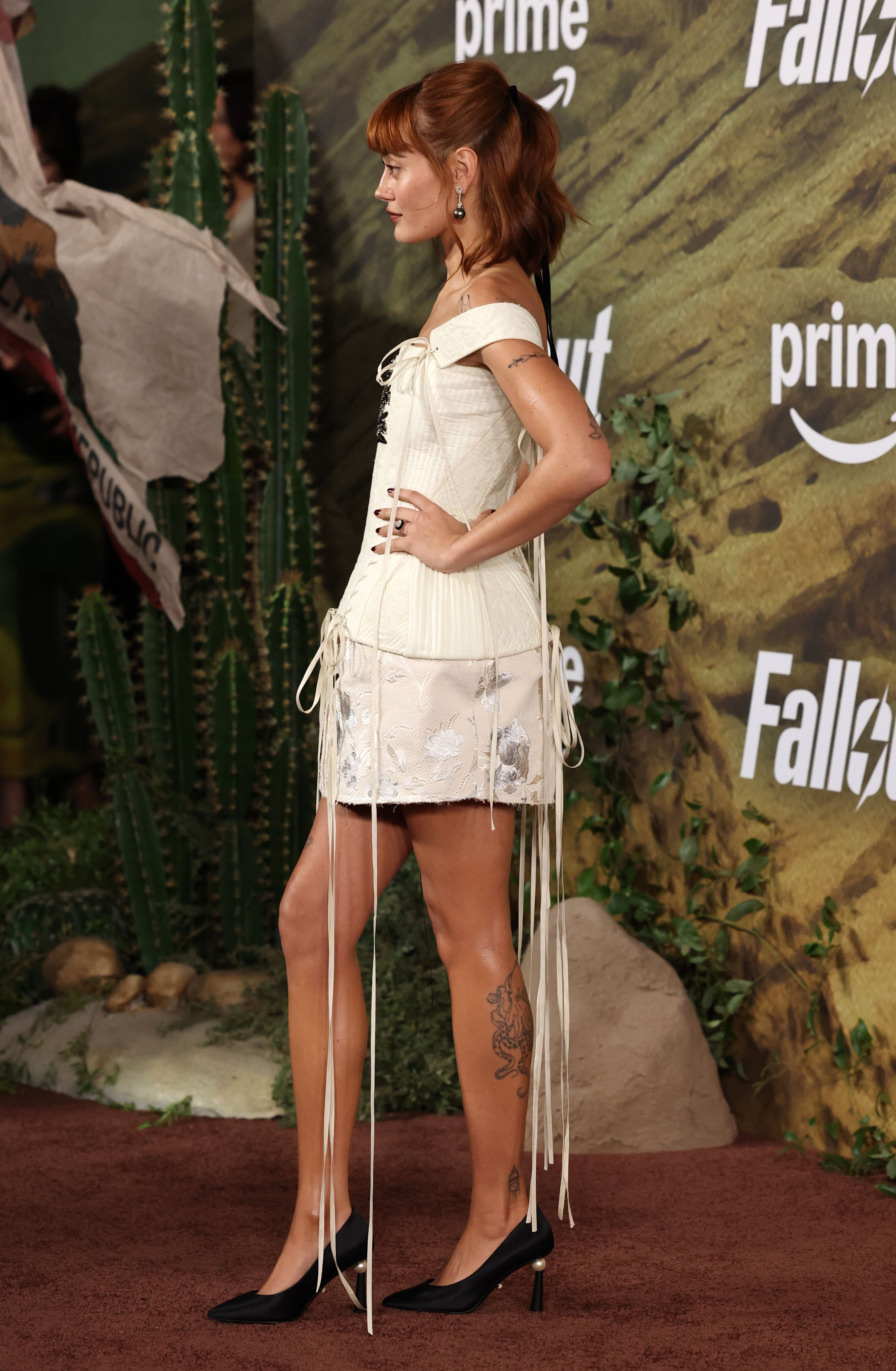
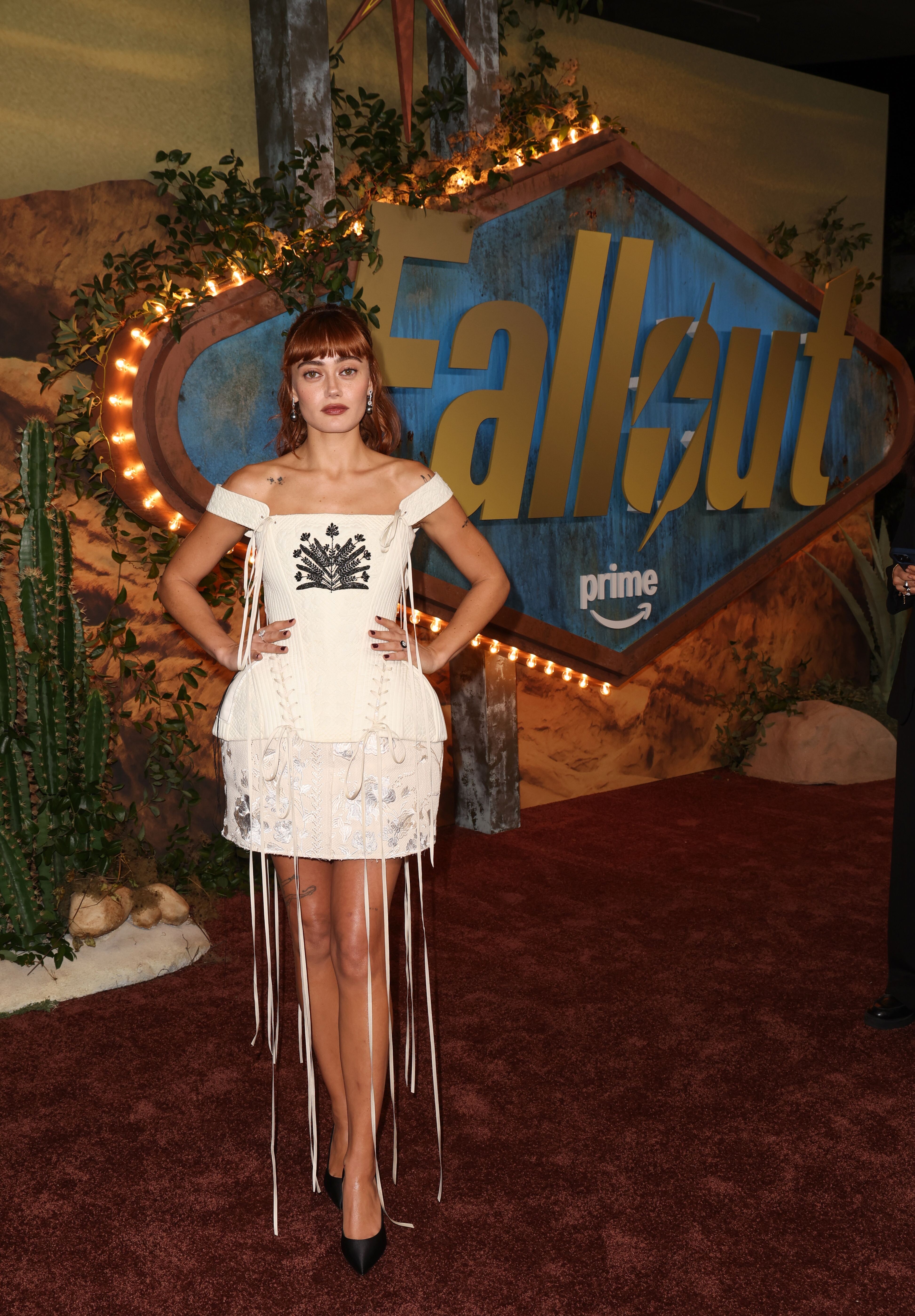
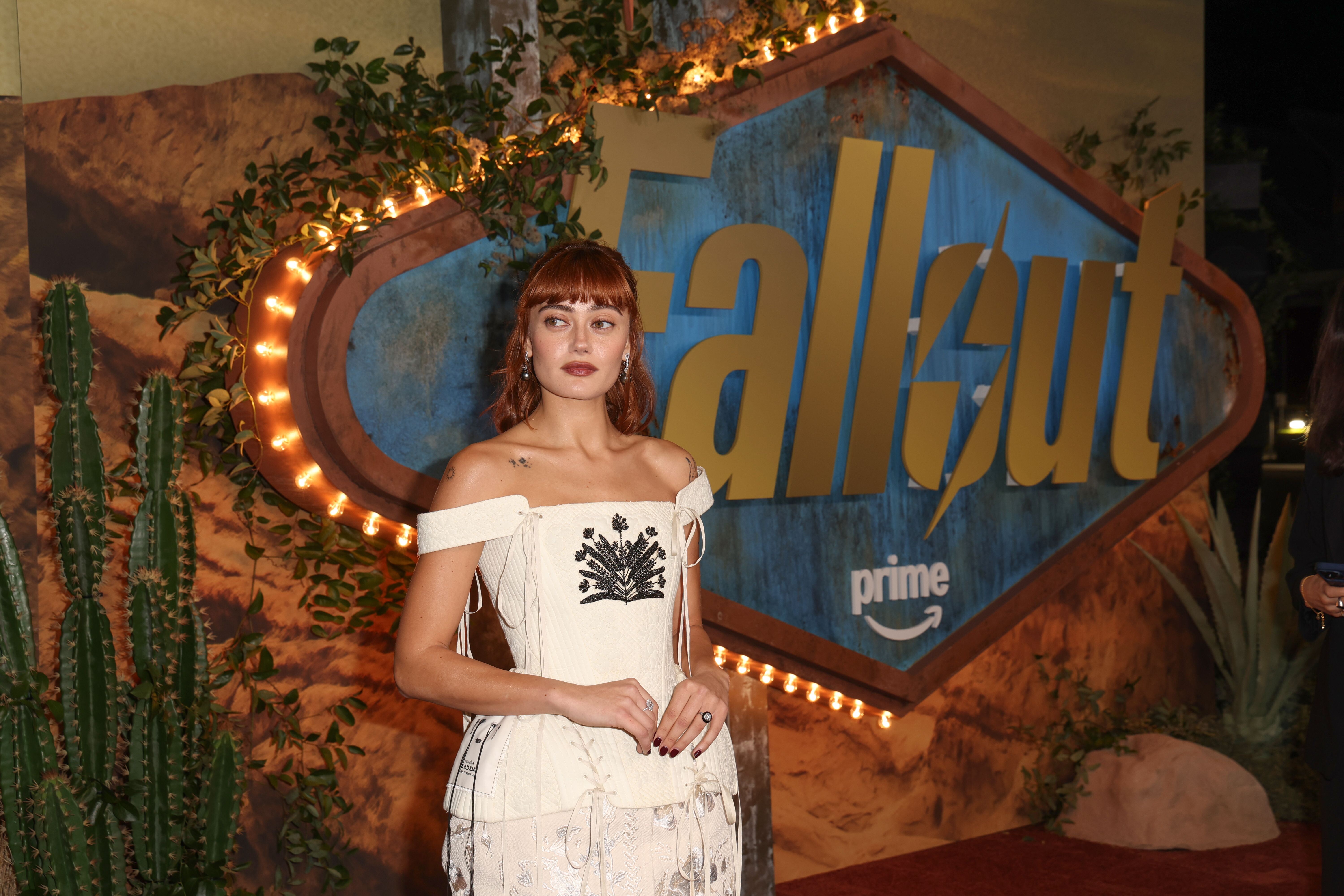
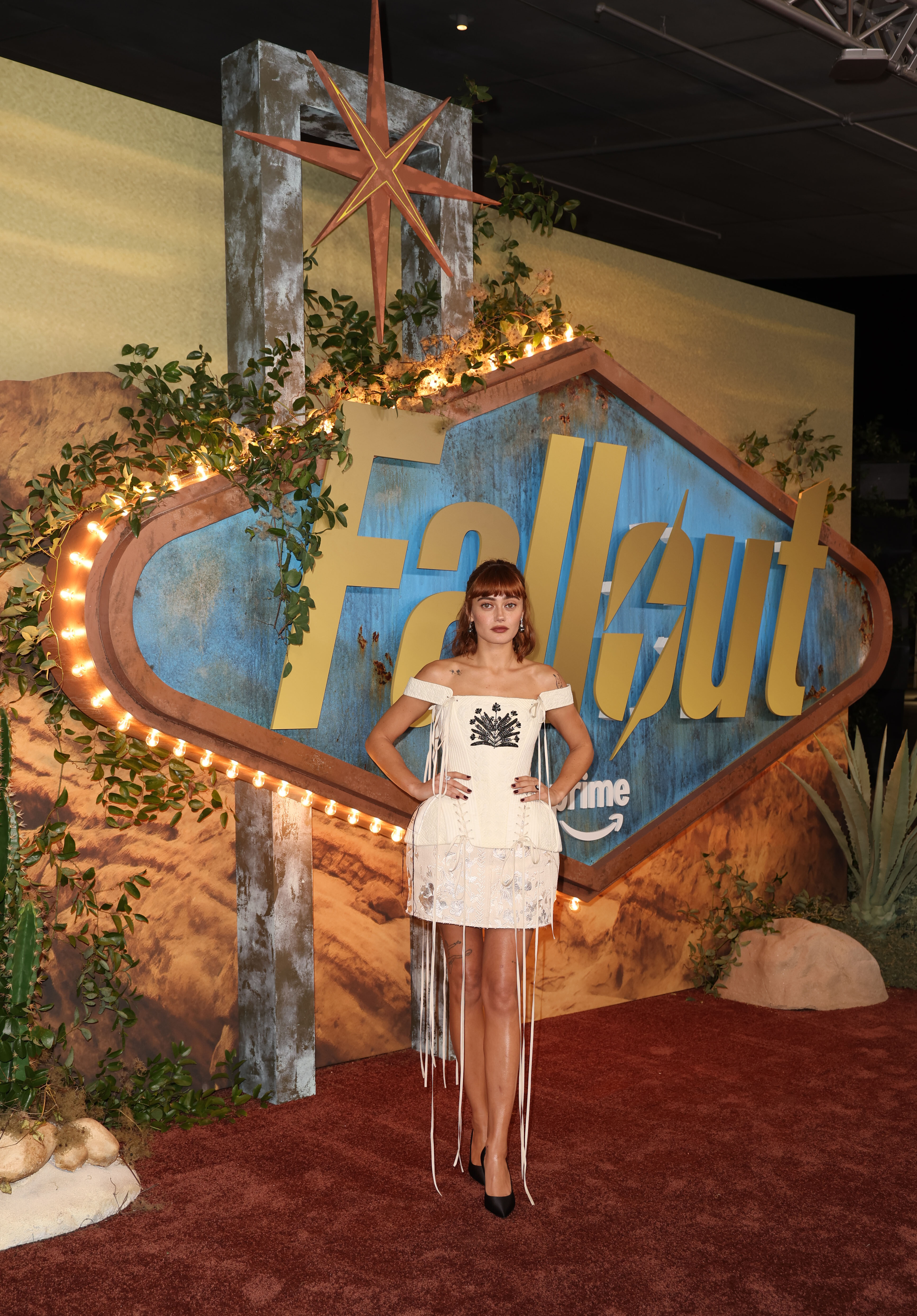
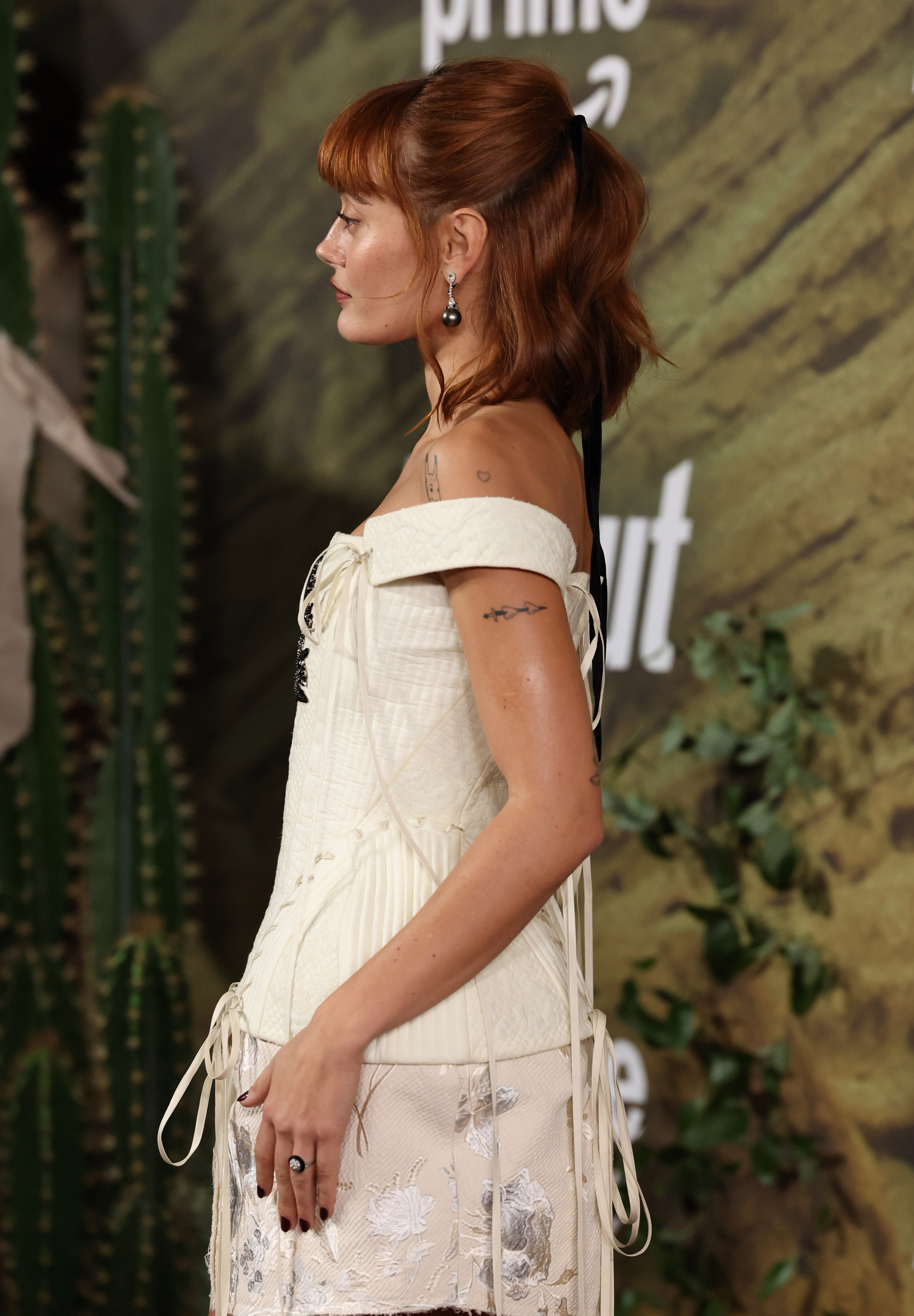
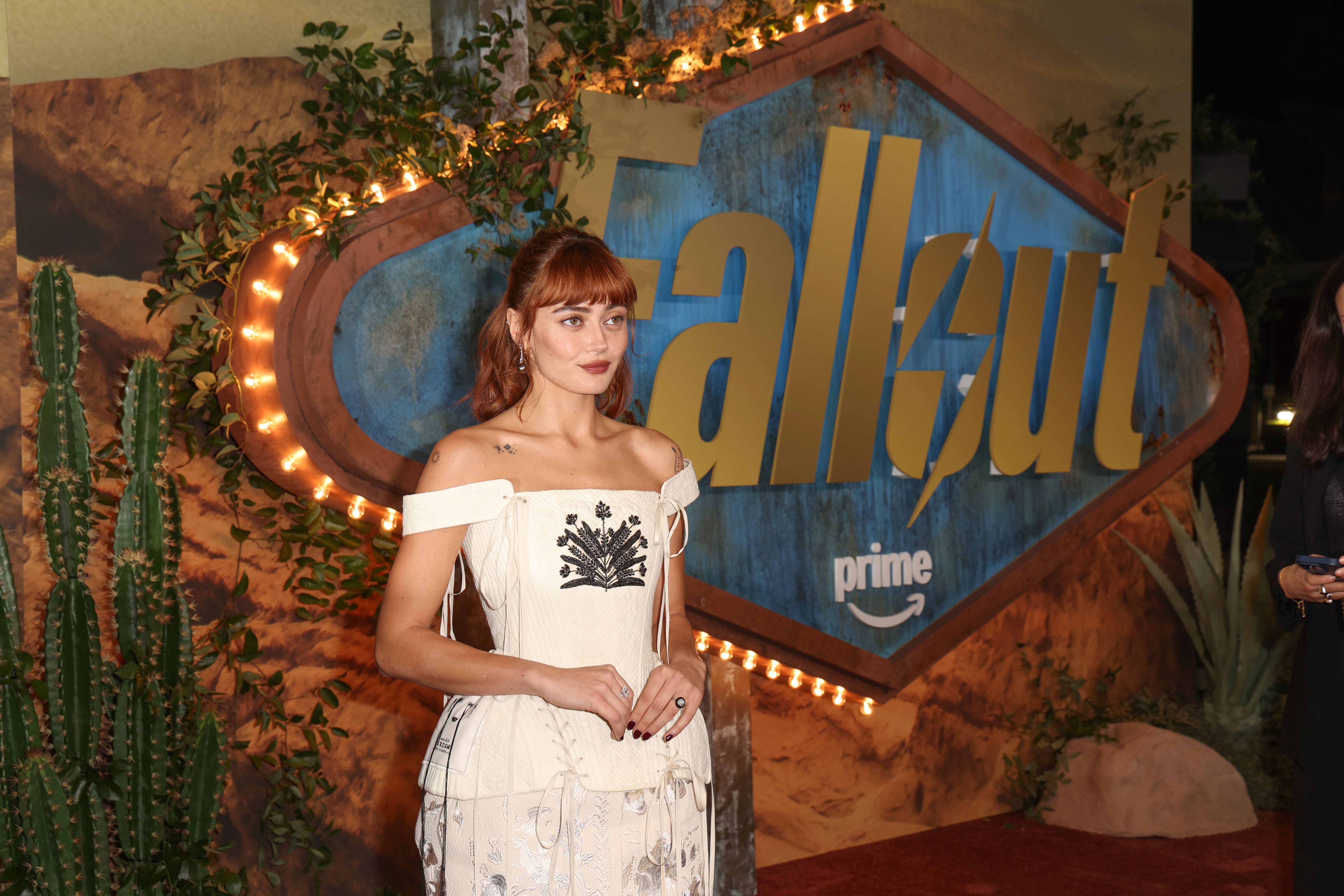
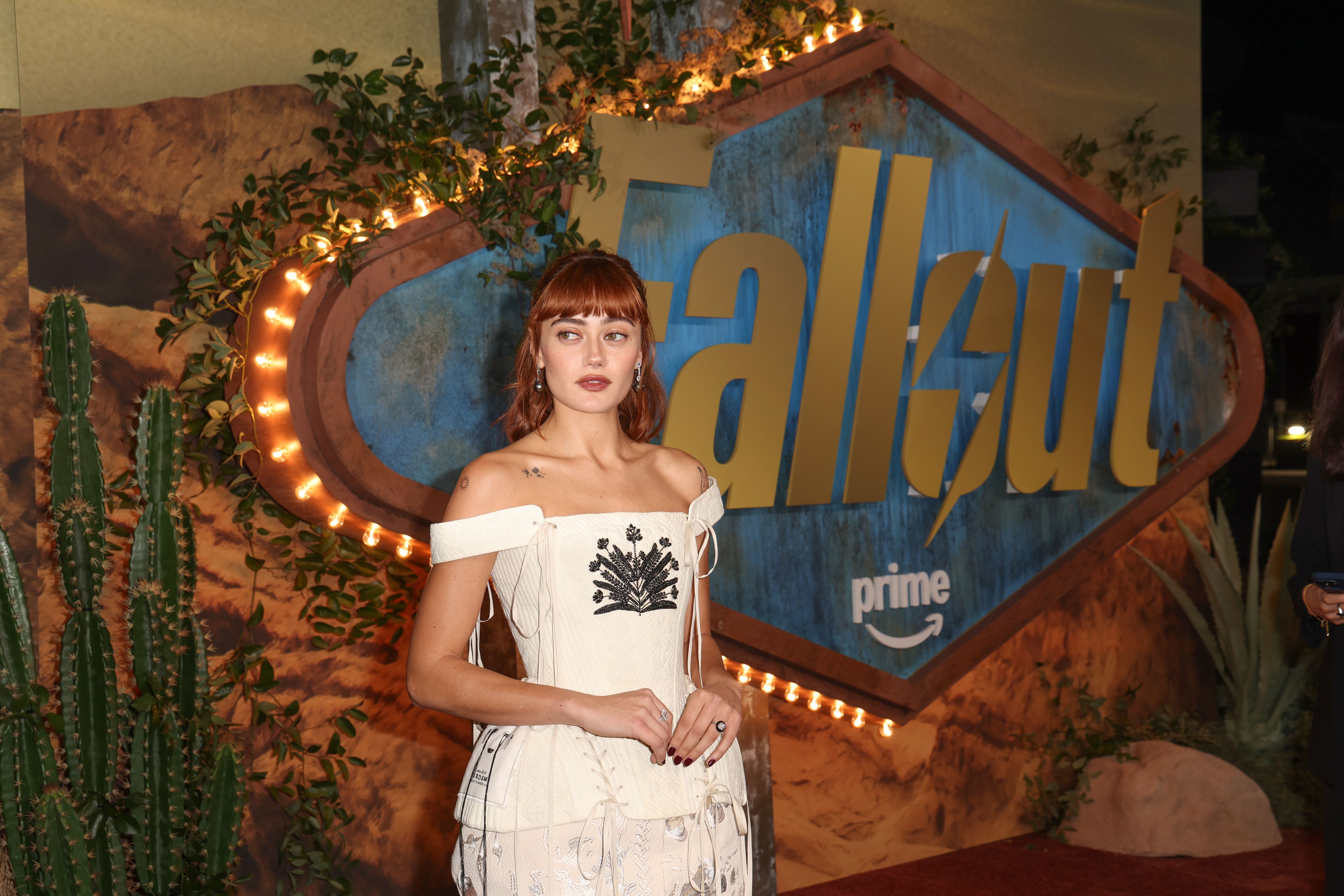
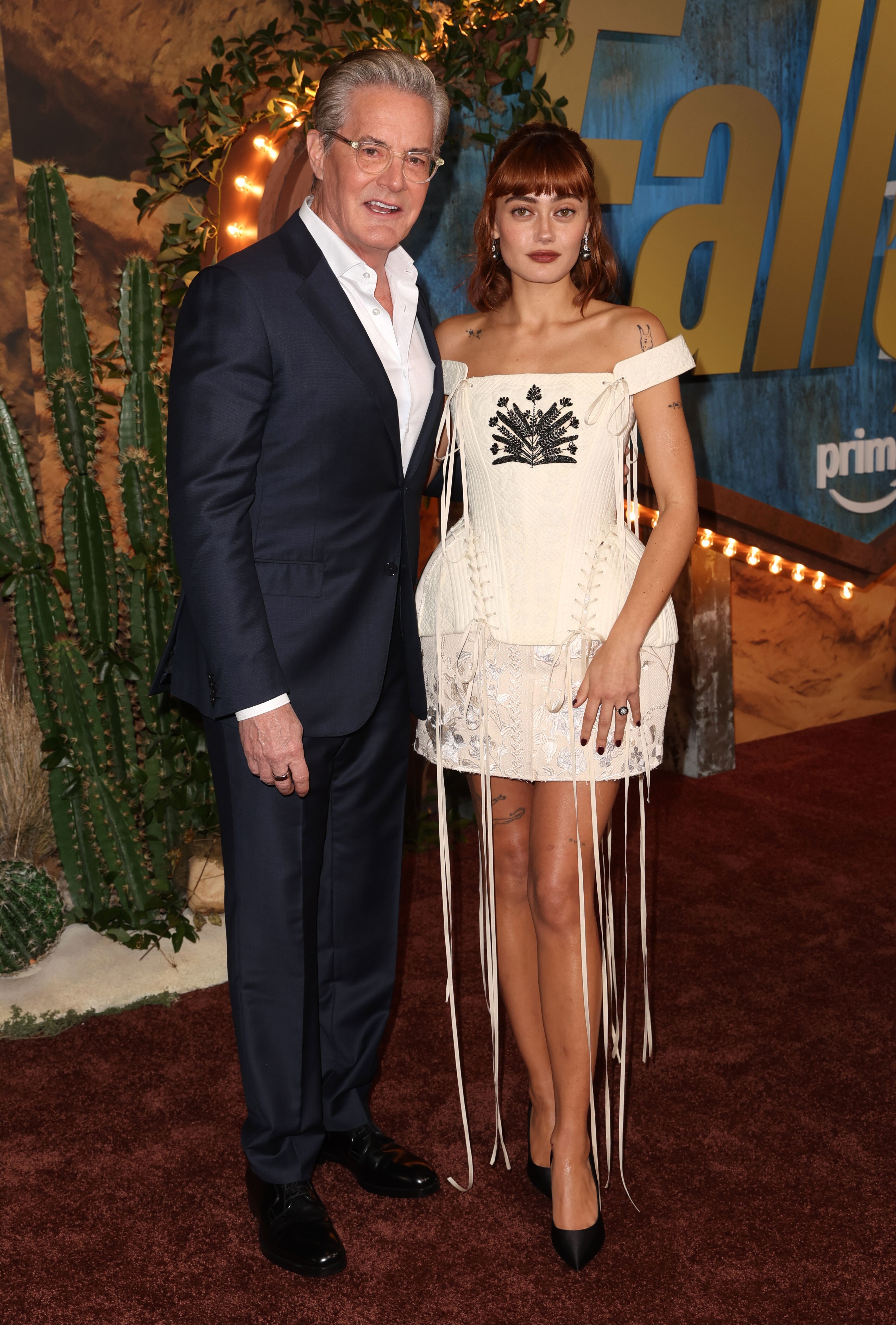
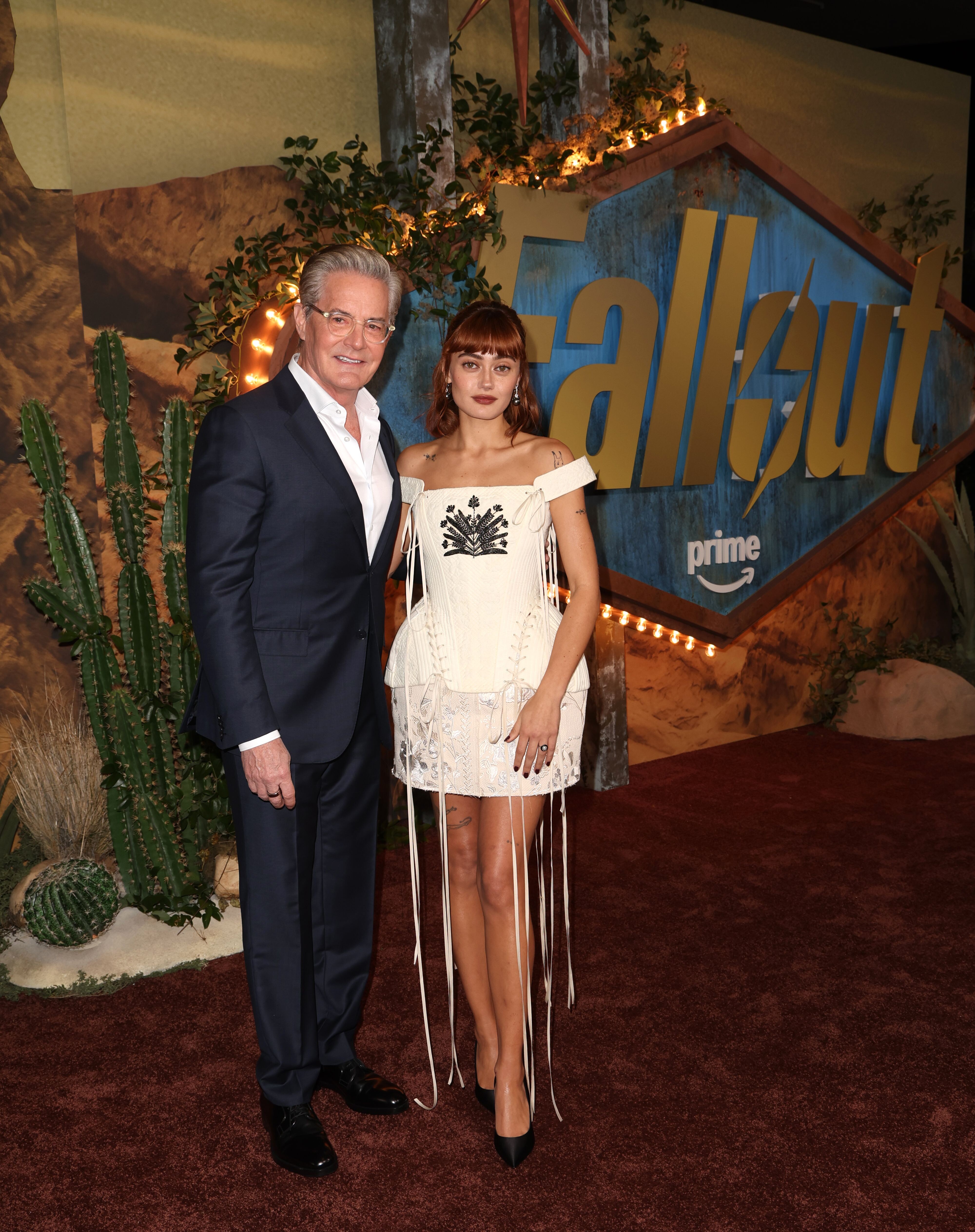
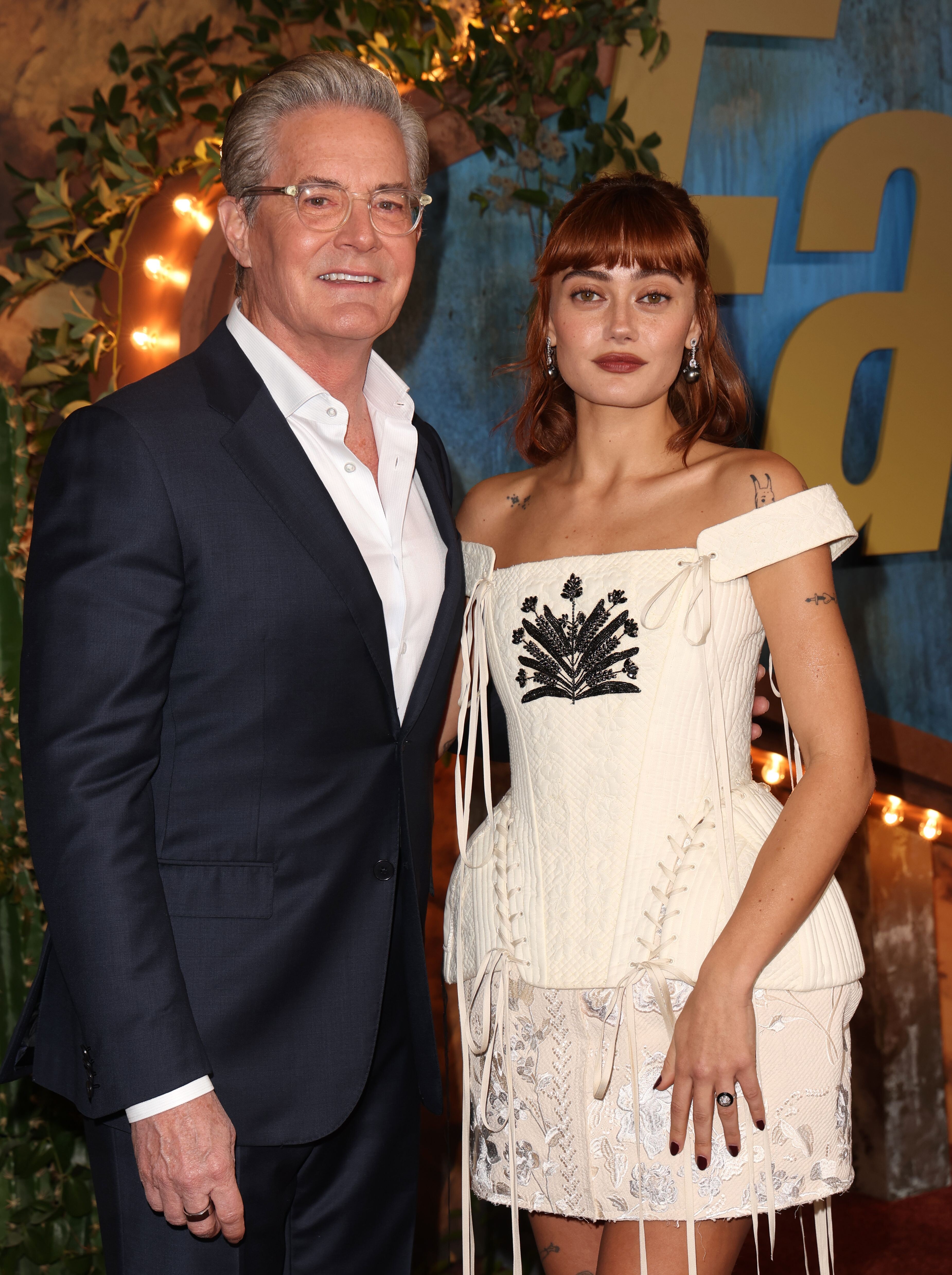
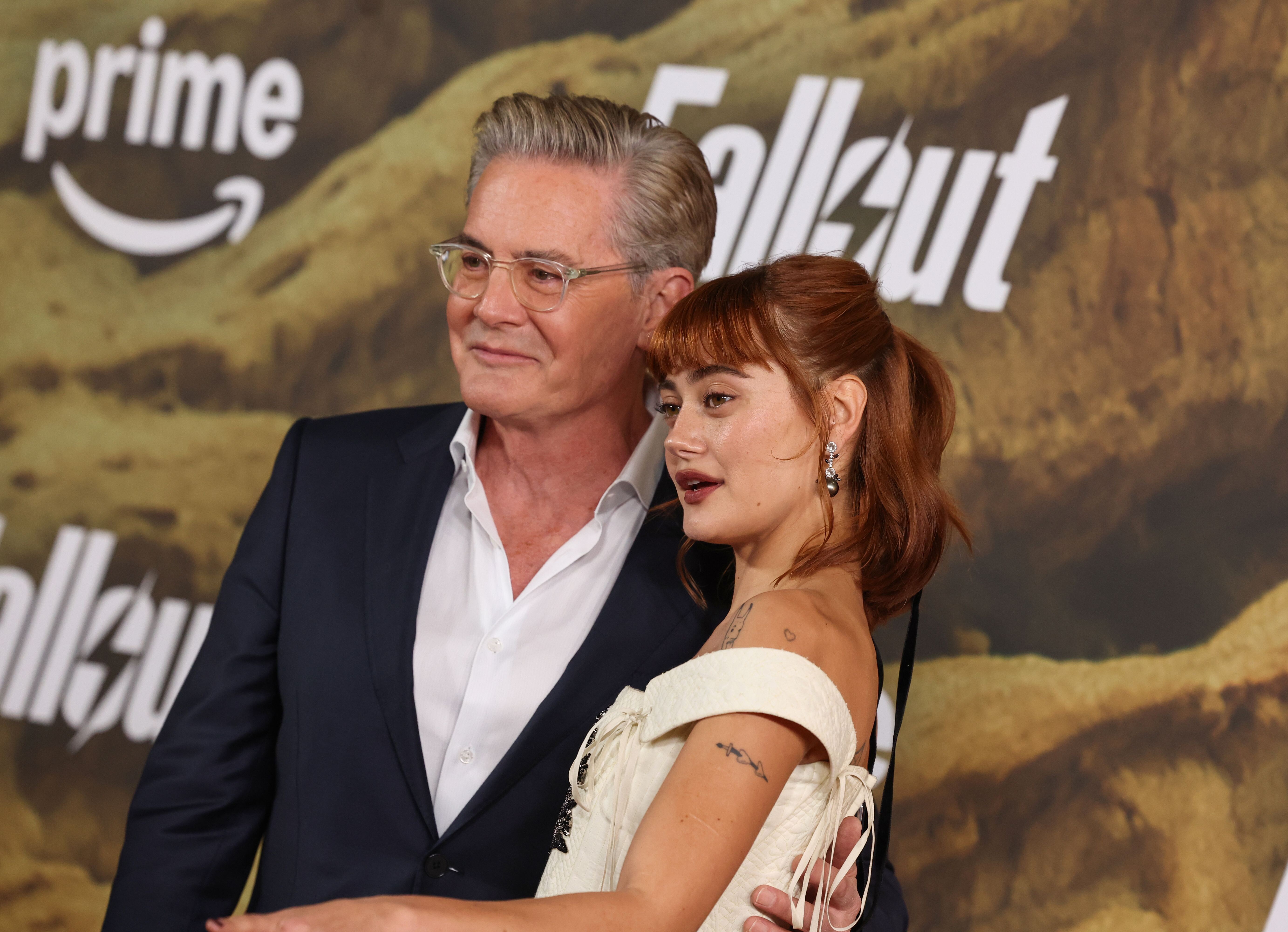
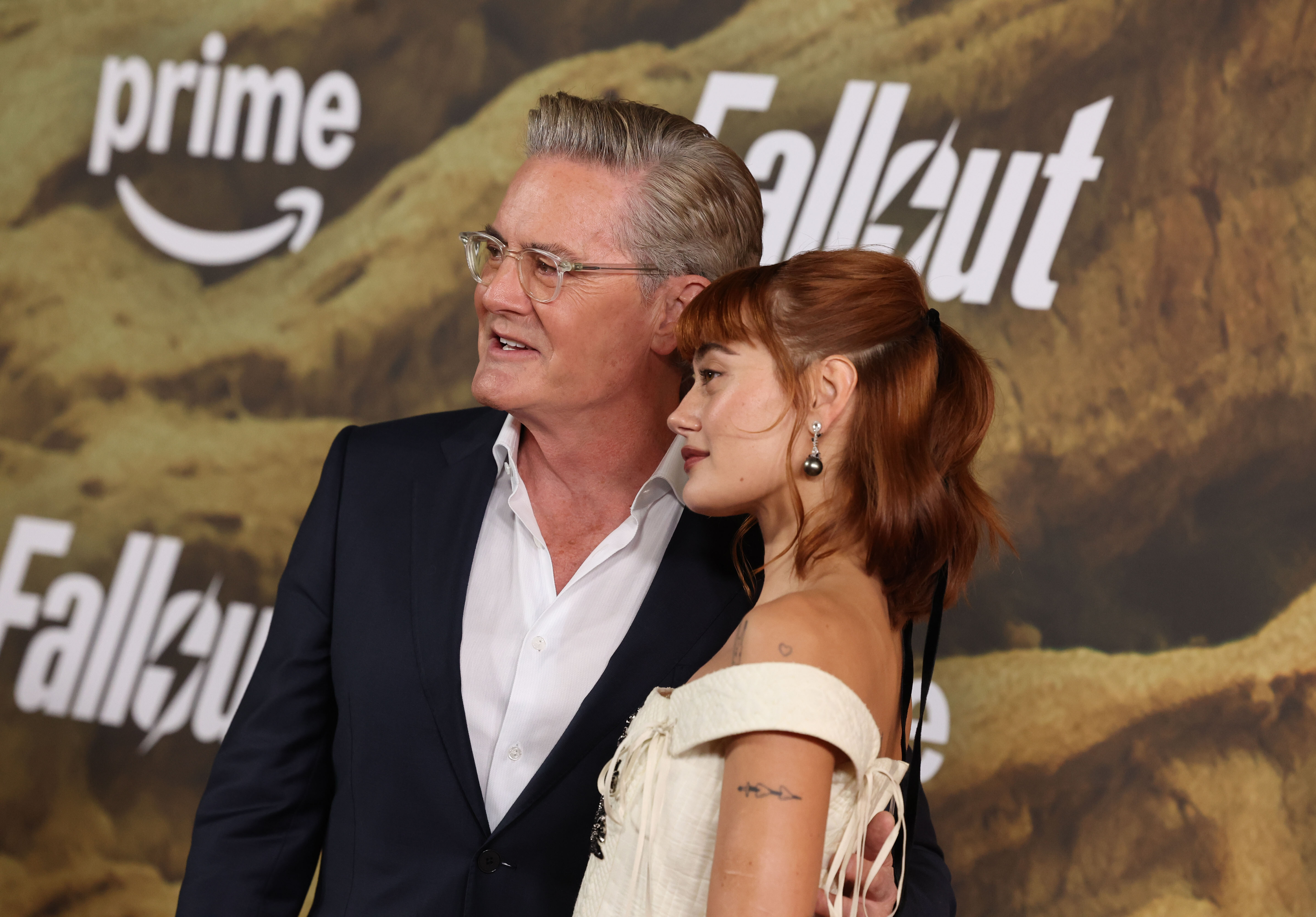
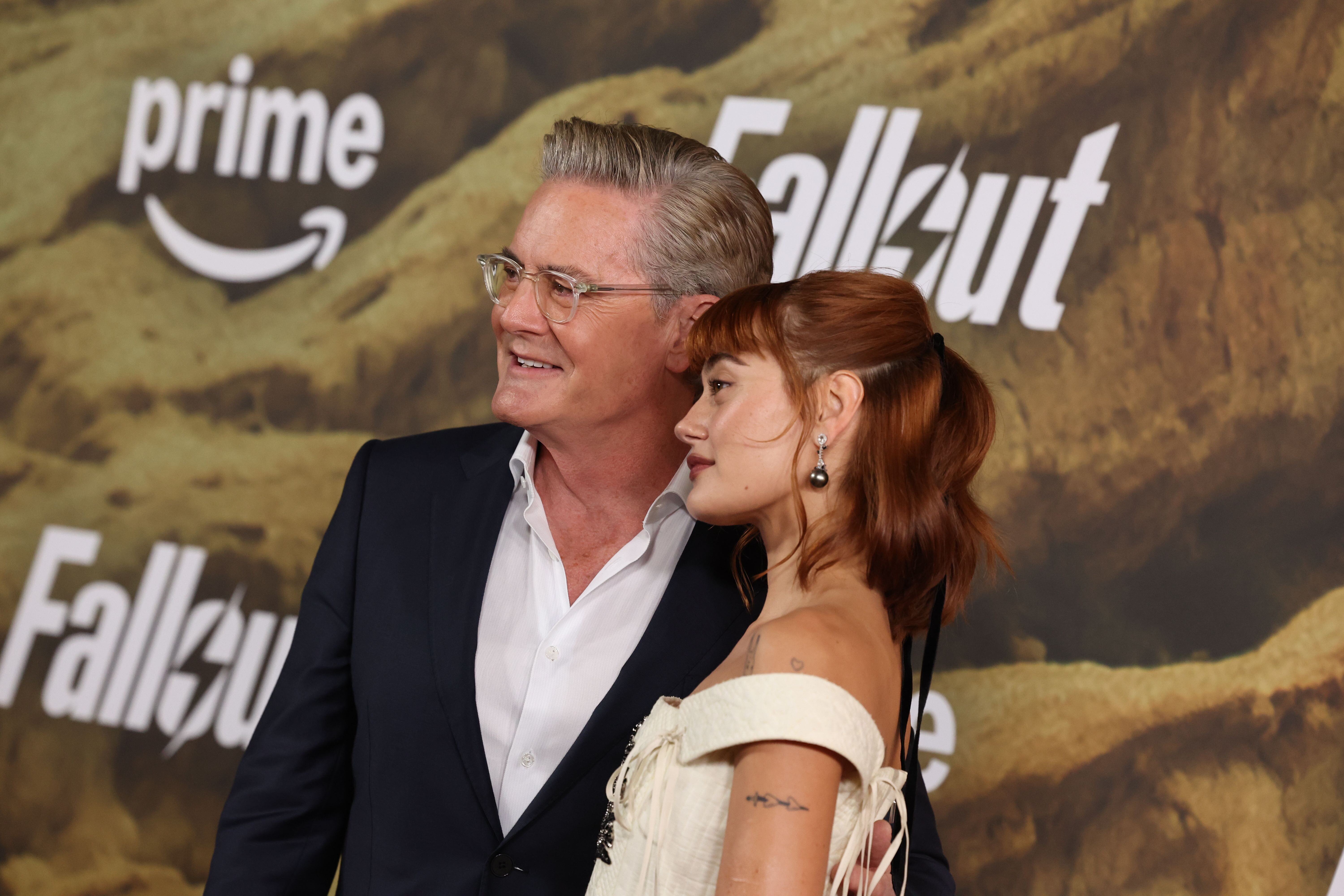
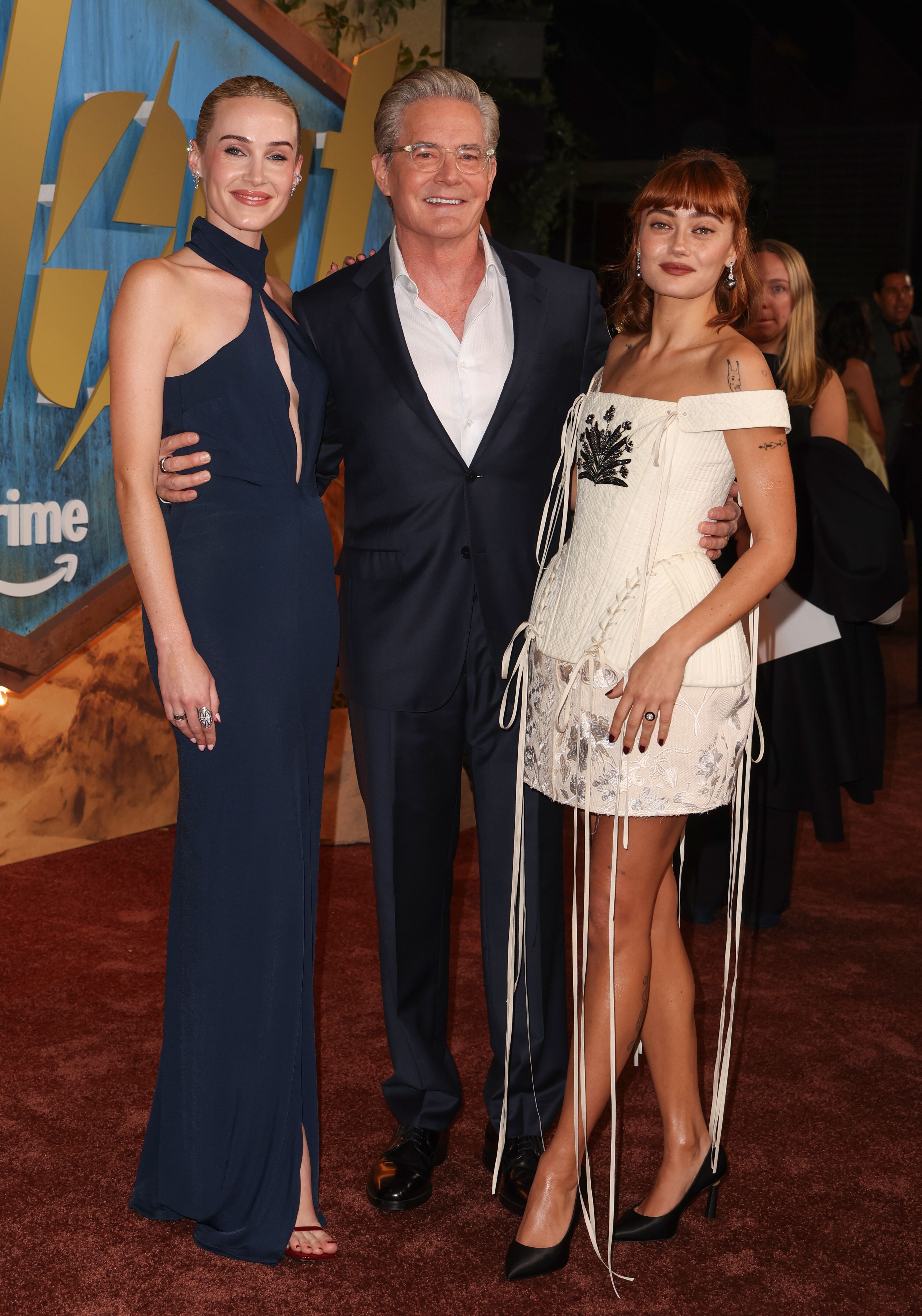
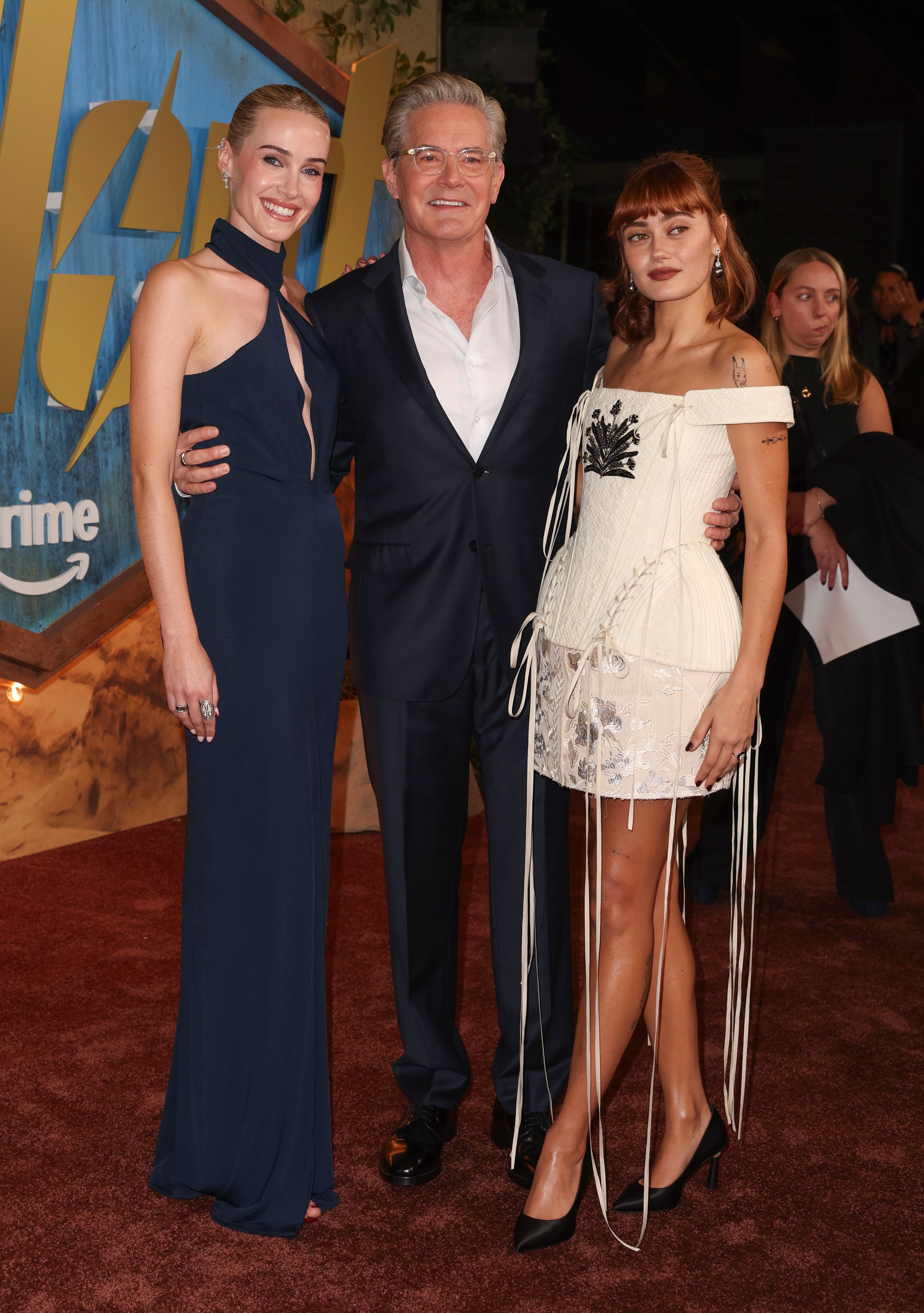
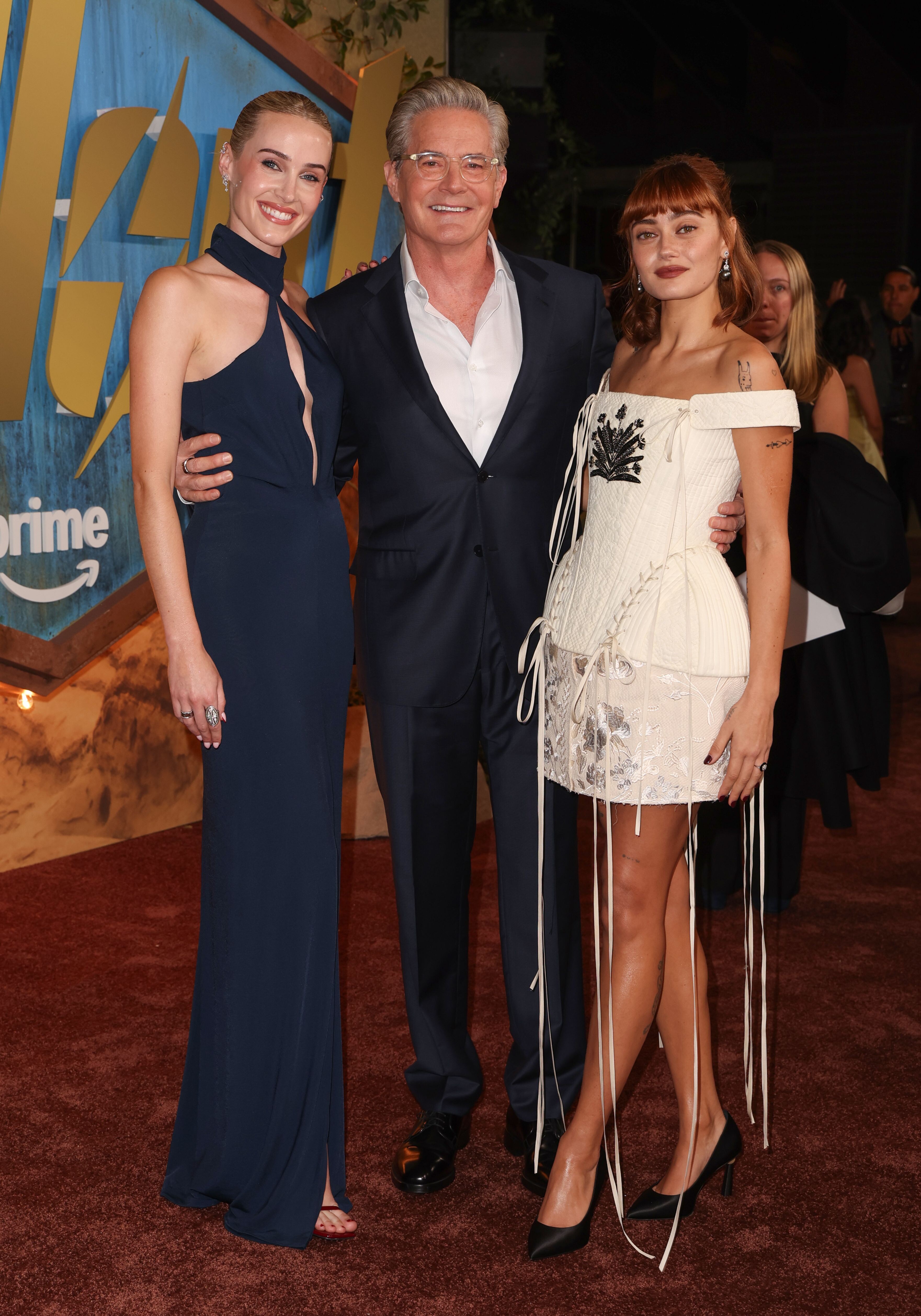
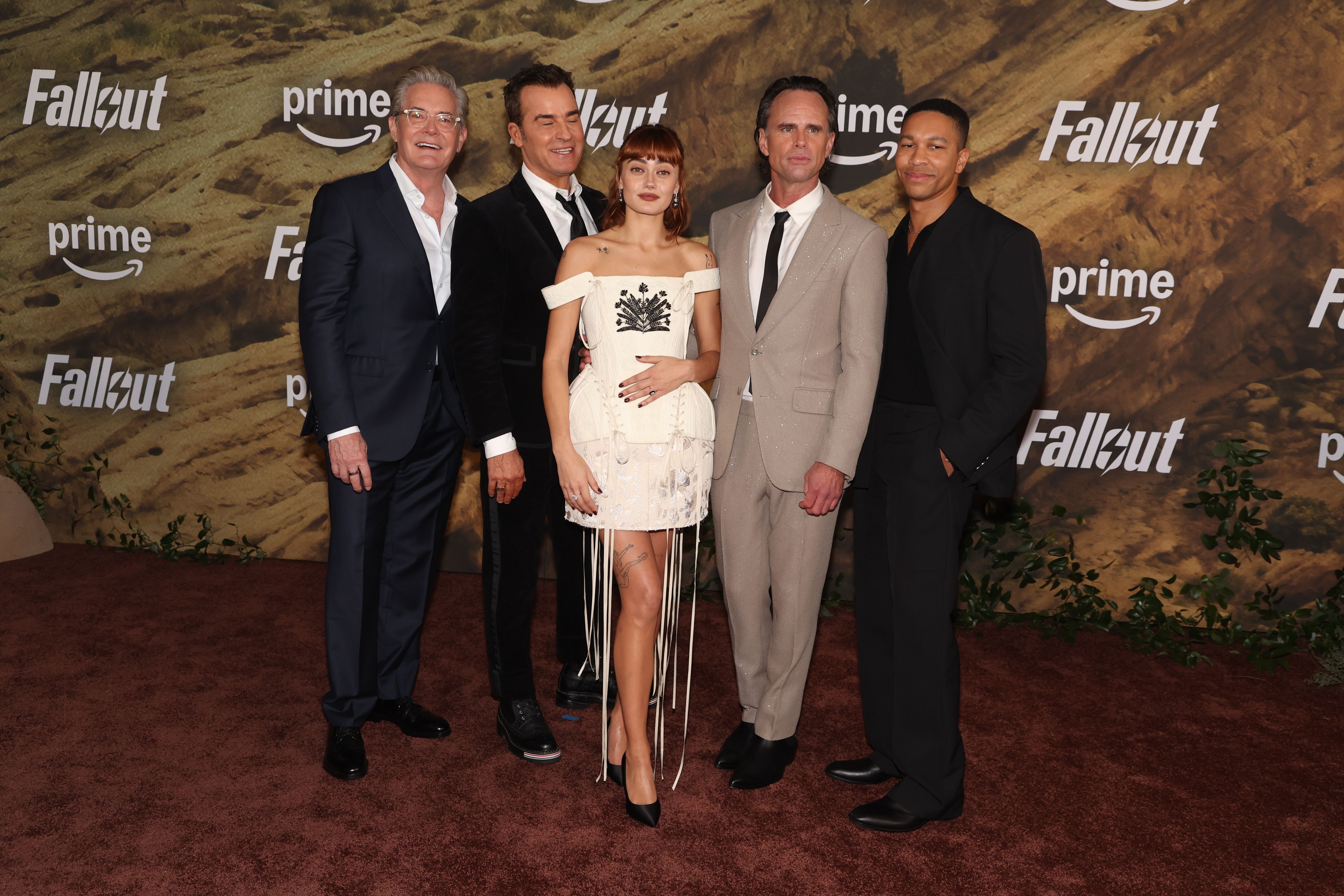
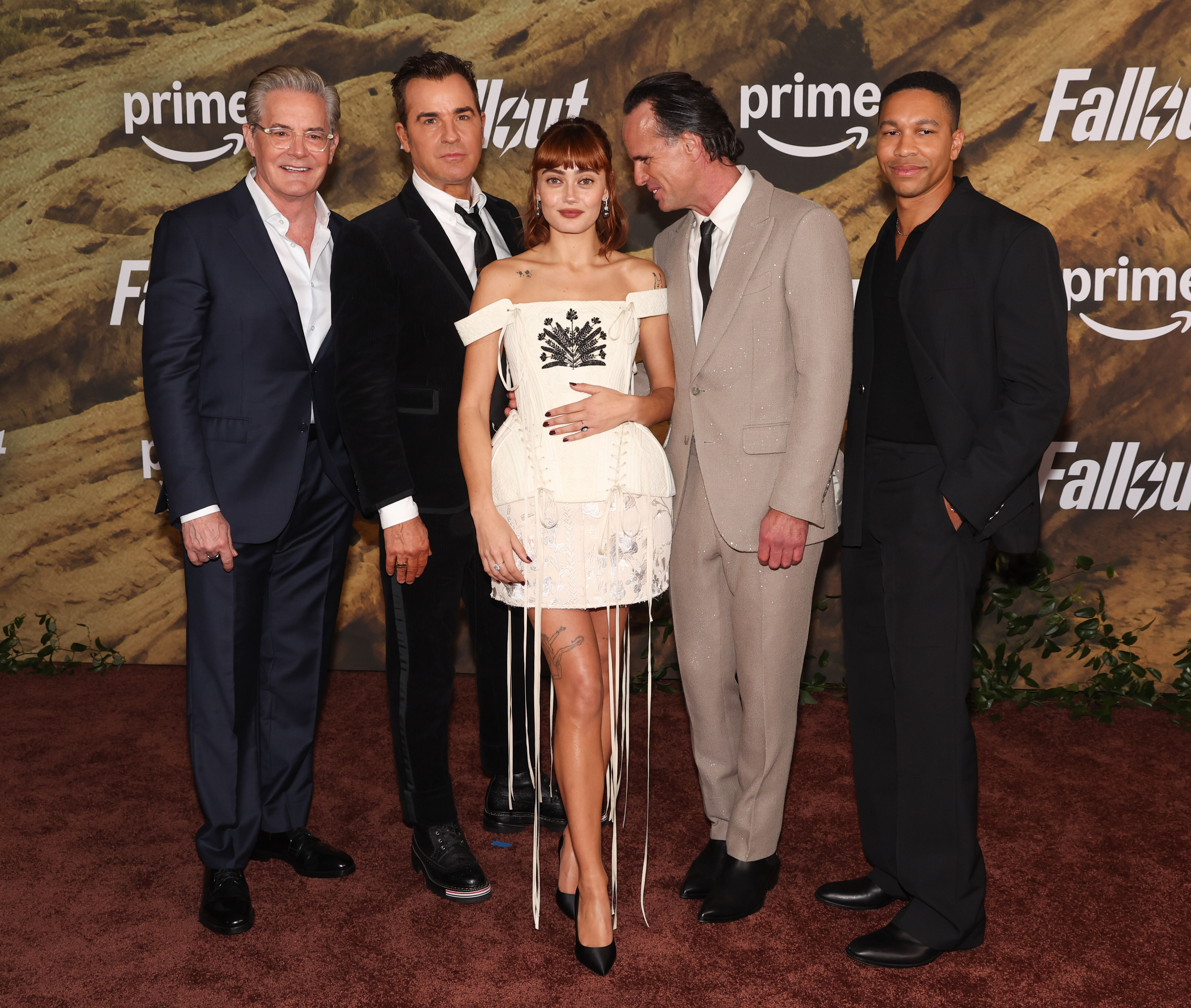
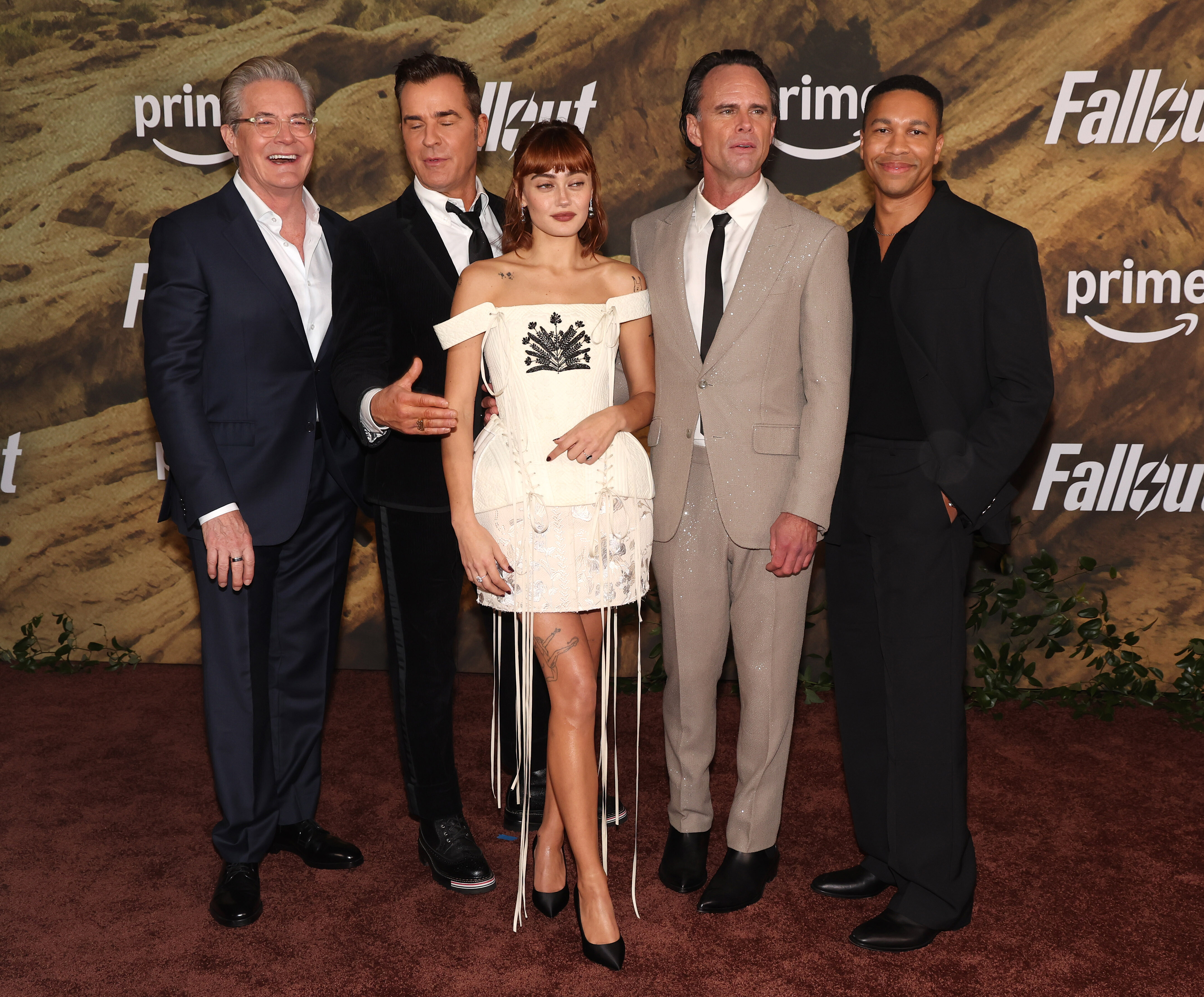
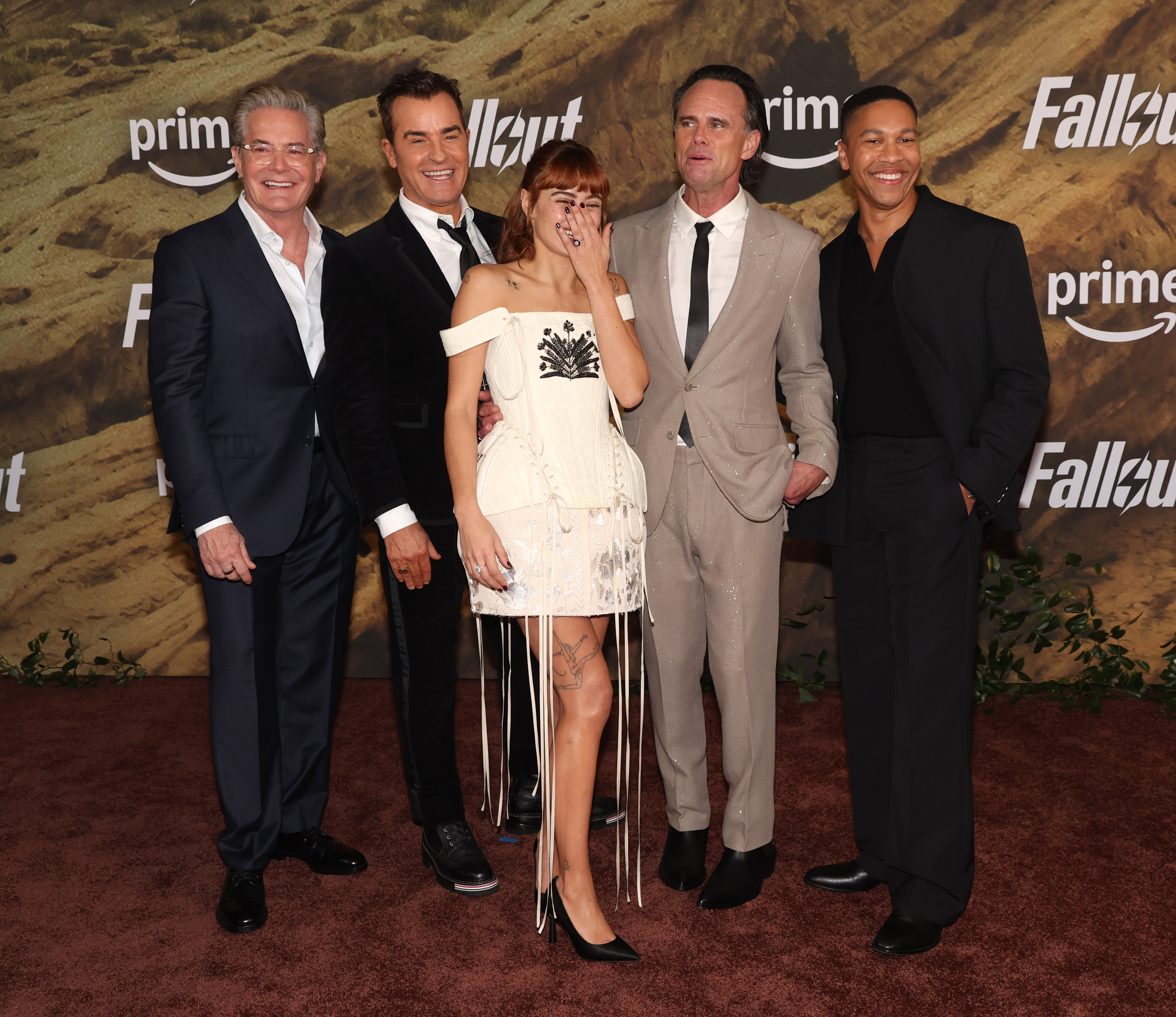
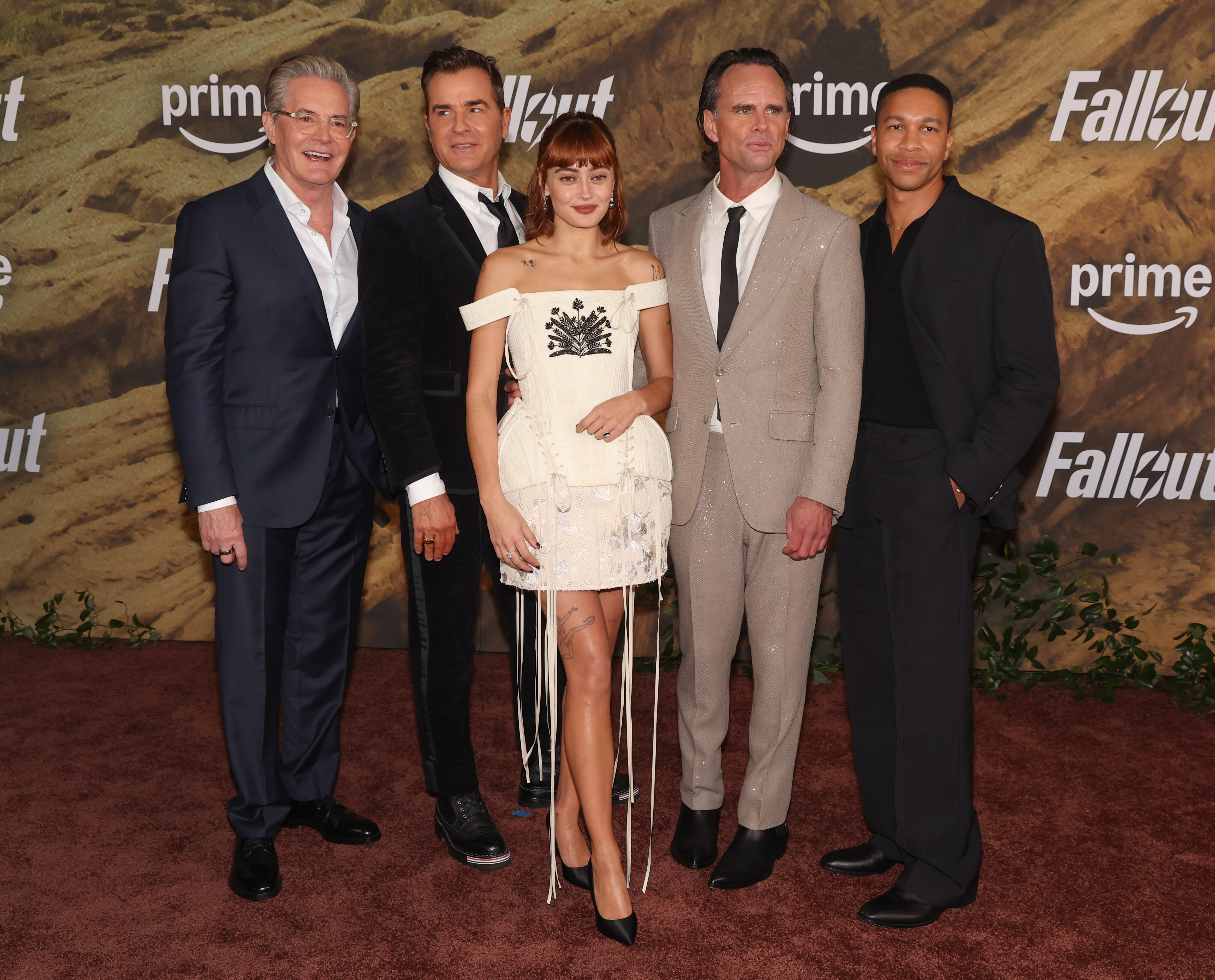
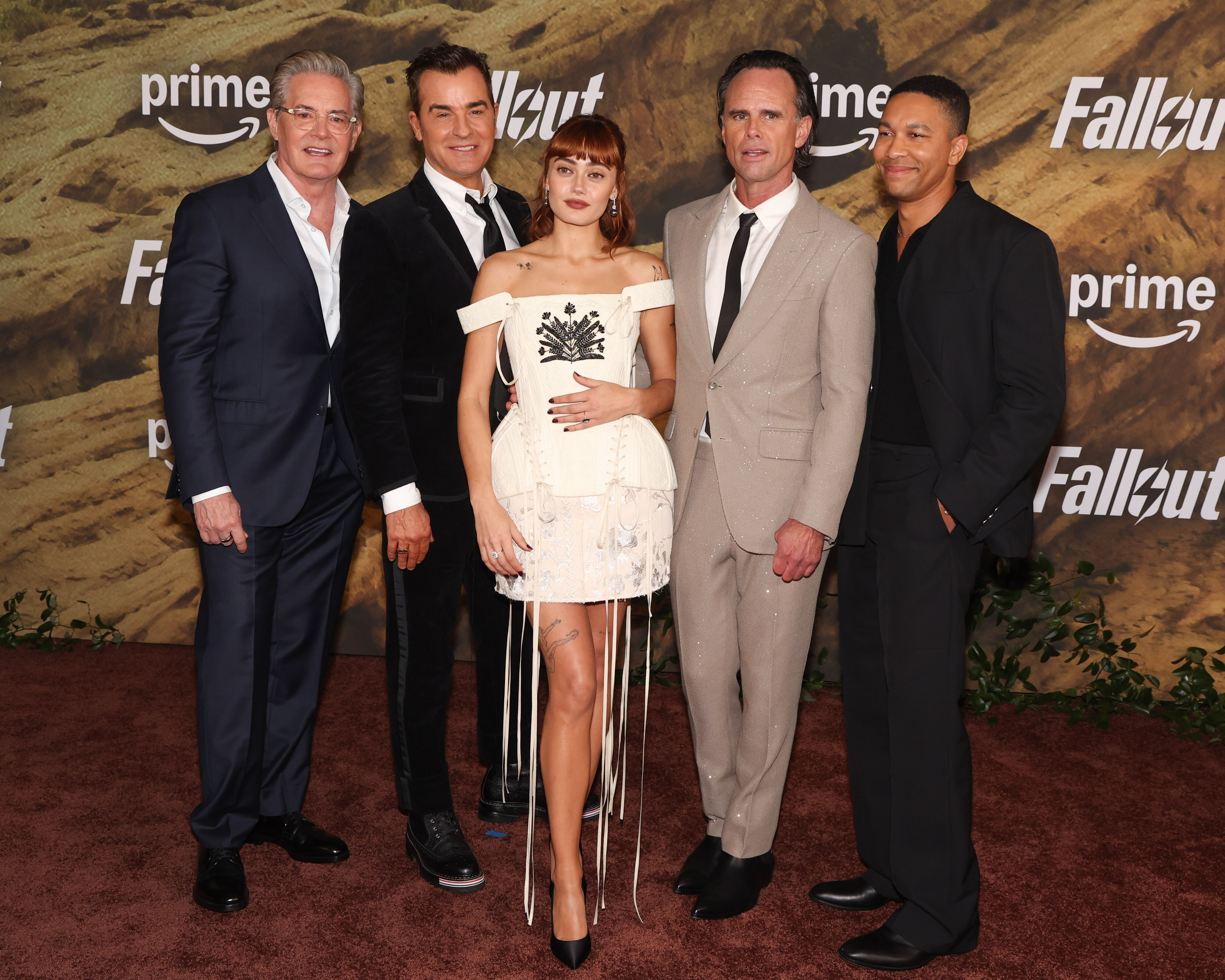
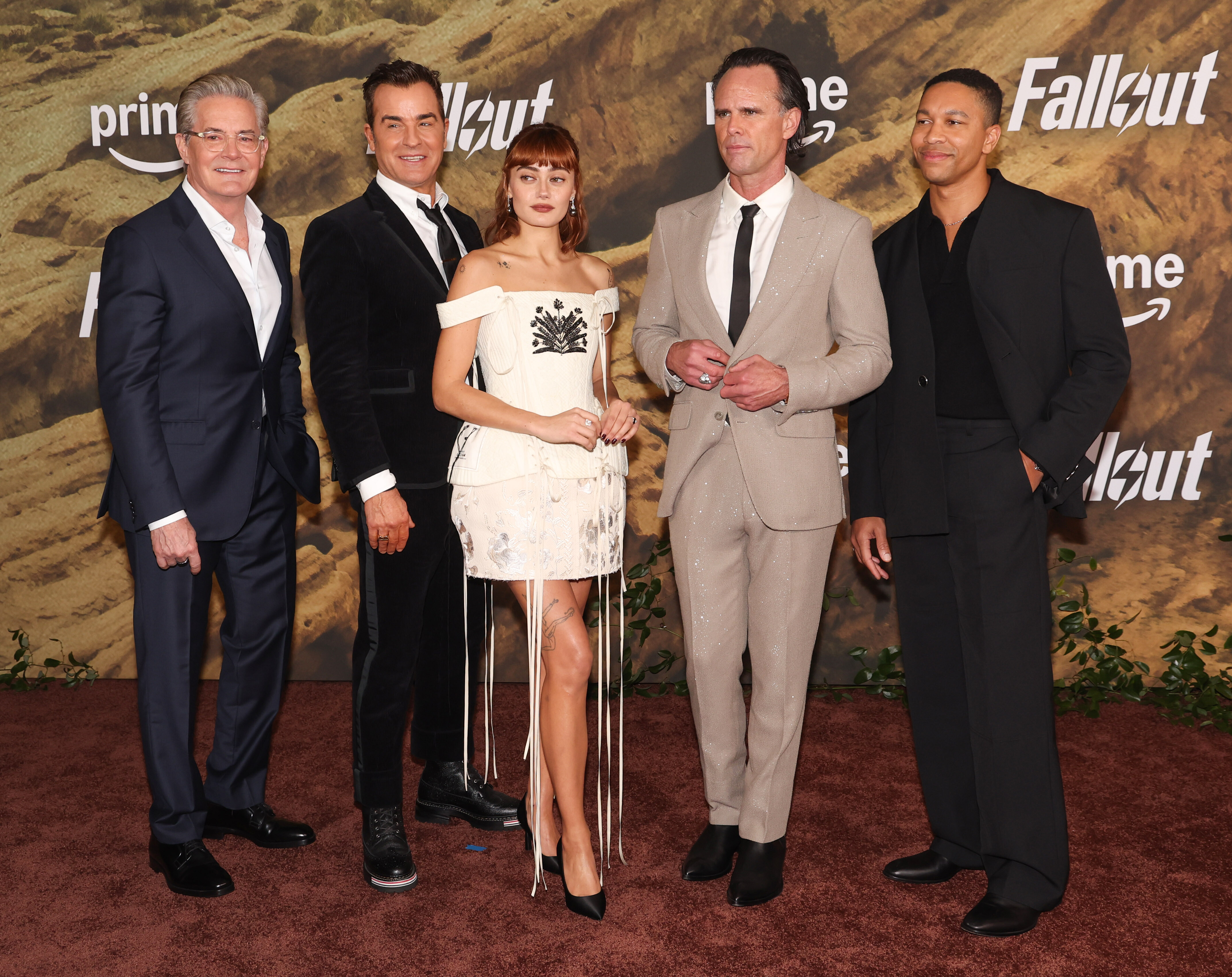
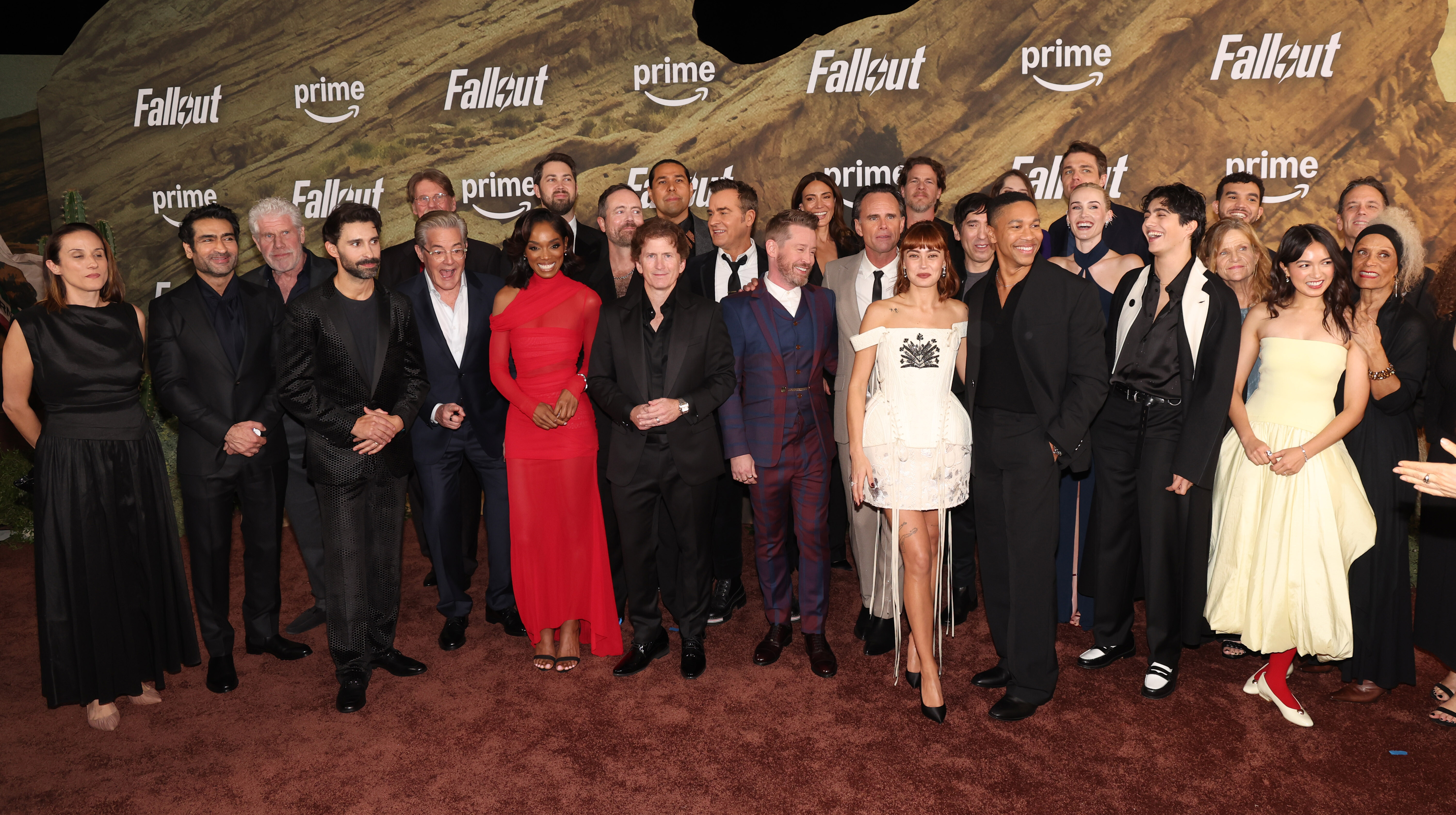
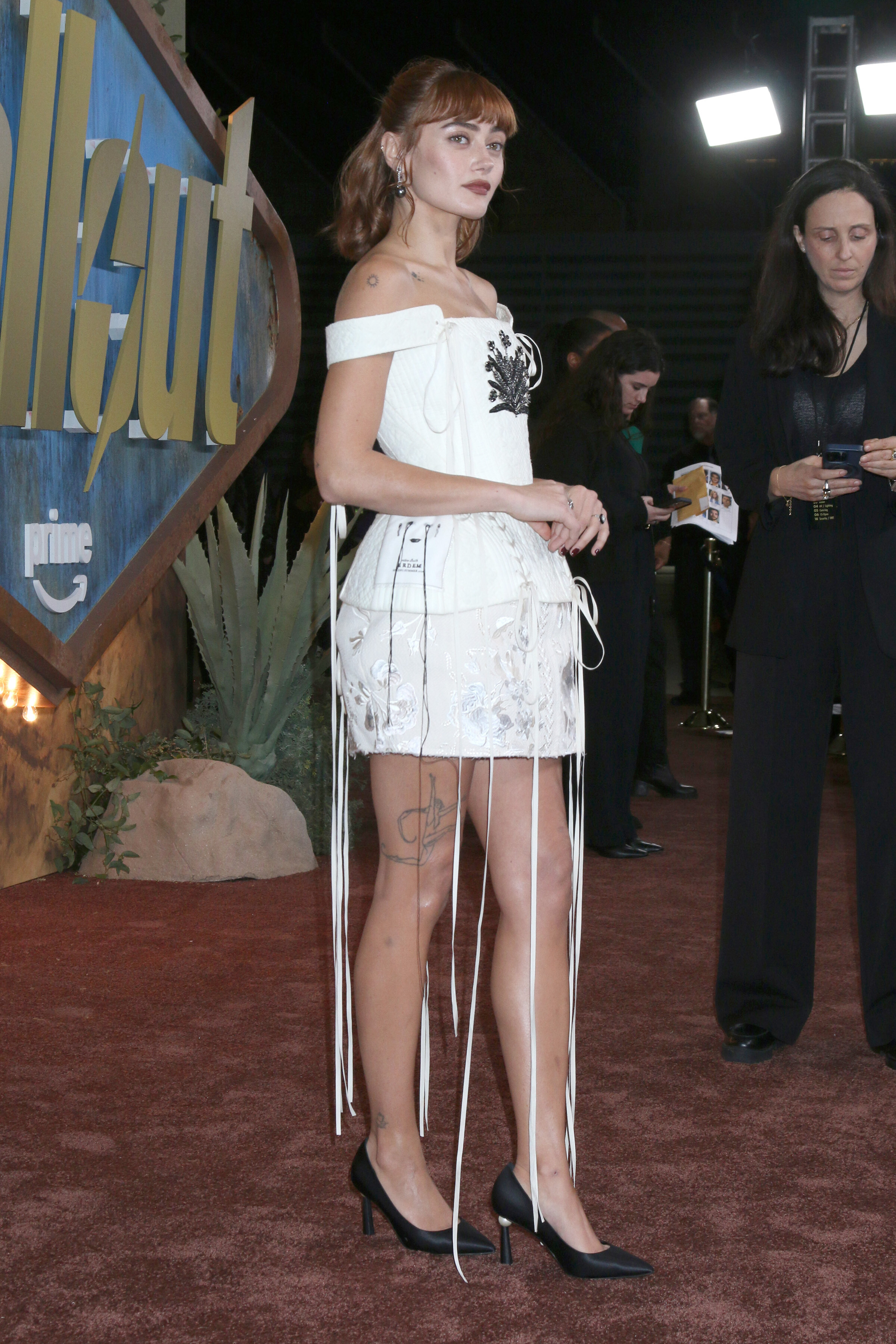
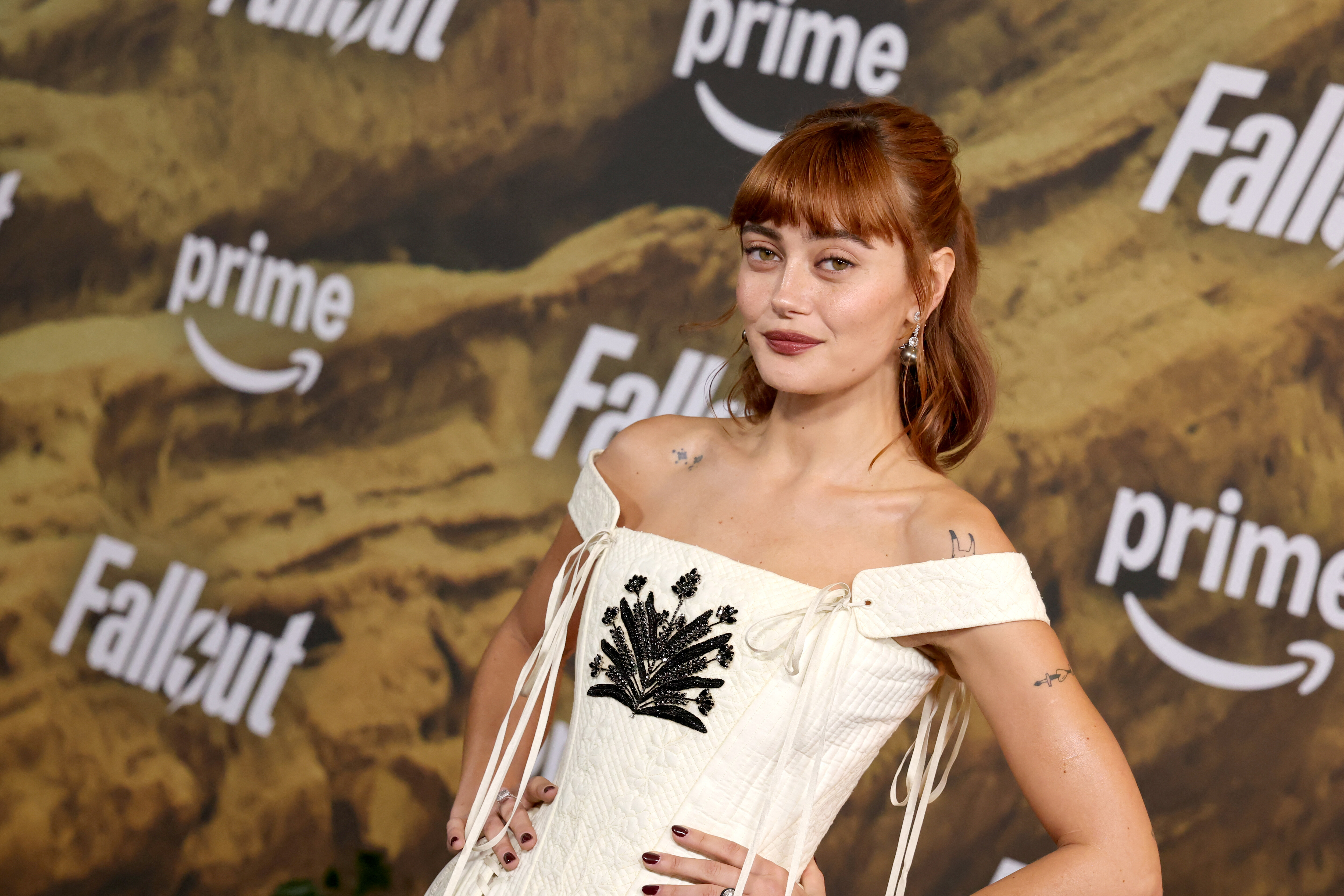
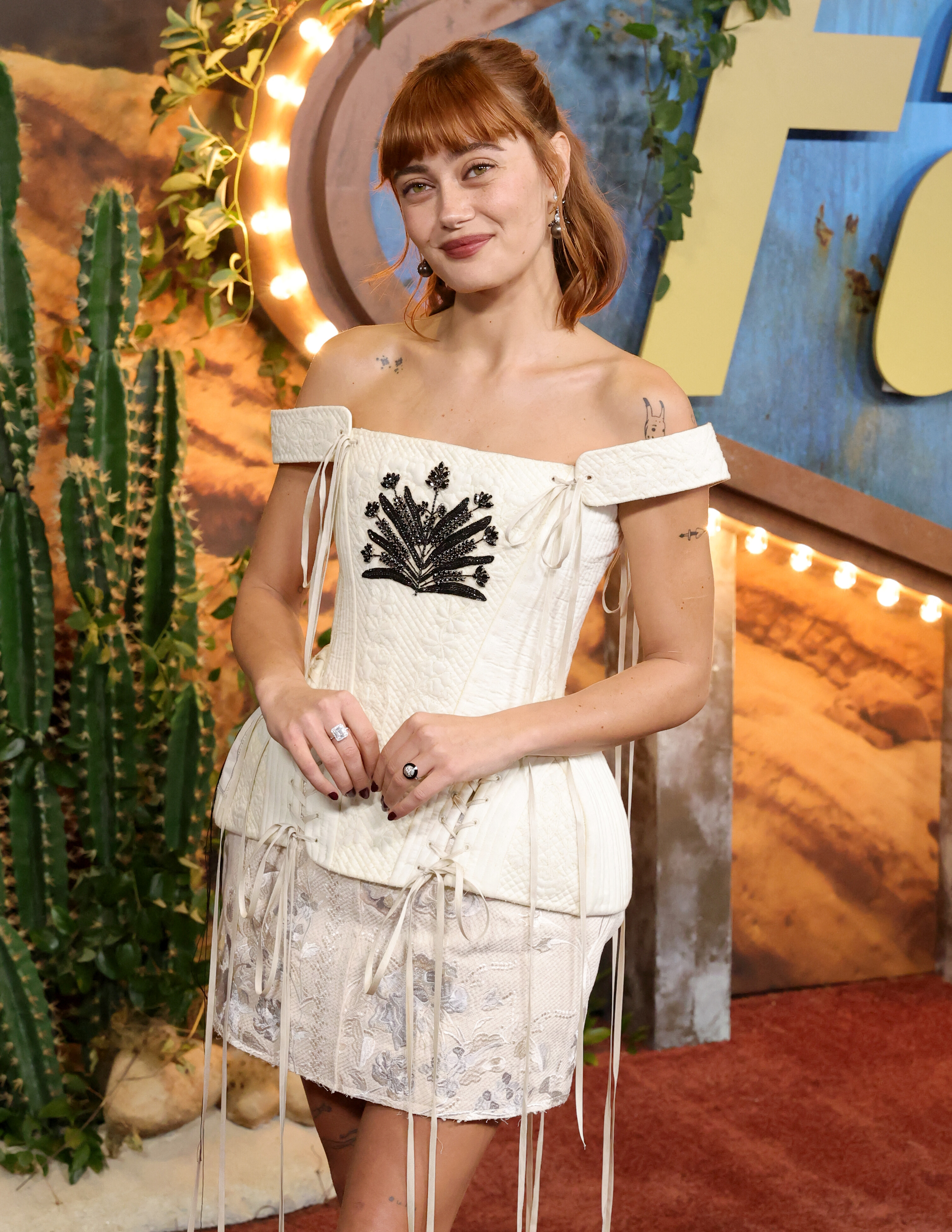
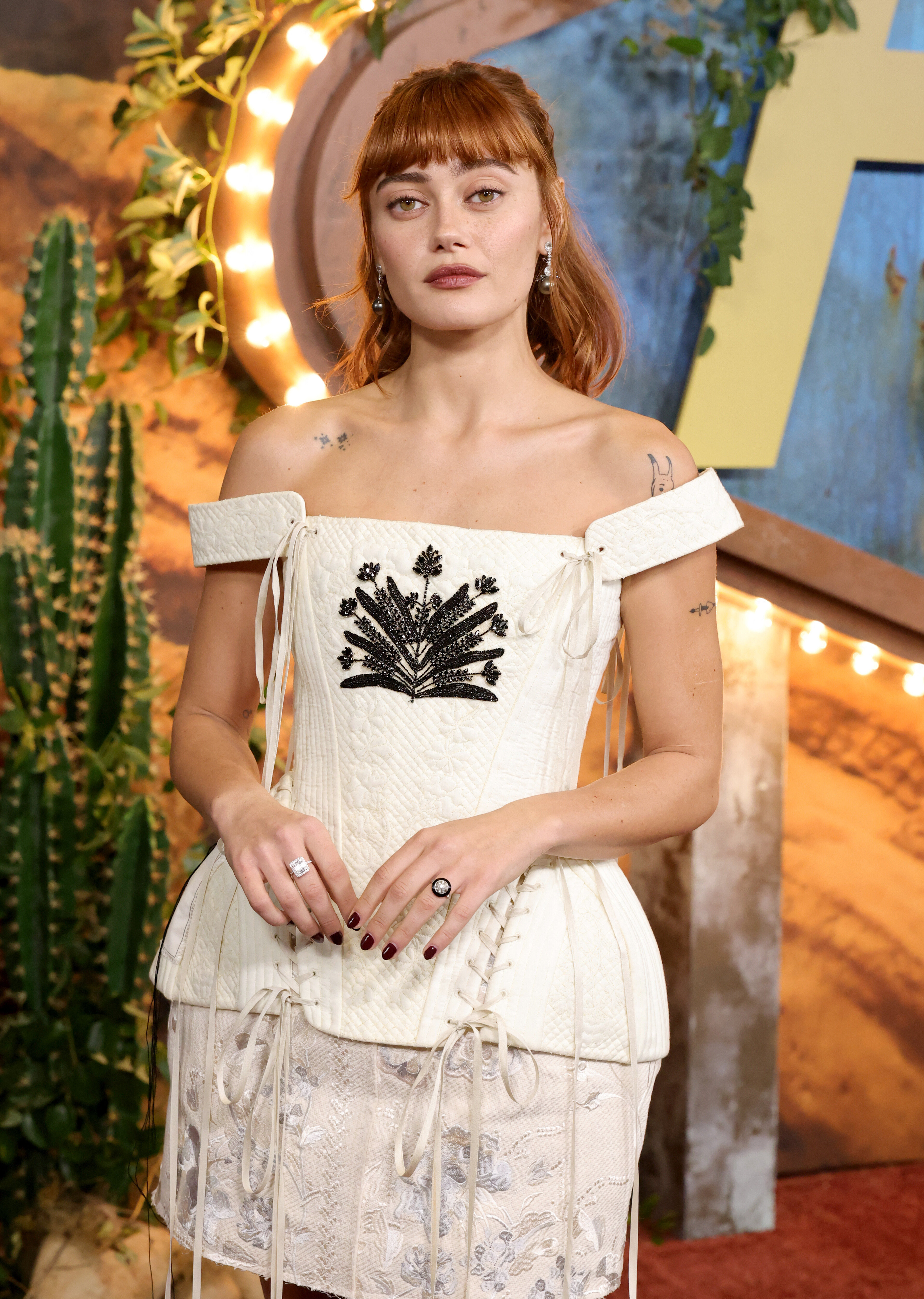
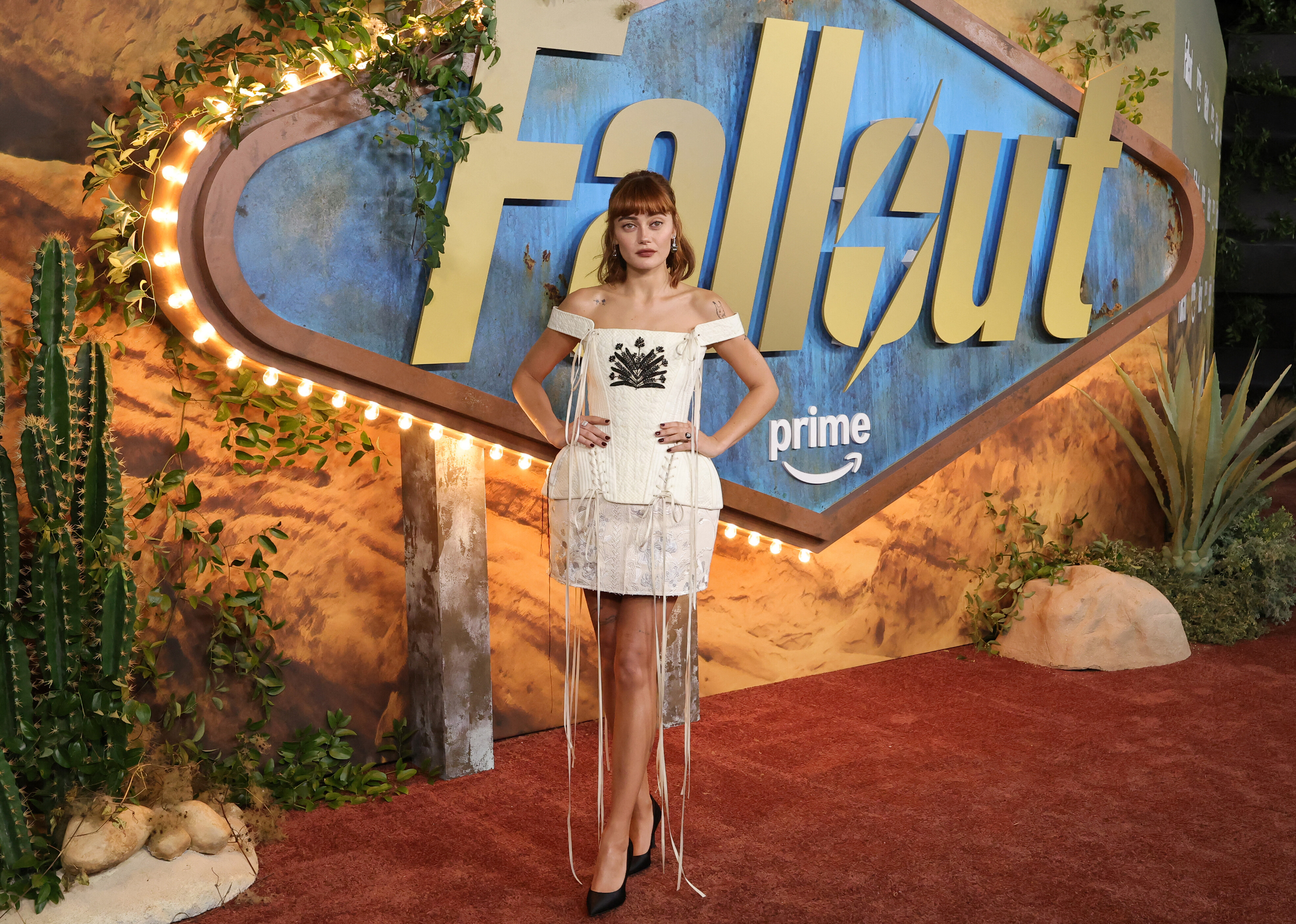
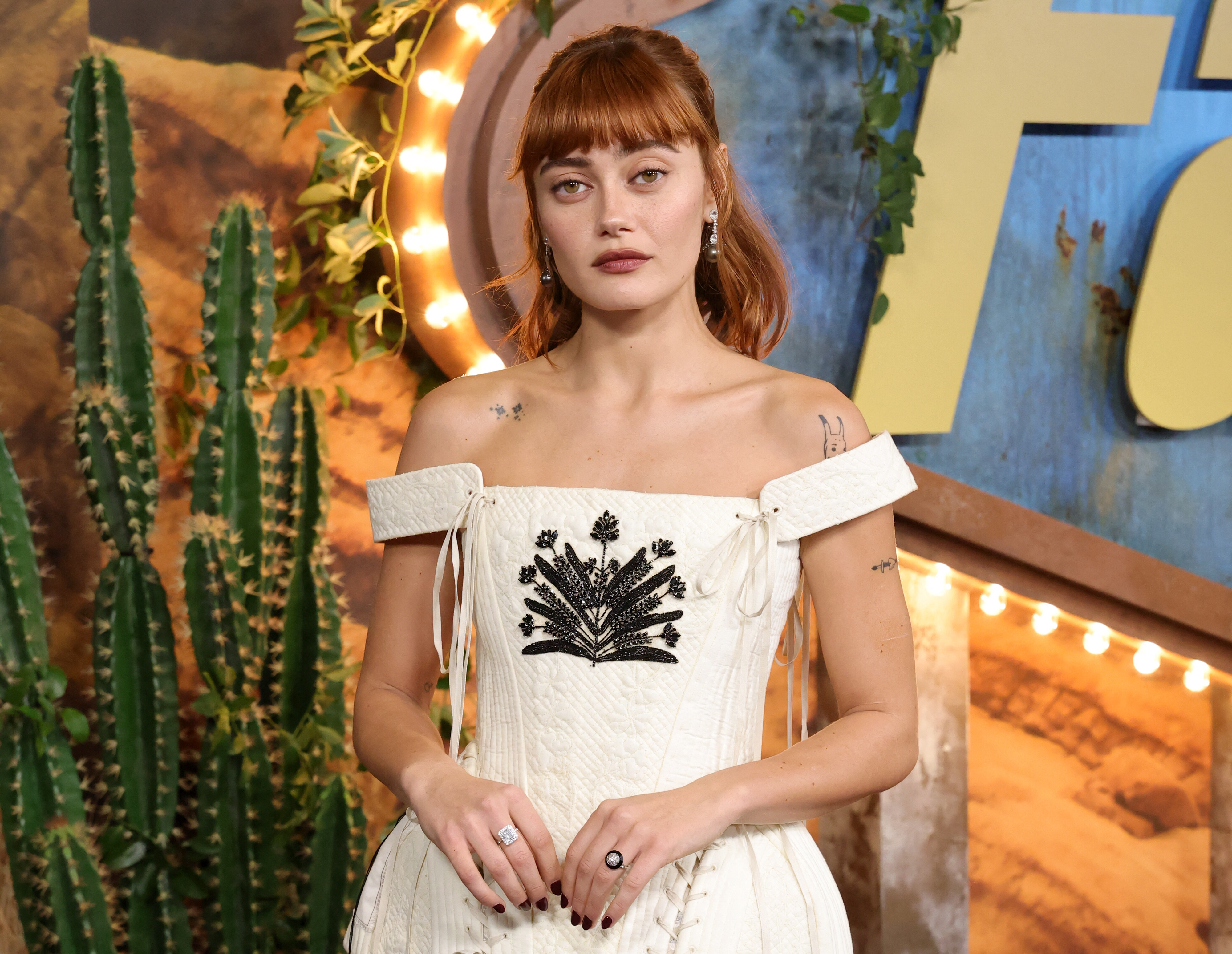
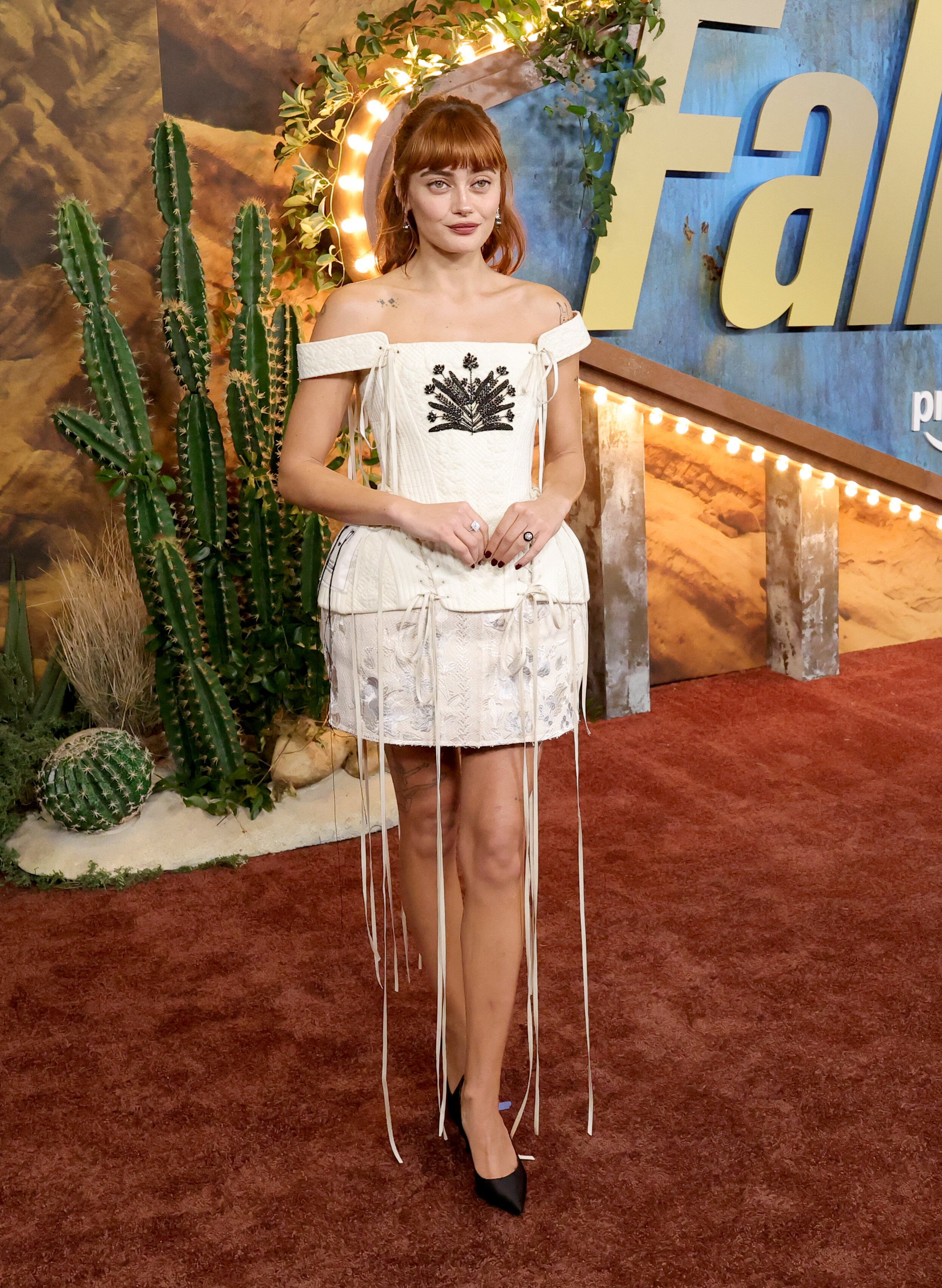
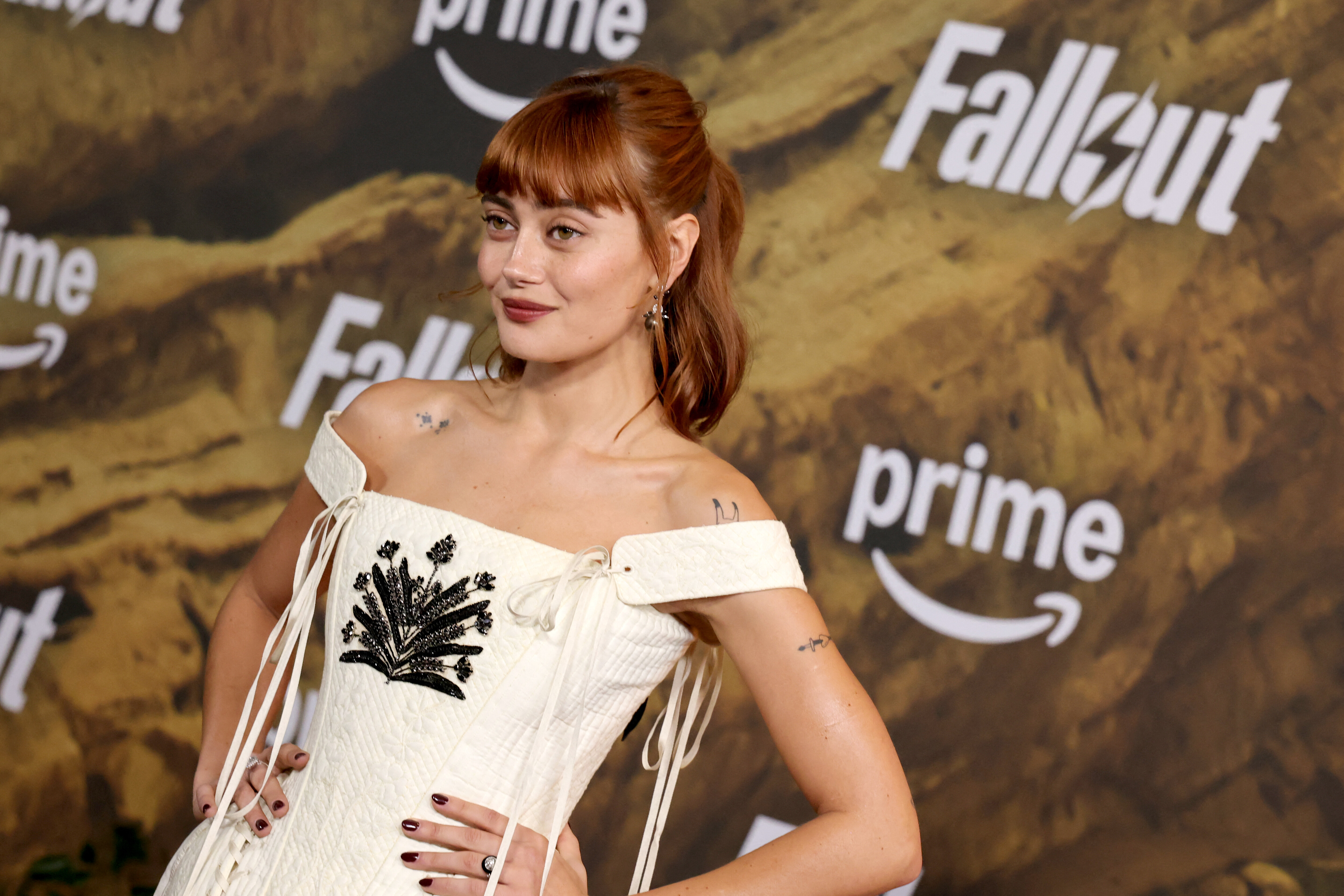
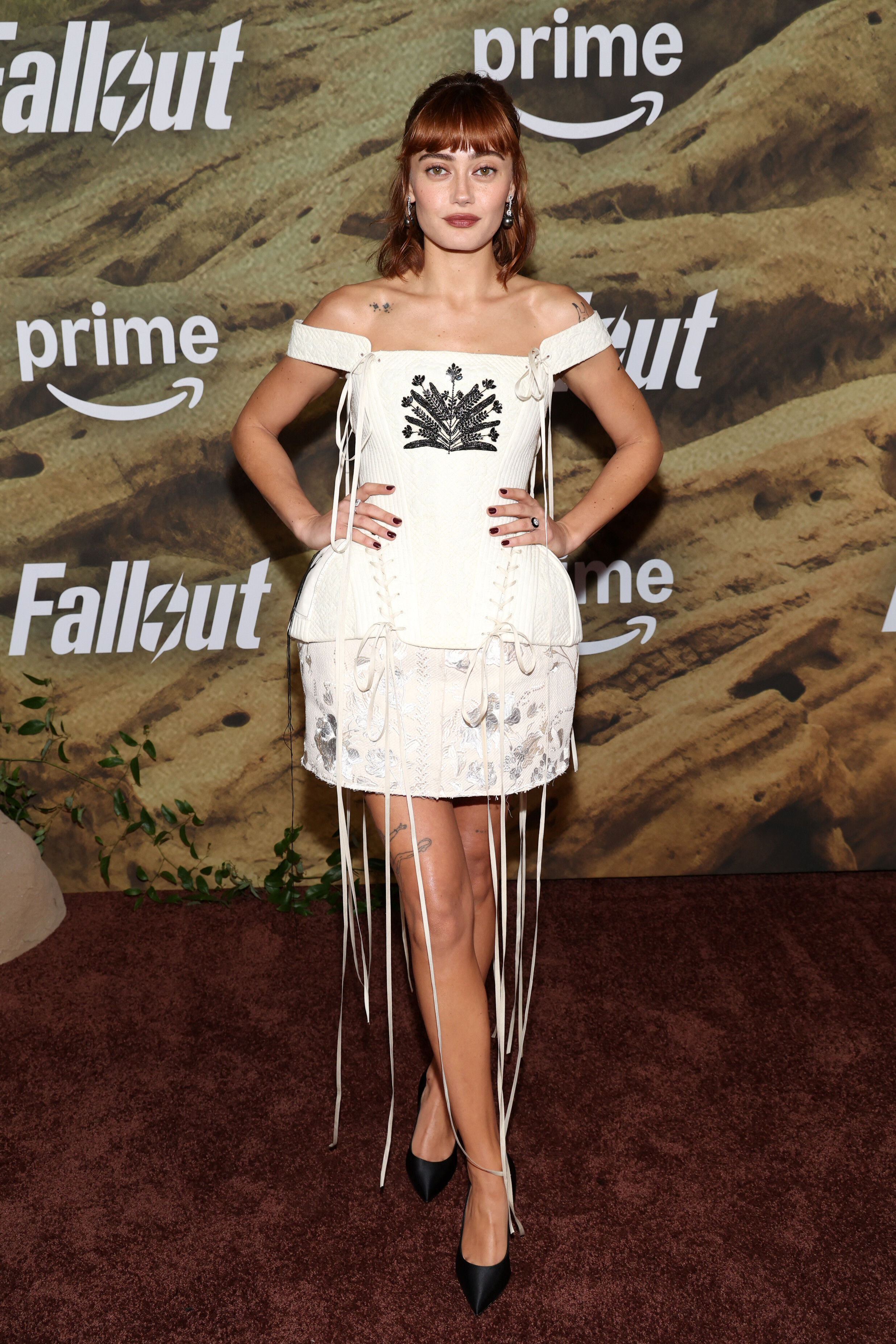
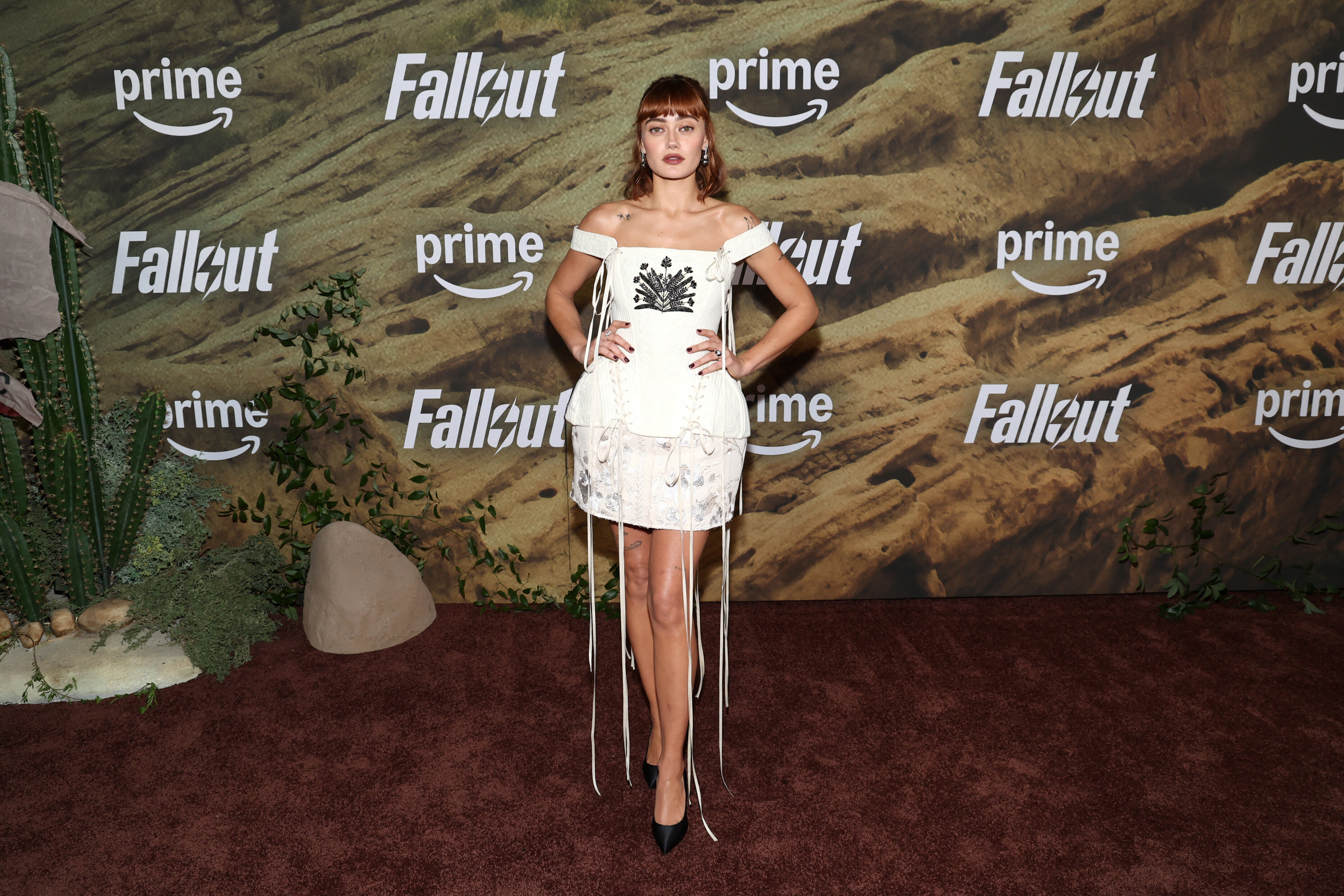
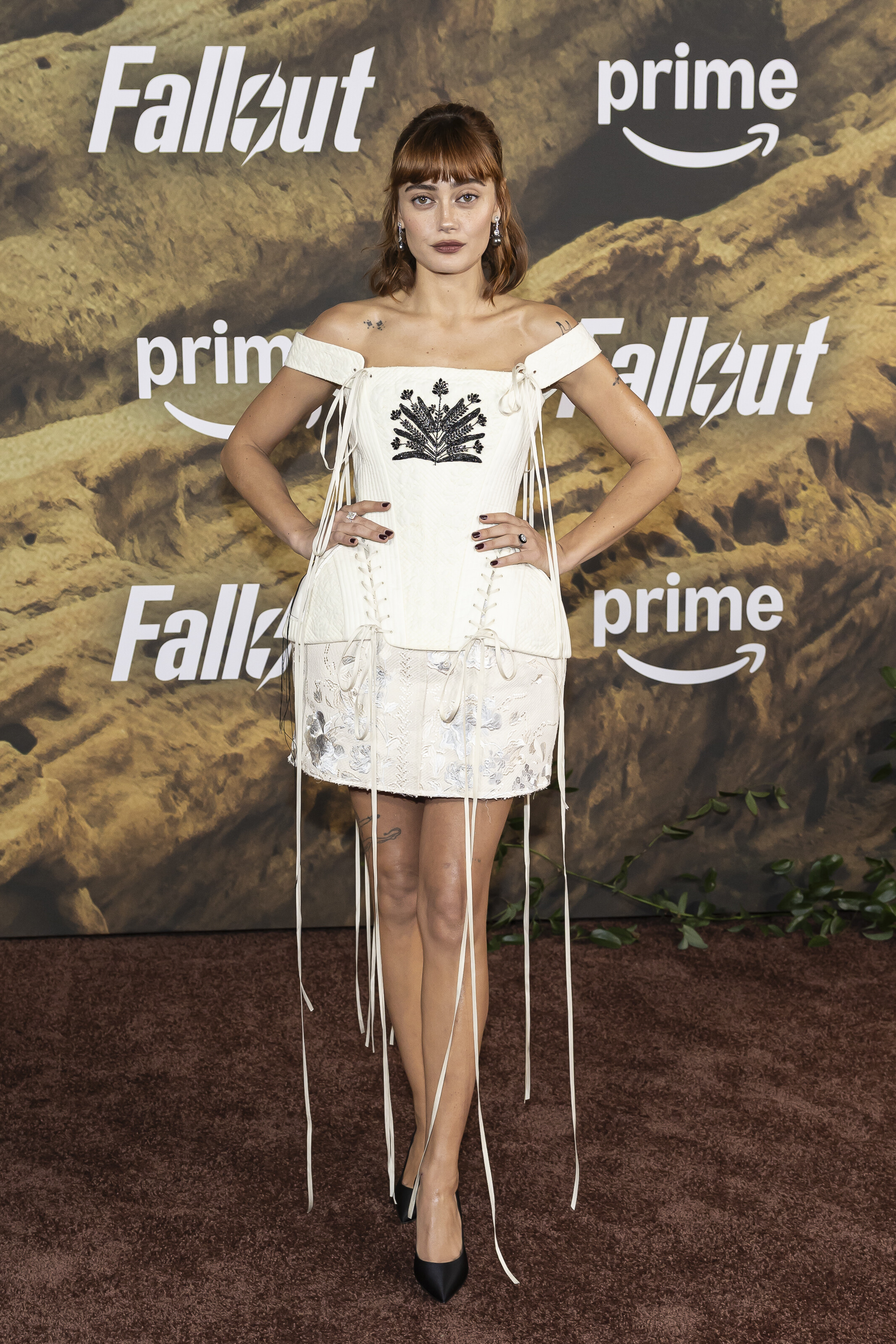
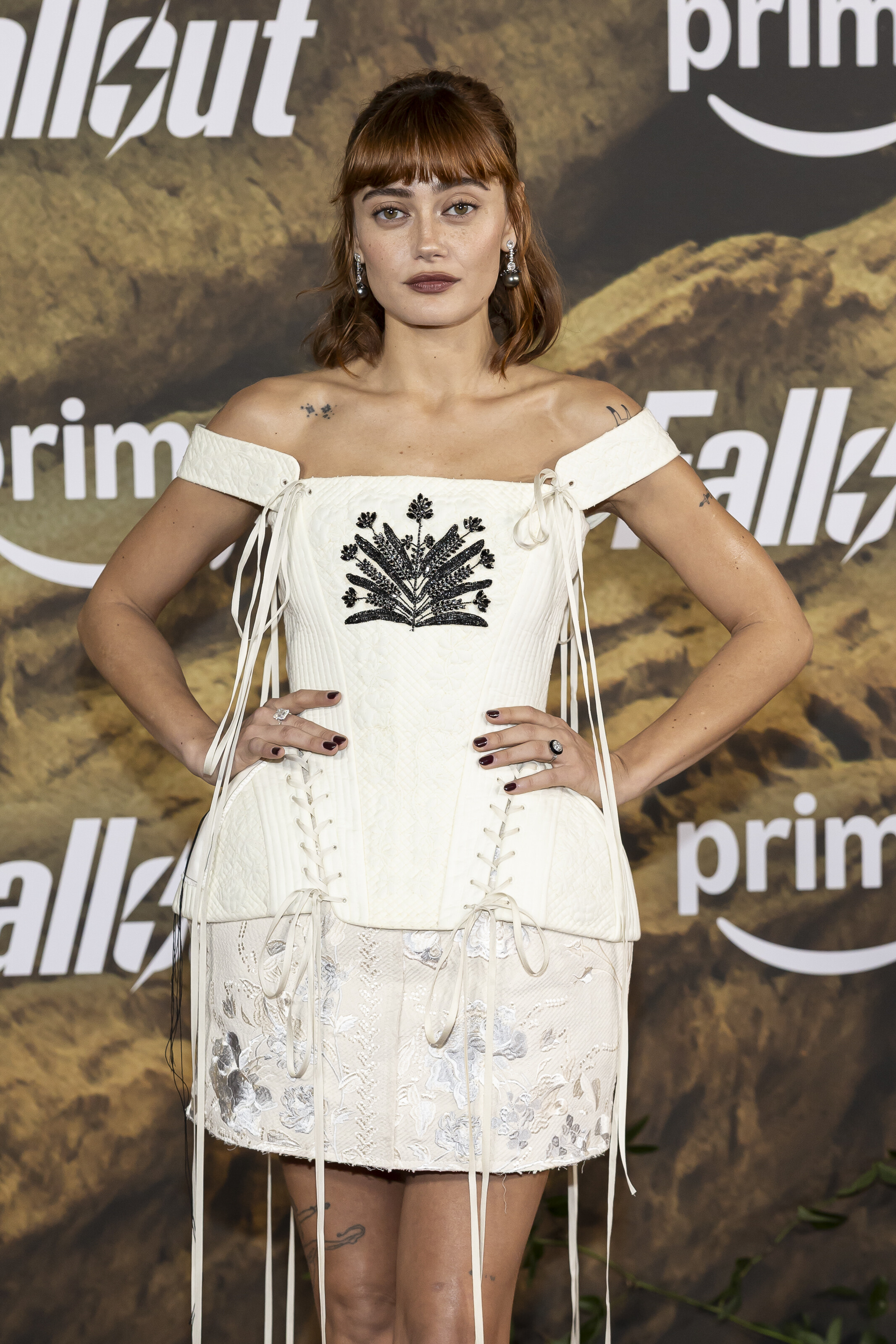
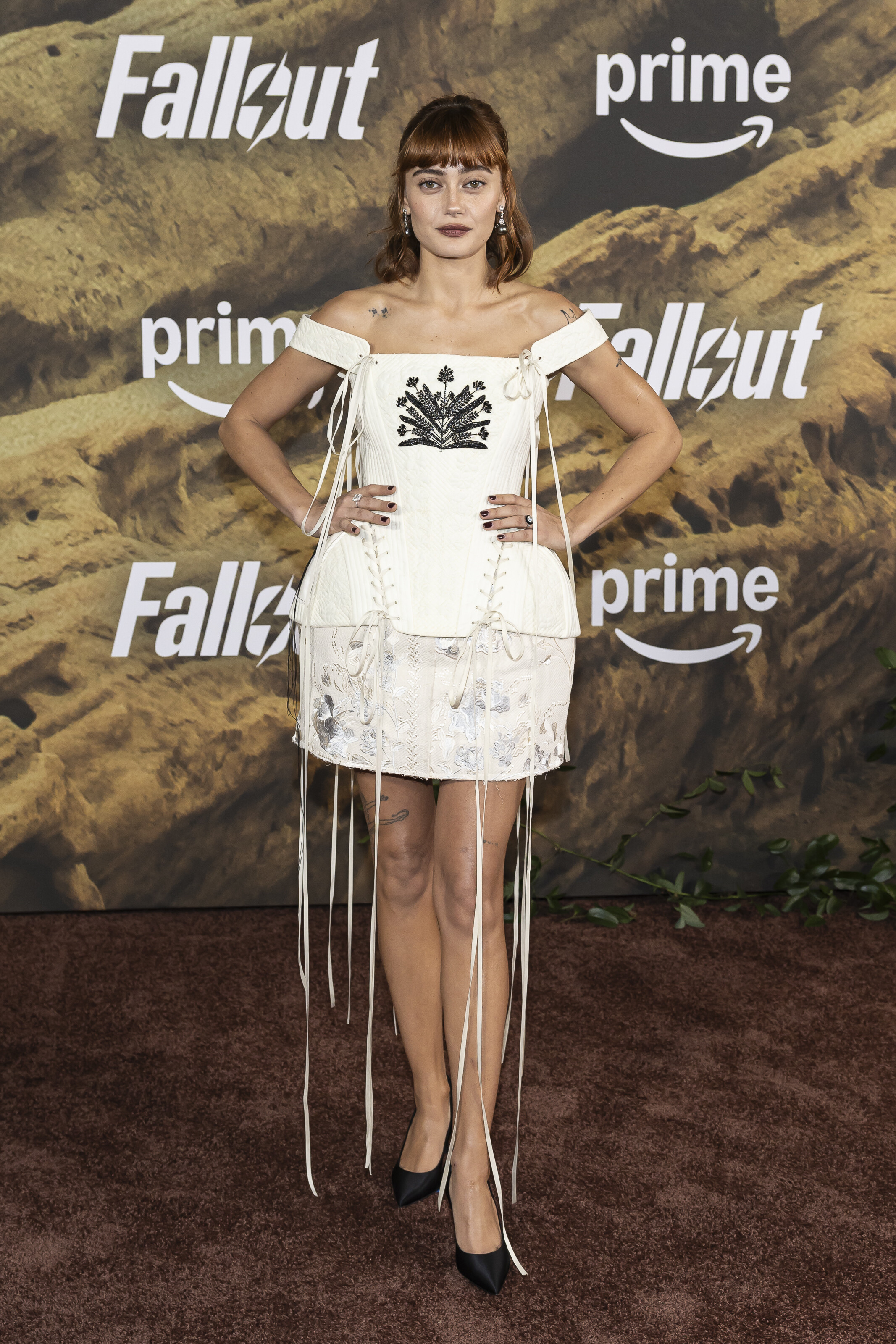
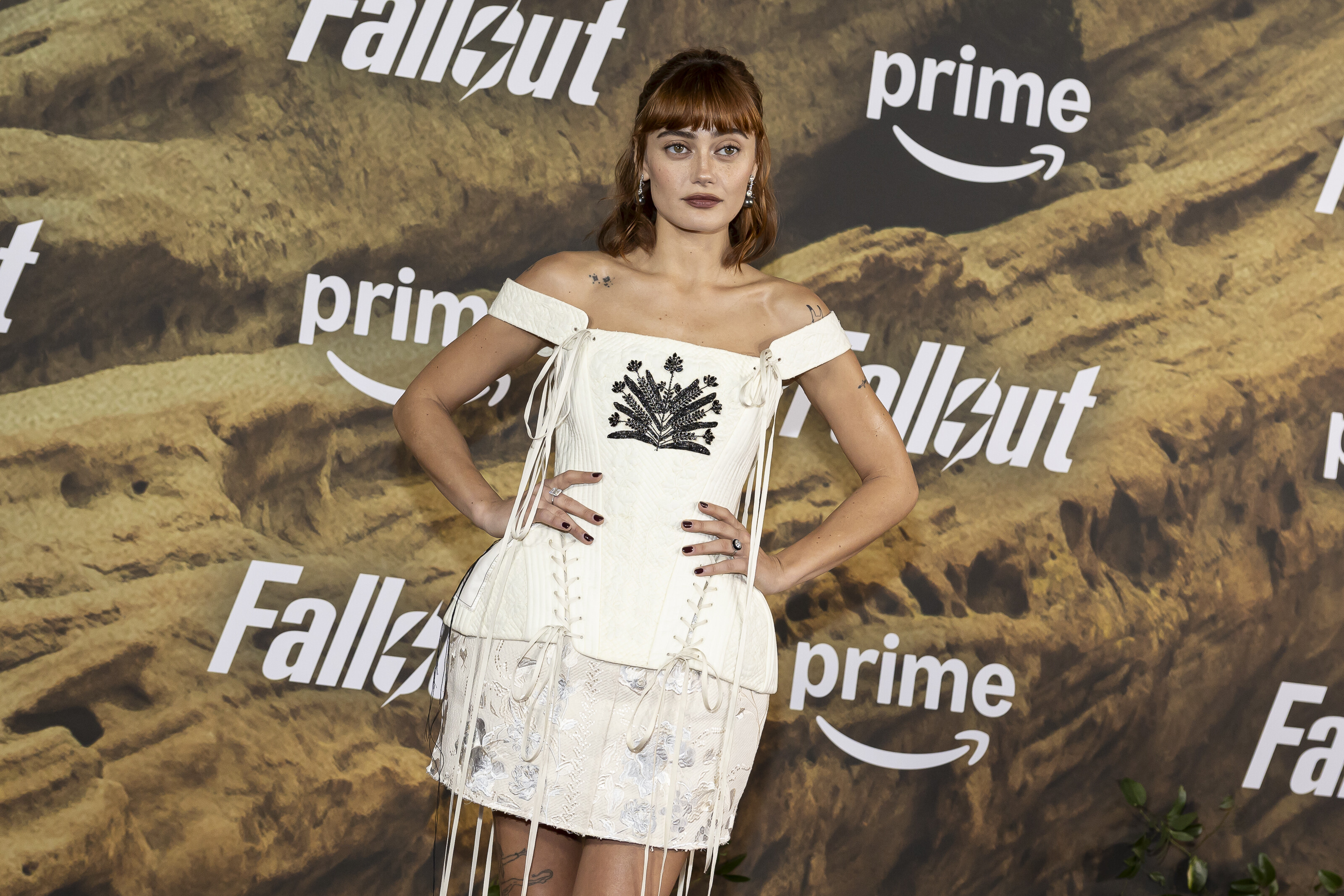
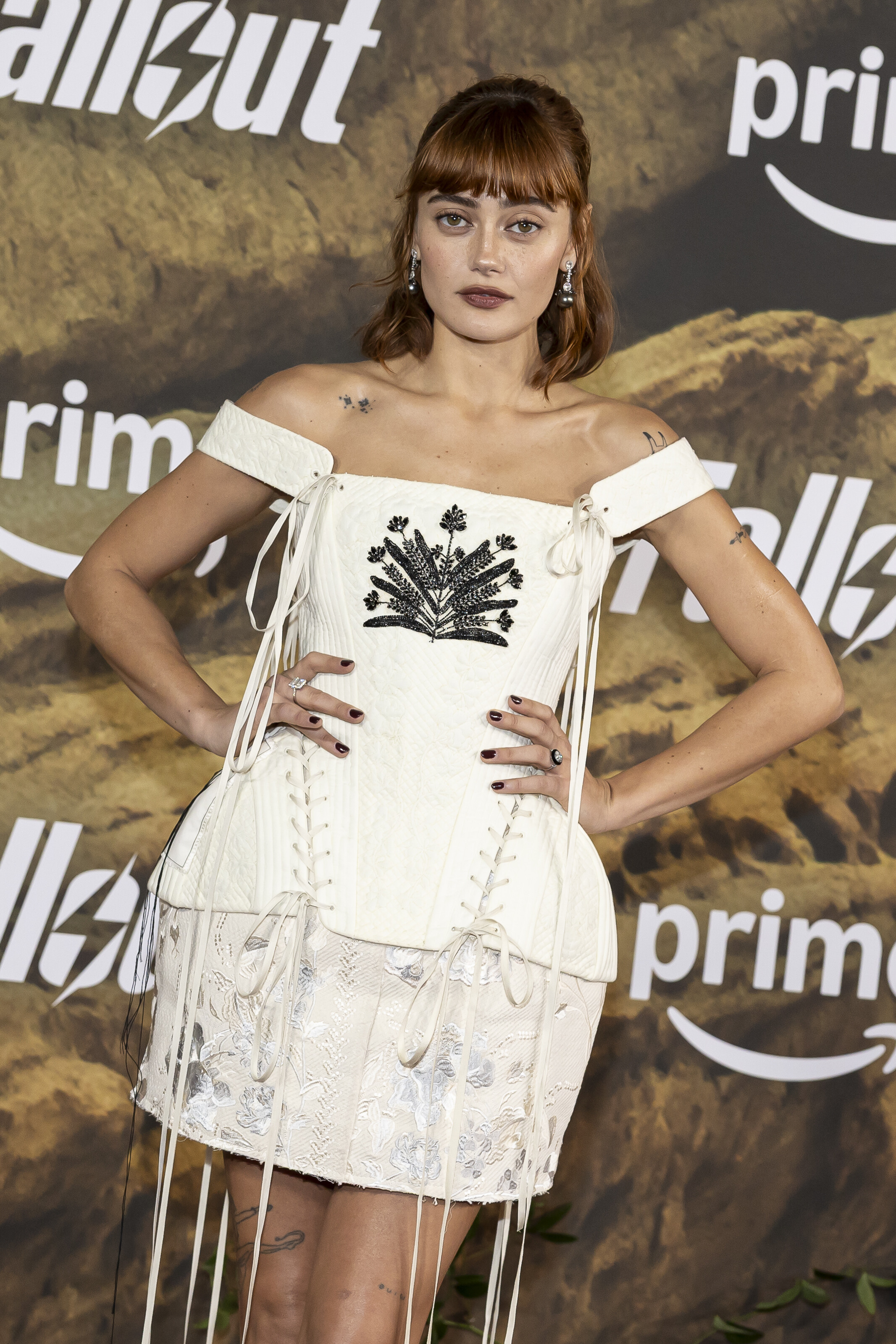
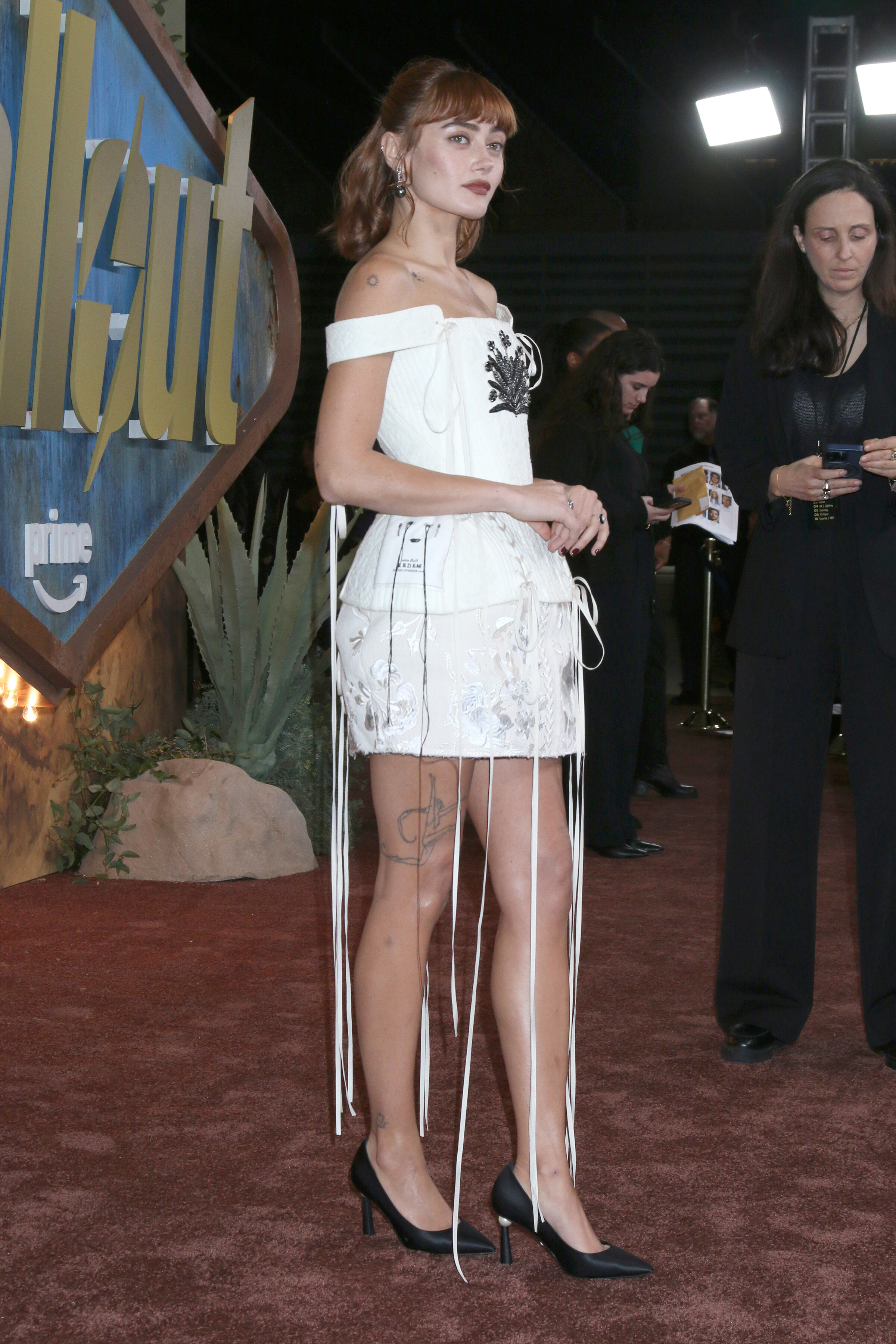
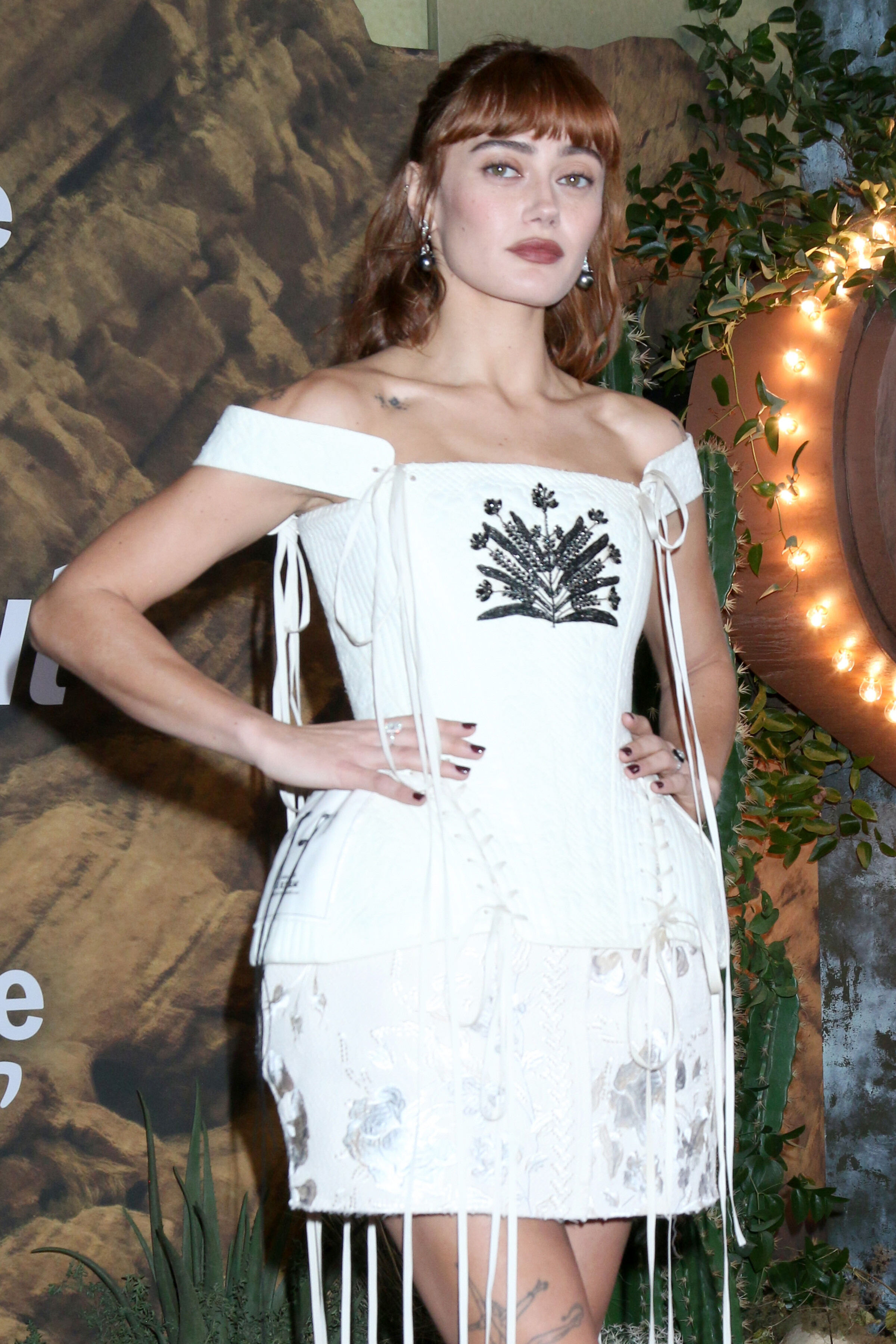
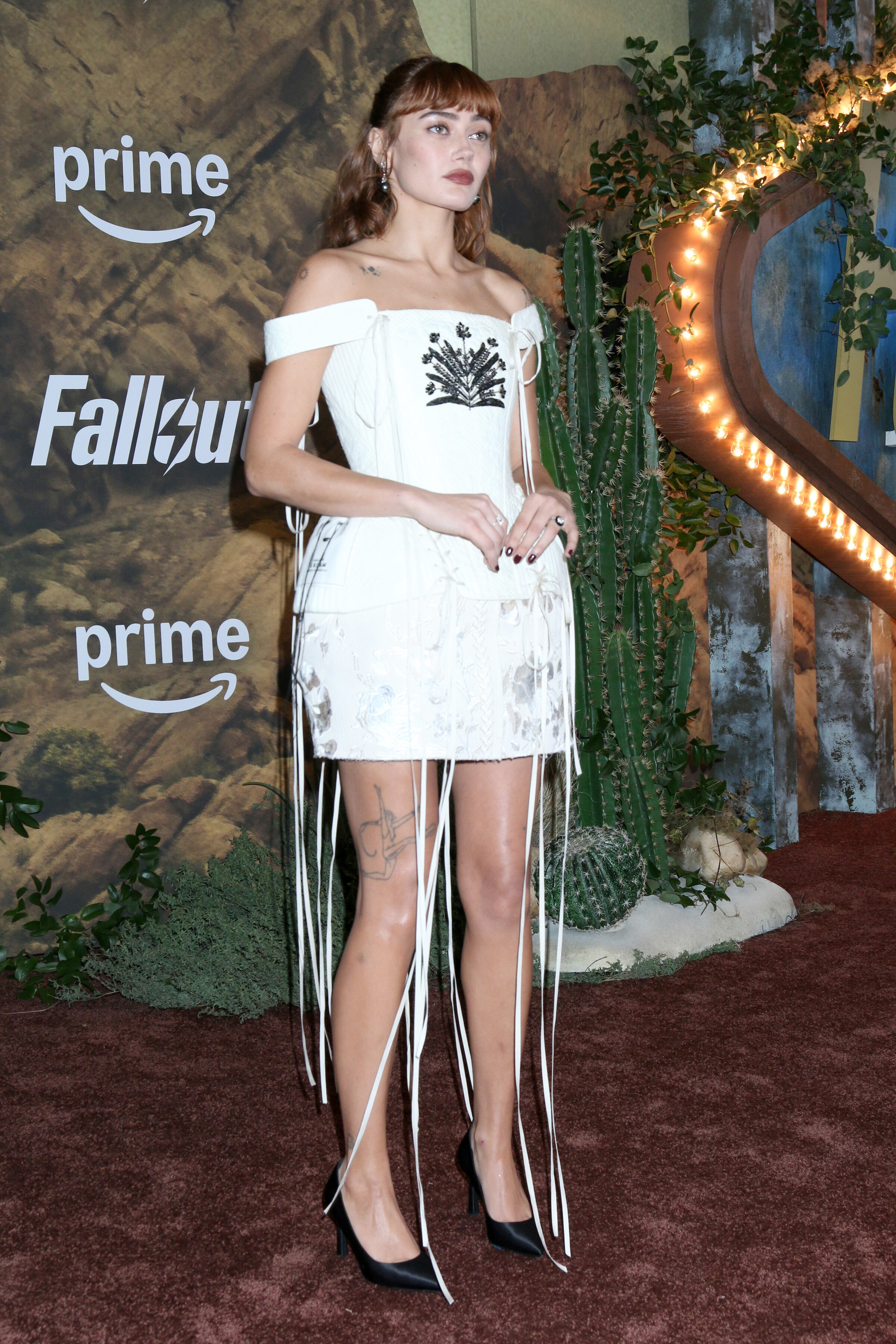
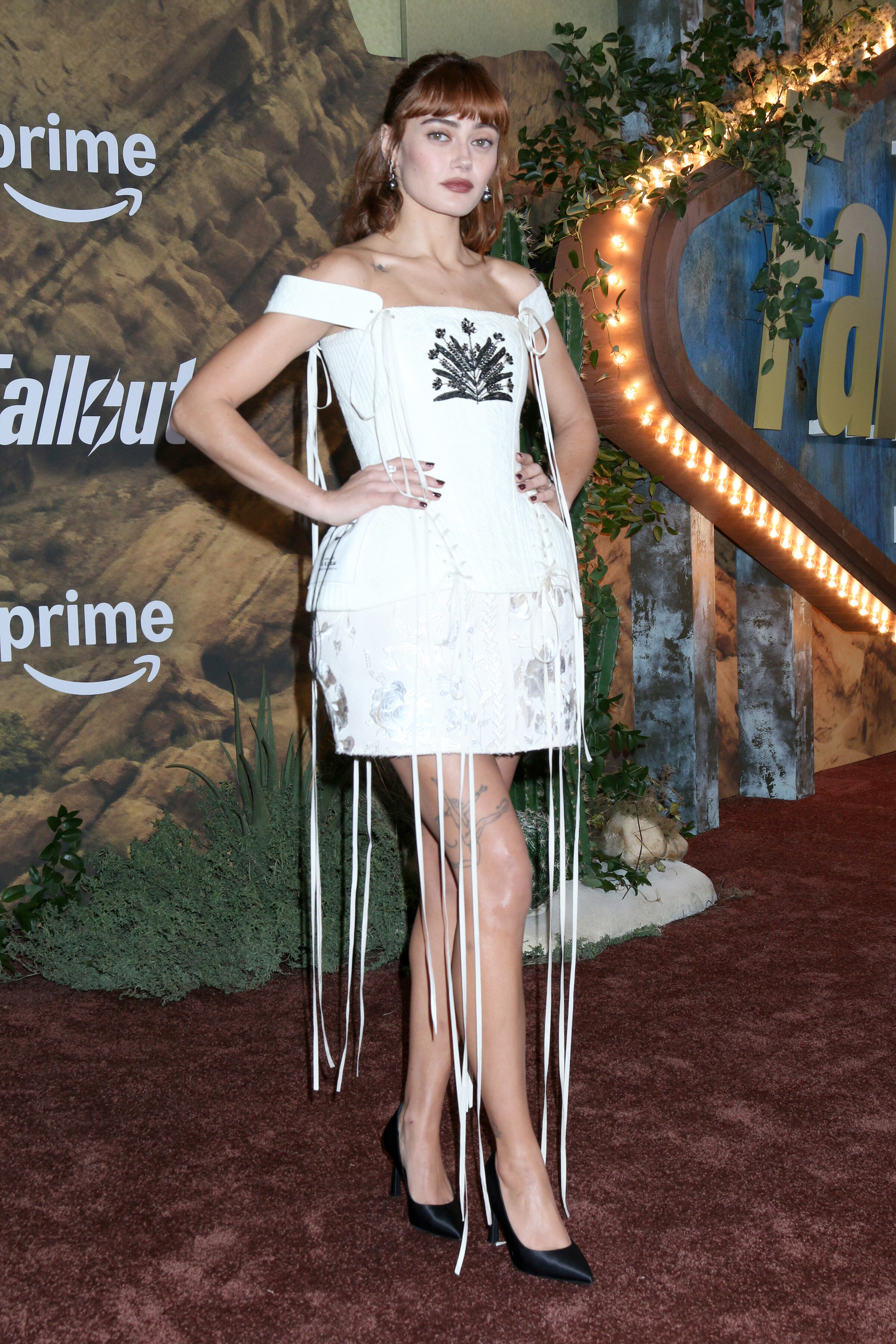
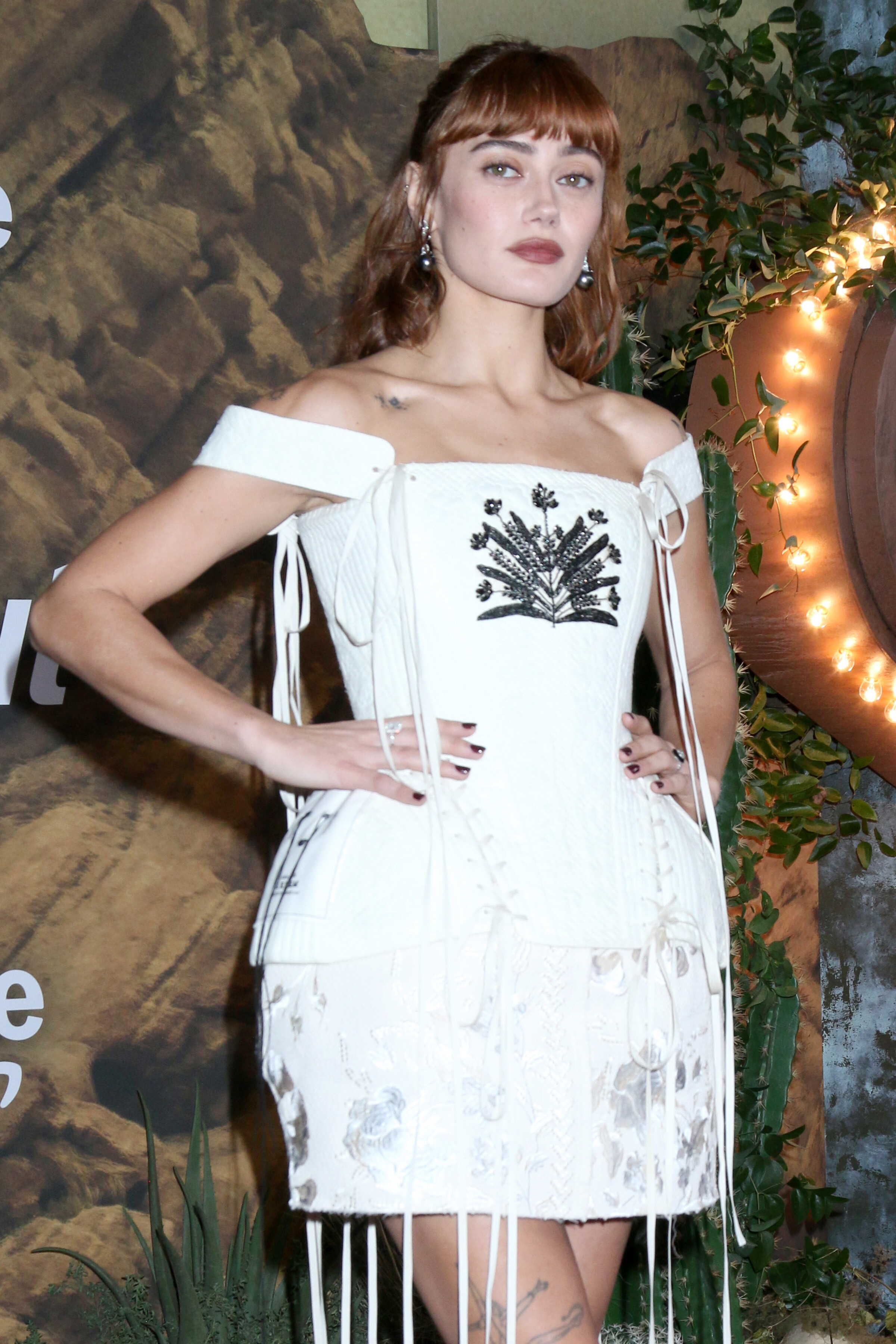
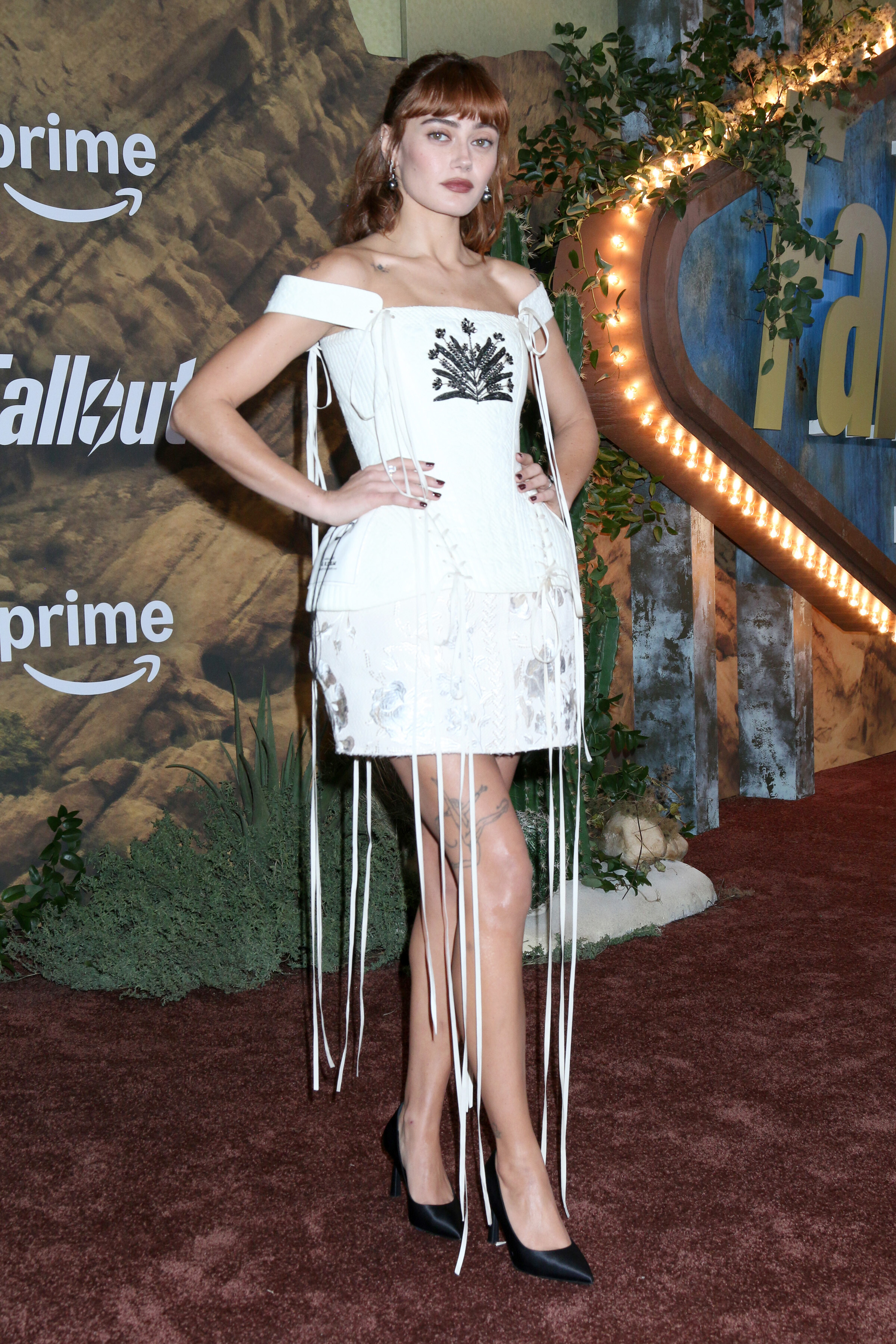
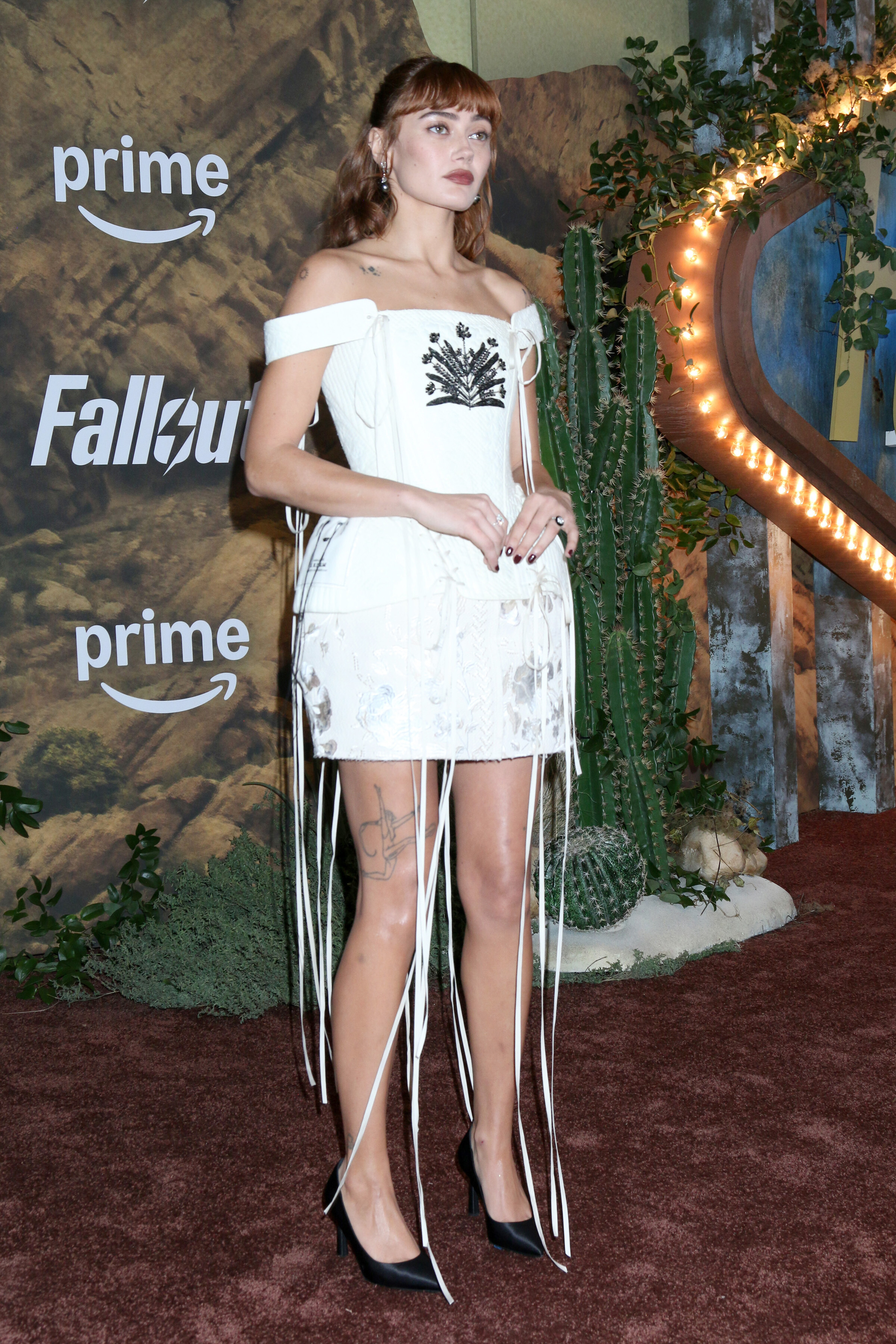
attends "Fallout" Season 2 premiere, Los Angeles CA - December 8, 2025 multiple posters at picturepub

































































-
. SnapInsta.to_AQM4i9nBnYT9PkcBVmEzex1fCaSl5b-oe6ZHGSGV64_ecSnYKKPhlrdaYkWHts3Dyj_-Xq3svbvUoCxOwnnLXp6gBFQX5LifnLRBWms.mp4
-
.

-
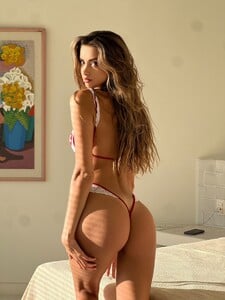
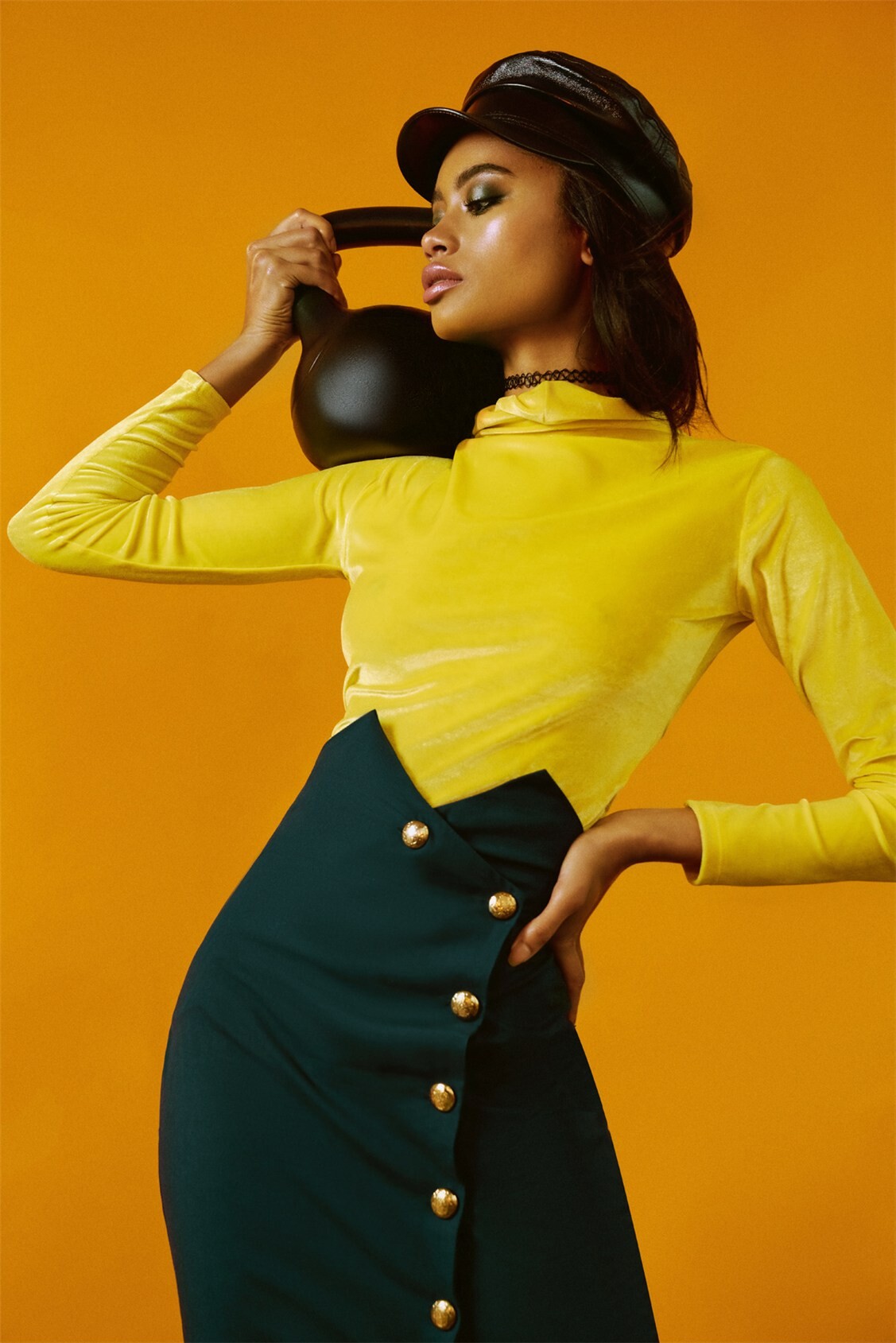
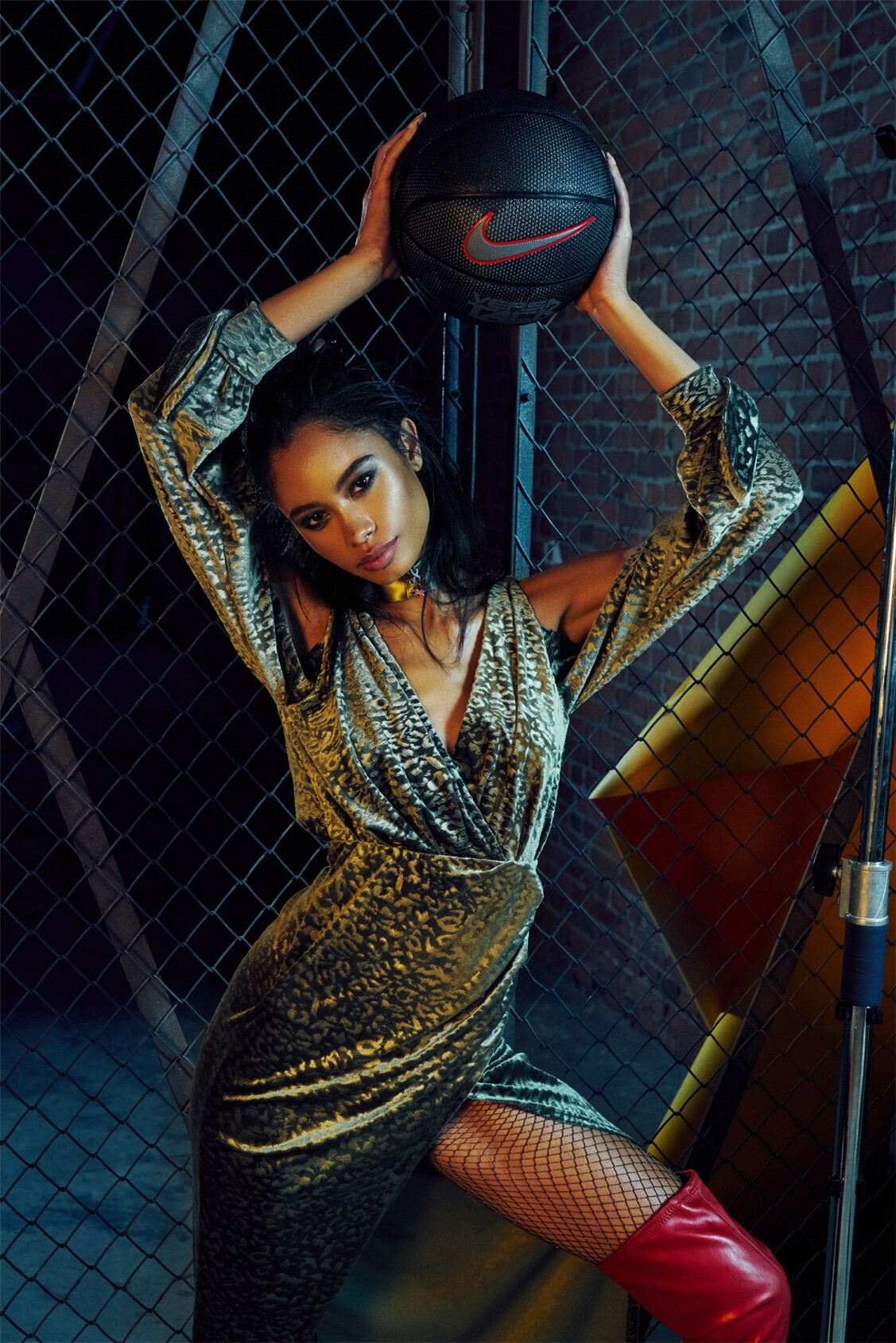
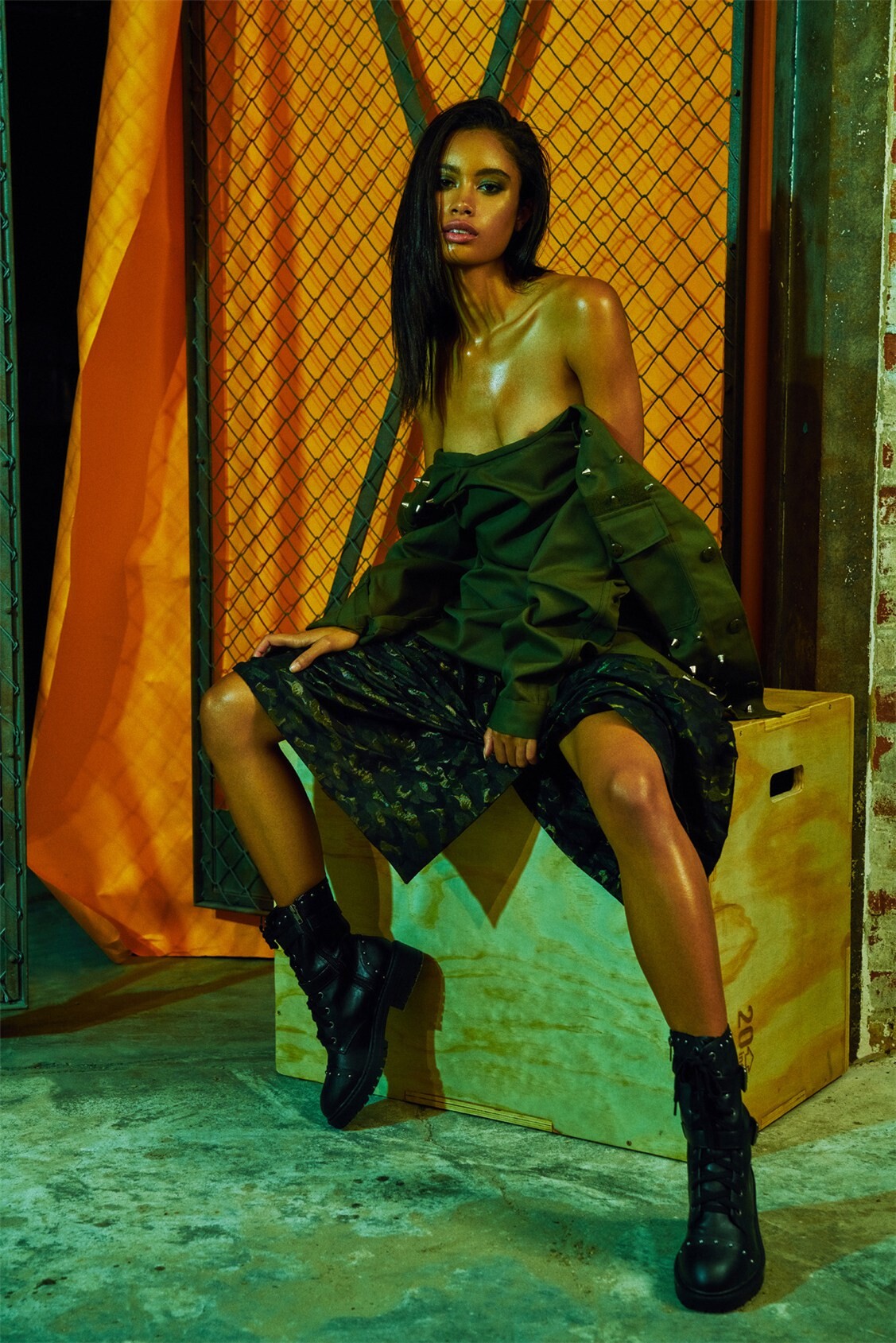
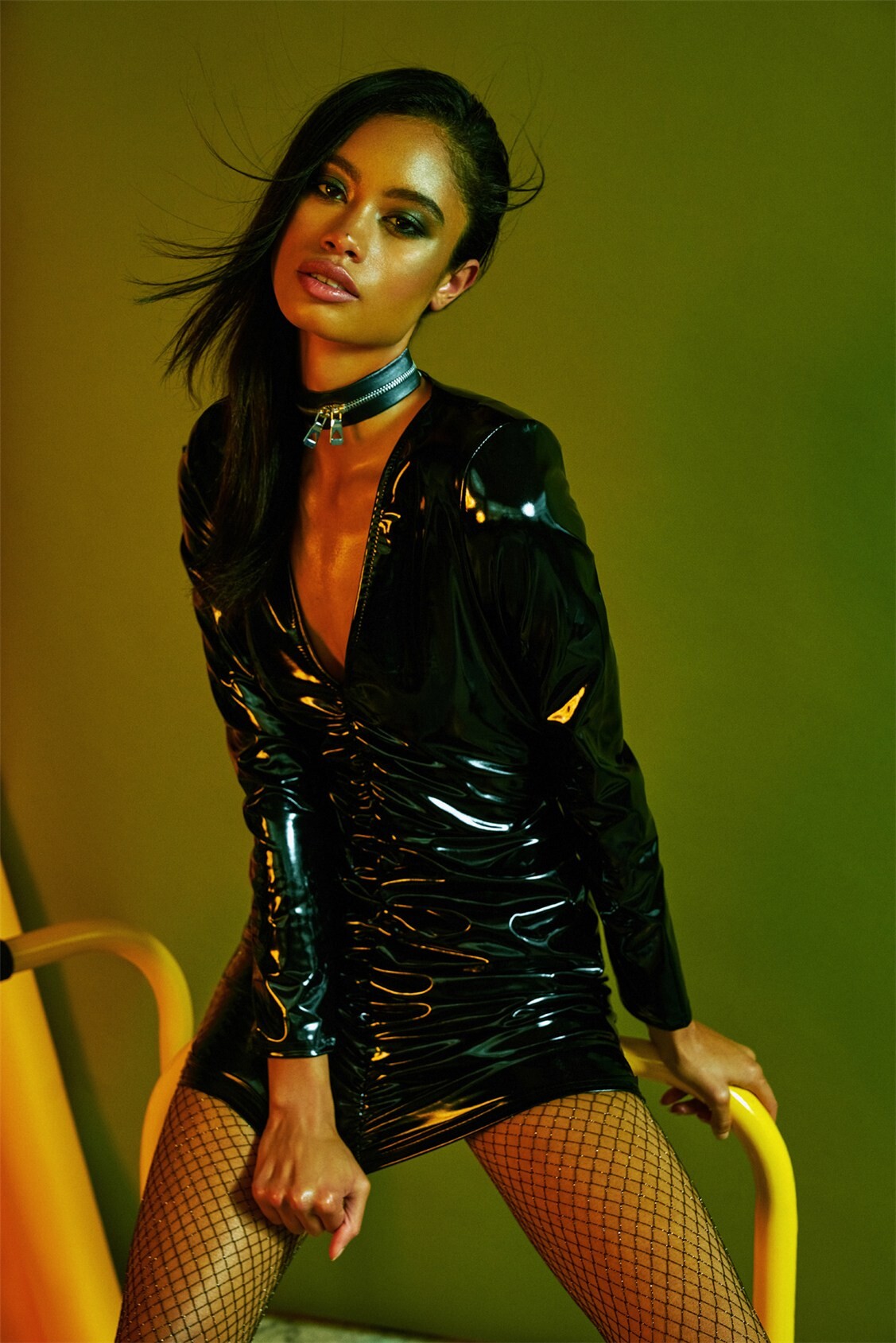
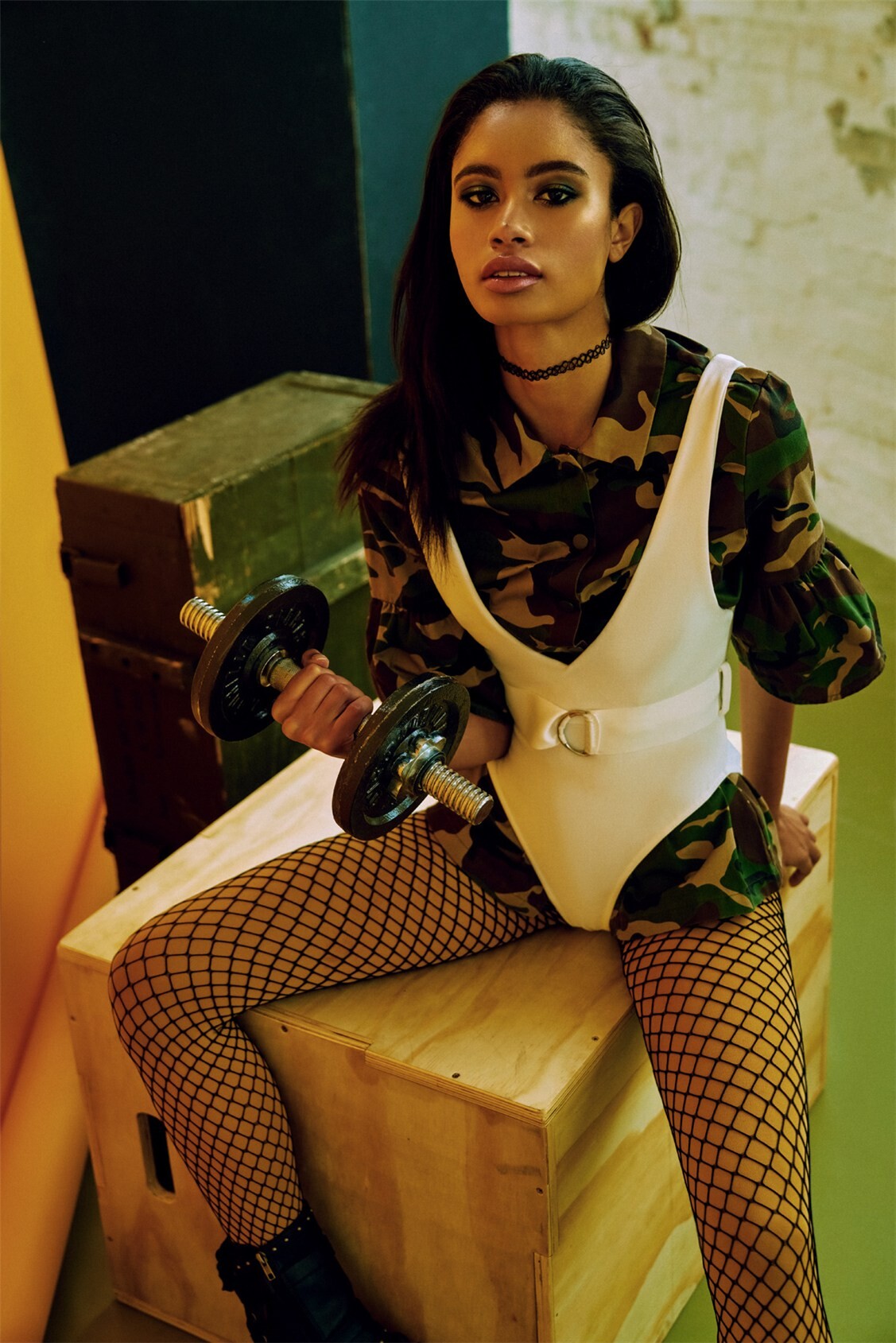
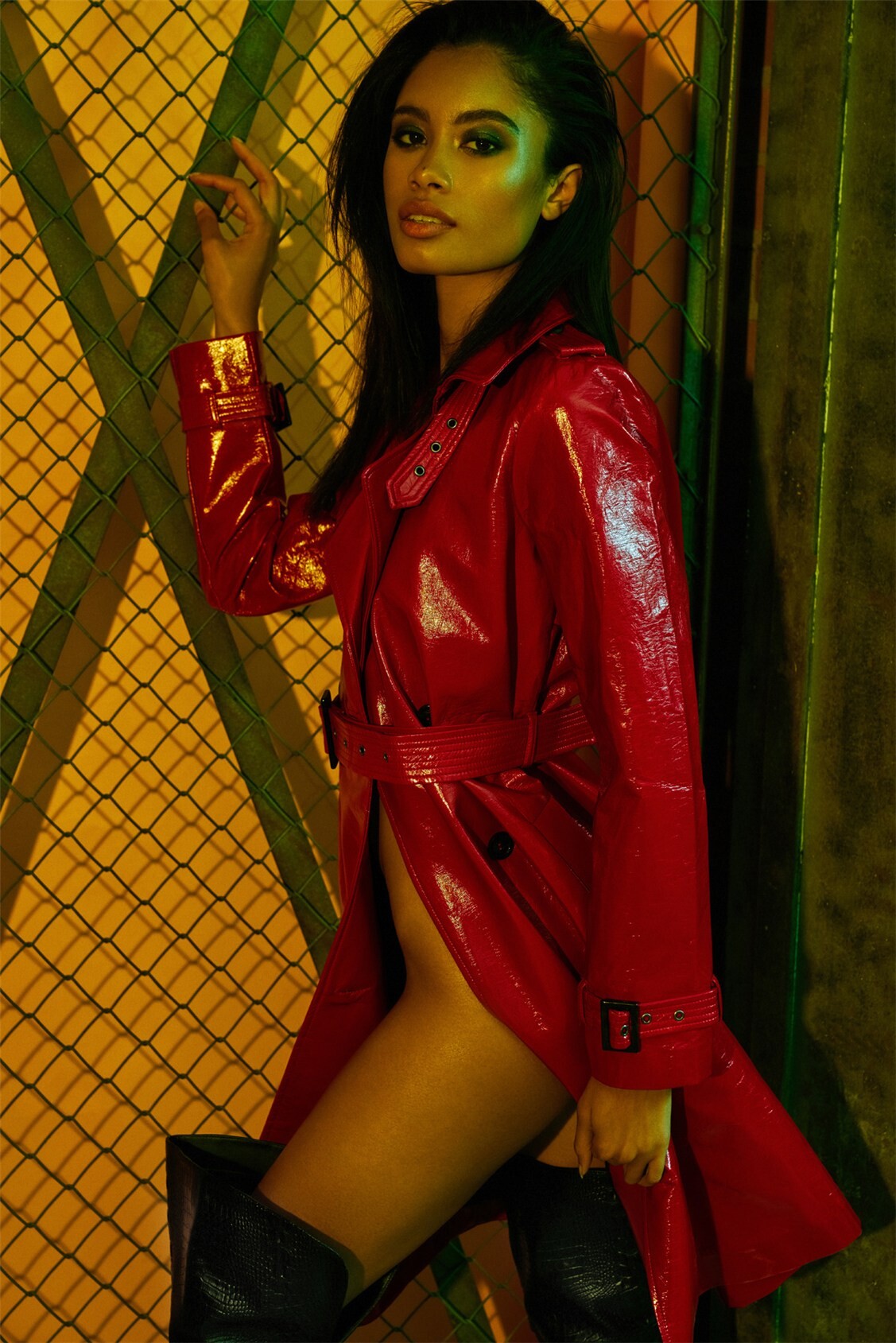
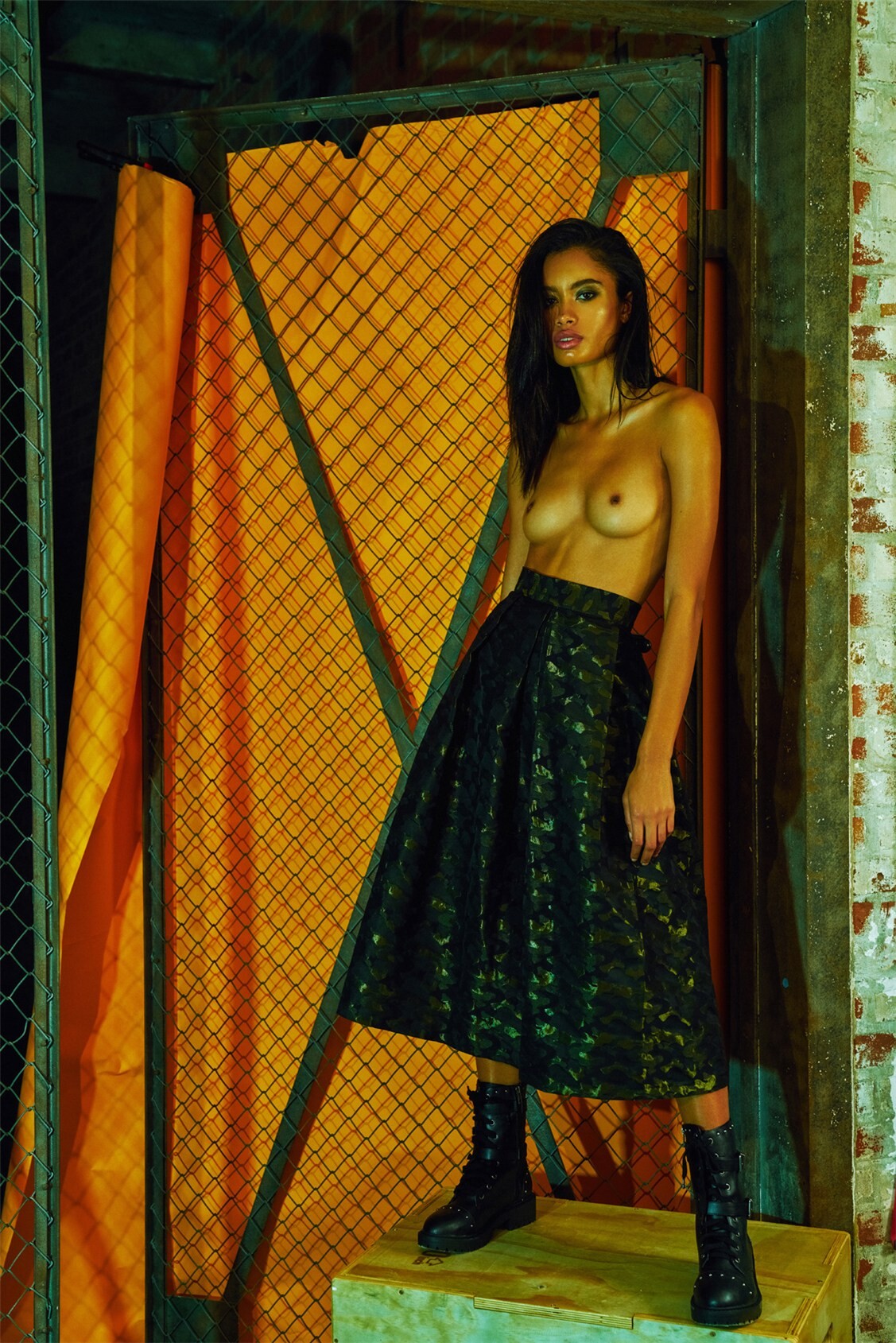
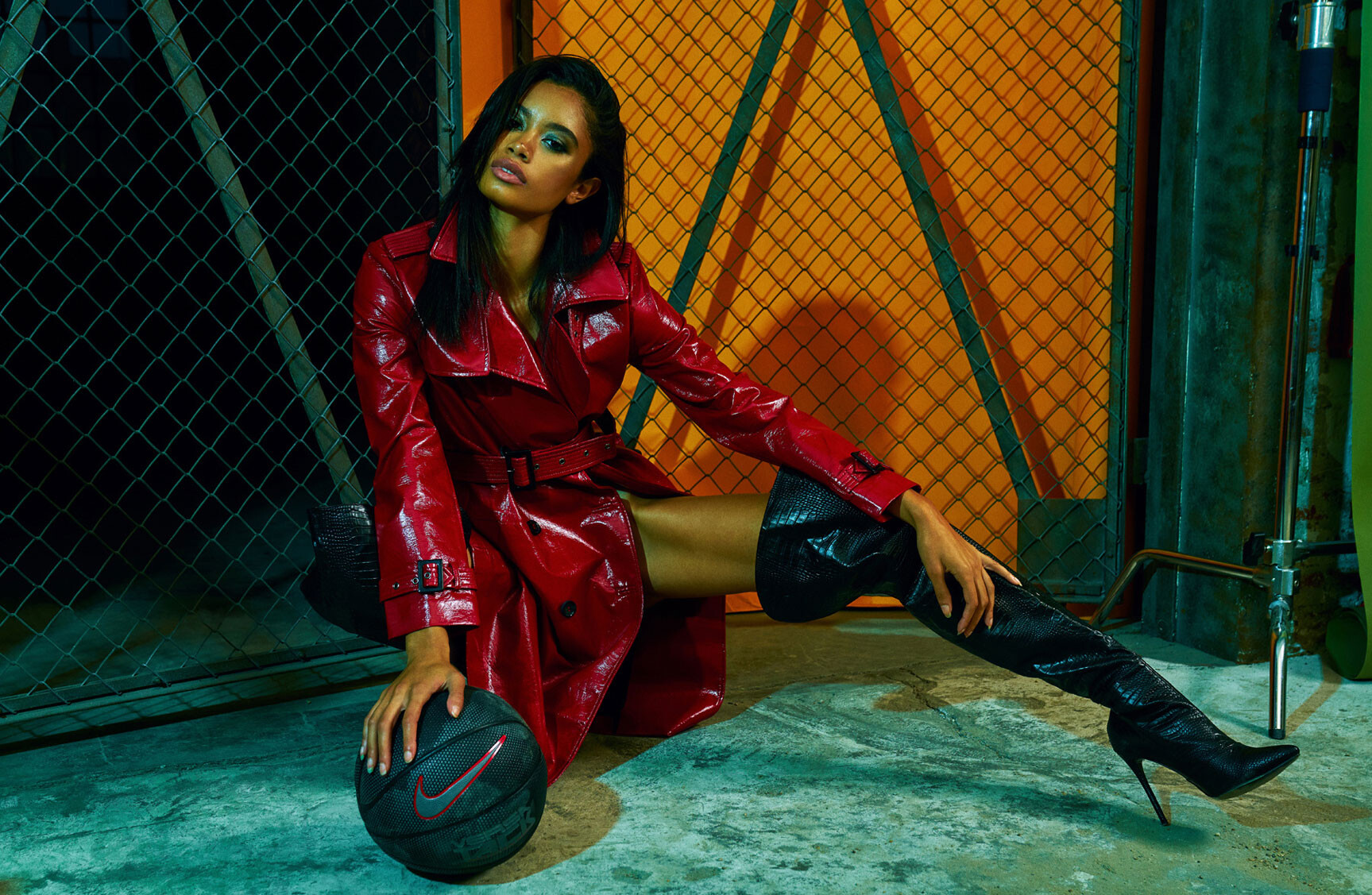
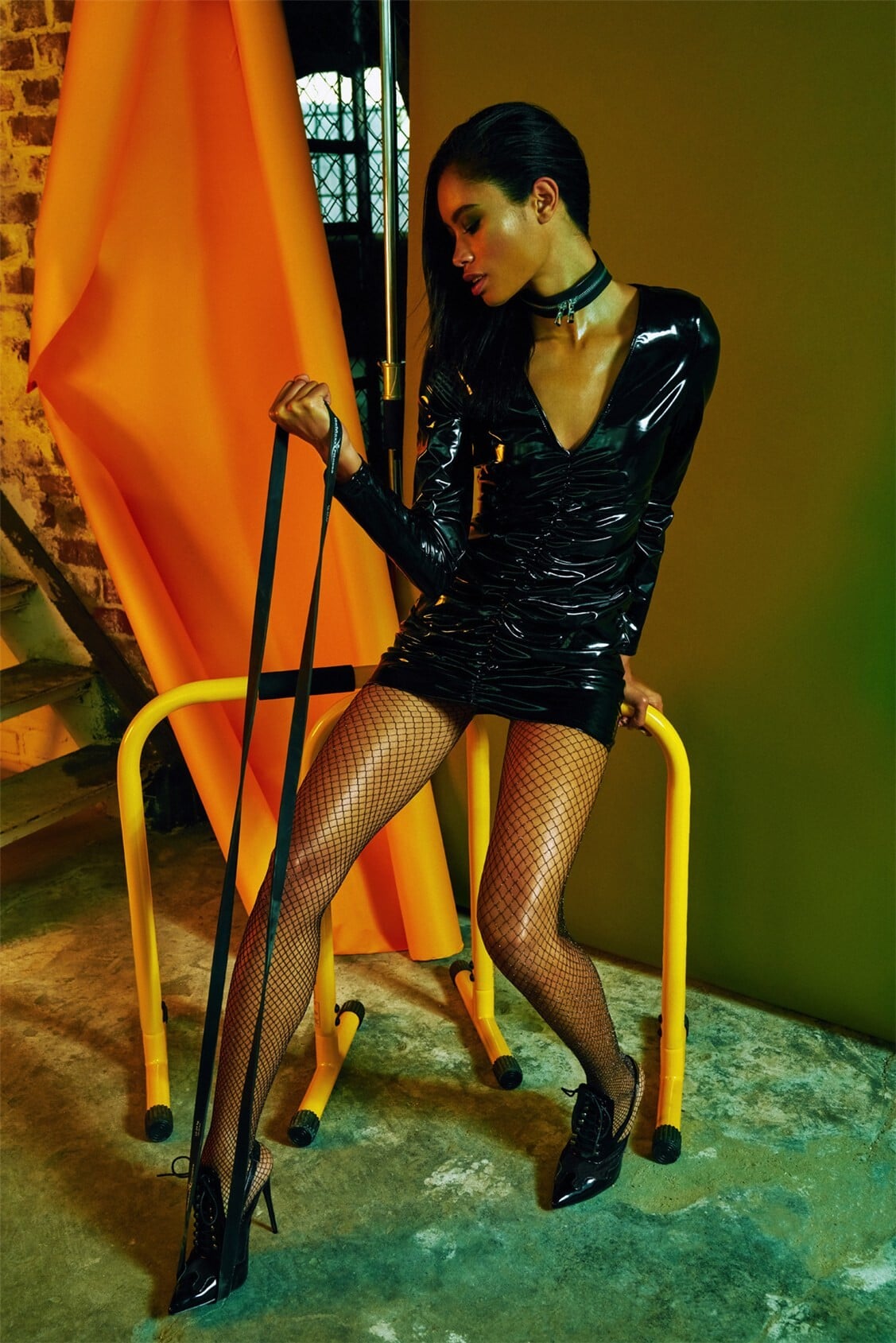
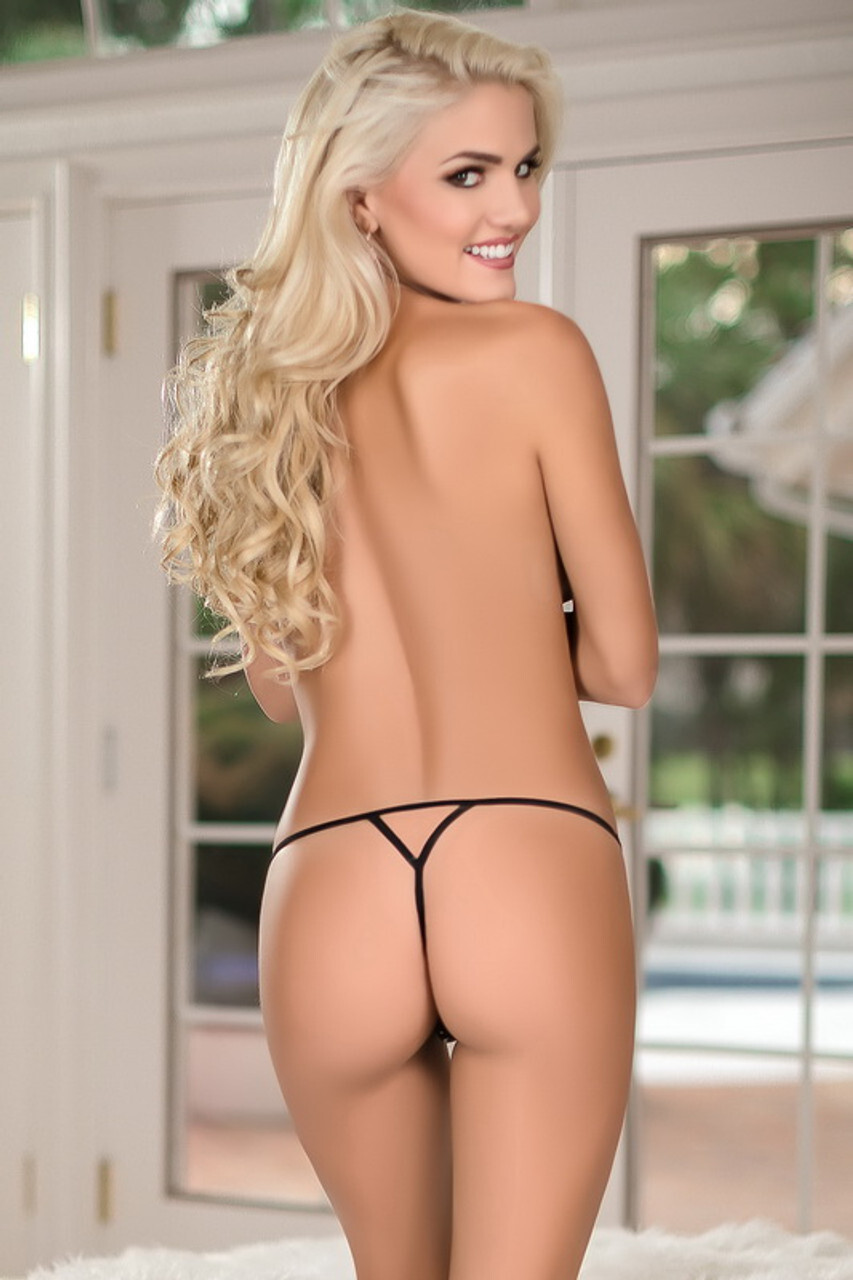
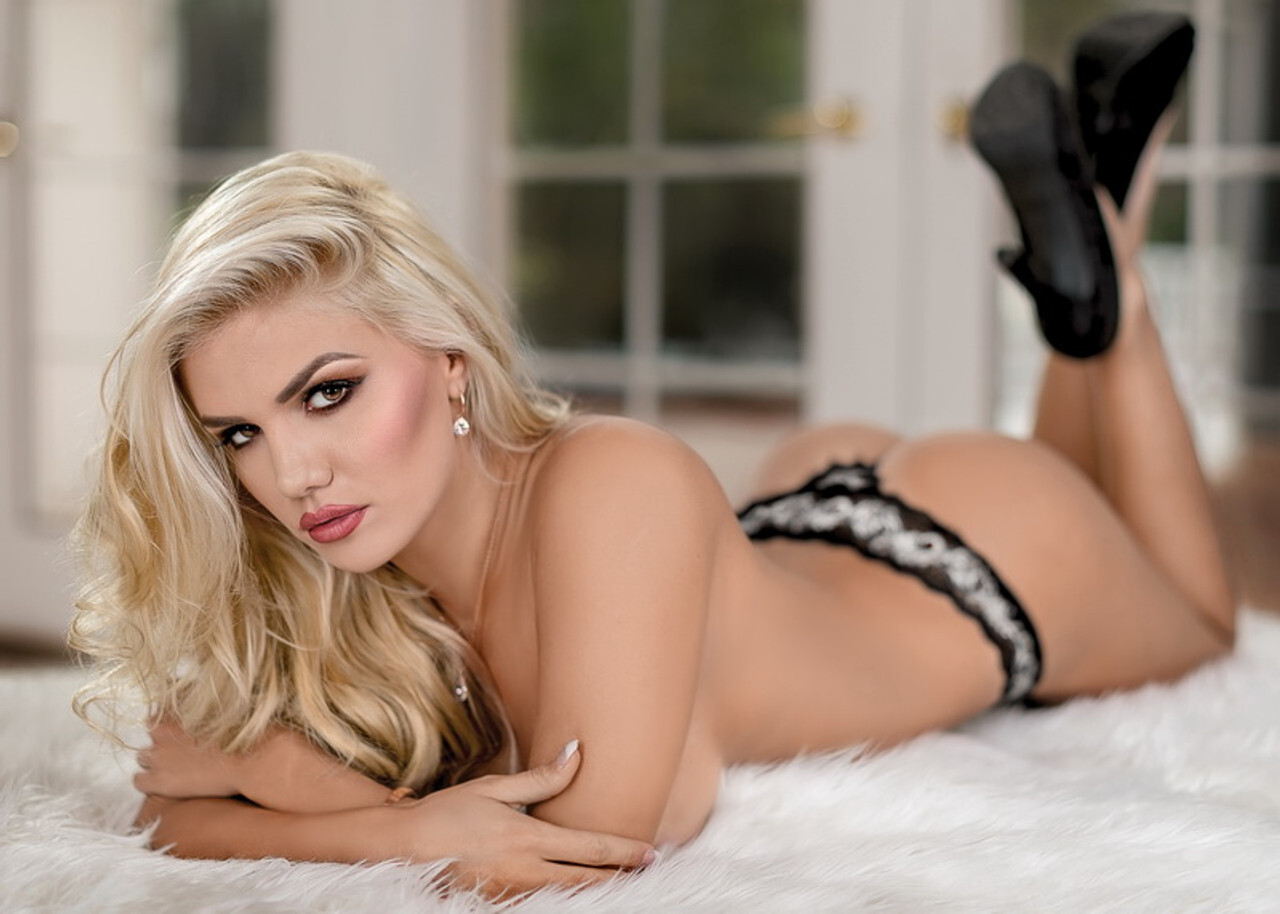
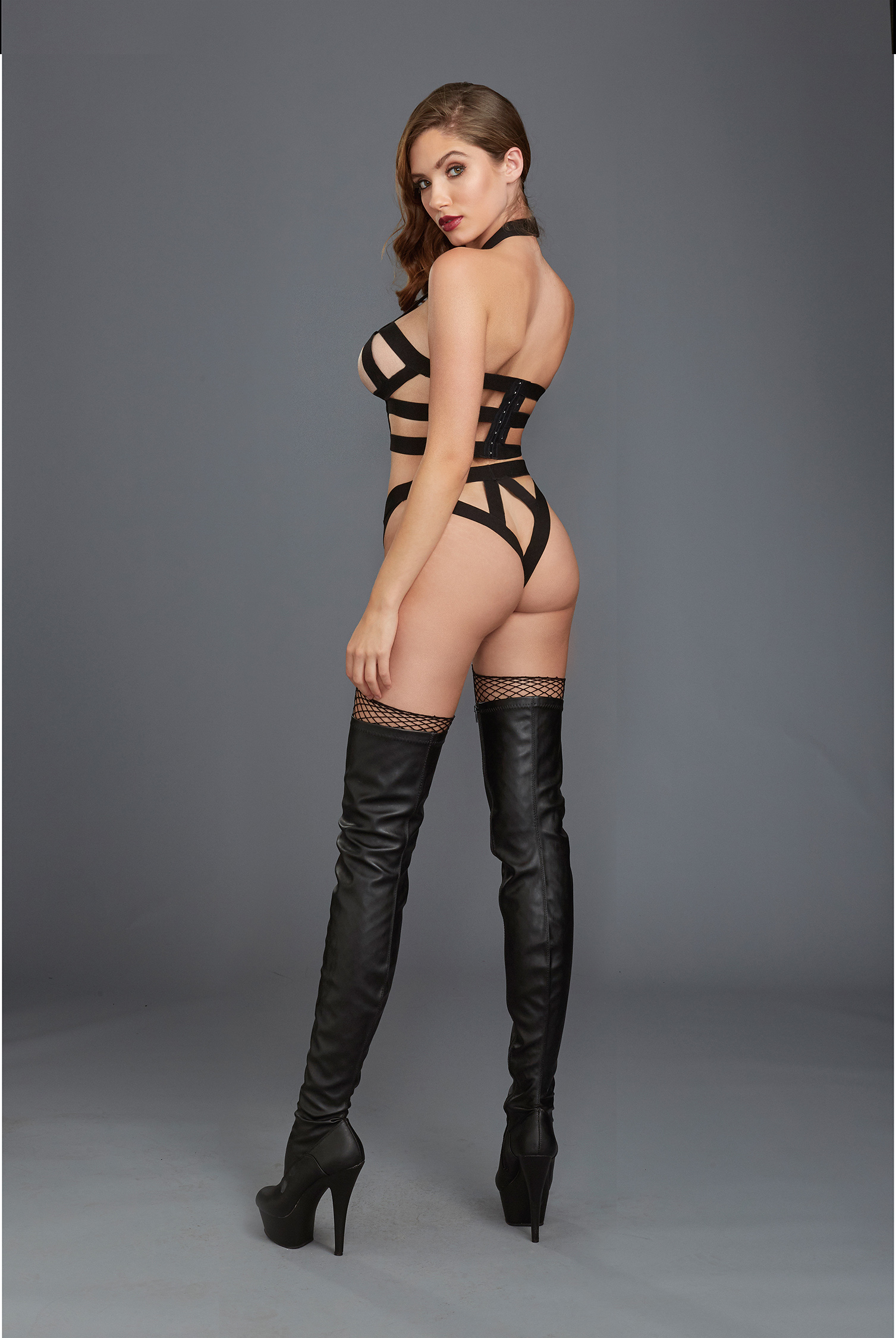
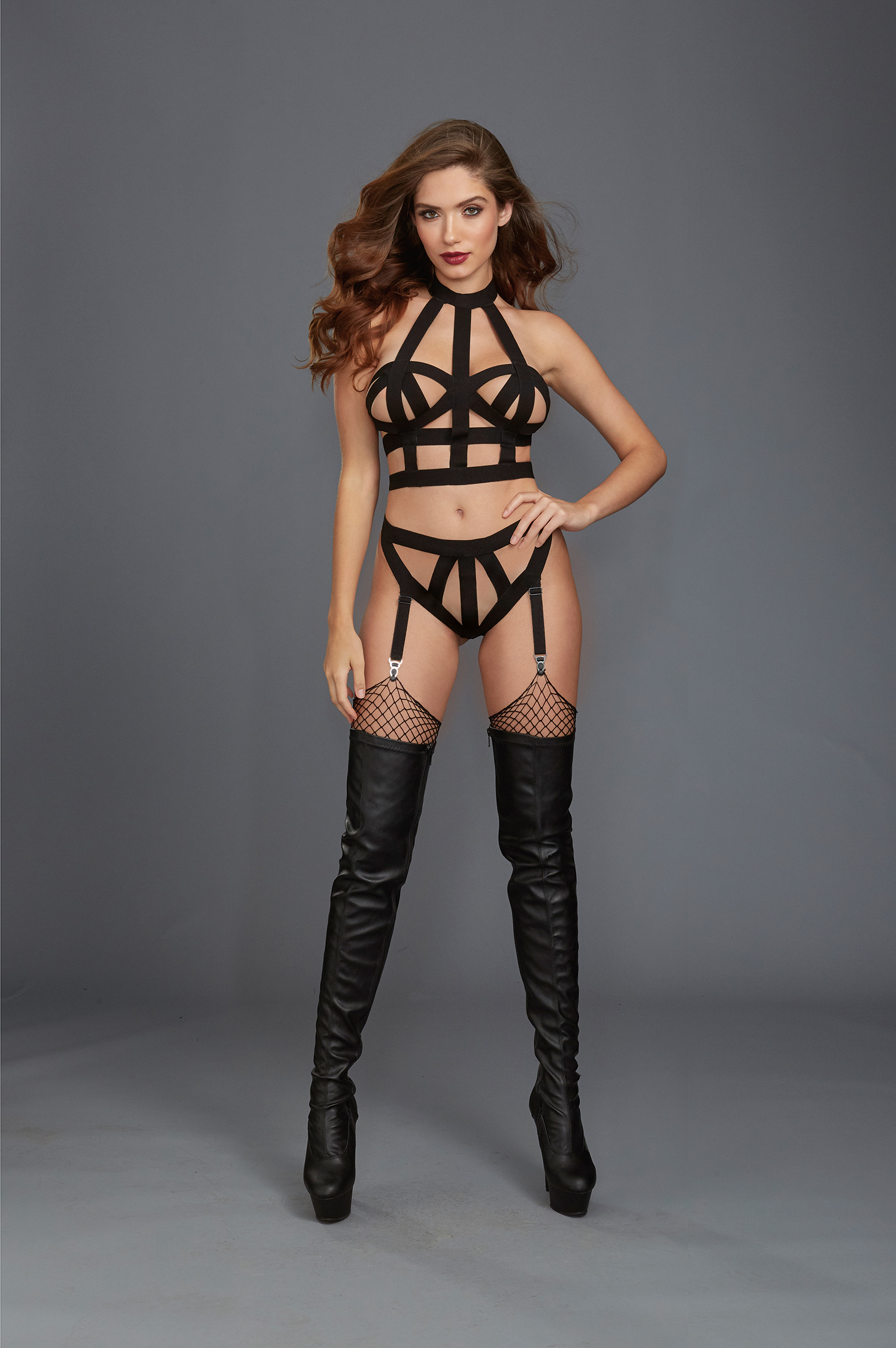
 Ph: Alexei Bazdarev "Glamur Sport" RSMagazine 2018 or earlier nudity Spoiler




















-

-
 this looks good.. never had Vietnamese pho though.
 -
-
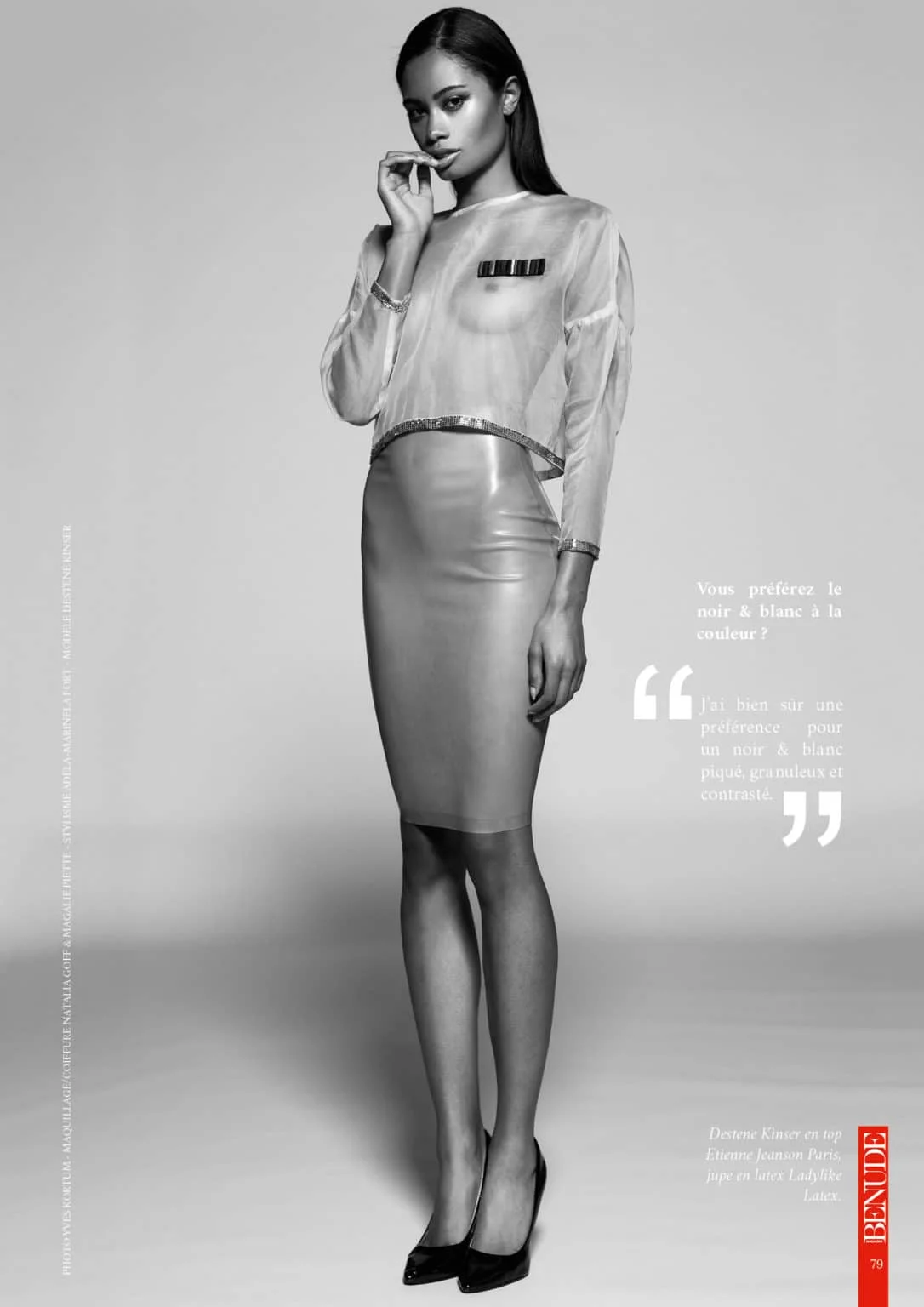
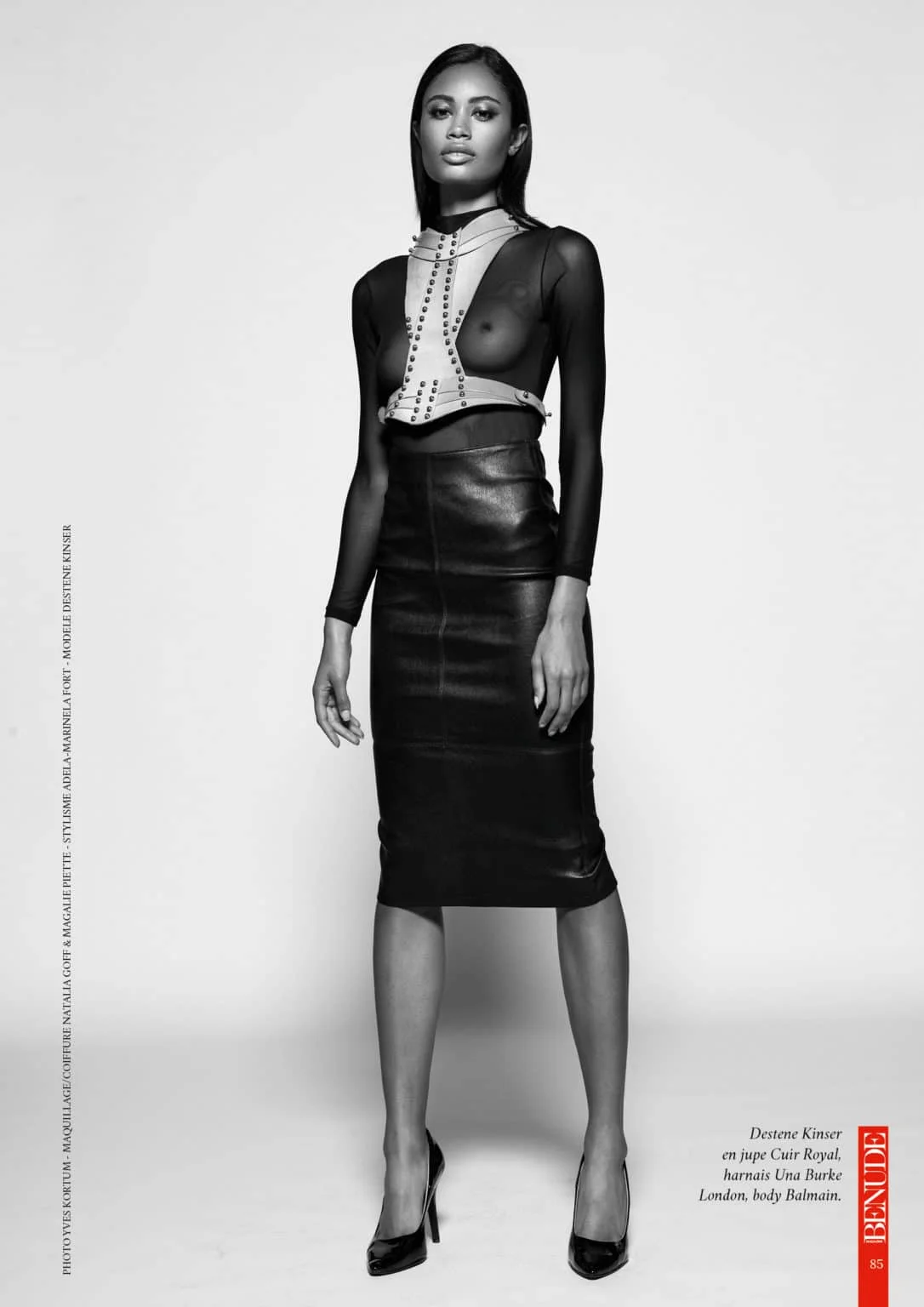
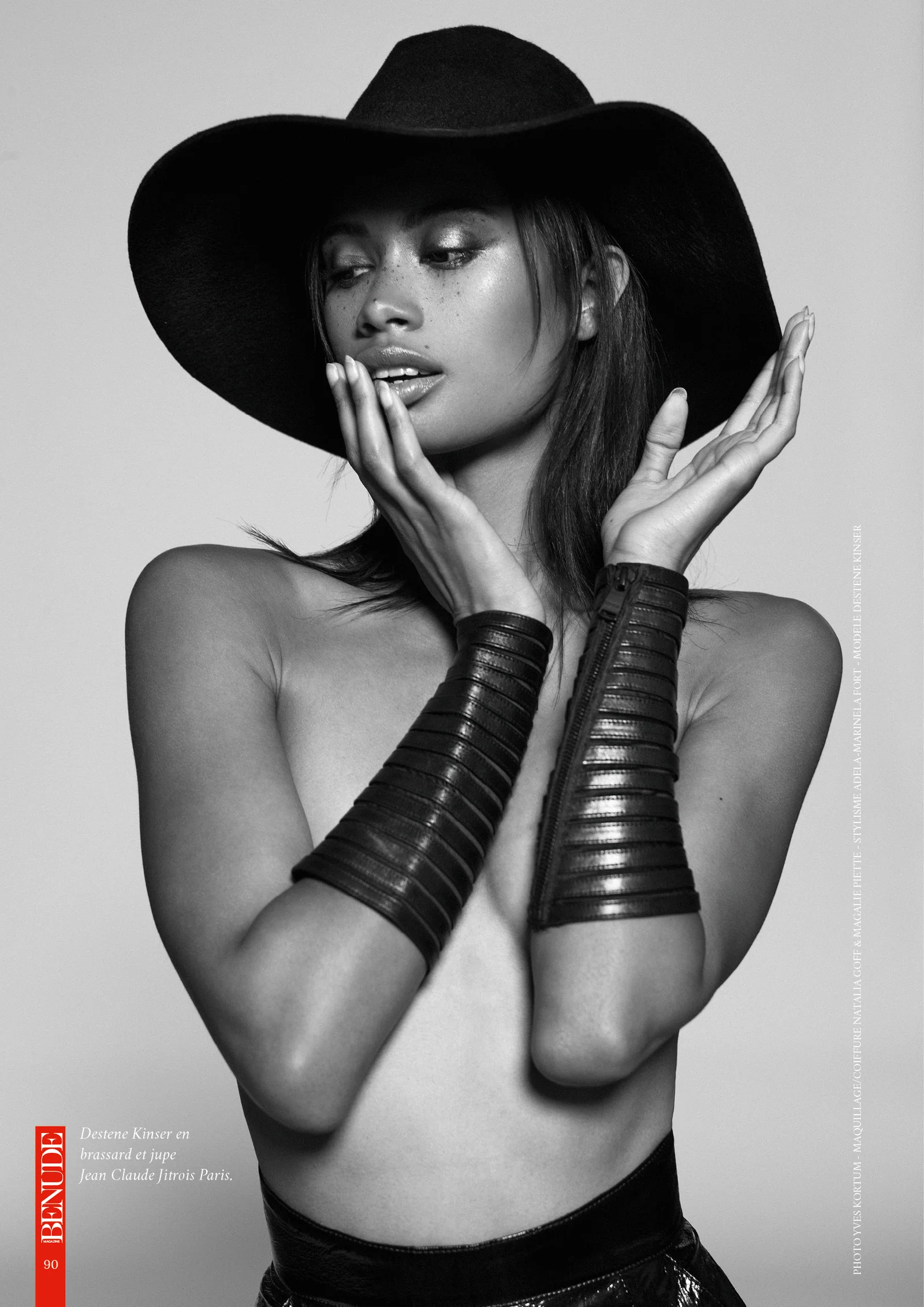
 some retrospective




-
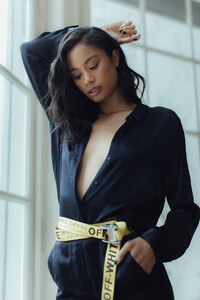
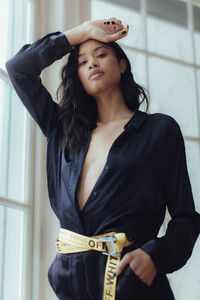
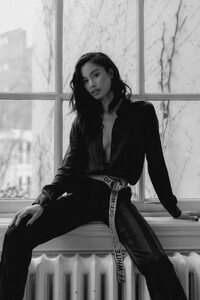
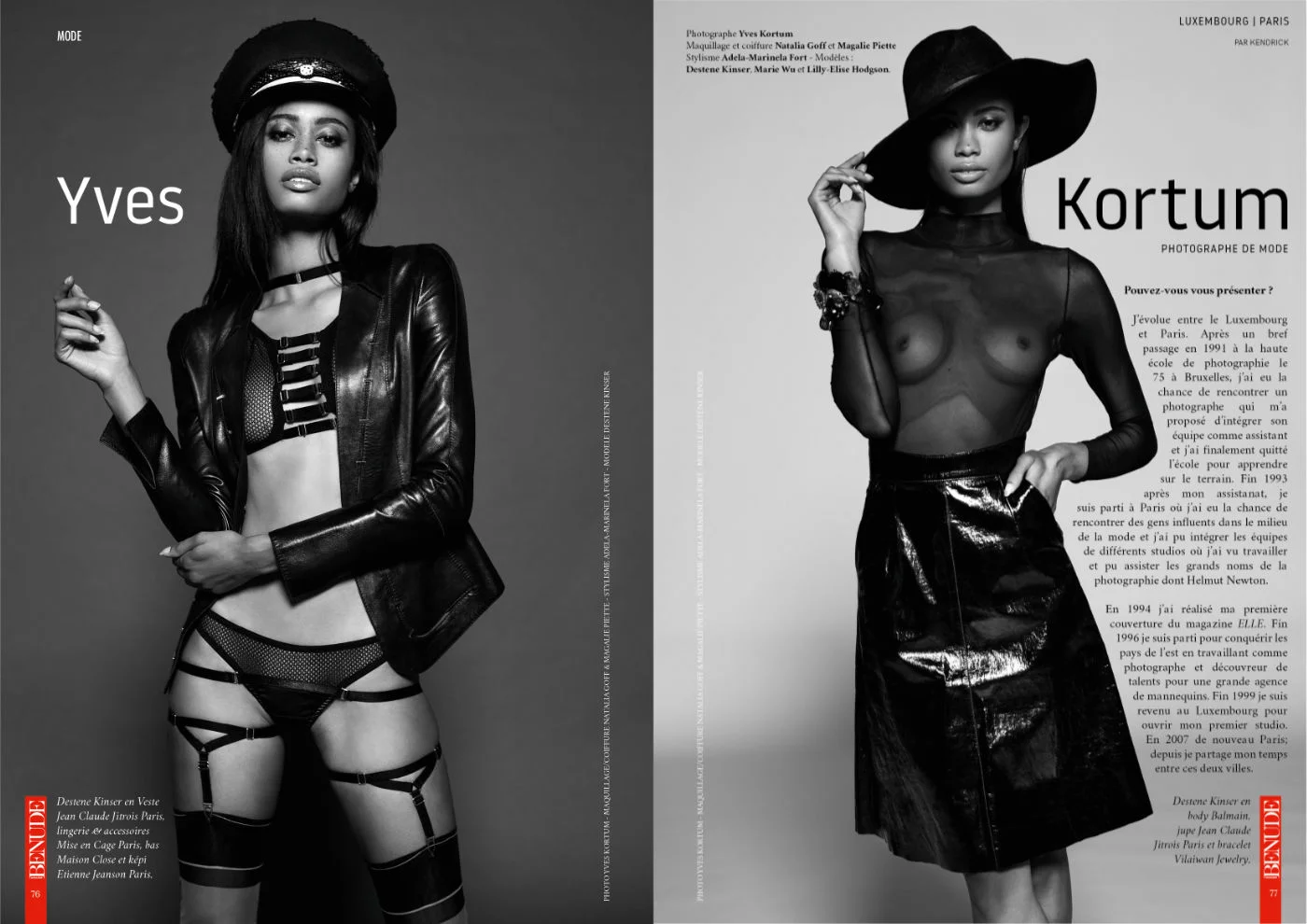
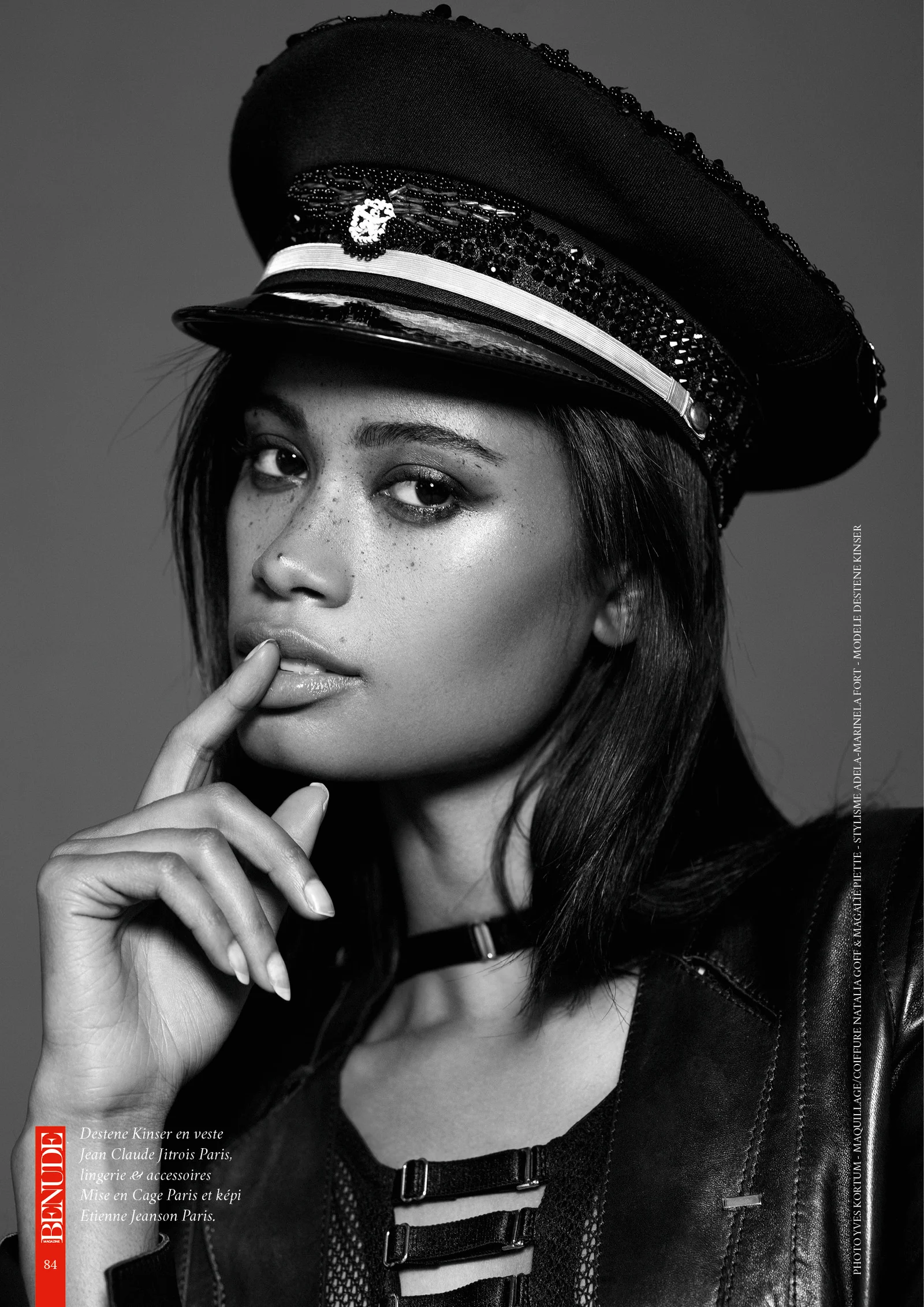
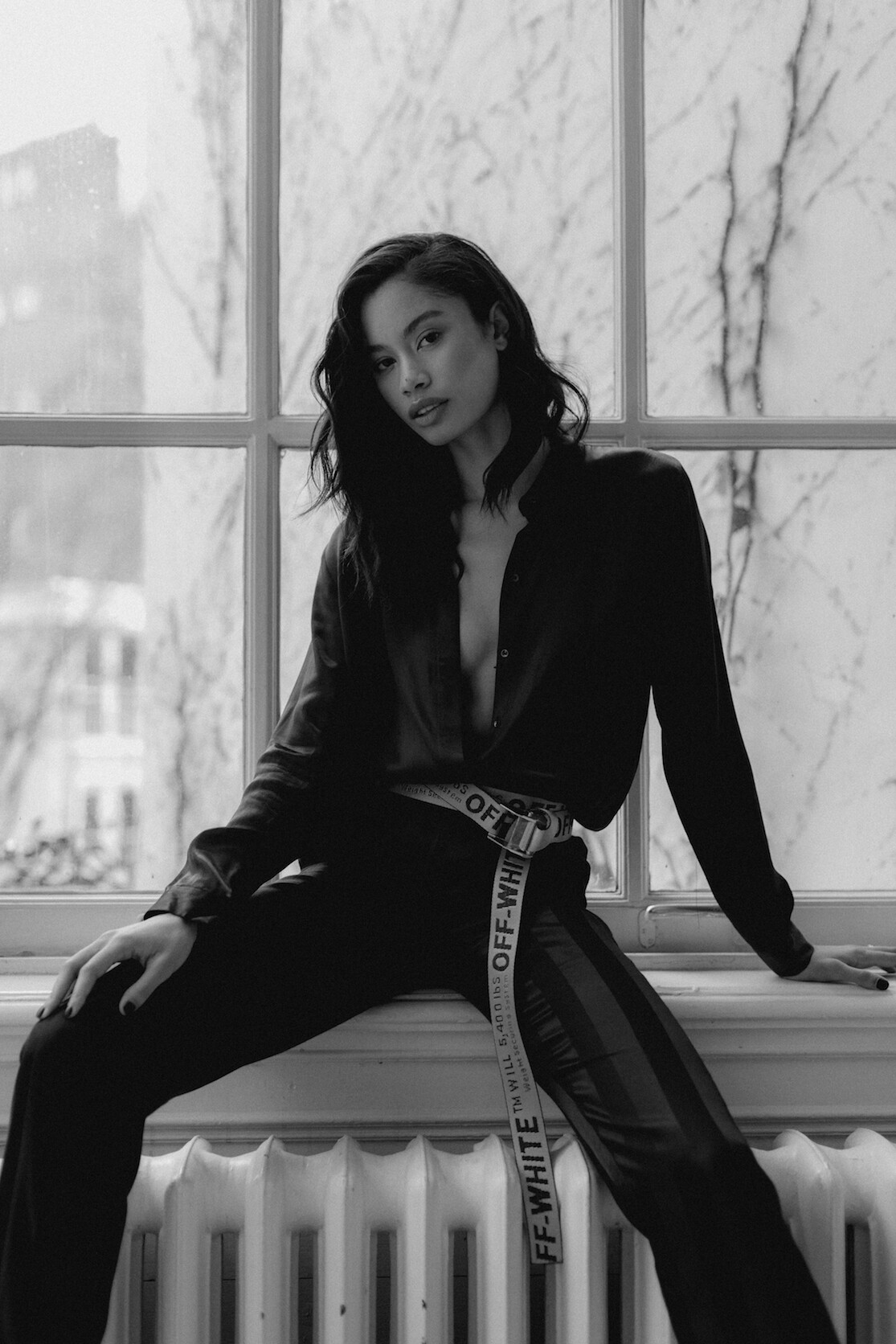
 Ph: Yves Kortum NOIR & BLANC BENUDE Magazine 2020 https://benude.fr/yves-kortum-le-photographe-noir-blanc-de-mode/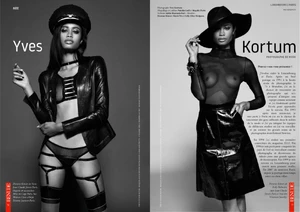
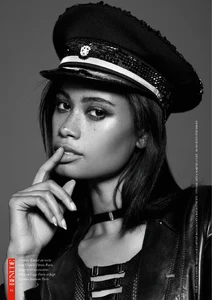
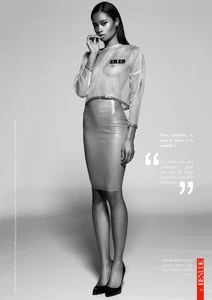
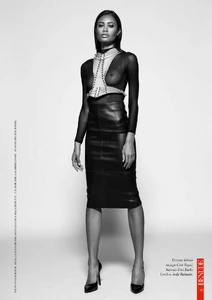

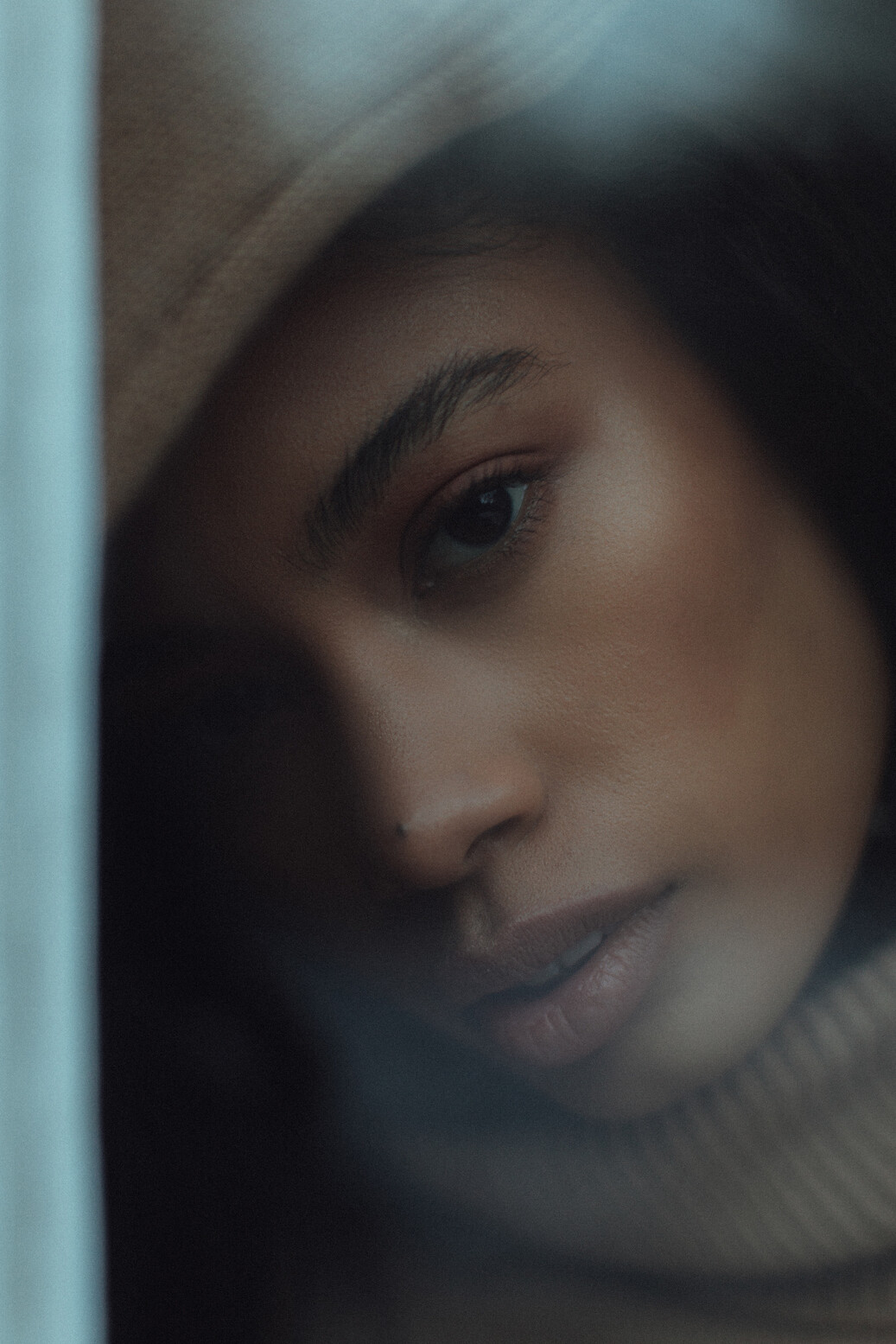
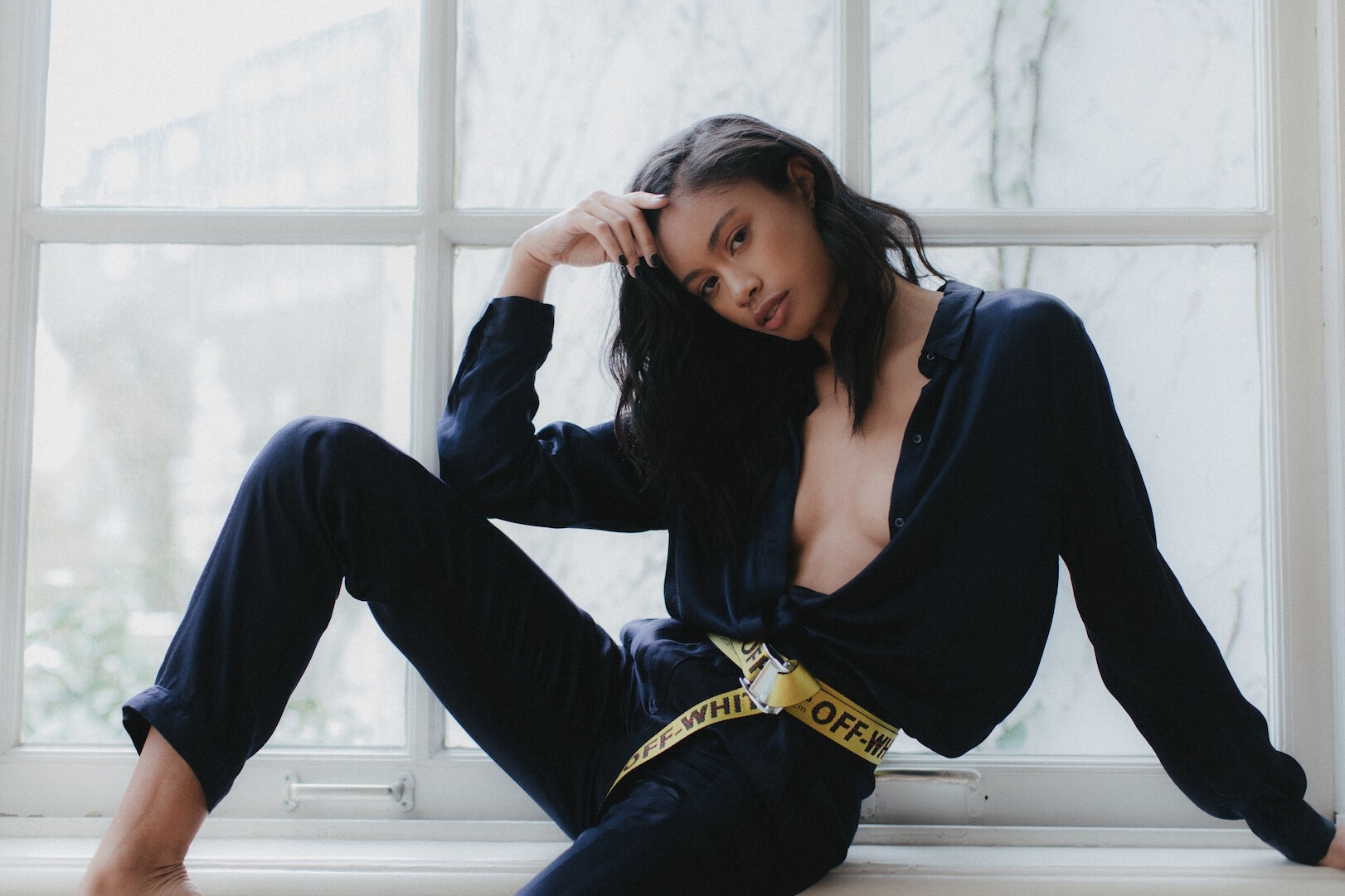
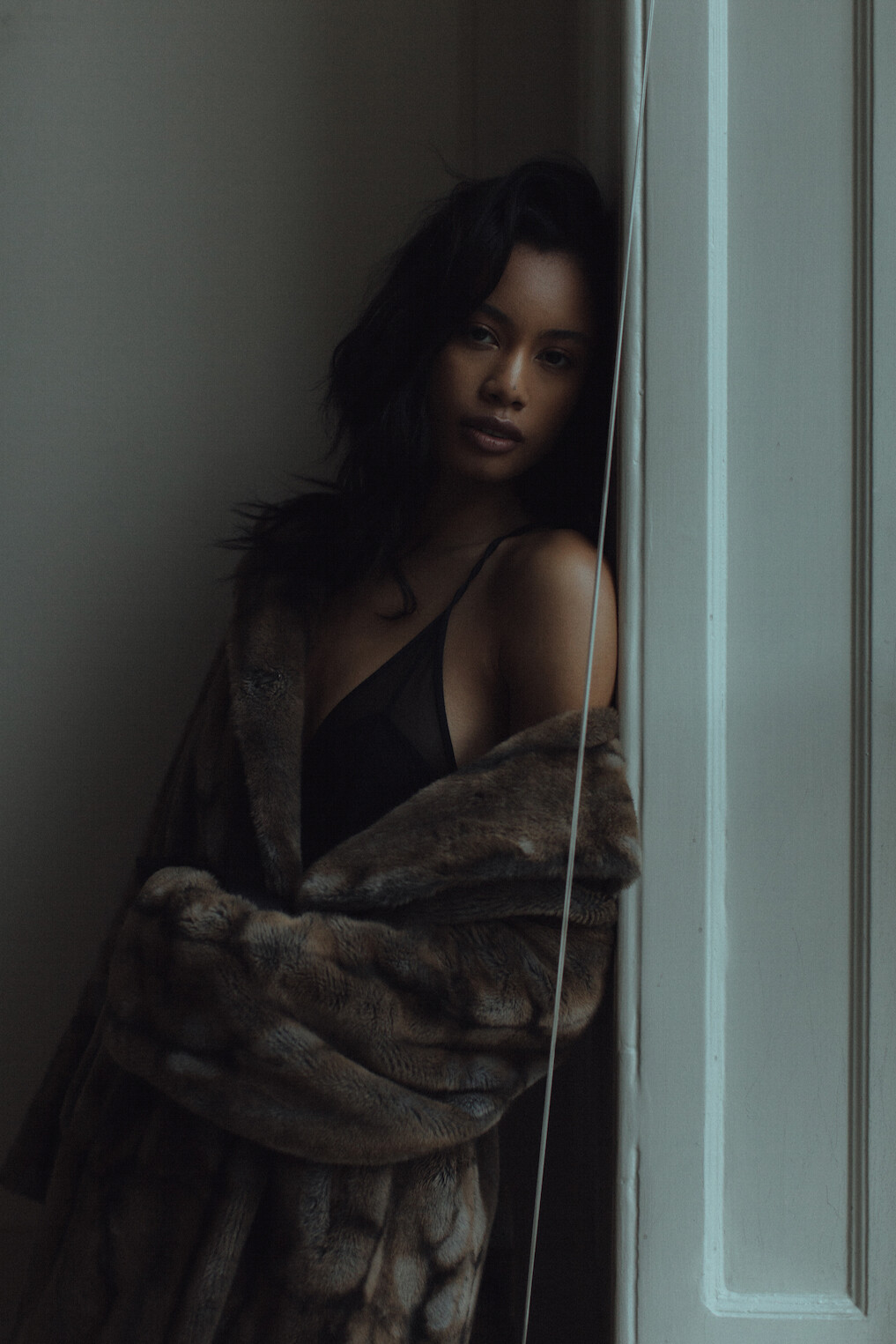
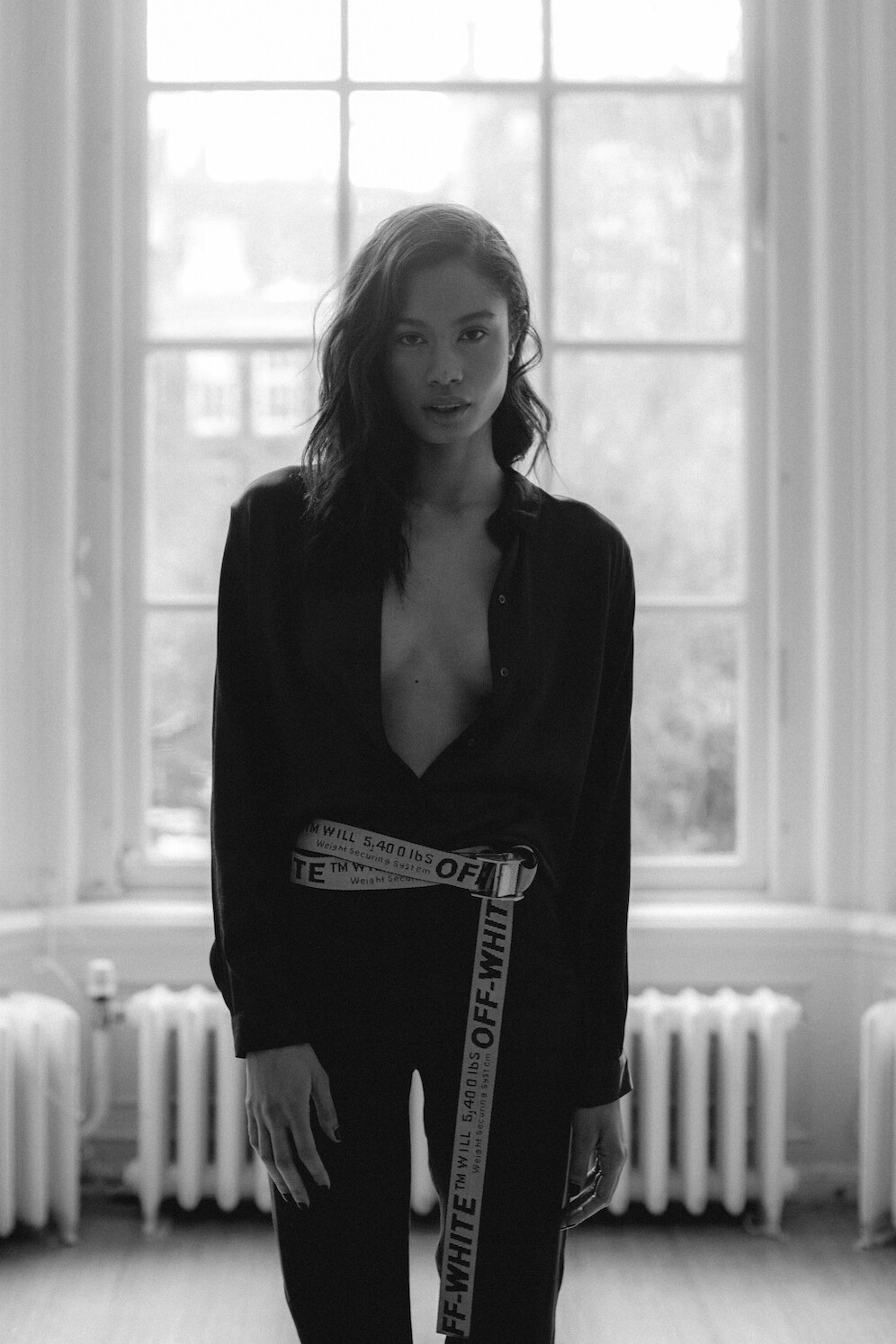
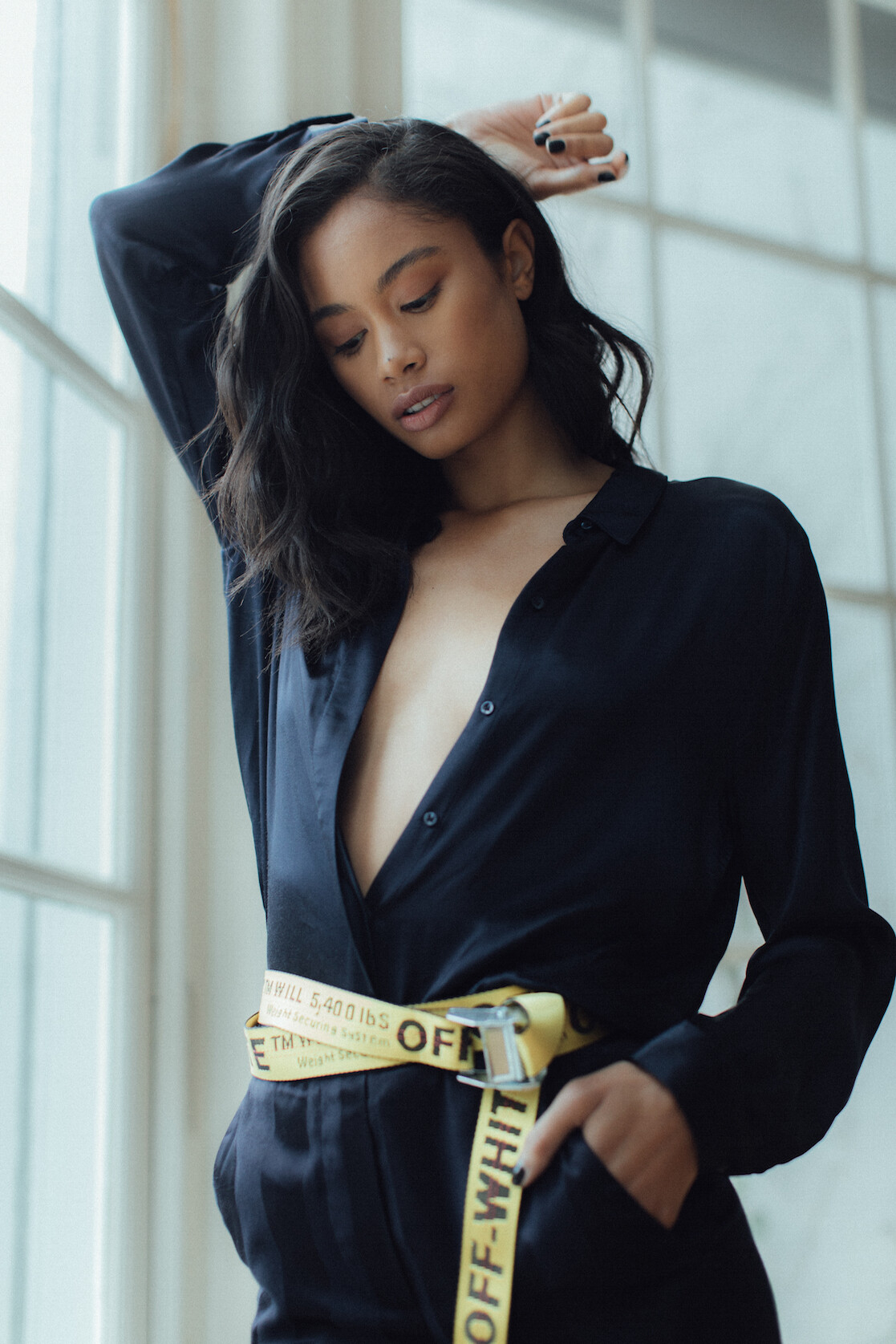
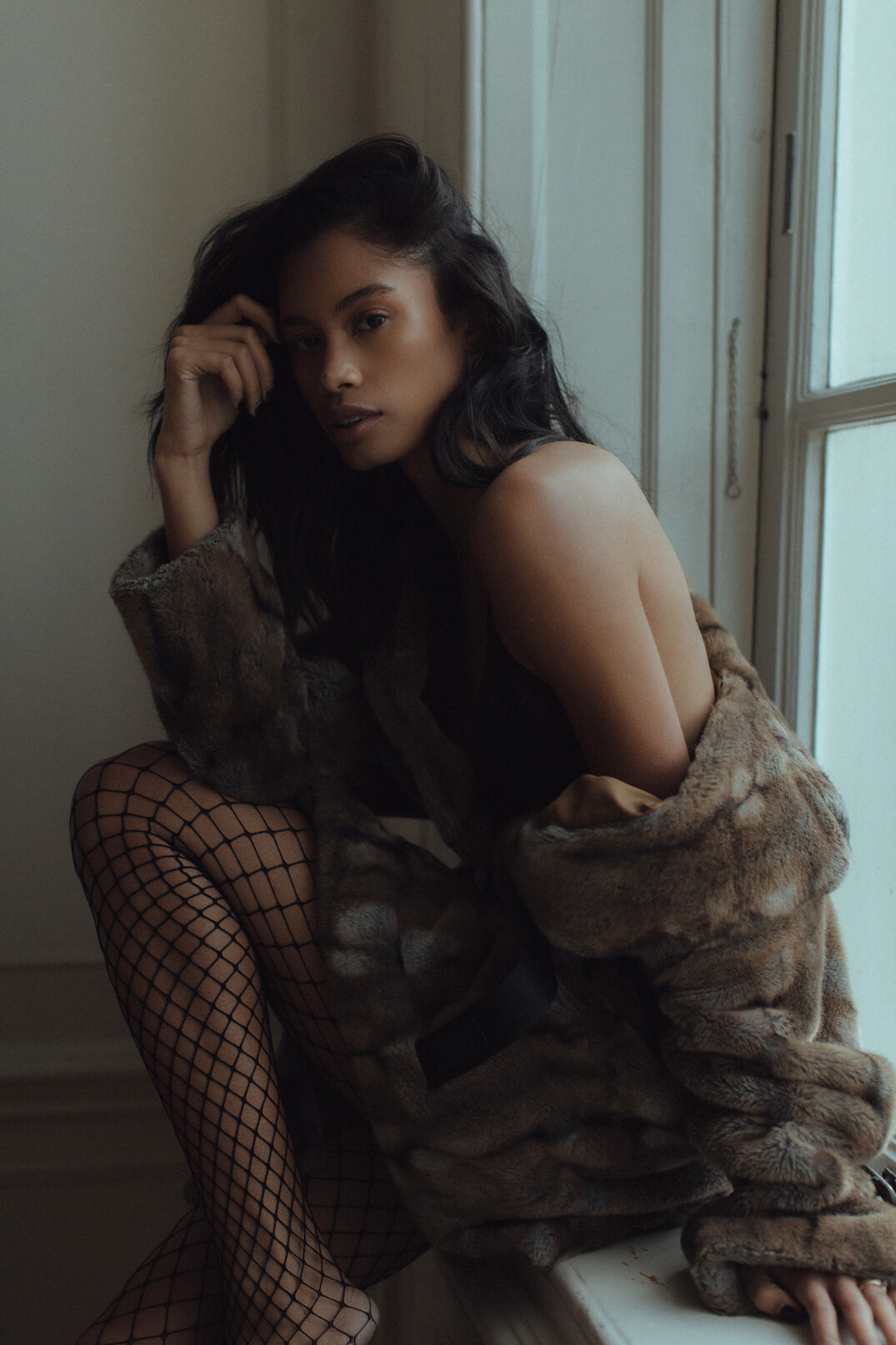
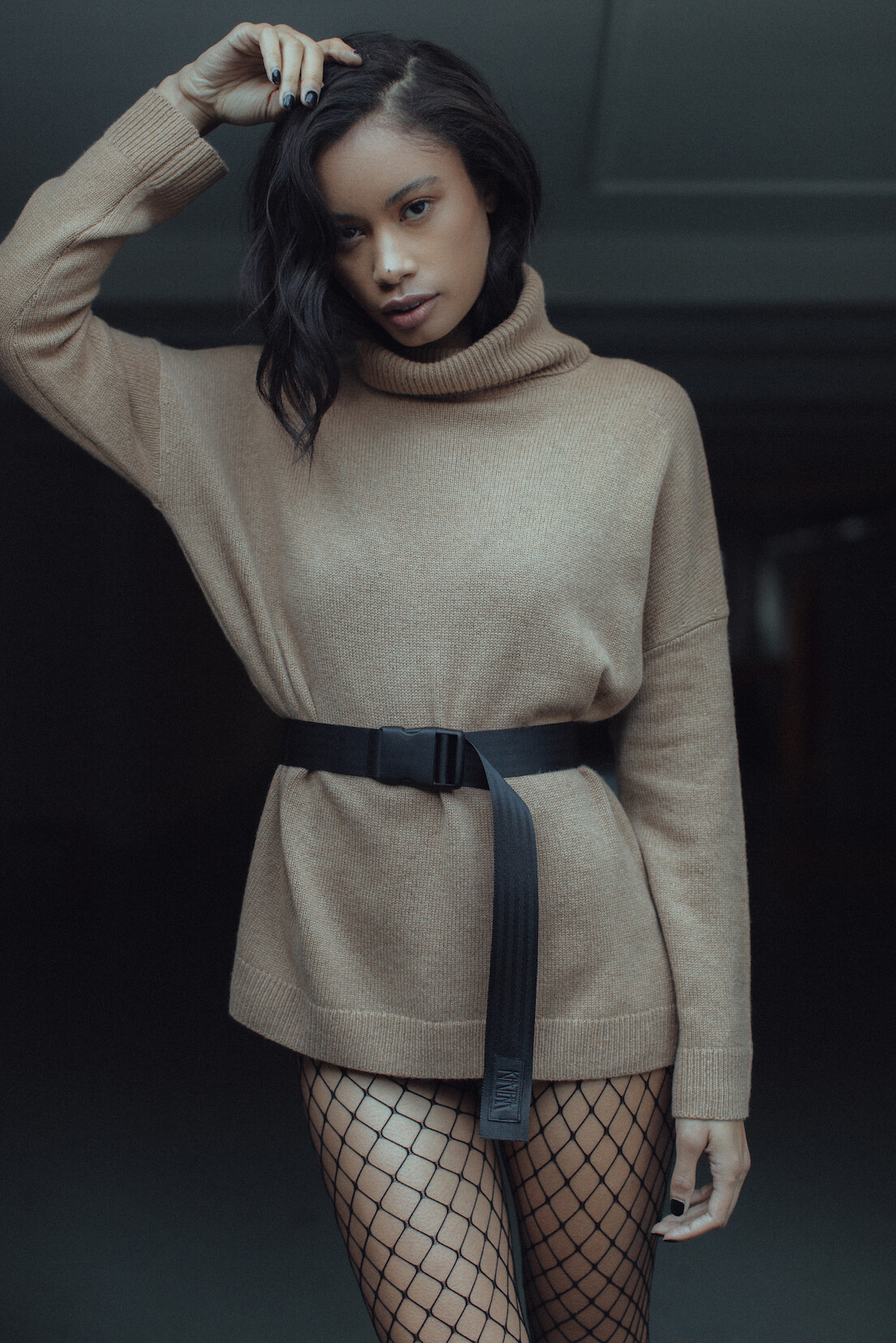
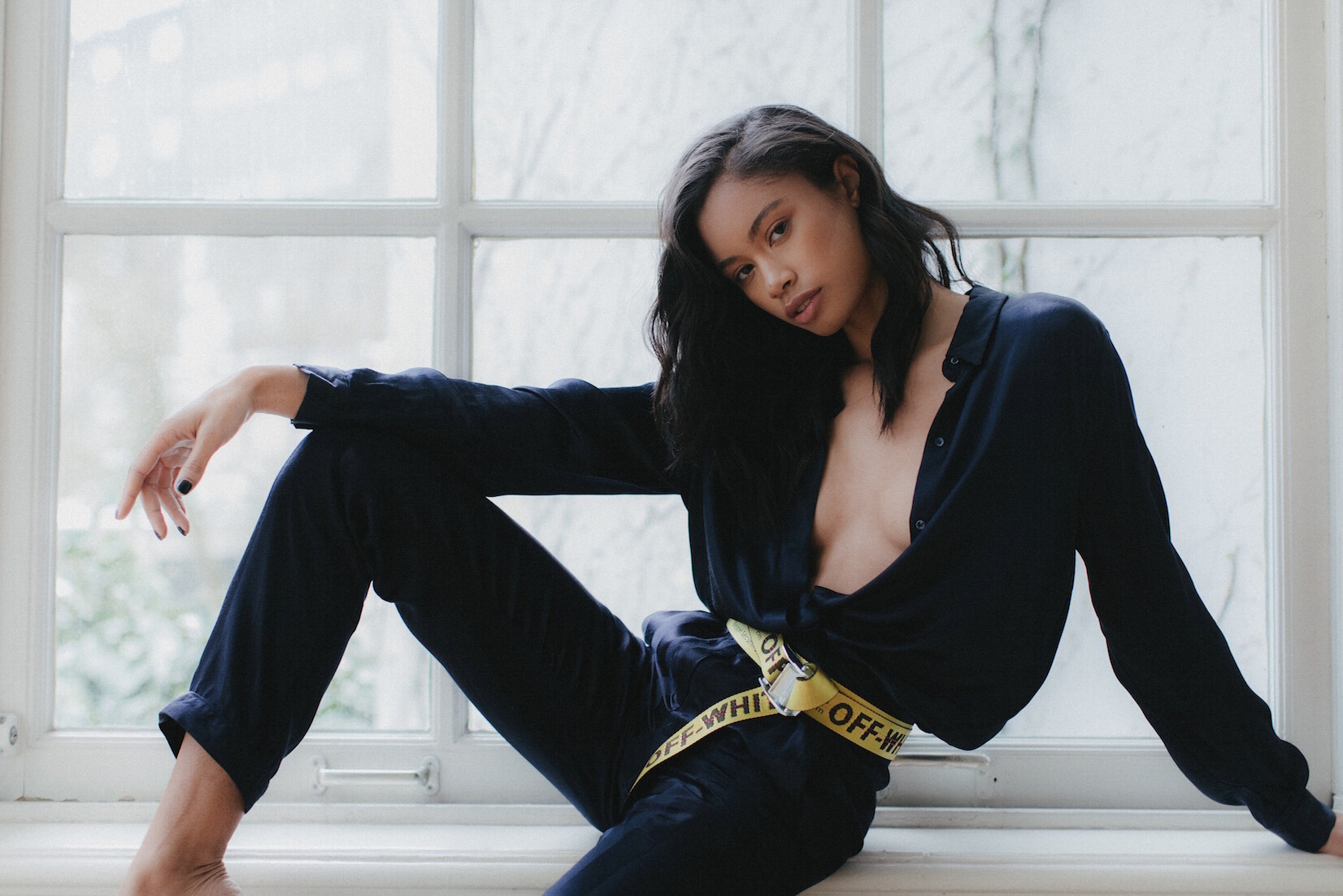
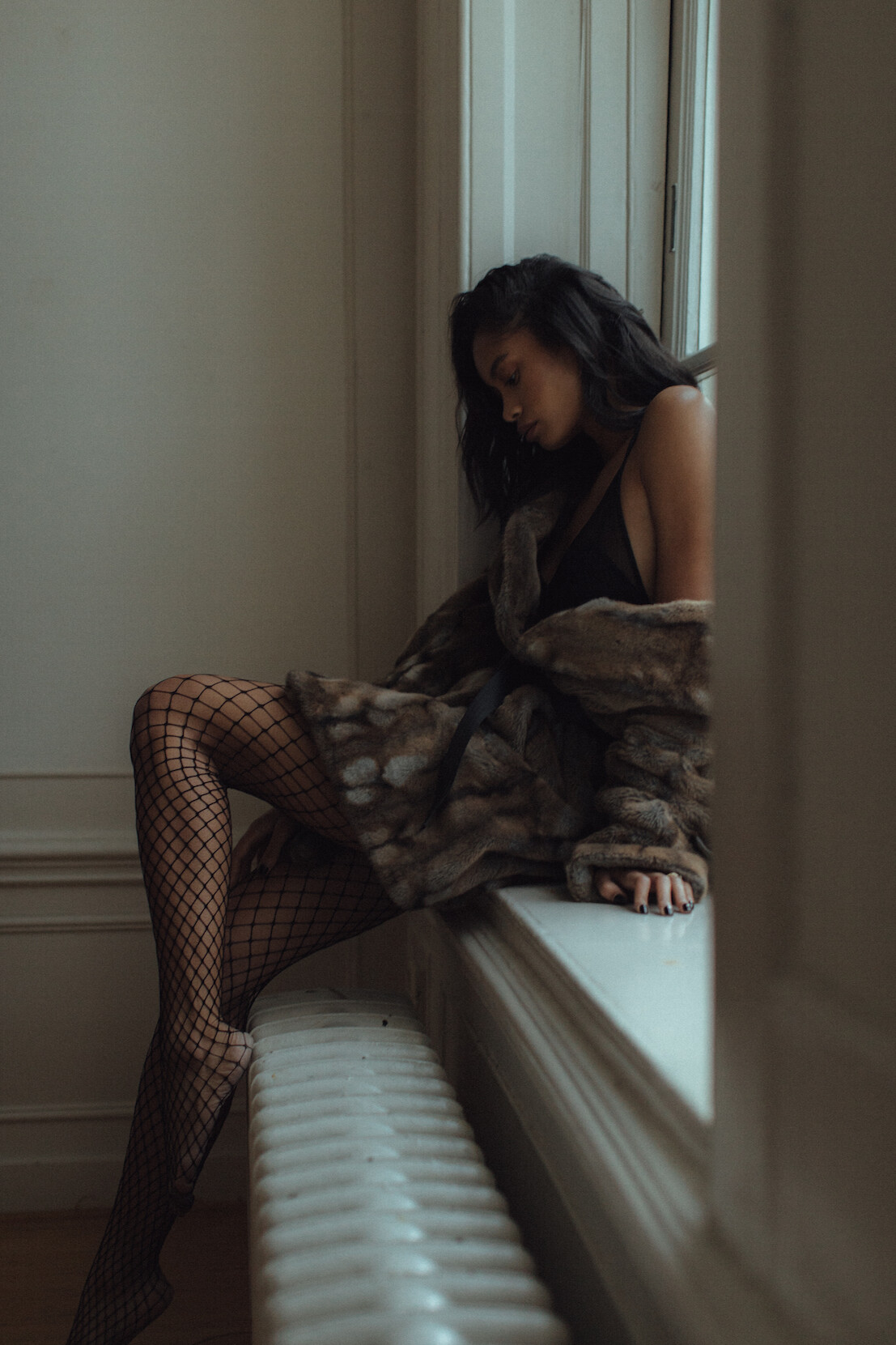
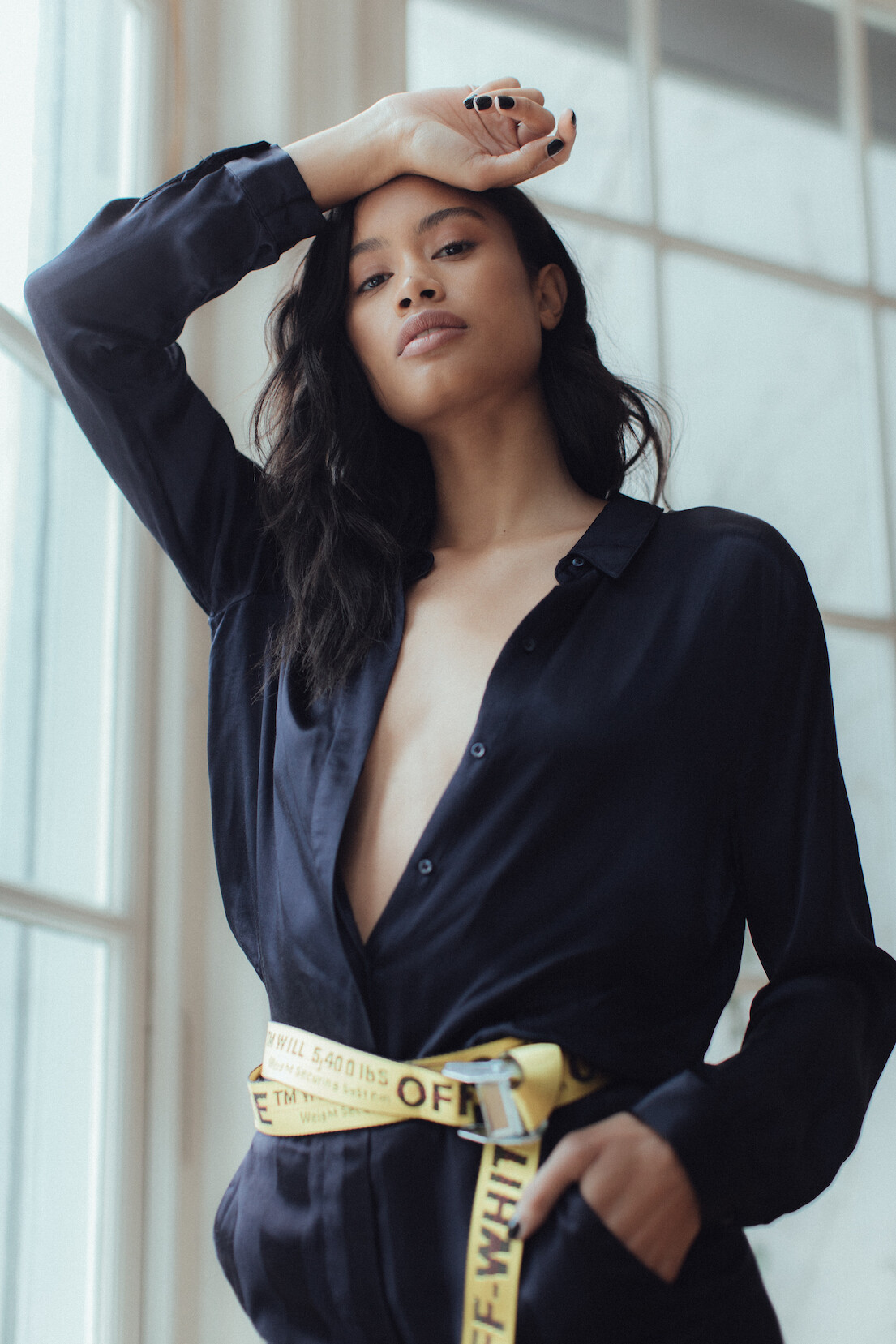
 WINDOW WONDERS Ph: Eelco Wortman 2017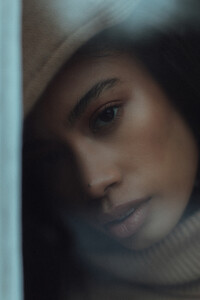









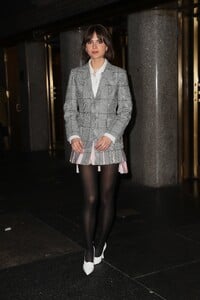
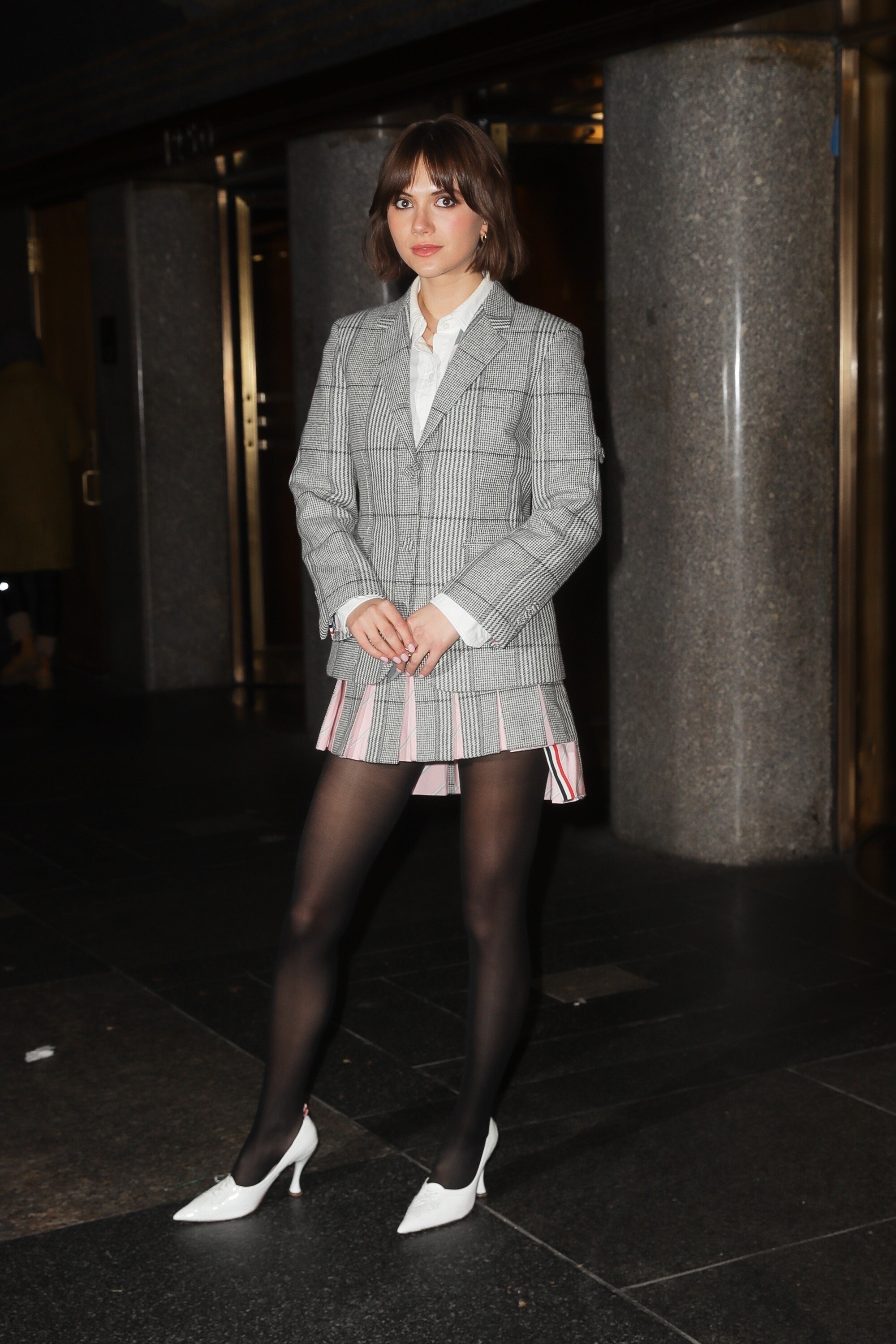
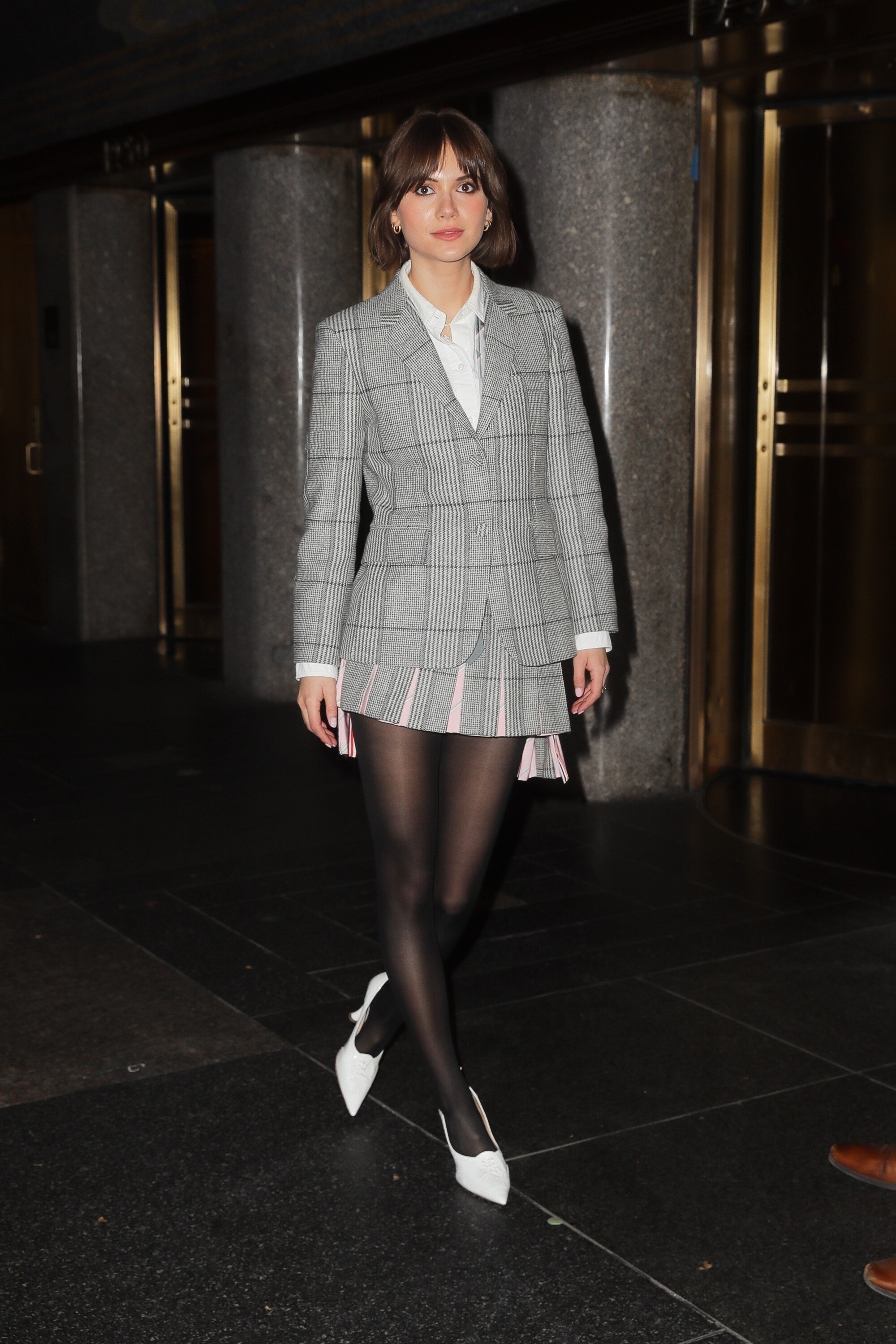
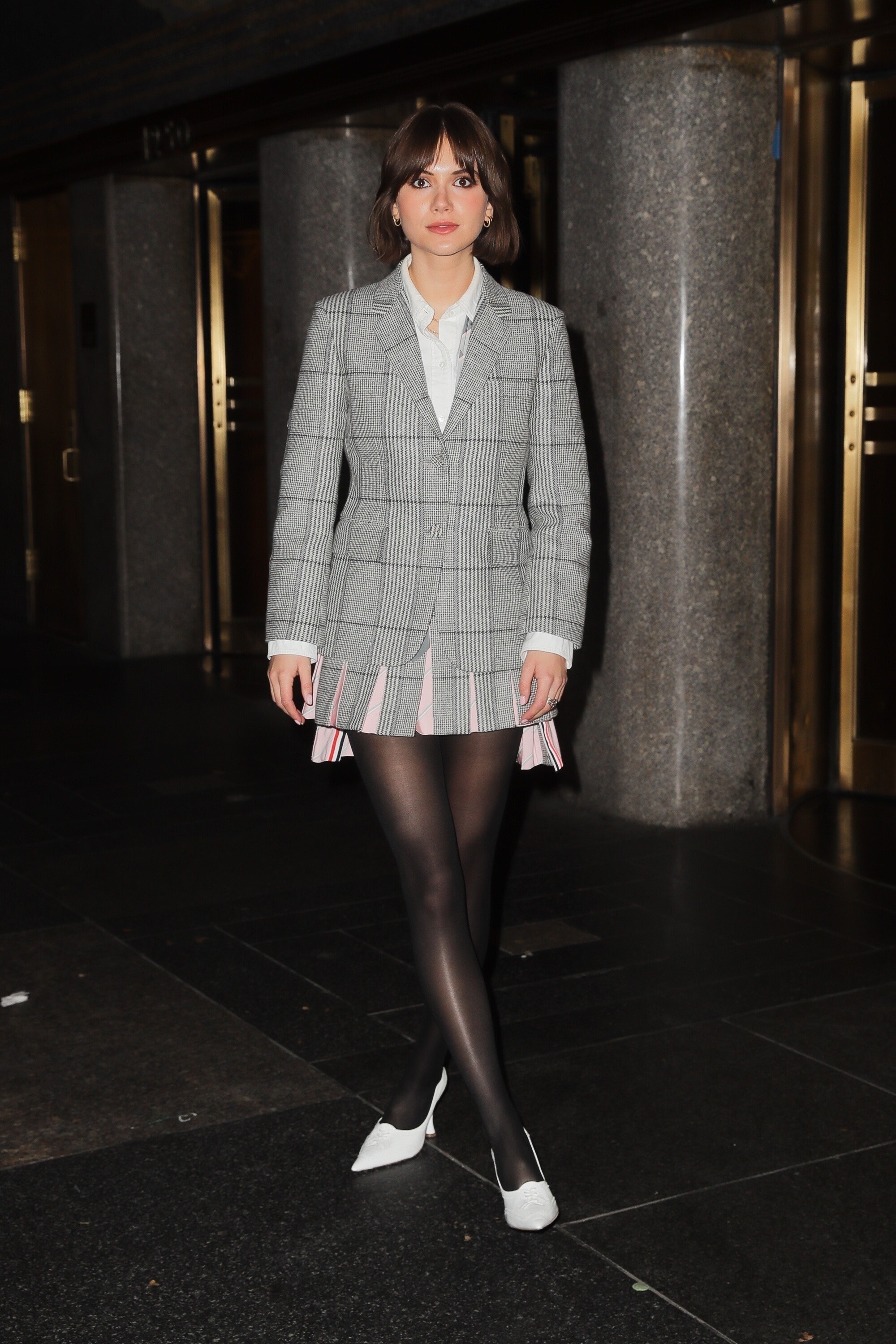
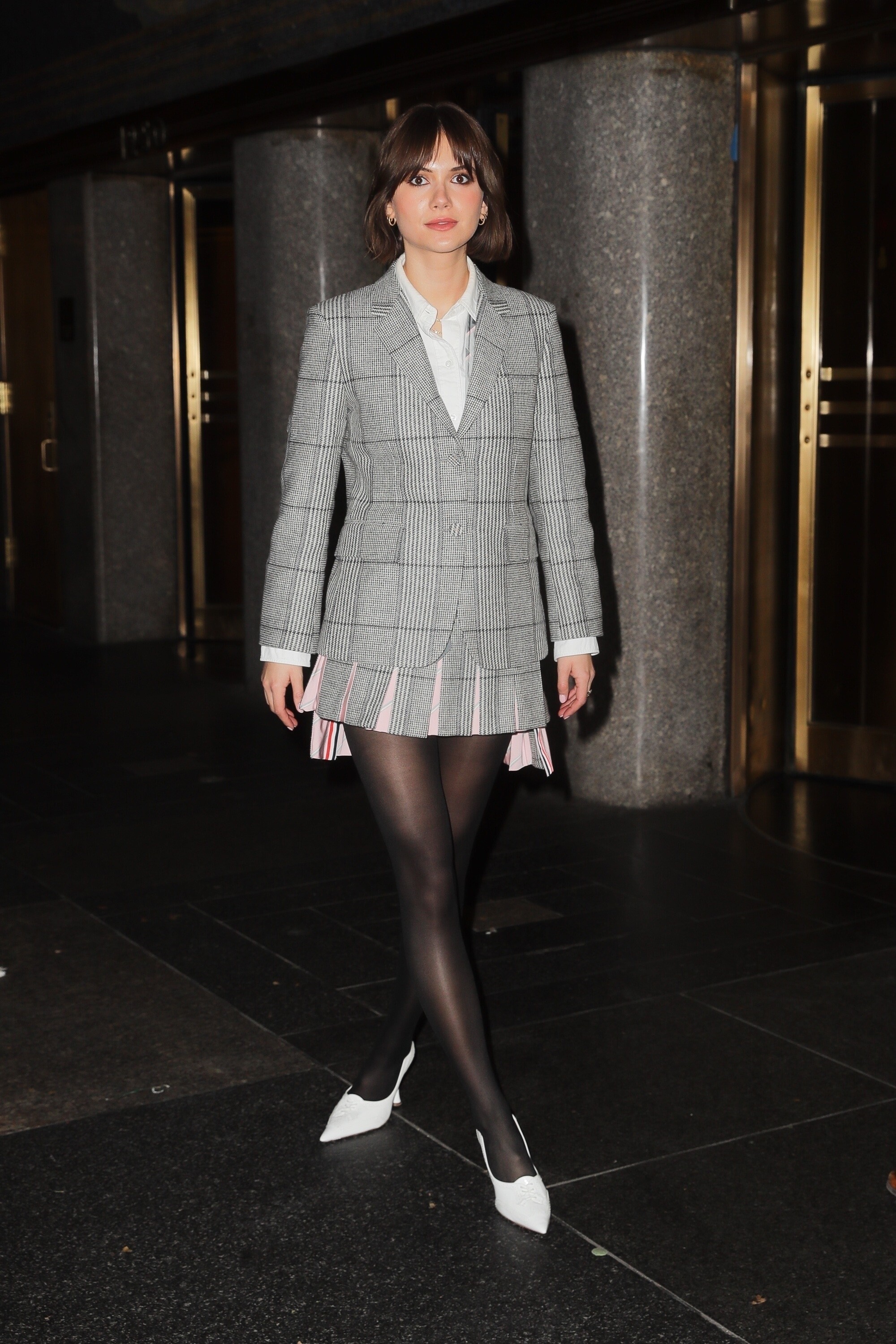
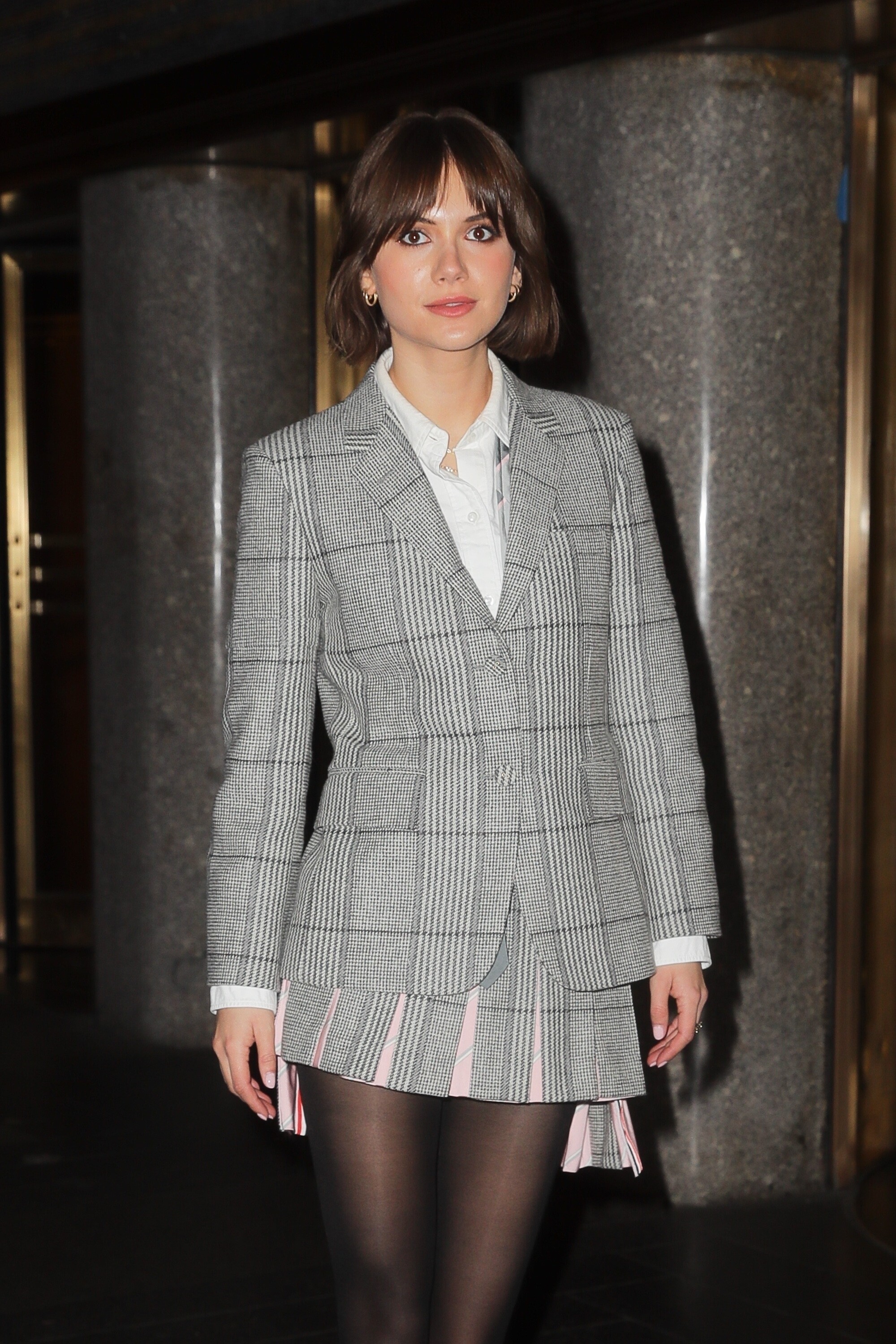
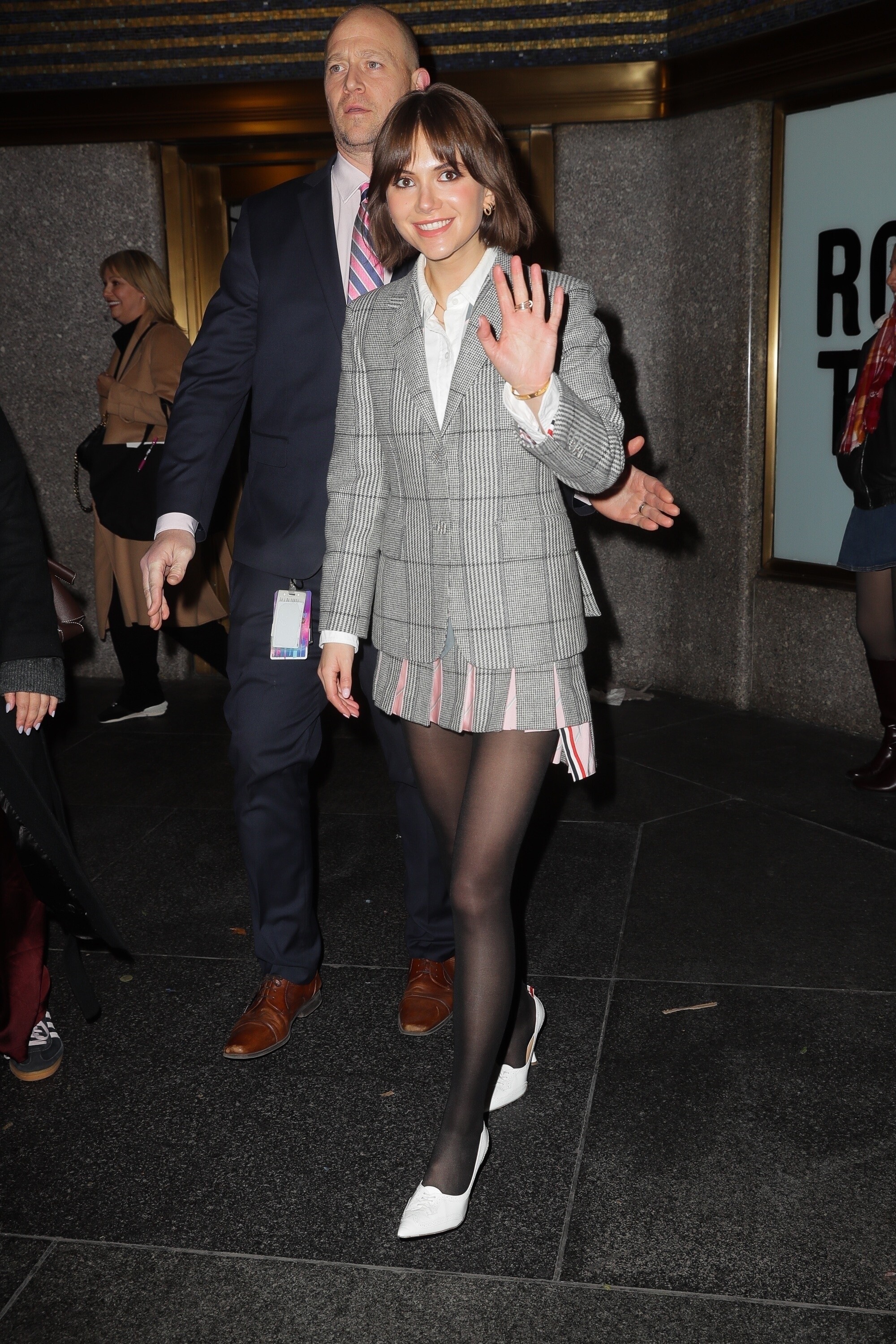
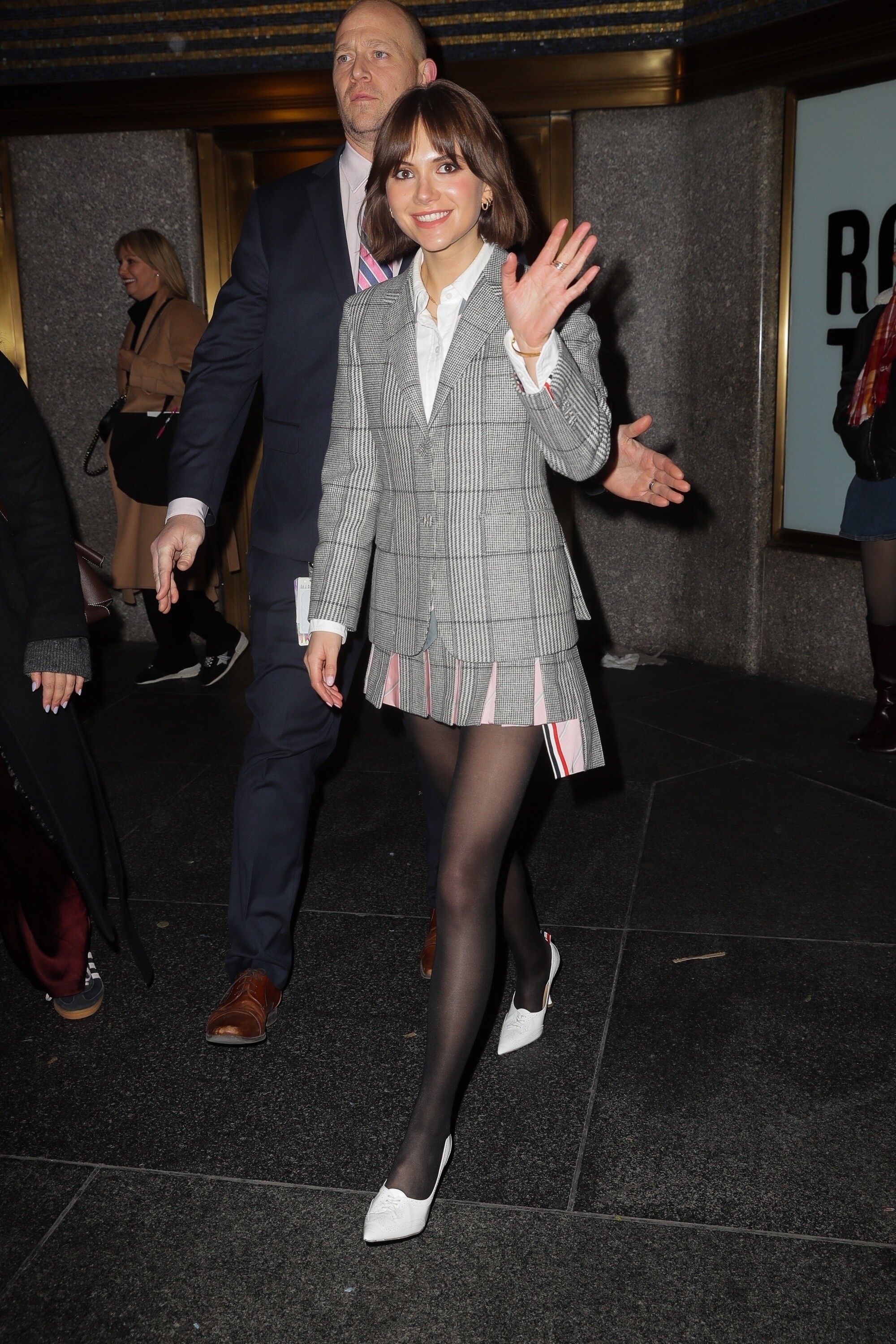
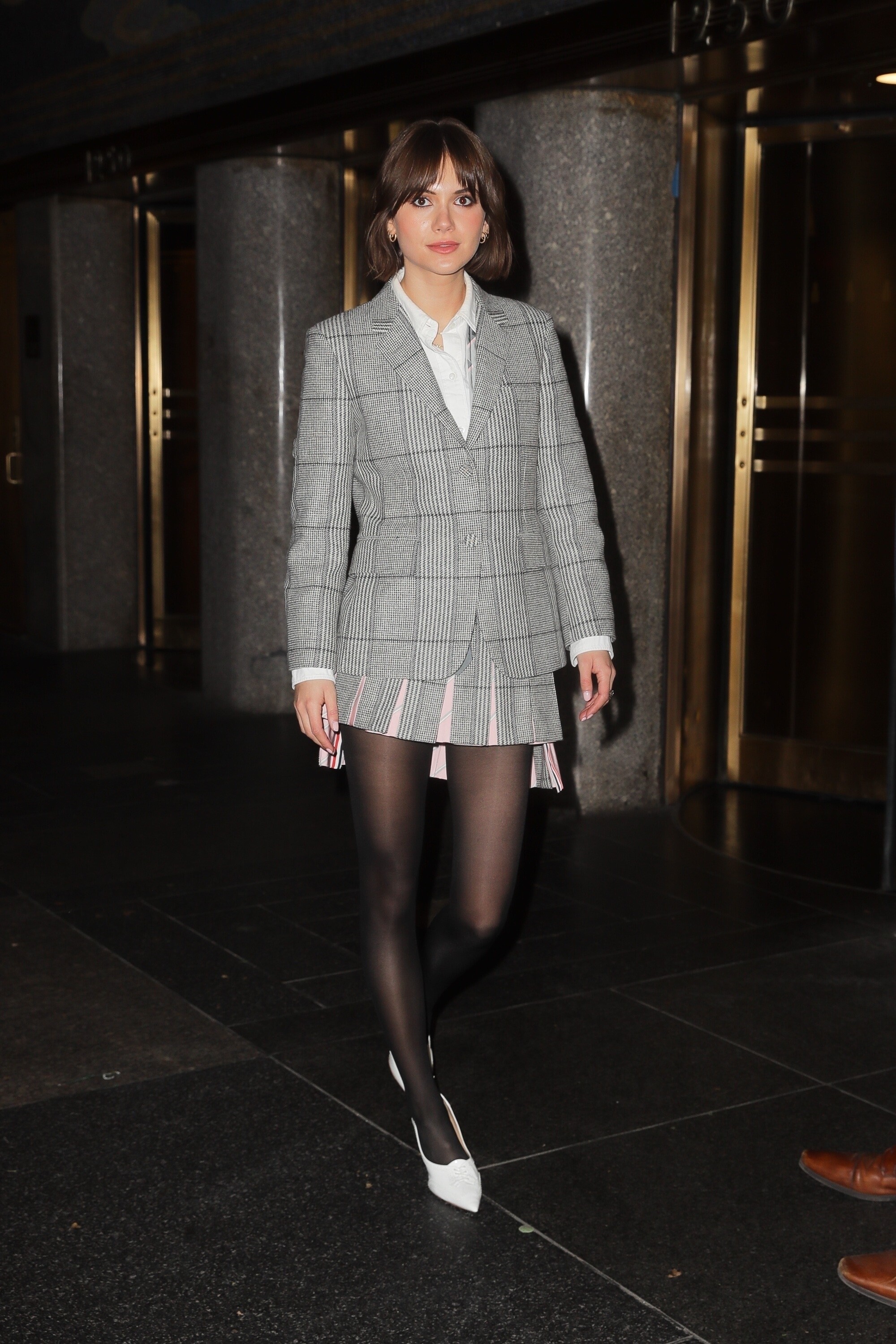
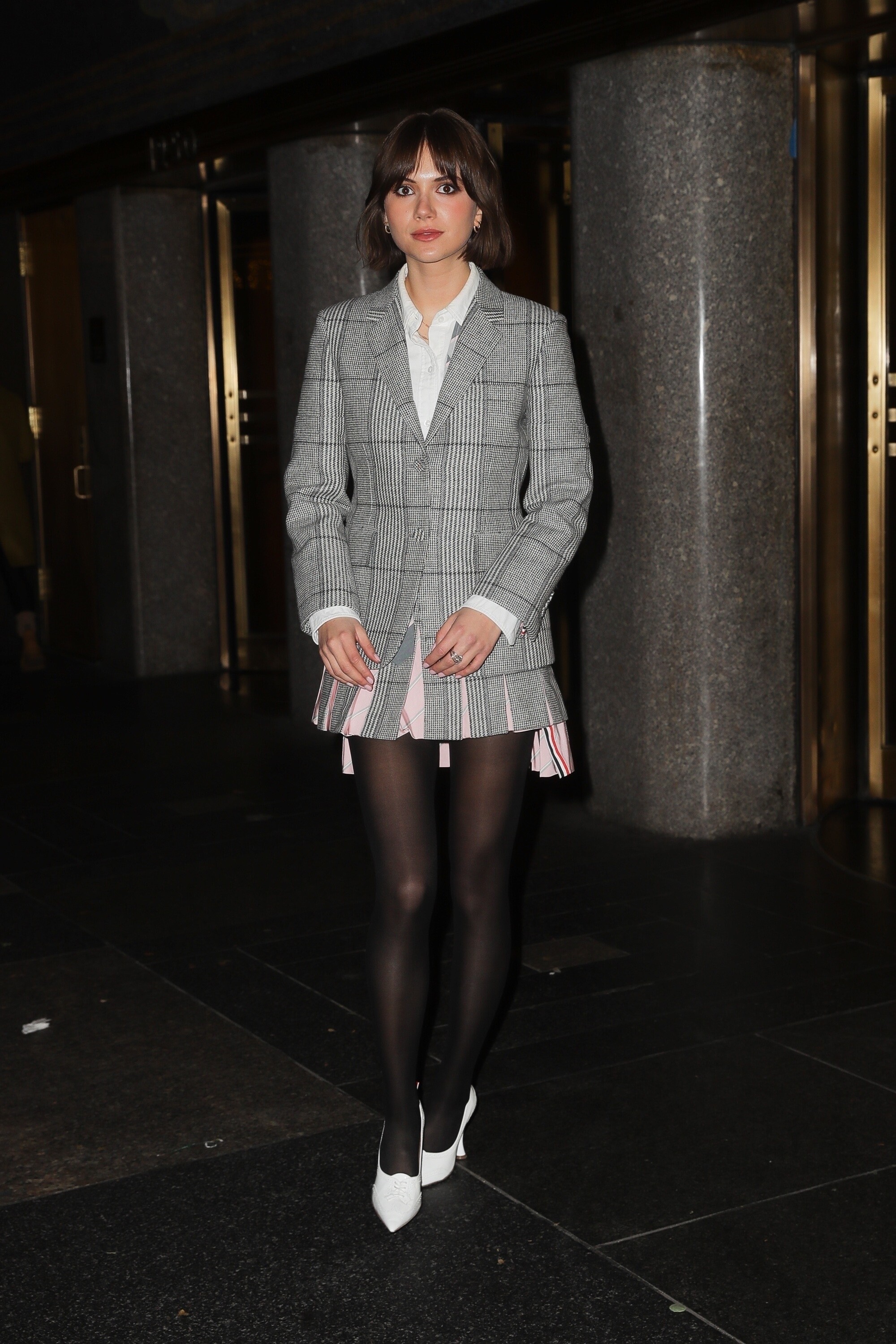
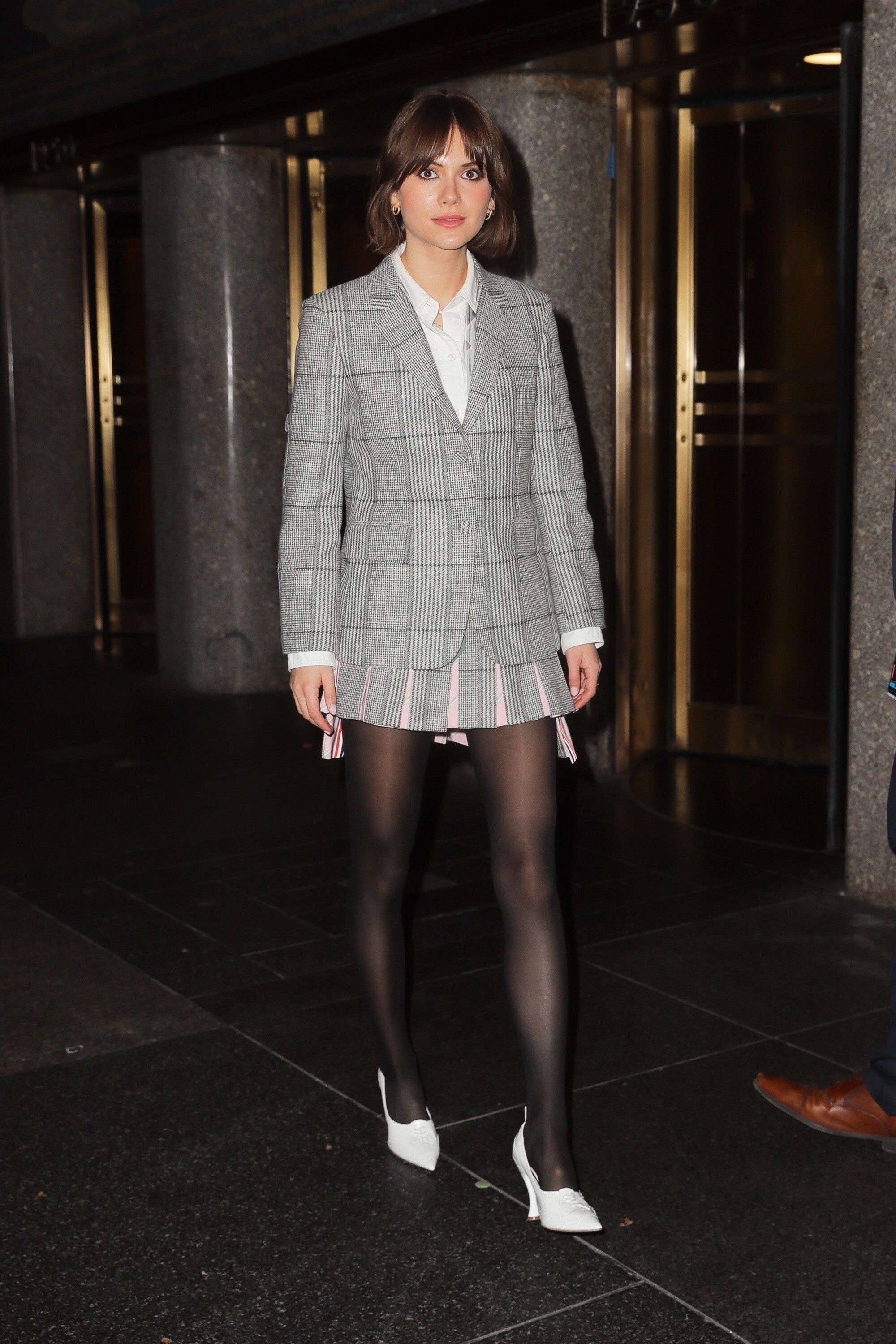
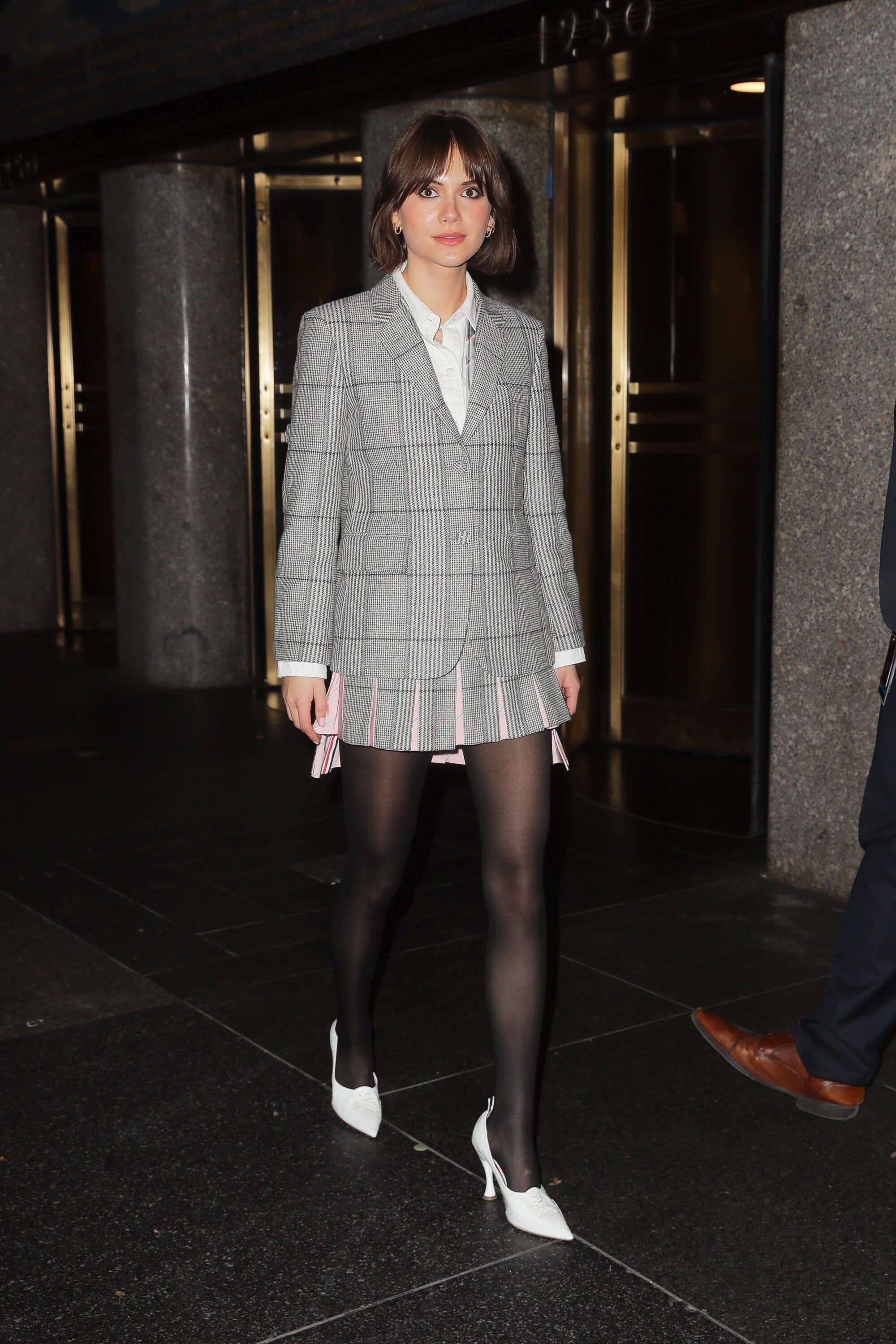
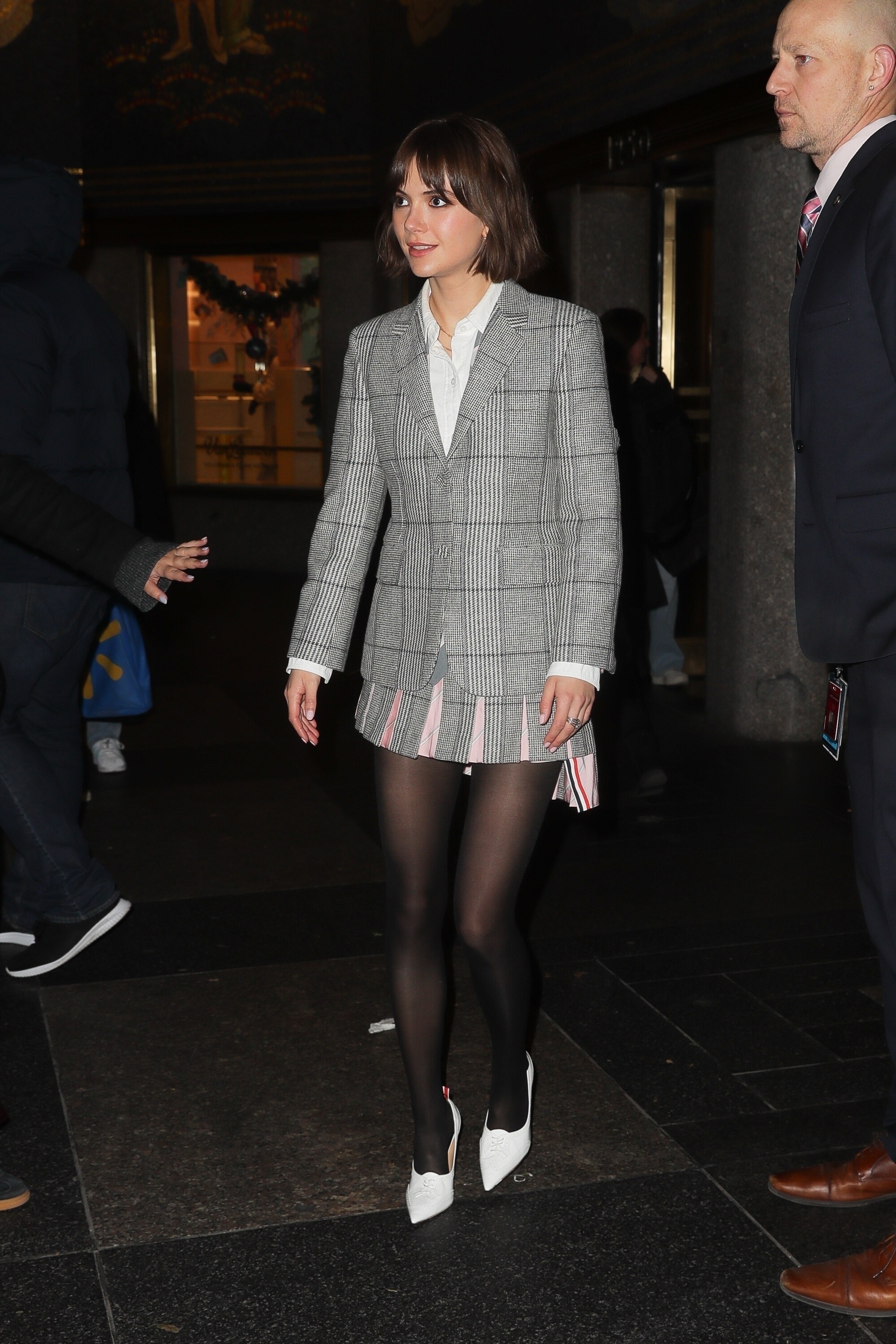
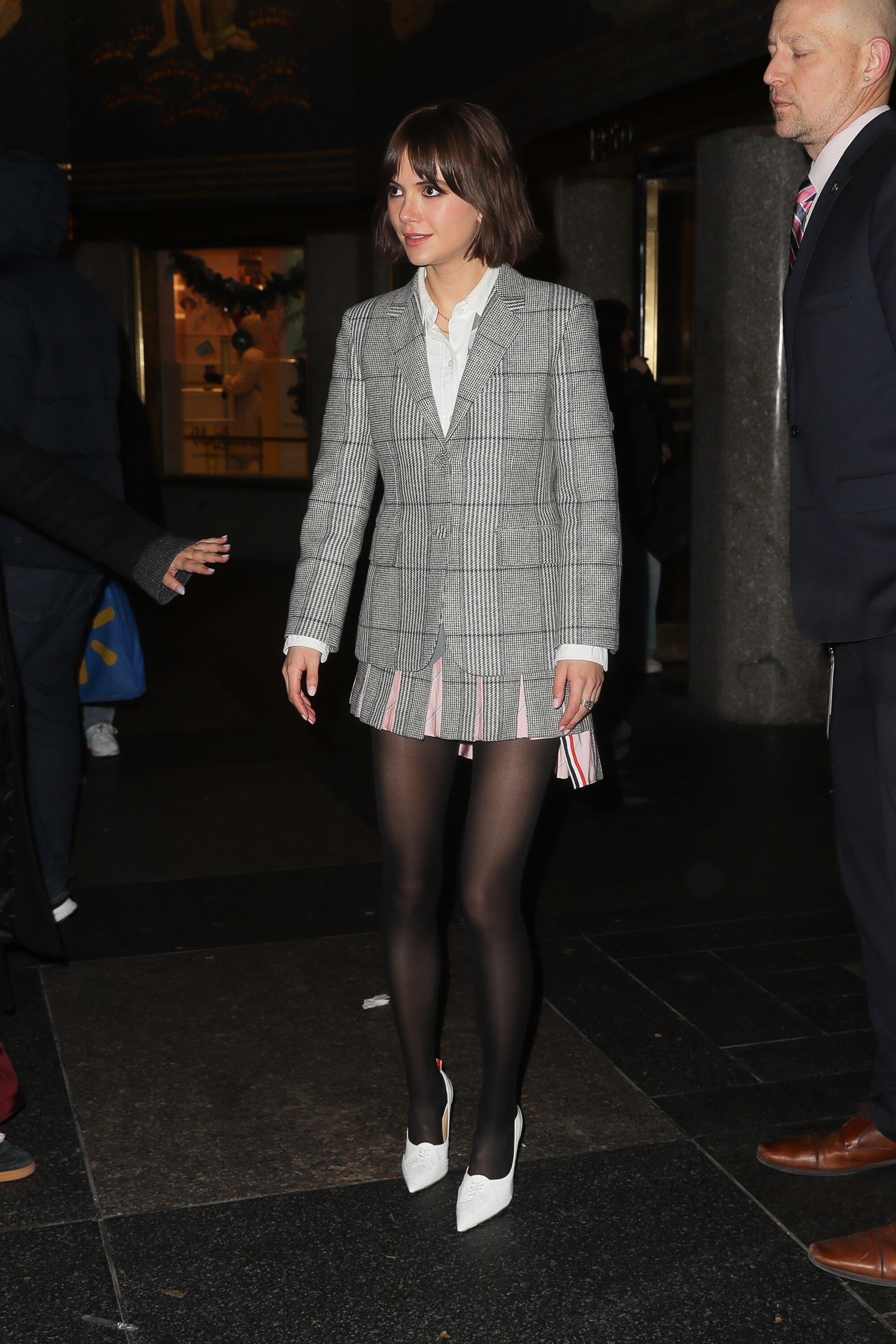
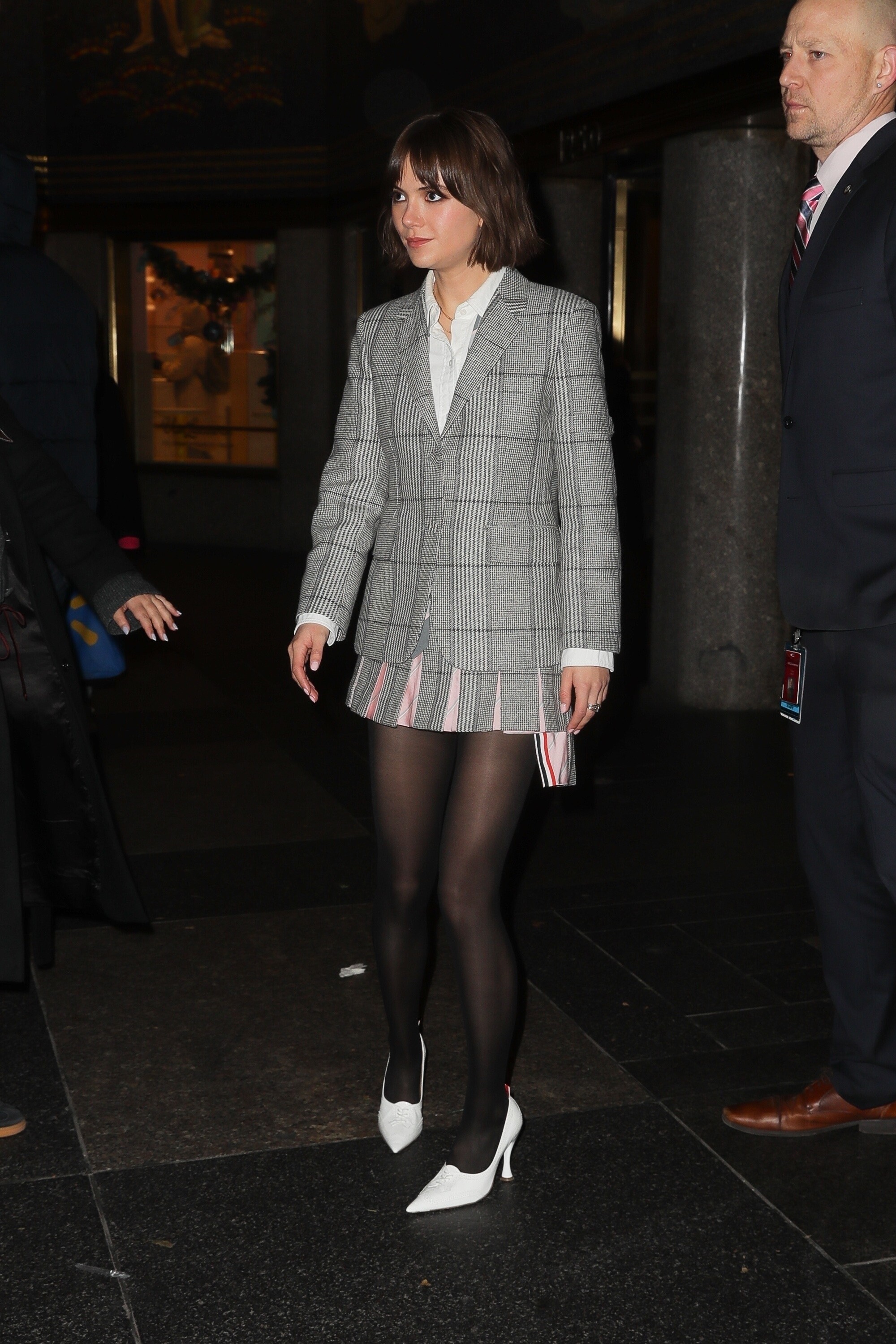
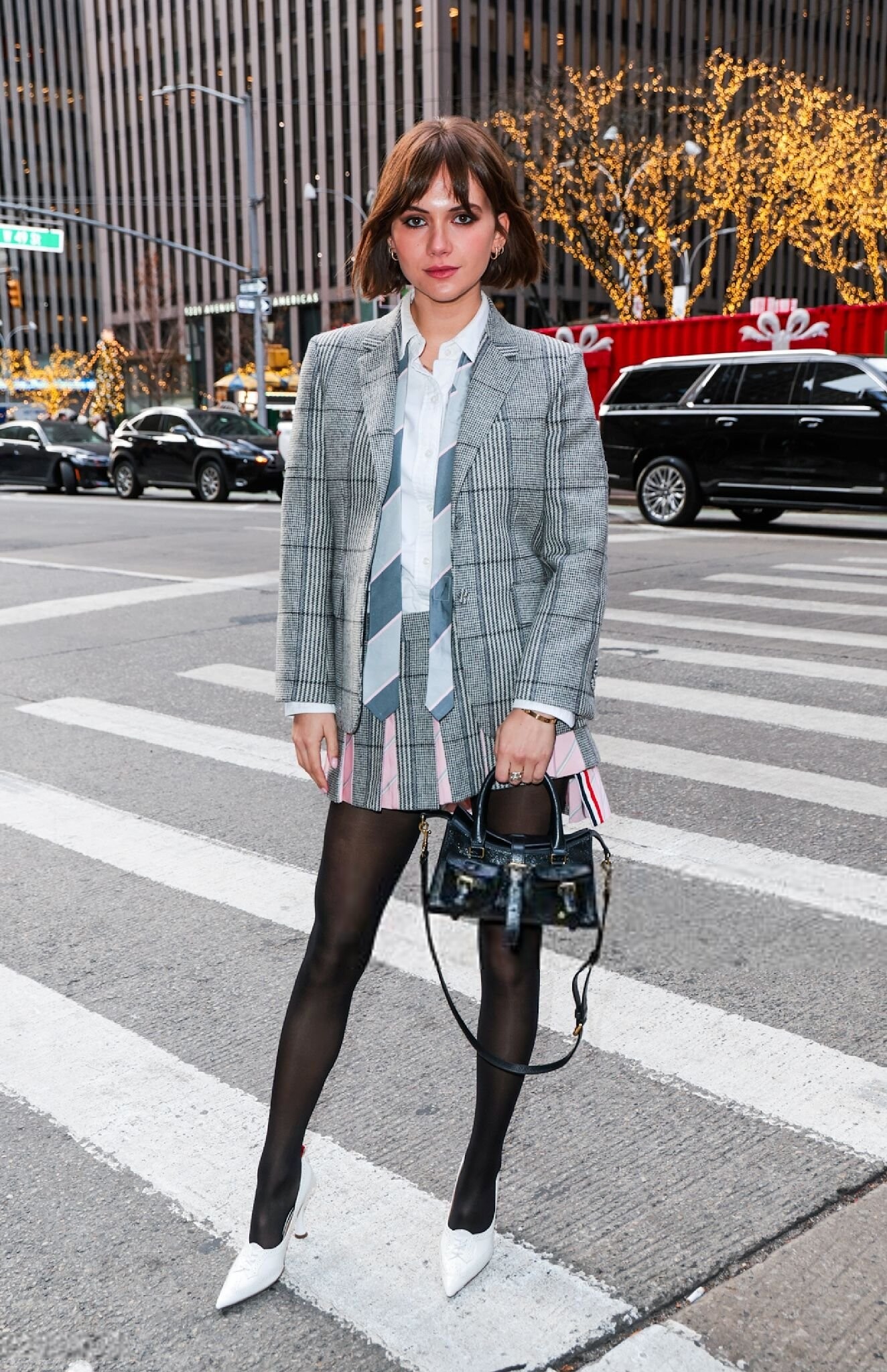
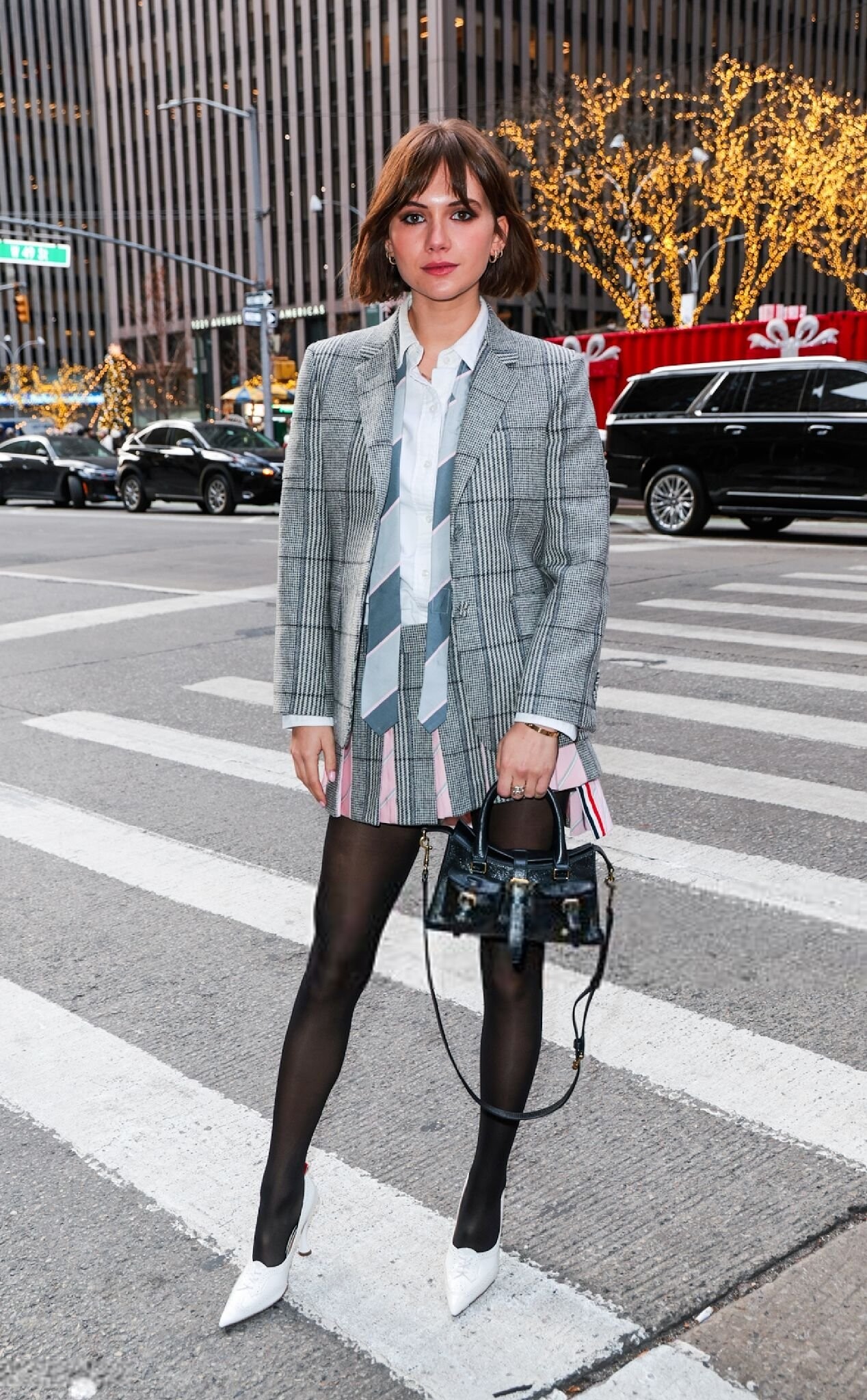
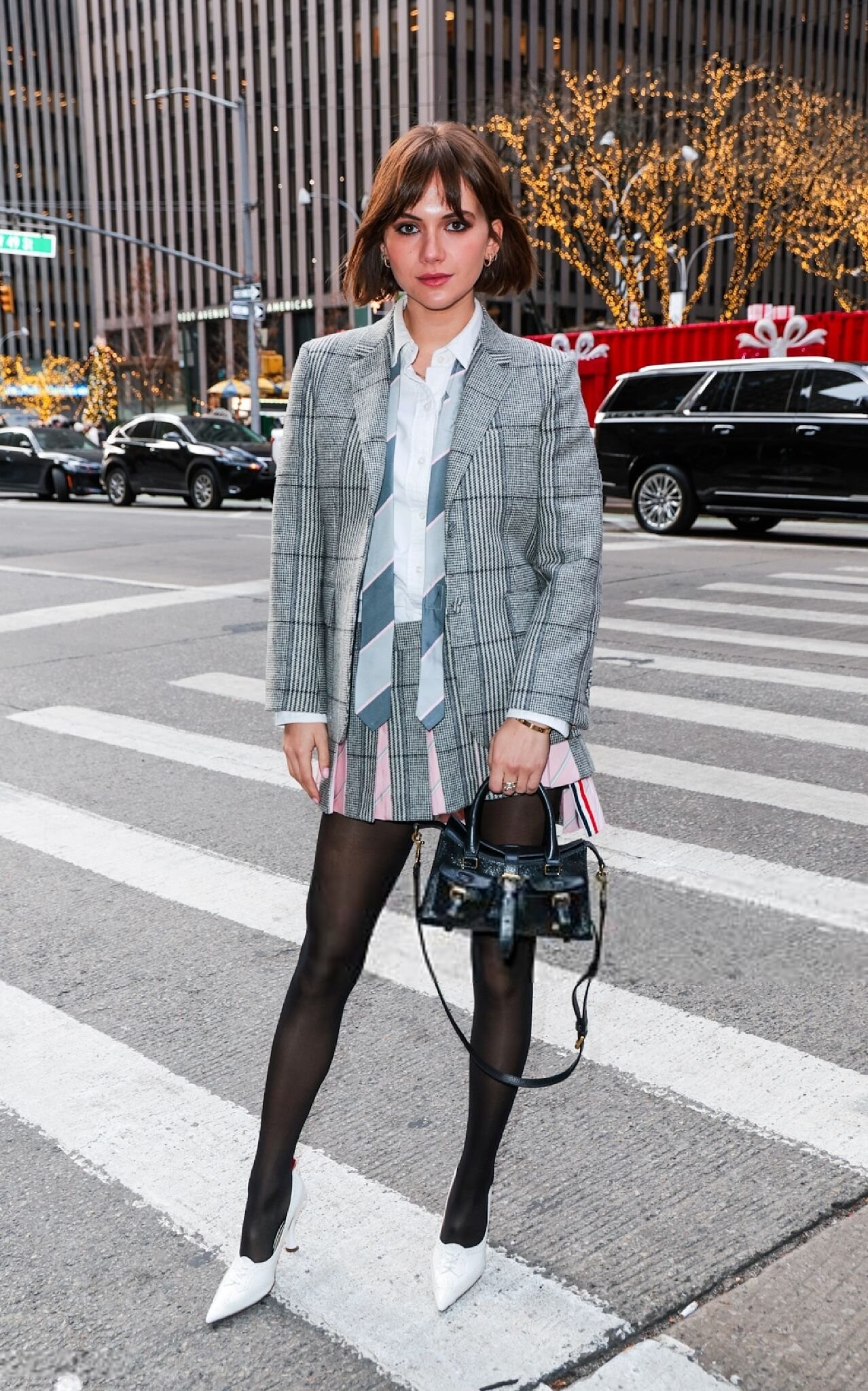
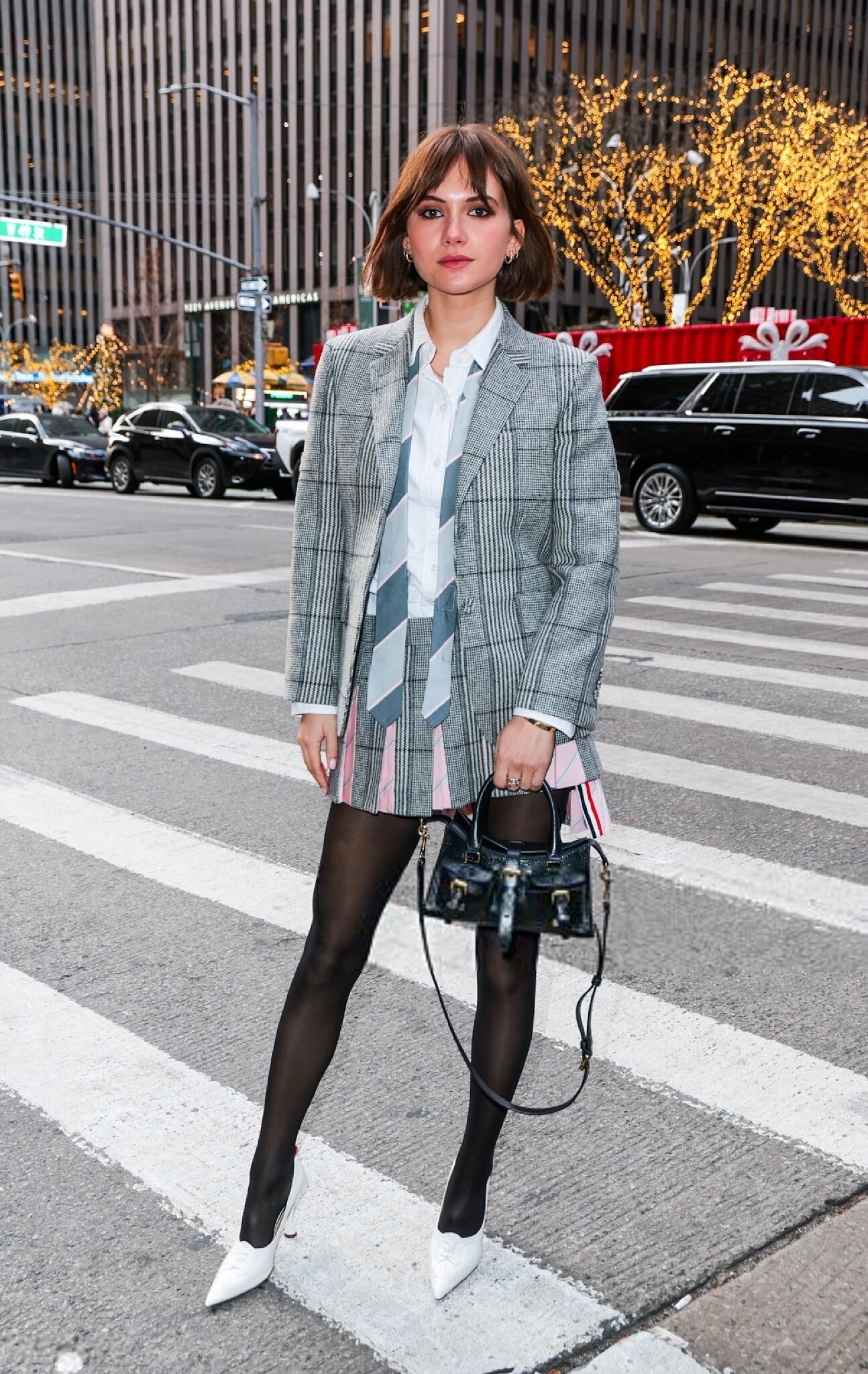
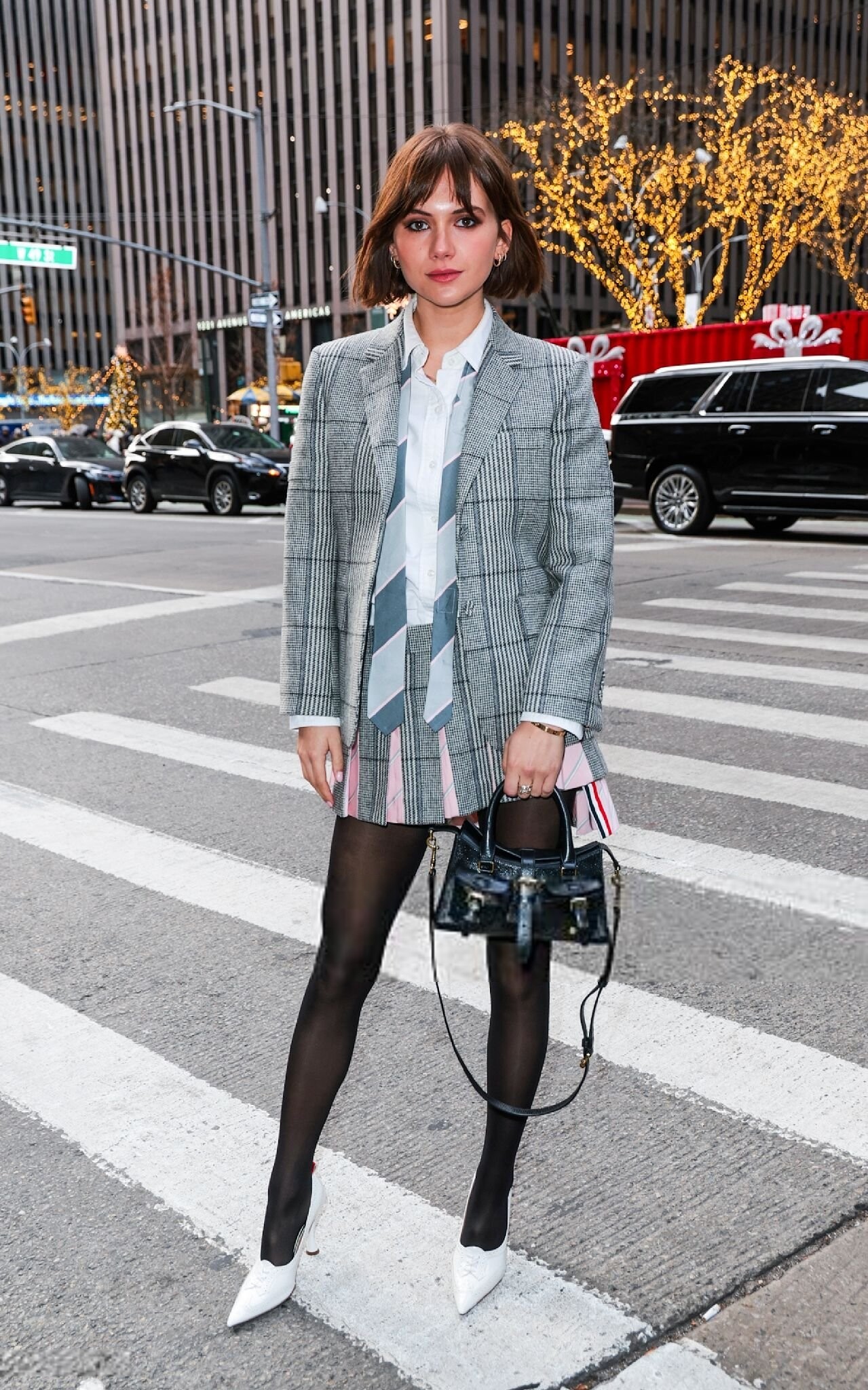
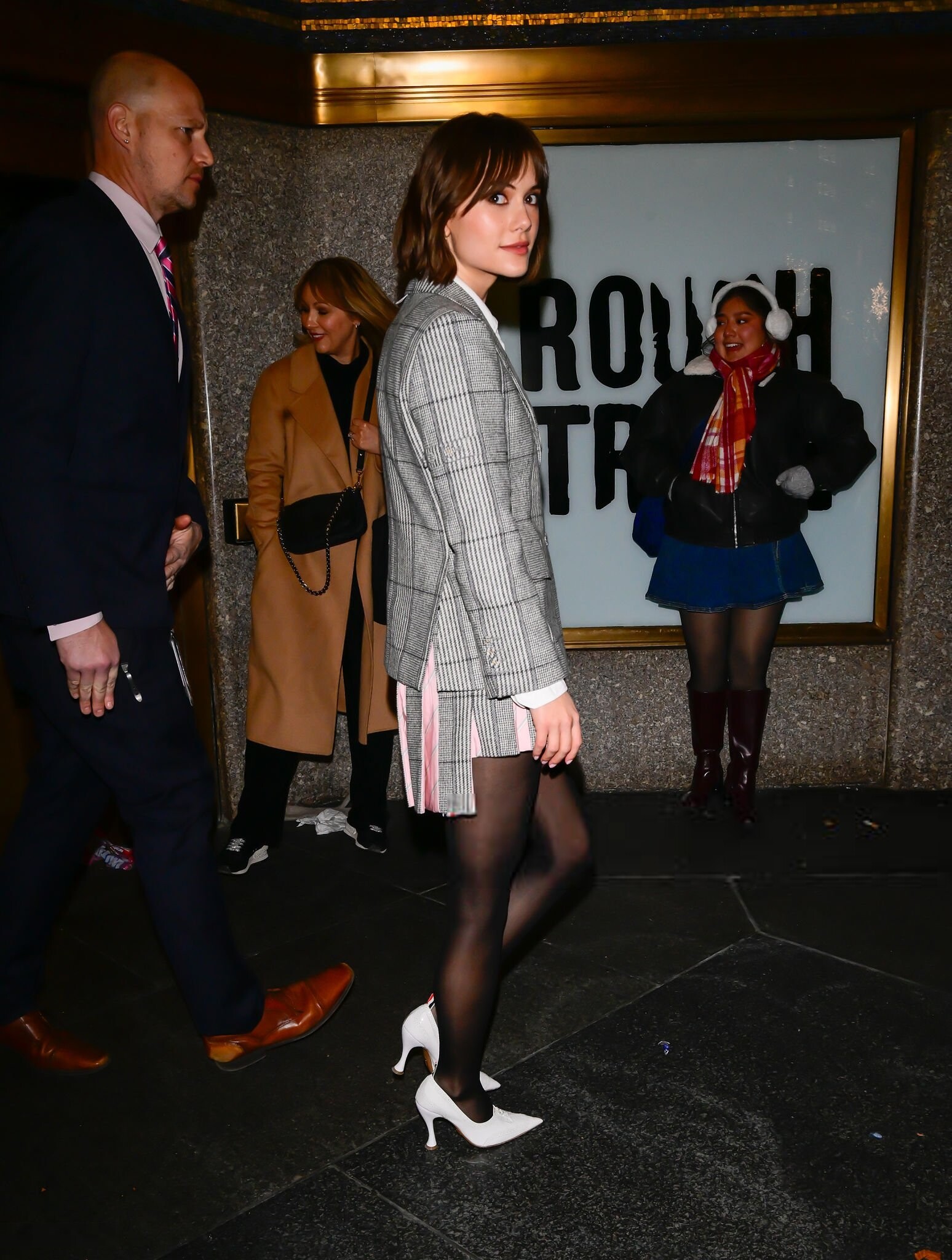
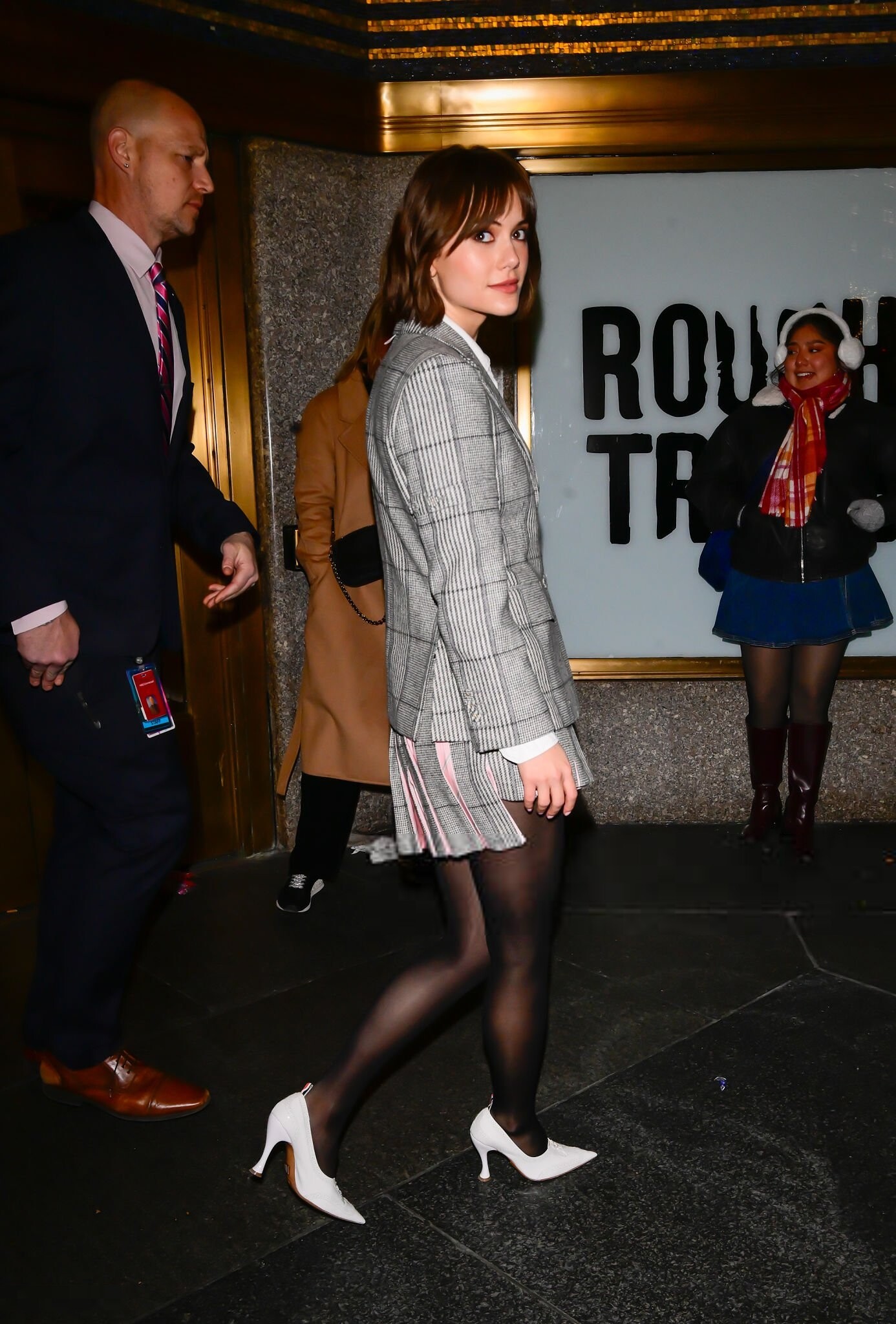
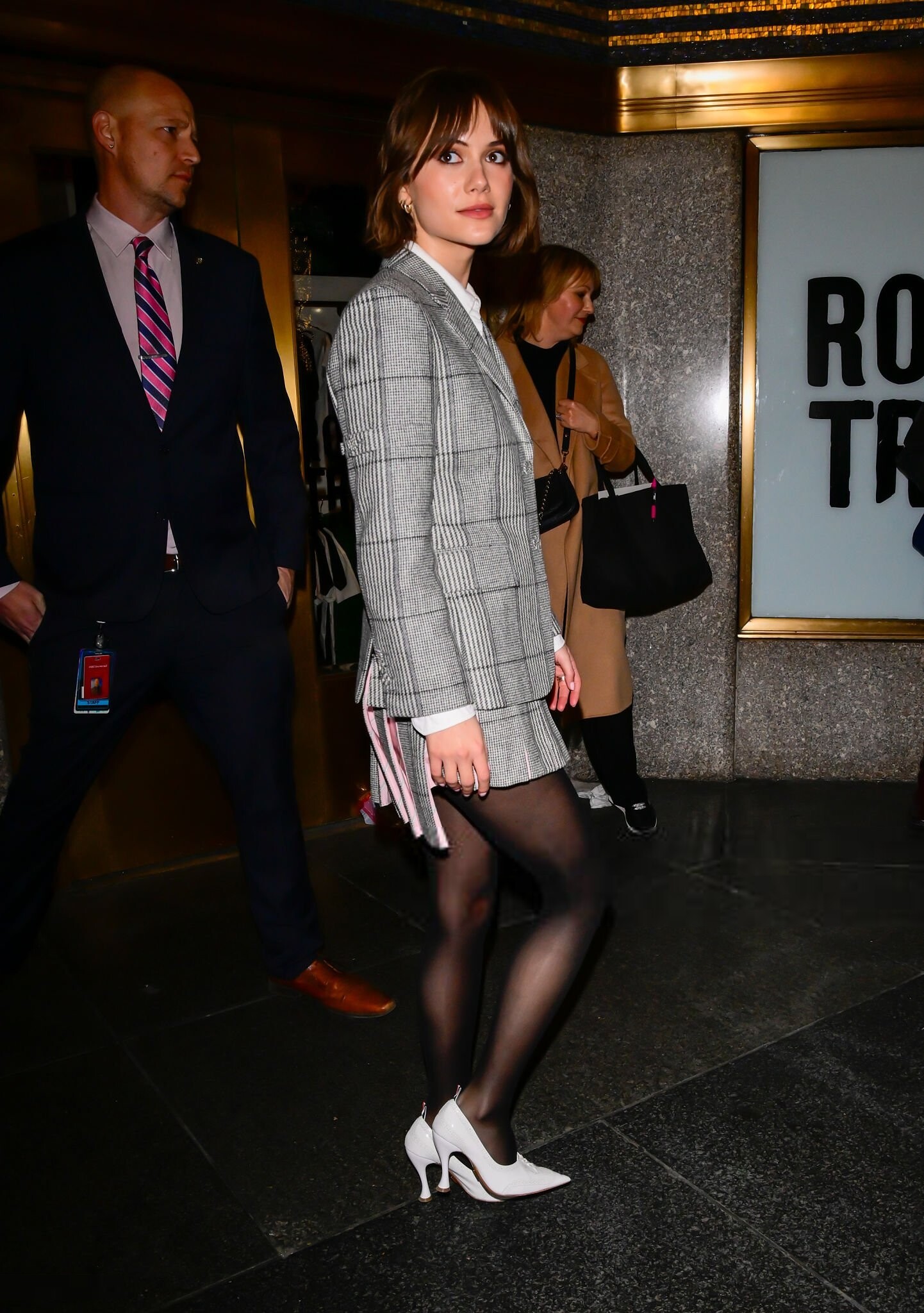
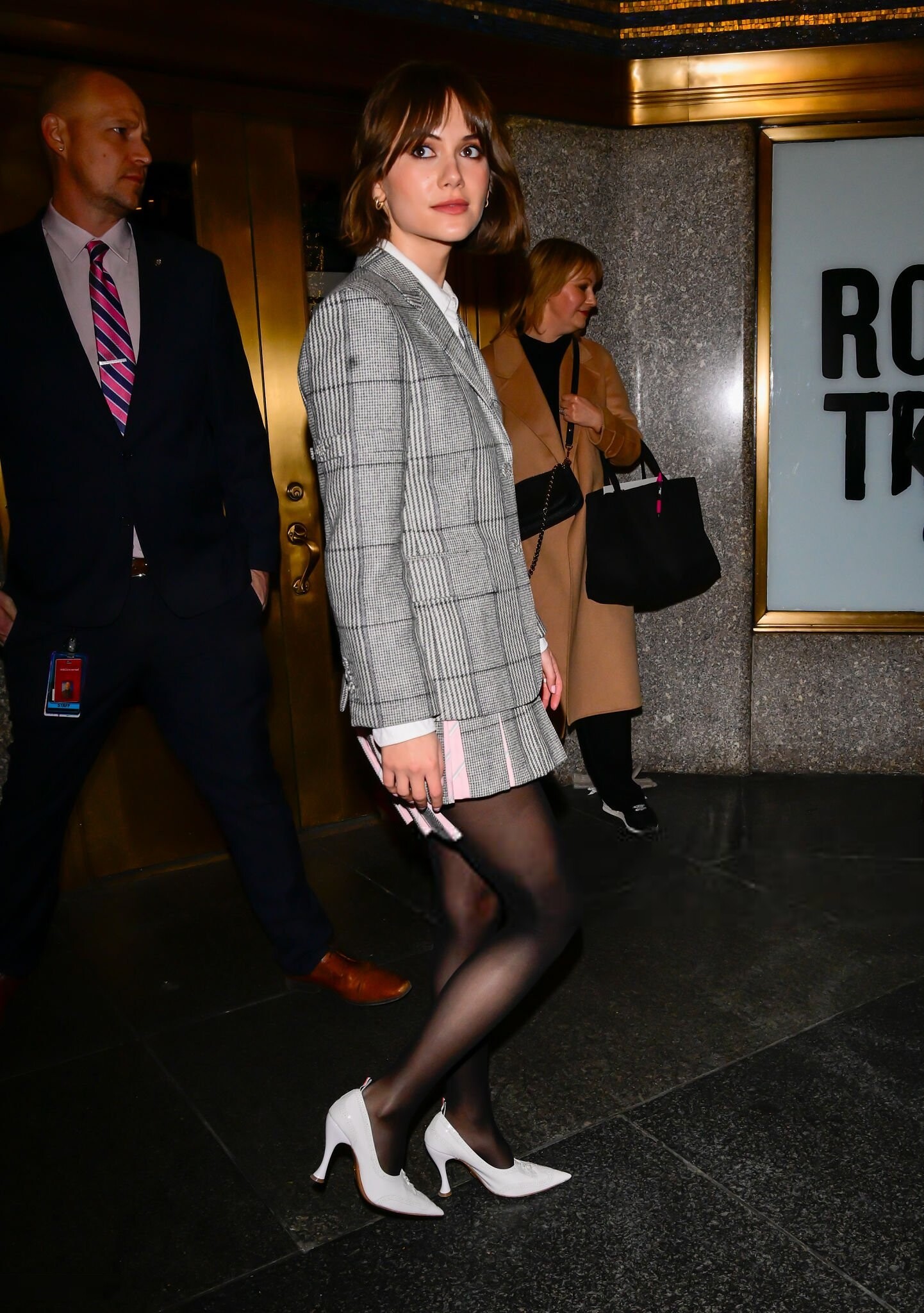
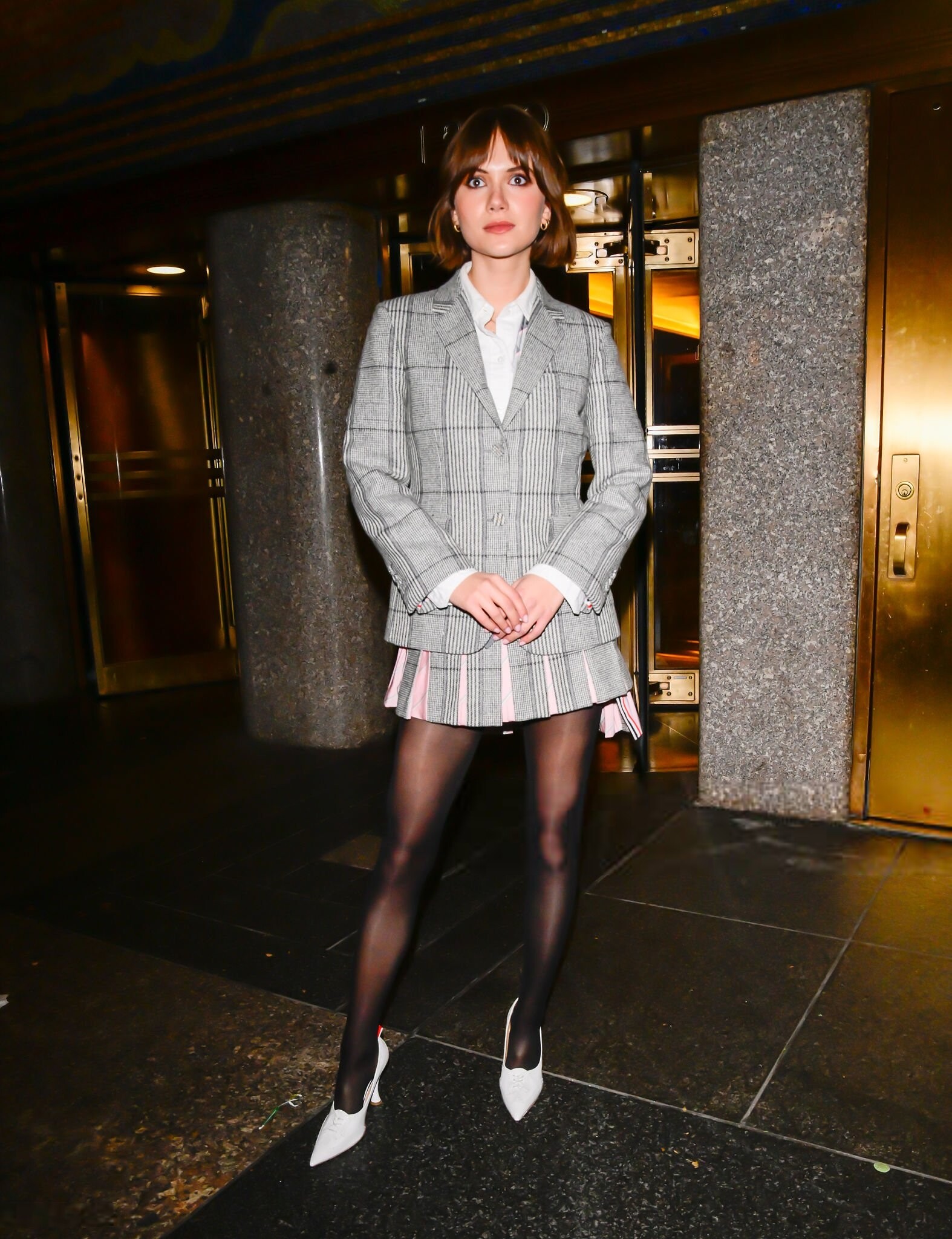
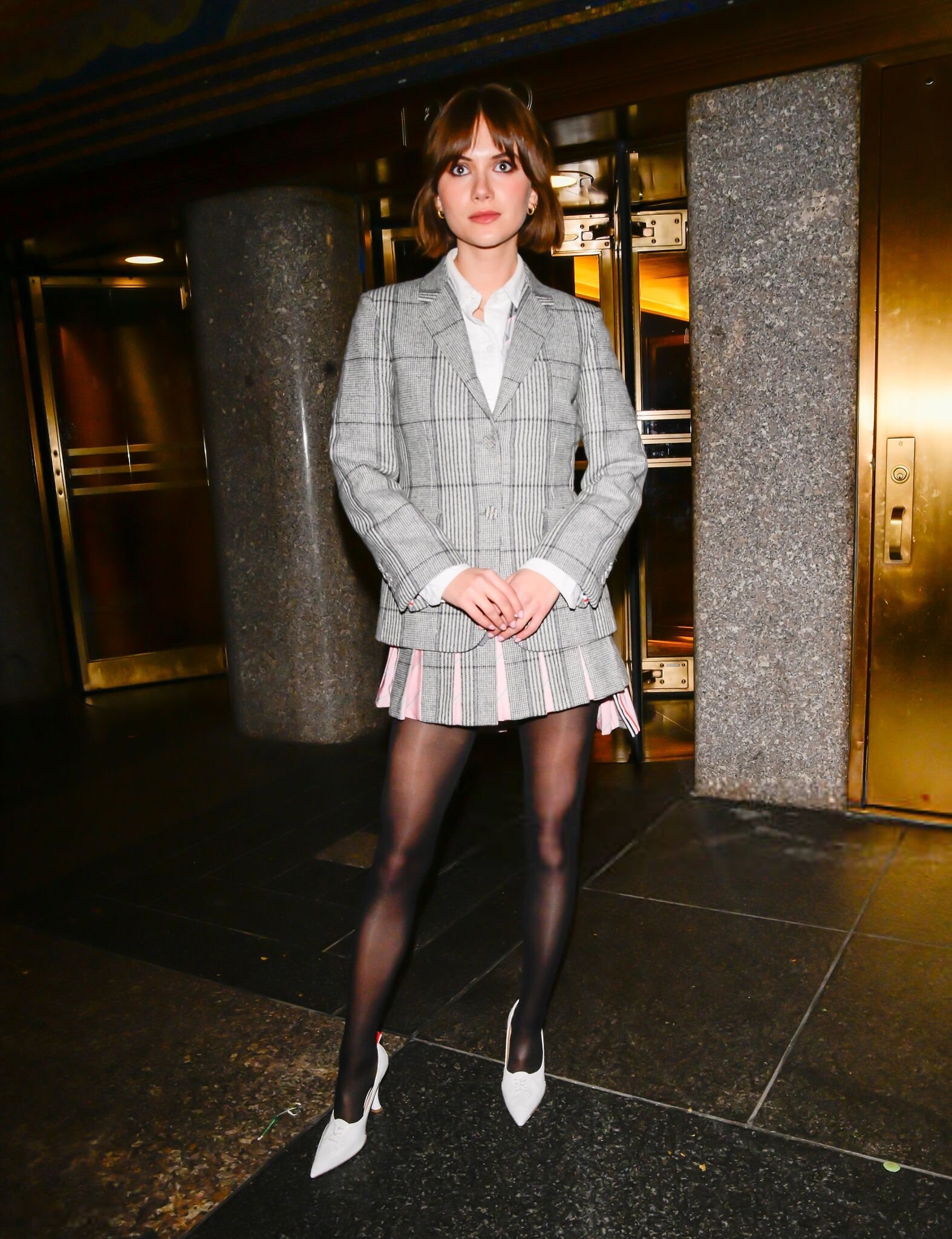
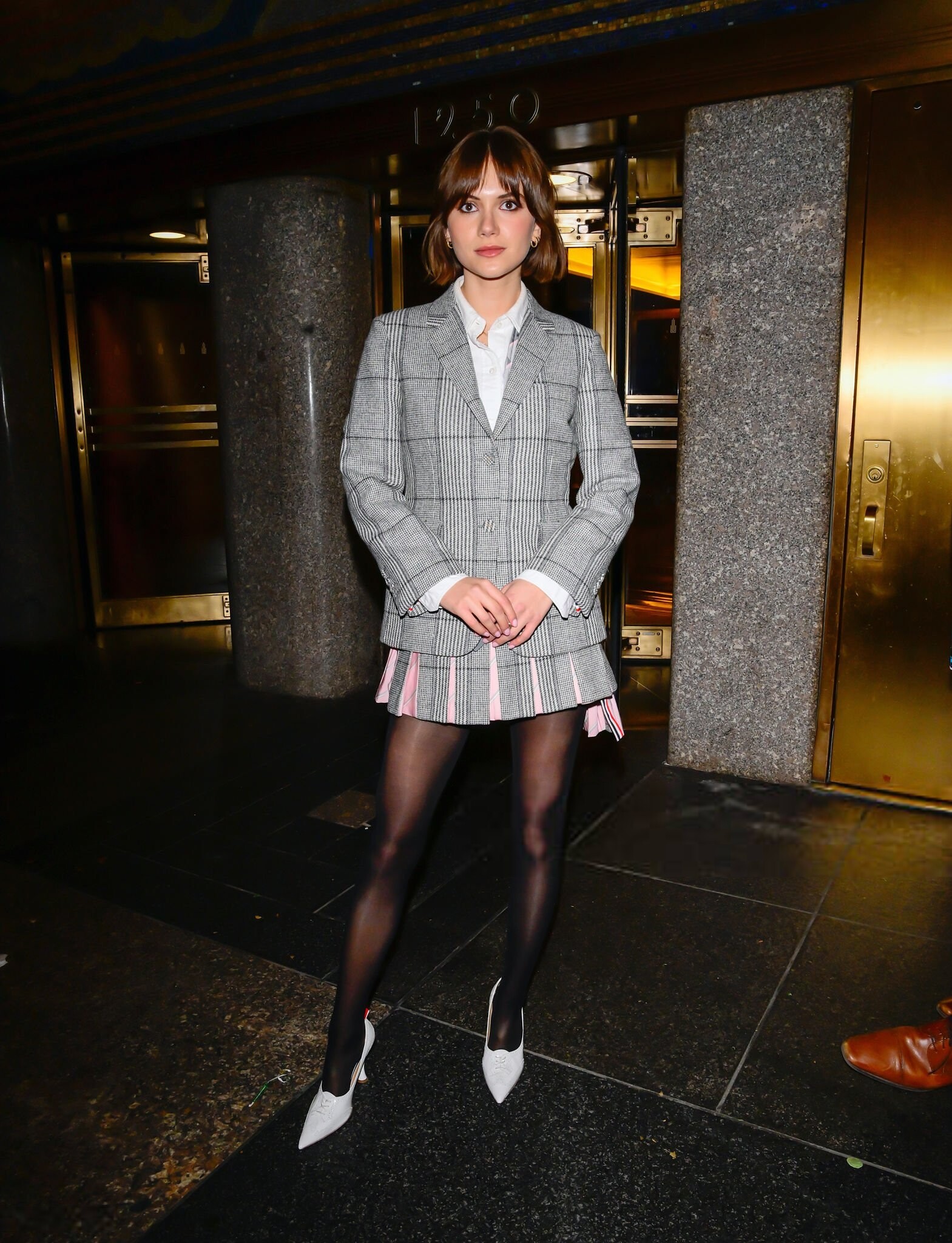
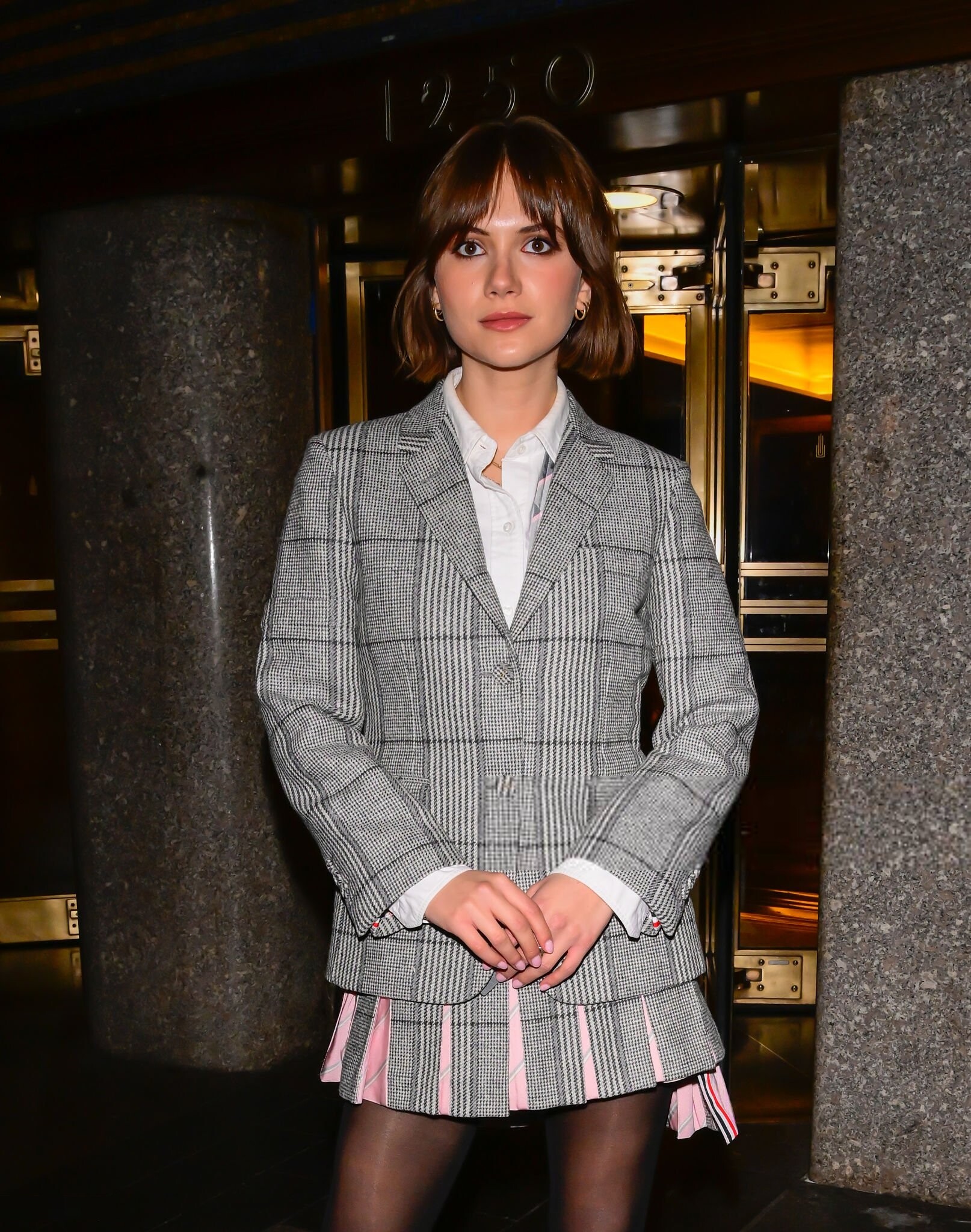
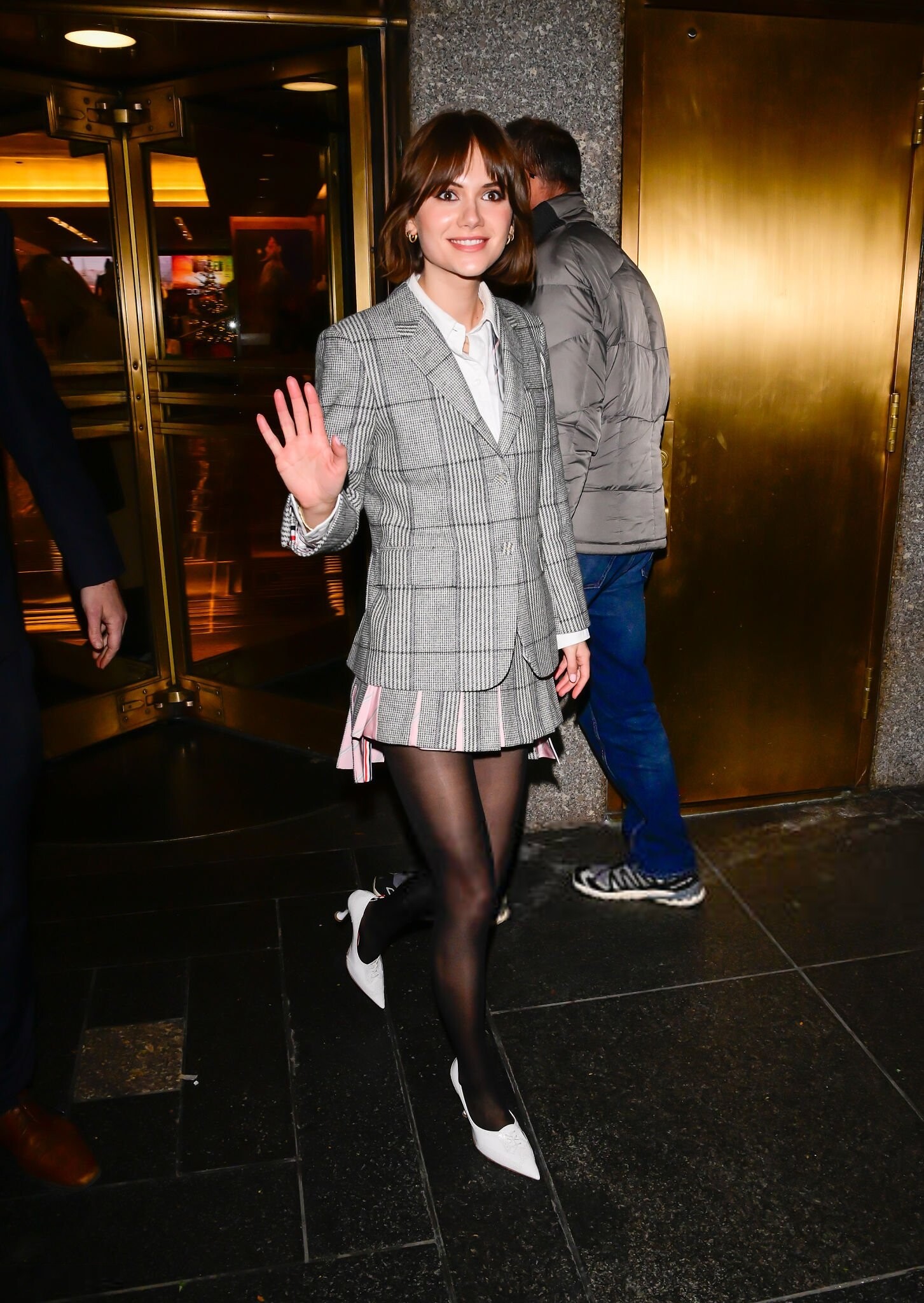
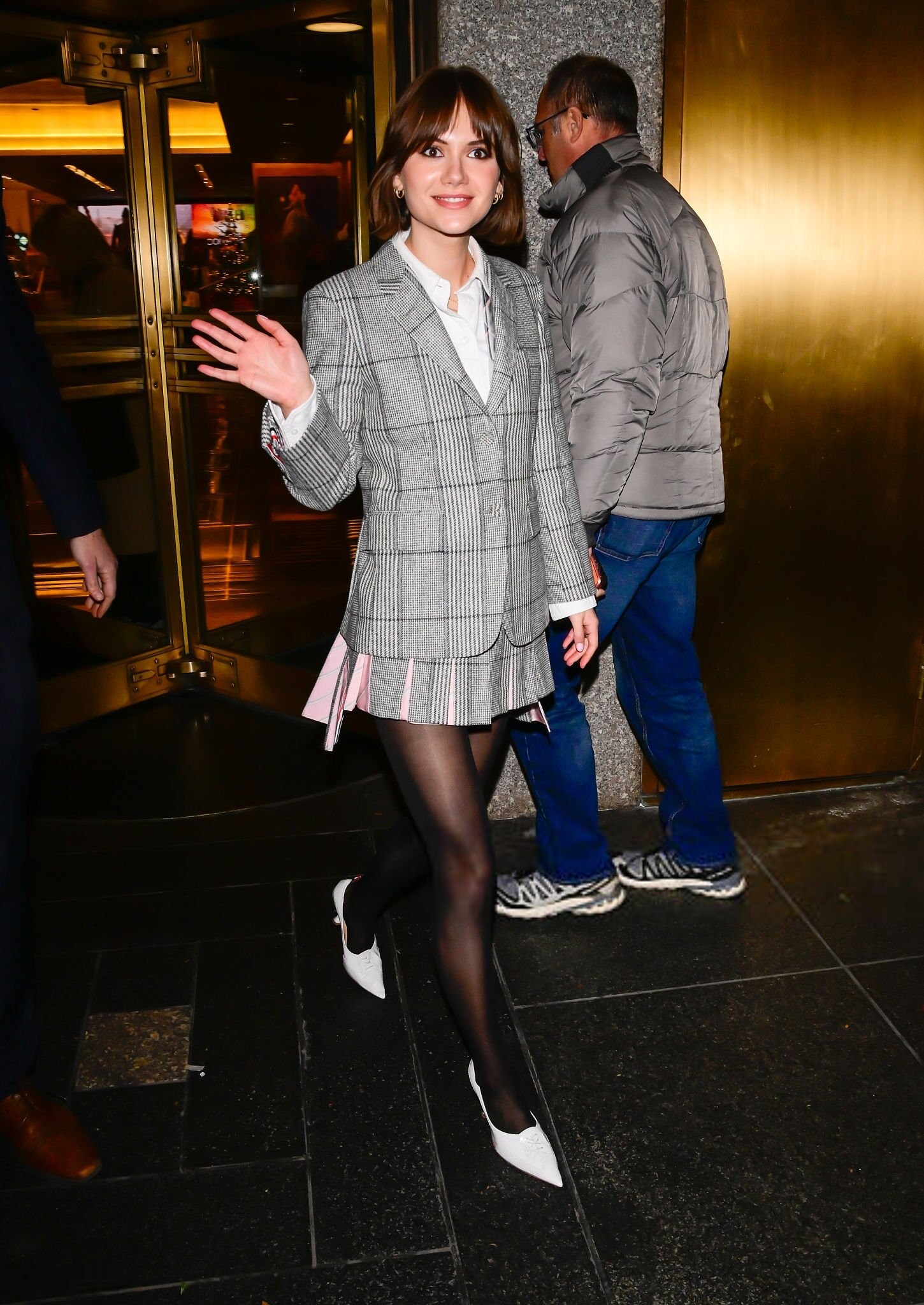
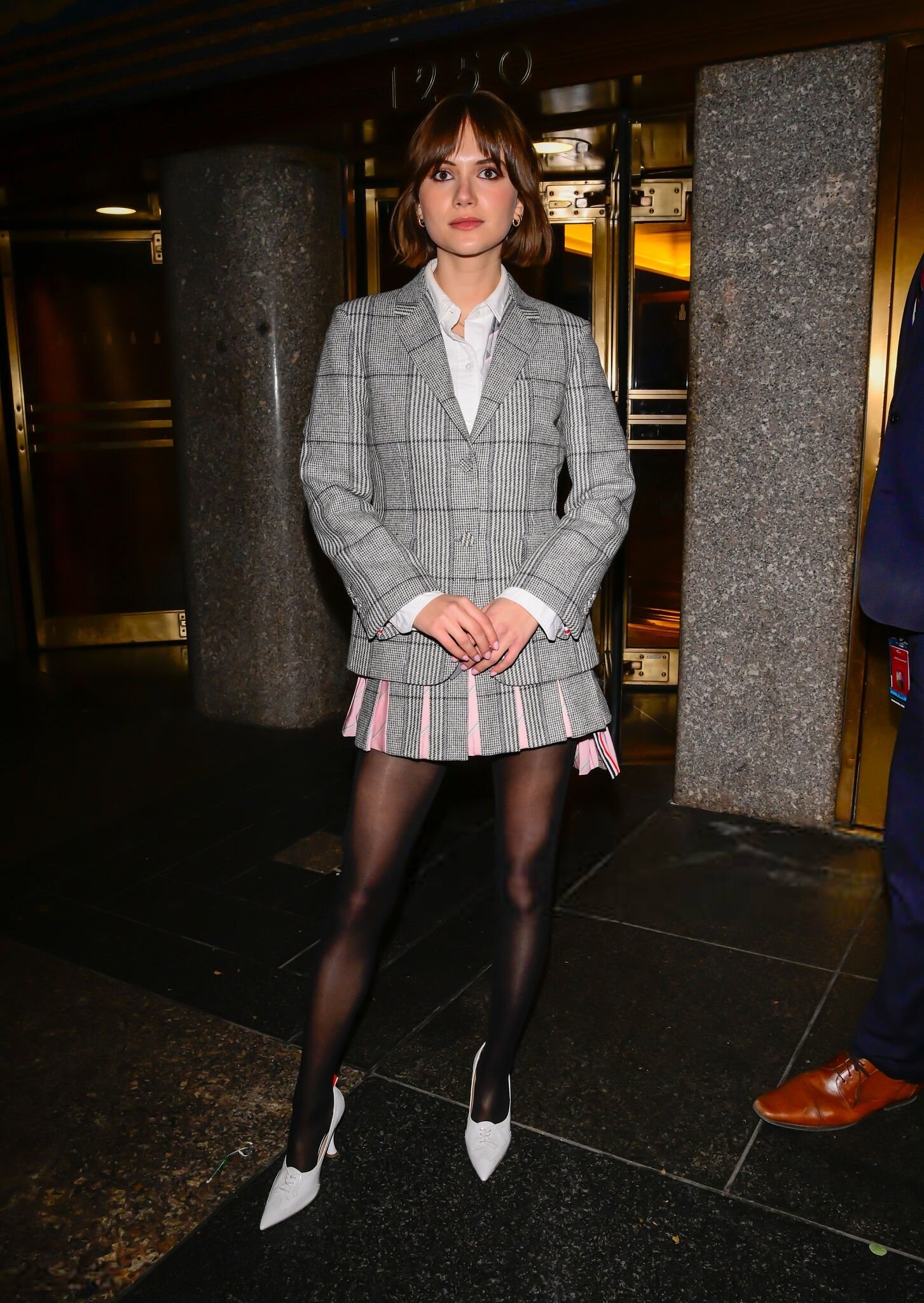
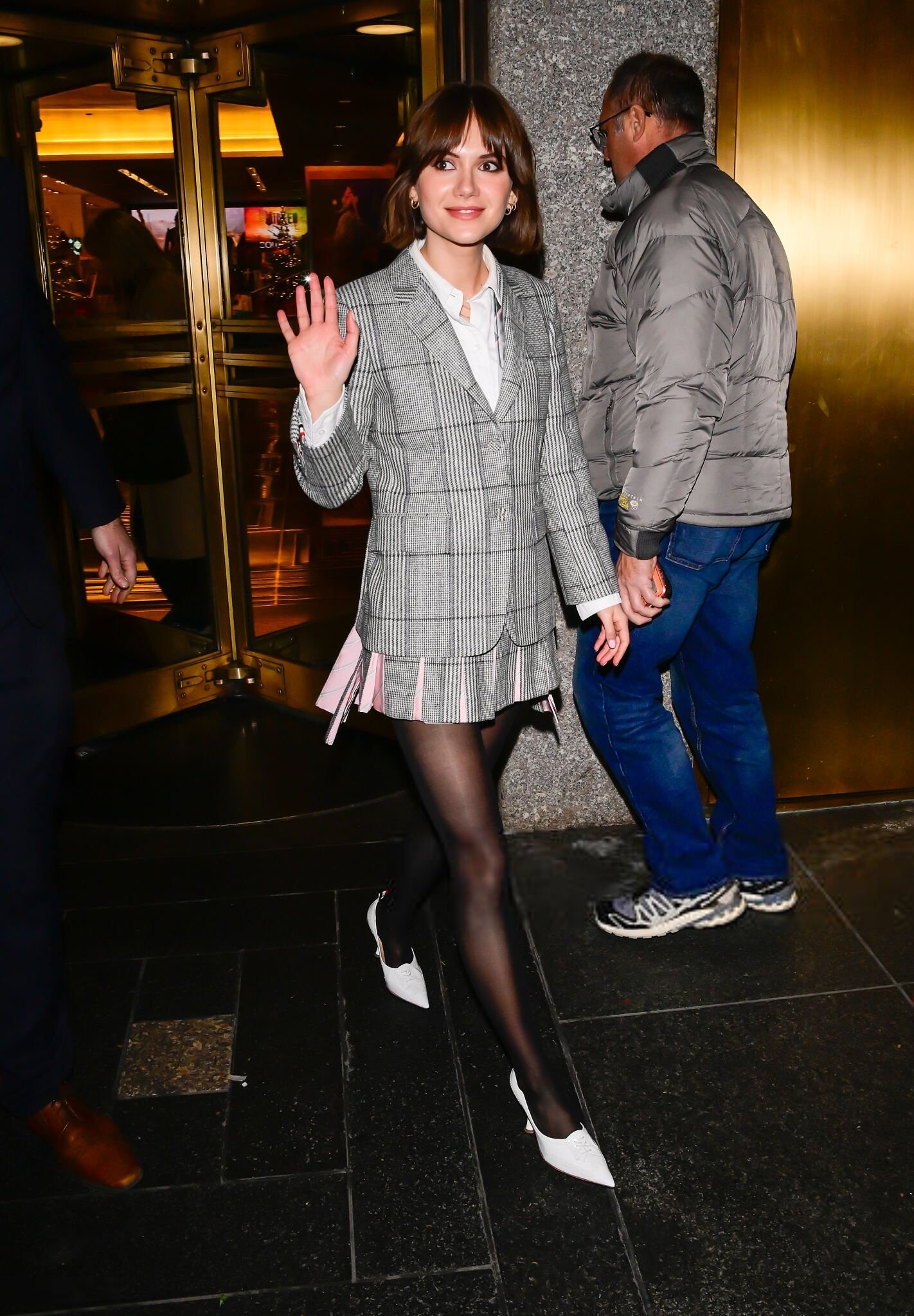
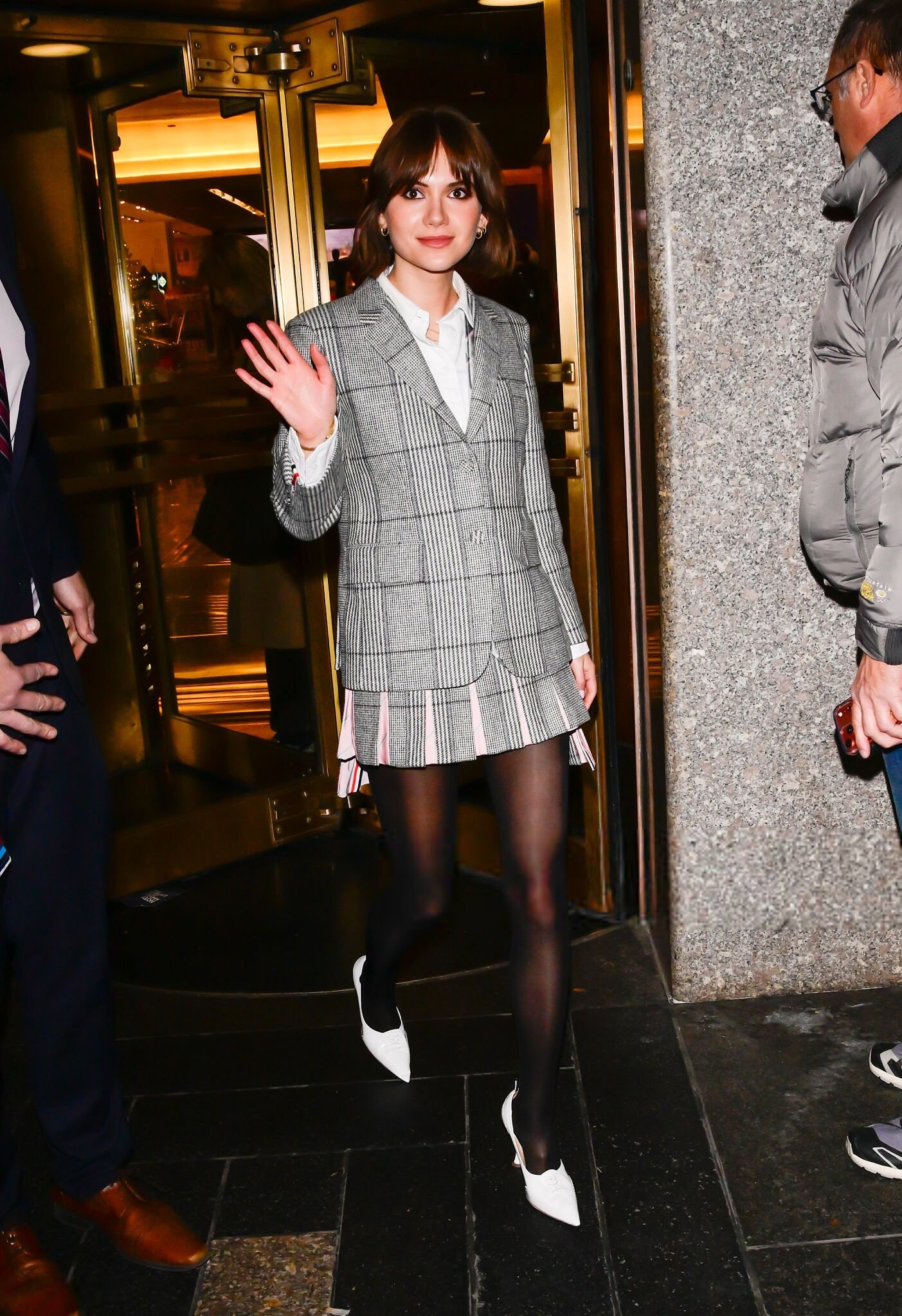
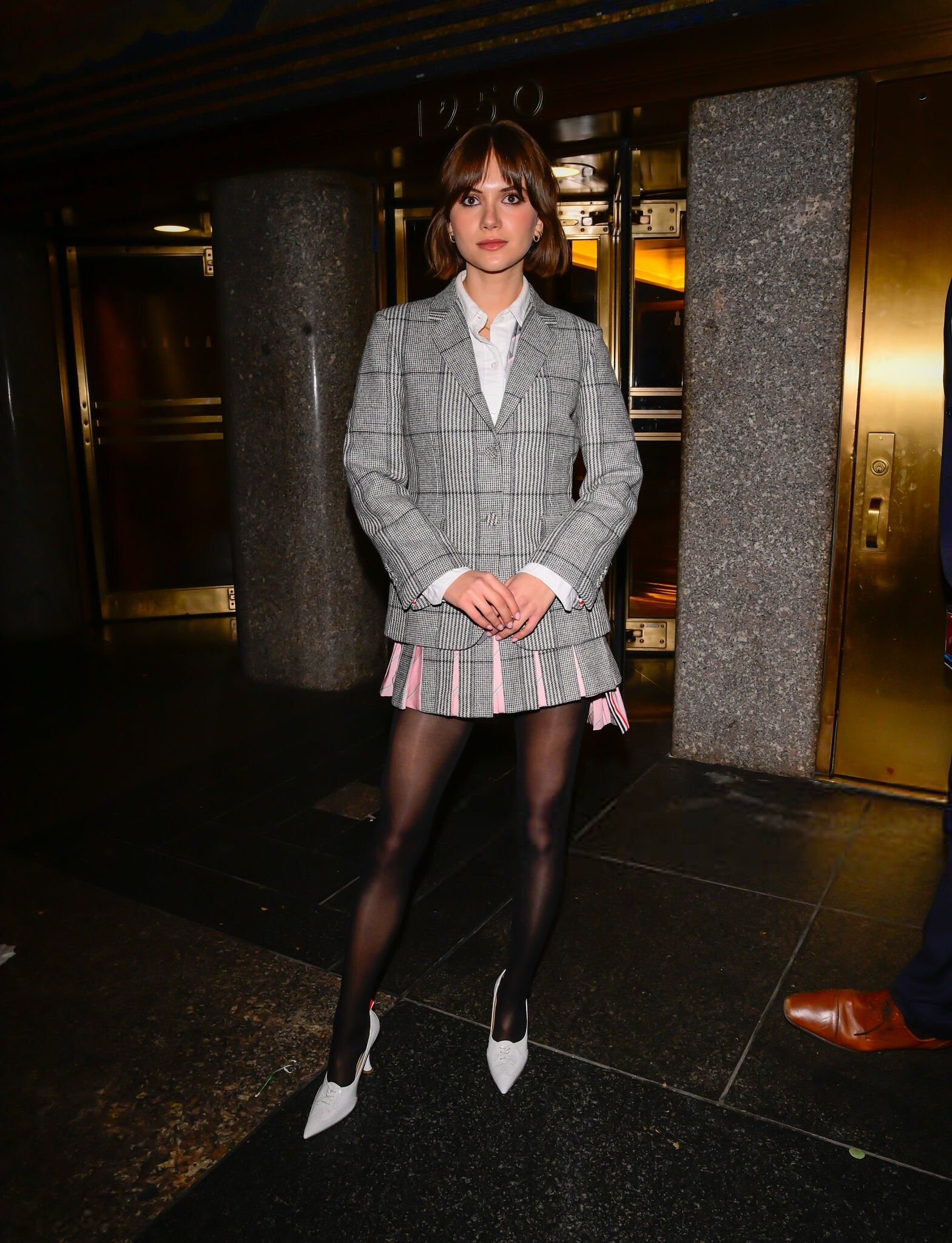
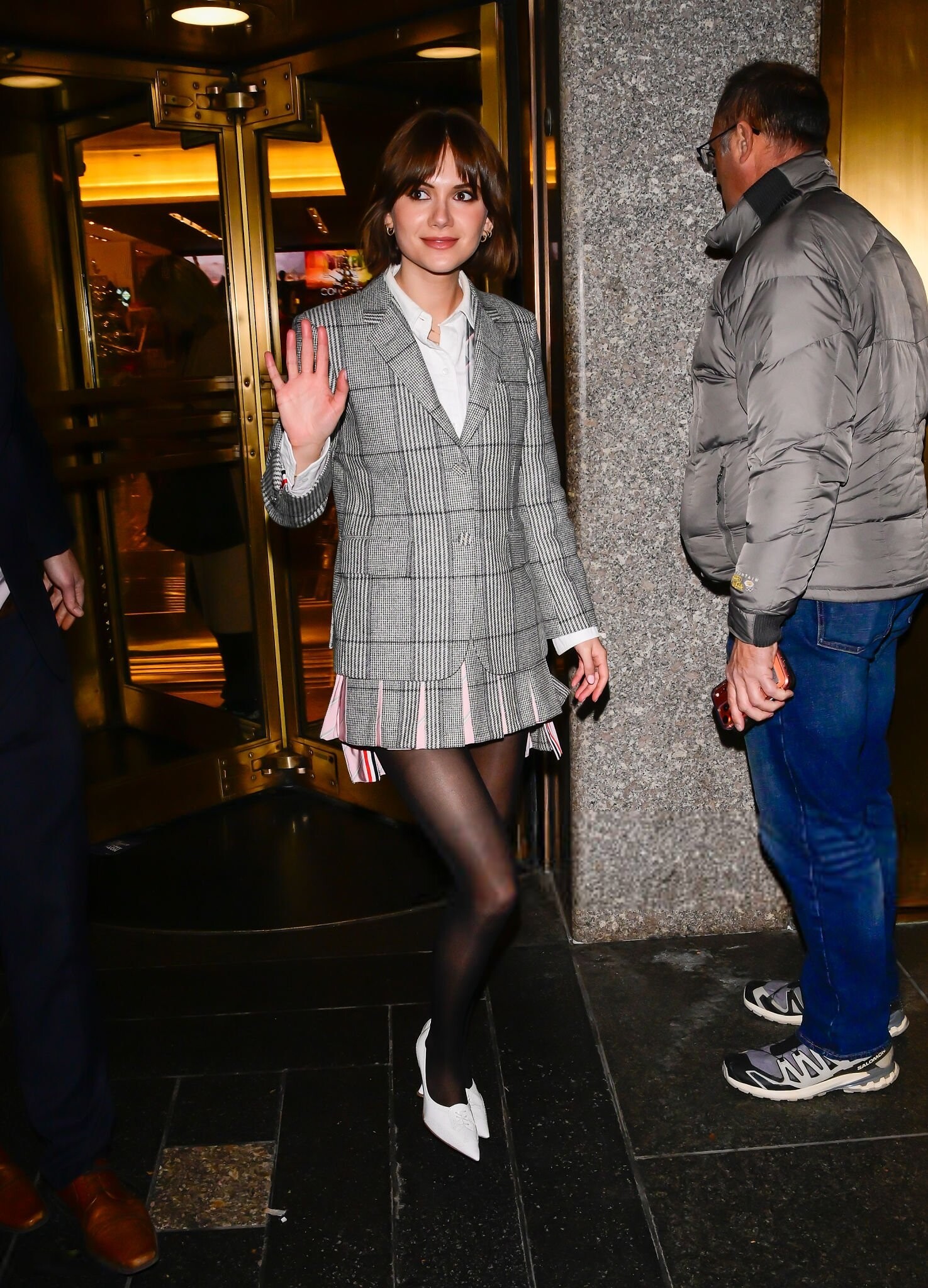
 Outside of NBC Studios, New York City - December 8, 2025 joe d at picturepub







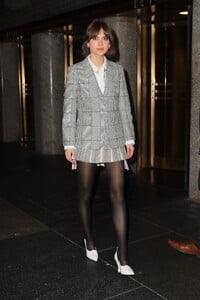
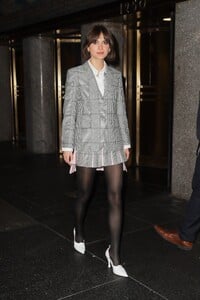








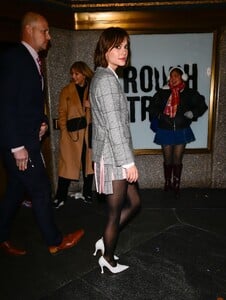



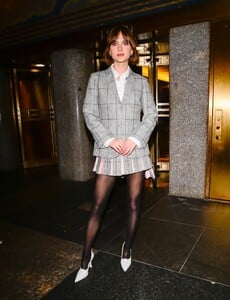
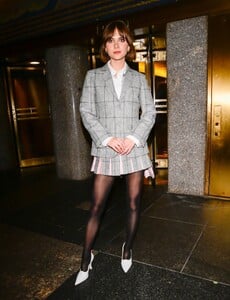
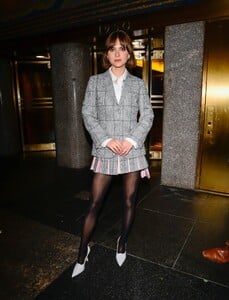



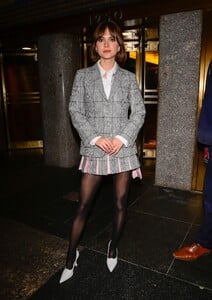

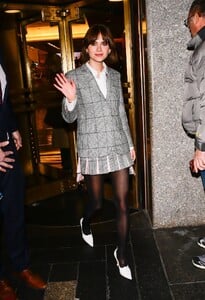
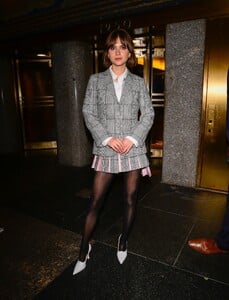
 thank you so much!! i didnt believe they had any chance of being ID'd!!
- Today
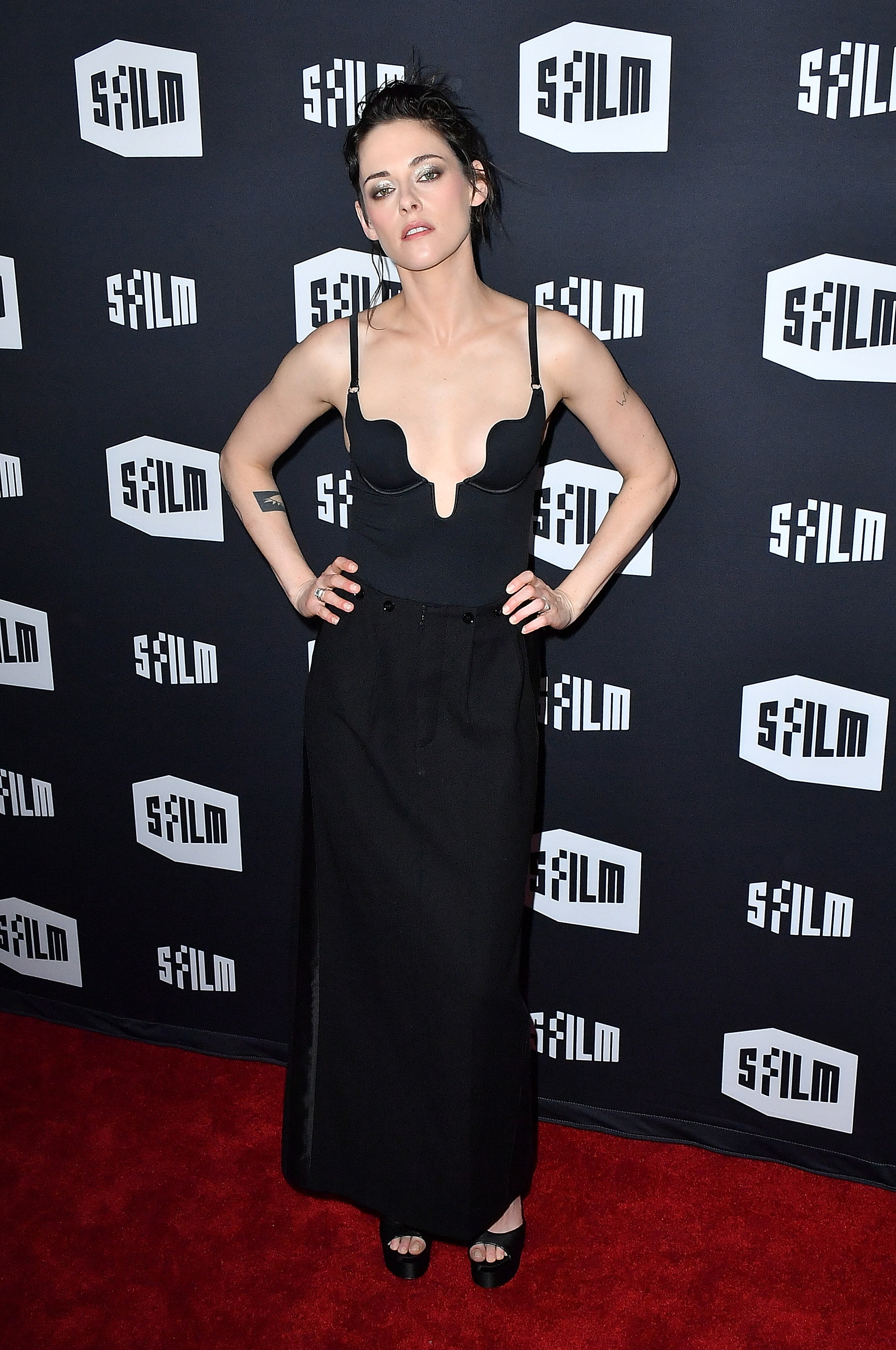
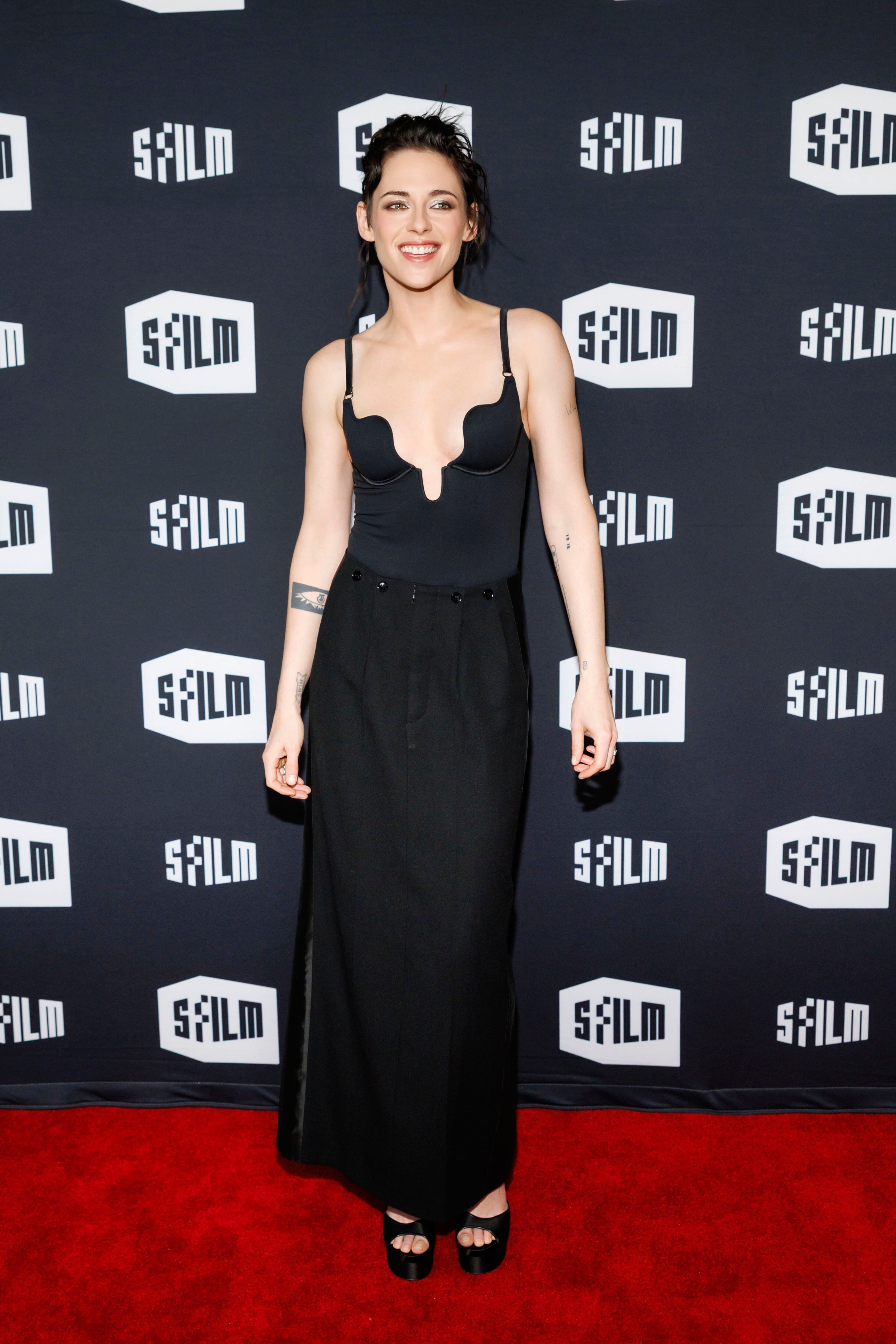
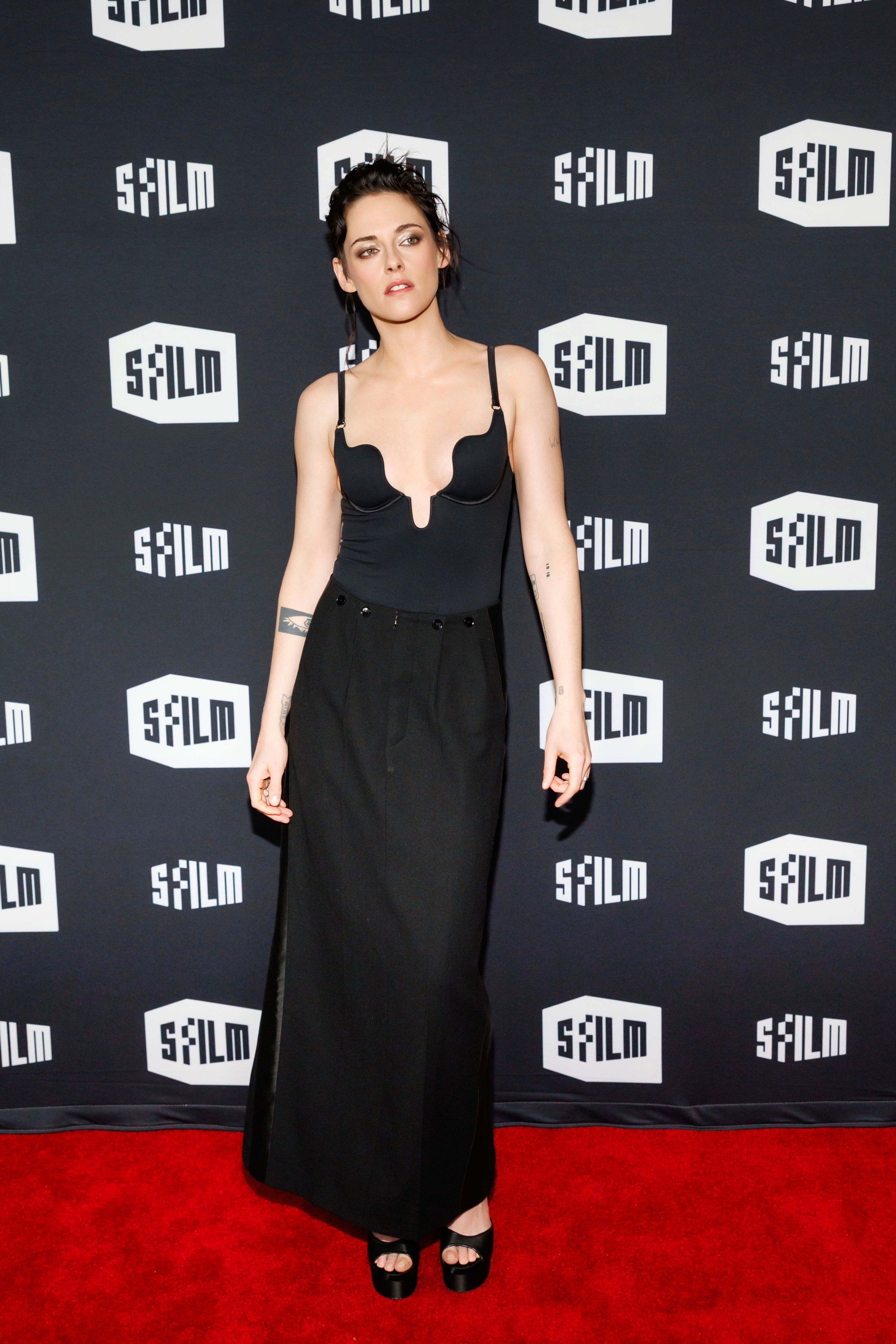
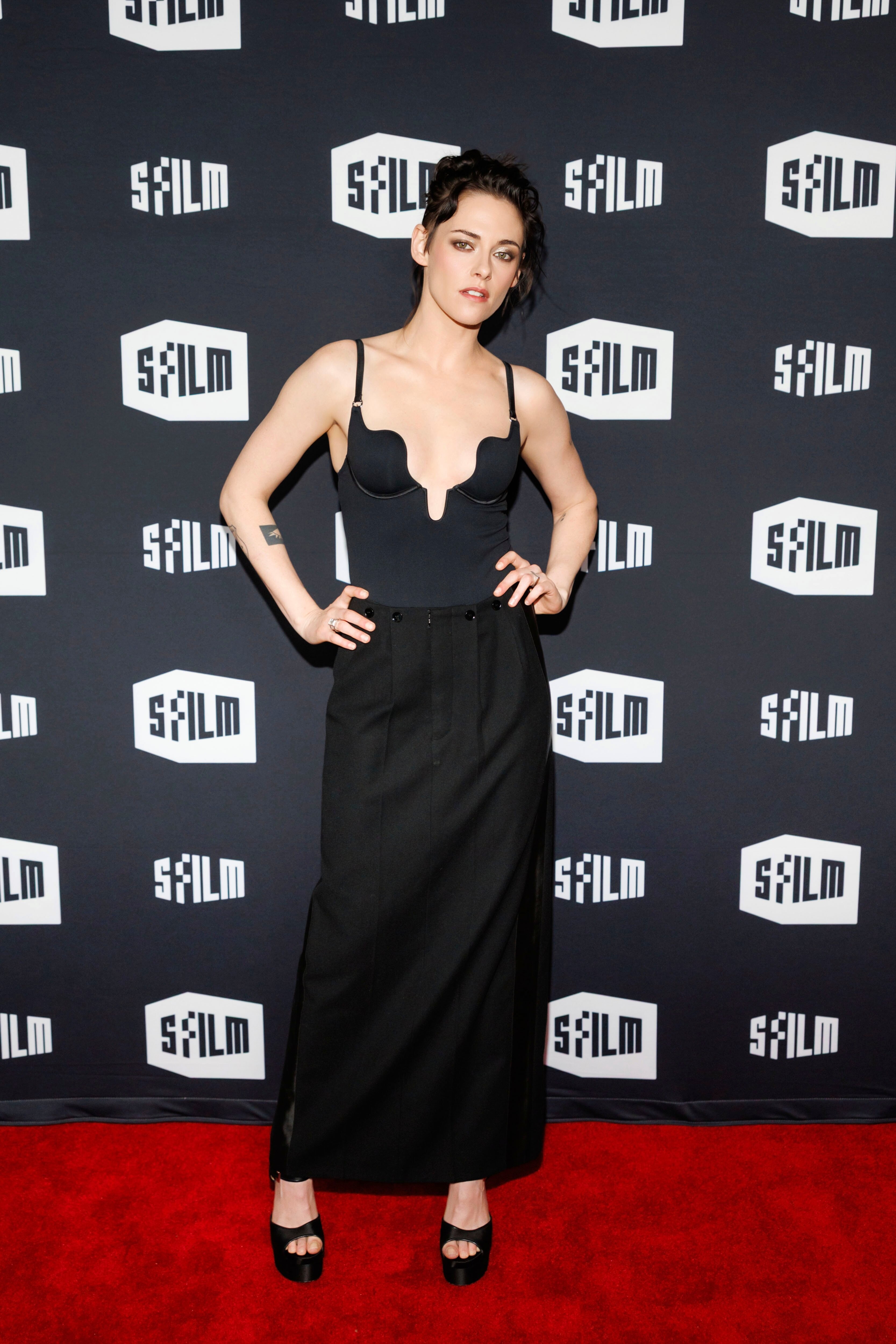
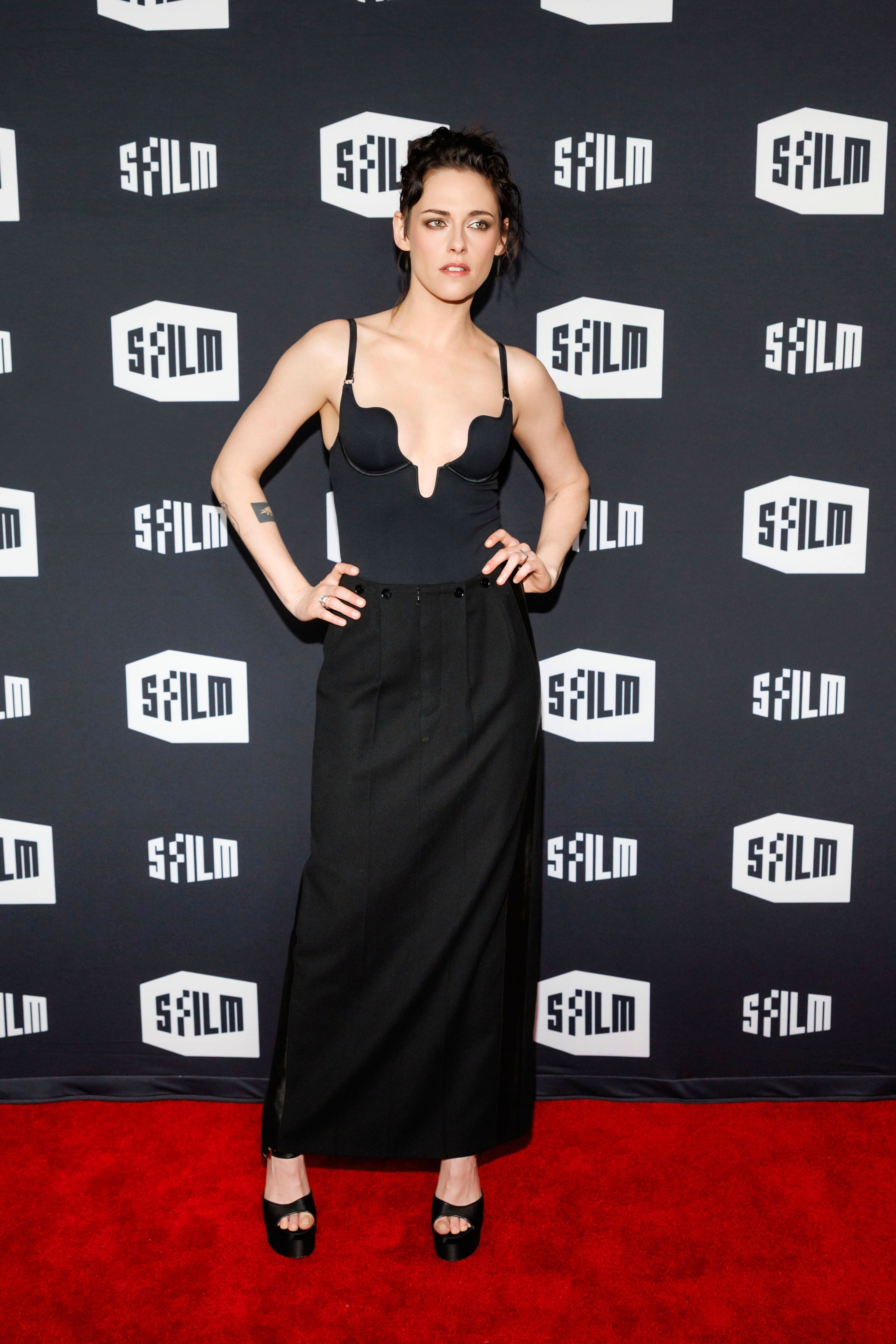
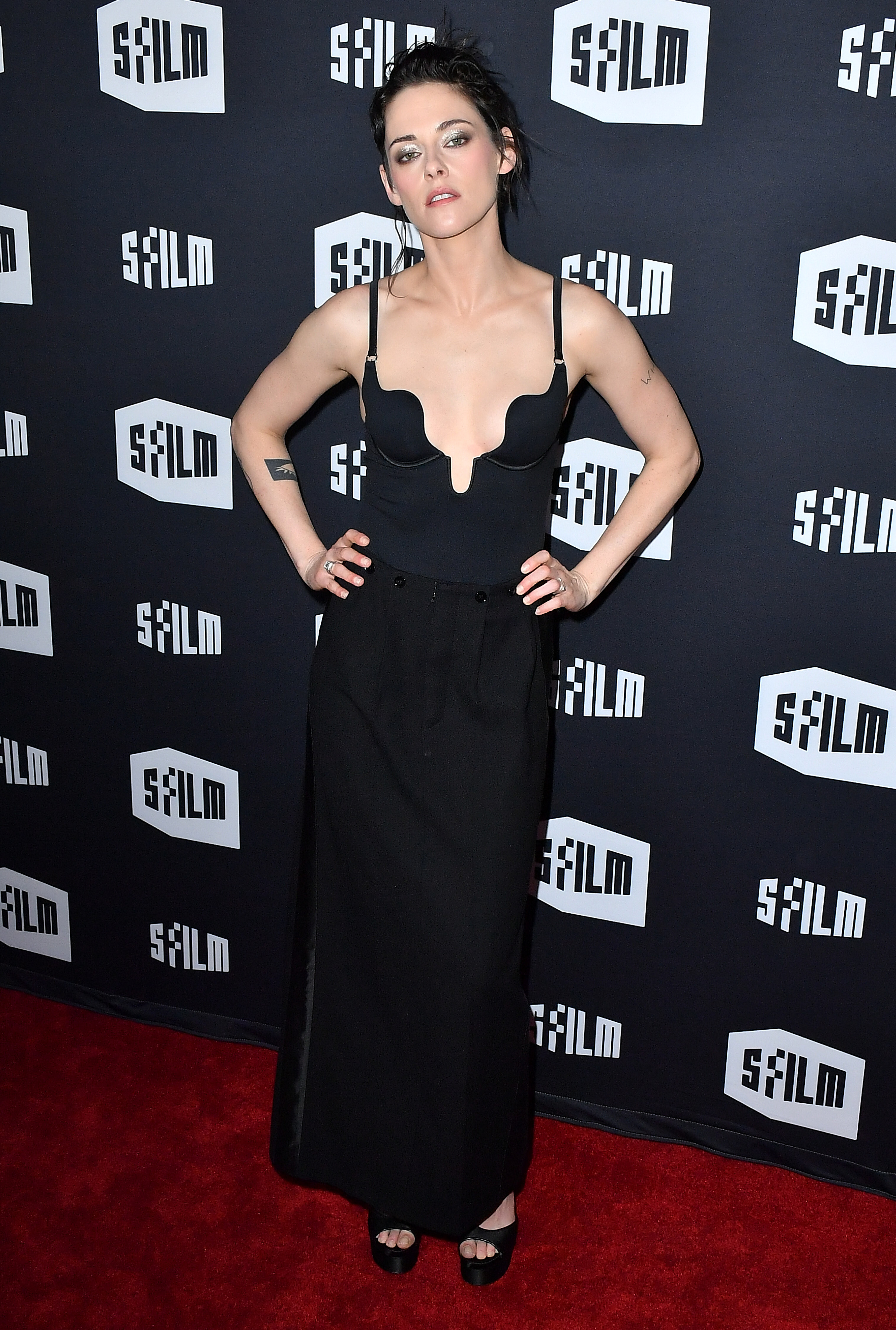
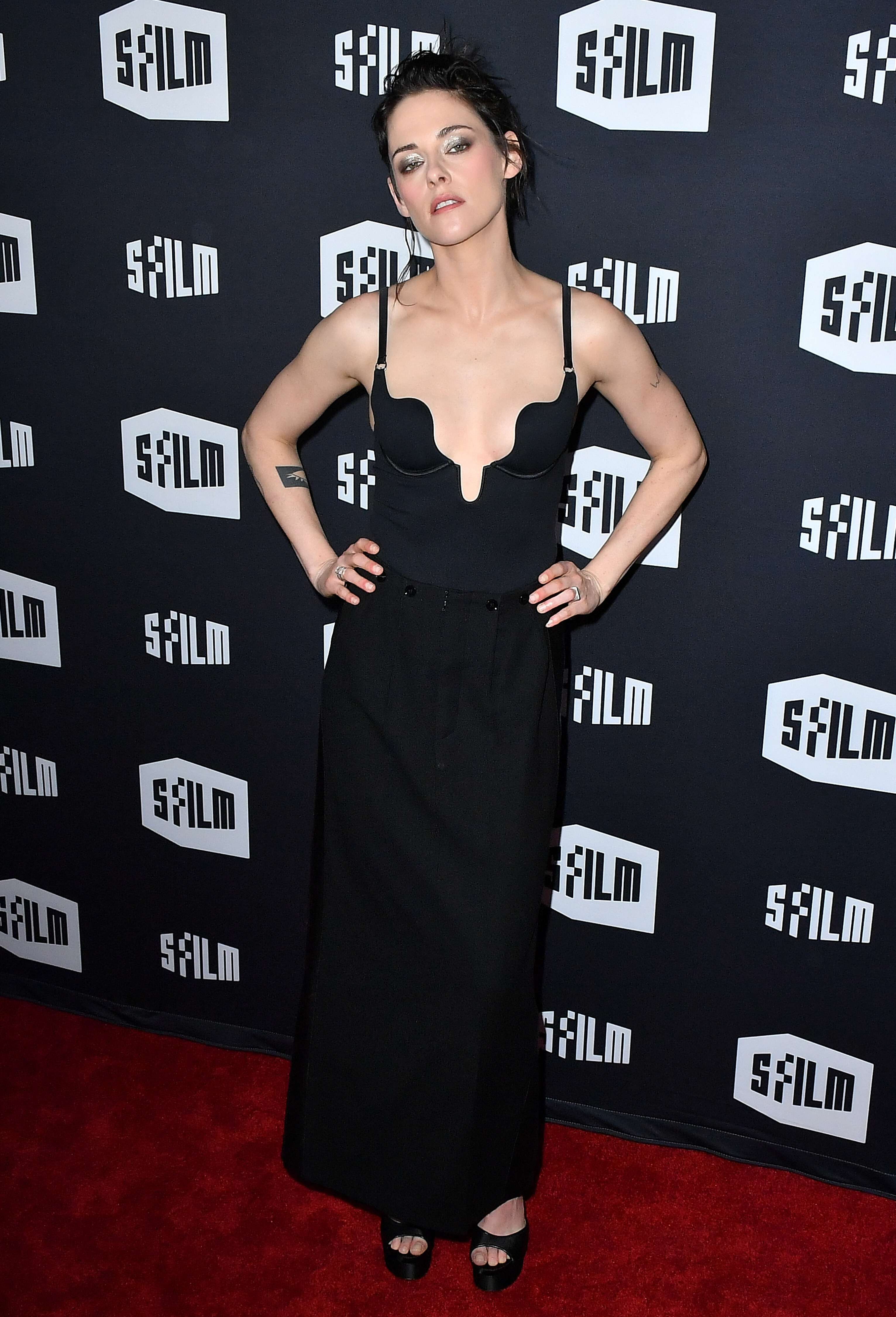
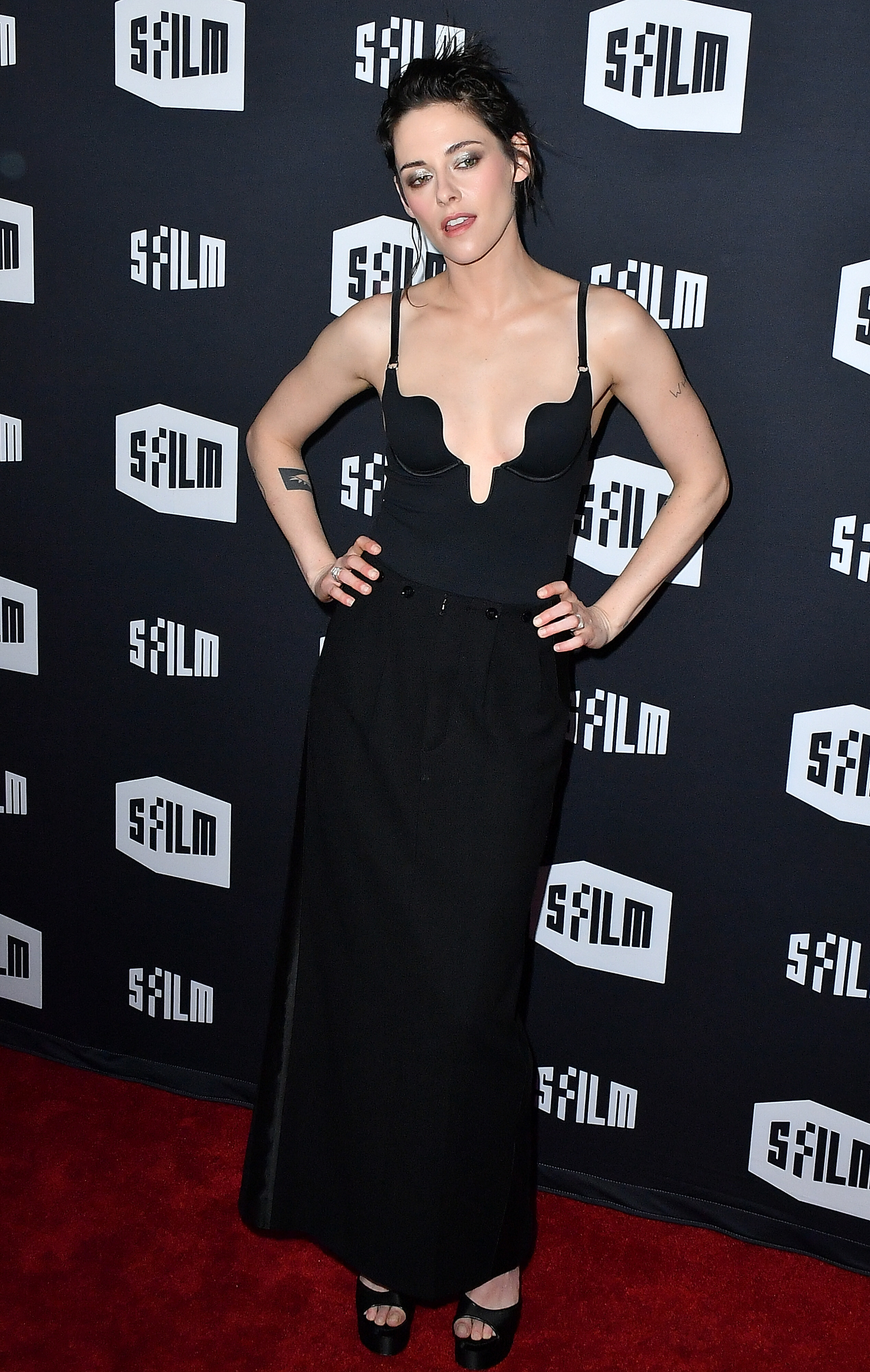
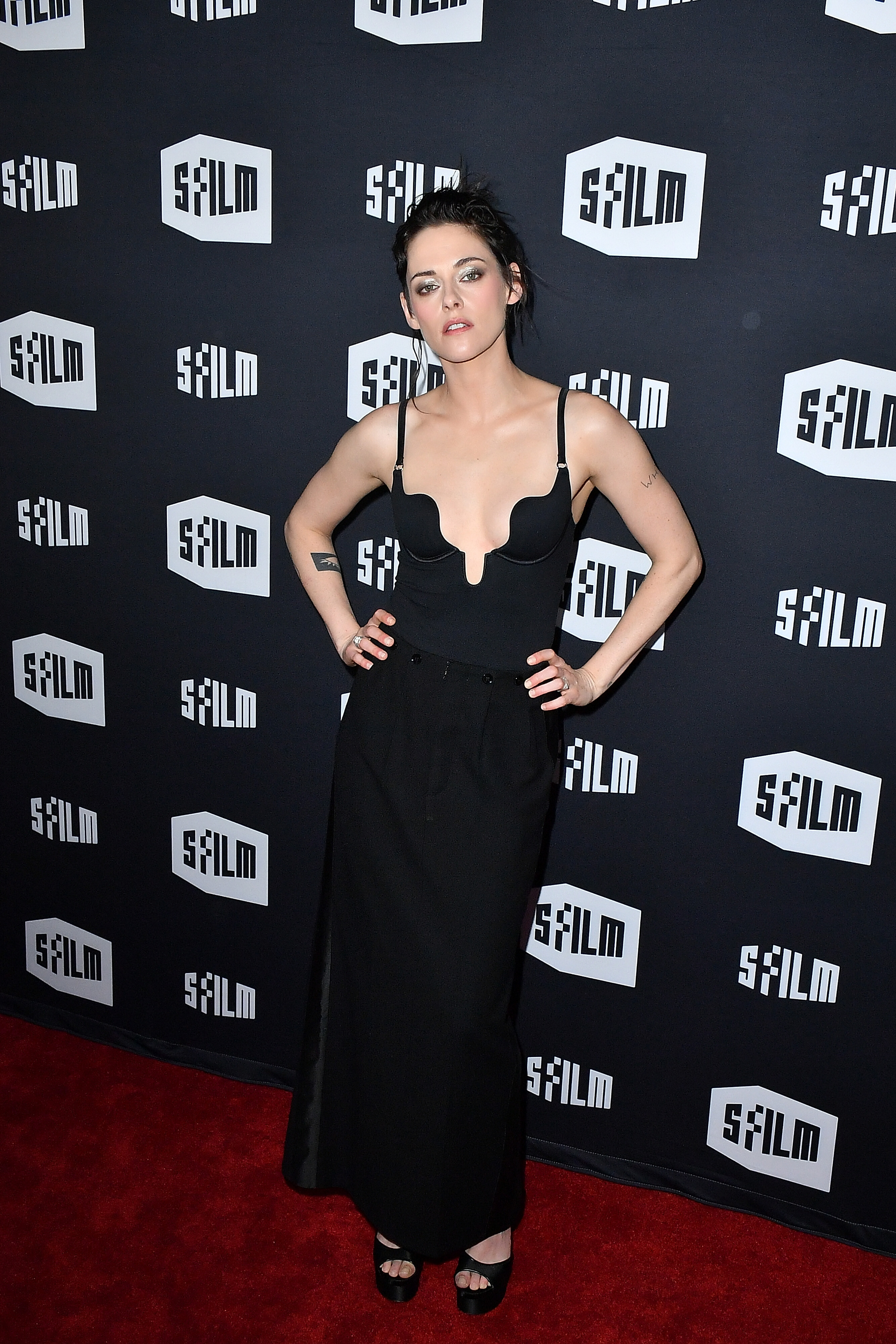
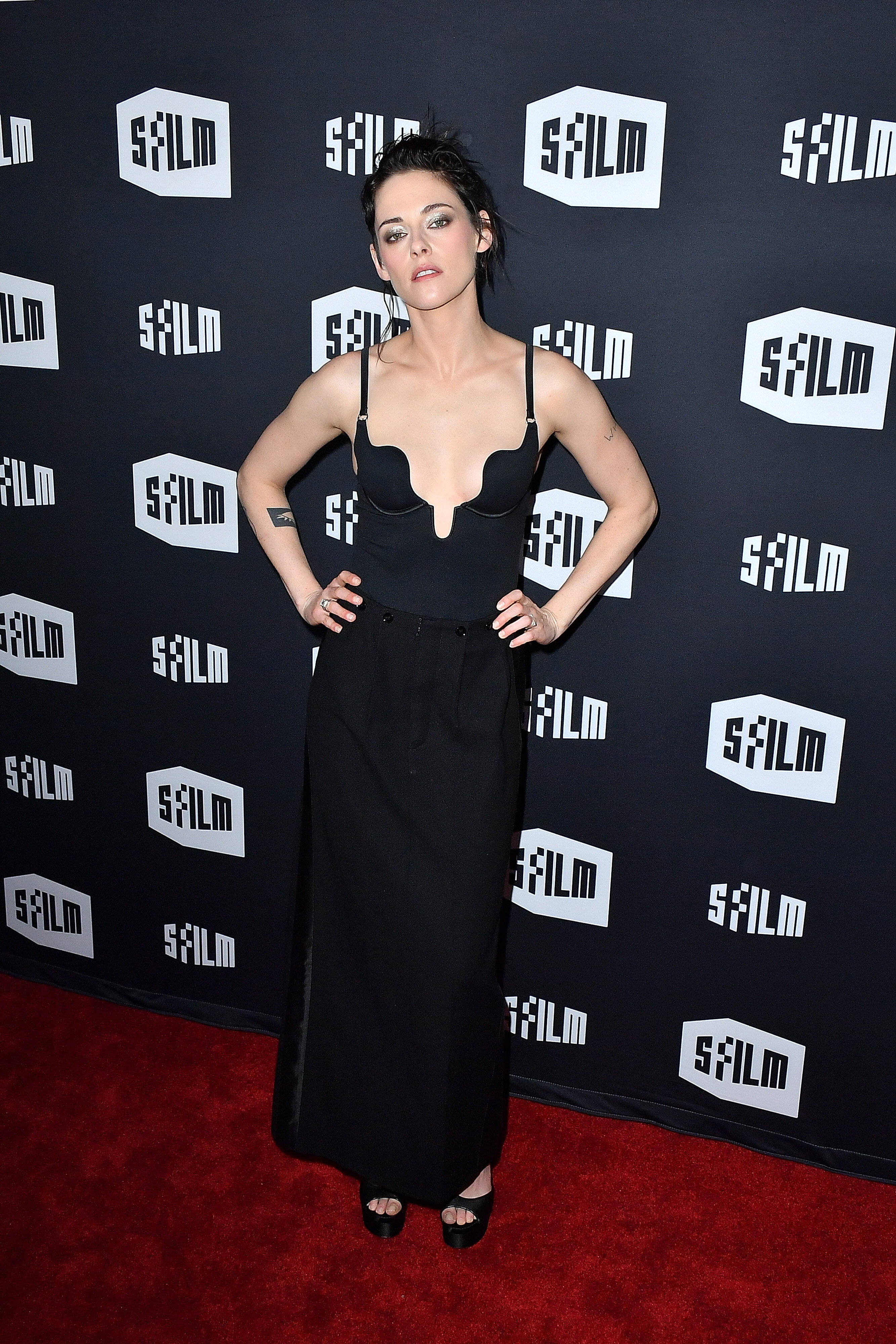
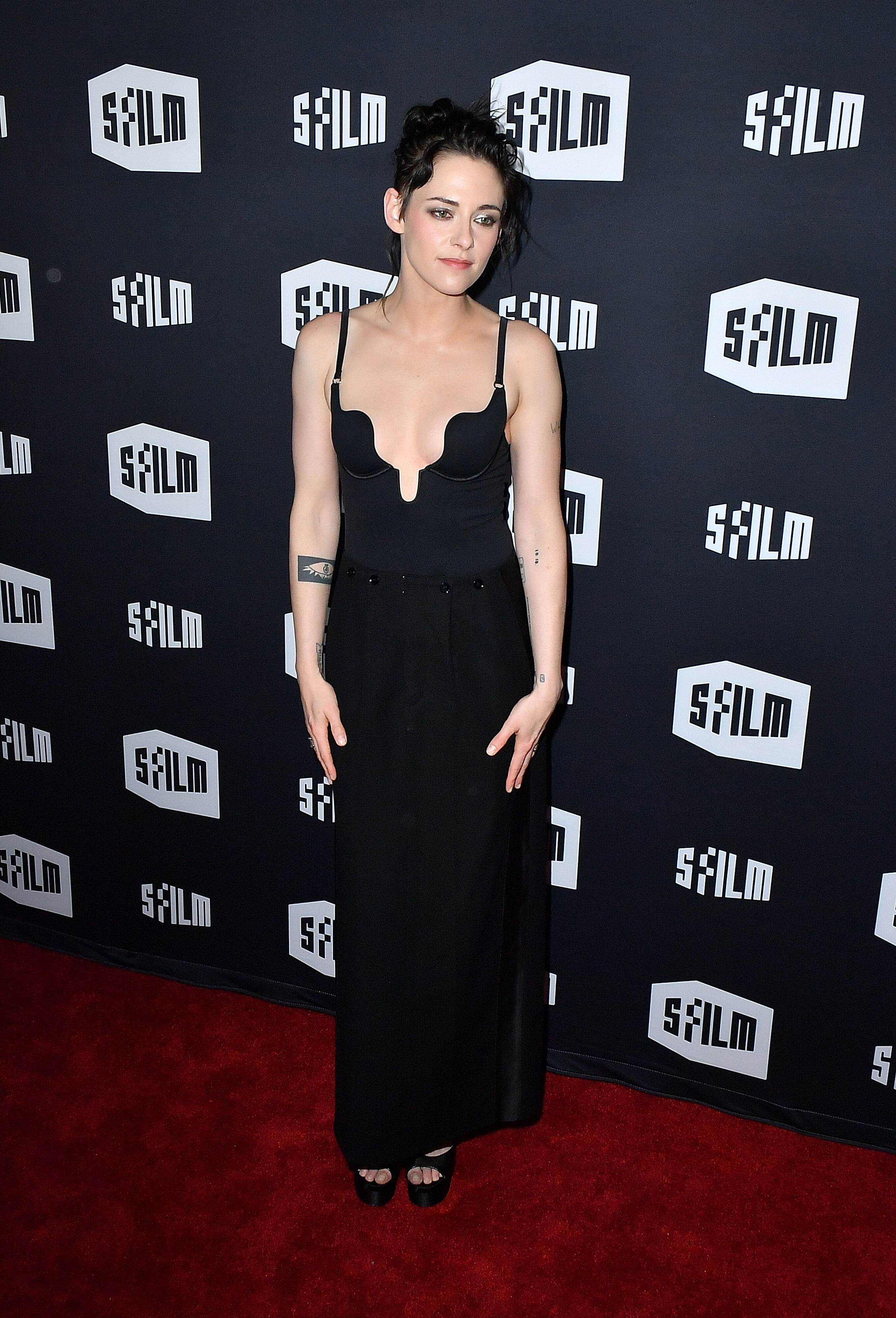
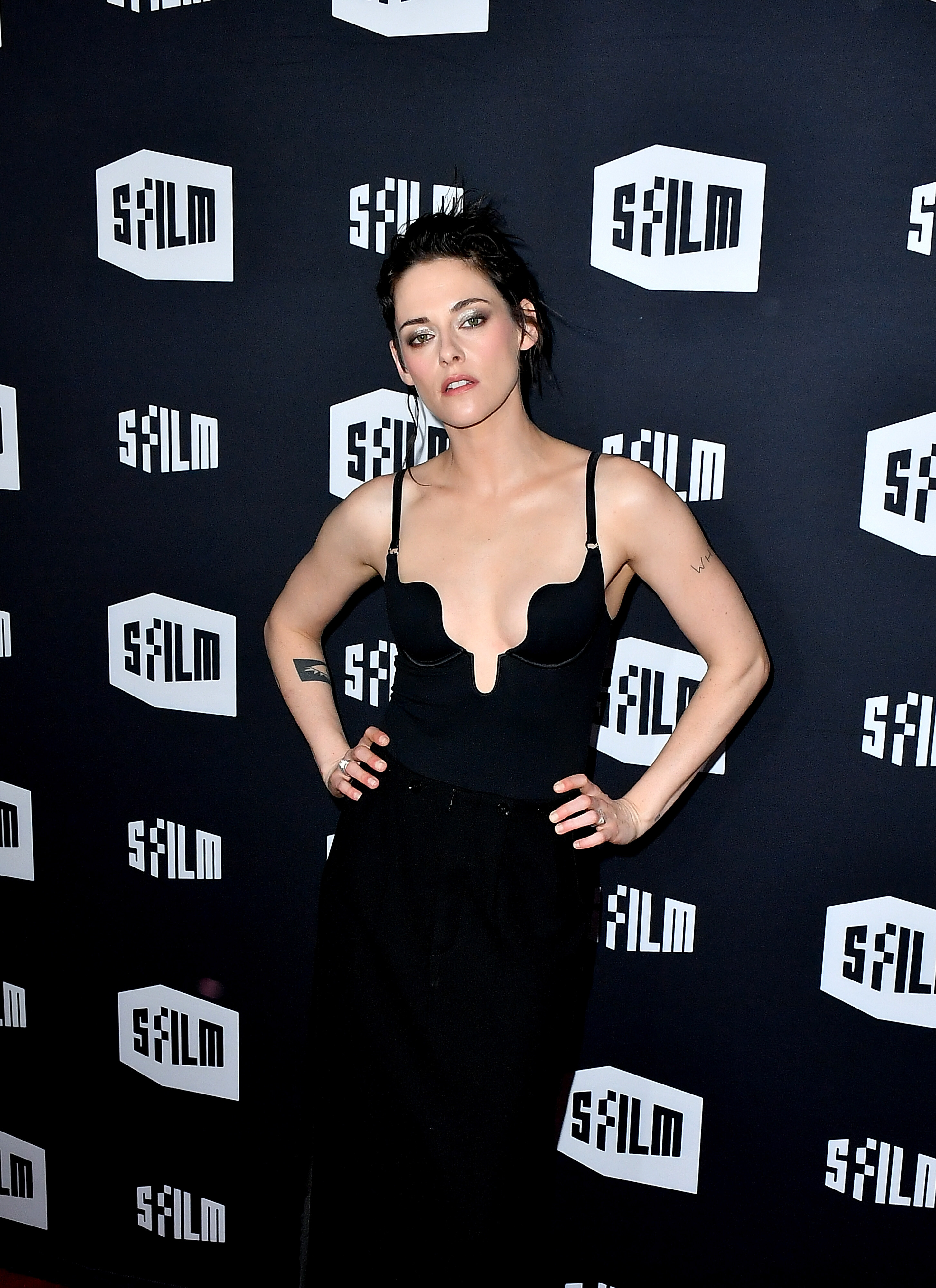
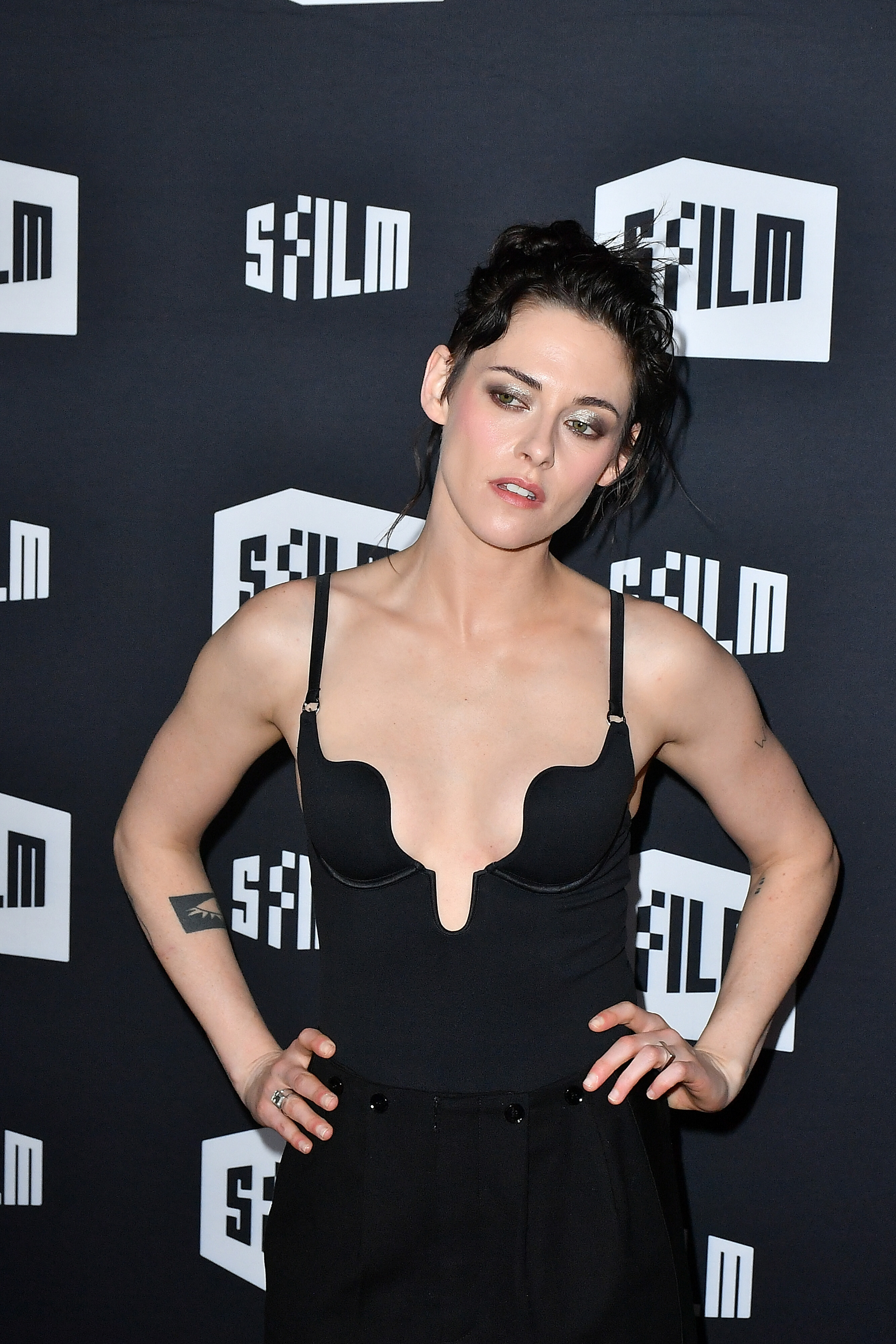
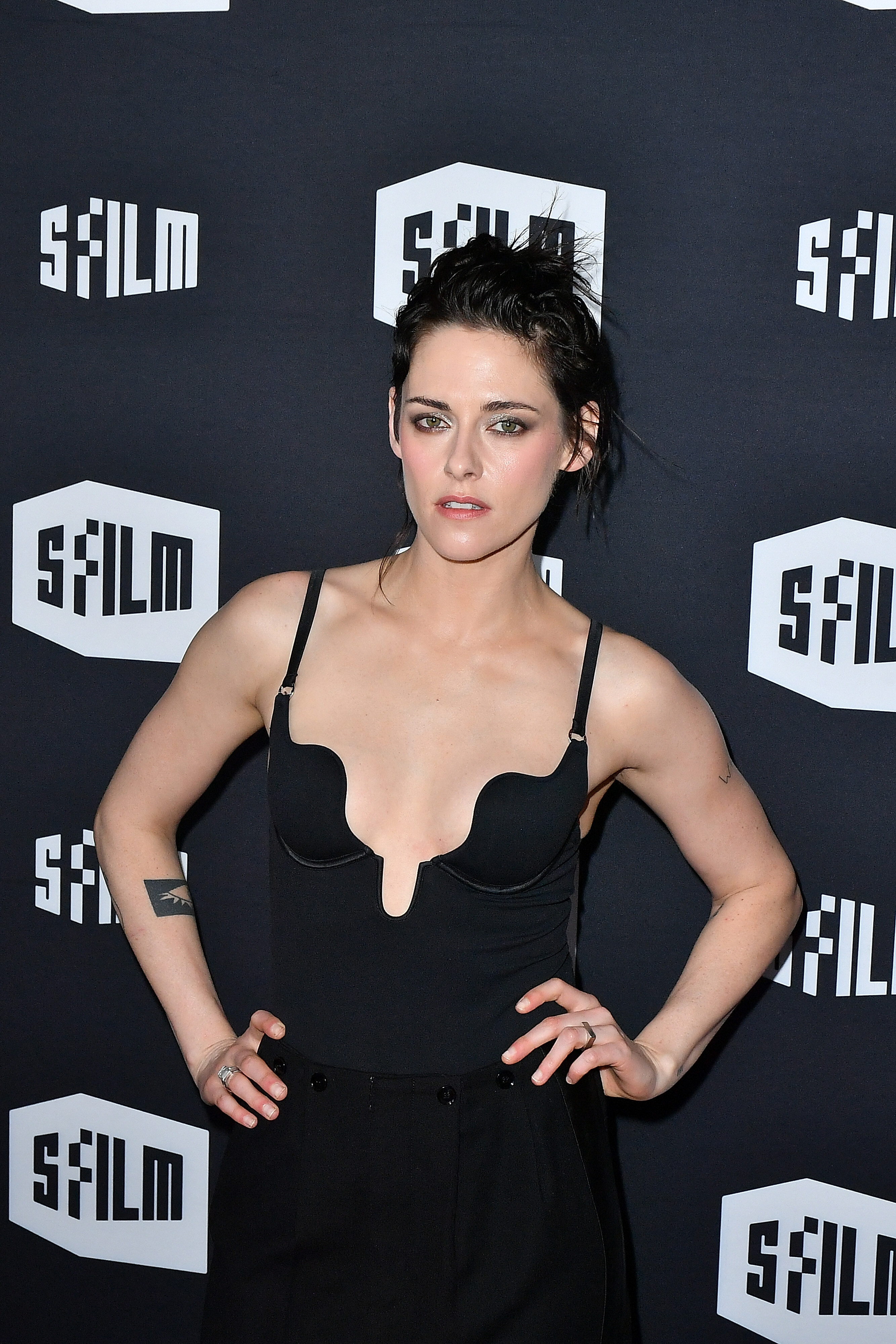
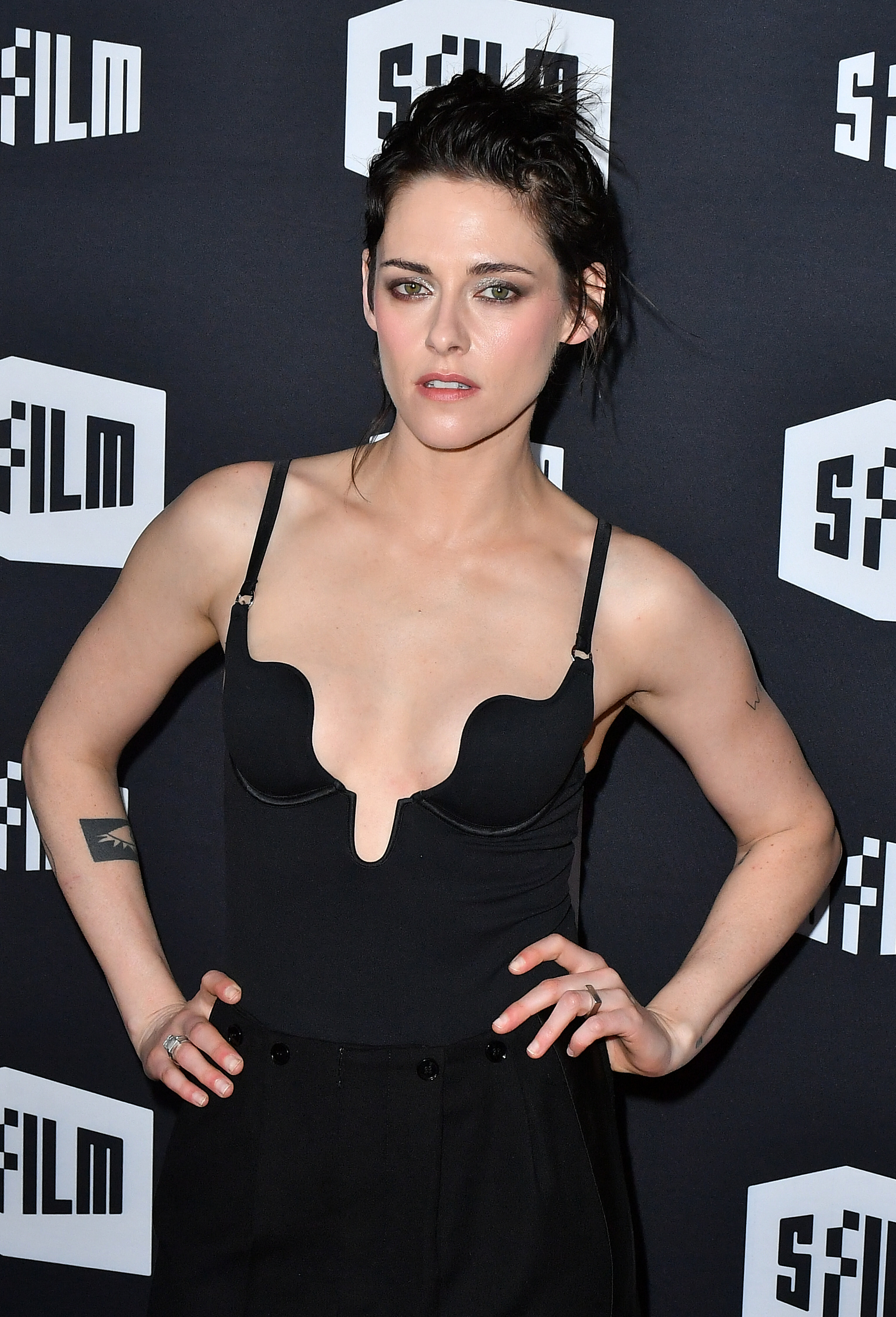
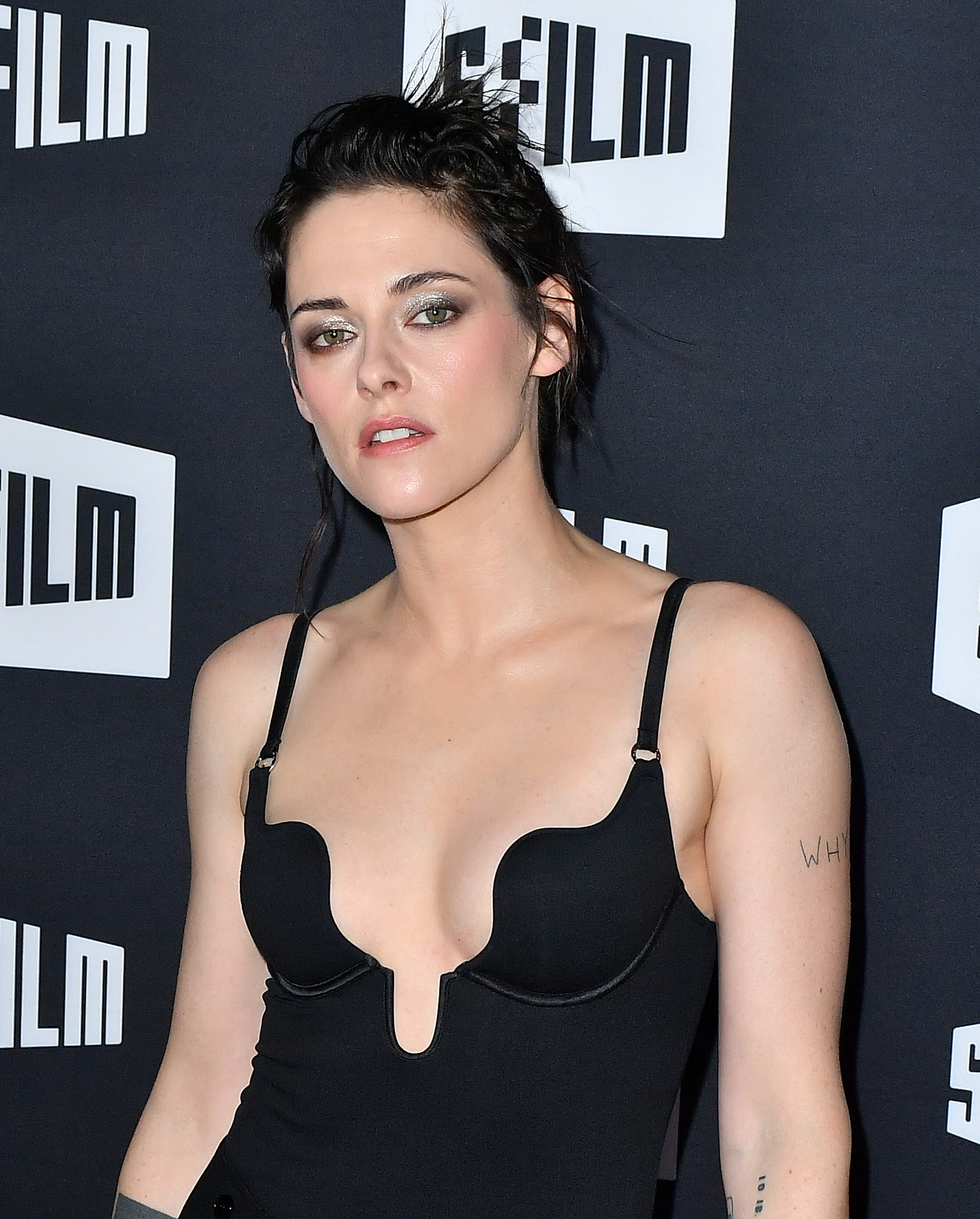
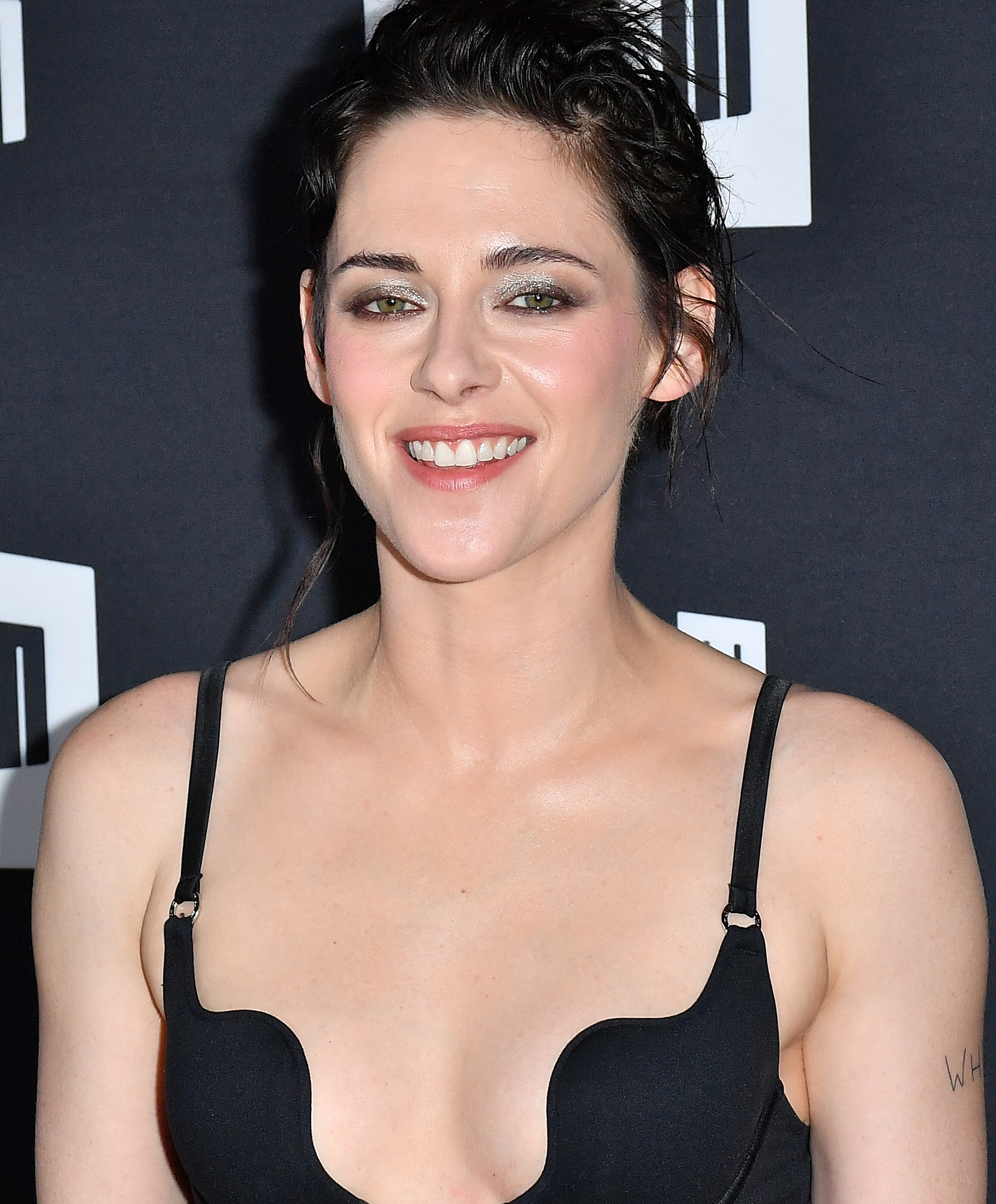
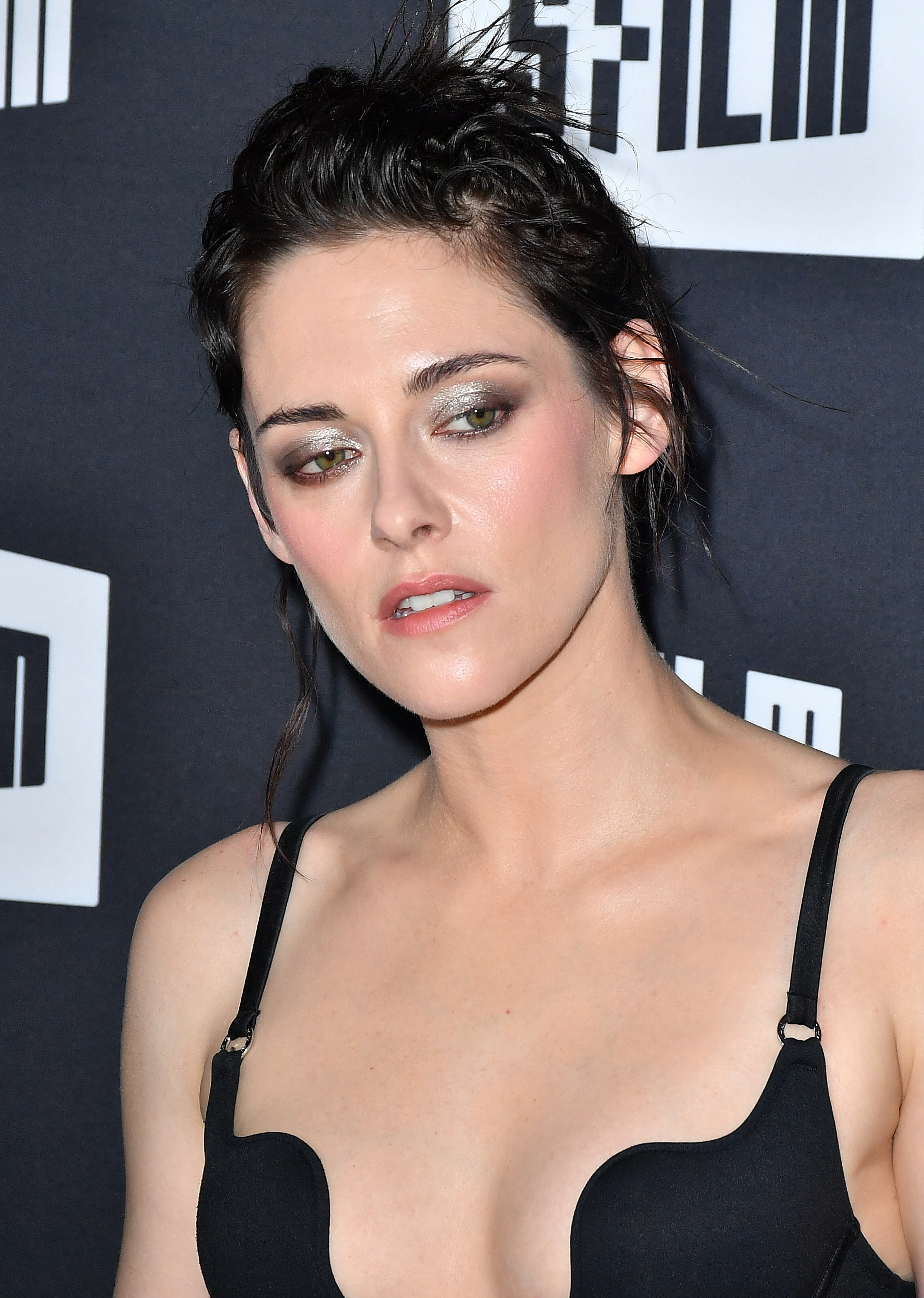
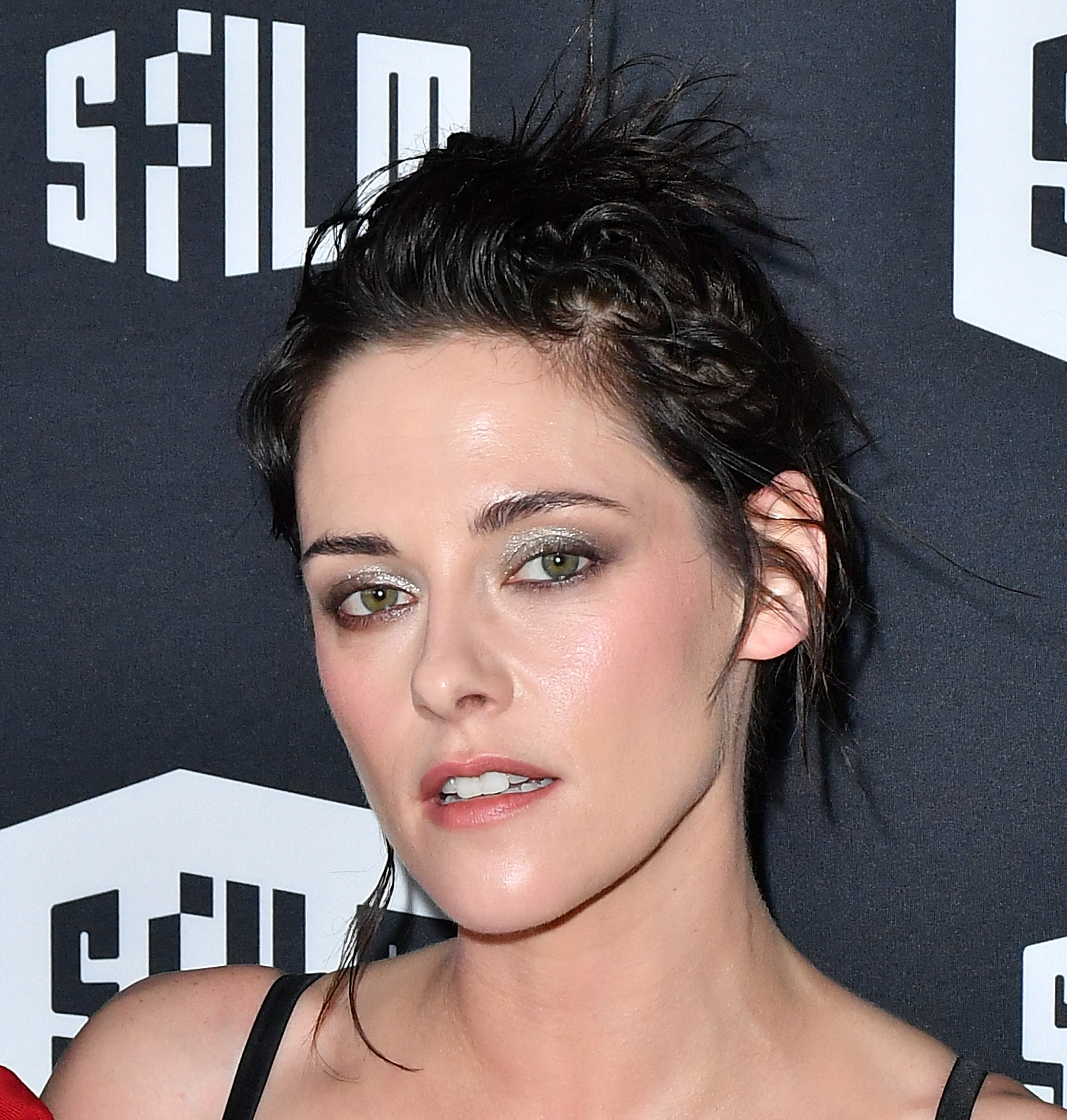
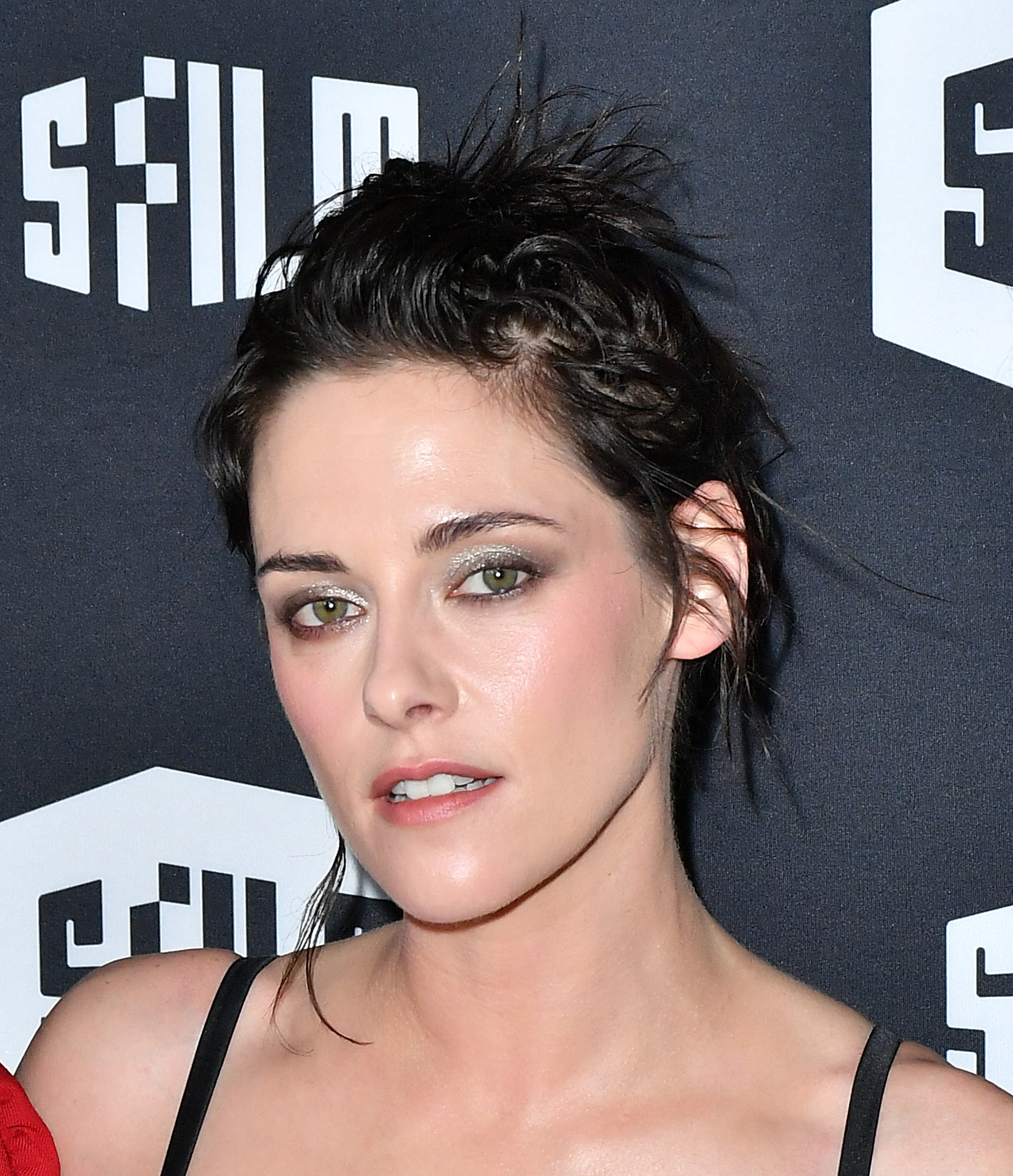
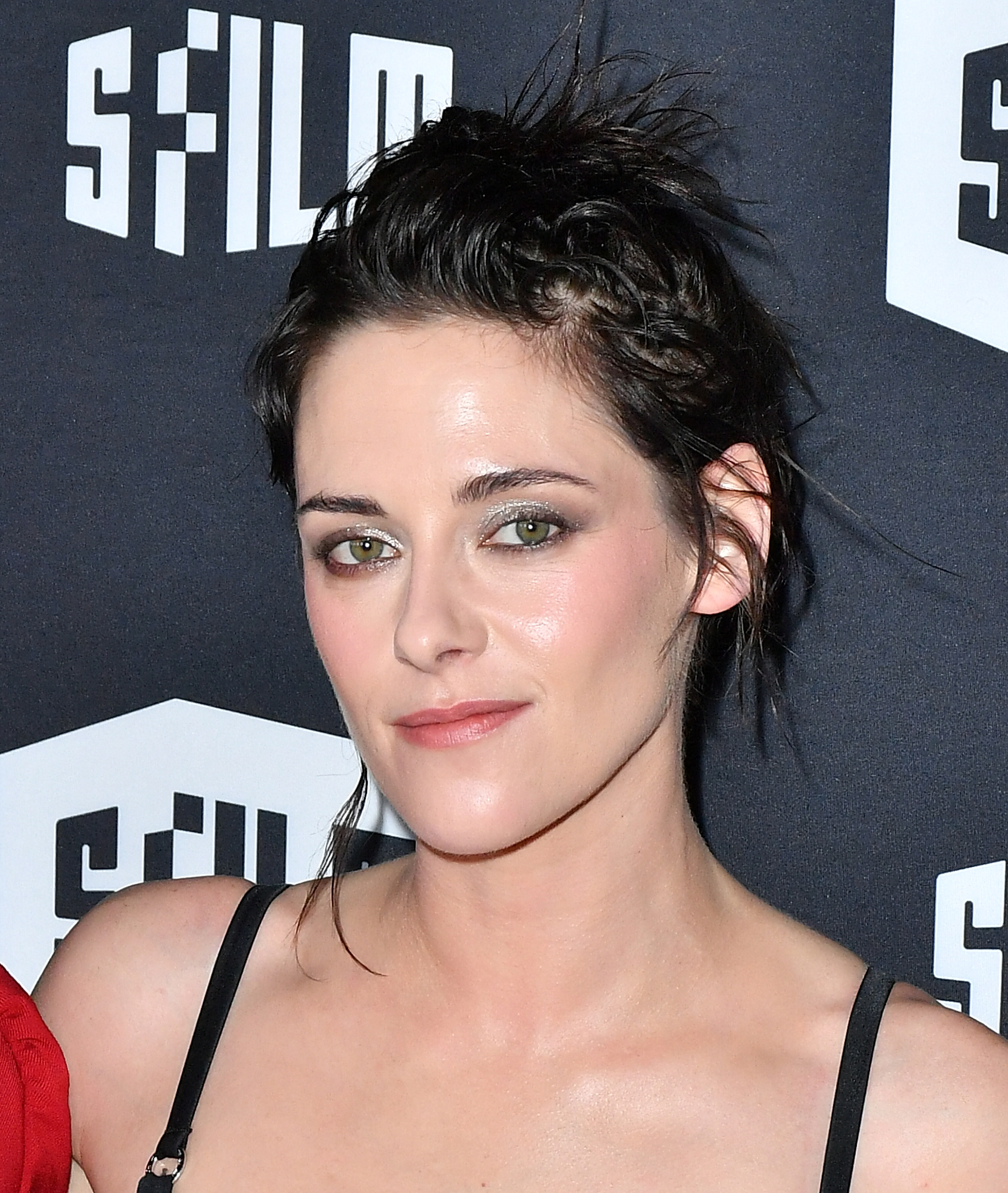
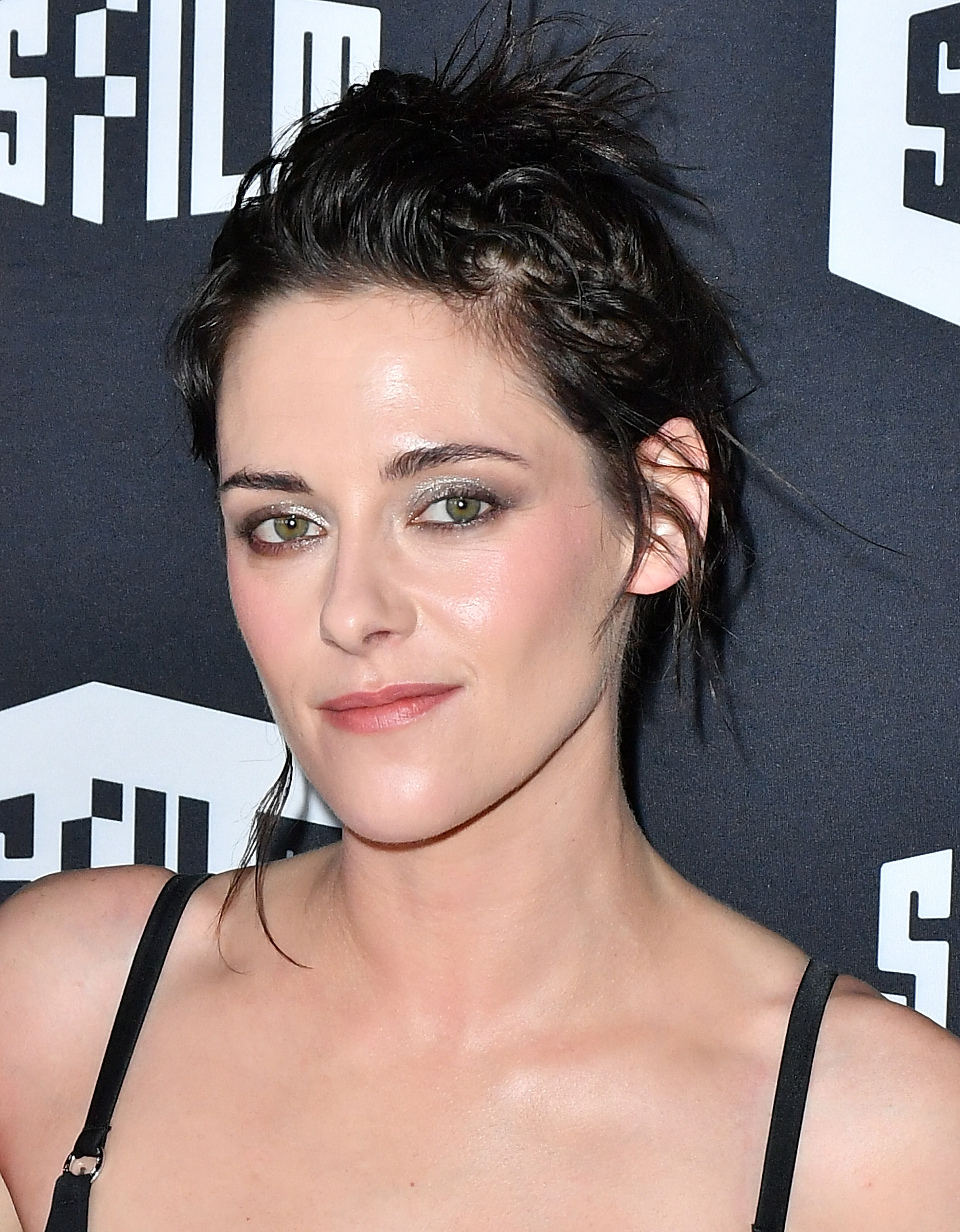
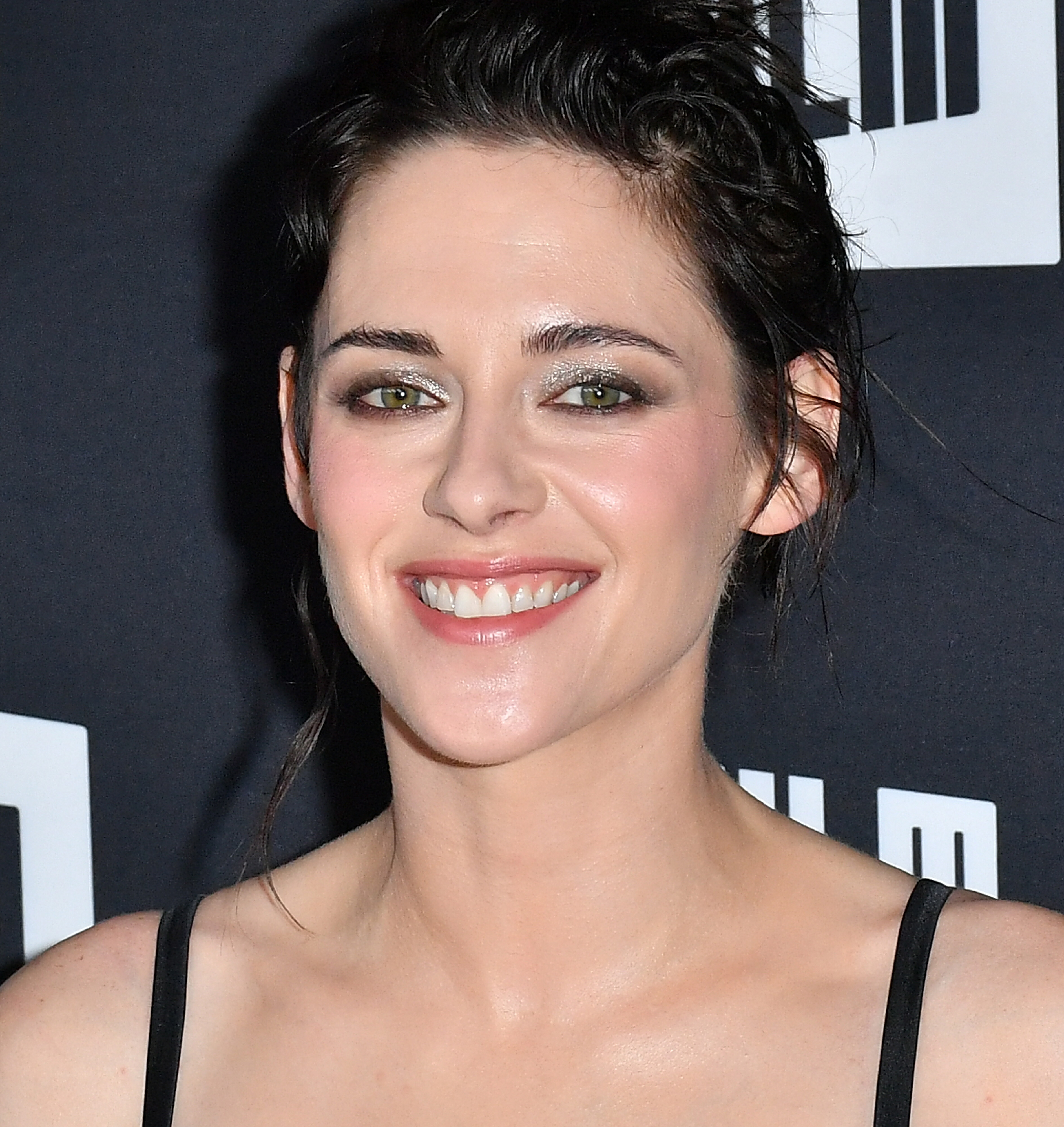
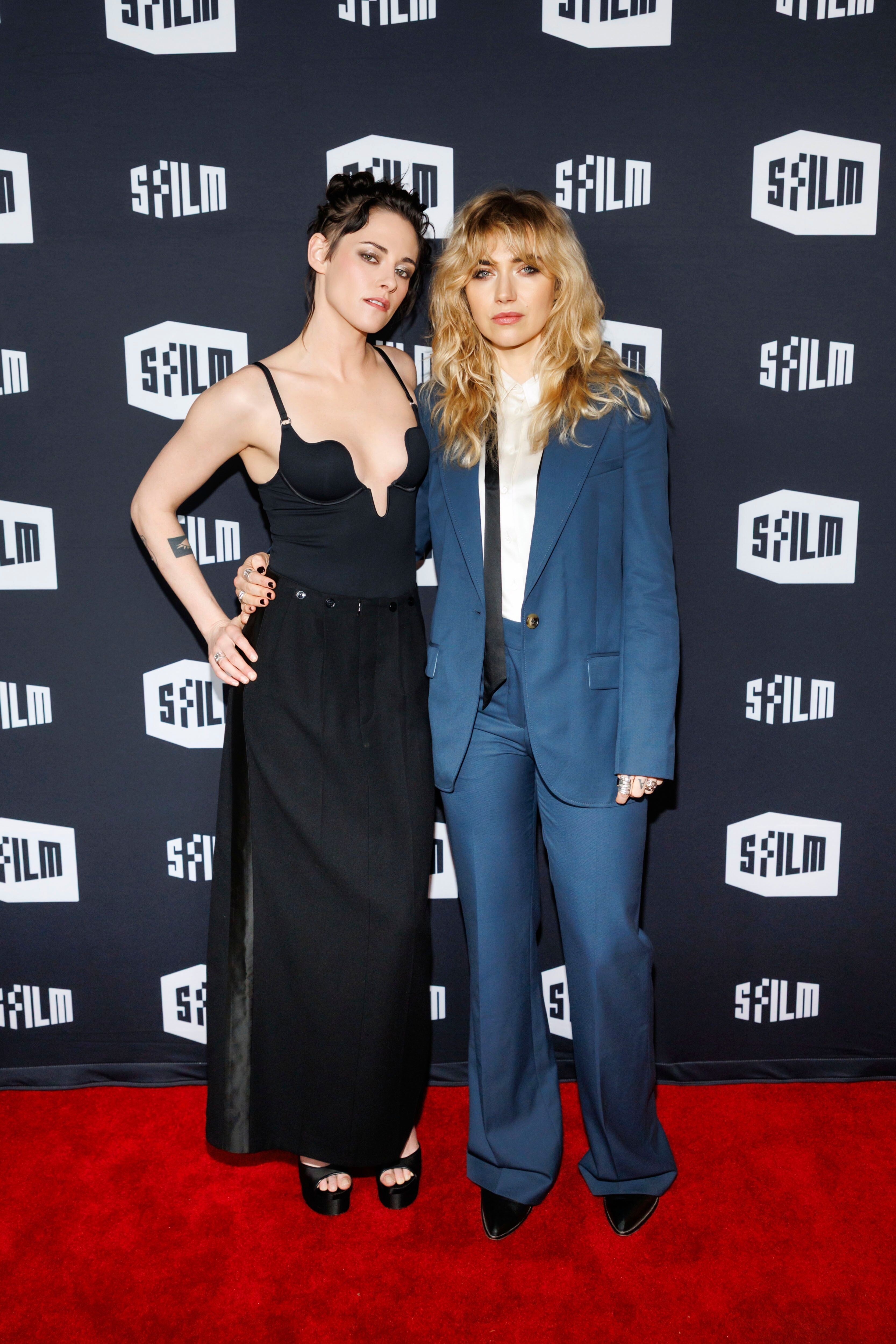
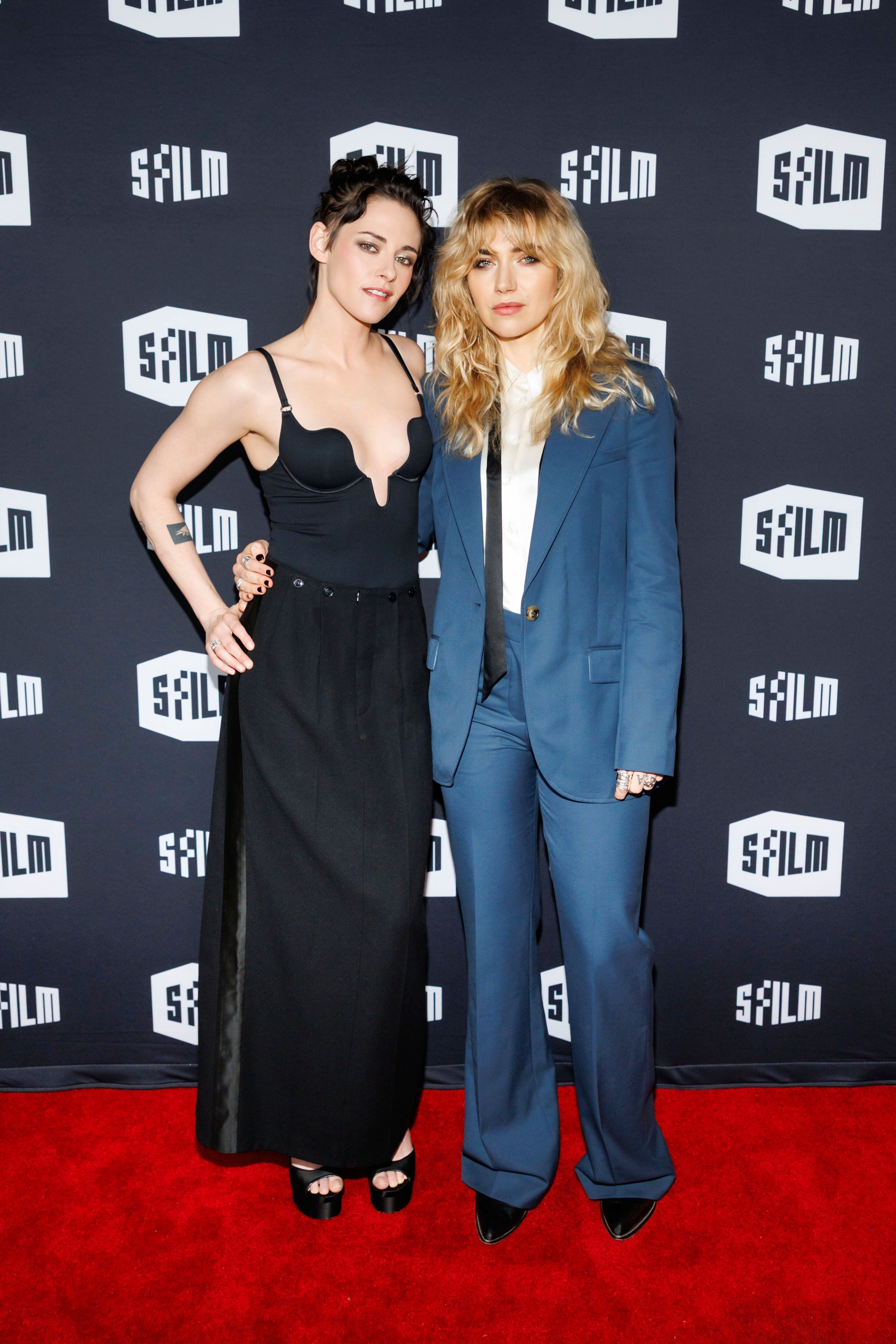
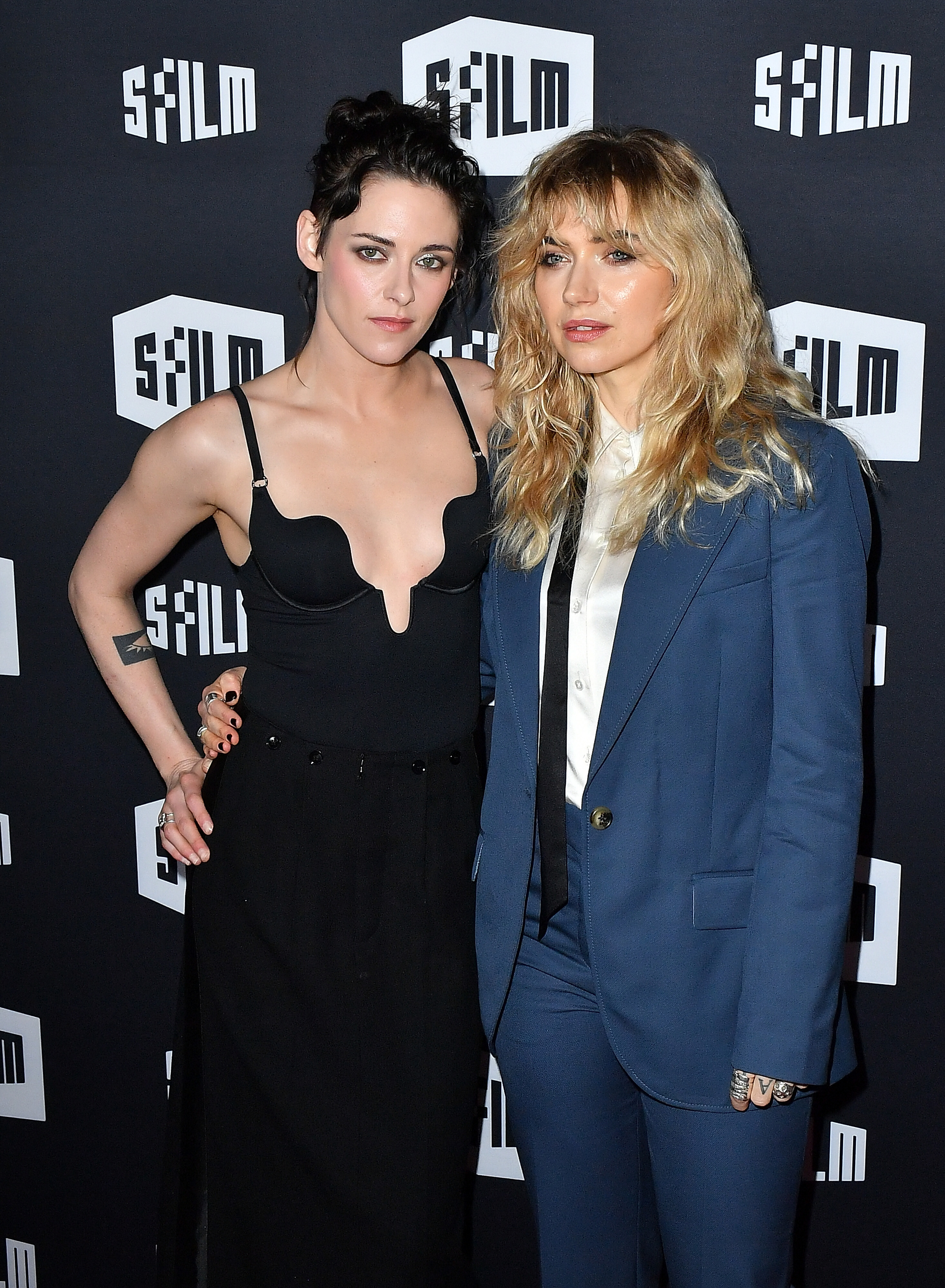
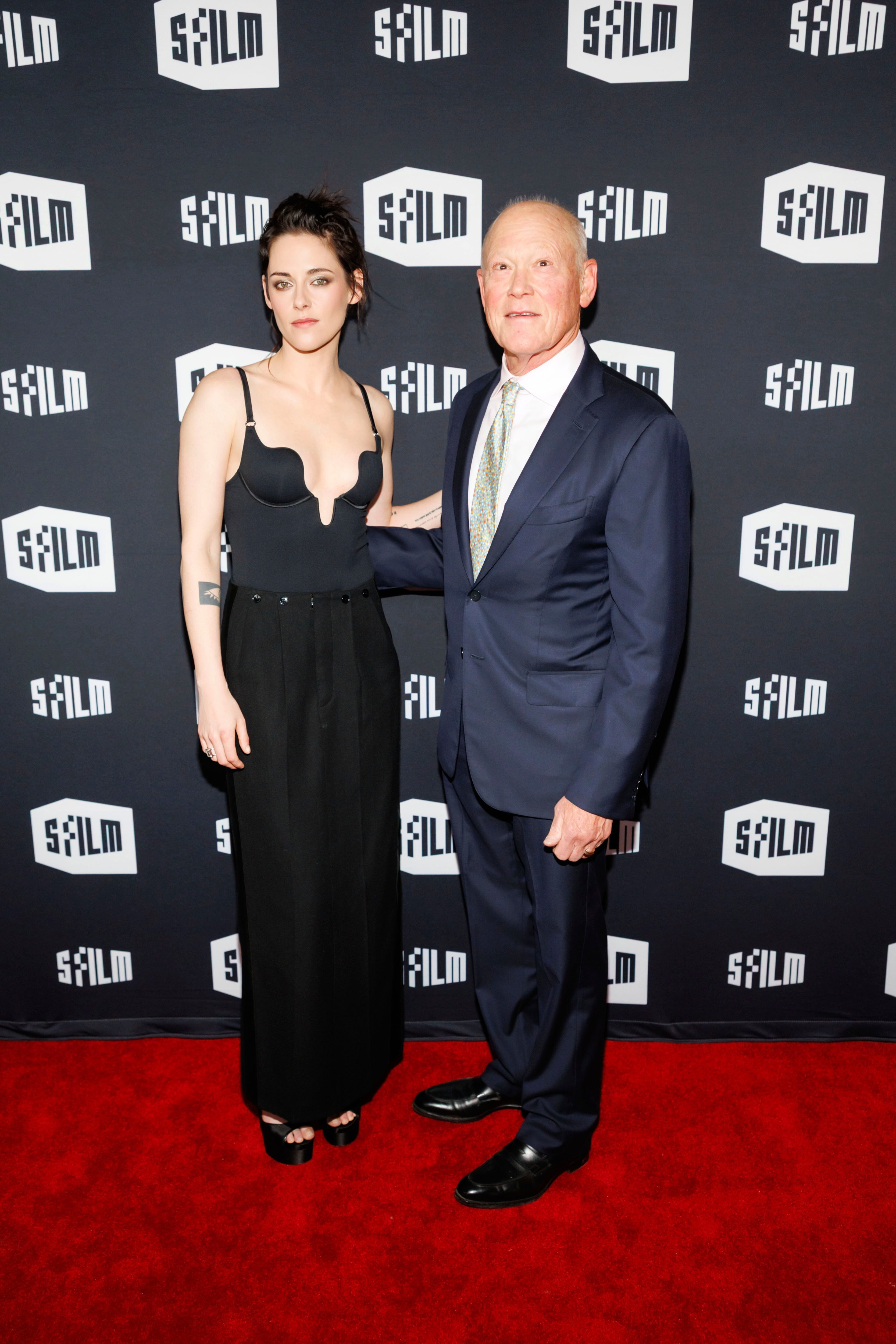
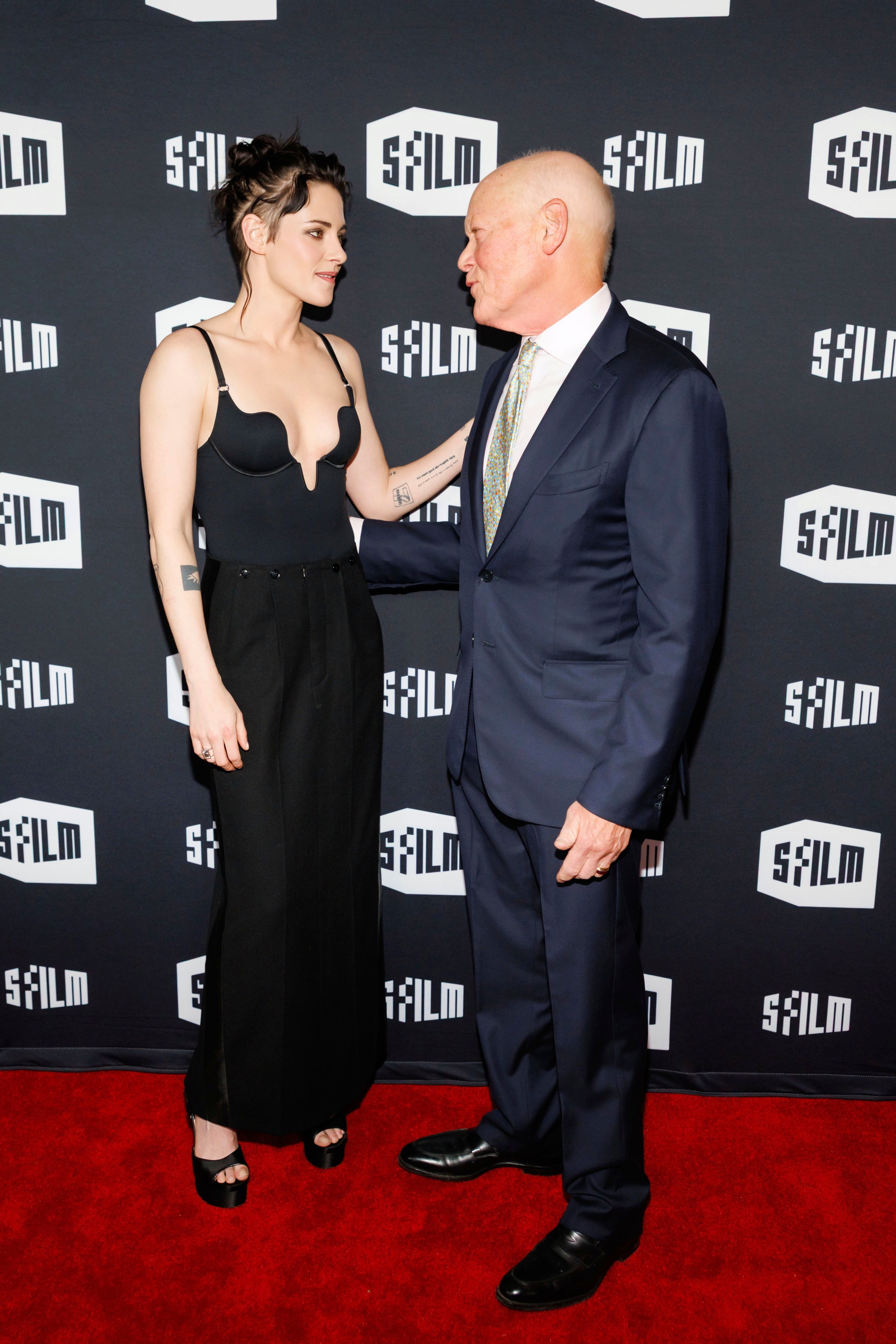
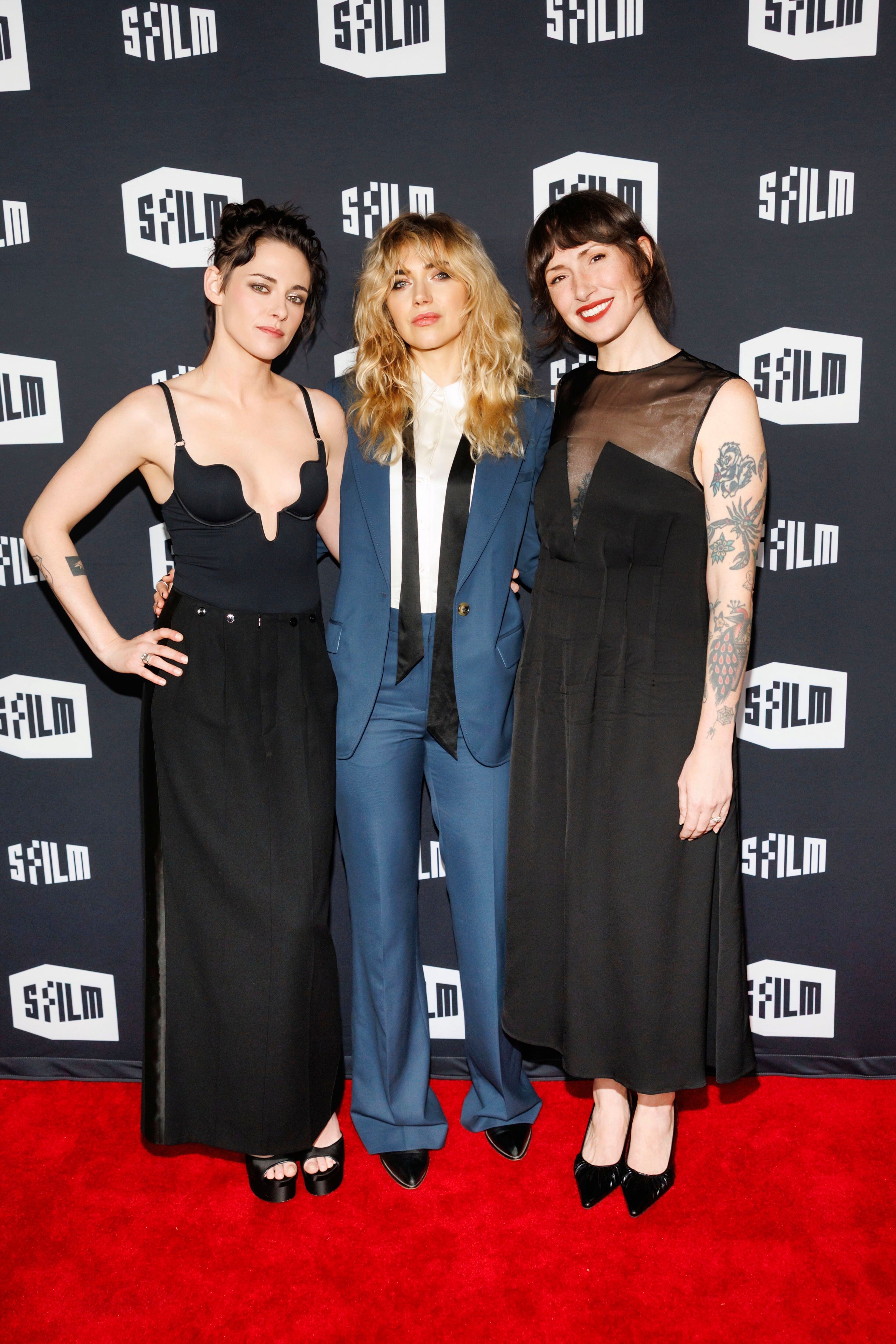
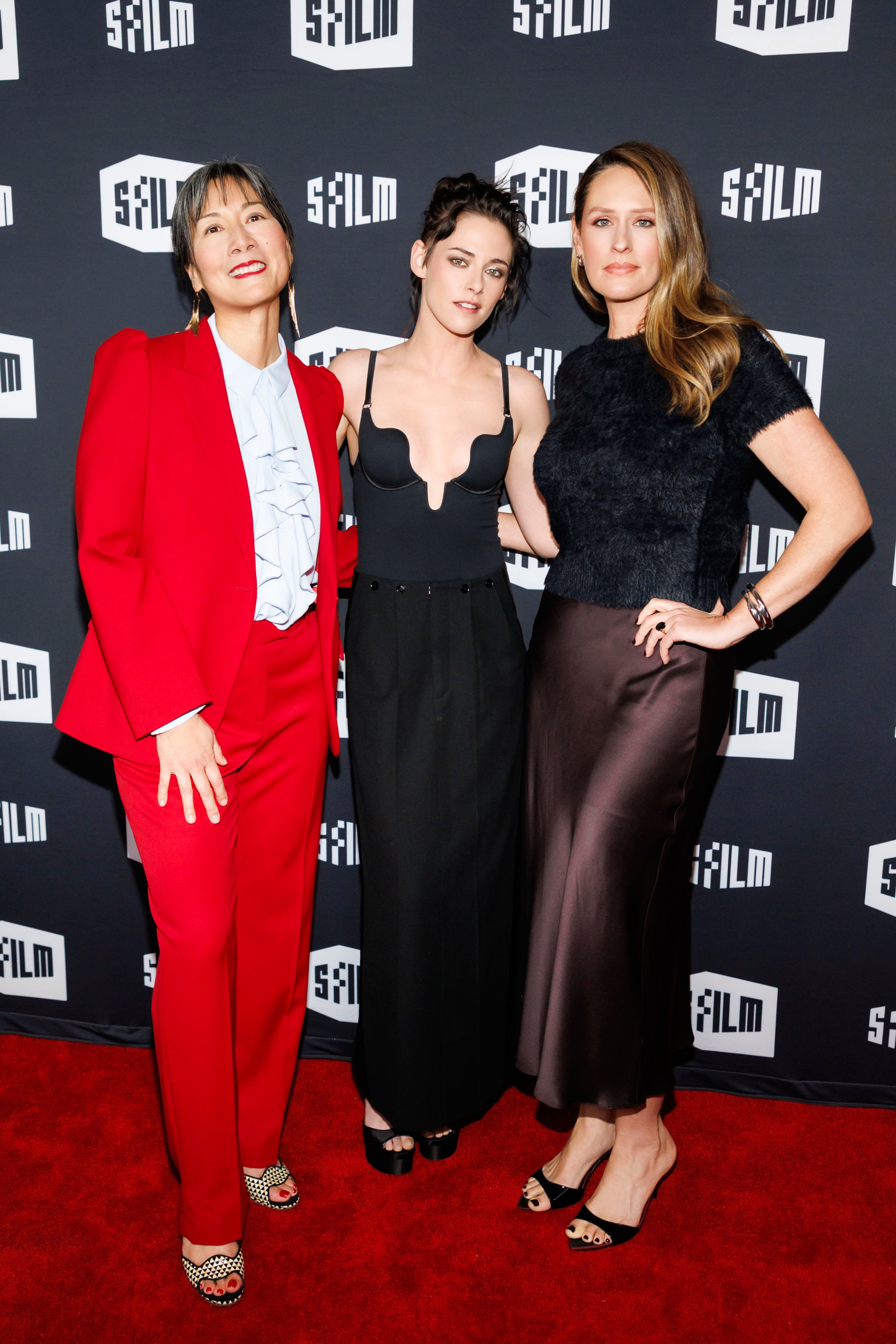
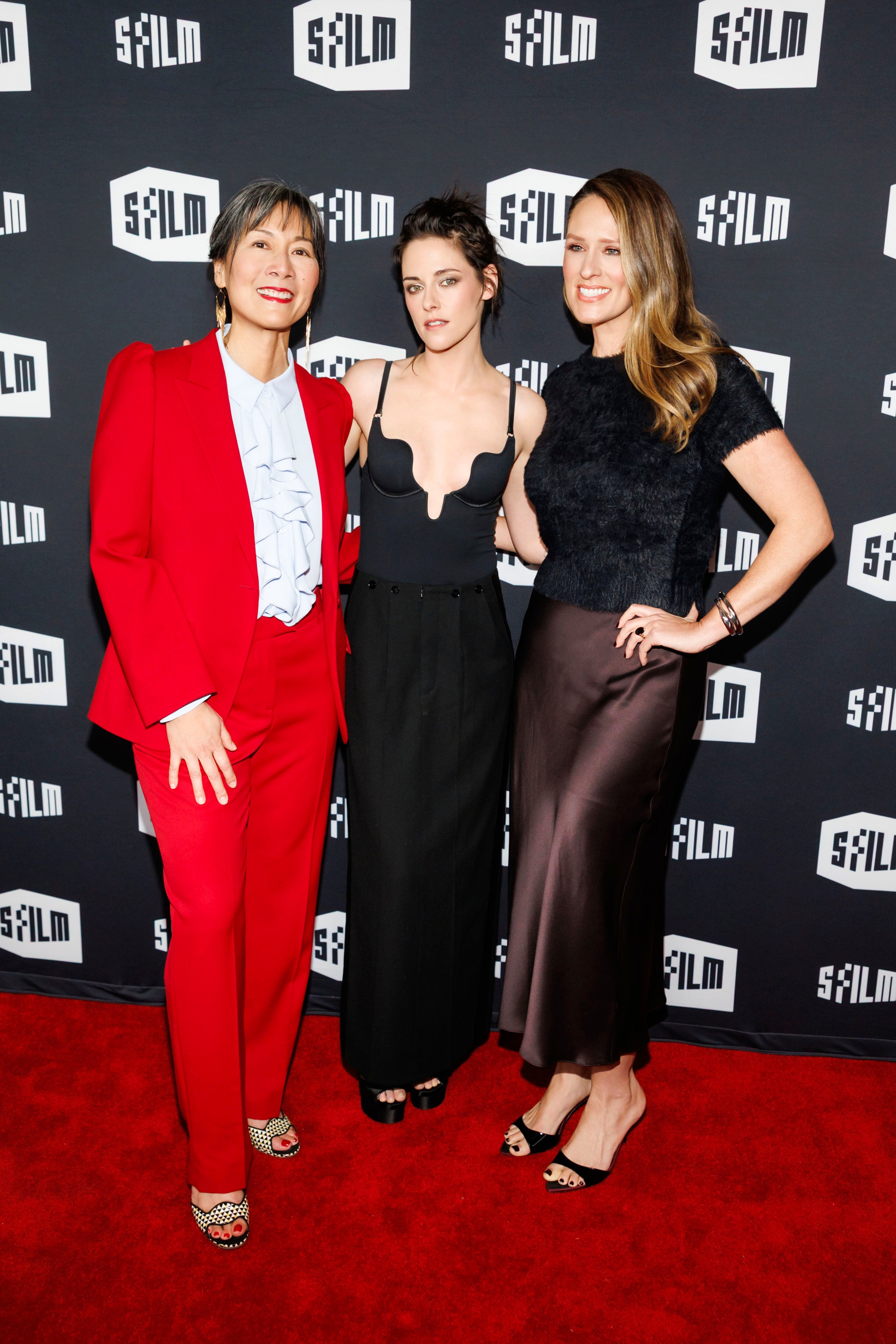
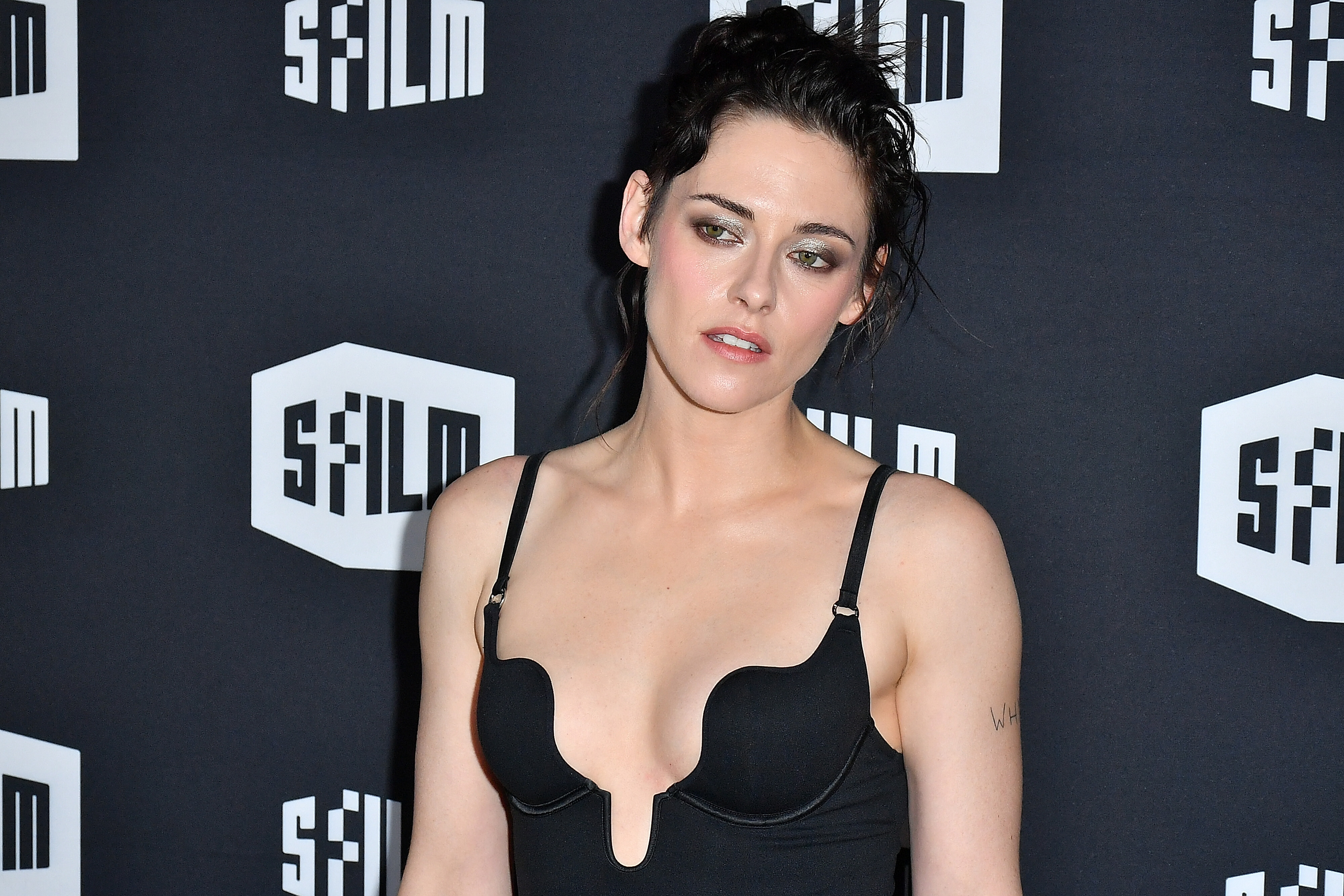
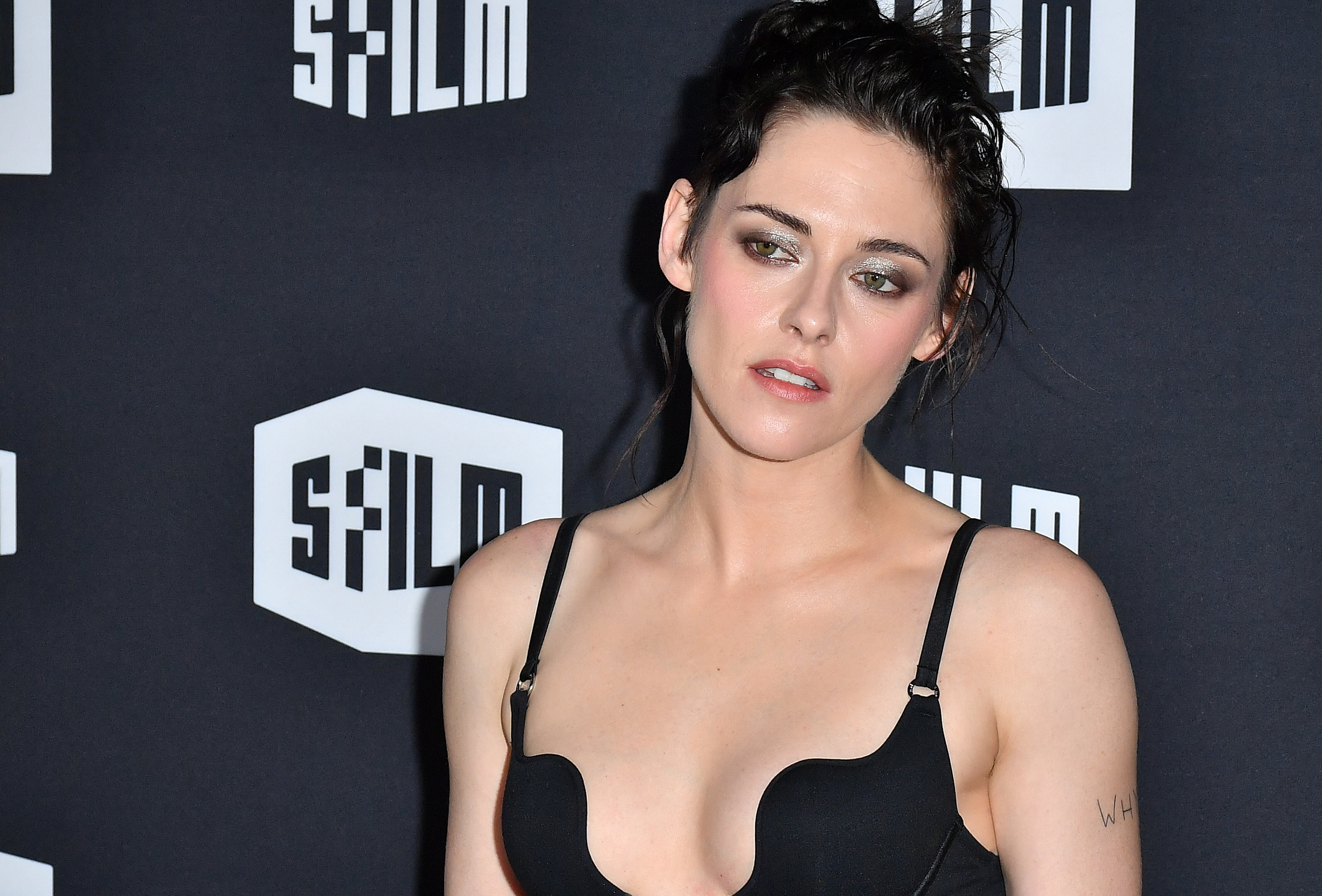
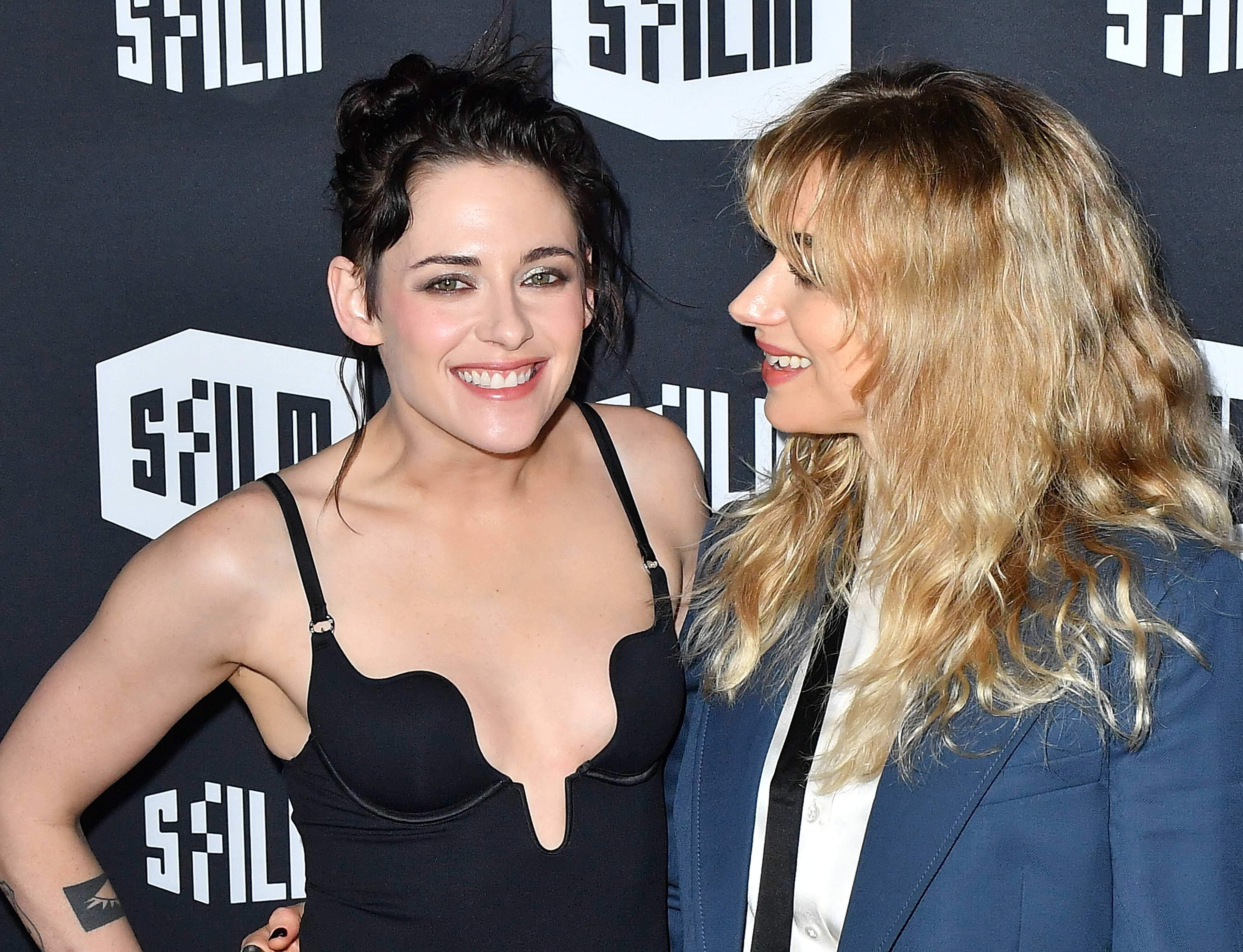
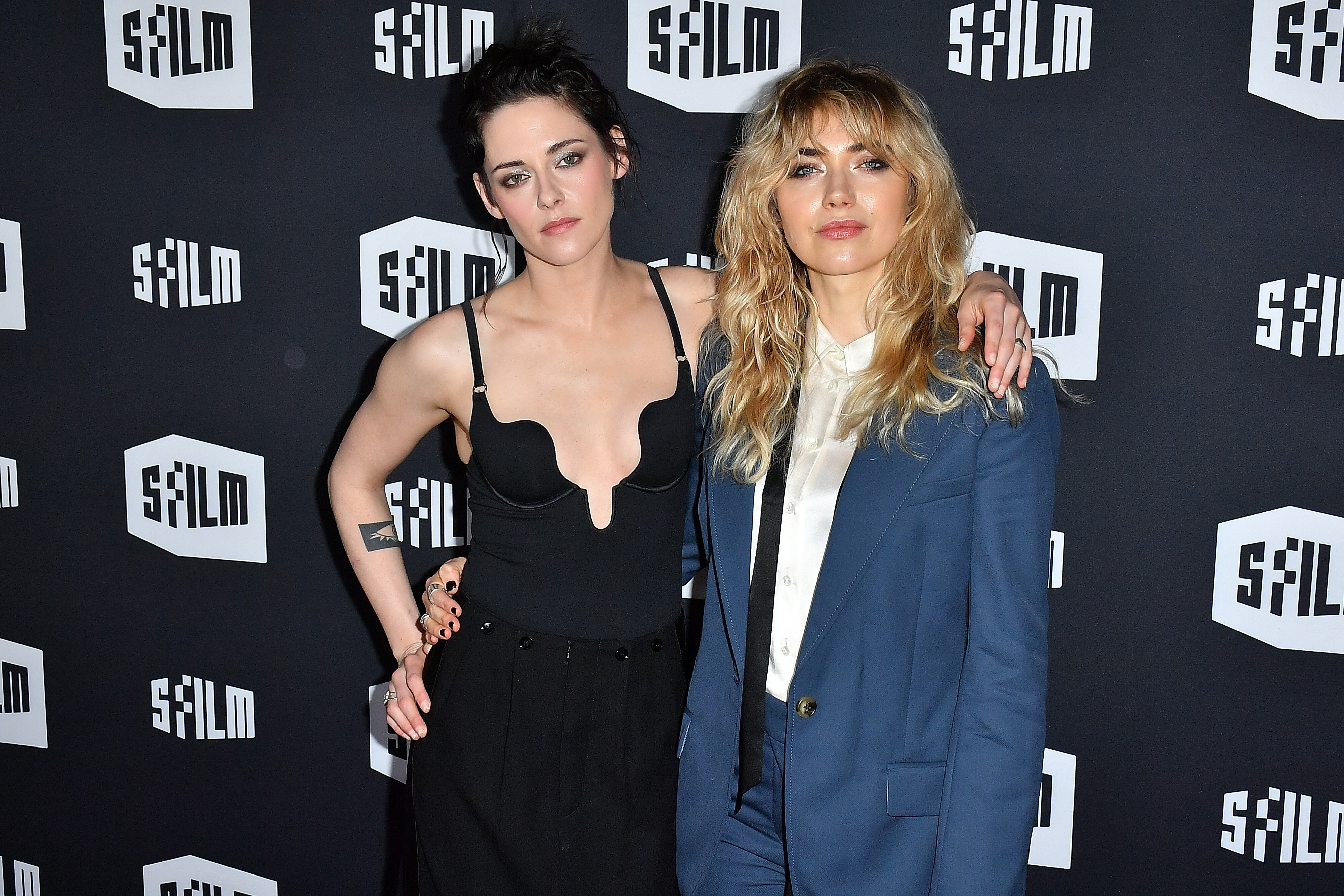
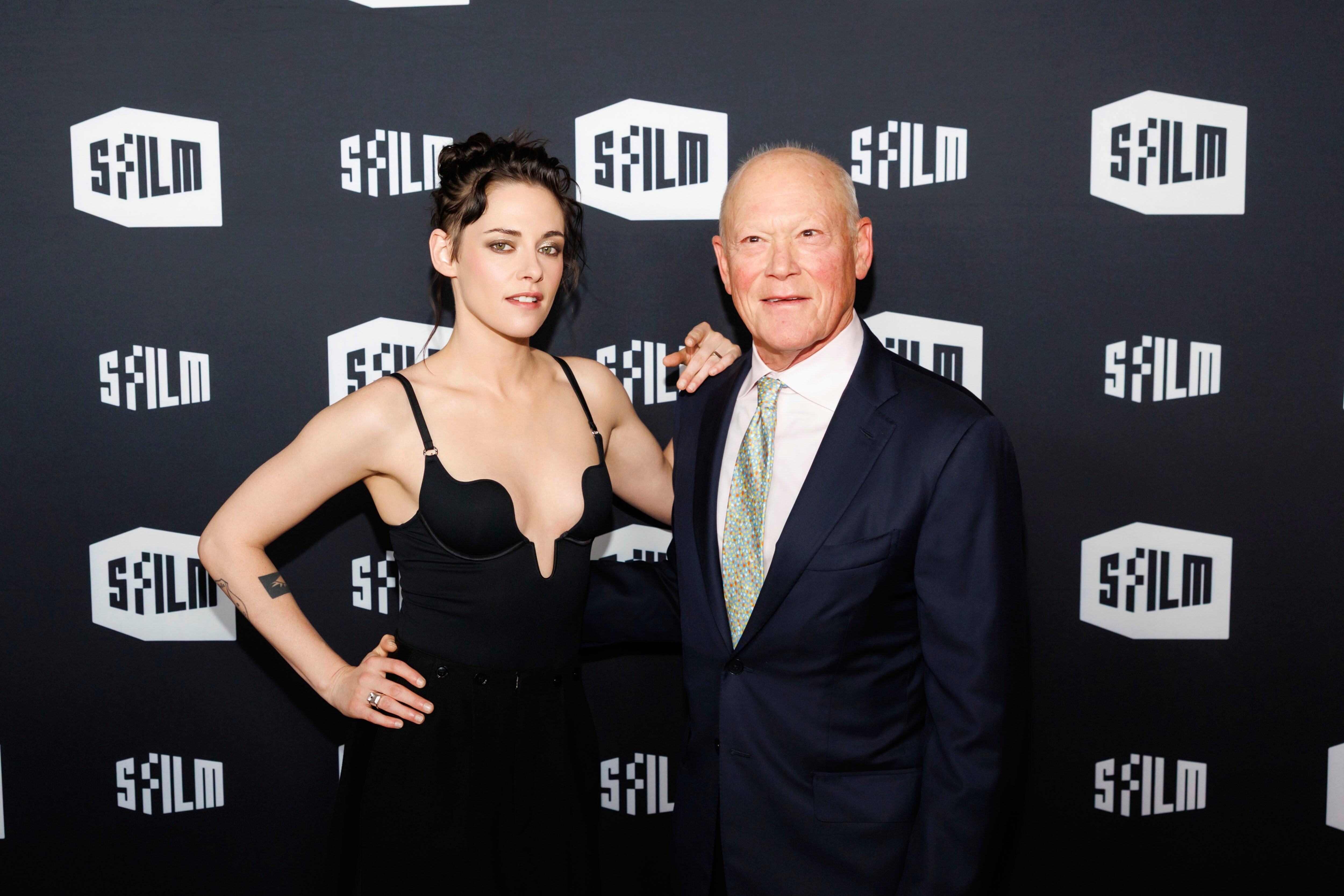
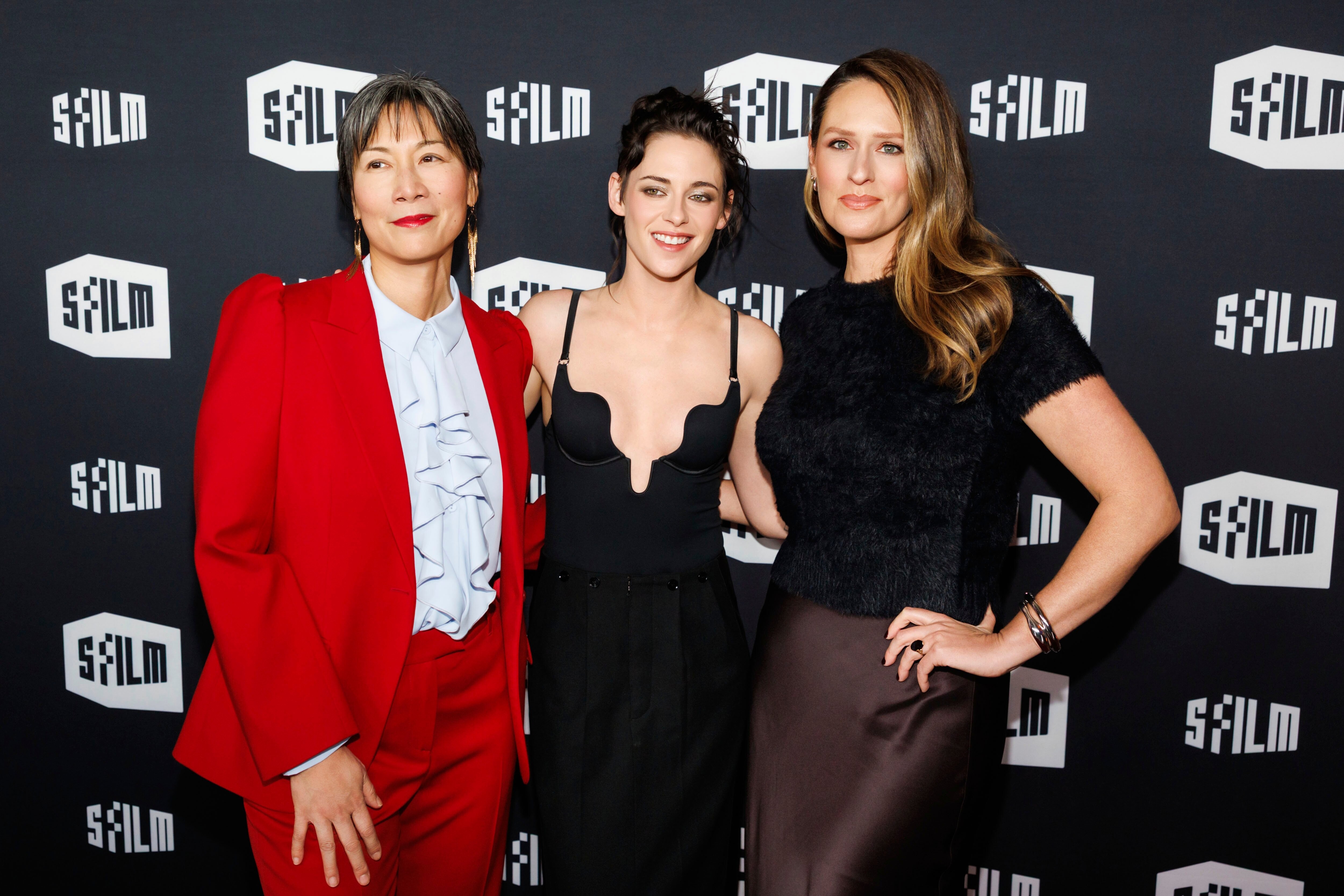
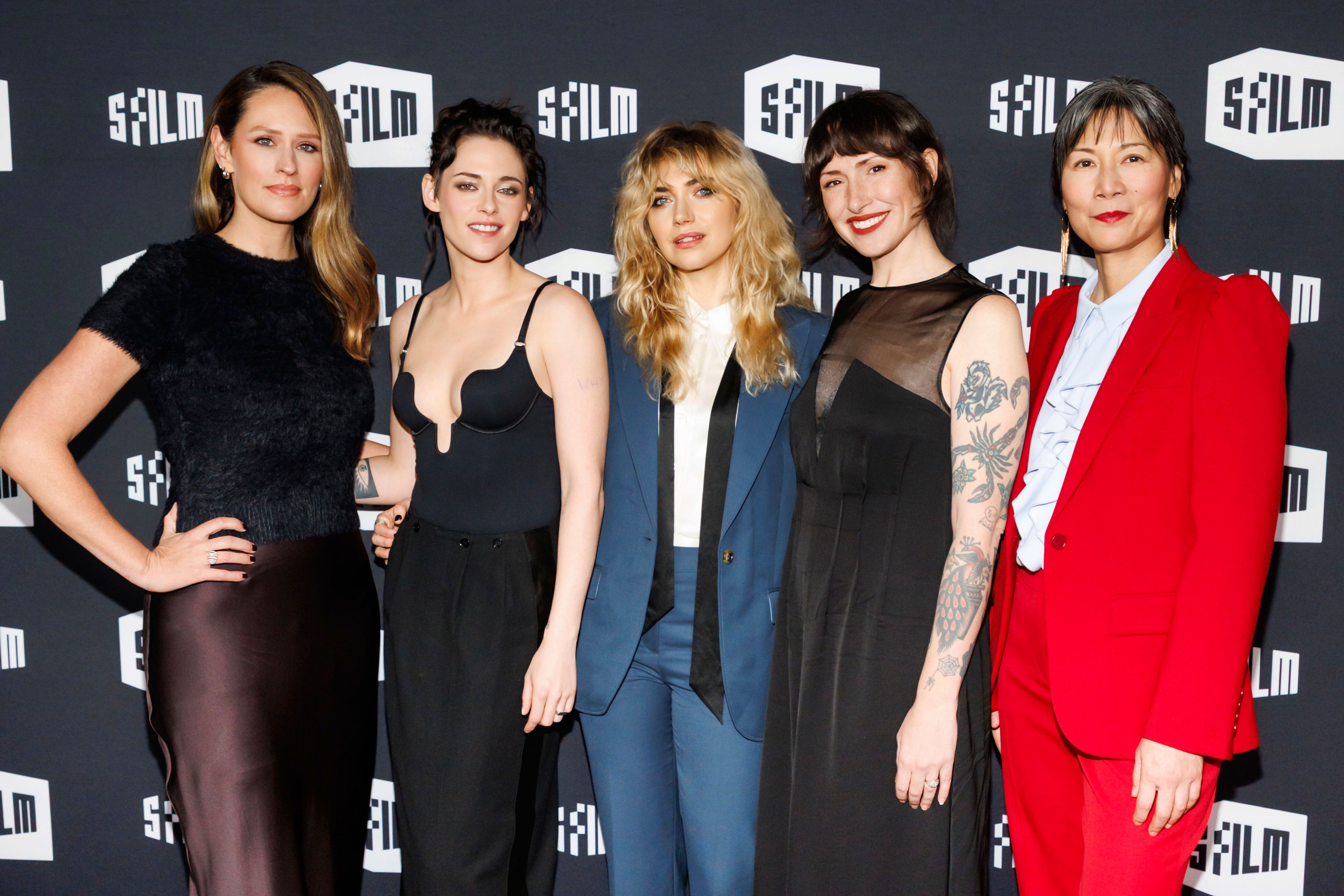
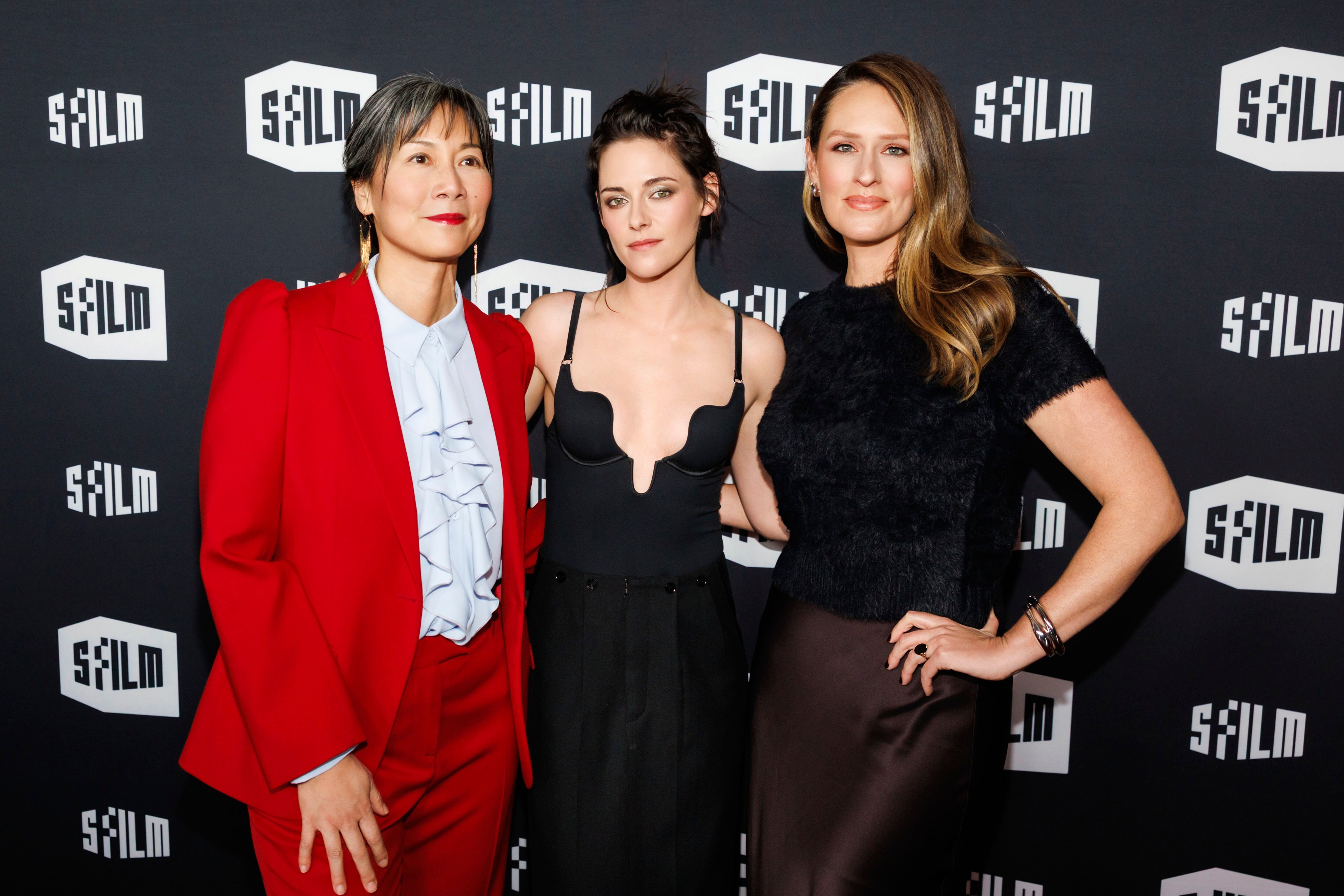
Attends 2025 SFFILM Awards Night at Fort Mason Center in San Francisco, California. December 08, 2025 Batusai at picturepub


























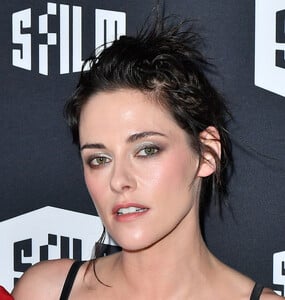

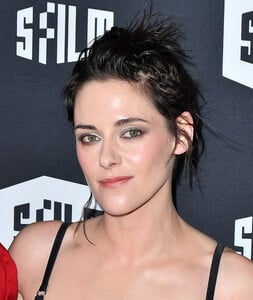









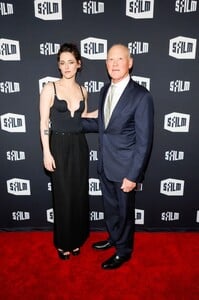


























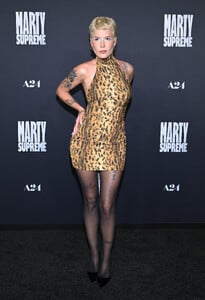
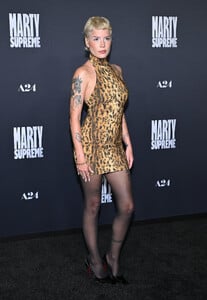
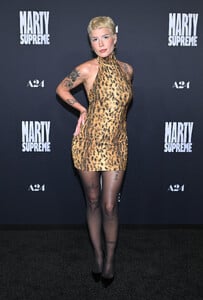
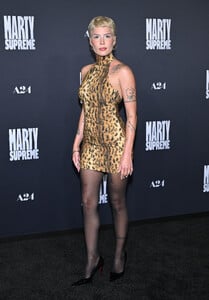
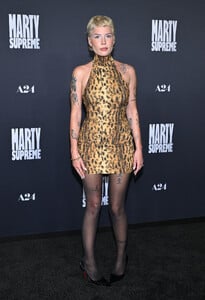
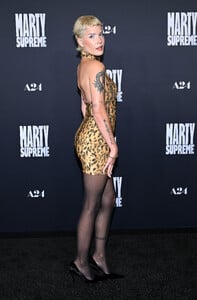
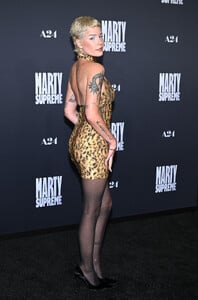
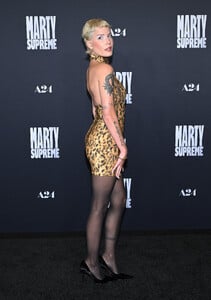
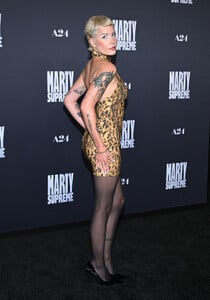
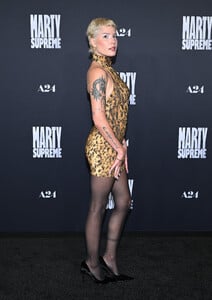
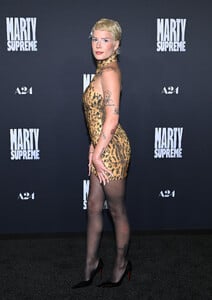
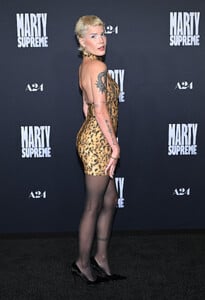
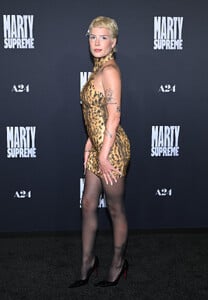
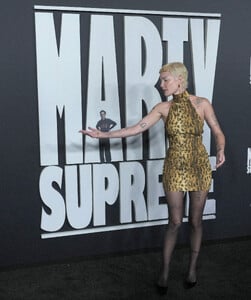
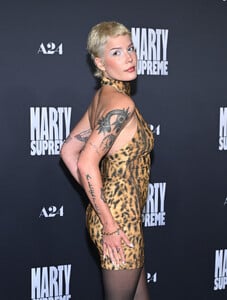
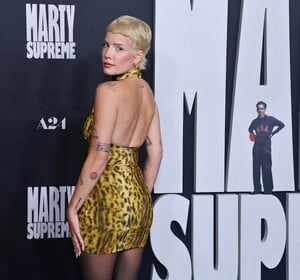
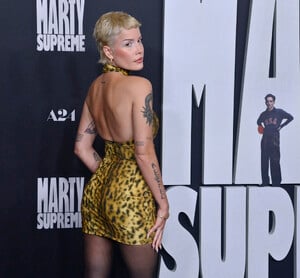
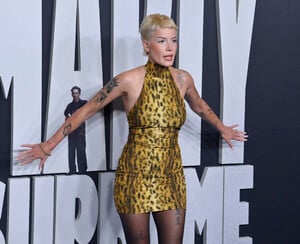
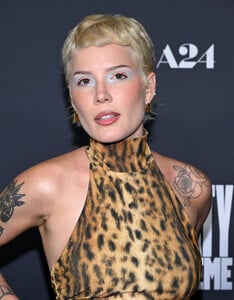
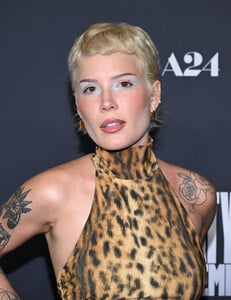
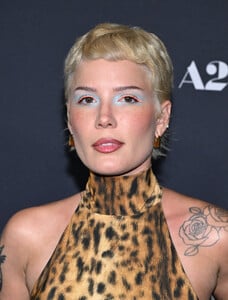
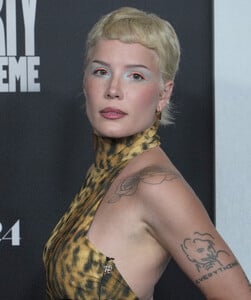
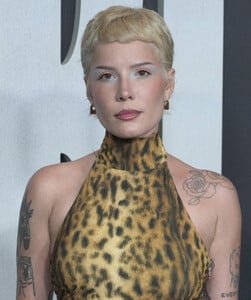
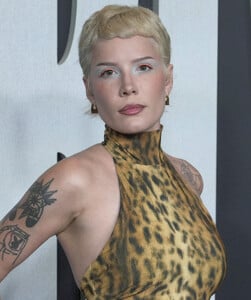
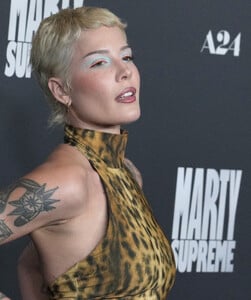
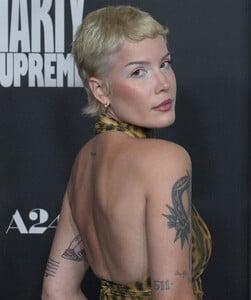
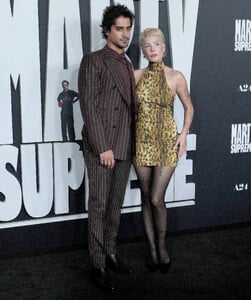
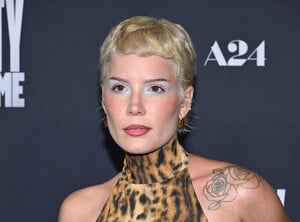
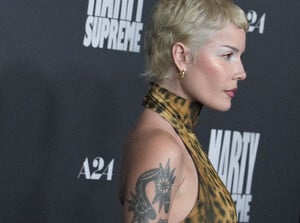
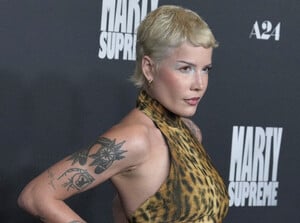
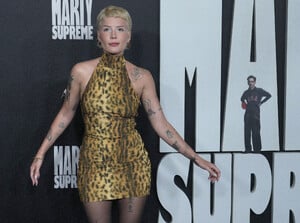
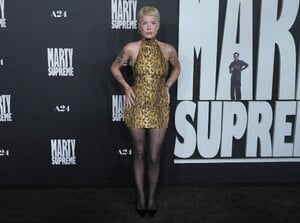
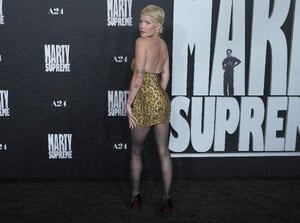
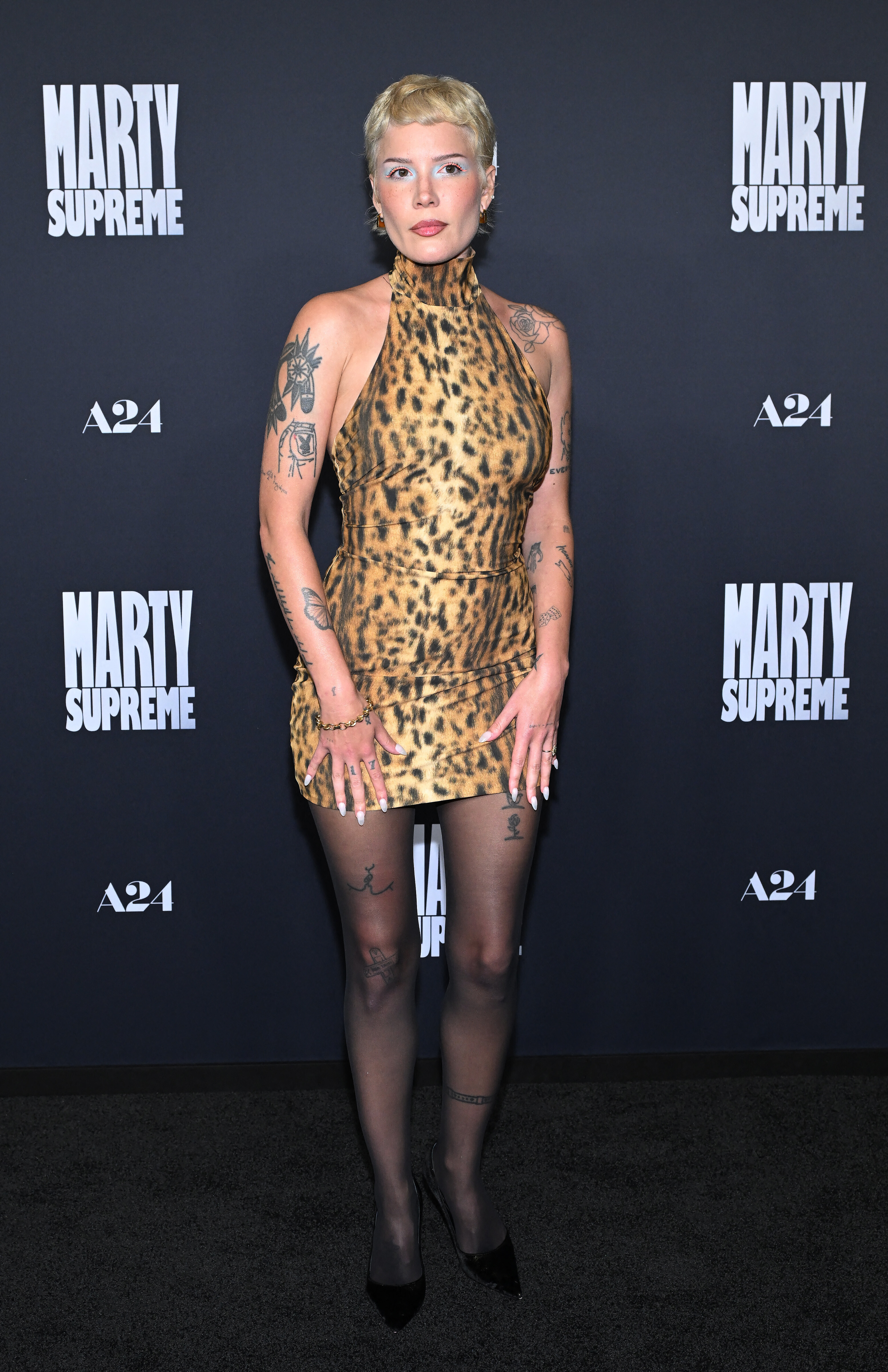
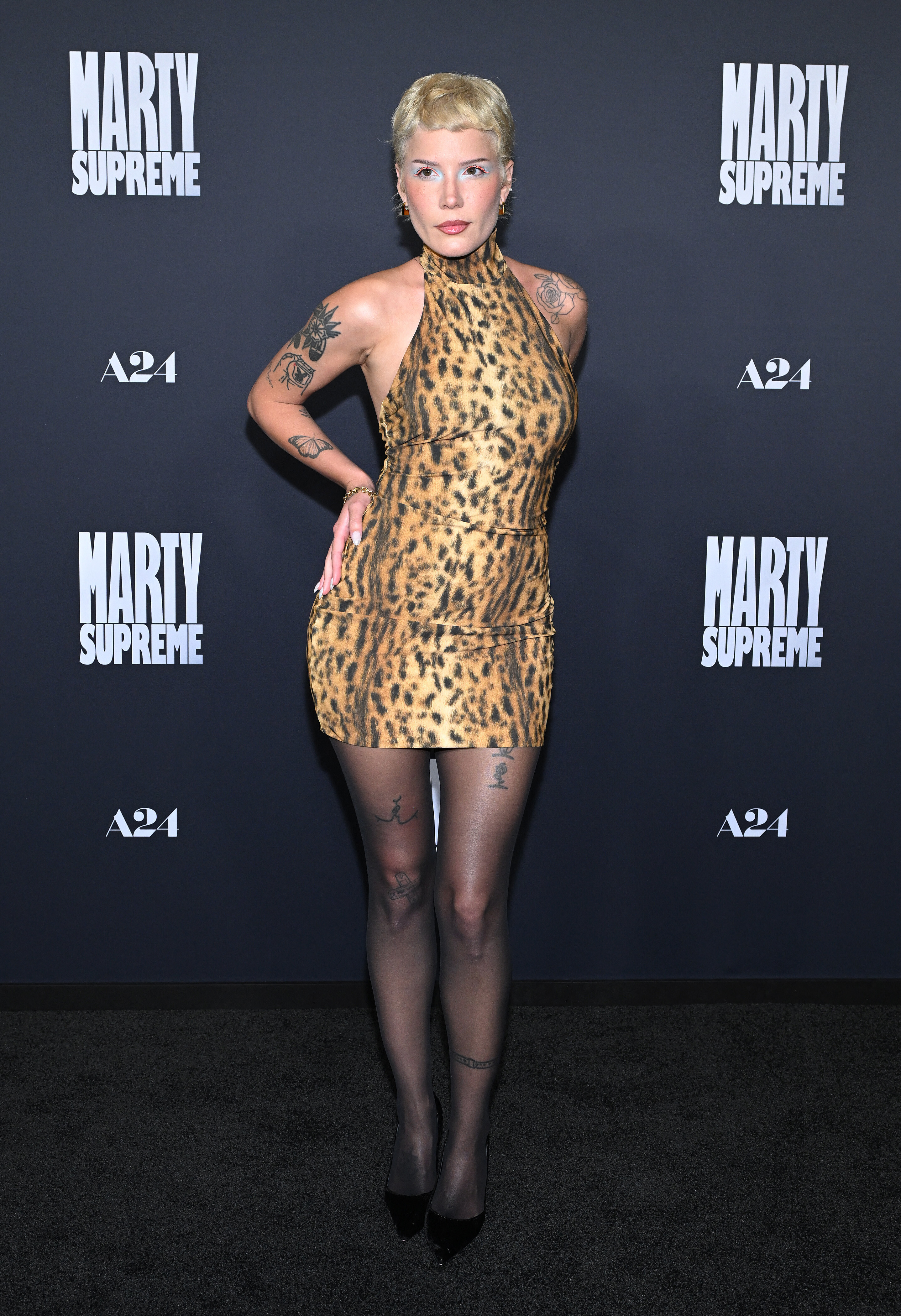
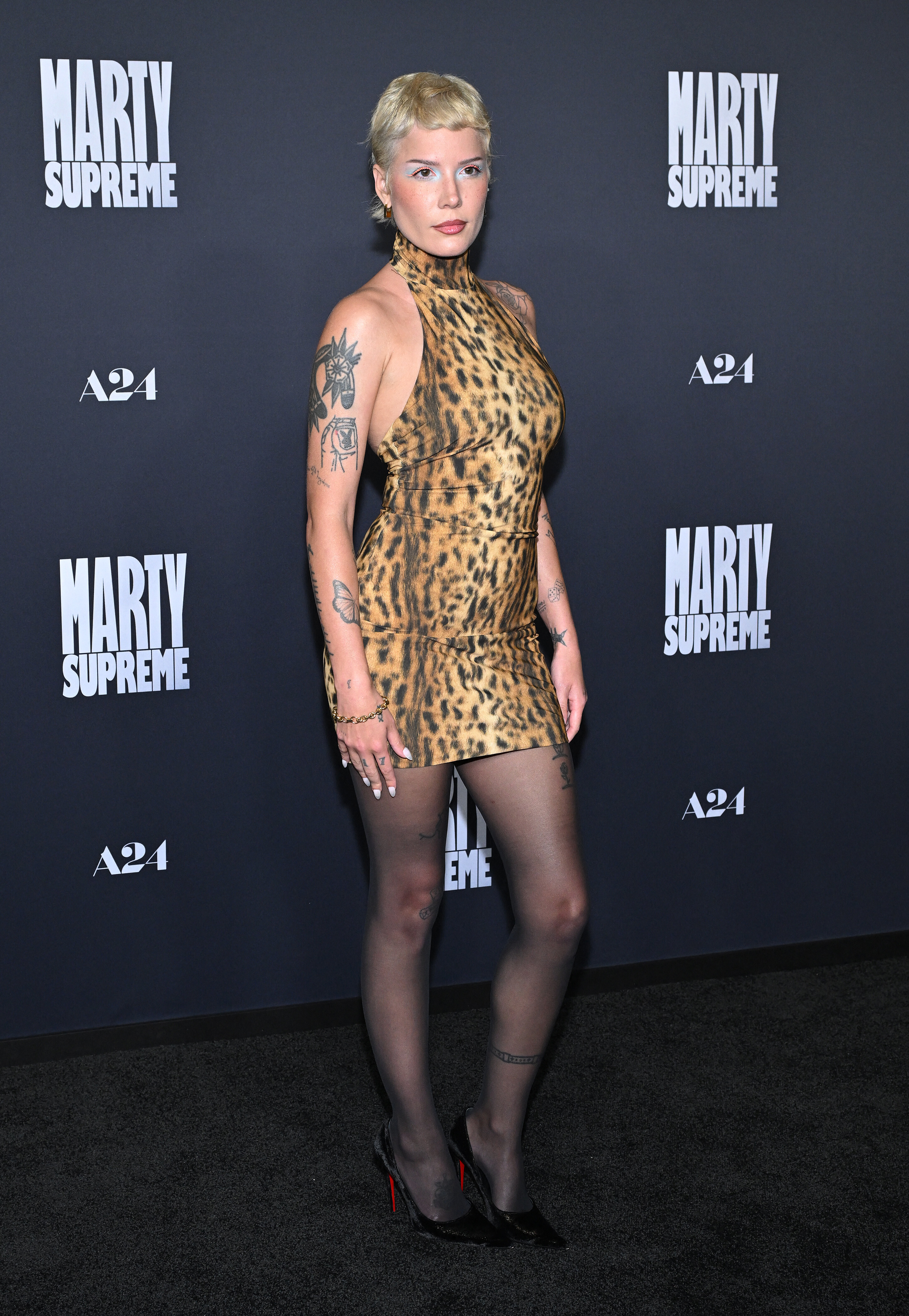
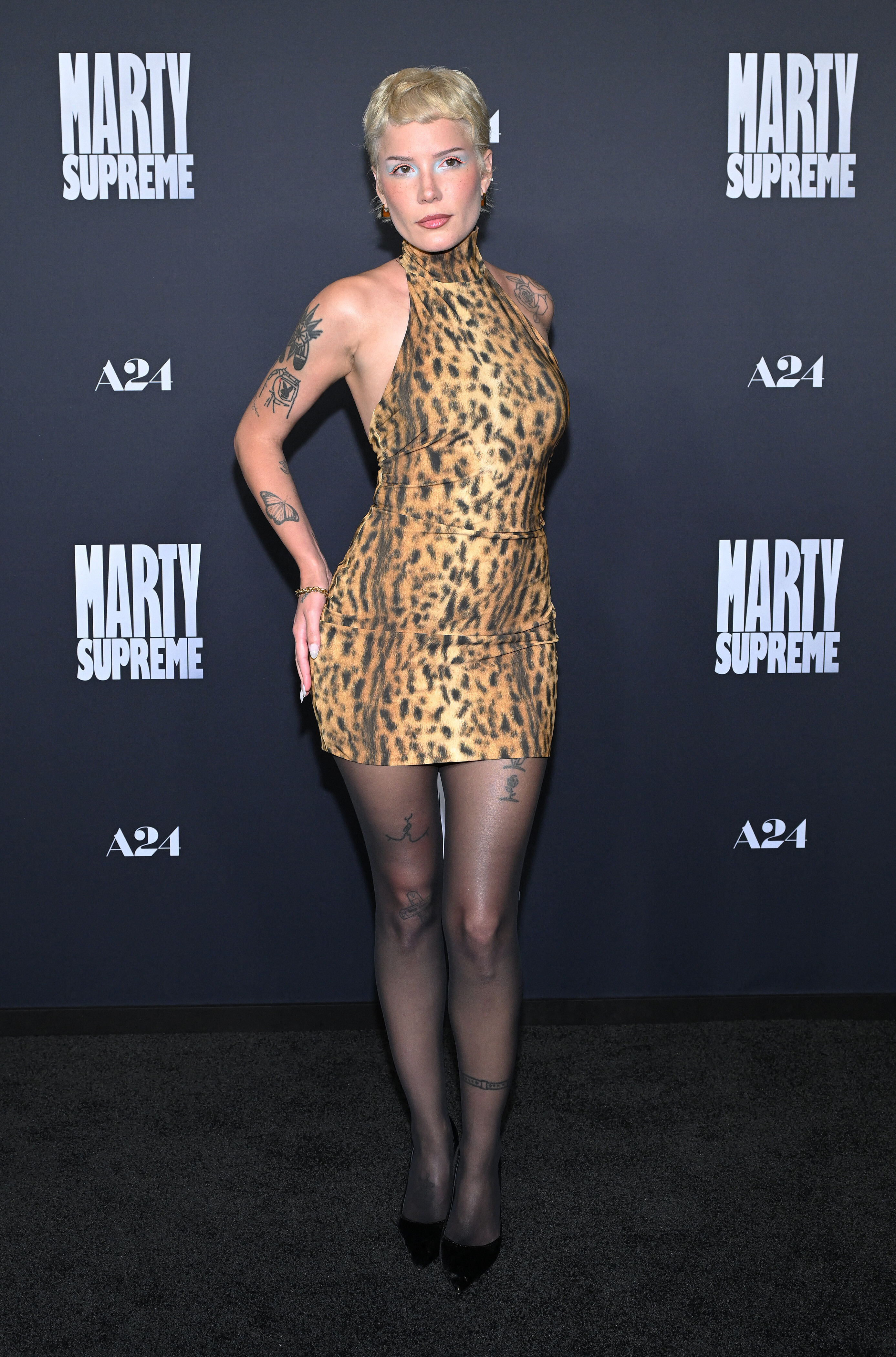
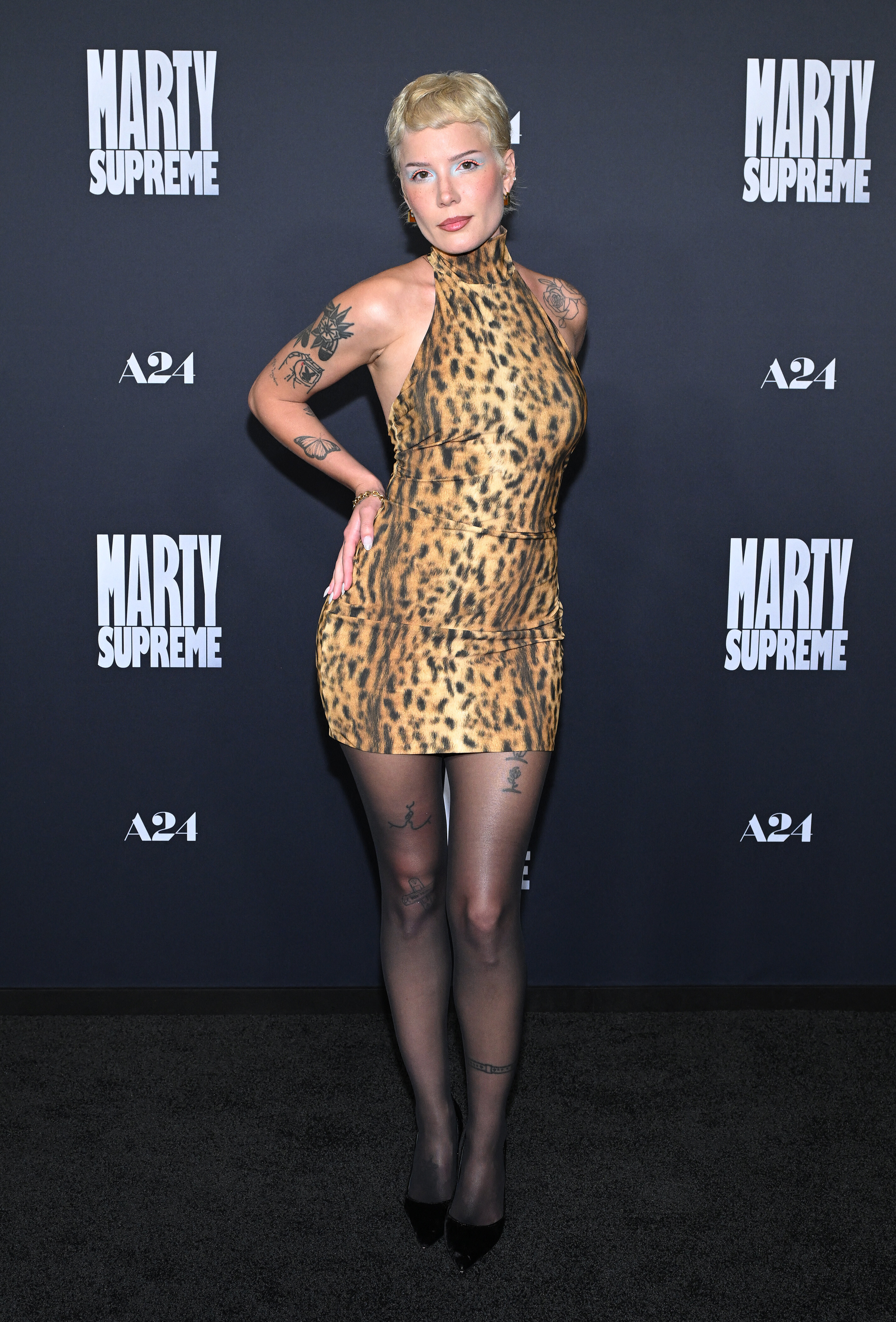
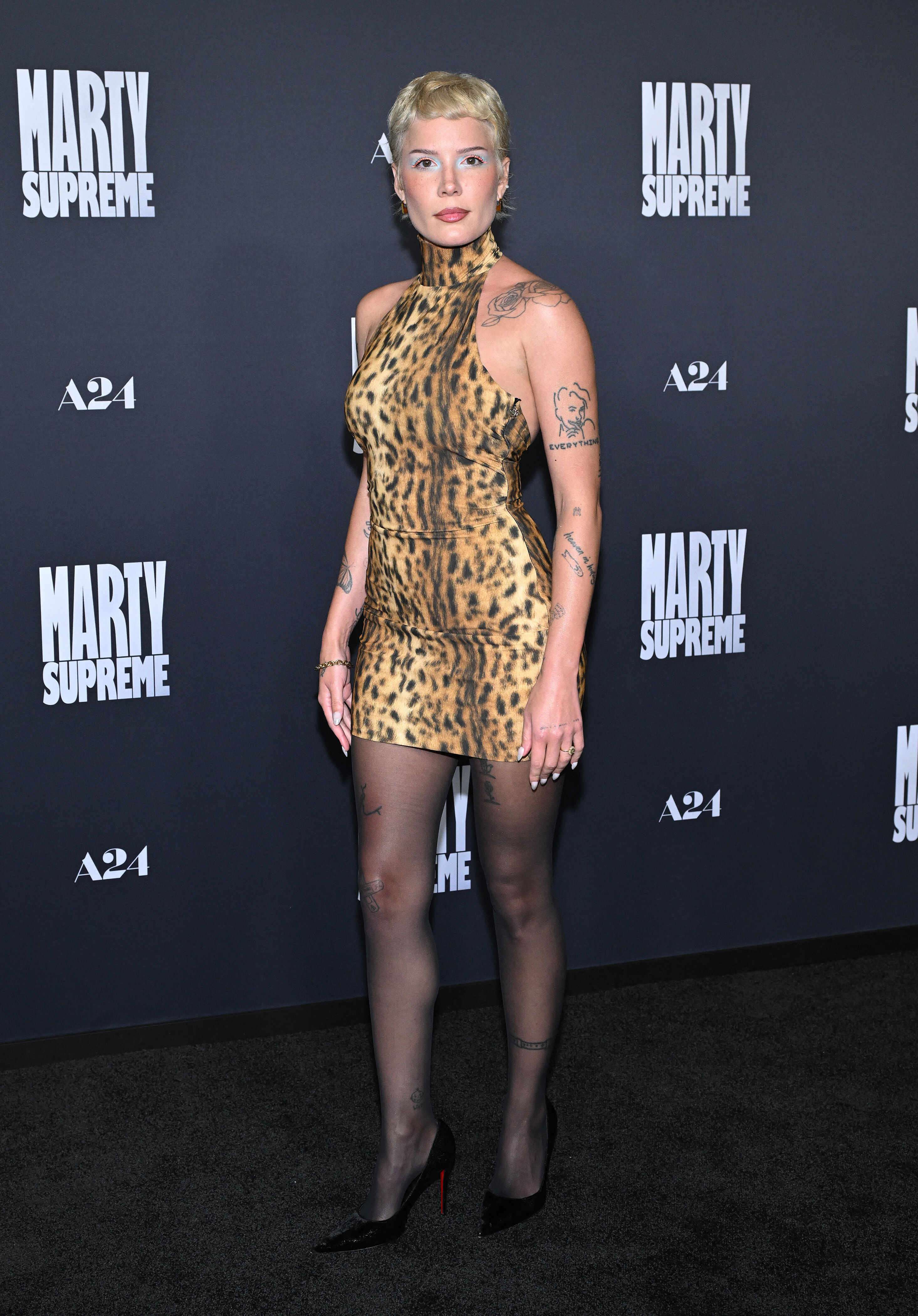
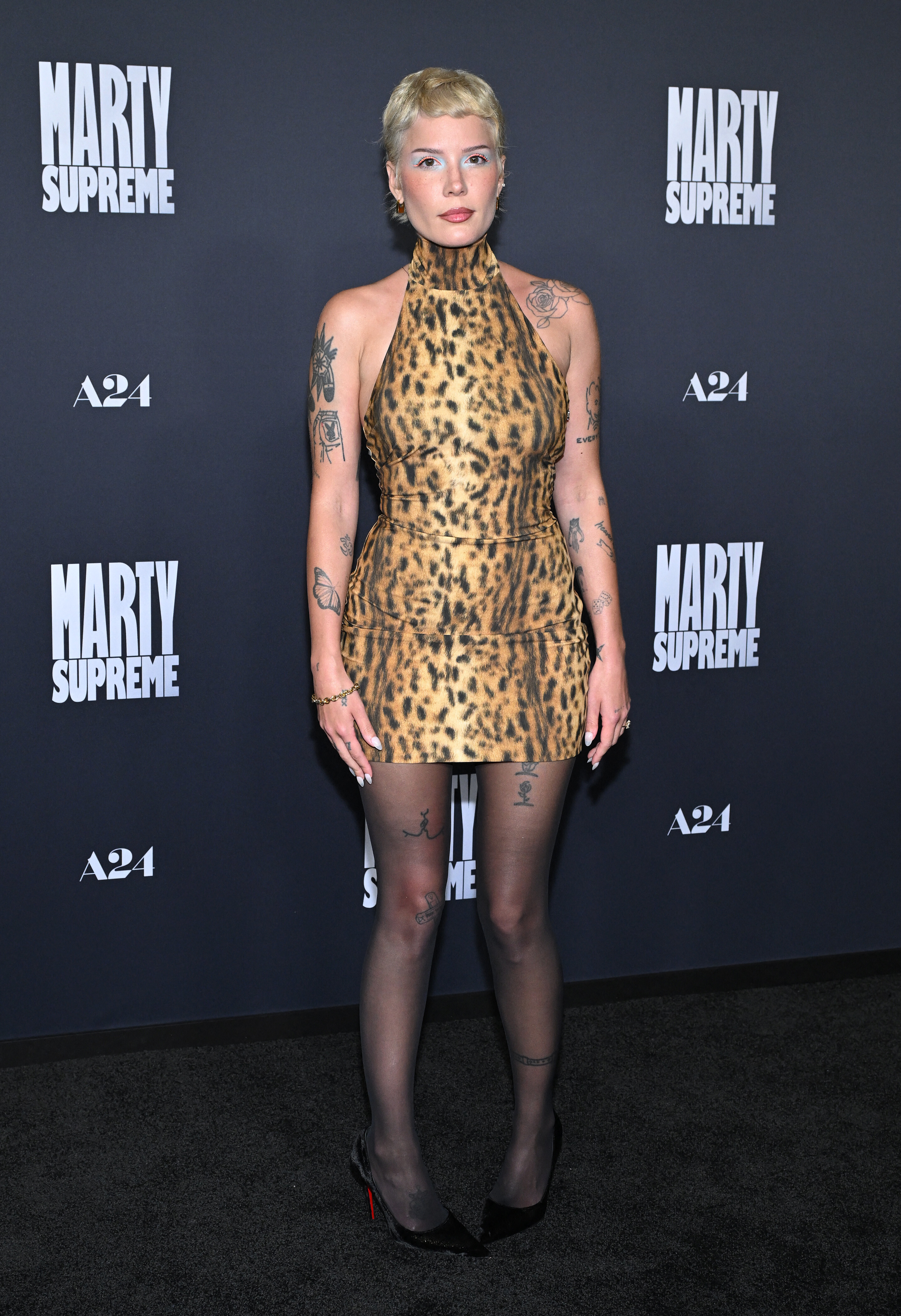
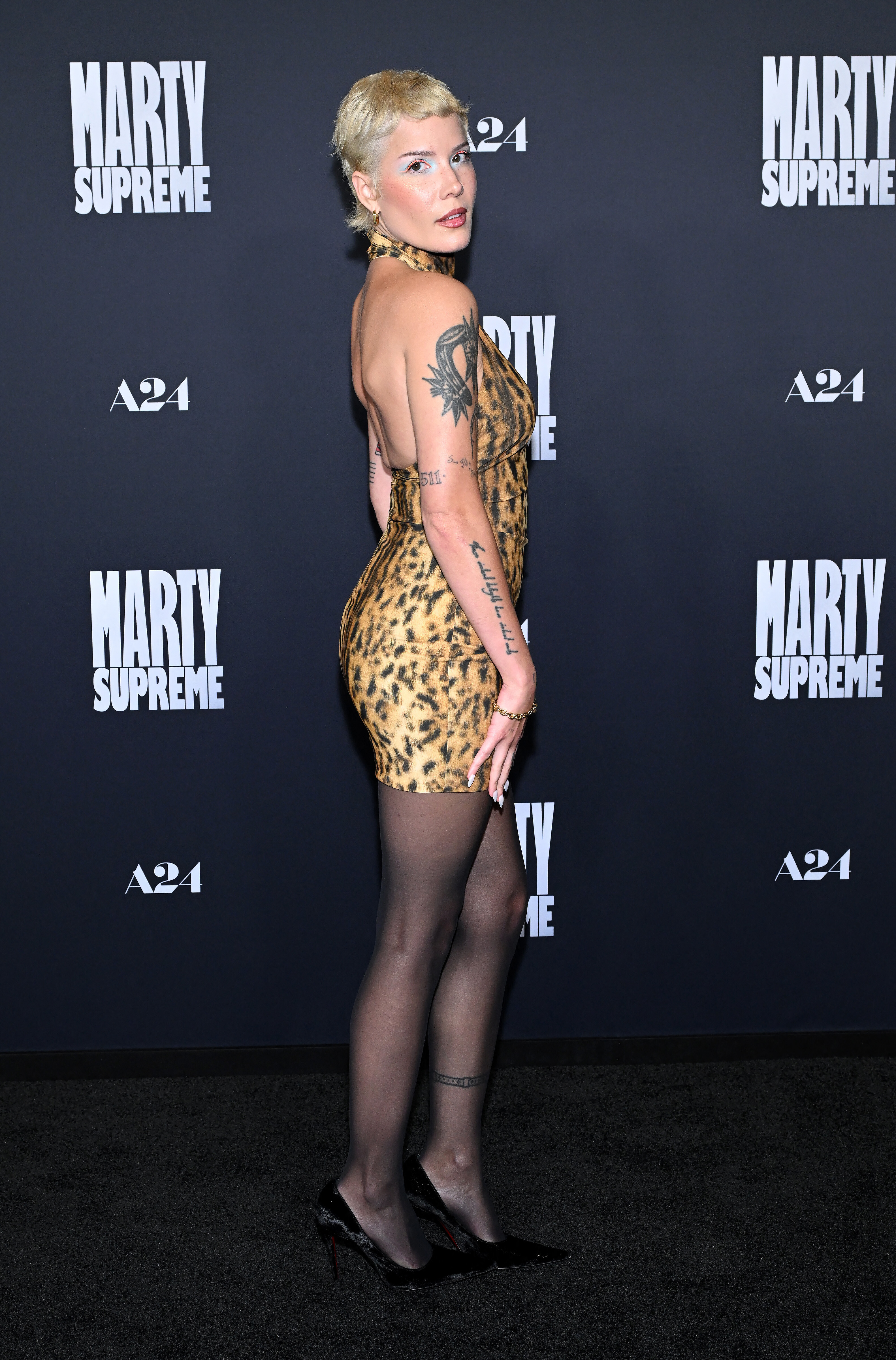
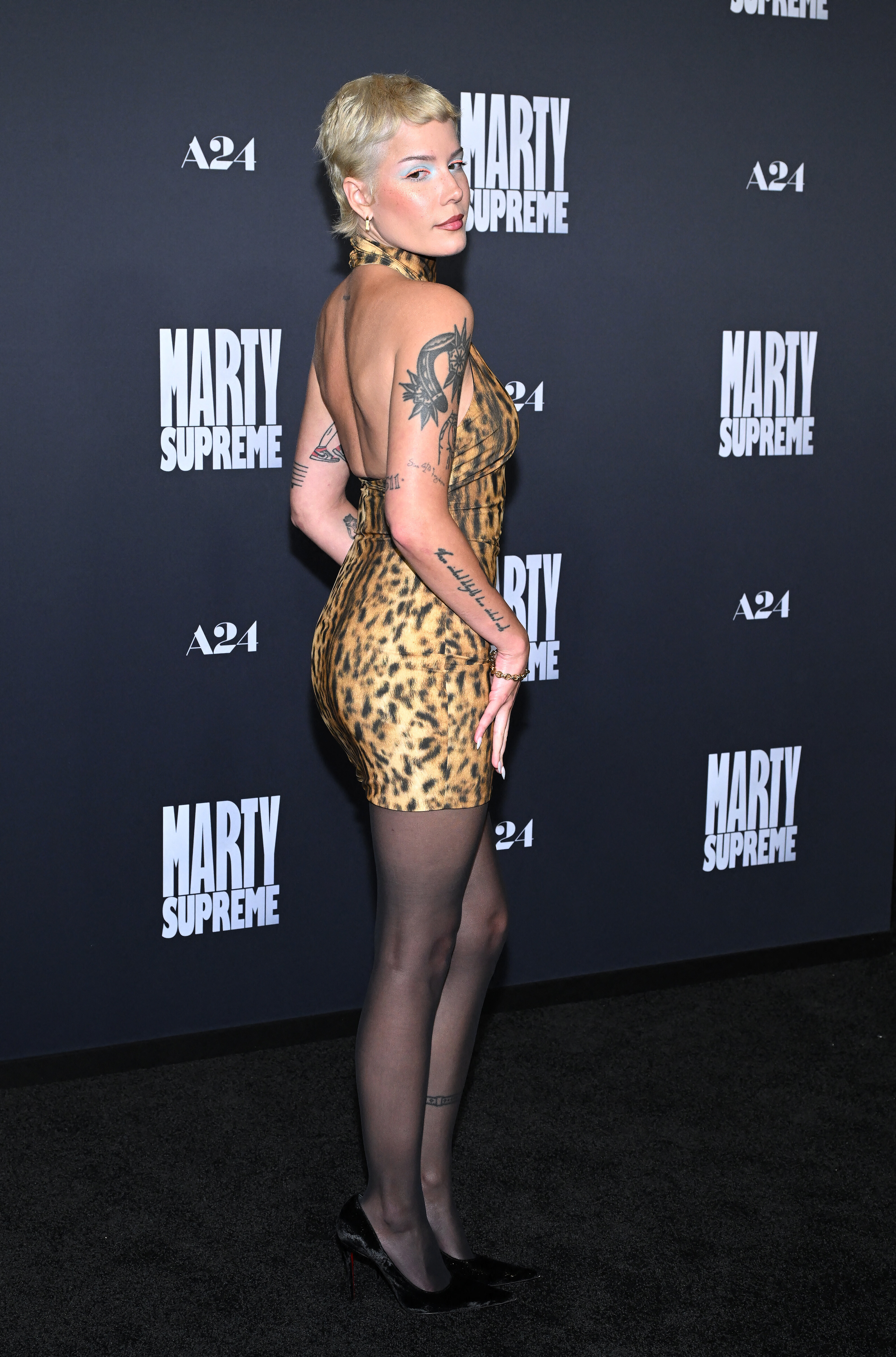
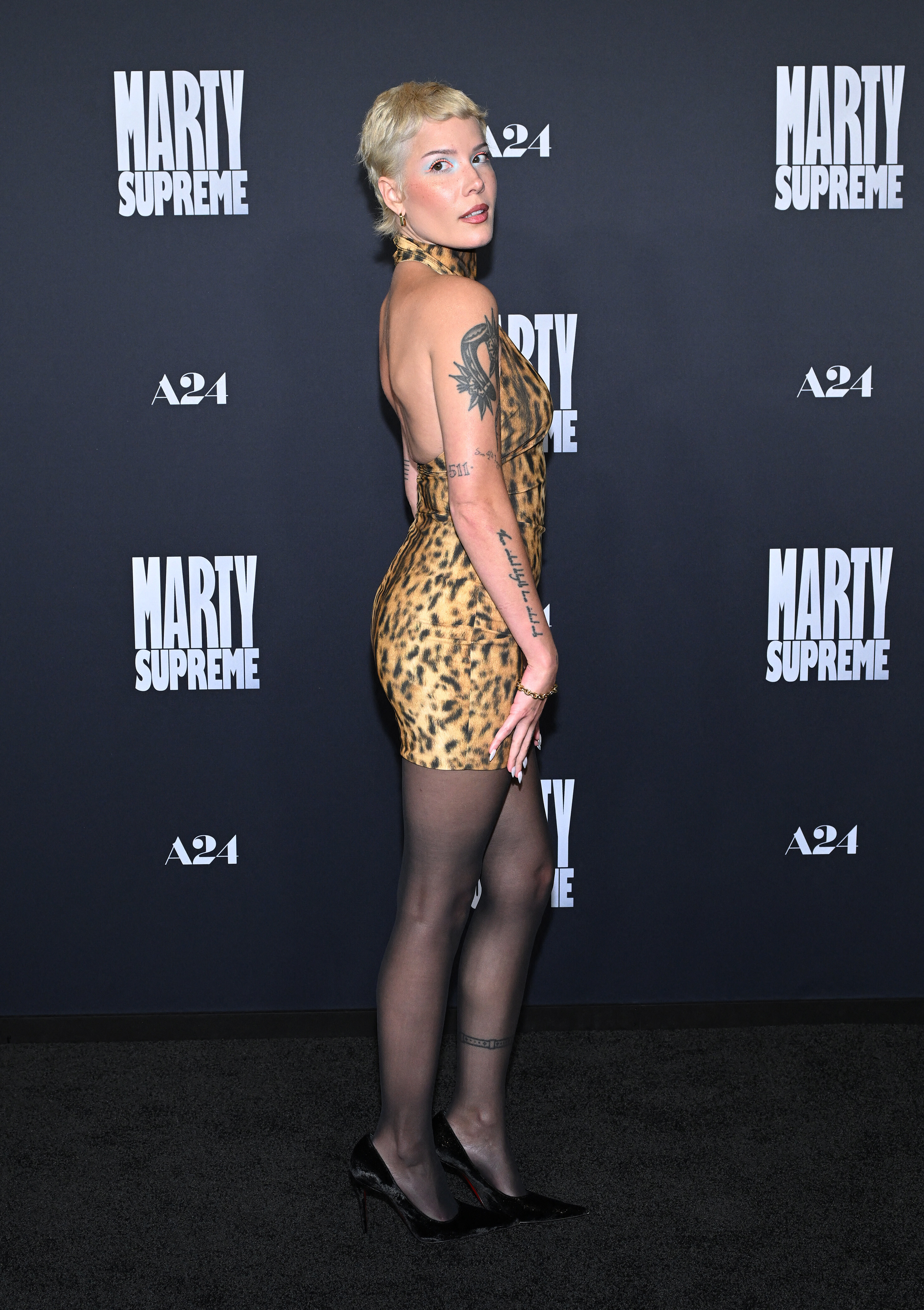
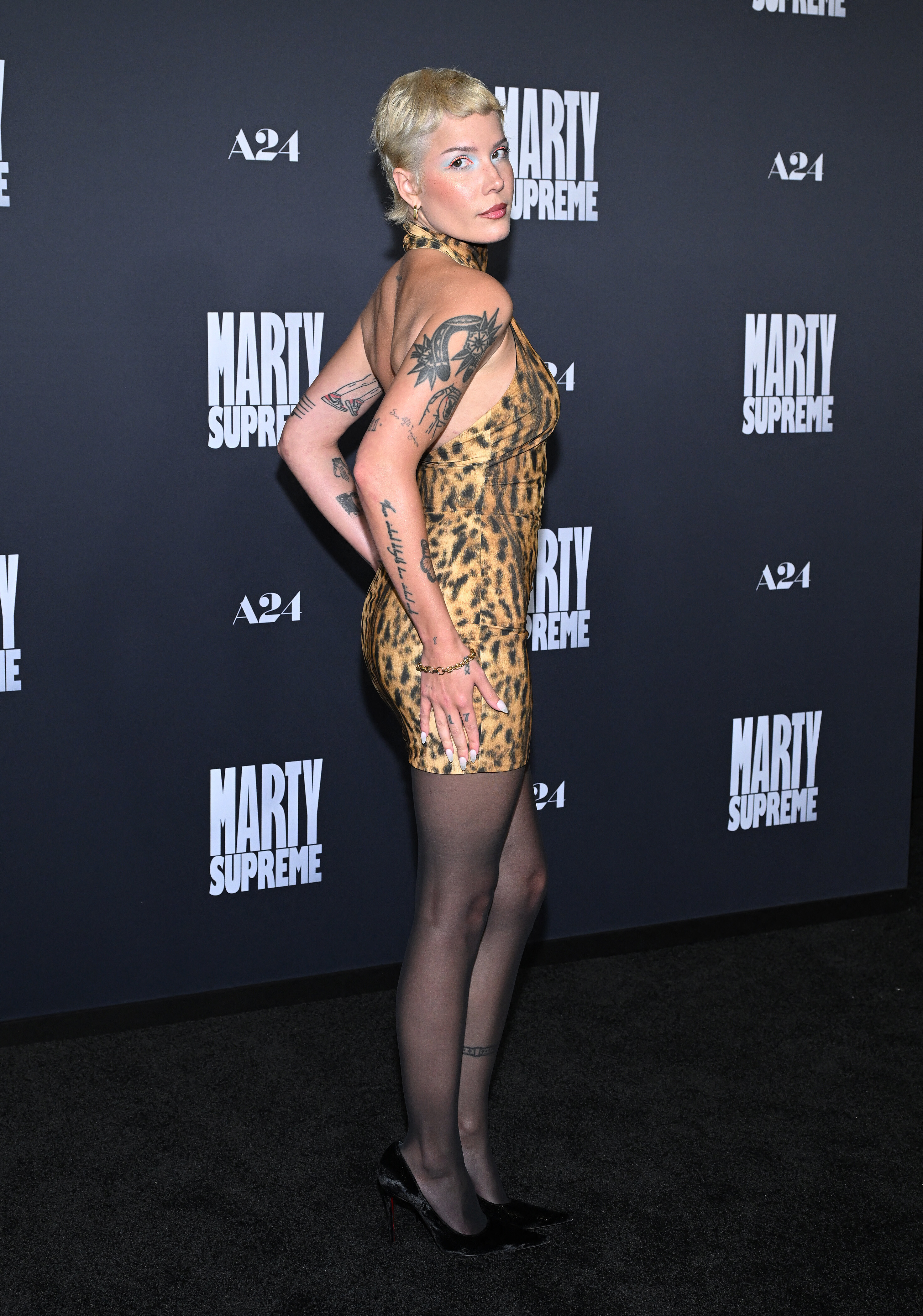
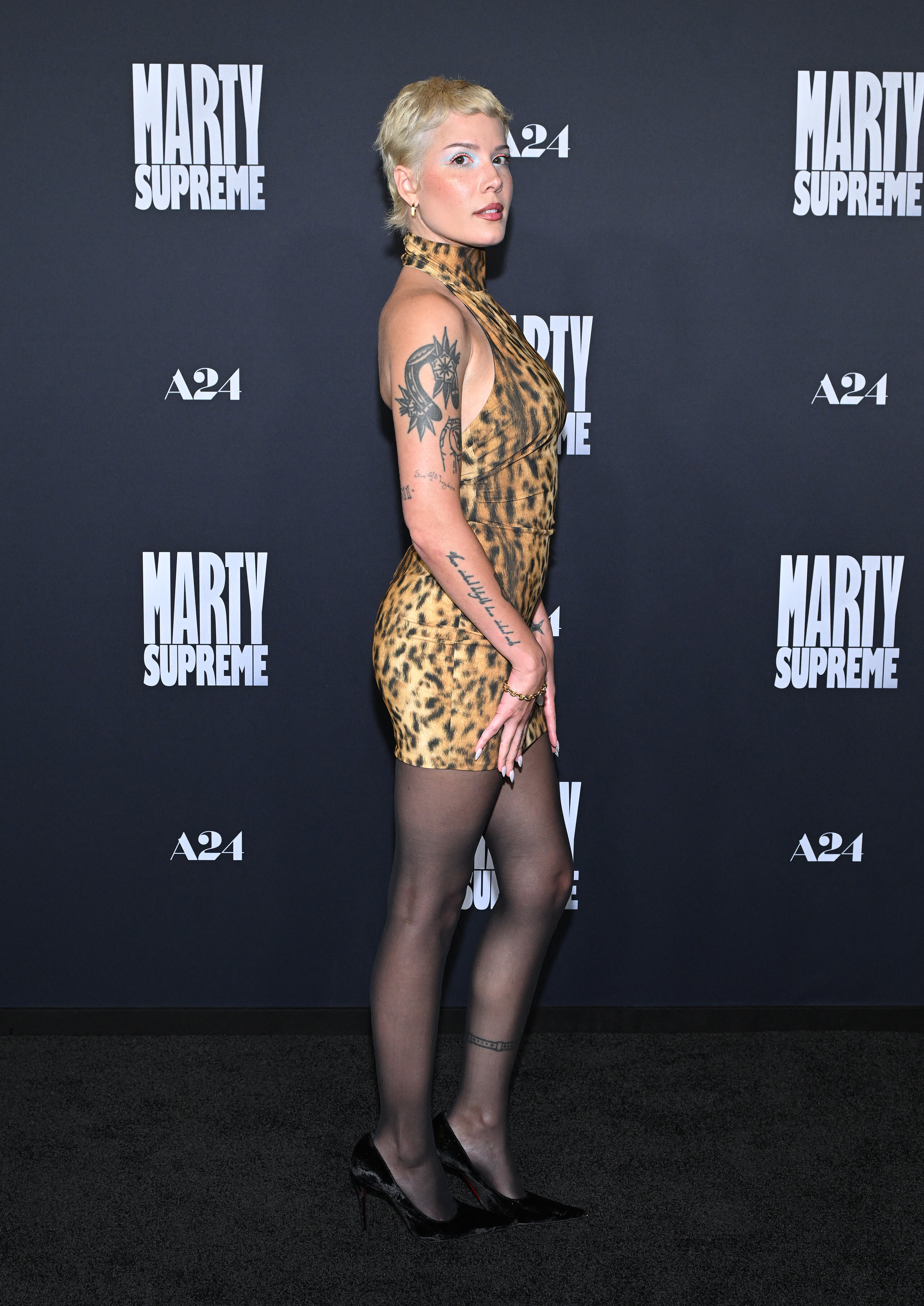
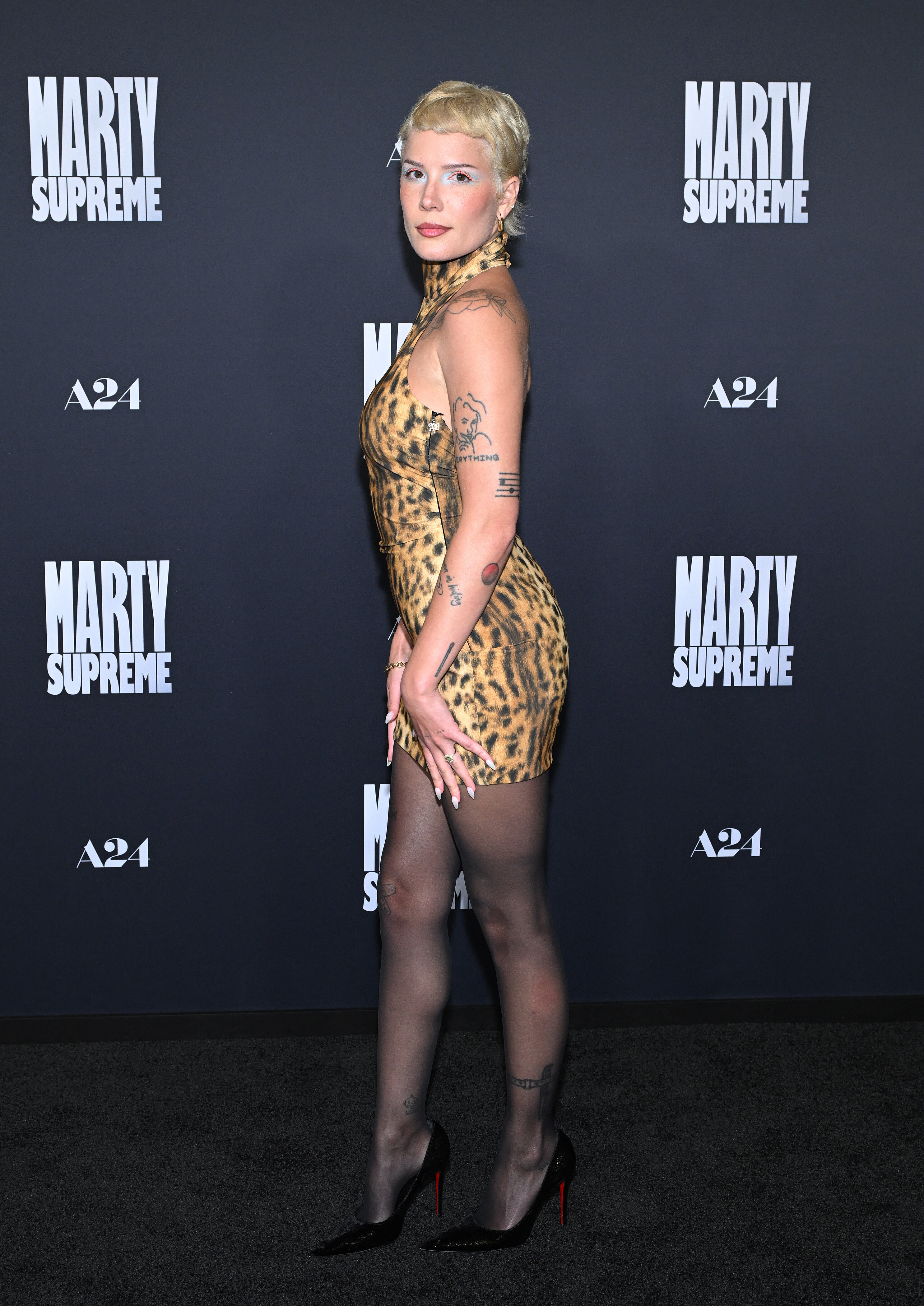
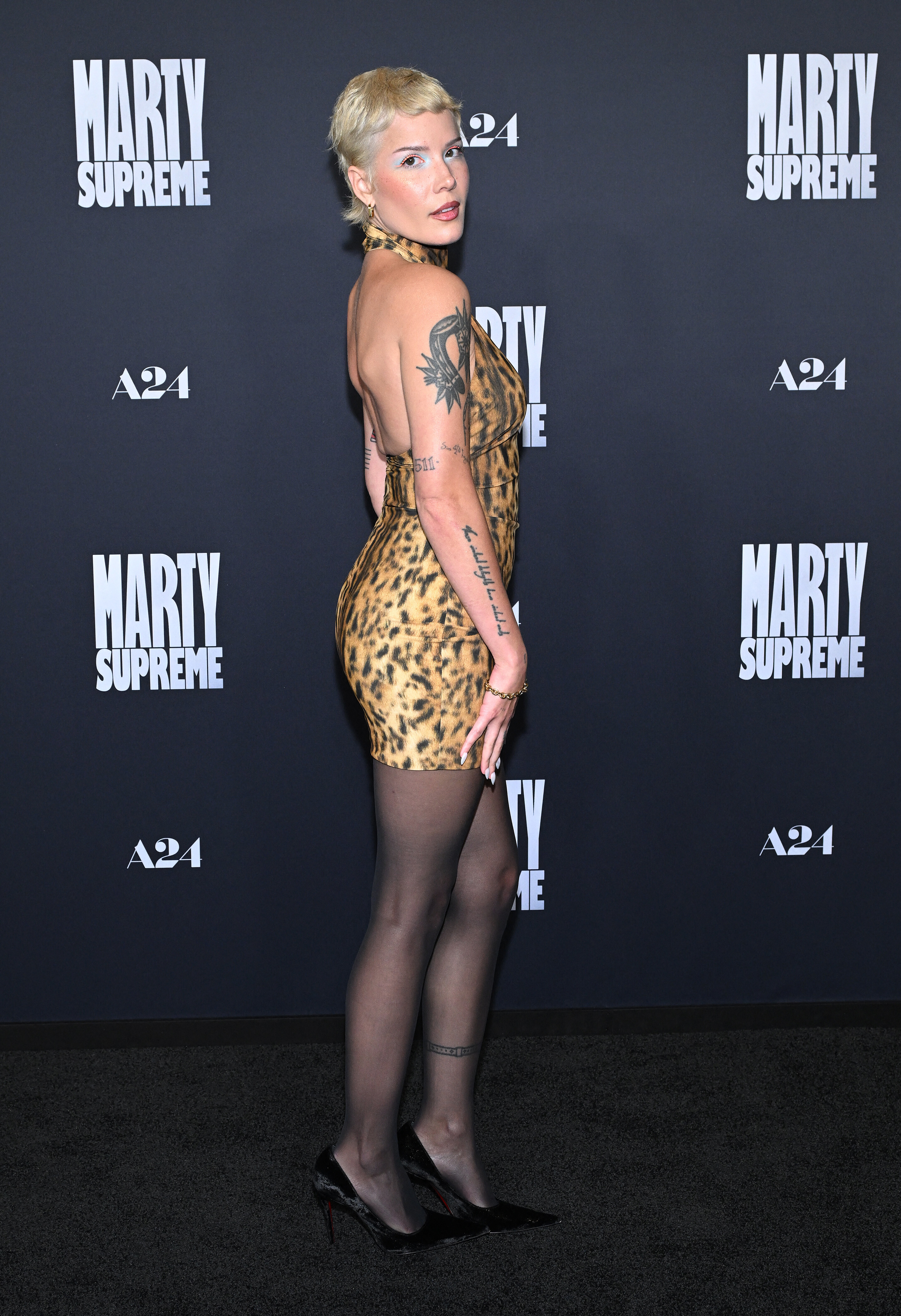
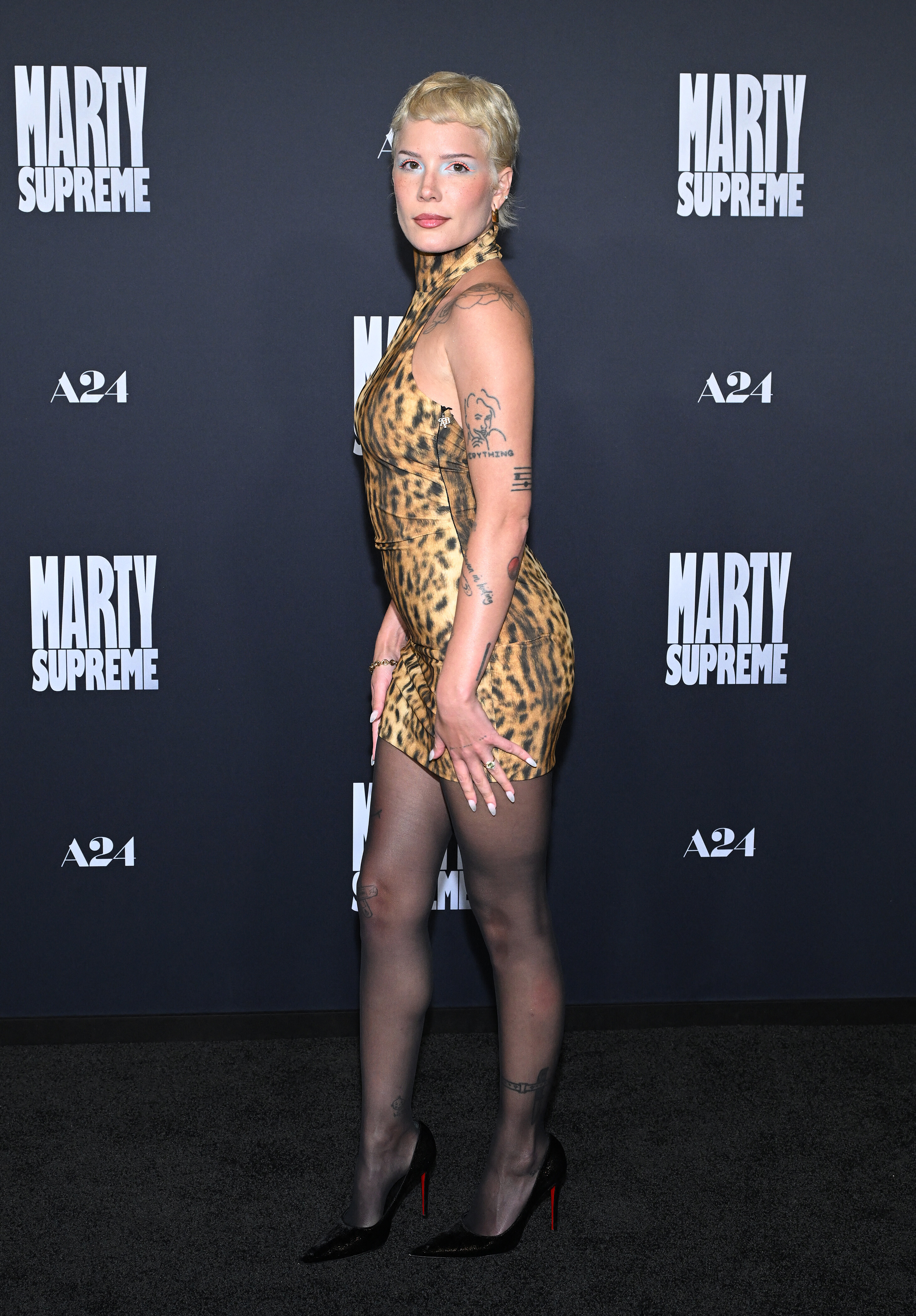
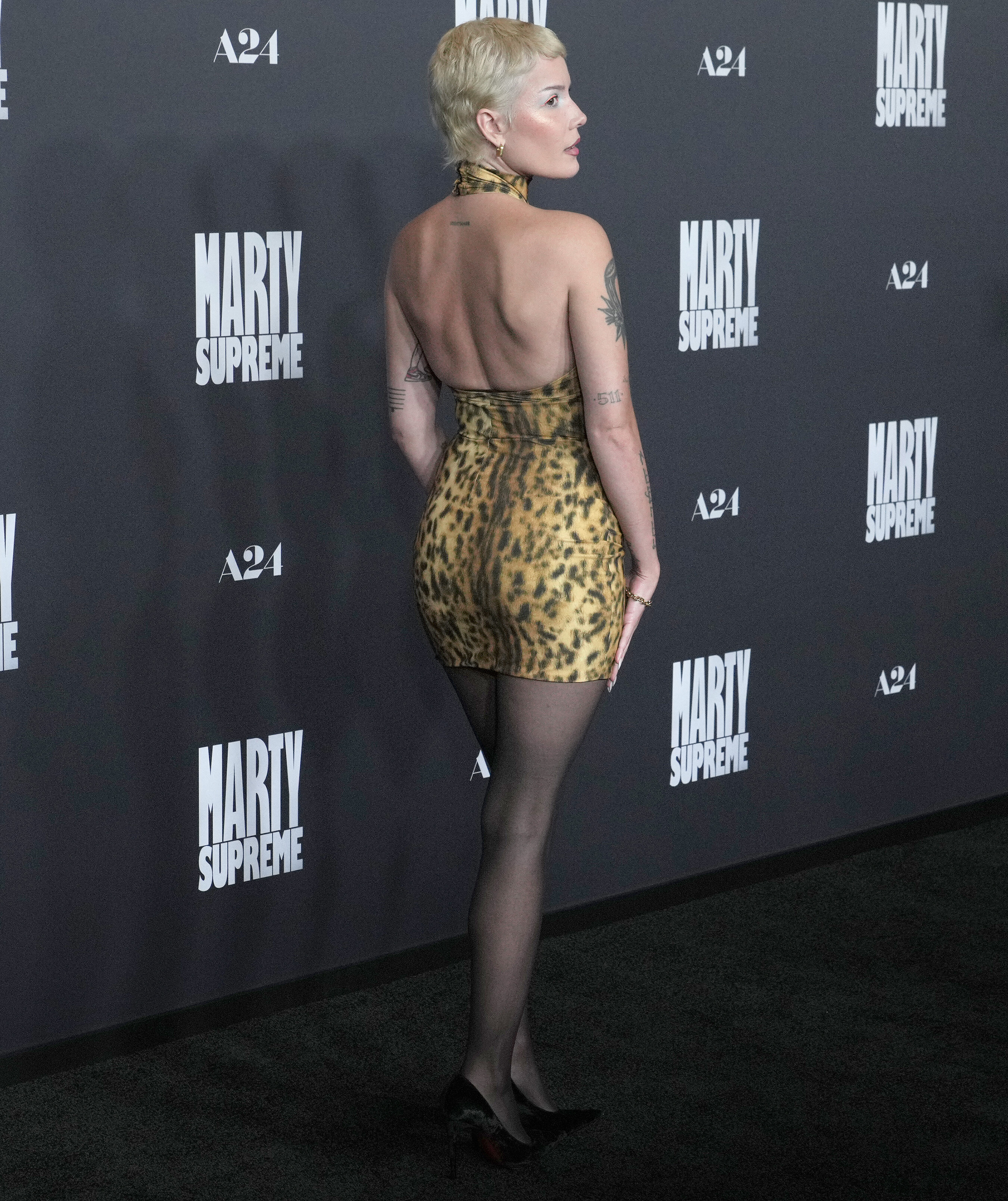
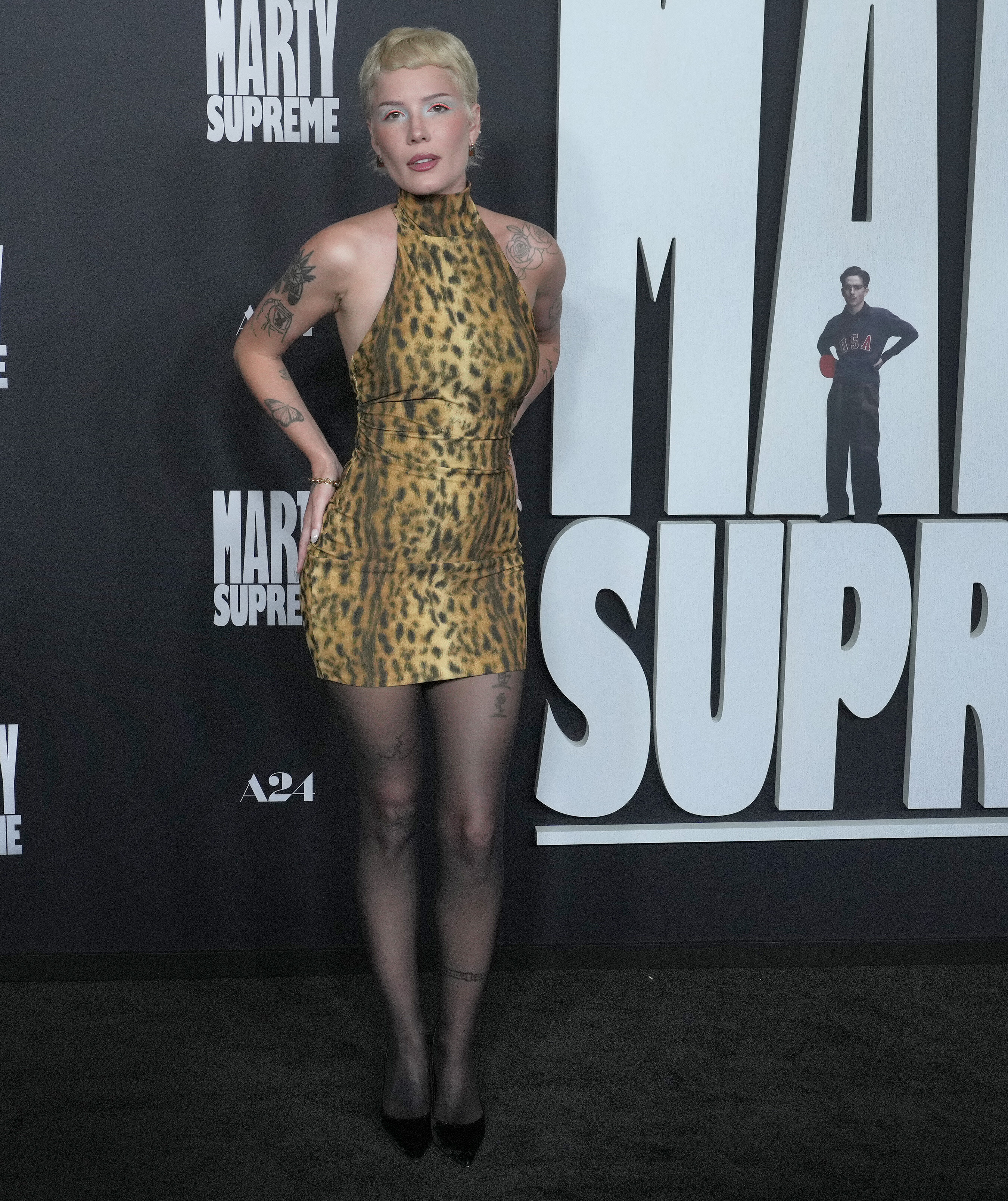
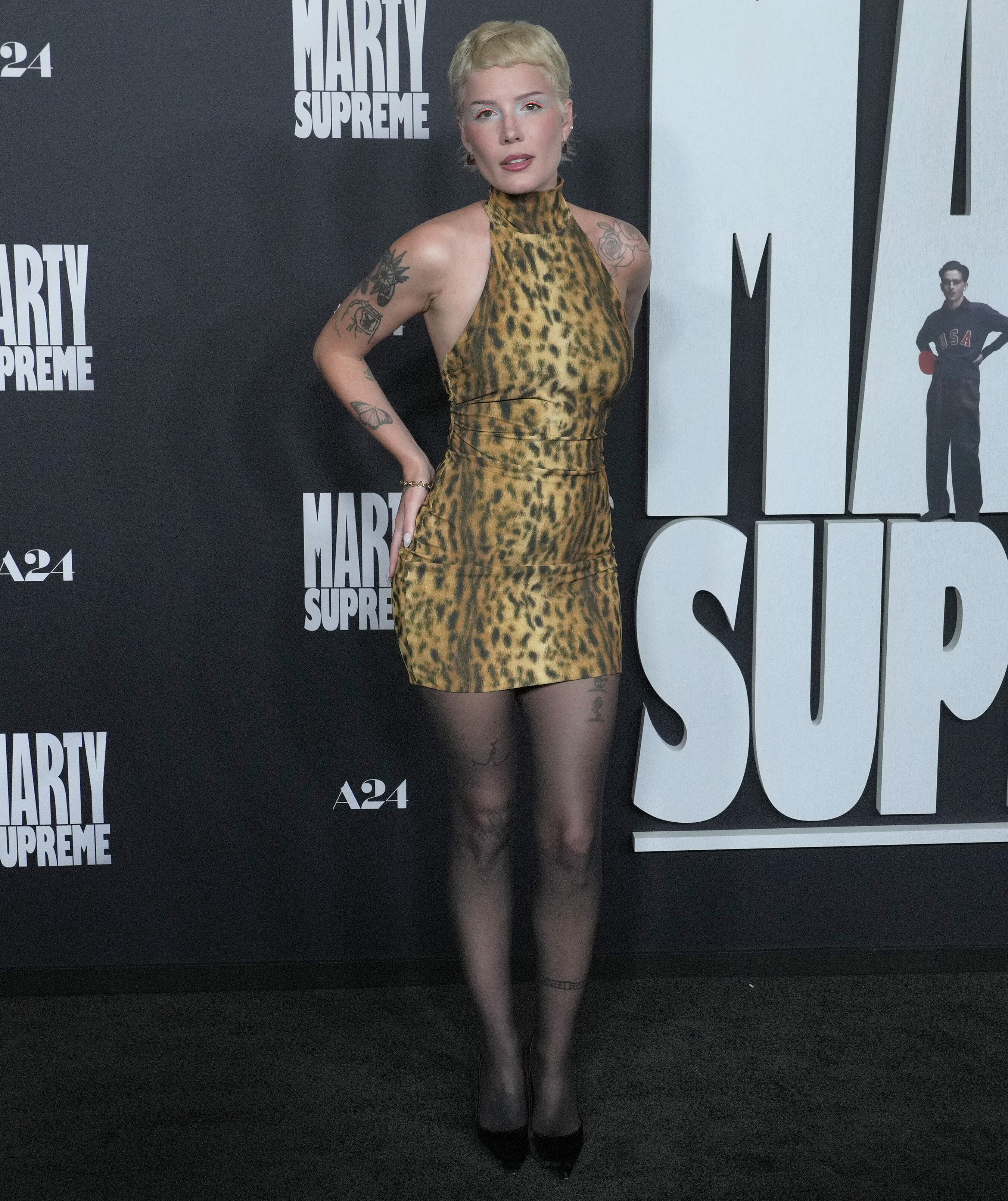
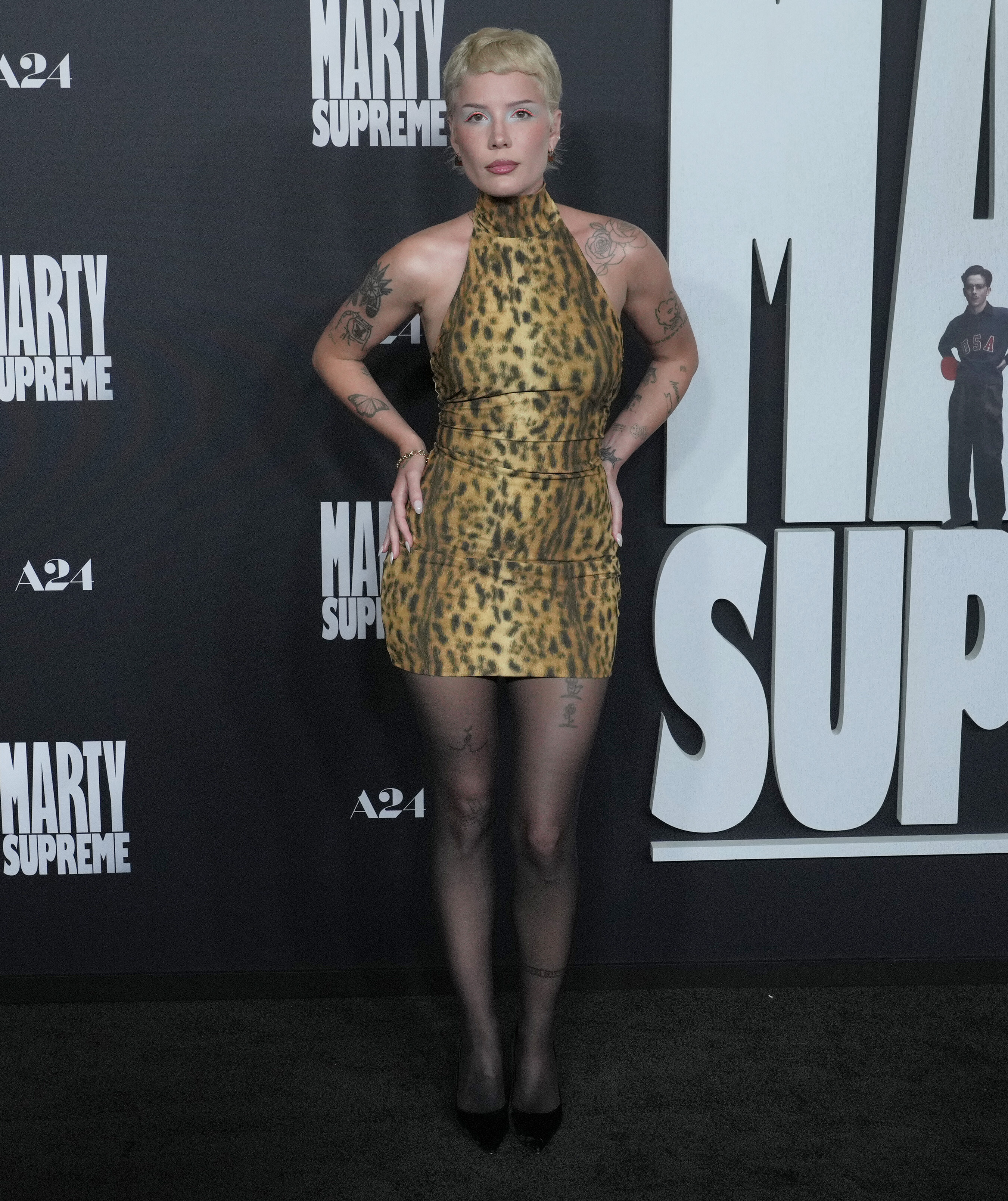
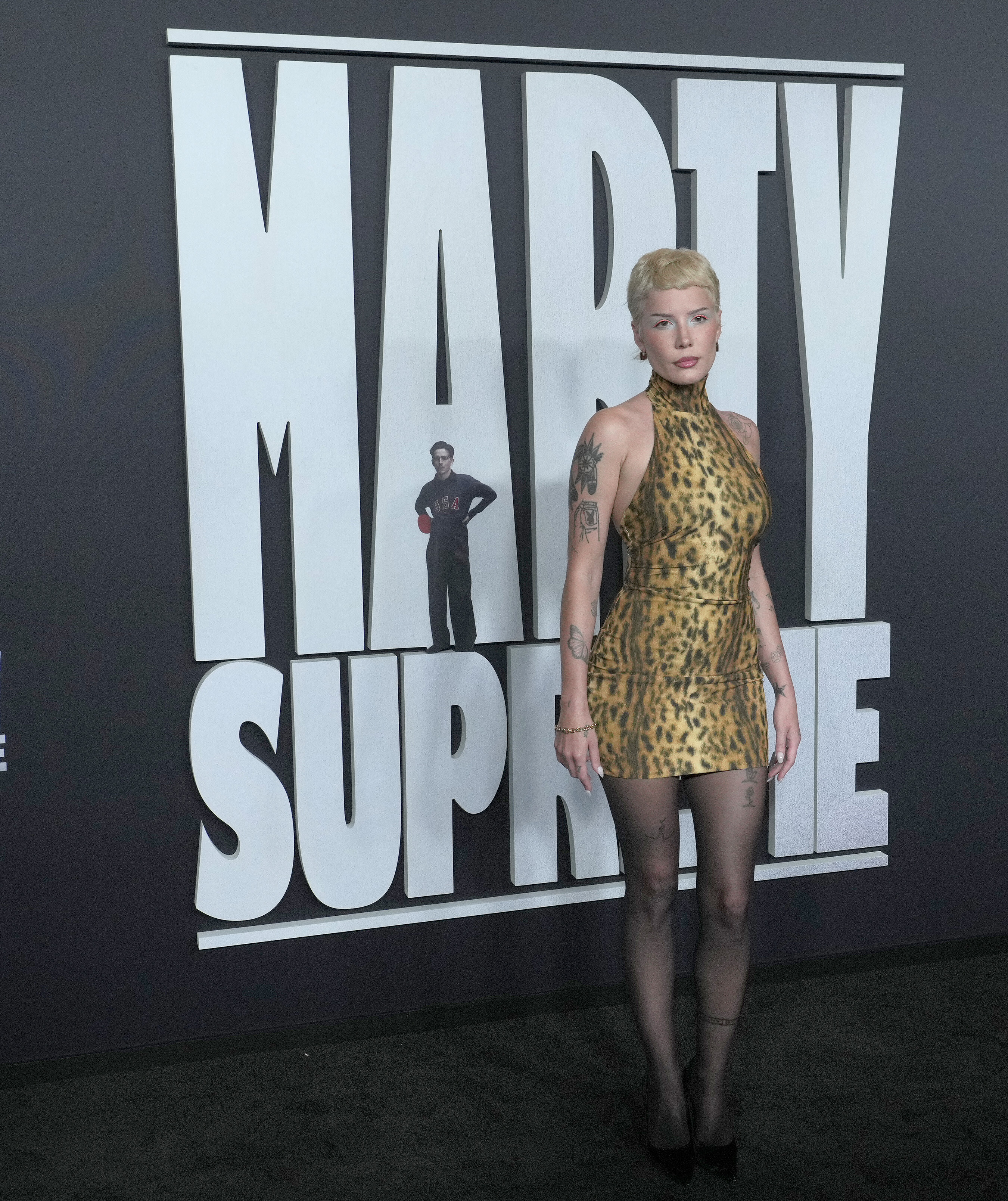
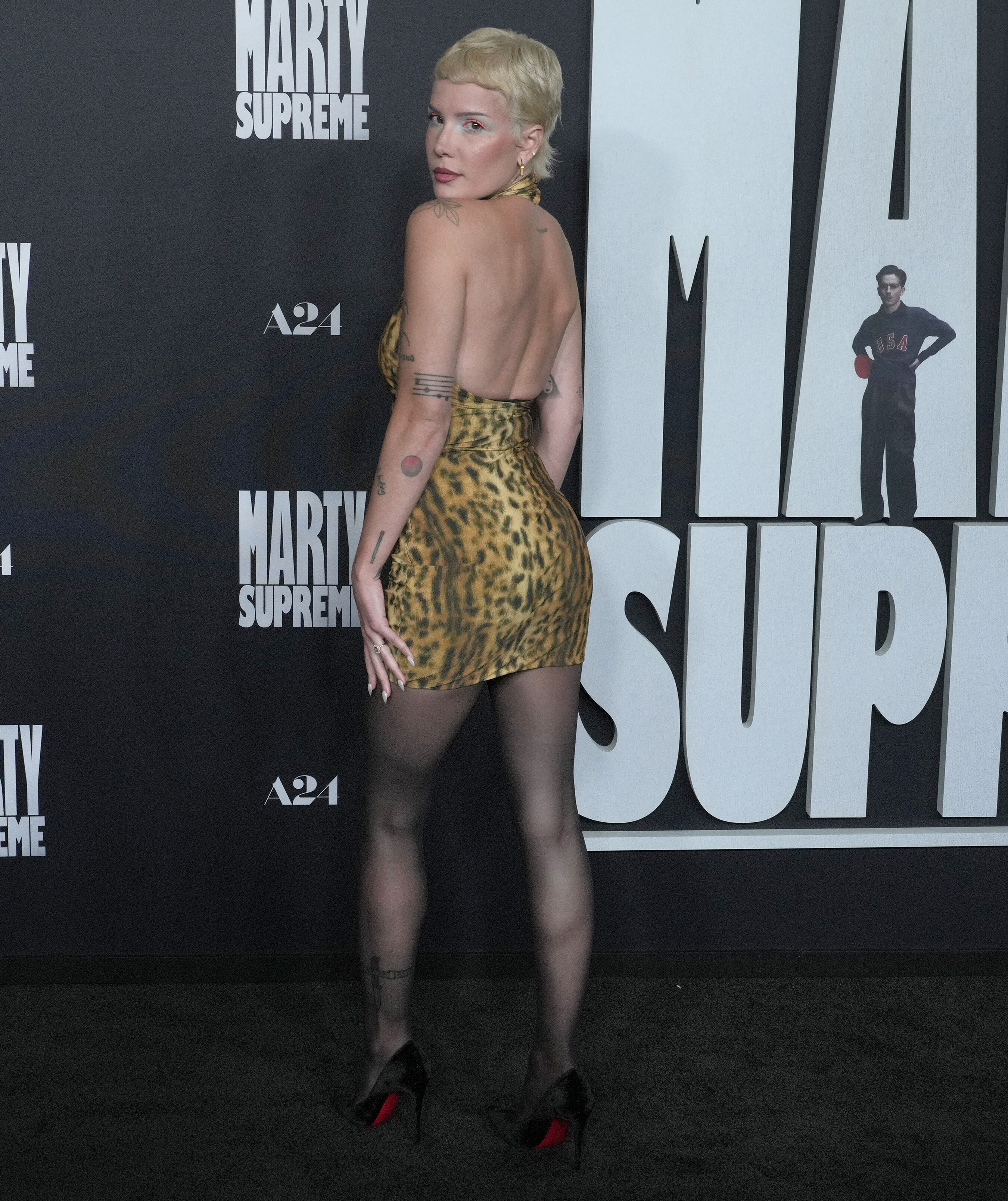
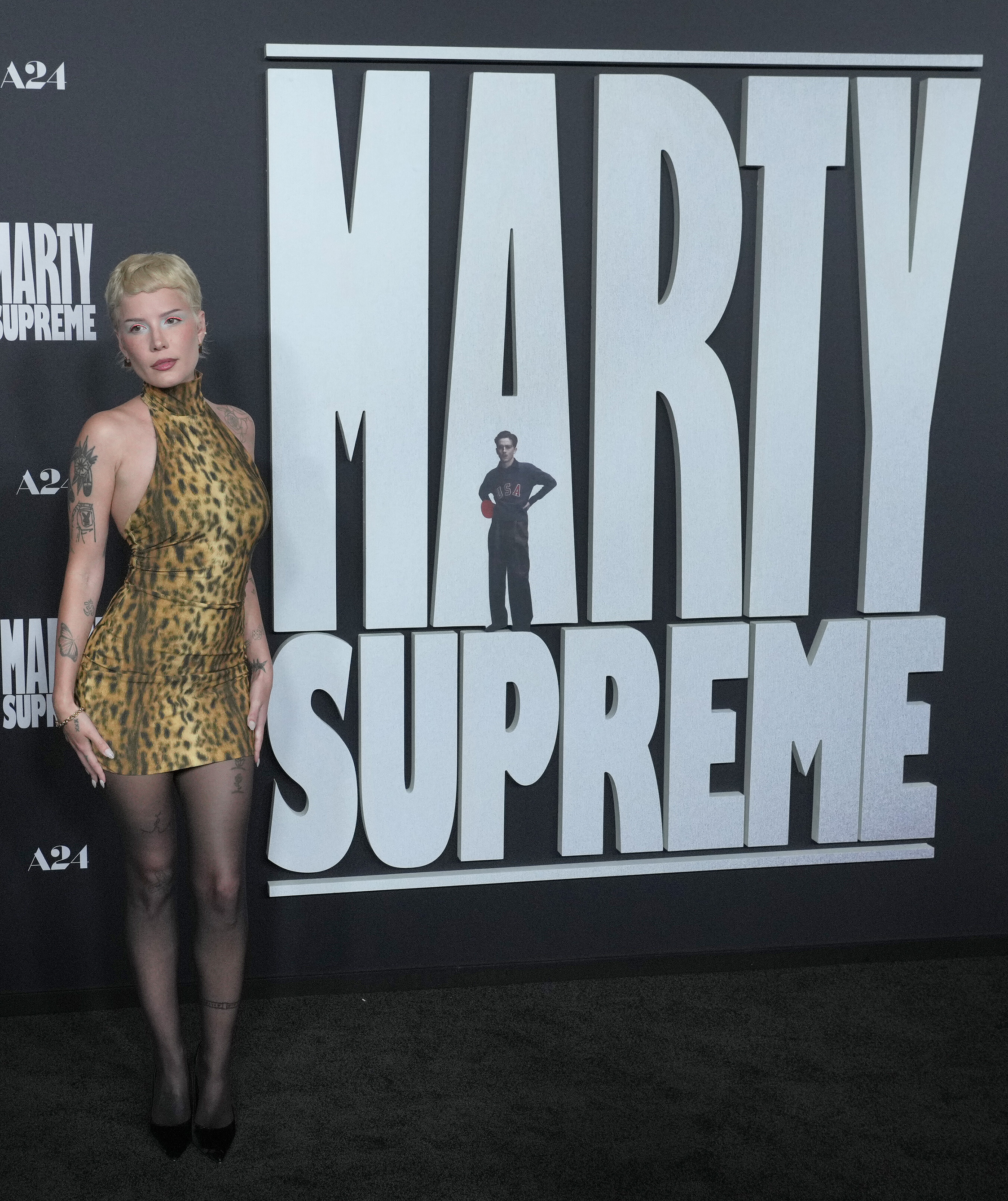
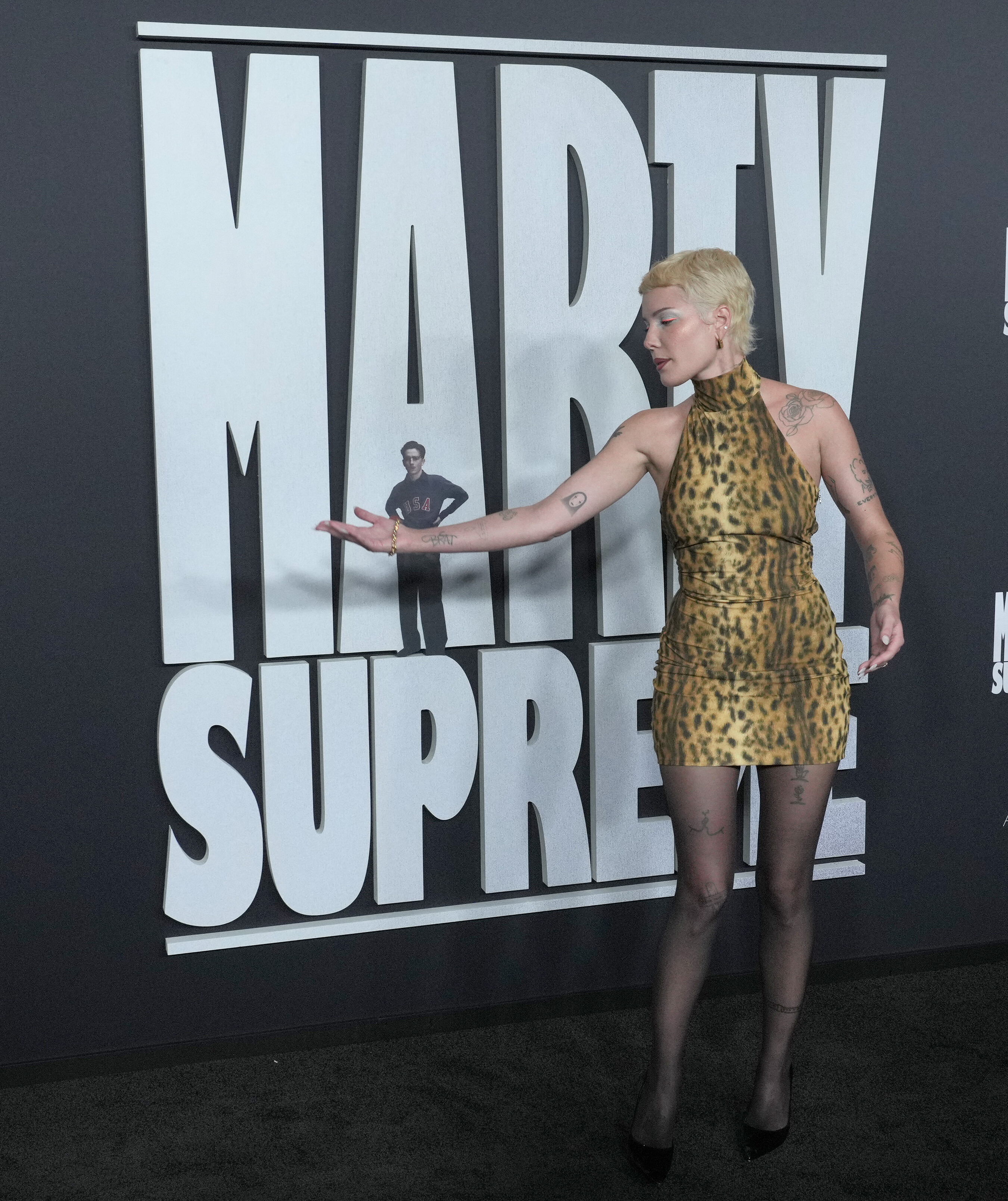
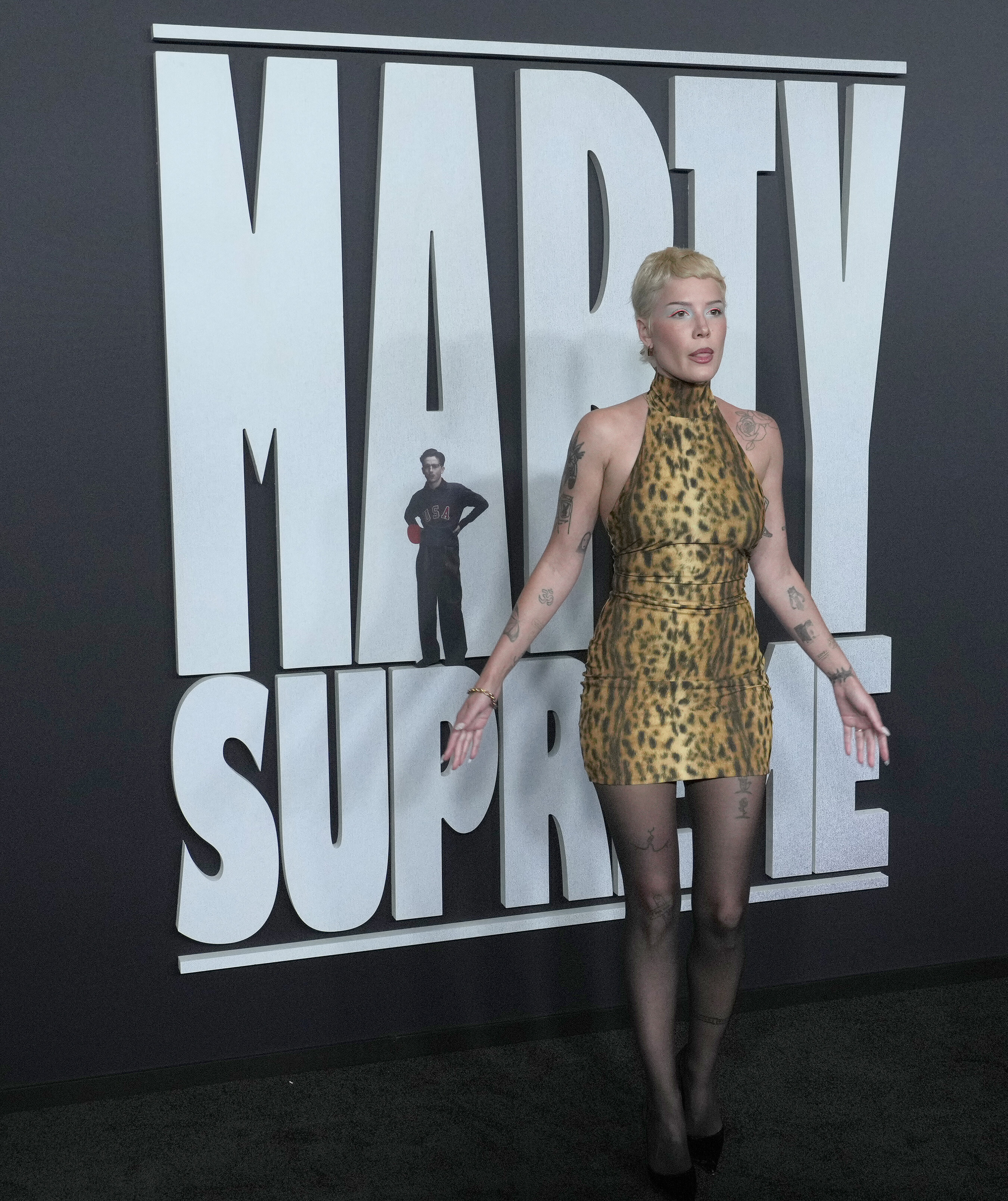
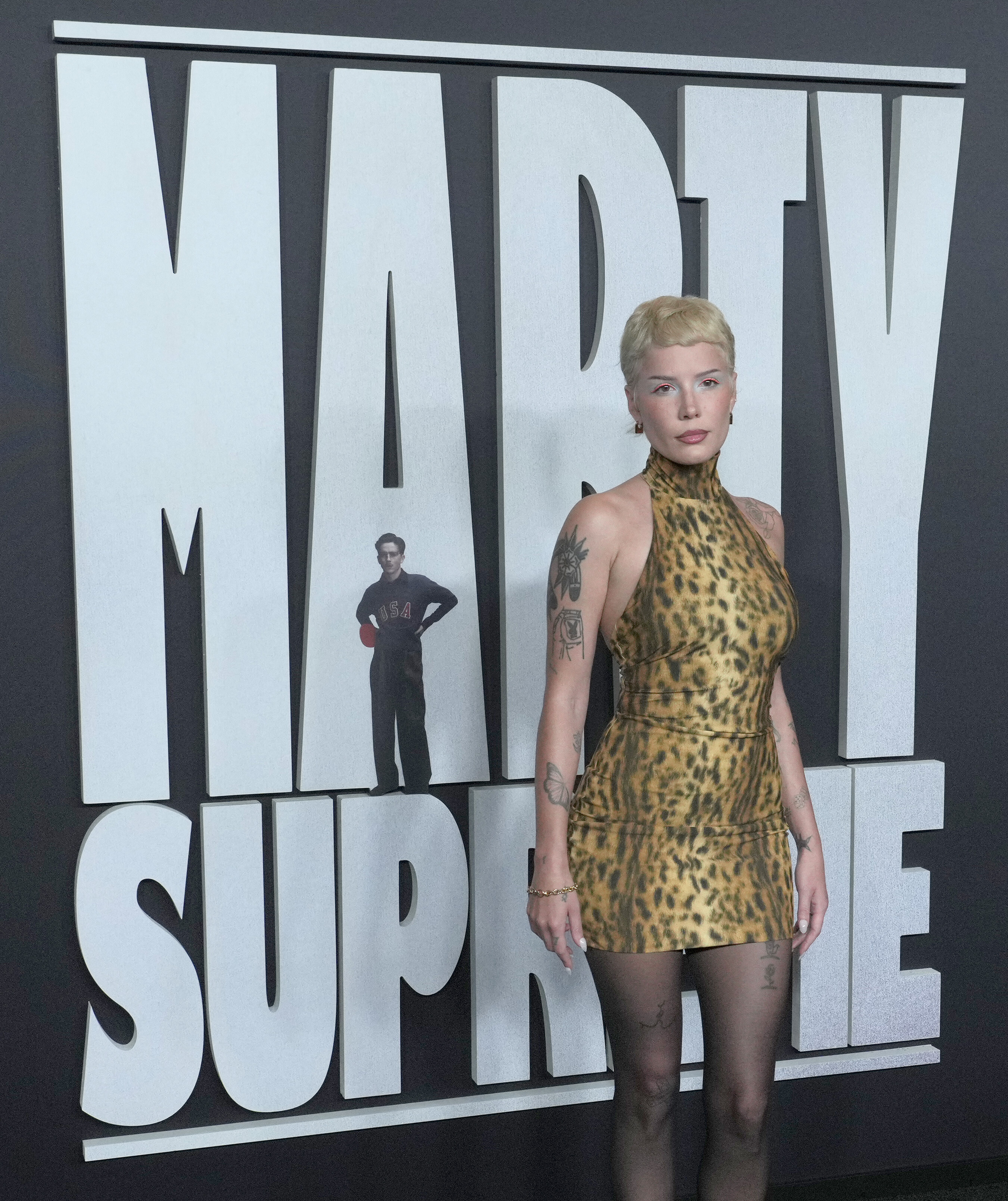
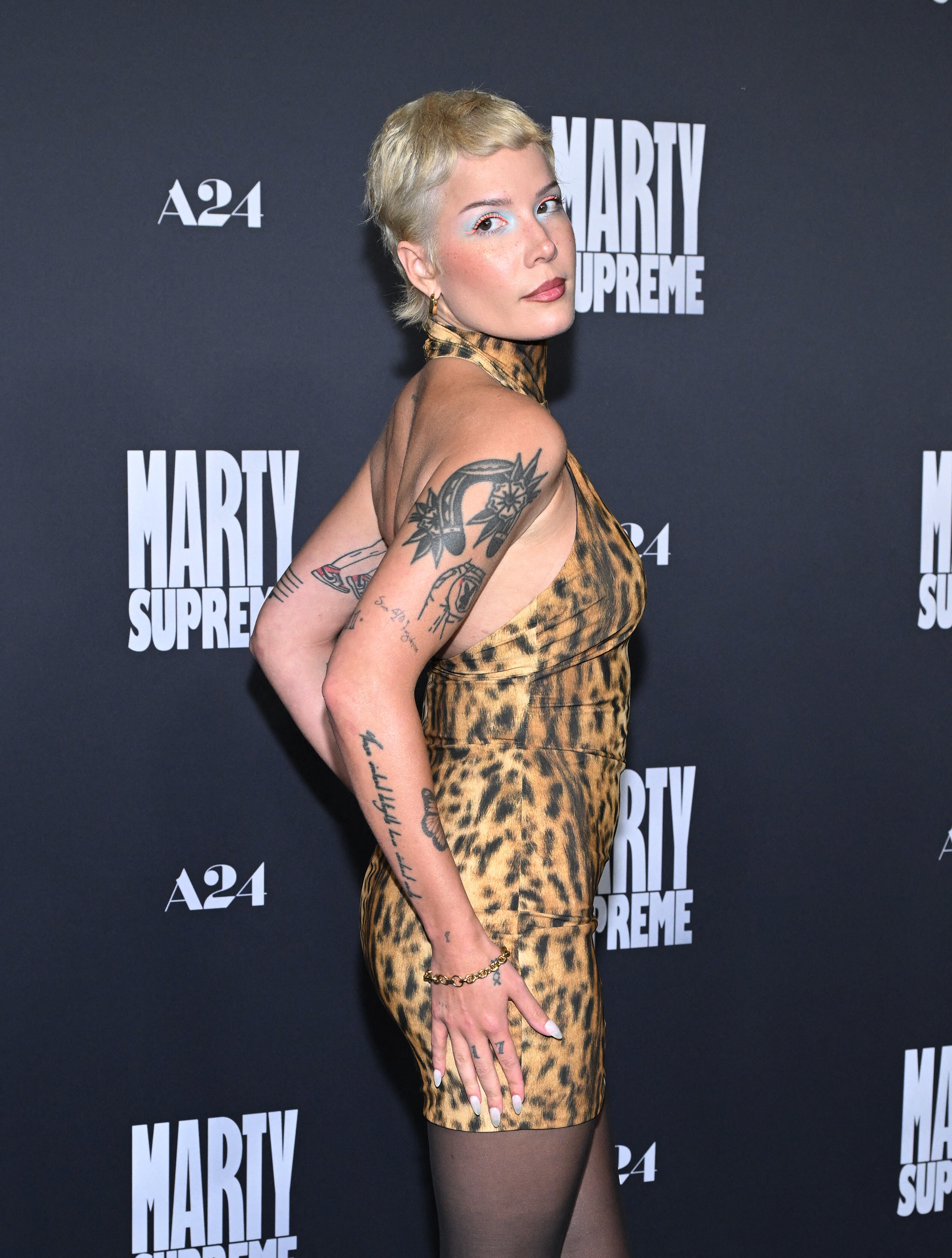
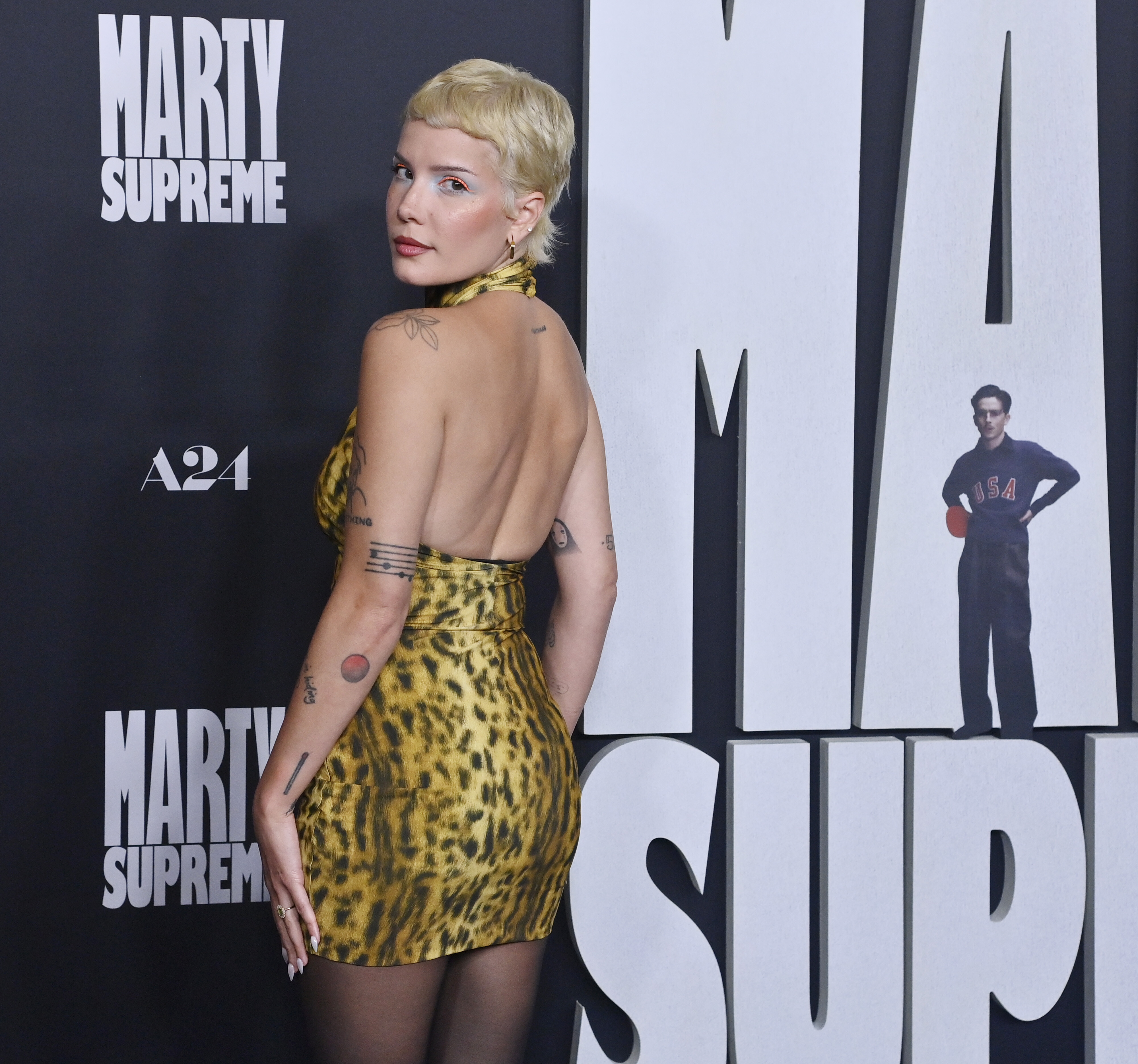
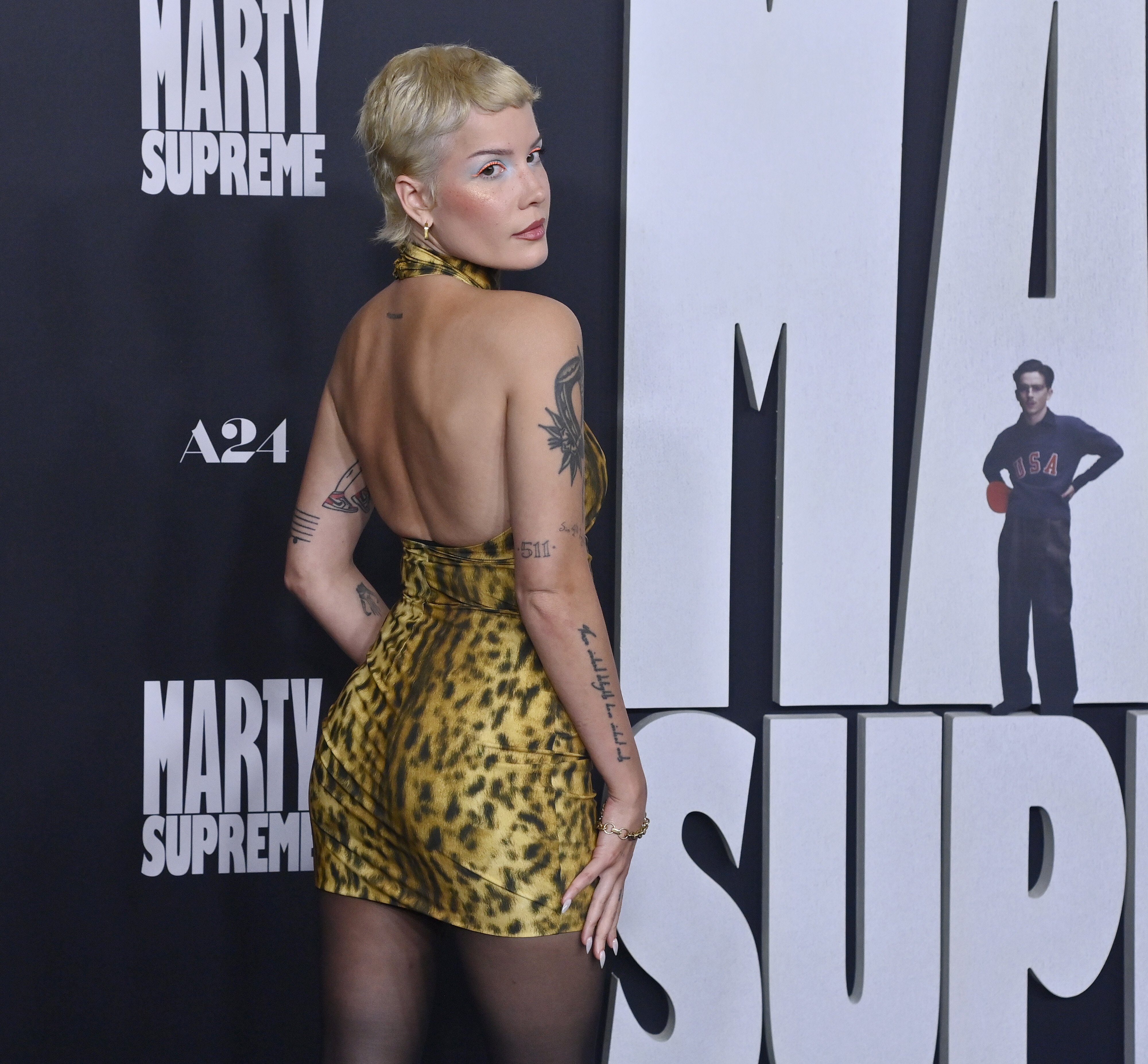
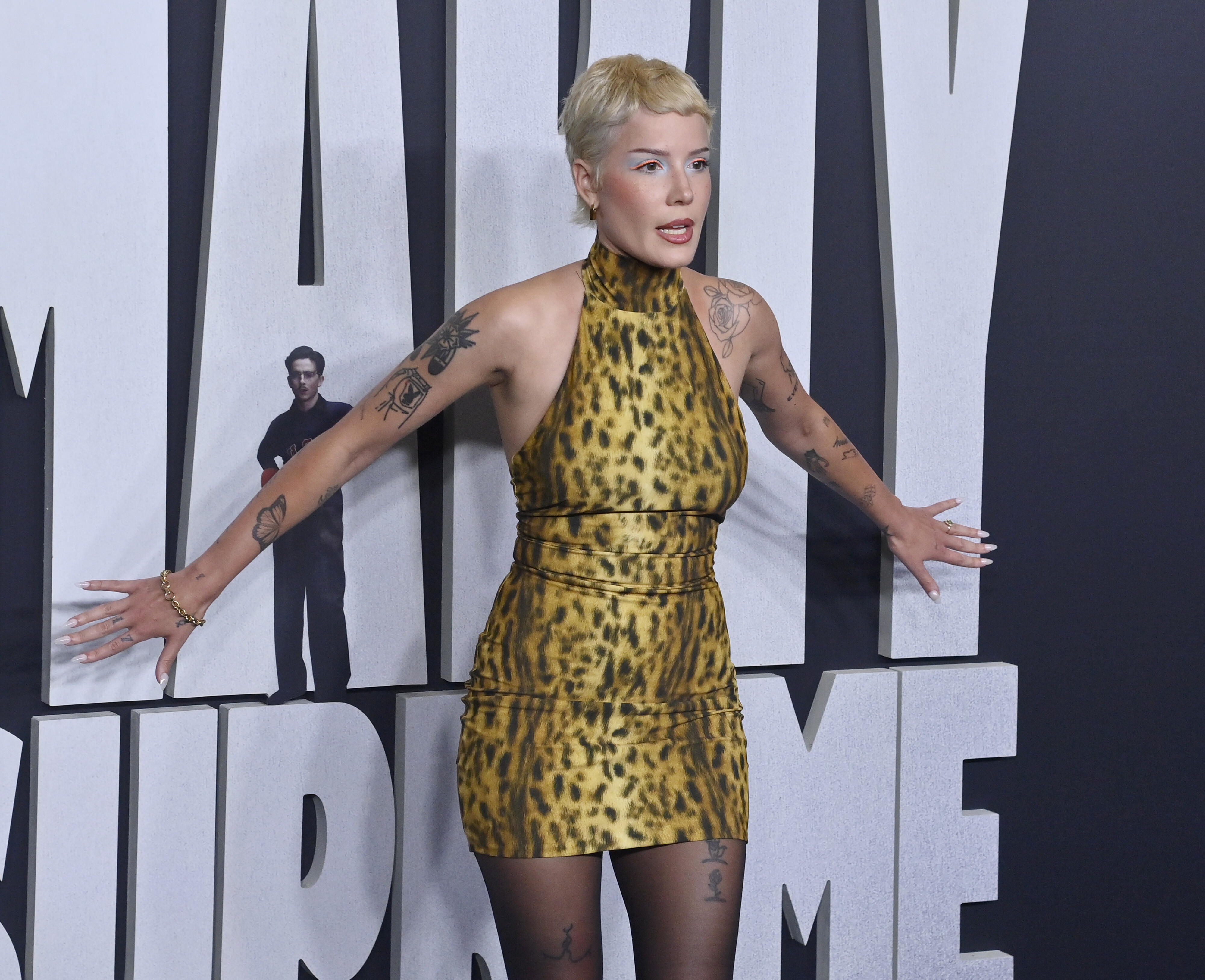
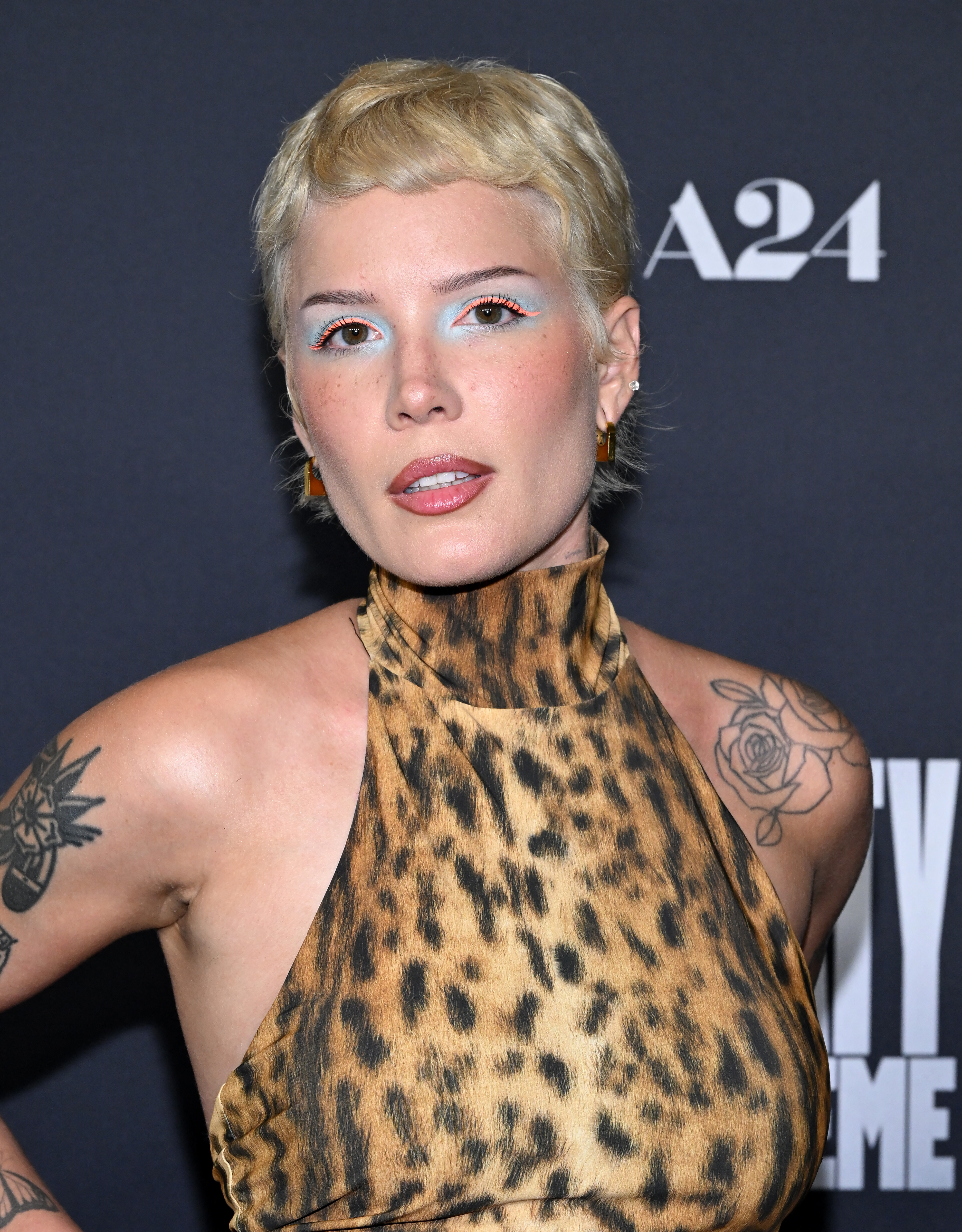
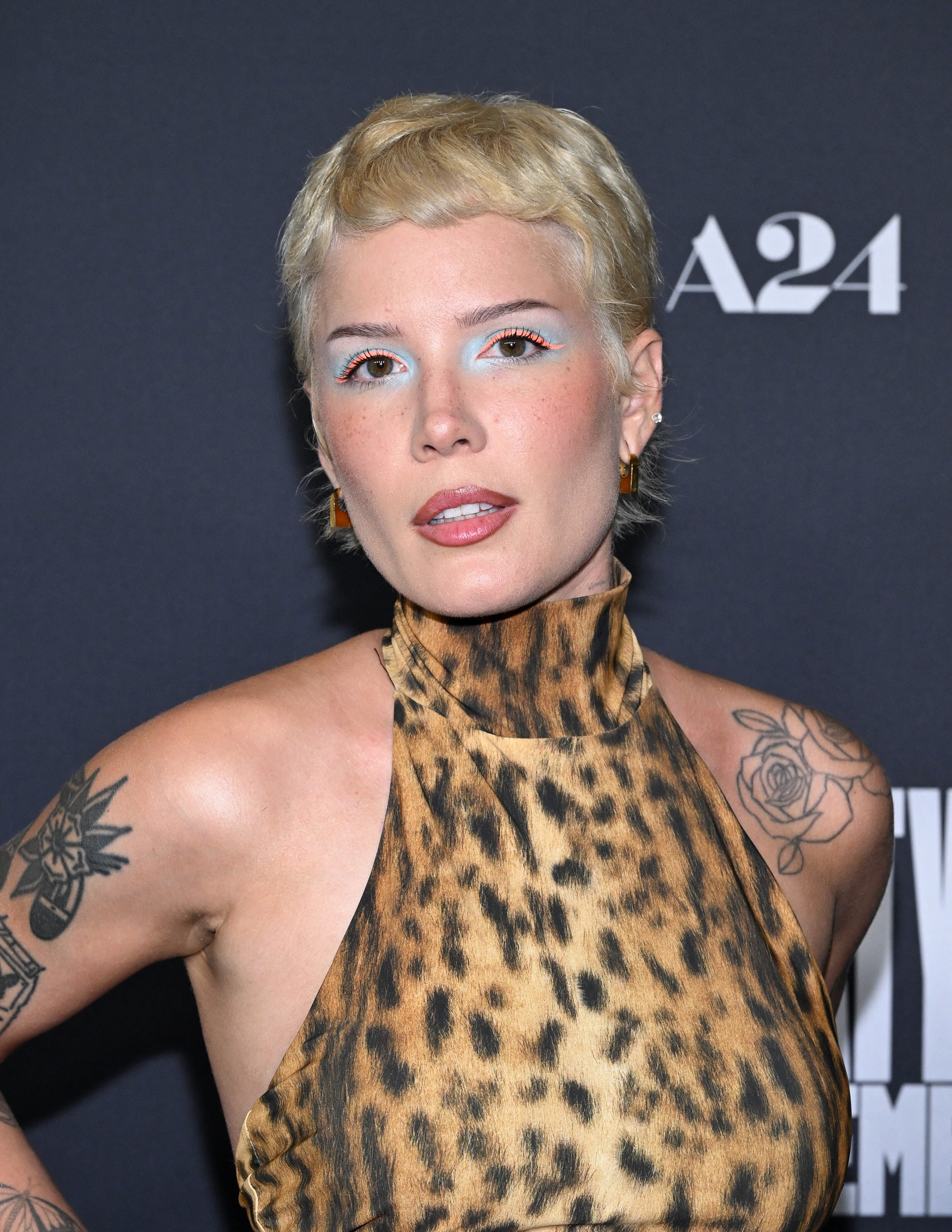
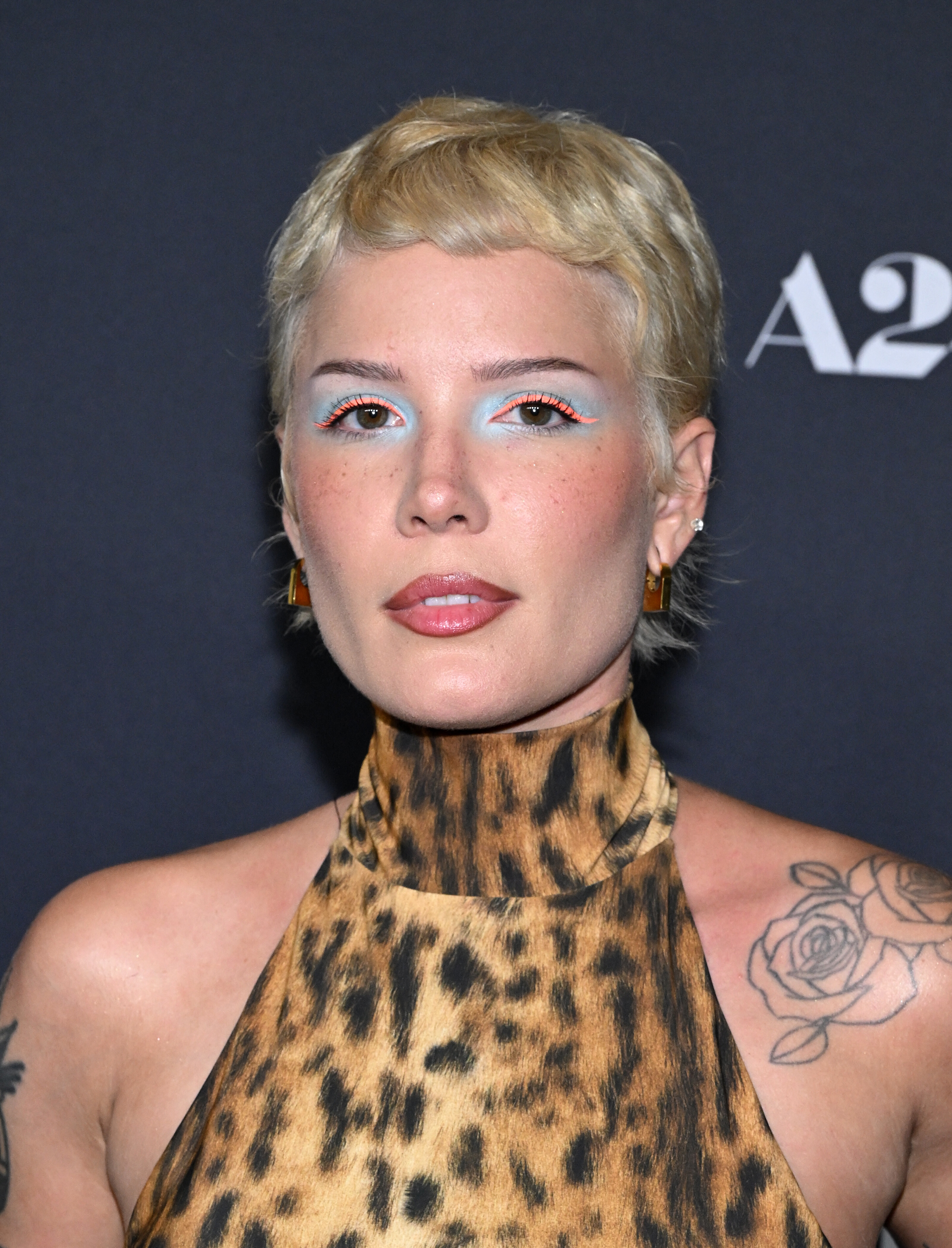
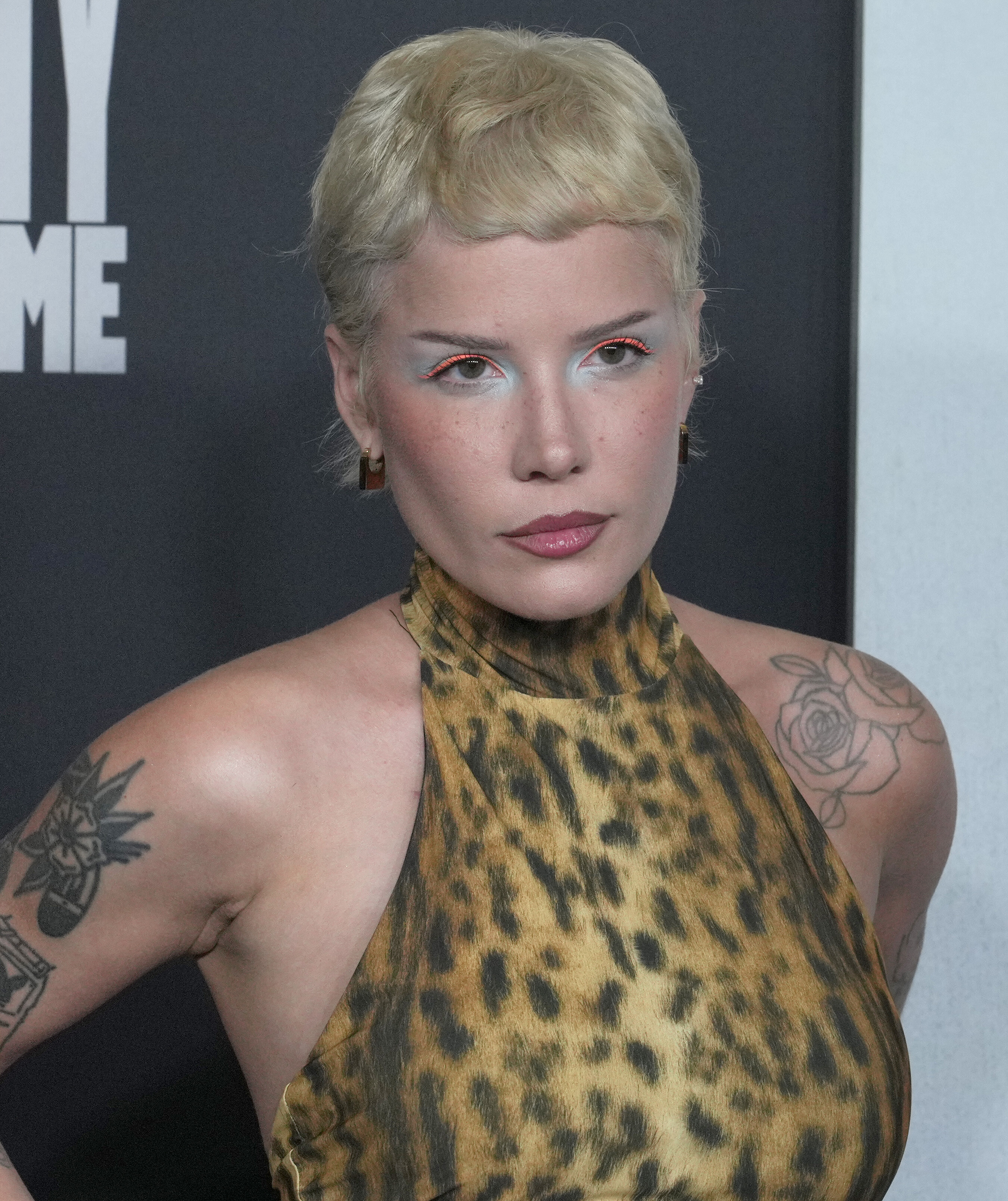
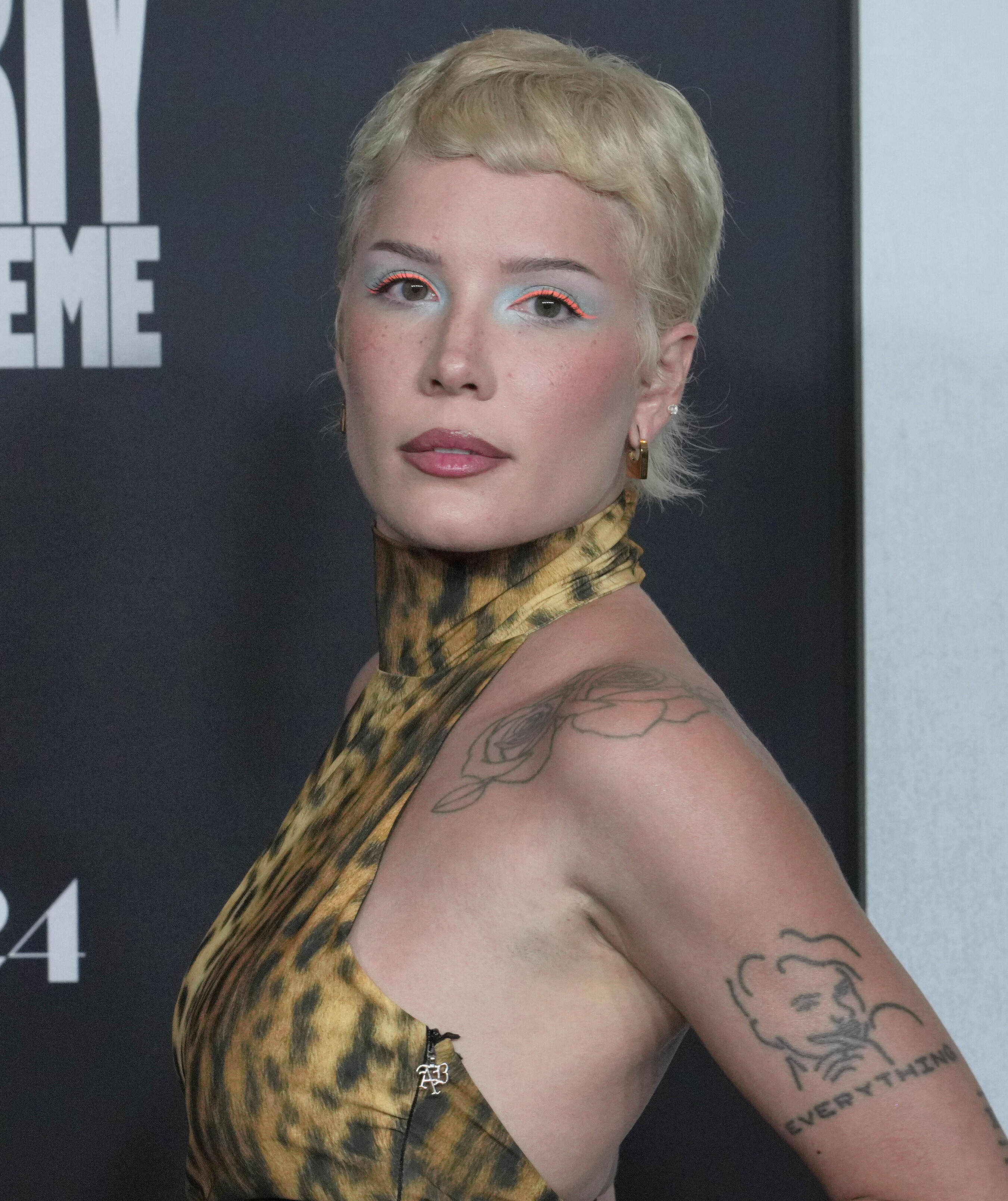
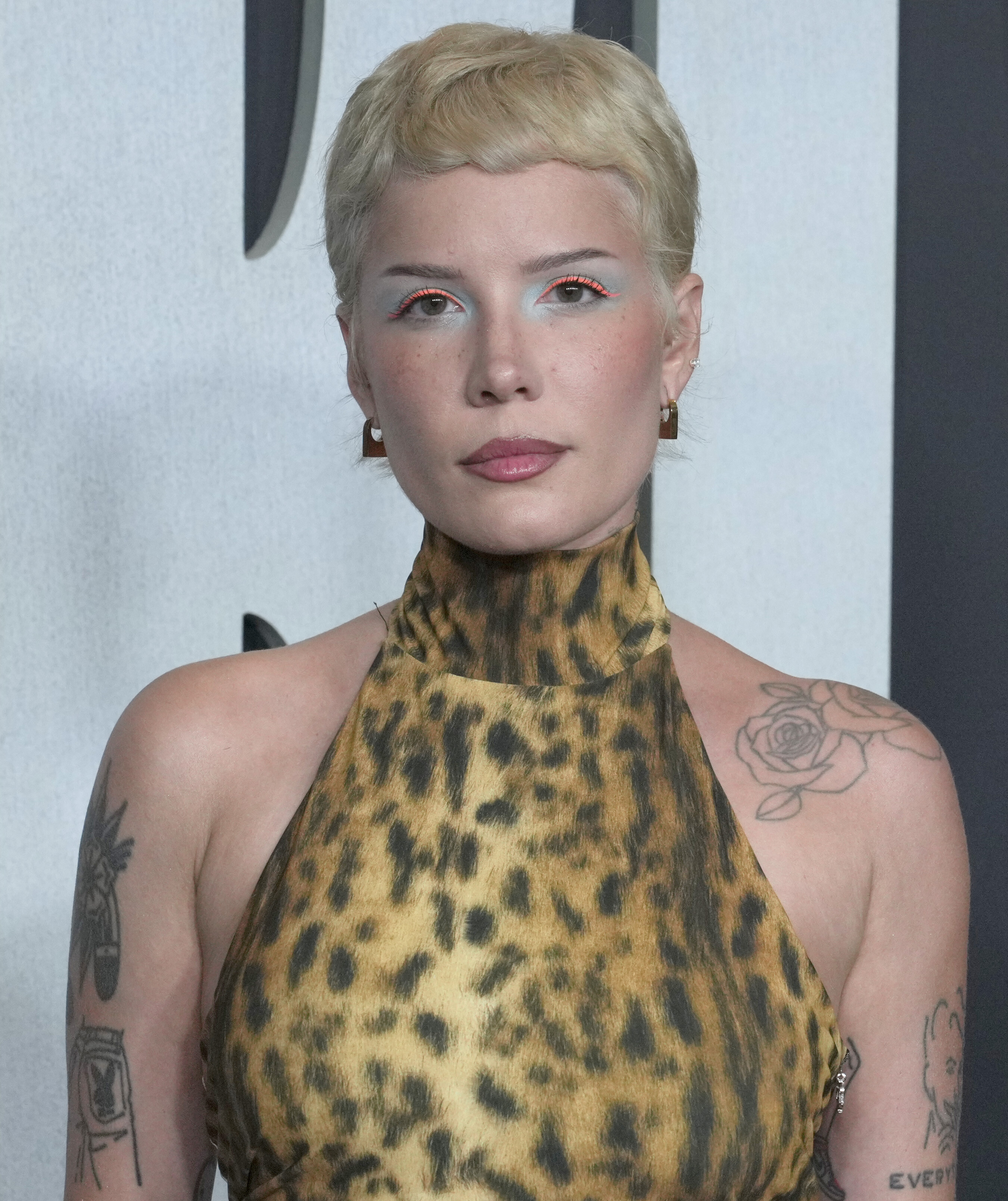
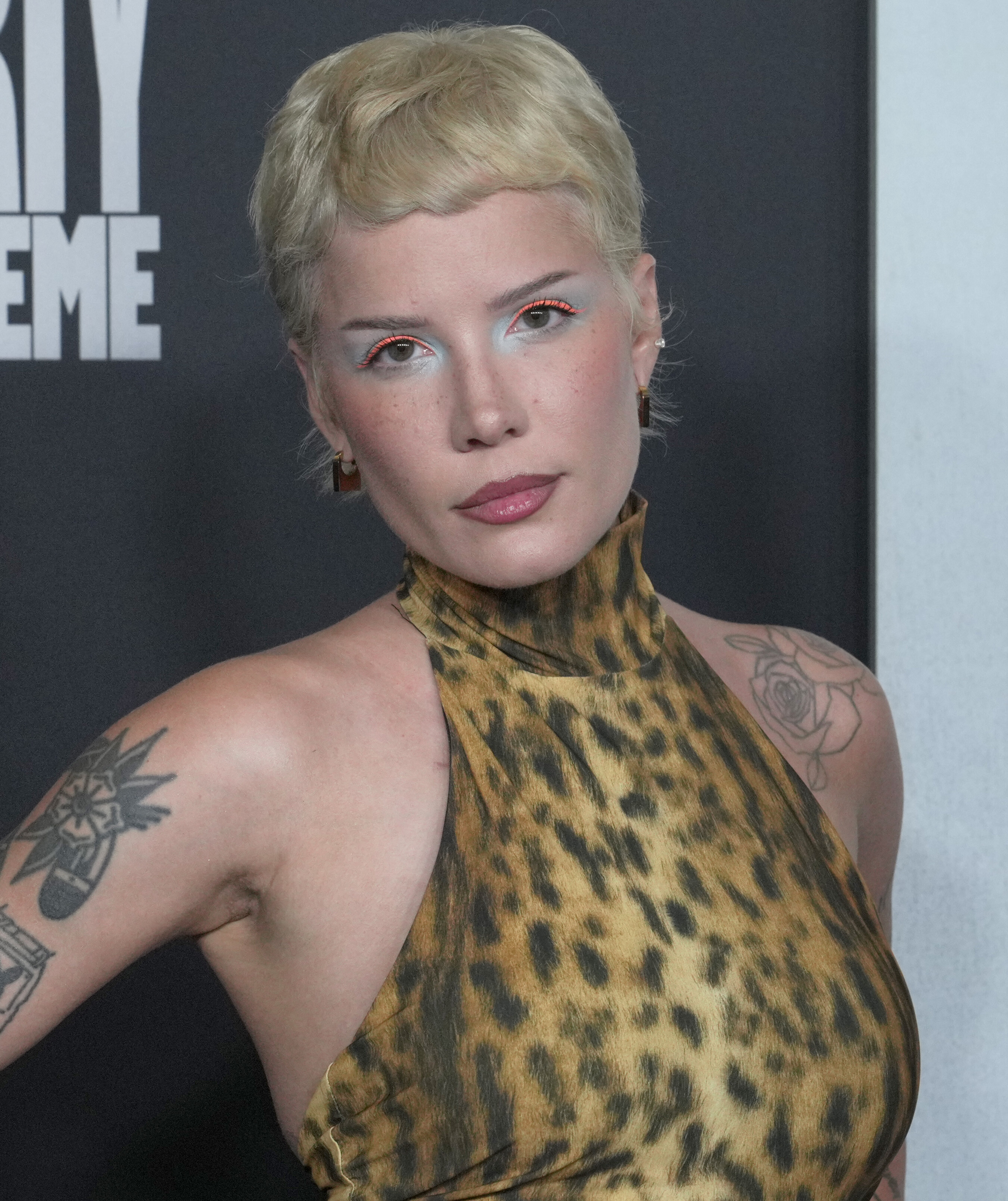
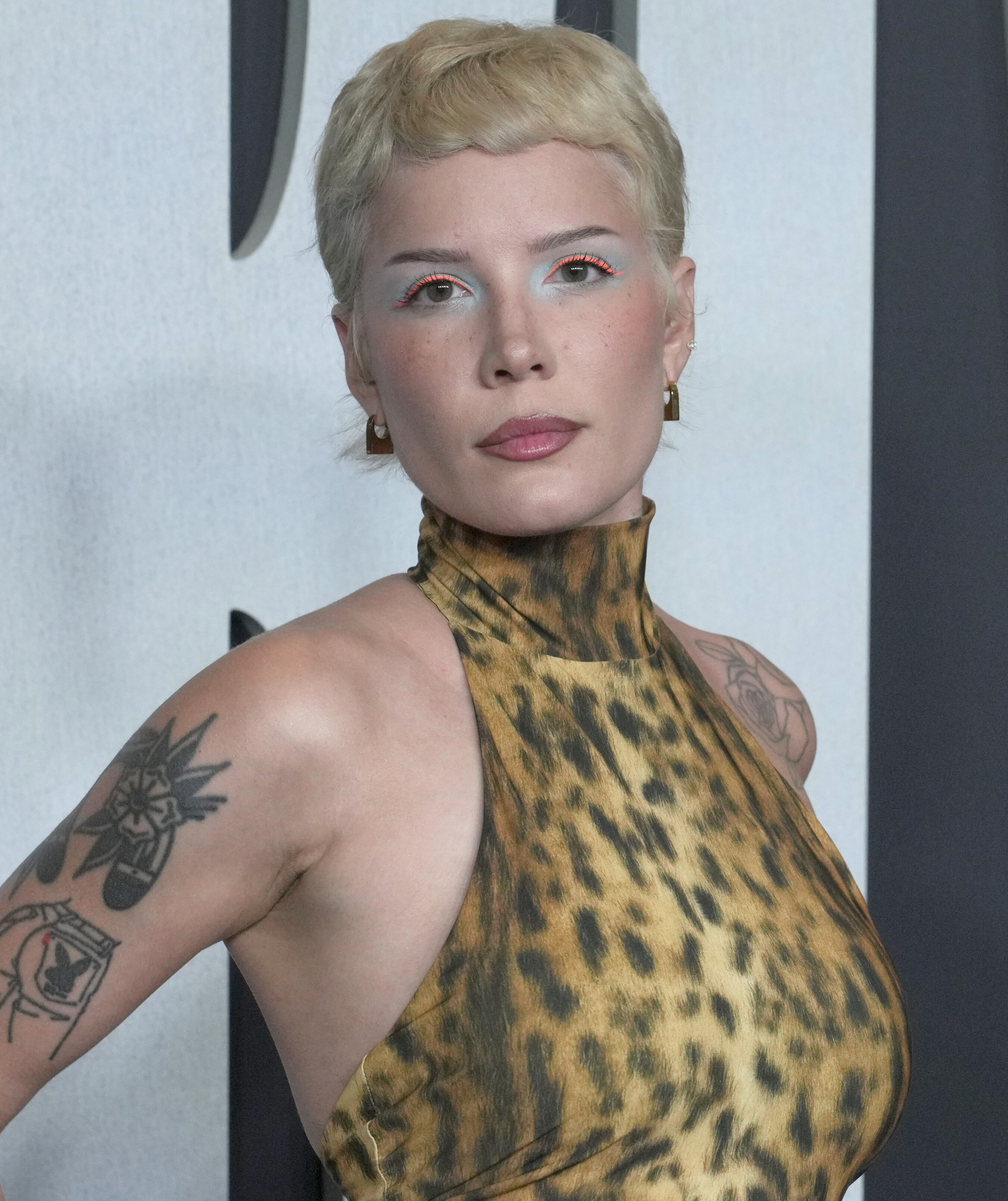
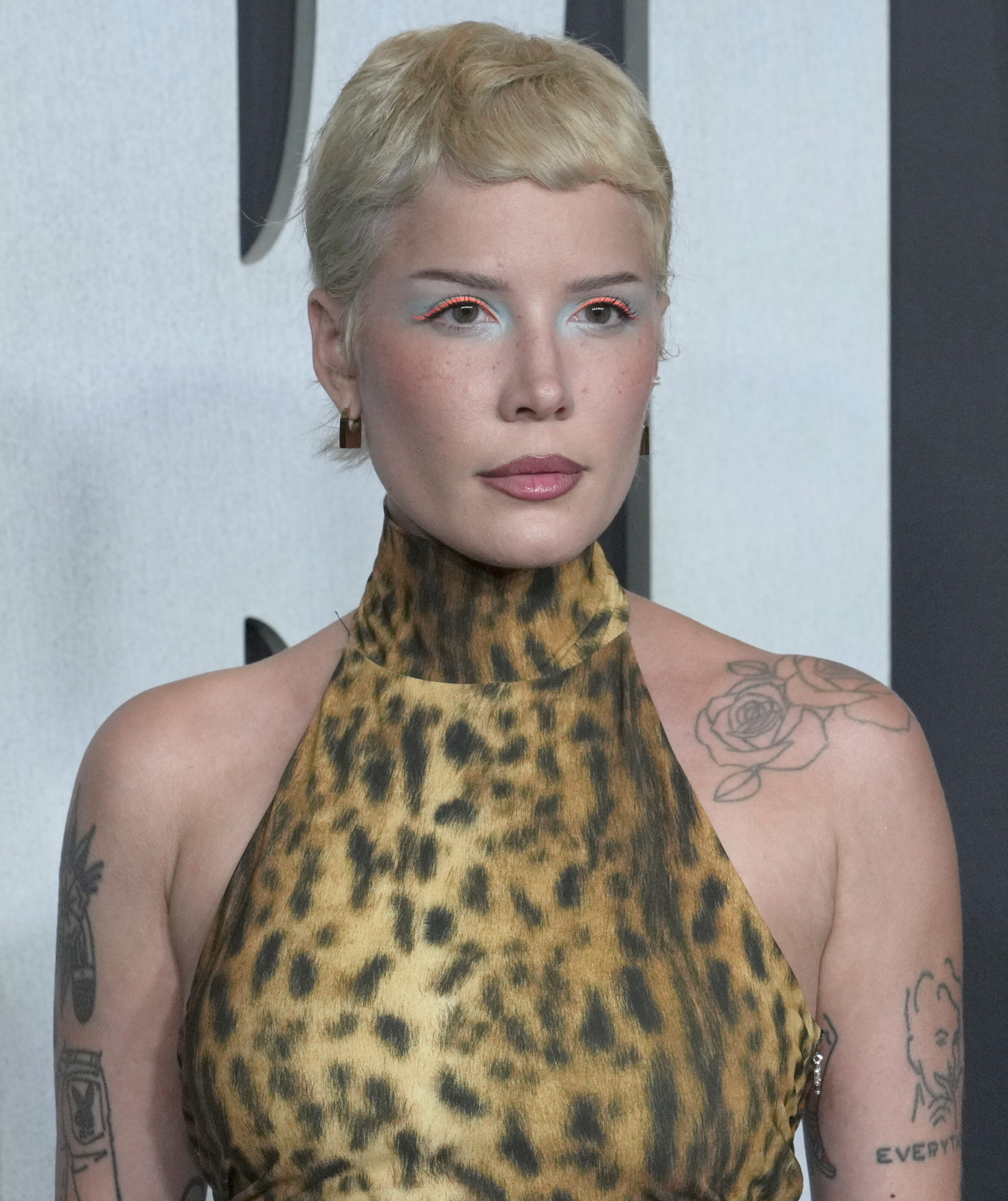
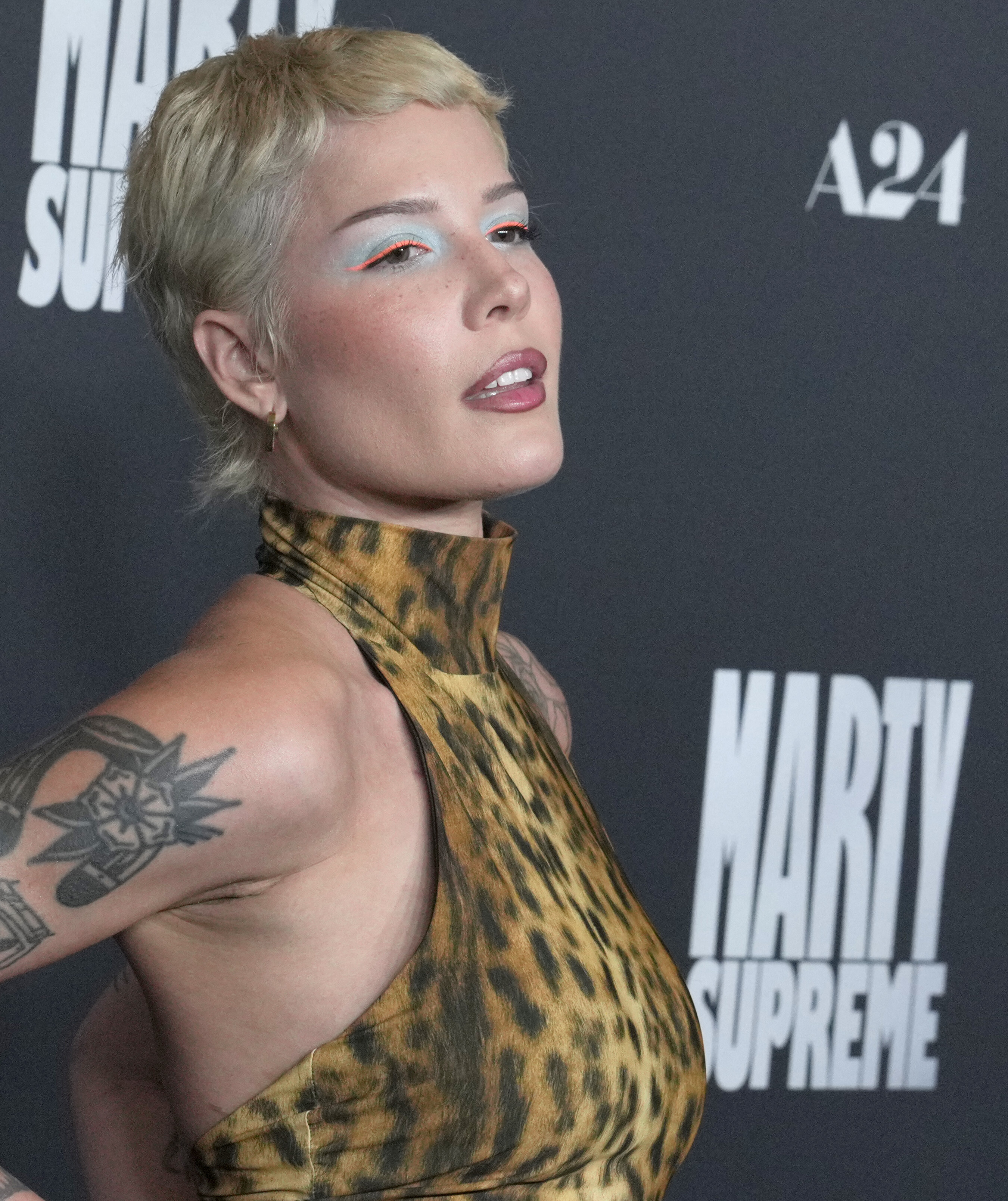
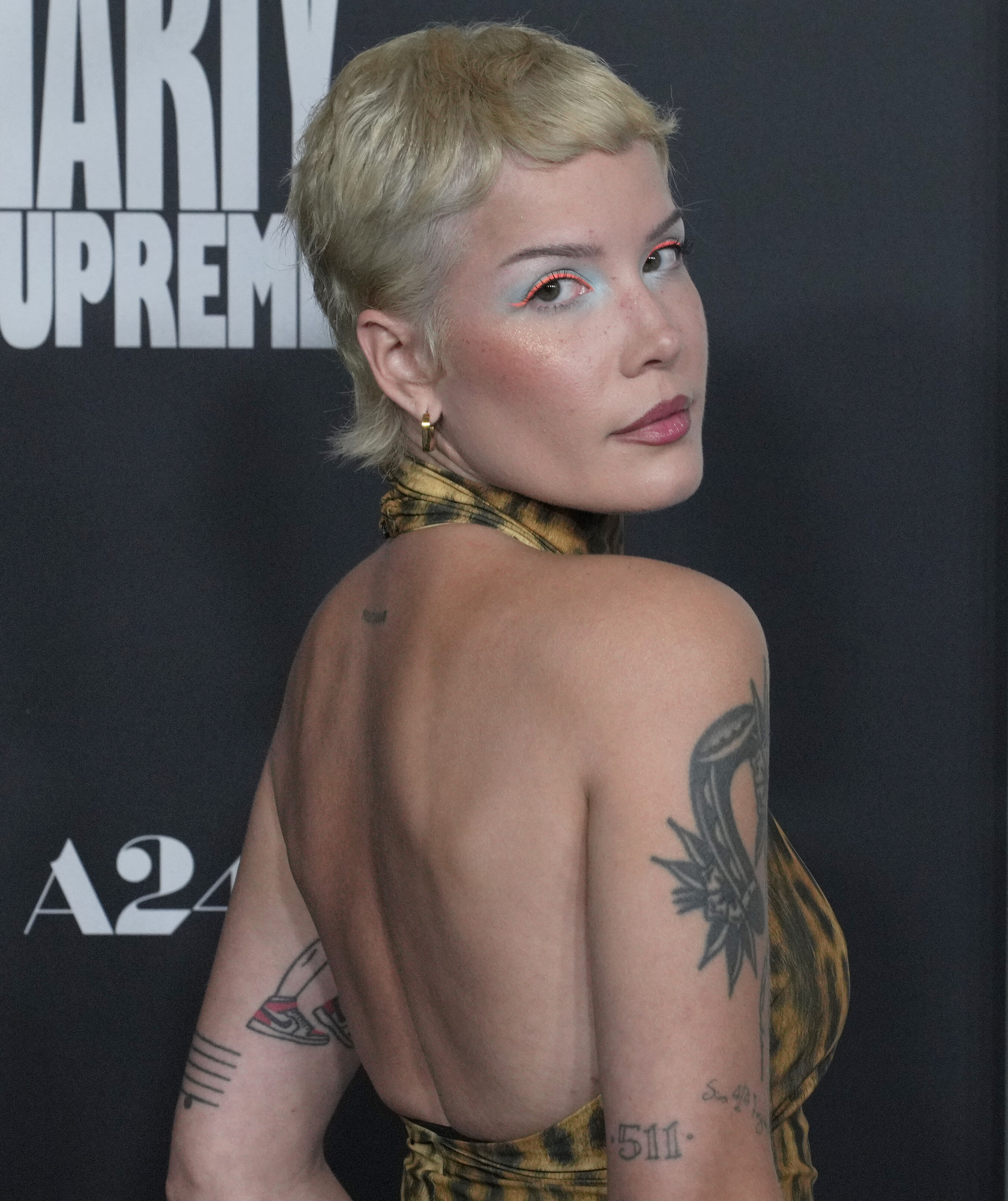
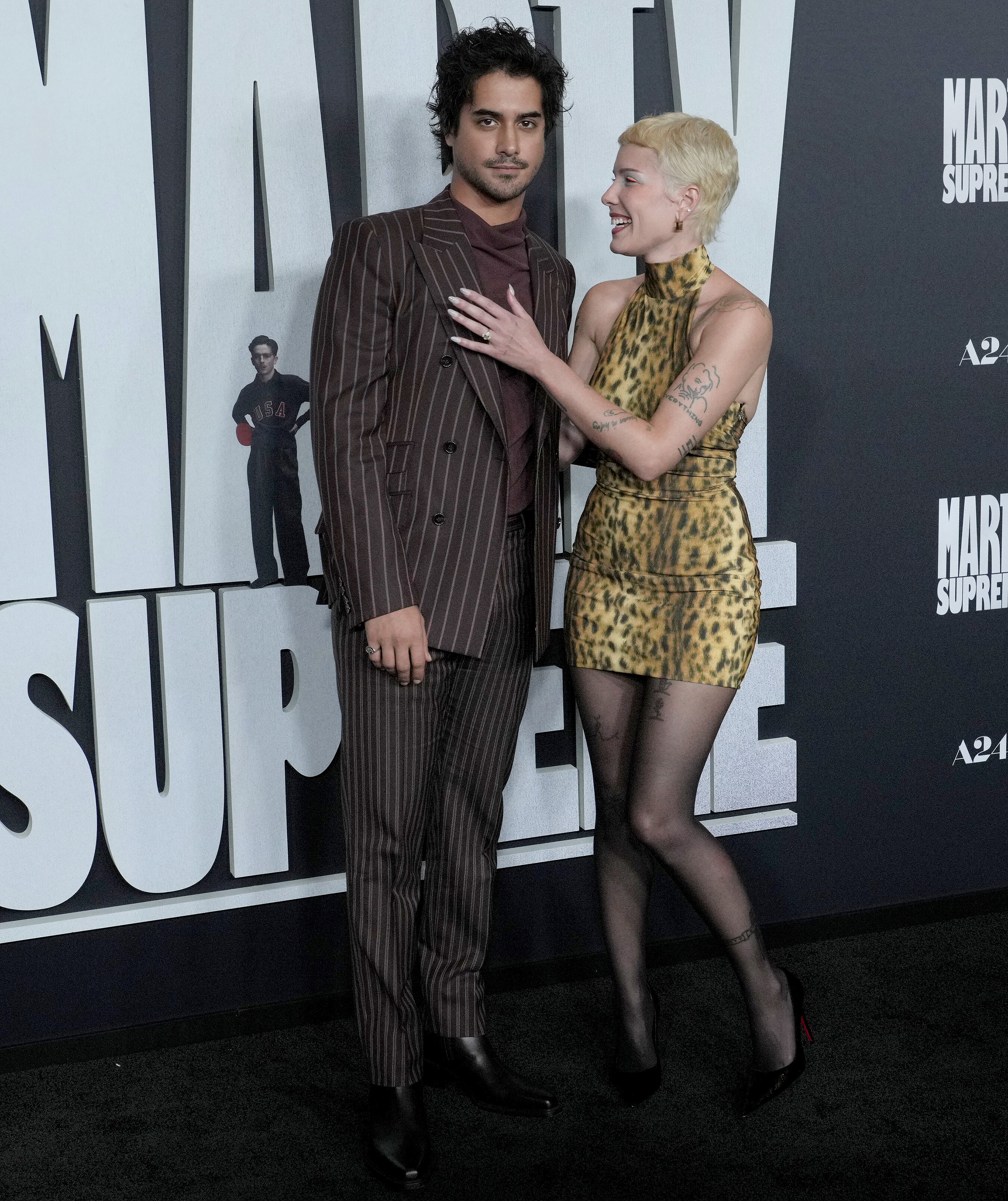
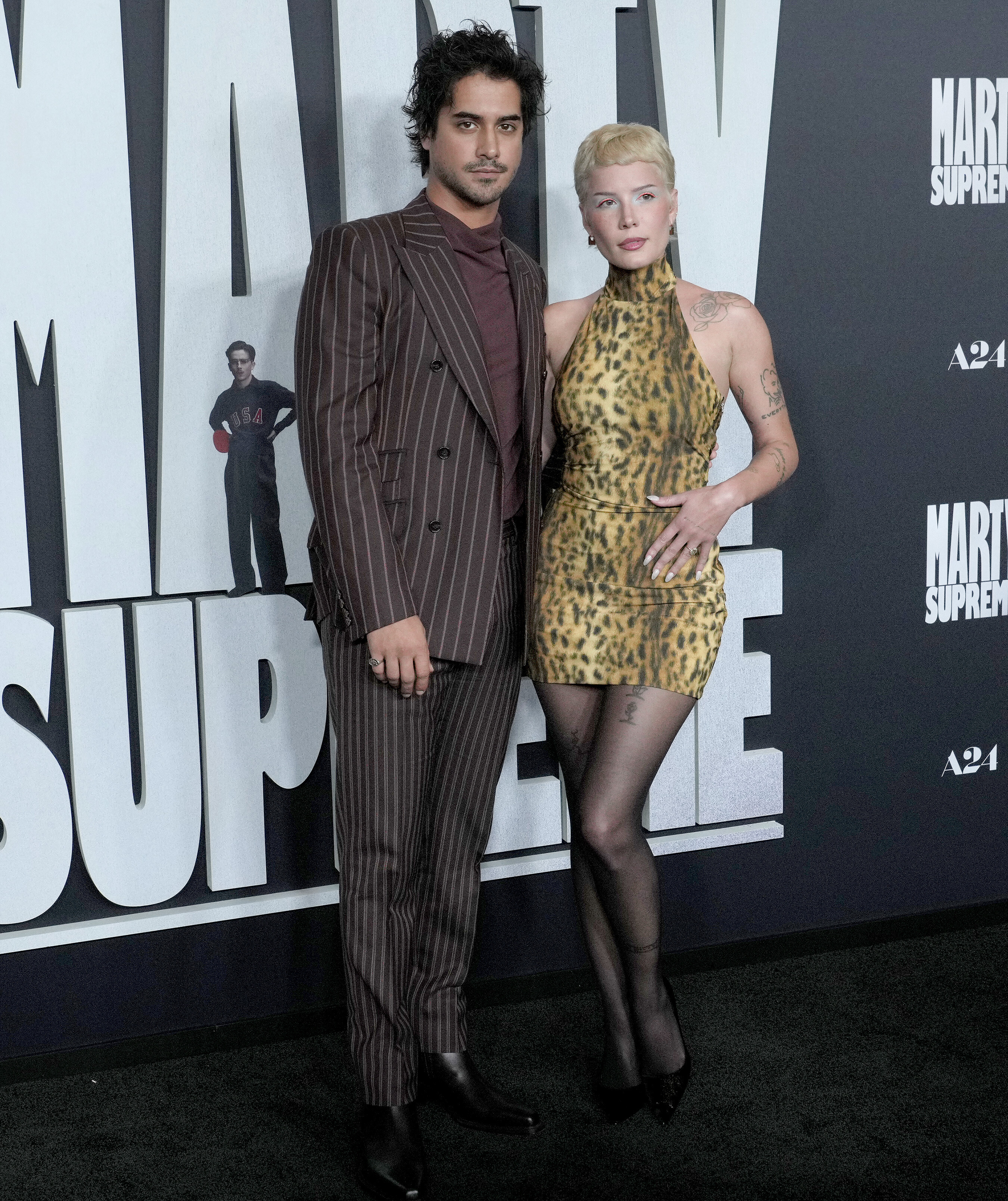
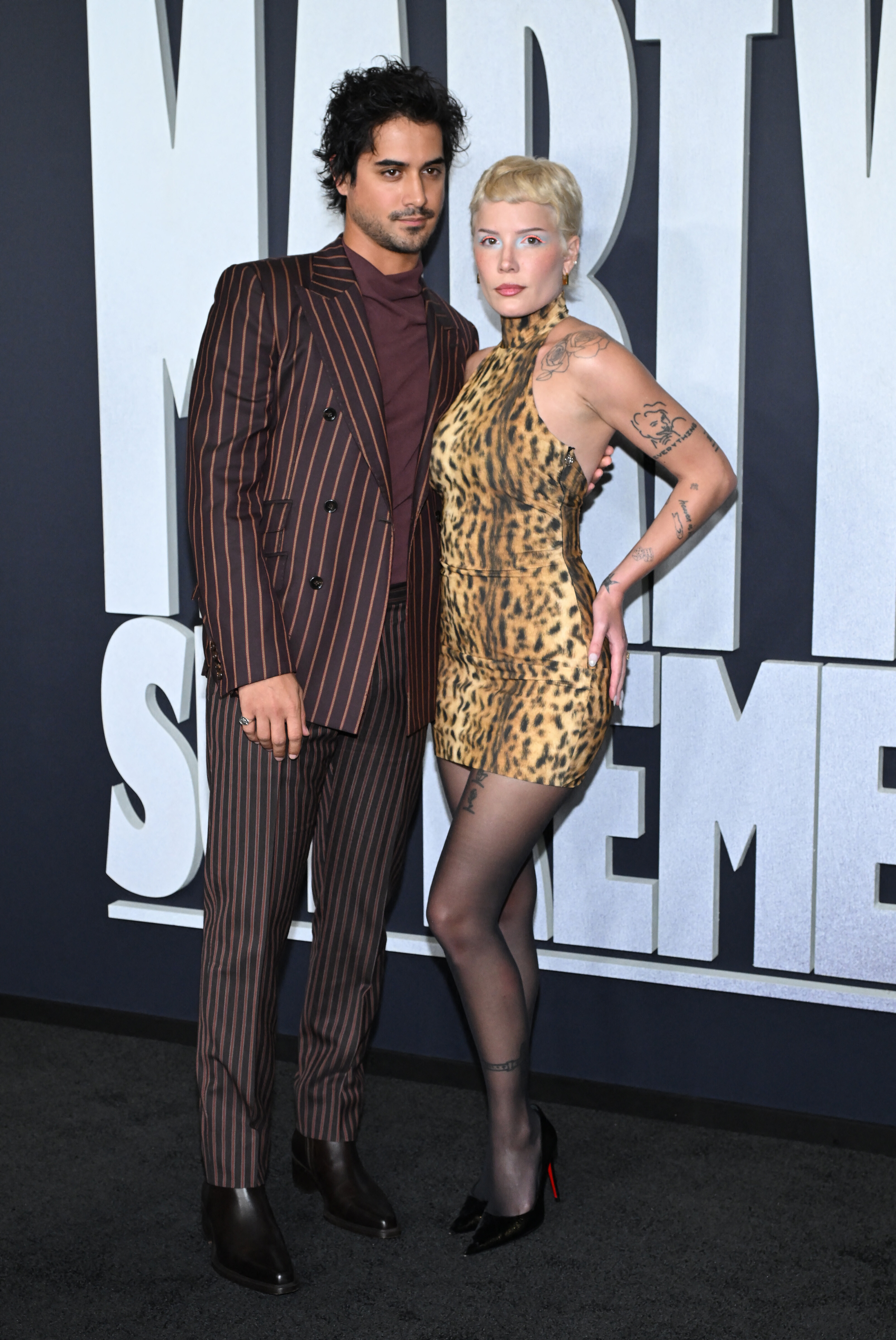
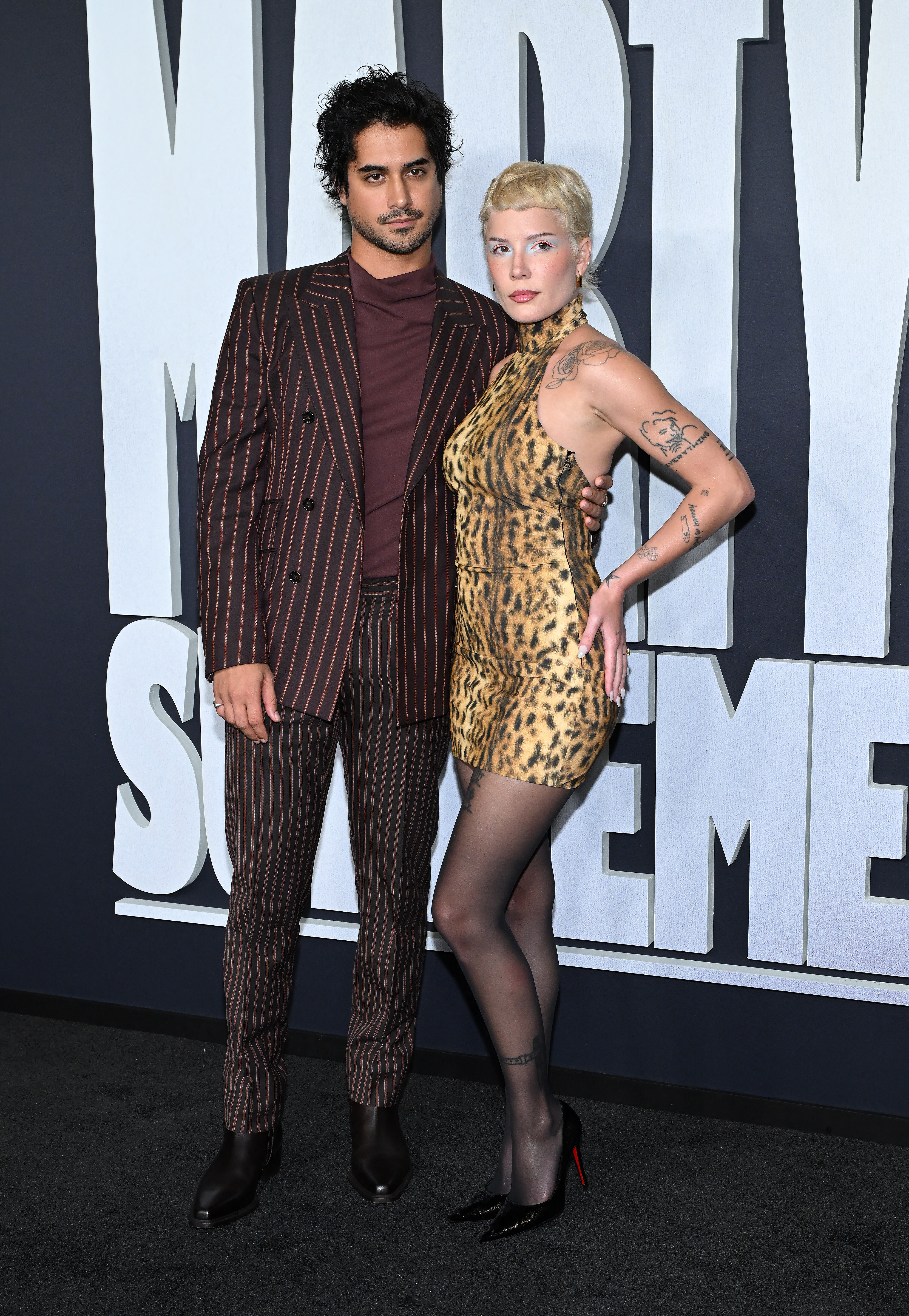
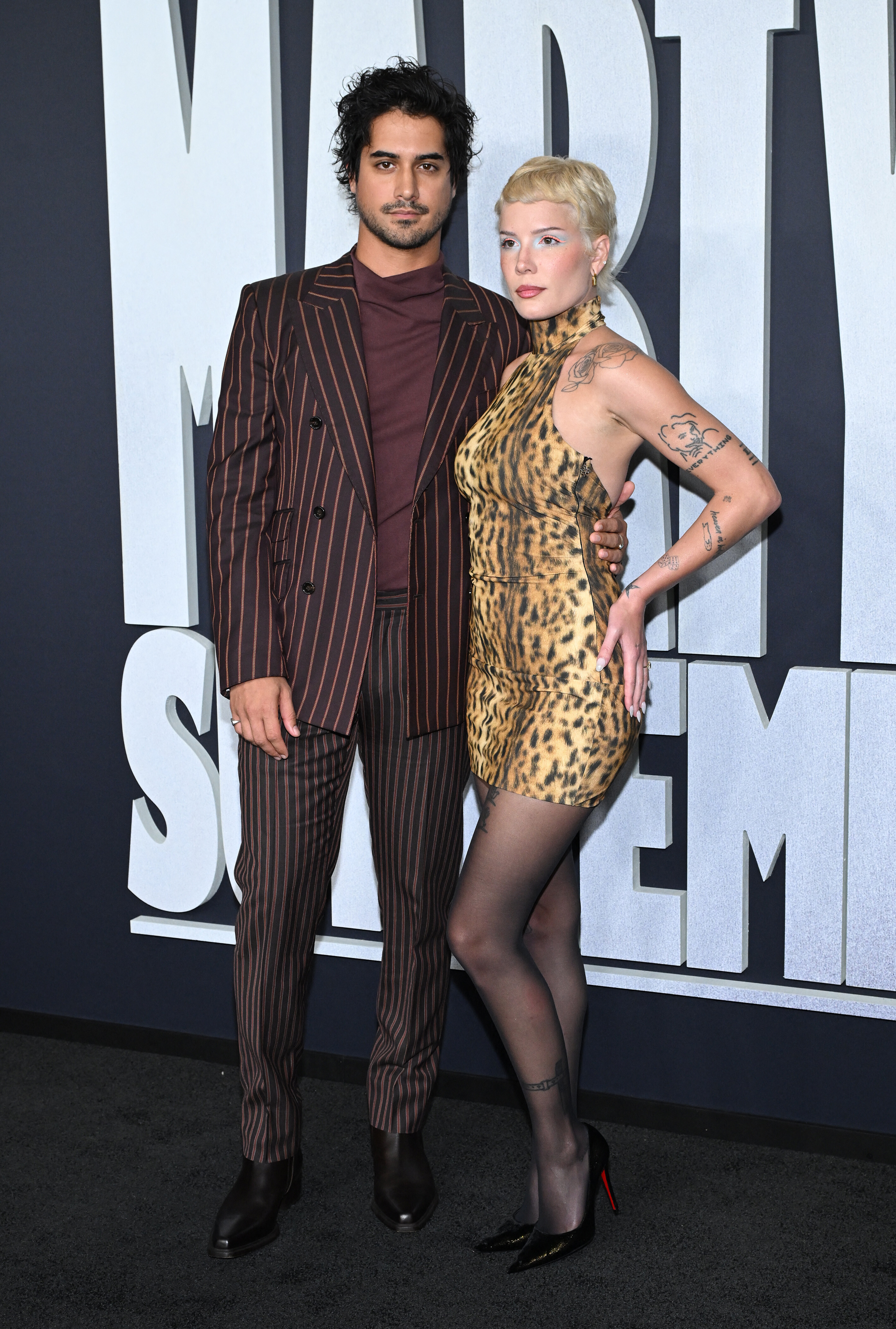
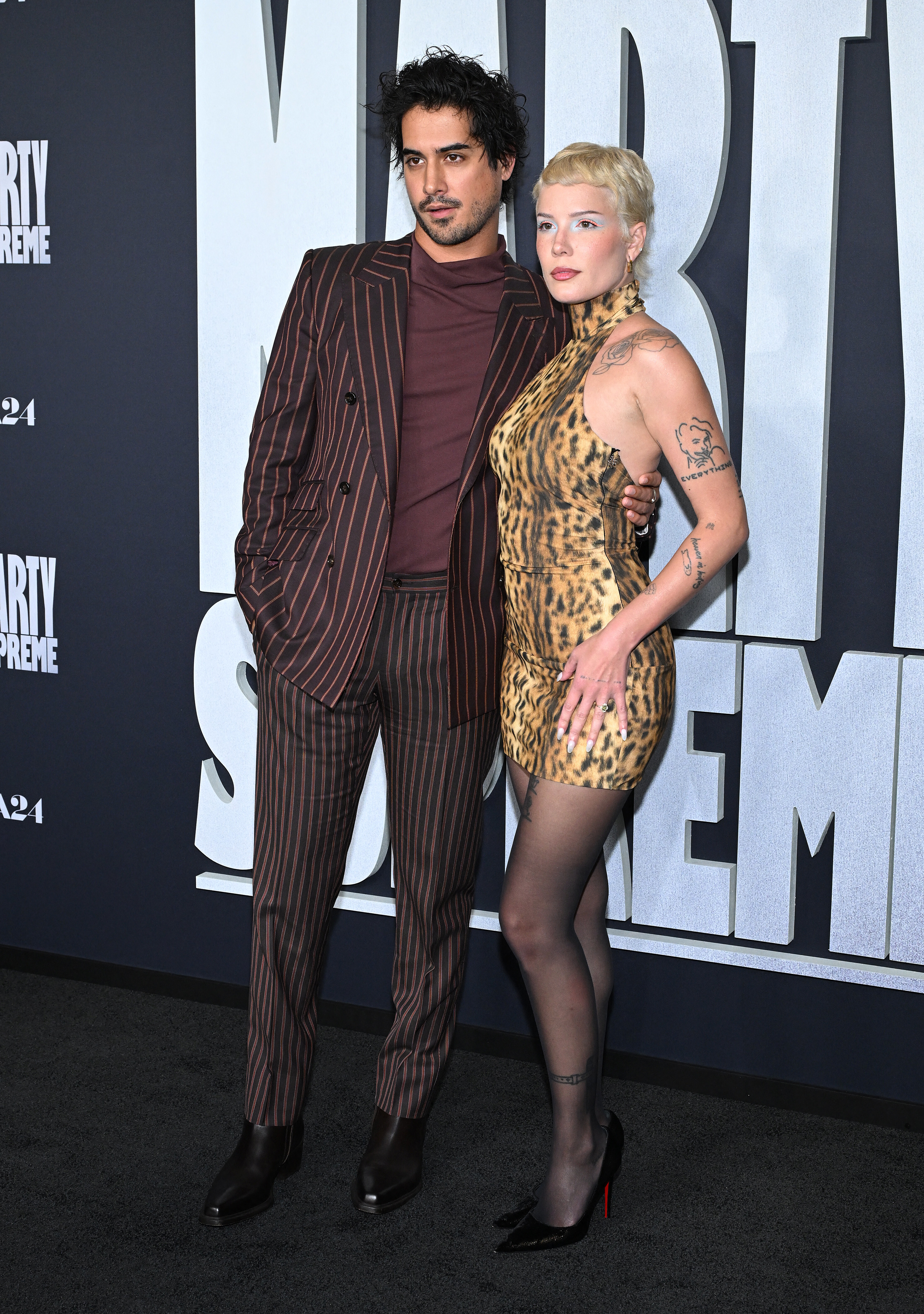
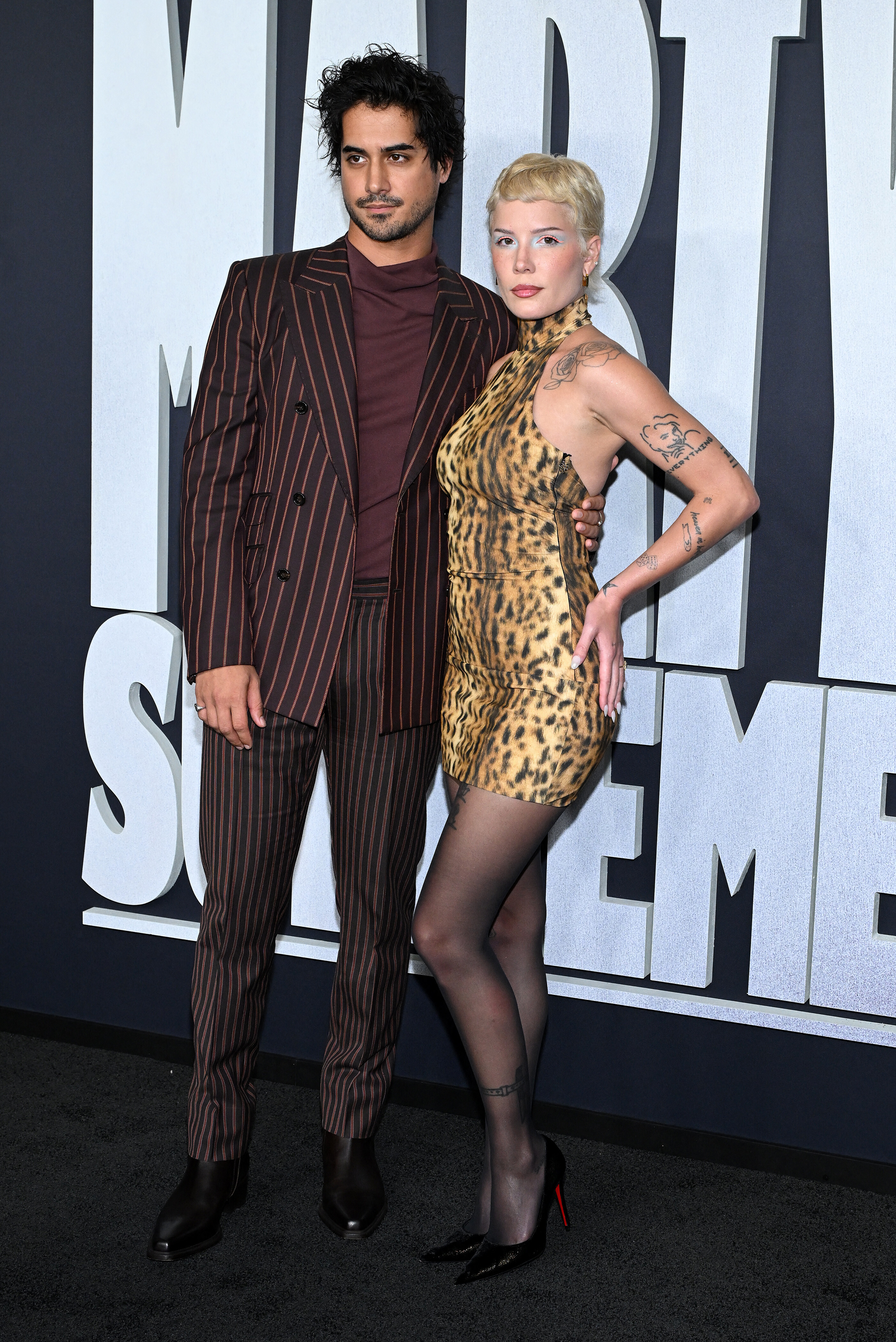
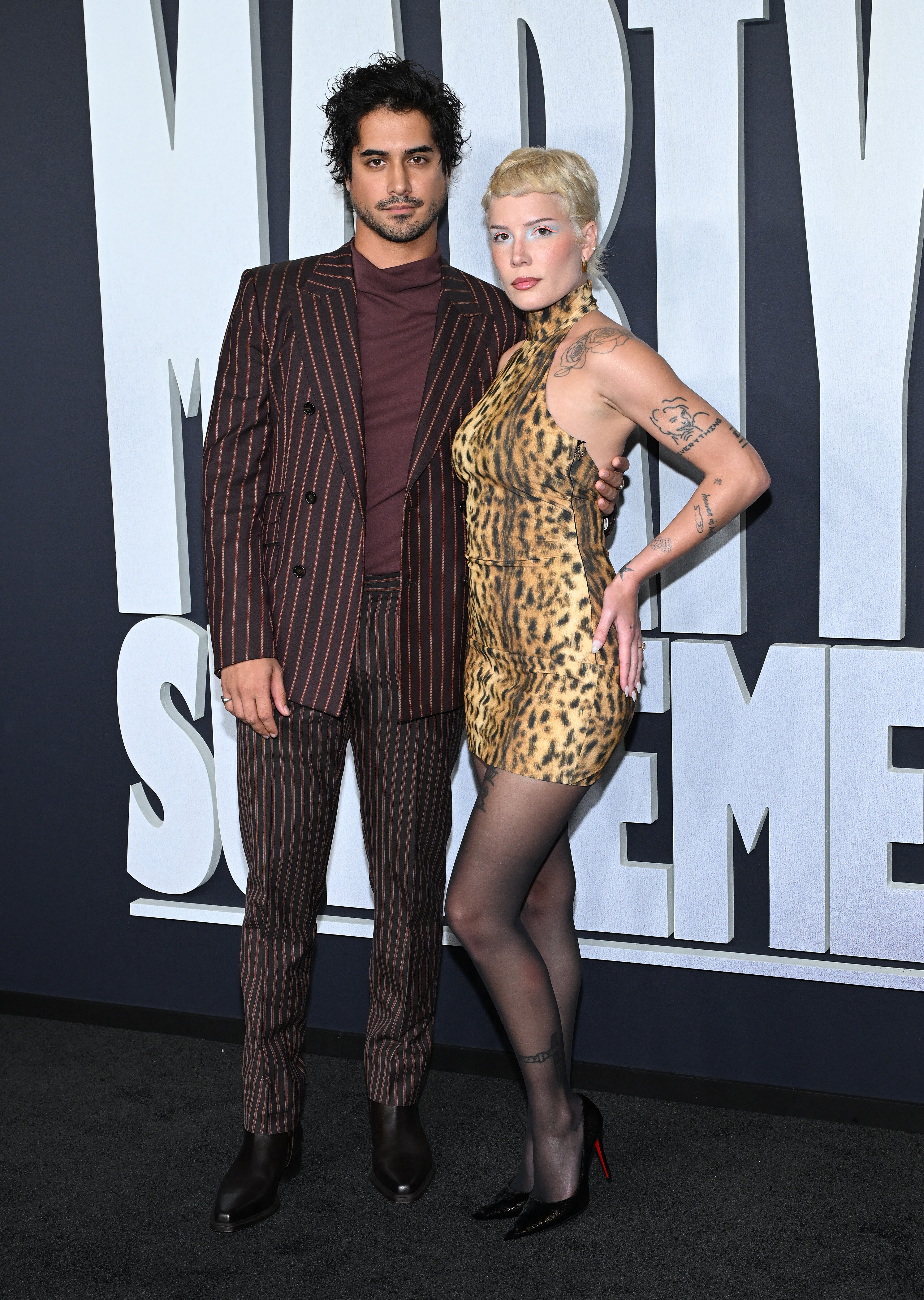
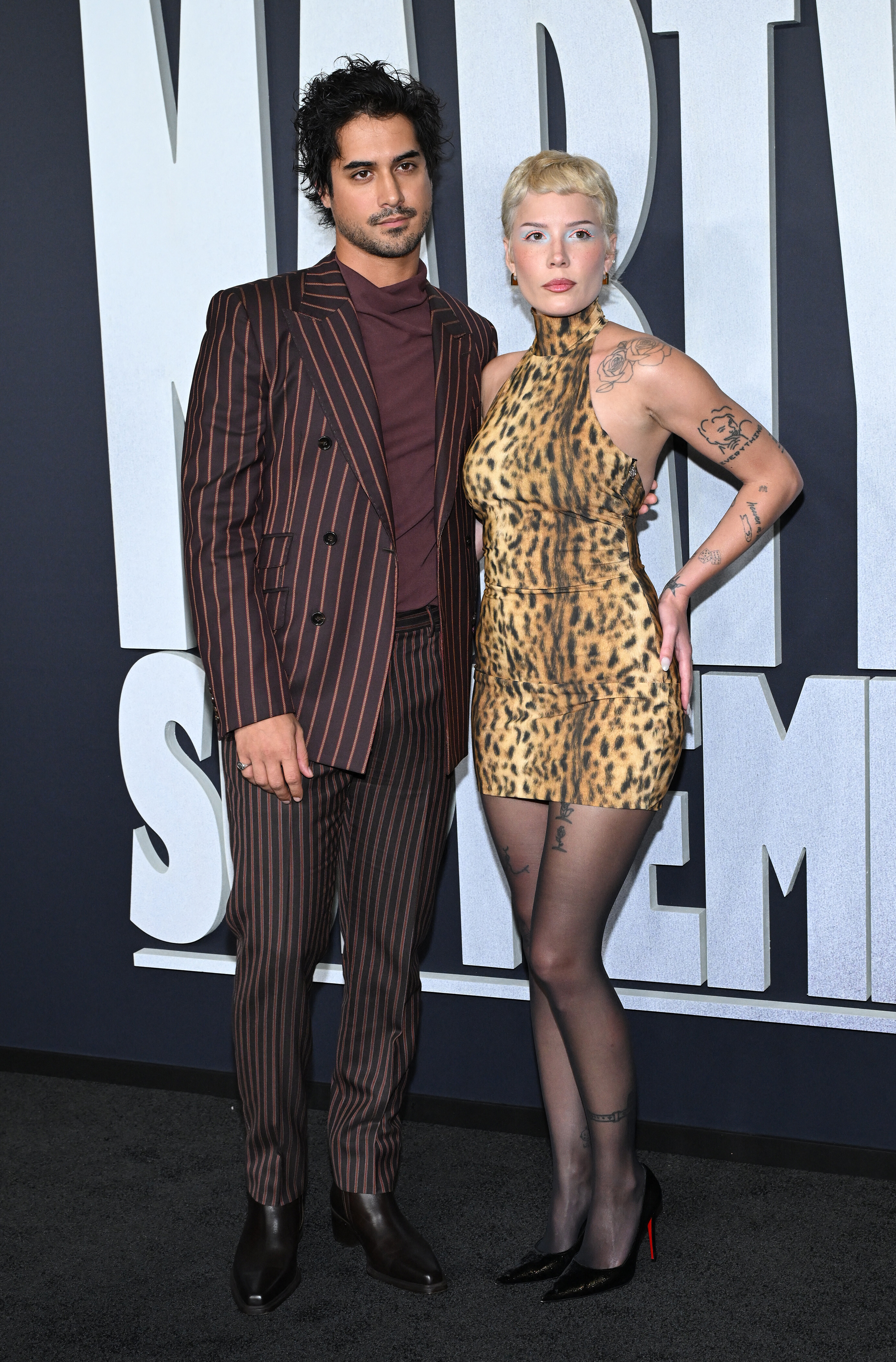
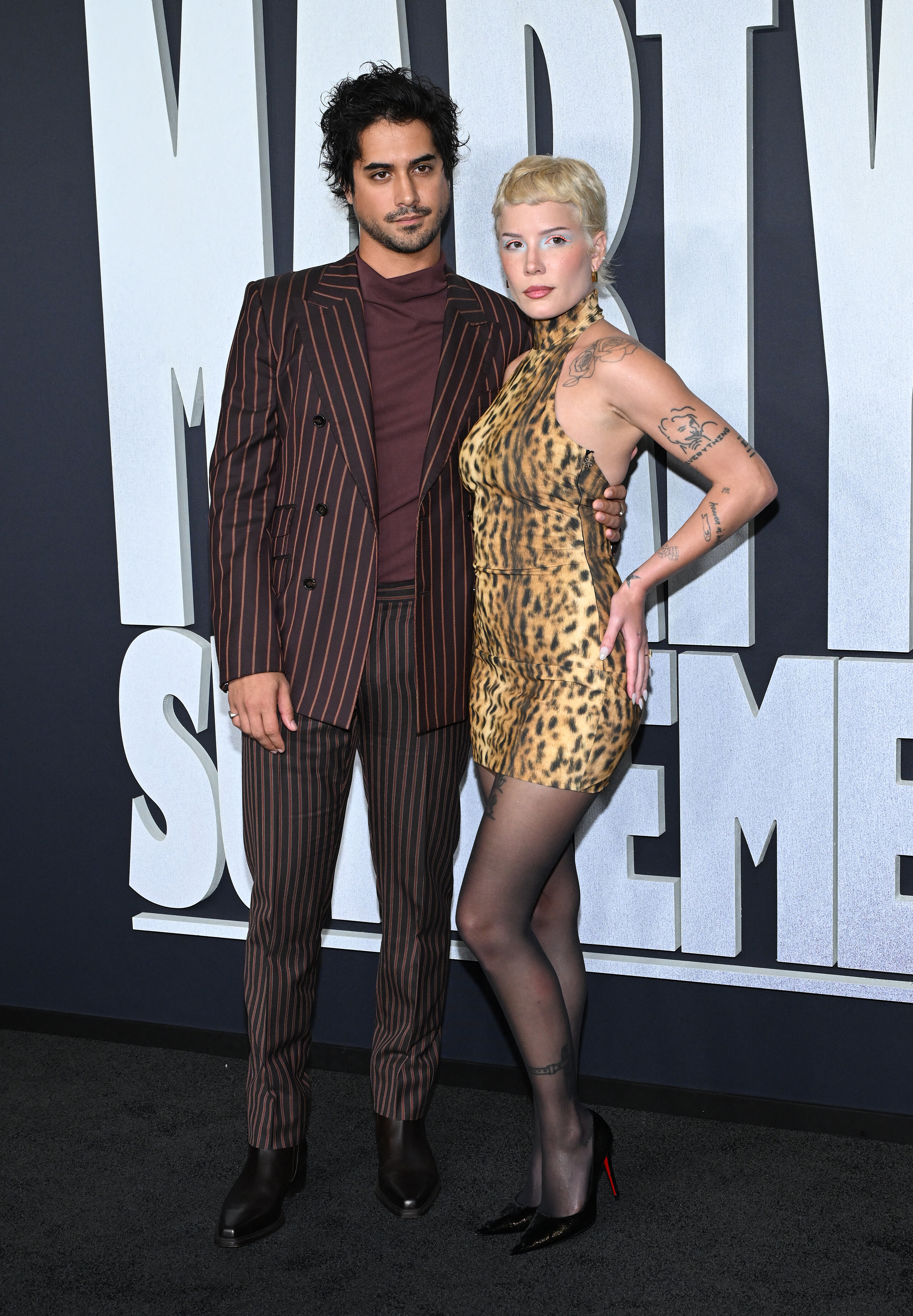
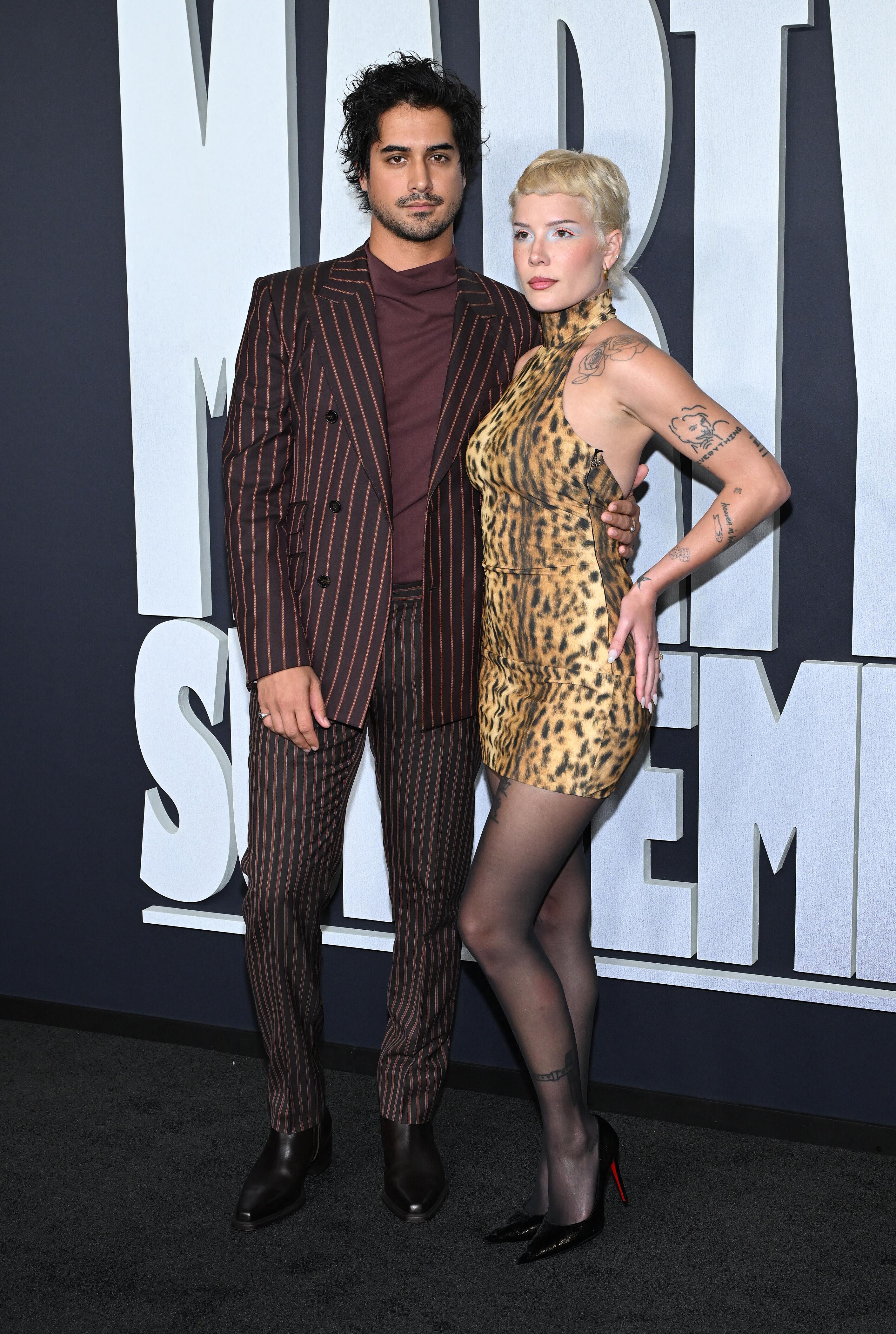
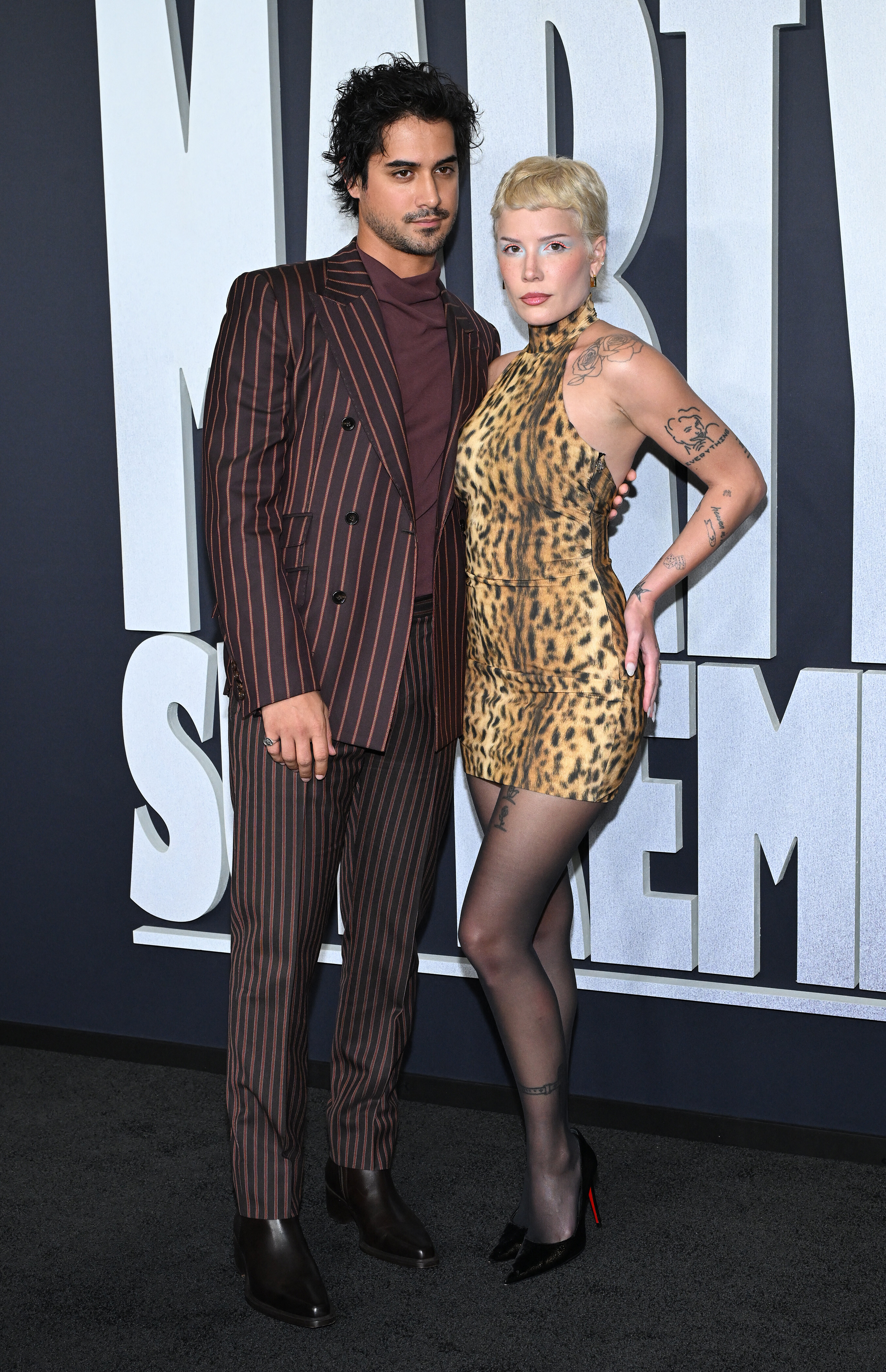
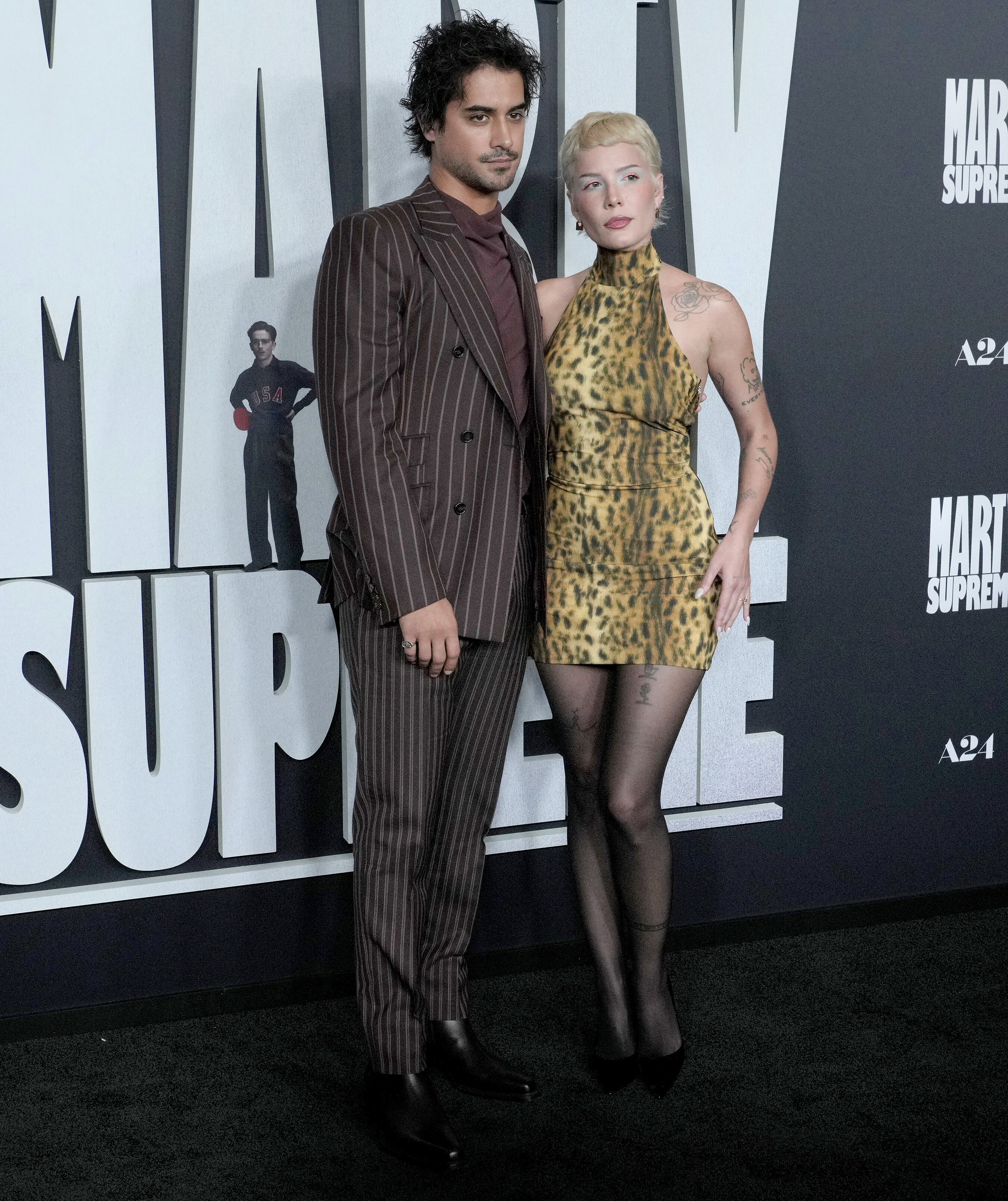
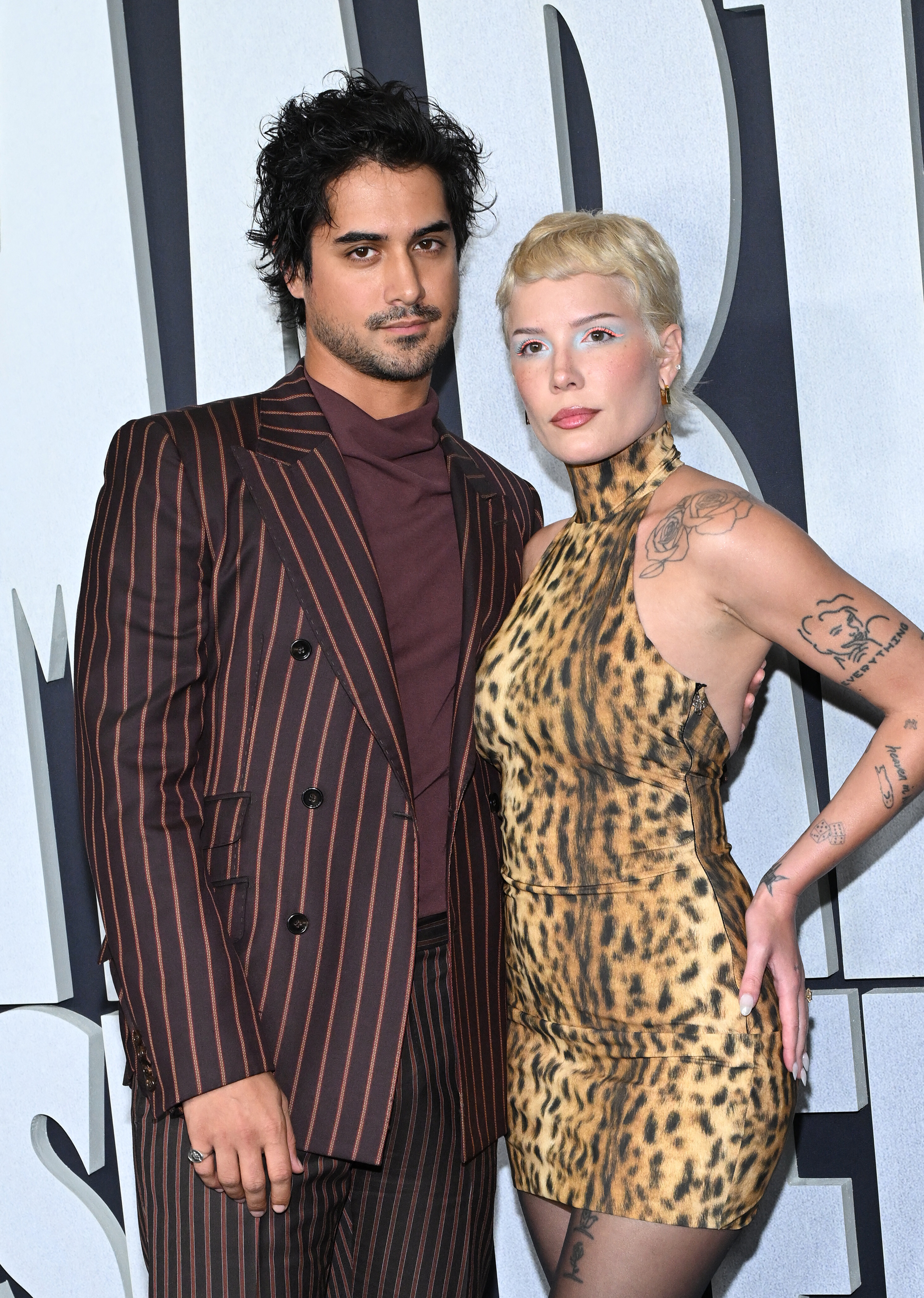
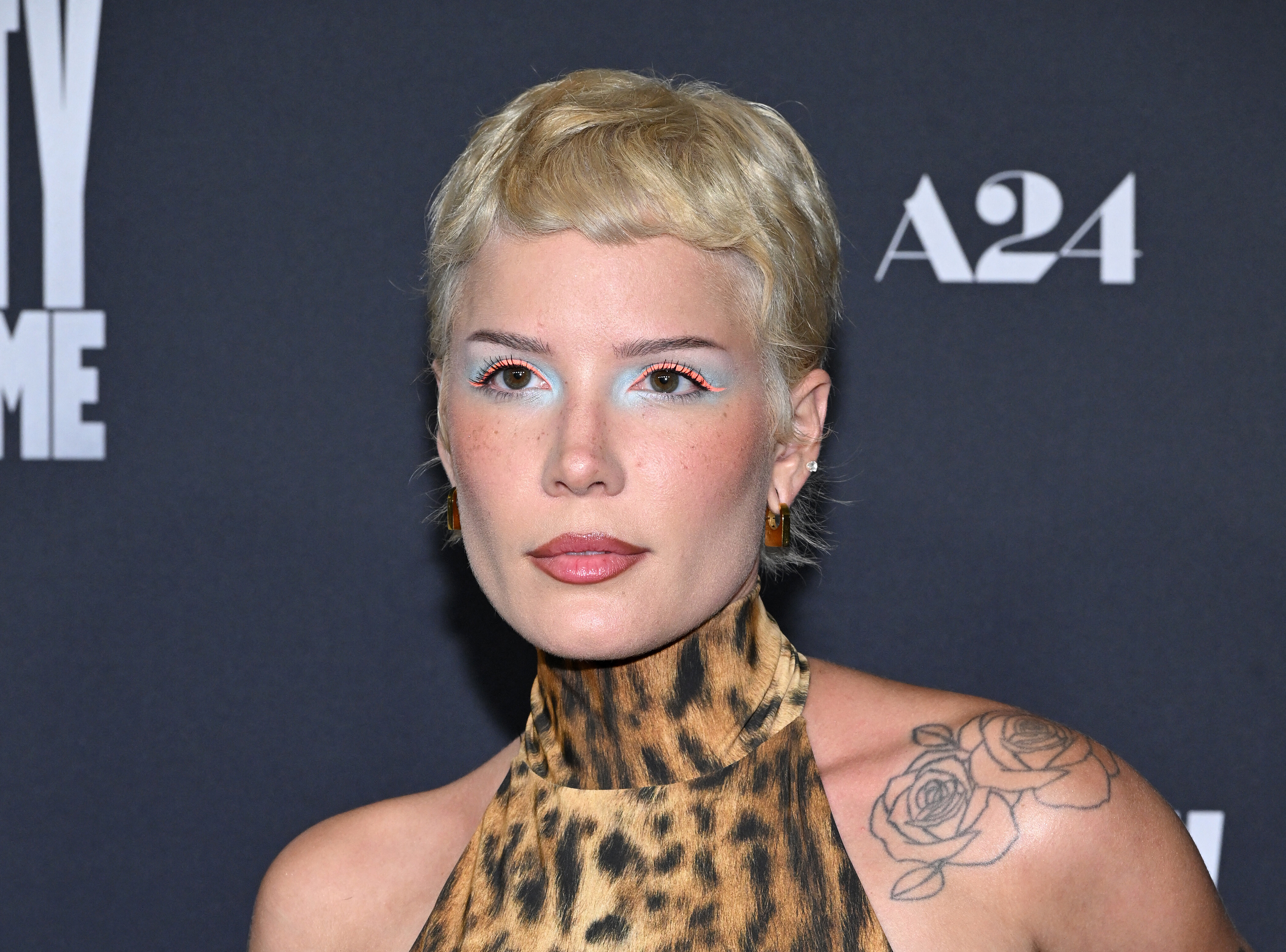
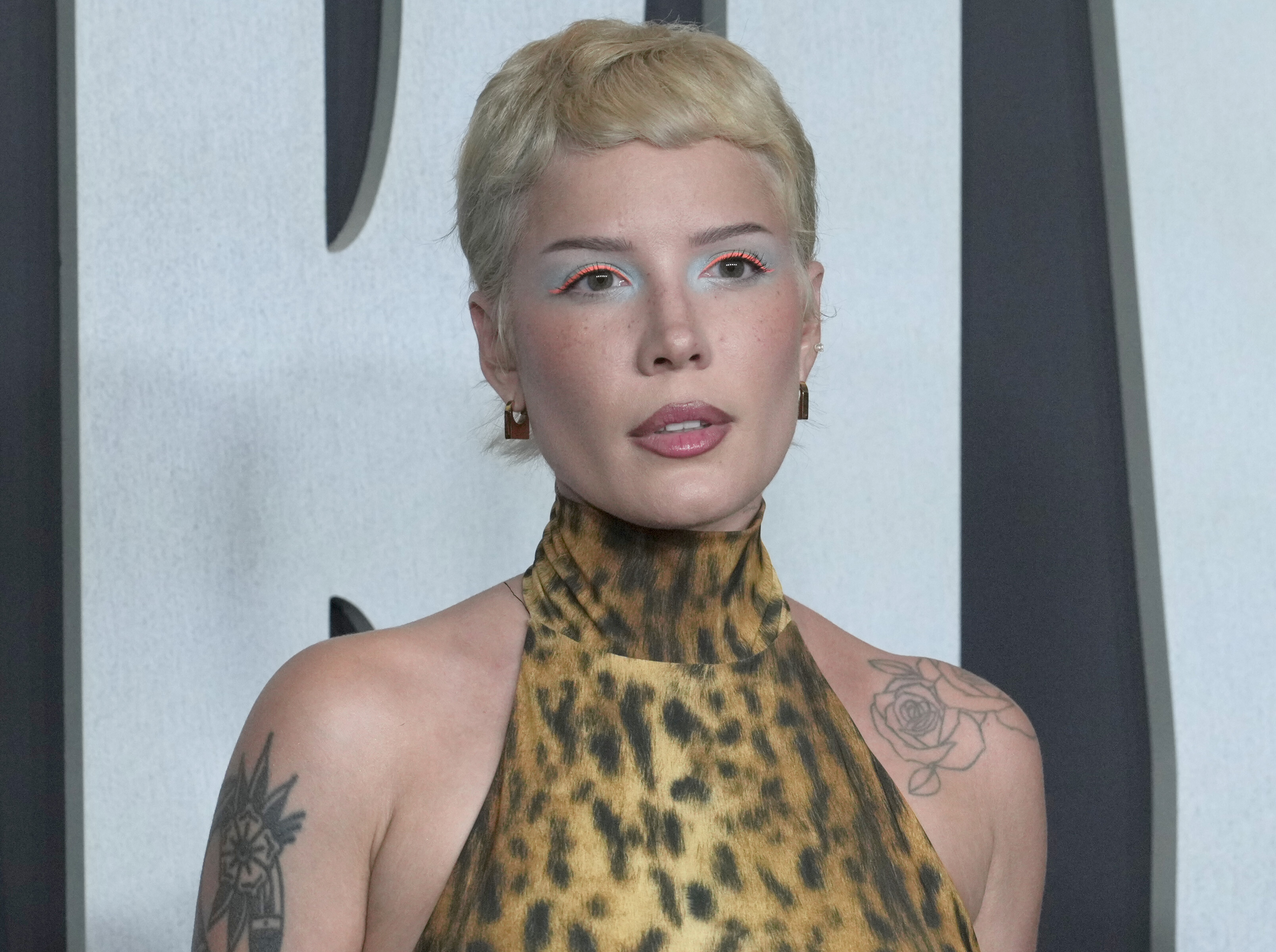
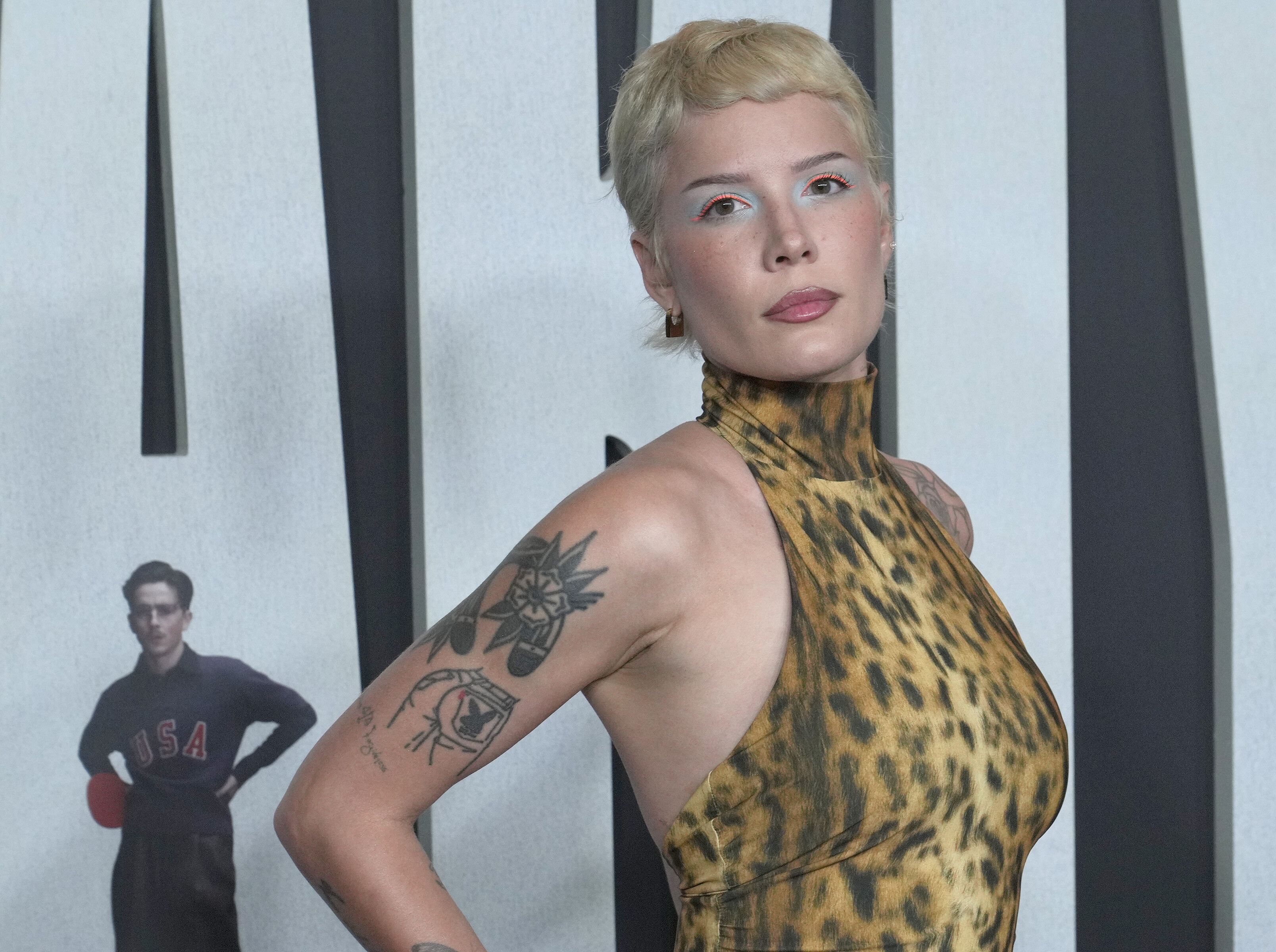
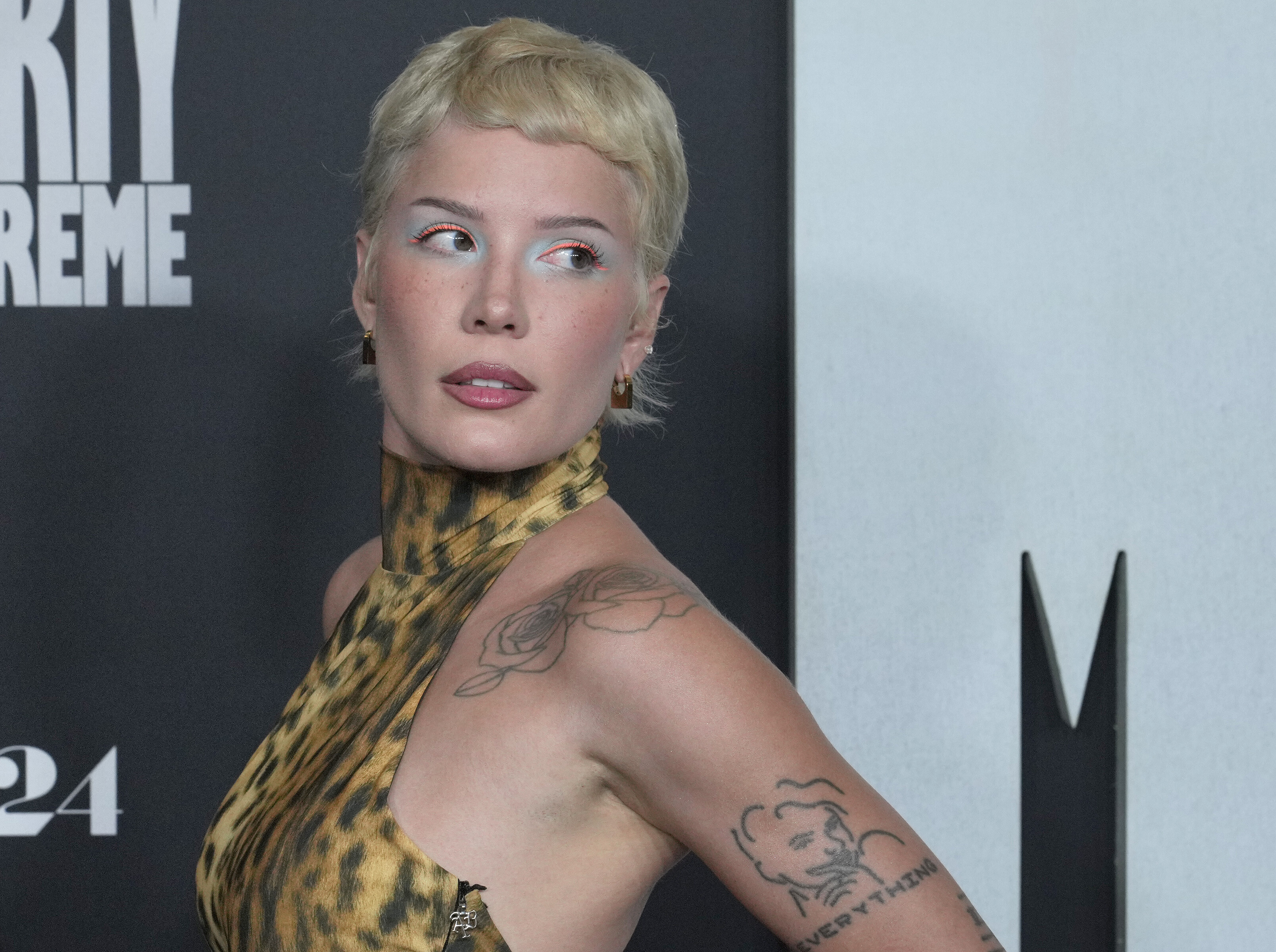
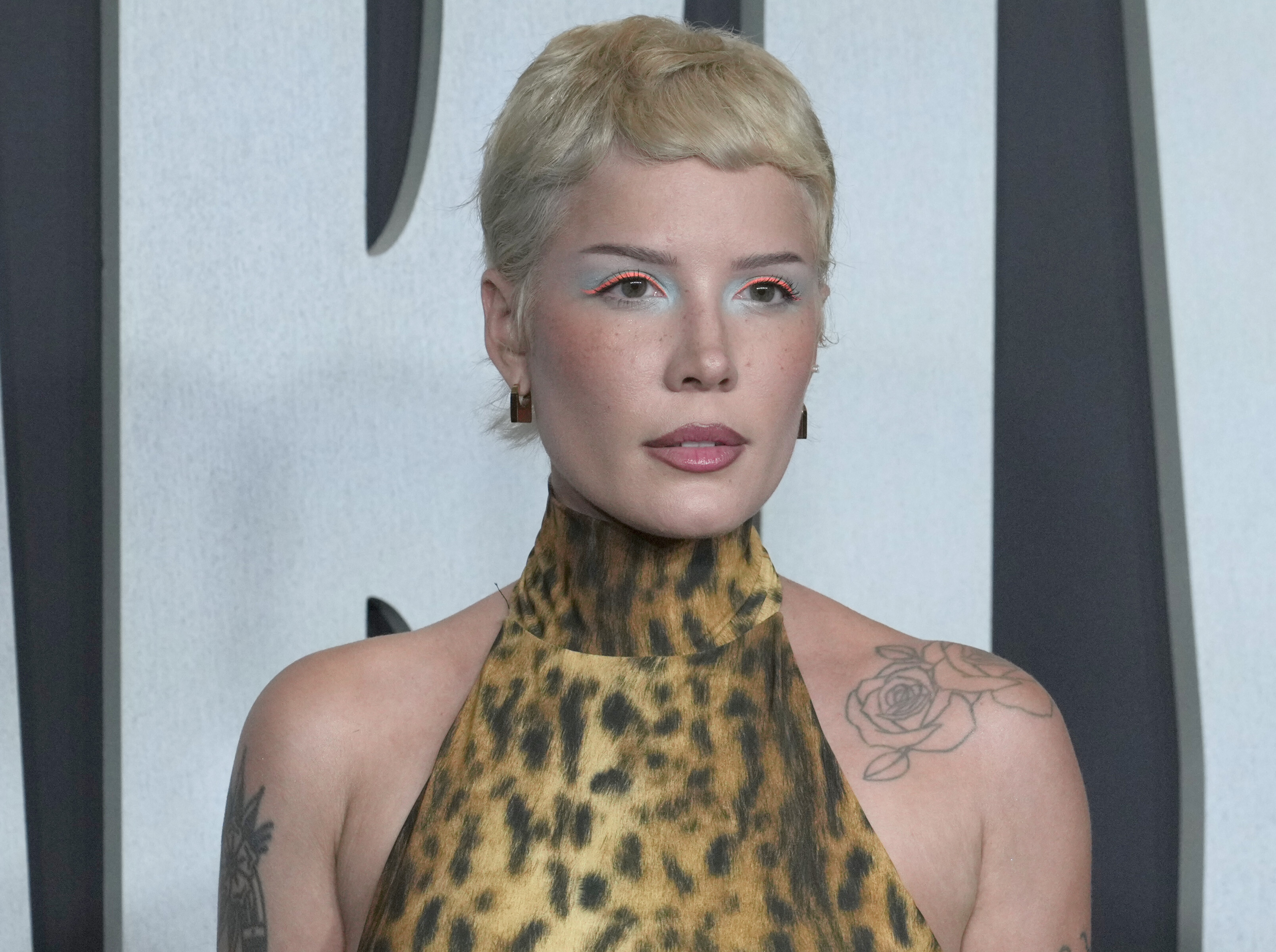
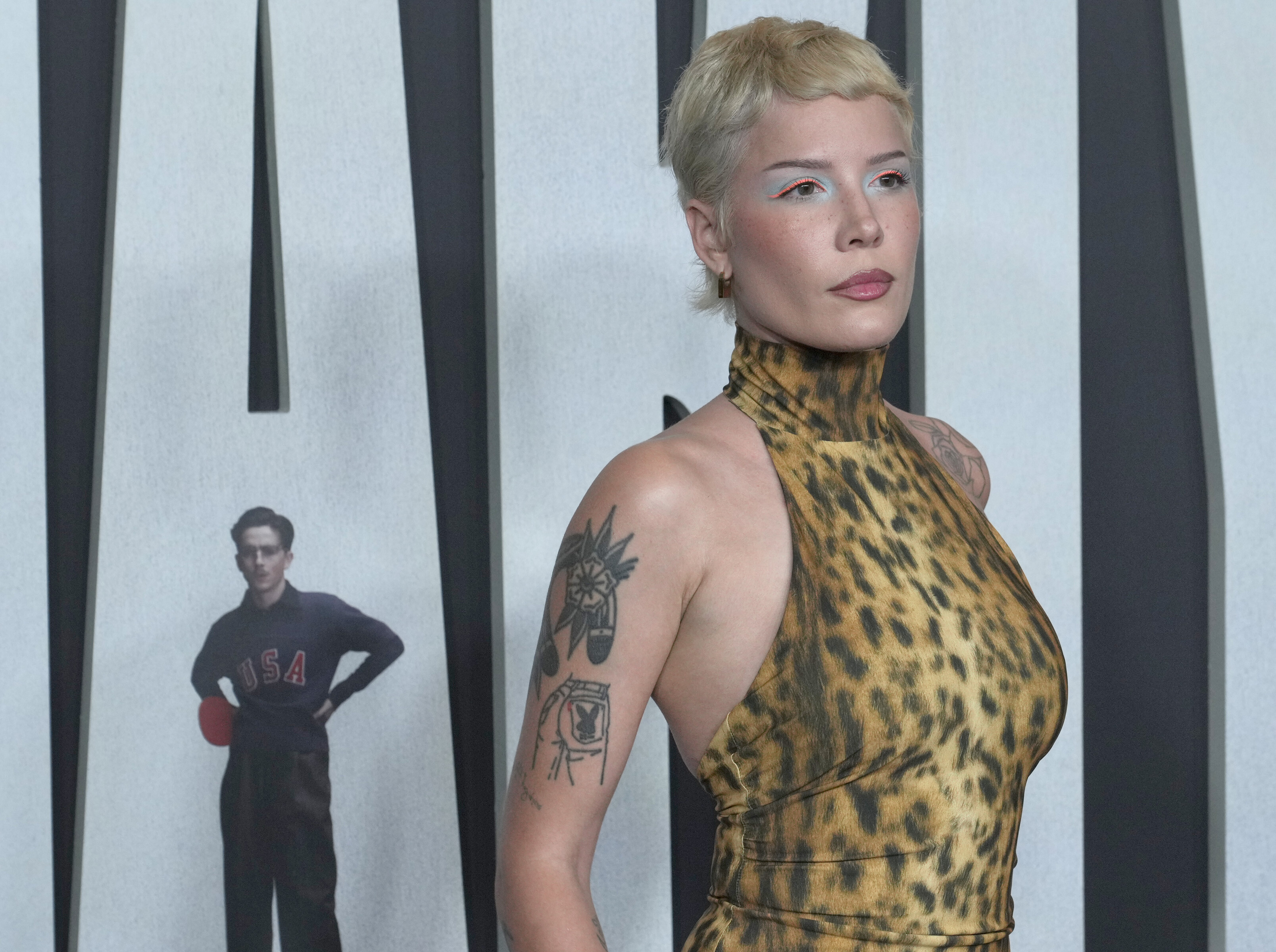
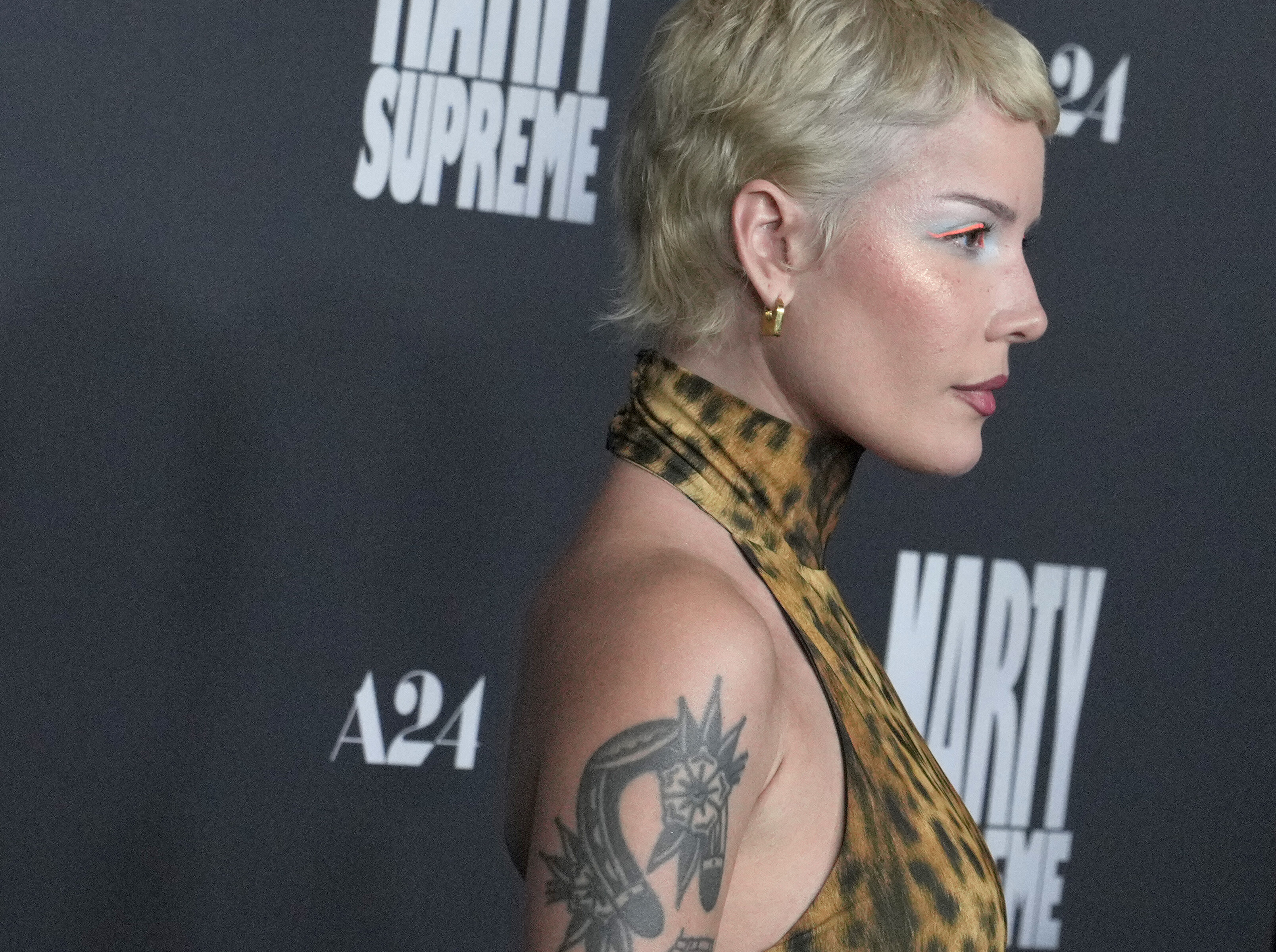
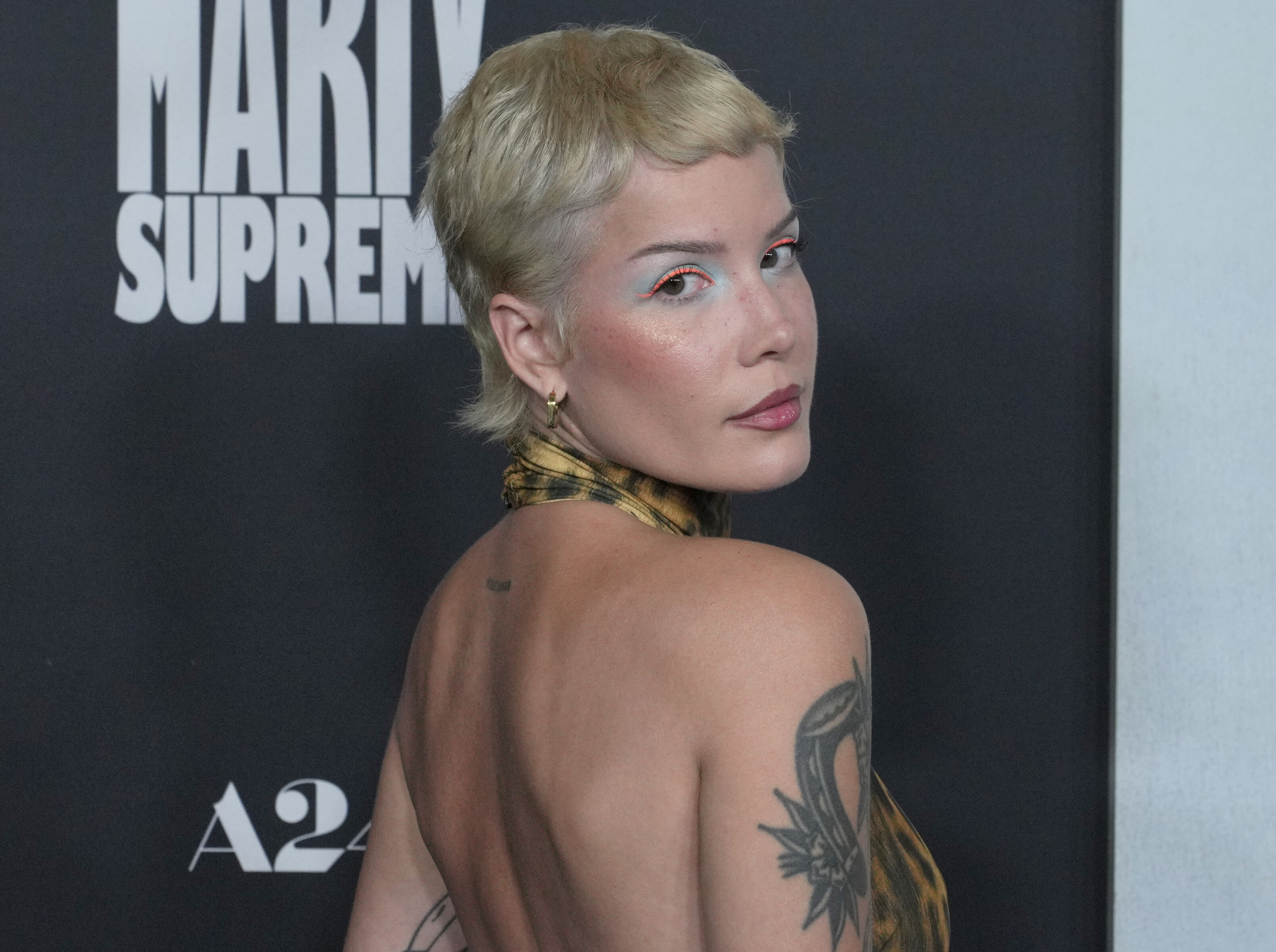
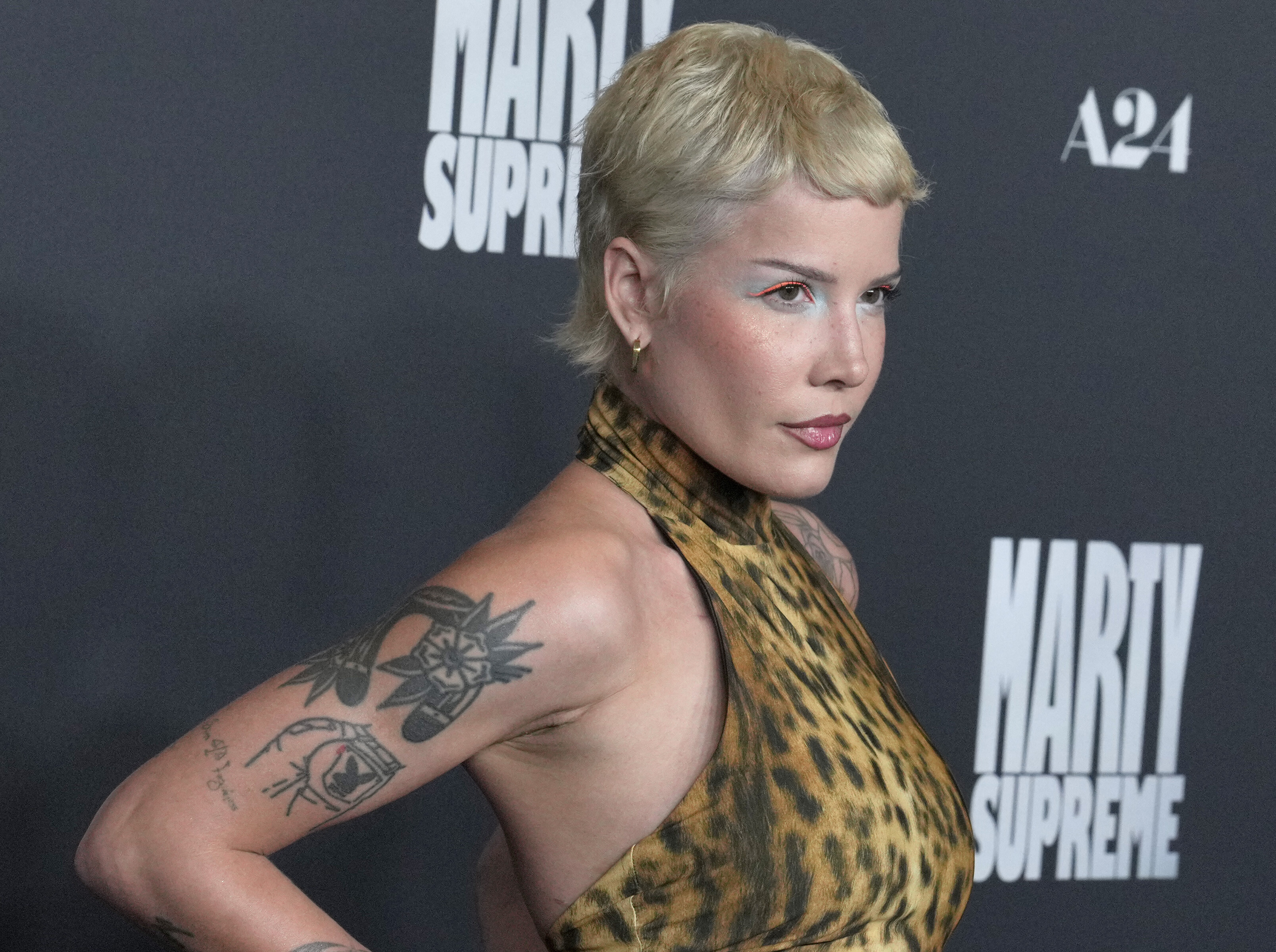
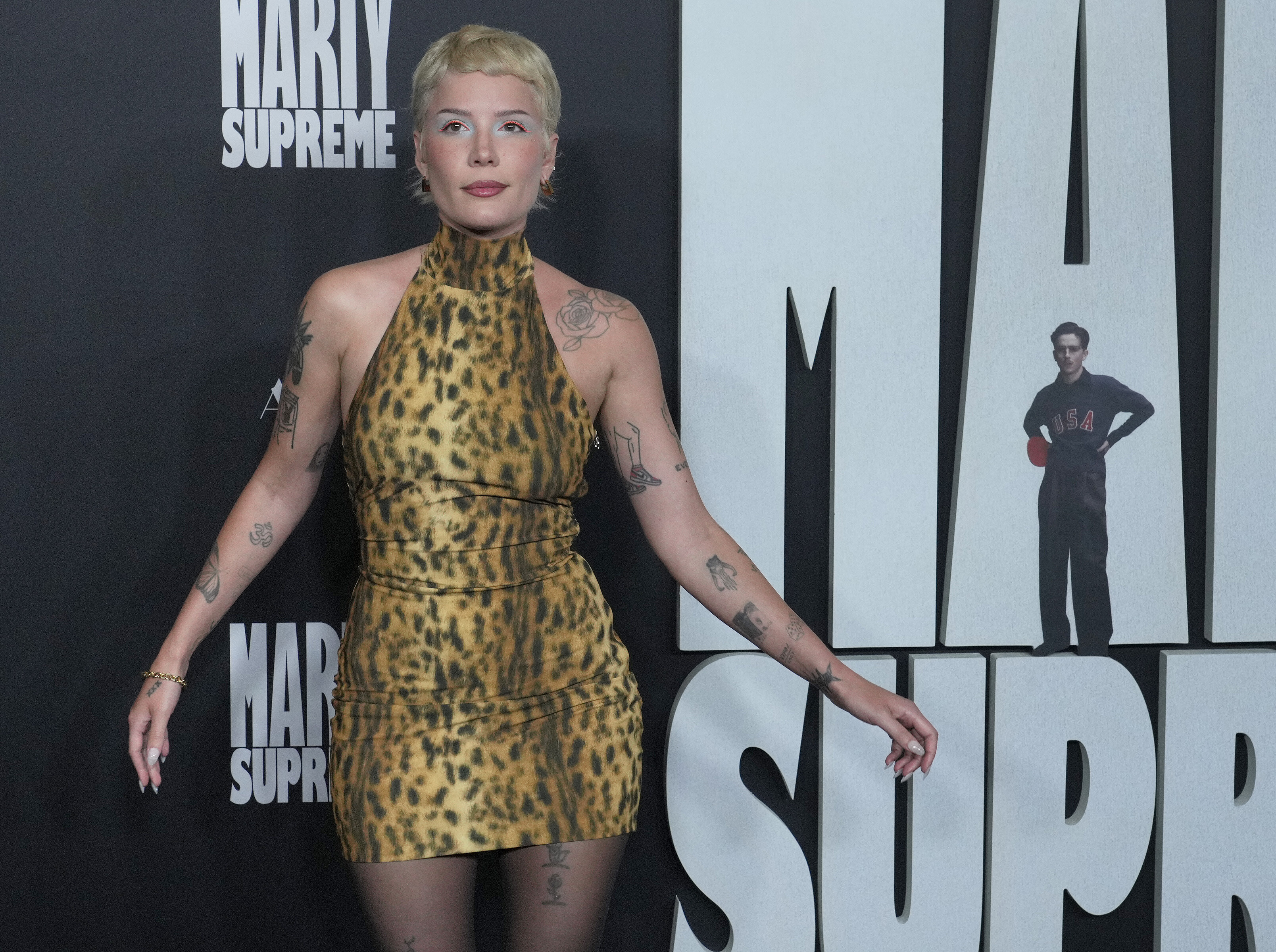
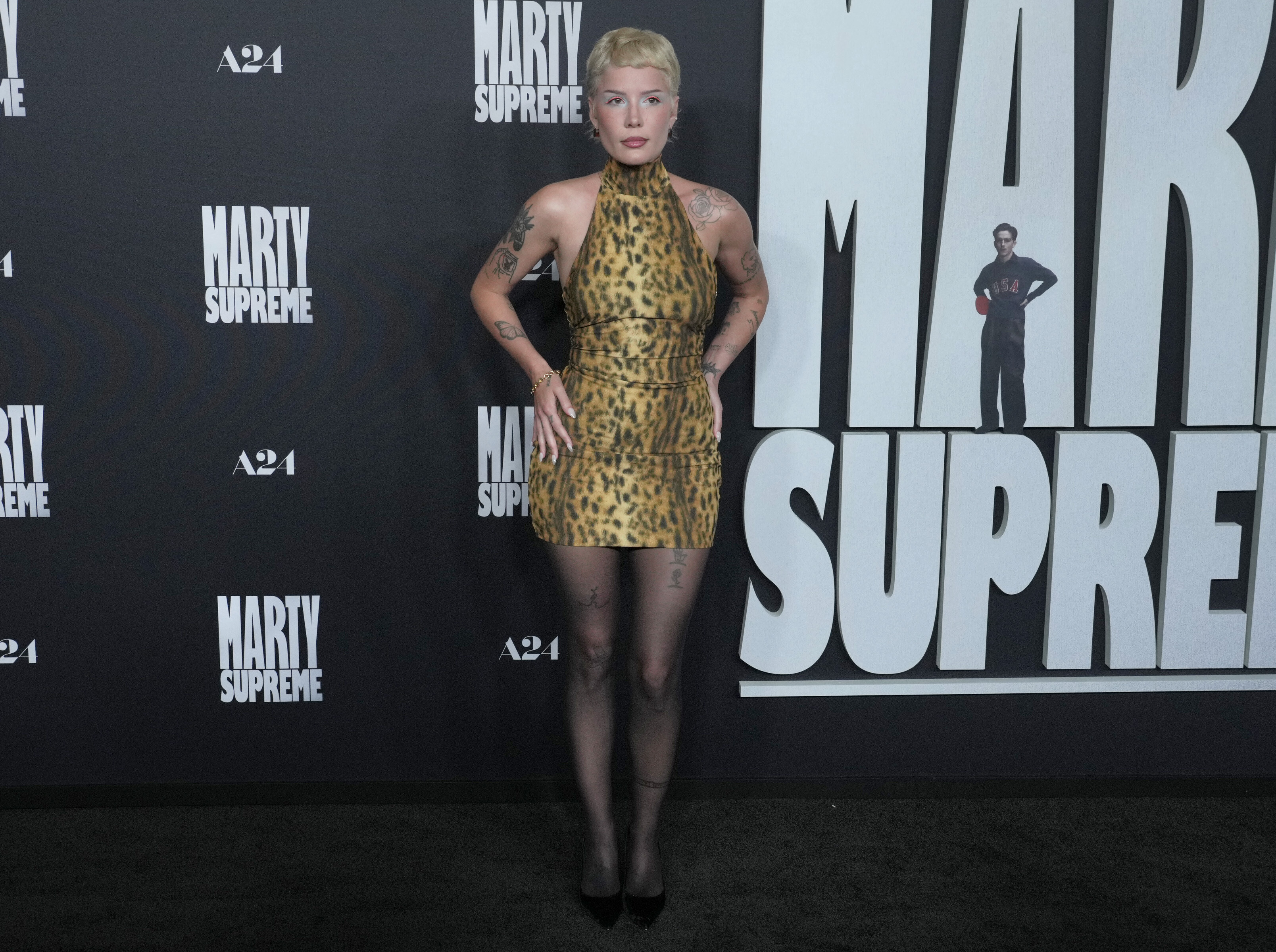
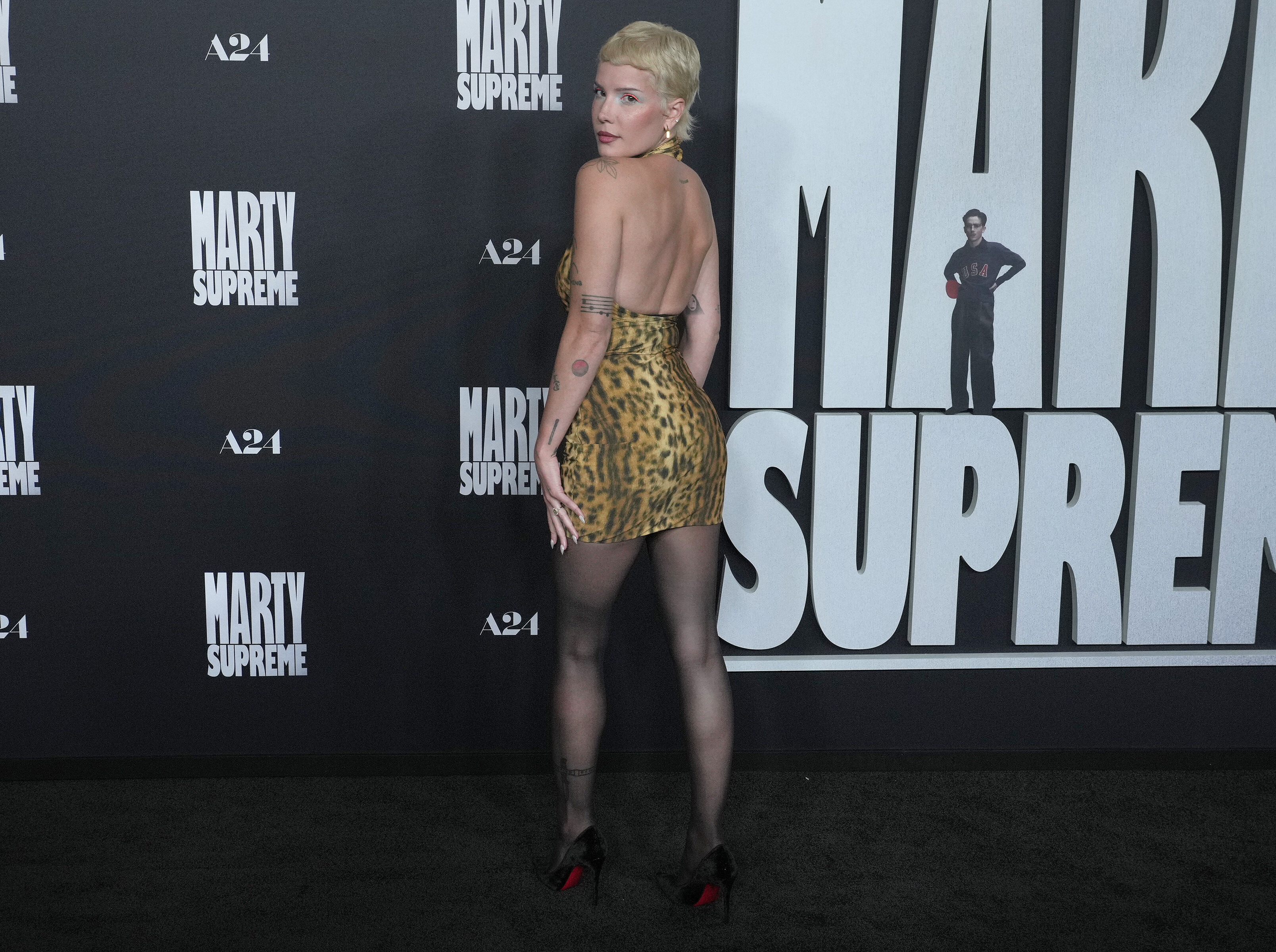
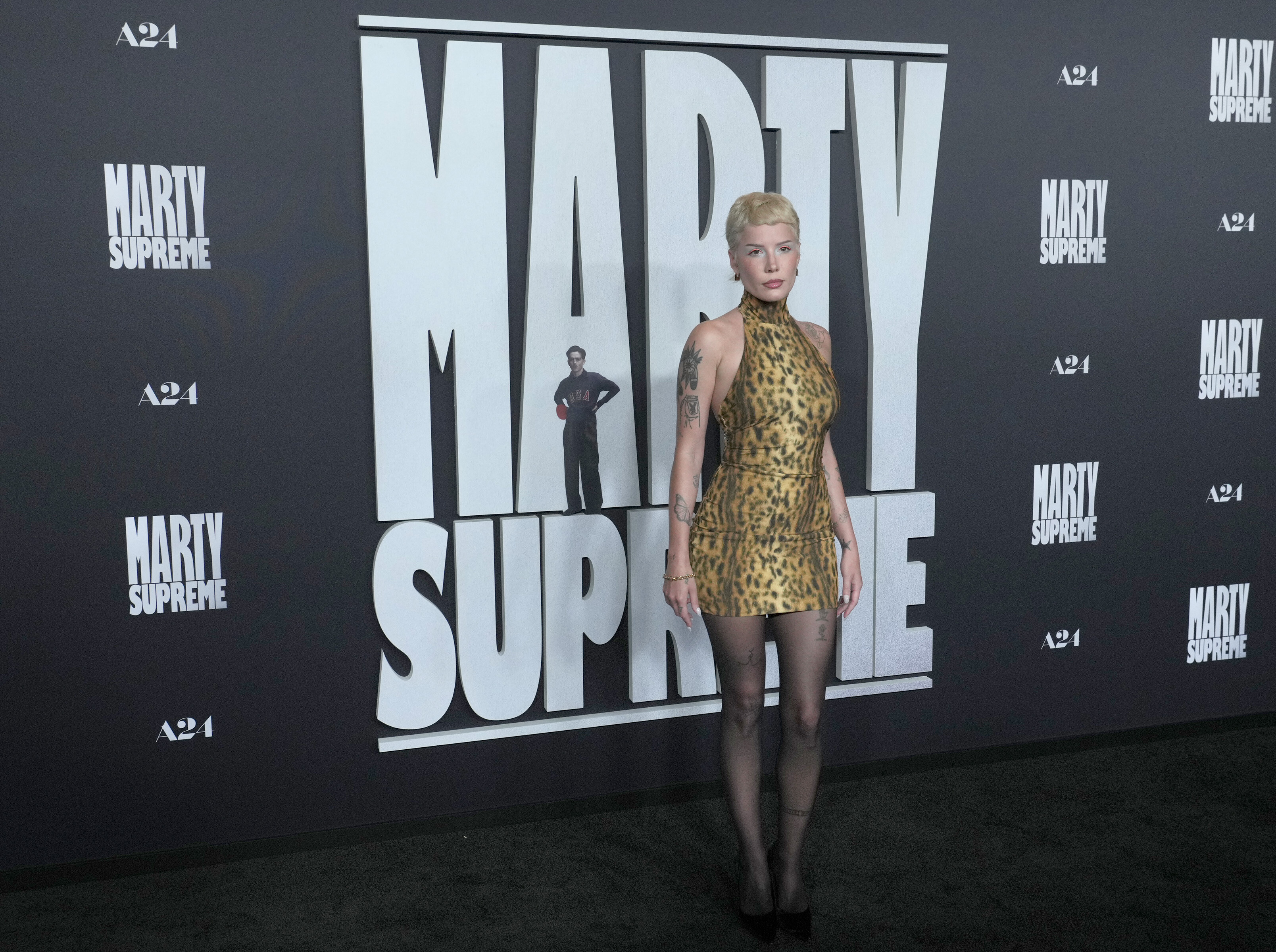
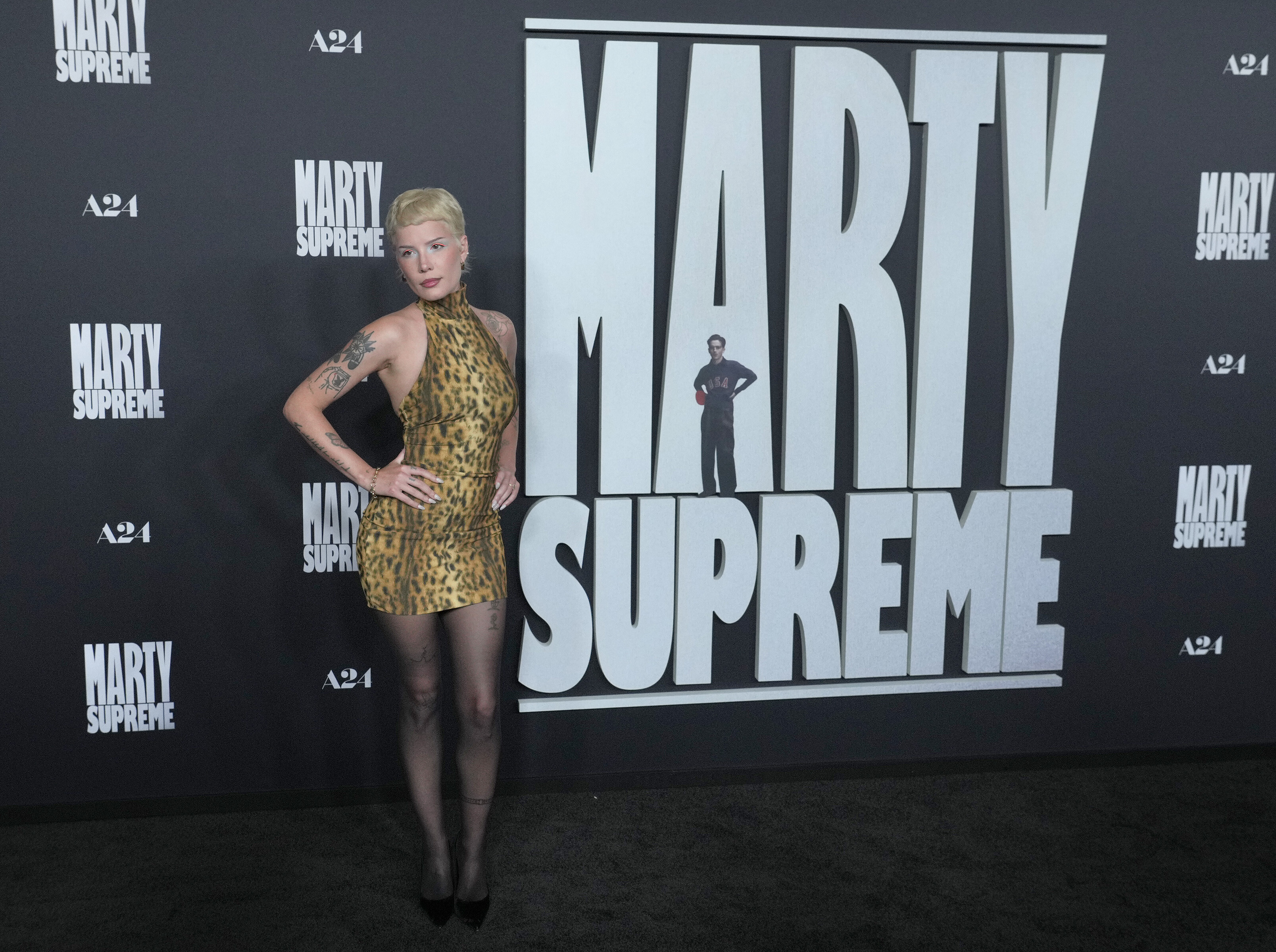
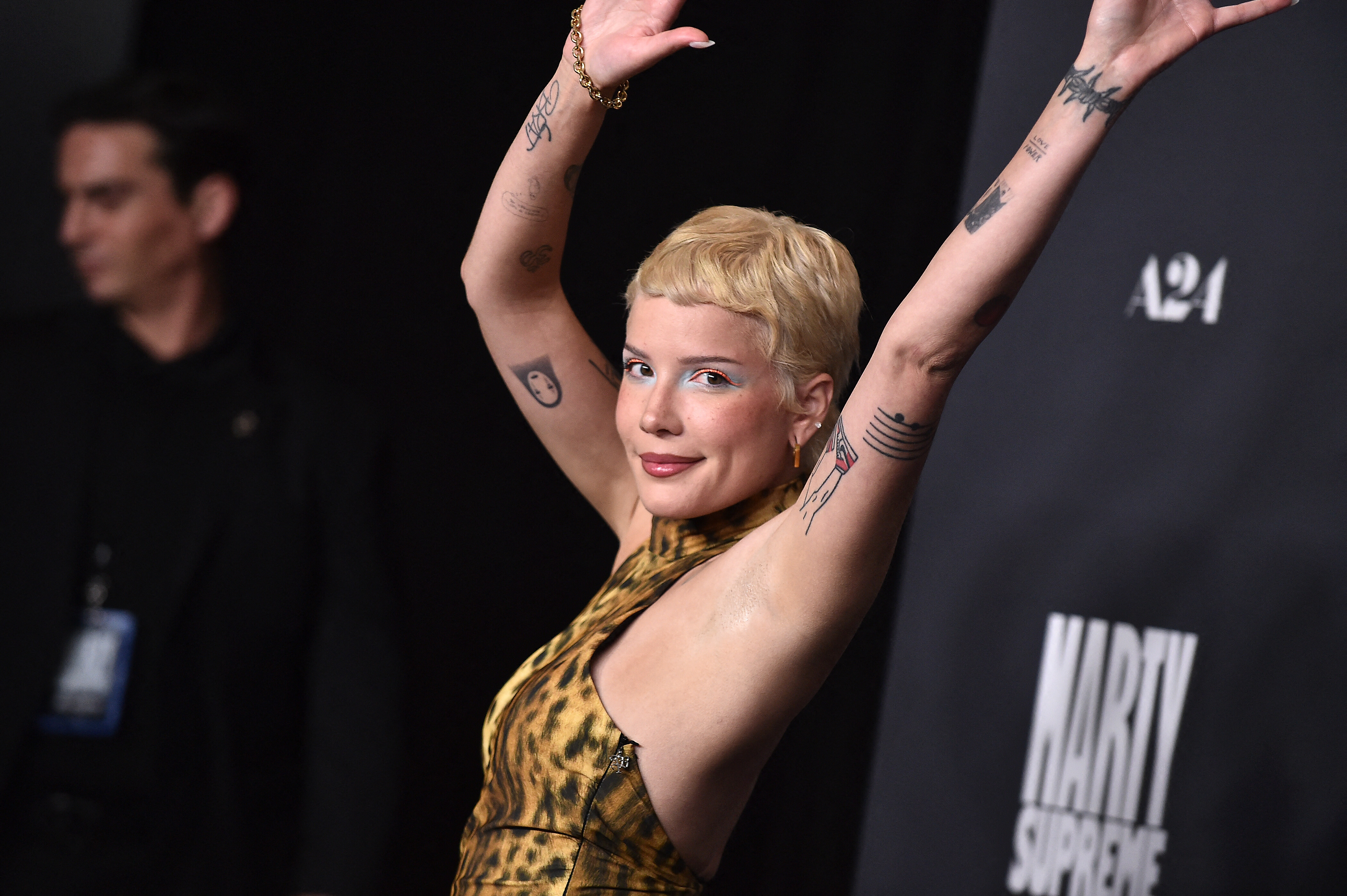
 Attends Los Angeles Premiere of A24's "Marty Supreme" at Samuel Goldwyn Theater in Beverly Hills, California. December 08, 2025 HQs Batusai at picturepub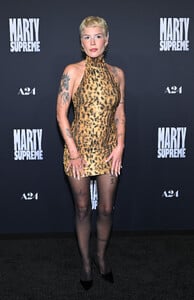































































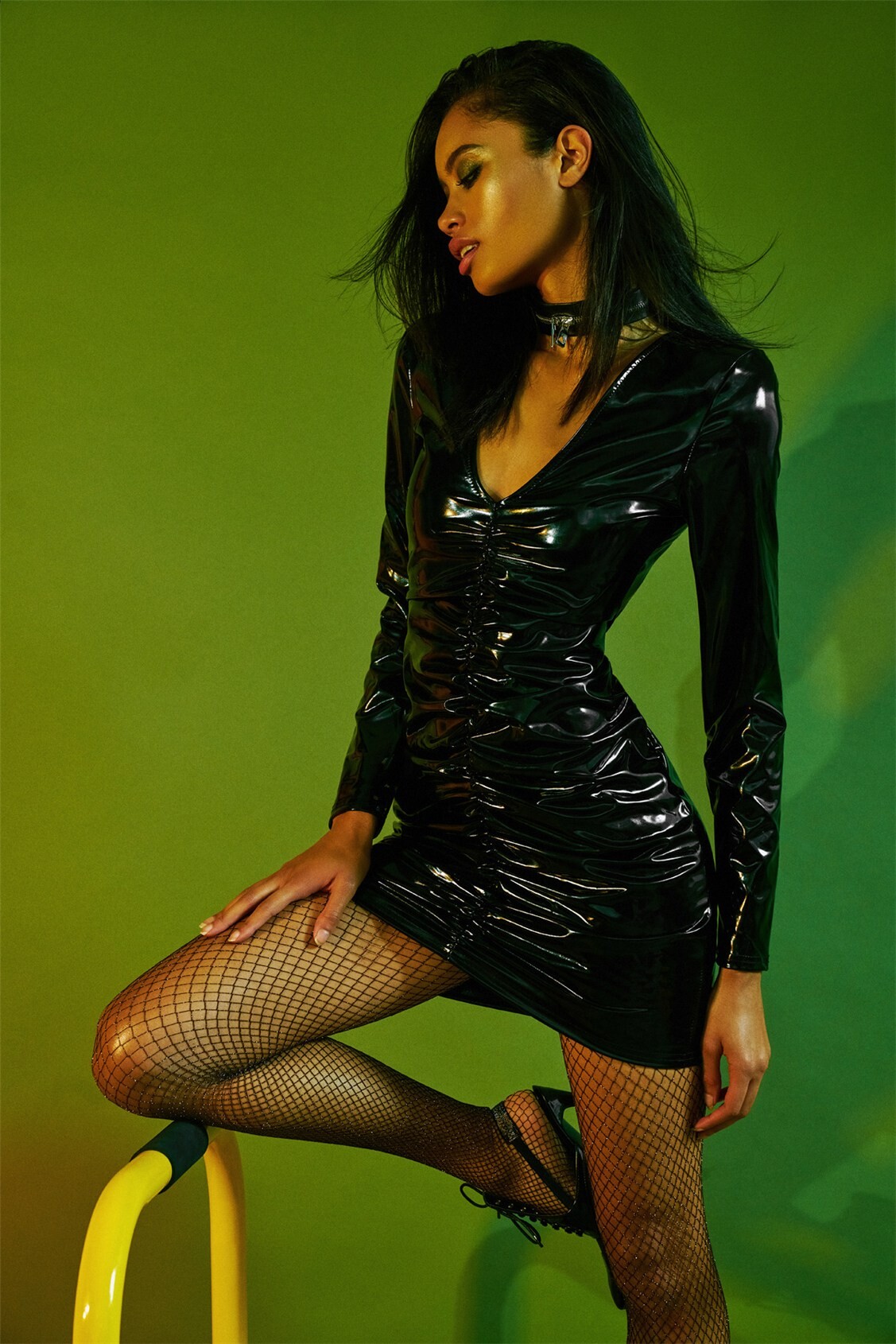
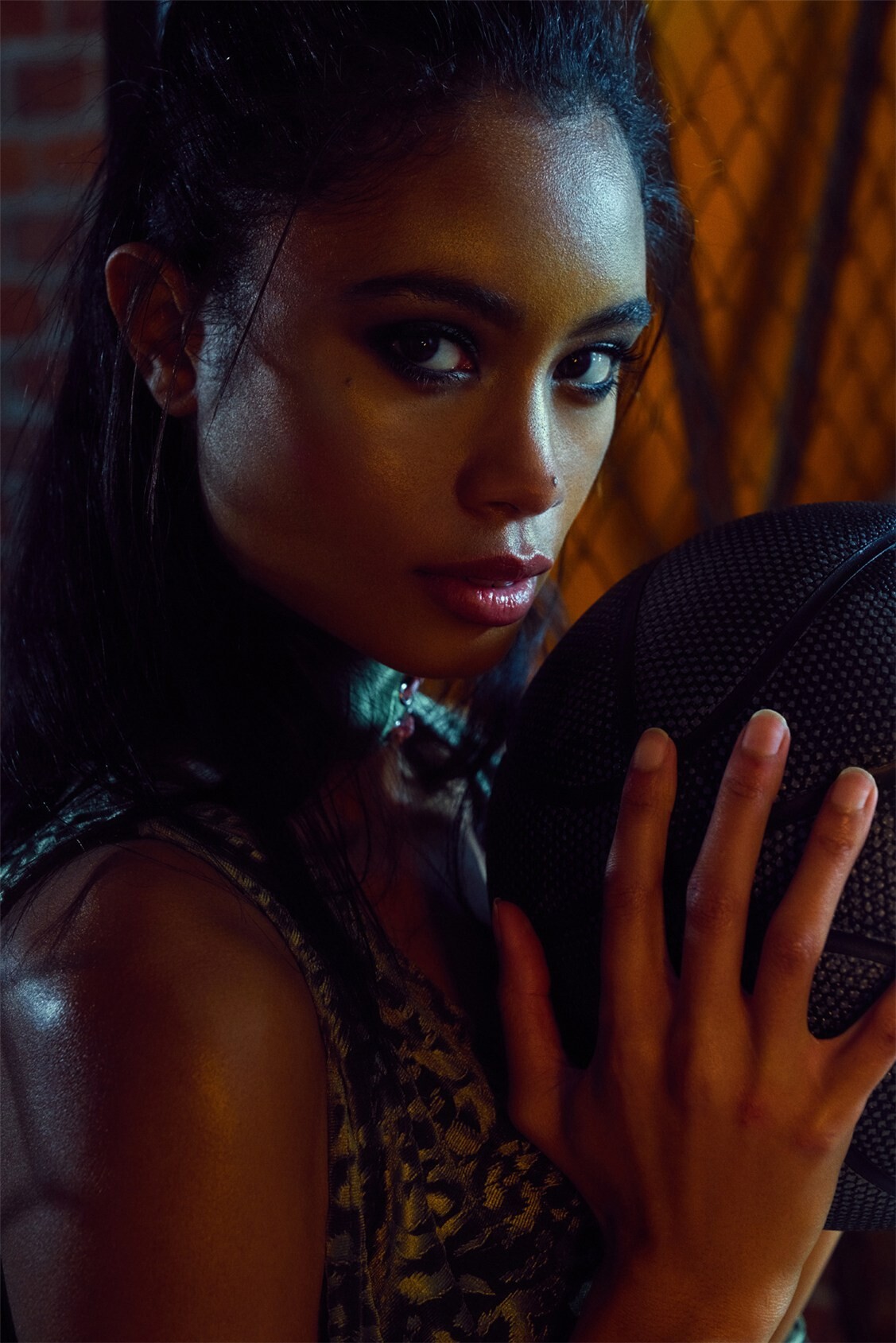
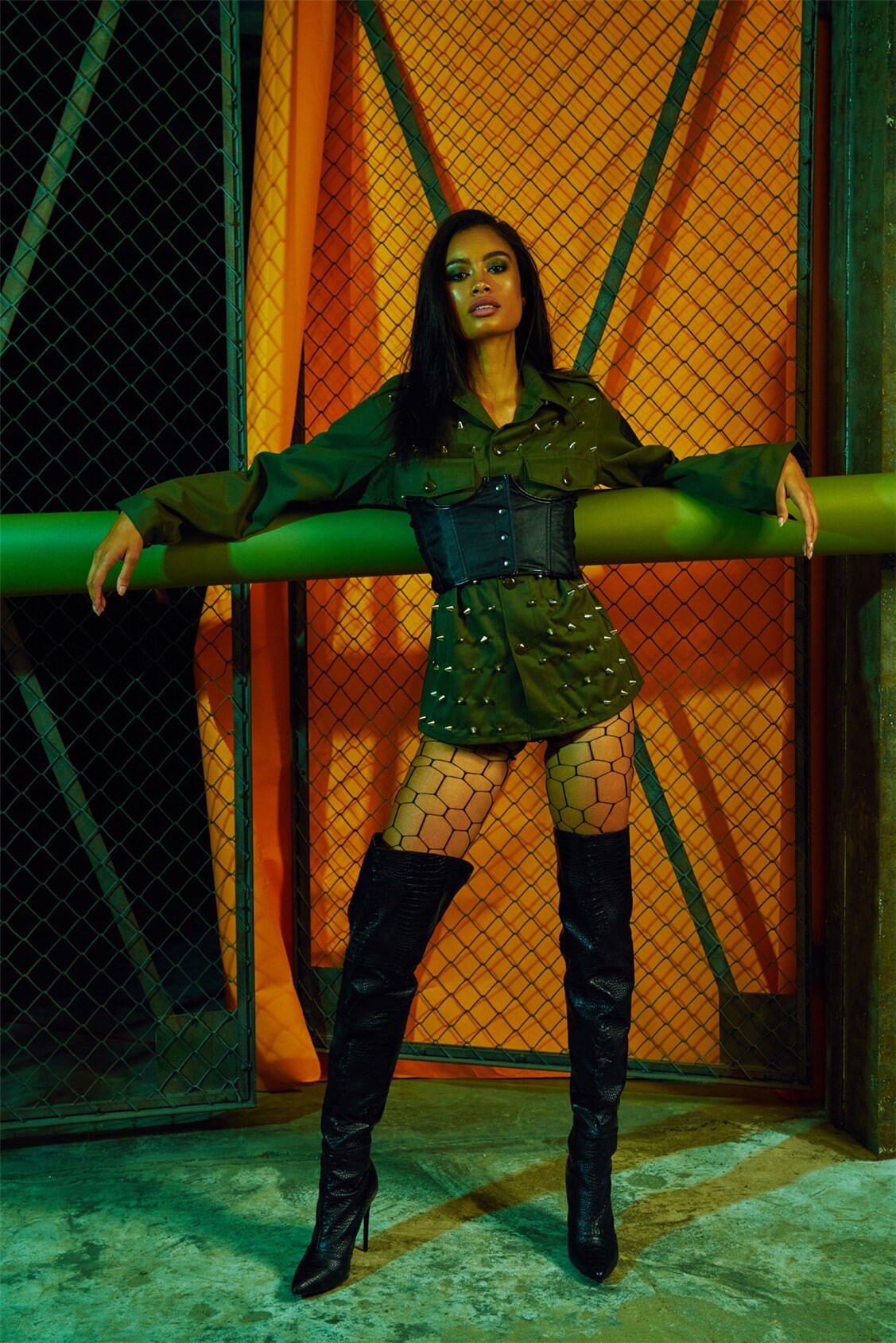
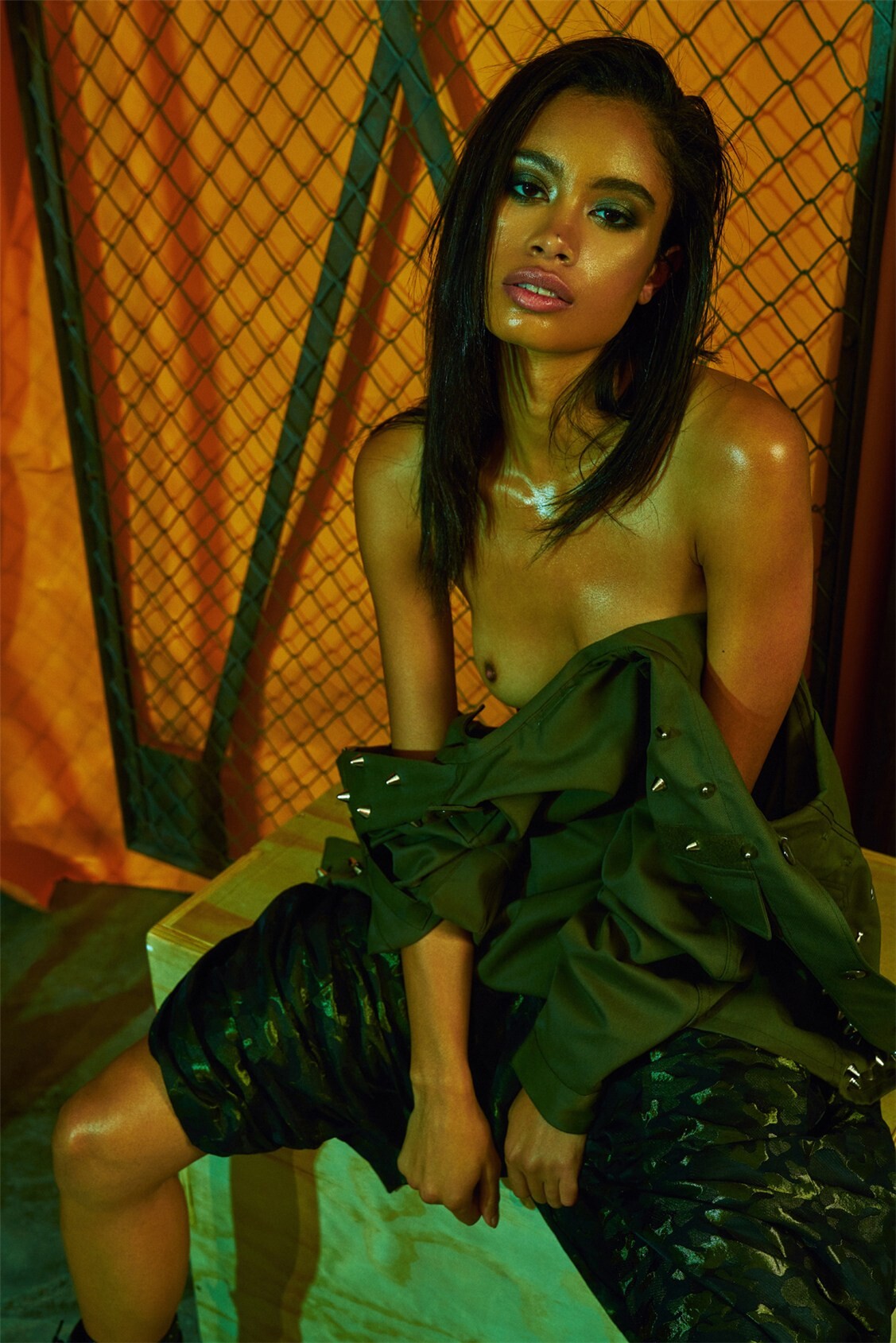
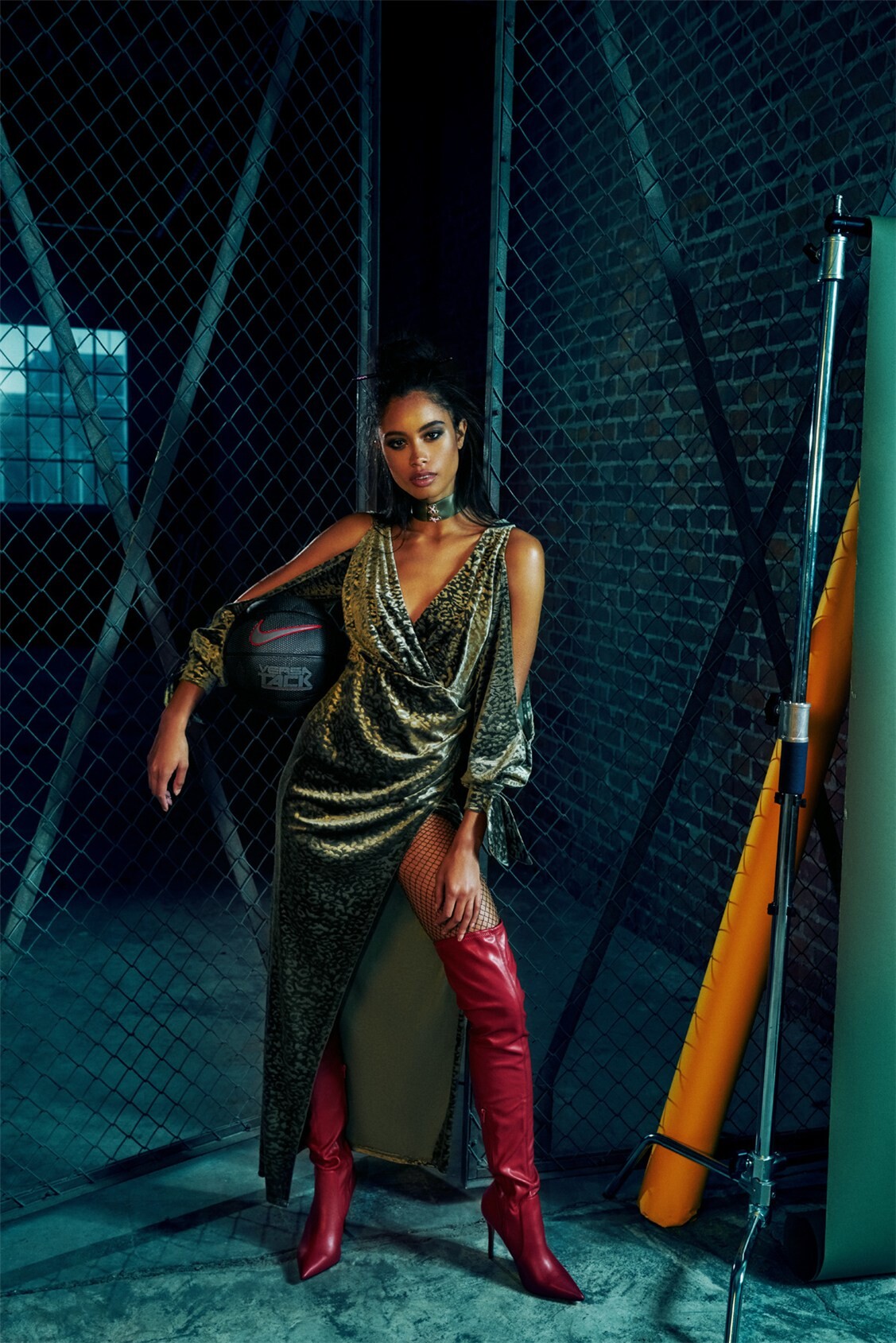
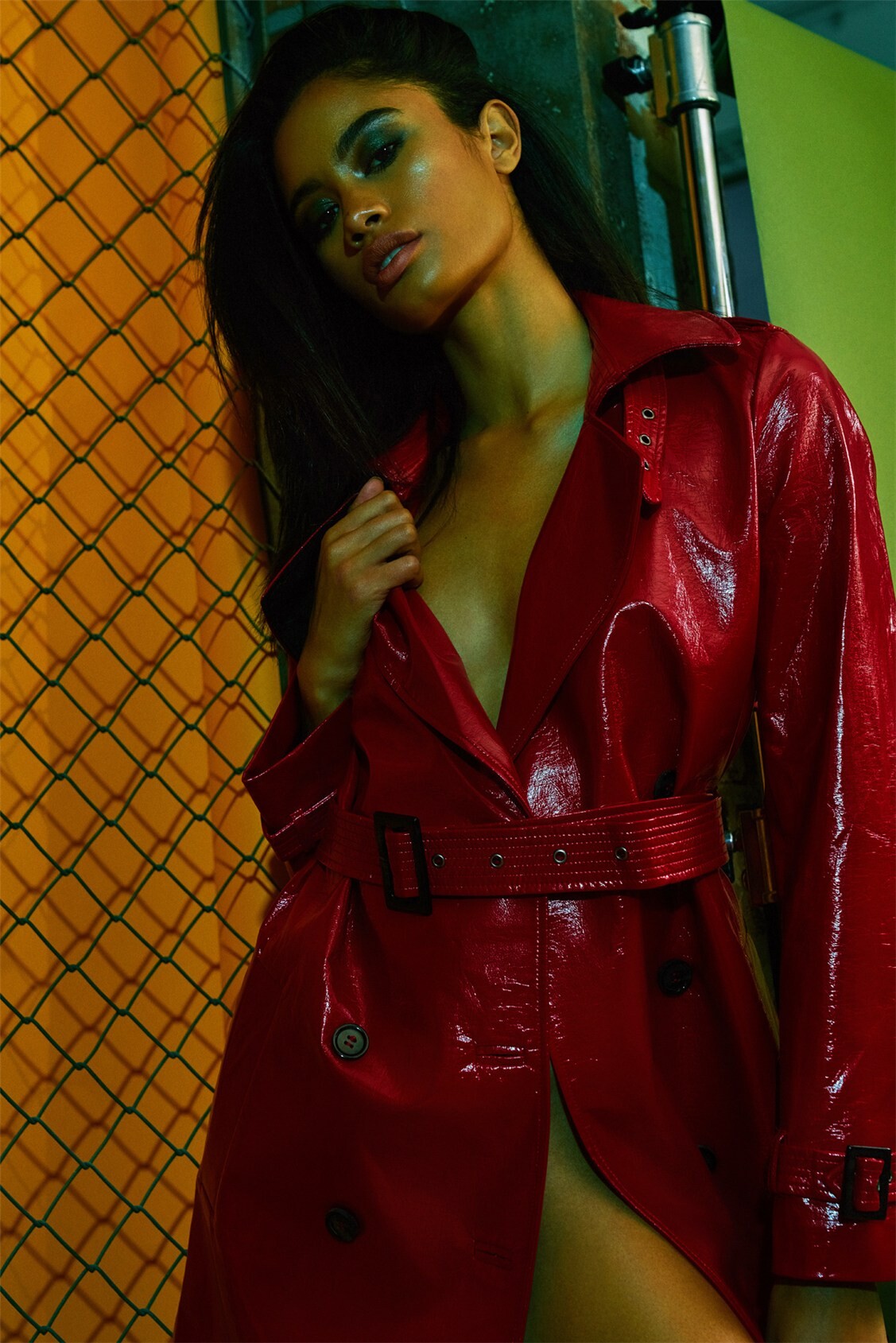
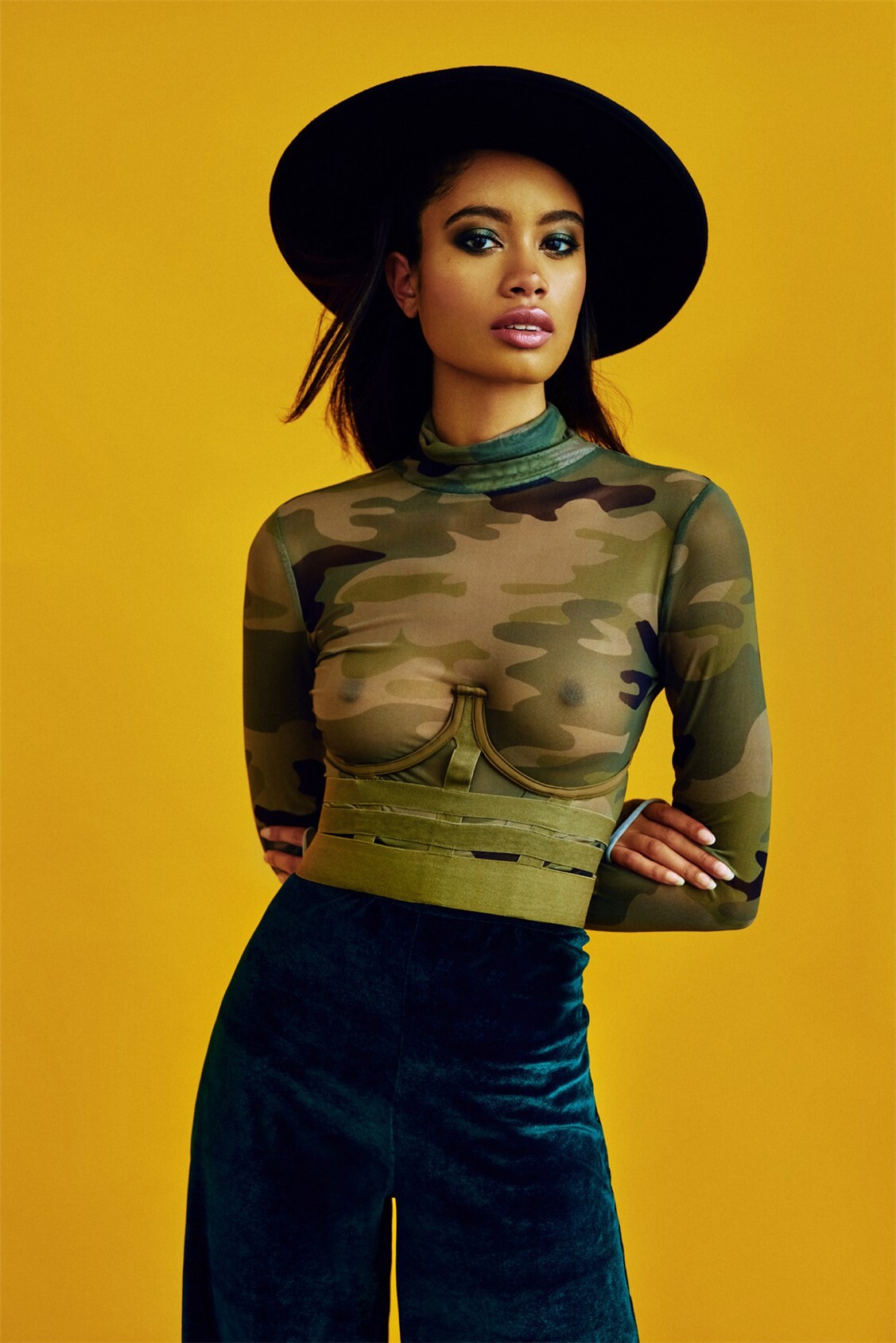
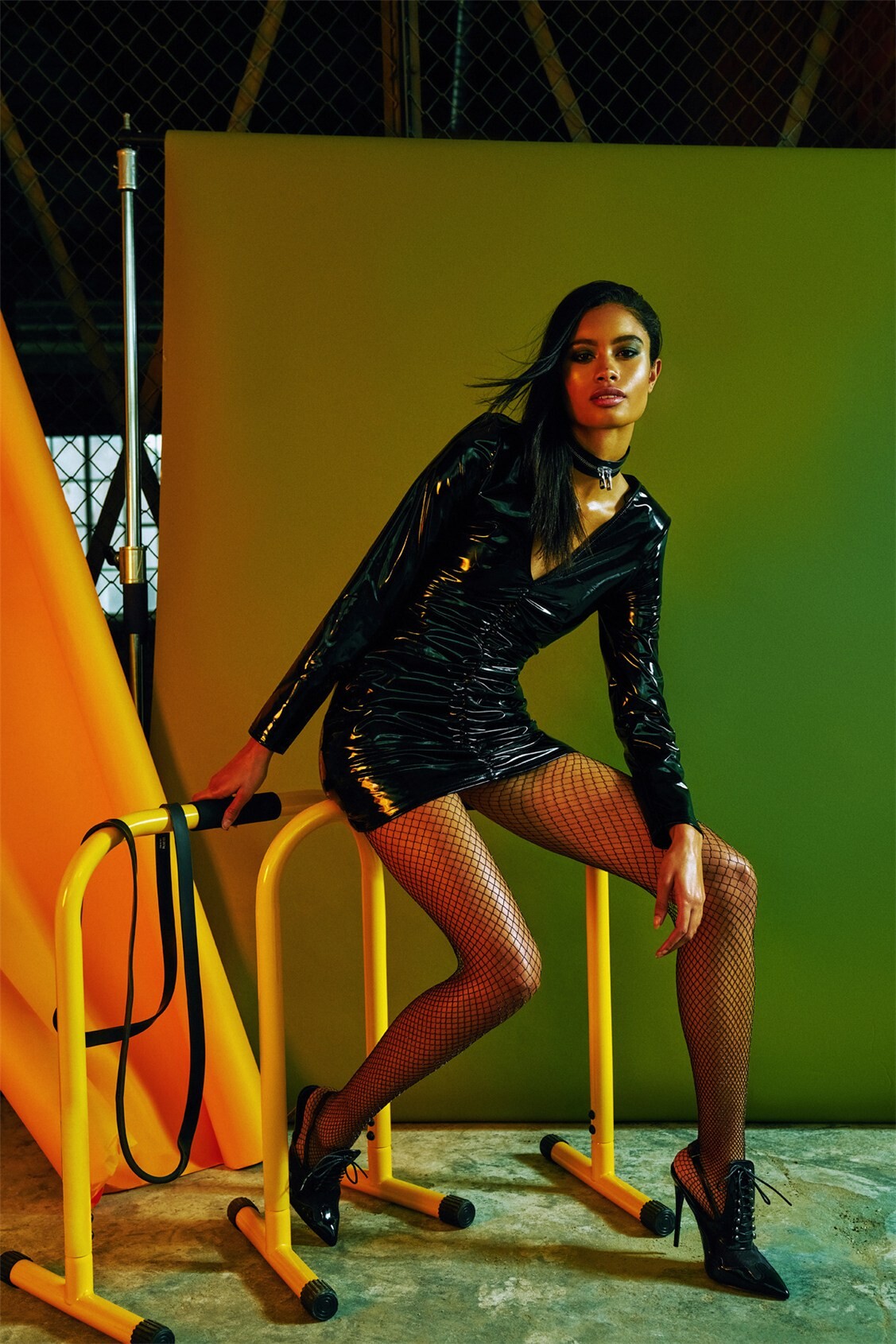










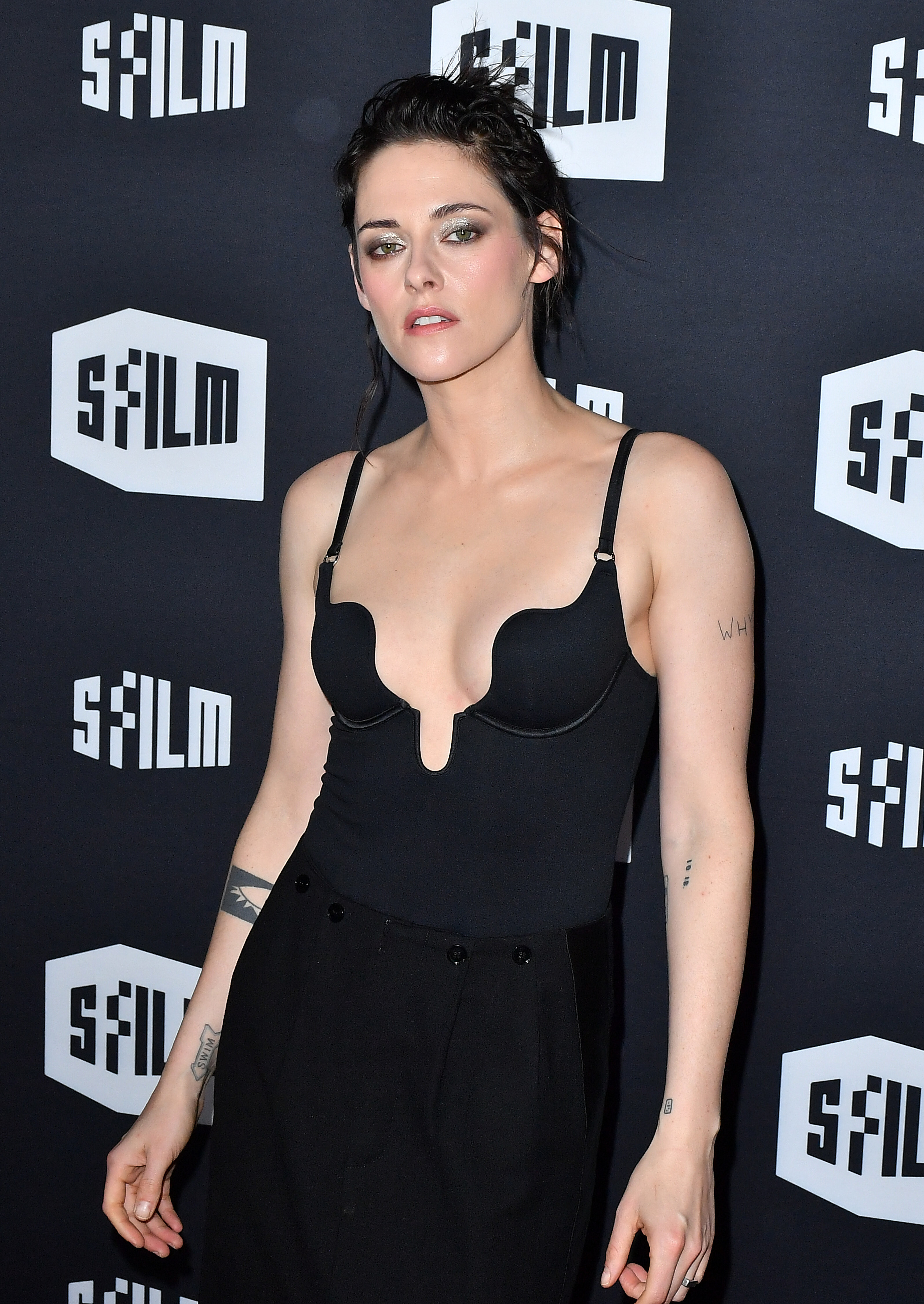
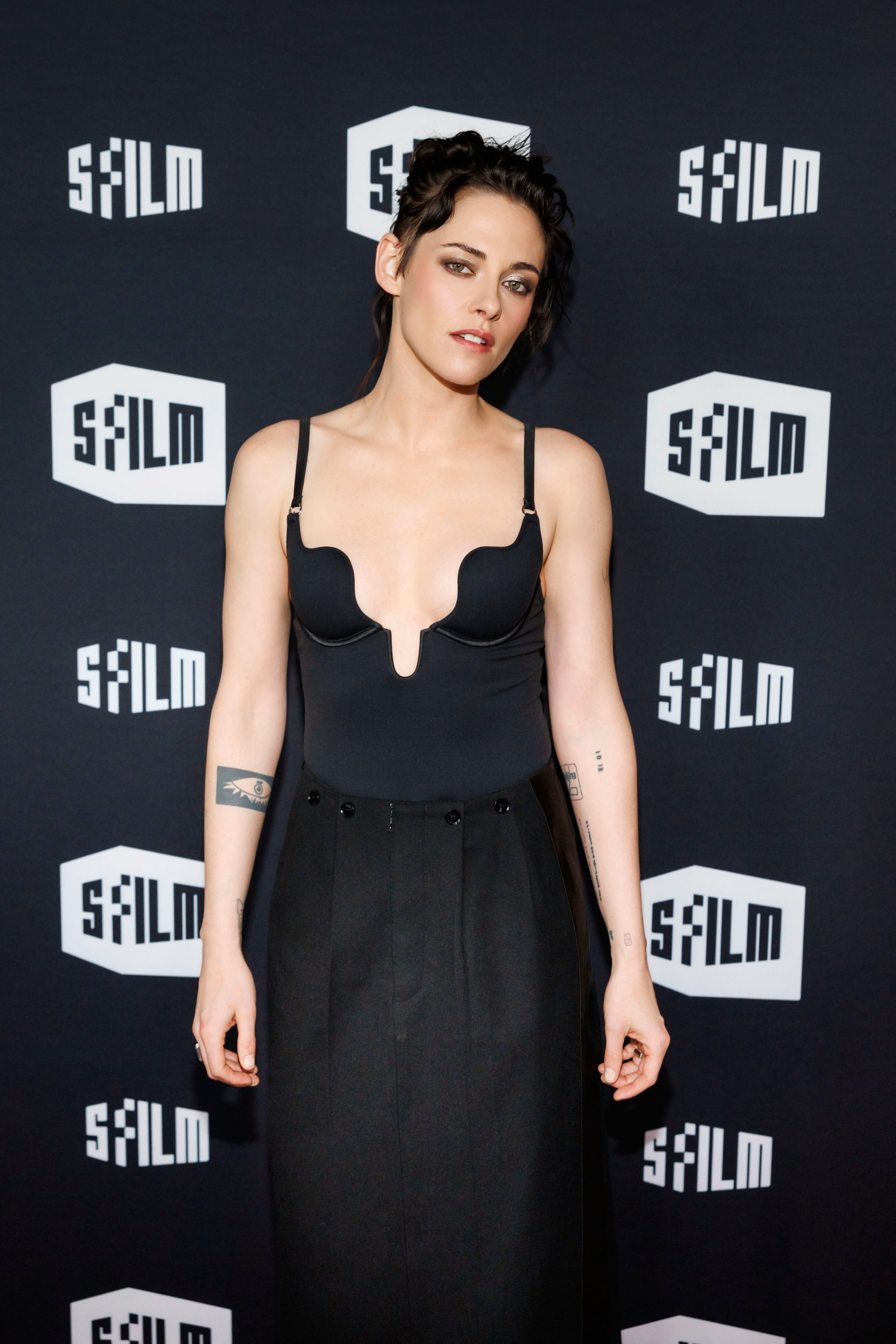
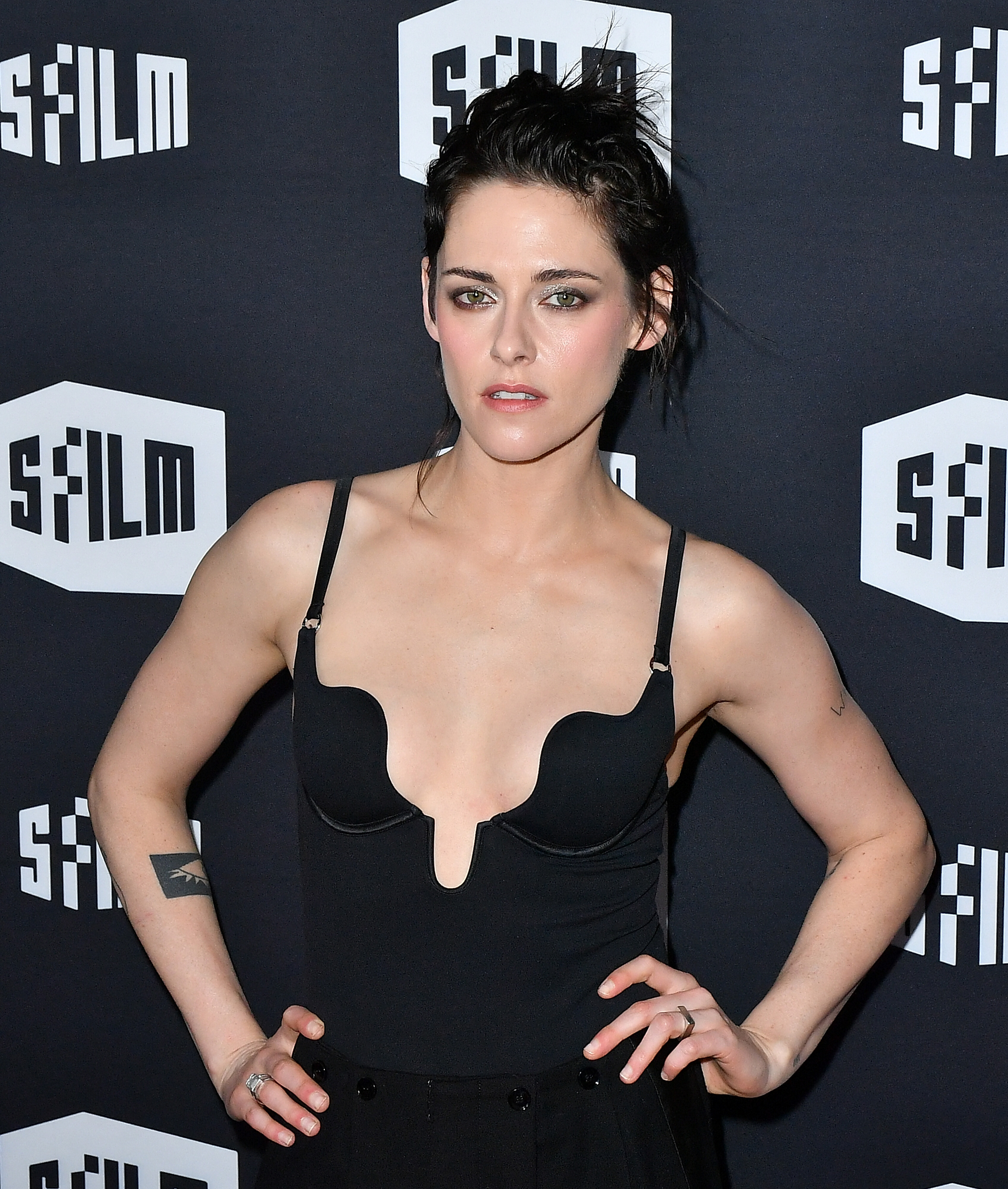
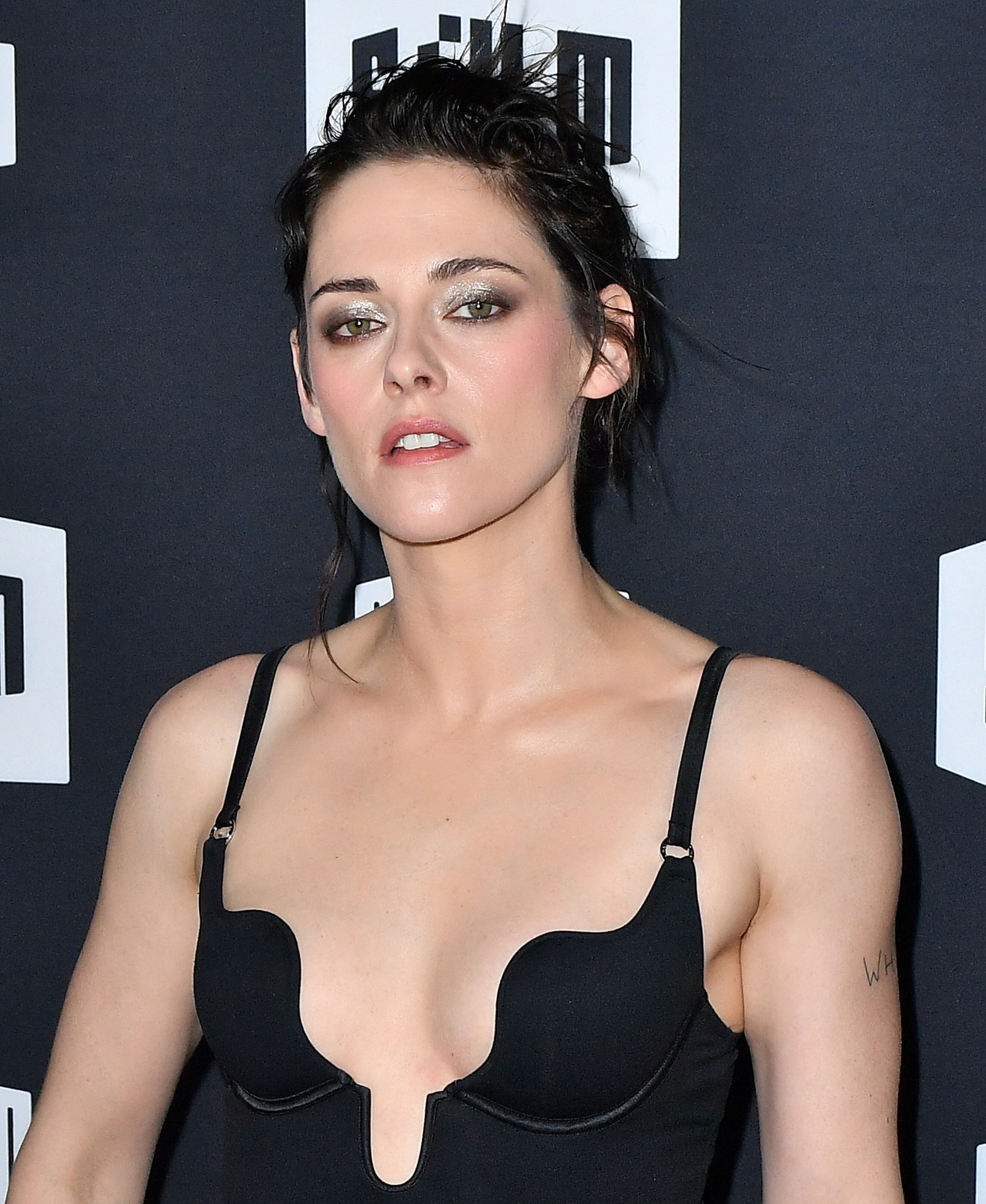














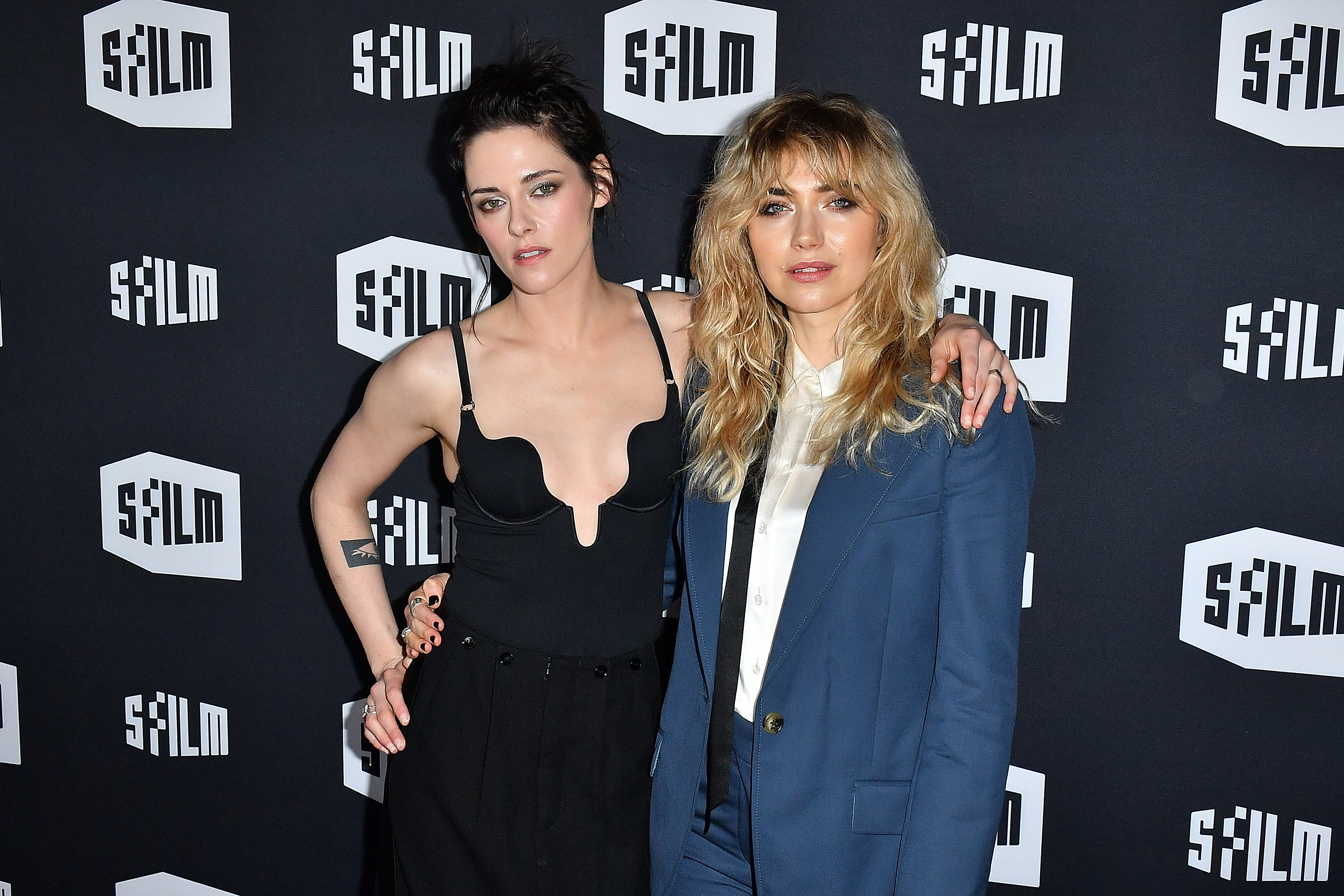

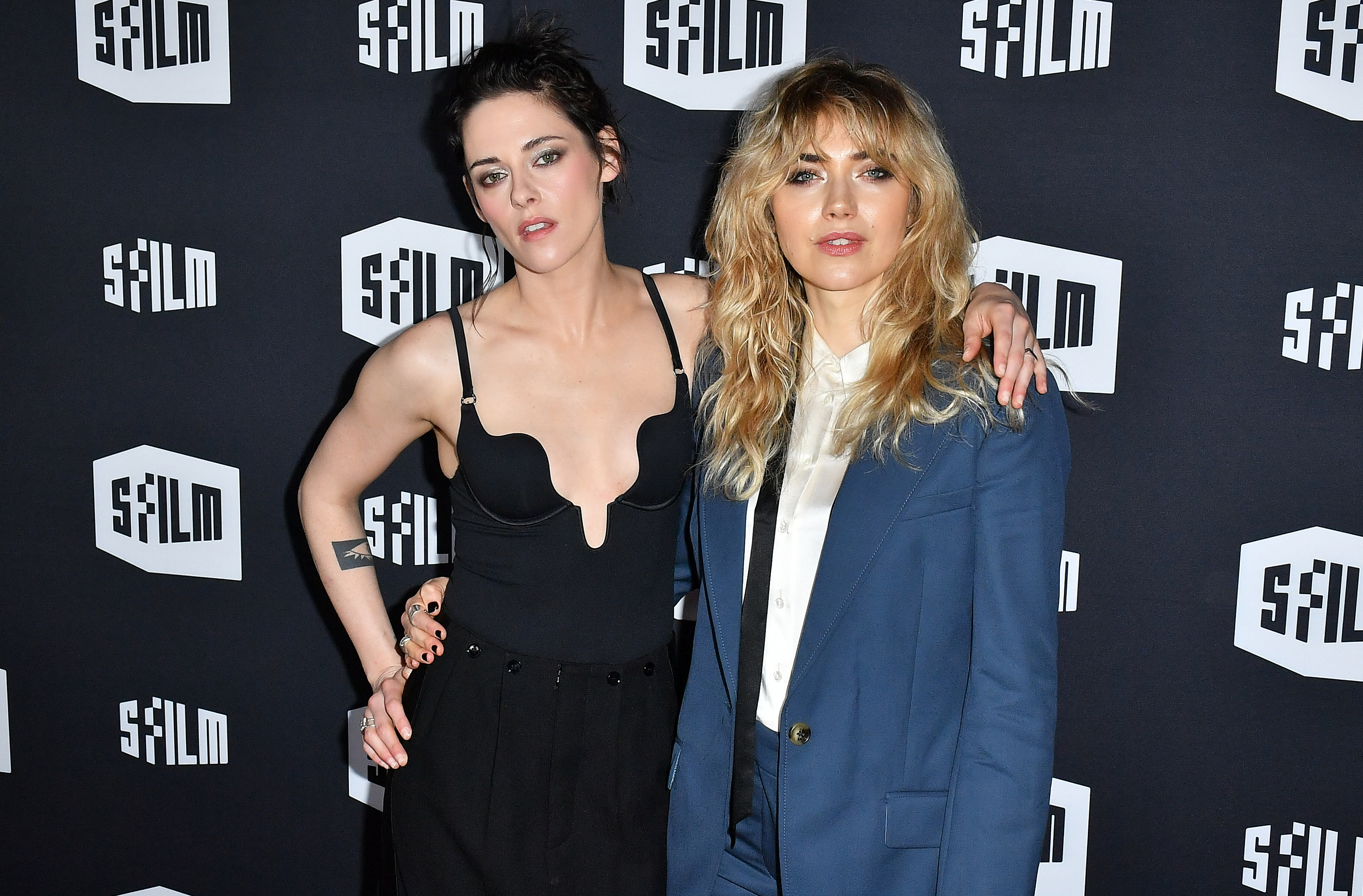



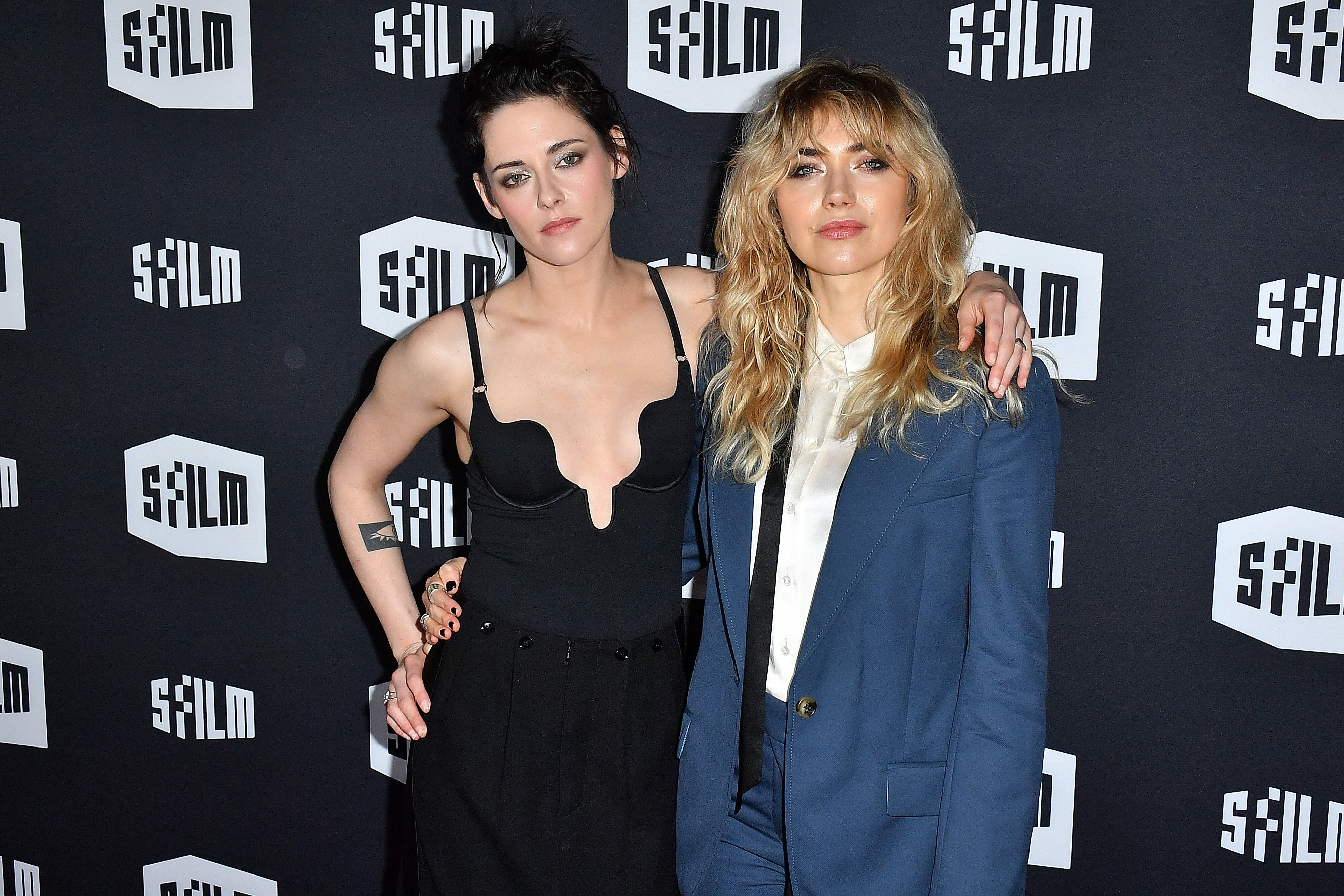

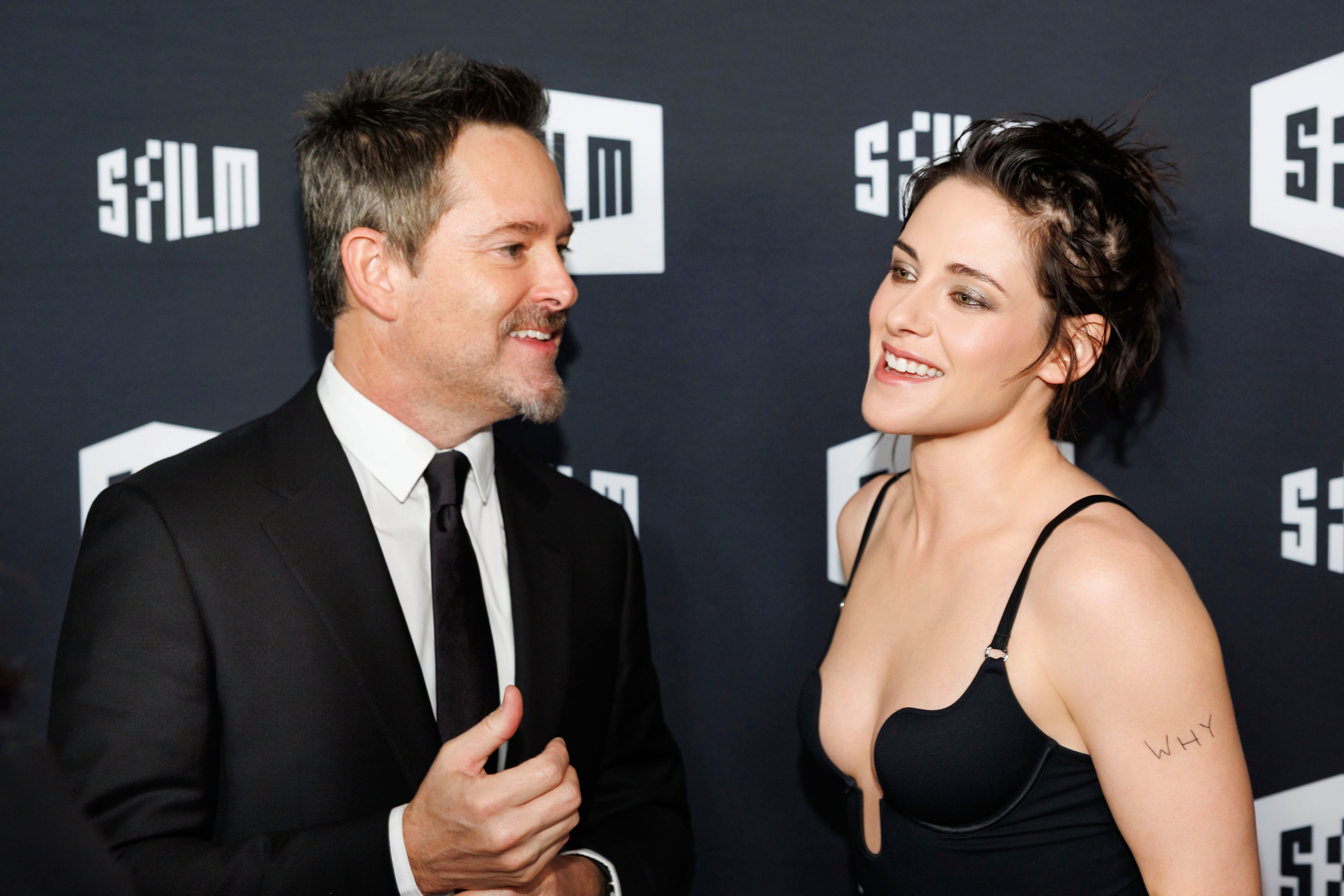


Account
Search
Configure browser push notifications
Chrome (Android)
- Tap the lock icon next to the address bar.
- Tap Permissions → Notifications.
- Adjust your preference.
Chrome (Desktop)
- Click the padlock icon in the address bar.
- Select Site settings.
- Find Notifications and adjust your preference.
Safari (iOS 16.4+)
- Ensure the site is installed via Add to Home Screen.
- Open Settings App → Notifications.
- Find your app name and adjust your preference.
Safari (macOS)
- Go to Safari → Preferences.
- Click the Websites tab.
- Select Notifications in the sidebar.
- Find this website and adjust your preference.
Edge (Android)
- Tap the lock icon next to the address bar.
- Tap Permissions.
- Find Notifications and adjust your preference.
Edge (Desktop)
- Click the padlock icon in the address bar.
- Click Permissions for this site.
- Find Notifications and adjust your preference.
Firefox (Android)
- Go to Settings → Site permissions.
- Tap Notifications.
- Find this site in the list and adjust your preference.
Firefox (Desktop)
- Open Firefox Settings.
- Search for Notifications.
- Find this site in the list and adjust your preference.