All Activity
- Past hour
-
 i thought she was nigerian/norwegian
 -

-
 Instagram 💙💙💙 SnapInsta.to_AQMiEVveeIoKGLqBW_wrZHz_7XERgqhfUzM4EM28B4GnJNAZ5WwPXVv9KuBtgr68ODNjOHmL5cXGW3RcMbfDSS3K3rc1iIoxwymkhT8.mp4
 -
 sweet dreams 💋💘








-
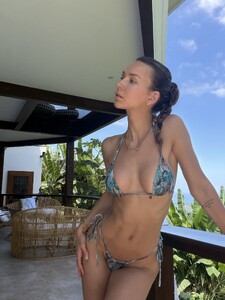
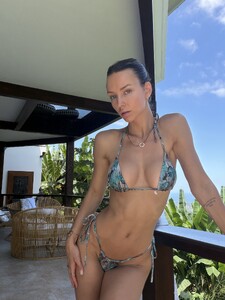
 didn’t forget about me did ya? - Twitter/X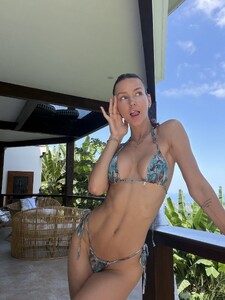

- Yesterday
-

-
-
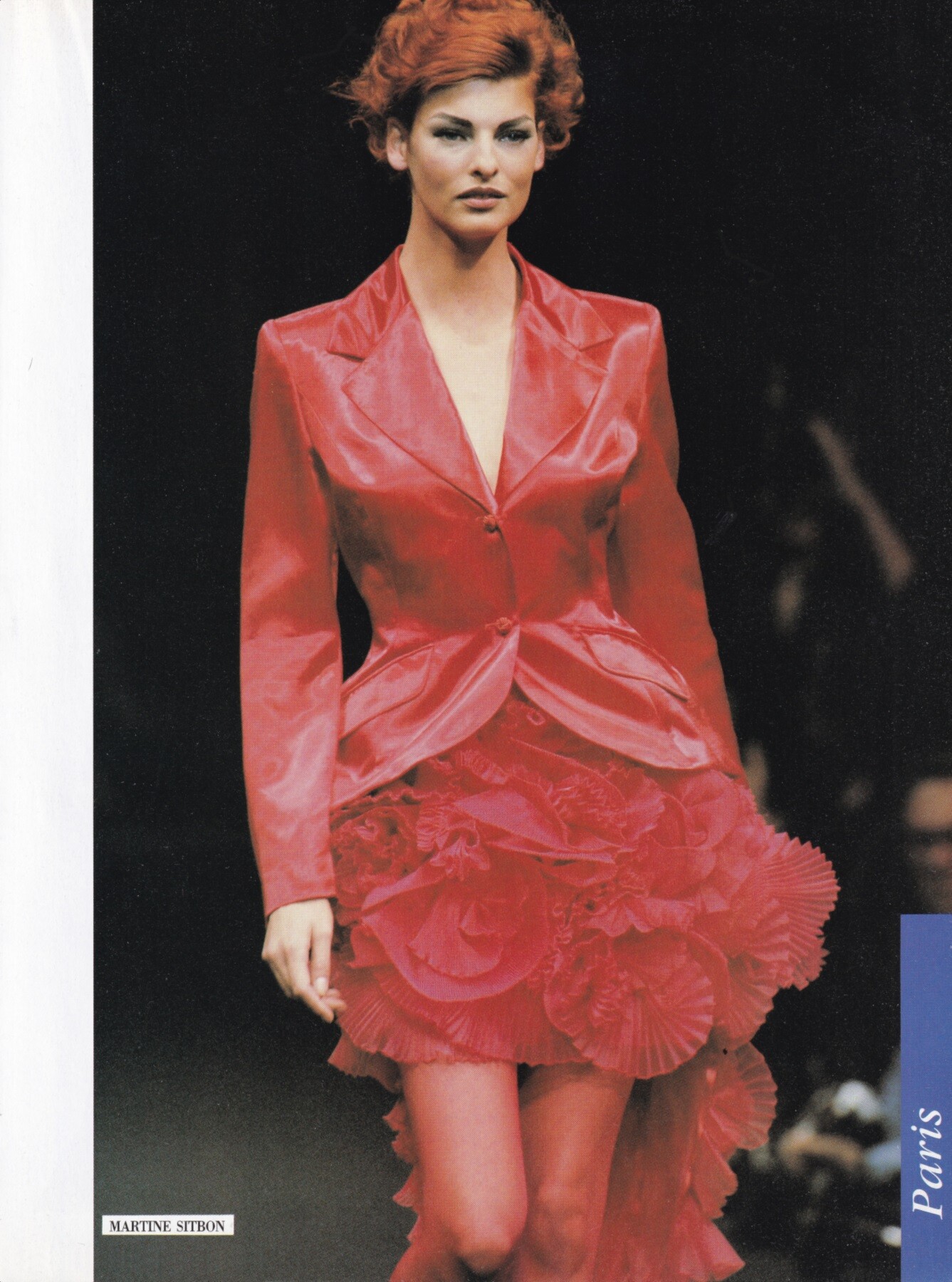
 Linda Evangelista for Martine Sitbon, ready-to-wear, spring/summer 1992 my scan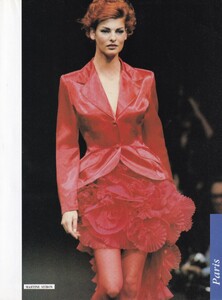
-
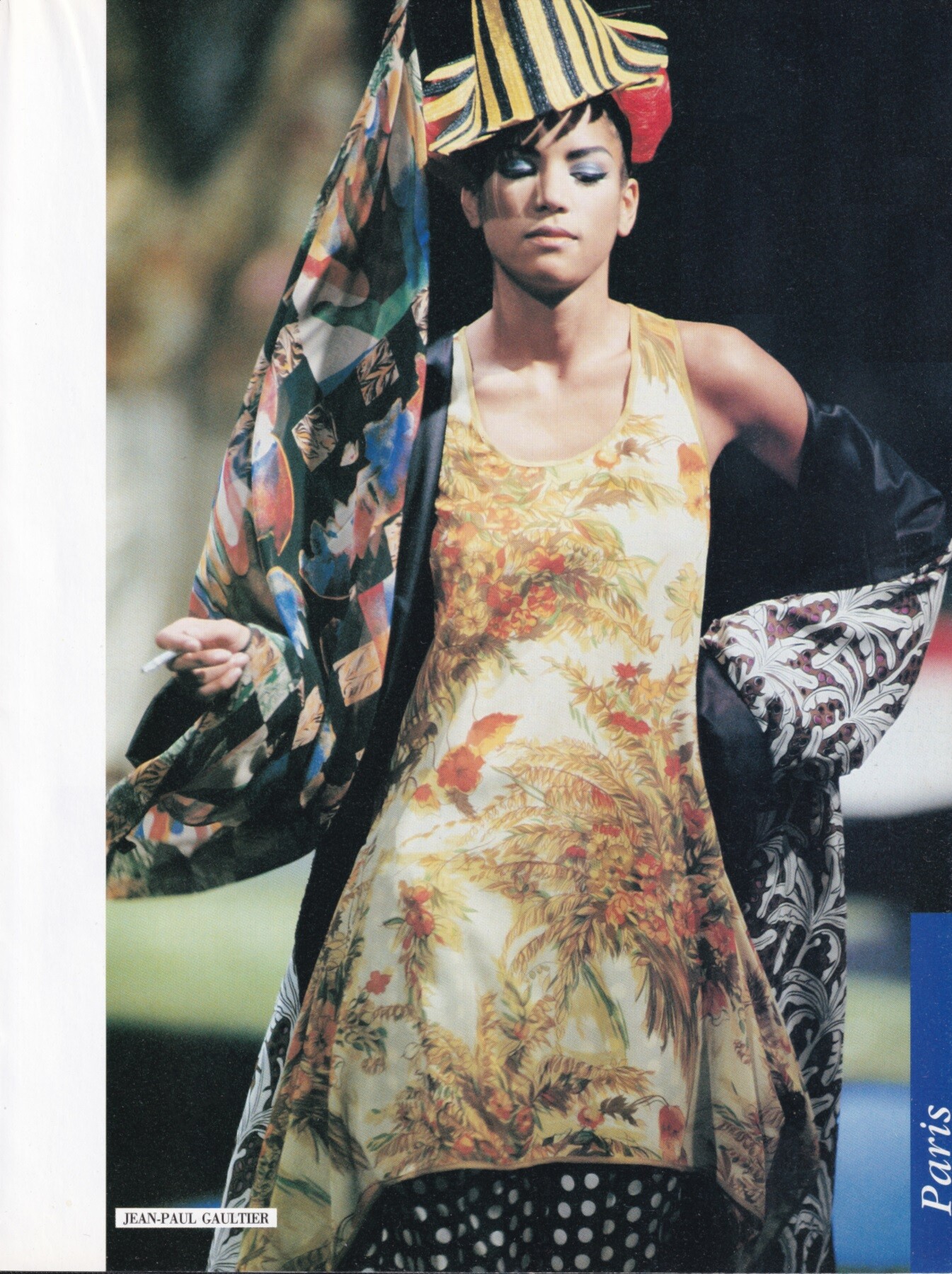
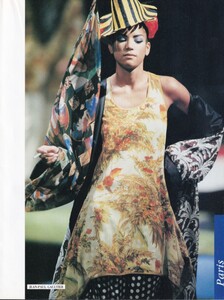
Veronica Webb for Jean Paul Gaultier, ready-to-wear, spring/summer 1992 my scan
 Tara Westwood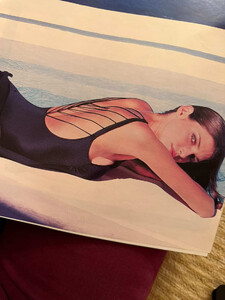
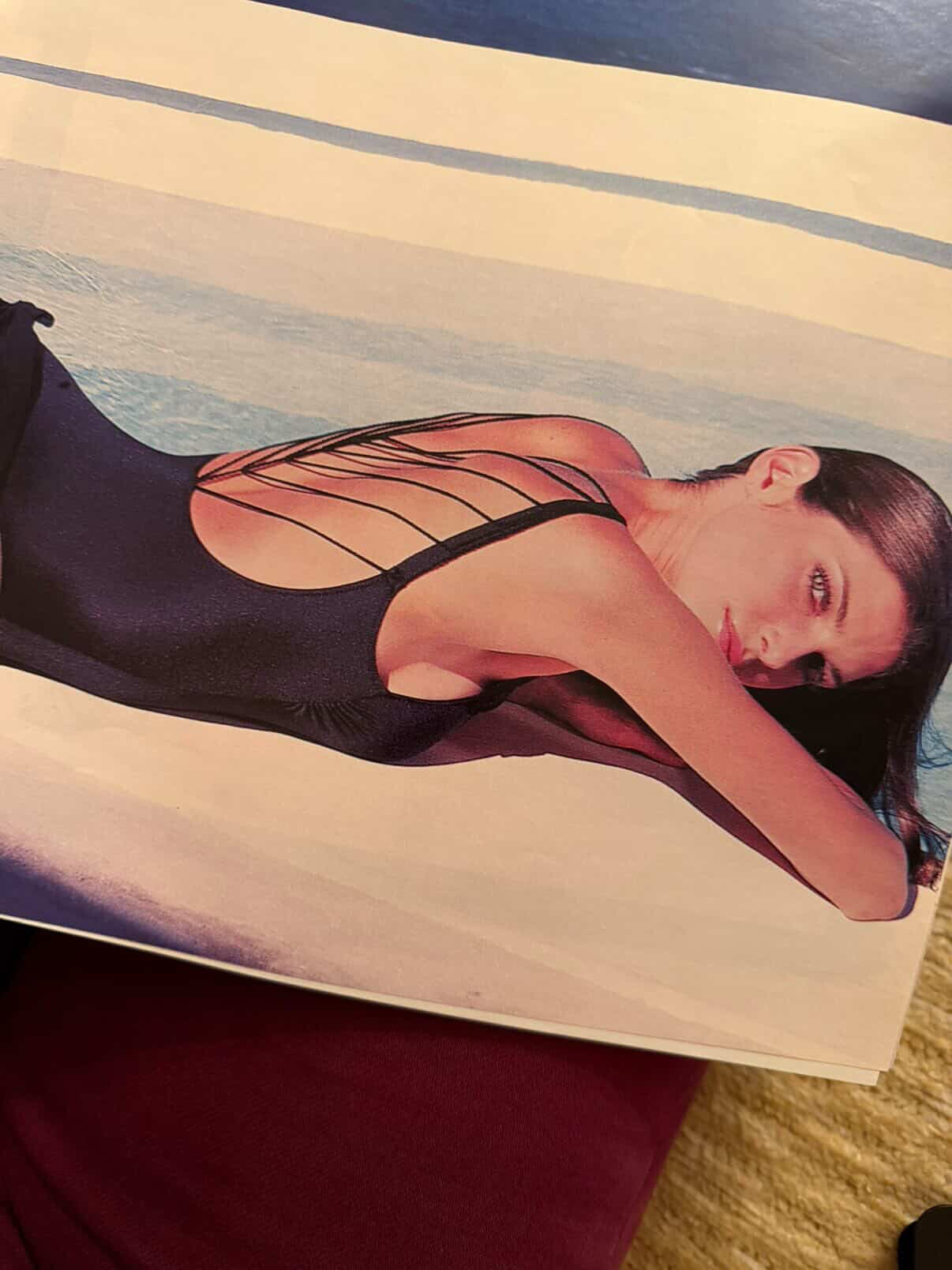
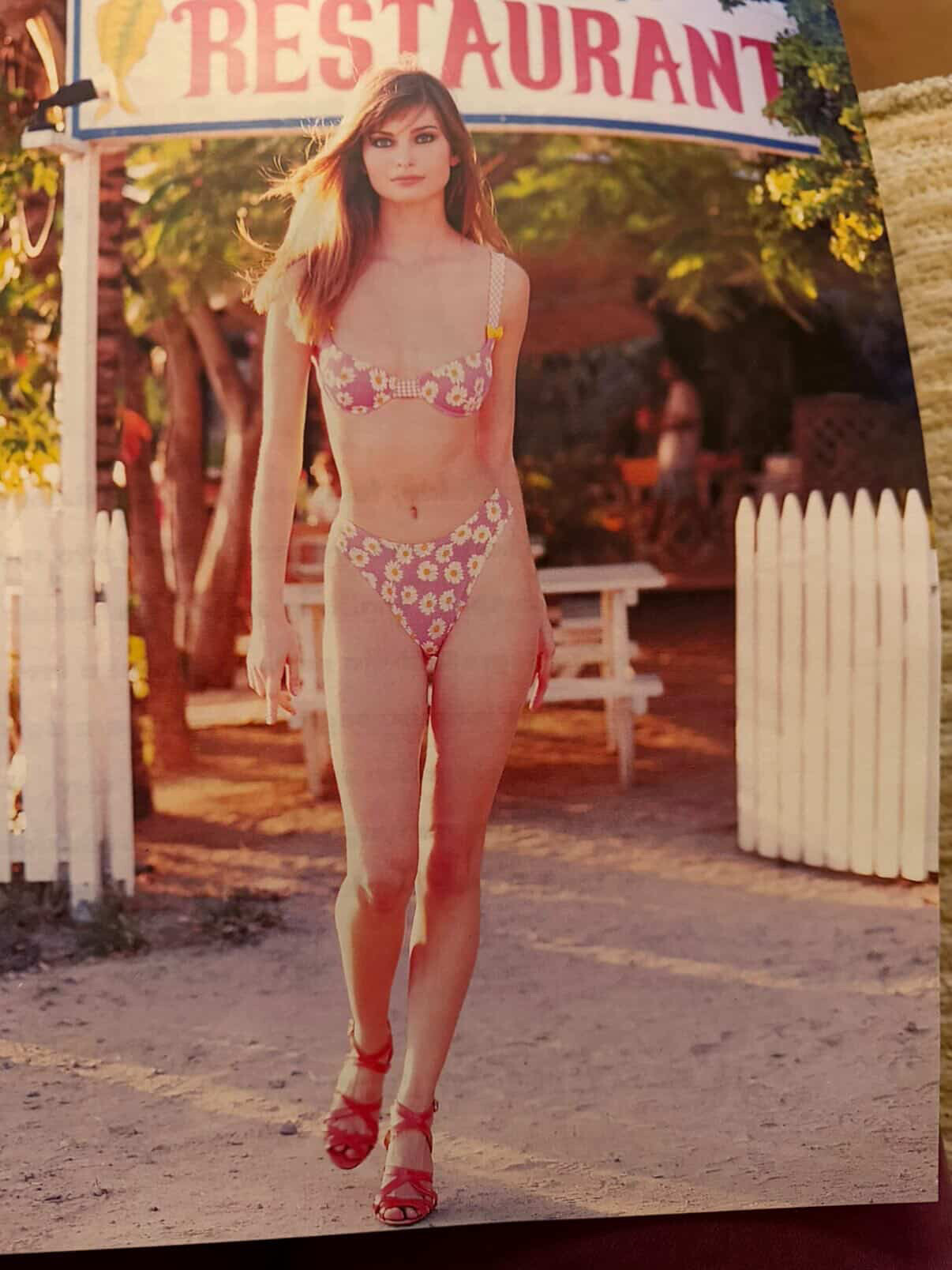
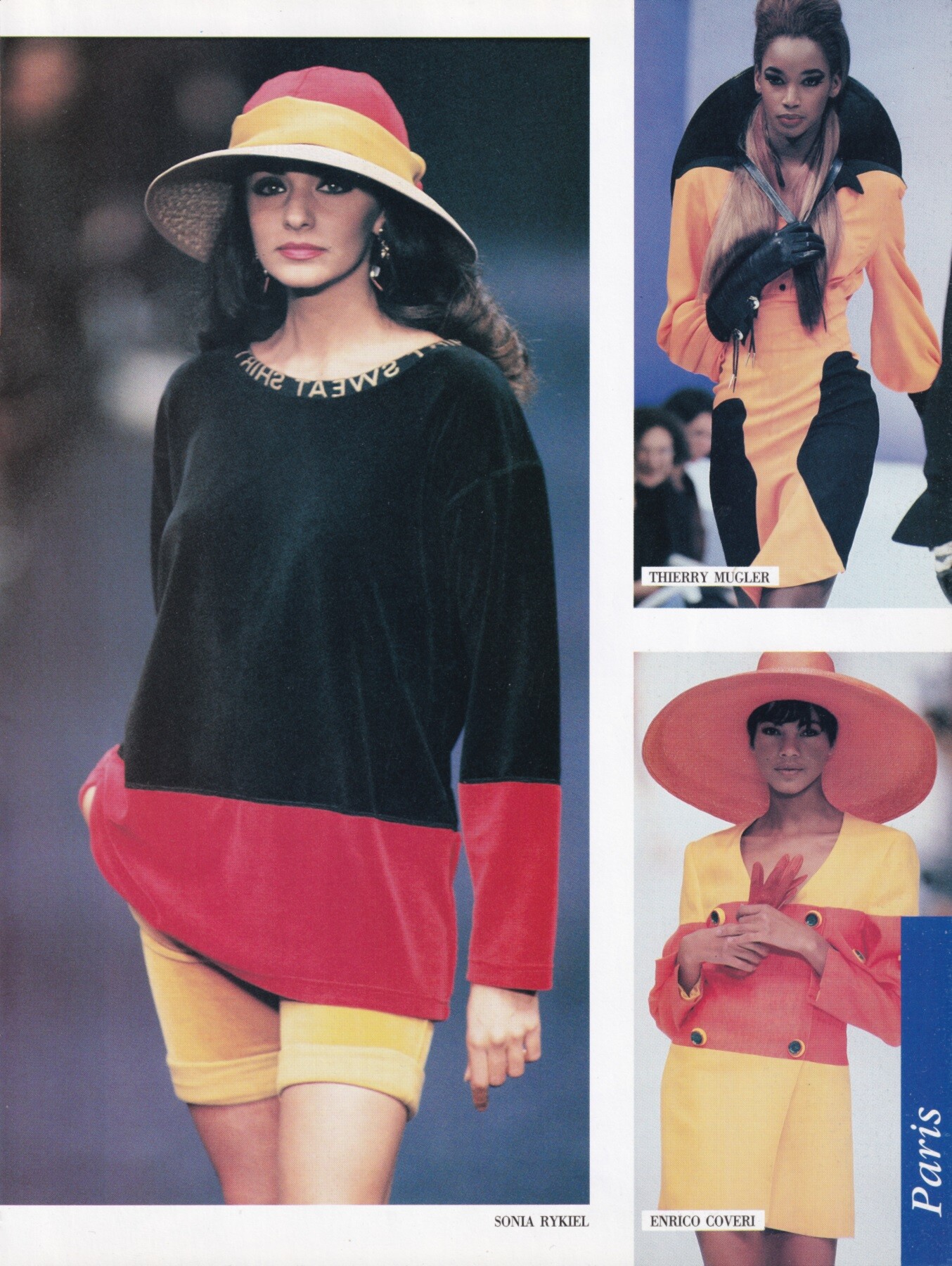
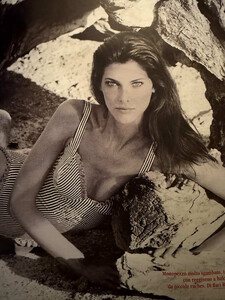
 Fourth model is Tara. But Nelly can’t remember her last name. Here’s Tara’s photo in the magazine.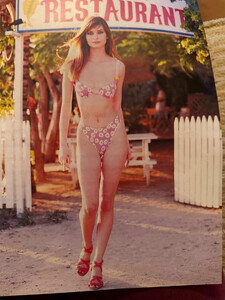
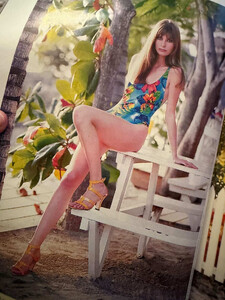 Cabana
 Third model in line is Zora Juranova.
 Vicky Koulianou for Sonia Rykiel, ready-to-wear, spring/summer 1992 my scan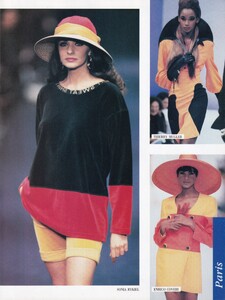
Account
Navigation
Search
Configure browser push notifications
Chrome (Android)
- Tap the lock icon next to the address bar.
- Tap Permissions → Notifications.
- Adjust your preference.
Chrome (Desktop)
- Click the padlock icon in the address bar.
- Select Site settings.
- Find Notifications and adjust your preference.
Safari (iOS 16.4+)
- Ensure the site is installed via Add to Home Screen.
- Open Settings App → Notifications.
- Find your app name and adjust your preference.
Safari (macOS)
- Go to Safari → Preferences.
- Click the Websites tab.
- Select Notifications in the sidebar.
- Find this website and adjust your preference.
Edge (Android)
- Tap the lock icon next to the address bar.
- Tap Permissions.
- Find Notifications and adjust your preference.
Edge (Desktop)
- Click the padlock icon in the address bar.
- Click Permissions for this site.
- Find Notifications and adjust your preference.
Firefox (Android)
- Go to Settings → Site permissions.
- Tap Notifications.
- Find this site in the list and adjust your preference.
Firefox (Desktop)
- Open Firefox Settings.
- Search for Notifications.
- Find this site in the list and adjust your preference.