All Activity
- Past hour
-

-
 Spoiler AQOrmnXsaknzuTgOW6msn3pl9UR2FuElau4oIj-yVcFQ8w7S30WOgHRxaHZ_ohsXx7hAKhGl5DqS1A2GwTqNqRKT816ErHzq.mp4AQP1a9A9Z5G278hW_x6I70k_1oLGMlpG1GD-emYfvV7aCrzcZFzr7hLl9syN2Jqv0DOCaCyVa1cJLEnd0AeQ5-ZsltuWh1wM.mp4



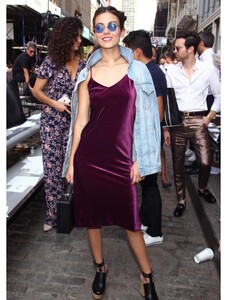
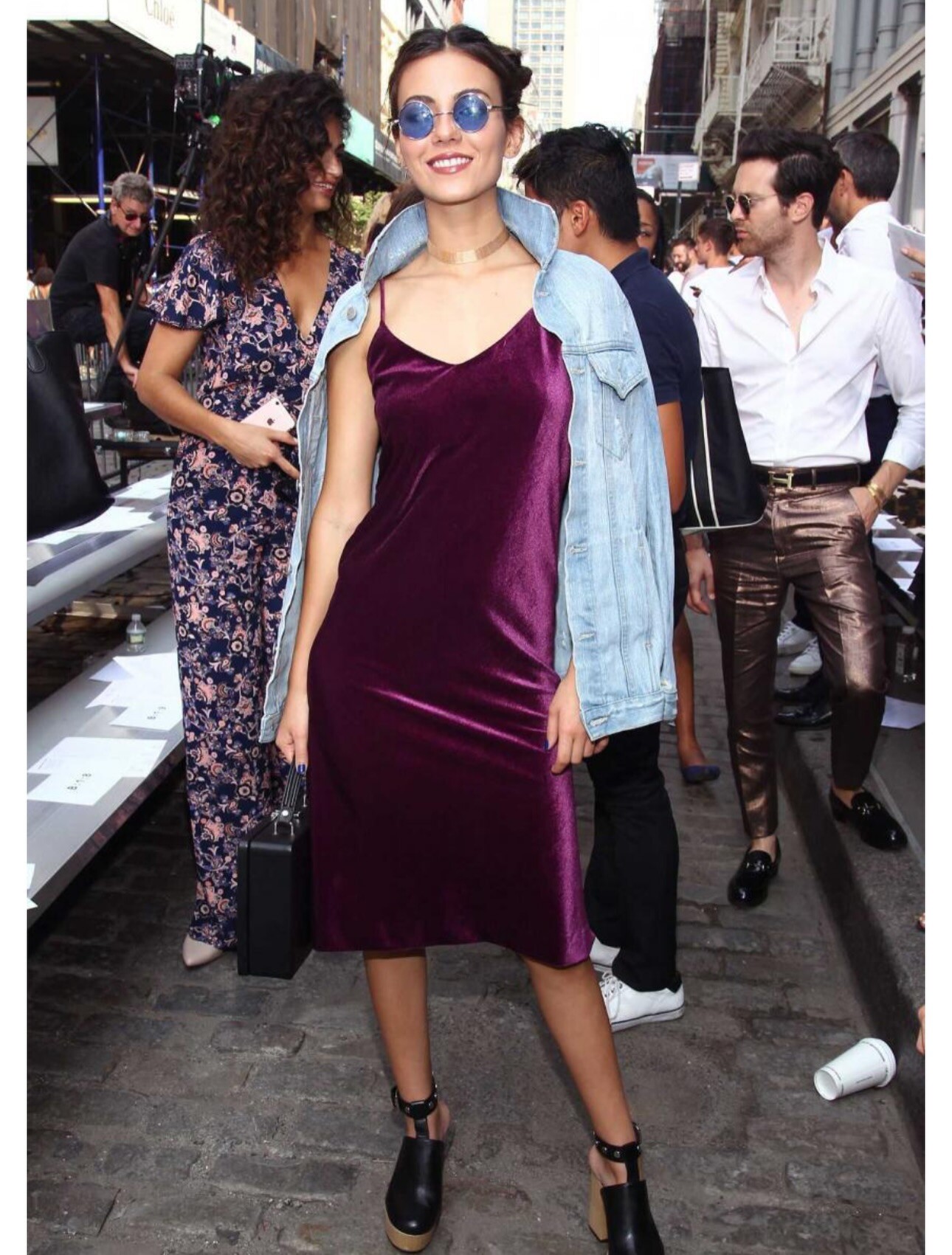
 They’re saying 2016 is the new 2026… so here are a couple milestones from that year for me. Including Rocky Horror airing on Fox, hosting the Teen Choice awards with John Cena & wearing a massively large choker on a Cottonelle red carpet 🧻 ✨









 Tate & Taylor: stories


 Lauren Hen: Maggie 🖤
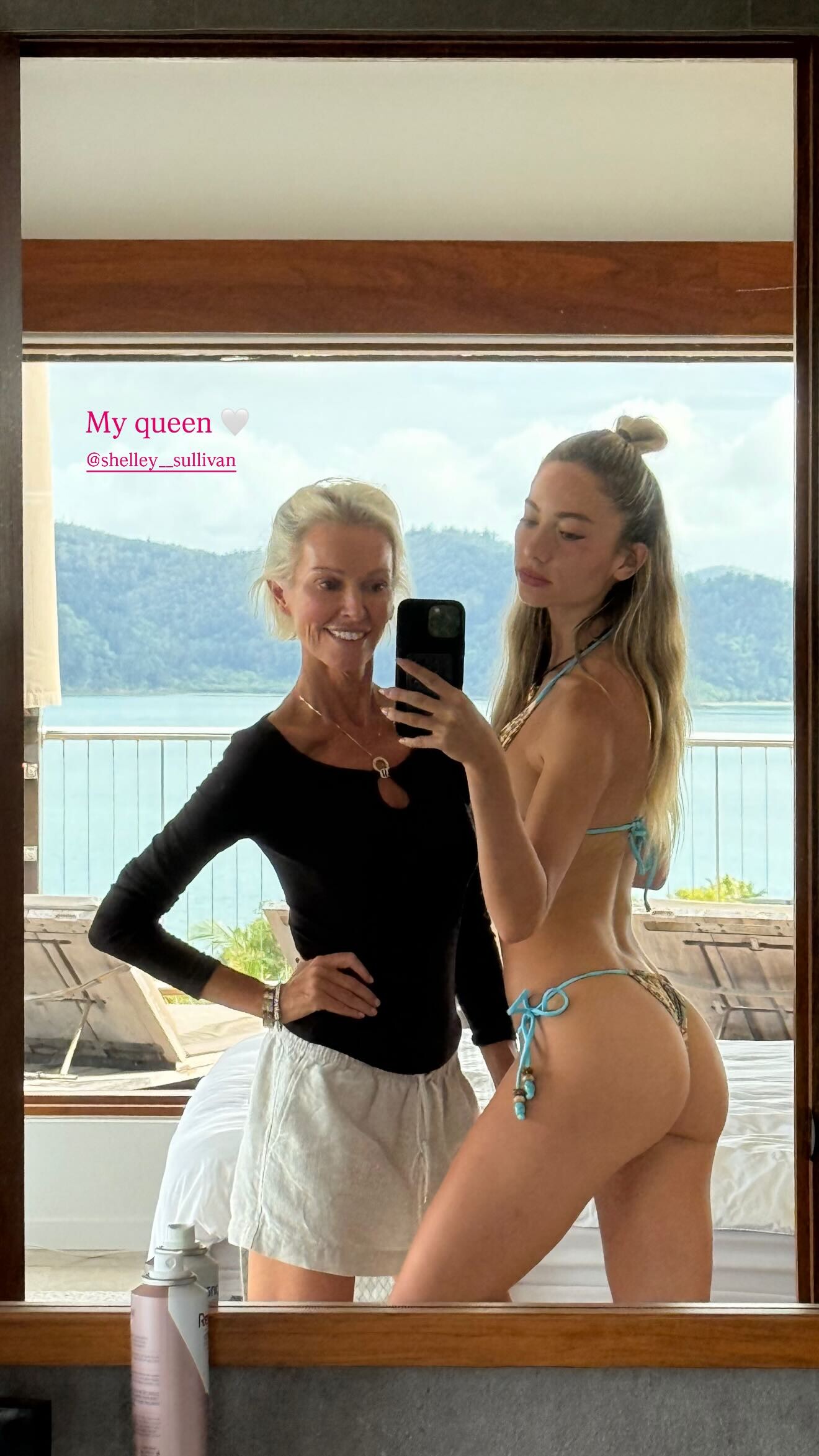
 Lauren Hen: Gigi 🤍 msgigiparis Hair & Makeup by Me
- Today
PSA: You deserve to be happy stories stories video [2026.01.12] katebeckinsale's2026-1-12-18.4.959 story.mp4 [2026.01.12] katebeckinsale's2026-1-12-18.5.671 story.mp4 [2026.01.12] katebeckinsale's2026-1-12-18.5.318 story.mp4 [2026.01.12] katebeckinsale's2026-1-12-18.5.235 story.mp4 [2026.01.12] katebeckinsale's2026-1-12-18.5.586 story.mp4











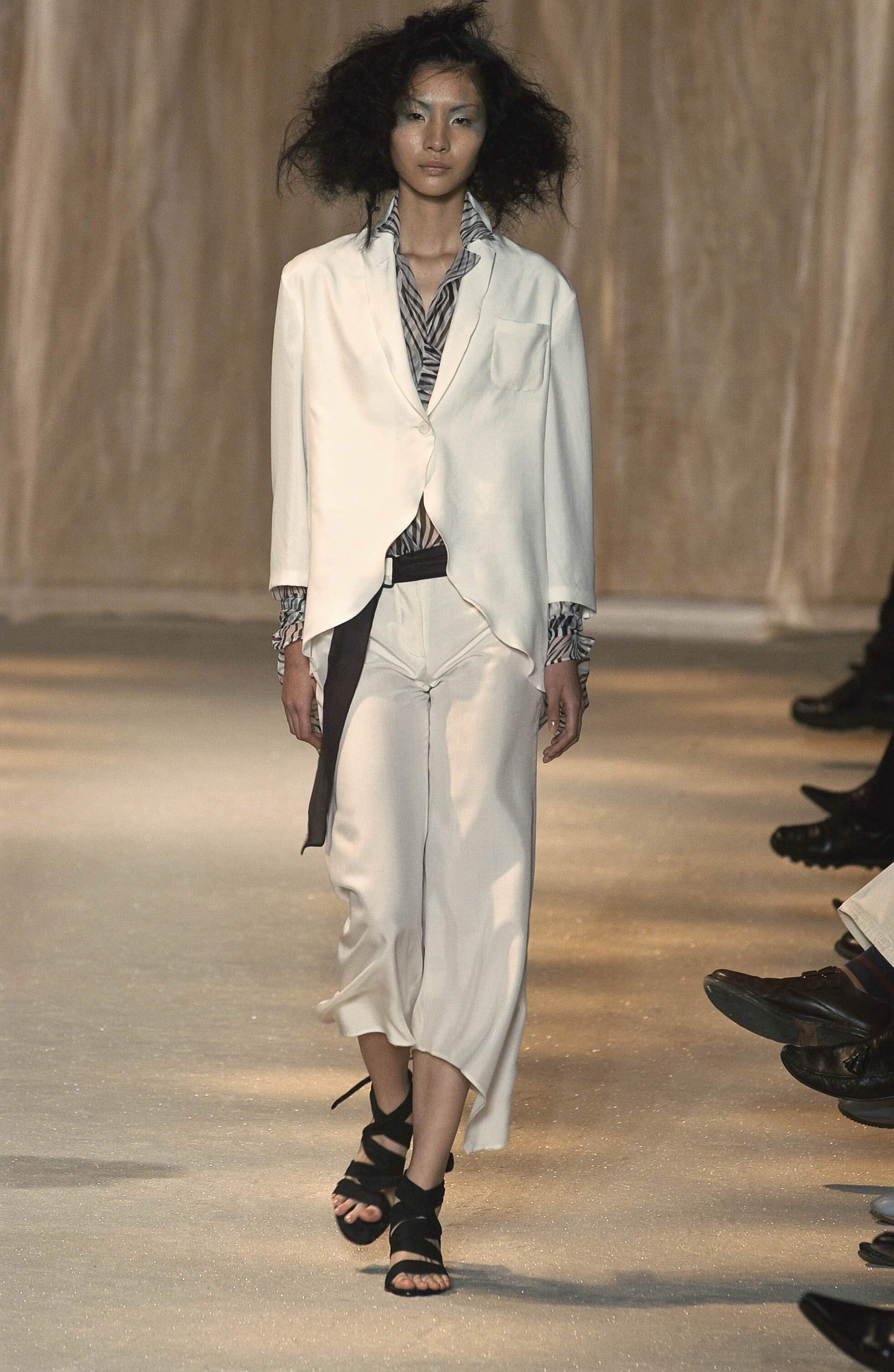
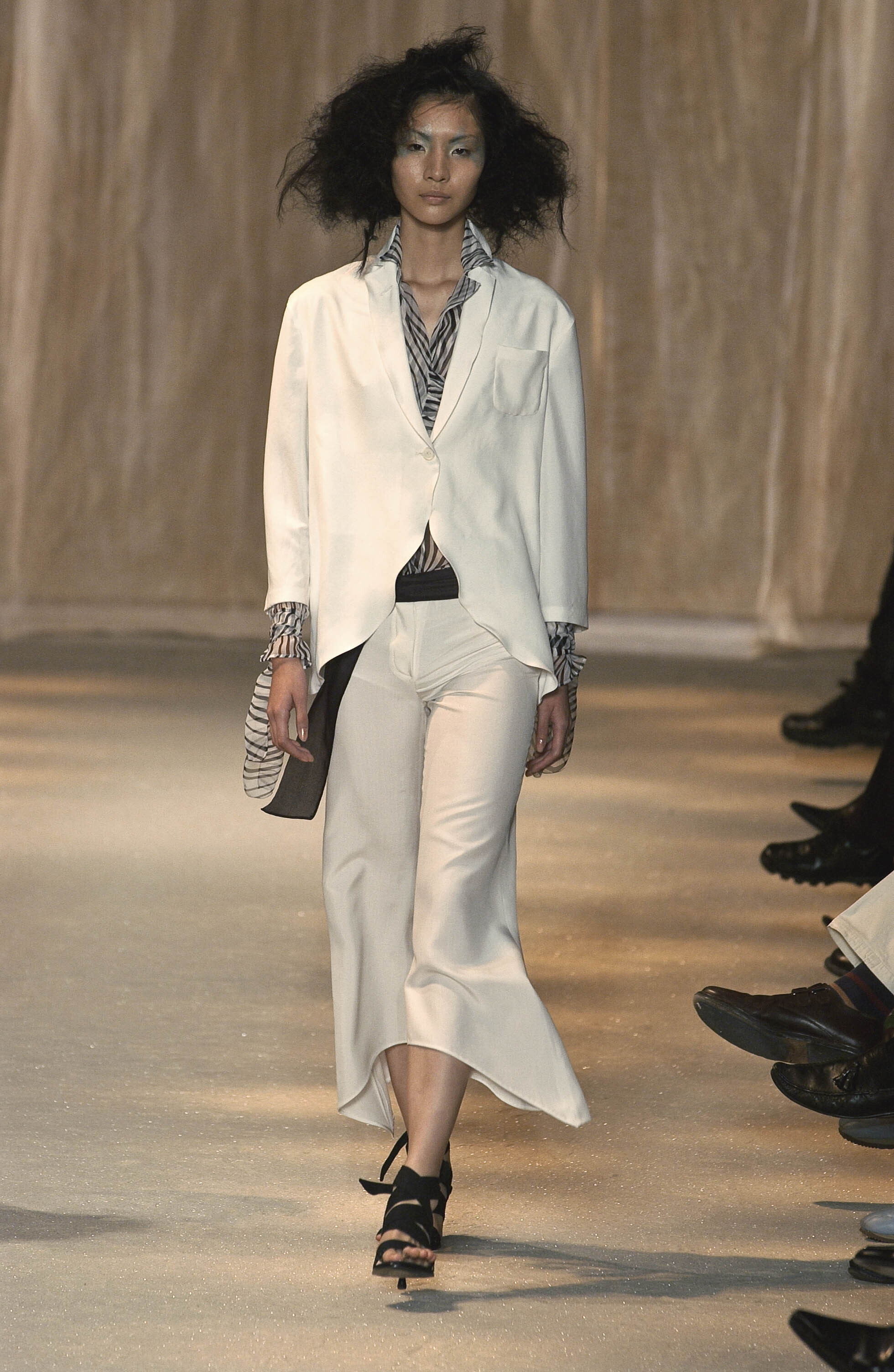
 claude montana f/w 2001
 gaspard yurkievitch f/w 2001 rtw

 romeo gigli s/s 2002

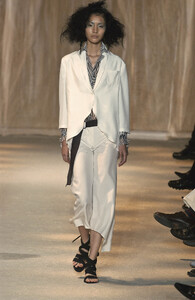
 theatre products f/w 2009






 yohji yamamoto f/w 2001


 HQs at Limi Feu s/s 2010
























.jpg.e919c49515b147204d567e196bb4d471.jpg)

































































Account
Search
Configure browser push notifications
Chrome (Android)
- Tap the lock icon next to the address bar.
- Tap Permissions → Notifications.
- Adjust your preference.
Chrome (Desktop)
- Click the padlock icon in the address bar.
- Select Site settings.
- Find Notifications and adjust your preference.
Safari (iOS 16.4+)
- Ensure the site is installed via Add to Home Screen.
- Open Settings App → Notifications.
- Find your app name and adjust your preference.
Safari (macOS)
- Go to Safari → Preferences.
- Click the Websites tab.
- Select Notifications in the sidebar.
- Find this website and adjust your preference.
Edge (Android)
- Tap the lock icon next to the address bar.
- Tap Permissions.
- Find Notifications and adjust your preference.
Edge (Desktop)
- Click the padlock icon in the address bar.
- Click Permissions for this site.
- Find Notifications and adjust your preference.
Firefox (Android)
- Go to Settings → Site permissions.
- Tap Notifications.
- Find this site in the list and adjust your preference.
Firefox (Desktop)
- Open Firefox Settings.
- Search for Notifications.
- Find this site in the list and adjust your preference.