All Activity
- Past hour
-
March things





 tata naka f/w 2004
 tata naka fw2004

 Tata Naka fw2004
 Harper's Bazaar China April 2026 Photos: Yu Tsai







 stories

 Sunshine coat helsastudio ☀️







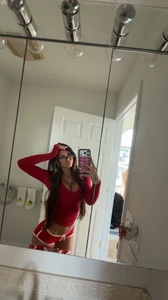
 I need the FIRST SONG OF THE SHOW...Cat Via Snapchat

























.thumb.webp.cb47ce44b18dcc89c313e9e3db3c63ad.webp)

 Rachel Via Snapchat










 From her IG:





.thumb.webp.49c89bccf55d58c04a4d74f31e92e026.webp)






- Today







































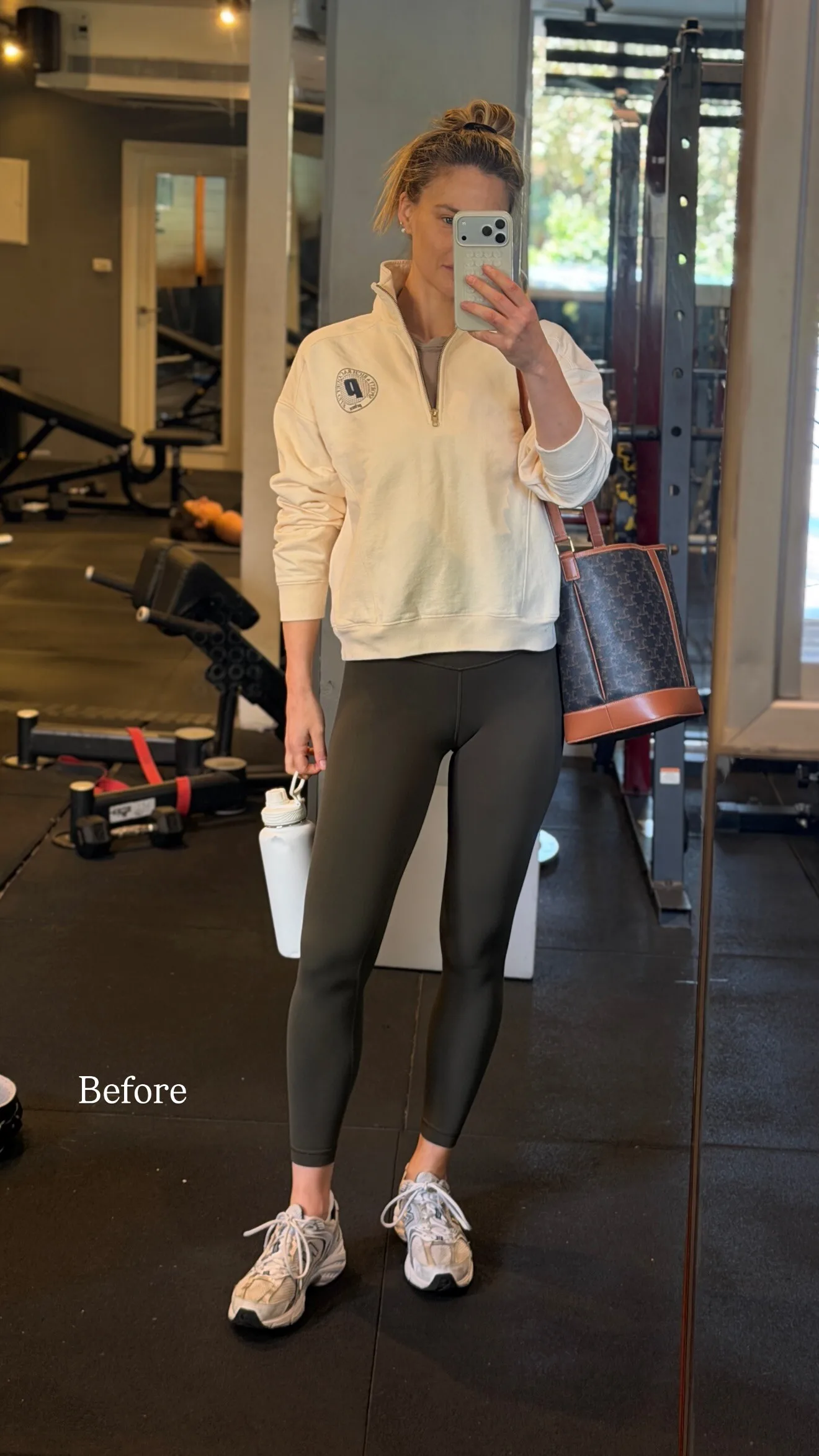
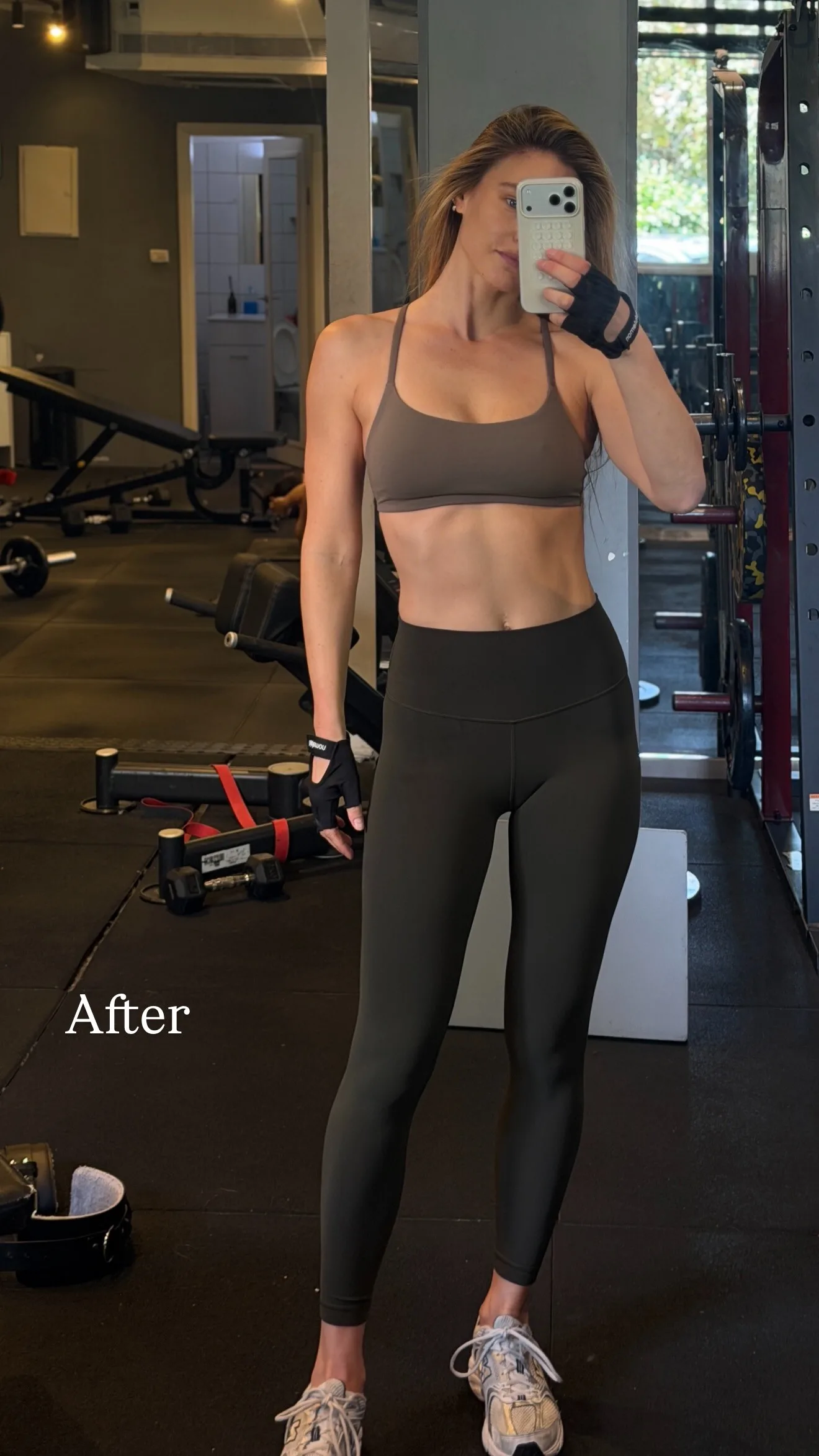


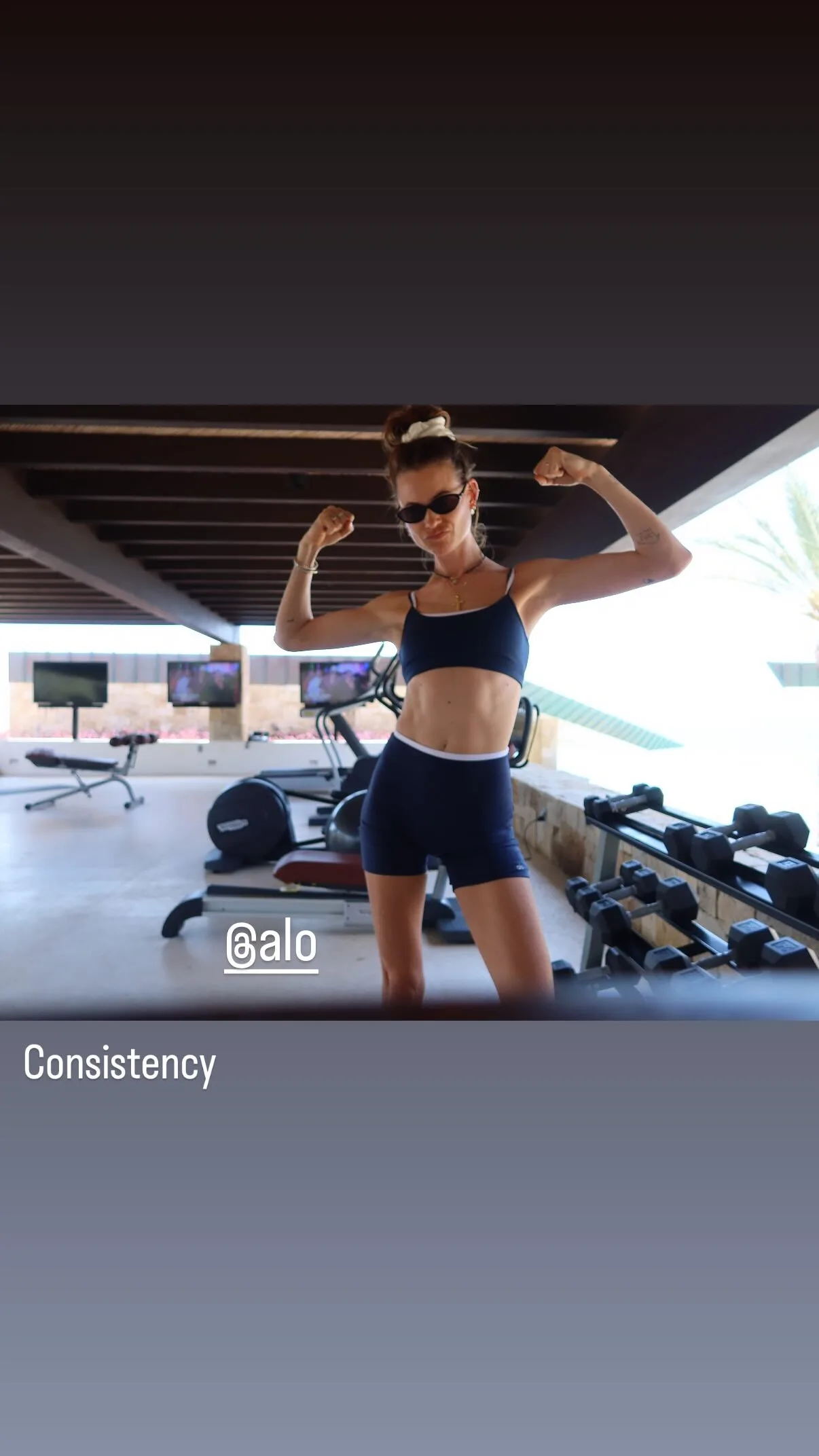
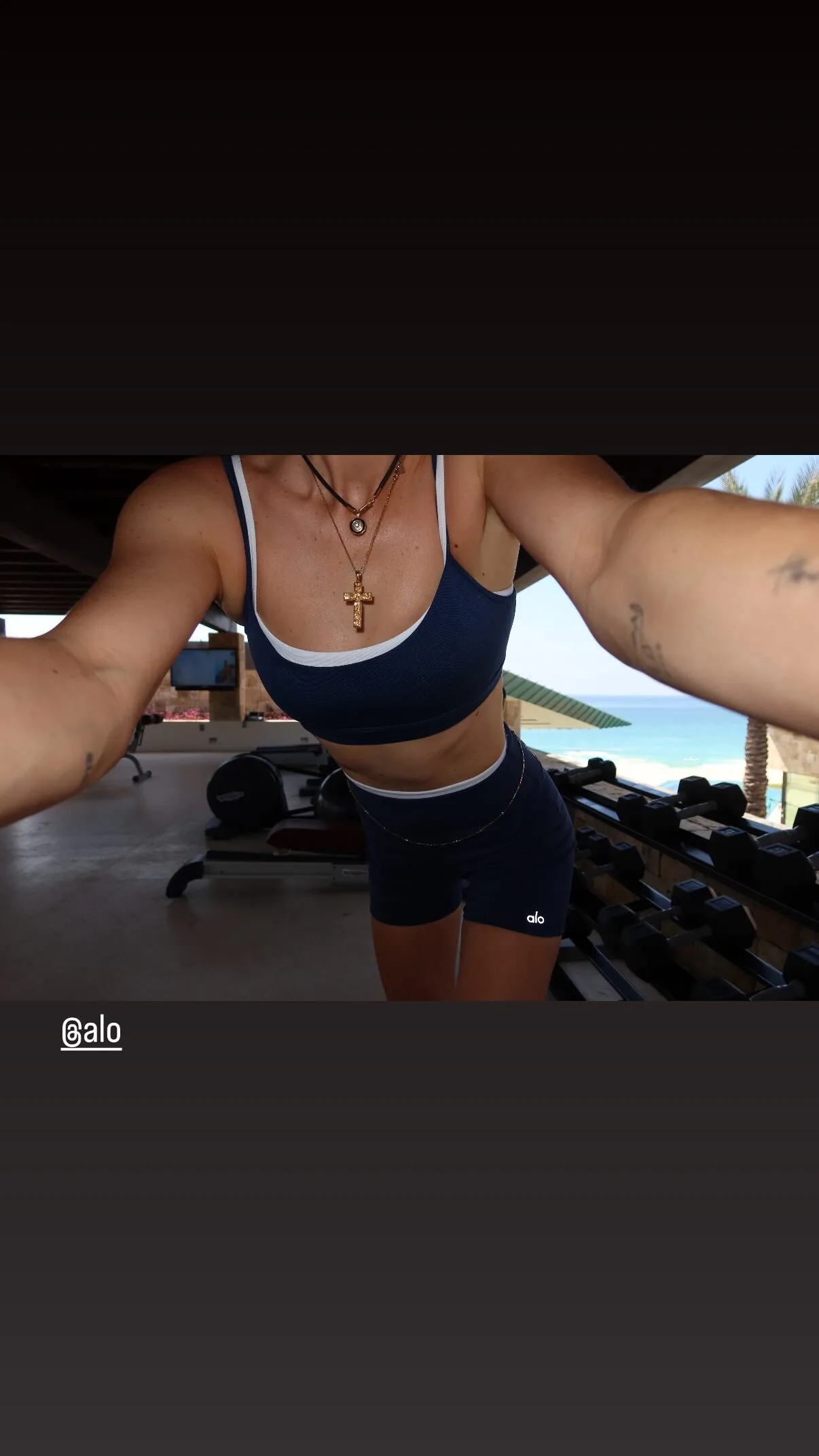
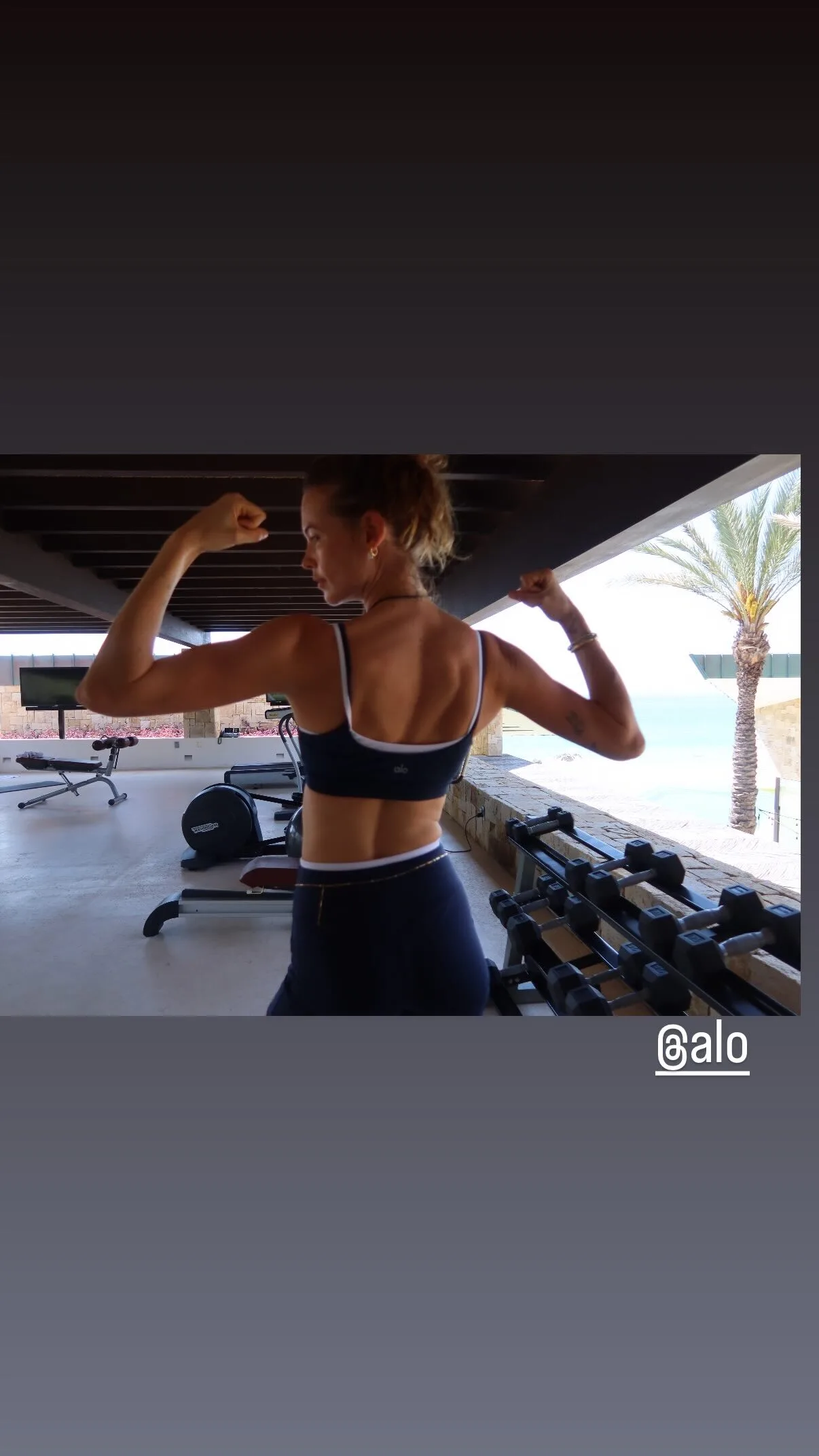













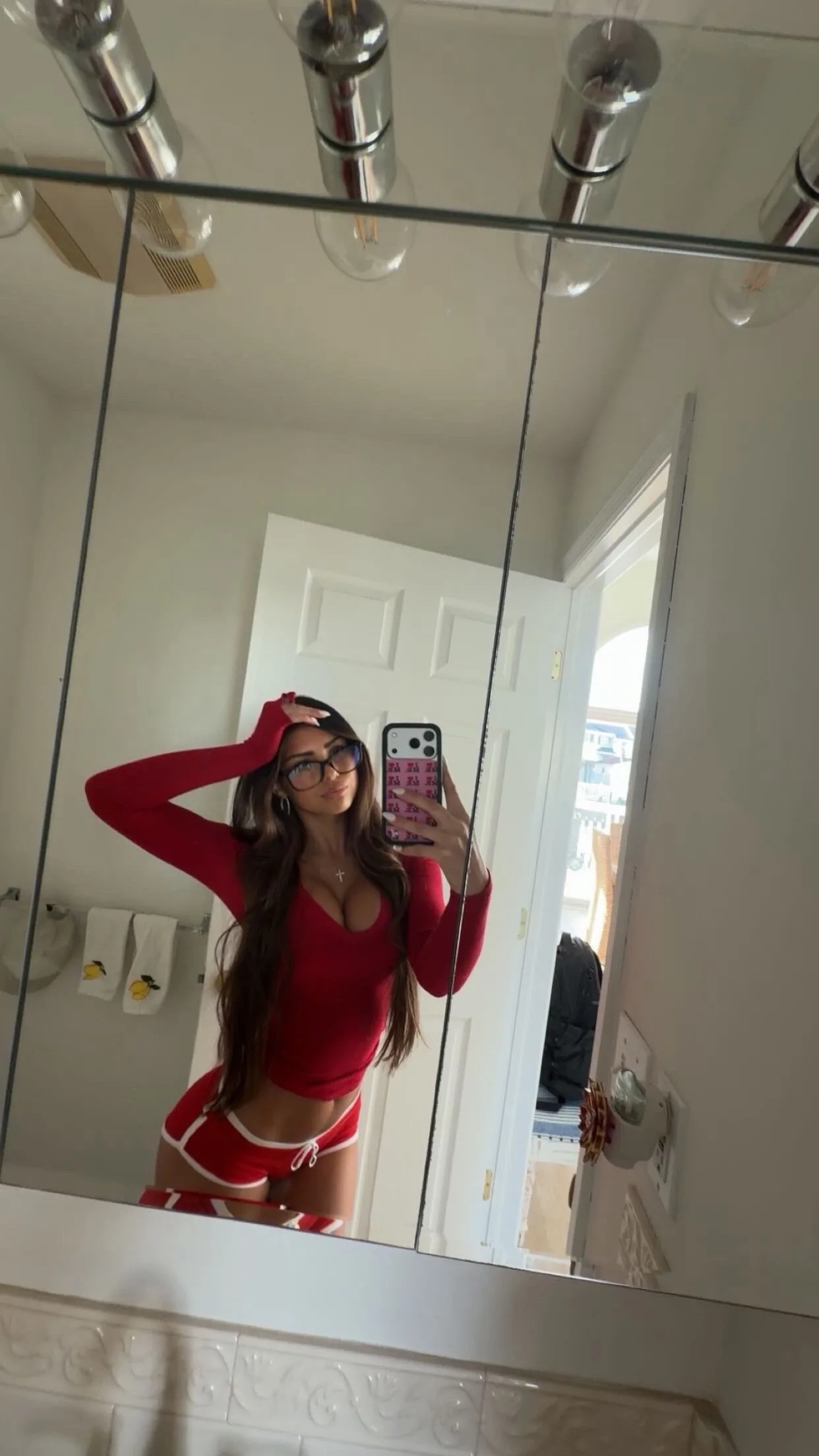




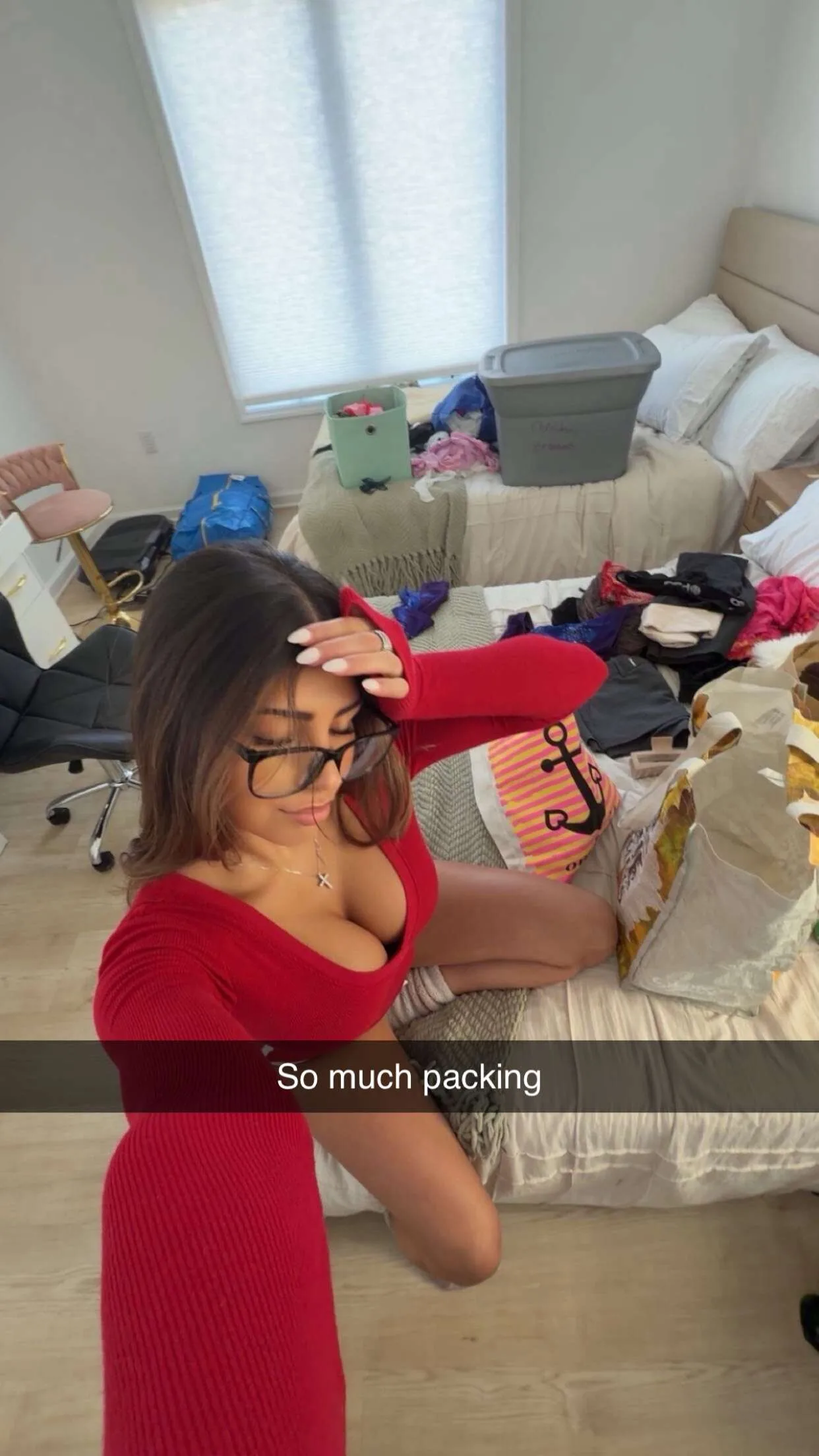


















.webp.5e6feeced2df292a1c72be24da695d54.webp)



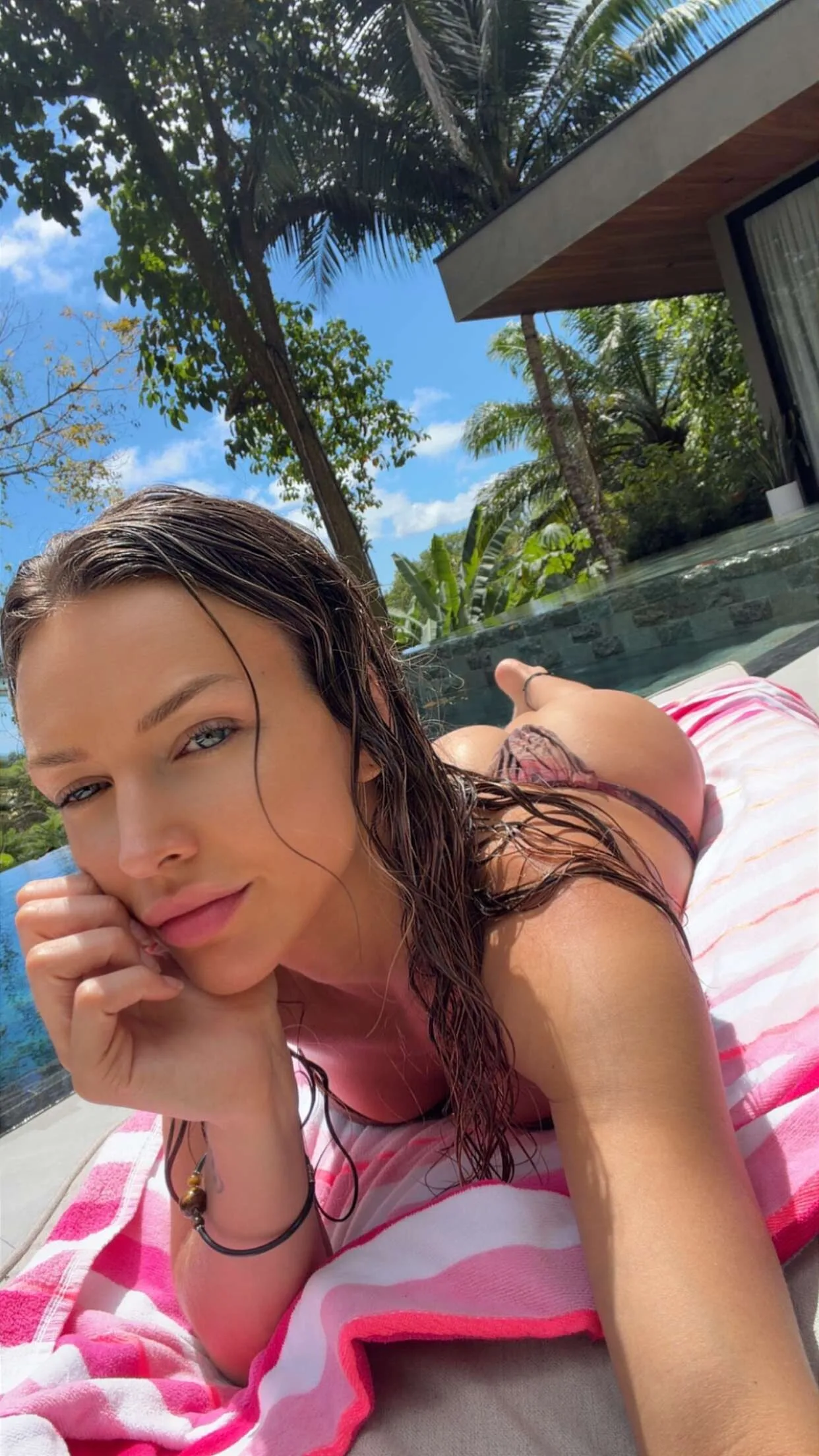


















.webp.70bc53c01d32976bcc6fe36e30fcd55c.webp)












Account
Navigation
Search
Configure browser push notifications
Chrome (Android)
- Tap the lock icon next to the address bar.
- Tap Permissions → Notifications.
- Adjust your preference.
Chrome (Desktop)
- Click the padlock icon in the address bar.
- Select Site settings.
- Find Notifications and adjust your preference.
Safari (iOS 16.4+)
- Ensure the site is installed via Add to Home Screen.
- Open Settings App → Notifications.
- Find your app name and adjust your preference.
Safari (macOS)
- Go to Safari → Preferences.
- Click the Websites tab.
- Select Notifications in the sidebar.
- Find this website and adjust your preference.
Edge (Android)
- Tap the lock icon next to the address bar.
- Tap Permissions.
- Find Notifications and adjust your preference.
Edge (Desktop)
- Click the padlock icon in the address bar.
- Click Permissions for this site.
- Find Notifications and adjust your preference.
Firefox (Android)
- Go to Settings → Site permissions.
- Tap Notifications.
- Find this site in the list and adjust your preference.
Firefox (Desktop)
- Open Firefox Settings.
- Search for Notifications.
- Find this site in the list and adjust your preference.