All Activity
- Past hour
-
 Gooseberry lily3799210756131780598.mp4
 -

-
Rollas Jeans




-
-
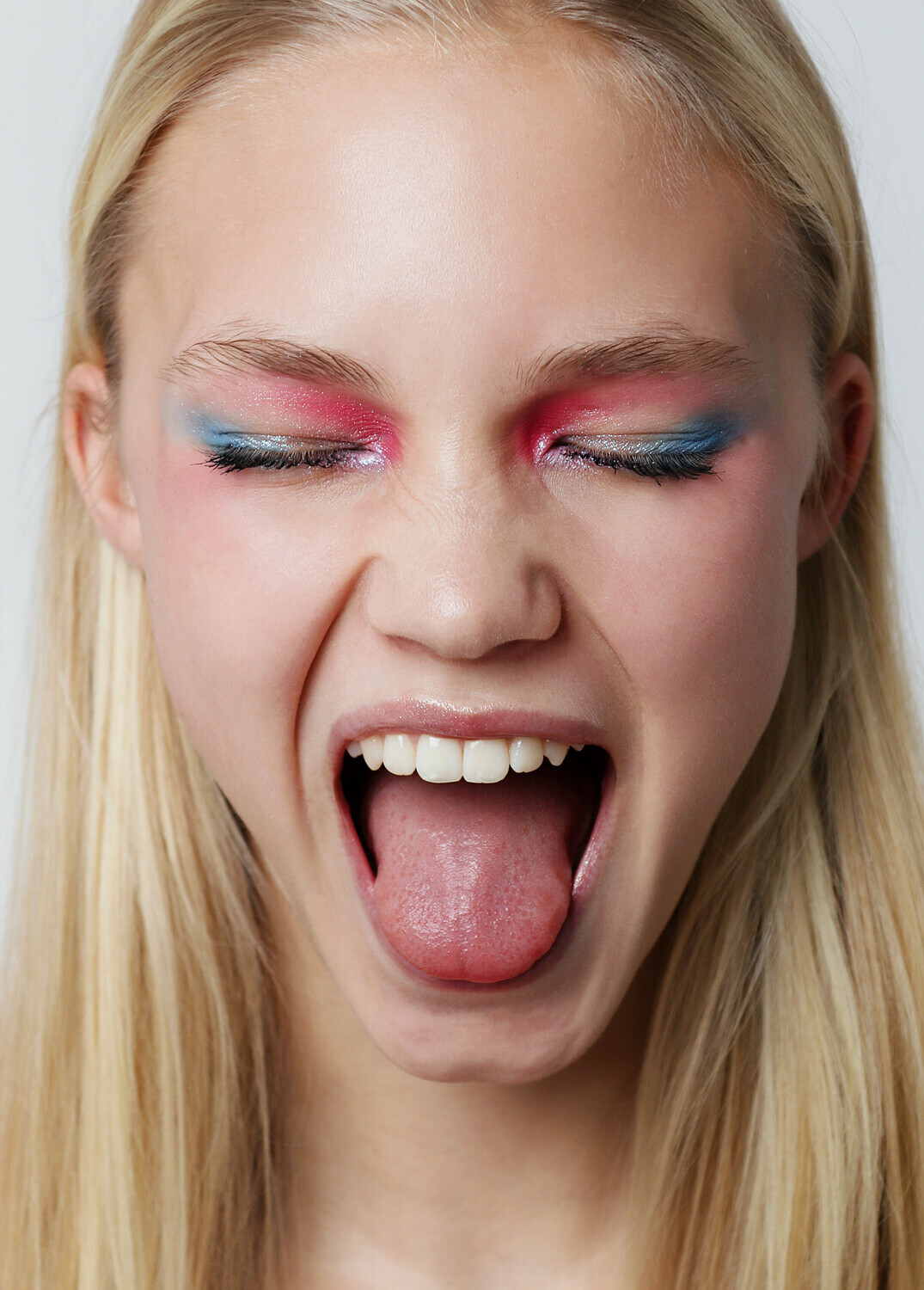
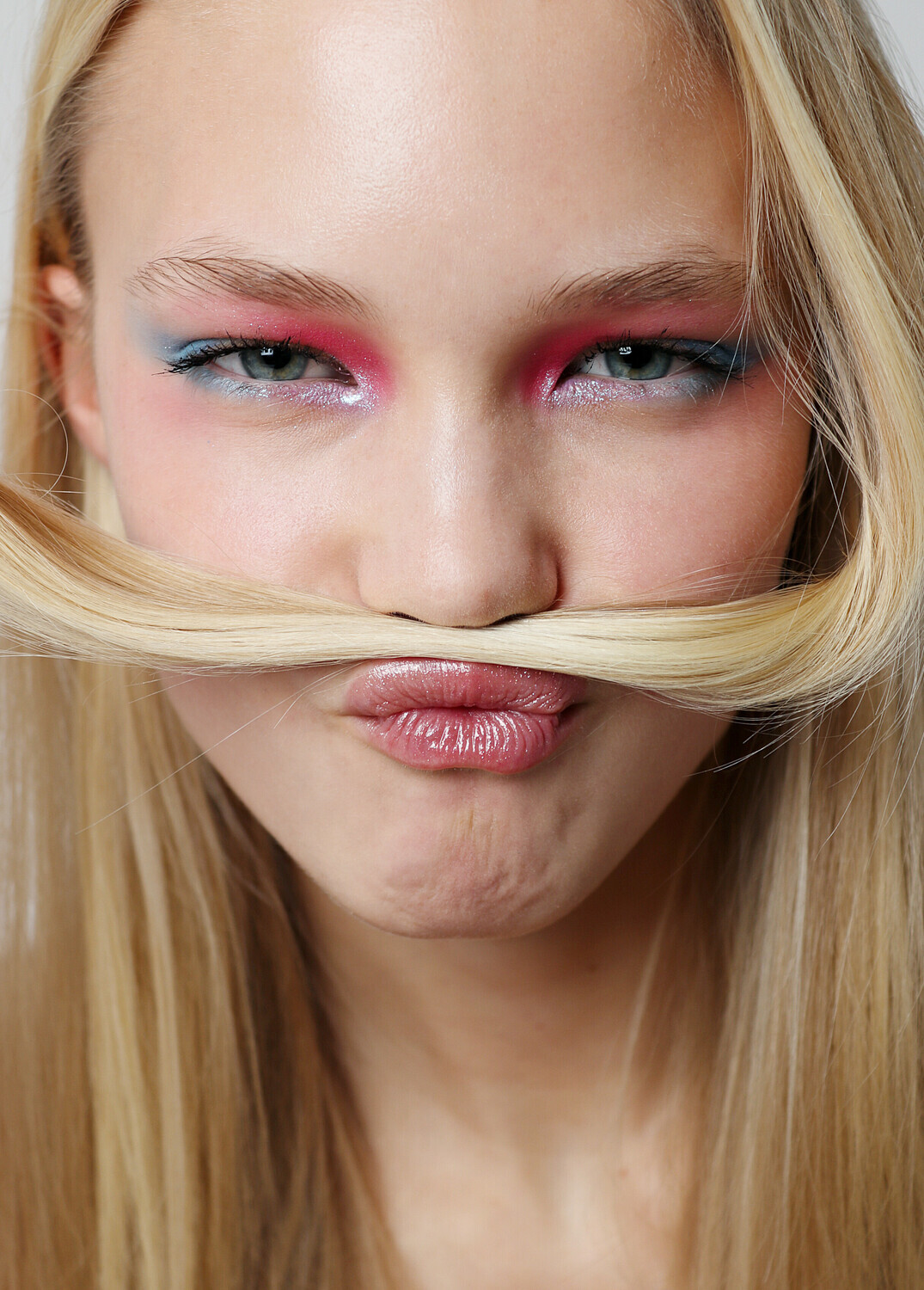
 She's with Women Management, Traffic Models, The Wonders Stats Height 178, Size 34, Bust 77, Waist 62, Hips 88.5, Shoes 39 Hair Blond, Eyes Blue, Located Stockholm
















-
 stories video [2026.01.01] imogencaldwell_3800908101563031164.mp4
-
-
stories


-
-
-
-
-
-
 St barths 105187135-15429805-Tom_looked_to_be_enjoying_the_day_with_a_bevy_of_beauties_nearby-a-119_1767383296868.avif 105187767-15429805-DiCaprio_and_his_beau_were_seen_boarding_the_yacht-a-114_1767383295872.avif






-
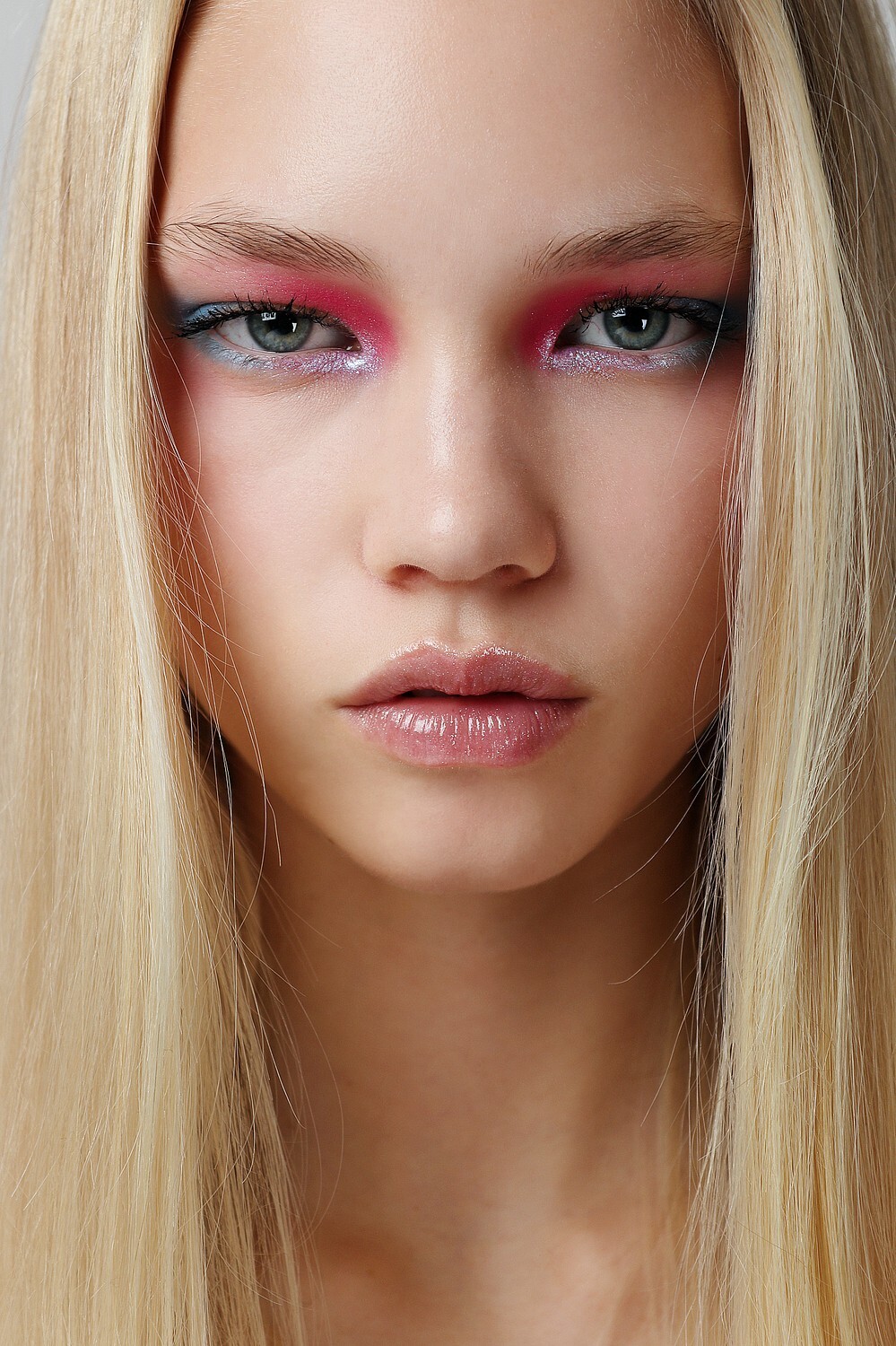
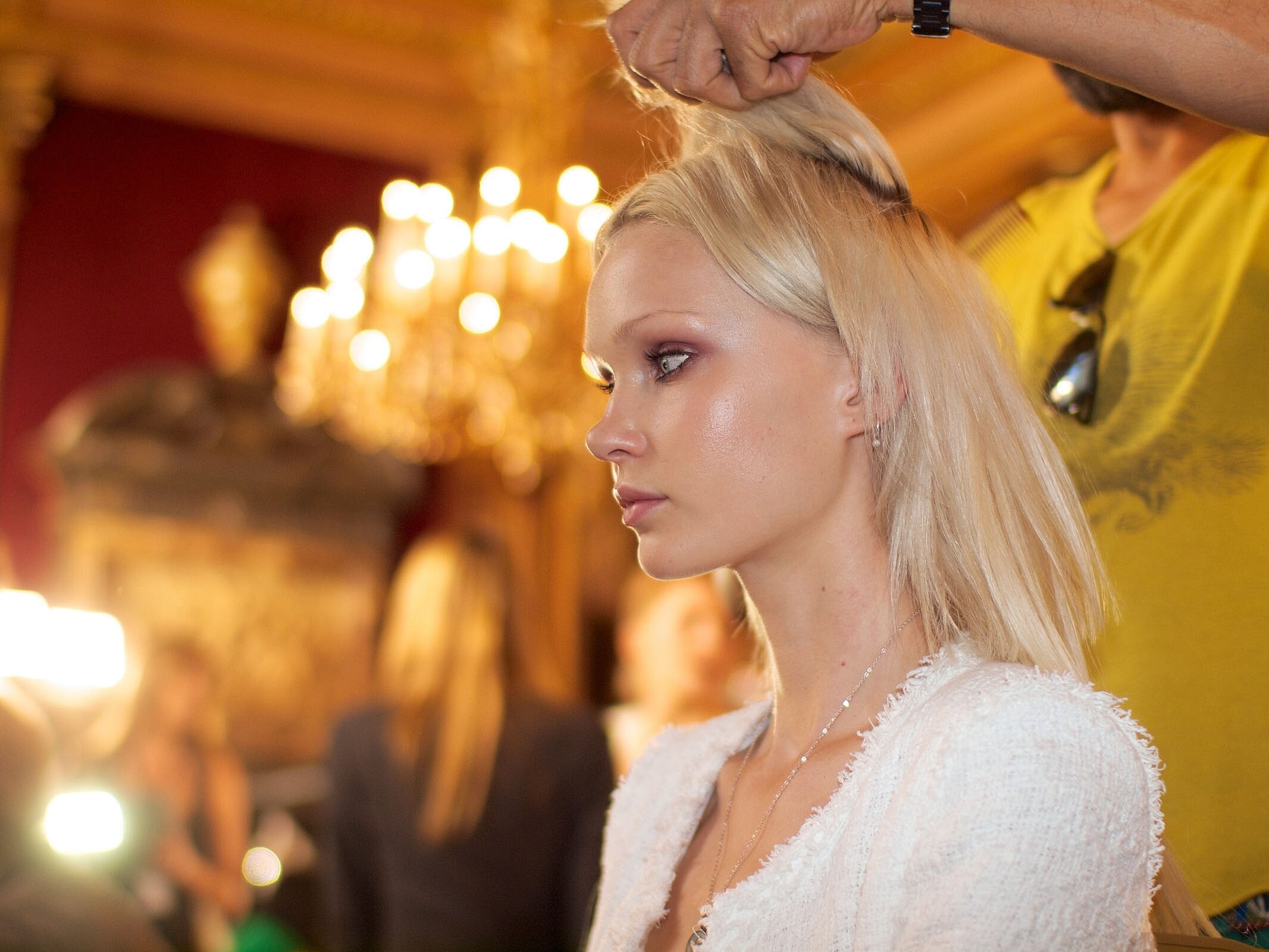
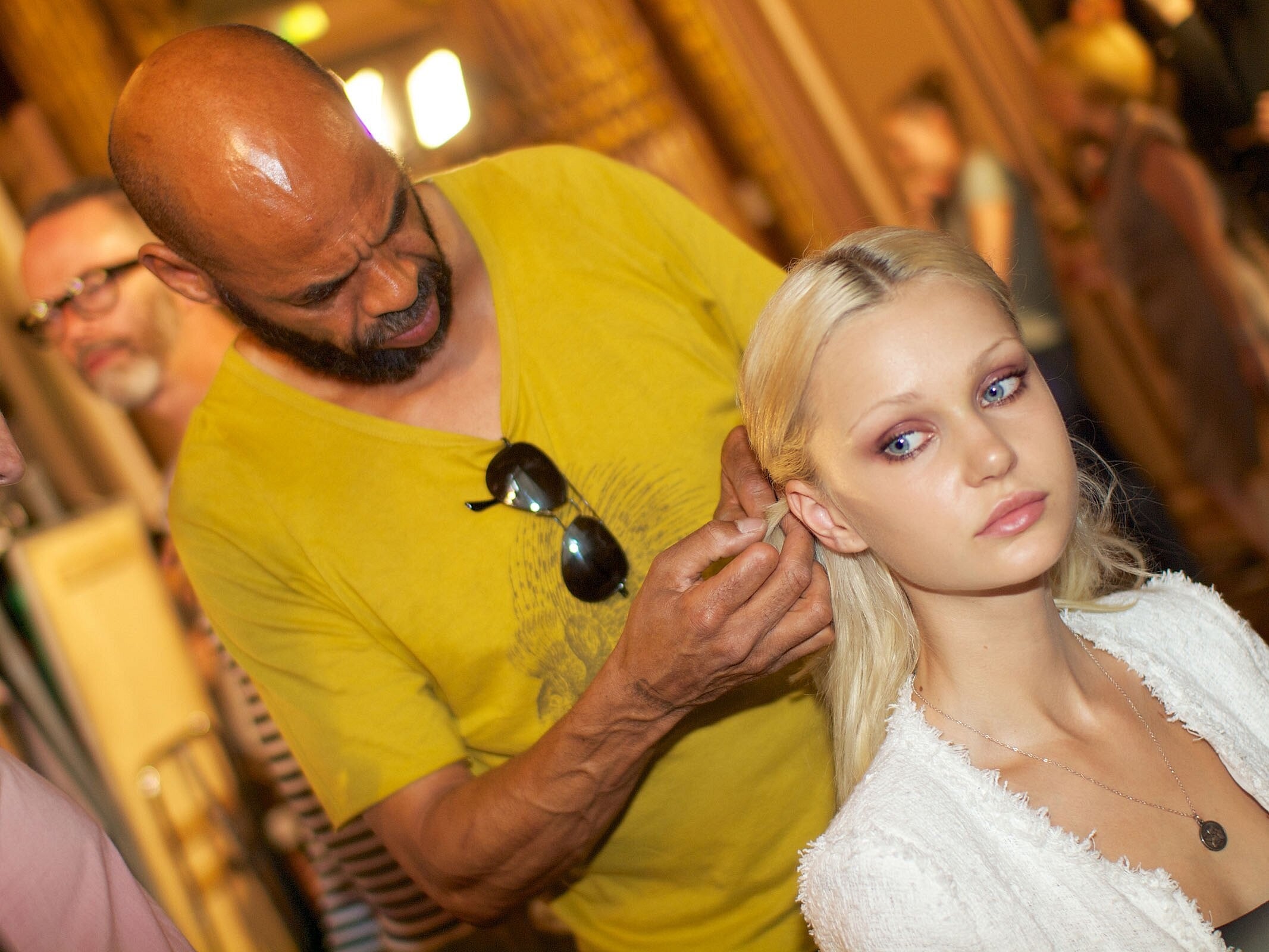
 Zuhair Murad Haute Couture F/W 2012 Backstage Spoiler - Sheer Spoiler Zuhair Murad Haute Couture F/W 2012


















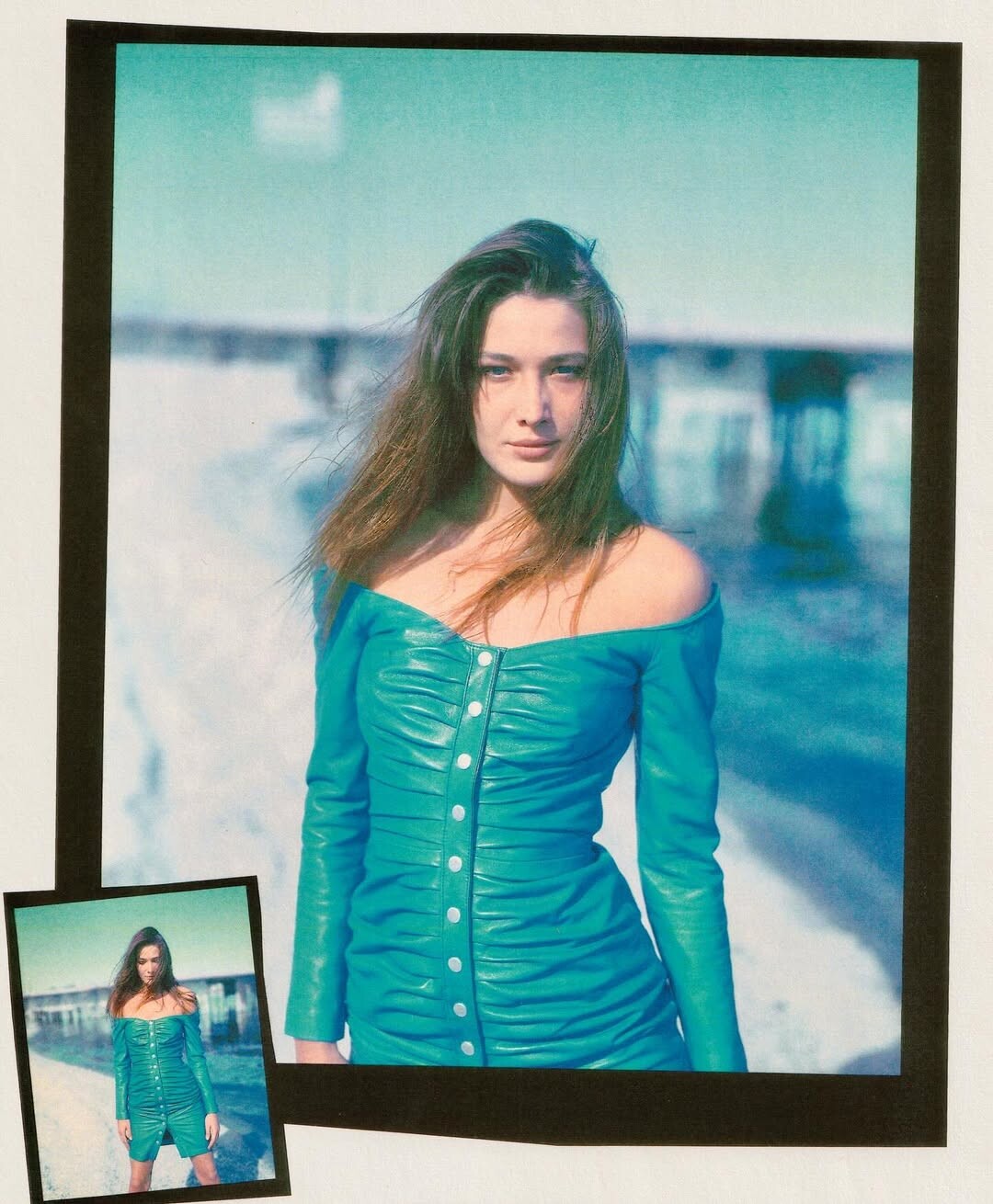
 Carla Bruni for North Beach, 1990, by Phillip Dixon northbeachleather.archives Instagram








































.jpg.d514c957c4a793bce447ed7ade63afea.jpg)
.jpg.bee647fa27baae8883707412c9146398.jpg)
.jpg.ce6cca9c95682f37c7b5b9648d7942a6.jpg)































































Account
Search
Configure browser push notifications
Chrome (Android)
- Tap the lock icon next to the address bar.
- Tap Permissions → Notifications.
- Adjust your preference.
Chrome (Desktop)
- Click the padlock icon in the address bar.
- Select Site settings.
- Find Notifications and adjust your preference.
Safari (iOS 16.4+)
- Ensure the site is installed via Add to Home Screen.
- Open Settings App → Notifications.
- Find your app name and adjust your preference.
Safari (macOS)
- Go to Safari → Preferences.
- Click the Websites tab.
- Select Notifications in the sidebar.
- Find this website and adjust your preference.
Edge (Android)
- Tap the lock icon next to the address bar.
- Tap Permissions.
- Find Notifications and adjust your preference.
Edge (Desktop)
- Click the padlock icon in the address bar.
- Click Permissions for this site.
- Find Notifications and adjust your preference.
Firefox (Android)
- Go to Settings → Site permissions.
- Tap Notifications.
- Find this site in the list and adjust your preference.
Firefox (Desktop)
- Open Firefox Settings.
- Search for Notifications.
- Find this site in the list and adjust your preference.