All Activity
- Past hour
-
 INCANTO OFFICIAL
.thumb.jpg.82cd7e248f74c20e3cd29d7dcc1b5017.jpg)
.thumb.jpg.4e9707cd881954047e504441ac45b74e.jpg)

-

-
INCANTO OFFICIAL




-

-
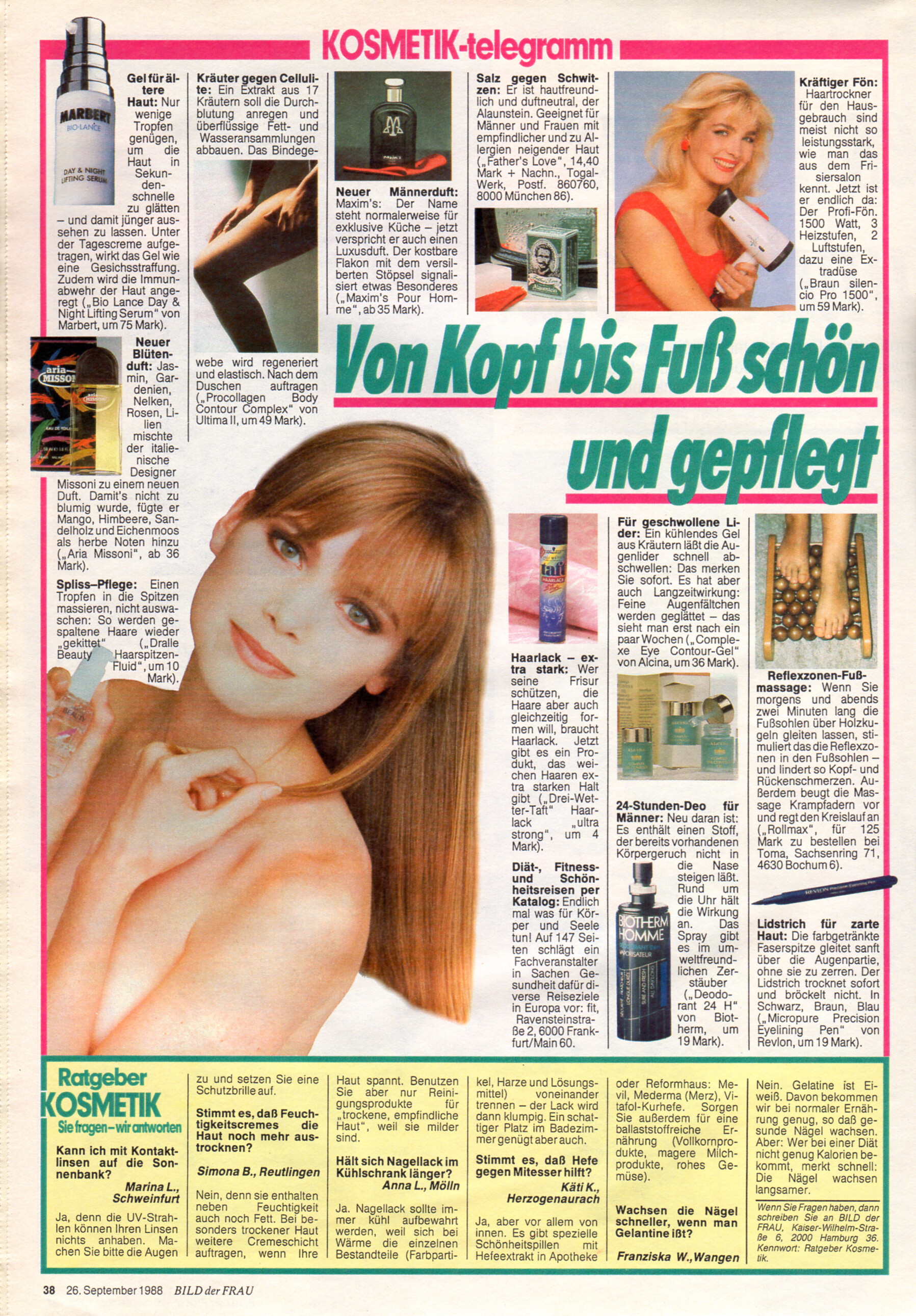
"KOSMETIK-telegramm Von Kopf bis Fuß schön und gepflegt" - 26. September 1989 #39
-
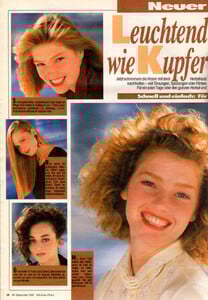
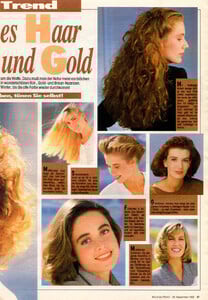
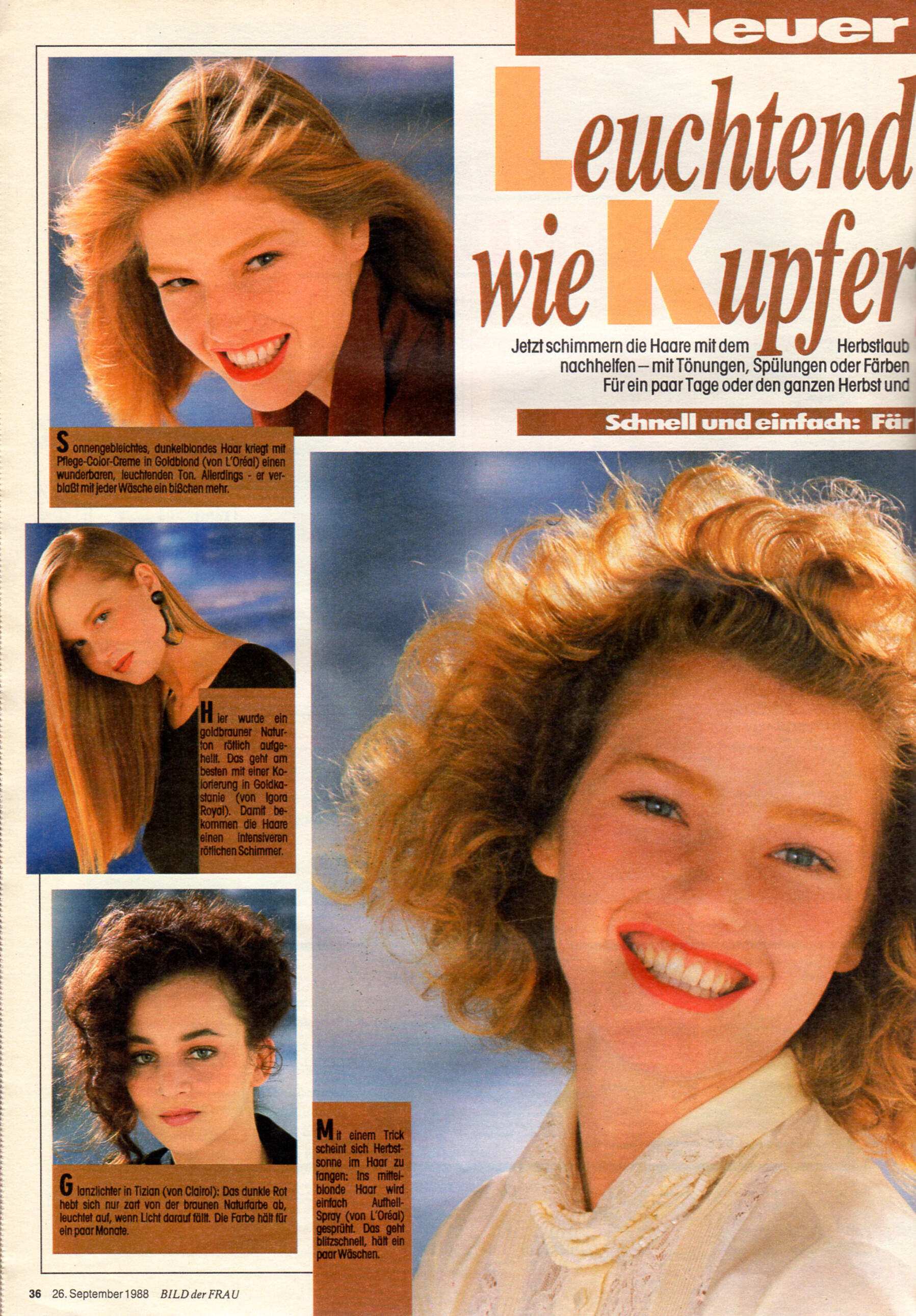
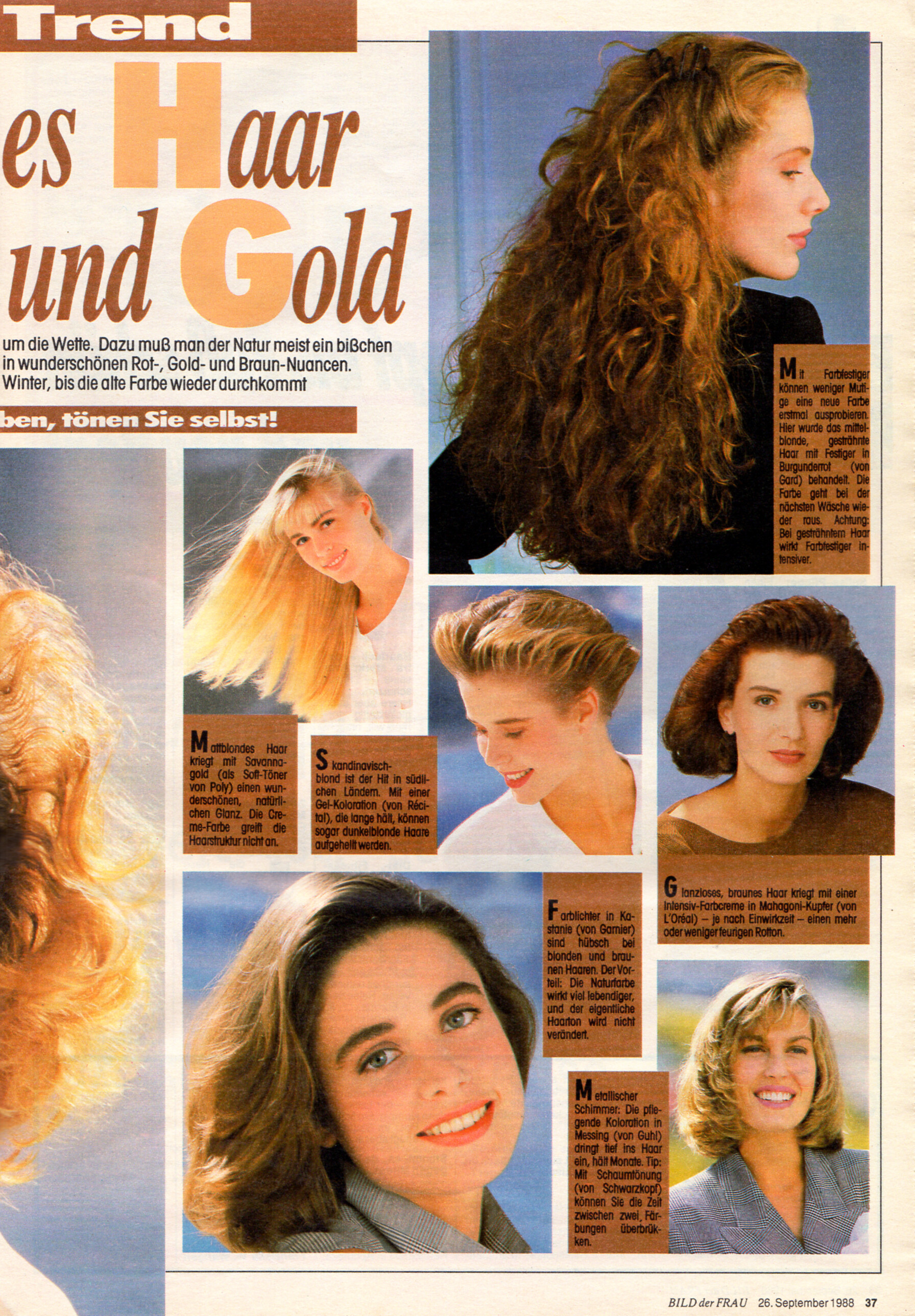
"Leuchtendes Haar wie Kupfer und Gold" - Bild der Frau Germany 26. September 1989 #39 I can ID only Jodi Mallinson (top left and big one centre).
-
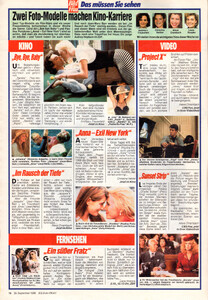
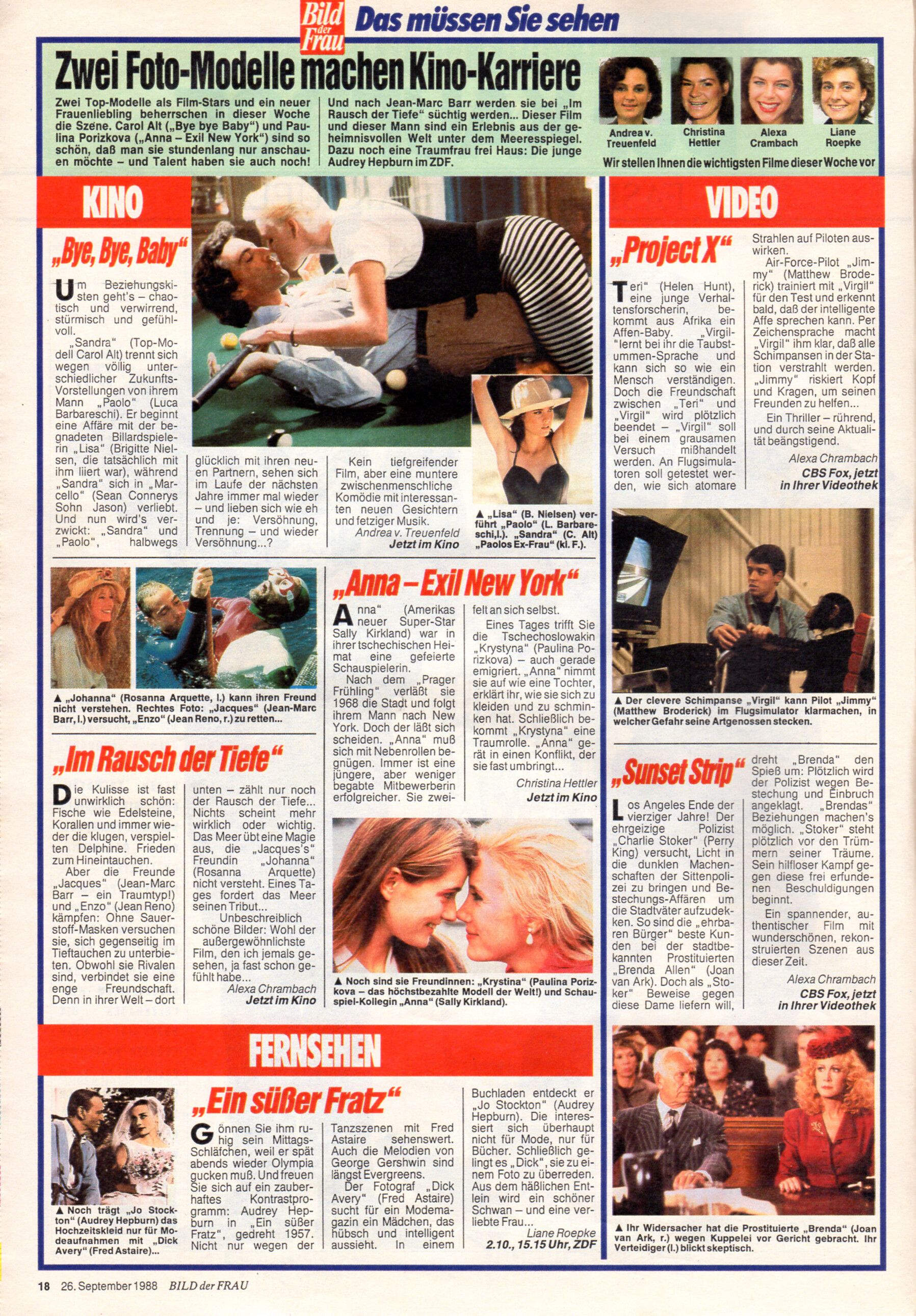
"KINO Anna - Exil New York" - Bild der Frau Germany 26. September 1989 #39 - also showing Brigitte Nielsen, Carol Alt, Rosanna Arquette, Sally Kirkland, Matthew Broderick, Joan van Ark, Audrey Hepburn, Fred Astaire
-
 KAUFHOF advertisement - Bild der Frau Germany 26. September 1989 #39
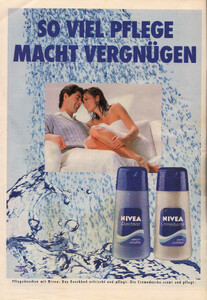
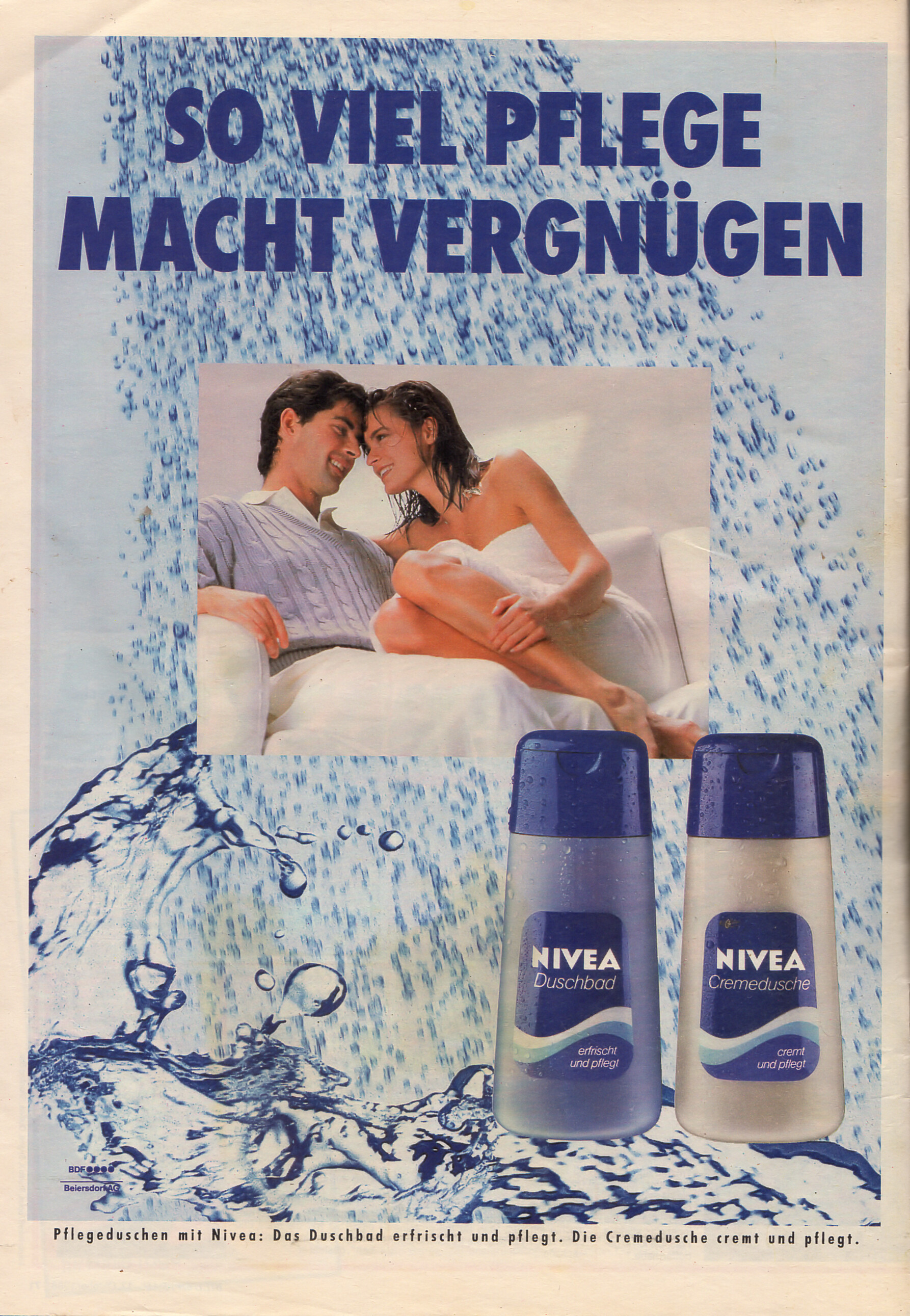
 NIVEA advertisement - Bild der Frau Germany 17. October 1988 #42
 Amira Zanganeh? She had been my first thought before I did my search for "Cutex" on BZ.
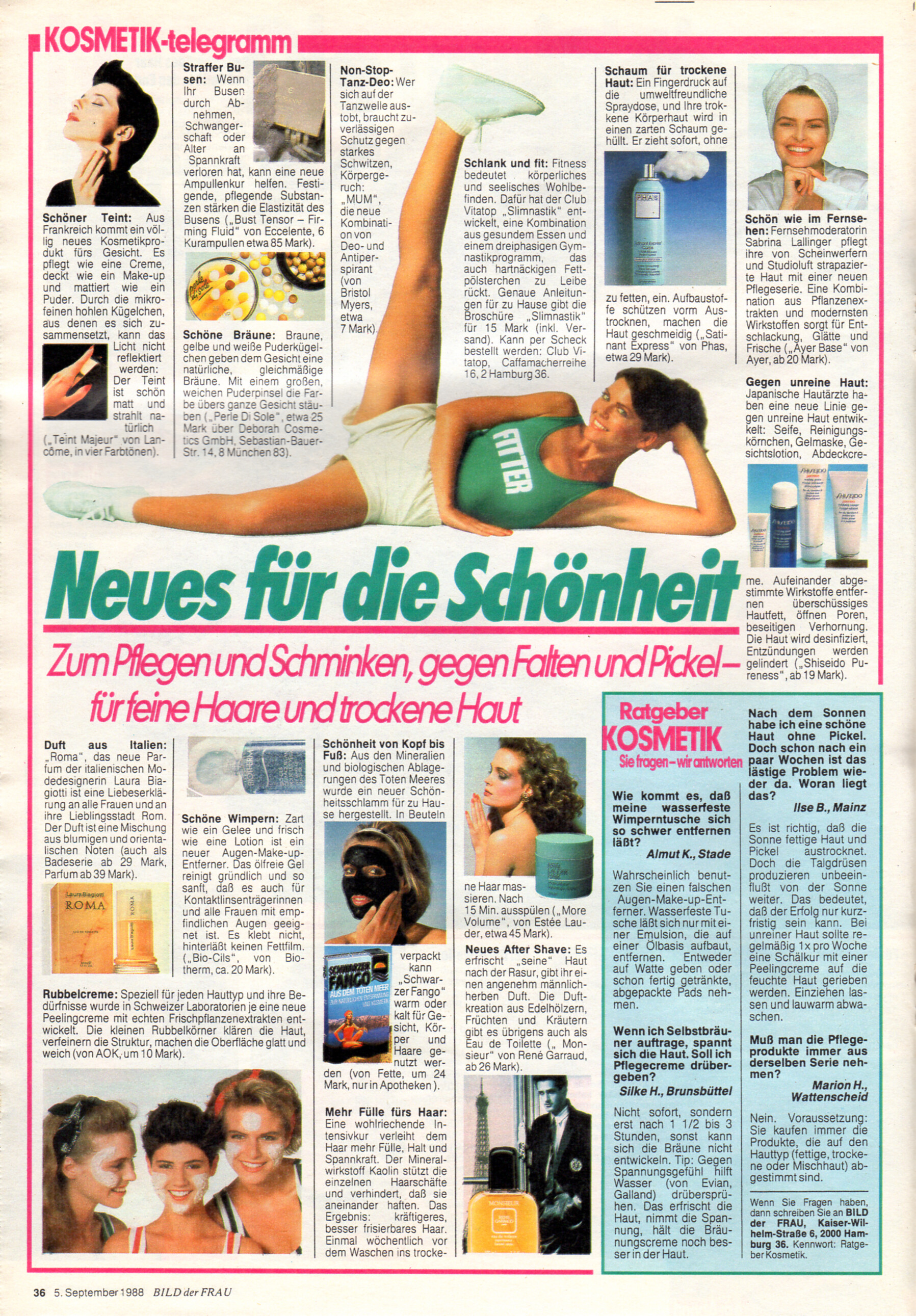
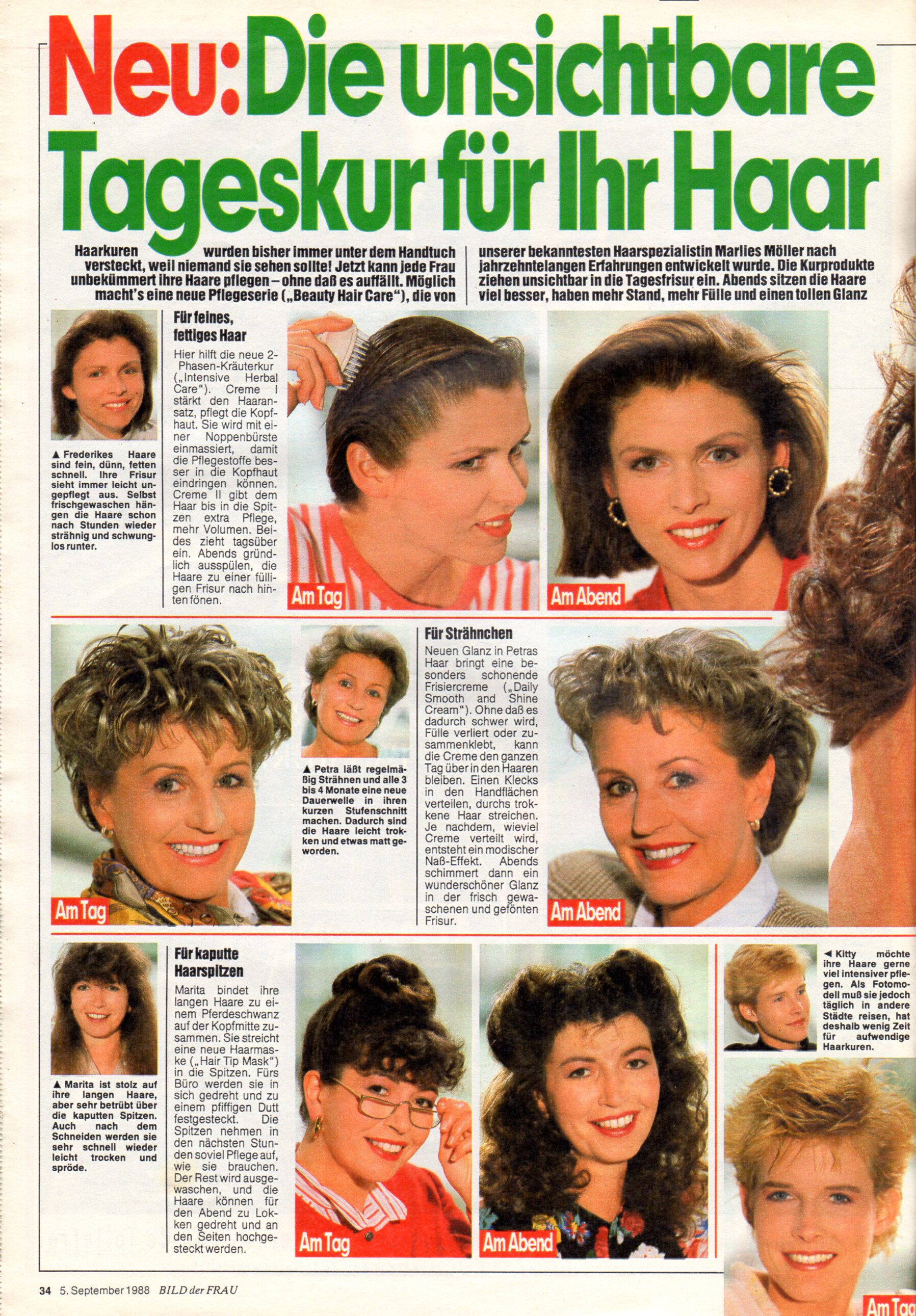
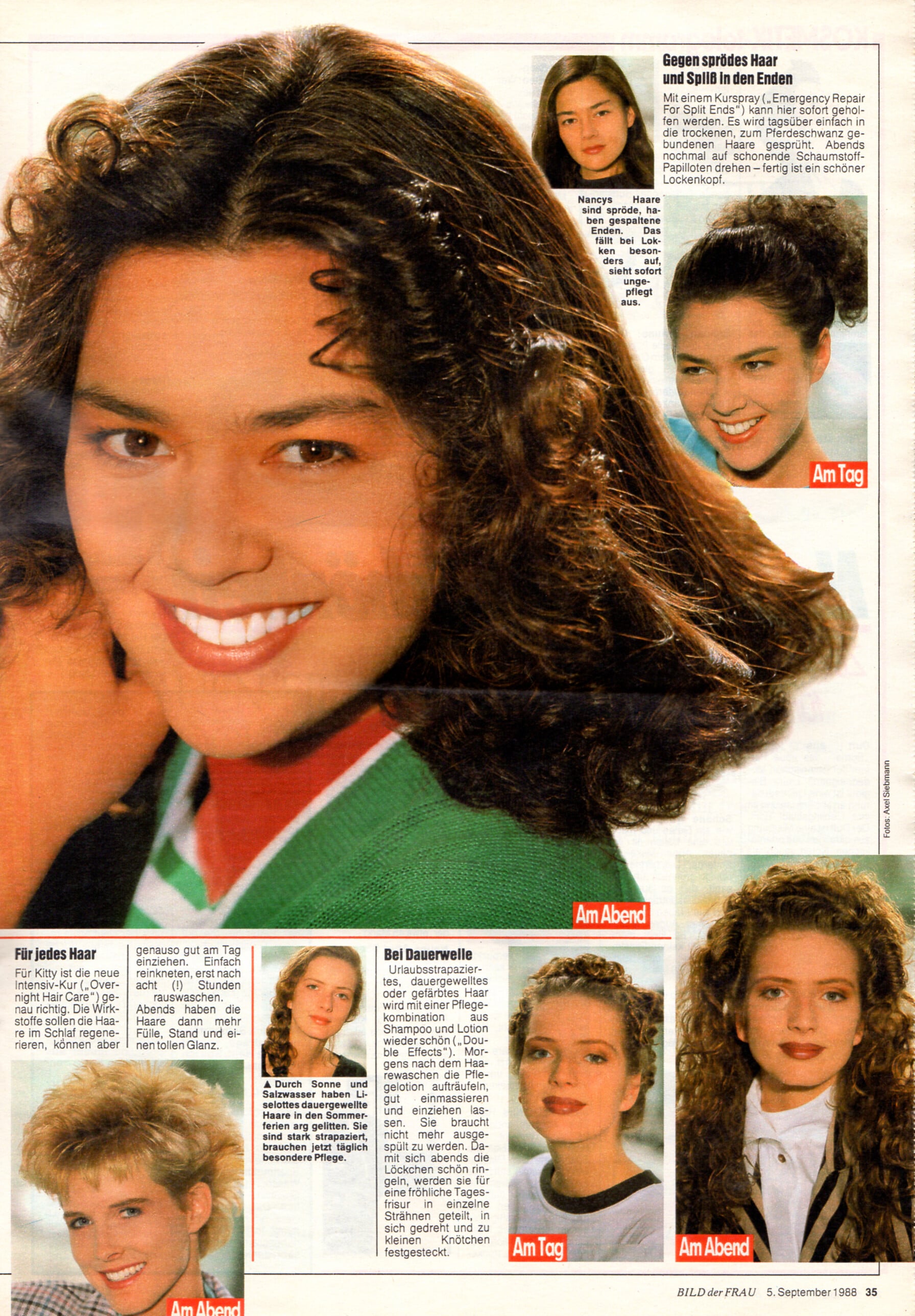
 "Neues für die Schönheit" - Bild der Frau Germany 5. September 1988 #36 - also showing Sabrina Lallinger, Susan S., unknown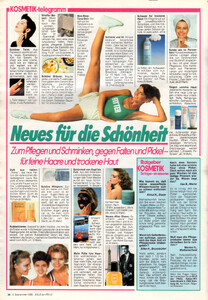
 What is the question here? lol! In case it’s about Petra Machalinski > no clue about her :( Funnily enough she is from my hometown of Hannover though :)
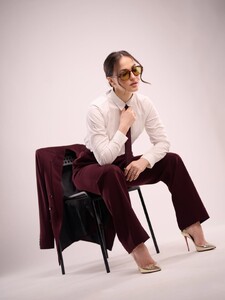
 Full Send or Nothing Photoshoot Video







.jpg.4b0ab96615ef7a4451aaed804e45ade4.jpg)
.jpg.ca218e520cc69d89ed27c68f7154ee63.jpg)



















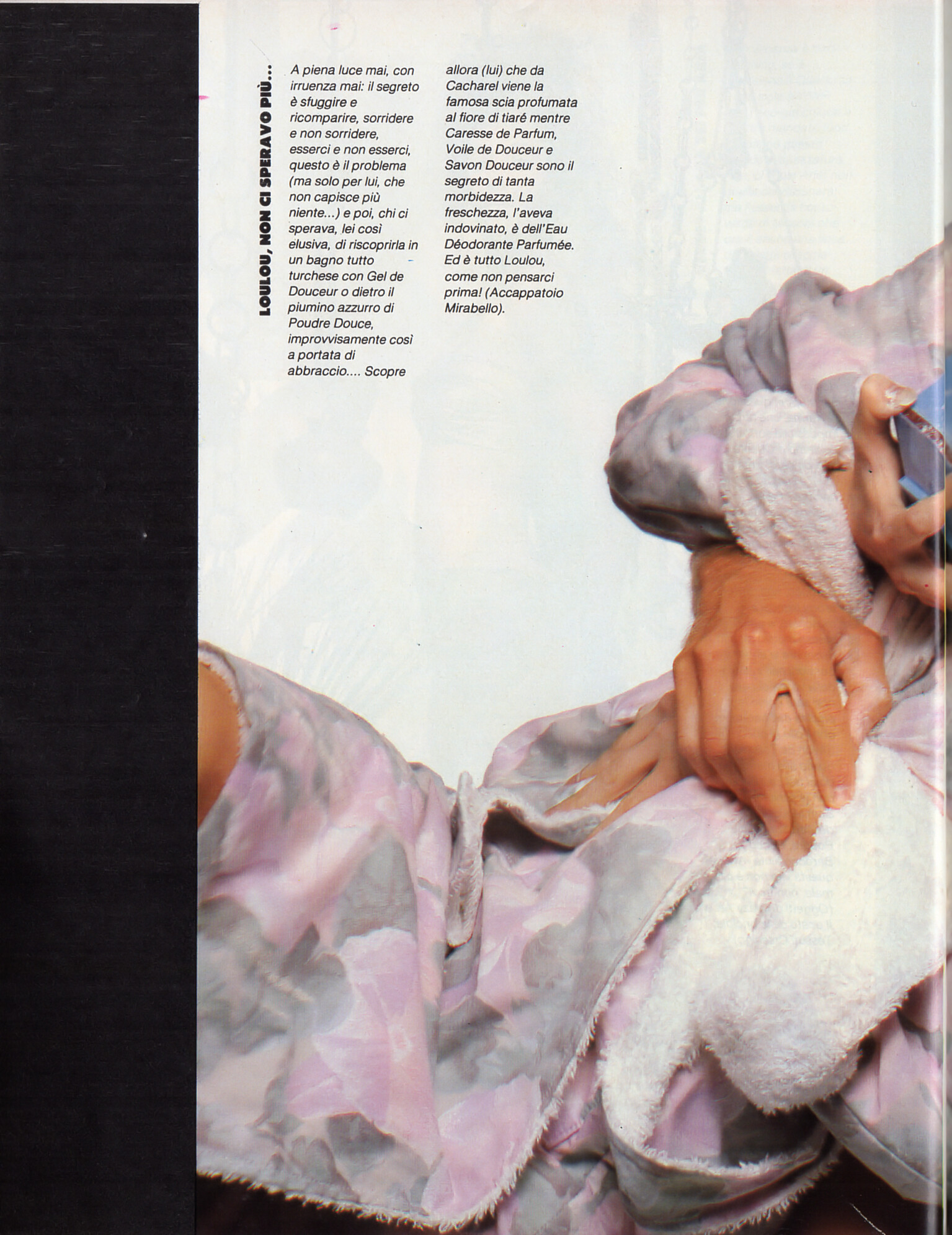
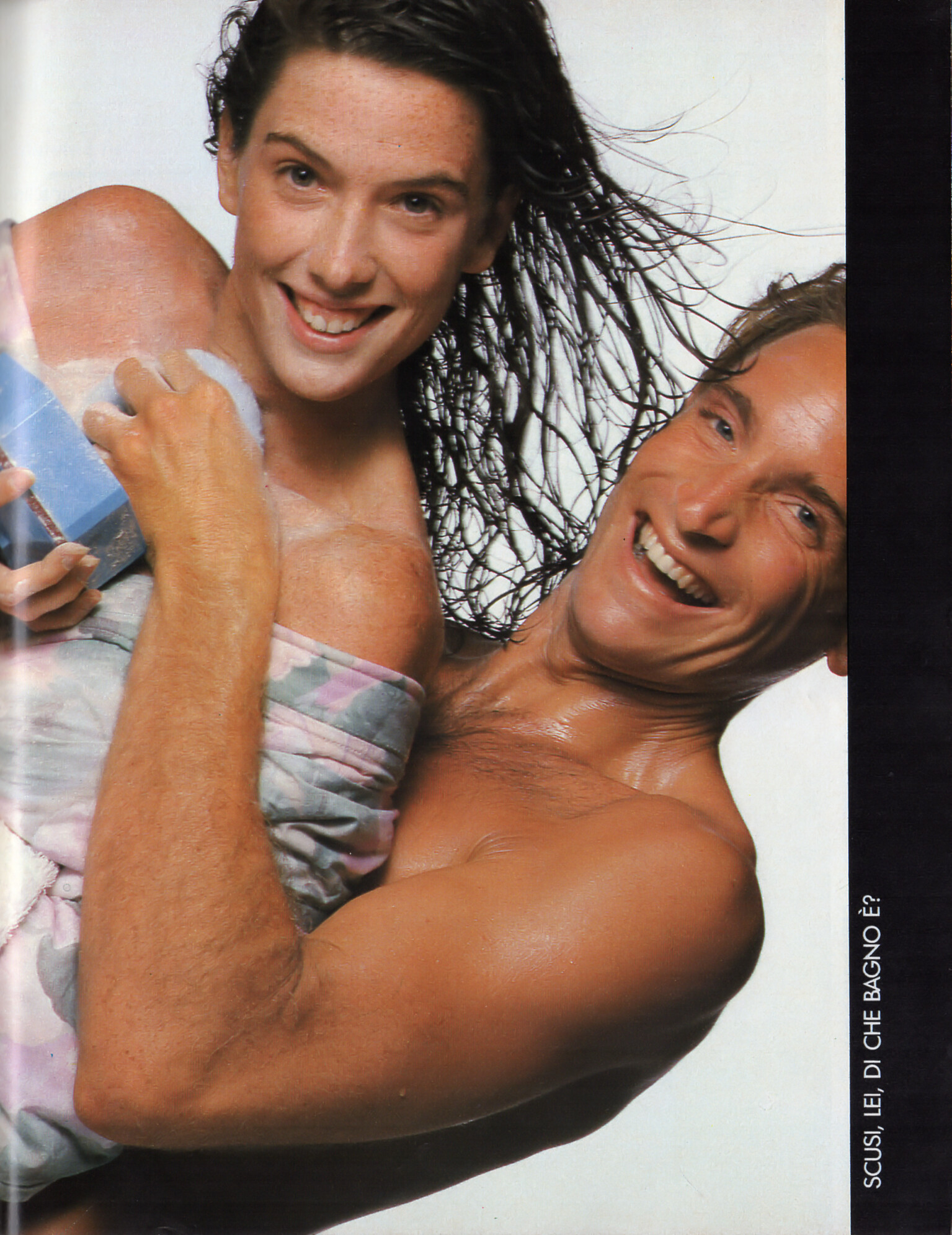






































Account
Navigation
Search
Configure browser push notifications
Chrome (Android)
- Tap the lock icon next to the address bar.
- Tap Permissions → Notifications.
- Adjust your preference.
Chrome (Desktop)
- Click the padlock icon in the address bar.
- Select Site settings.
- Find Notifications and adjust your preference.
Safari (iOS 16.4+)
- Ensure the site is installed via Add to Home Screen.
- Open Settings App → Notifications.
- Find your app name and adjust your preference.
Safari (macOS)
- Go to Safari → Preferences.
- Click the Websites tab.
- Select Notifications in the sidebar.
- Find this website and adjust your preference.
Edge (Android)
- Tap the lock icon next to the address bar.
- Tap Permissions.
- Find Notifications and adjust your preference.
Edge (Desktop)
- Click the padlock icon in the address bar.
- Click Permissions for this site.
- Find Notifications and adjust your preference.
Firefox (Android)
- Go to Settings → Site permissions.
- Tap Notifications.
- Find this site in the list and adjust your preference.
Firefox (Desktop)
- Open Firefox Settings.
- Search for Notifications.
- Find this site in the list and adjust your preference.