All Activity
- Past hour
-
.thumb.jpeg.073ed0b3d7372e09a3551a77b0abca02.jpeg) 2000's
2000's.thumb.jpg.e64b065474028eadd029db2db1eb5aab.jpg)
.thumb.png.f1e1894fa4742865869ecf8bd8e89c3a.png)
.thumb.png.c05788feb2c46b3d7838f52aa49612b4.png)
.thumb.png.592e020daf5c9cb41968997233c5ae34.png)
-
2000's
-
 Around a Piece of Art: Don't look back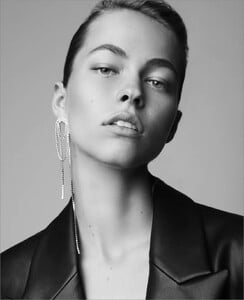
-
 2000's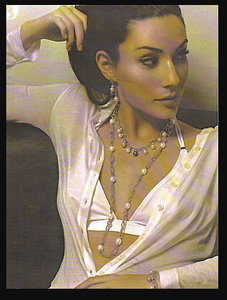
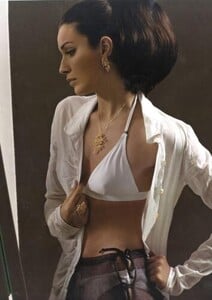
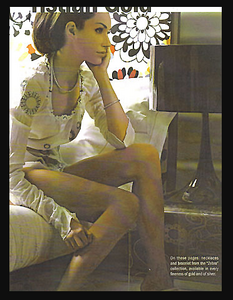 2000's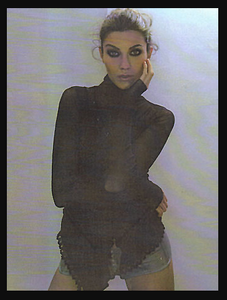
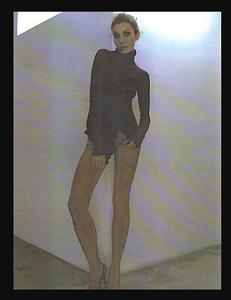
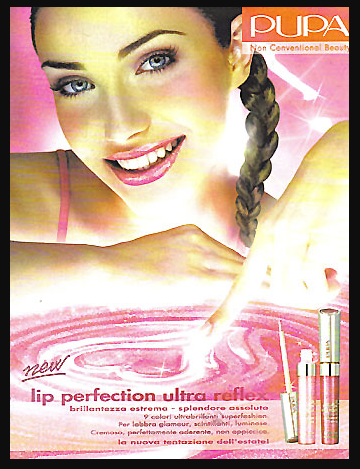
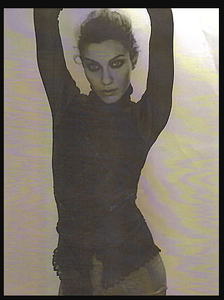 Pupa Milano early 2000's
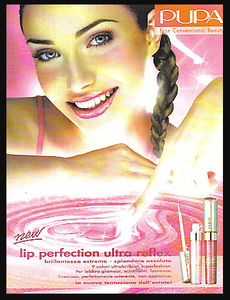 Sass Marque: Having ourselves a holiday. 🚿
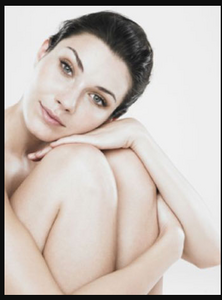
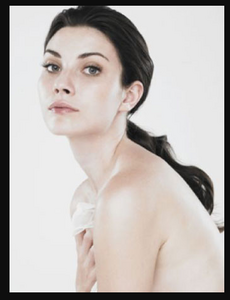
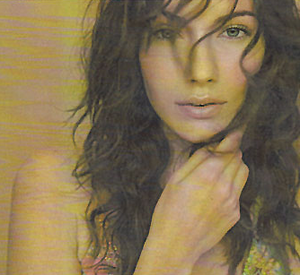
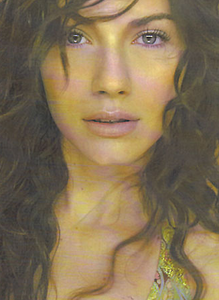
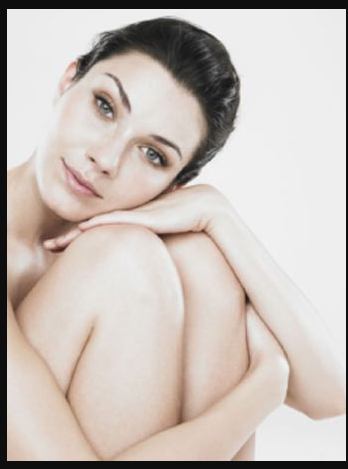
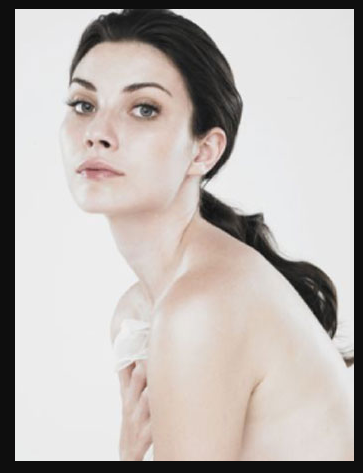
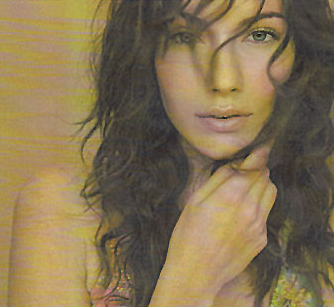
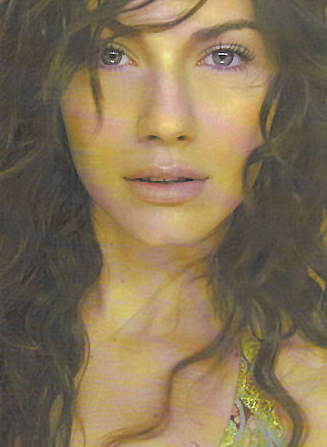
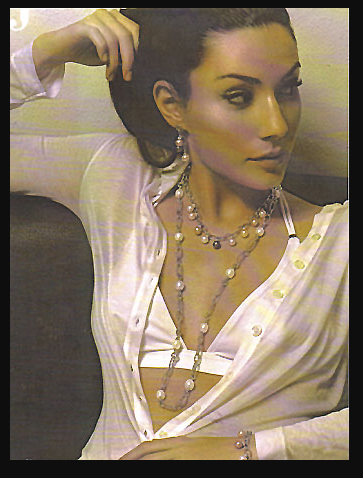
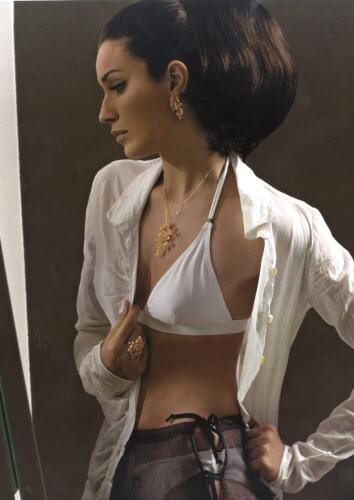
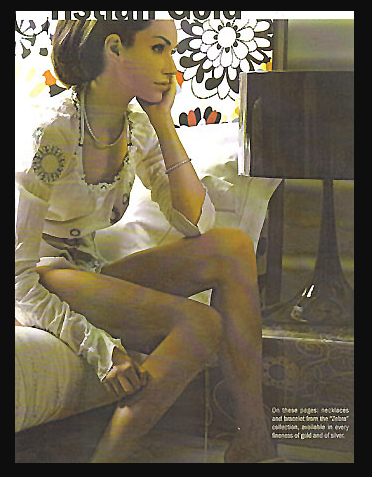
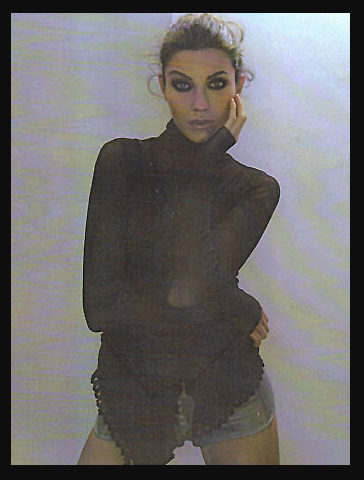
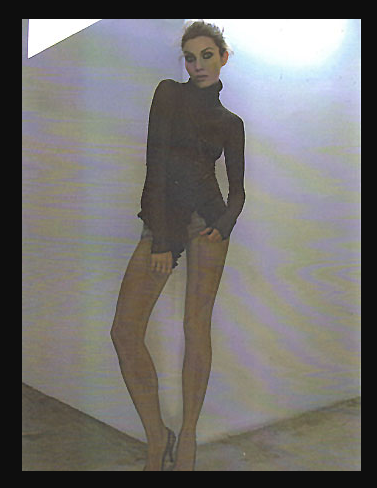
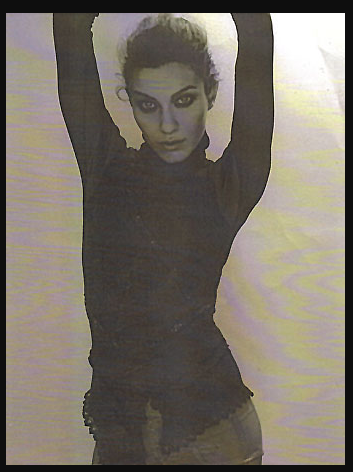
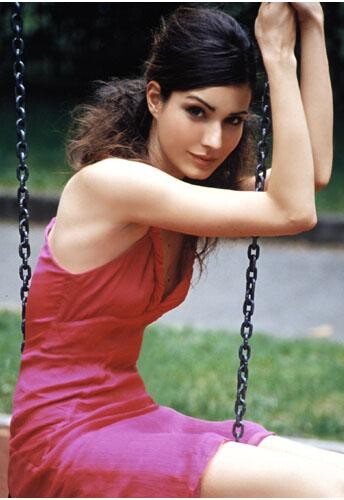
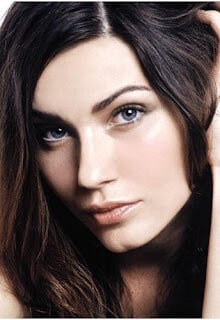
.thumb.jpg.f2bfed8dba24d175e8cf95d471f13fbd.jpg) Maja Sashek Macedonian Date of birth 1984 Height: 177 cm Bust: 85 cm Waist: 62 cm Hips: 90 cm Hair Color: Brown Eye Color: Blue-green Agency Flair Model Management, Titles: Miss Skopje (1999), Oriflame Top Model Macedonia (2000), Metropolitan Top Model Macedonia (2000) Maja started her career as a model in 1999,now she casting director at Lica casting agency (Location: North Macedonia).
Maja Sashek Macedonian Date of birth 1984 Height: 177 cm Bust: 85 cm Waist: 62 cm Hips: 90 cm Hair Color: Brown Eye Color: Blue-green Agency Flair Model Management, Titles: Miss Skopje (1999), Oriflame Top Model Macedonia (2000), Metropolitan Top Model Macedonia (2000) Maja started her career as a model in 1999,now she casting director at Lica casting agency (Location: North Macedonia).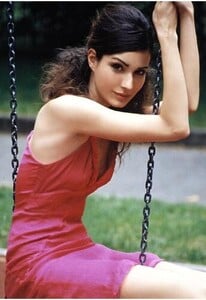
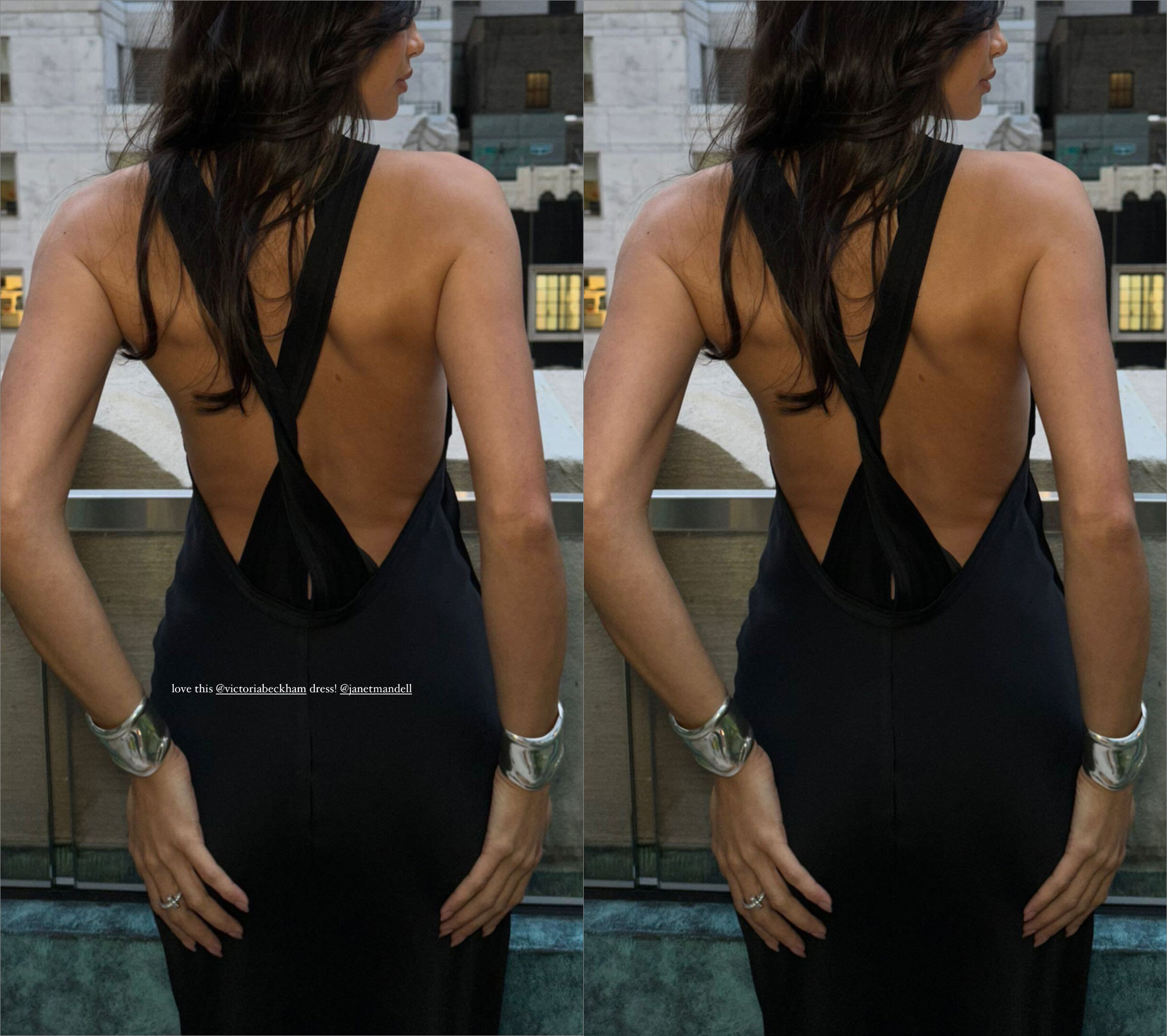
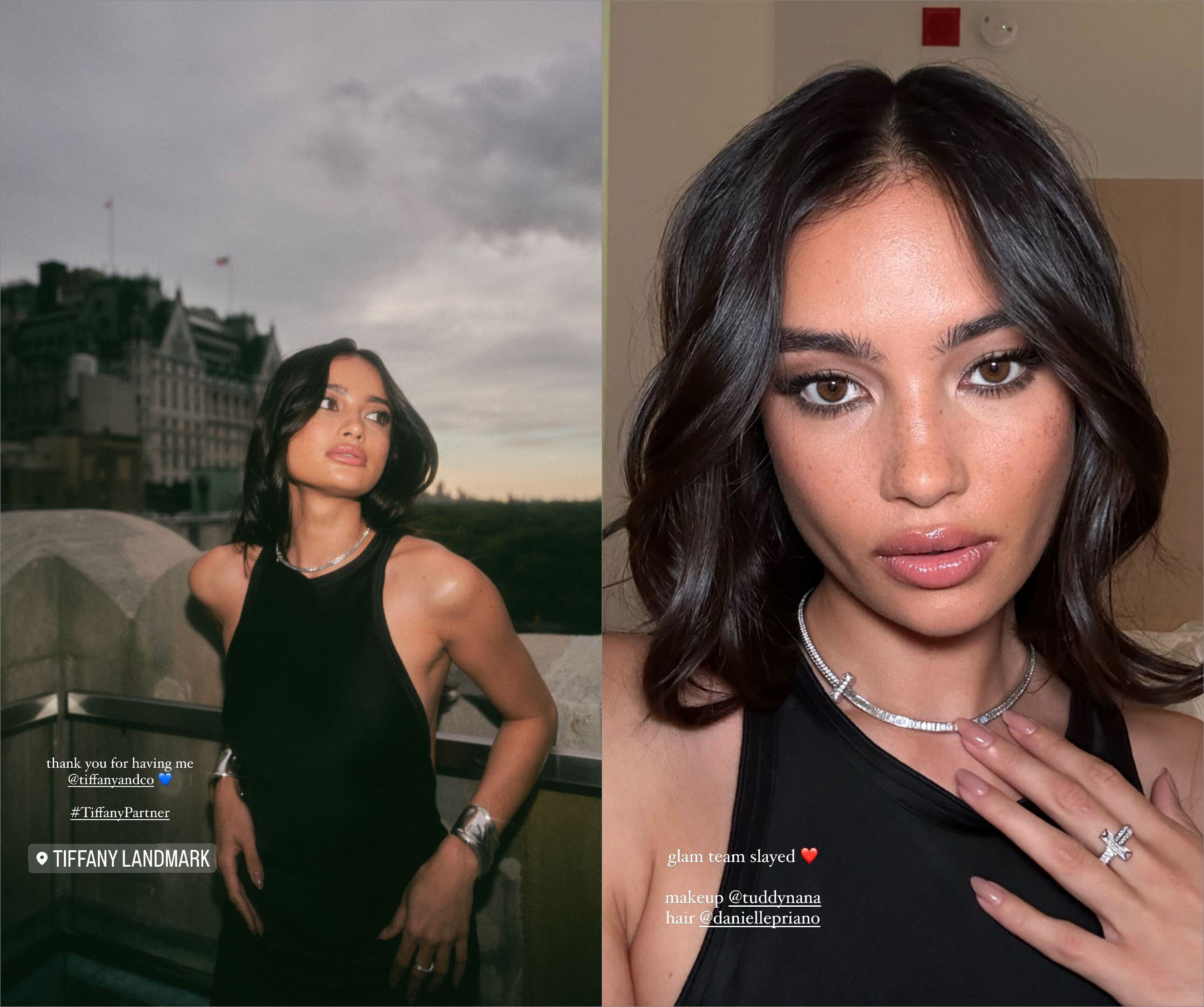
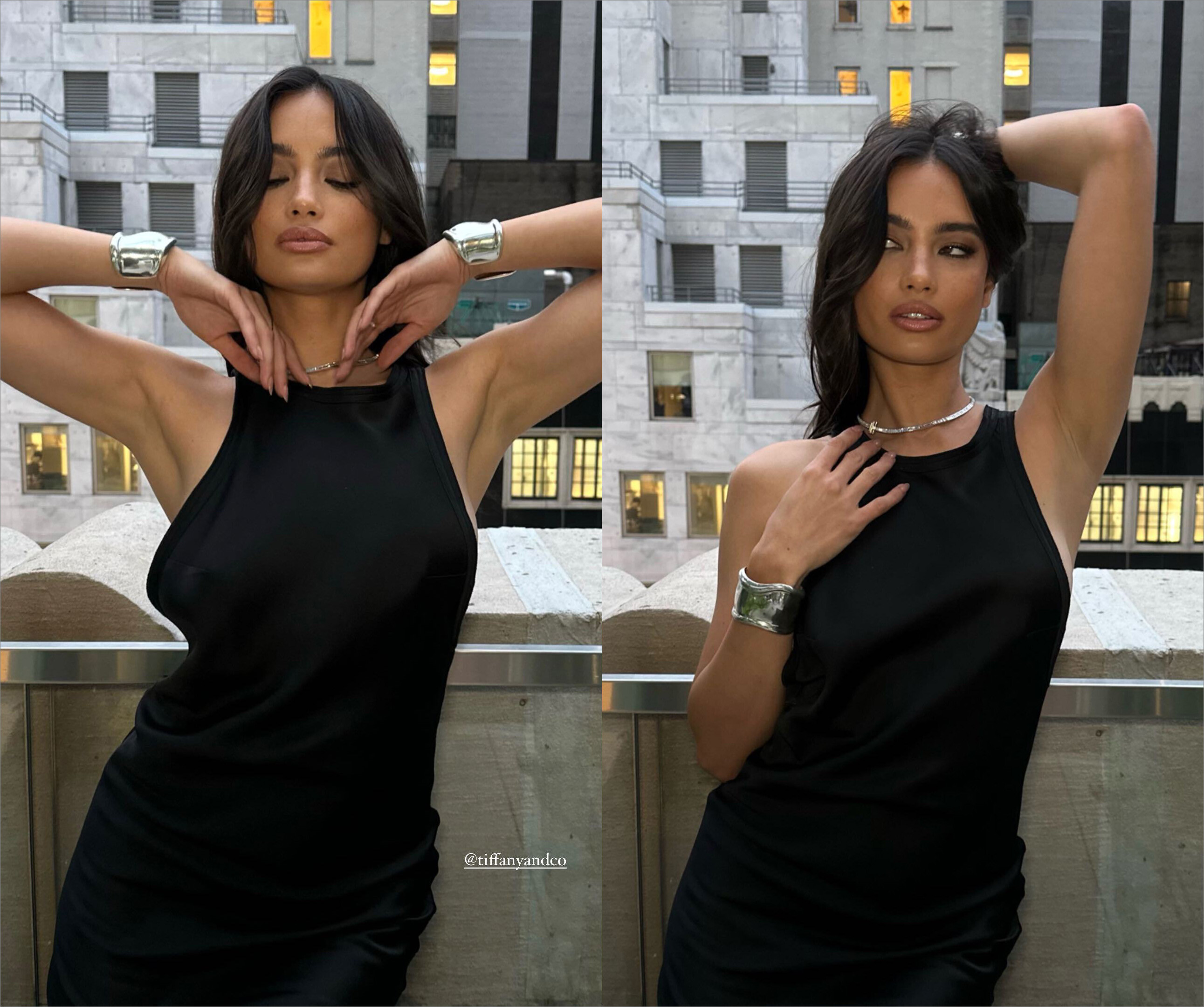
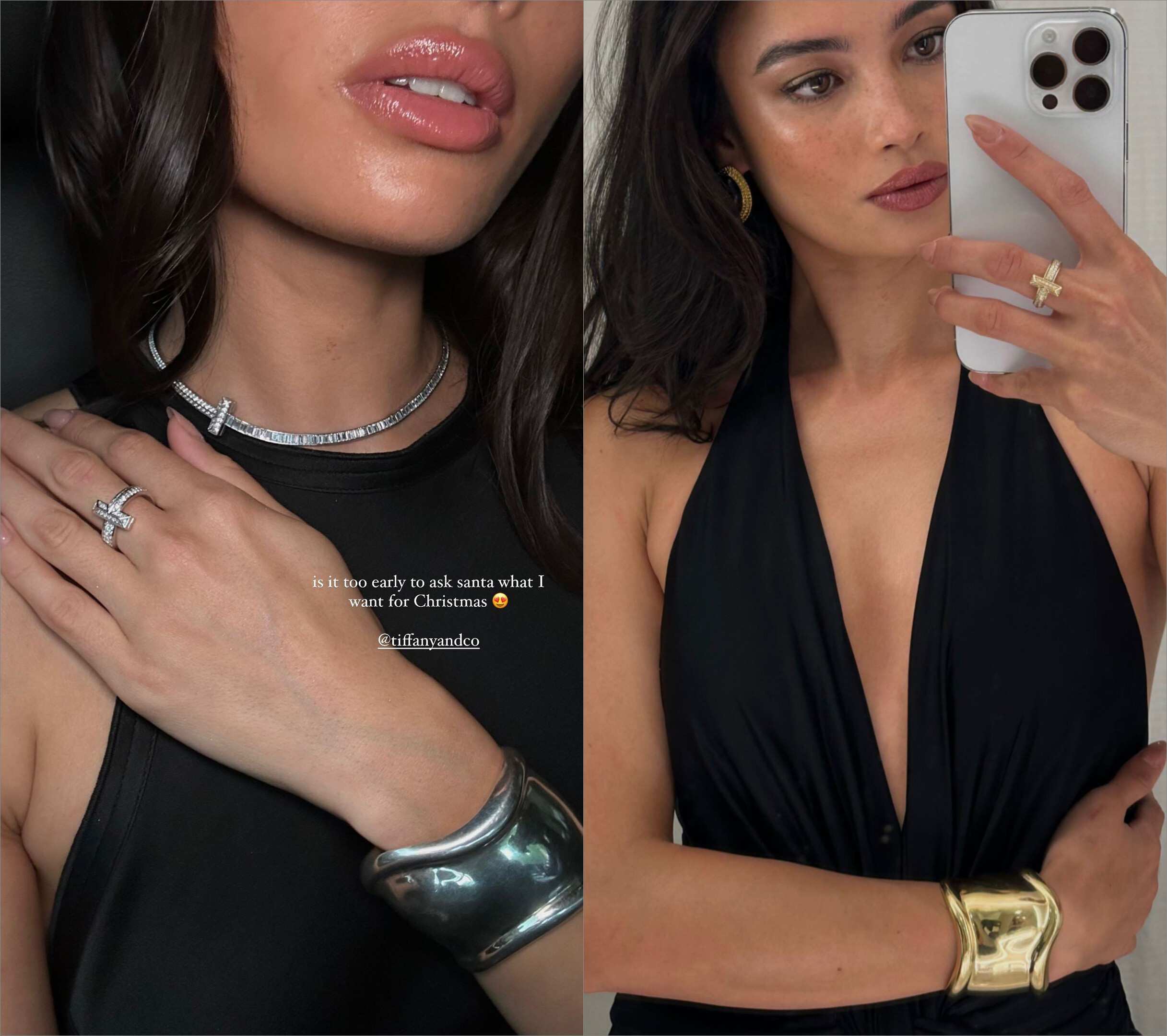
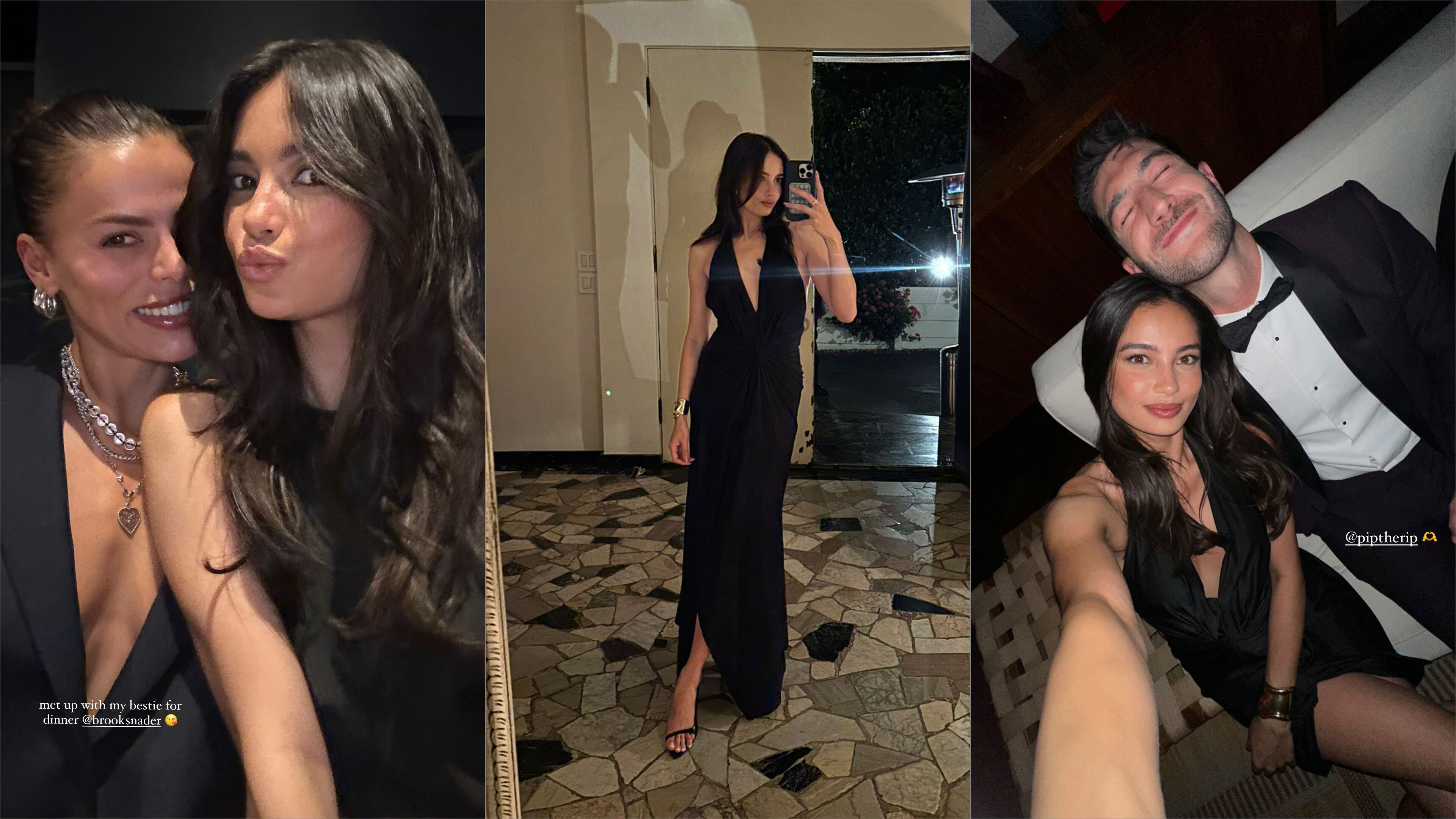
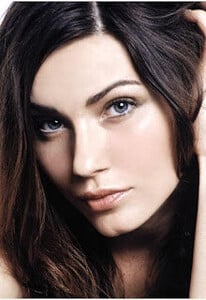 stories videos Kelsey Merritt - Instagram [2023.06.23] 1.mp4Kelsey Merritt - Instagram [2023.06.23] 2.mp4Kelsey Merritt - Instagram [2023.06.23] 3.mp4Kelsey Merritt - Instagram [2023.06.23] 4.mp4Kelsey Merritt - Instagram [2023.06.23] 5.mp4Kelsey Merritt - Instagram [2023.06.23] 6.mp4Kelsey Merritt - Instagram [2023.06.23] 7.mp4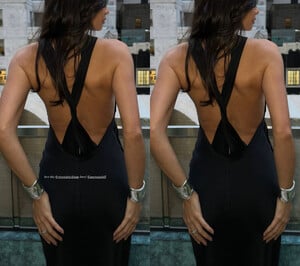
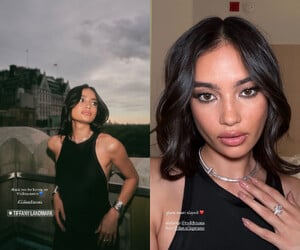
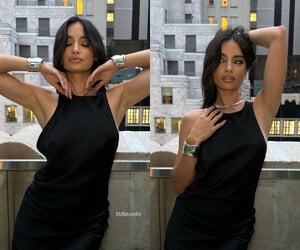
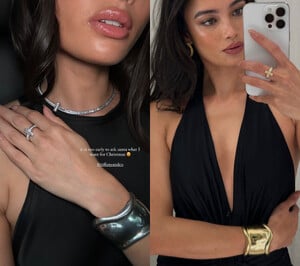
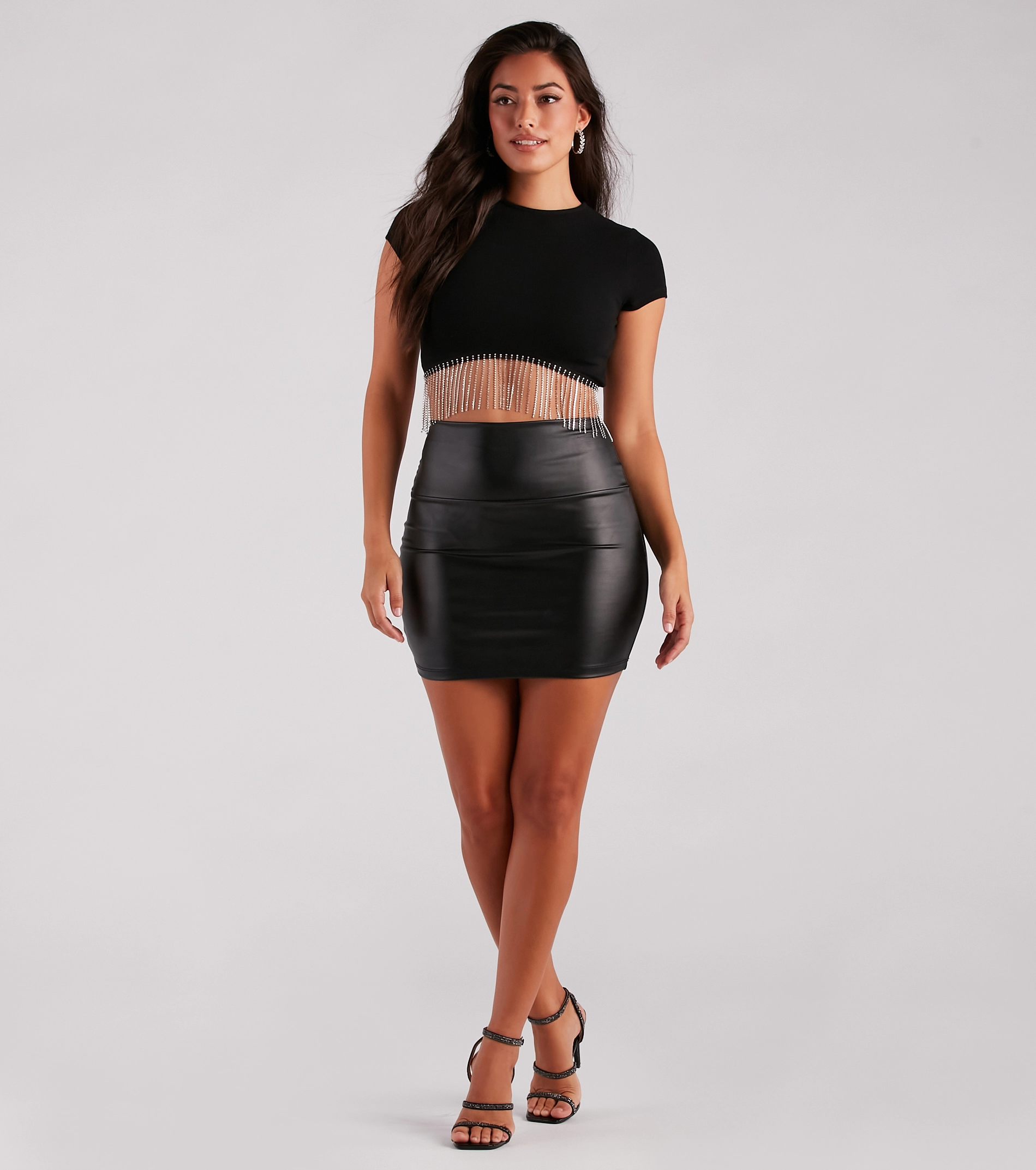
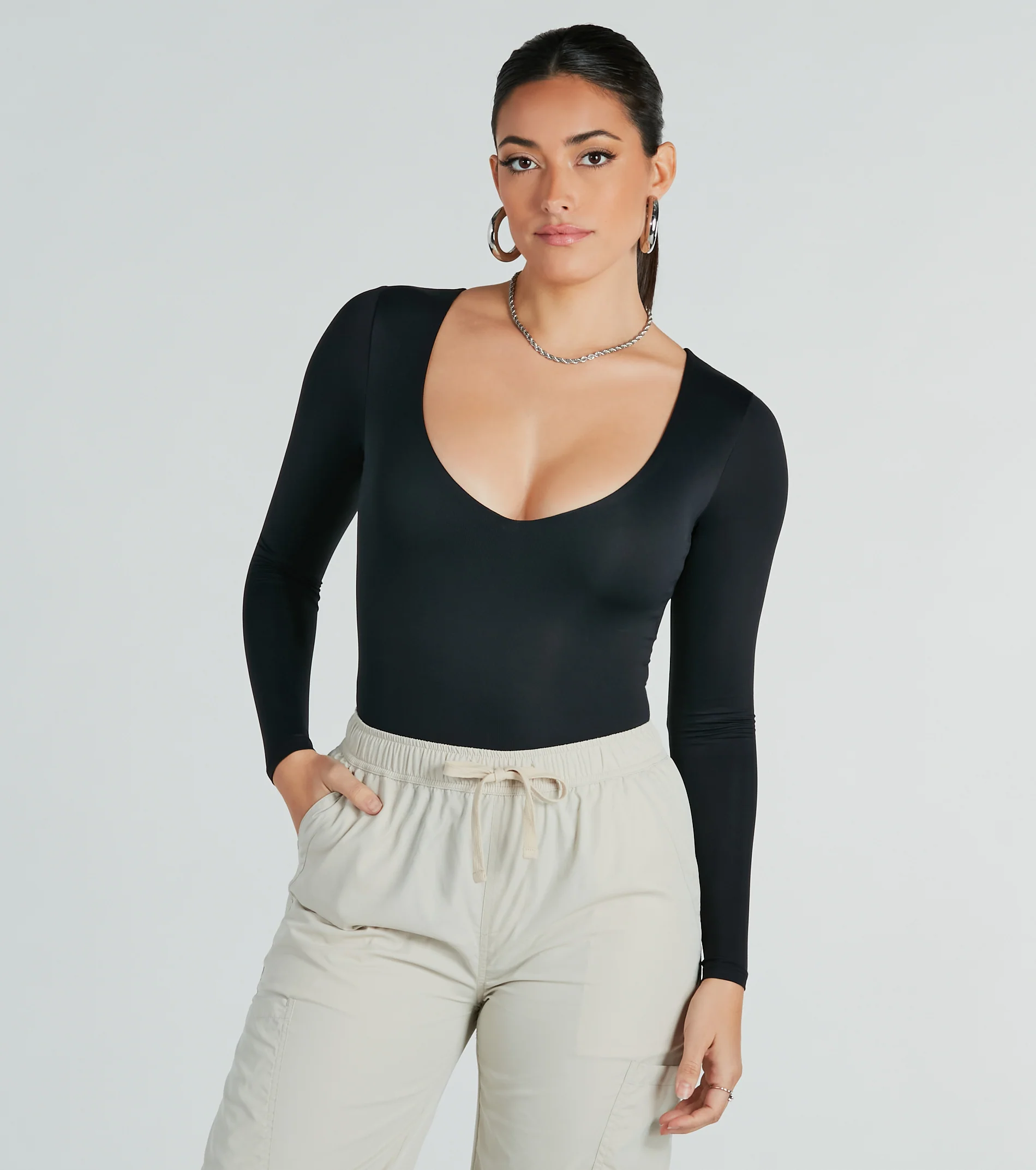
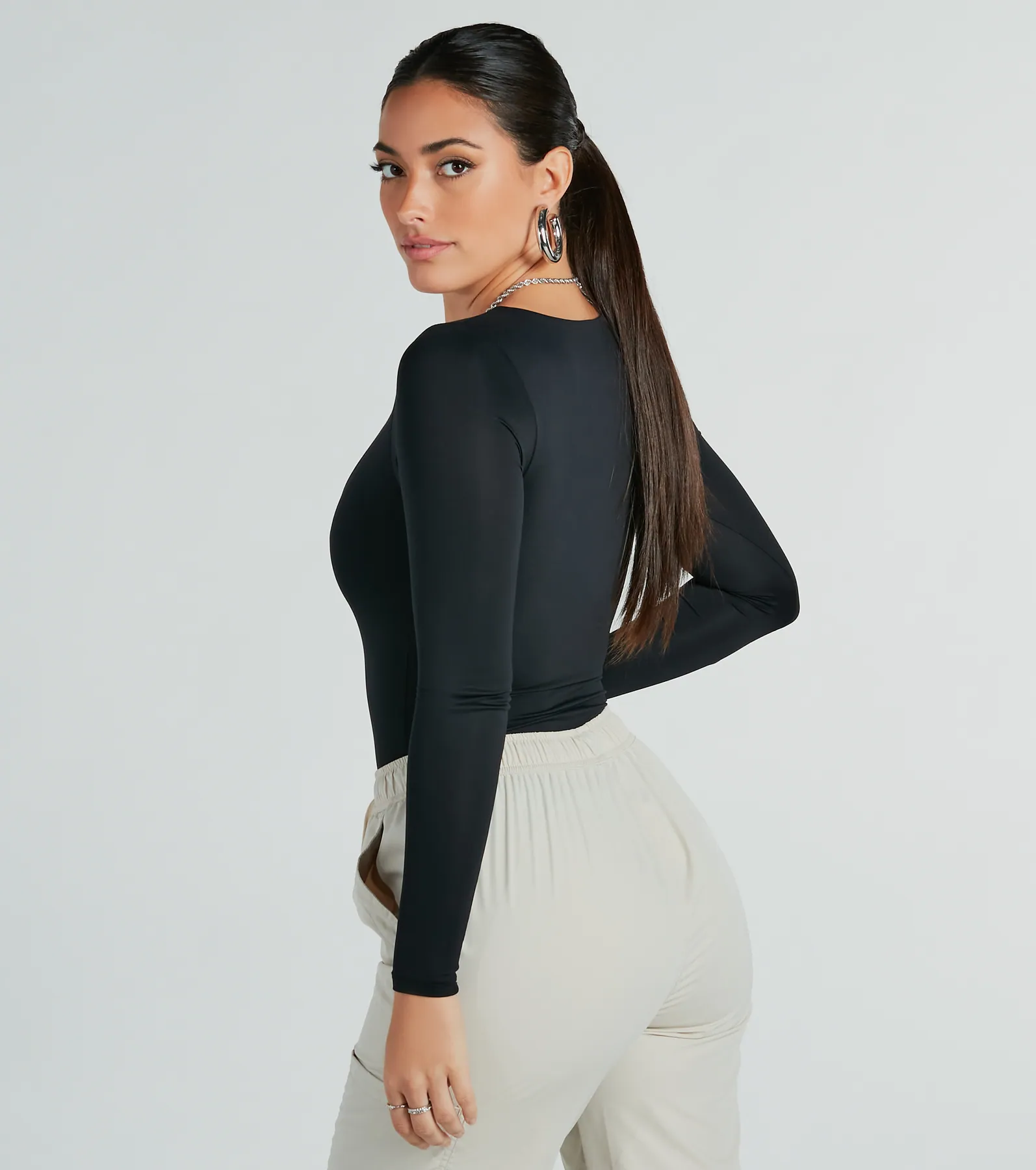
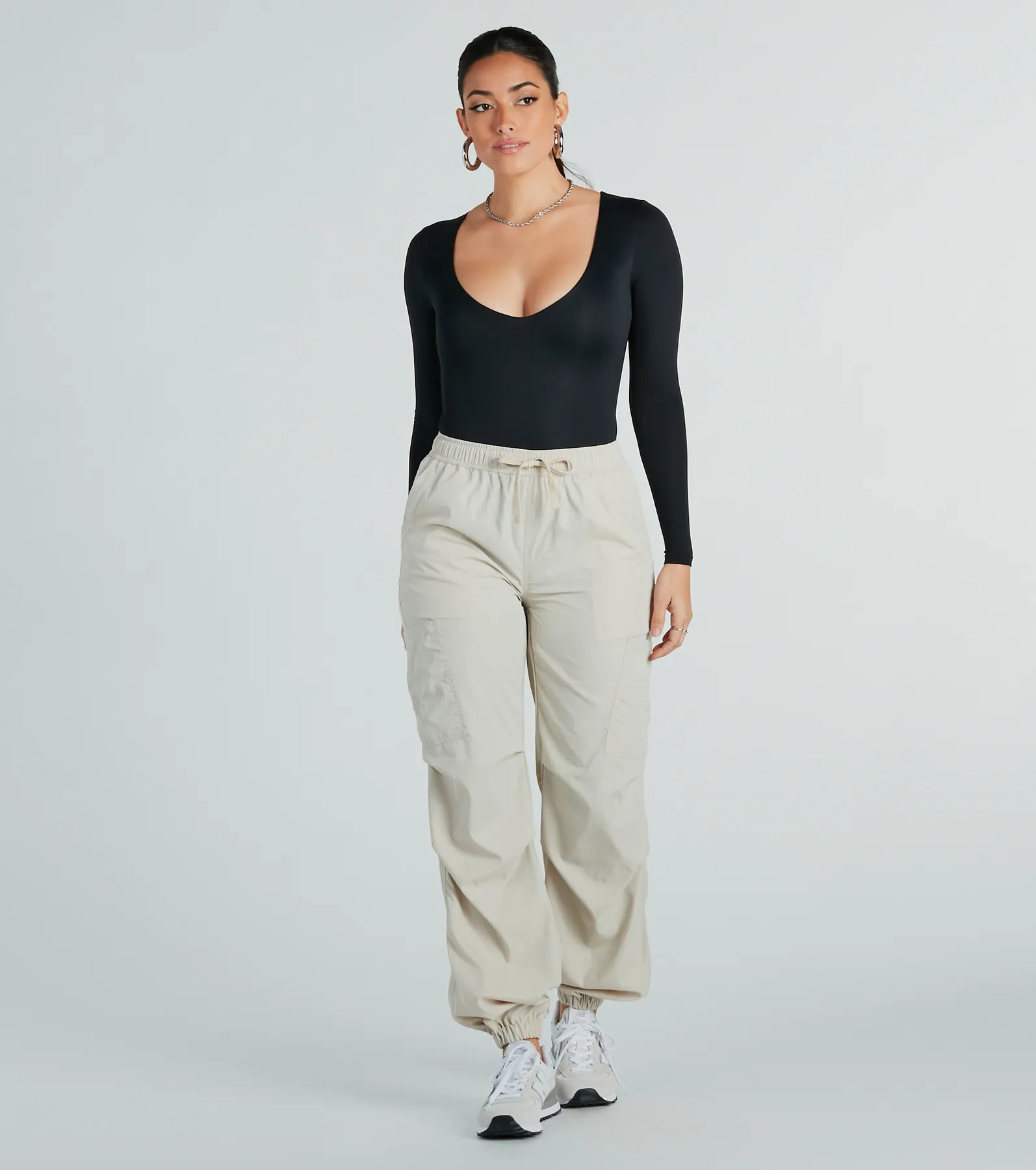
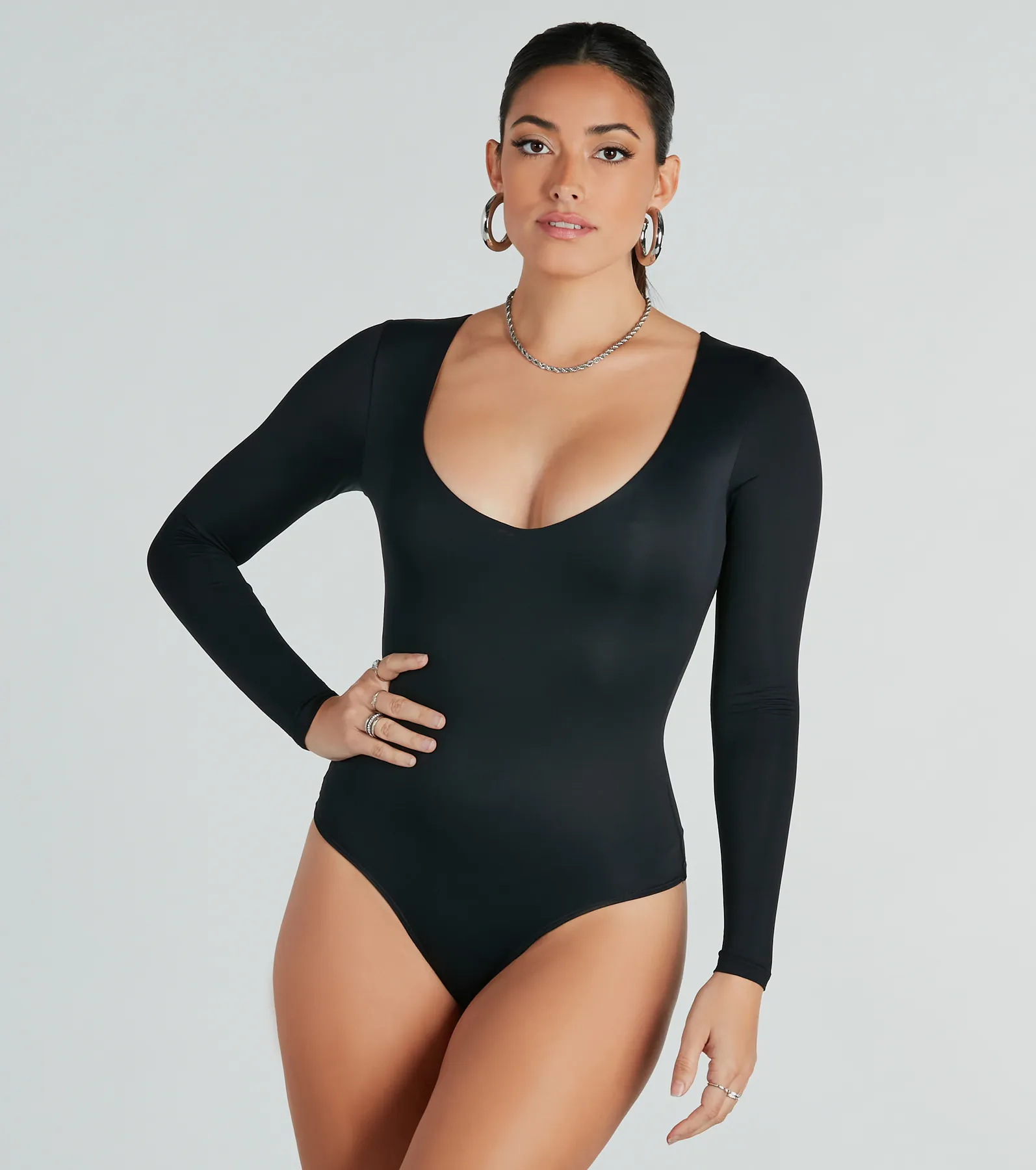
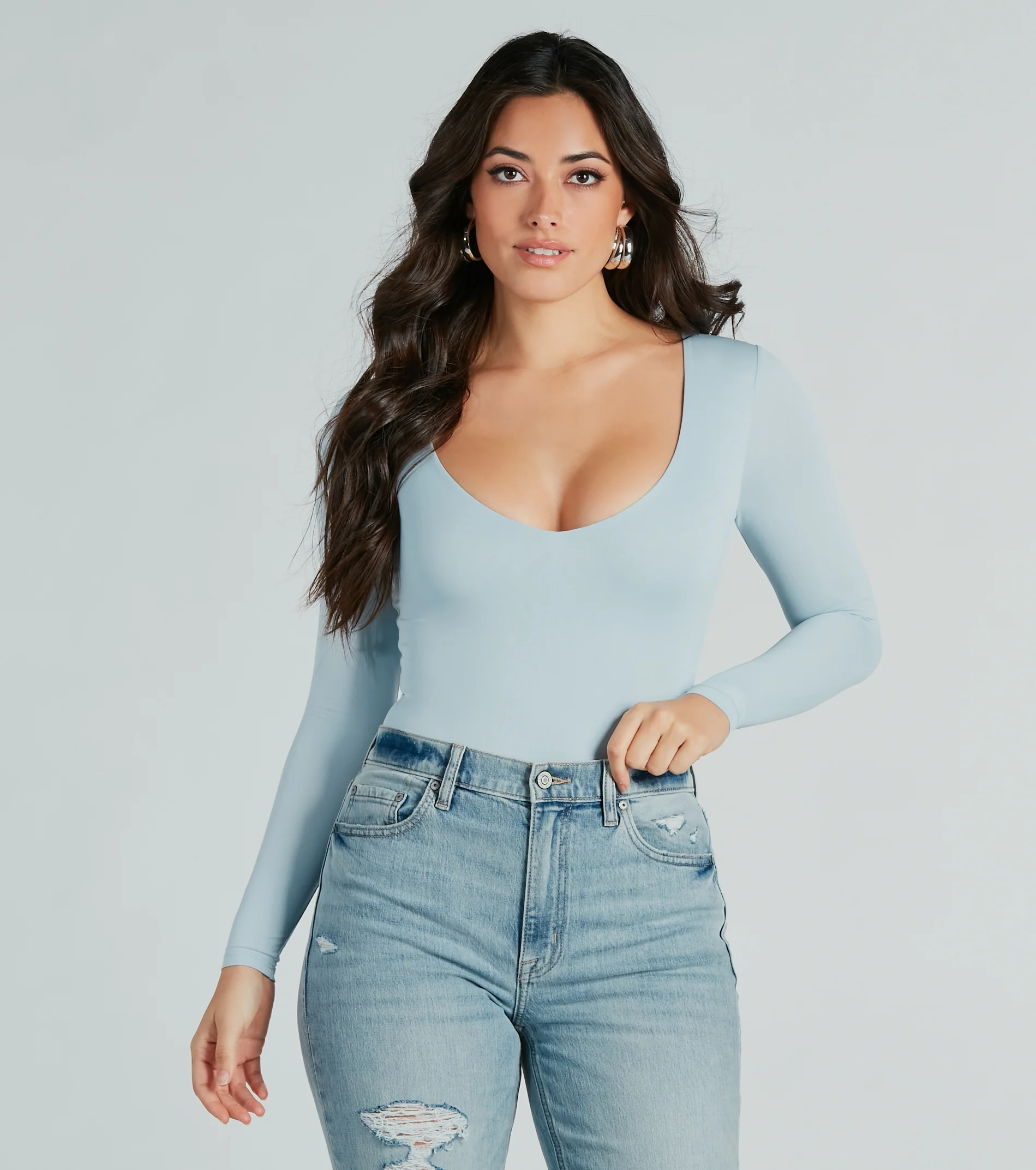
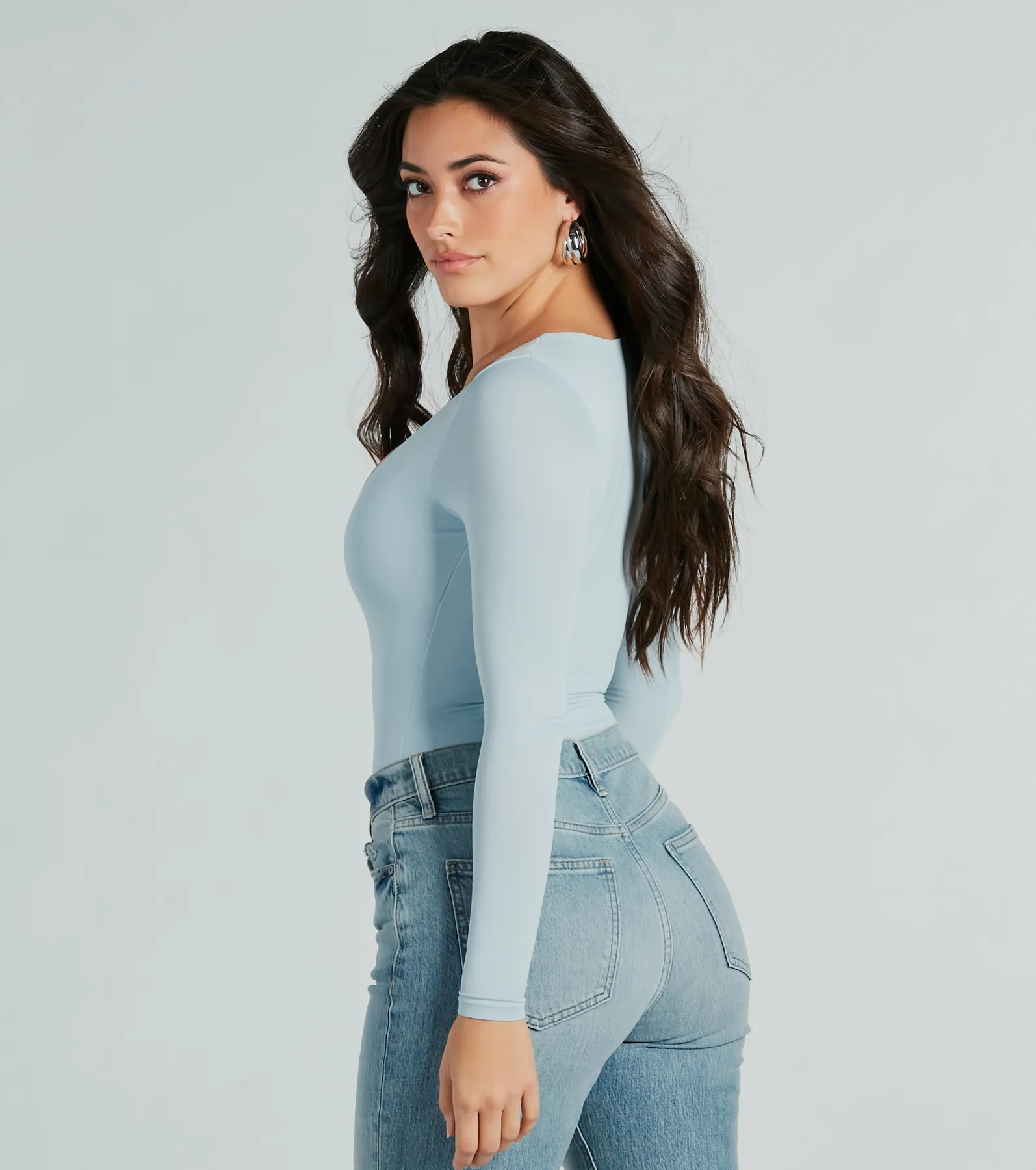
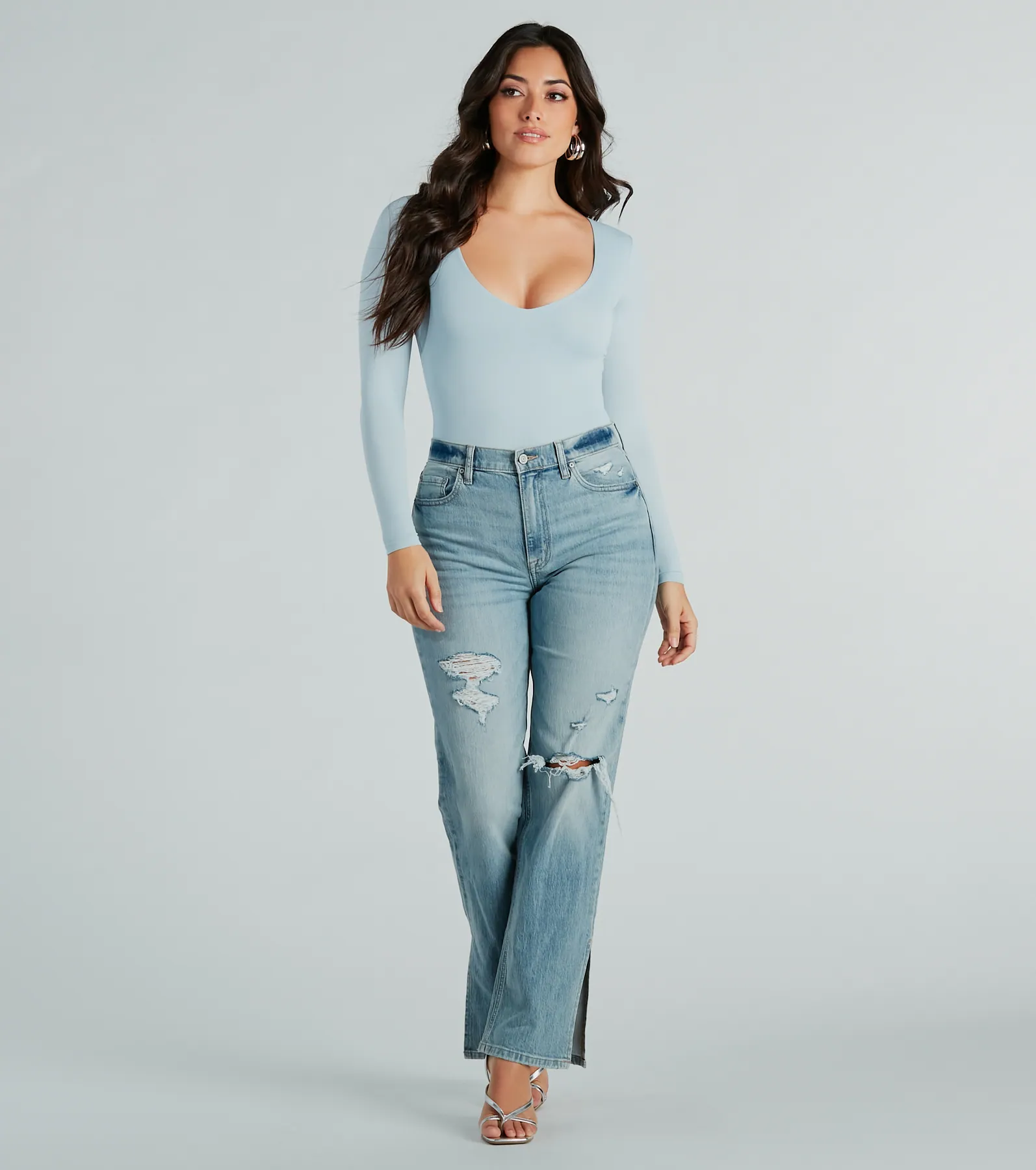
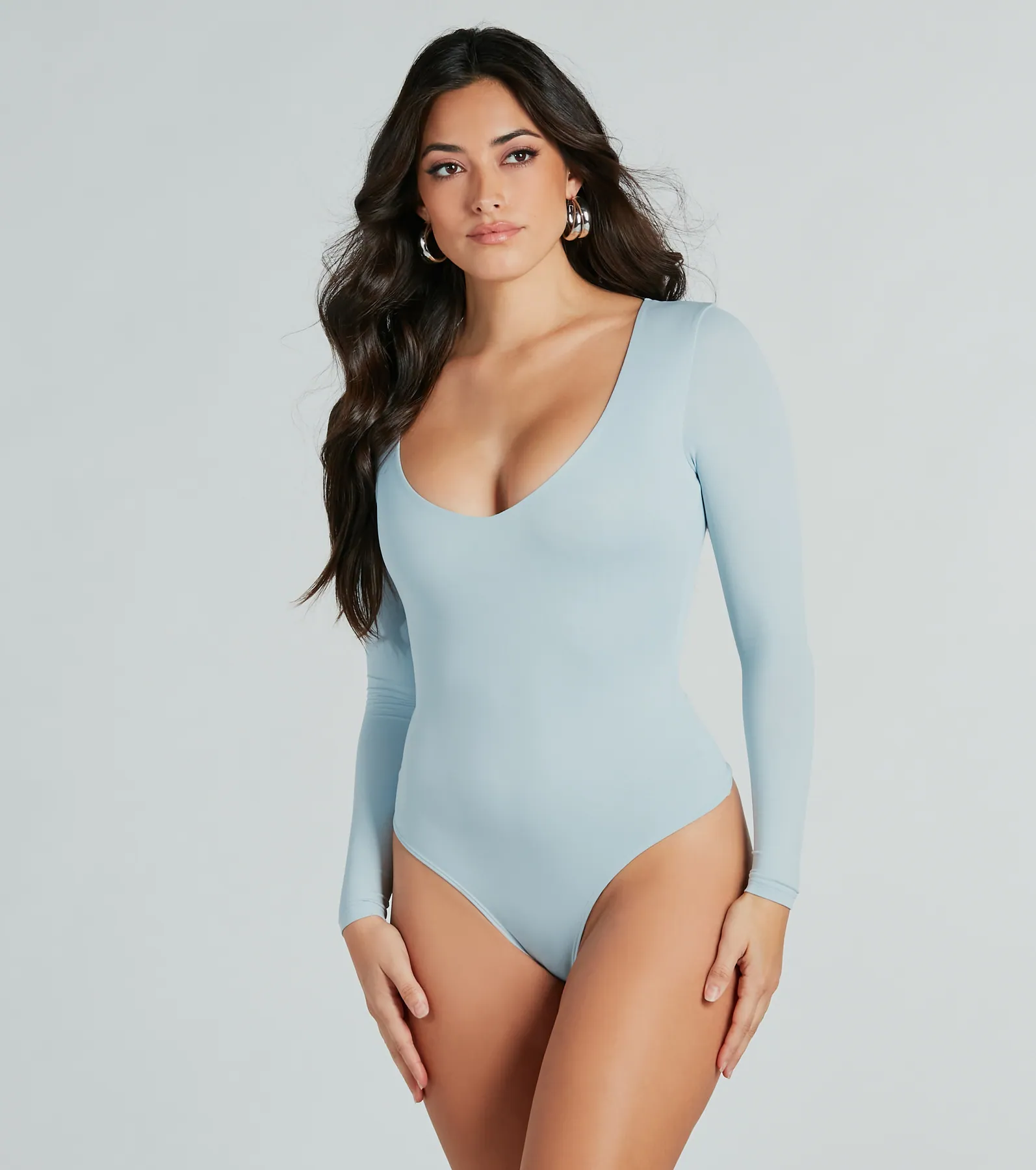
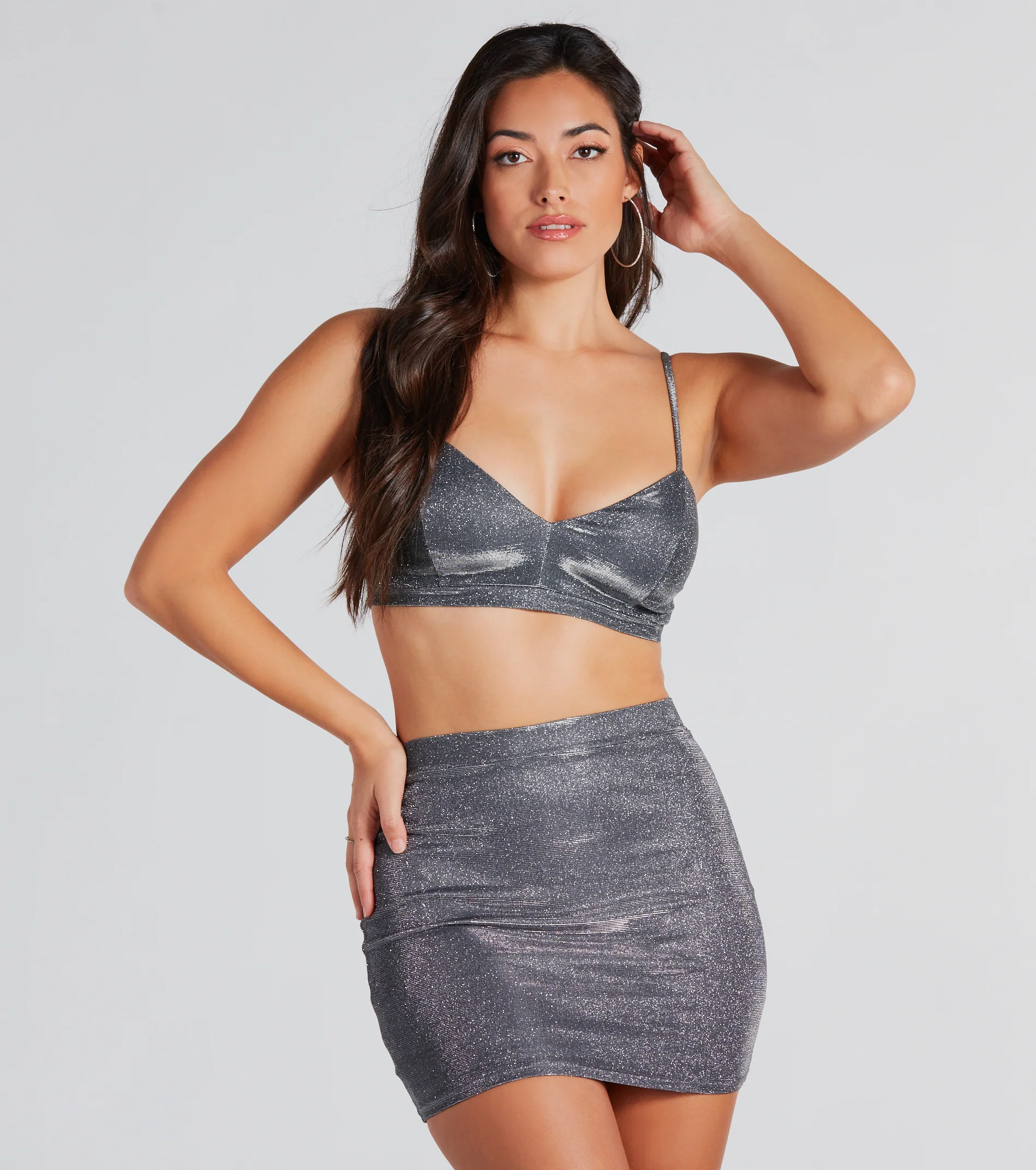
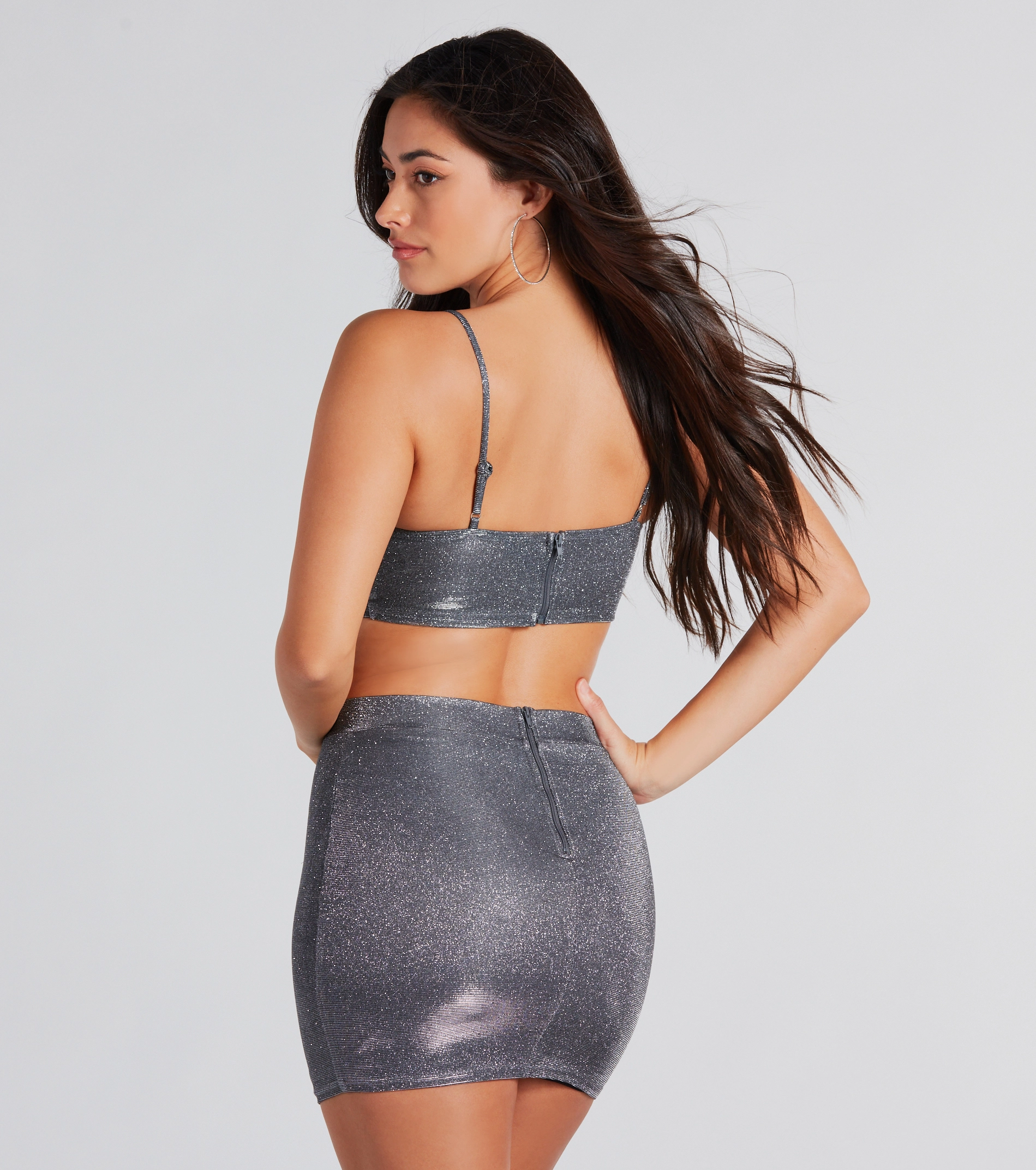
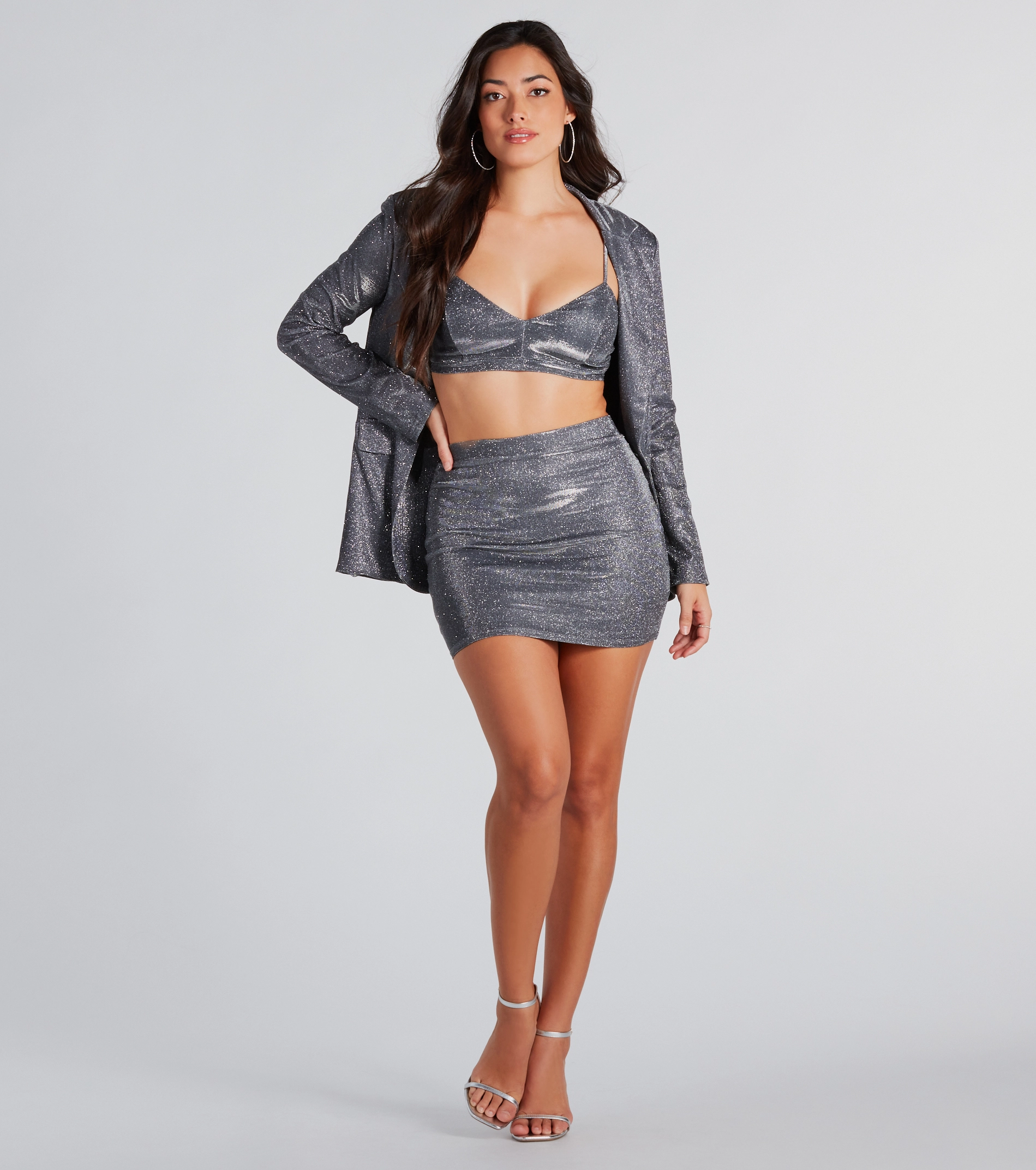
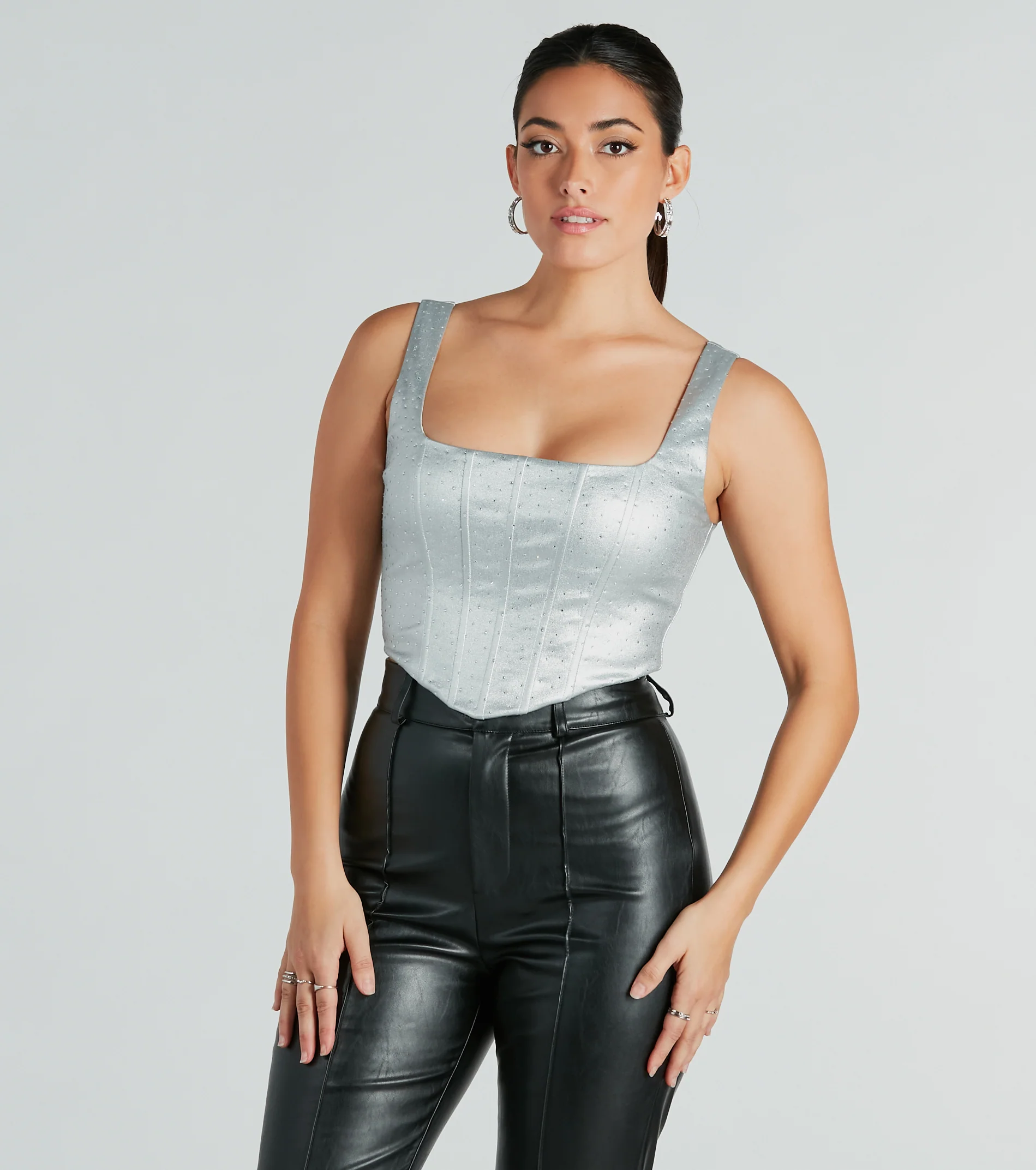
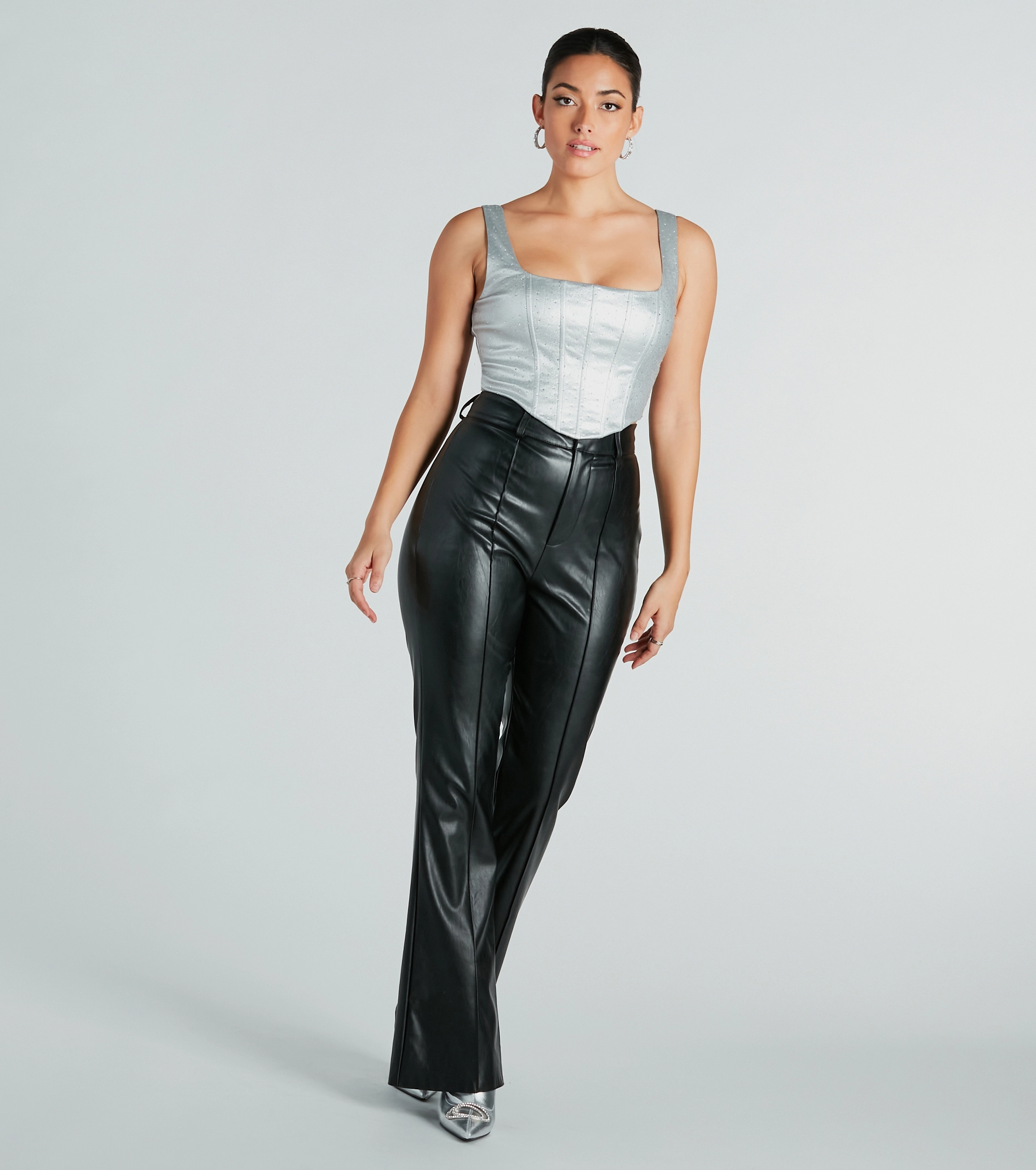
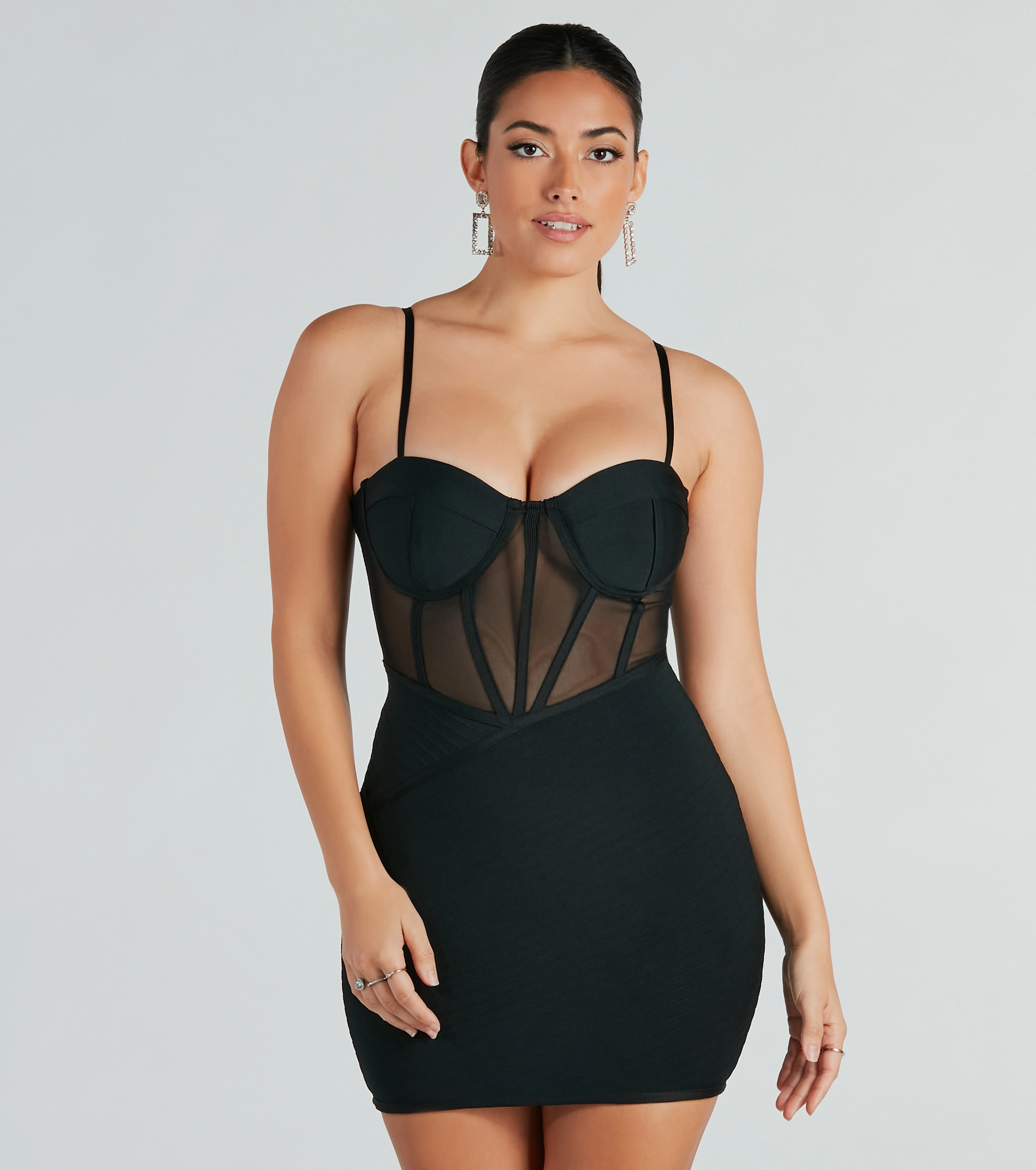
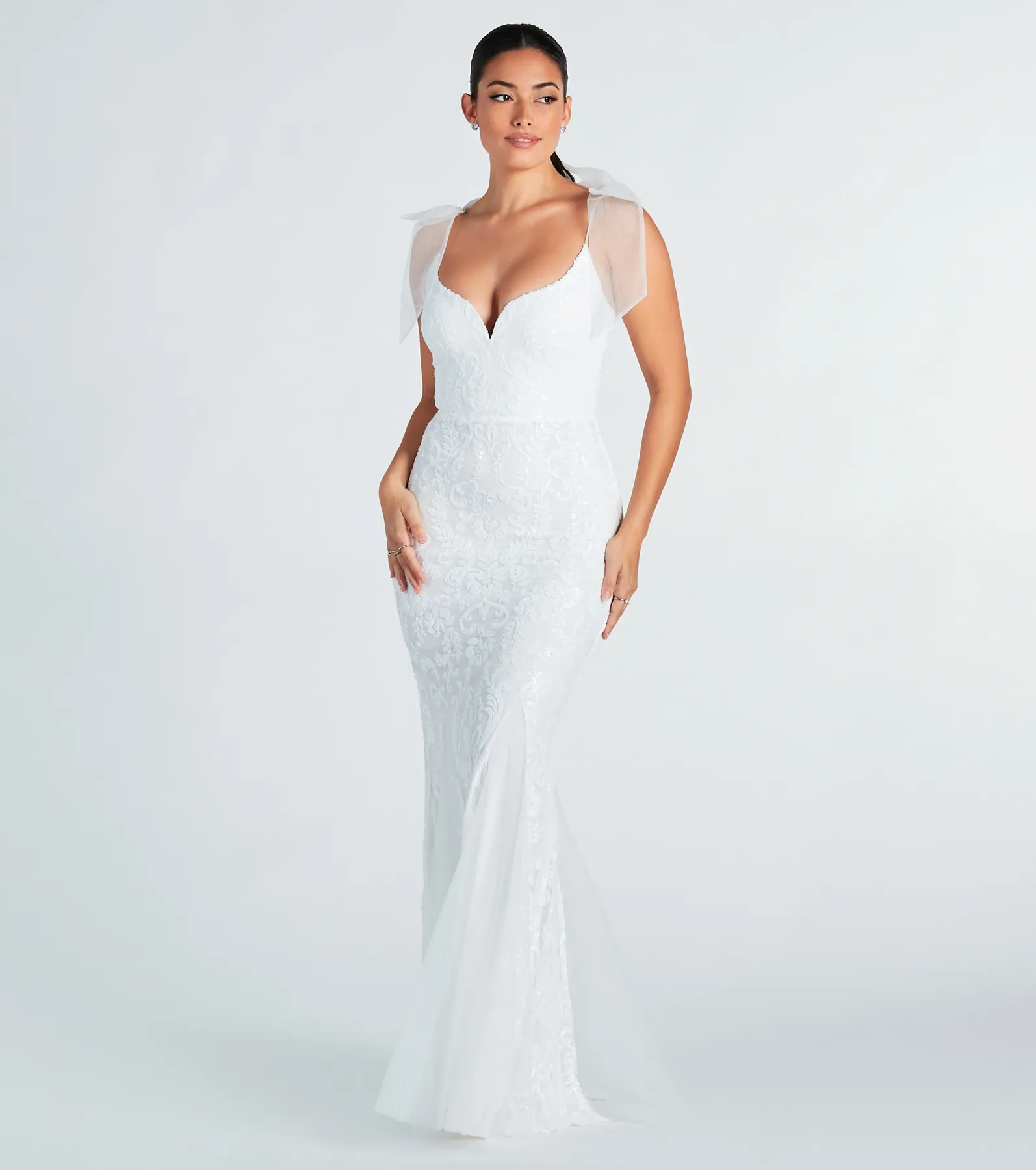
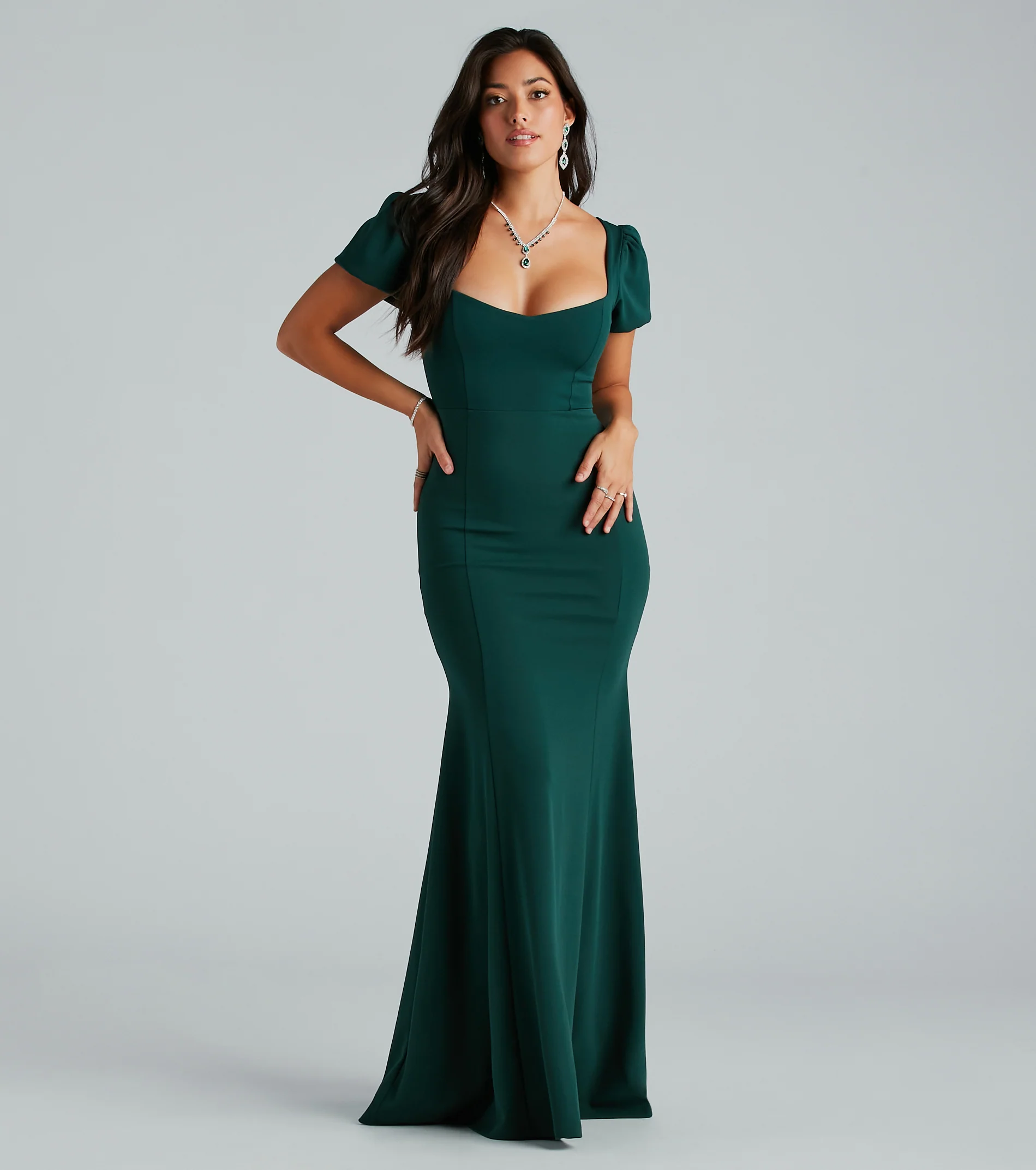
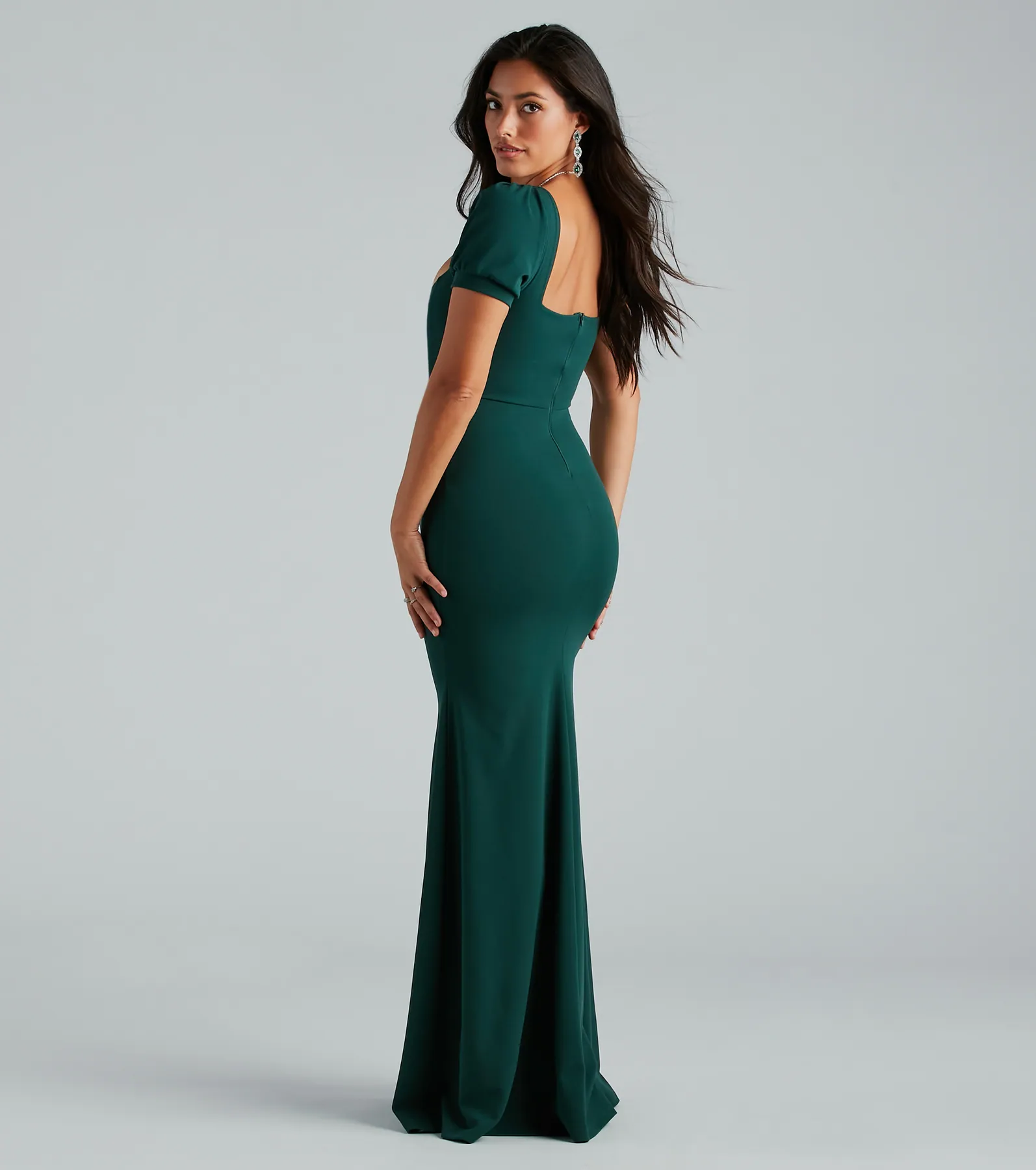
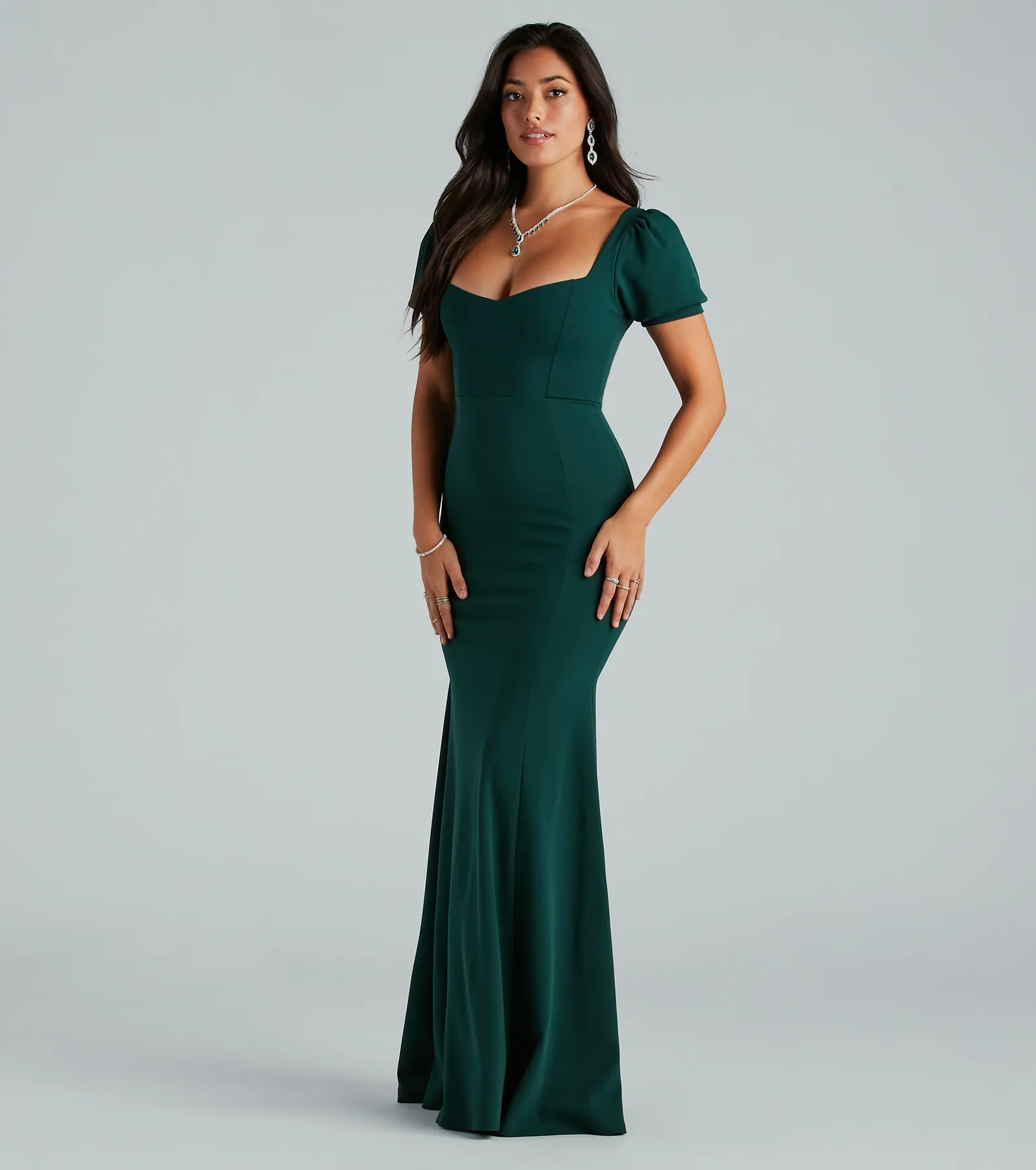
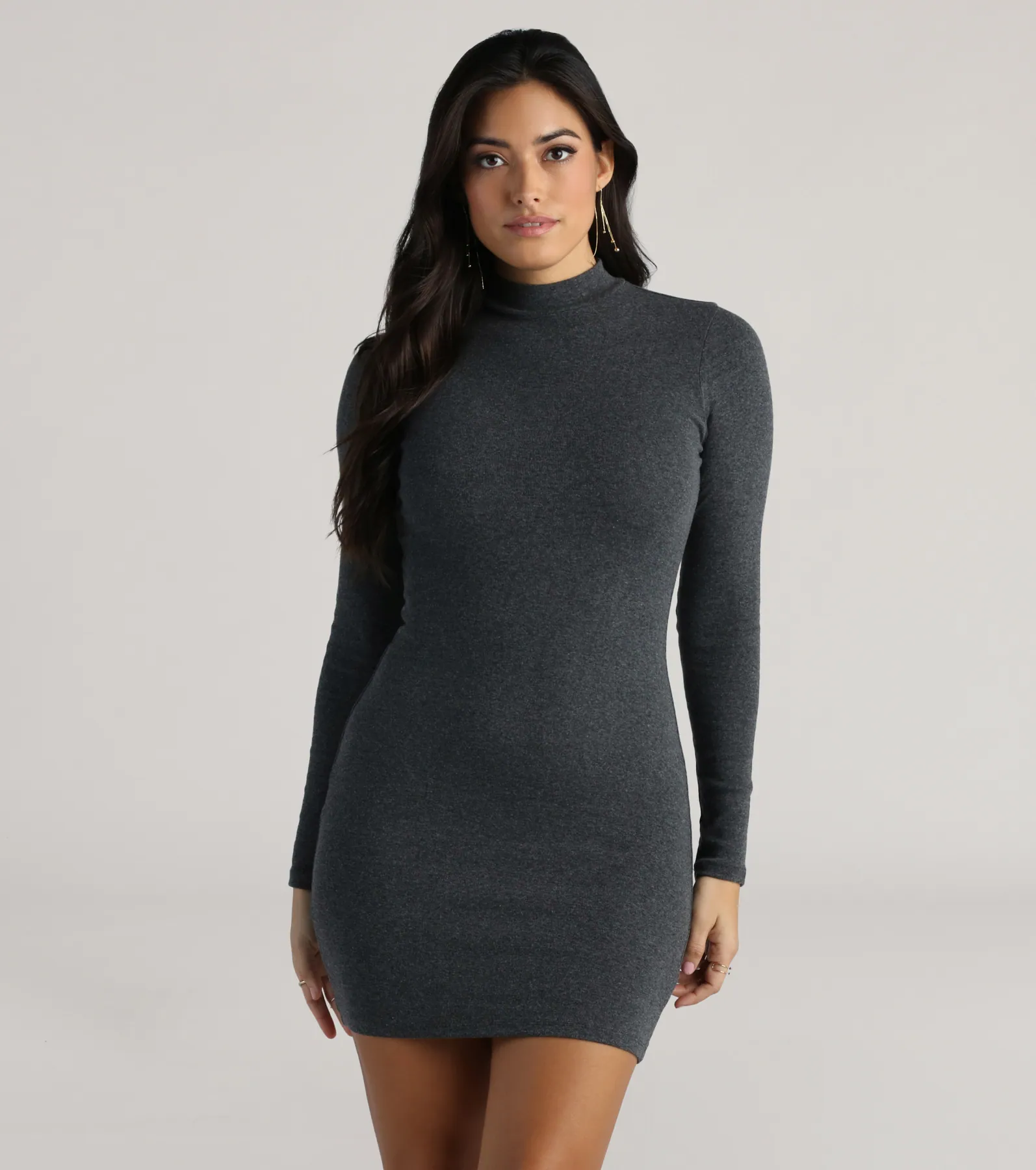
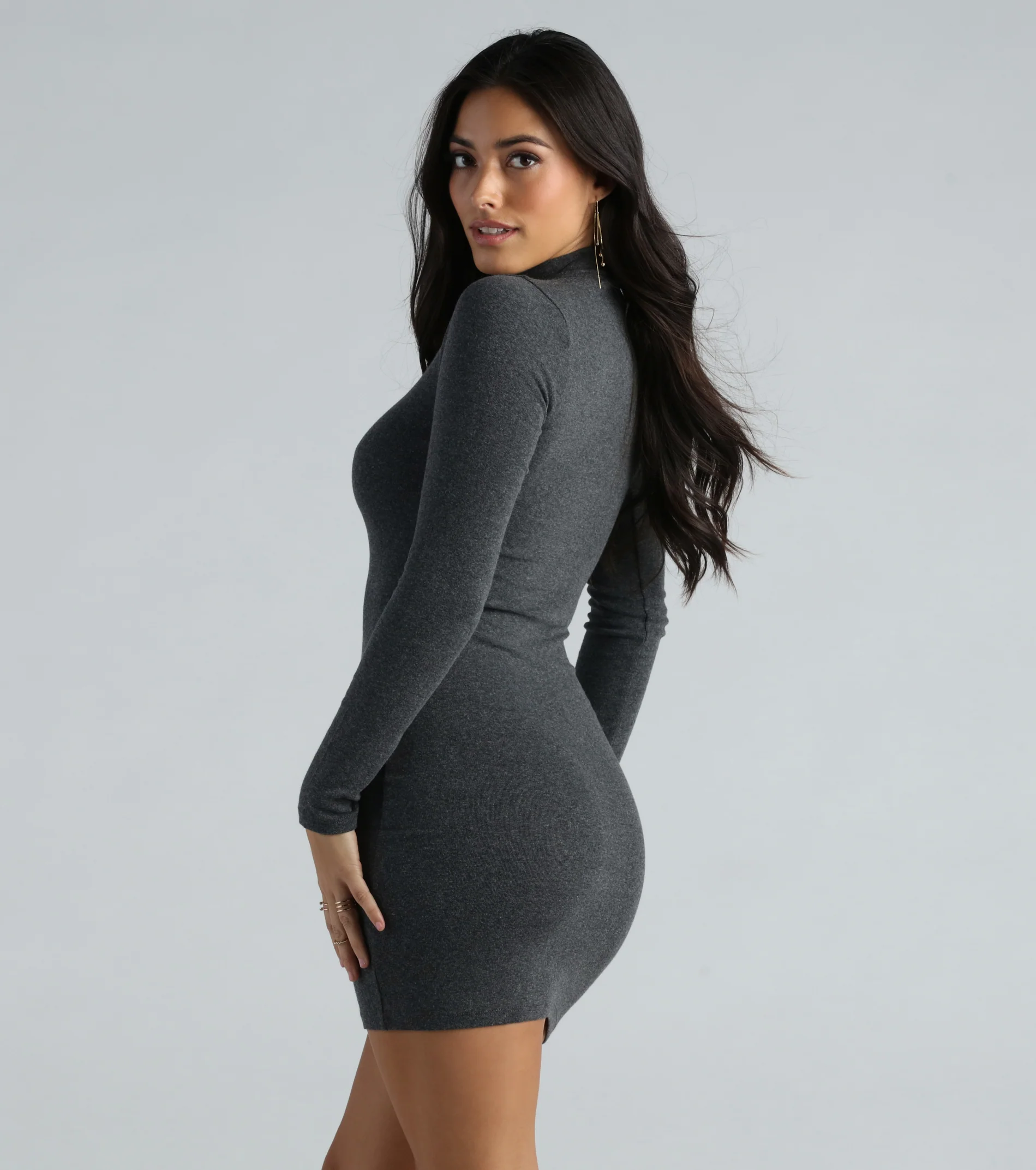
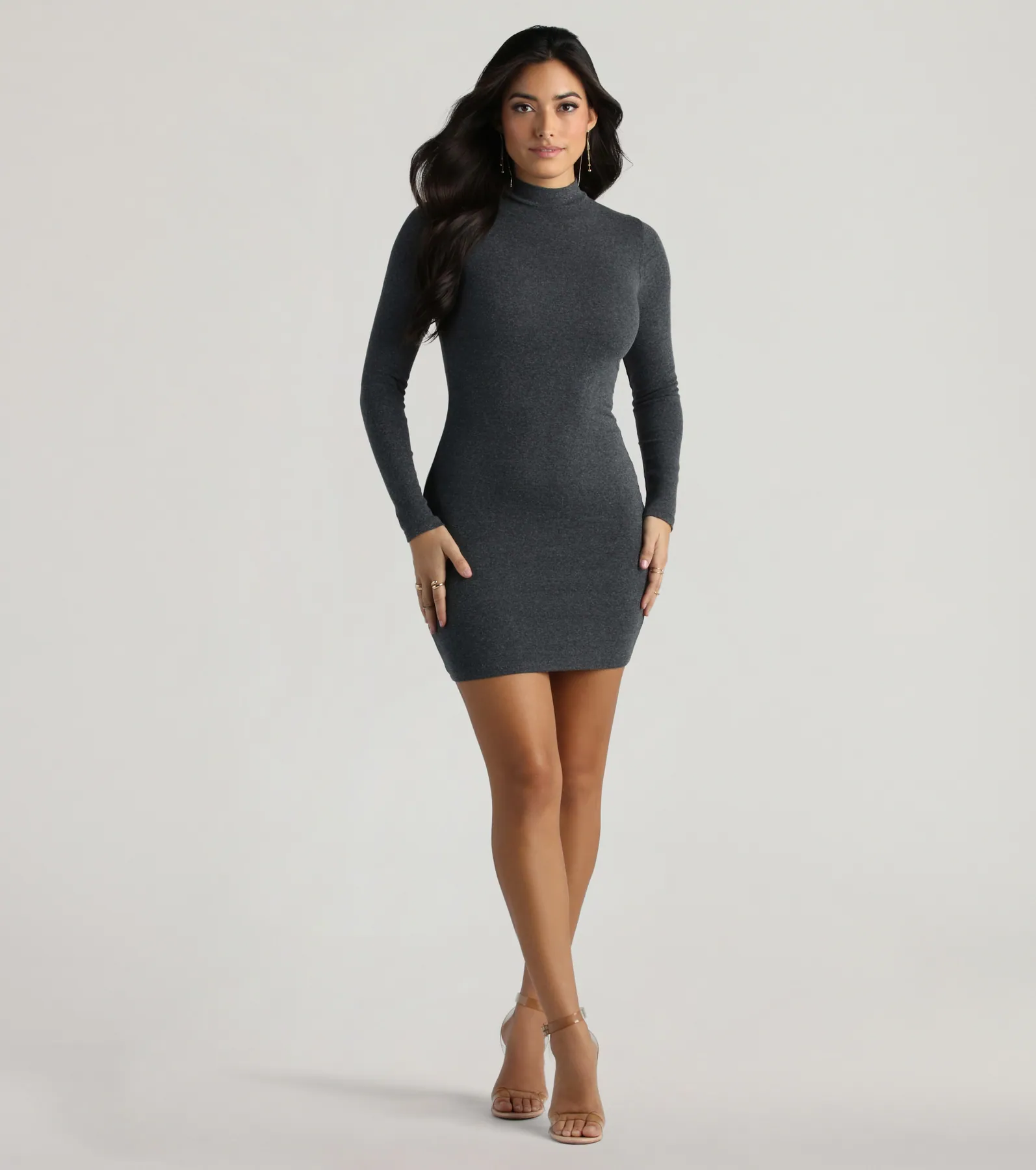
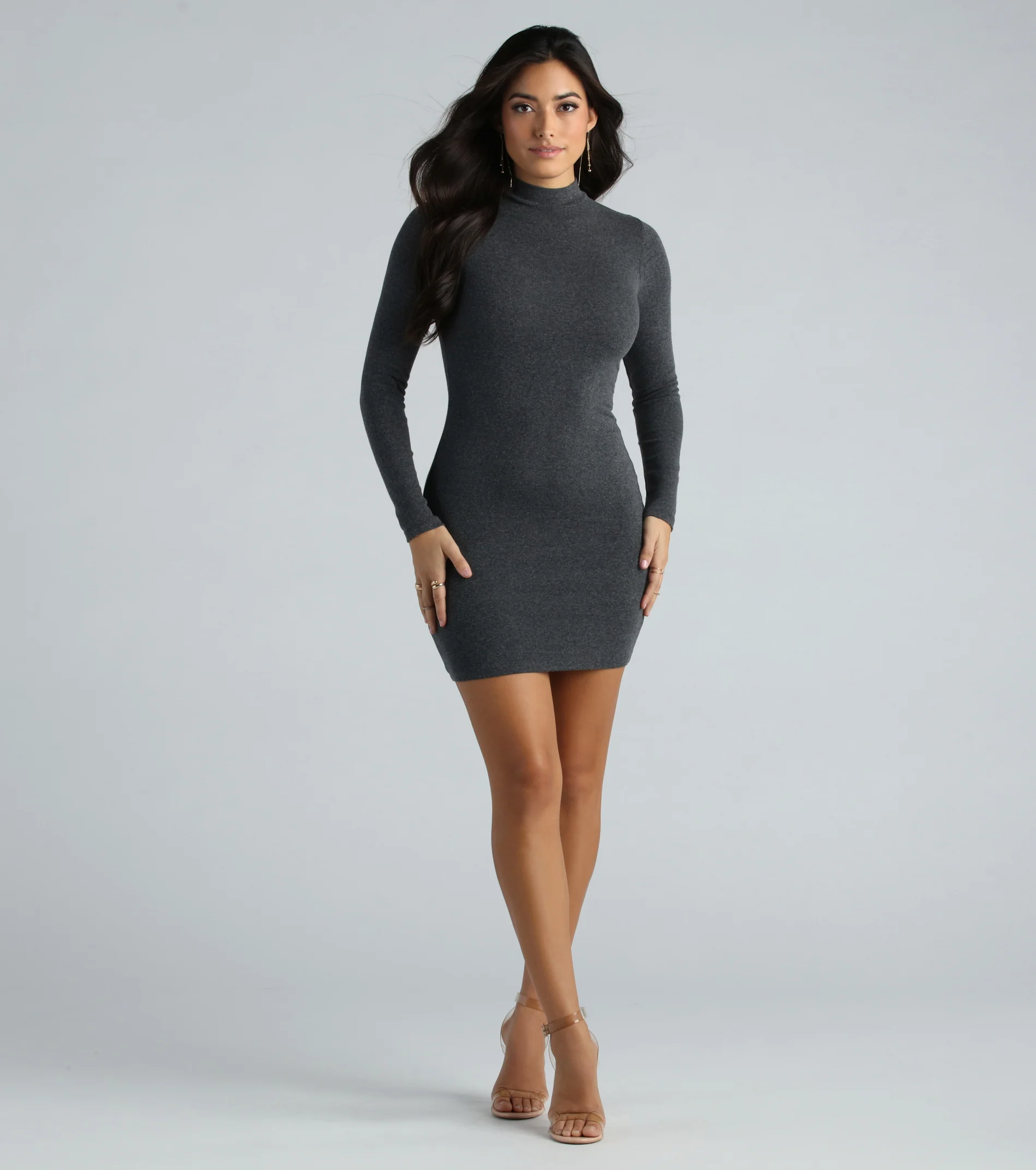
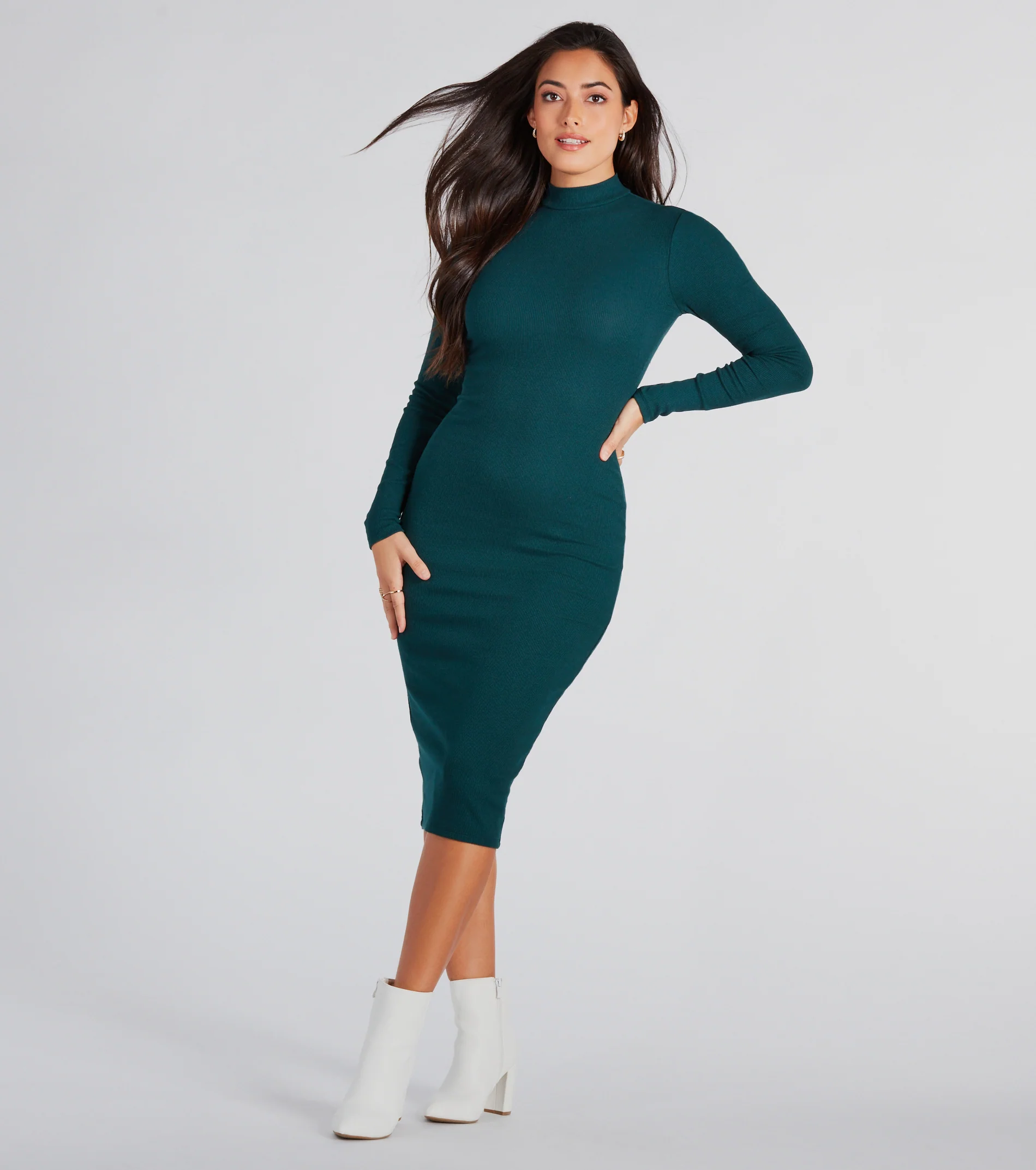
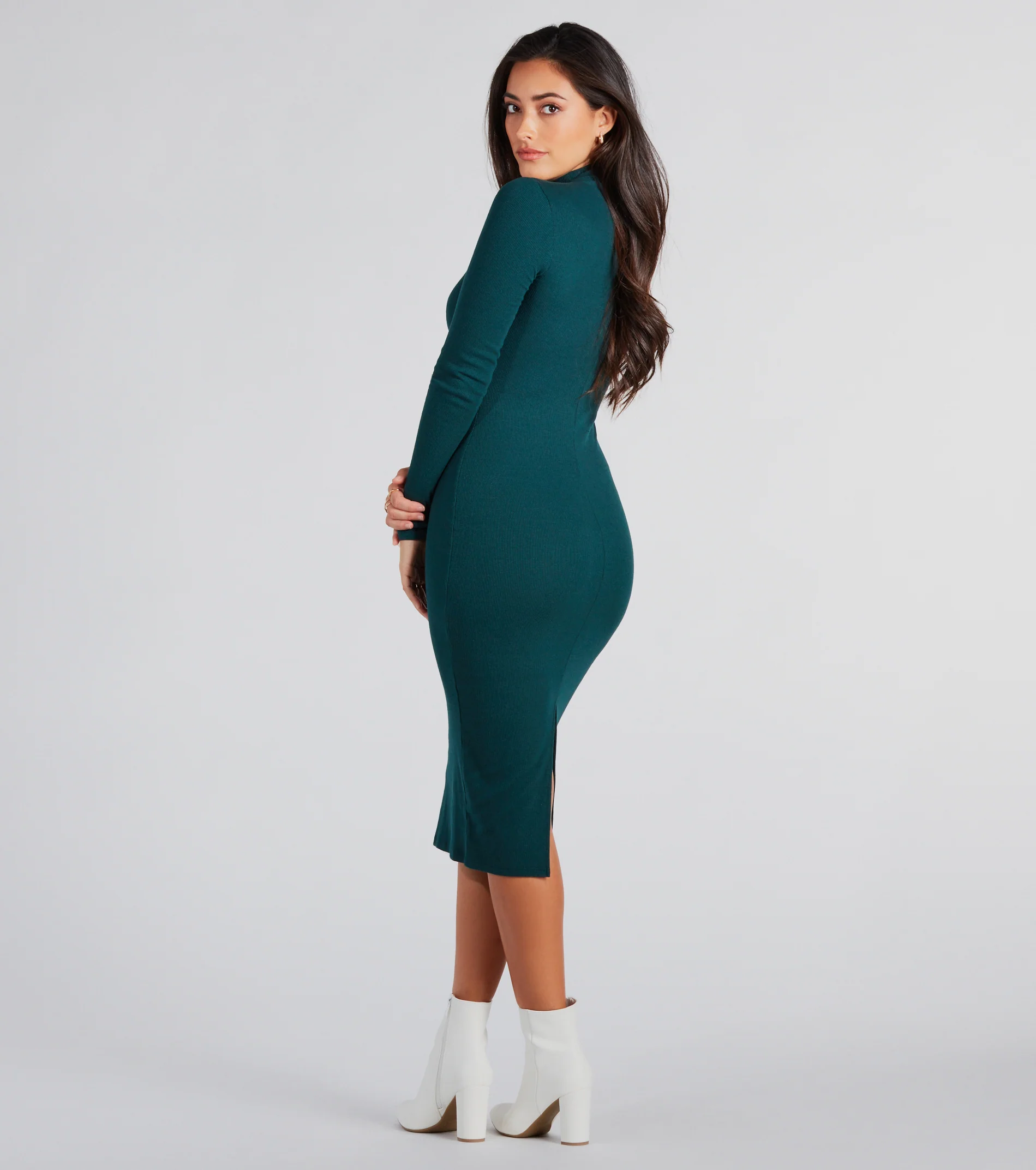
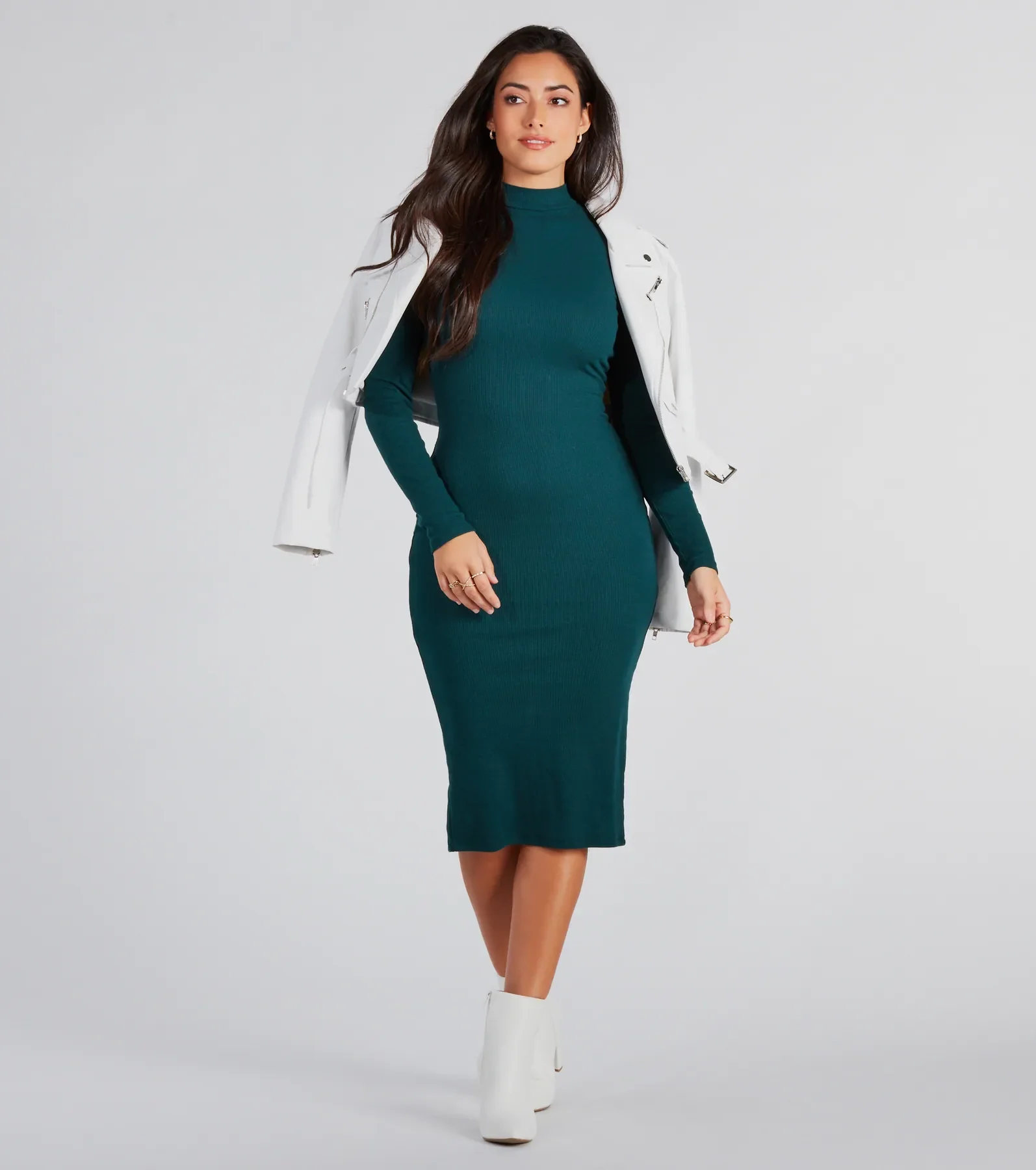
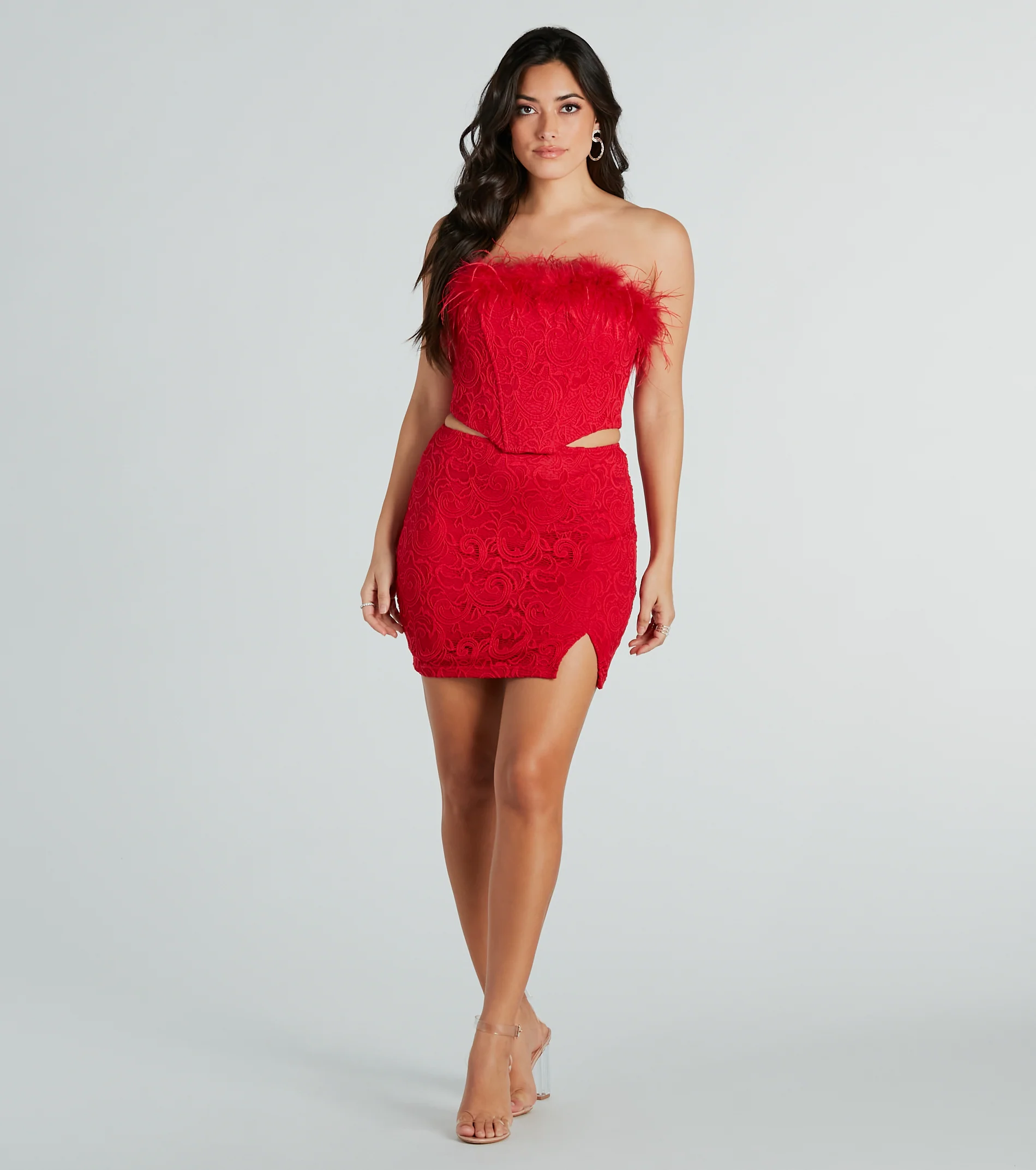
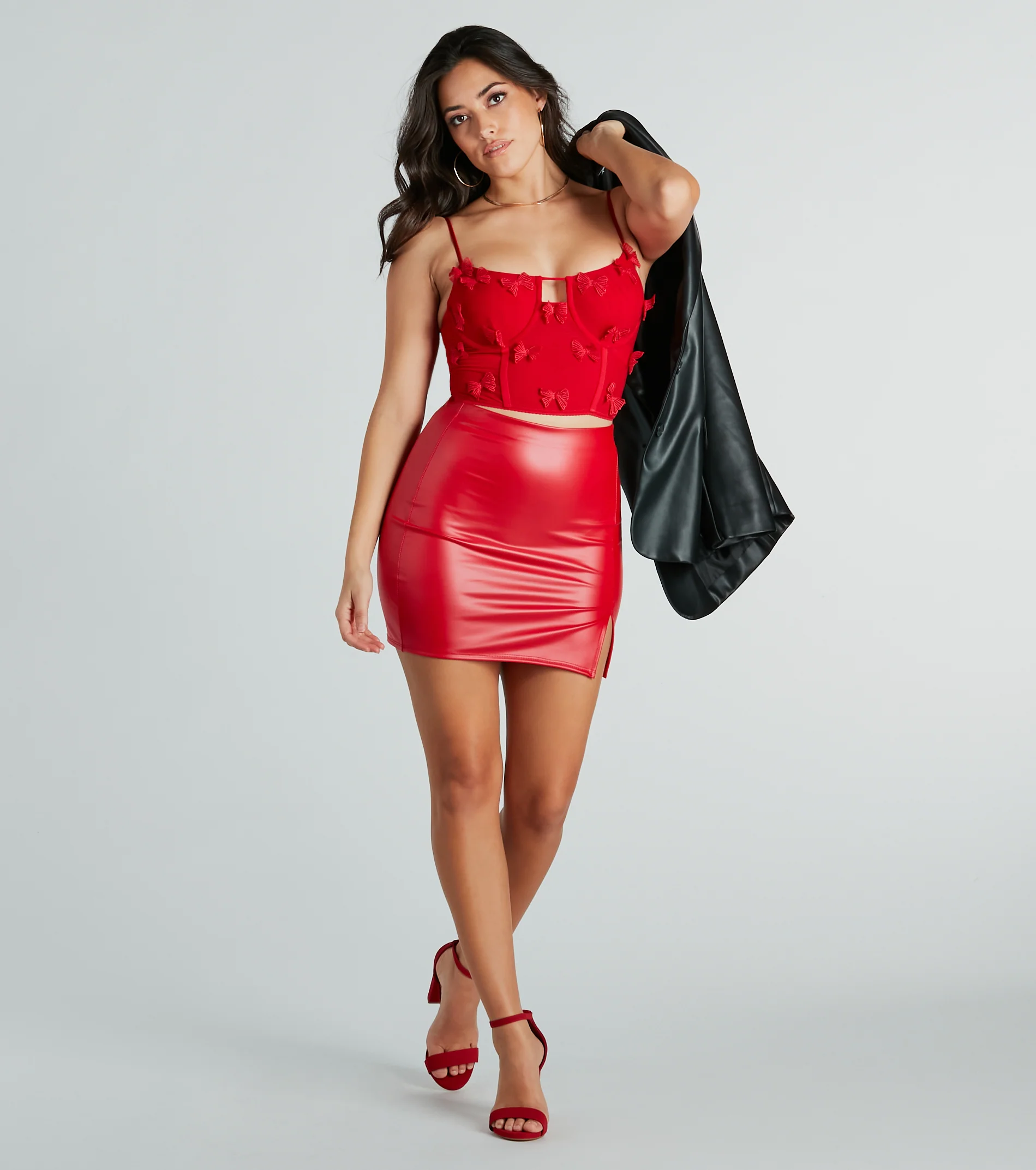
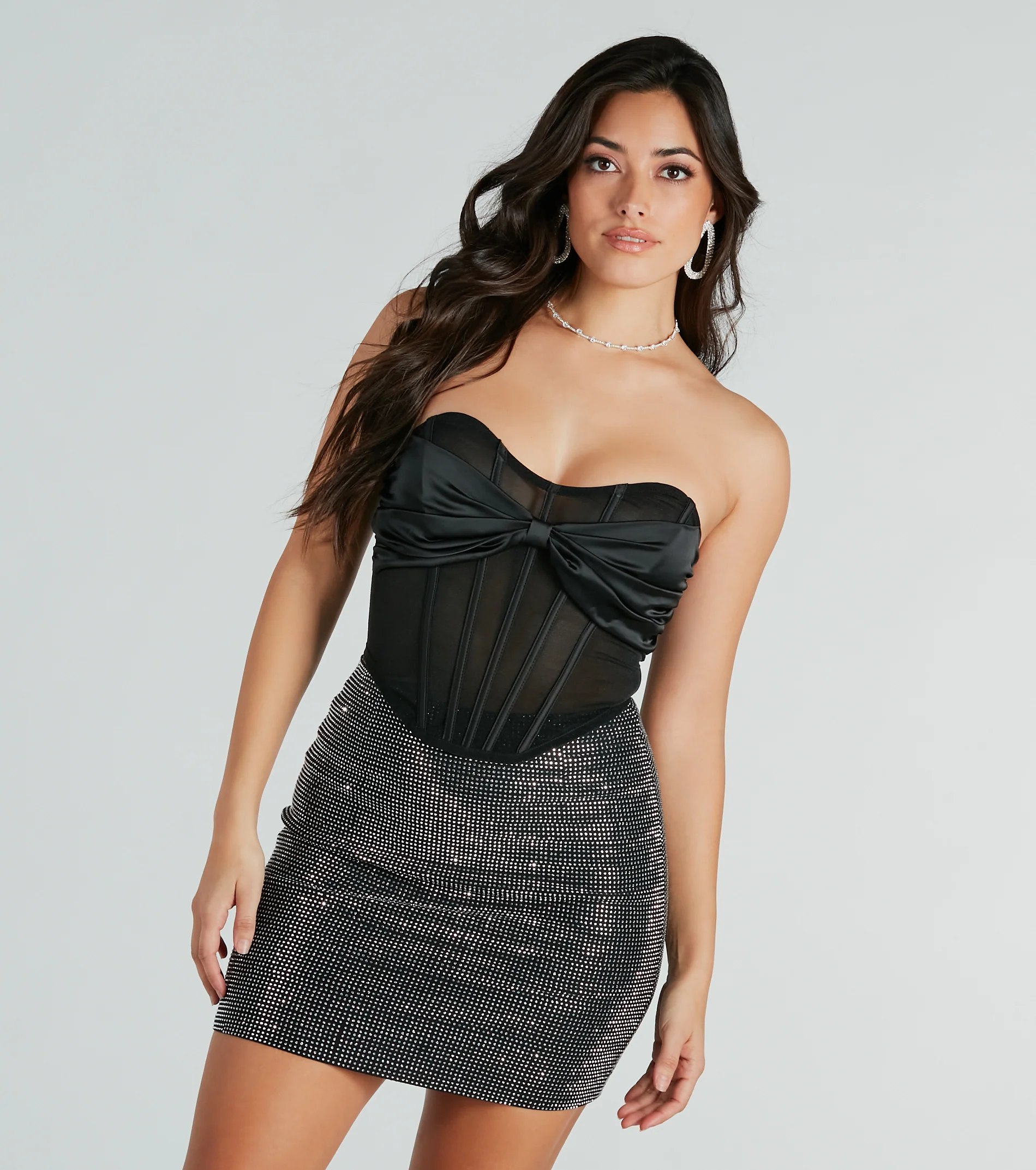
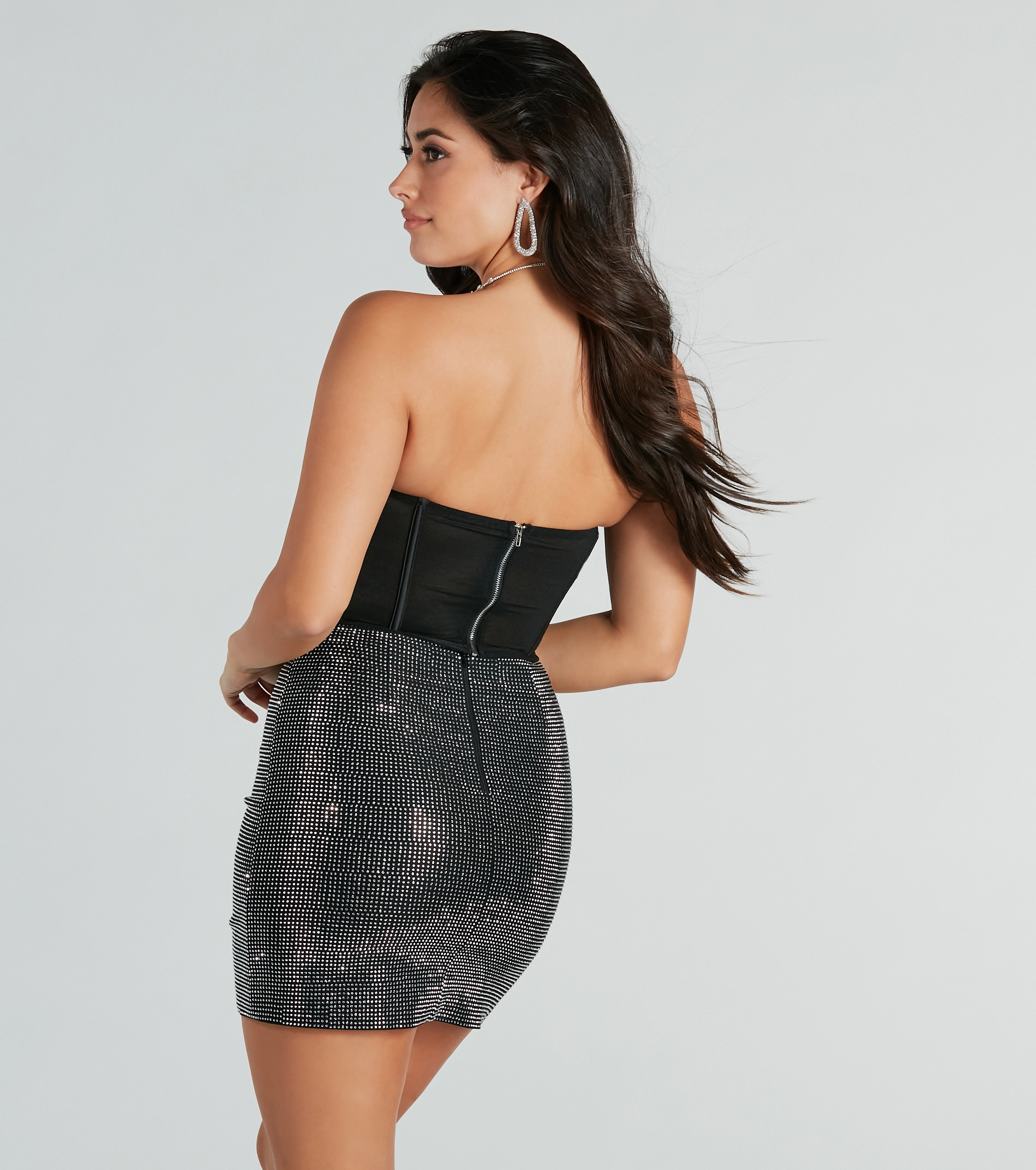
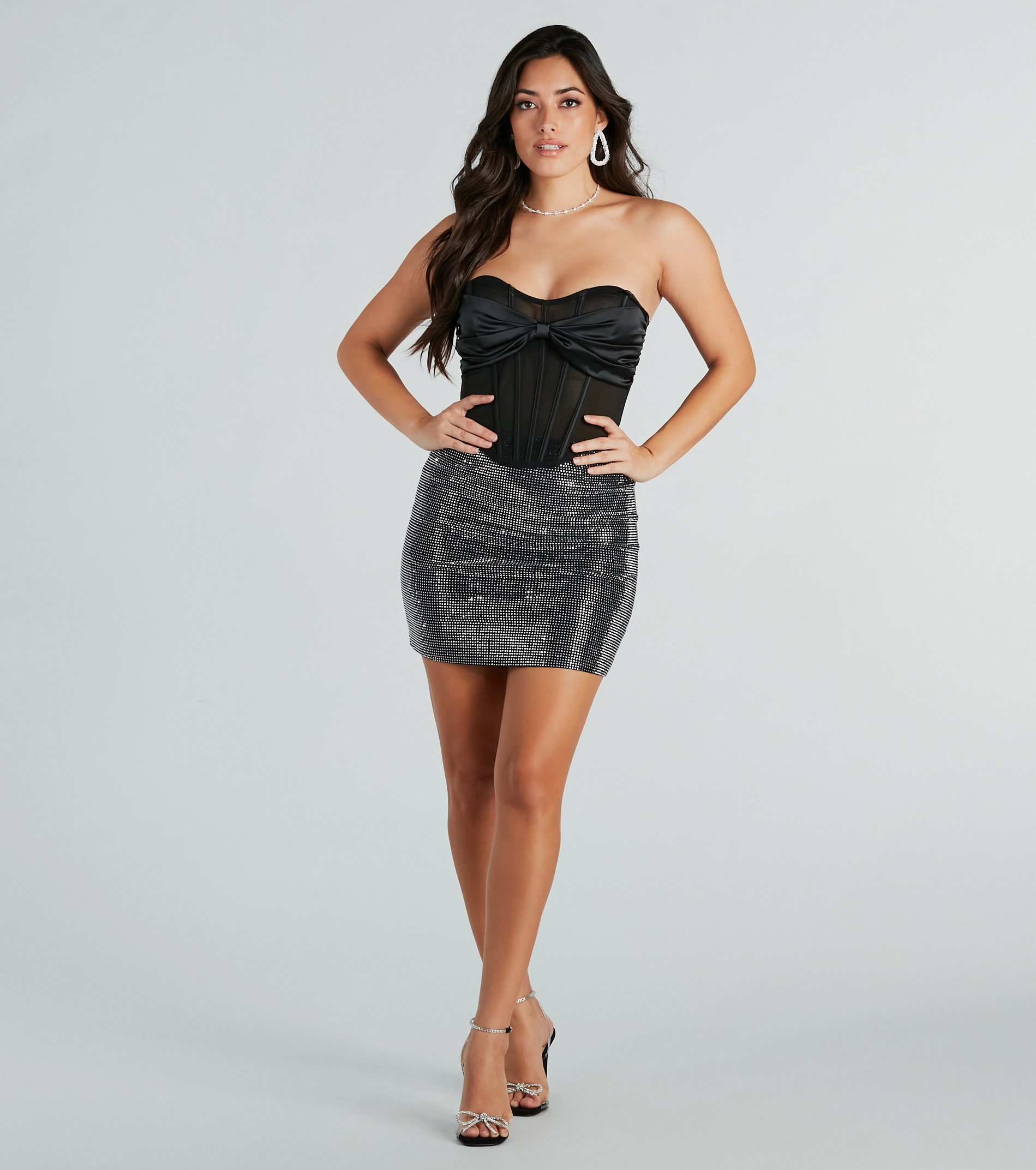
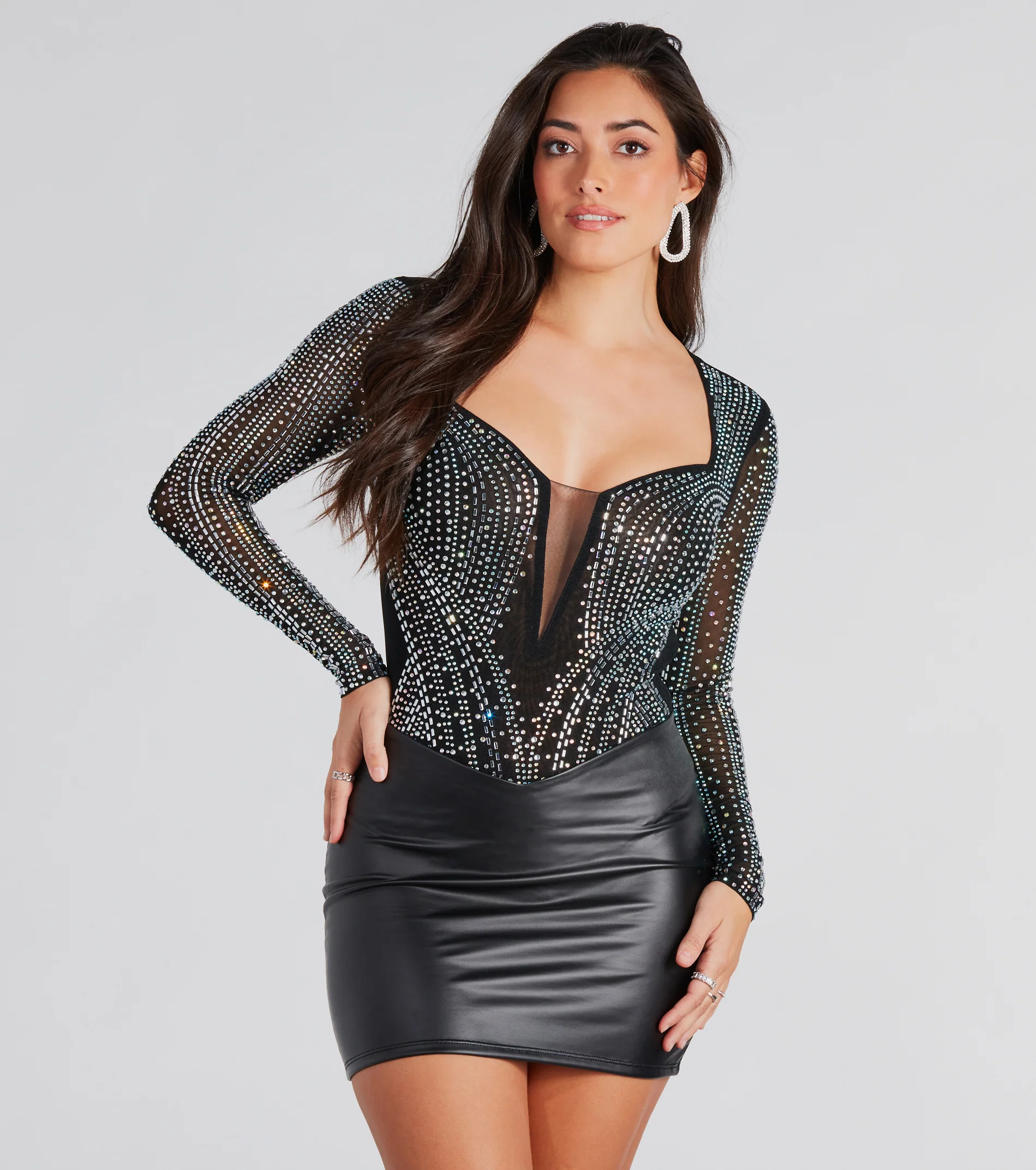
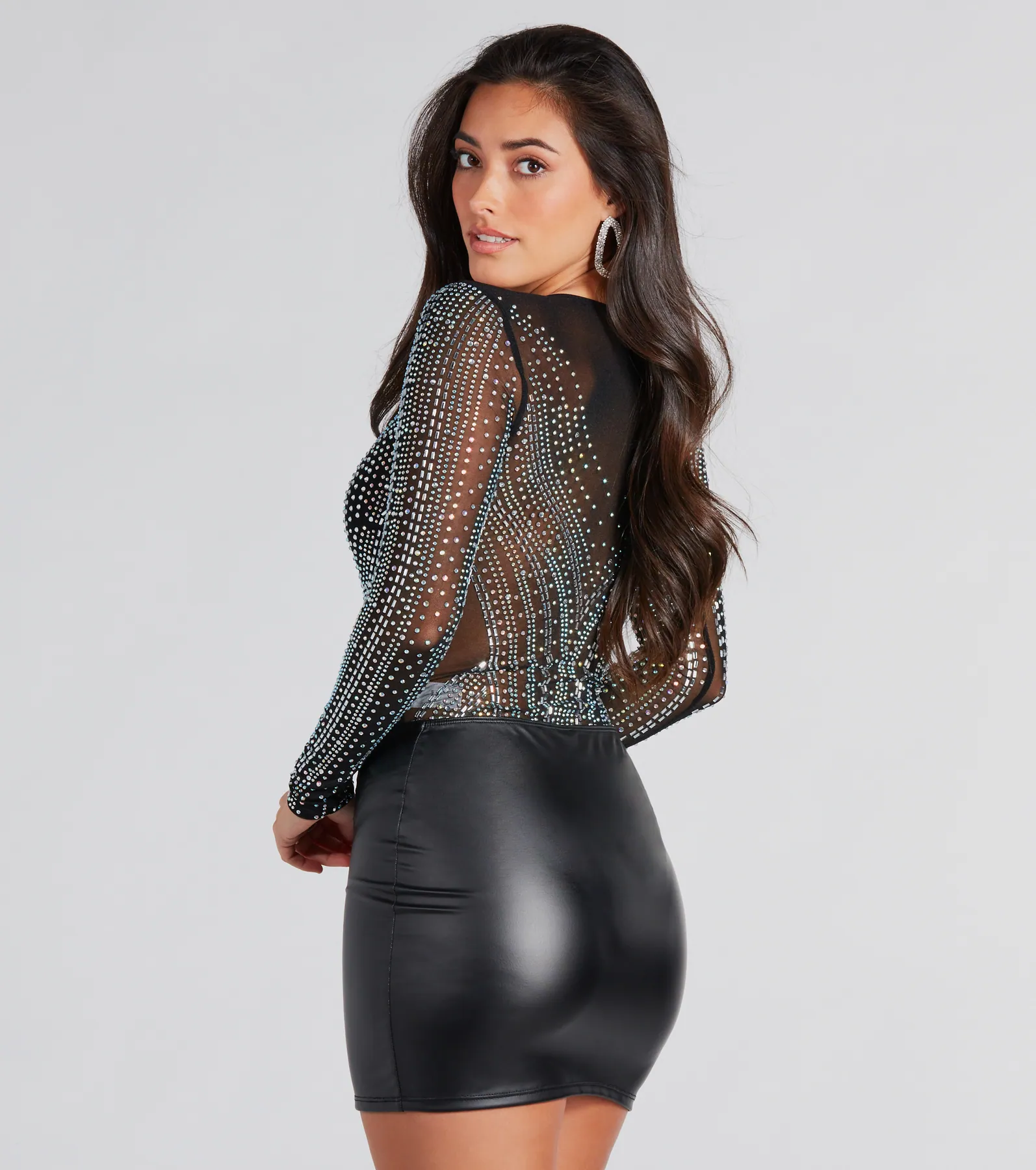
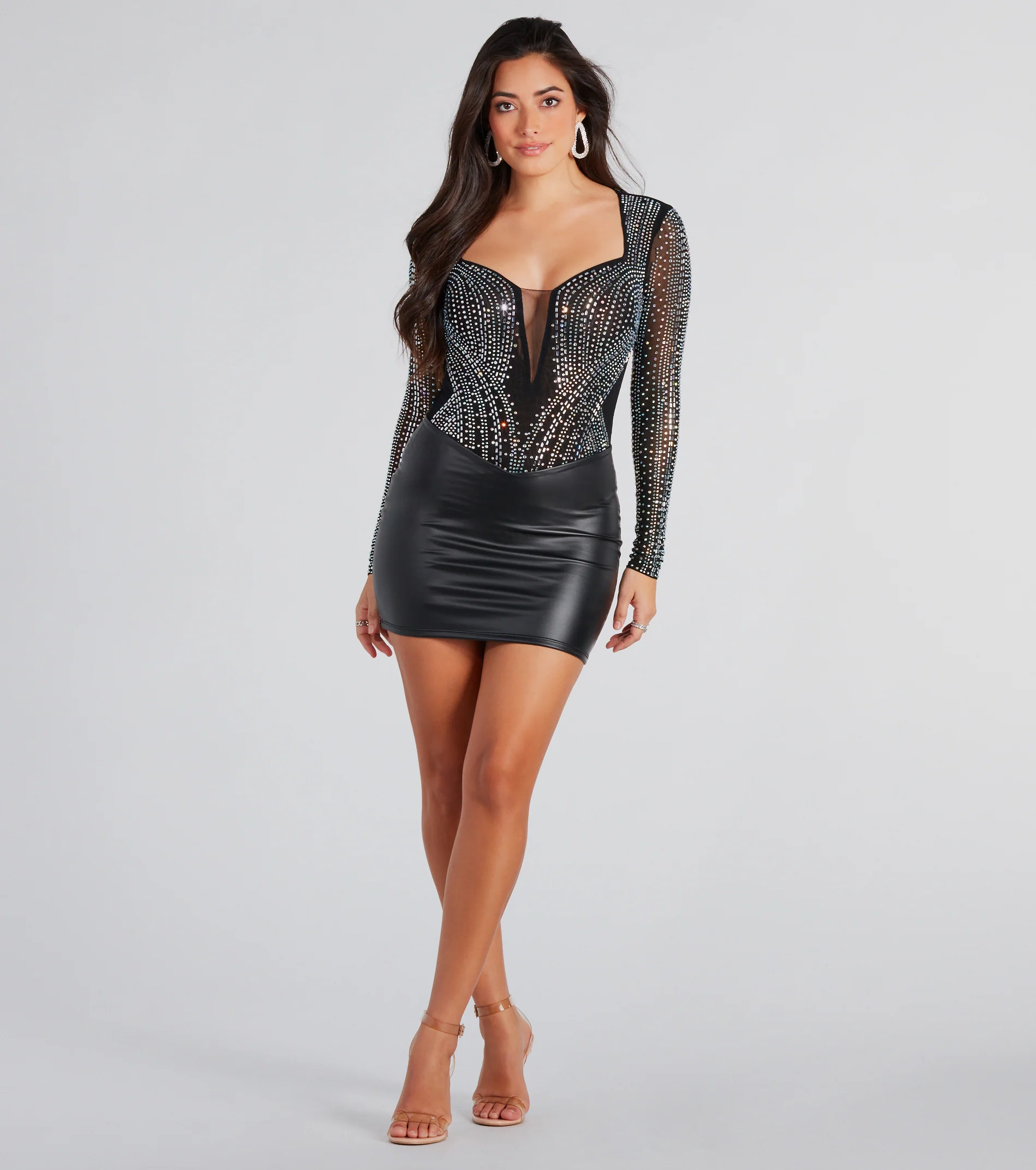
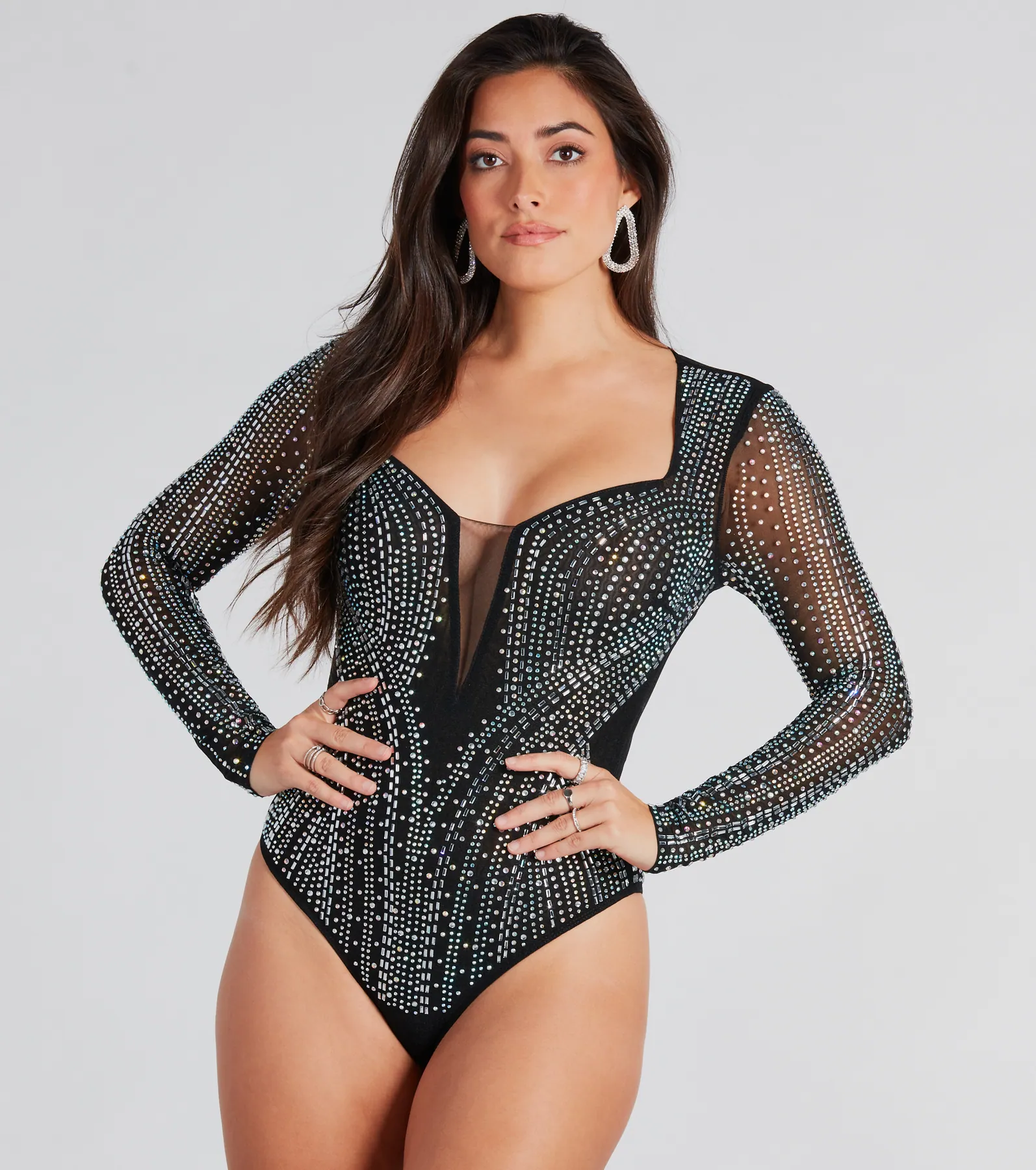
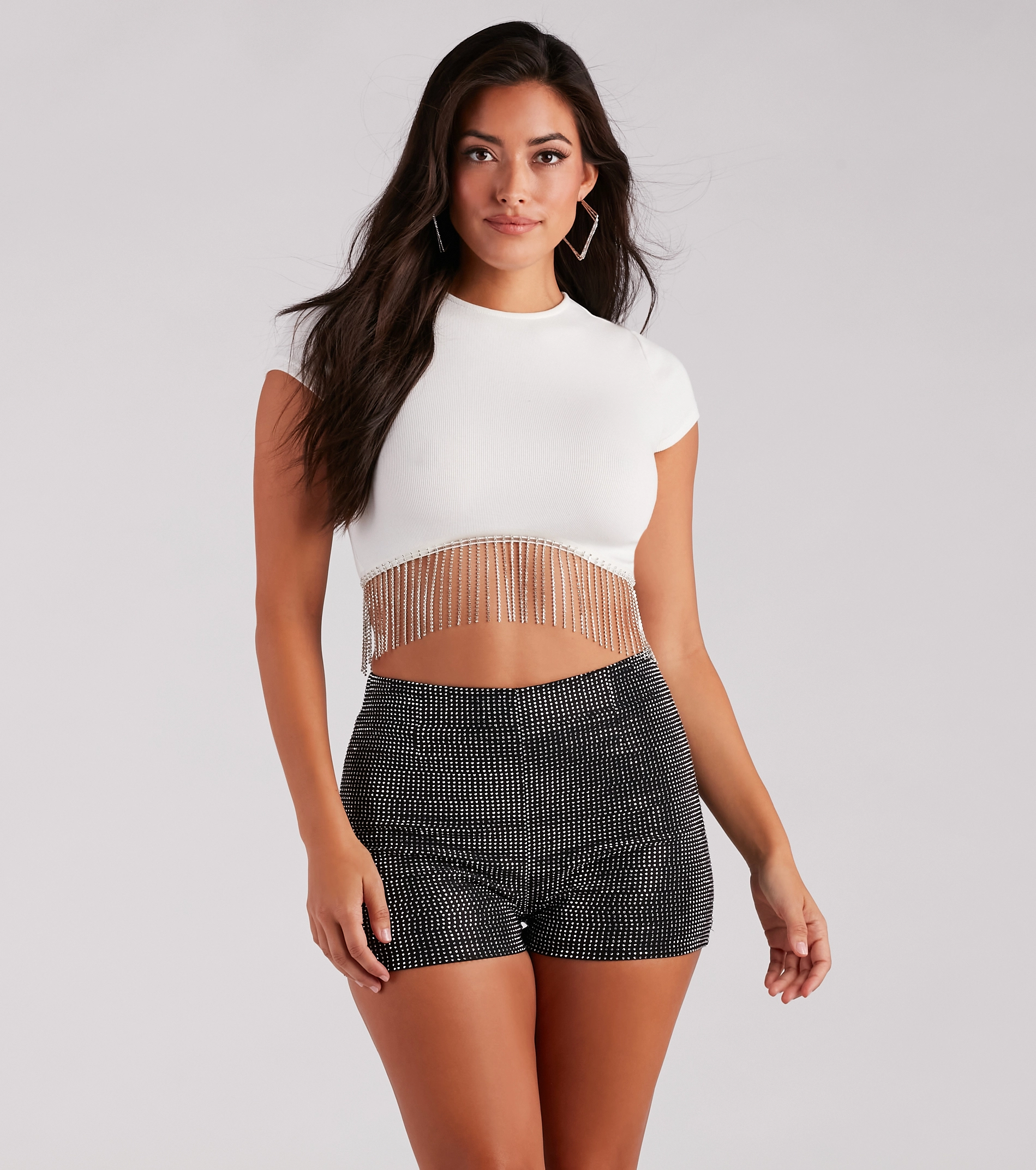
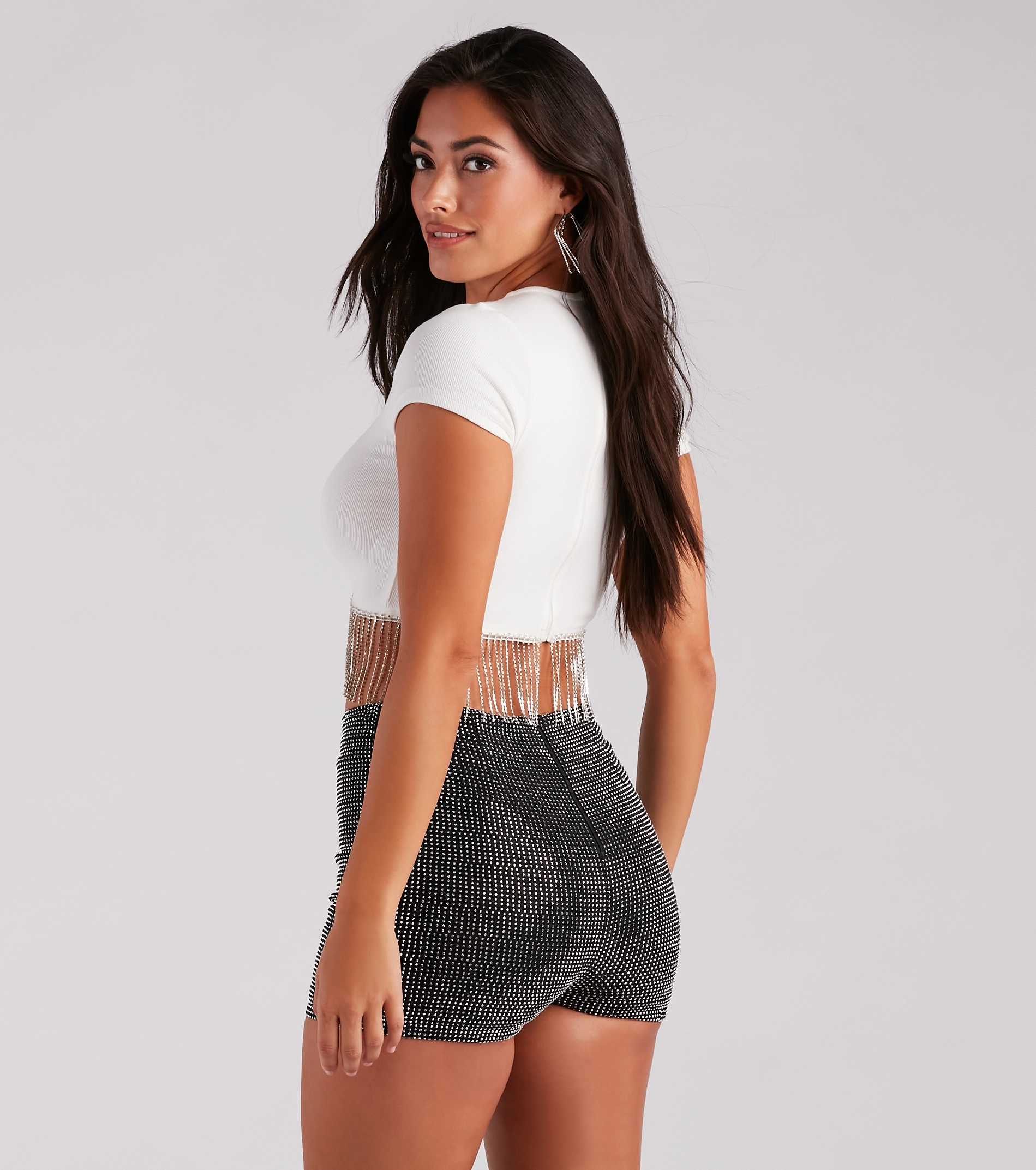
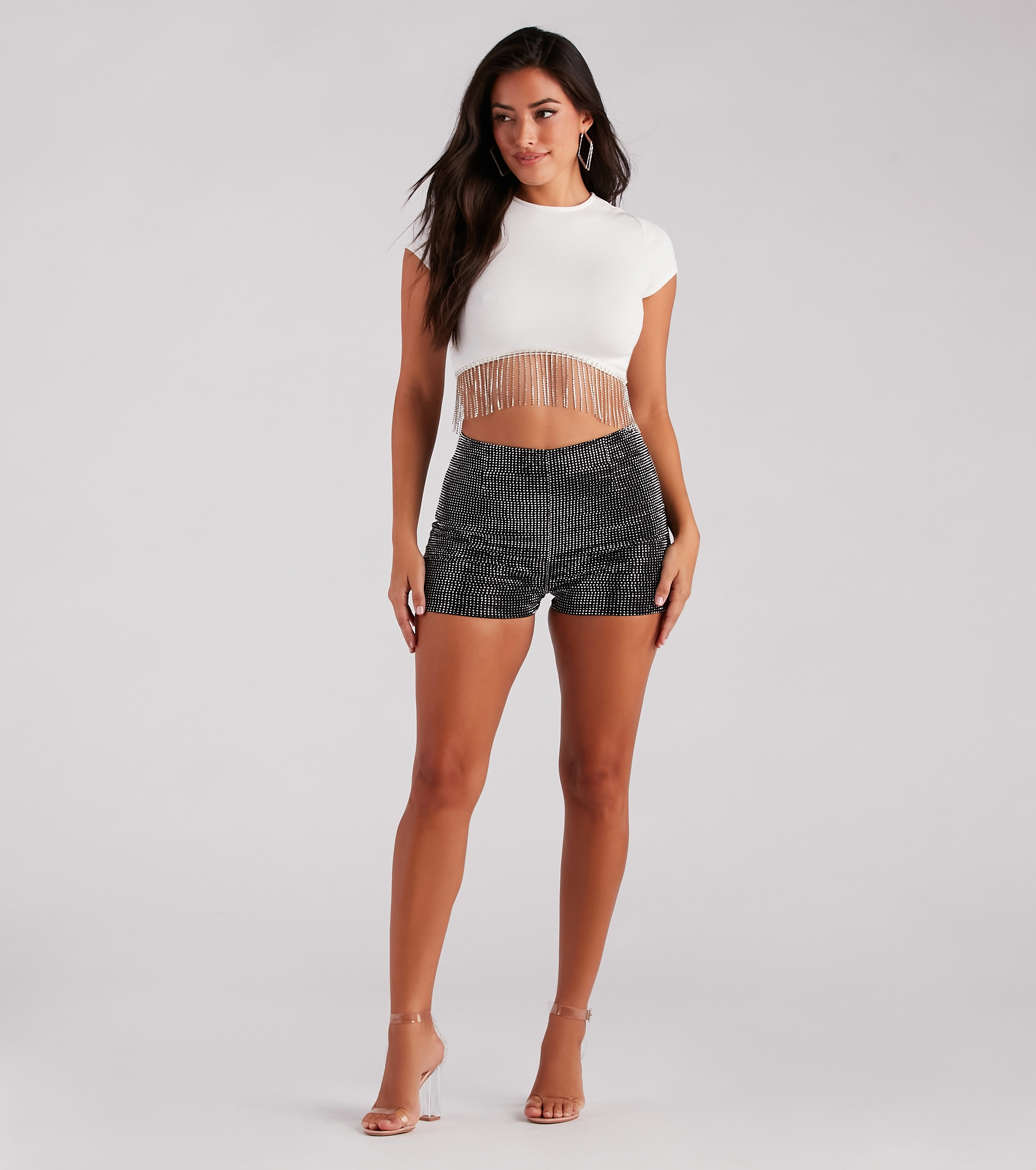
 WindsorStore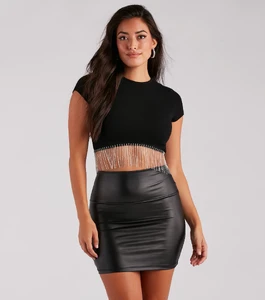
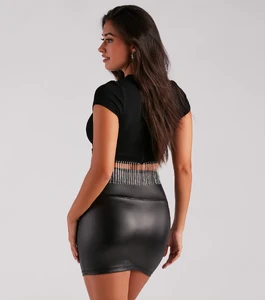
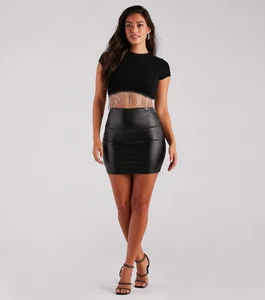
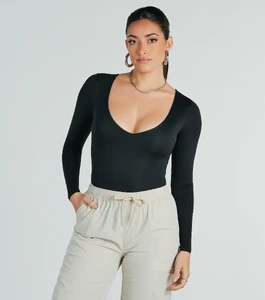
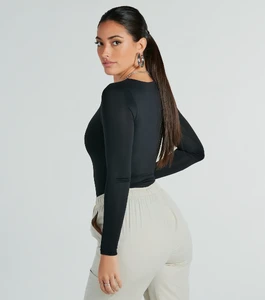
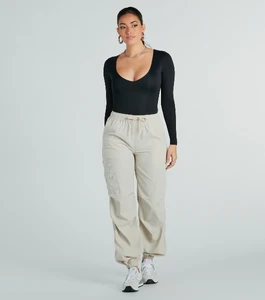
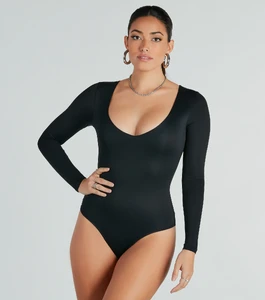
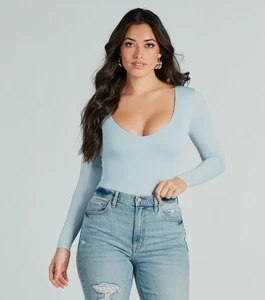
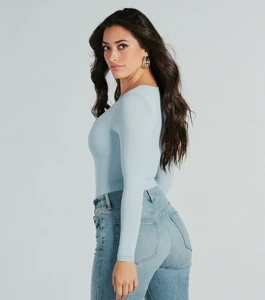
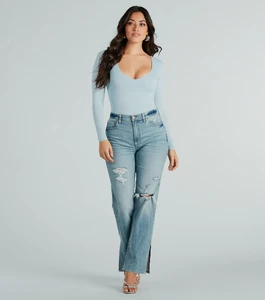
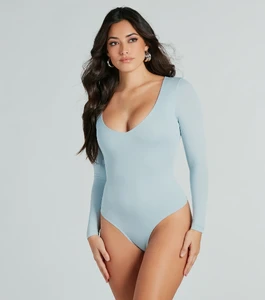
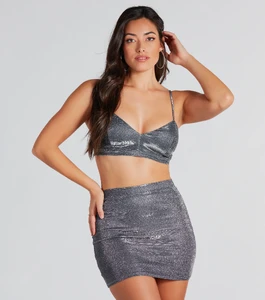
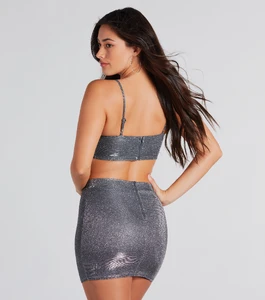
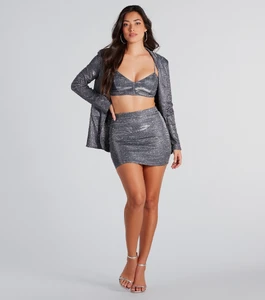
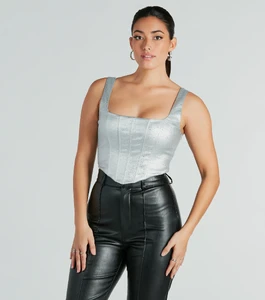
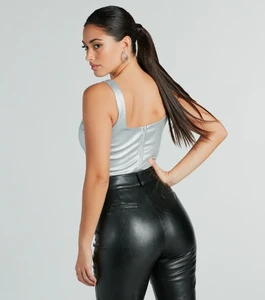
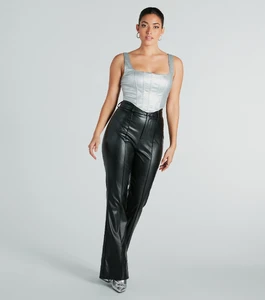
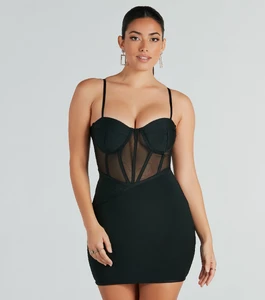
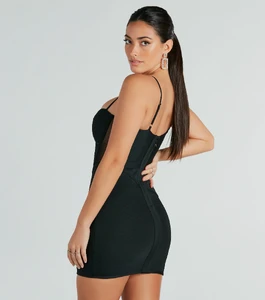
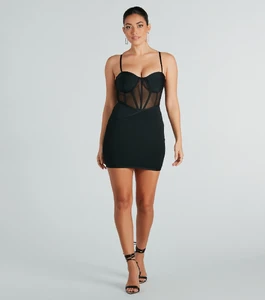
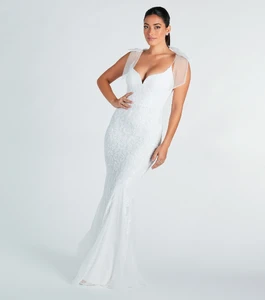
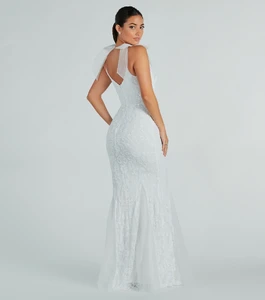
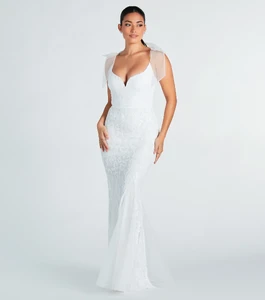
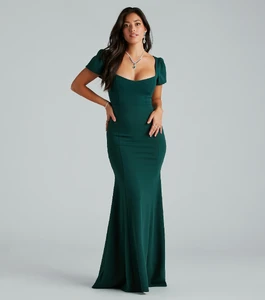
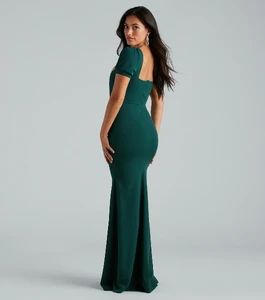
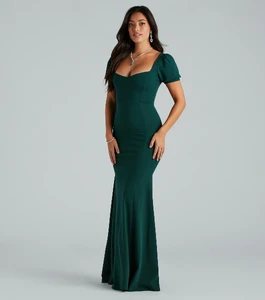
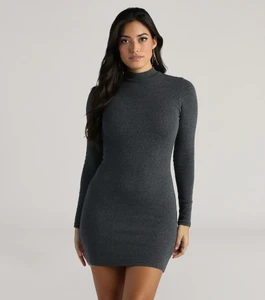
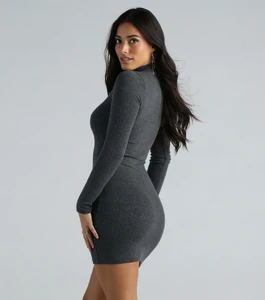
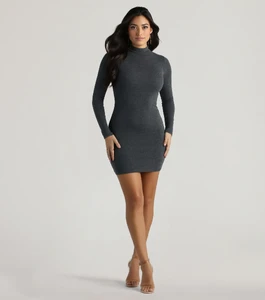
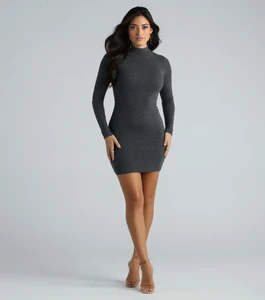
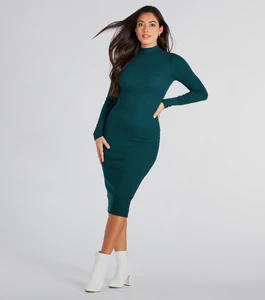
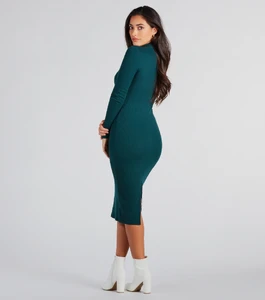
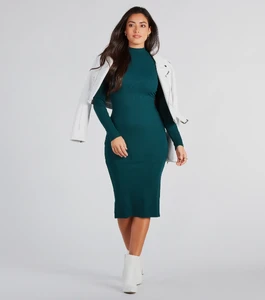
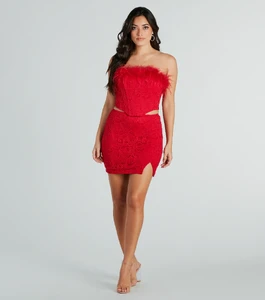
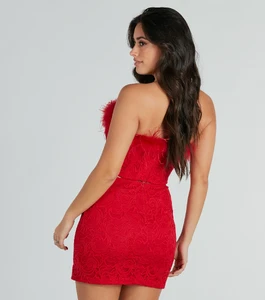
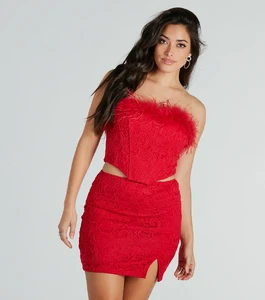
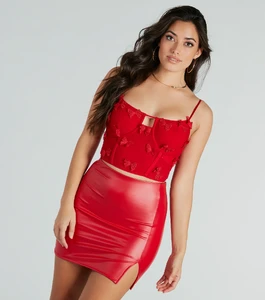
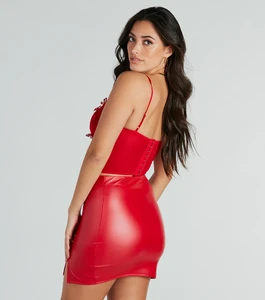
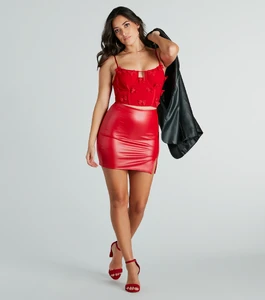
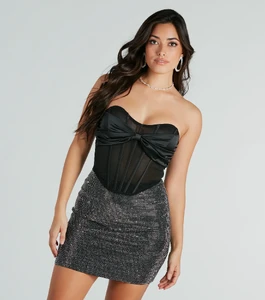
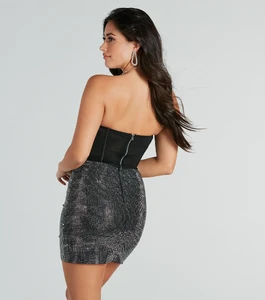
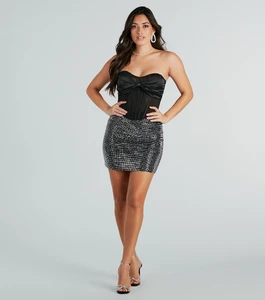
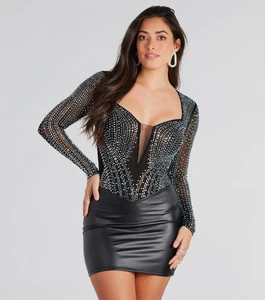
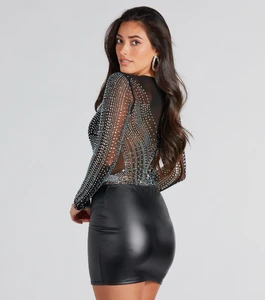
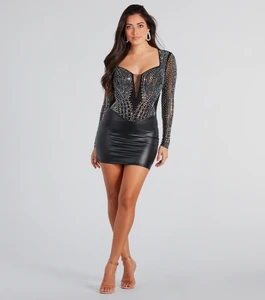
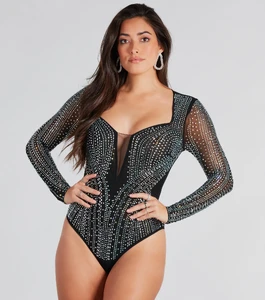
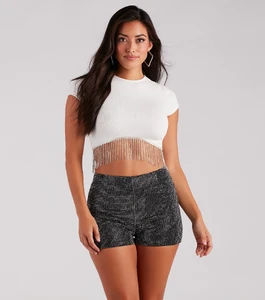
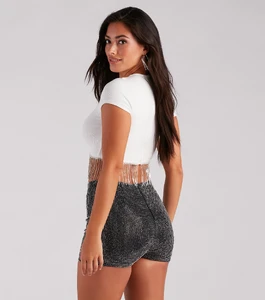
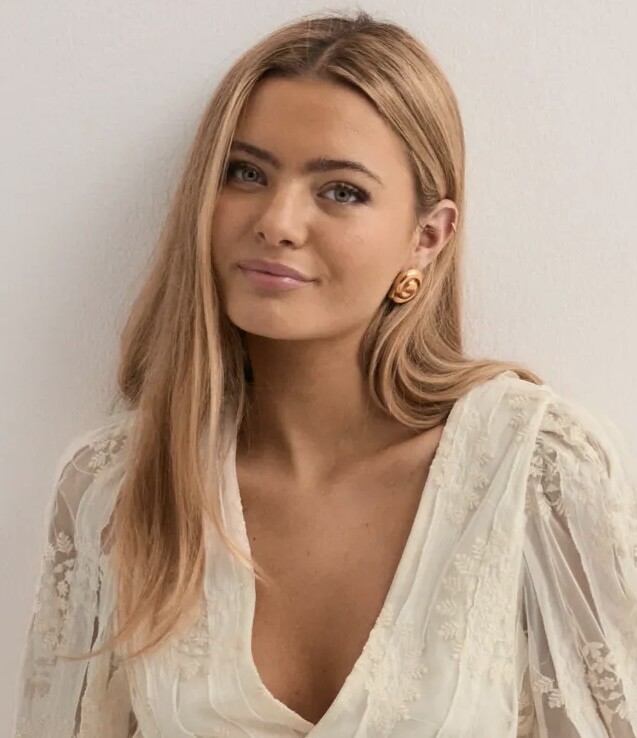
 Hello first time posting hehe, does anyone know who this is?
 Juliaky joined the community
 Instagram - Indiana Fever in one try 😏match the hats without looking with Sophie Cunningham..mp4
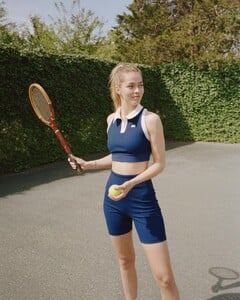
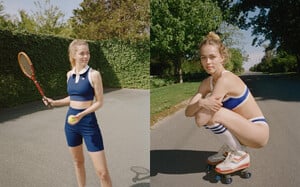
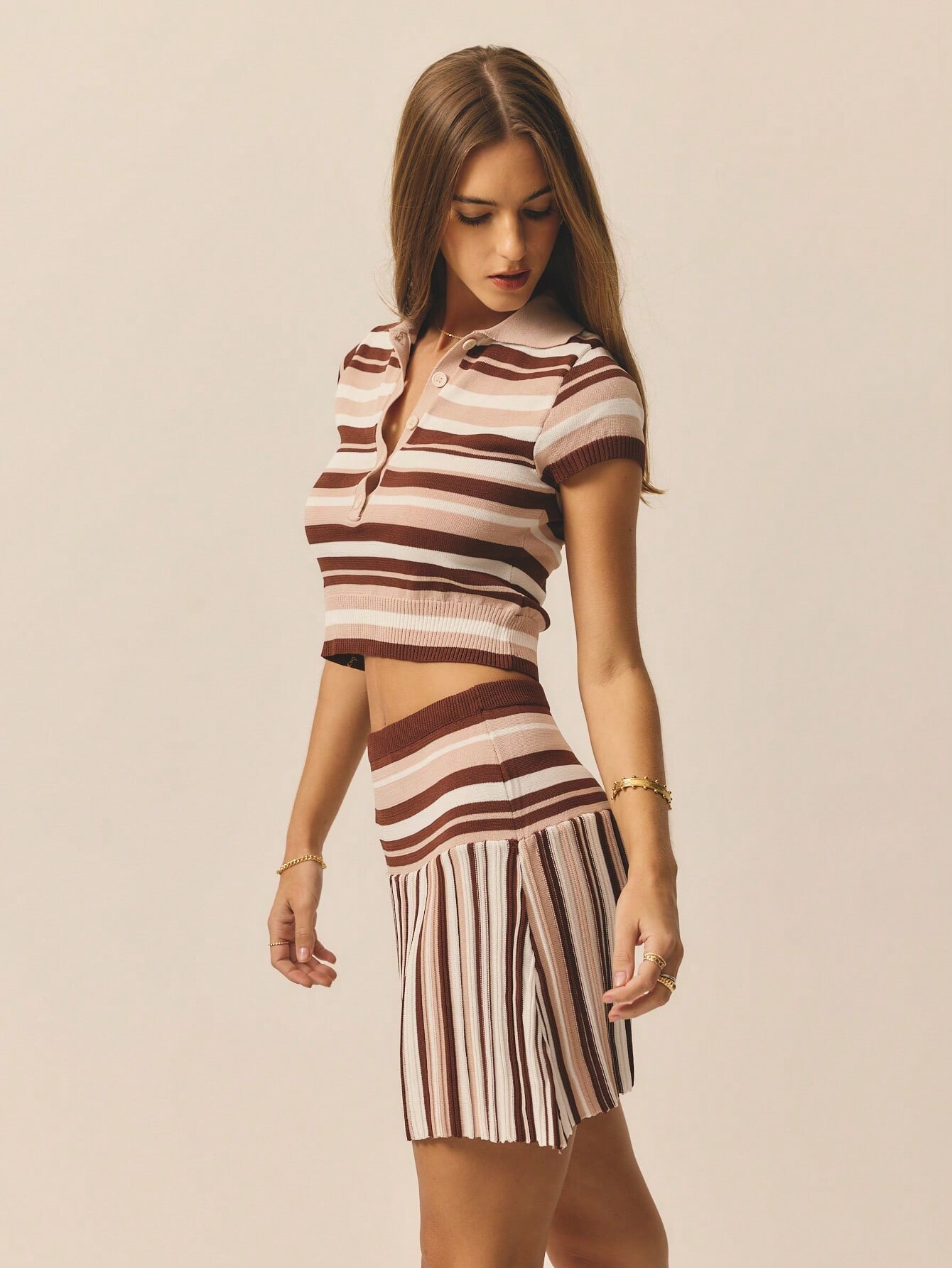
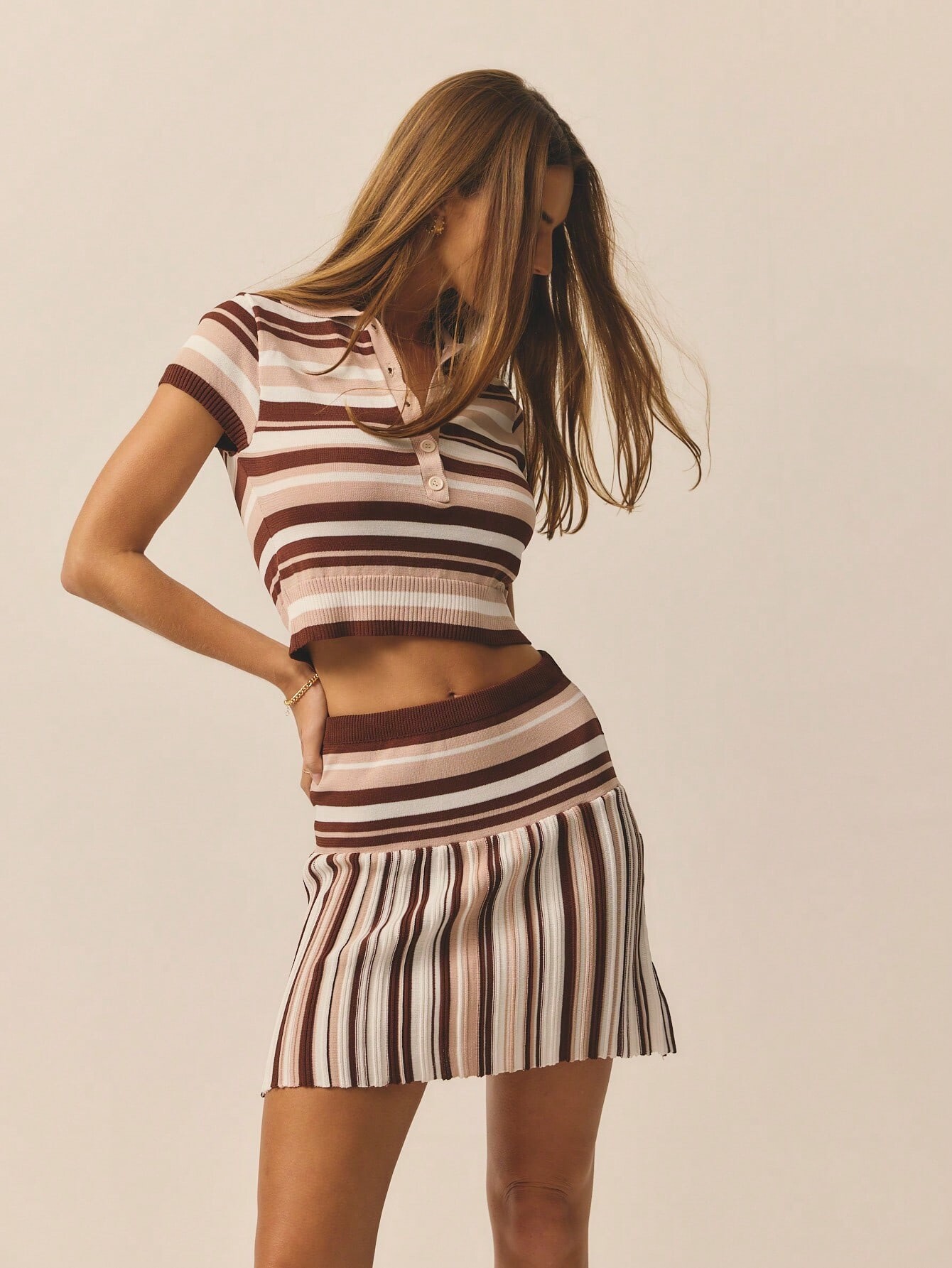
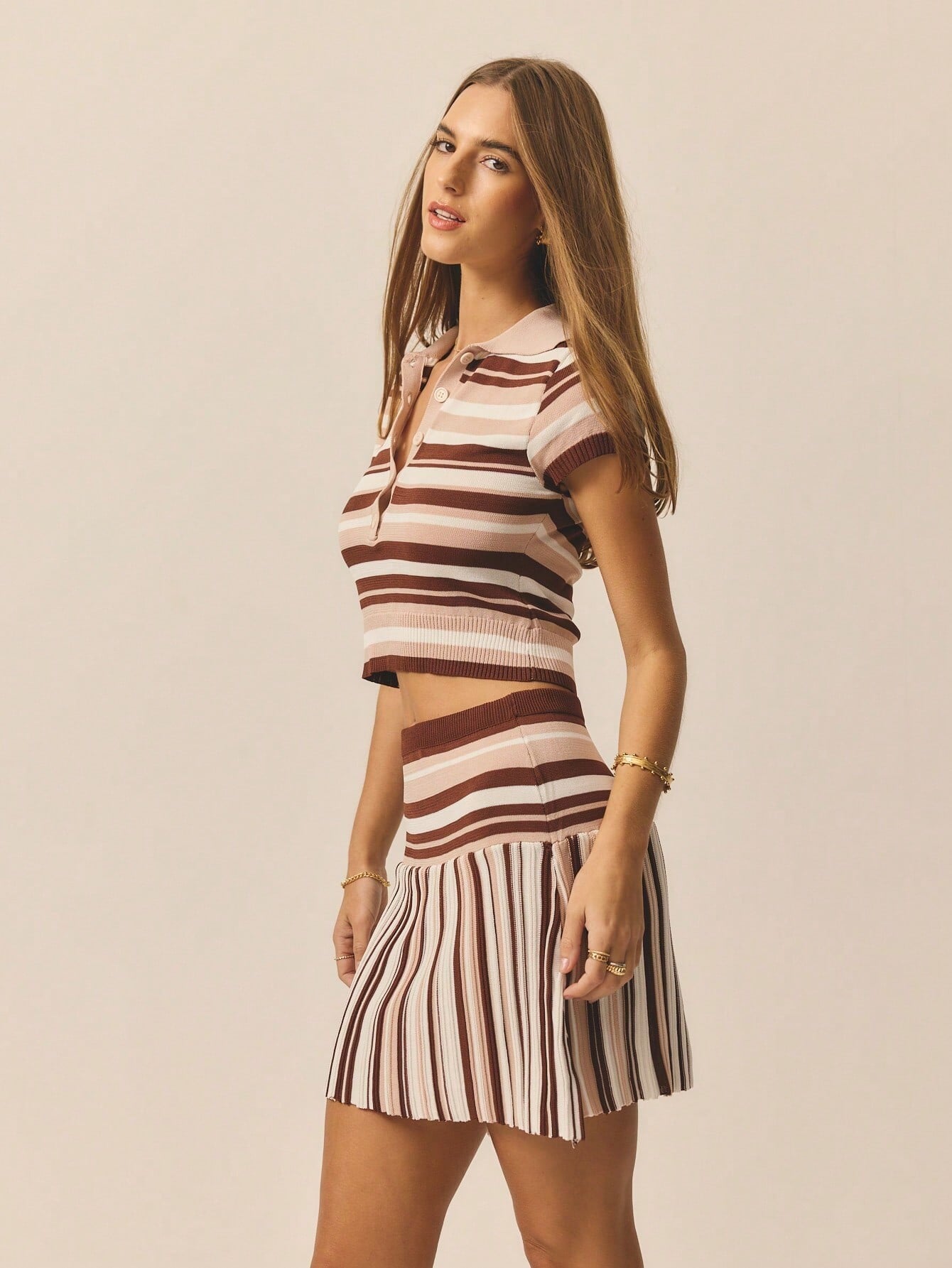
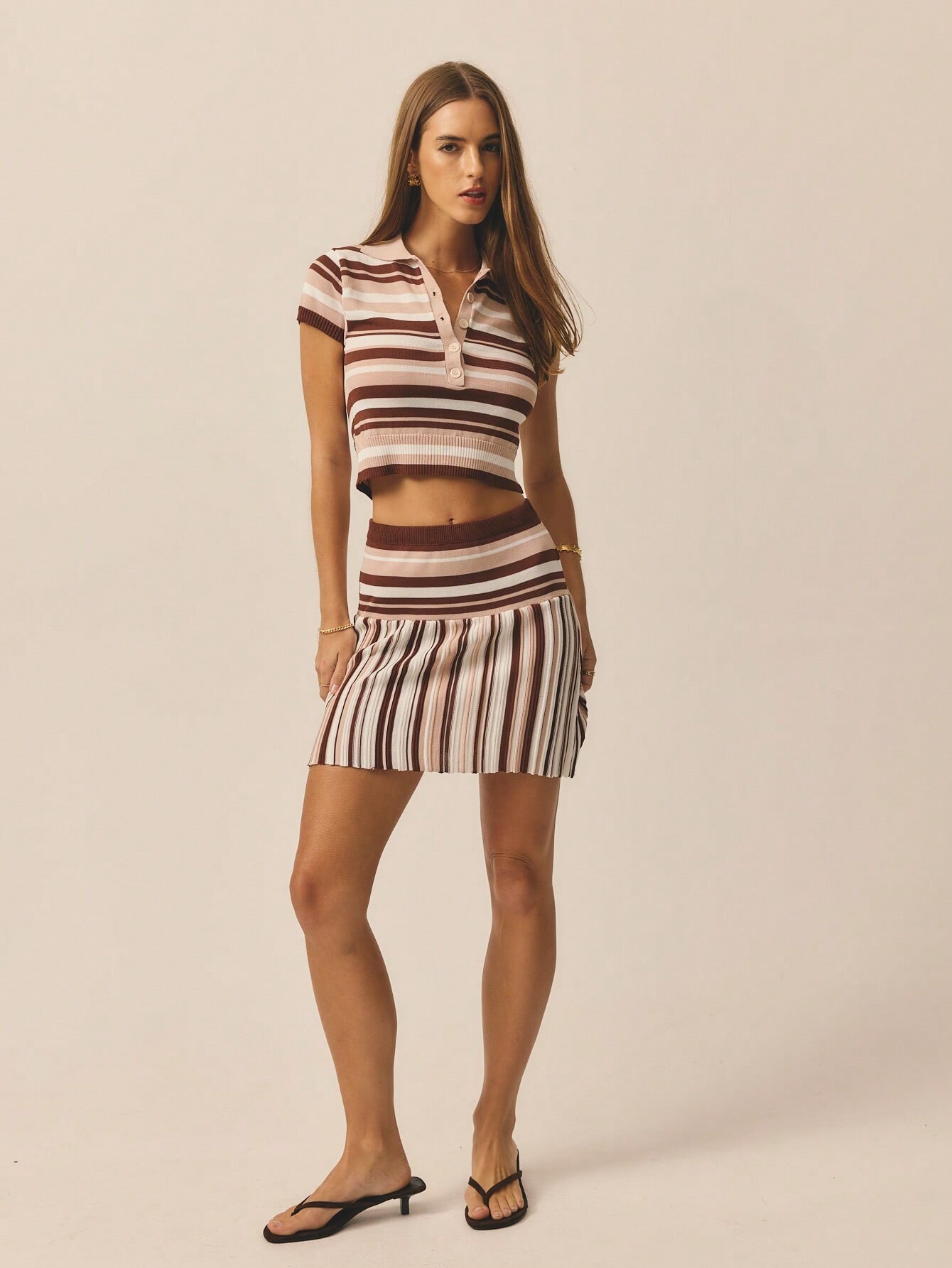
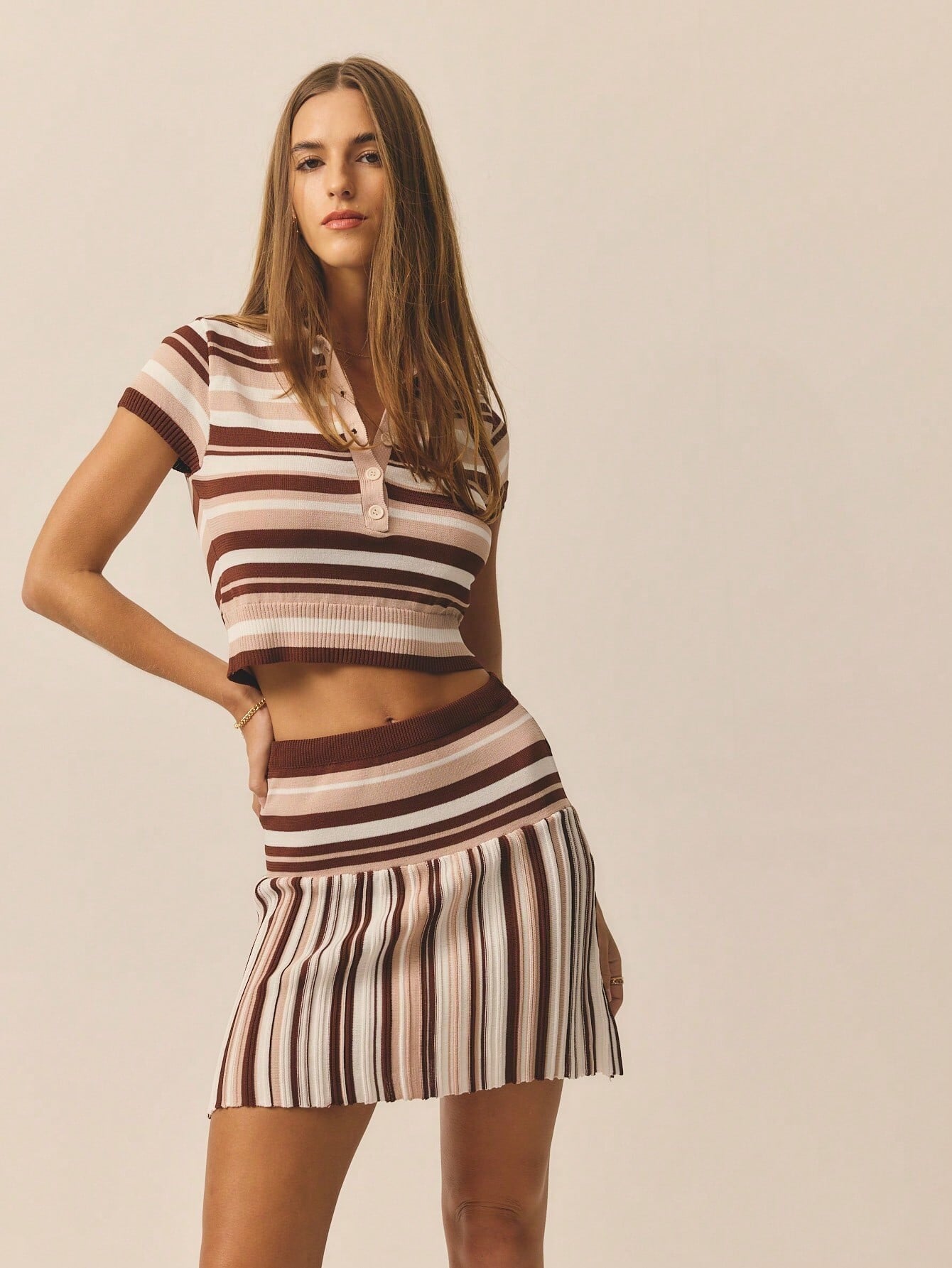
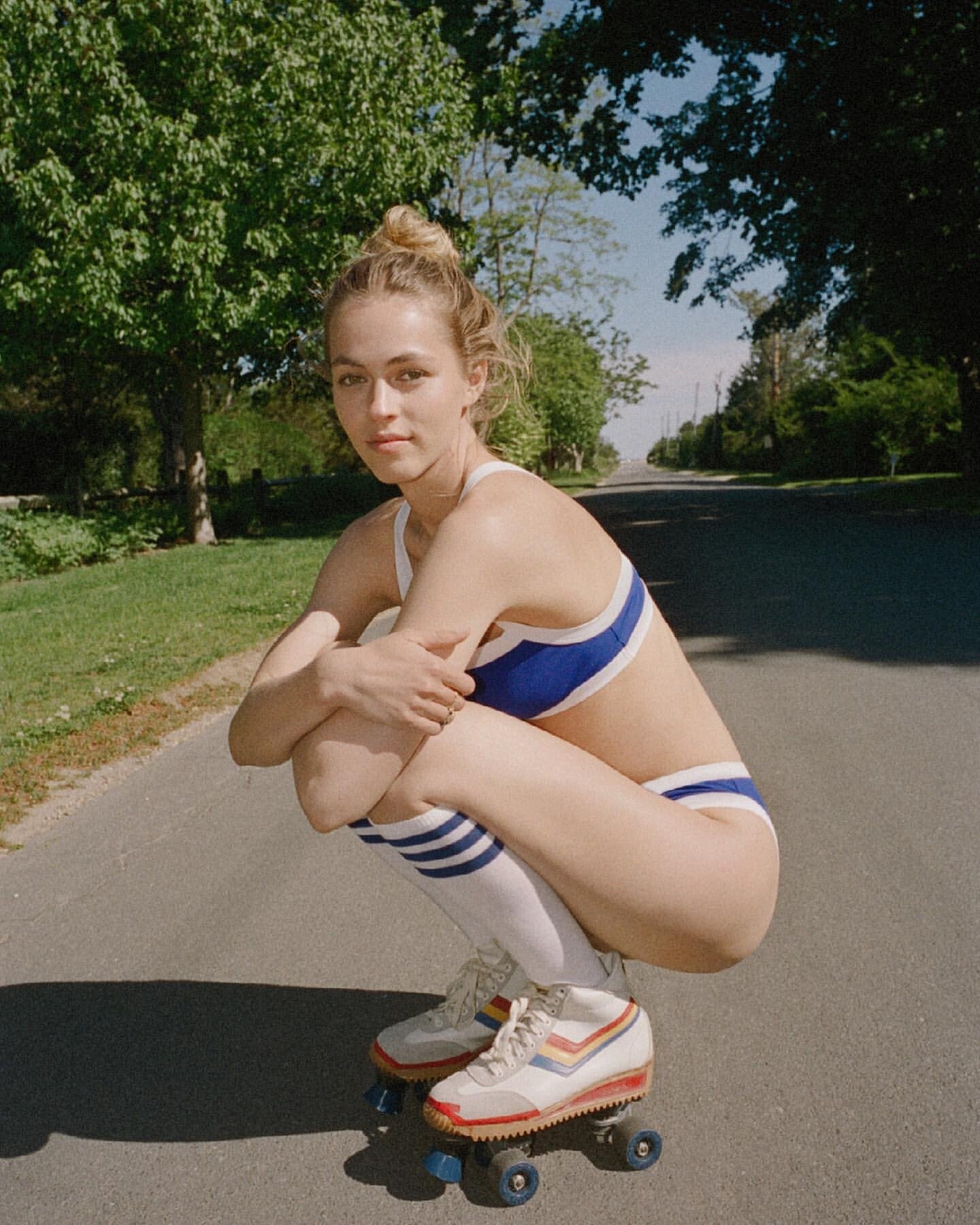
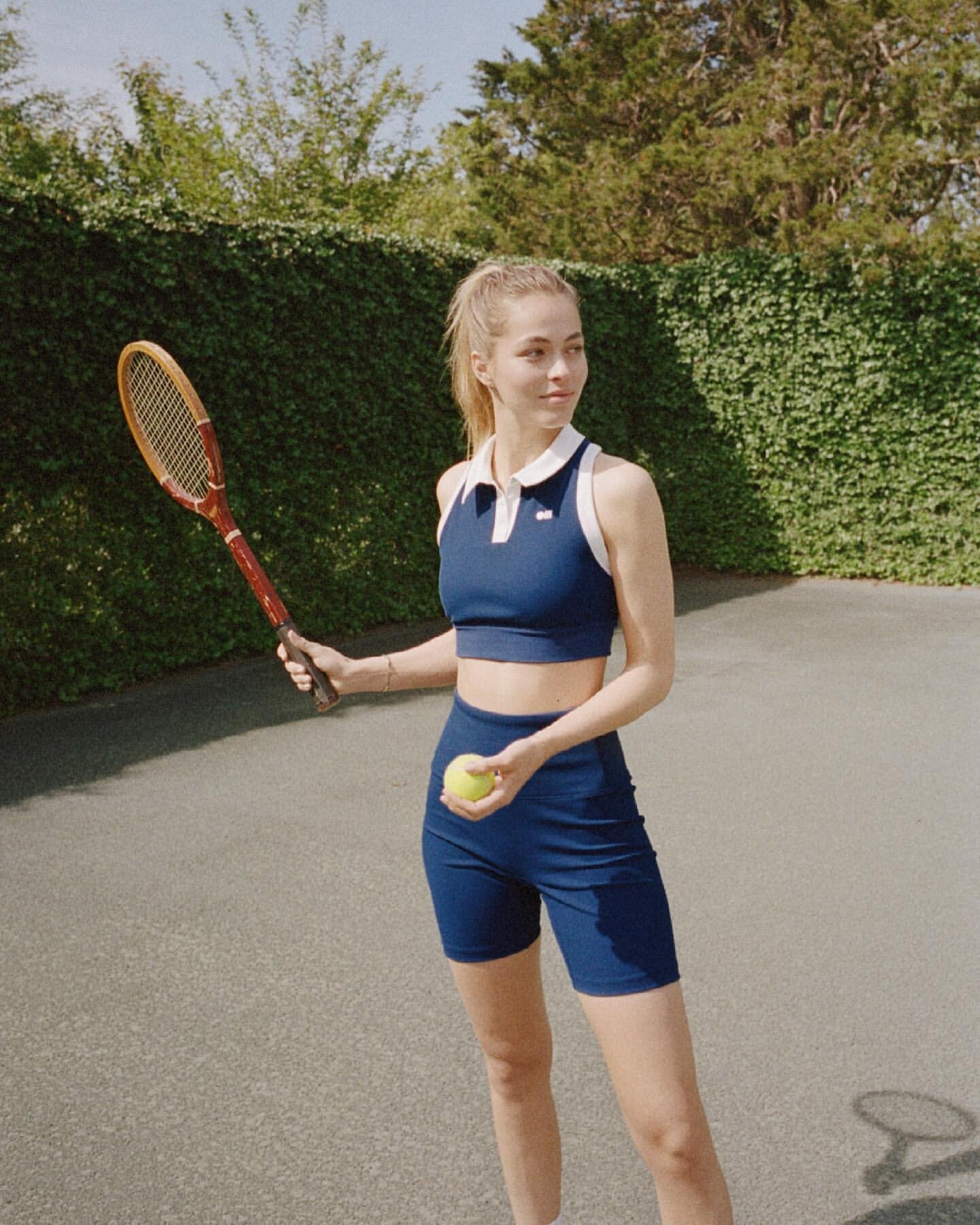
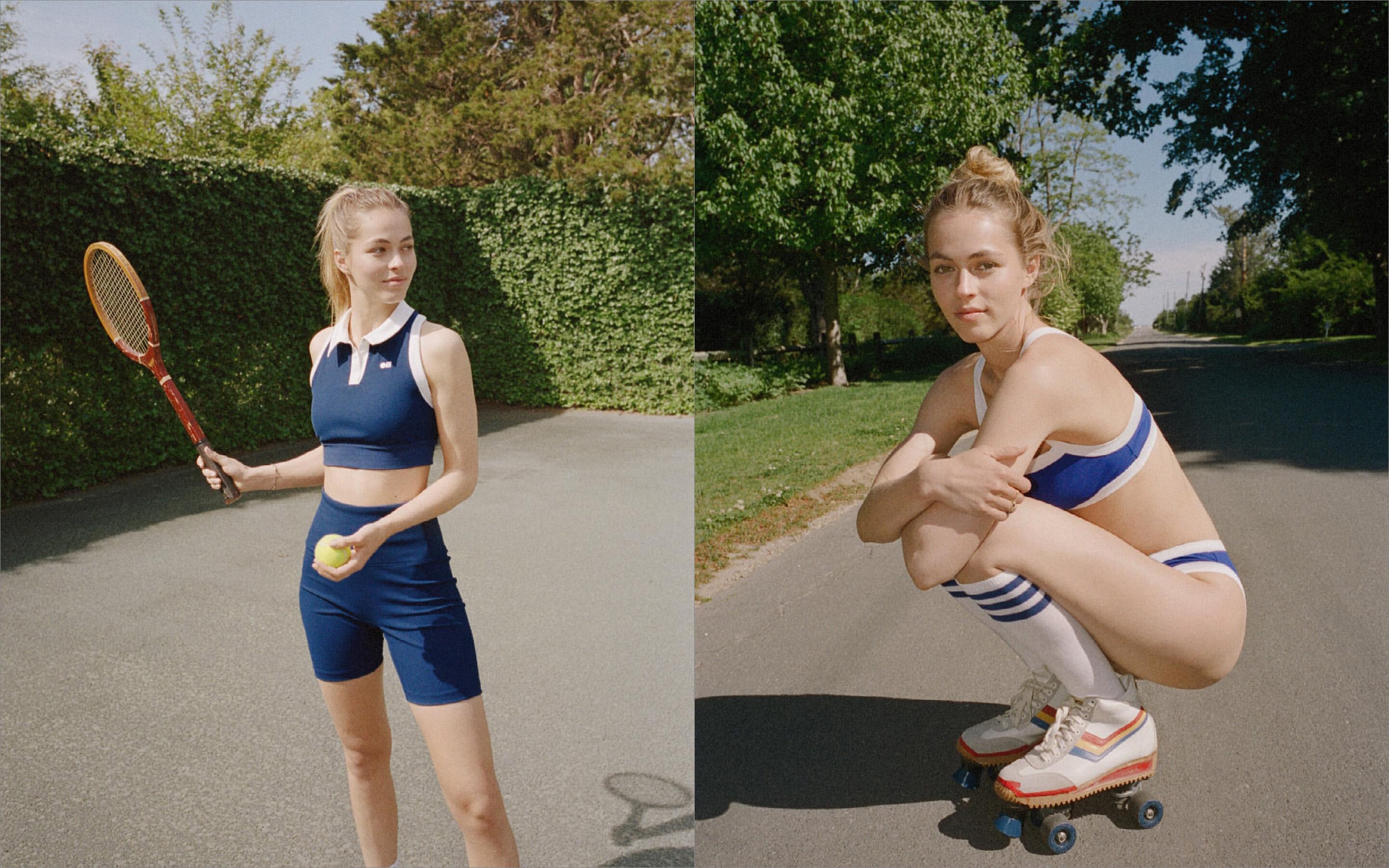
Solid & Striped: The Tennis Edit. Shop S&S Sport • The Scottie Bikini in Poolside (07/07/2021)
Instagram - Indiana Fever in one try 😏match the hats without looking with Sophie Cunningham..mp4
Solid & Striped: The Tennis Edit. Shop S&S Sport • The Scottie Bikini in Poolside (07/07/2021)
 Excell Blinds and Shutters changed their profile photo
.jpg.66a149624653c27bbcf688949a0cf117.jpg)
.png.ad0010043d801d6bf7041115f23ccfa1.png)
.png.11c999f669ea0a9a0b3c96dc87cac3d8.png)
.png.799918372096a96392040784a4ce6465.png)
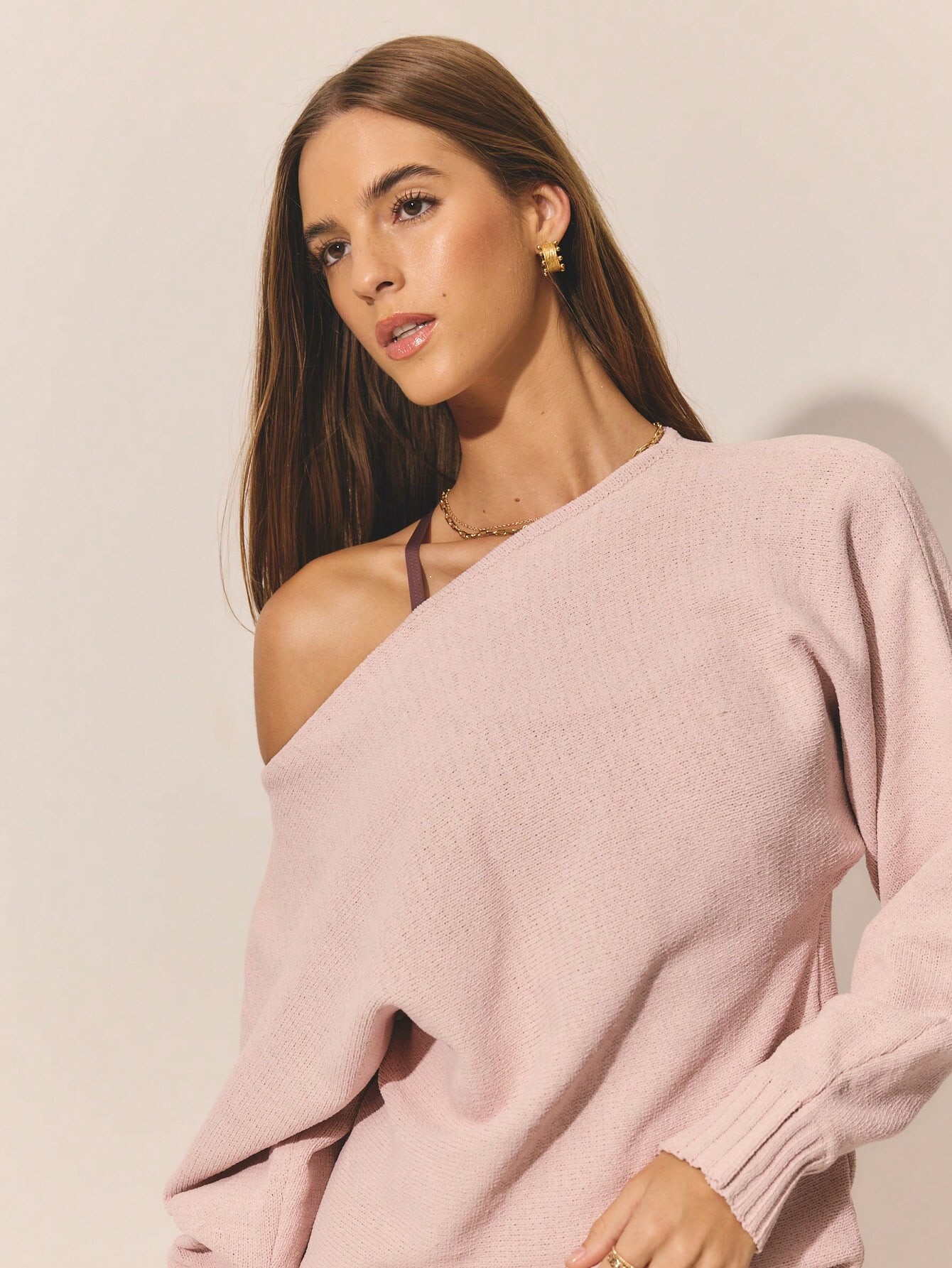
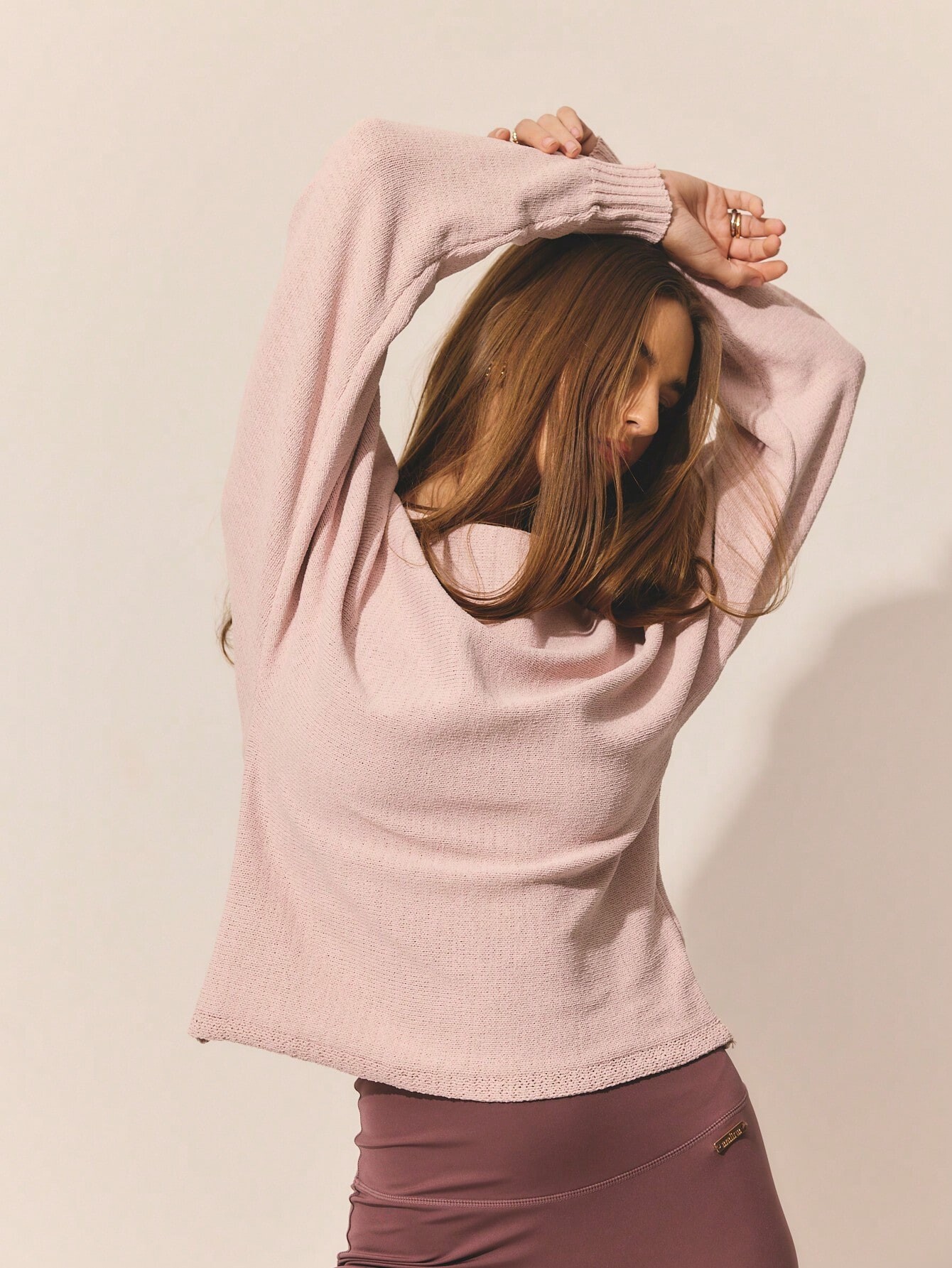
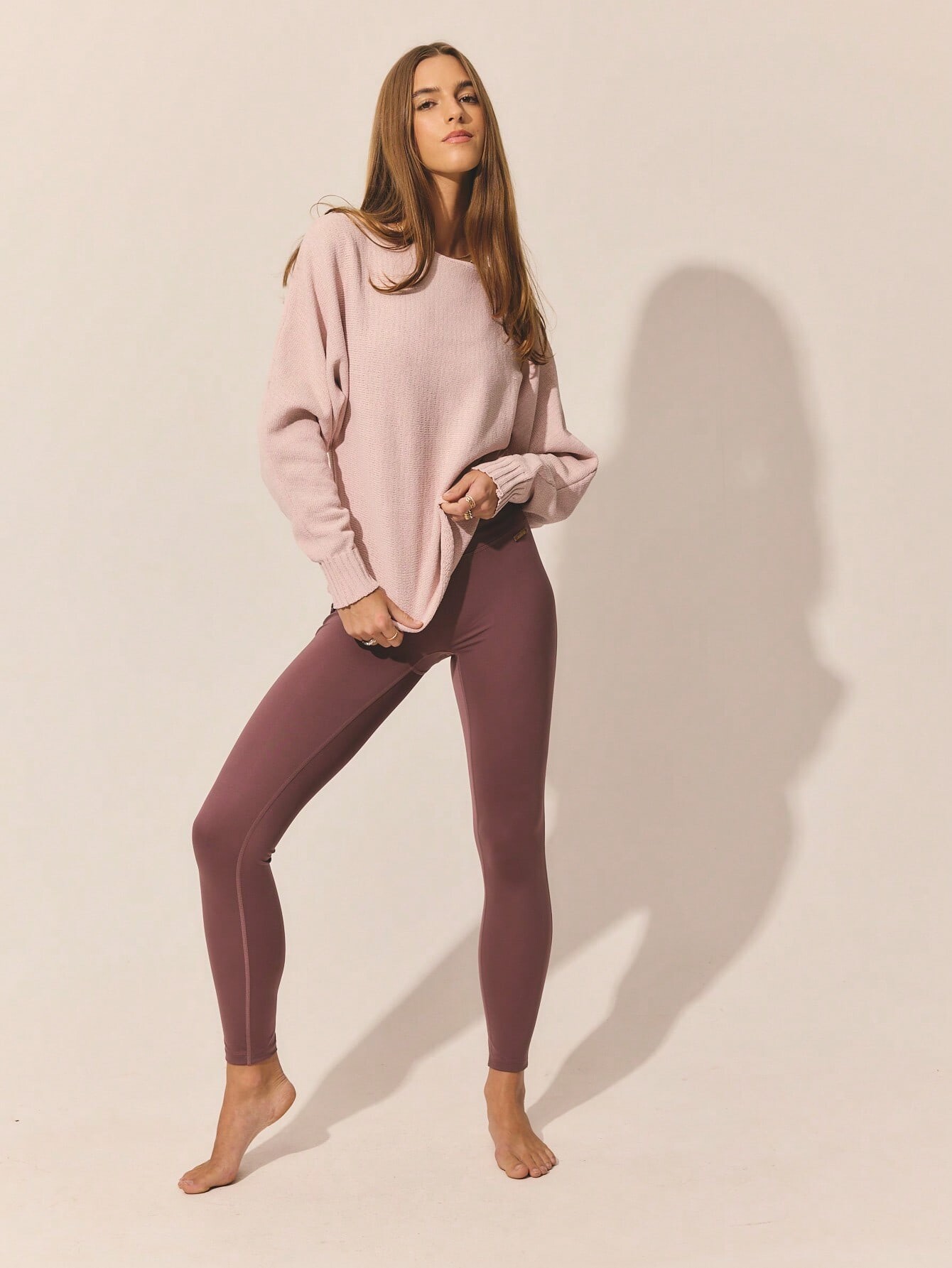
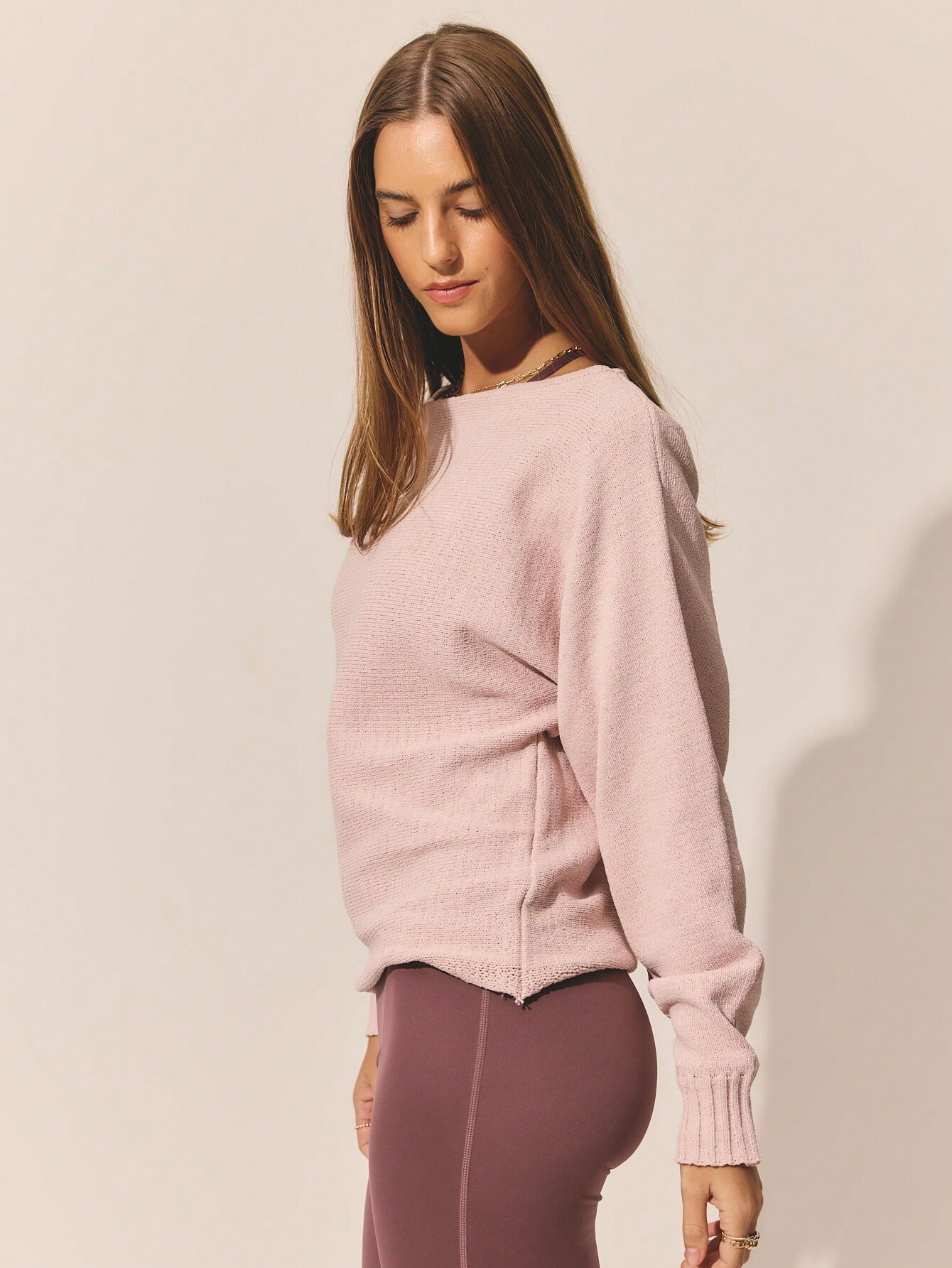
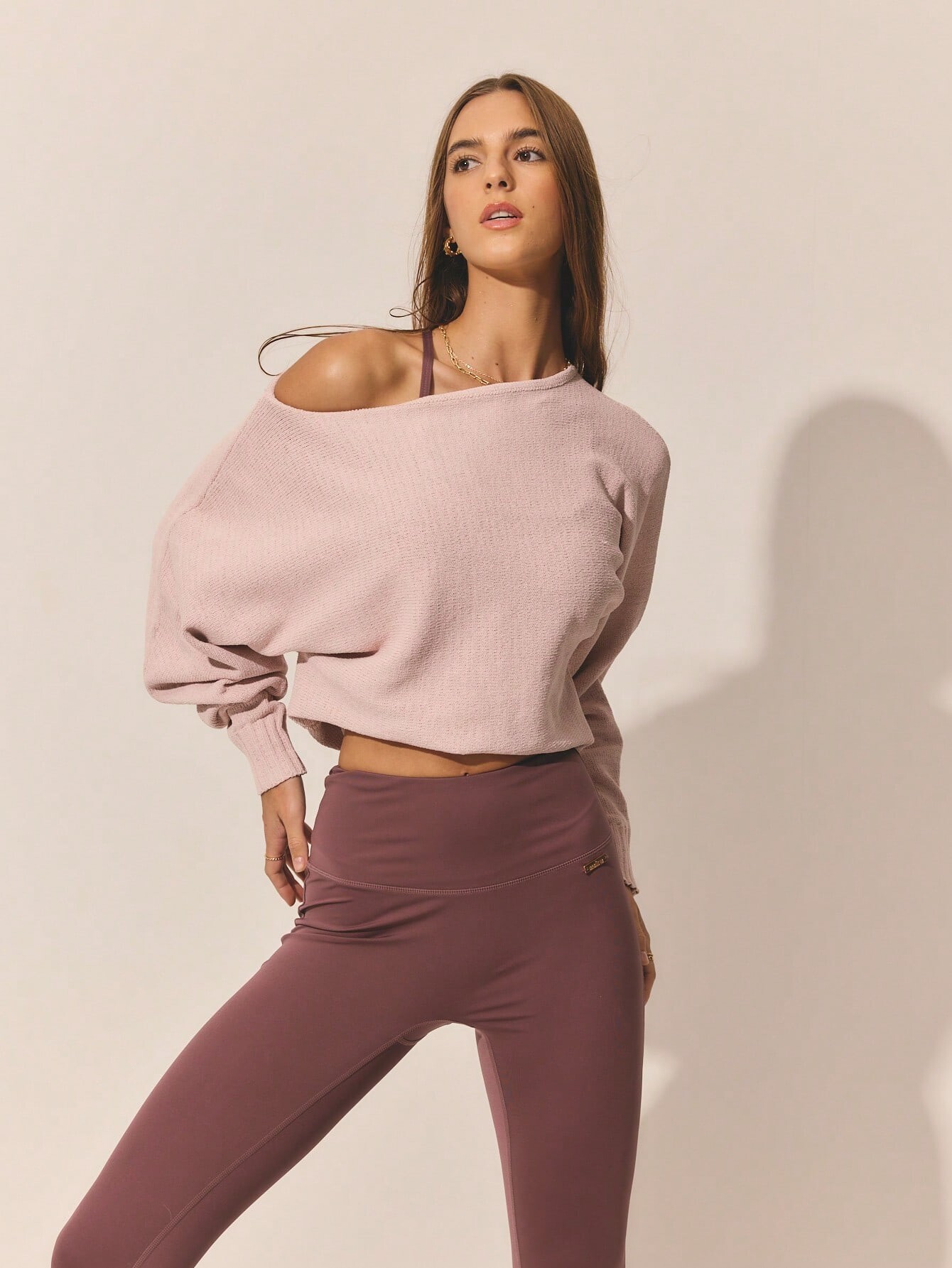
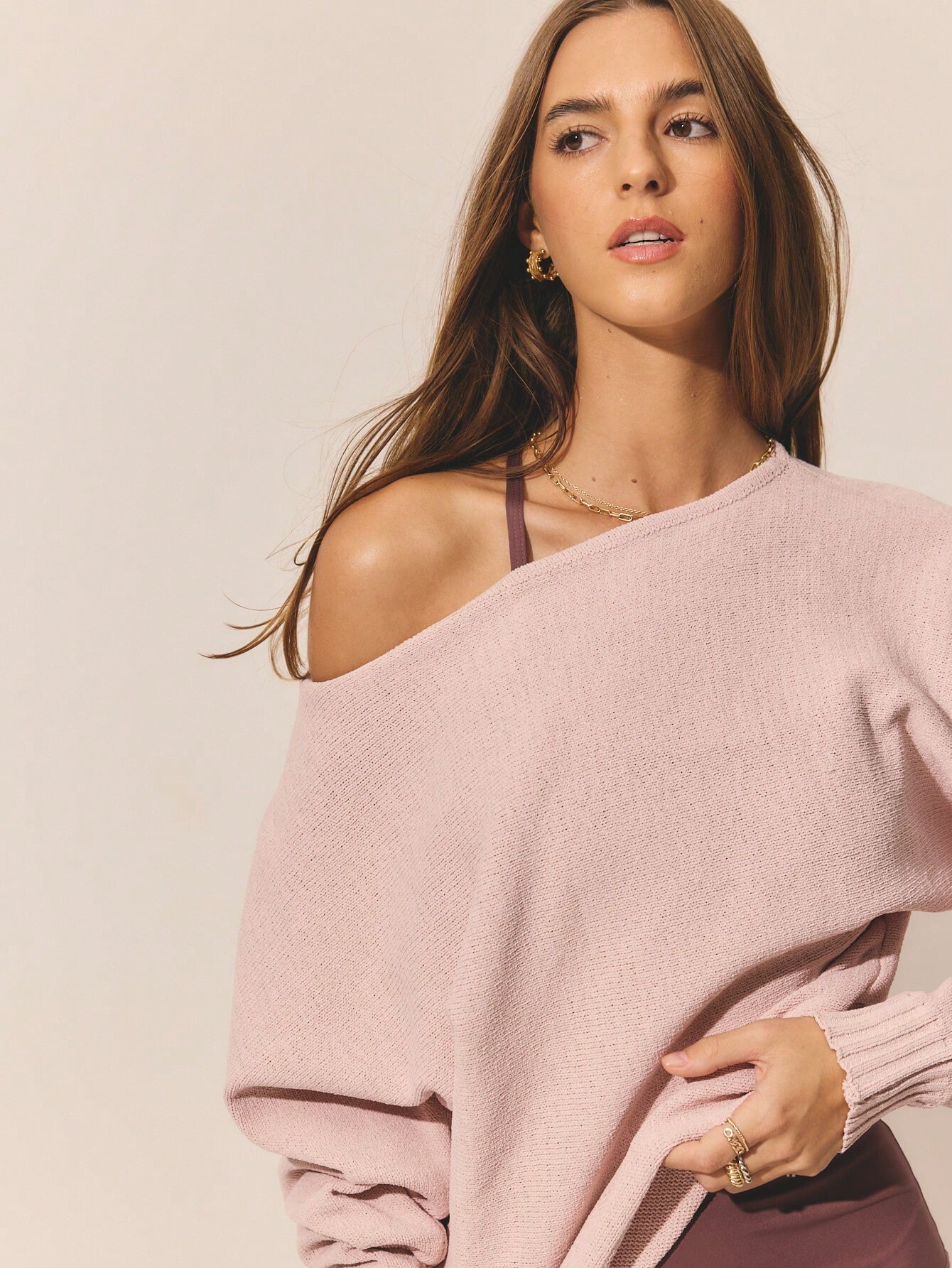
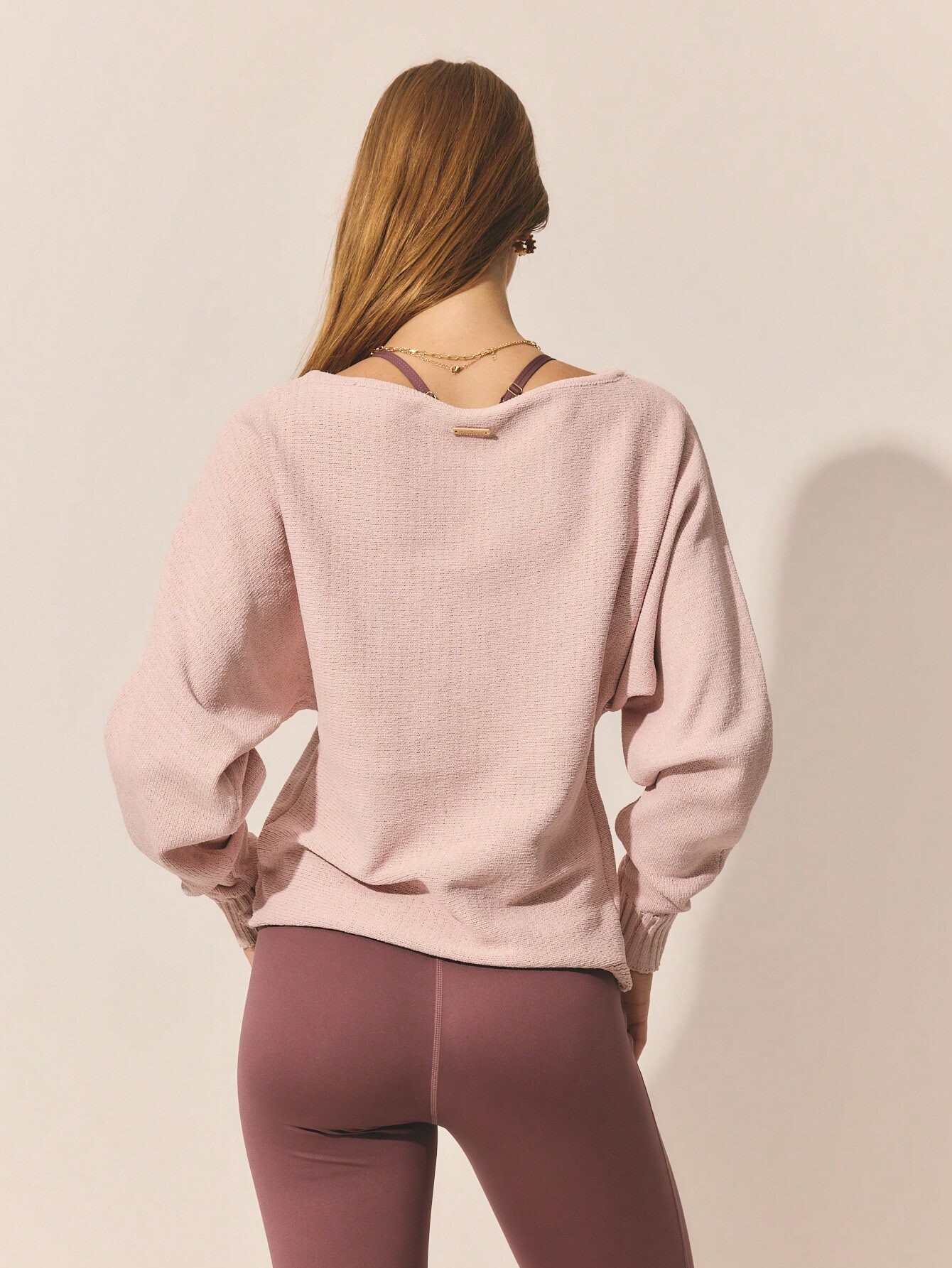
.jpg.0a82afe6c6b979e16cc4ece1c53a376d.jpg)
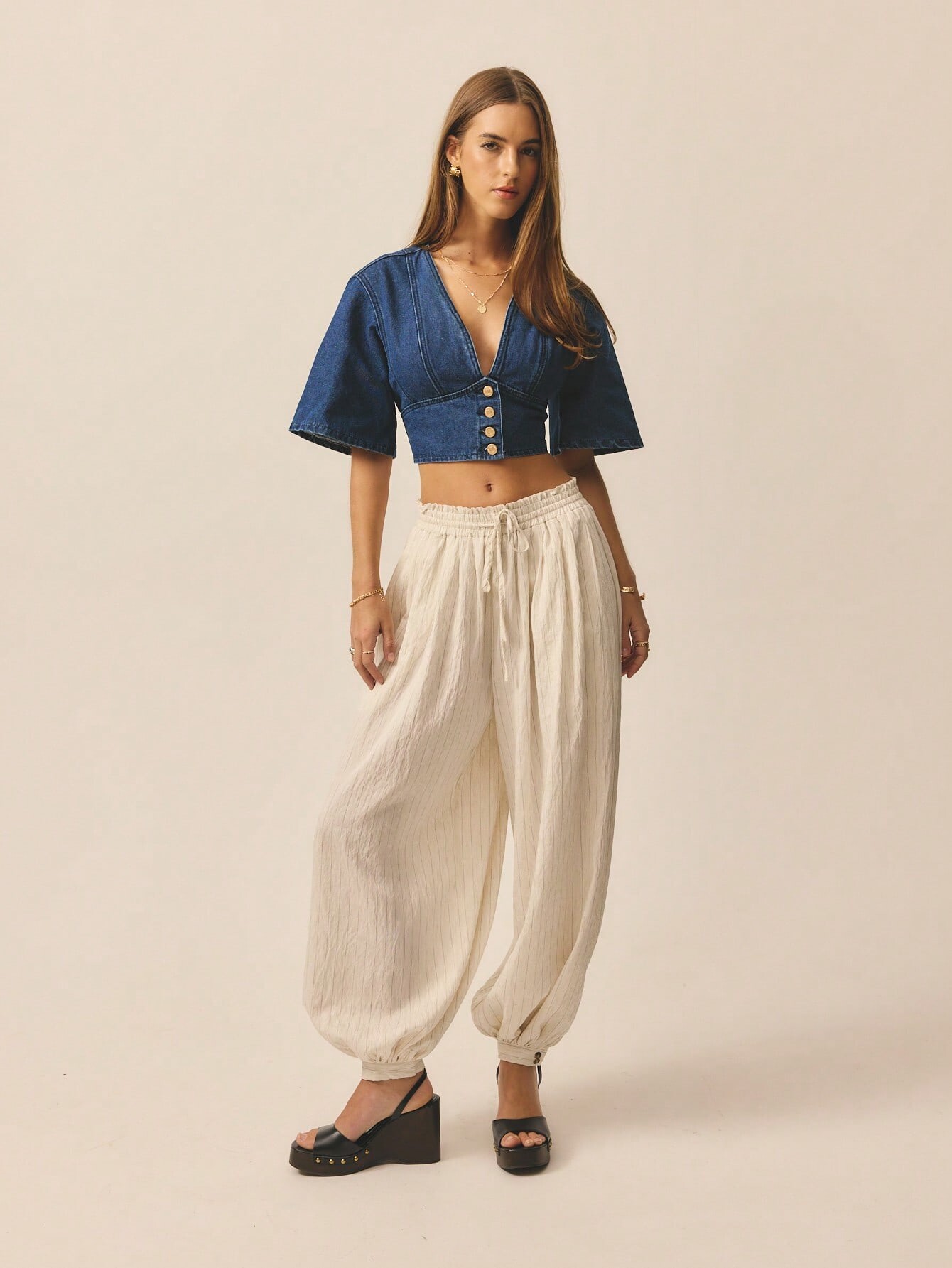
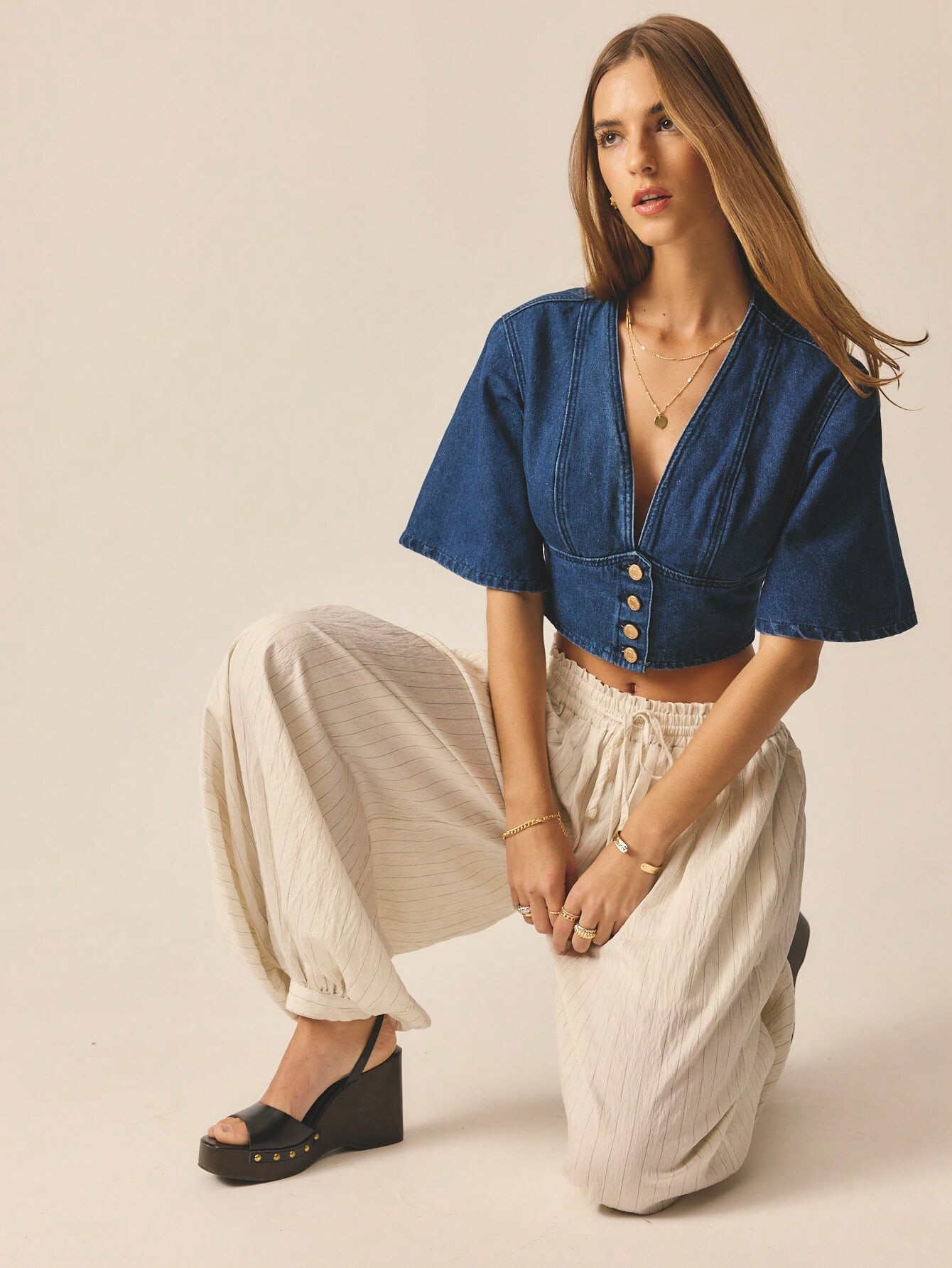
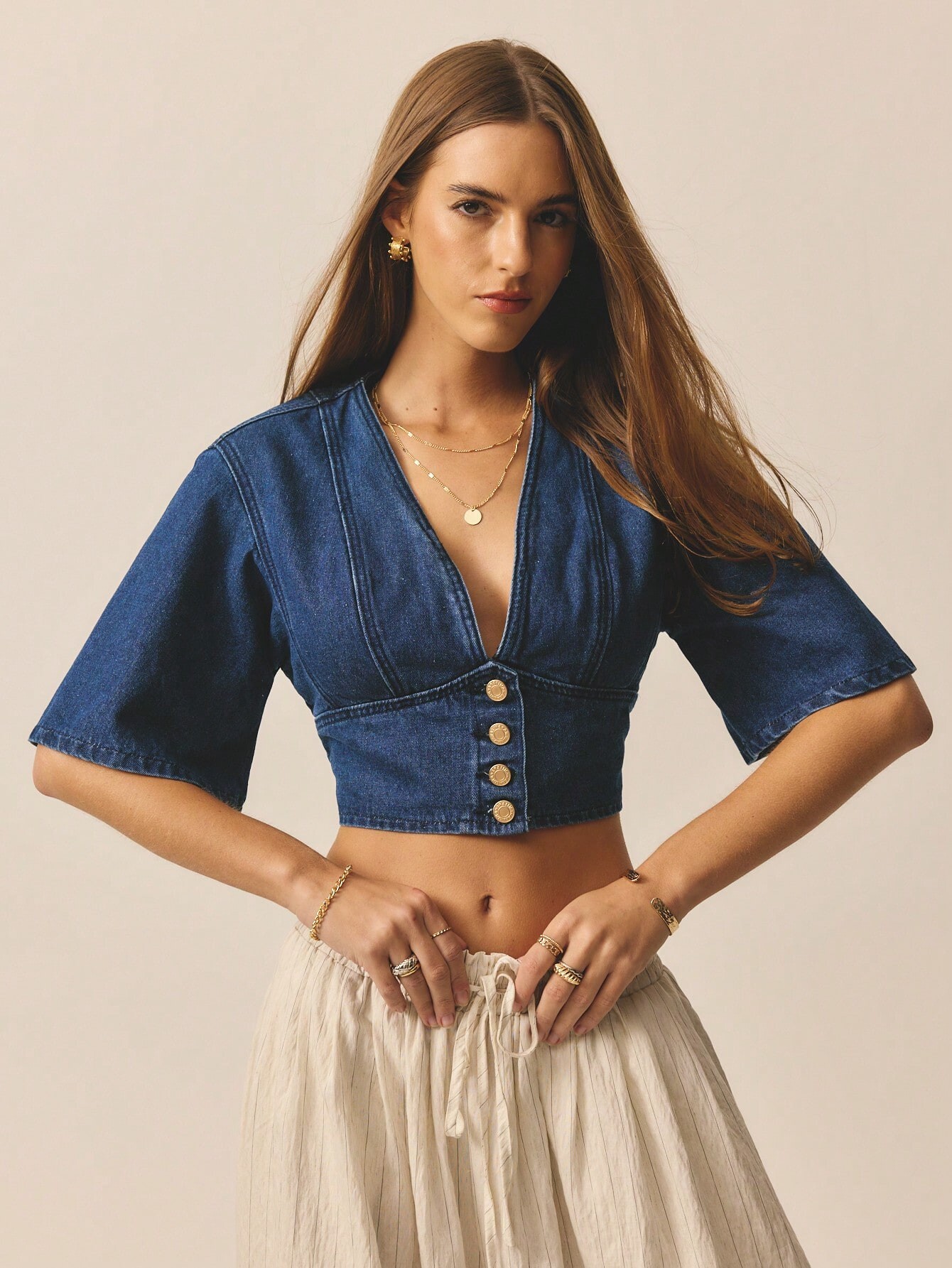
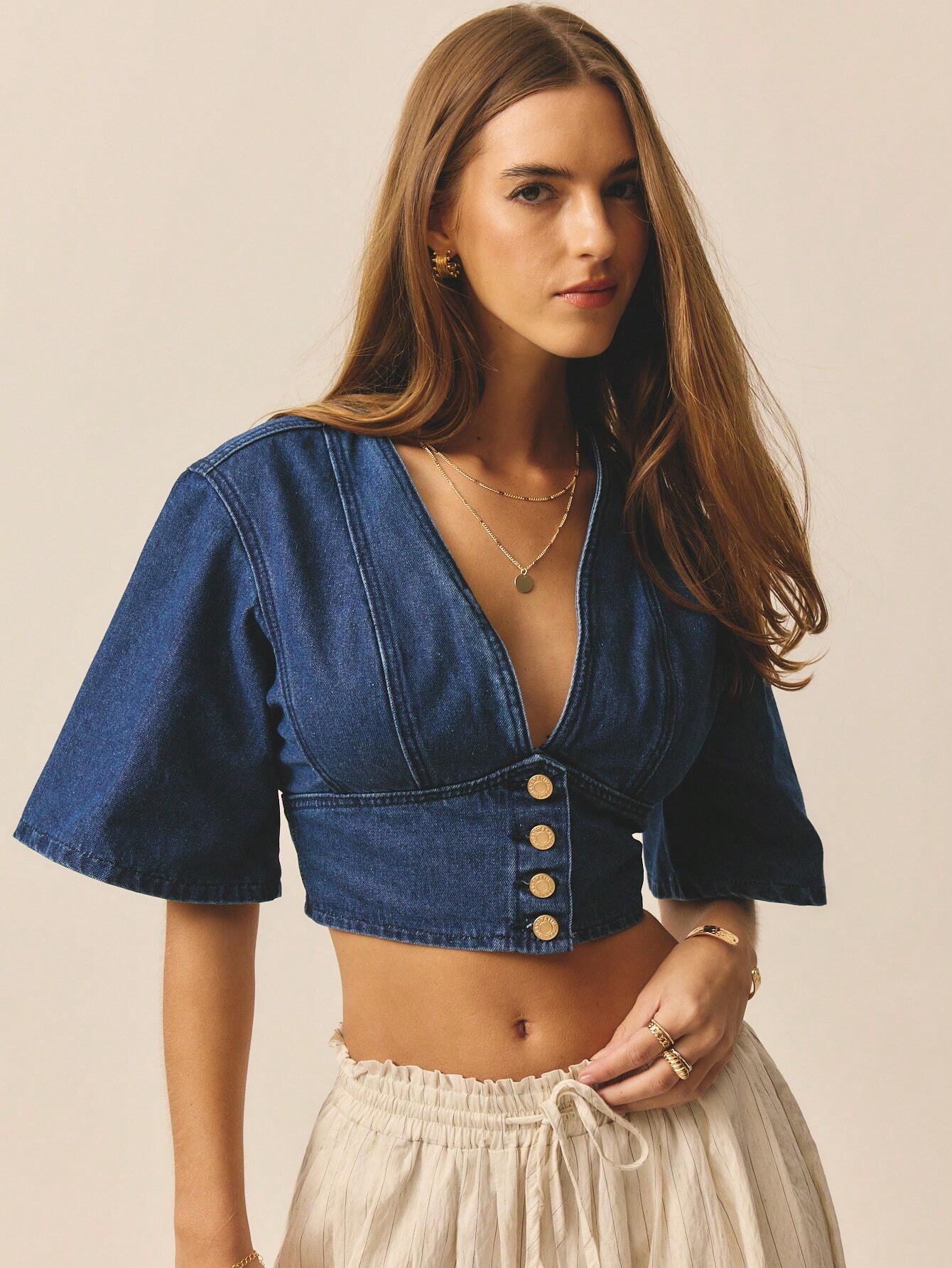
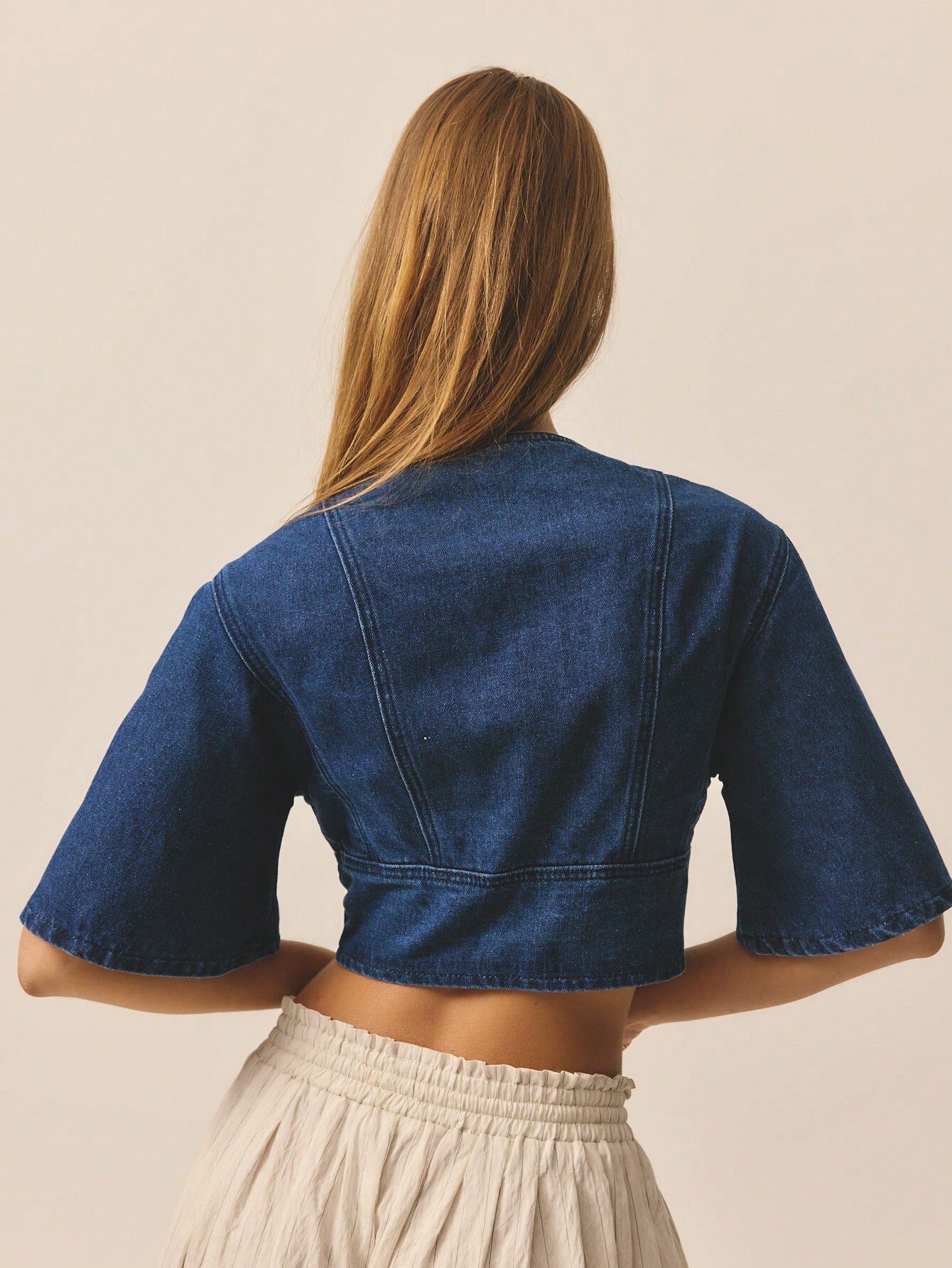
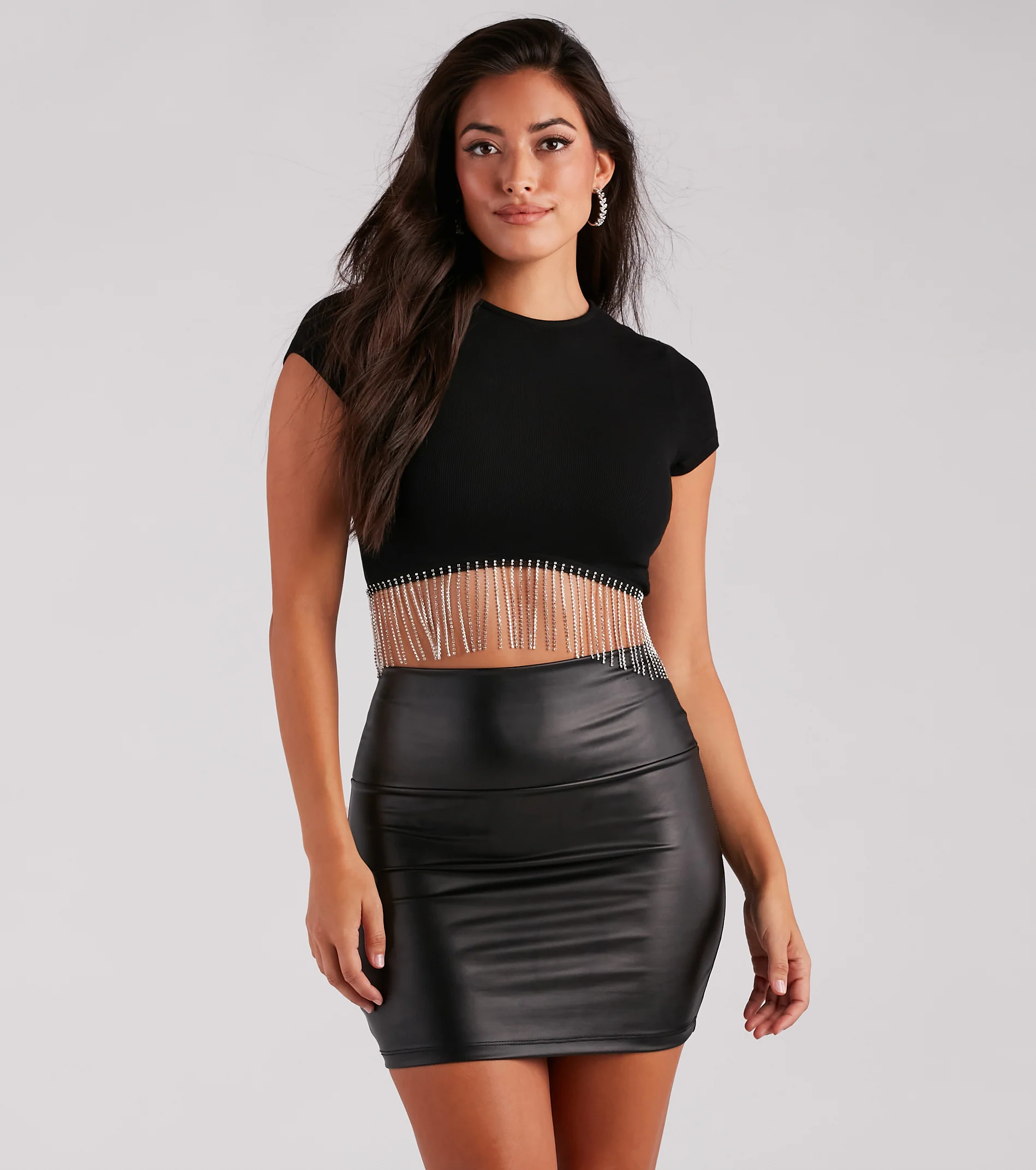
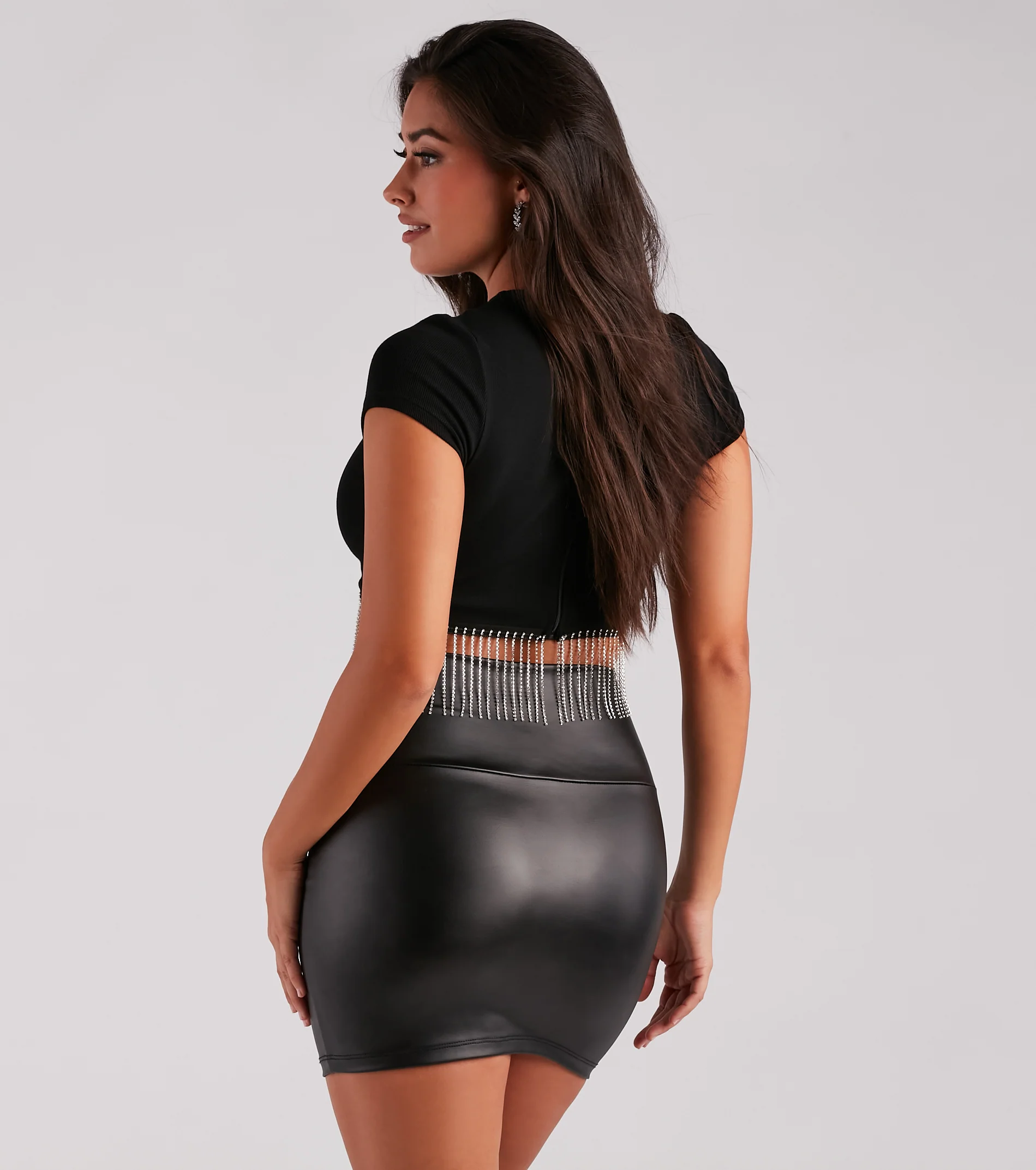
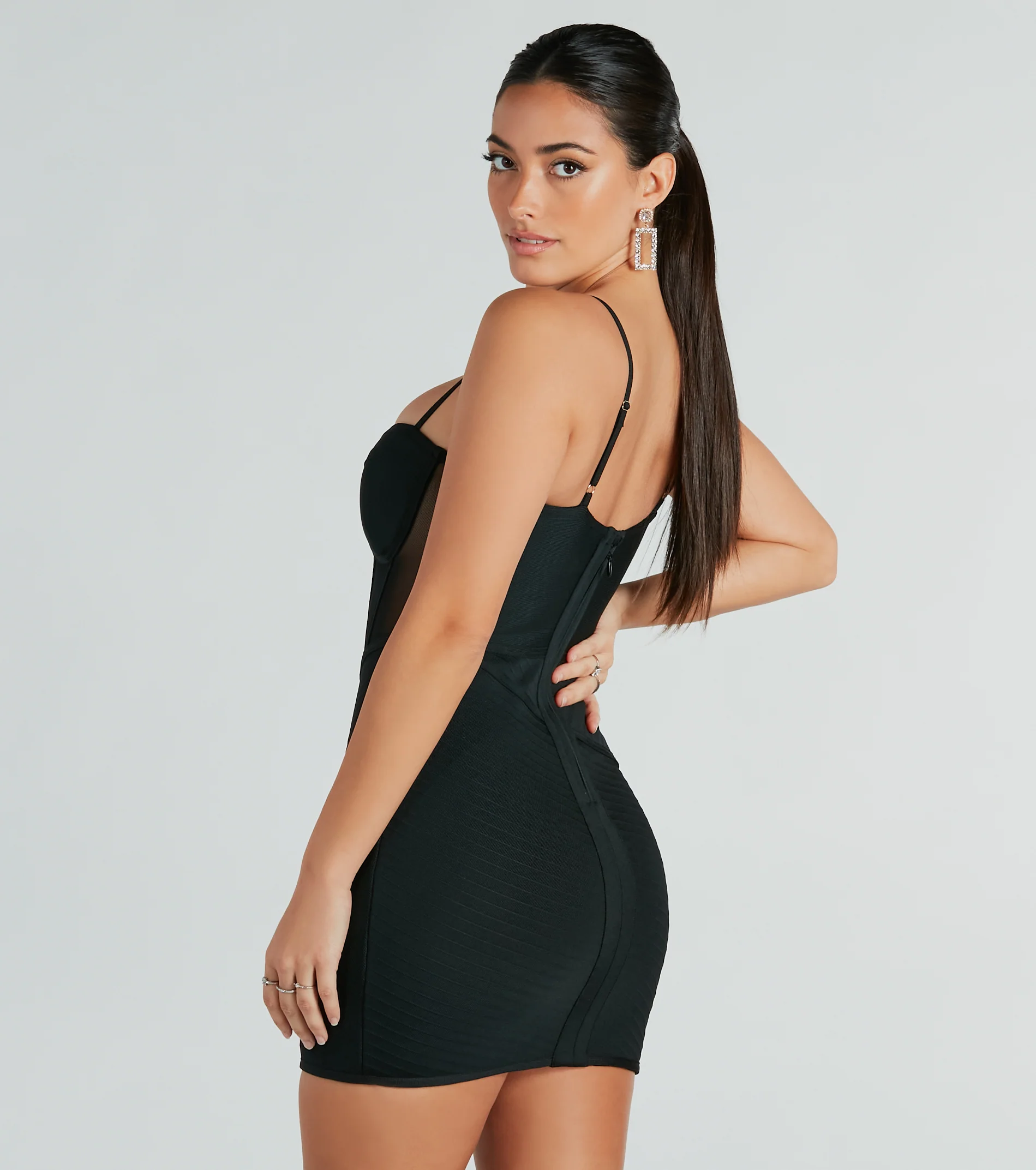
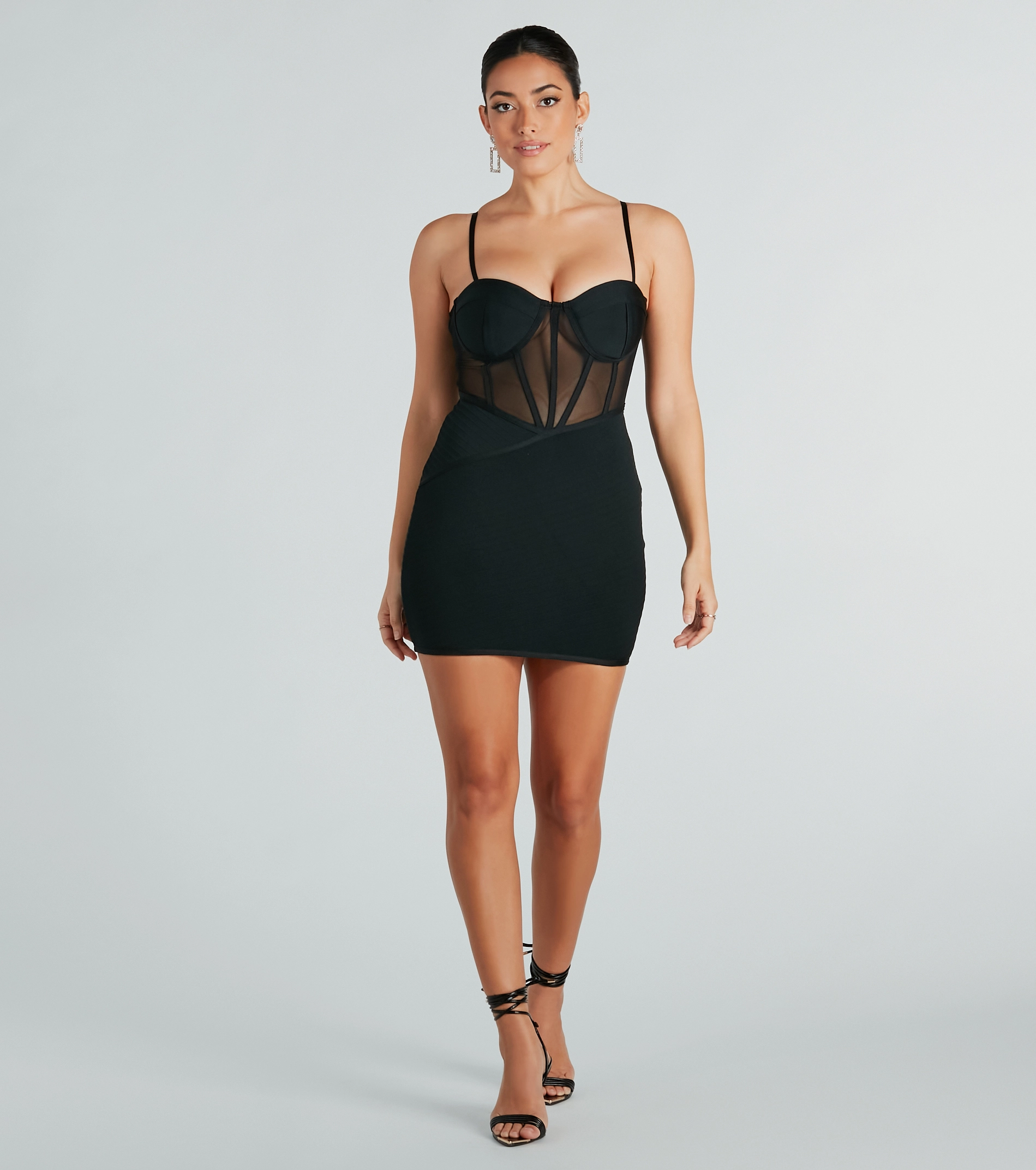
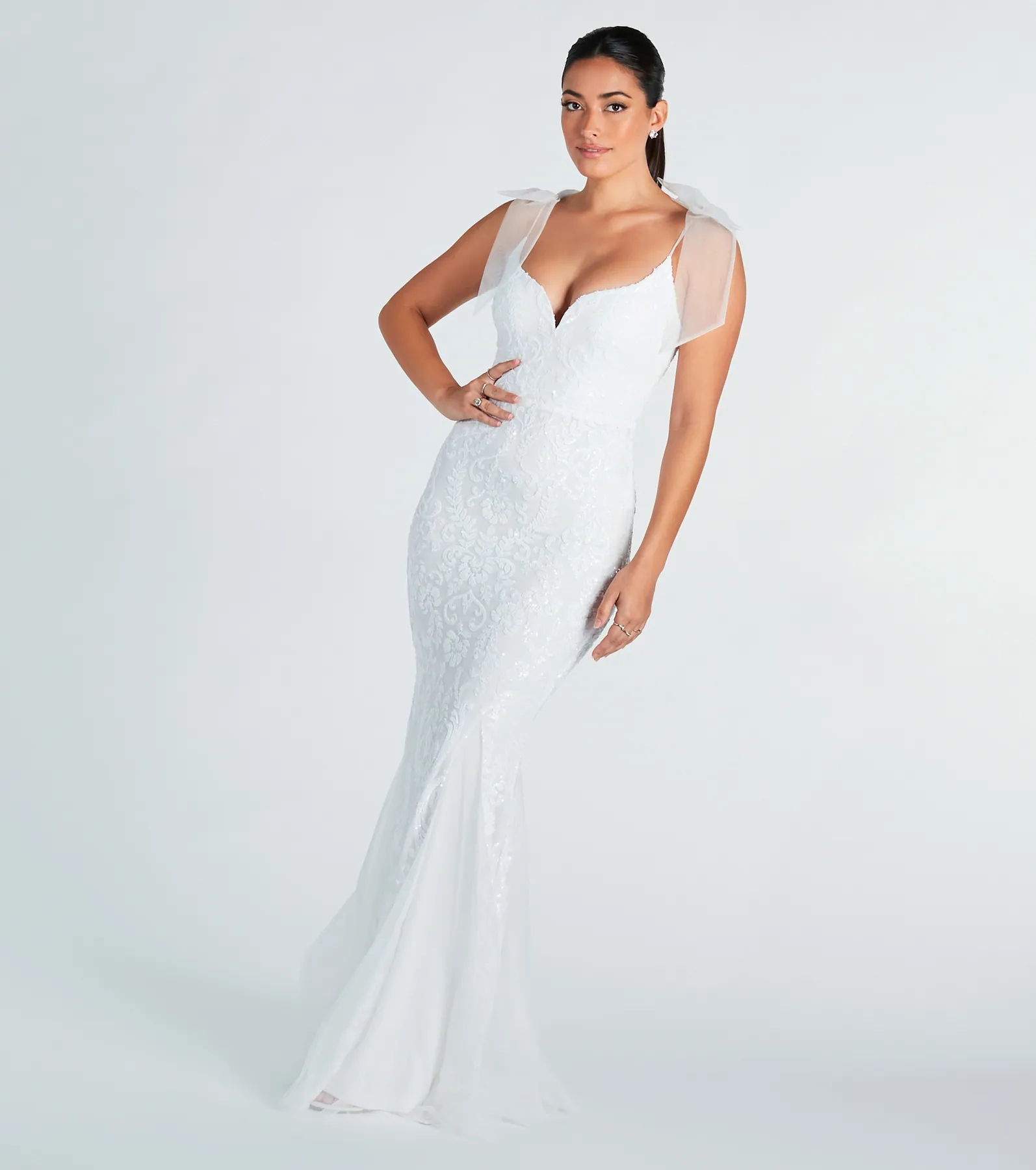
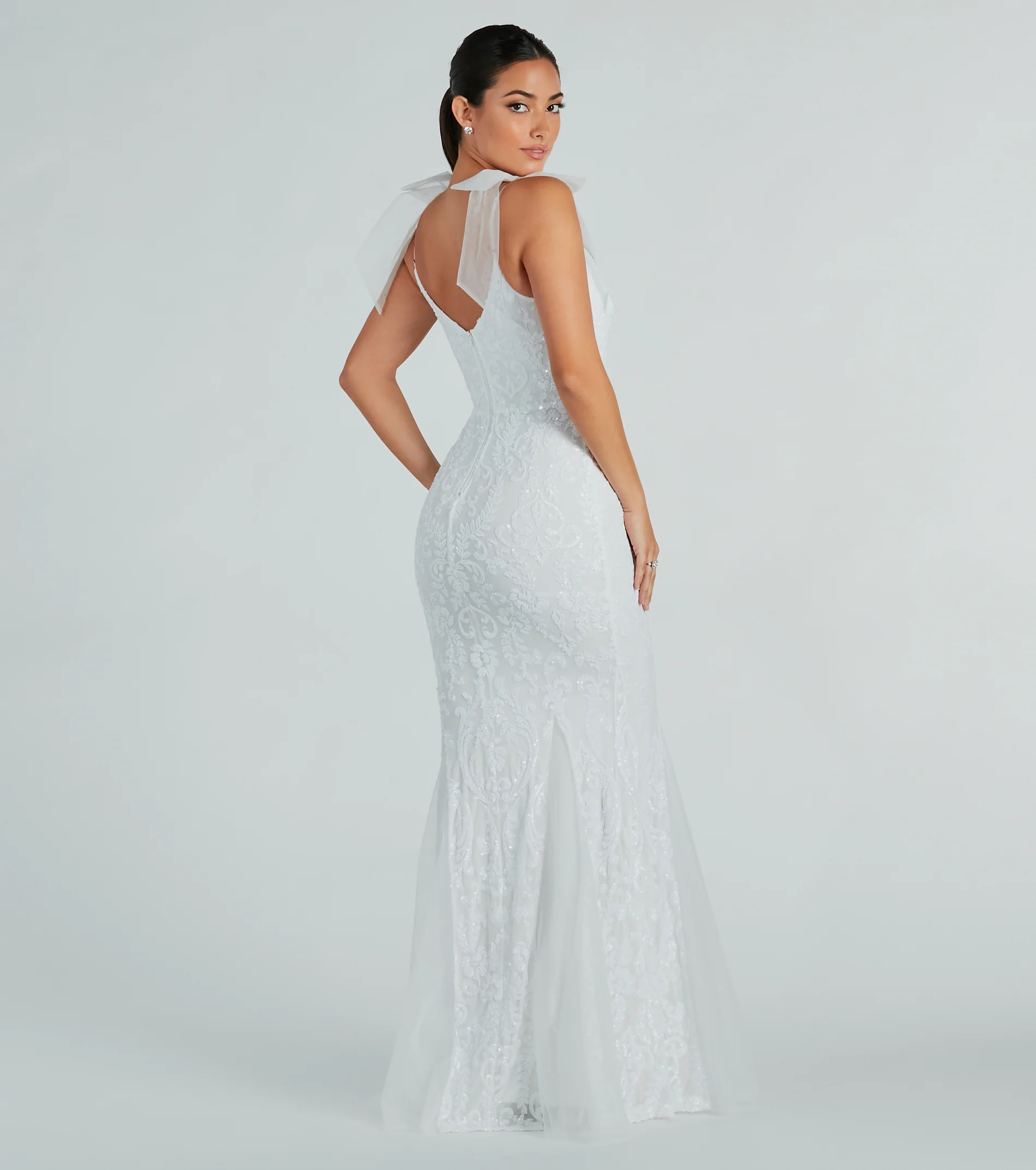
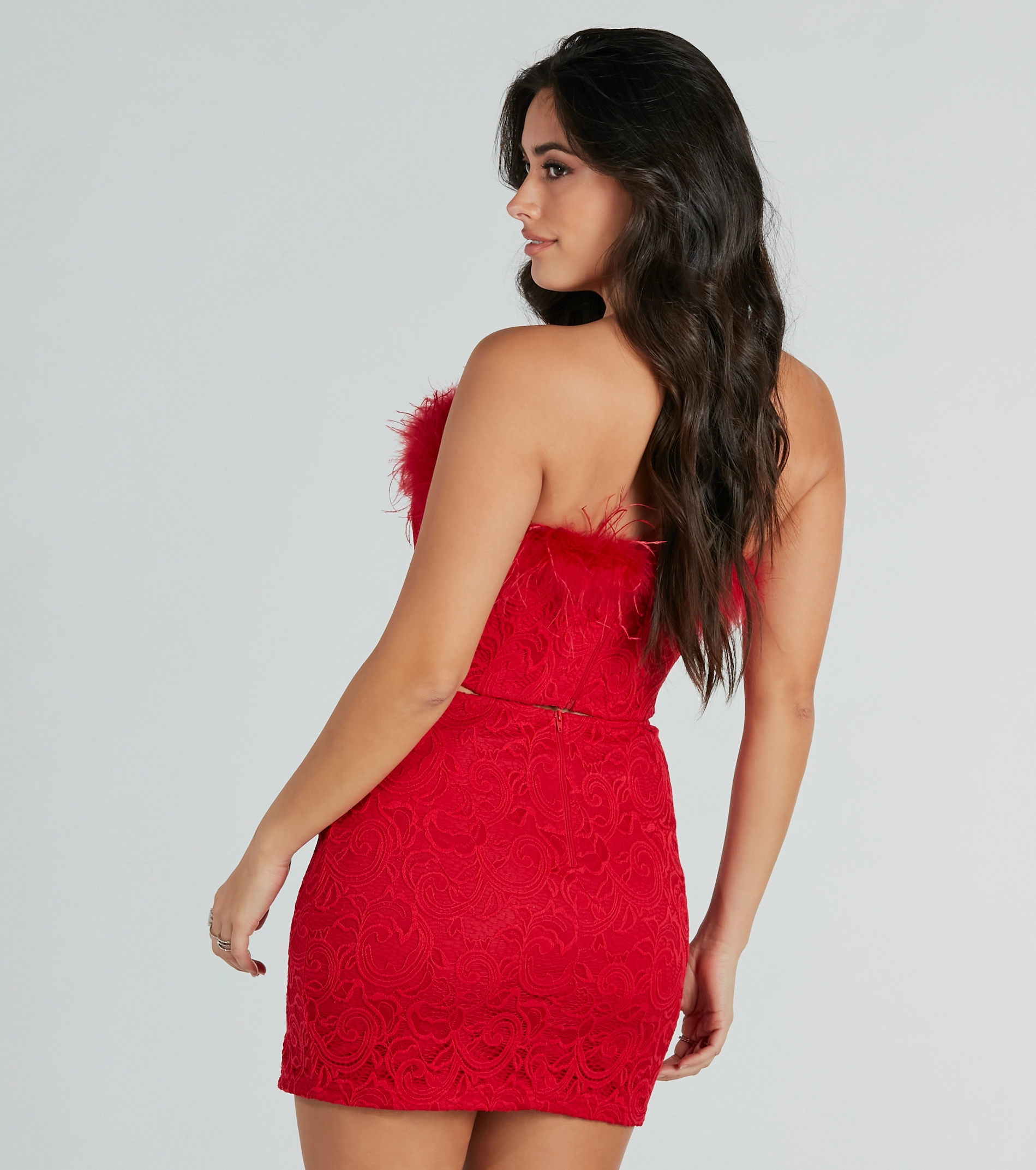
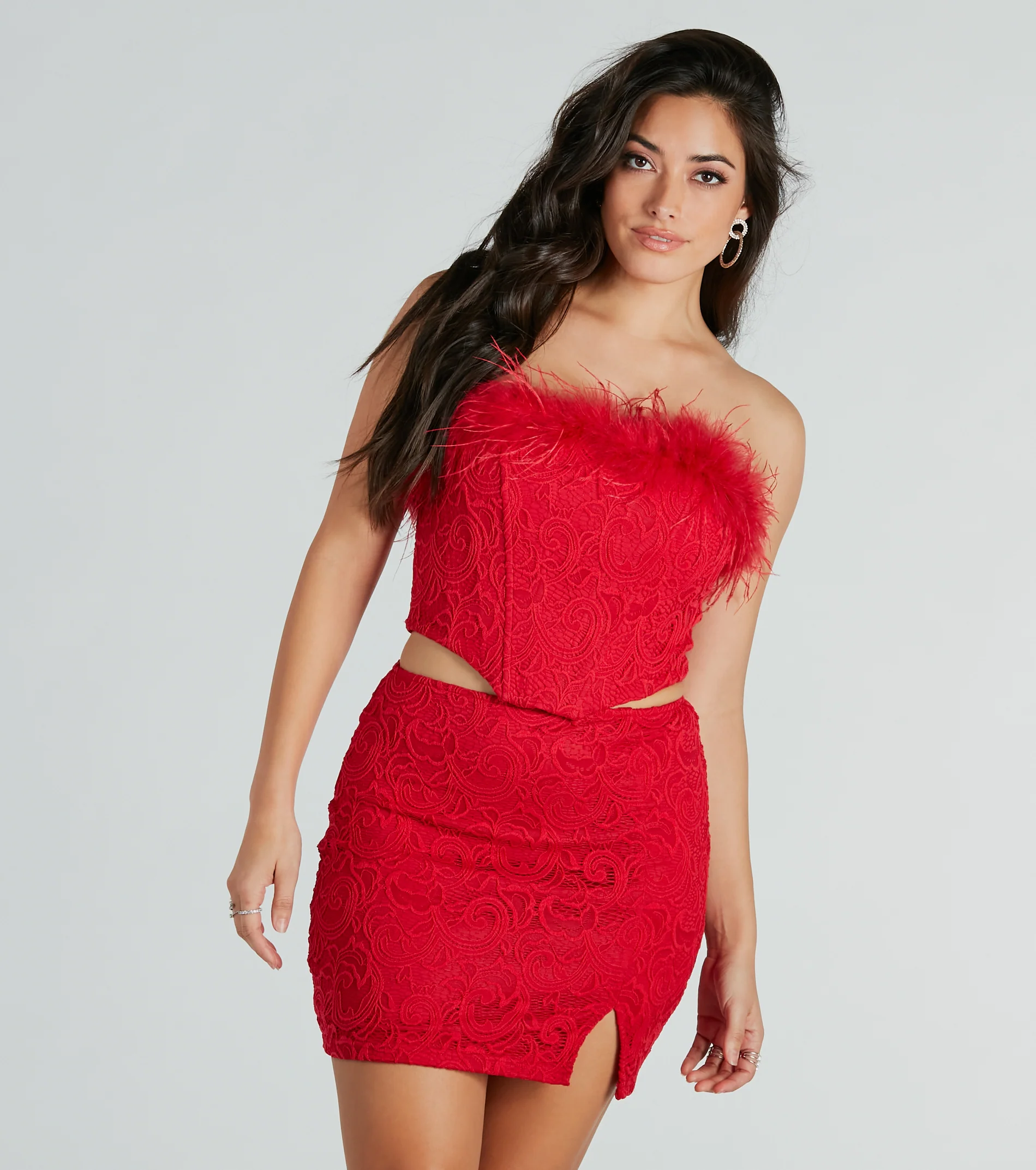
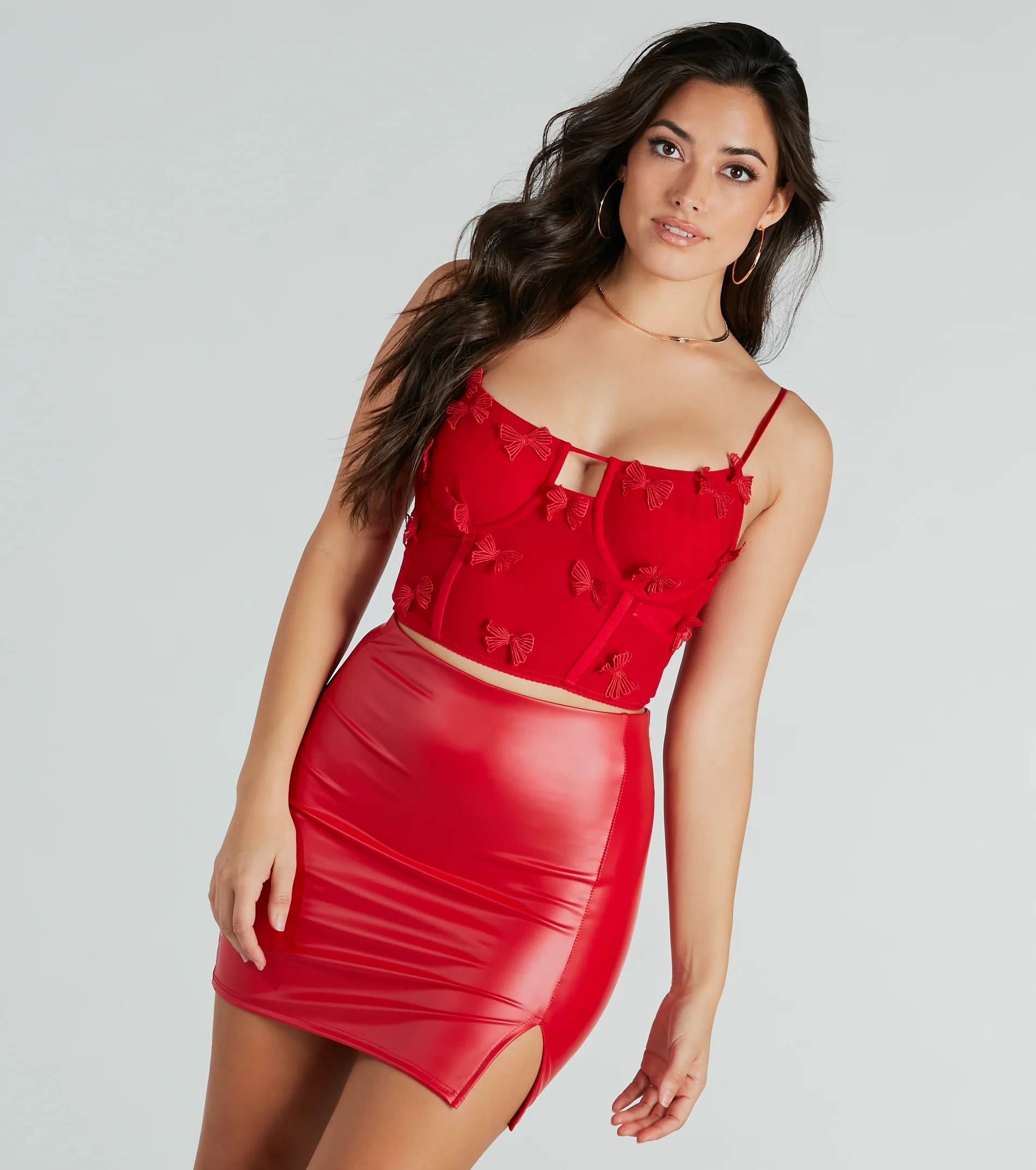
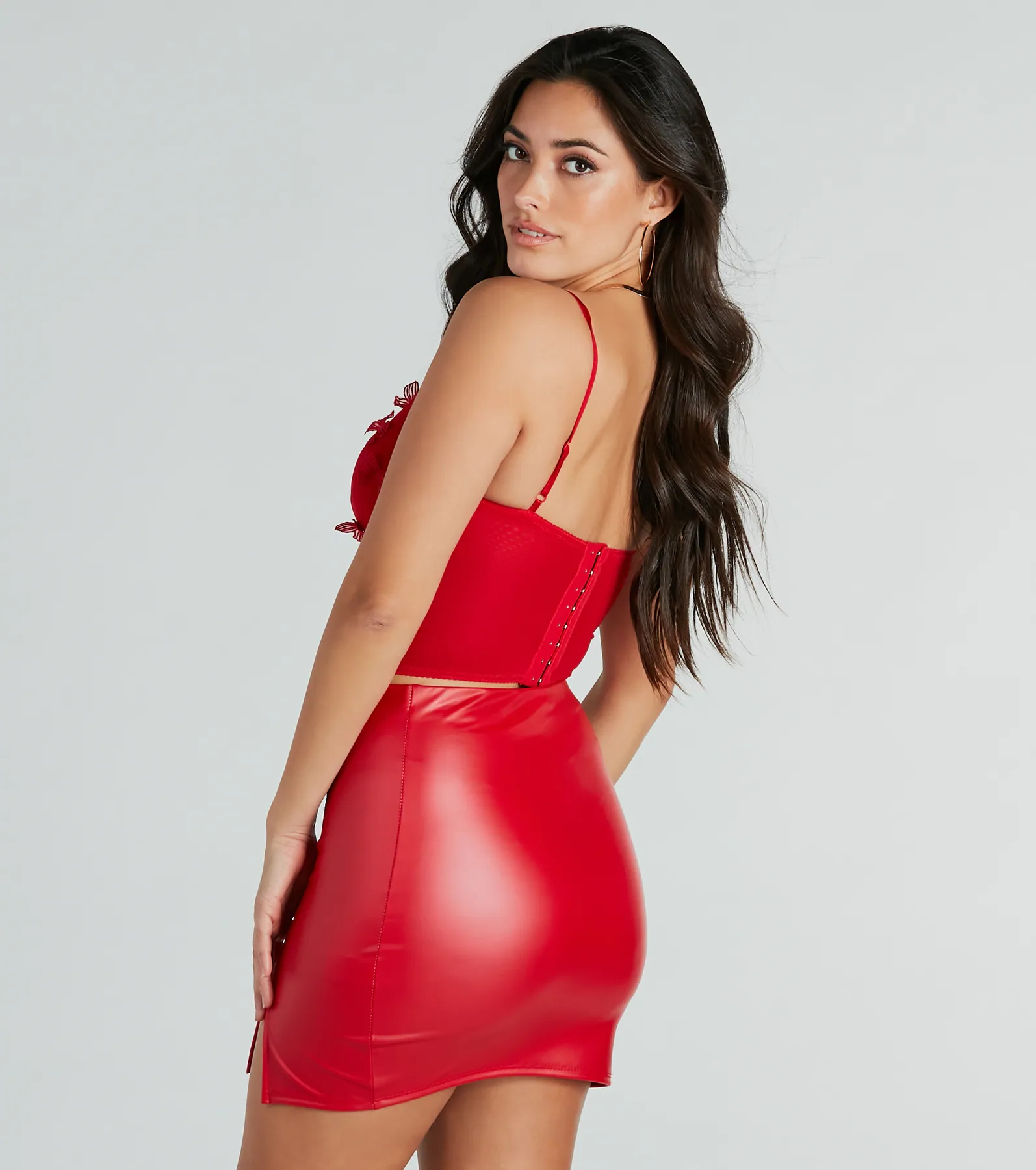
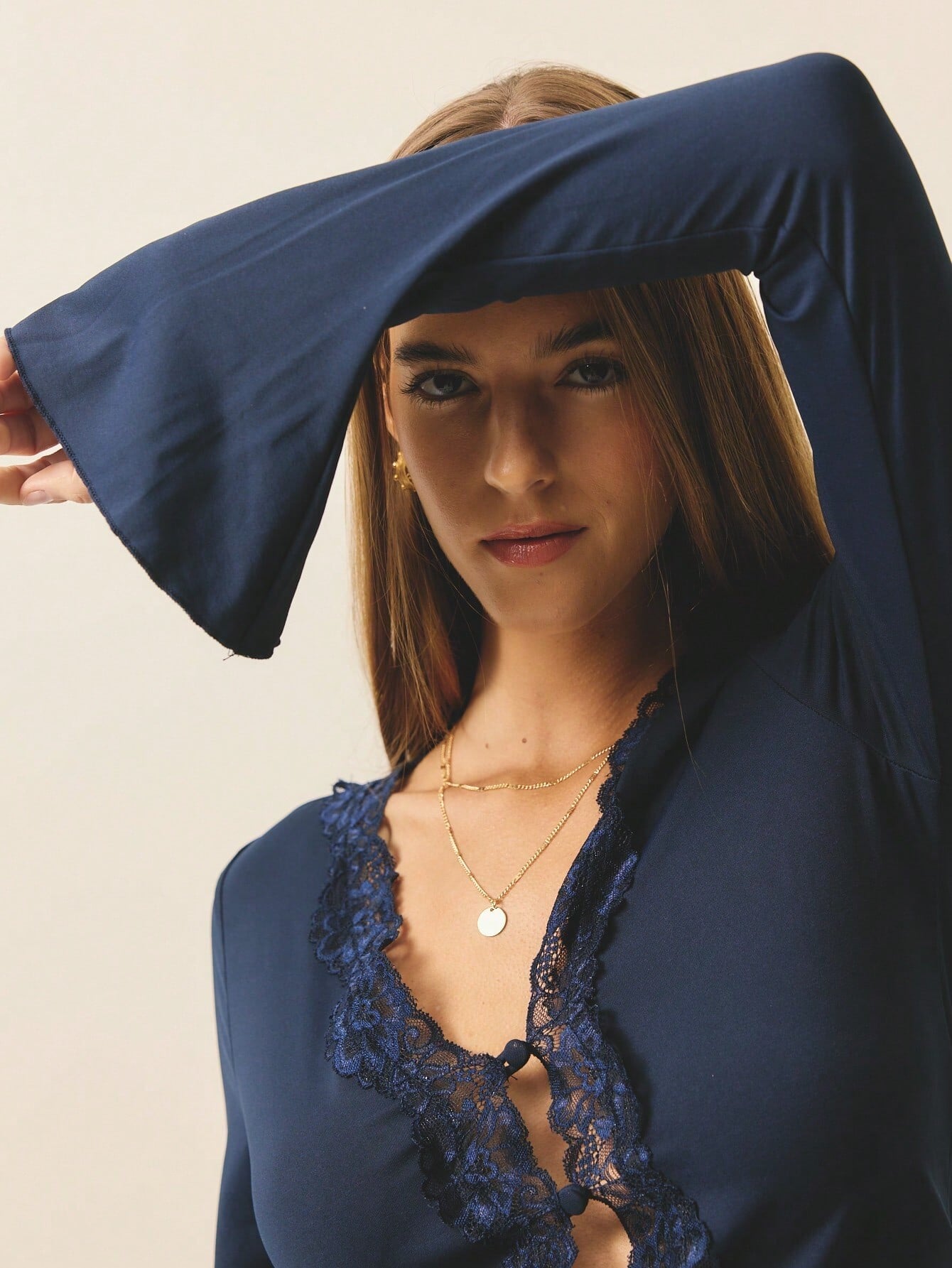
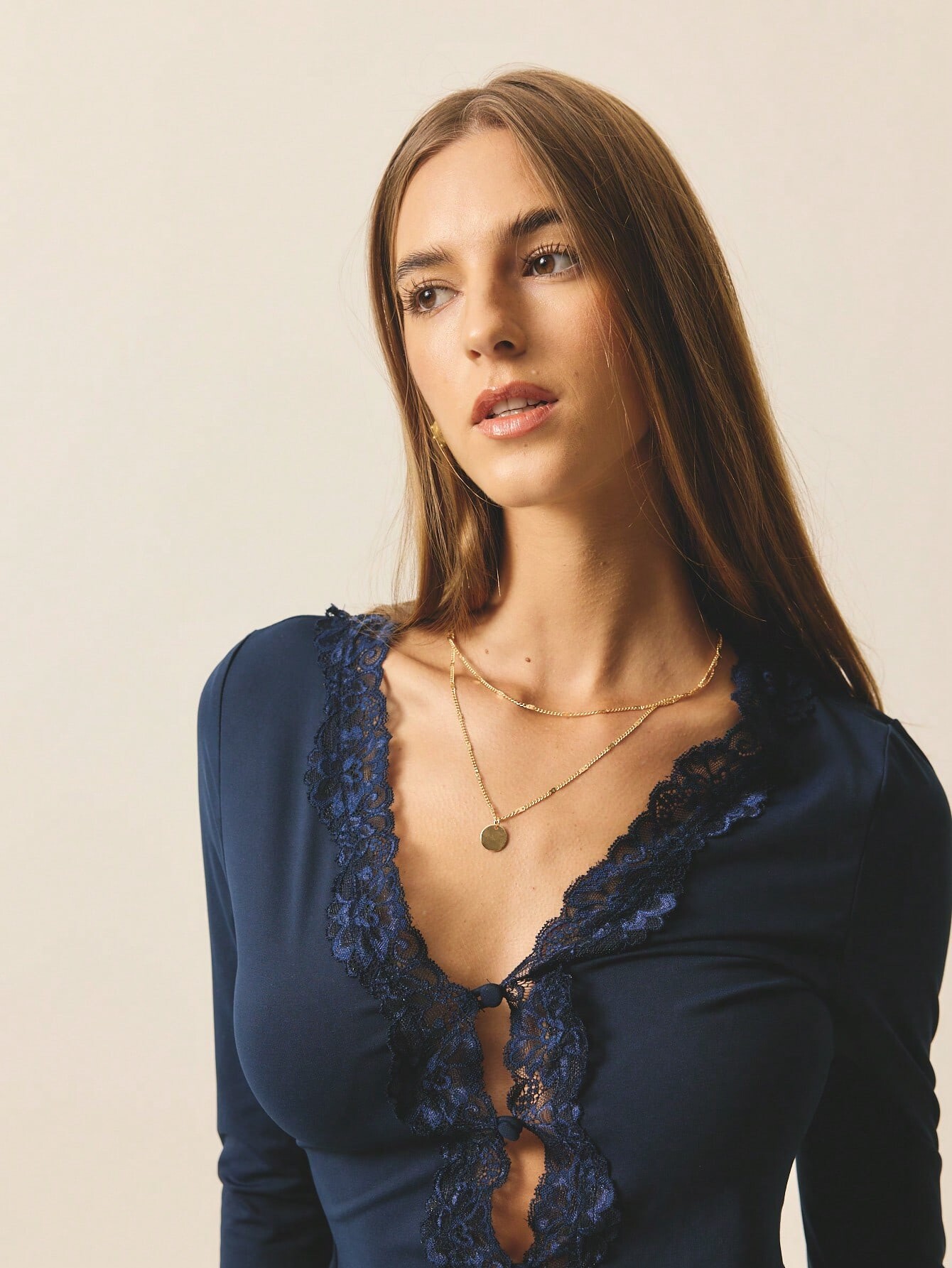
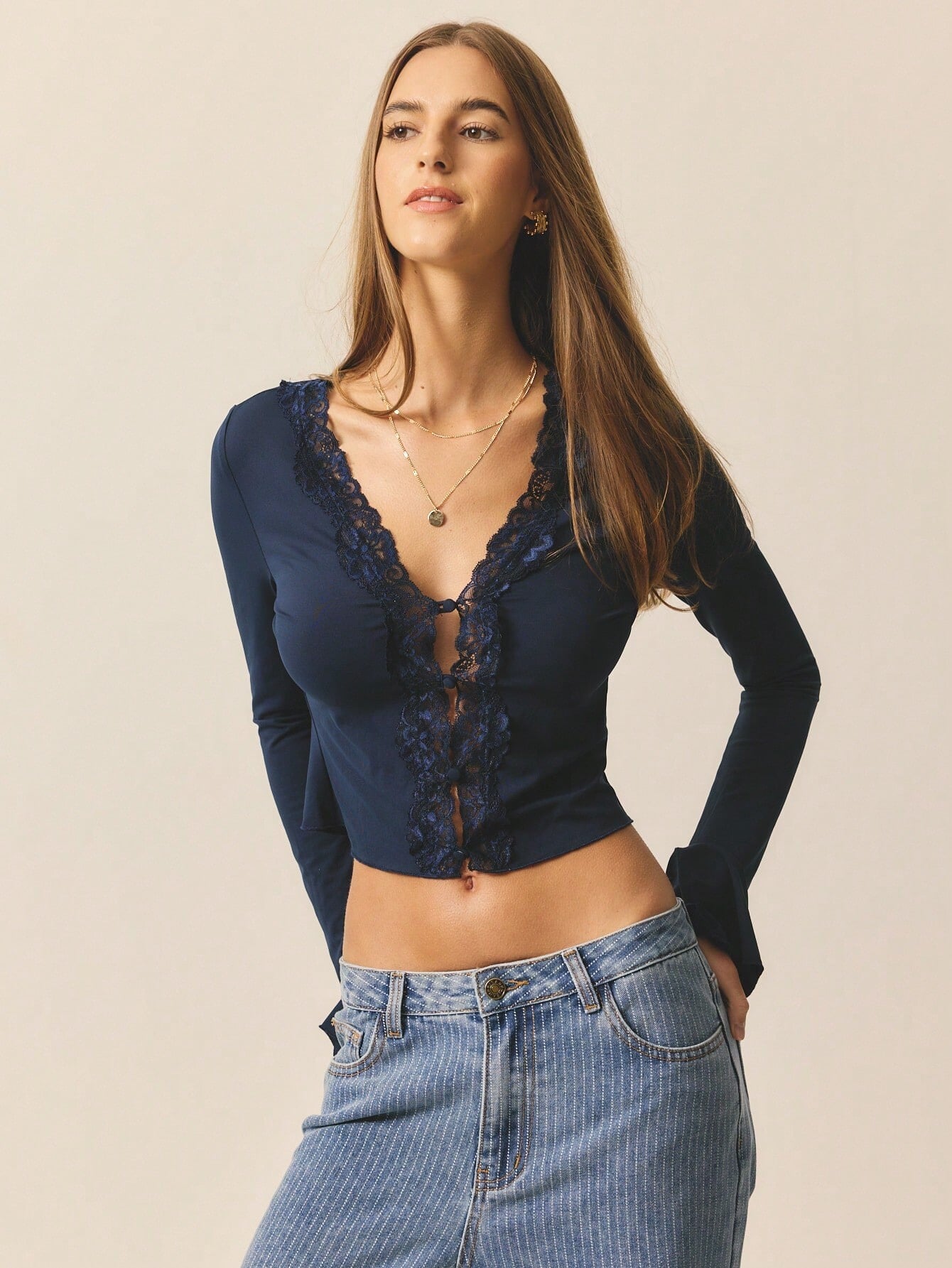
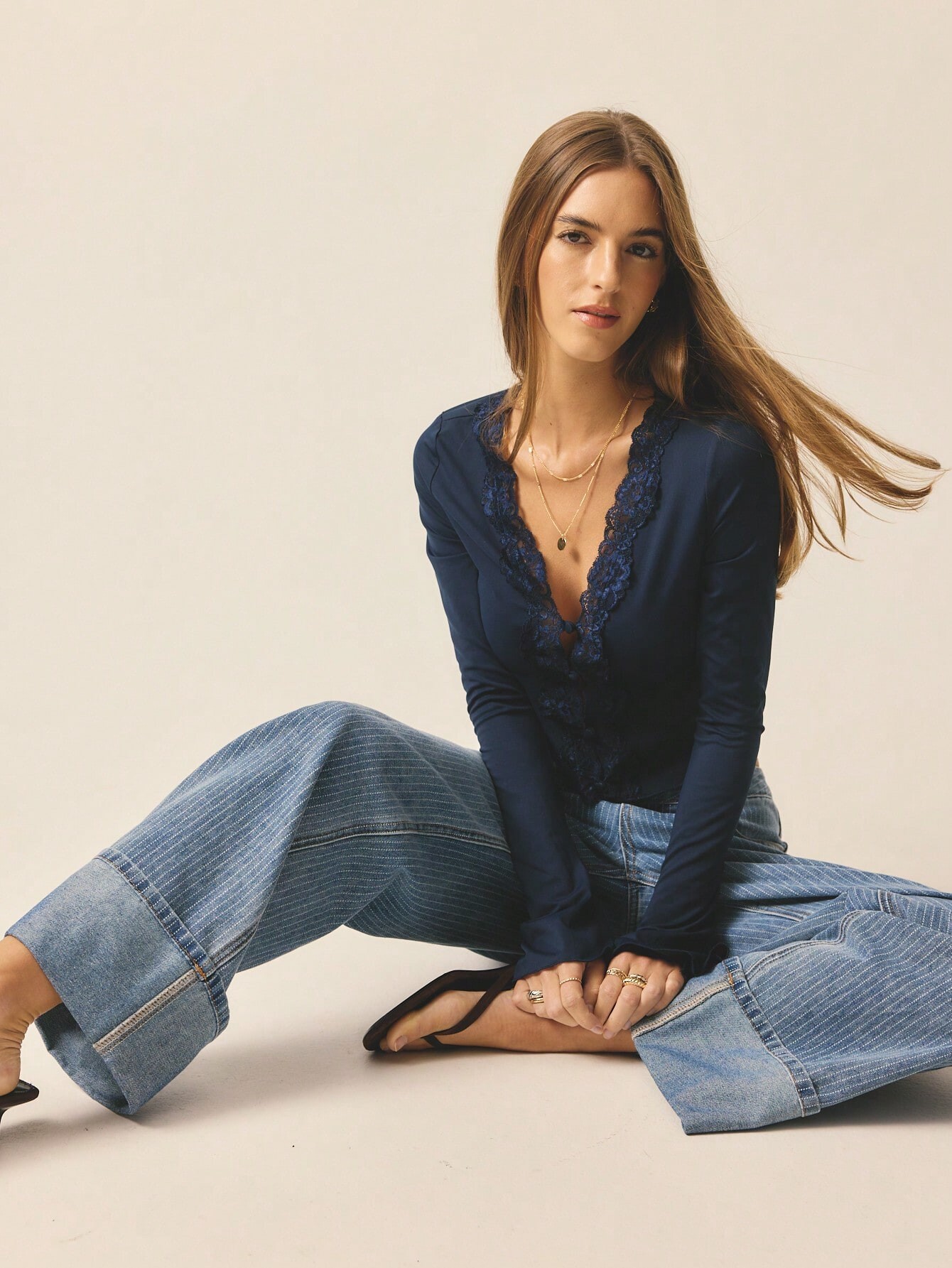


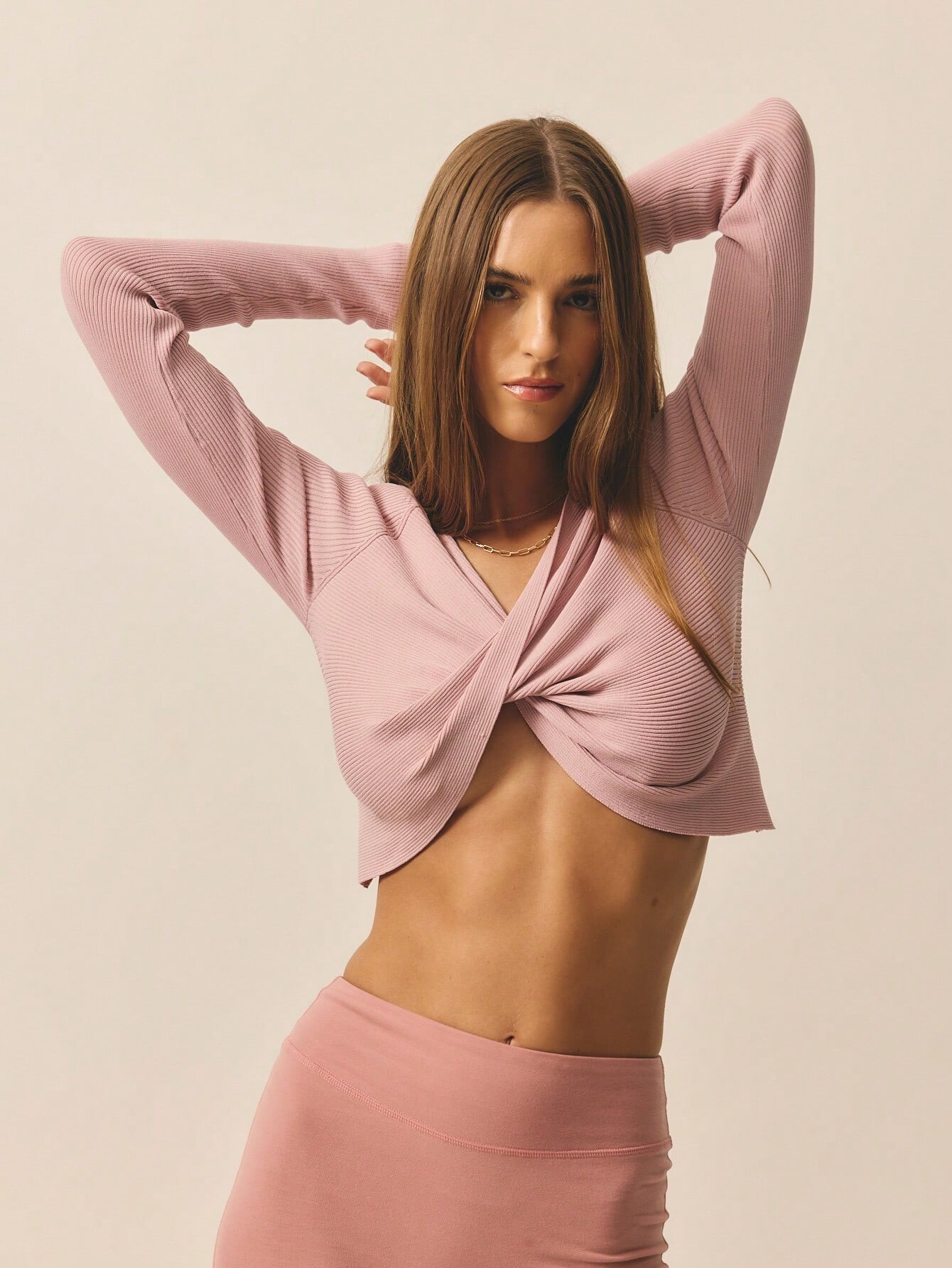
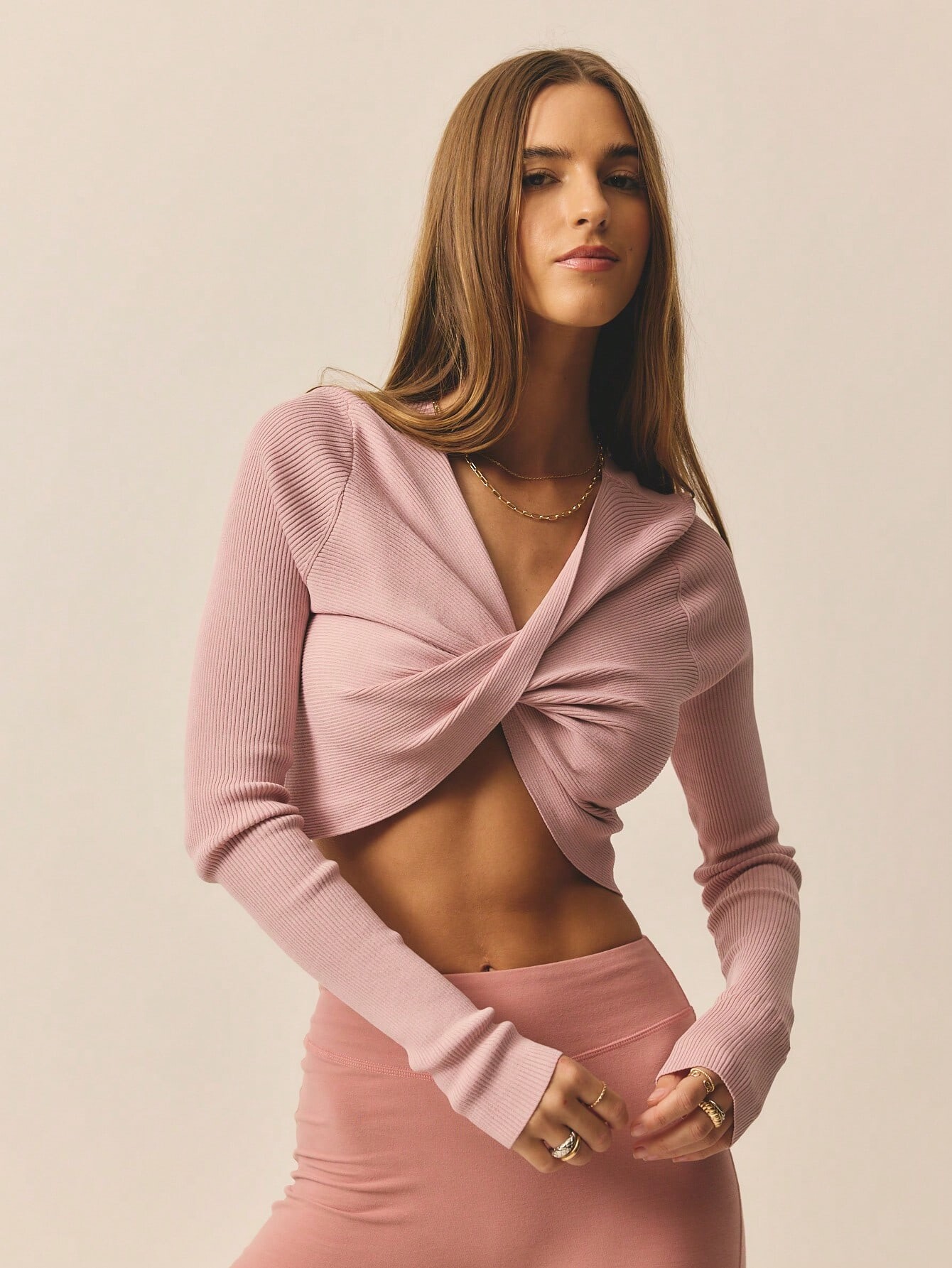
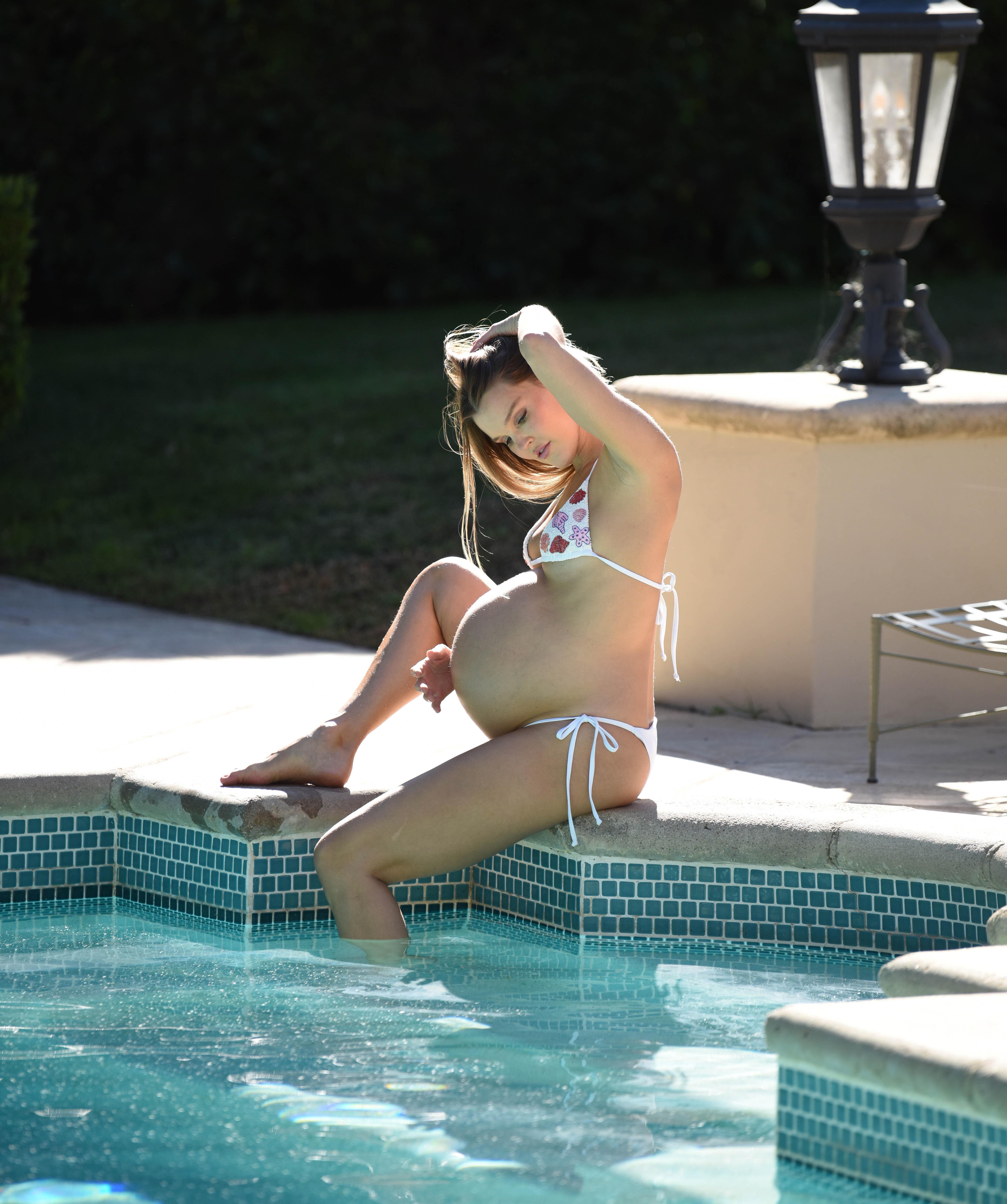
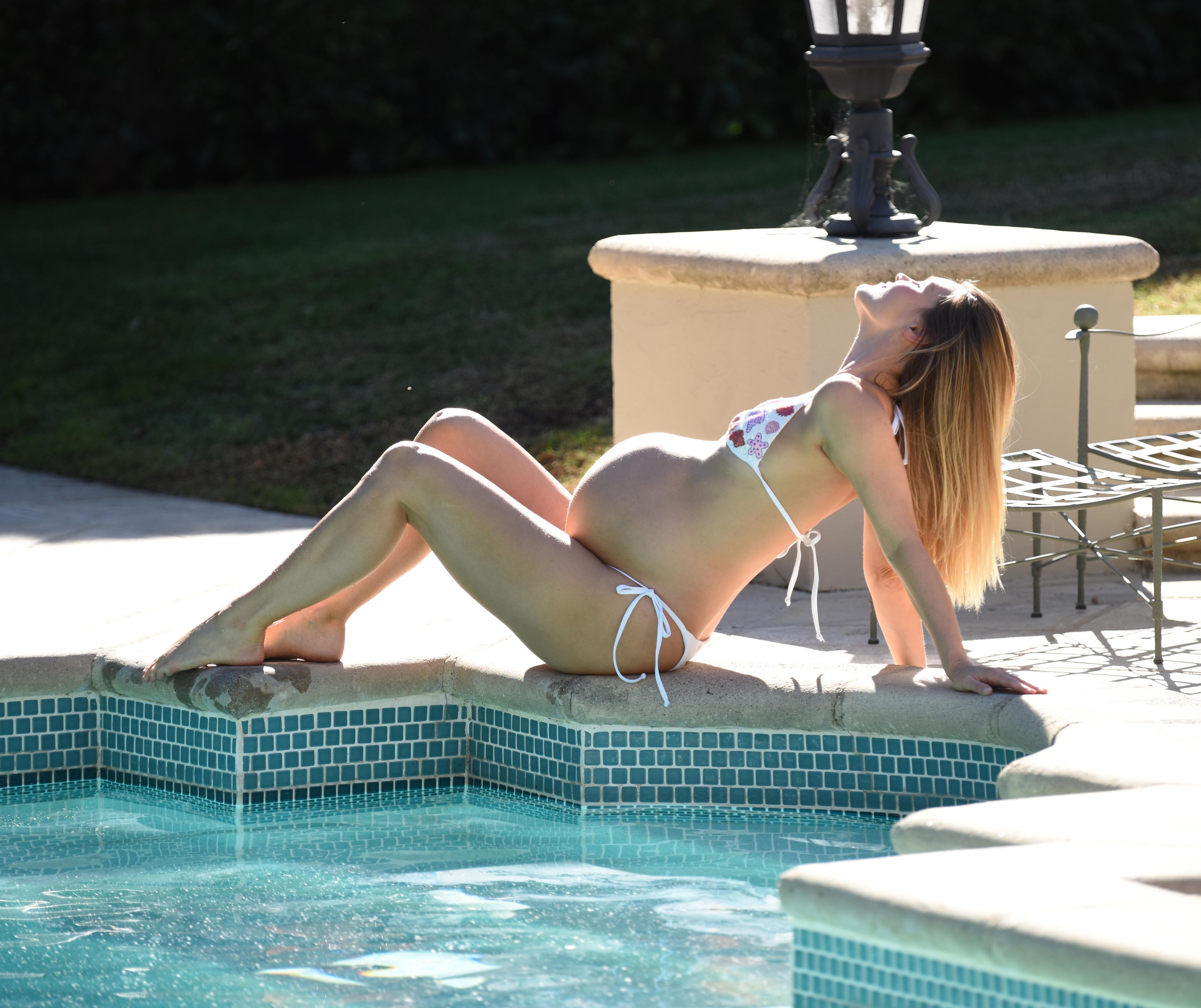
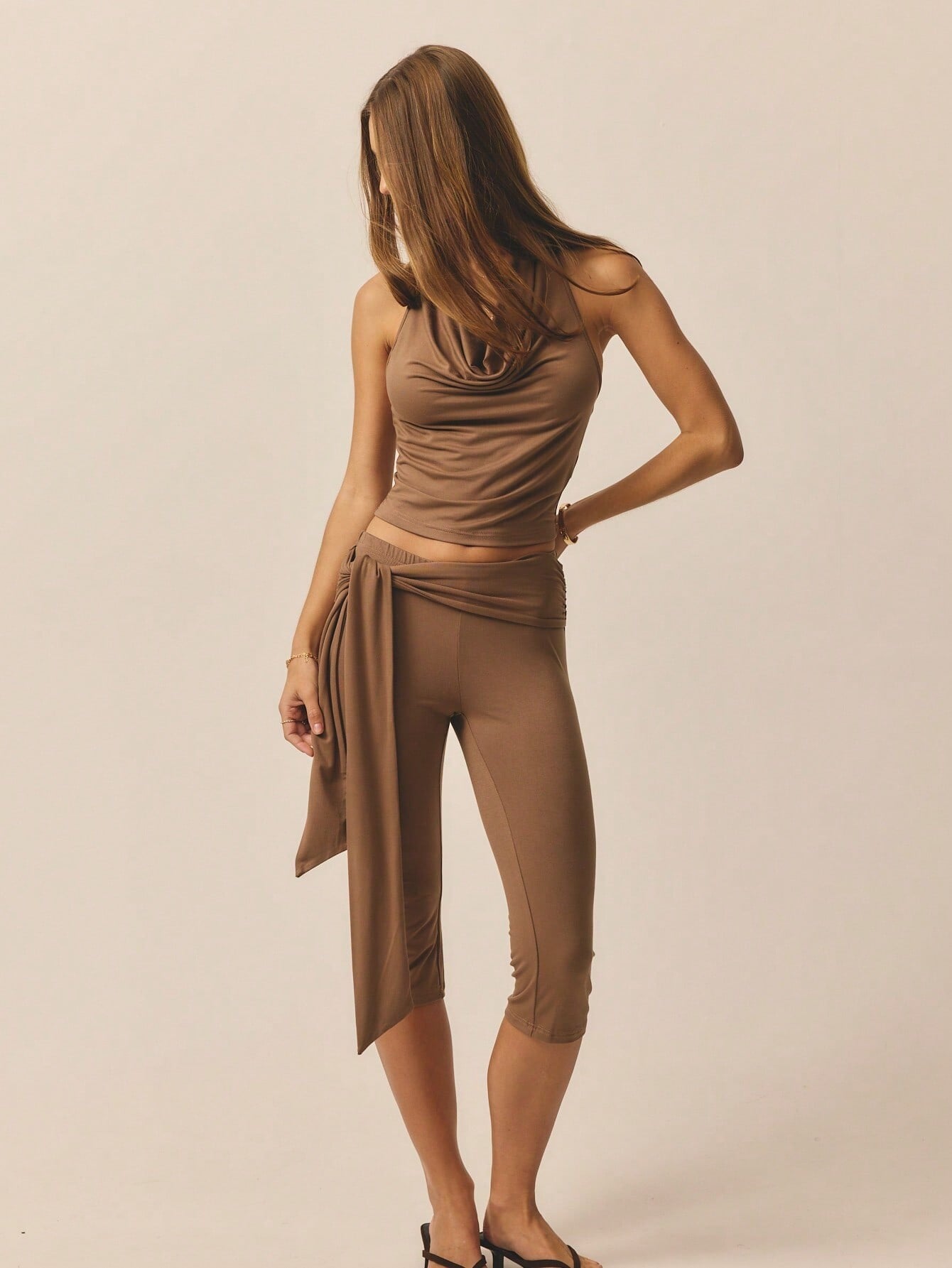
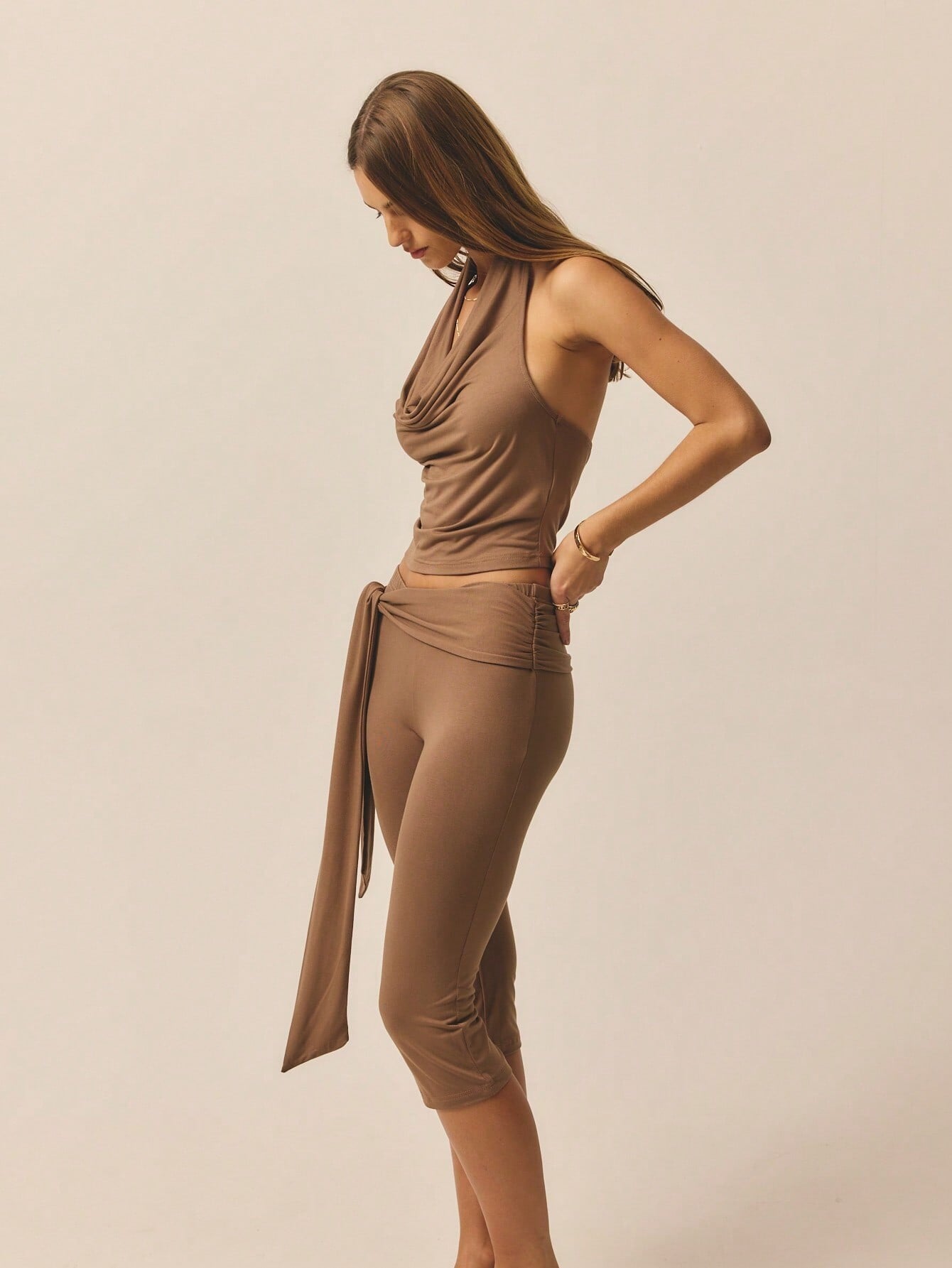
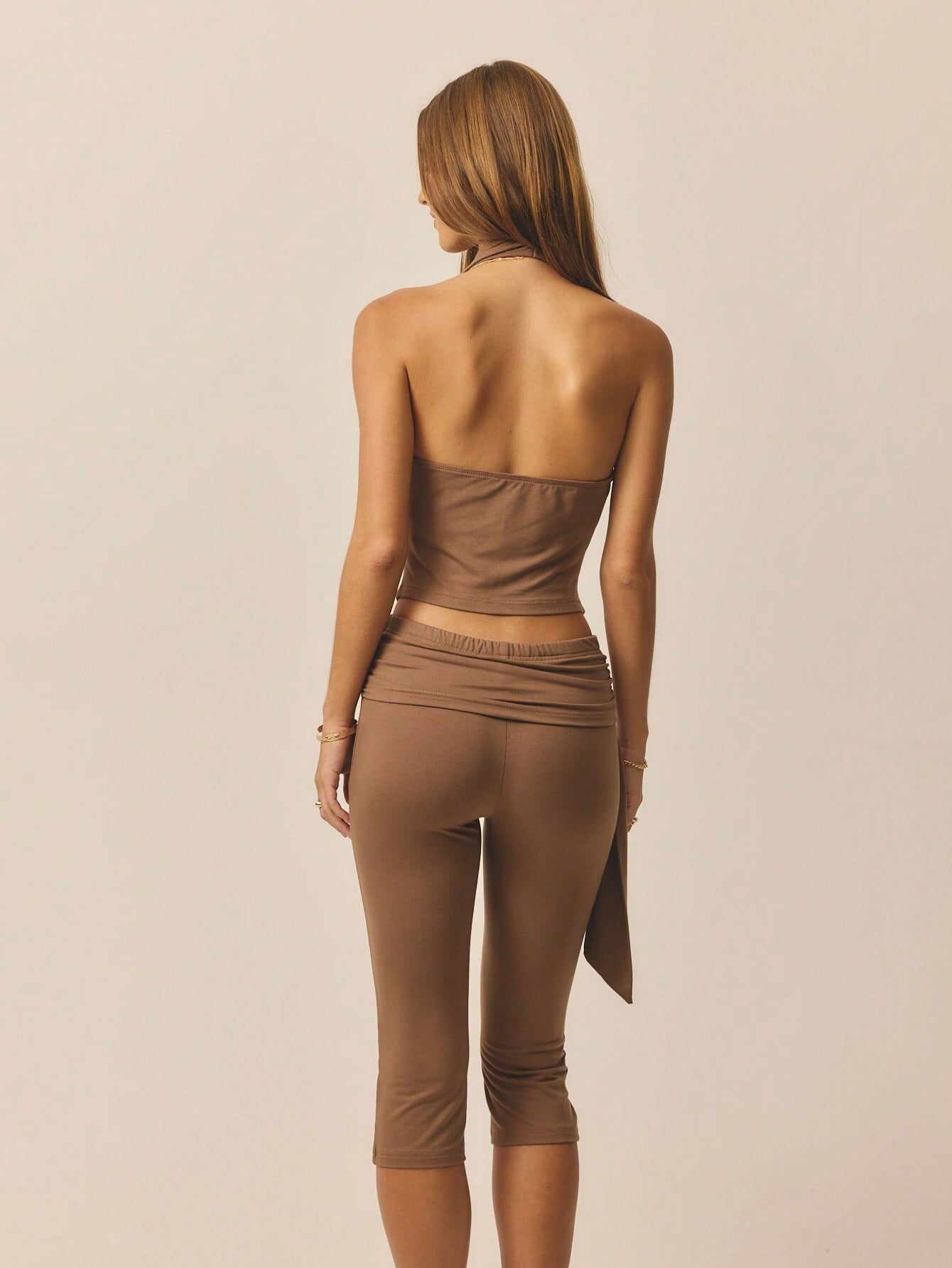
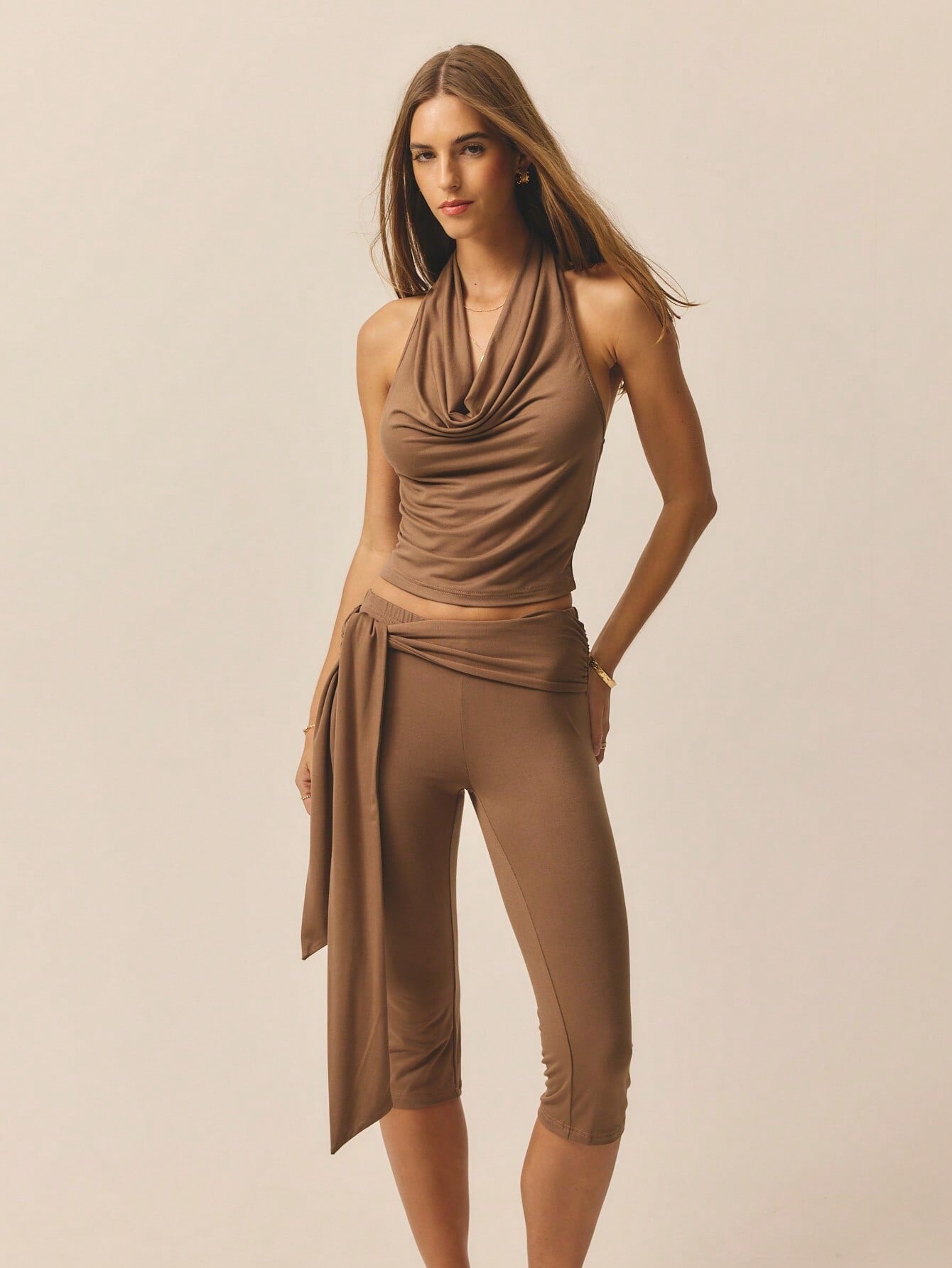


Account
Search
Configure browser push notifications
Chrome (Android)
- Tap the lock icon next to the address bar.
- Tap Permissions → Notifications.
- Adjust your preference.
Chrome (Desktop)
- Click the padlock icon in the address bar.
- Select Site settings.
- Find Notifications and adjust your preference.
Safari (iOS 16.4+)
- Ensure the site is installed via Add to Home Screen.
- Open Settings App → Notifications.
- Find your app name and adjust your preference.
Safari (macOS)
- Go to Safari → Preferences.
- Click the Websites tab.
- Select Notifications in the sidebar.
- Find this website and adjust your preference.
Edge (Android)
- Tap the lock icon next to the address bar.
- Tap Permissions.
- Find Notifications and adjust your preference.
Edge (Desktop)
- Click the padlock icon in the address bar.
- Click Permissions for this site.
- Find Notifications and adjust your preference.
Firefox (Android)
- Go to Settings → Site permissions.
- Tap Notifications.
- Find this site in the list and adjust your preference.
Firefox (Desktop)
- Open Firefox Settings.
- Search for Notifications.
- Find this site in the list and adjust your preference.