All Activity
- Past hour
-
 The Frankenstein Cast Share Behind The Scenes Stories | Netflix
 -
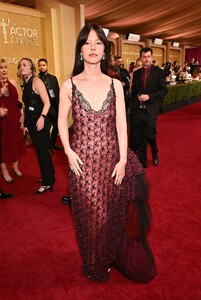
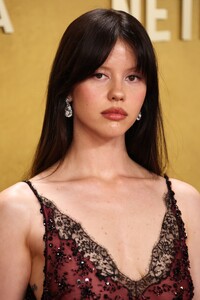
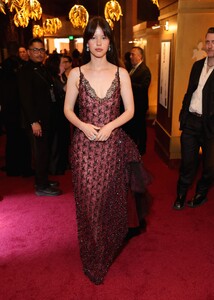
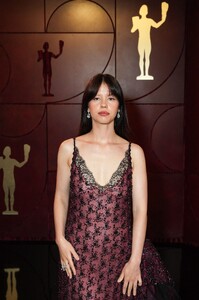
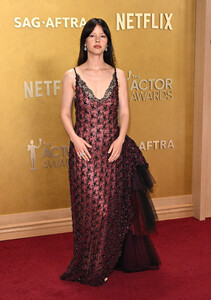
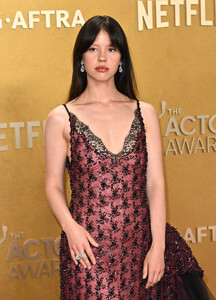
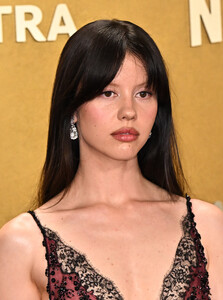
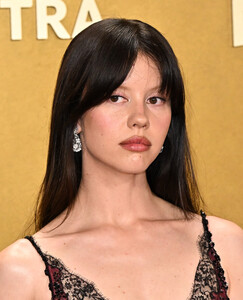
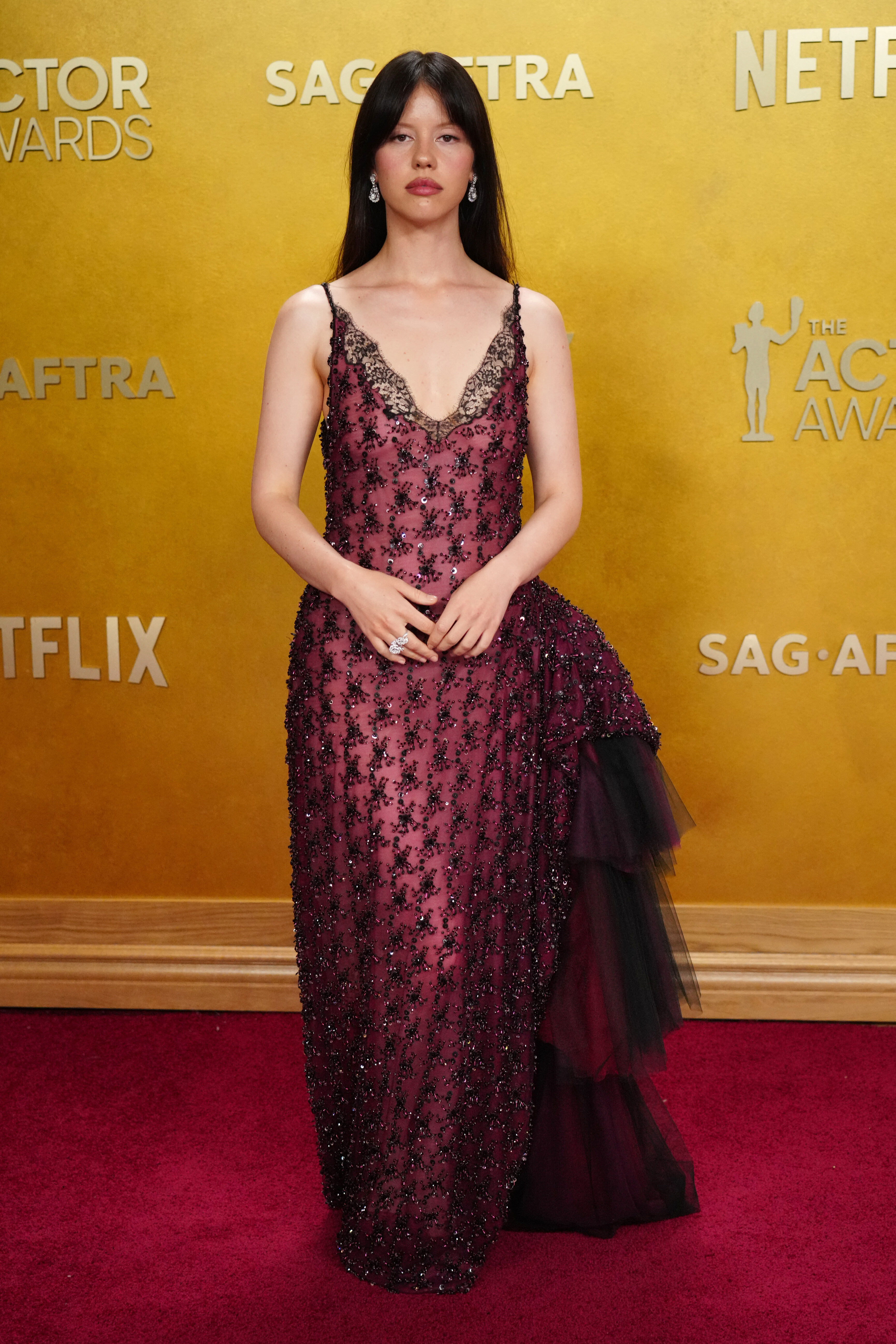
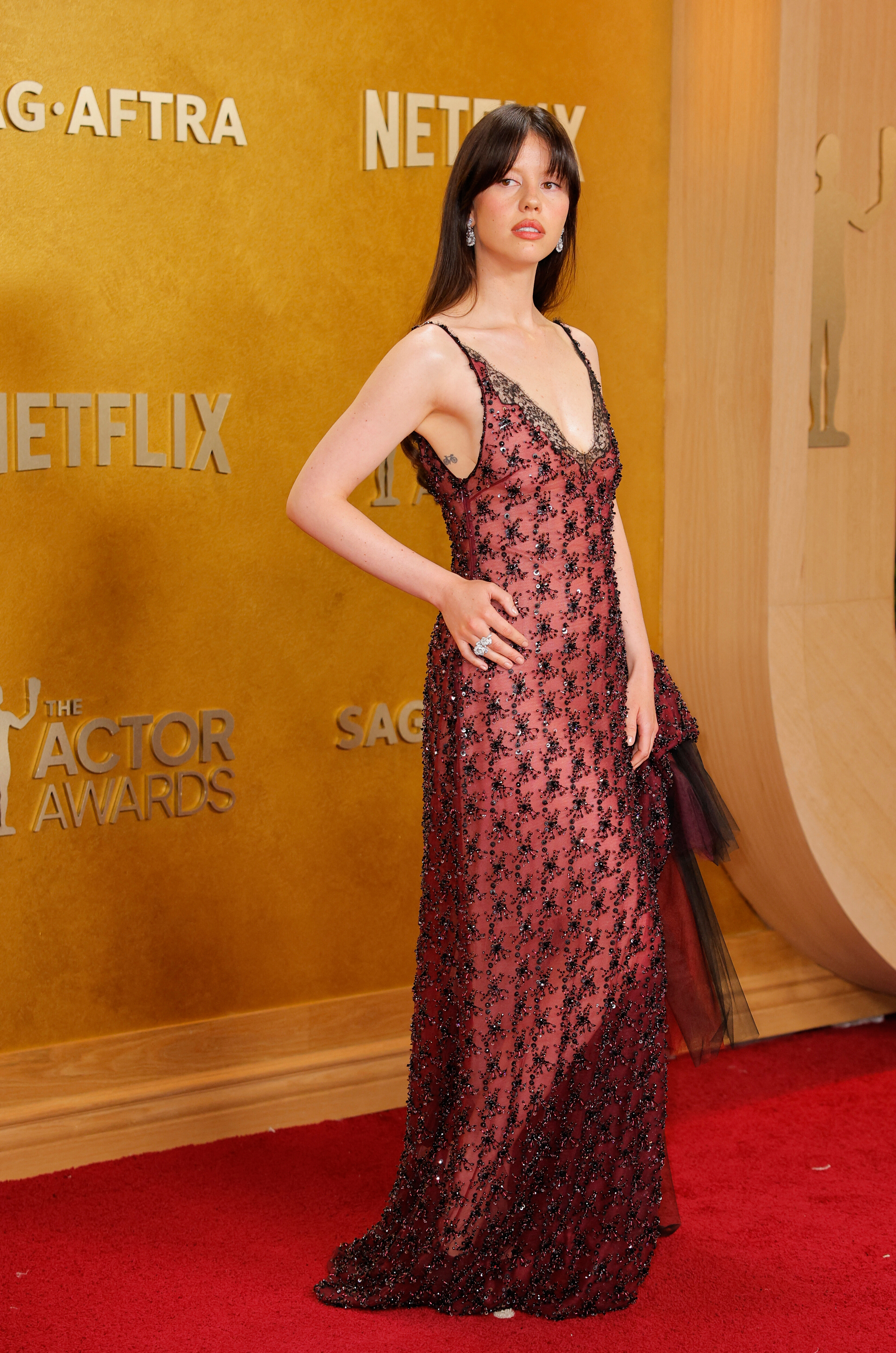
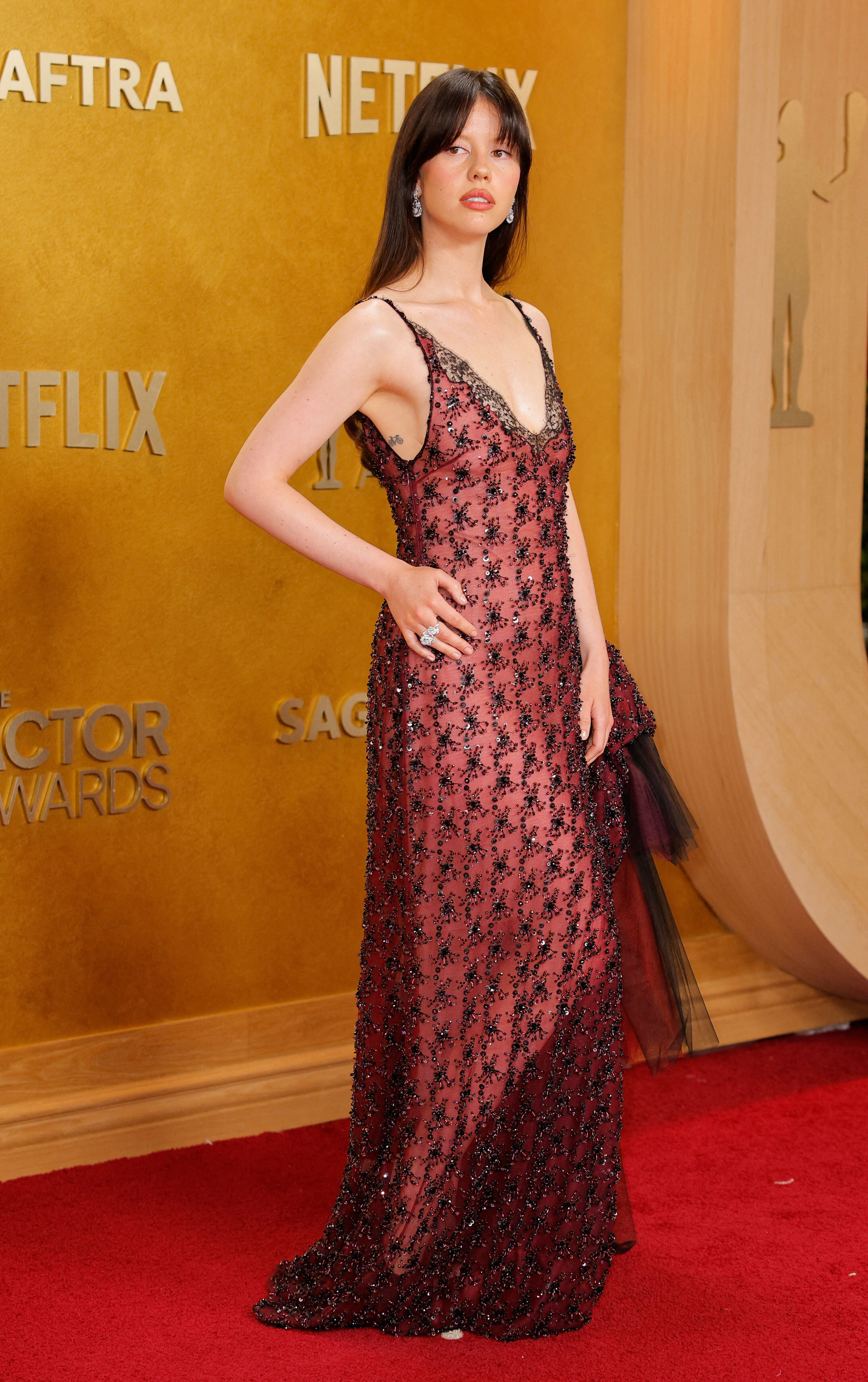
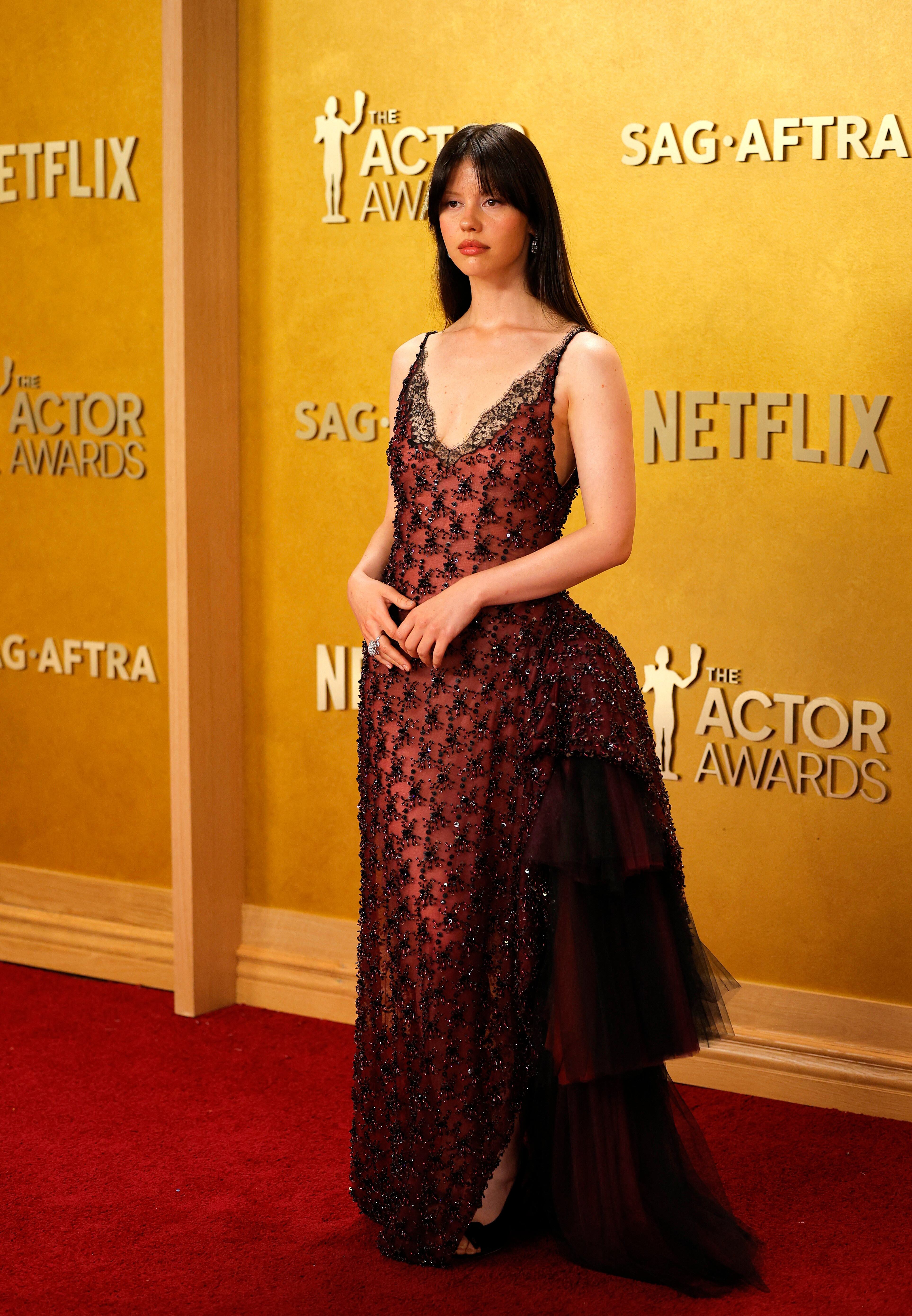
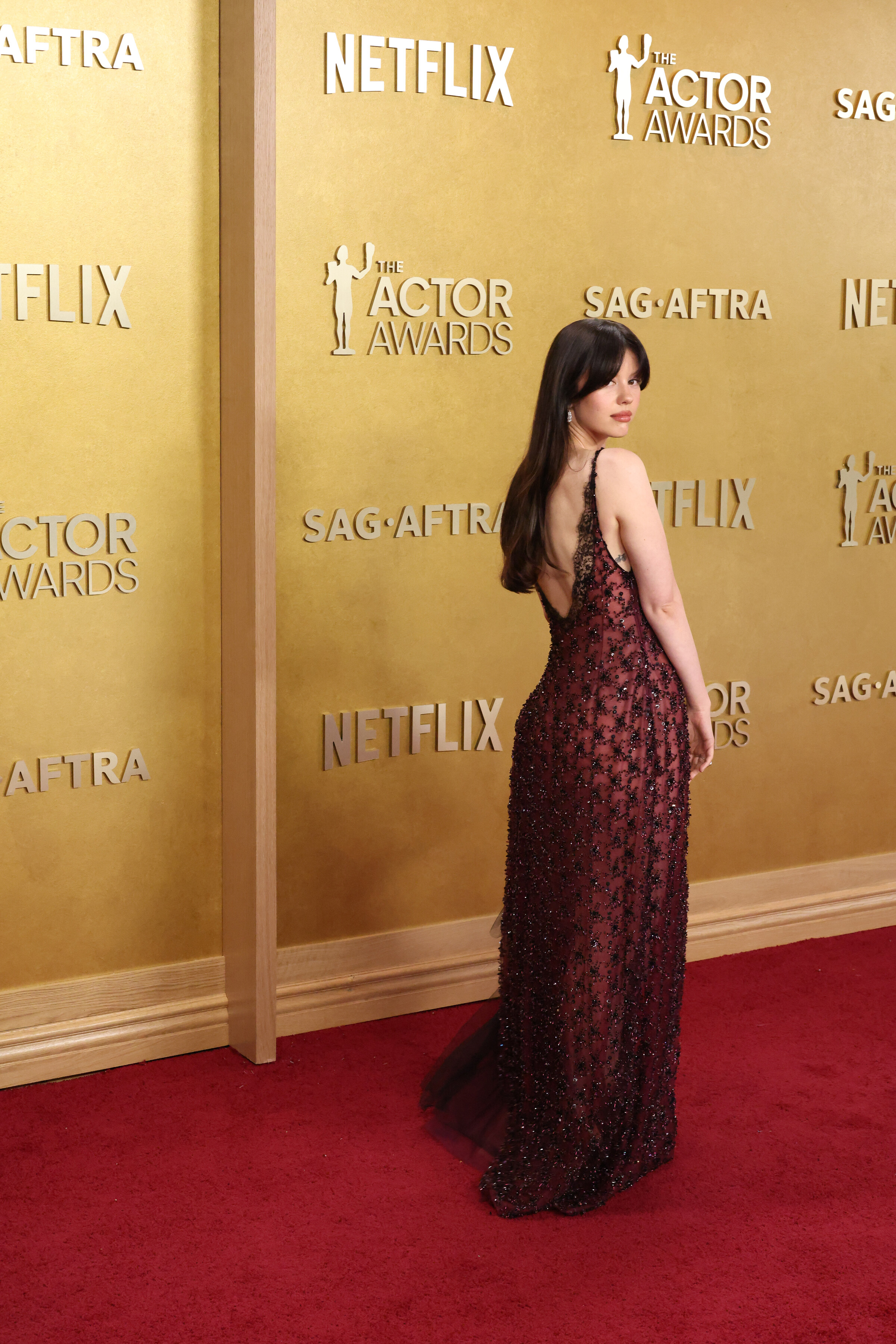
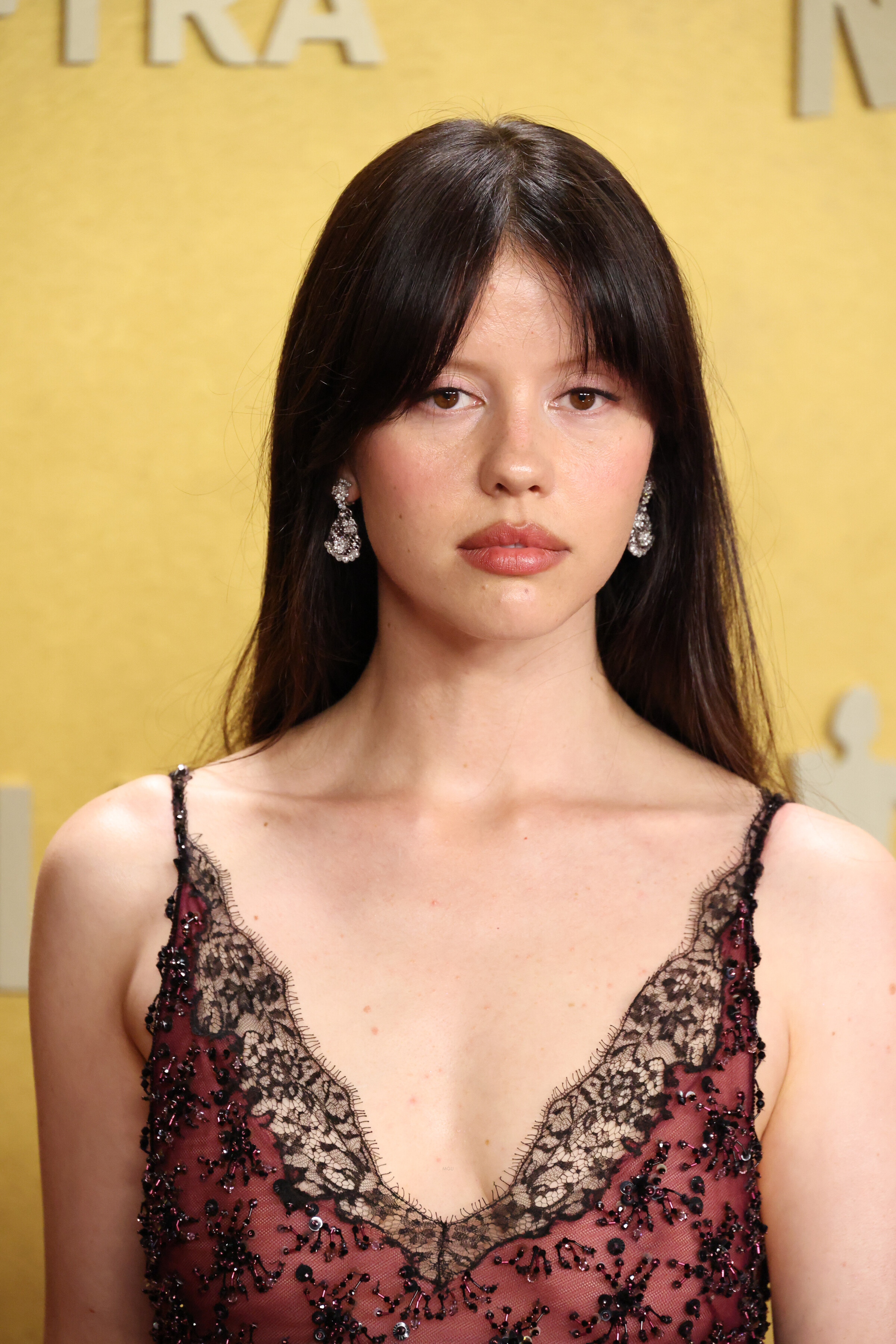
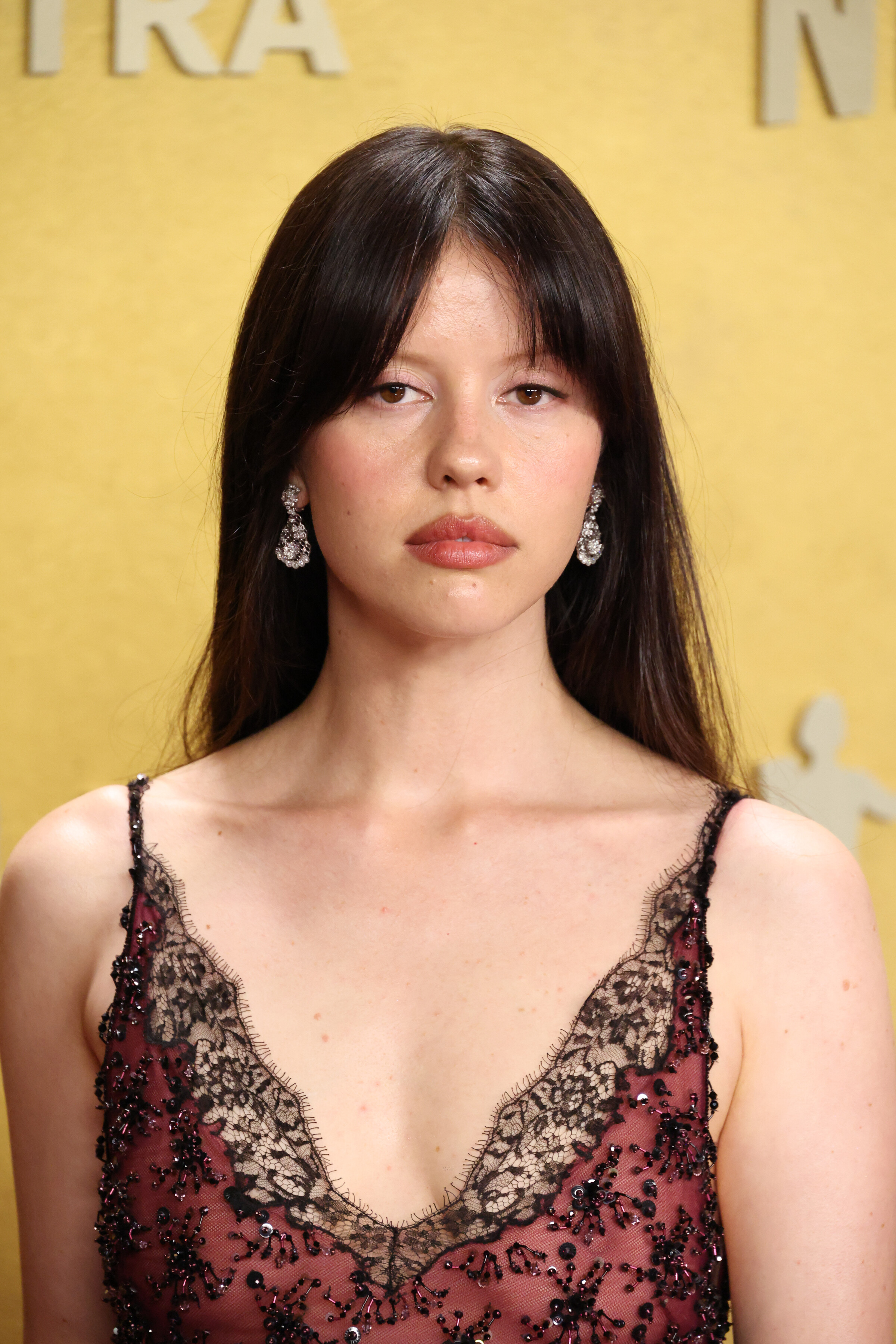
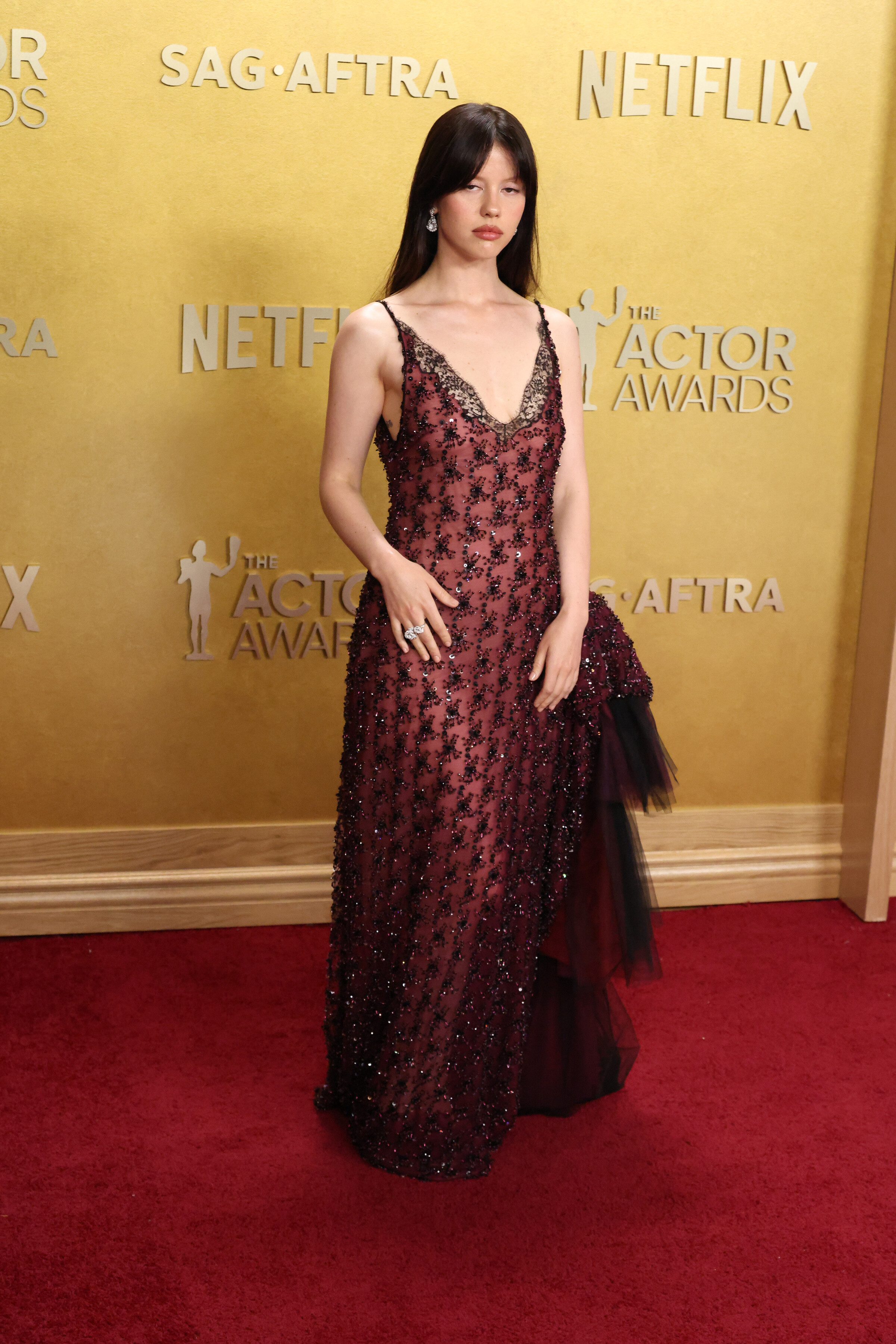
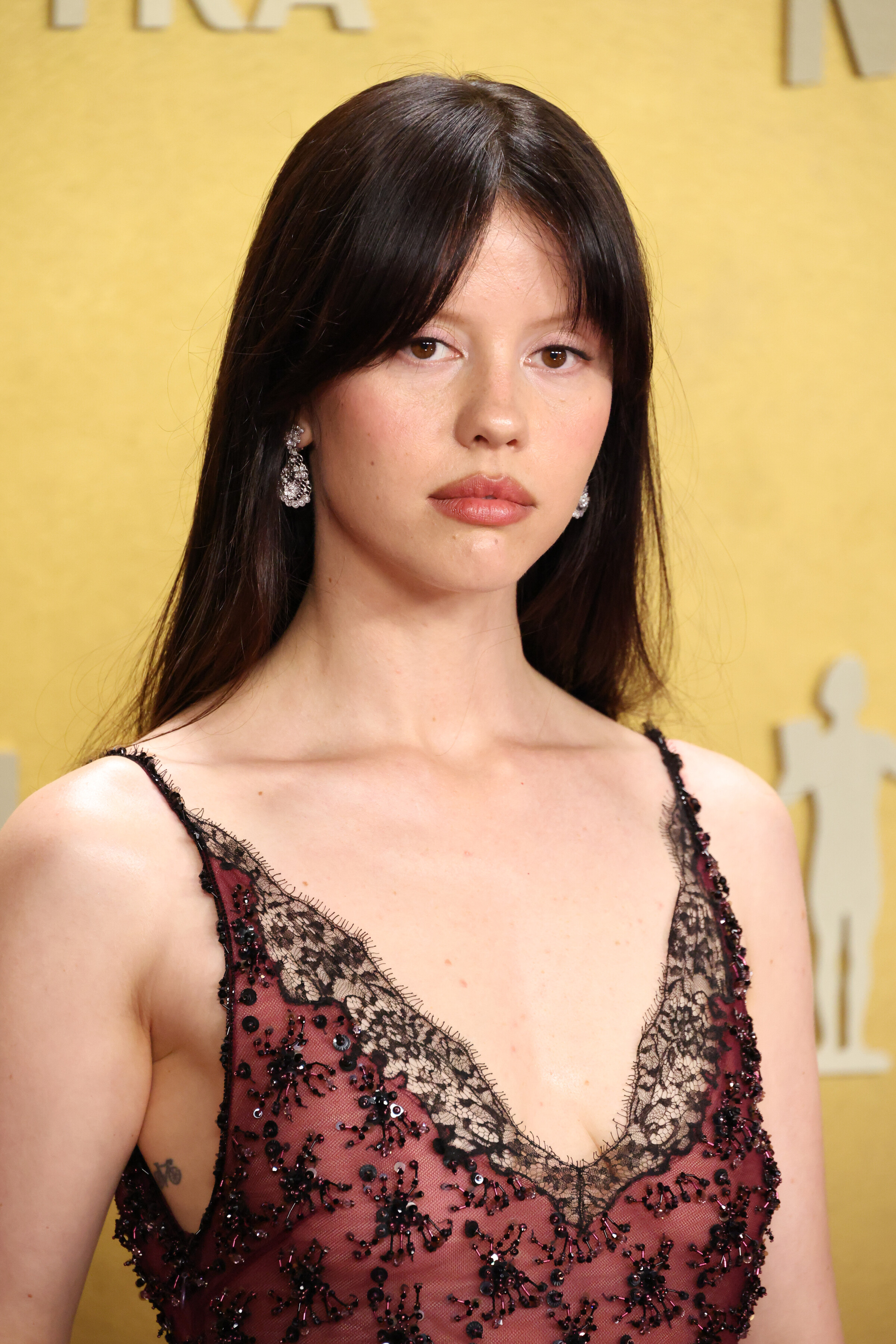
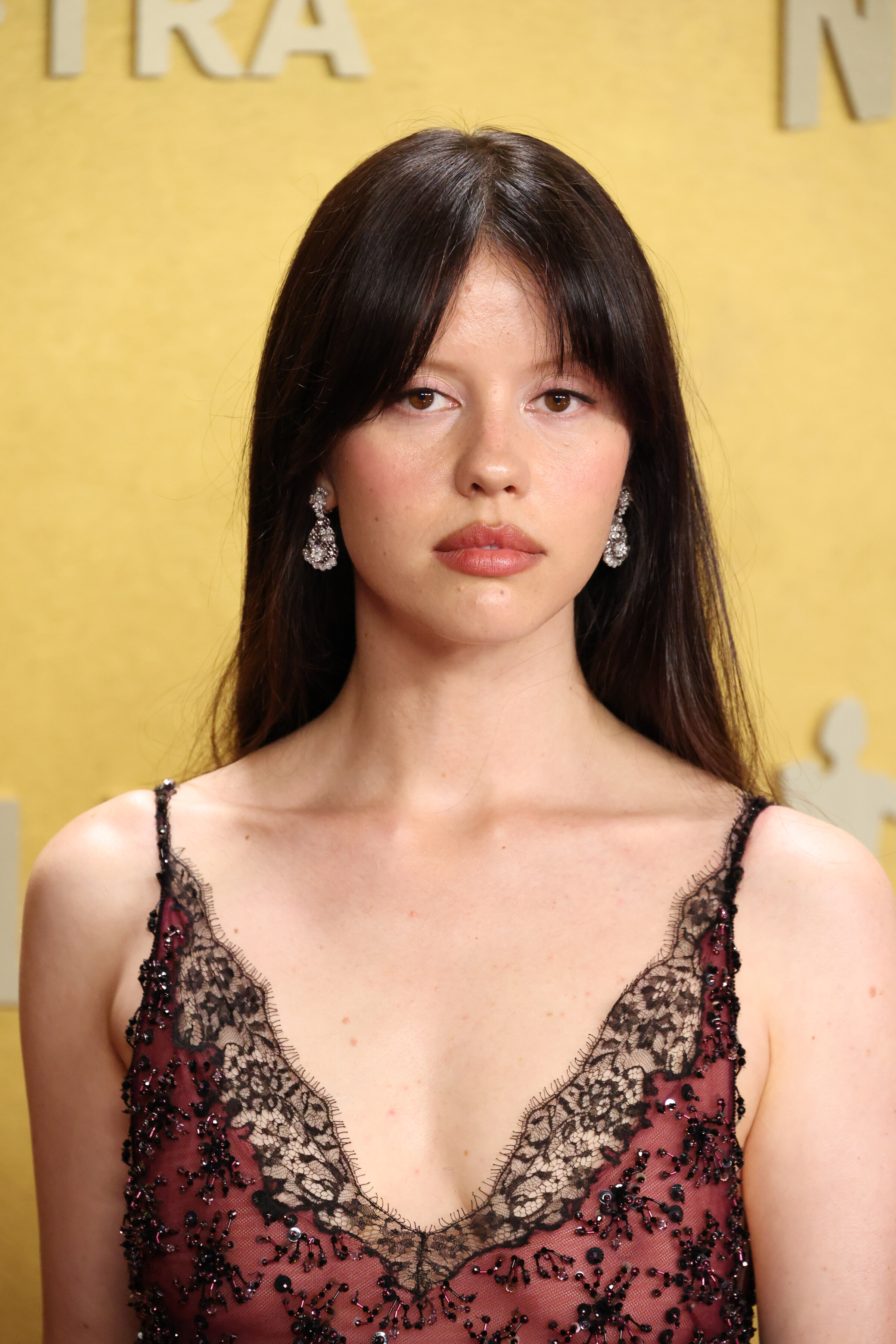
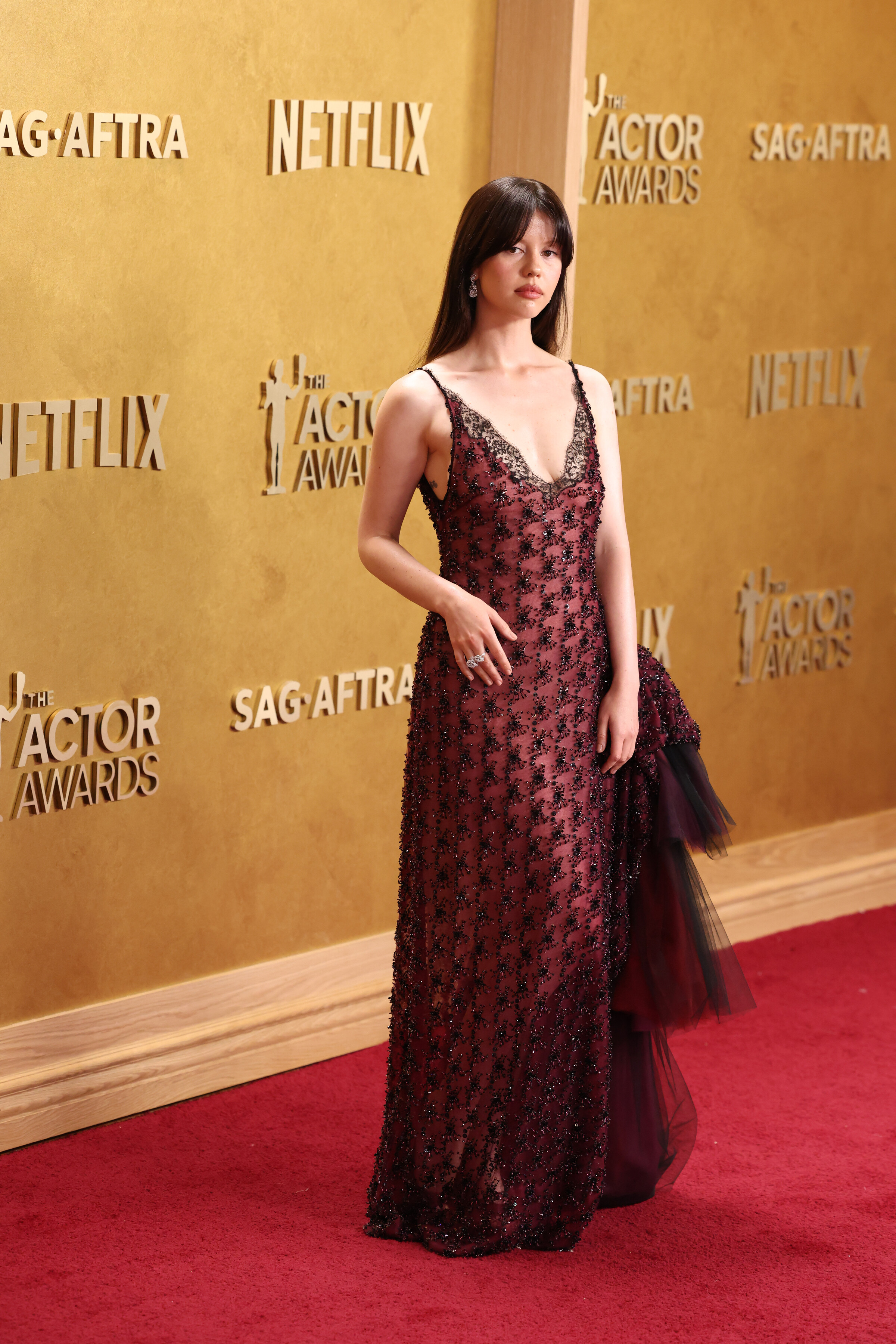
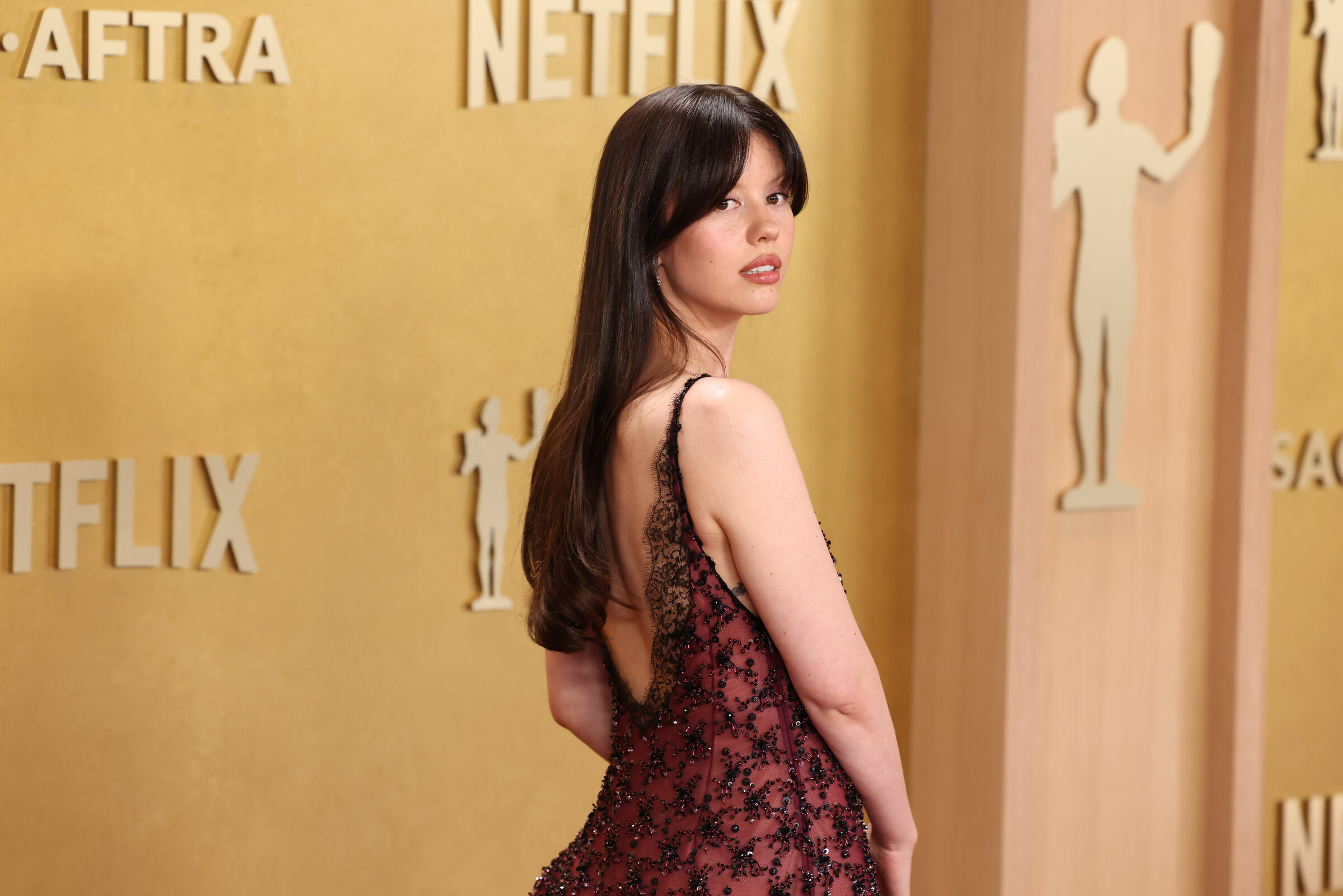
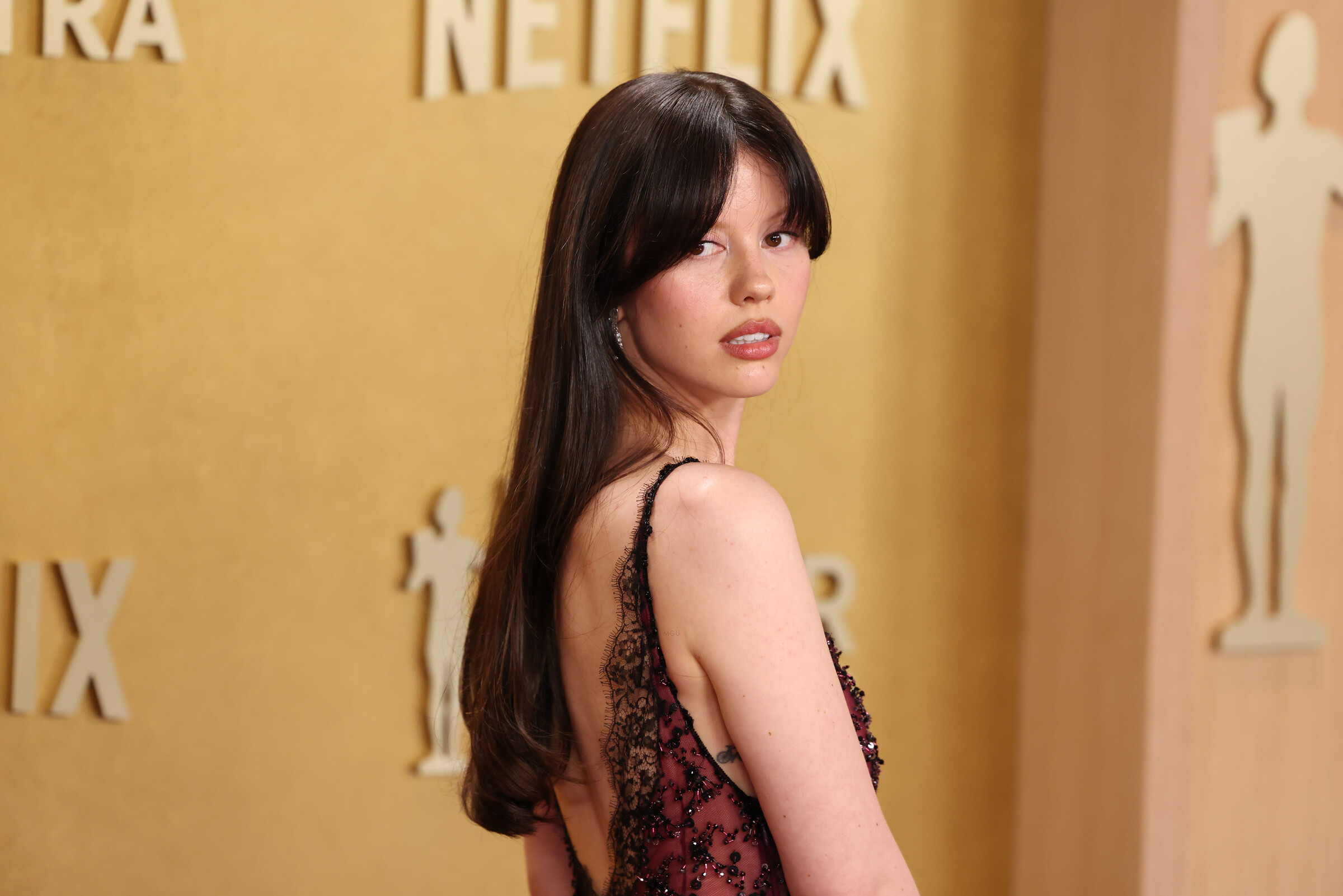
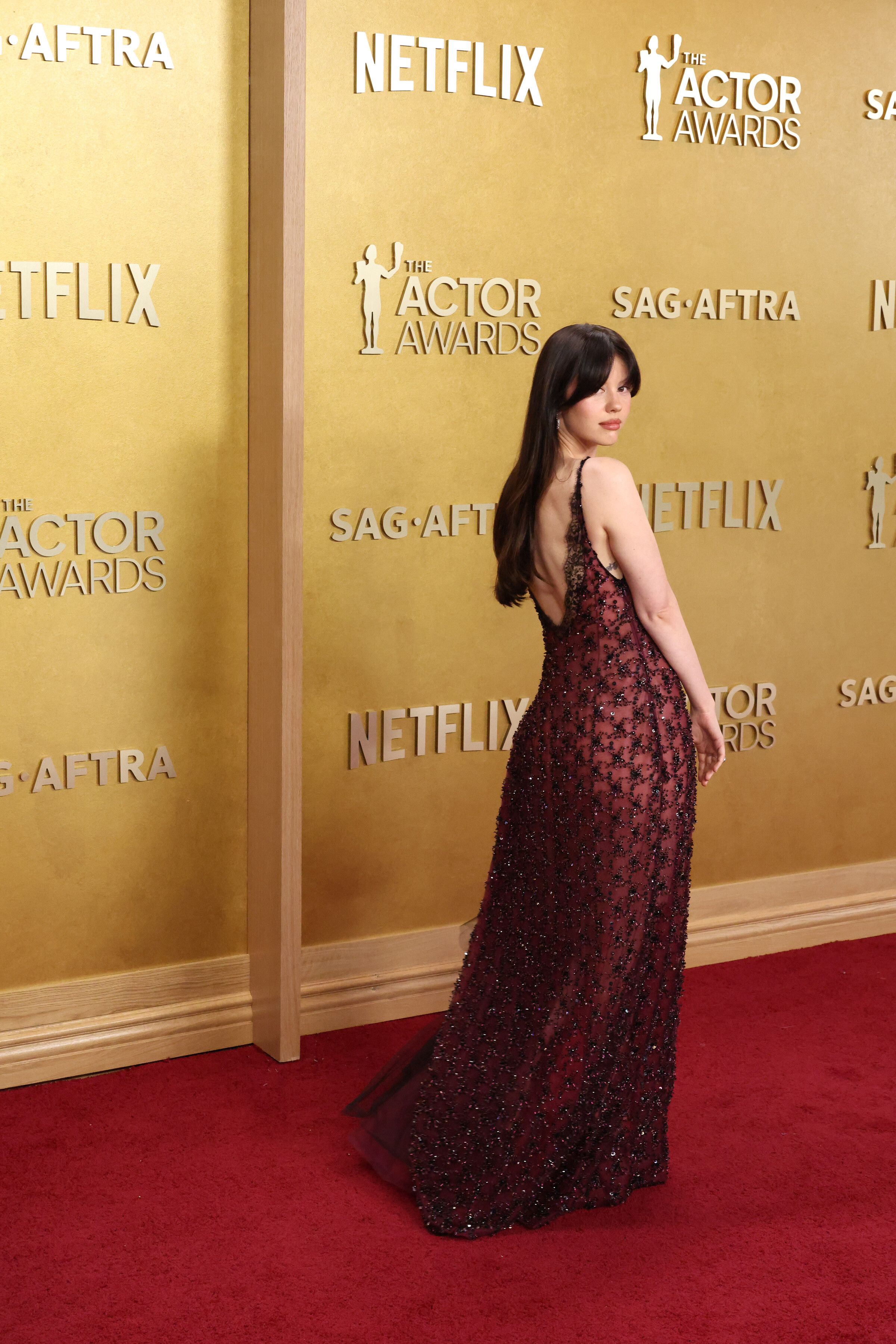
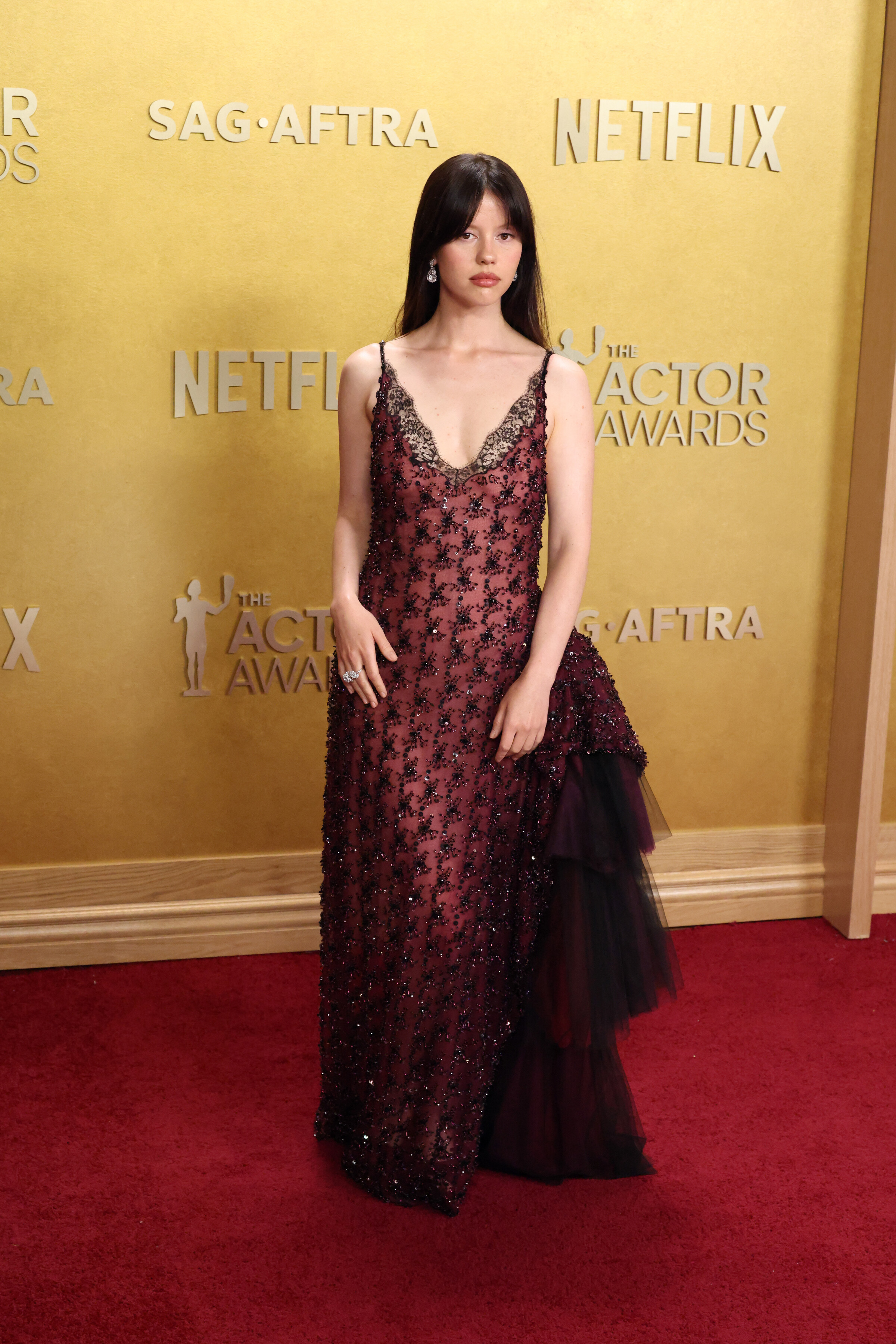
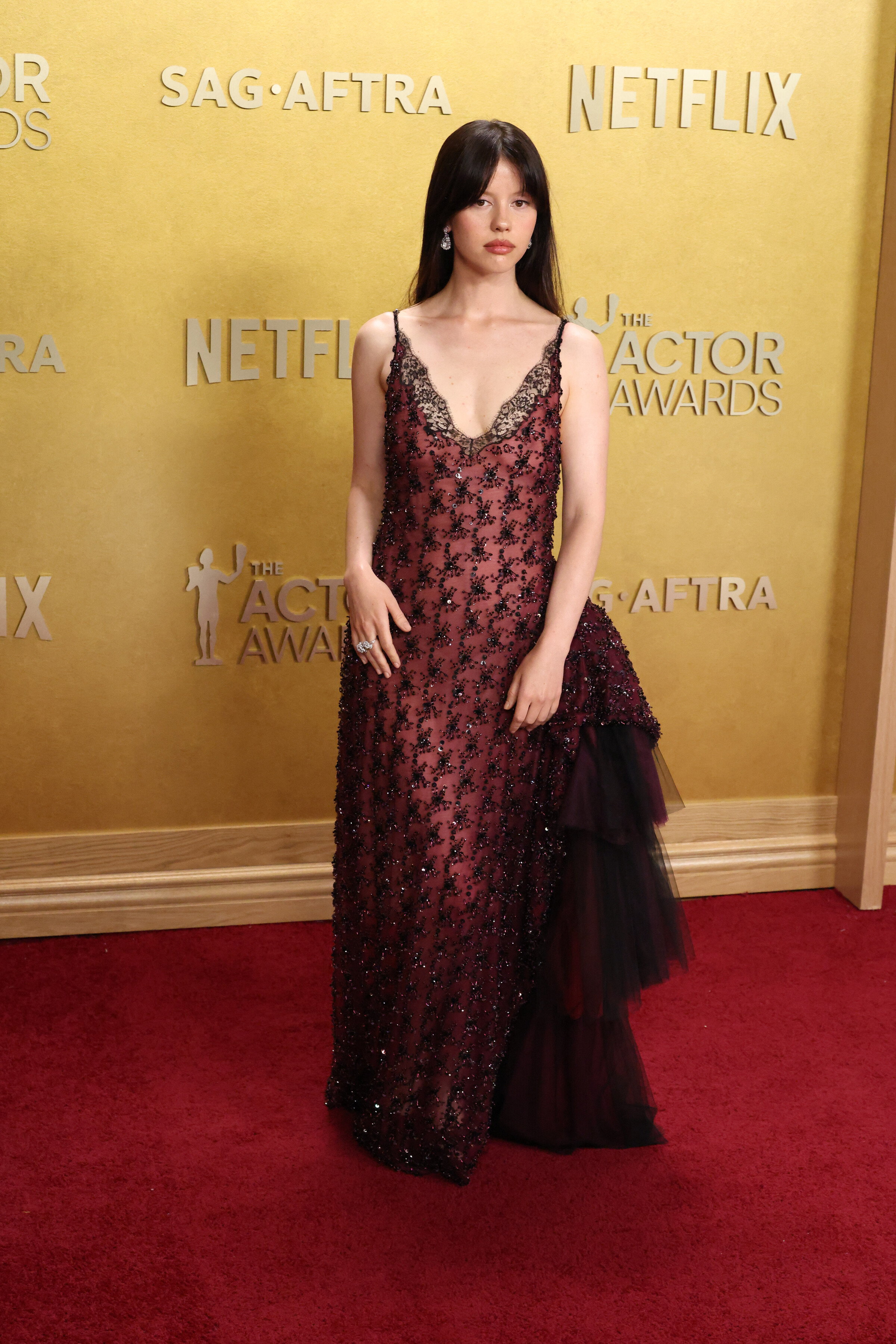
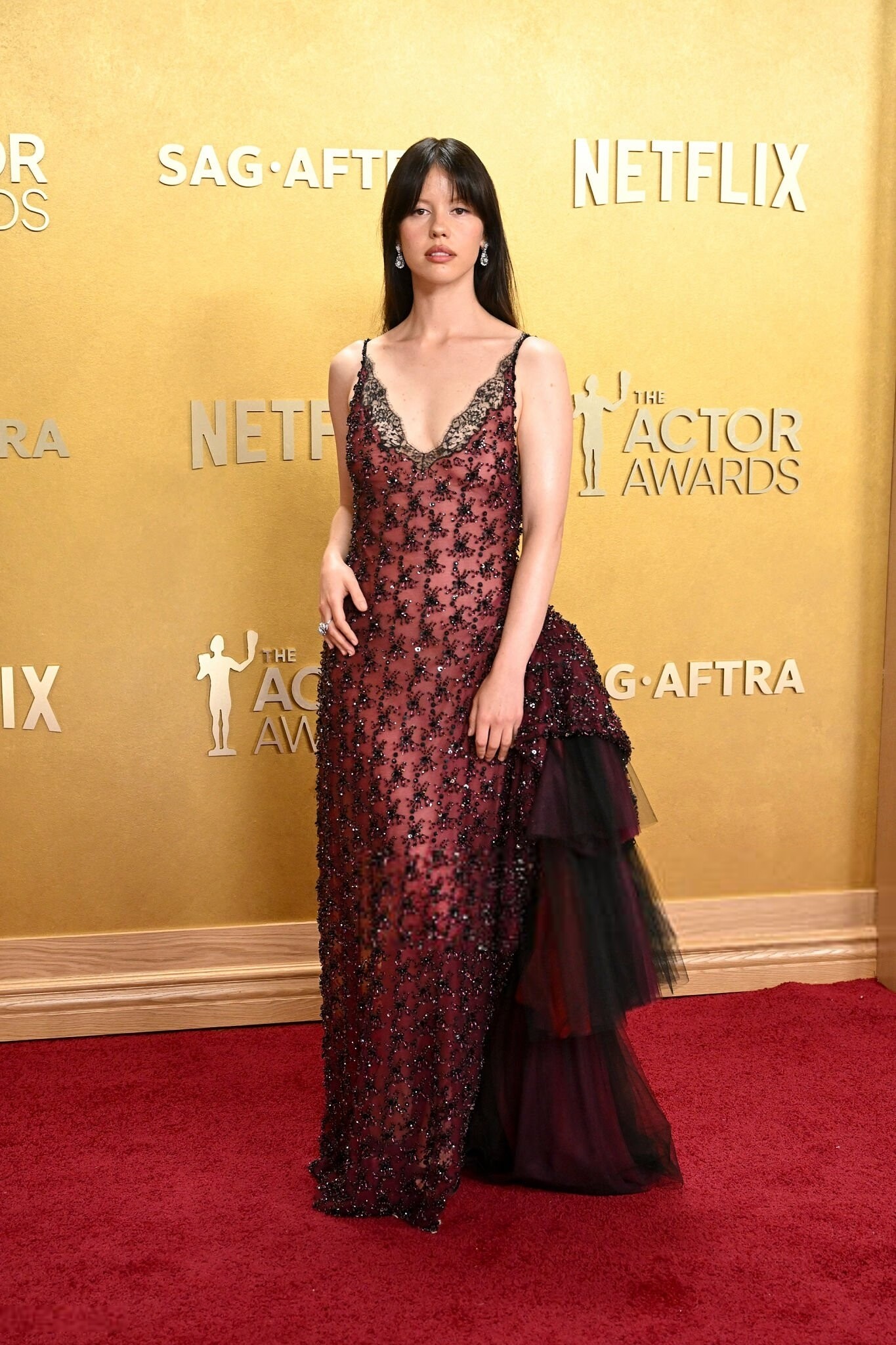
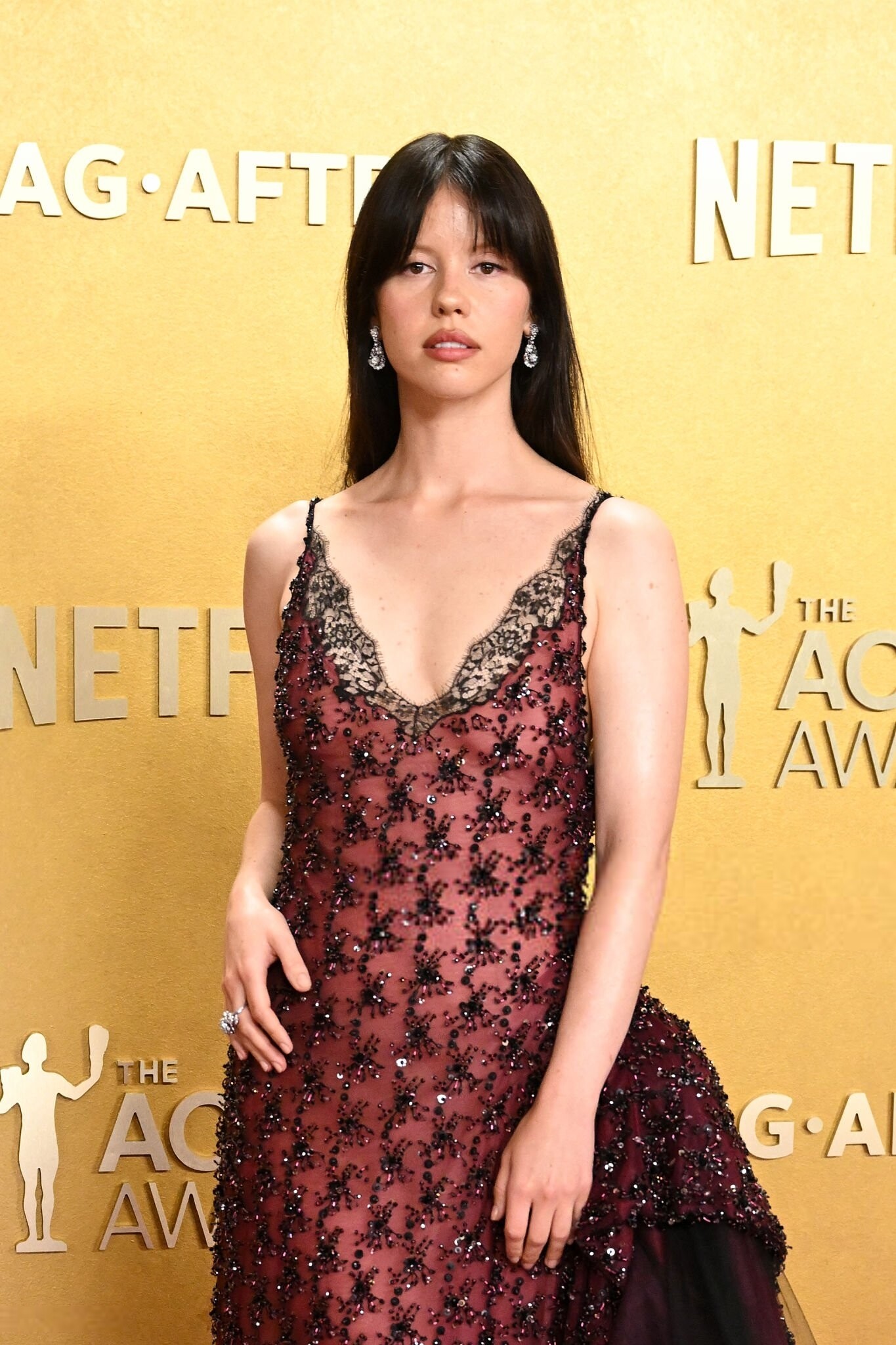
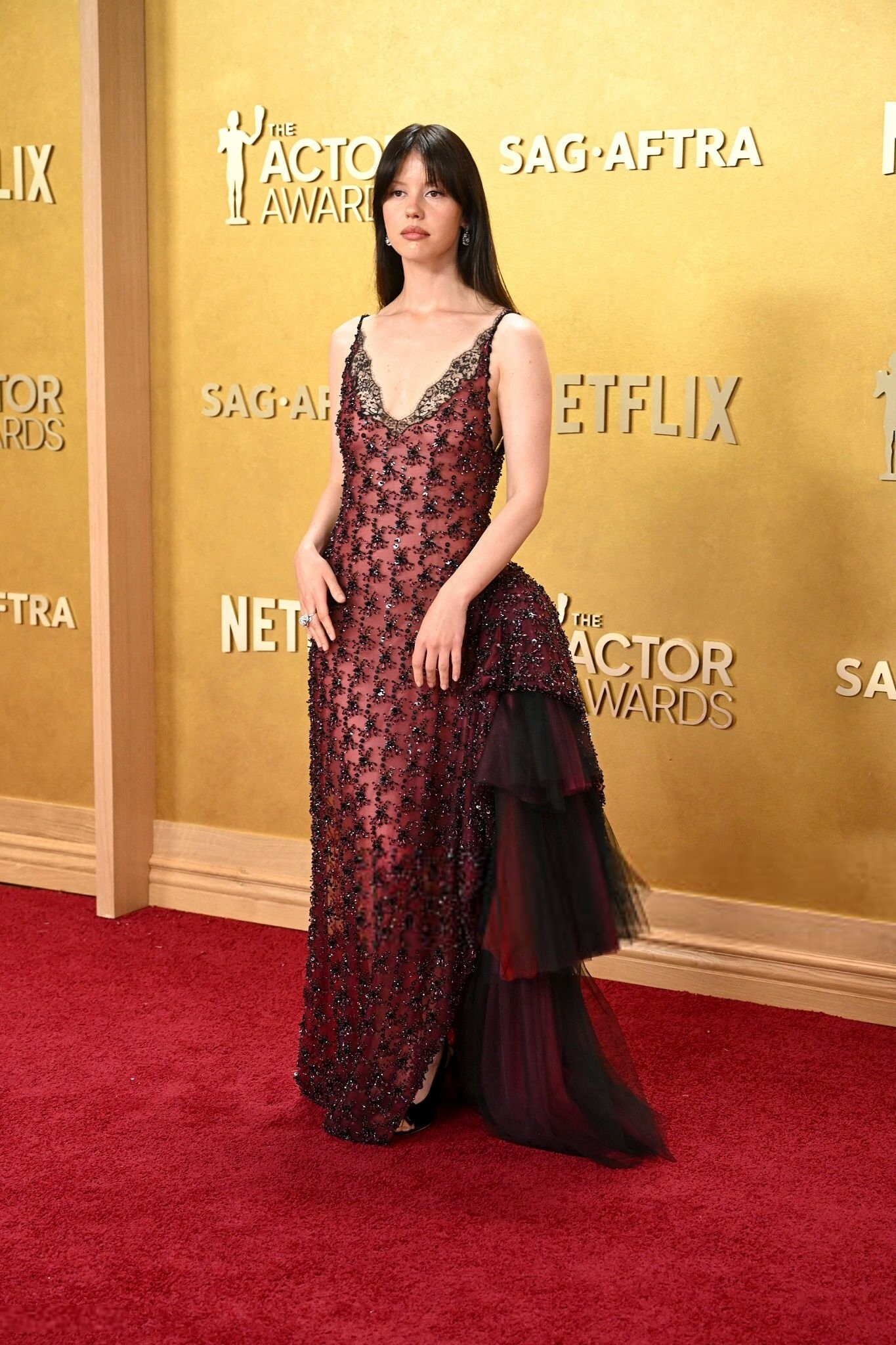
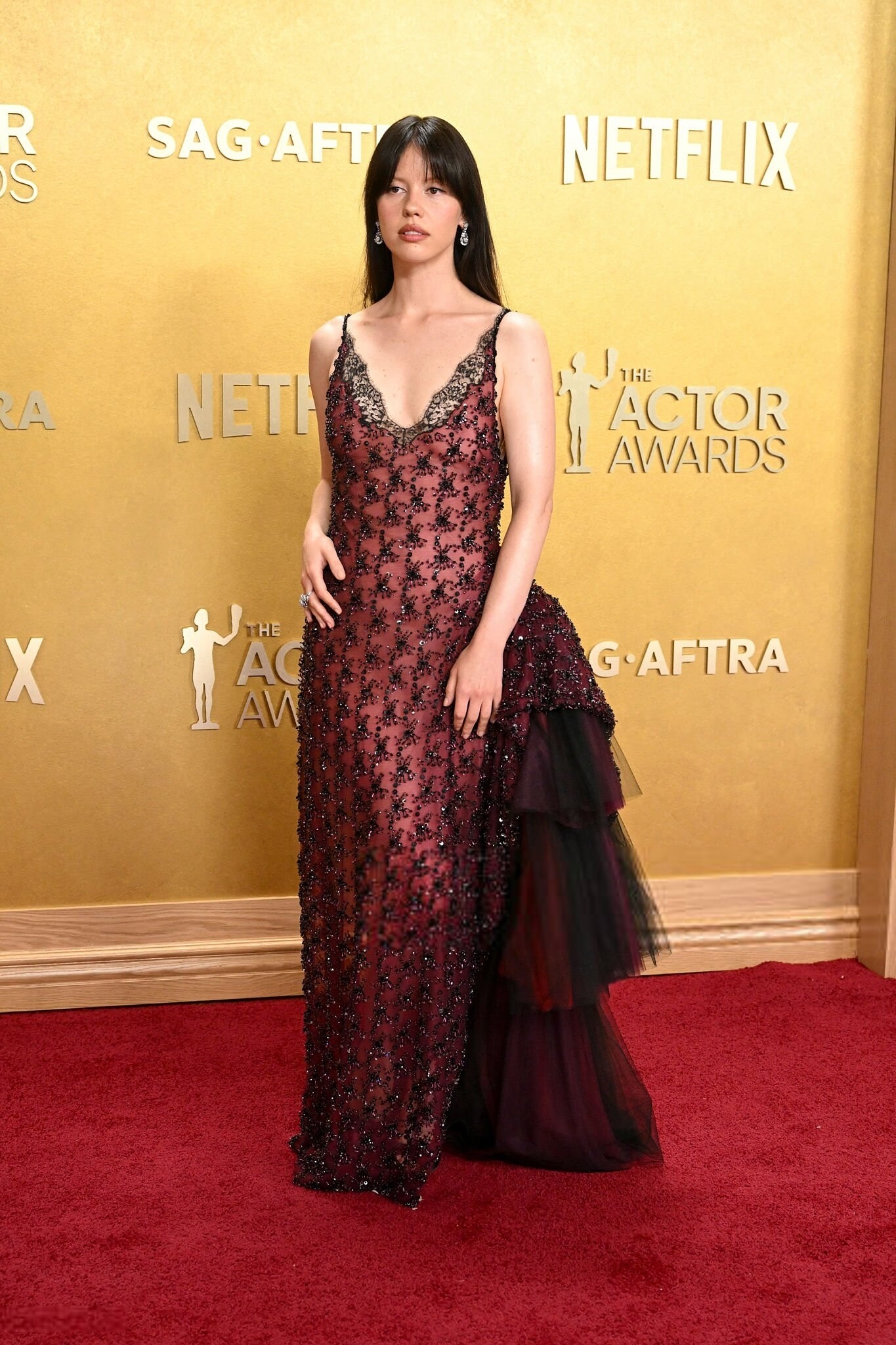
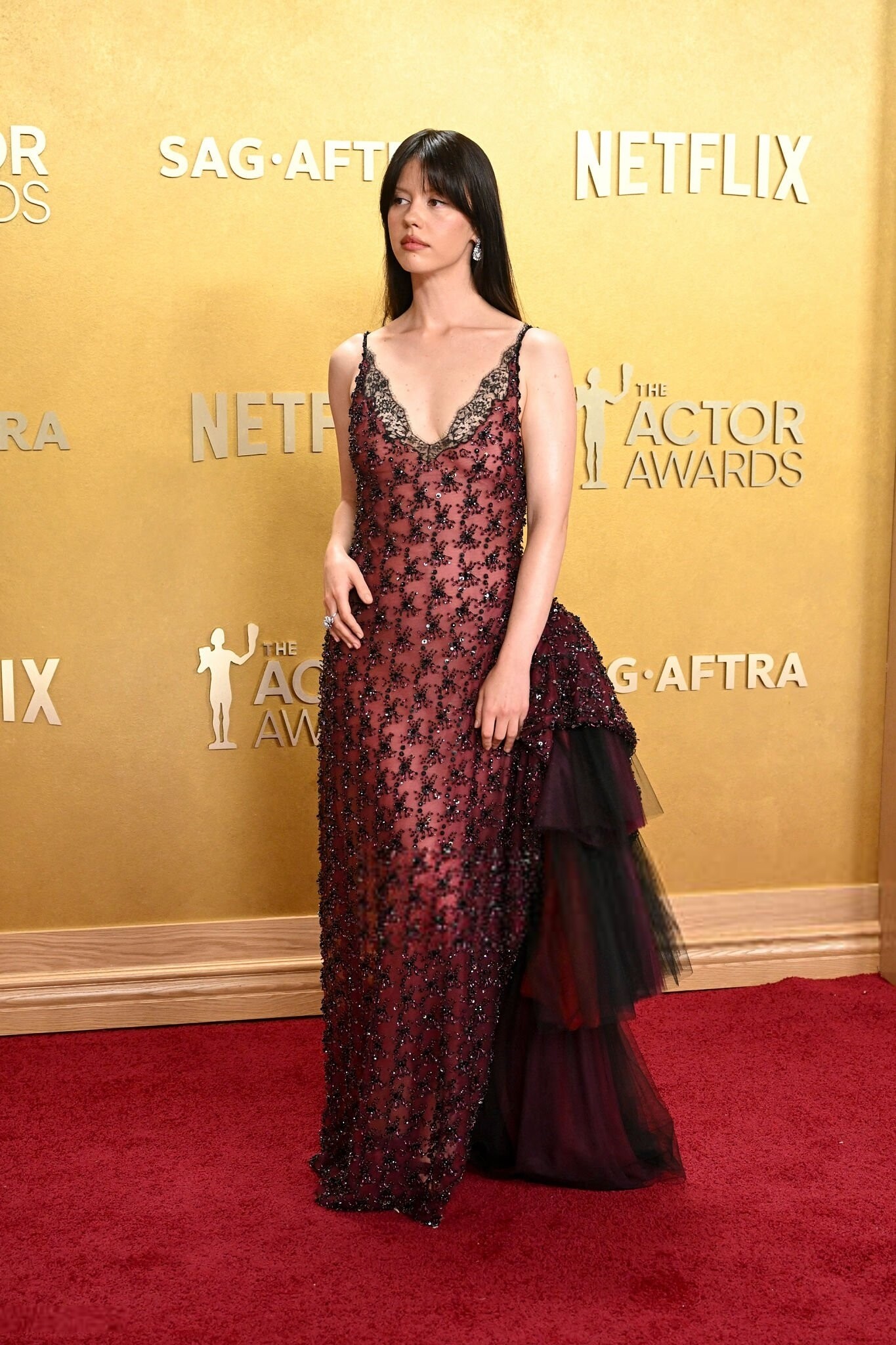
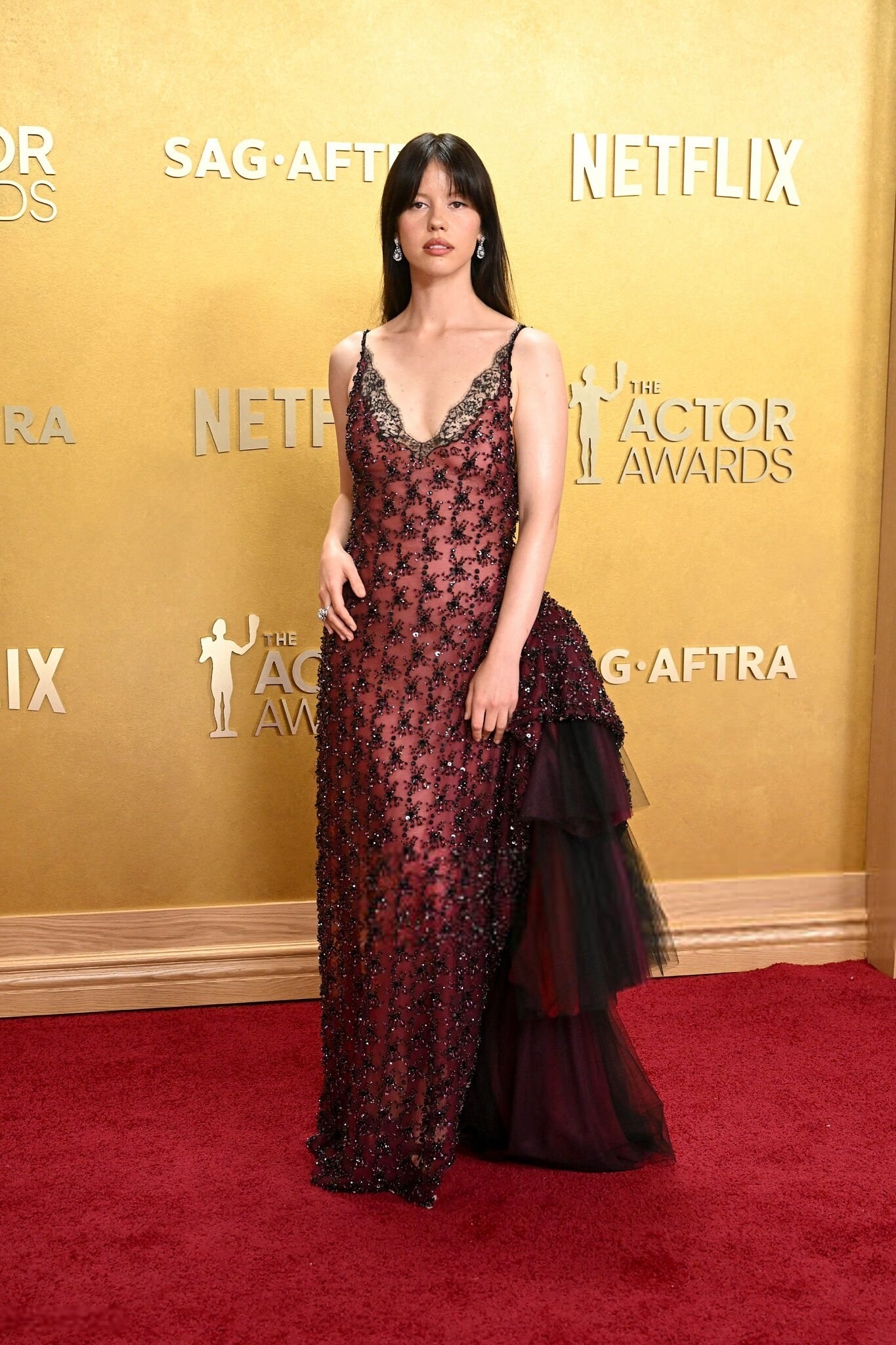
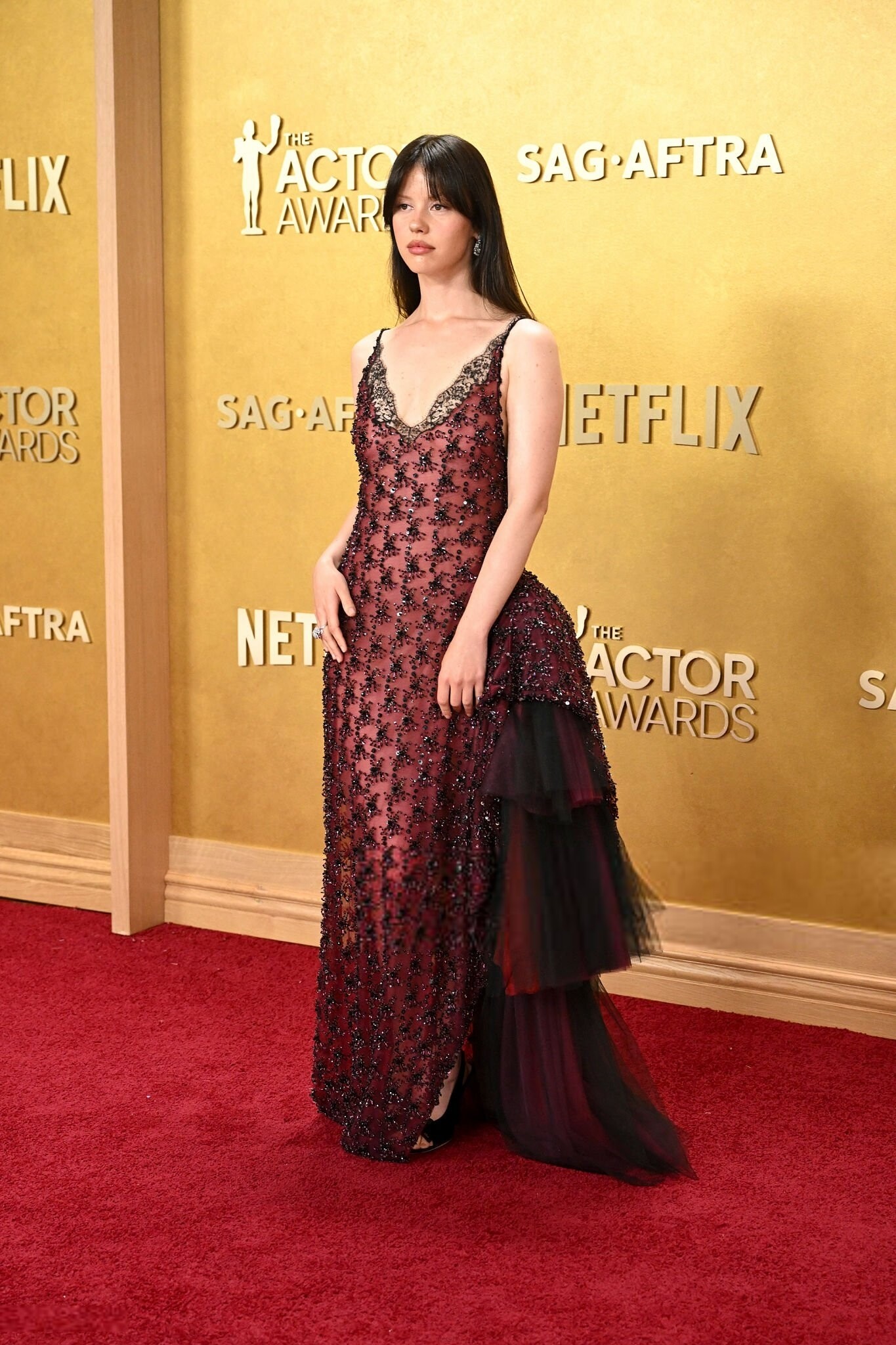
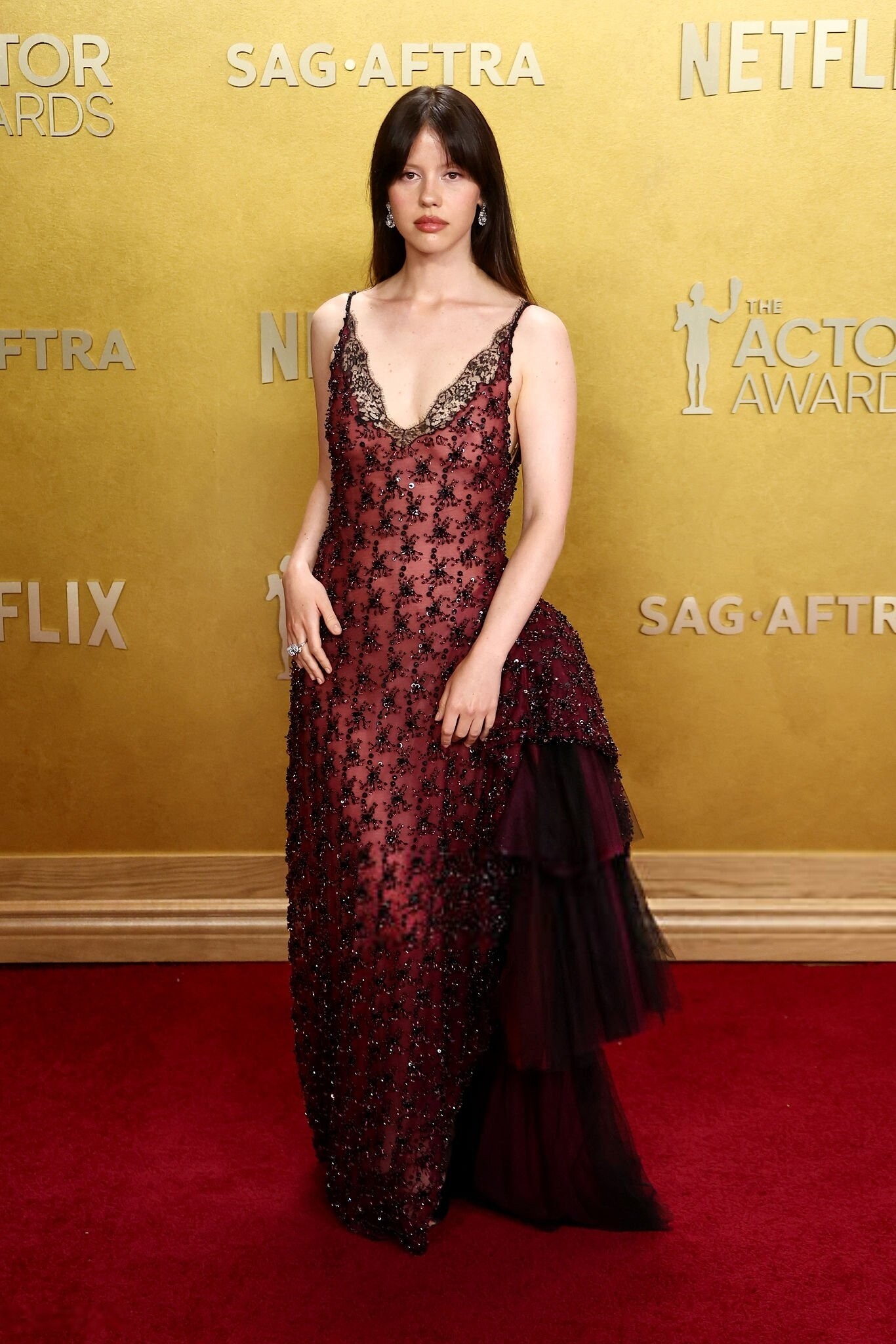
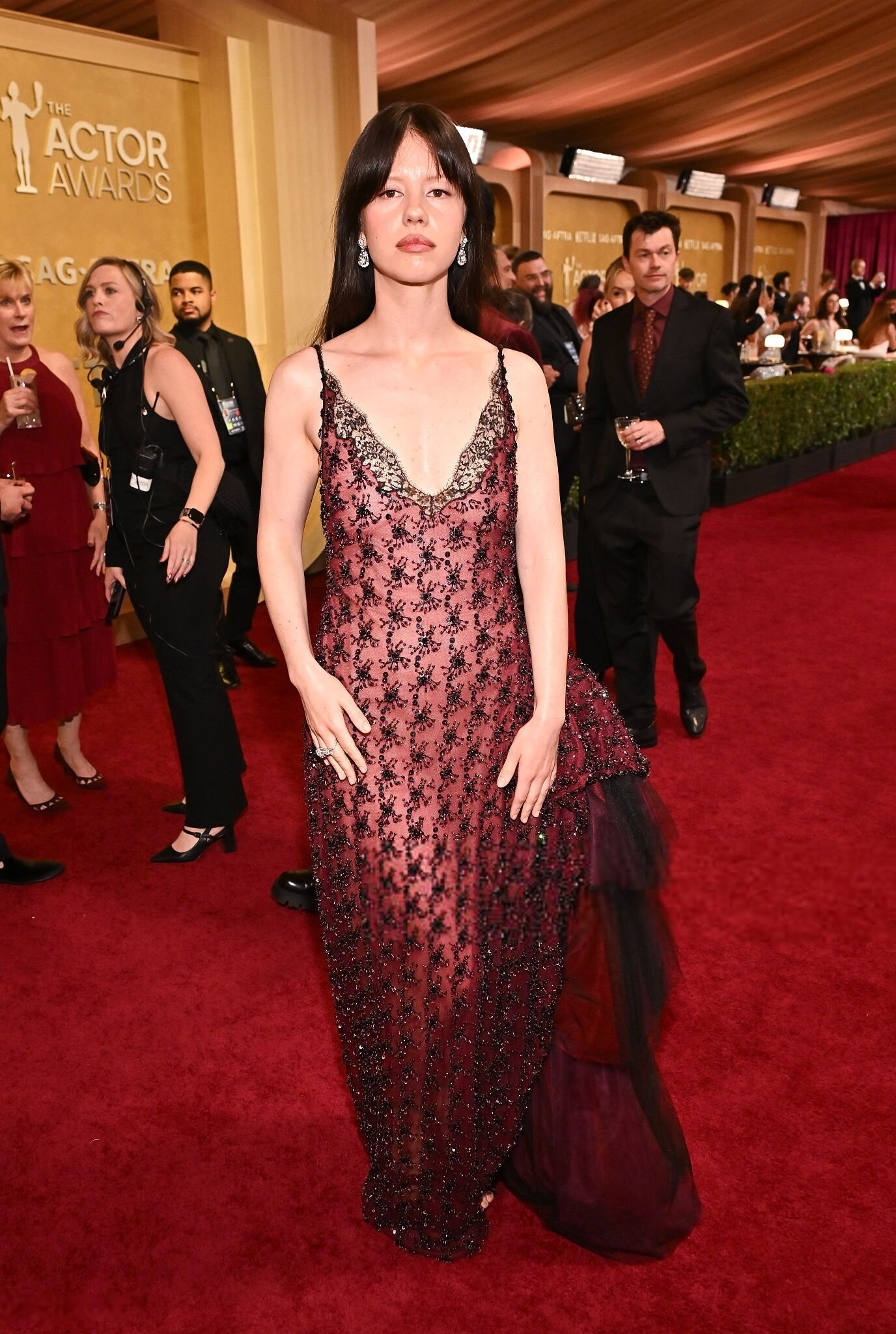
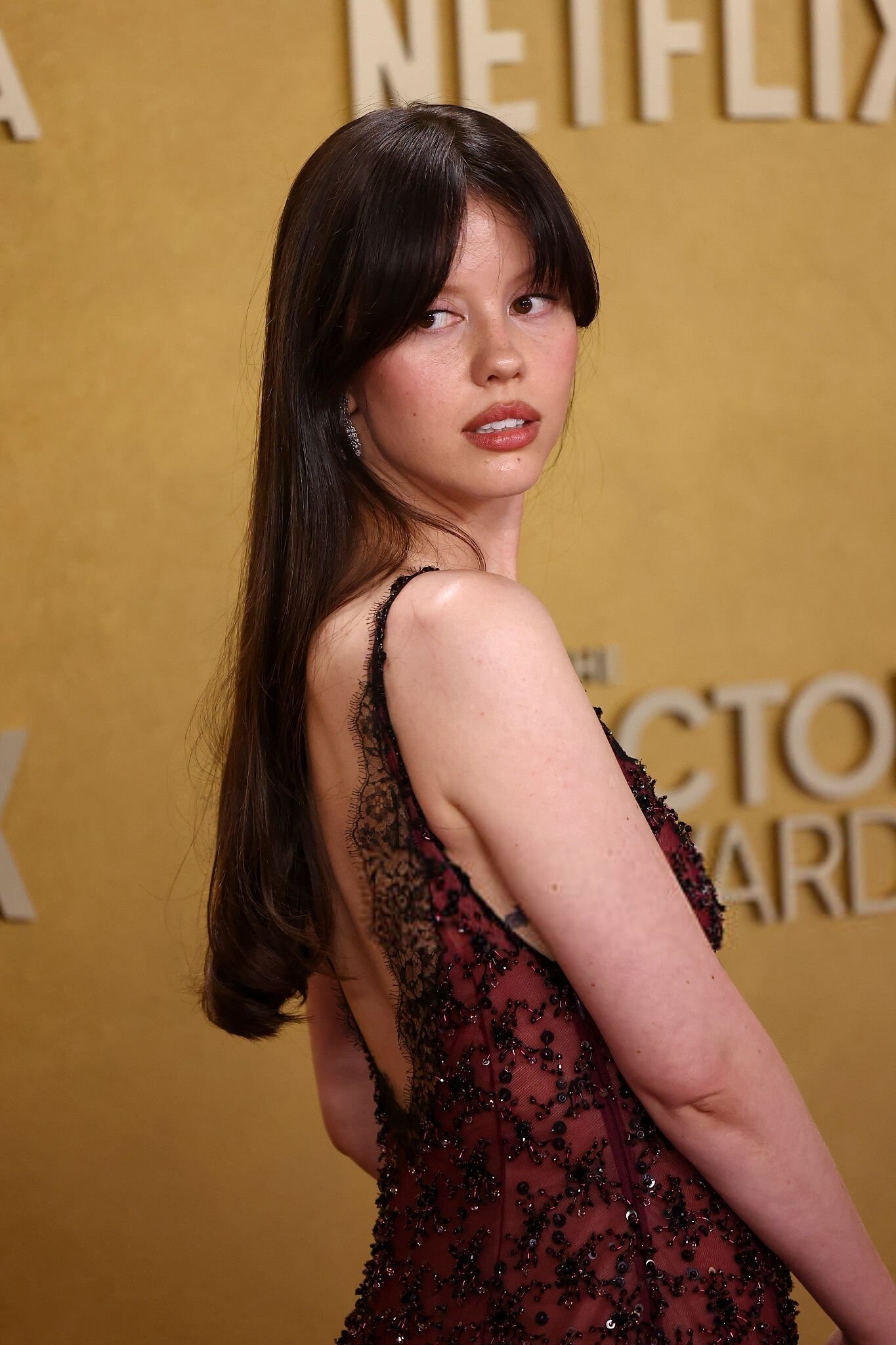
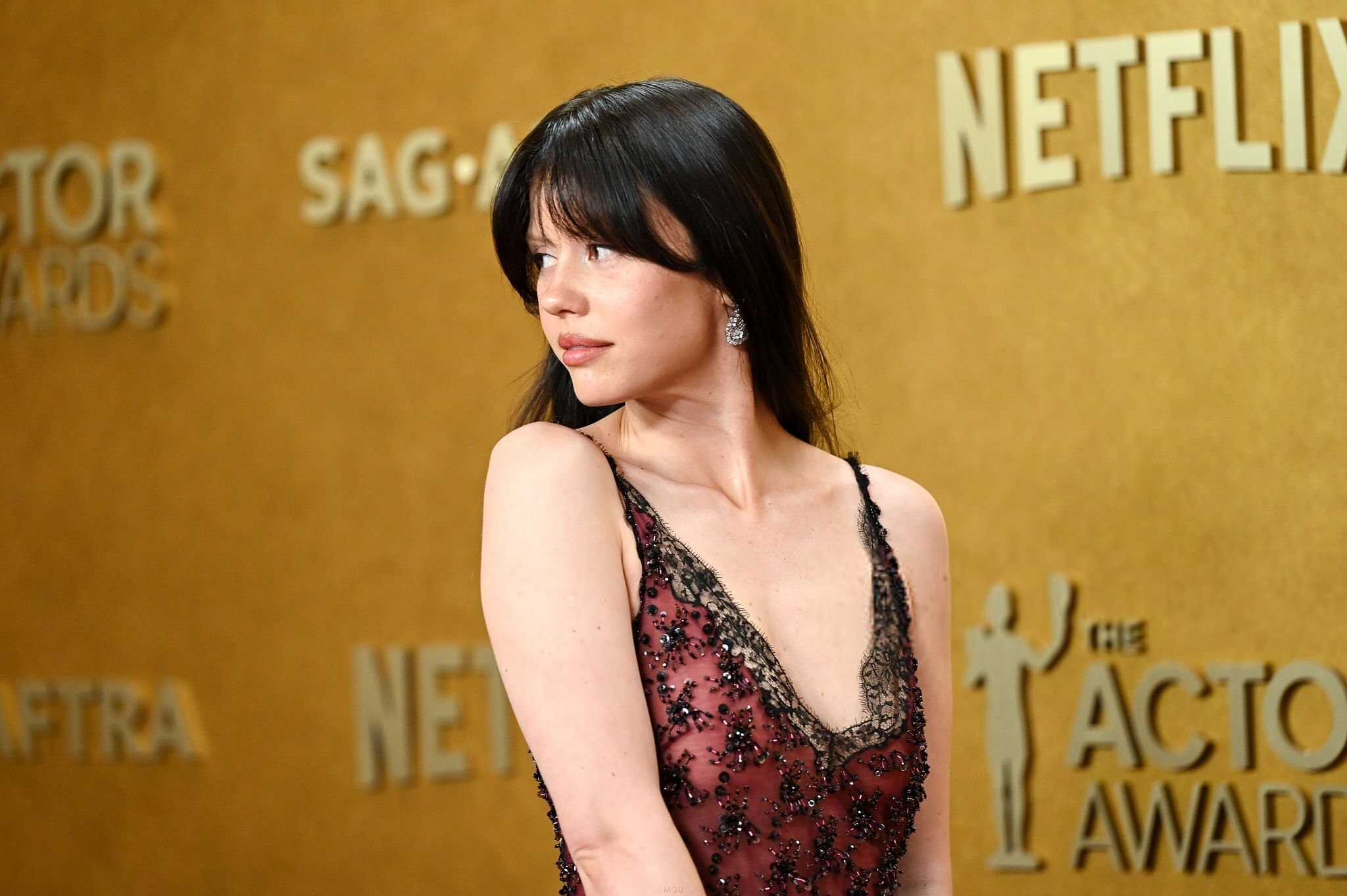
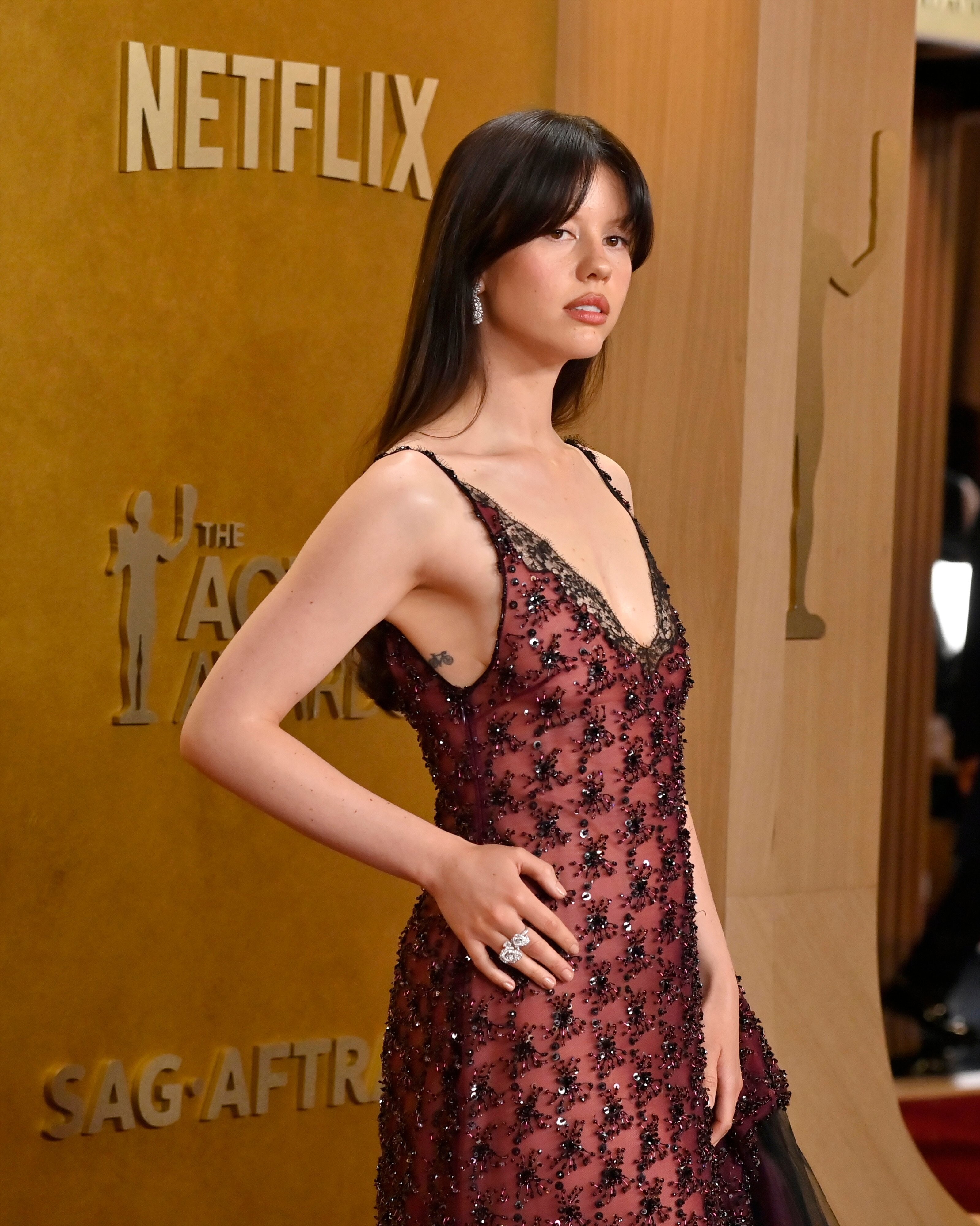
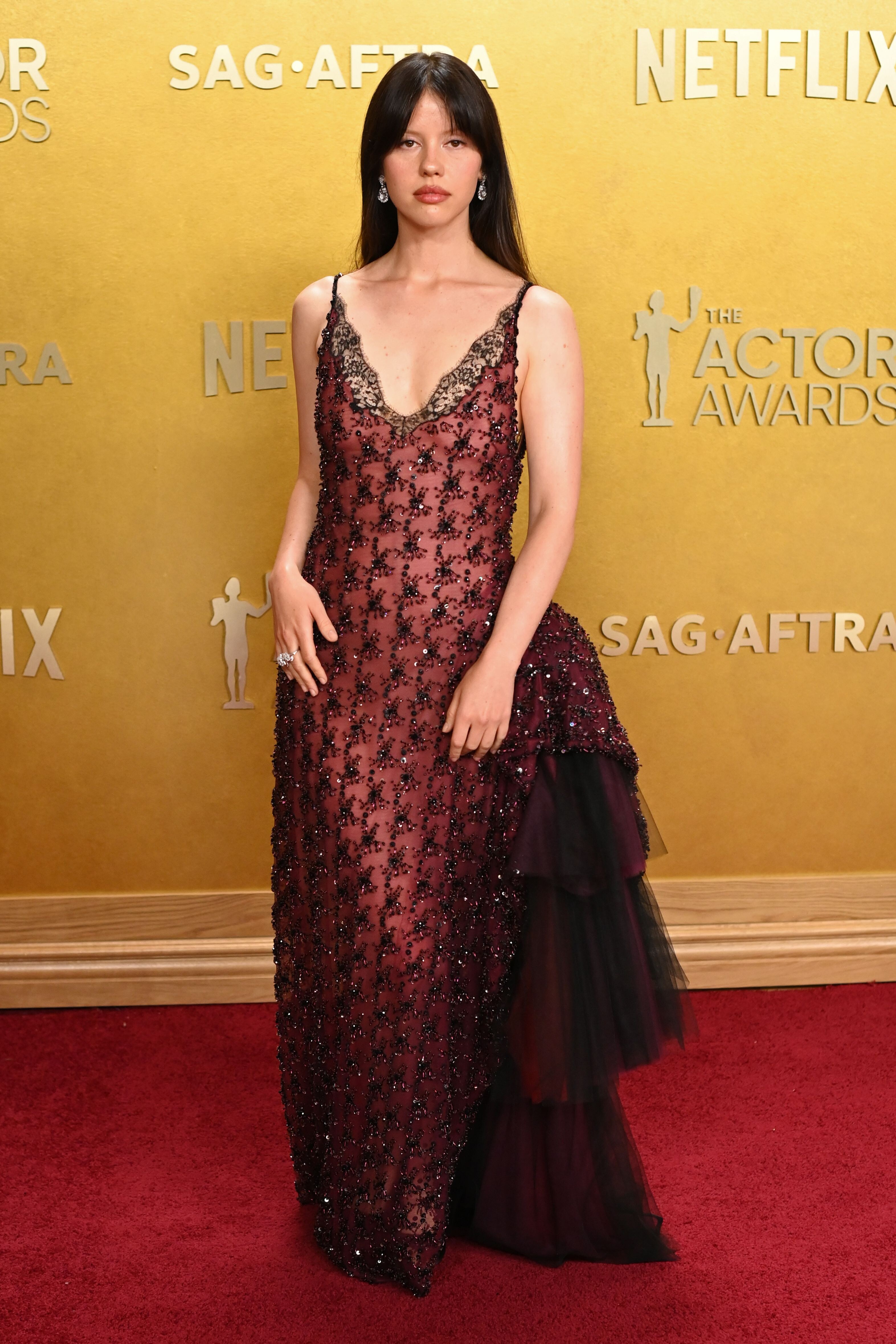
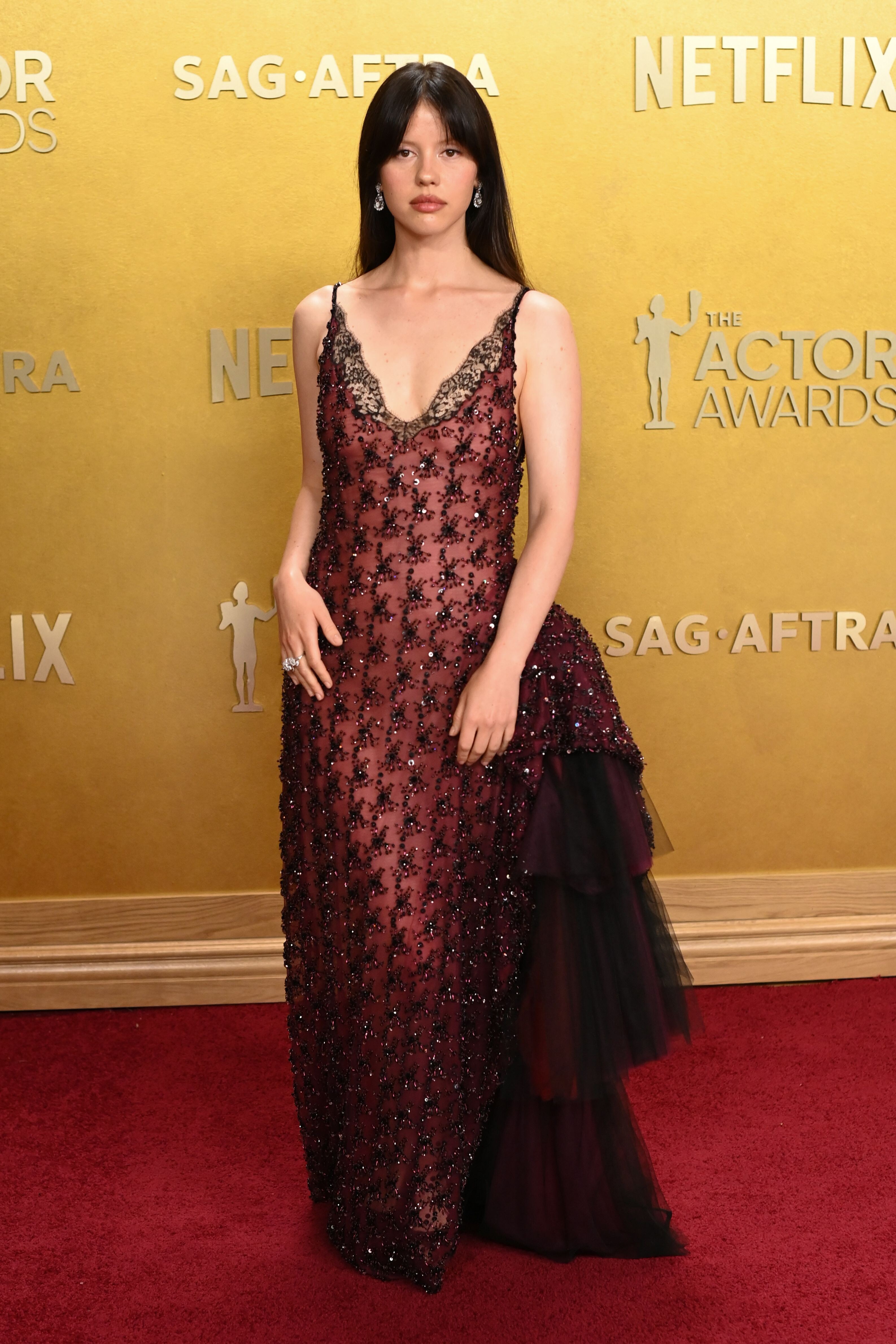
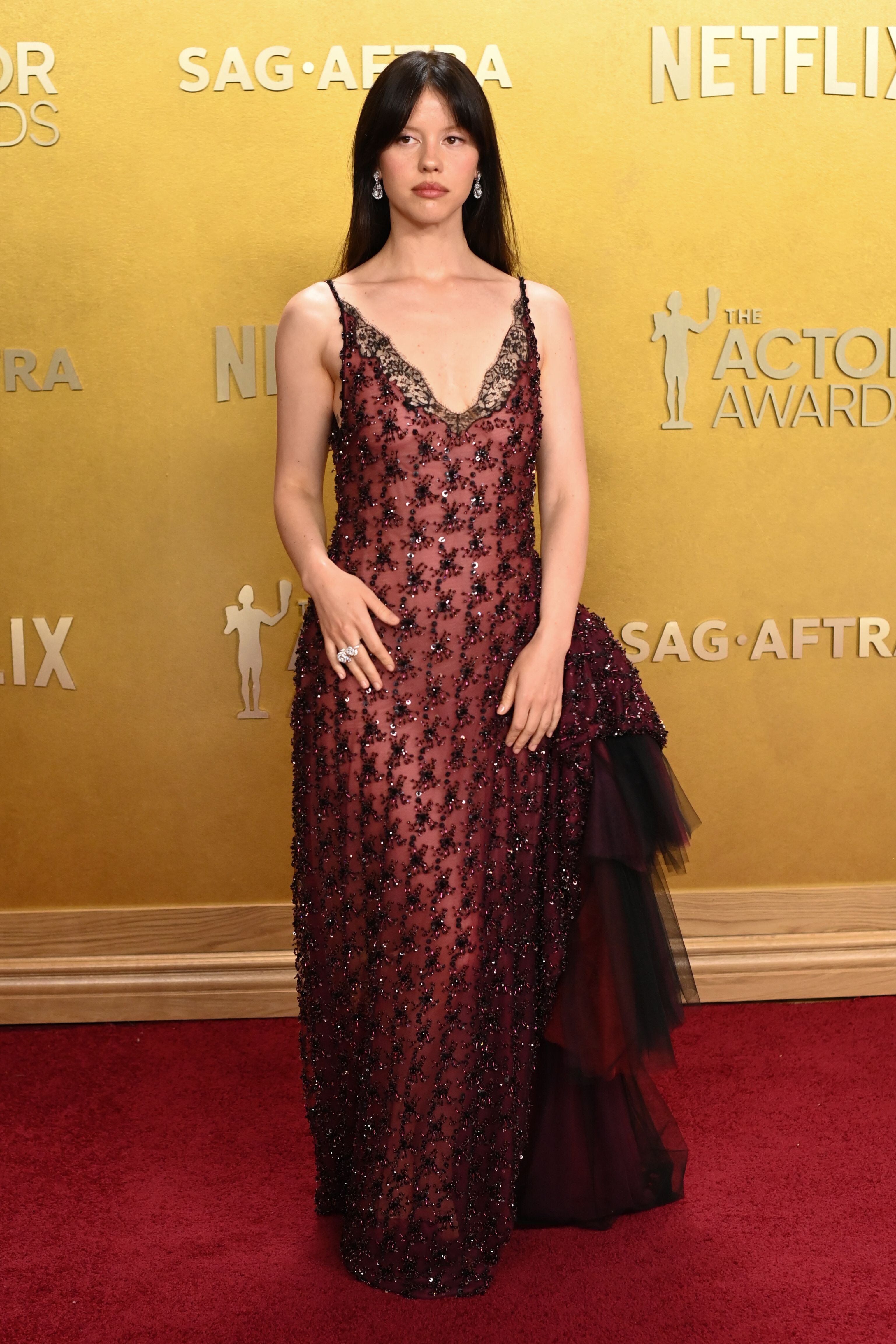
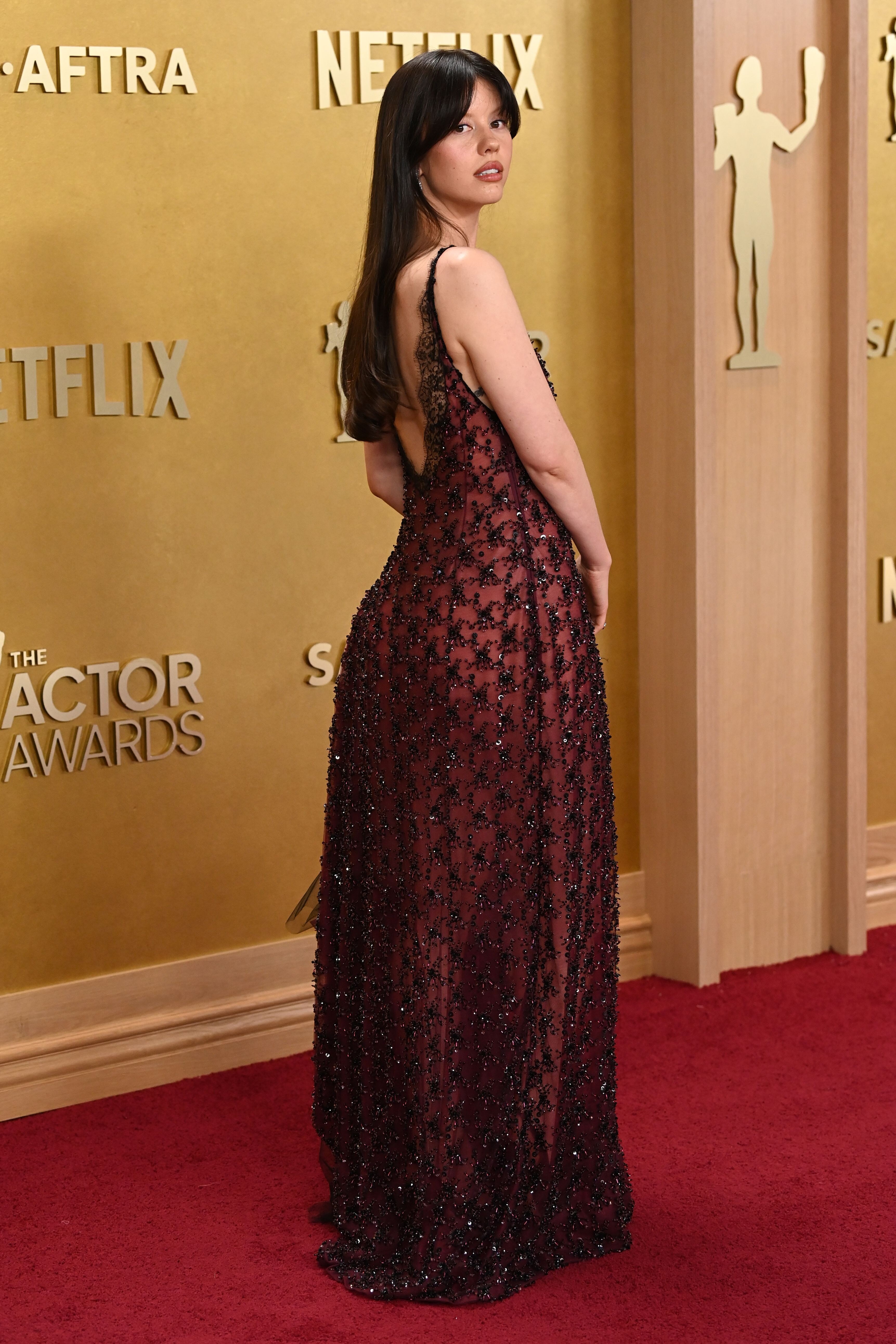
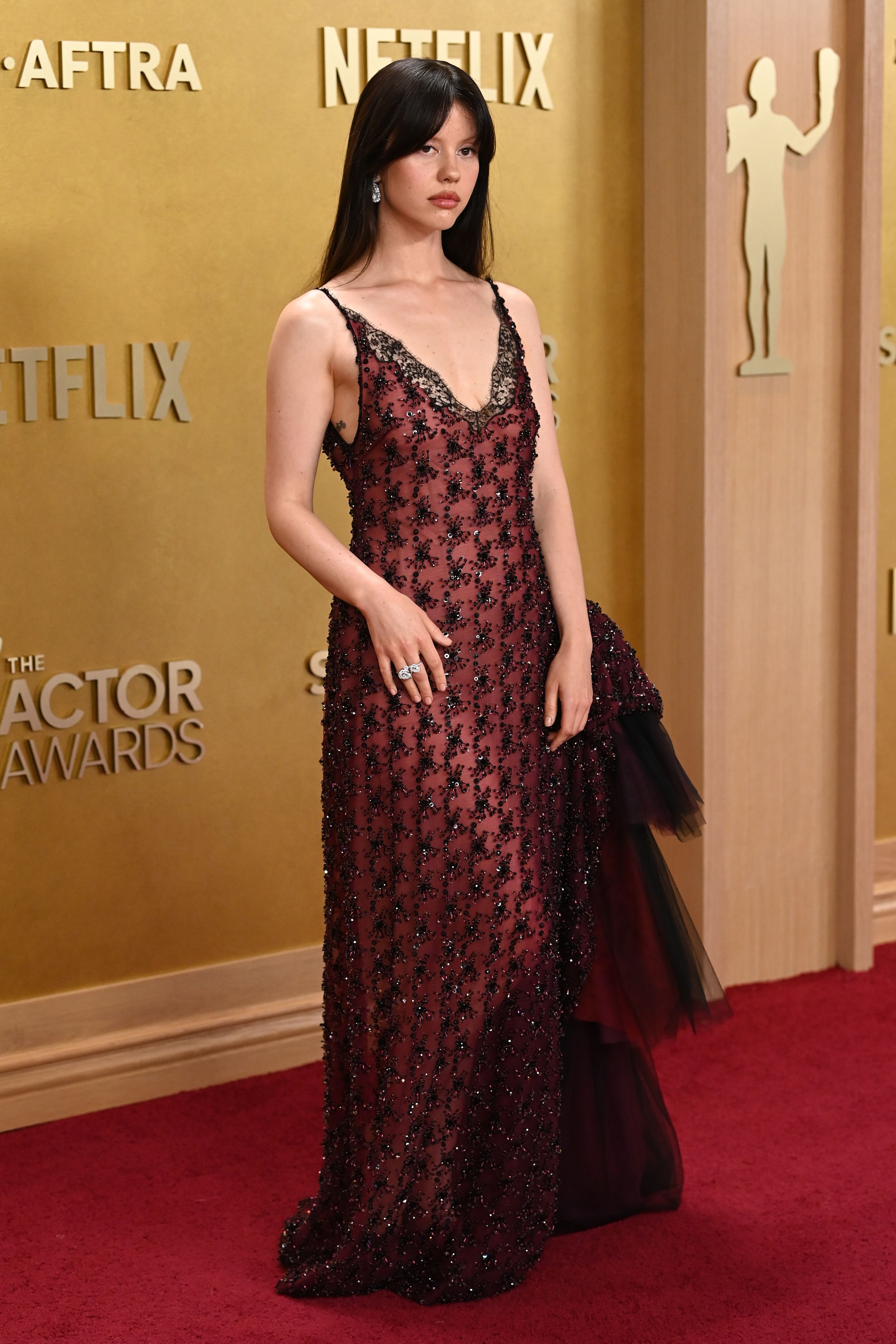
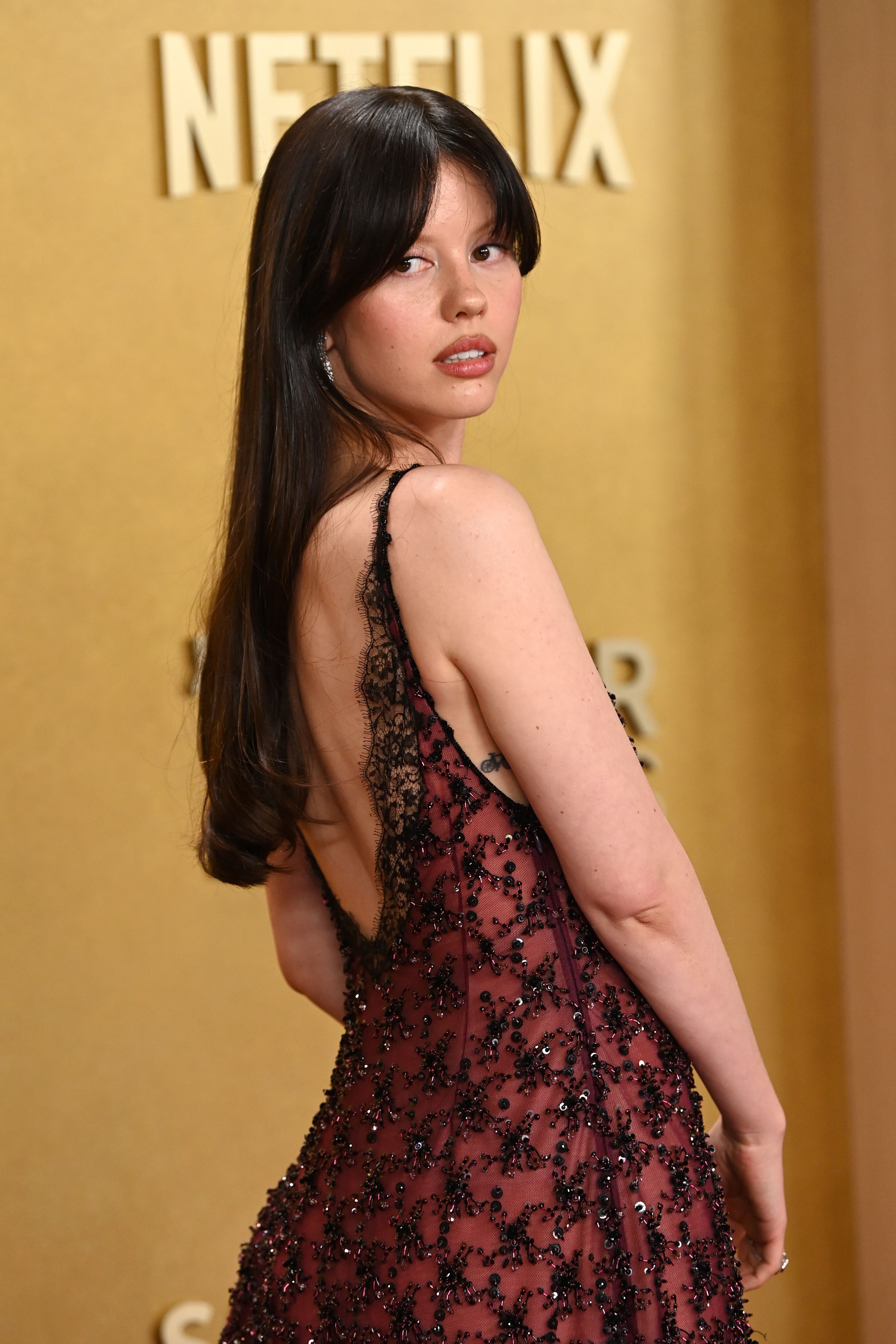
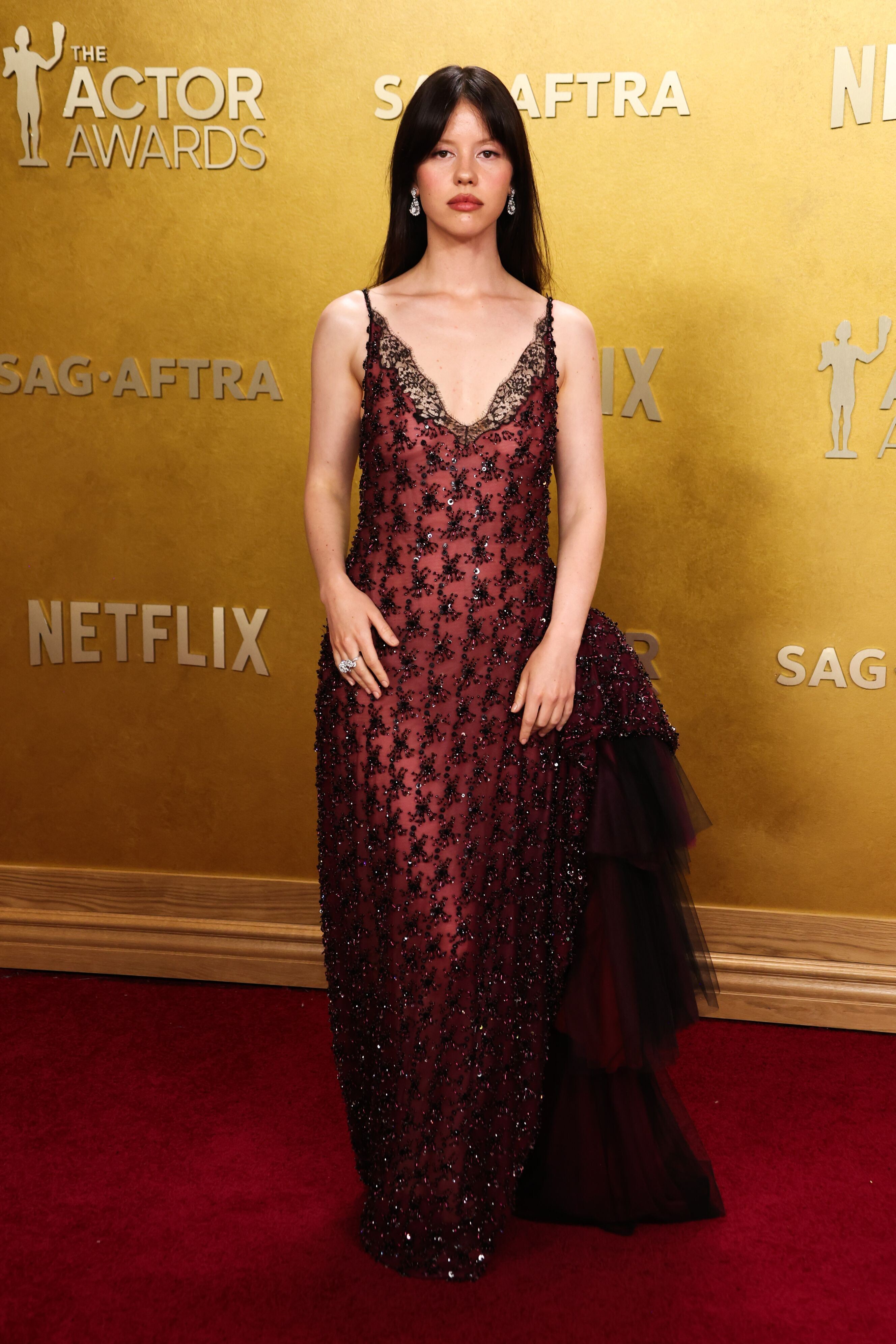
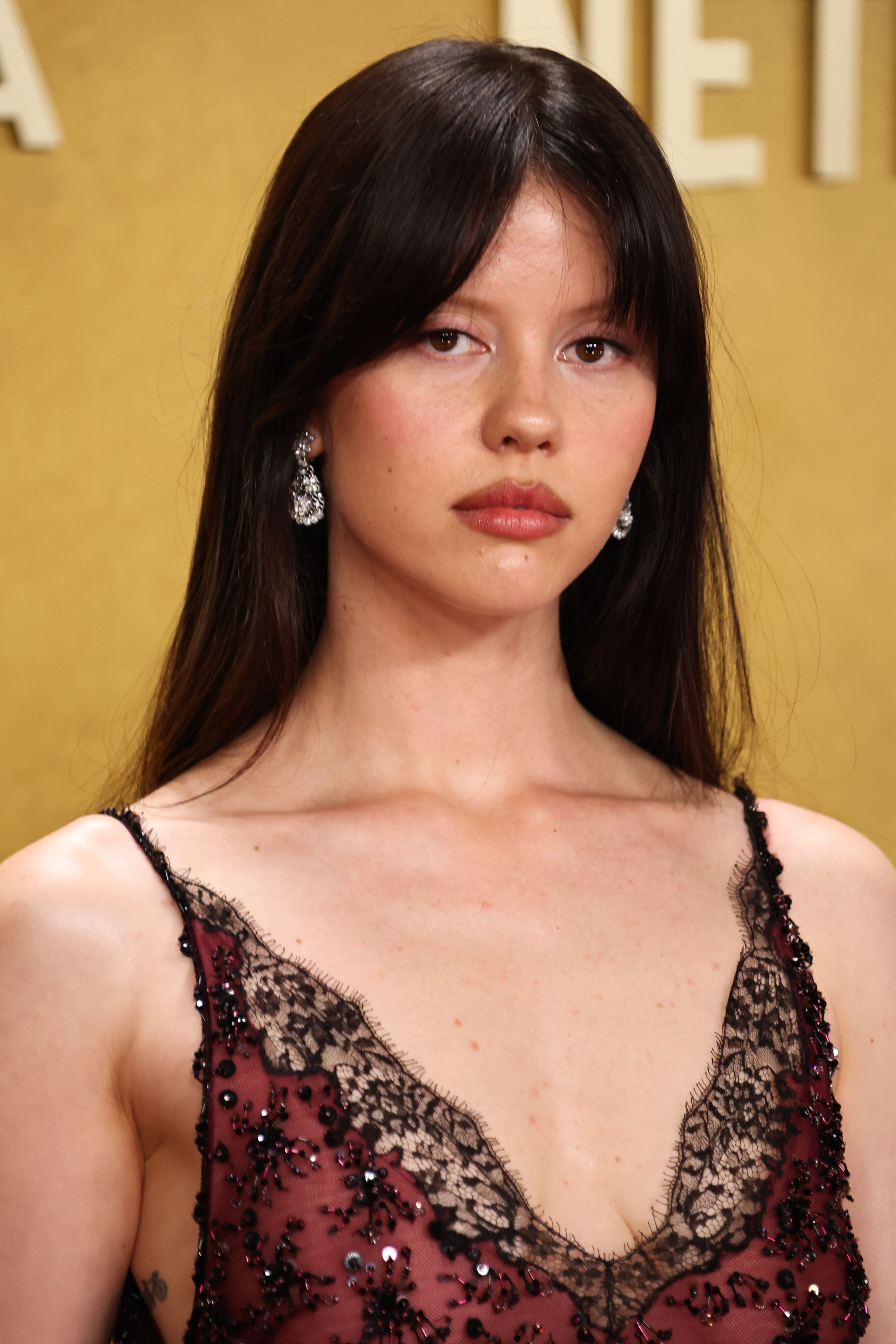
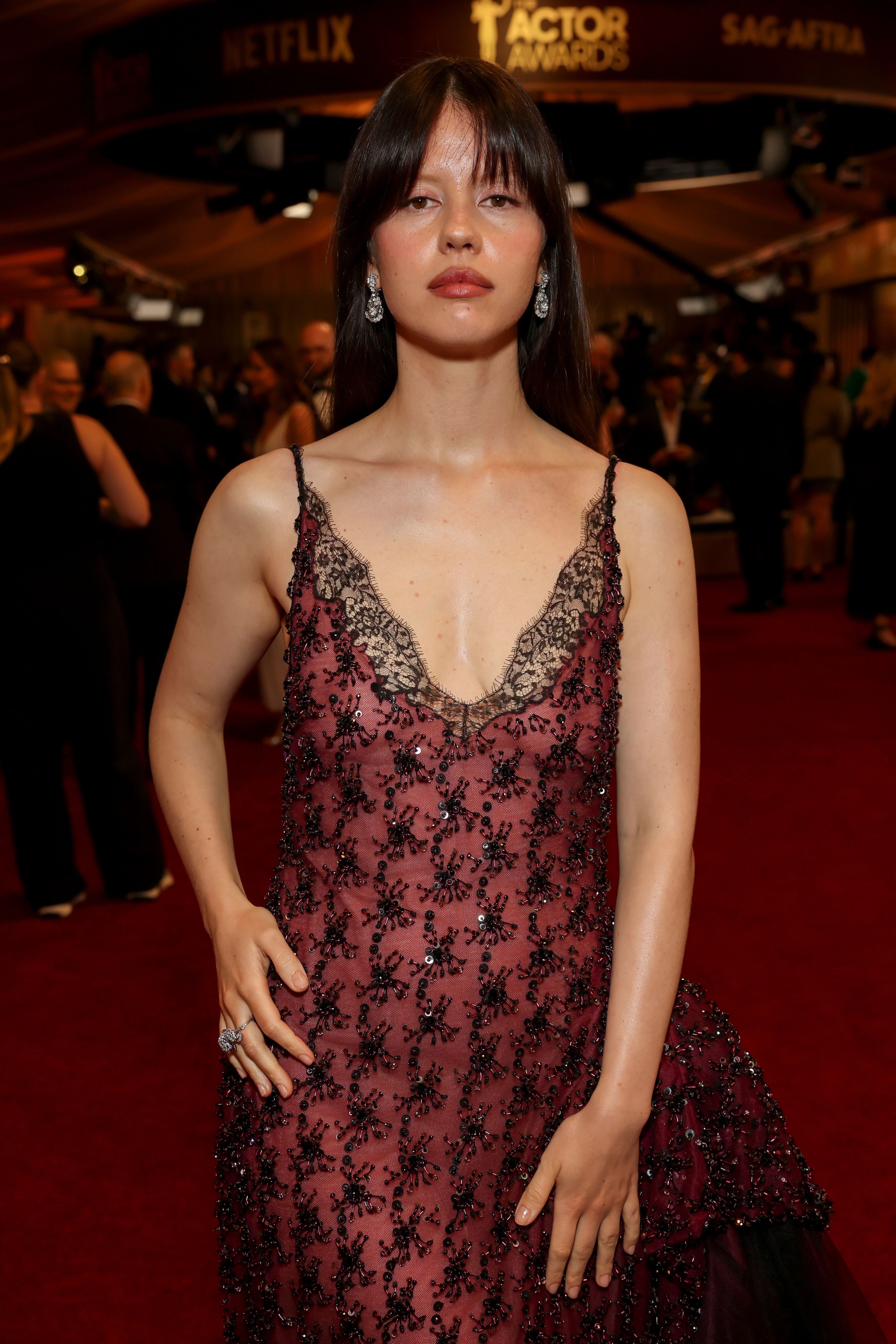
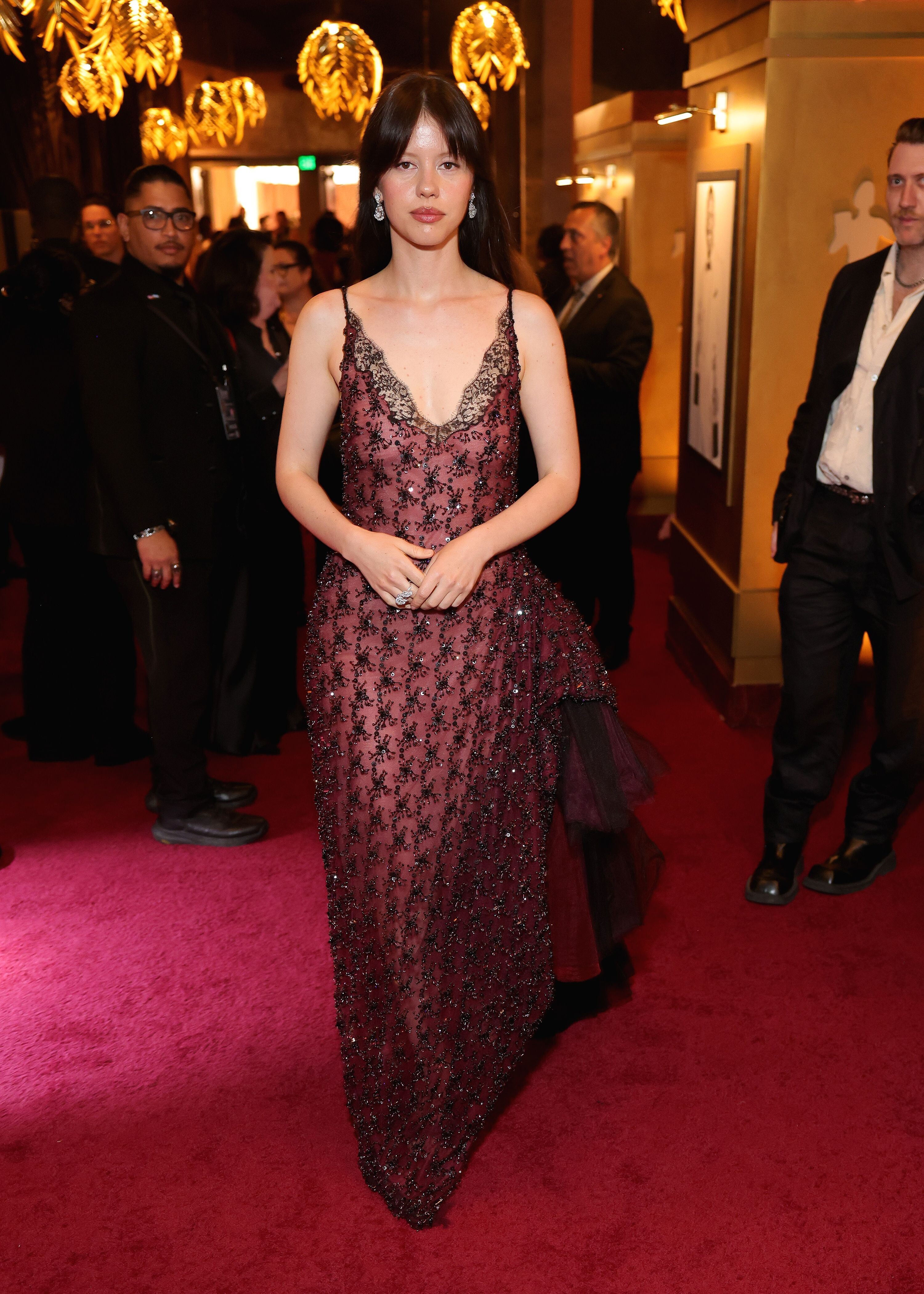
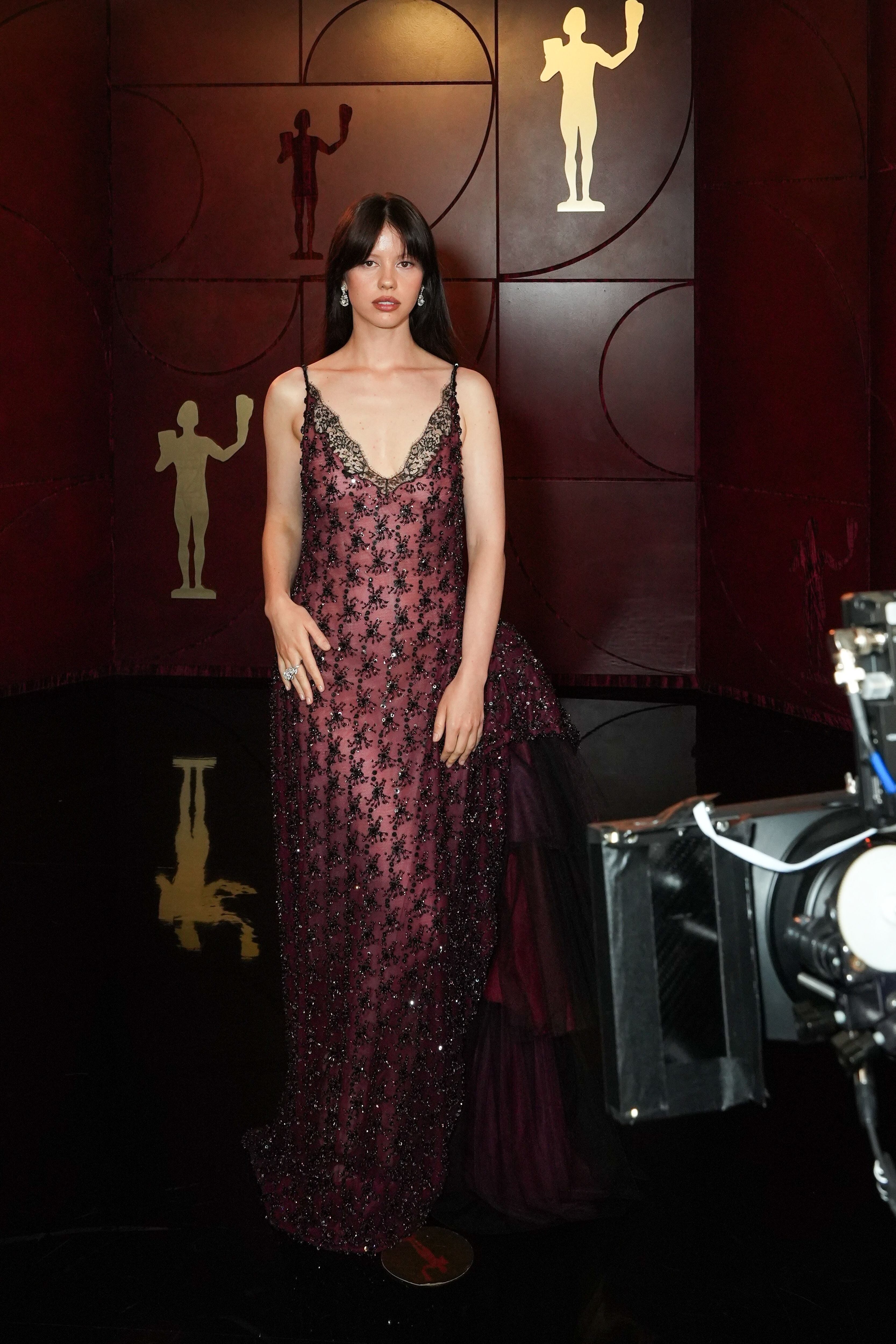
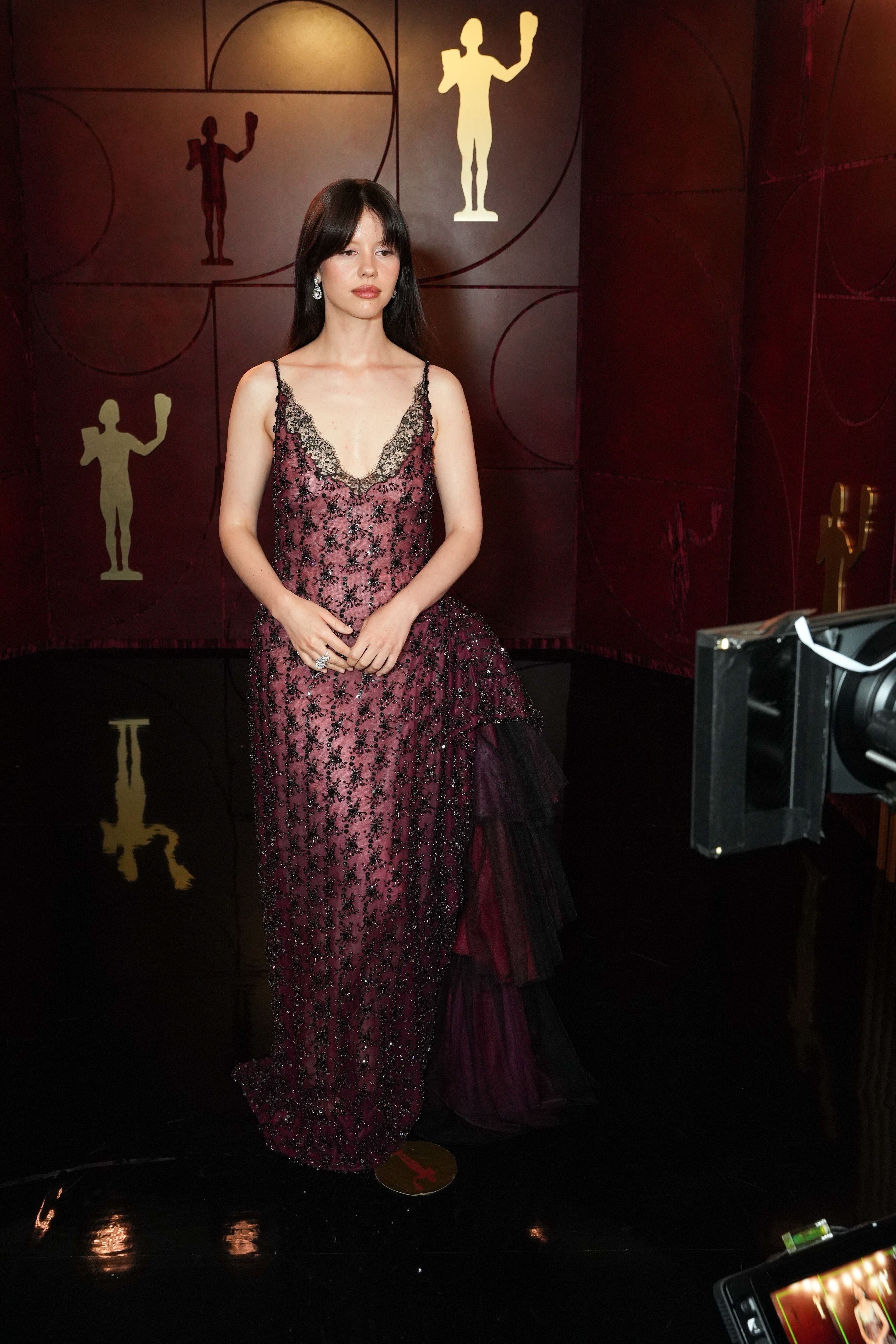
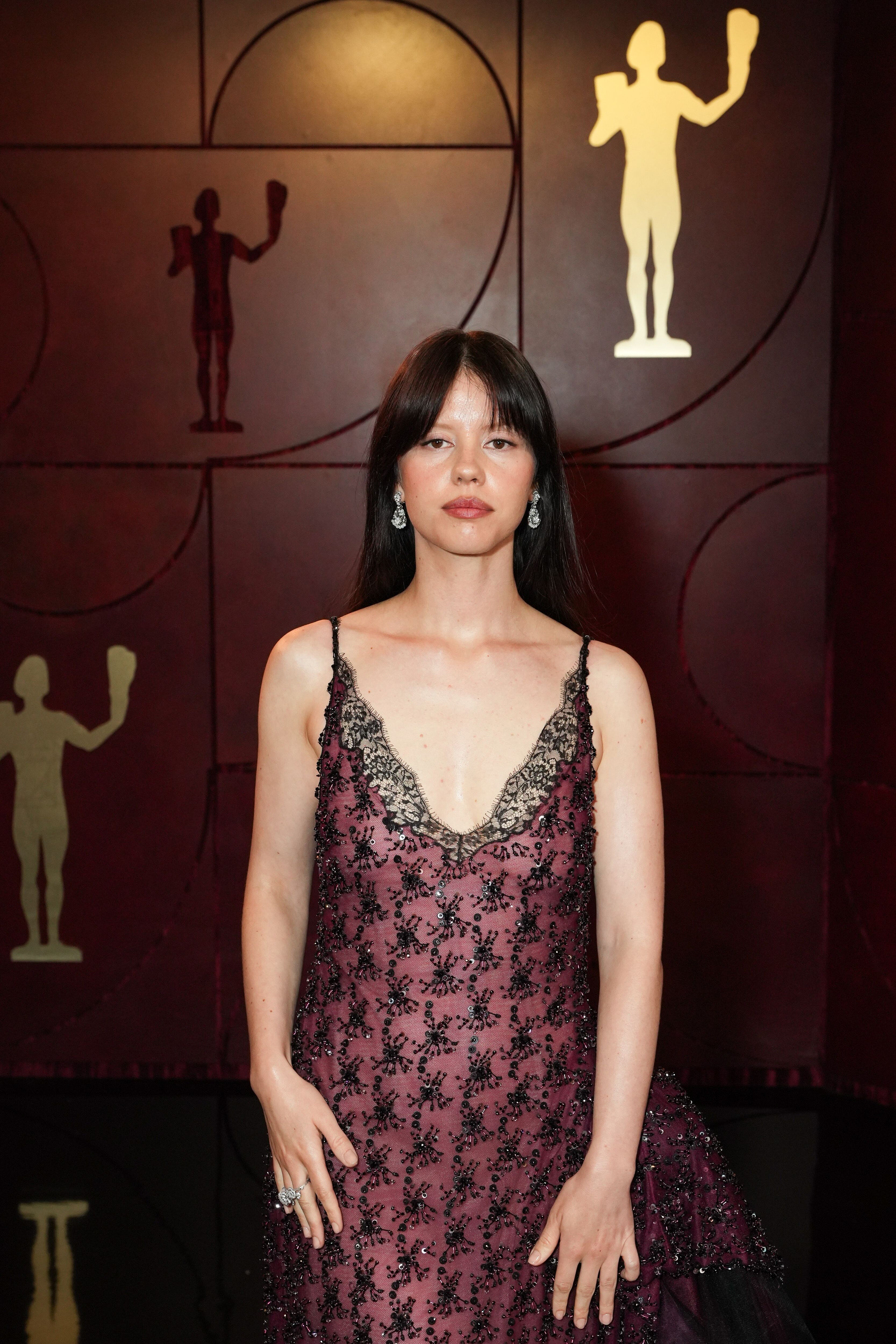
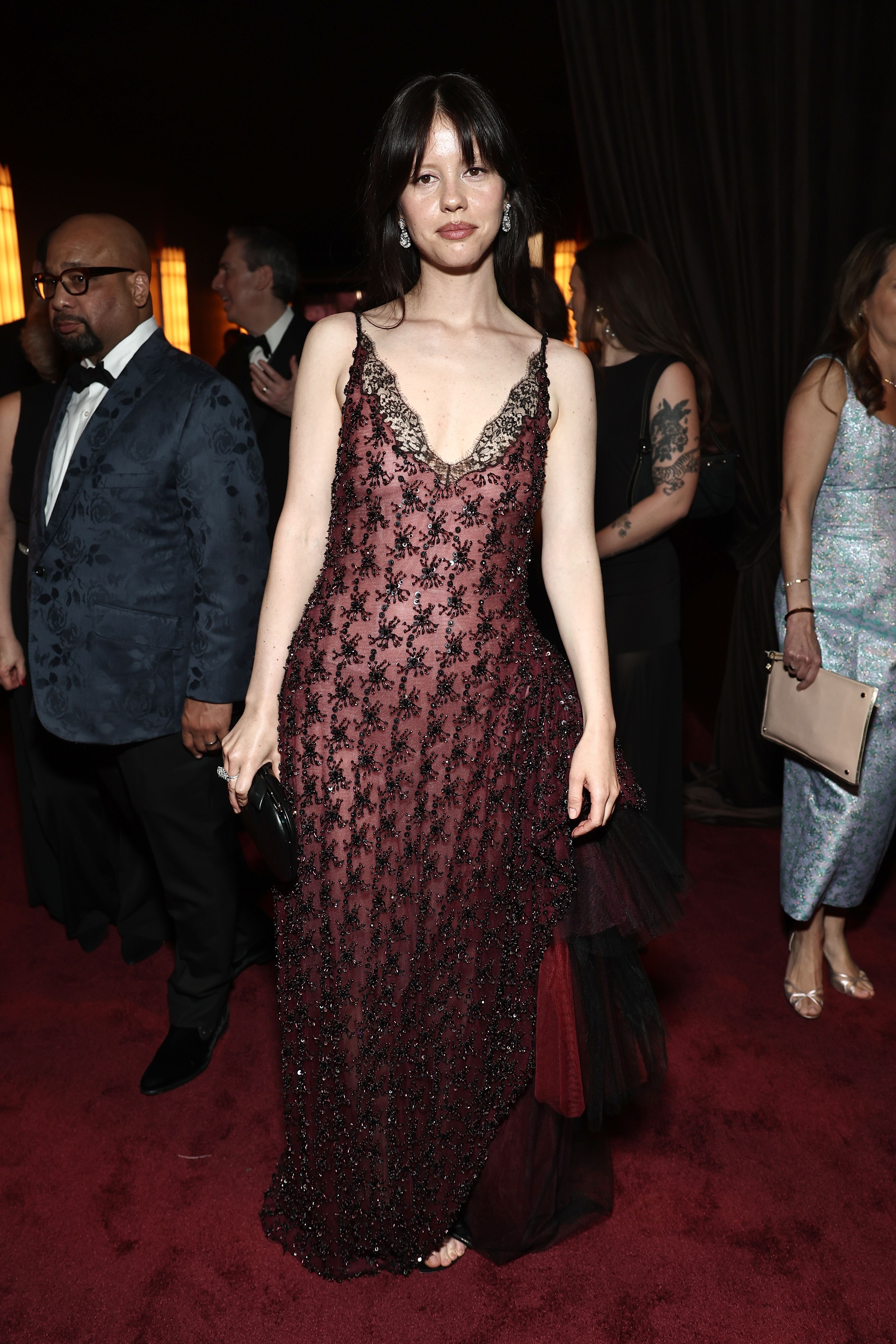
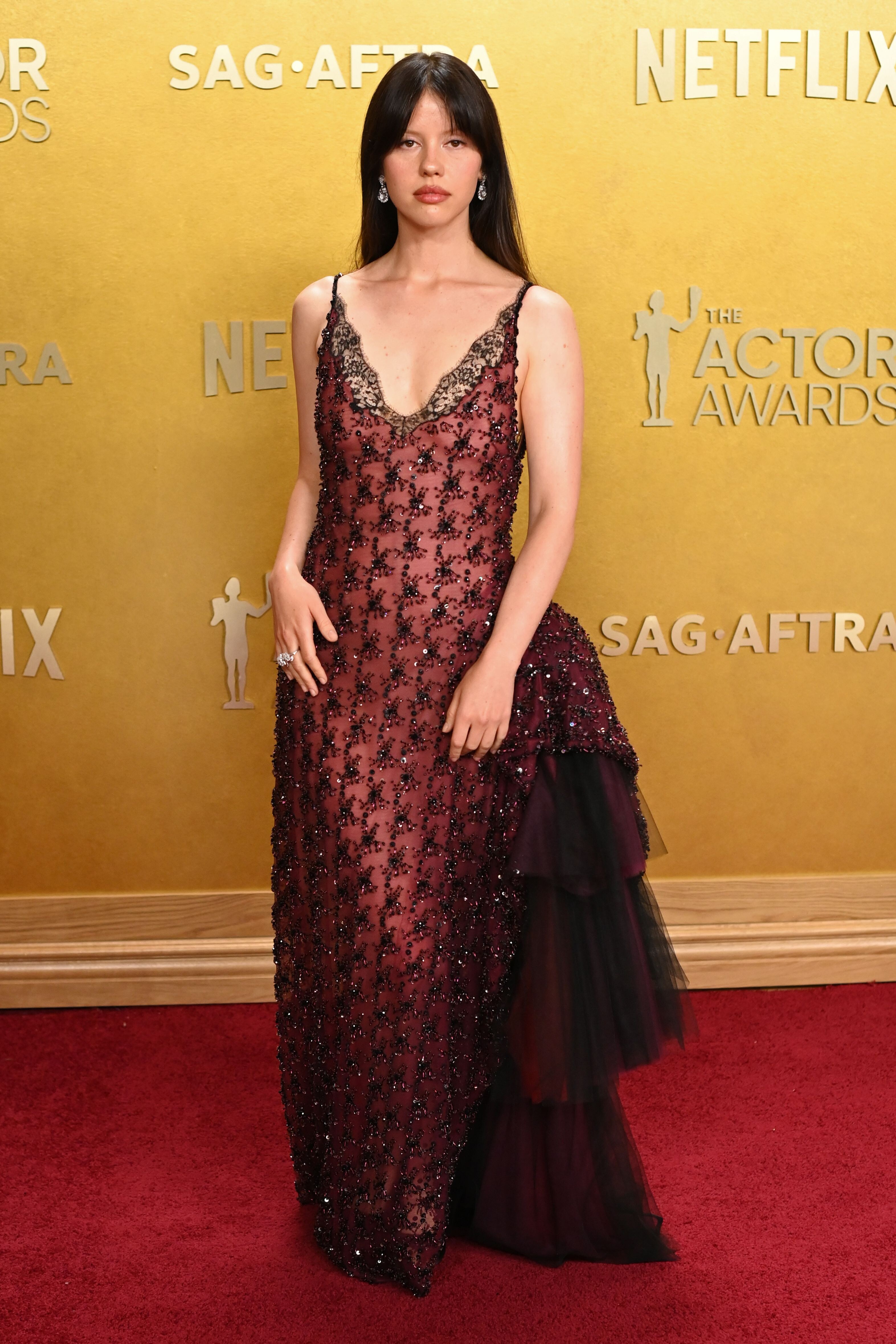
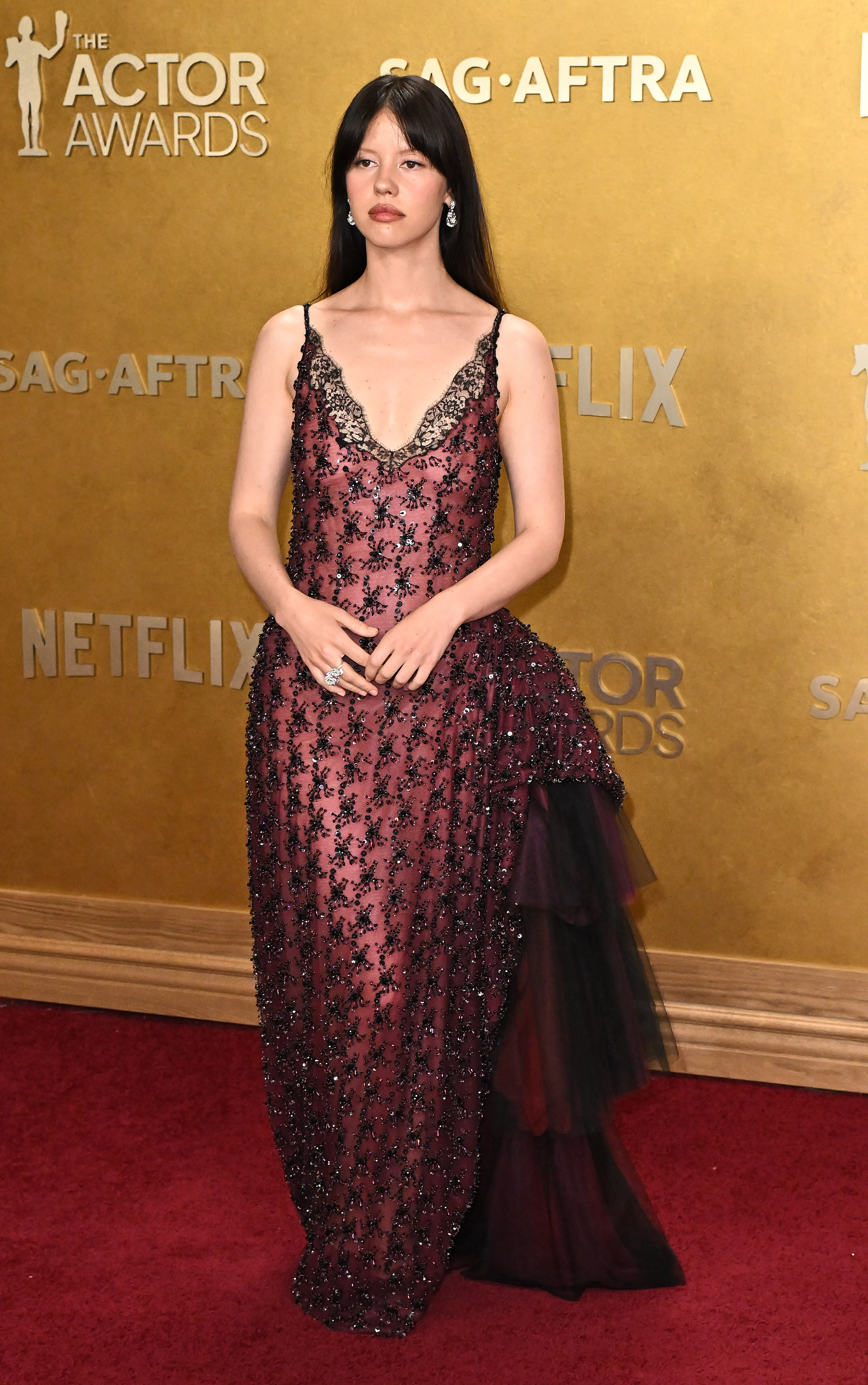
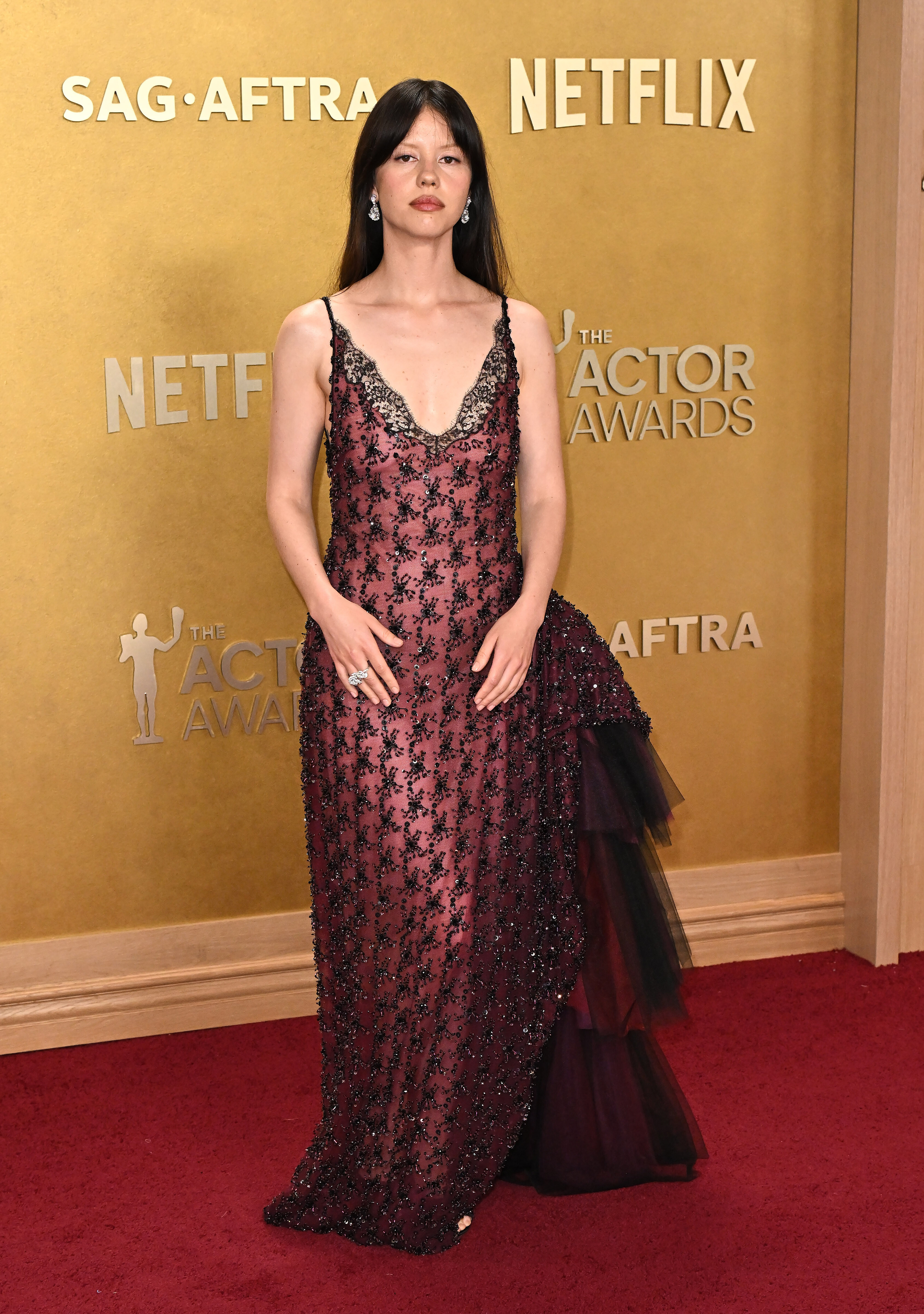
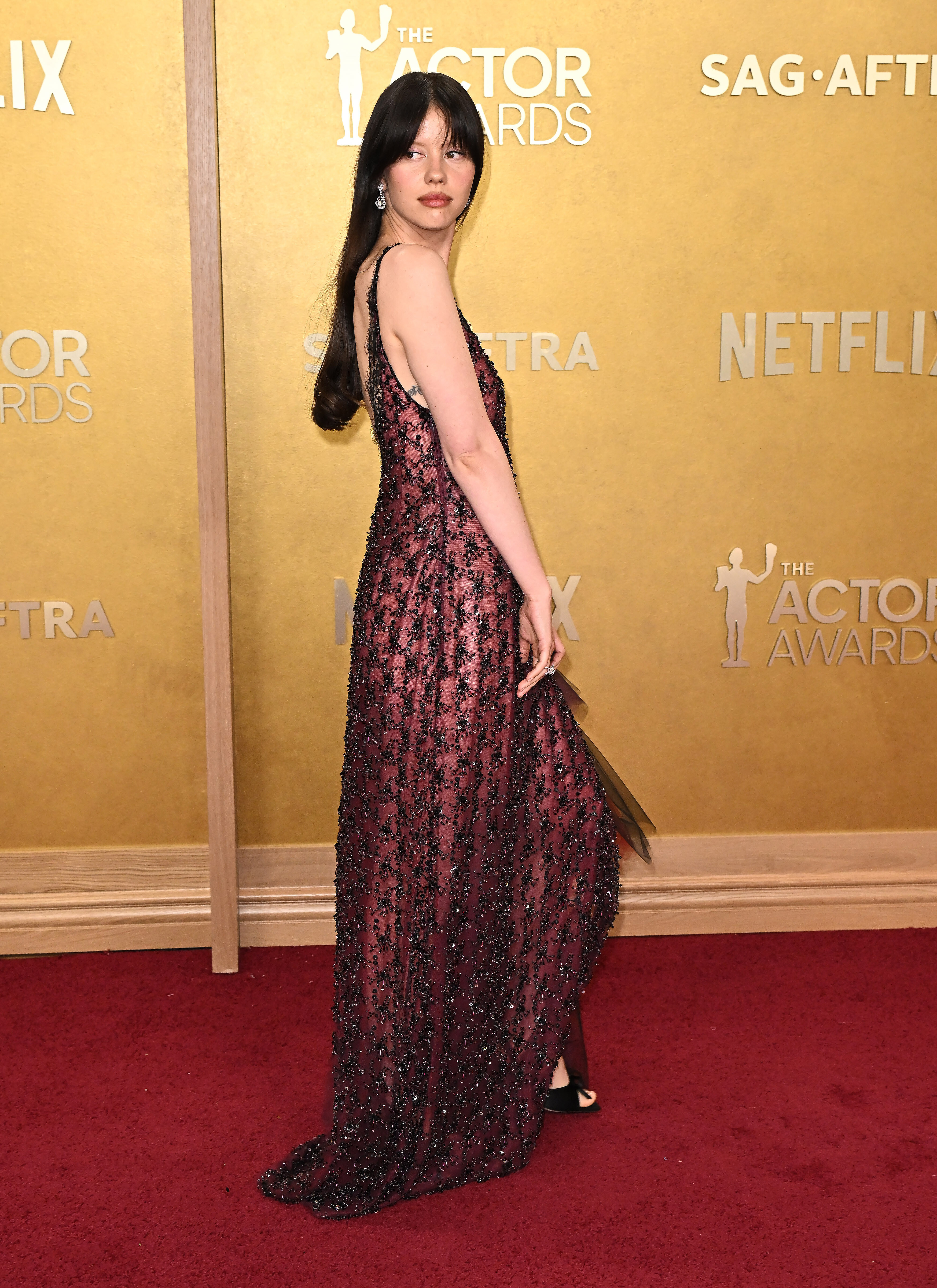
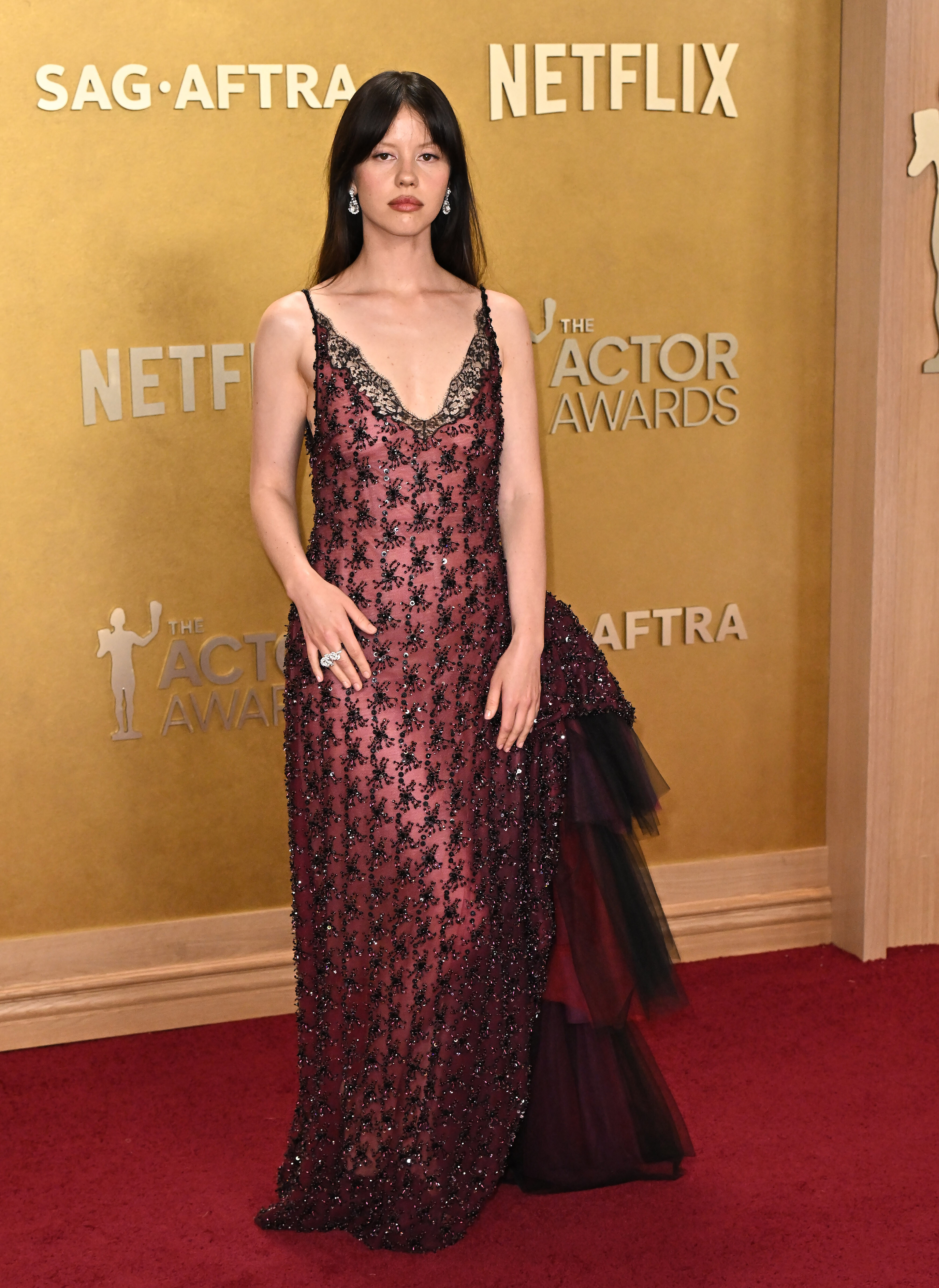
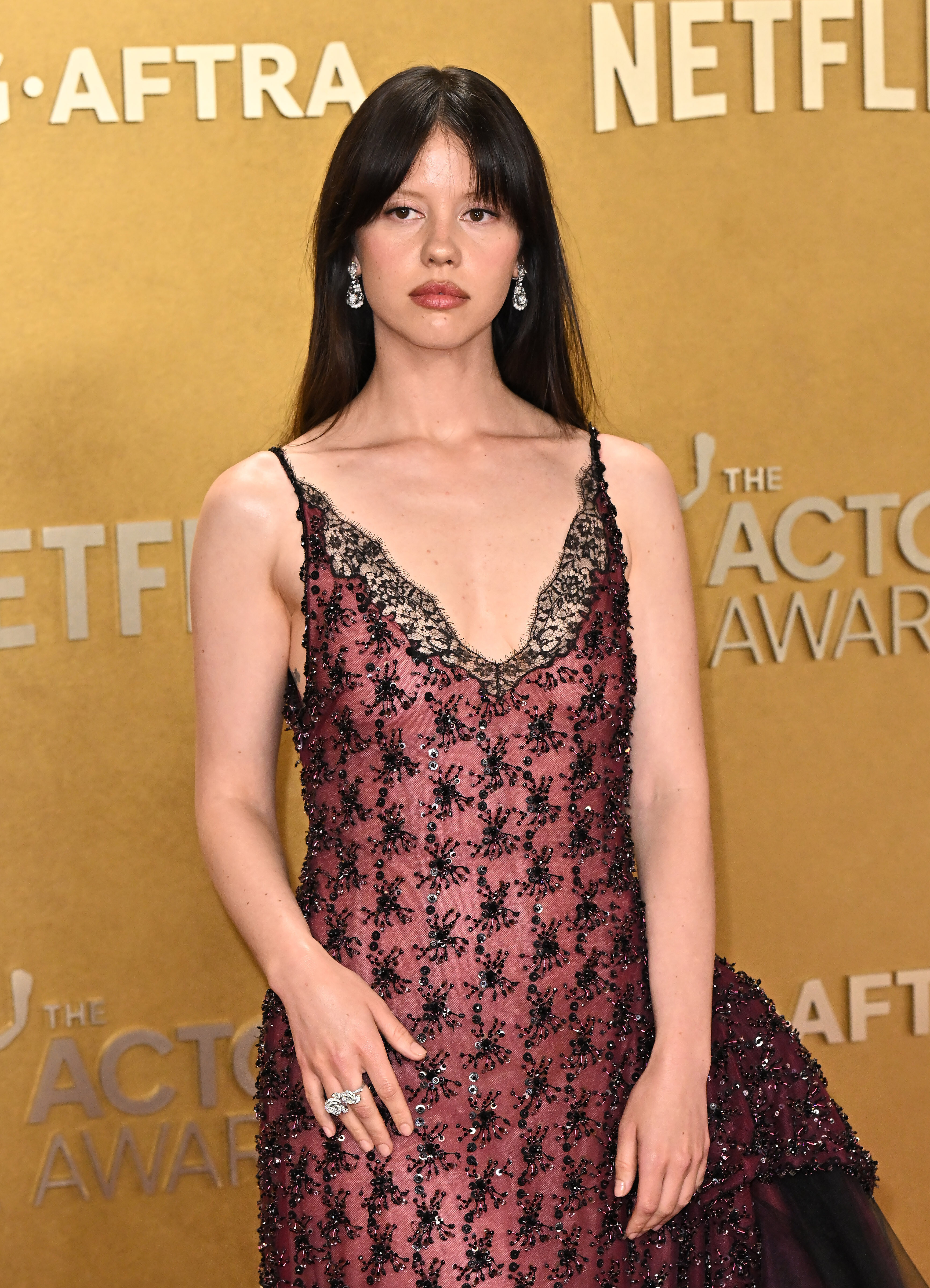
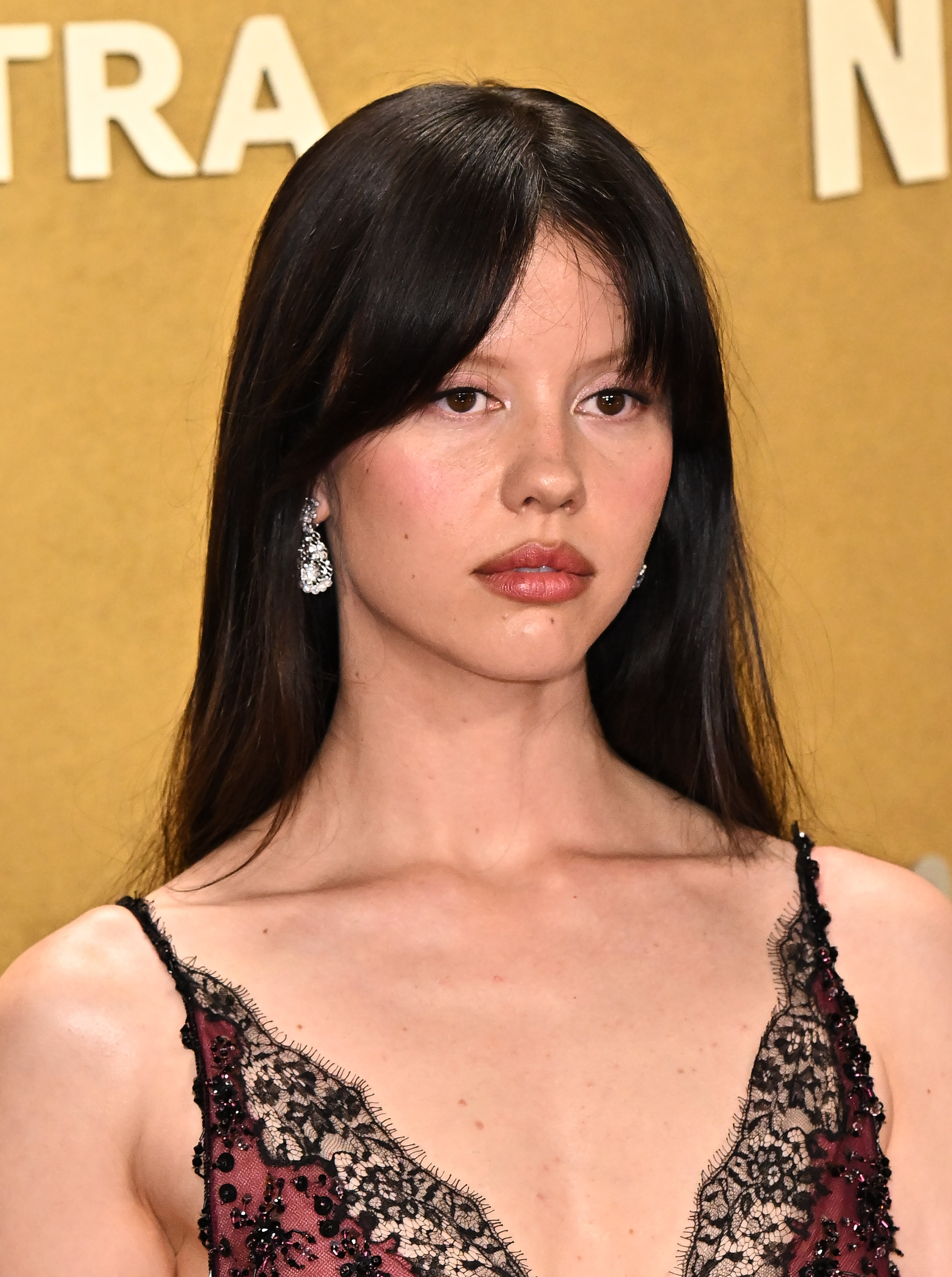
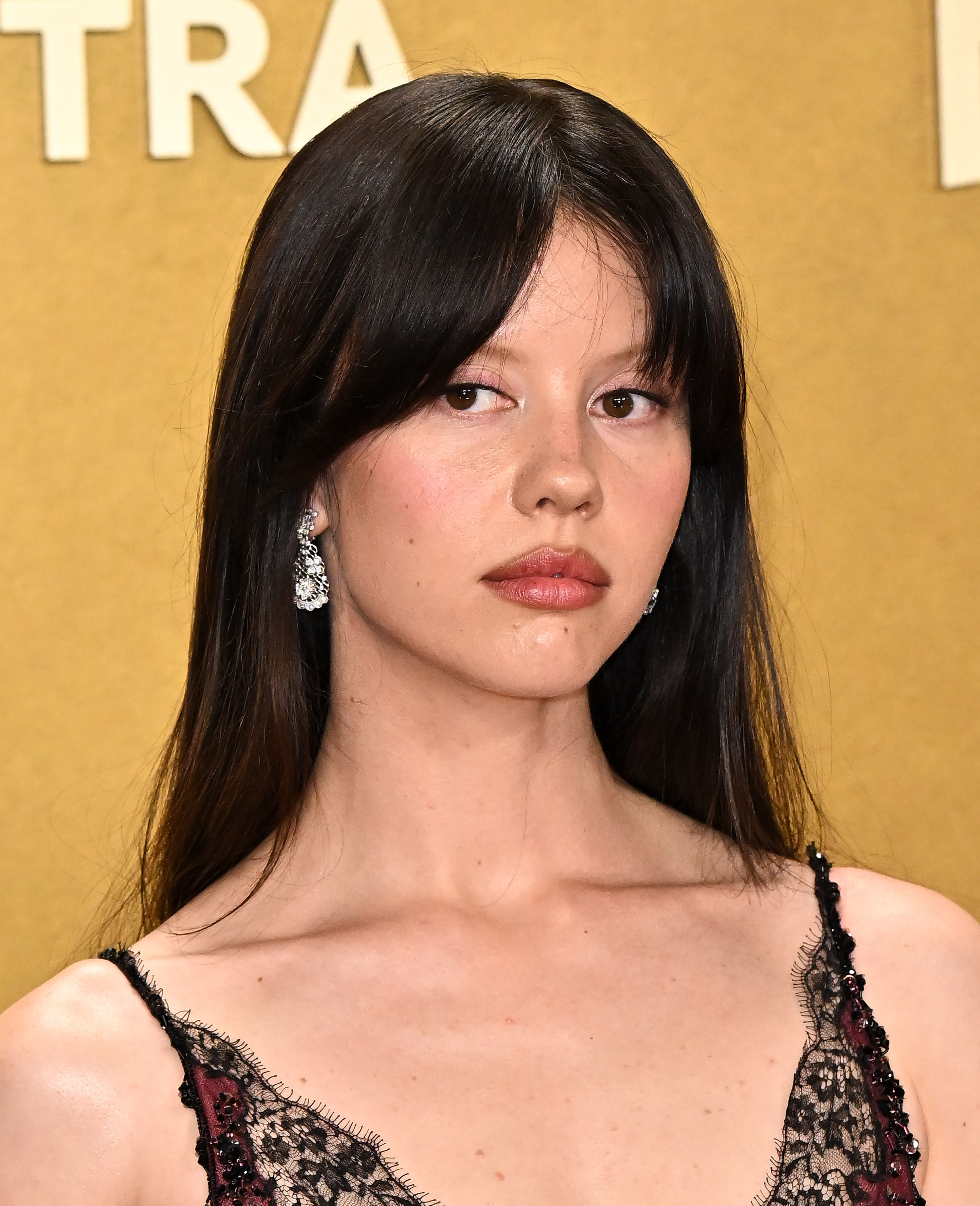
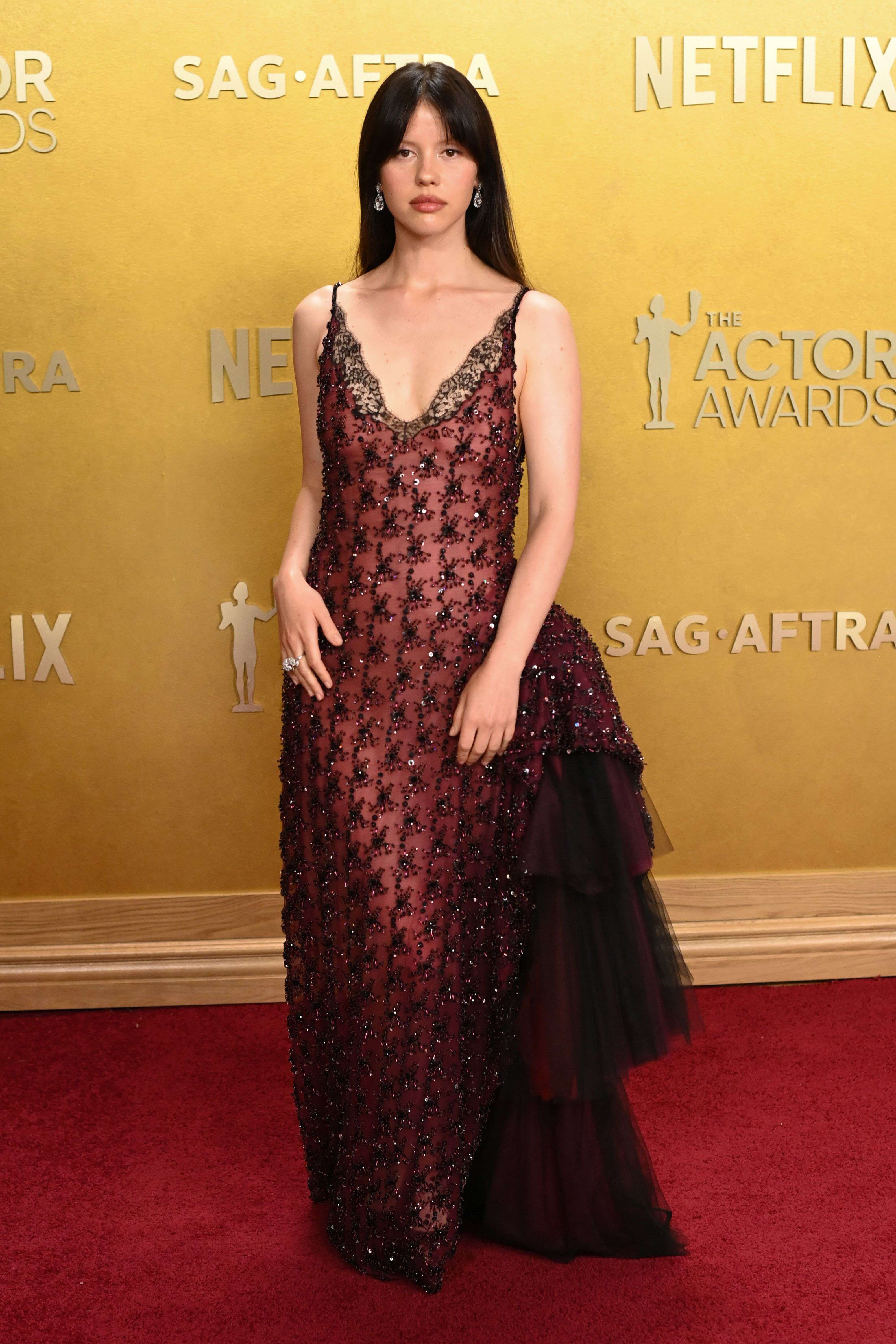
March 01 2026- 32nd The Actor Awards miagoth.sosugary.com


























































-
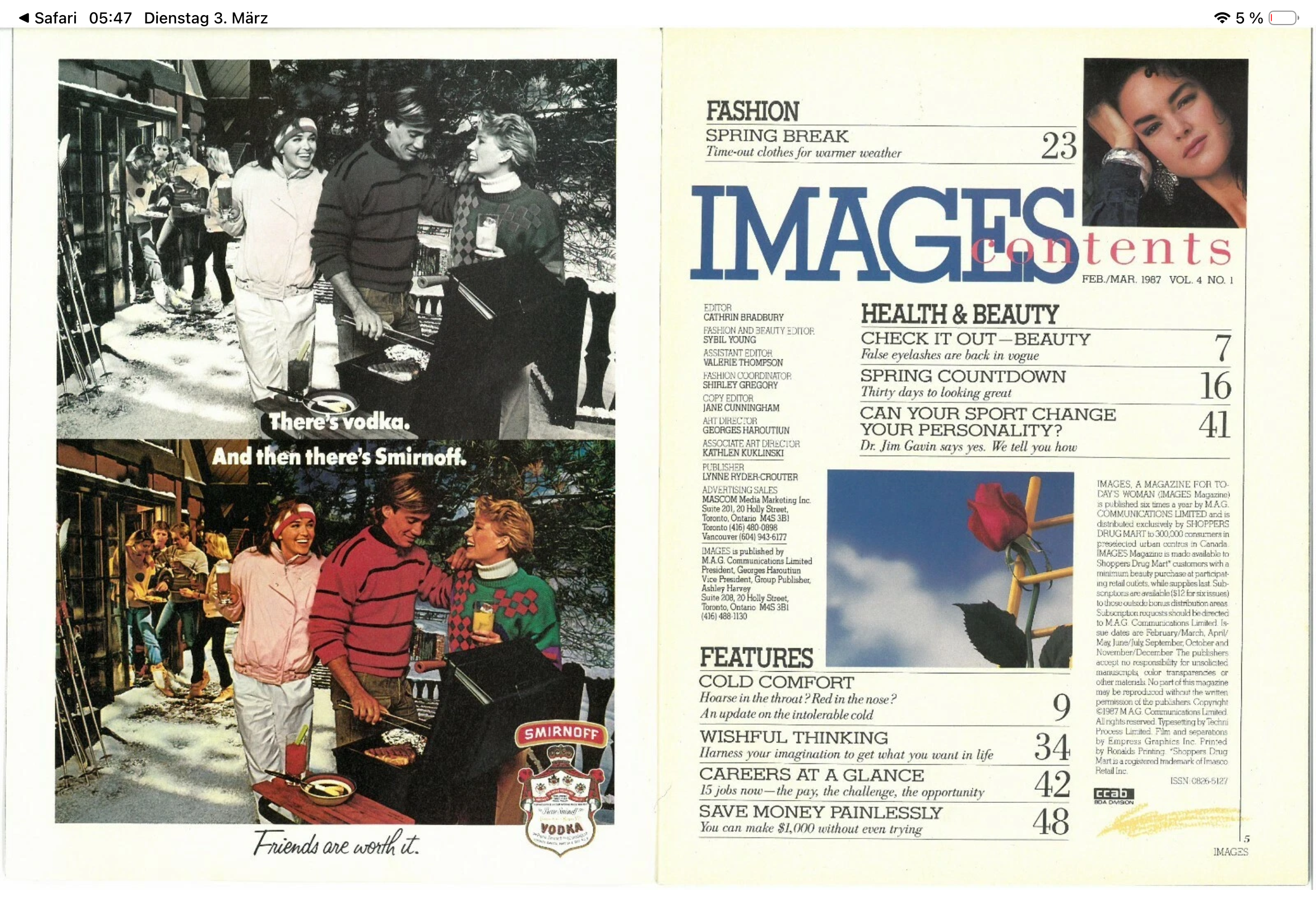
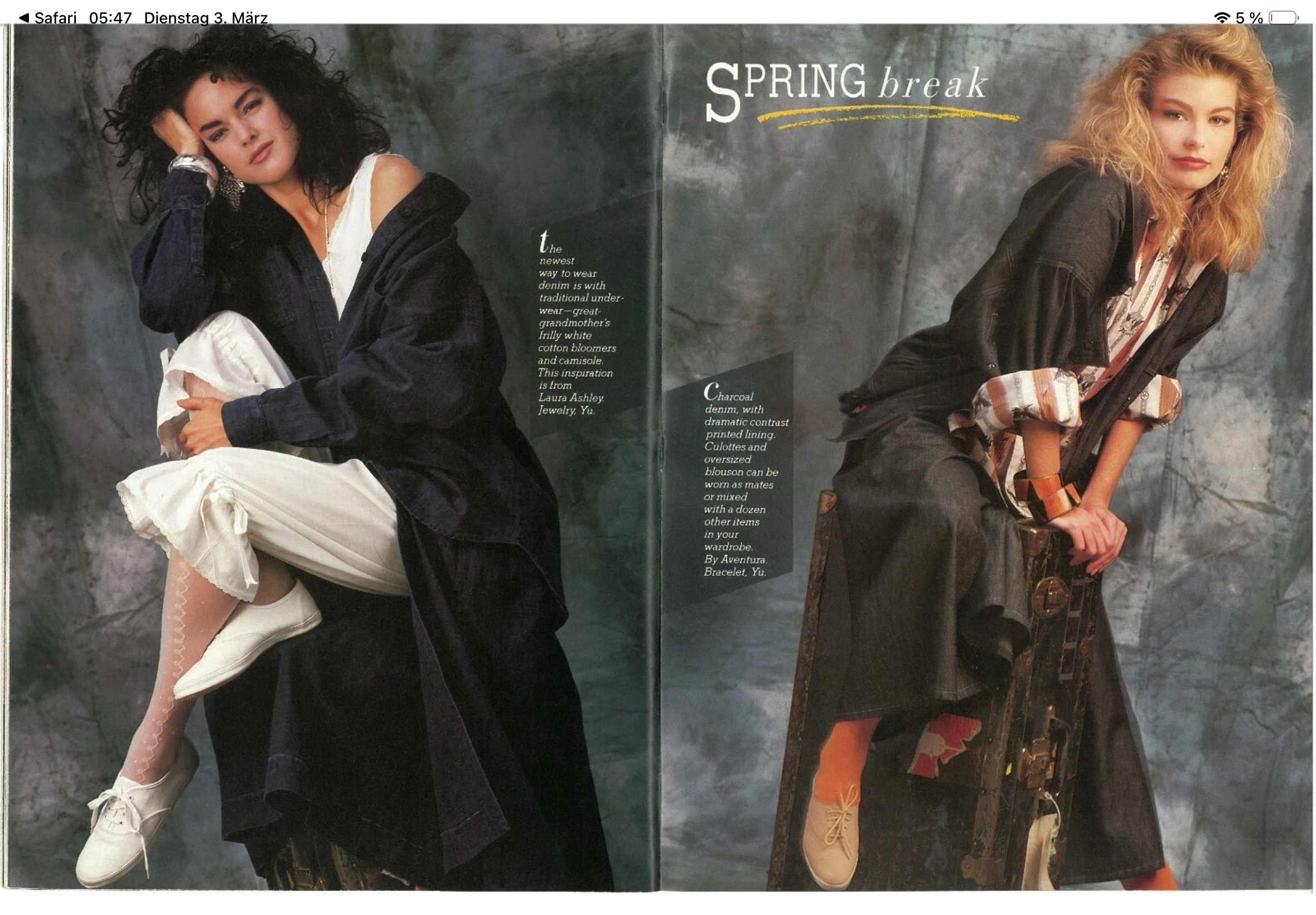
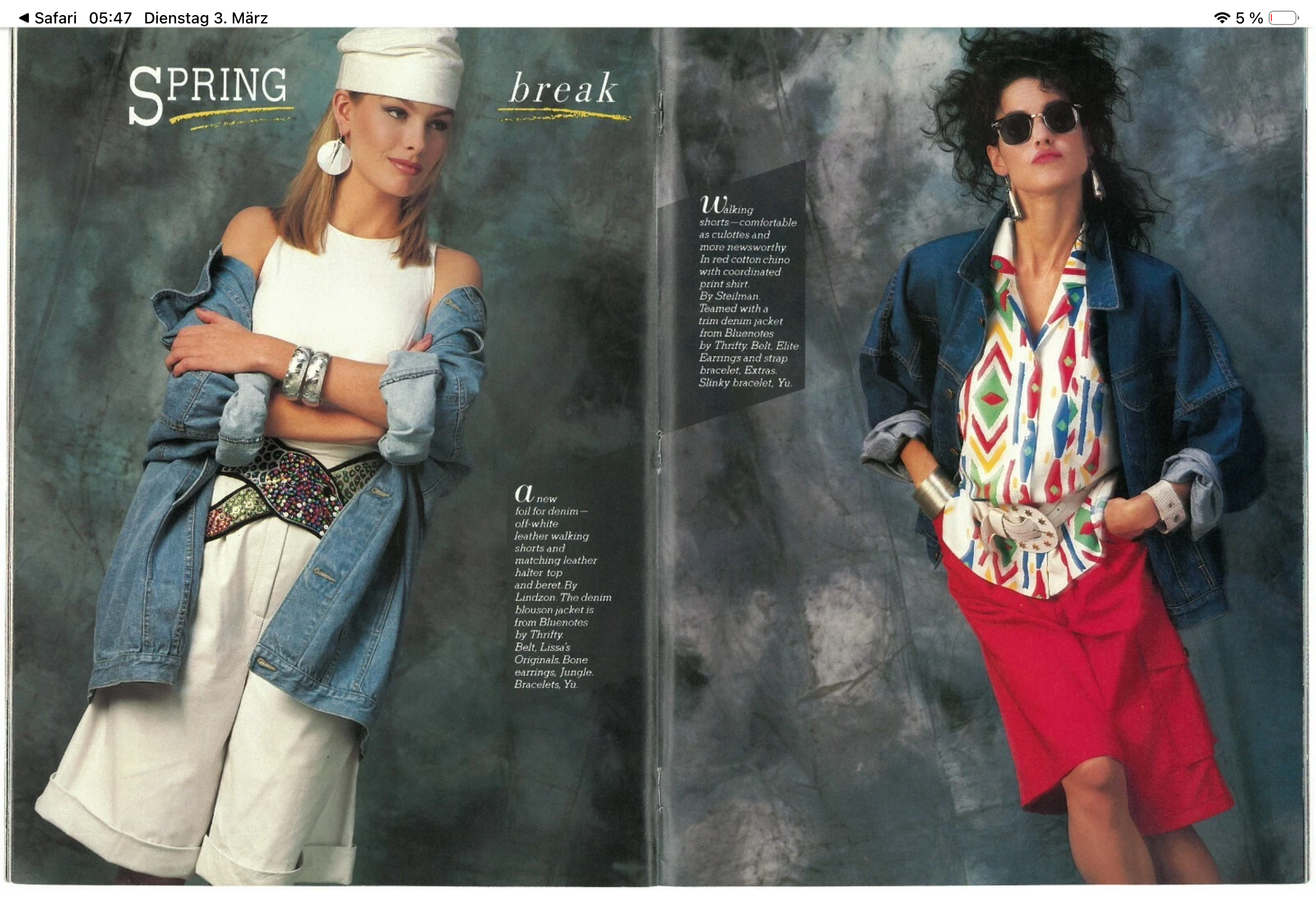
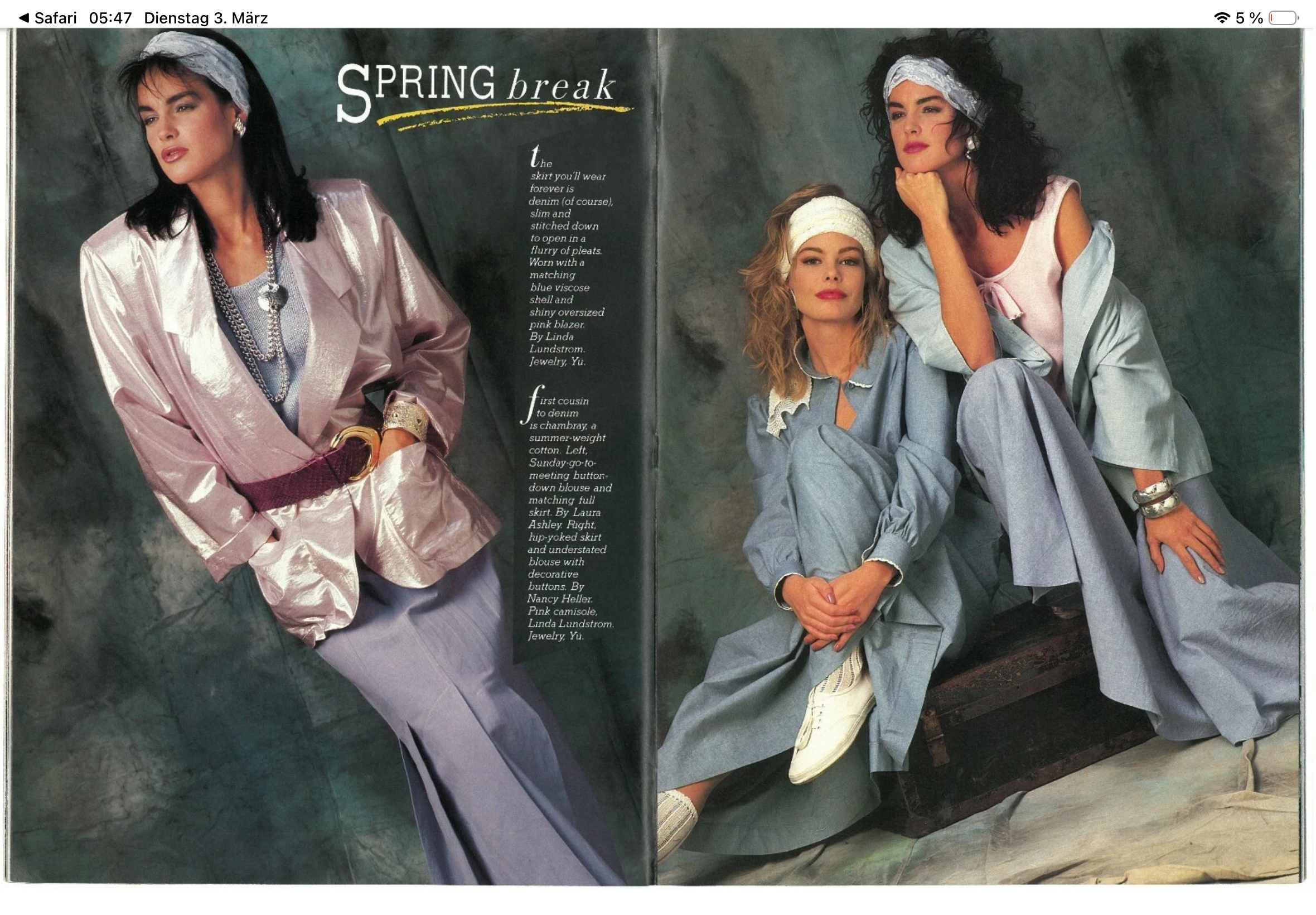
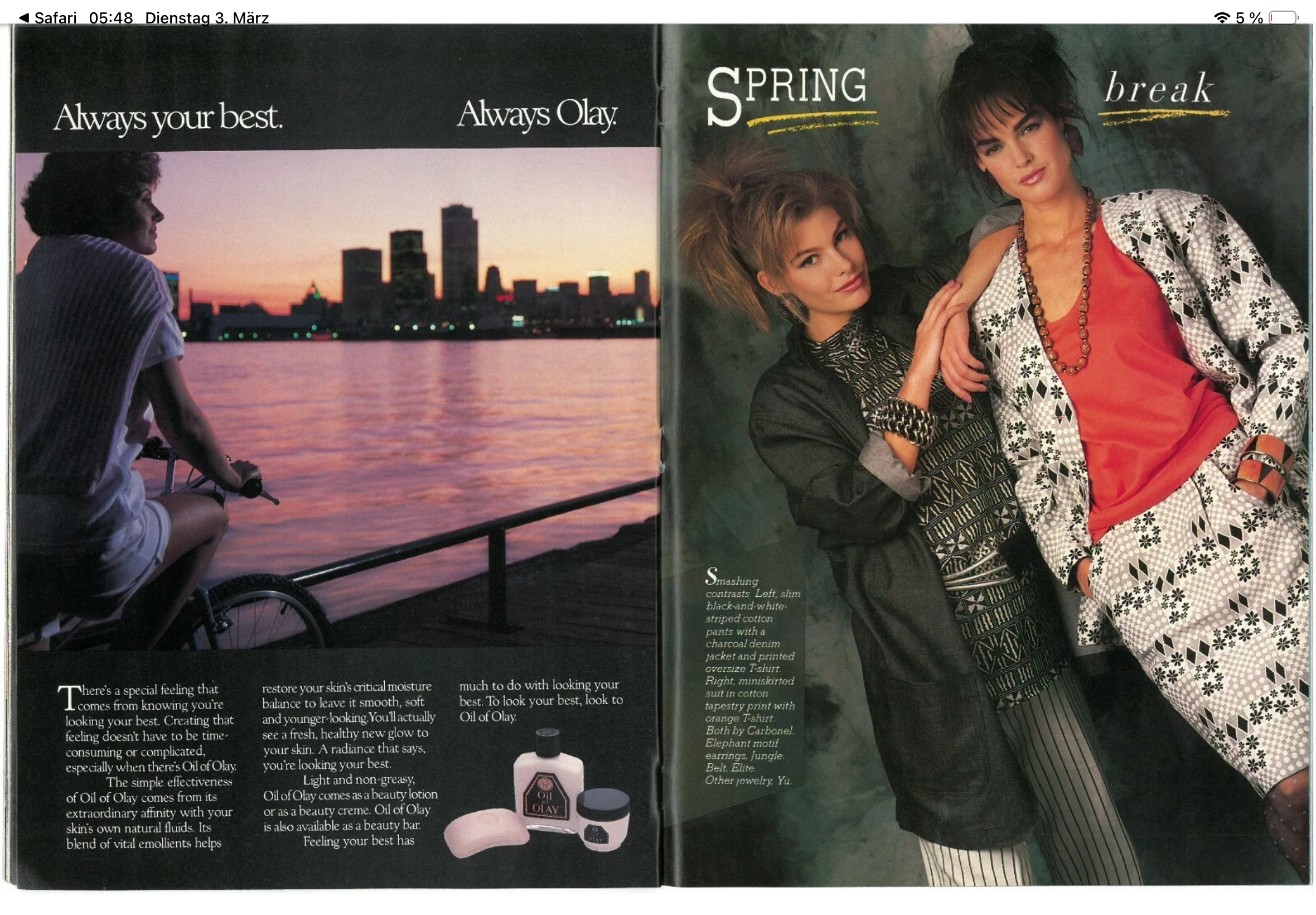
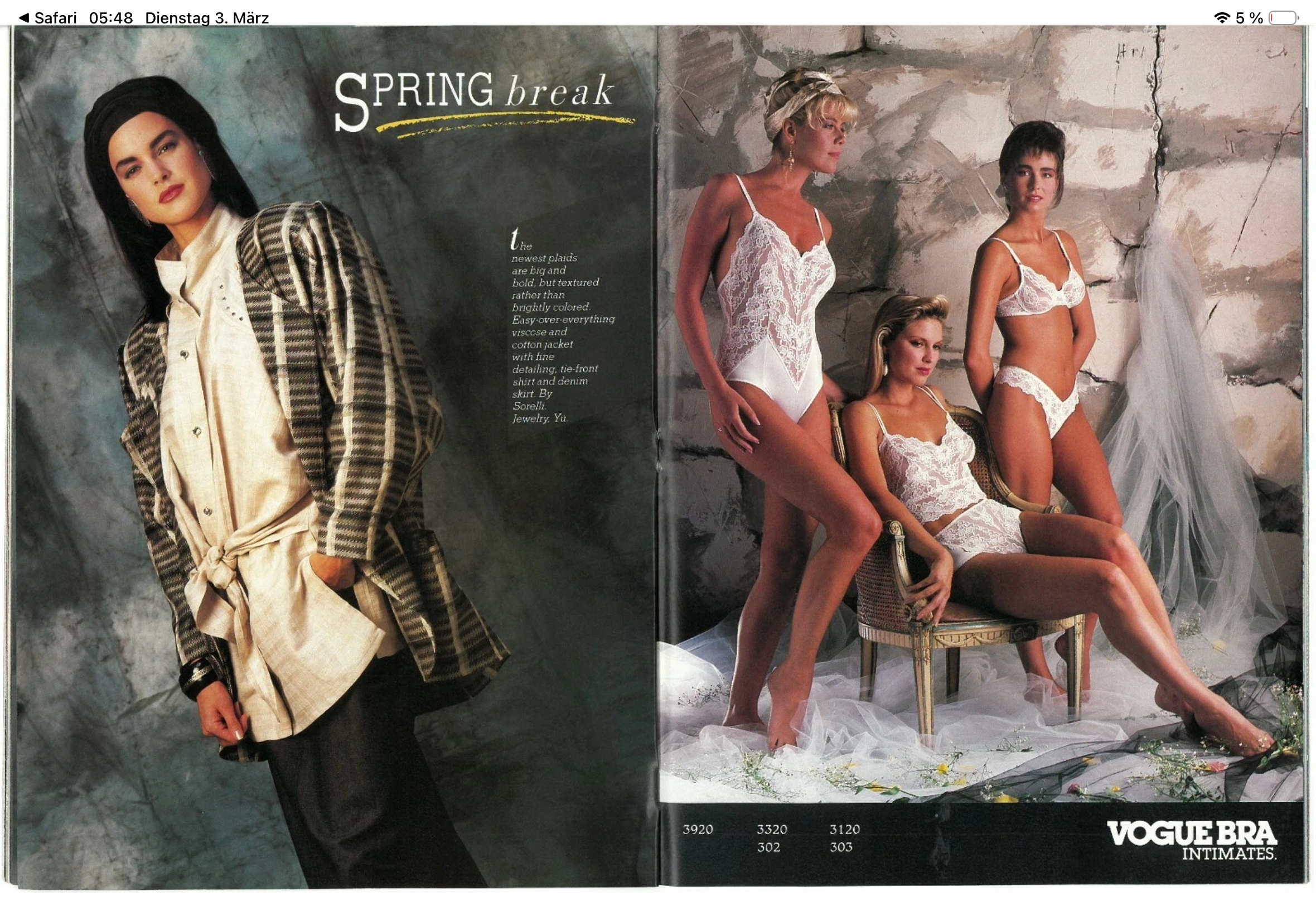
 Here is the corresponding inside and I don’t think it’s any of them above 😕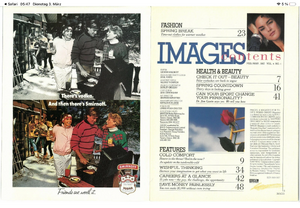
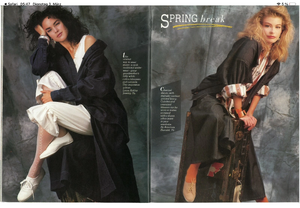
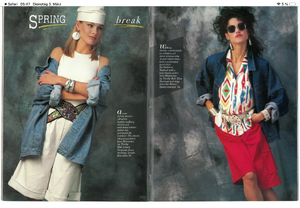
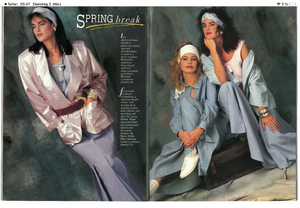
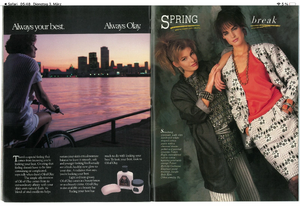
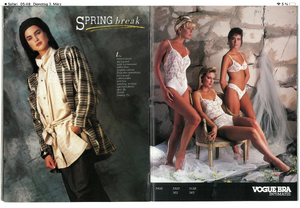
-
 does anyone have her instagram stories from the past week?
 -
ph Matt Sayles miagoth.sosugary.com



-

-
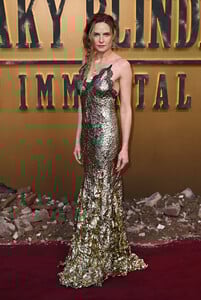
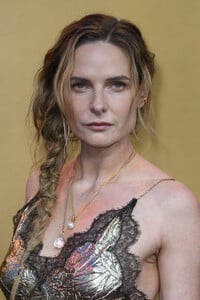
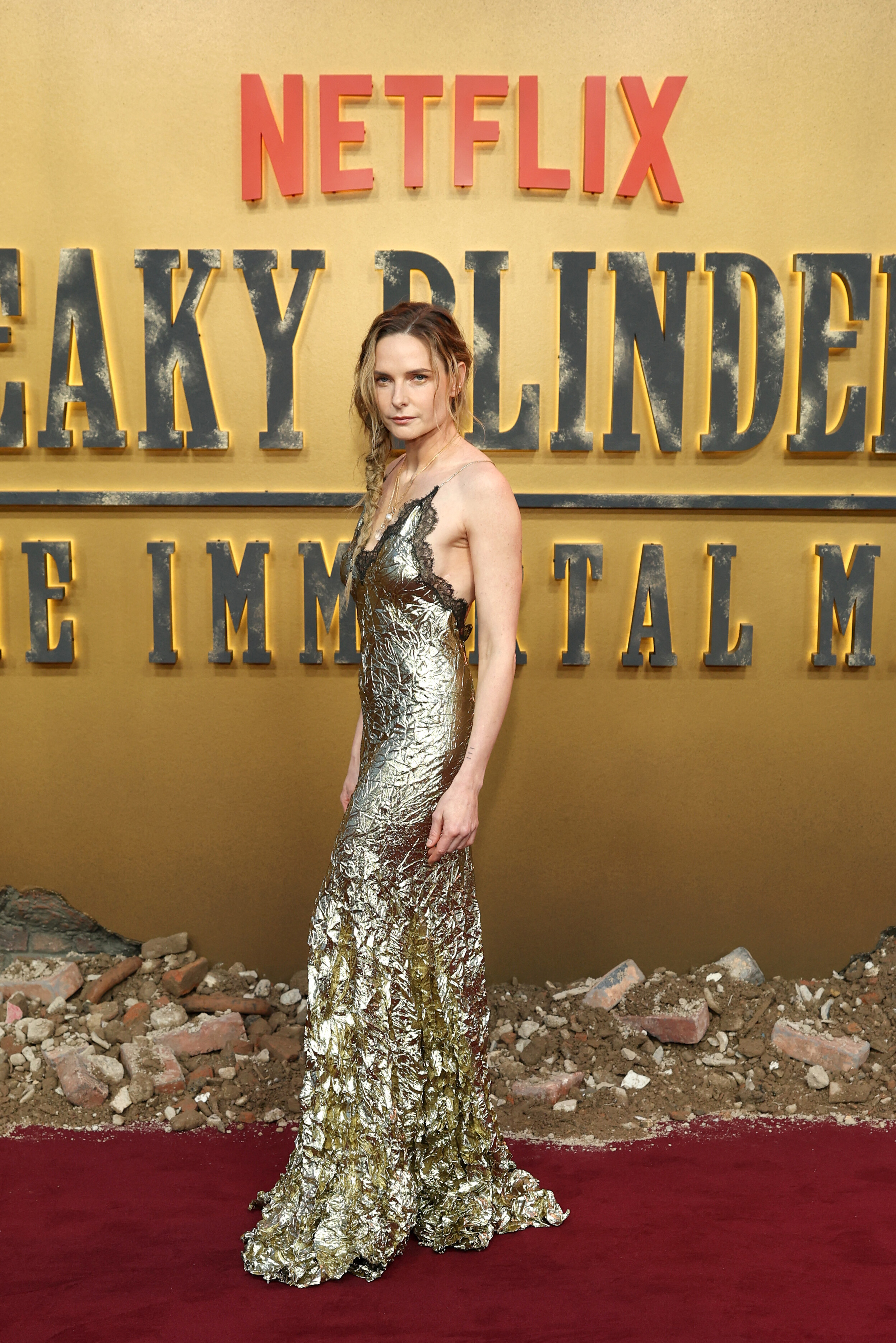
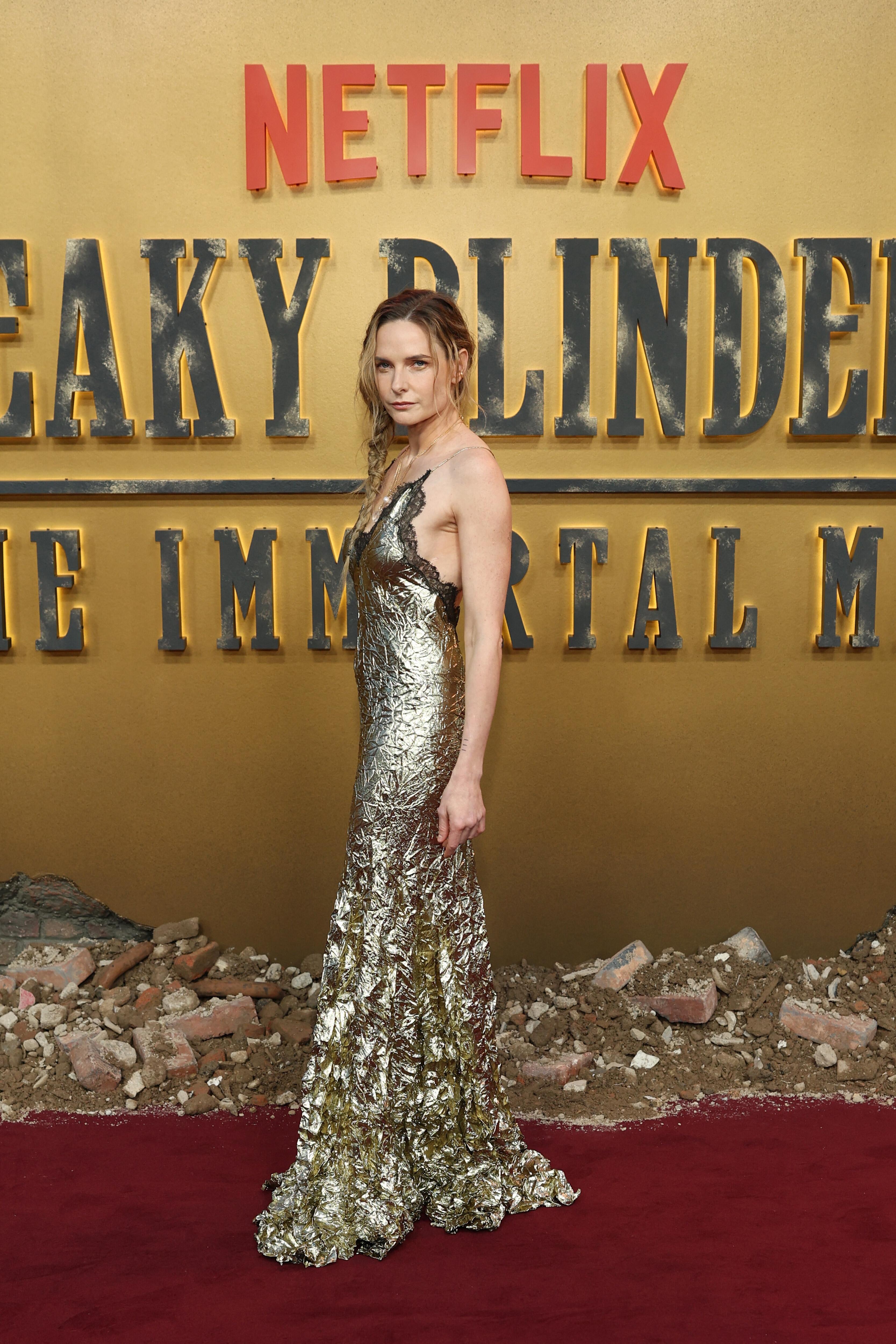
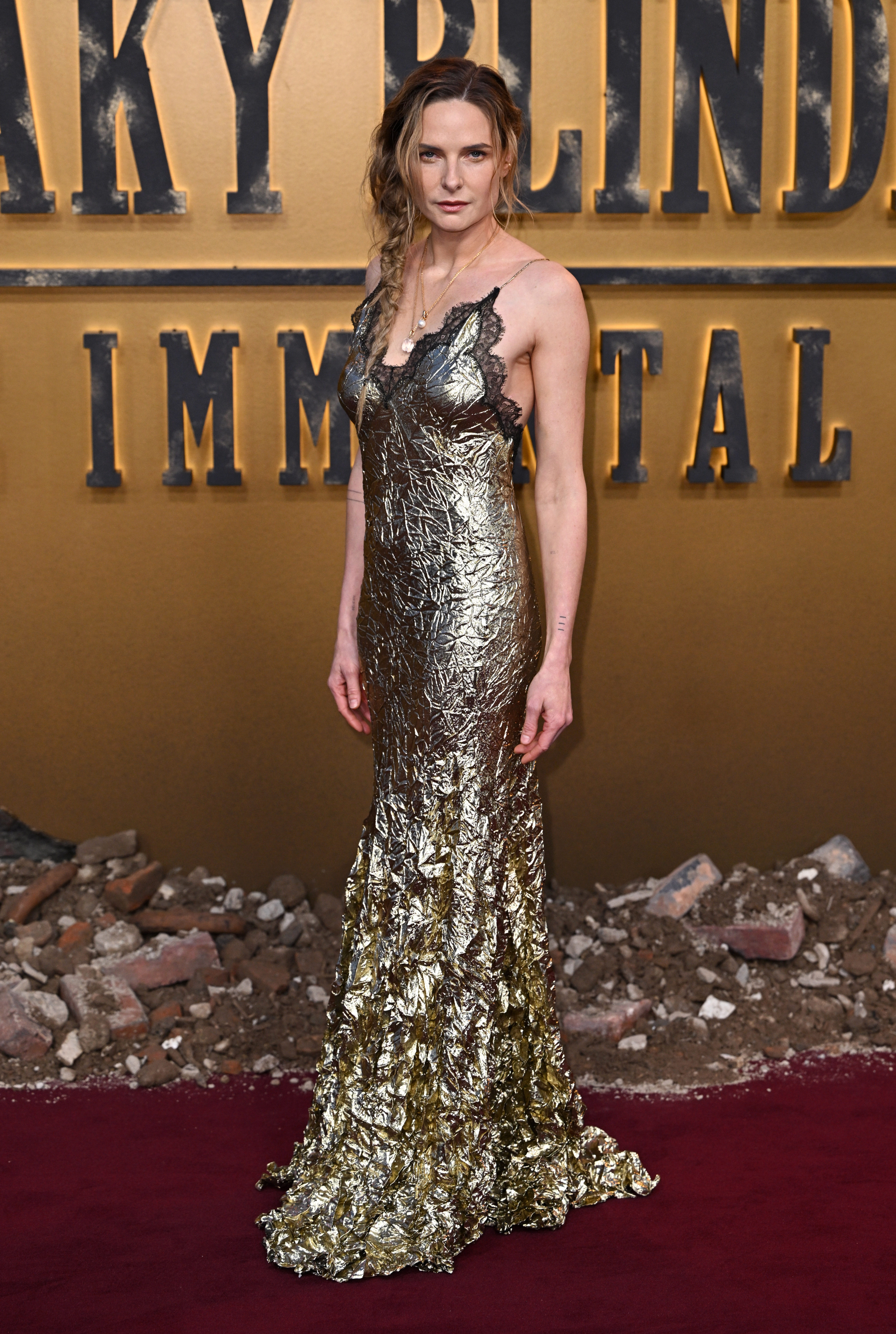
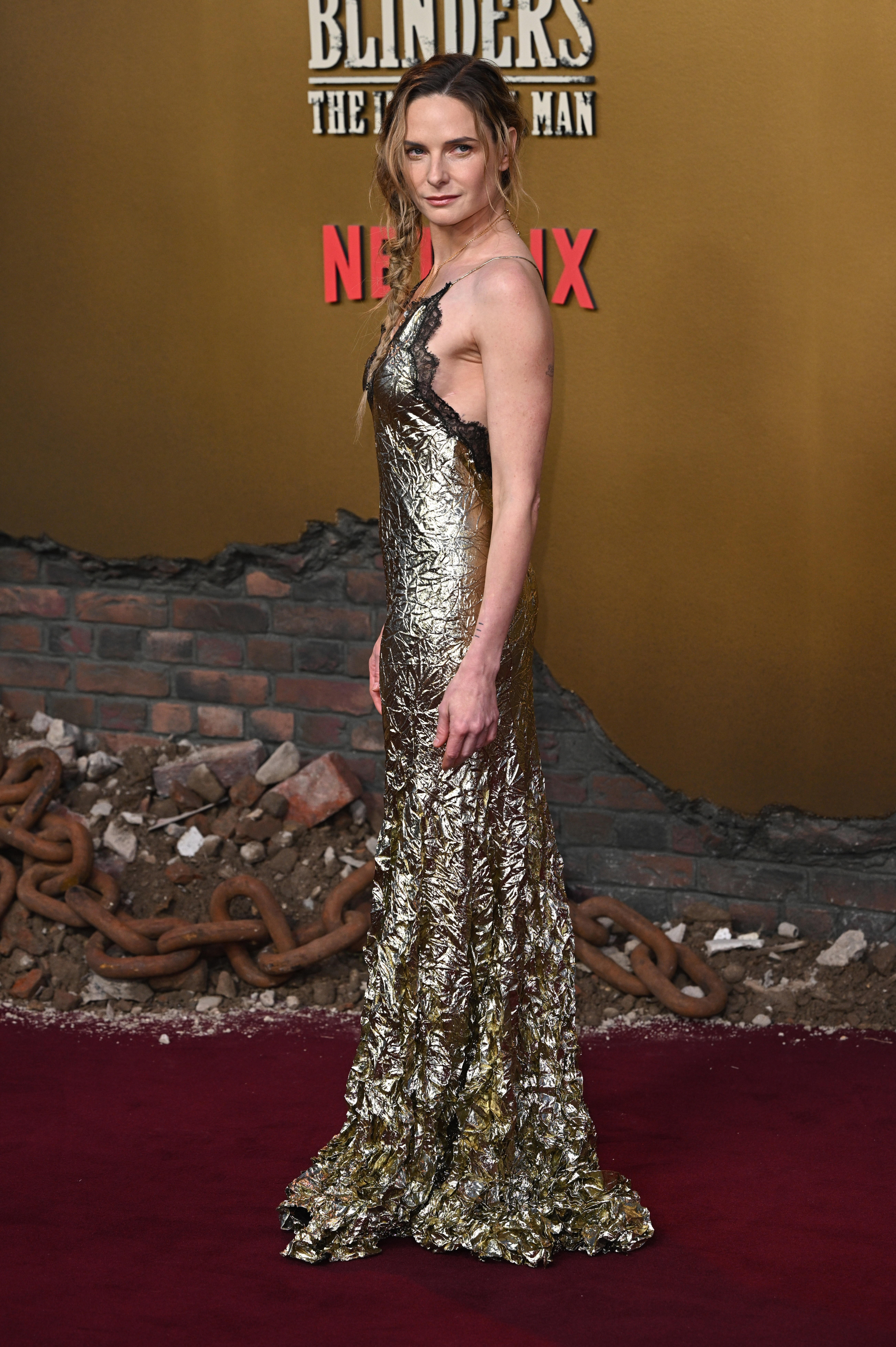
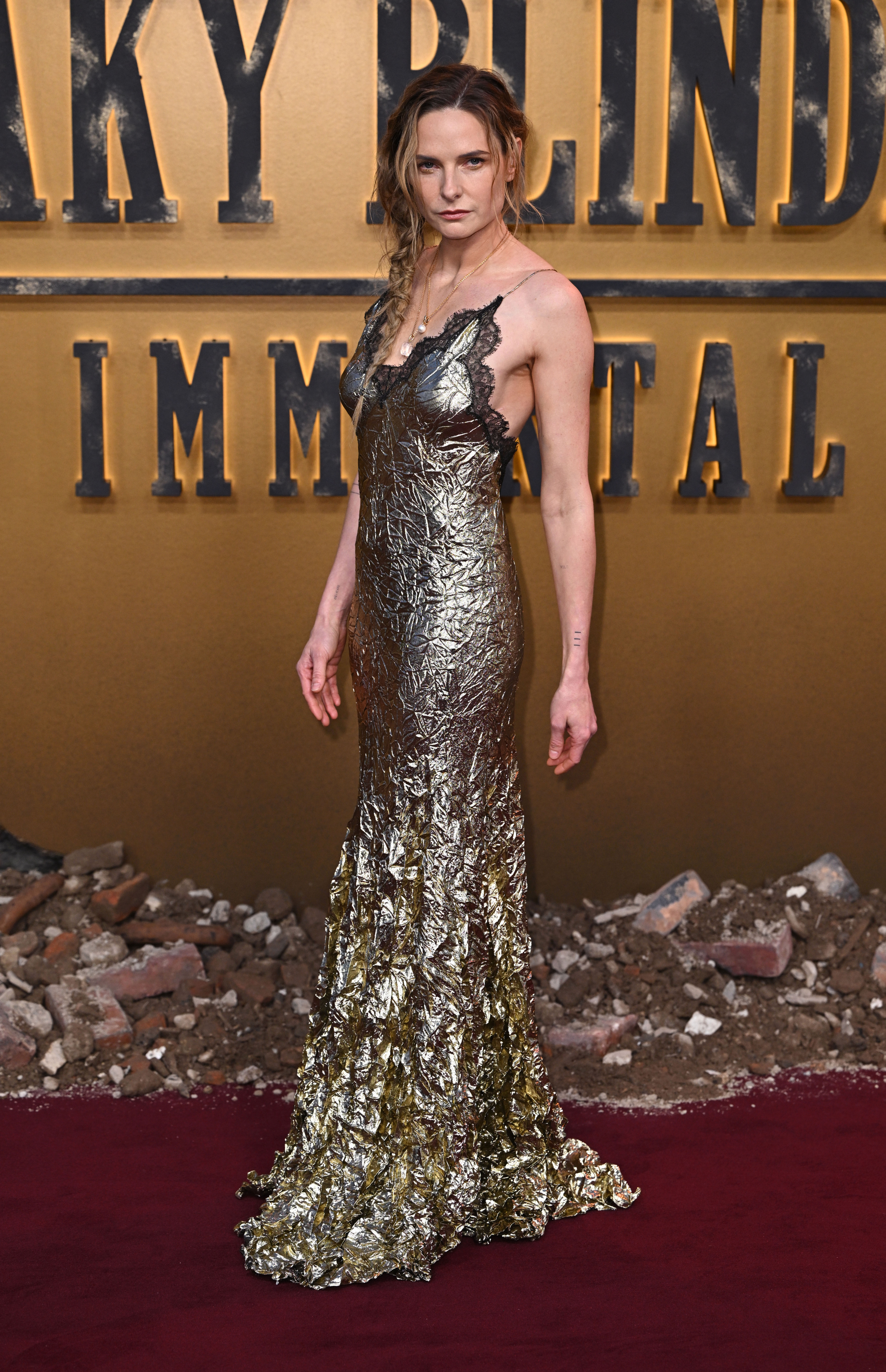
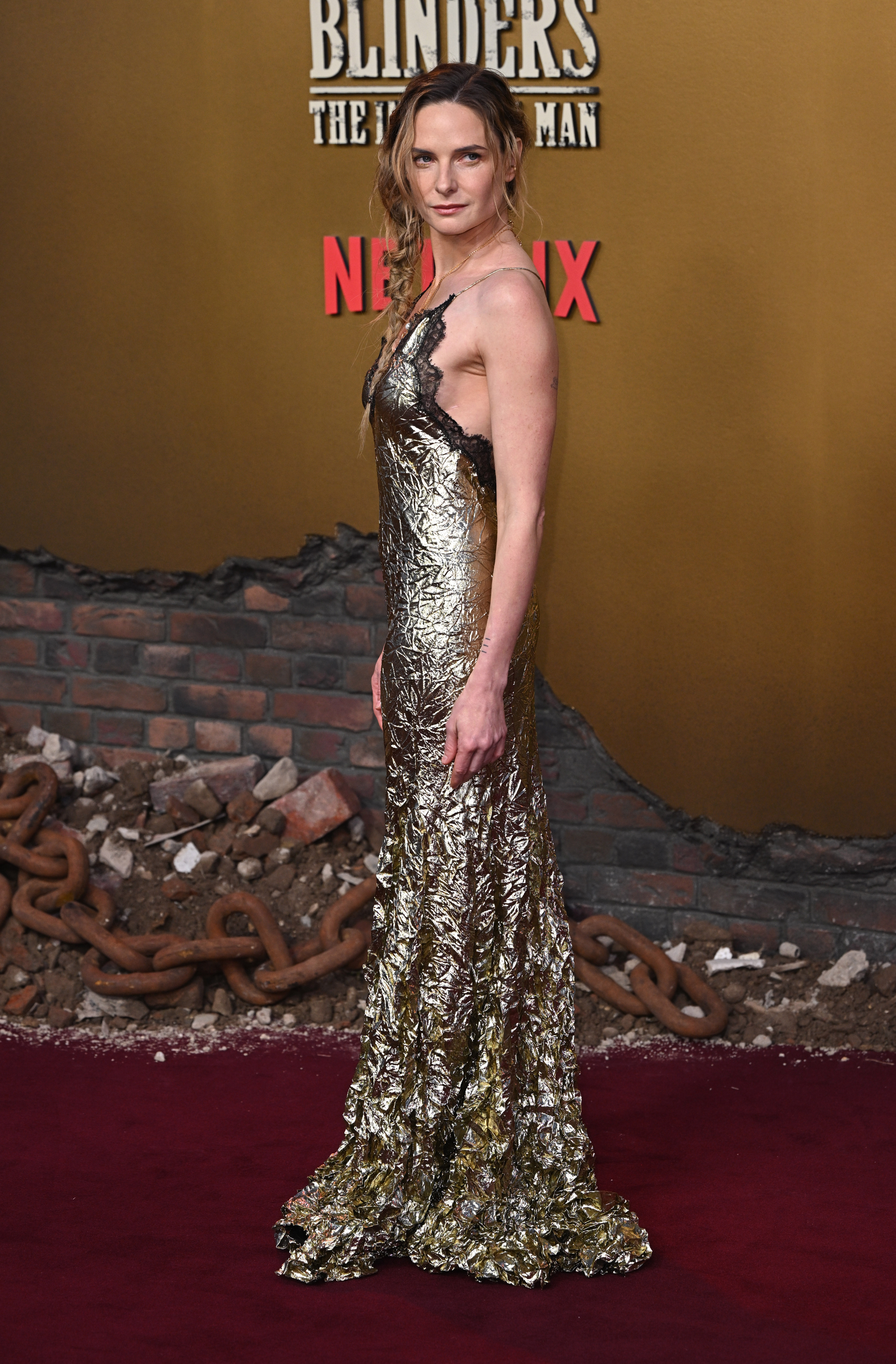
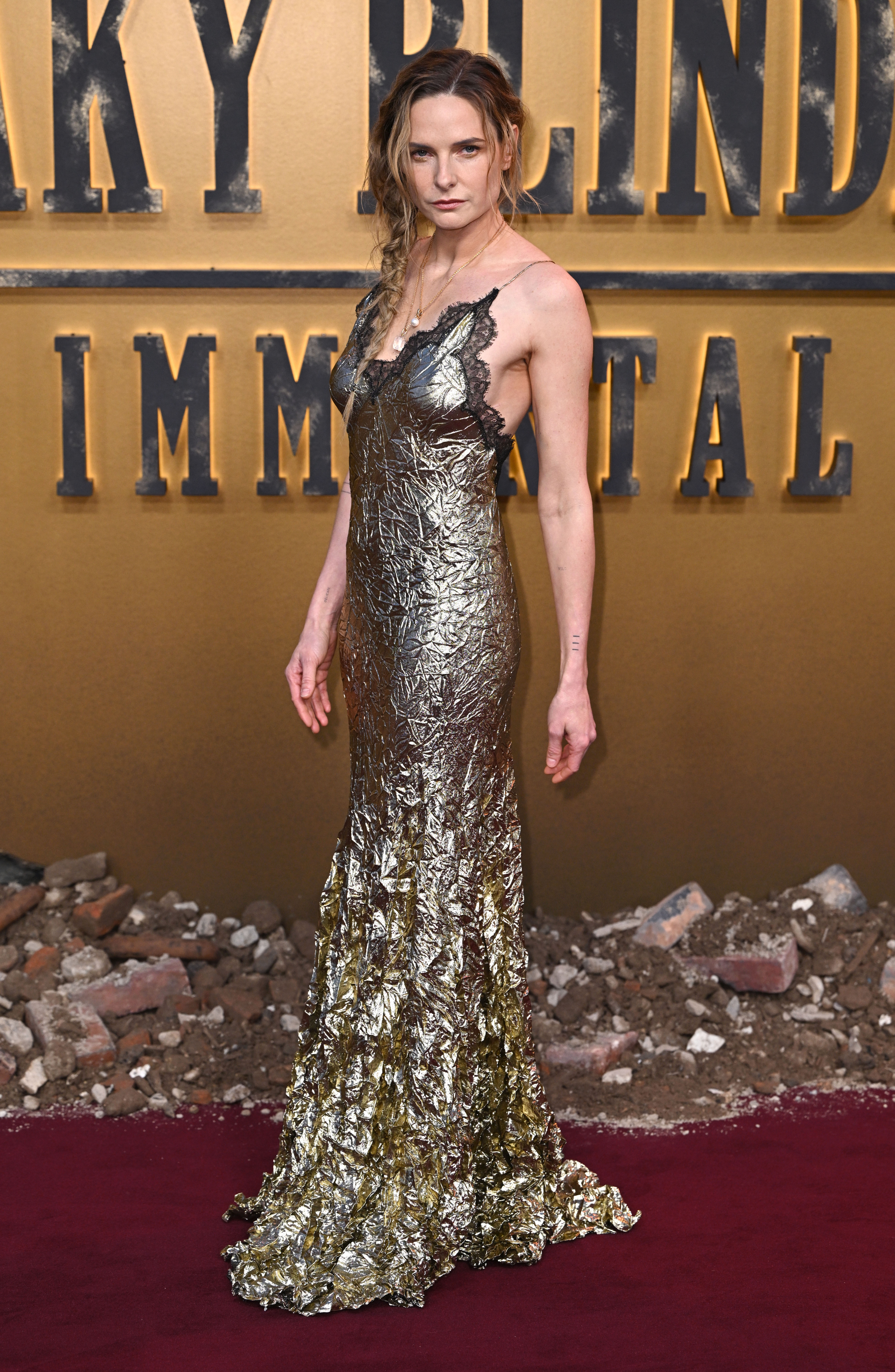
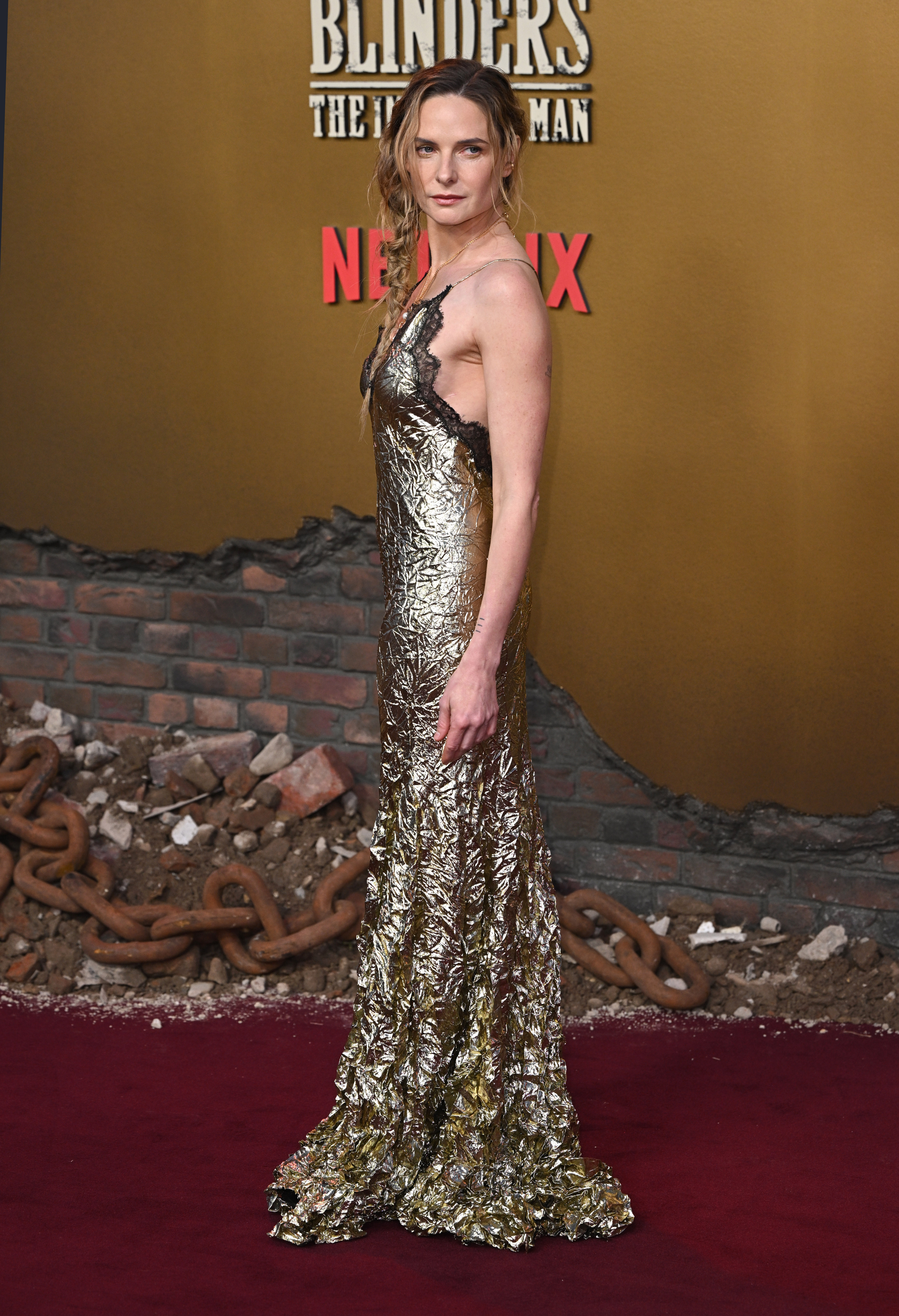
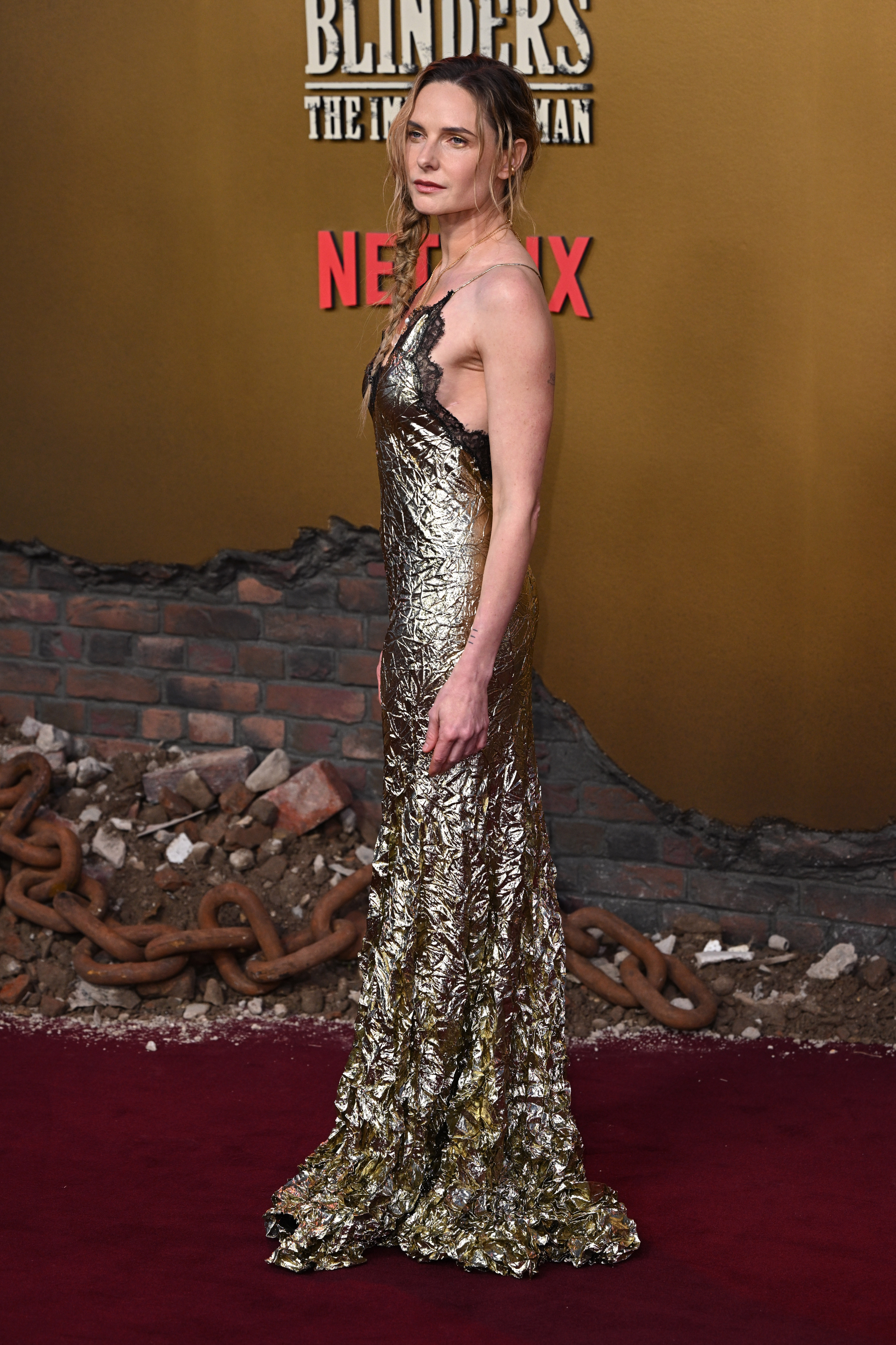
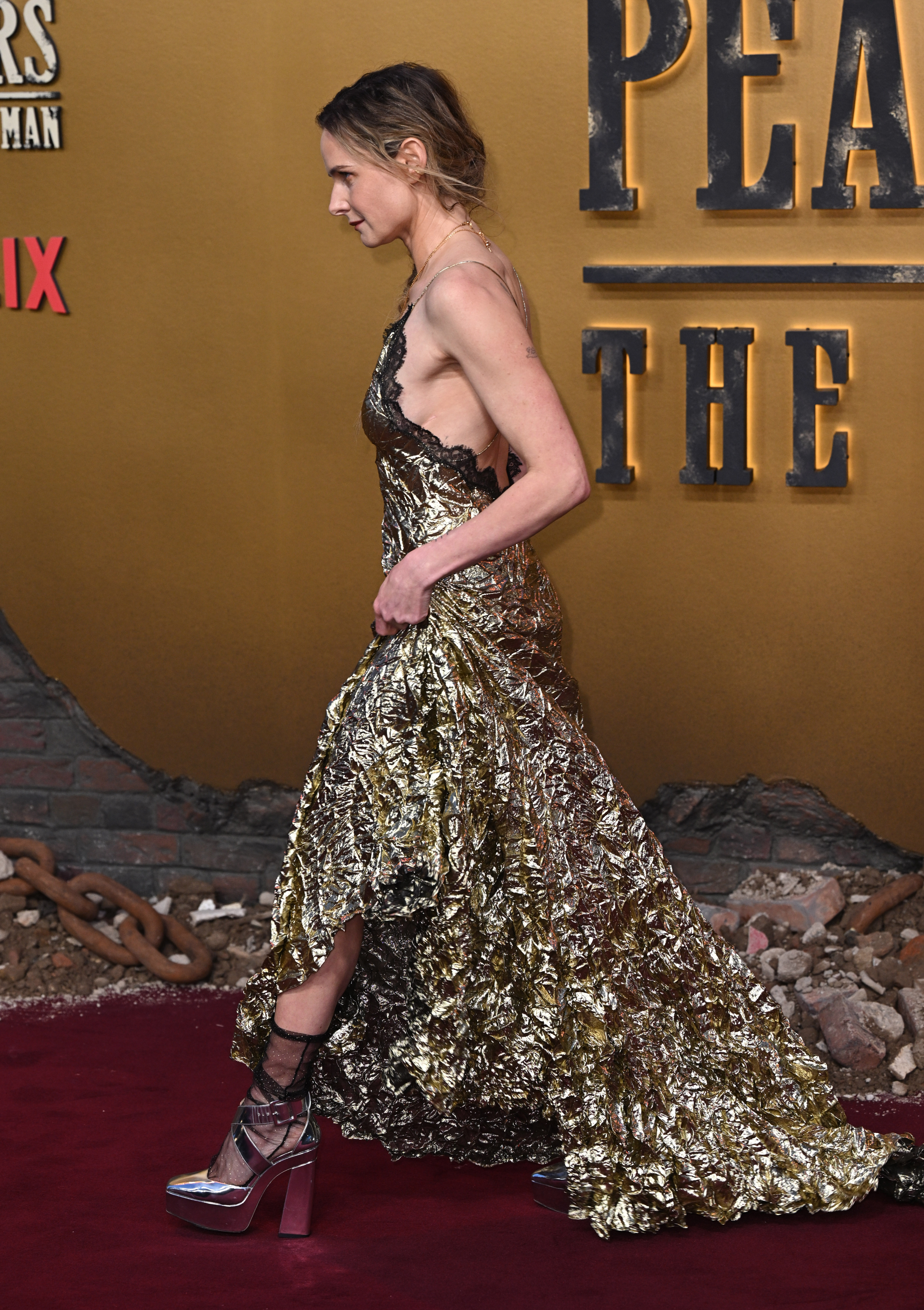
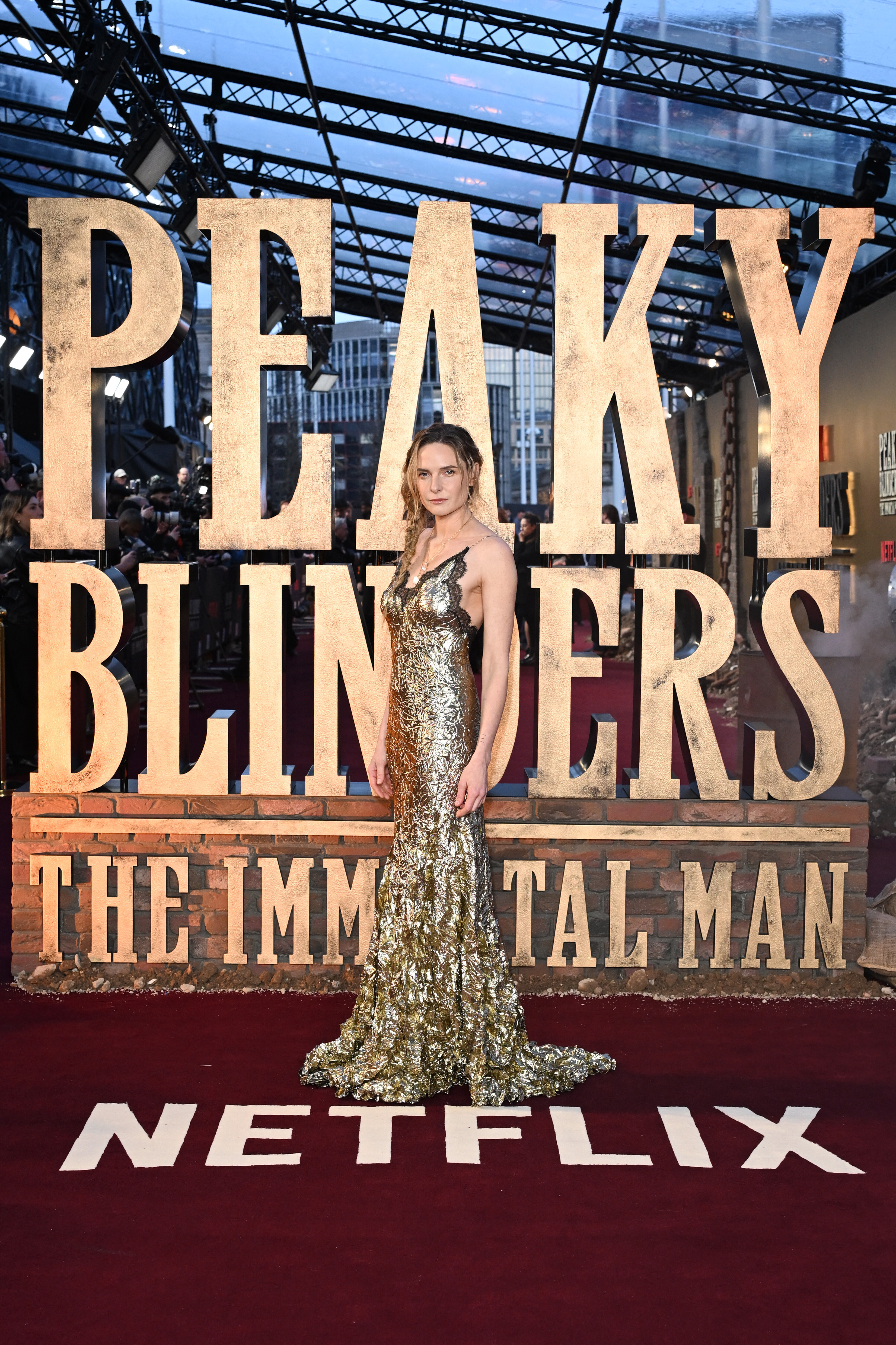
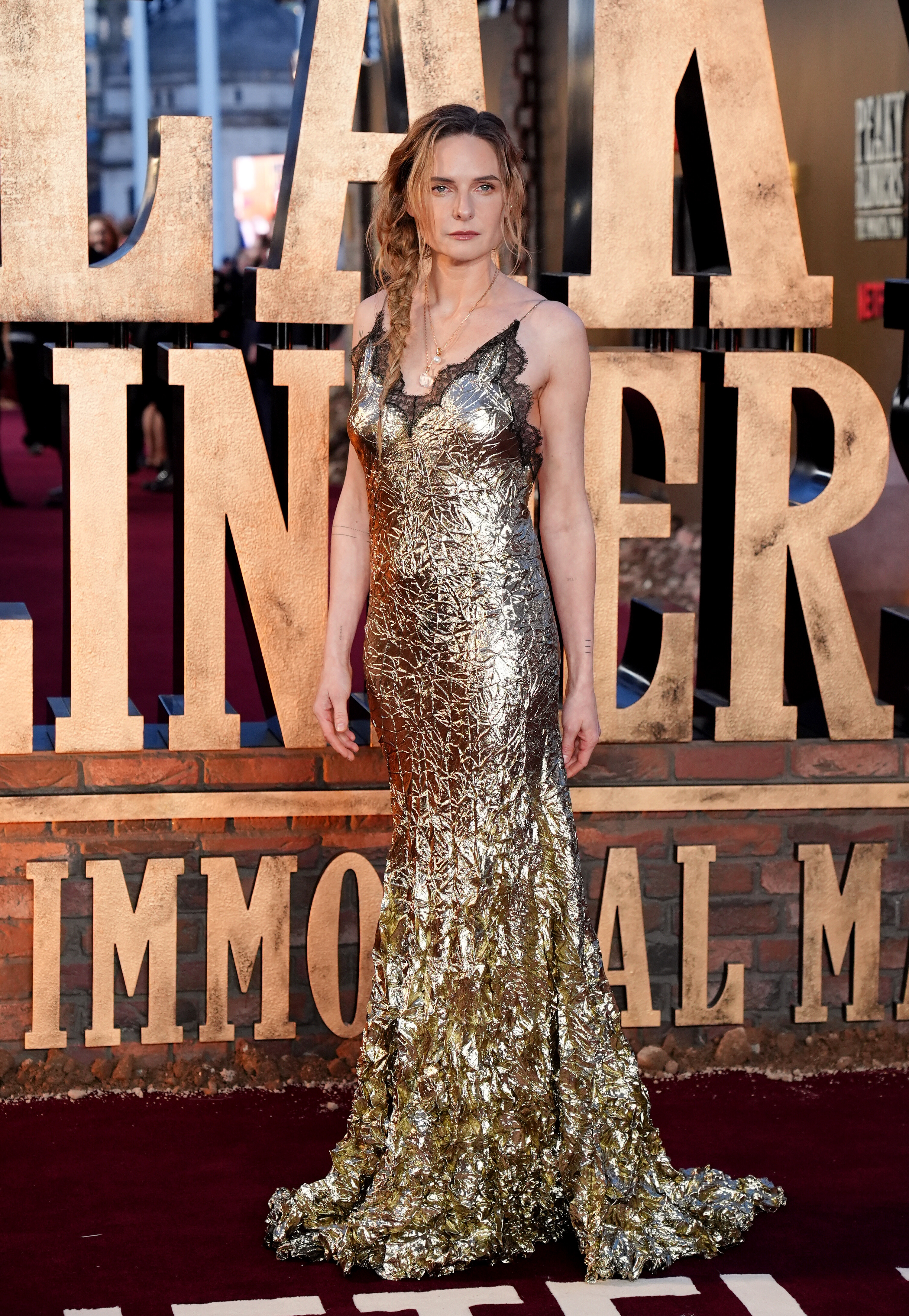
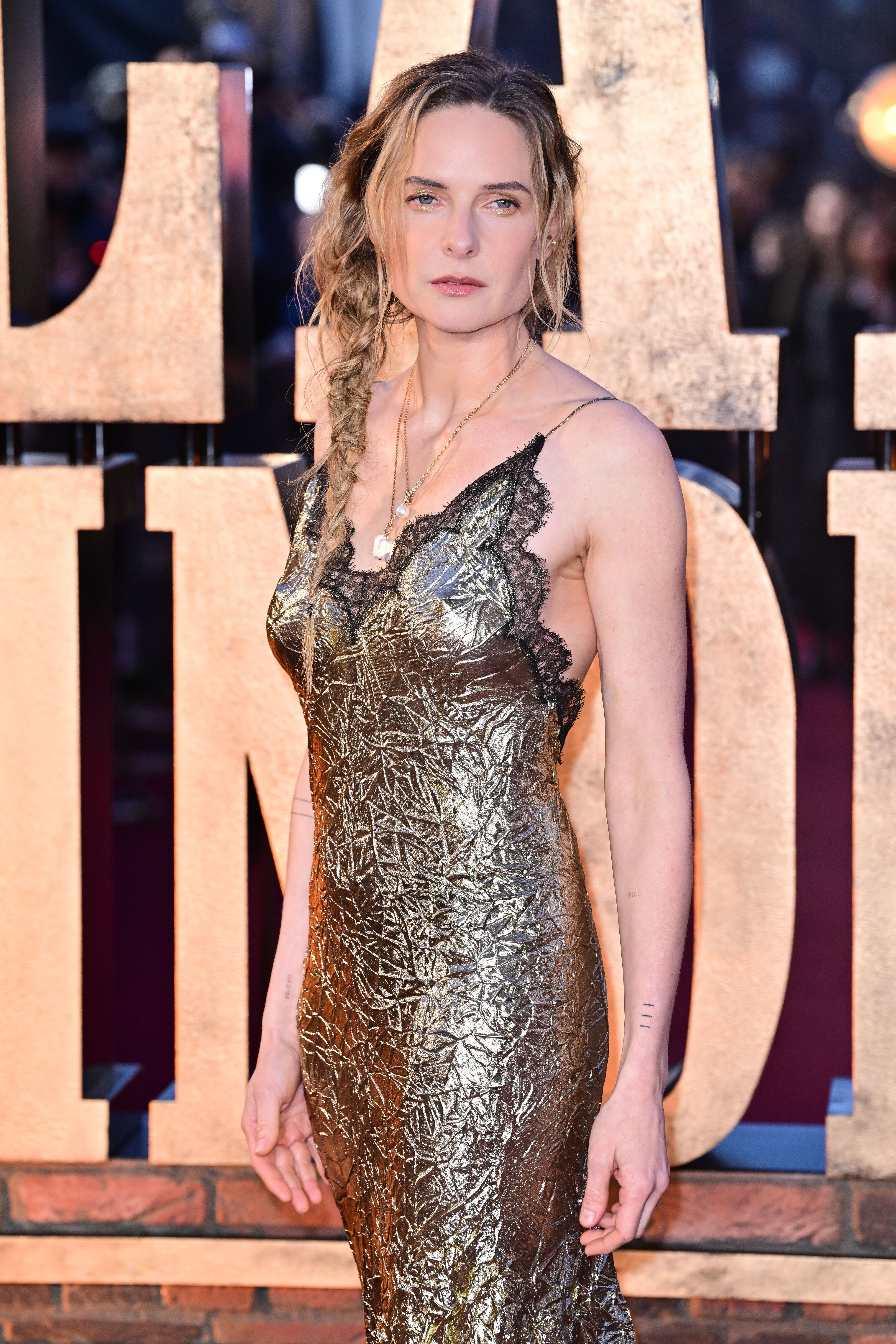
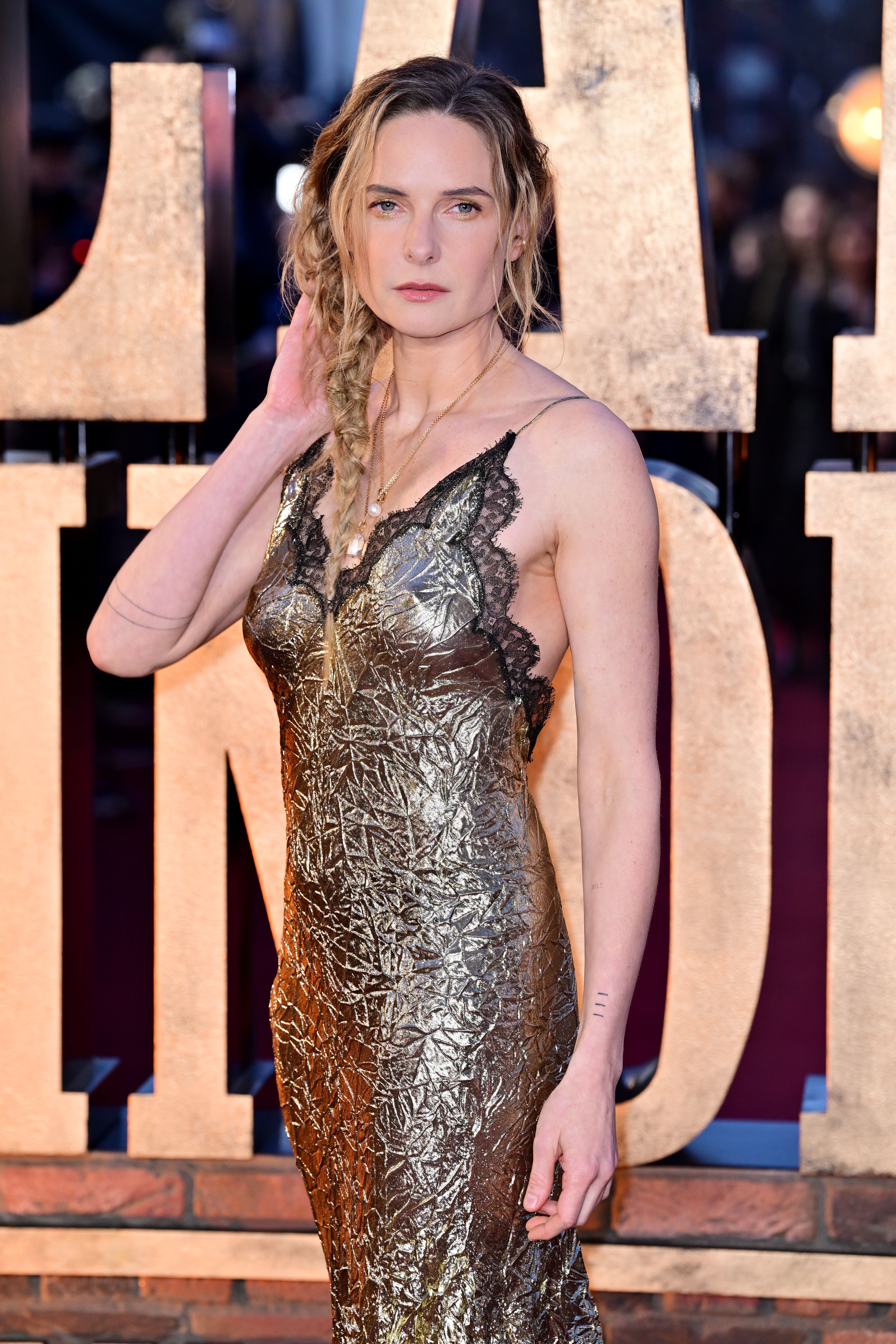
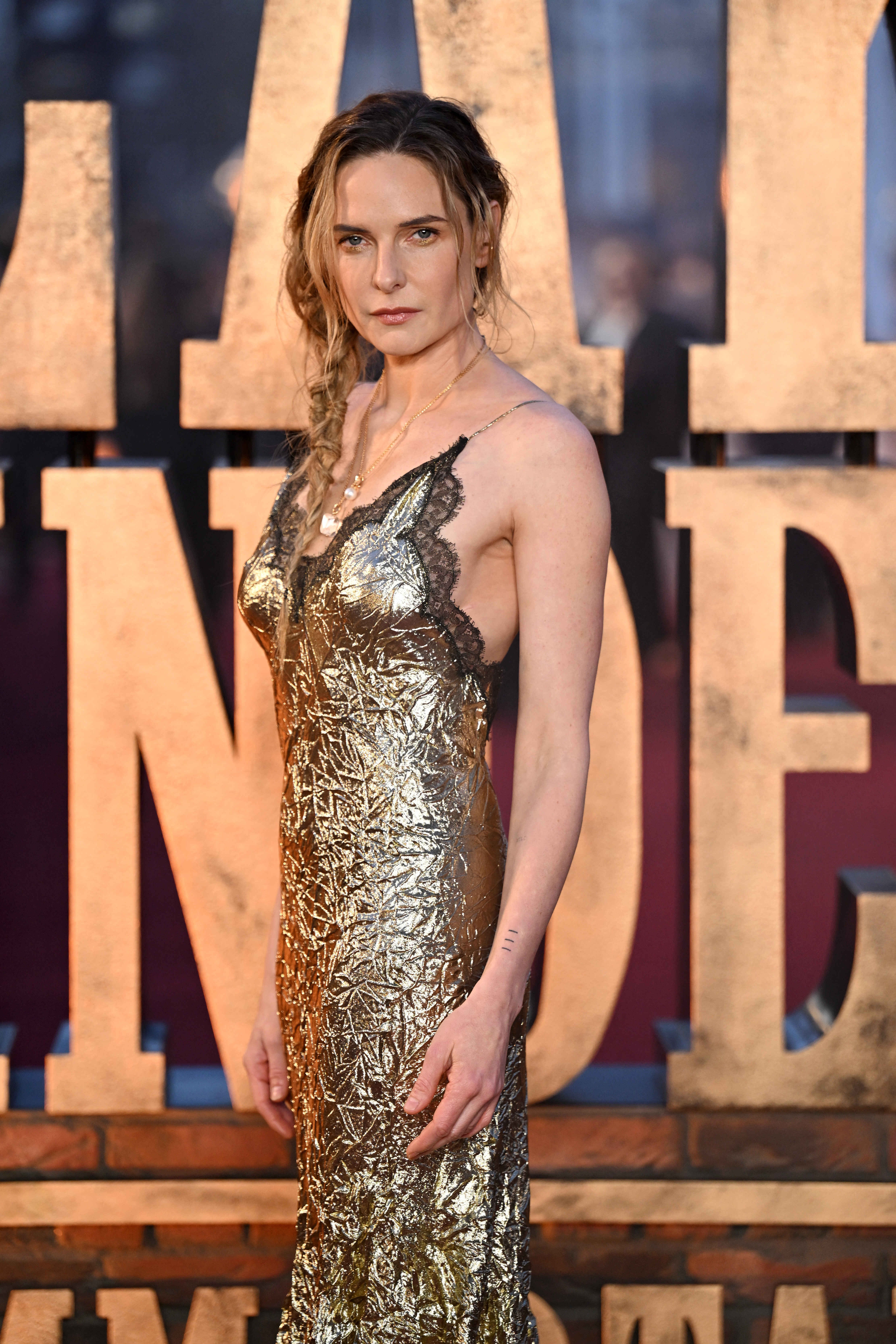
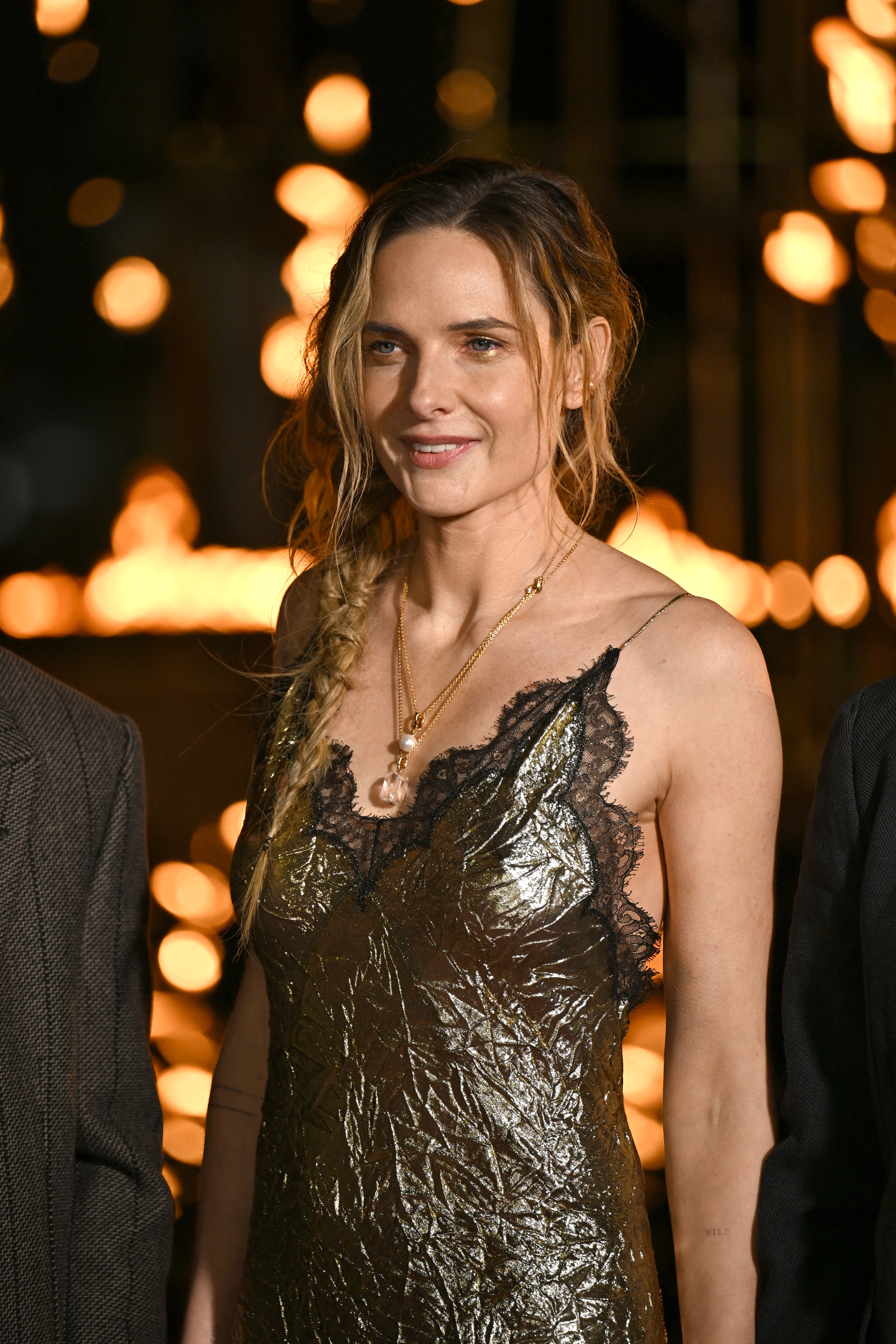
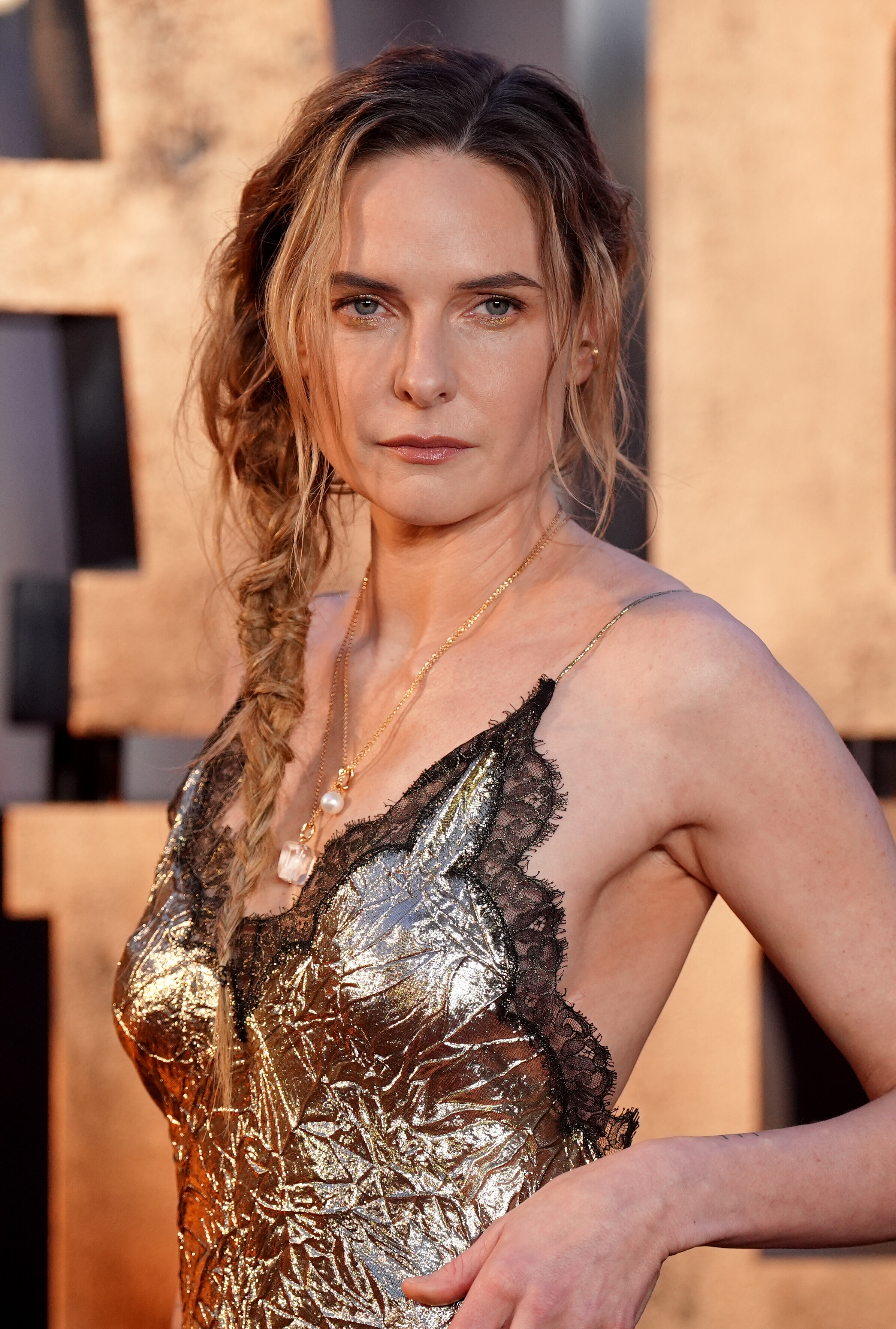
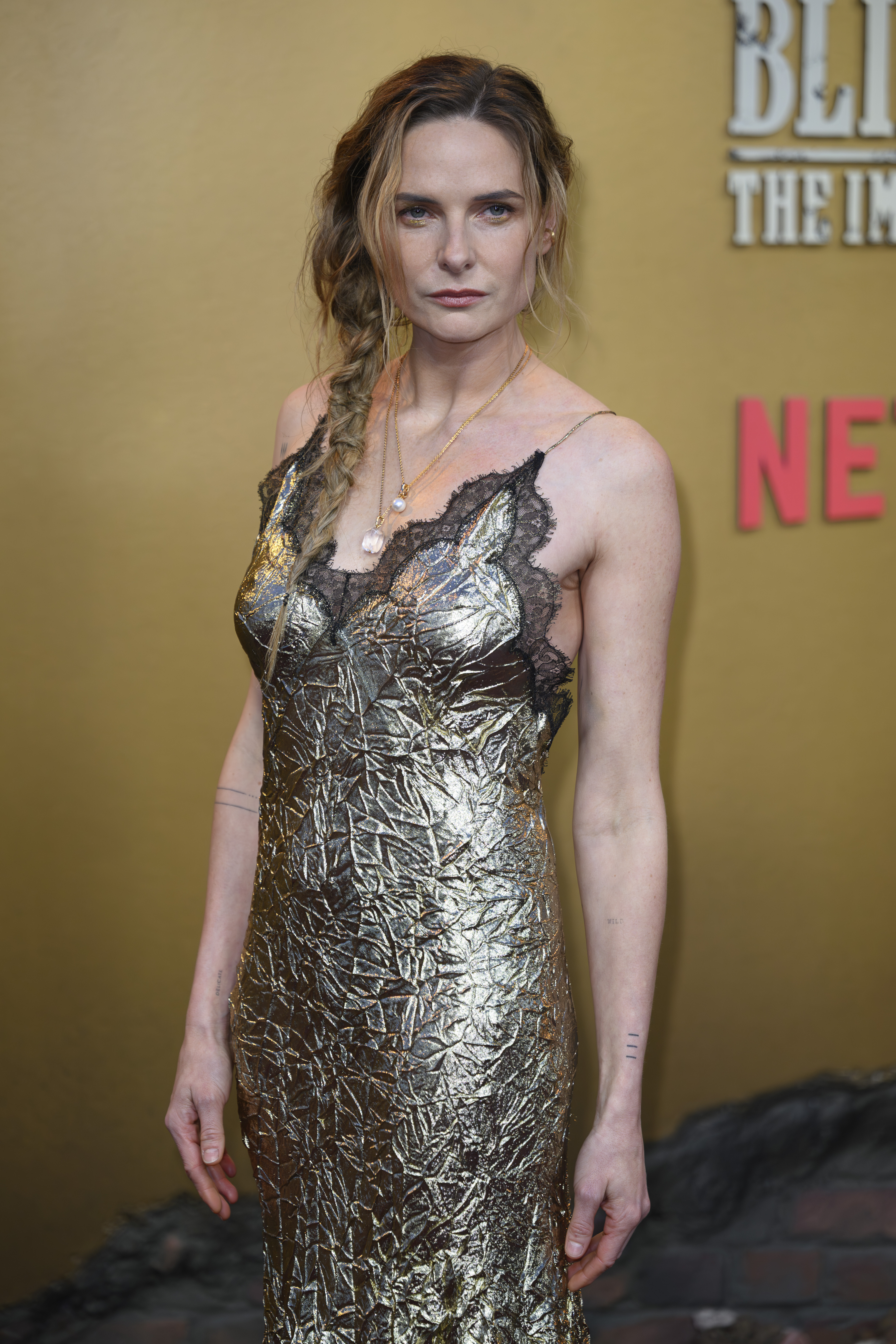
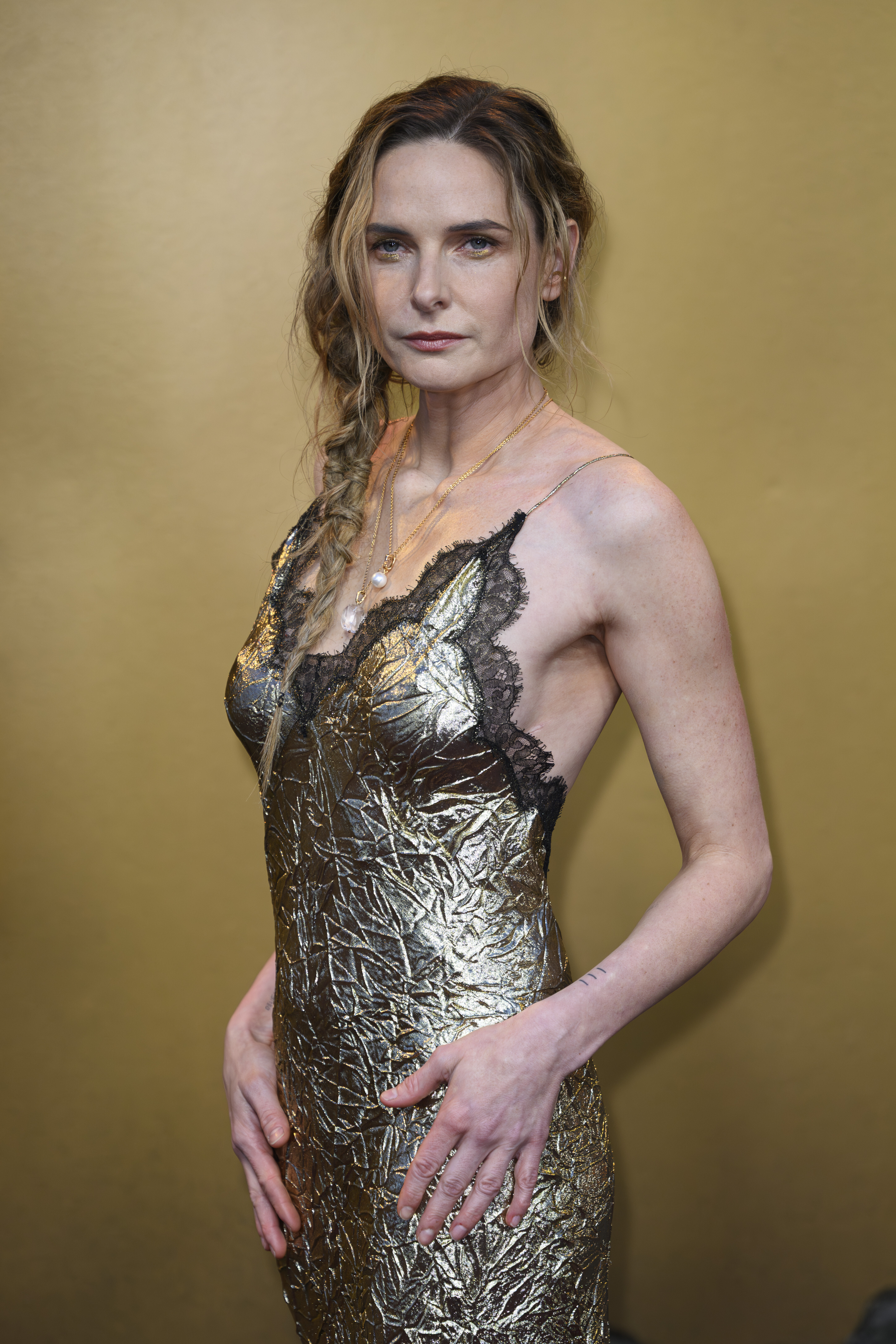
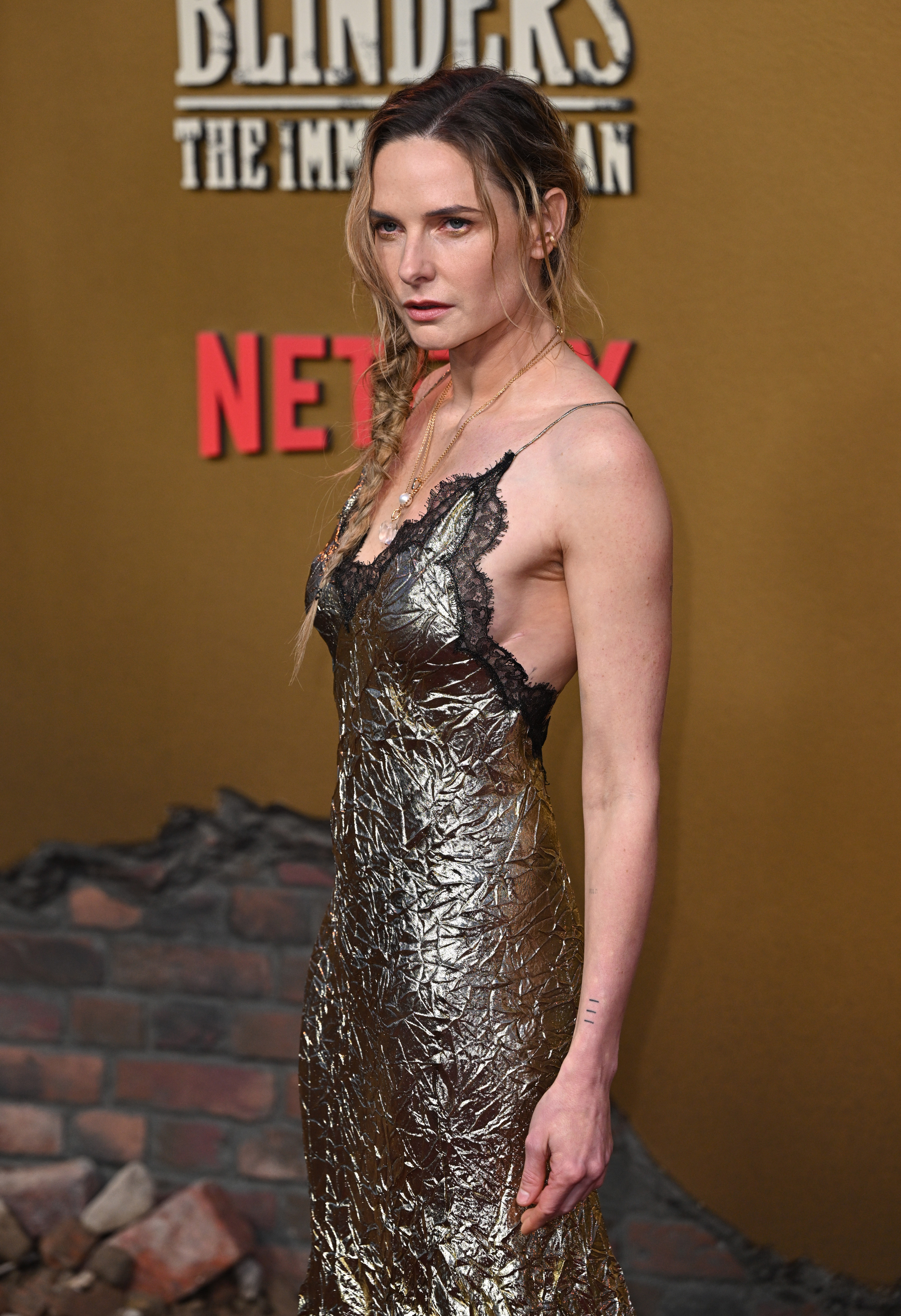
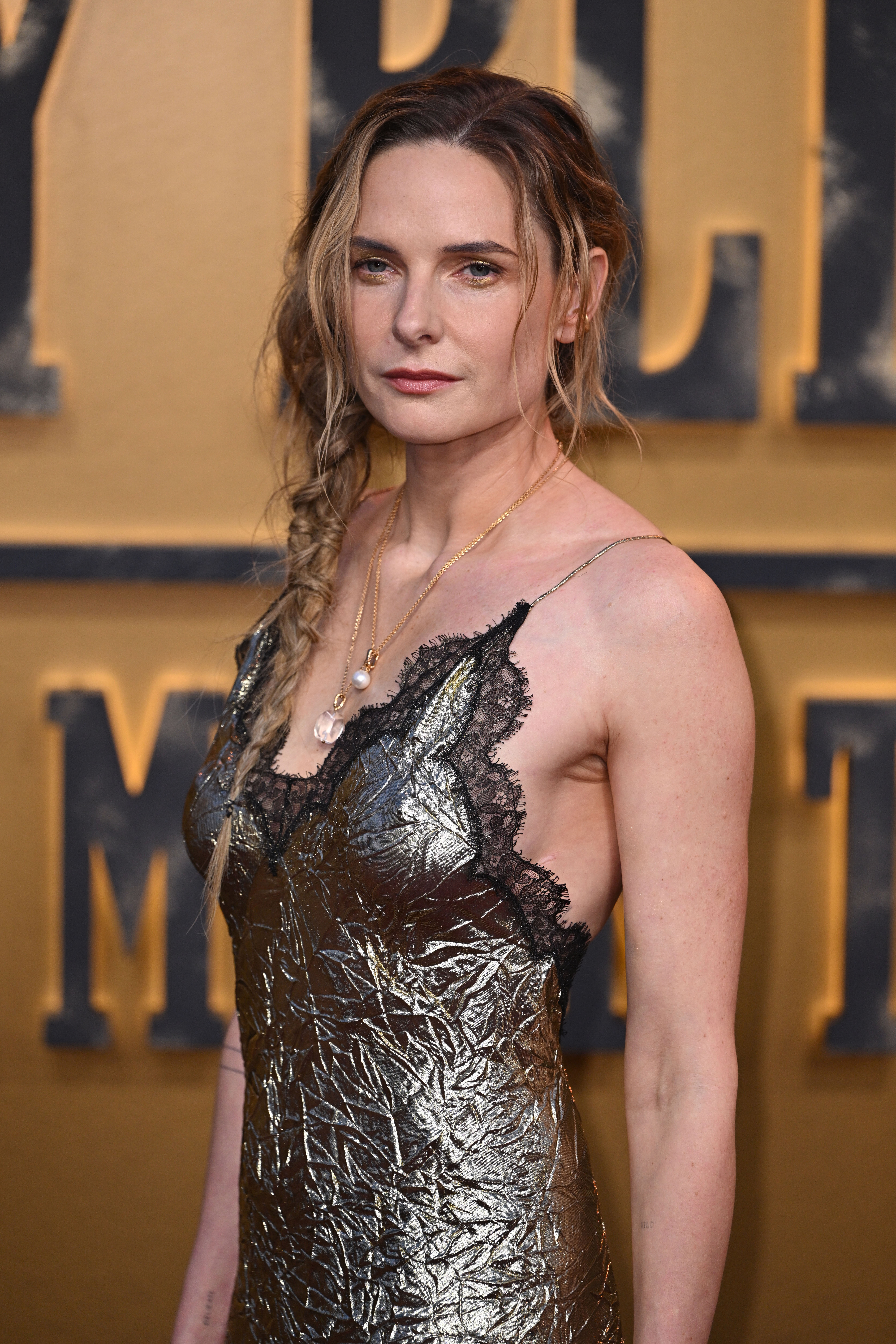
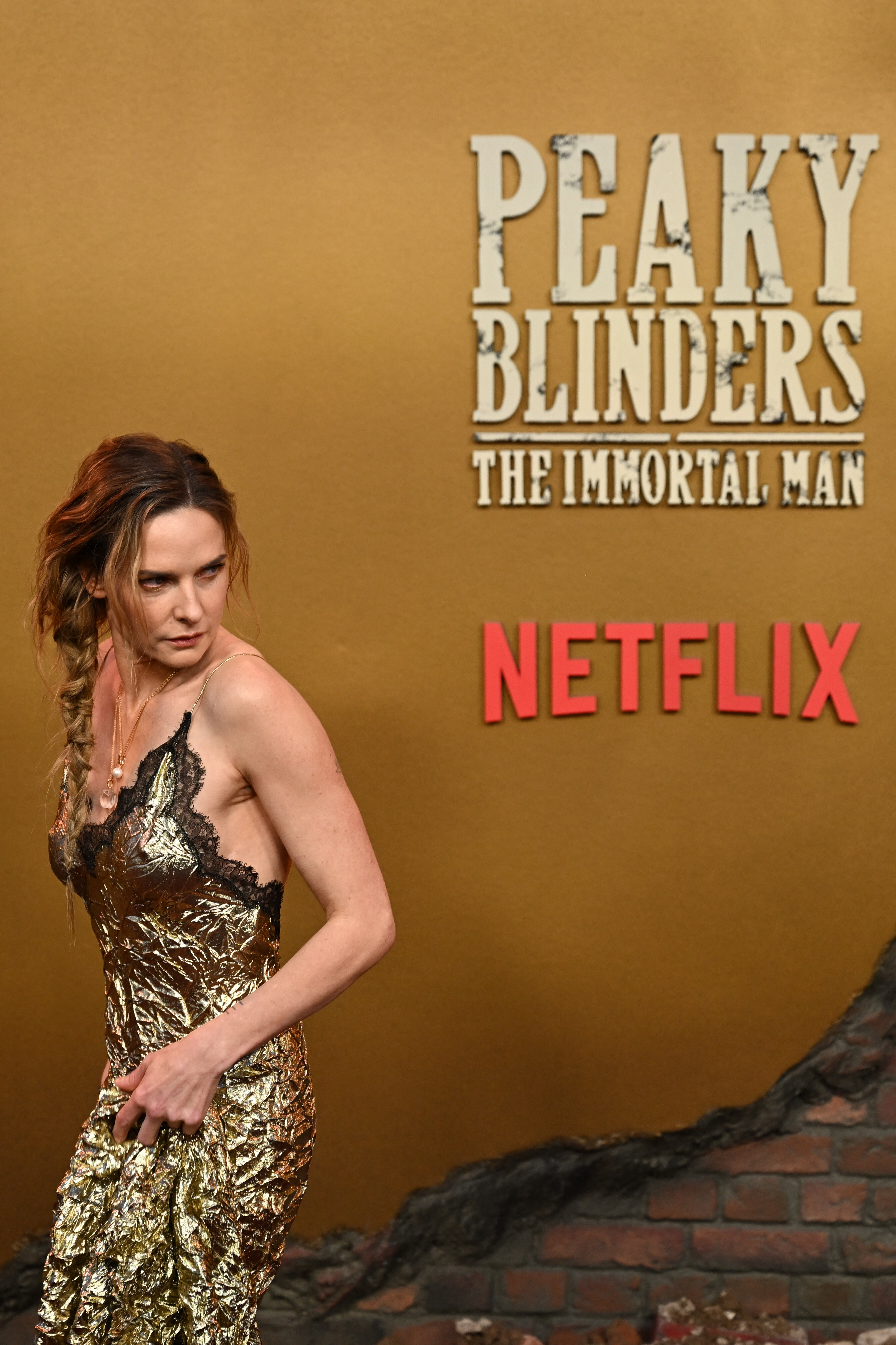
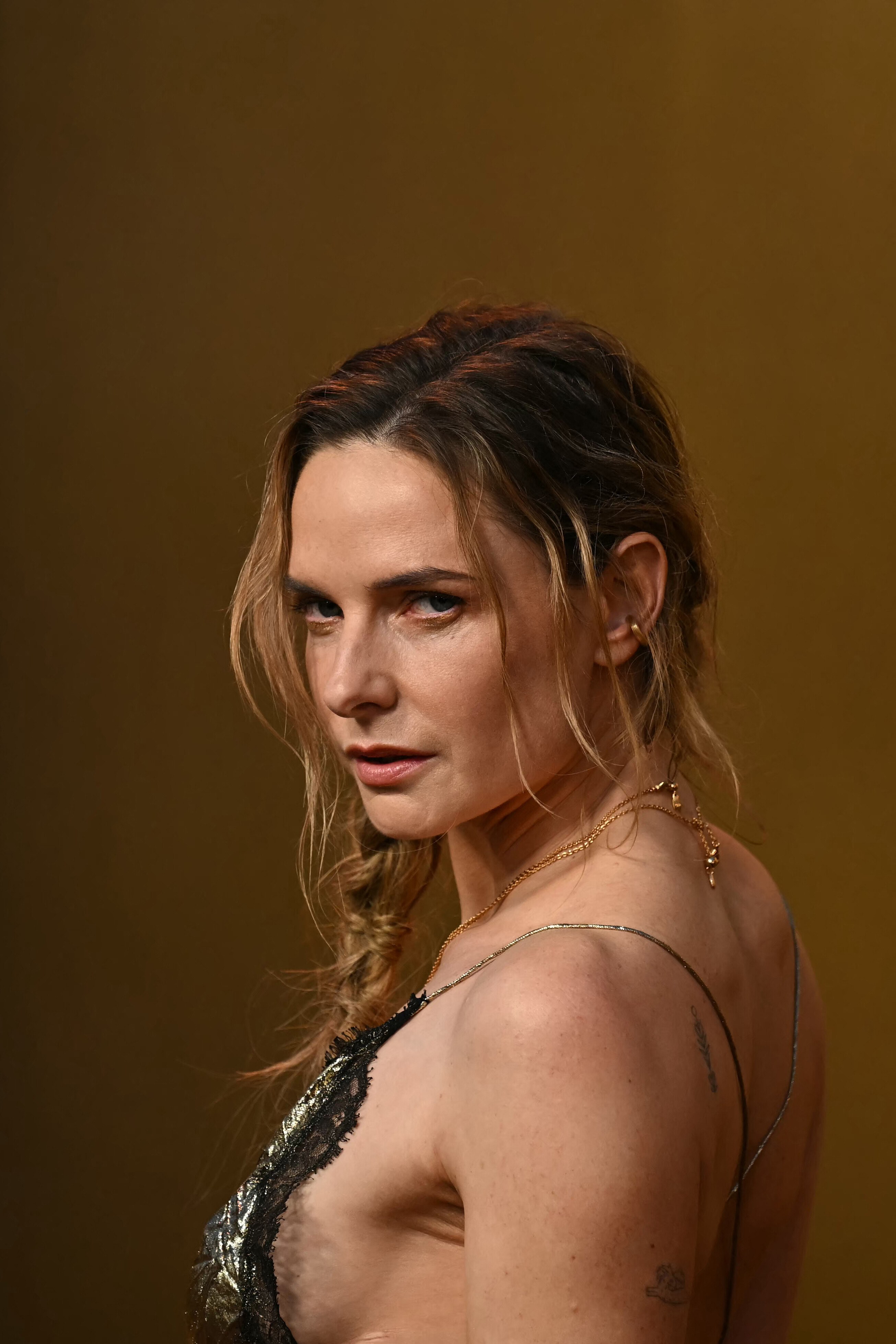
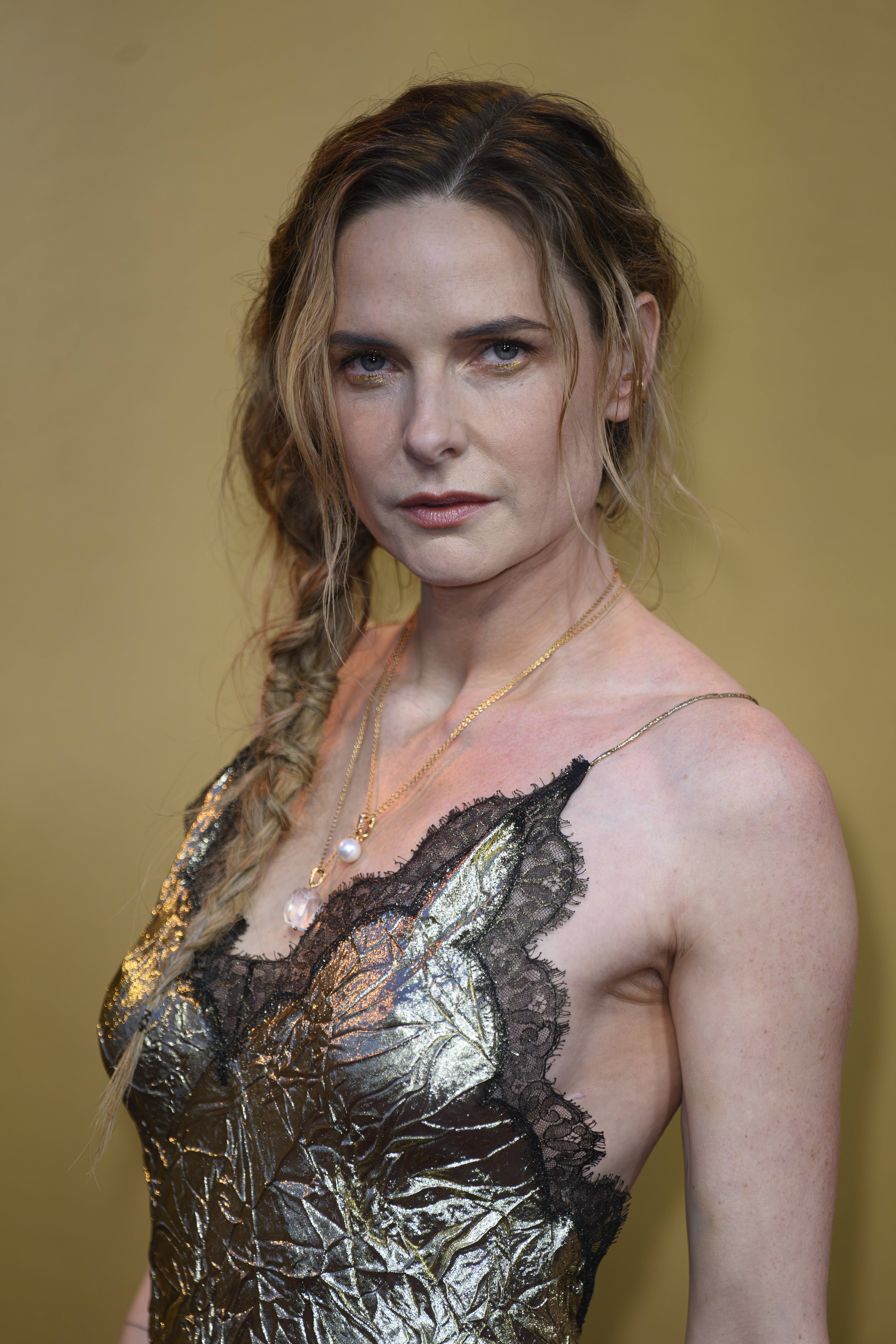
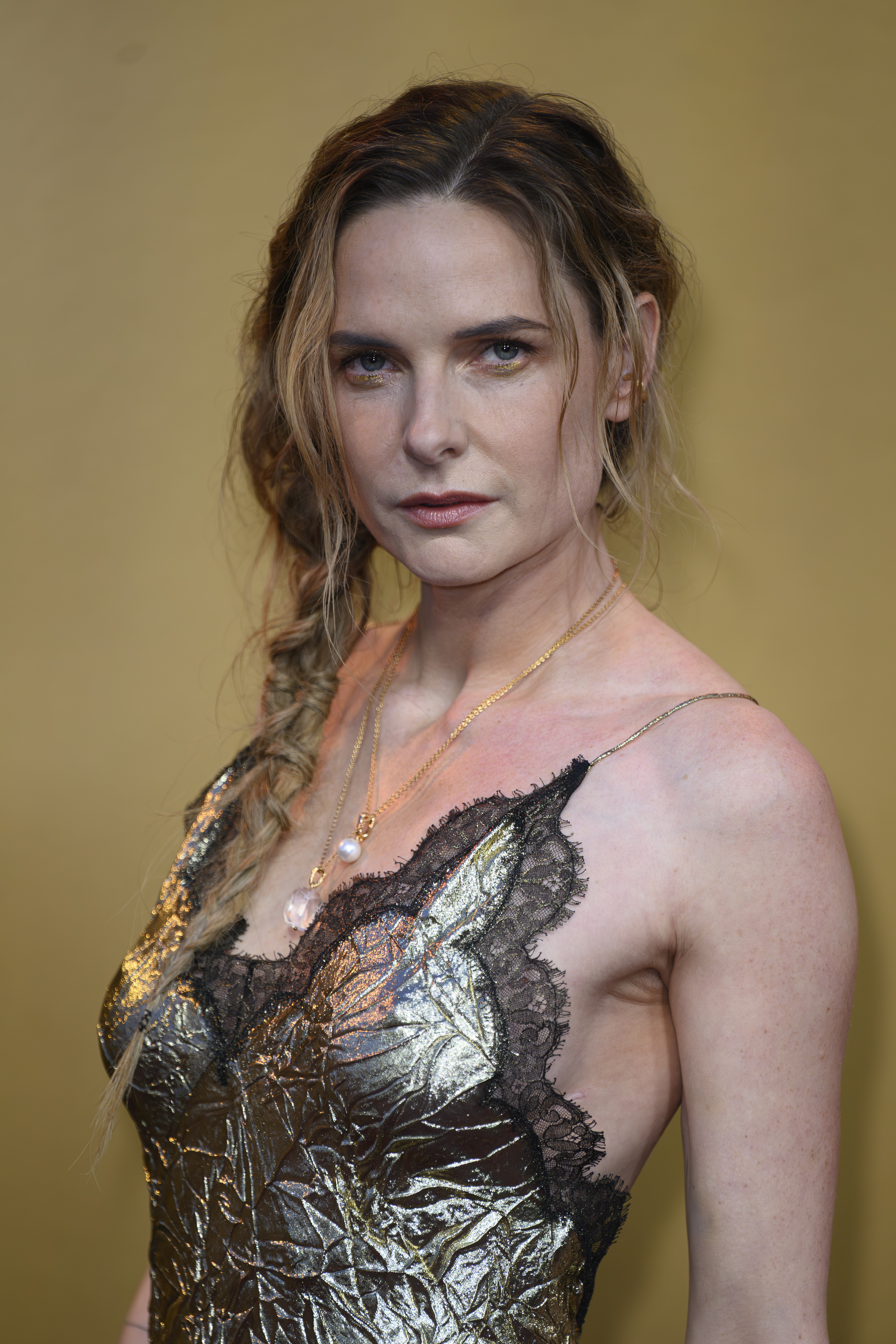
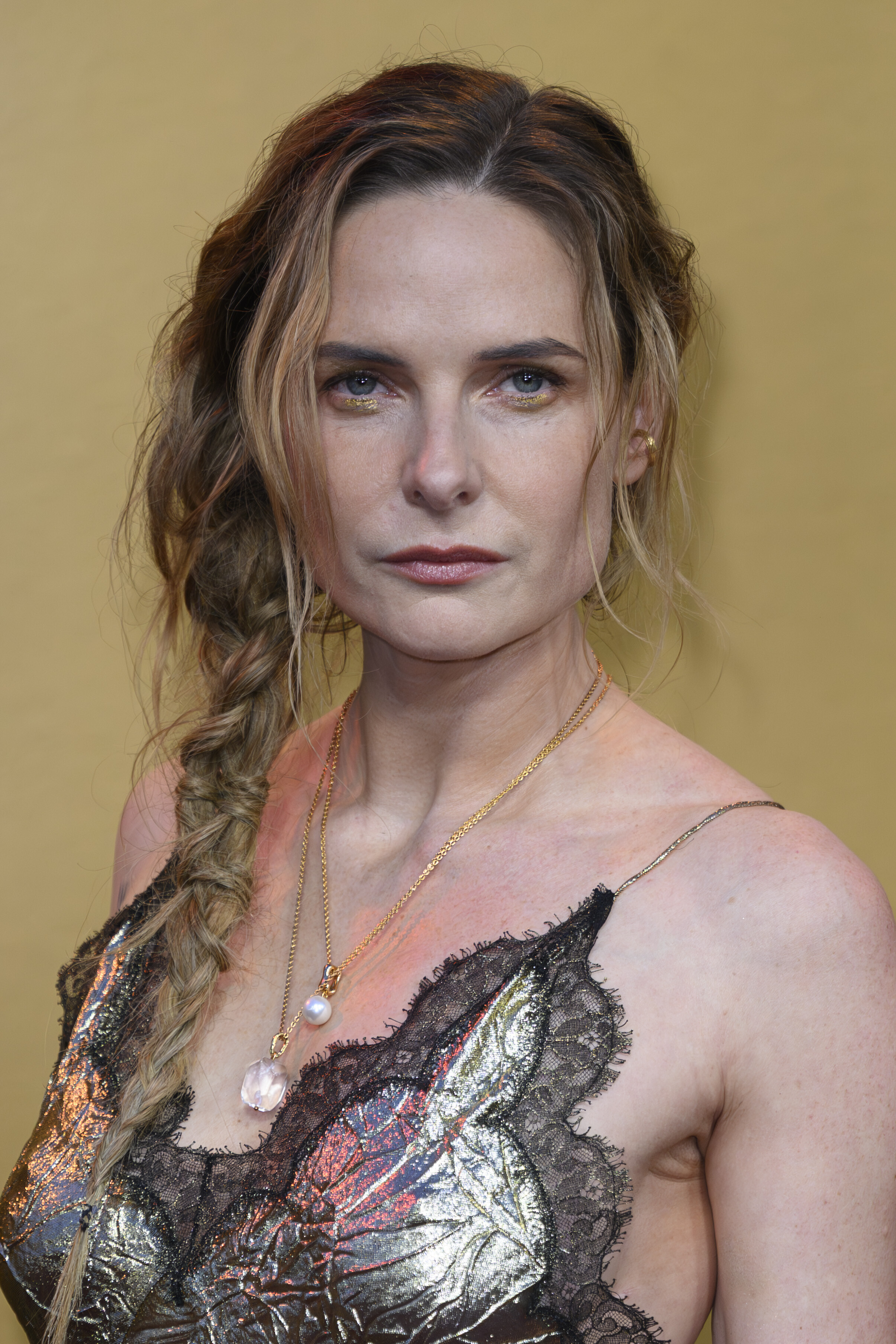
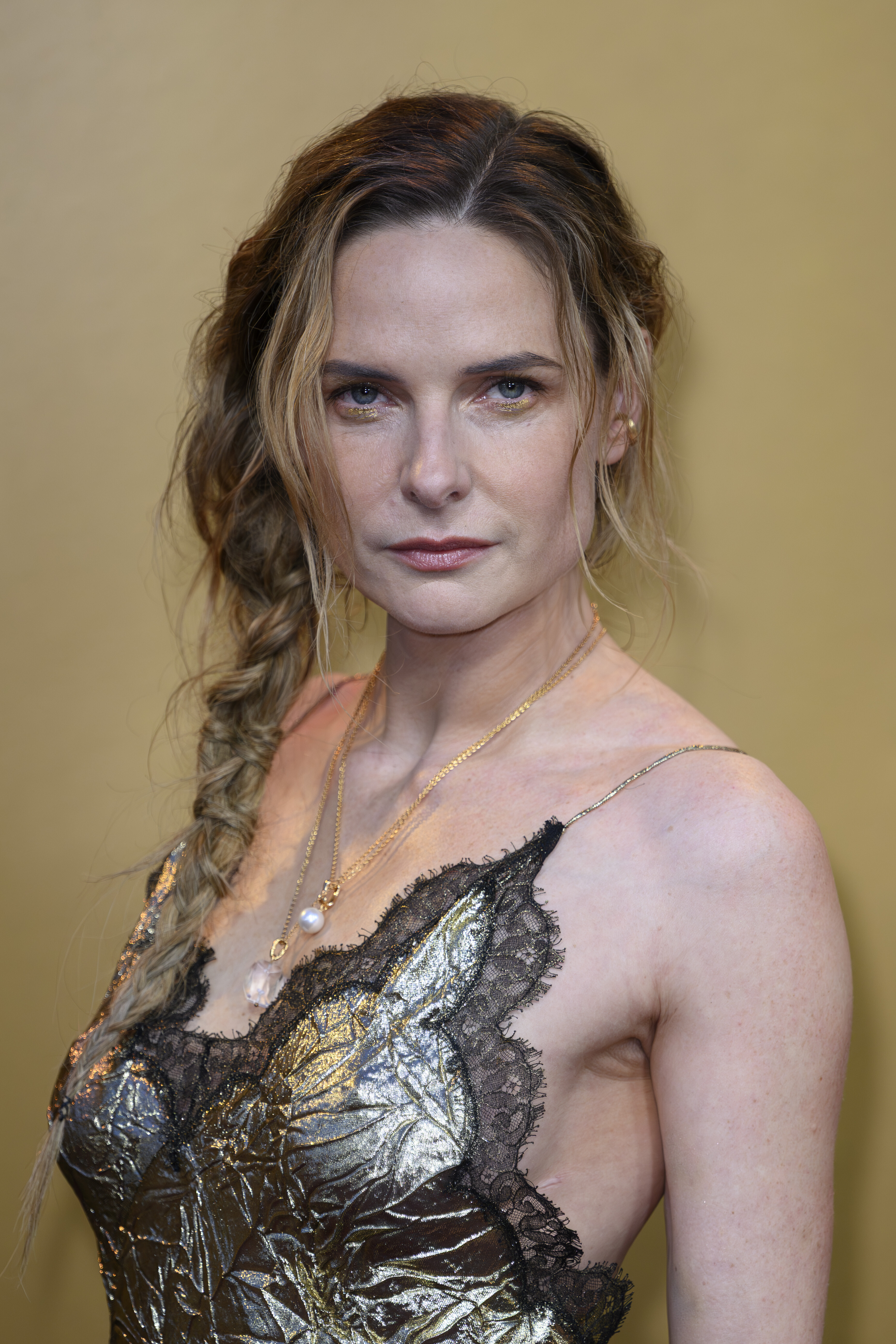
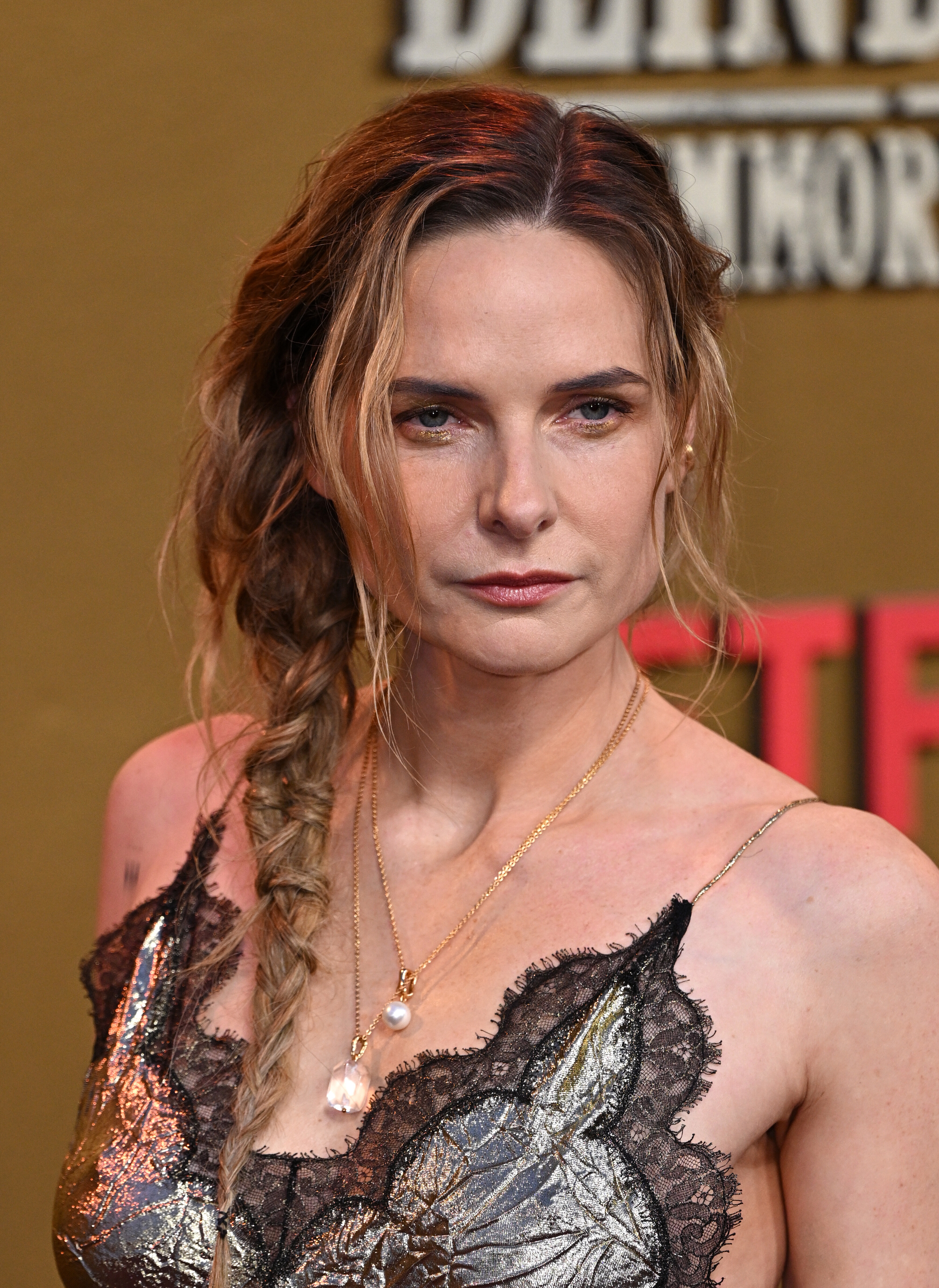
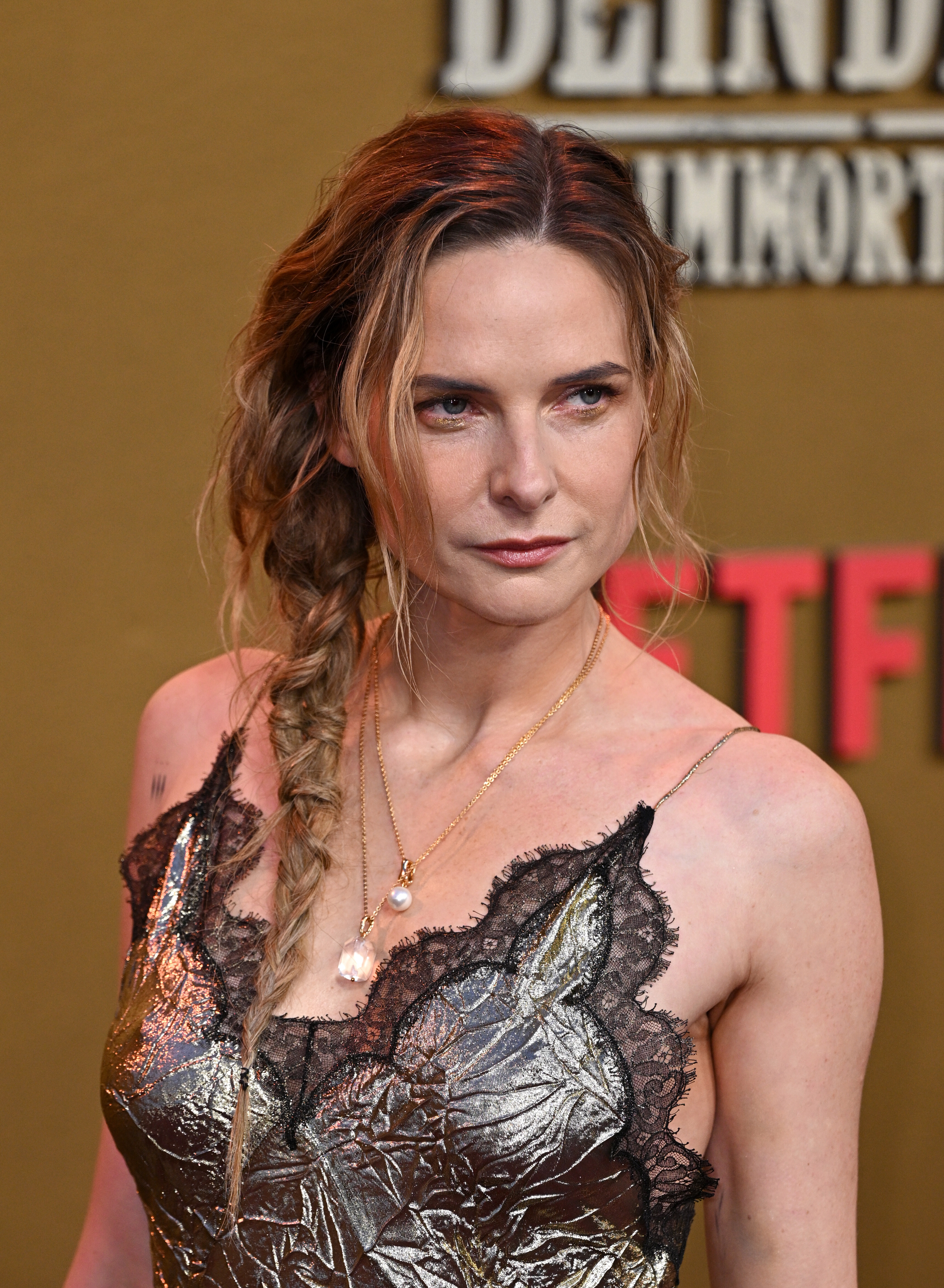
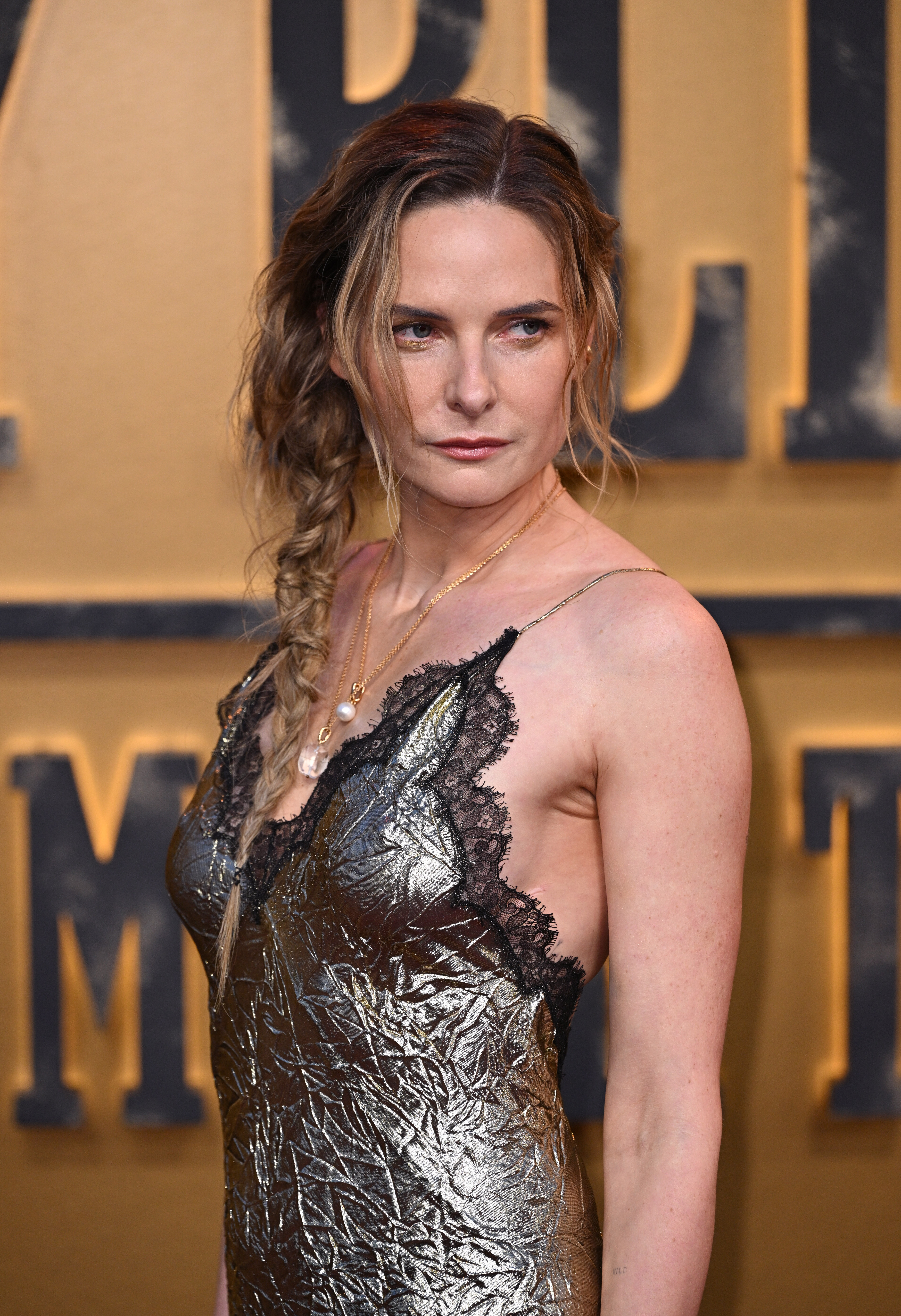
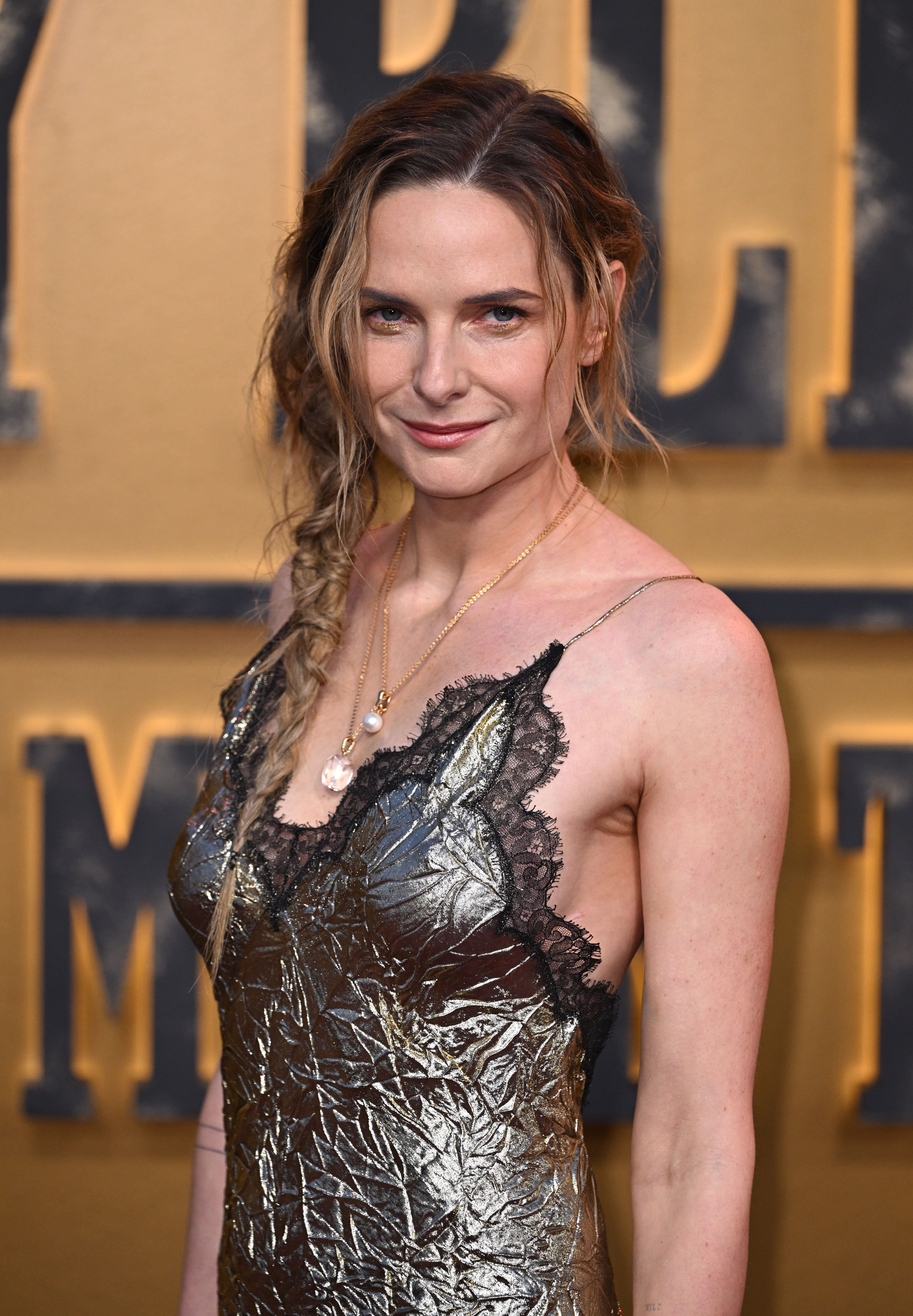
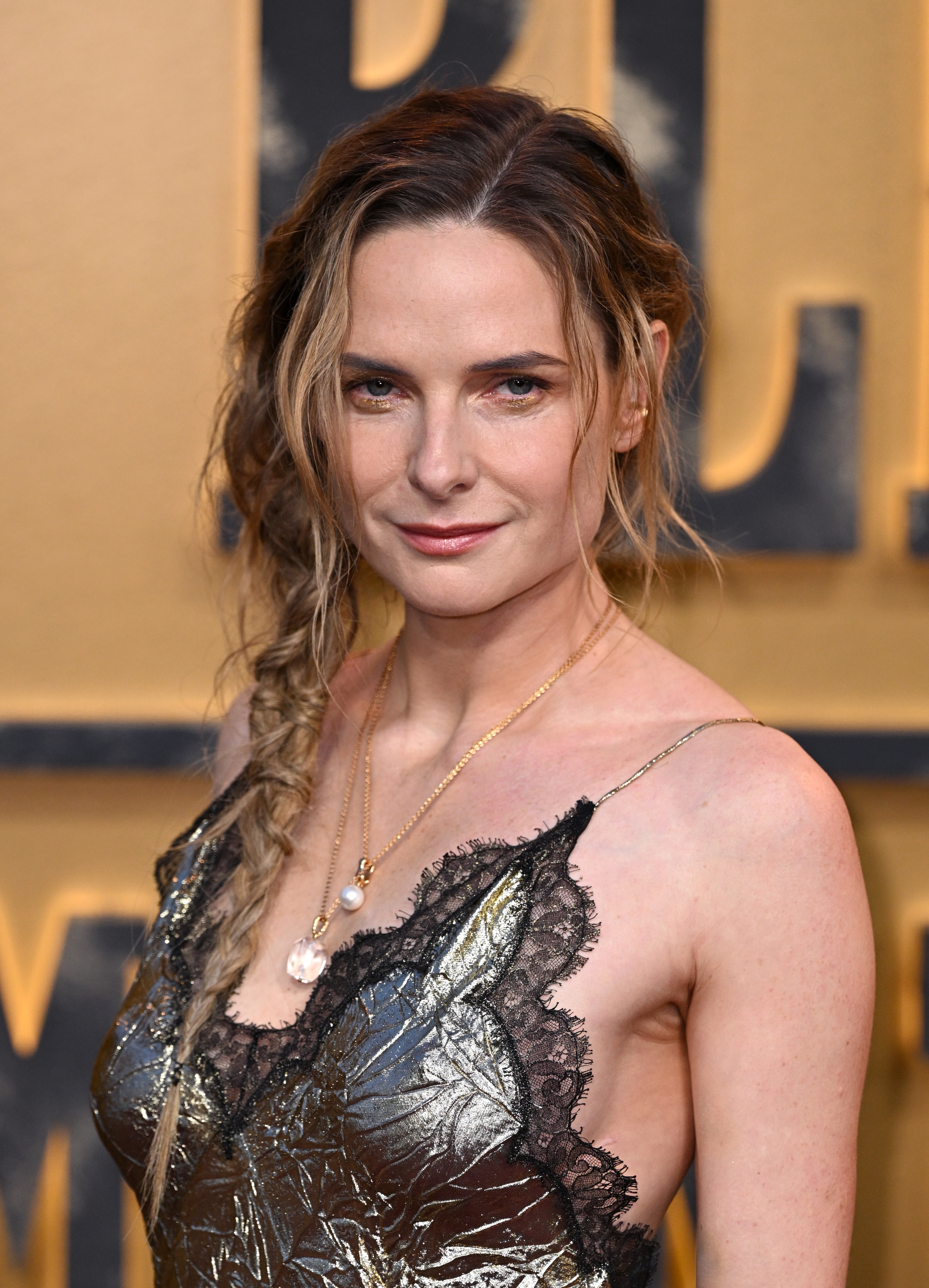
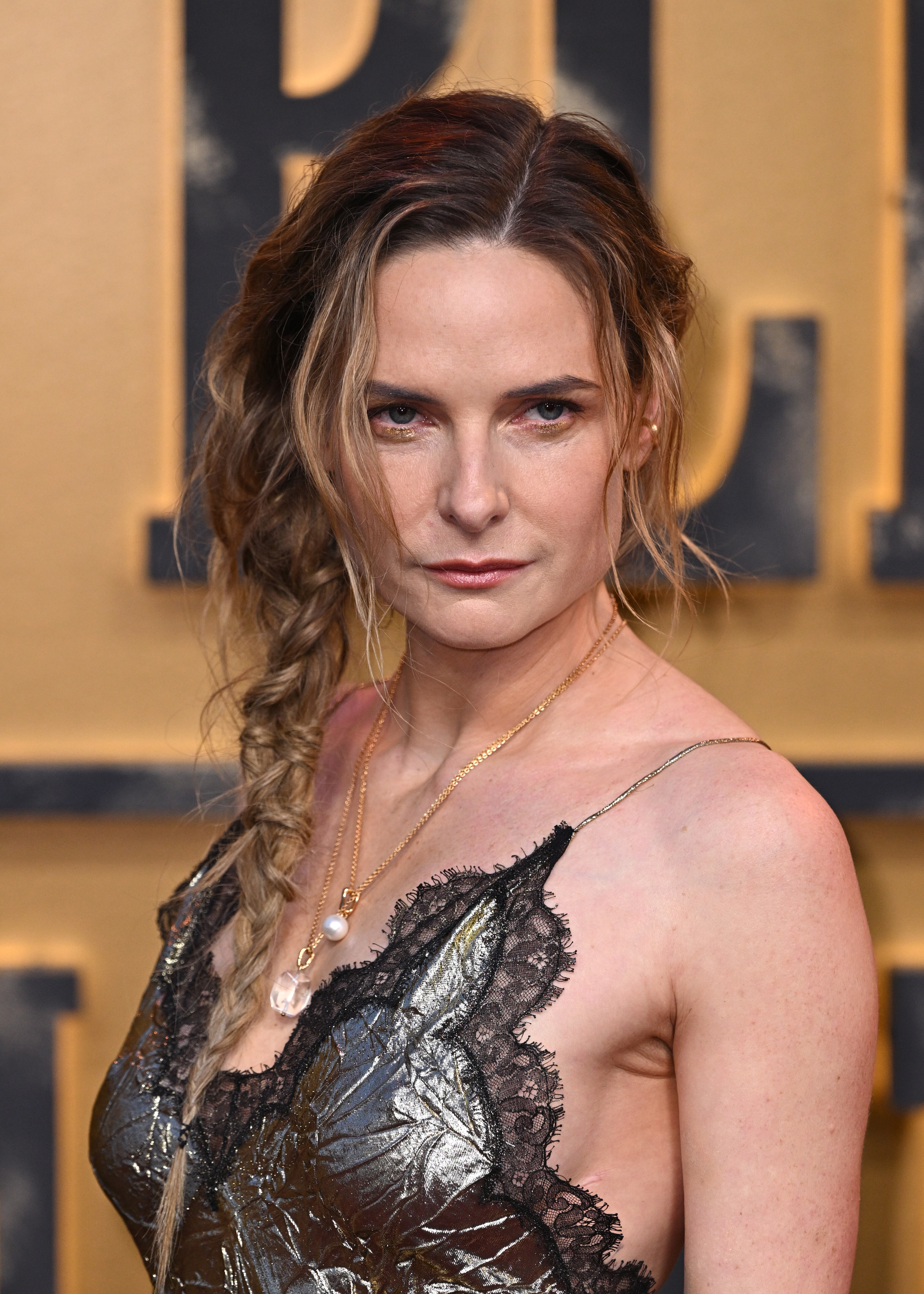
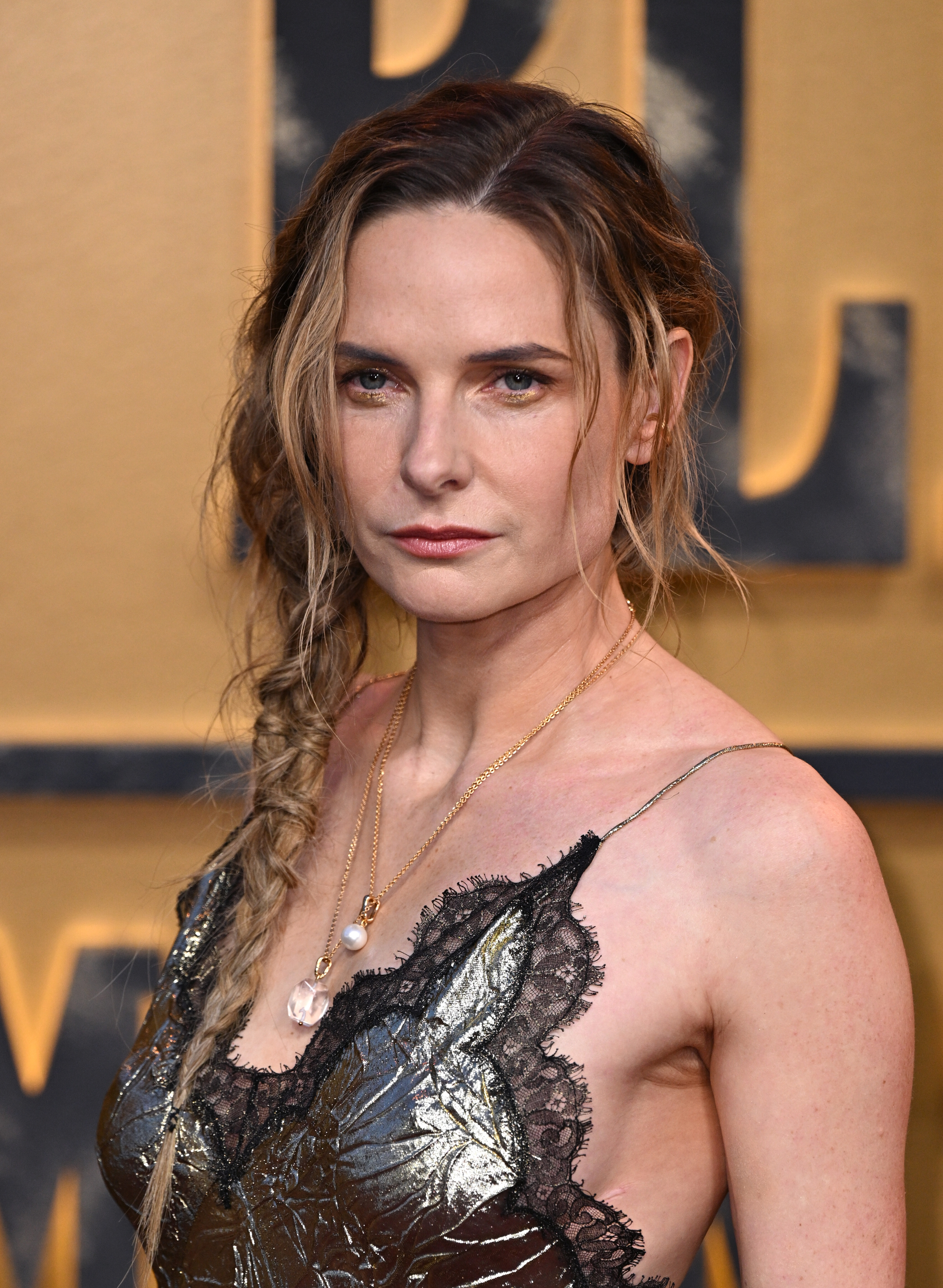
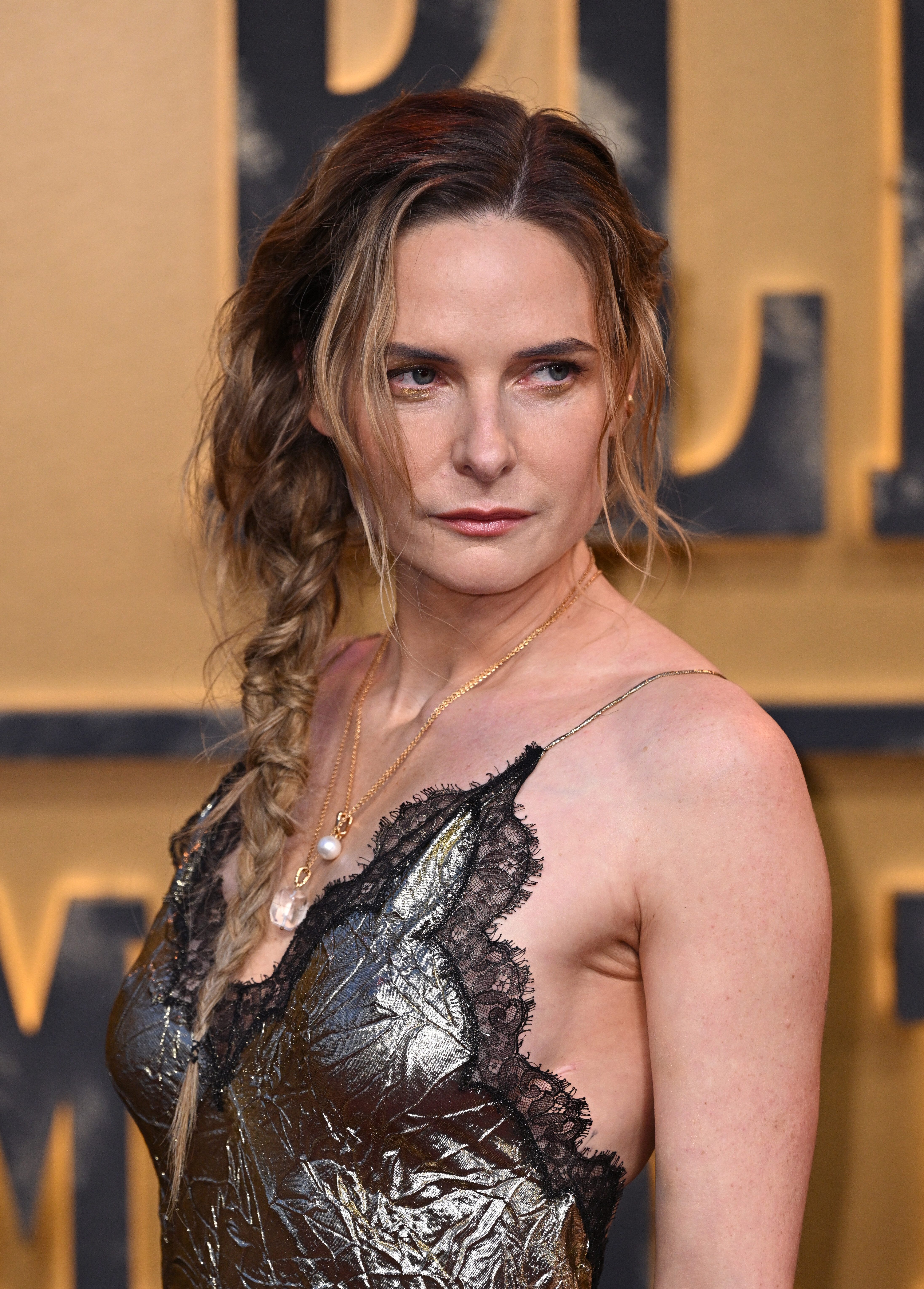
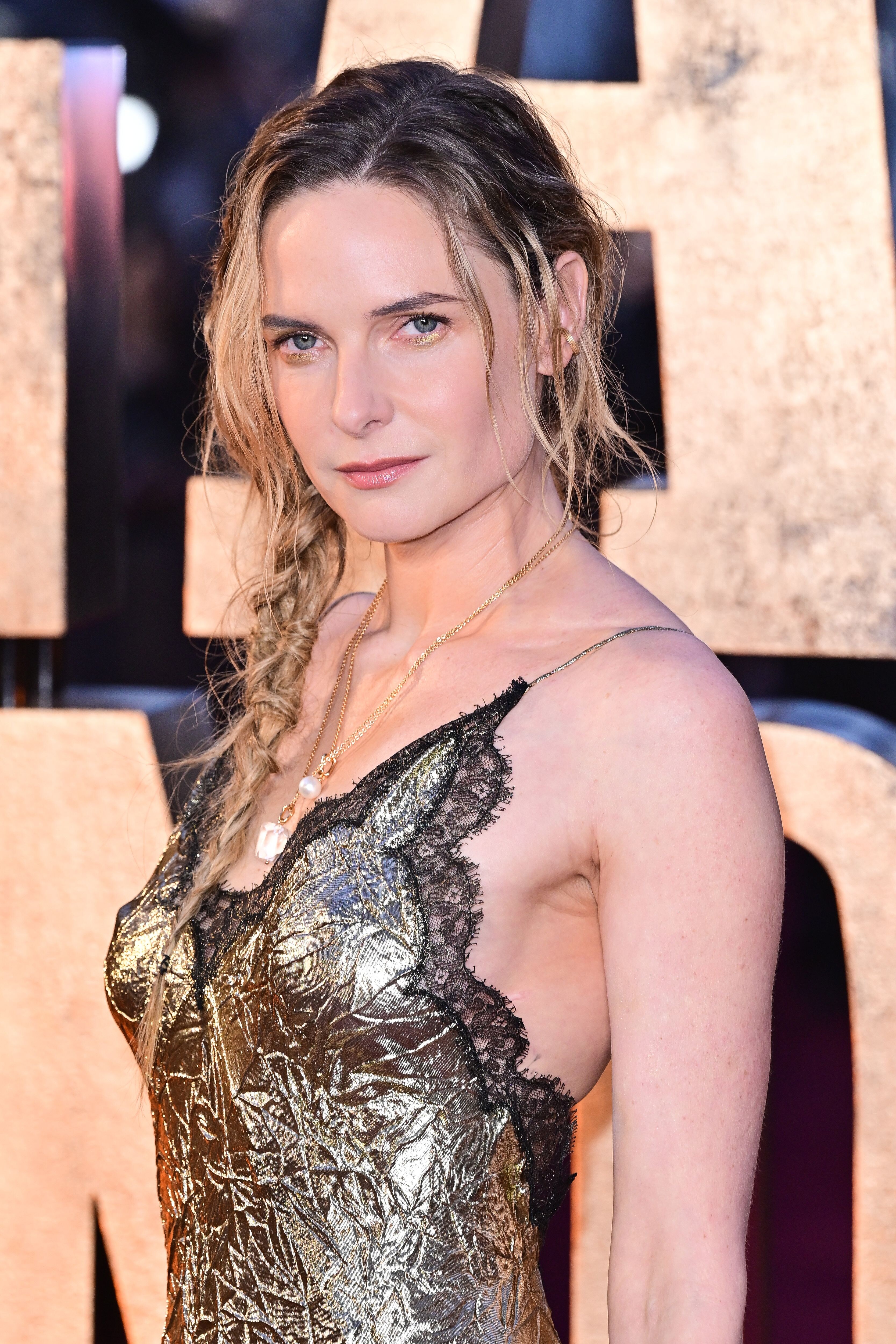
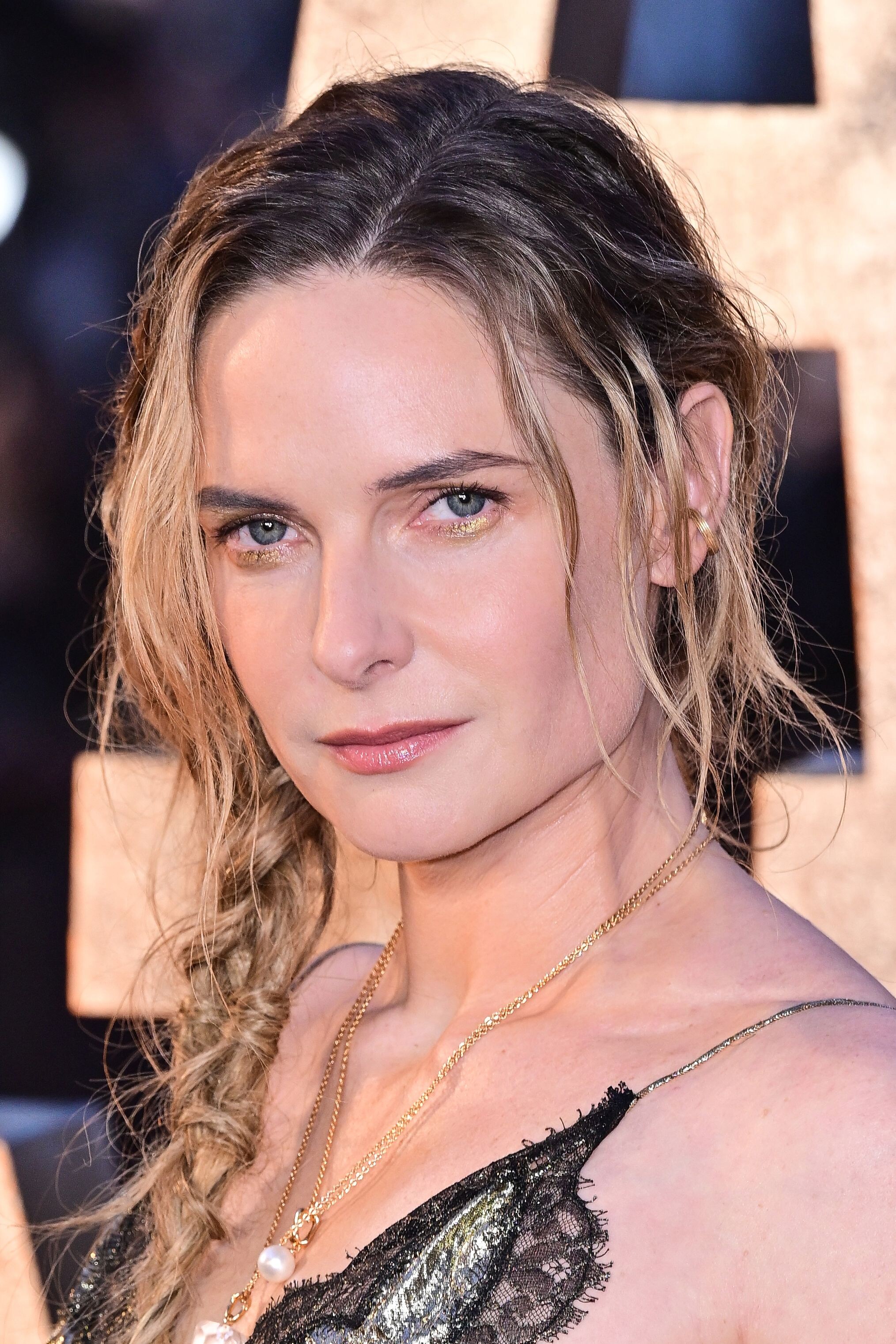
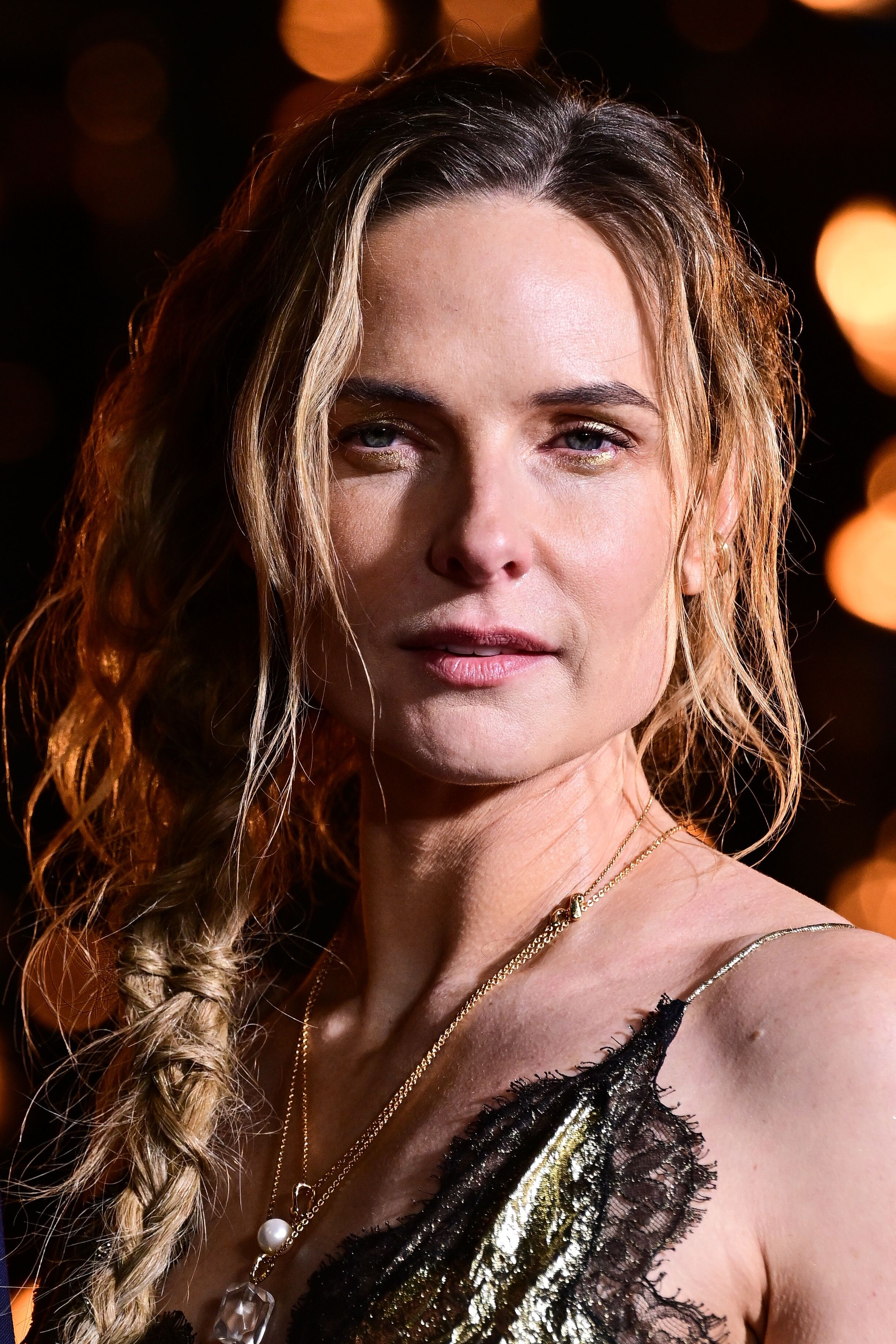
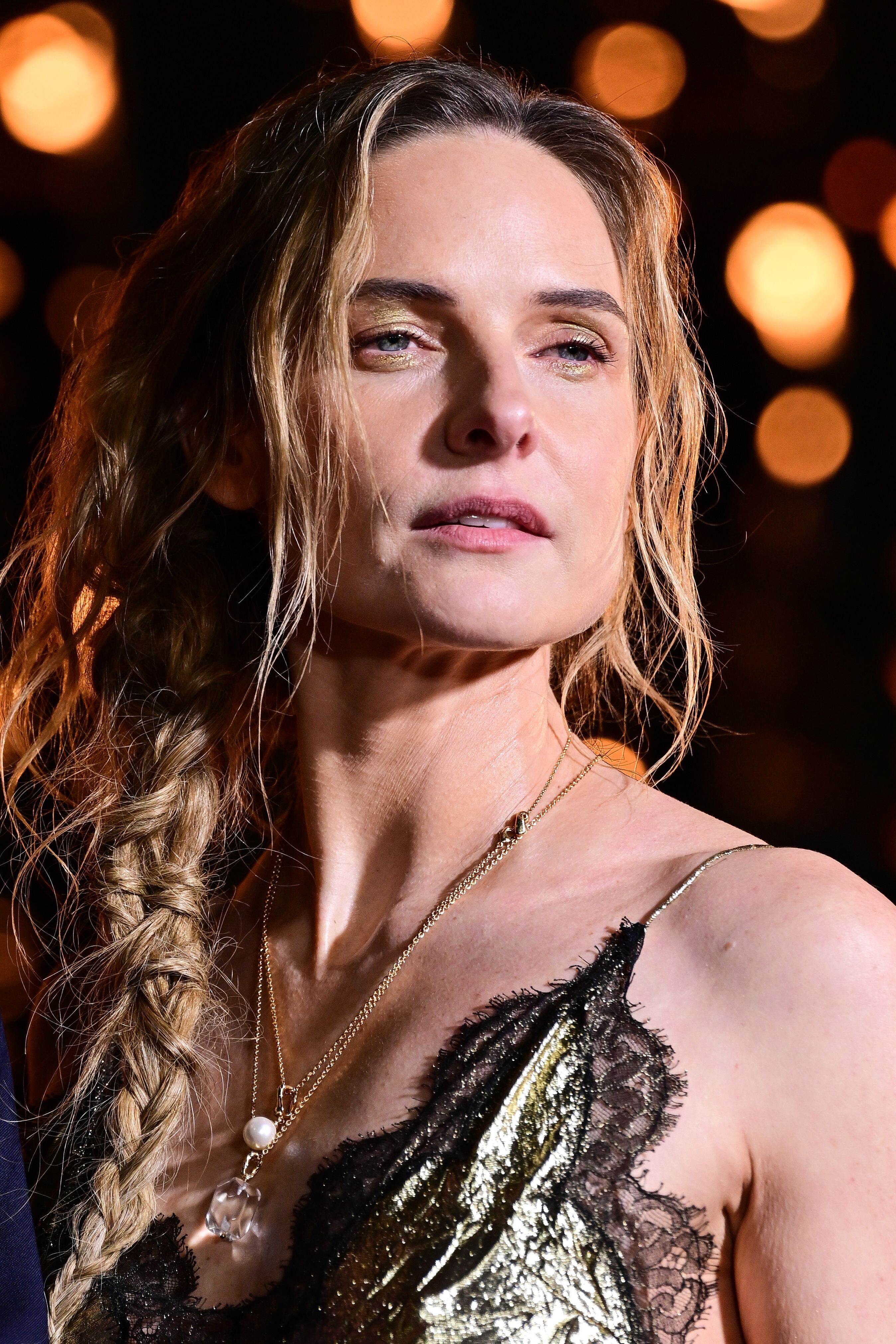
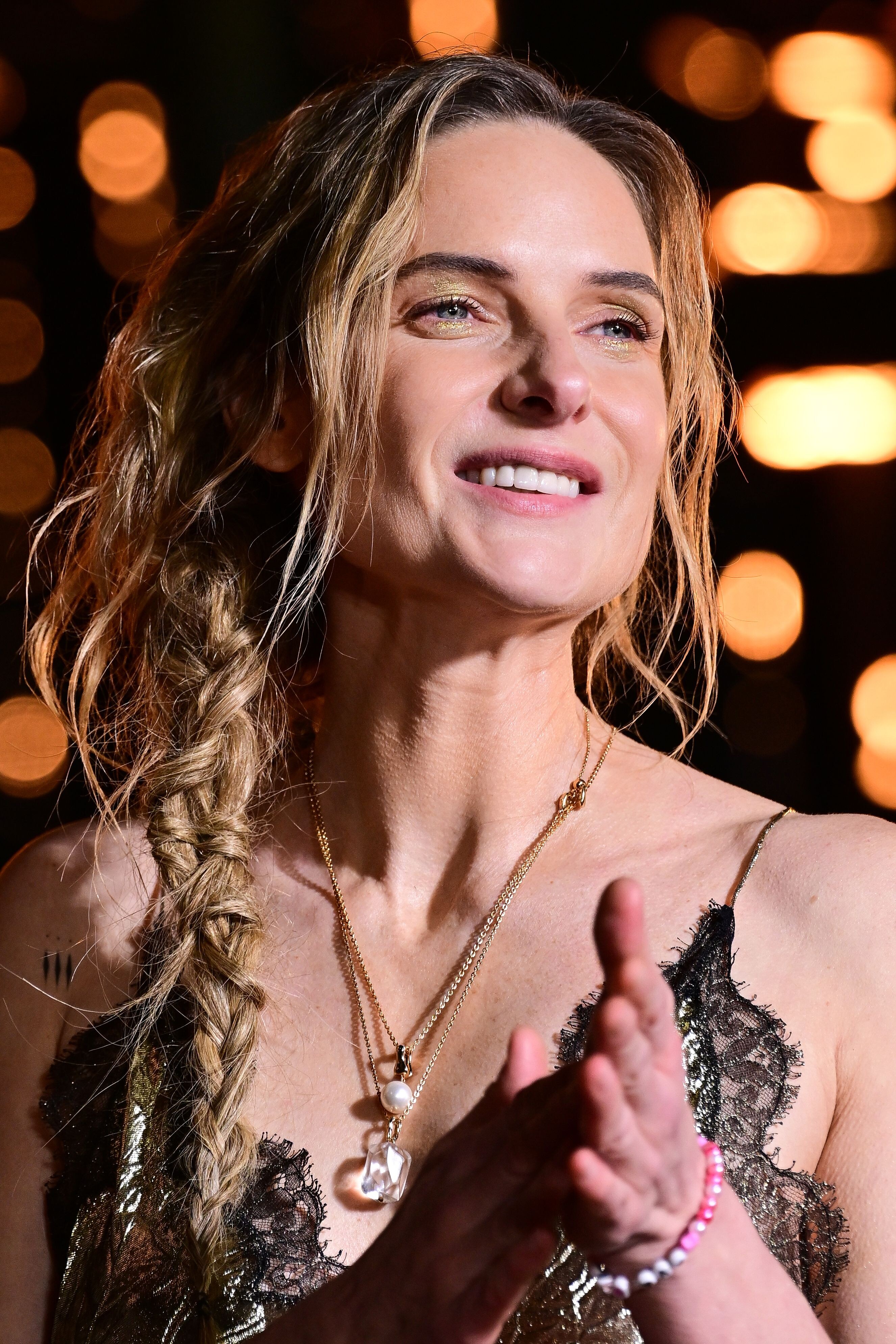
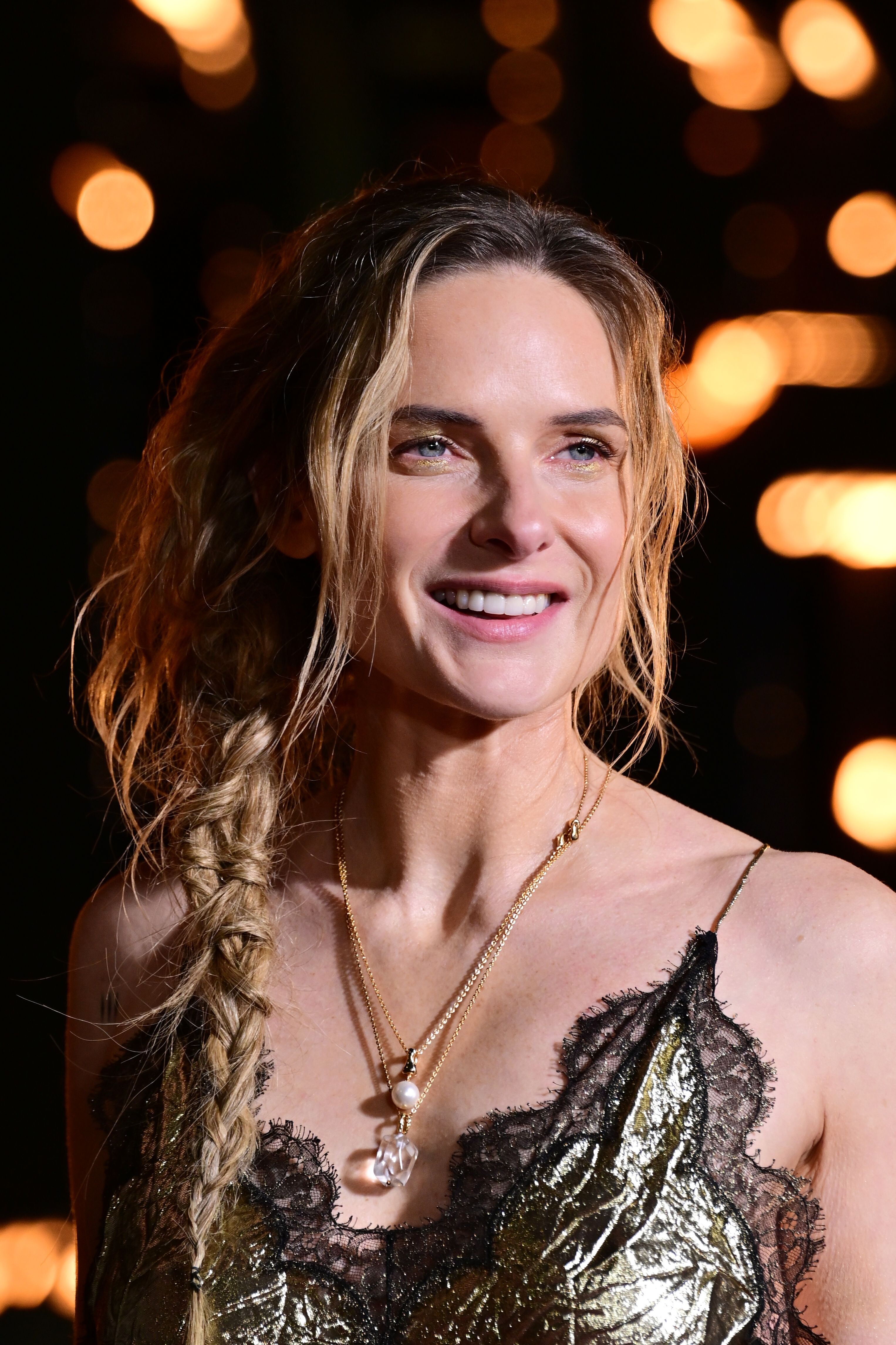
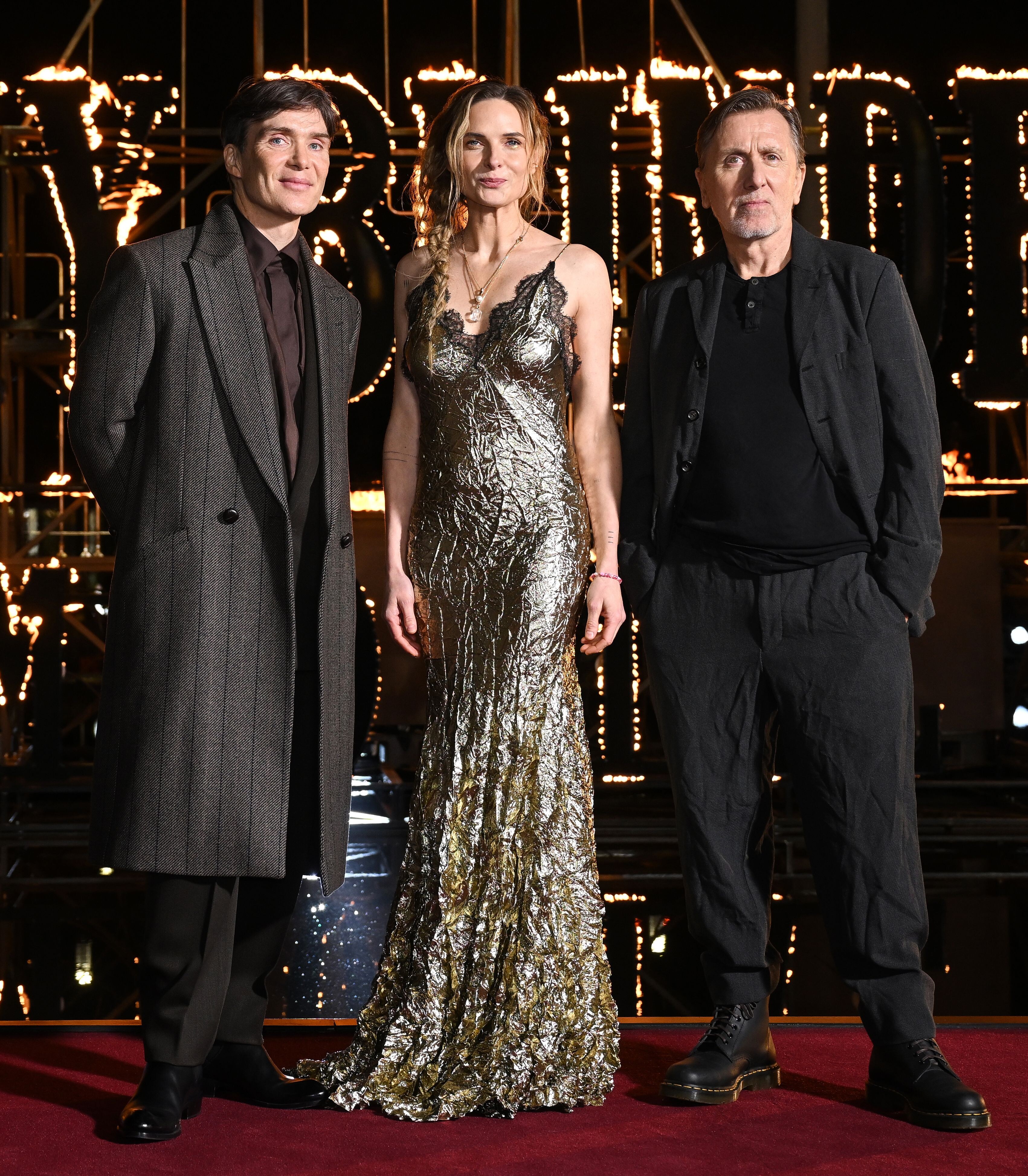
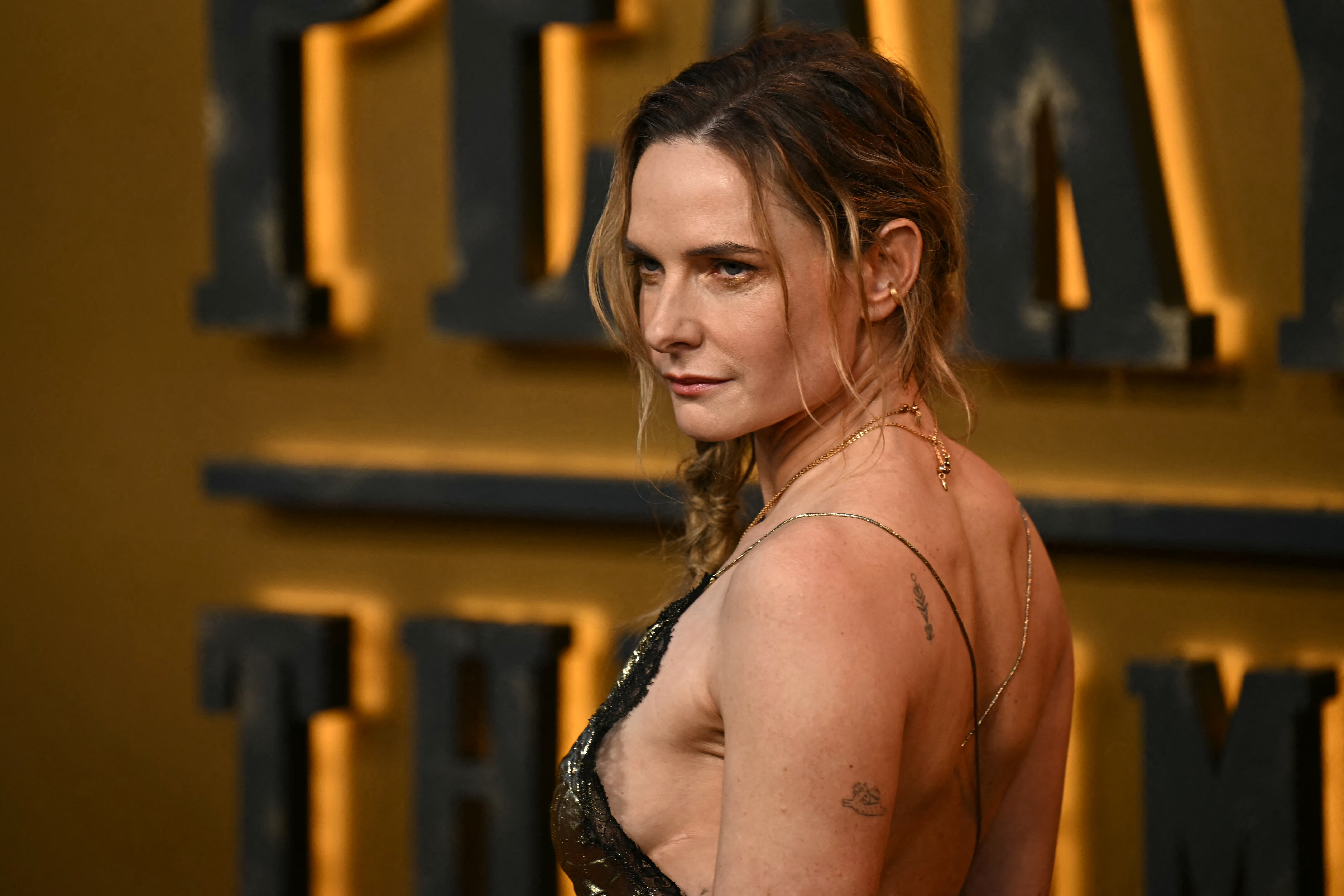
at the world premiere of Peaky Blinders: The Immortal Man in Birmingham, England on March 2, 2026 Batusai at picturepub



































































-

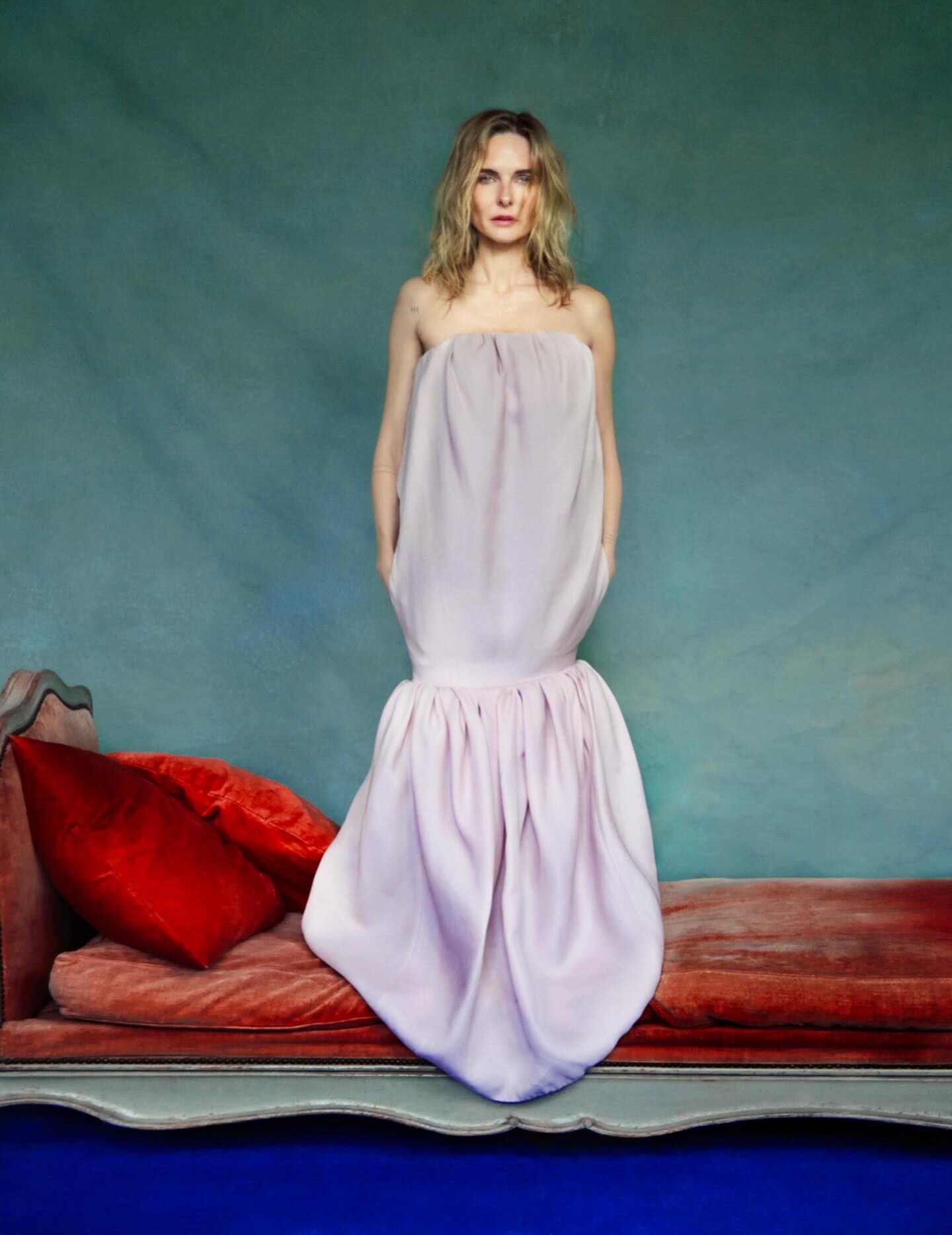
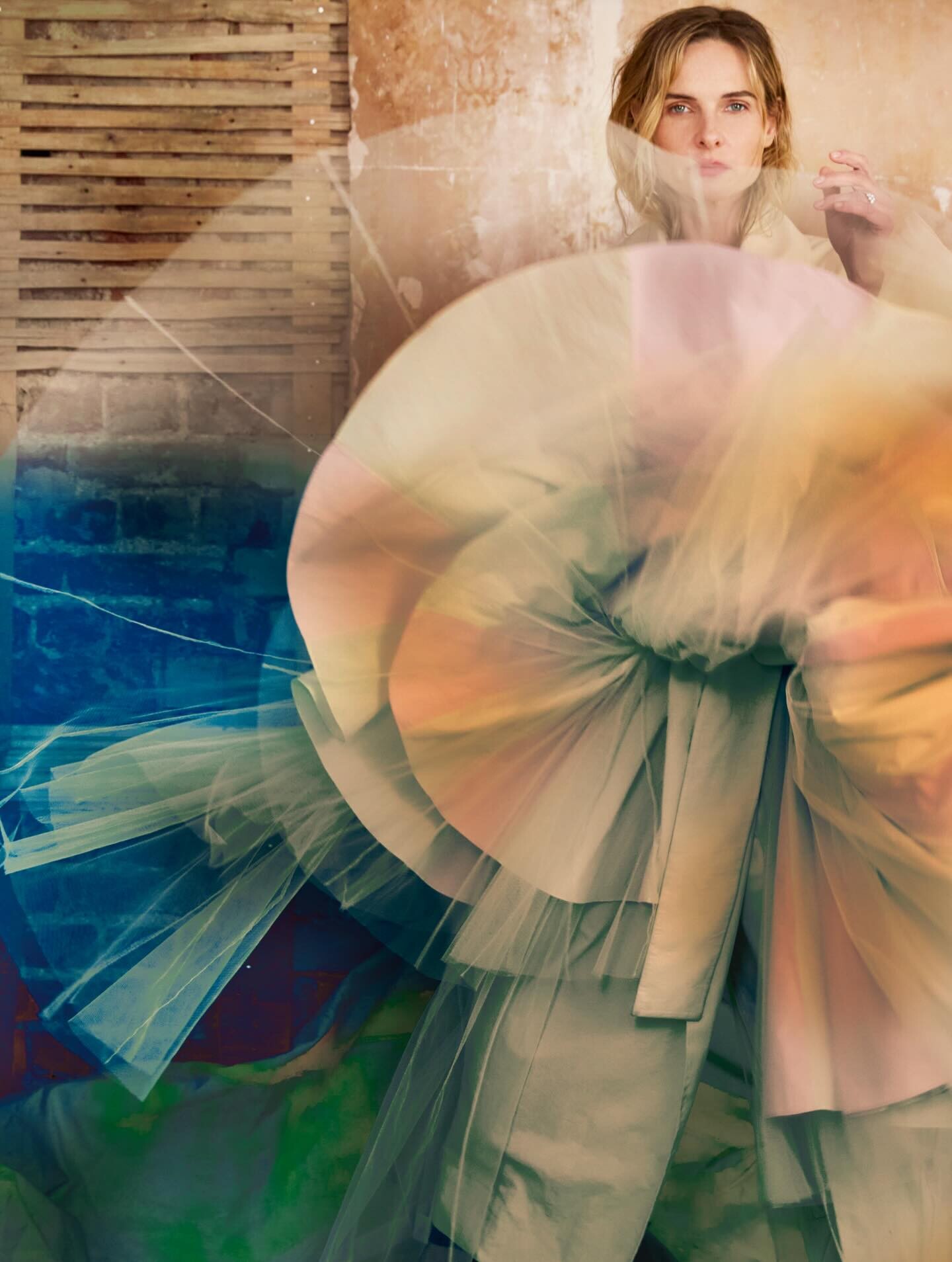
 Harper’s BAZAAR UK rebeccaferguson.com.br


 Zuzana Macasova?
 Chris Pratt's Weirdest Phobia is Actually Gross 💩 VT
The Magic Faraway Tree Posters rebeccaferguson.com.br
Chris Pratt's Weirdest Phobia is Actually Gross 💩 VT
The Magic Faraway Tree Posters rebeccaferguson.com.br
 the last one marianna rothen ?
- Today
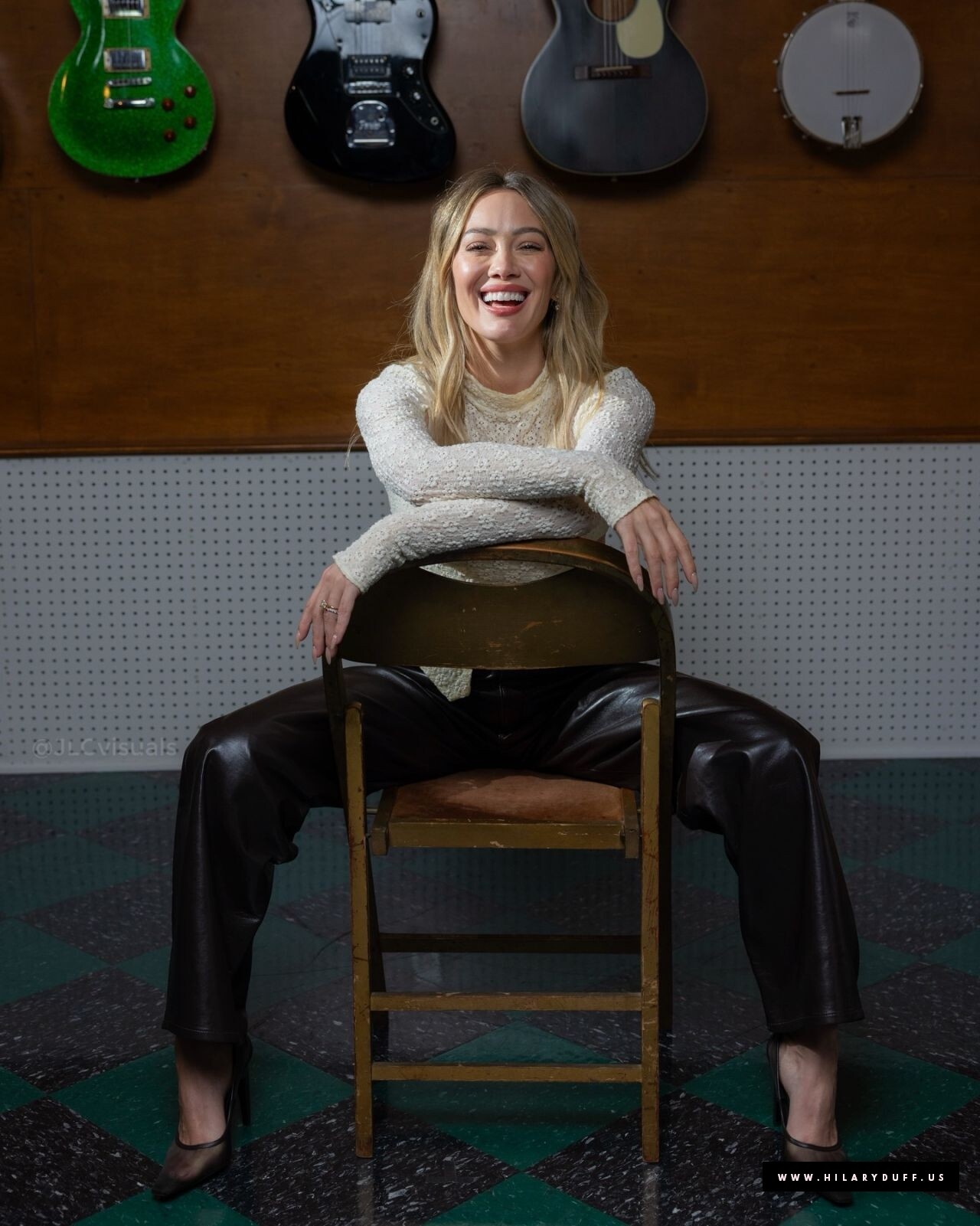
hanae mori ss 2000 L.A. Times hilaryduff.us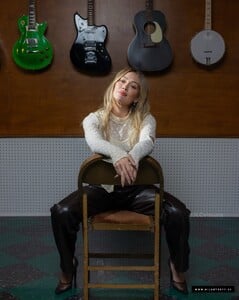
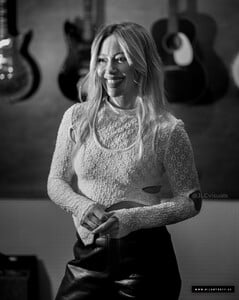
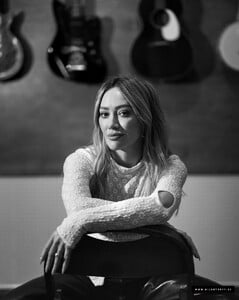
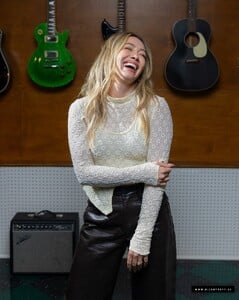

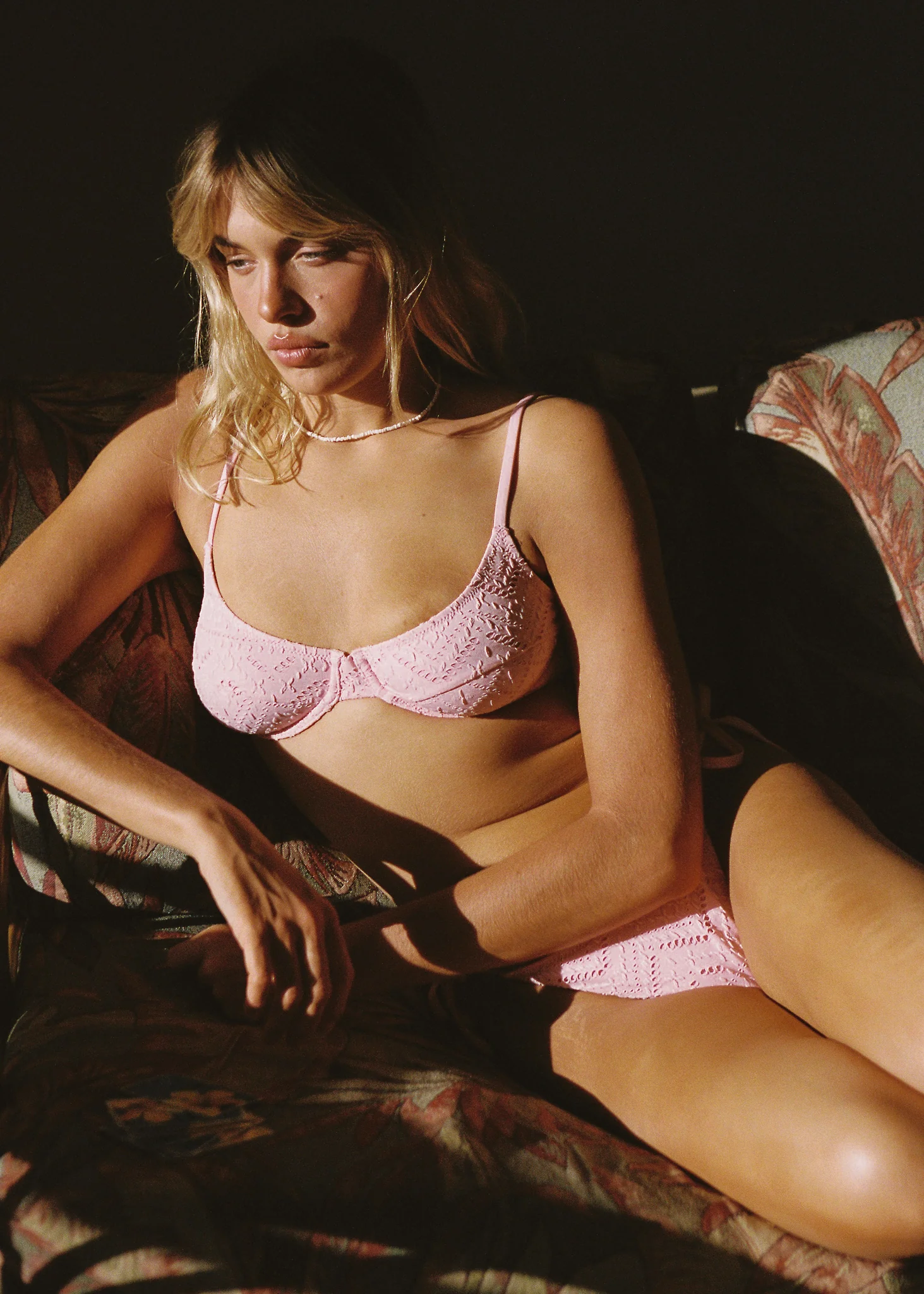
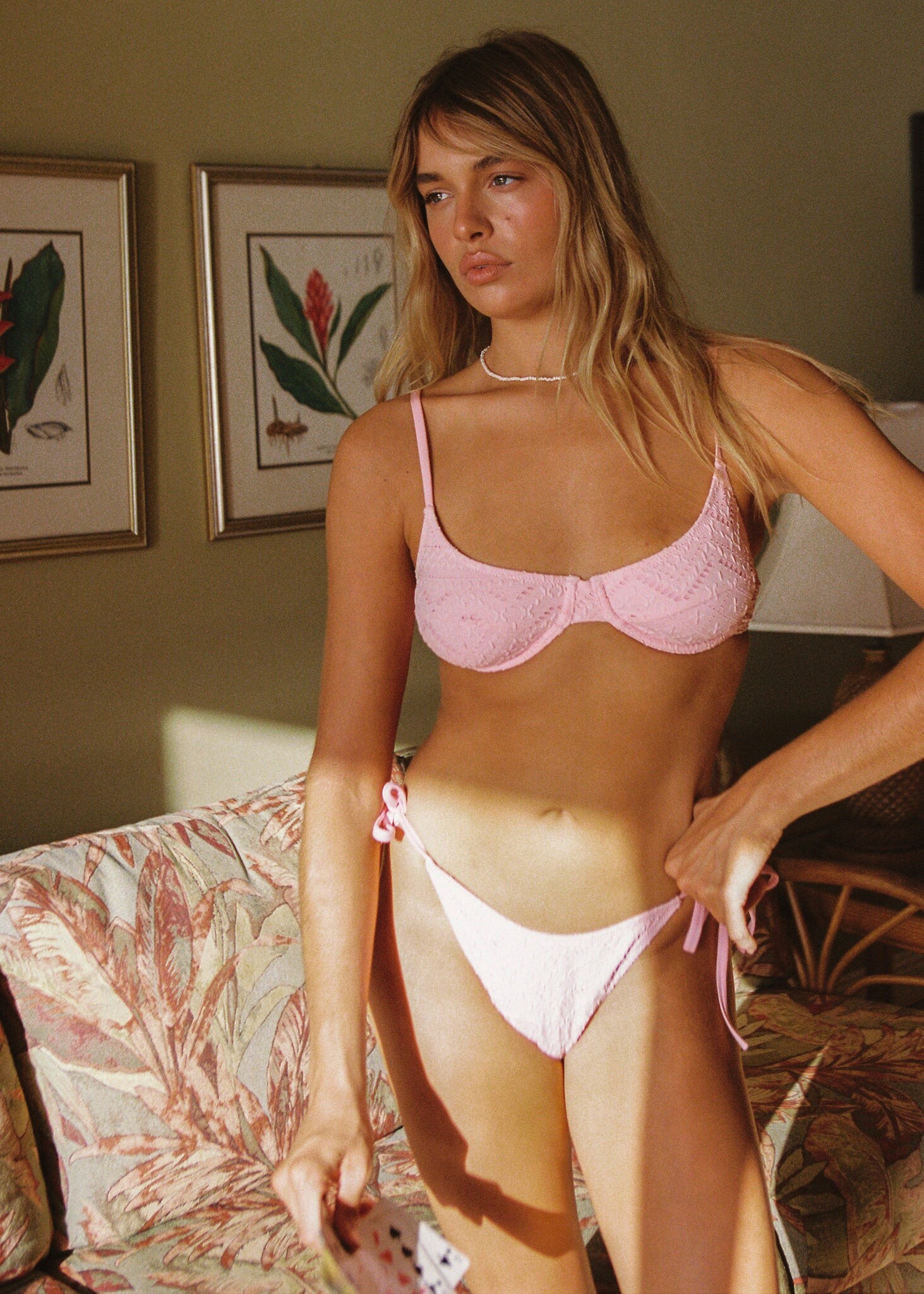
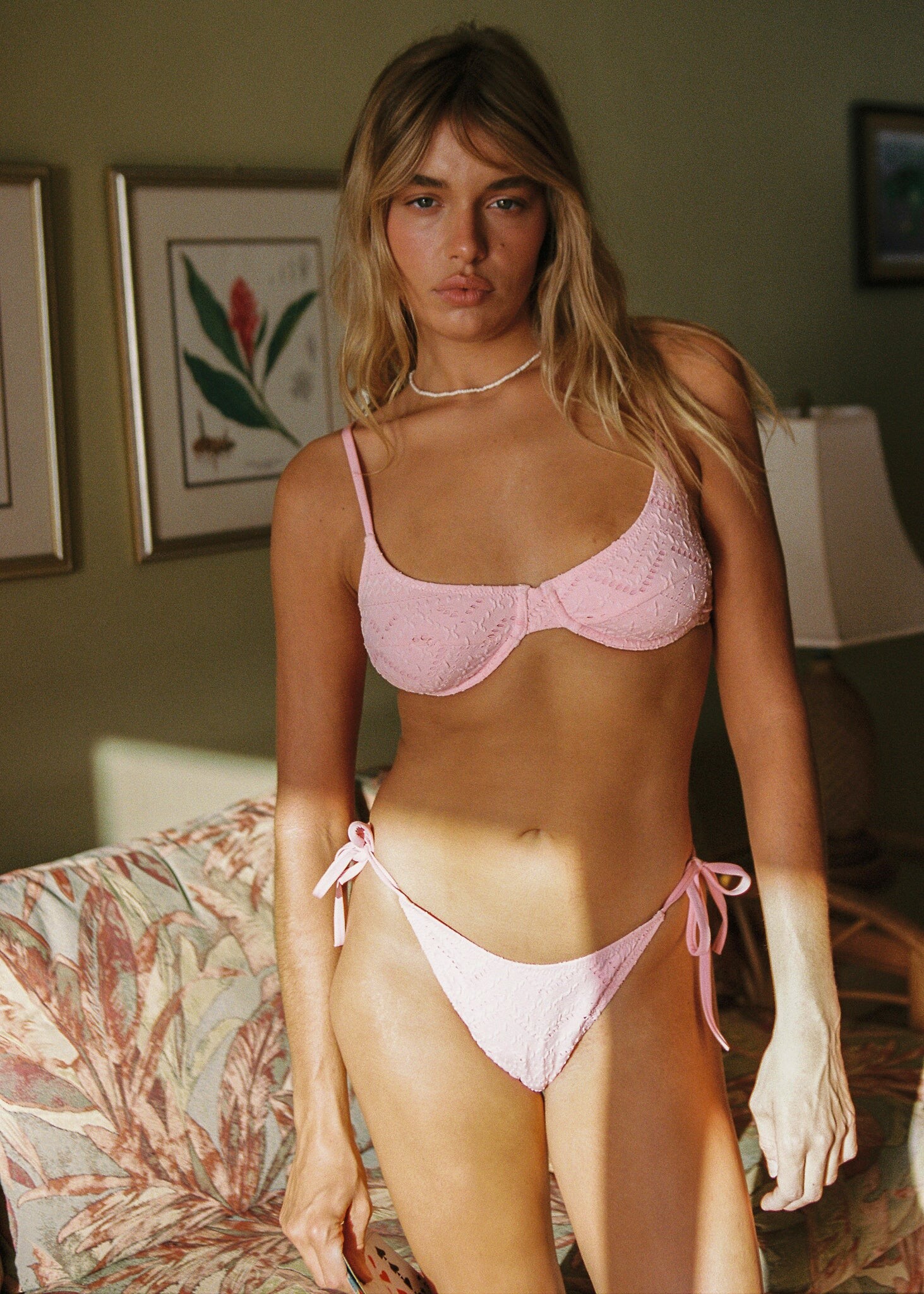
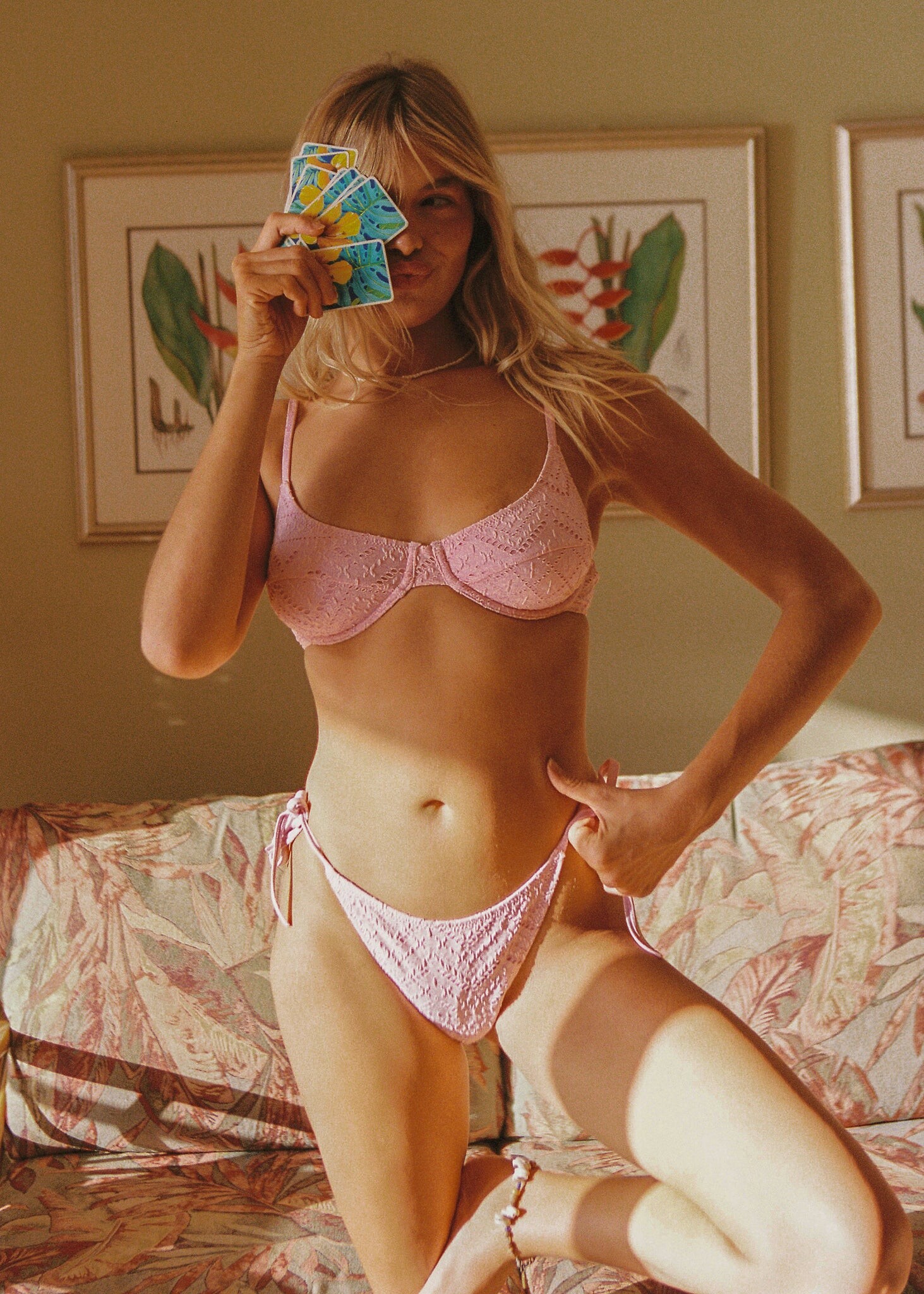
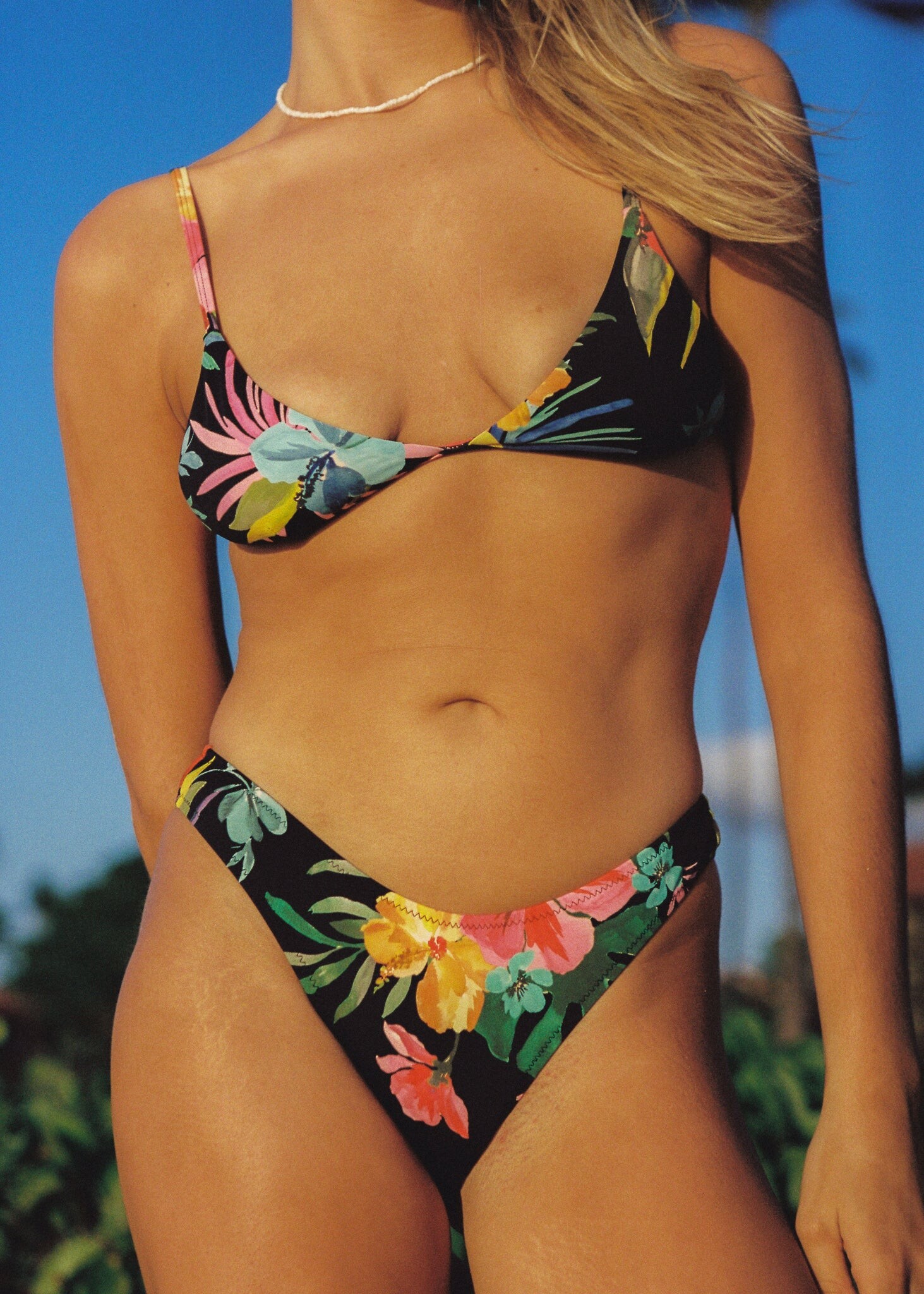
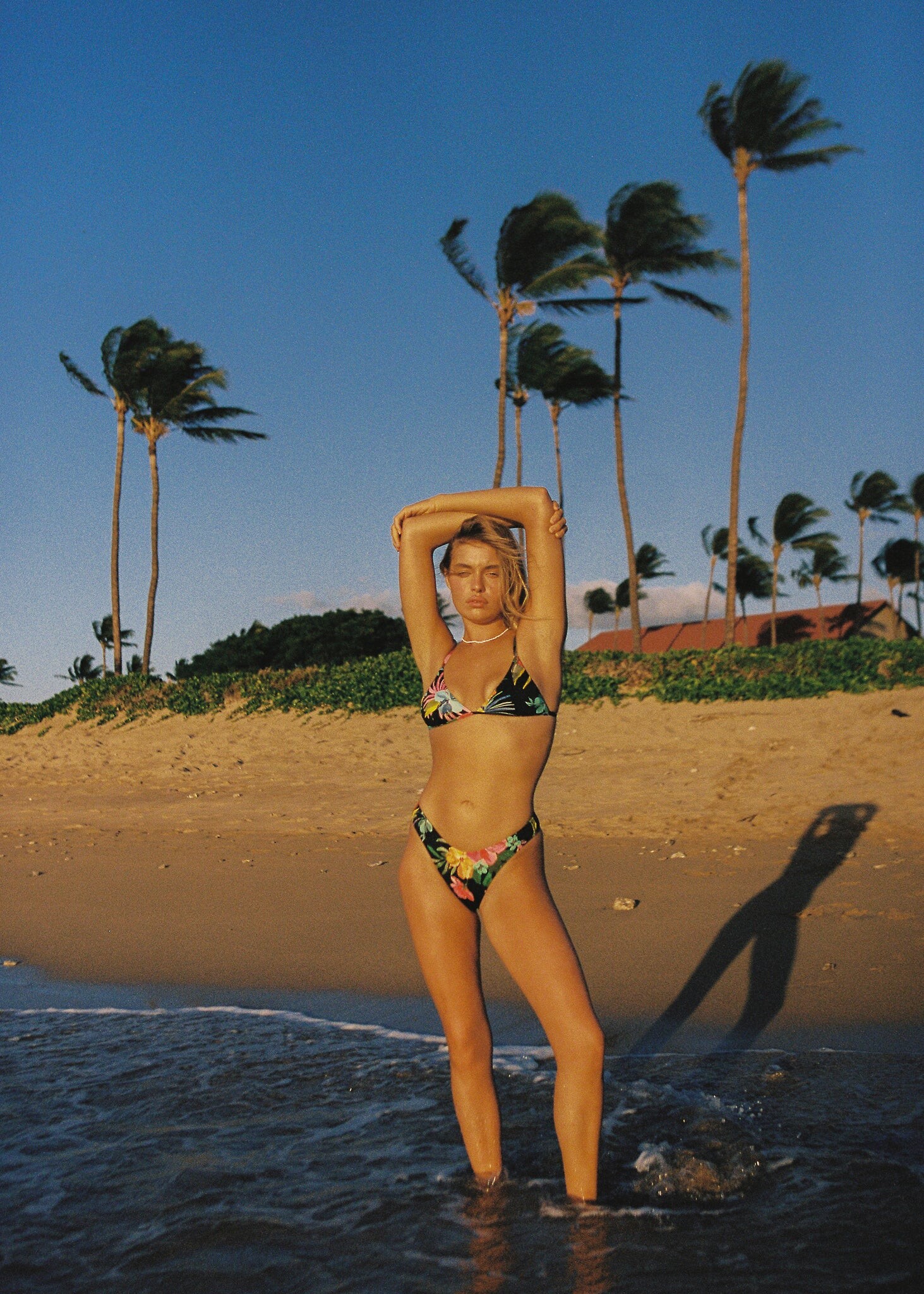
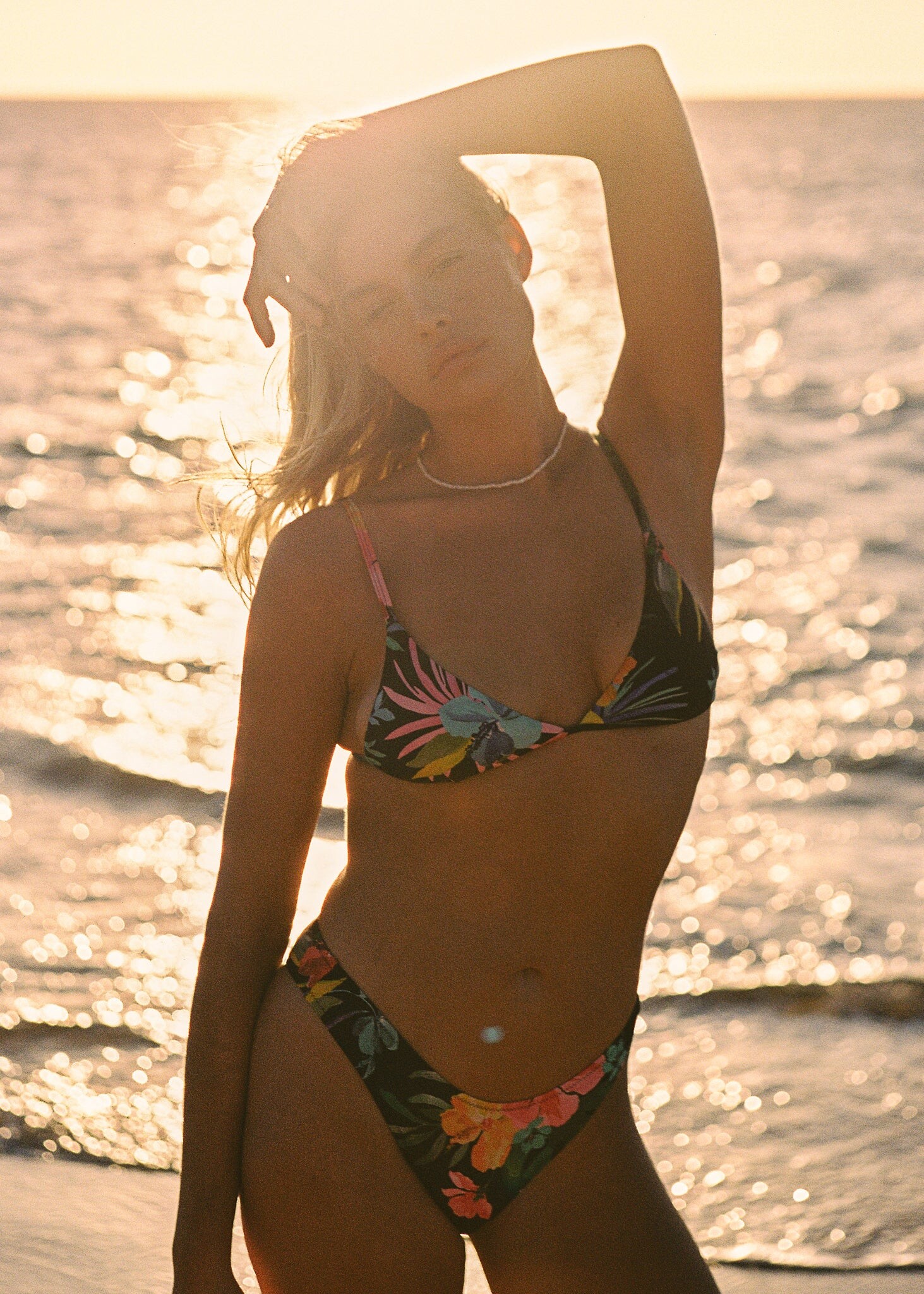
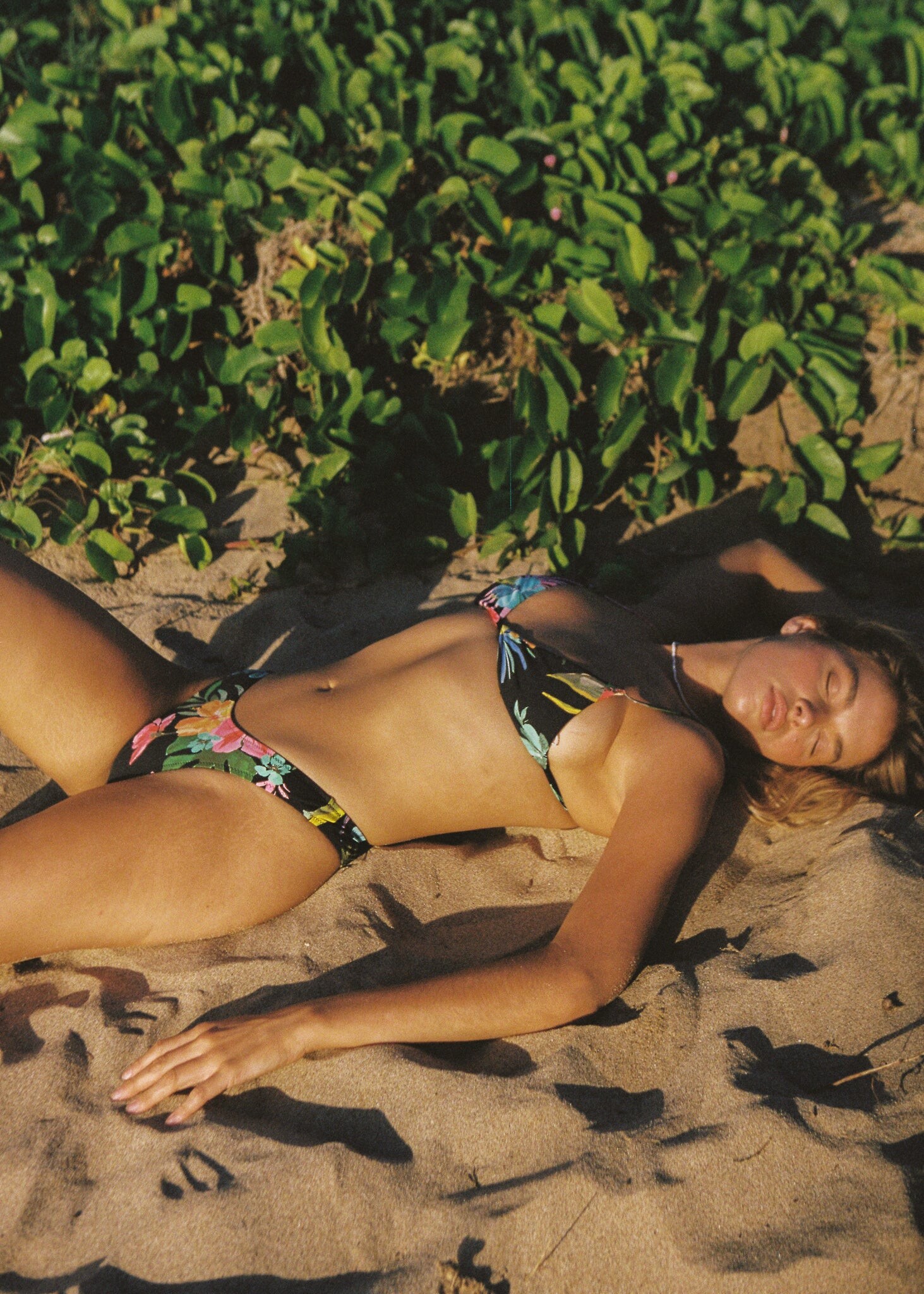
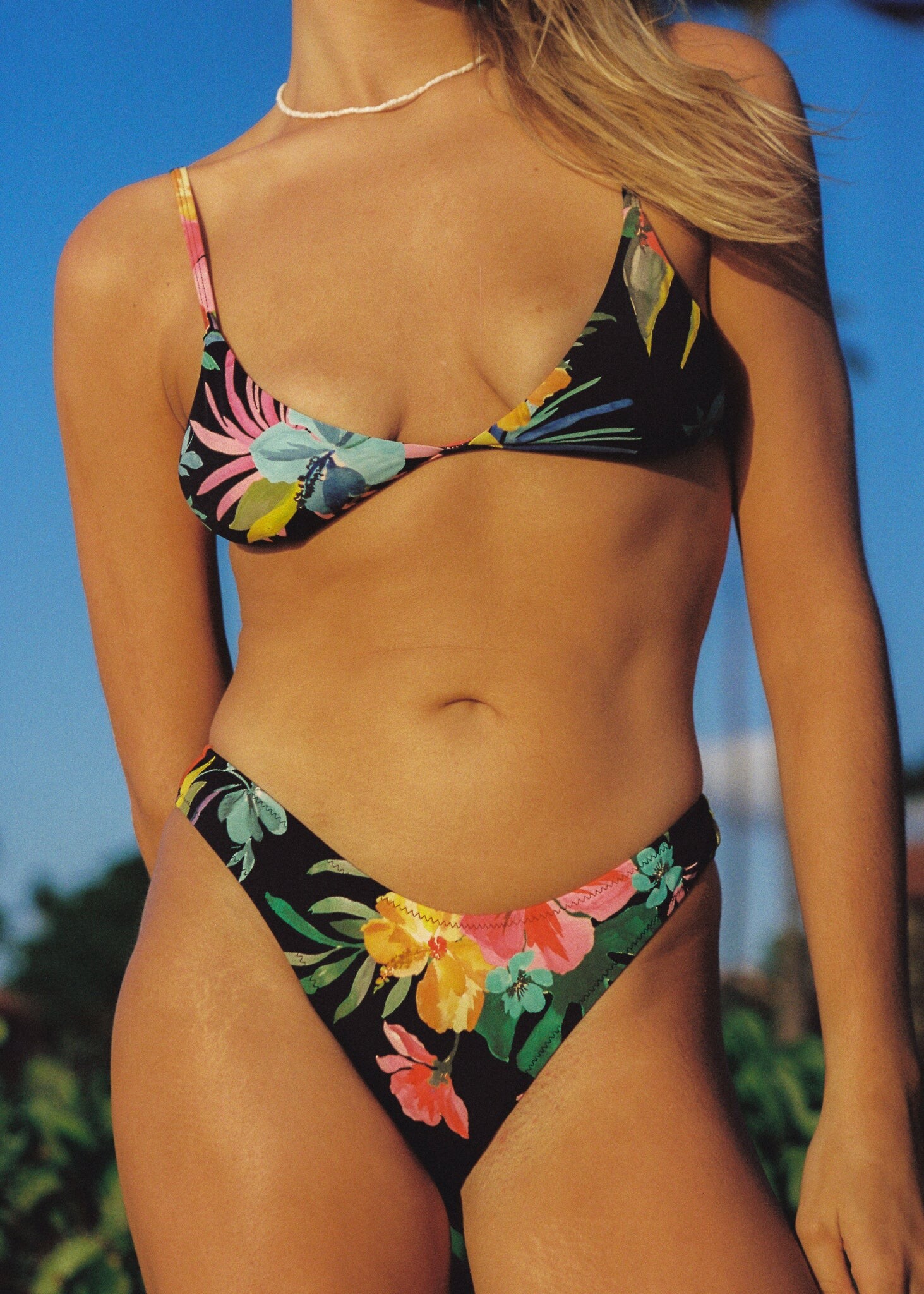
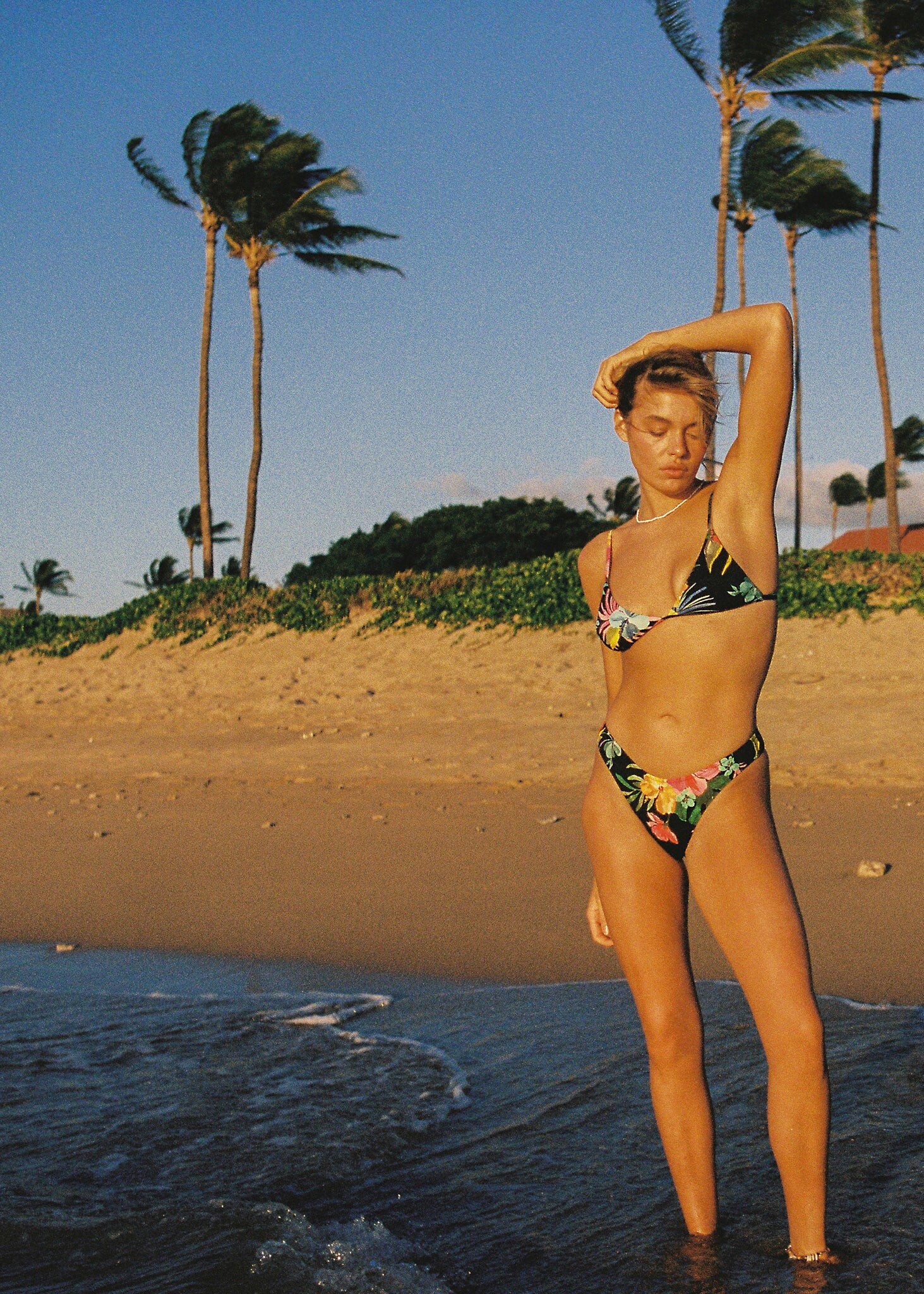
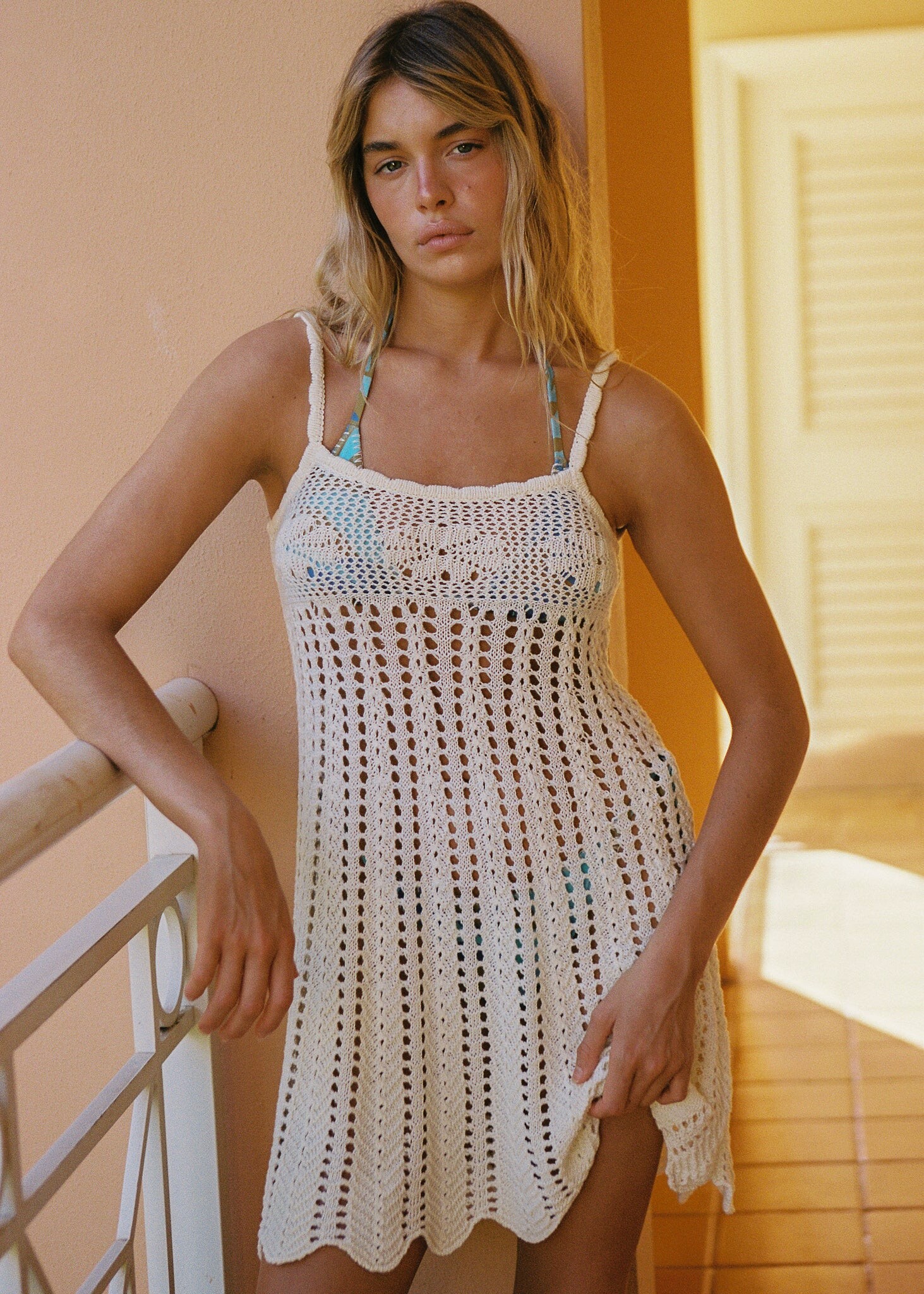
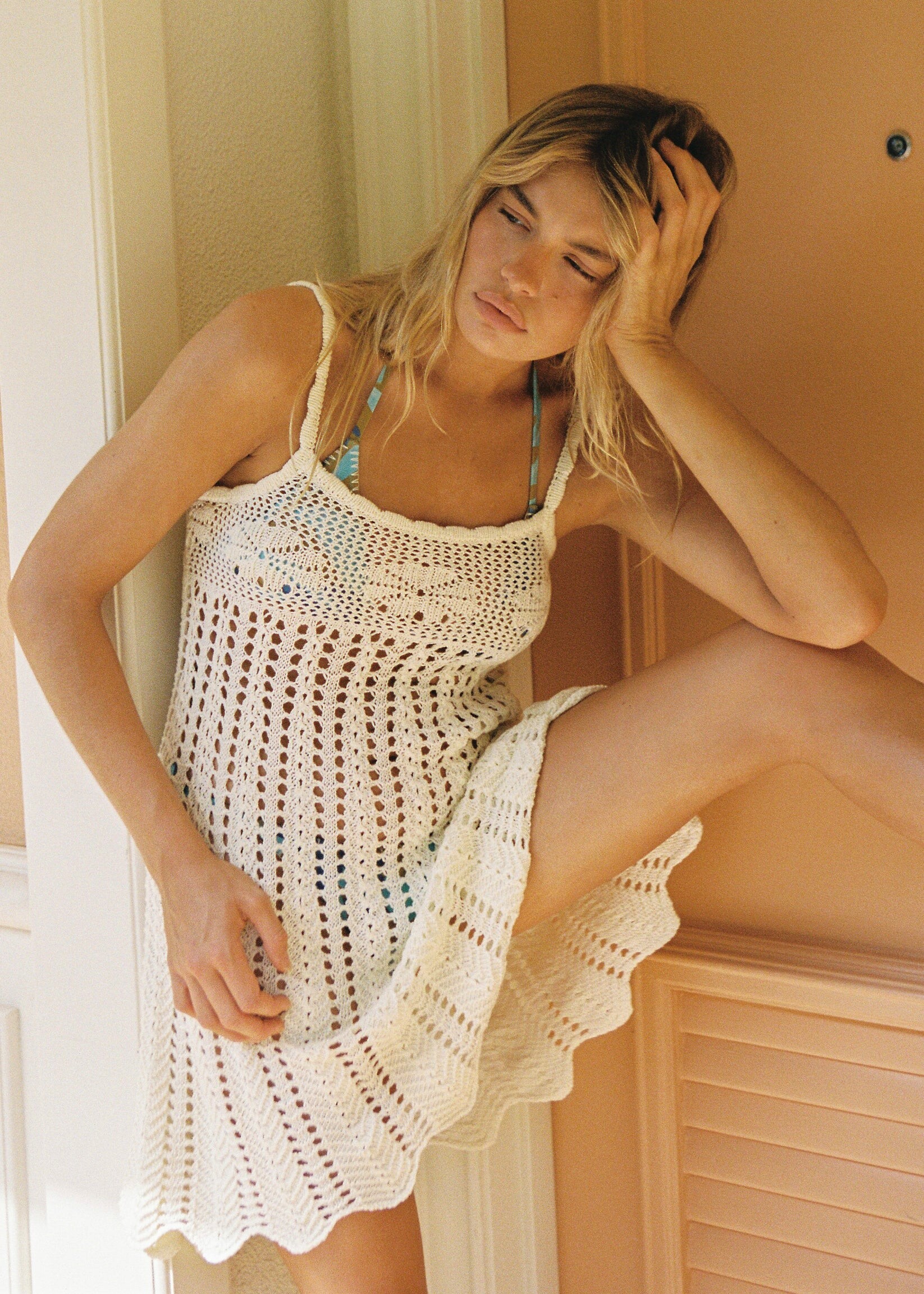
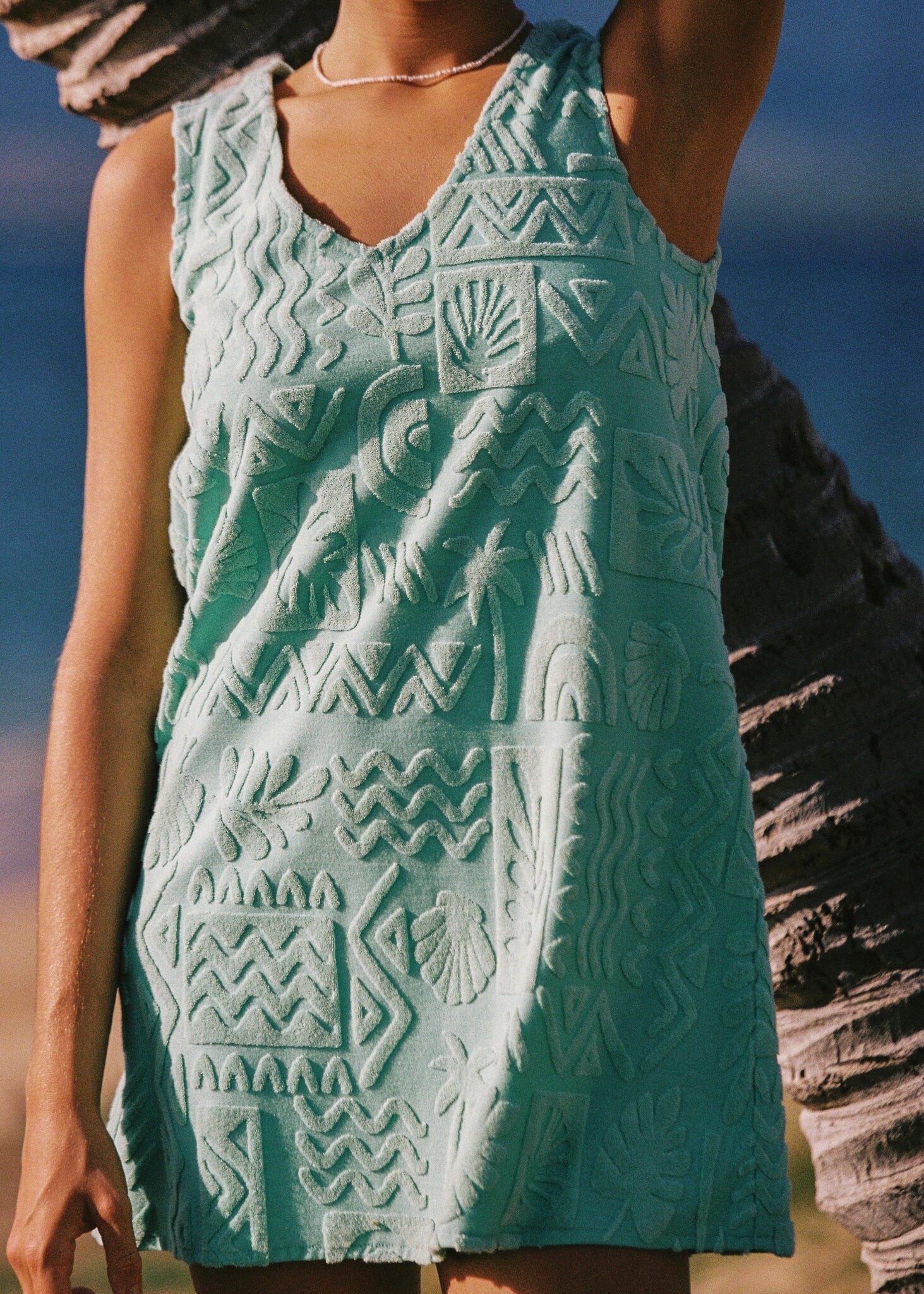
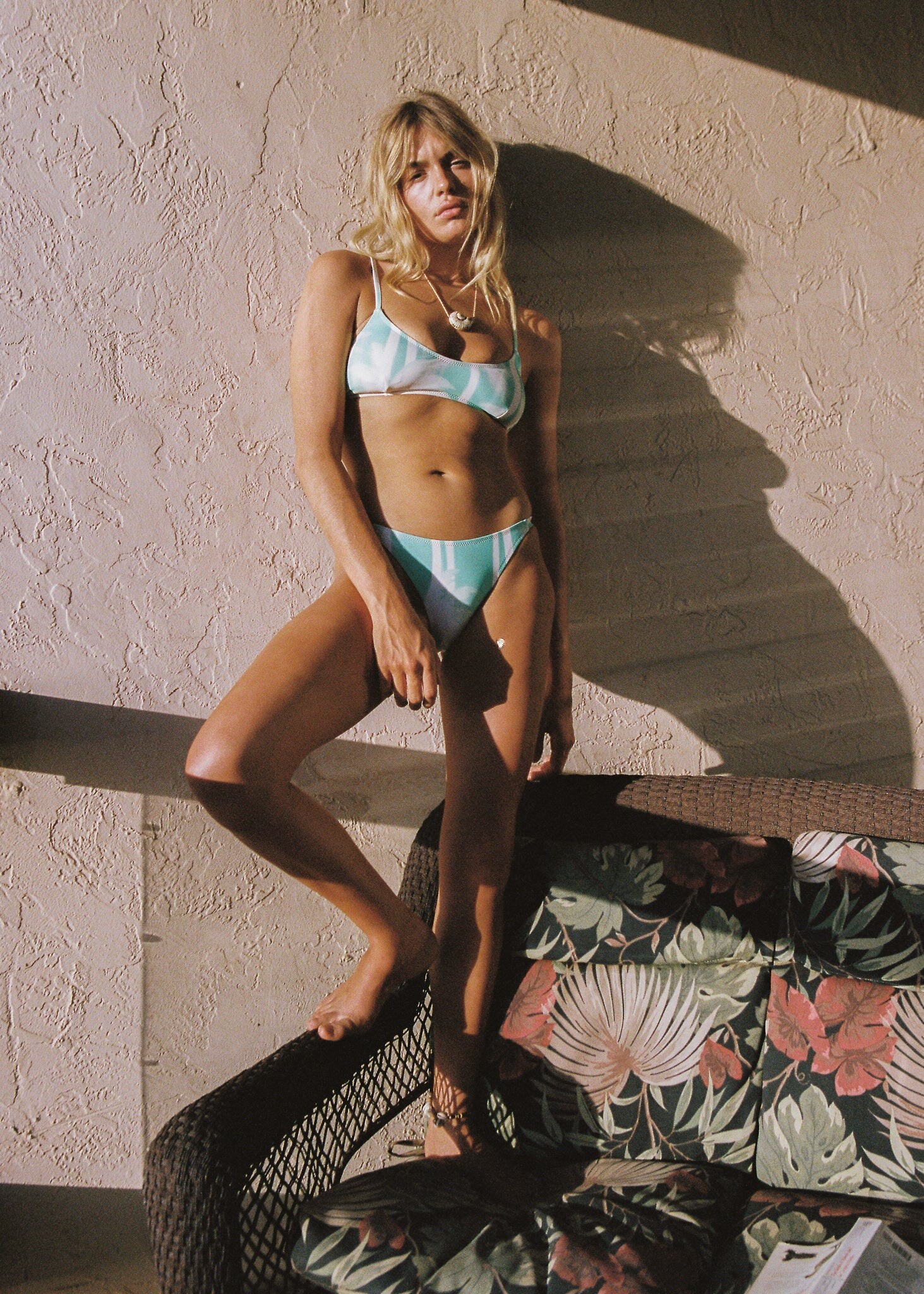
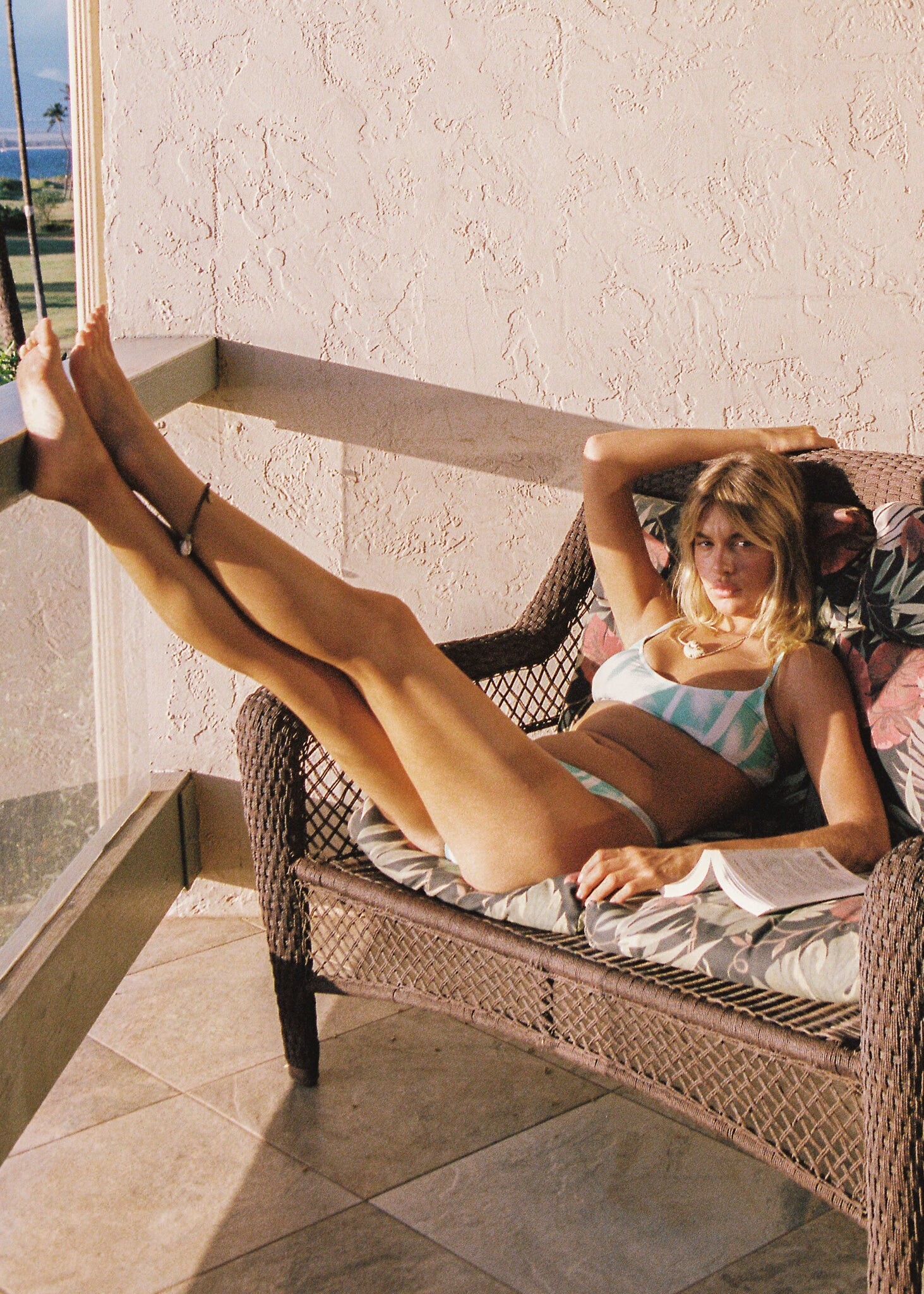
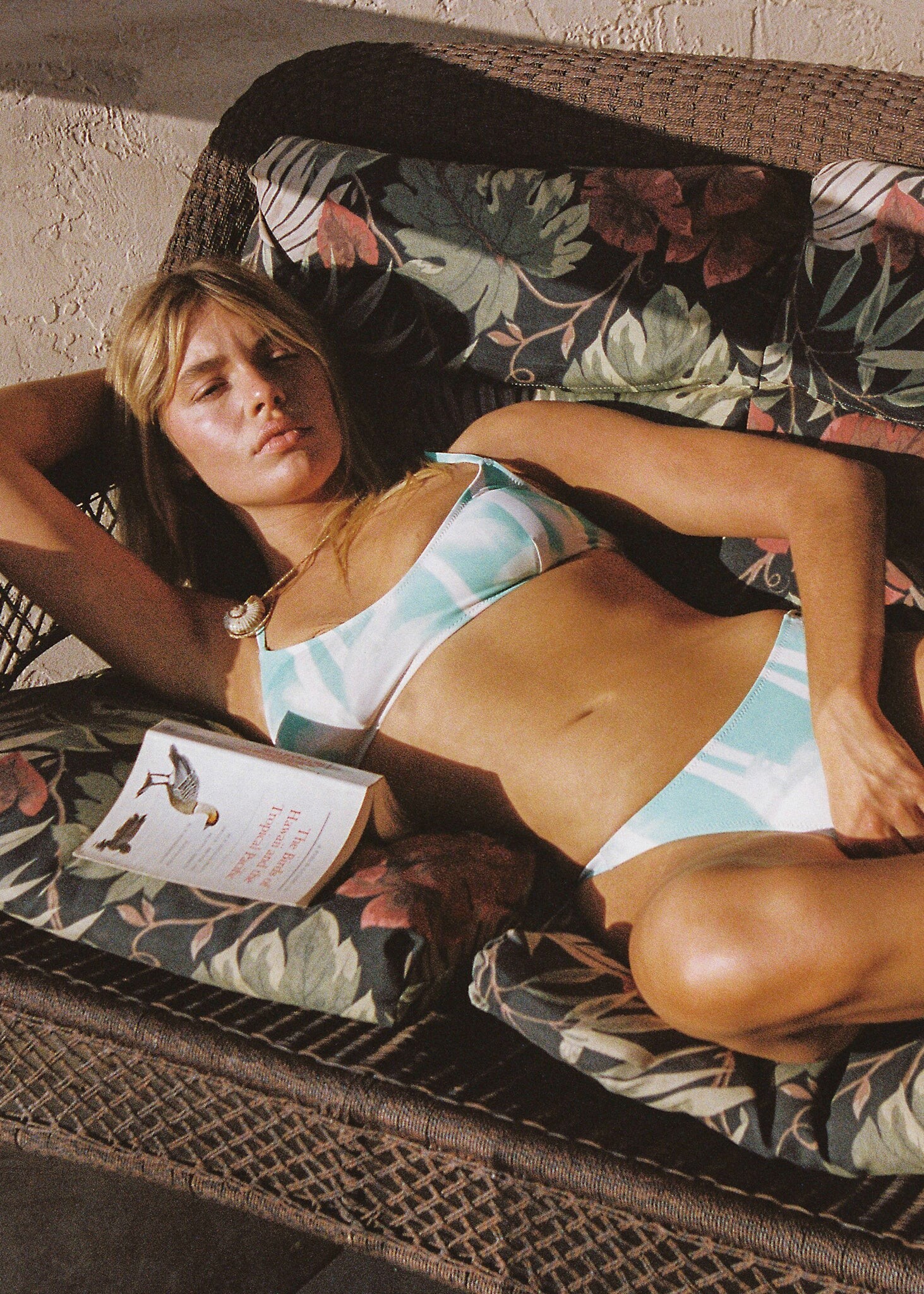
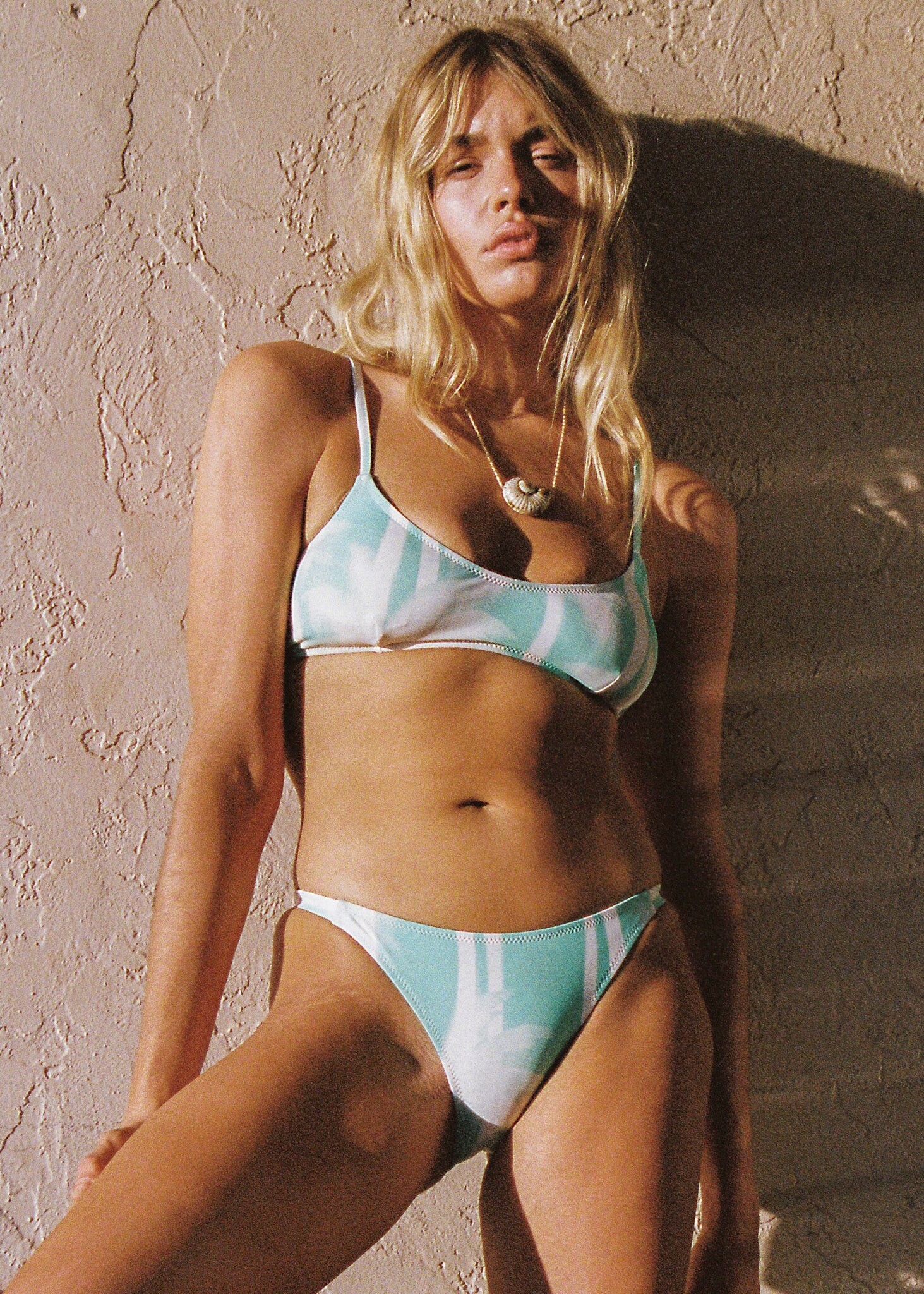
 VSFS Swim

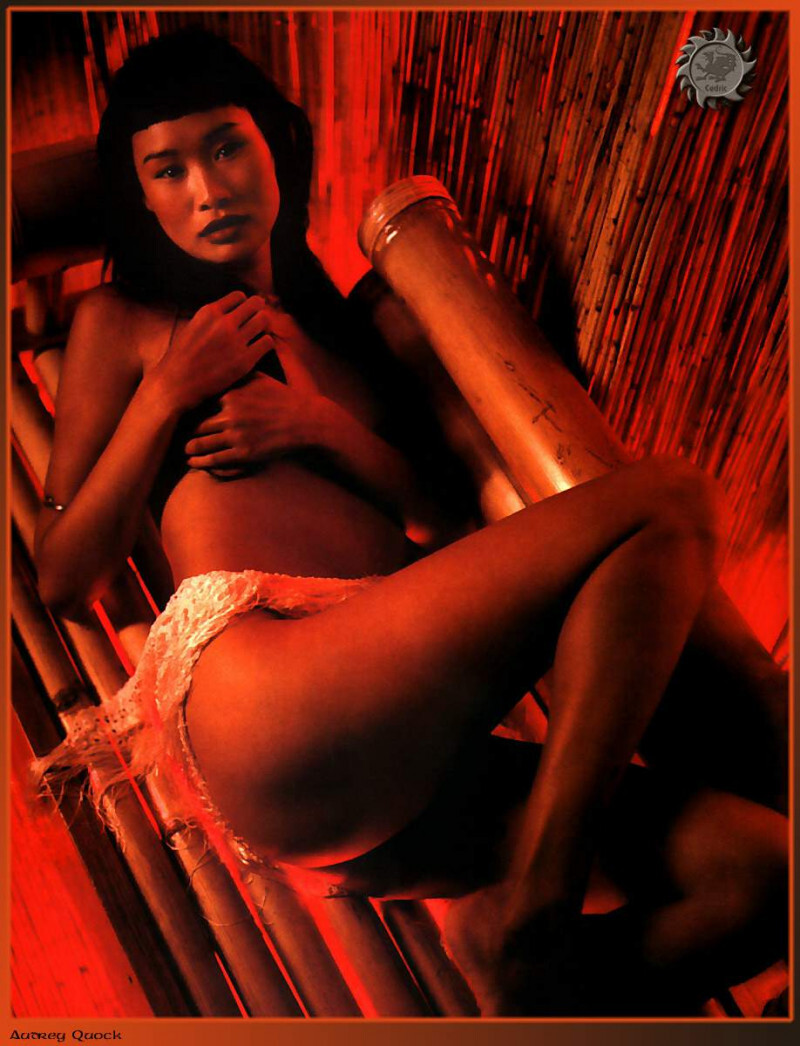
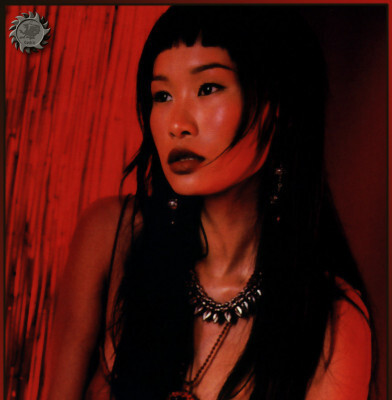
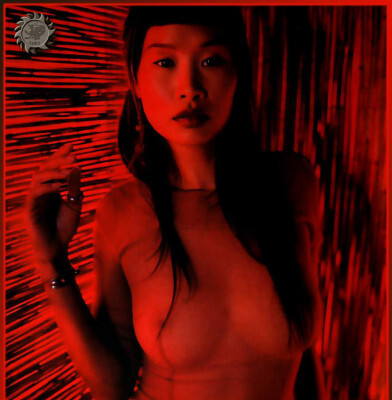
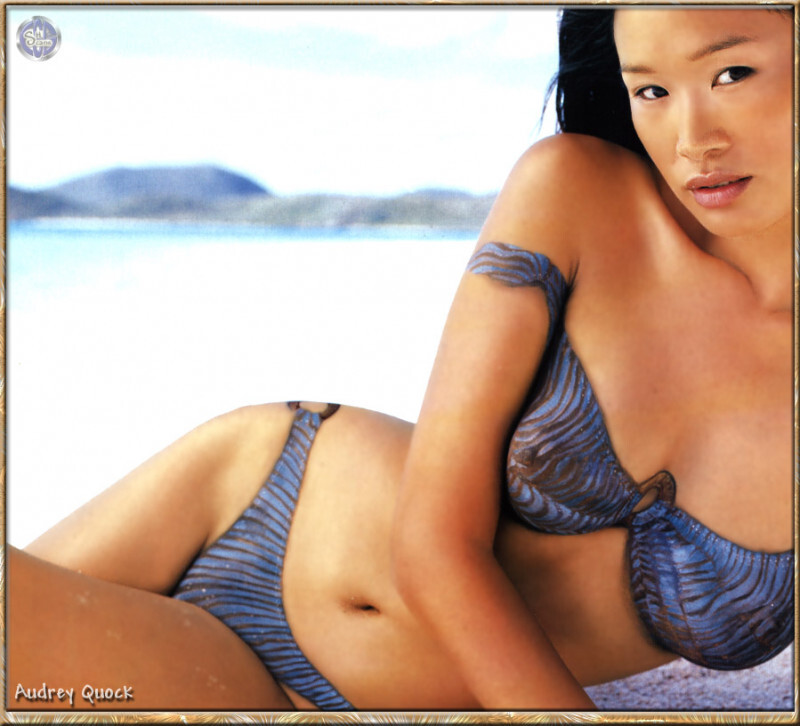
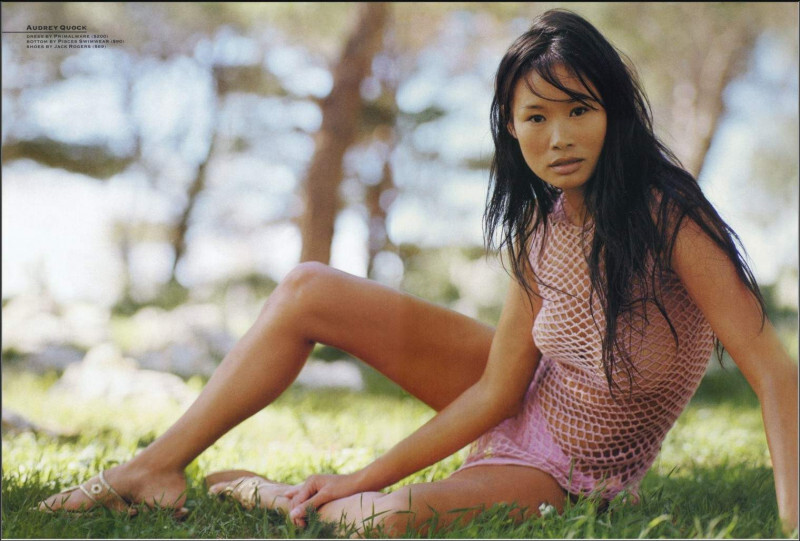
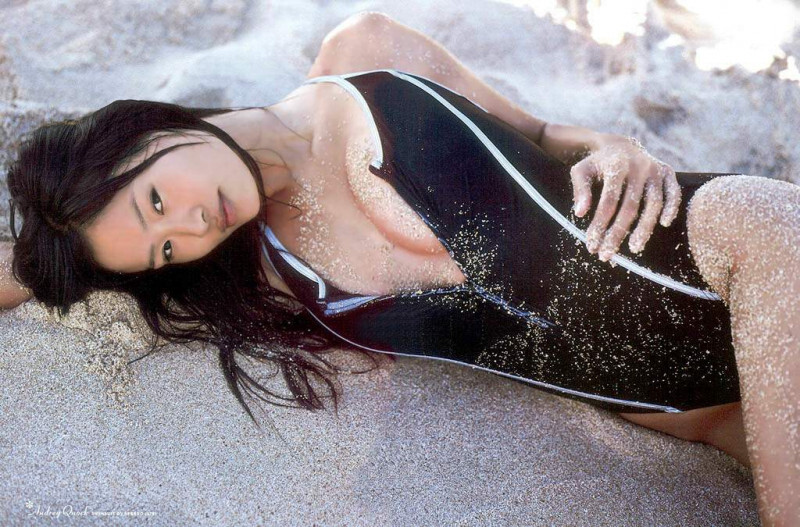
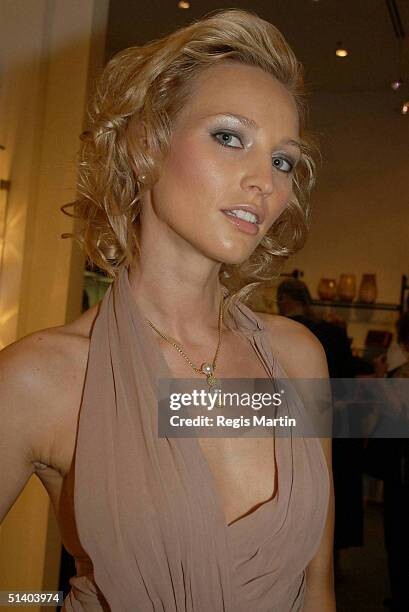
 Nationaly American Ethnicity: Chinese Height: 5'10/178cm Next Model Management - Paris New York Model Management * MC2 Model Management Advertisements: Bobbi Brown, Cover Girl, GAP, Shiseido Magazine Covers: 'Esquire' Fashion Shows: Hobbies: Notes: - She has two sisters and one brother. - Audrey has appeared alongside Richard Gere in the film "Autumn in New York," and in "Rush Hour II". - Audrey appeared in Sports Illustrated magazine.
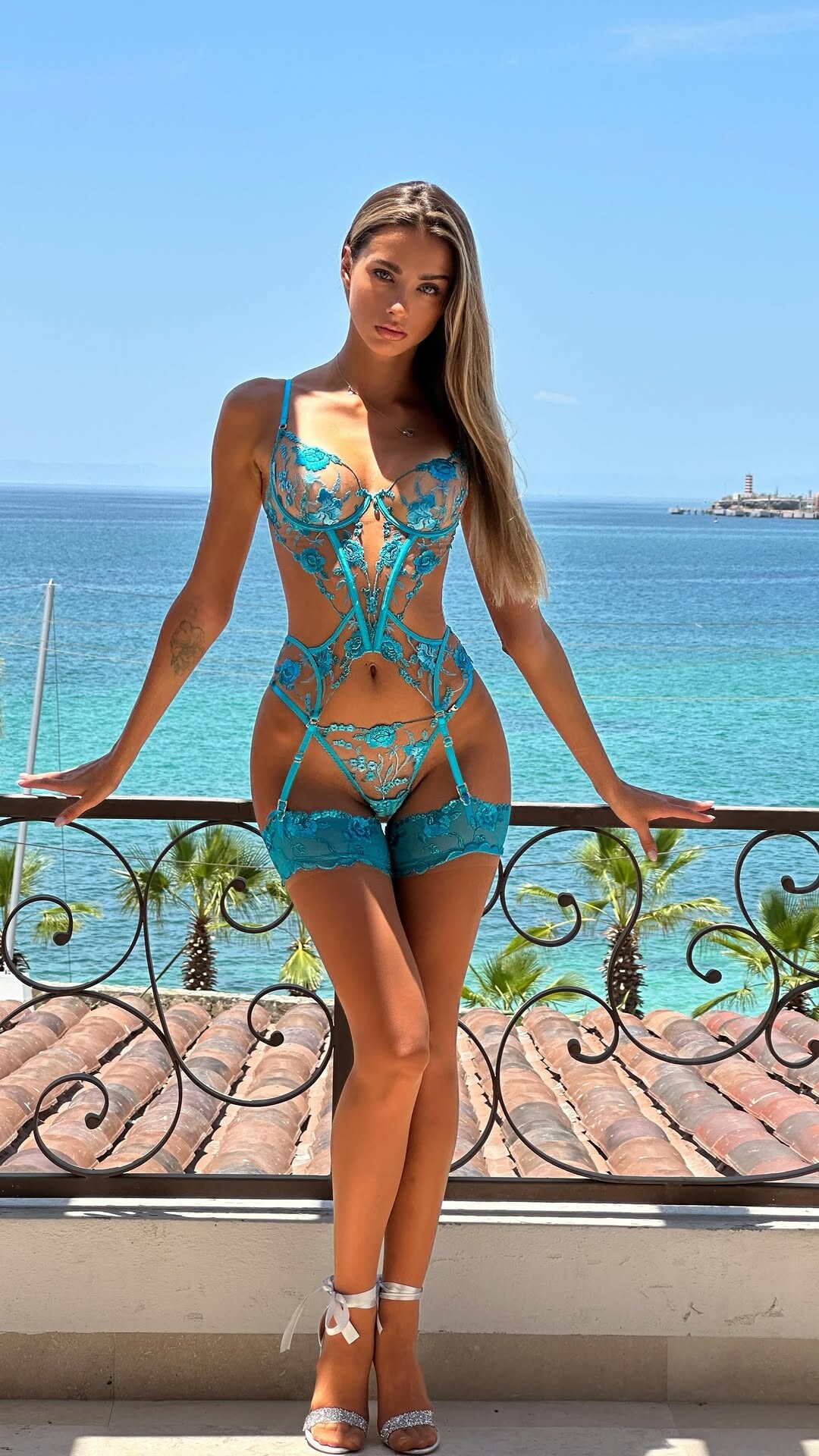
 Poolside Paradiso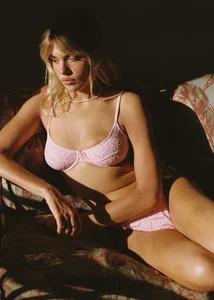





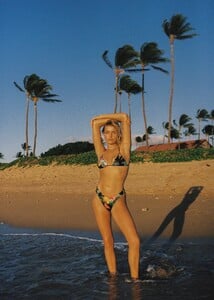










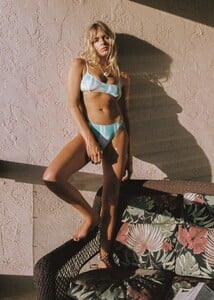
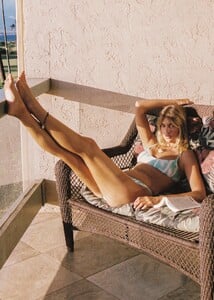
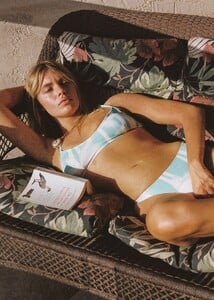


 Summer romance 🩵 video
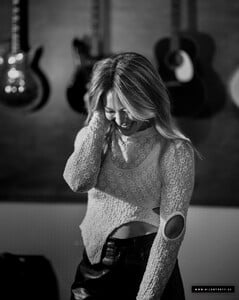
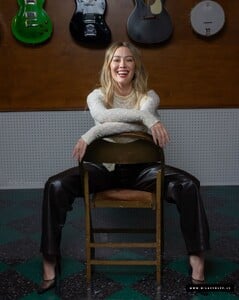
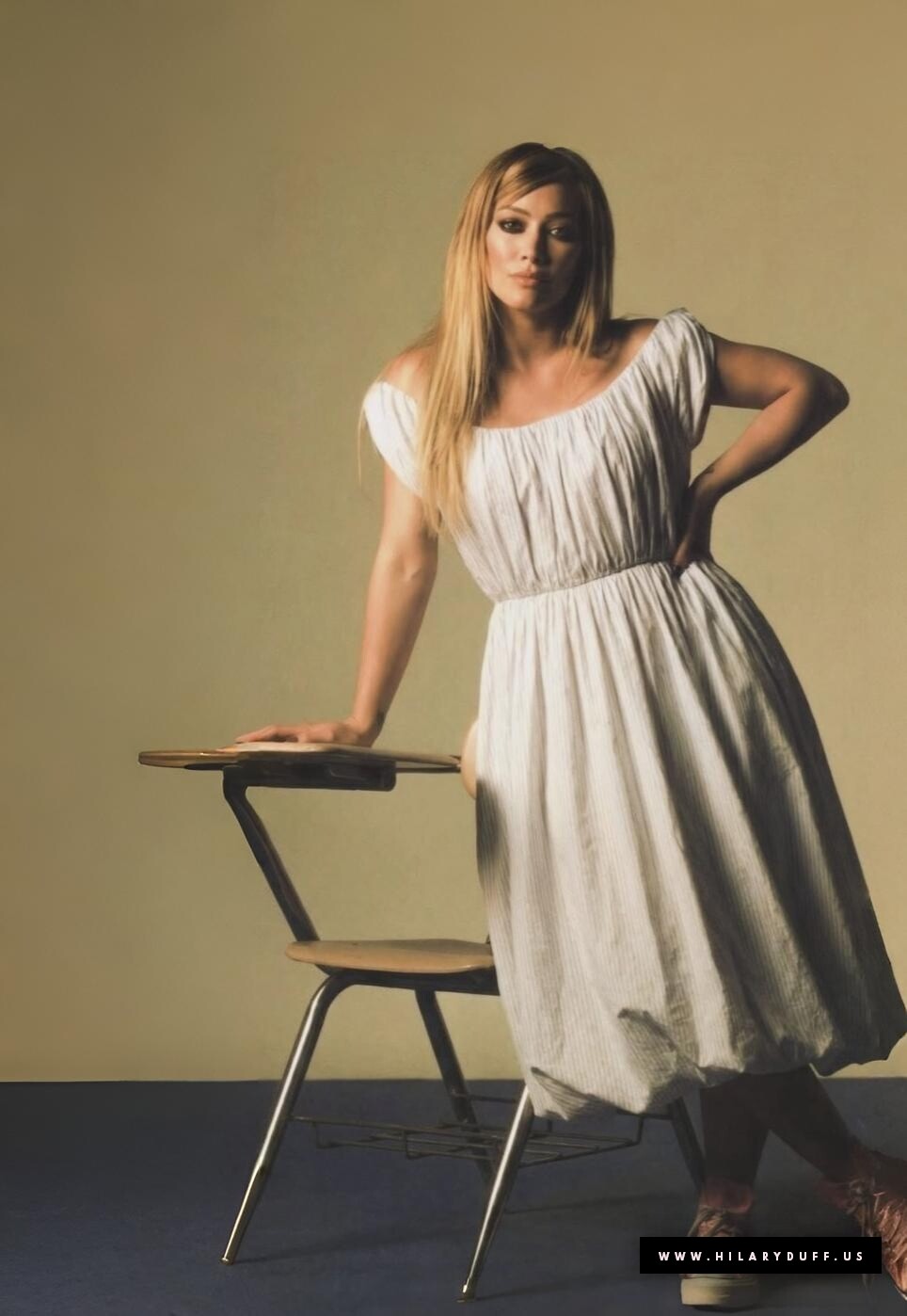
 Interview Magazine hilaryduff.us
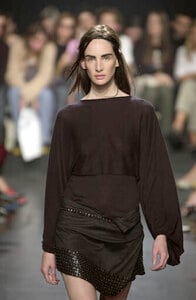
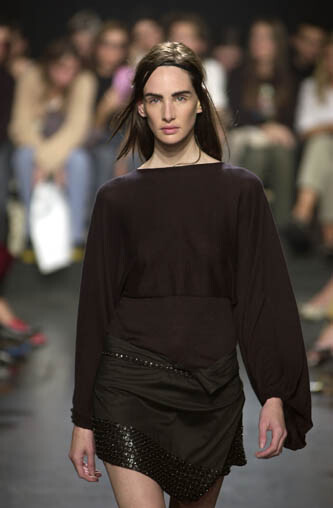
 ANN DEMEULEMEESTER S/S 2001


























































Account
Navigation
Search
Configure browser push notifications
Chrome (Android)
- Tap the lock icon next to the address bar.
- Tap Permissions → Notifications.
- Adjust your preference.
Chrome (Desktop)
- Click the padlock icon in the address bar.
- Select Site settings.
- Find Notifications and adjust your preference.
Safari (iOS 16.4+)
- Ensure the site is installed via Add to Home Screen.
- Open Settings App → Notifications.
- Find your app name and adjust your preference.
Safari (macOS)
- Go to Safari → Preferences.
- Click the Websites tab.
- Select Notifications in the sidebar.
- Find this website and adjust your preference.
Edge (Android)
- Tap the lock icon next to the address bar.
- Tap Permissions.
- Find Notifications and adjust your preference.
Edge (Desktop)
- Click the padlock icon in the address bar.
- Click Permissions for this site.
- Find Notifications and adjust your preference.
Firefox (Android)
- Go to Settings → Site permissions.
- Tap Notifications.
- Find this site in the list and adjust your preference.
Firefox (Desktop)
- Open Firefox Settings.
- Search for Notifications.
- Find this site in the list and adjust your preference.