All Activity
- Past hour
-

-

-

-

-
-
-
 For the broken links substitute postimg.org for postimg.cc in the links URLs
 -
-

-
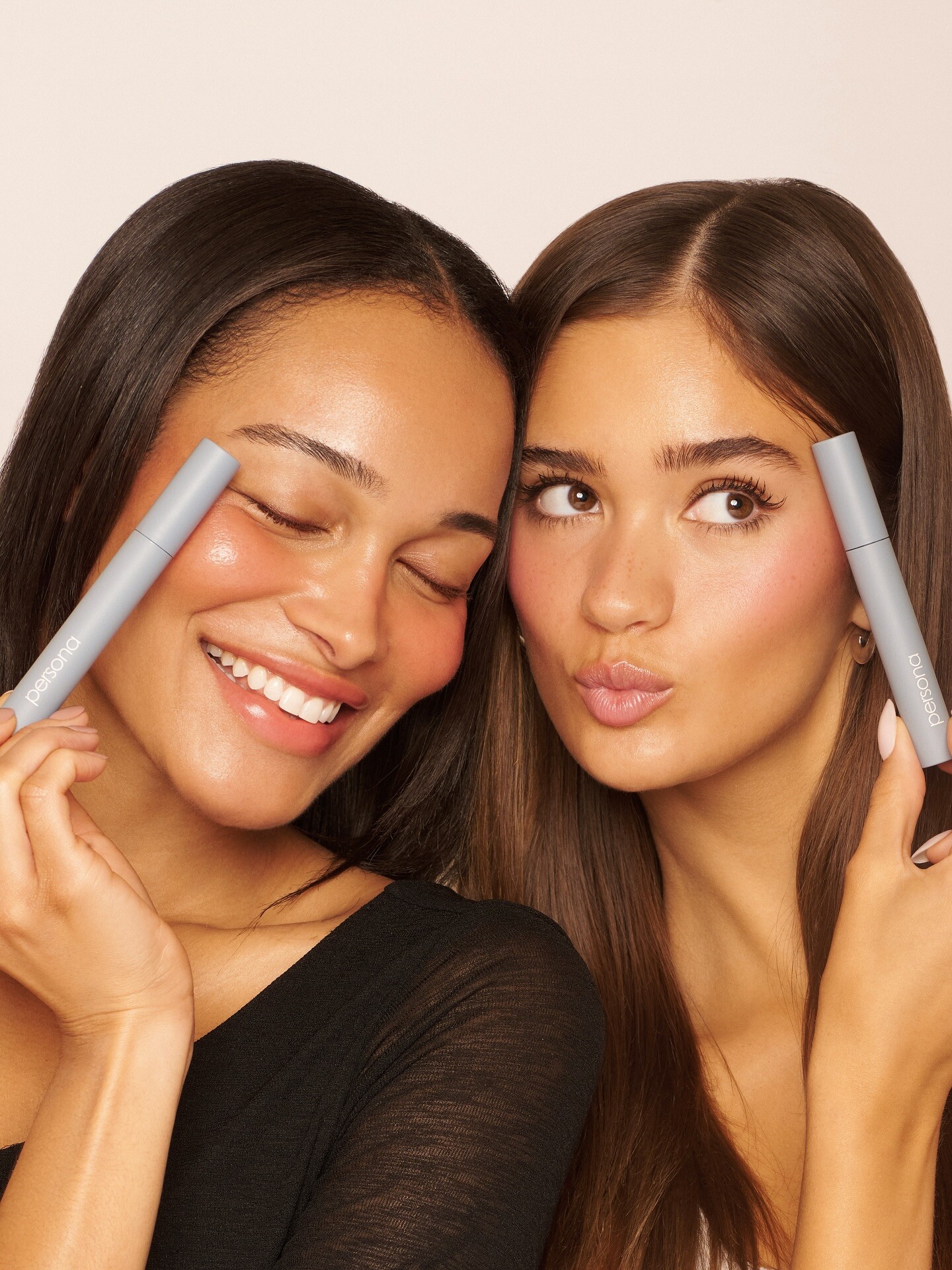
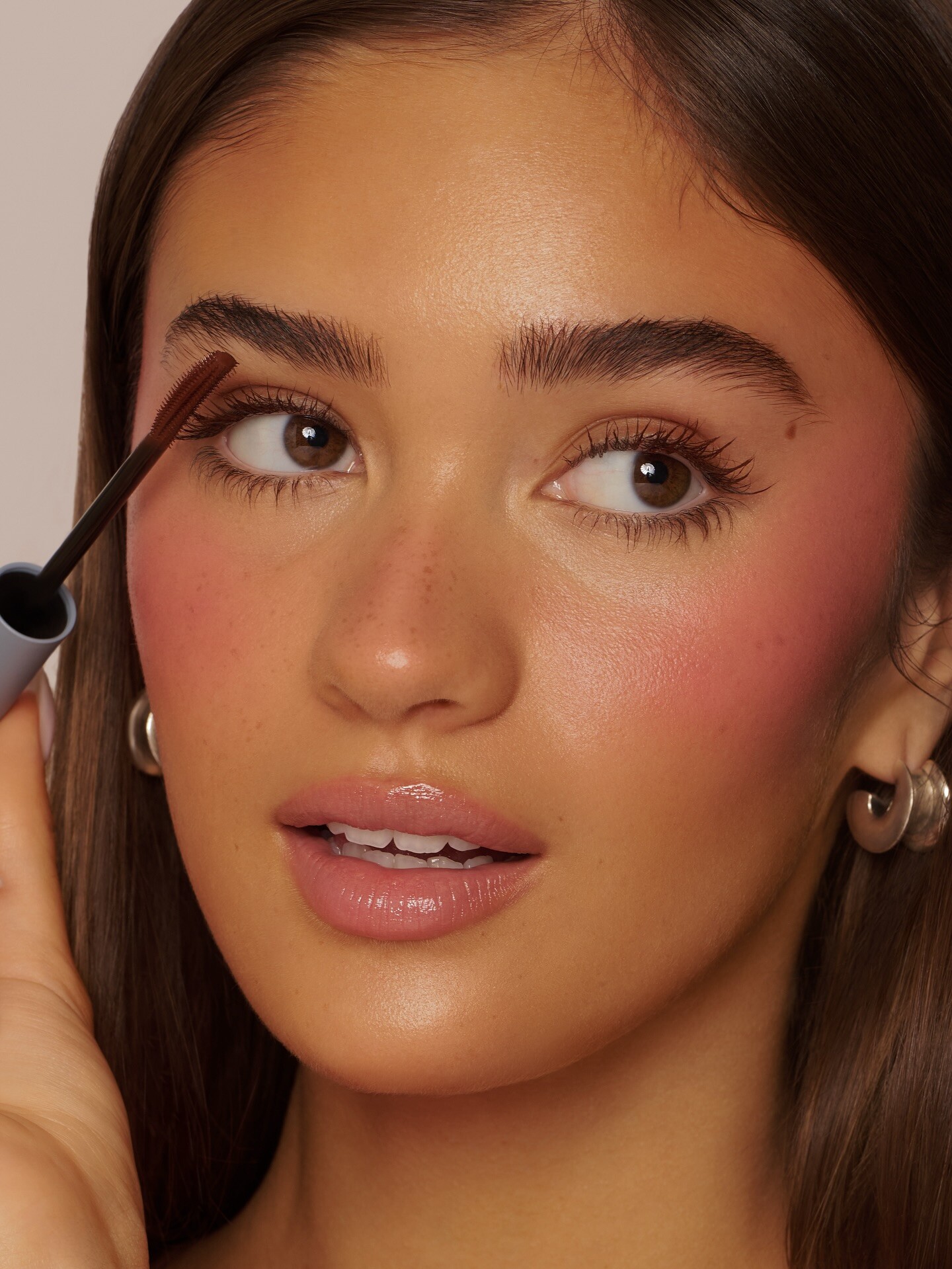
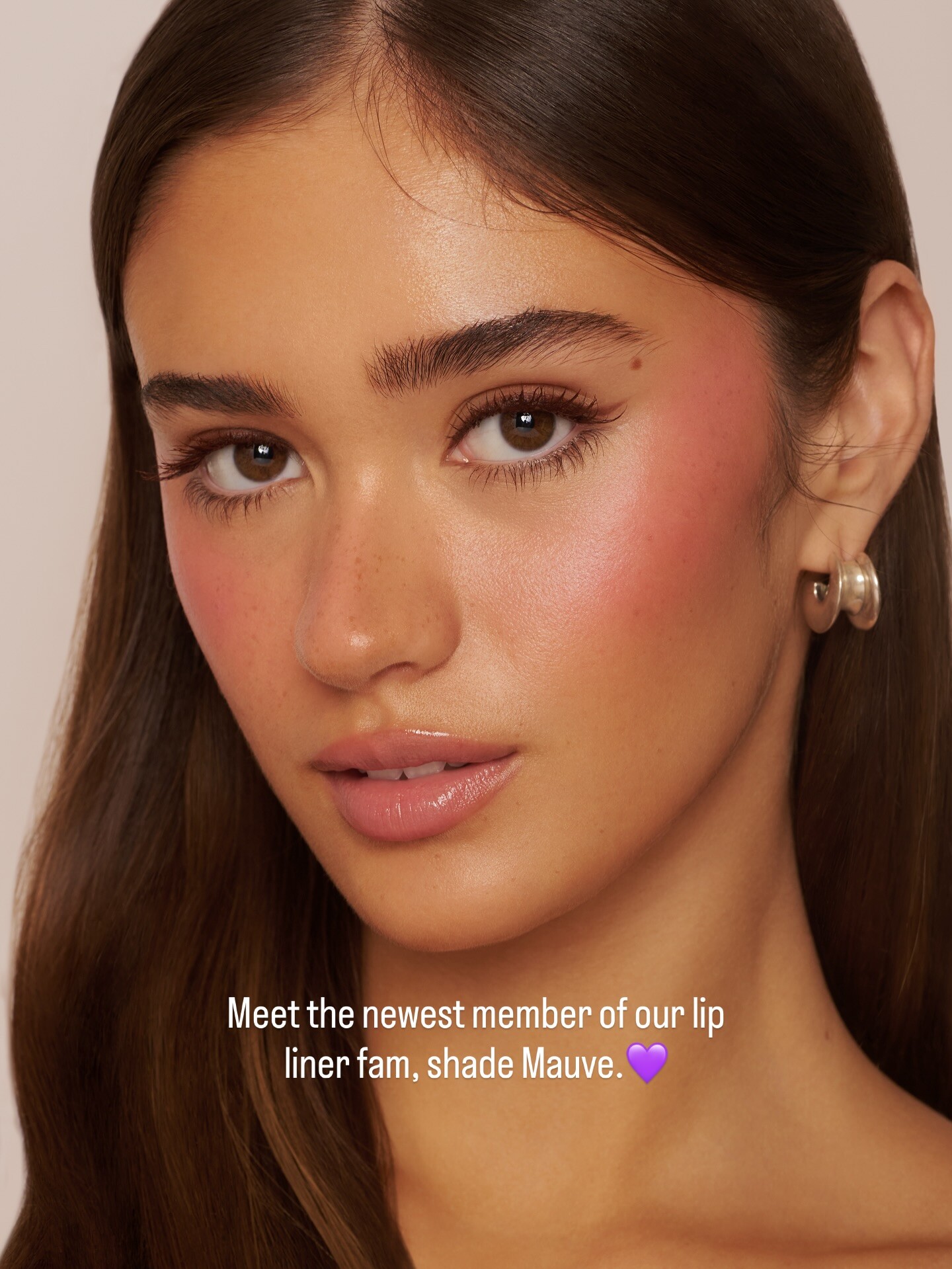
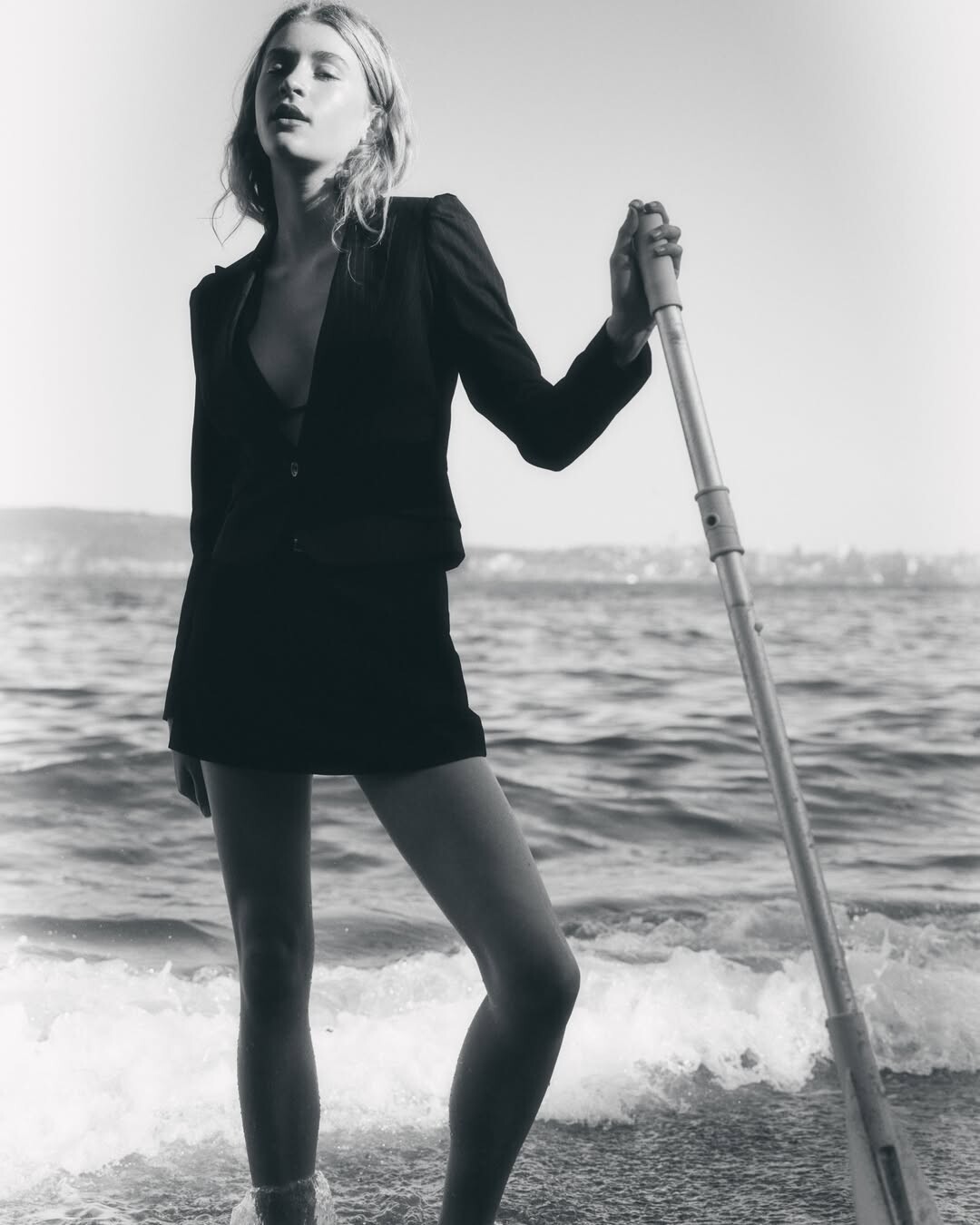
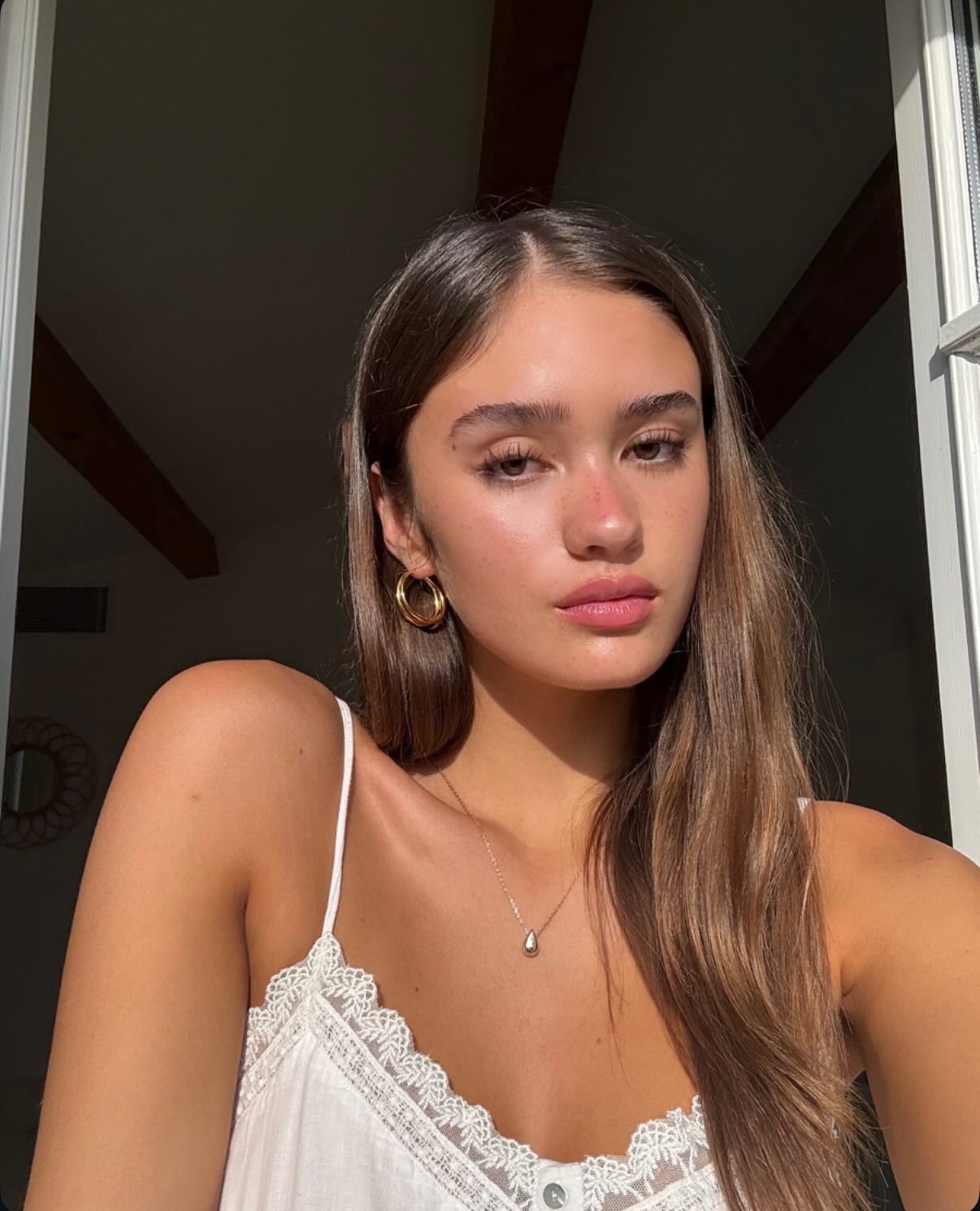
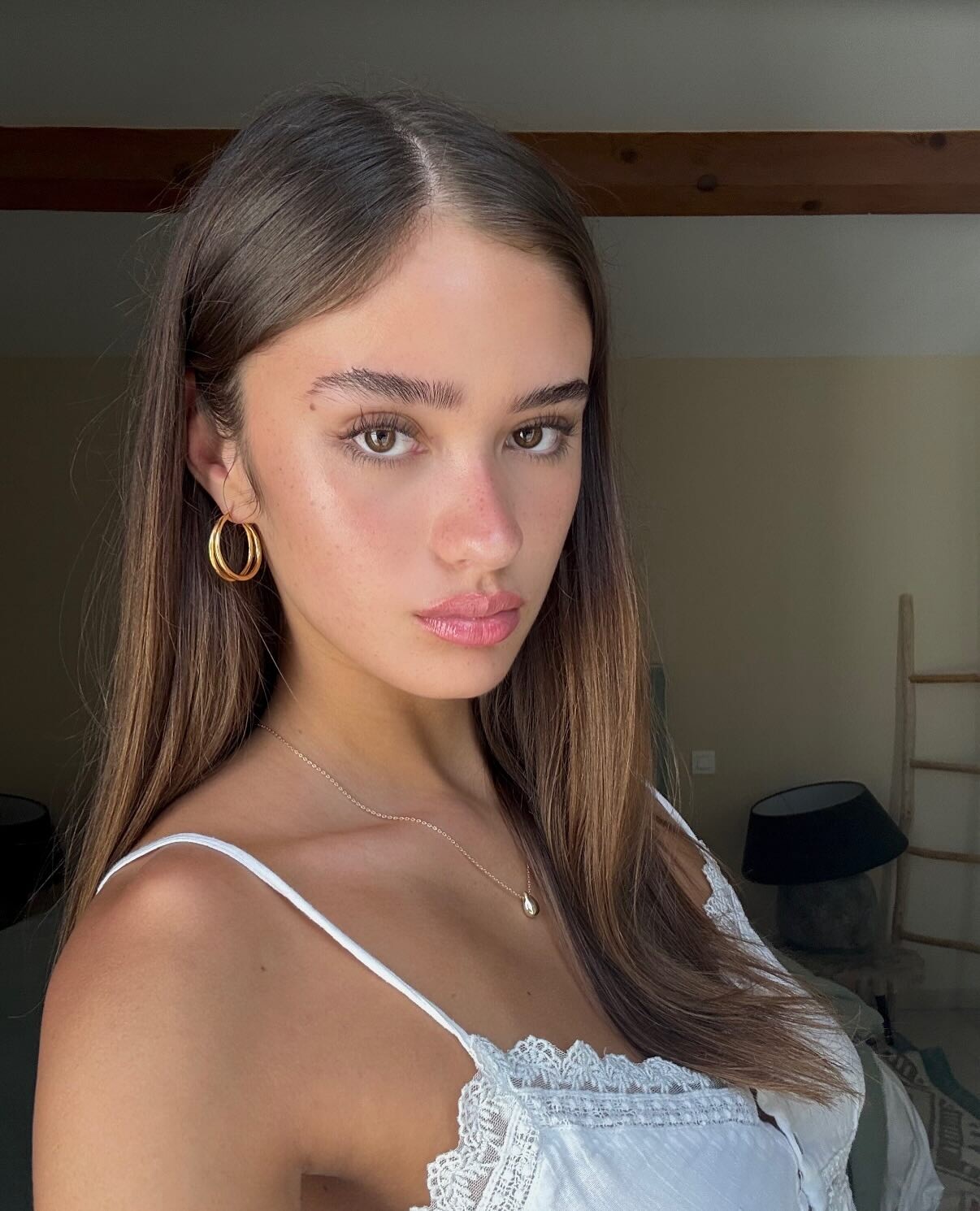
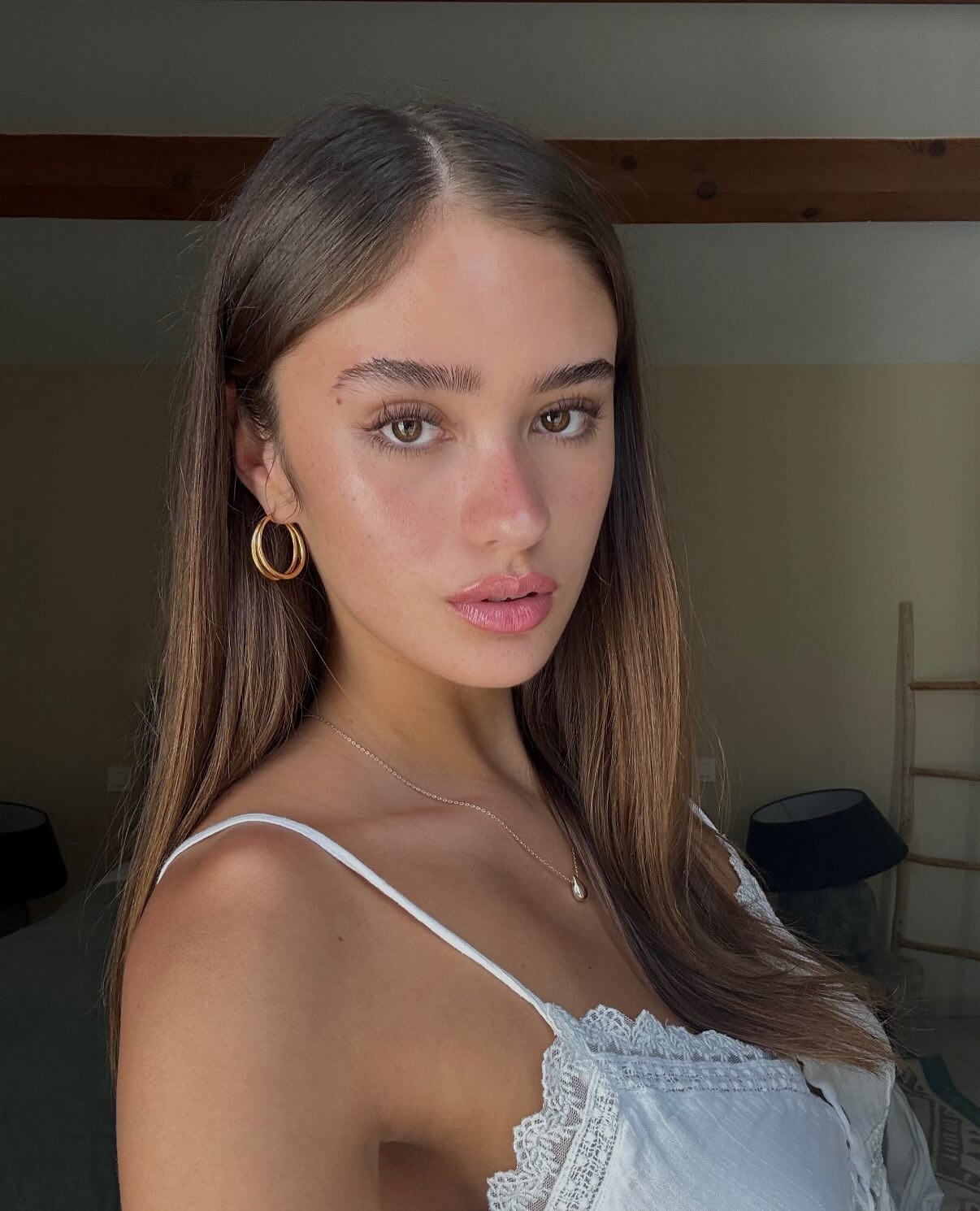
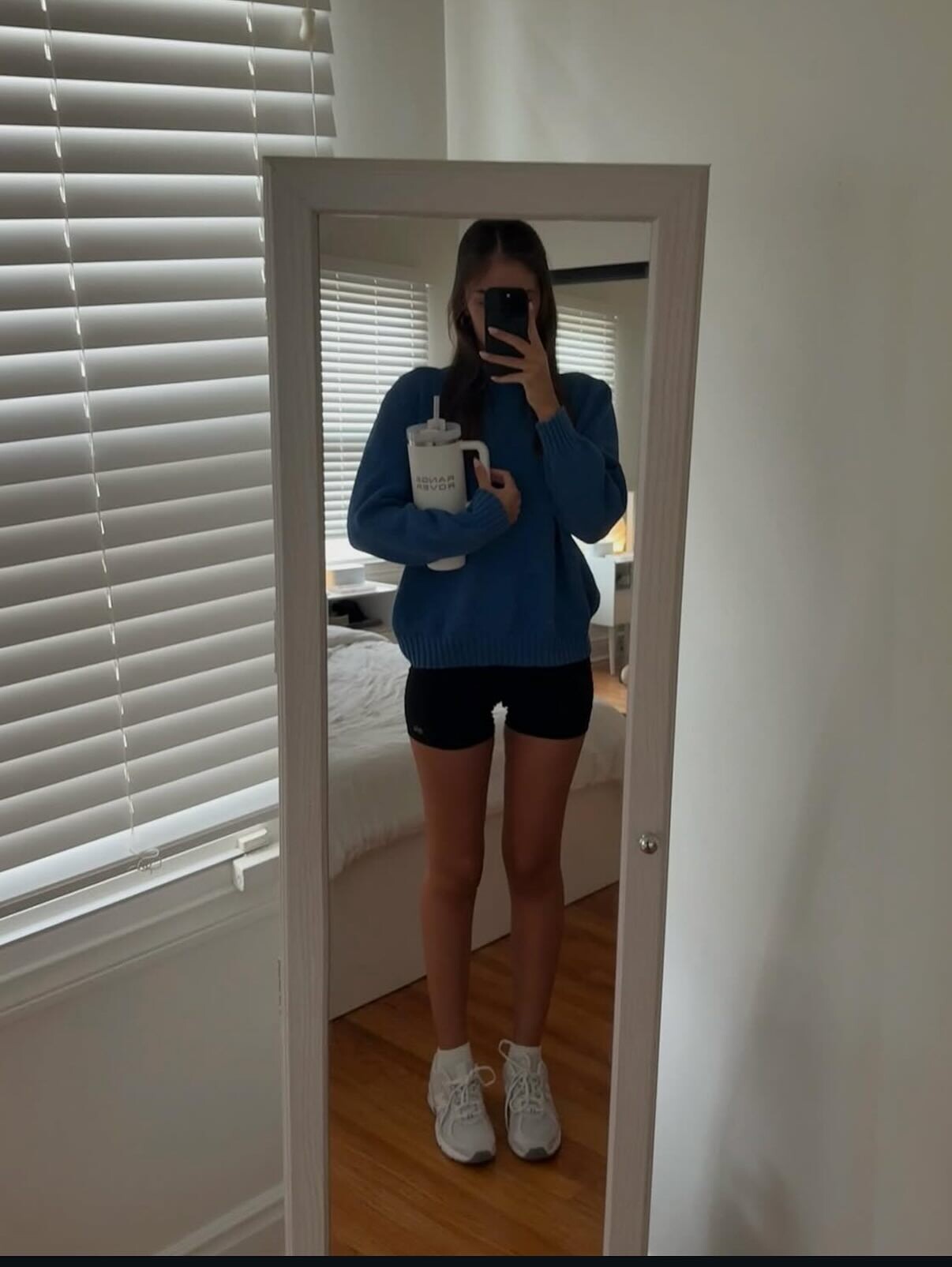
 Persona Cosmetics IG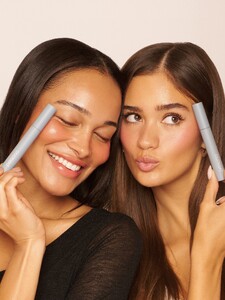
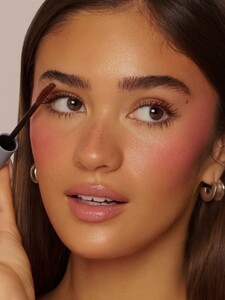
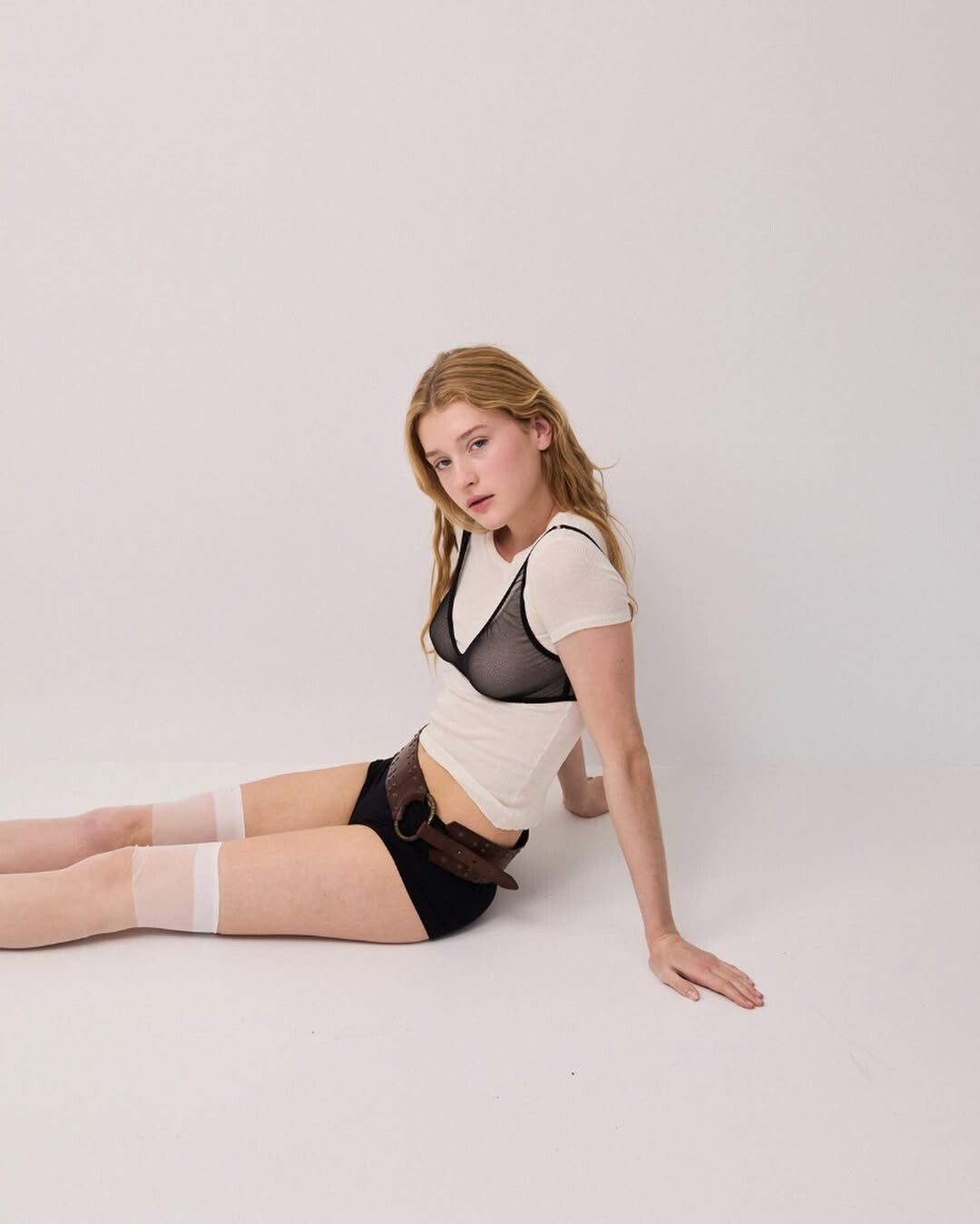
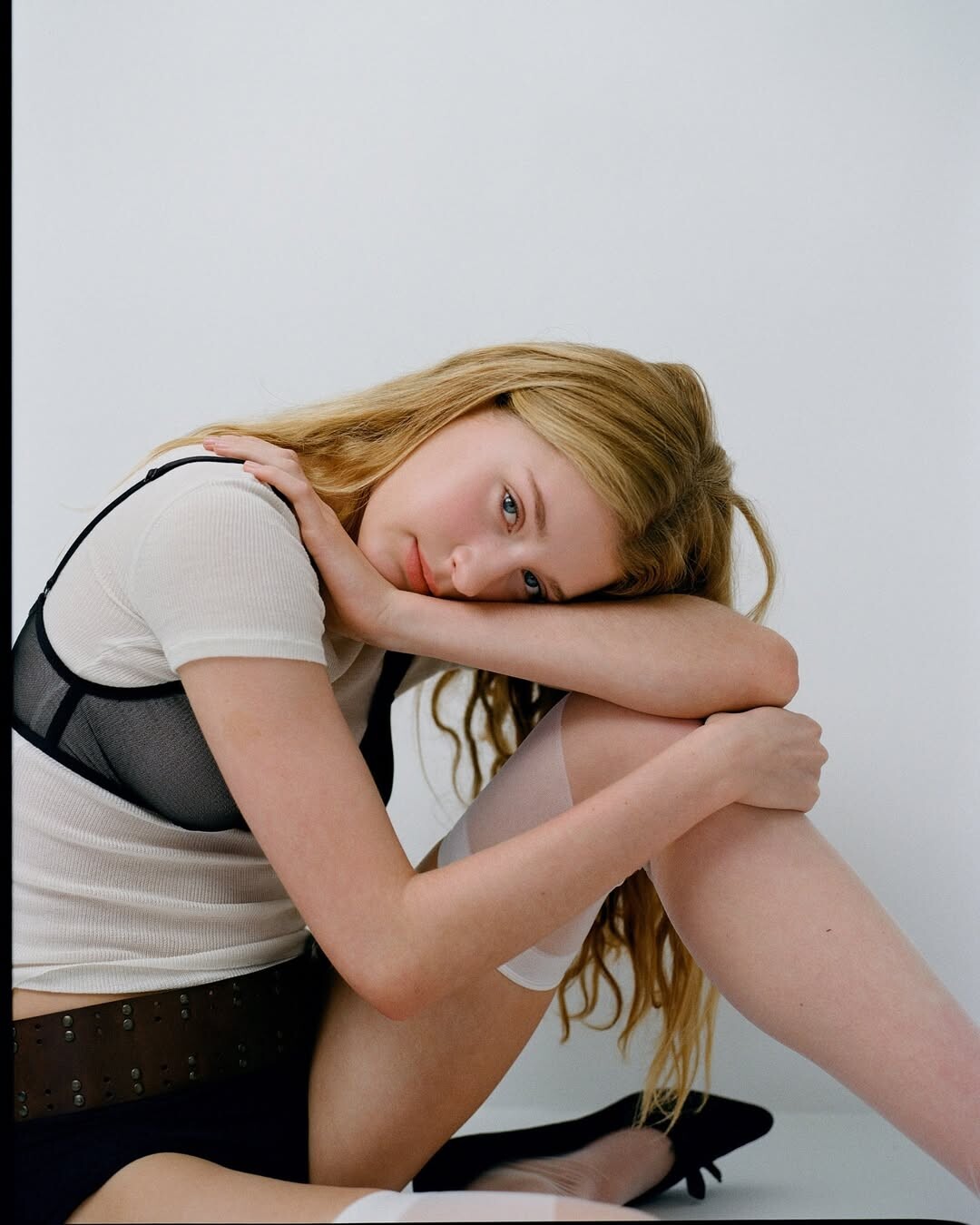
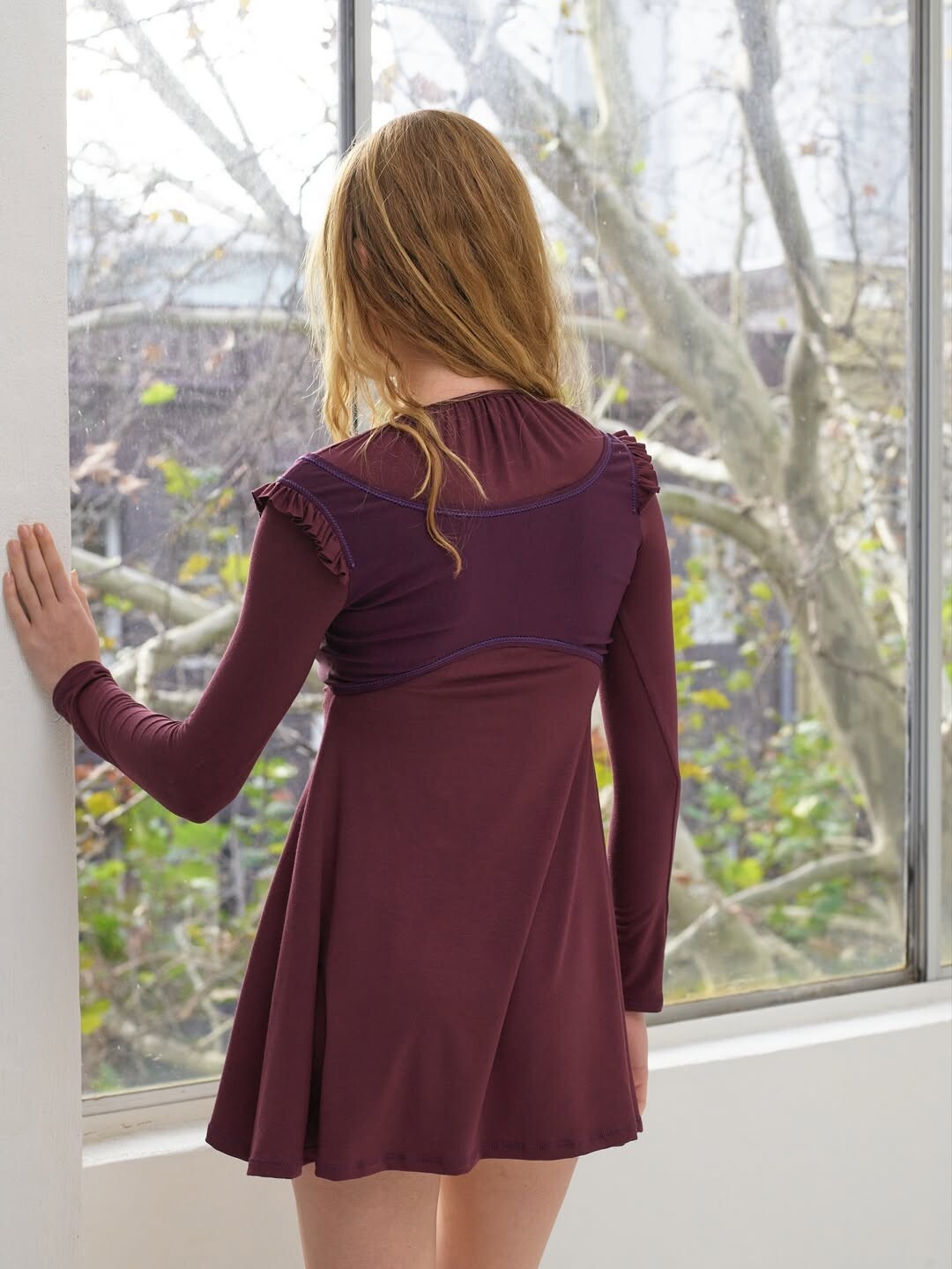
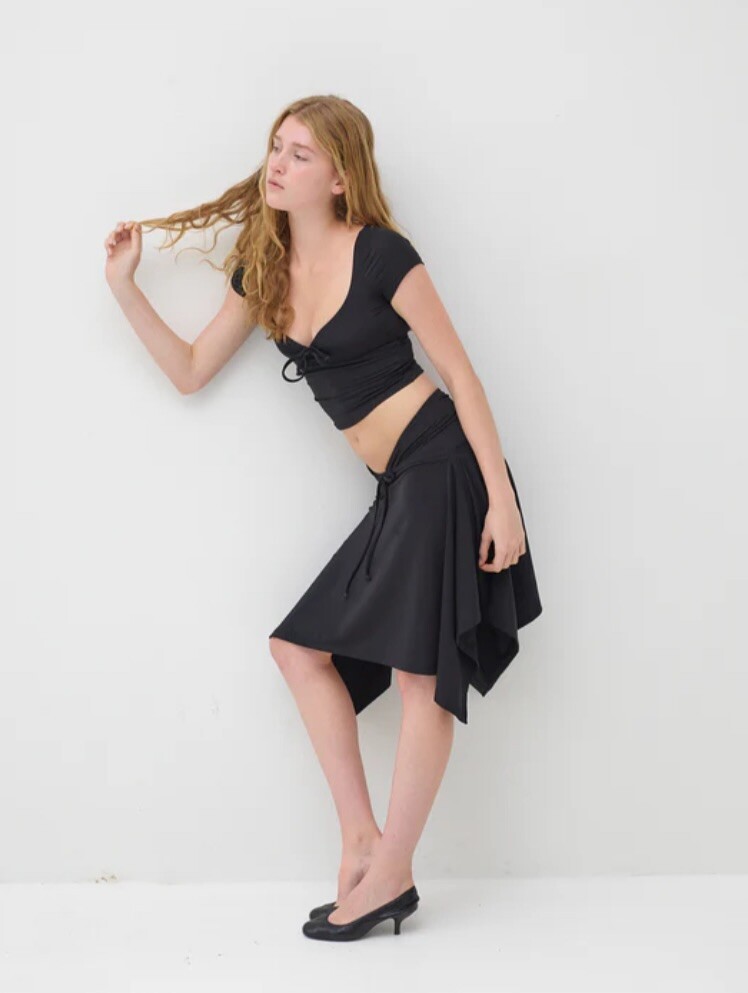
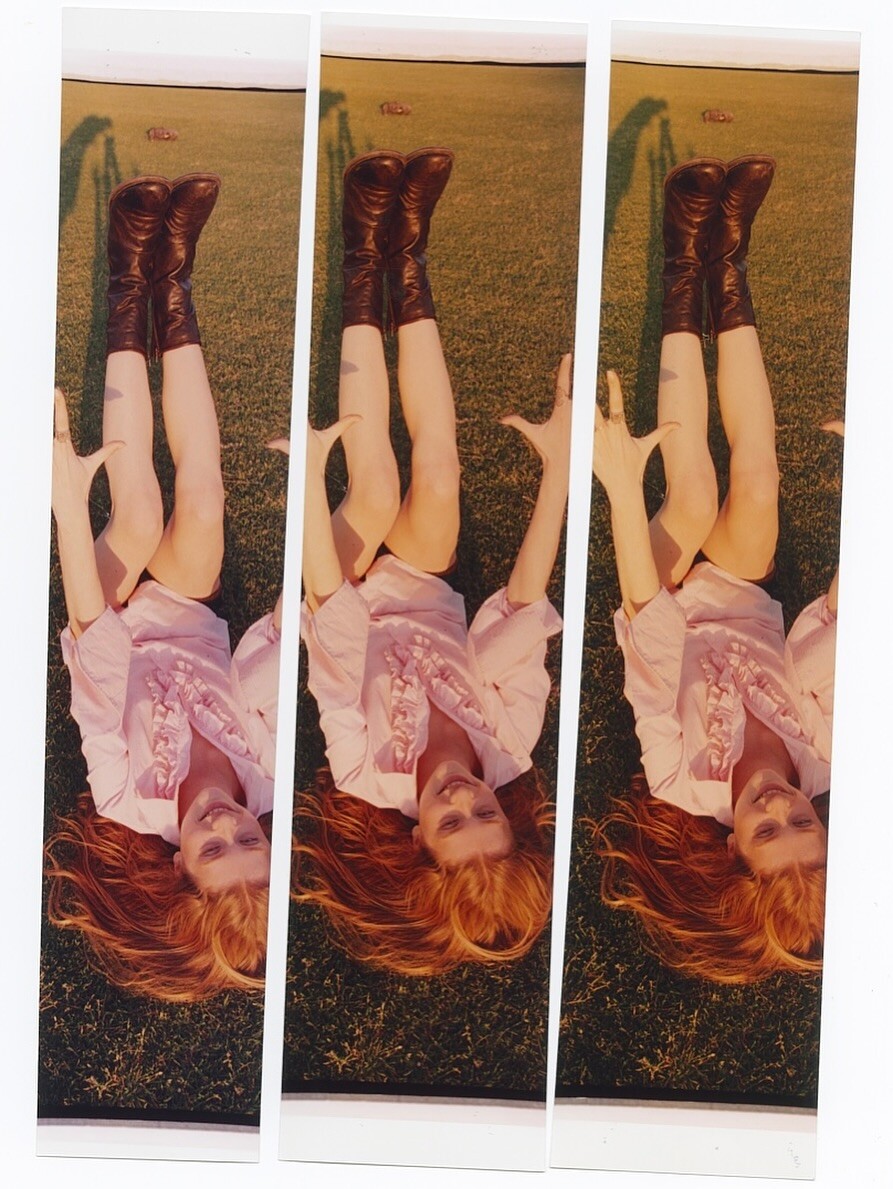
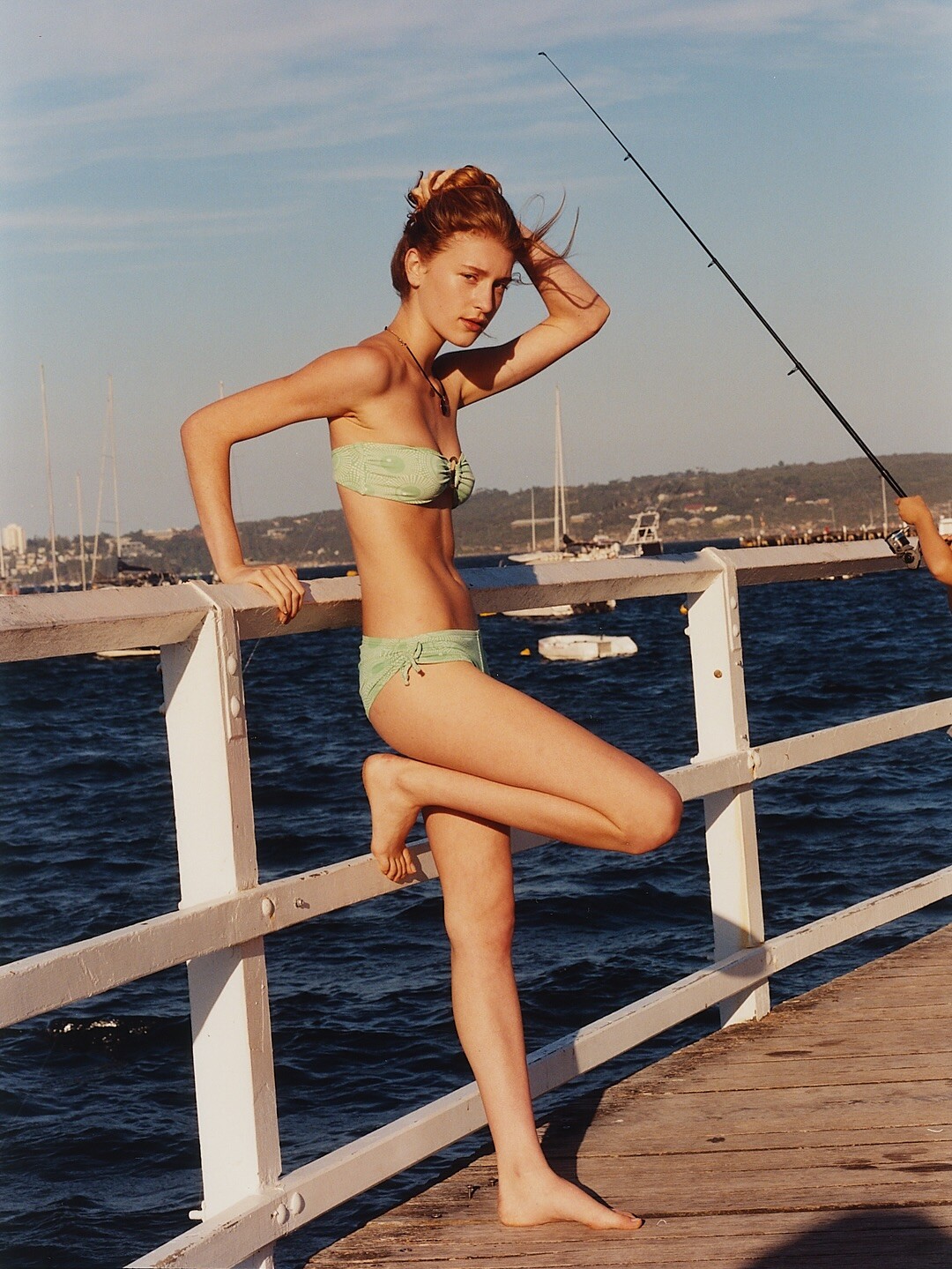
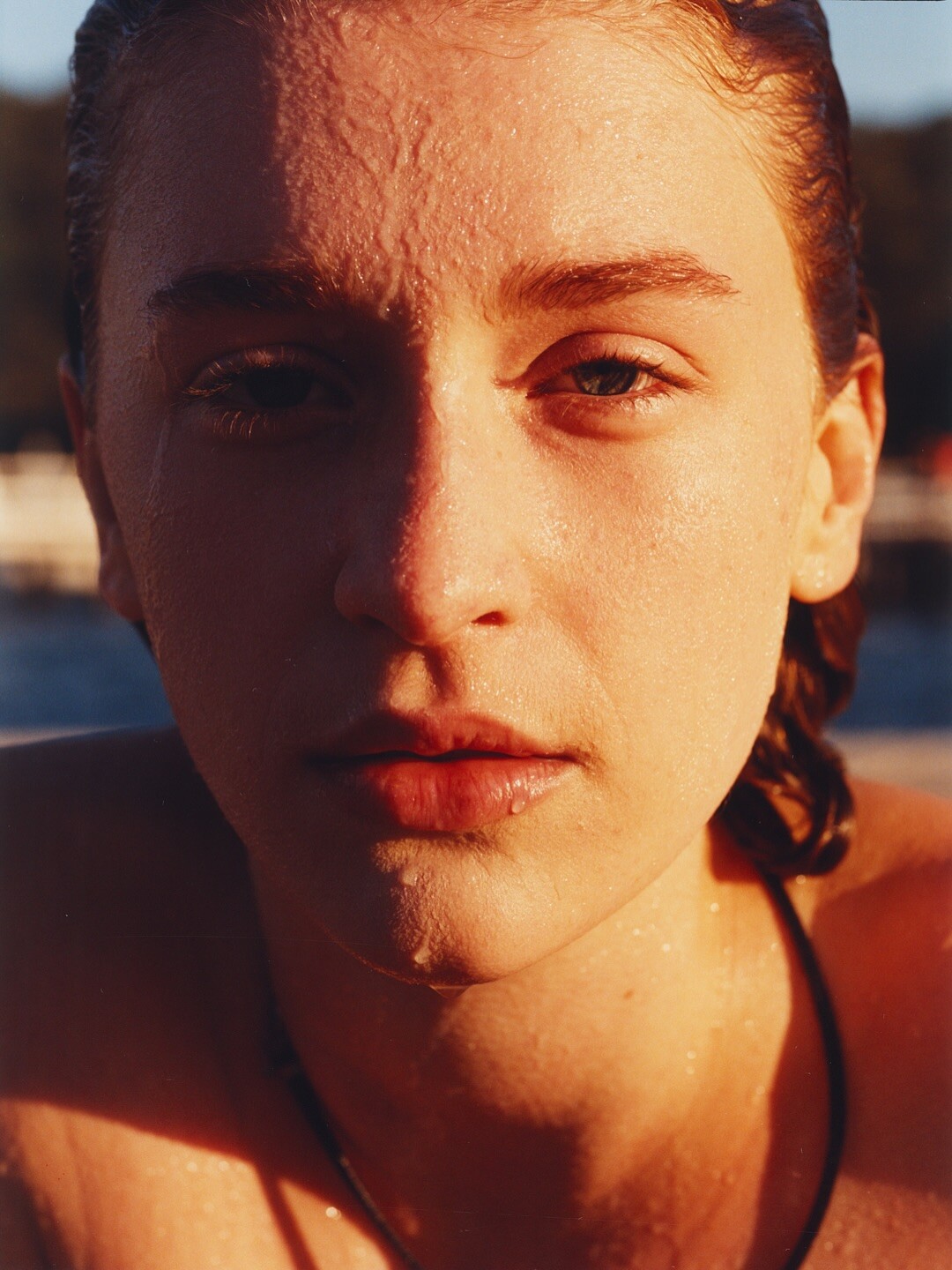
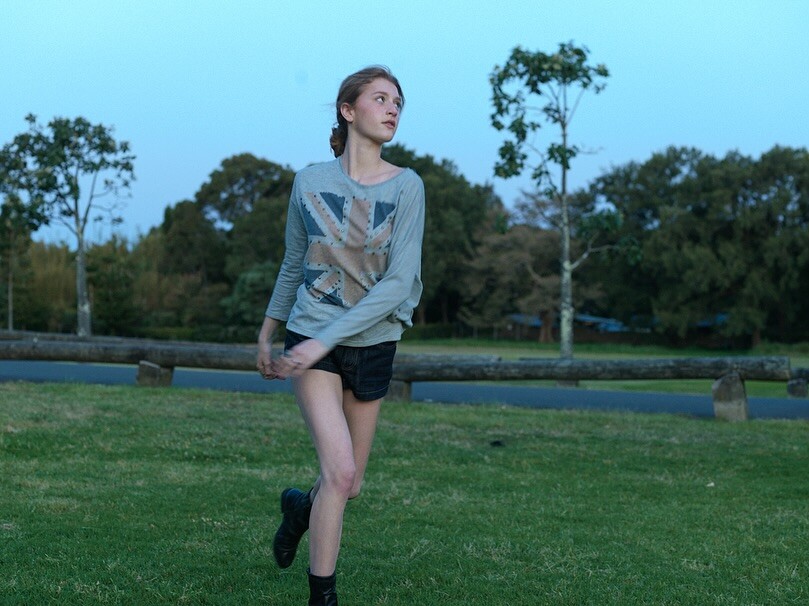
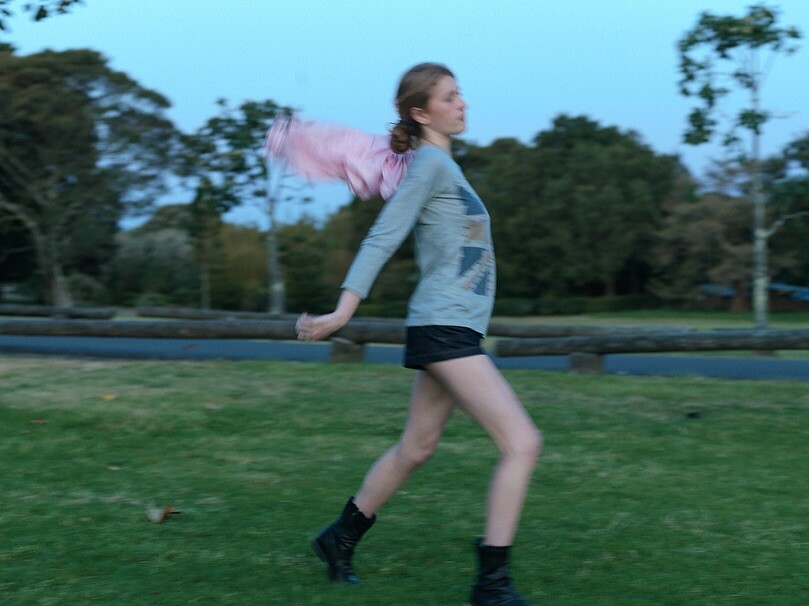
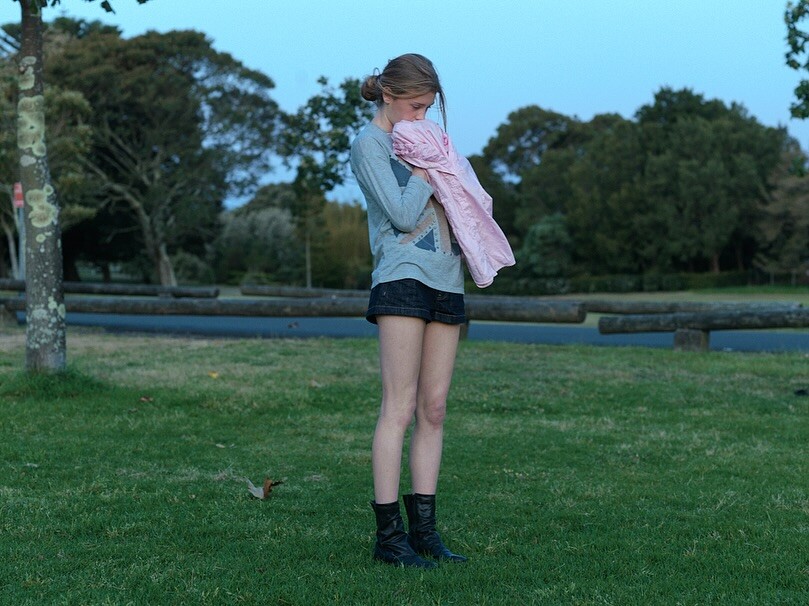
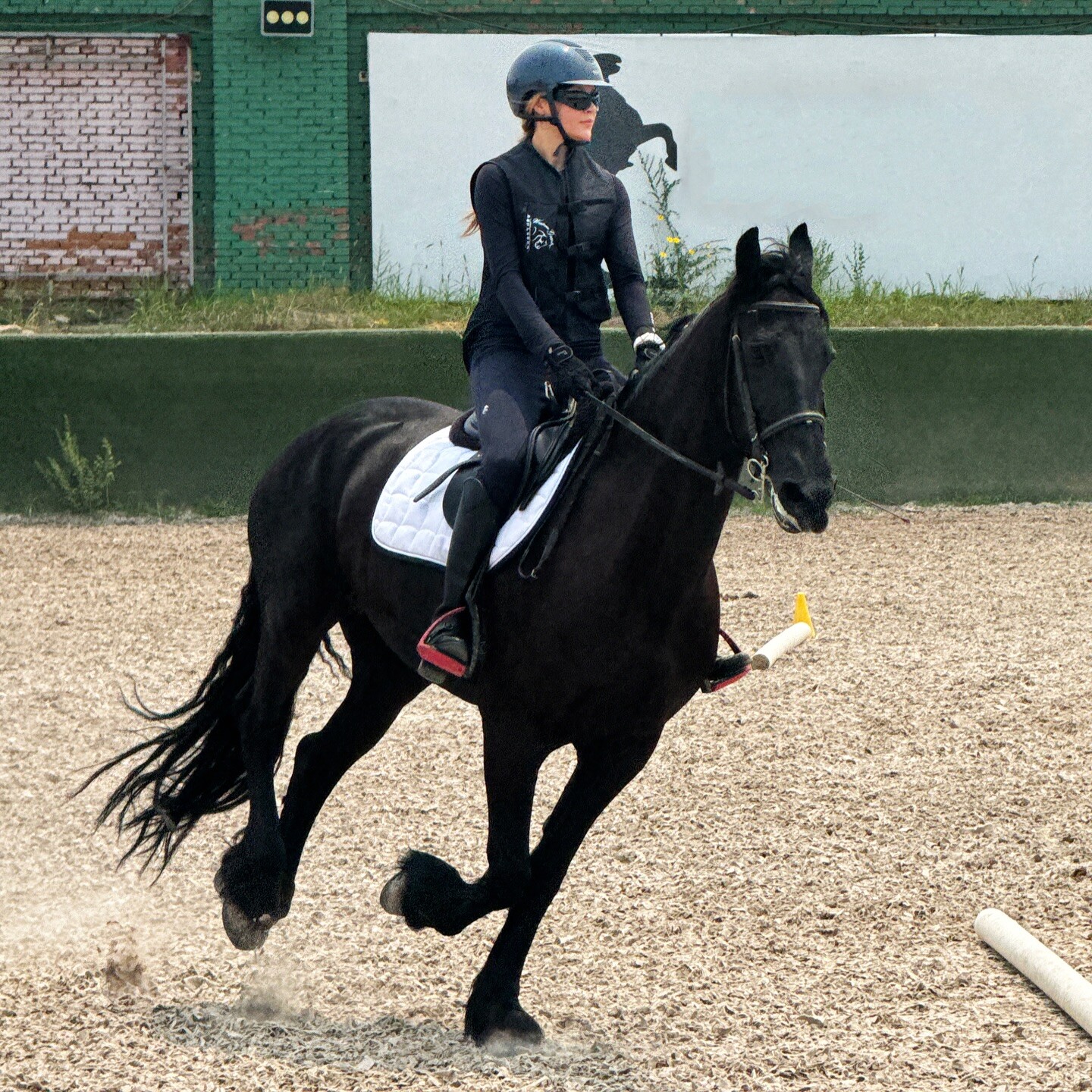
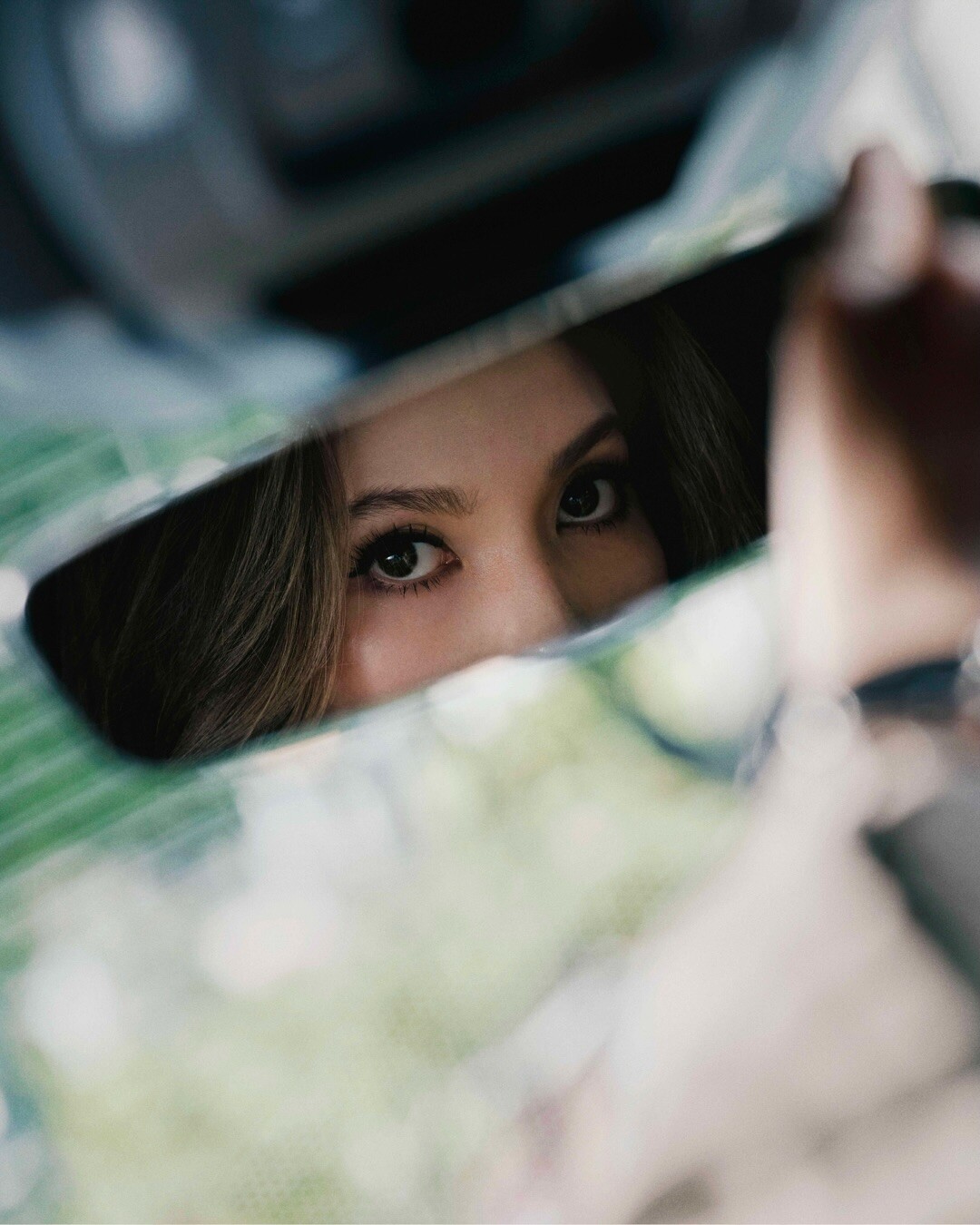
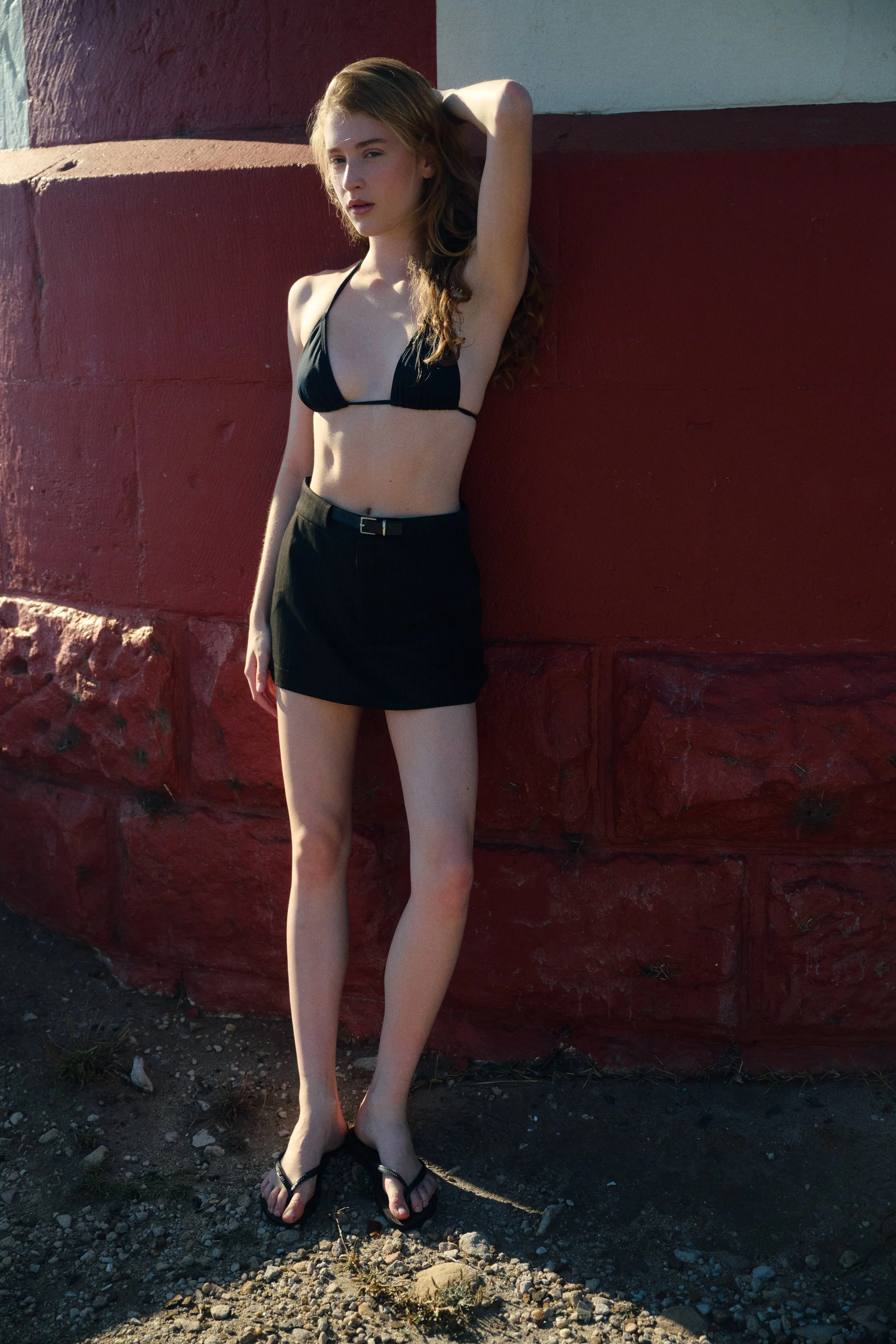
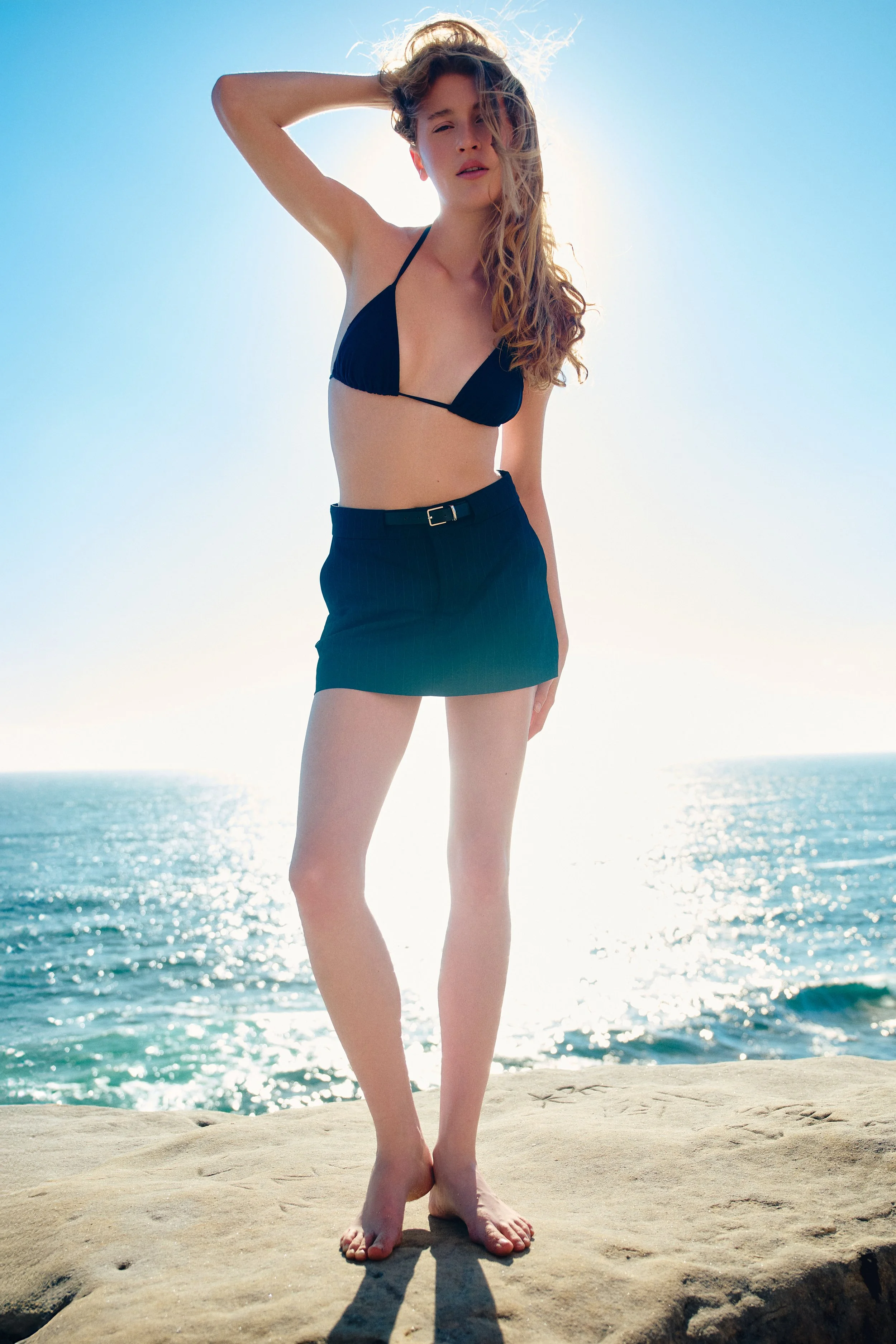
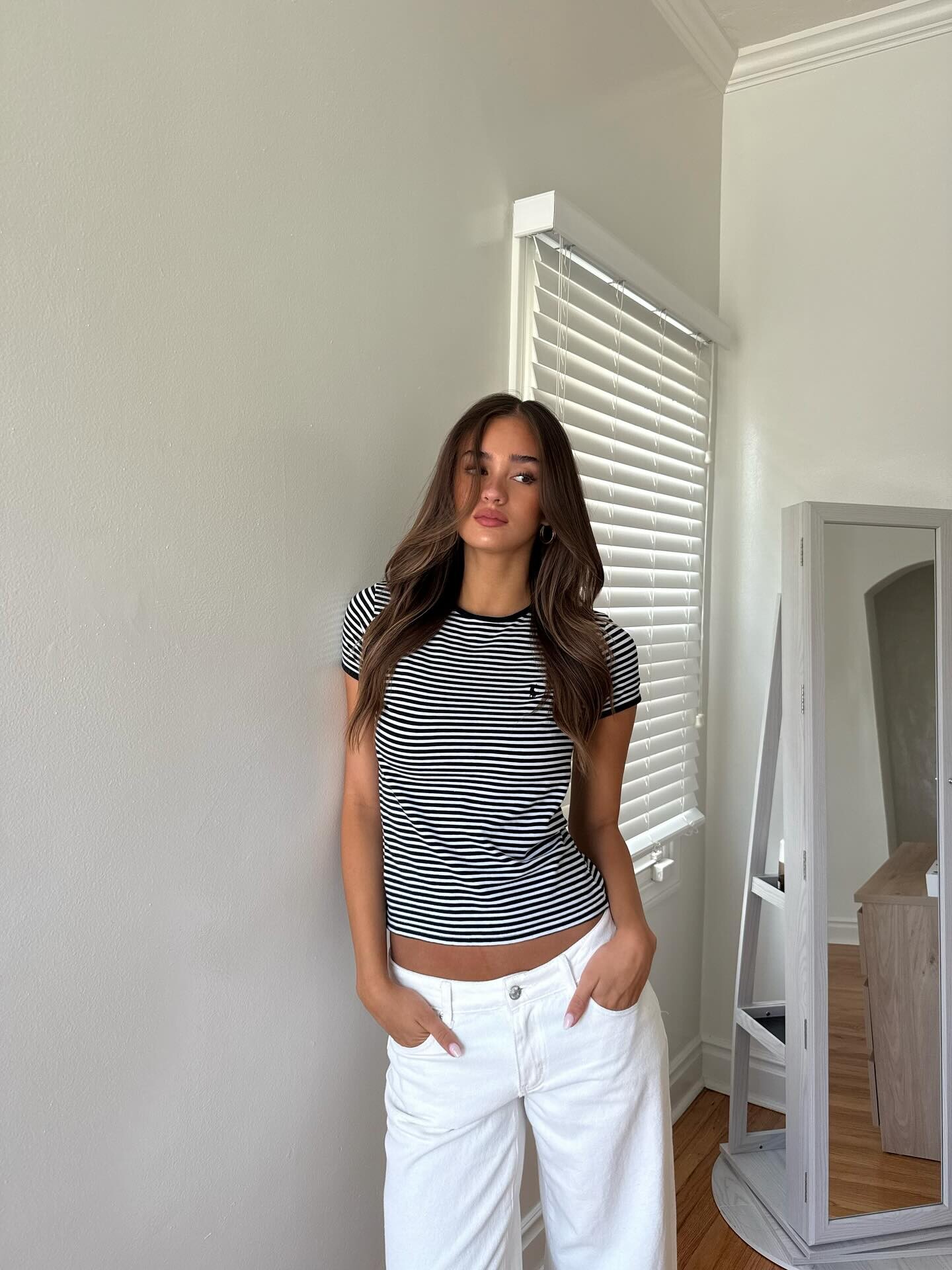
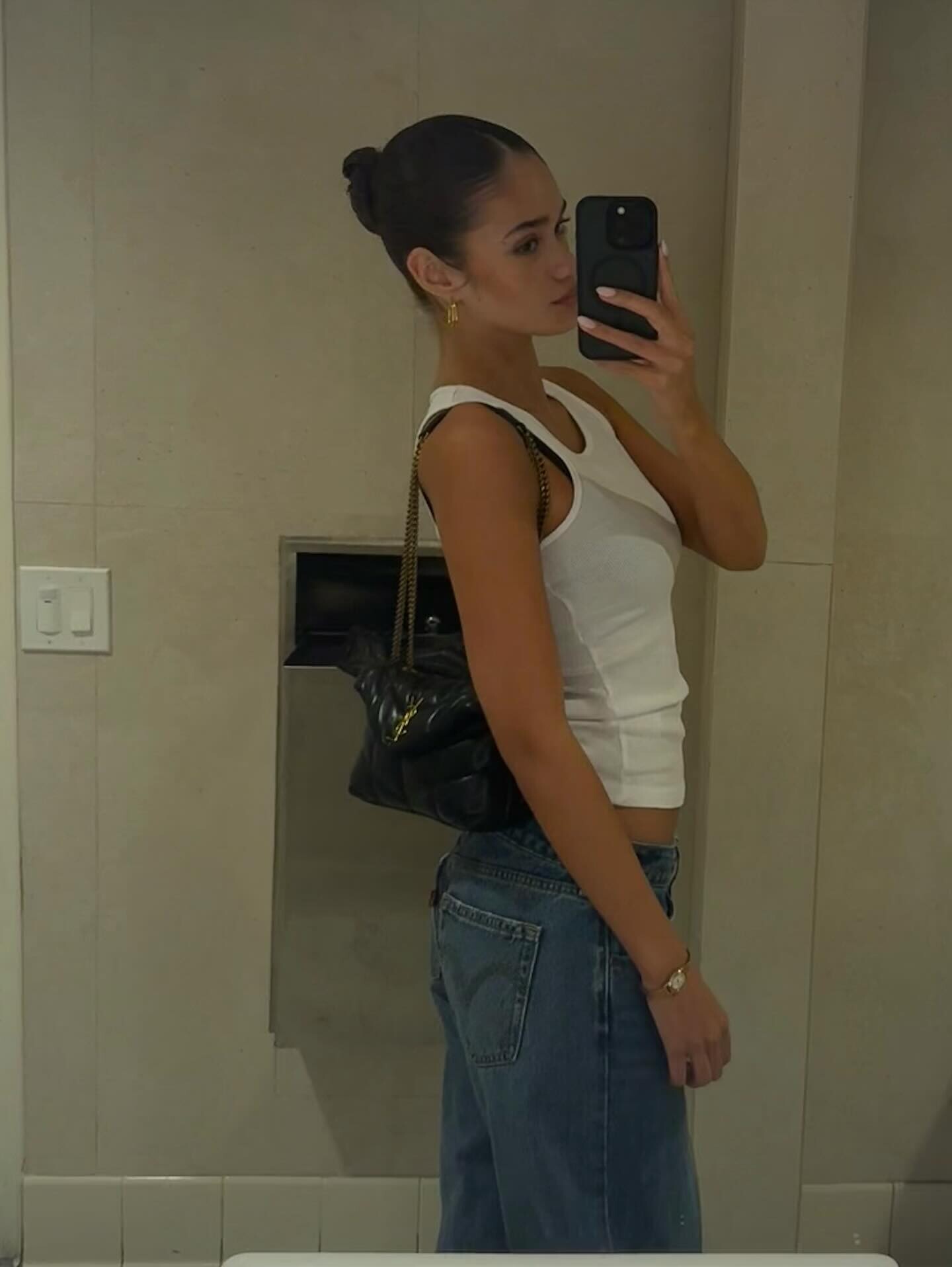
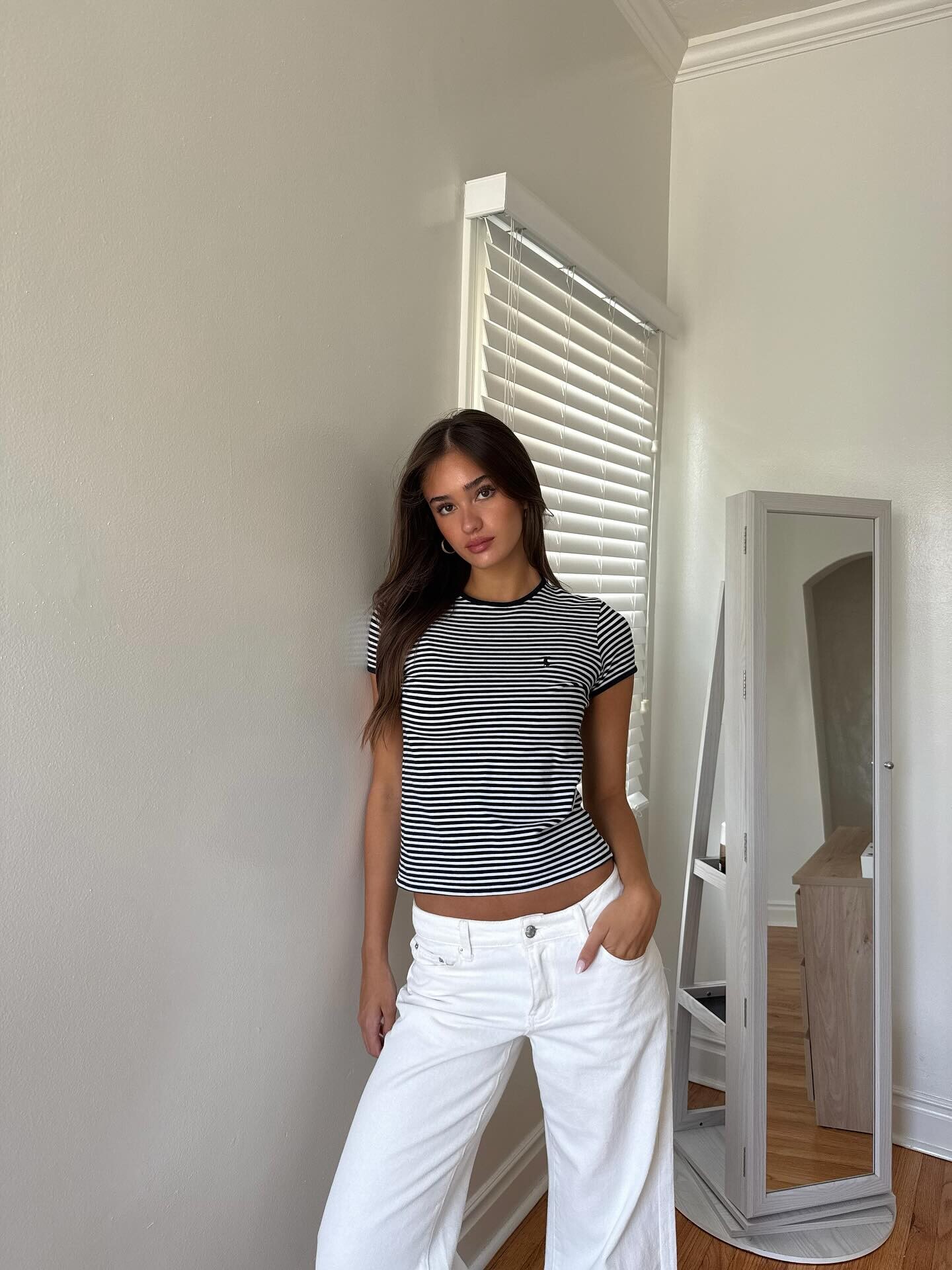
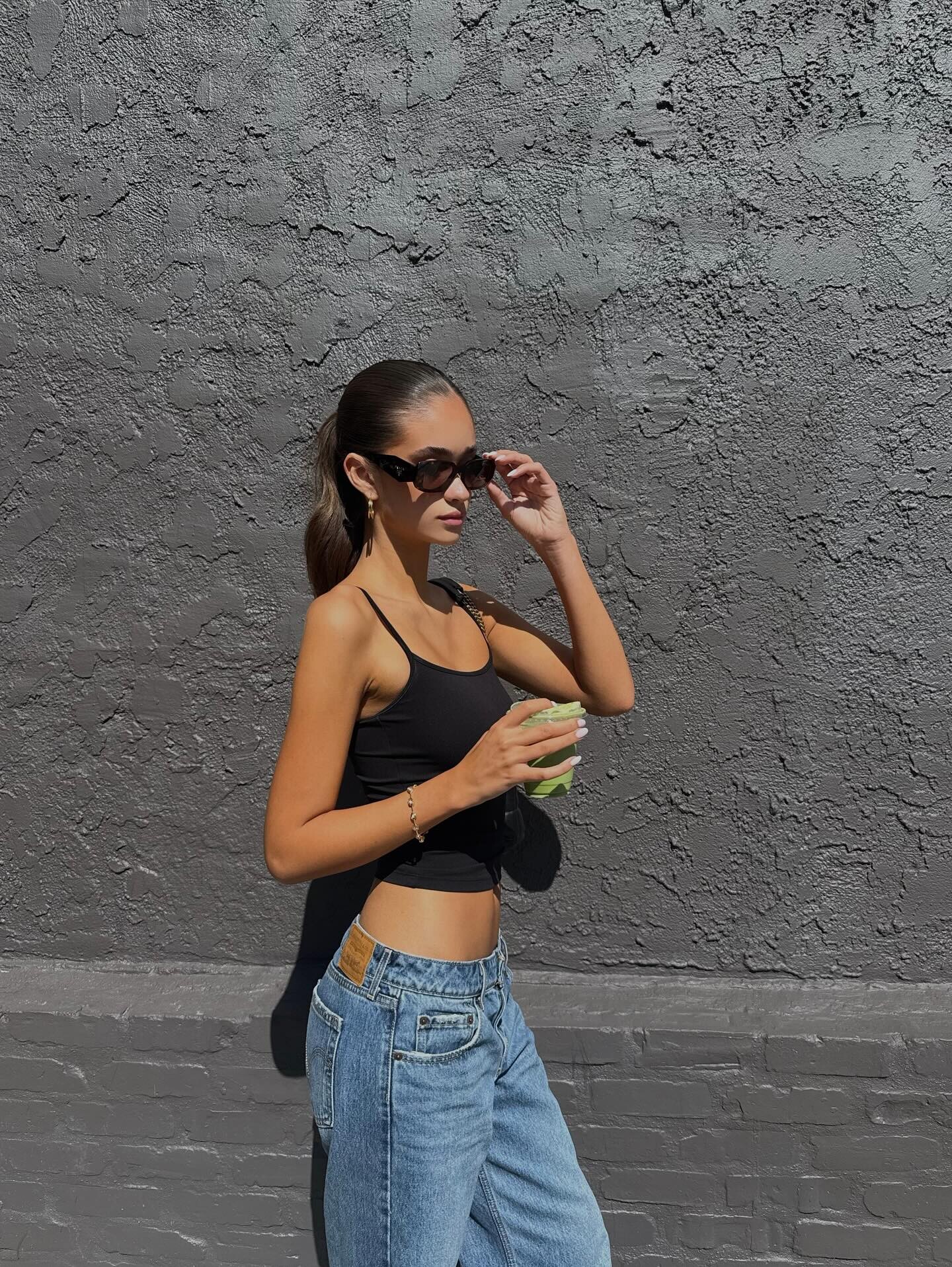
 https://supermgmt.co/divisions/development/portfolios/ava-mcveigh https://imgmodels.com/directory/sydney/ava-clare-mcveigh/ https://www.instagram.com/avaclareee/ Height 178 Bust 79 Waist 61 Hip 88 Shoe 38









 Skyhook joined the community
 World of Reel‘Sinners’ and ‘One Battle After Another’ Win WGA Awards a...No surprise: “One Battle After Another” and “Sinners” won the prizes for Adapted Screenplay and Original Screenplay, respectively, at the 2026 WGA Awards.
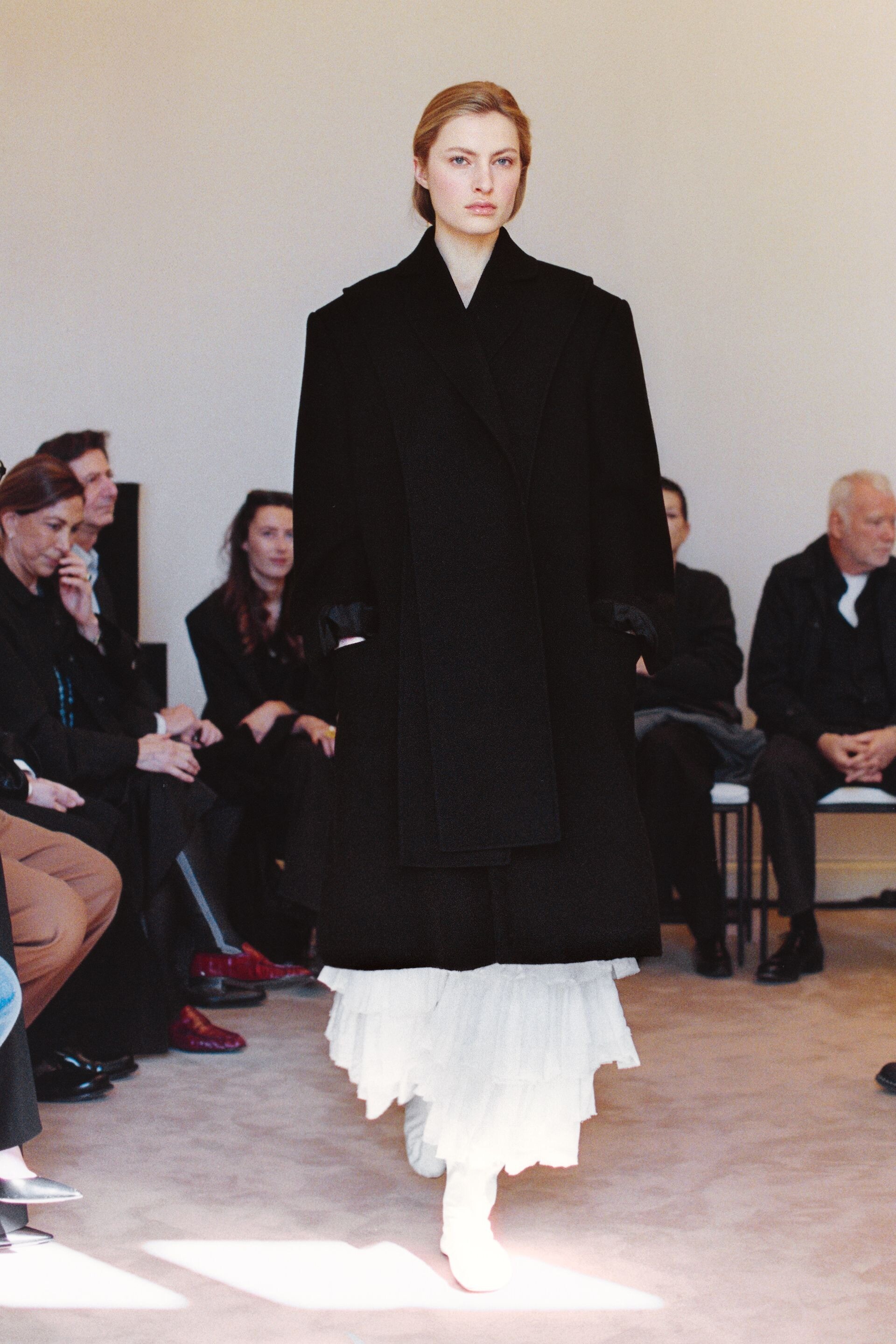
 The RowFW26
 The RowFW26
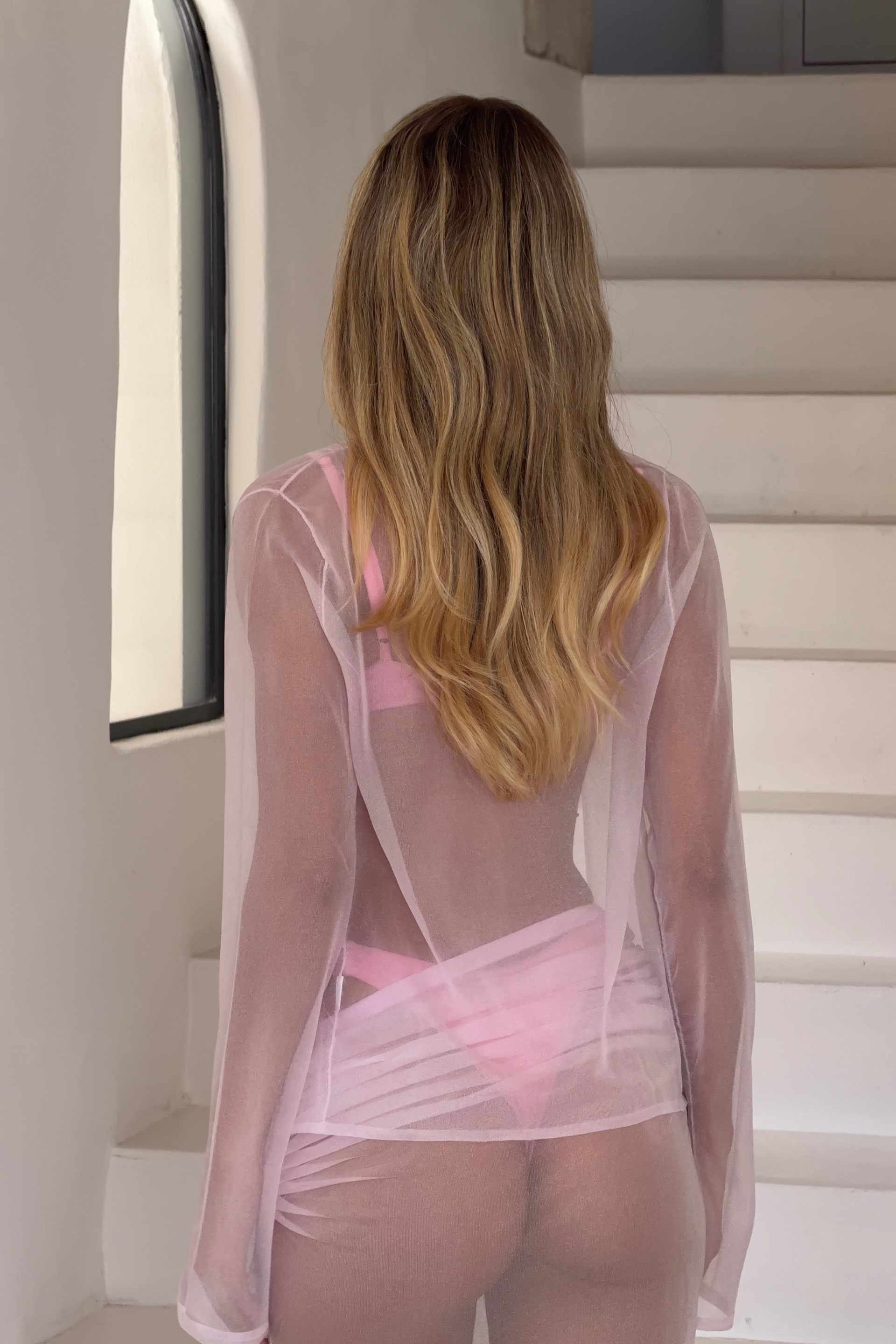





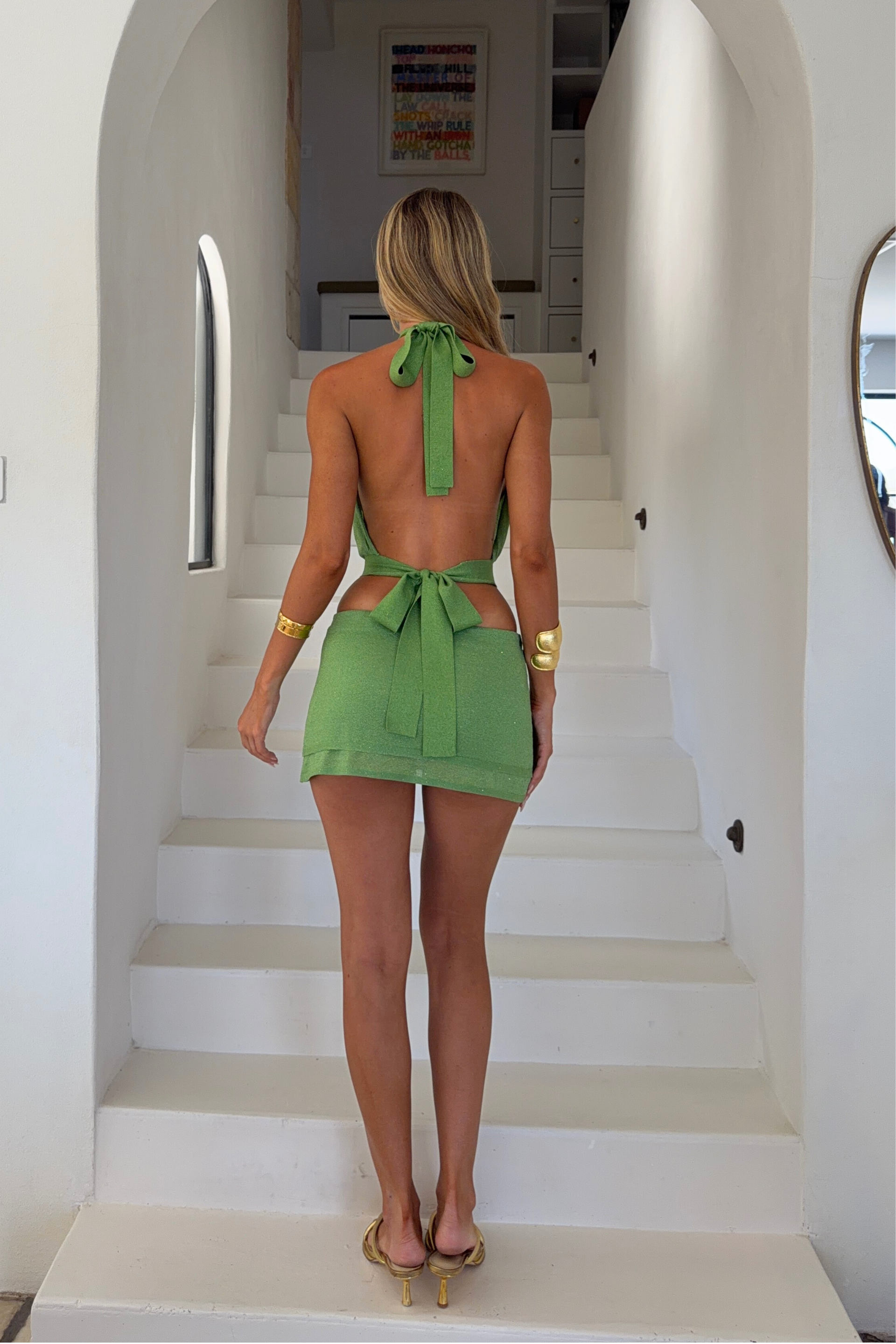

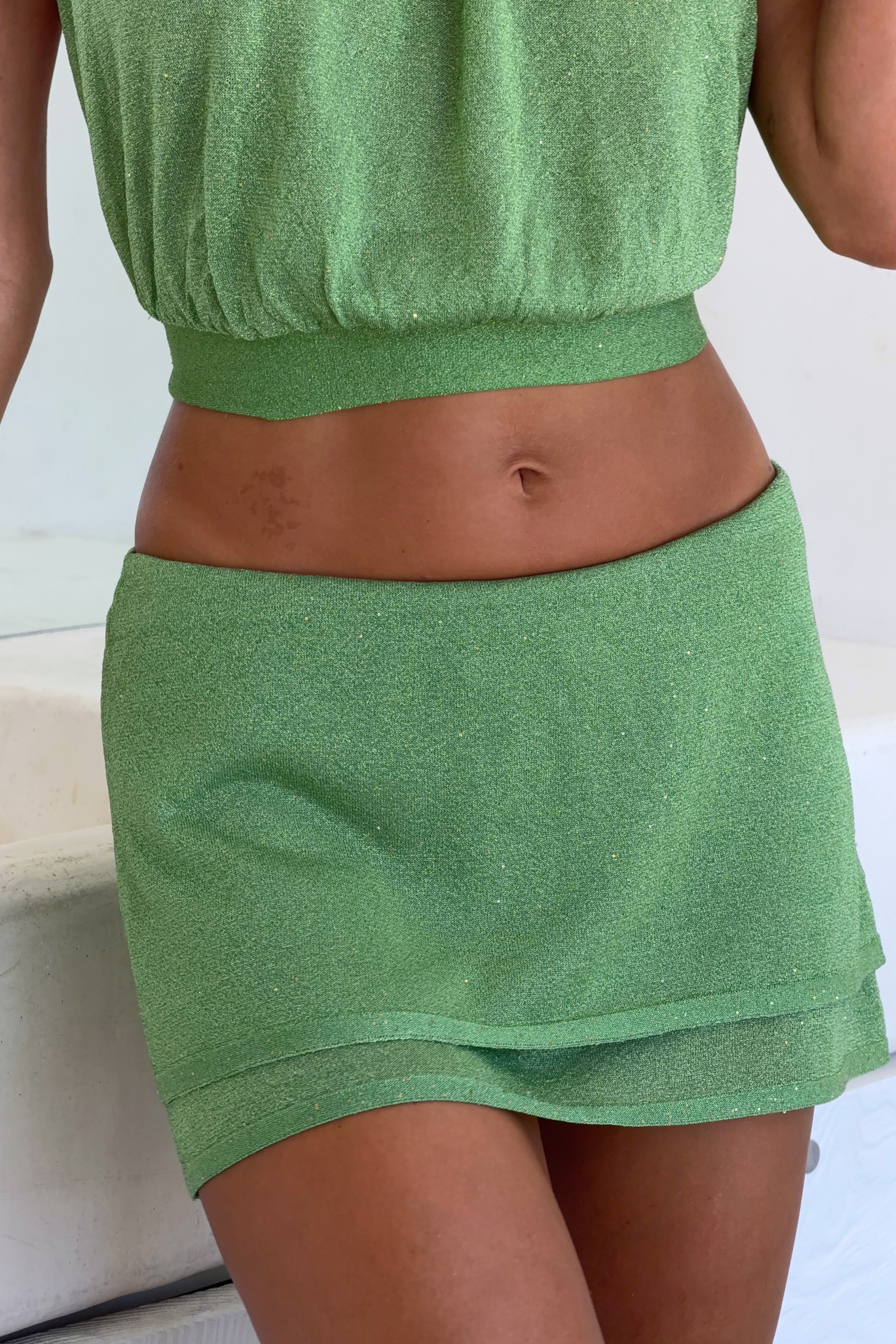
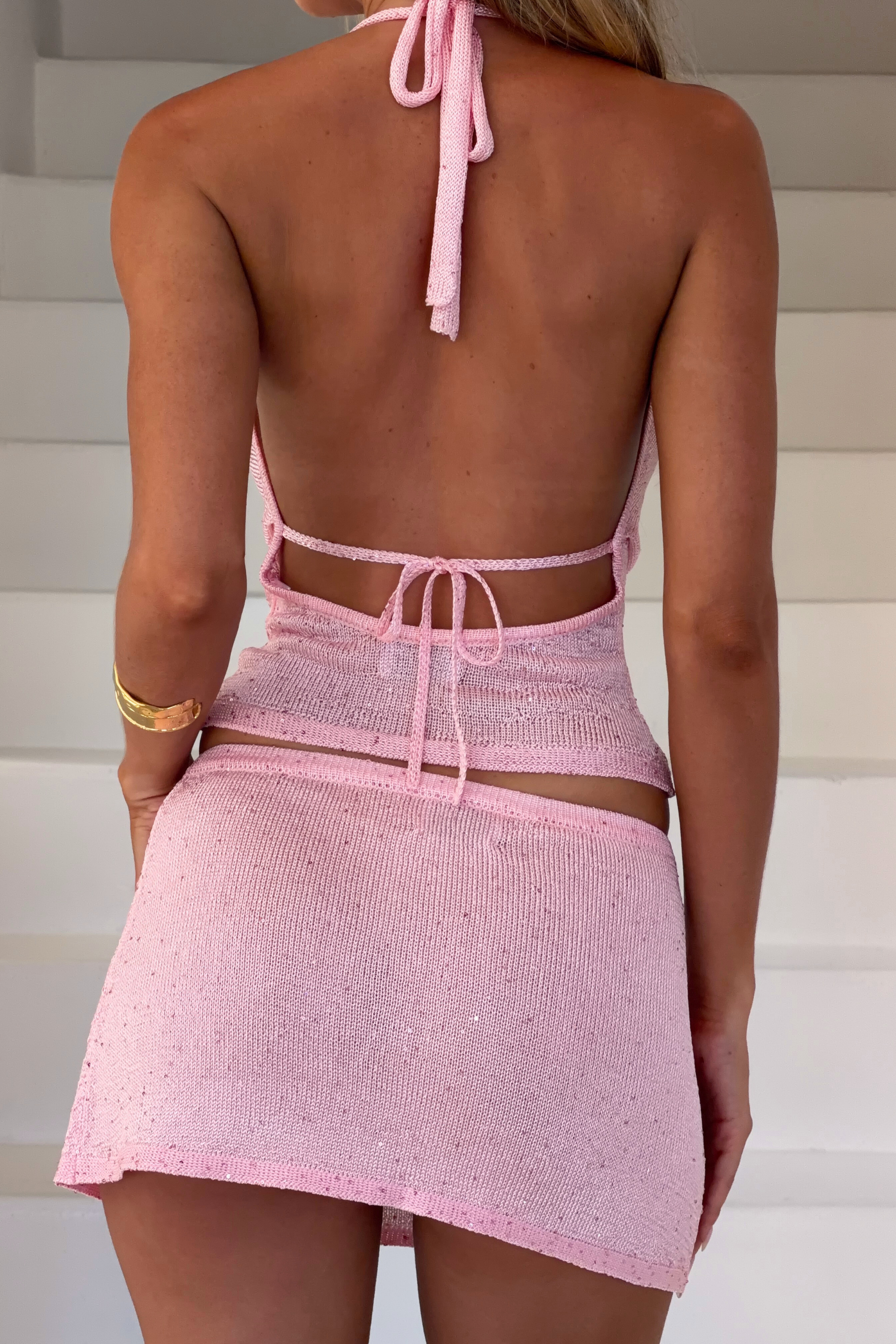






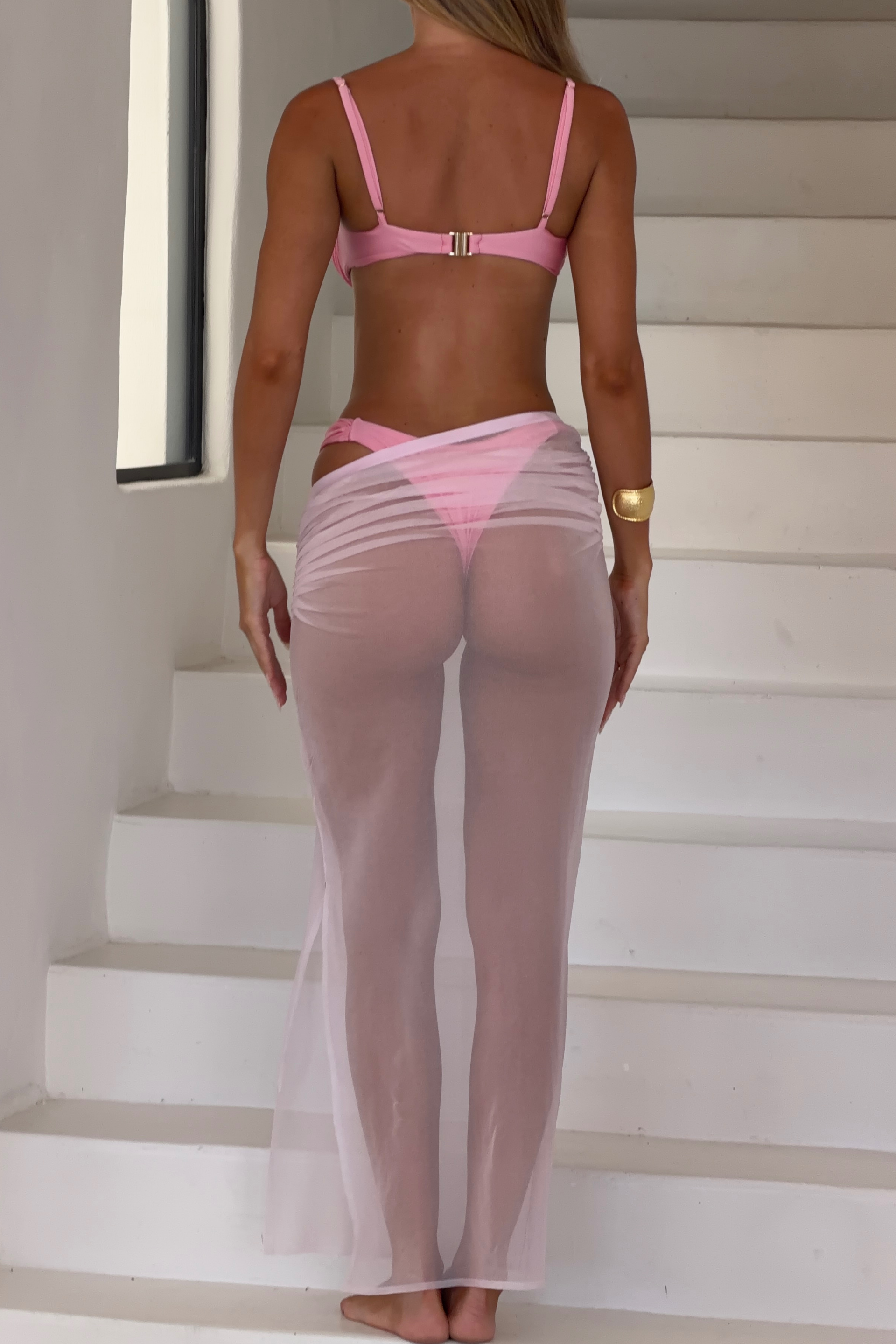











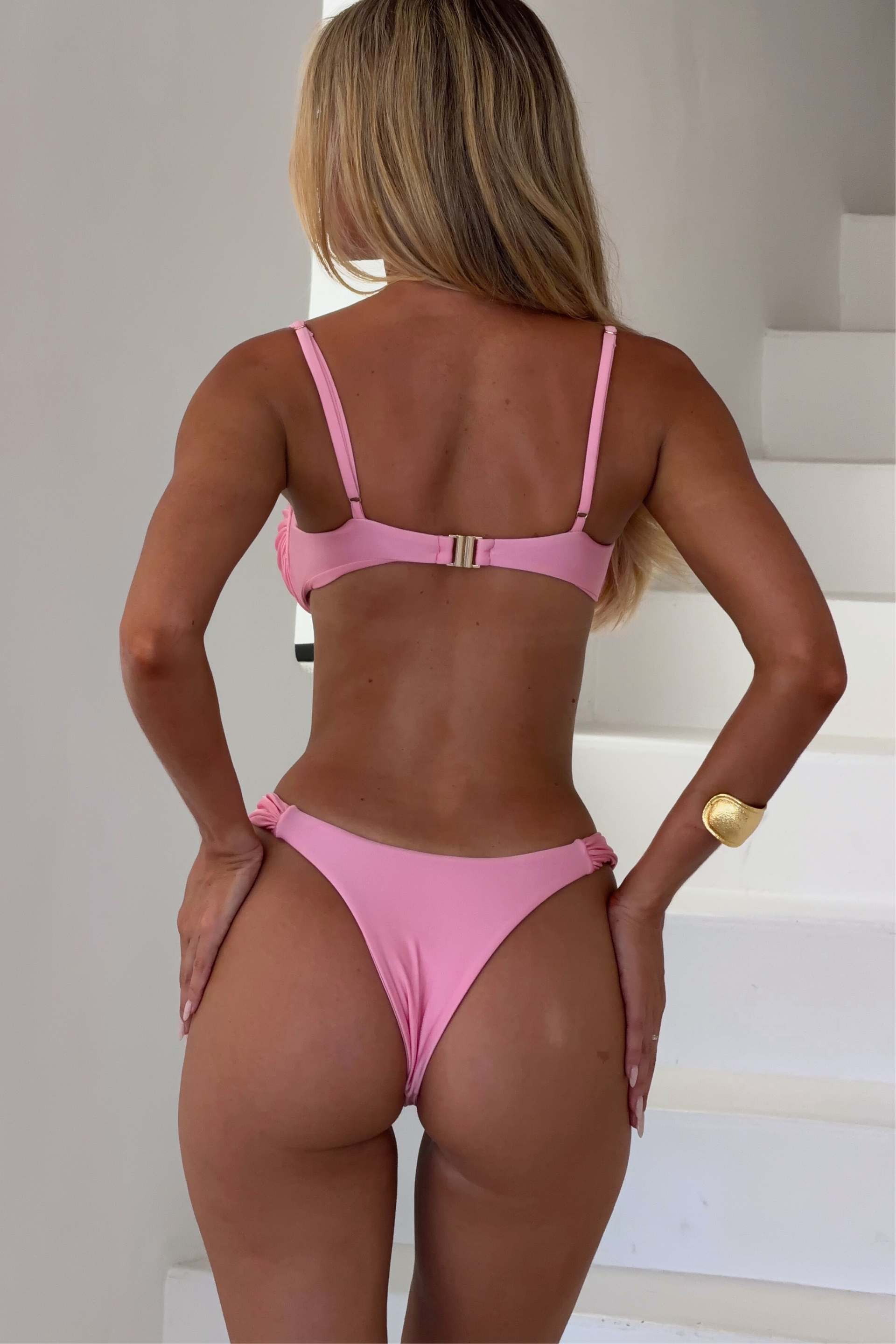

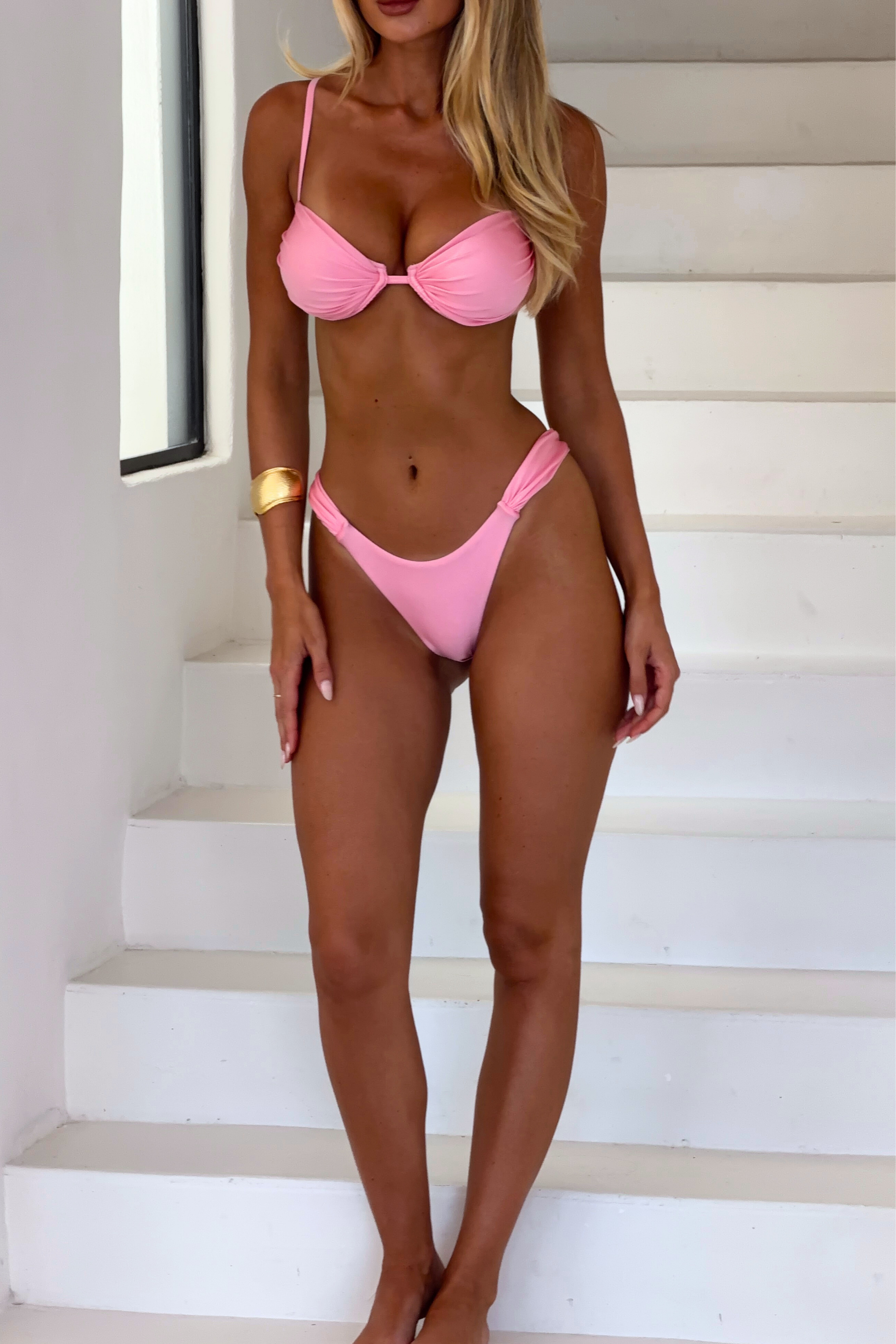





.jpg.5582135bff06dd2ae760ea3afd9511d0.jpg)
.jpg.948d58b9a2df961d2bedf1bd792196c8.jpg)
.jpg.95eba1019d9ad105ccbed55a98e9be50.jpg)












































































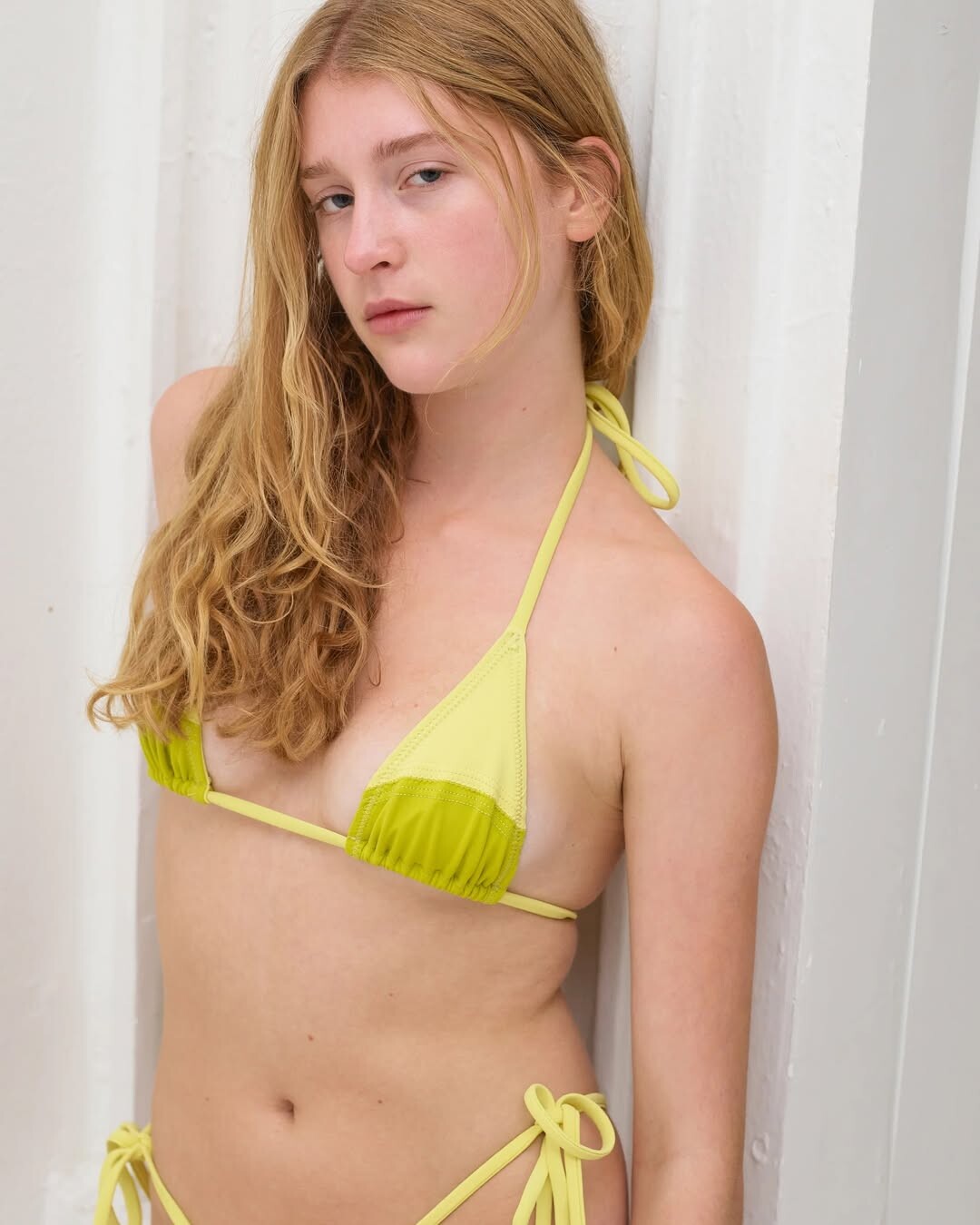













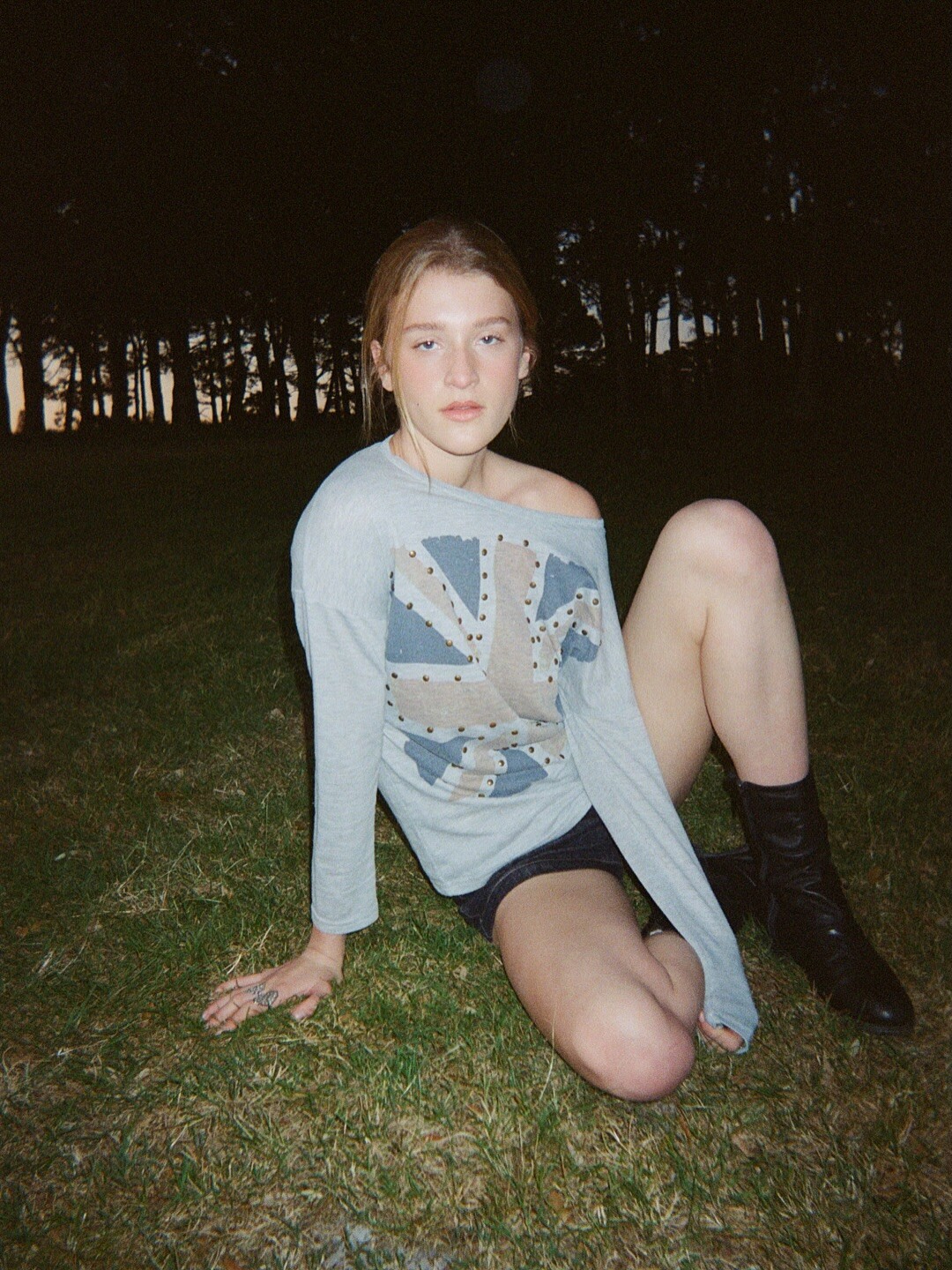





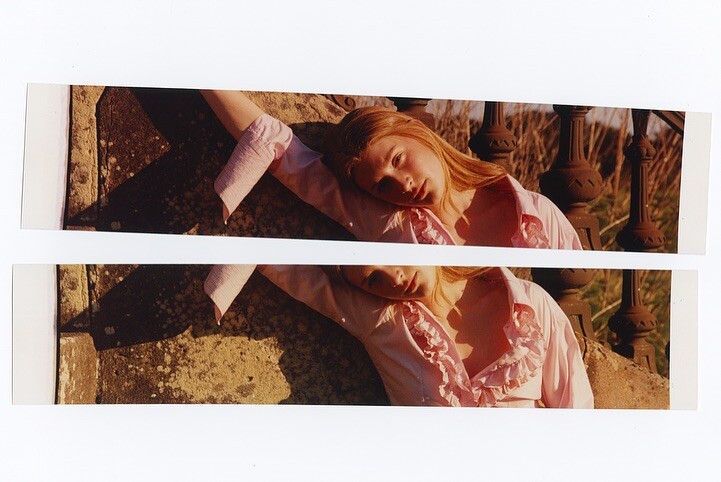







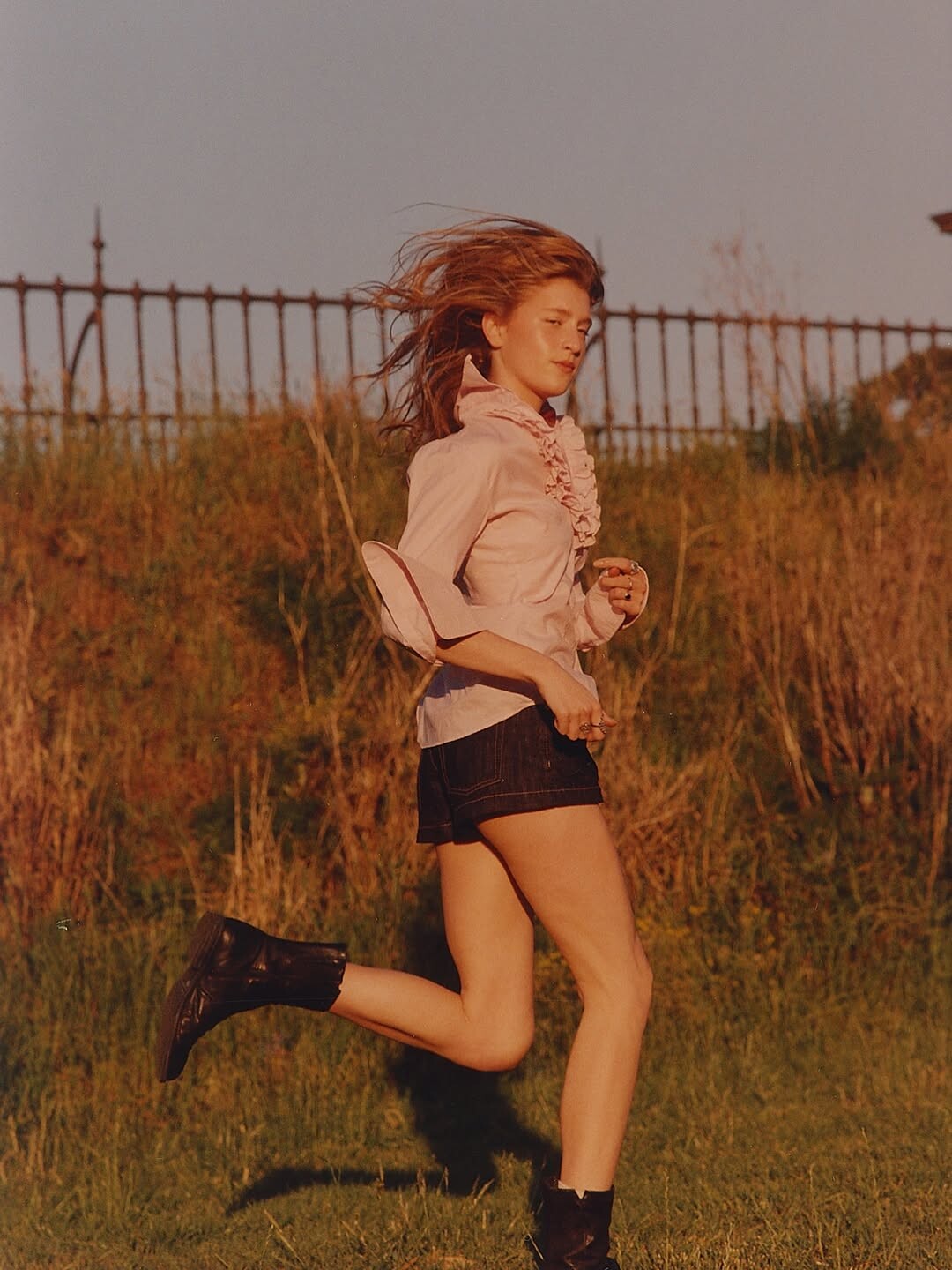

























































































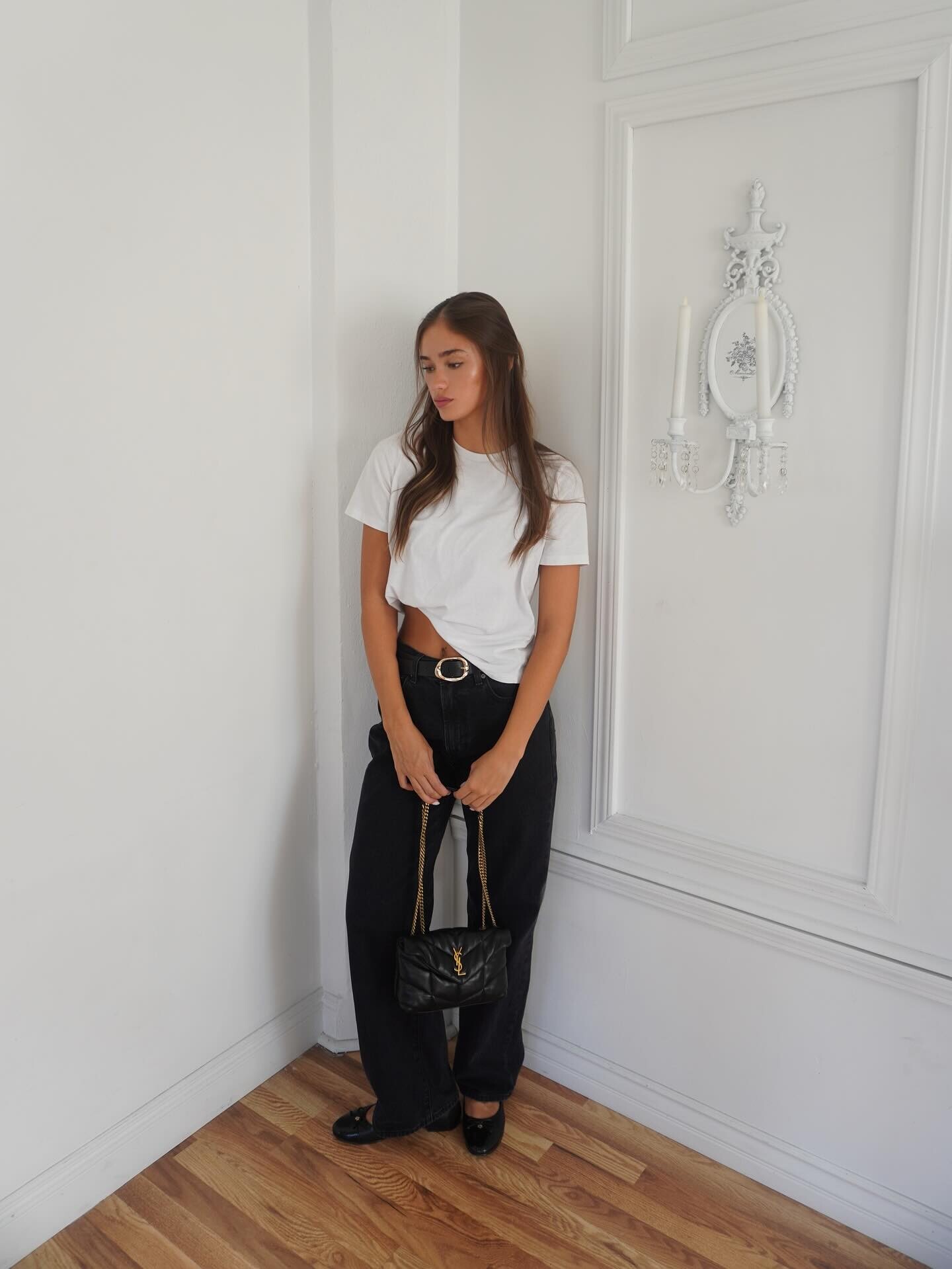

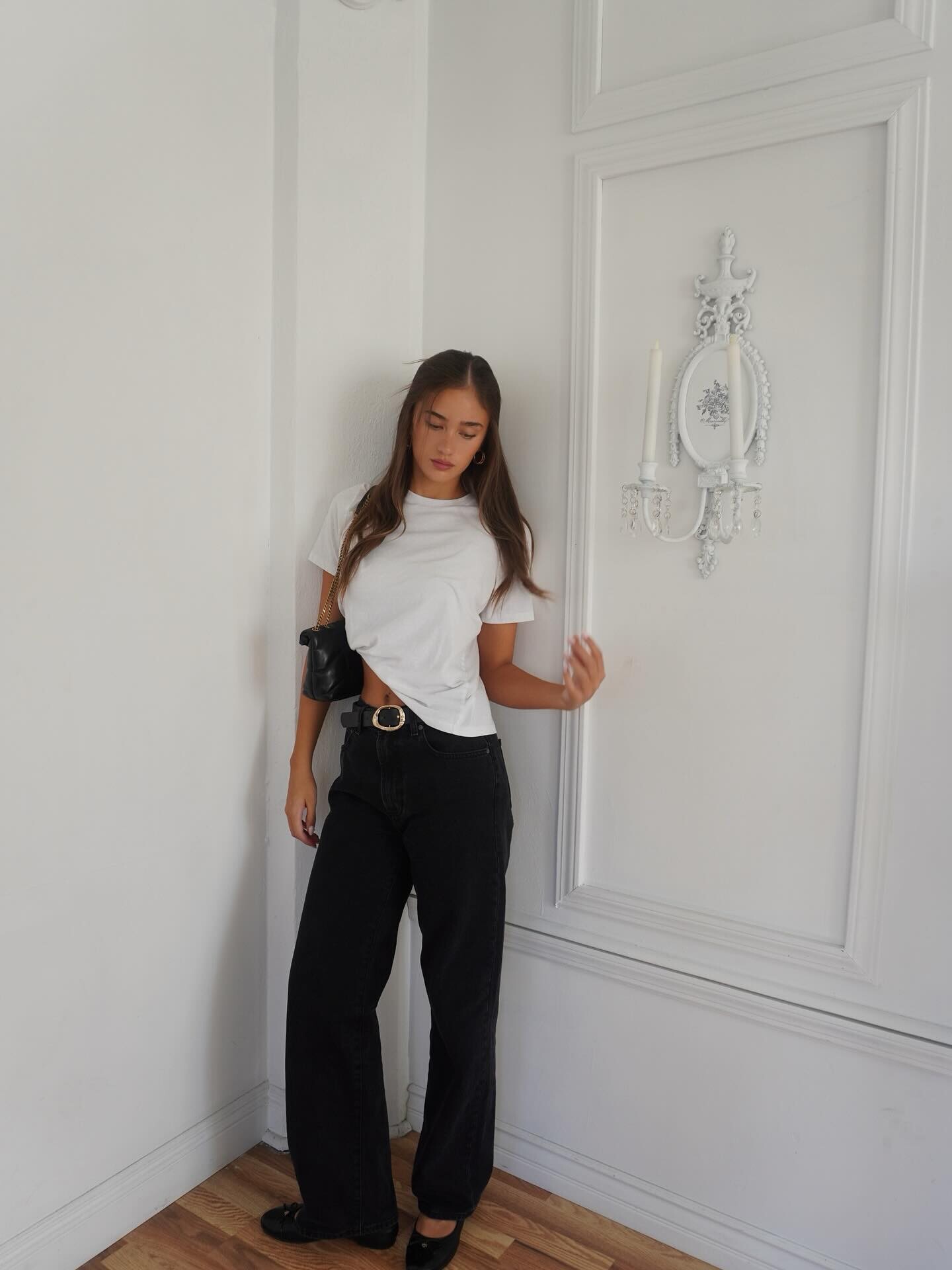
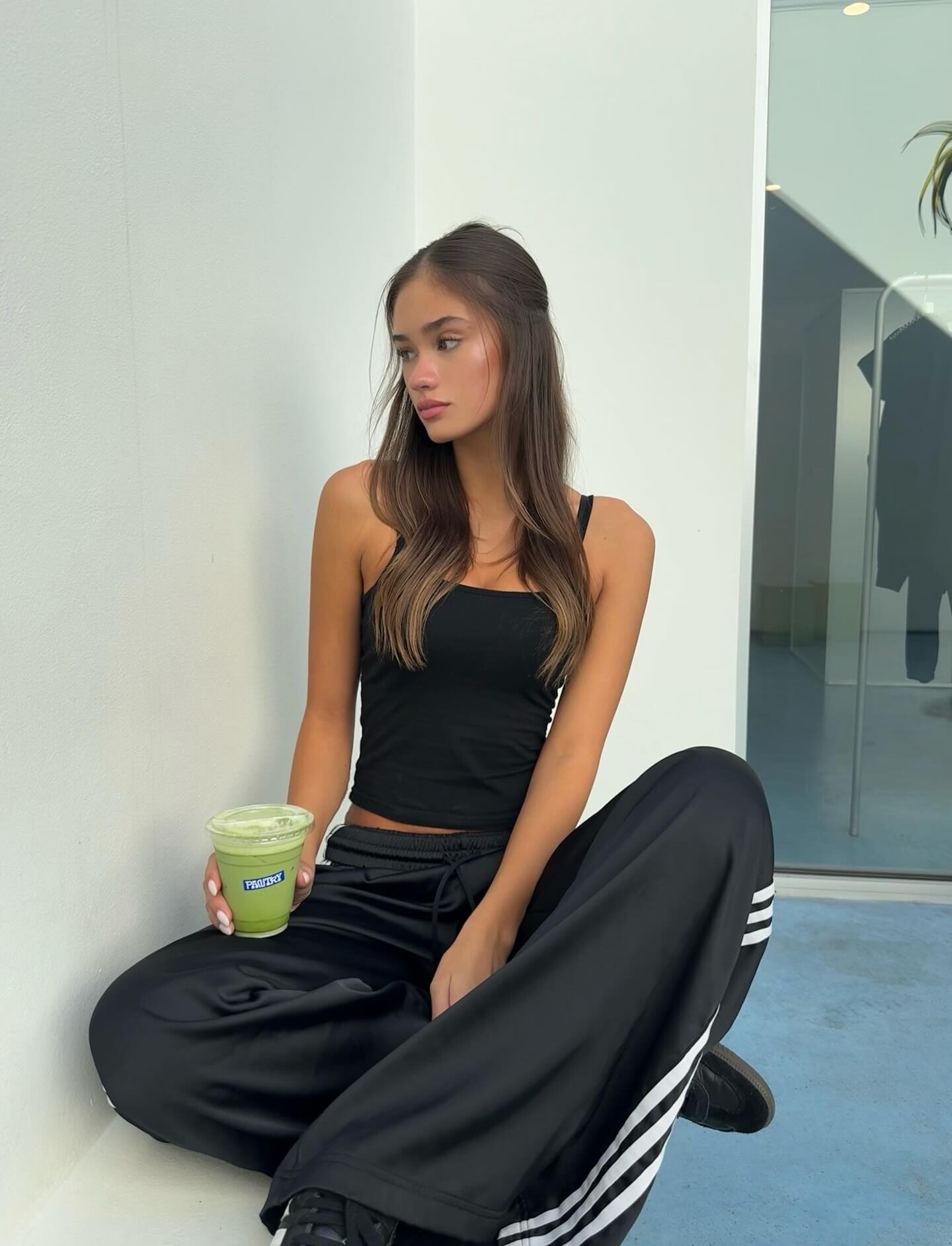

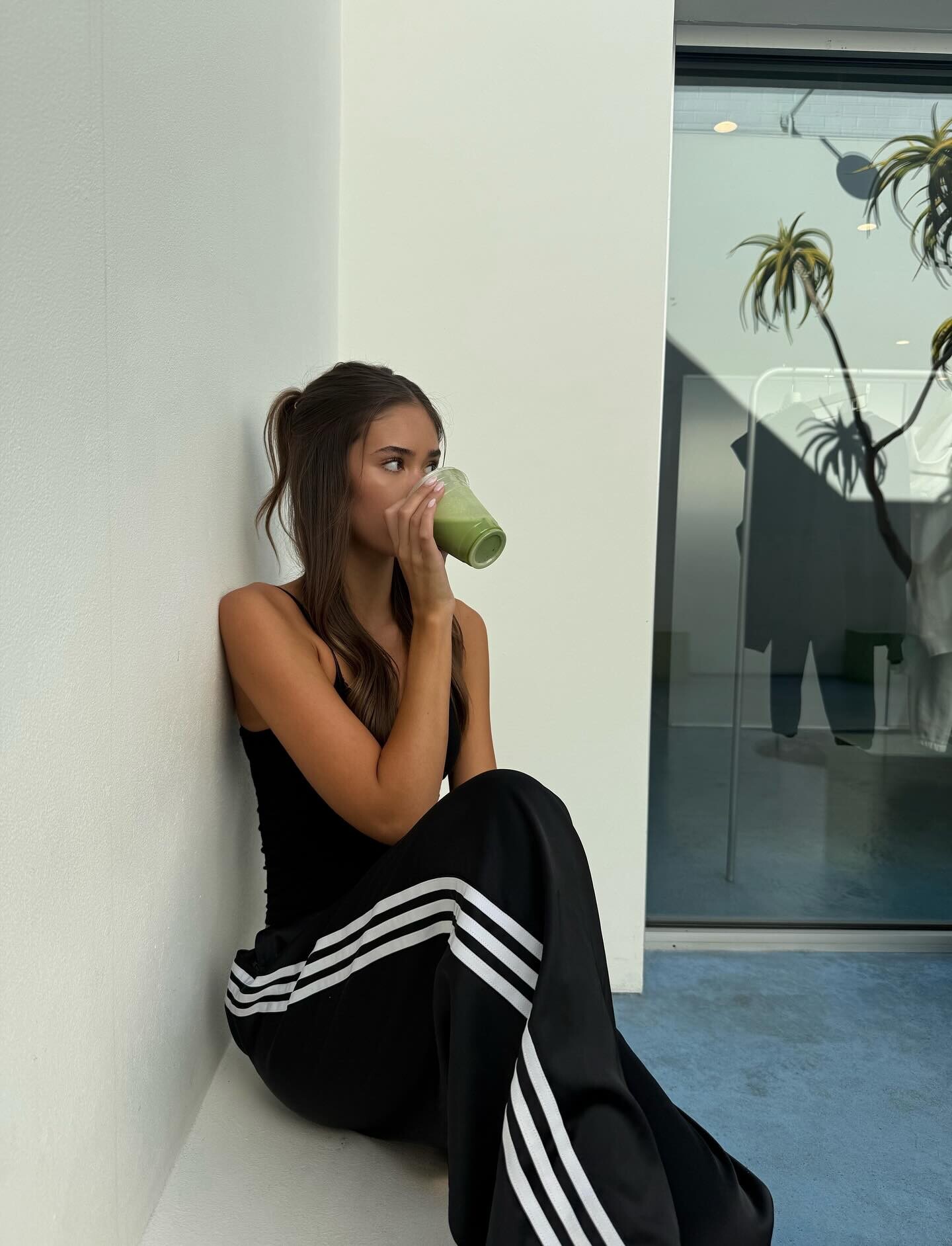

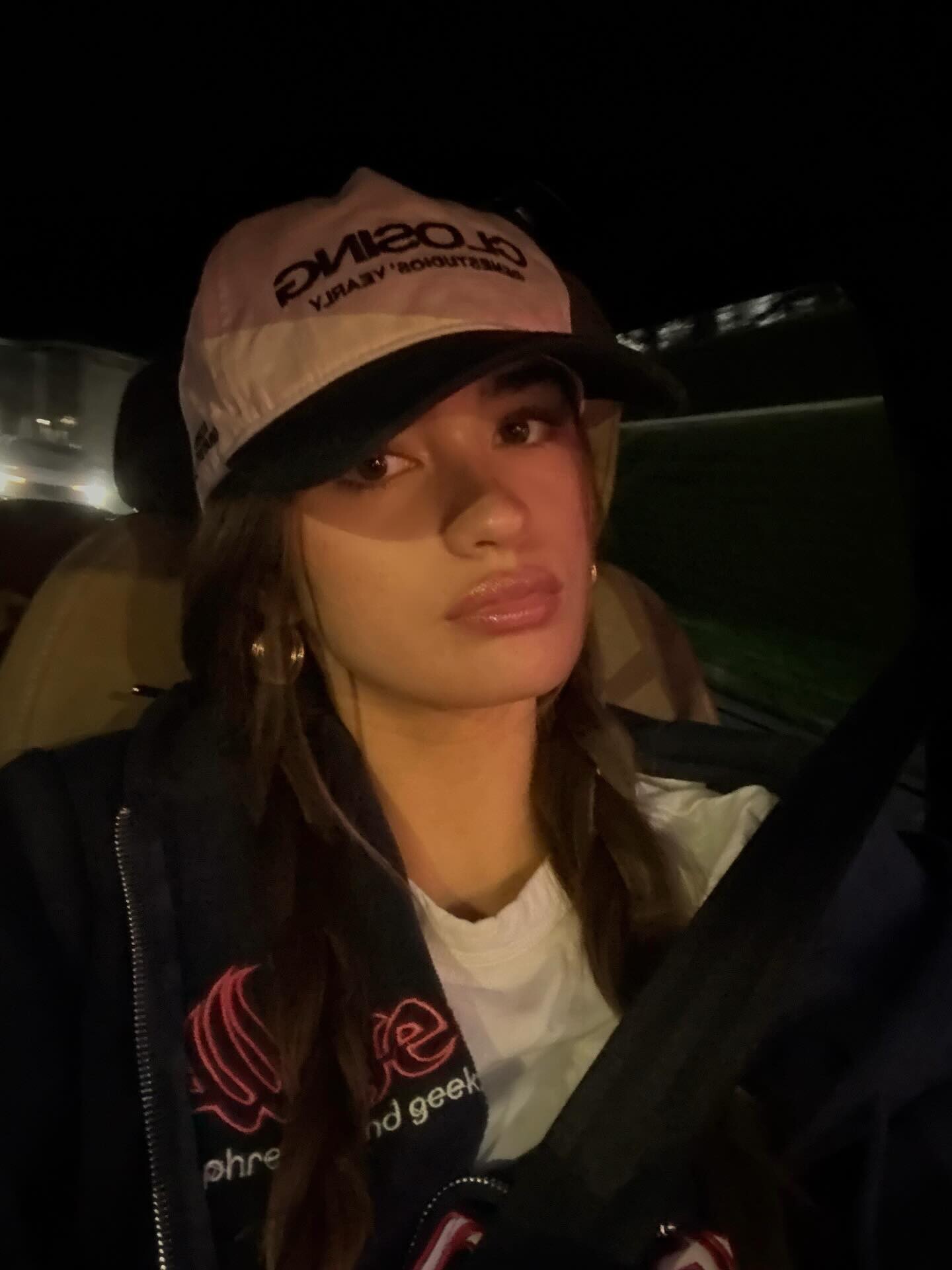

















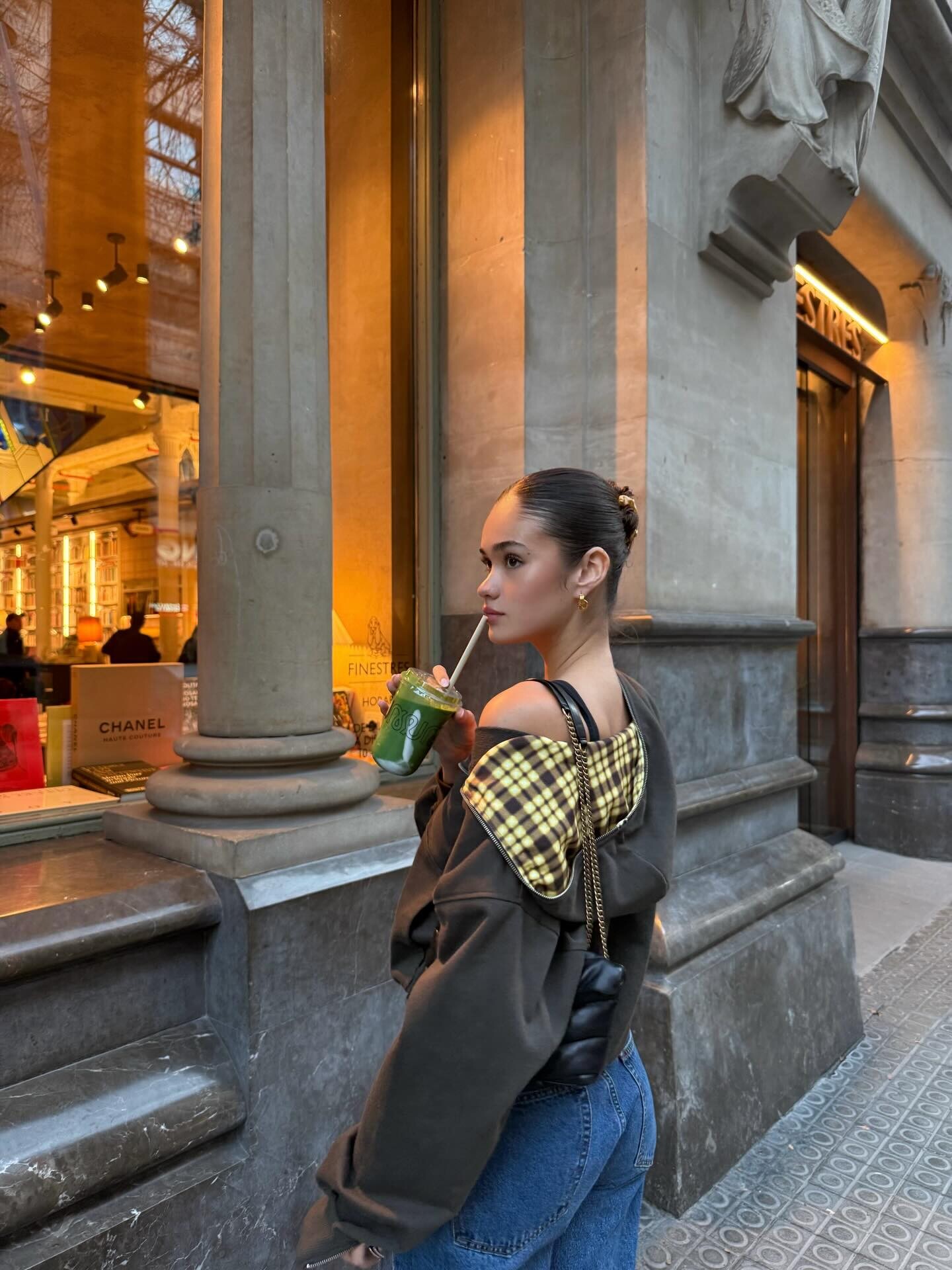
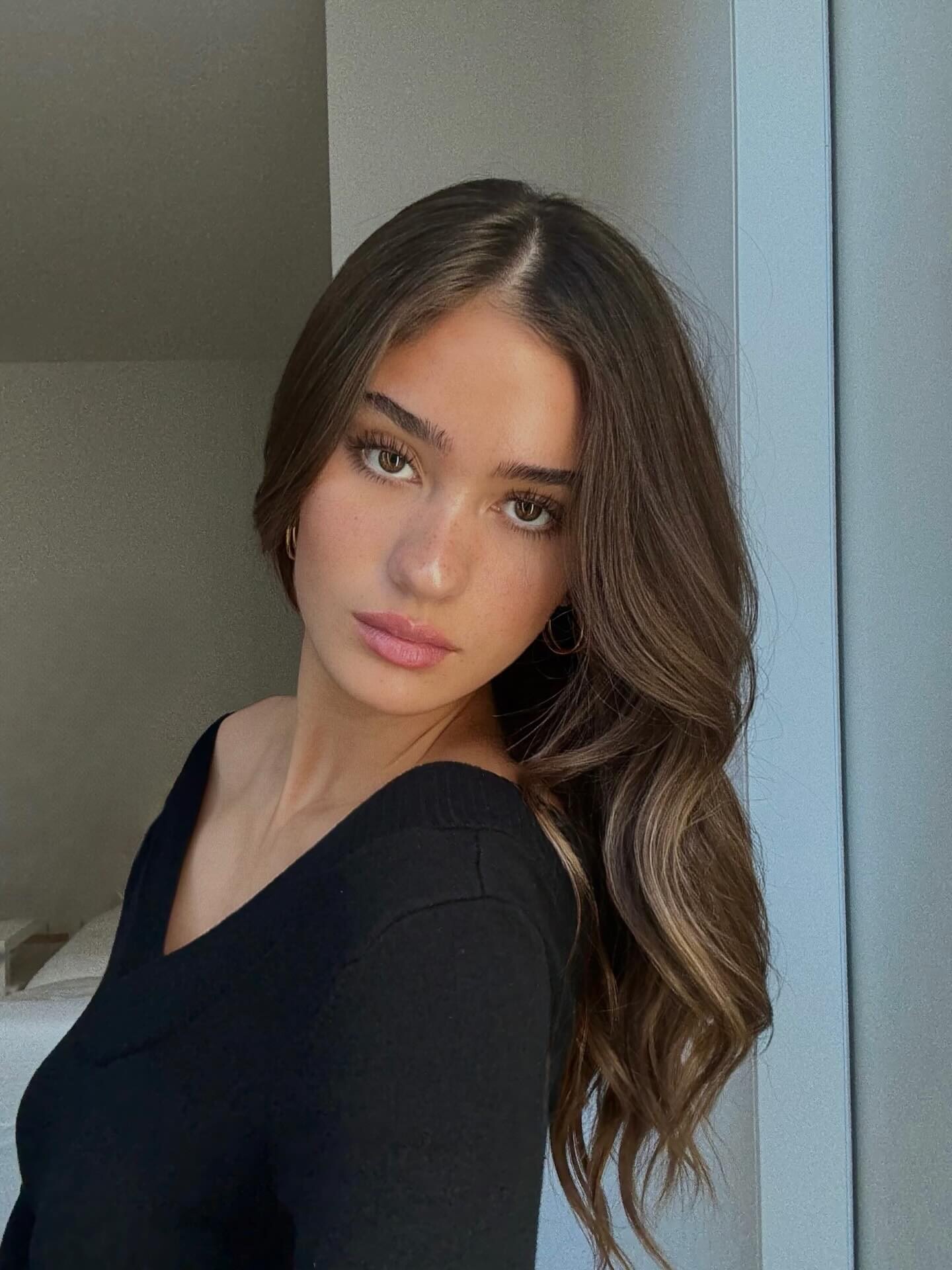


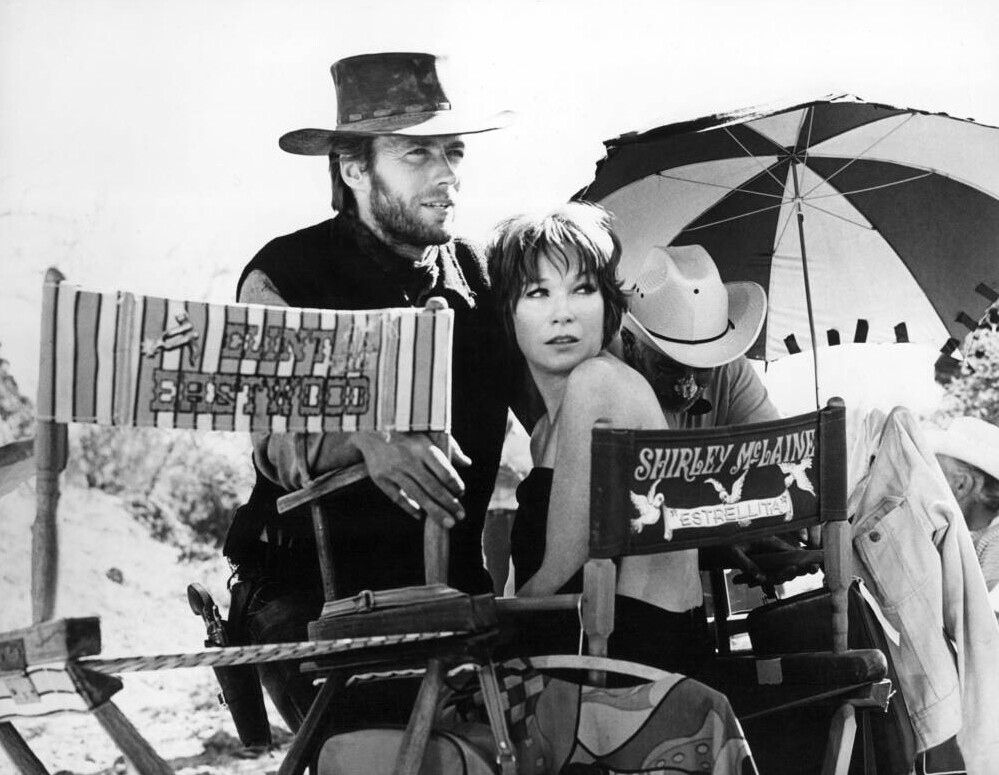



































































Account
Navigation
Search
Configure browser push notifications
Chrome (Android)
- Tap the lock icon next to the address bar.
- Tap Permissions → Notifications.
- Adjust your preference.
Chrome (Desktop)
- Click the padlock icon in the address bar.
- Select Site settings.
- Find Notifications and adjust your preference.
Safari (iOS 16.4+)
- Ensure the site is installed via Add to Home Screen.
- Open Settings App → Notifications.
- Find your app name and adjust your preference.
Safari (macOS)
- Go to Safari → Preferences.
- Click the Websites tab.
- Select Notifications in the sidebar.
- Find this website and adjust your preference.
Edge (Android)
- Tap the lock icon next to the address bar.
- Tap Permissions.
- Find Notifications and adjust your preference.
Edge (Desktop)
- Click the padlock icon in the address bar.
- Click Permissions for this site.
- Find Notifications and adjust your preference.
Firefox (Android)
- Go to Settings → Site permissions.
- Tap Notifications.
- Find this site in the list and adjust your preference.
Firefox (Desktop)
- Open Firefox Settings.
- Search for Notifications.
- Find this site in the list and adjust your preference.