All Activity
- Past hour
-
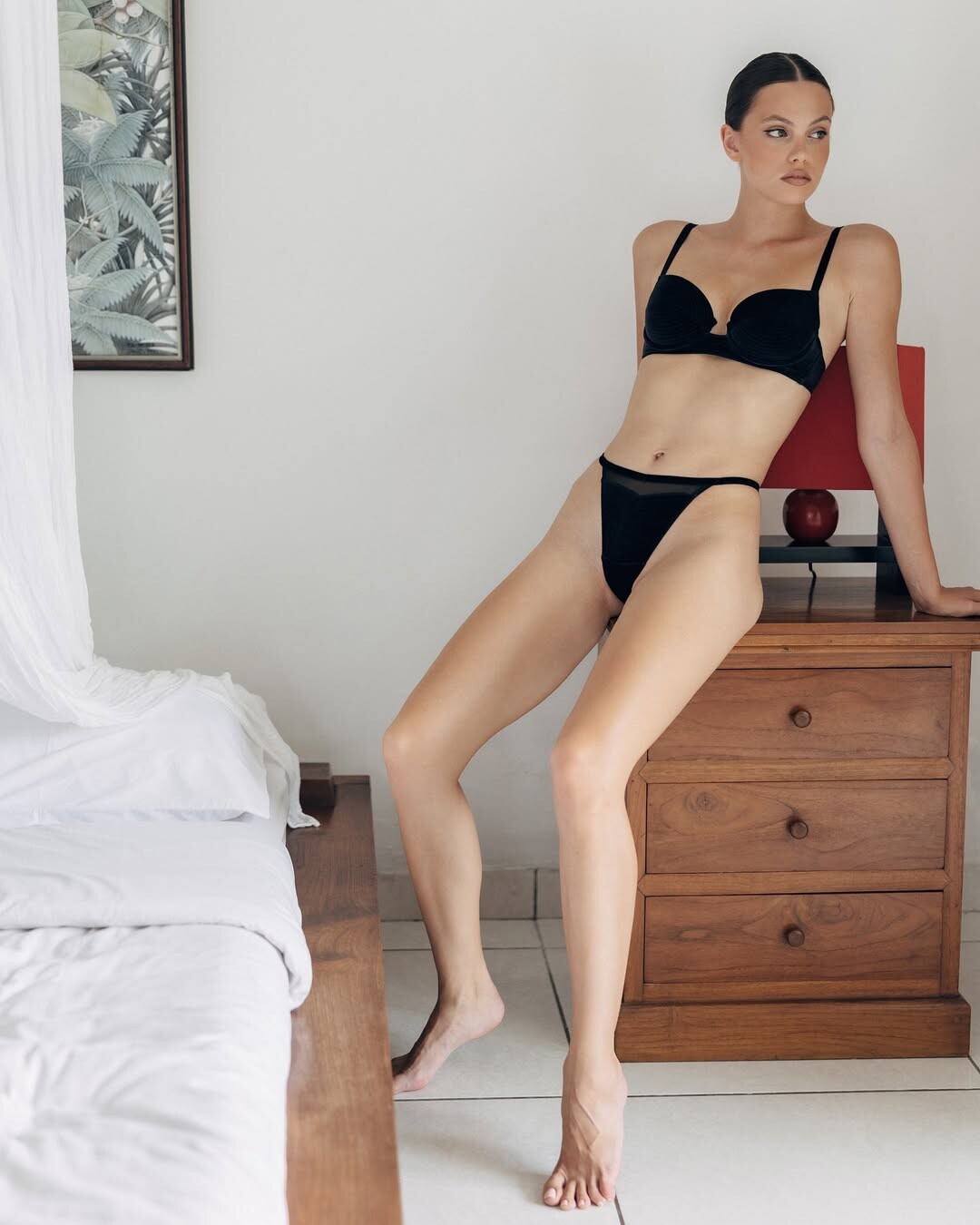
 Photography by --> eloan anquez Eloan AnquezChloé — Eloan Anquez
-

-
 Ph: Rob Jamieson 2017






-
 Can't wait to see what your have in your collection
 -
Ph: Jamie Cowlishaw 2016

-
 Spoiler AQO1w4uzoyG4fmoepZ24S7kji9X6q7A_Mrs5fehCO7y0CindReH-go-oppQ2QGLCTMBQVxvJrcFRppjWF-02tr-UYCEupOSN.mp4
- Today

 video [2026.01.16] lizakovalenkoo_DTiG1tEEatV.mp4
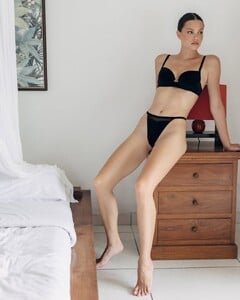
 Ph: DEJAN BUGARINOVIC 2025 SnapInsta.to_AQOyYd_x41uGYO0XCarXw075LefL3krjb-LjjeLJ9v8LAeyHWQUlwdi8ZiQVNqFXK6SFWM6UVRwG9MkHPRpUI5pRWplTnrkD_nZCHiA.mp4















 🐟
🐟
 Thanks,dear.Time for a new thread... 😊
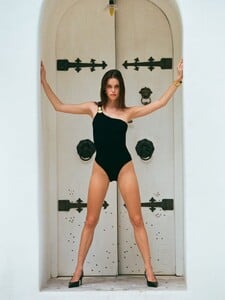
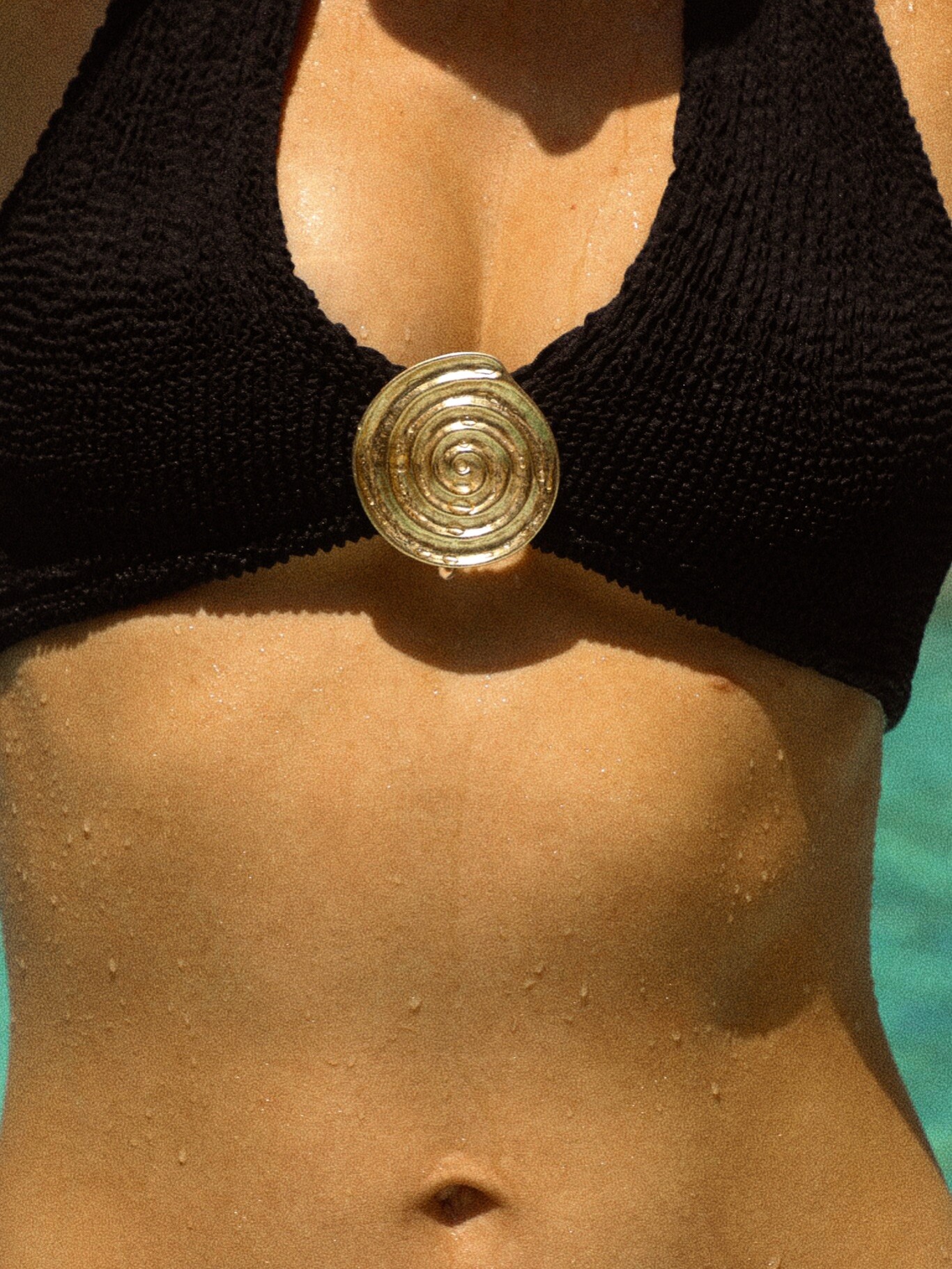
 Reina Olga Beachwear Helios Campaign Ph: @nael_pons SnapInsta.to_AQM_lZ9DcVrR6ww_c4vVTXtfHBWCmNpLyKcuq6na8xWJuw0fb3c0QZk5EKFhPsqTRb2TBDmJHP2WdcVvZCEqpnx9iXZ7oNCVdQhl9N0.mp4SnapInsta.to_AQNlLPQVKkzDL8tJ70YlFWNmTFHHZn_8ZPNzTsBcB_rFXYSe_C2MQlxY56aMESRNmH2UGIX_CSSoAIqJYPnNTvPriWr0JVkdKMGY9xQ.mp4












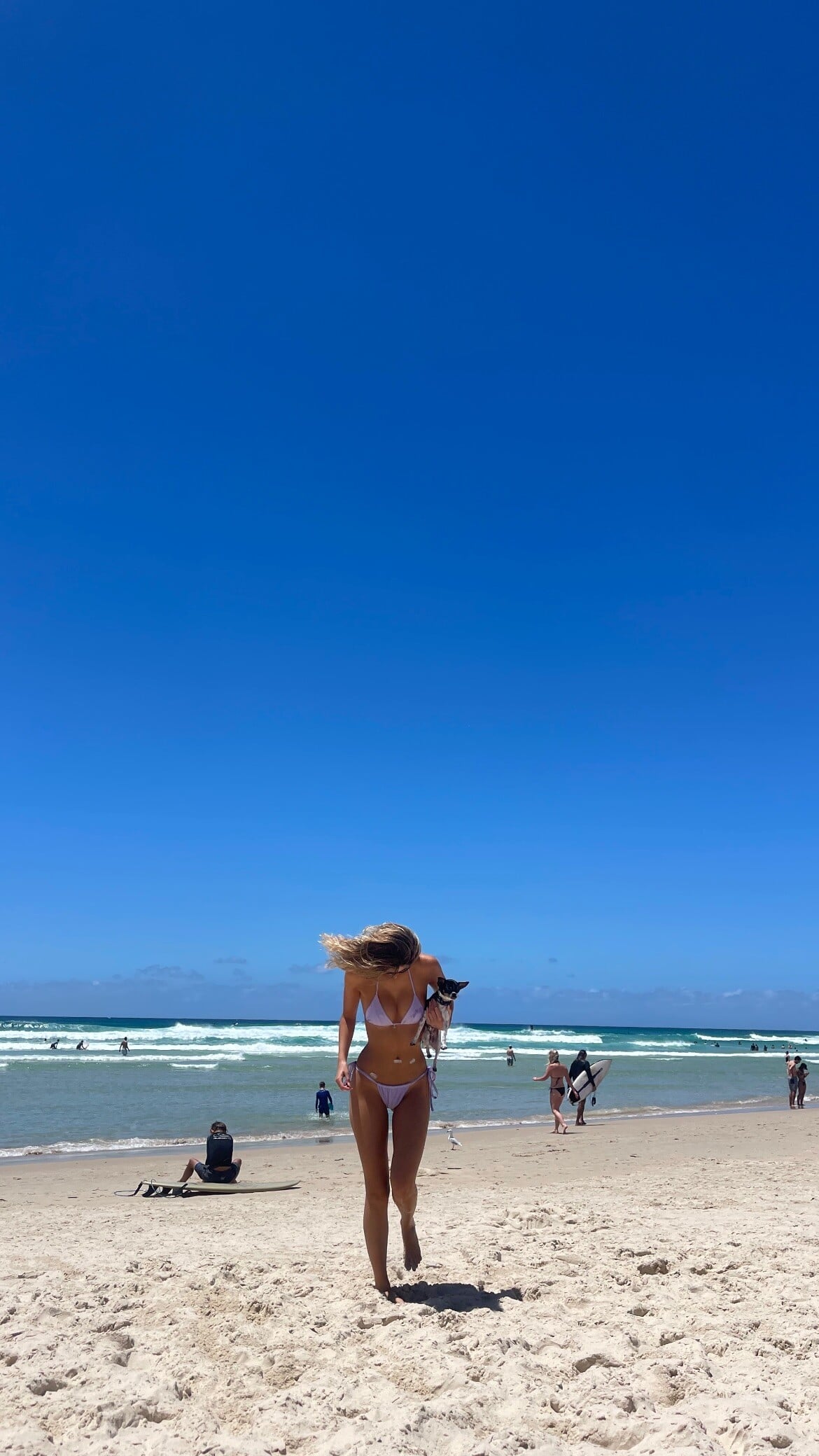
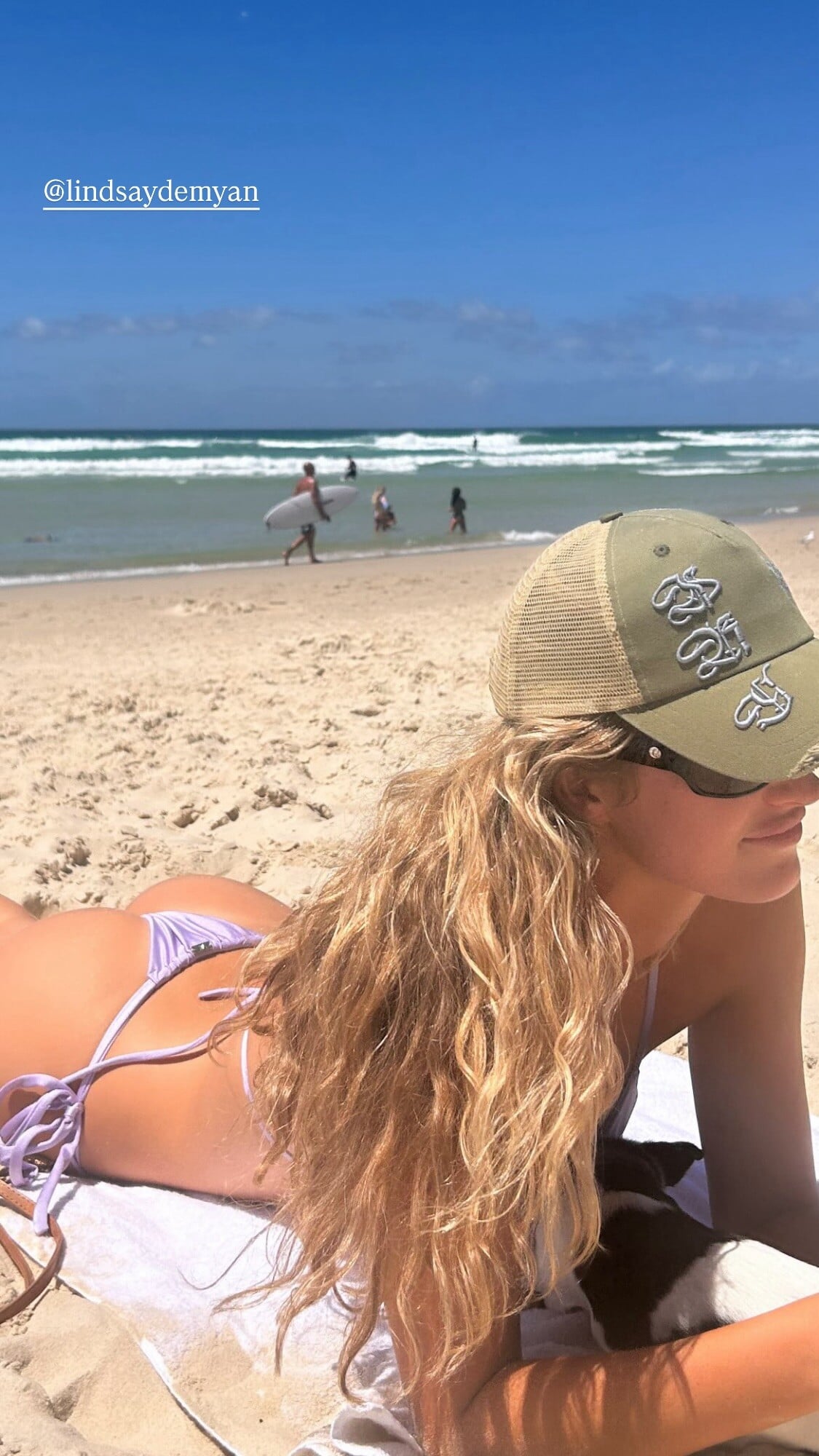
 stories video [2026.01.16] lindsaydemyan's2026-1-17-3.29.113 story.mp4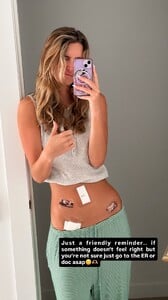




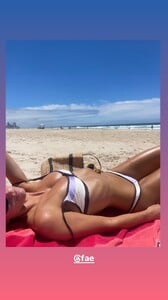
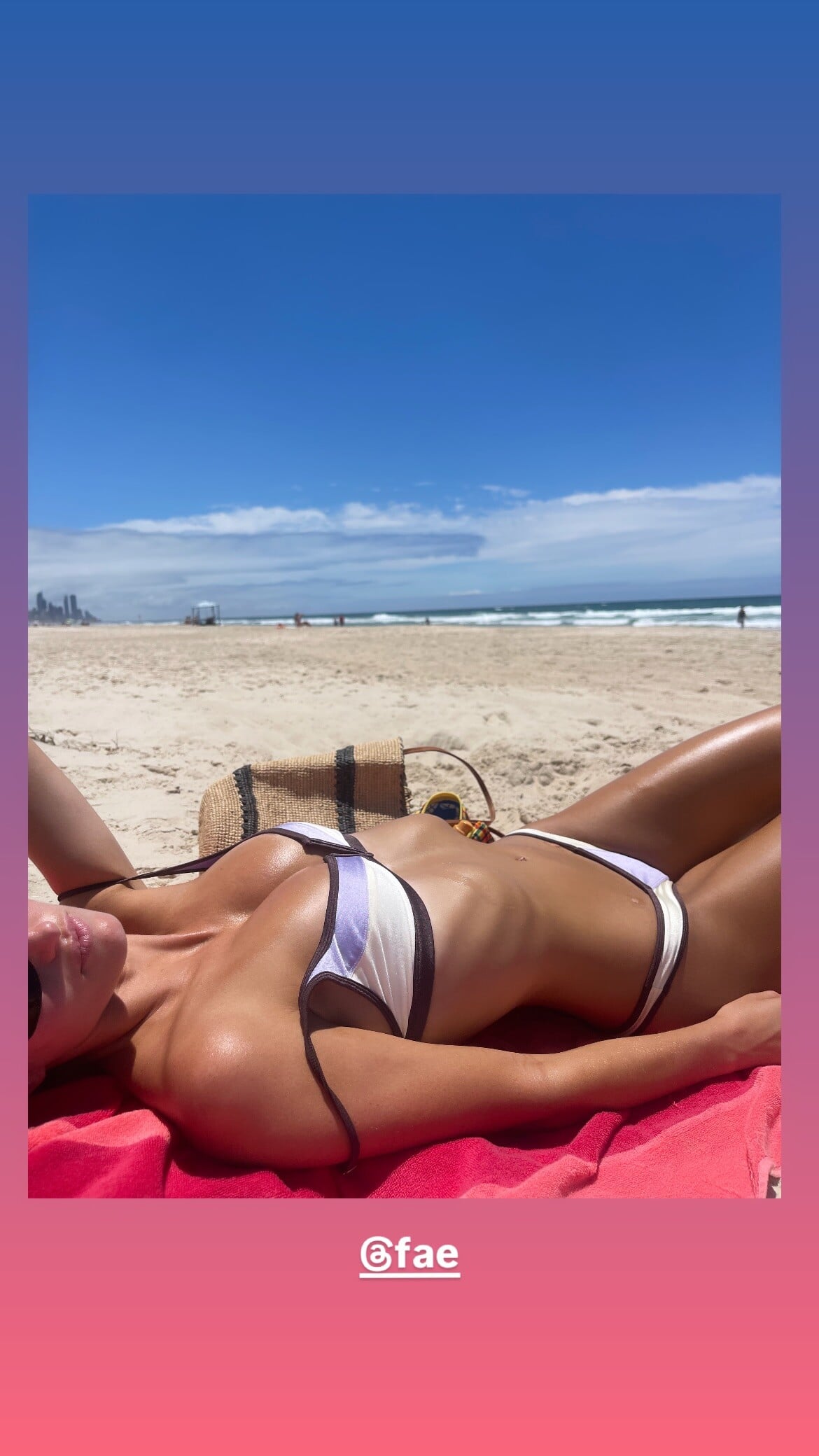
 fae 🧚💜 video [2026.01.17] lindsaydemyan_DTmeGNkncF.mp4
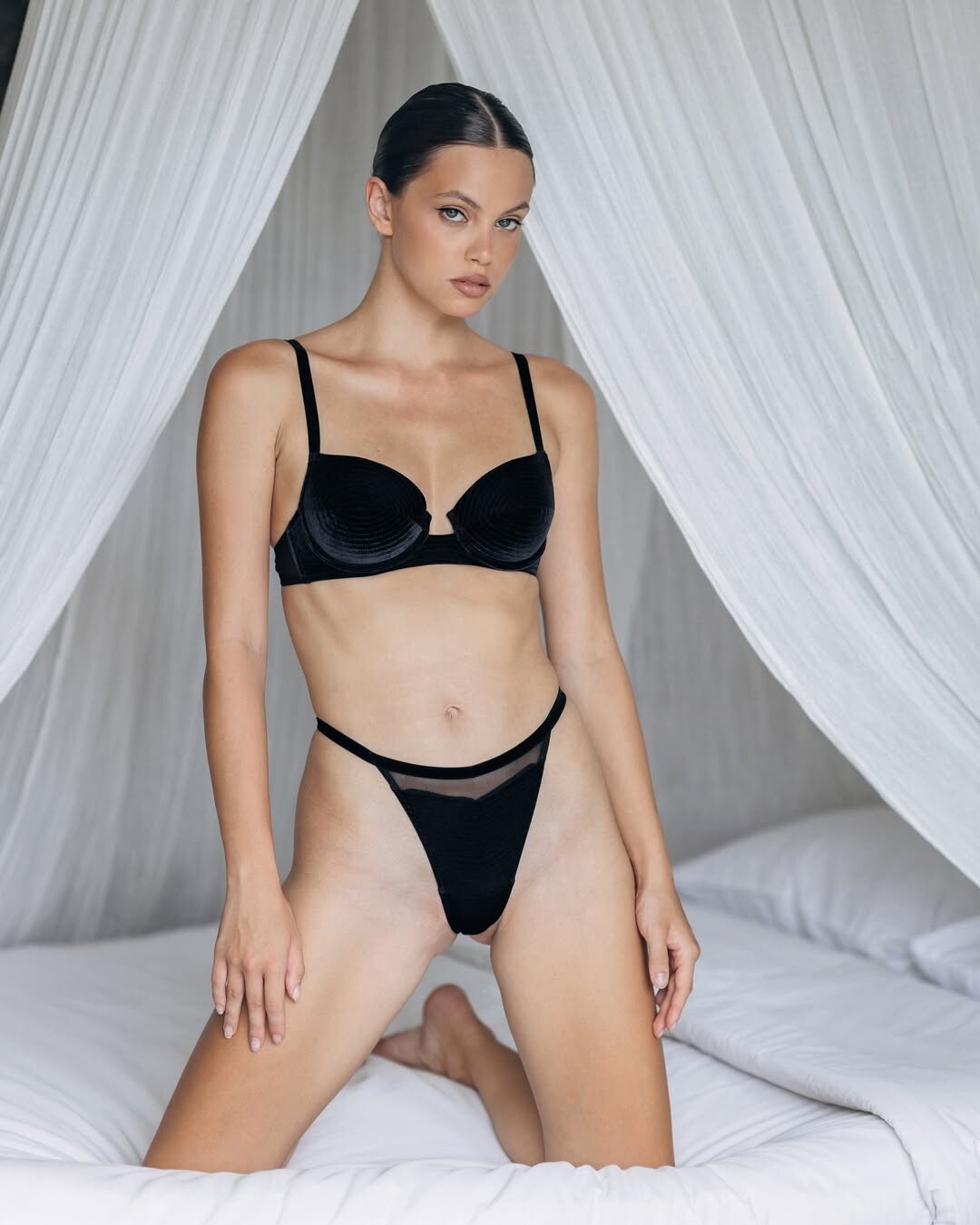
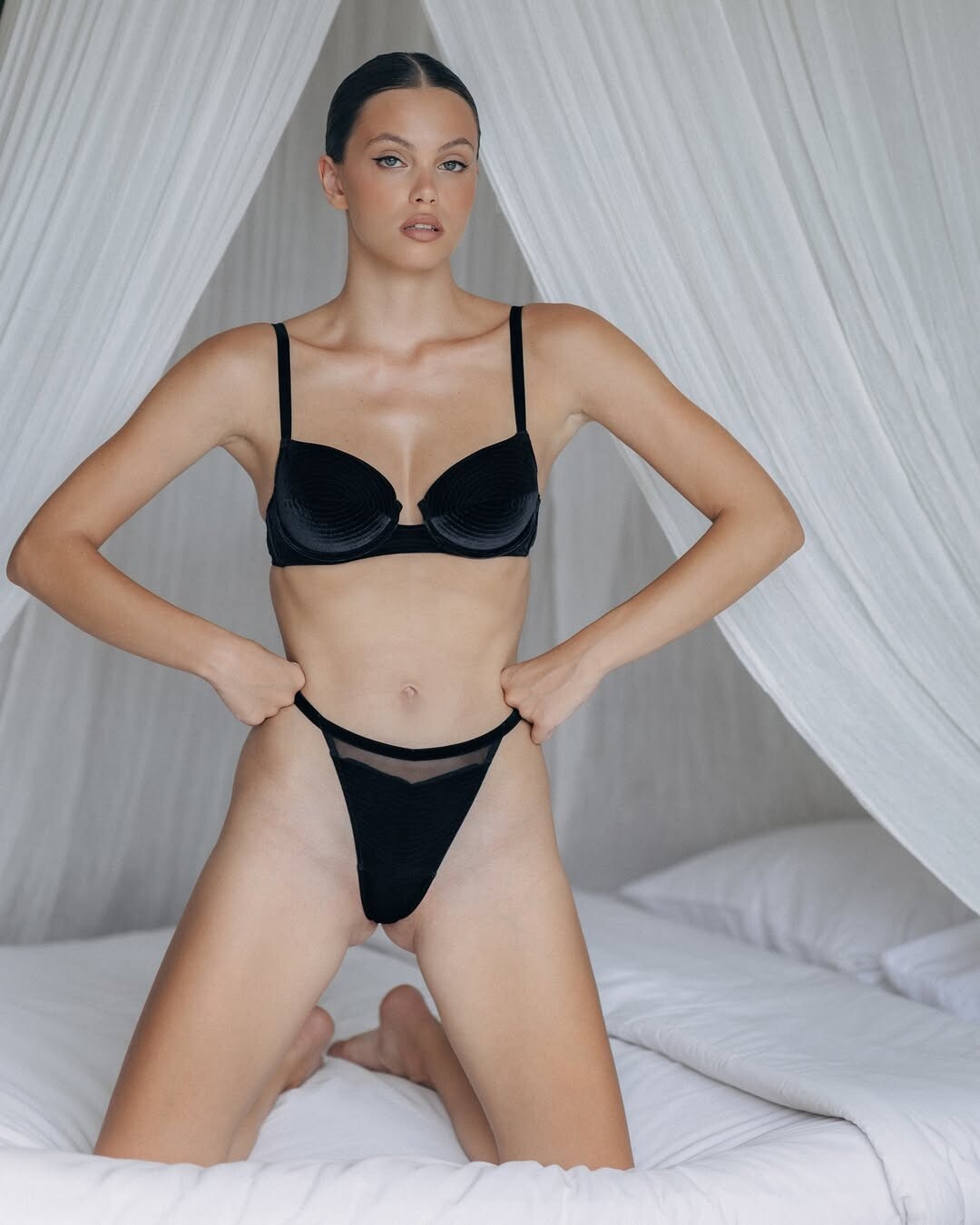
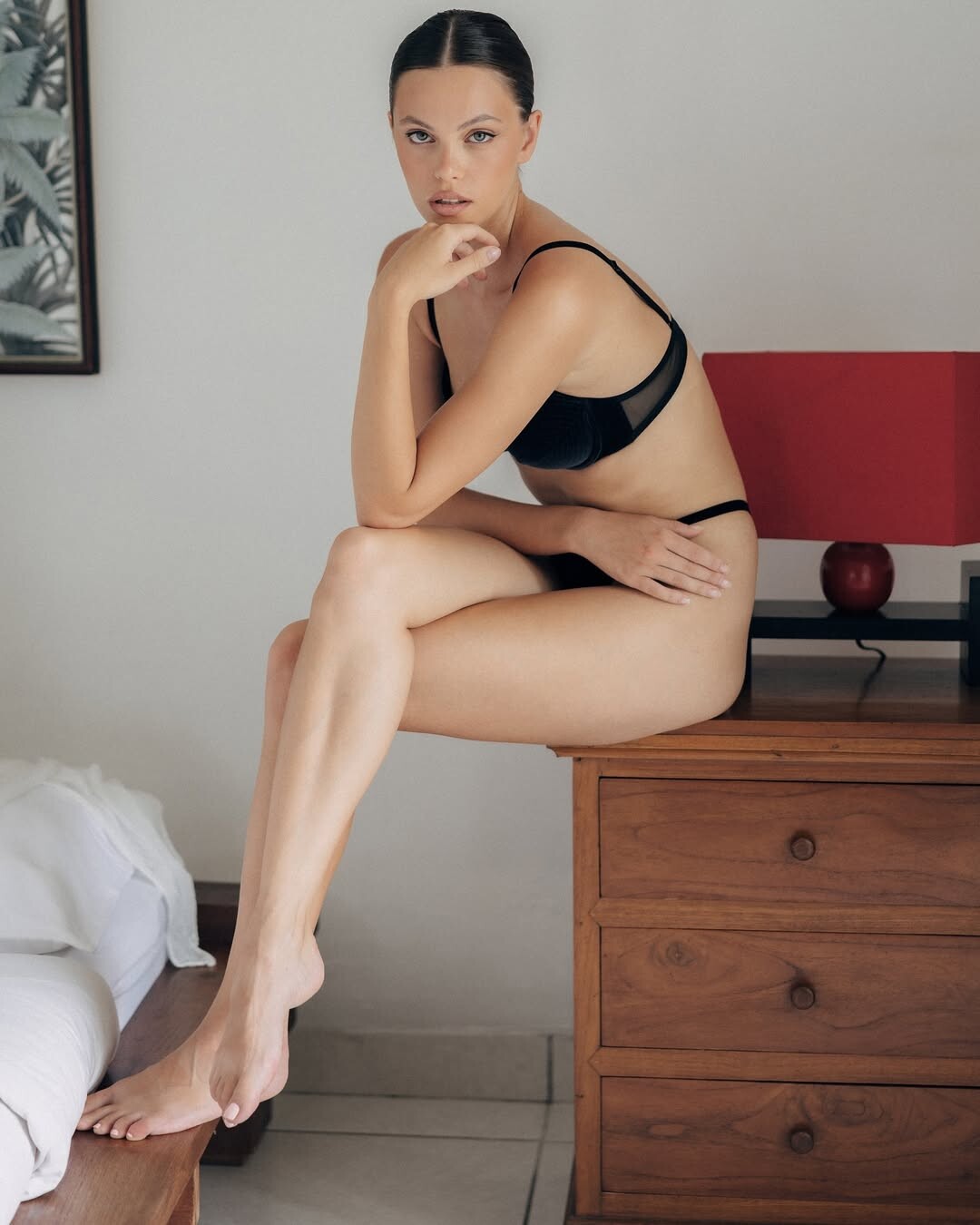
 Spoiler AQOA-7vK1Bl9dXI6Myj94oRC60_dE1ql5socEz05Vng8o4DM1-LwOhn1O79140rHSzn1hhSAcXkSK-3agKJAhmbmWdj2JFxk.mp4AQMkcppV5_kC6GBLtVFlFikubdieF1_EvCb-jR3-fei8LMX2KQkJCtXhhctaIq9ZKTfBLxt0HCiqhNhsPpwkiAvJoFSIe2DD.mp4


























































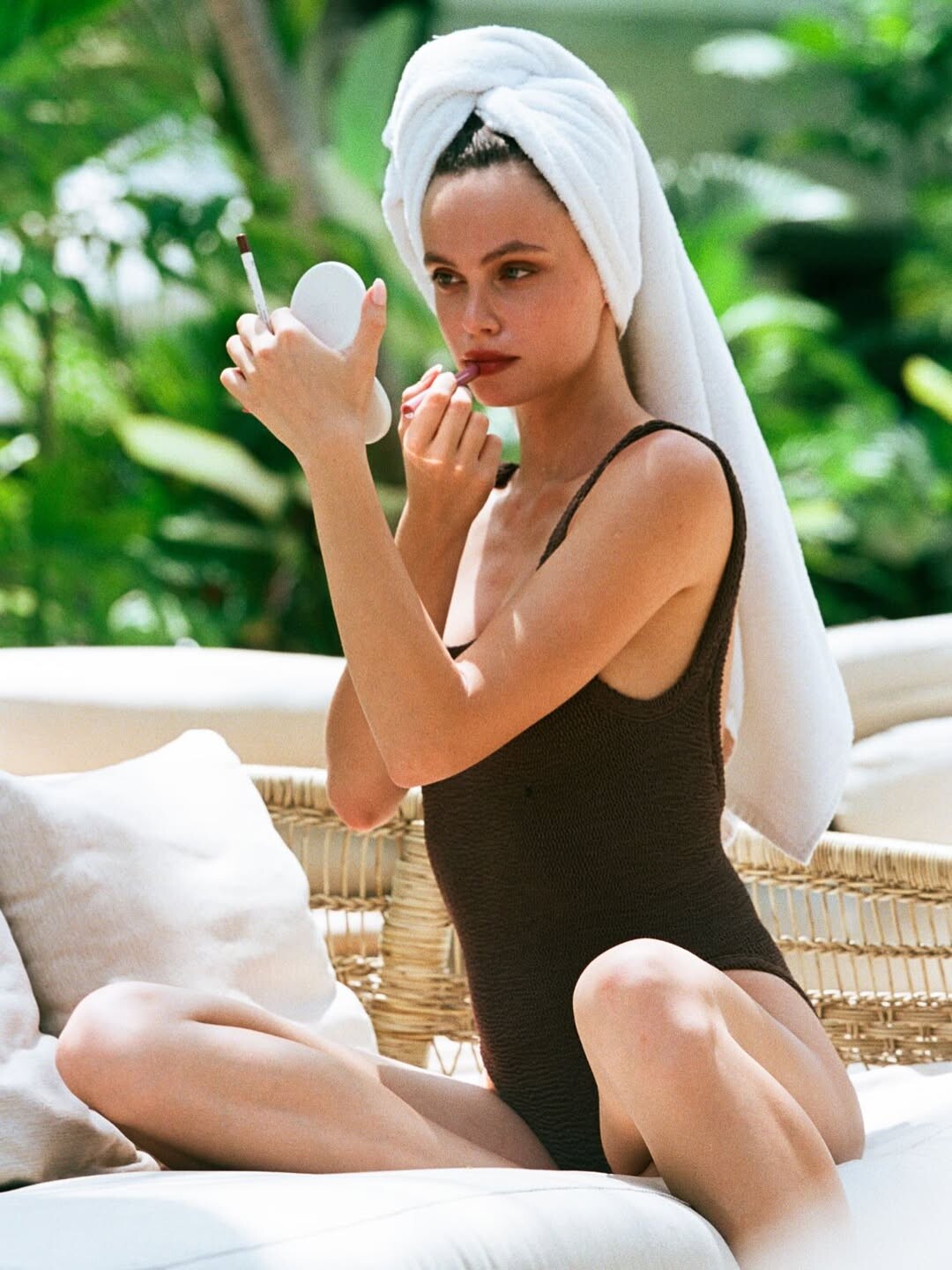





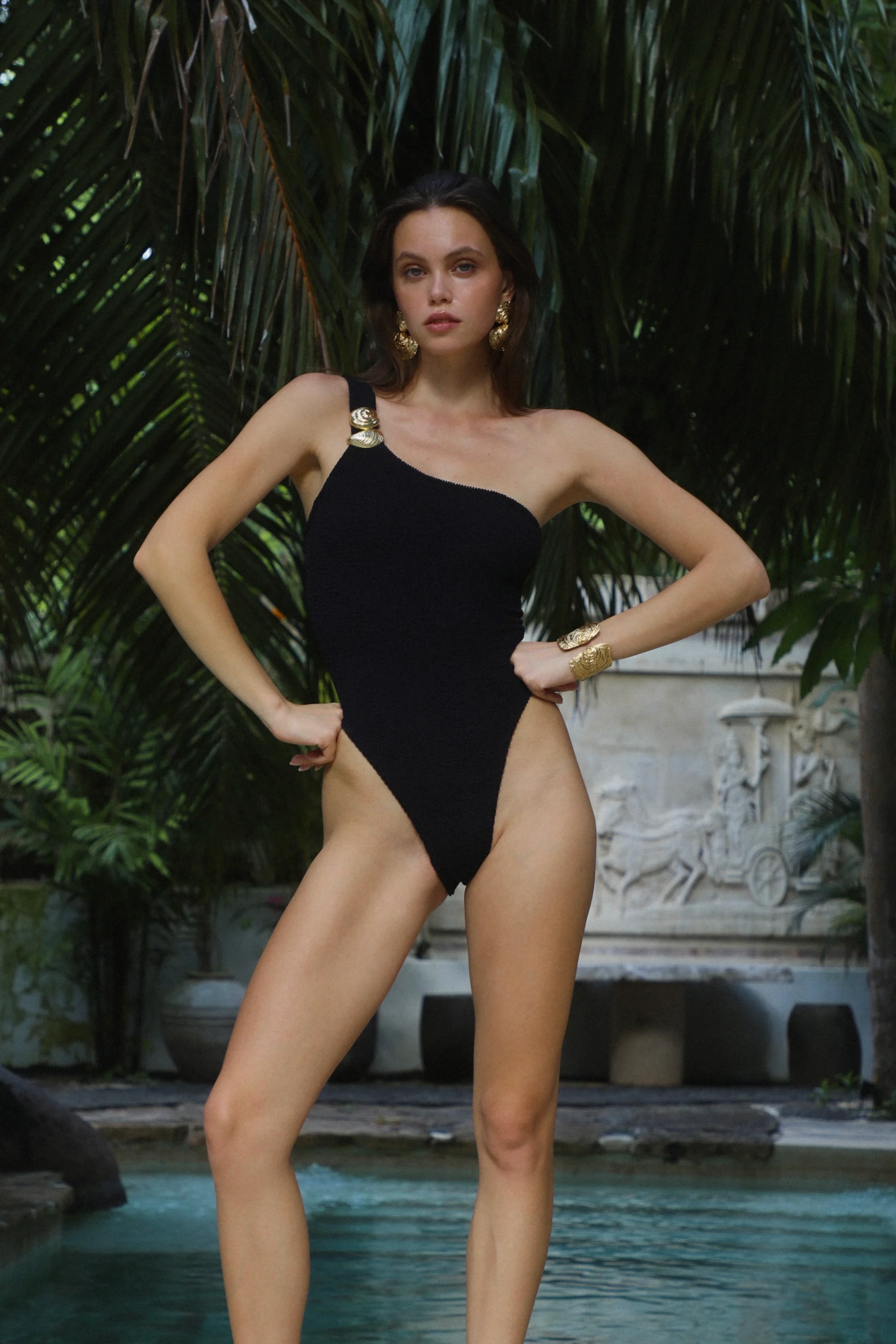

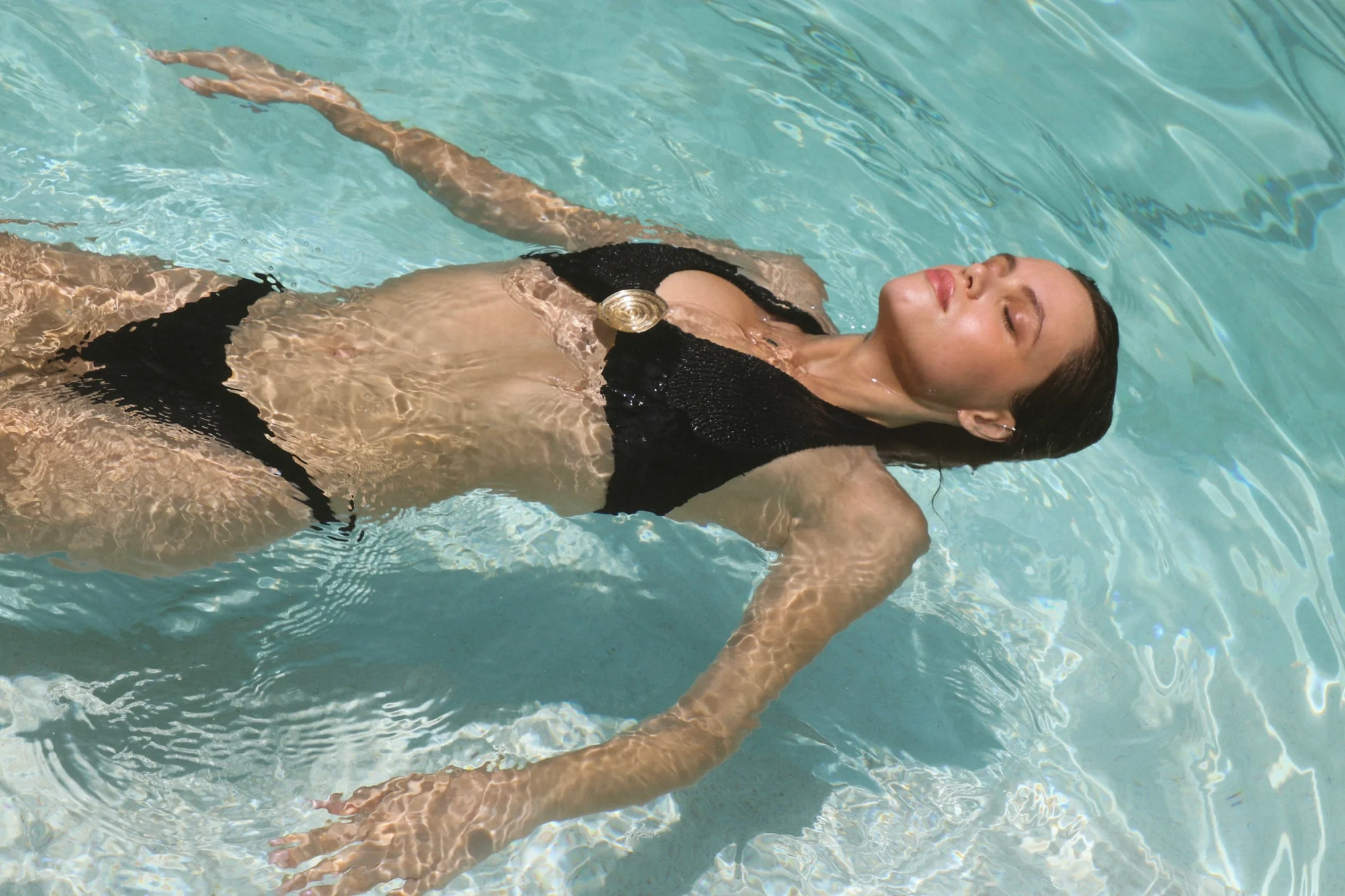
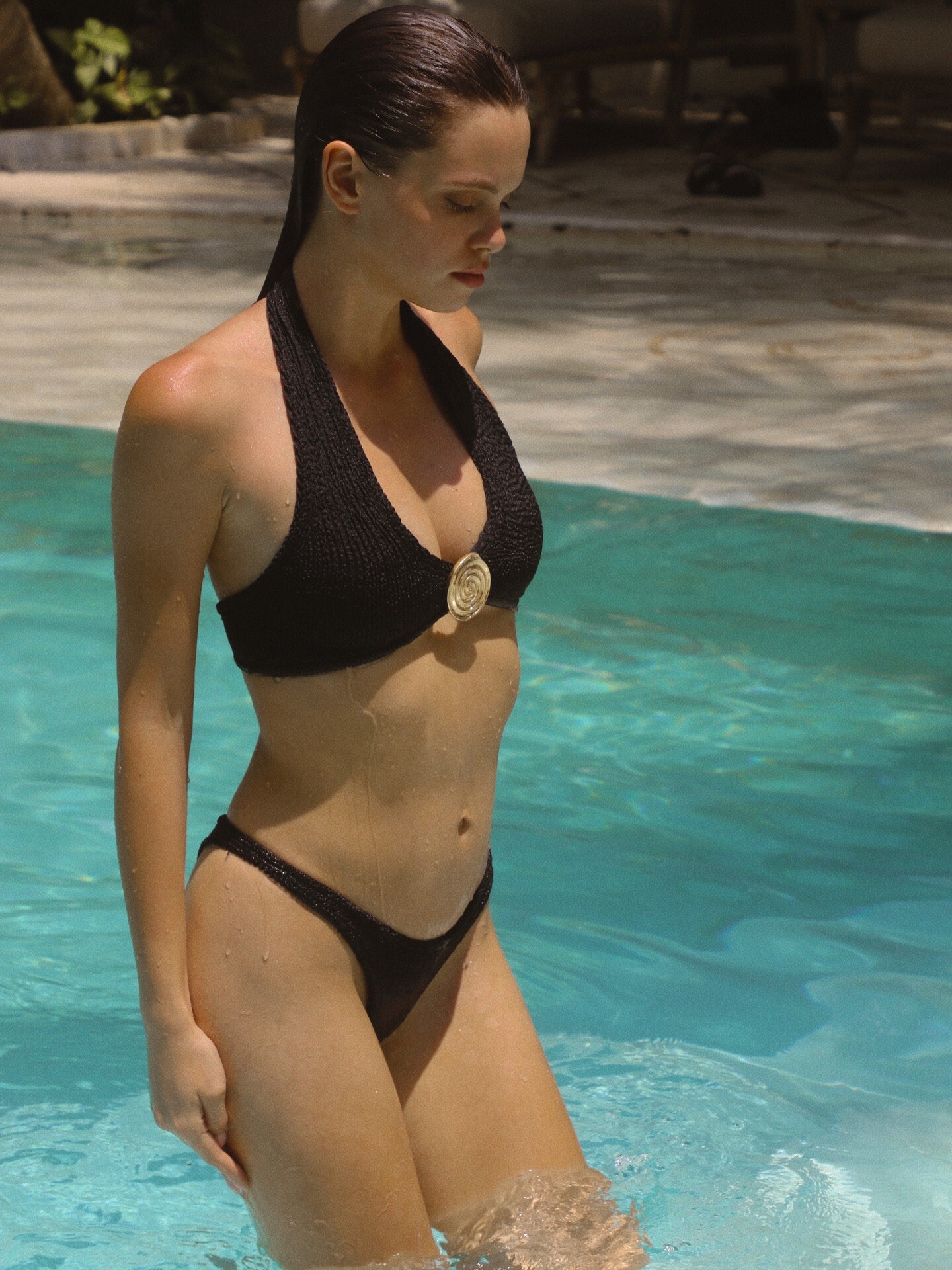



































Account
Search
Configure browser push notifications
Chrome (Android)
- Tap the lock icon next to the address bar.
- Tap Permissions → Notifications.
- Adjust your preference.
Chrome (Desktop)
- Click the padlock icon in the address bar.
- Select Site settings.
- Find Notifications and adjust your preference.
Safari (iOS 16.4+)
- Ensure the site is installed via Add to Home Screen.
- Open Settings App → Notifications.
- Find your app name and adjust your preference.
Safari (macOS)
- Go to Safari → Preferences.
- Click the Websites tab.
- Select Notifications in the sidebar.
- Find this website and adjust your preference.
Edge (Android)
- Tap the lock icon next to the address bar.
- Tap Permissions.
- Find Notifications and adjust your preference.
Edge (Desktop)
- Click the padlock icon in the address bar.
- Click Permissions for this site.
- Find Notifications and adjust your preference.
Firefox (Android)
- Go to Settings → Site permissions.
- Tap Notifications.
- Find this site in the list and adjust your preference.
Firefox (Desktop)
- Open Firefox Settings.
- Search for Notifications.
- Find this site in the list and adjust your preference.