All Activity
- Past hour
-
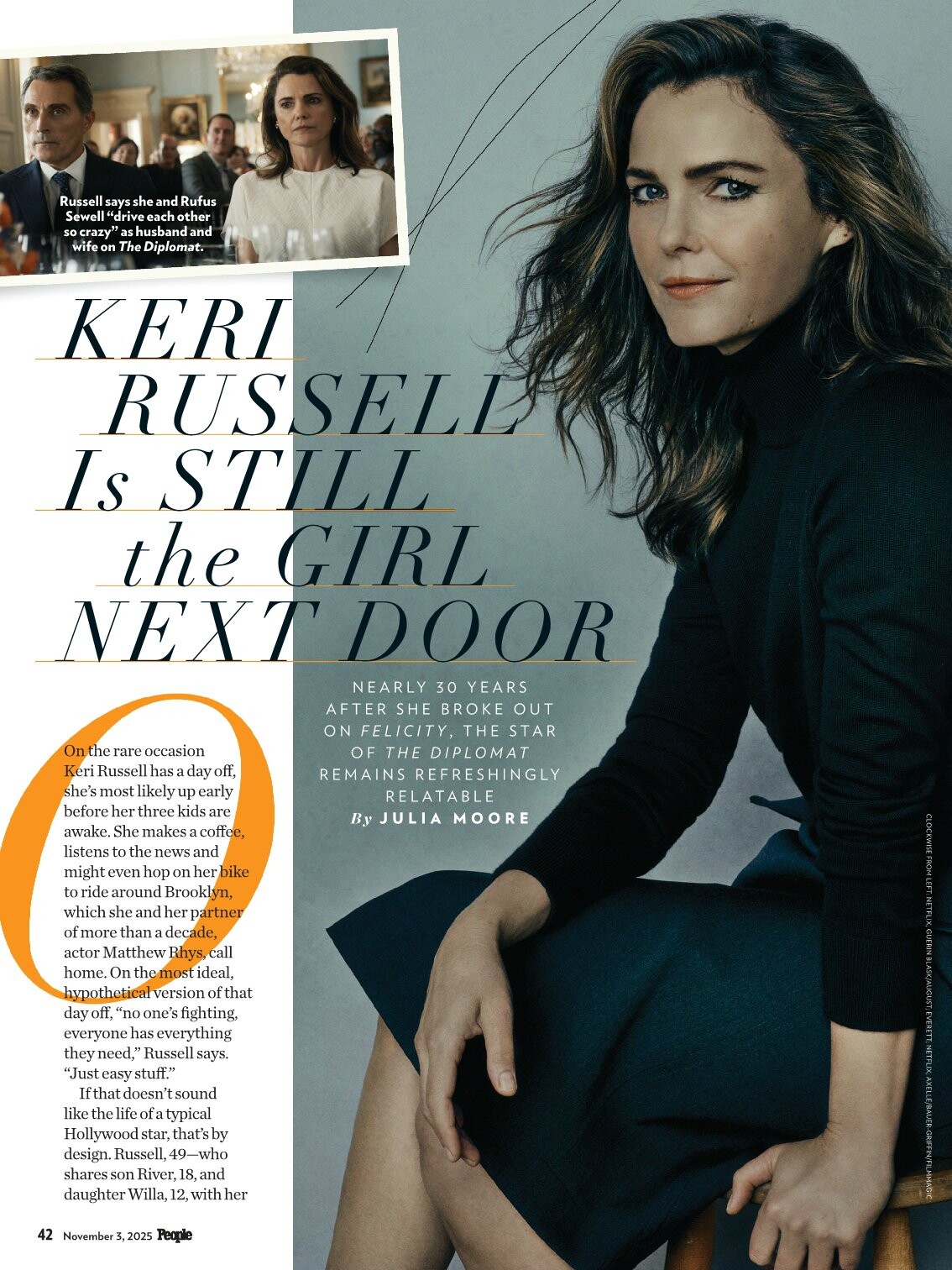
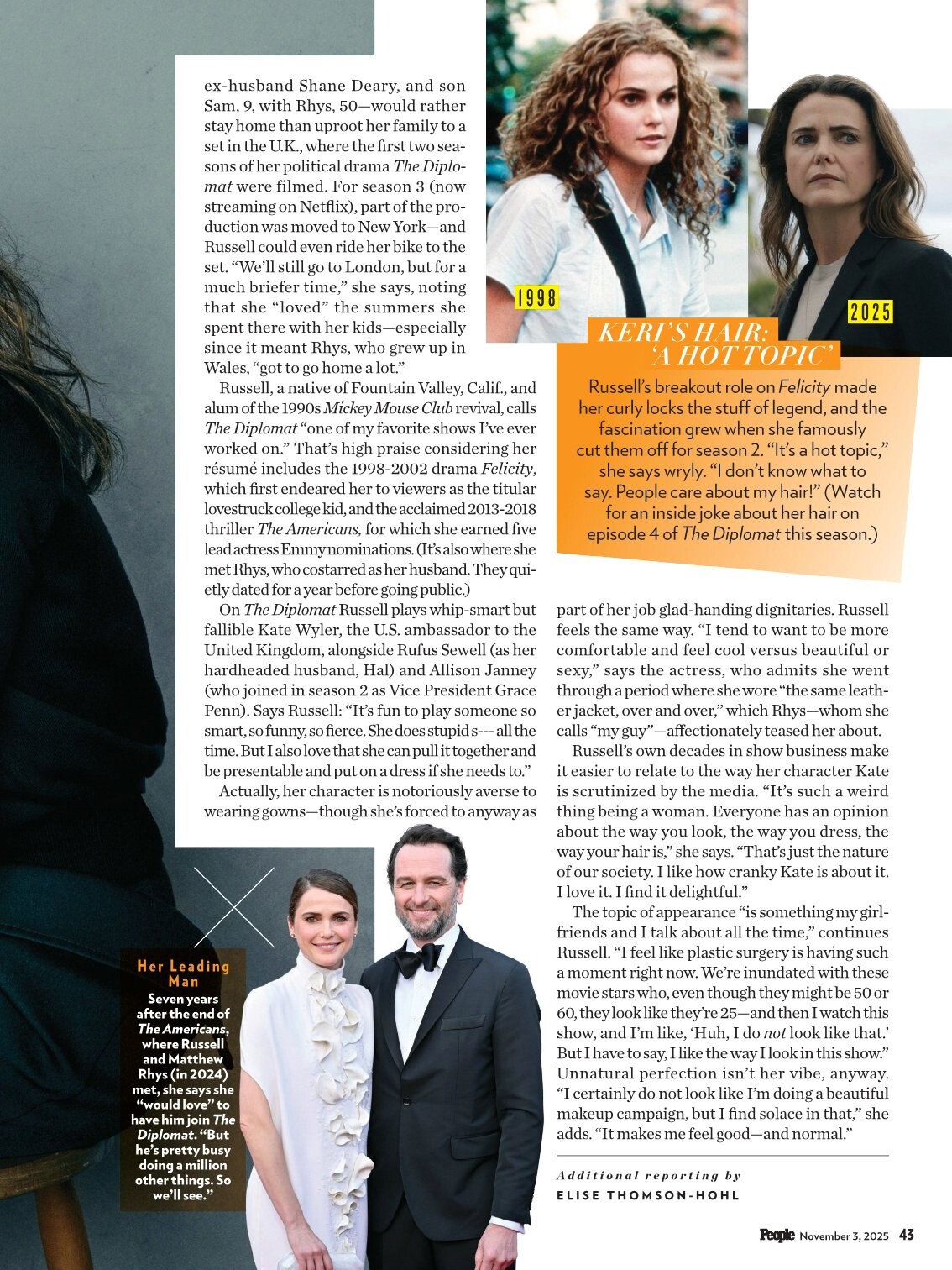
 You'd probably have to buy the mag or have a digital subscription.
 -

-
 Paula Josefine Allison Grace
 -
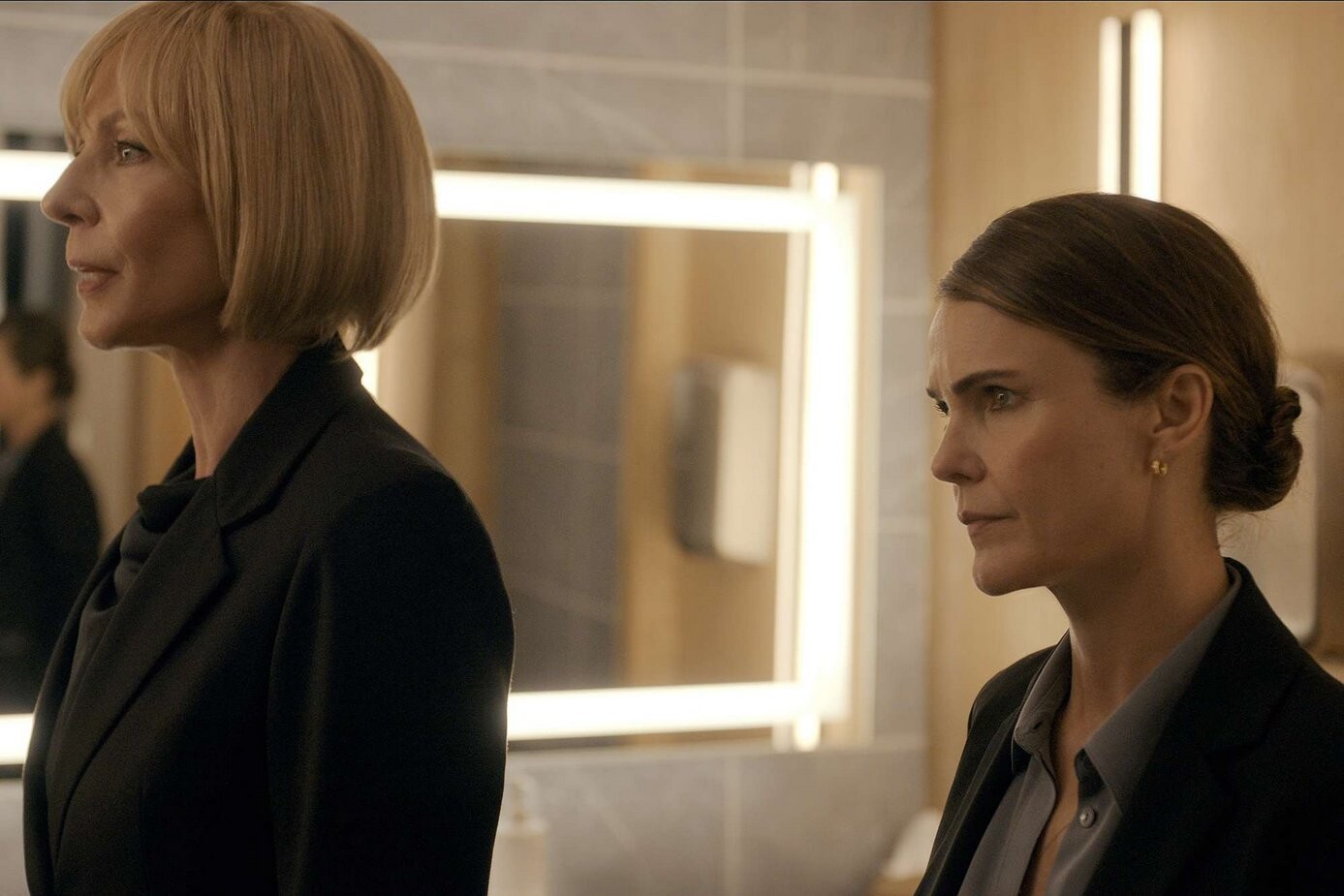
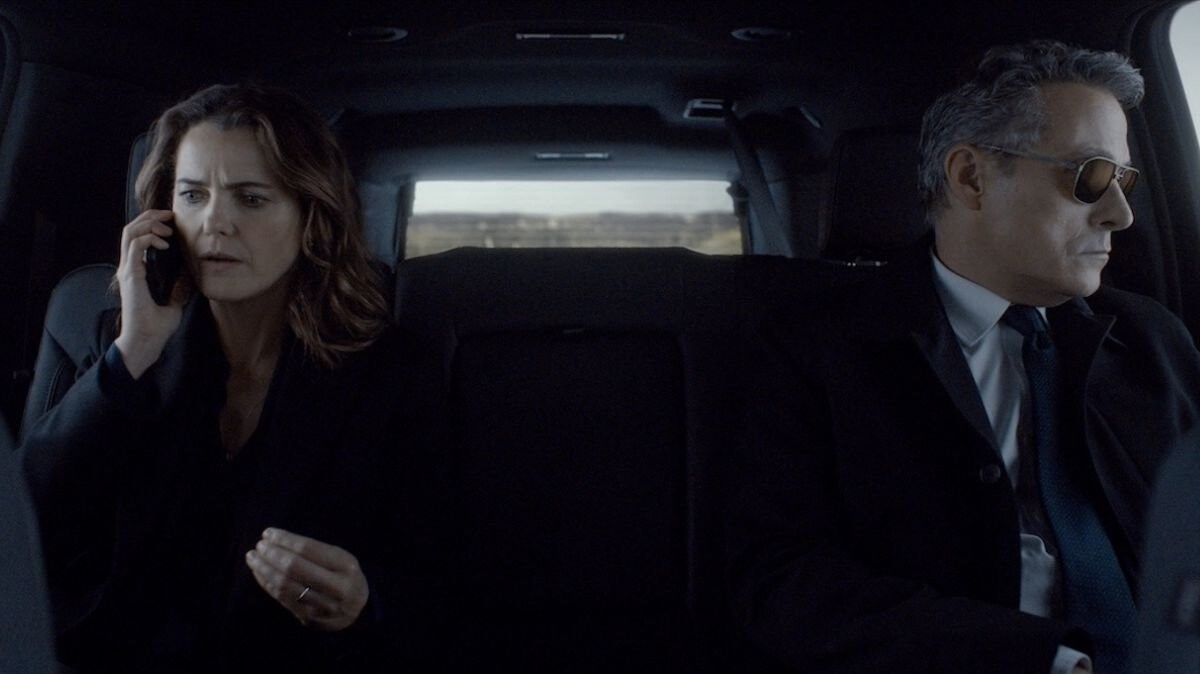
 The Diplomat Season 3 Stills and Poster kerirussellweb.com











-
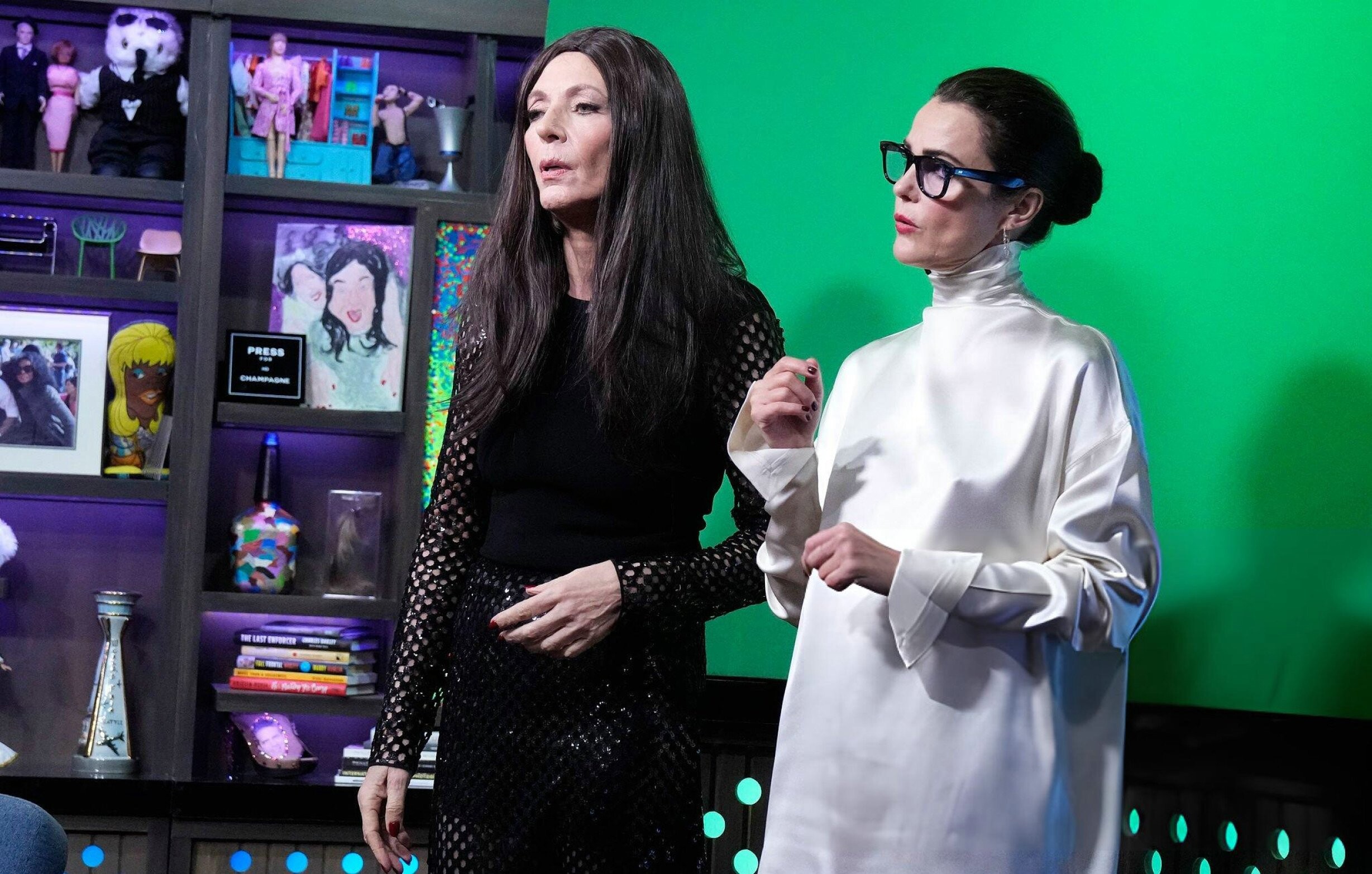
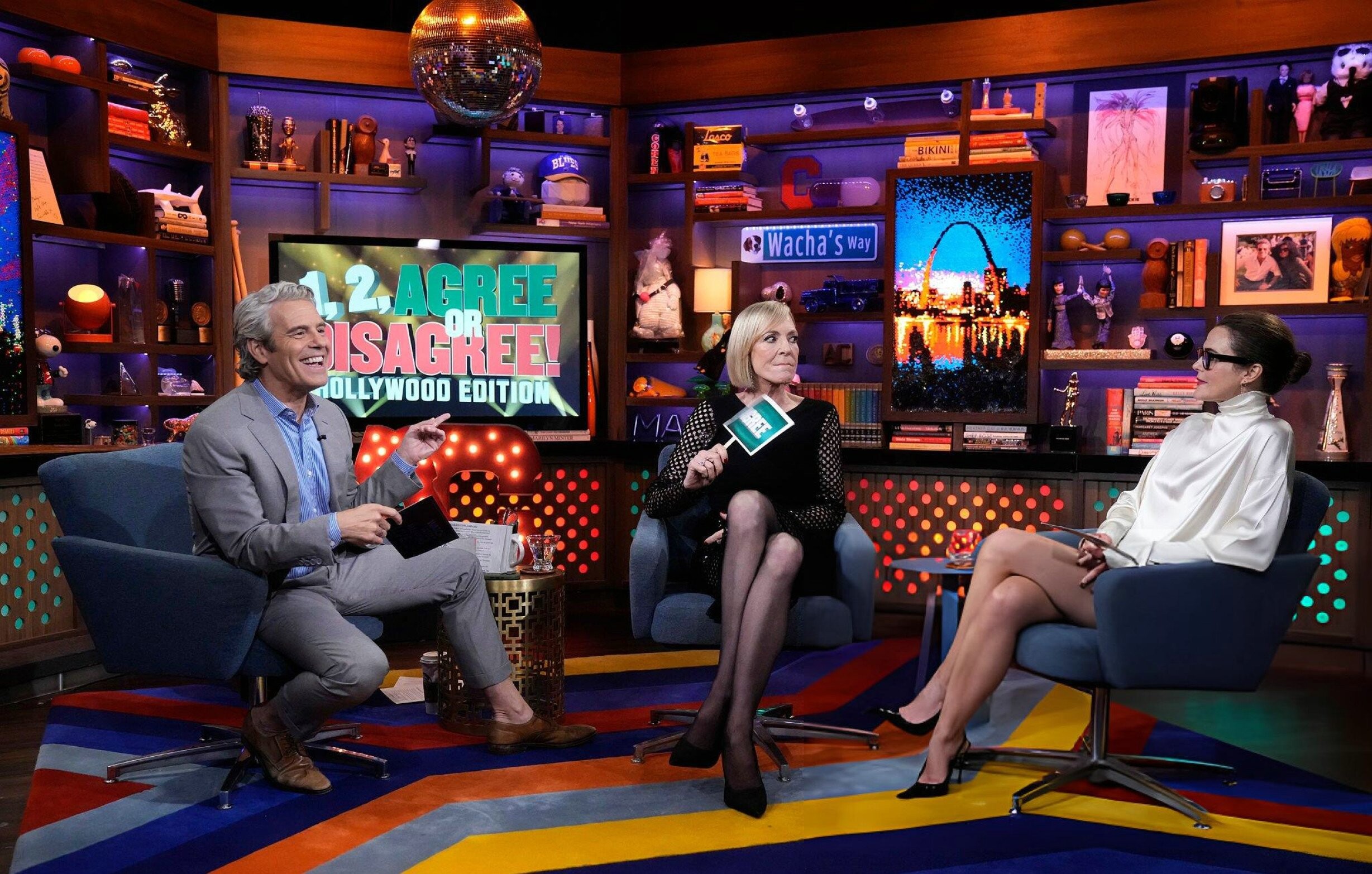
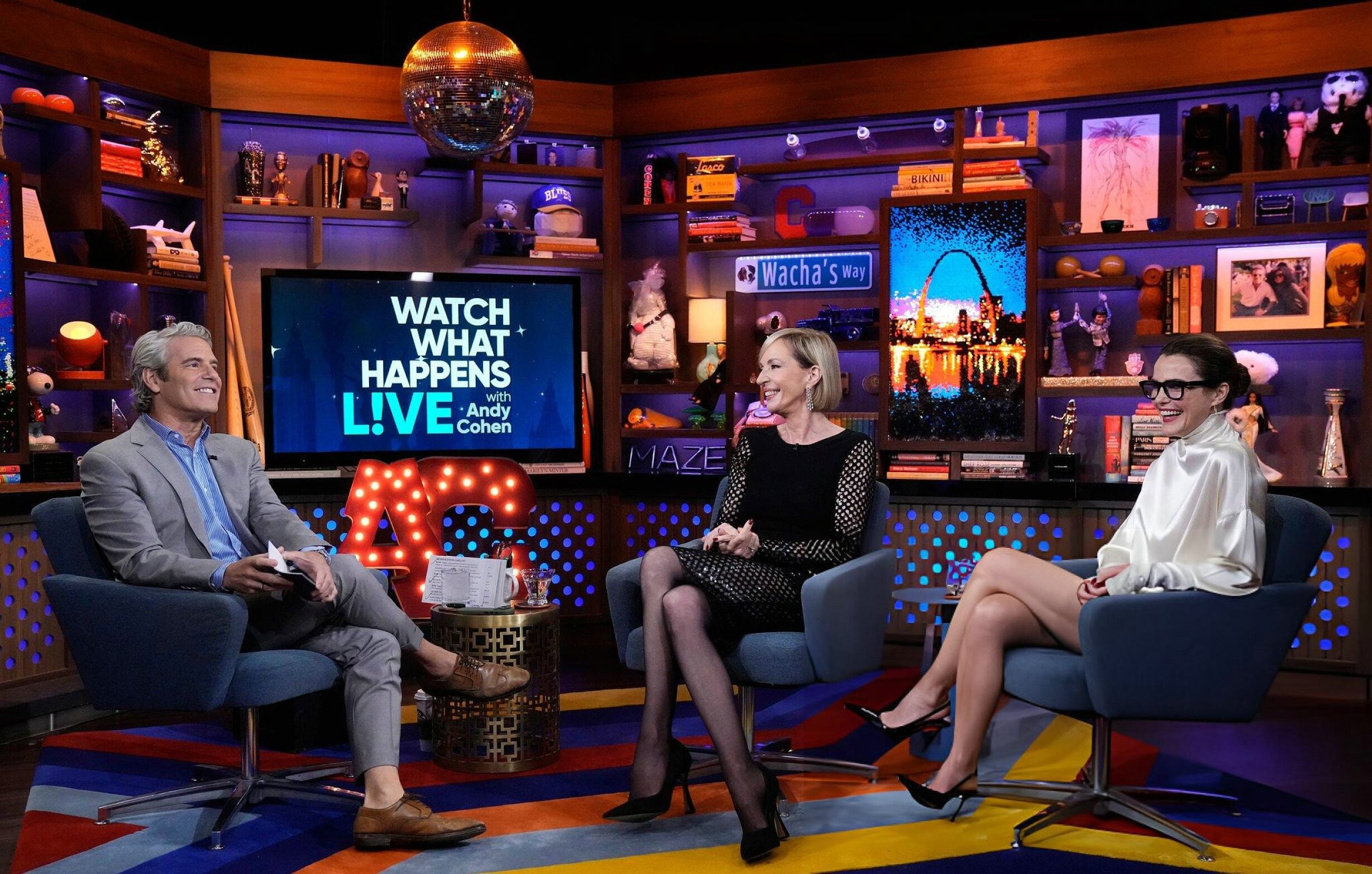
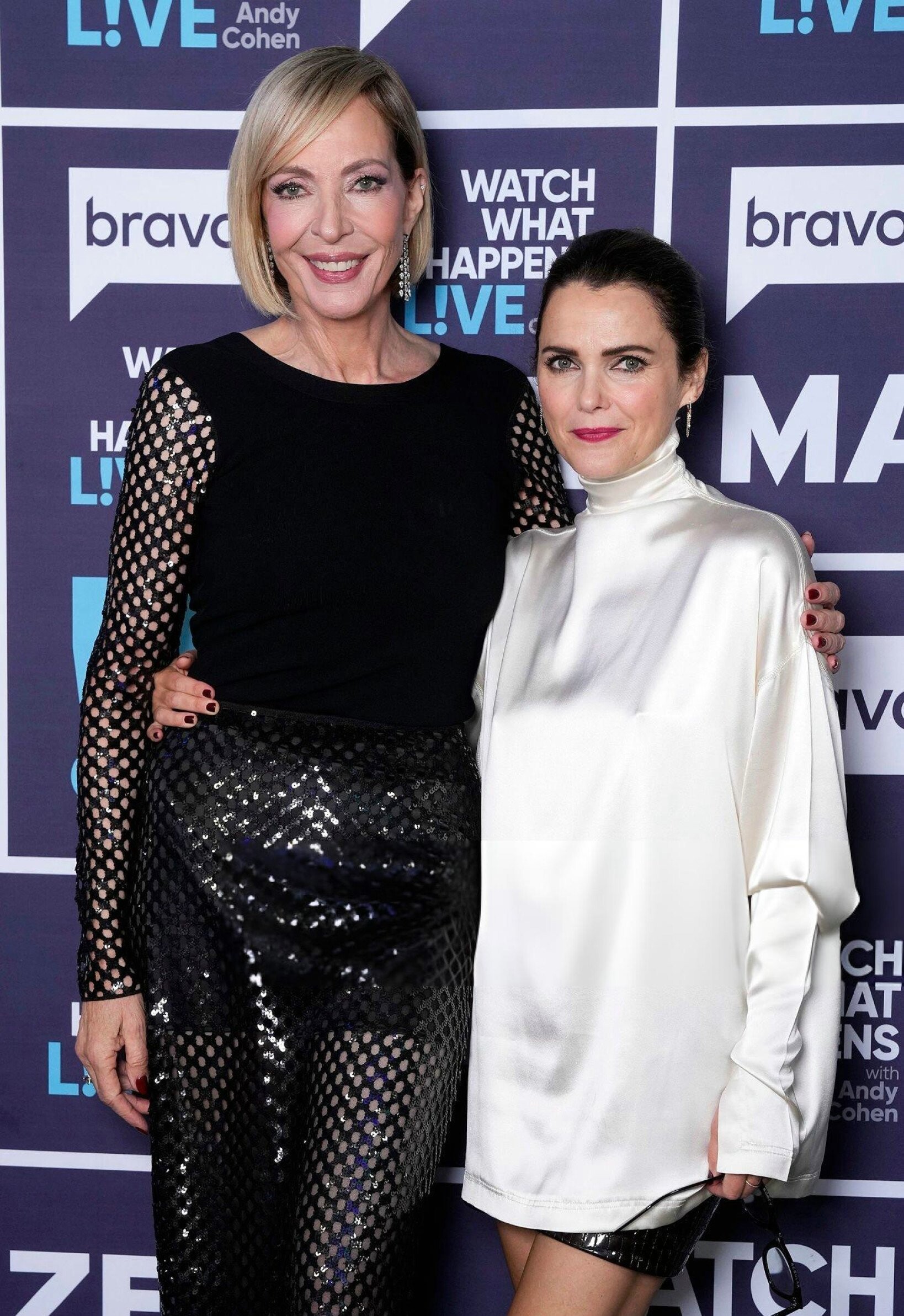
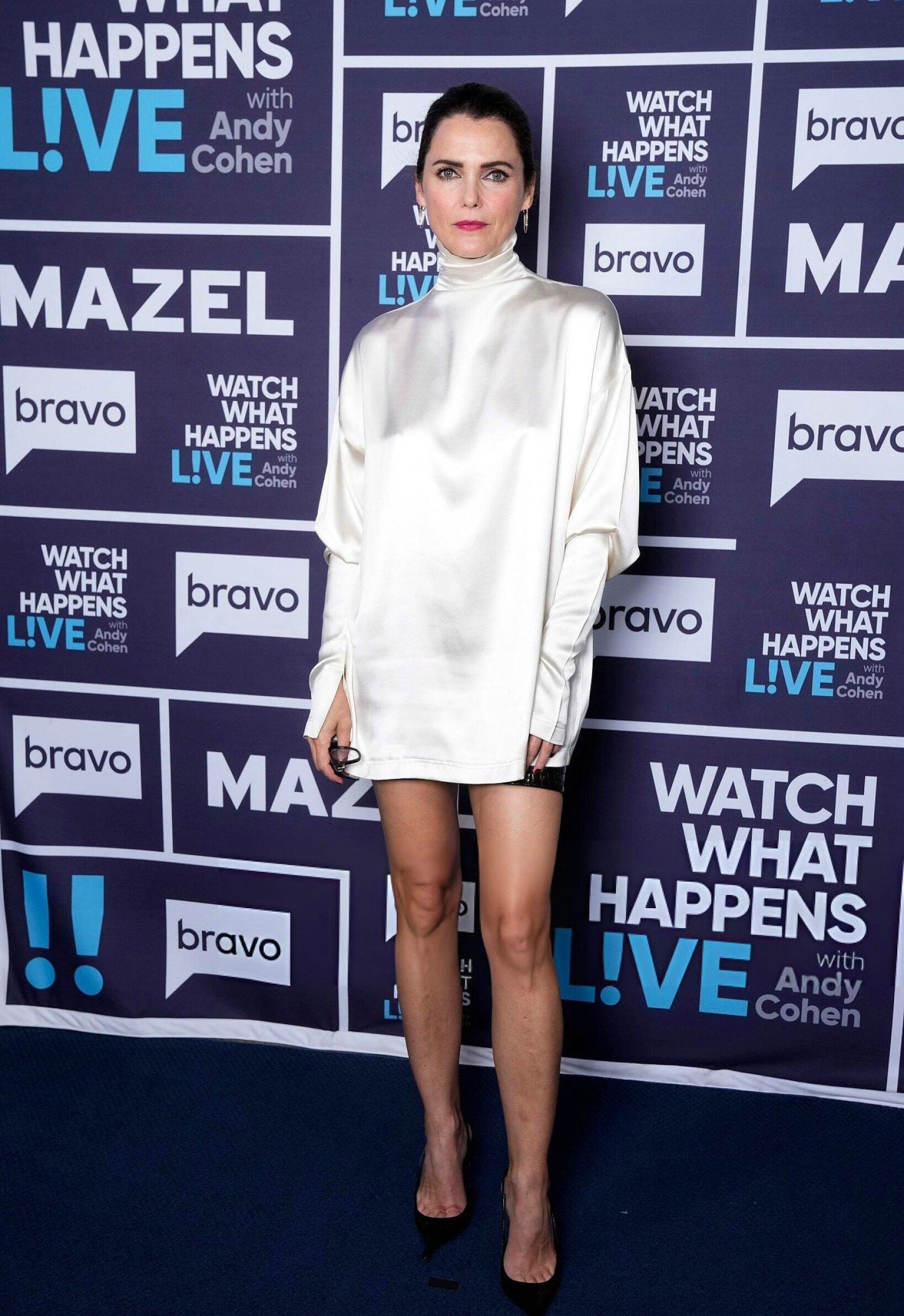
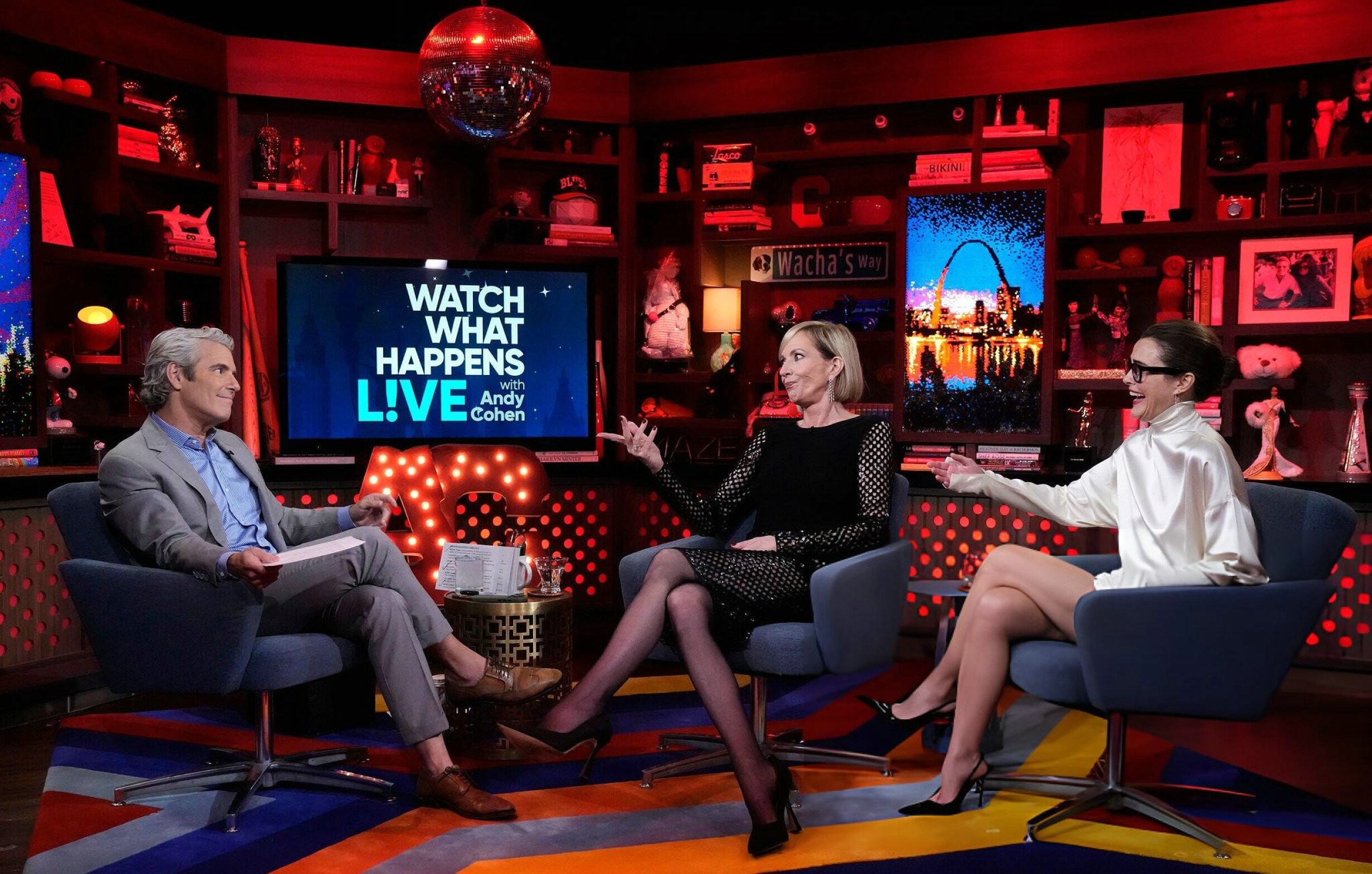
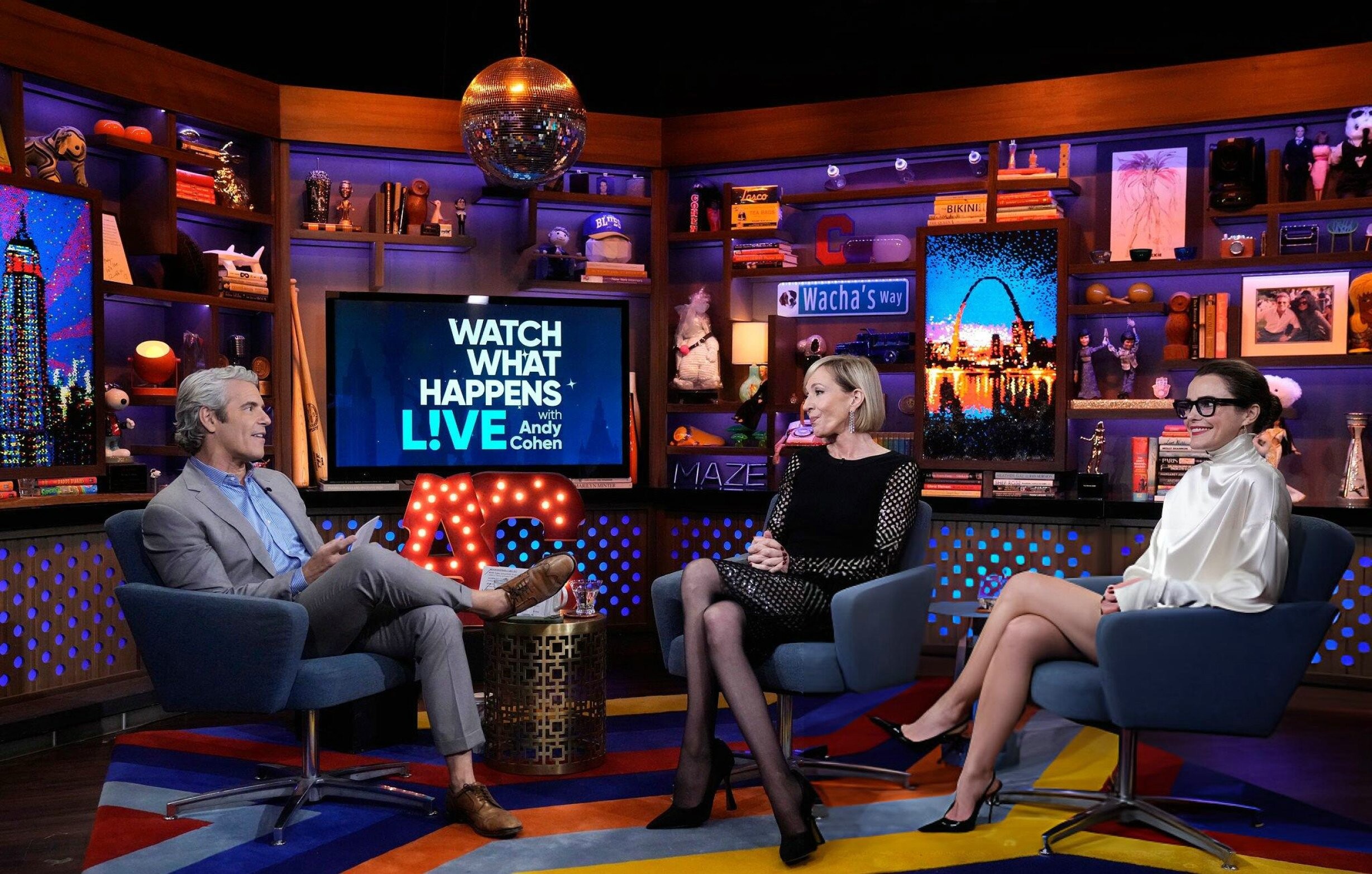
Watch What Happens Live - October 22 2025 kerirussellweb.com





















-
 for gabriella_company


-
by Hubert Warulik


-
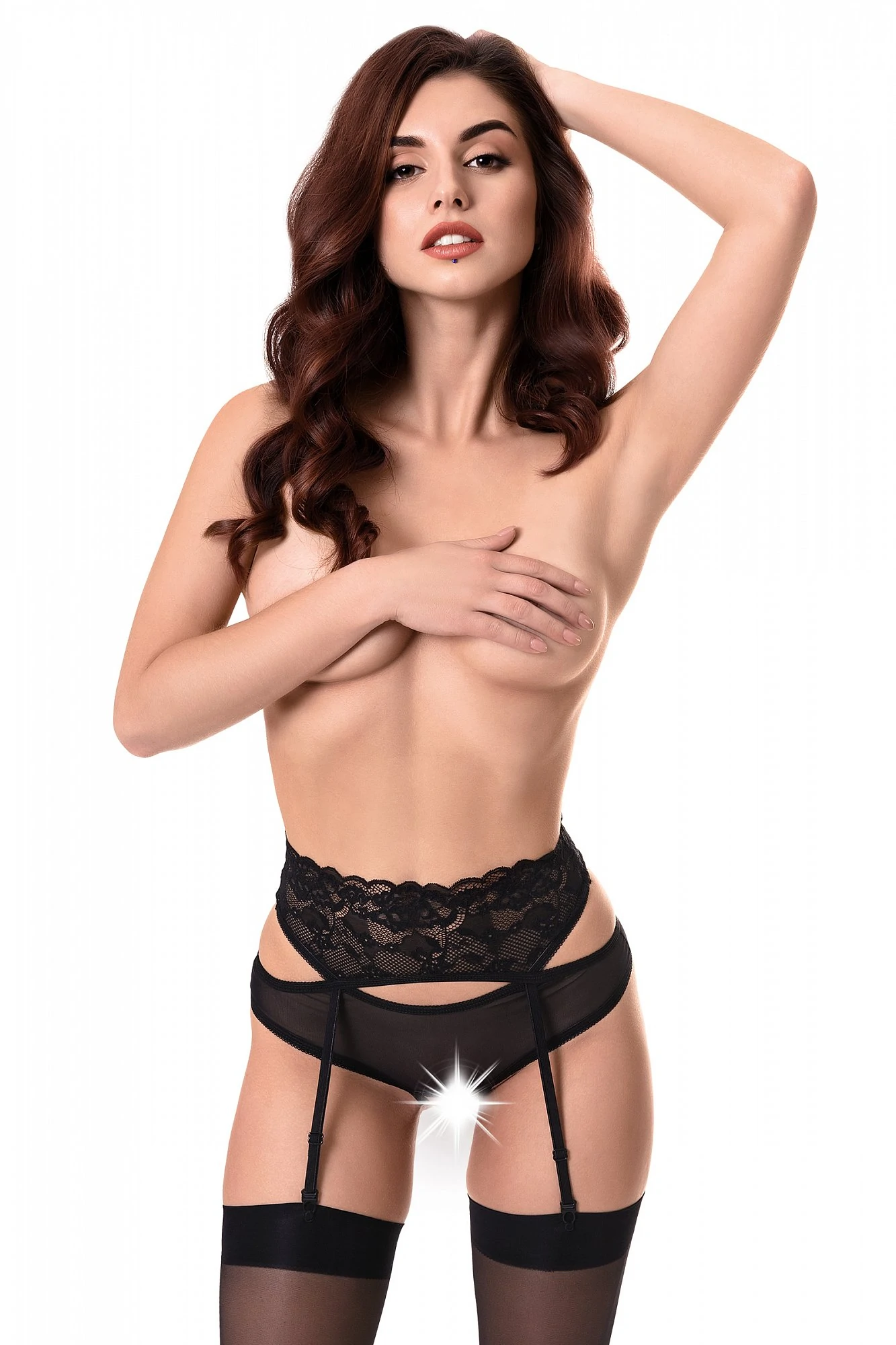
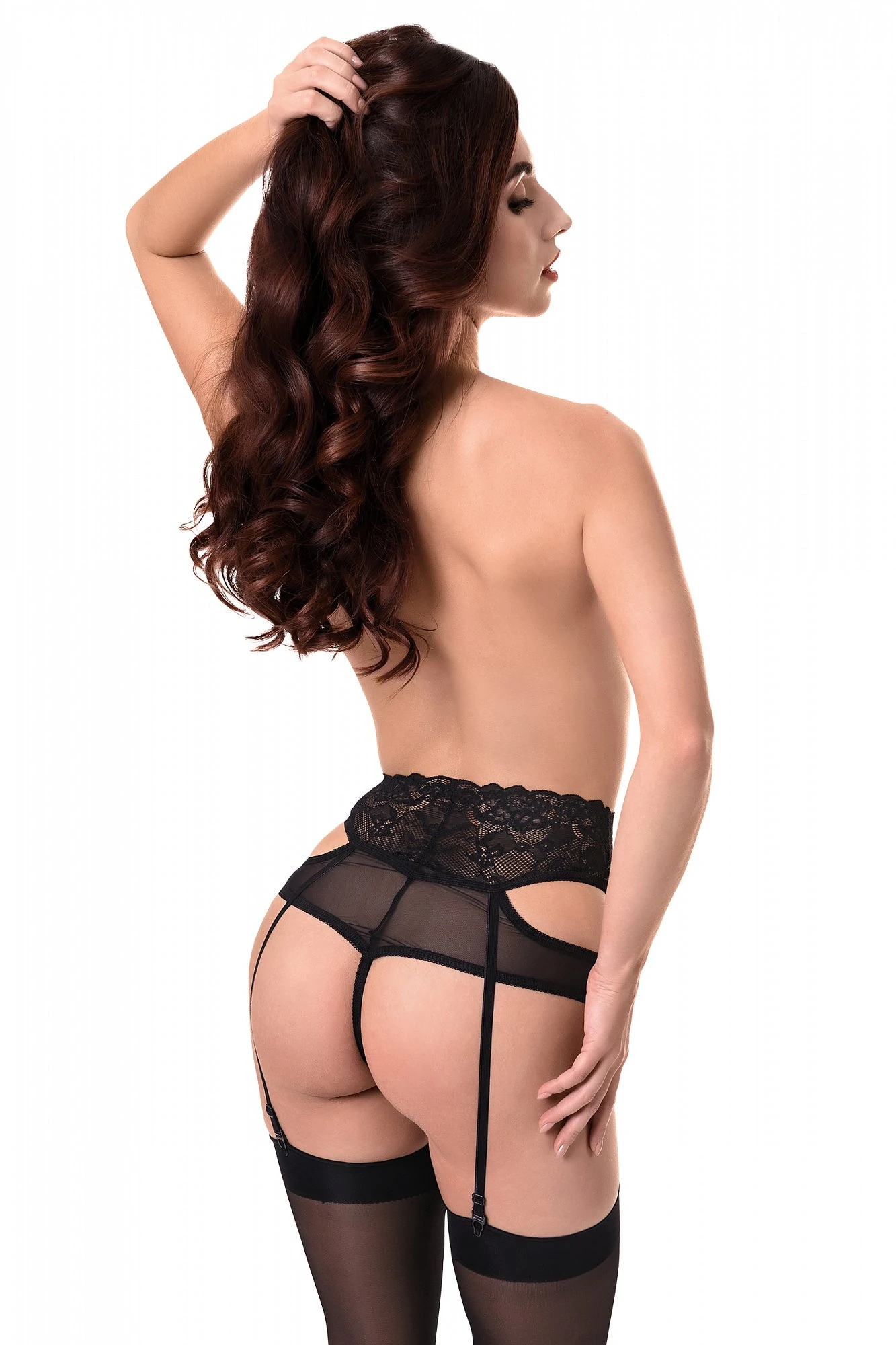
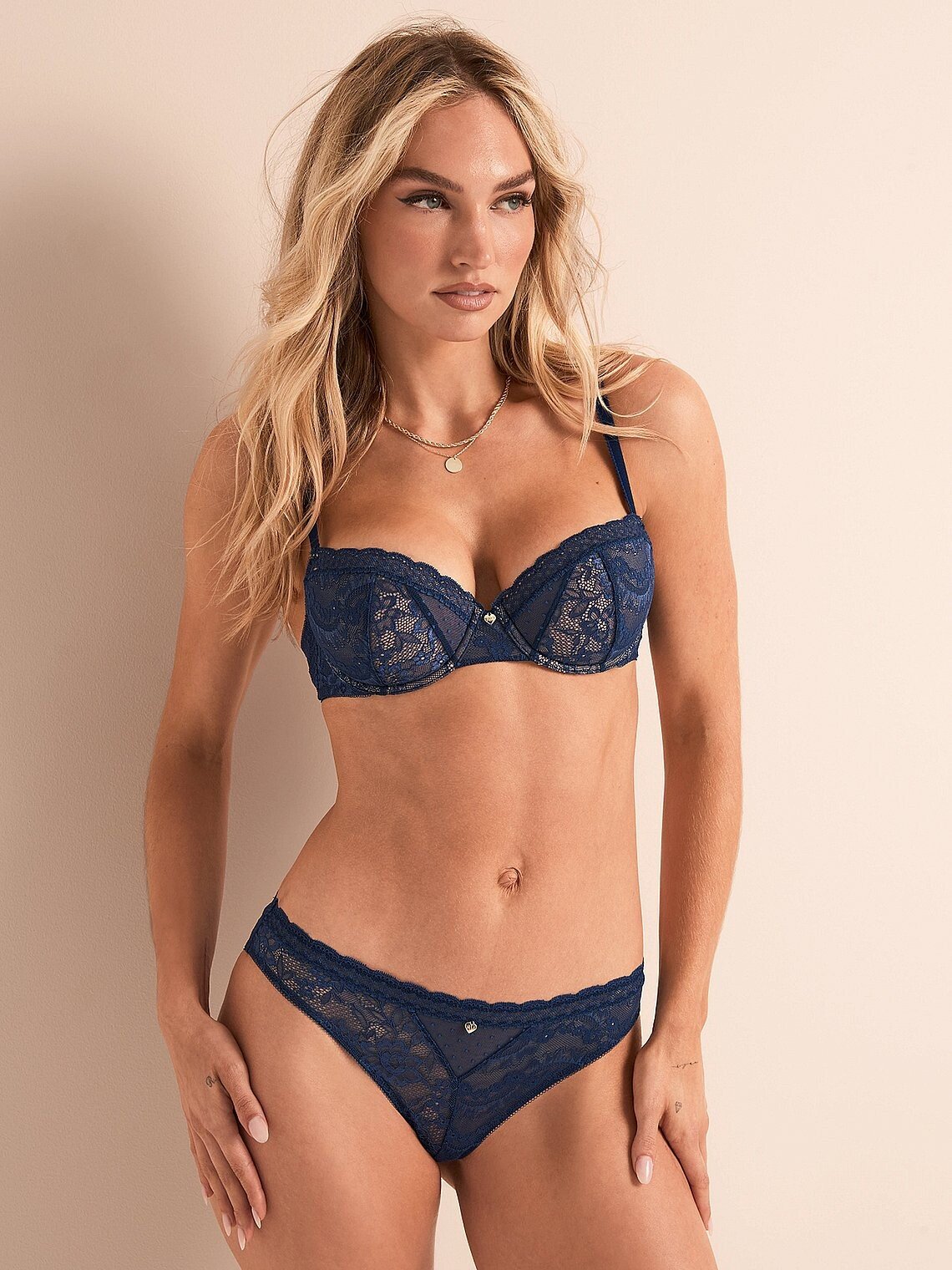
Victoria's Secret

-
Maria Pender.mp4 walk Maria Pender 15e.mp4



-
Livelle: stories videos [2025.11.25] livelle_3773805307517235719.mp4 [2025.11.27] livelle_3775202072648758526.mp4 [2025.11.28] livelle_3775702414796783647.mp4



-
I take that back... the issue still exists. Some posts have right-click open link functionality on the pics while others don't. @maddog107 any chance you can look into this?
-
Higher resolution... Hawaiian magic 🌺








-
-
People kerirussellweb.com


- Today
-

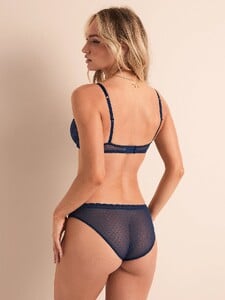
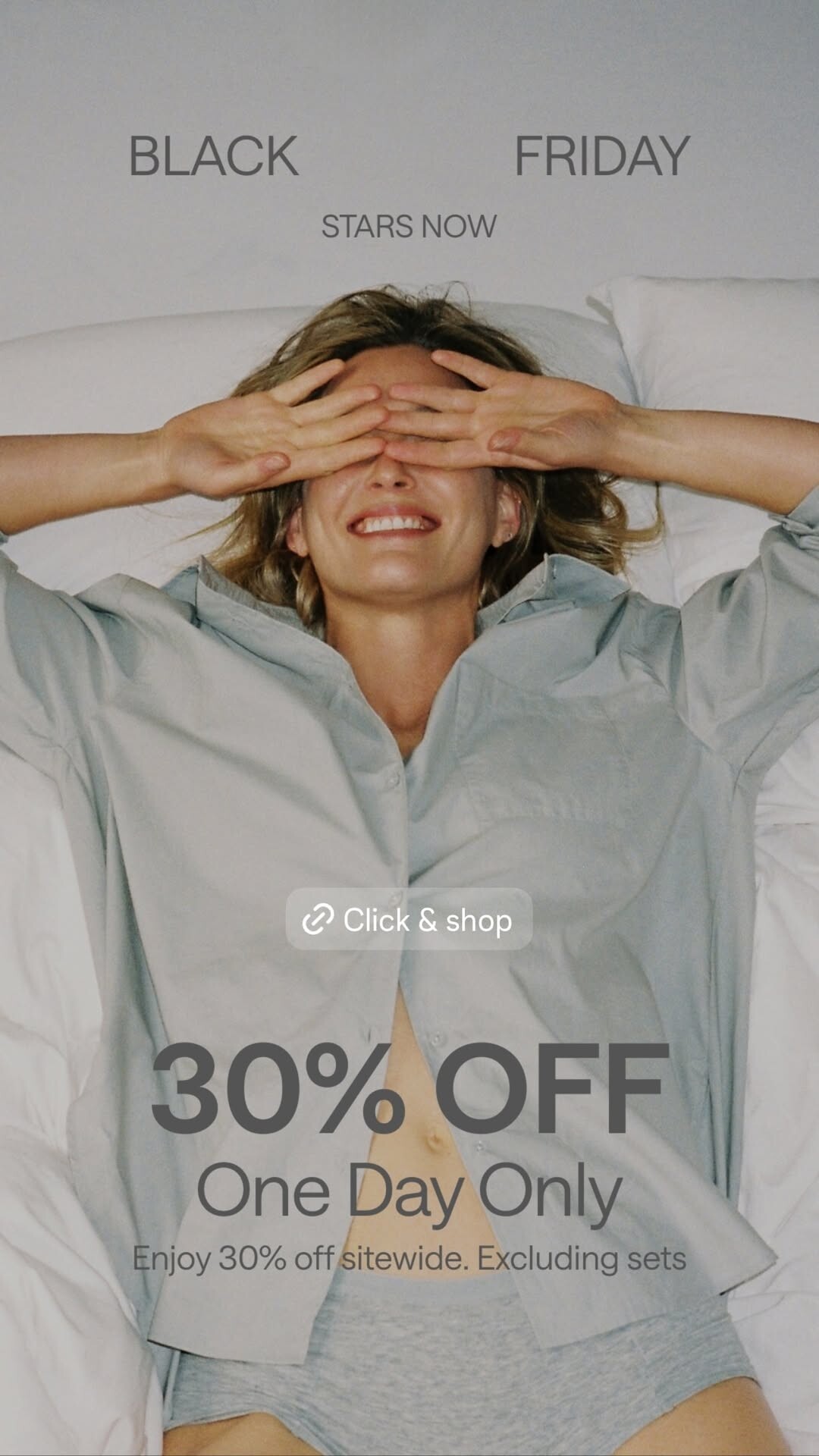
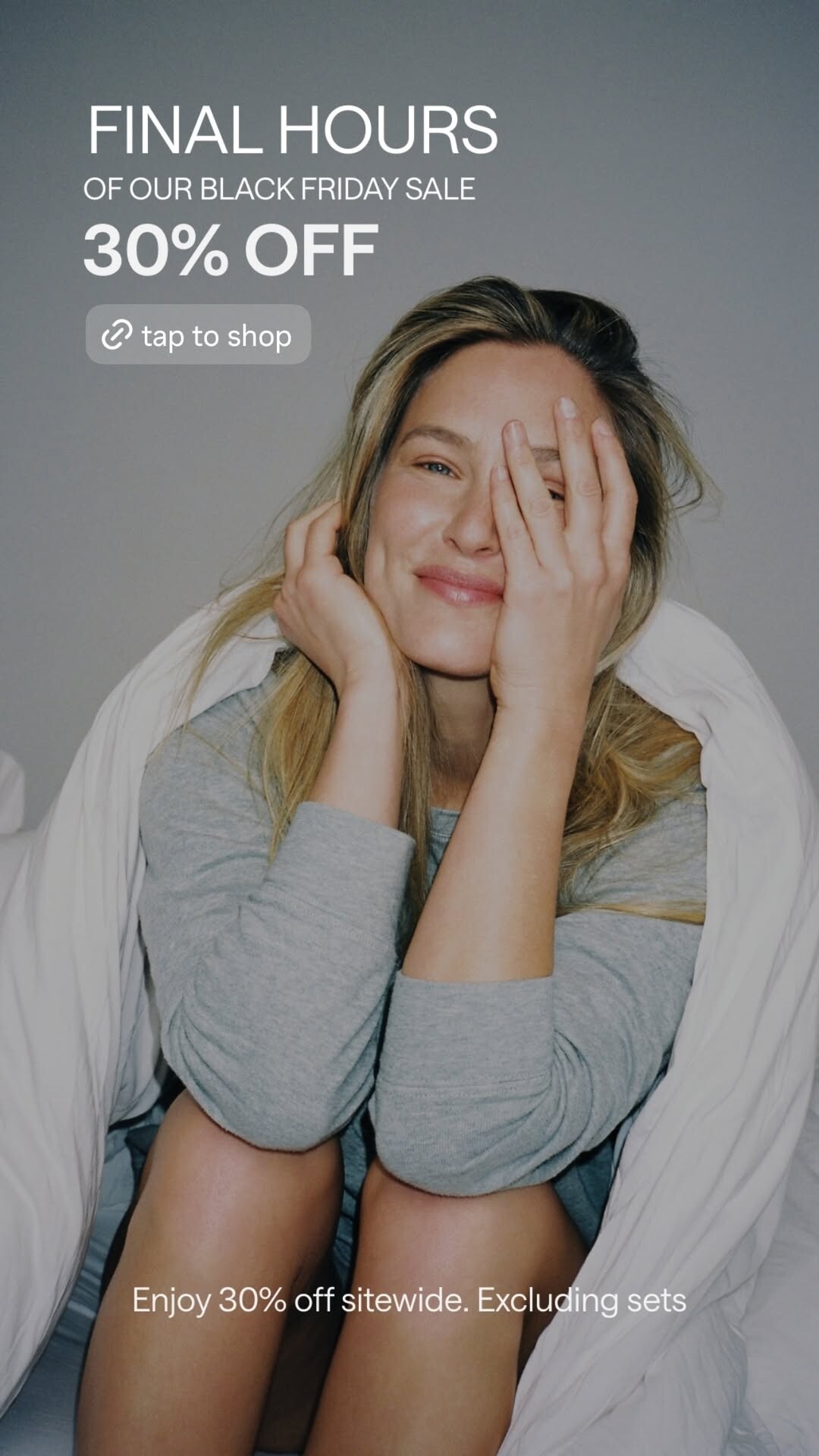
 Victoria’s Secret
 alba_intro.mp4
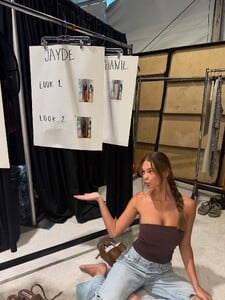
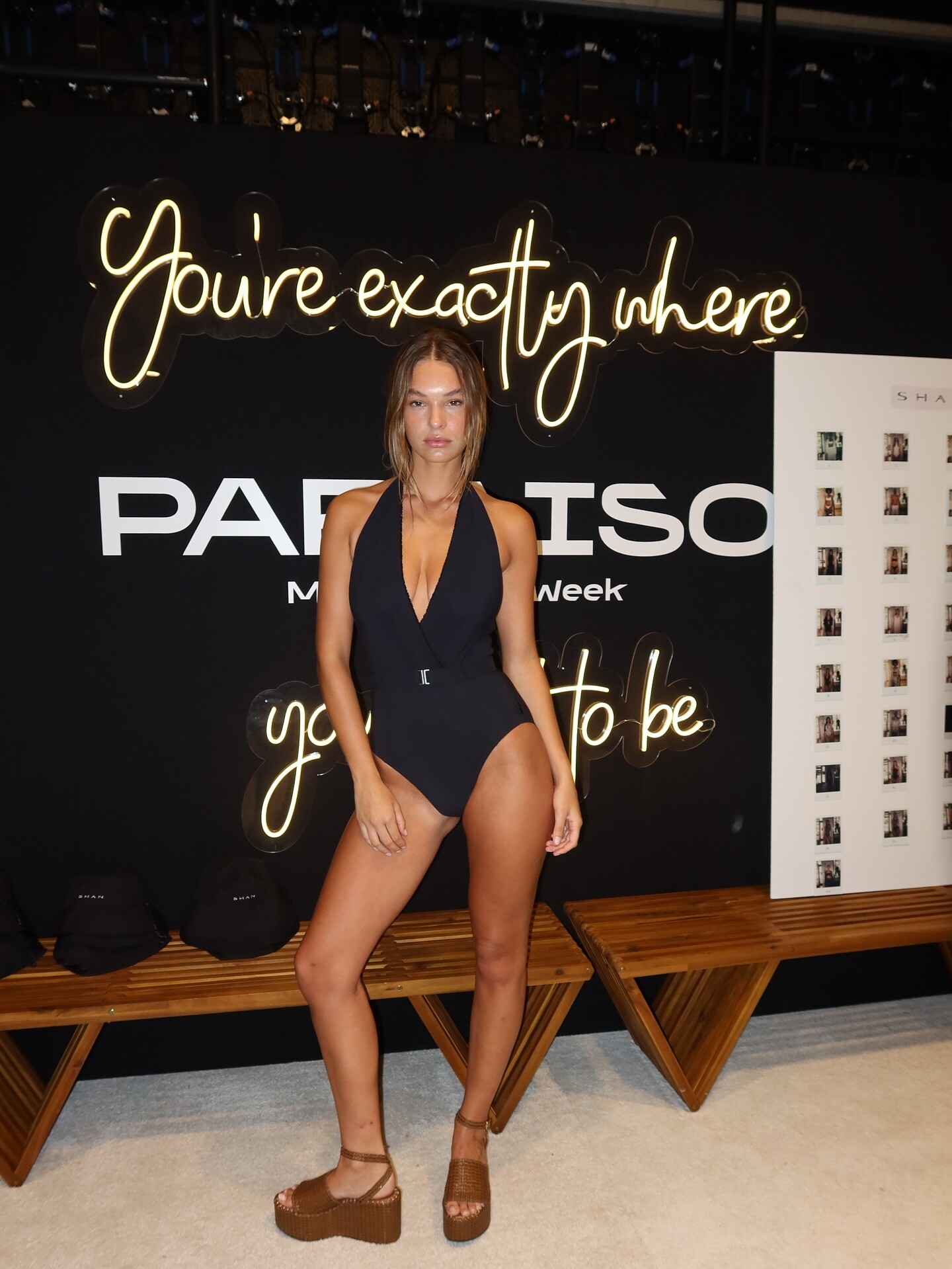
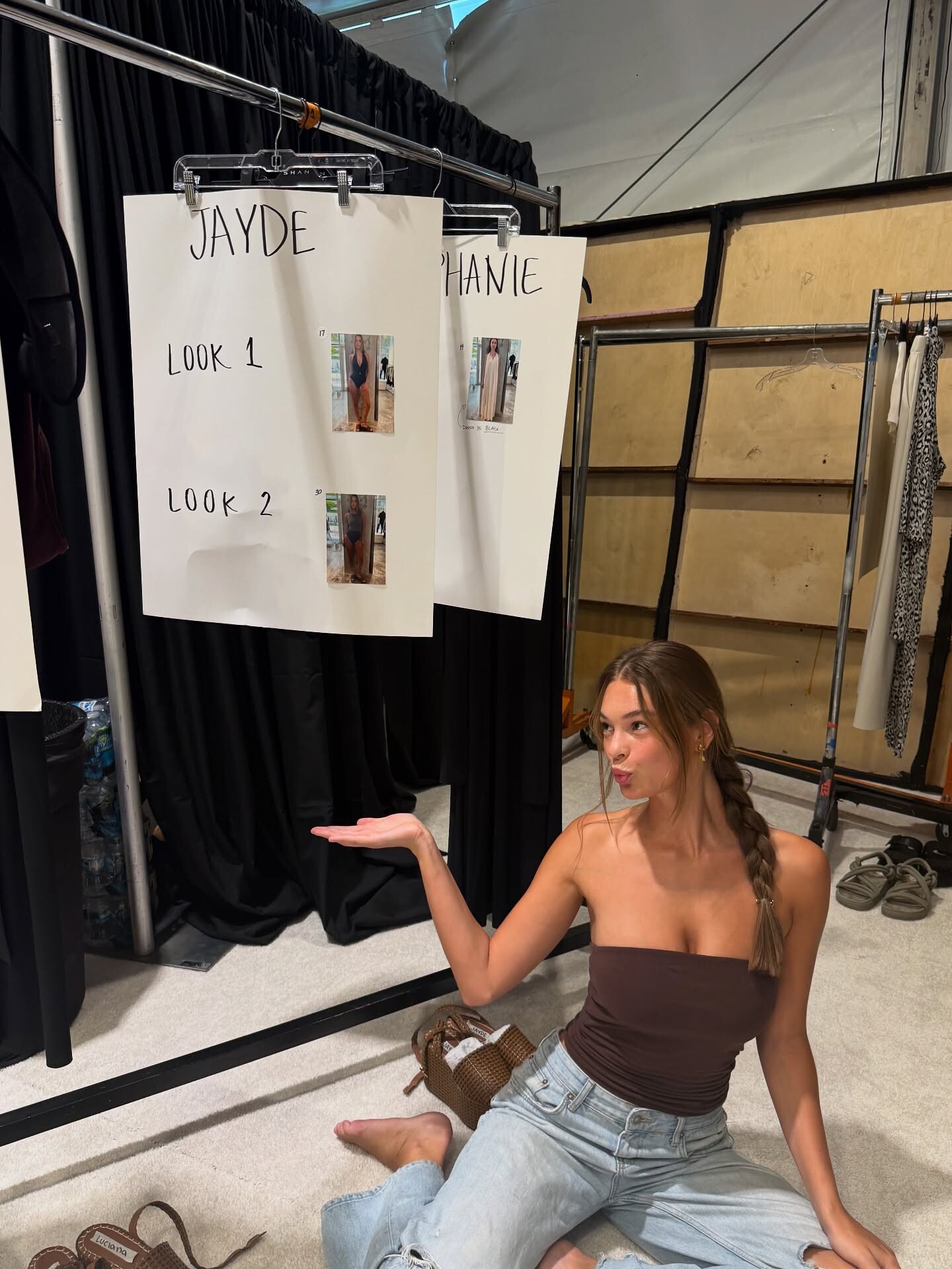
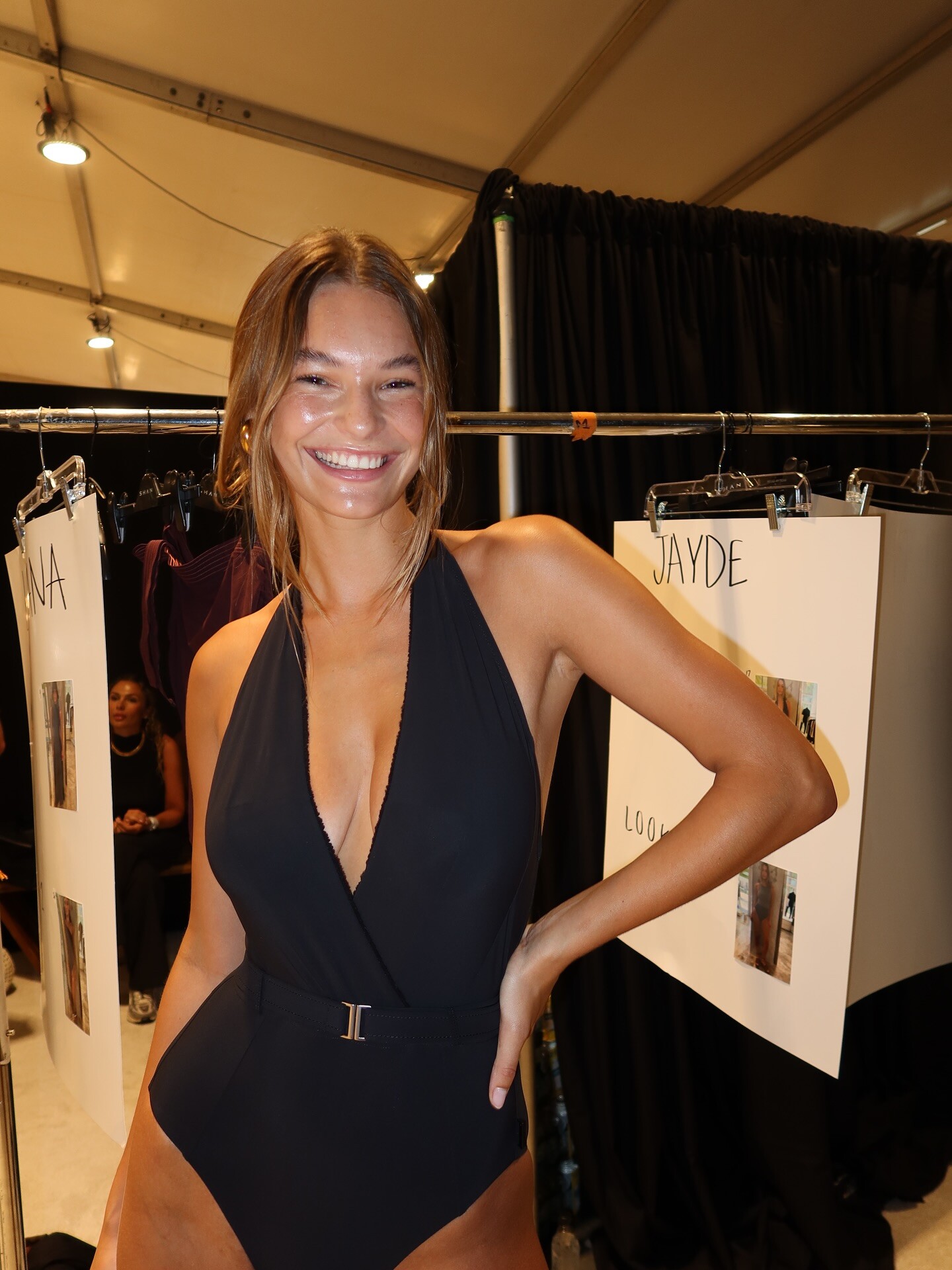
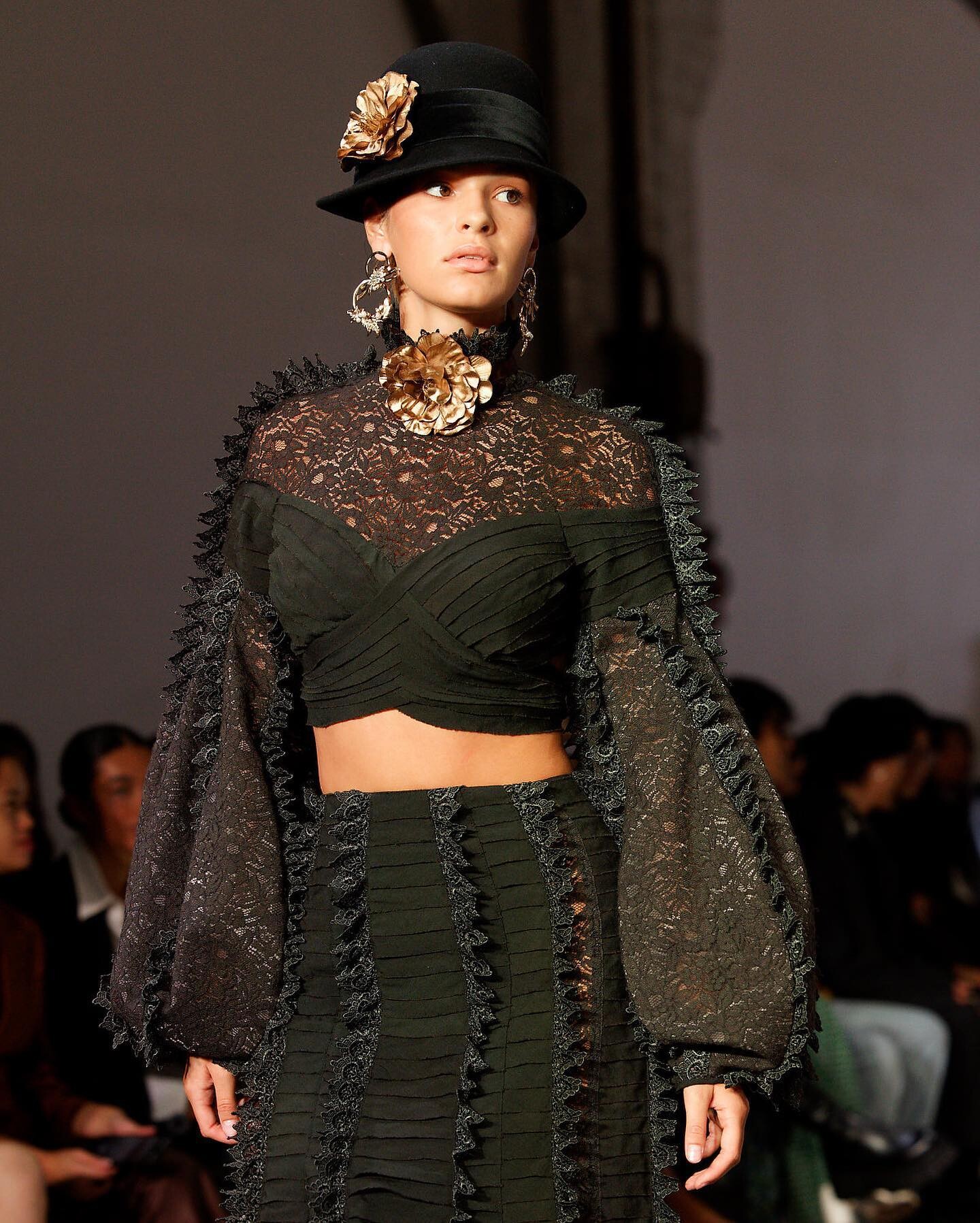
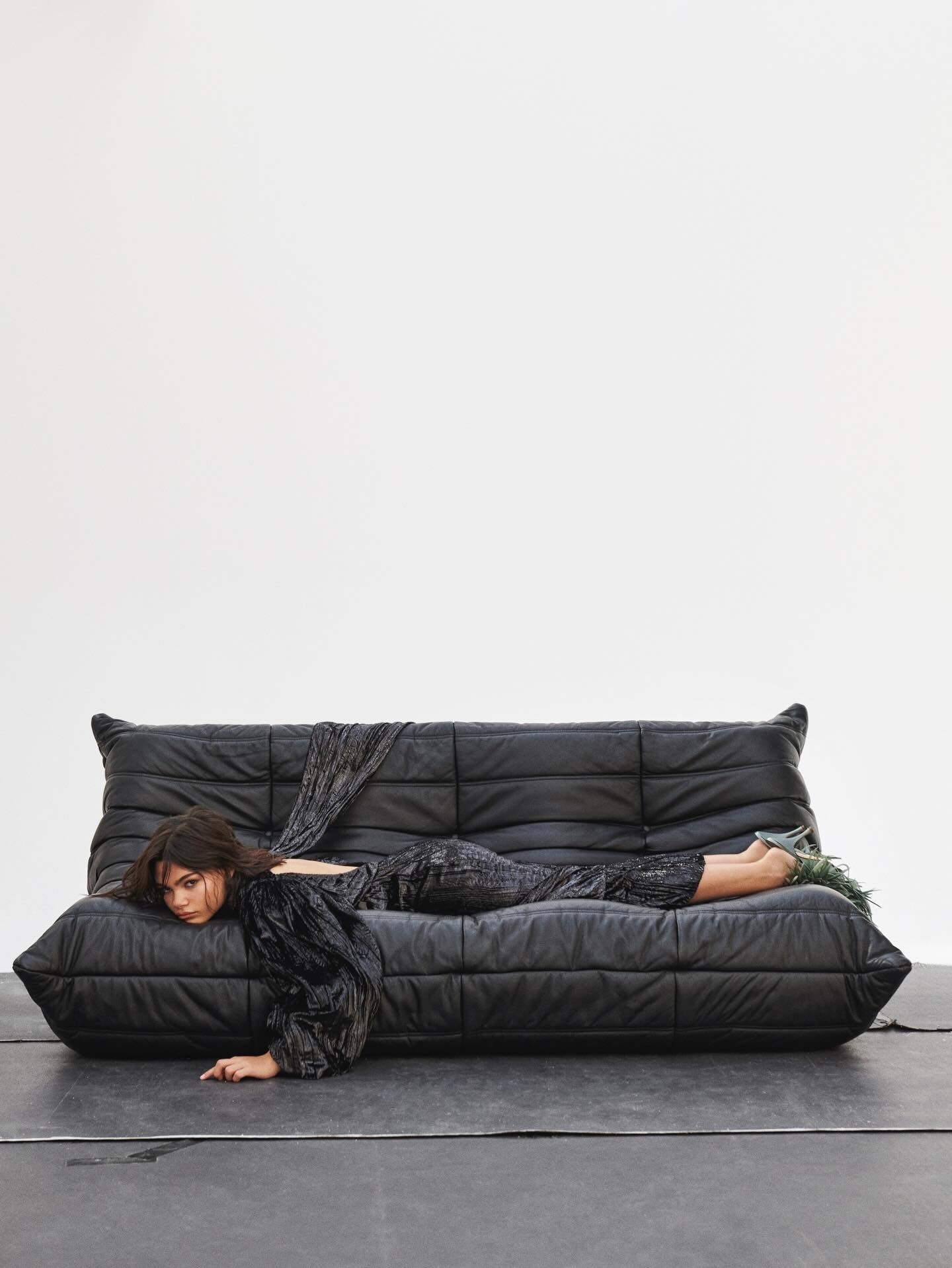
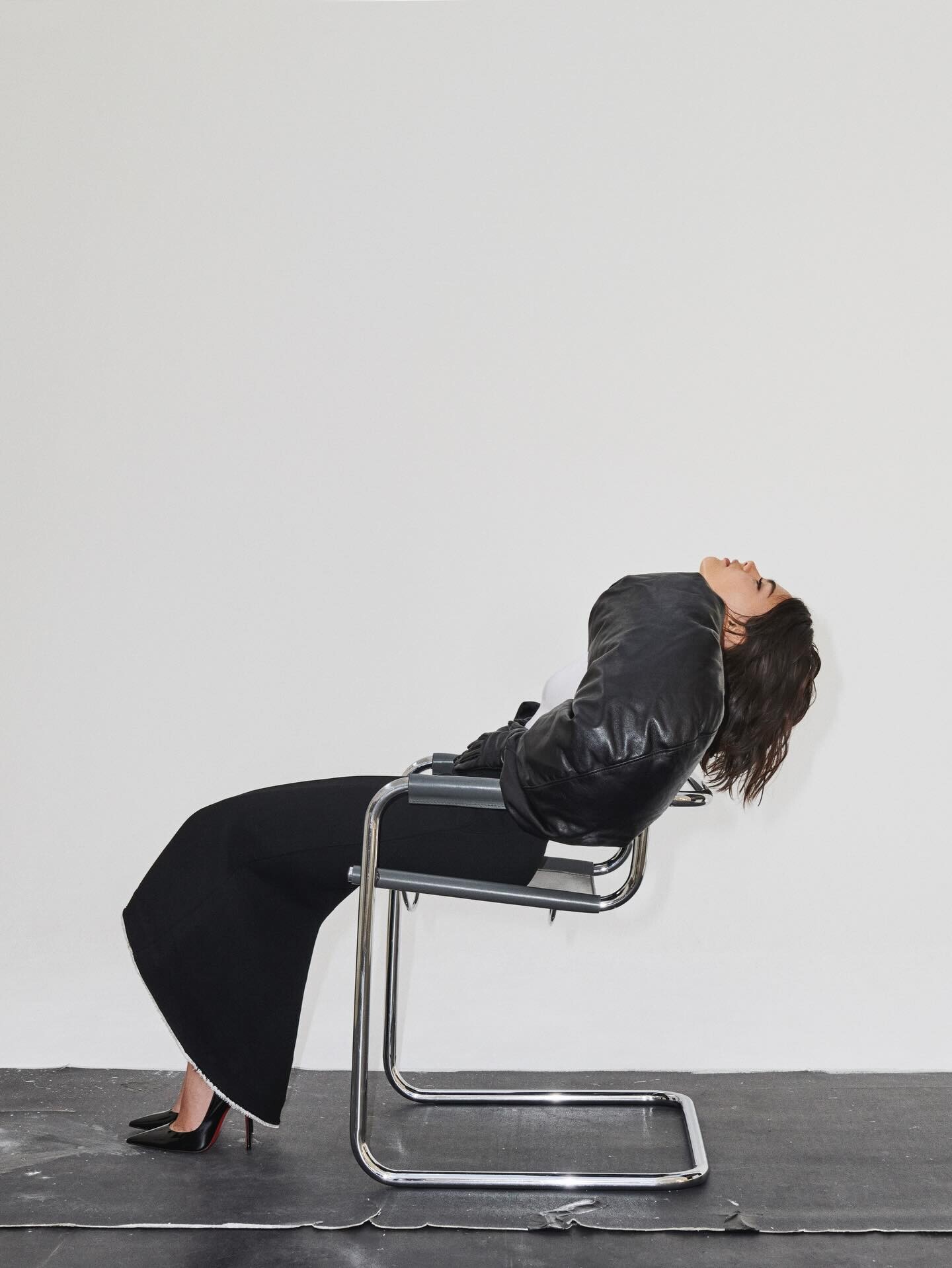
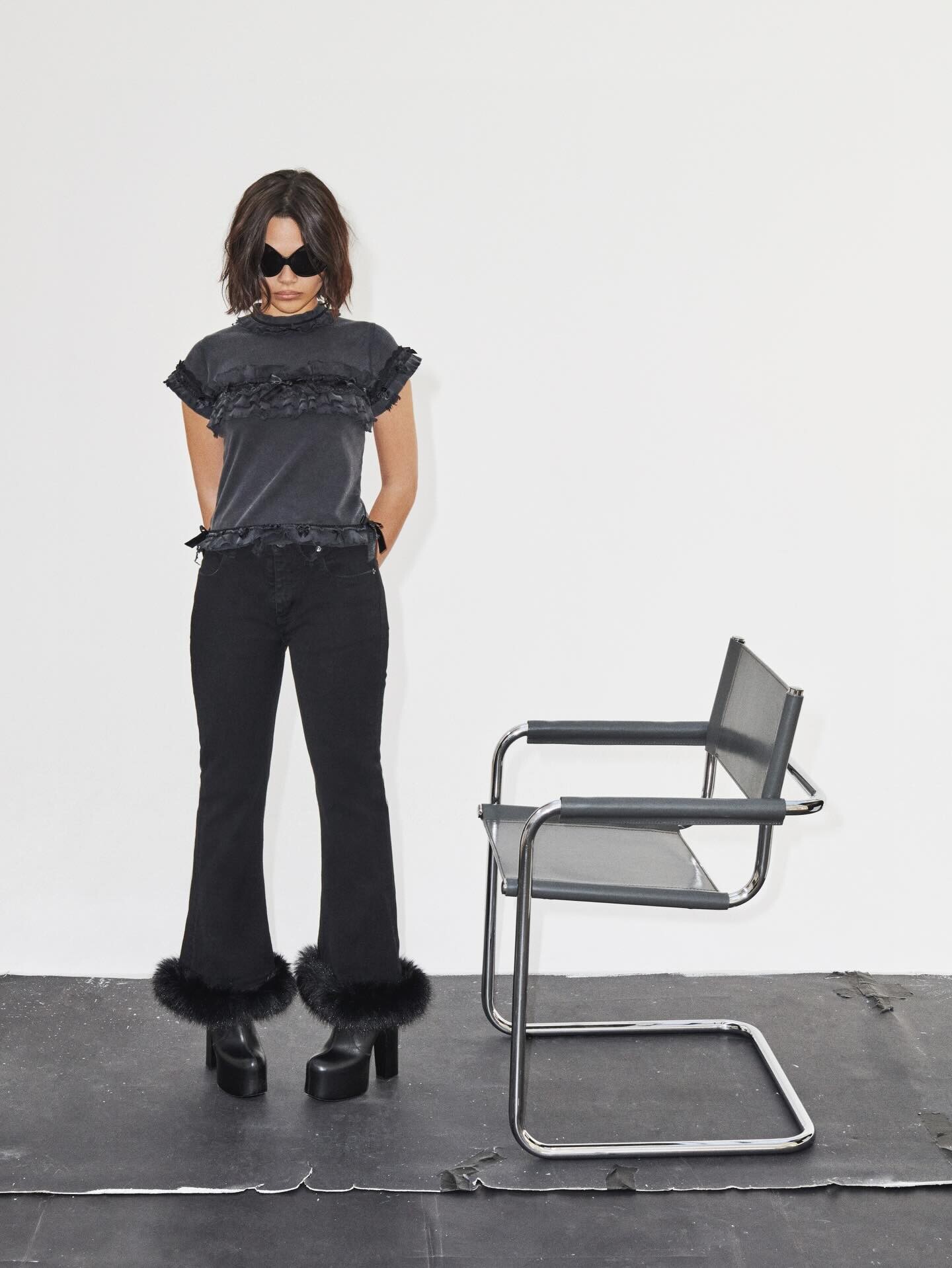
 At Miami, she was also cast for the Shan show: Jayde at a Select event in Miami (Giulia Ciancio is in the cyan blue dress): She was in some local shows in Australia in 2022 & 2023, including Kamara and Sixdo:













.thumb.jpg.0734a79071798f78d7e038b744cd137c.jpg)




































































.jpg.f9e32635cb6b0a9418c311f04f78ceac.jpg)












Account
Search
Configure browser push notifications
Chrome (Android)
- Tap the lock icon next to the address bar.
- Tap Permissions → Notifications.
- Adjust your preference.
Chrome (Desktop)
- Click the padlock icon in the address bar.
- Select Site settings.
- Find Notifications and adjust your preference.
Safari (iOS 16.4+)
- Ensure the site is installed via Add to Home Screen.
- Open Settings App → Notifications.
- Find your app name and adjust your preference.
Safari (macOS)
- Go to Safari → Preferences.
- Click the Websites tab.
- Select Notifications in the sidebar.
- Find this website and adjust your preference.
Edge (Android)
- Tap the lock icon next to the address bar.
- Tap Permissions.
- Find Notifications and adjust your preference.
Edge (Desktop)
- Click the padlock icon in the address bar.
- Click Permissions for this site.
- Find Notifications and adjust your preference.
Firefox (Android)
- Go to Settings → Site permissions.
- Tap Notifications.
- Find this site in the list and adjust your preference.
Firefox (Desktop)
- Open Firefox Settings.
- Search for Notifications.
- Find this site in the list and adjust your preference.