All Activity
- Past hour
-
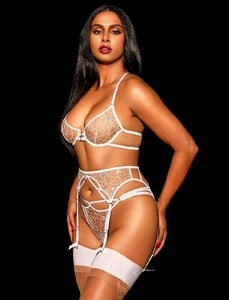
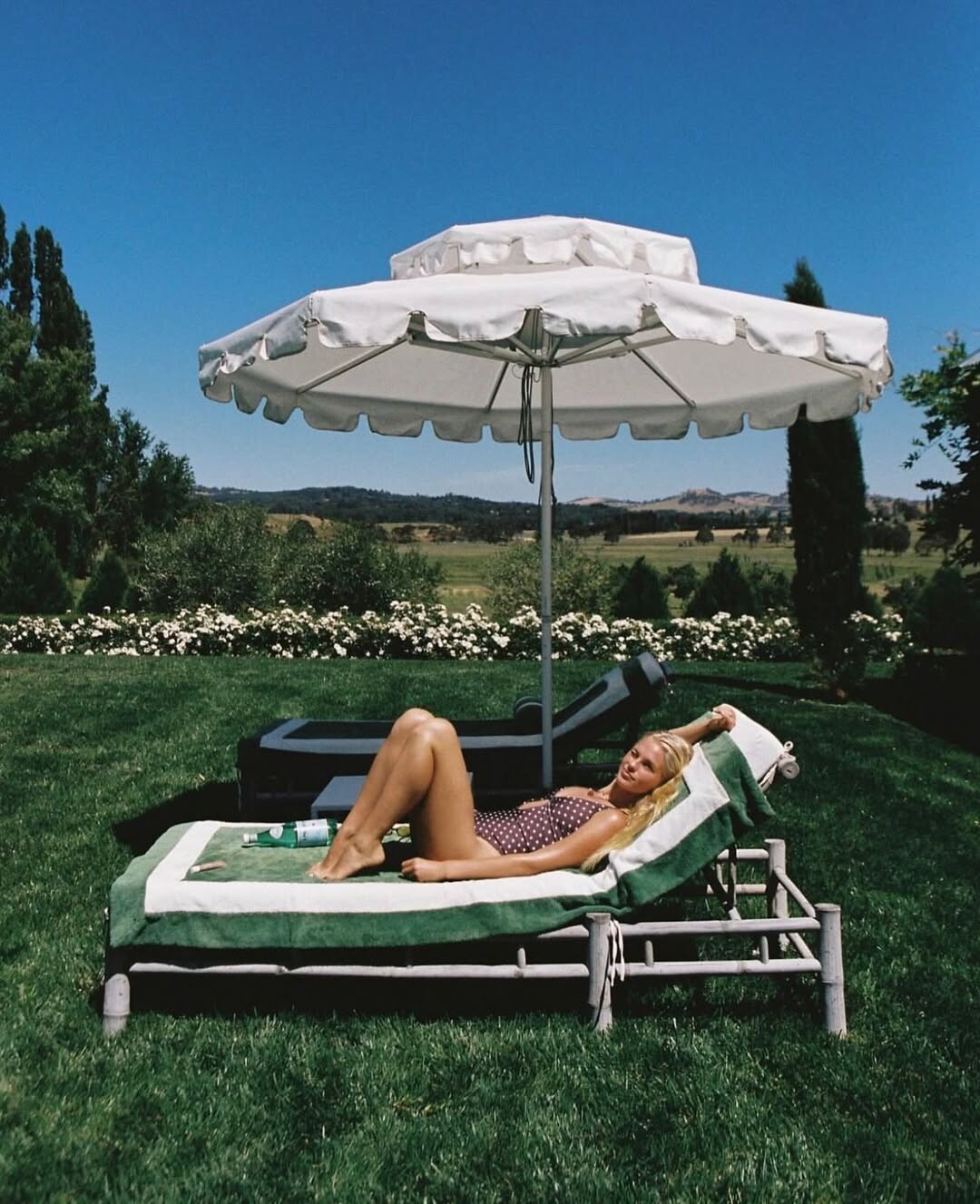
 Is this Bettina weitze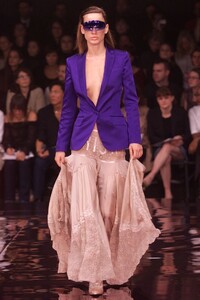
-
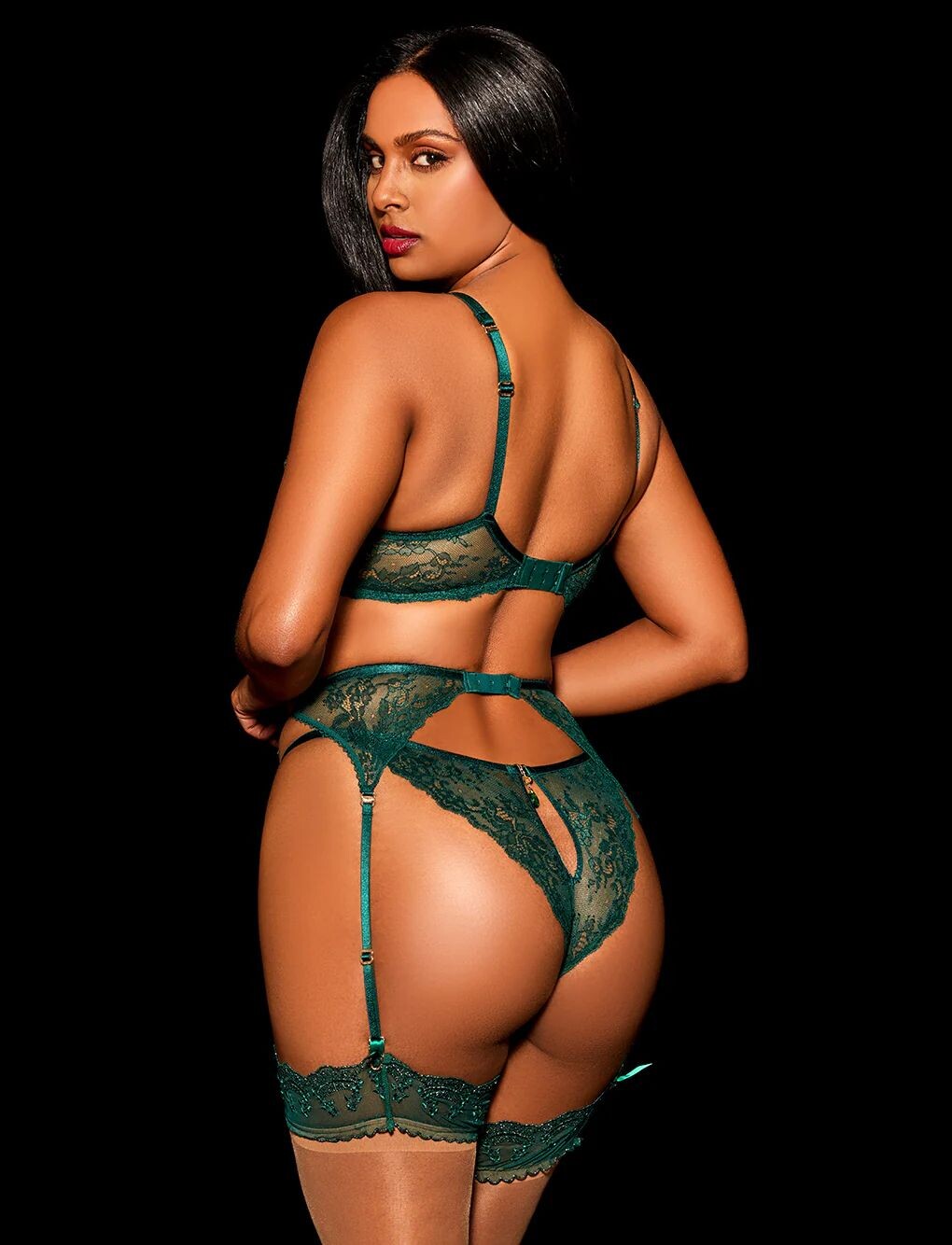
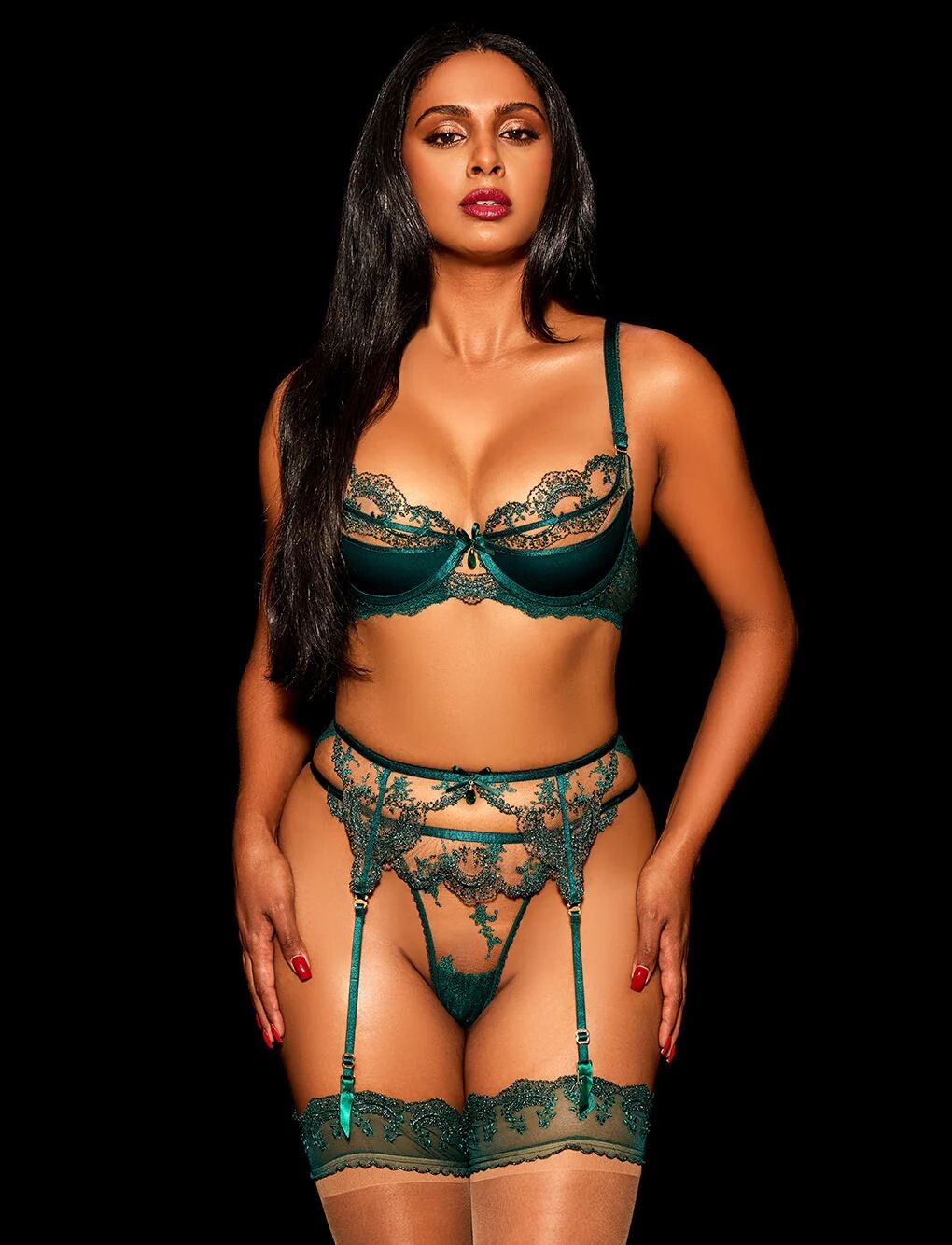
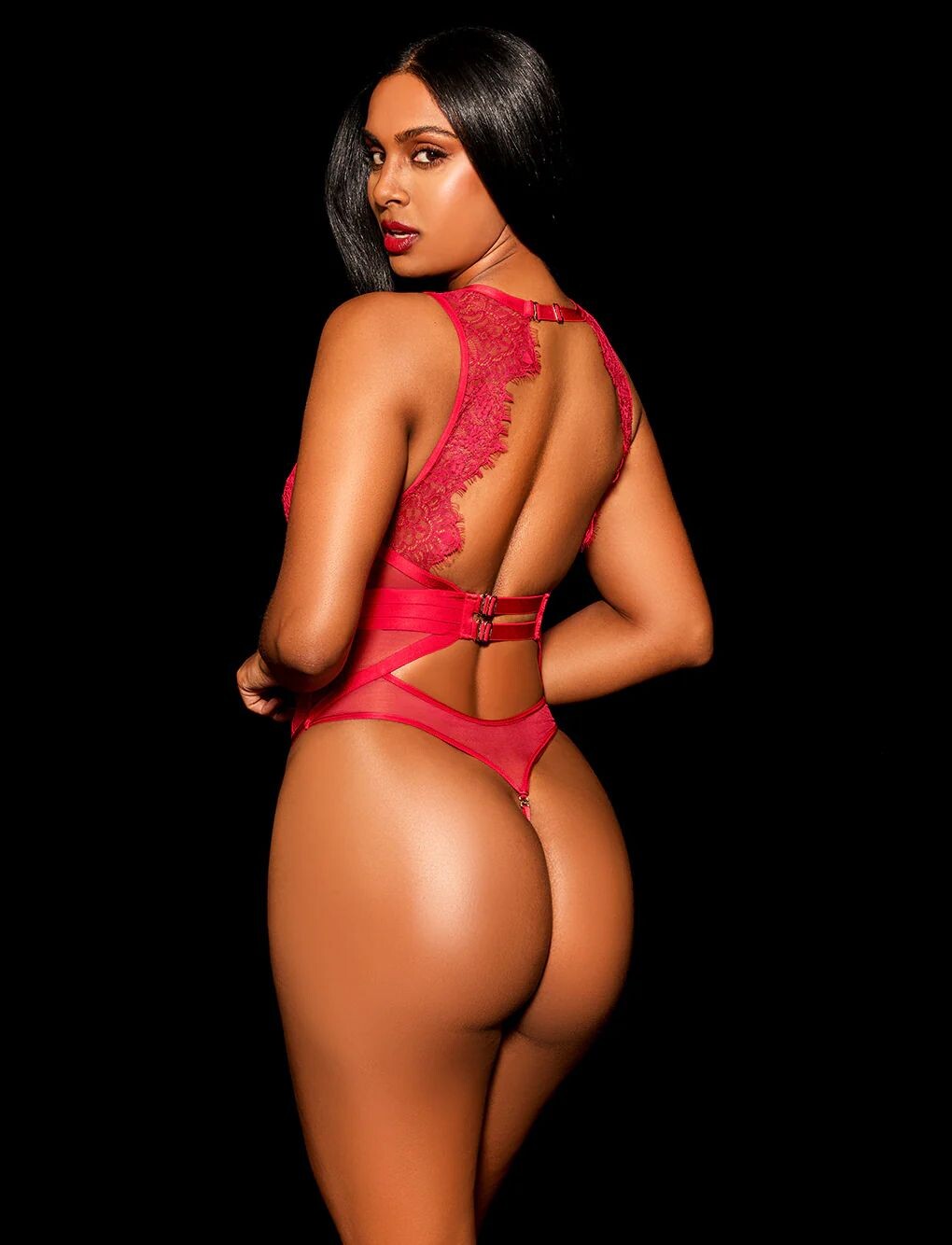
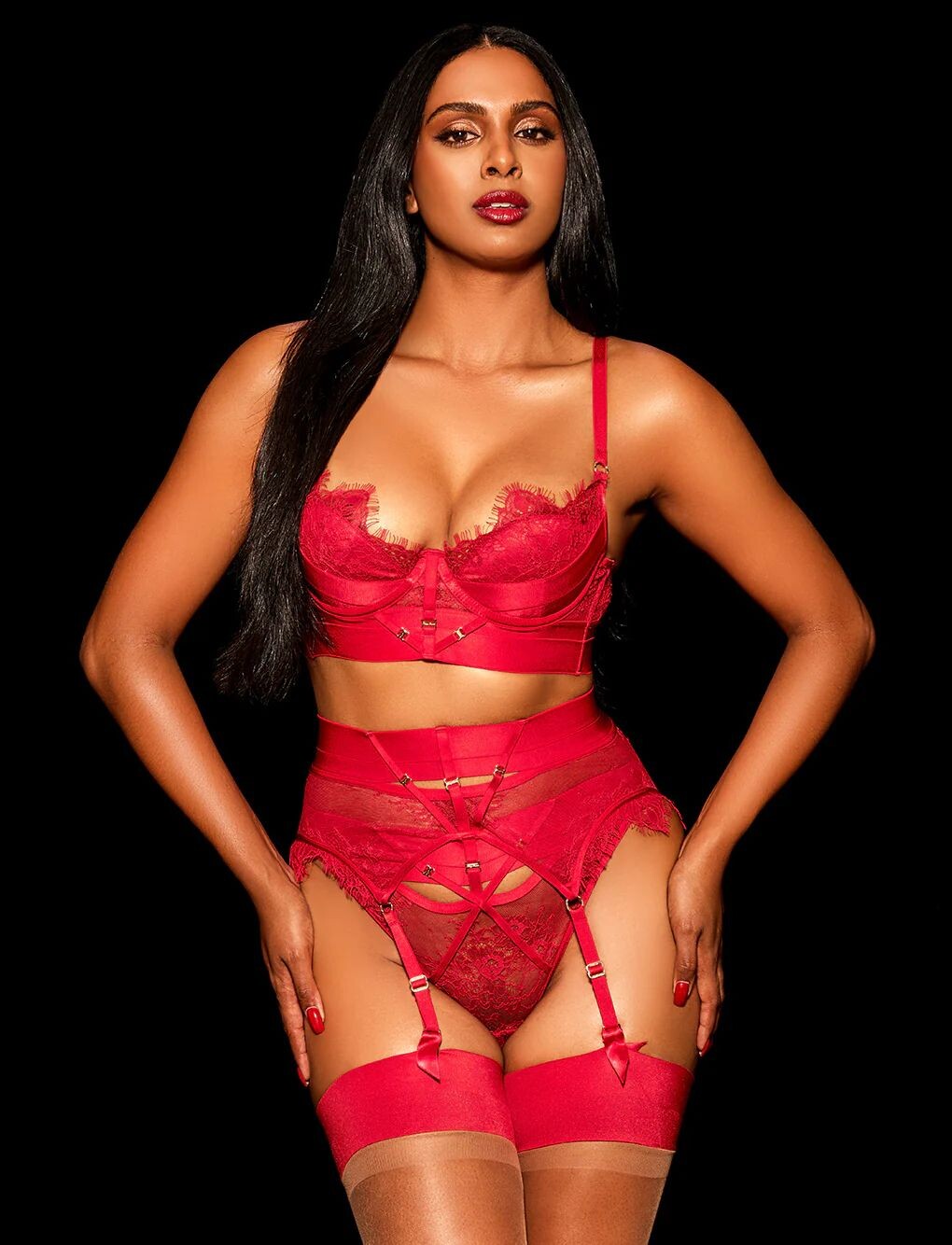
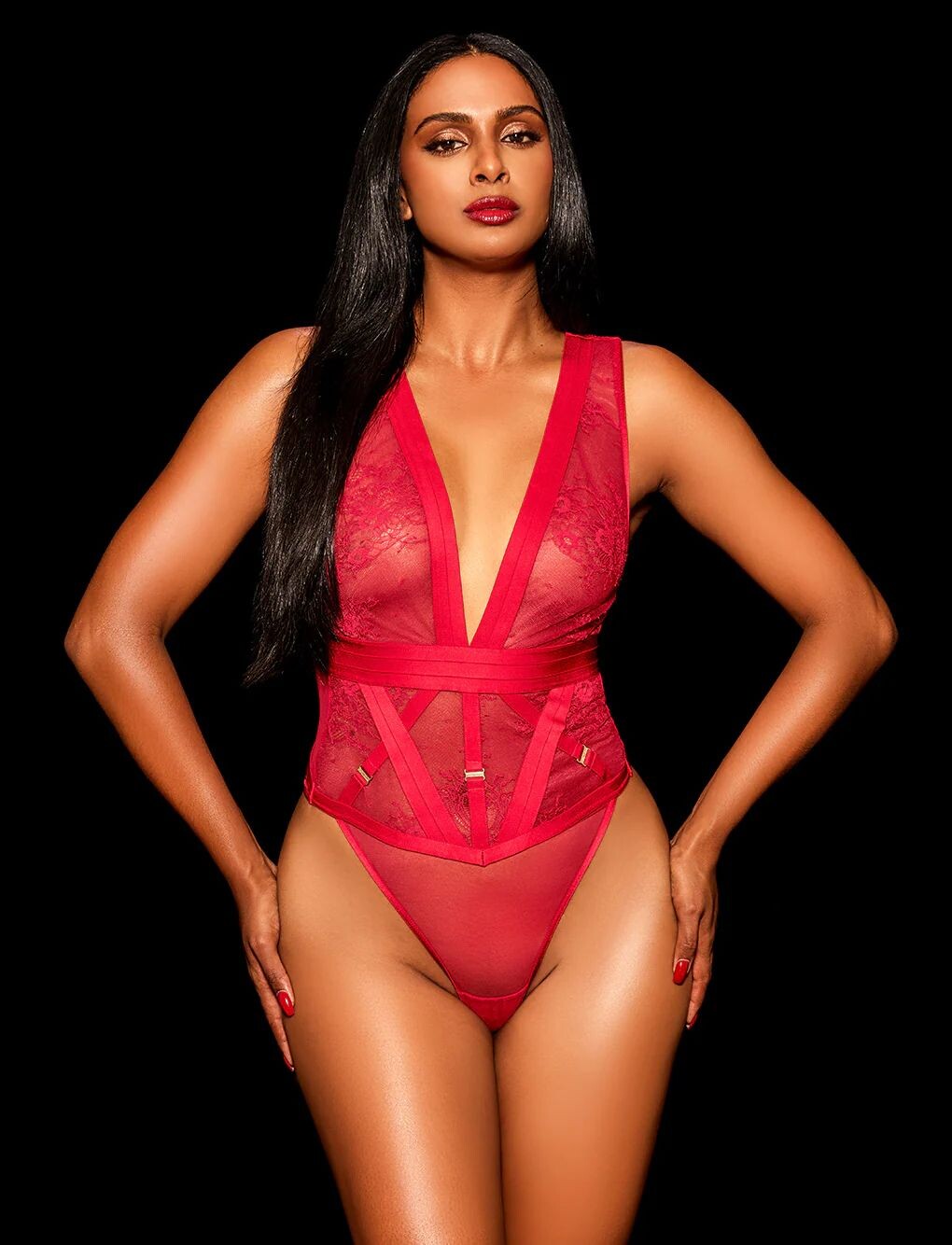
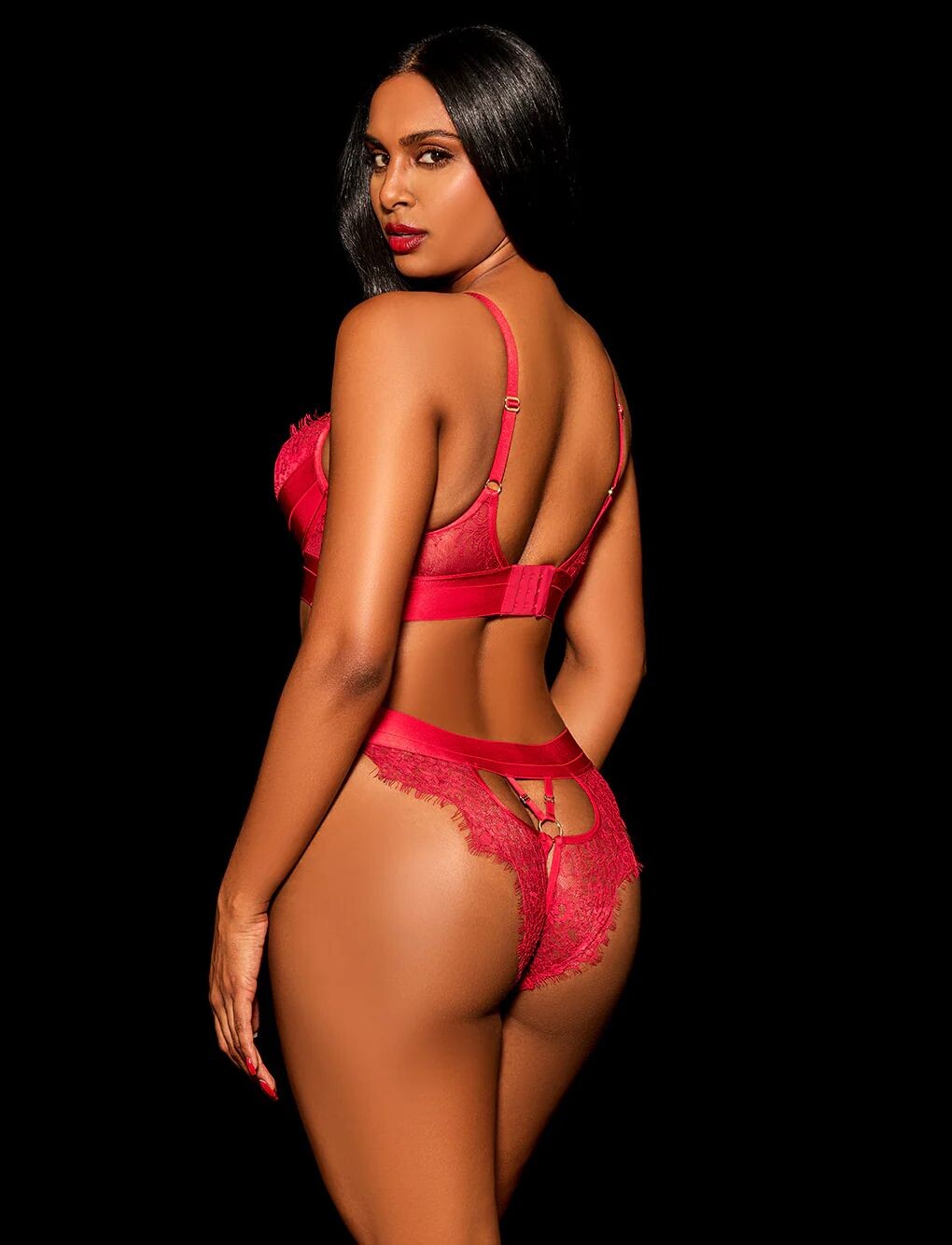
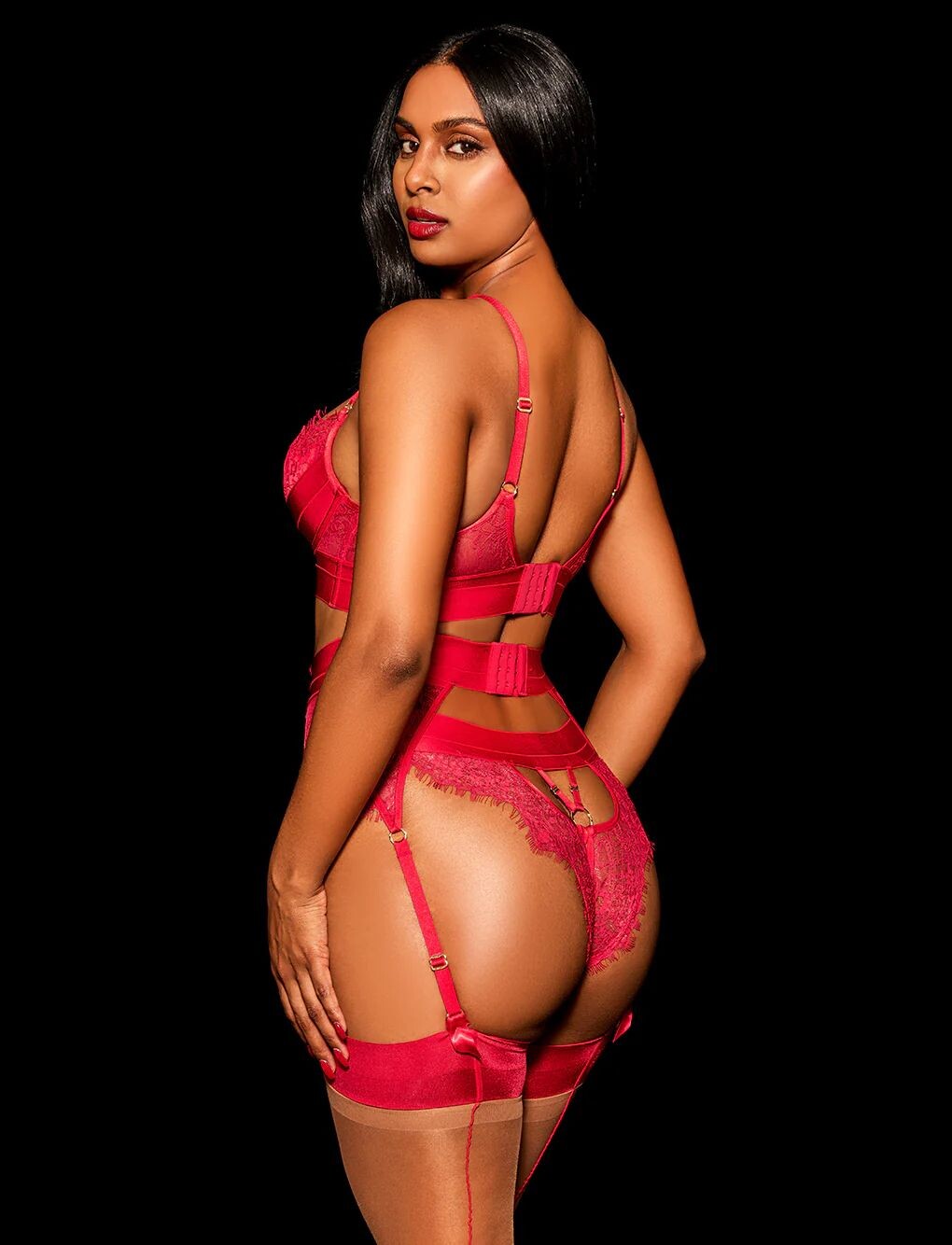
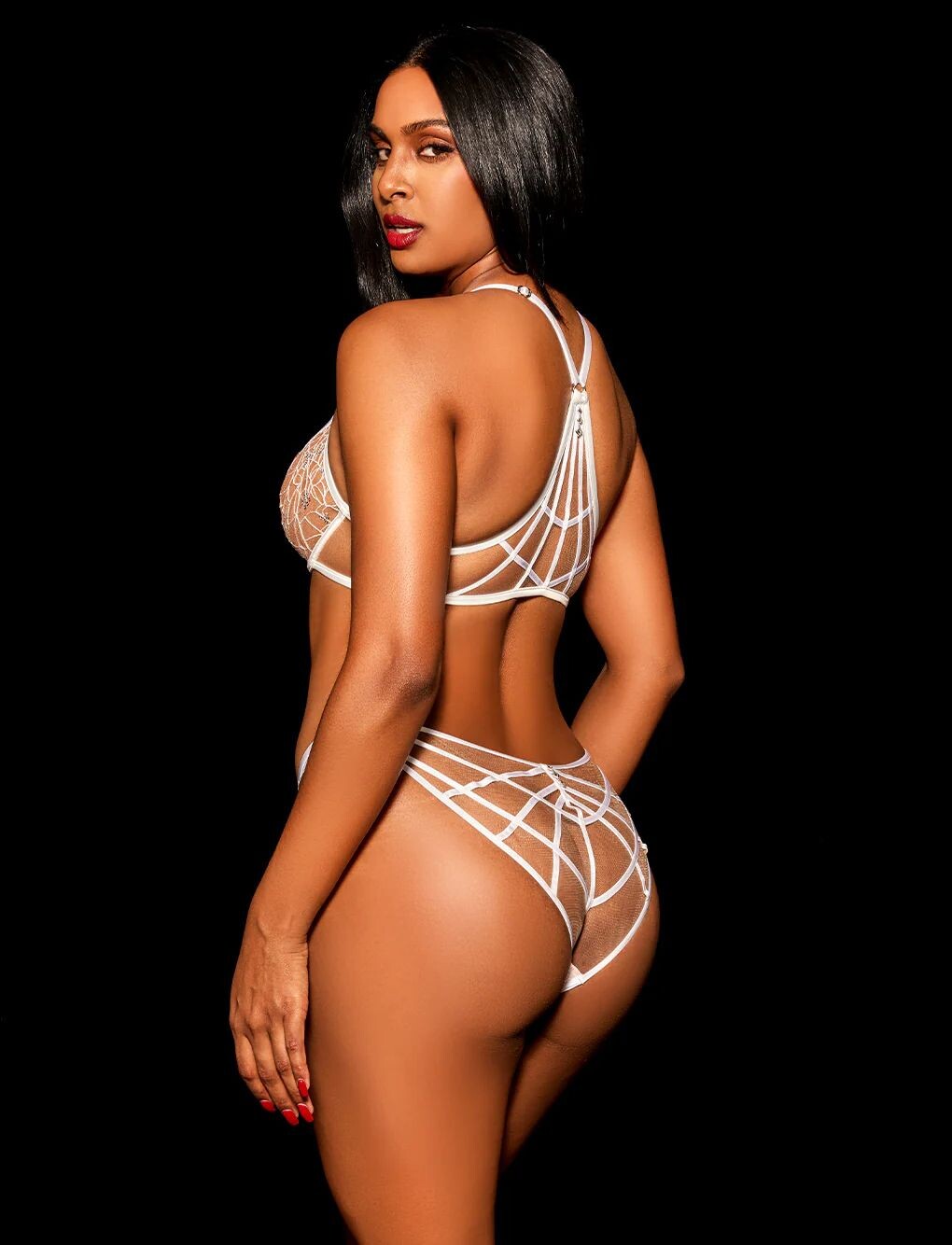
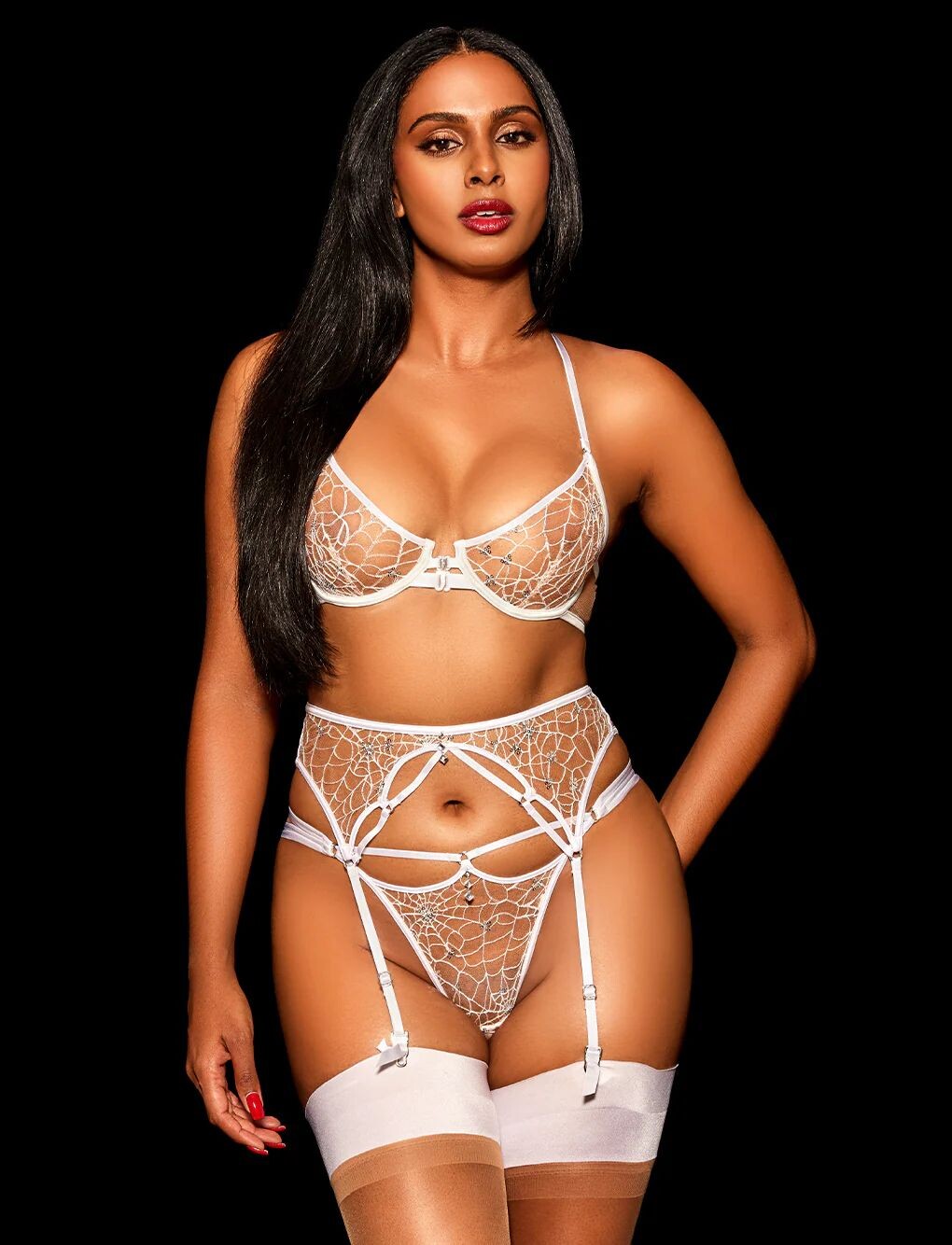
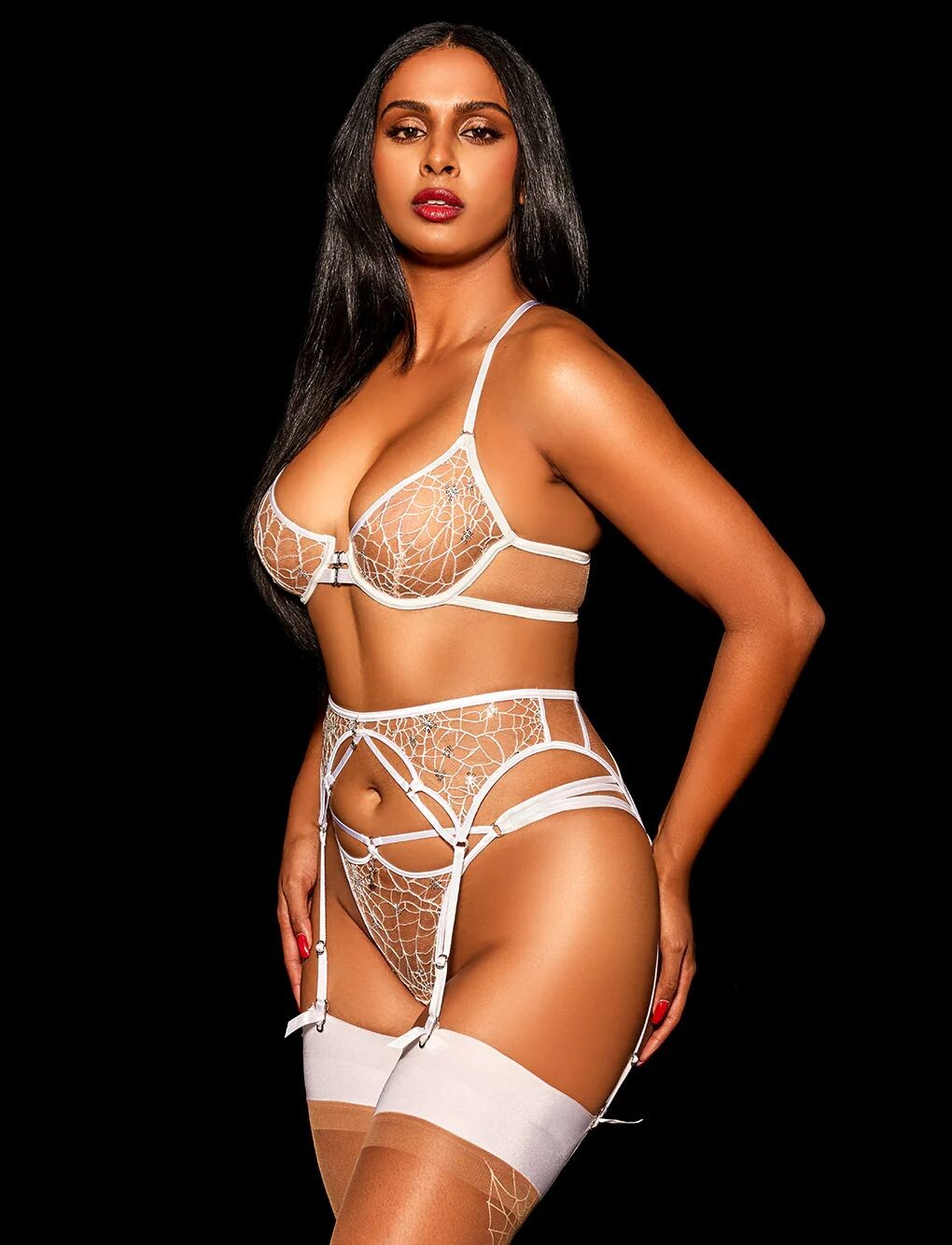
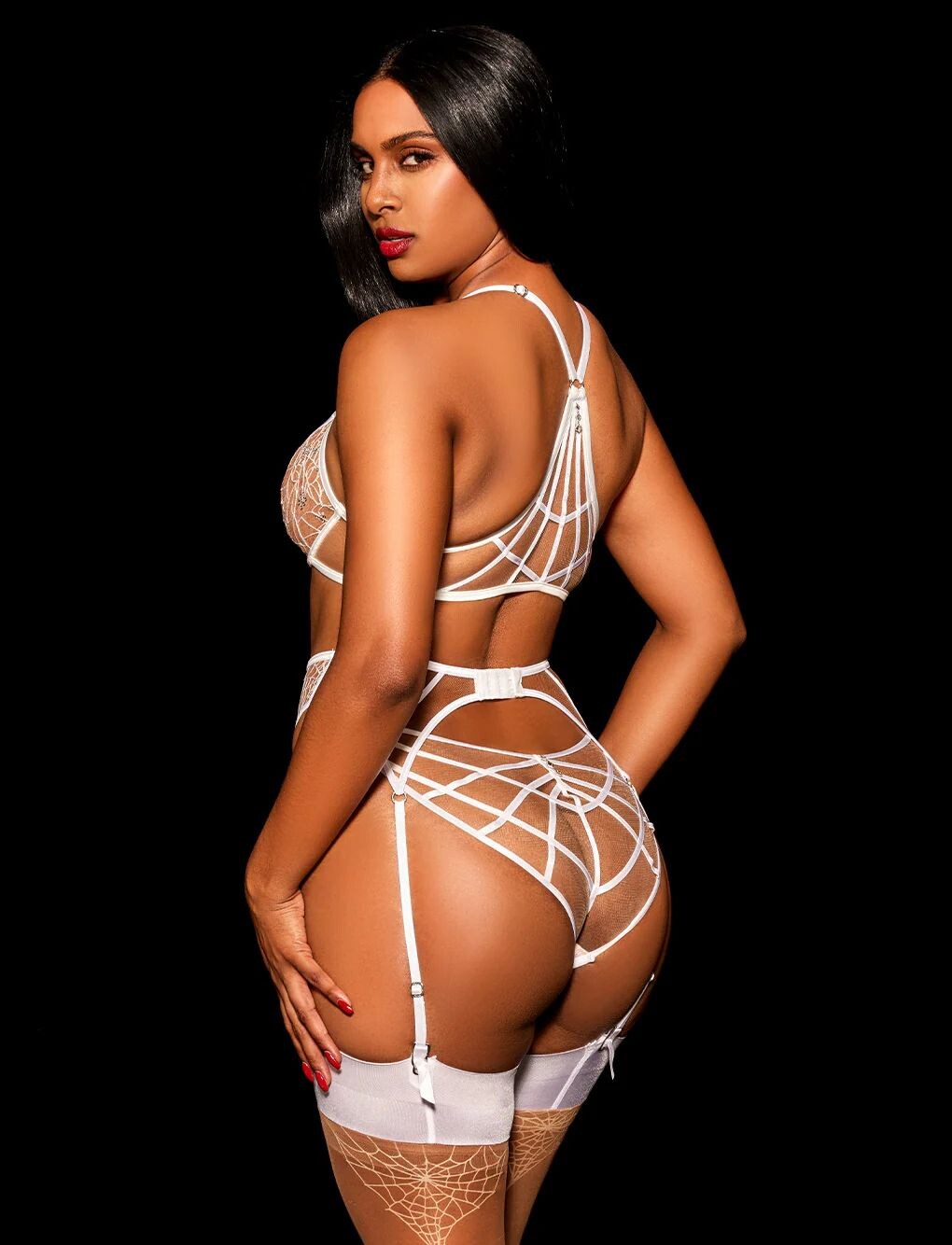
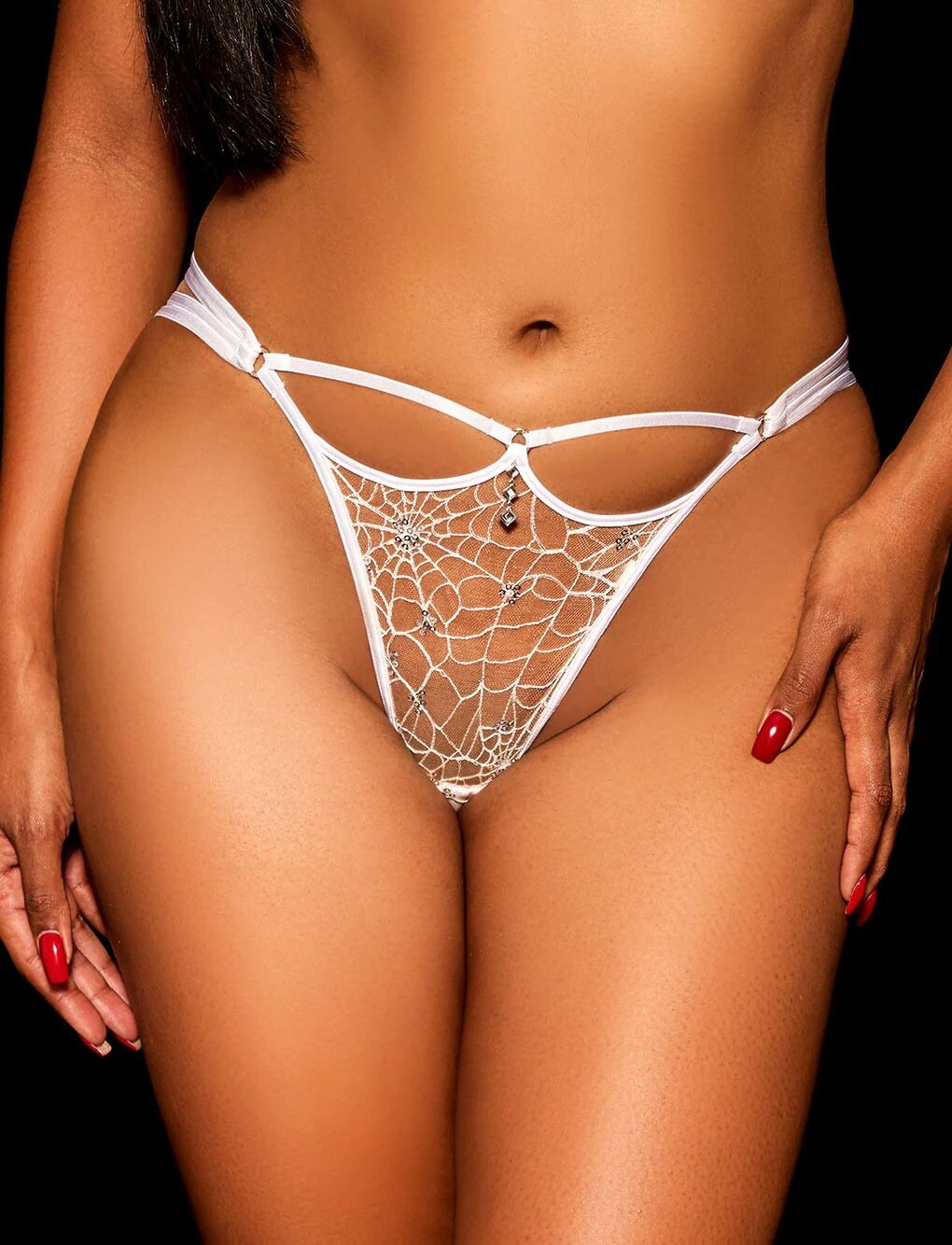
 Honey Birdette
.thumb.jpg.a7a79ed0fd8c407fea20286cc8fb8397.jpg)
.thumb.jpg.e5234a3059245e0cc928dd7d84f6065a.jpg)
.thumb.jpg.045467ea95568dce1de41e909c727365.jpg)
.thumb.jpg.46a1f18dcc63f245f1580bc161959c5a.jpg)
.thumb.jpg.9dd13f37f42b8a31c874b89128d1981c.jpg)
.thumb.jpg.f46347e73eeec16ed159db2154e86e82.jpg)
.thumb.jpg.3cc52b00c7add03f0137dc6920ad1f43.jpg)
.thumb.jpg.8e10981cd202c3395706a3d49289c62c.jpg)
.thumb.jpg.4bd8ee79ec39a4b7306e9c594ab40a21.jpg)
.thumb.jpg.eae2acd45c70654ef13a13b8e366c4d1.jpg)
.thumb.jpg.fdf3bc065796ad95e589cbbc6c4e5e27.jpg)
.thumb.jpg.46bb2c6ad01b71d167993e2de6273381.jpg)
.thumb.jpg.fd05ac20cc4ff273cdcedc3afa4195d2.jpg)
.thumb.jpg.c04290b4d2d657fb9be43e4abf5b6c17.jpg)
.thumb.jpg.2b6aa5964809f648da5371e93eb836f4.jpg)
.thumb.jpg.a95de1de5918ca280774e8129f705e03.jpg)
.thumb.jpg.8b65211586bbfadcf070be03e2e0e319.jpg)
.thumb.jpg.ff11496b2f8cac9dfd6b25916ab8d48b.jpg)
.thumb.jpg.6b096b6ef1d86247868a0476edbc07a0.jpg)
.thumb.jpg.2088bcd20ed47ffcf11d16923fdc3fa2.jpg)
.thumb.jpg.bc4dc16d496500b71e9a77a552658098.jpg)
.thumb.jpg.76663db97feb3fd26a77020032c57c65.jpg)
.thumb.jpg.223524ce74e022f3fa43f2ac4bb7077d.jpg)
-
 sanchezflooringprofessiona joined the community
 -
Honey Birdette

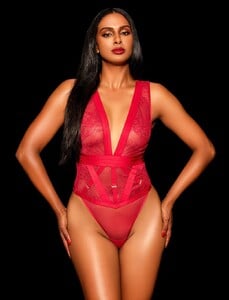










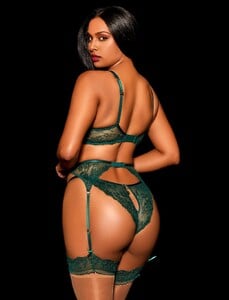




-
Honey Birdette





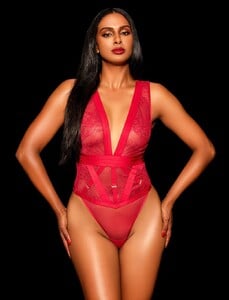









-
https://www.instagram.com/eshavantha/

-

-
-
 AQMpYi51TdYeFj20TLDak8RaRKiCcIzVxB4FVnxpY9zoPOU9fkUYyl7EViRYibenCIpeszGcUjjfaEbLuhSQNpIA..mp4
 kimflorida changed their profile photo
So uhm many people told me that is her so
kimflorida changed their profile photo
So uhm many people told me that is her so The creator of her thread (@zinner) was banned from the forum. So hundreds of threads he created, including this one, are all gone.

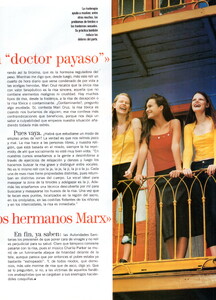
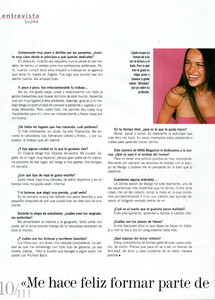
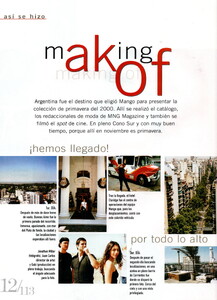
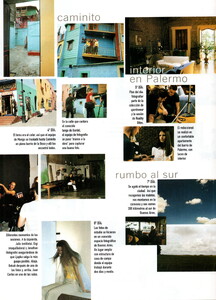
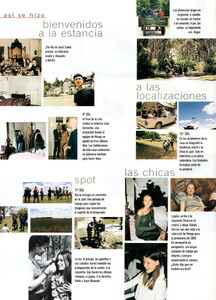
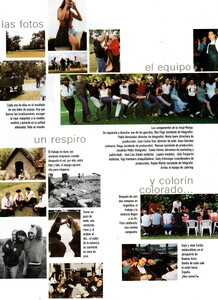
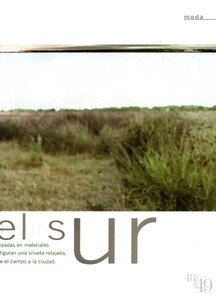
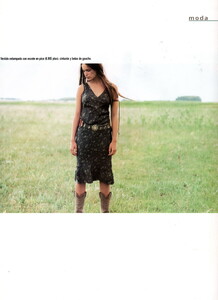
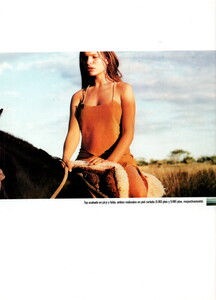
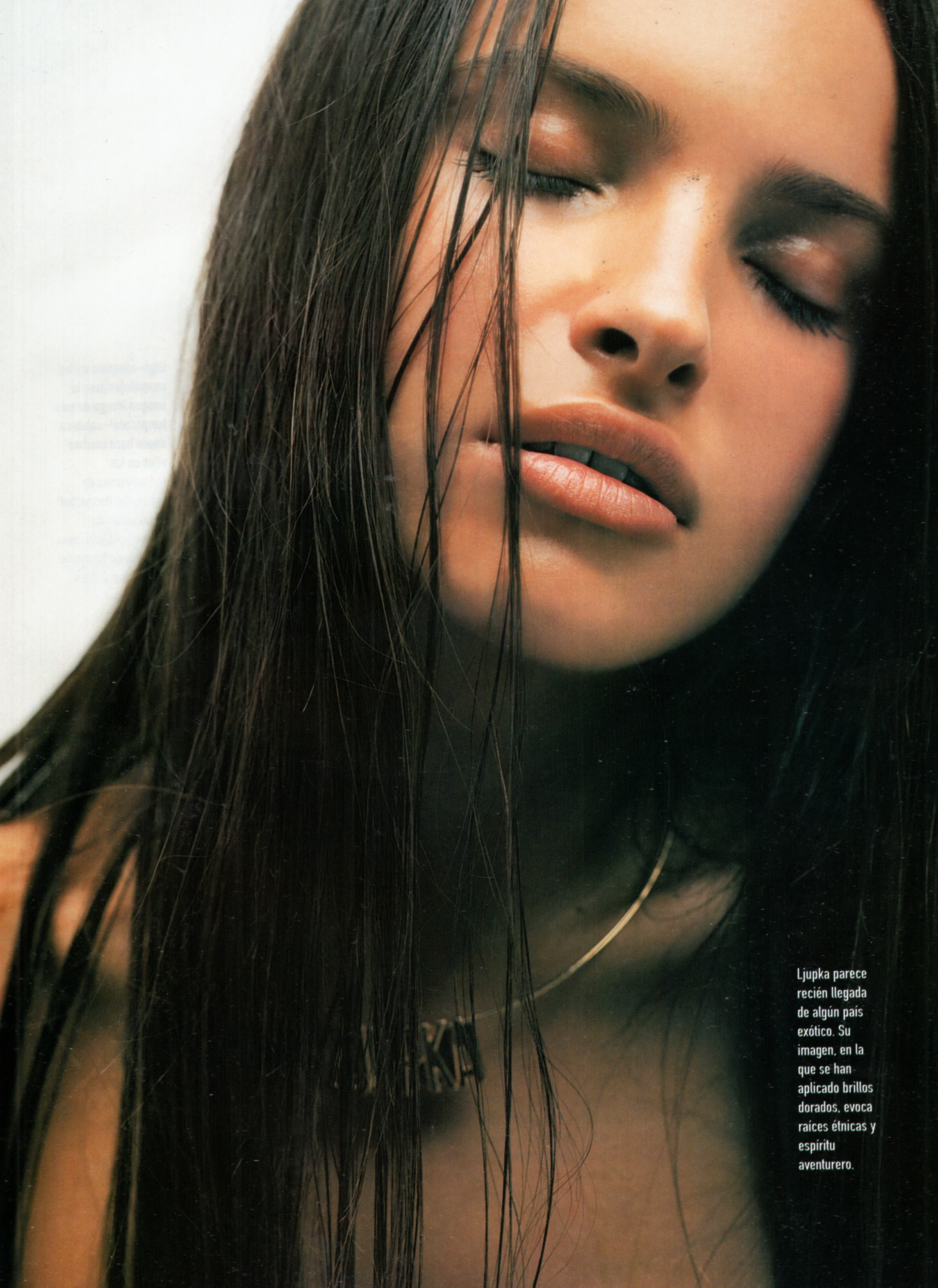
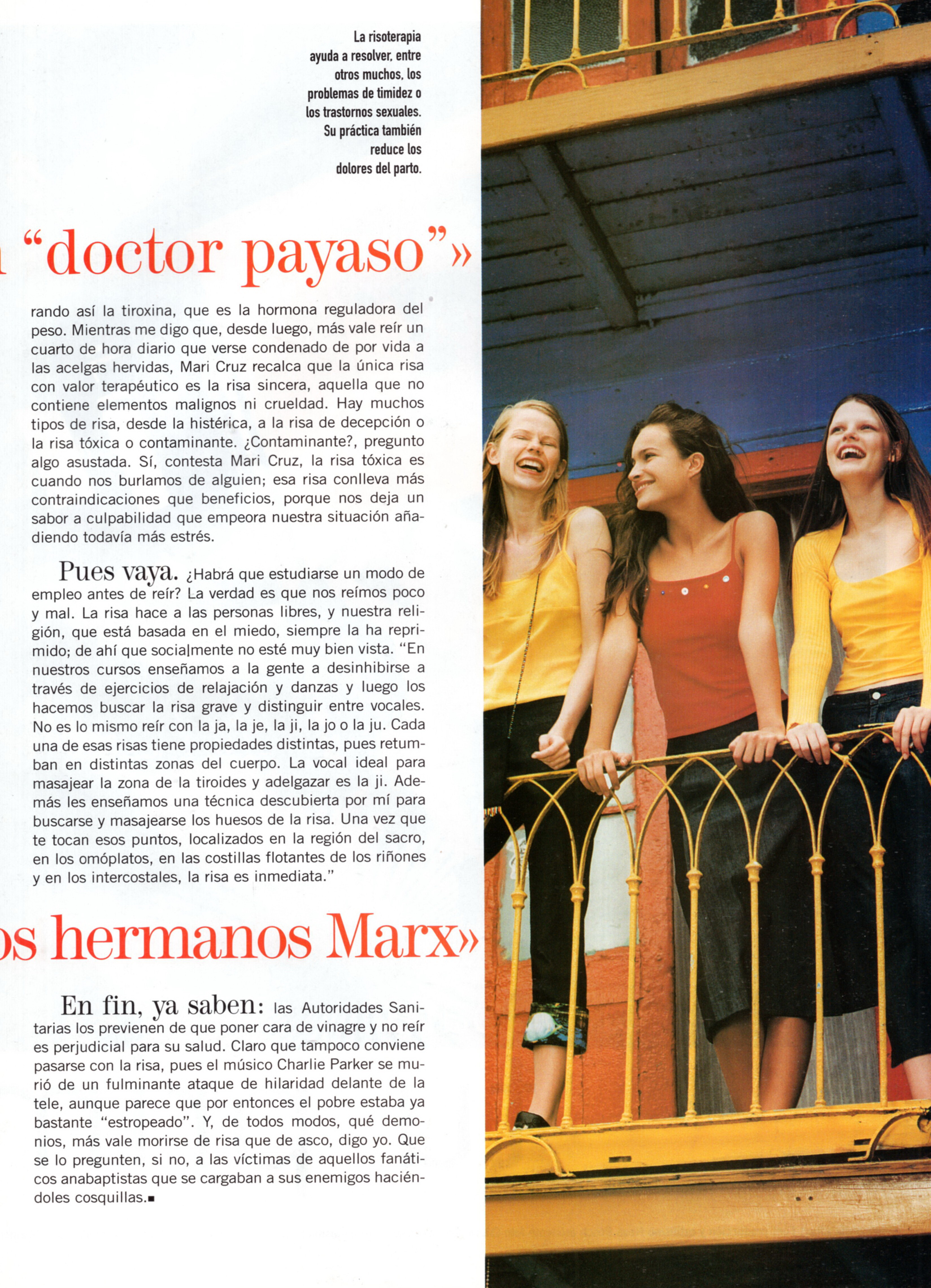
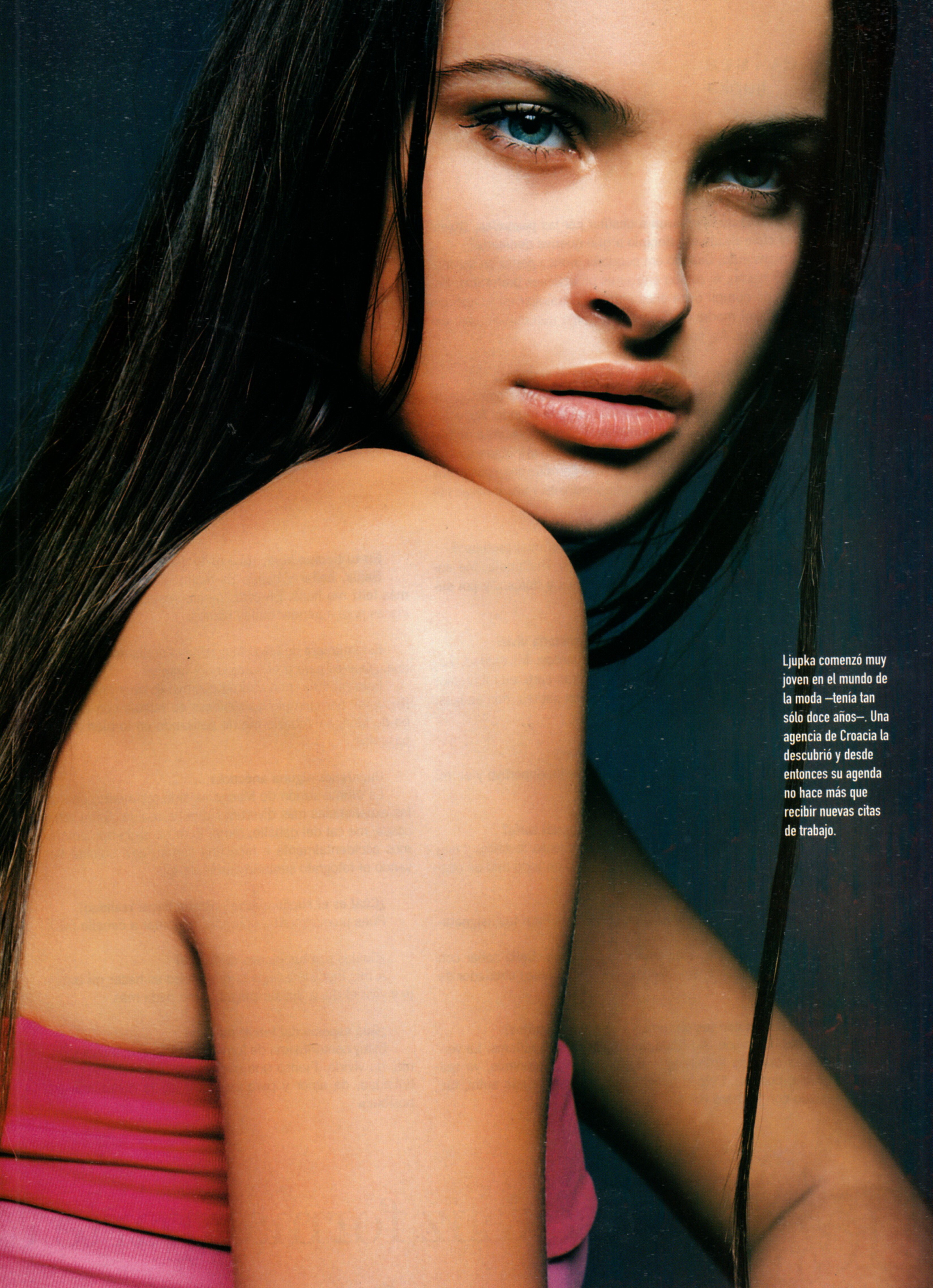
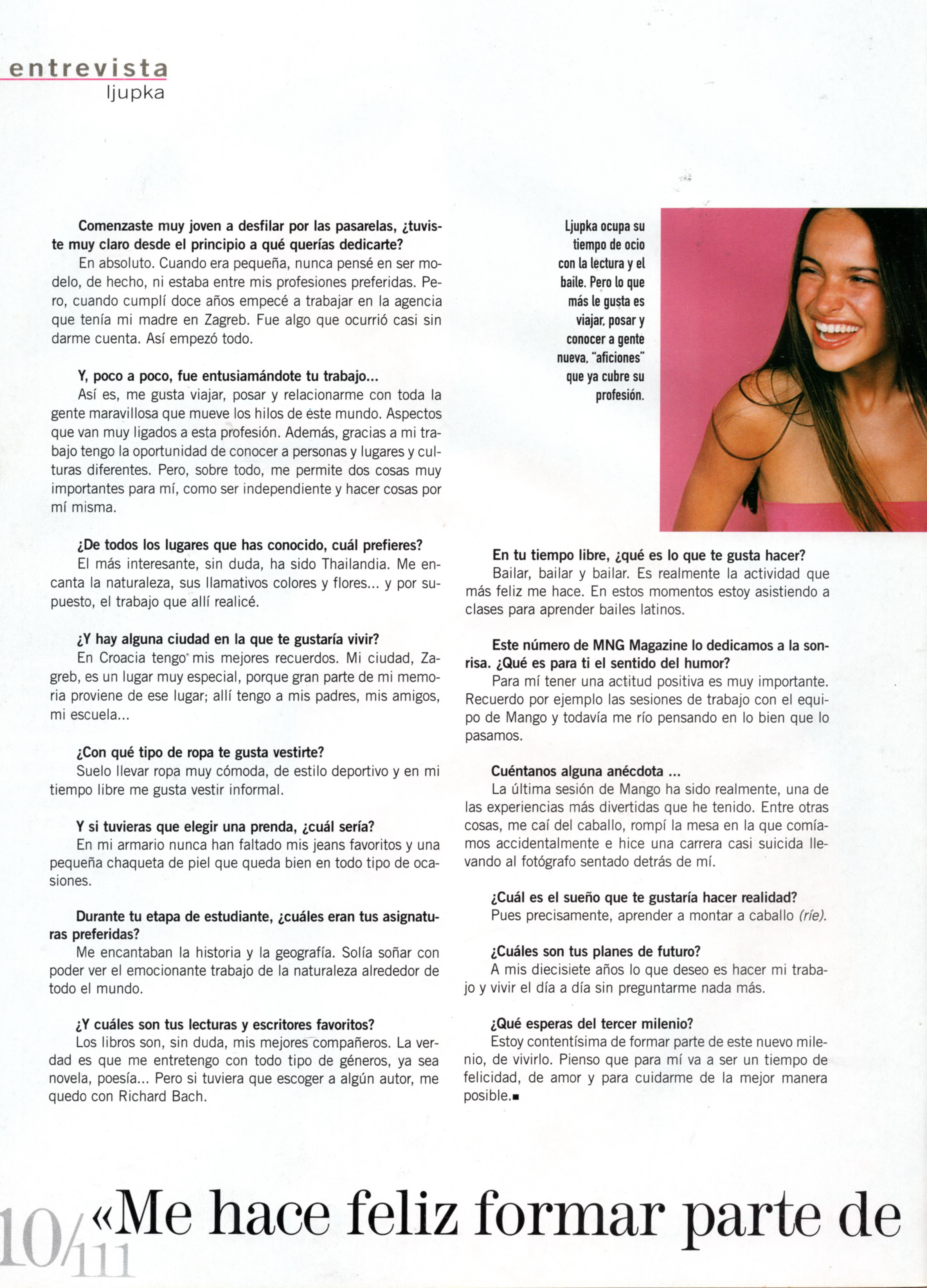
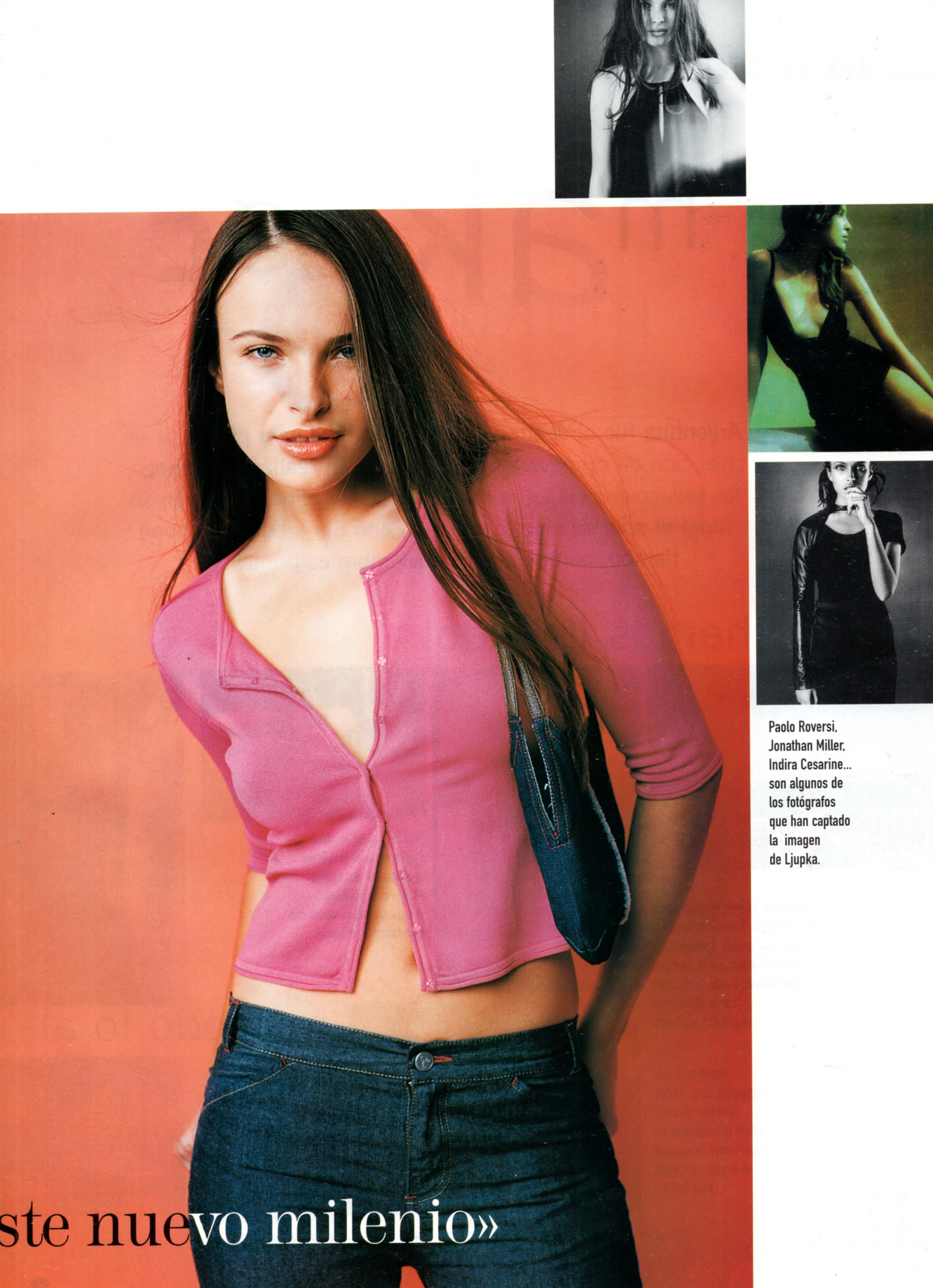
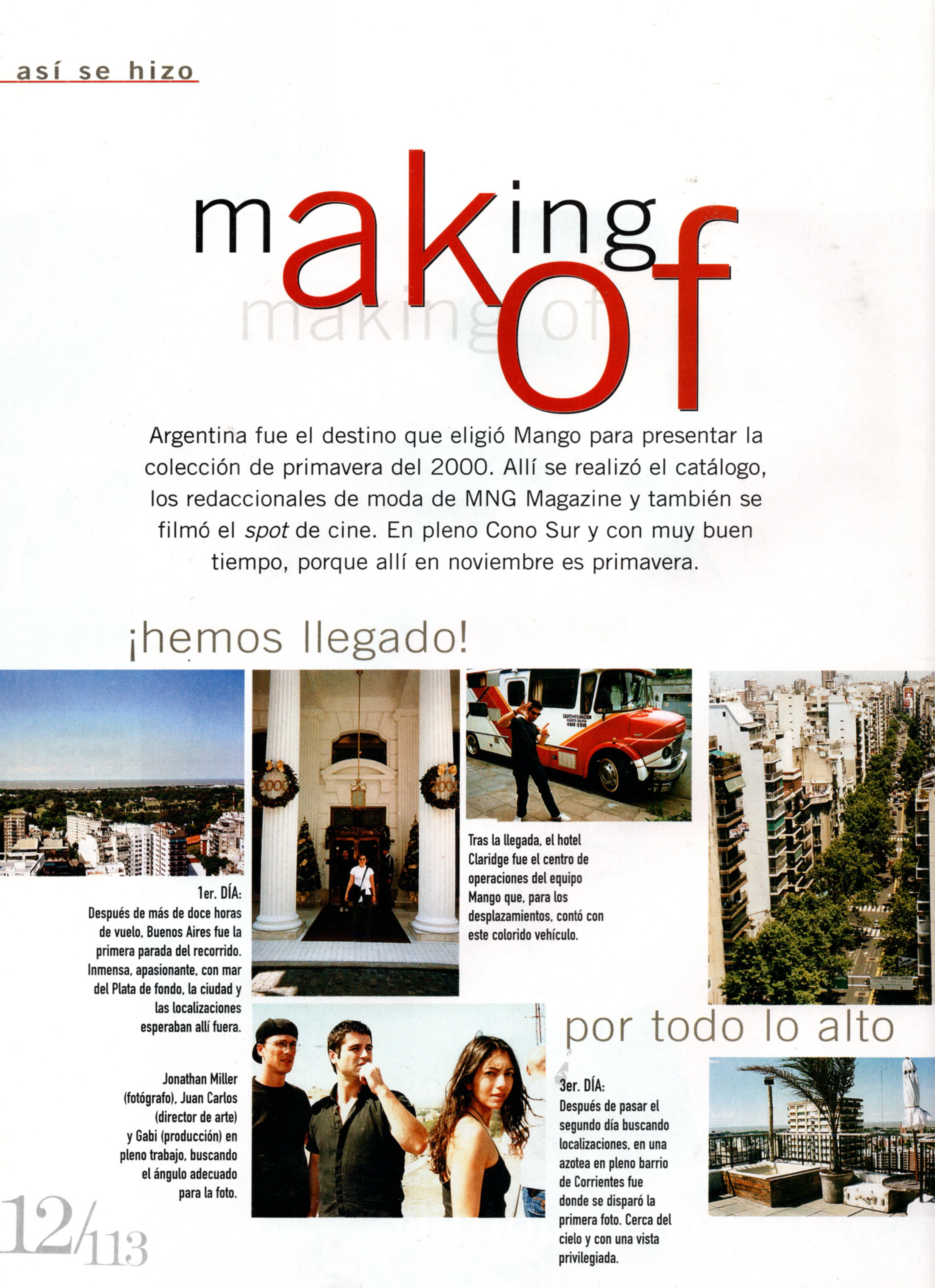
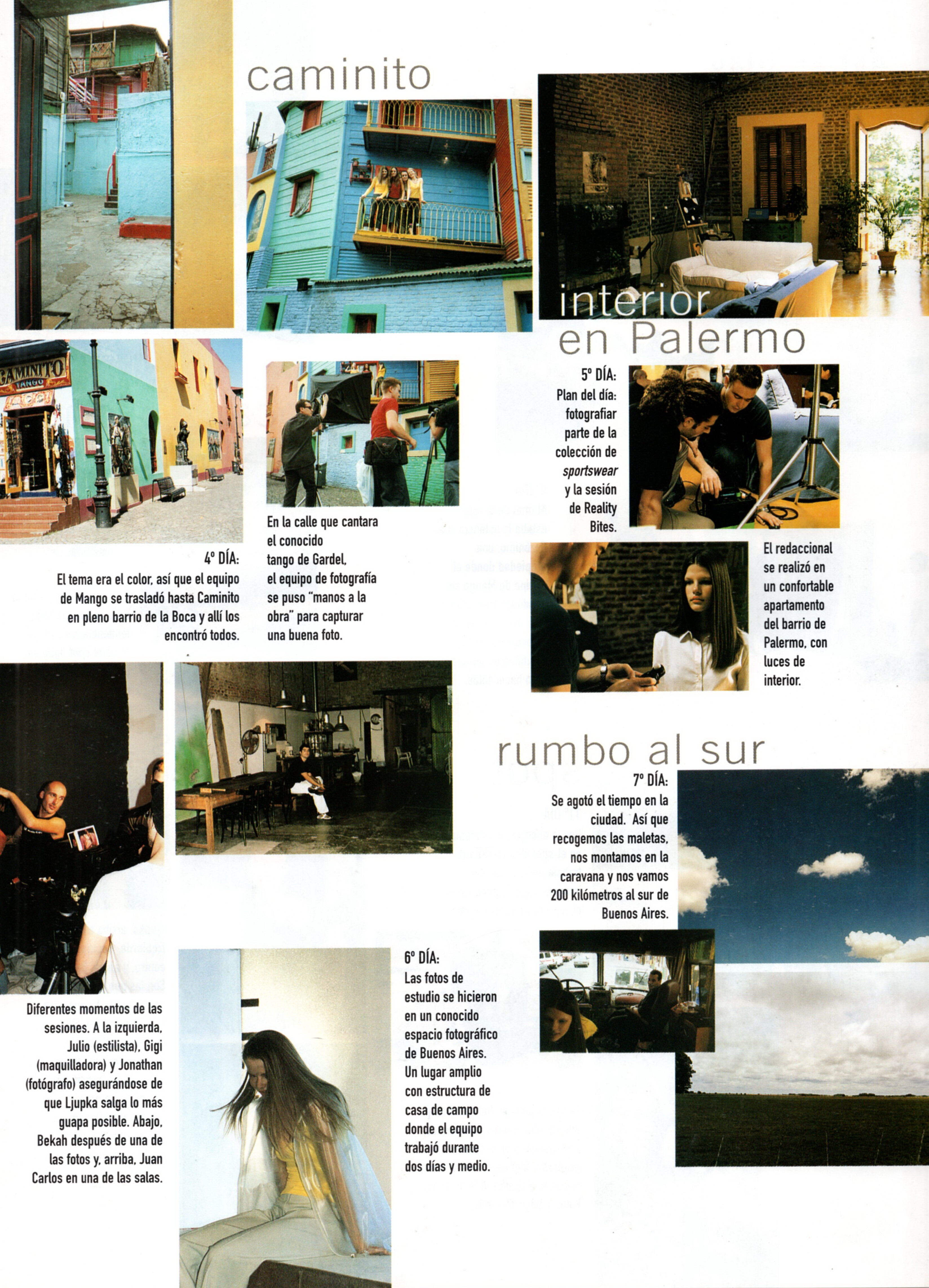
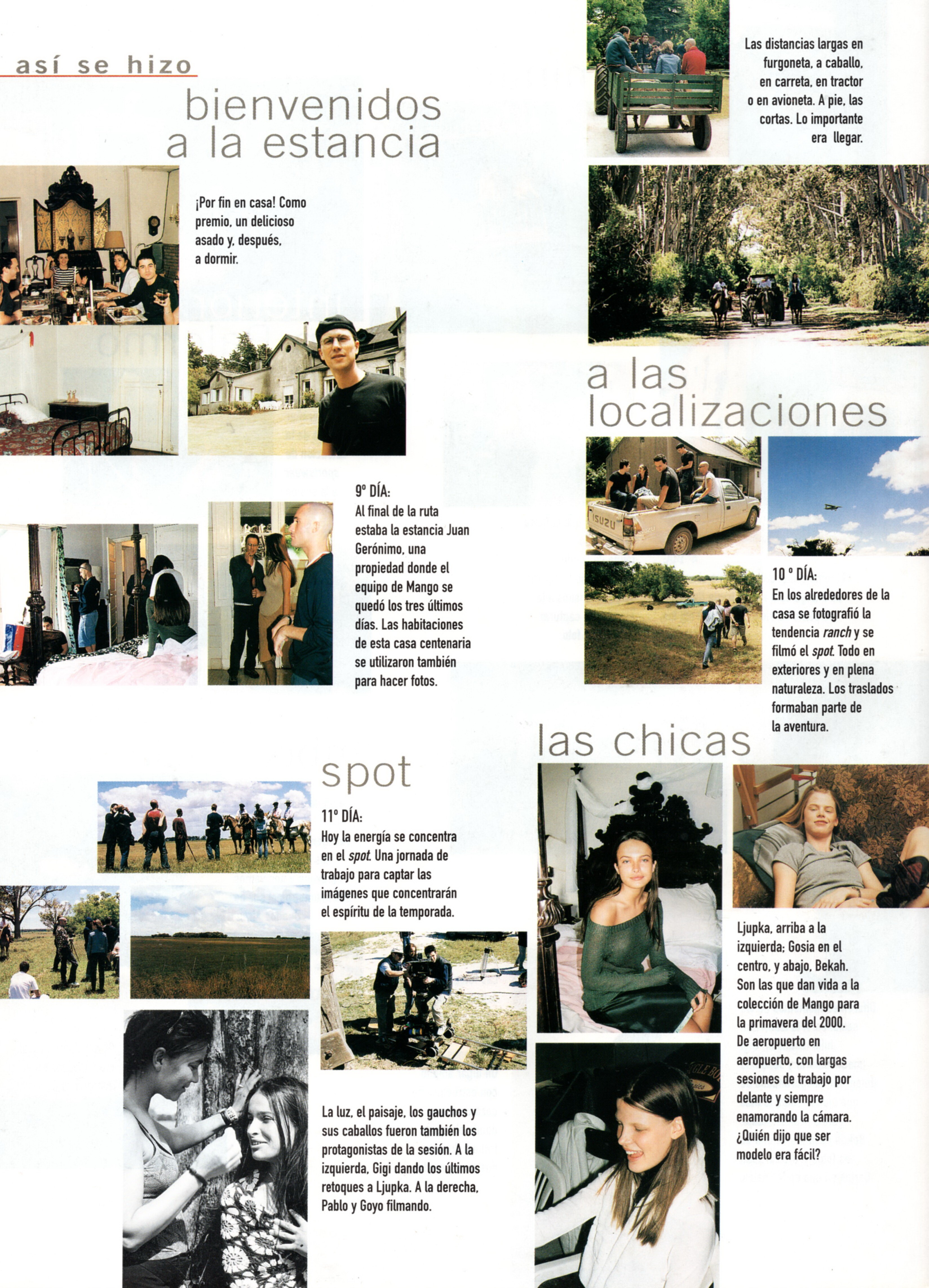
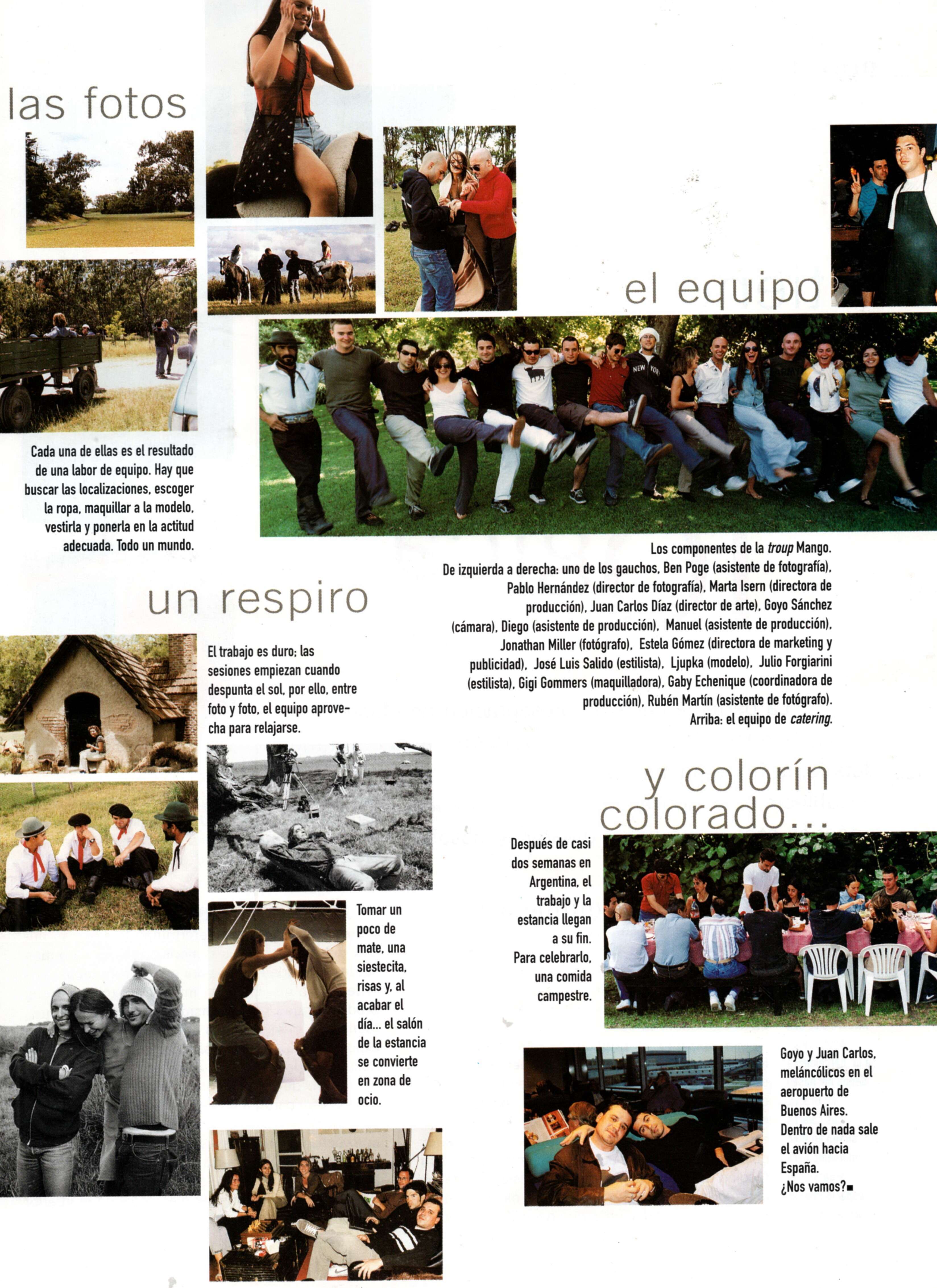
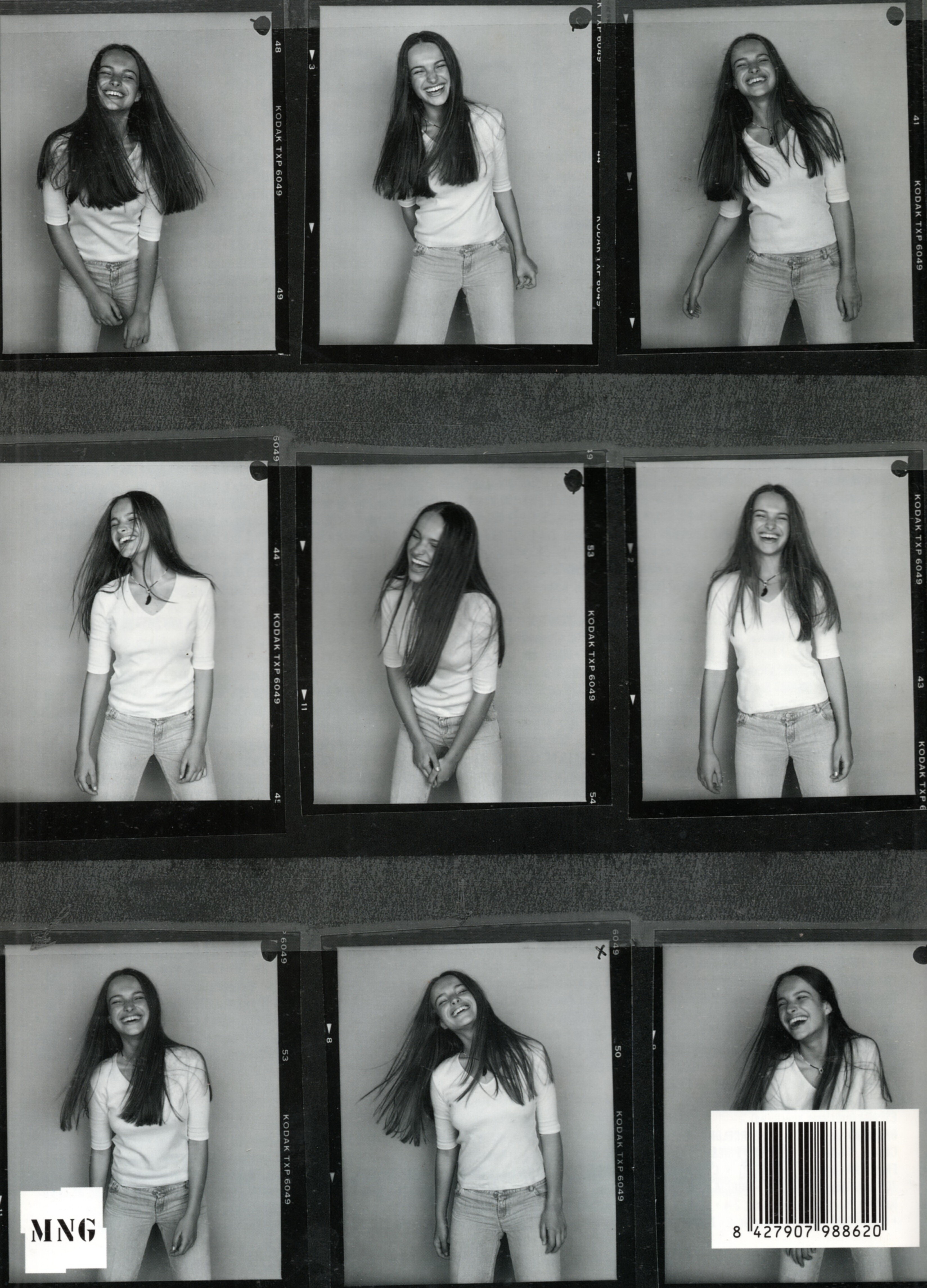
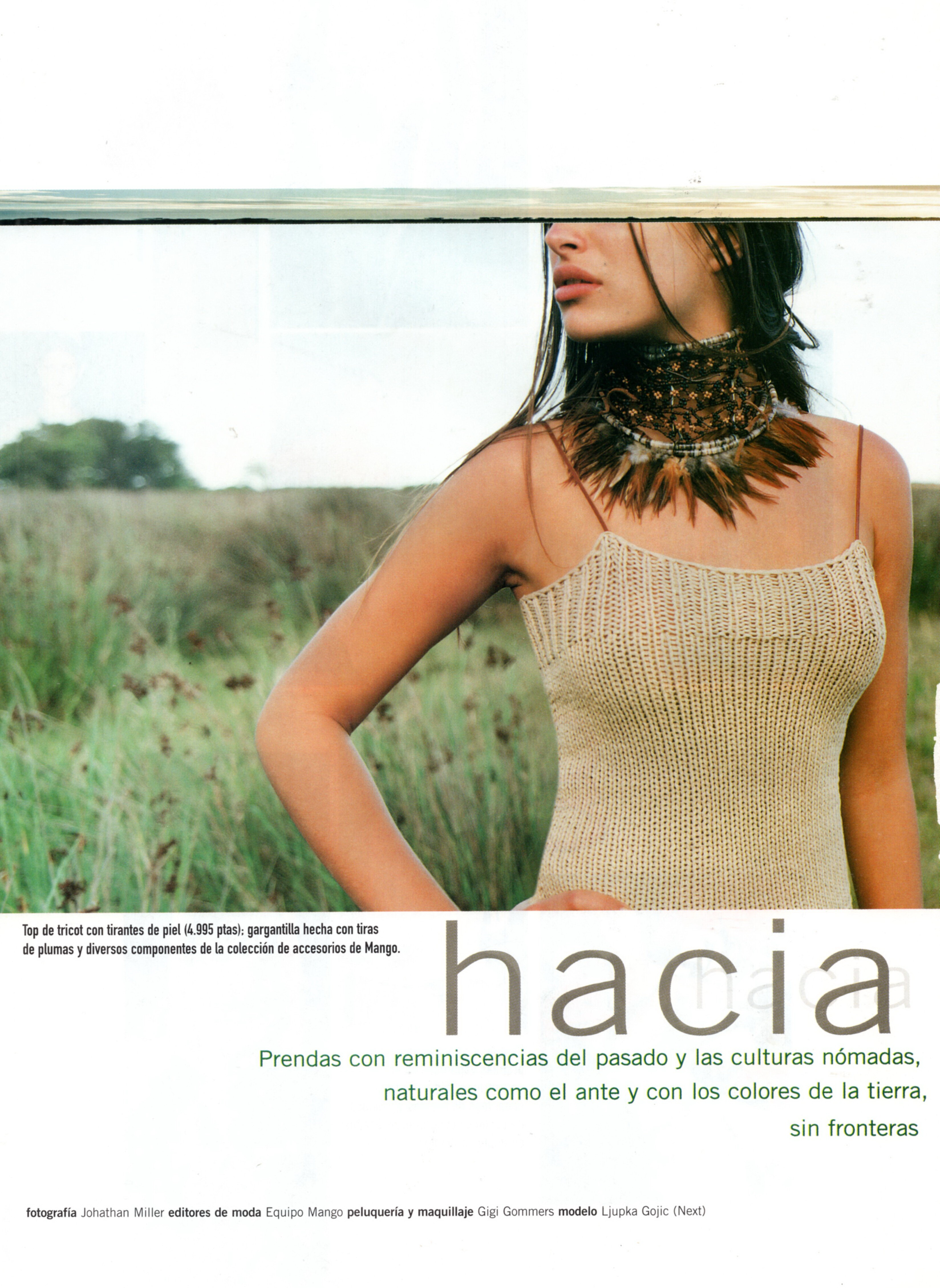
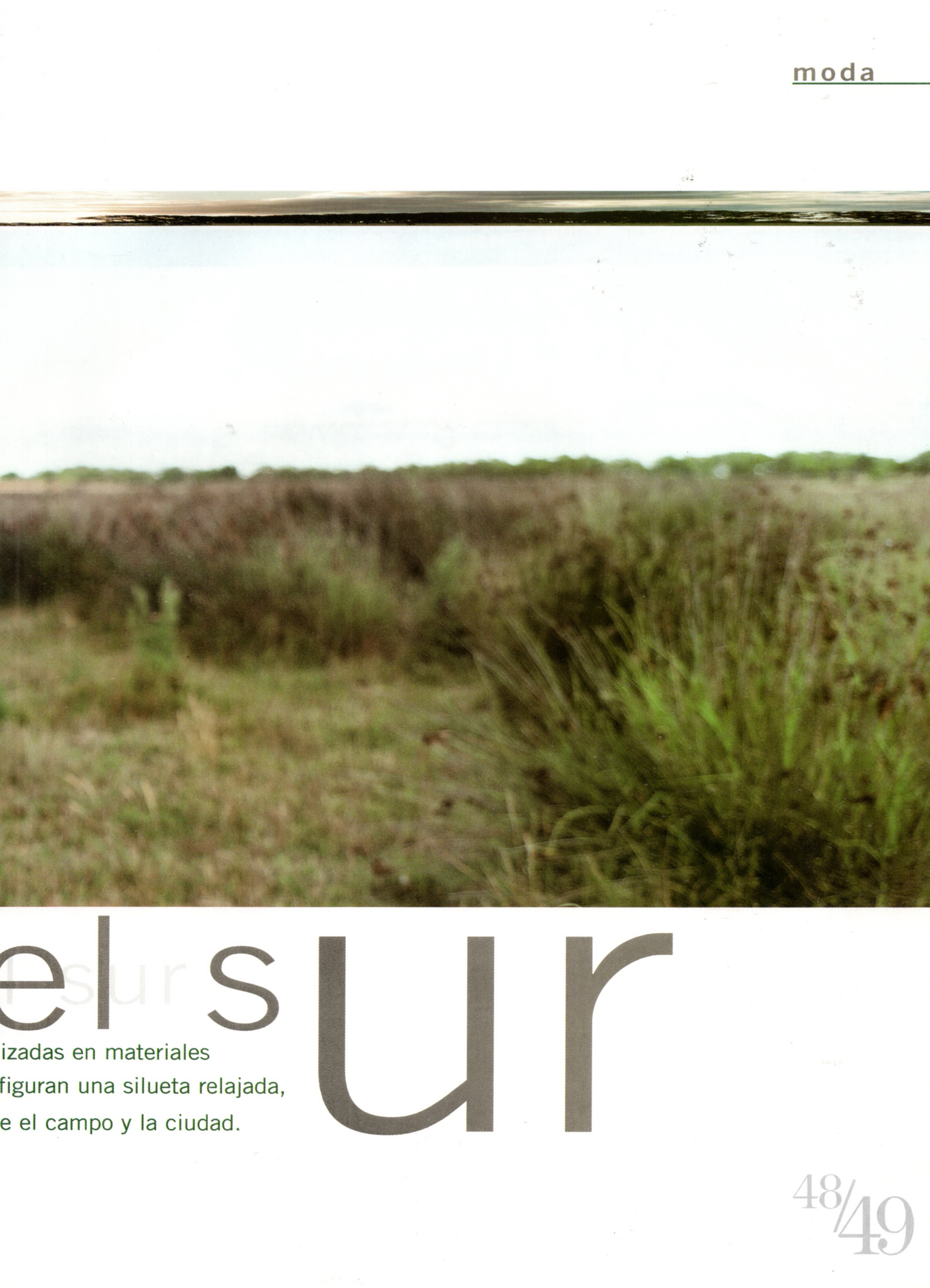
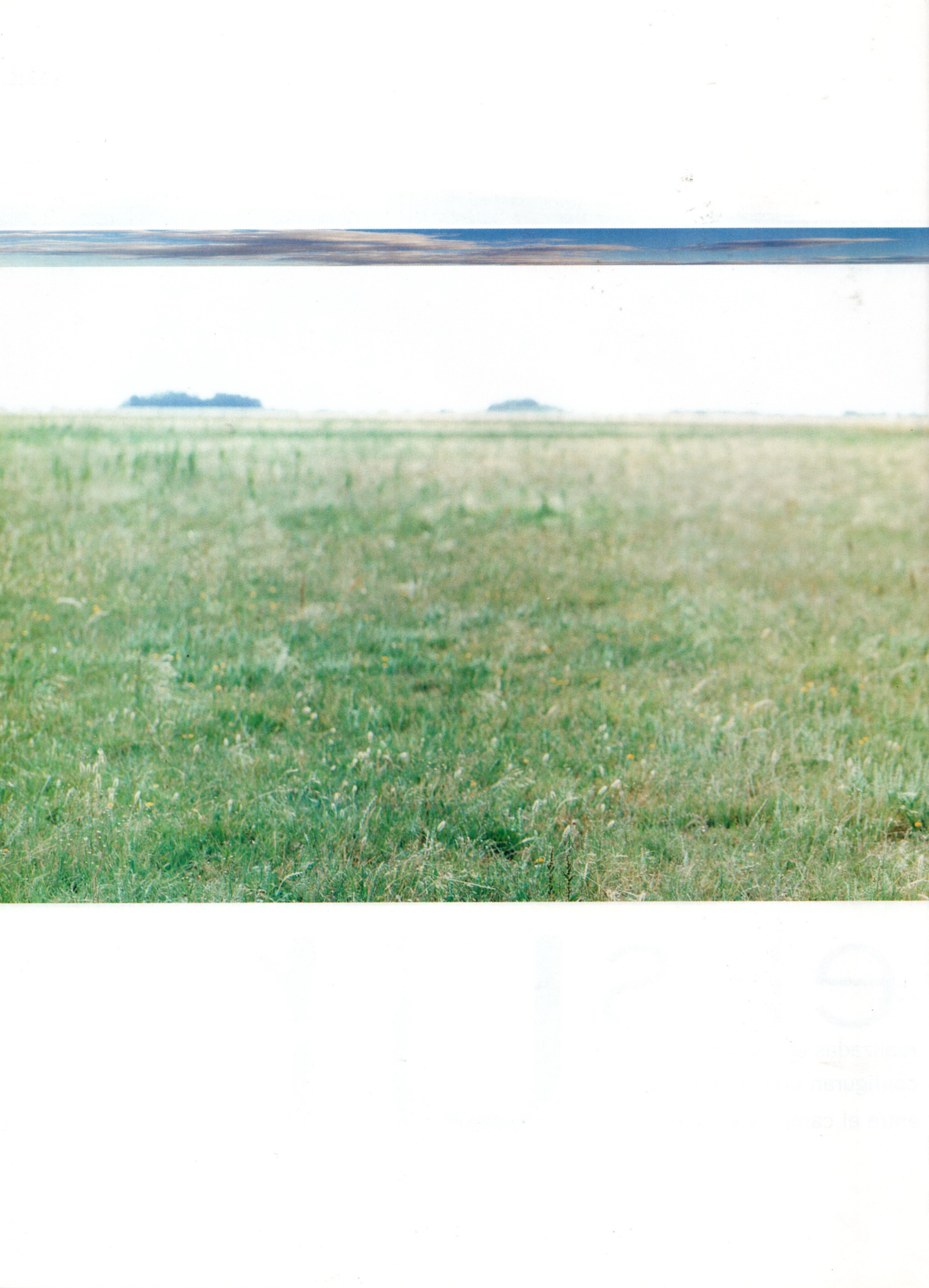
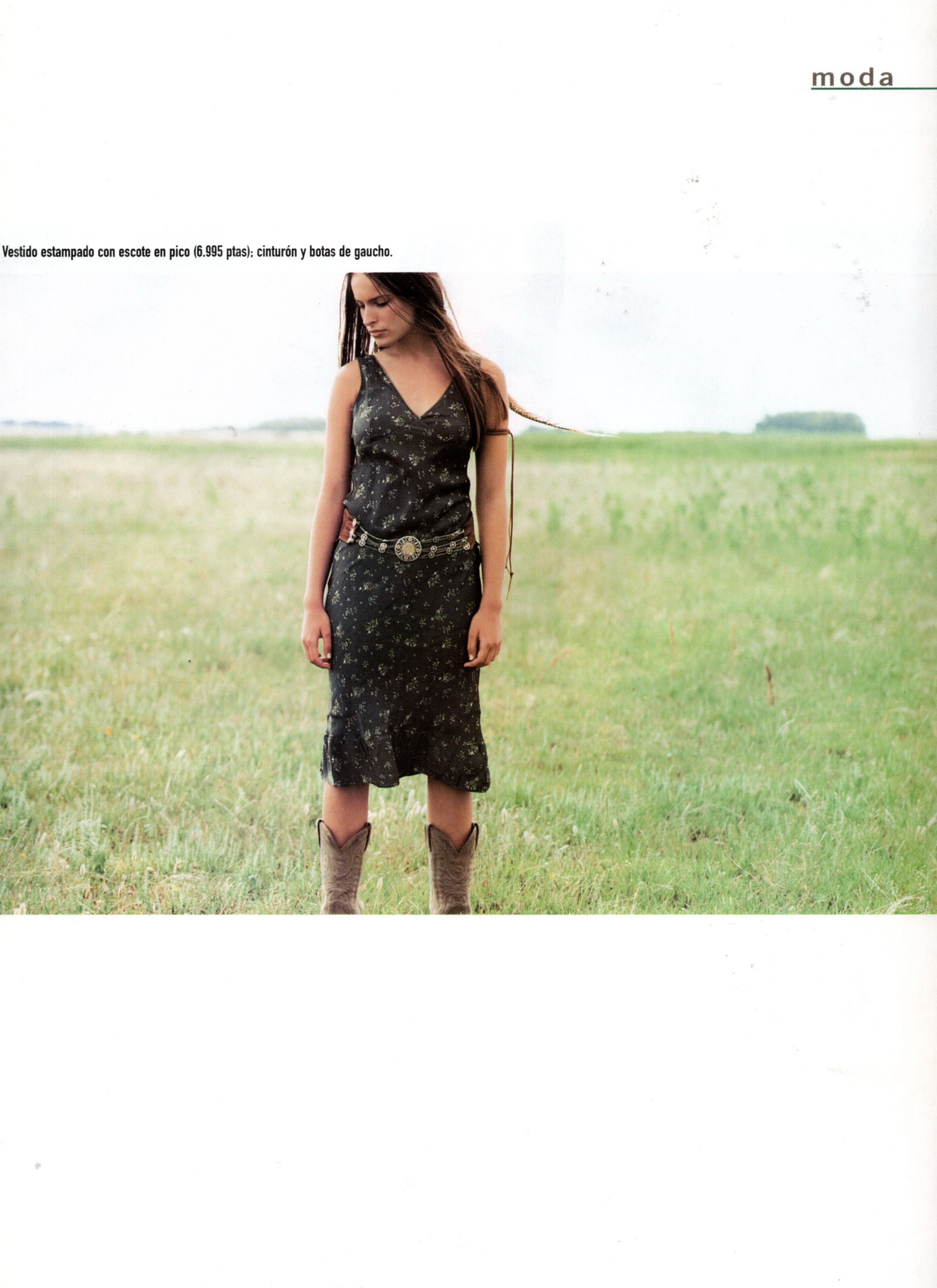
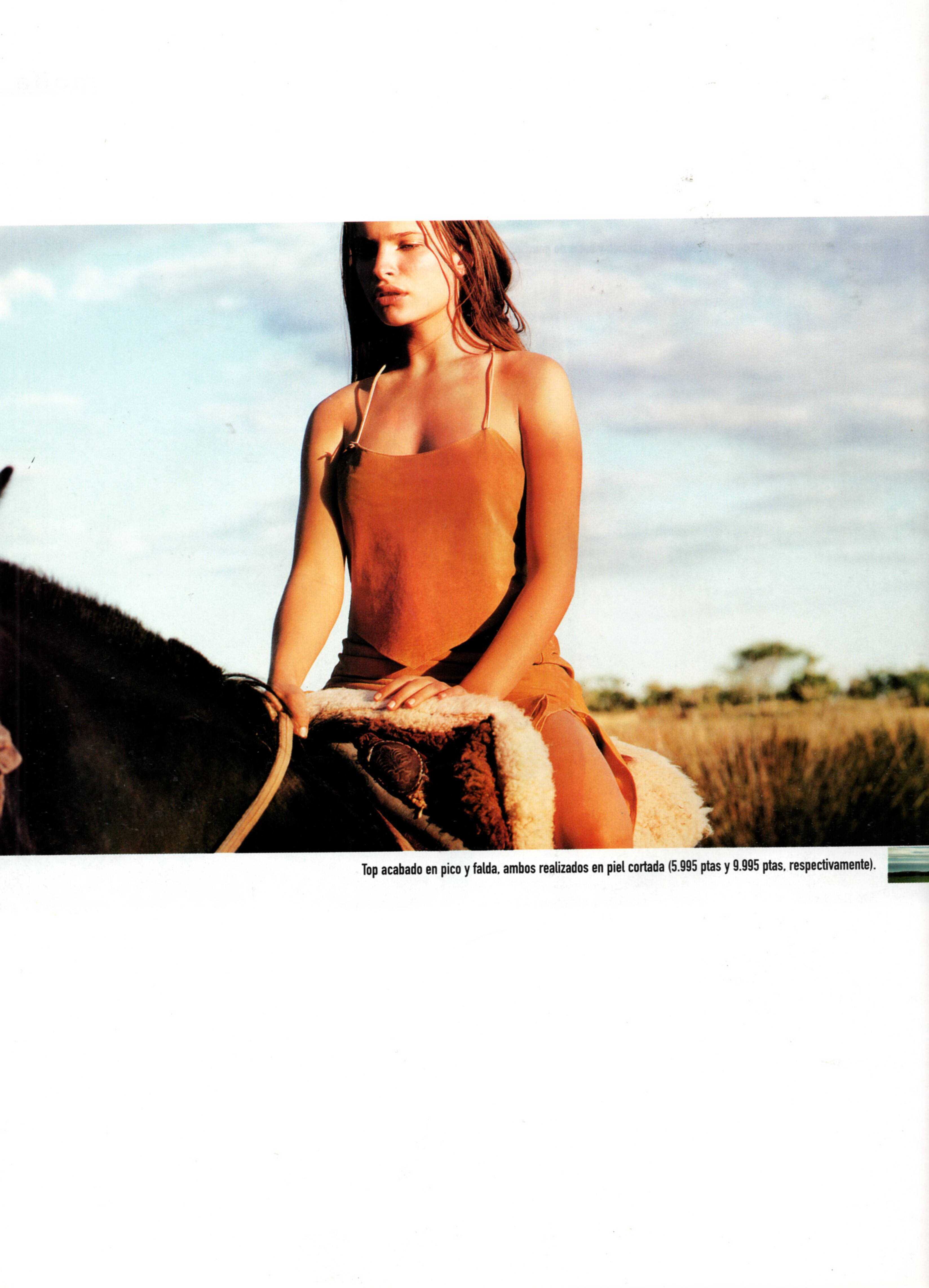
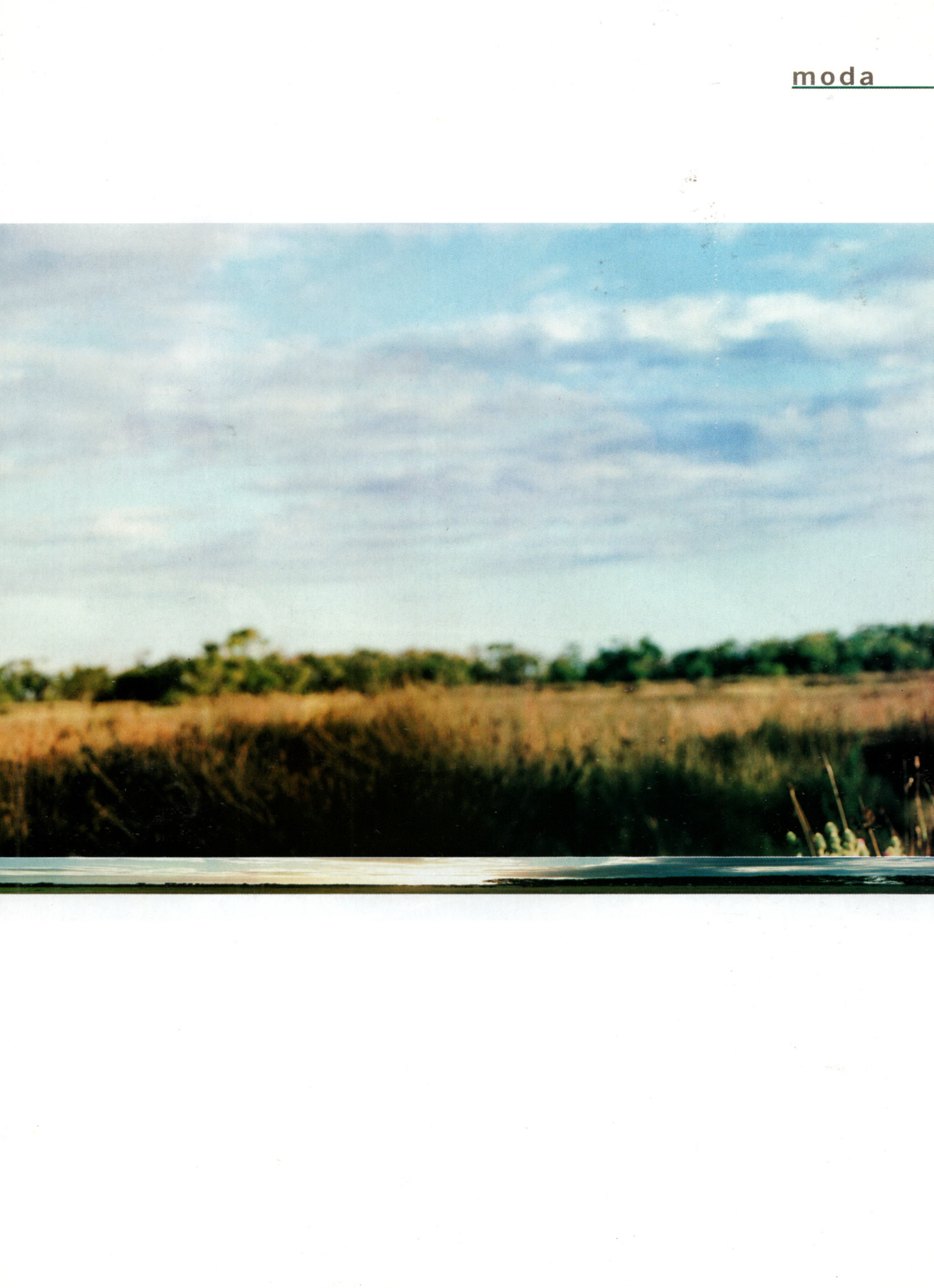
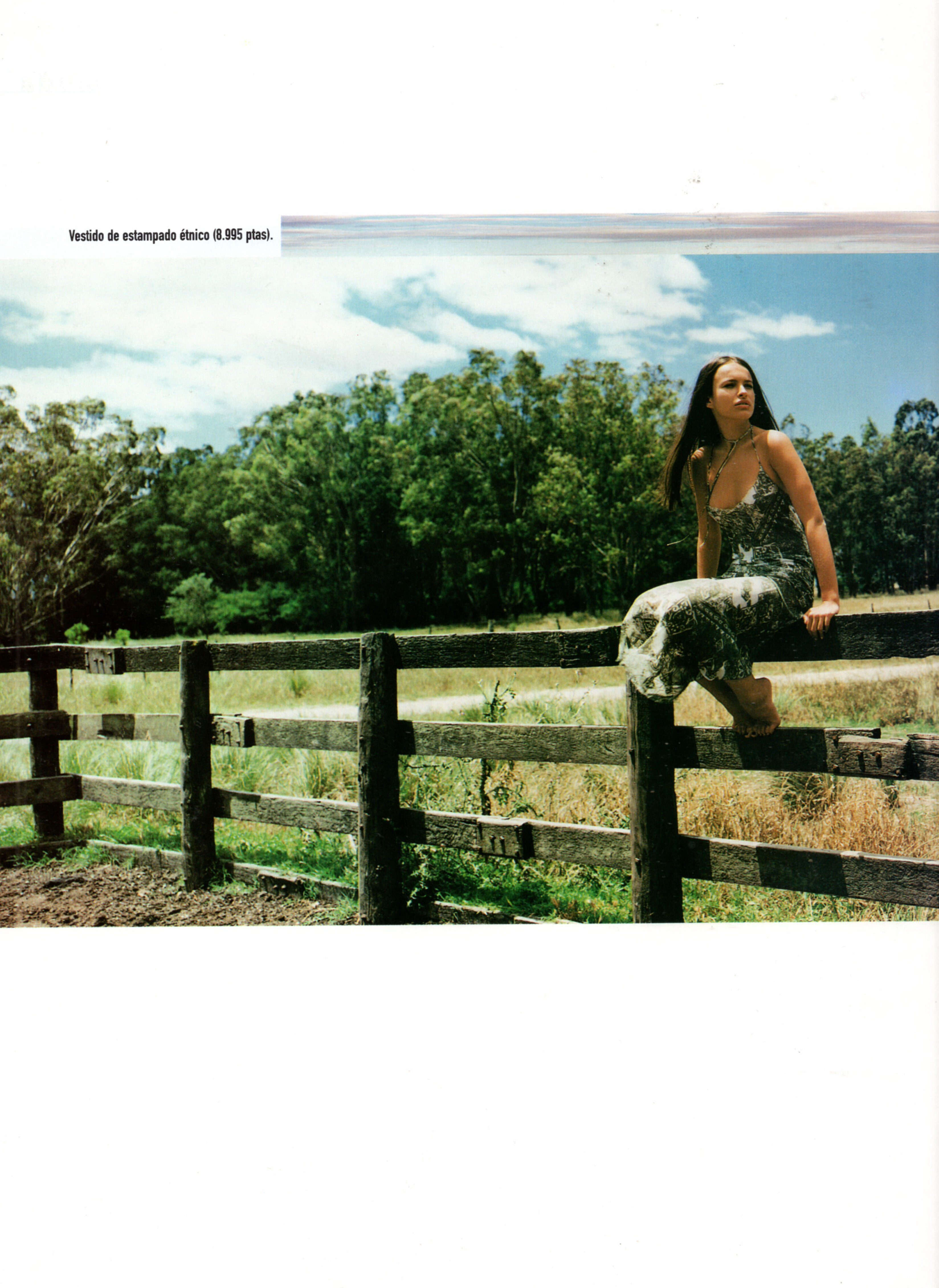
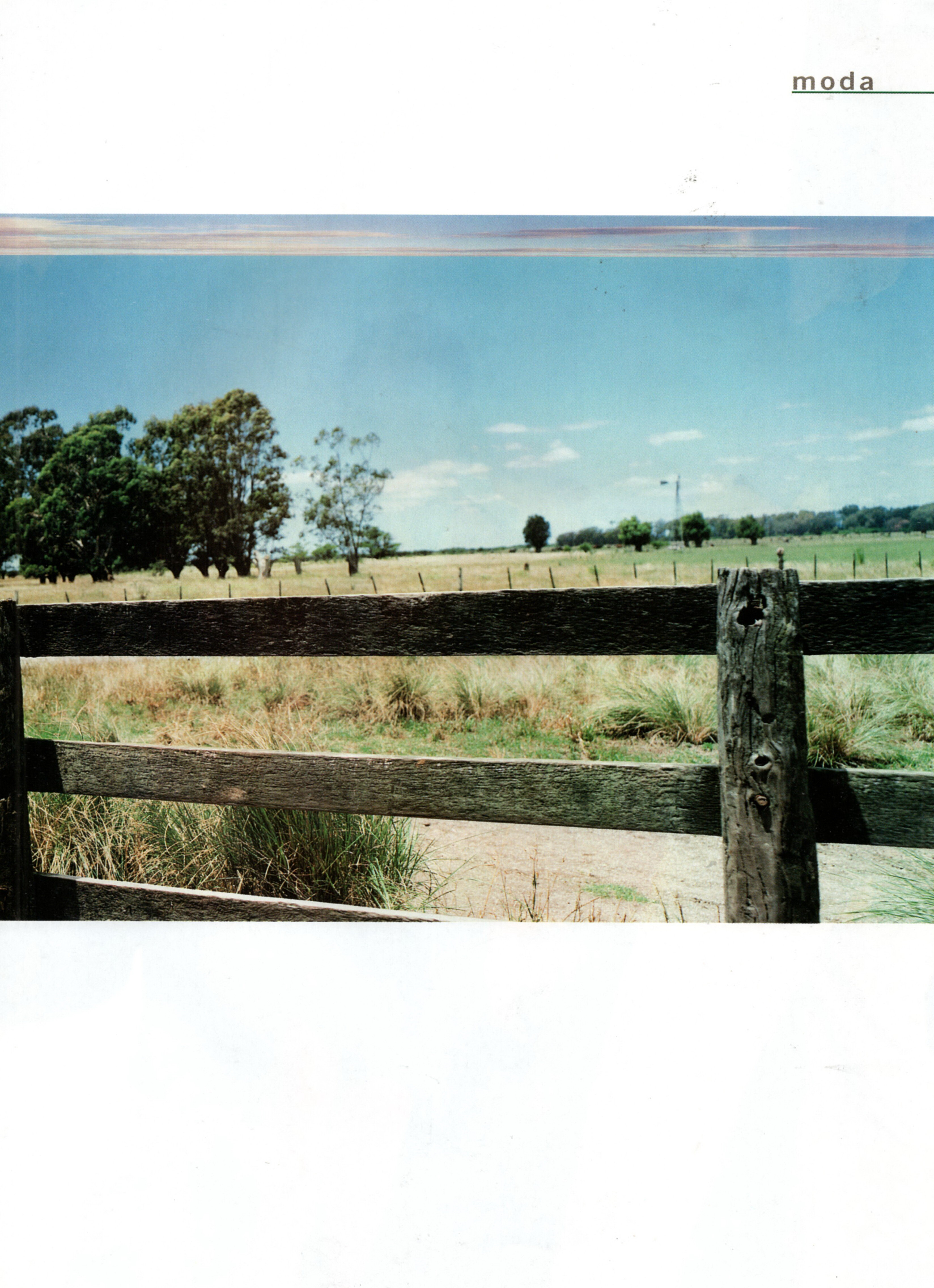
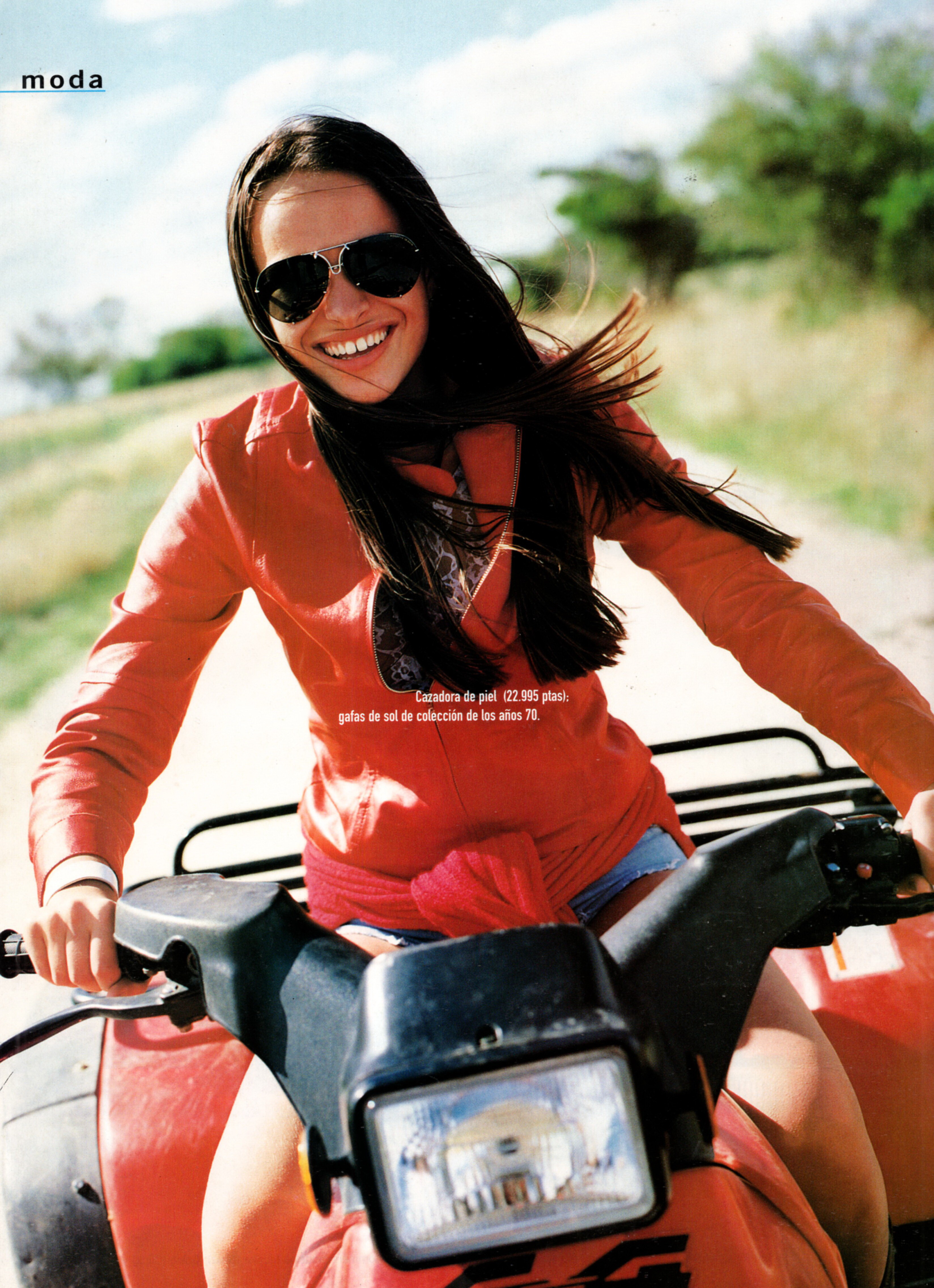
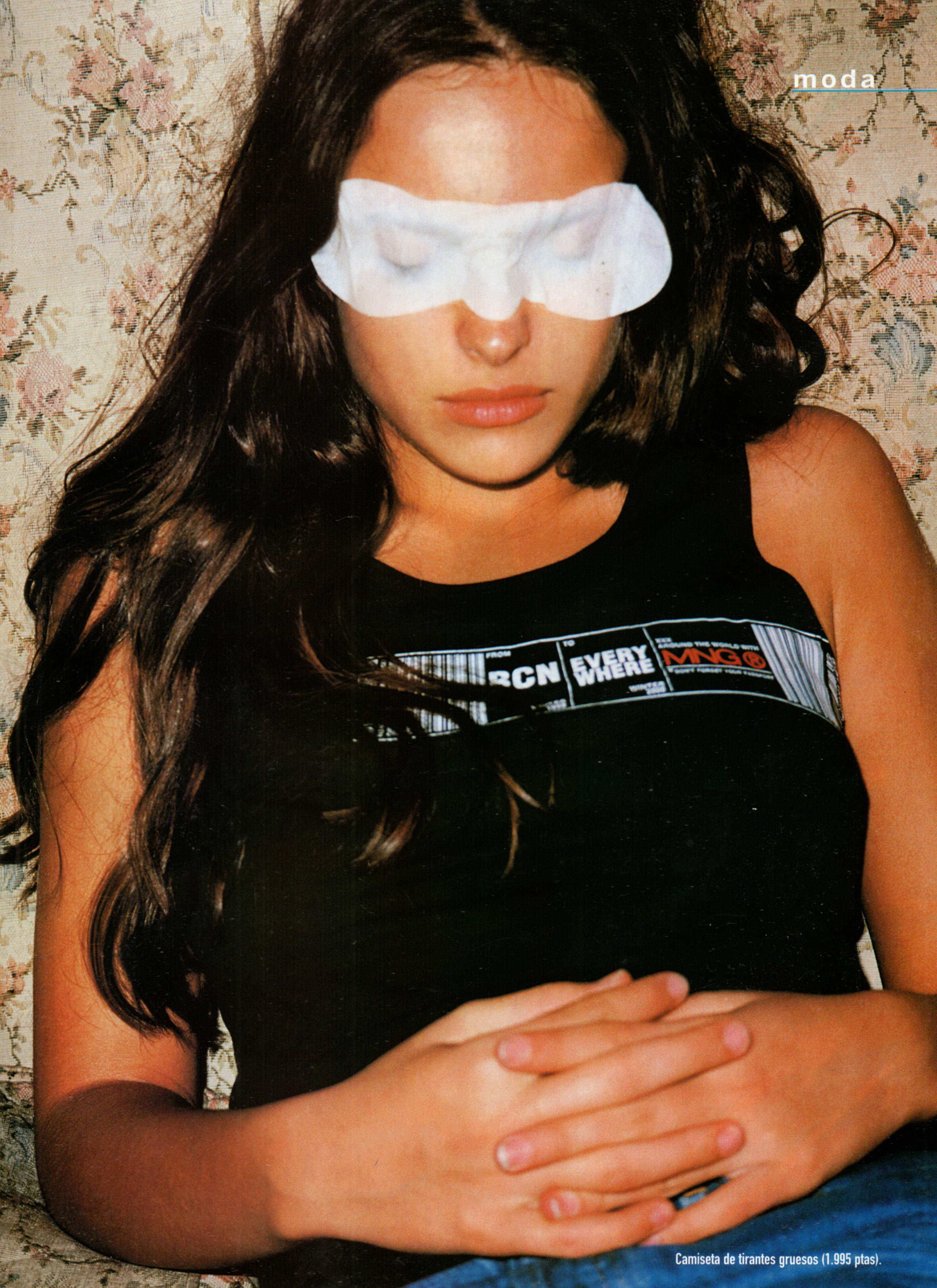
 MNG spring 2000 (Mango magazine) Scanned by me



 https://www.instagram.com/maiacotton/?hl=en
https://www.instagram.com/elizabethjamrozy/
MNG spring 2000 (Mango magazine) Scanned by me
https://www.instagram.com/maiacotton/?hl=en
https://www.instagram.com/elizabethjamrozy/
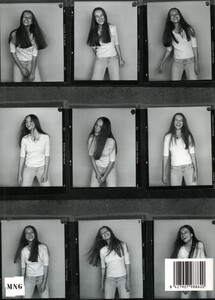
MNG spring 2000 (Mango magazine) Scanned by me

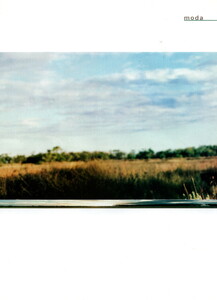
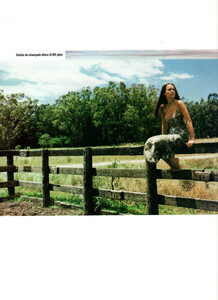
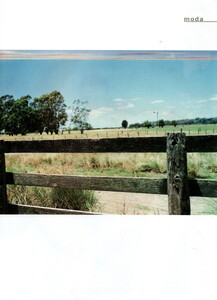


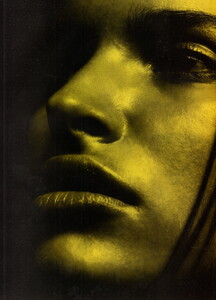
- Today
 No problem. 😁 Thank you very much.
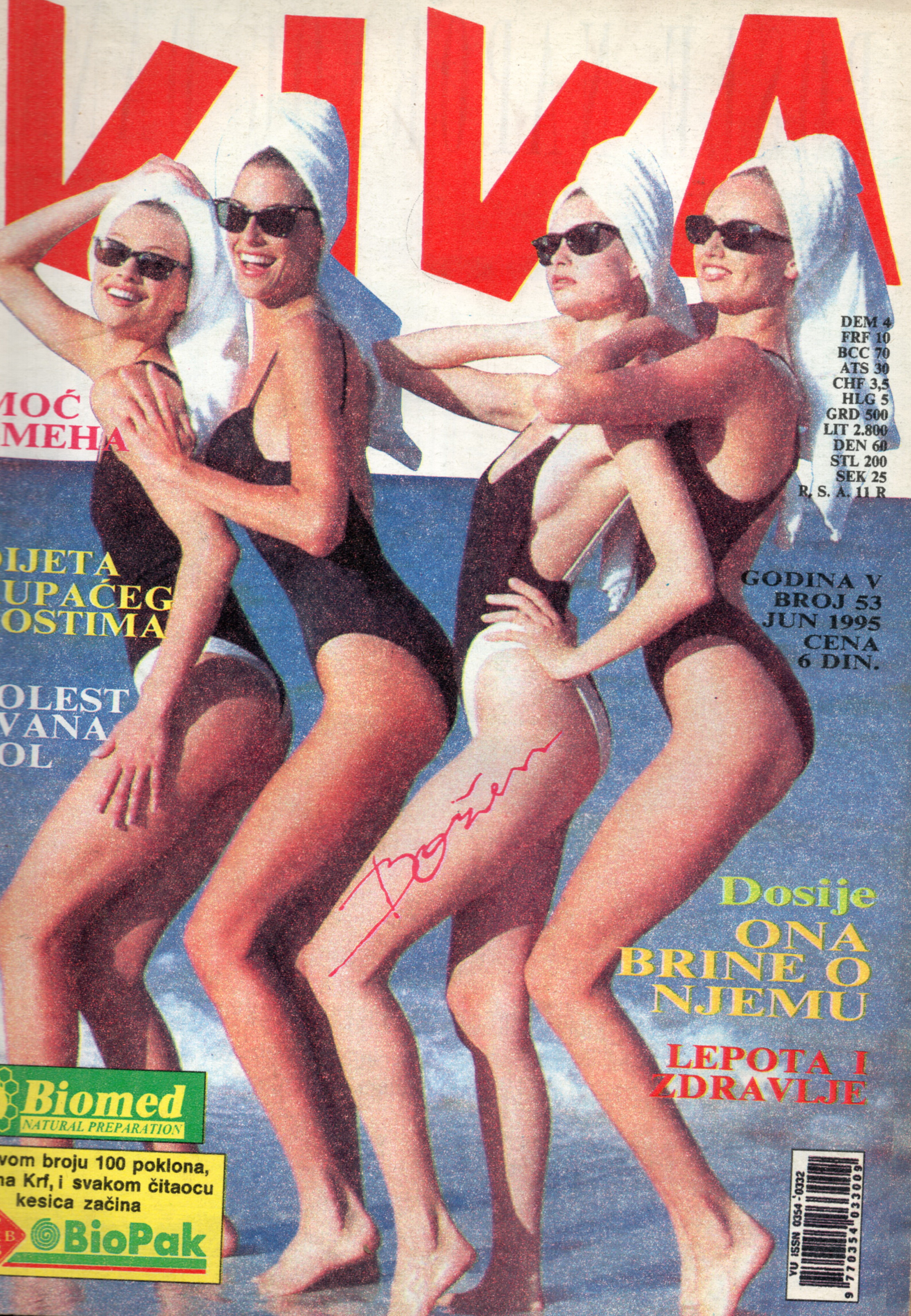
Viva Yugoslavia June 1995 Scanned by me and for sale
No problem. 😁 Thank you very much.
Viva Yugoslavia June 1995 Scanned by me and for sale
 Viva Yugoslavia June 1995 Scanned by me and for sale
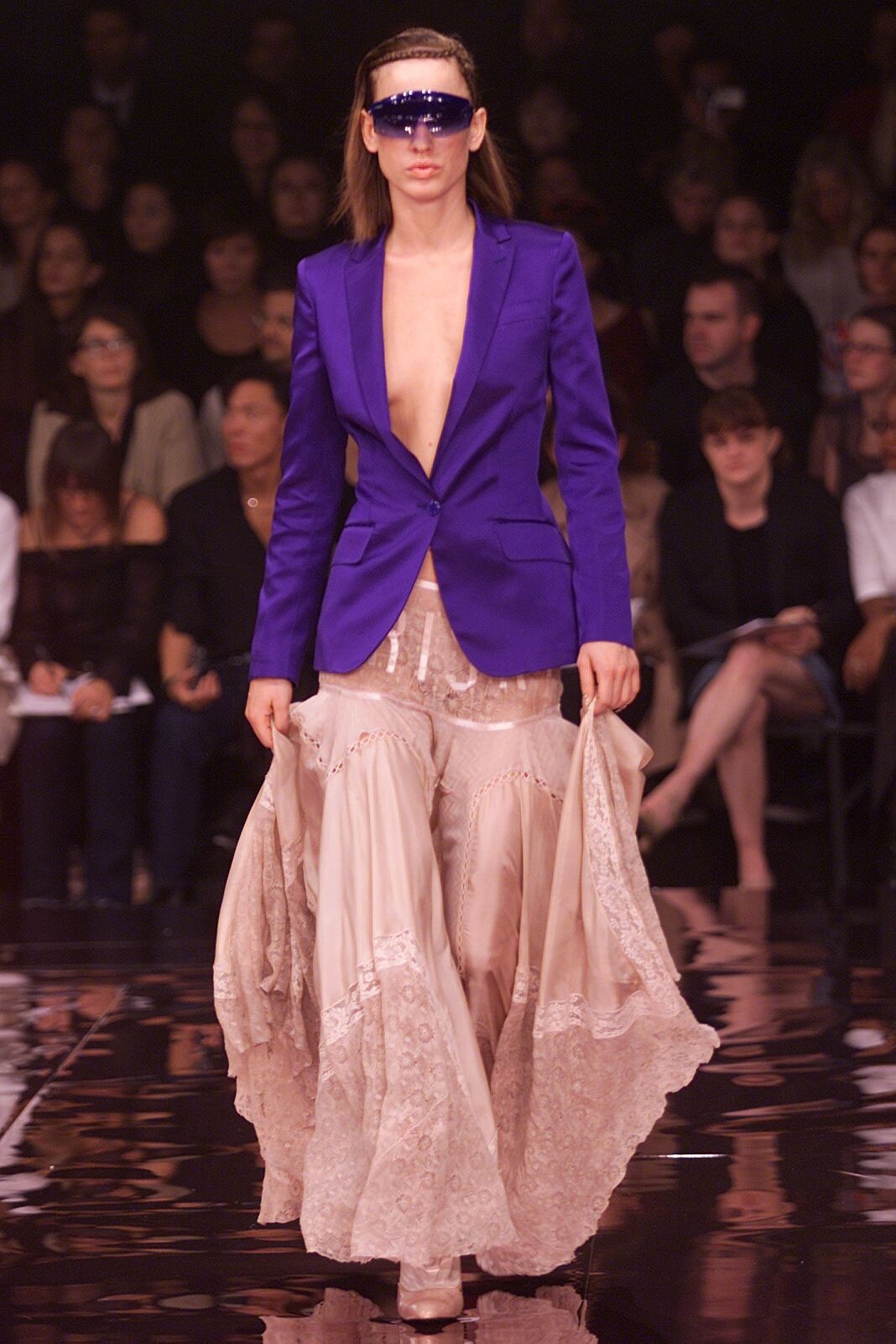
.jpg.8c5b6e900366569a349019e81fab4971.jpg)
.jpg.ccf19cc8a5568509abbd3f66319fdbd4.jpg)
.jpg.3ab082bf569f7bee6b347ad22608a3dd.jpg)
.jpg.dac95a7a7250155d5fc4143d6c750972.jpg)
.jpg.486907015ccda14f1c2f707df5bea551.jpg)
.jpg.0516ce4d7f9b38e3bbceced003fb5f1e.jpg)
.jpg.a506d1bd3be778e02e65e2c897a1c960.jpg)
.jpg.4777a29da7e3e15ecc01902aee0fd41d.jpg)
.jpg.a8fe2e1d8d323c4a34e524555bfe09b4.jpg)
.jpg.6f67912ecadf4b632637376e69540c1d.jpg)
.jpg.9d79058cb606b12050d5c8a6629c2415.jpg)
.jpg.67ca7144ca5d32b174633be7bab59931.jpg)
.jpg.4b2e683c7c0db95d83c5216aca8f4463.jpg)
.jpg.9366511da01a6b0bd665c8edcb9a9d6f.jpg)
.jpg.098511d3f469ddba5d66ee82aa10138c.jpg)
.jpg.e6e5682999404a3d594da70d549a63d1.jpg)
.jpg.9ac2f87b3028a8a6a9ece339a6994d3c.jpg)
.jpg.f730570cc595d62929f759f97186d7c9.jpg)
.jpg.330a19130862d9490f19fe4bb929f9c3.jpg)
.jpg.80f6a8937d7f55dc265aa4753b1ff477.jpg)
.jpg.0dd139f2b446599a89724688a3fdeed7.jpg)
.jpg.c07838da8cca9f48495768a9bd84e7b0.jpg)
.jpg.bea2886982490427d86bf9c093edf3d6.jpg)
































Account
Navigation
Search
Configure browser push notifications
Chrome (Android)
- Tap the lock icon next to the address bar.
- Tap Permissions → Notifications.
- Adjust your preference.
Chrome (Desktop)
- Click the padlock icon in the address bar.
- Select Site settings.
- Find Notifications and adjust your preference.
Safari (iOS 16.4+)
- Ensure the site is installed via Add to Home Screen.
- Open Settings App → Notifications.
- Find your app name and adjust your preference.
Safari (macOS)
- Go to Safari → Preferences.
- Click the Websites tab.
- Select Notifications in the sidebar.
- Find this website and adjust your preference.
Edge (Android)
- Tap the lock icon next to the address bar.
- Tap Permissions.
- Find Notifications and adjust your preference.
Edge (Desktop)
- Click the padlock icon in the address bar.
- Click Permissions for this site.
- Find Notifications and adjust your preference.
Firefox (Android)
- Go to Settings → Site permissions.
- Tap Notifications.
- Find this site in the list and adjust your preference.
Firefox (Desktop)
- Open Firefox Settings.
- Search for Notifications.
- Find this site in the list and adjust your preference.