All Activity
- Past hour
-

-


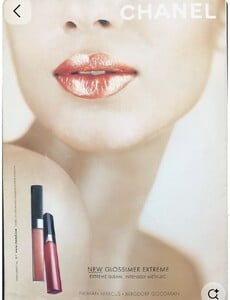
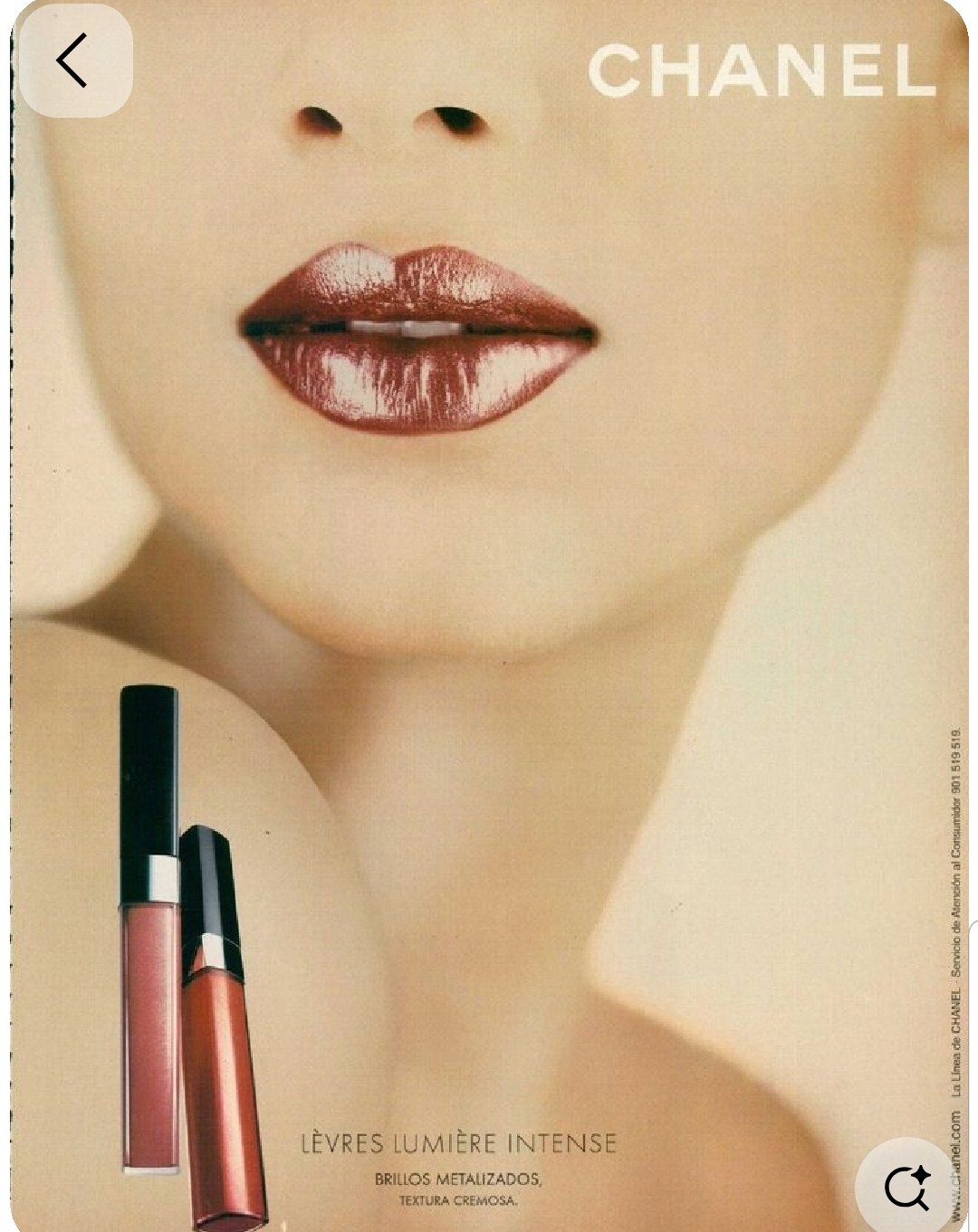
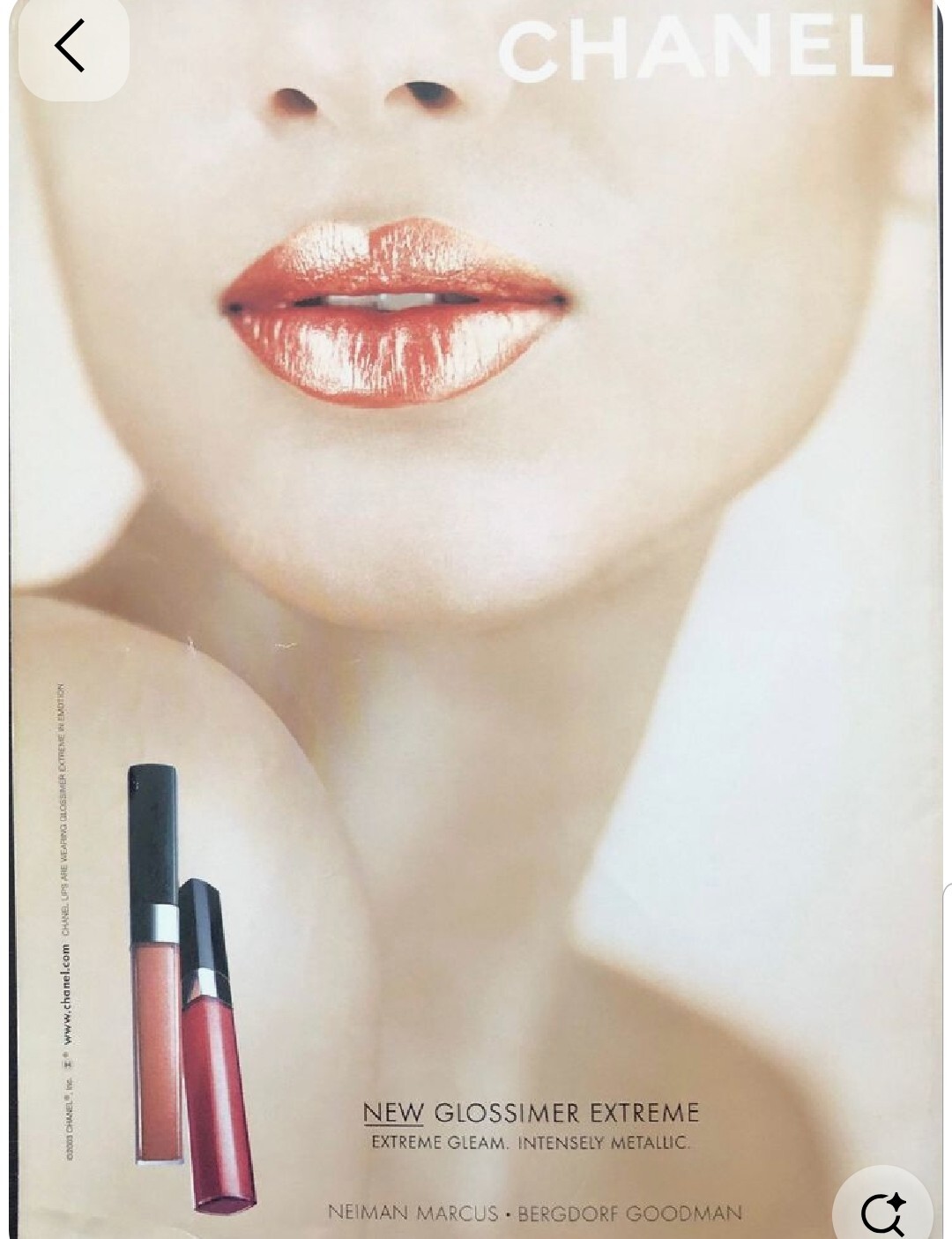
 Model in Chanel ad from 2003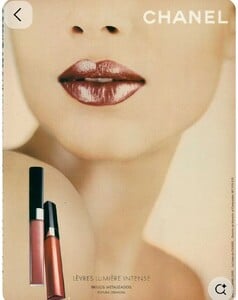

- Today
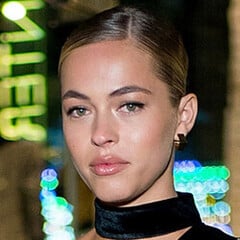
 Name: Natalie Reynolds
 Sandra Nina Kushi Christina Patience Oriola Caroline Yasmin Dehandra Tyler Christen Franceska Leilani

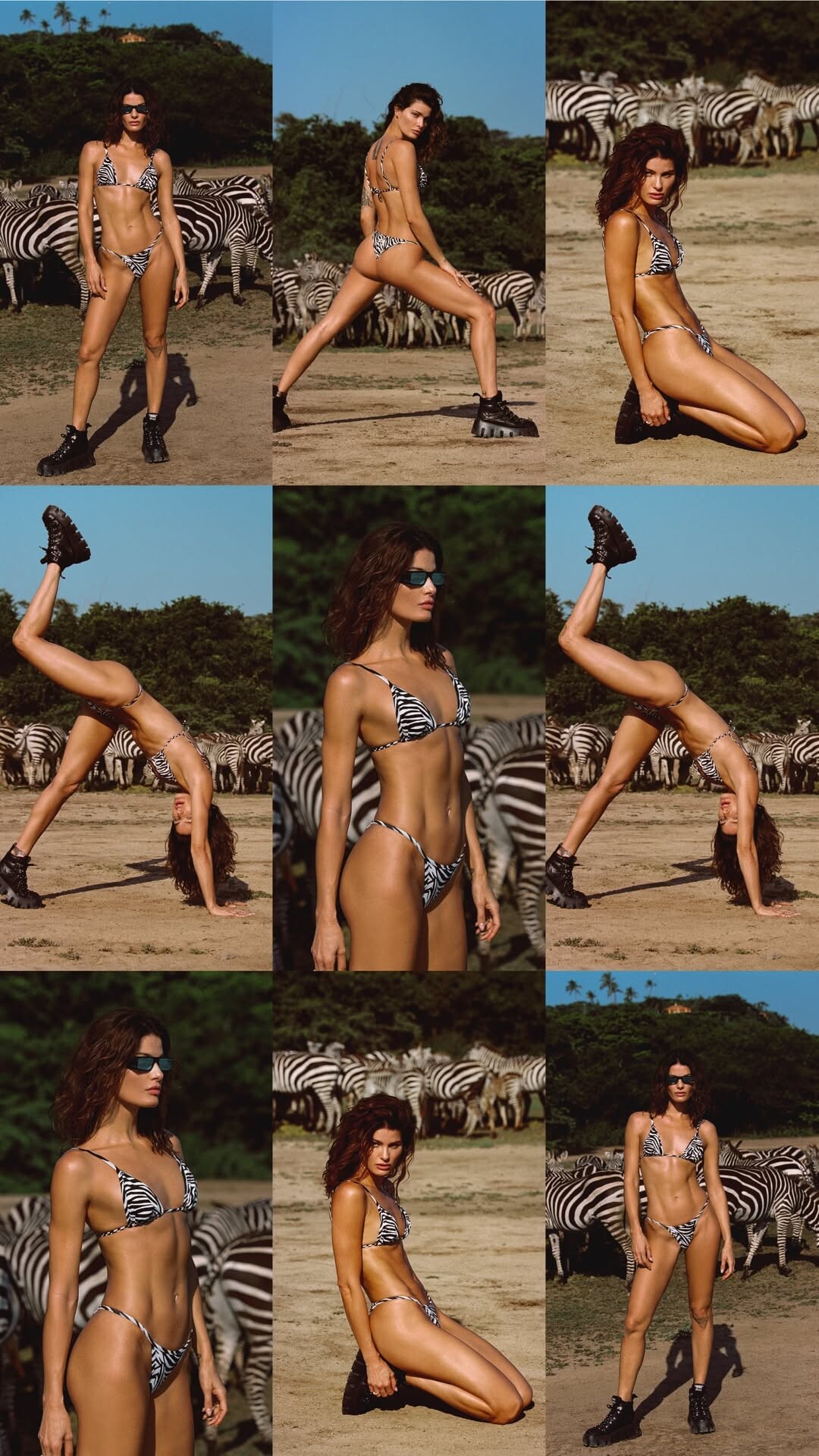
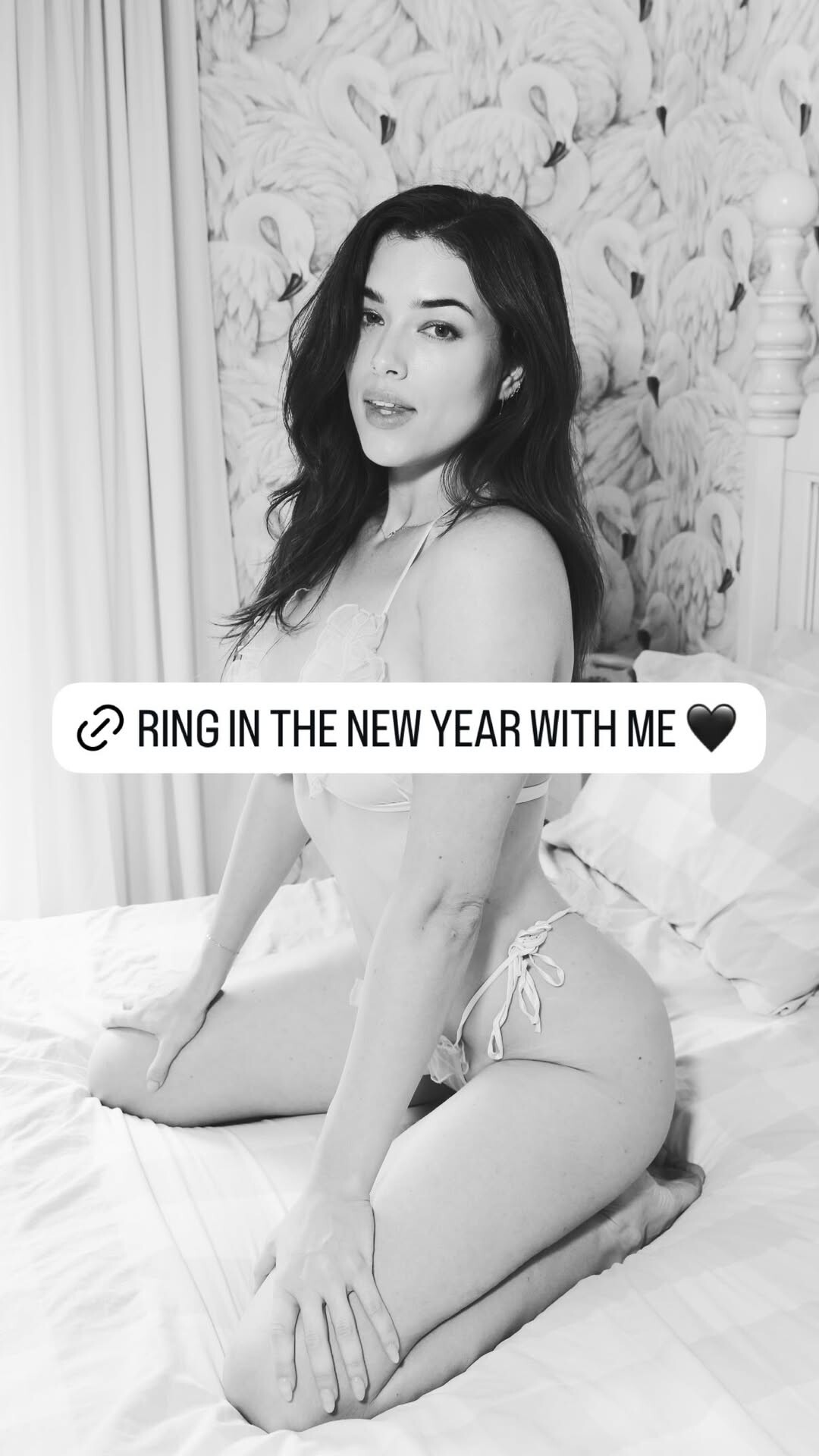
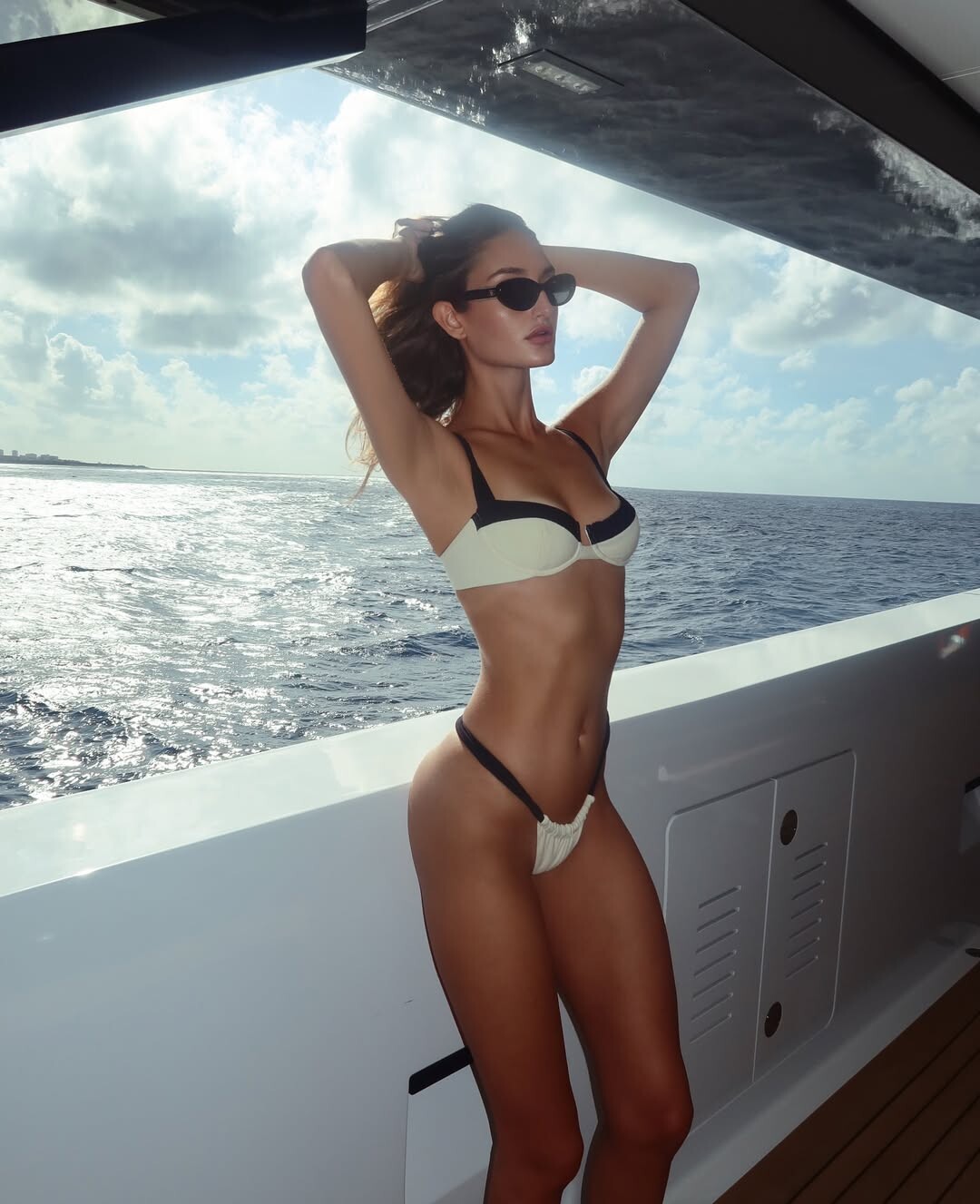
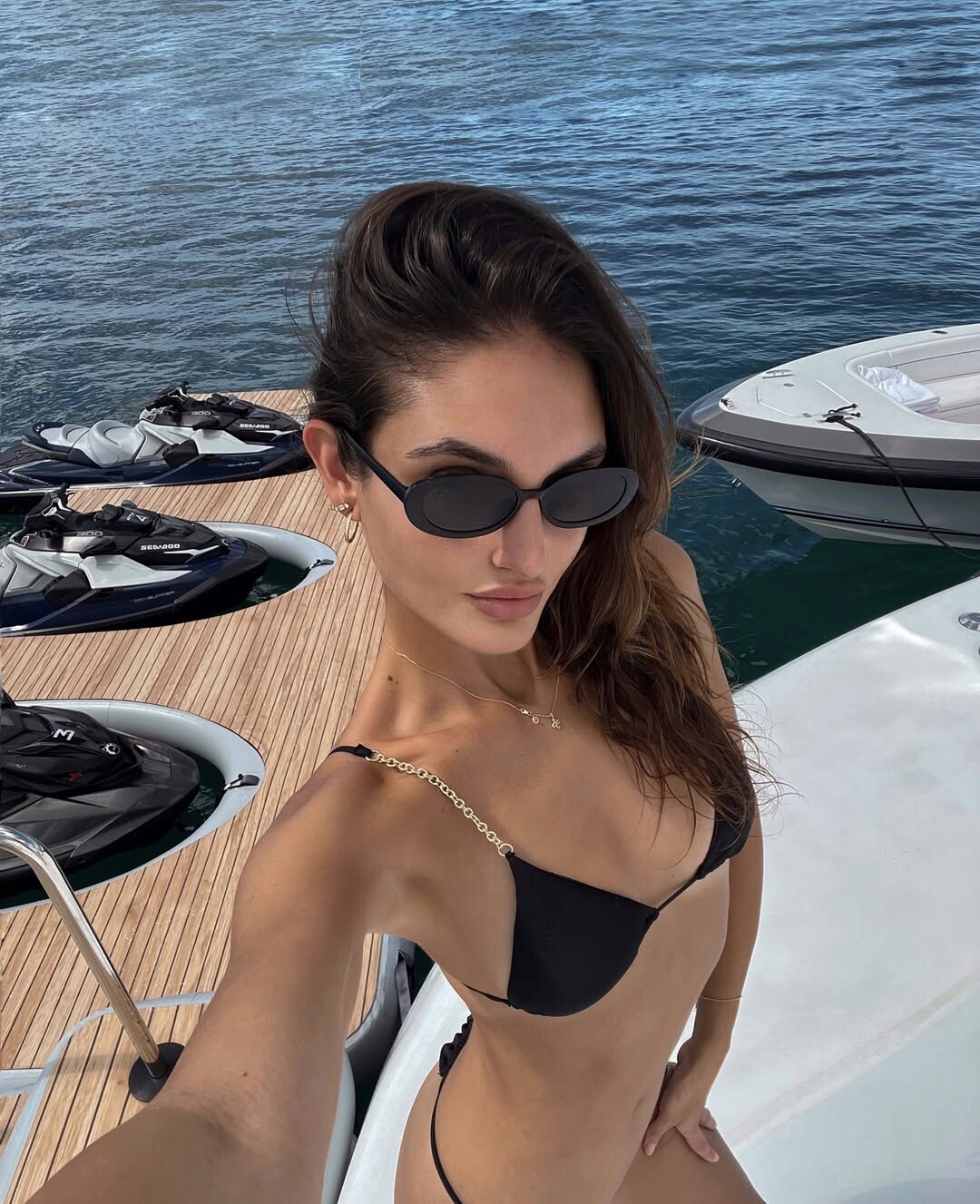
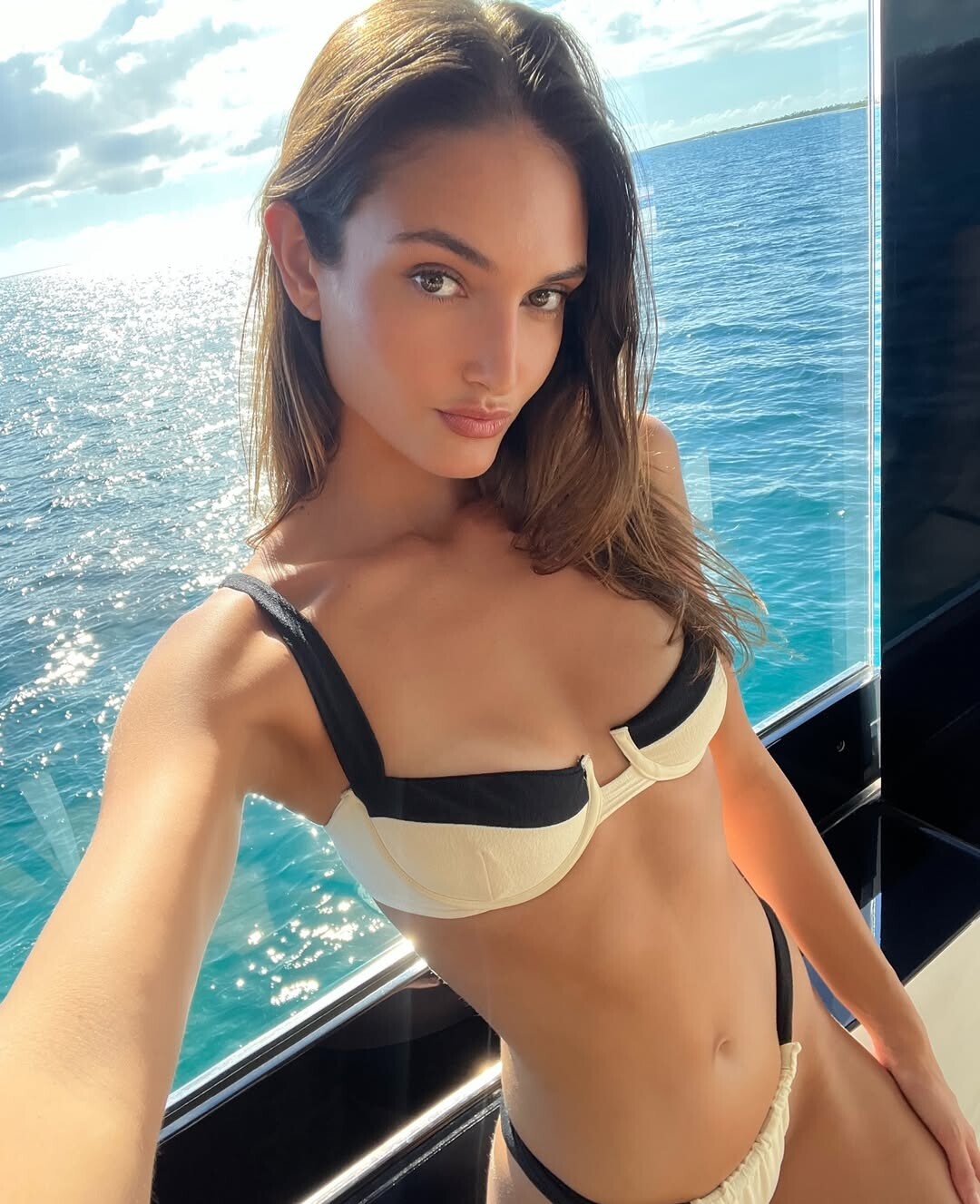
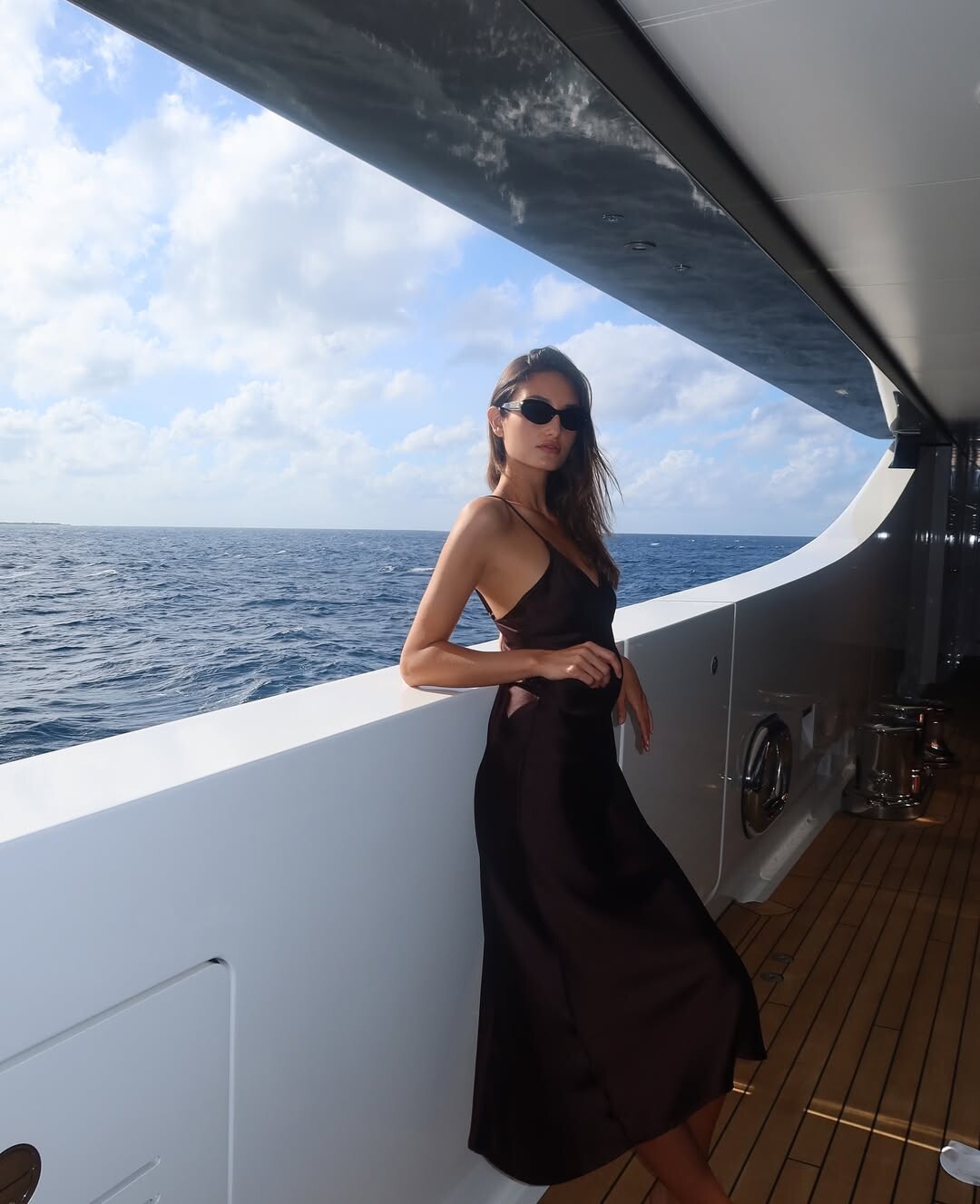
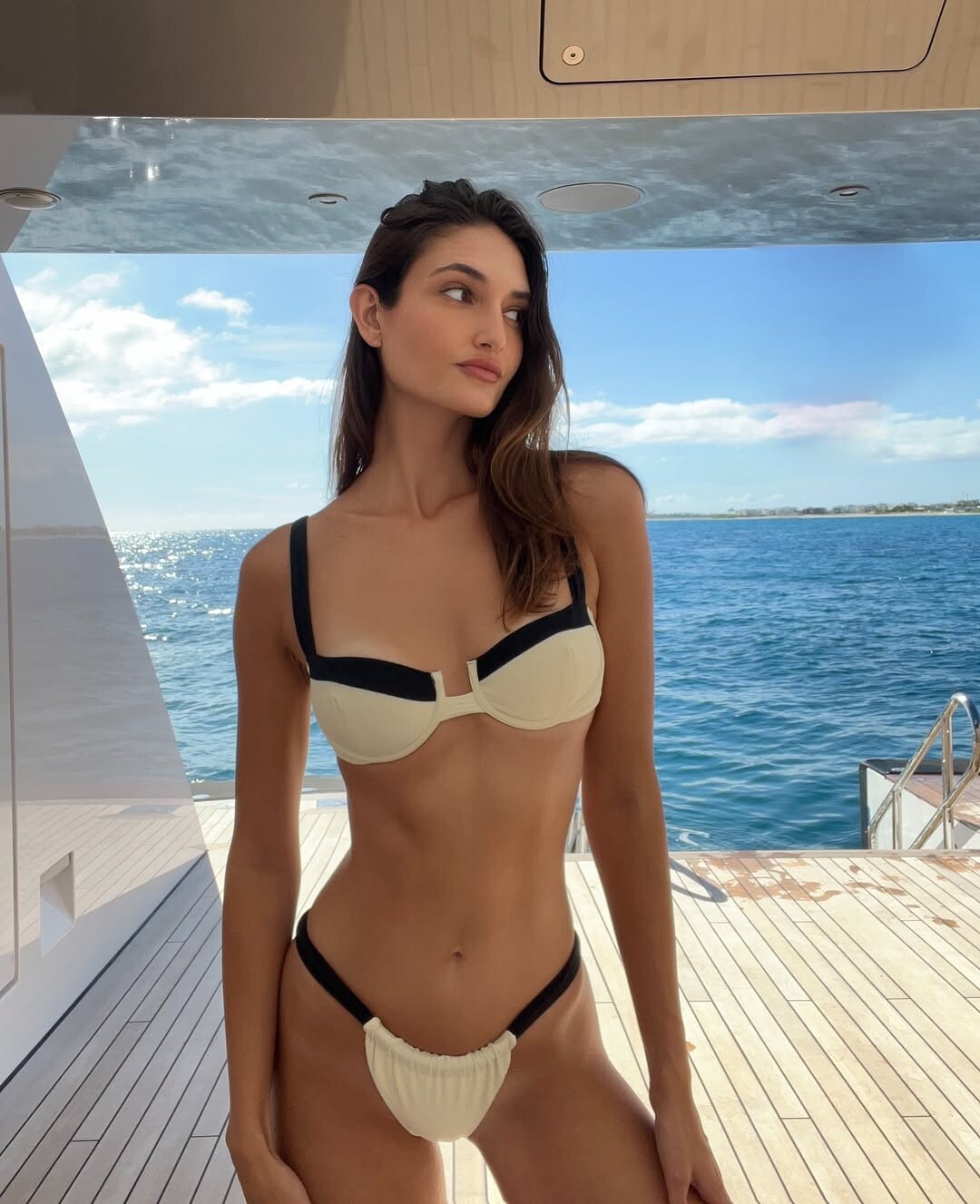
 Bikini Lovers: stories
 stories

 Maybelline SnapInsta.to_AQNOMJh7_0BgzaW4SI1AlfKmD6ksPldcbbHgQltbB7qD8GyCn30kTAQY3aQB06gTryAe8YUeR4VTtud44QwoEj-WP-SEGCdoFPlVYDQ.mp4
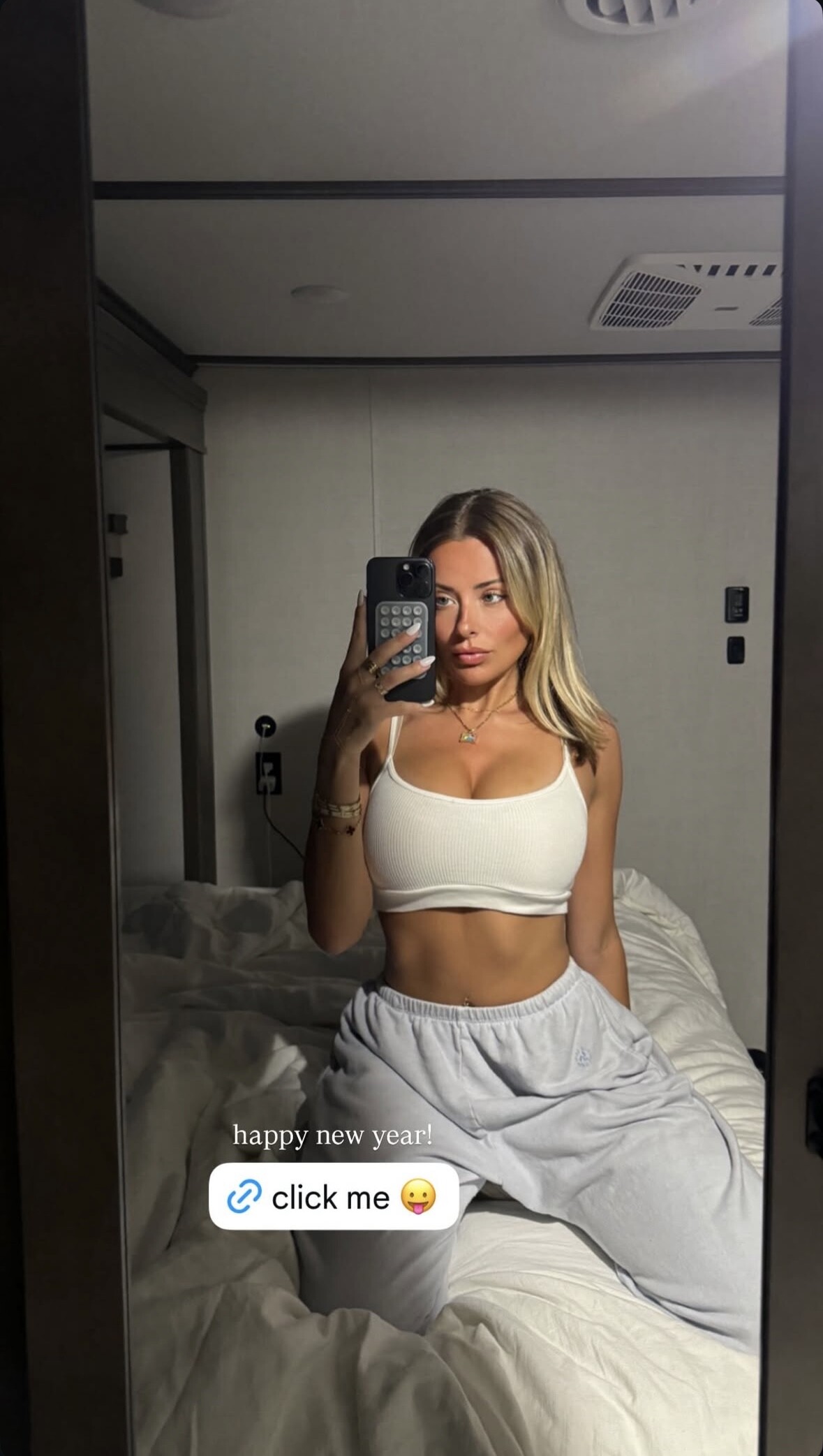
Name: Corinna Kopf Claim to fame: member of David Dobrik's vlog squad, OF model and influencer
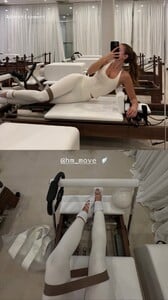
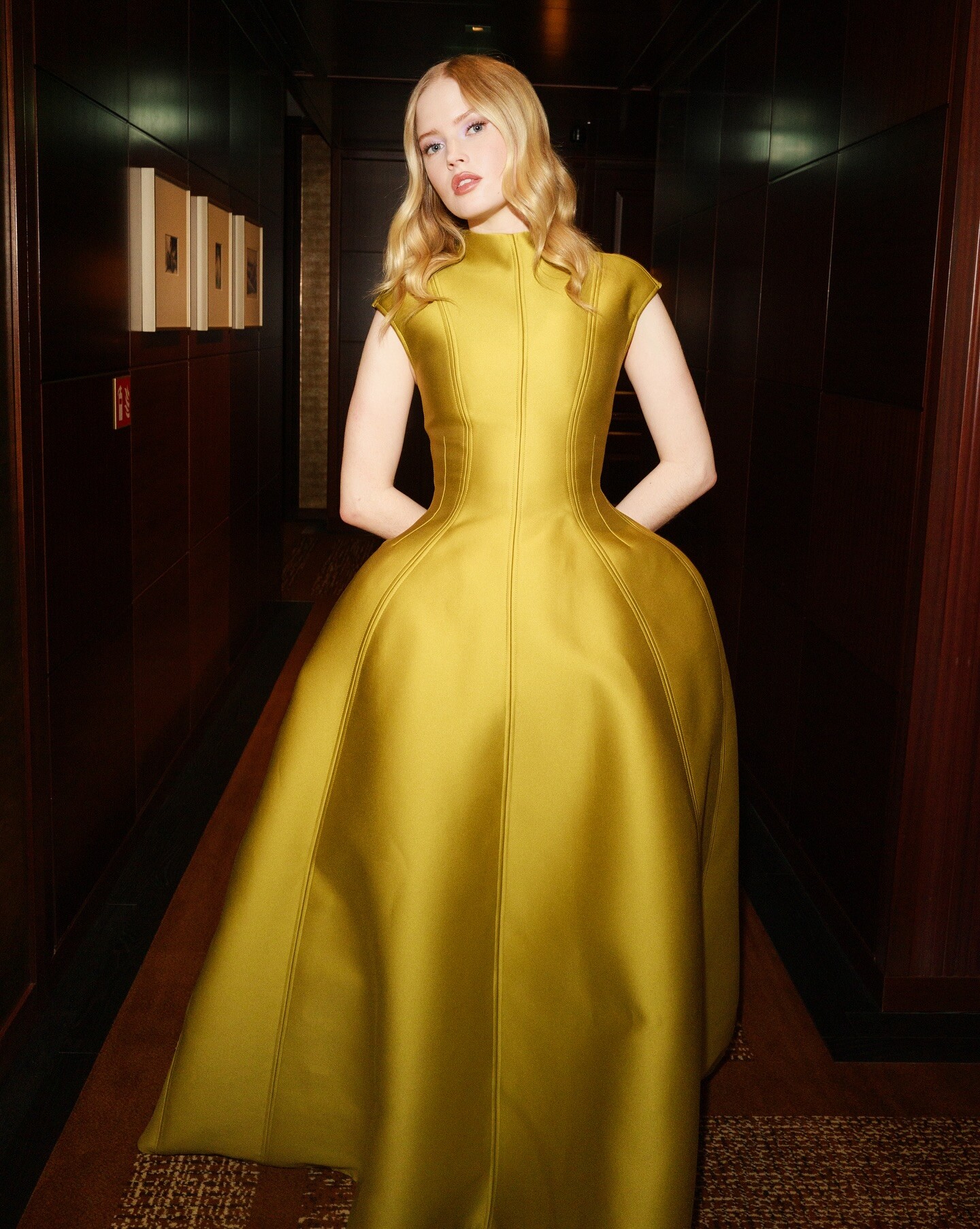
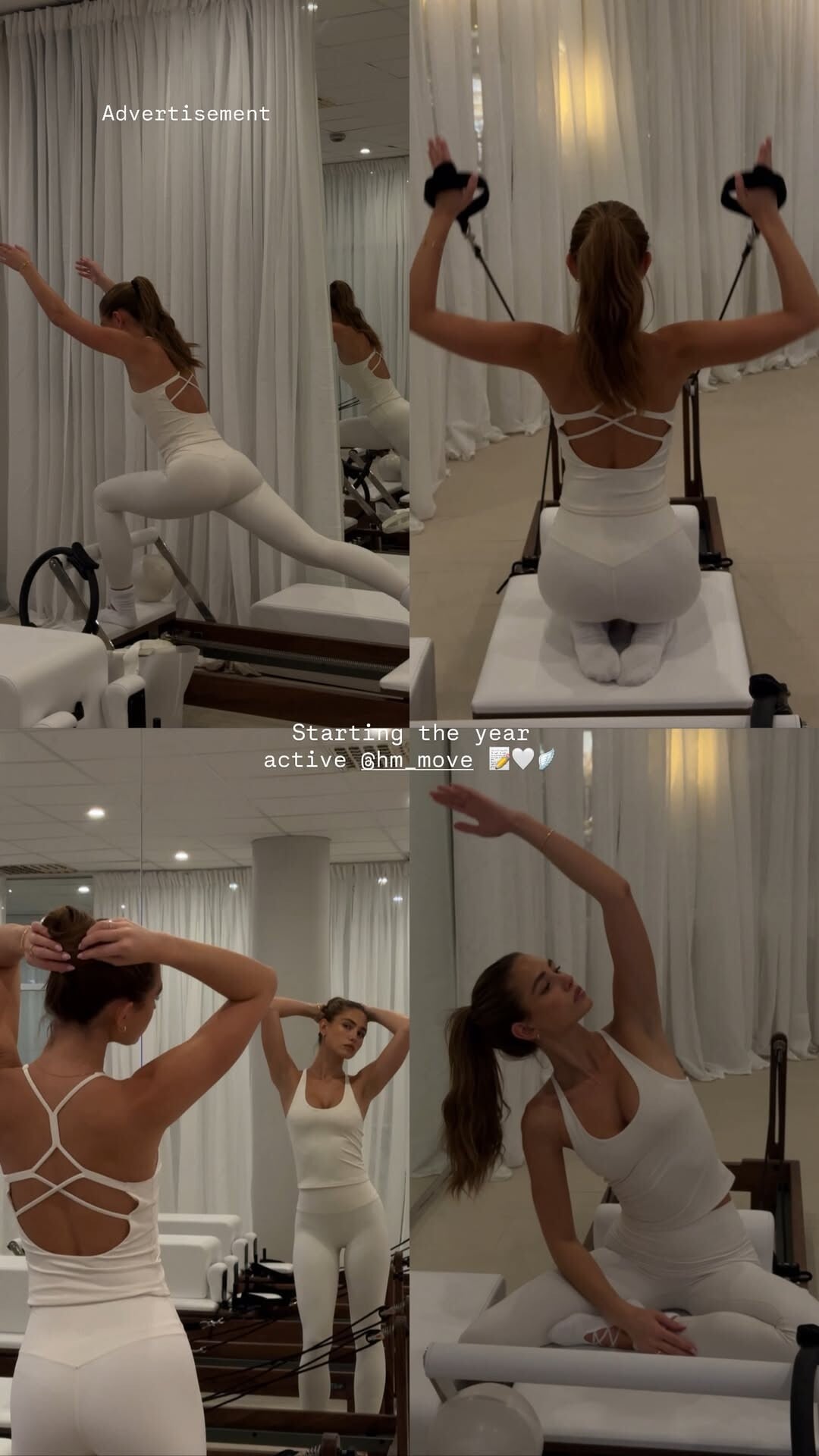
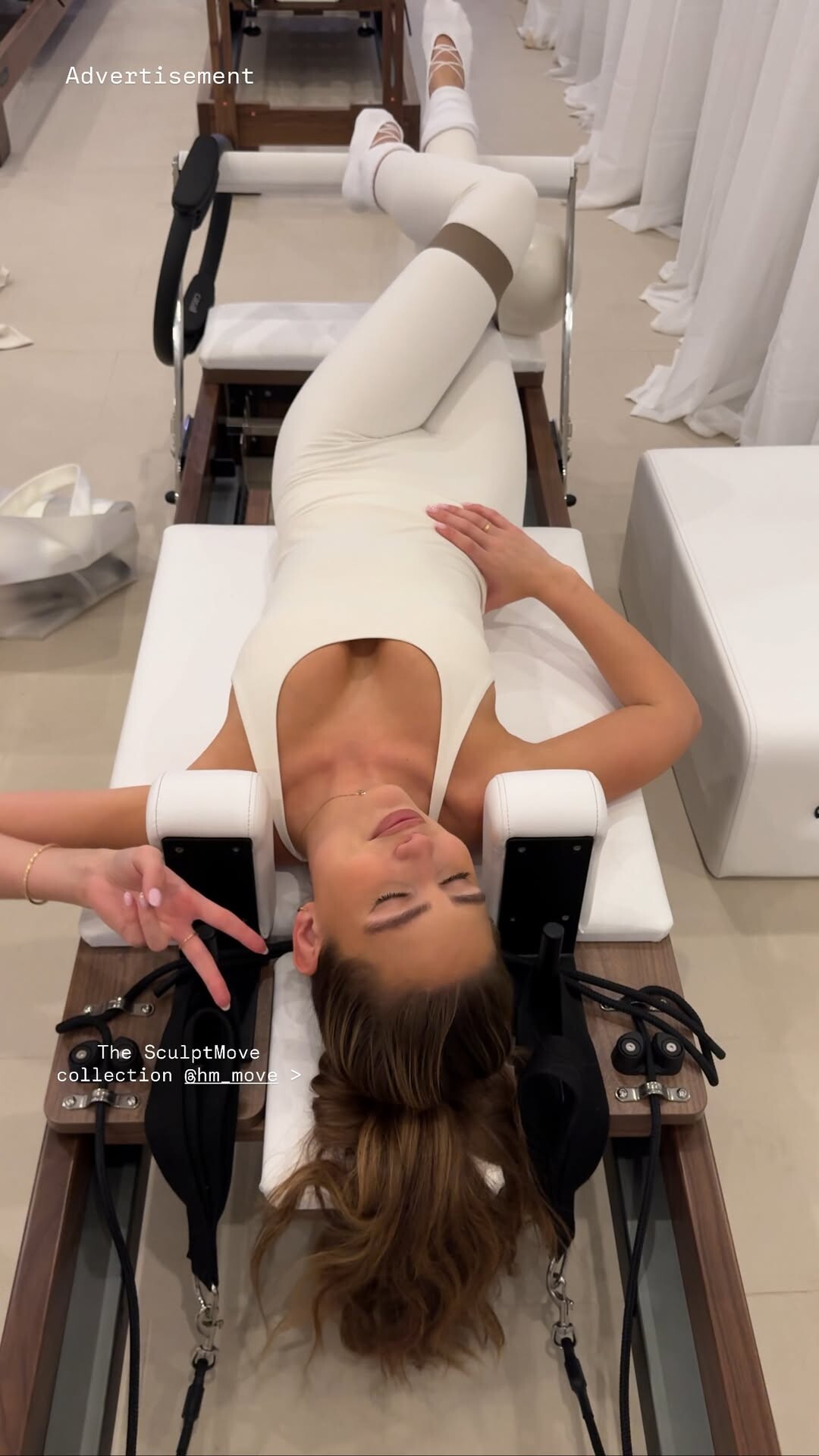
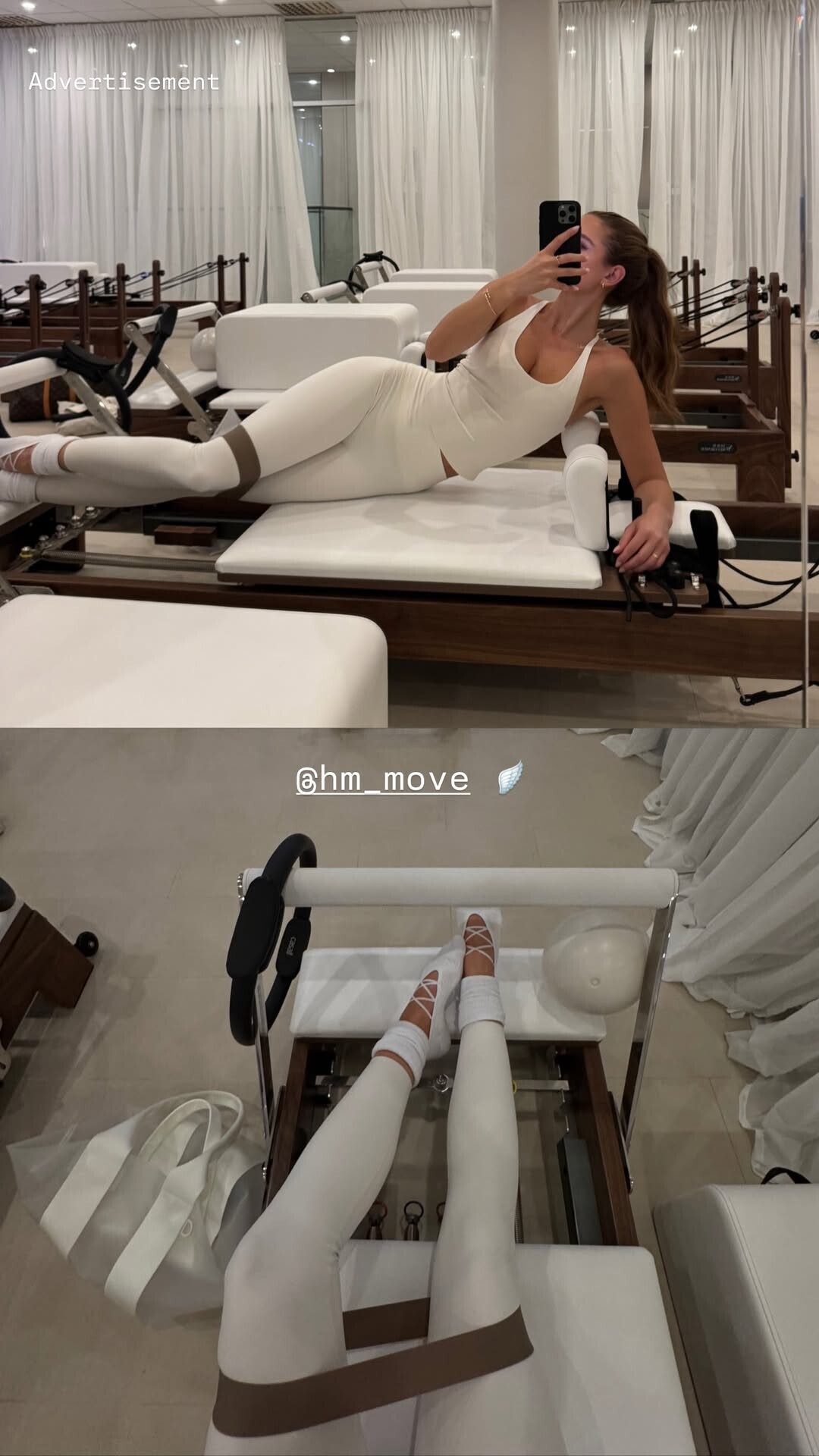
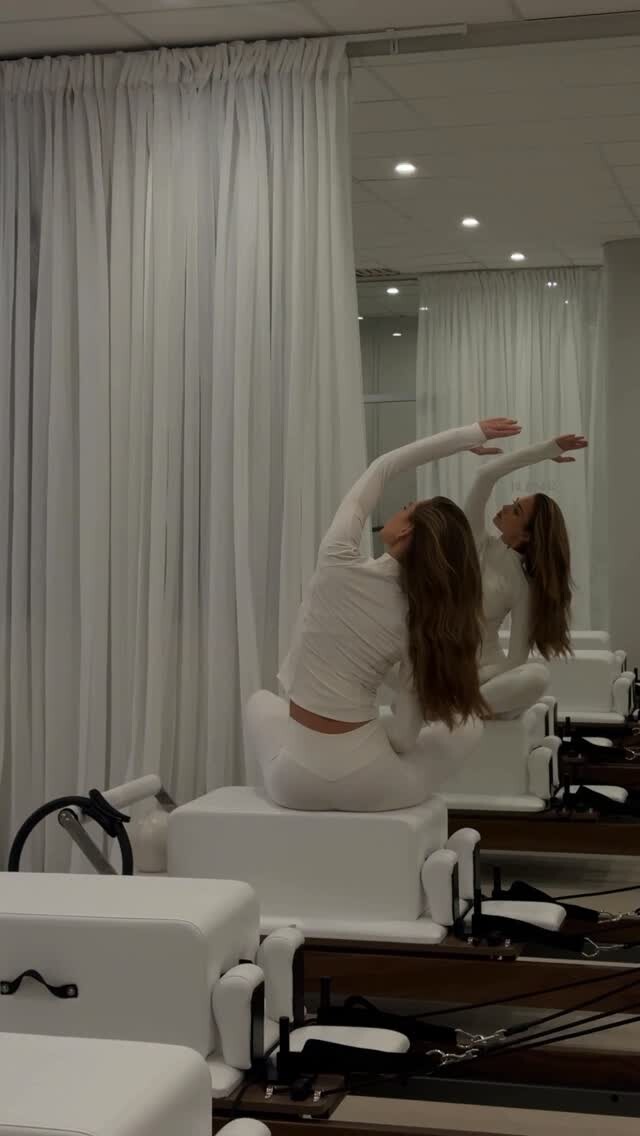
Advertisement | Staying active in hm_move 🪽 video [2026.01.01] idazeile_QPZtiWws.mp4
Maybelline SnapInsta.to_AQNOMJh7_0BgzaW4SI1AlfKmD6ksPldcbbHgQltbB7qD8GyCn30kTAQY3aQB06gTryAe8YUeR4VTtud44QwoEj-WP-SEGCdoFPlVYDQ.mp4
Name: Corinna Kopf Claim to fame: member of David Dobrik's vlog squad, OF model and influencer
Advertisement | Staying active in hm_move 🪽 video [2026.01.01] idazeile_QPZtiWws.mp4


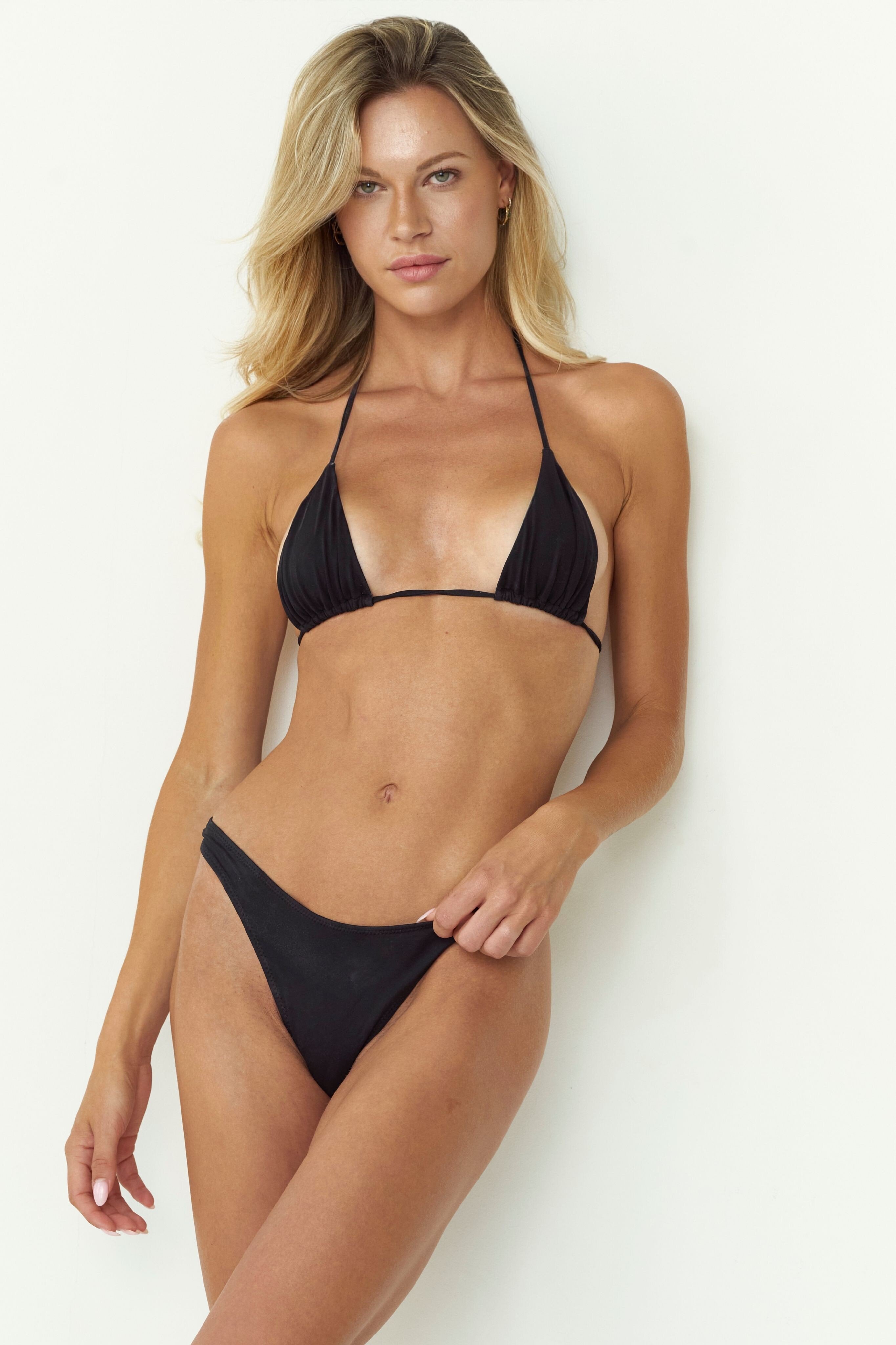
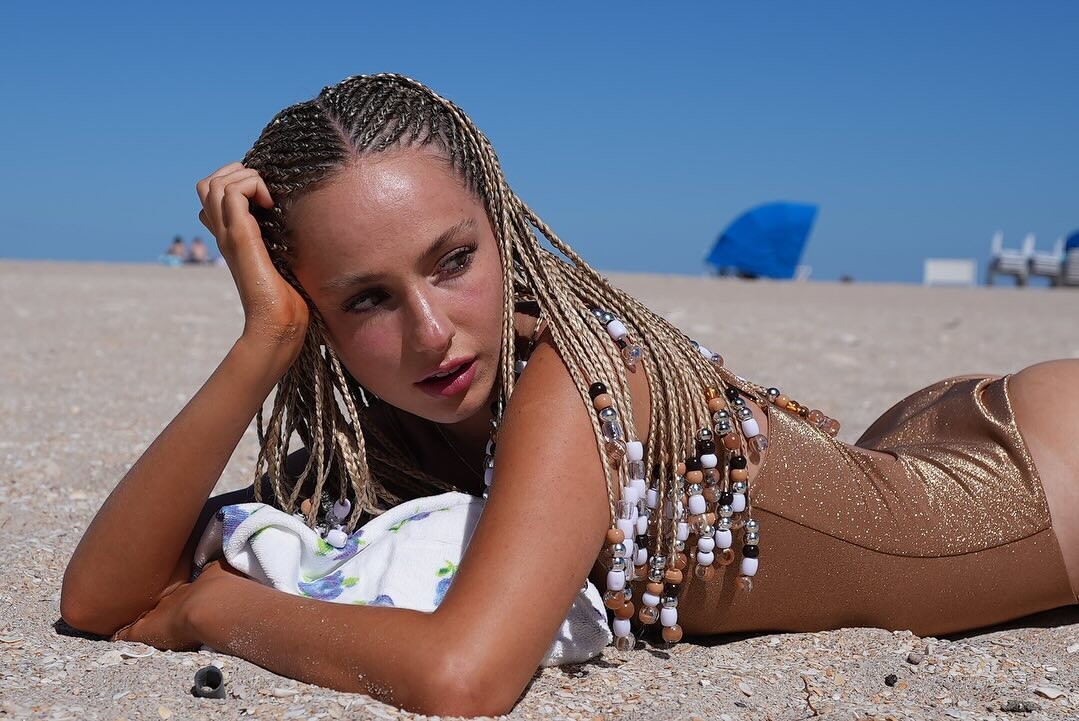
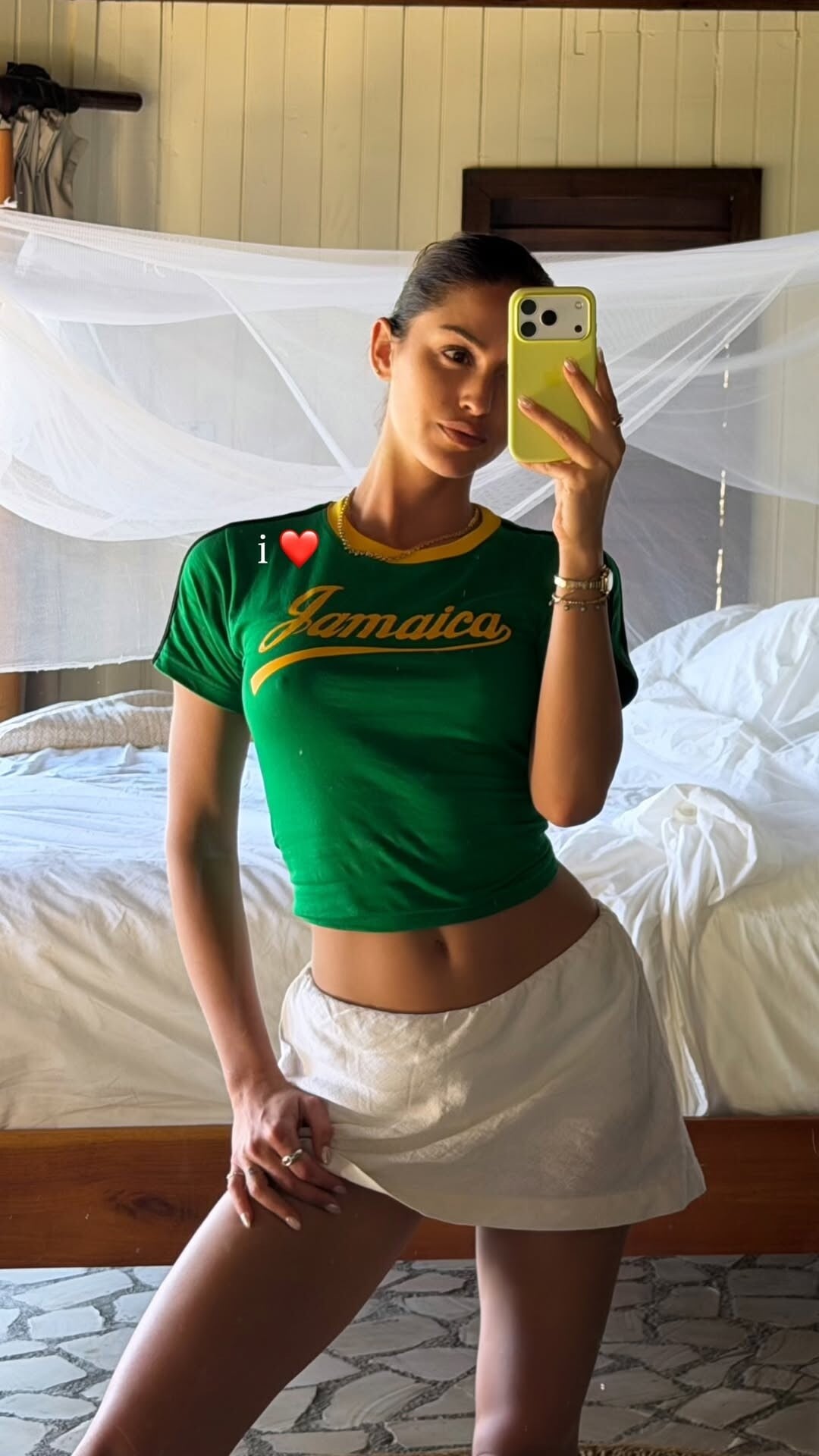
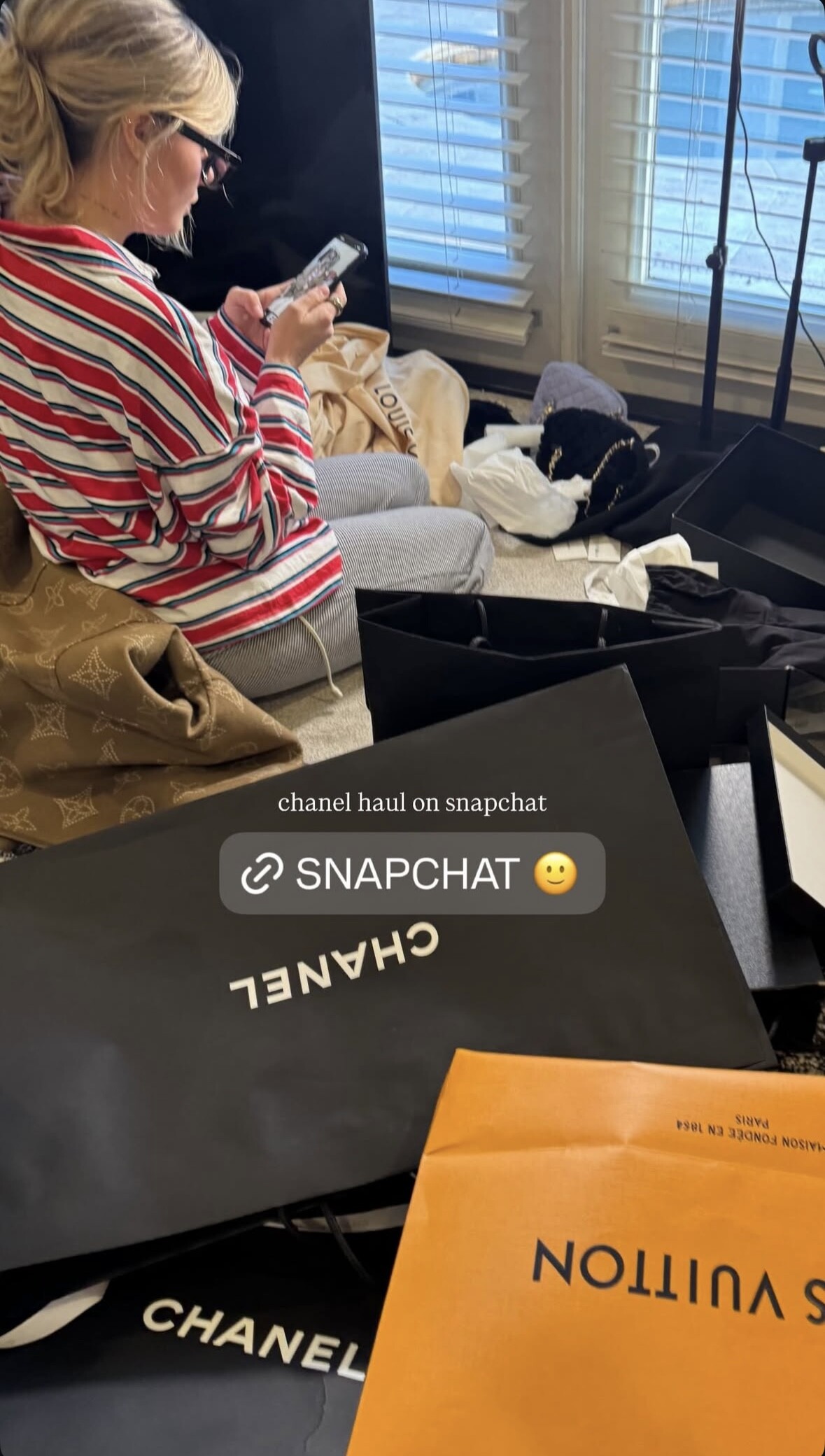
 • Nina Agdal • Sandra Kubicka • Kushi Leggo • Christina Podolyan • Patience Silva • Oriola Marashi • Yasmin Deplidge • Caroline Corinth • Franceska Rustemi • Tyler Moolman • Kristen Shania • Leilani Eddie • Dehandre Van Tonder
 stories video [2026.01.01] nina_3800740040297849422.mp4






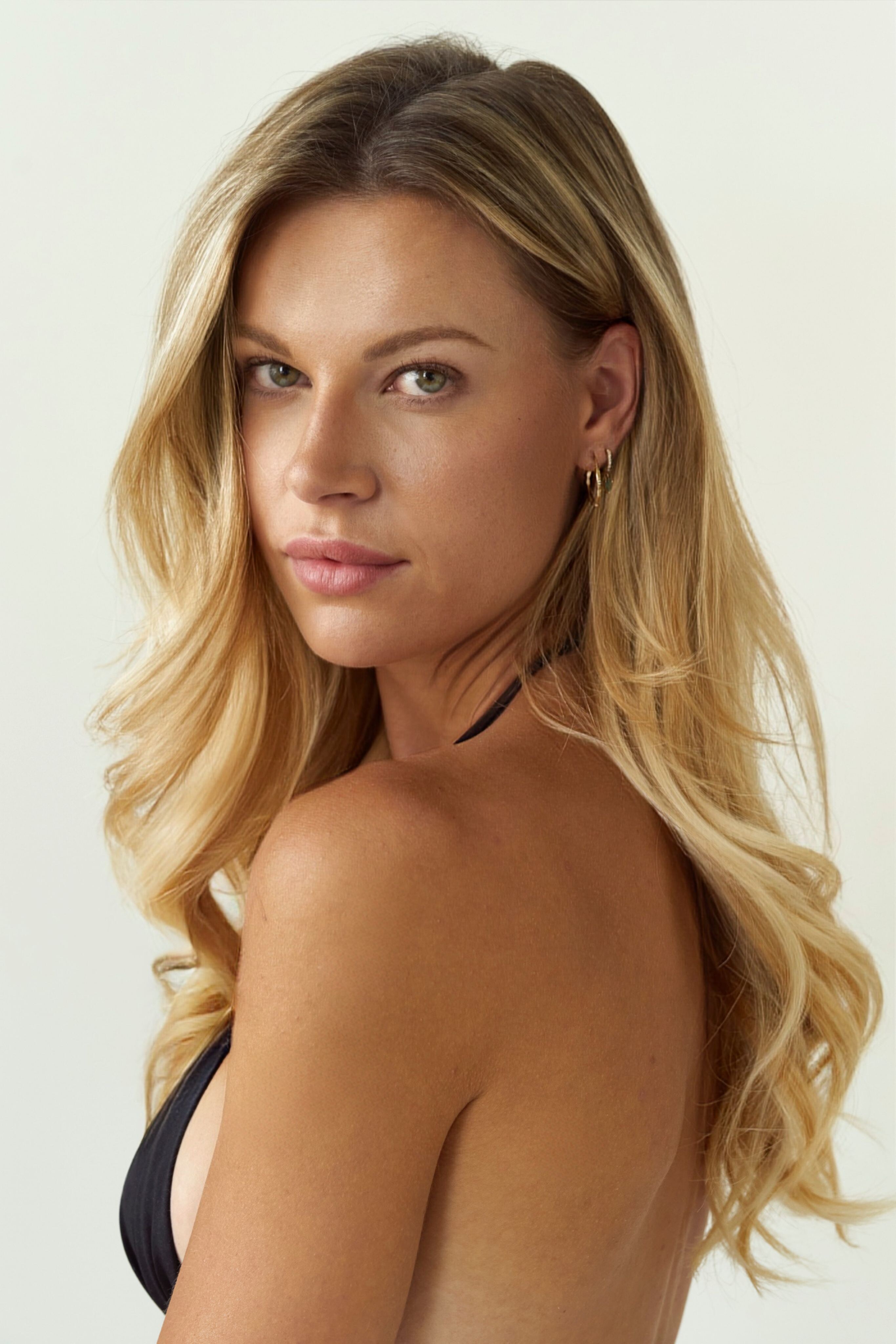
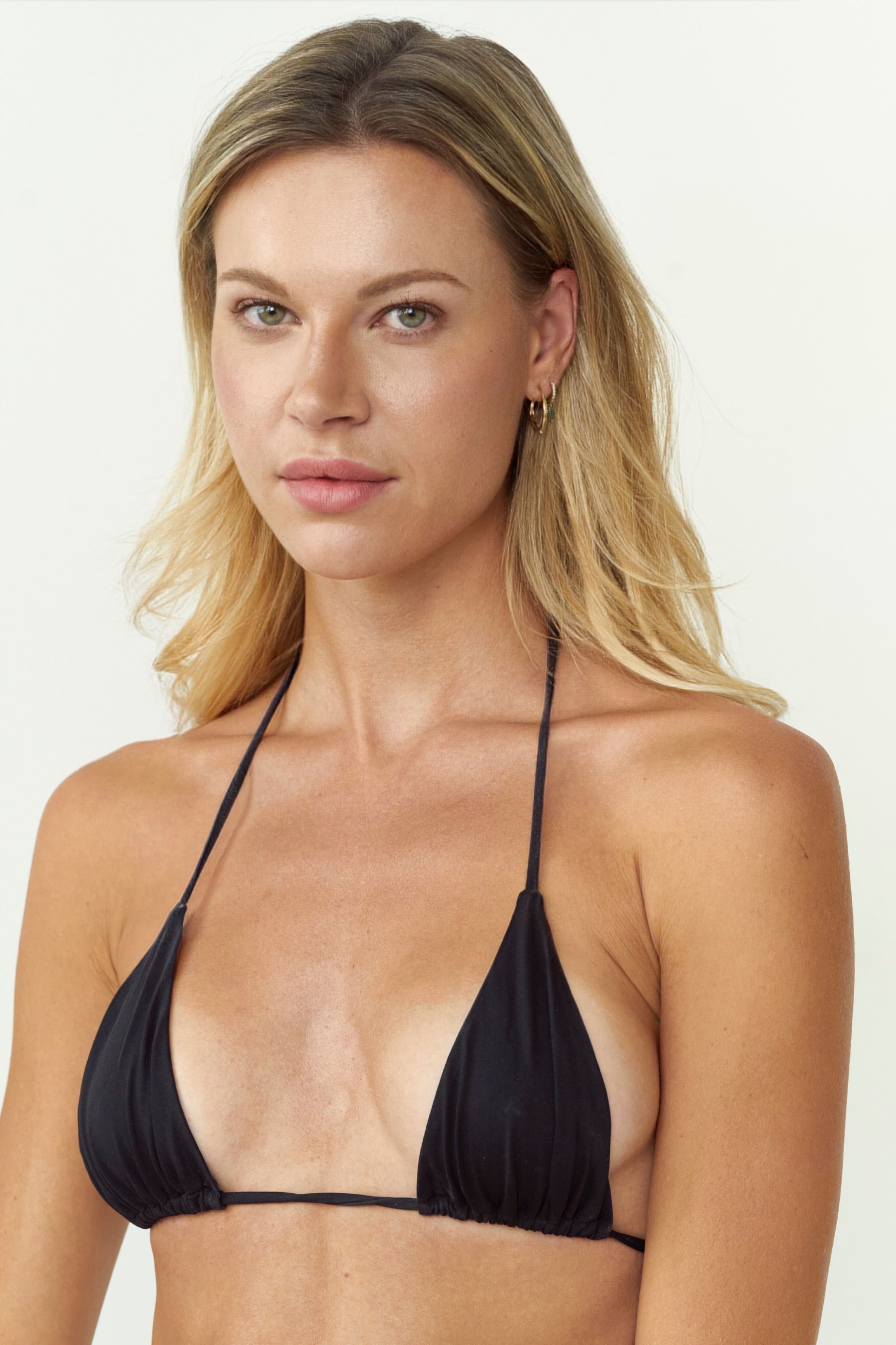
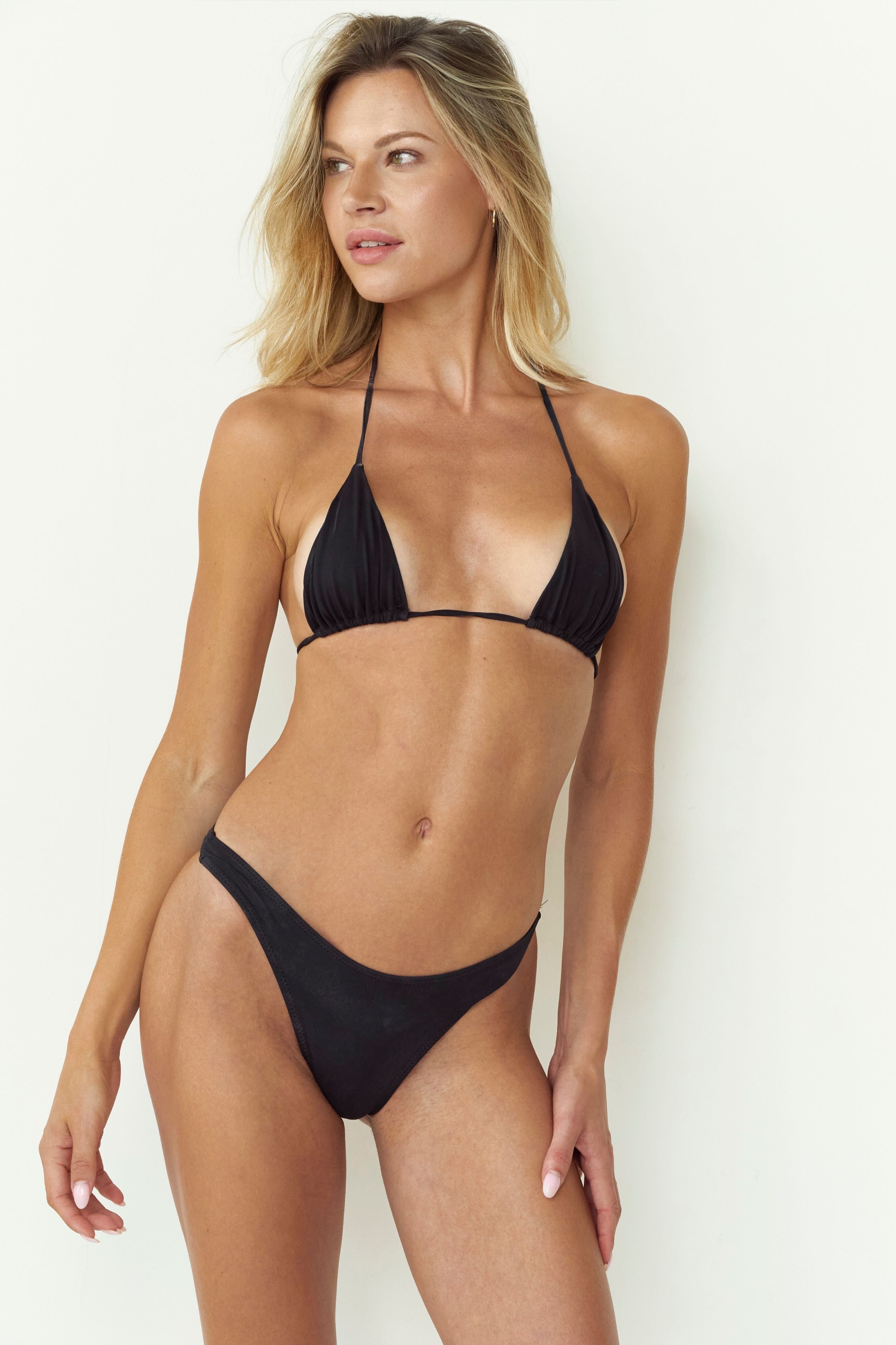
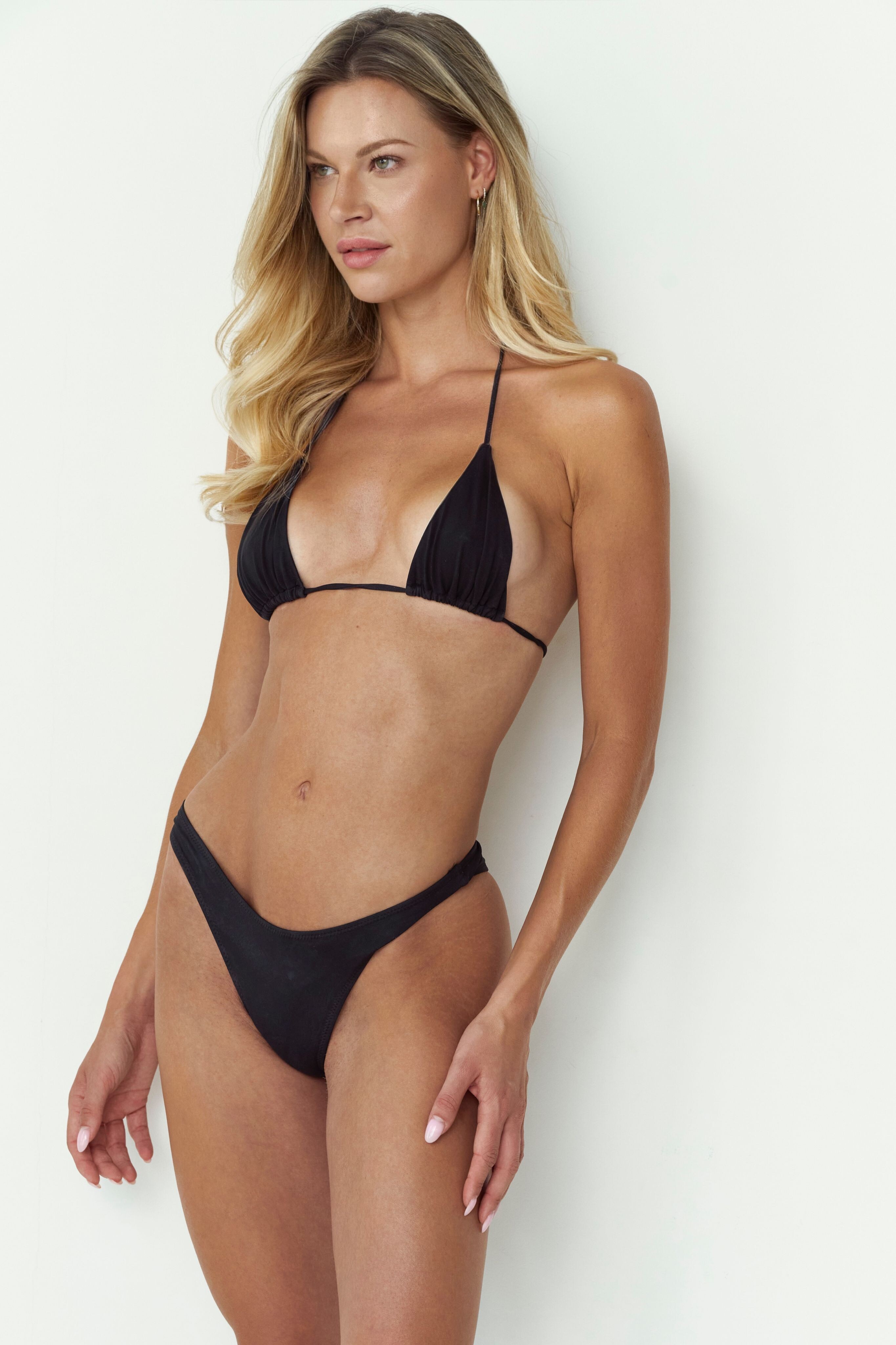
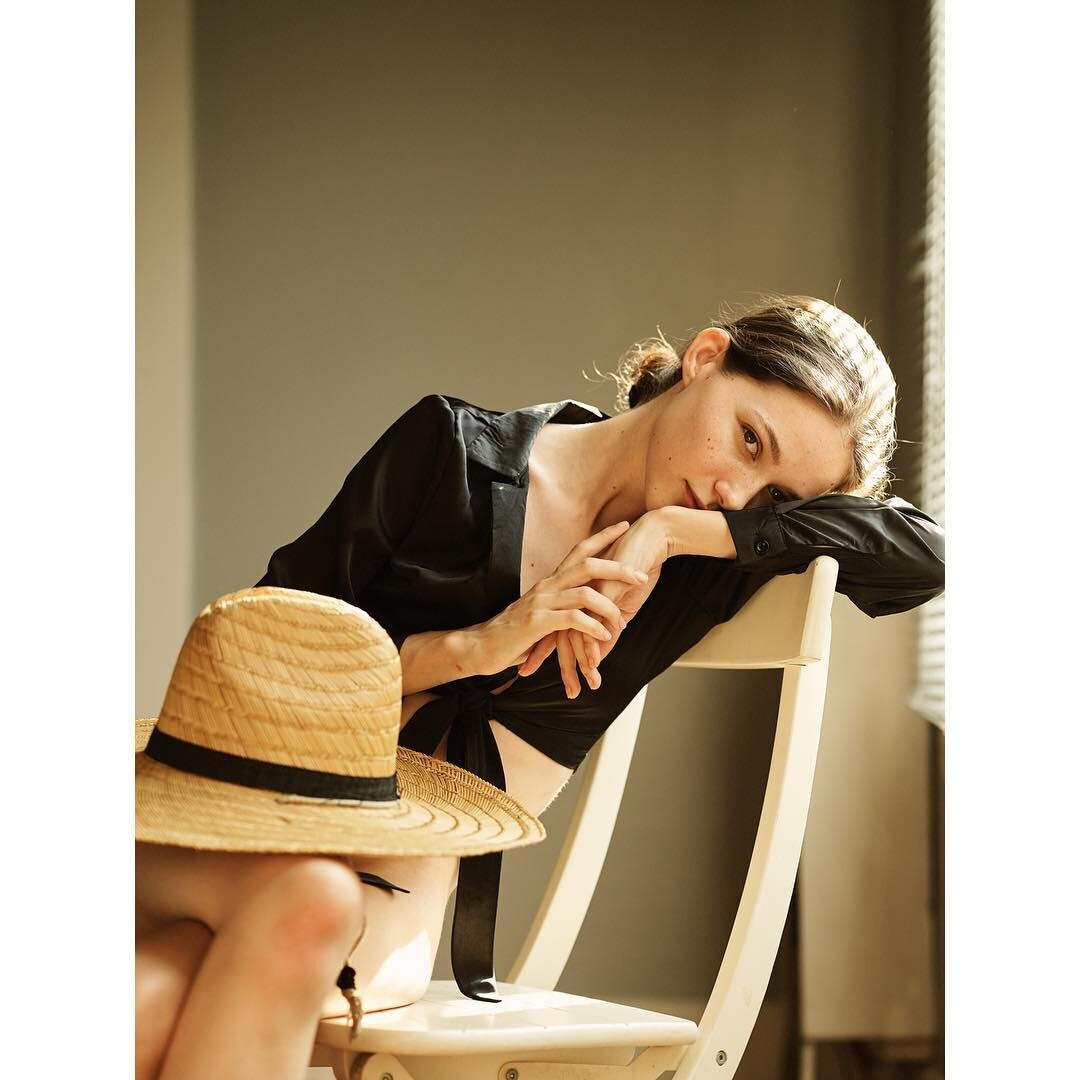
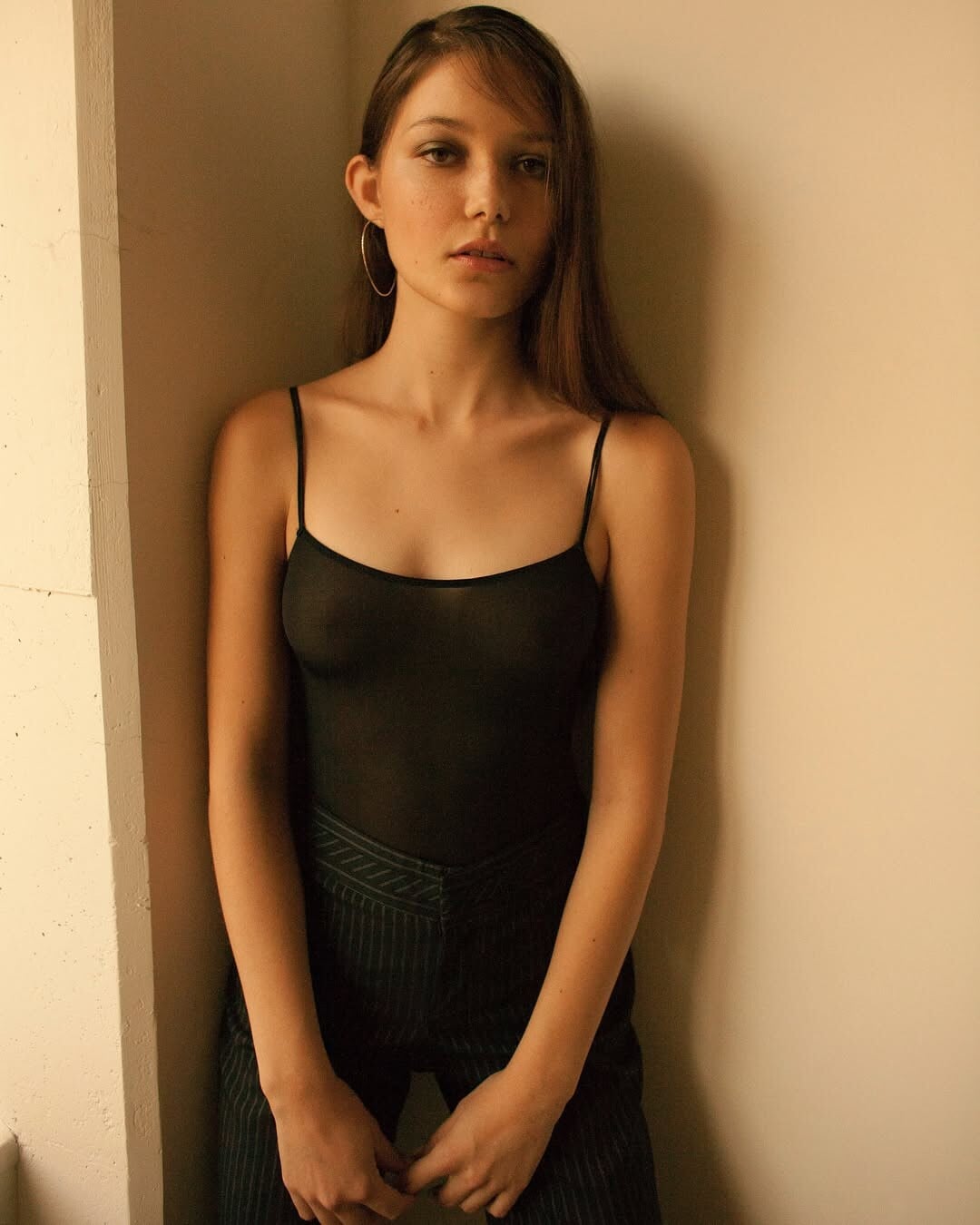
 Photographer: Mike Meskin @mikesfashionphotography Stylist: Adriana Popovic @apstylng Makeup & Hair: Diana Arian @diana_beautymaker Photography Assistant: Rose Bauer Interview & Project Manager: Olga Ivanova @olgaivvanovva



















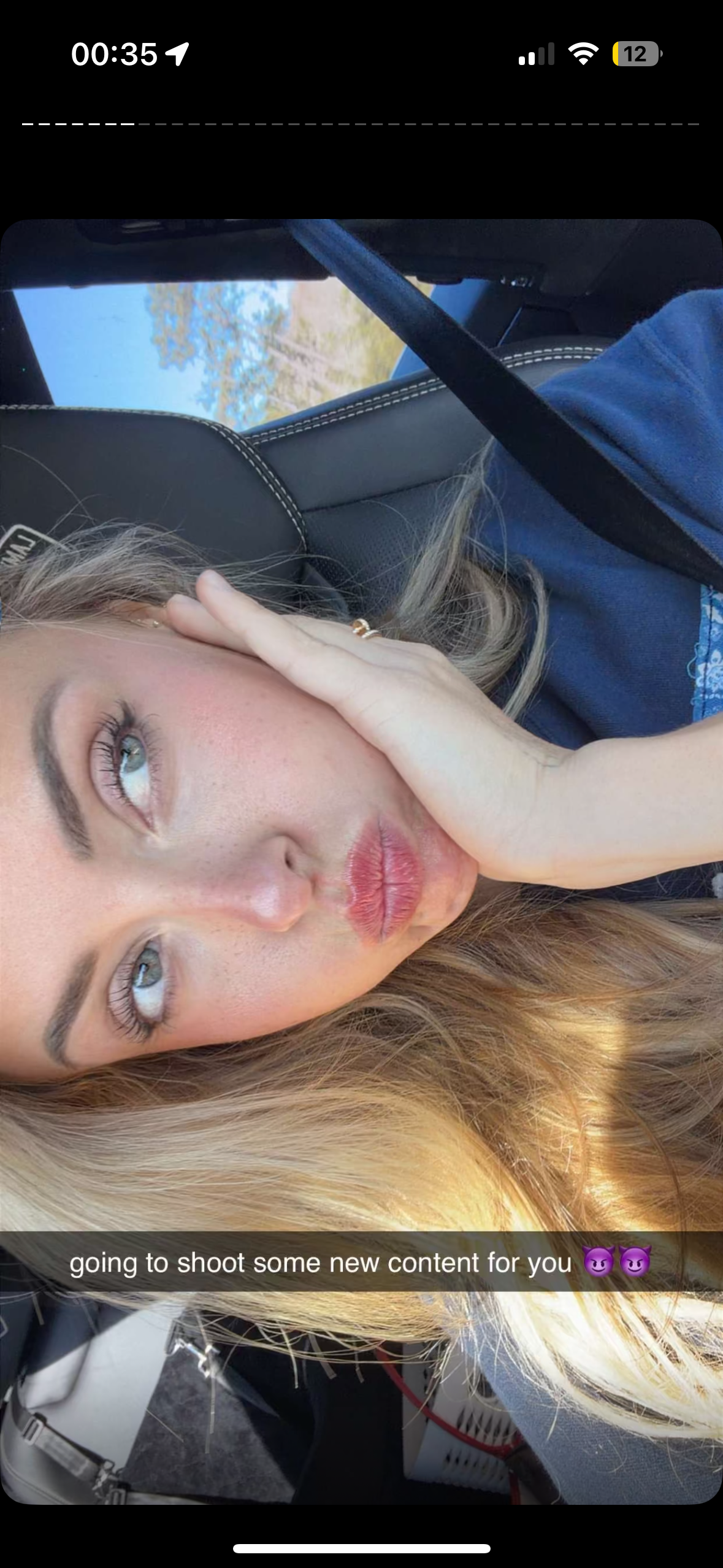
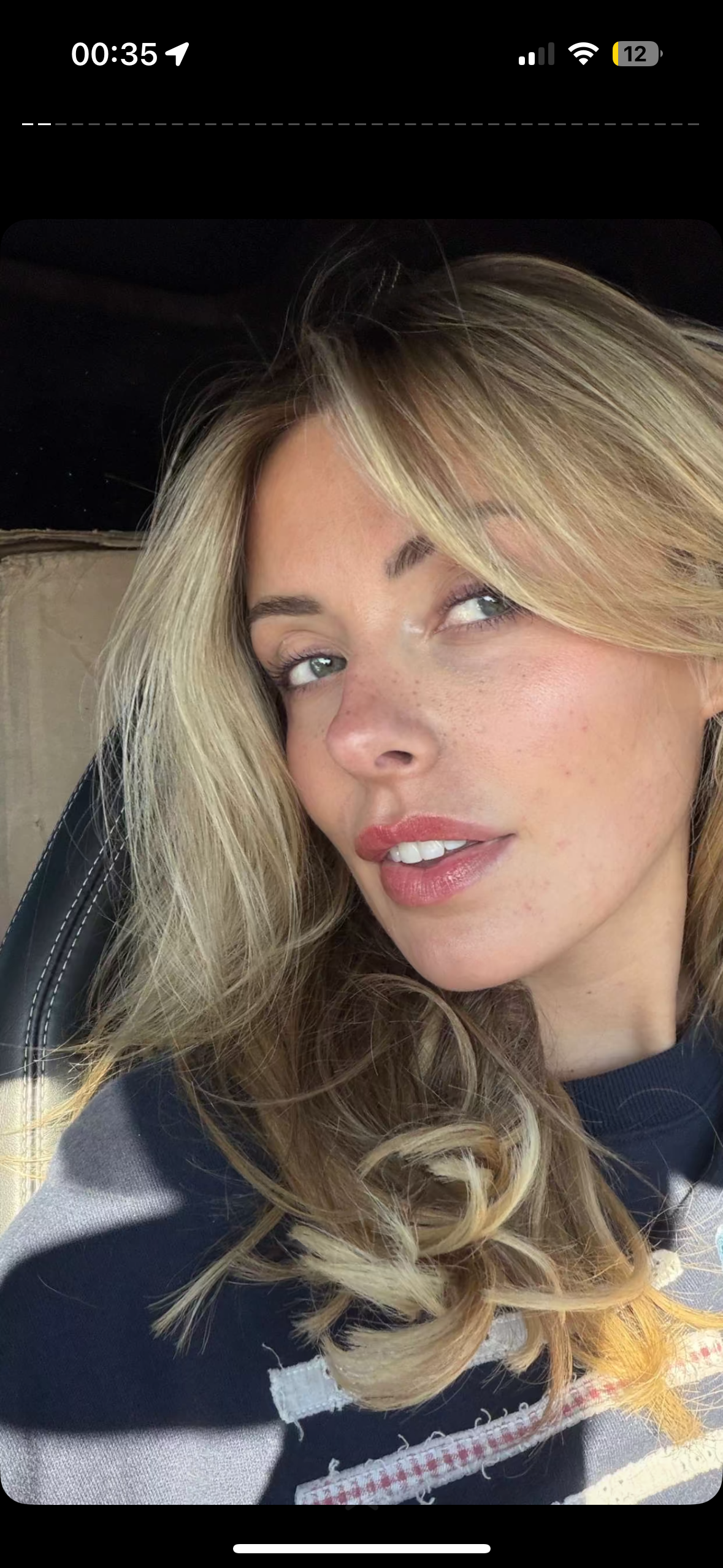
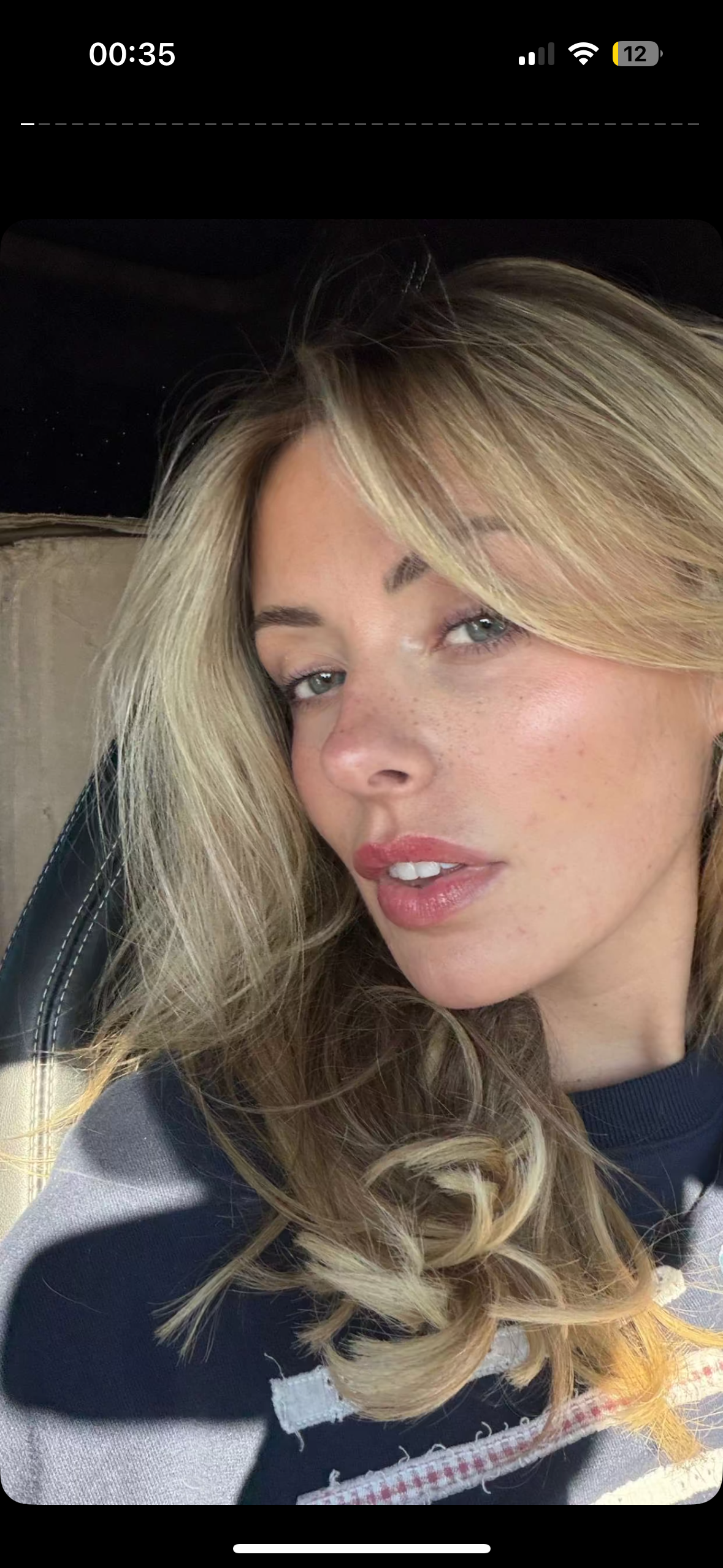
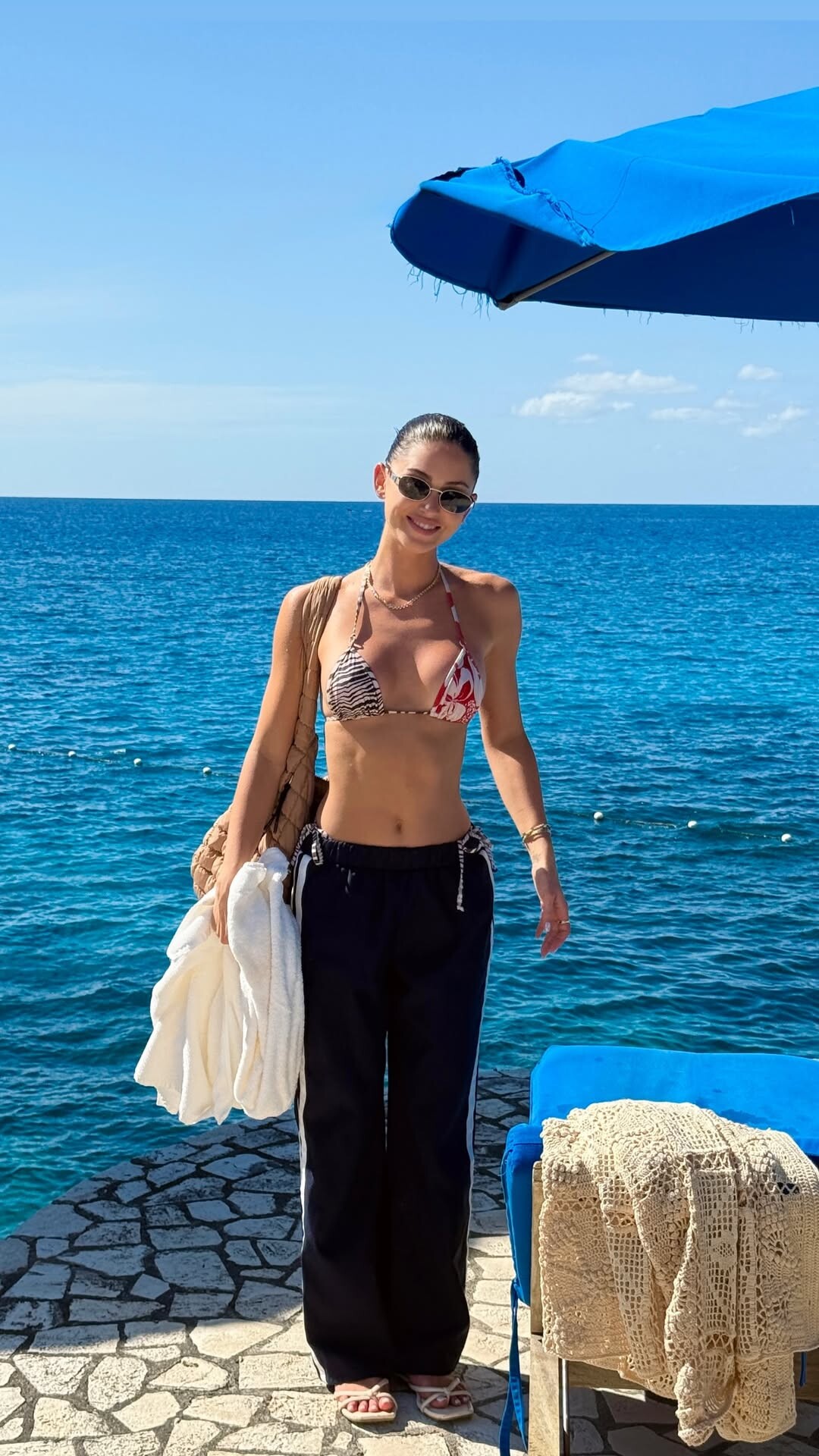


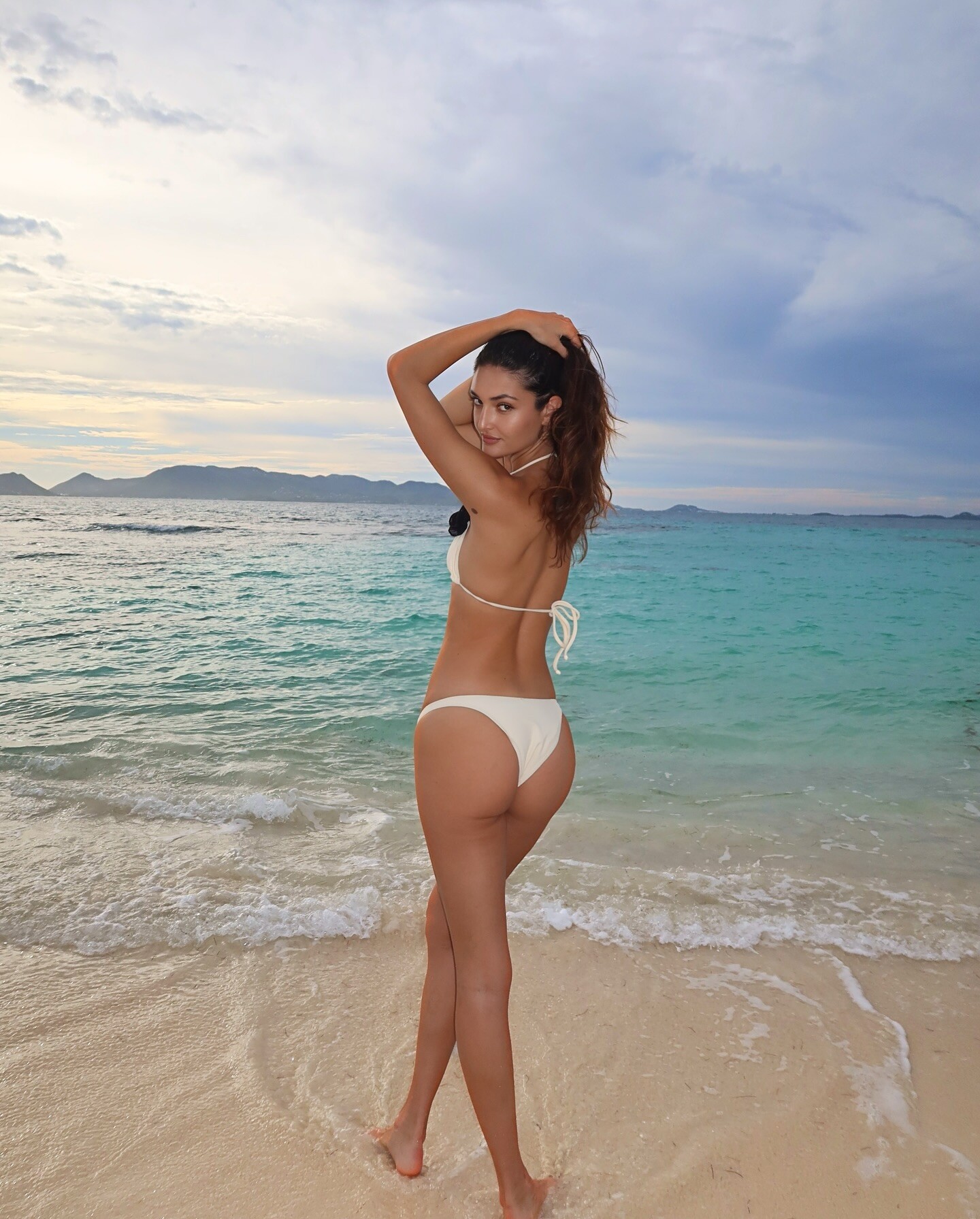
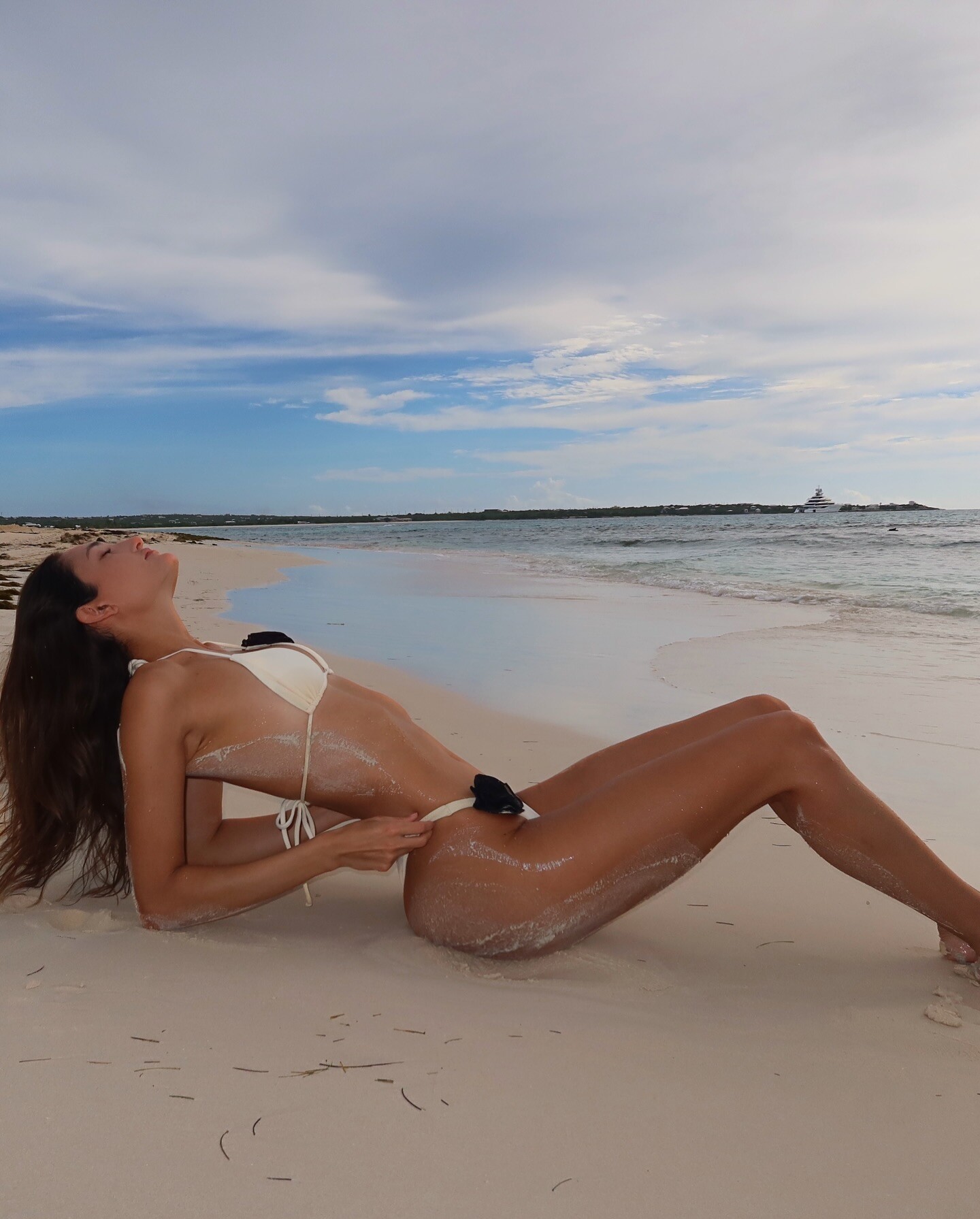
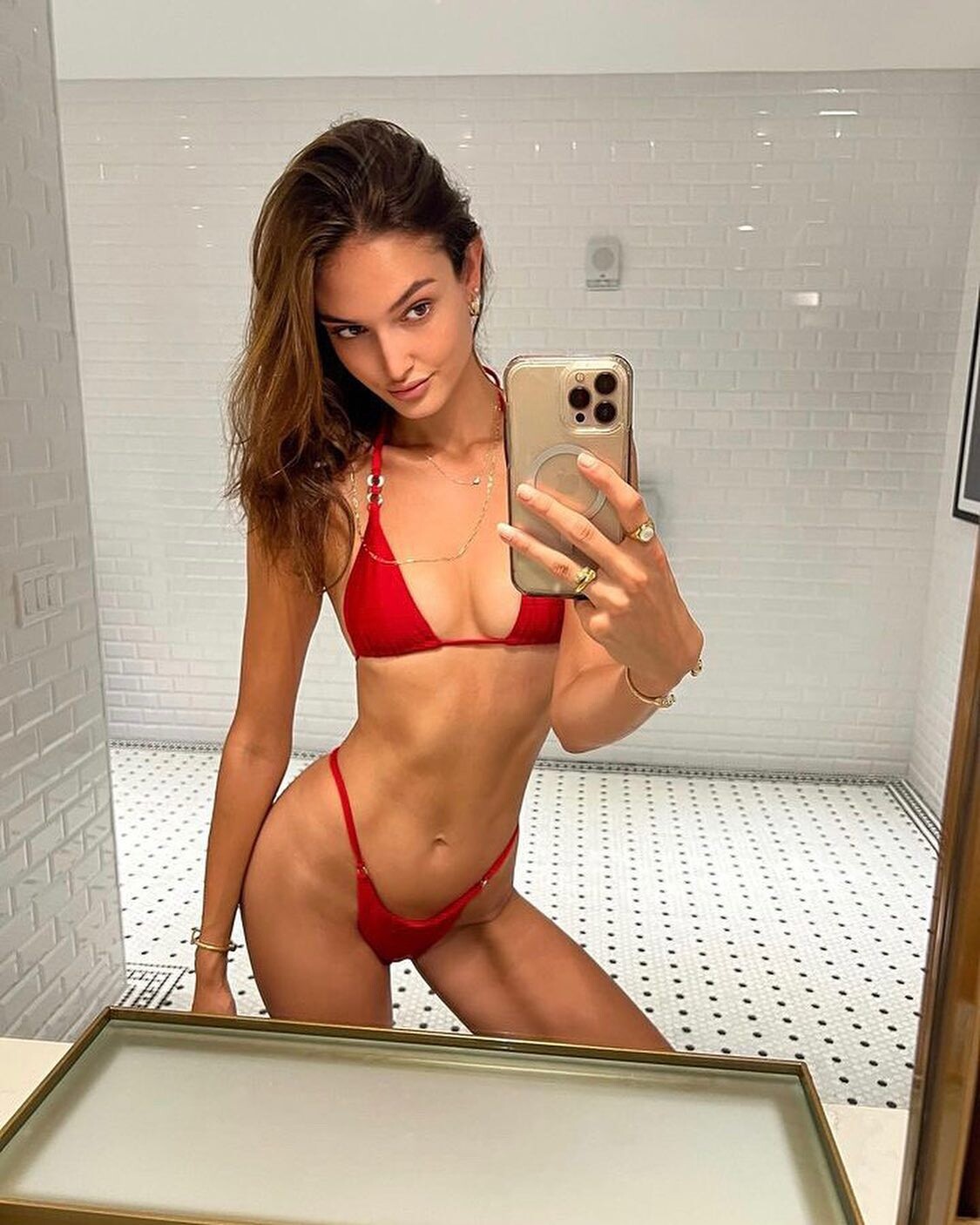




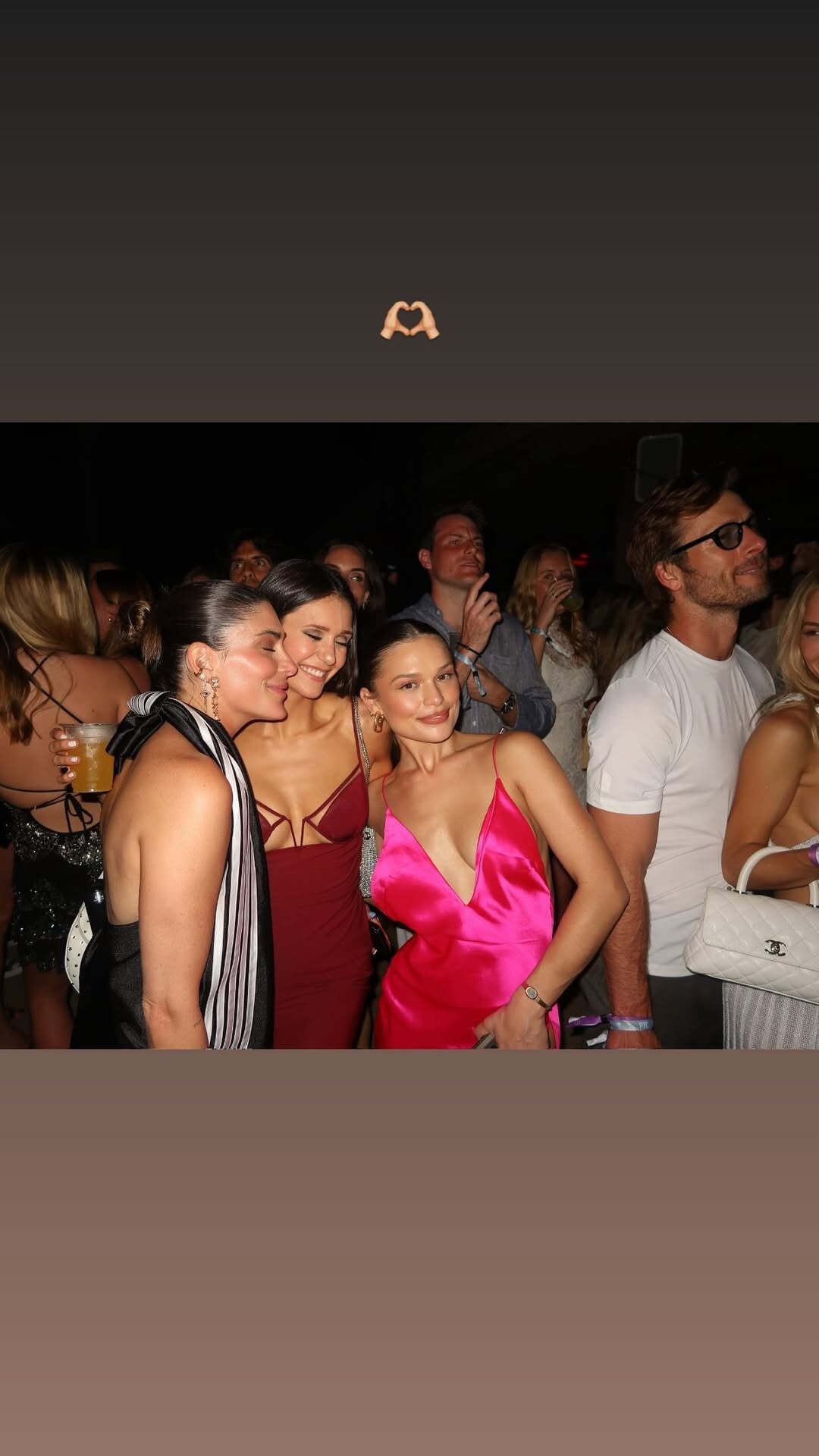

Account
Search
Configure browser push notifications
Chrome (Android)
- Tap the lock icon next to the address bar.
- Tap Permissions → Notifications.
- Adjust your preference.
Chrome (Desktop)
- Click the padlock icon in the address bar.
- Select Site settings.
- Find Notifications and adjust your preference.
Safari (iOS 16.4+)
- Ensure the site is installed via Add to Home Screen.
- Open Settings App → Notifications.
- Find your app name and adjust your preference.
Safari (macOS)
- Go to Safari → Preferences.
- Click the Websites tab.
- Select Notifications in the sidebar.
- Find this website and adjust your preference.
Edge (Android)
- Tap the lock icon next to the address bar.
- Tap Permissions.
- Find Notifications and adjust your preference.
Edge (Desktop)
- Click the padlock icon in the address bar.
- Click Permissions for this site.
- Find Notifications and adjust your preference.
Firefox (Android)
- Go to Settings → Site permissions.
- Tap Notifications.
- Find this site in the list and adjust your preference.
Firefox (Desktop)
- Open Firefox Settings.
- Search for Notifications.
- Find this site in the list and adjust your preference.