All Activity
- Past hour
-
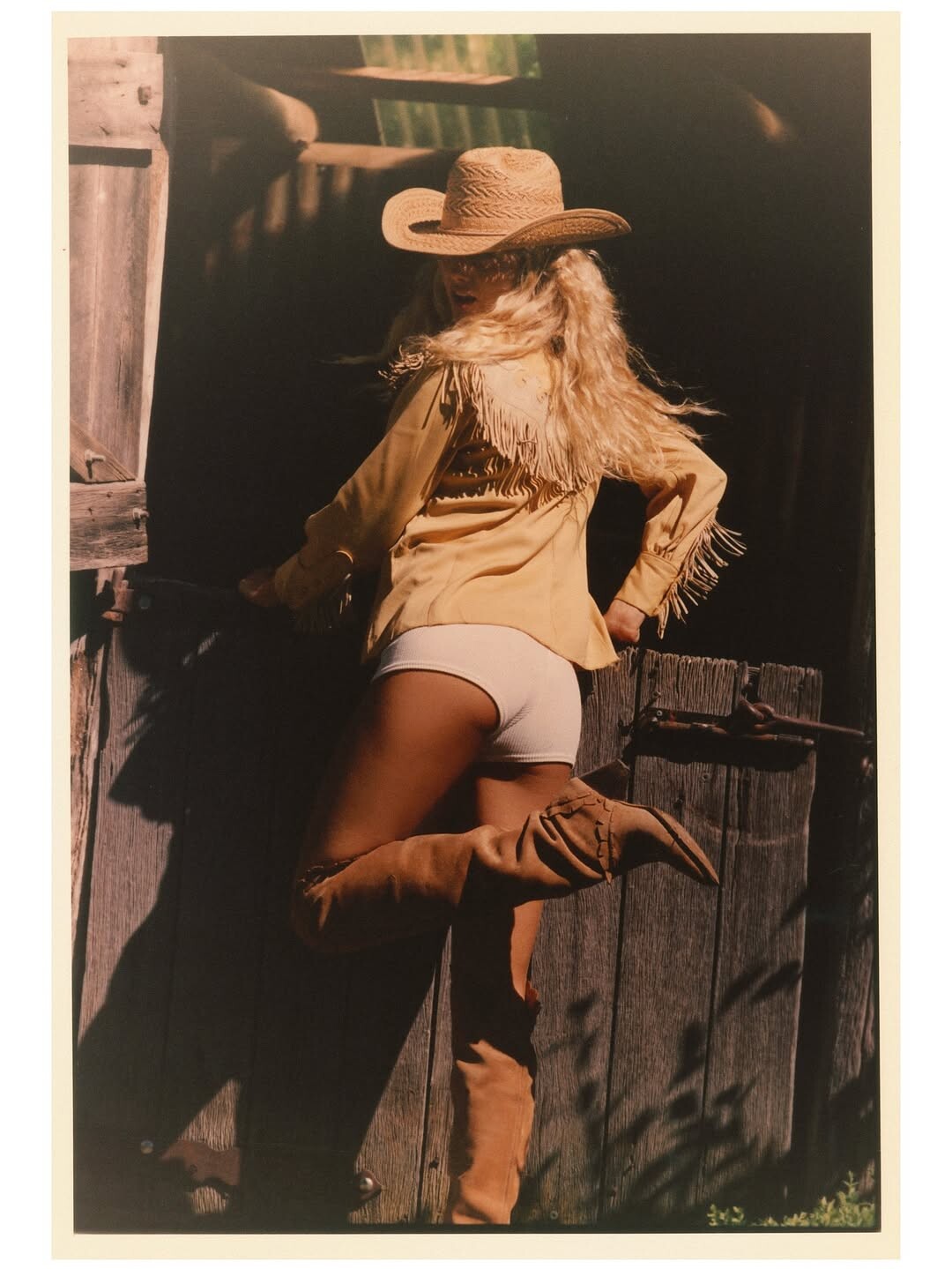
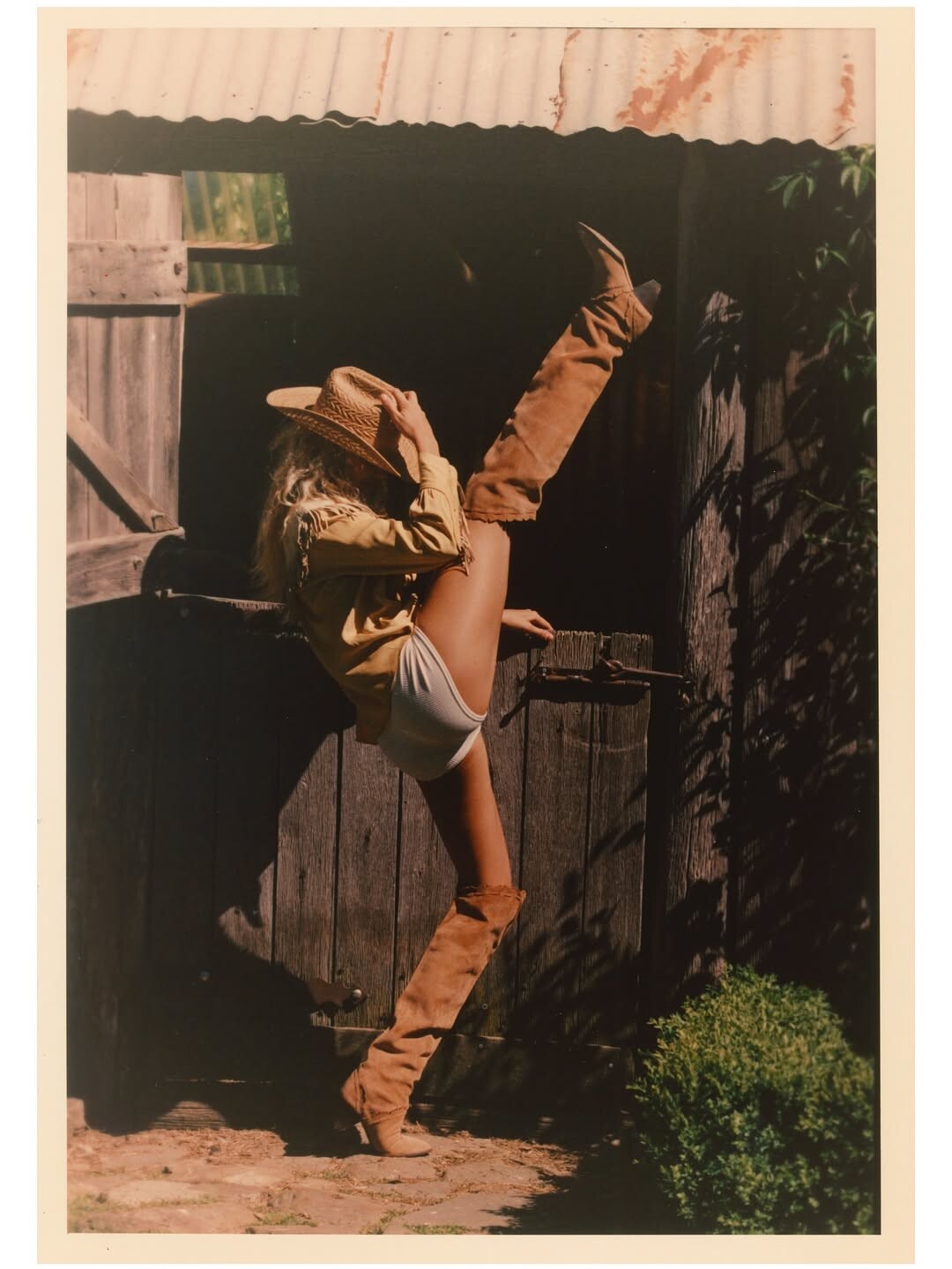
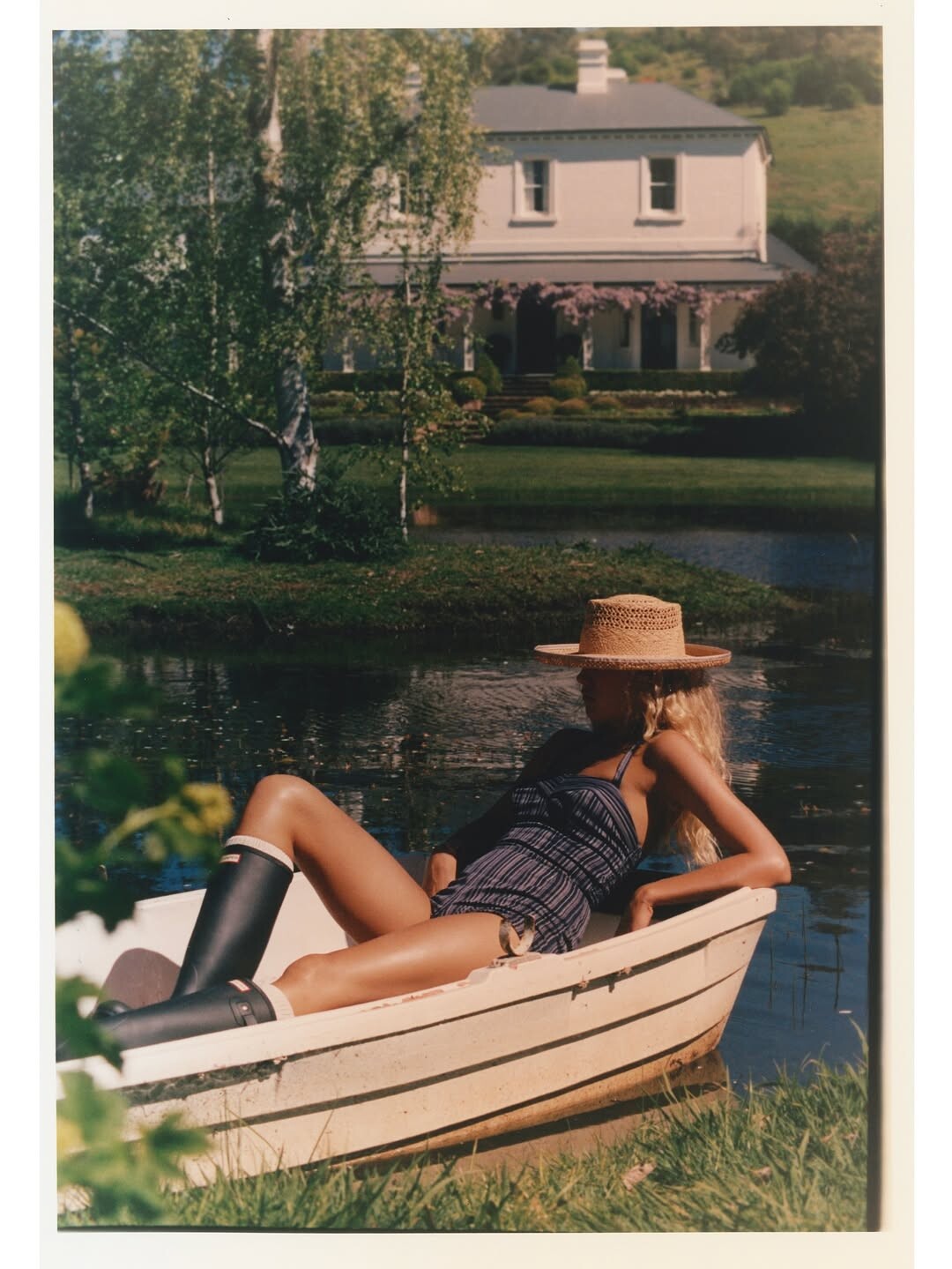
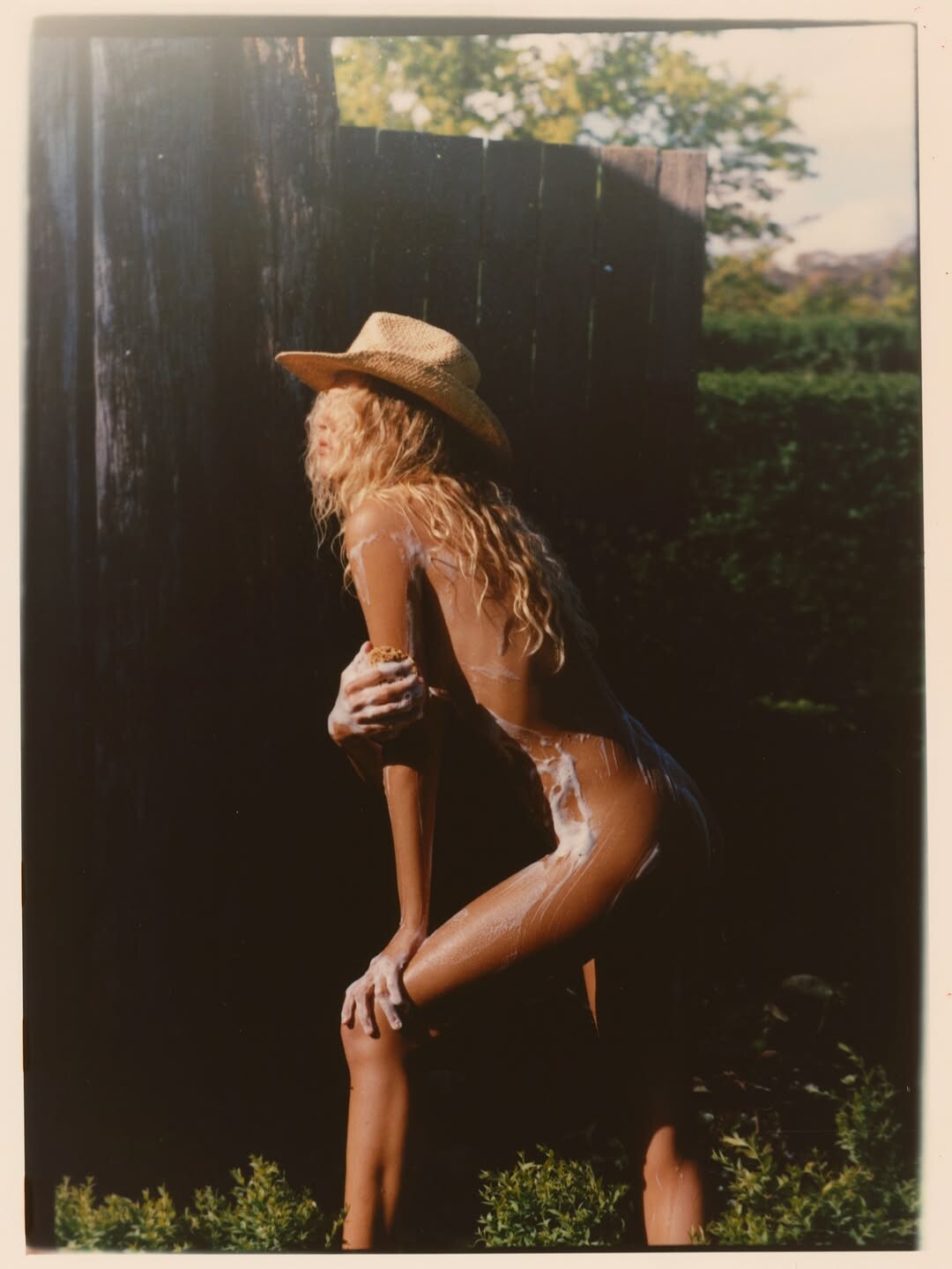
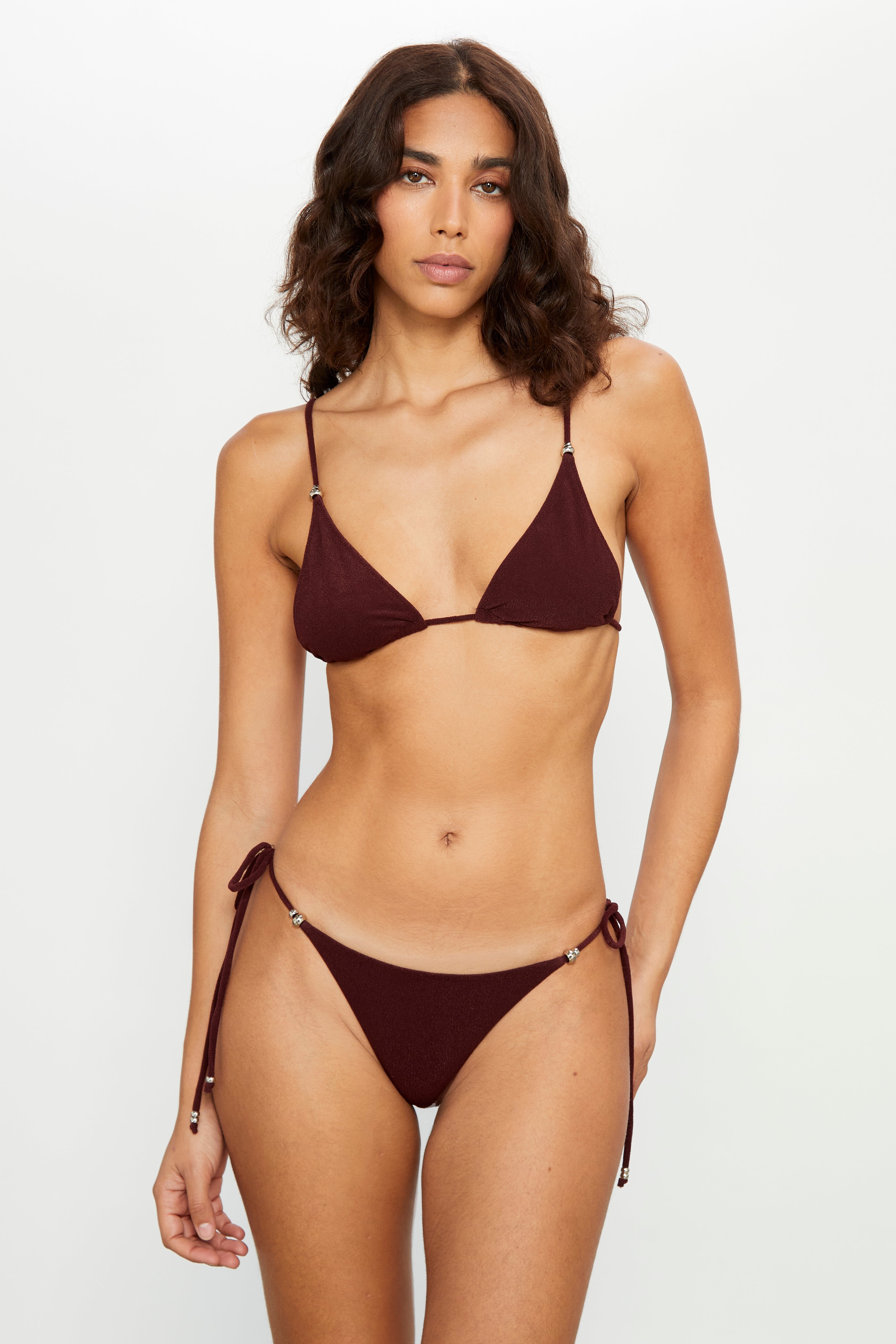
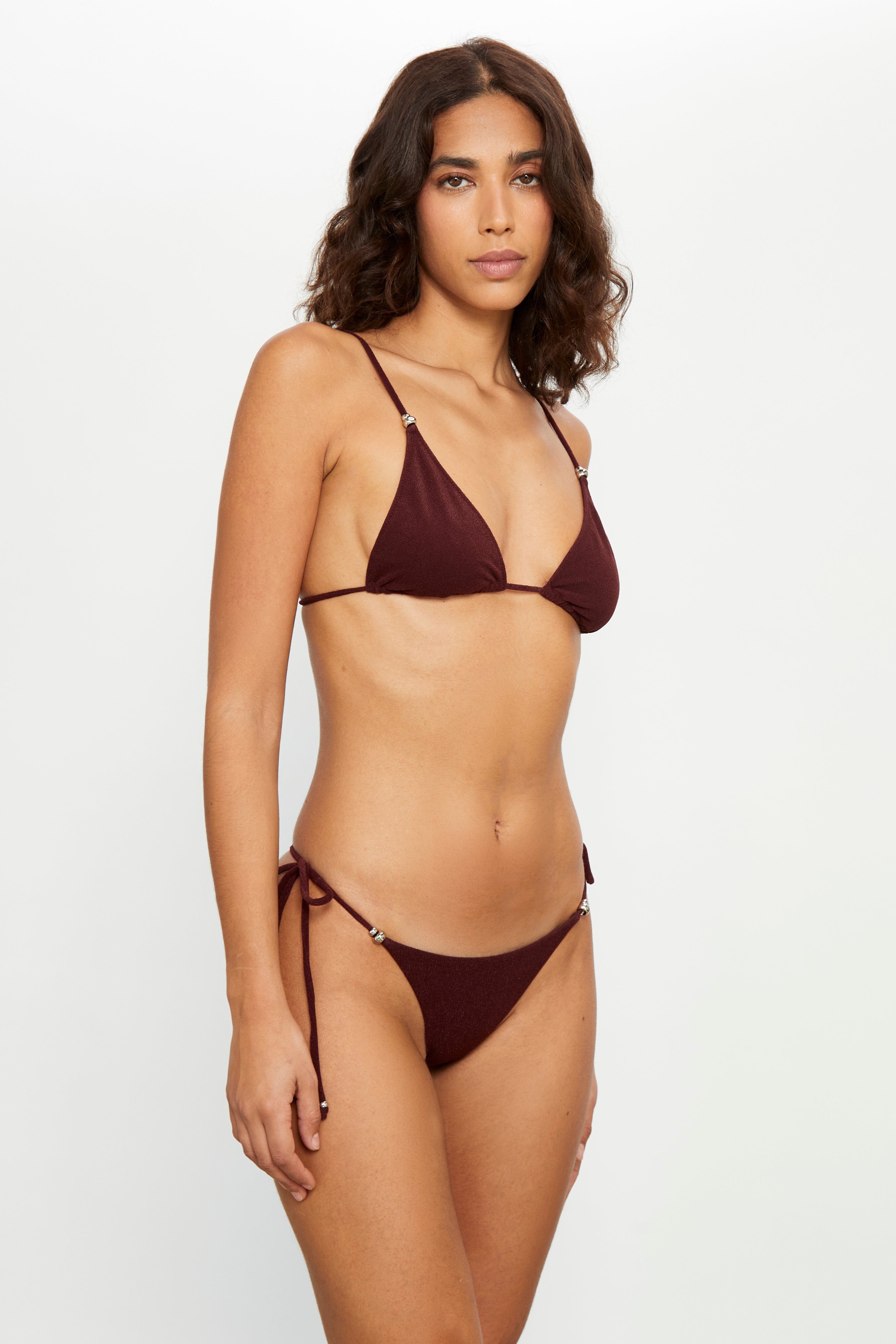
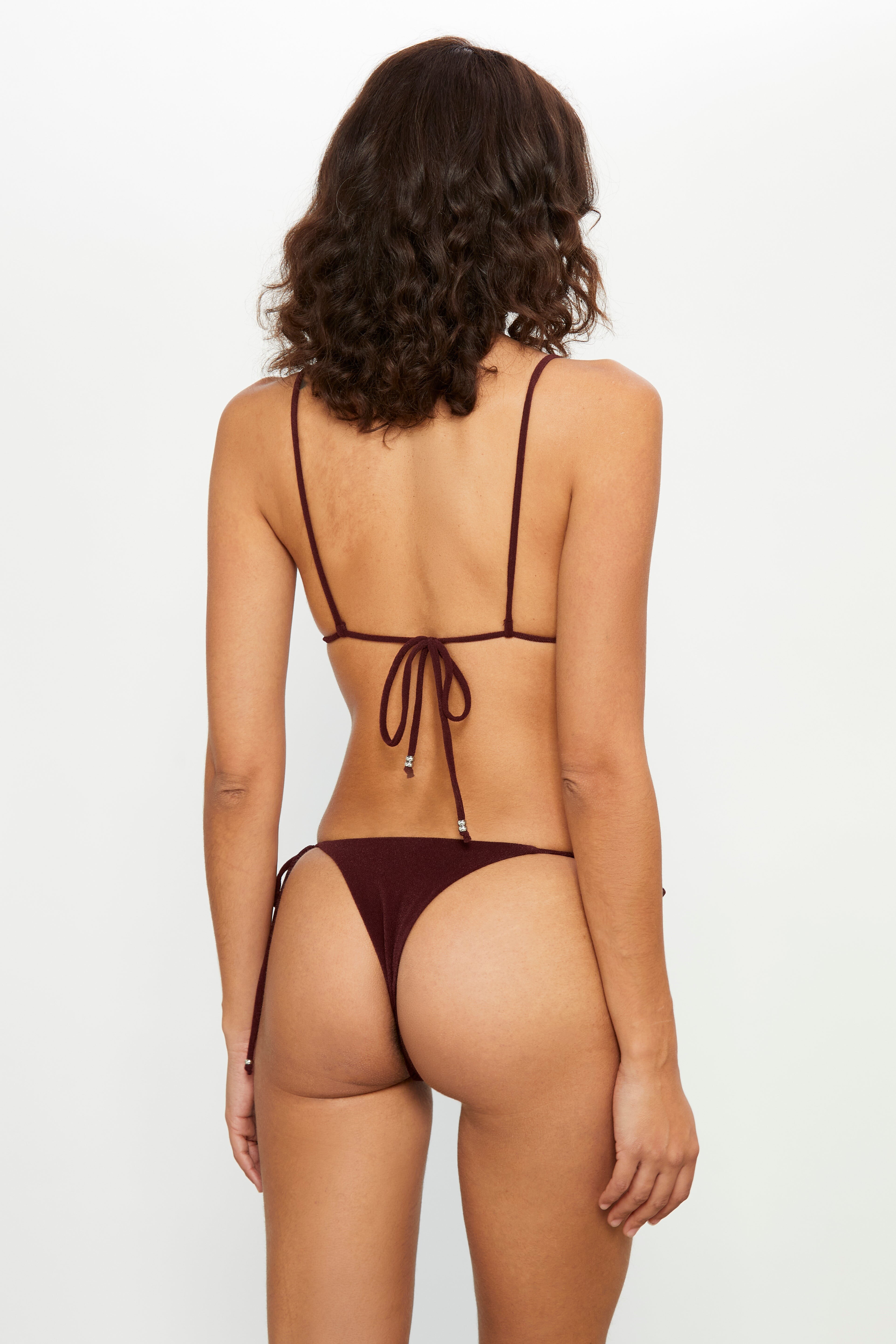
 by Brydie Mack for Lack of Color SnapInsta.to_AQN3ix9h2O_7t3n_vP_s9hBP7vJ9aTD4zKOI_ZDAc2Otgg2HBqaqofsXqB9d-IqOmRsOWp_1S-dSdqSAgo8q9i3e.mp4 SnapInsta.to_AQOrmeRCSt43JqDzbNw69YwF1Qe7LOc0HvUaTdlv9Em30DxH8Pd5gjpduT2Fmo5lamifyWuEntiCDlZKQrfCZHujvkfIekG4TQTAbIE.mp4 SnapInsta.to_AQPb2PECCPRiqhc_AsiOc1TNagsnQxgMKmlpmJdKOHTcYlCZGW_J6ThgMhN-uUqBWZLblRAzPEBFg-2dsIZg_kPujM94BM3H7_udq84.mp4

























-
 Cordula Reyer for Dolce & Gabbana, ready-to-wear, spring/summer 1992 my scan
-
Ann Fiona for Giorgio Armani, ready-to-wear, spring/summer 1992 my scan

-
Brenda Schad for Alberta Ferretti, ready-to-wear, spring/summer 1992 my scan

-

-
 rod776 joined the community
 -
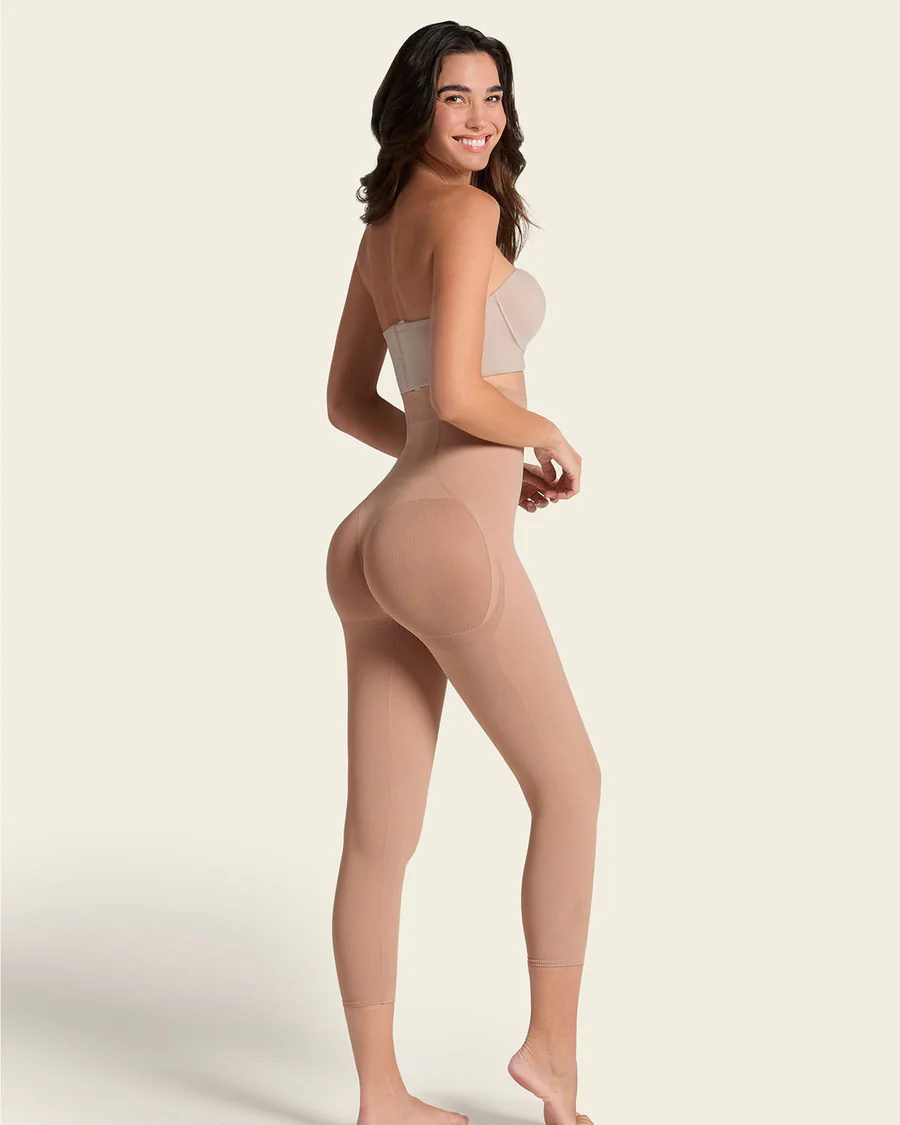
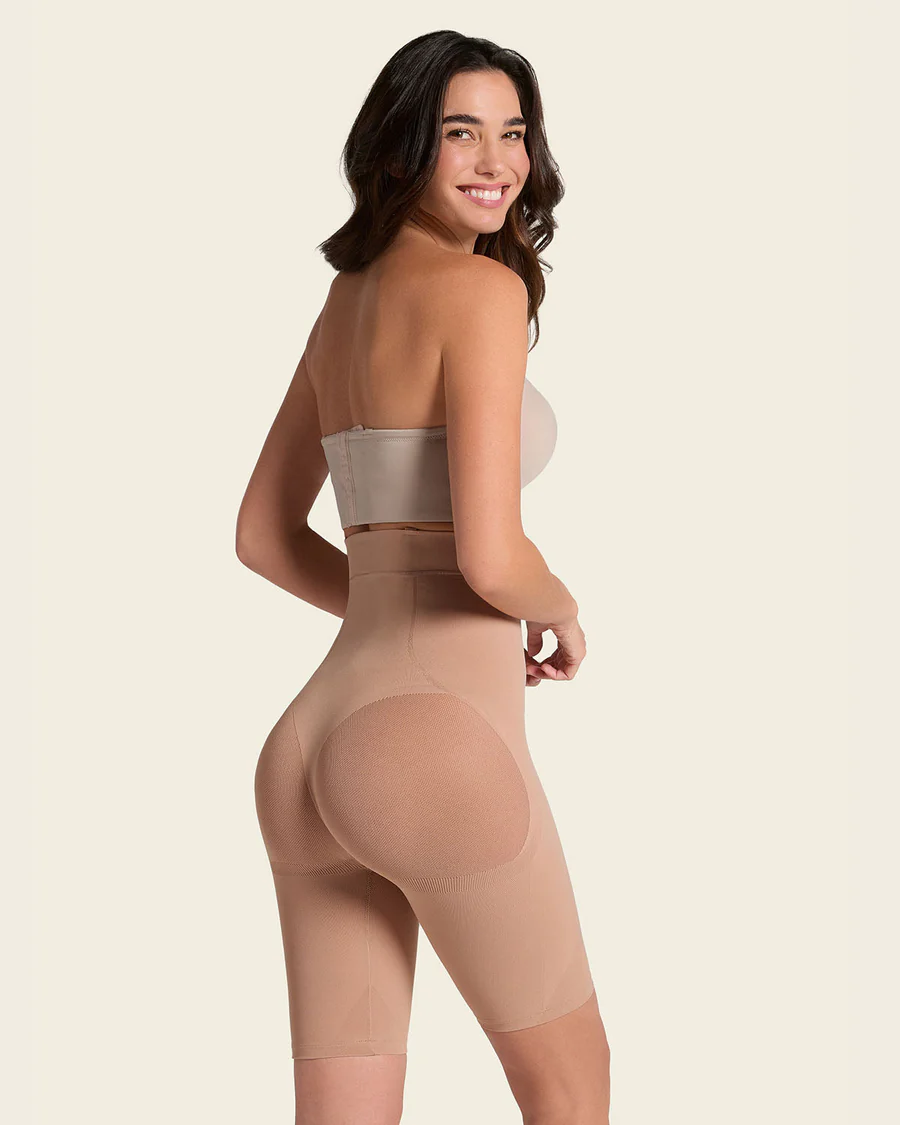
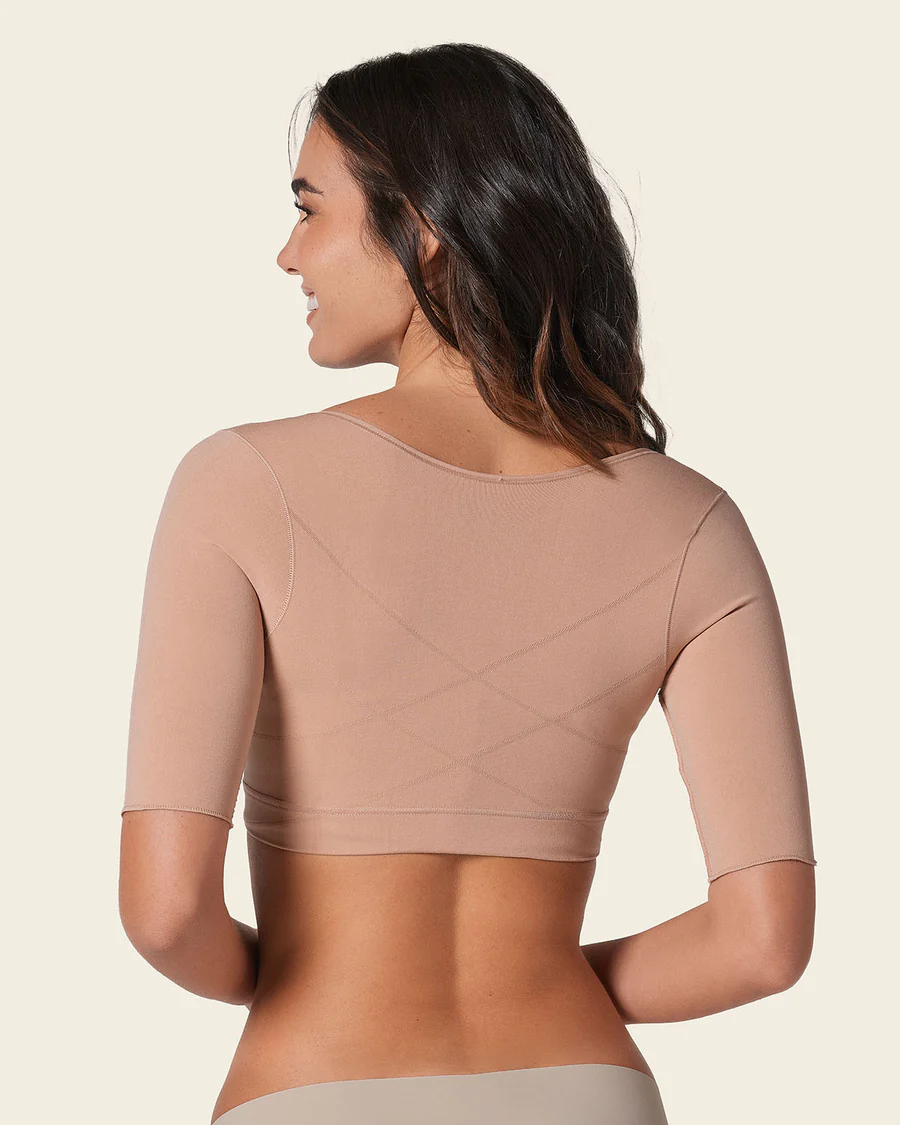
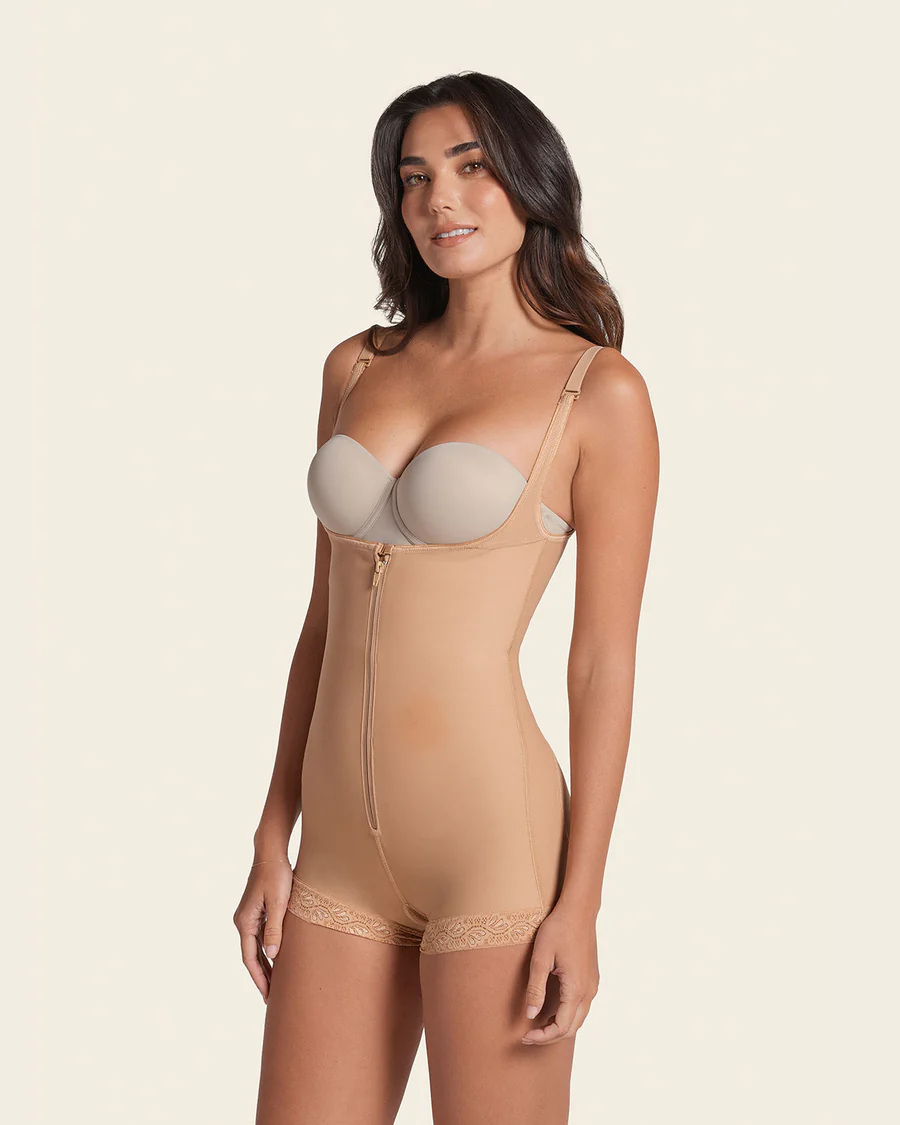
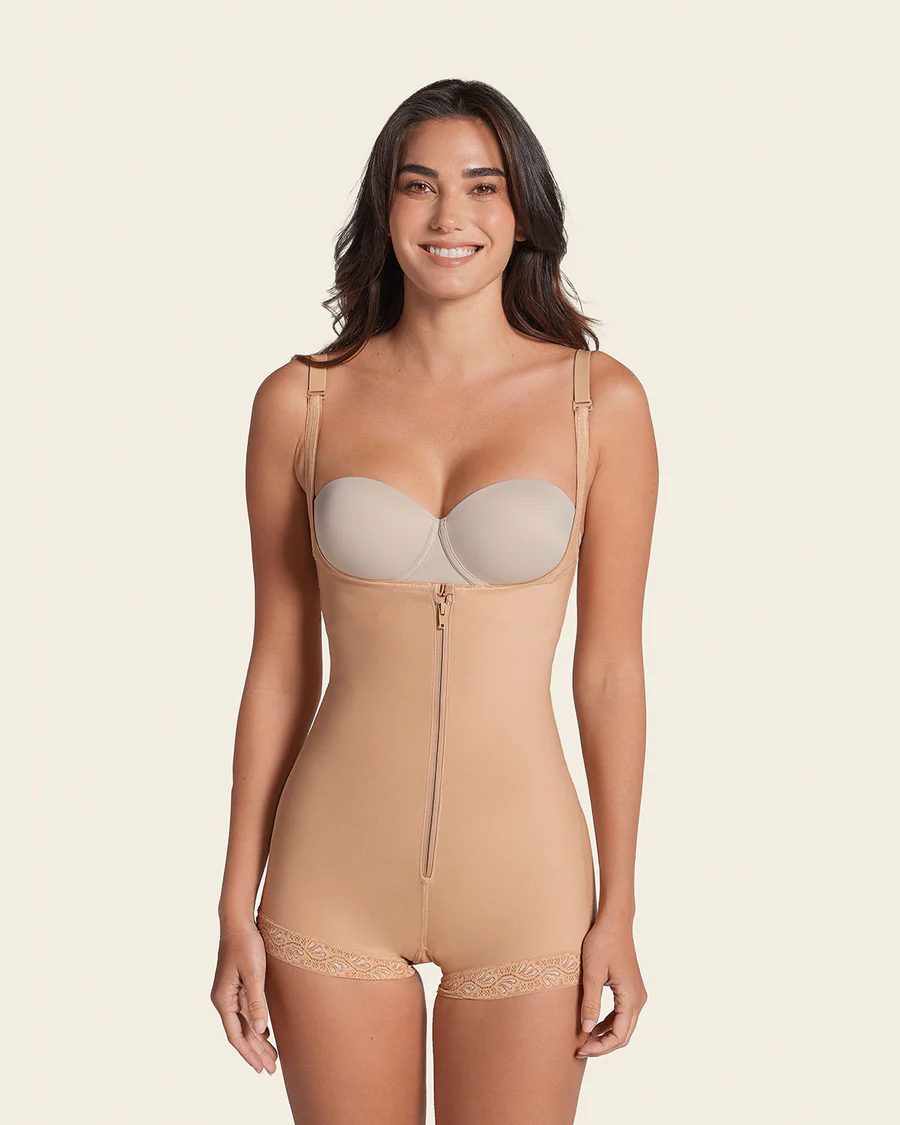
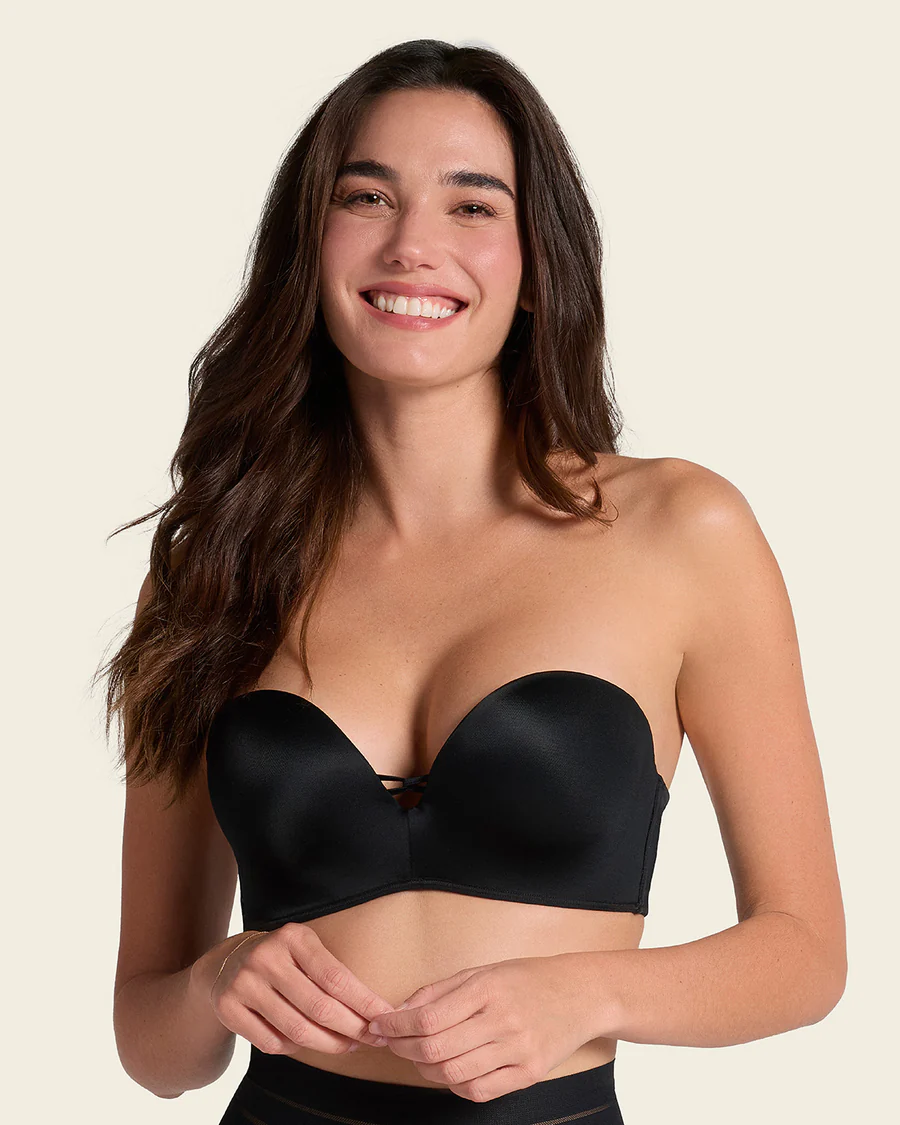
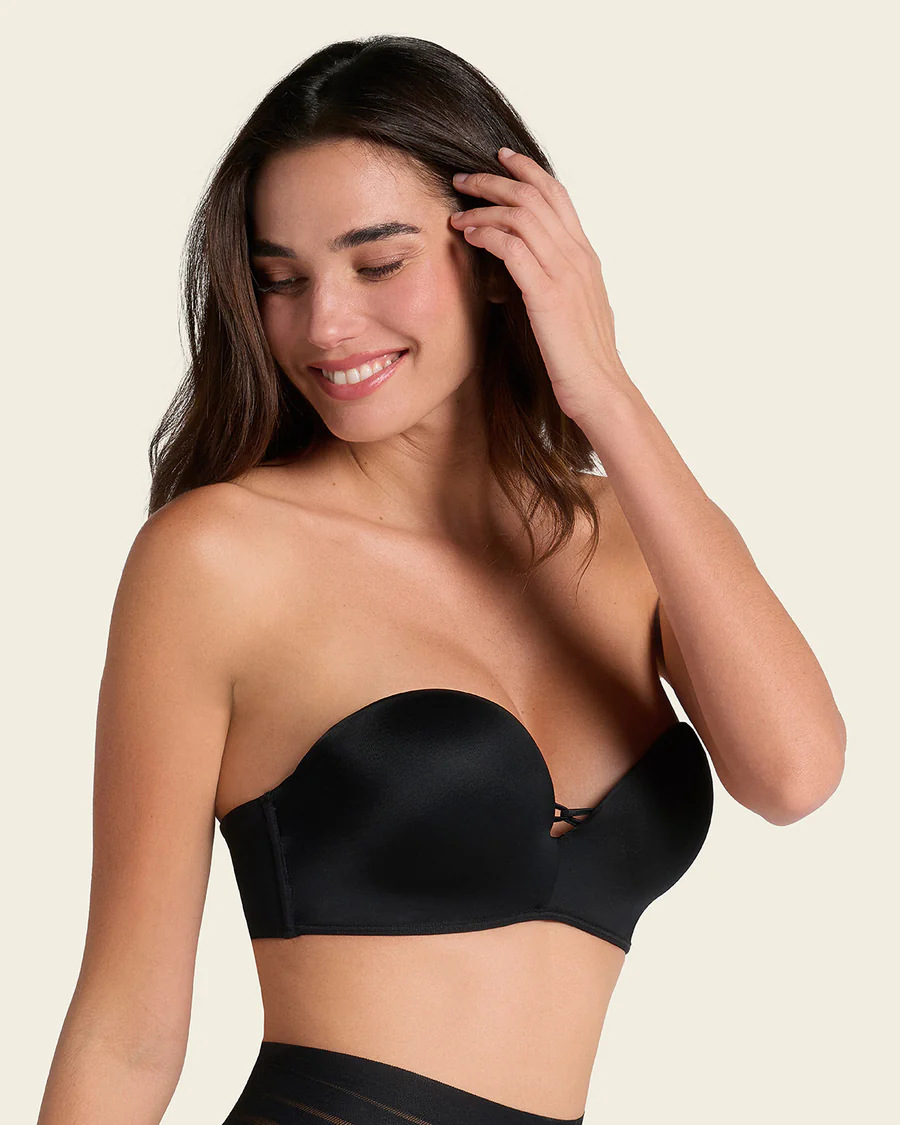
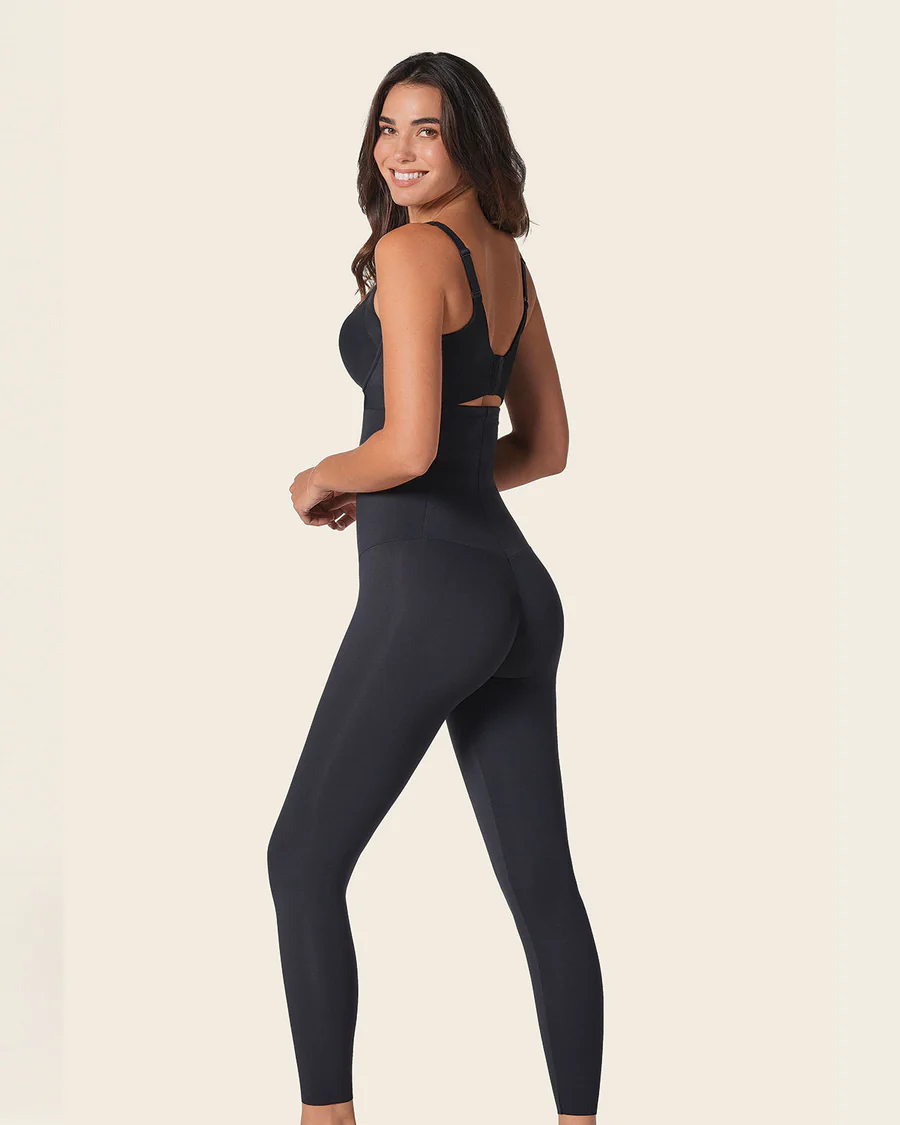
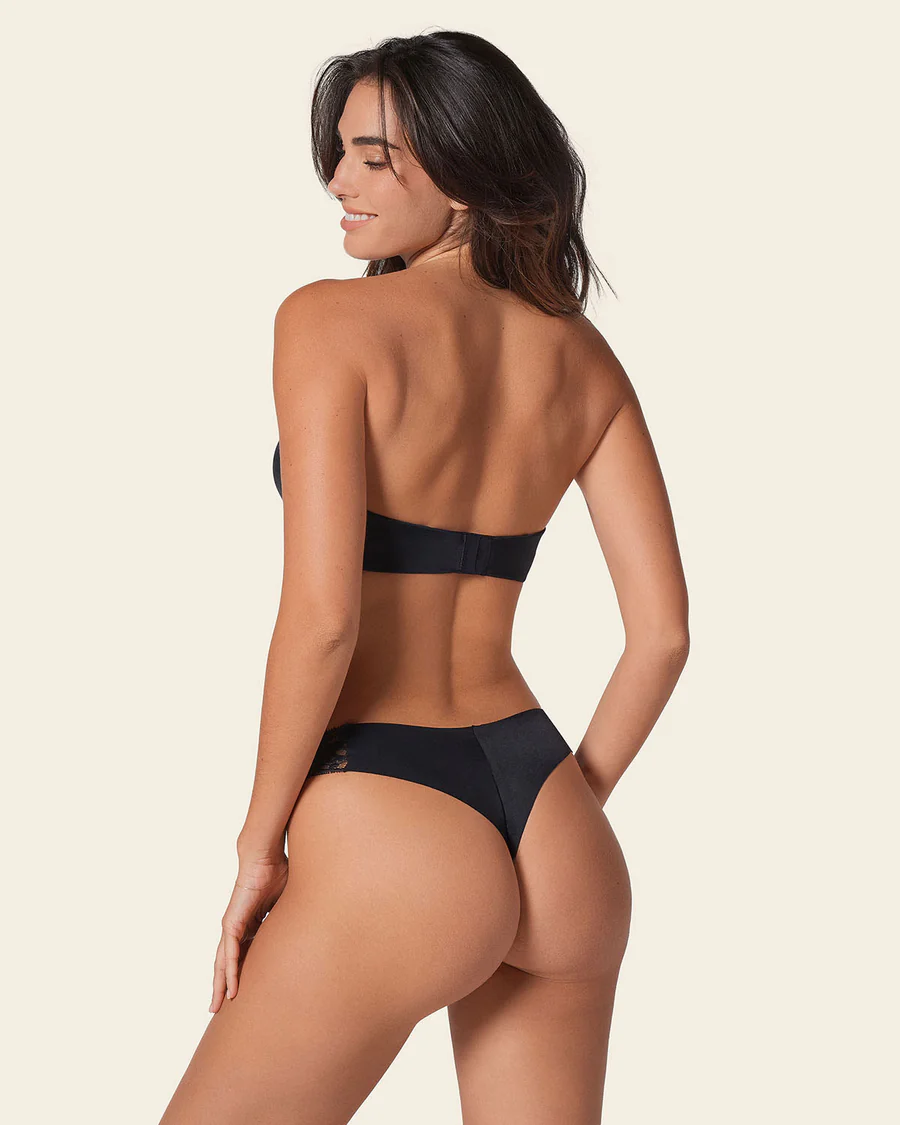
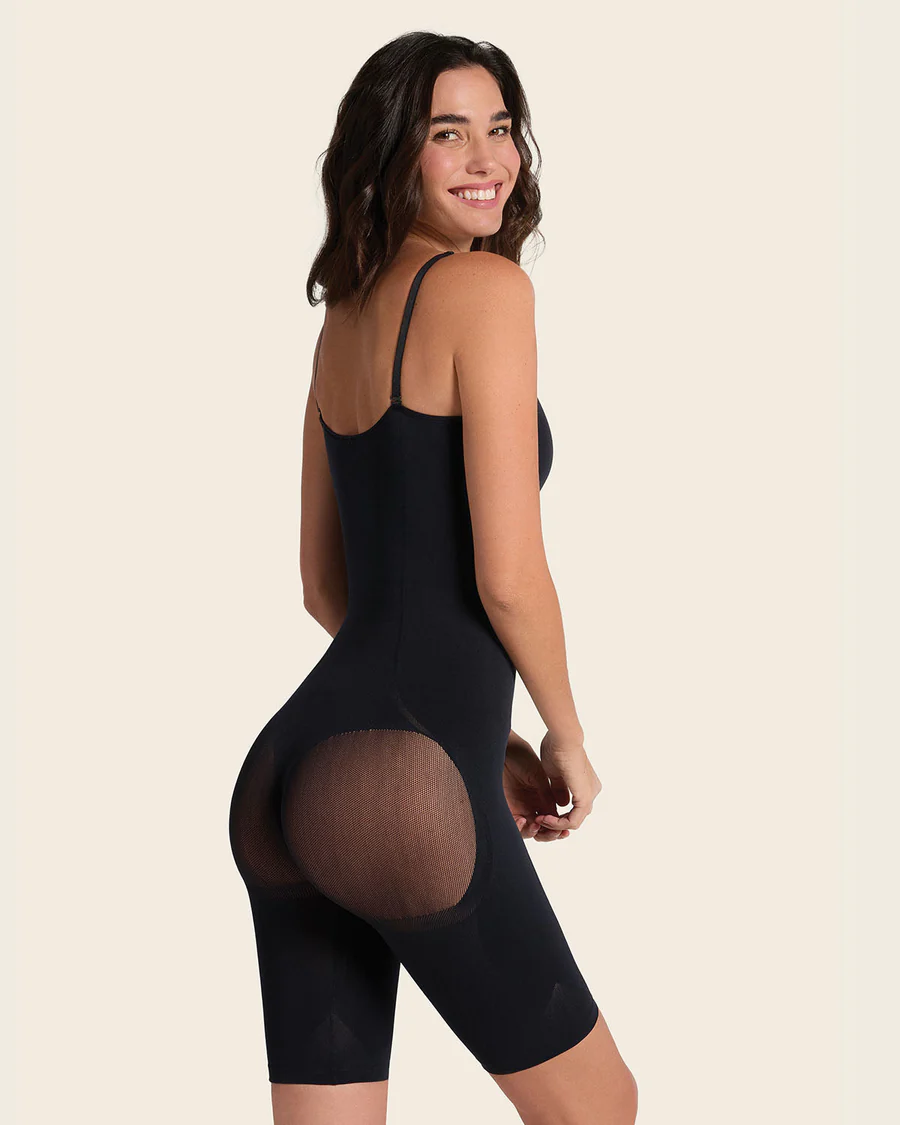
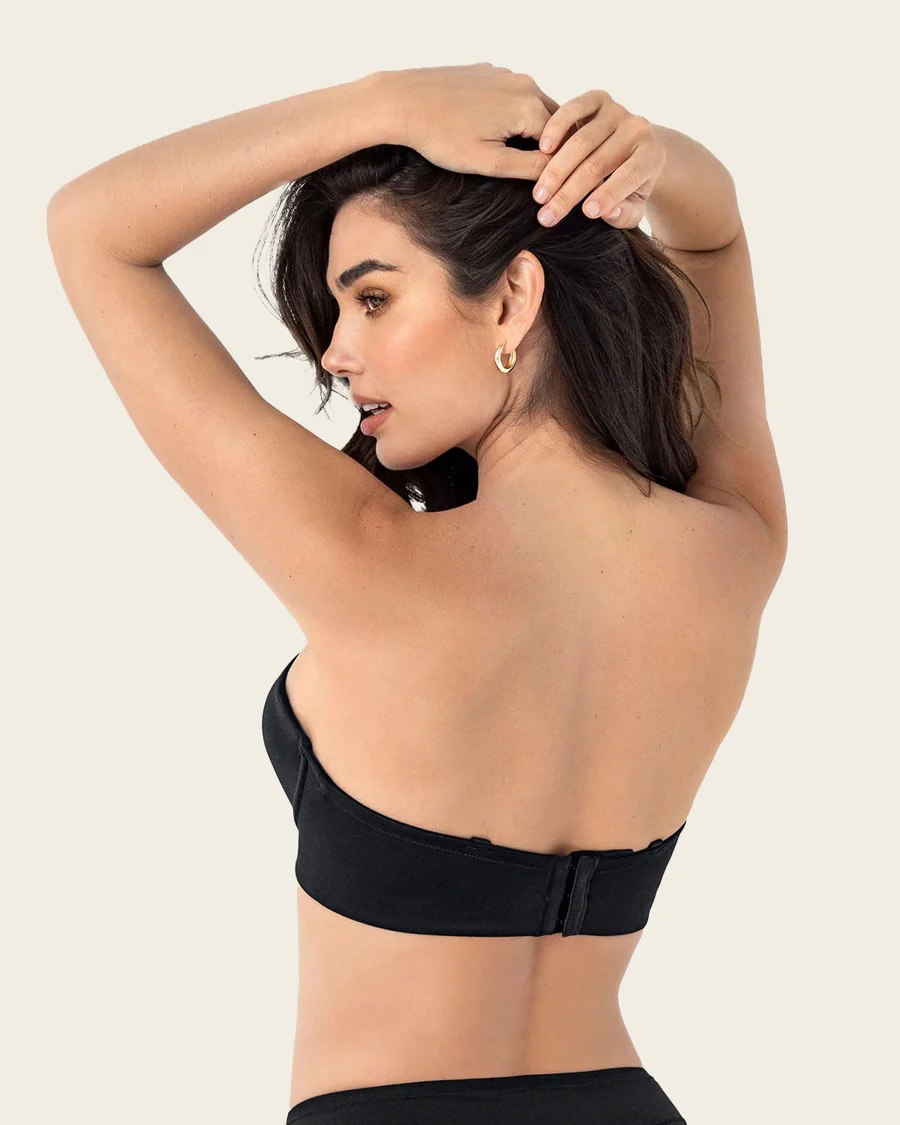
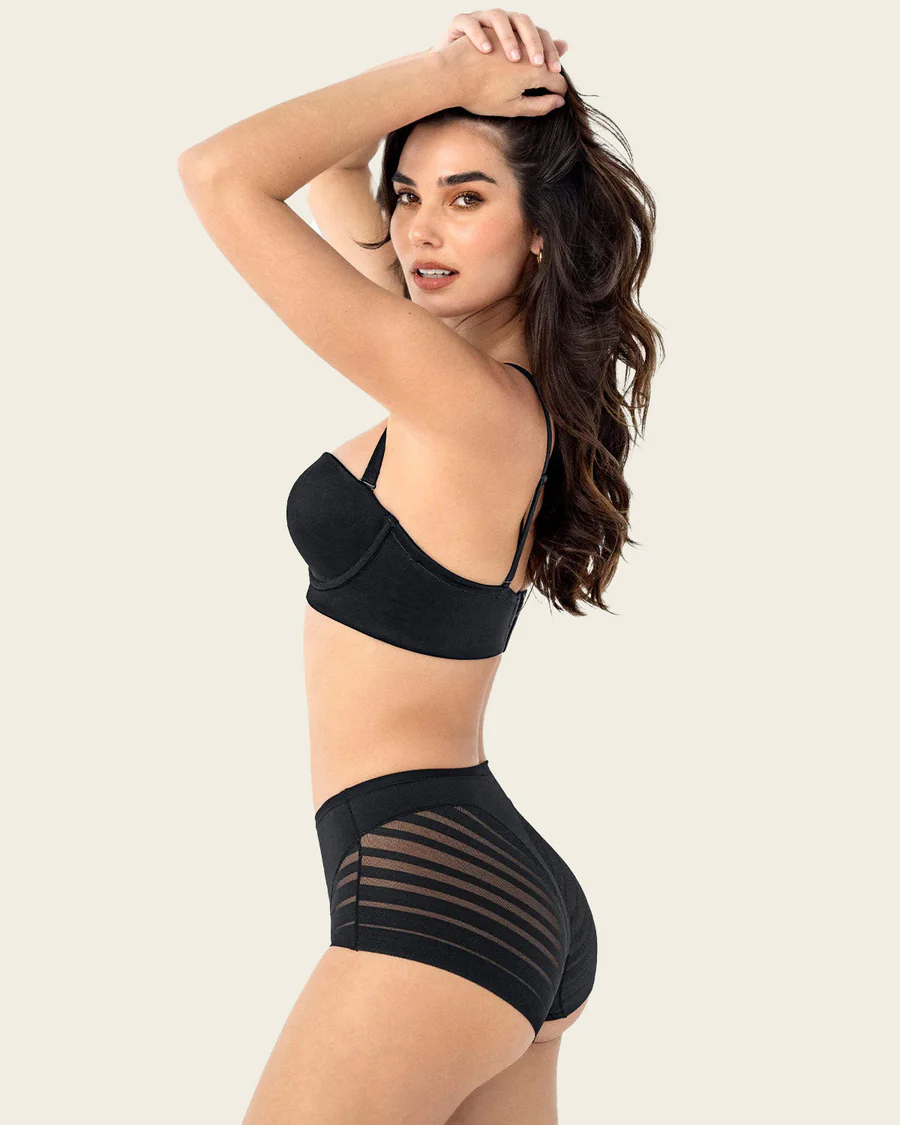
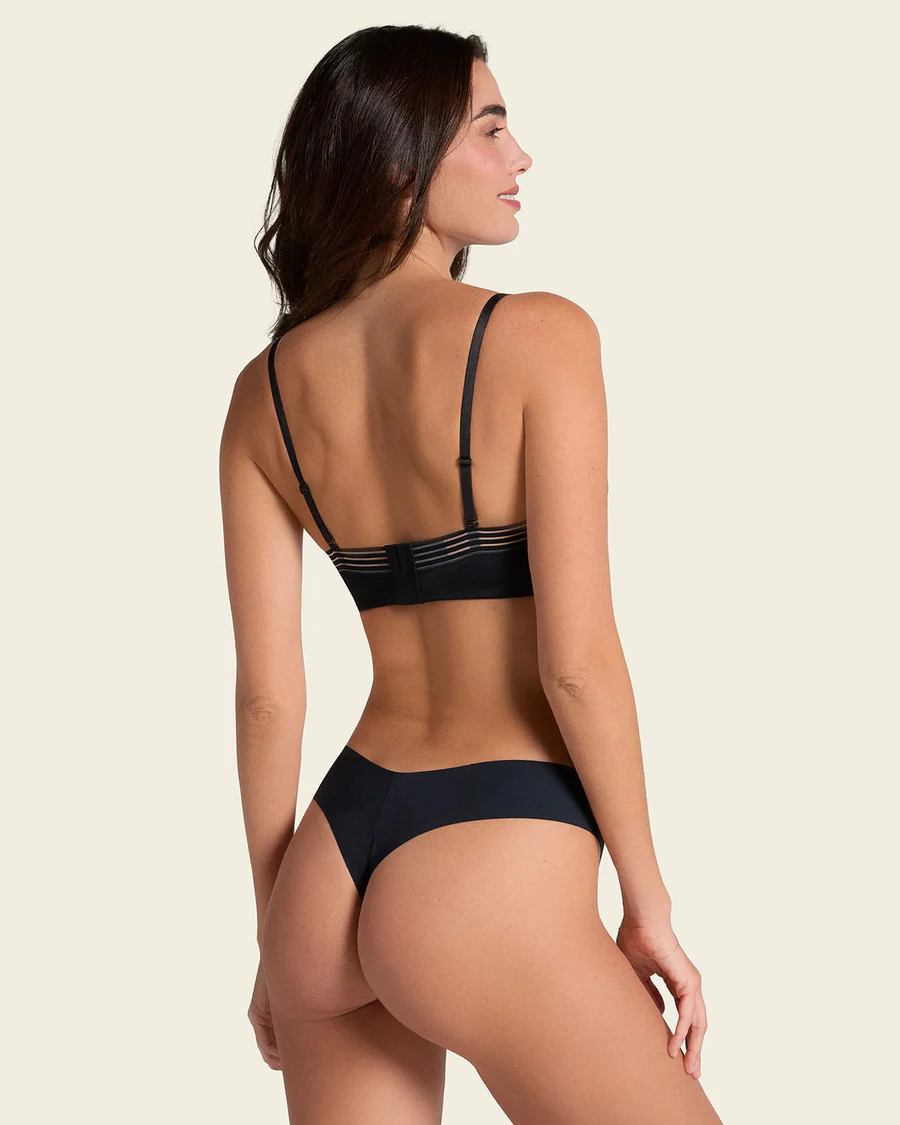
 LEONISA 2026 (2)




























-

-
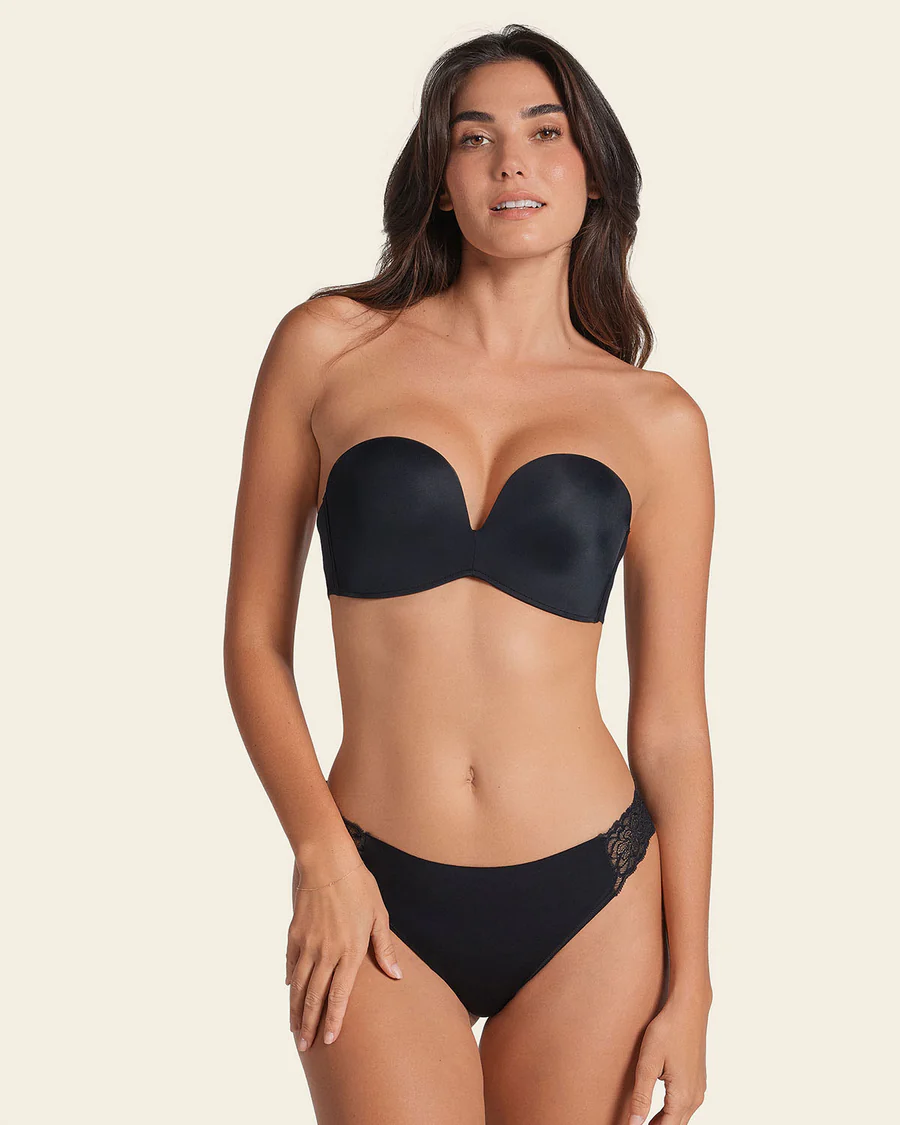
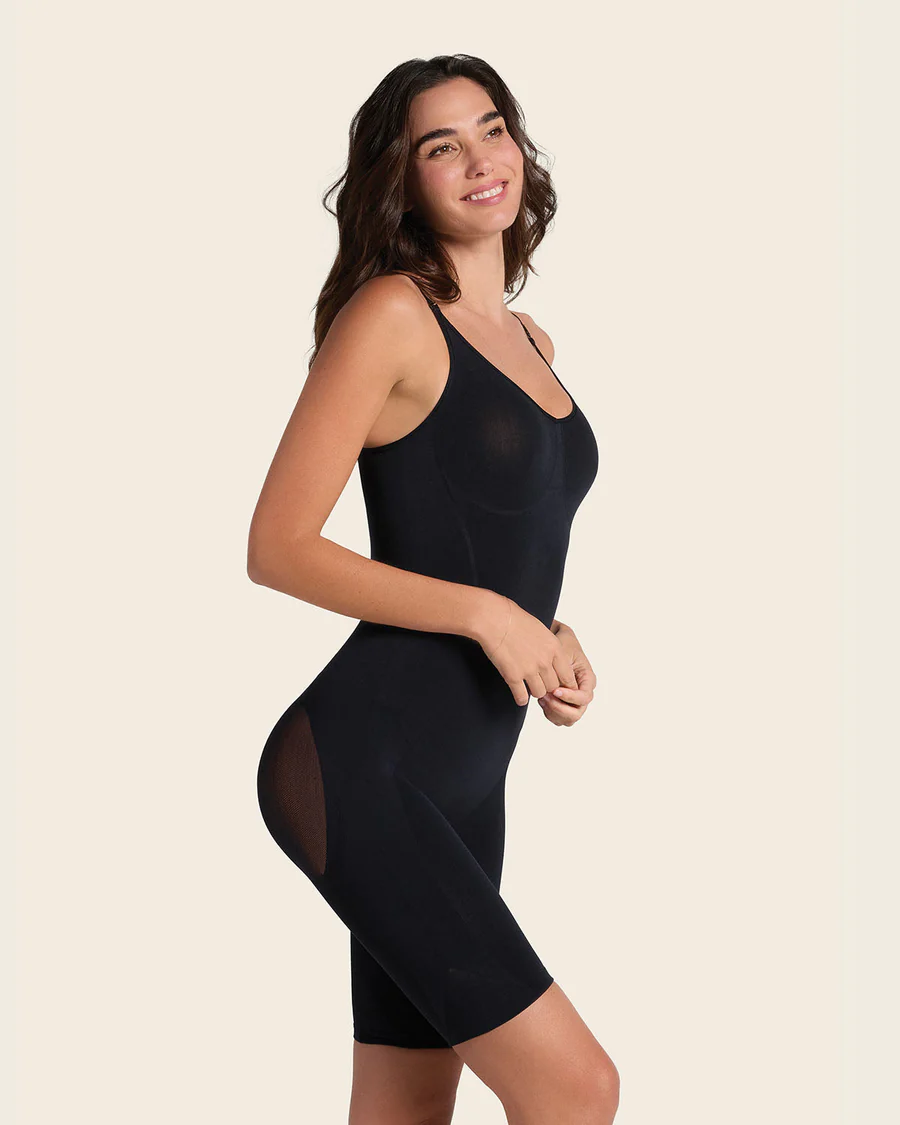
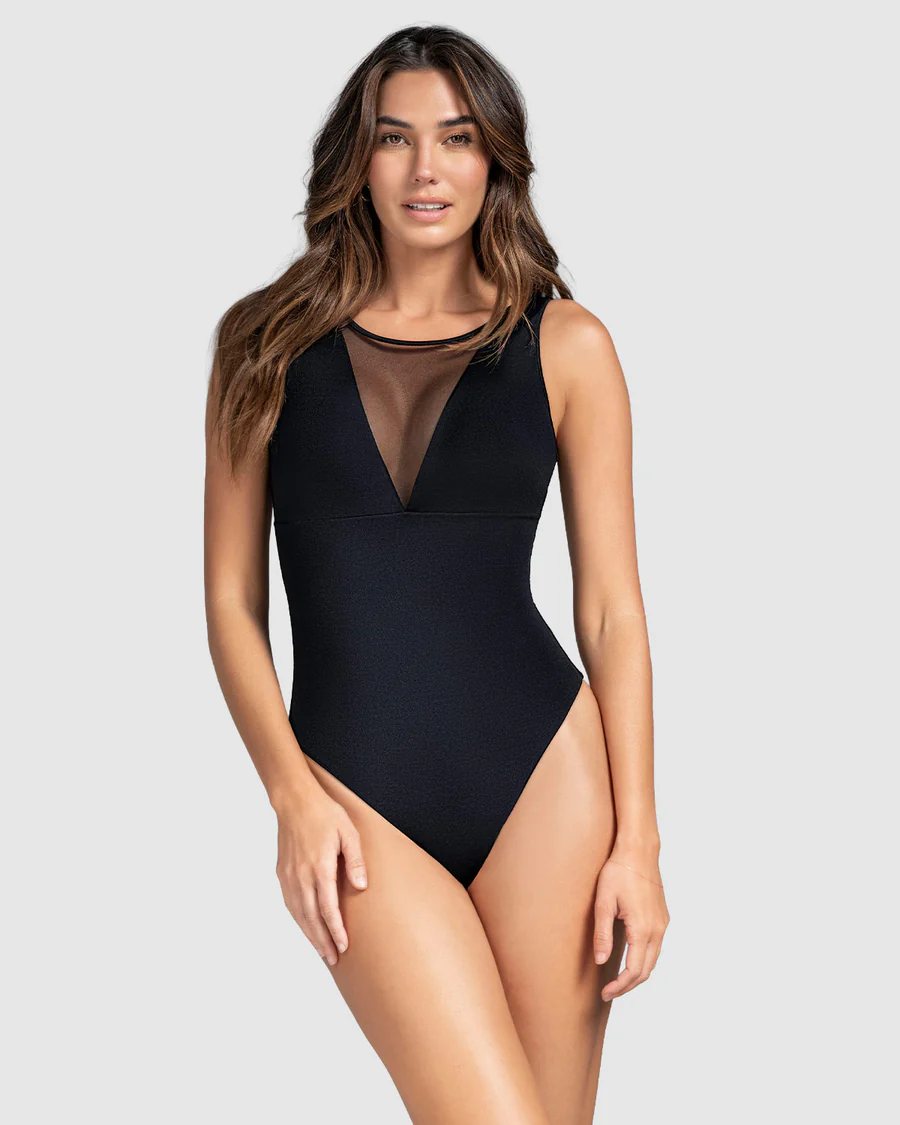
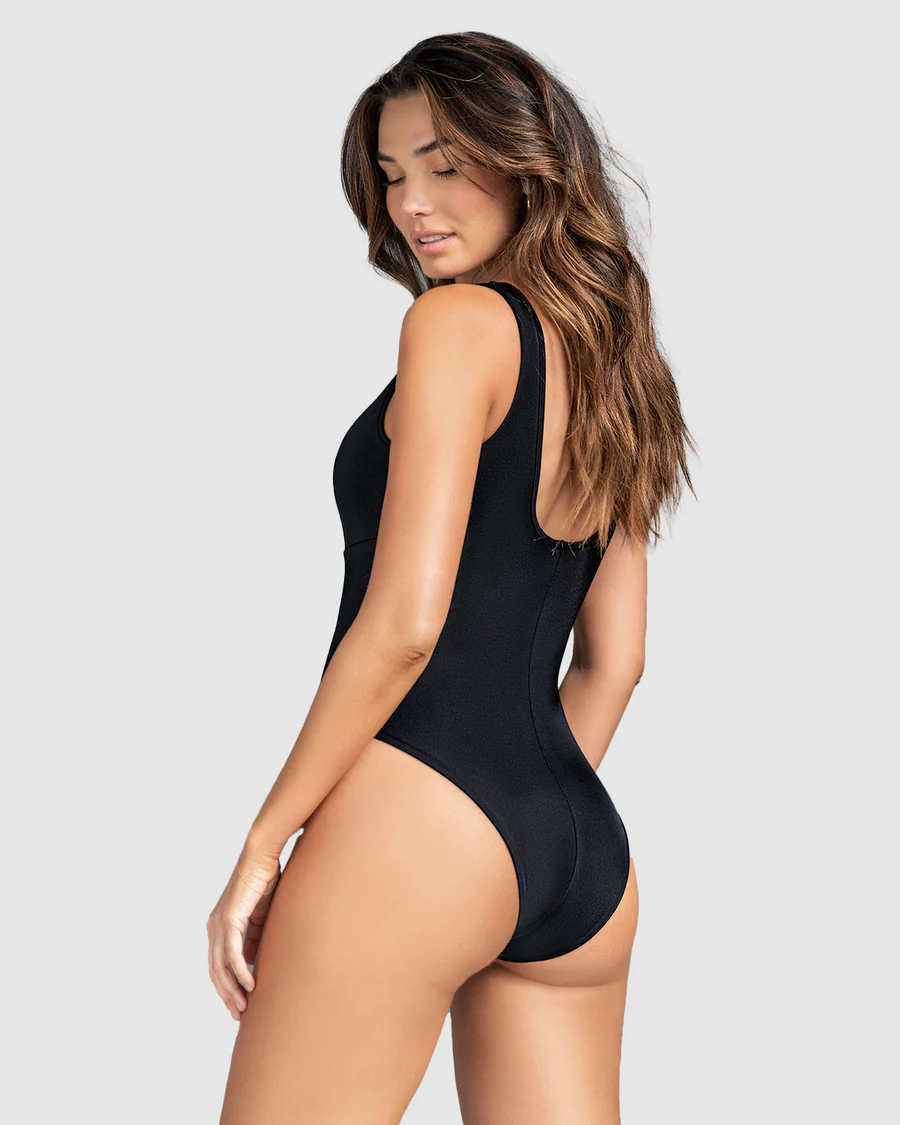
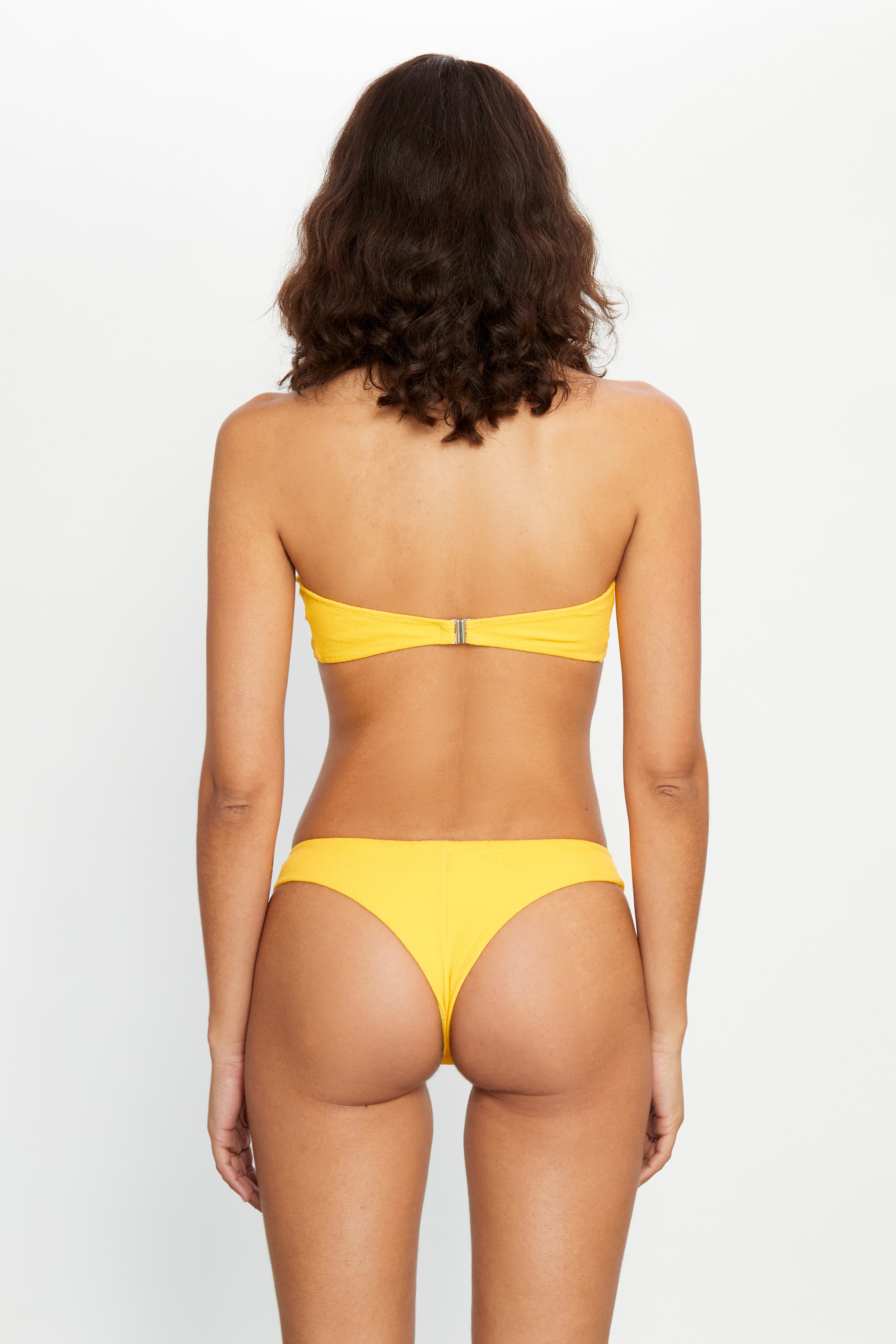
LEONISA 2026 (1)




























-
 Kenzo says she is Masami Charlotte Lavault
 -
 Encuentro (2026)







-
 Ford Models (New York) book (1985) Photographer: Arthur Elgort
-
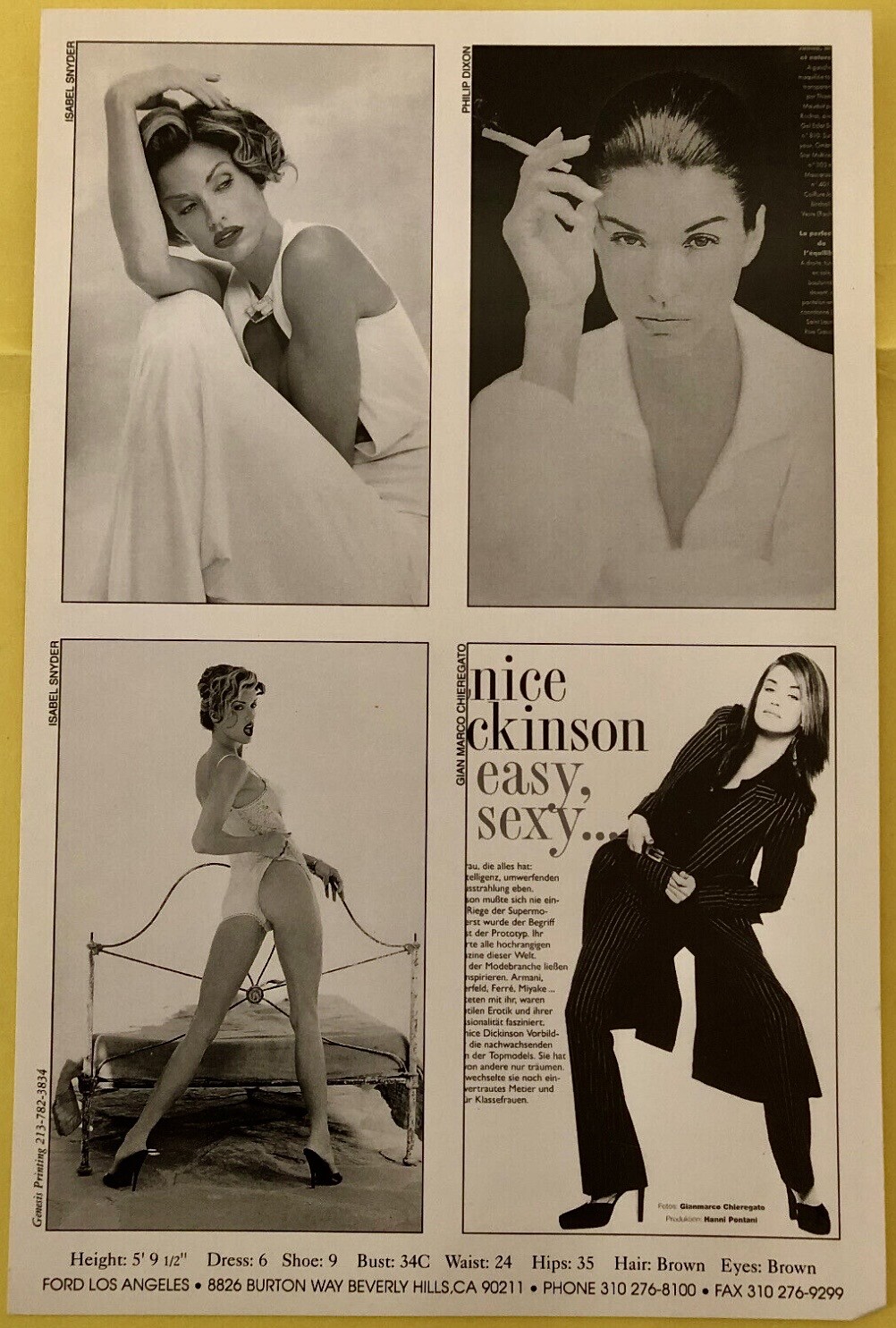
 Ford Models (Los Angeles) comp card (year not known) Photographers: Isabel Snyder, Phillip Dixon & Gianmarco Chieregato

 She is Romina Roggi from Tuscany.Miss Italia '93 pageant.
 huvar52 joined the community




- Today

Account
Navigation
Search
Configure browser push notifications
Chrome (Android)
- Tap the lock icon next to the address bar.
- Tap Permissions → Notifications.
- Adjust your preference.
Chrome (Desktop)
- Click the padlock icon in the address bar.
- Select Site settings.
- Find Notifications and adjust your preference.
Safari (iOS 16.4+)
- Ensure the site is installed via Add to Home Screen.
- Open Settings App → Notifications.
- Find your app name and adjust your preference.
Safari (macOS)
- Go to Safari → Preferences.
- Click the Websites tab.
- Select Notifications in the sidebar.
- Find this website and adjust your preference.
Edge (Android)
- Tap the lock icon next to the address bar.
- Tap Permissions.
- Find Notifications and adjust your preference.
Edge (Desktop)
- Click the padlock icon in the address bar.
- Click Permissions for this site.
- Find Notifications and adjust your preference.
Firefox (Android)
- Go to Settings → Site permissions.
- Tap Notifications.
- Find this site in the list and adjust your preference.
Firefox (Desktop)
- Open Firefox Settings.
- Search for Notifications.
- Find this site in the list and adjust your preference.