All Activity
- Past hour
-

-
 IMDbBea Fiedler | ActressKnown for: Sunshine Reggae auf Ibiza, Linda, Macho Man Bea Fiedler, Gina Janssen & etc. - Drei Schwedinnen auf der Reeperbahn (1980)1080p Duration: 00:16:45 Resolution: 1920x1080 Format mp4 Size: 353.88 MB https://filejoker.net/pka6xli0duve
-
-
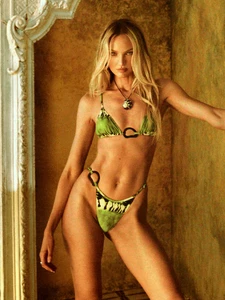
 Tropic of C x VS




-
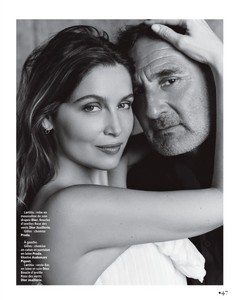
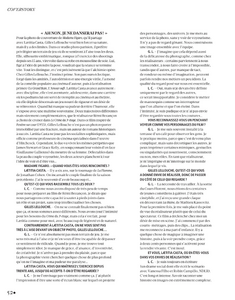
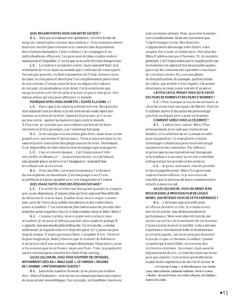
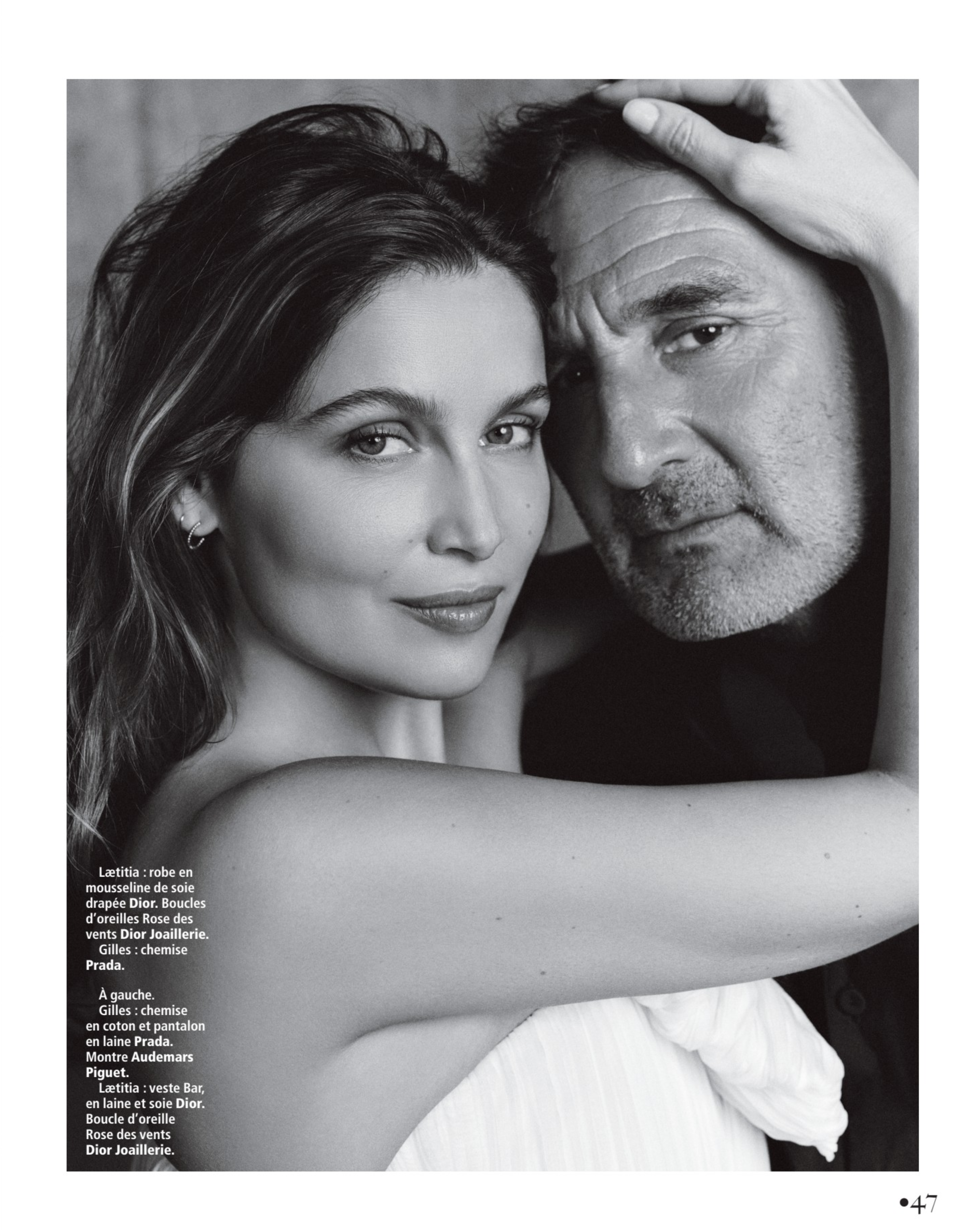
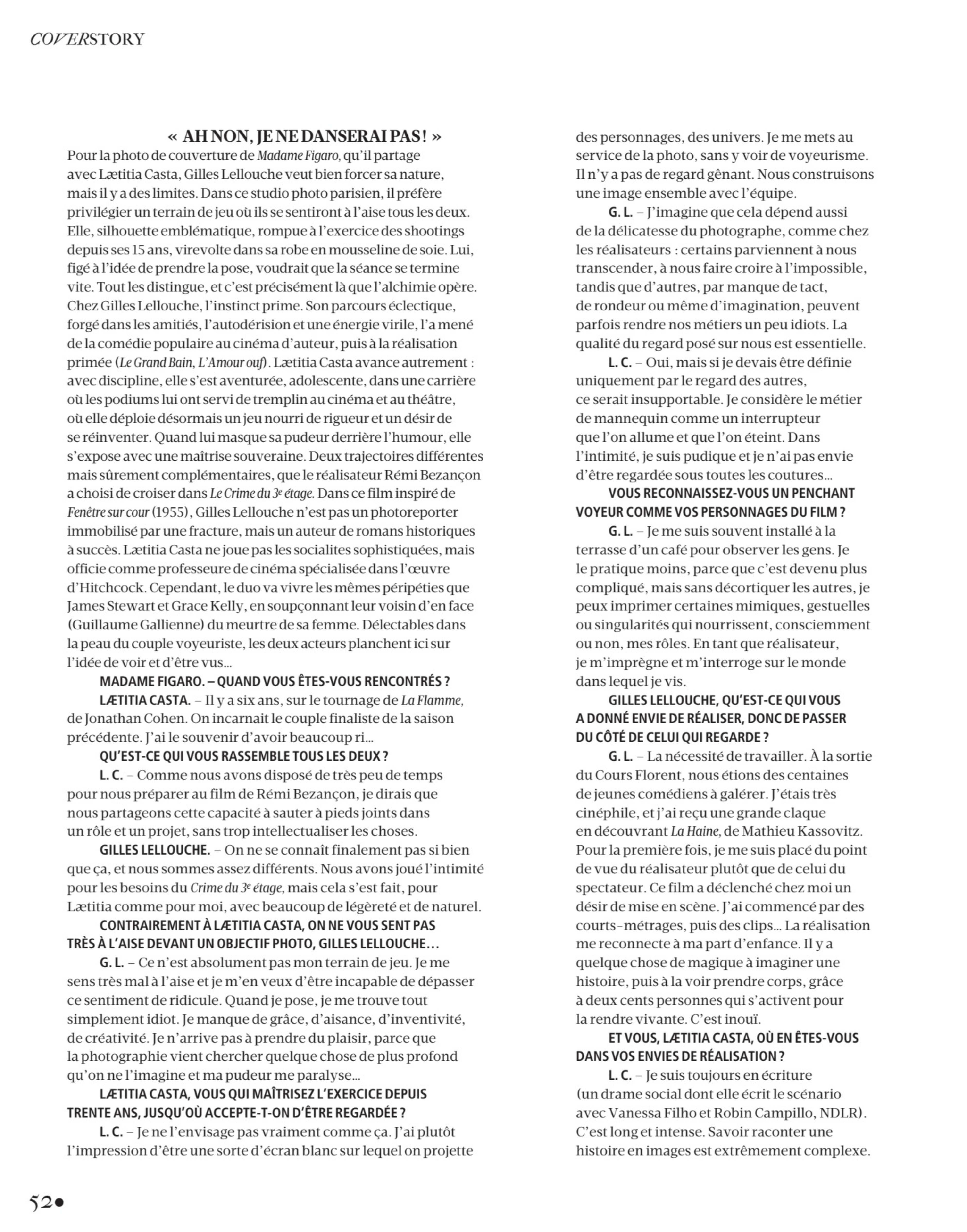
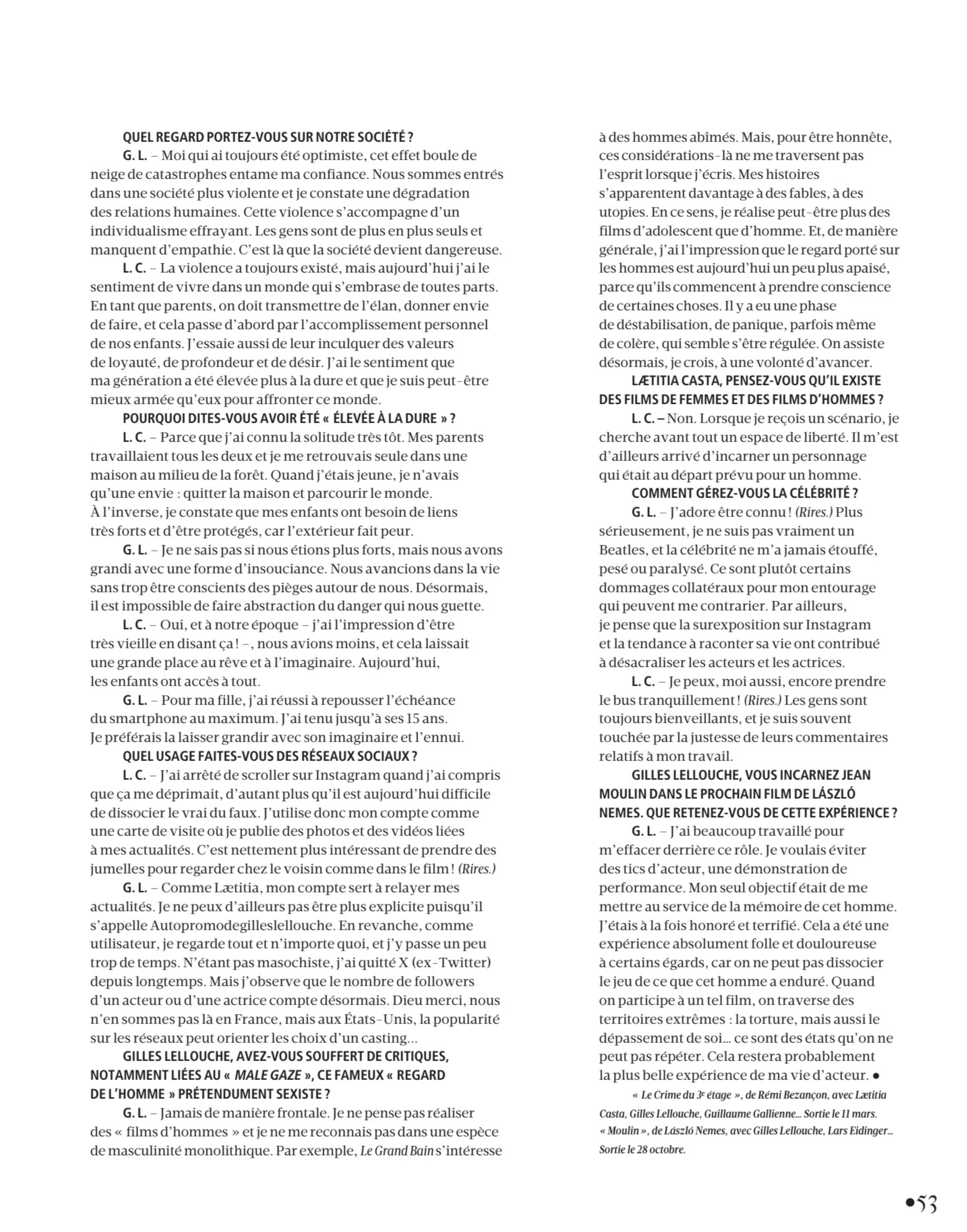
 Madame Figaro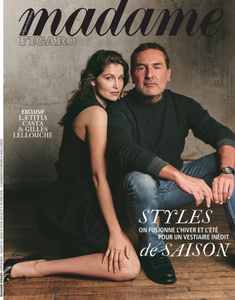





-

-

-
Yeah, those big eyebrows match lol
- Today
-
 Sedcard Louisa Models
-


 jgwap joined the community
 Karen Mulder for Gianni Versace, ready-to-wear, fall/winter 1996 my scans


 Claudia Schiffer for Mariella Burani, ready-to-wear, fall/winter 1996 my scan
 Helena Christensen for Laura Biagiotti, ready-to-wear, fall/winter 1996 my scan
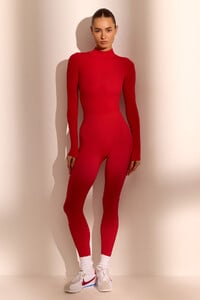
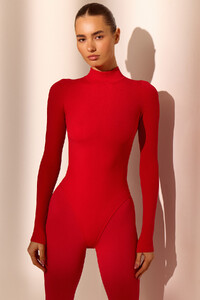
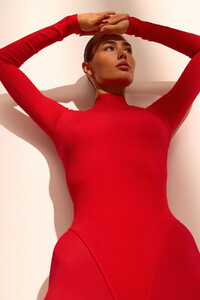
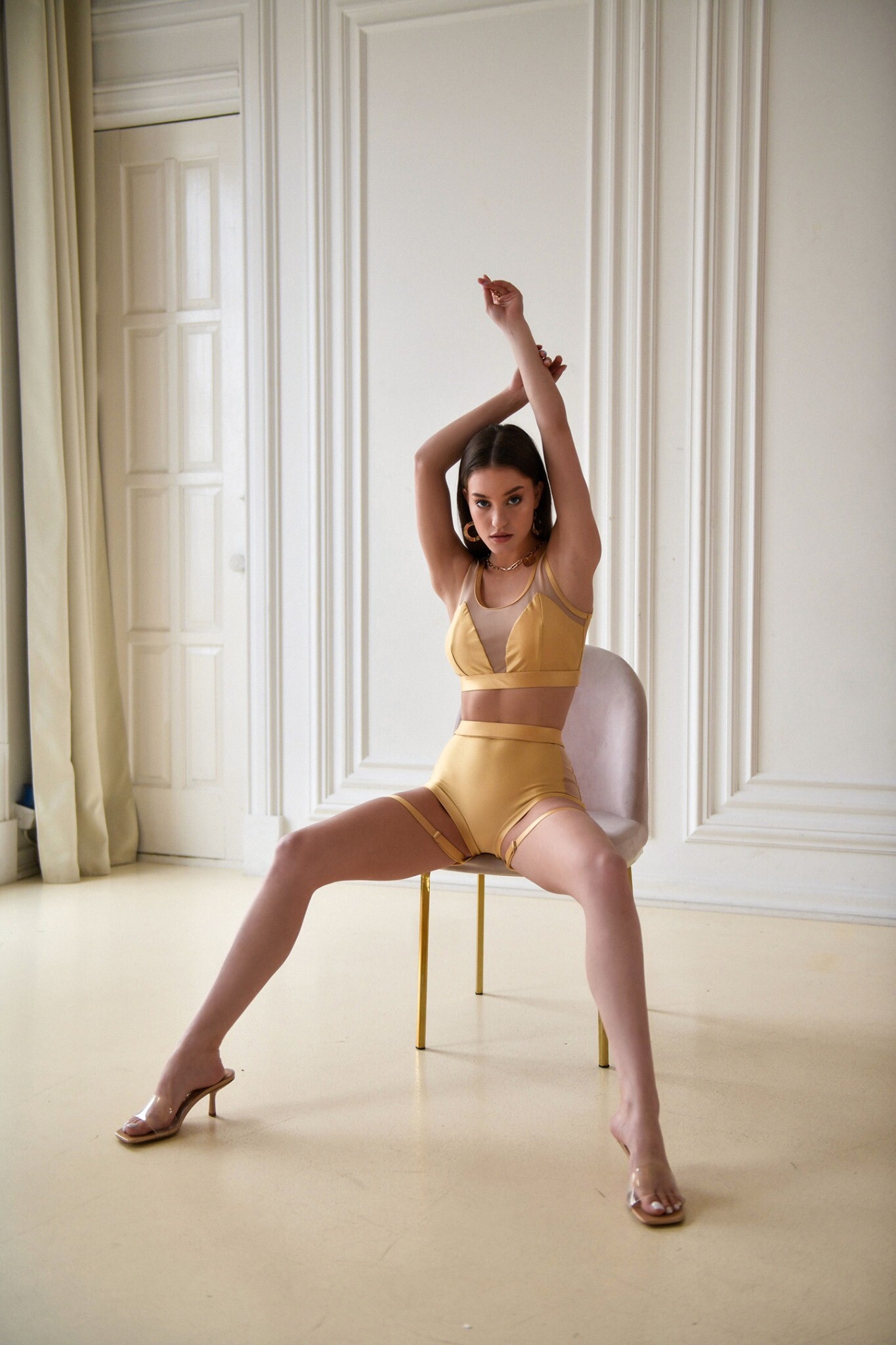
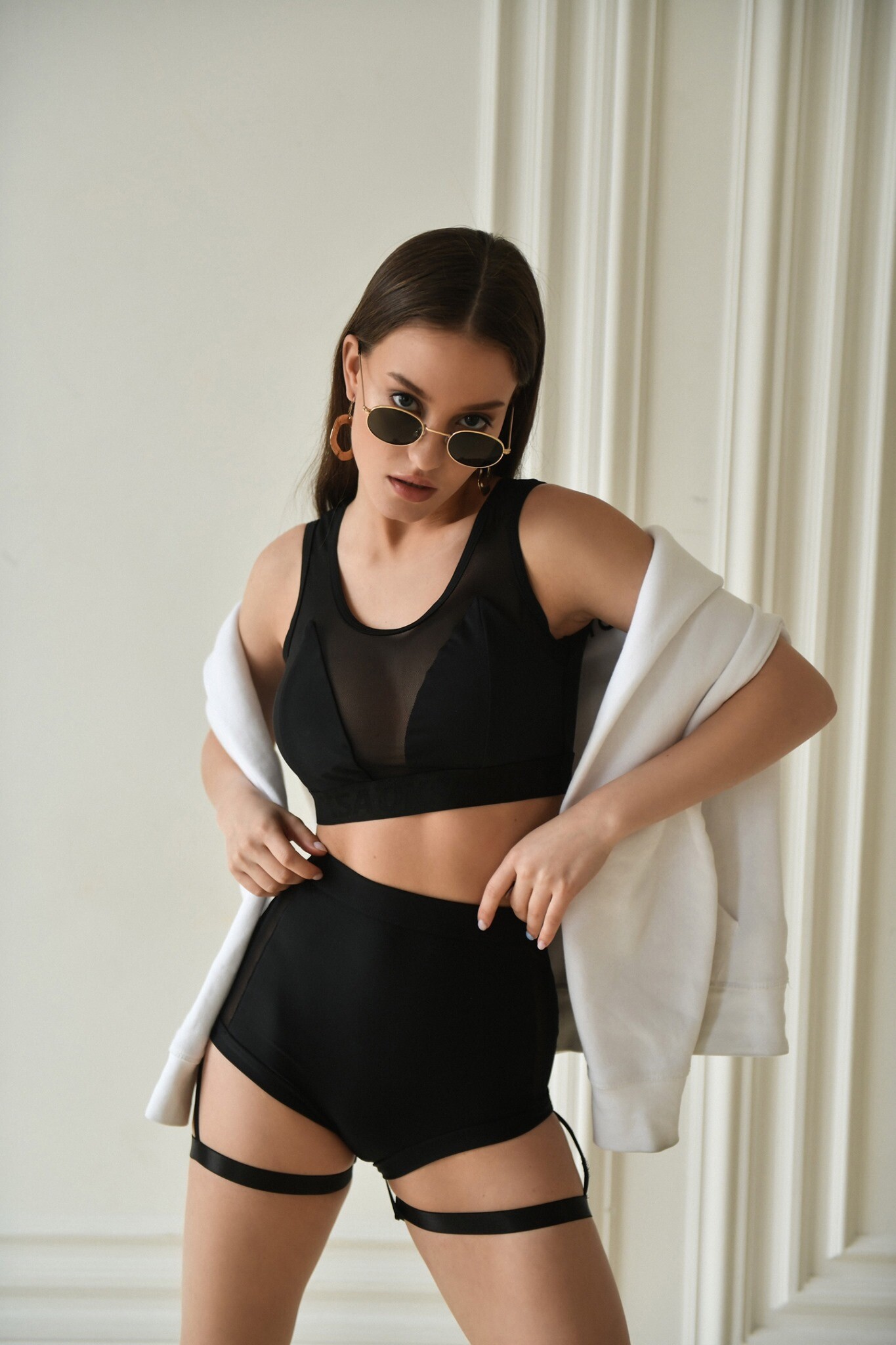
 Dasha Maayer📷\LAVARICE











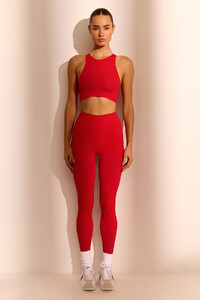



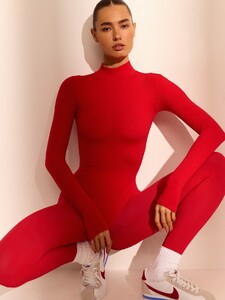




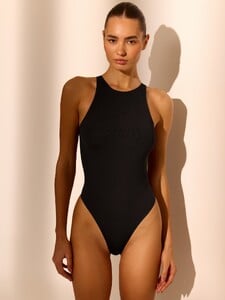


 Belly1967 changed their profile photo
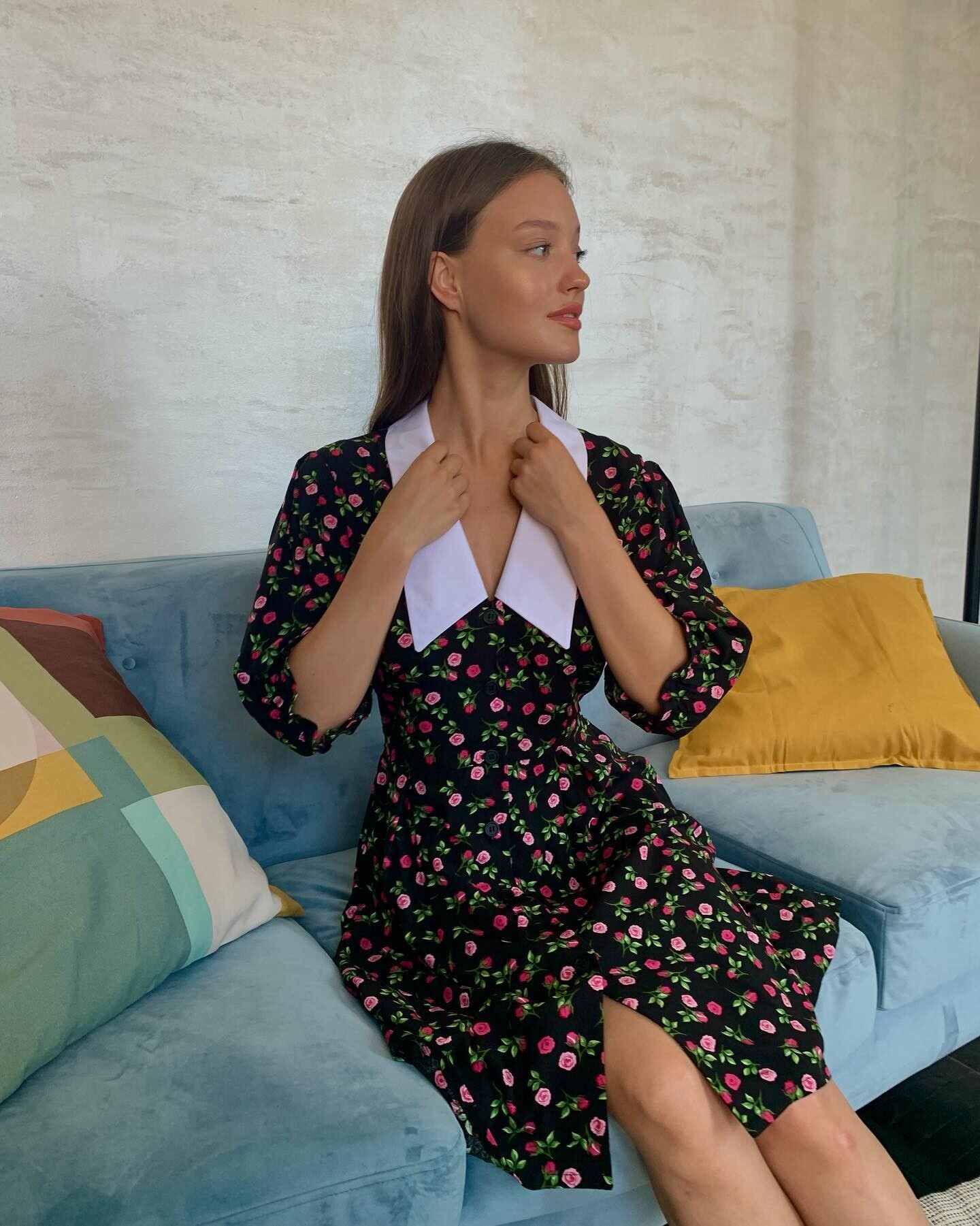
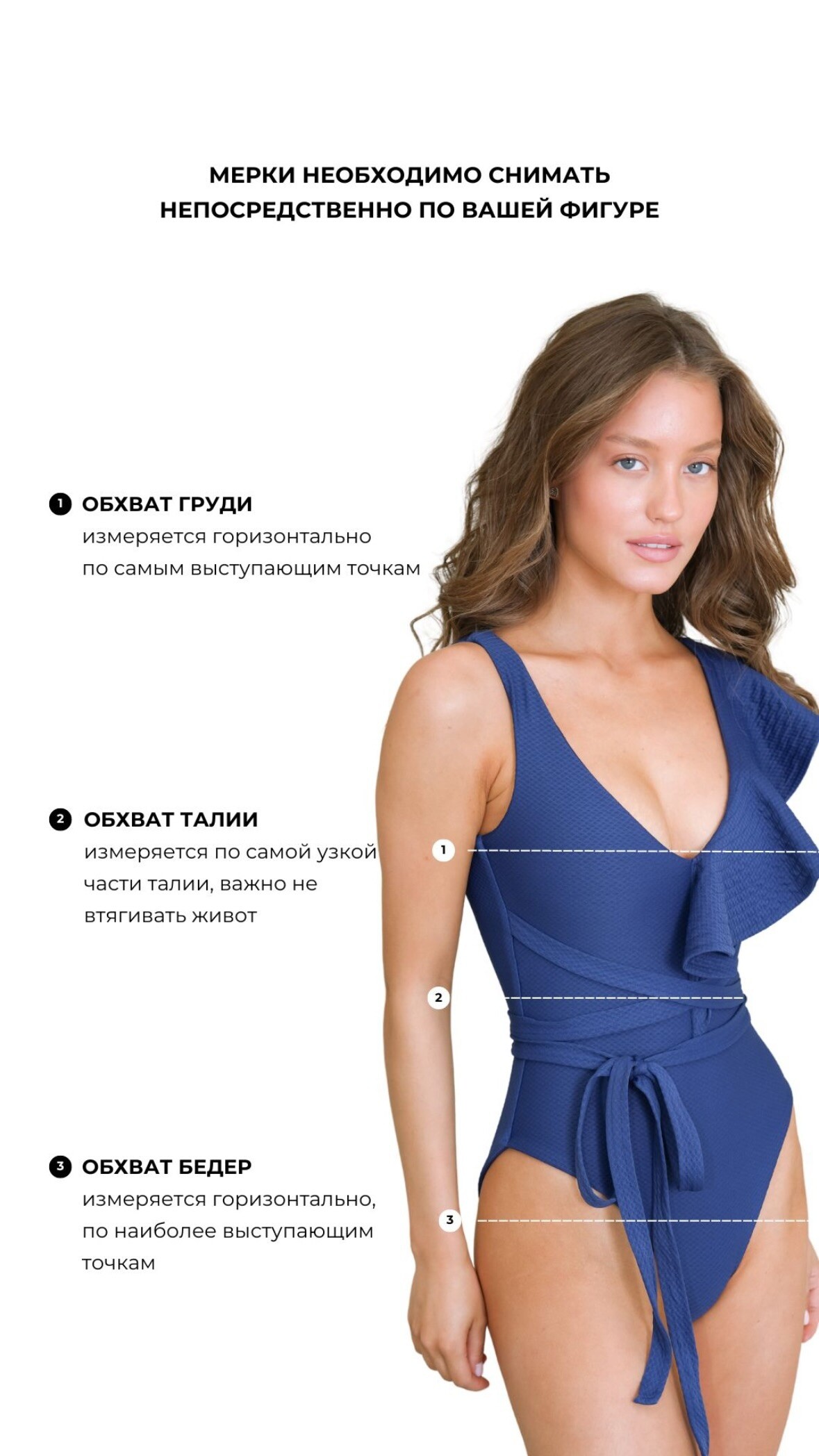
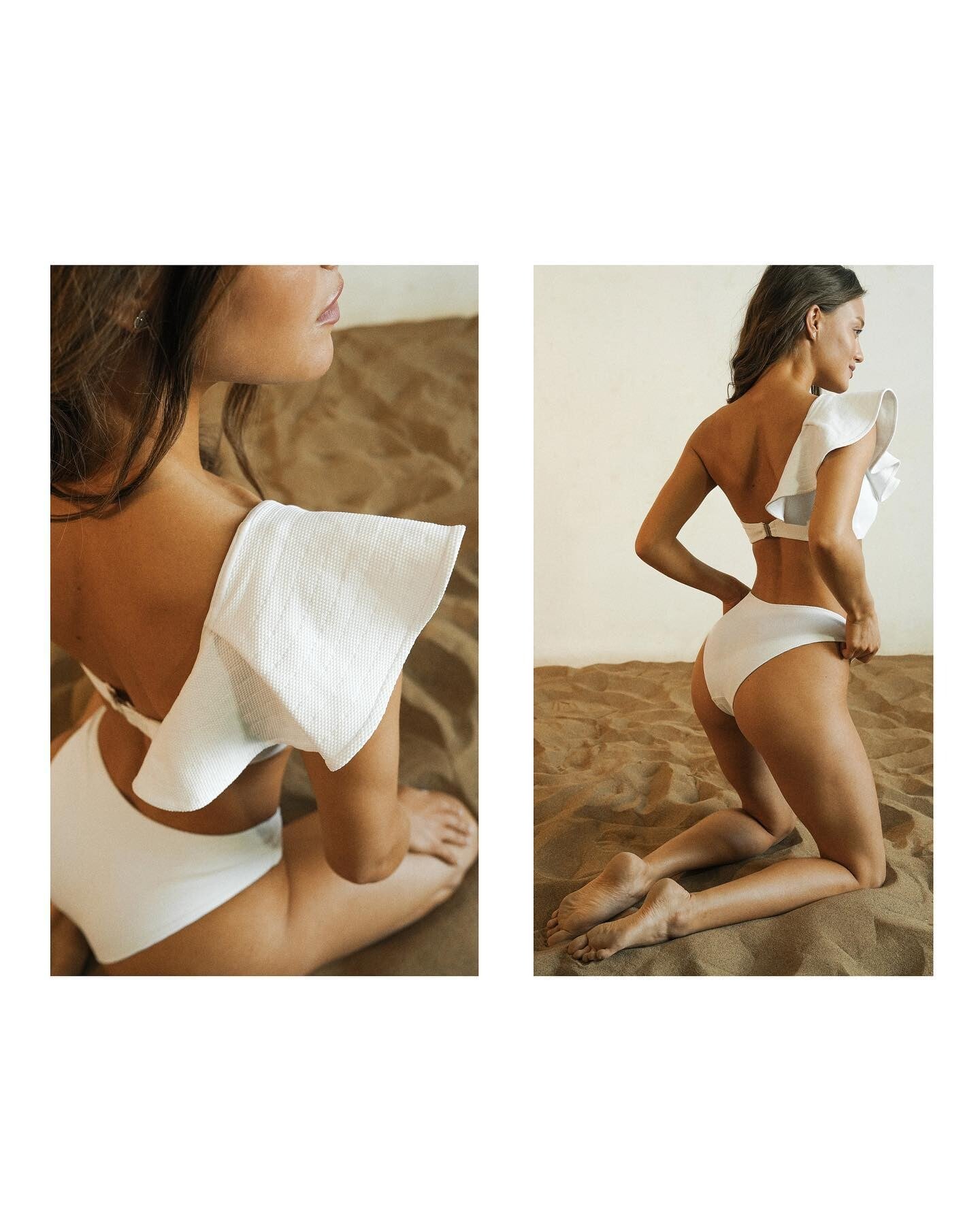
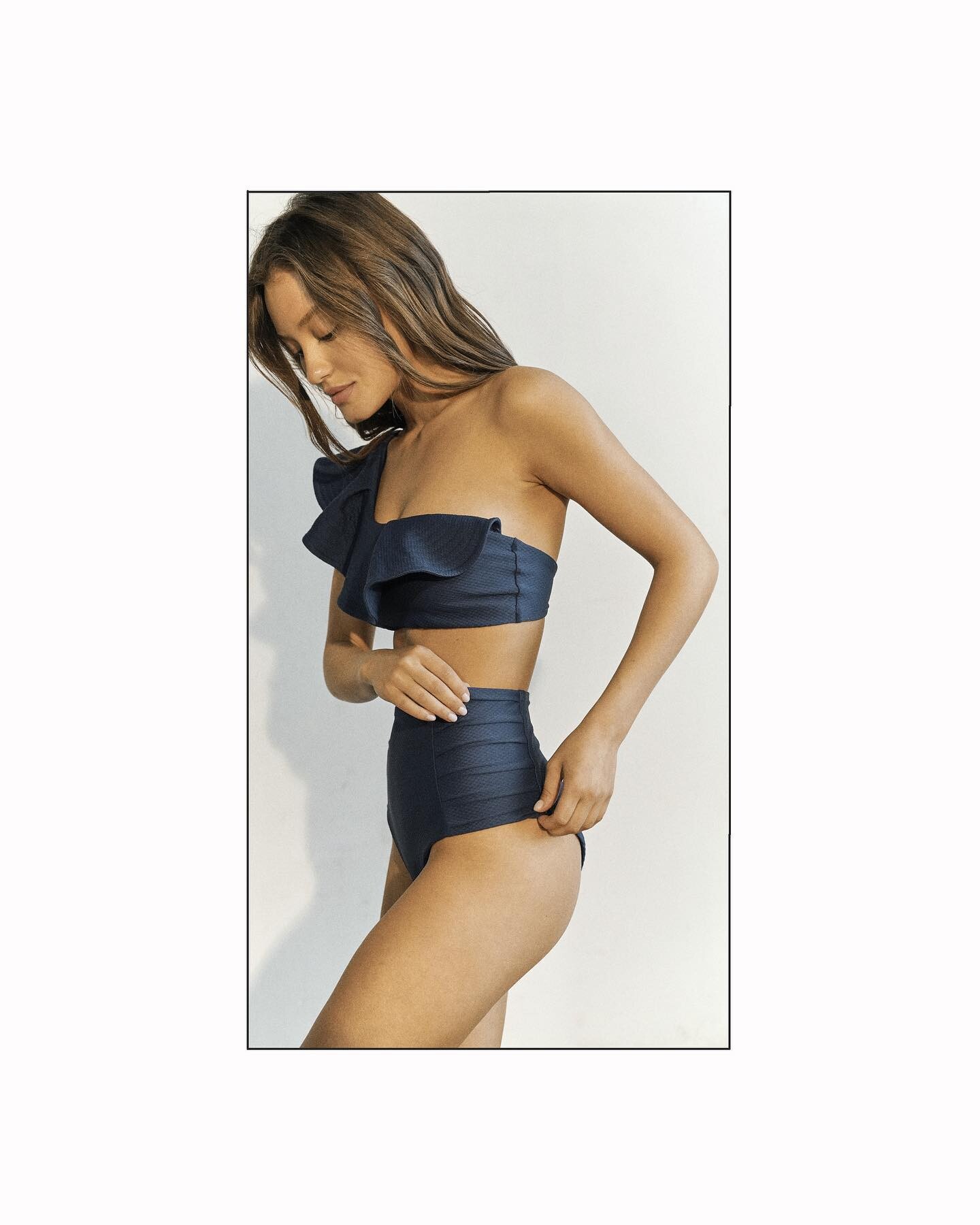
Tobi Henney
Belly1967 changed their profile photo
Tobi Henney
 Brandi Quinones for Chanel, ready-to-wear, fall/winter 1996 my scan
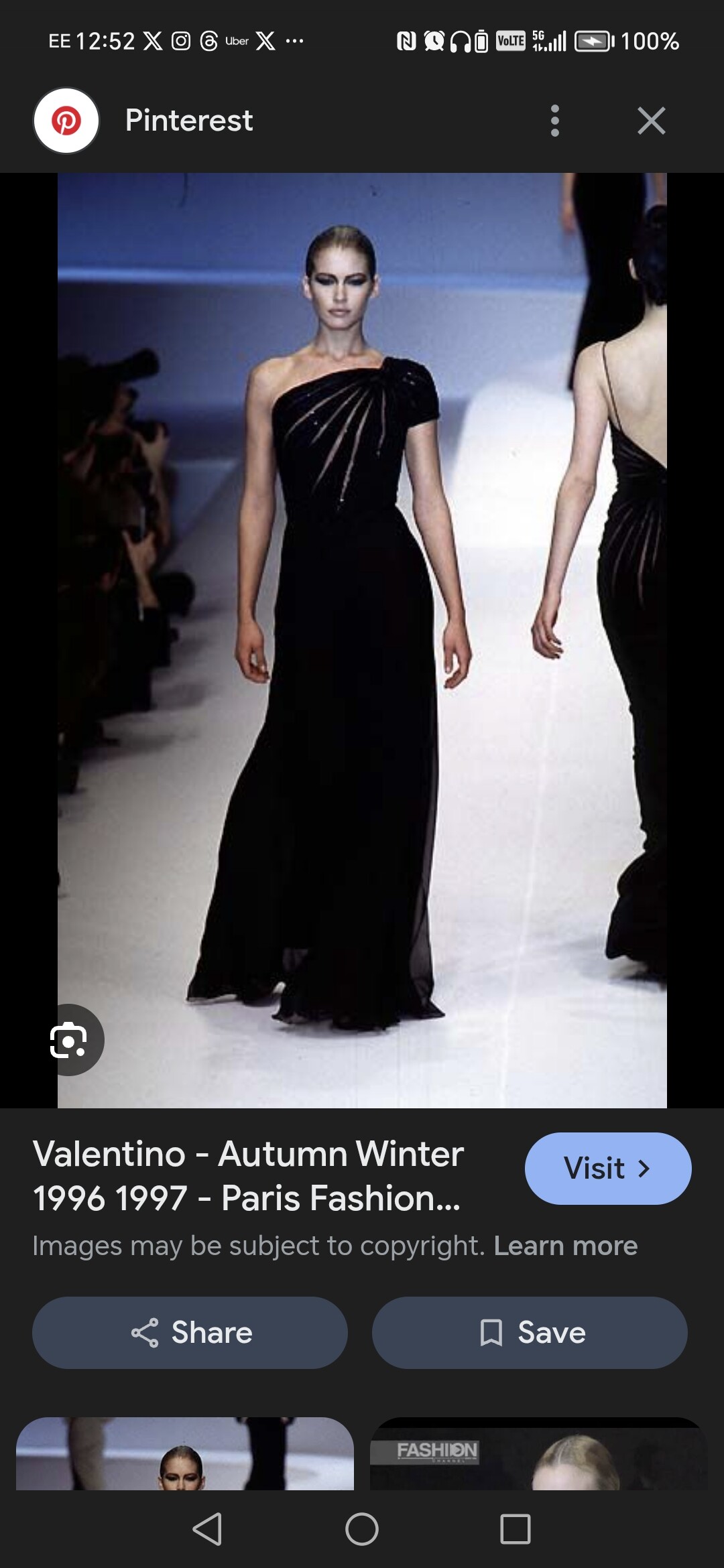
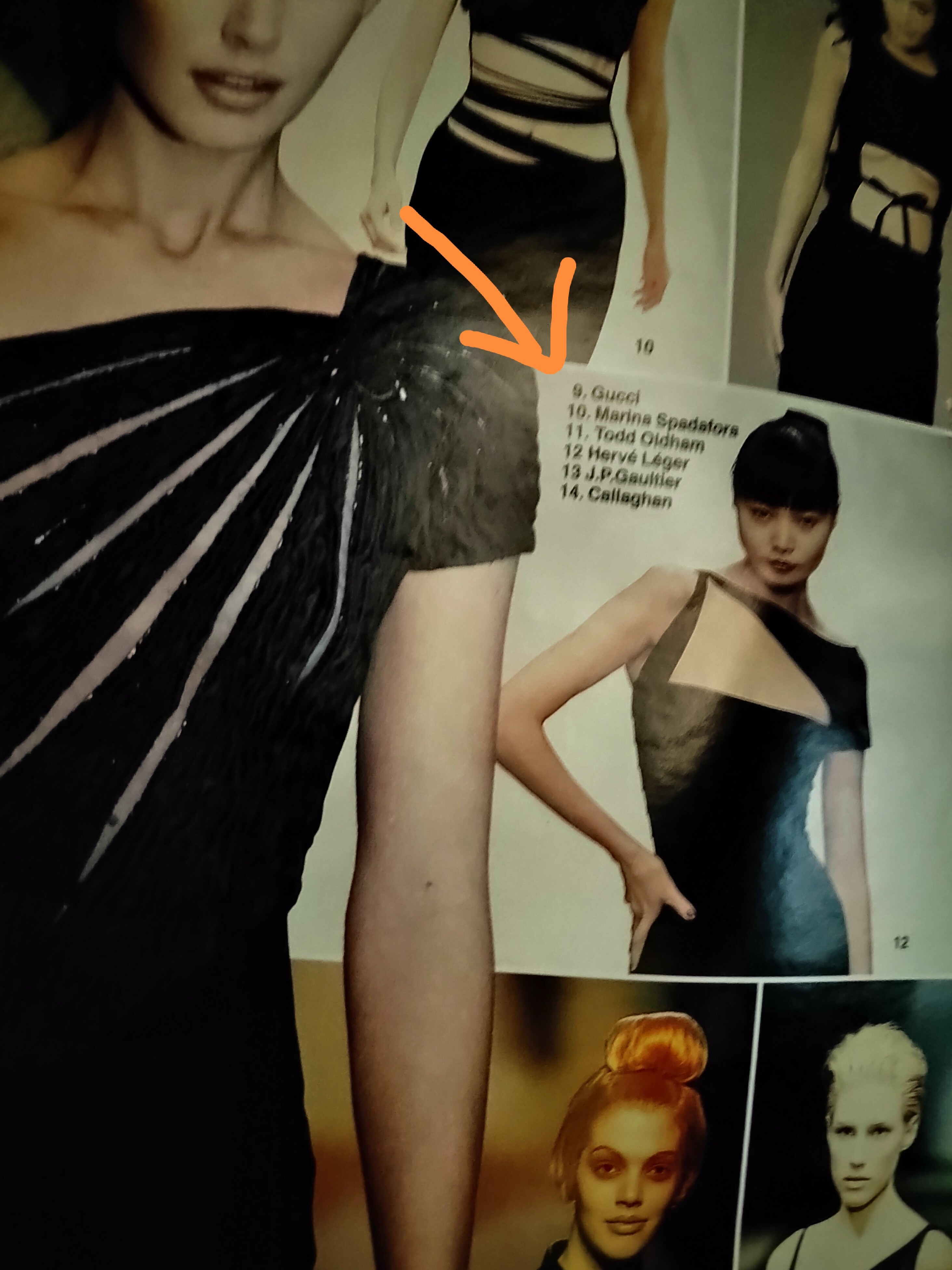
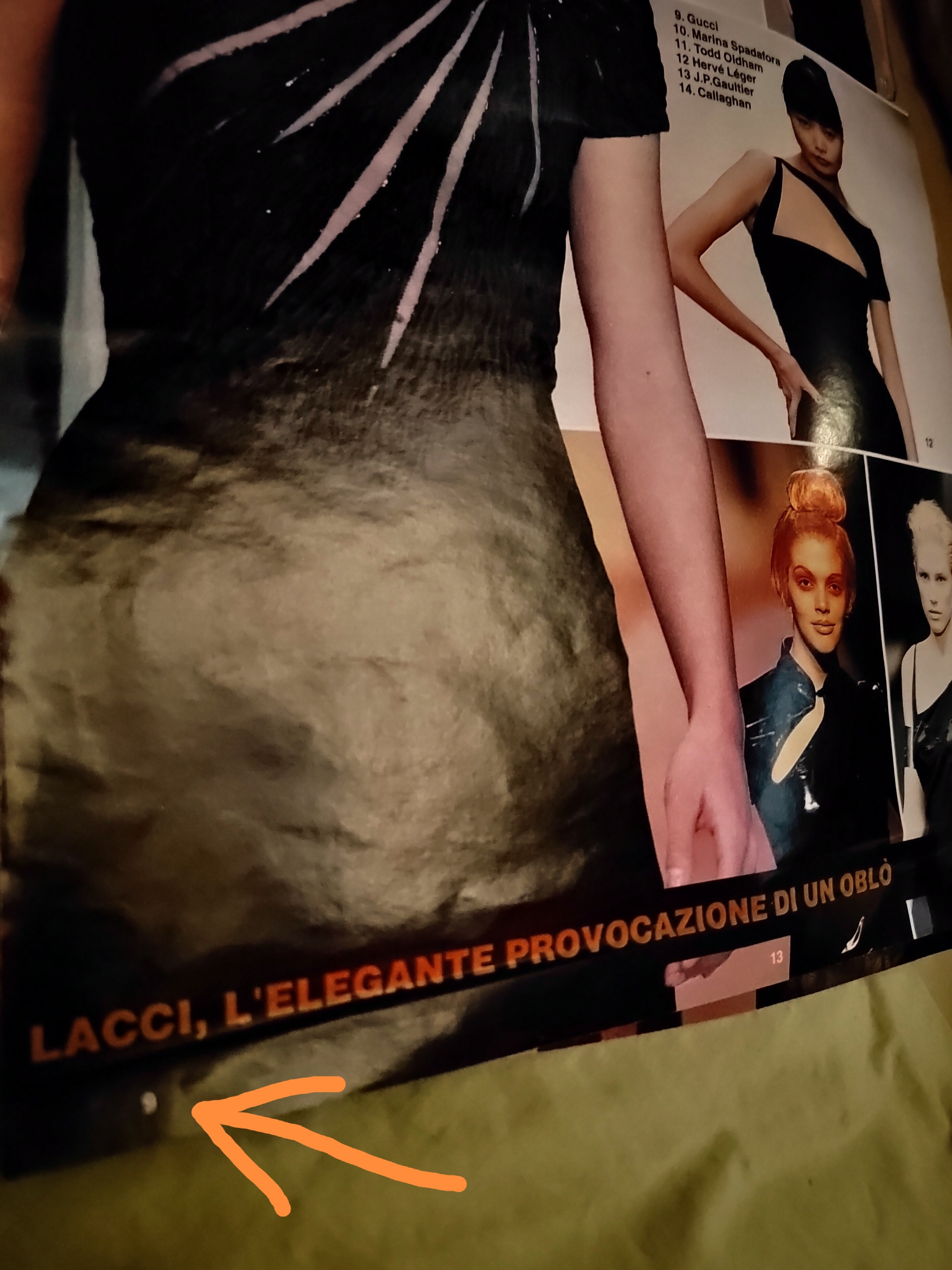
 Yeah, you are right. That's a bizarre mistake they've made. But I see that in the opposite page there is a picture of Kirsty Hume in Gucci, I guess that's what caused whoever edited this to get confused. Very rookie mistake
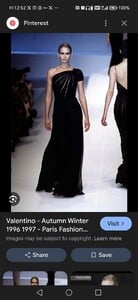 Interesting, cause the page lists it as Gucci, as you can see it's number 9 in the list. I guess they made a mistake if you are sure of it.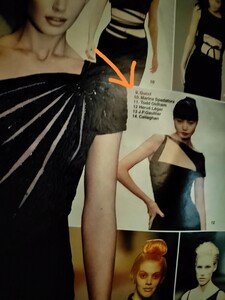














































































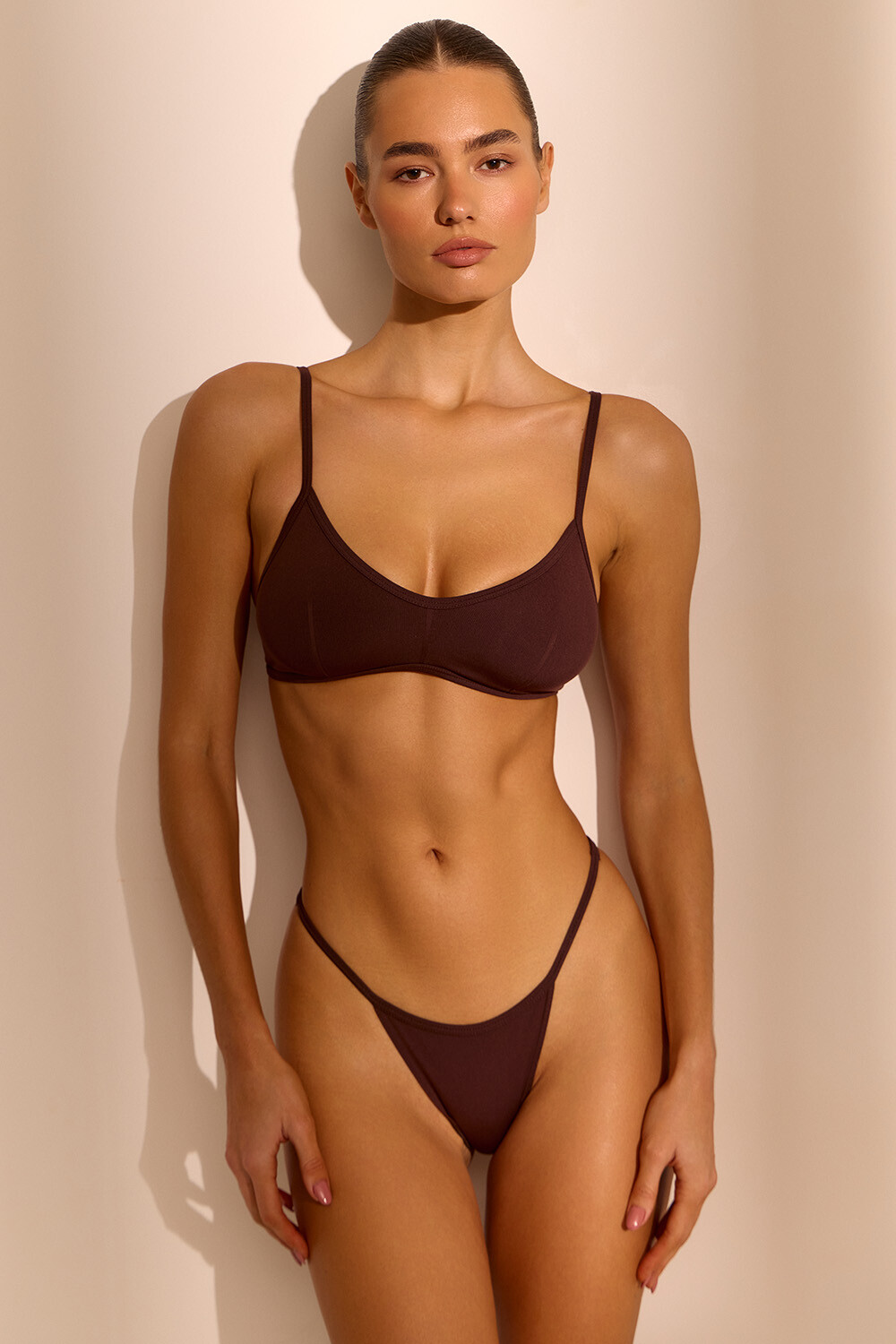
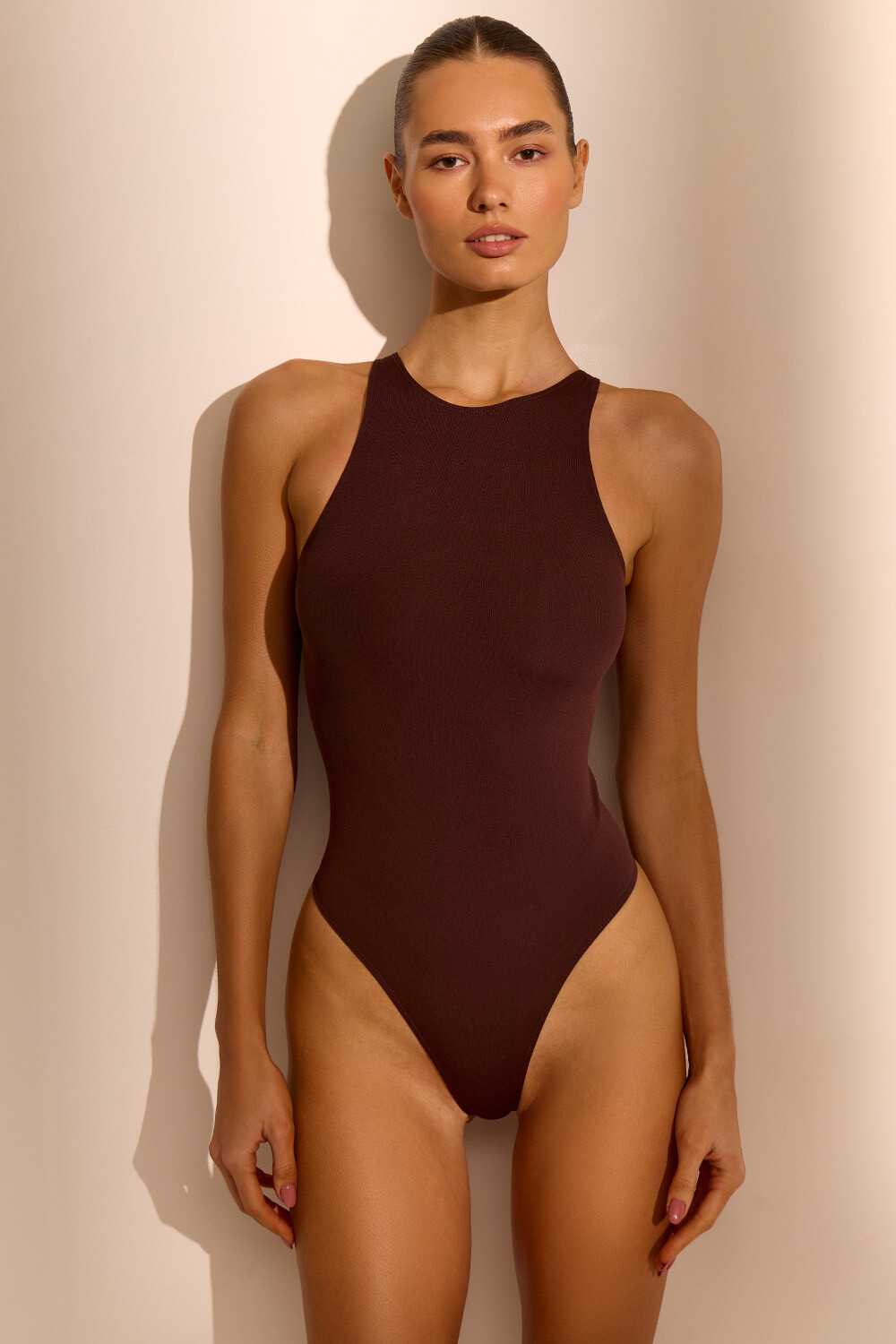
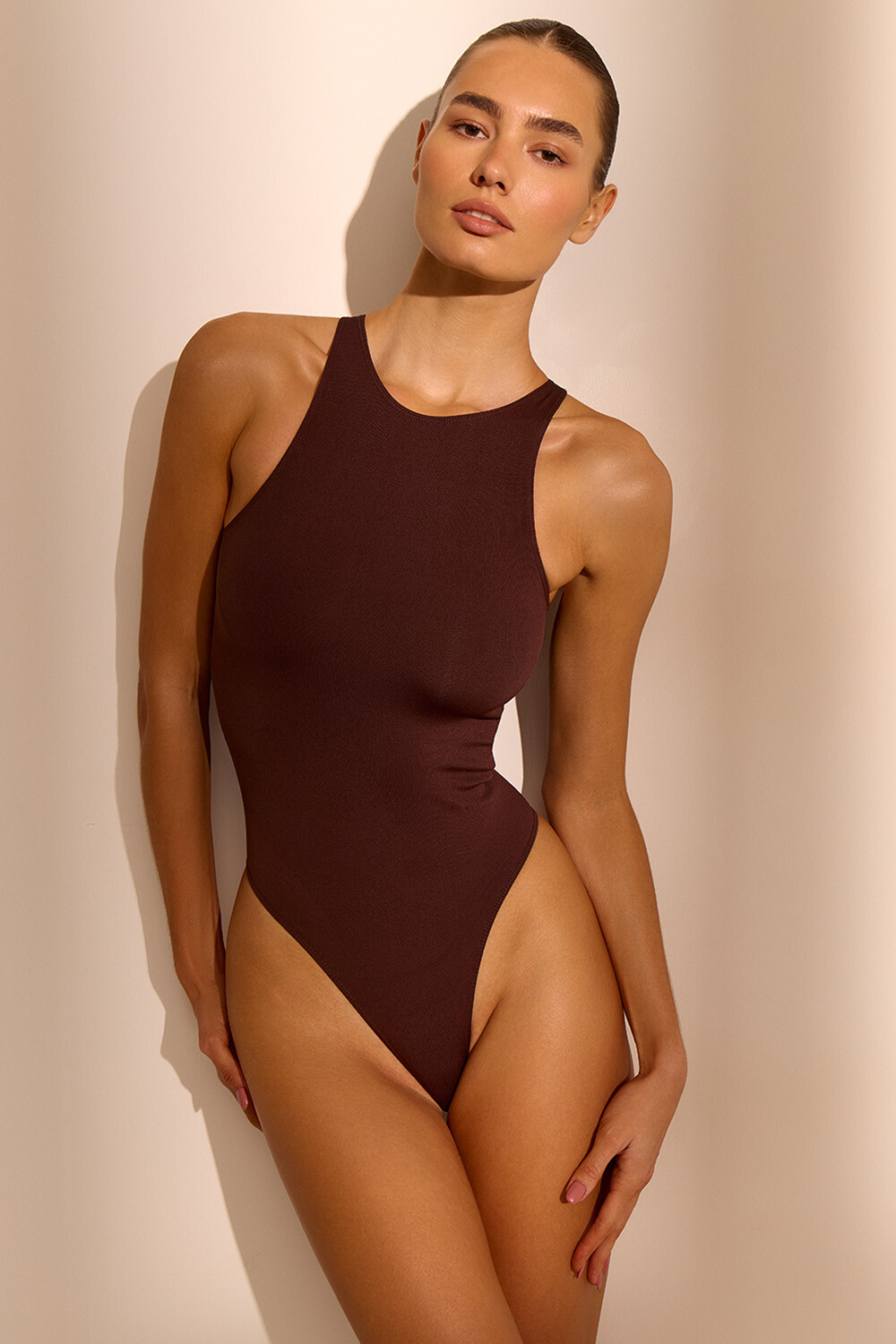
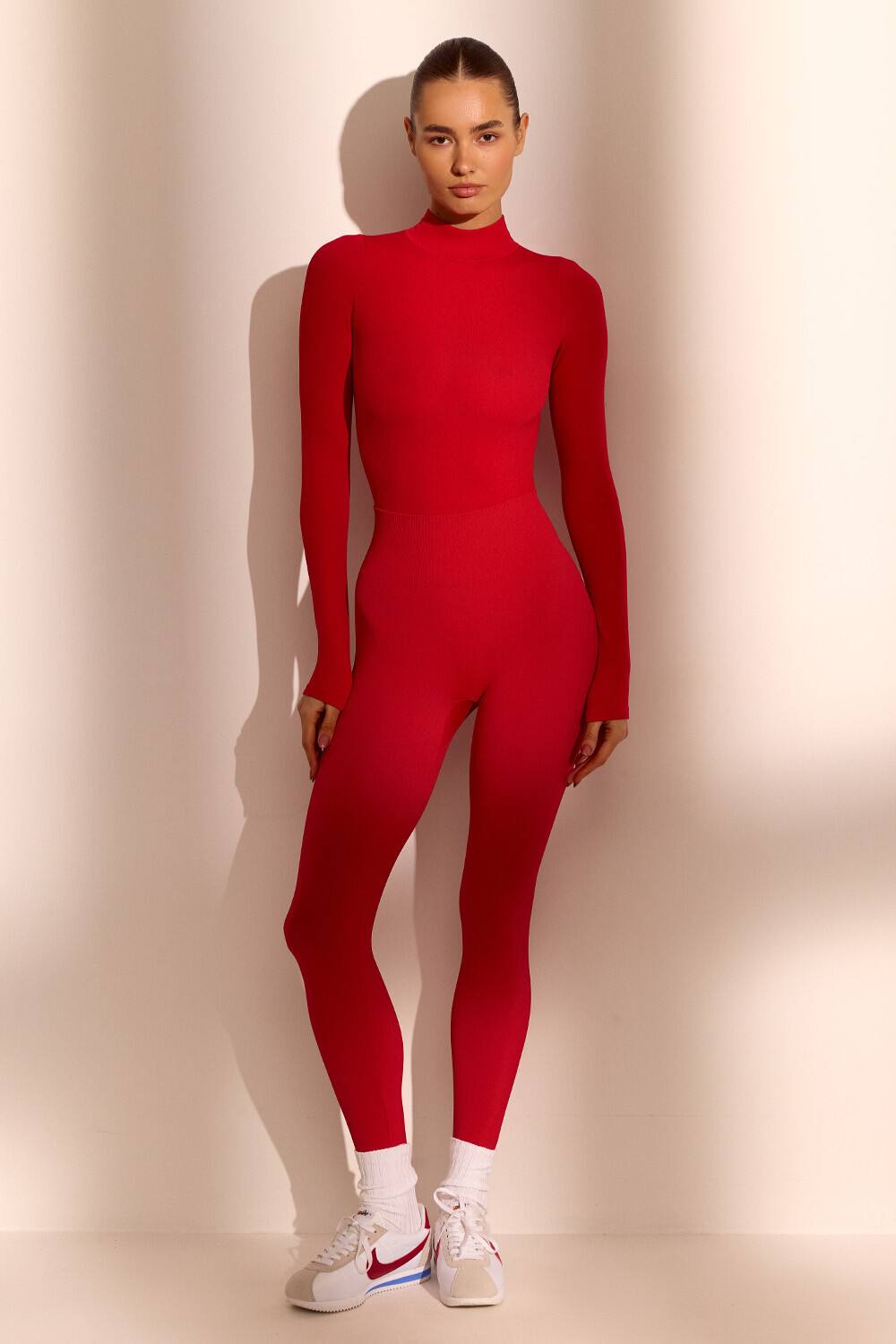



















Account
Navigation
Search
Configure browser push notifications
Chrome (Android)
- Tap the lock icon next to the address bar.
- Tap Permissions → Notifications.
- Adjust your preference.
Chrome (Desktop)
- Click the padlock icon in the address bar.
- Select Site settings.
- Find Notifications and adjust your preference.
Safari (iOS 16.4+)
- Ensure the site is installed via Add to Home Screen.
- Open Settings App → Notifications.
- Find your app name and adjust your preference.
Safari (macOS)
- Go to Safari → Preferences.
- Click the Websites tab.
- Select Notifications in the sidebar.
- Find this website and adjust your preference.
Edge (Android)
- Tap the lock icon next to the address bar.
- Tap Permissions.
- Find Notifications and adjust your preference.
Edge (Desktop)
- Click the padlock icon in the address bar.
- Click Permissions for this site.
- Find Notifications and adjust your preference.
Firefox (Android)
- Go to Settings → Site permissions.
- Tap Notifications.
- Find this site in the list and adjust your preference.
Firefox (Desktop)
- Open Firefox Settings.
- Search for Notifications.
- Find this site in the list and adjust your preference.