All Activity
- Past hour
-
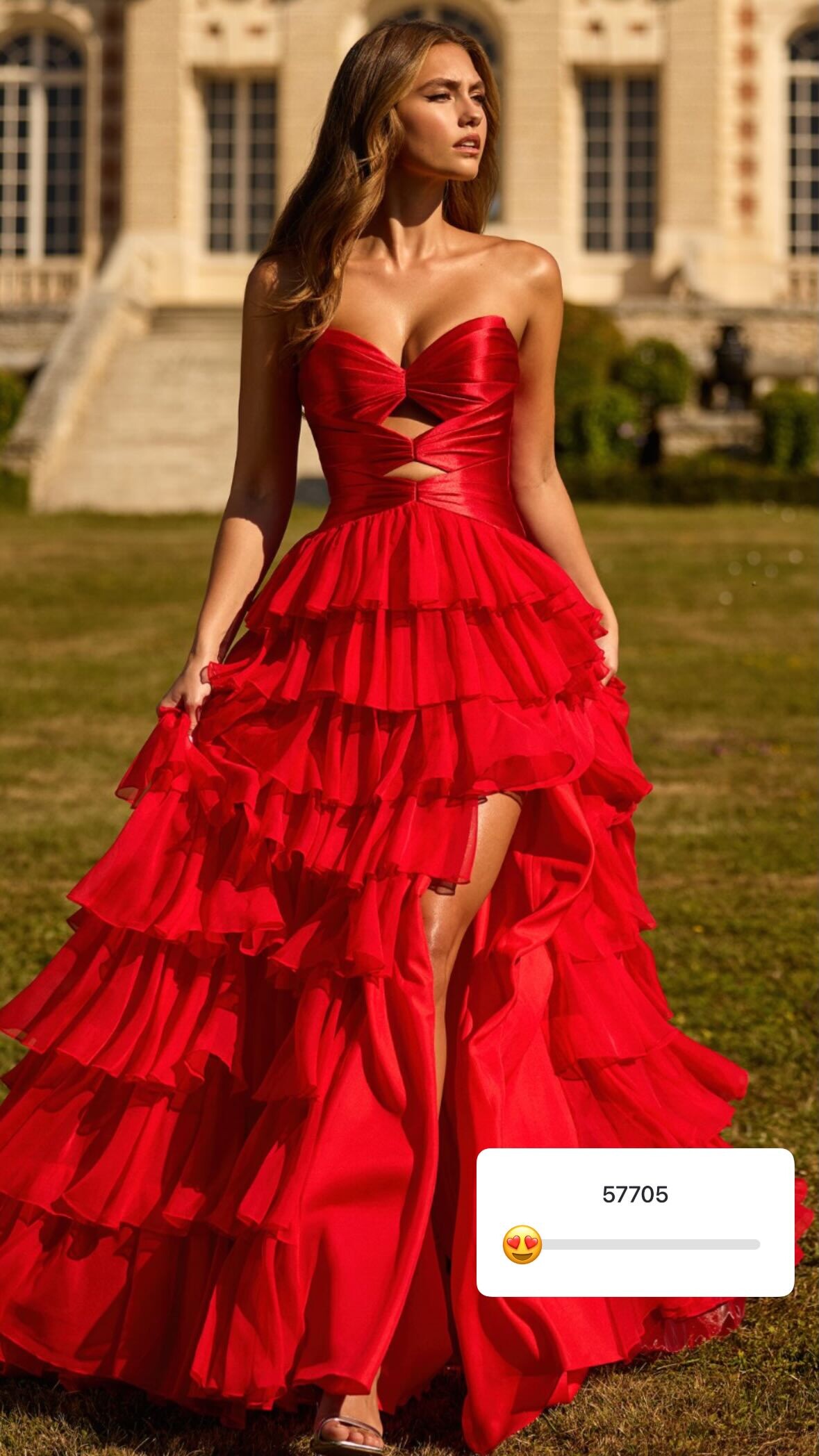
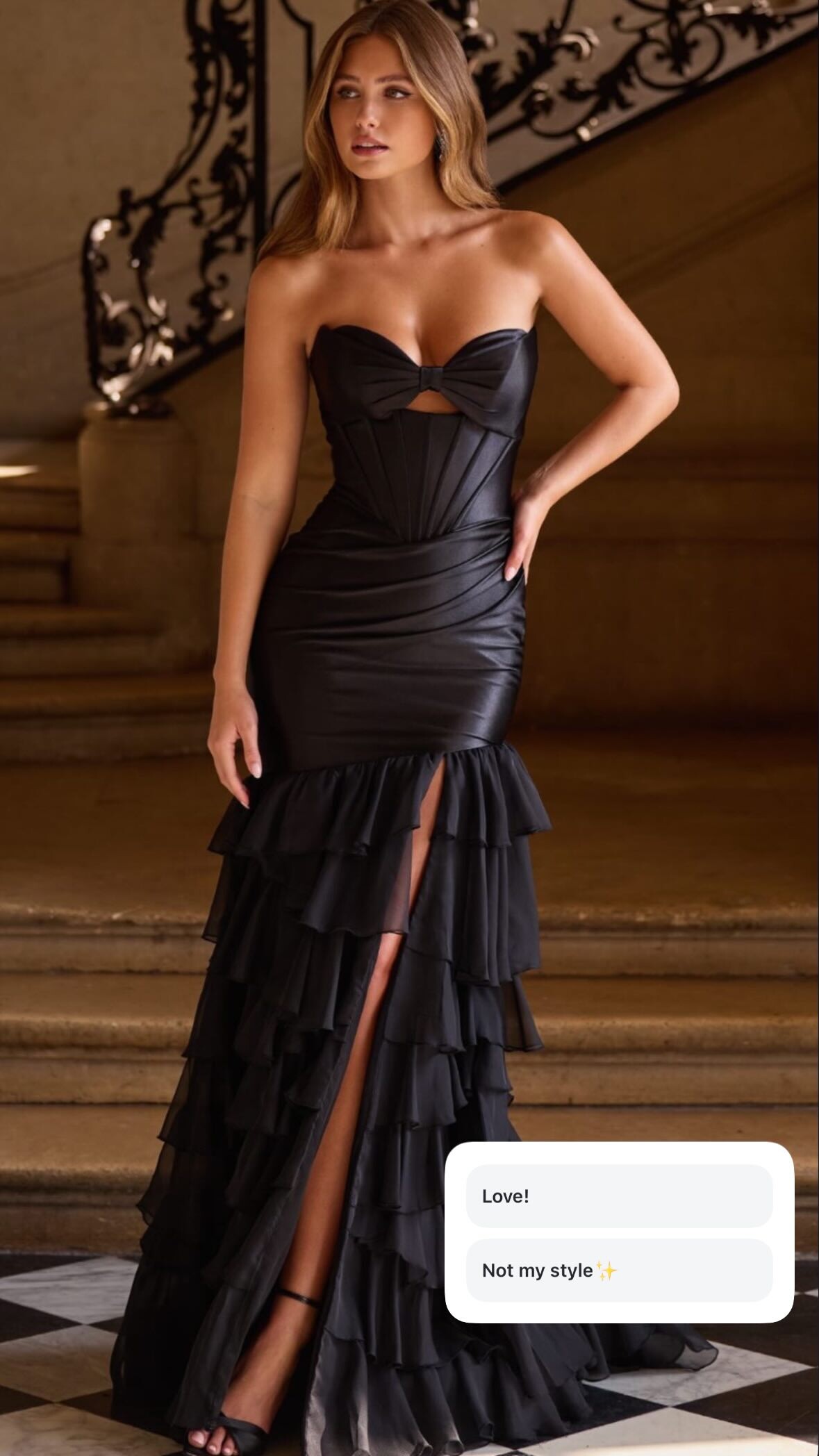
 Sherri Hill: stories














-
 Isabel Marant s/s 1997
-
Herve Leger s/s 1998

-
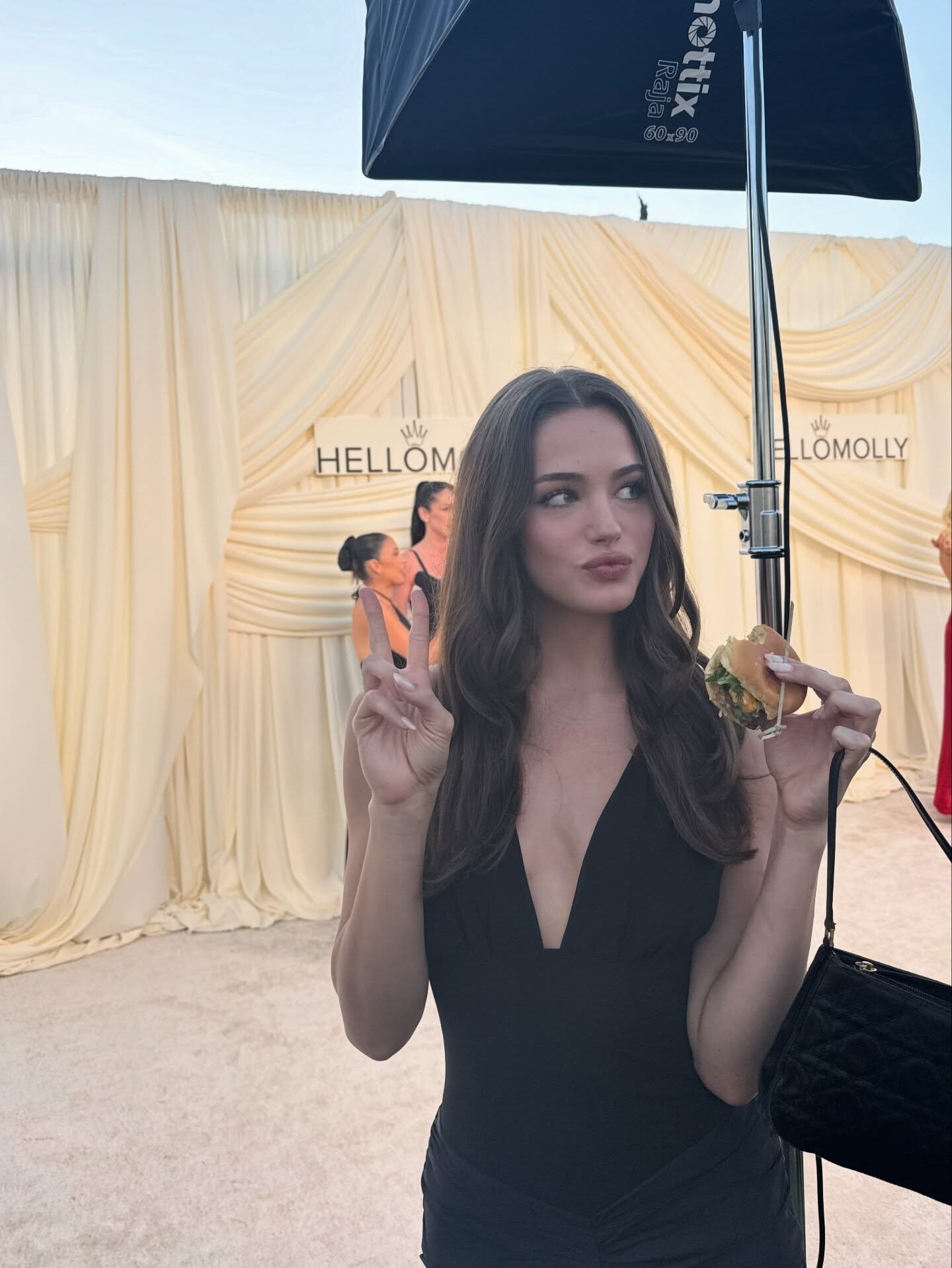
And the Oscar goes to hellomolly + stories









-
isabel marant f/w 98

-
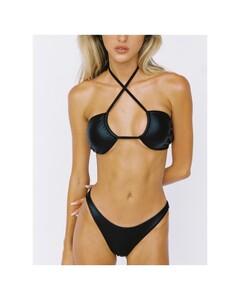
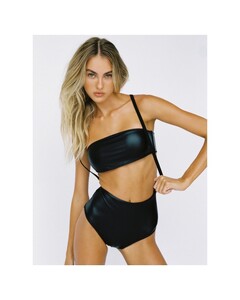
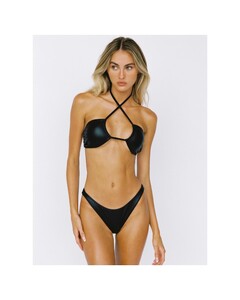
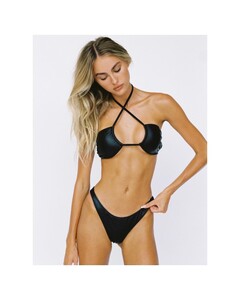
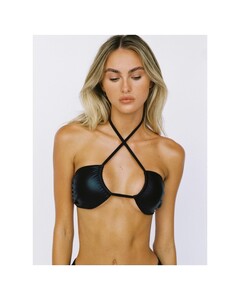
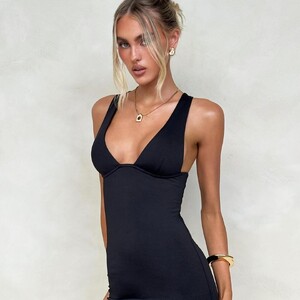
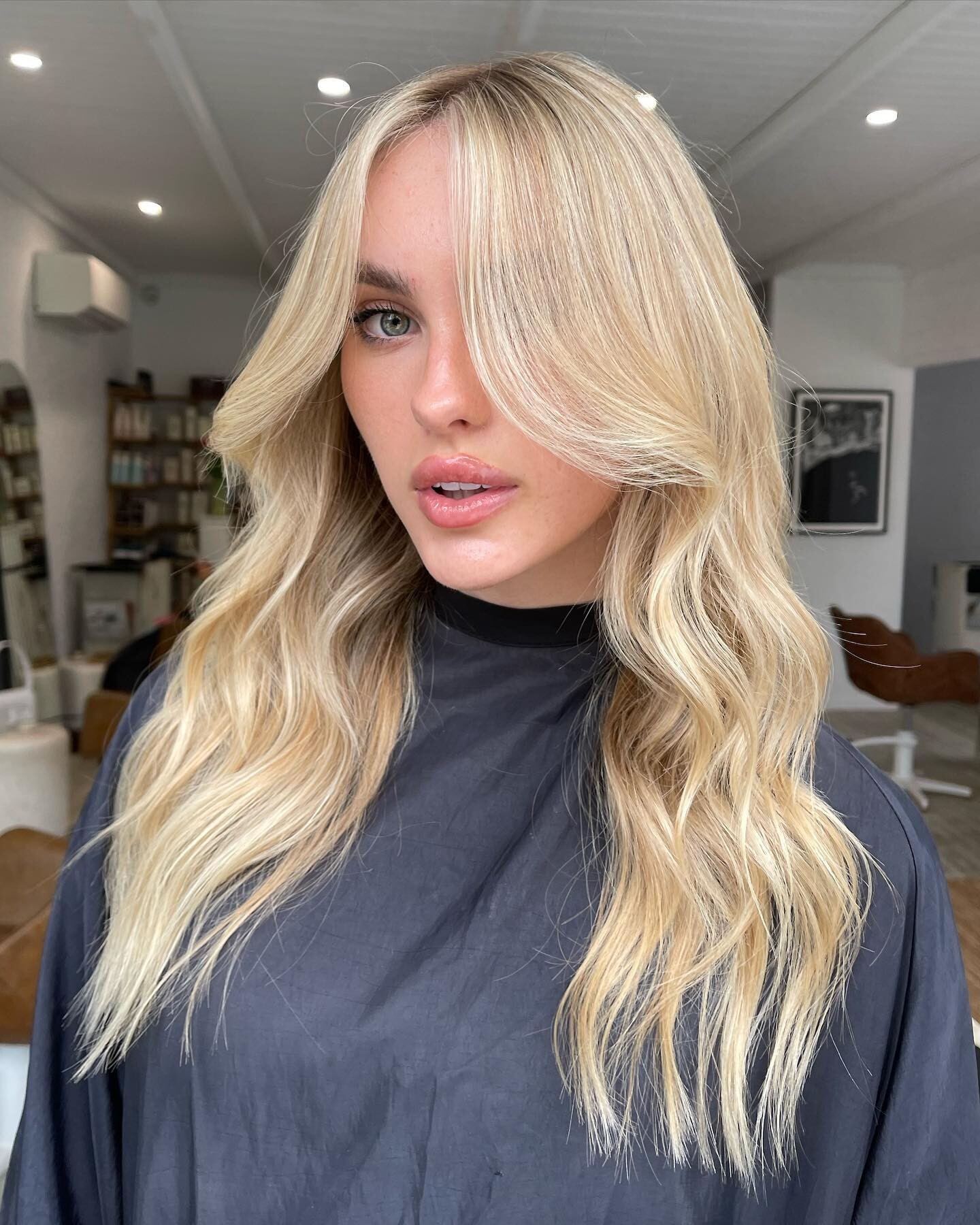
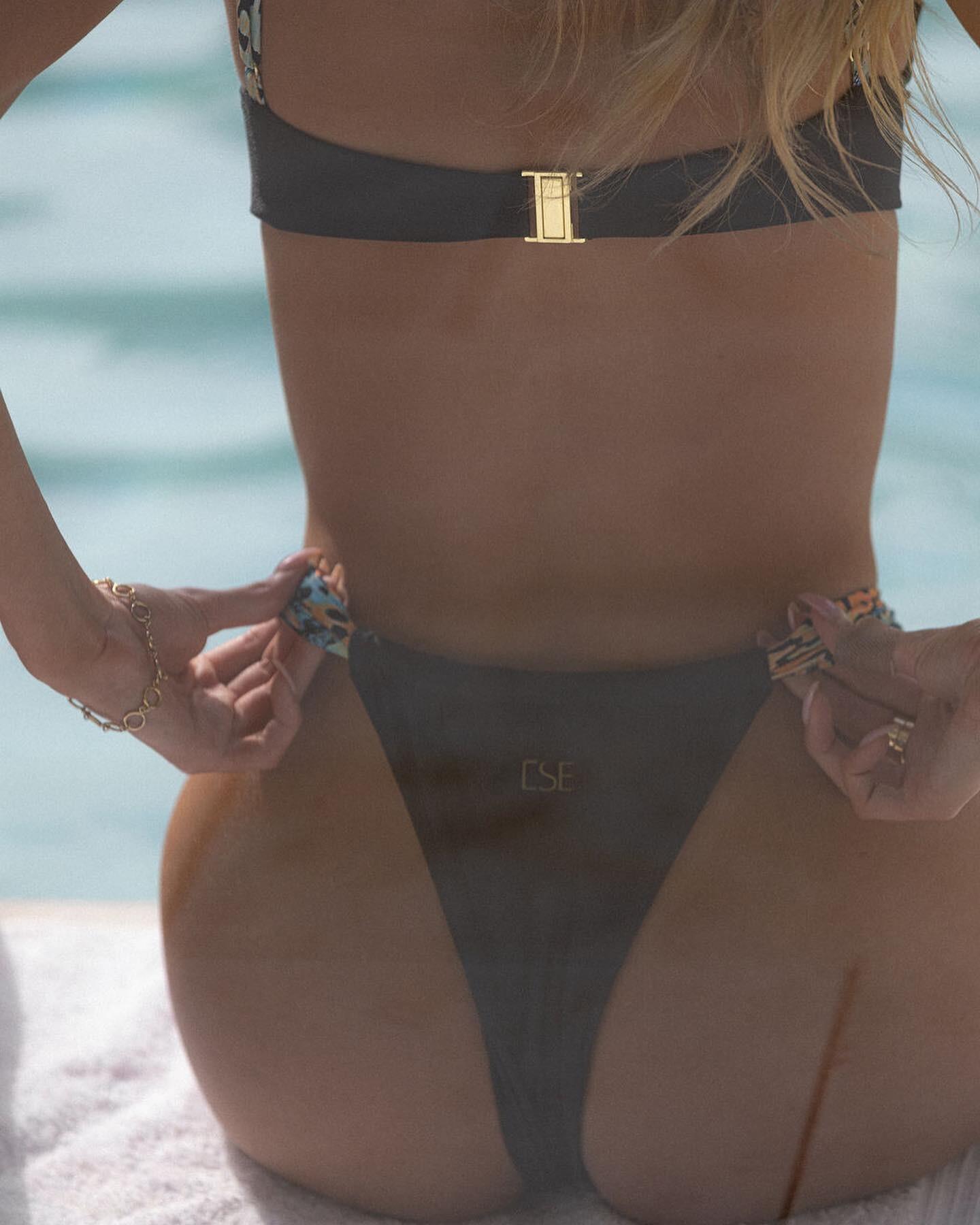
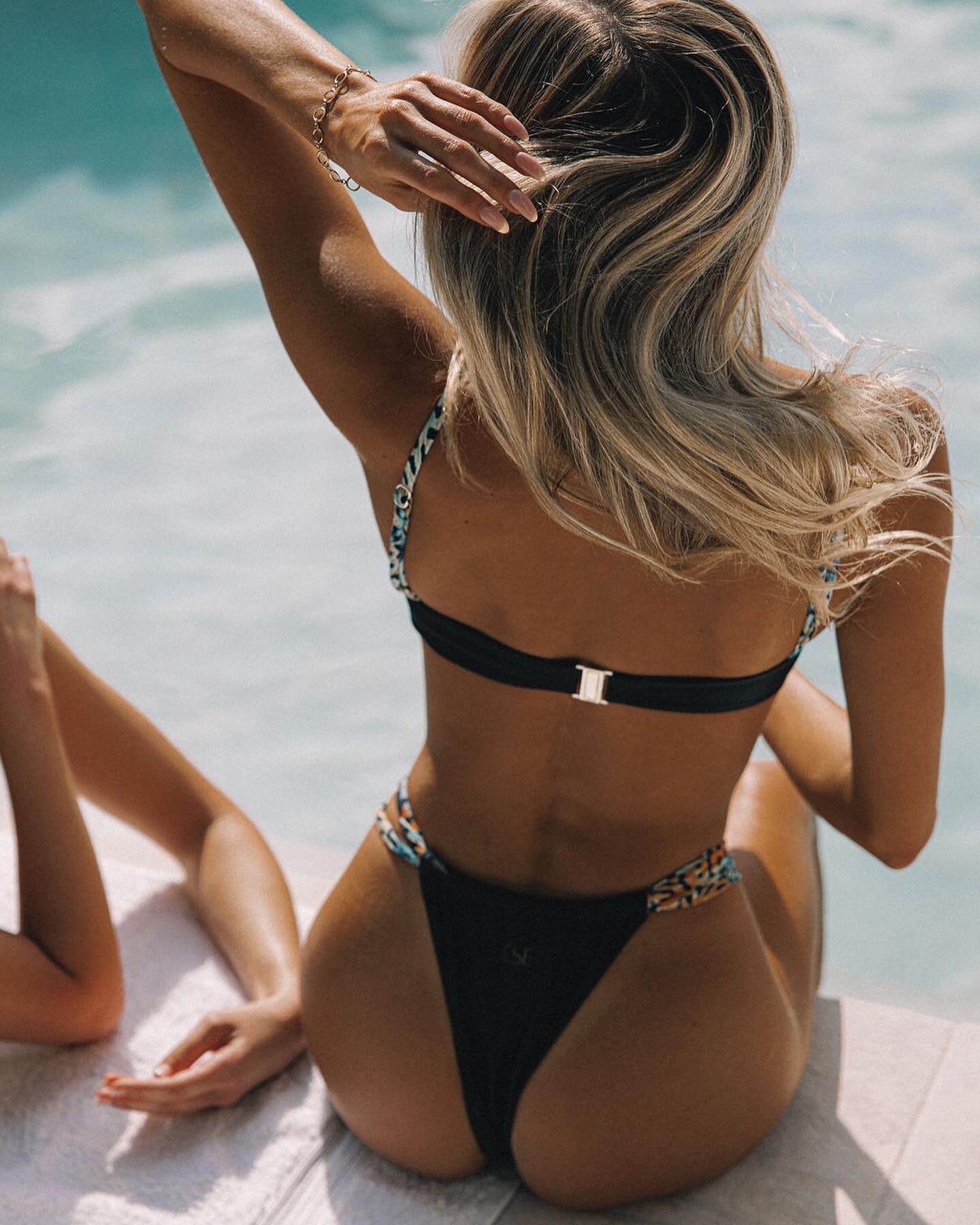
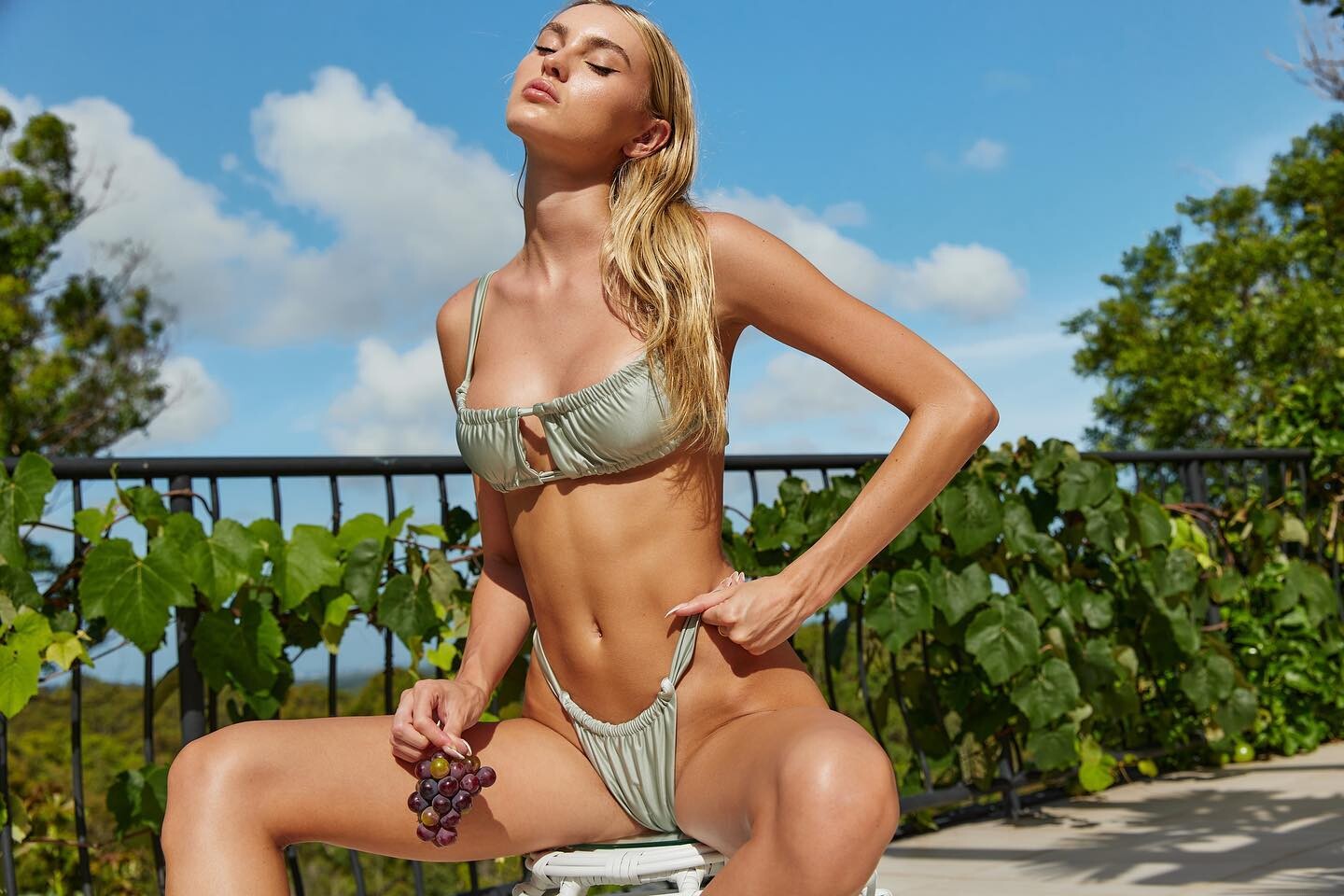
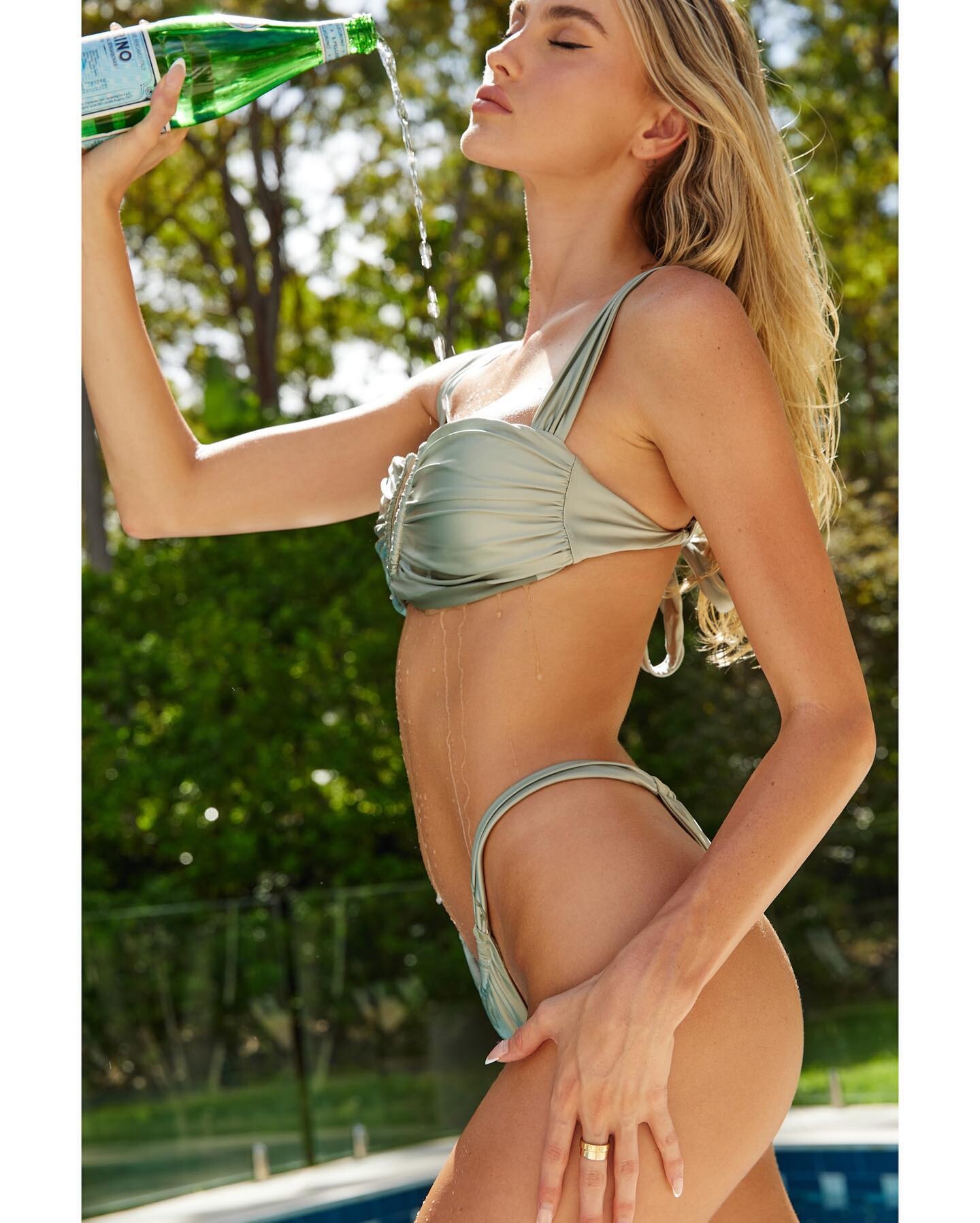
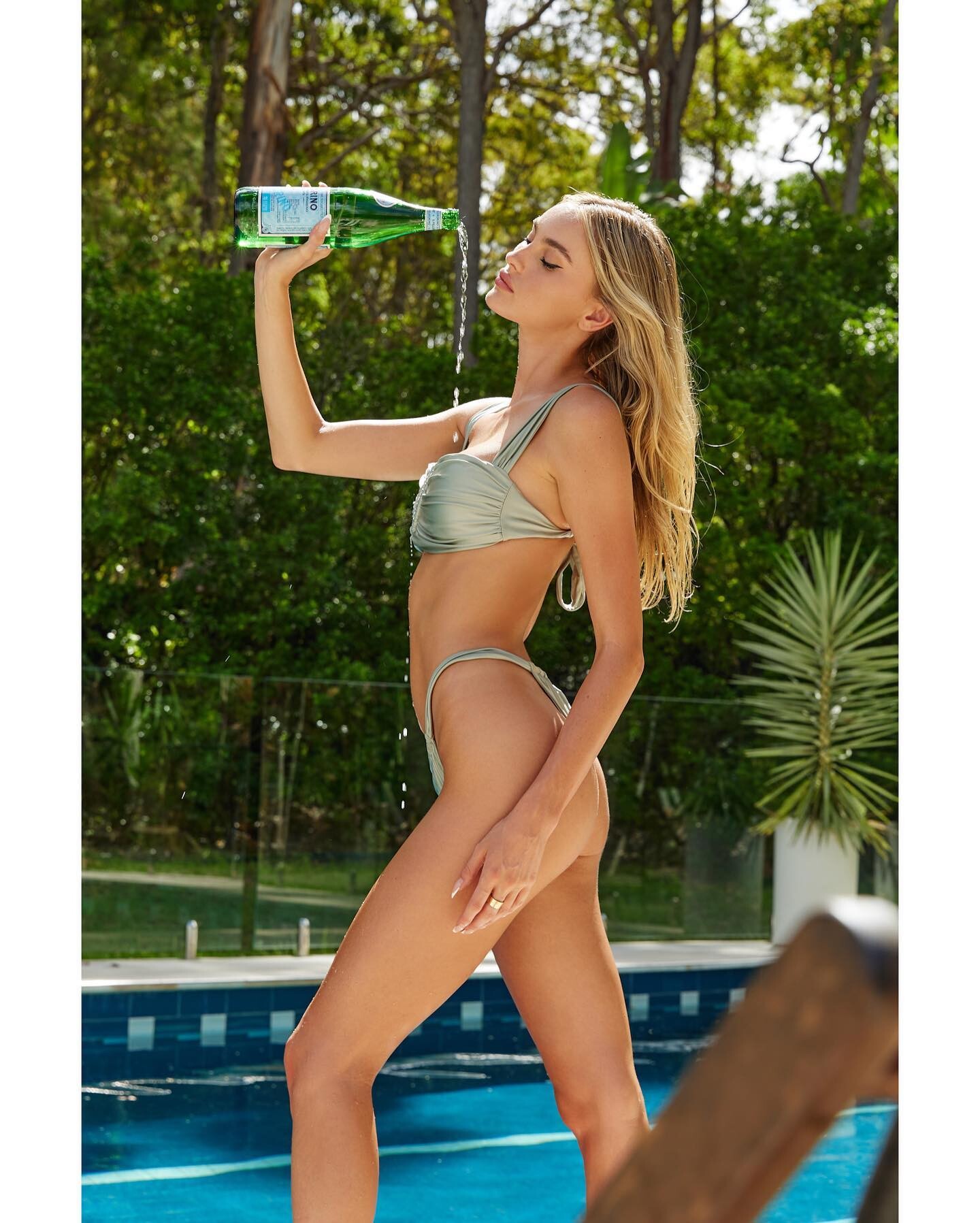
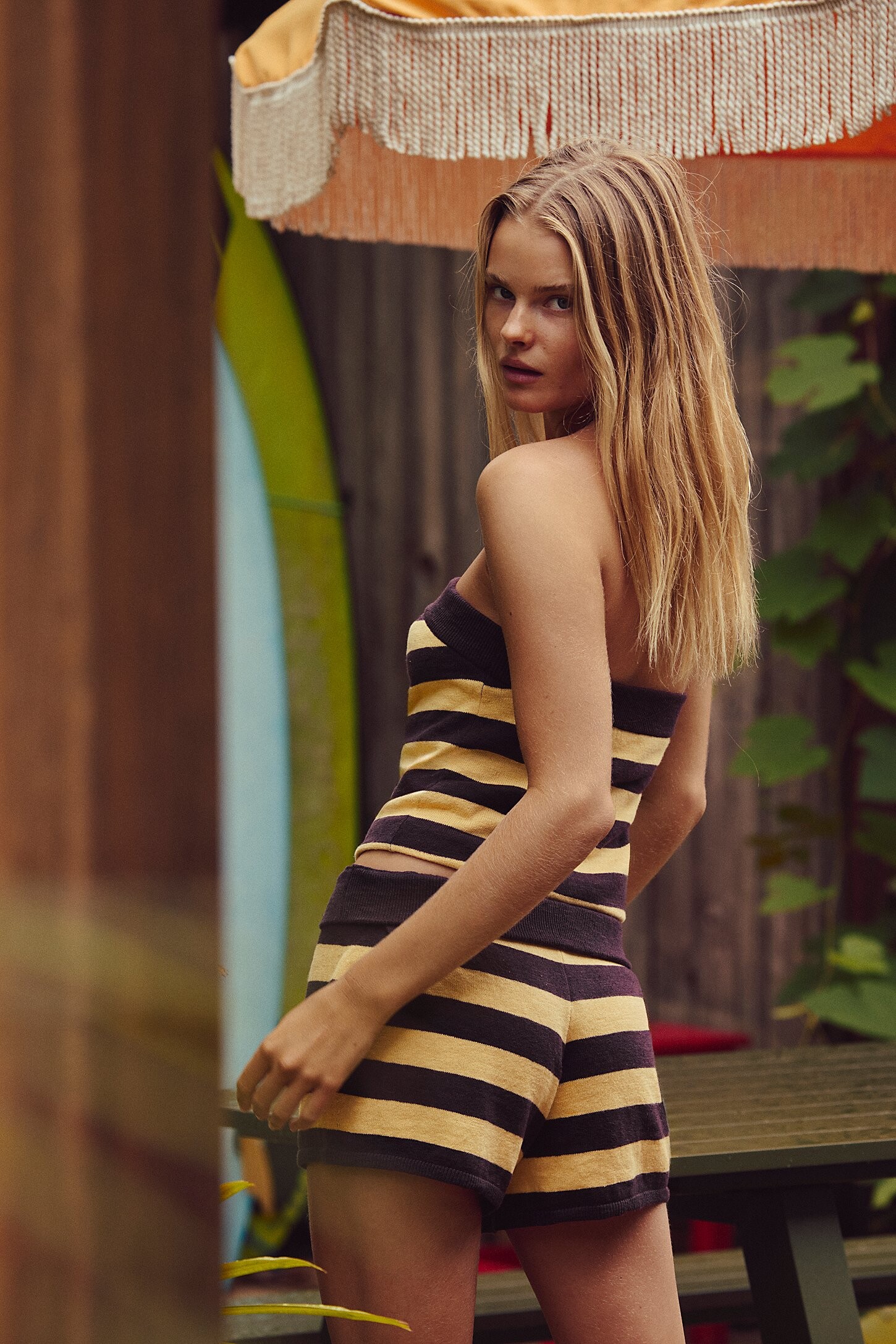
 Other IGs, account names in the middle of the filenames Videos SummerH - ese_swimwear - 2023-11-04_1078x1916.mp4 SummerH - kaprithelabel_ - 2023-04-13_720x1280.mp4 SummerH - lidija.mua - 2024-06-22_1080x1920.mp4 SummerH - selfie_leslie - 2024-10-24_1440x2560.mp4 Rest of the videos SummerH - fernandohervas_mua - 2023-02-06_1080x1920.mp4 SummerH - goldcoaststudio - 2024-06-12_1080x1080.mp4 SummerH - gunes.swim - 2022-03-26_720x1280.mp4 SummerH - jackgallaghersmith - 2024-08-28_1080x1920.mp4 SummerH - jacksonxmedia - 2024-05-28_1918x1080.mp4



































































































-
Isabel Marant f/w 1998

-
No bio
-
it is prisca.
-
Jean Louis Scherrer Ss2000

-
-
-
-
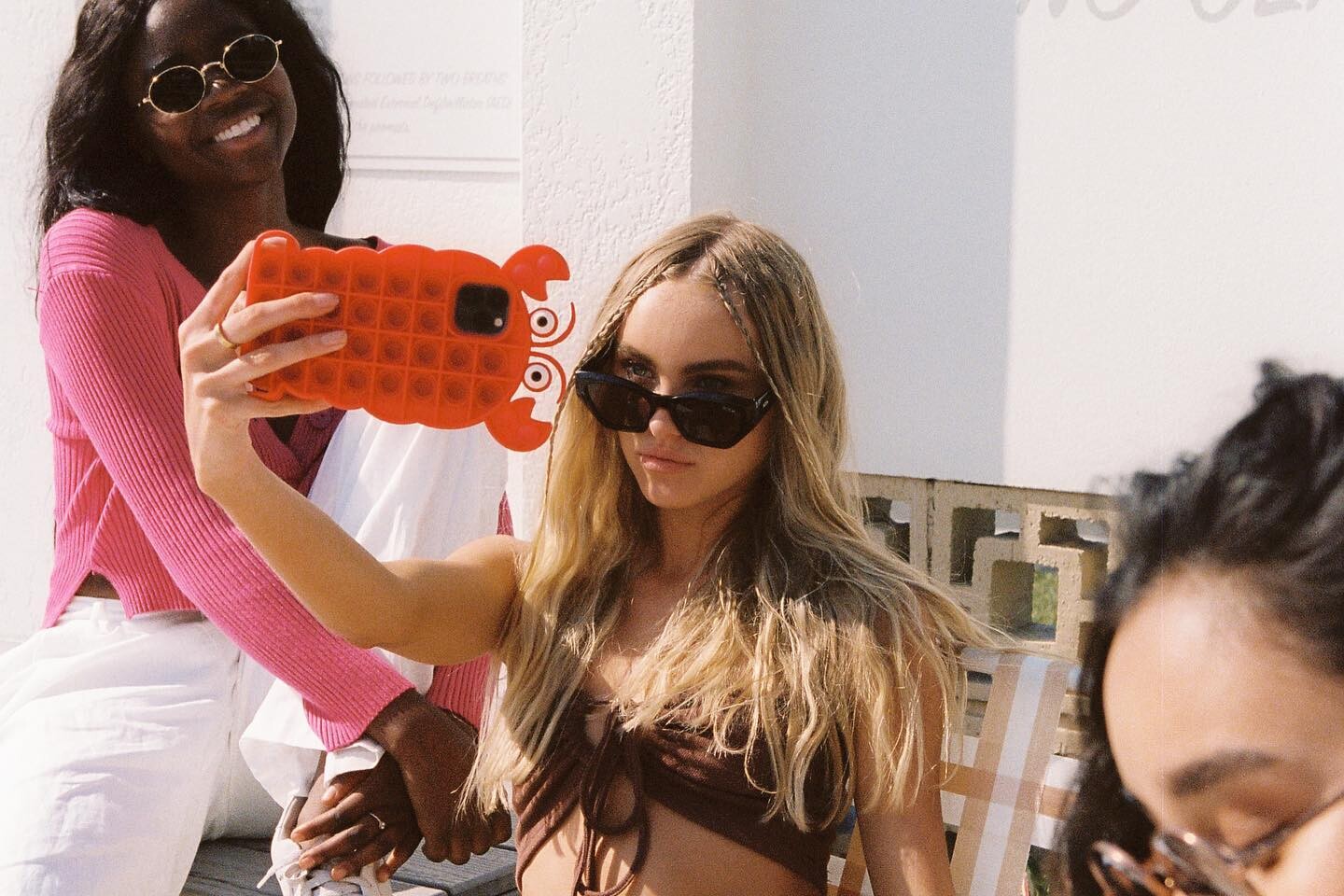
From other IG accounts, images & videos that don't appear to be duplicates of those posted before. SMFK SummerH - smfksmfk - 2024-02-17_720.mp4 Dana Moon SummerH - mayi.au - 2025-01-30_1080x1920.mp4 +1 vid May I Jewellery Everie Swimwear SummerH - everieswim - 2023-10-18_720x1280.mp4 +2 videos





















































-
Deborah Milner f/w 1999

-
 Bregje Heinen Gigi Hadid Romi Frenkel Ainhoa Larretxi Emily Feld Lais Ribeiro Gigi Paris Eden Fines
 -
Deborah Milner FW99


-
deborah milner f/w 1999


-
deborah milner f/w 1999

-
-

























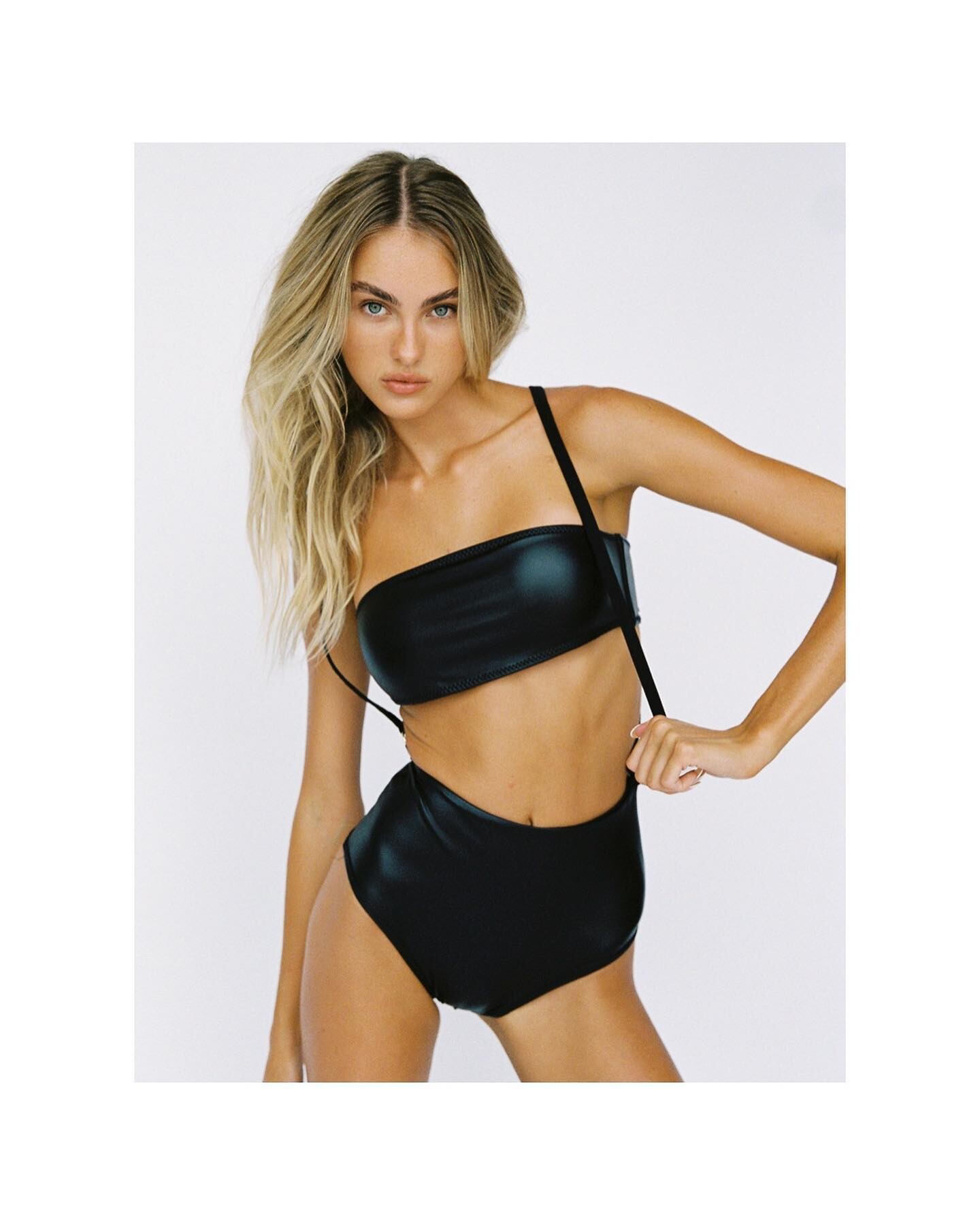
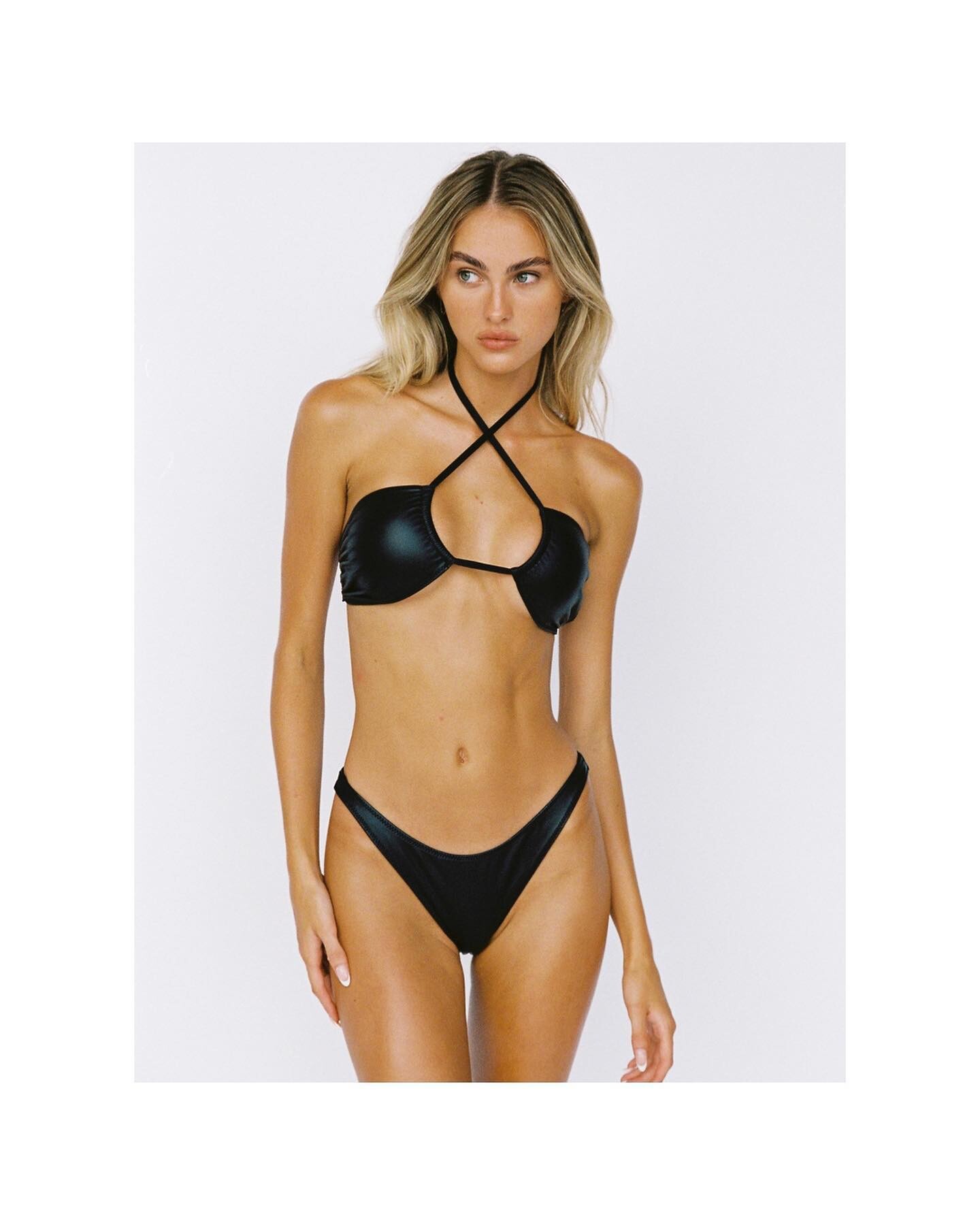
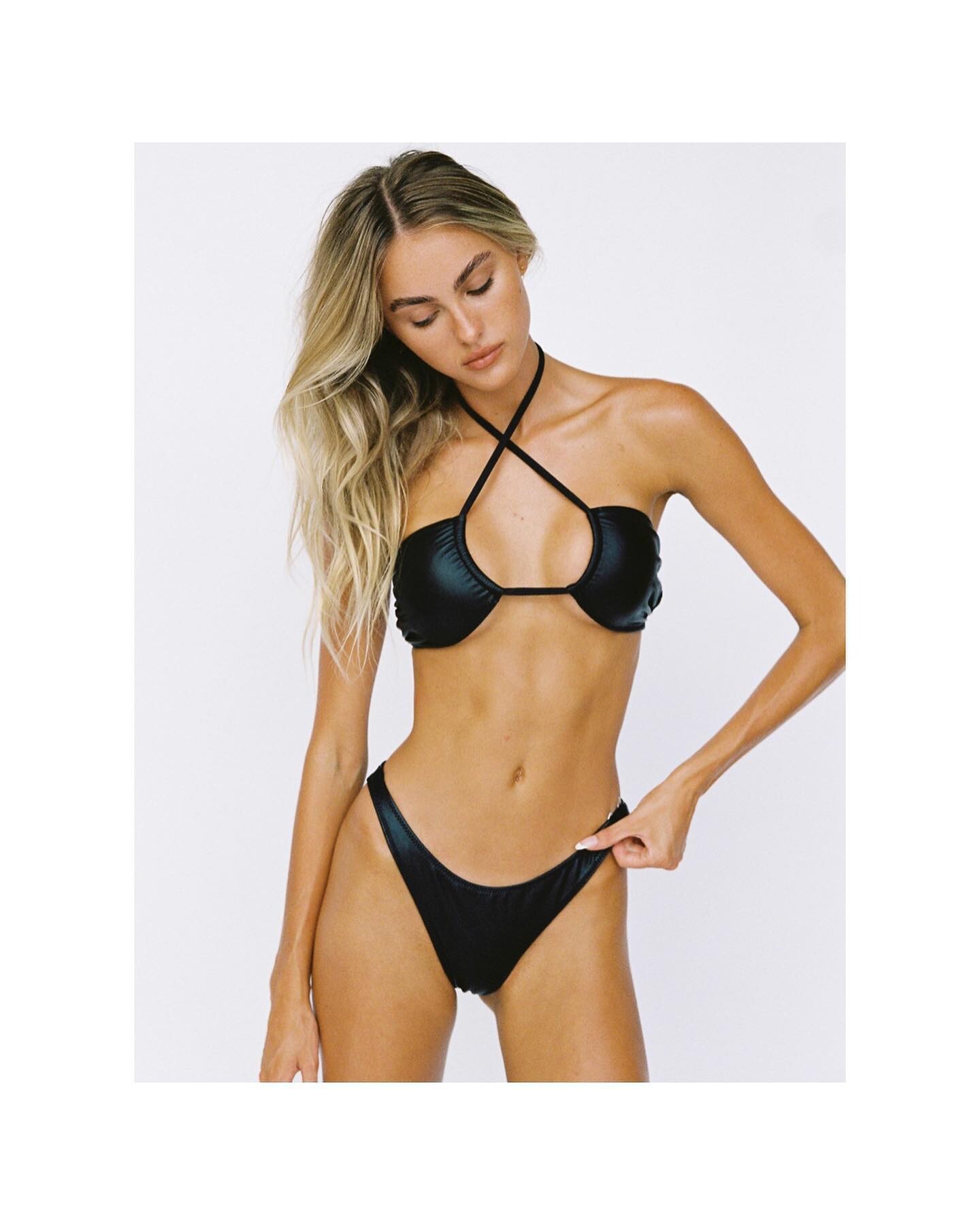
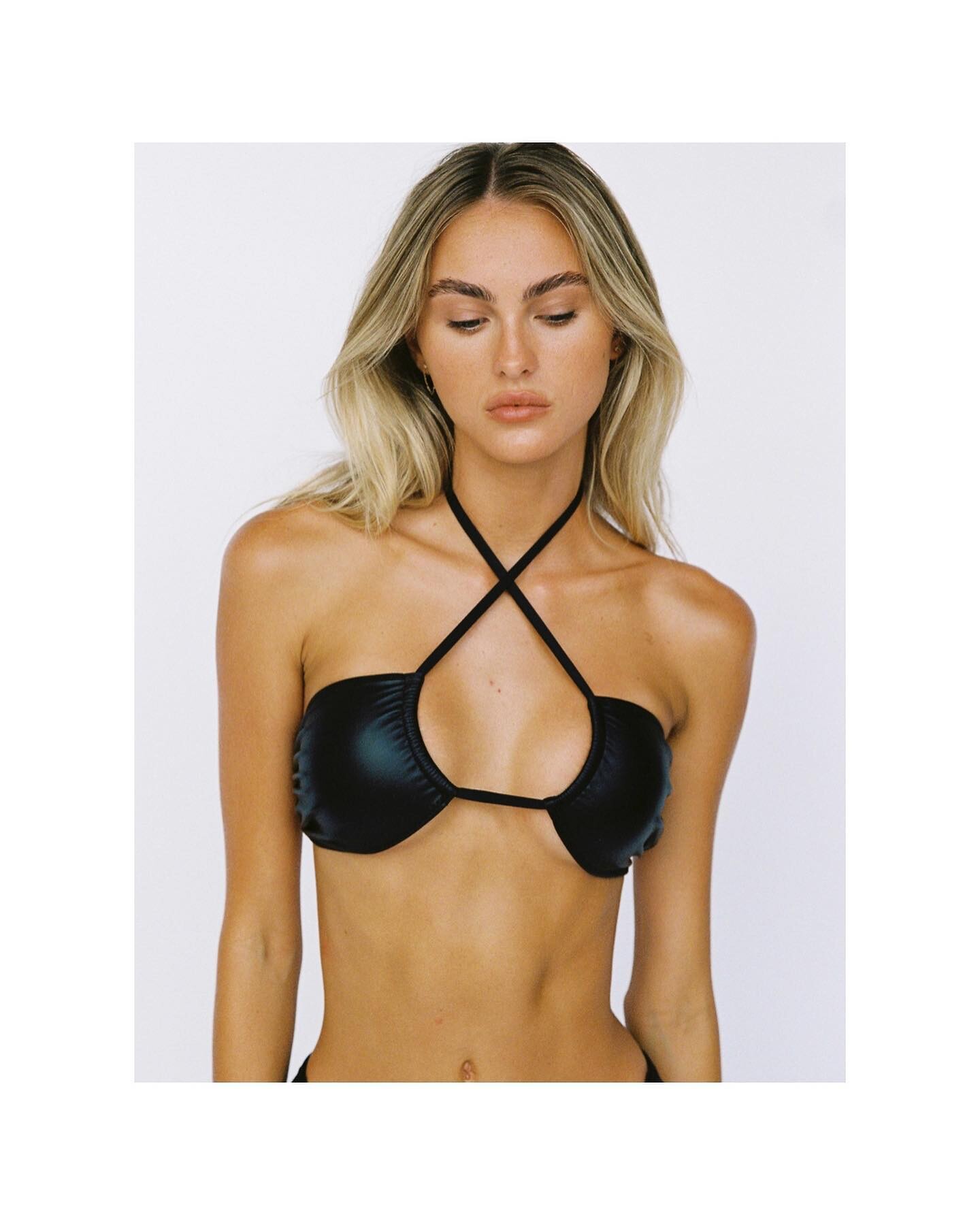




















































































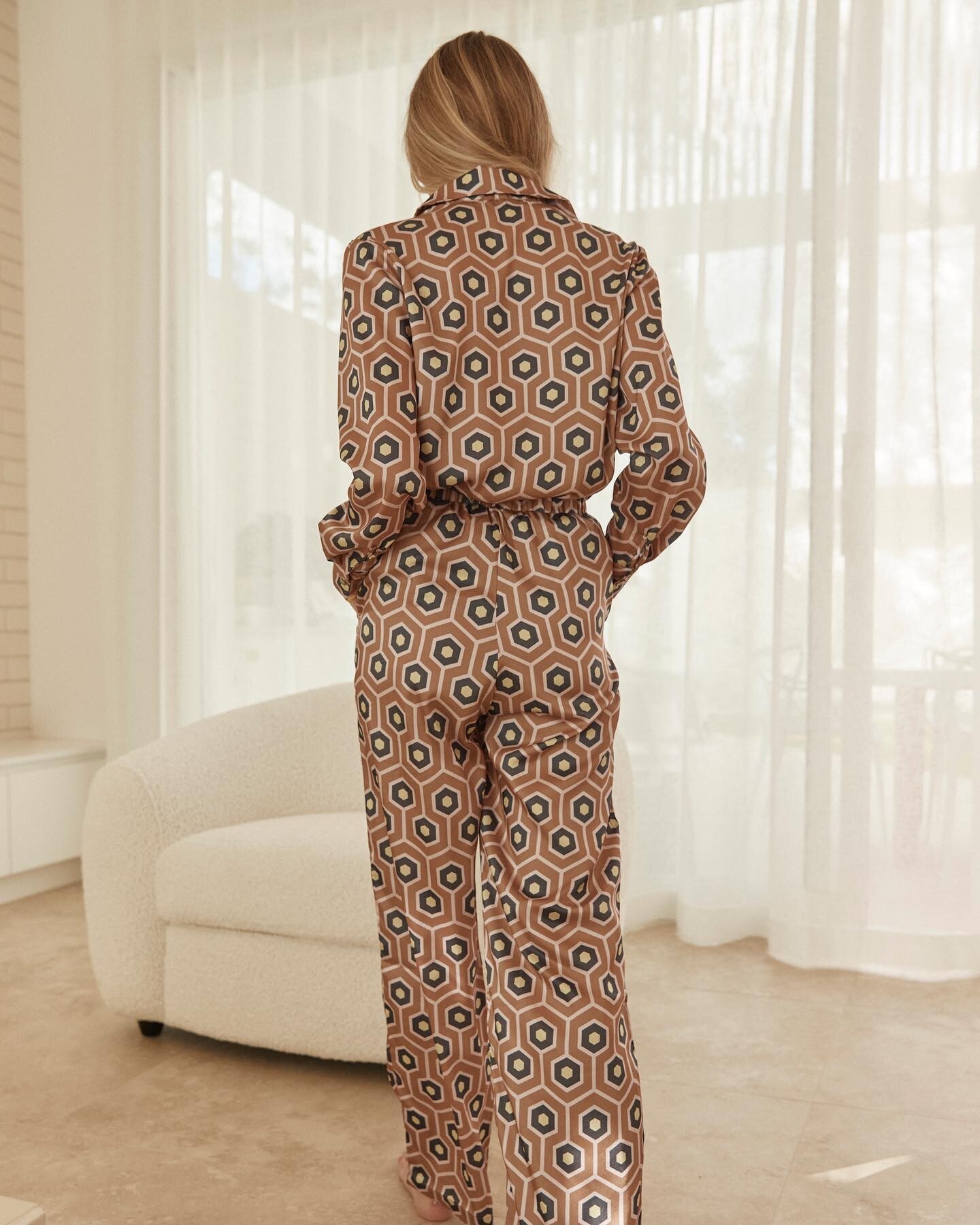



























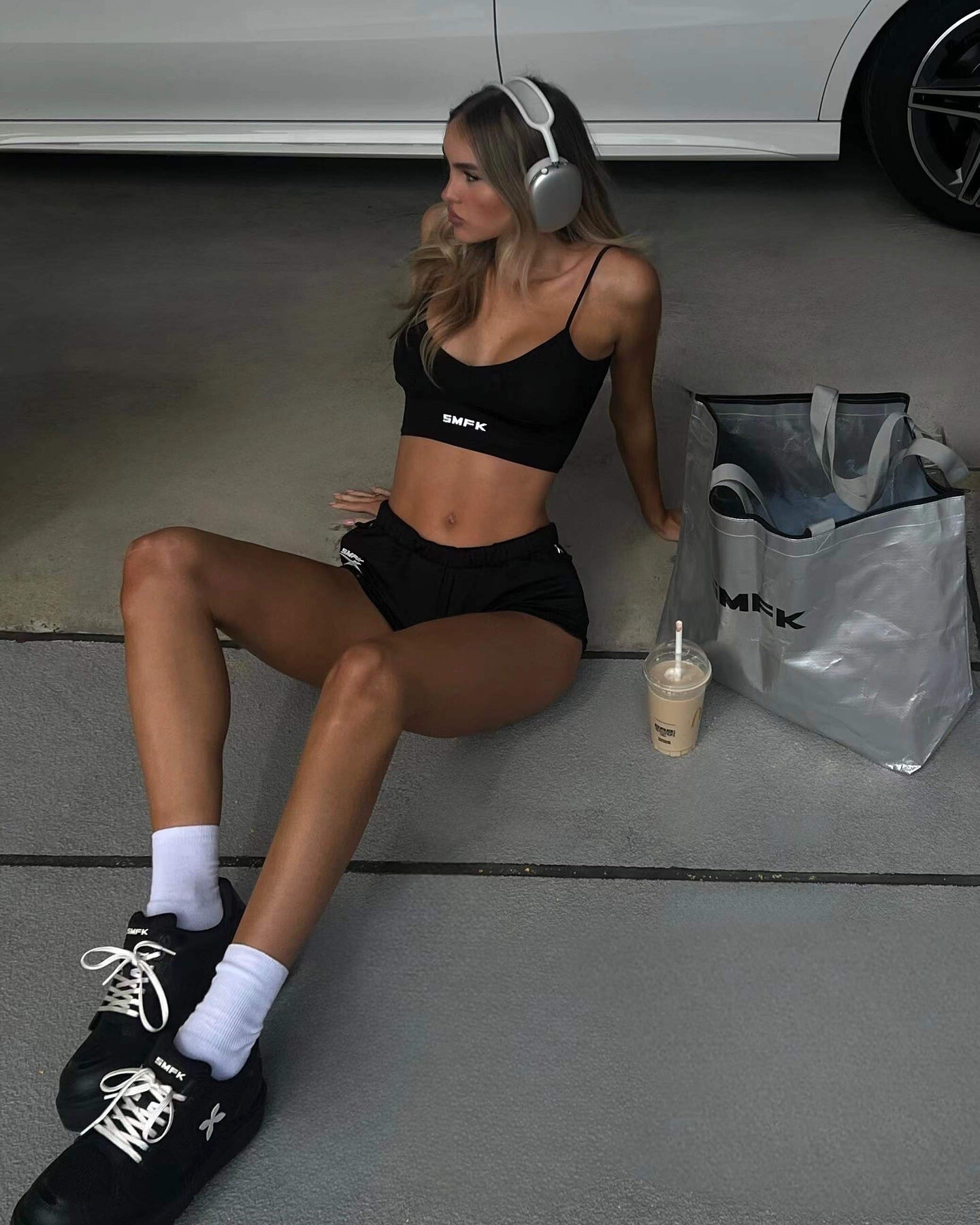





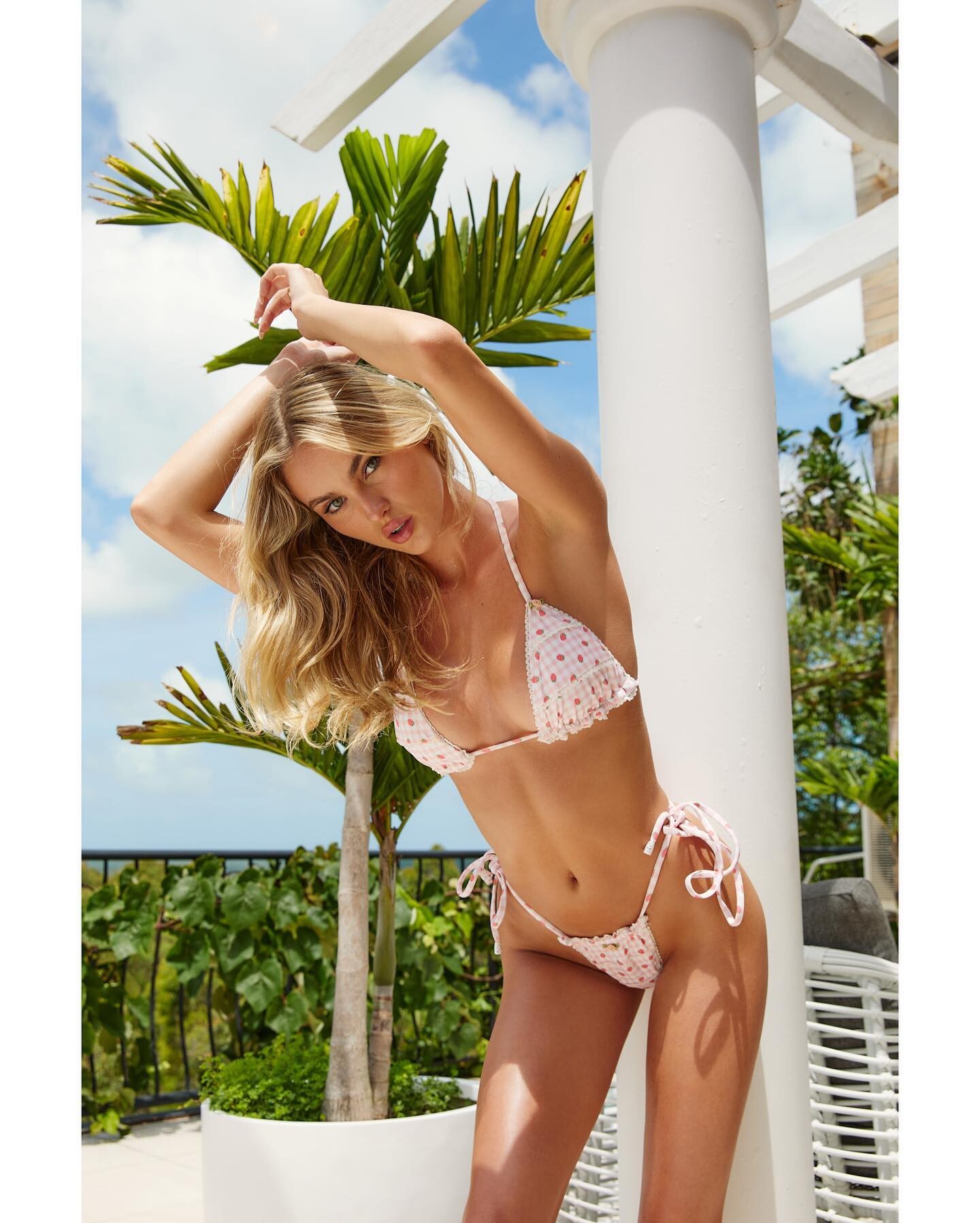



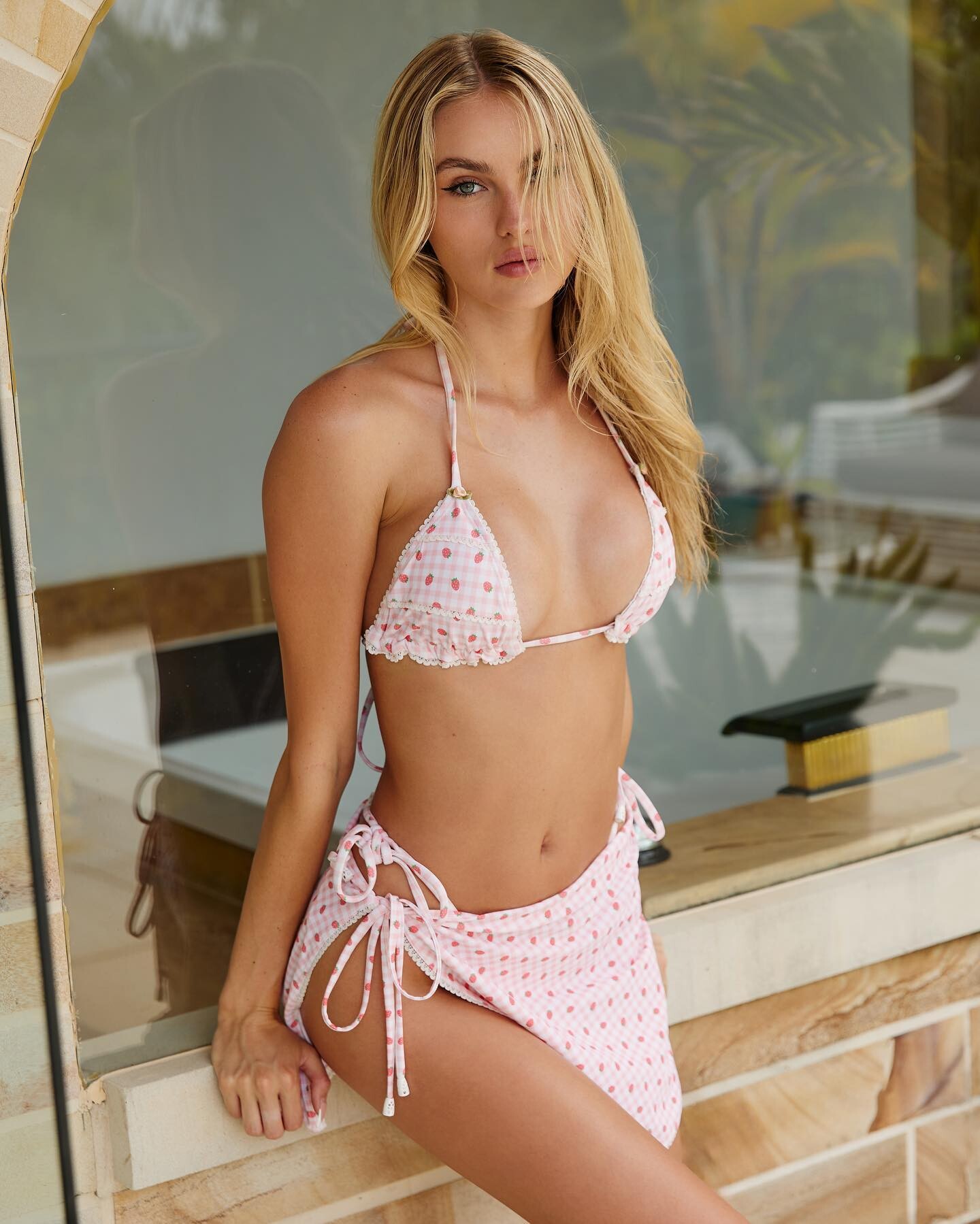

























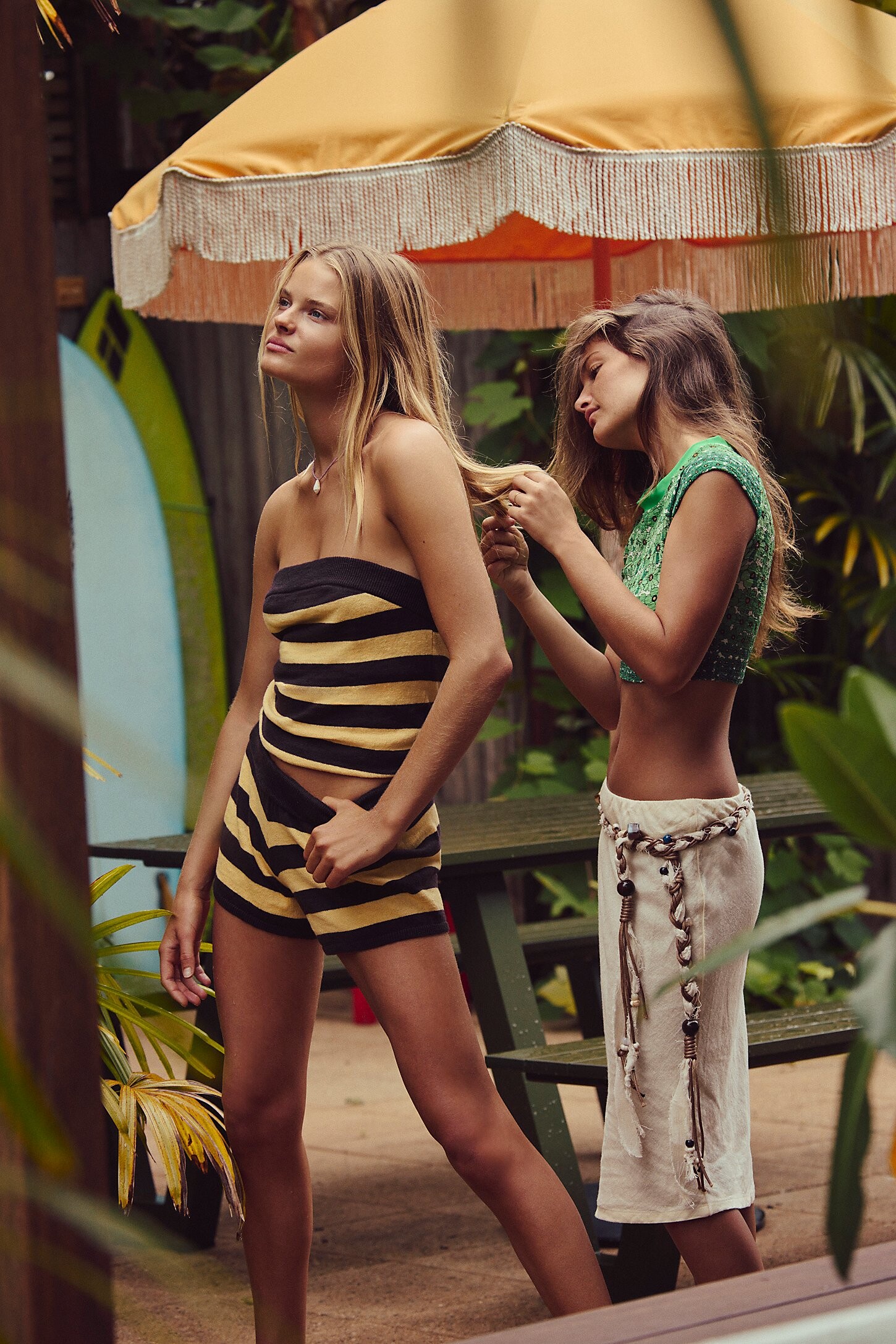
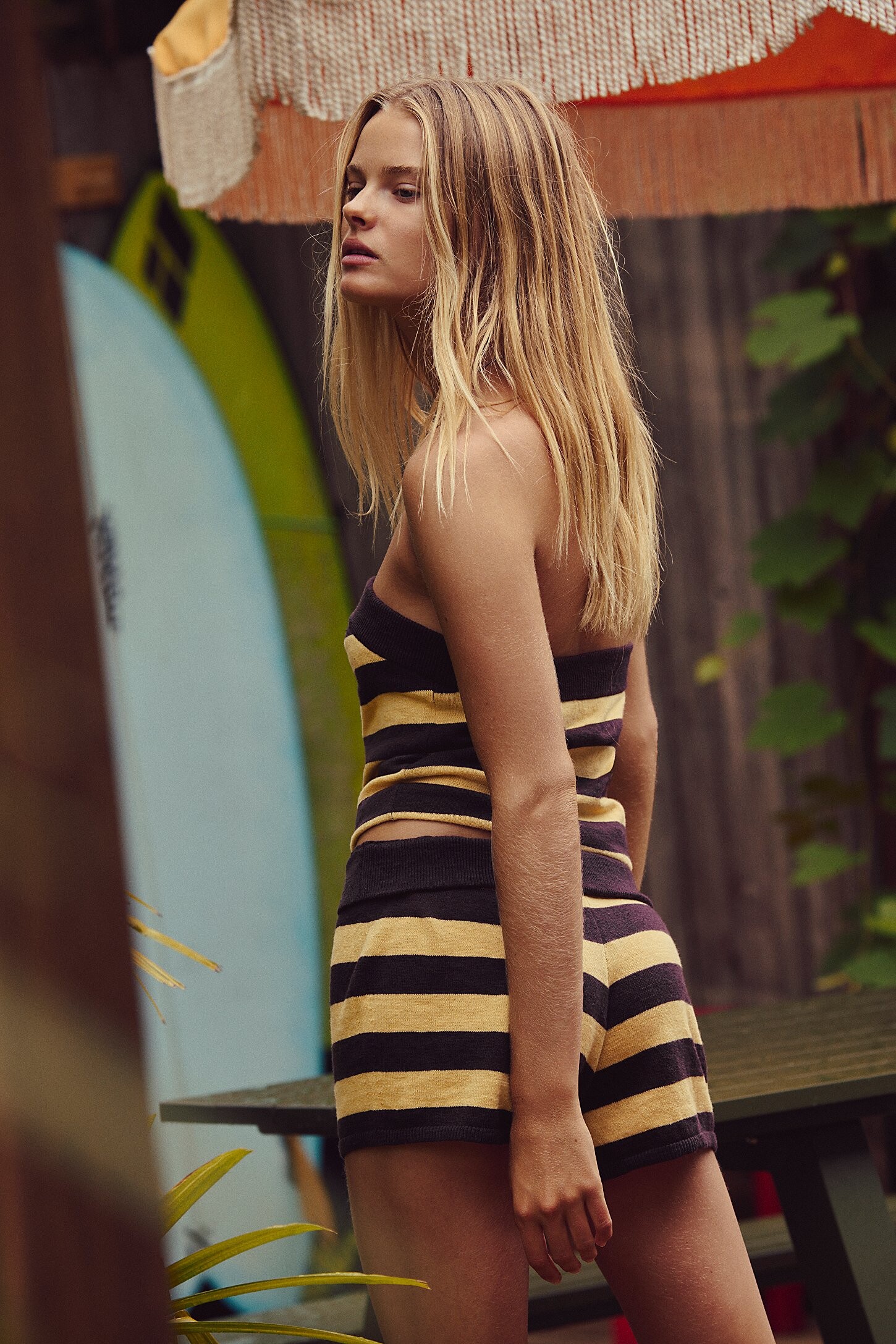
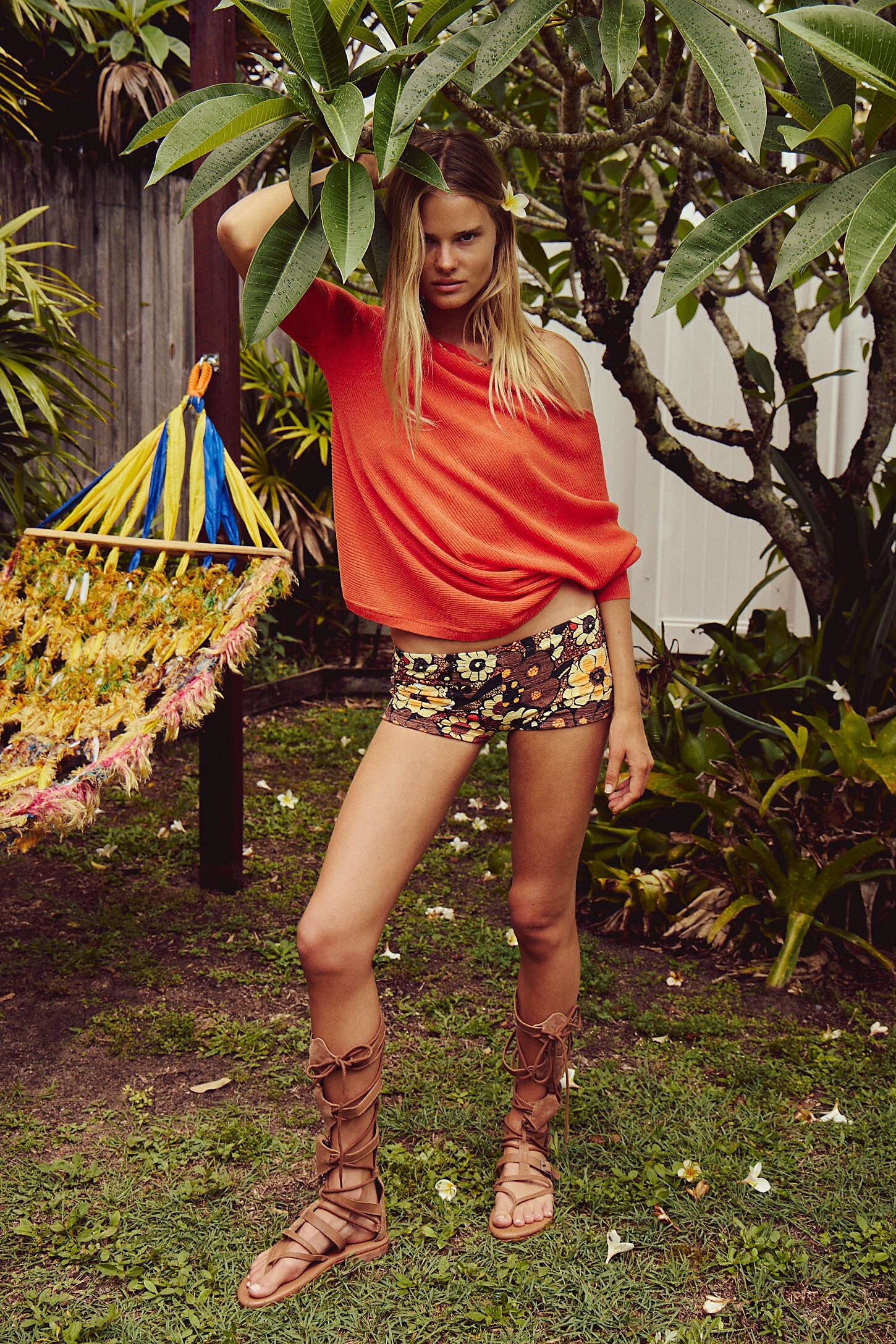








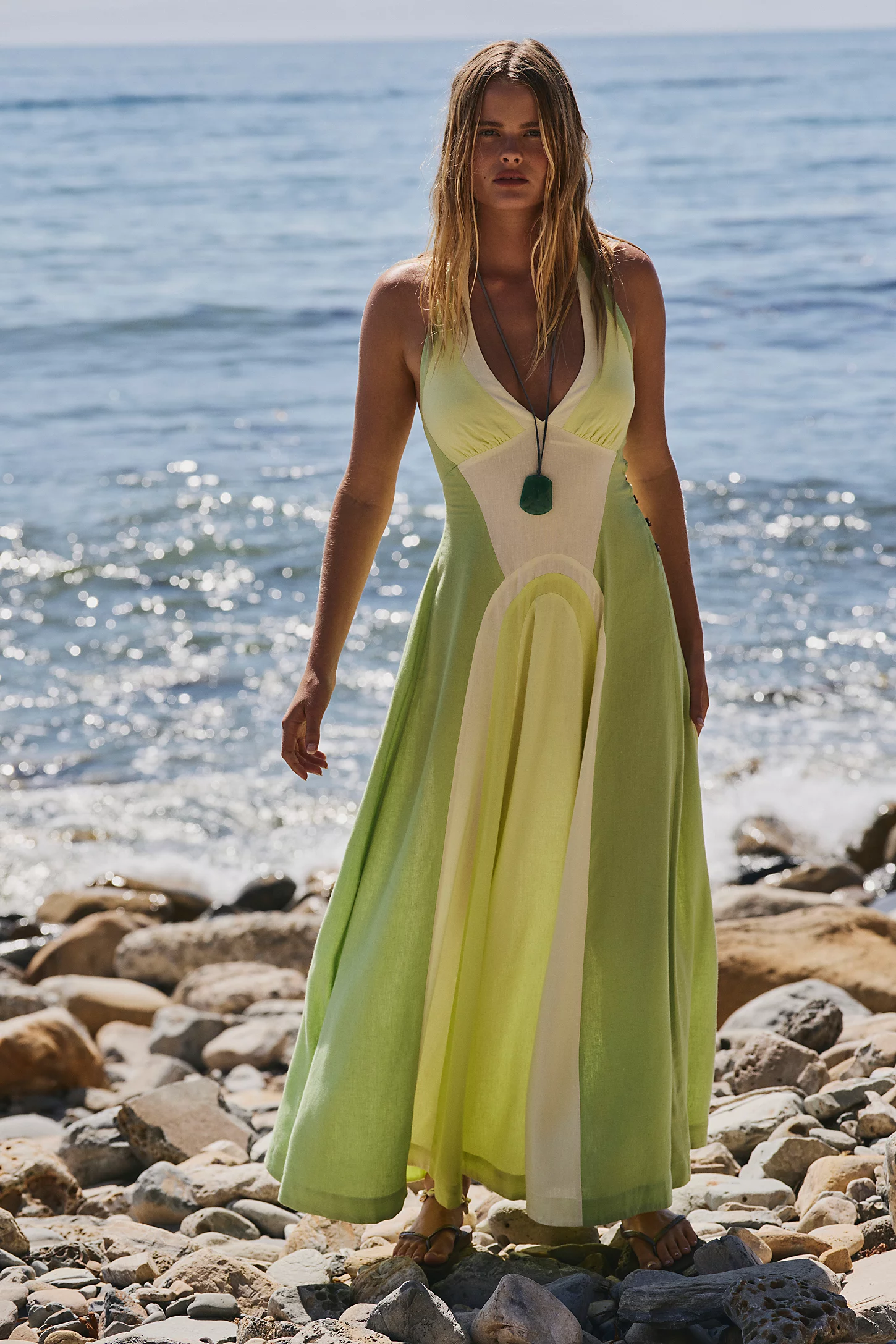


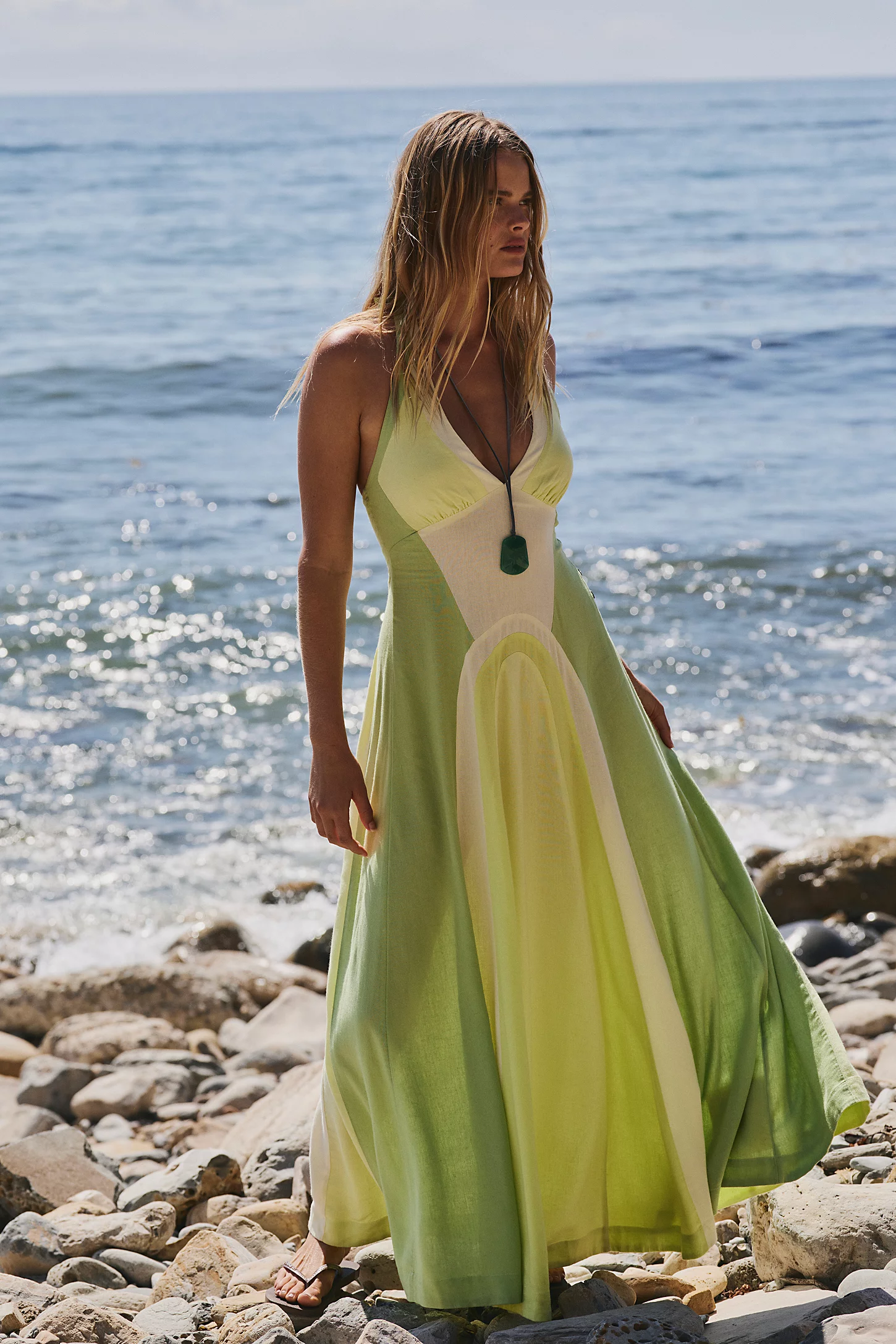

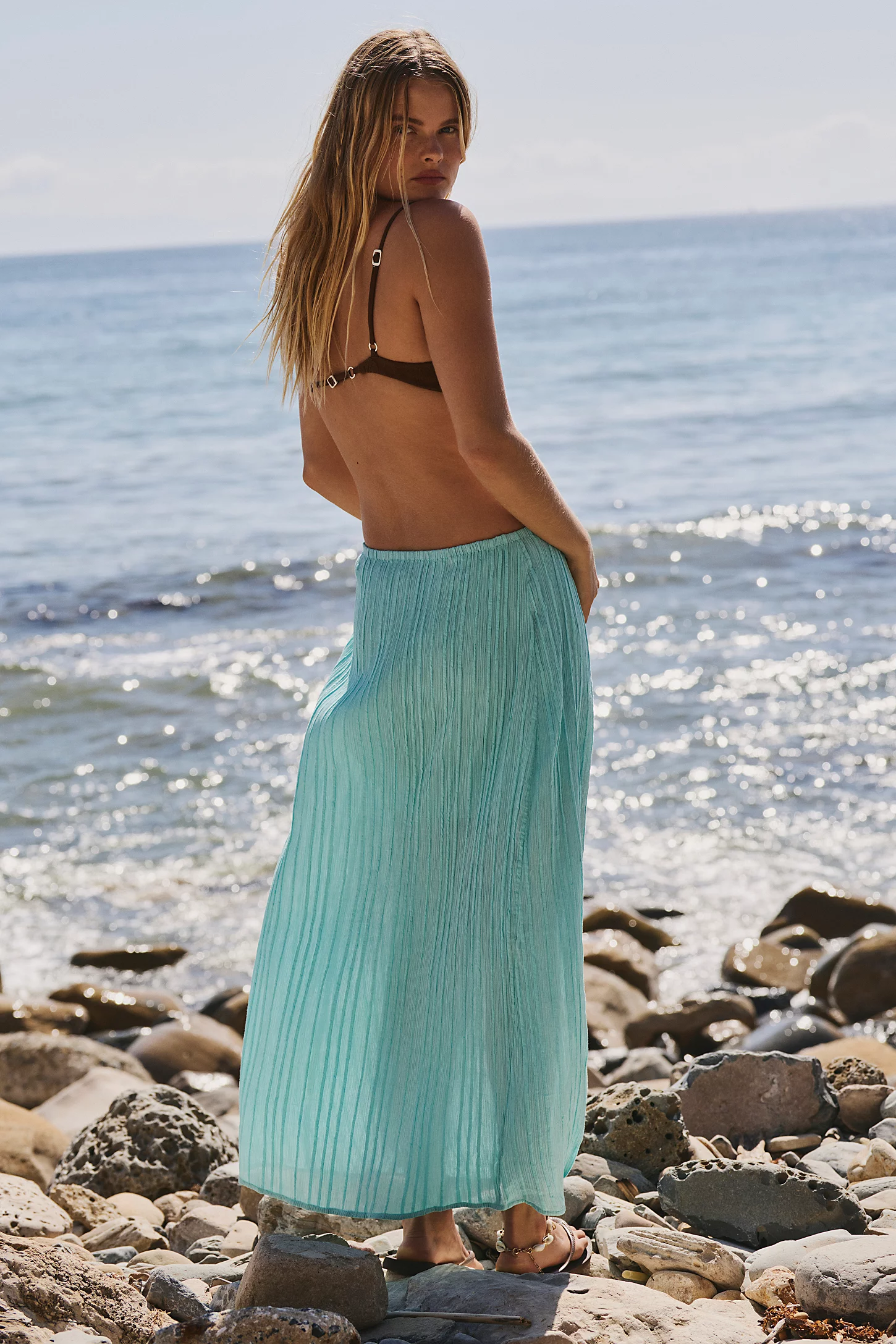





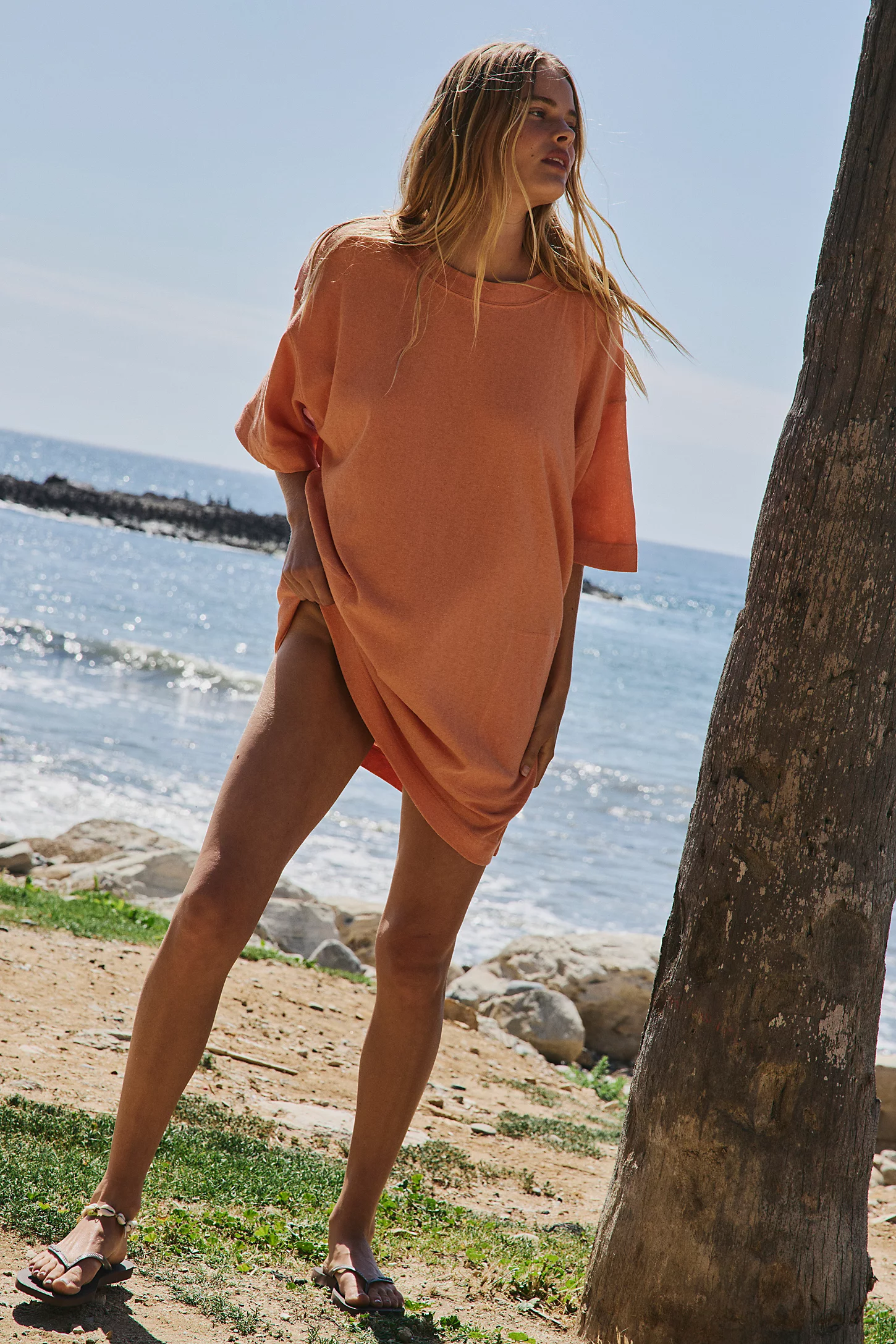



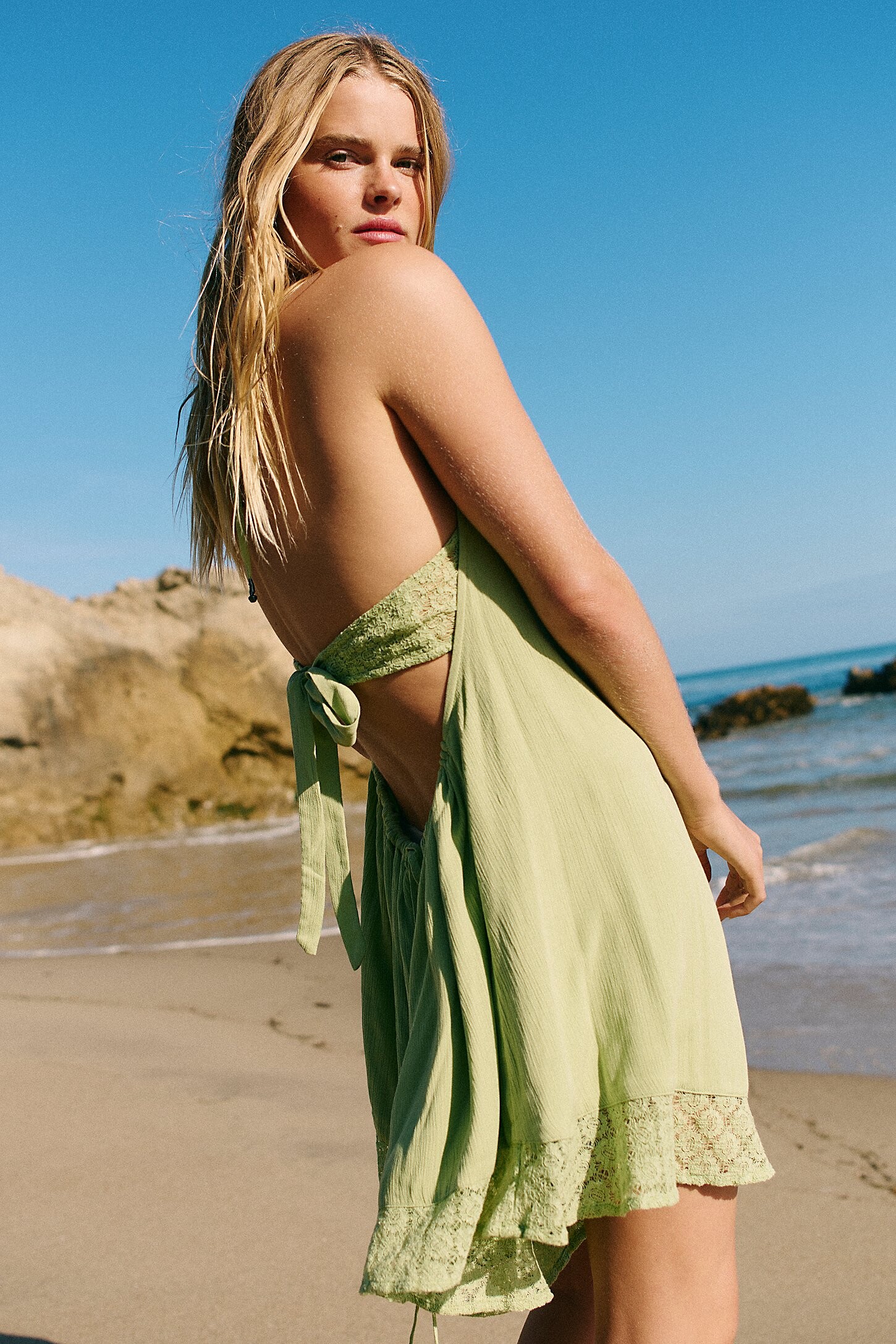








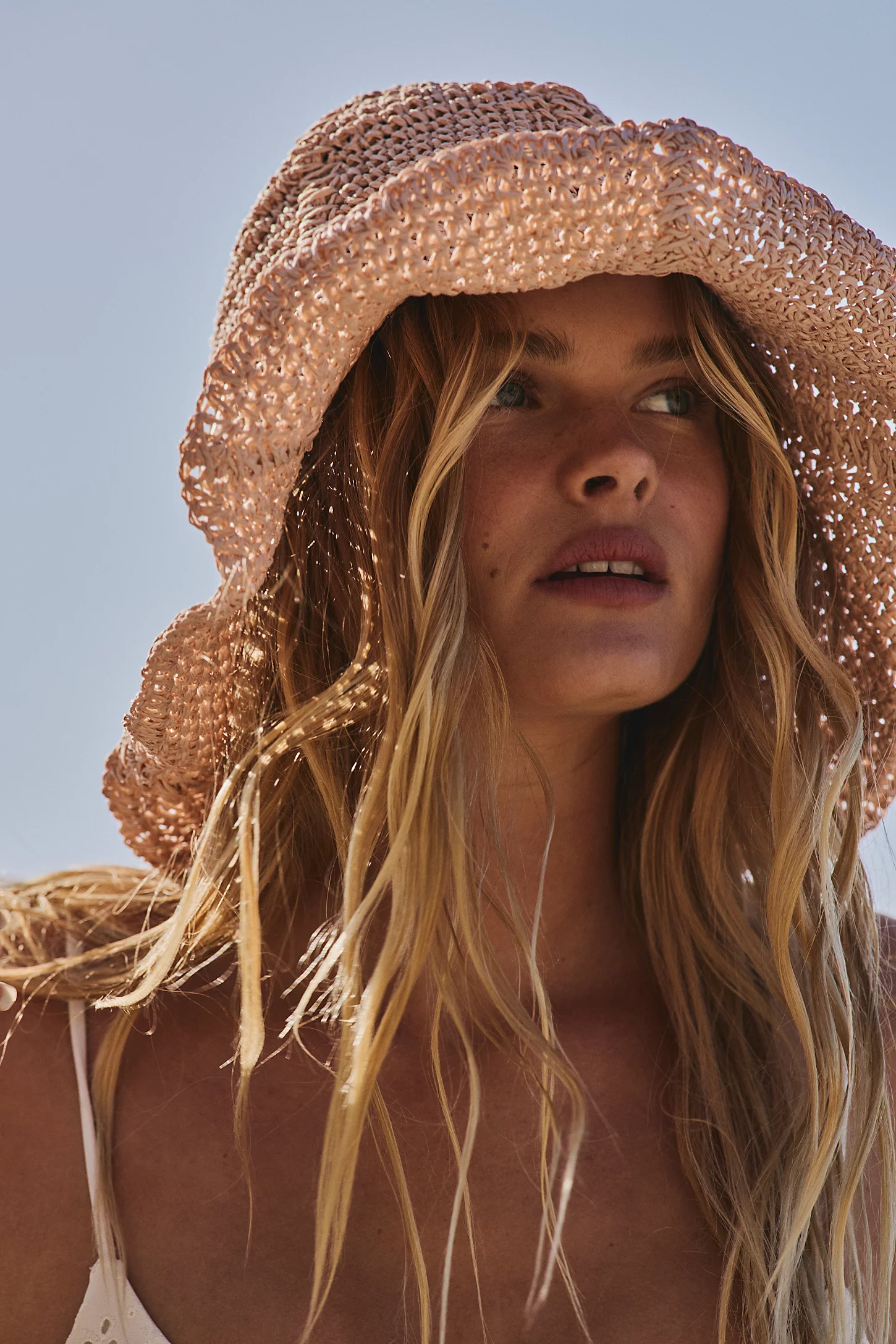


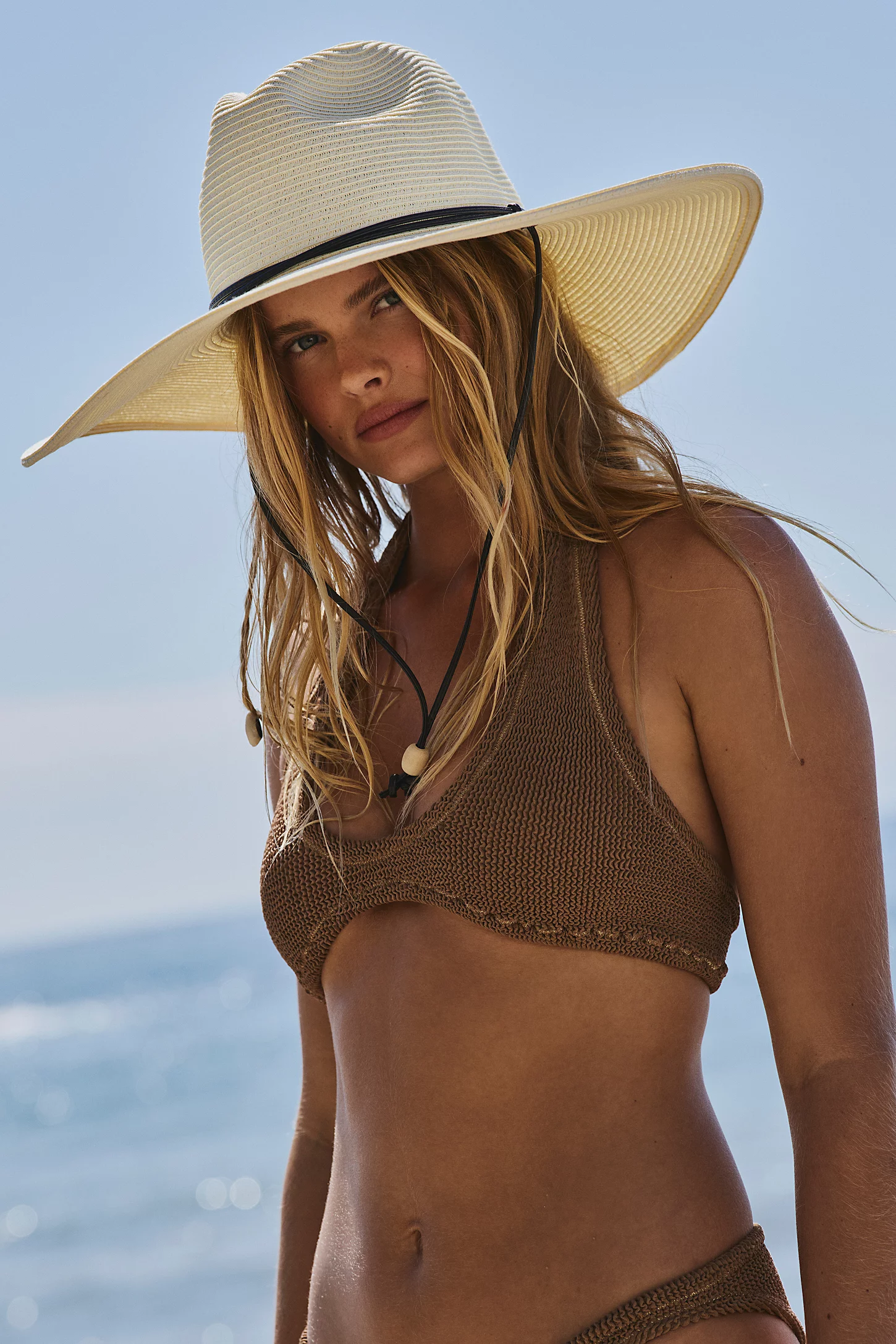




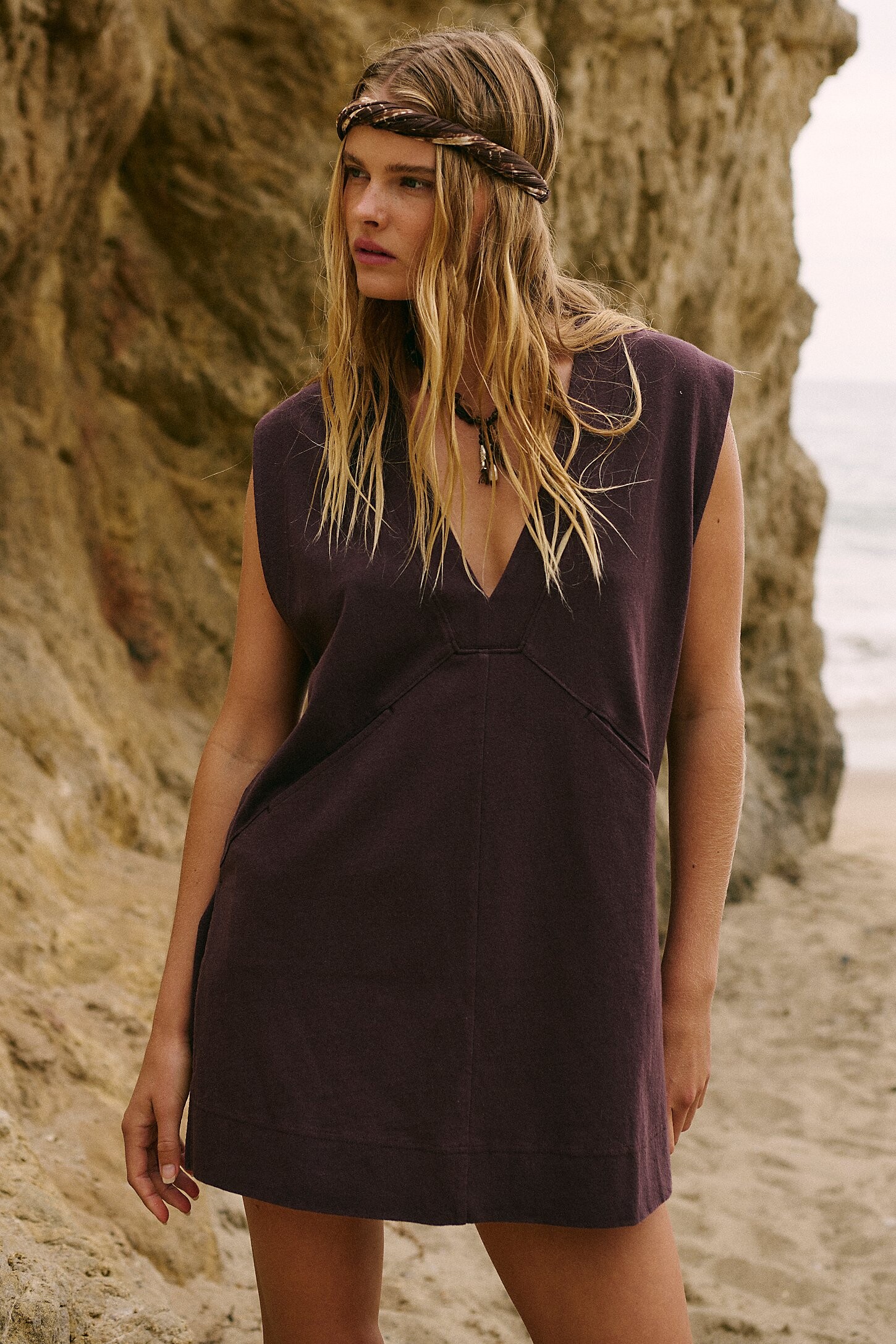


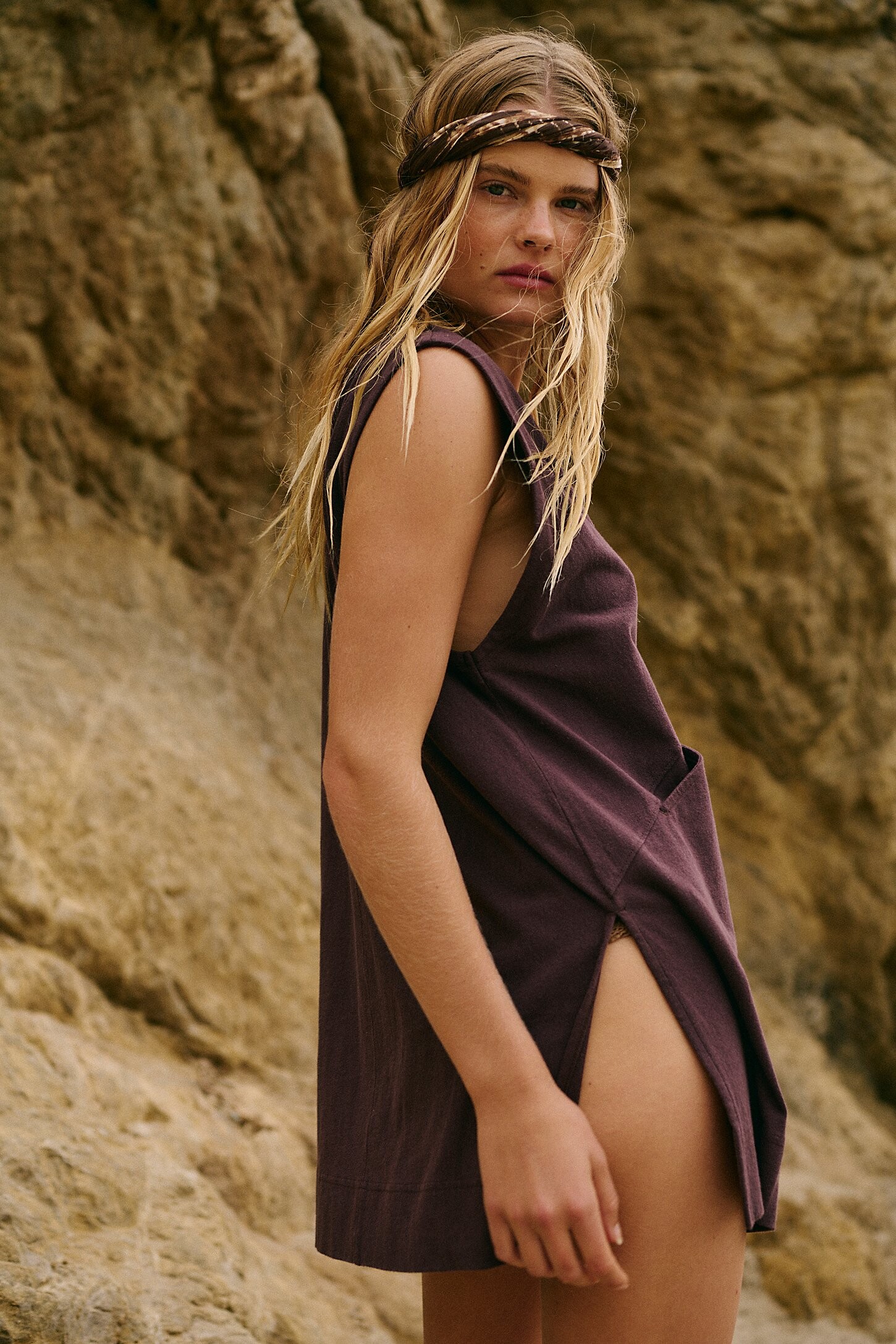







































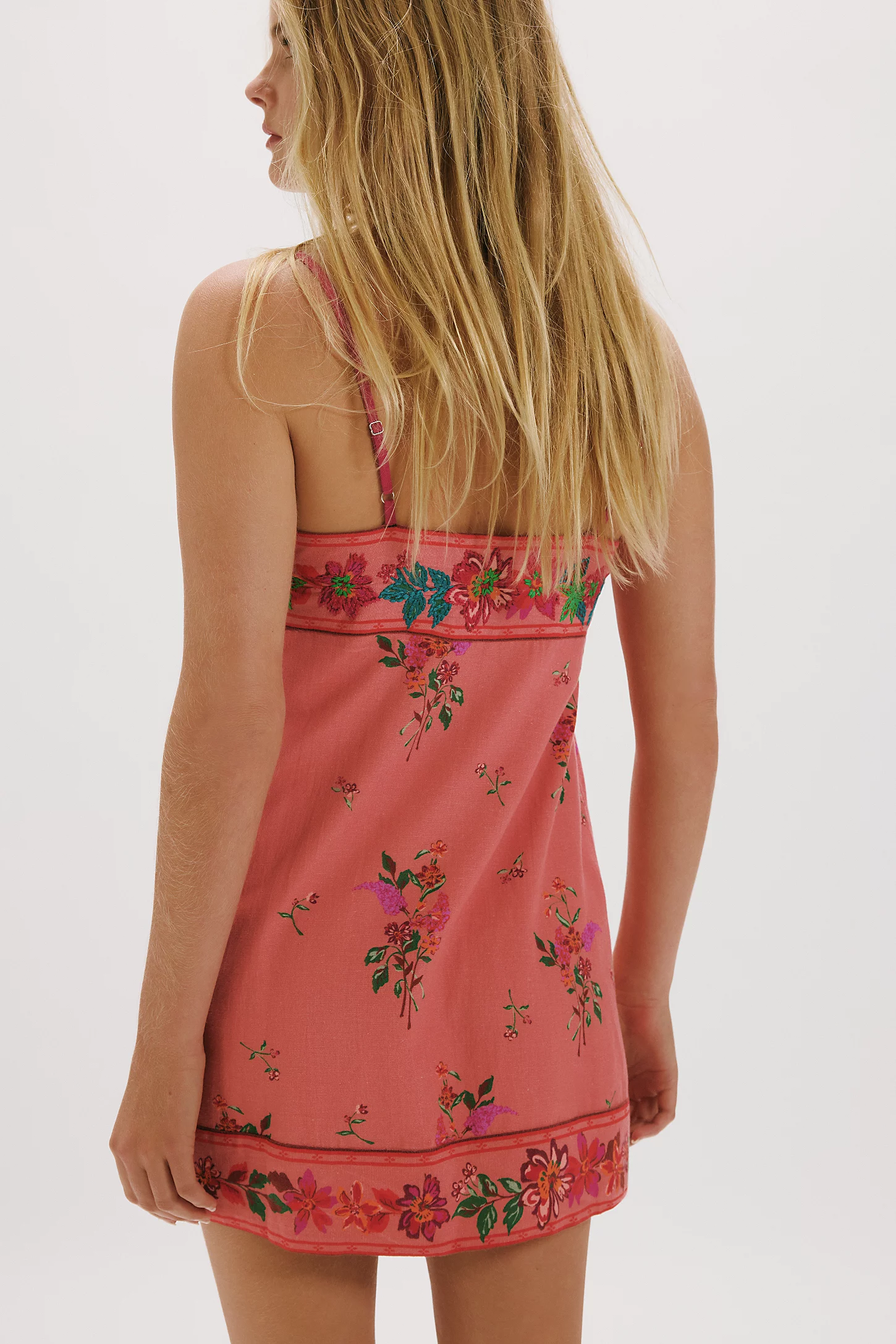
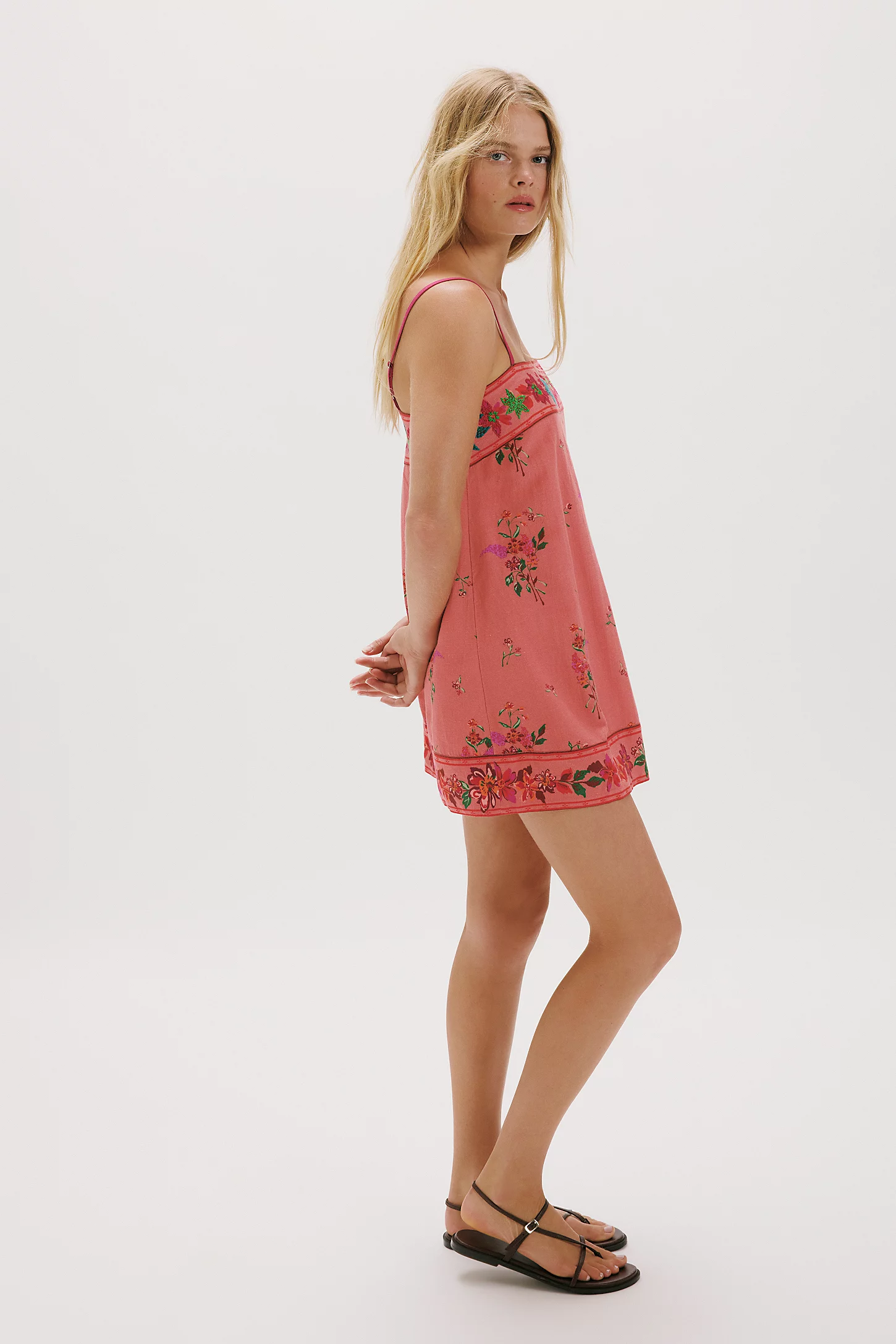
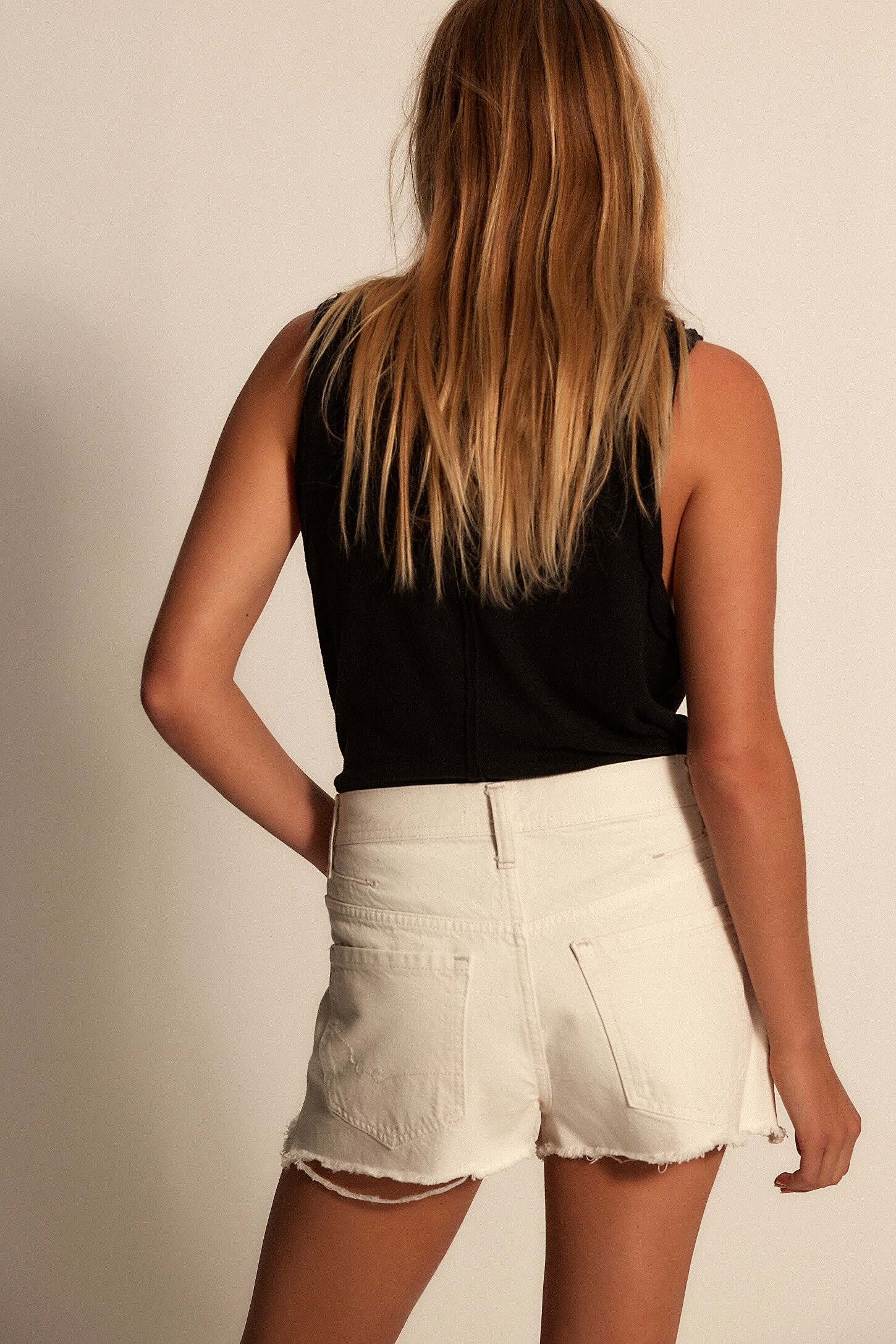




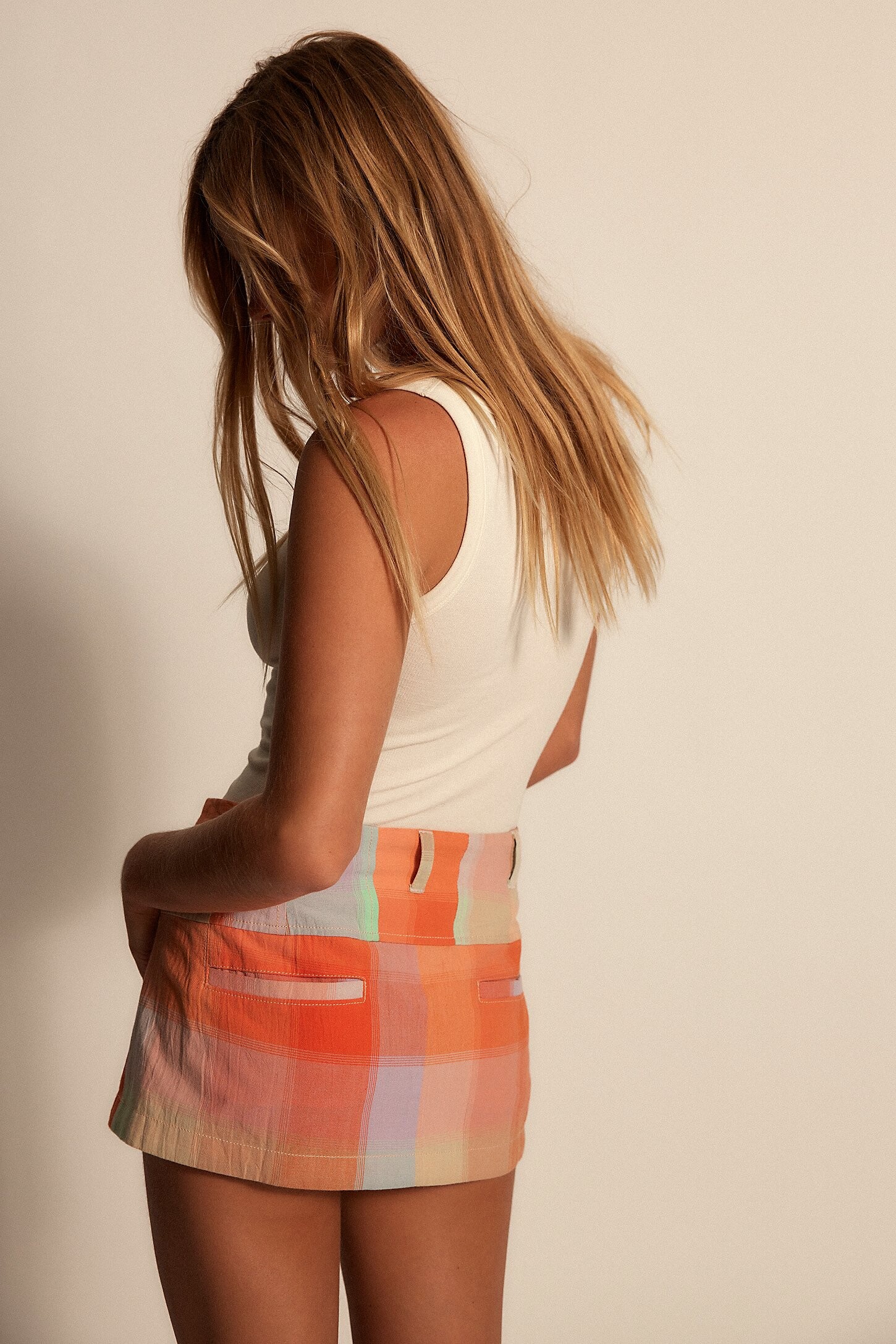











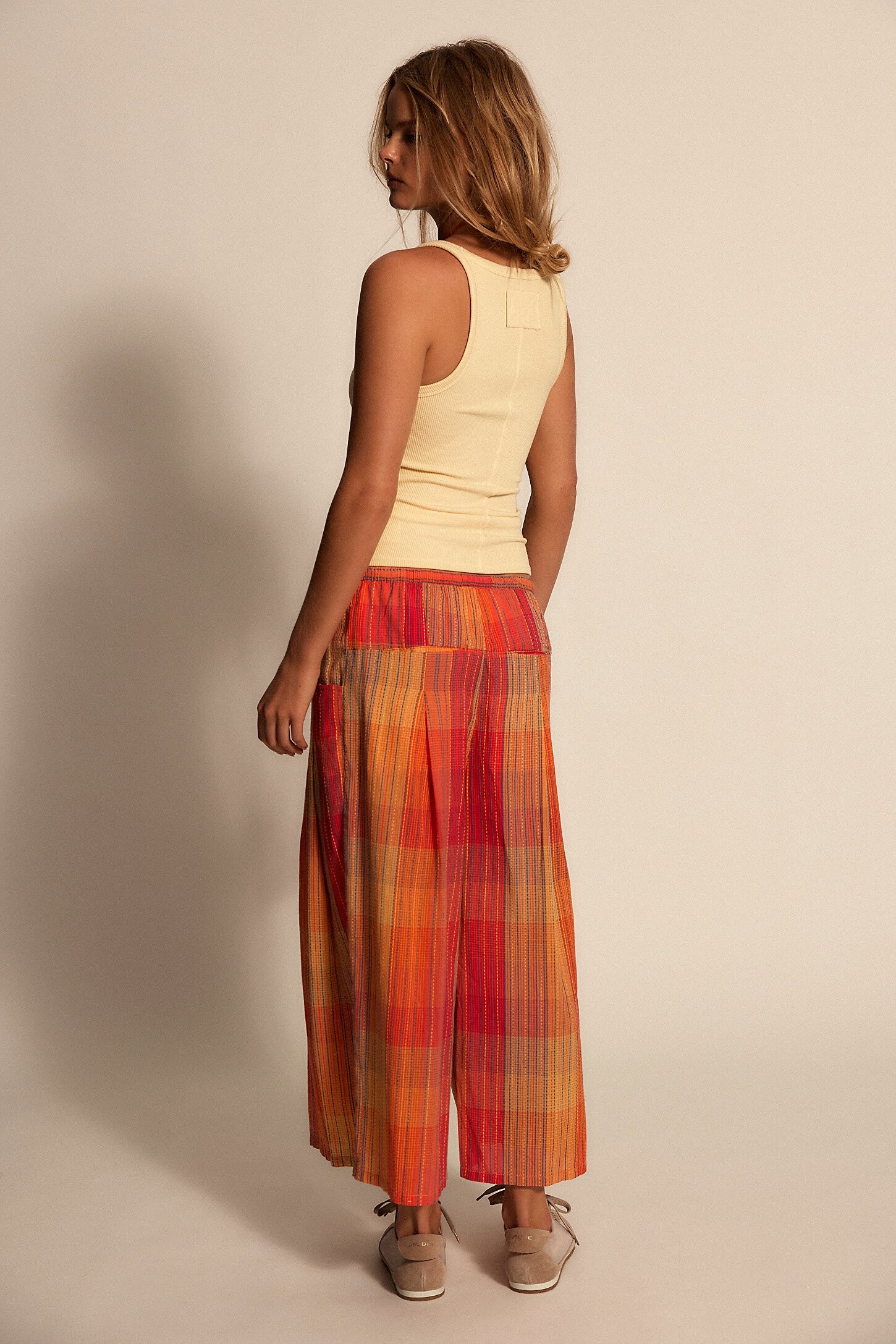


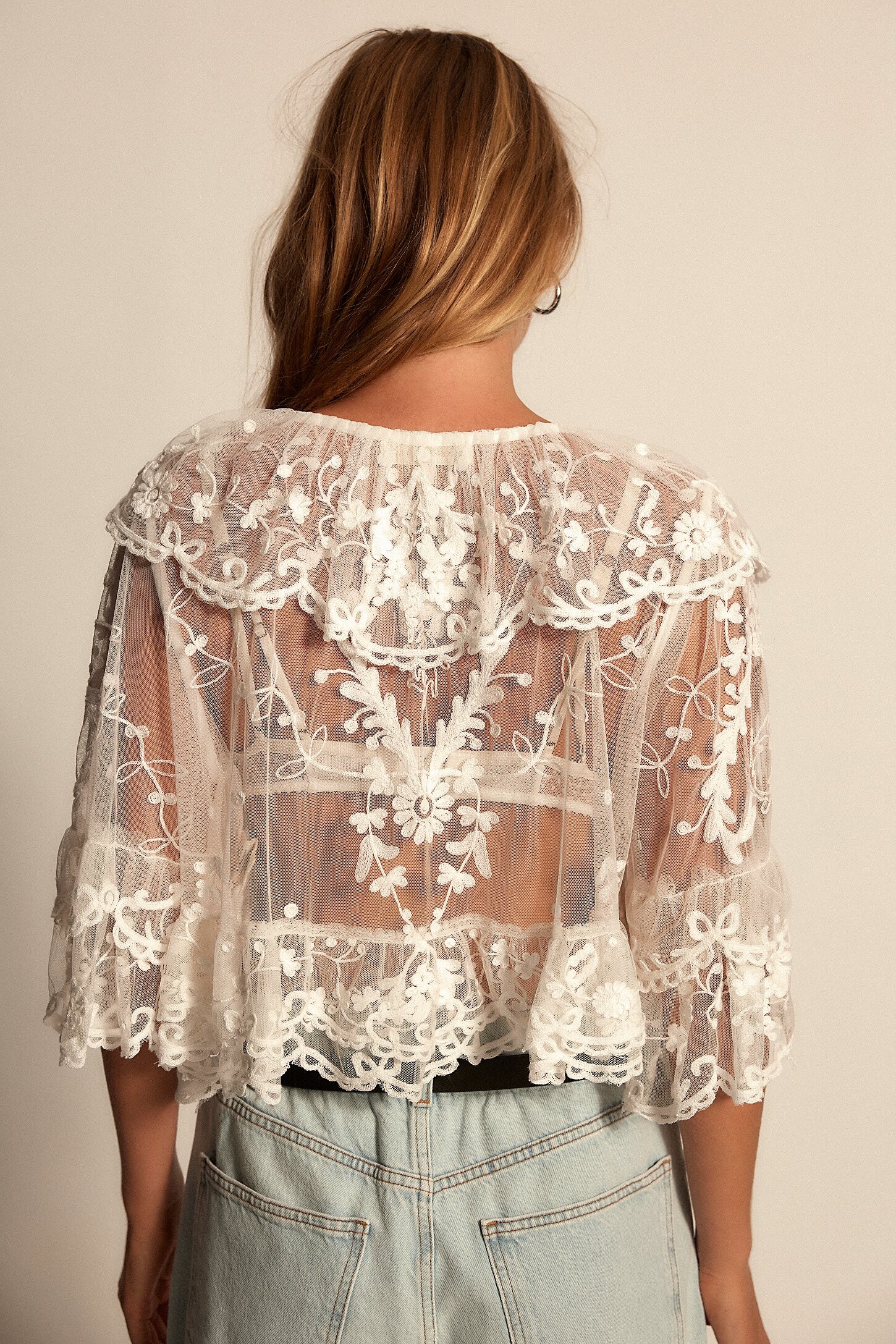












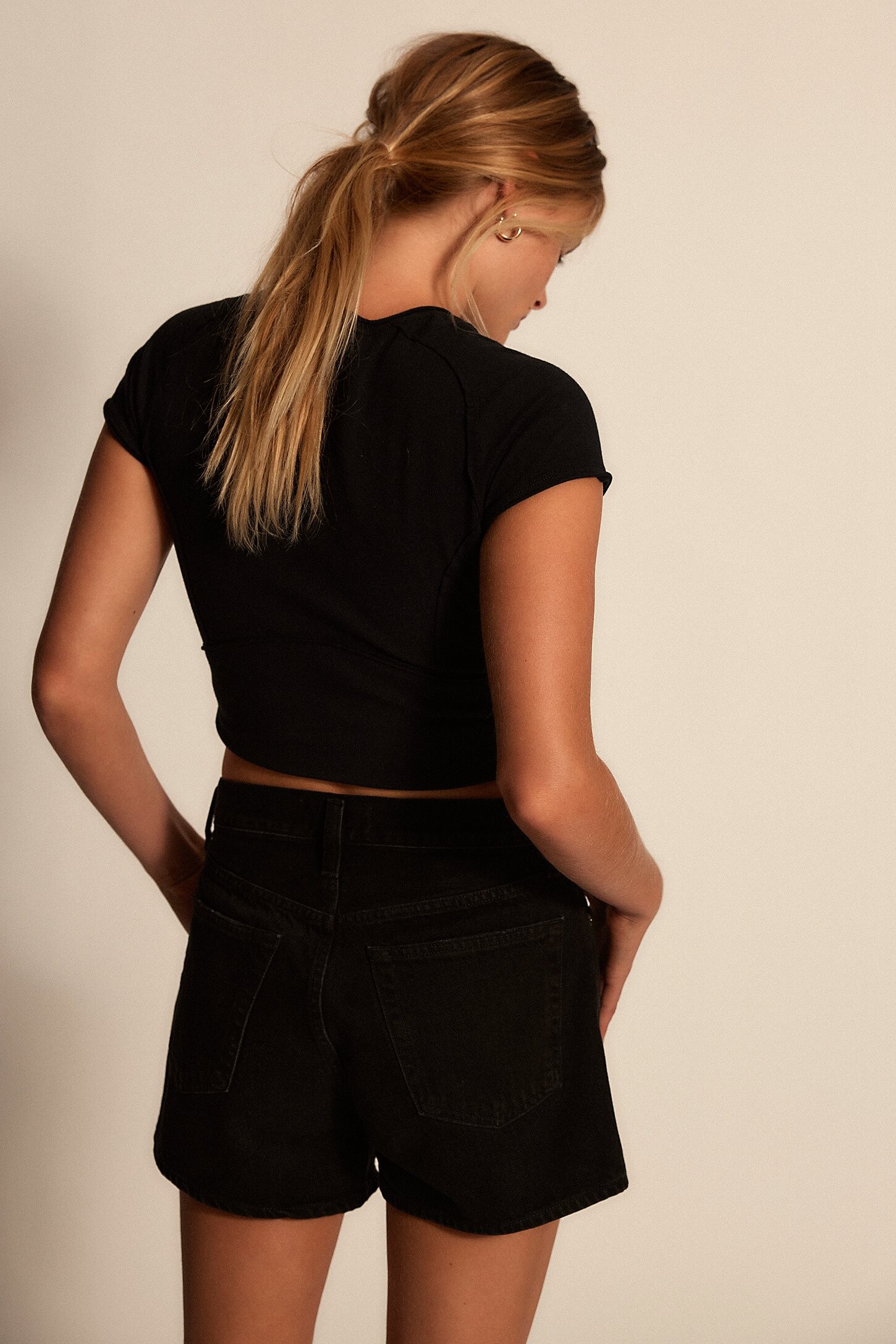




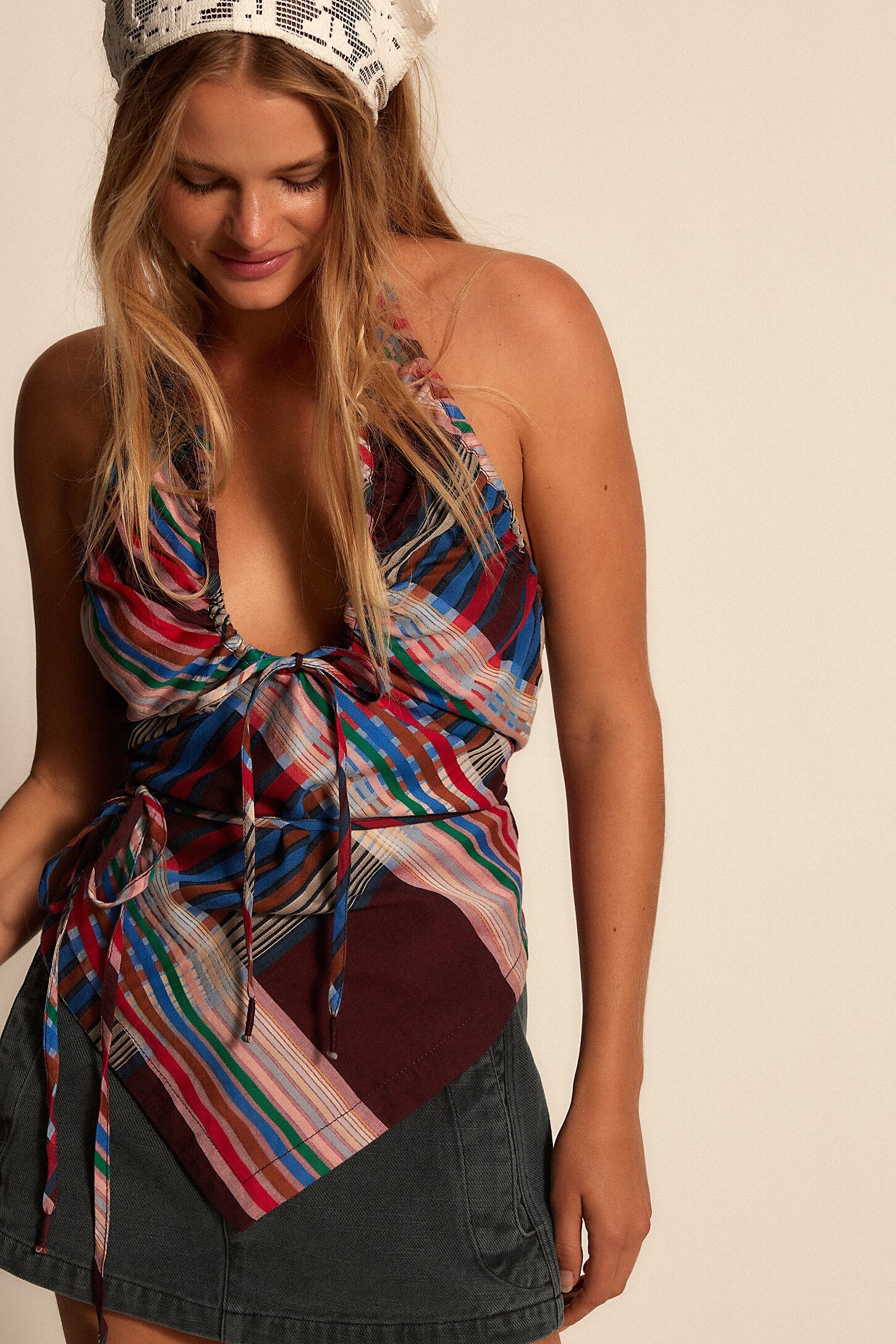


















Account
Navigation
Search
Configure browser push notifications
Chrome (Android)
- Tap the lock icon next to the address bar.
- Tap Permissions → Notifications.
- Adjust your preference.
Chrome (Desktop)
- Click the padlock icon in the address bar.
- Select Site settings.
- Find Notifications and adjust your preference.
Safari (iOS 16.4+)
- Ensure the site is installed via Add to Home Screen.
- Open Settings App → Notifications.
- Find your app name and adjust your preference.
Safari (macOS)
- Go to Safari → Preferences.
- Click the Websites tab.
- Select Notifications in the sidebar.
- Find this website and adjust your preference.
Edge (Android)
- Tap the lock icon next to the address bar.
- Tap Permissions.
- Find Notifications and adjust your preference.
Edge (Desktop)
- Click the padlock icon in the address bar.
- Click Permissions for this site.
- Find Notifications and adjust your preference.
Firefox (Android)
- Go to Settings → Site permissions.
- Tap Notifications.
- Find this site in the list and adjust your preference.
Firefox (Desktop)
- Open Firefox Settings.
- Search for Notifications.
- Find this site in the list and adjust your preference.