All Activity
- Past hour
-

-
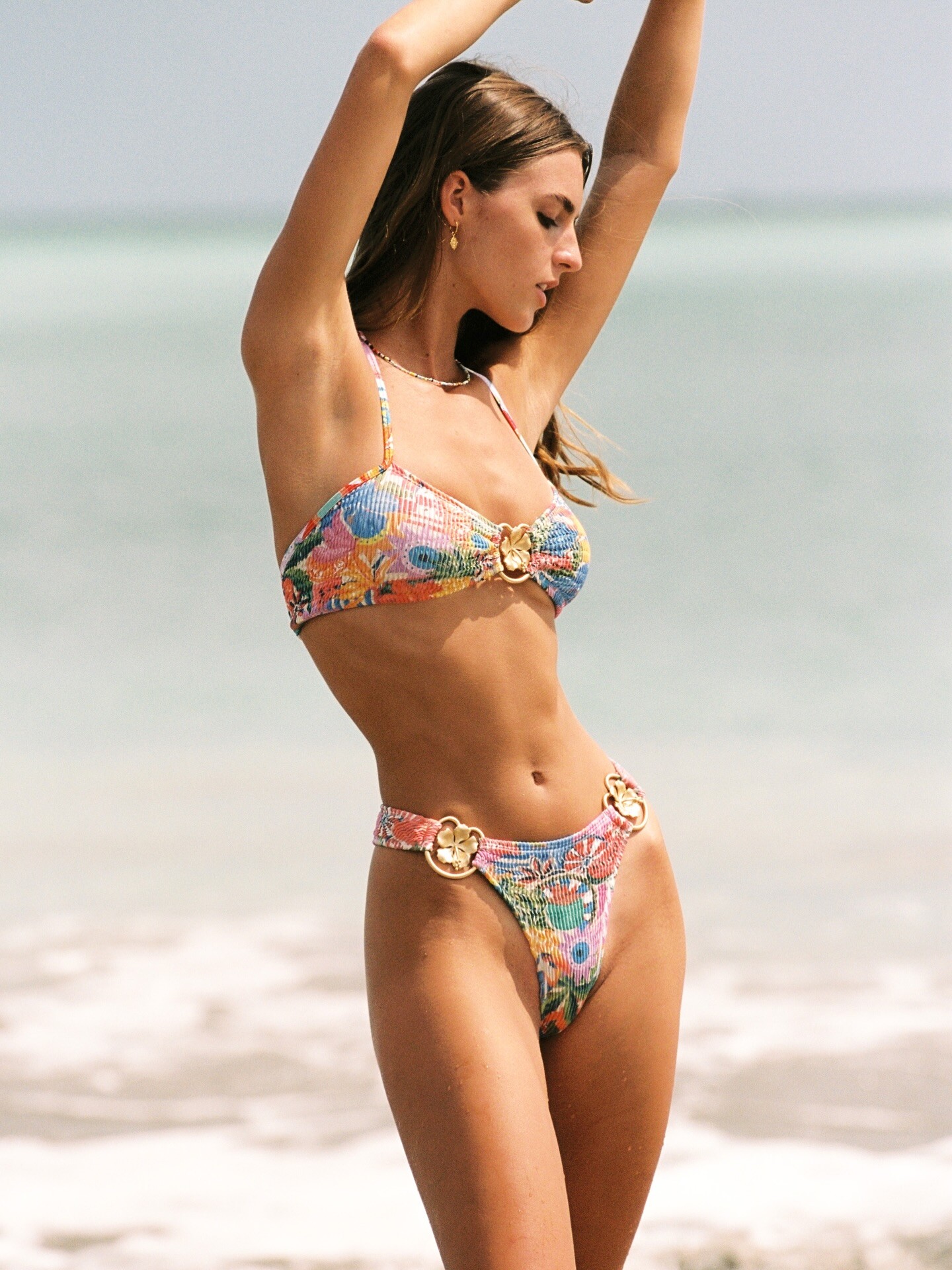
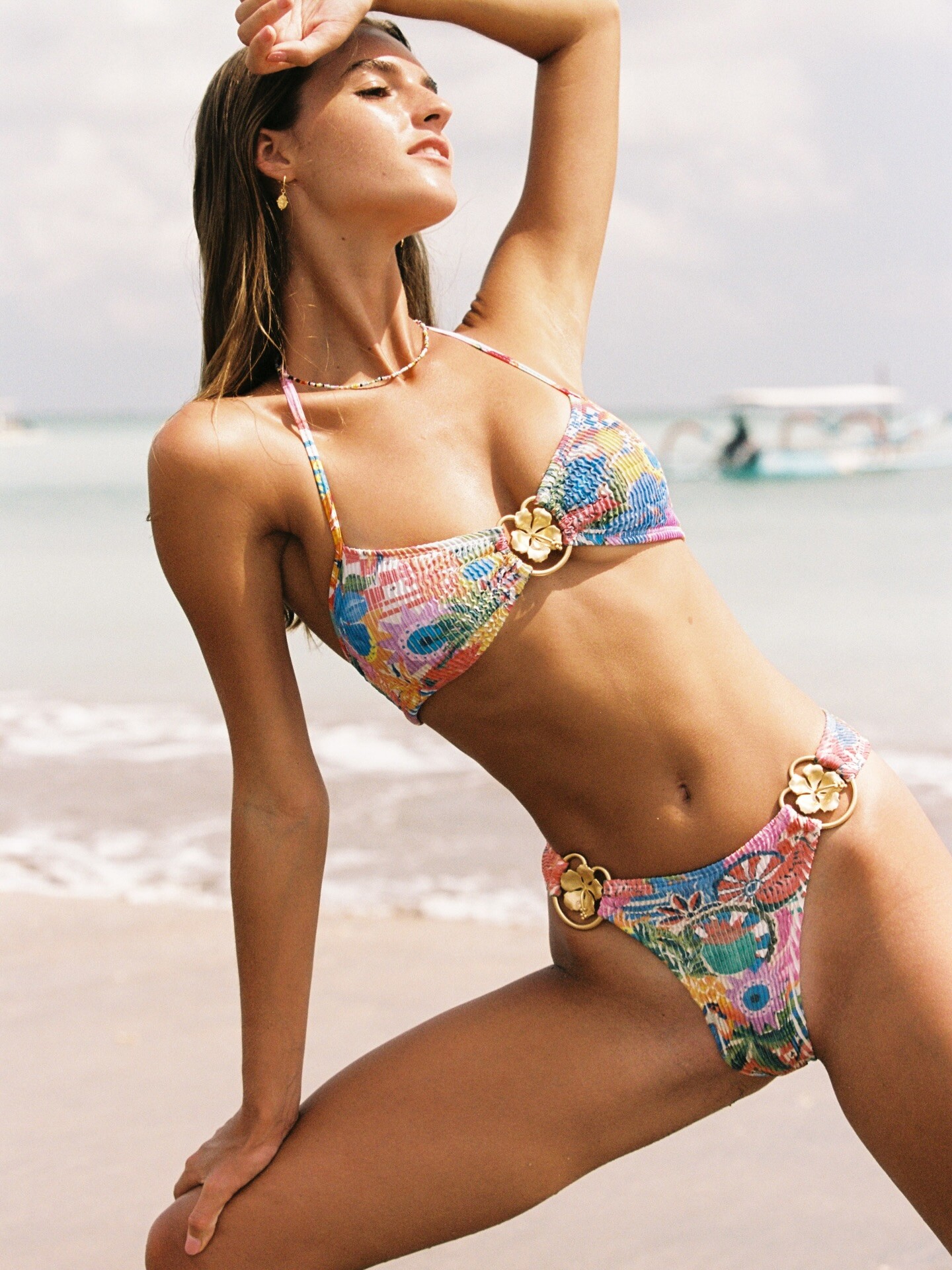
 Hightower Swimwer - IG - January 2026
-
Cool is a mindset 🌞 Cleonie is the uniform 🌸 cleonie.swim__2026-01-30T073724.000Z_1.mp4


-
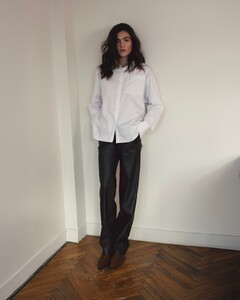
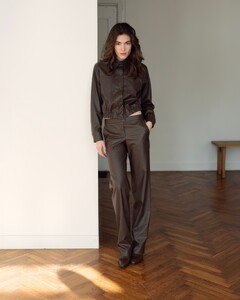
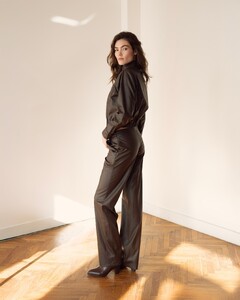
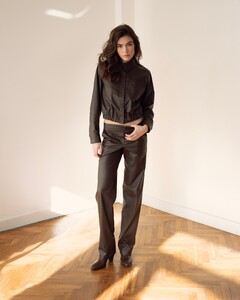
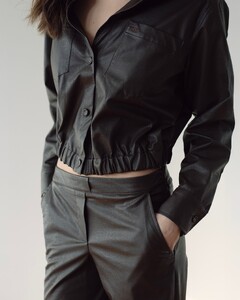
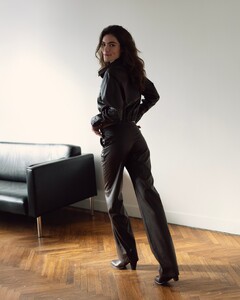
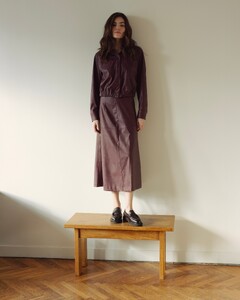
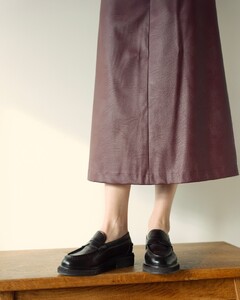
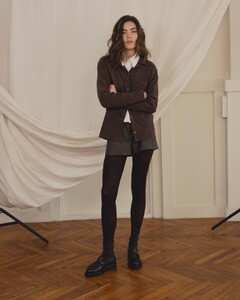
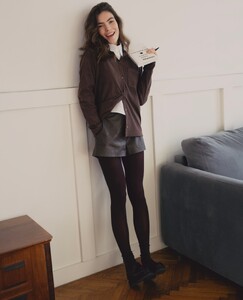
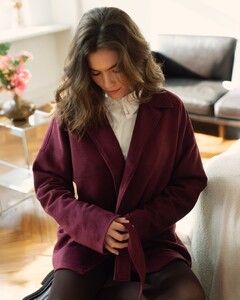
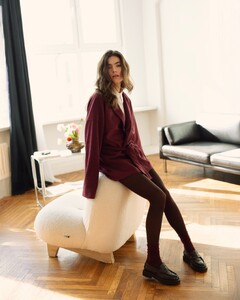
 FABROOM part 6






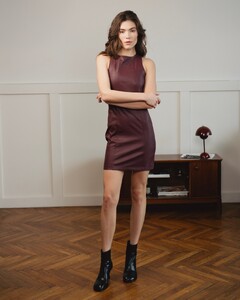









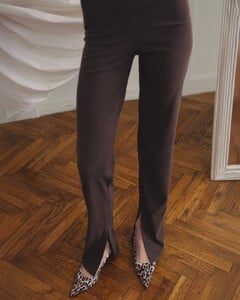







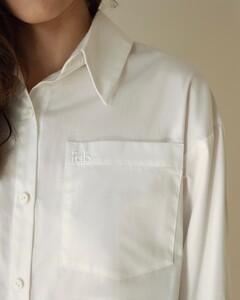


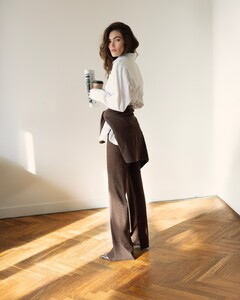




































-
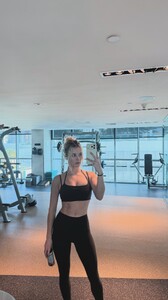
 stories video [2026.01.26] lindsaymariebrewer's2026-1-26-21.43.862 story.mp4



-

-
Days in the sea 🌊🛥️


-
 Intervju Yugoslavia 13 January 1995 Scanned by me and for sale WARNING NUDITY!
-

-
Intervju Yugoslavia 27 January 1995 Scanned by me and for sale WARNING NUDITY!

-
Intervju Yugoslavia 25 March 1995 Scanned by me
-
Intervju Yugoslavia 25 March 1995 Scanned by me

-


- Today
 Rest in peace https://www.facebook.com/photo/?fbid=1308295508011521&set=breaking-news-tal-berkovich-a-murit-%C3%AEn-urm%C4%83-cu-pu%C8%9Bin-timp-%C3%AEntr-un-accident-extre
 Magui in Monaco IG story from 1 January 2026 snaptik_7596797614343965974_hd.mp4
stories videos [2026.01.26] kellygale's2026-1-26-21.36.76 story.mp4 [2026.01.26] kellygale's2026-1-26-21.36.265 story.mp4 [2026.01.26] kellygale's2026-1-26-21.36.538 story.mp4 [2026.01.26] kellygale's2026-1-26-21.36.732 story.mp4 [2026.01.26] kellygale's2026-1-26-21.36.795 story.mp4
Magui in Monaco IG story from 1 January 2026 snaptik_7596797614343965974_hd.mp4
stories videos [2026.01.26] kellygale's2026-1-26-21.36.76 story.mp4 [2026.01.26] kellygale's2026-1-26-21.36.265 story.mp4 [2026.01.26] kellygale's2026-1-26-21.36.538 story.mp4 [2026.01.26] kellygale's2026-1-26-21.36.732 story.mp4 [2026.01.26] kellygale's2026-1-26-21.36.795 story.mp4
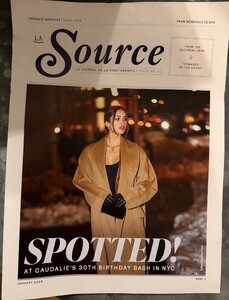
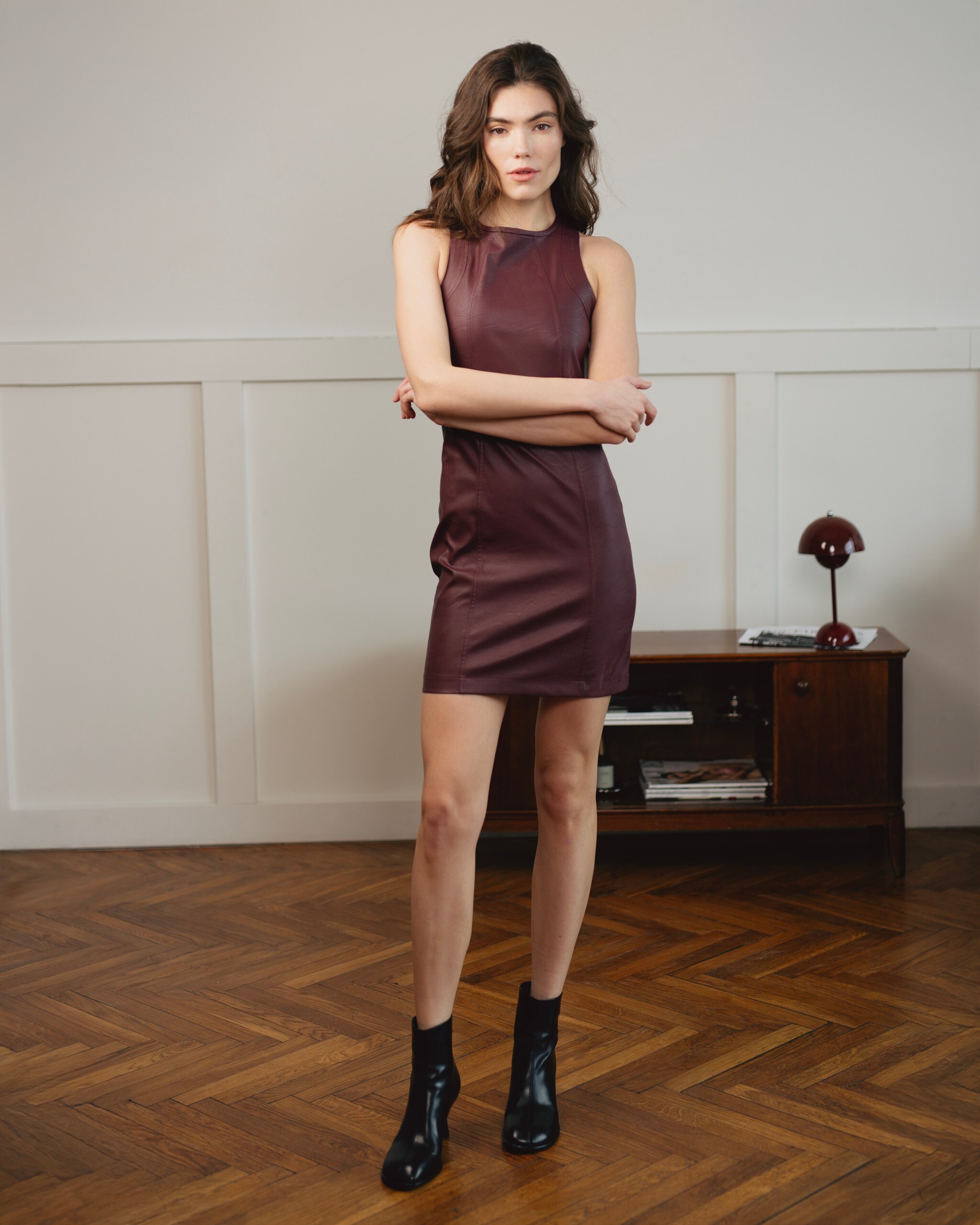
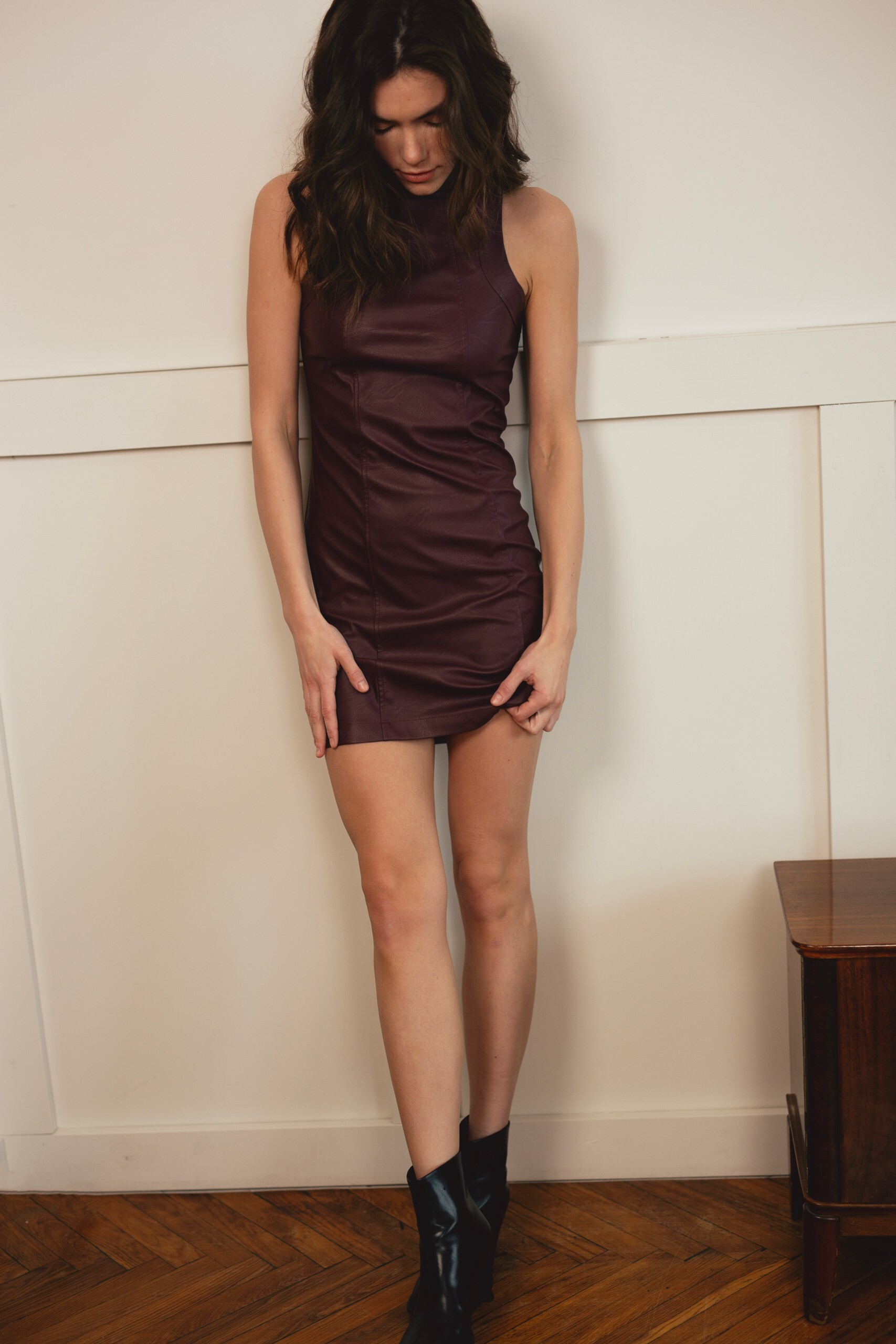
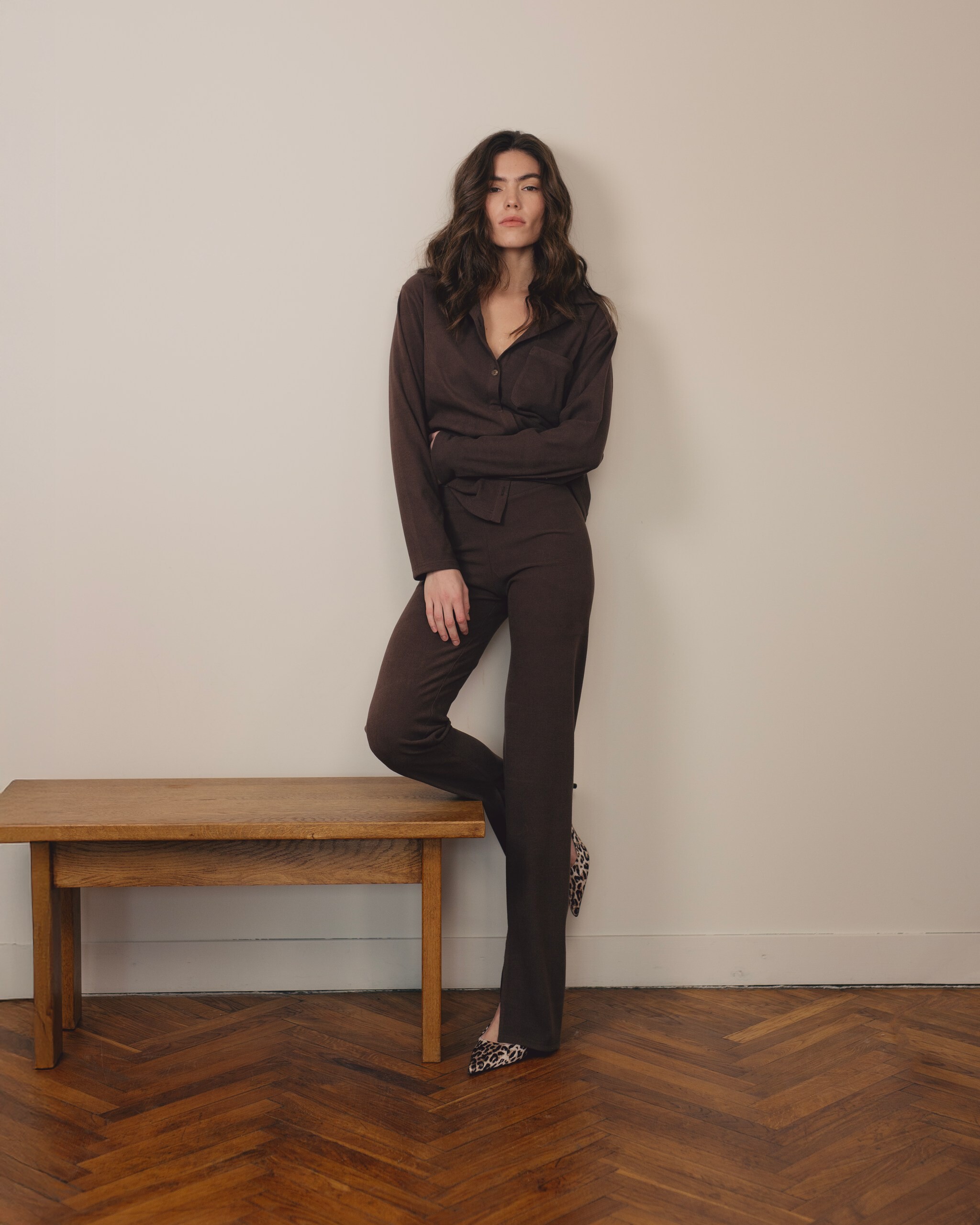
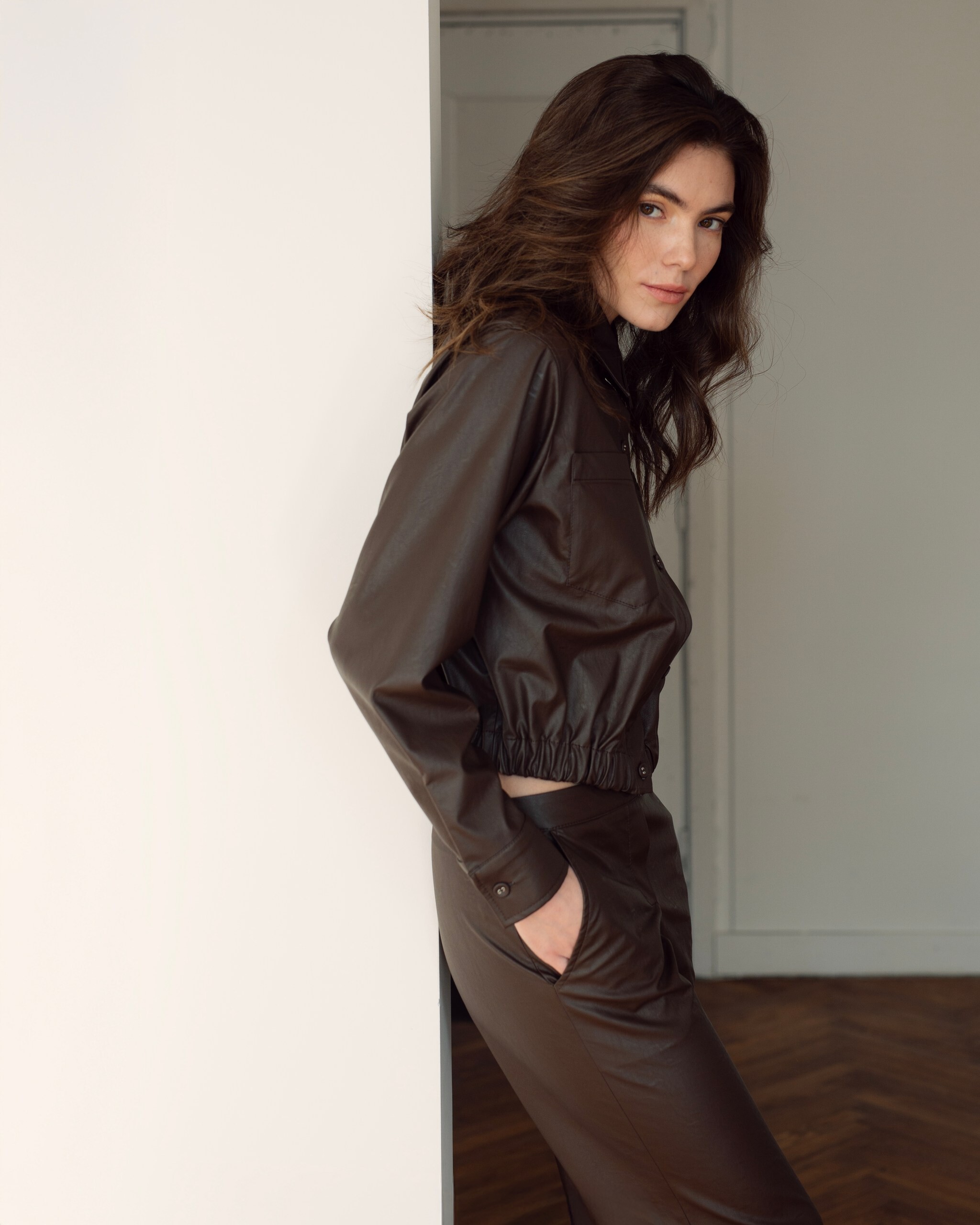
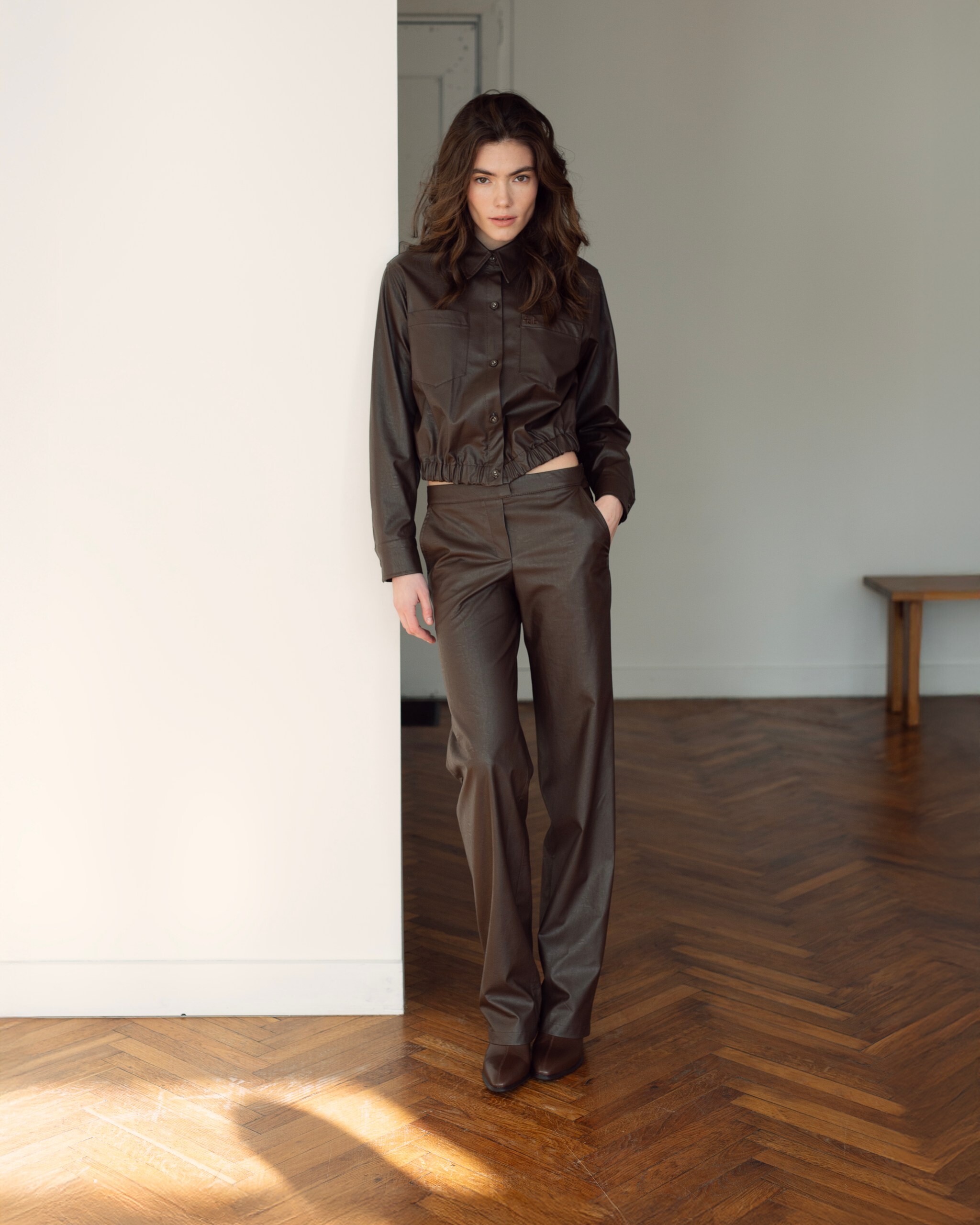
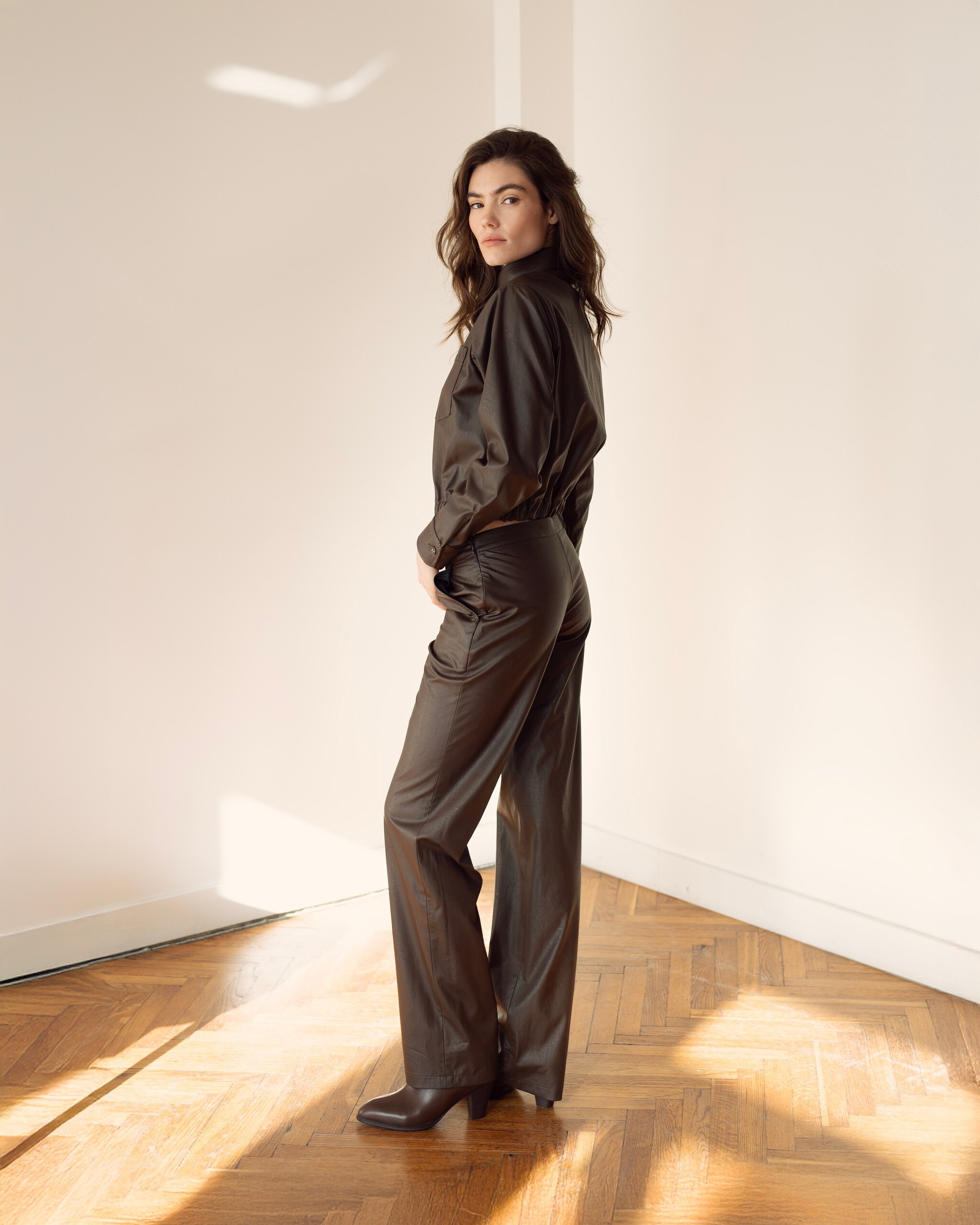
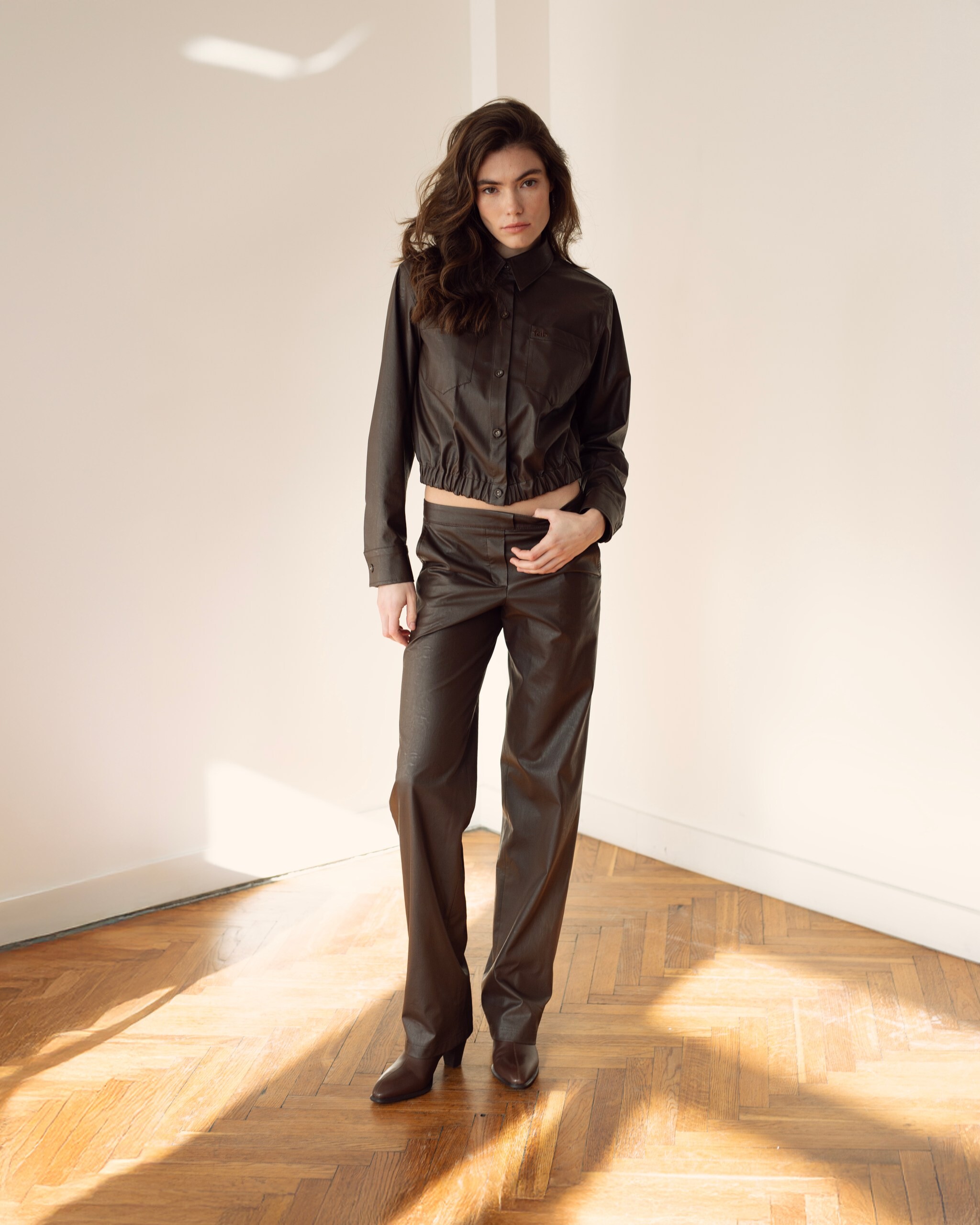
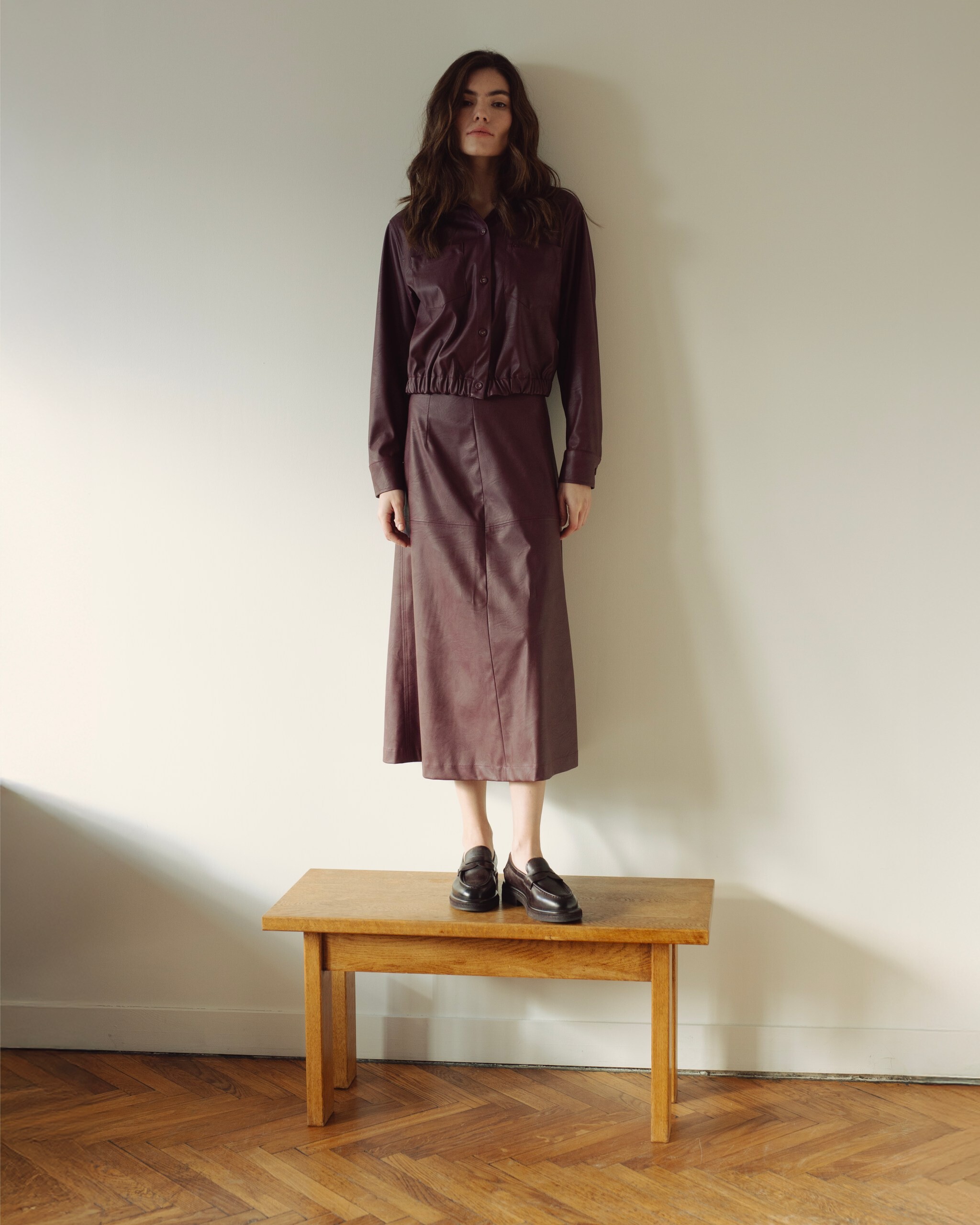
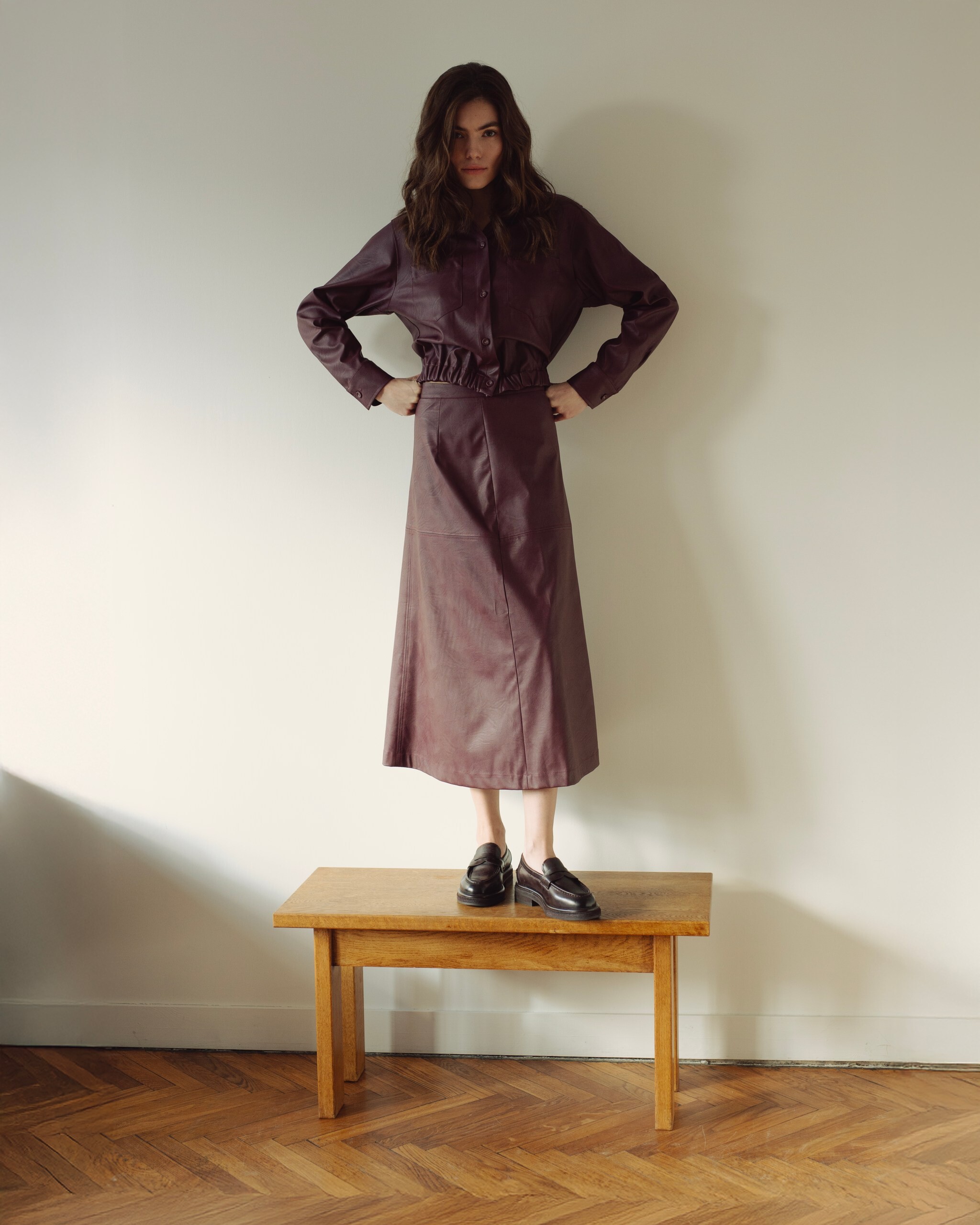
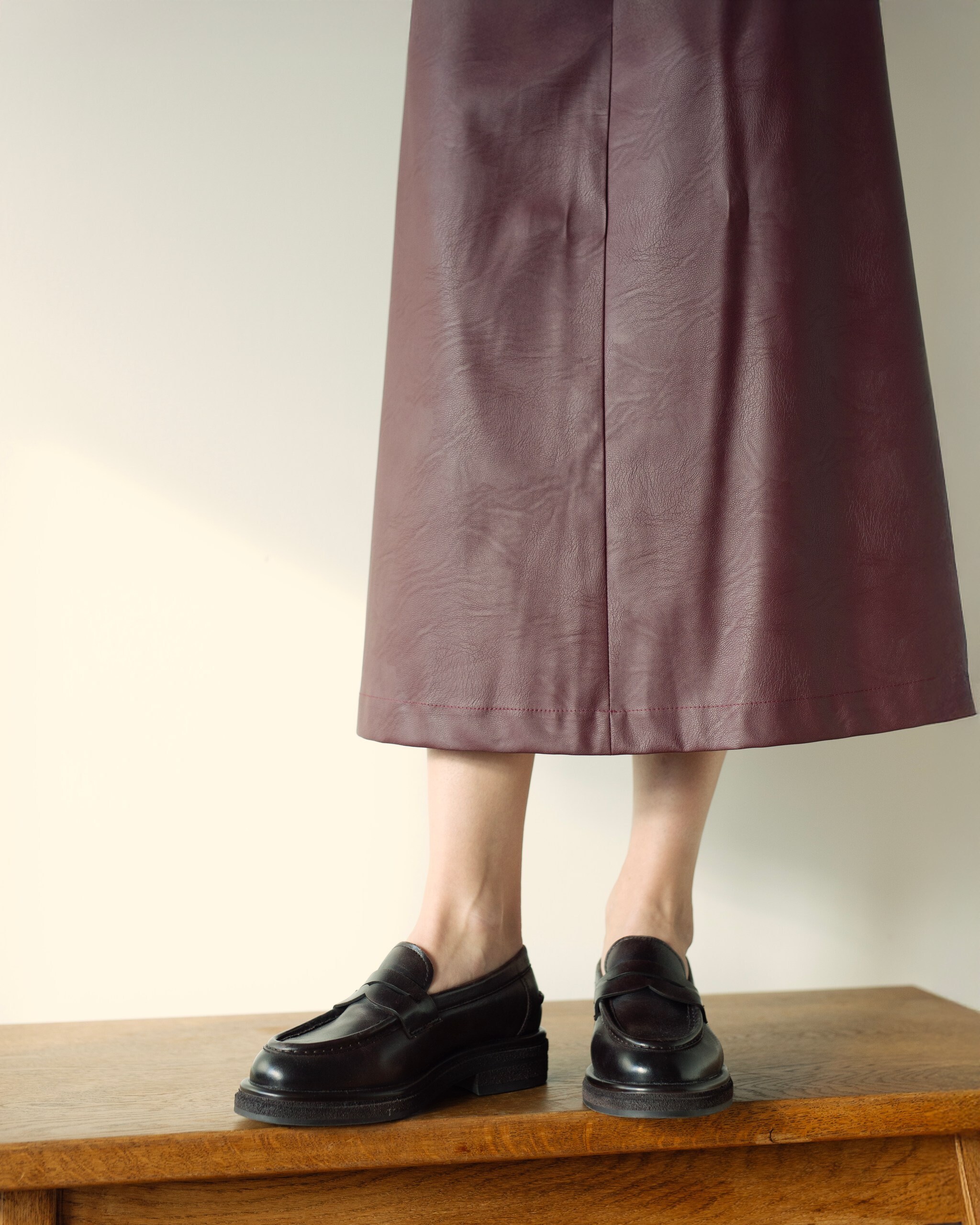
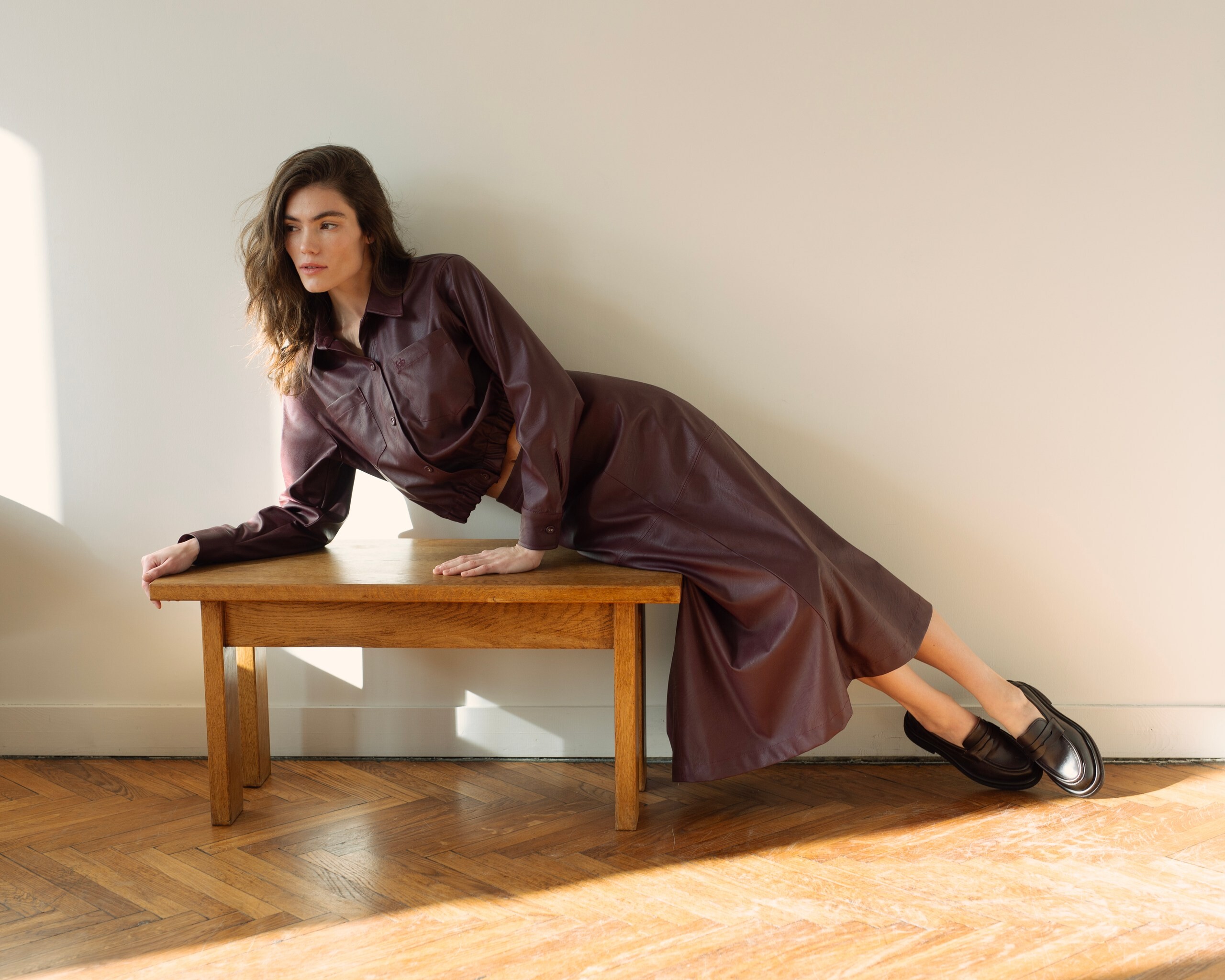
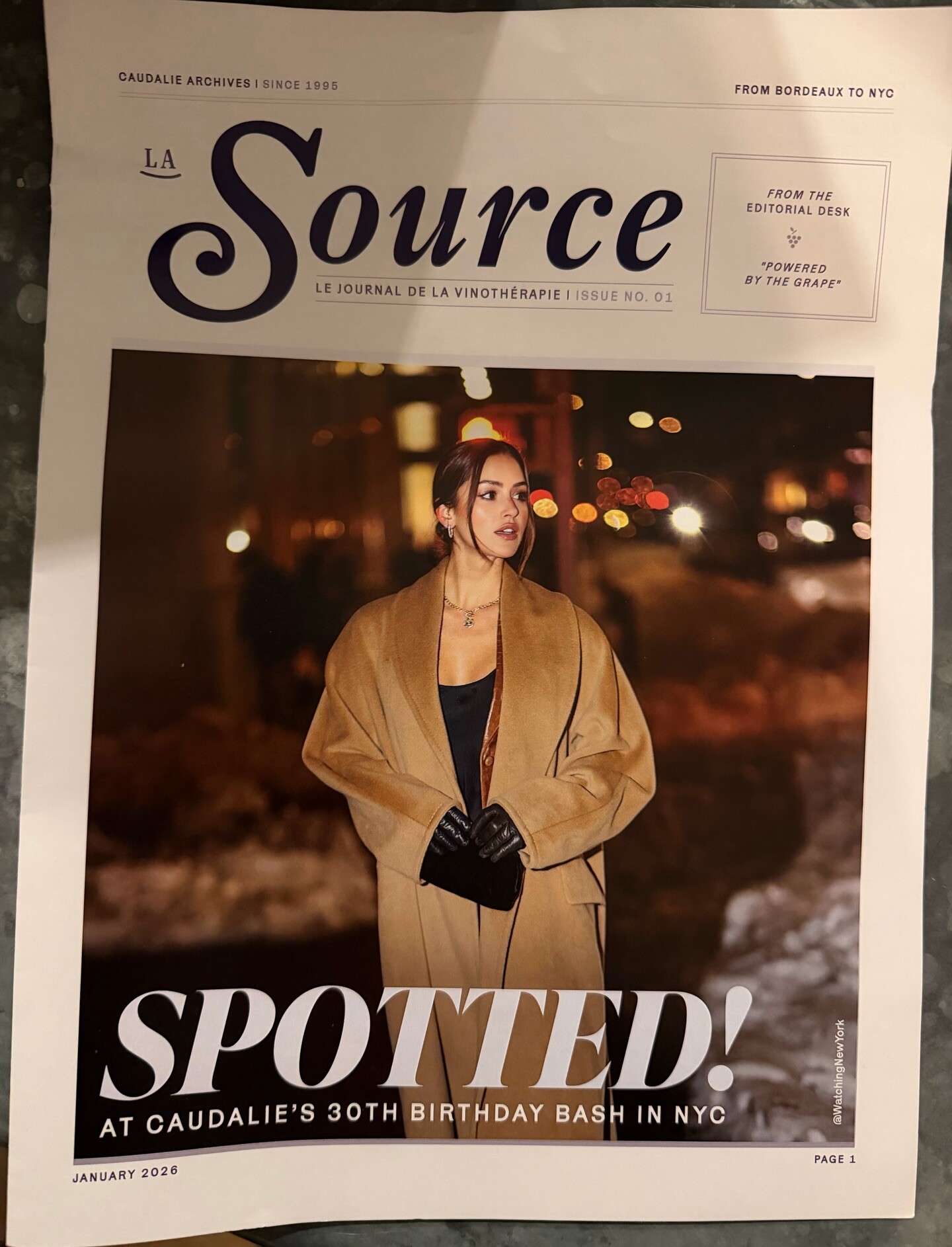
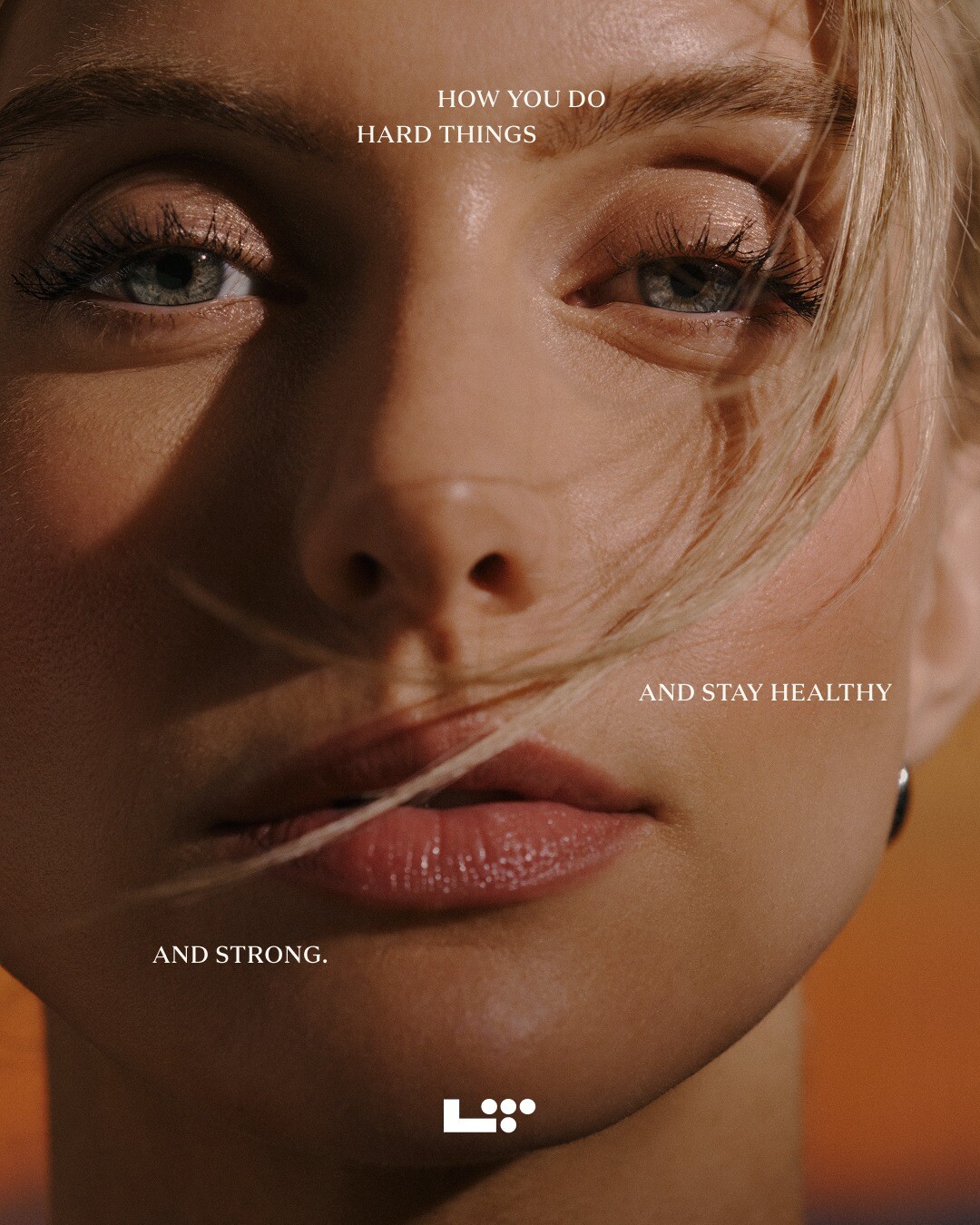
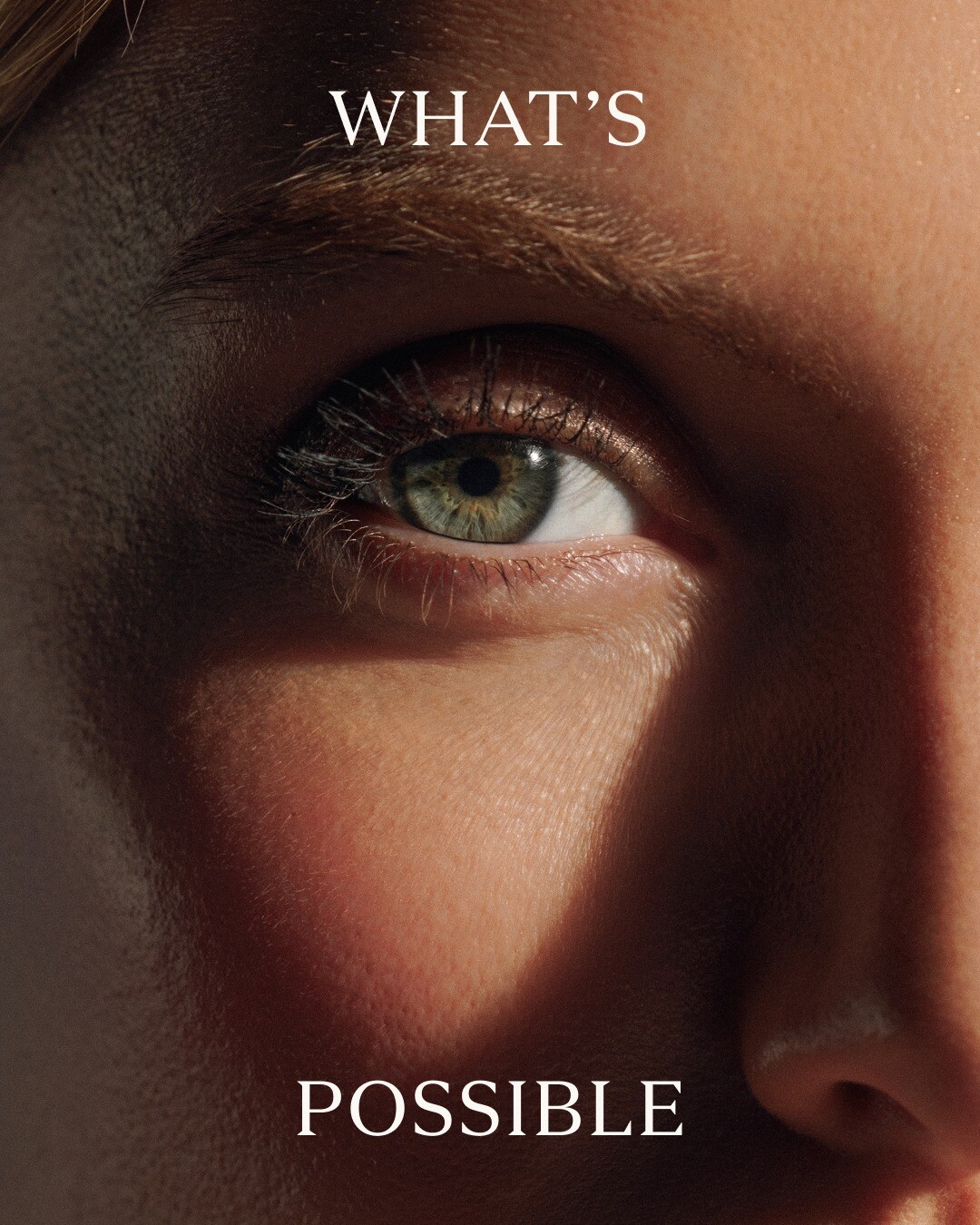
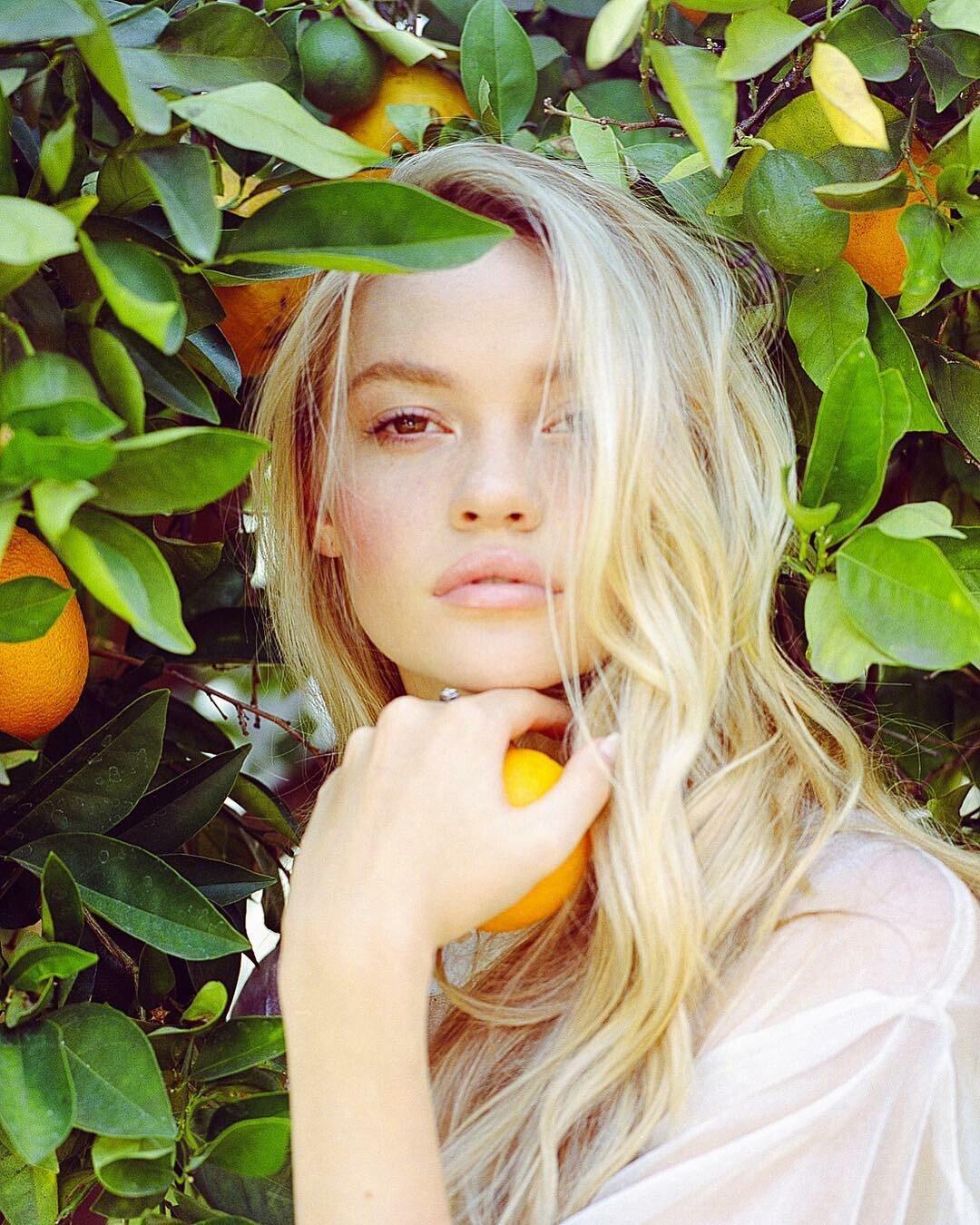
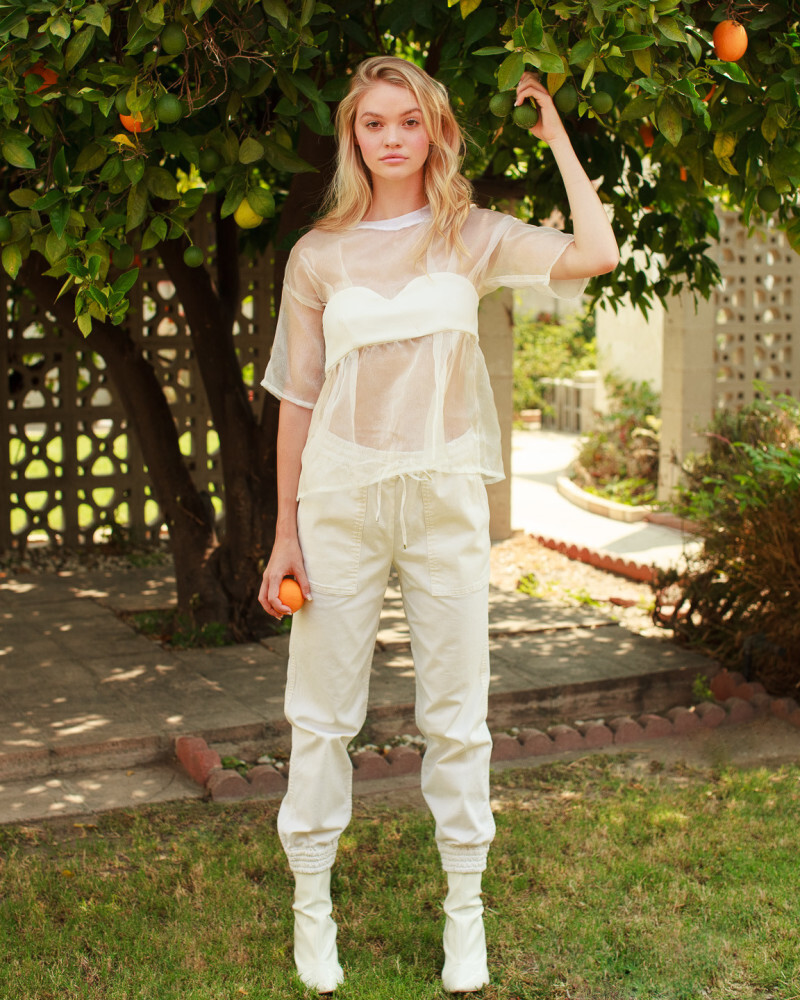
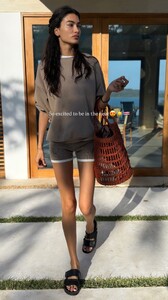 merci de m’avoir caudalie 🍇 celebrated the 30th anniversary one of my favorite sustainable skincare brands! ethically sourcing their products from the skin of grapes, from Bordeaux to NYC :) bisousbisous























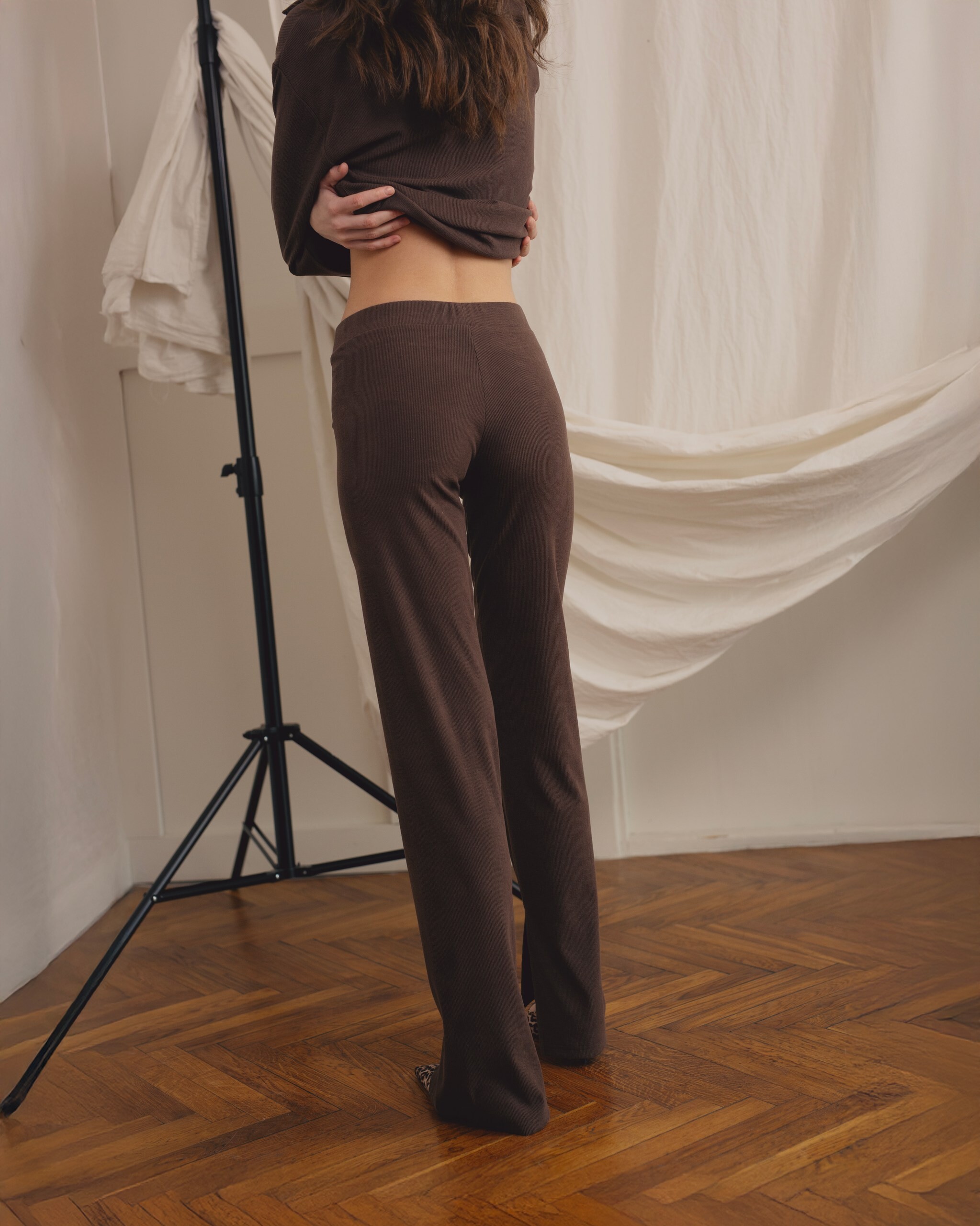




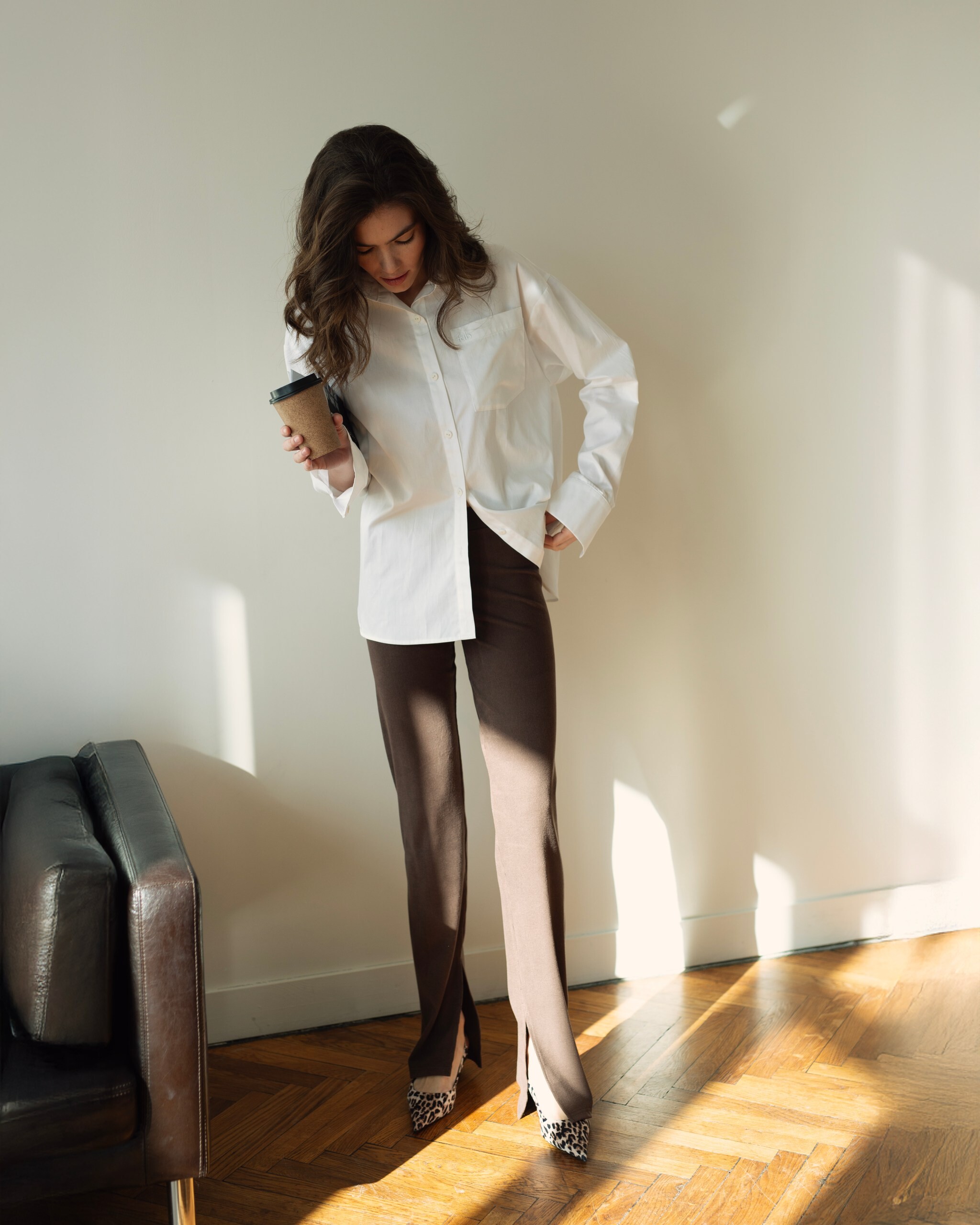

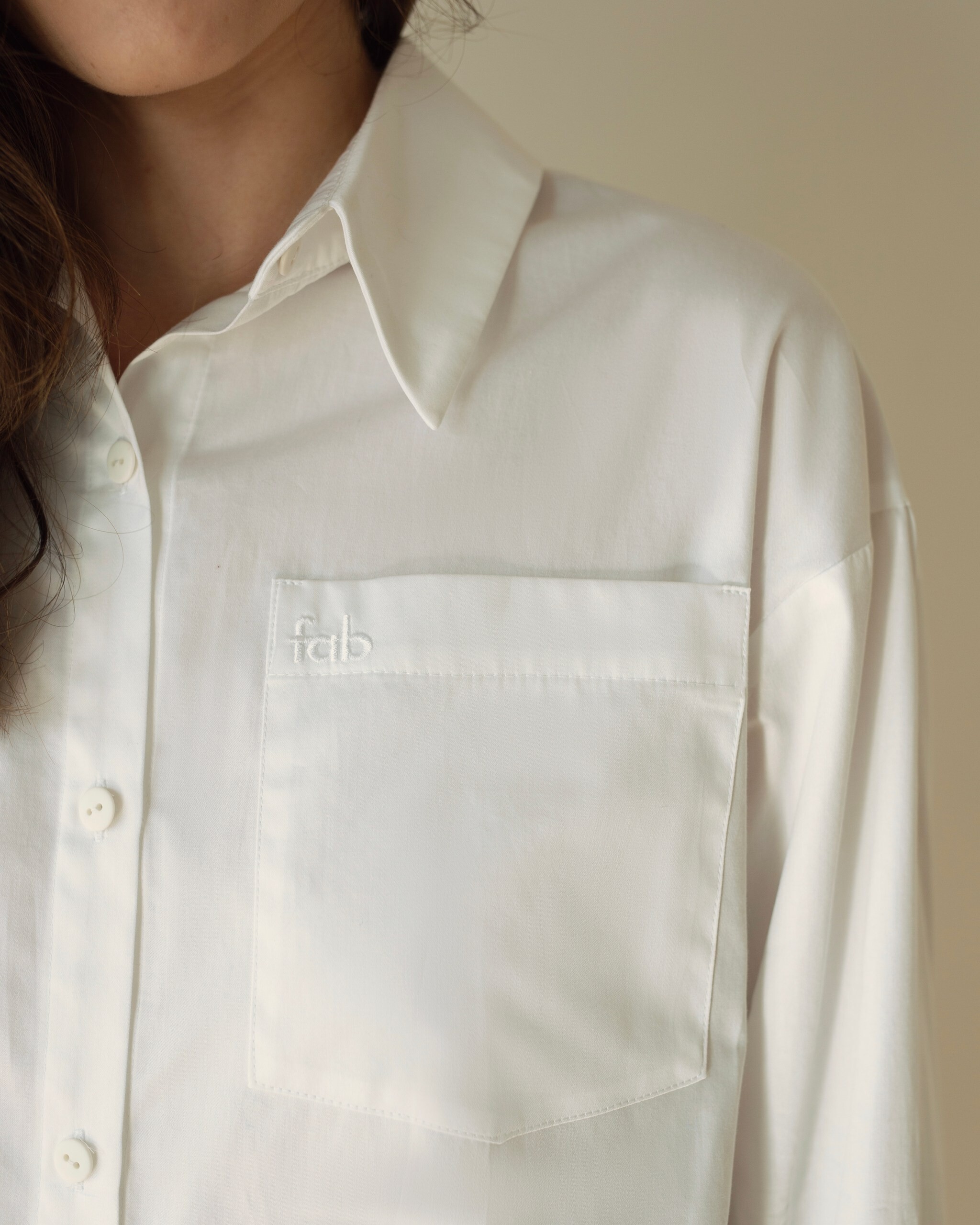


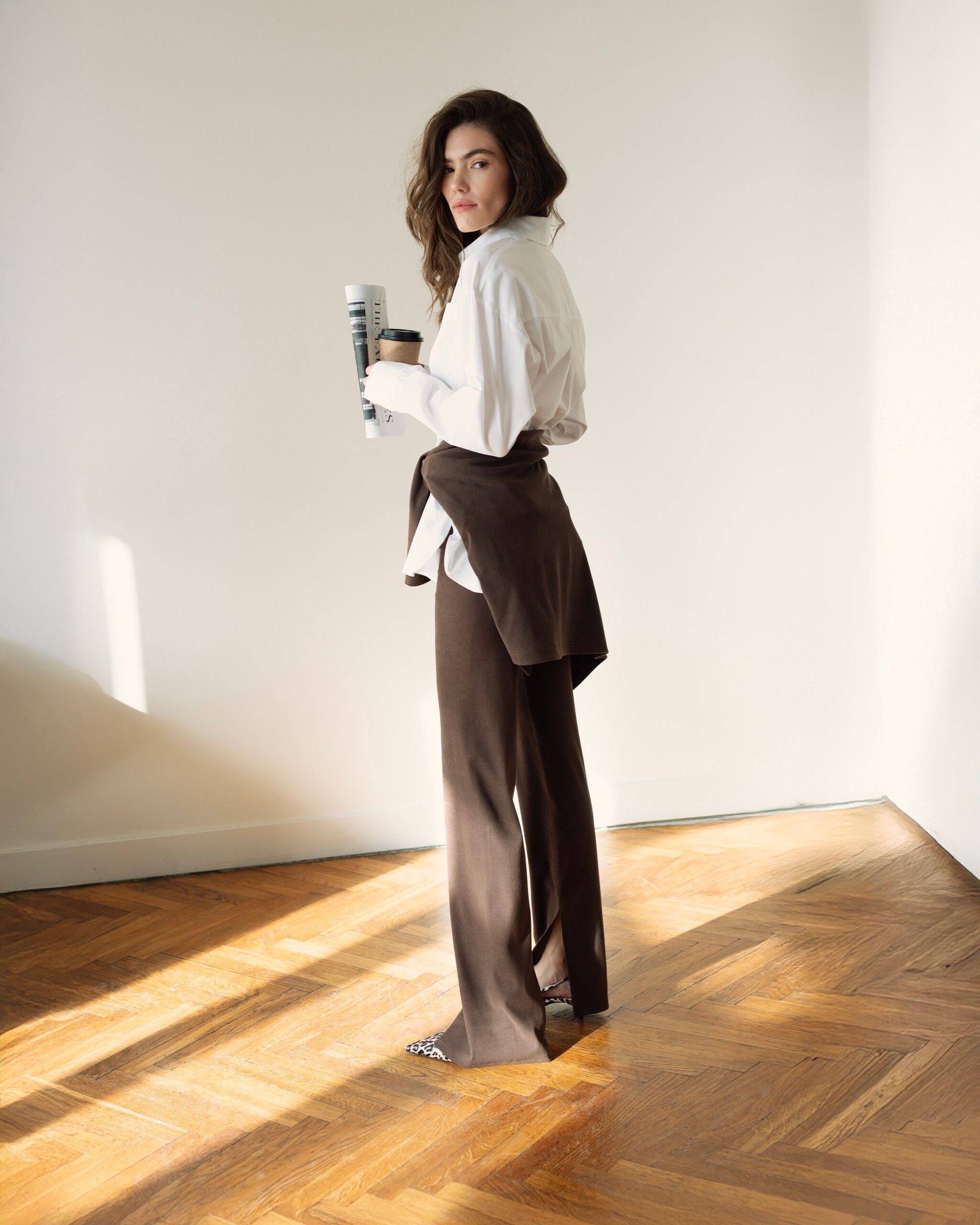


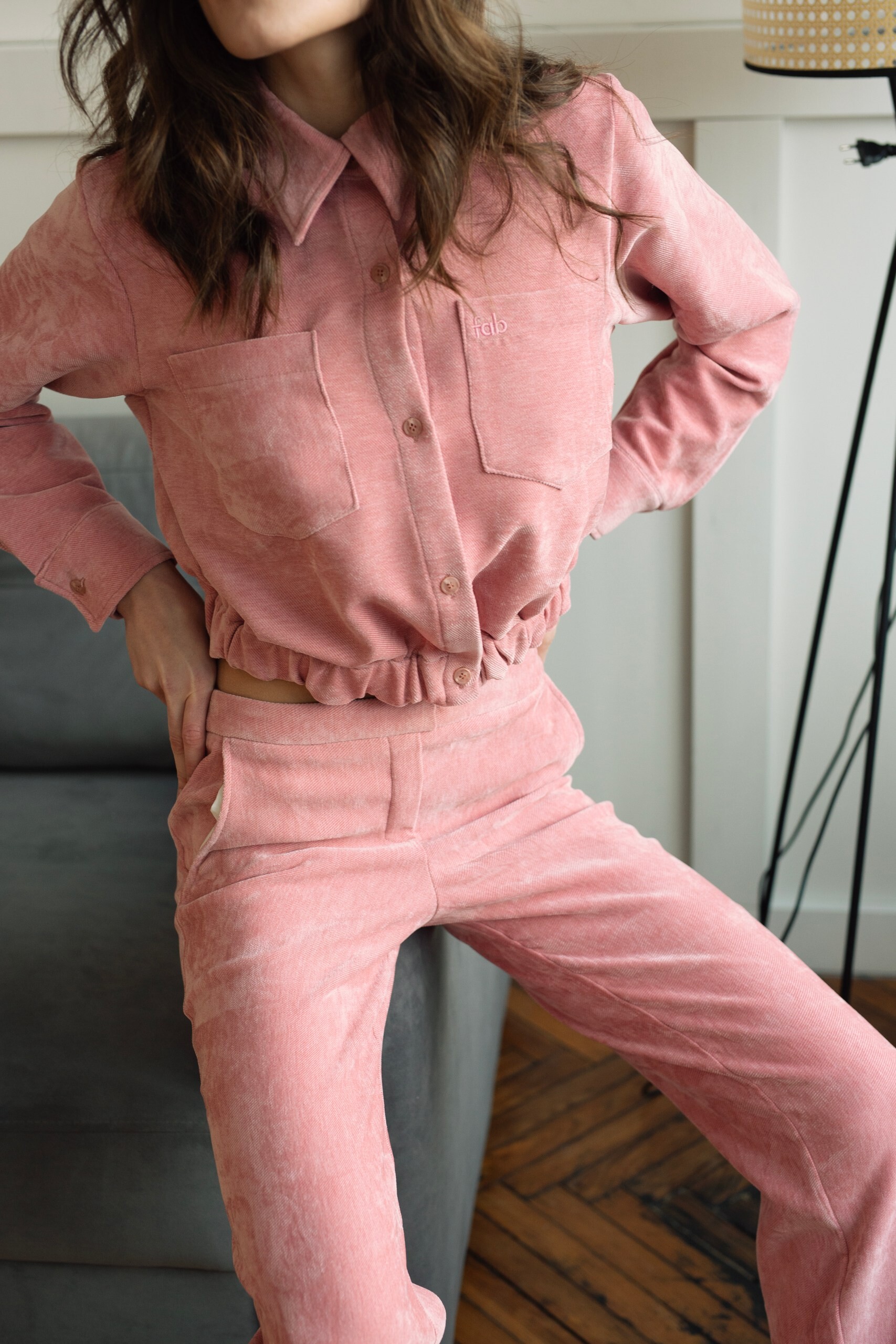










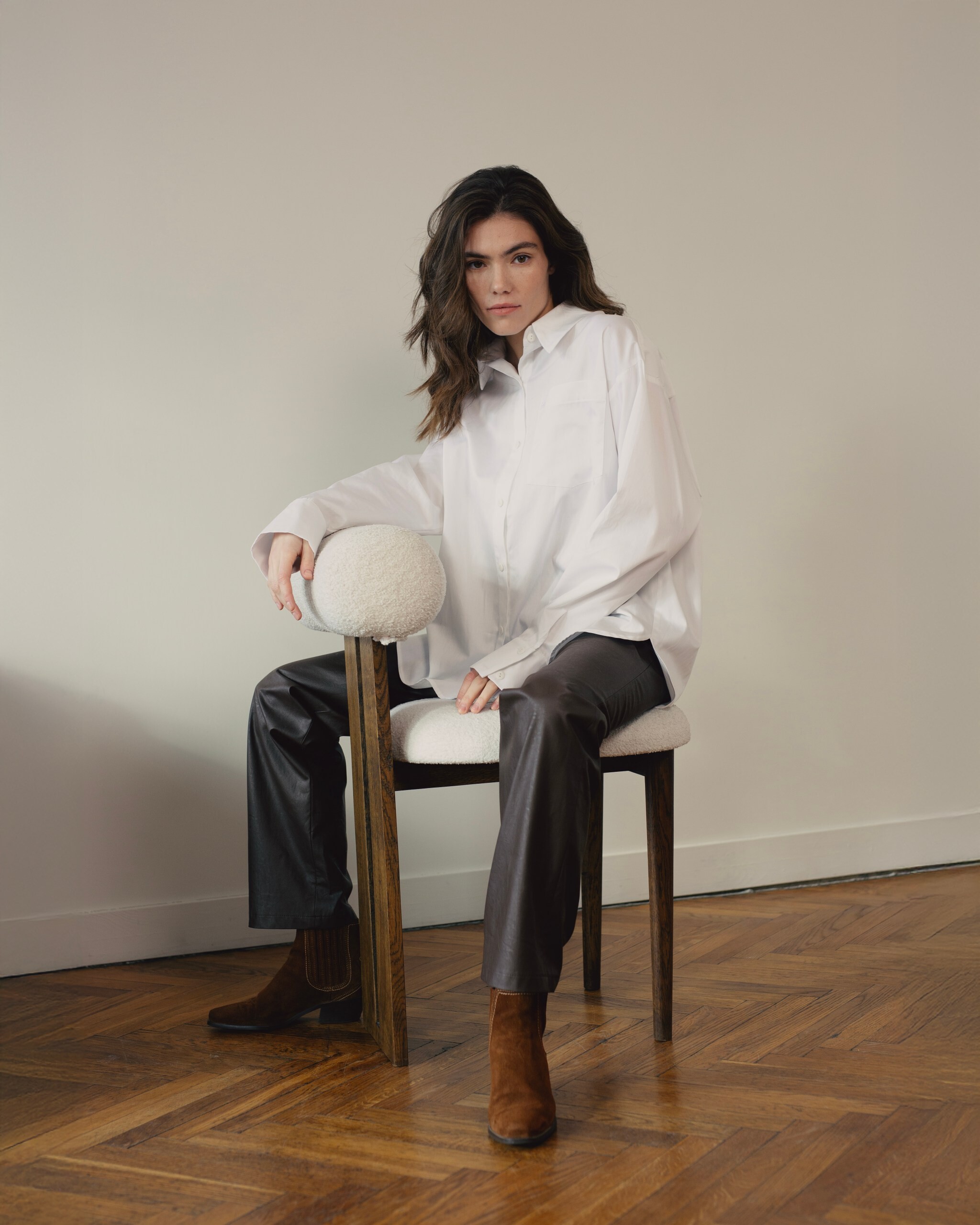


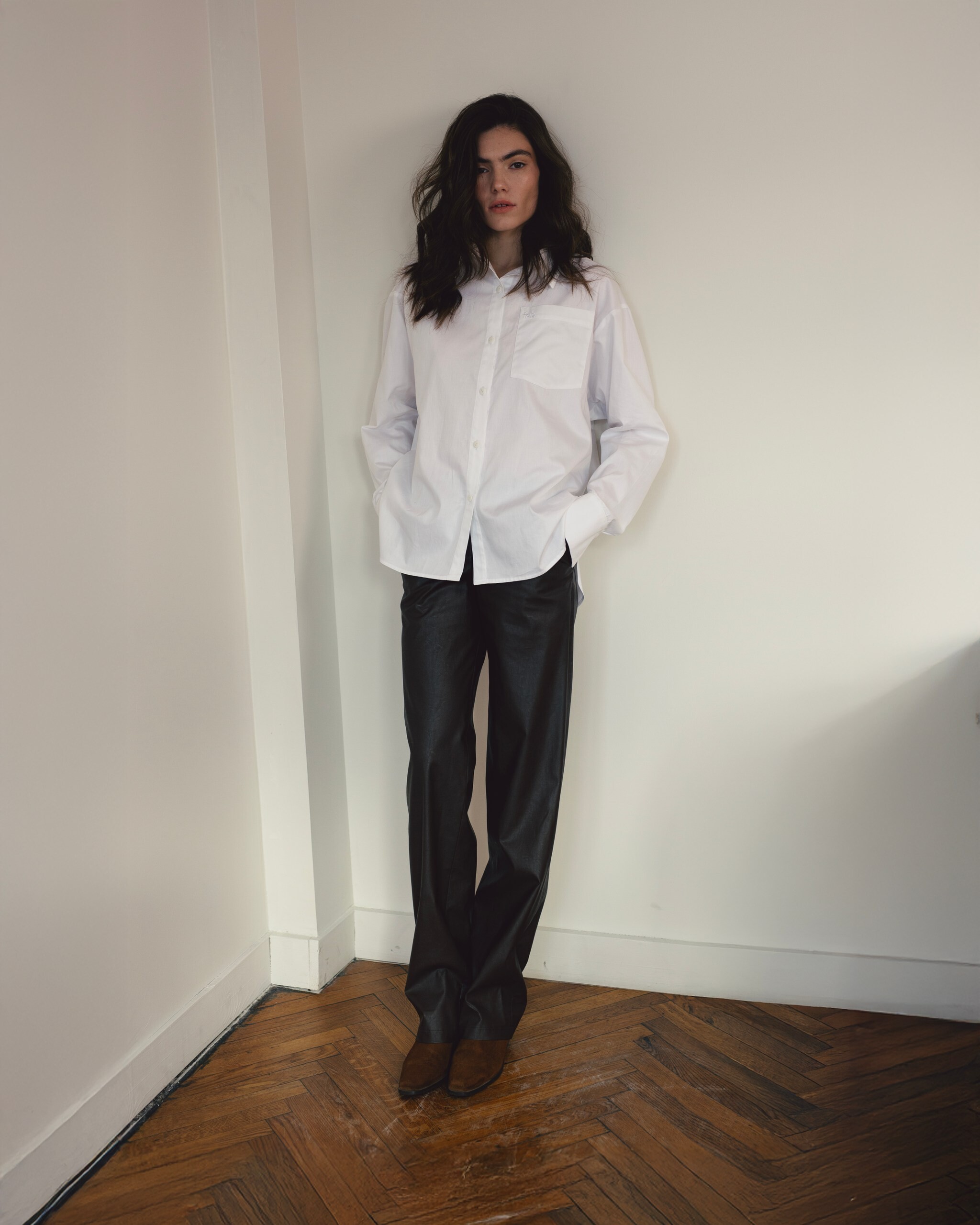
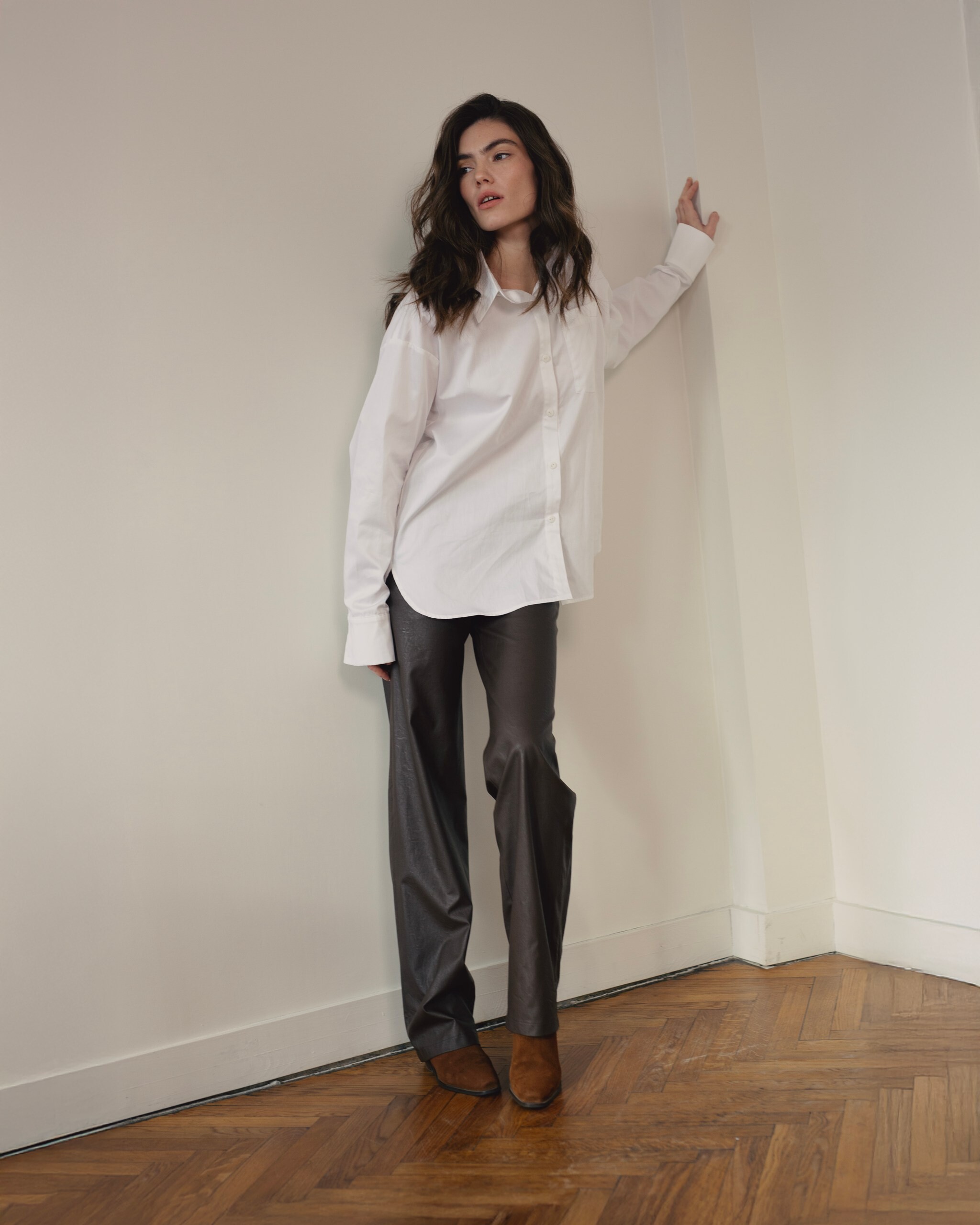


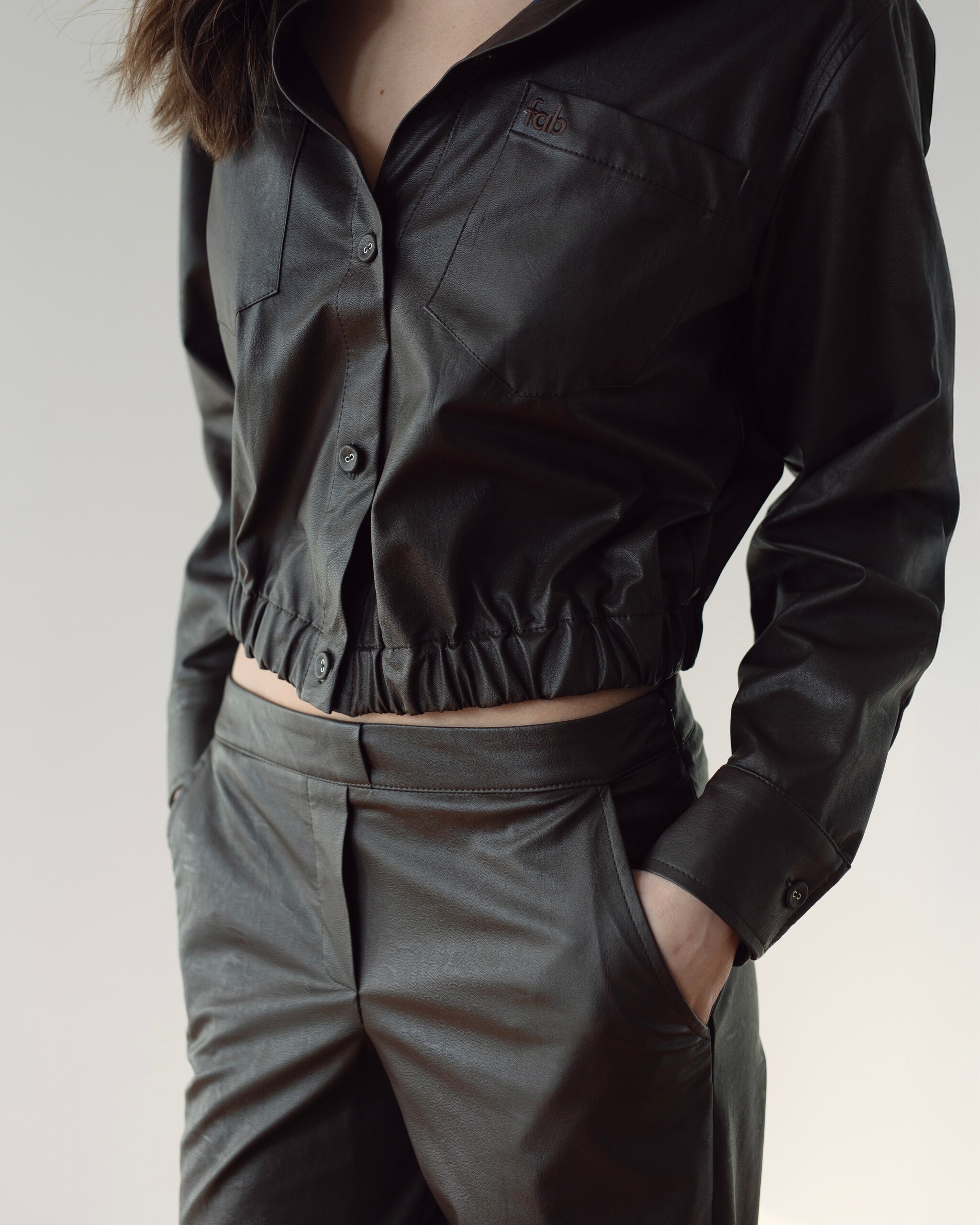
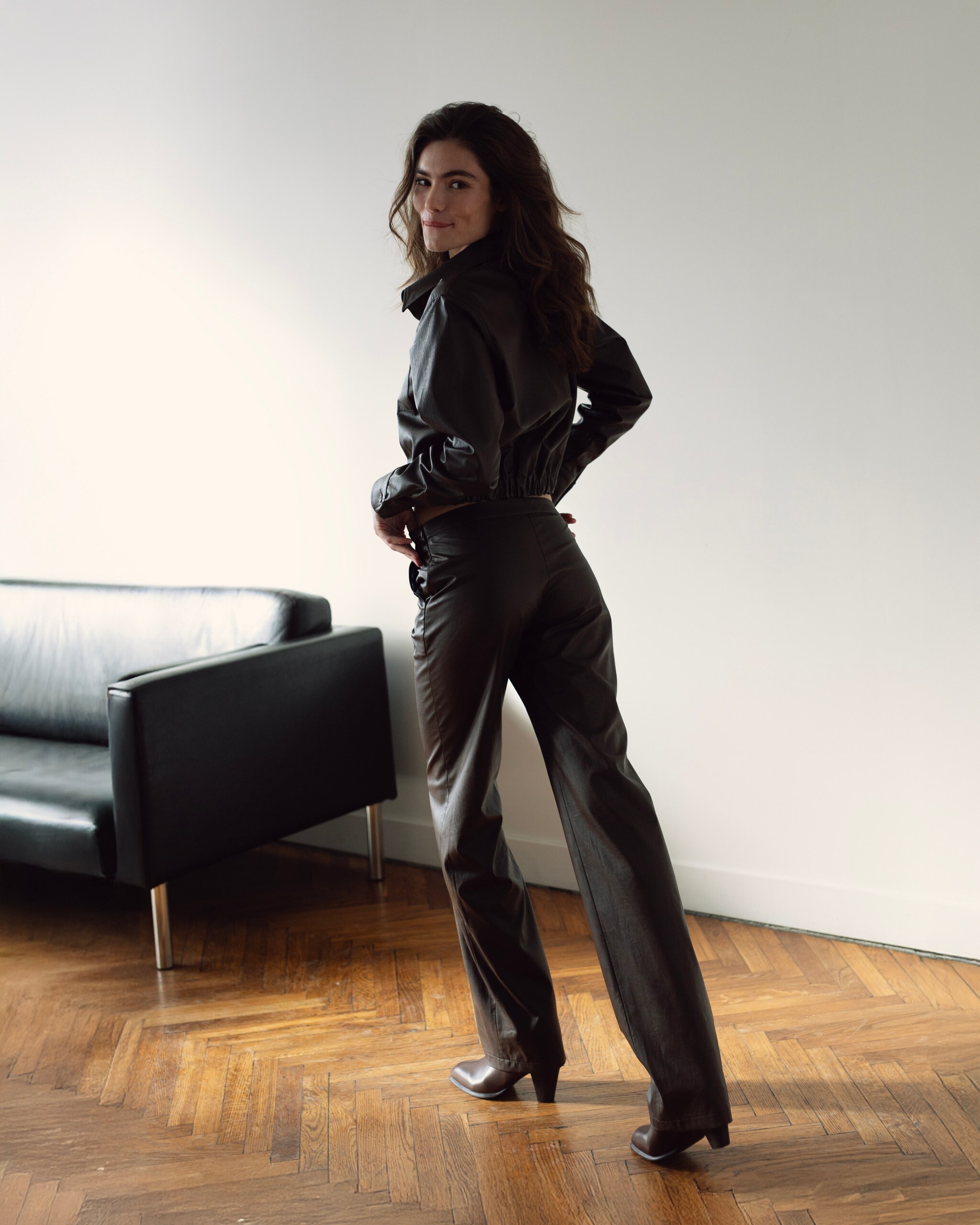



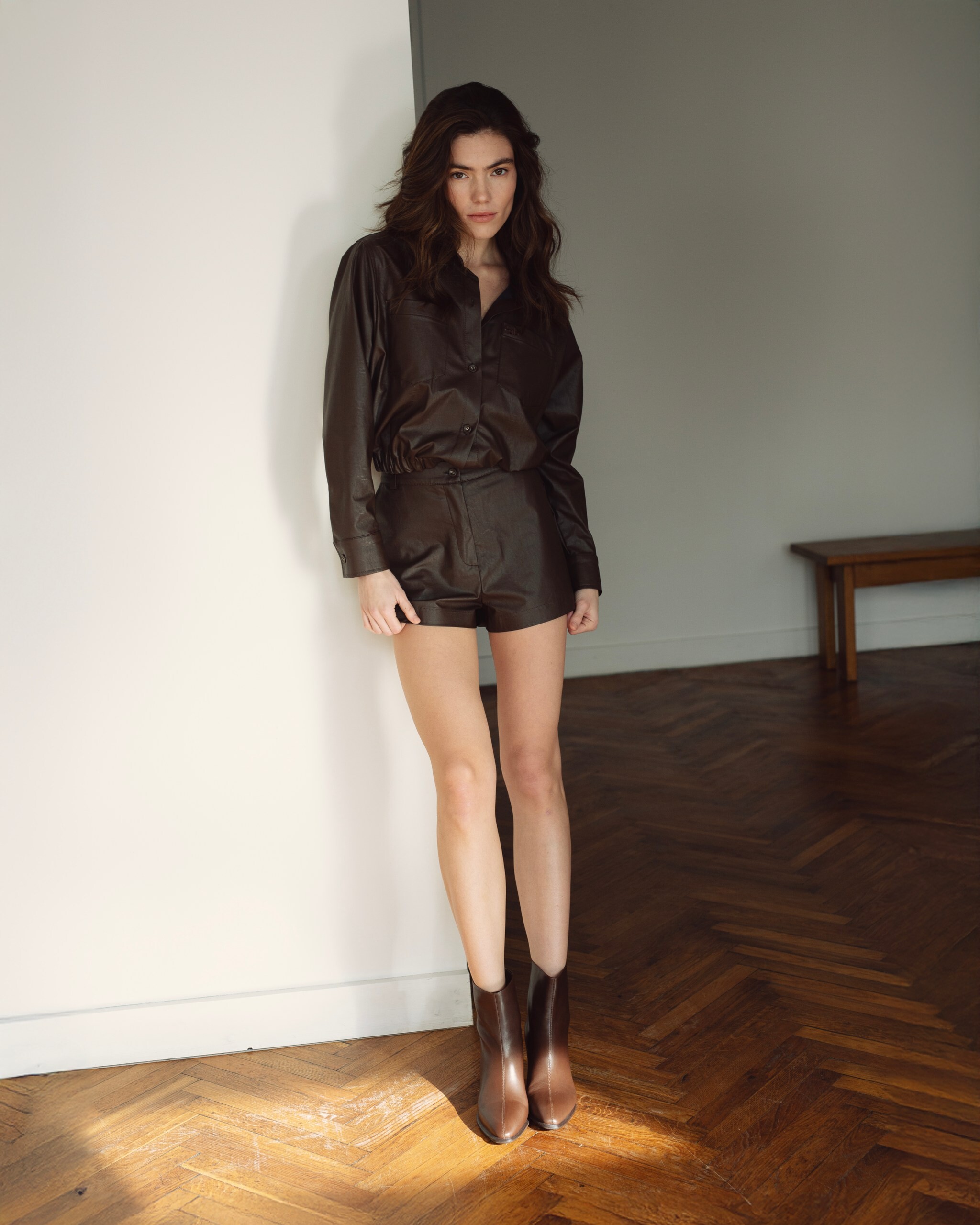
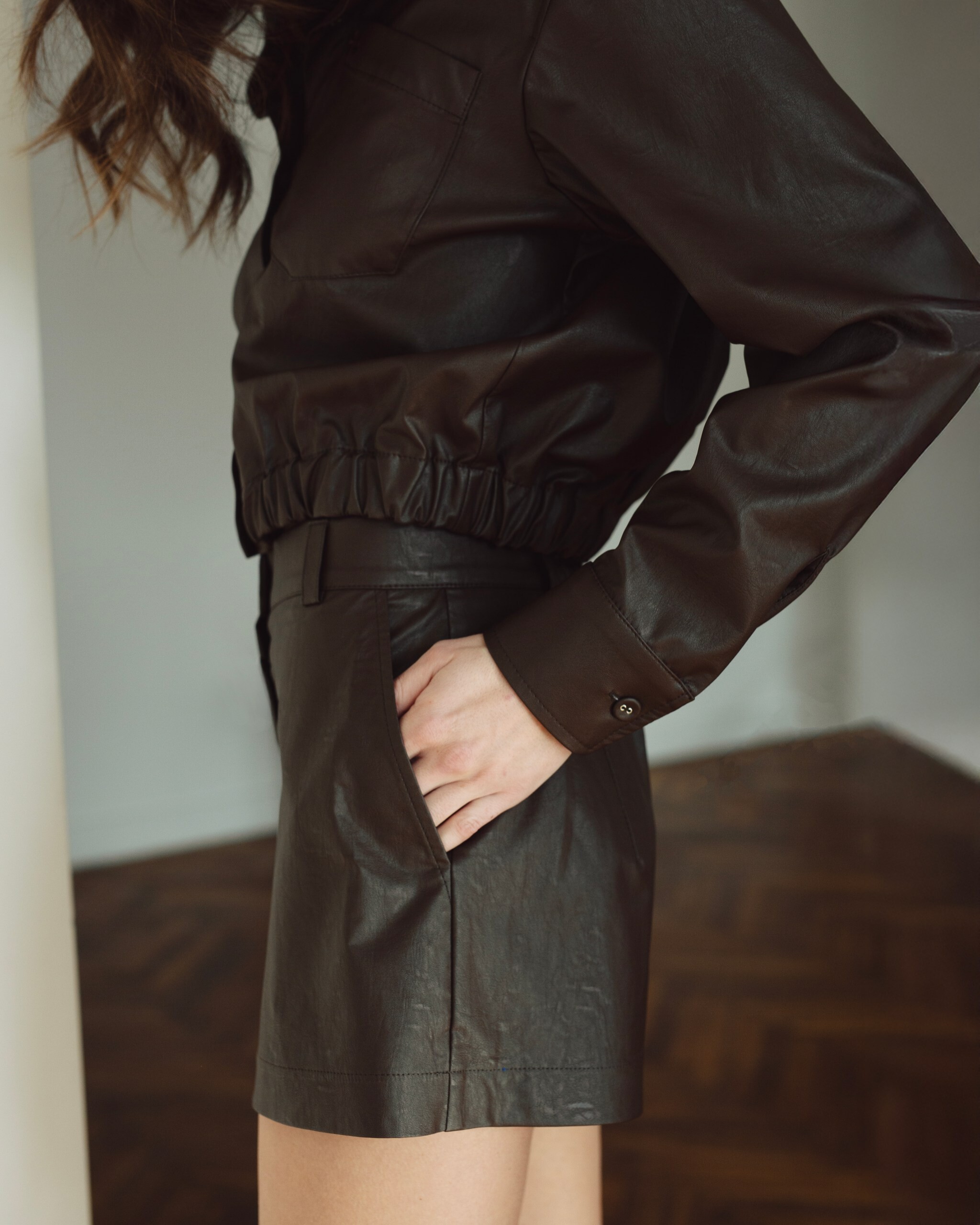





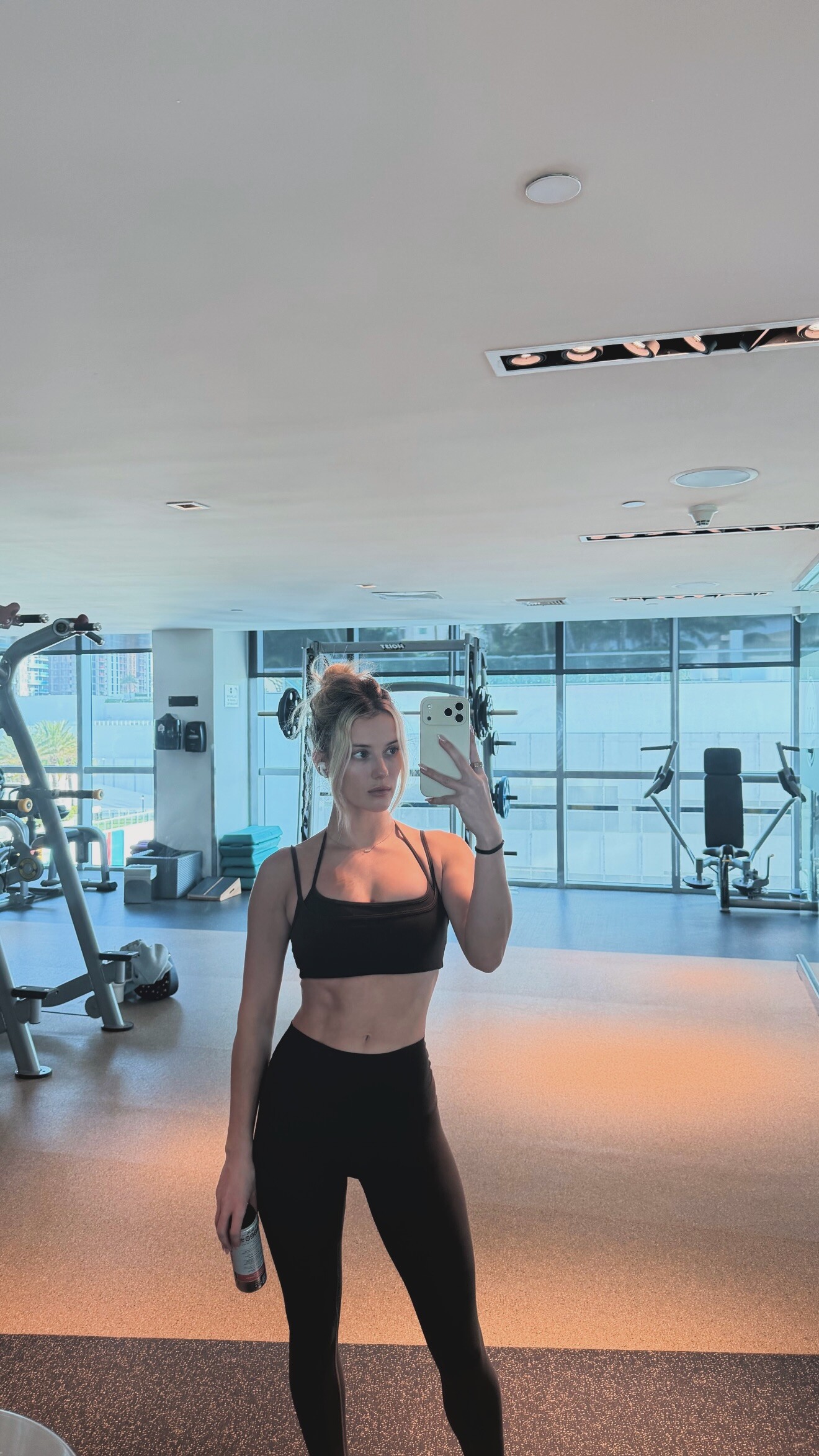



















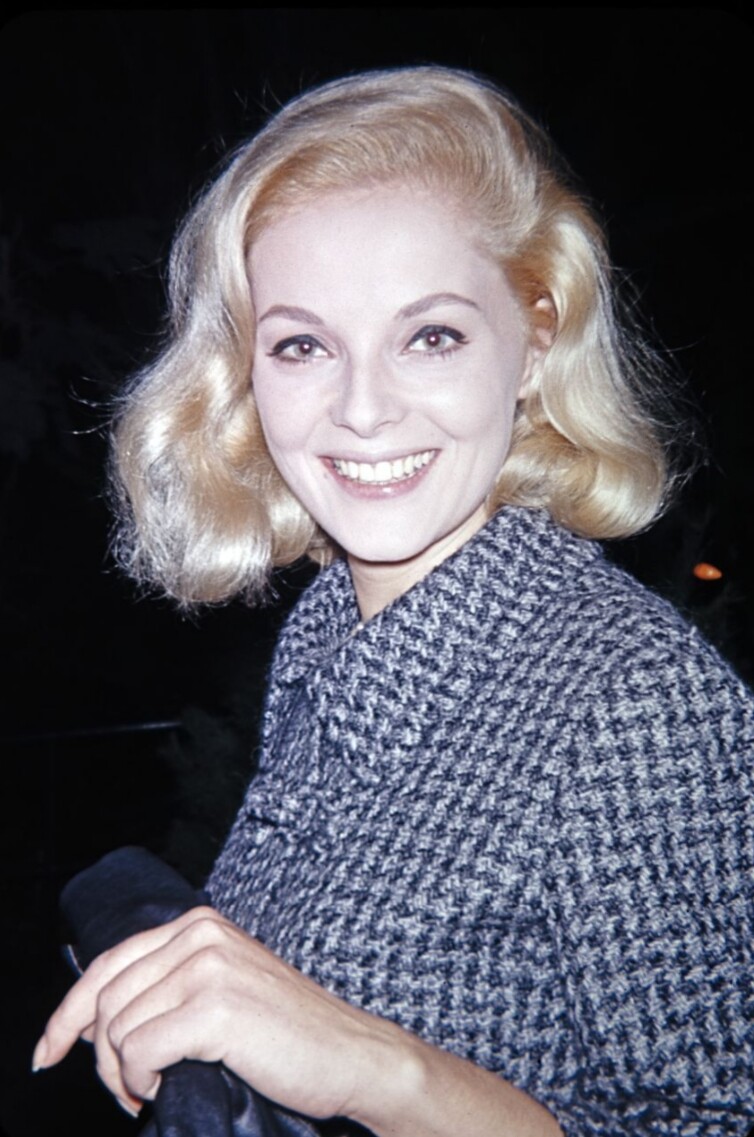

















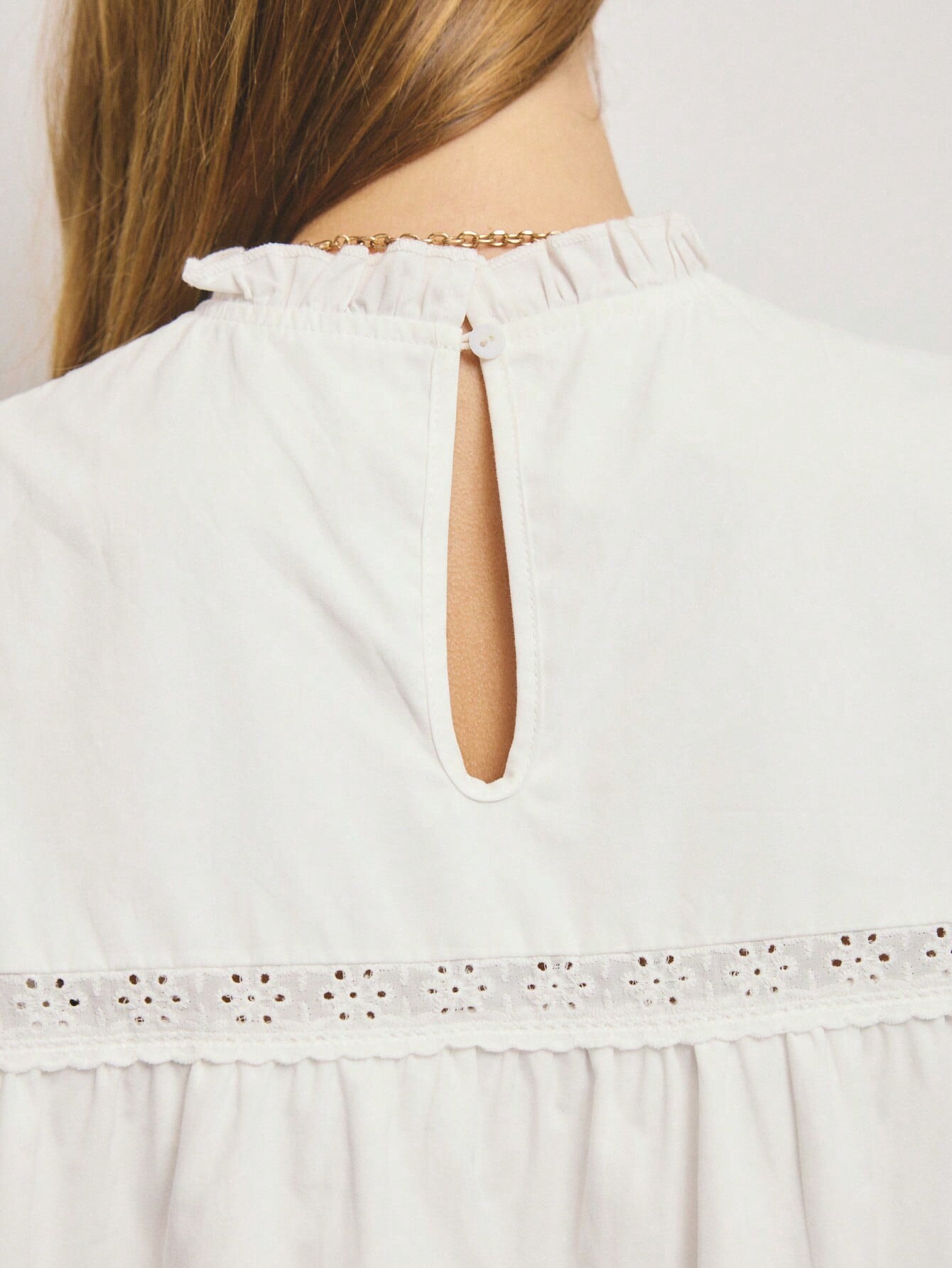




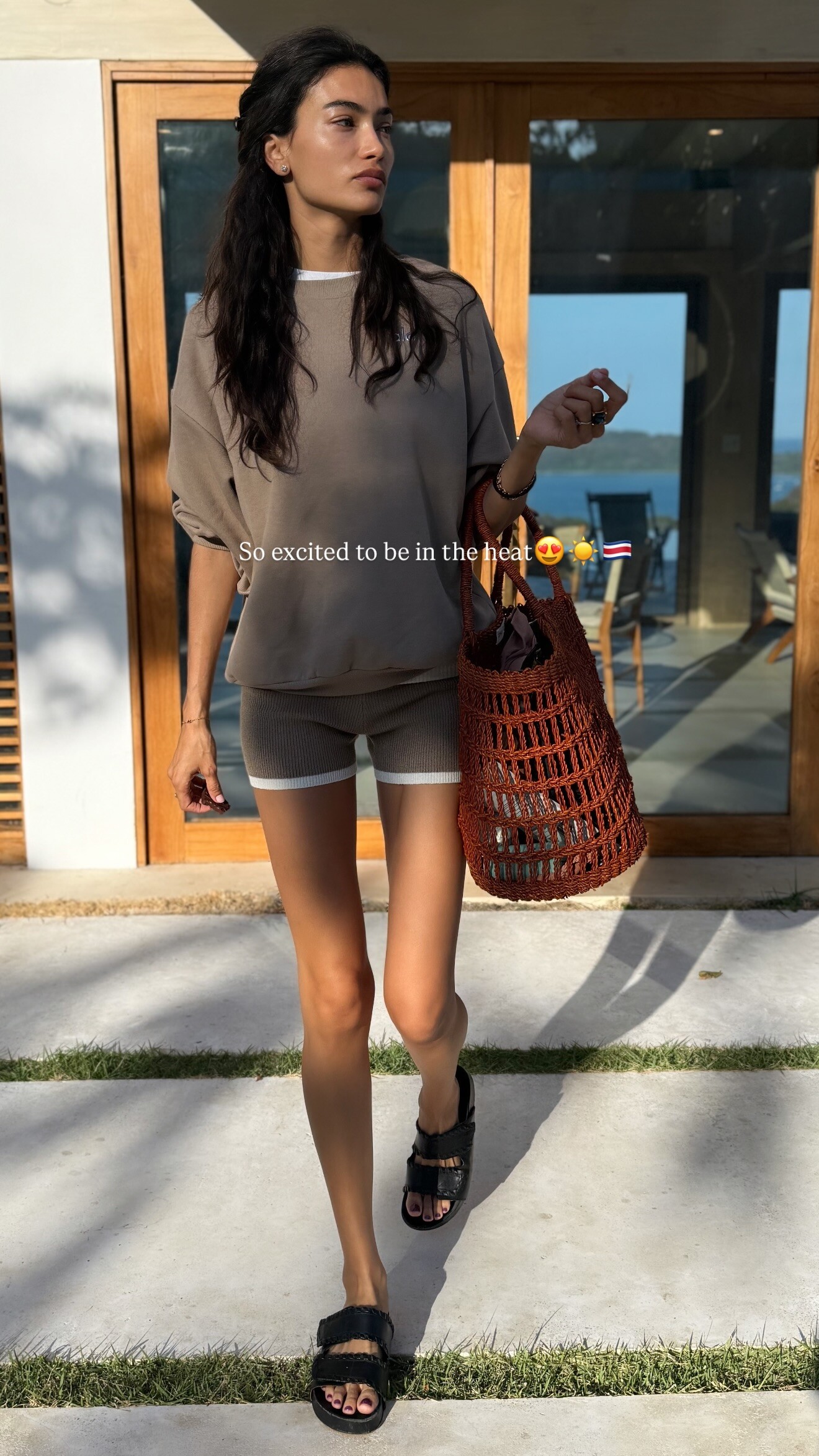



































































Account
Search
Configure browser push notifications
Chrome (Android)
- Tap the lock icon next to the address bar.
- Tap Permissions → Notifications.
- Adjust your preference.
Chrome (Desktop)
- Click the padlock icon in the address bar.
- Select Site settings.
- Find Notifications and adjust your preference.
Safari (iOS 16.4+)
- Ensure the site is installed via Add to Home Screen.
- Open Settings App → Notifications.
- Find your app name and adjust your preference.
Safari (macOS)
- Go to Safari → Preferences.
- Click the Websites tab.
- Select Notifications in the sidebar.
- Find this website and adjust your preference.
Edge (Android)
- Tap the lock icon next to the address bar.
- Tap Permissions.
- Find Notifications and adjust your preference.
Edge (Desktop)
- Click the padlock icon in the address bar.
- Click Permissions for this site.
- Find Notifications and adjust your preference.
Firefox (Android)
- Go to Settings → Site permissions.
- Tap Notifications.
- Find this site in the list and adjust your preference.
Firefox (Desktop)
- Open Firefox Settings.
- Search for Notifications.
- Find this site in the list and adjust your preference.