All Activity
- Past hour
-
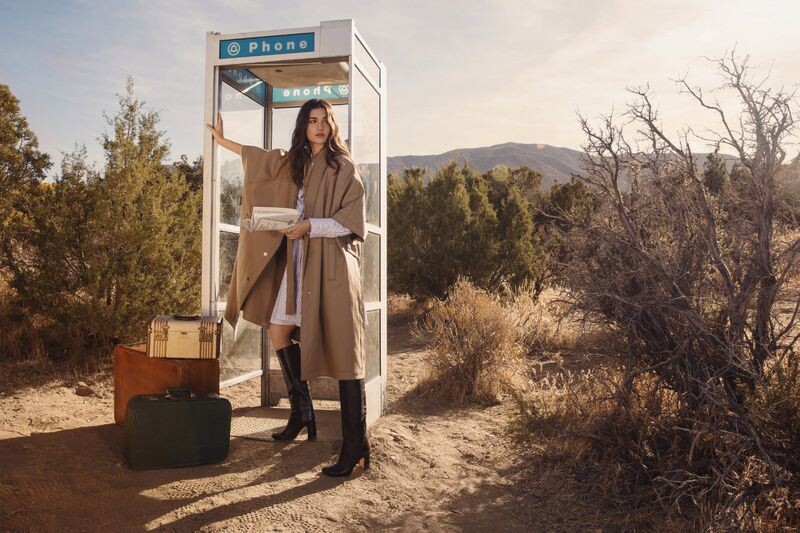
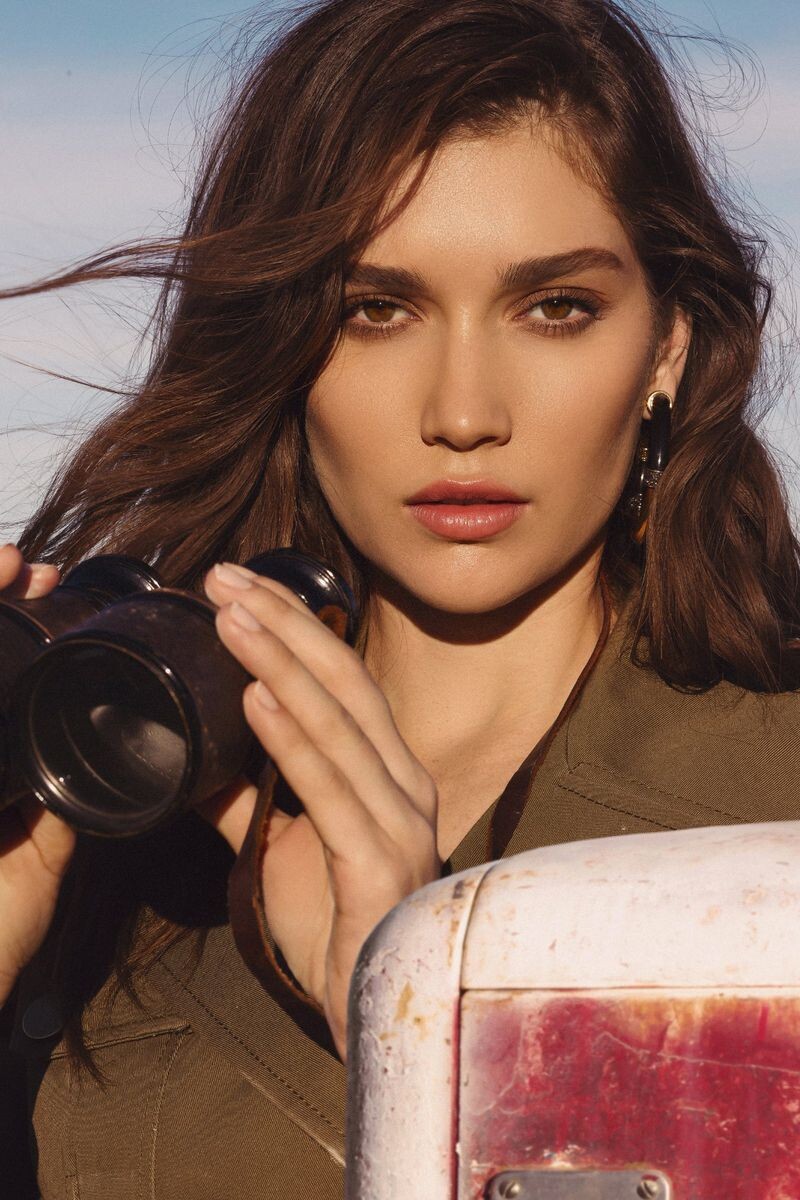
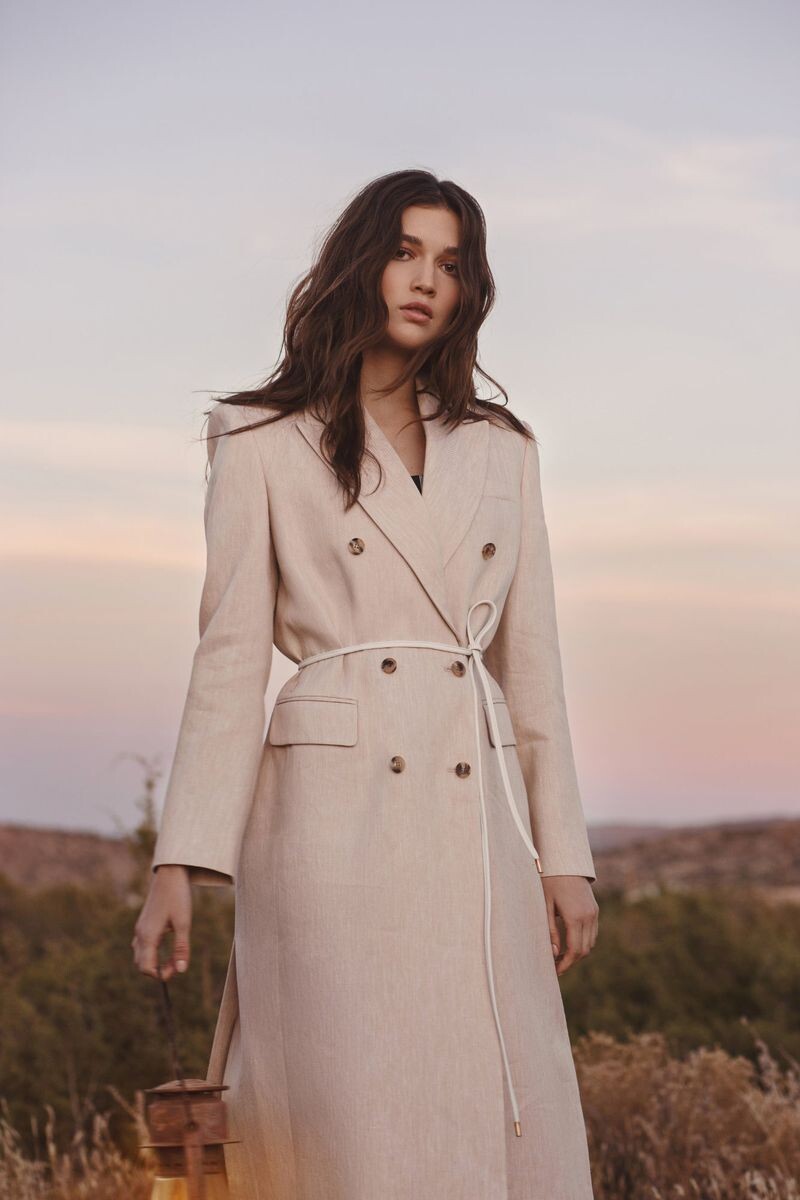
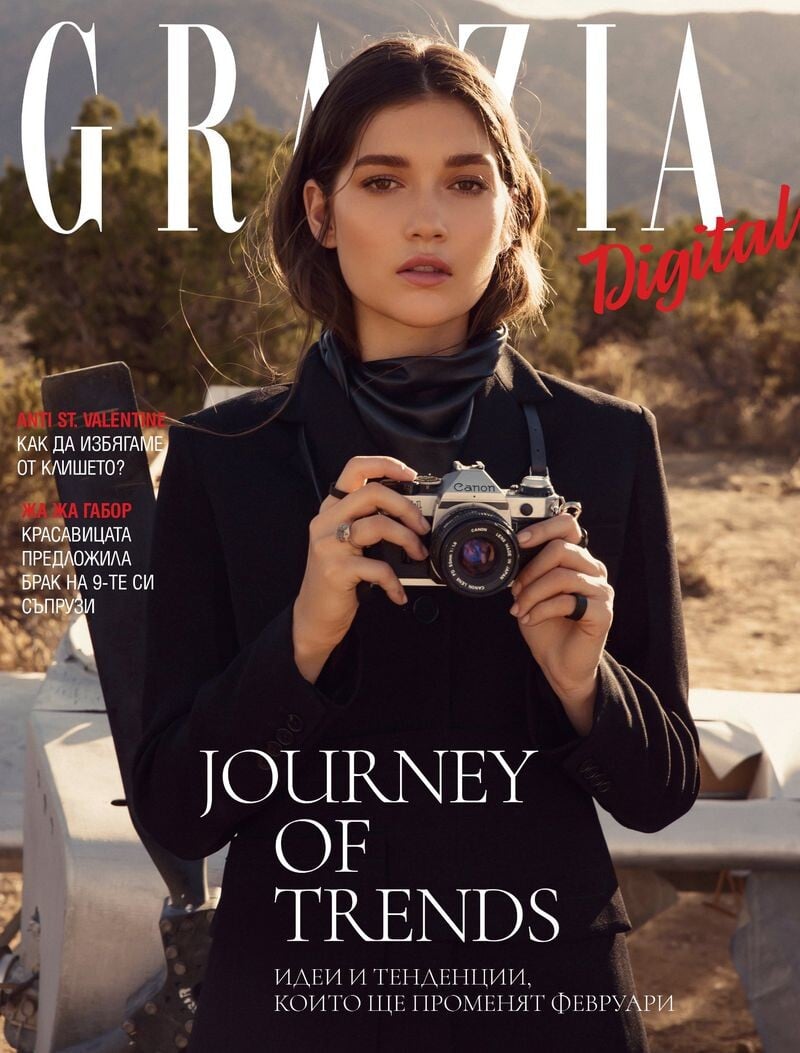
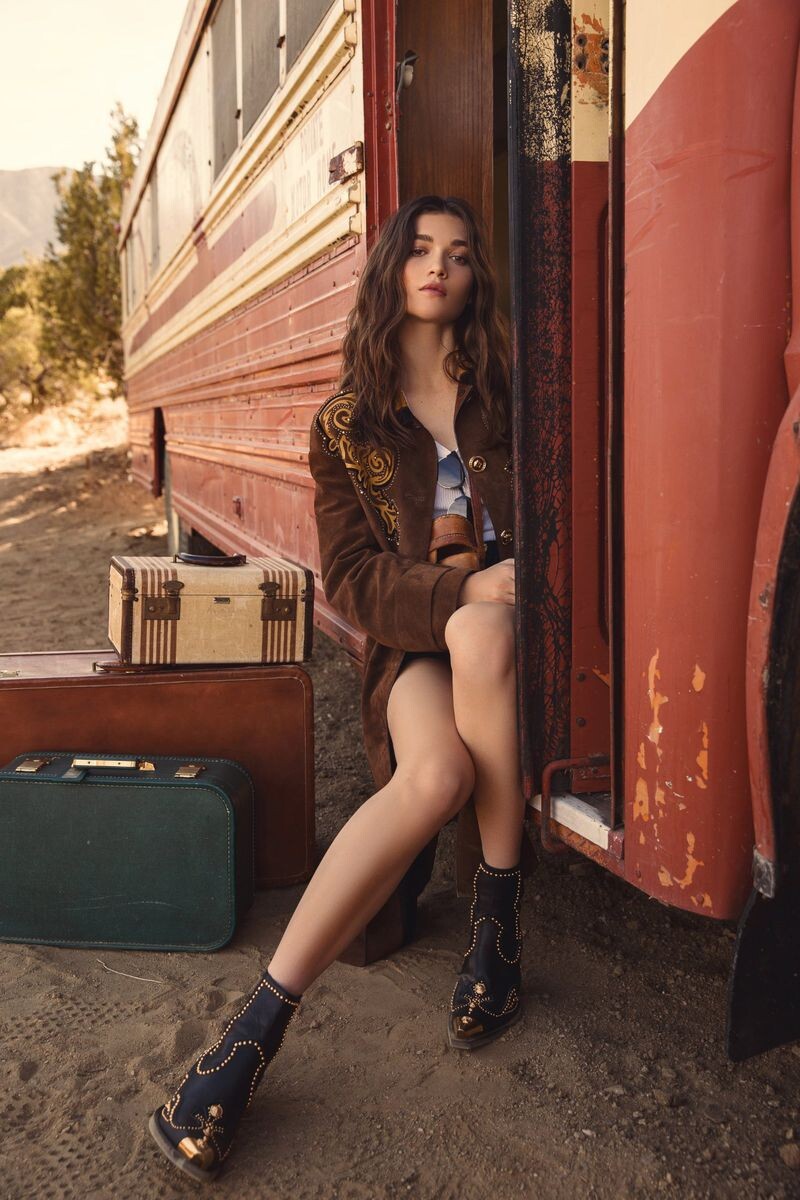
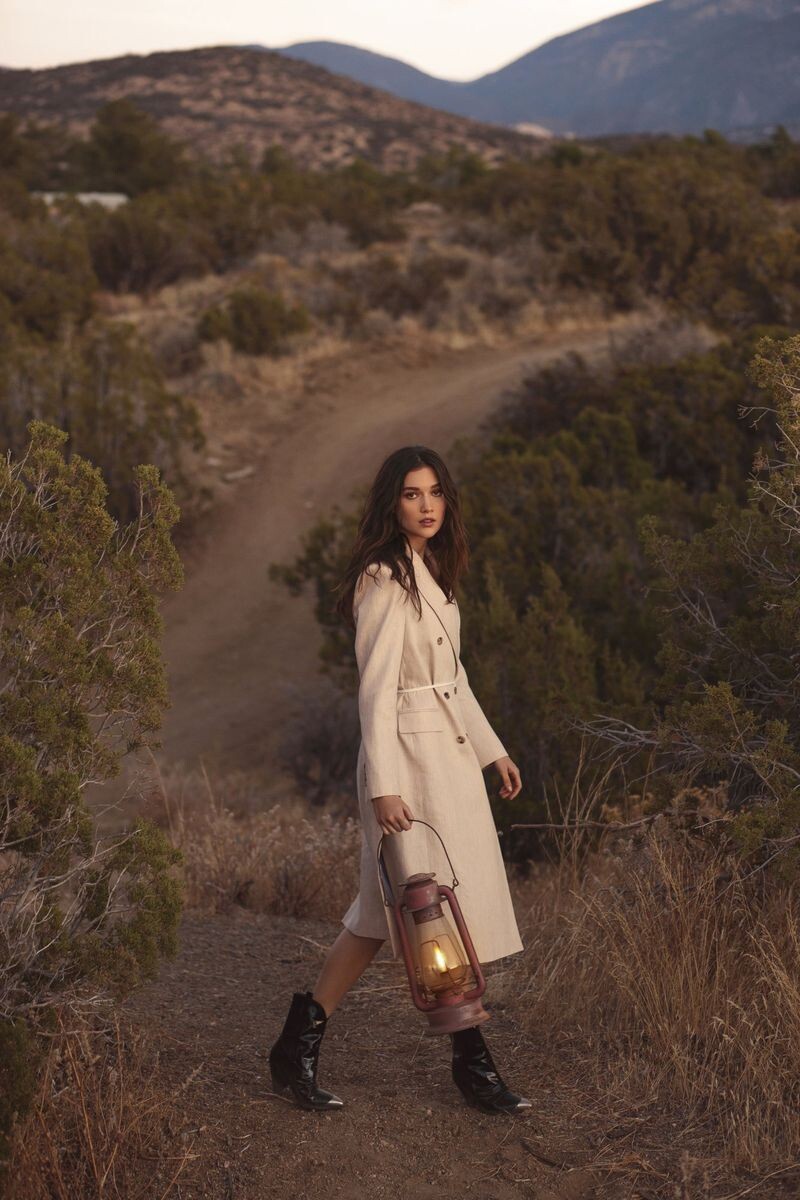
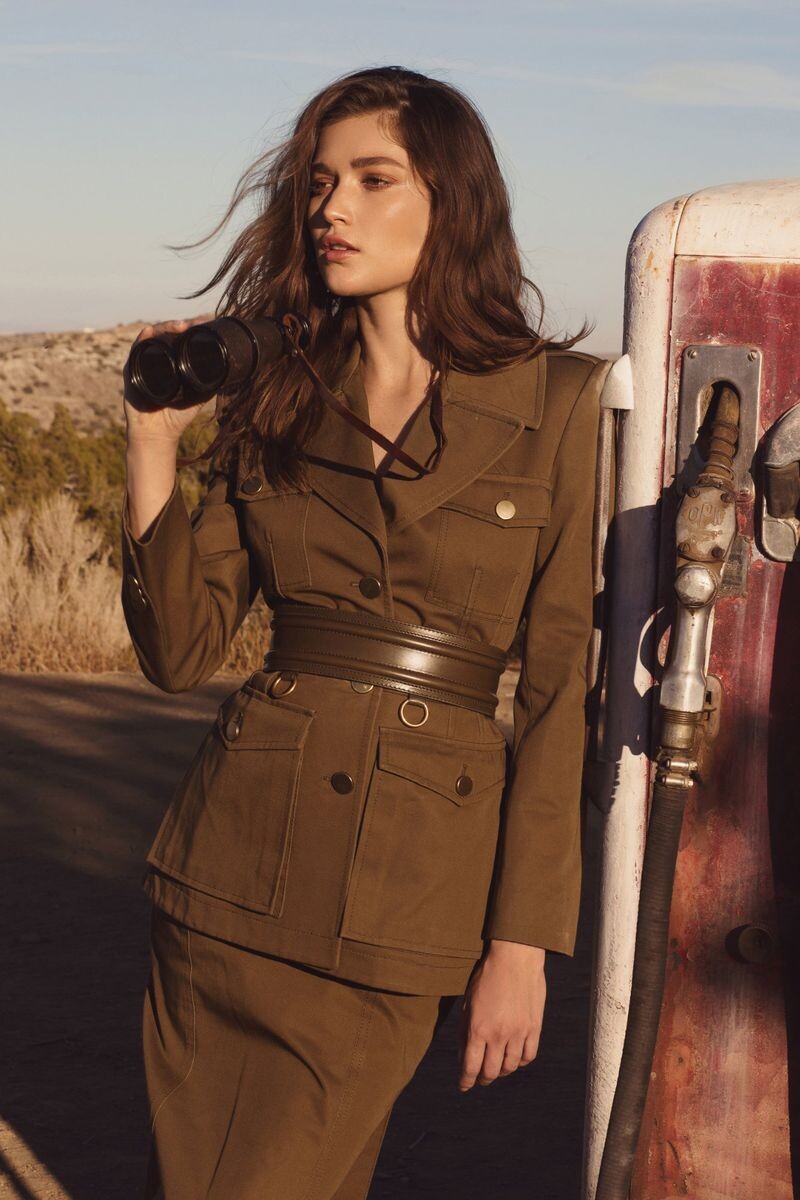
 Grazia Bulgaria - Digital Cover Source: graziaonline.bg Published: February 2020











-
 Ash interview: Aaron Paul & Eiza González on being inspired by Alien, The Thing for sci-fi horror
 -
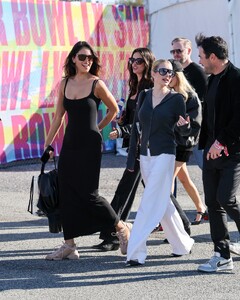
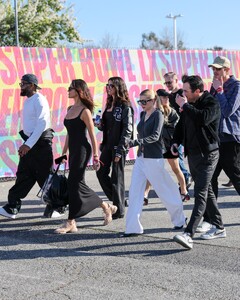
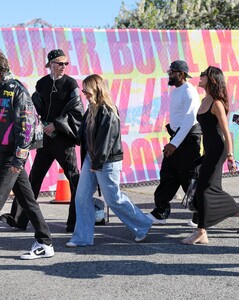
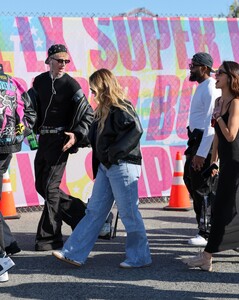
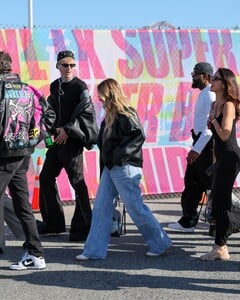
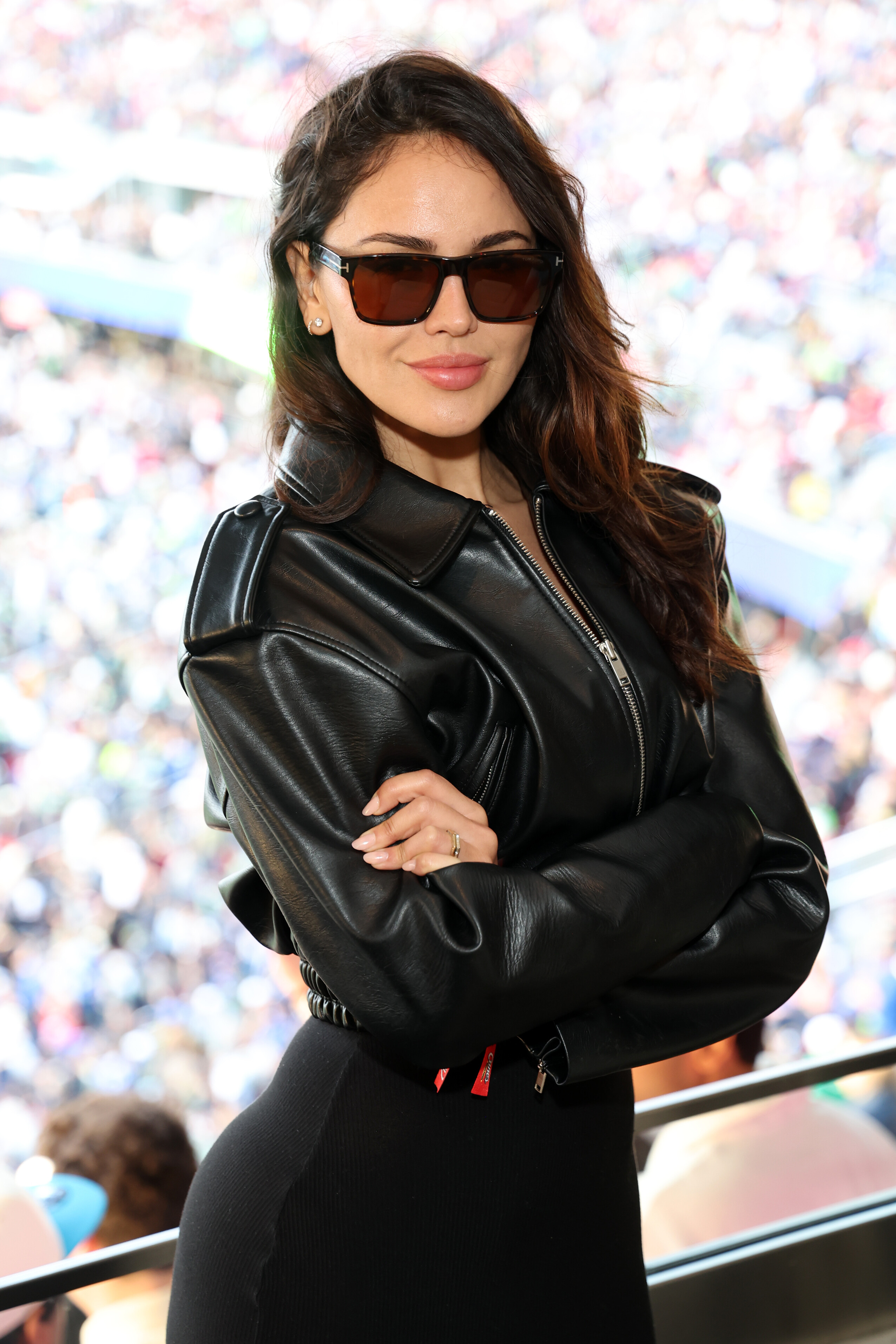
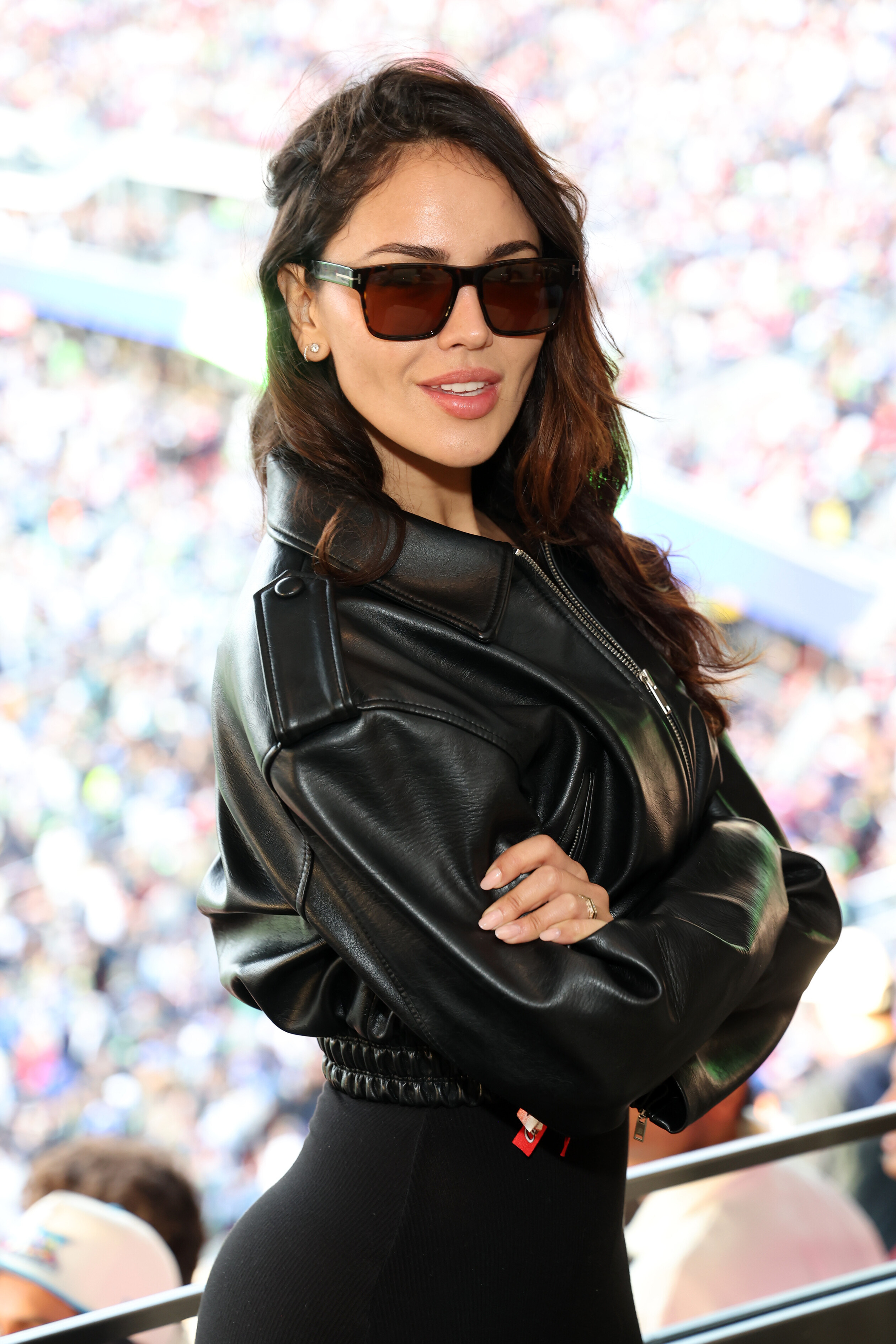
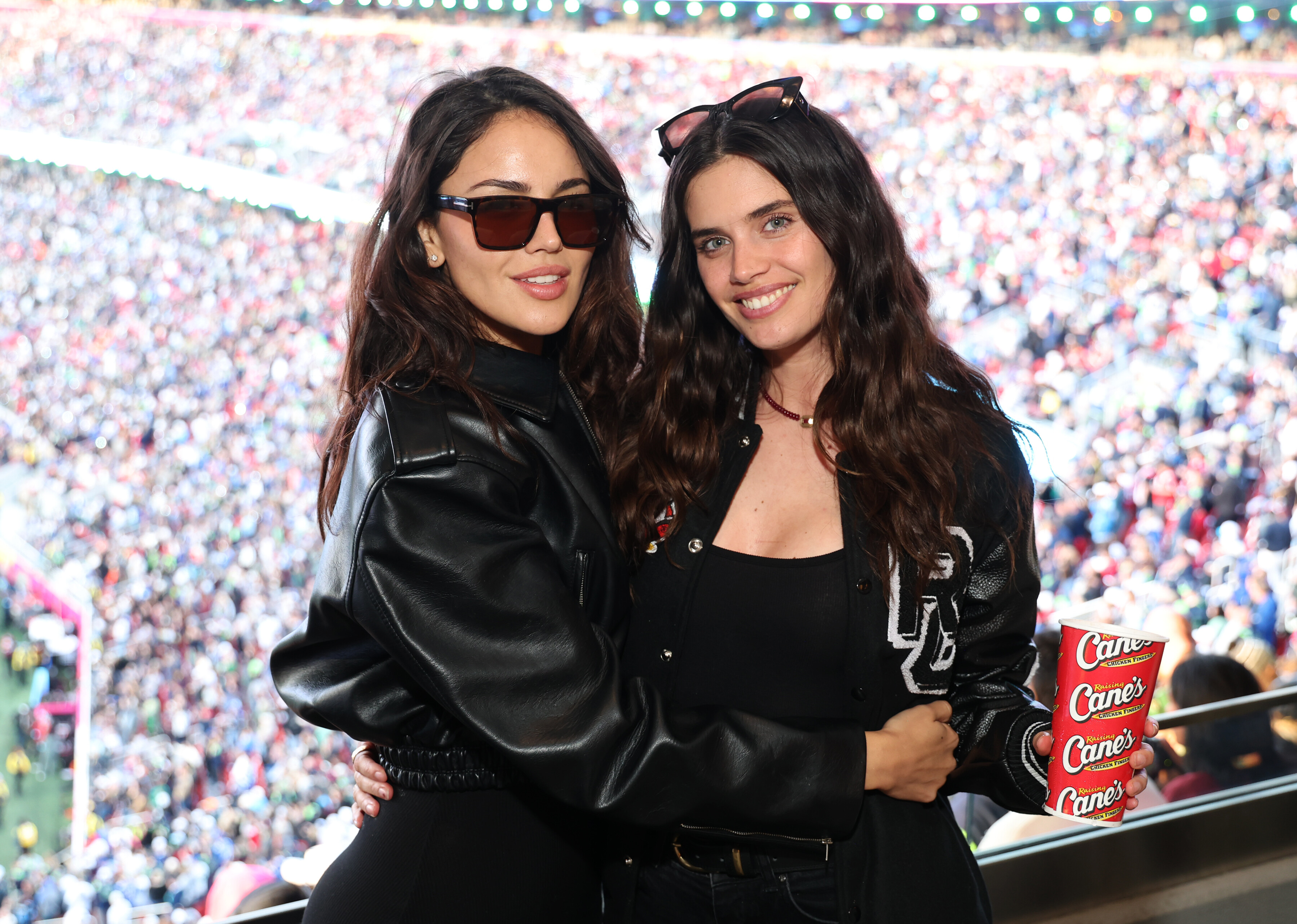
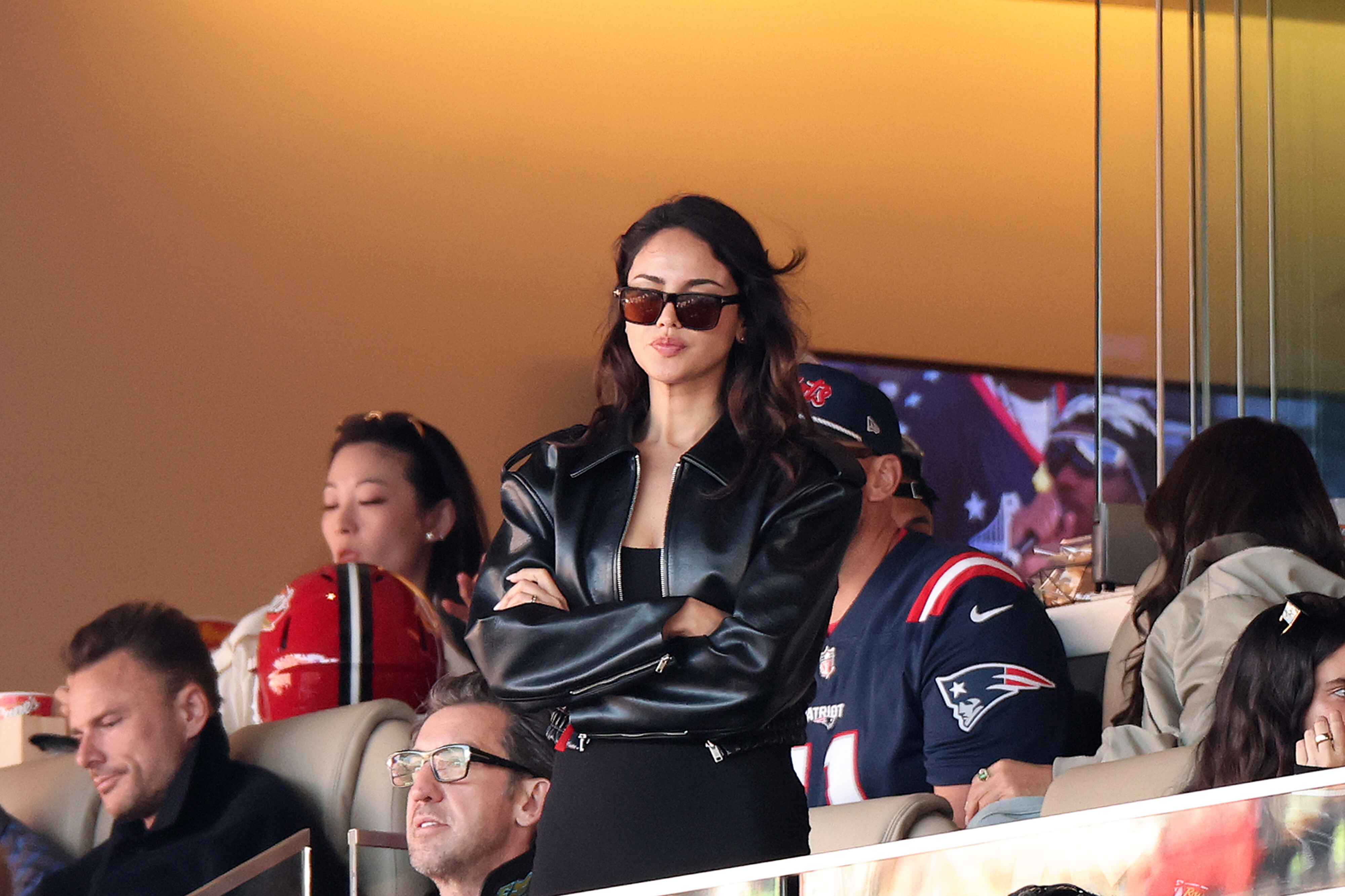
Super Bowl LX at Levi's Stadium in Santa Clara, CA February 8, 2026 wtr1023 at picturepub




-
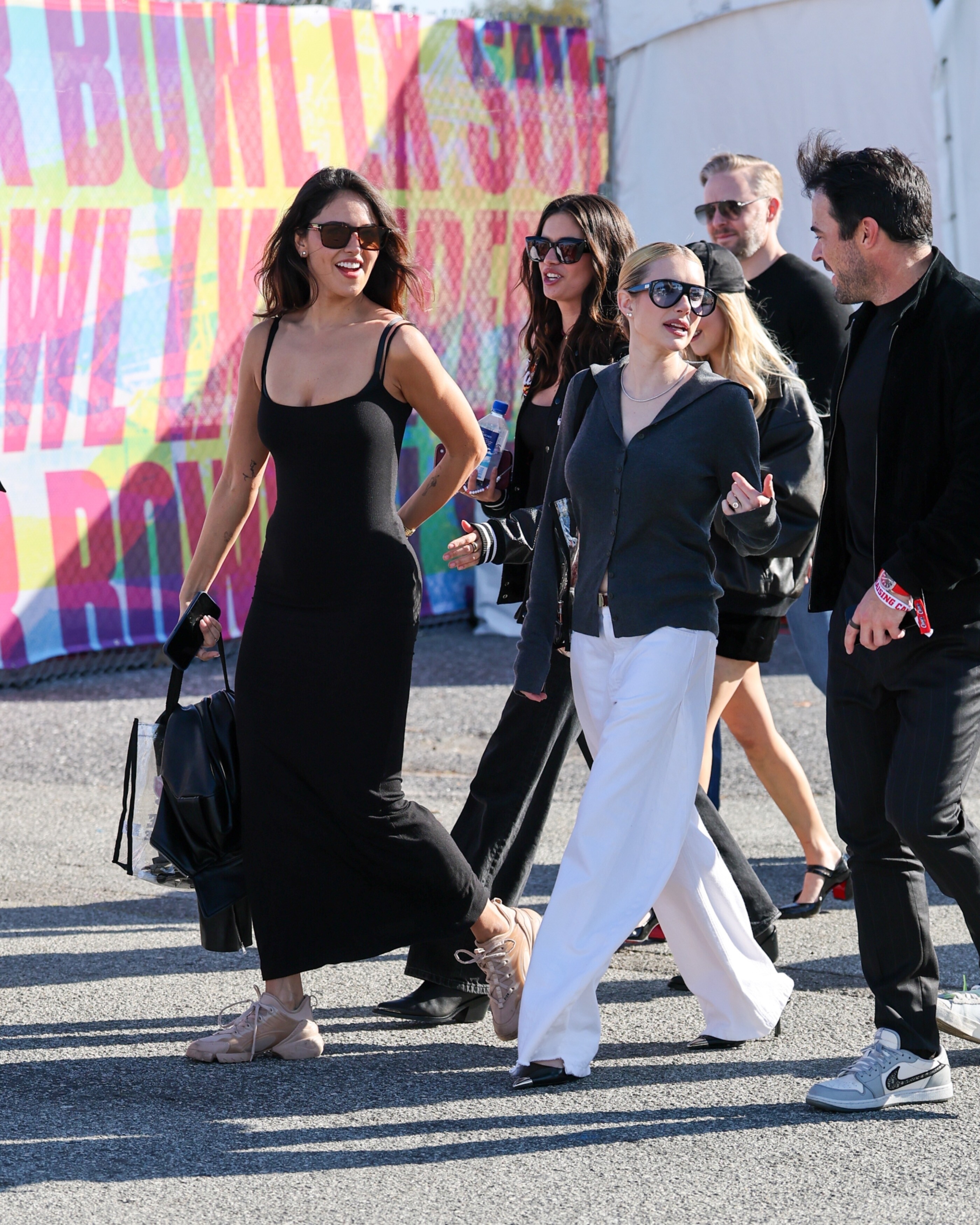
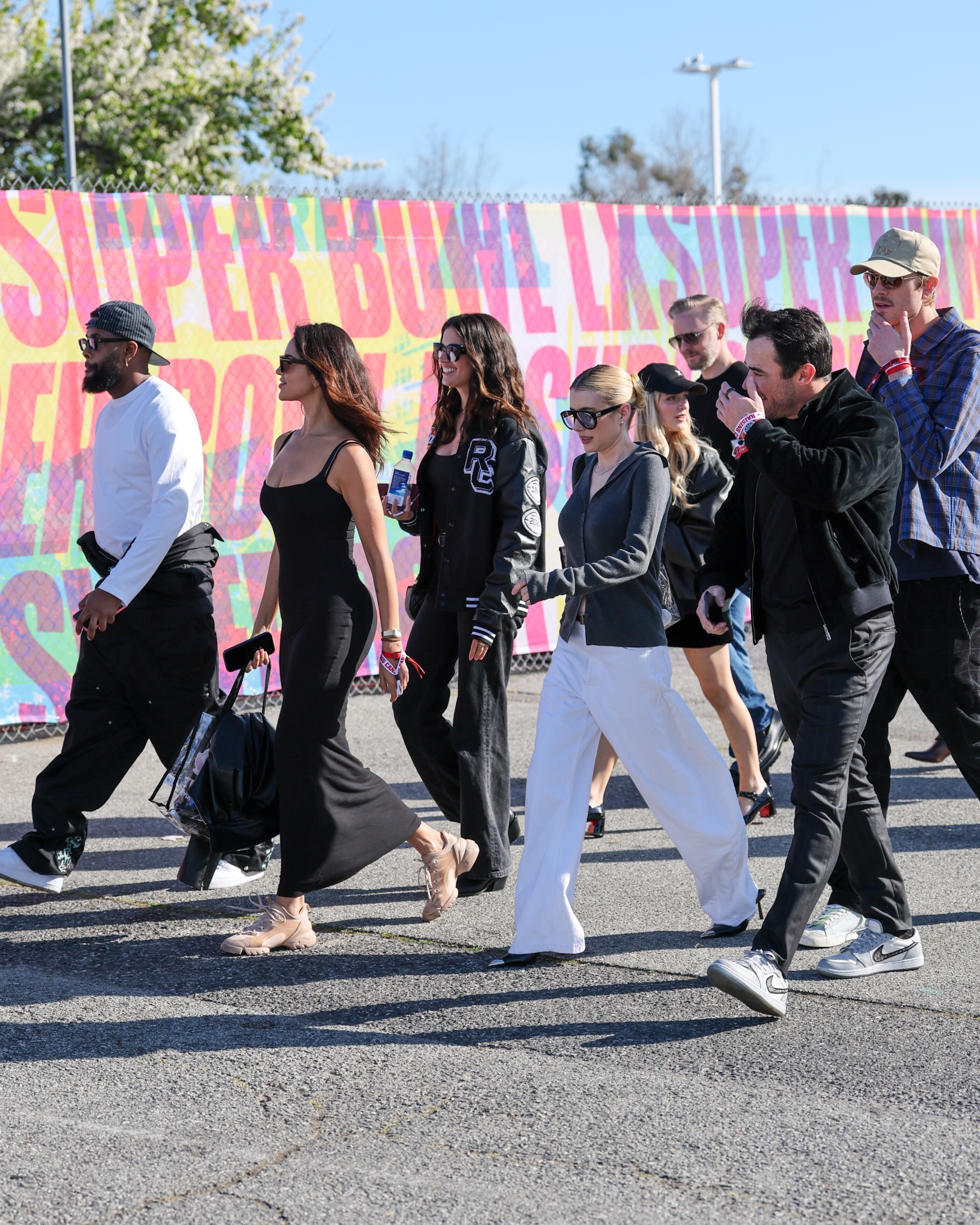
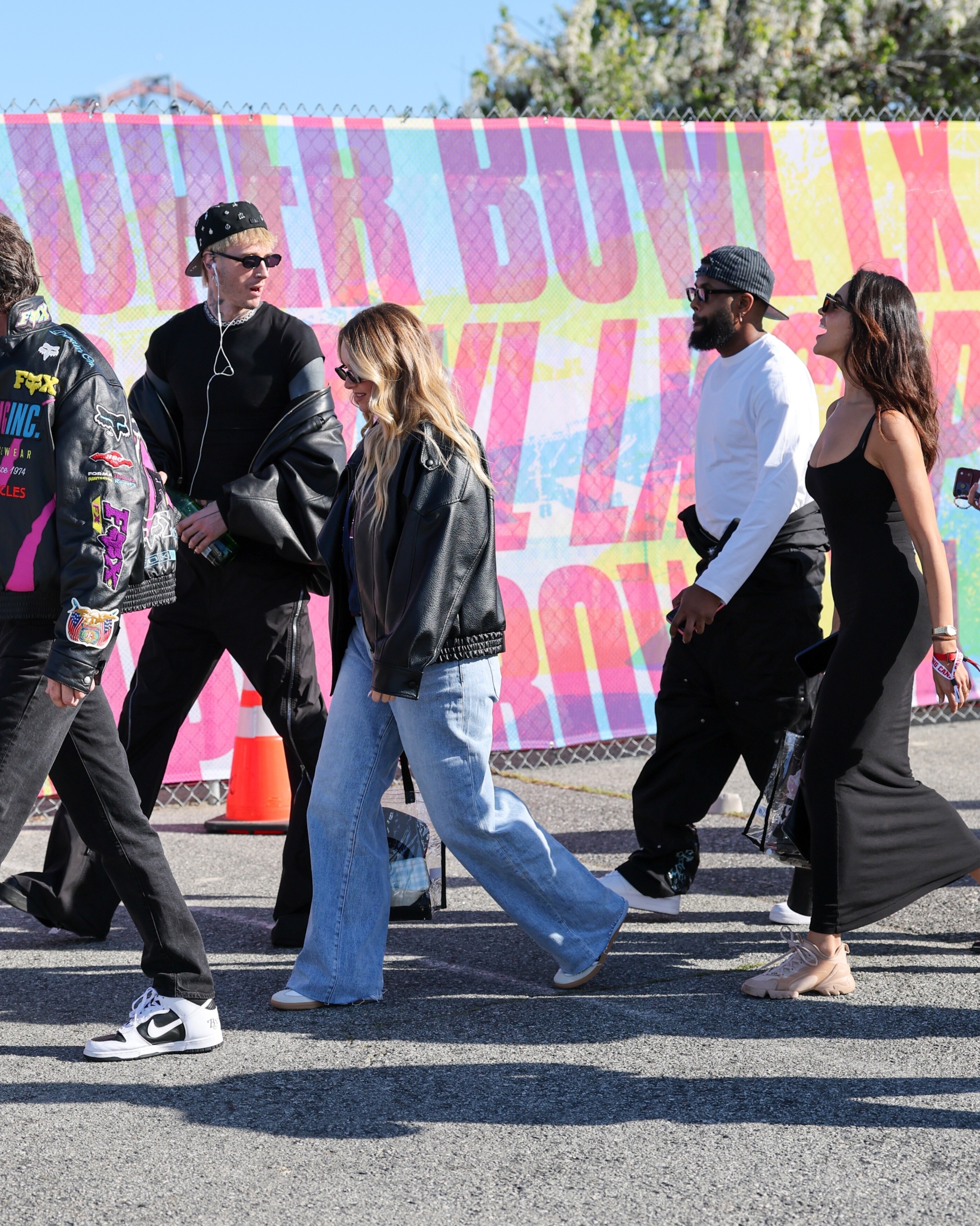
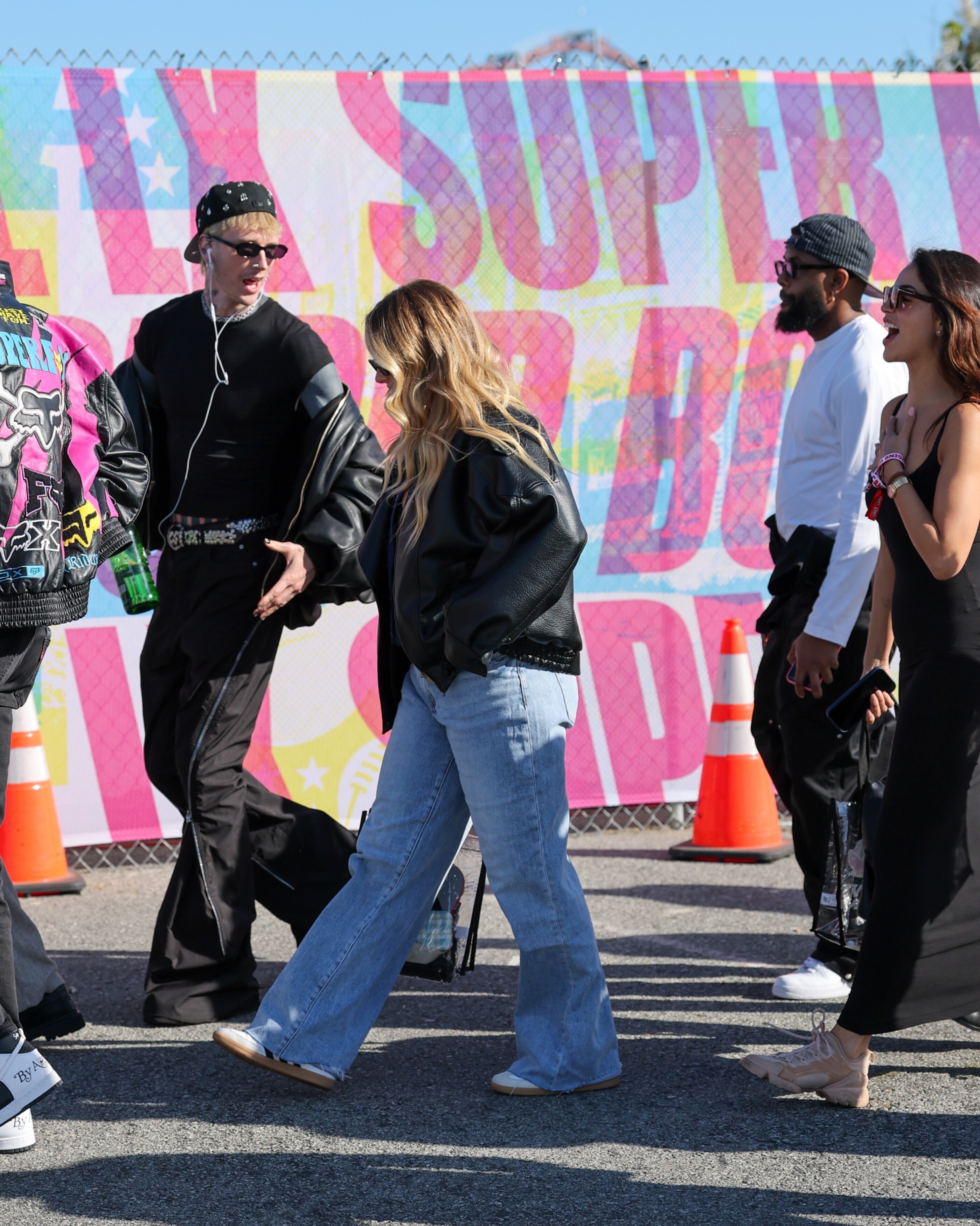
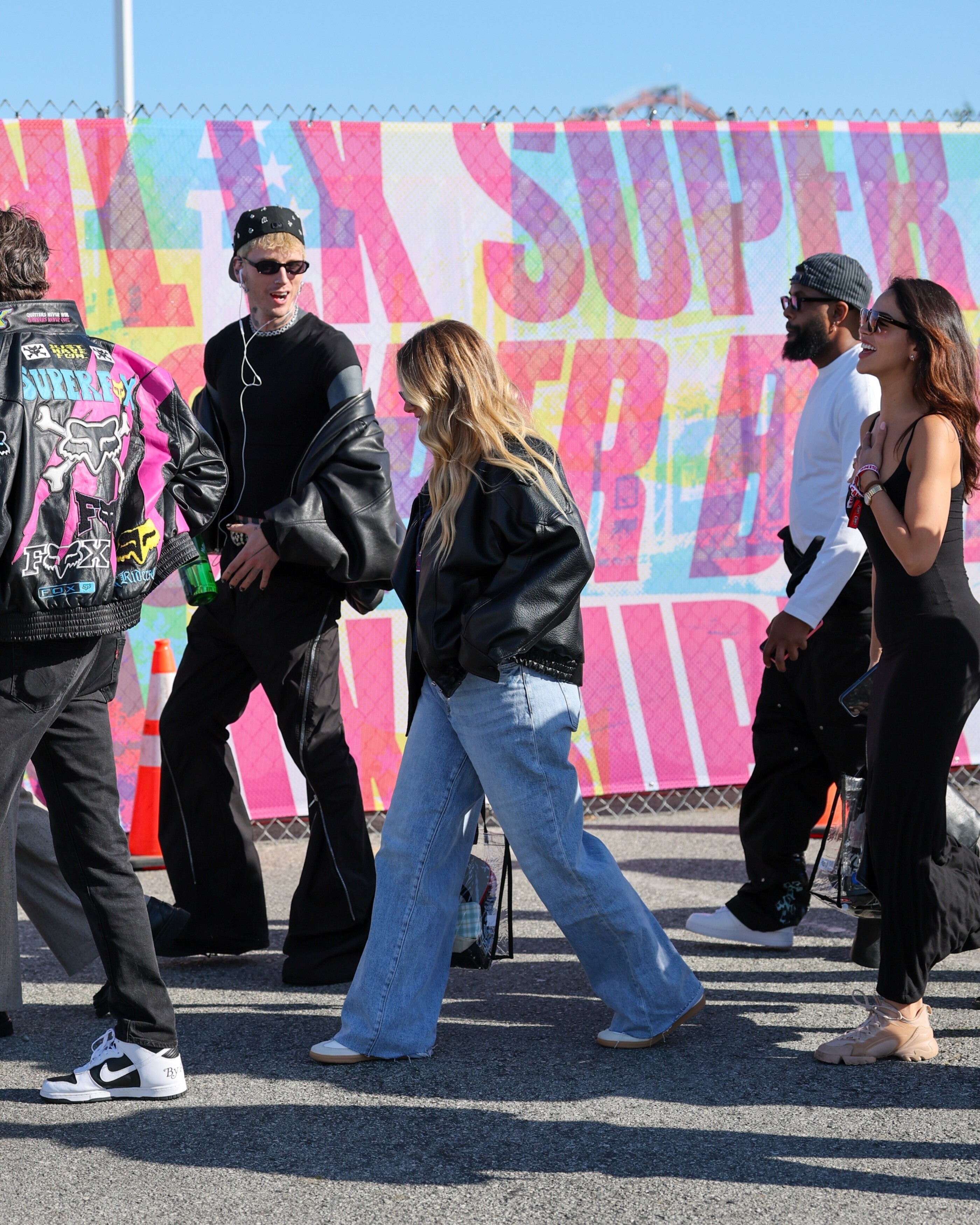
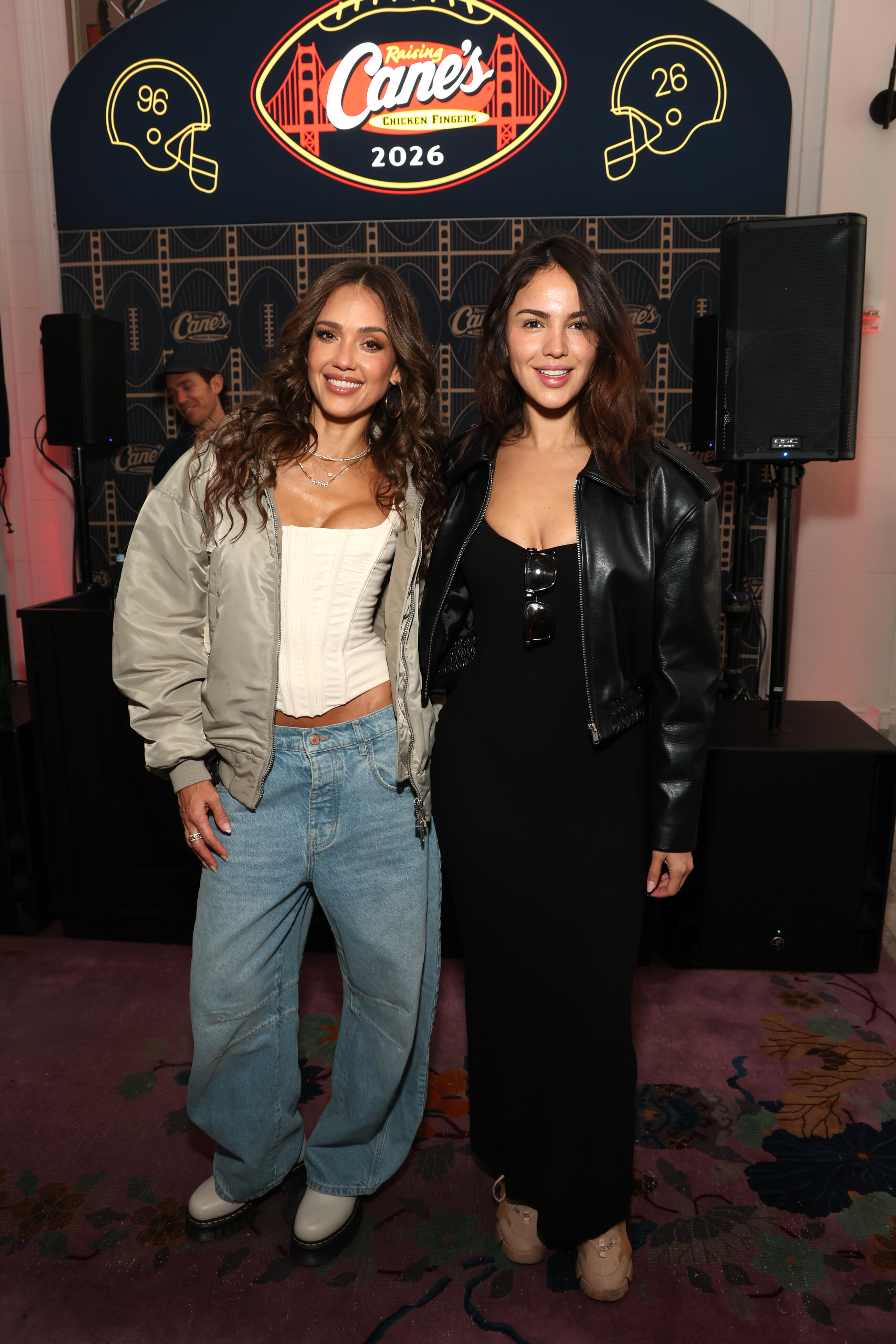
Raising Cane's pre-Super Bowl LX Brunch in San Francisco February 8, 2026 wtr1023 at picturepub

-
Madison Beer Gets Ready For The 2024 Grammys Red Carpet | Billboard
-
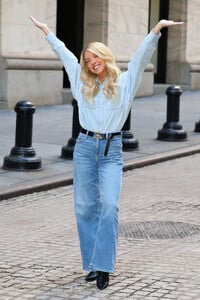
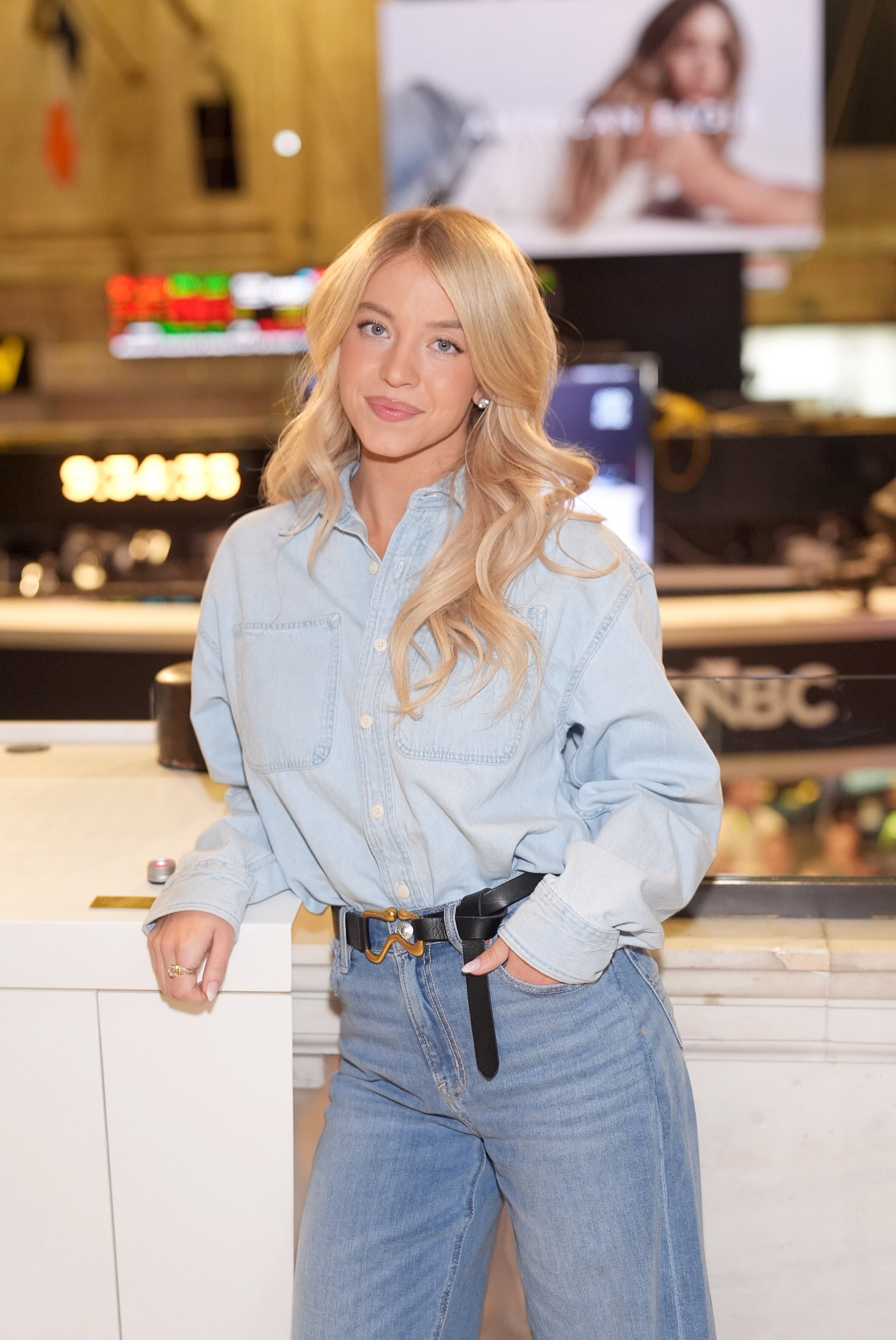
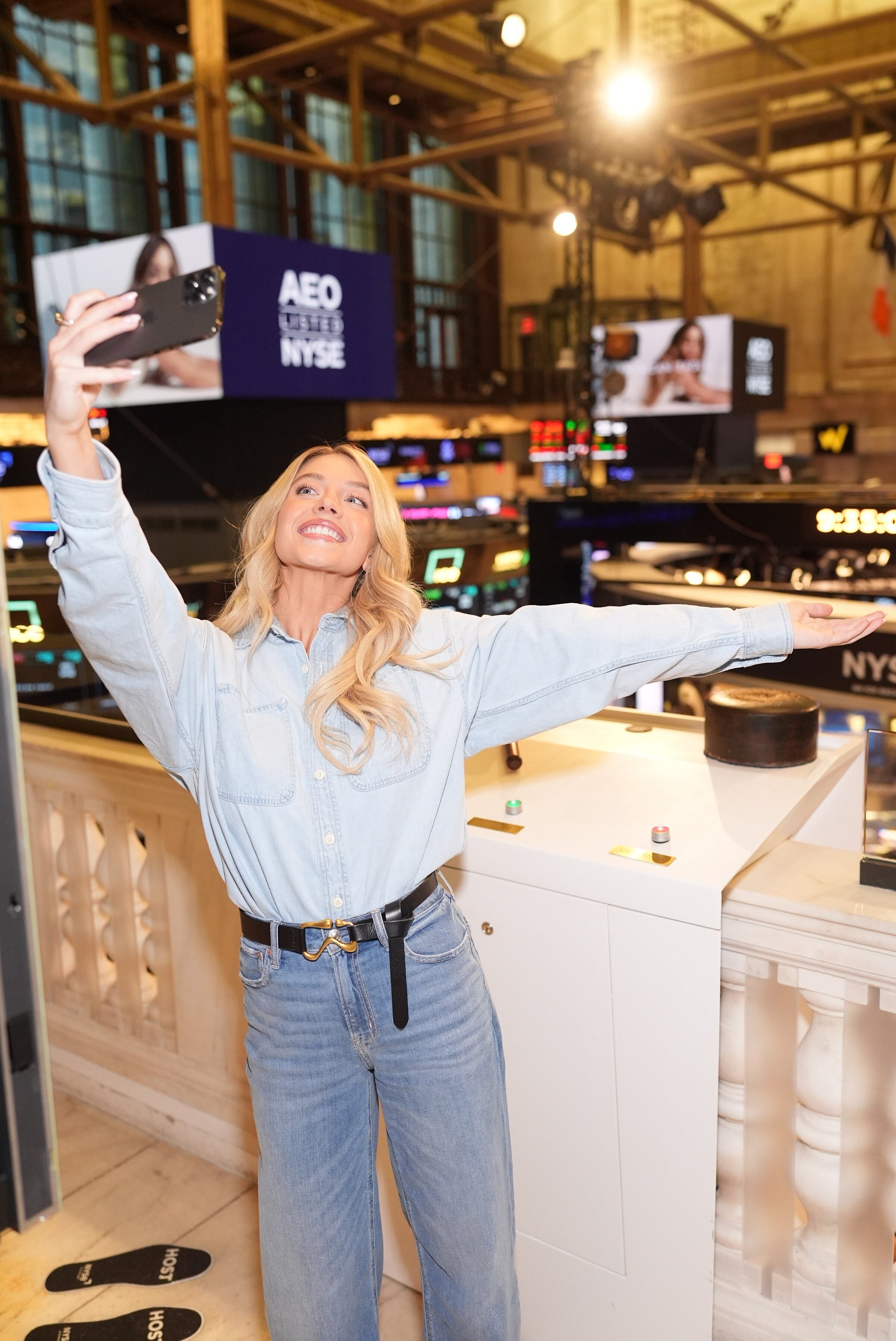
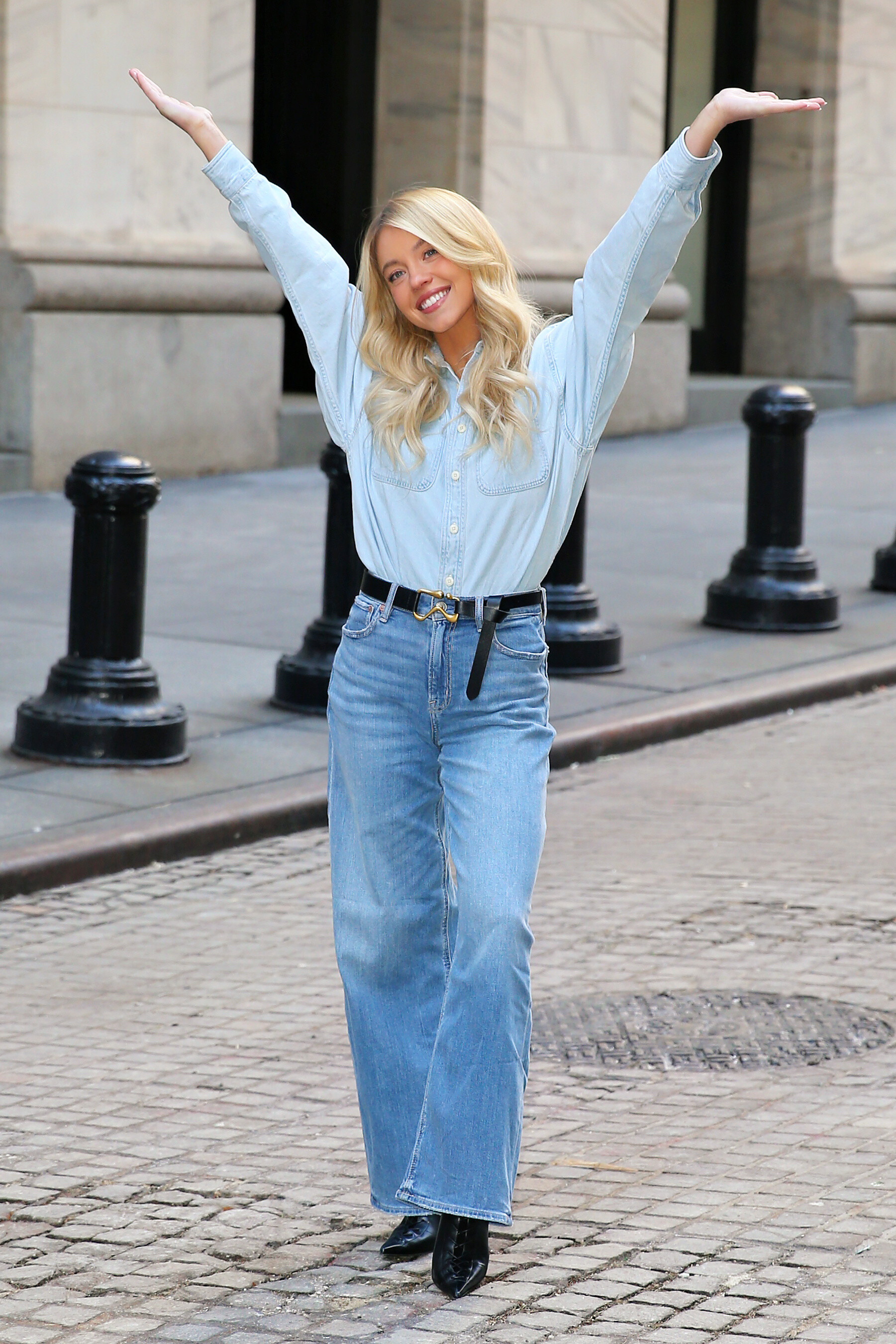
 At The New York Stock Exchange With American Eagle


-
yes the pictures are still stacking vertically instead of horizontally
-
 Sylk Swim a5cff61af2e040cd965fcfddaabff17b.mp4
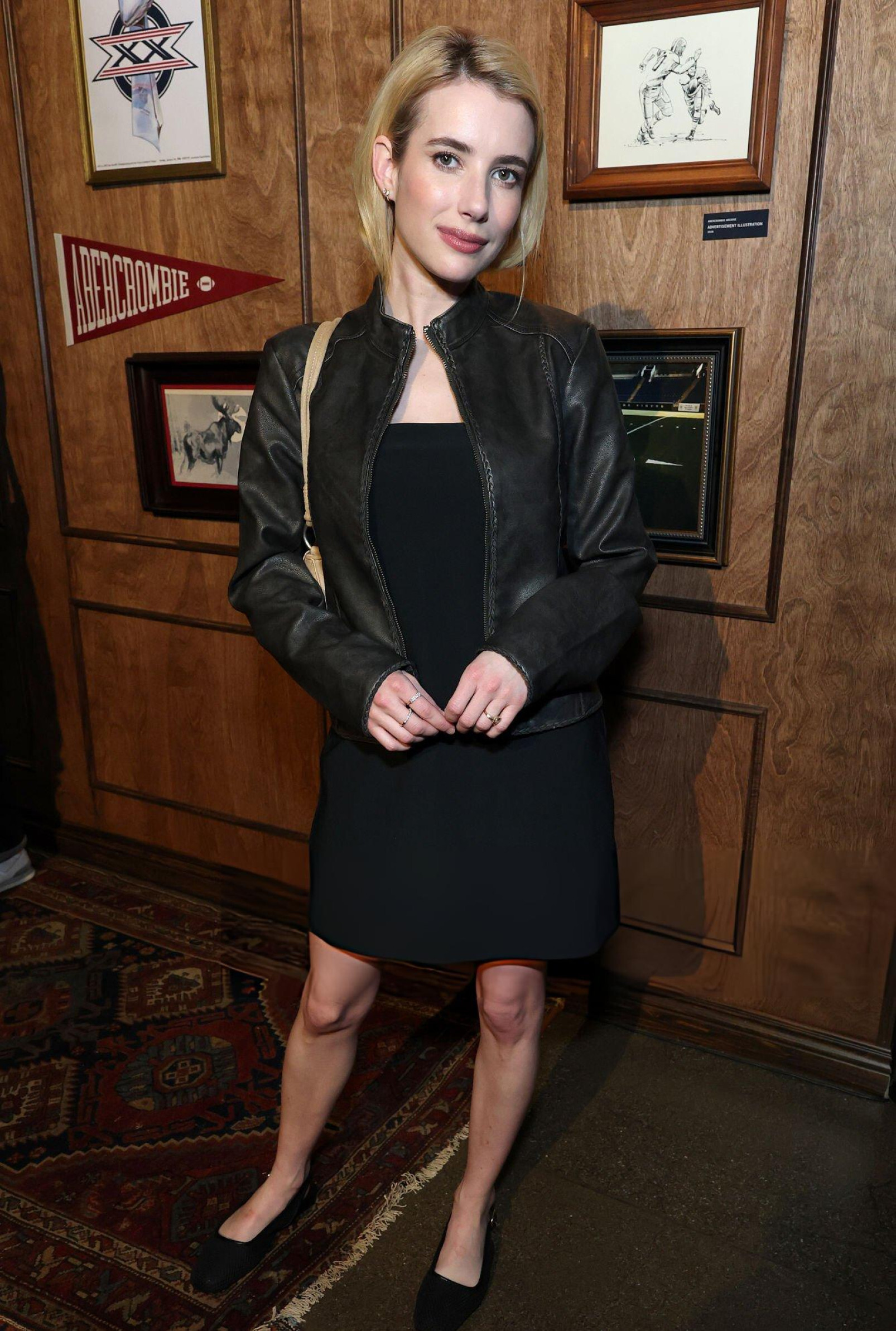
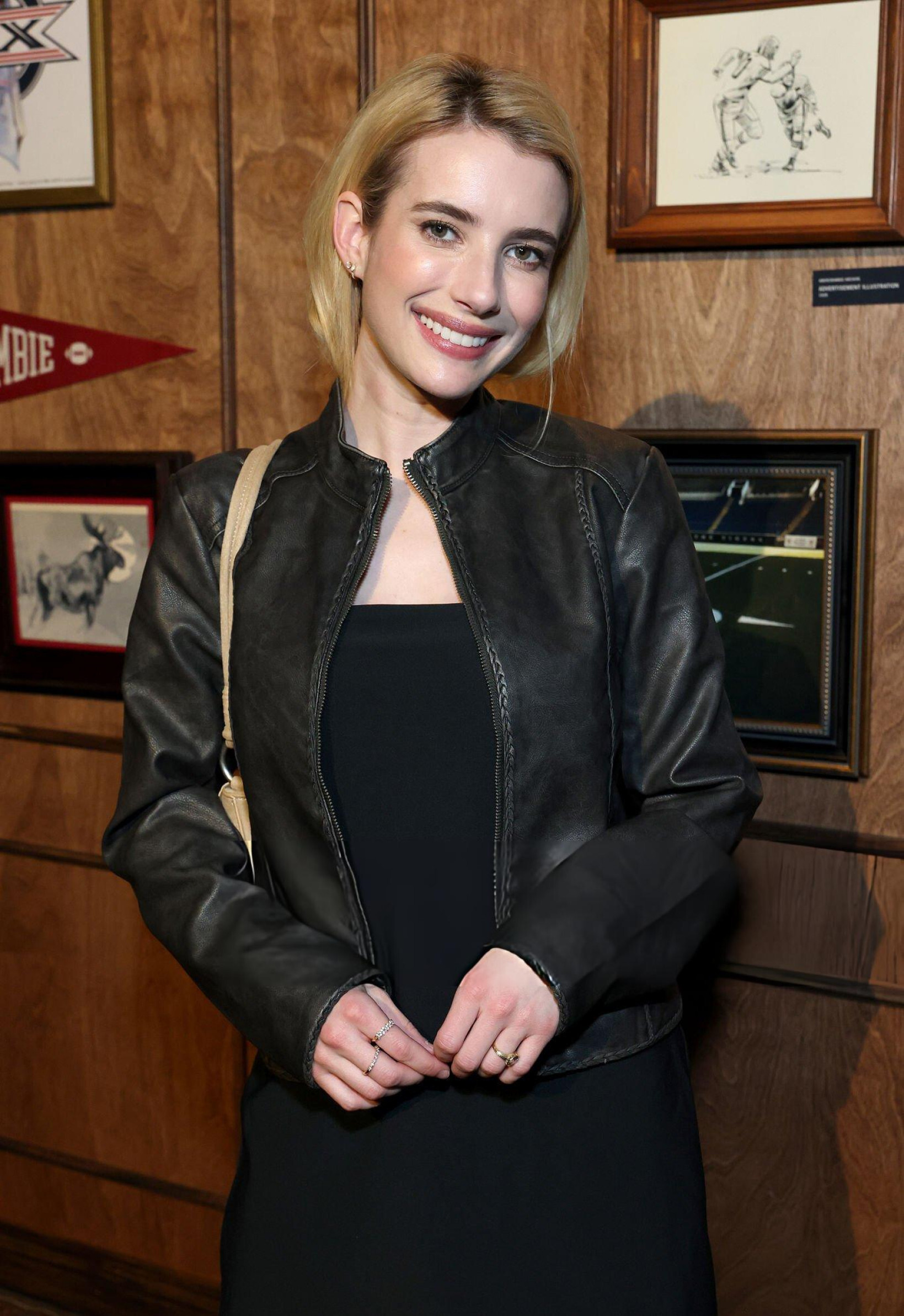
Abercrombie & Fitch's Star-Studded Fashion Presentation at the Super Bowl in San Francisco, February 07, 2026 Kemptt at picturepub
Sylk Swim a5cff61af2e040cd965fcfddaabff17b.mp4
Abercrombie & Fitch's Star-Studded Fashion Presentation at the Super Bowl in San Francisco, February 07, 2026 Kemptt at picturepub

 oky thanks
 discussed here there has been no response so far
 Kioto Jewelry: Let yourself be enveloped by the delicacy of Kioto pearls . ✨
- Today
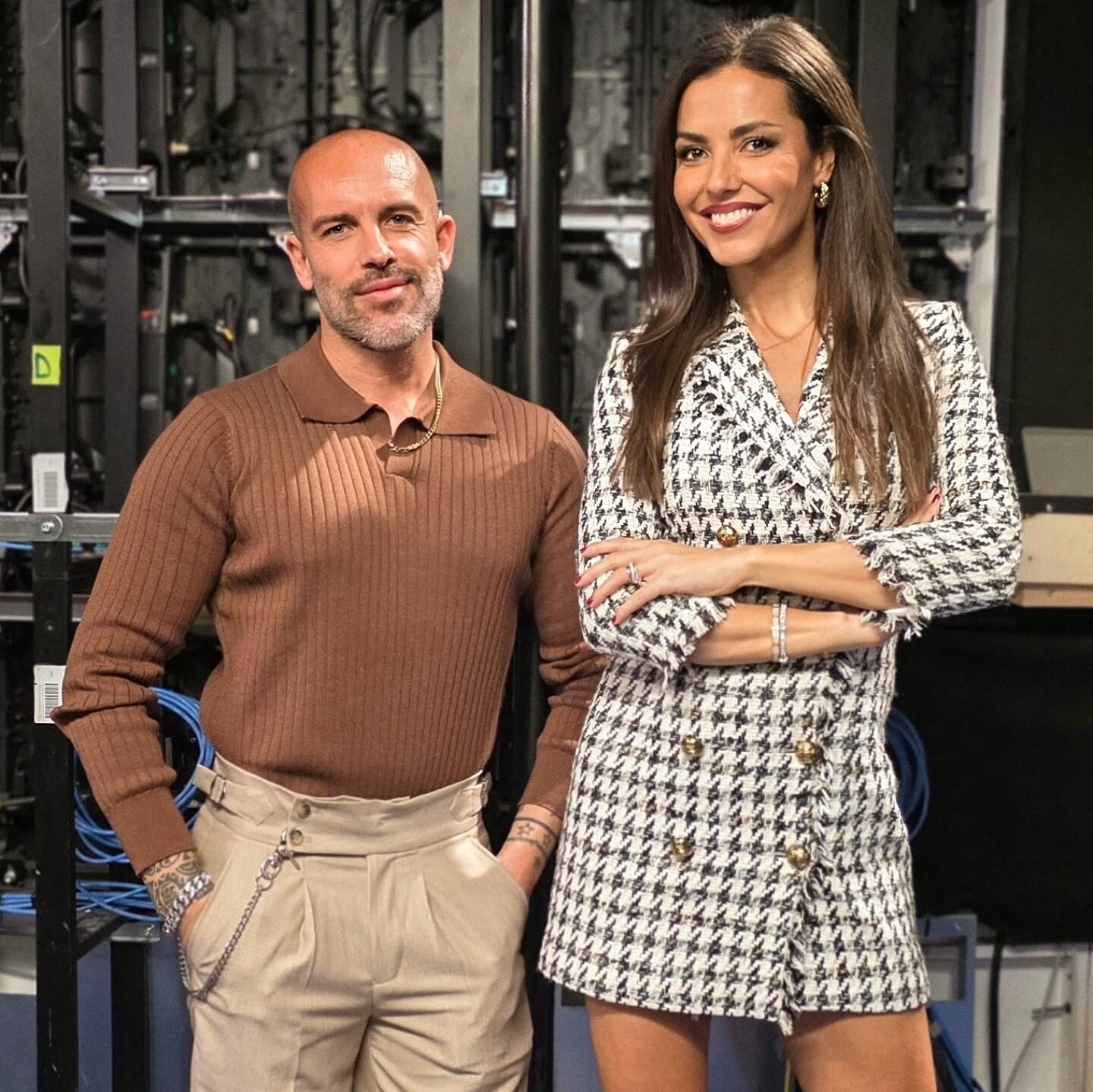
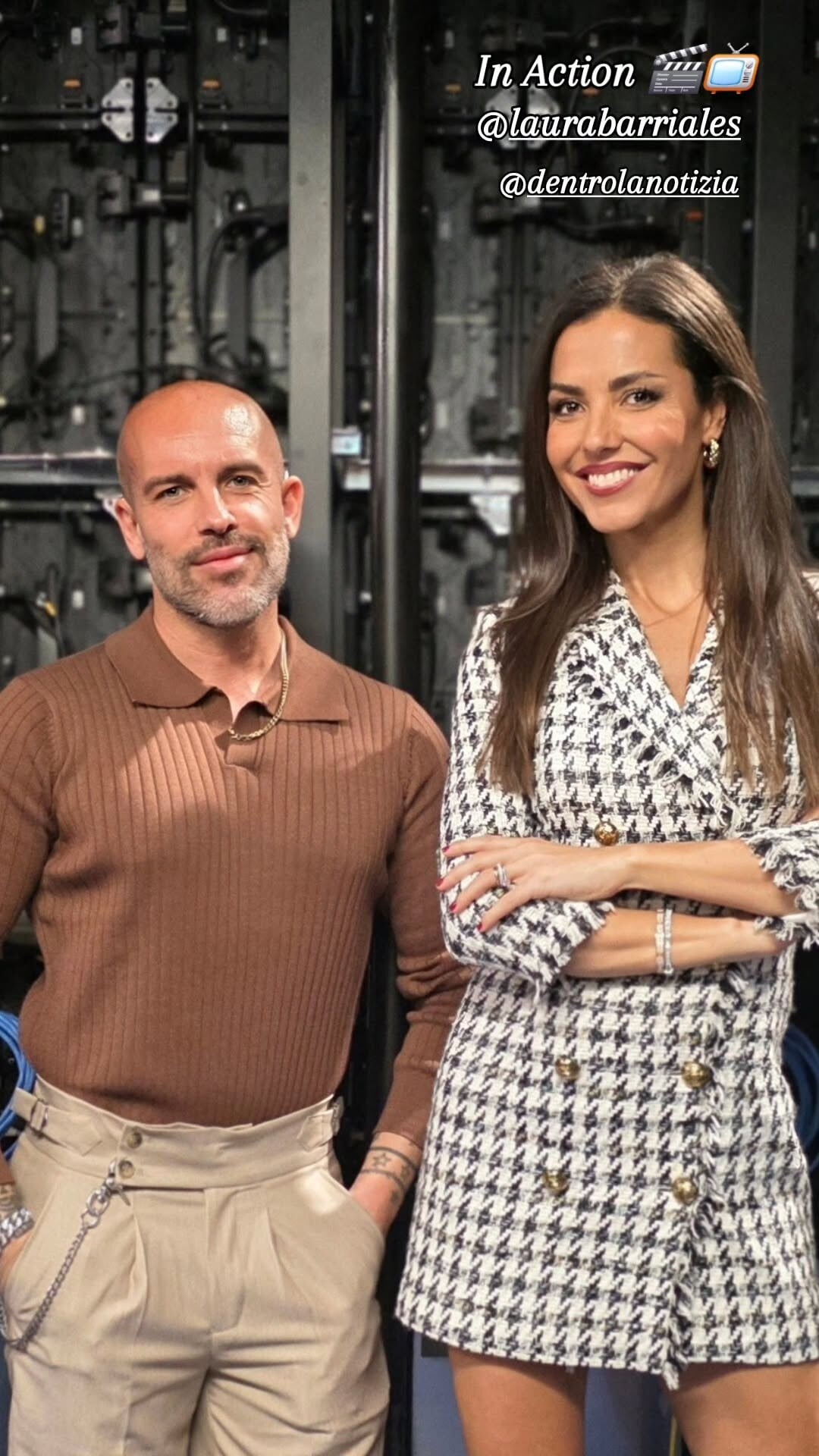
 Davide Scalmani: In Action 🎬📺 #tv laurabarriales dentrolanotizia video
 Kathryn Newton and Cole Sprouse on Their Fearless Performances in ‘Lisa Frankenstein’ Rotten Tomatoes
Ready or Not: Here I Come Still johann at picturepub
Kathryn Newton and Cole Sprouse on Their Fearless Performances in ‘Lisa Frankenstein’ Rotten Tomatoes
Ready or Not: Here I Come Still johann at picturepub Argendior changed their profile photo
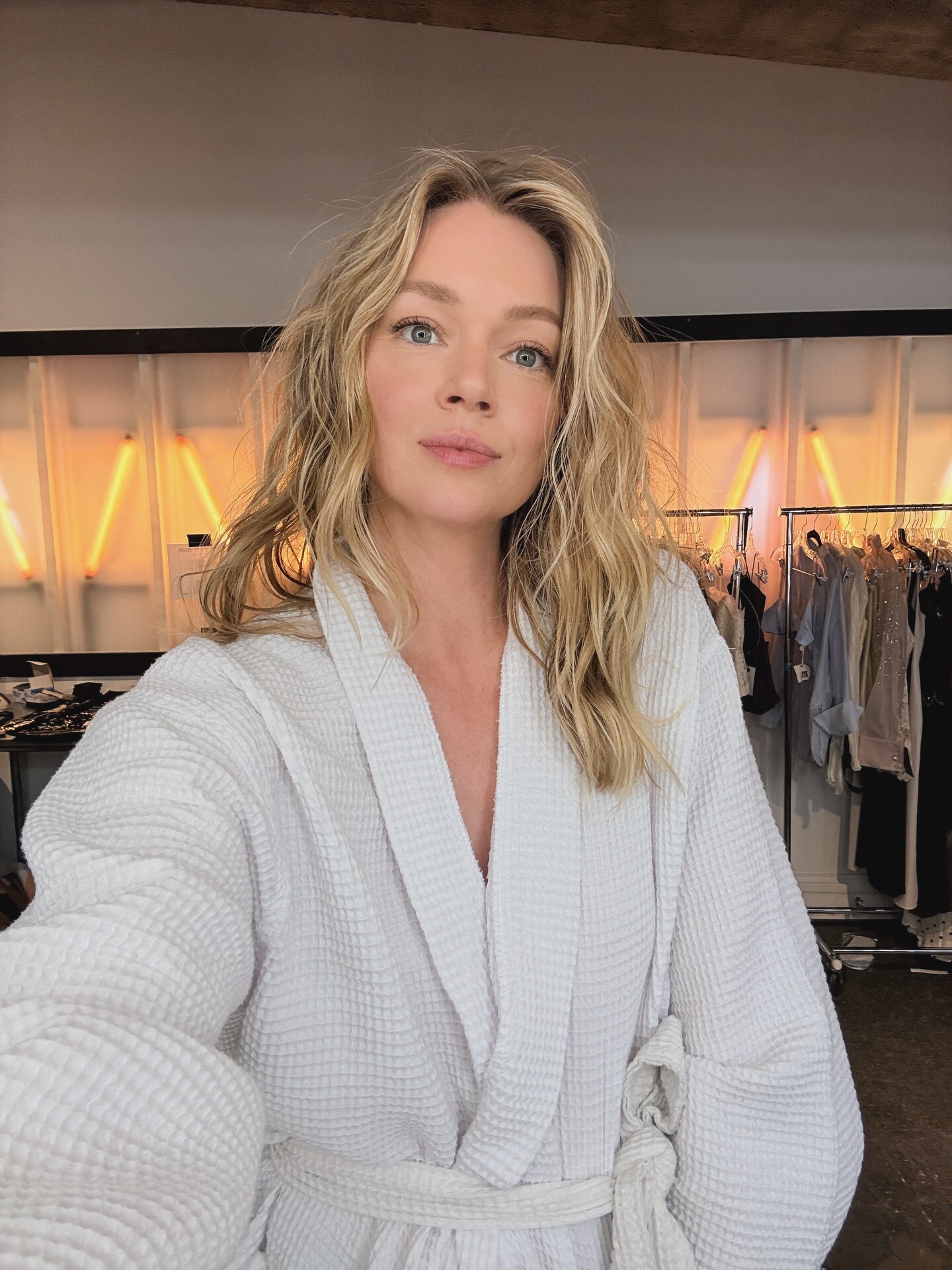
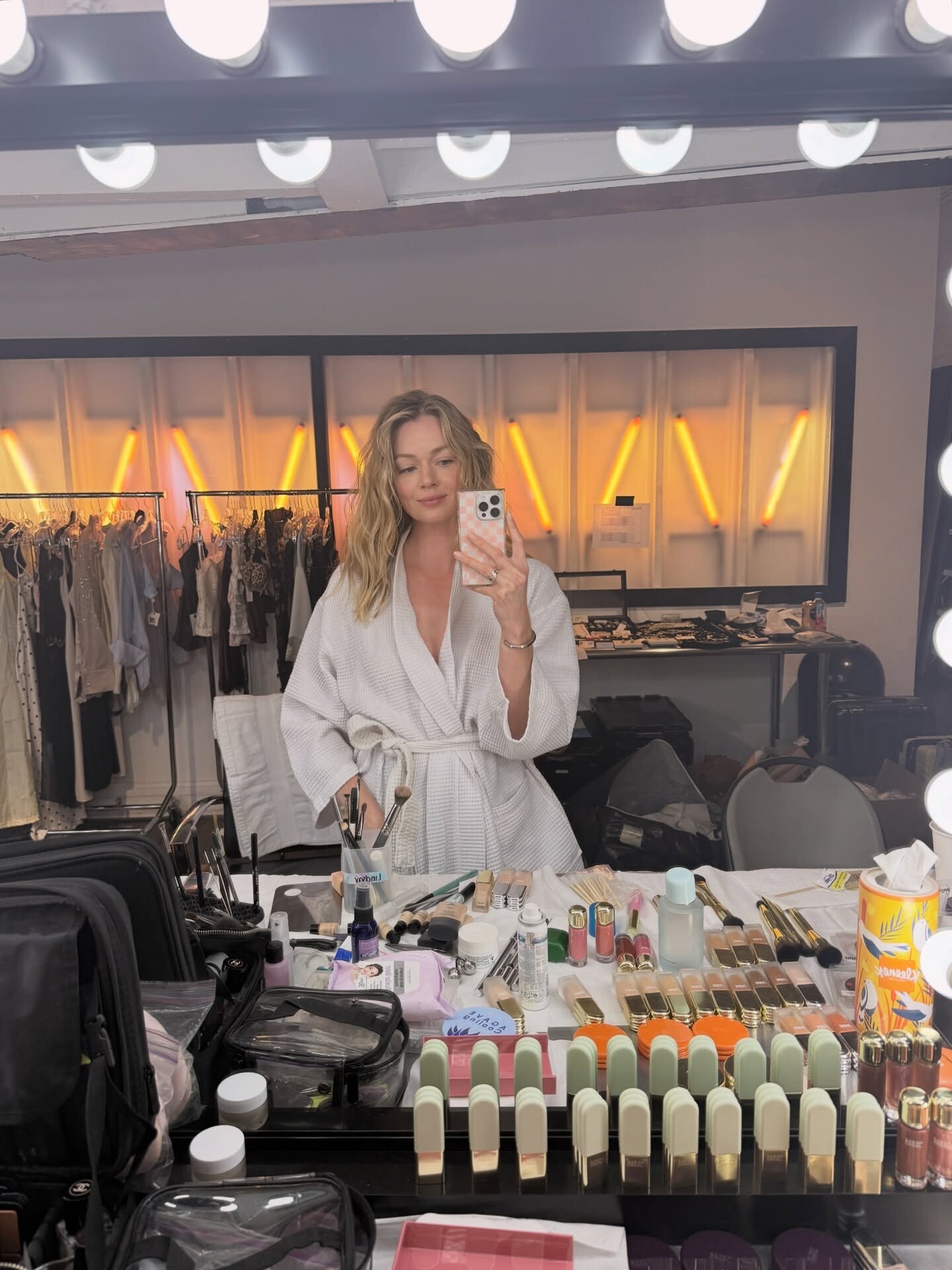
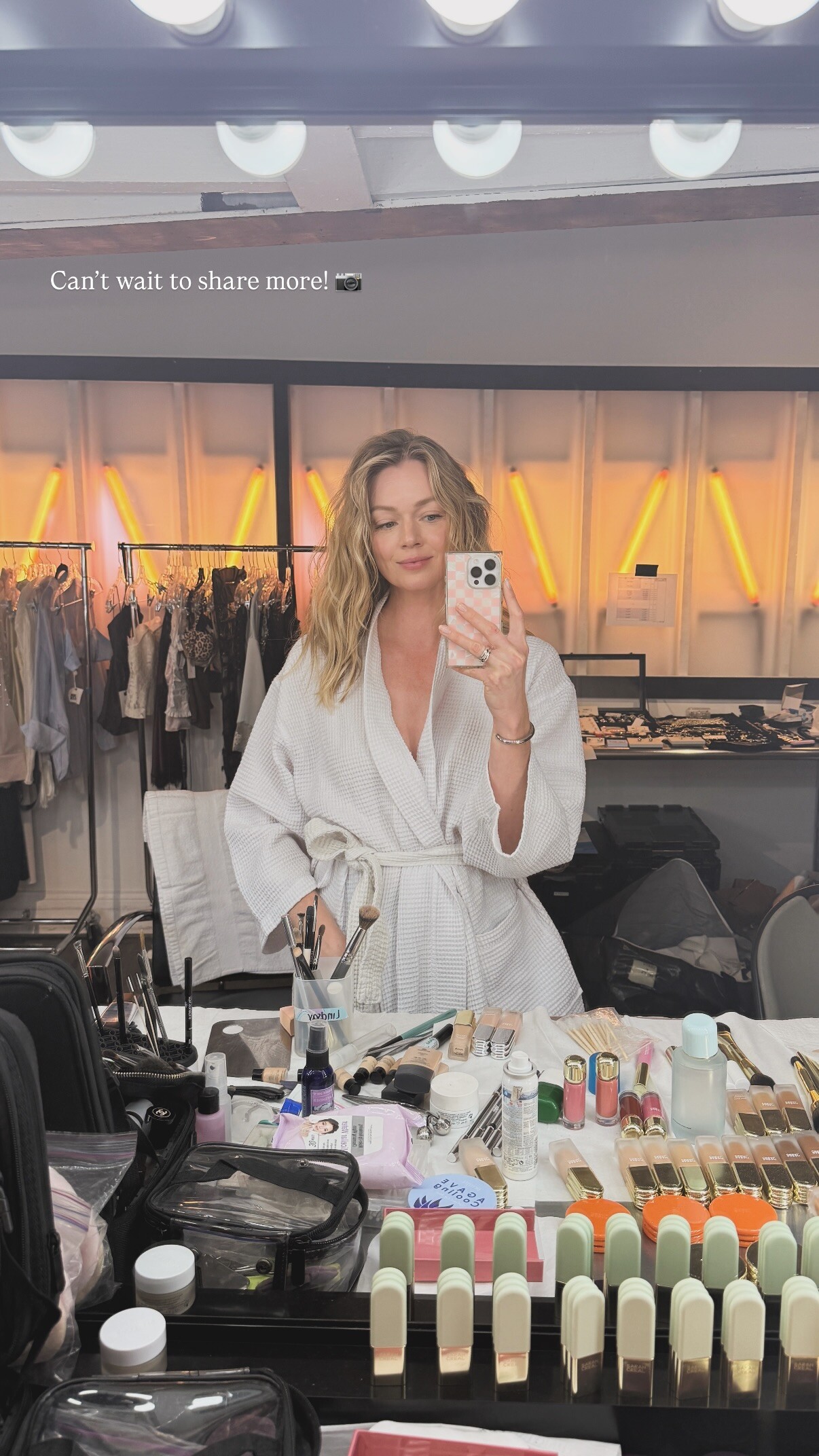
Back on set! A little BTS of my day with sarah.creal 📷🫶🏻✨
Argendior changed their profile photo
Back on set! A little BTS of my day with sarah.creal 📷🫶🏻✨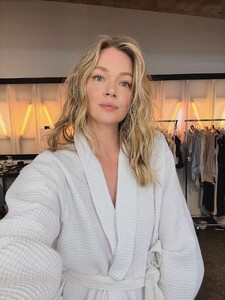
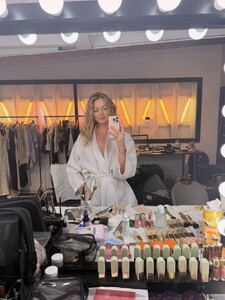
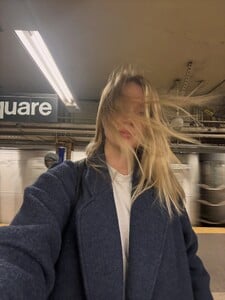
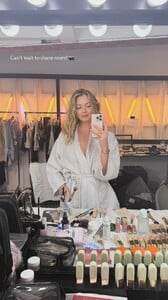 Sporty 🏈🏆 Super Bowl Weekend. video
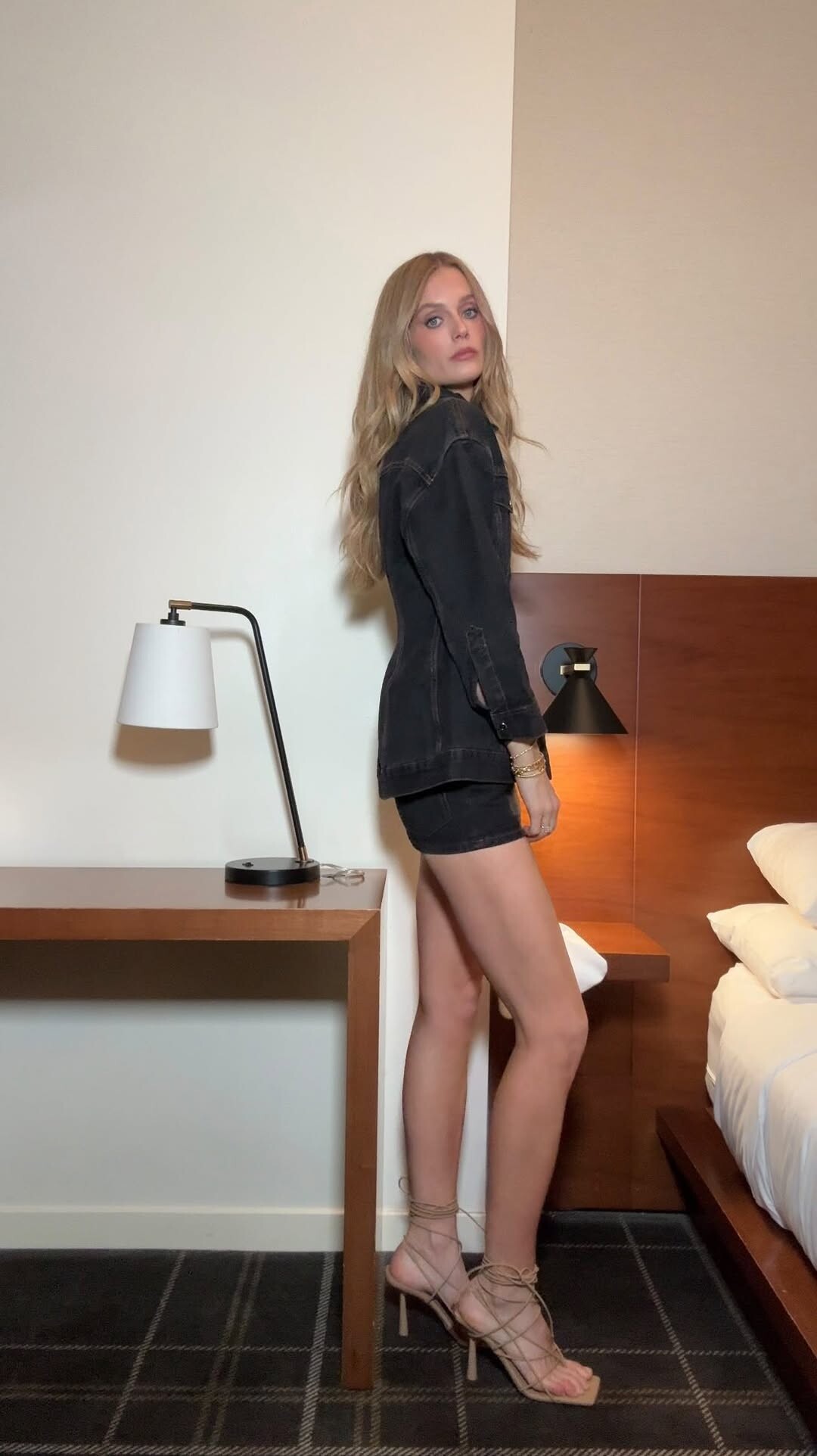
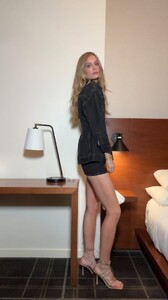 Changed for another … 👉🏼👉🏼👉🏼 video
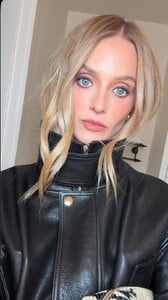 Madelyn Cline talks OUTER BANKS, I KNOW WHAT YOU DID LAST SUMMER, working with Johnny Depp
 cool runnings video


















Account
Navigation
Search
Configure browser push notifications
Chrome (Android)
- Tap the lock icon next to the address bar.
- Tap Permissions → Notifications.
- Adjust your preference.
Chrome (Desktop)
- Click the padlock icon in the address bar.
- Select Site settings.
- Find Notifications and adjust your preference.
Safari (iOS 16.4+)
- Ensure the site is installed via Add to Home Screen.
- Open Settings App → Notifications.
- Find your app name and adjust your preference.
Safari (macOS)
- Go to Safari → Preferences.
- Click the Websites tab.
- Select Notifications in the sidebar.
- Find this website and adjust your preference.
Edge (Android)
- Tap the lock icon next to the address bar.
- Tap Permissions.
- Find Notifications and adjust your preference.
Edge (Desktop)
- Click the padlock icon in the address bar.
- Click Permissions for this site.
- Find Notifications and adjust your preference.
Firefox (Android)
- Go to Settings → Site permissions.
- Tap Notifications.
- Find this site in the list and adjust your preference.
Firefox (Desktop)
- Open Firefox Settings.
- Search for Notifications.
- Find this site in the list and adjust your preference.