All Activity
- Past hour
-
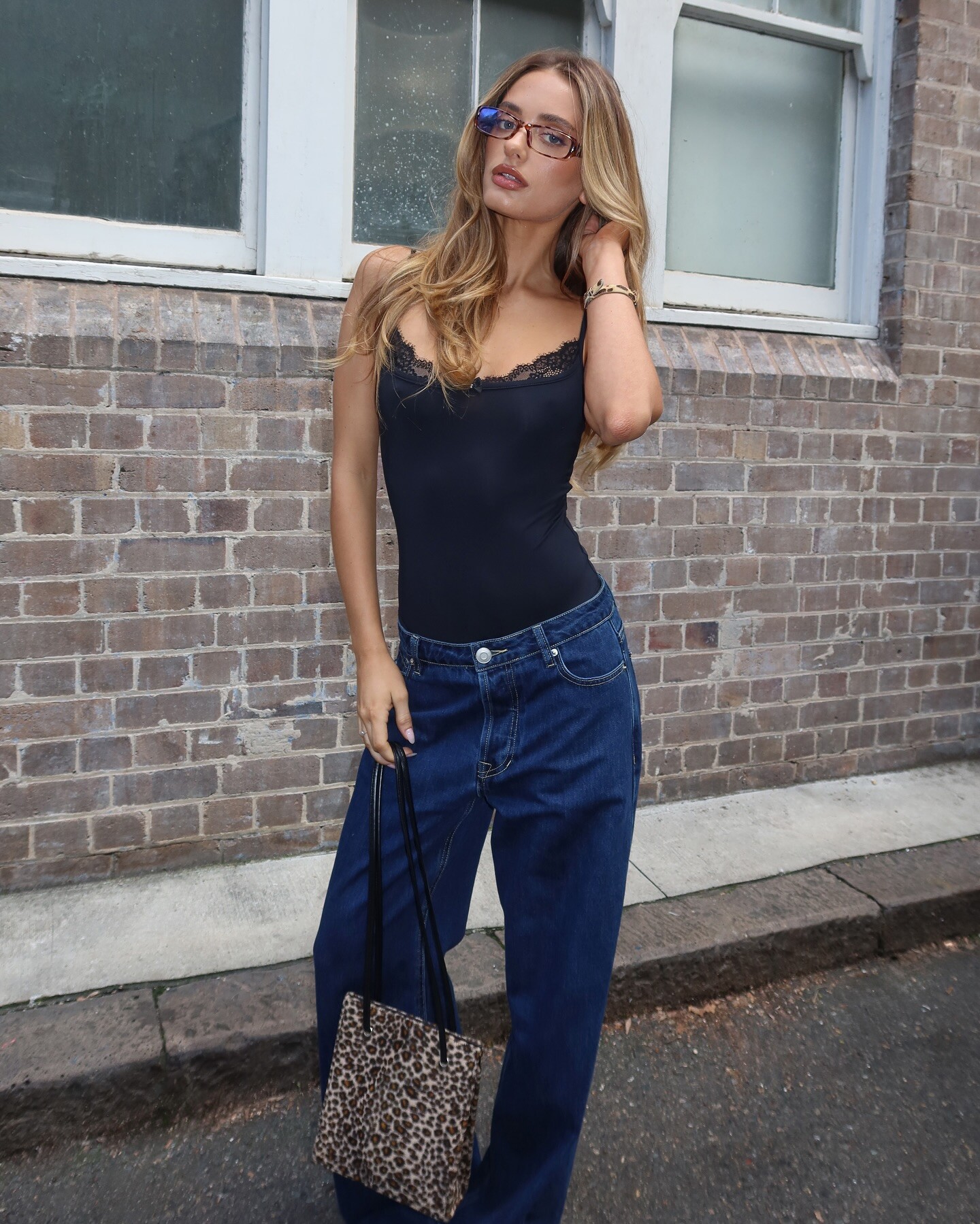
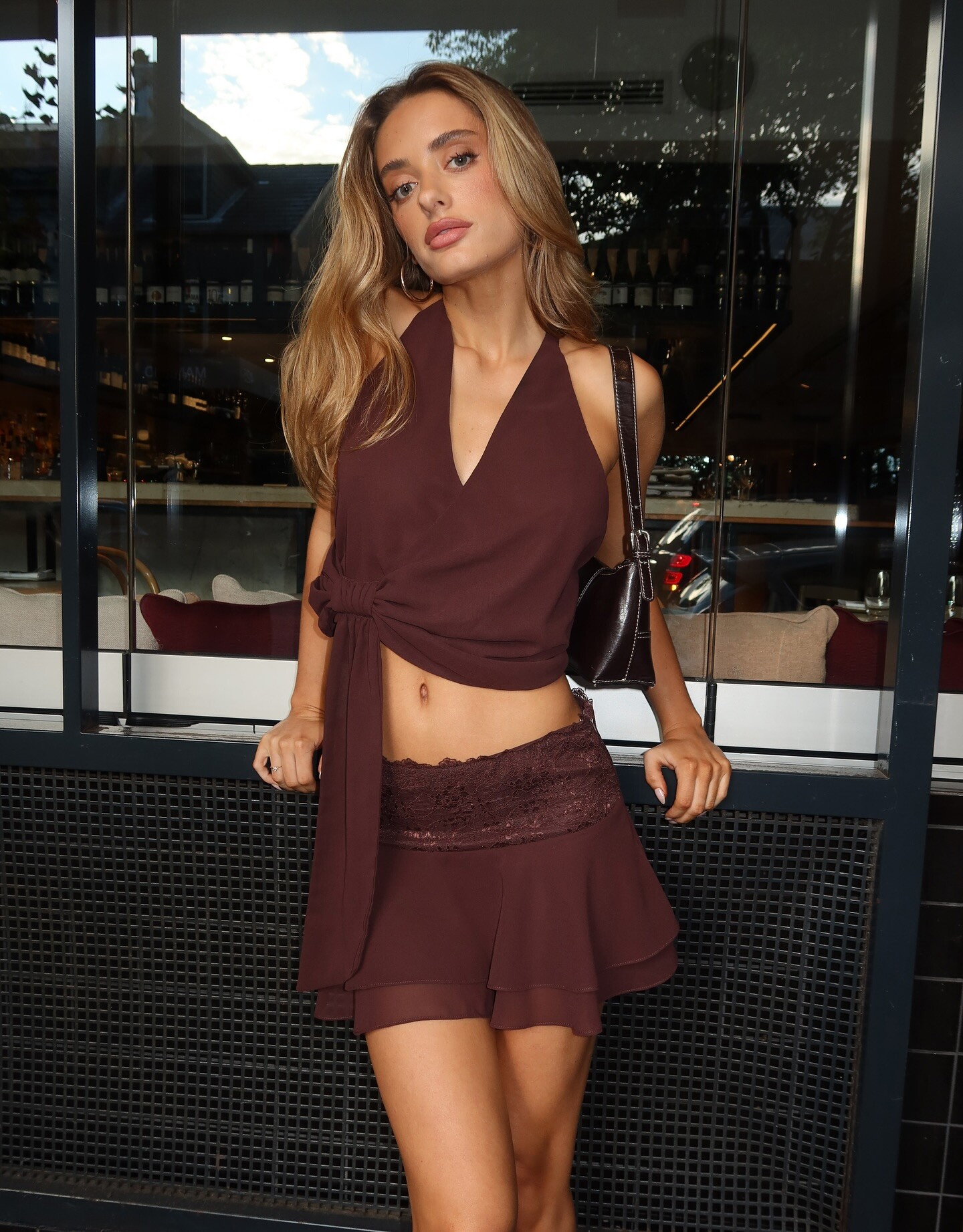
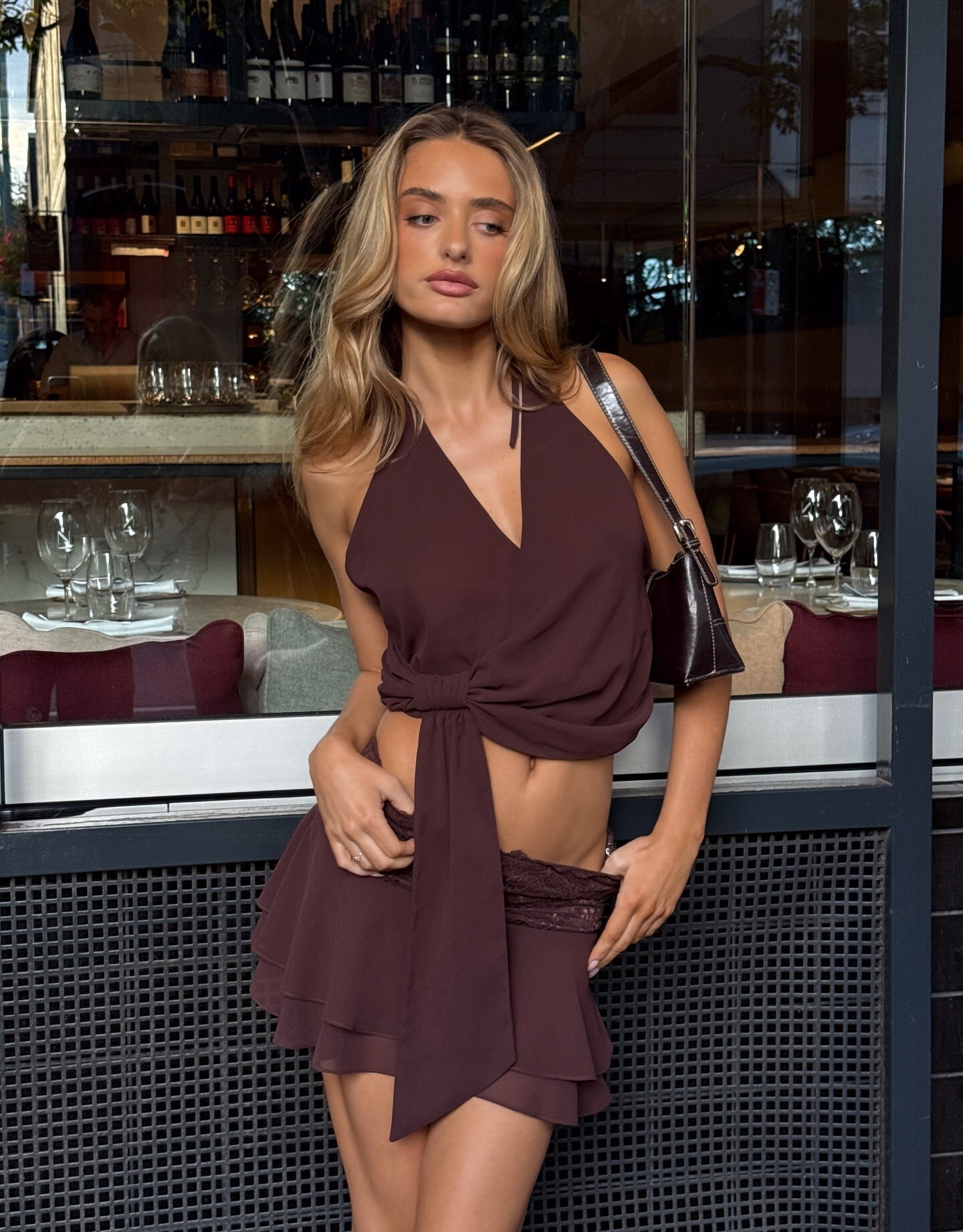
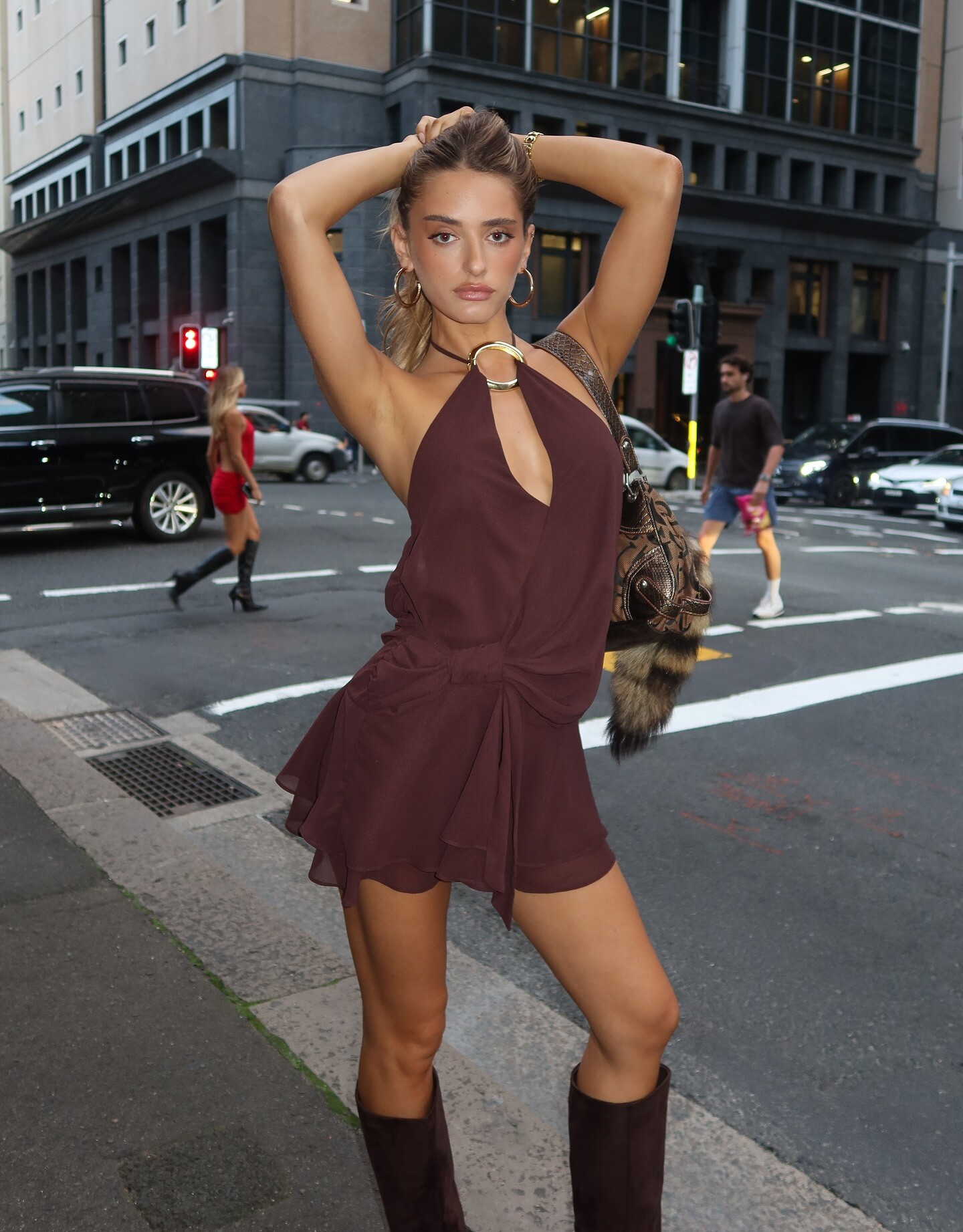
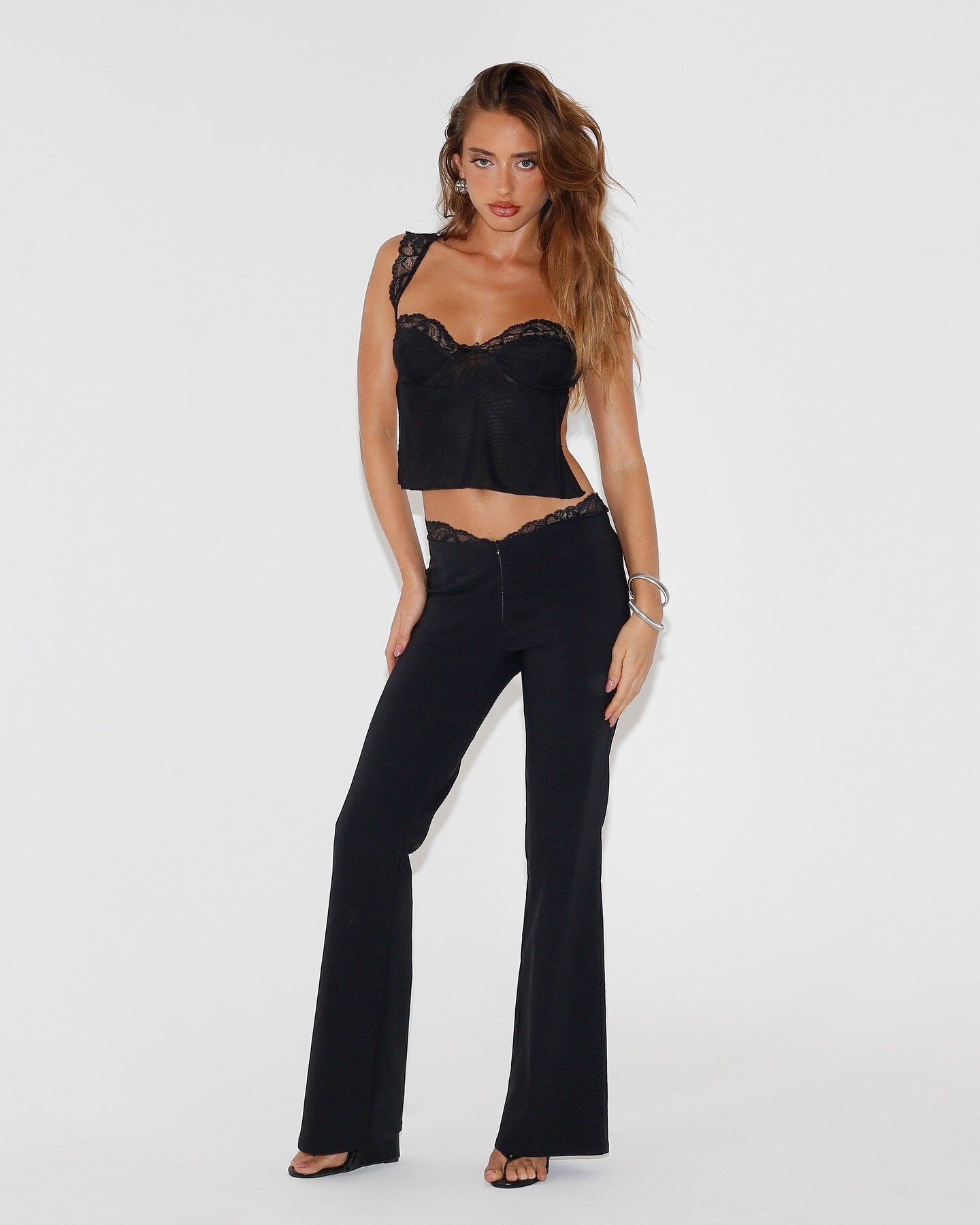
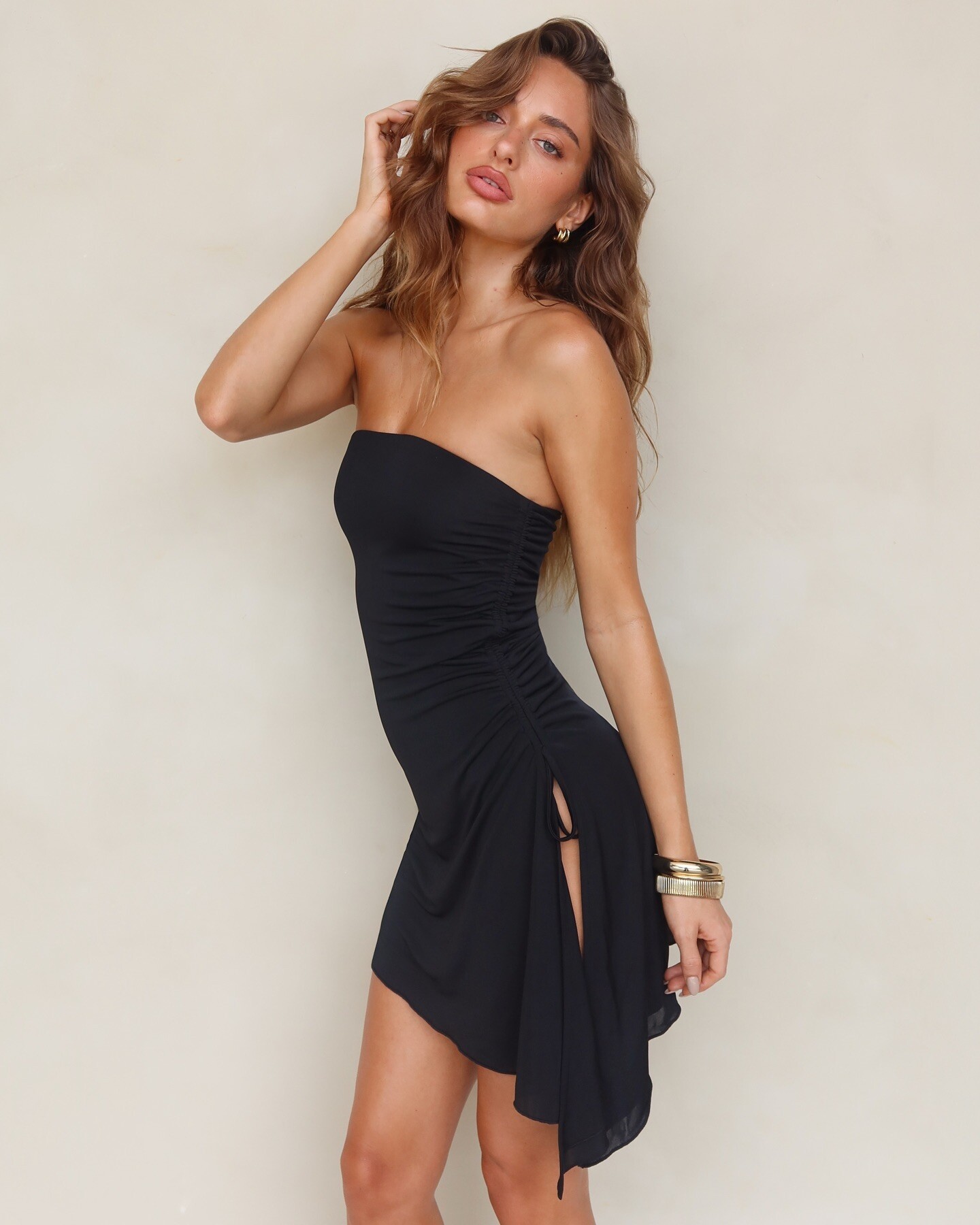
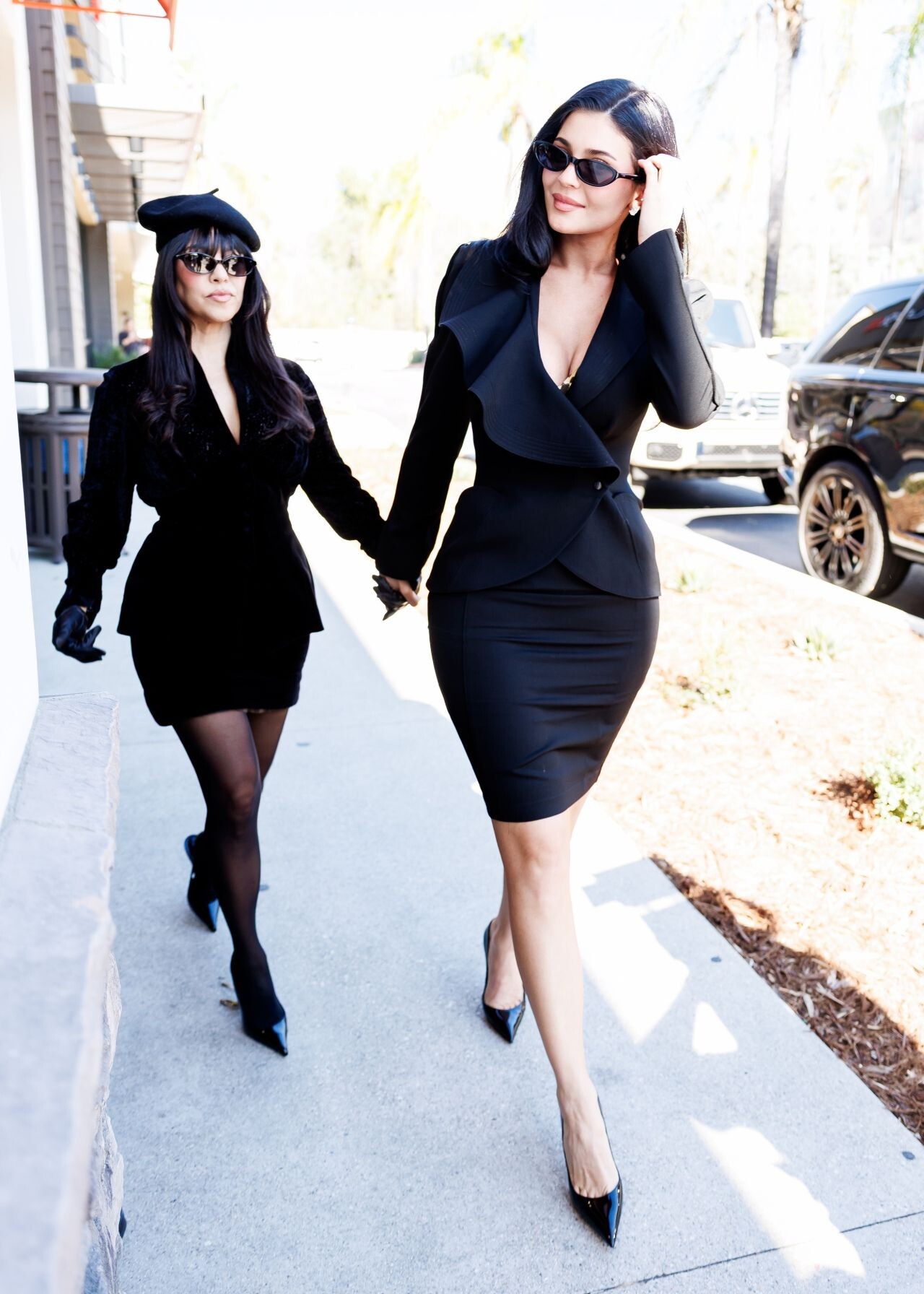
 Tiger Mist IG, 2025 (and 2 with Ella Ayalon that I missed):

















_70.thumb.jpg.b4c037bc276b75c33df10f57199d6d16.jpg)
_71.thumb.jpg.2f5d24aff7af565bca6a6bea0e2824a0.jpg)




















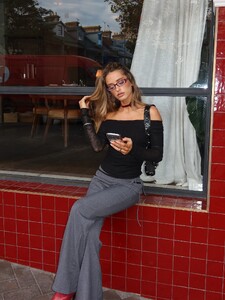





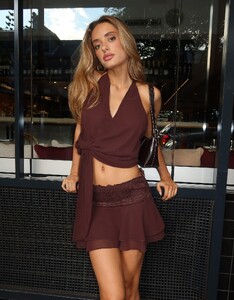





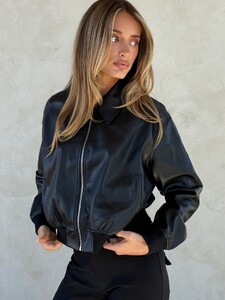

-
 SaveInst.App_AQOHASacKbnxLYLEuErROGGRpmbsjIkngkyuY0EKOB6kVDjbIqb77efg2X7R2LV3DOIW8XWzw3Wi2DnaL0rQLhdzYSopGfkB3bgD1s8.mp4
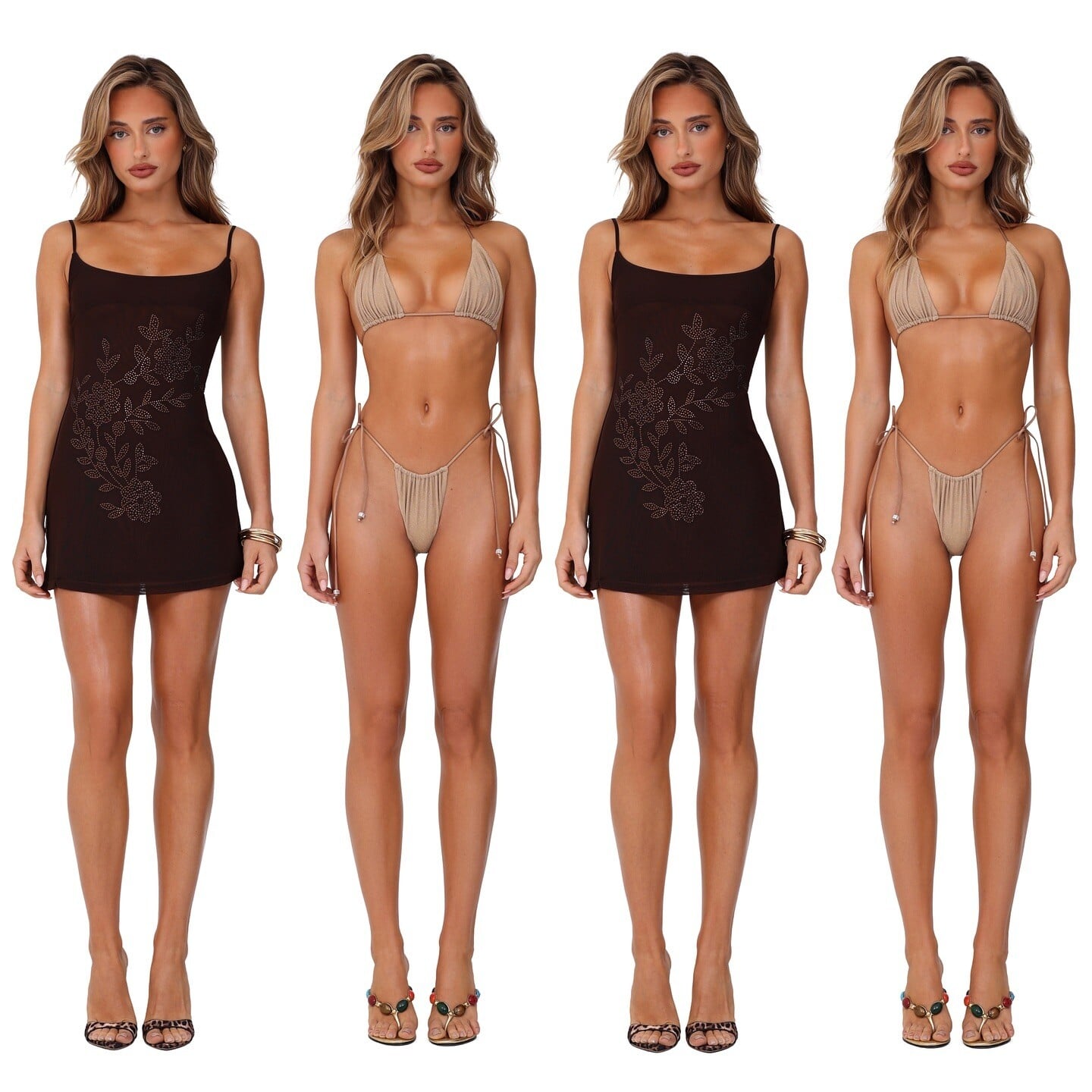
Tiger Mist IG from 2024, mostly solo:
SaveInst.App_AQOHASacKbnxLYLEuErROGGRpmbsjIkngkyuY0EKOB6kVDjbIqb77efg2X7R2LV3DOIW8XWzw3Wi2DnaL0rQLhdzYSopGfkB3bgD1s8.mp4
Tiger Mist IG from 2024, mostly solo:















































 Uma Thurman for Tag Hueuer, 2006 my scan
 gilog75554 joined the community
 cayobo5747 joined the community
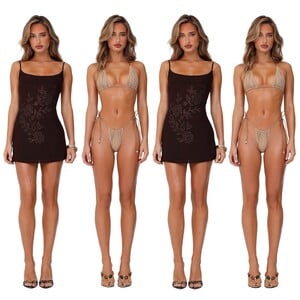
 Luxsea Swimwear
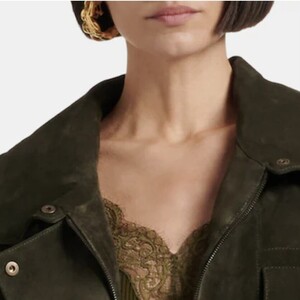
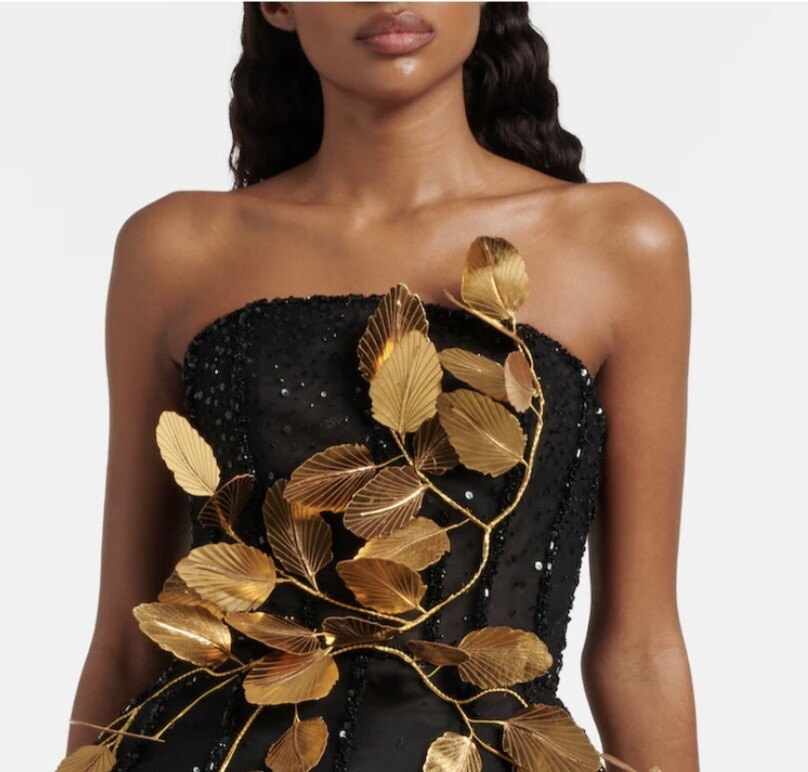
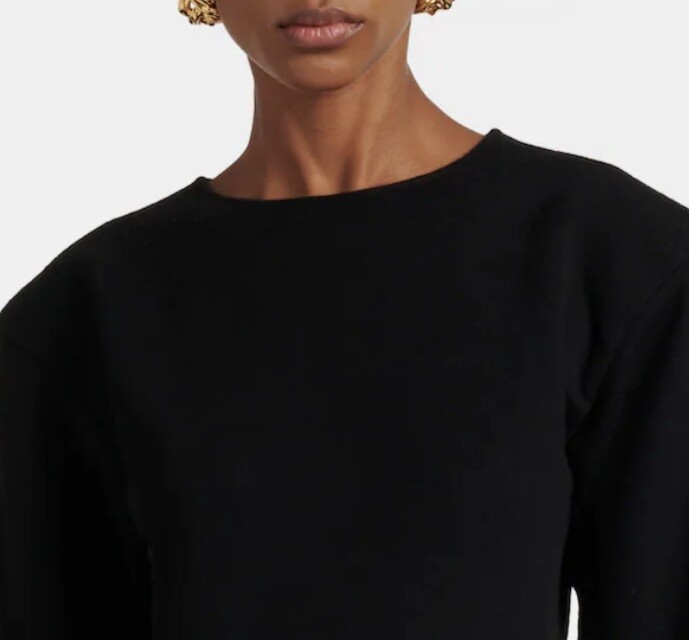
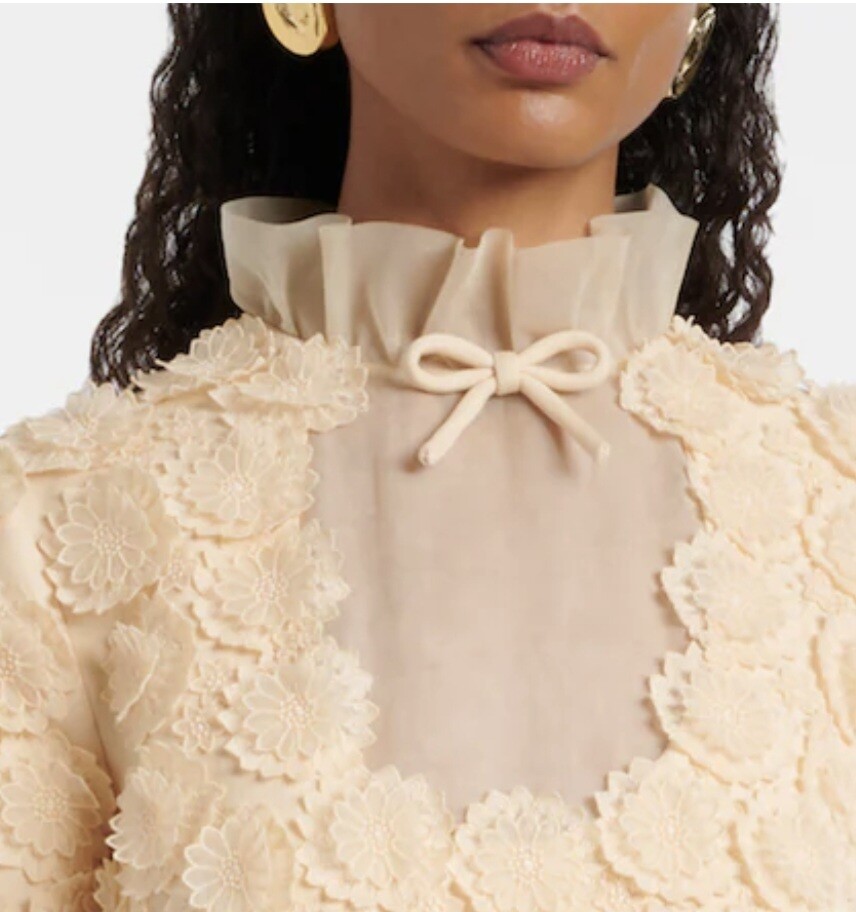
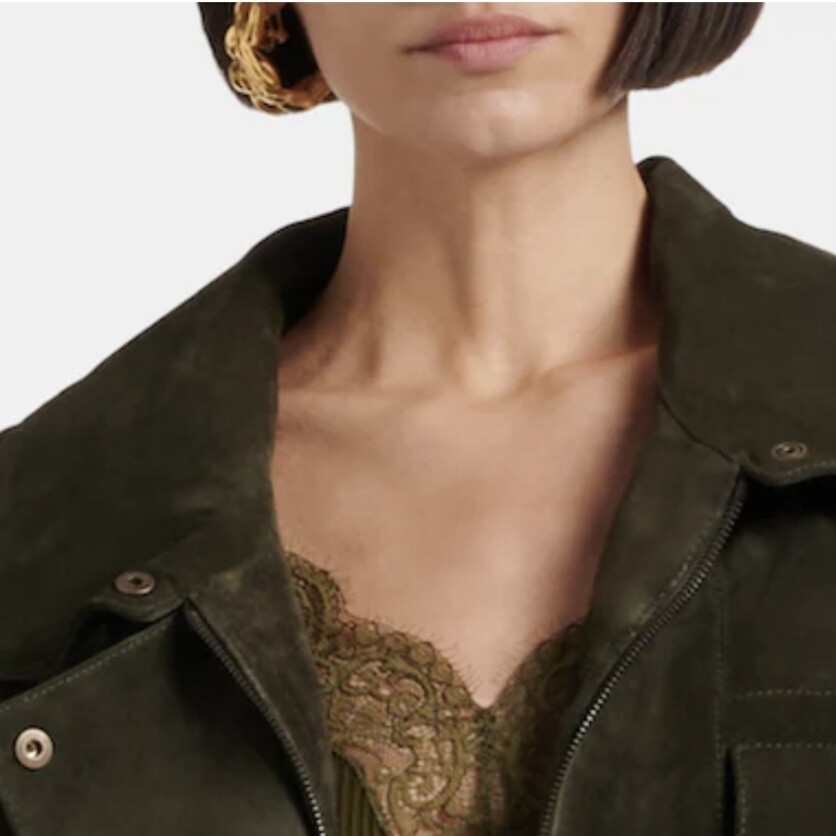
 Thanks! These are from mytheresa but only this bit of face is visible so idk if it's possible to identify I think these two are the same woman? others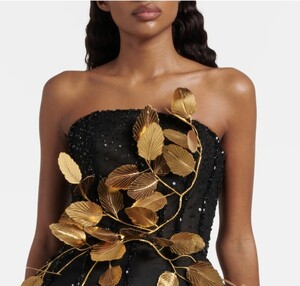
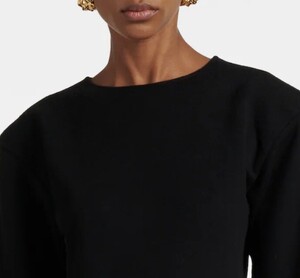


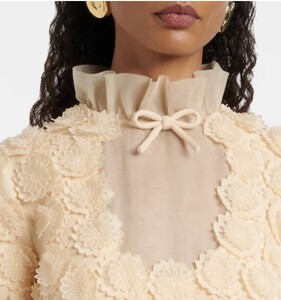
 David Bellemere content is prohibited in the forum; photographer's choice.
 Donna Karan S/S 2026 Campaign Luigi & Iango - Photographer Trey Laird - Creative Director Jessica Diehl - Fashion Editor/Stylist
 0207144.mp4
Donna Karan S/S 2026 Campaign Luigi & Iango - Photographer Trey Laird - Creative Director Jessica Diehl - Fashion Editor/Stylist
Donna Karan S/S 2026 Campaign Luigi & Iango - Photographer Trey Laird - Creative Director Jessica Diehl - Fashion Editor/Stylist 0207144.mp4








 IG Tiktok













- Today
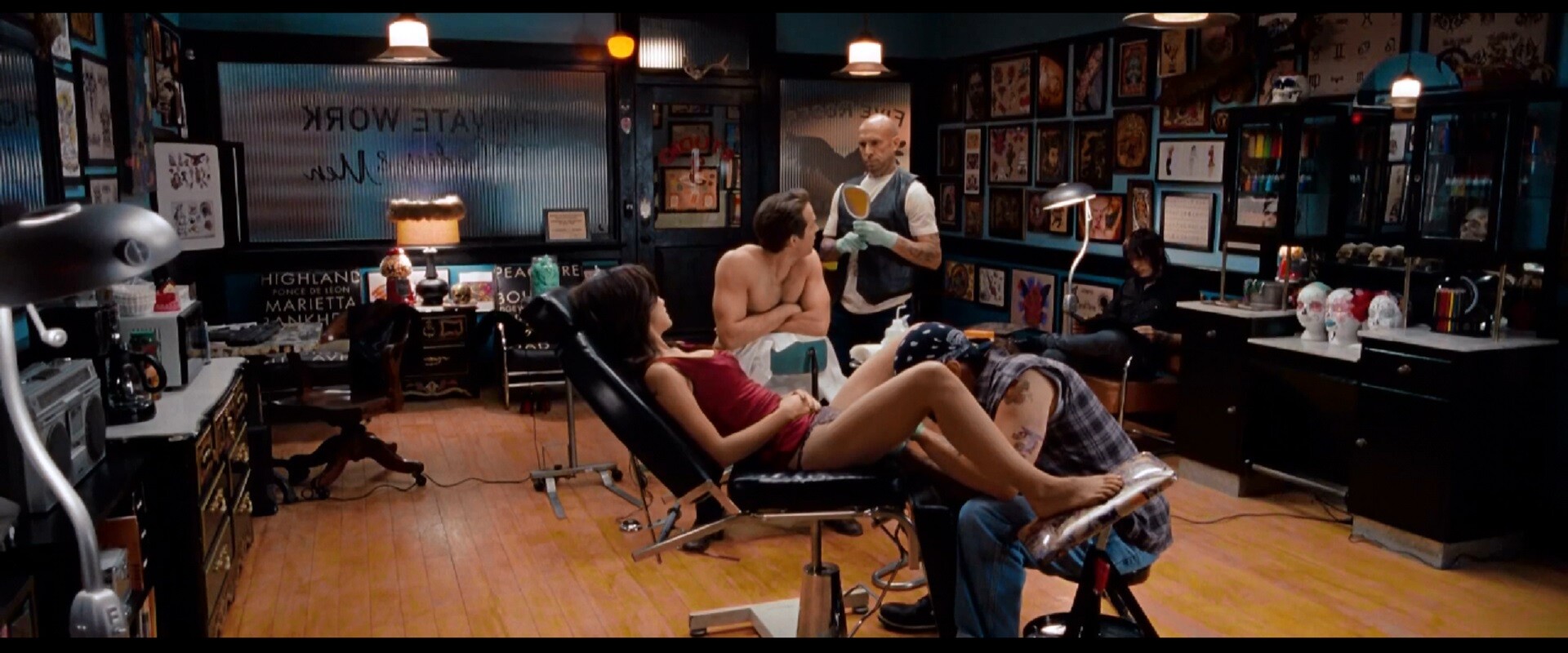
 Olivia Wilde - The Change-Up (2011)1080p Duration: 00:01:59 Resolution: 1920x800 Format: mp4 Size: 75.01 MB https://filejoker.net/w5yr337b66zp



 Freight Broker joined the community
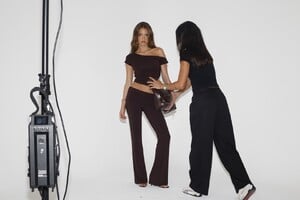
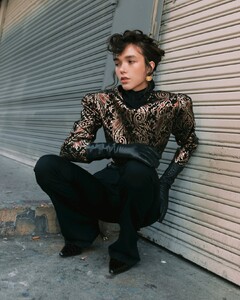
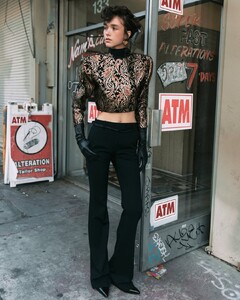
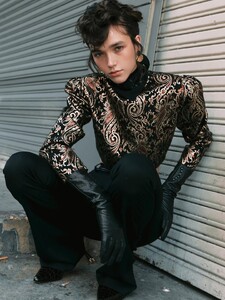
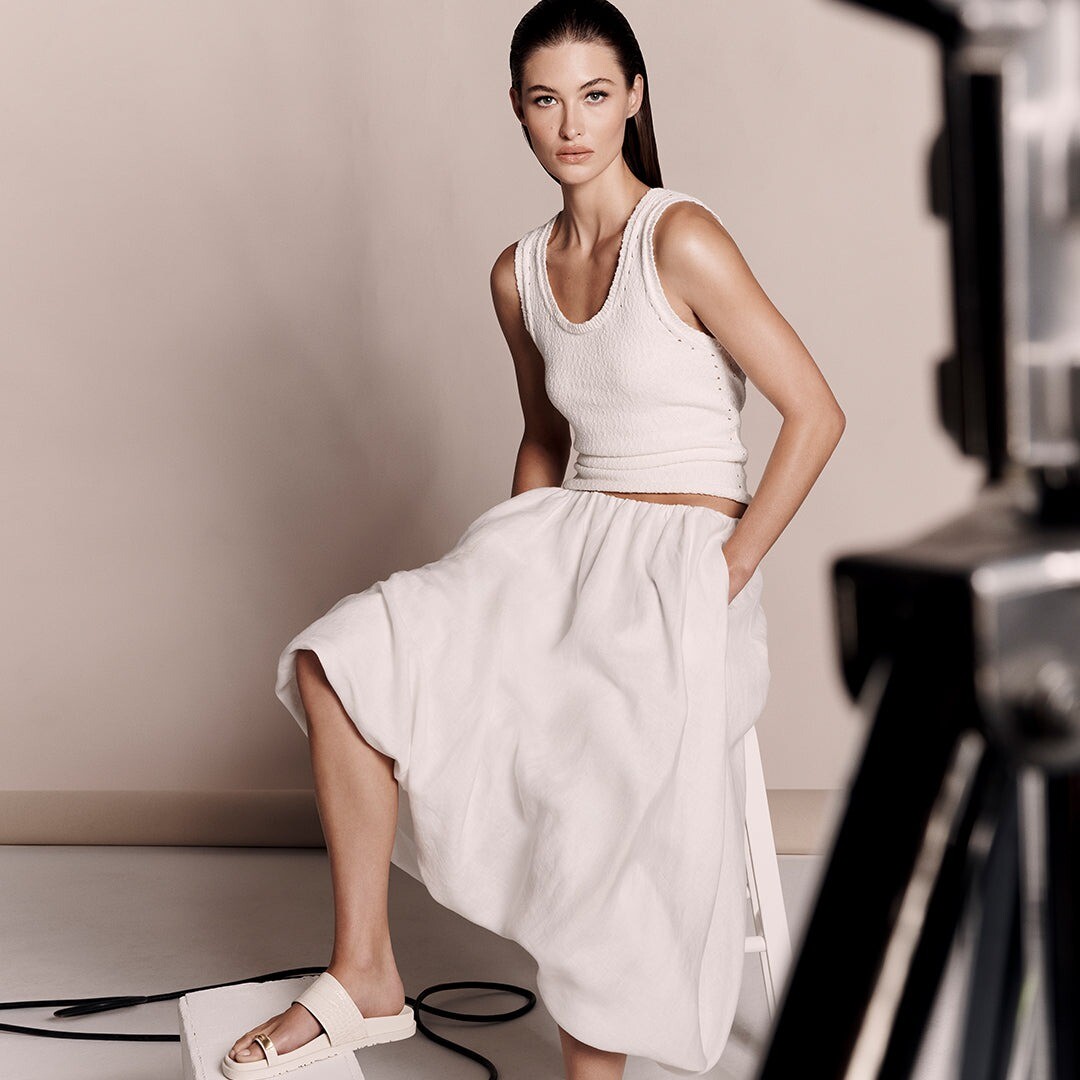
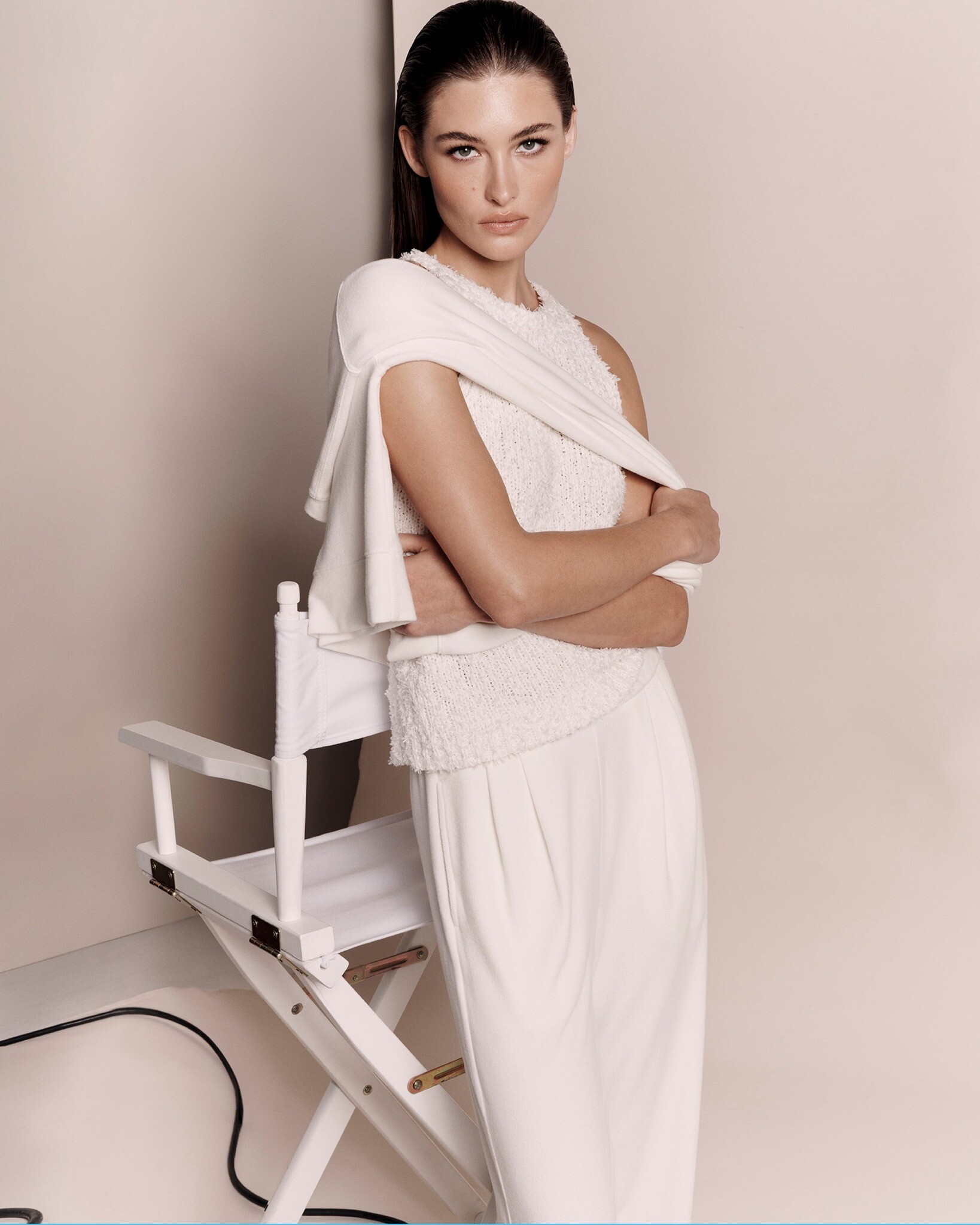
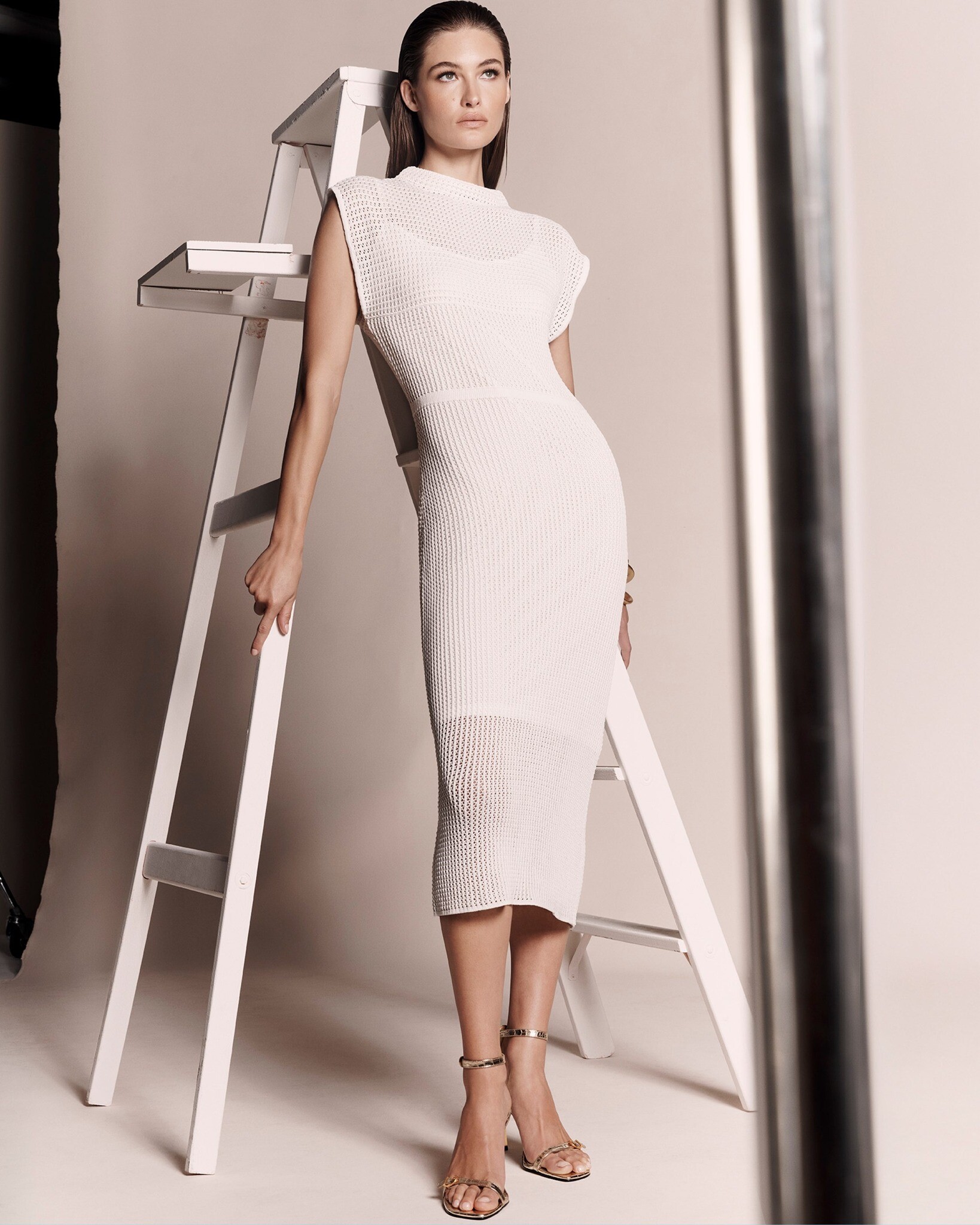
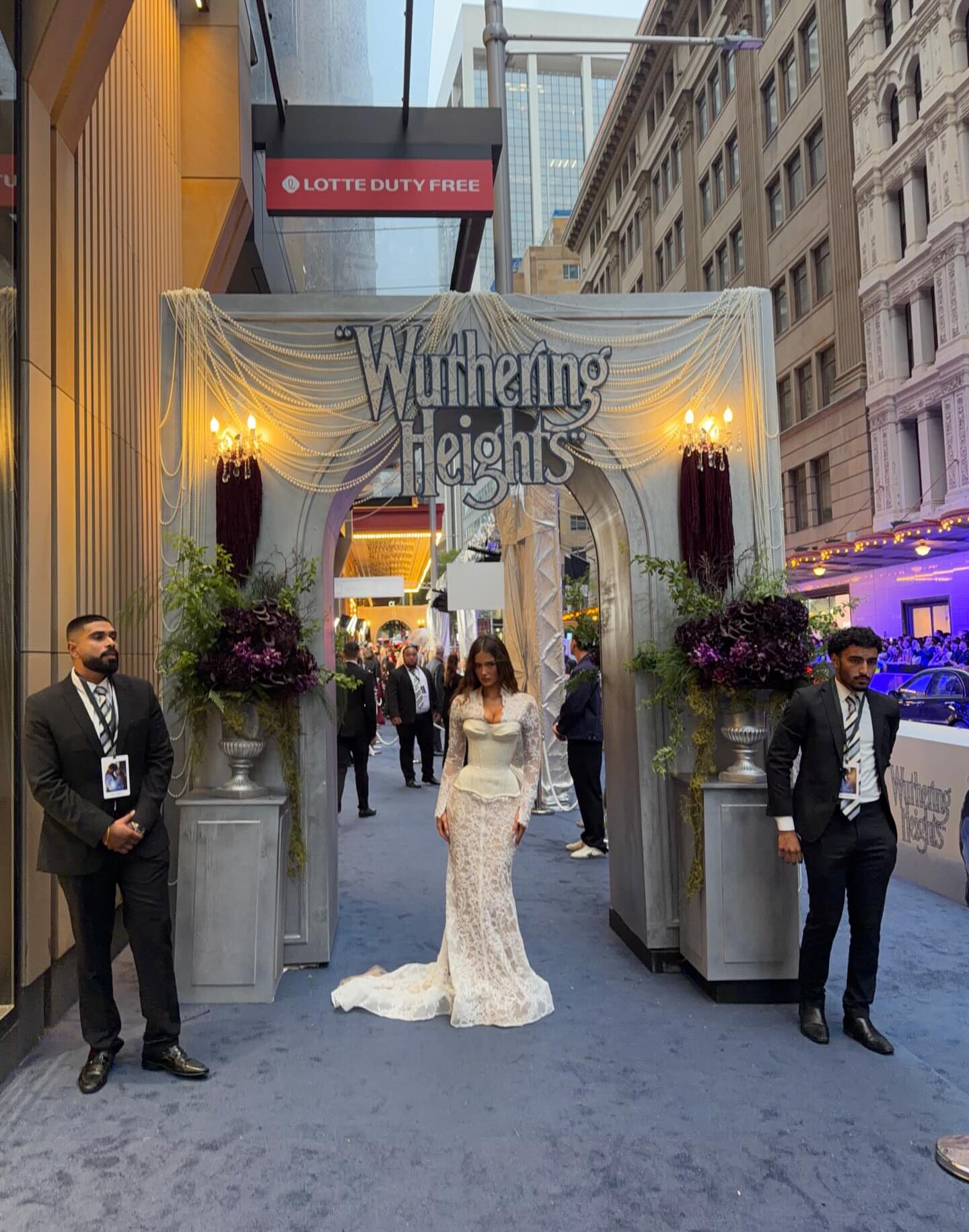
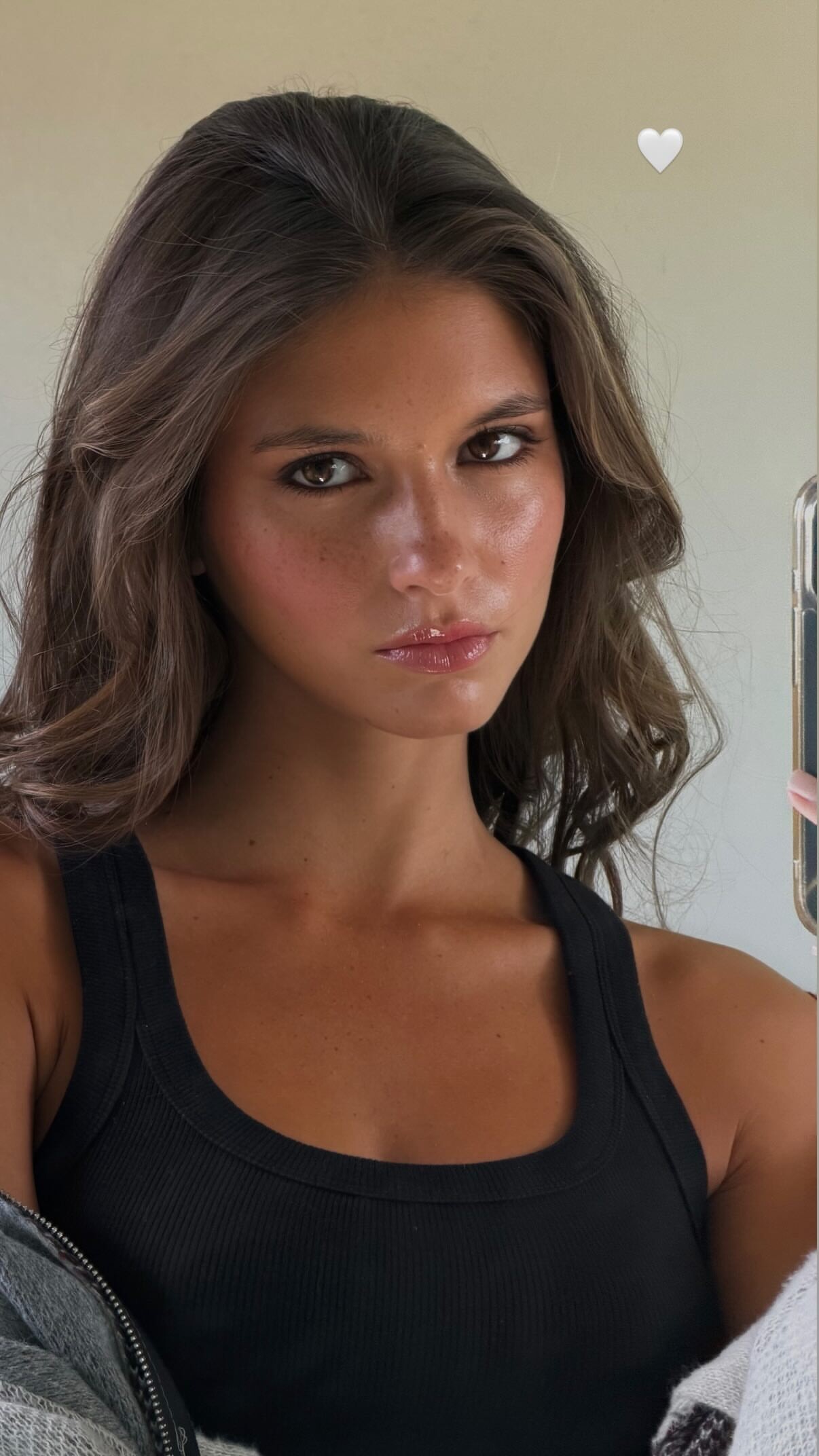
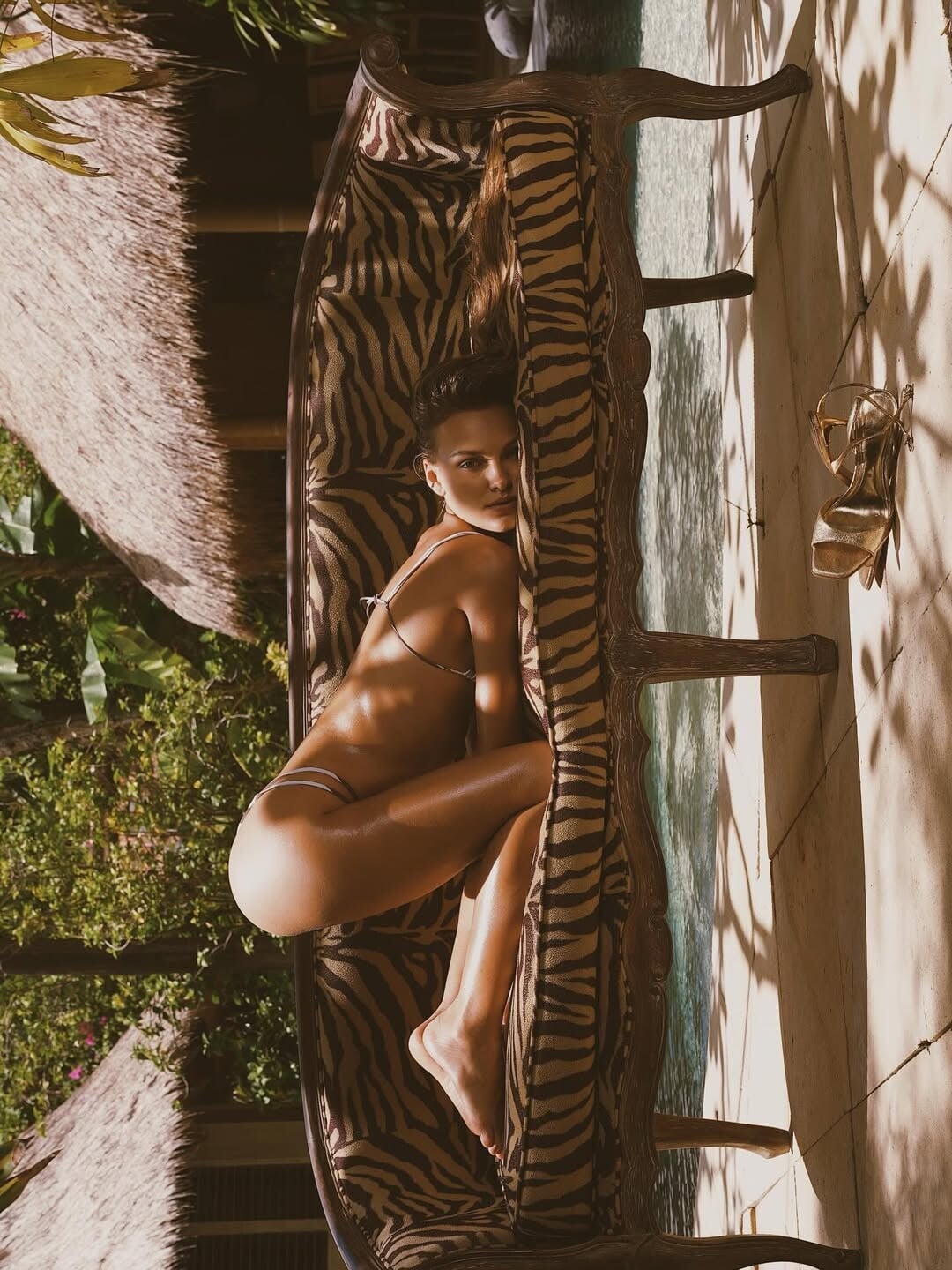
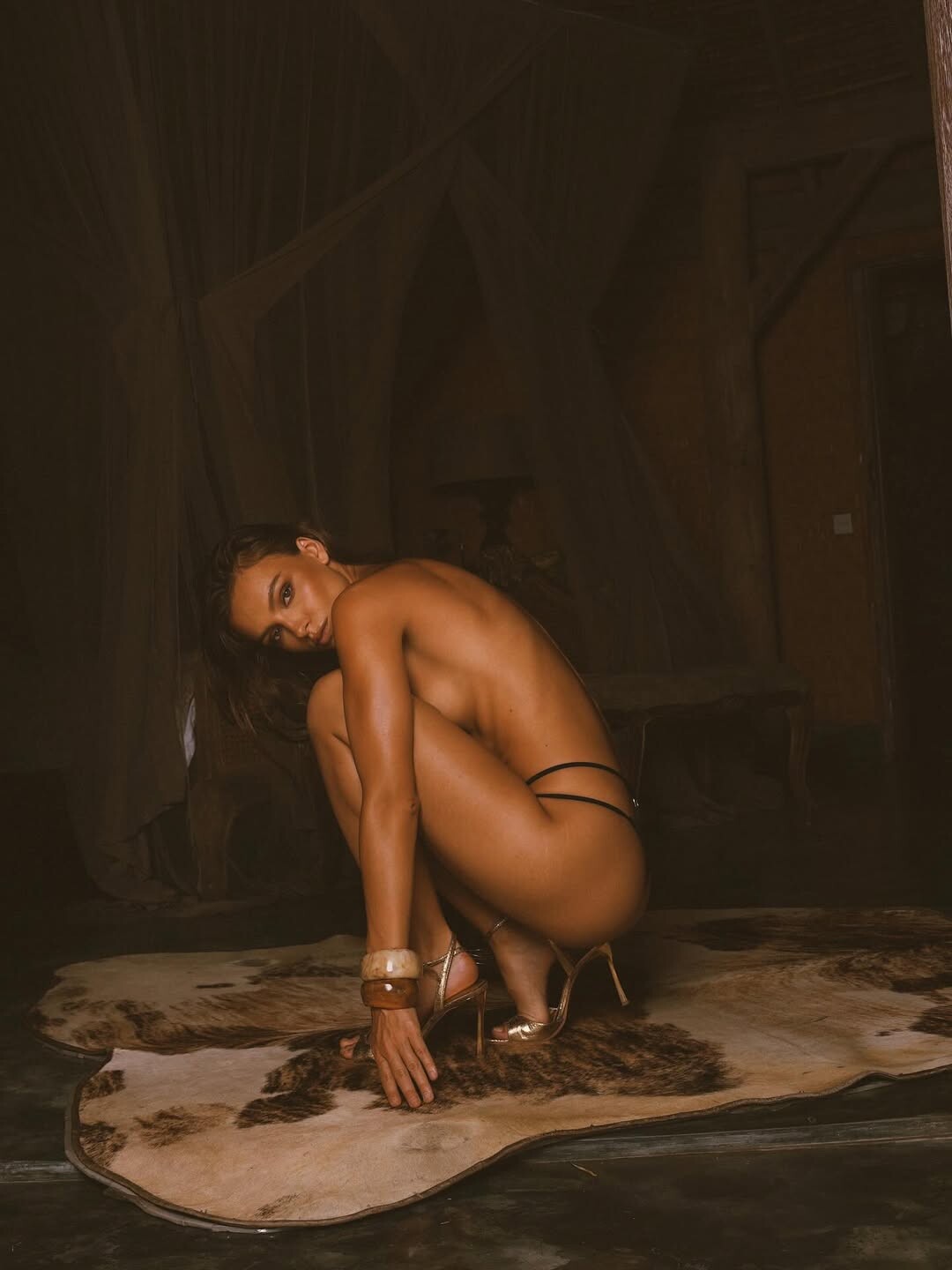
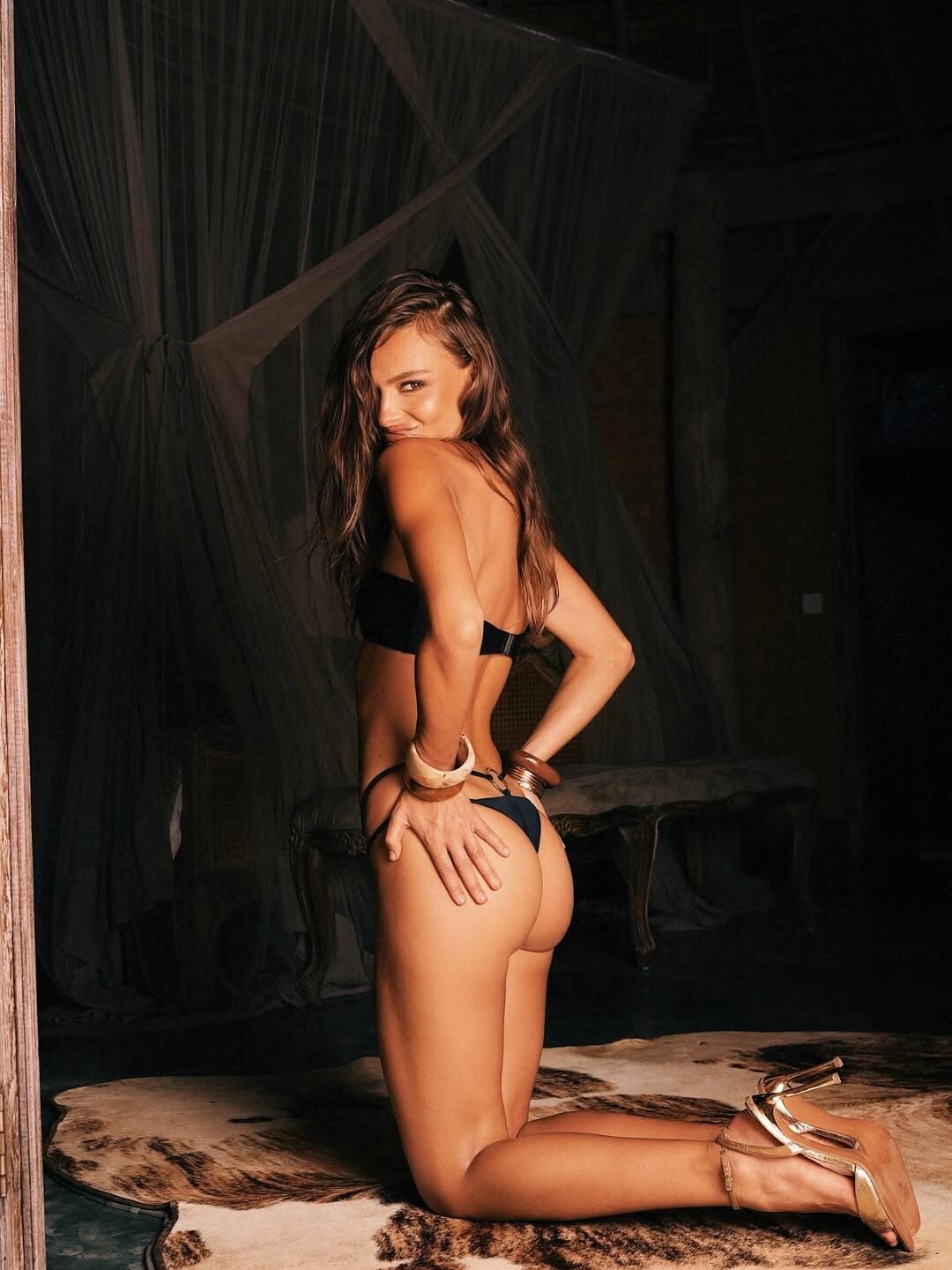
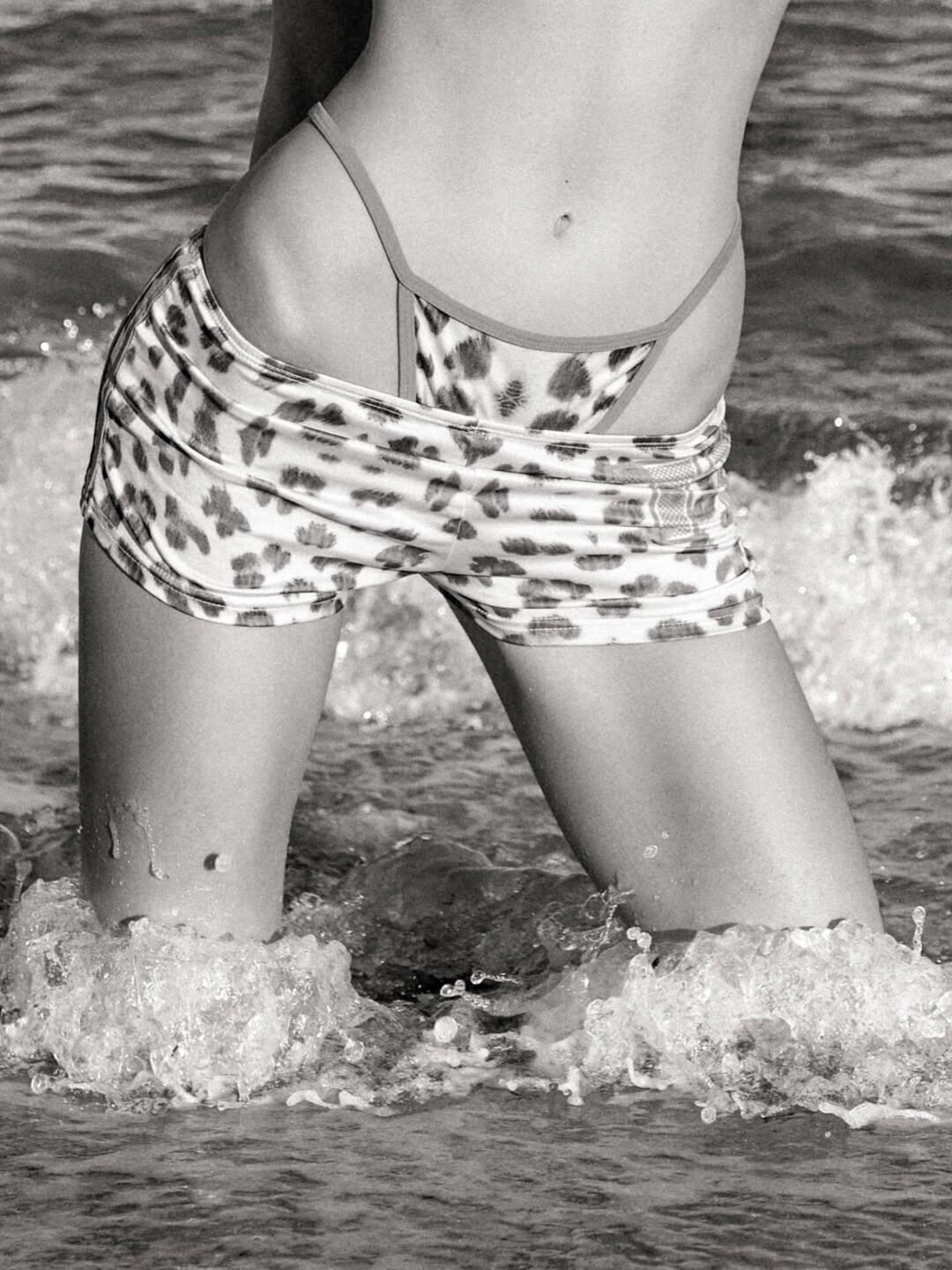
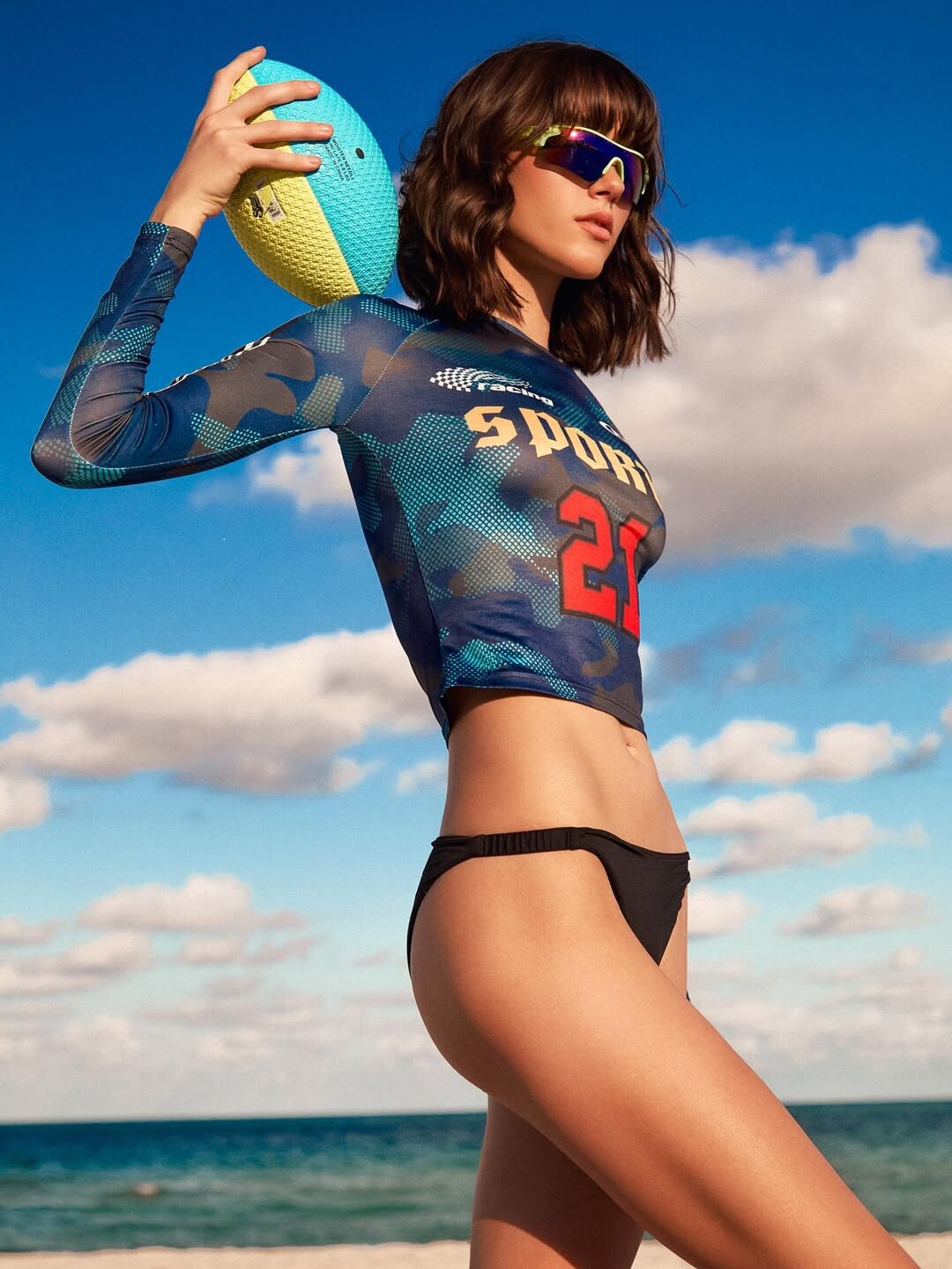
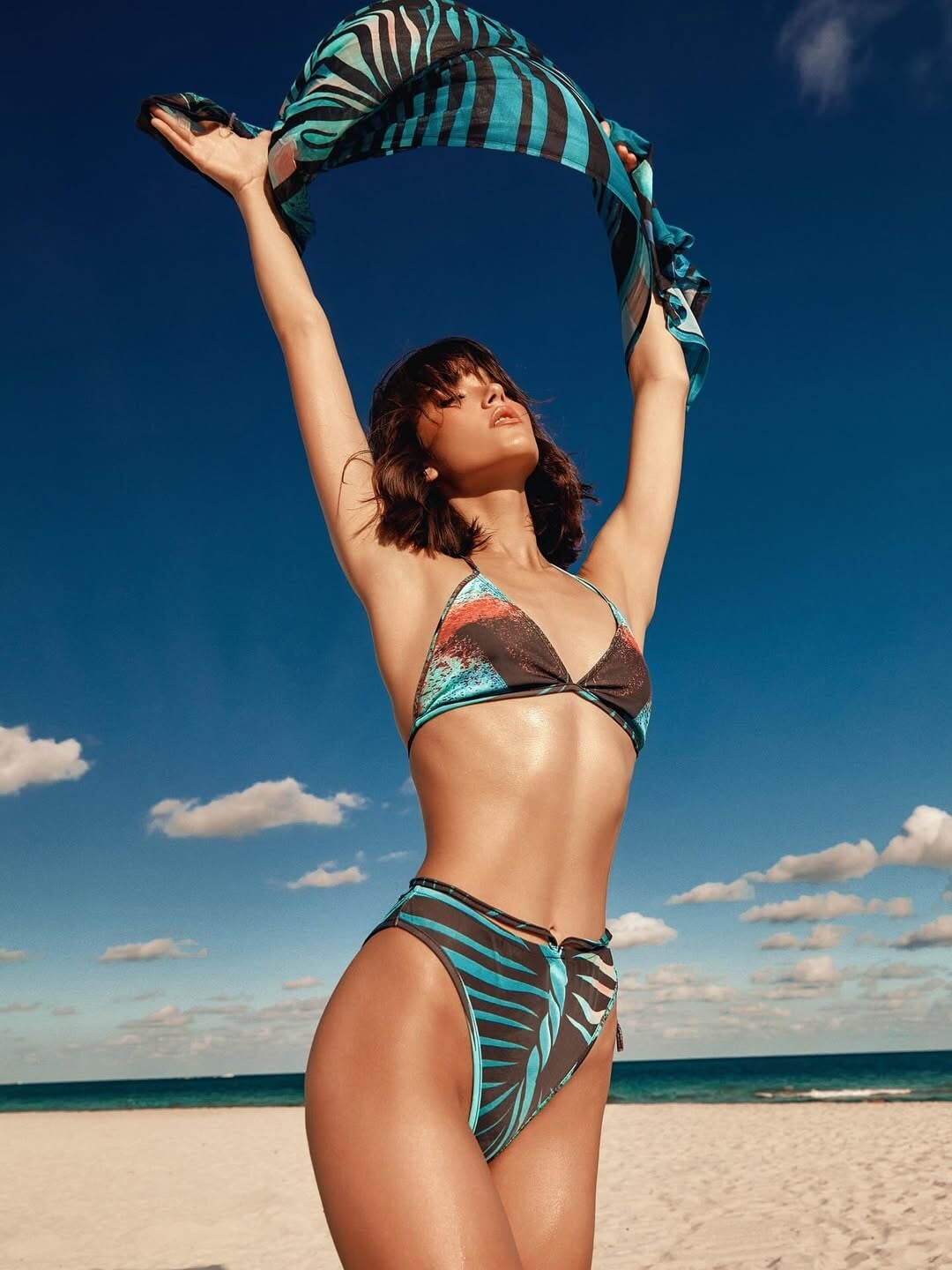
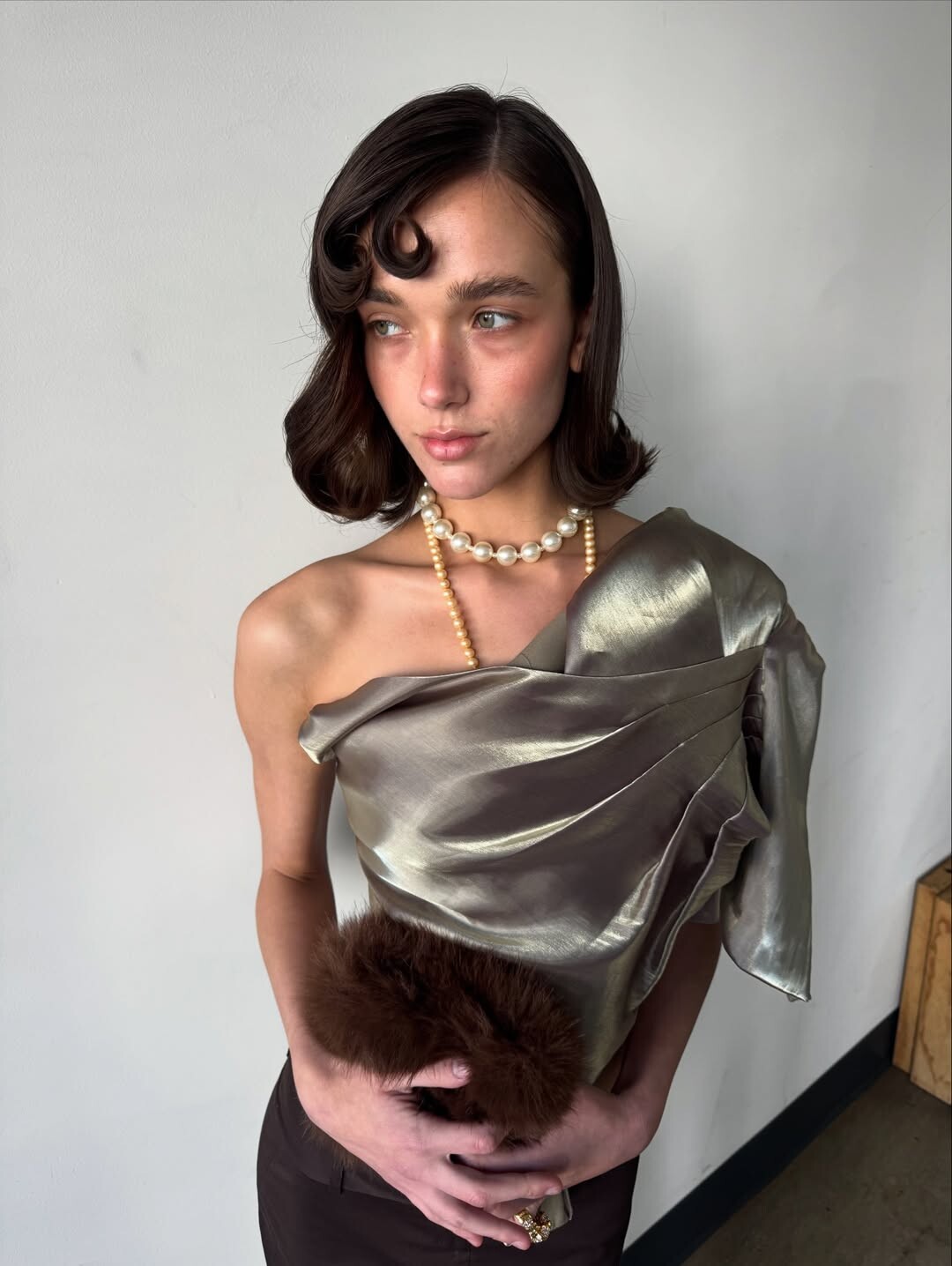
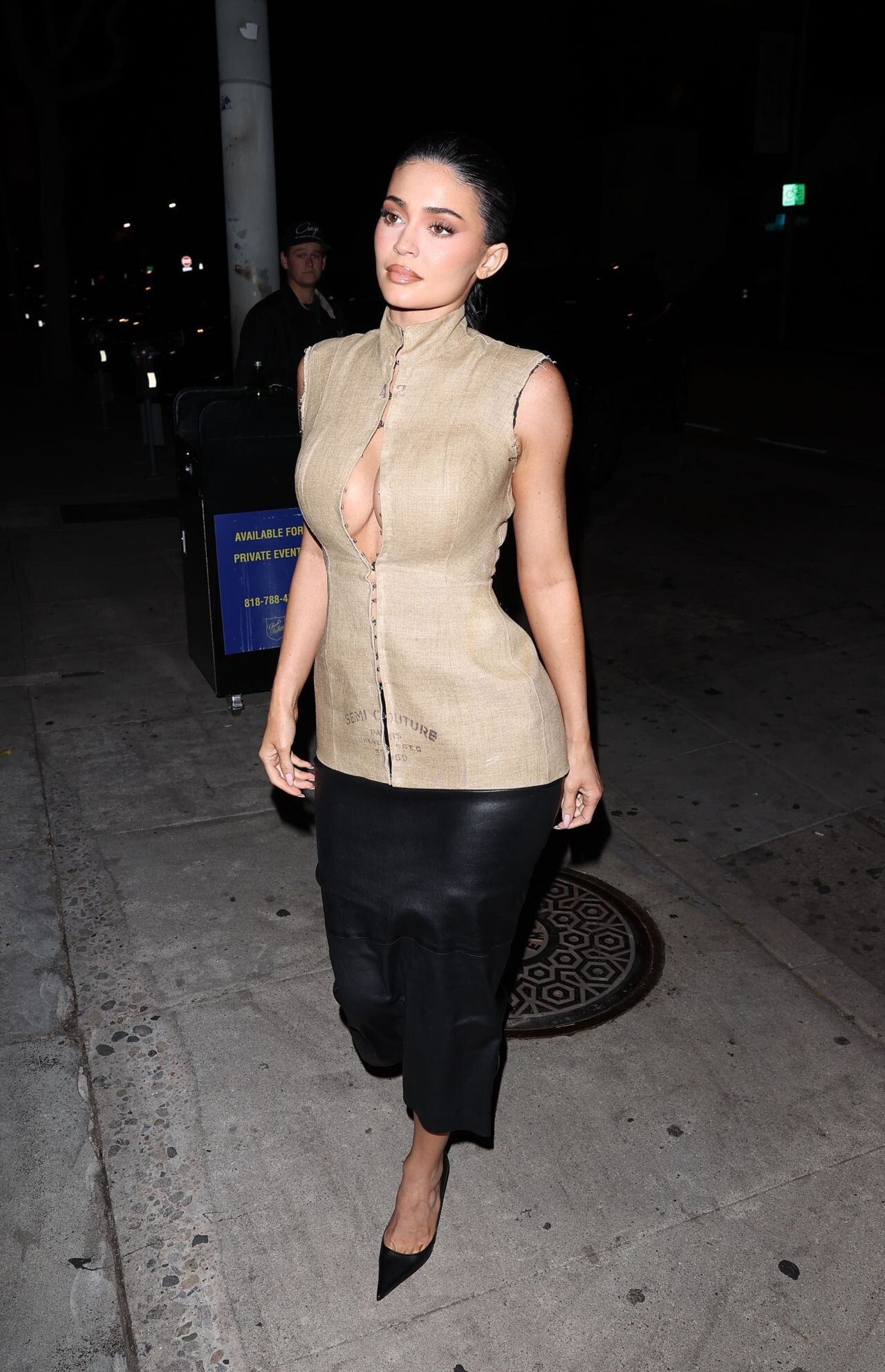
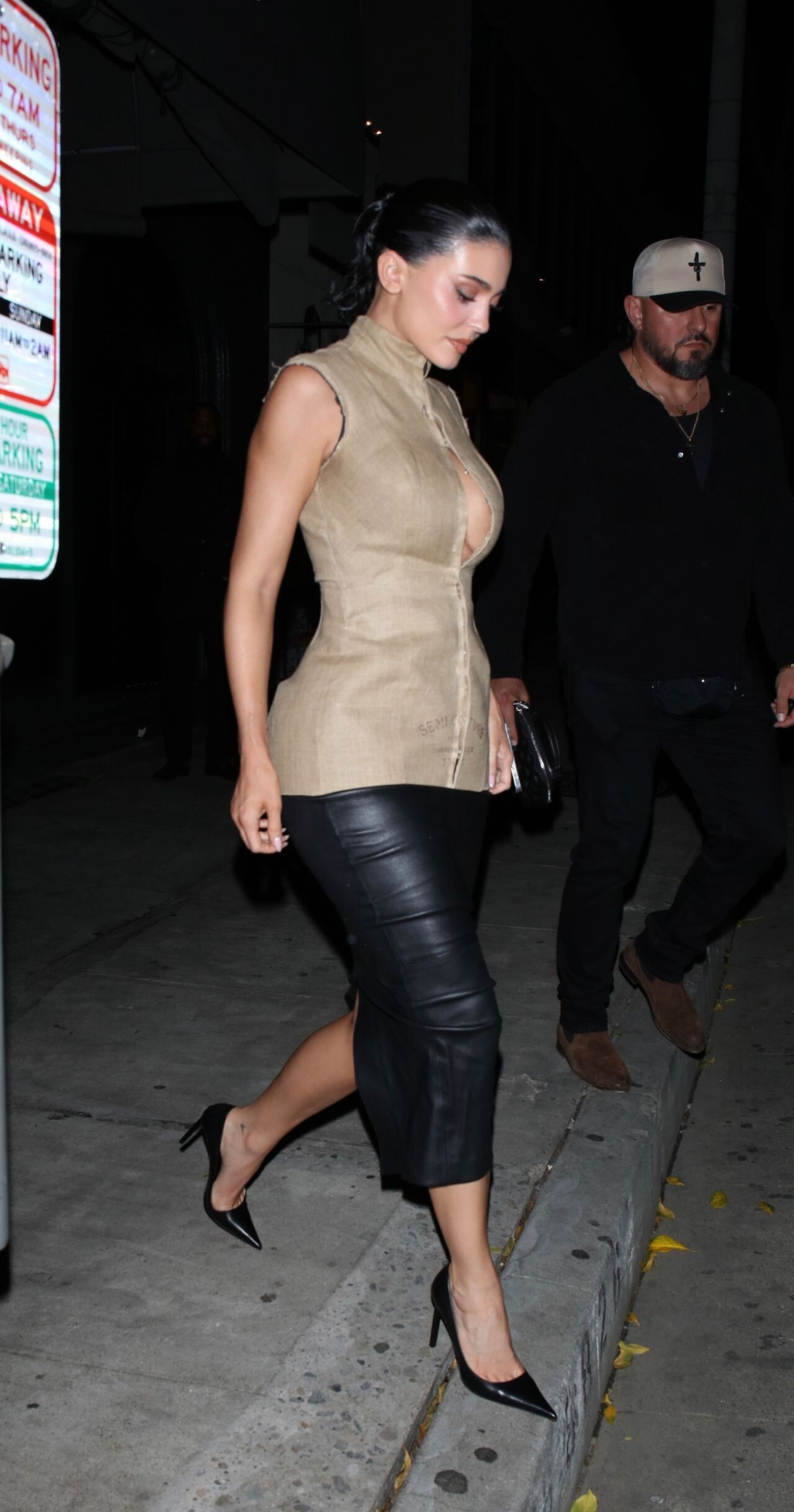
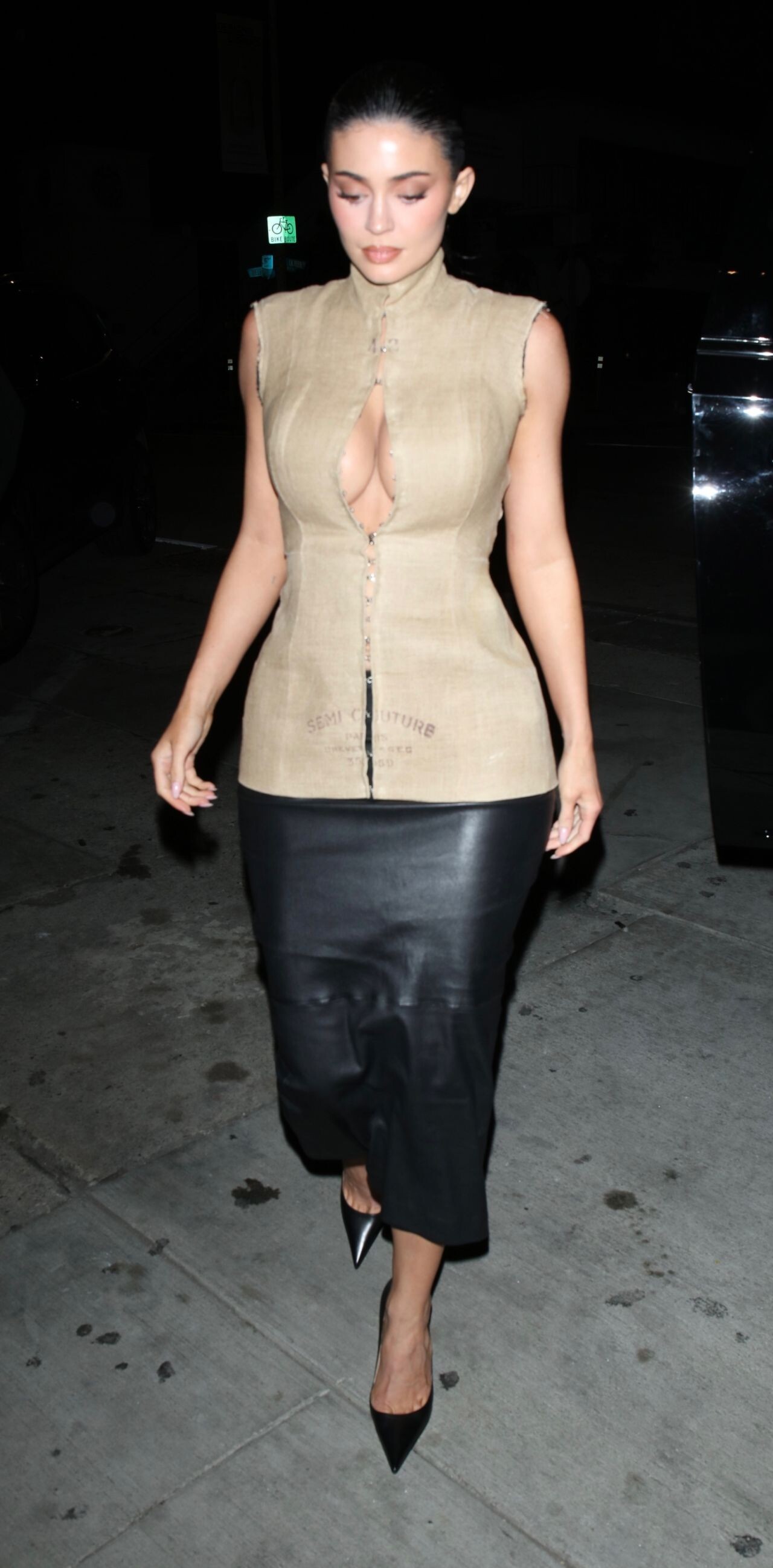
Ph: Jessica Kobeissi first three are BTS
Freight Broker joined the community
Ph: Jessica Kobeissi first three are BTS





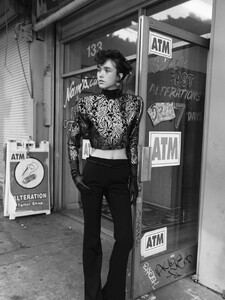



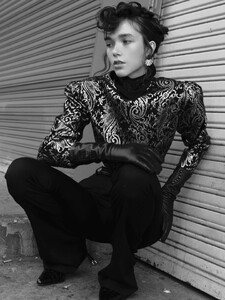
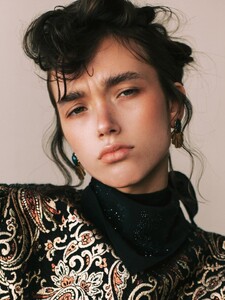
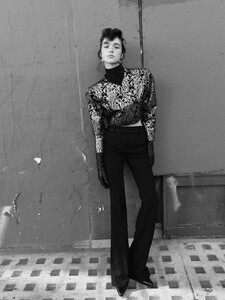



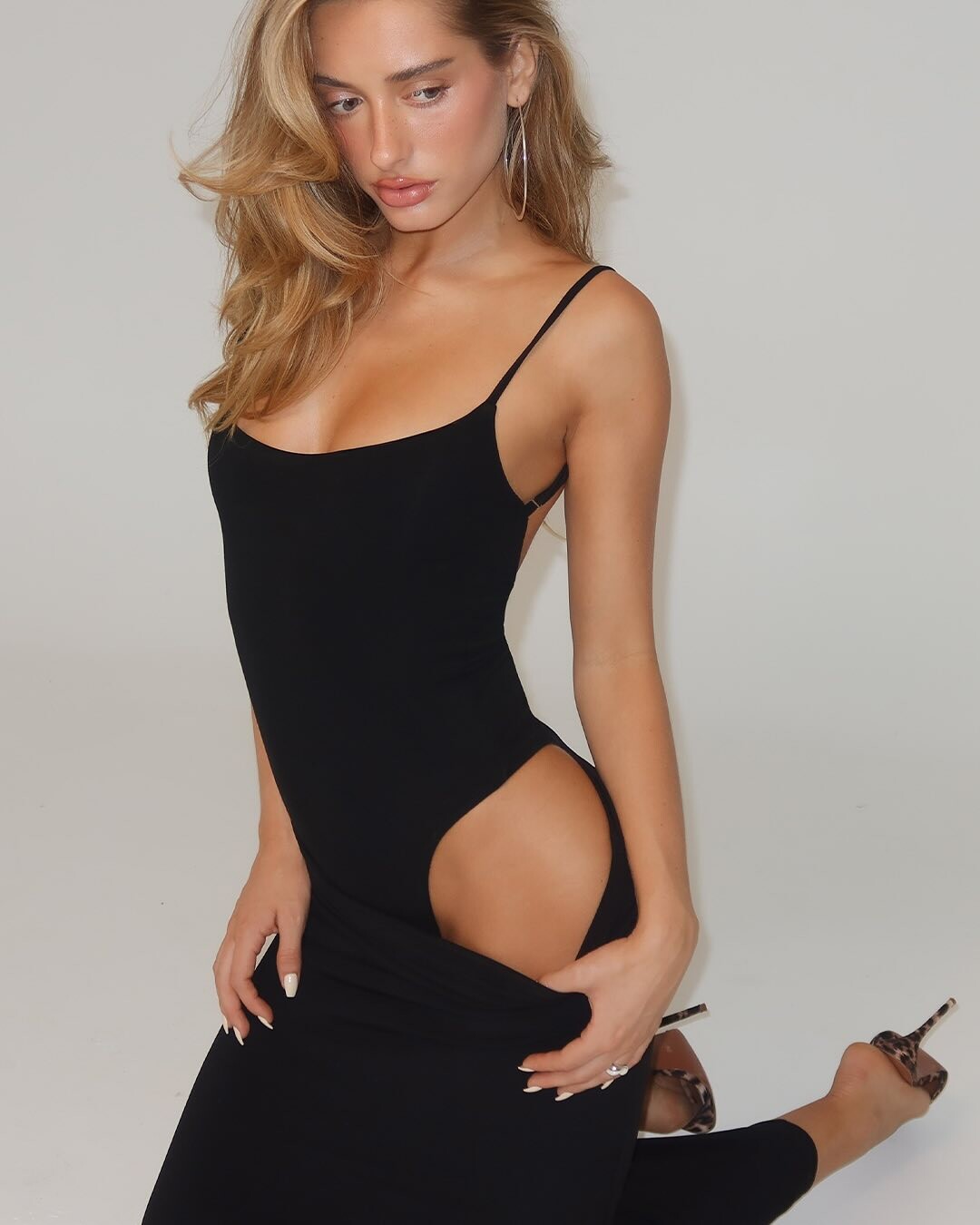


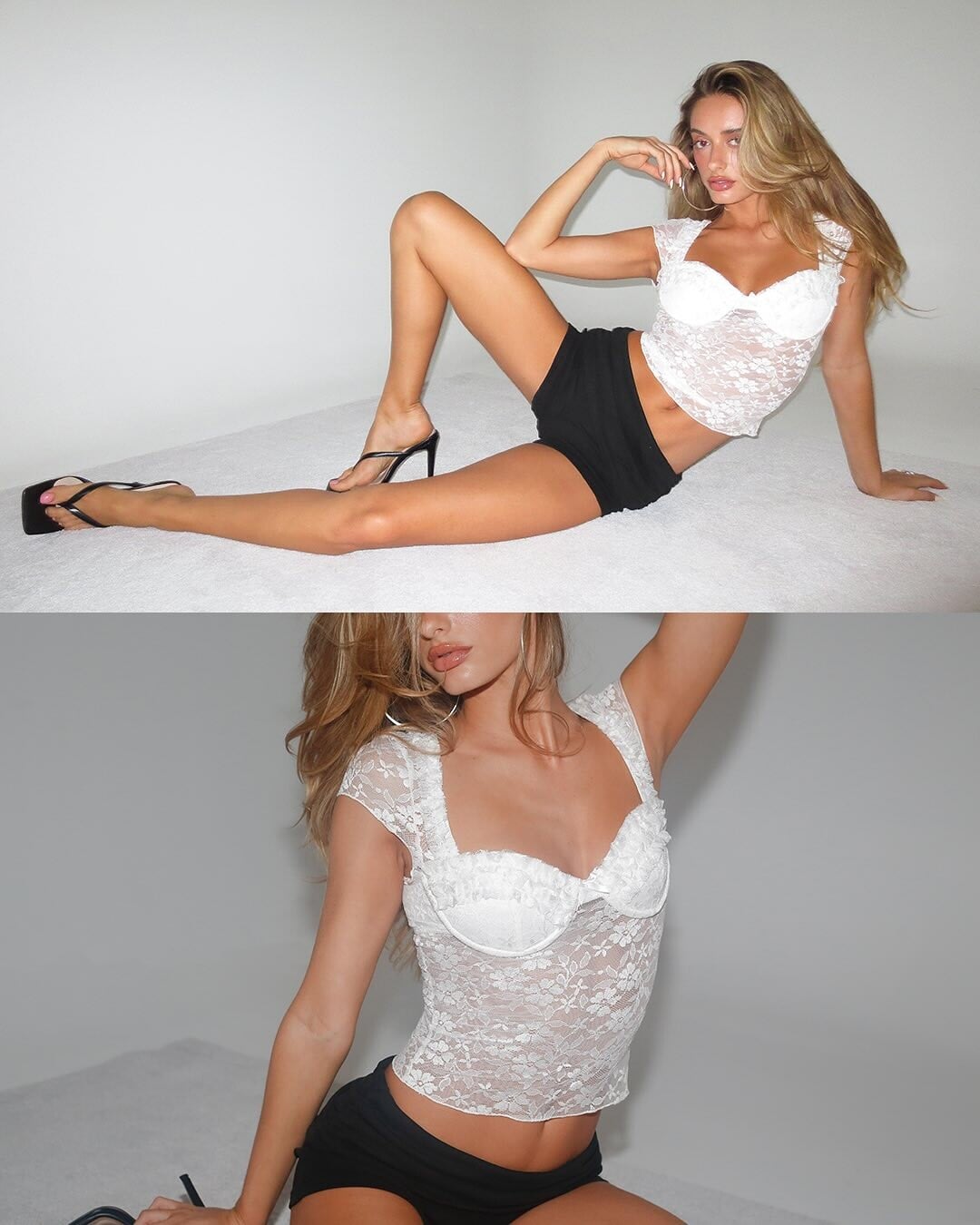




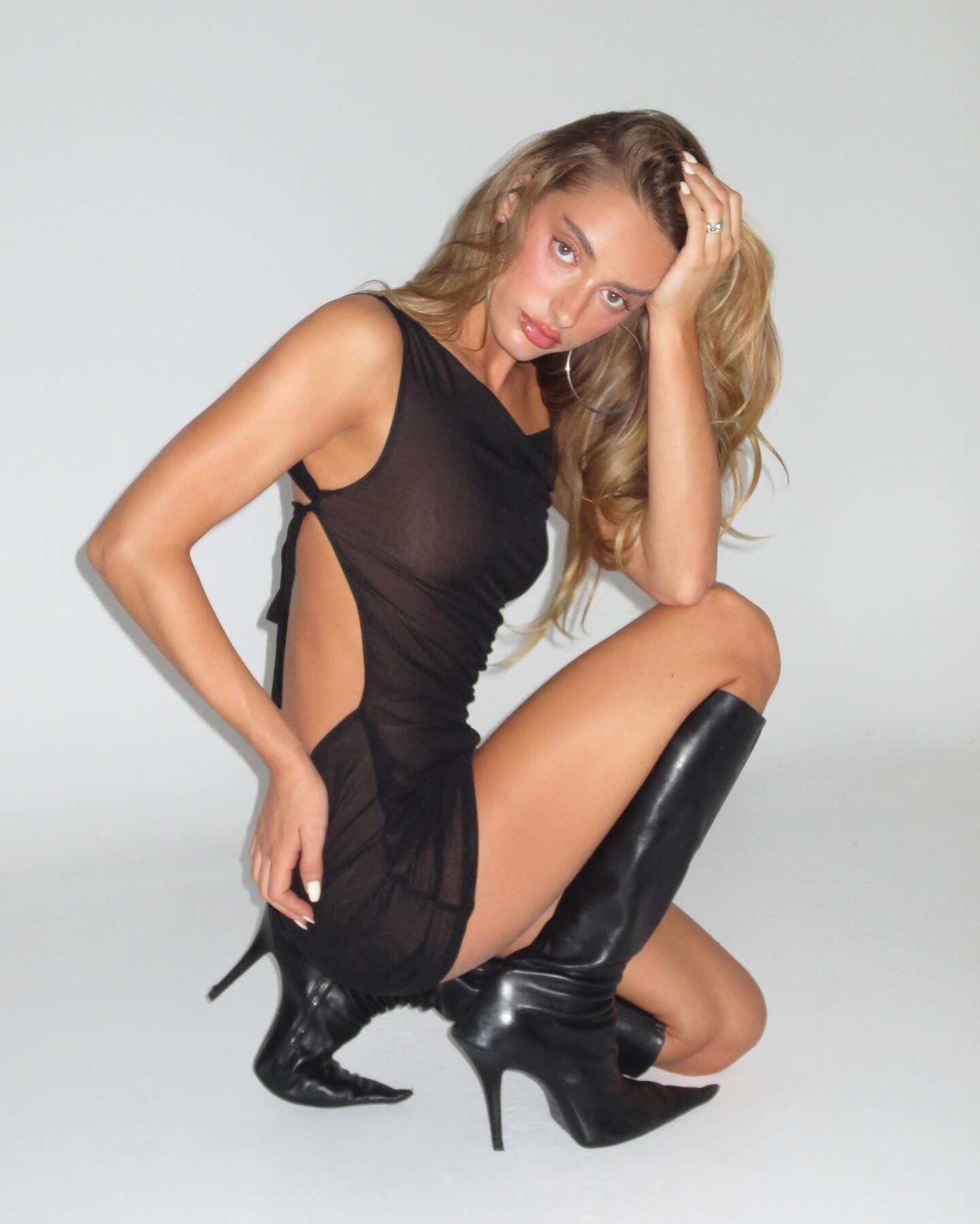
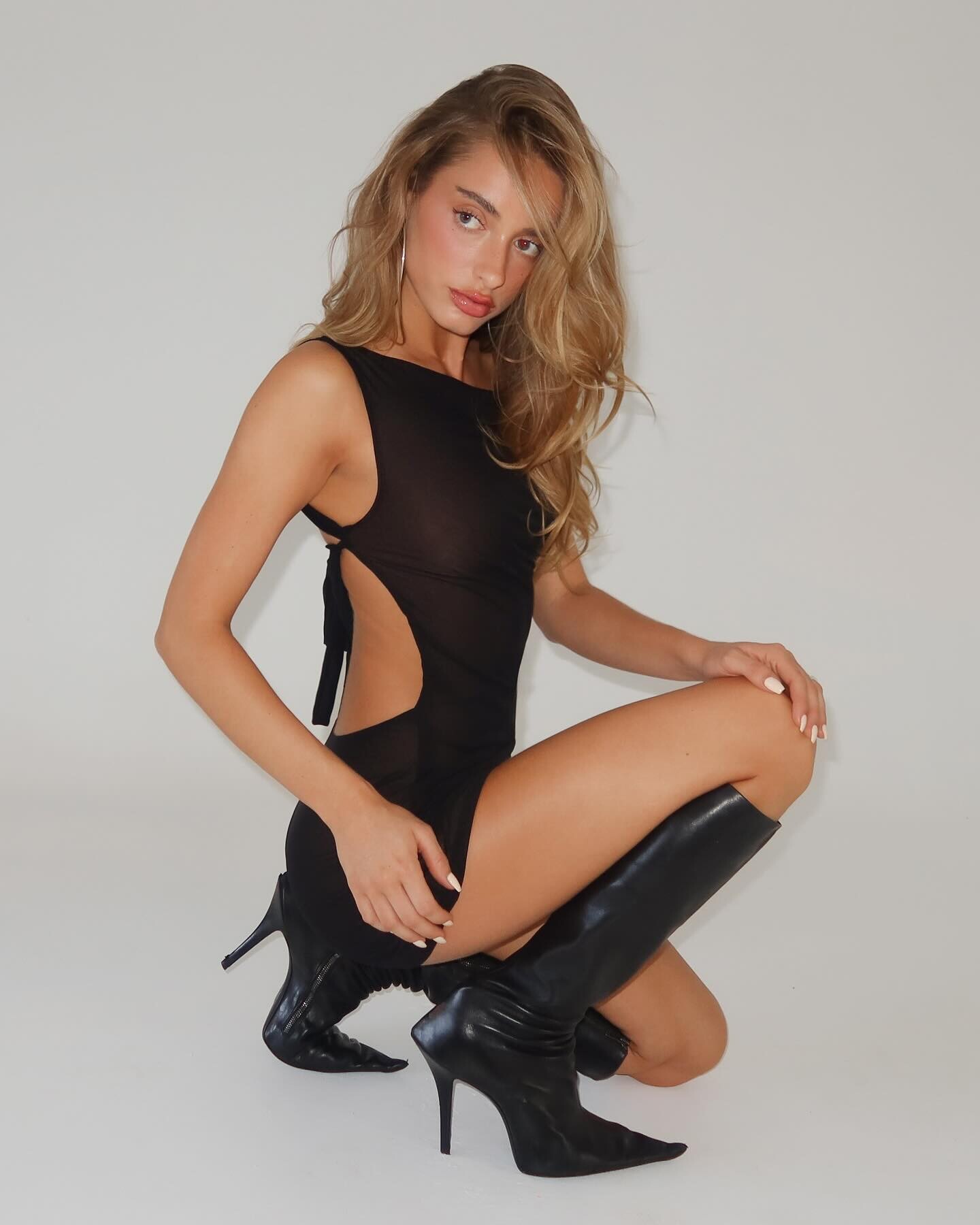







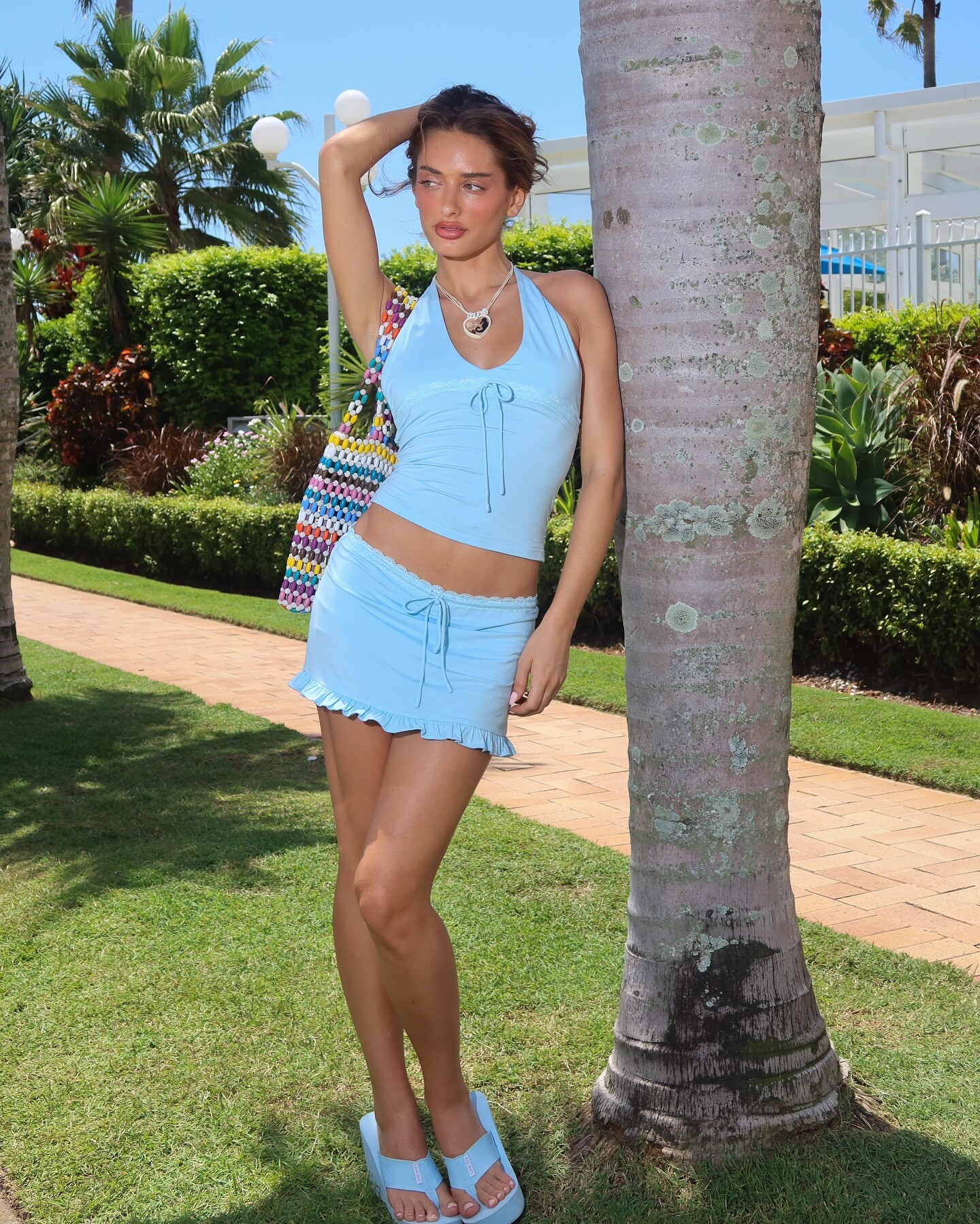
_70.jpg.edc05234d91db3e963a3245358520efd.jpg)
_71.jpg.85fcdd068809a49fde0c64a8211ce7d1.jpg)
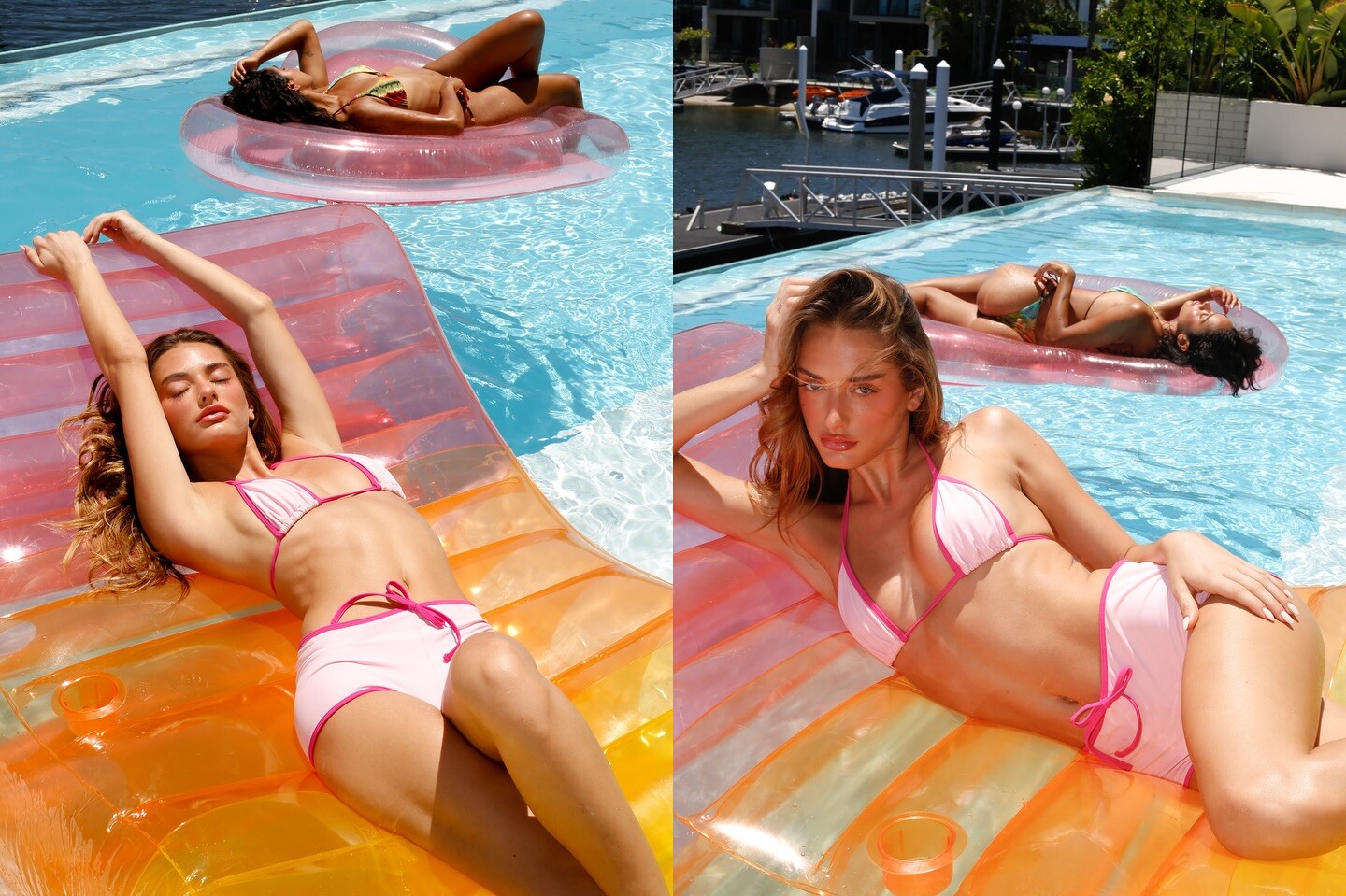






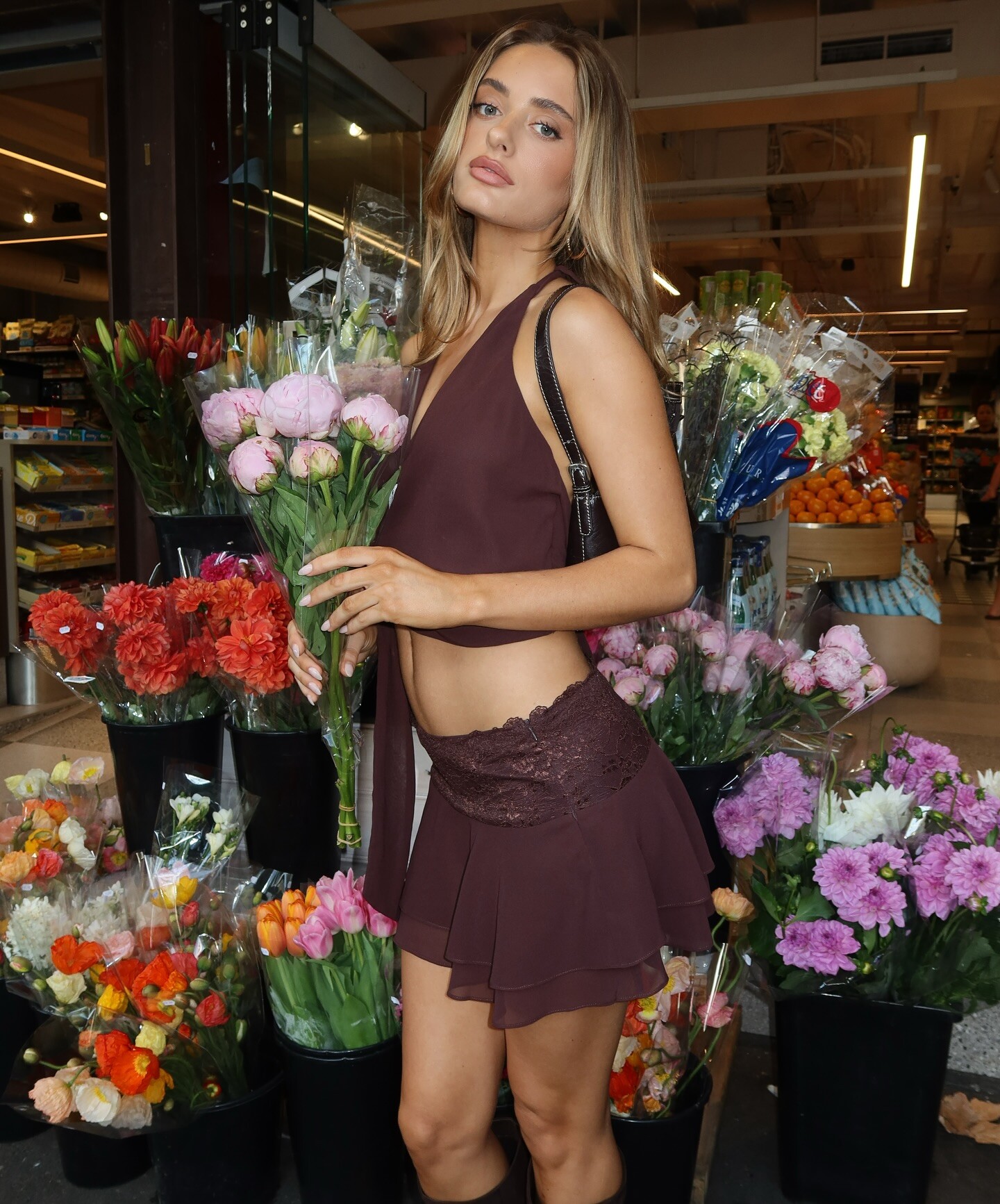
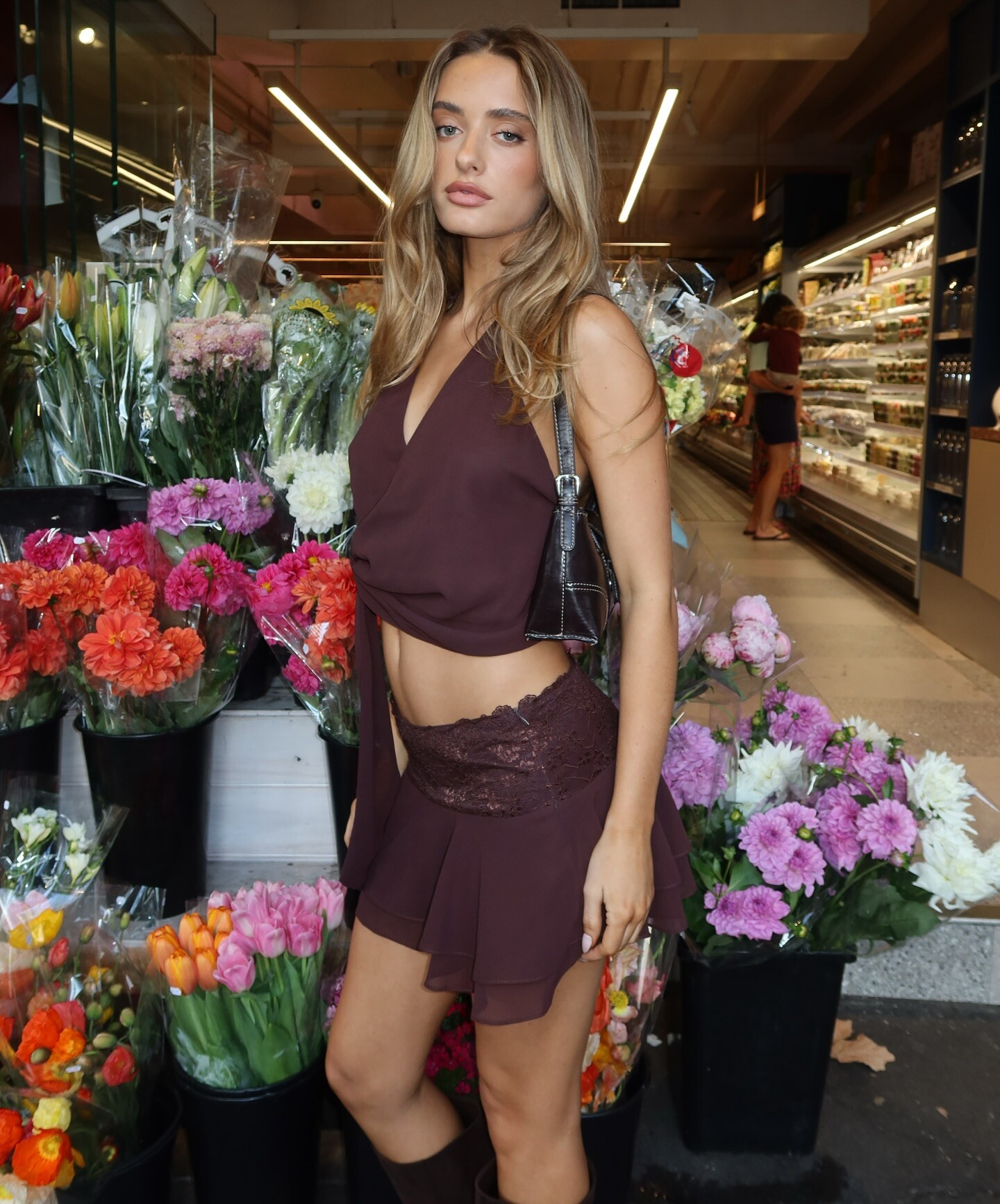




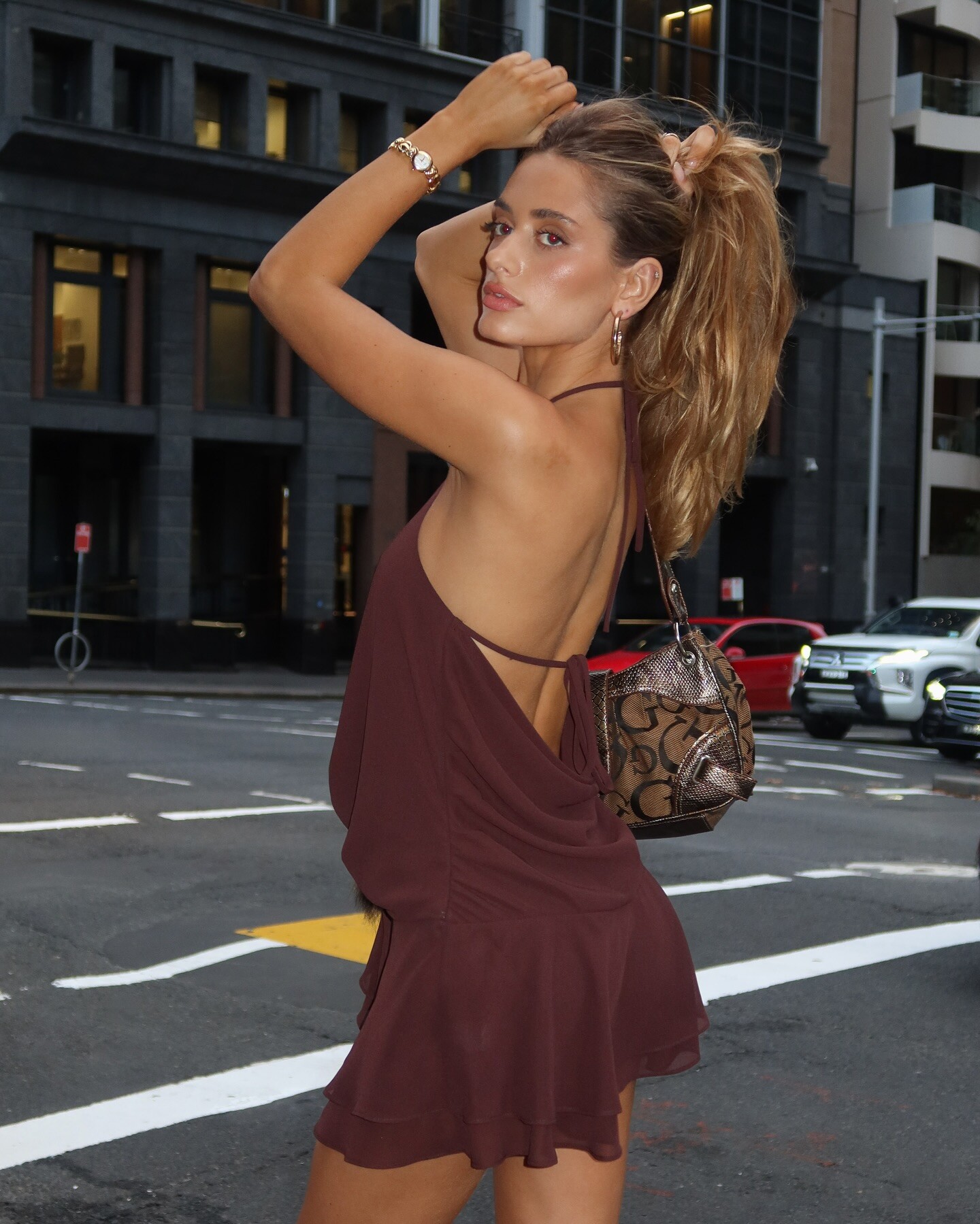
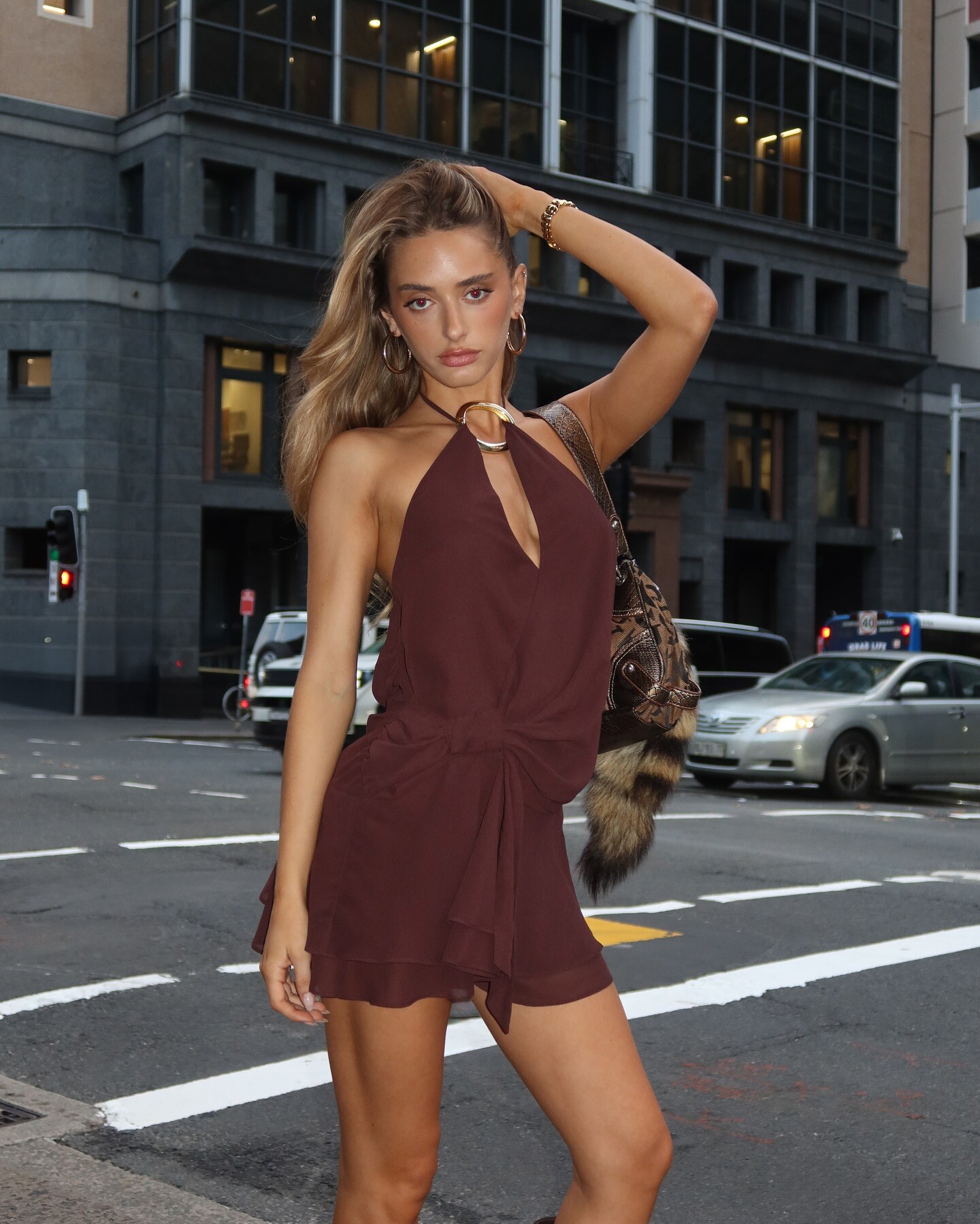
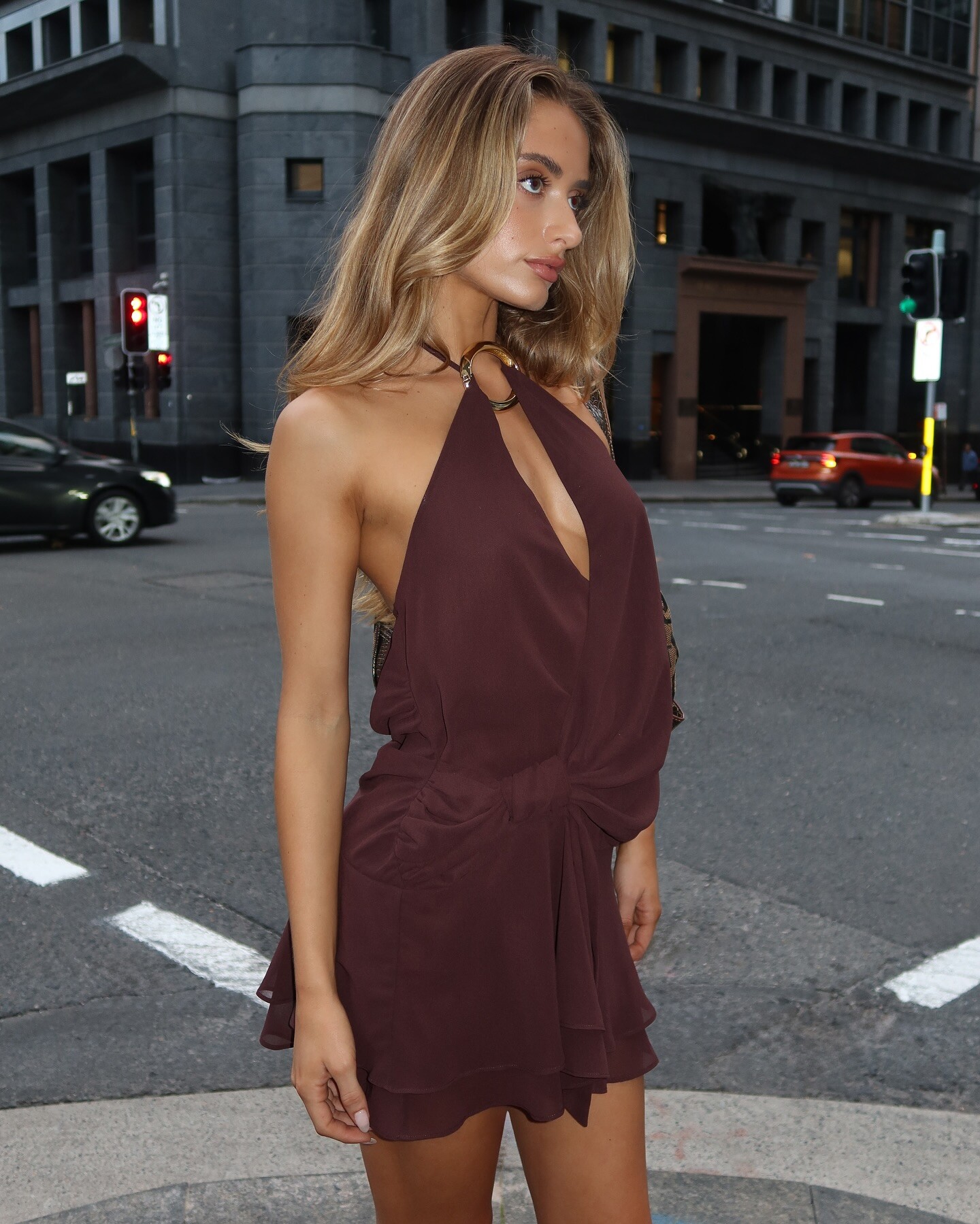
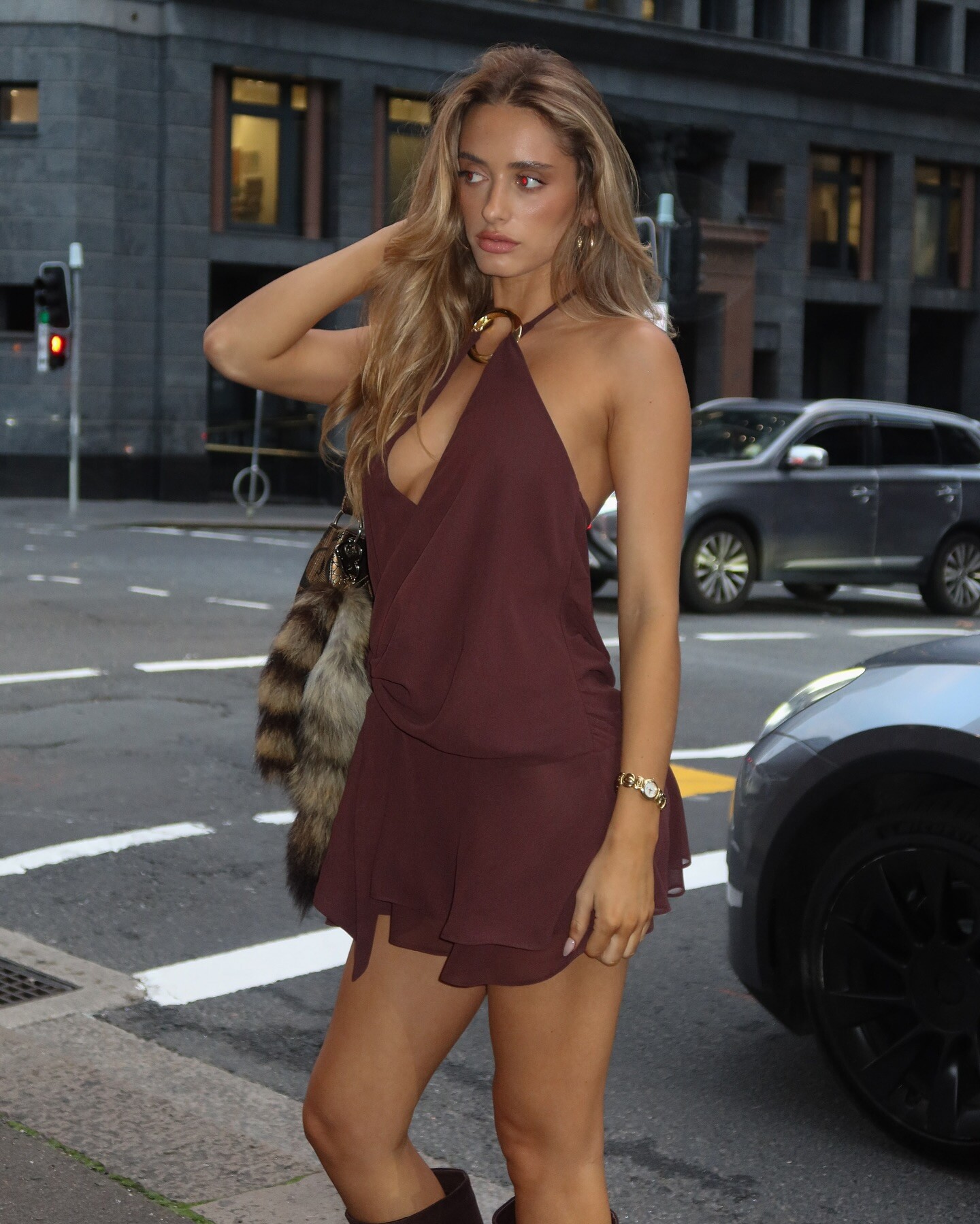
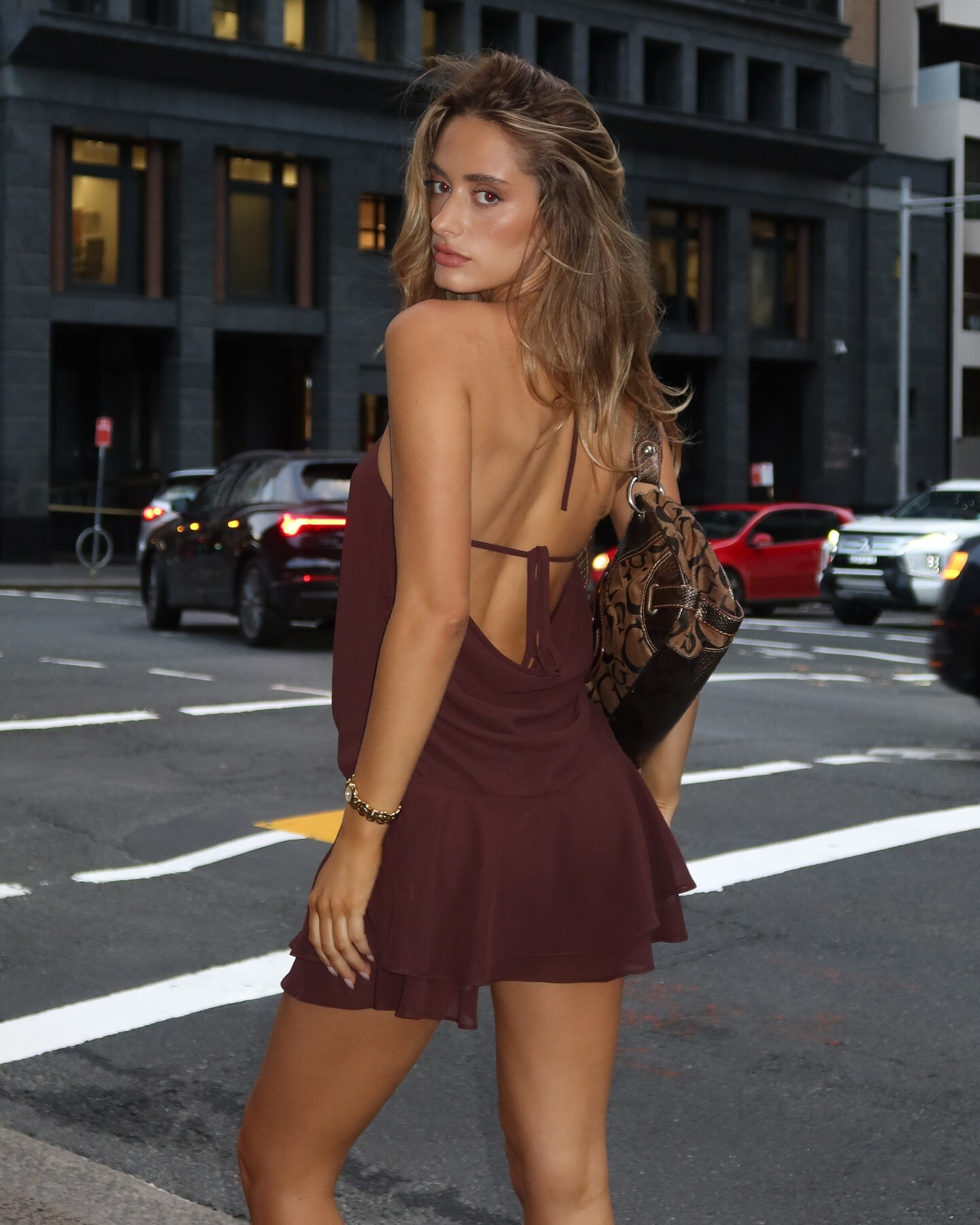
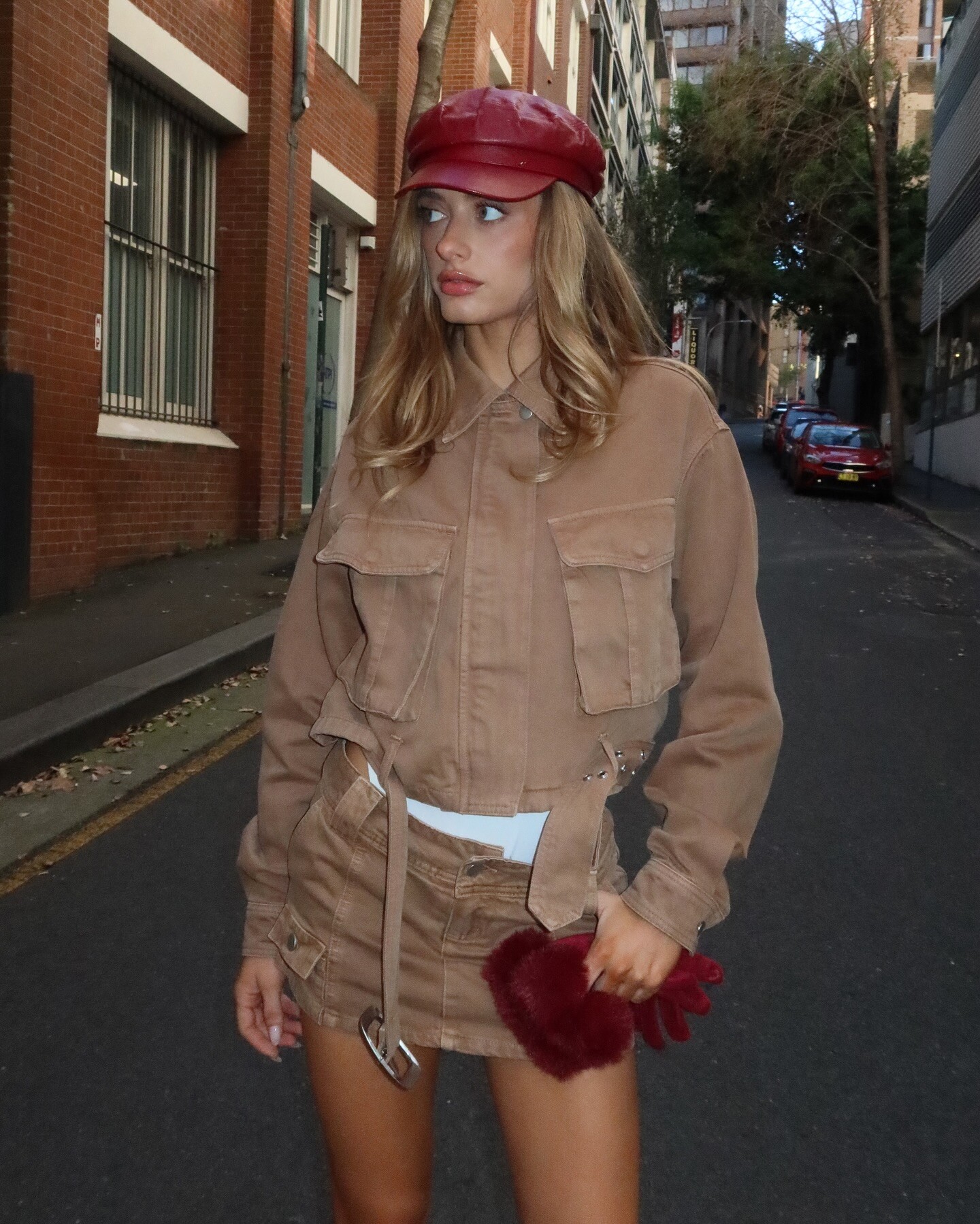
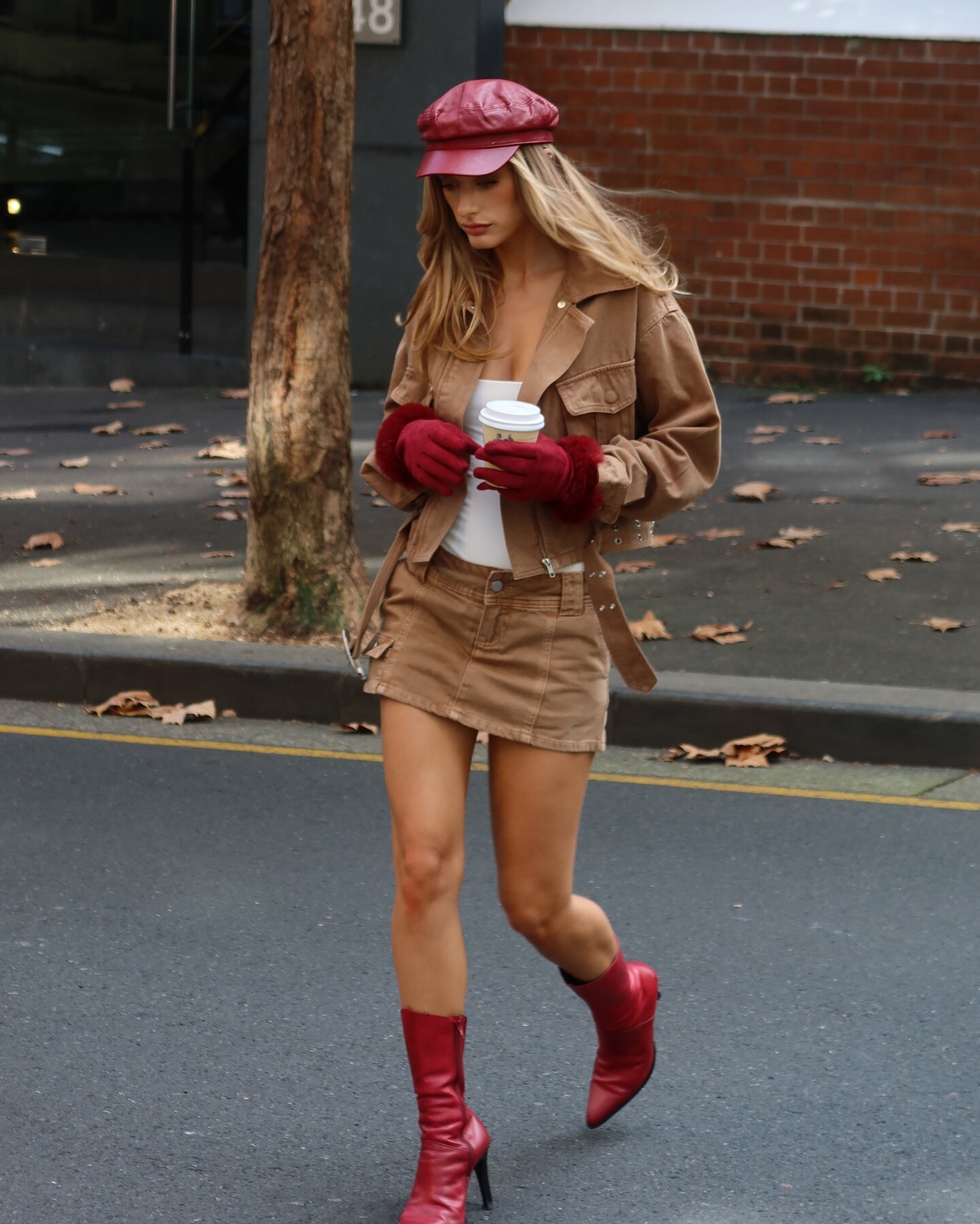
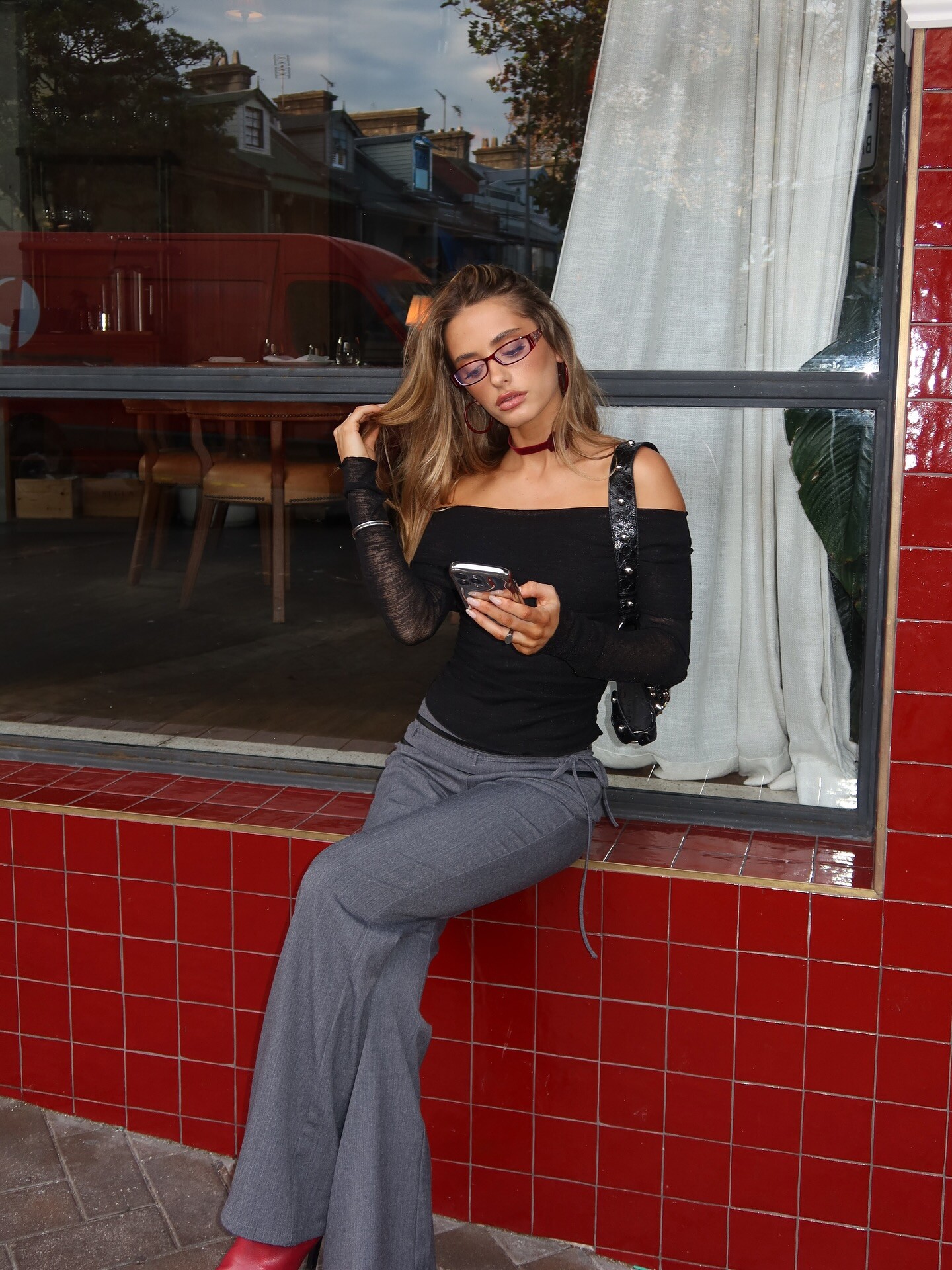
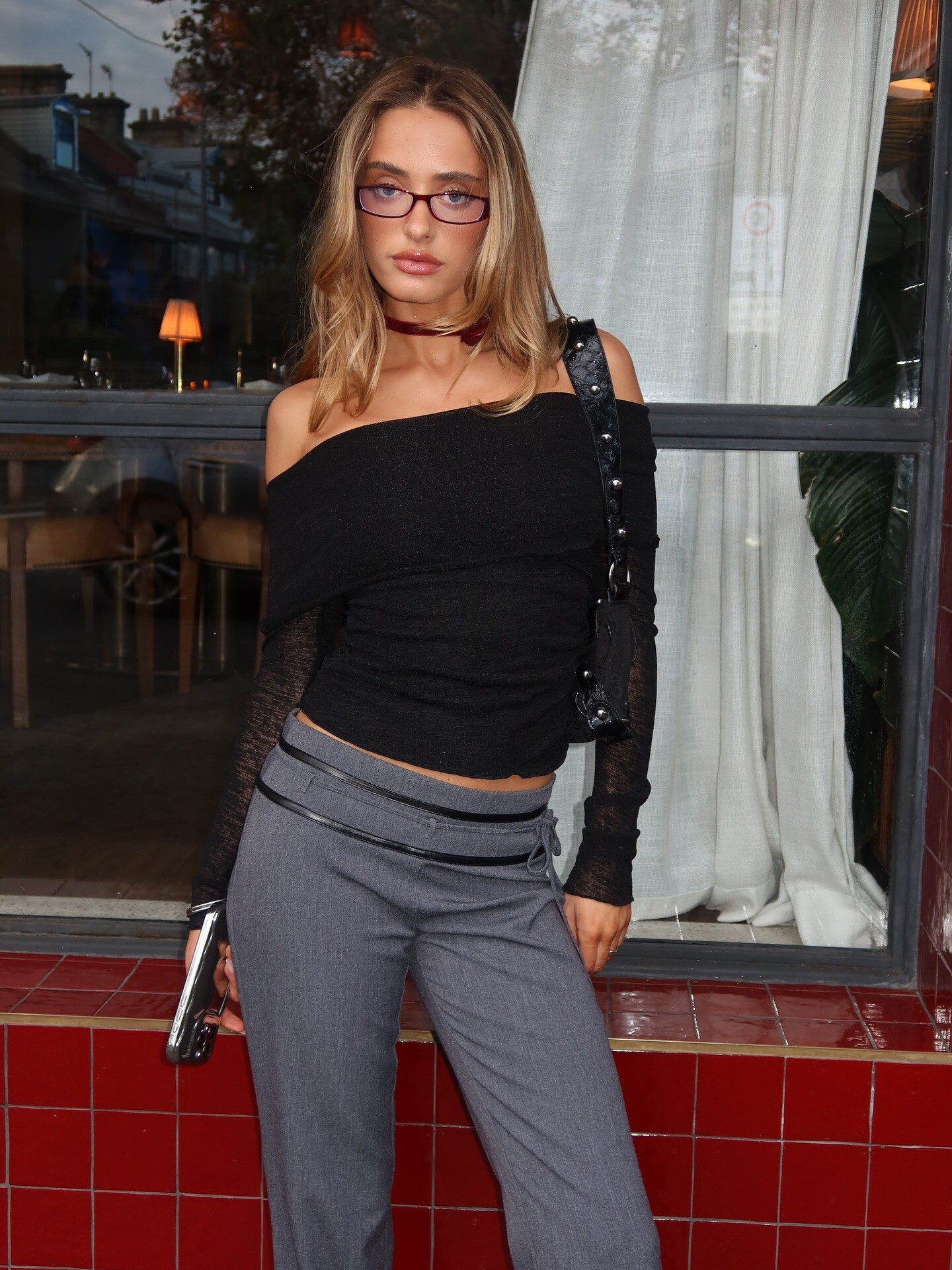
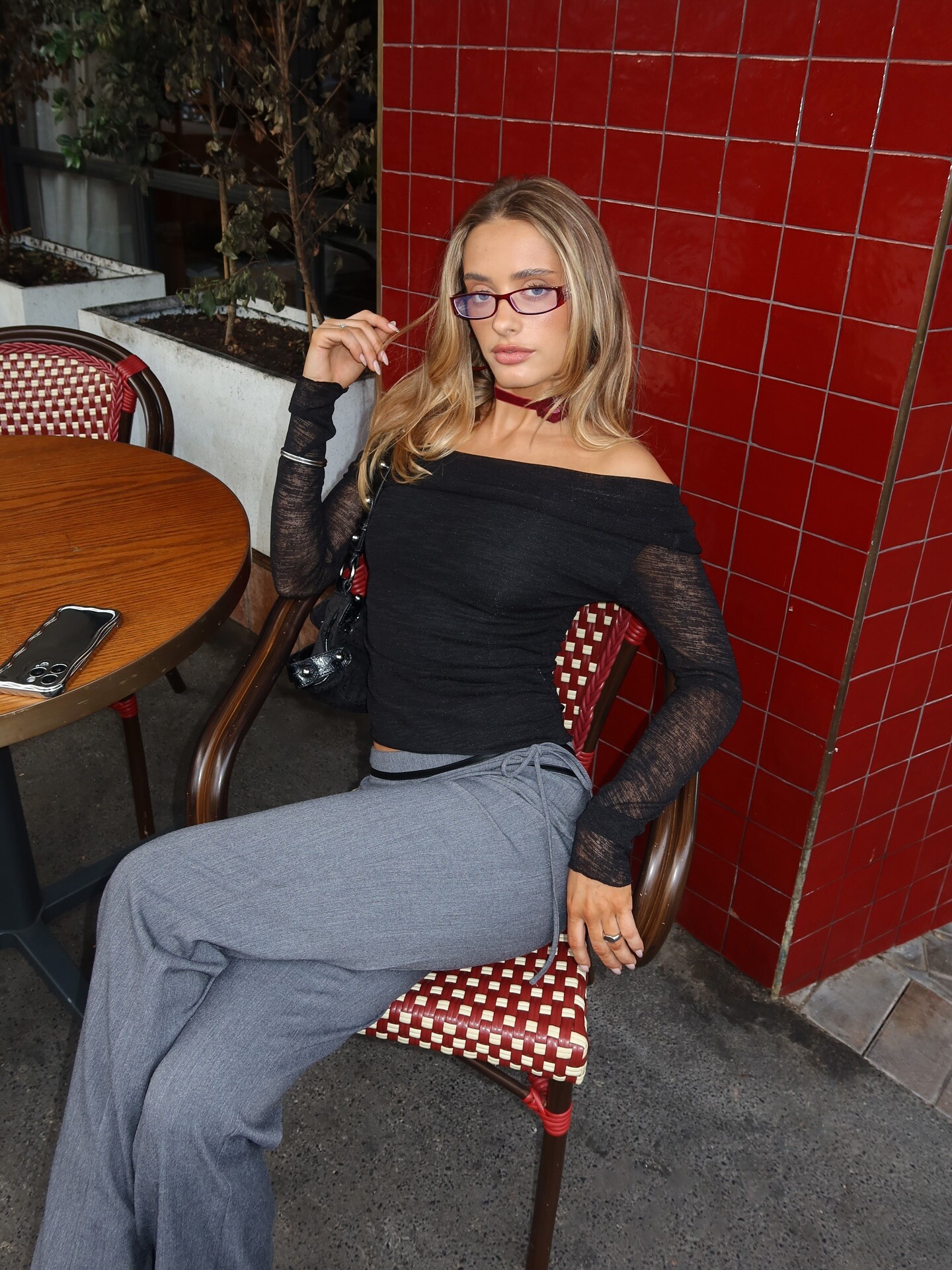
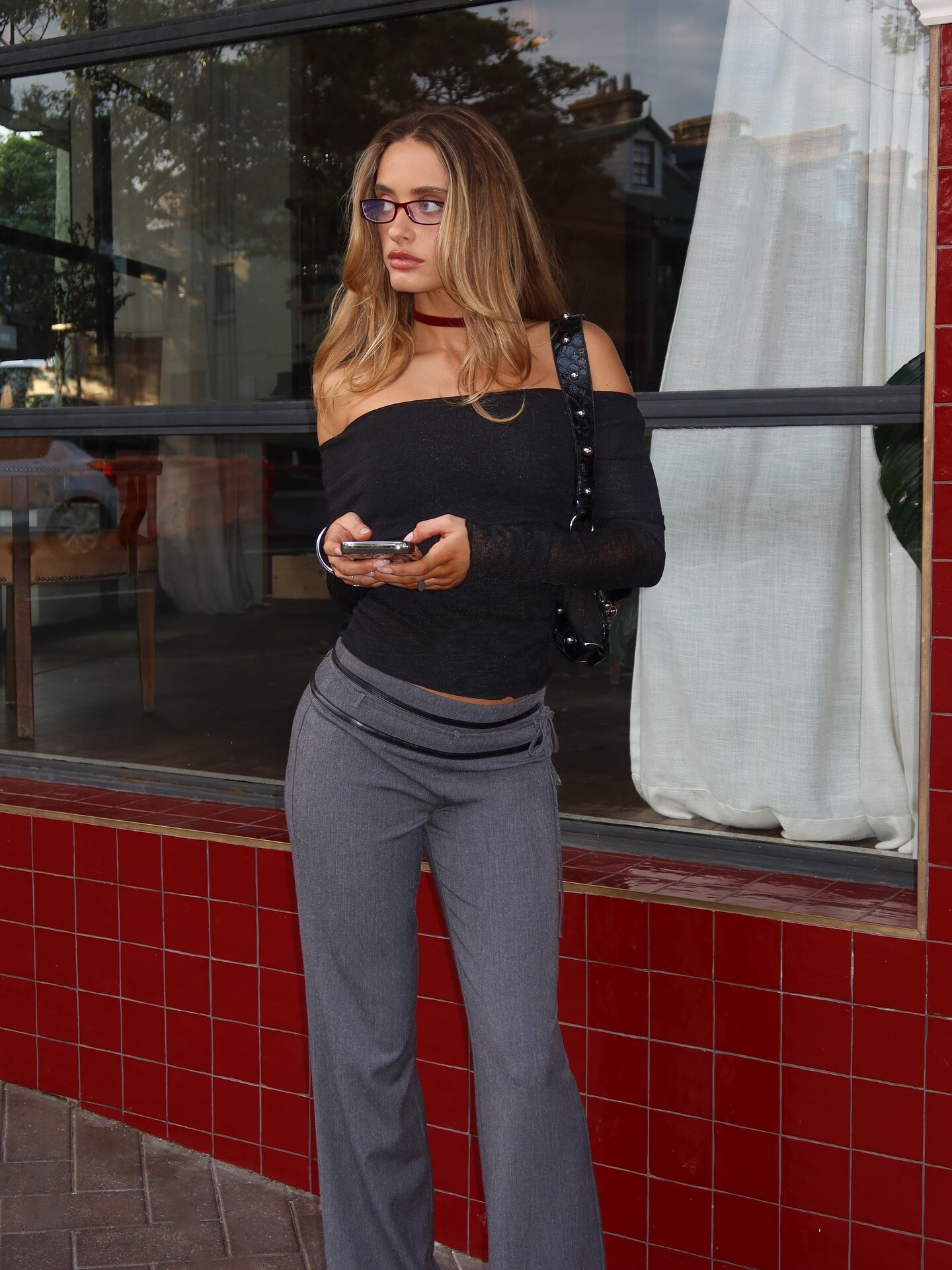
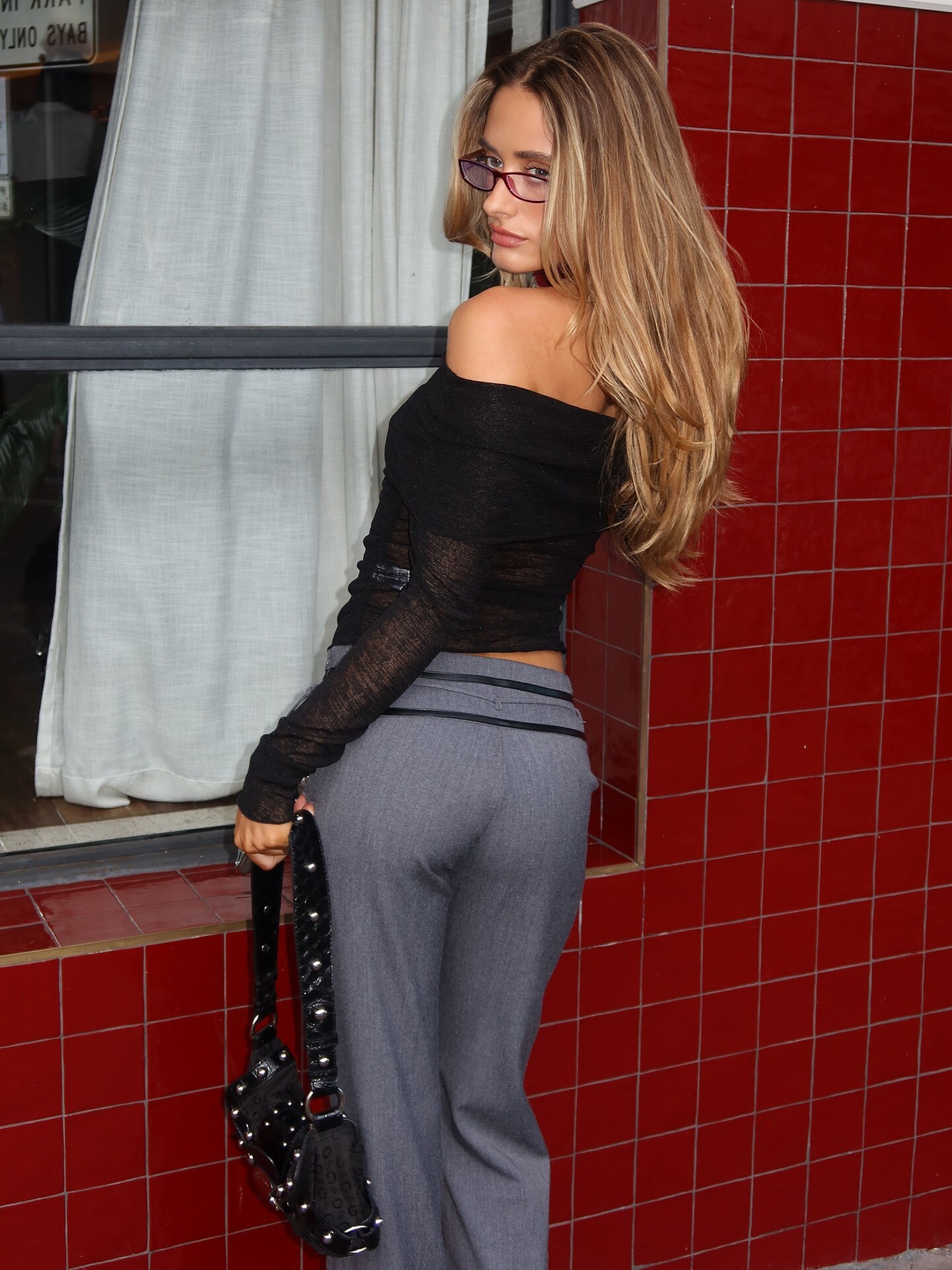



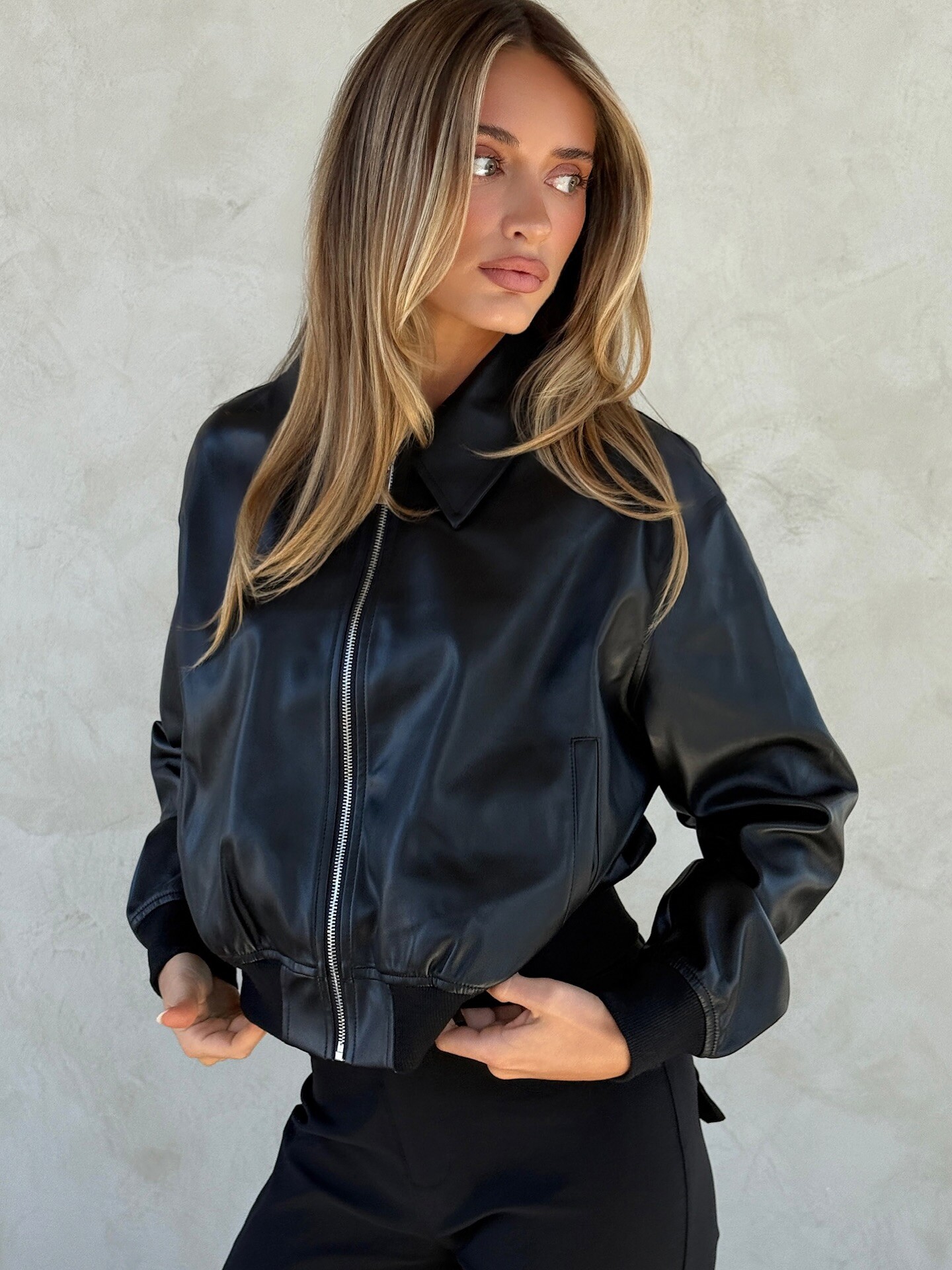
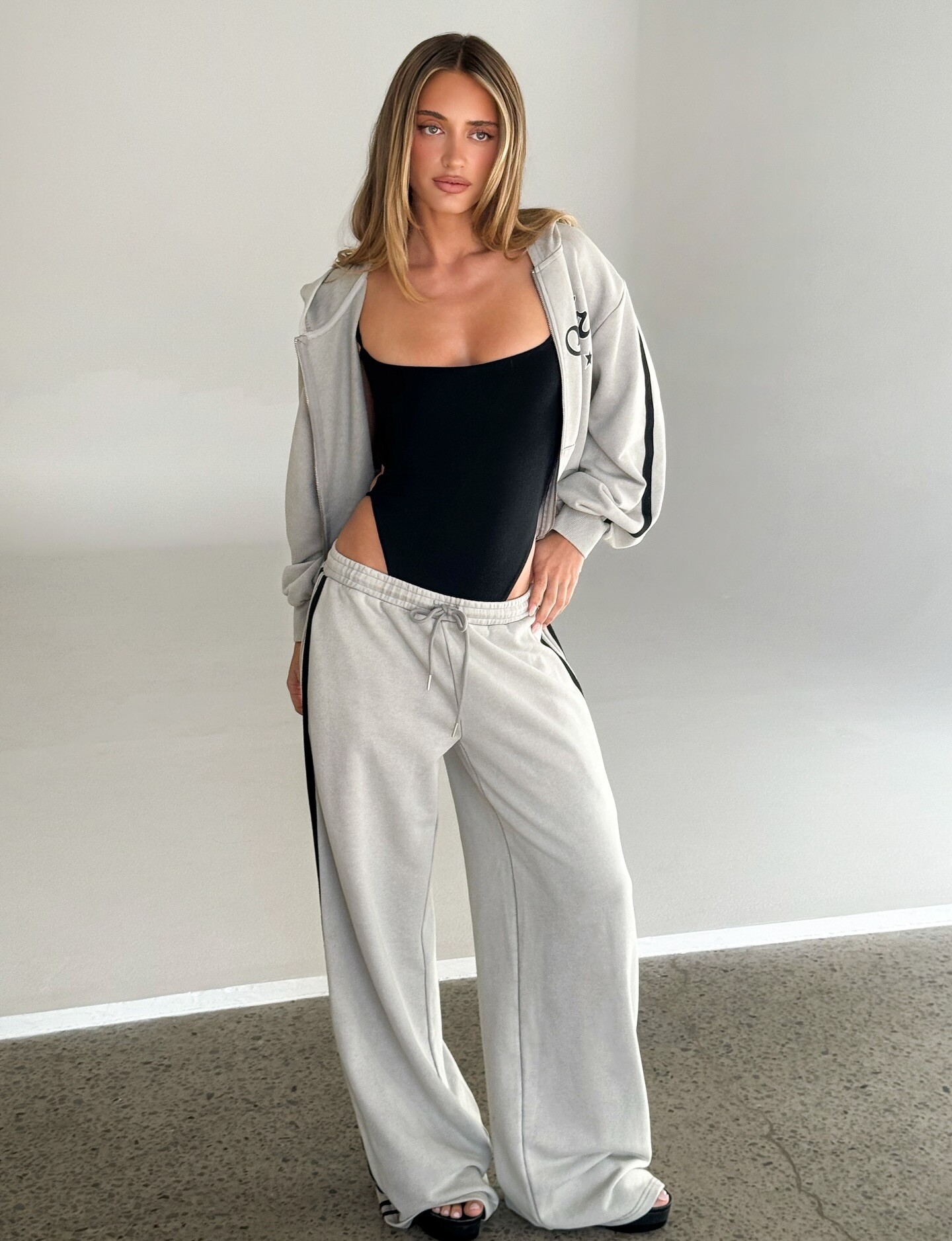
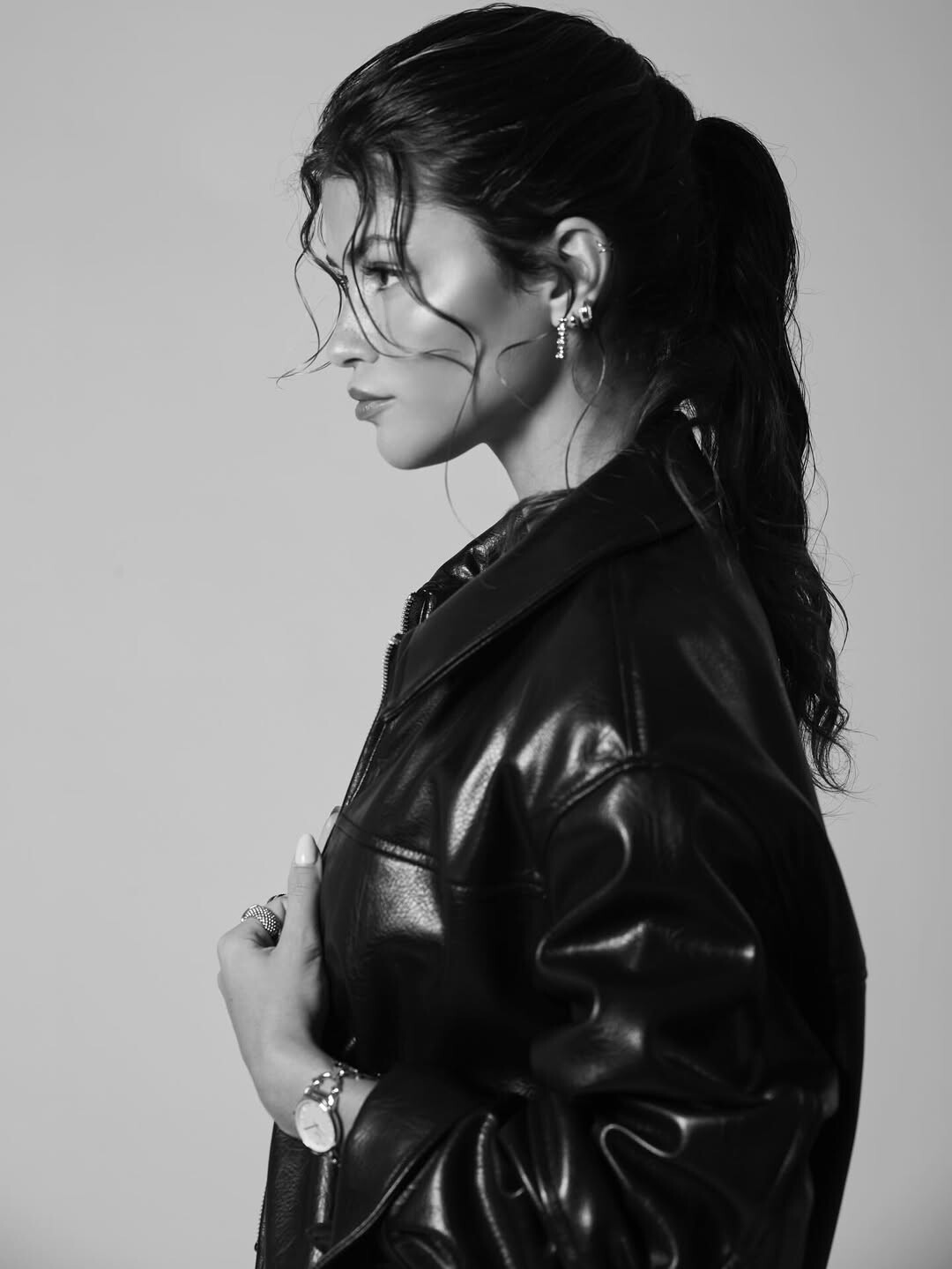
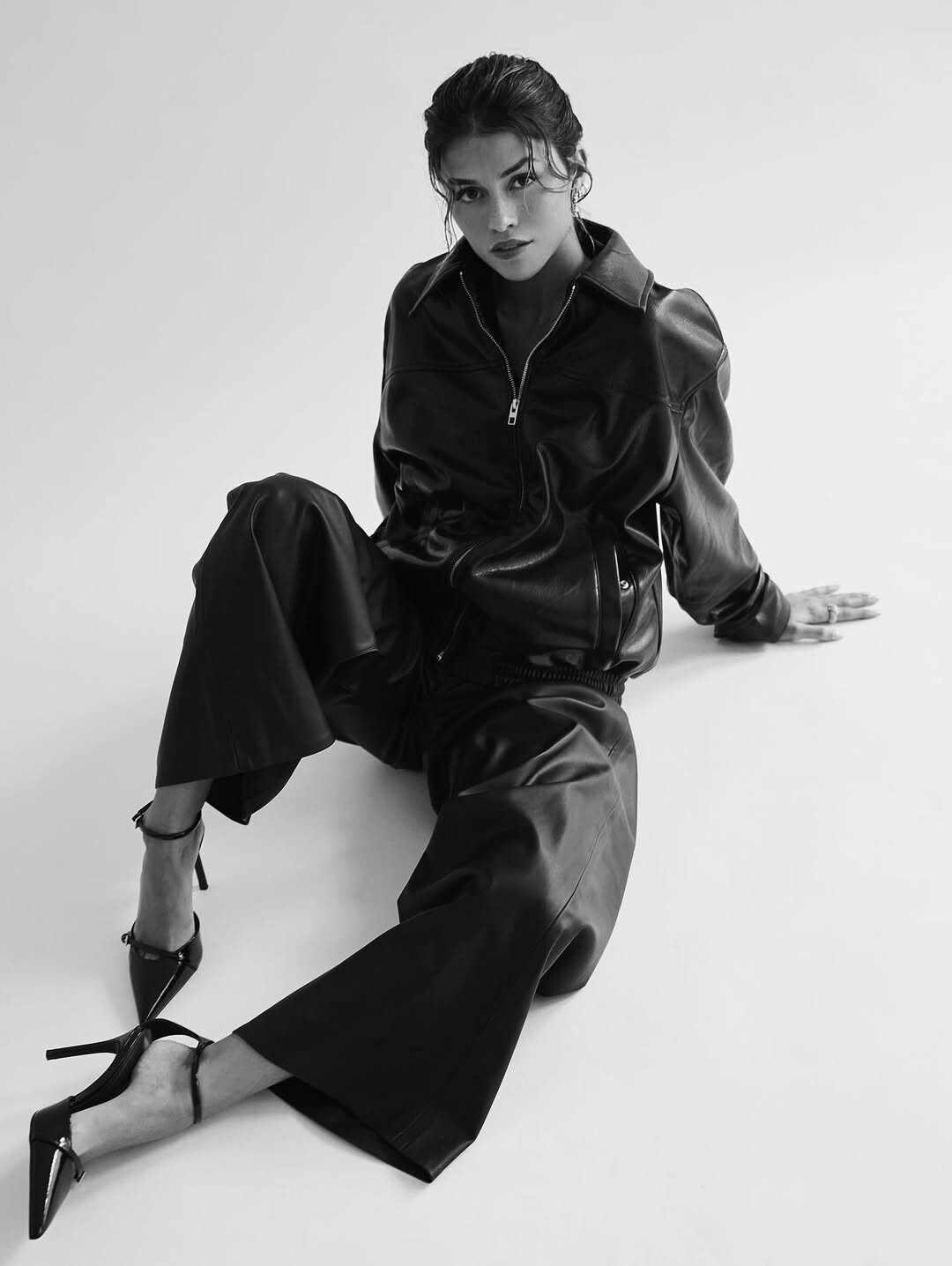










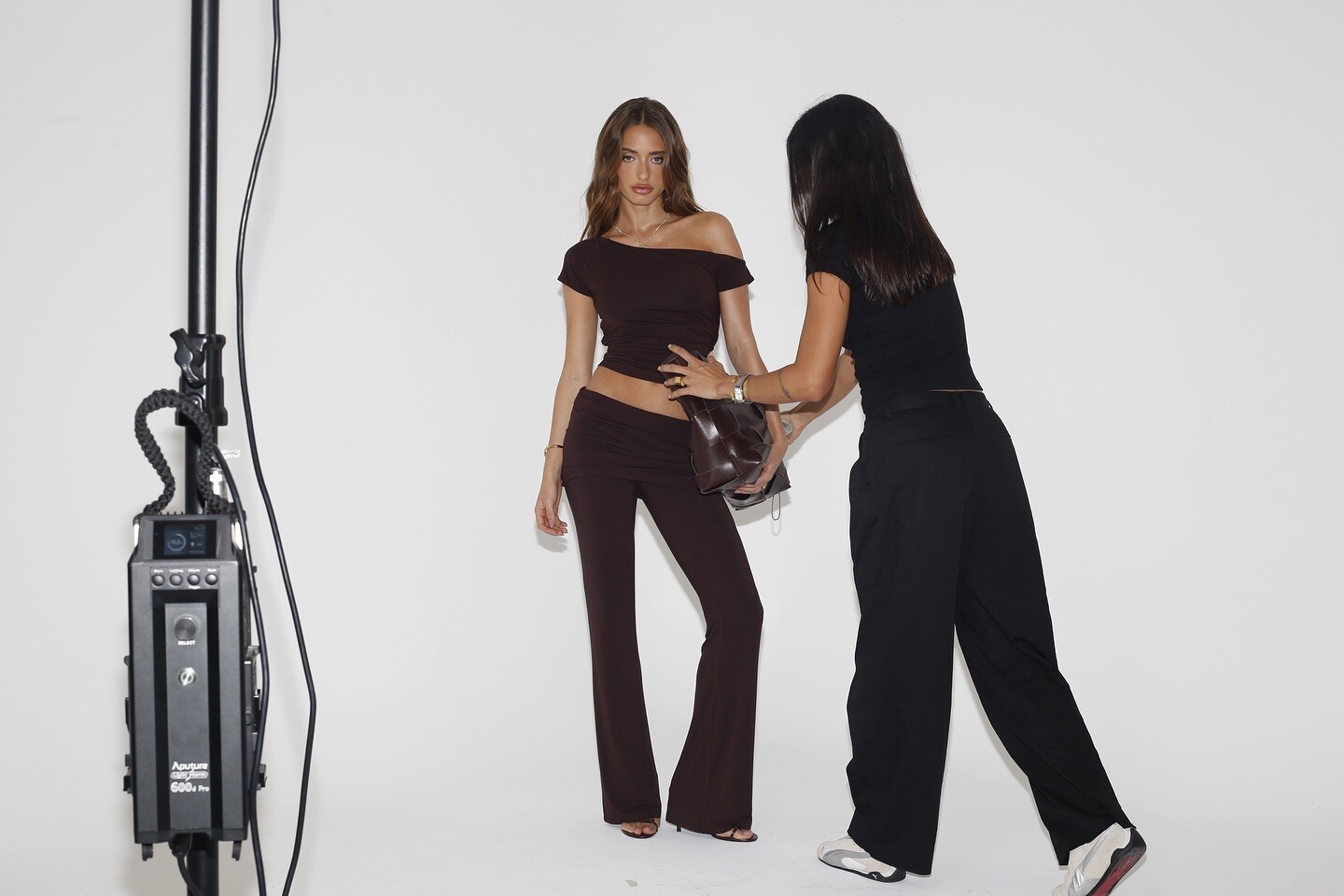

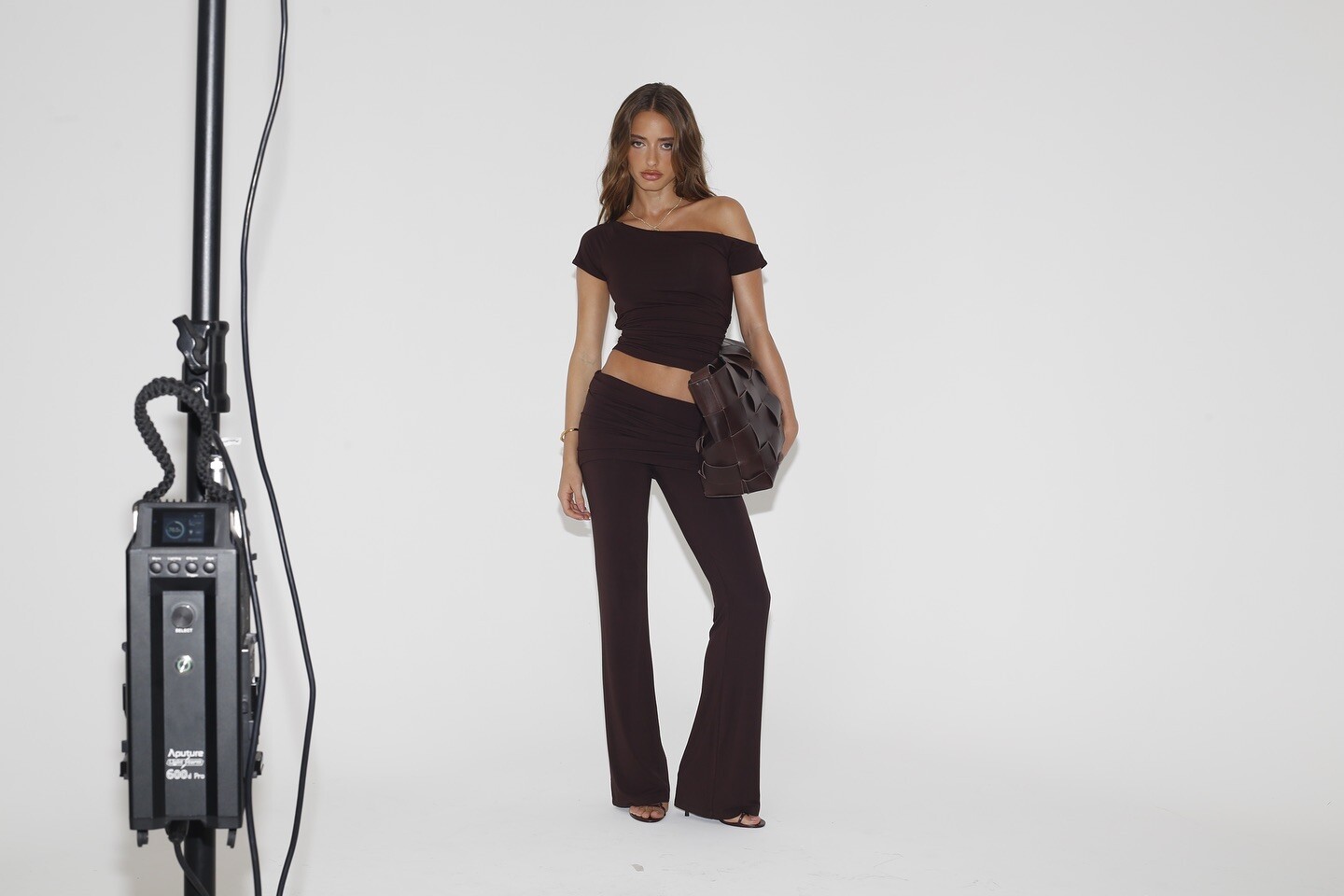











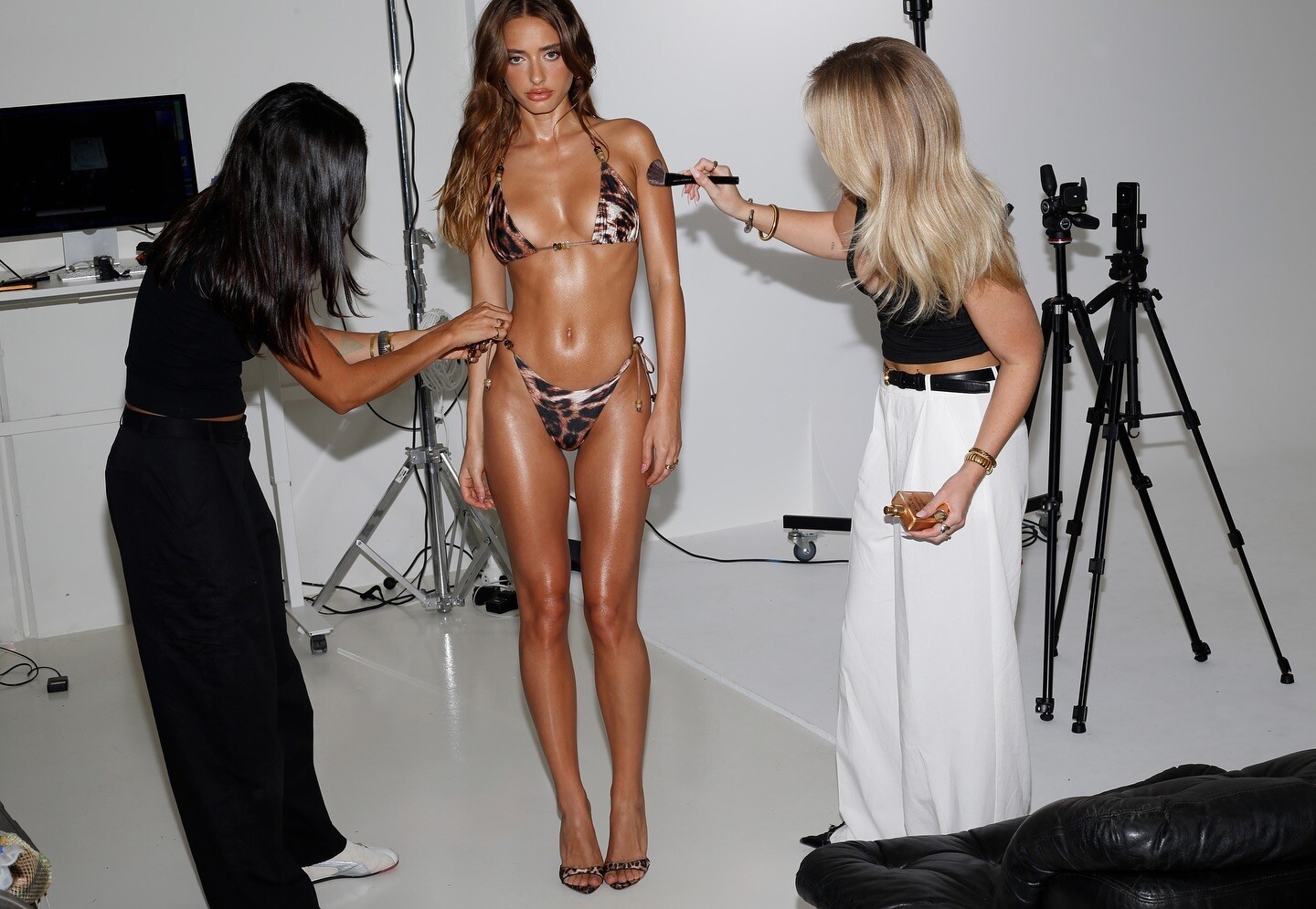



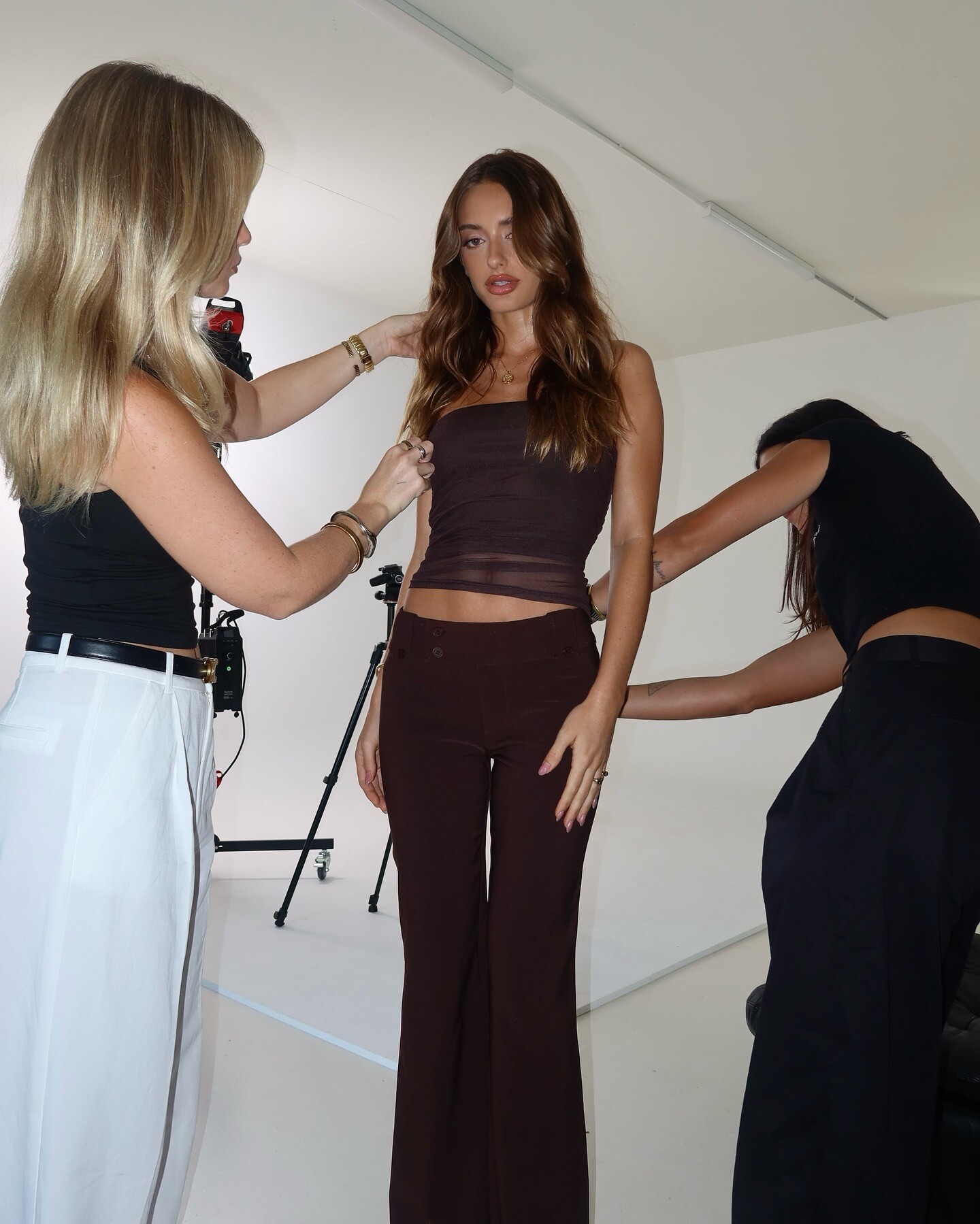
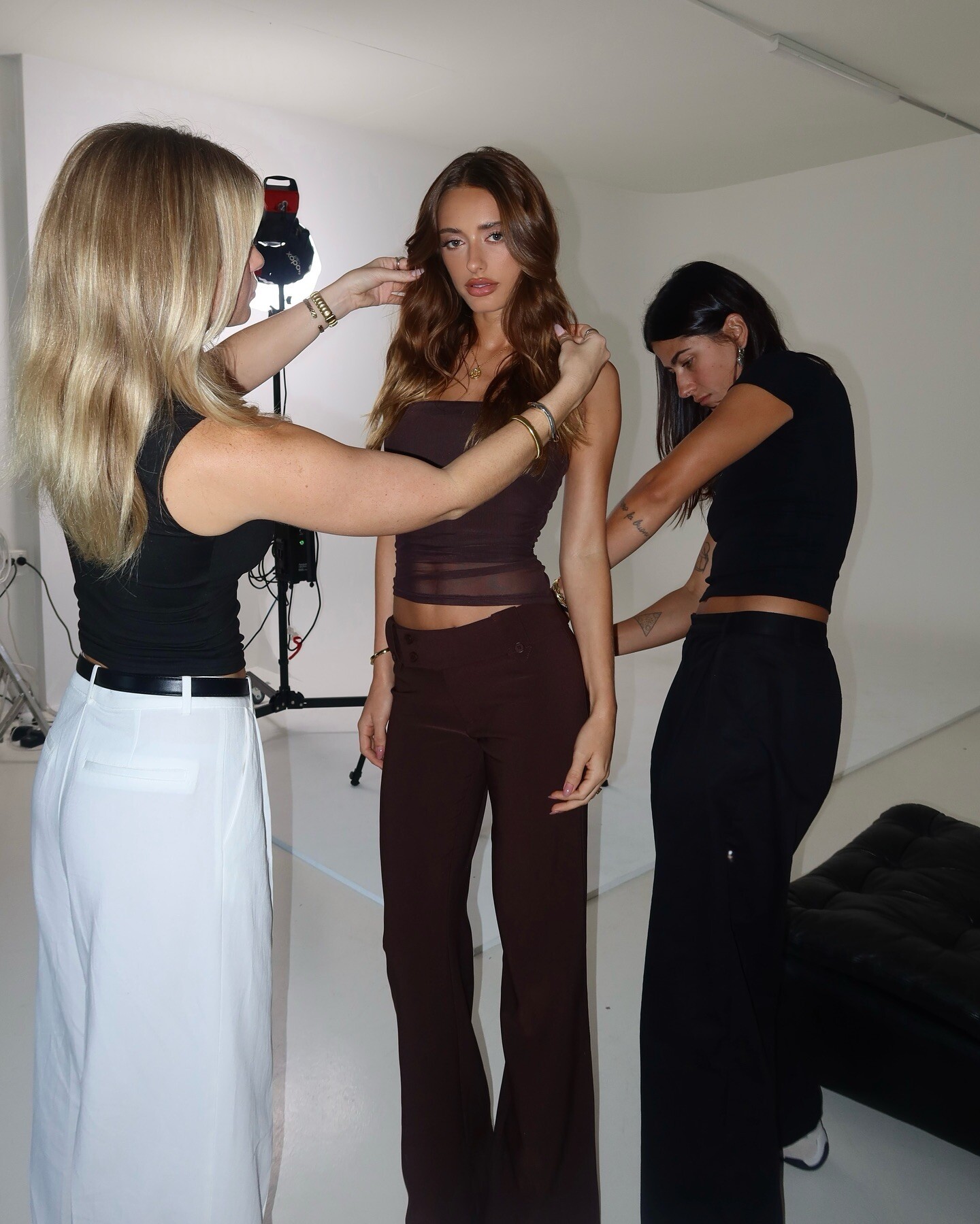
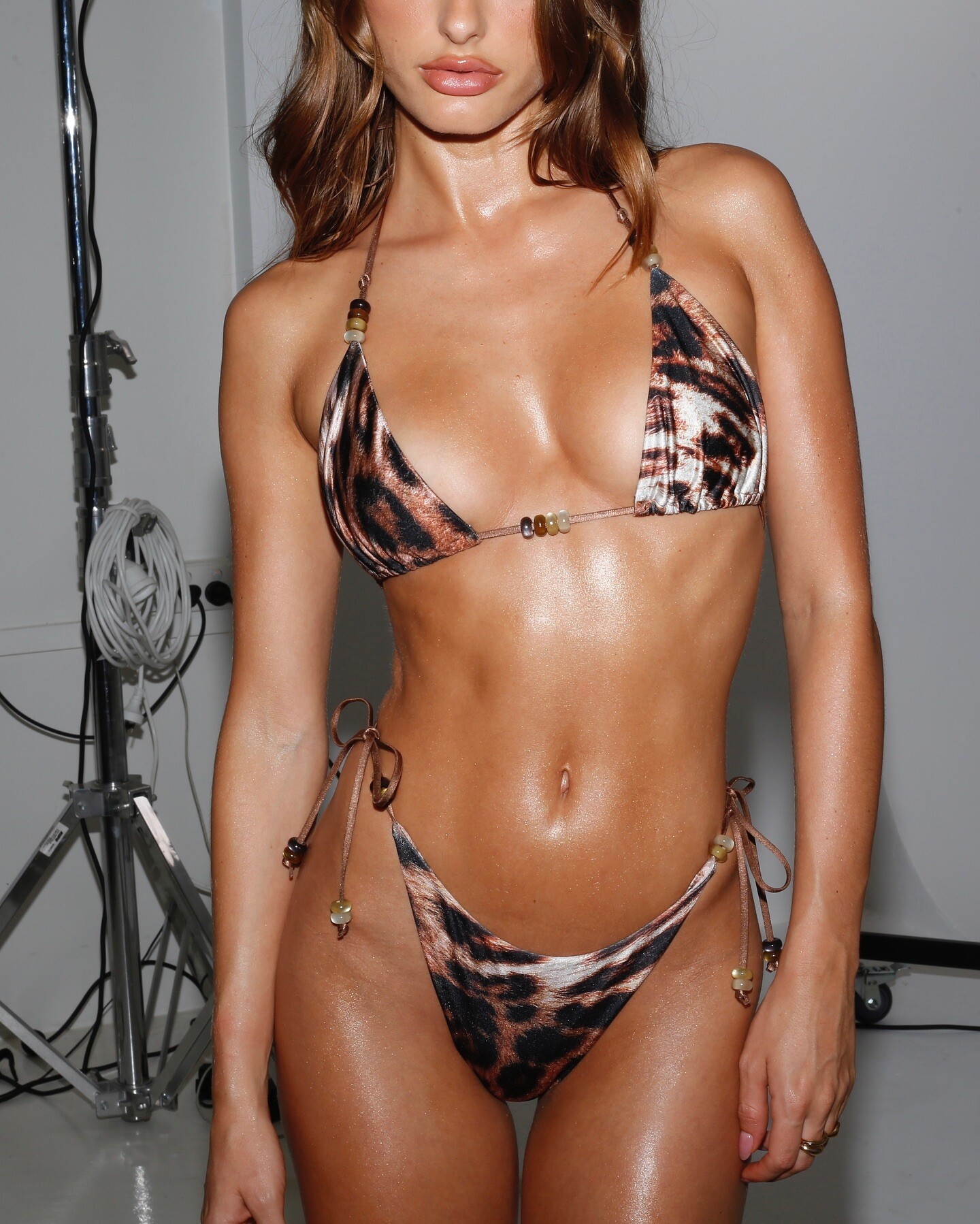
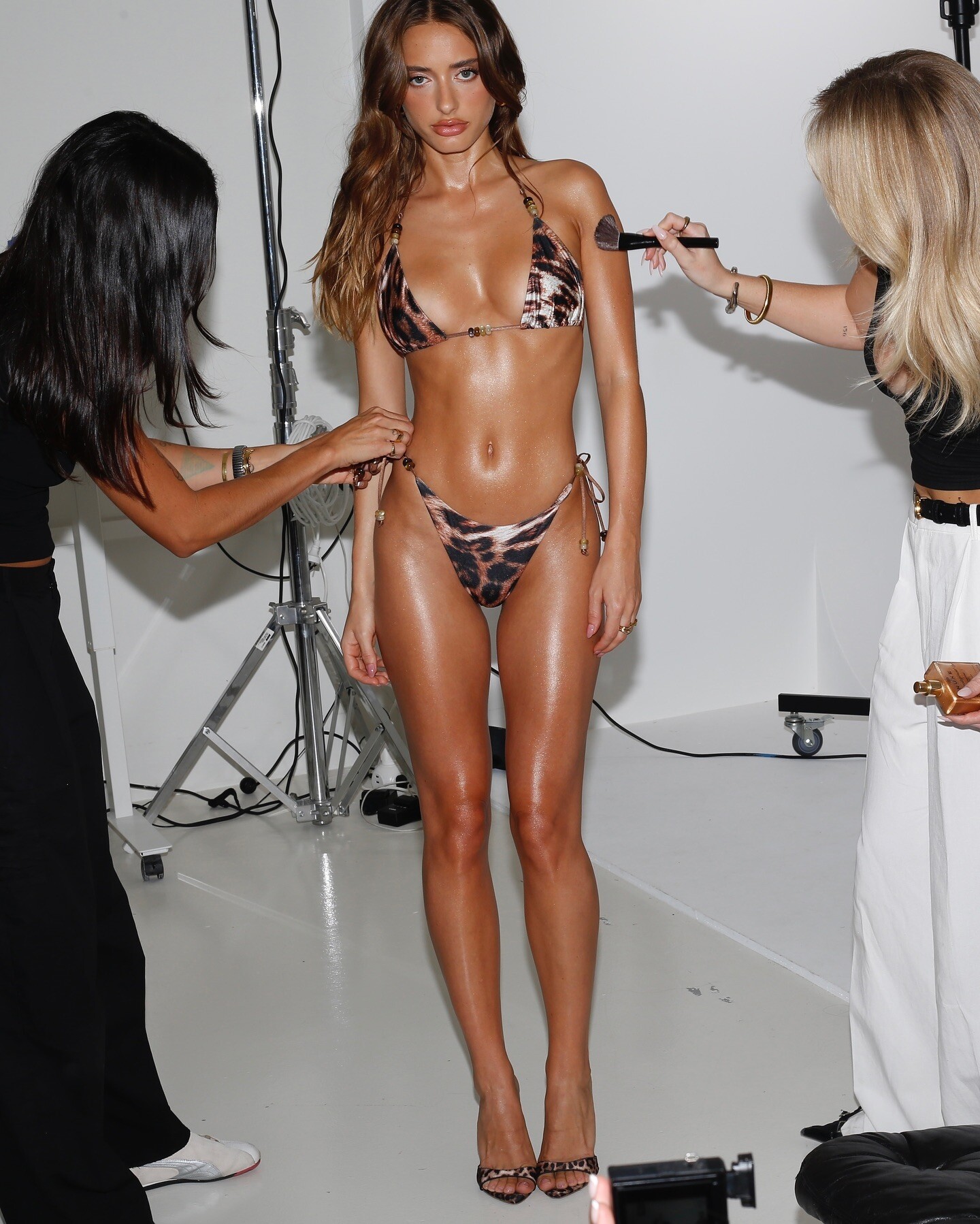
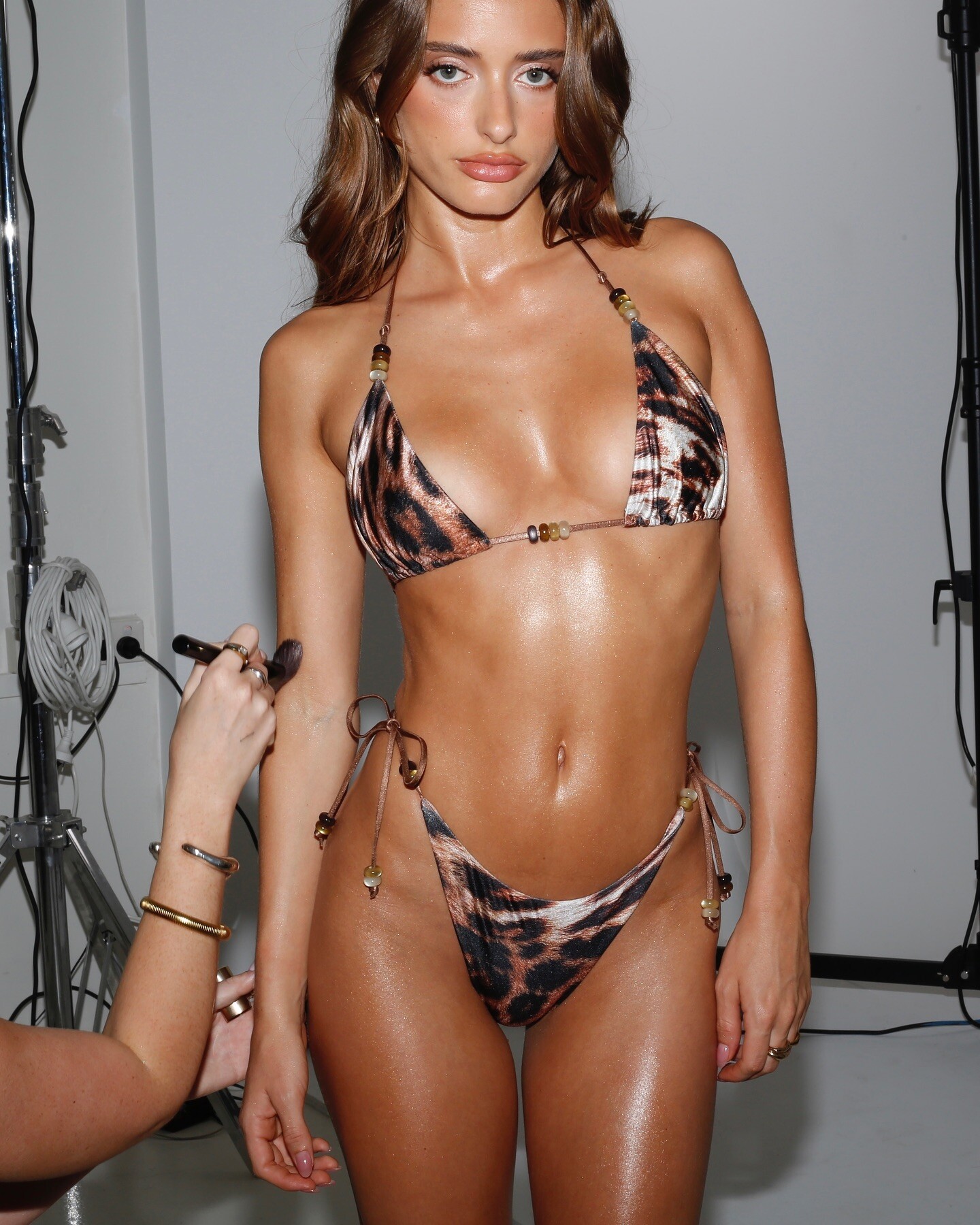































































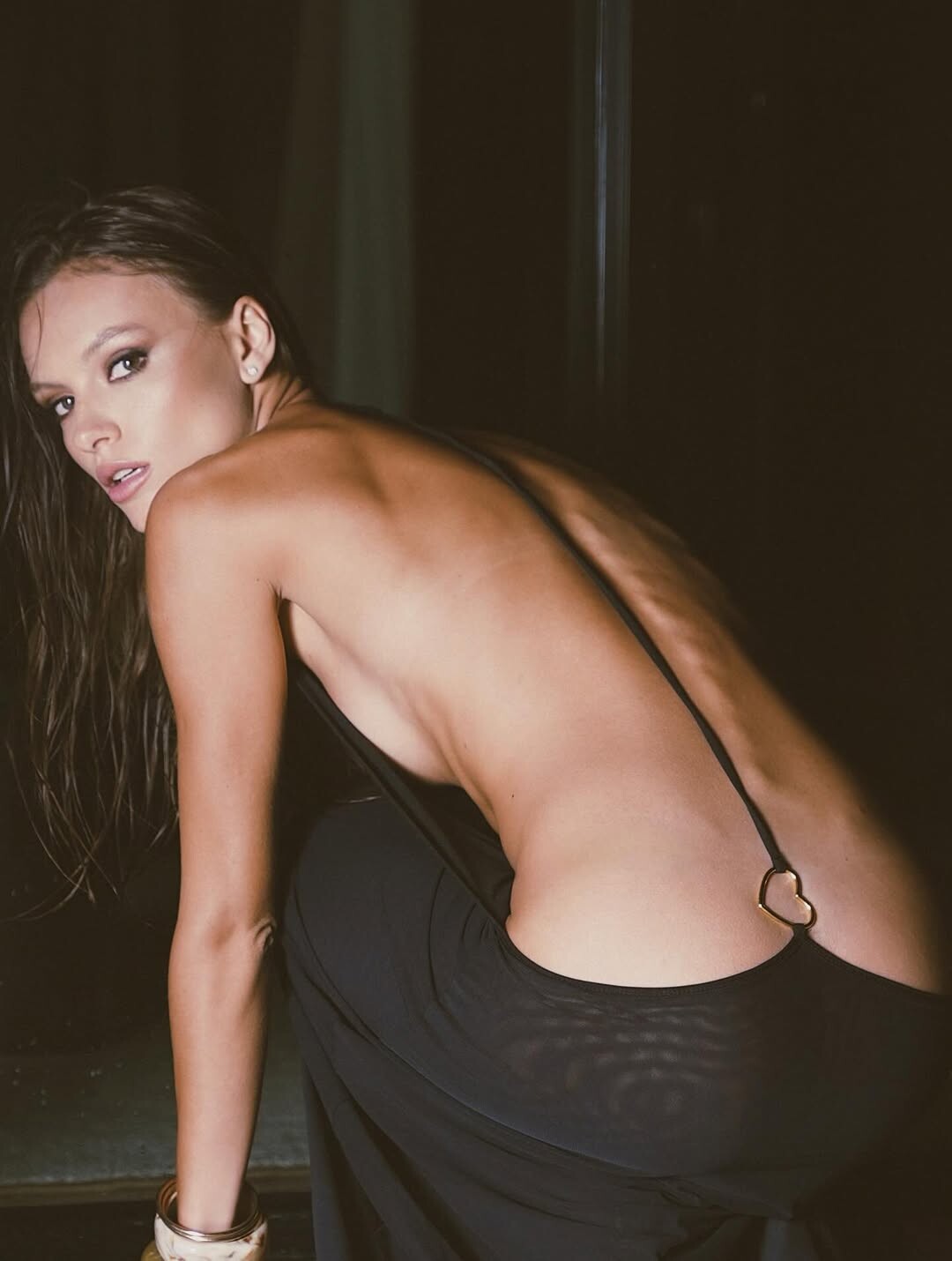

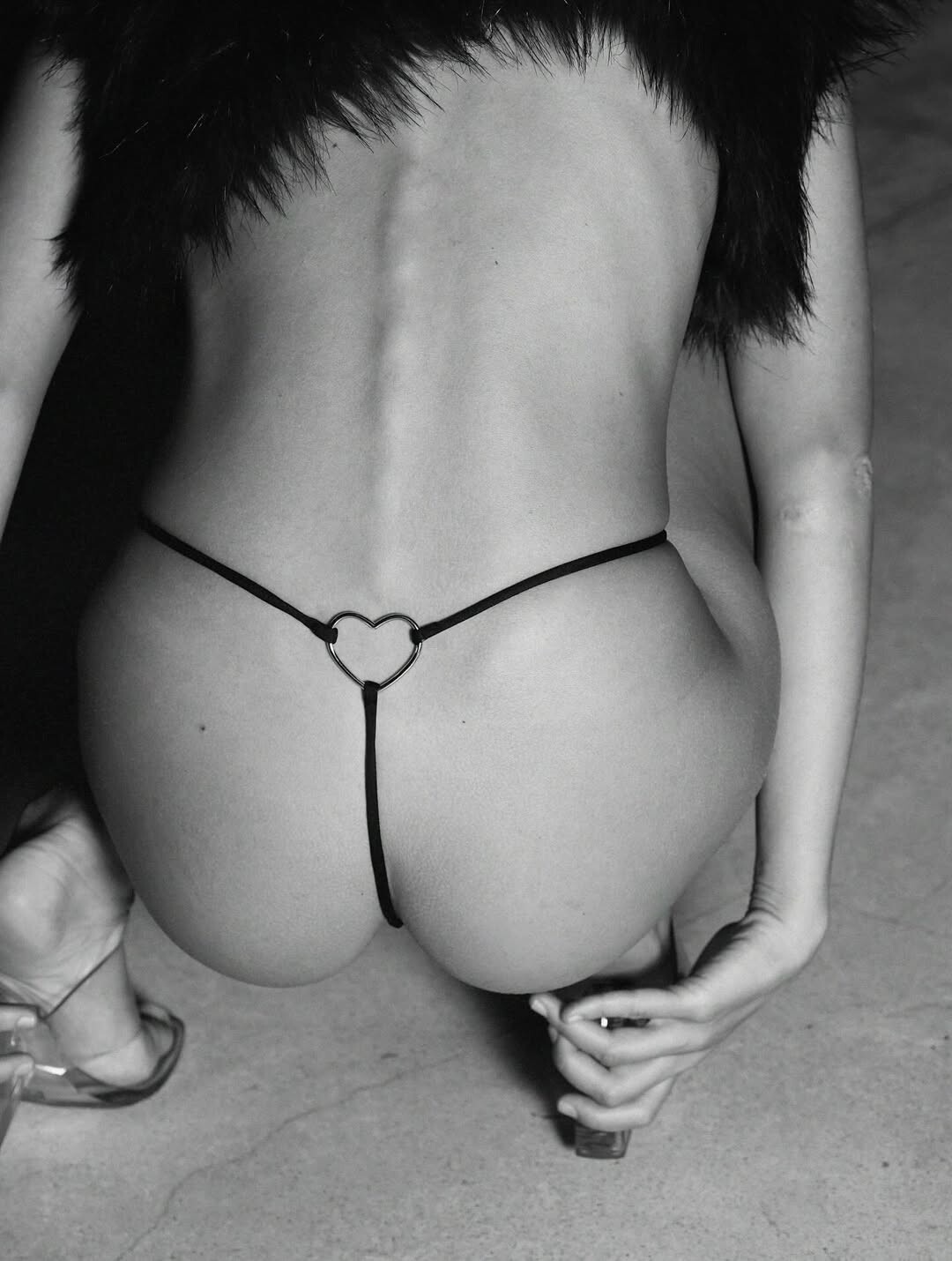
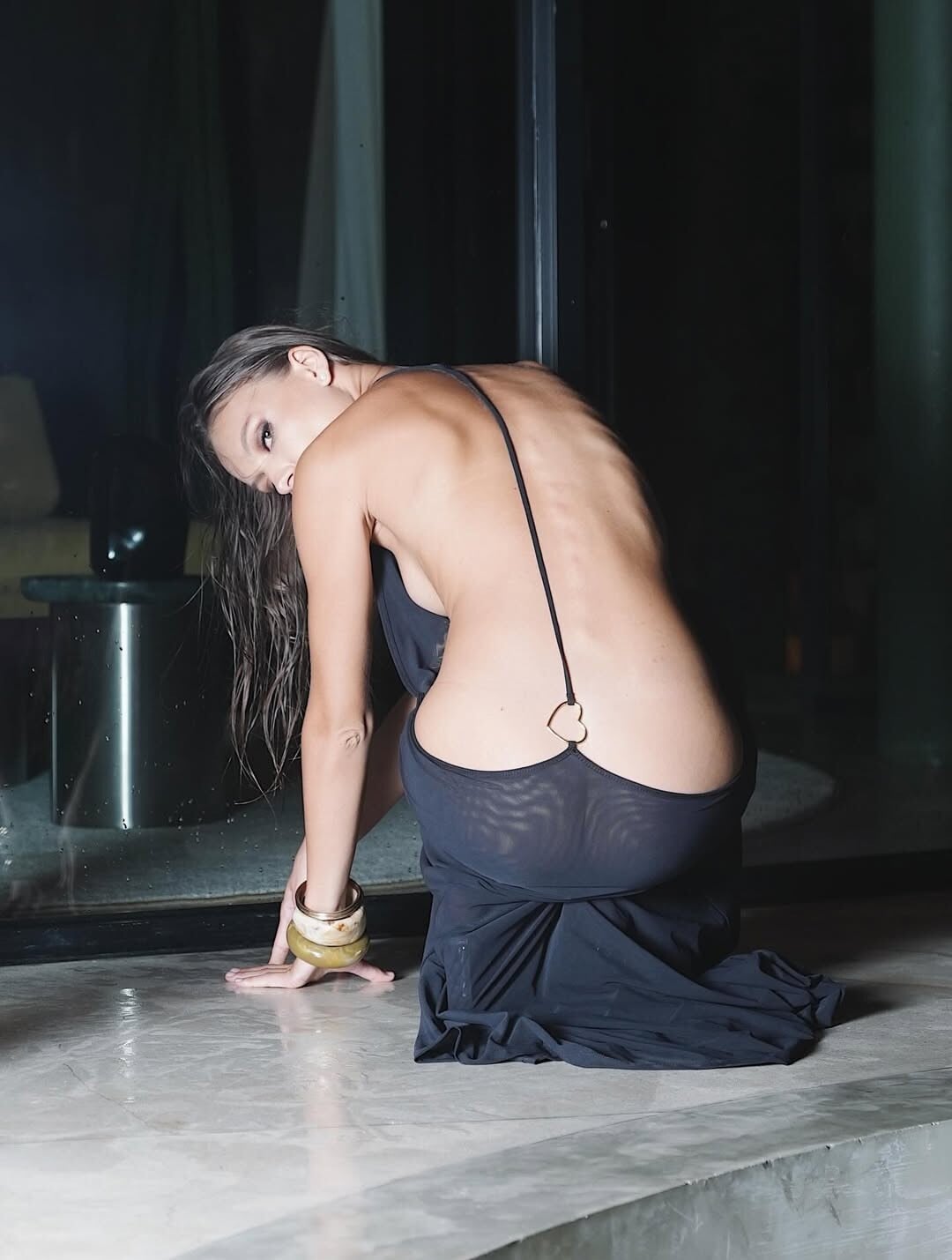


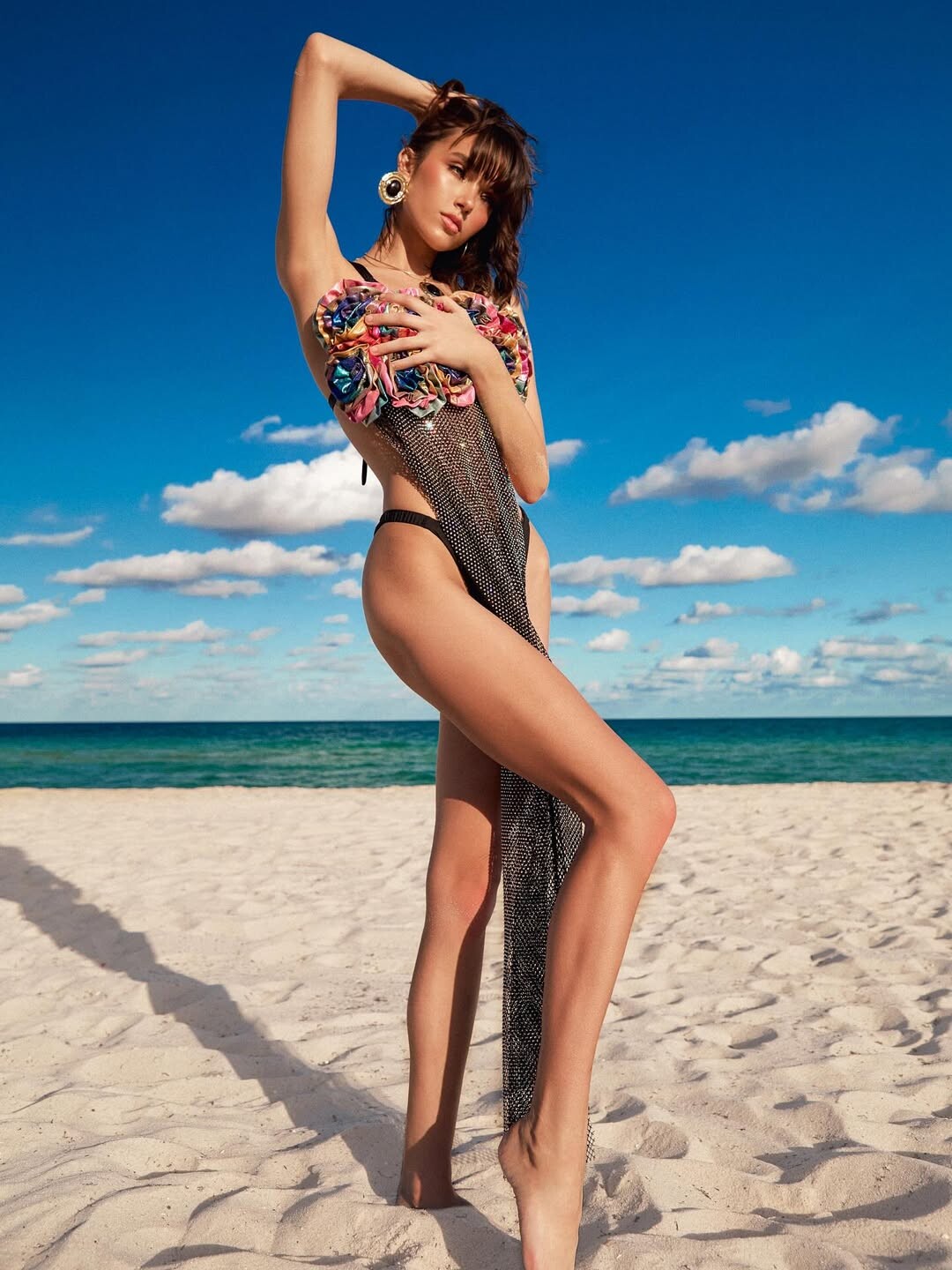

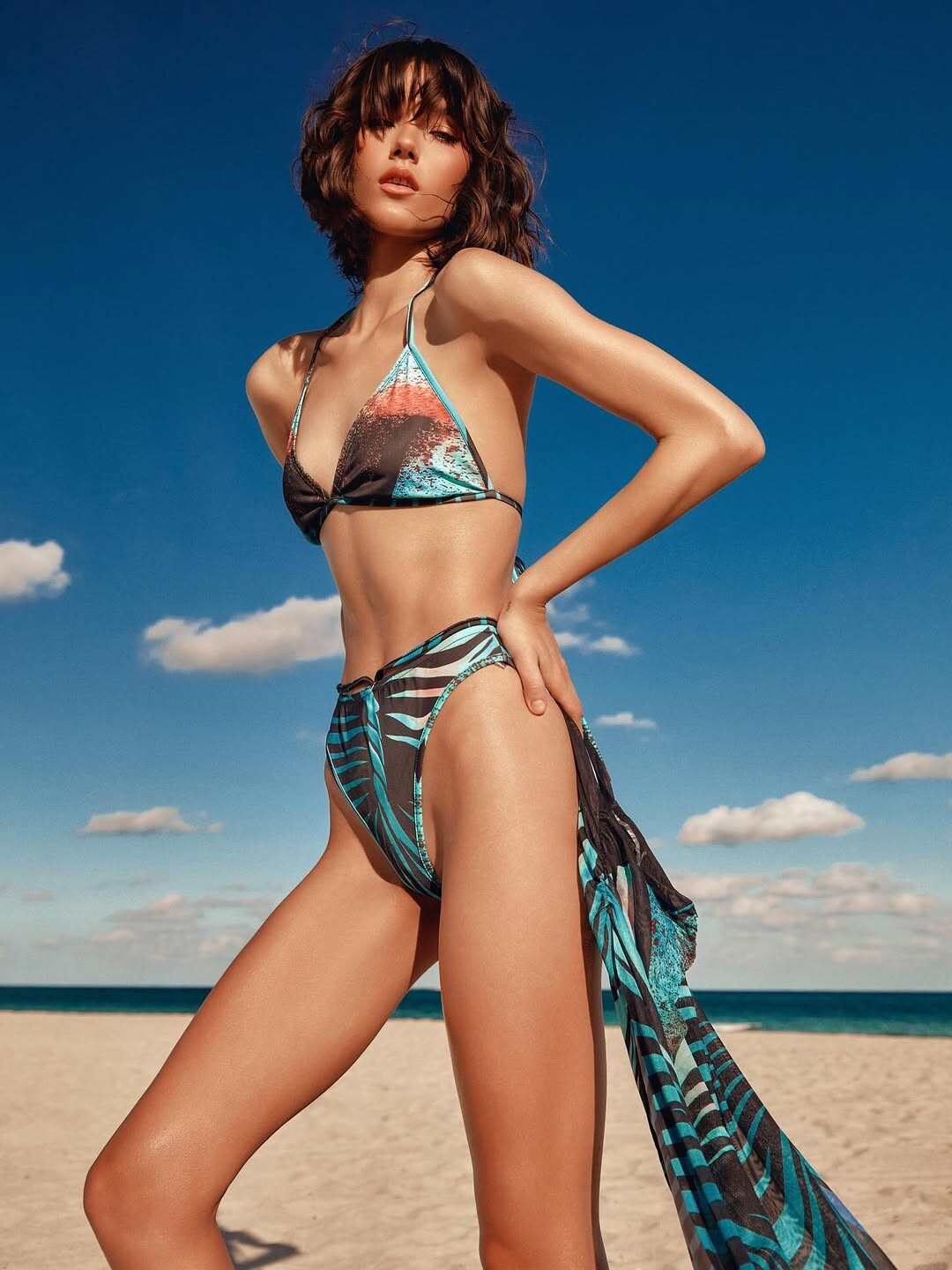
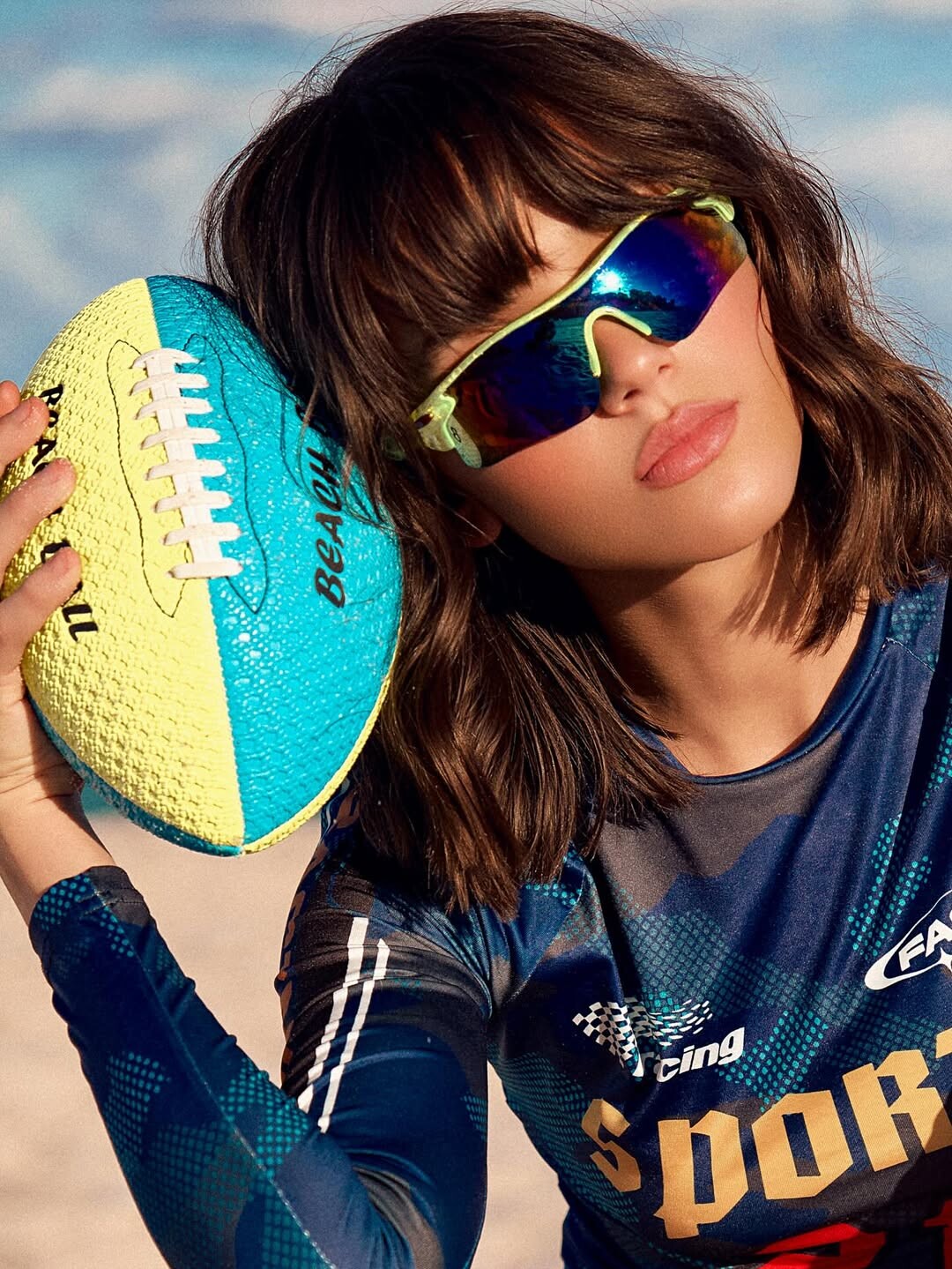
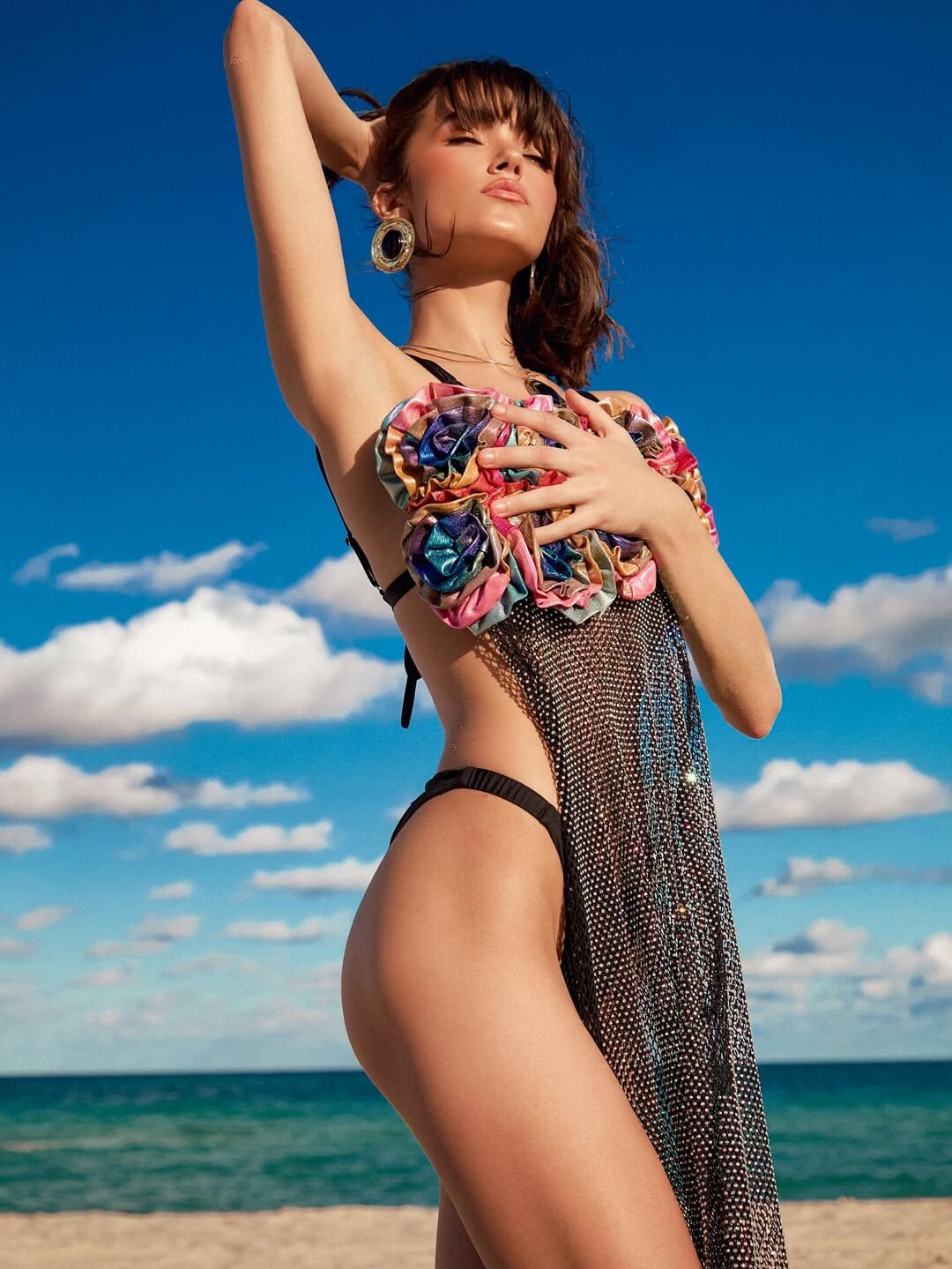


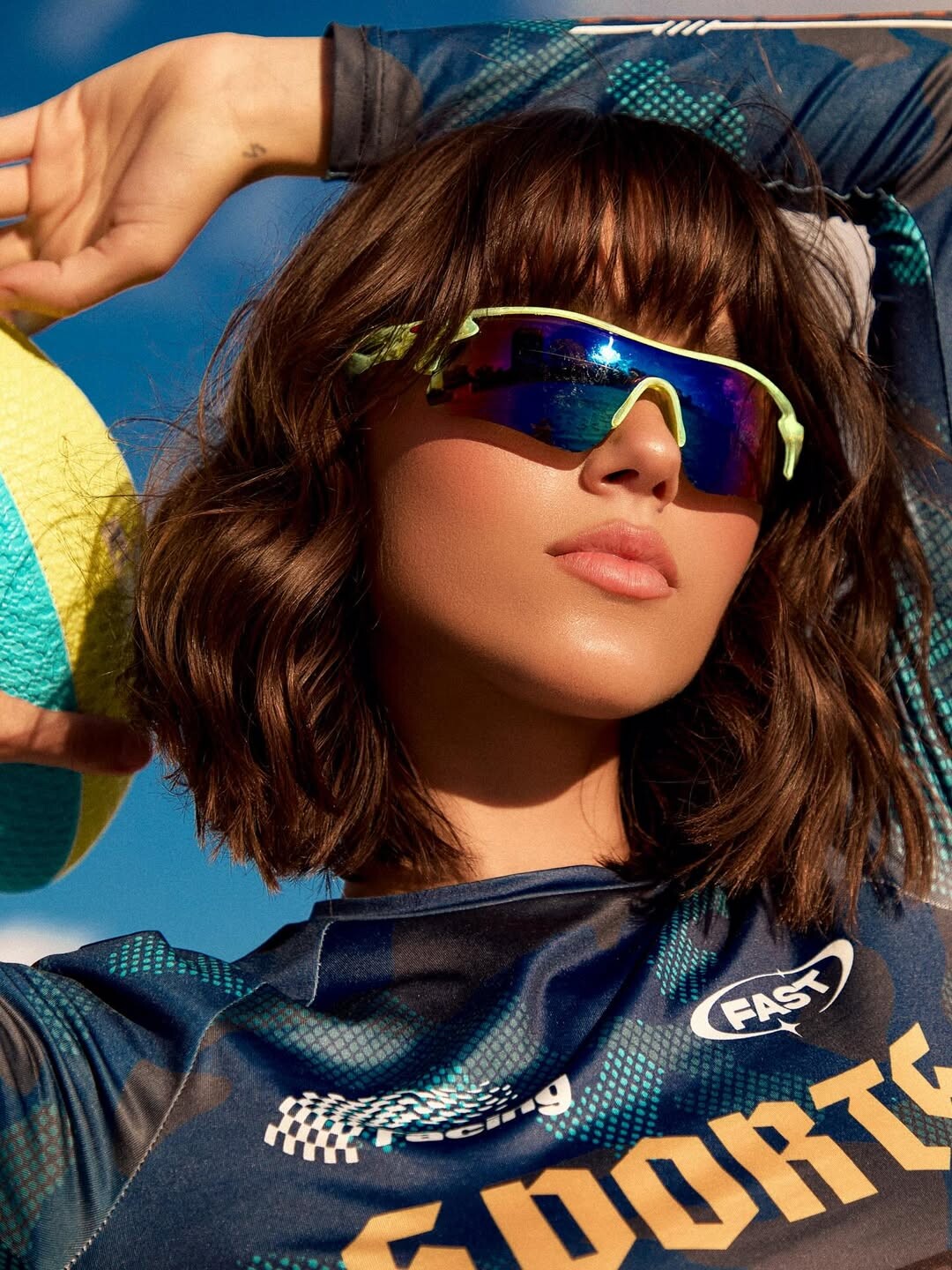




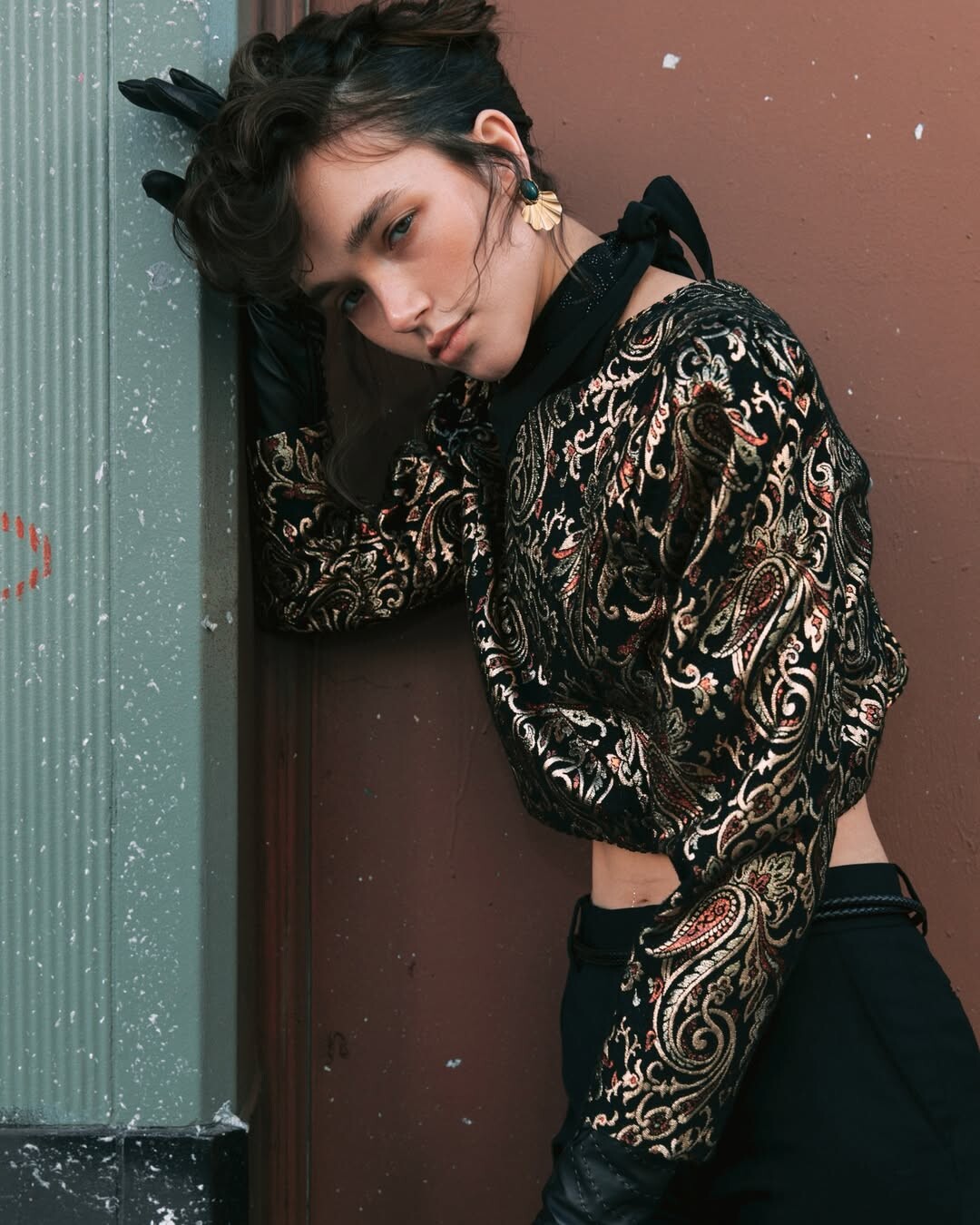
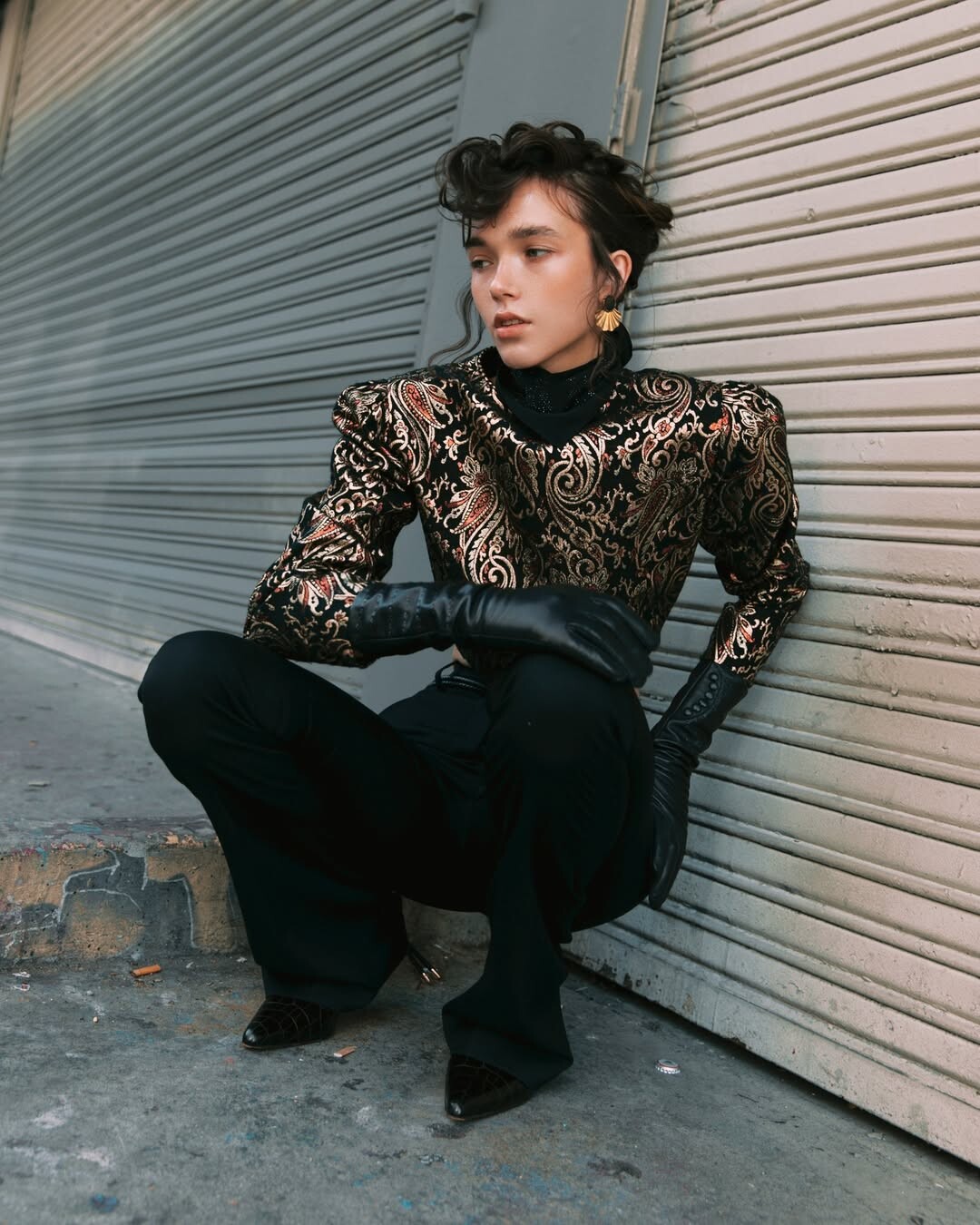
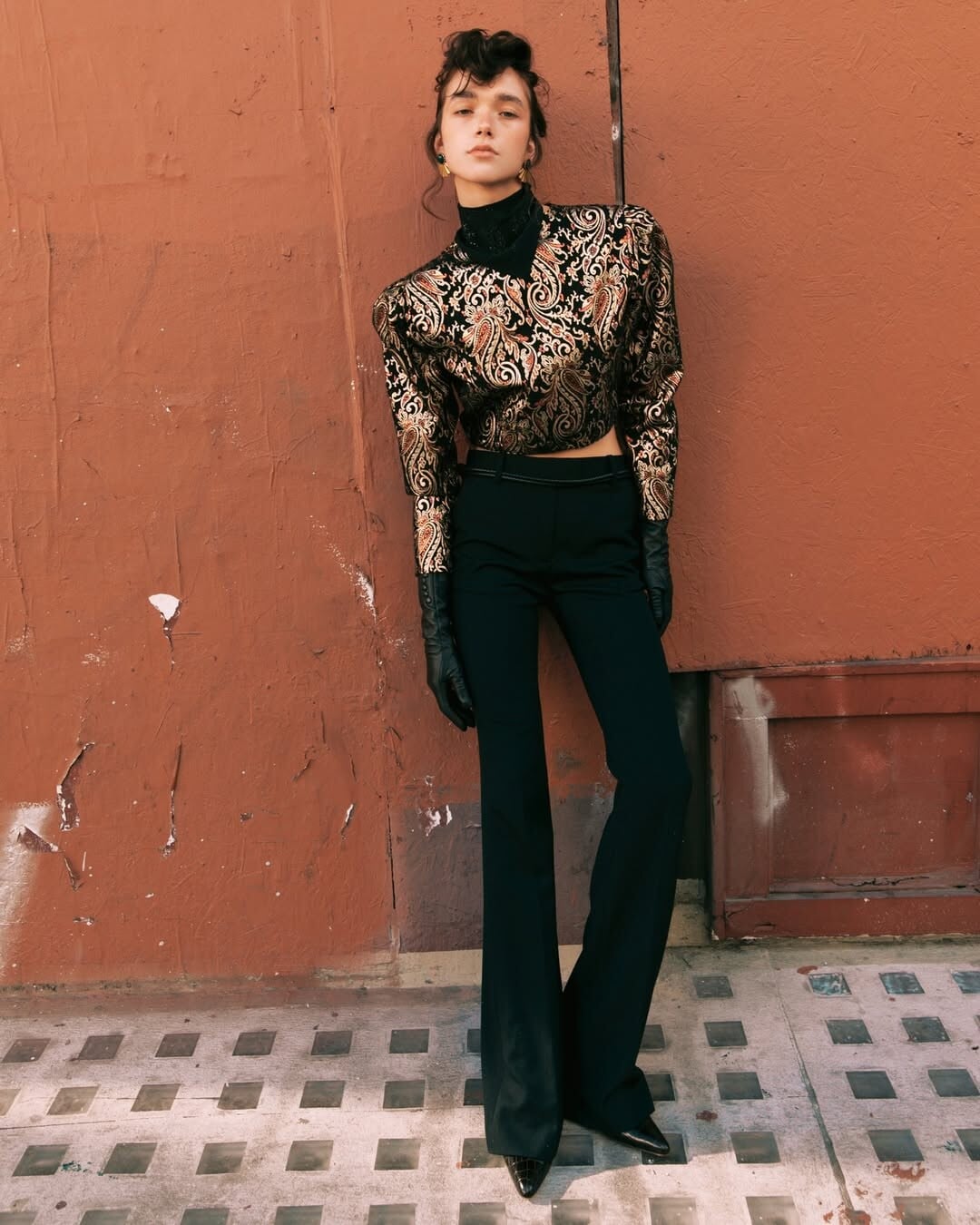
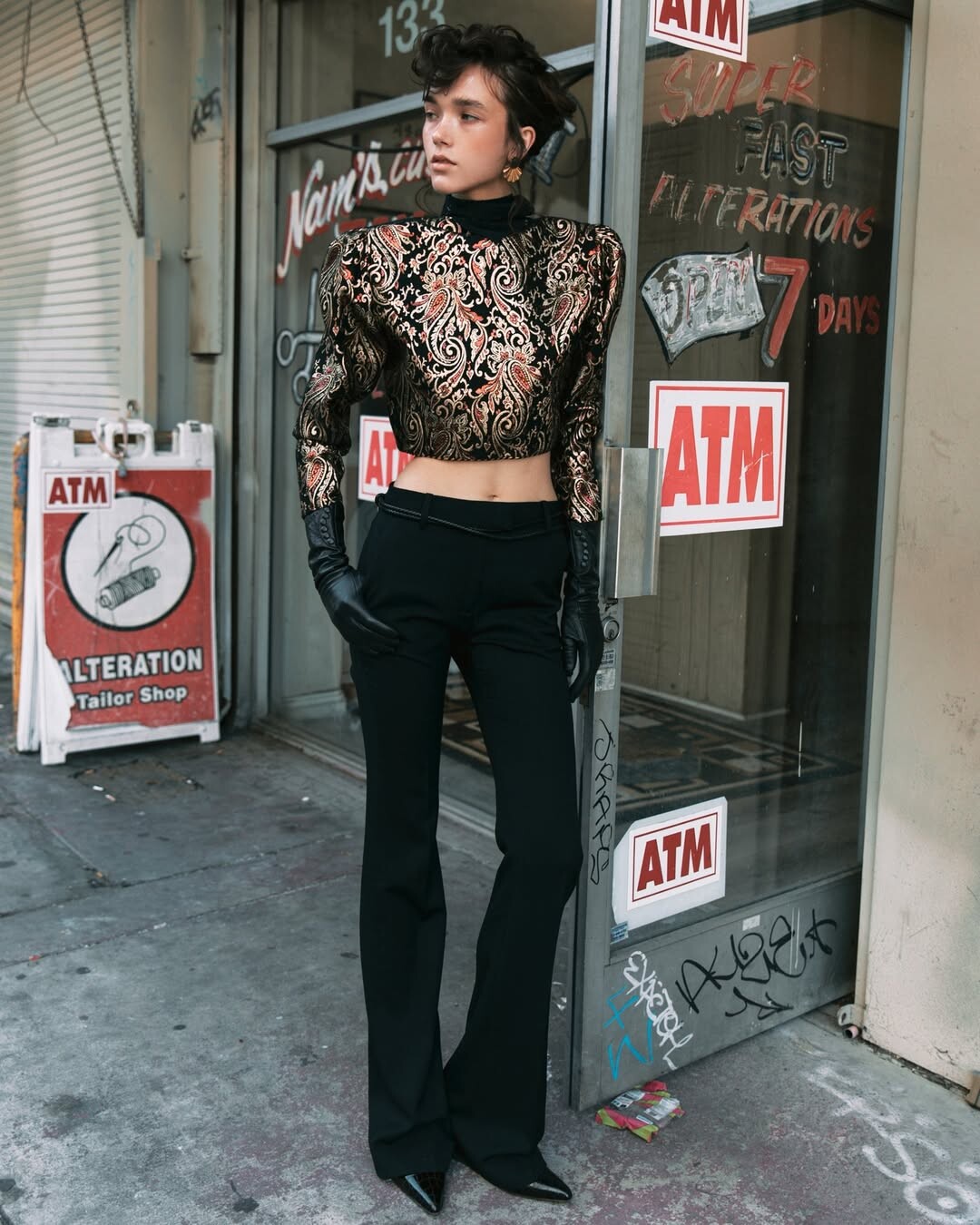
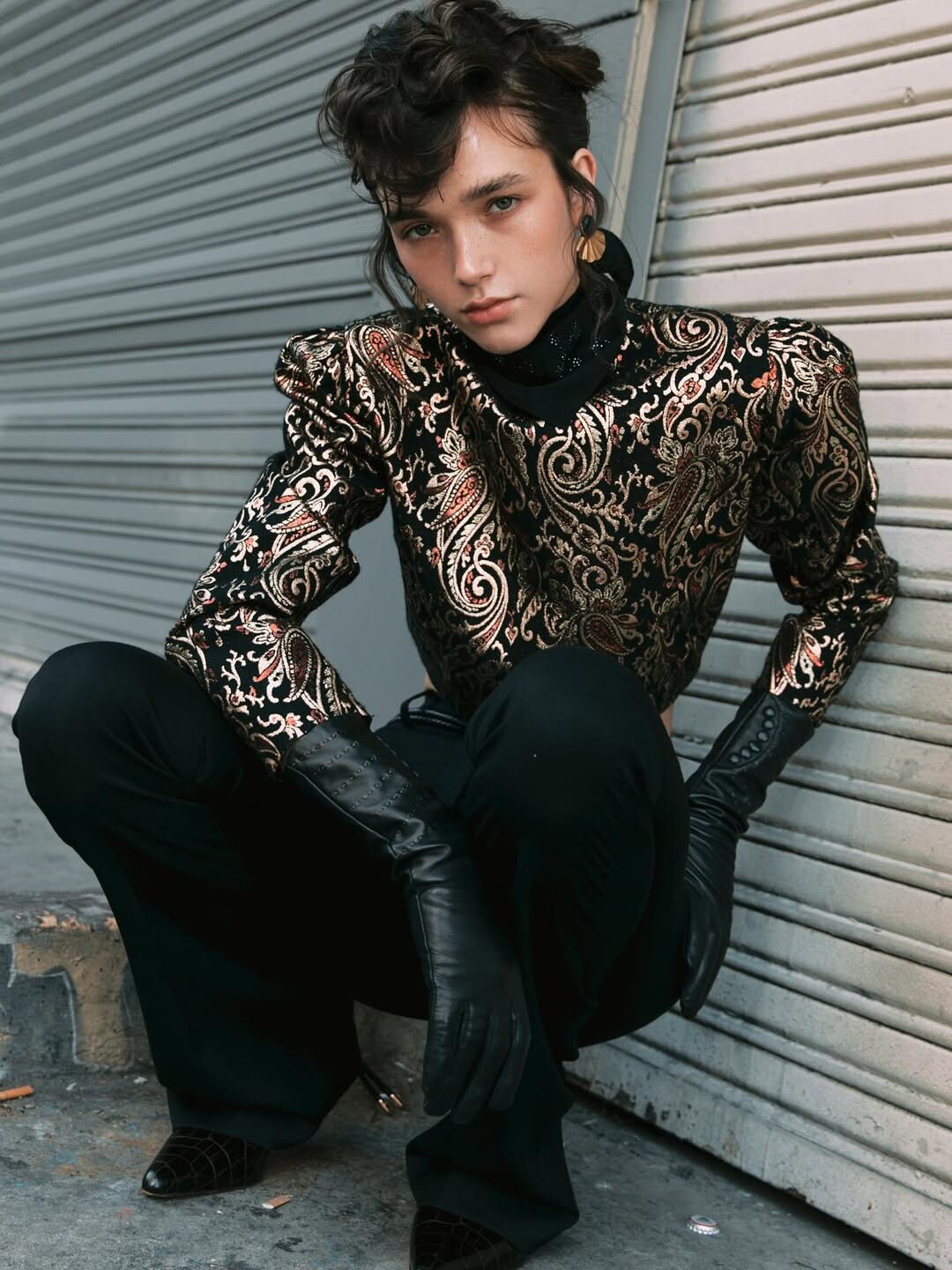
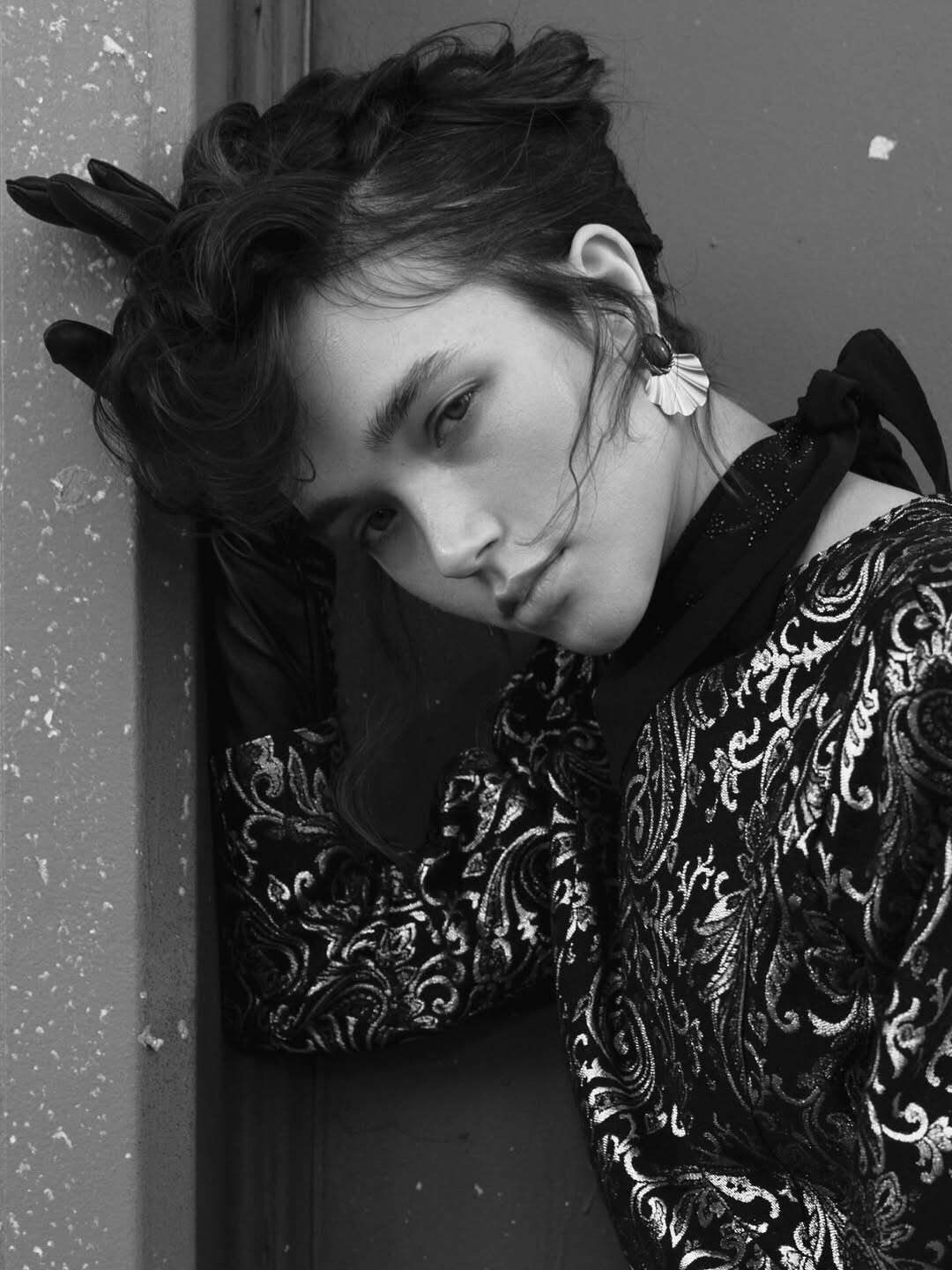
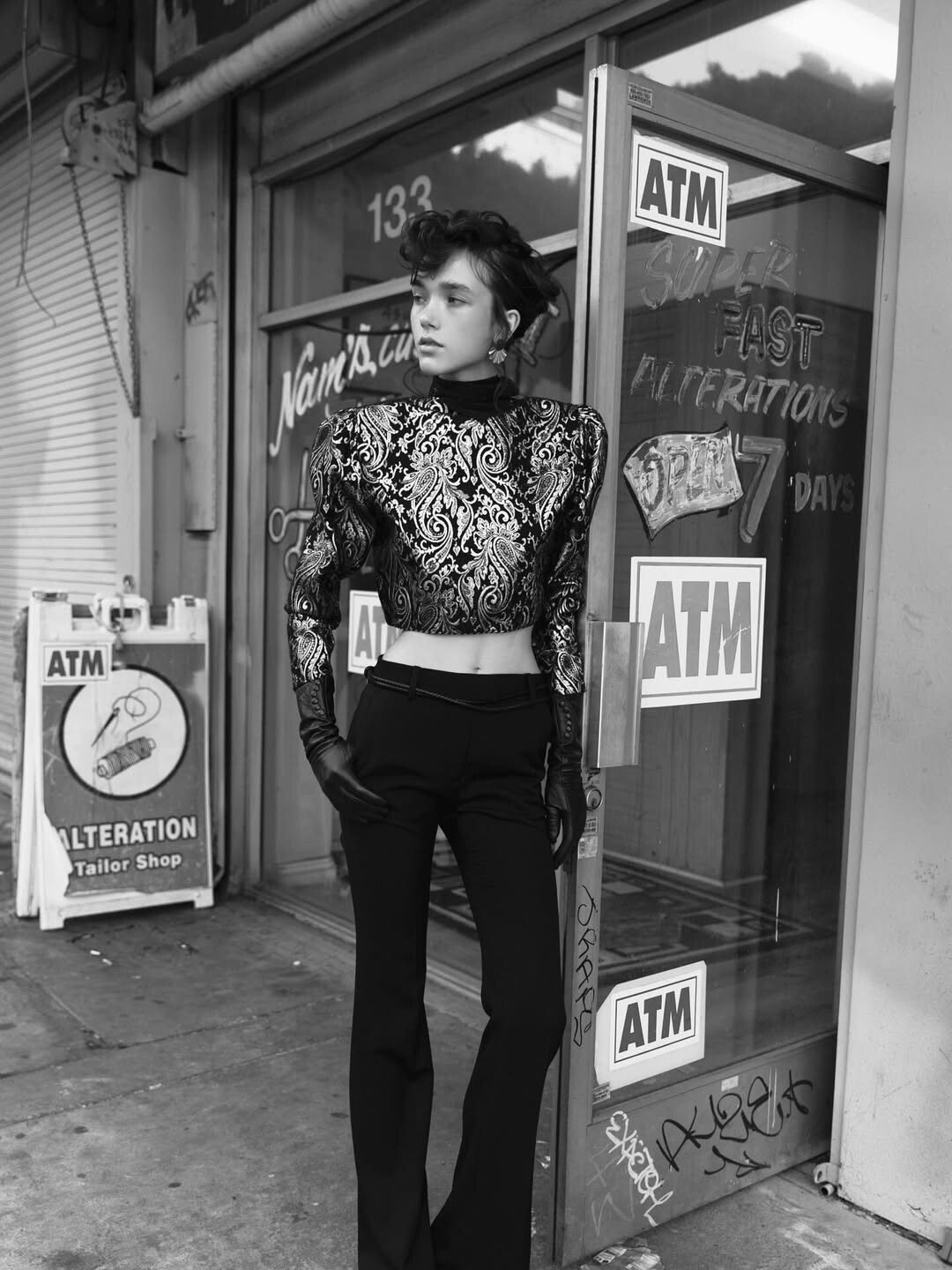
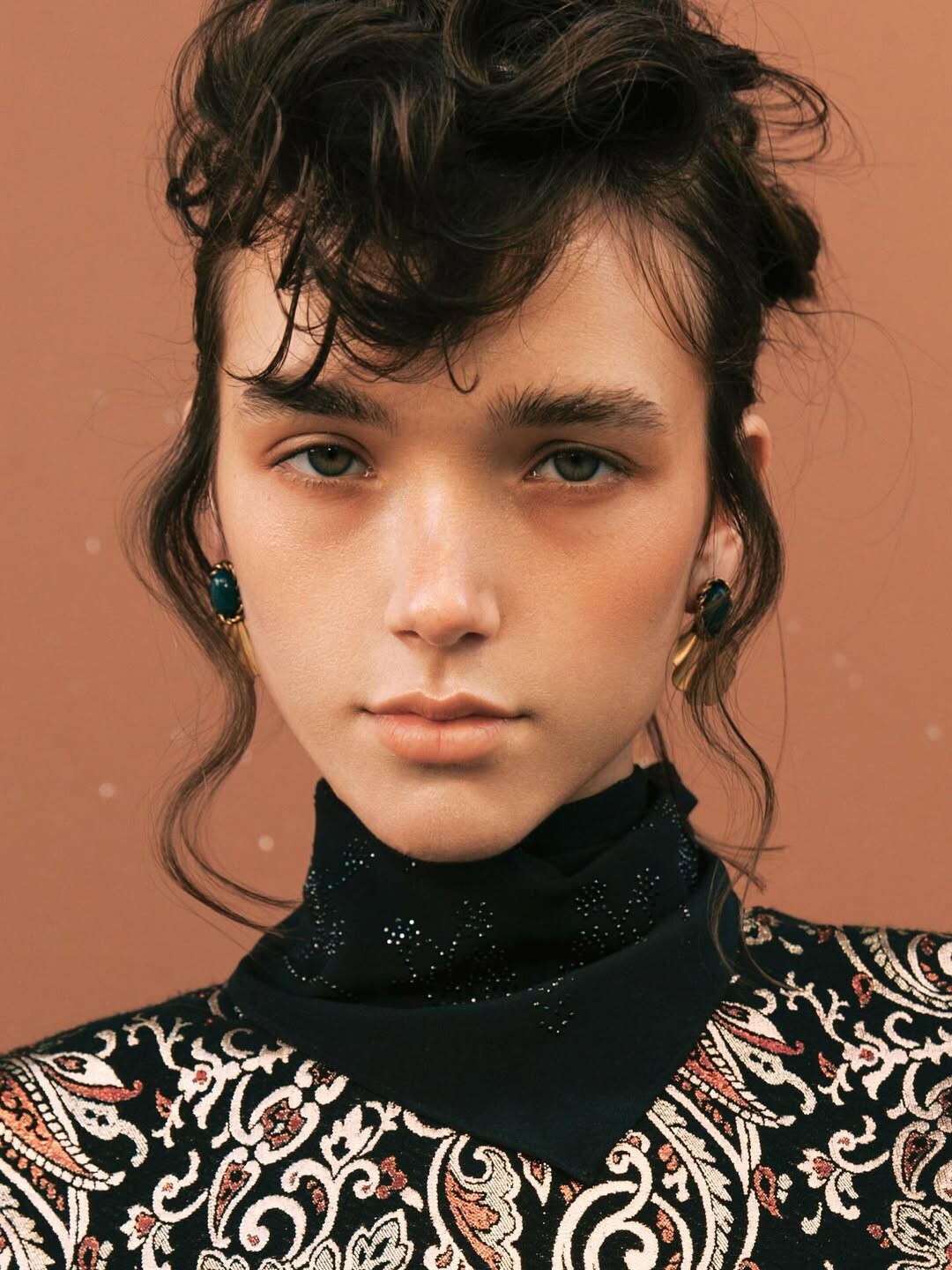
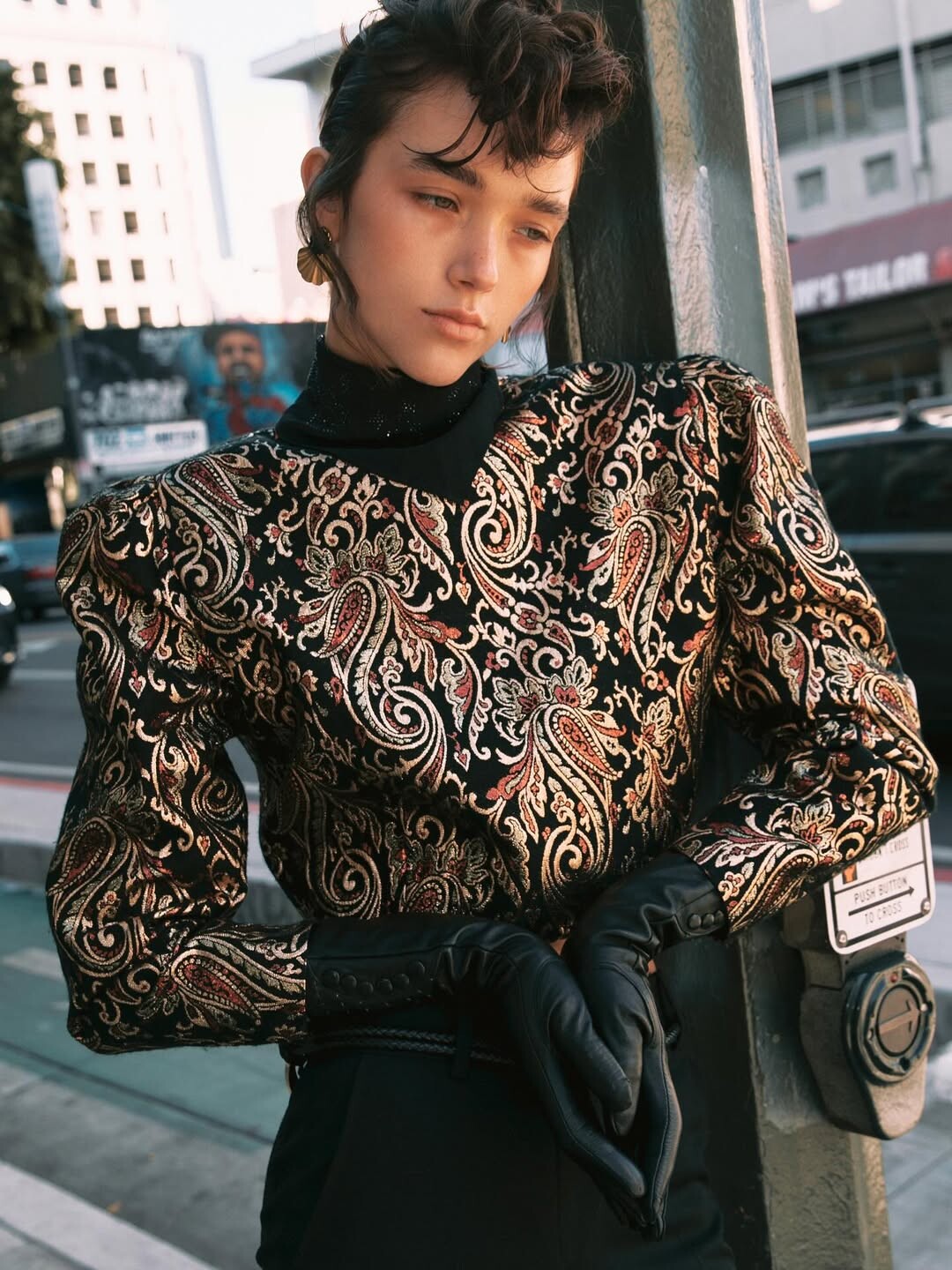
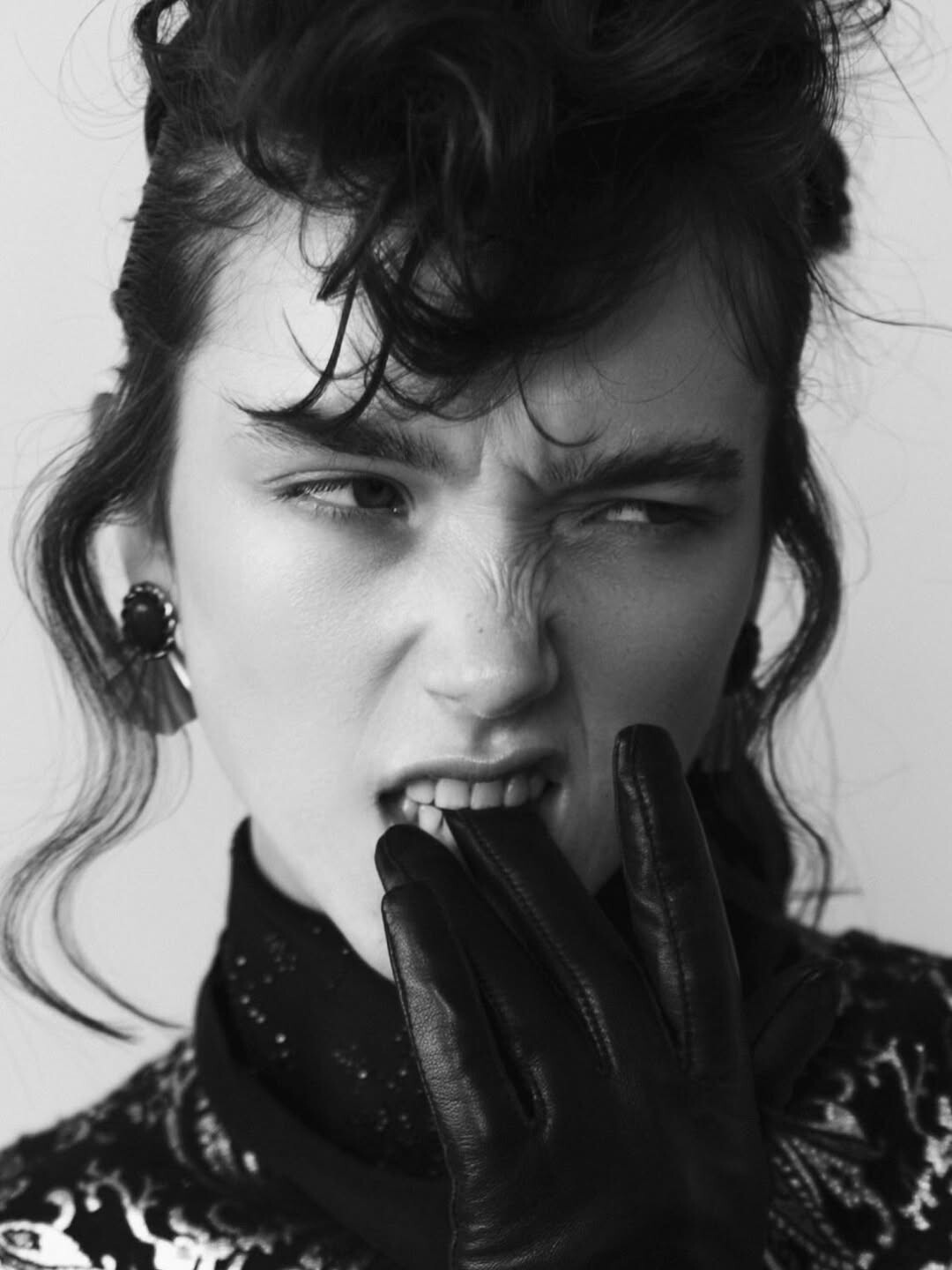
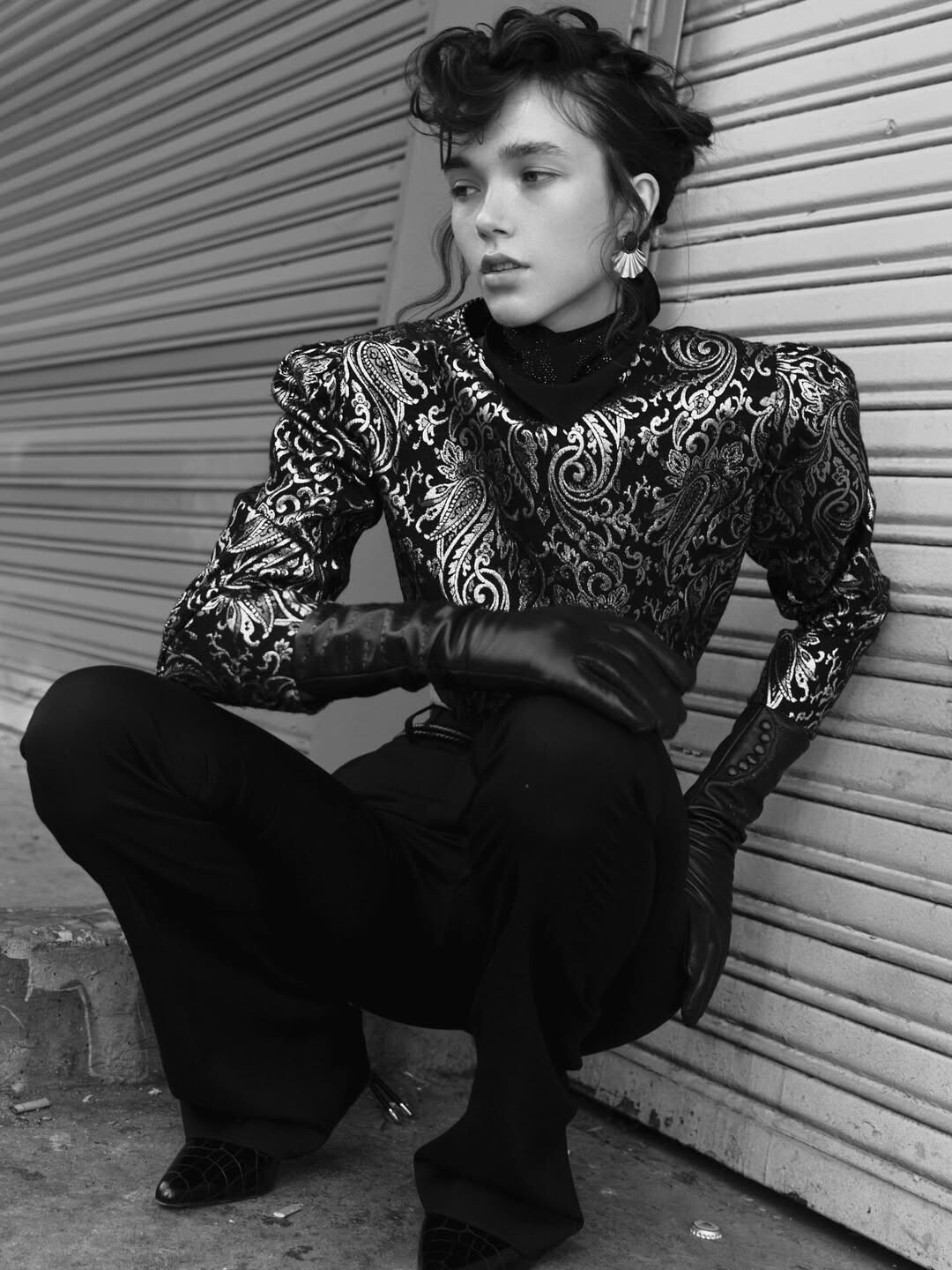
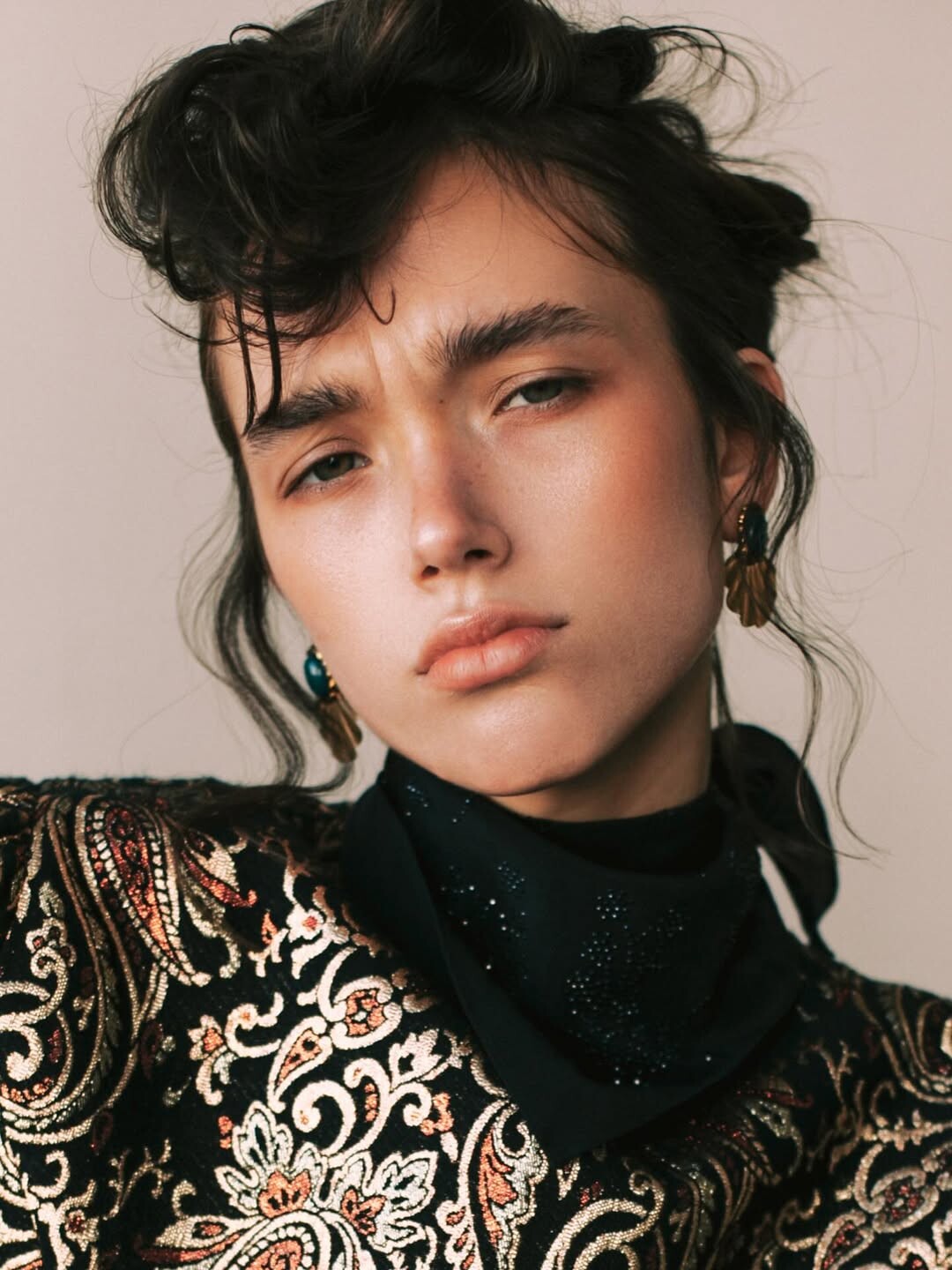
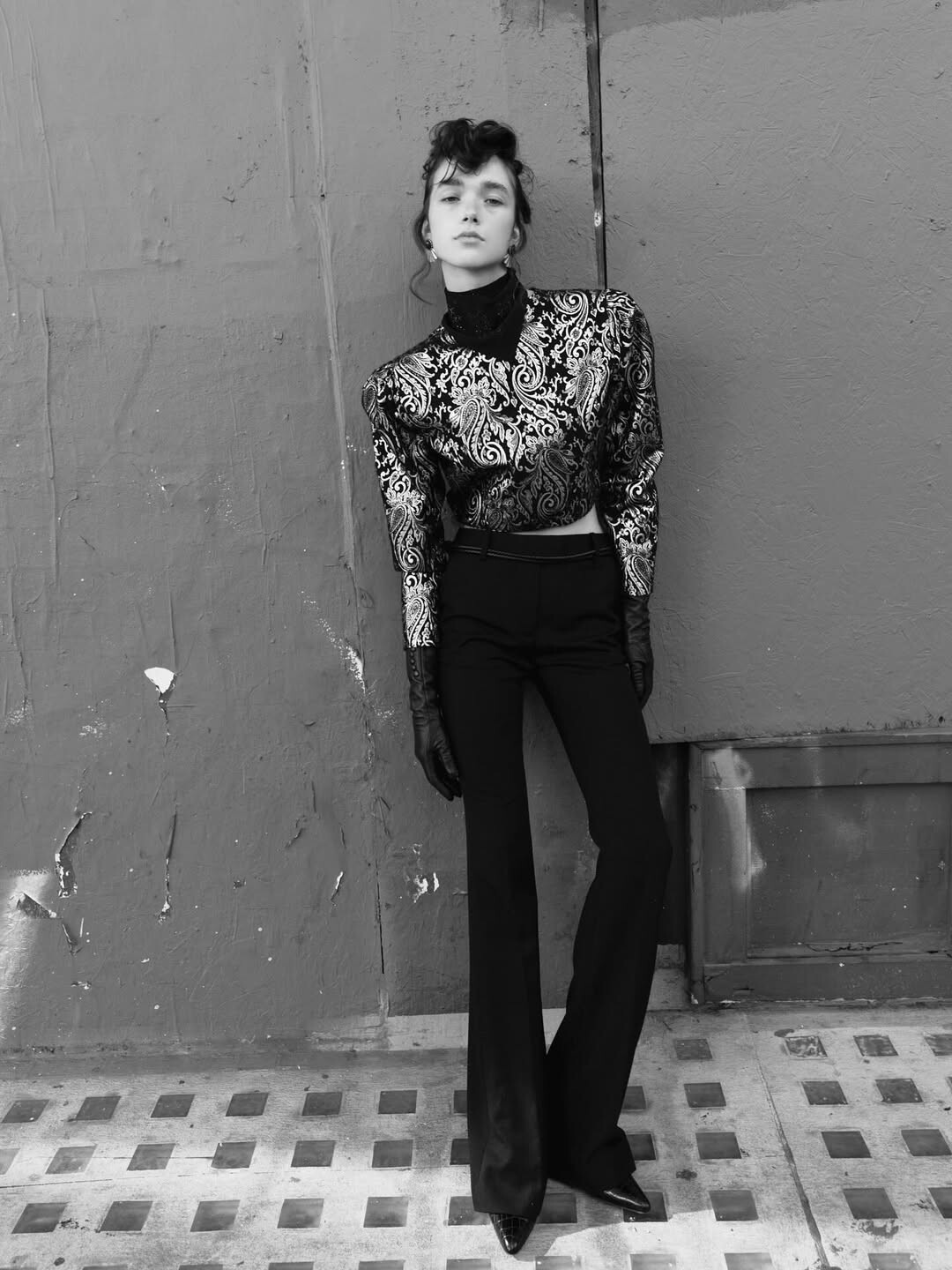

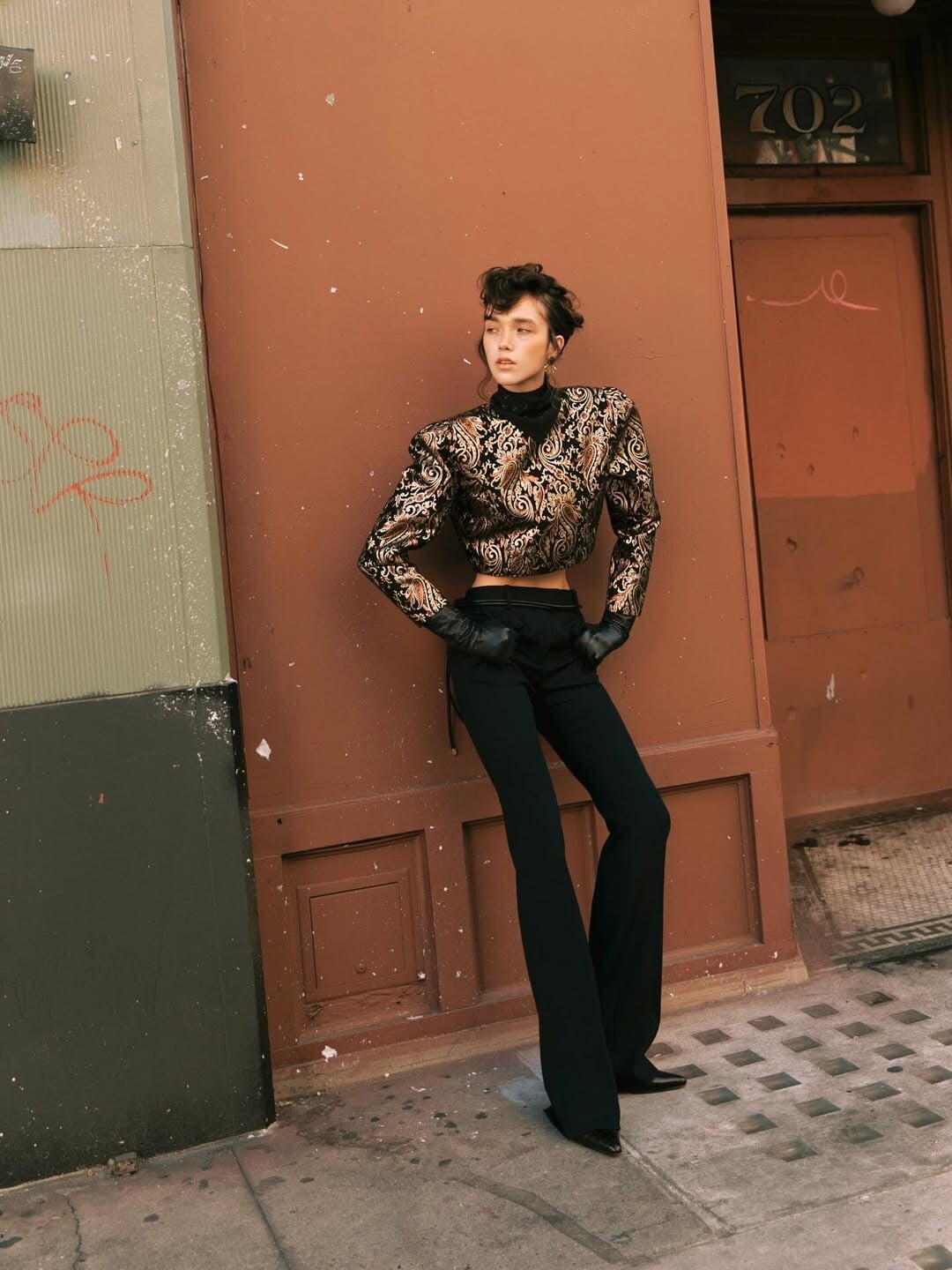


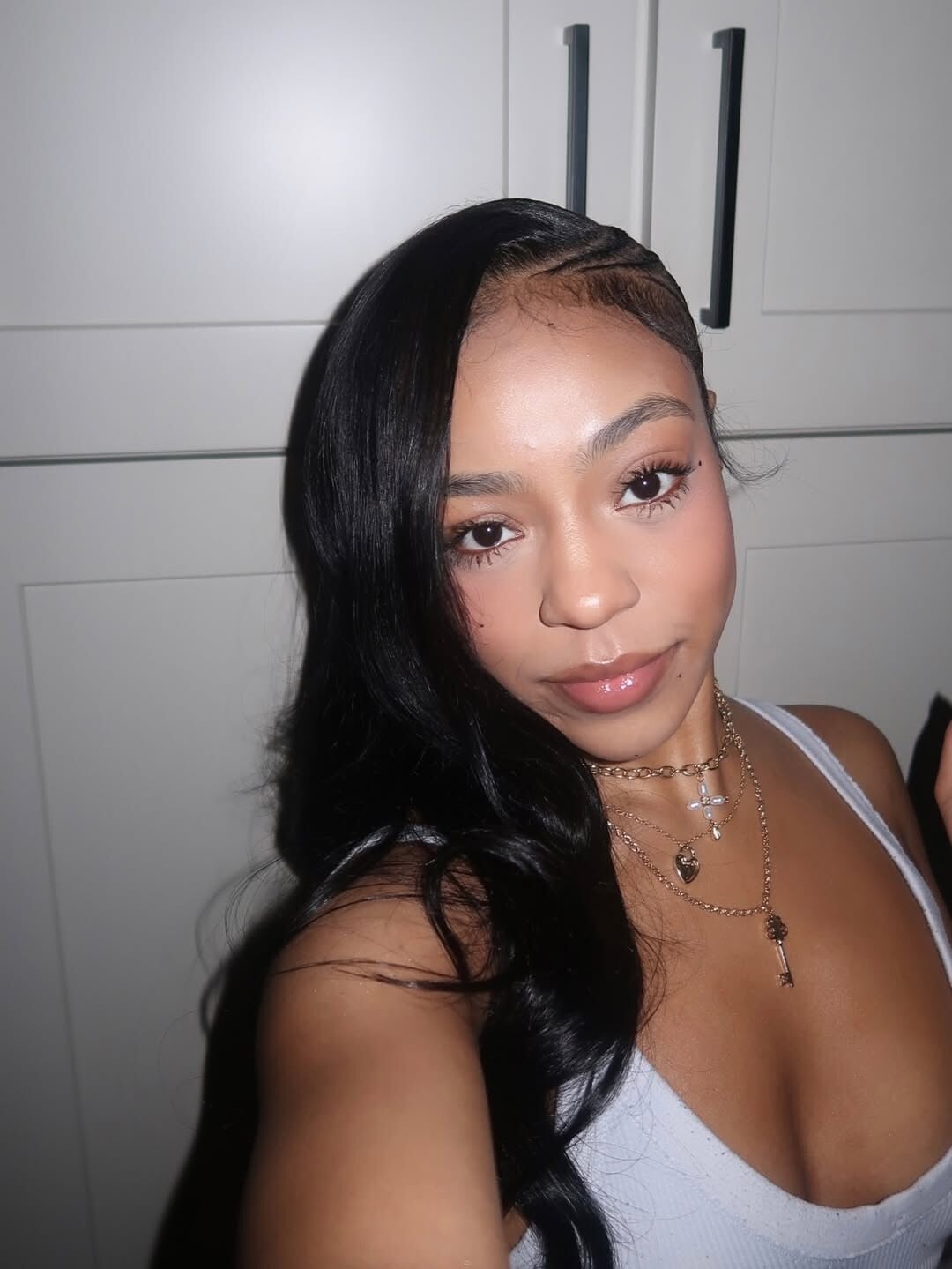

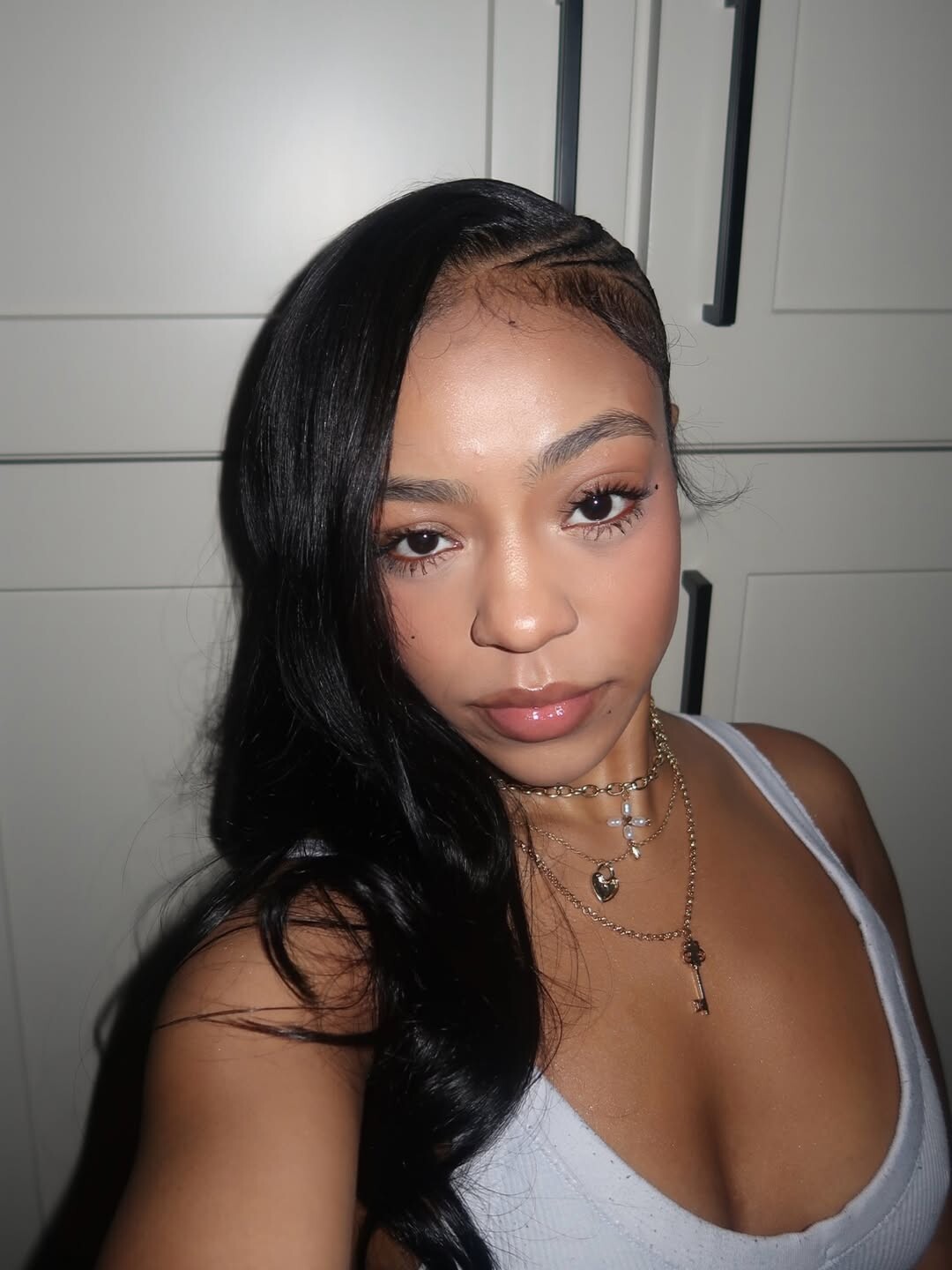

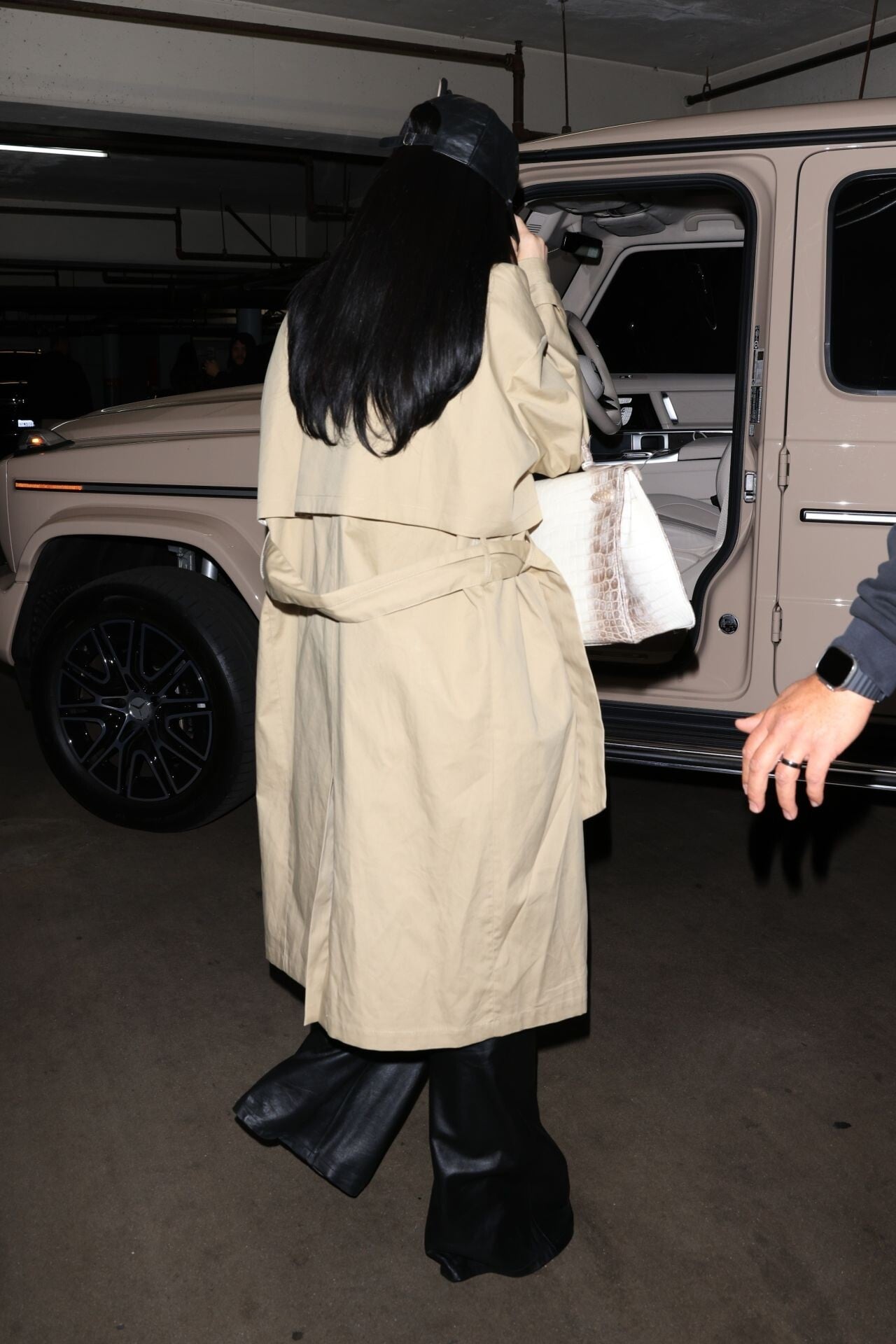

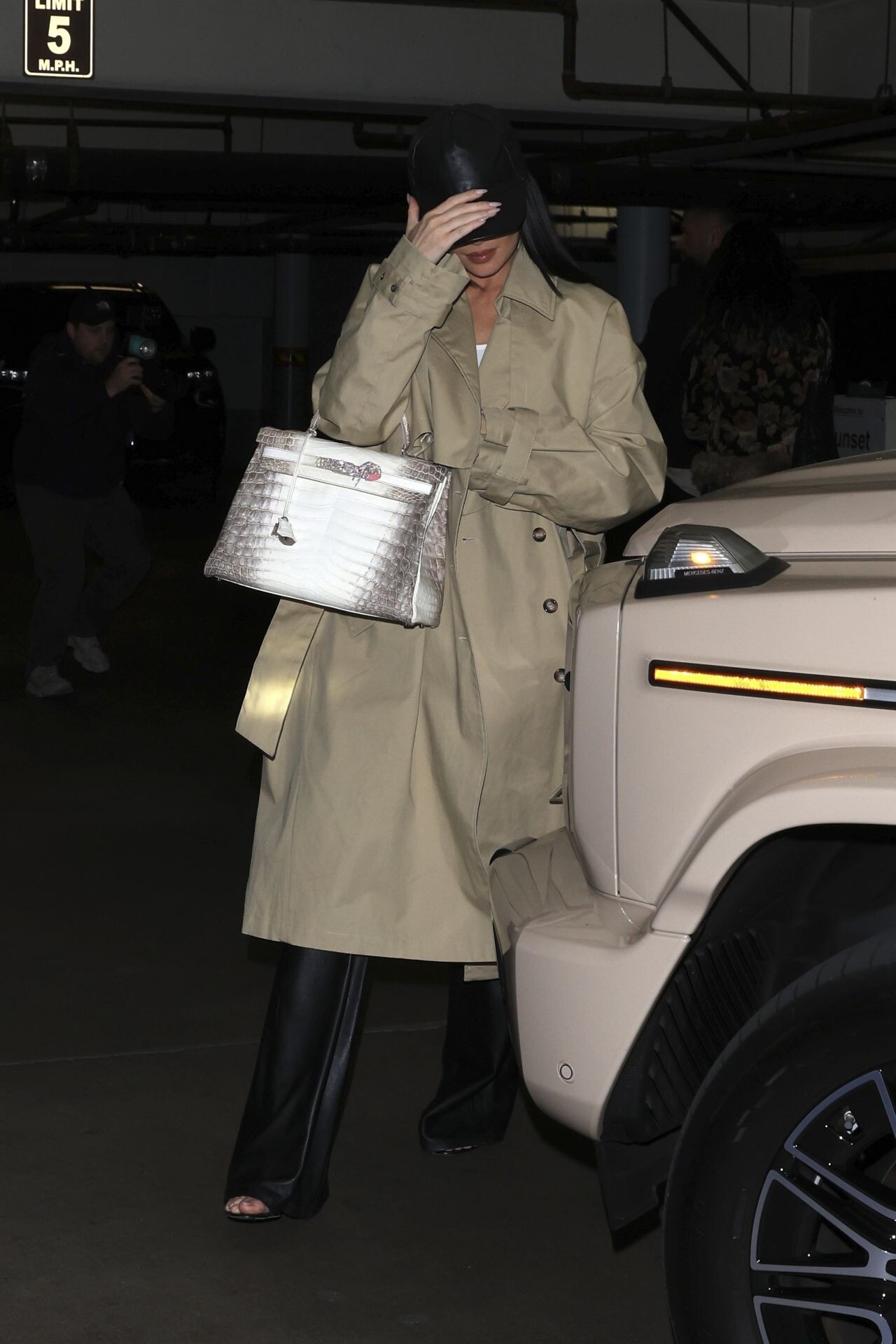
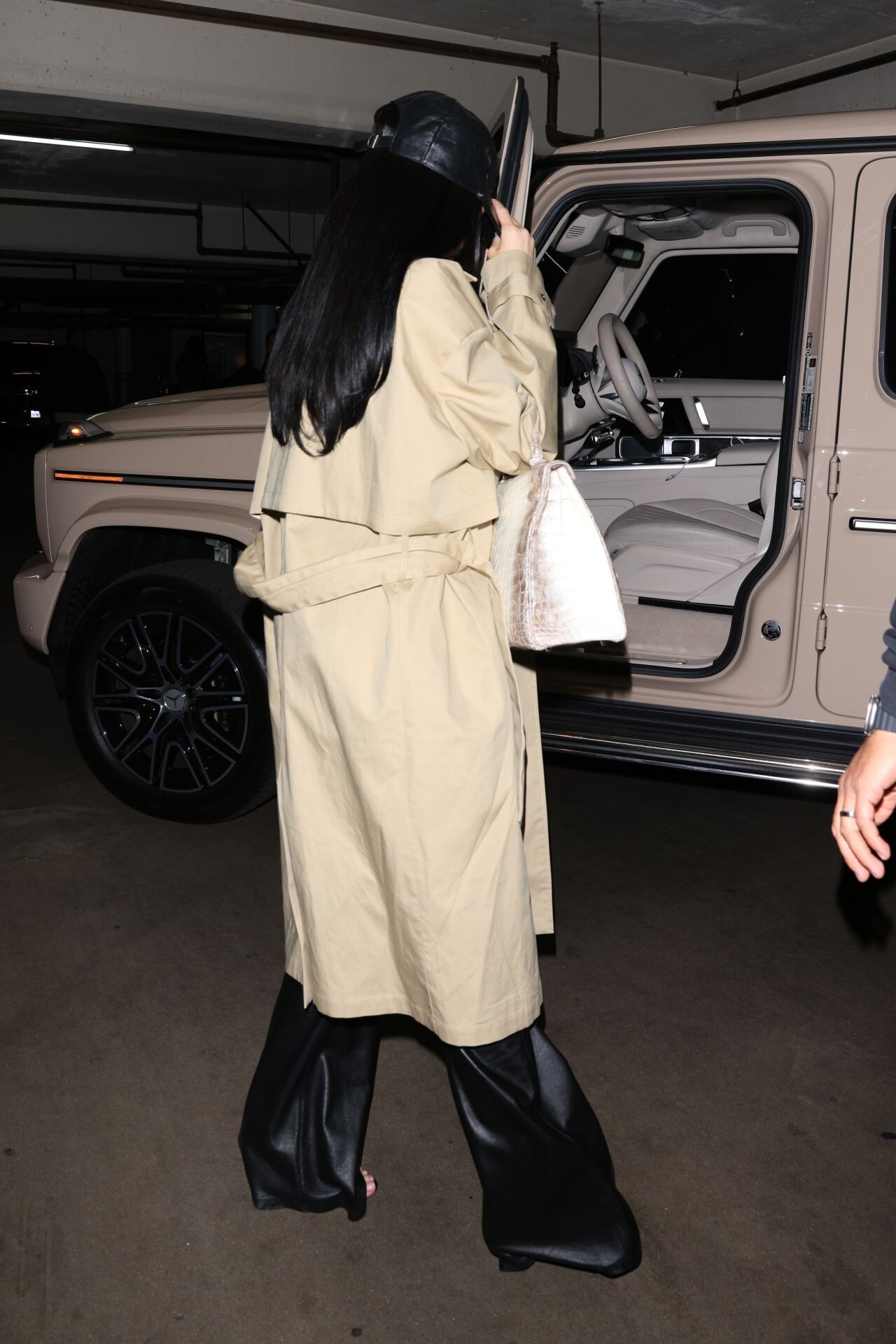
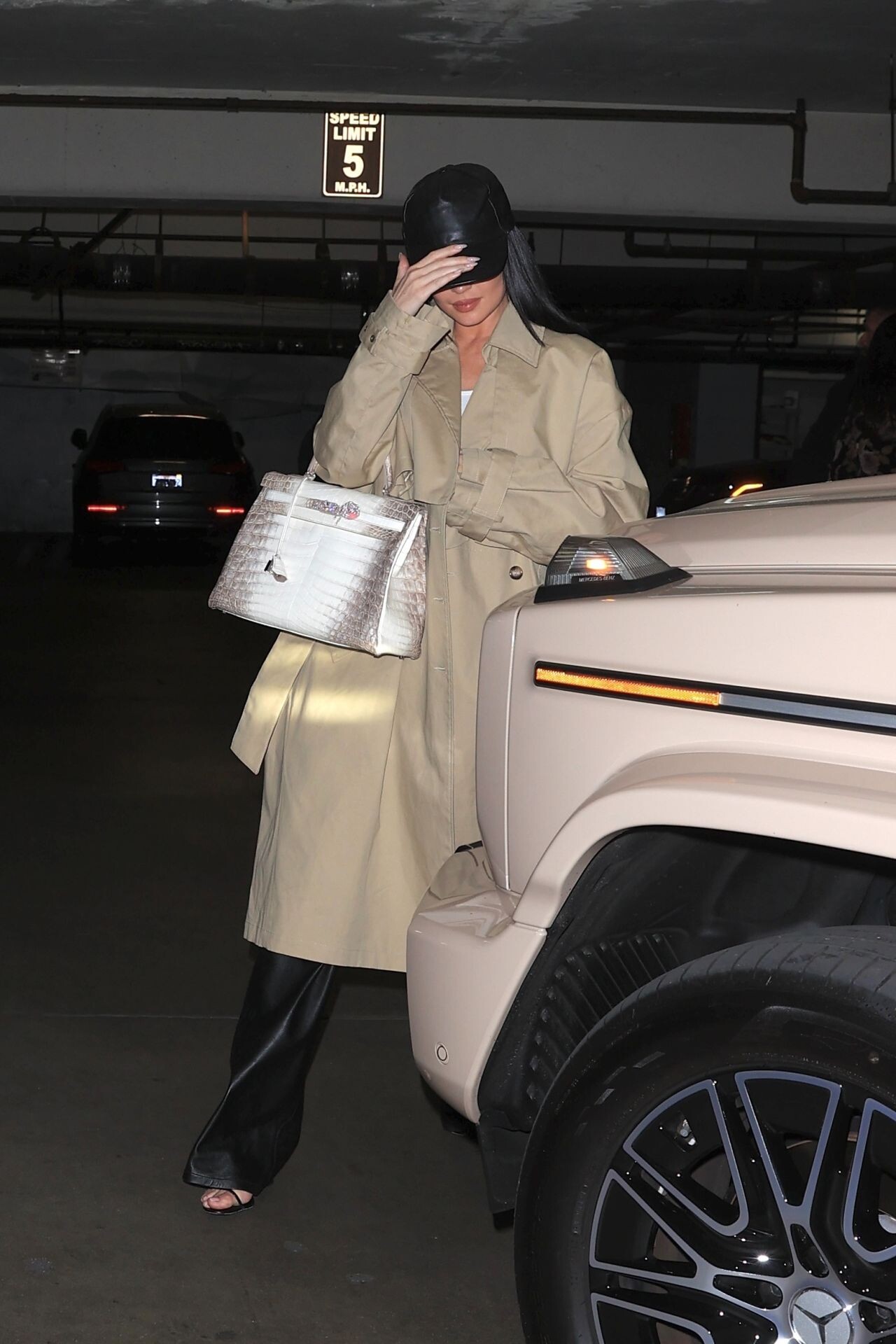
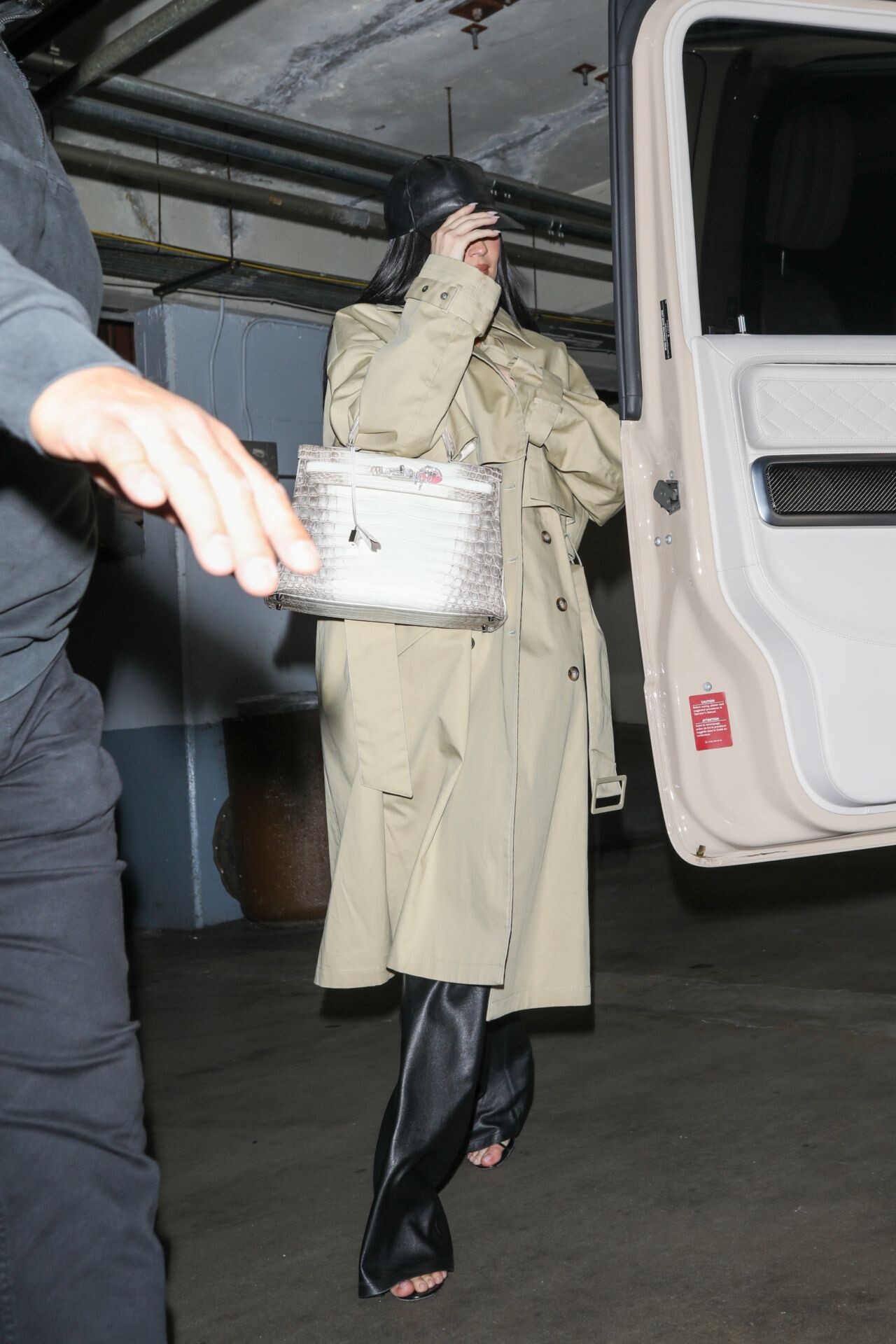
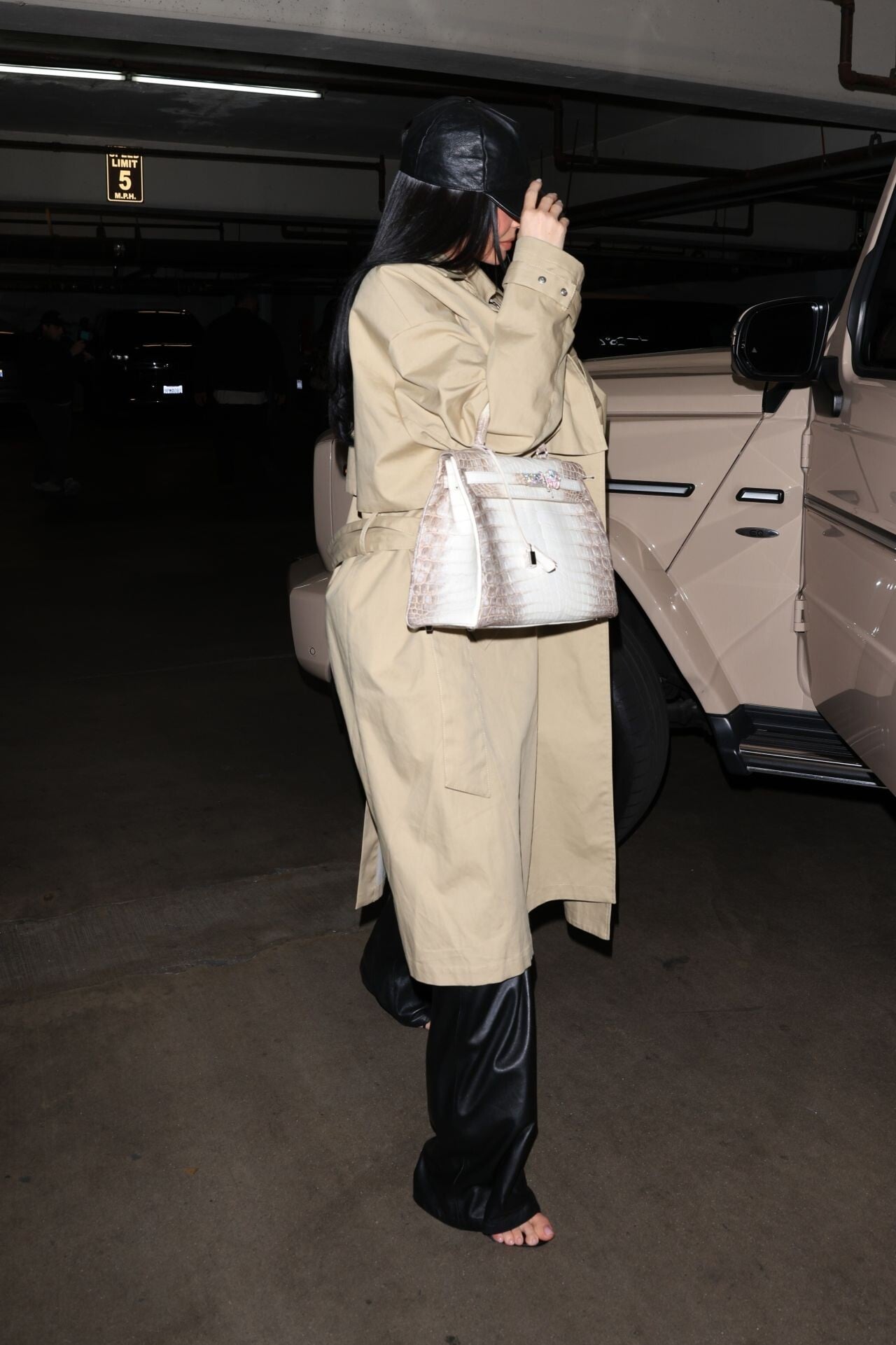
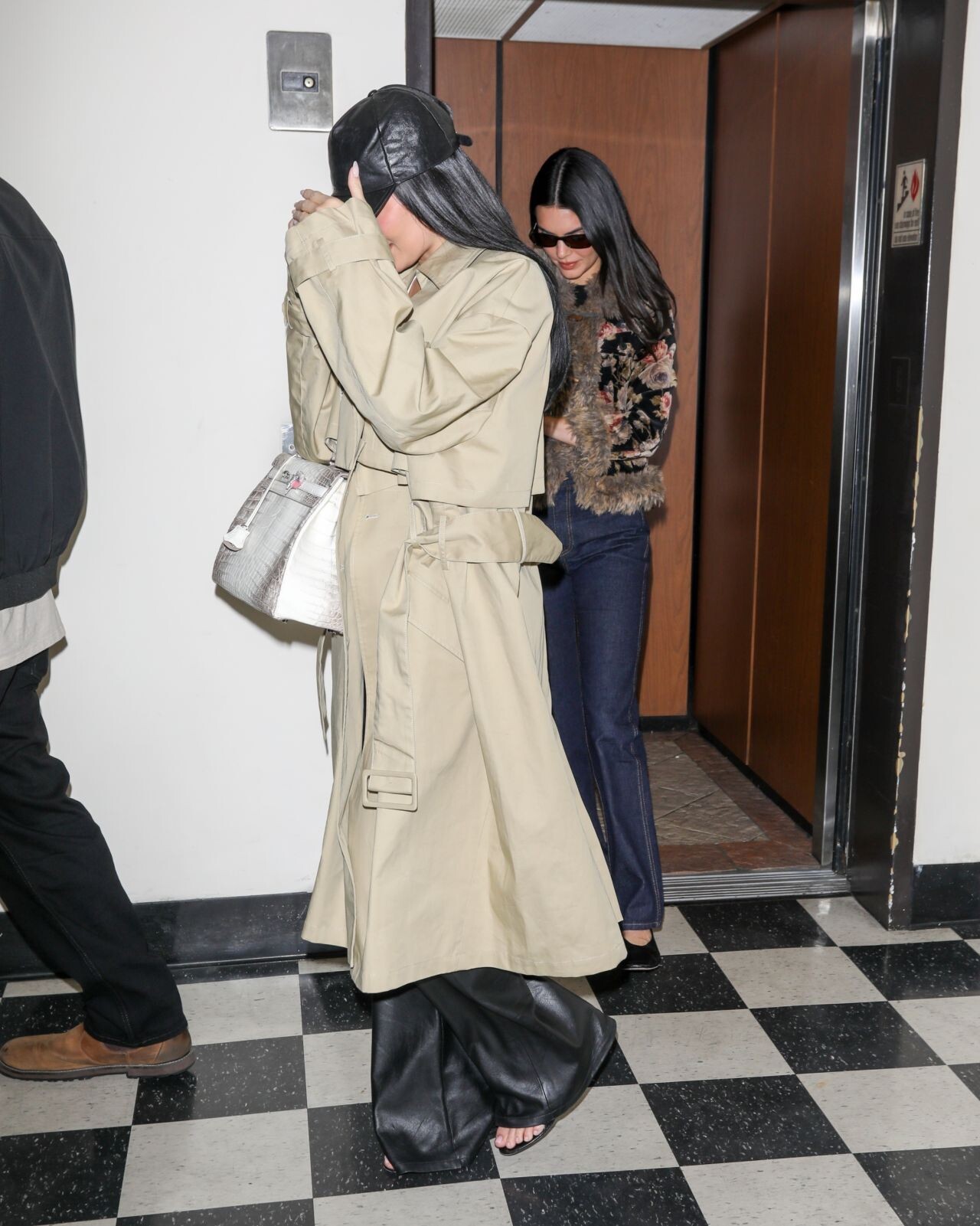
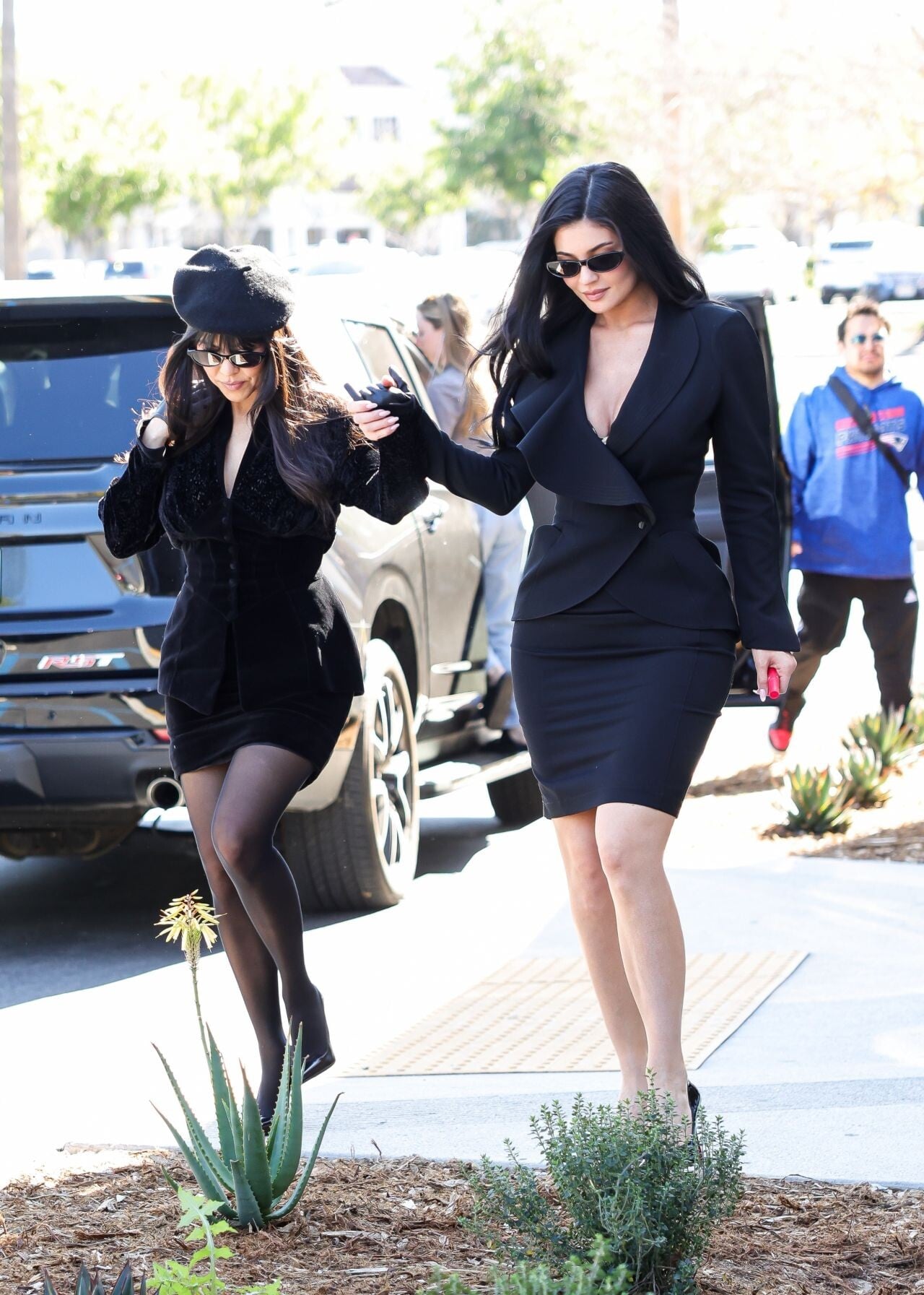
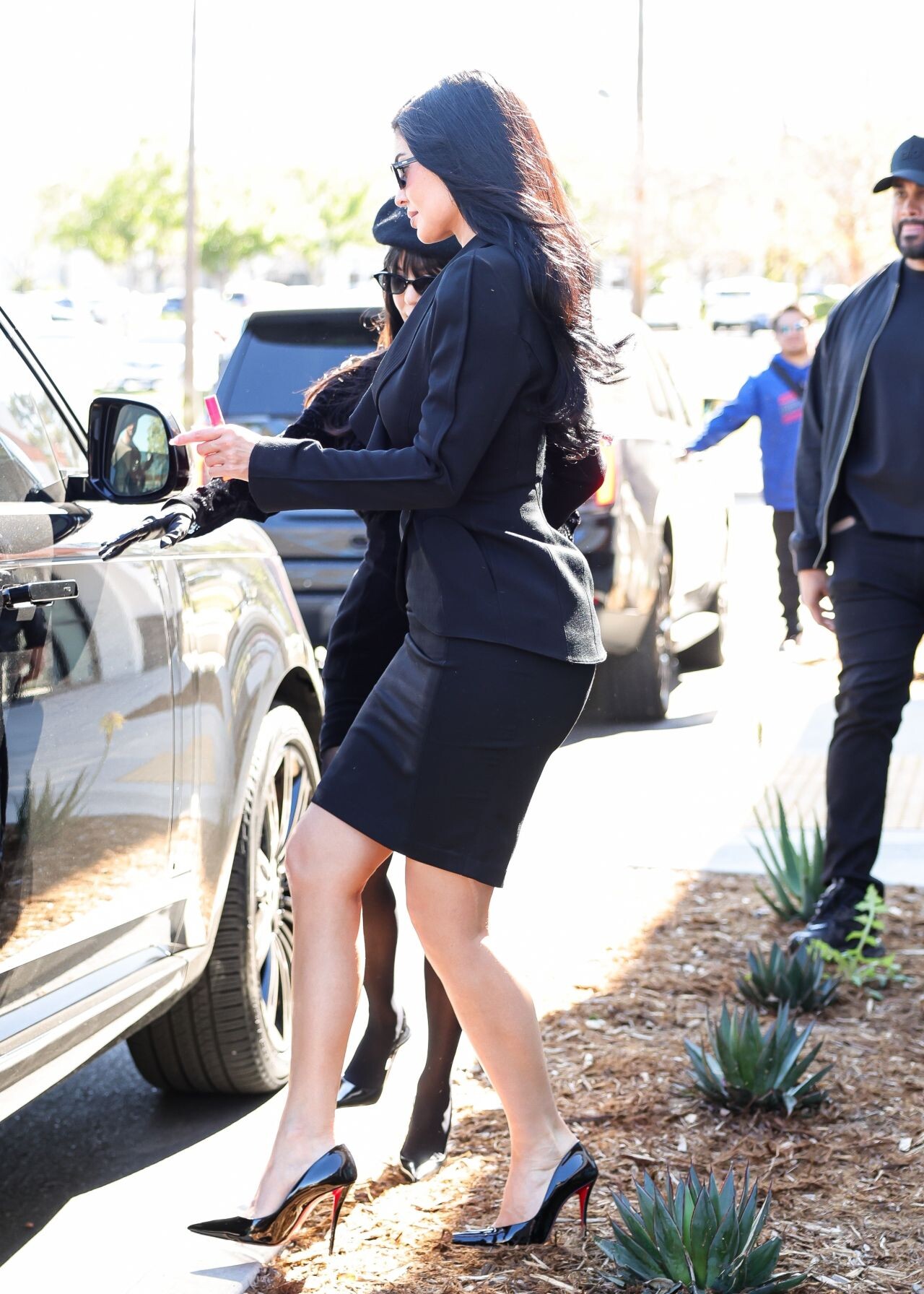
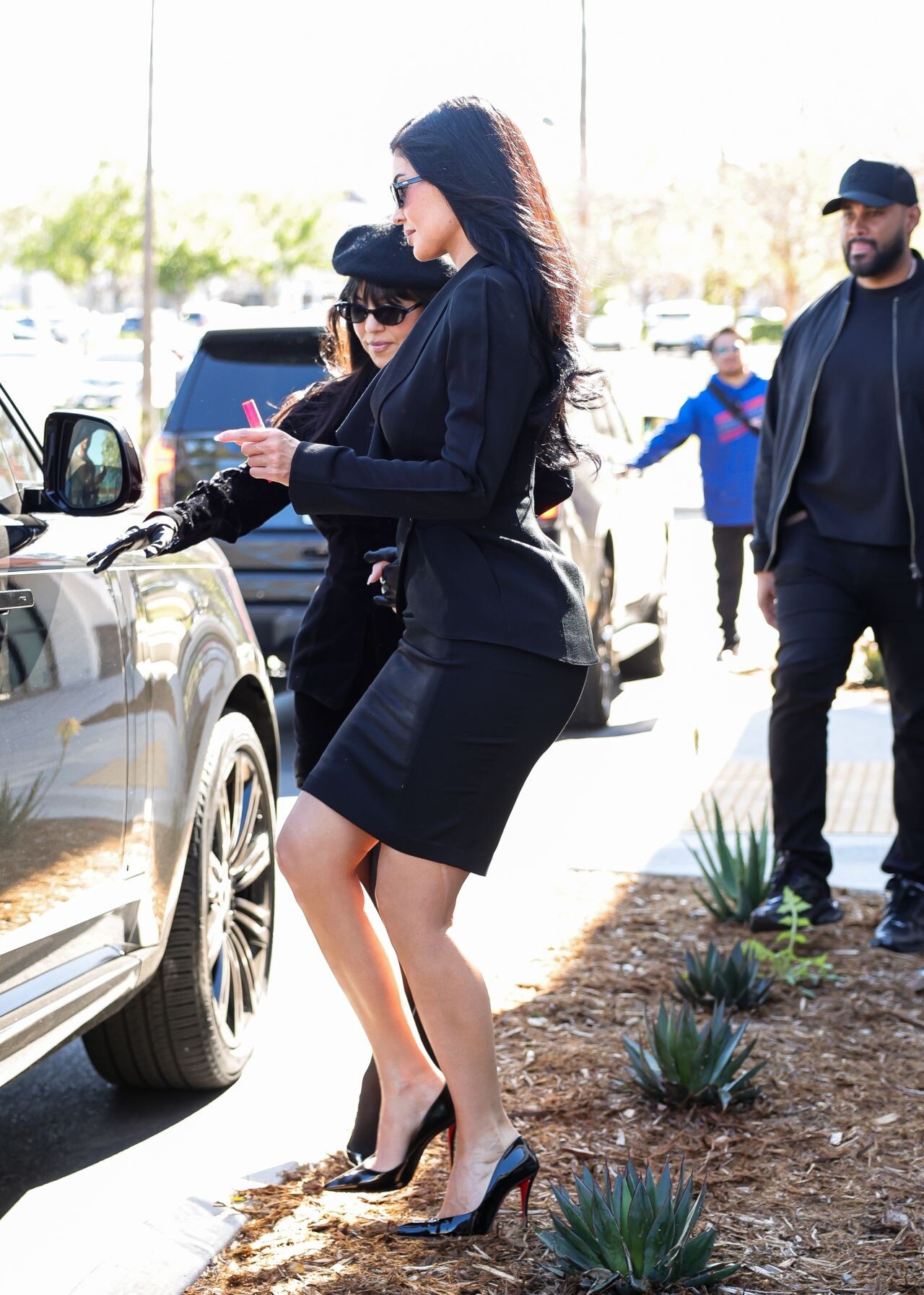
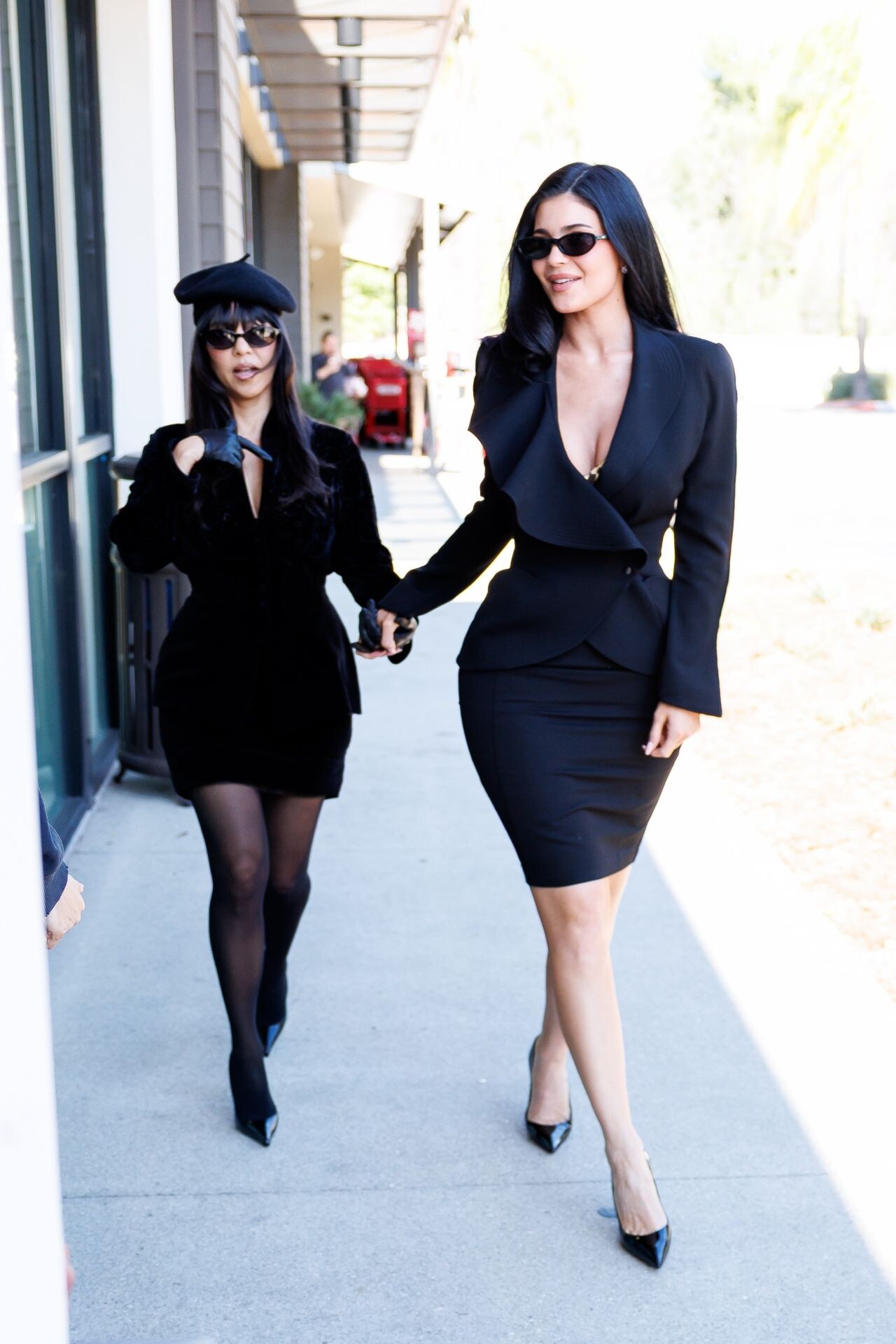
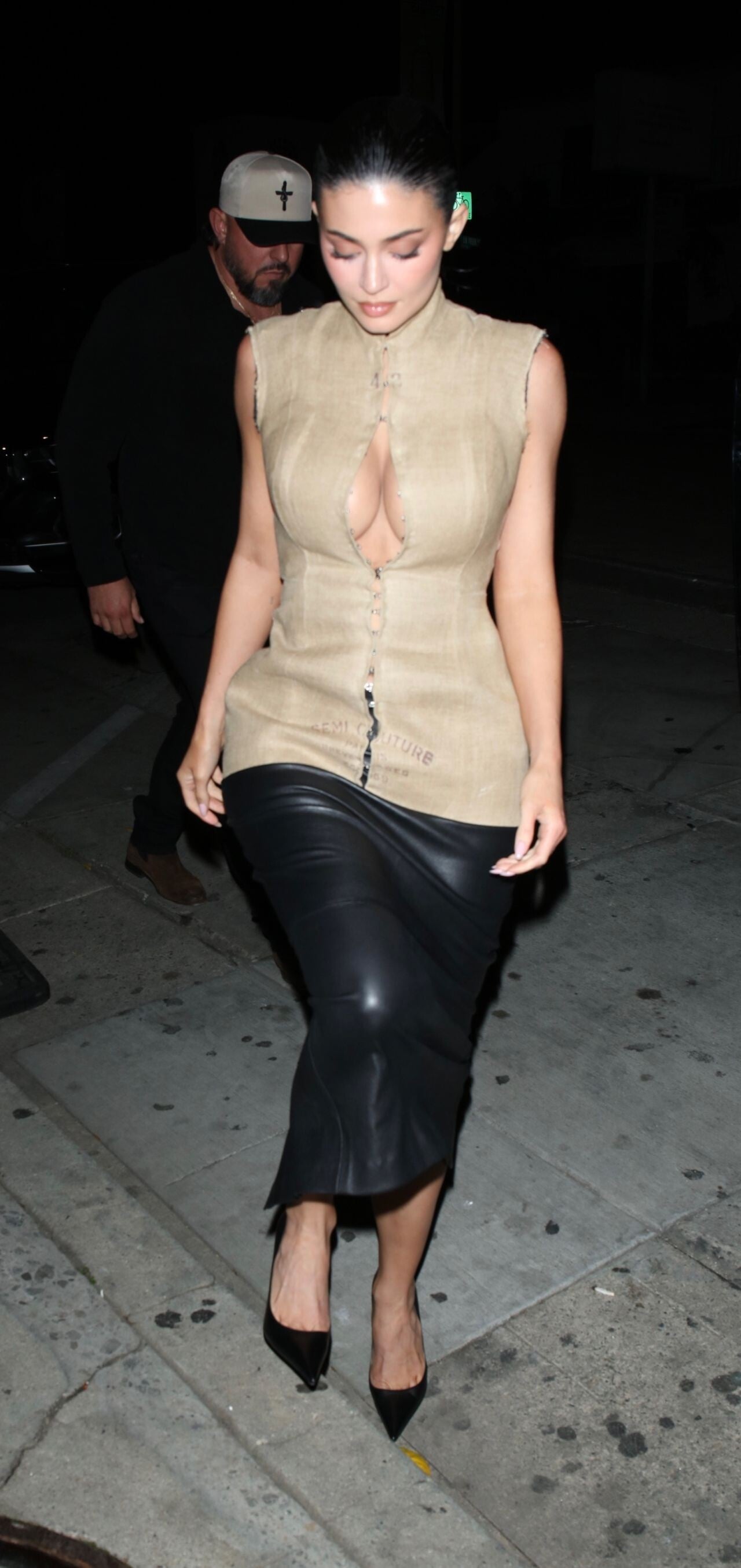
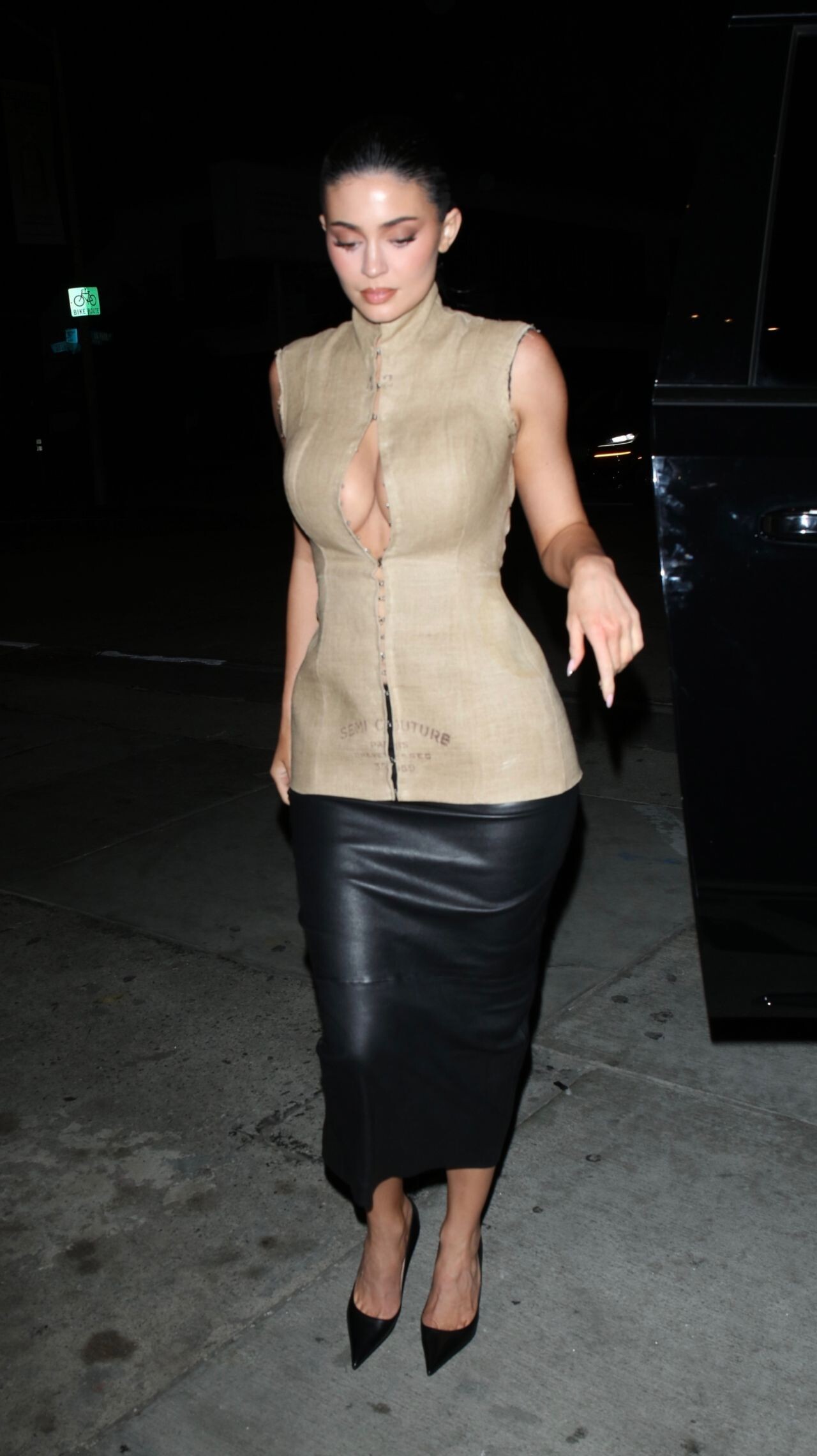
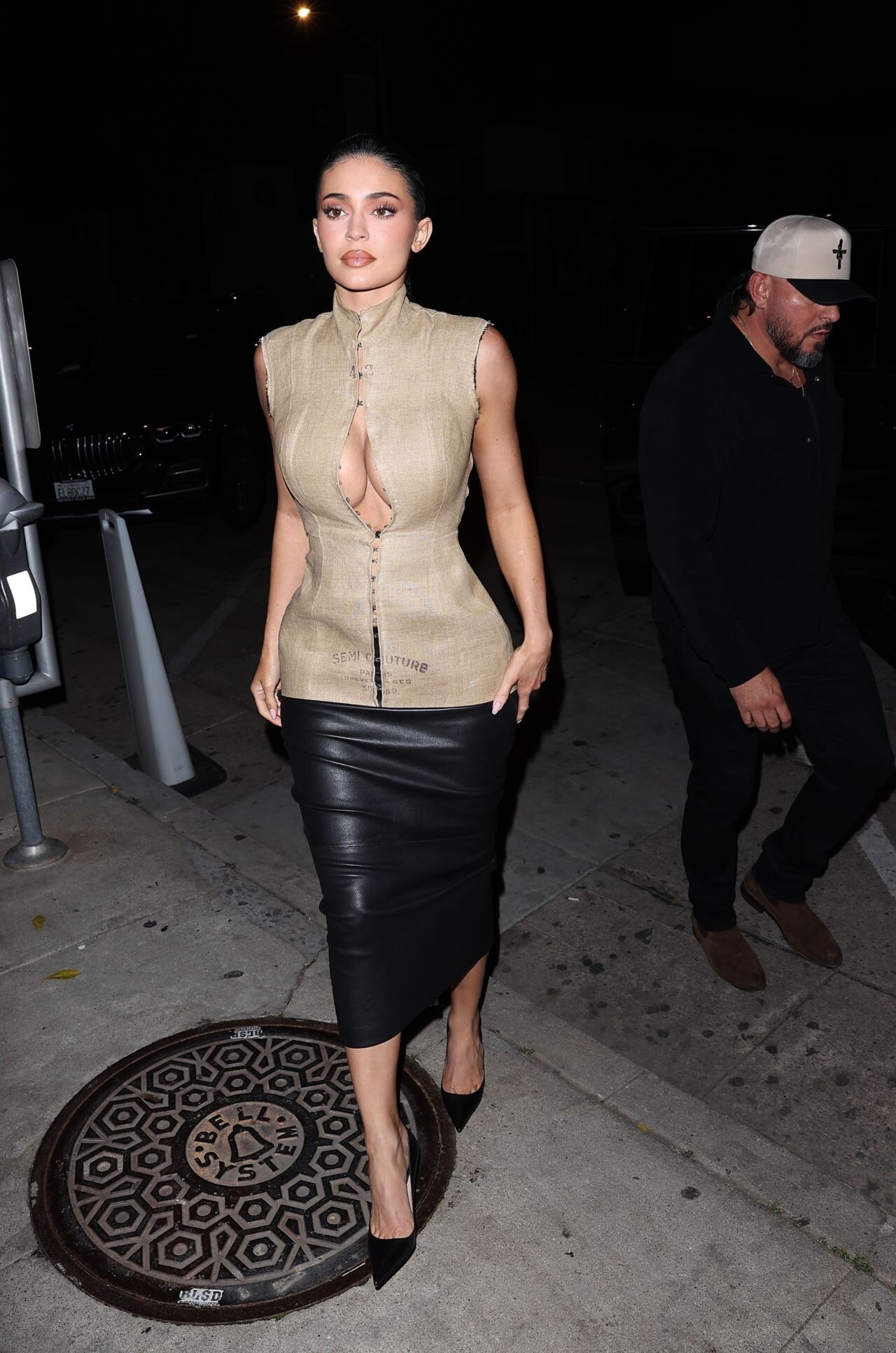
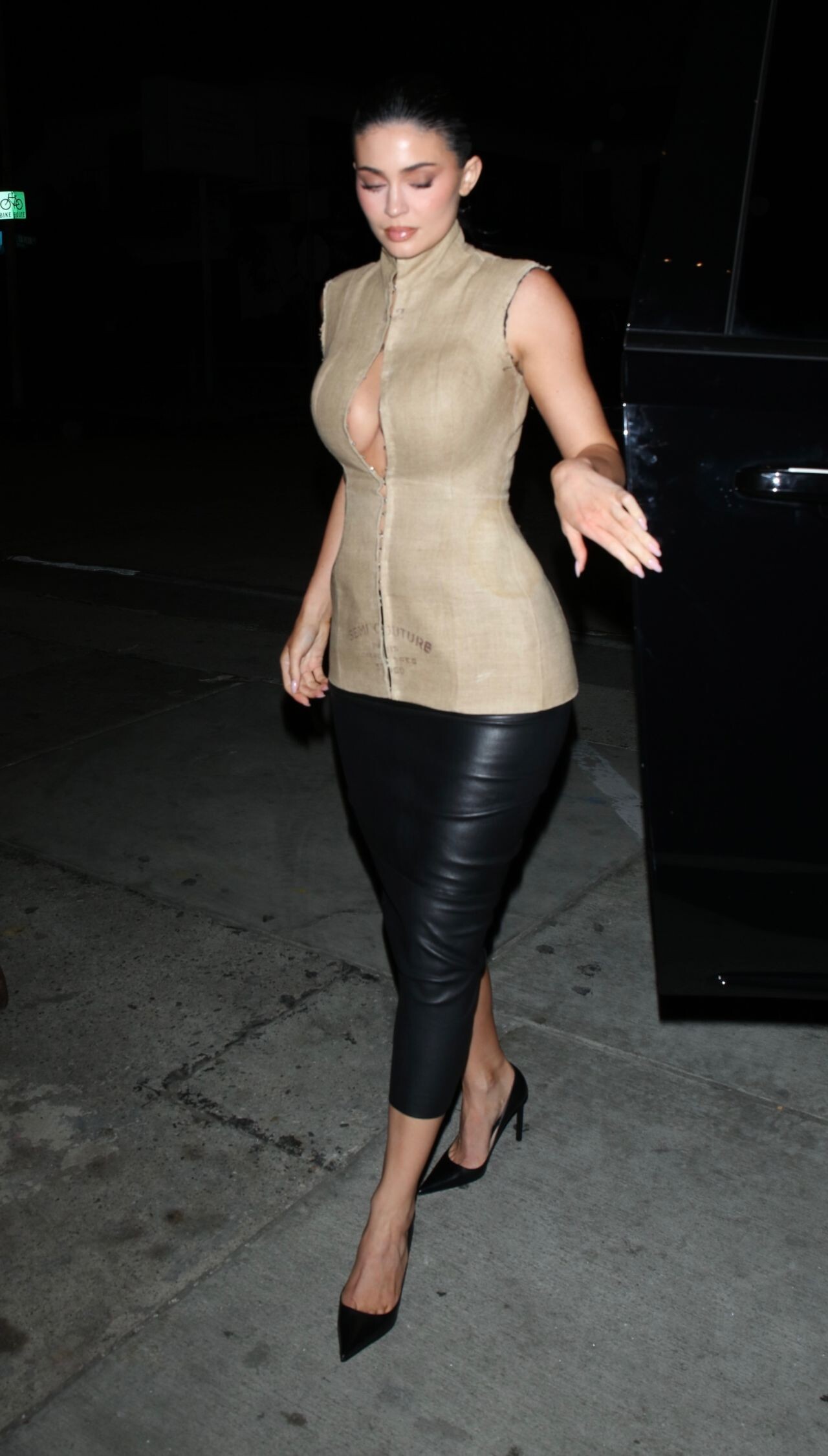
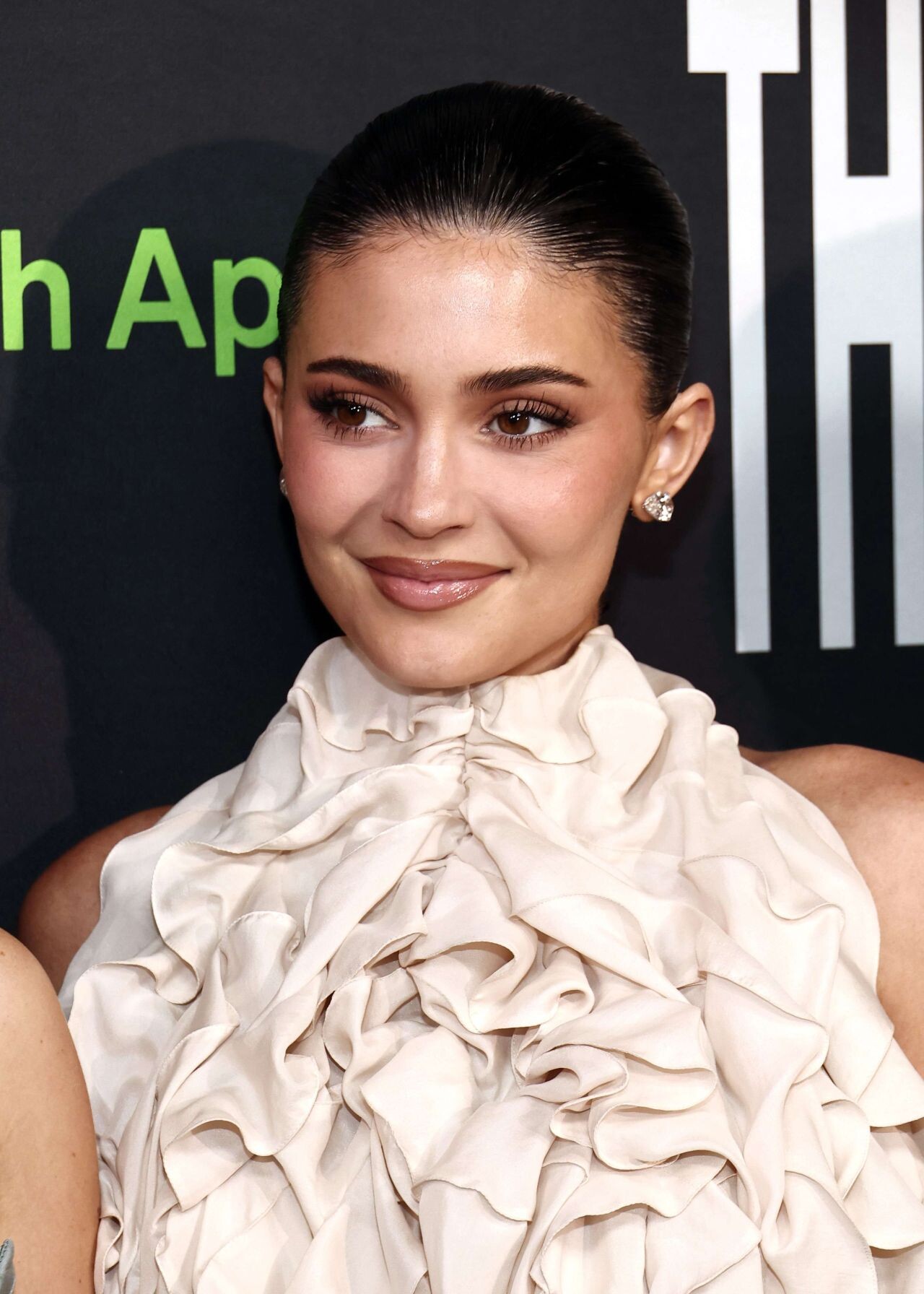
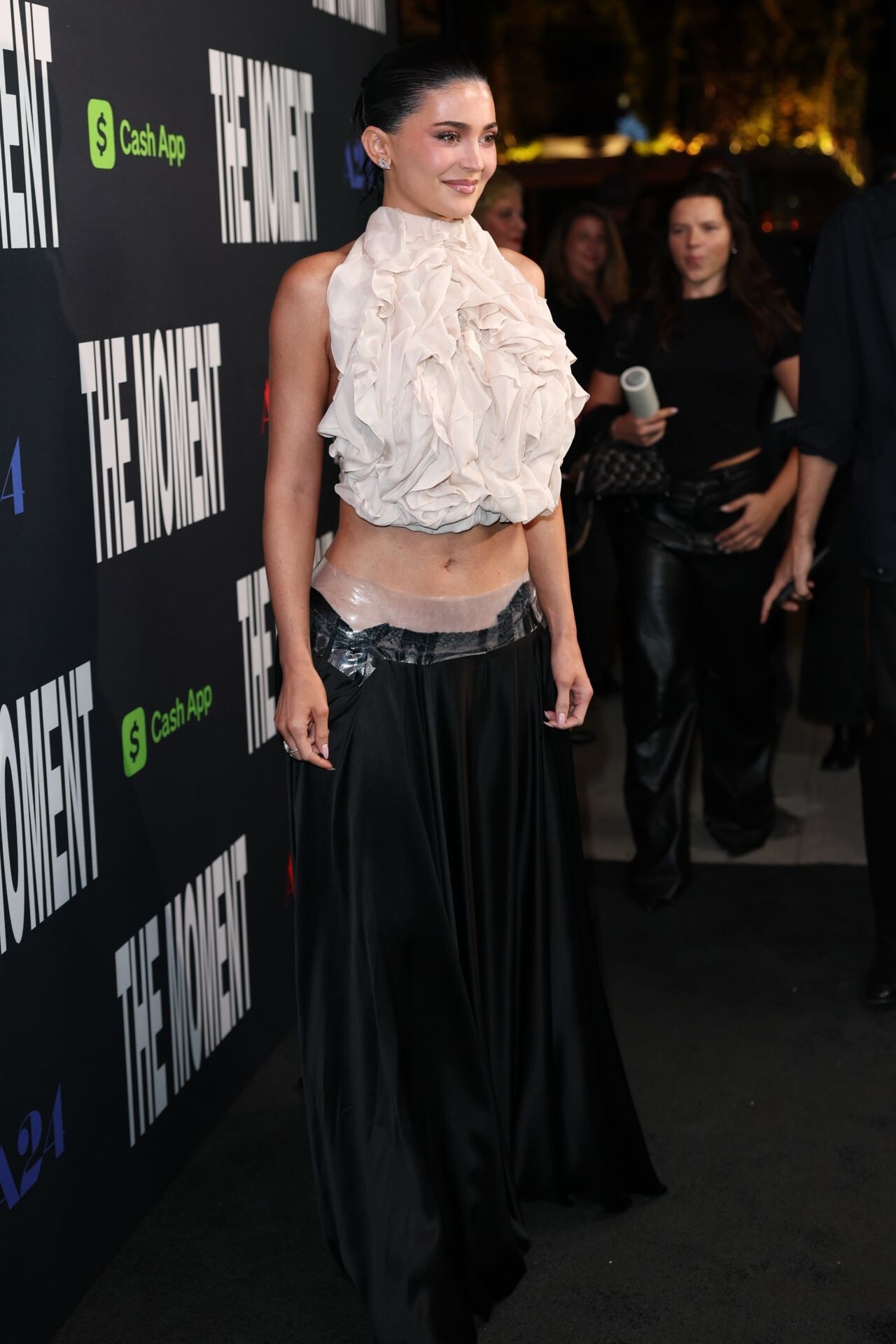
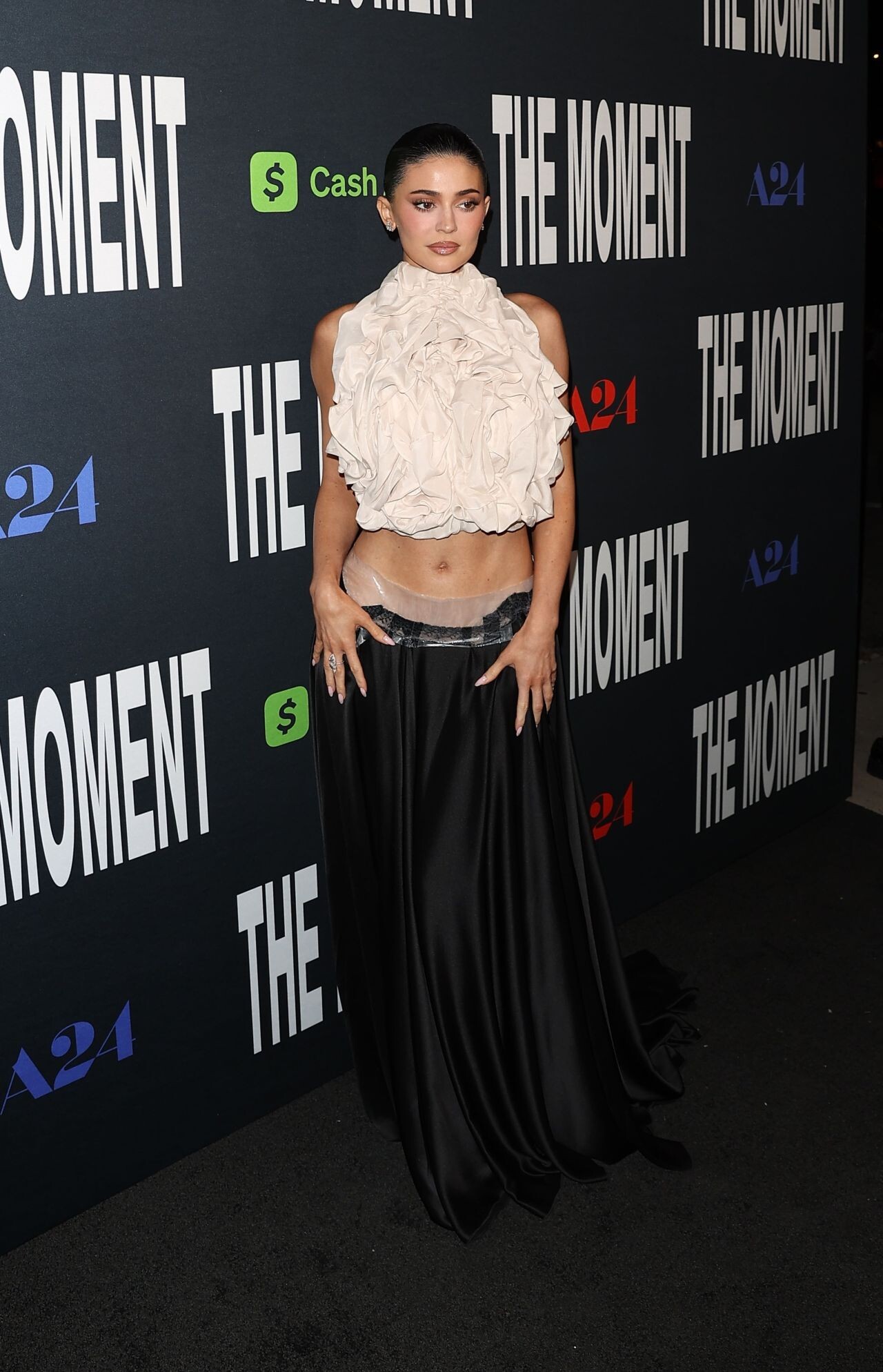

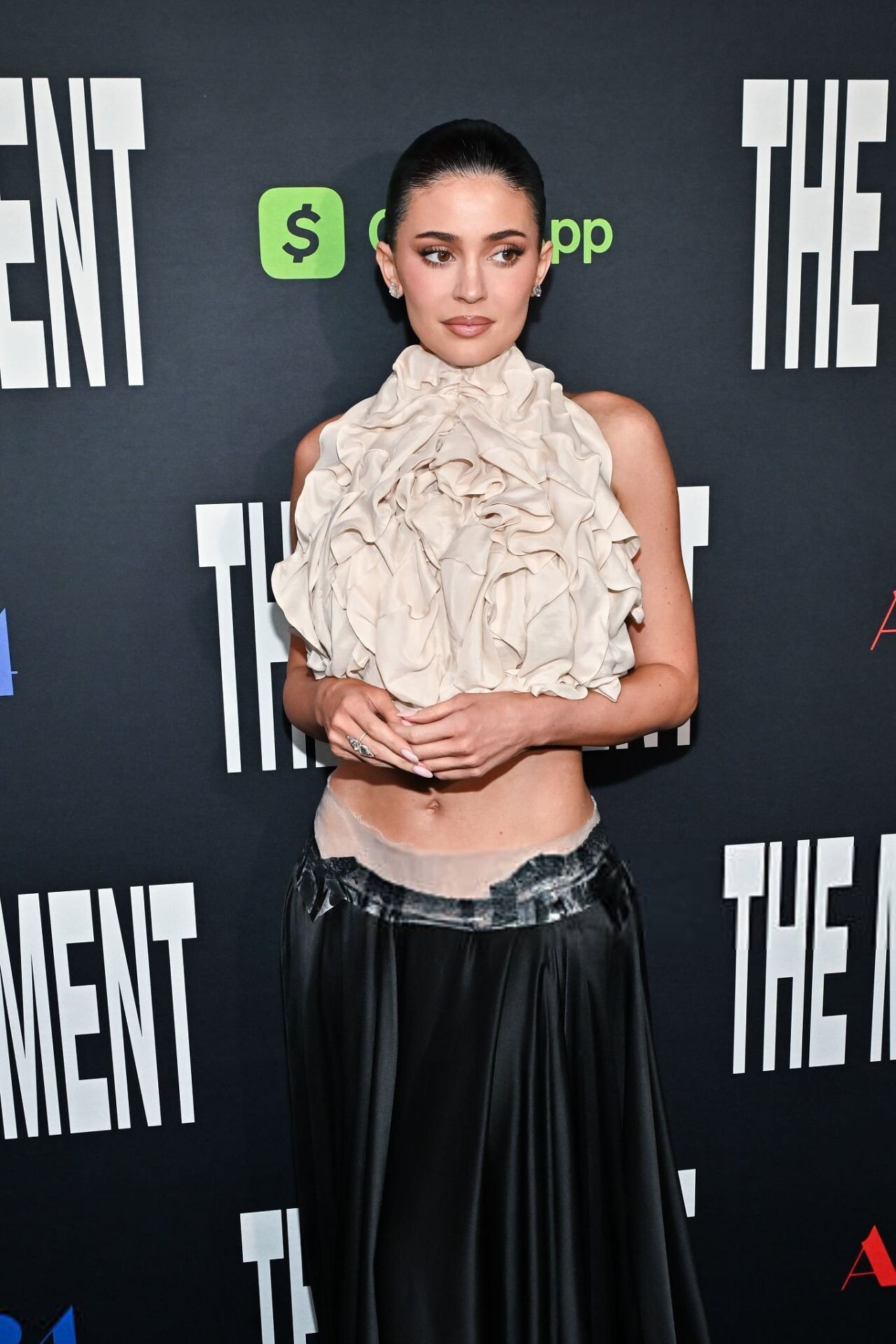
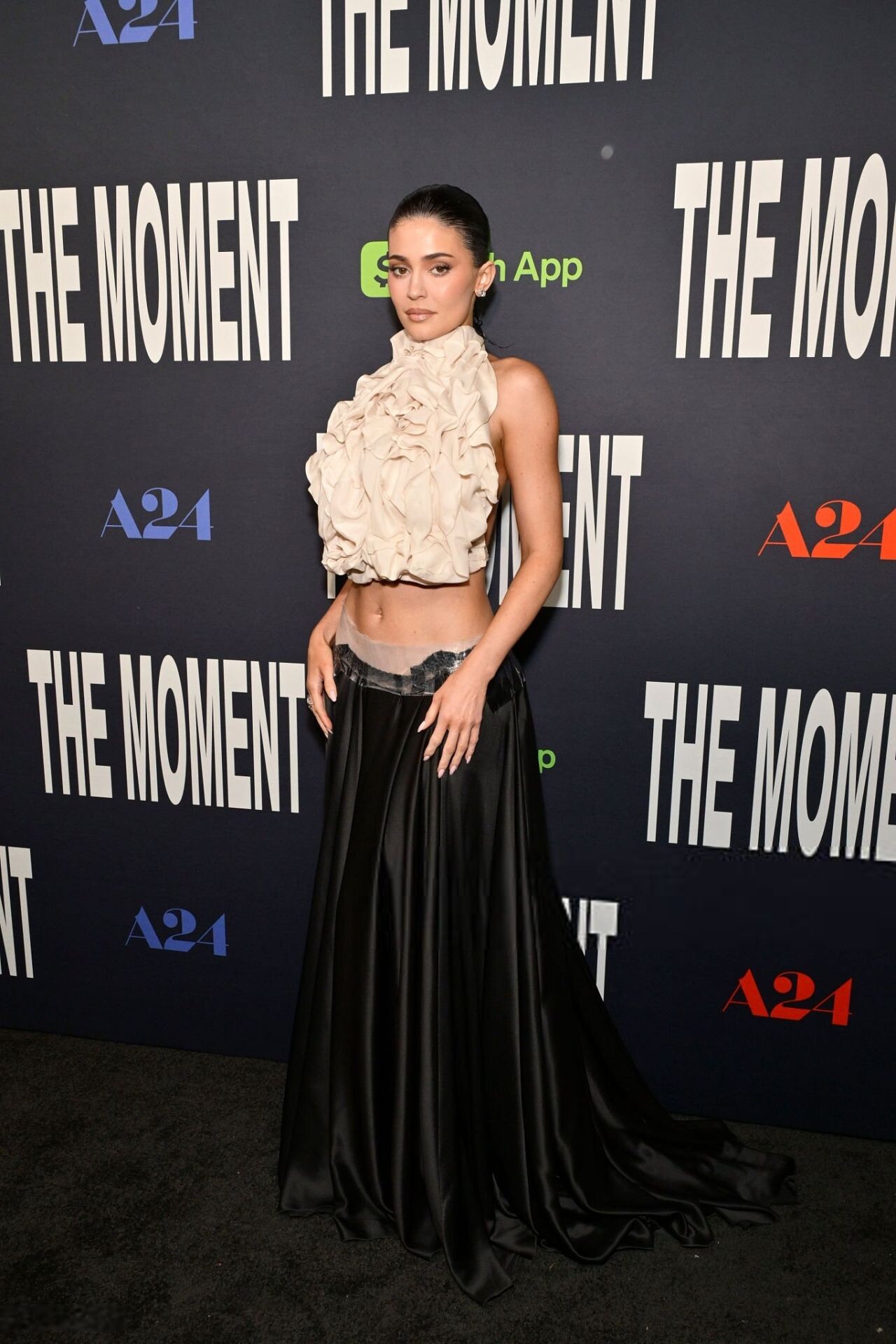
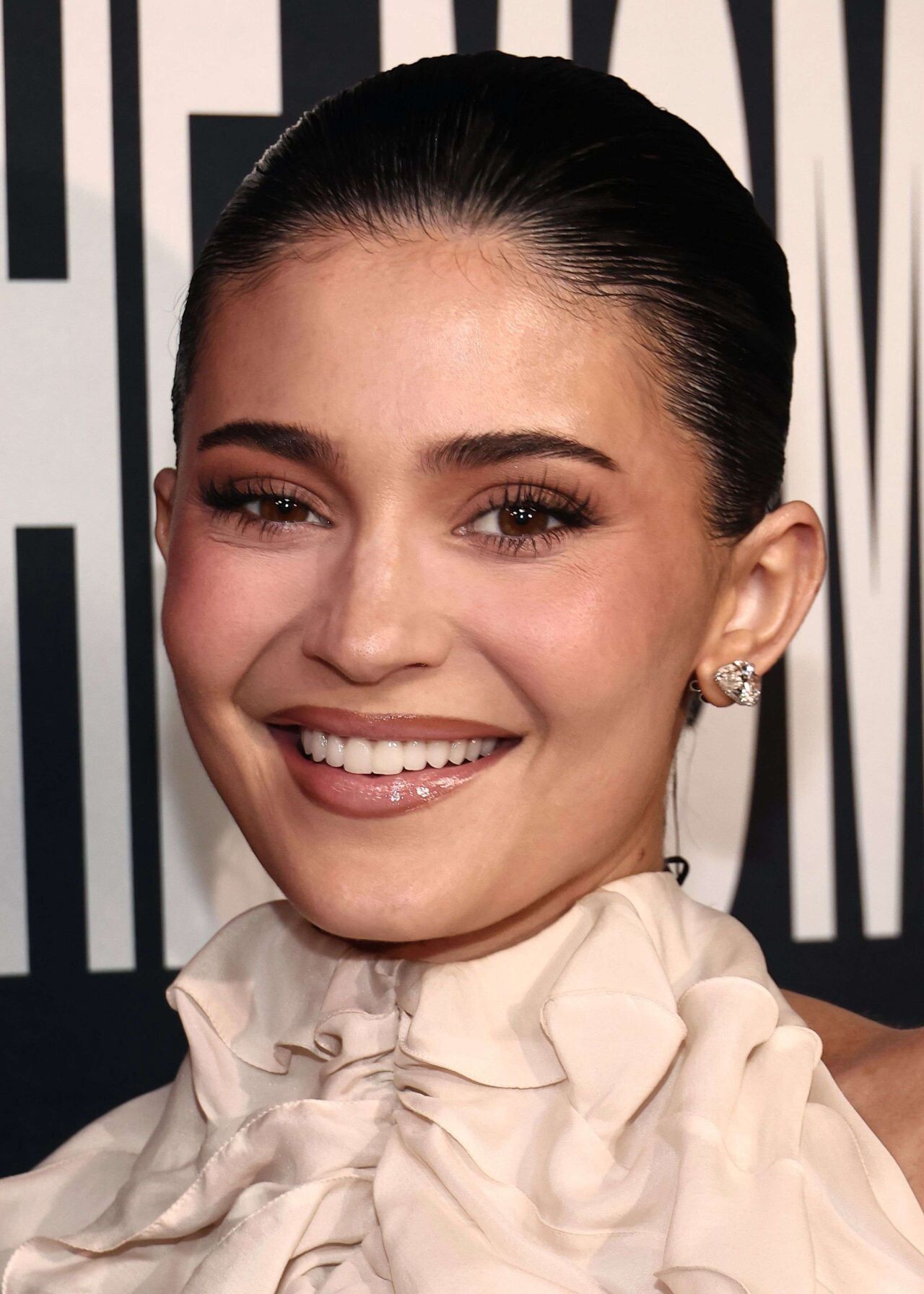
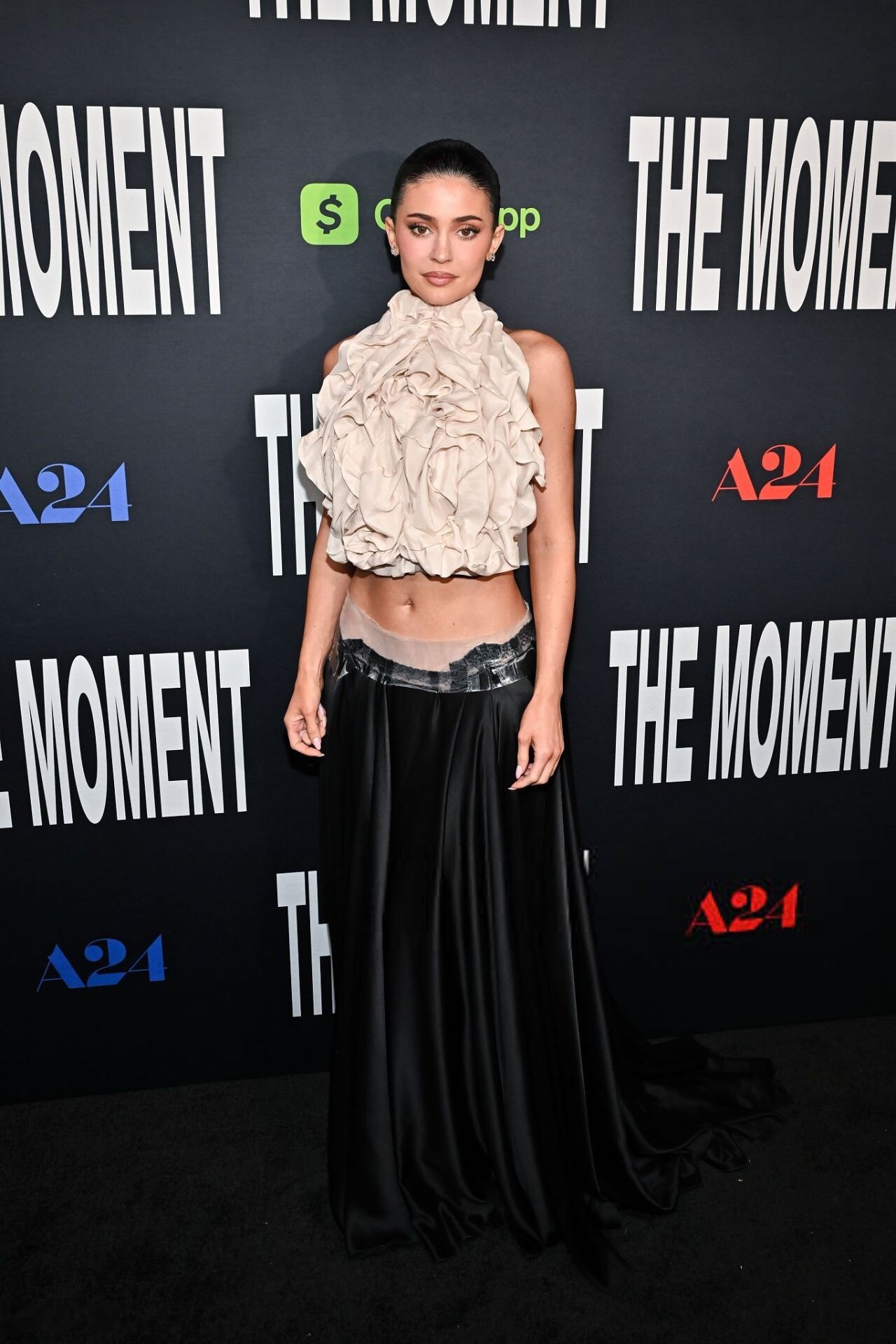

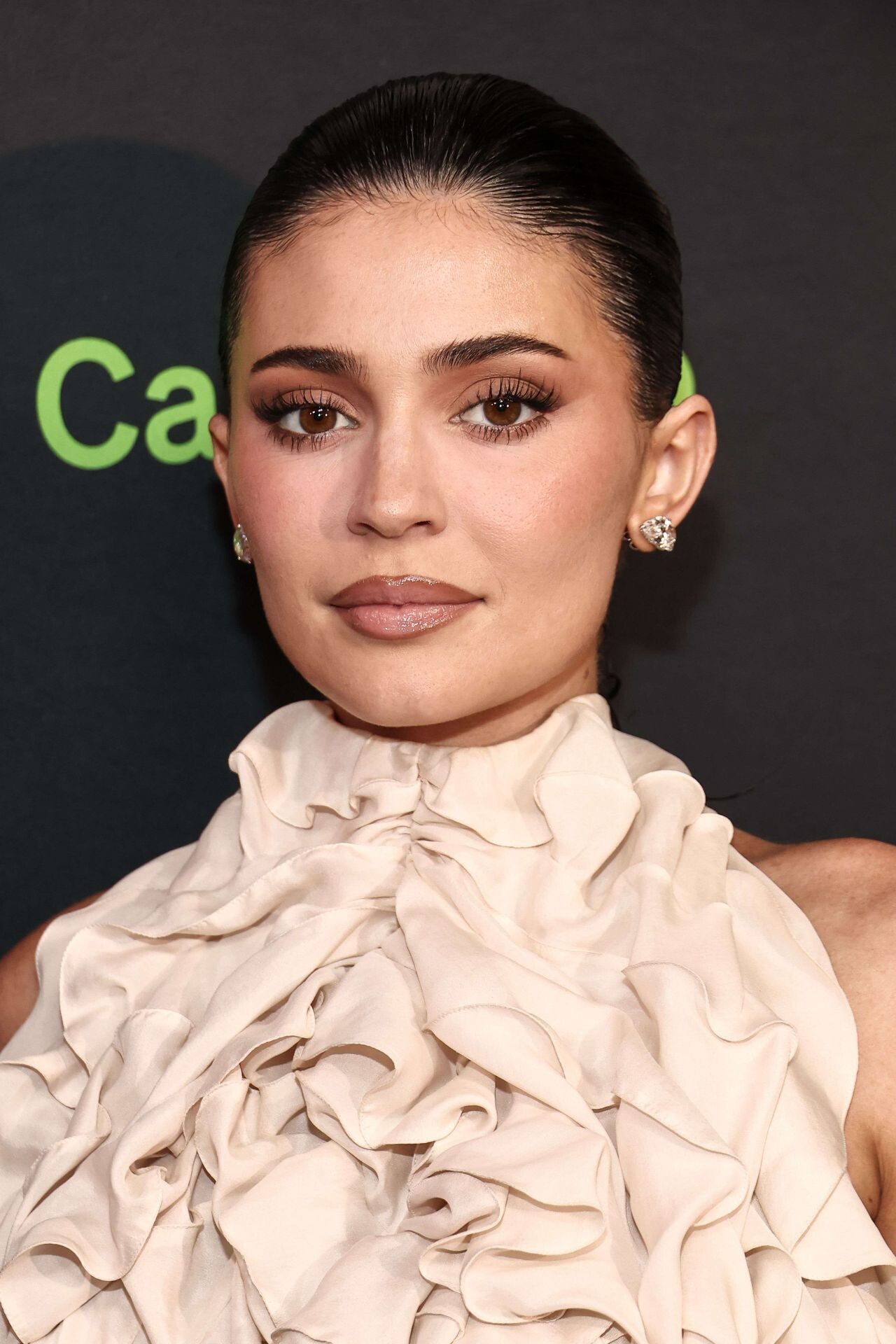
Account
Navigation
Search
Configure browser push notifications
Chrome (Android)
- Tap the lock icon next to the address bar.
- Tap Permissions → Notifications.
- Adjust your preference.
Chrome (Desktop)
- Click the padlock icon in the address bar.
- Select Site settings.
- Find Notifications and adjust your preference.
Safari (iOS 16.4+)
- Ensure the site is installed via Add to Home Screen.
- Open Settings App → Notifications.
- Find your app name and adjust your preference.
Safari (macOS)
- Go to Safari → Preferences.
- Click the Websites tab.
- Select Notifications in the sidebar.
- Find this website and adjust your preference.
Edge (Android)
- Tap the lock icon next to the address bar.
- Tap Permissions.
- Find Notifications and adjust your preference.
Edge (Desktop)
- Click the padlock icon in the address bar.
- Click Permissions for this site.
- Find Notifications and adjust your preference.
Firefox (Android)
- Go to Settings → Site permissions.
- Tap Notifications.
- Find this site in the list and adjust your preference.
Firefox (Desktop)
- Open Firefox Settings.
- Search for Notifications.
- Find this site in the list and adjust your preference.