All Activity
- Past hour
-
 Ralph: hoskelsa x calvinklein video
-
 IG Video
 -

-
-
Vitaliy Pivovarov: michaelkors


 ZeroGPT. joined the community
Vitaliy Pivovarov: hoskelsa spotted at the calvinklein show 🤍
ZeroGPT. joined the community
Vitaliy Pivovarov: hoskelsa spotted at the calvinklein show 🤍





 s
o
s
o Retrofete: An unforgettable night celebrating the incredible shaninamshaik’s birthday during NYFW 🪩 And a huge thank you to casamigos for co-hosting and keeping the party going all night long.
 stories videos








 Emilia Jones talks about Winner and much more!
Shanina Shaik: Birthday behavior in NYC 🥂 retrofete video
Emilia Jones talks about Winner and much more!
Shanina Shaik: Birthday behavior in NYC 🥂 retrofete video Shanina Shaik: Birthday behavior in NYC 🥂 retrofete video
Dolce & Gabbana SnapInsta.to_AQPXbFMsRIGRTjDdj-MEmR9rga275OPbhAqxhPvGn9bKsl7SffUGeFtroi92GhPZ_9waPK9uPRDGQP0wGndoG7Q0.mp4
Shanina Shaik: Birthday behavior in NYC 🥂 retrofete video
Dolce & Gabbana SnapInsta.to_AQPXbFMsRIGRTjDdj-MEmR9rga275OPbhAqxhPvGn9bKsl7SffUGeFtroi92GhPZ_9waPK9uPRDGQP0wGndoG7Q0.mp4
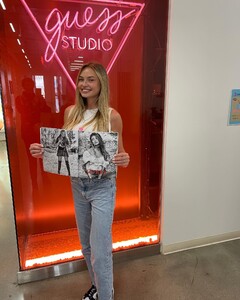
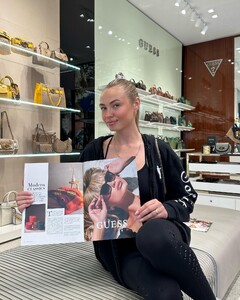
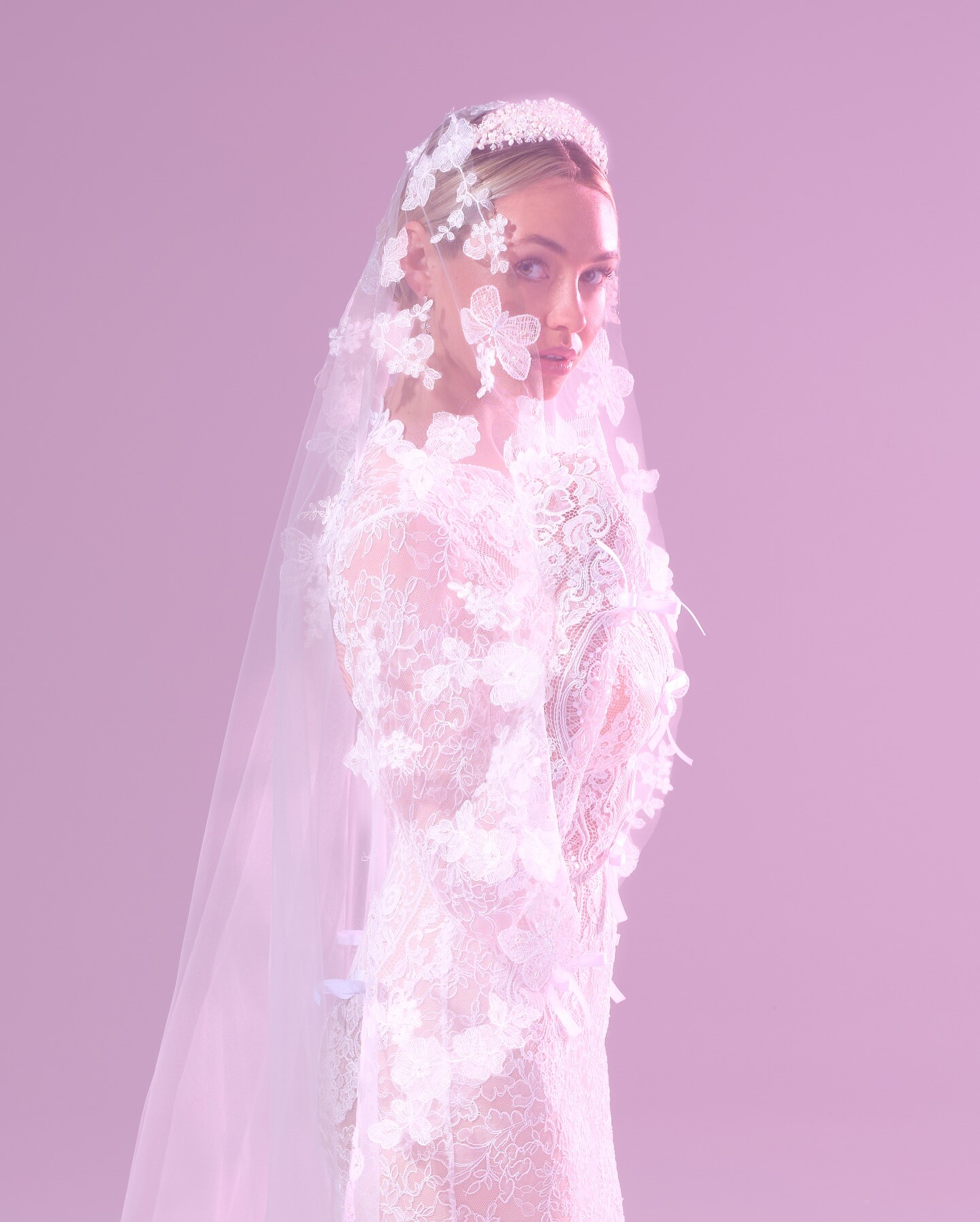
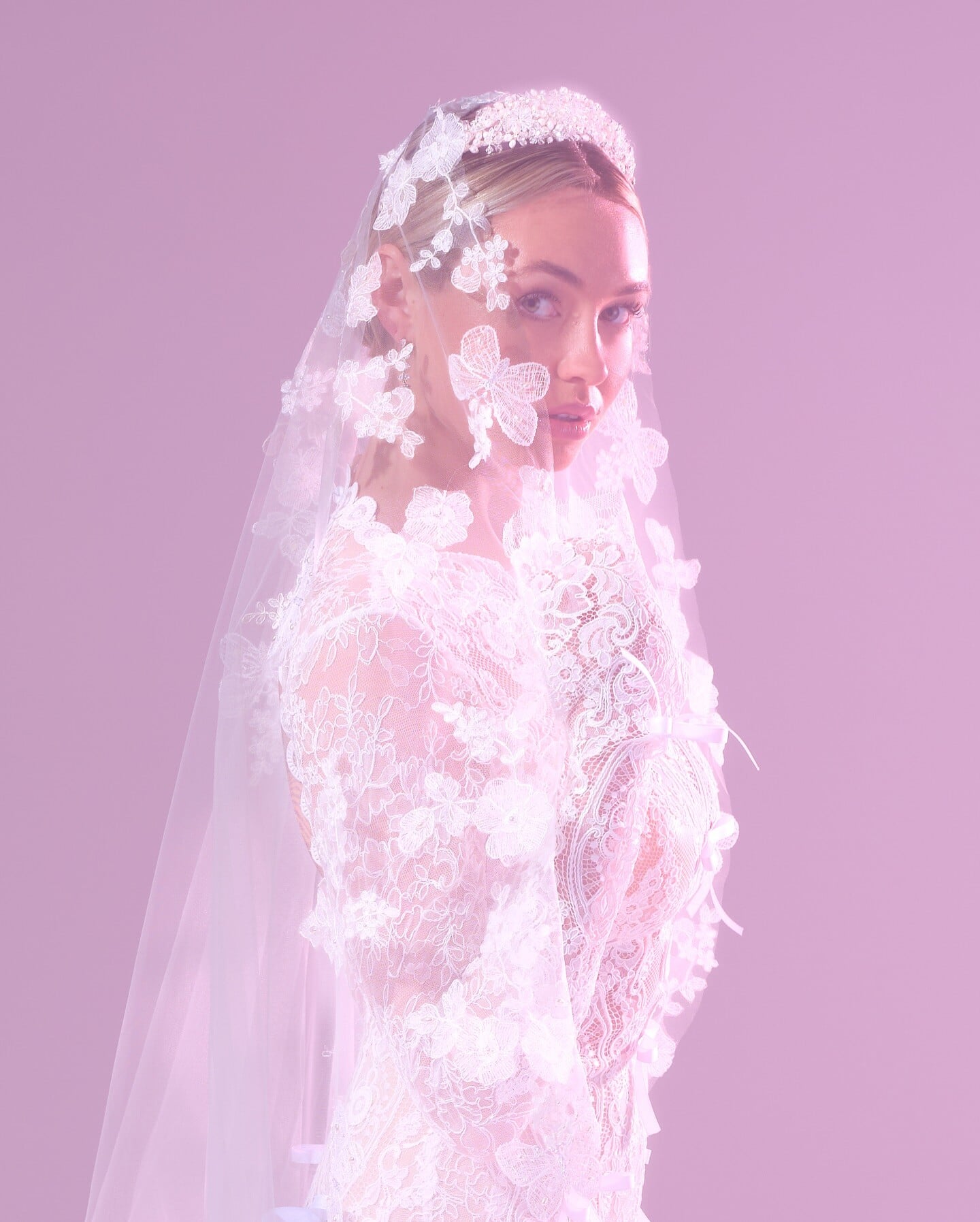
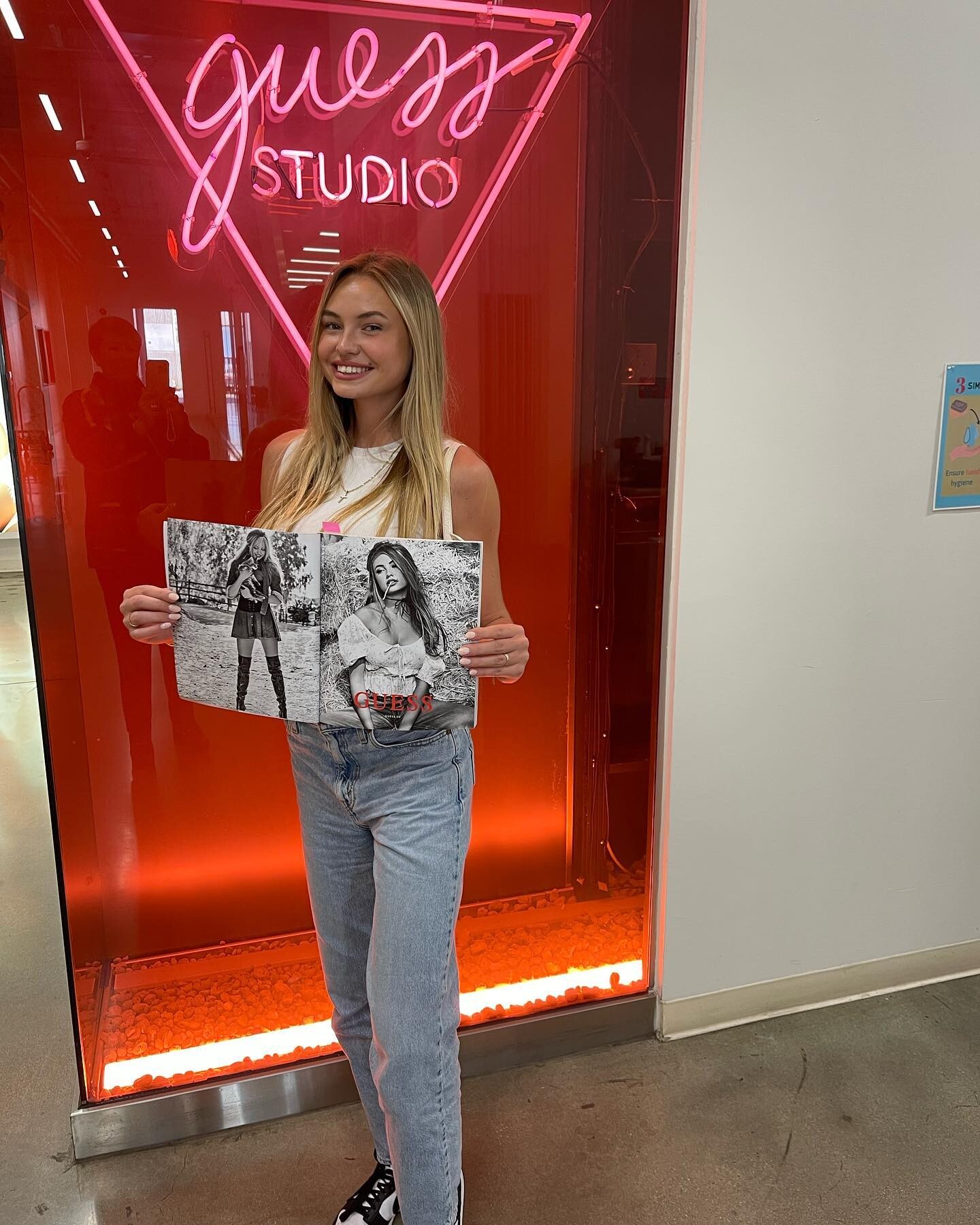
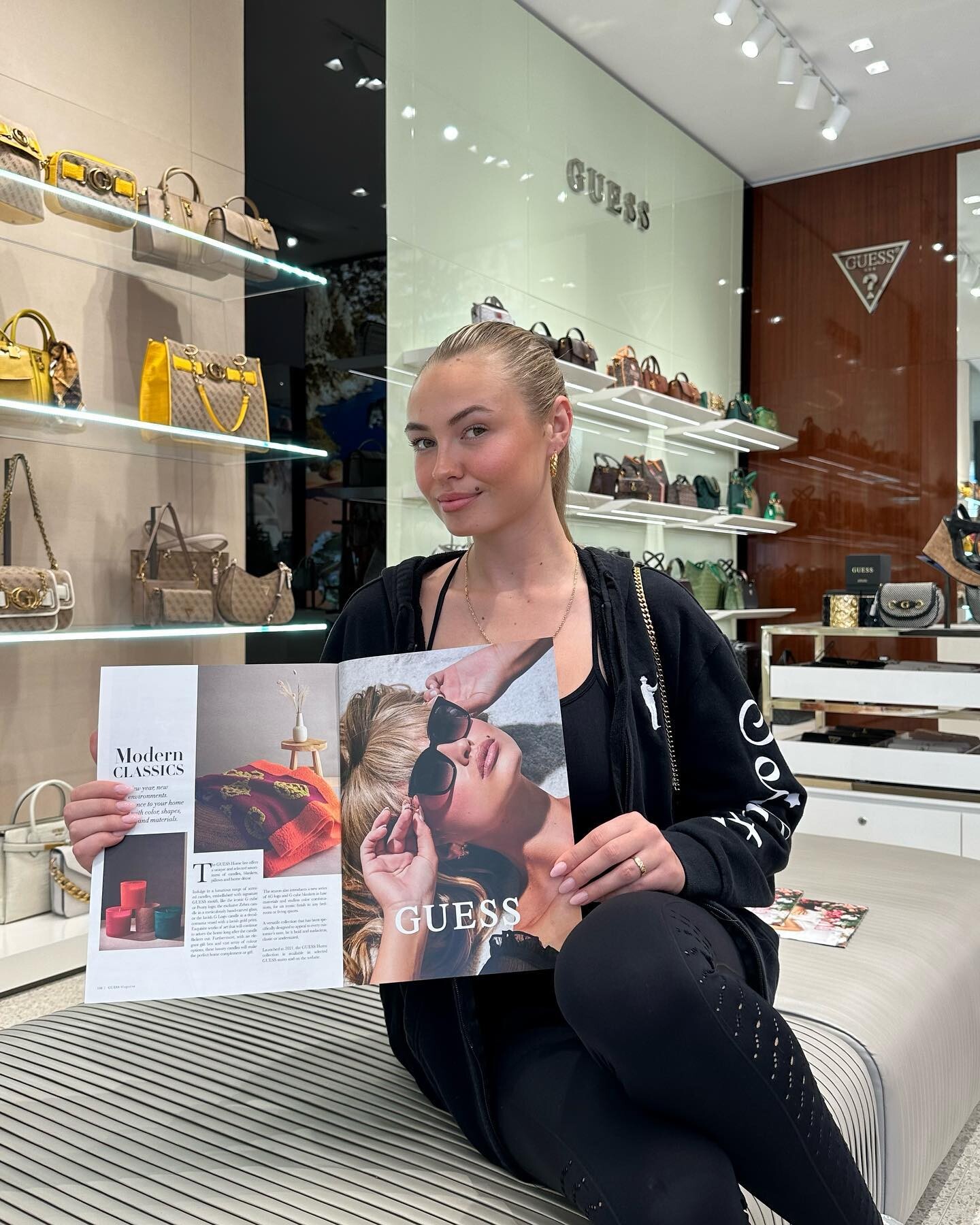
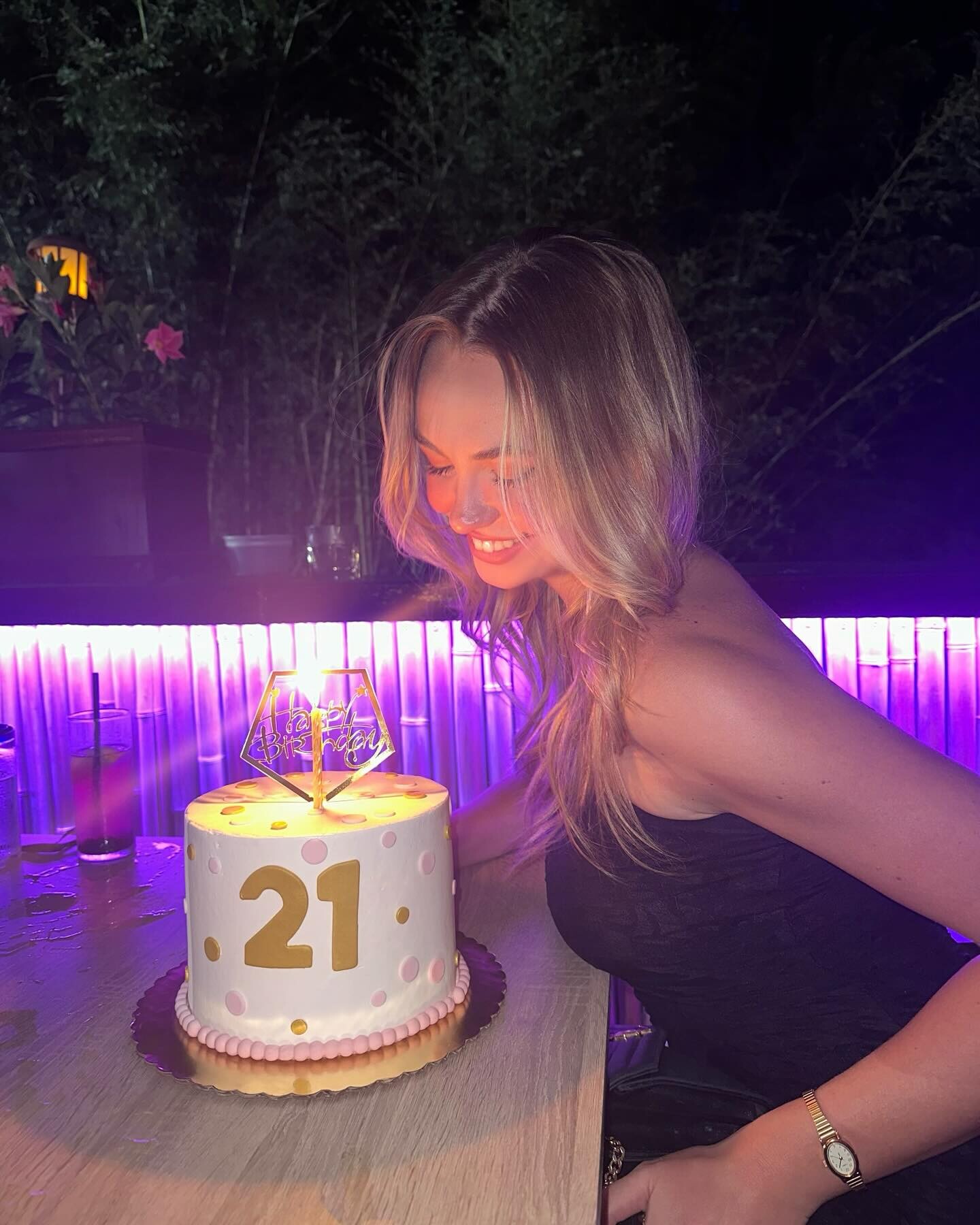
 Bridalware, for Christine Lauren, 2023 to 2025 (Julia Logan/Logacheva and Emerson Glazer are in a few photos with her): Videos: JTerry - christielaurenheadpieces - 2025-06-12_1080x1920.mp4 5 more videos I think these were from her sister's account, Guess and a 21st birthday: JTerry - 2024-05-22_720x900.mp4
















































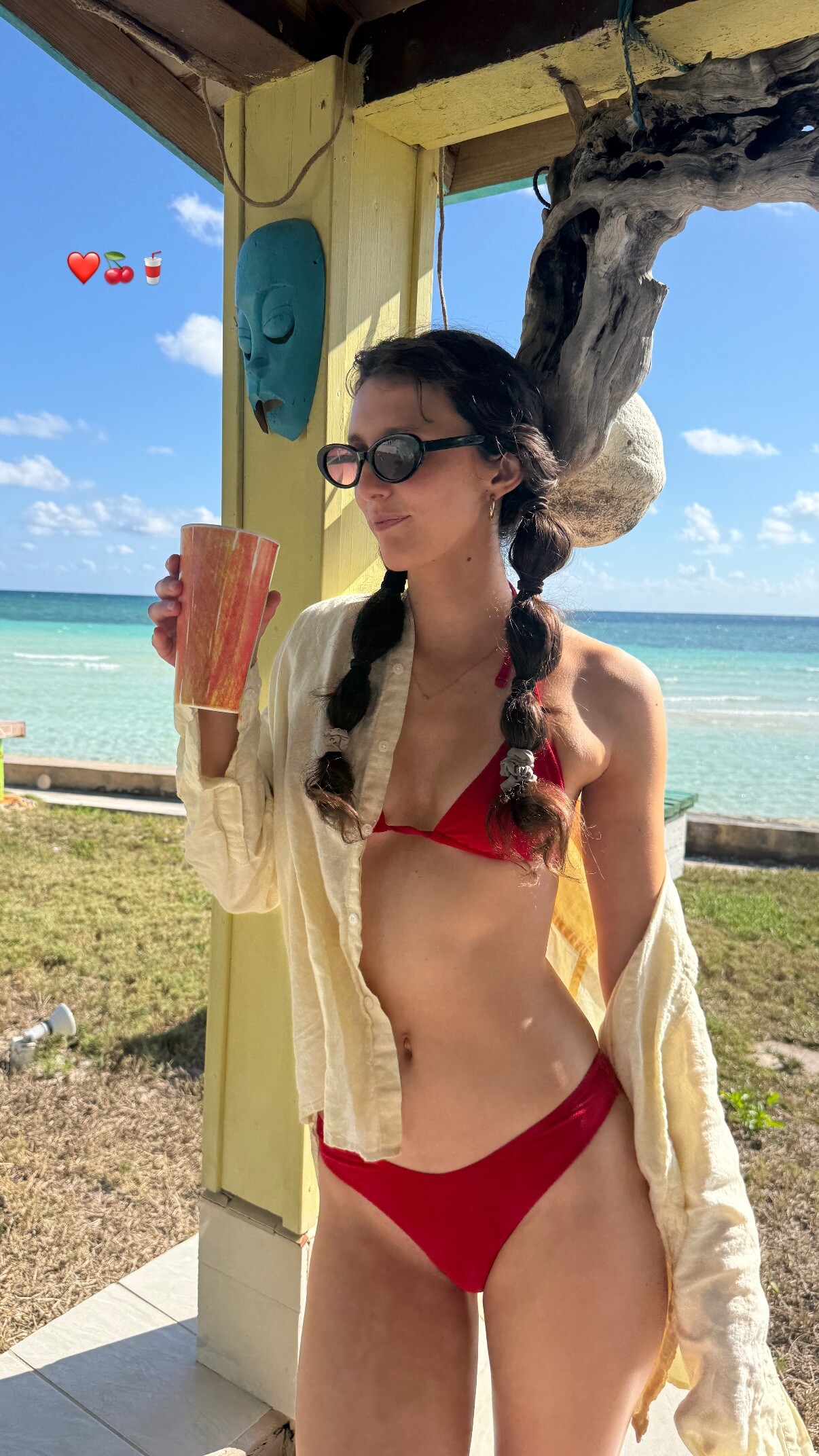
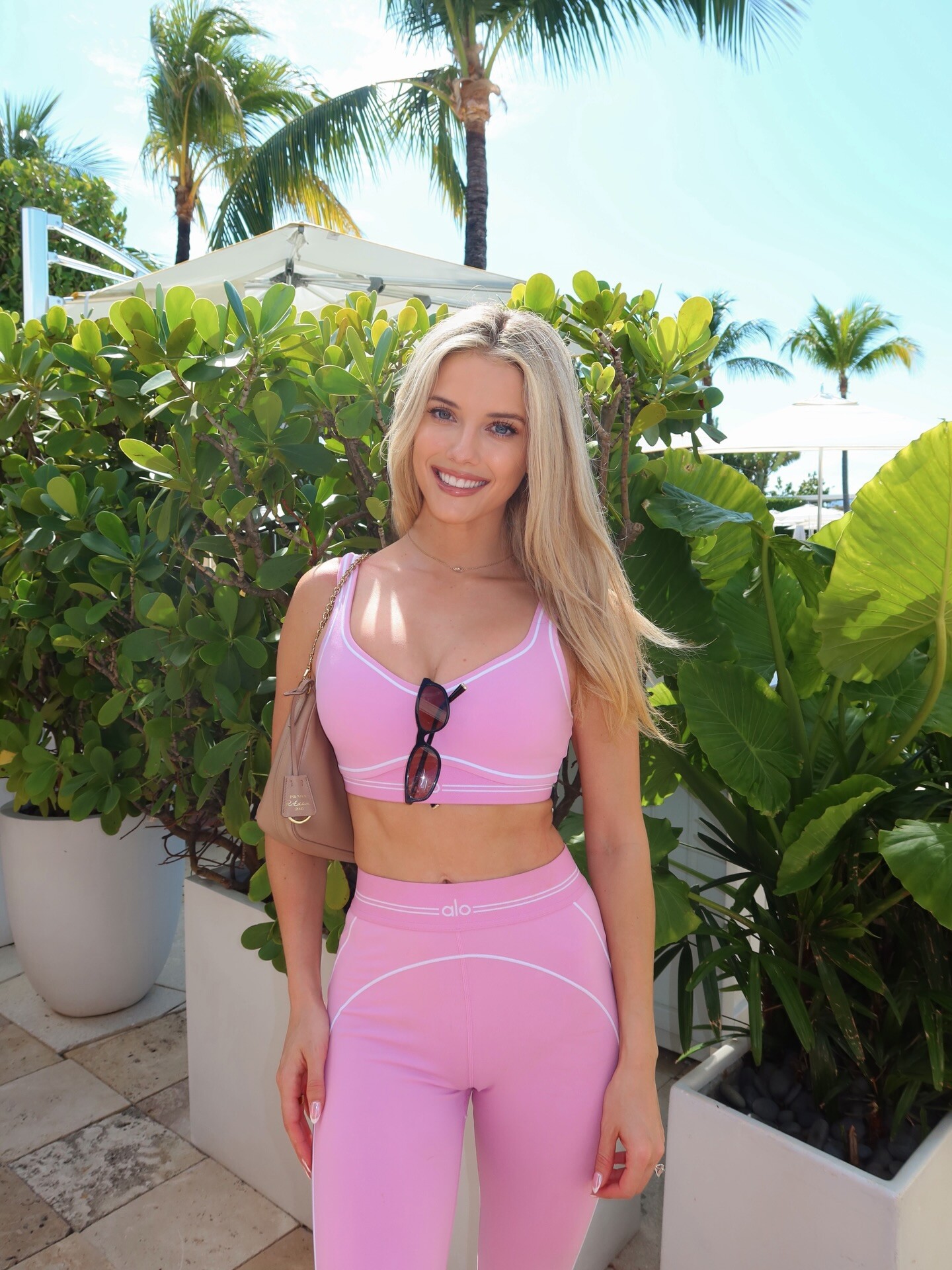
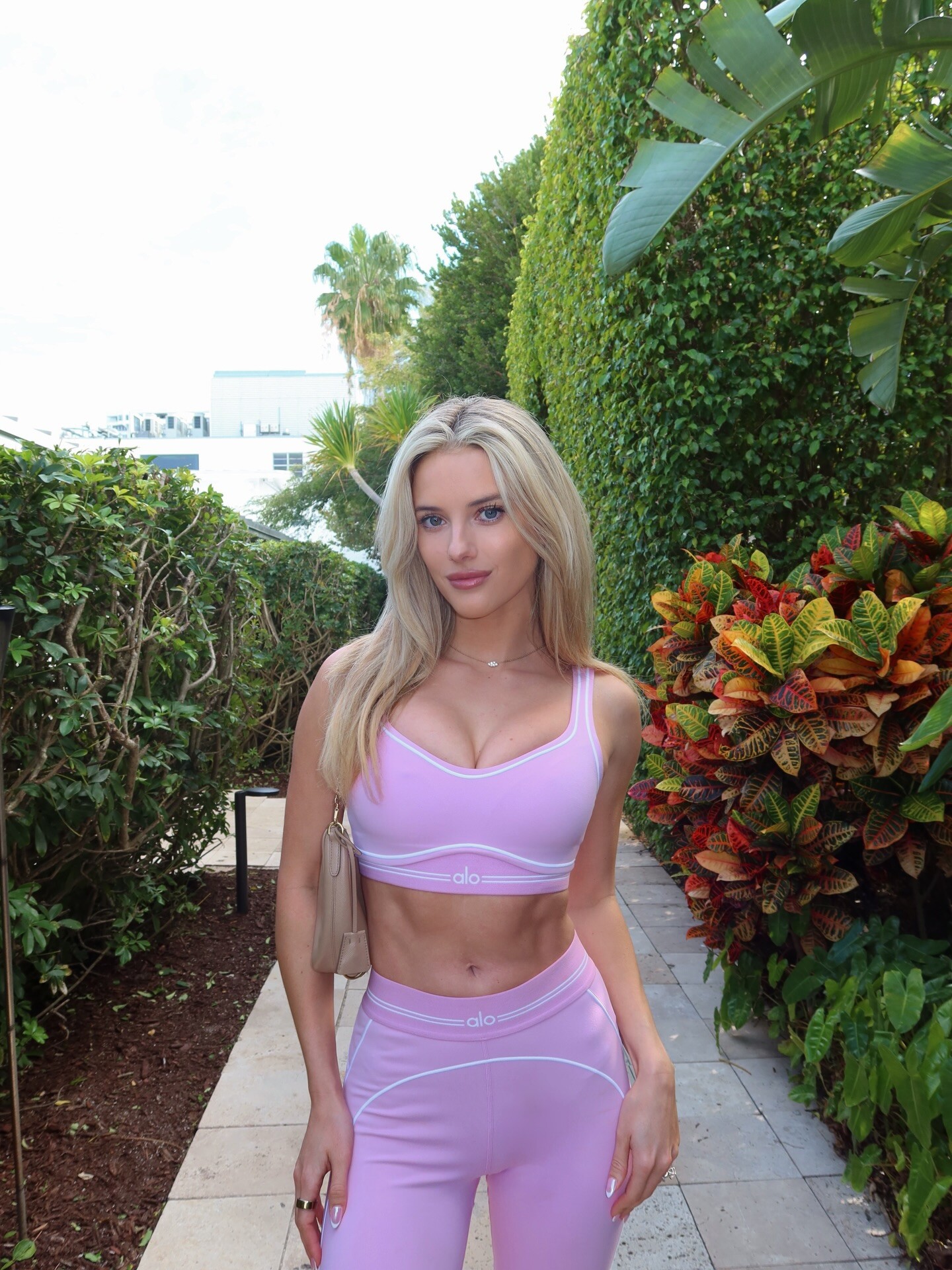
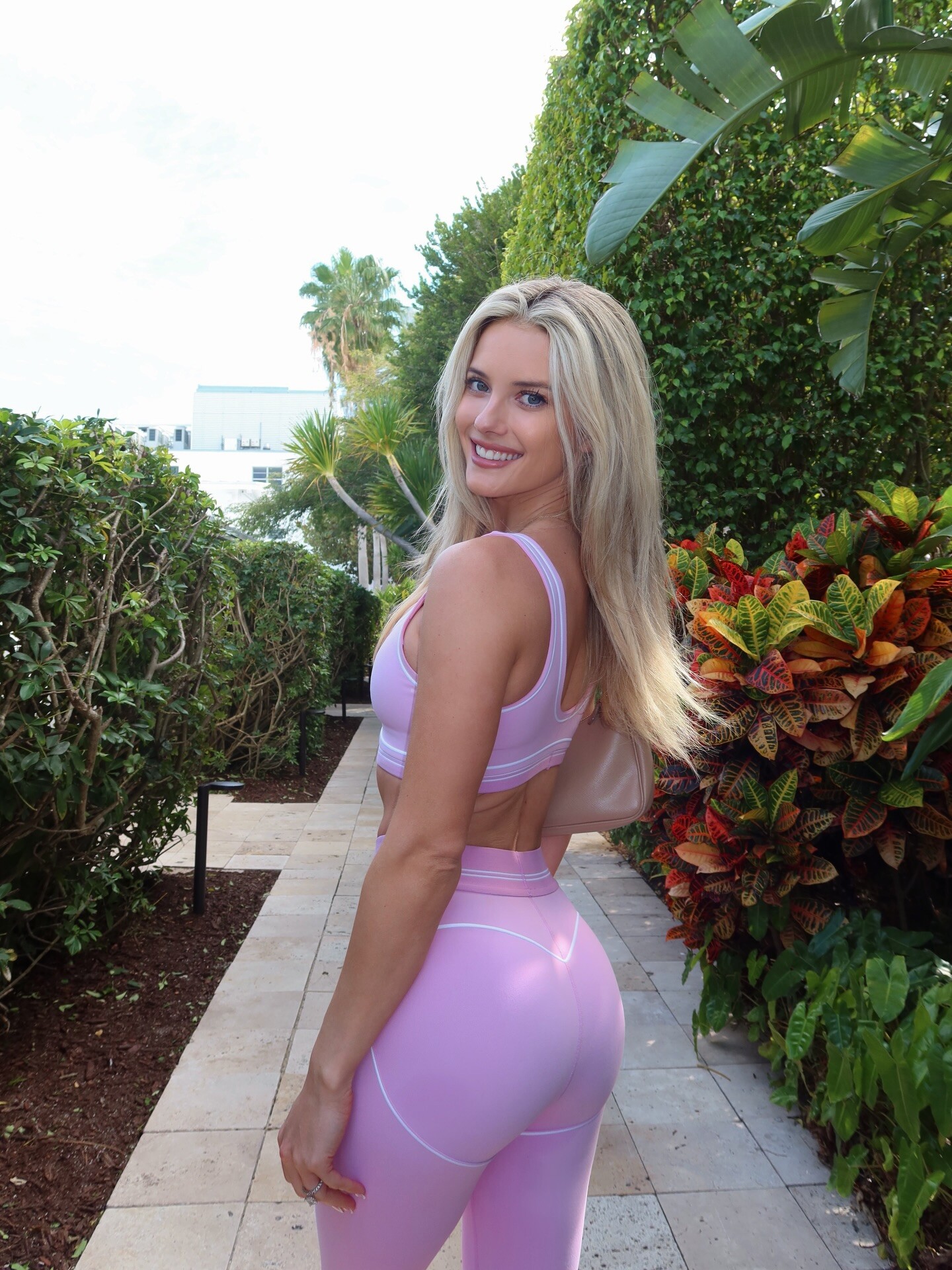
 Happy Valentine’s Day!🎀💕 alo



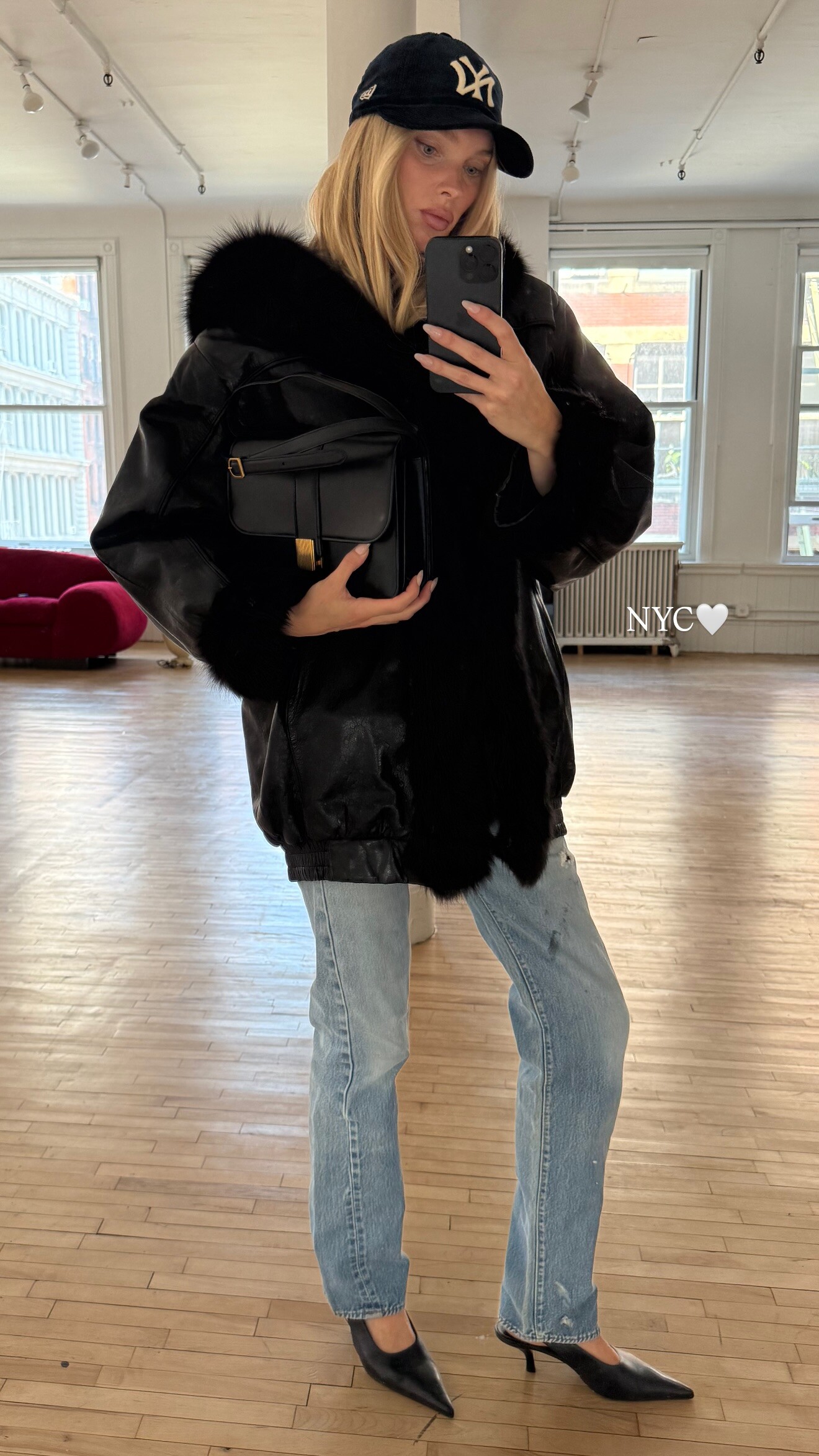
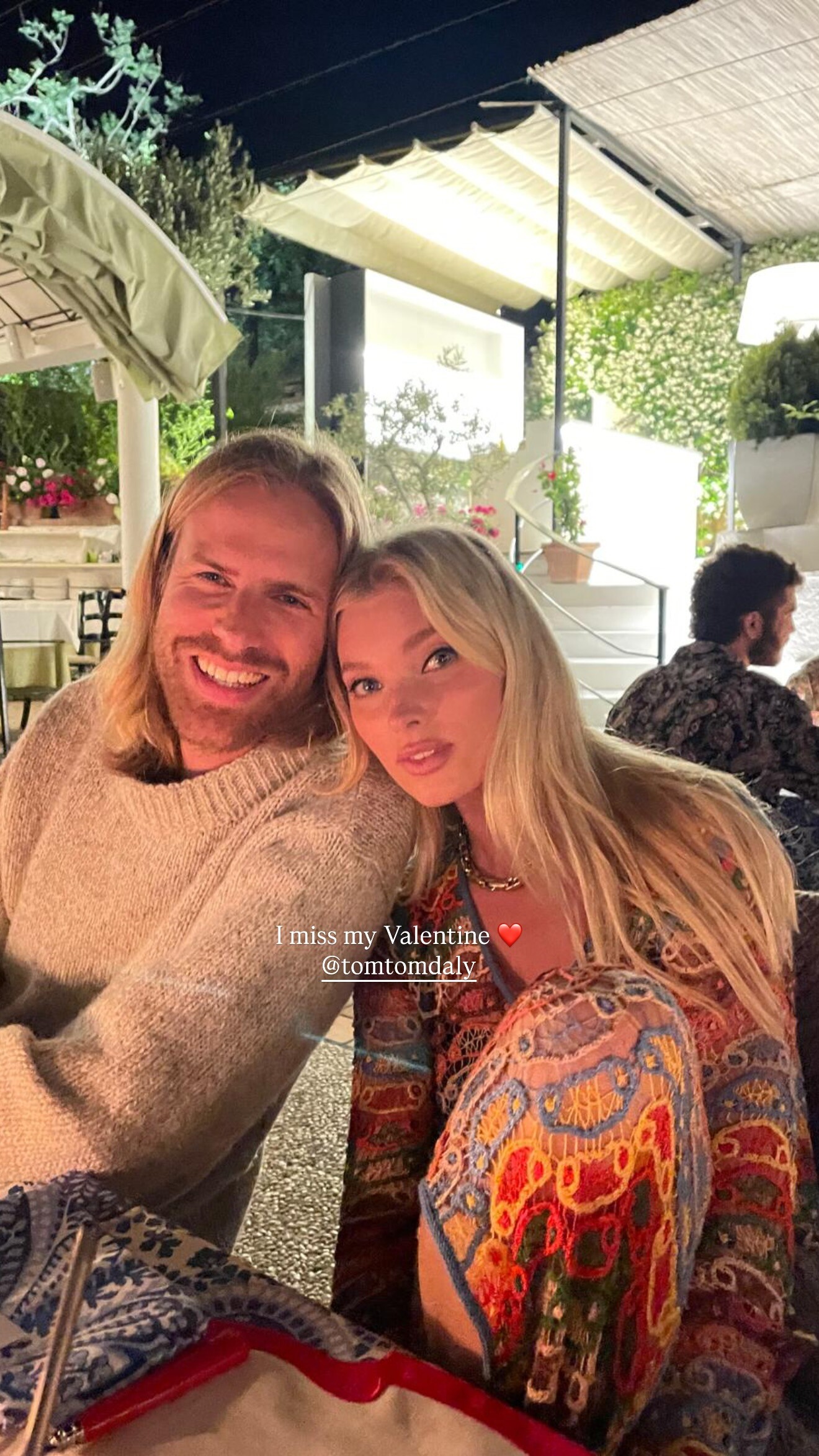
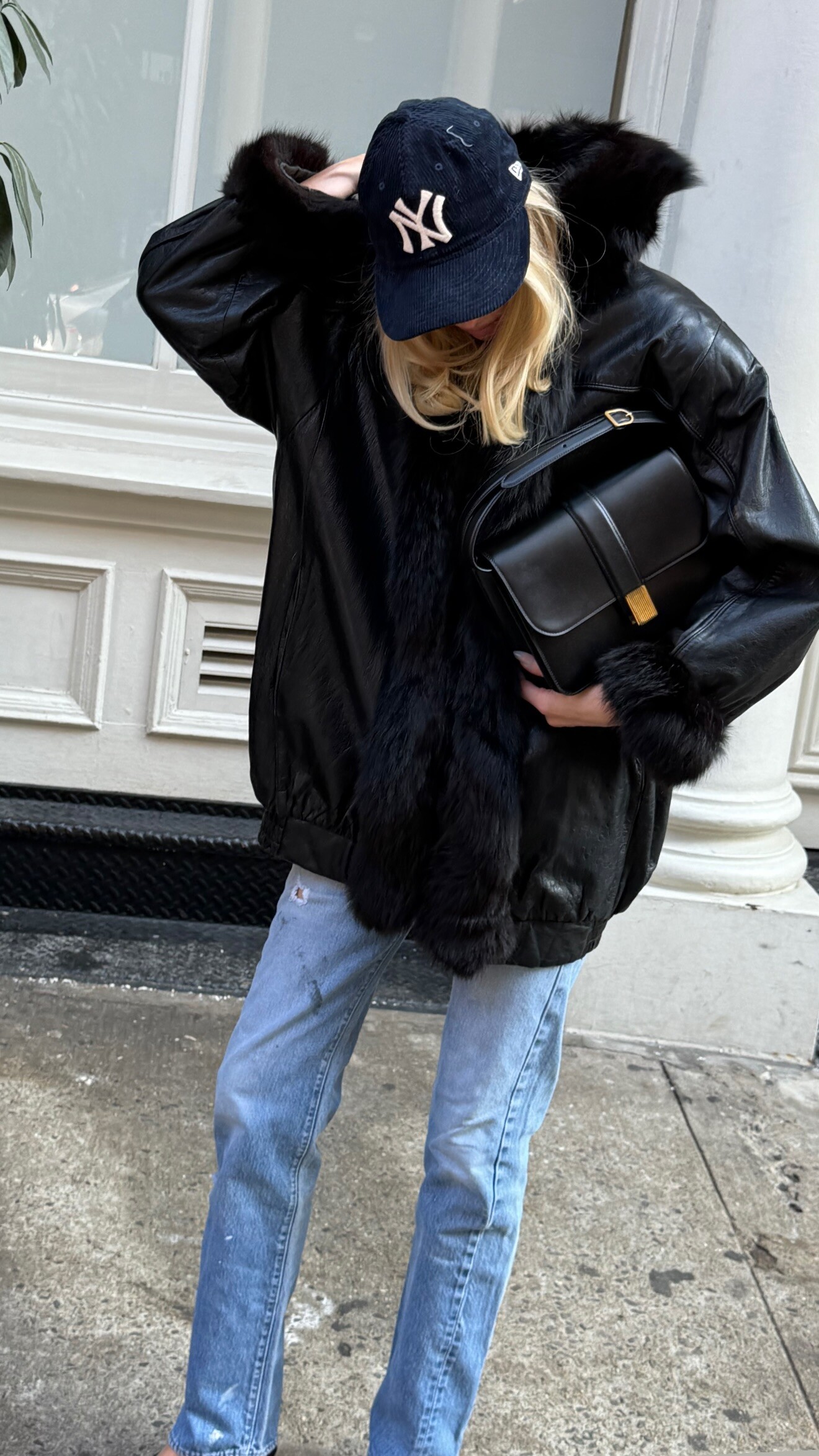
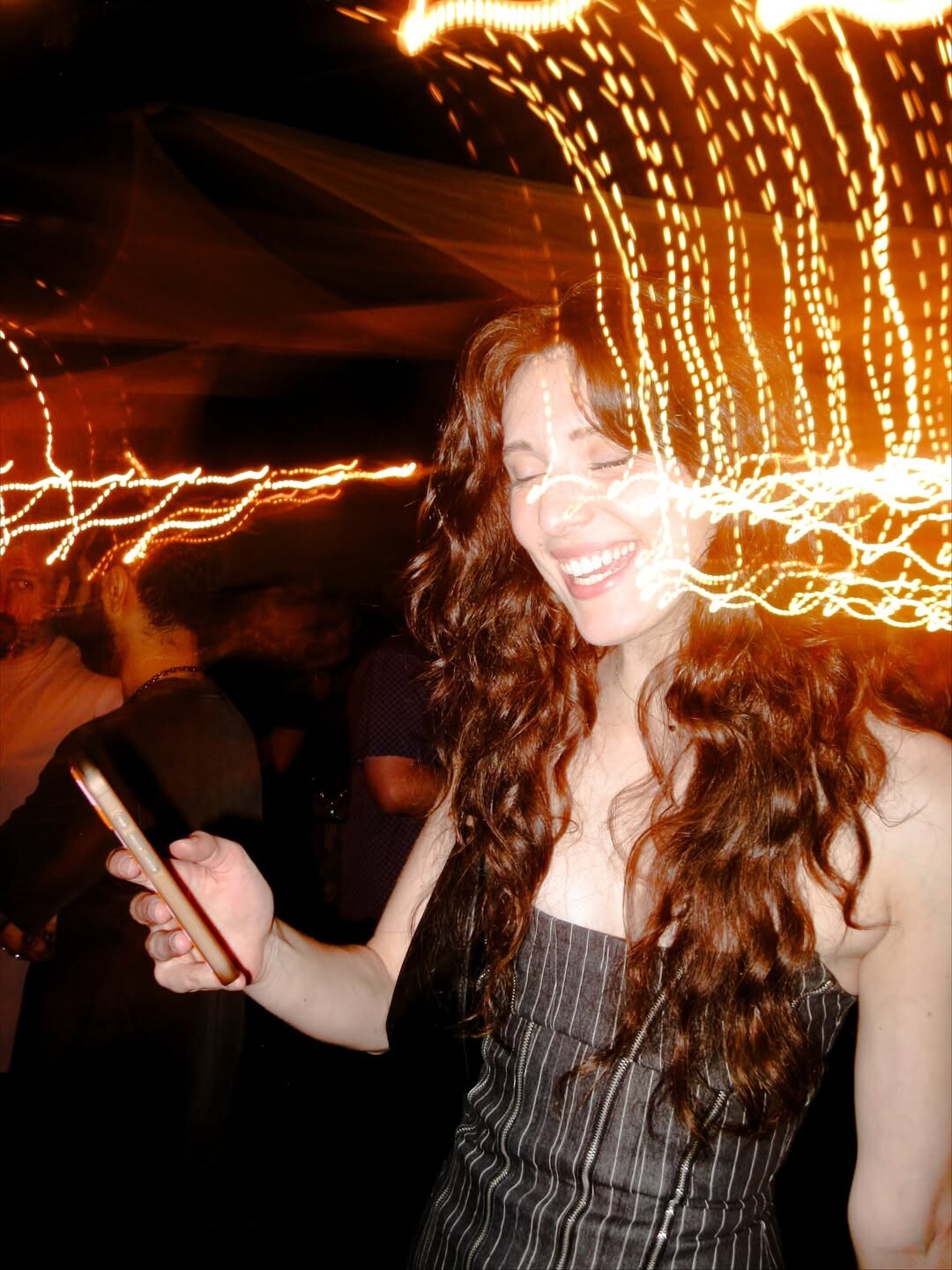





.jpg.75c59ec6cade3603ec91f24040b0738e.jpg)
















































































































Account
Navigation
Search
Configure browser push notifications
Chrome (Android)
- Tap the lock icon next to the address bar.
- Tap Permissions → Notifications.
- Adjust your preference.
Chrome (Desktop)
- Click the padlock icon in the address bar.
- Select Site settings.
- Find Notifications and adjust your preference.
Safari (iOS 16.4+)
- Ensure the site is installed via Add to Home Screen.
- Open Settings App → Notifications.
- Find your app name and adjust your preference.
Safari (macOS)
- Go to Safari → Preferences.
- Click the Websites tab.
- Select Notifications in the sidebar.
- Find this website and adjust your preference.
Edge (Android)
- Tap the lock icon next to the address bar.
- Tap Permissions.
- Find Notifications and adjust your preference.
Edge (Desktop)
- Click the padlock icon in the address bar.
- Click Permissions for this site.
- Find Notifications and adjust your preference.
Firefox (Android)
- Go to Settings → Site permissions.
- Tap Notifications.
- Find this site in the list and adjust your preference.
Firefox (Desktop)
- Open Firefox Settings.
- Search for Notifications.
- Find this site in the list and adjust your preference.