All Activity
- Past hour
-

-
 Snapchatplanets joined the community
 -
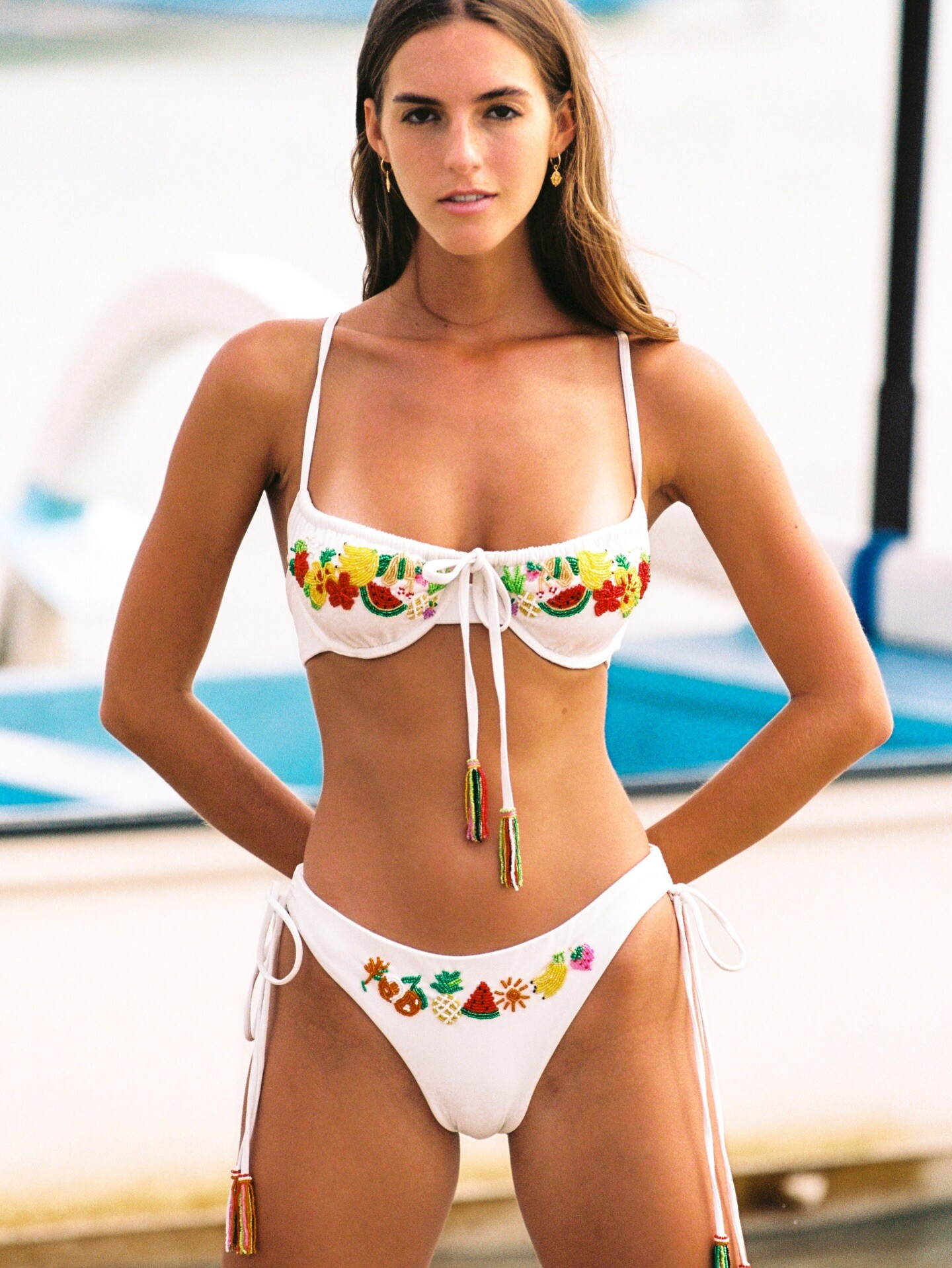
 That’s not a print! Thats hundreds of tiny beads creating this gorgeous stand out kini 🌞🌸 made in limited numbers so you too can stand out beach side - IG - Cleonie Swim

-
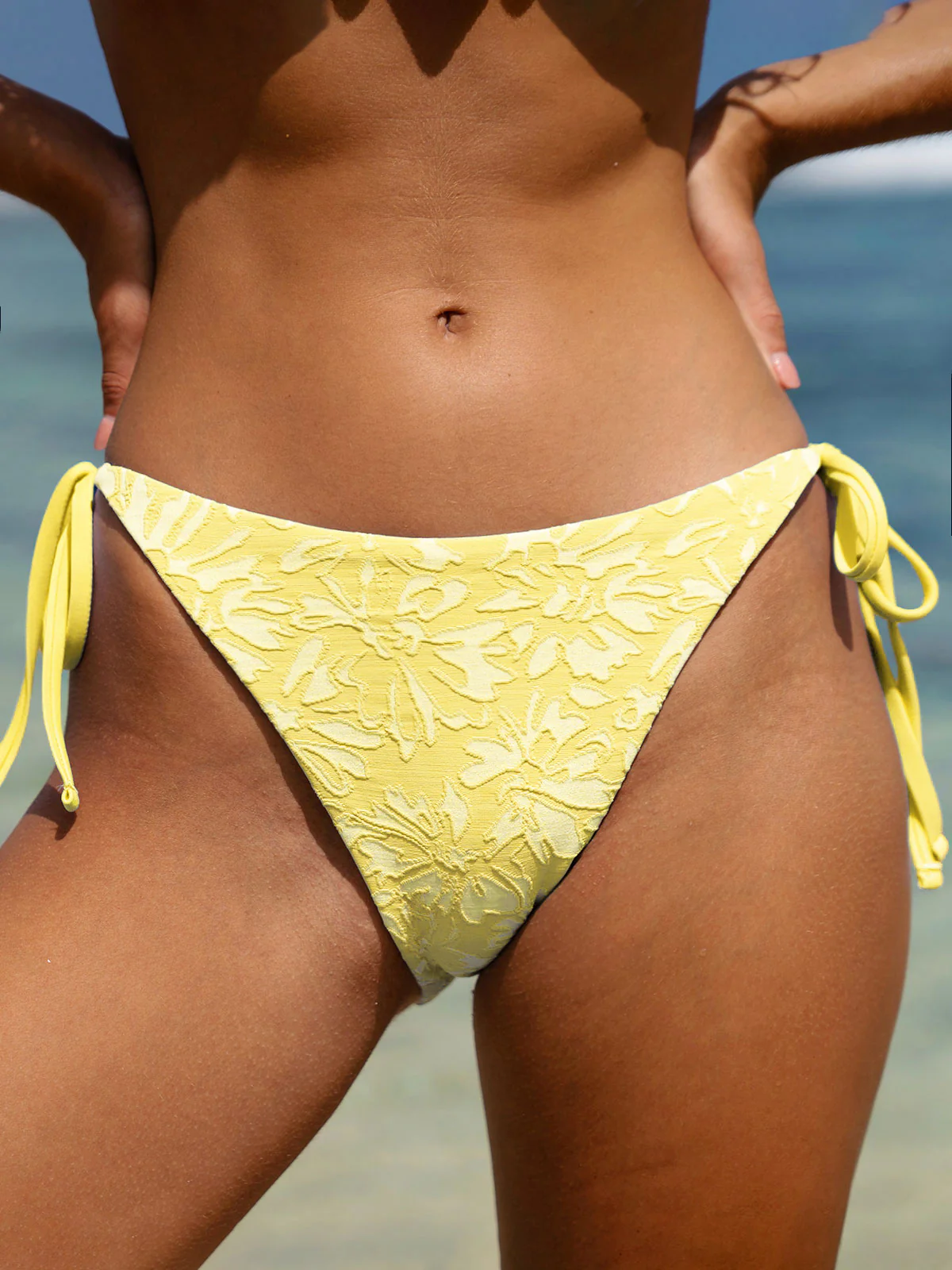
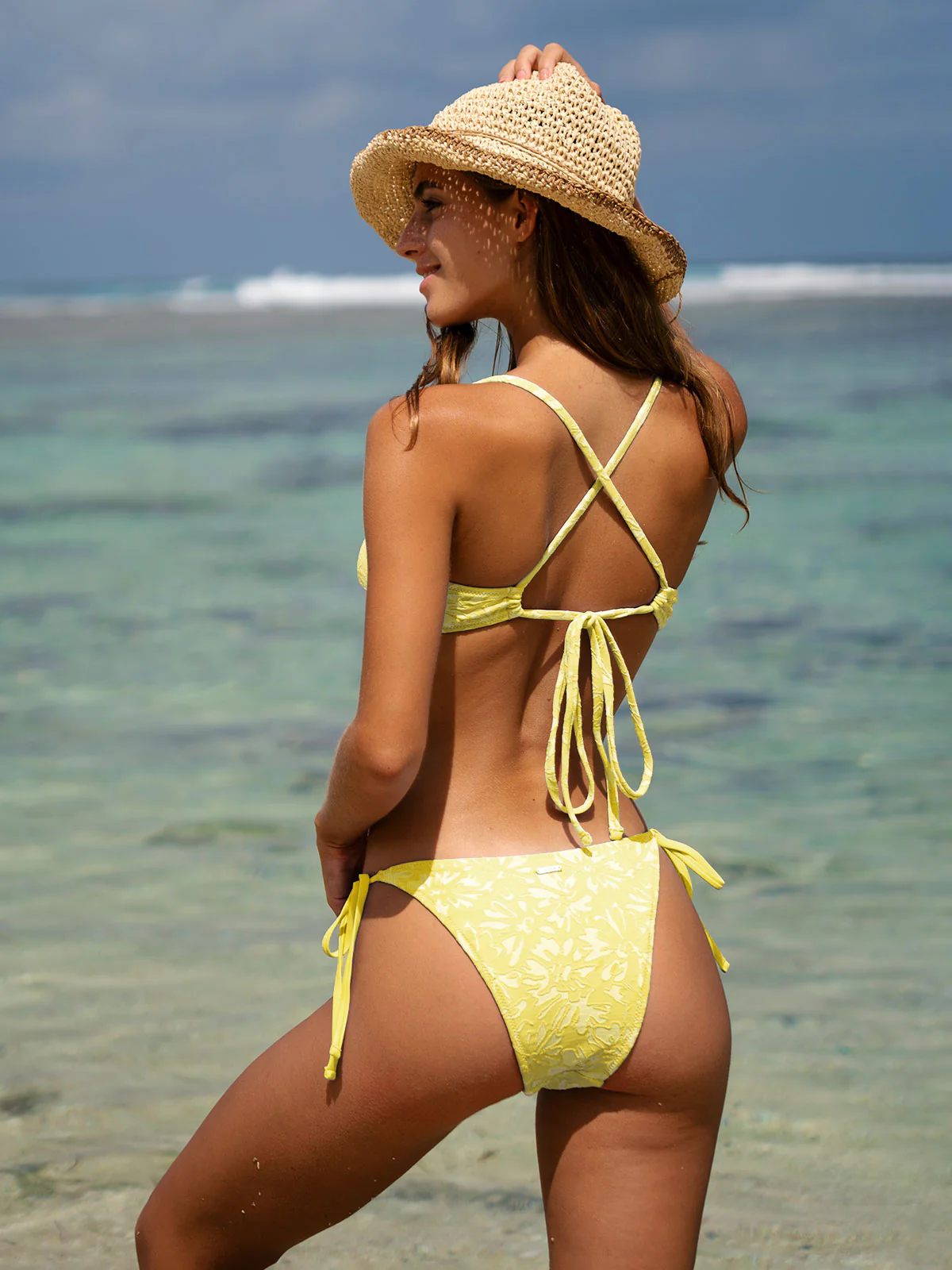
Berlook Yellow Textured Tie Bikini






-

-

-
 Managing monthly expenses effectively starts with understanding where your money goes. Begin by listing all fixed costs like rent, EMIs, utilities, and insurance, followed by variable expenses such as food, travel, and entertainment. This clarity helps identify areas where small cuts can lead to meaningful savings. Next, set realistic savings goals. Instead of waiting to save what’s left at the end of the month, treat savings as a priority by setting aside a fixed amount as soon as you receive your income. Using separate accounts for expenses and savings can make this easier. It’s also important to plan for emergencies. Even a small emergency fund can protect you from sudden financial stress and reduce dependence on high-interest borrowing. Avoid impulse spending by following a simple rule: wait 24 hours before making non-essential purchases. For long-term financial stability, expert guidance can make a big difference. A personal finance consultant can help analyze your income, expenses, debts, and goals to create a structured plan that fits your lifestyle. With the right strategy, managing expenses and building savings becomes simpler and more sustainable over time.
 - Today
-

 TV Wiki joined the community
 Rougerie 2 more

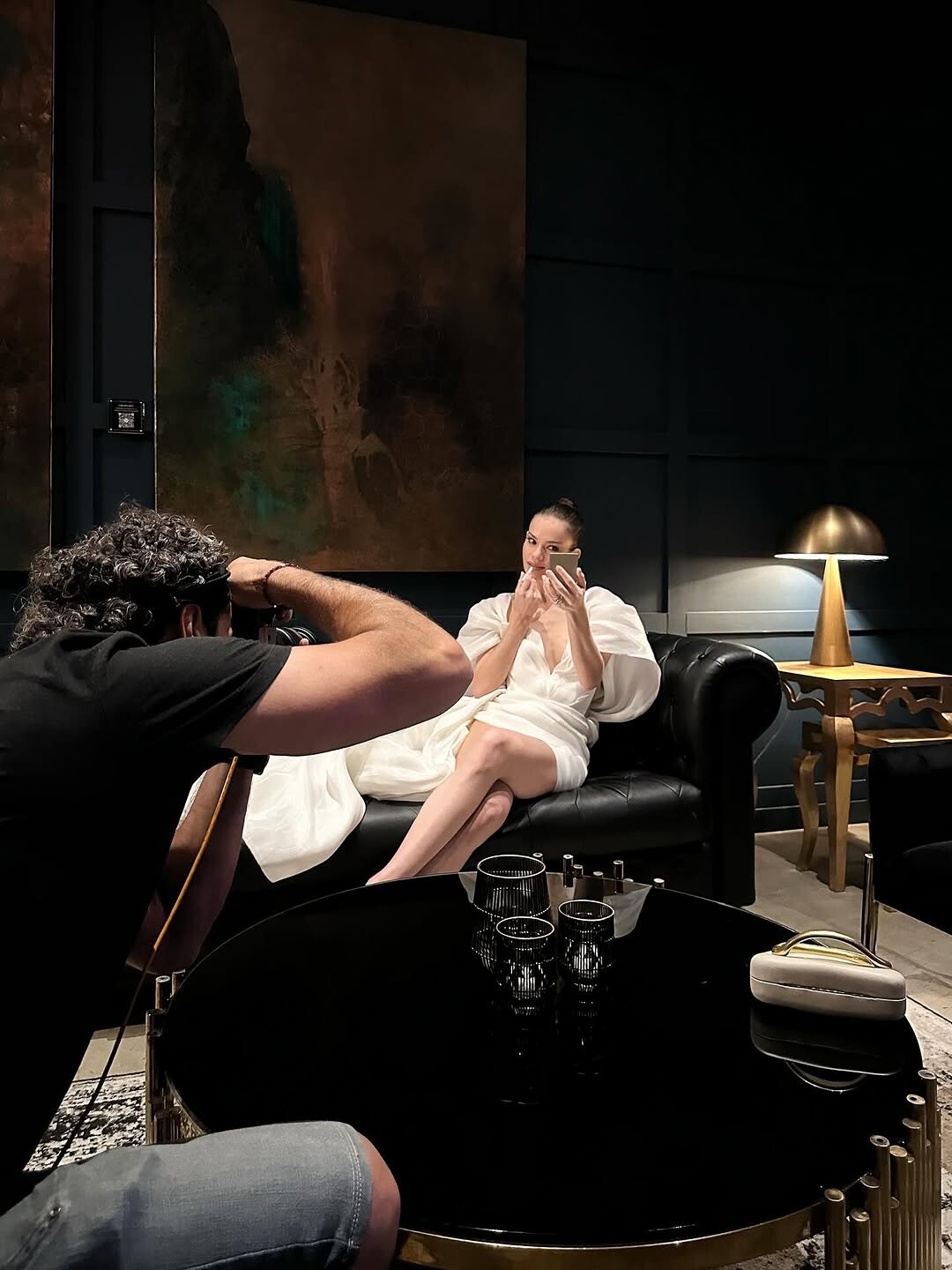
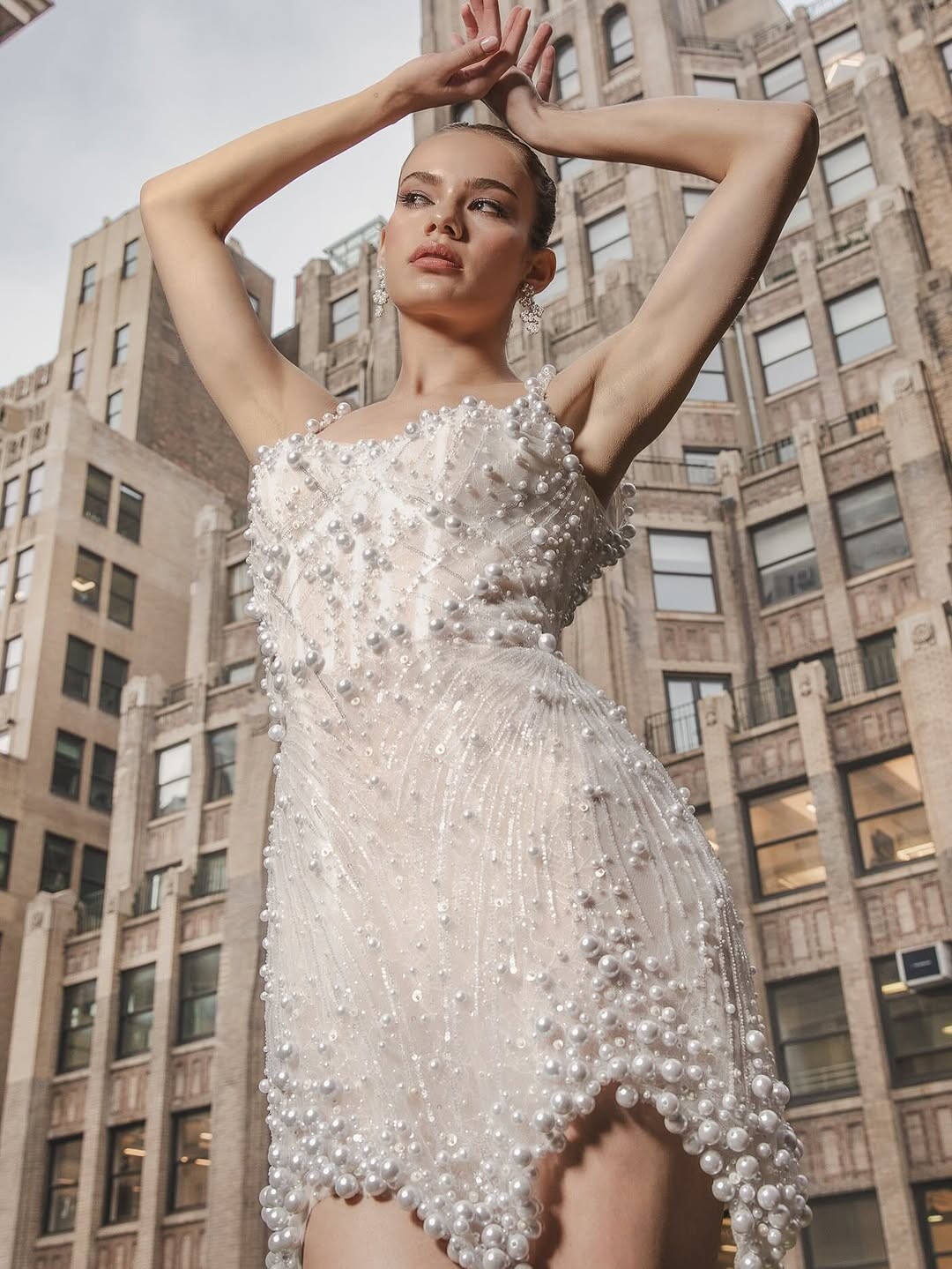
 Ph: Rodion Kaminer




.thumb.jpg.bc7cc495086007005617080648d664bb.jpg) Thx for the updates! 😍
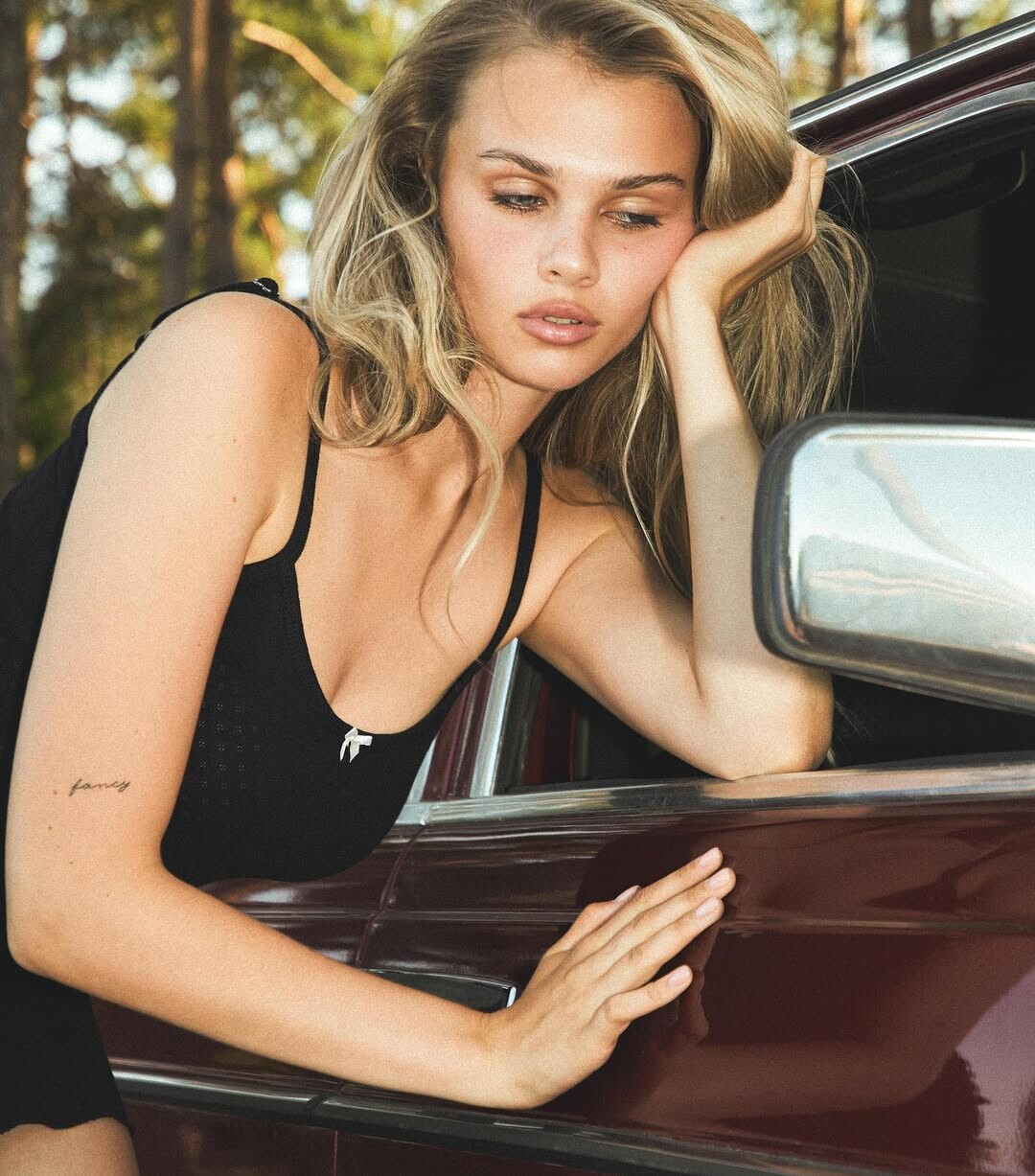
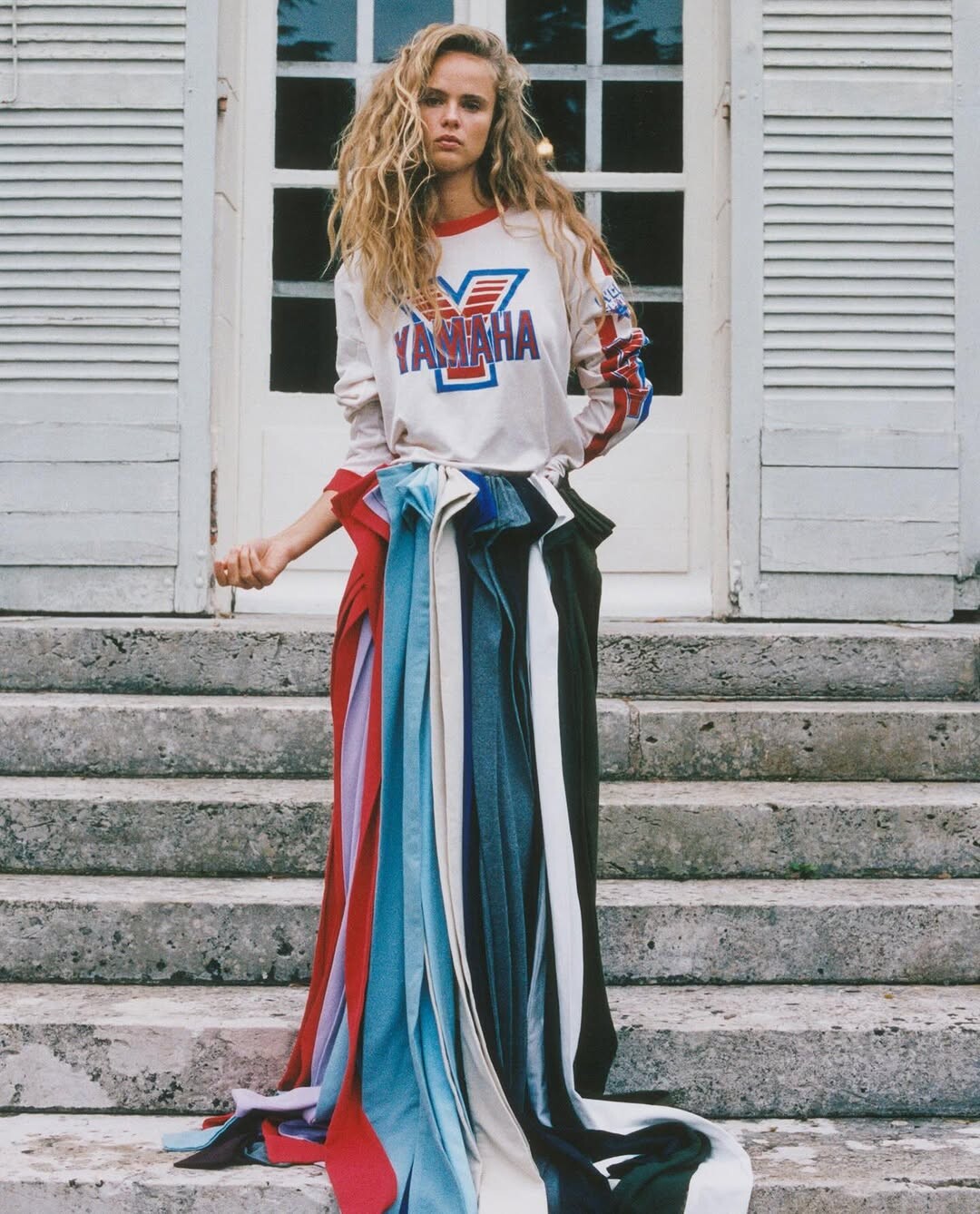
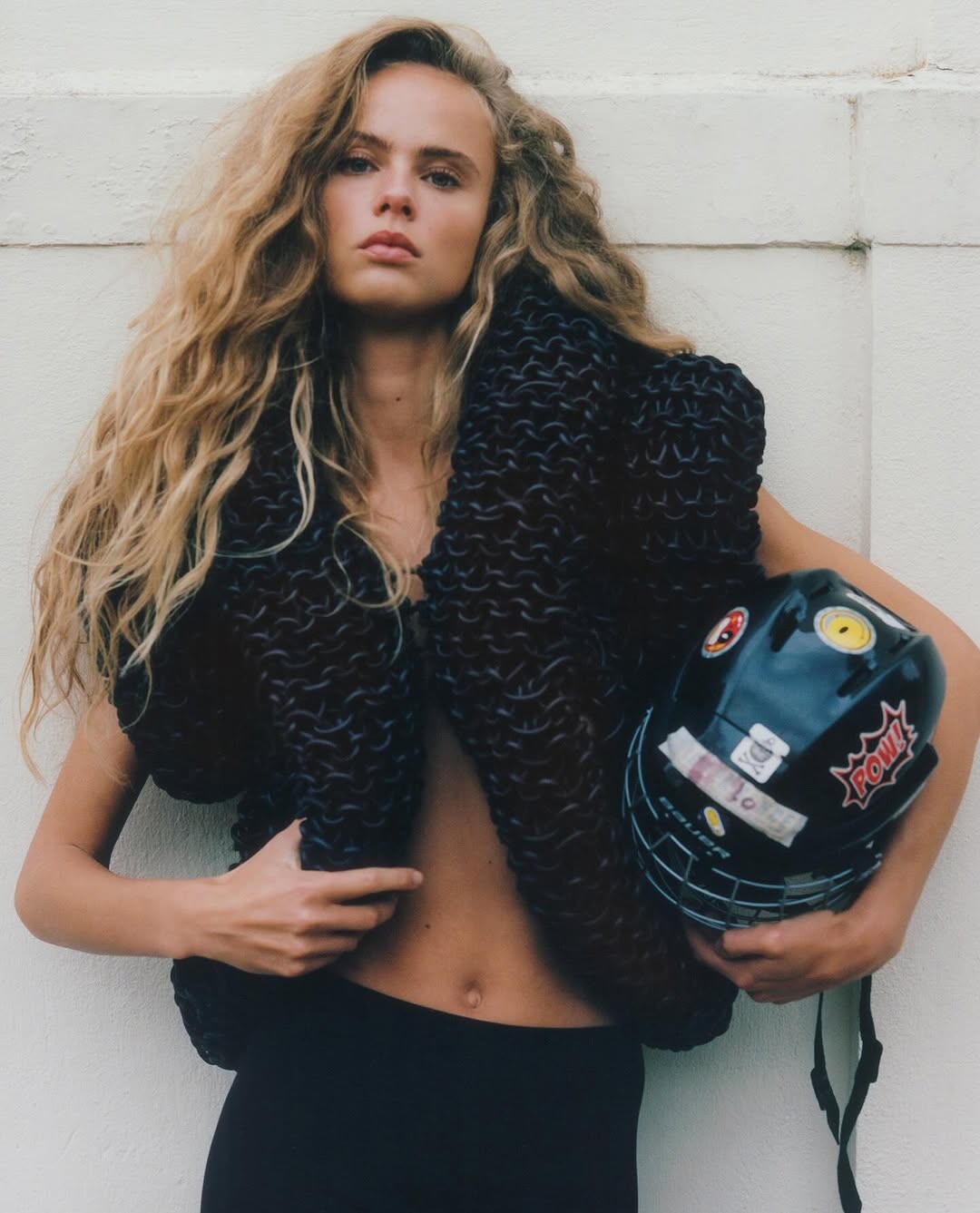
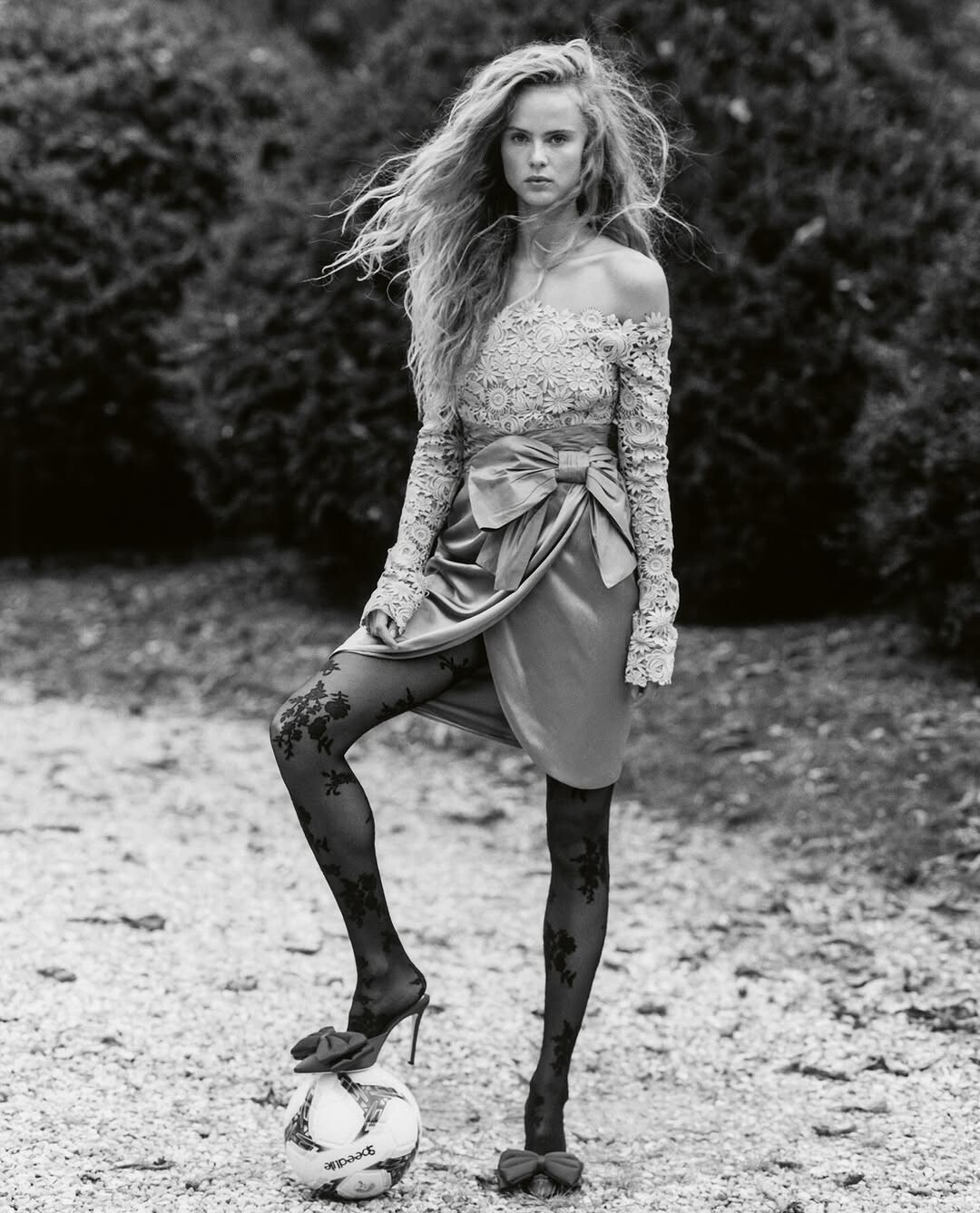
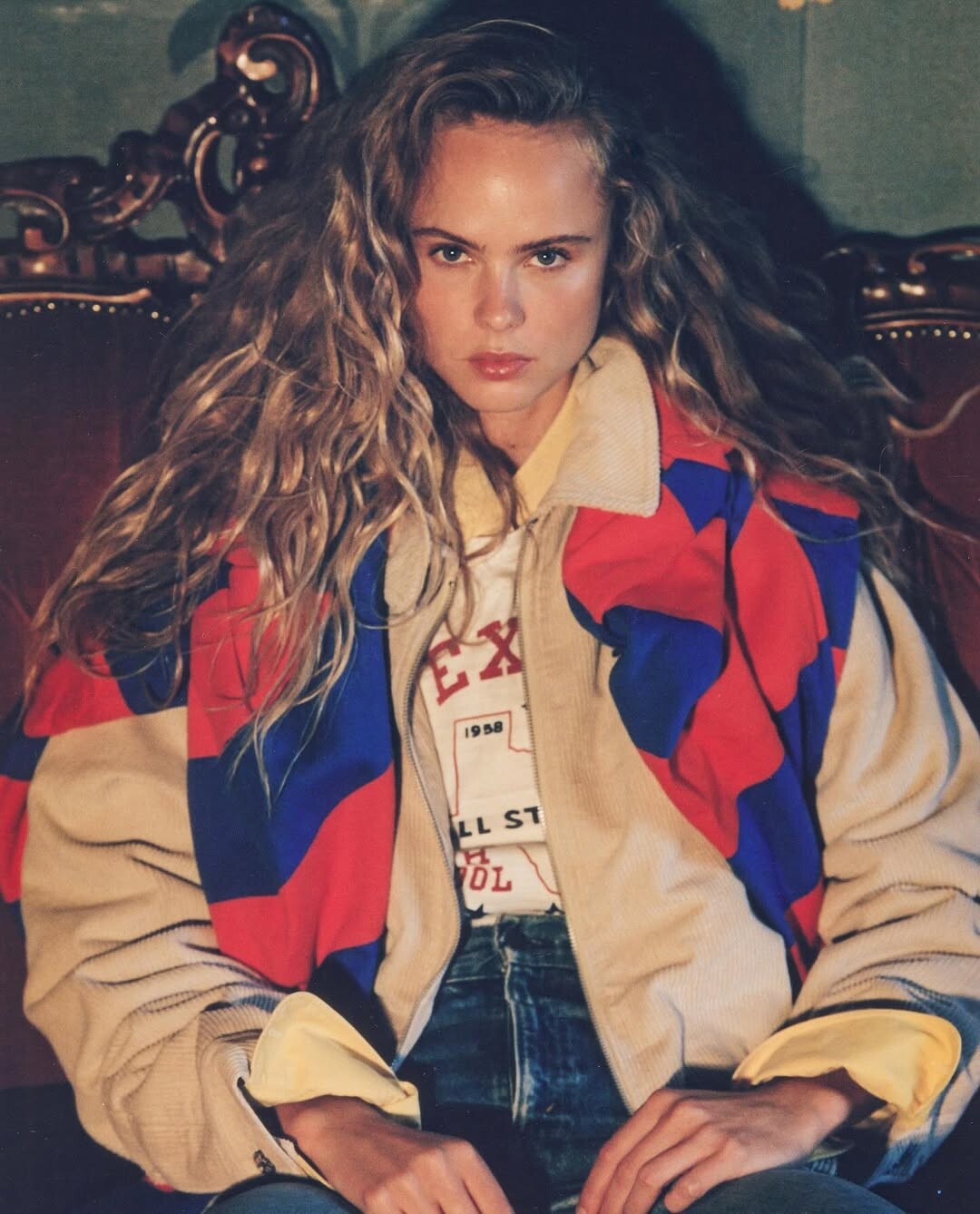
Vogue CS February 2026 Ph: Carly Dame
Thx for the updates! 😍
Vogue CS February 2026 Ph: Carly Dame

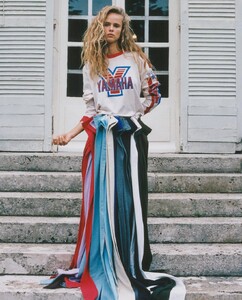











 Two from the swimwear round which she tends to dominate in these competitions (+ 1 related) Miss Aurora 2024 Miss Fragola 2024 2 vid caps from Miss Fragola. In the first she is hidden away in the rear line to the (onlooker's) right. Just a nobody who didn't place... oops, she won. 2, from Miss Blumare with some other participants


.thumb.jpg.4b7a6b70cecacc23a20bf7f13d664394.jpg)







 Ph: Jean Pablo Vialle AQPzrERDjG0Vv9_t0PaNn6M3ole2LqebzHI62EC_58_K2ci2llapye07Lutx4gohqm6fHVZ52K7ZSYcC71PVFDr7YpYoeHSth23KoII.mp4































Account
Search
Configure browser push notifications
Chrome (Android)
- Tap the lock icon next to the address bar.
- Tap Permissions → Notifications.
- Adjust your preference.
Chrome (Desktop)
- Click the padlock icon in the address bar.
- Select Site settings.
- Find Notifications and adjust your preference.
Safari (iOS 16.4+)
- Ensure the site is installed via Add to Home Screen.
- Open Settings App → Notifications.
- Find your app name and adjust your preference.
Safari (macOS)
- Go to Safari → Preferences.
- Click the Websites tab.
- Select Notifications in the sidebar.
- Find this website and adjust your preference.
Edge (Android)
- Tap the lock icon next to the address bar.
- Tap Permissions.
- Find Notifications and adjust your preference.
Edge (Desktop)
- Click the padlock icon in the address bar.
- Click Permissions for this site.
- Find Notifications and adjust your preference.
Firefox (Android)
- Go to Settings → Site permissions.
- Tap Notifications.
- Find this site in the list and adjust your preference.
Firefox (Desktop)
- Open Firefox Settings.
- Search for Notifications.
- Find this site in the list and adjust your preference.
























.jpg.dae9669fa7624ea0d29848d927c86ab2.jpg)