All Activity
- Past hour
-


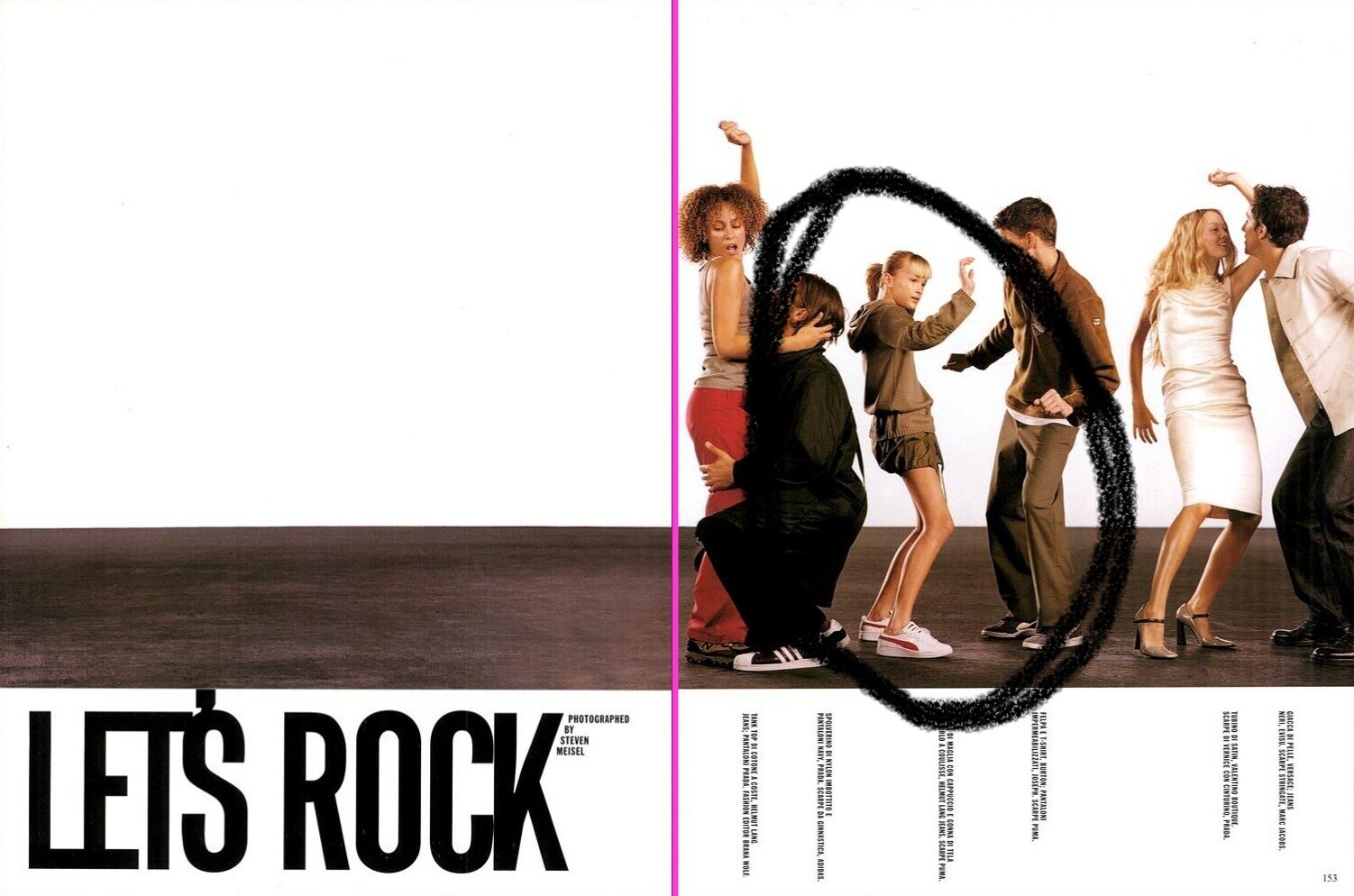
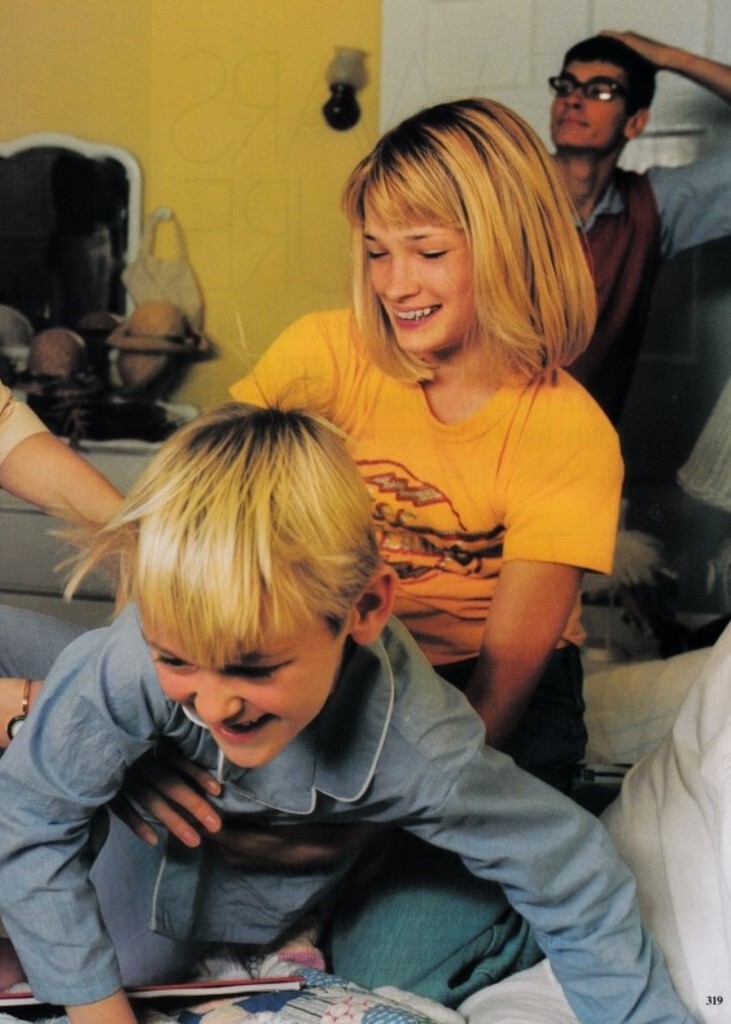
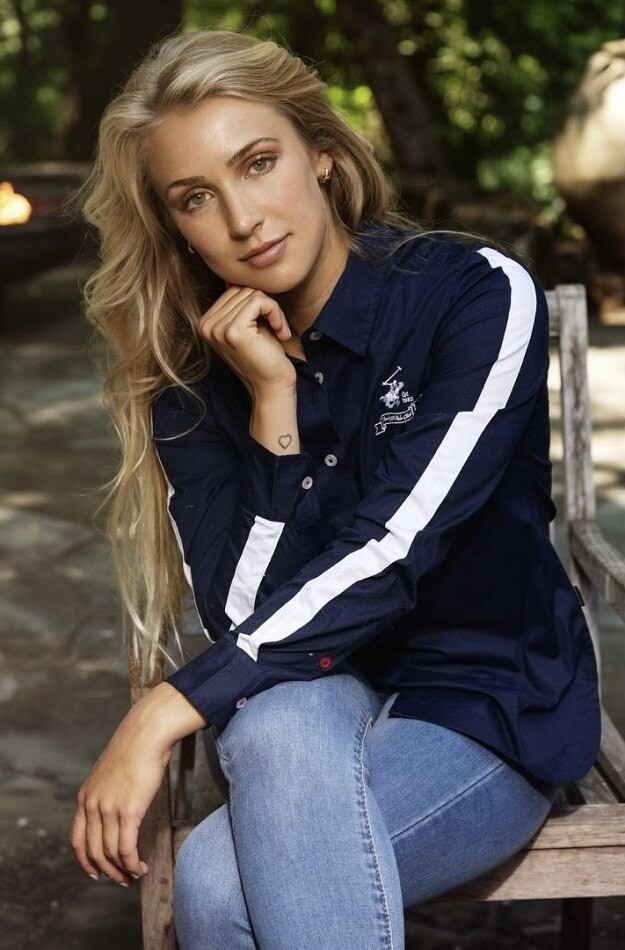
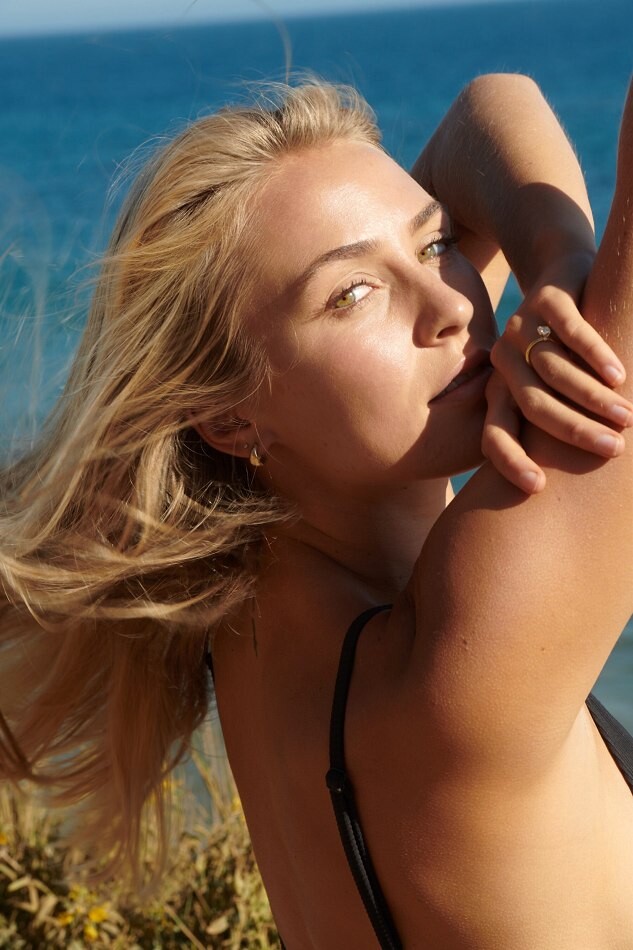
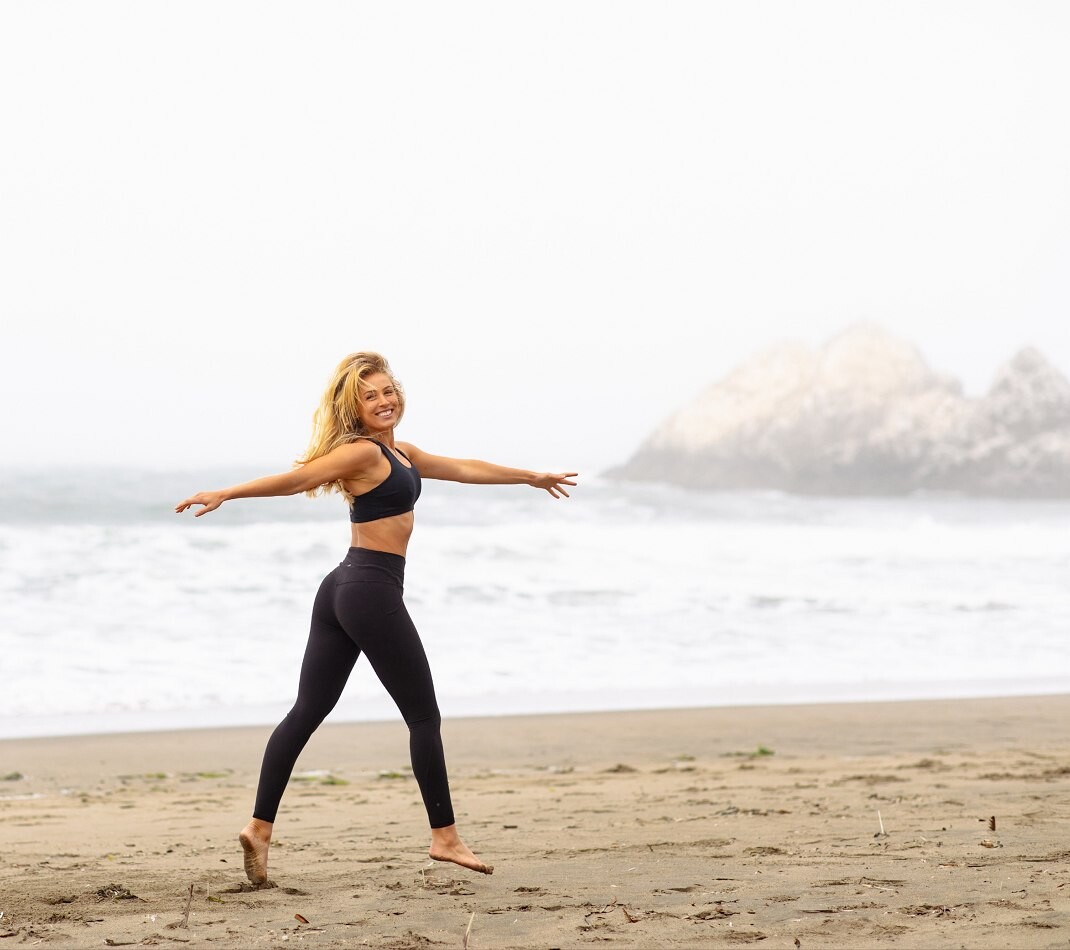
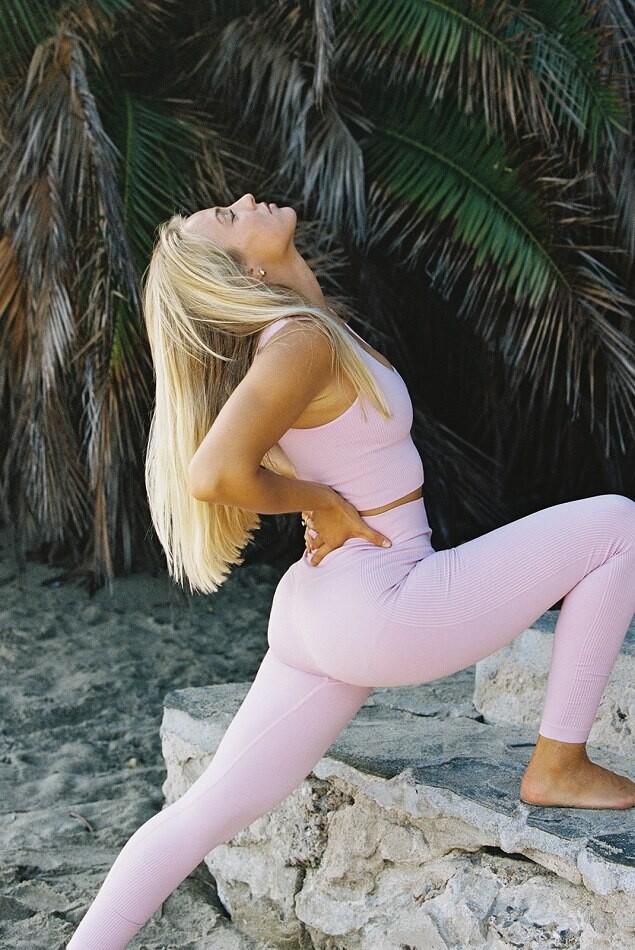
 who she is... I remember she's a blonde American and has a modeling page on fashionmodeldirectory.com I've seen her in two magazines,she looks like teenager Vogue It 12/98 by Steven Meisel Vogue US 04/1999 by Elaine Constantine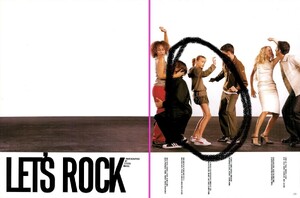



 Incredible! ❤️
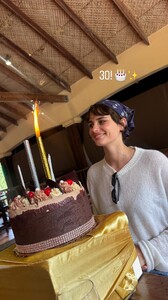
Girlset, formerly known as Vcha, is an American girl group based in Los Angeles. The group was formed by JYP Entertainment and Republic Records through the reality competition show A2K in 2023. The group consists of four members: Camila, Lexi, Kendall, and Savanna. The group originally debuted as a six-member group alongside members KG and Kaylee under the name Vcha, before KG departed in December 2024 and Kaylee departed in July 2025. The remaining four members rebranded as Girlset in August 2025.
Incredible! ❤️
Girlset, formerly known as Vcha, is an American girl group based in Los Angeles. The group was formed by JYP Entertainment and Republic Records through the reality competition show A2K in 2023. The group consists of four members: Camila, Lexi, Kendall, and Savanna. The group originally debuted as a six-member group alongside members KG and Kaylee under the name Vcha, before KG departed in December 2024 and Kaylee departed in July 2025. The remaining four members rebranded as Girlset in August 2025.

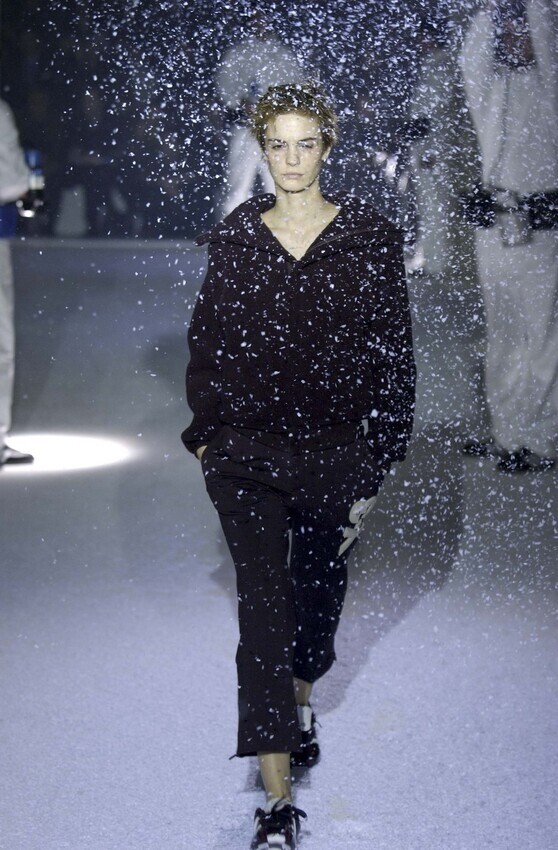
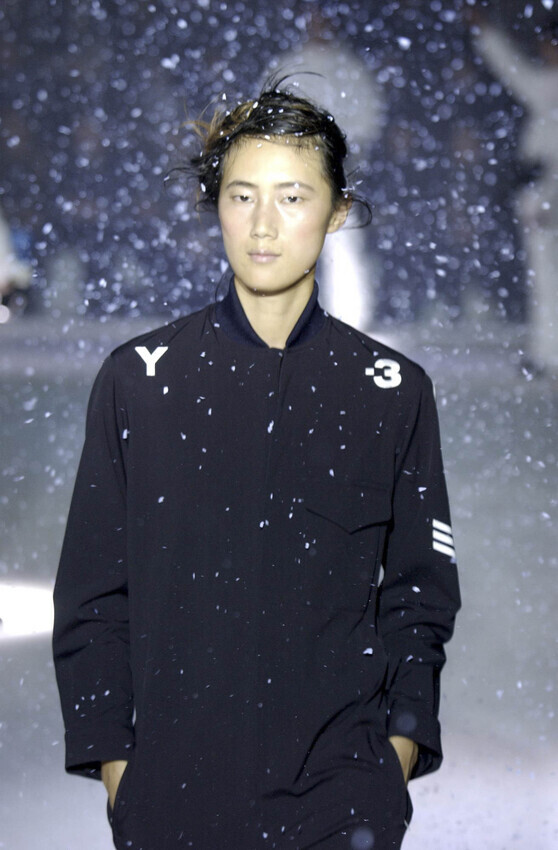
 y3 fw2003
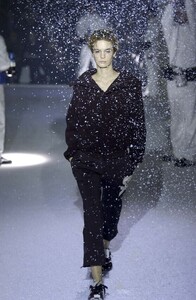 y3 fw2003
 stories video
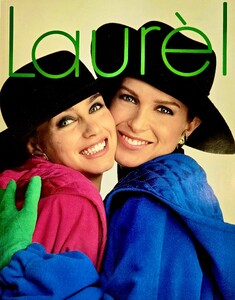
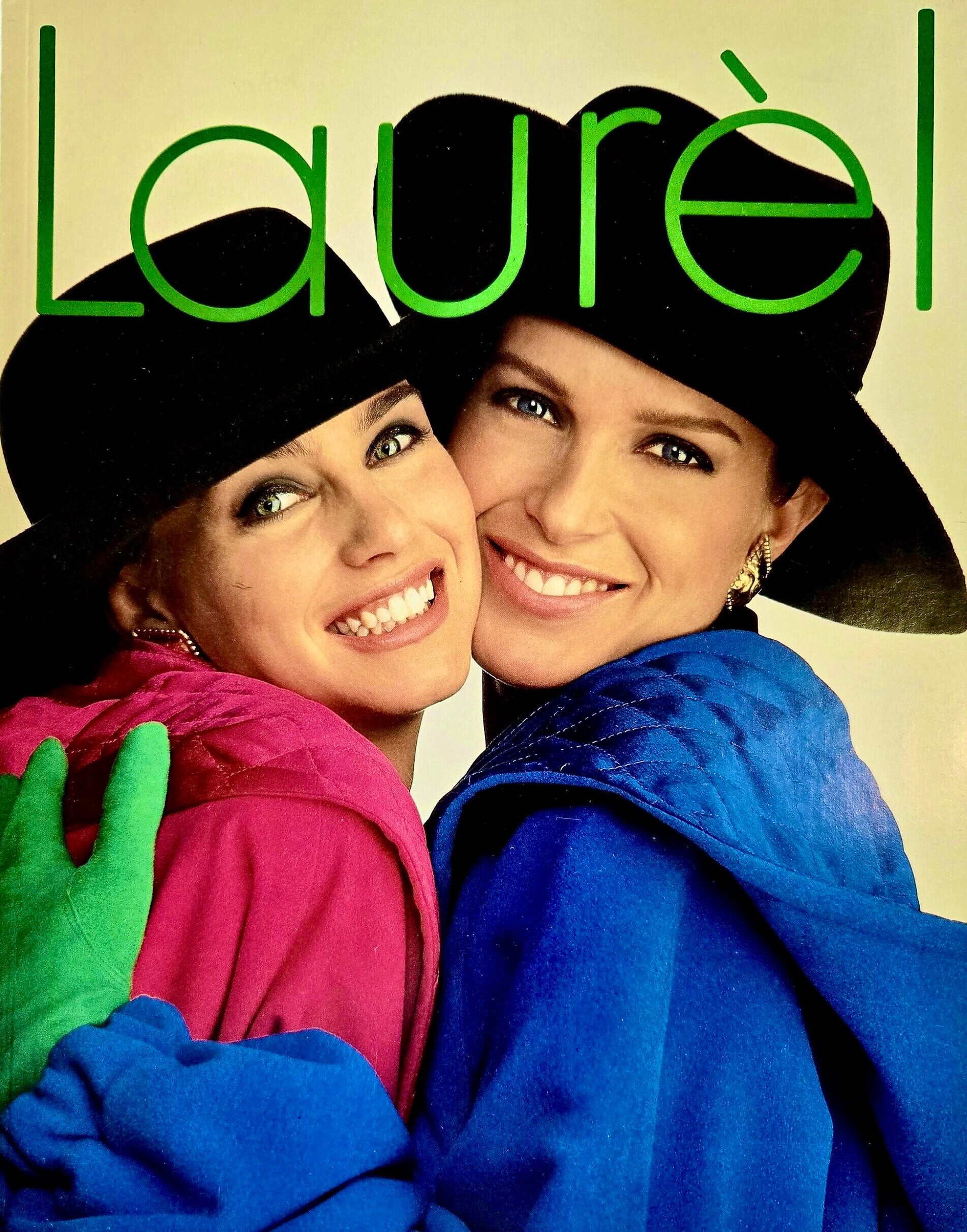
 Laurel catalog (1991) with Odile Broulard
 y3 fw2003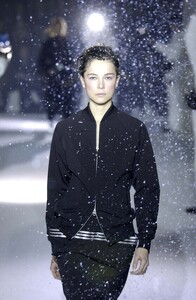
 shadowkenny joined the community
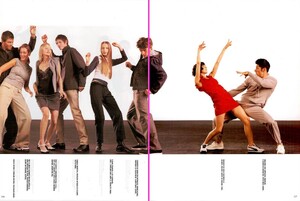
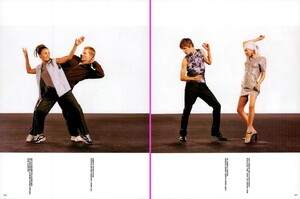
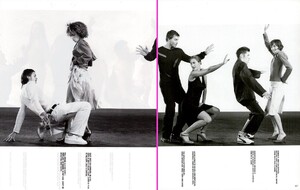
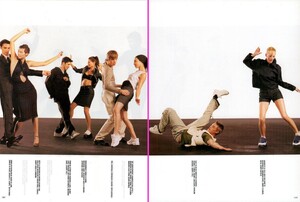
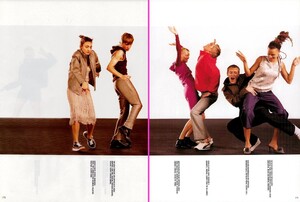
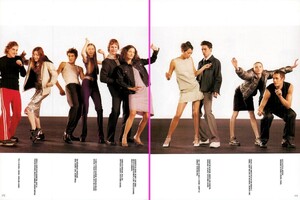
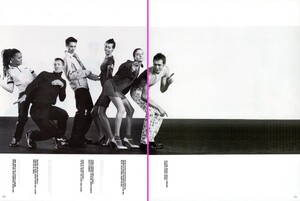
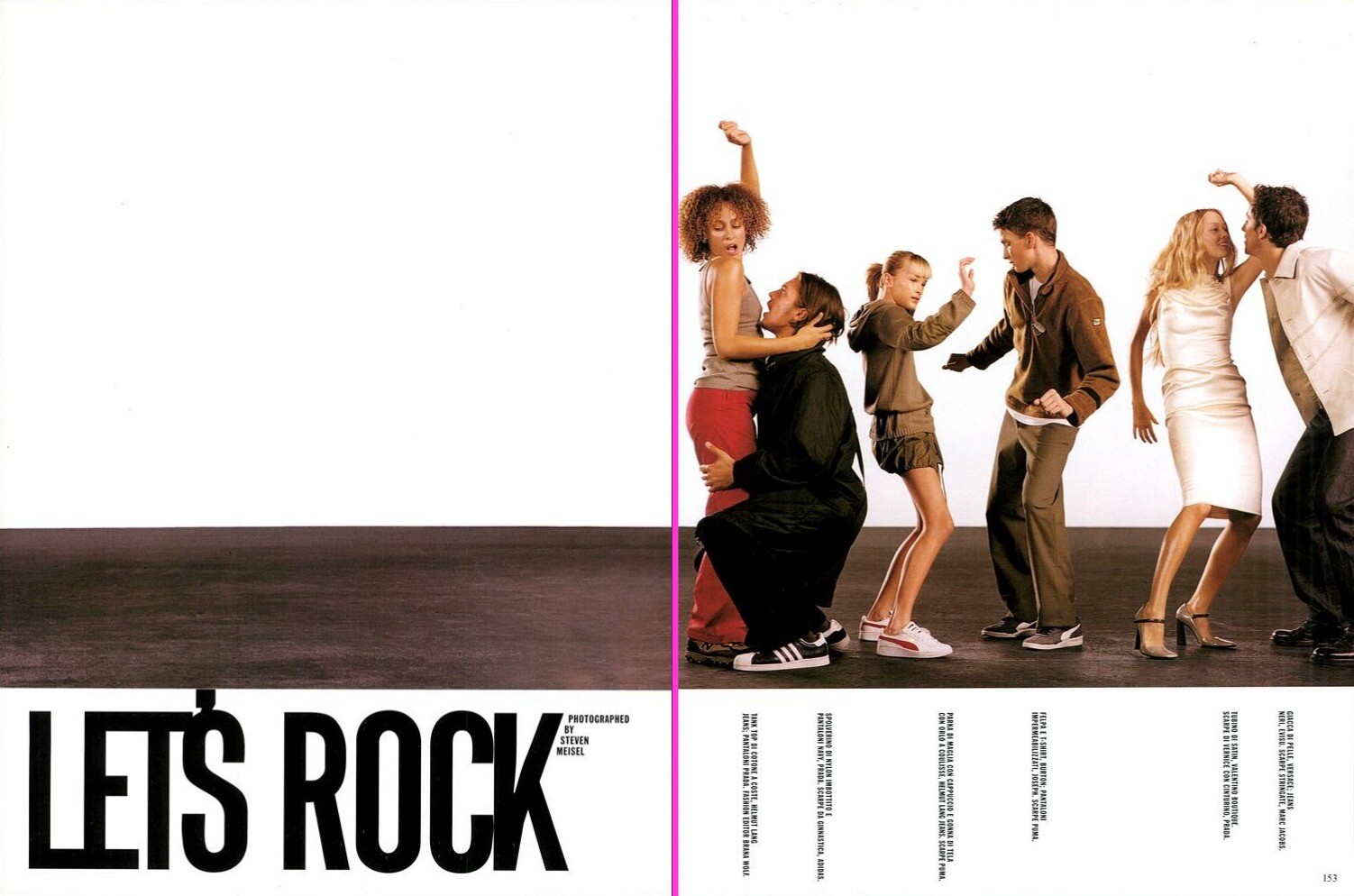
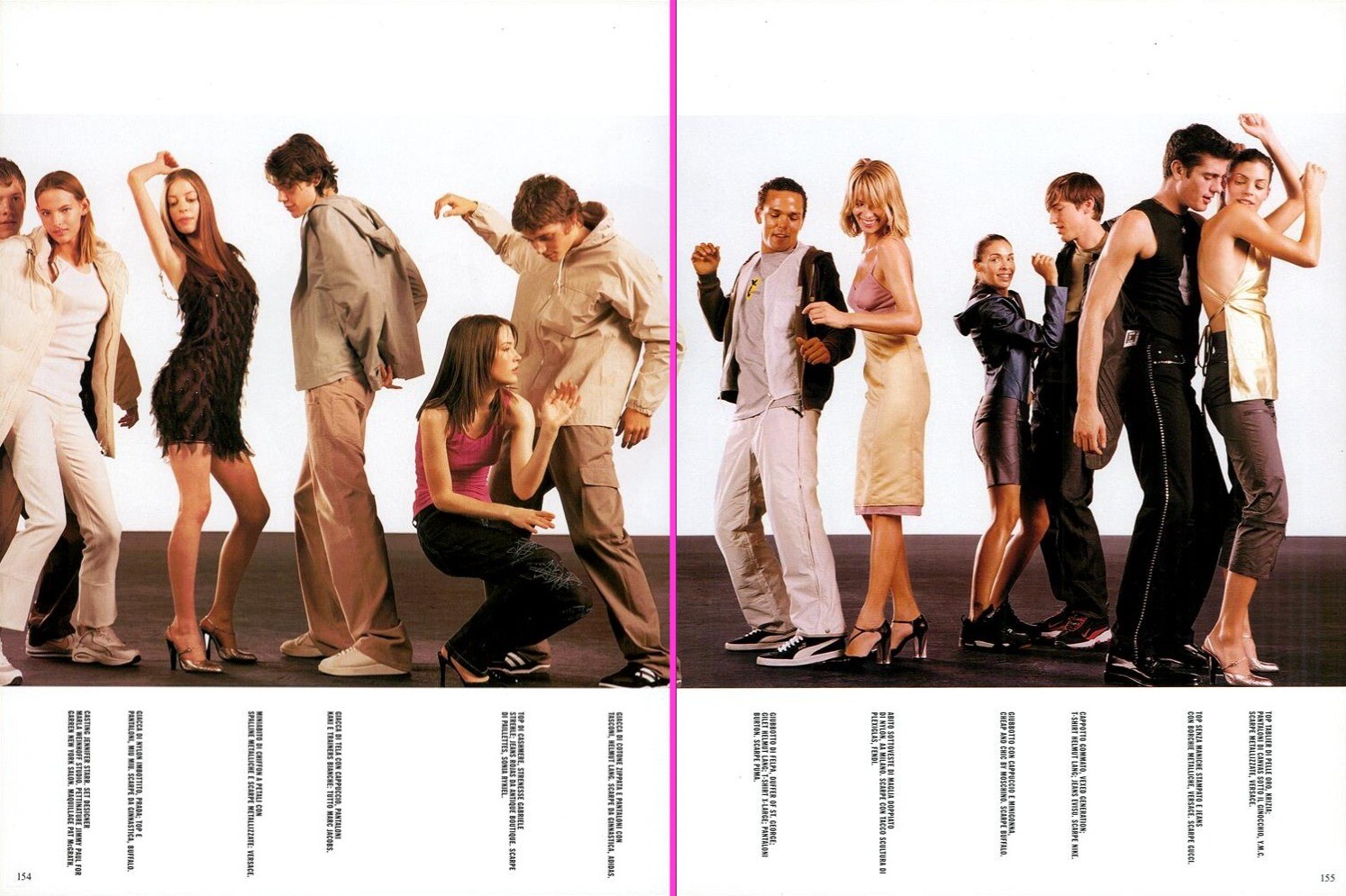
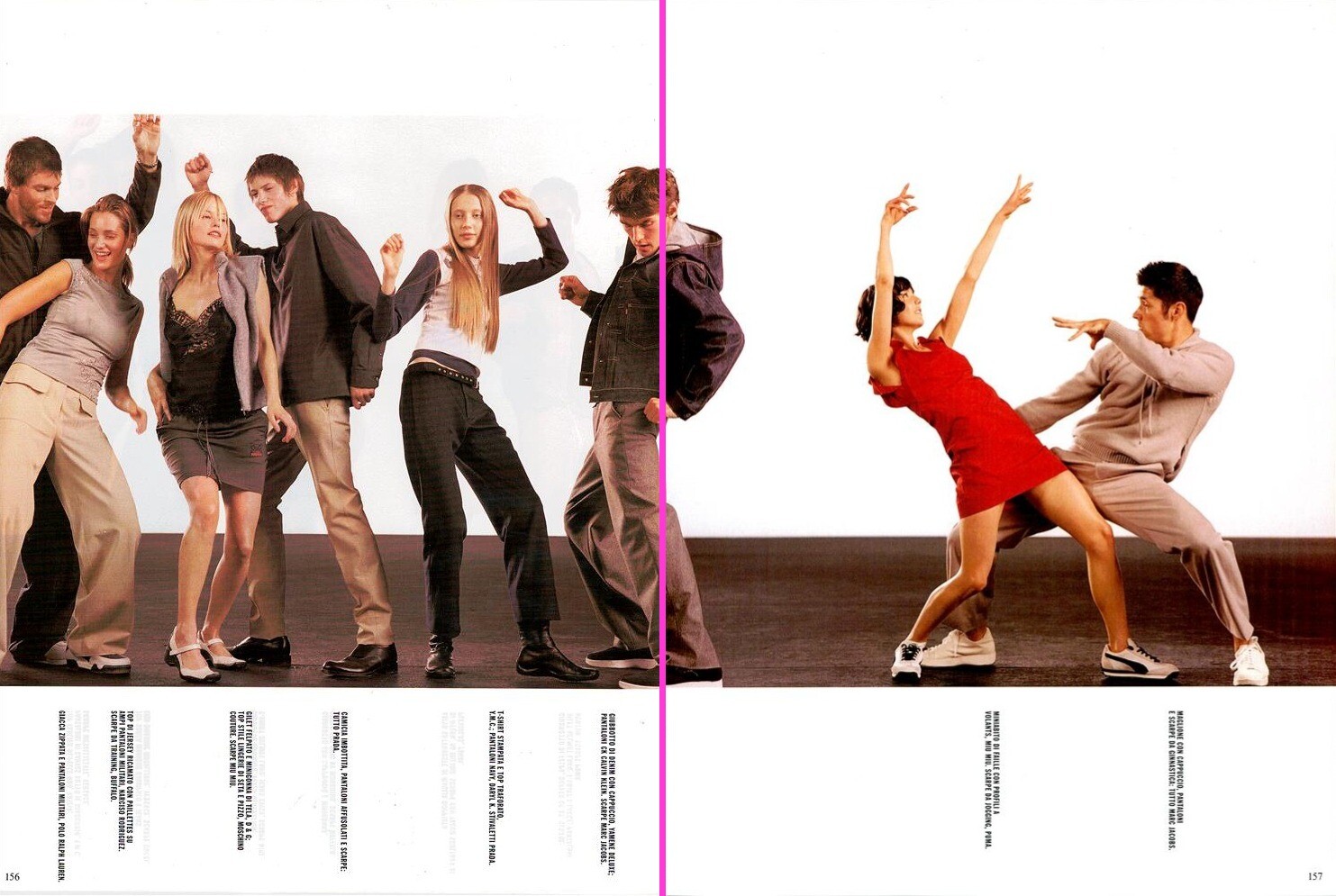
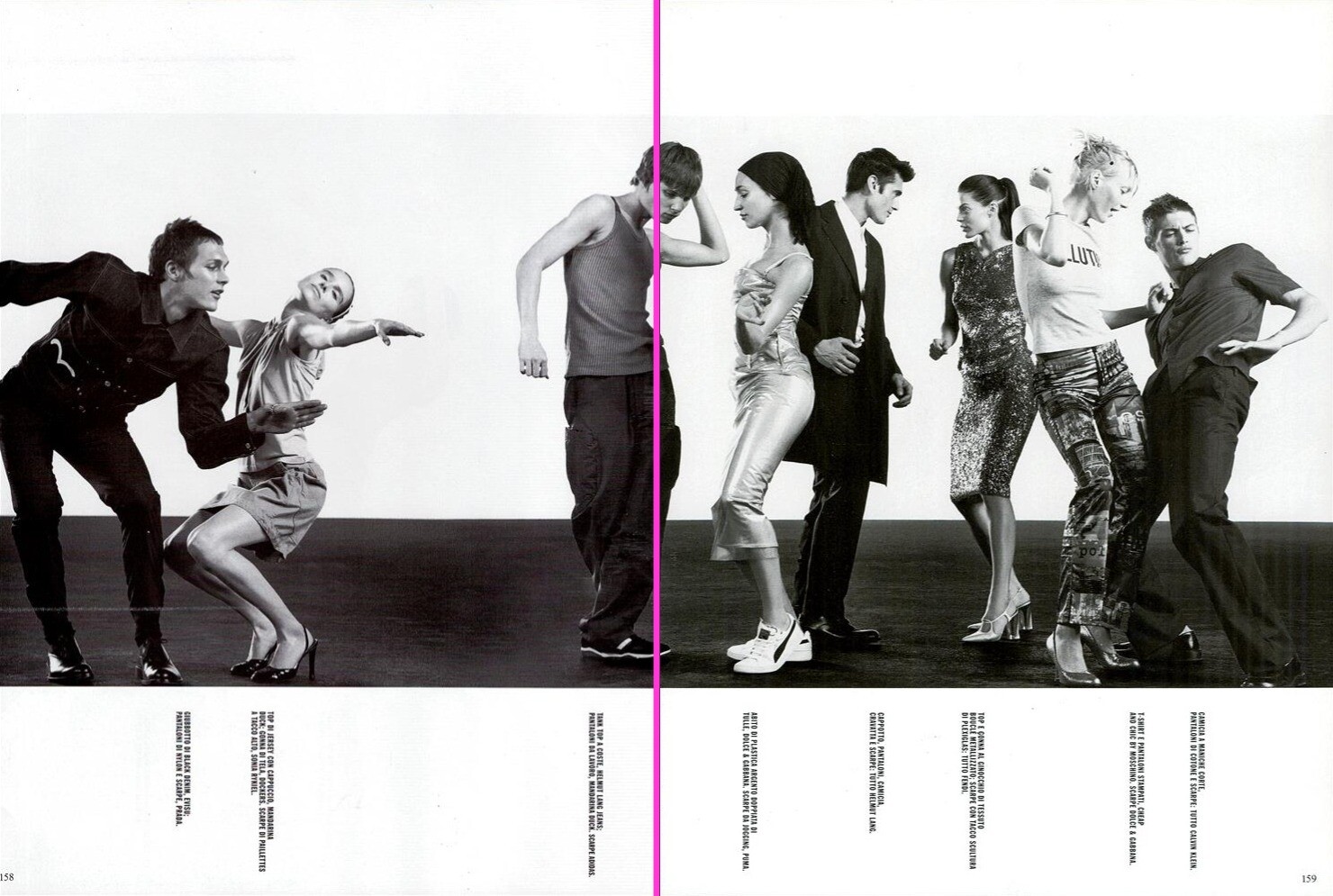
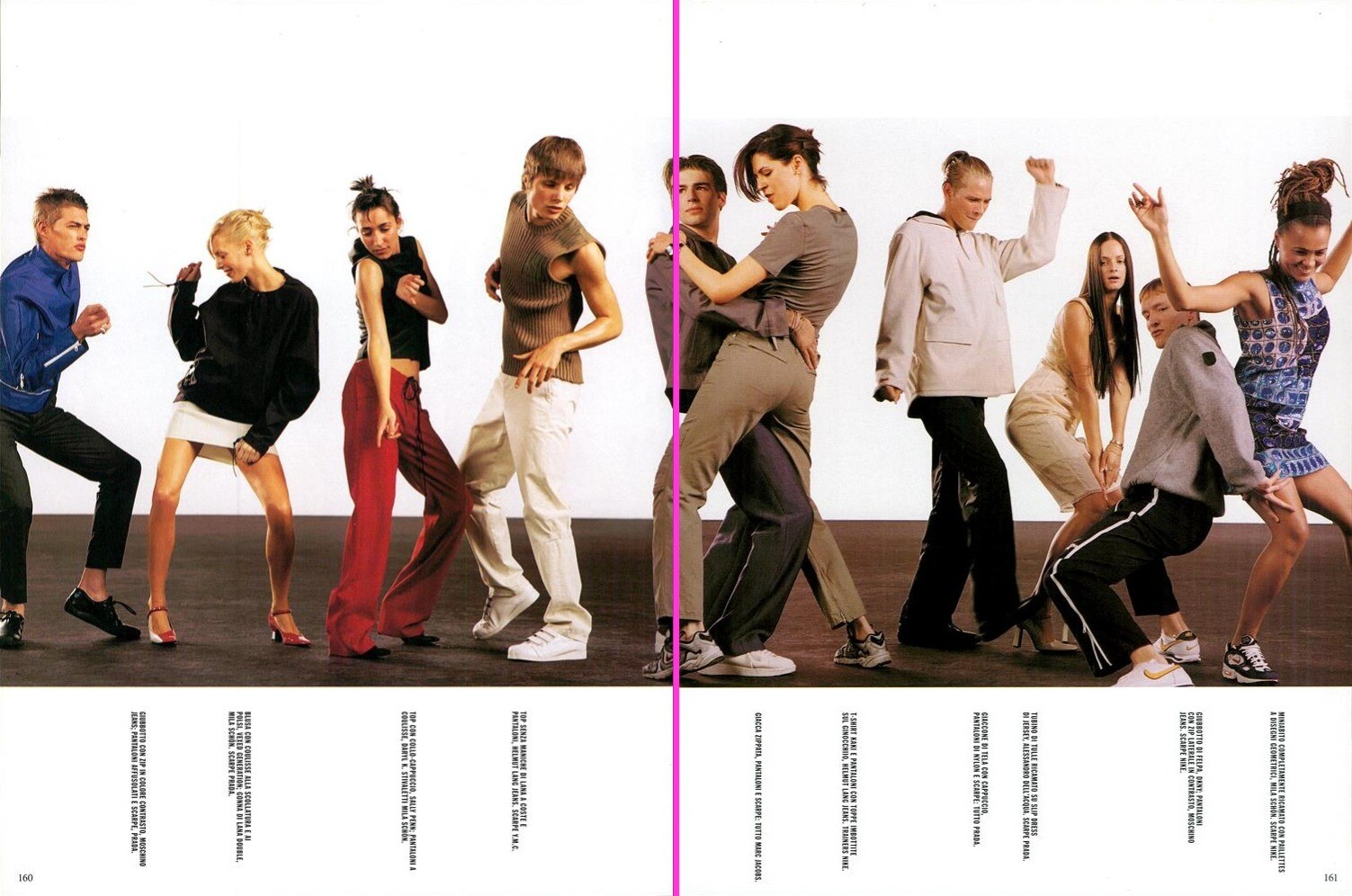
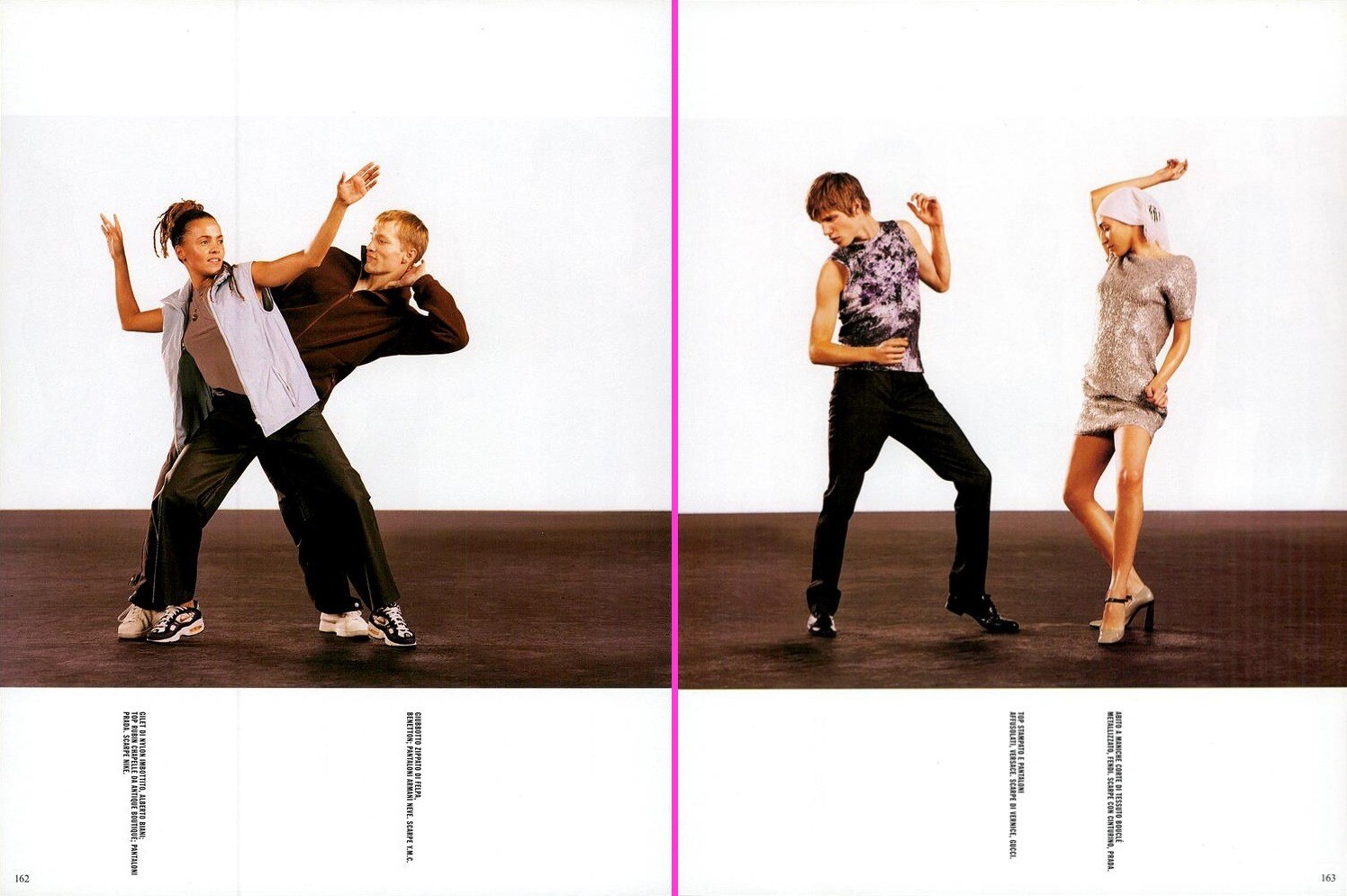
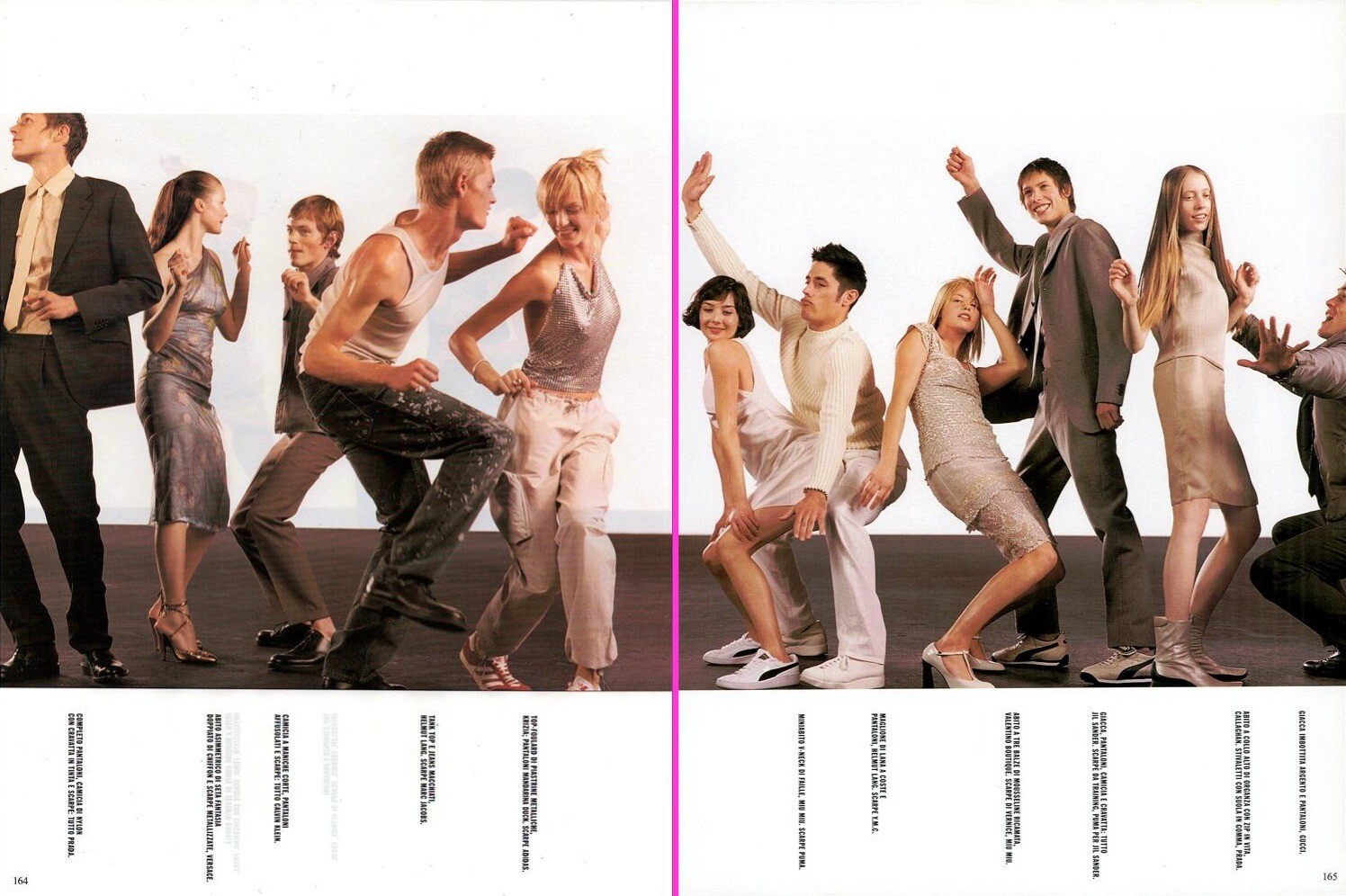
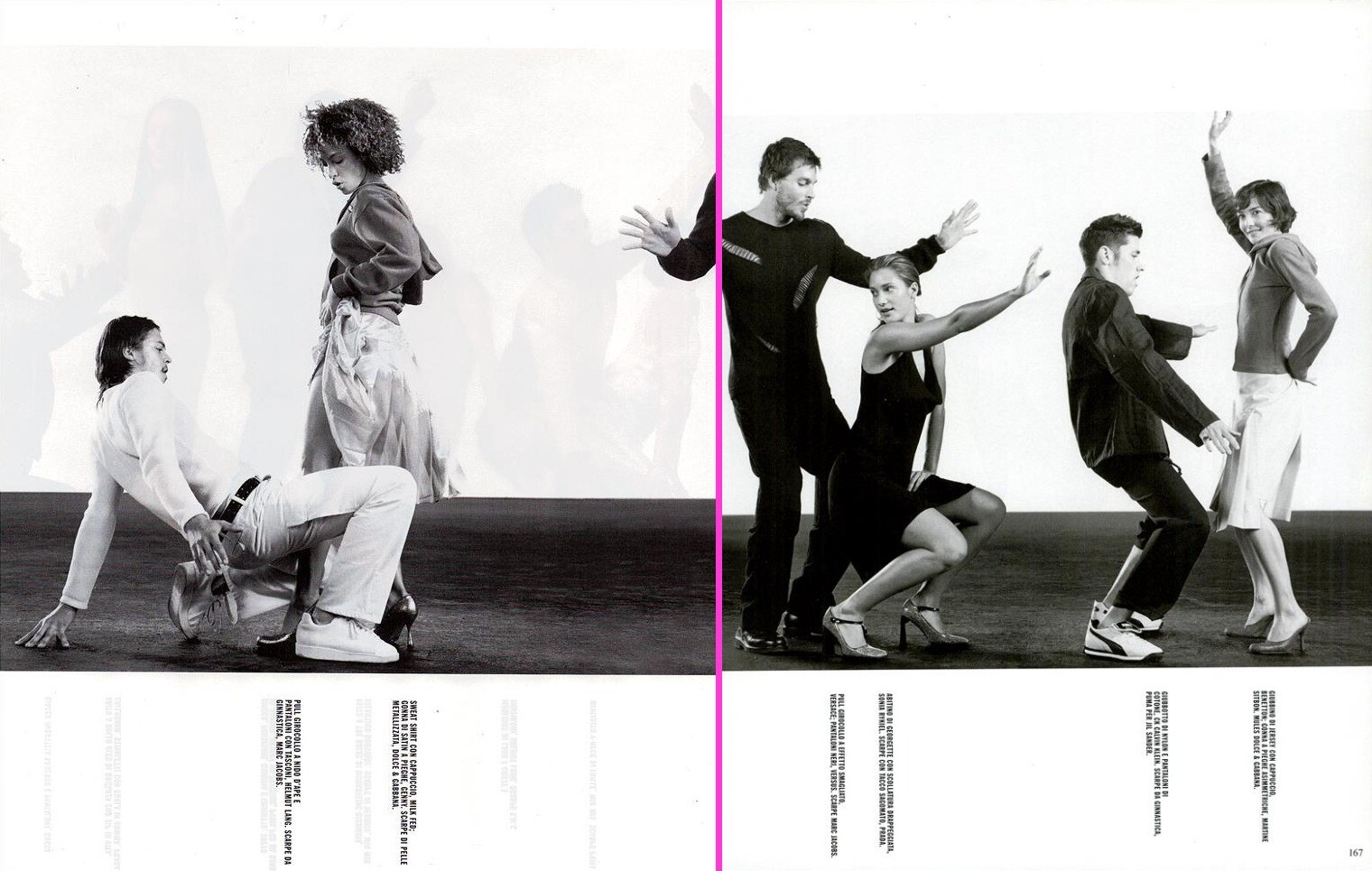
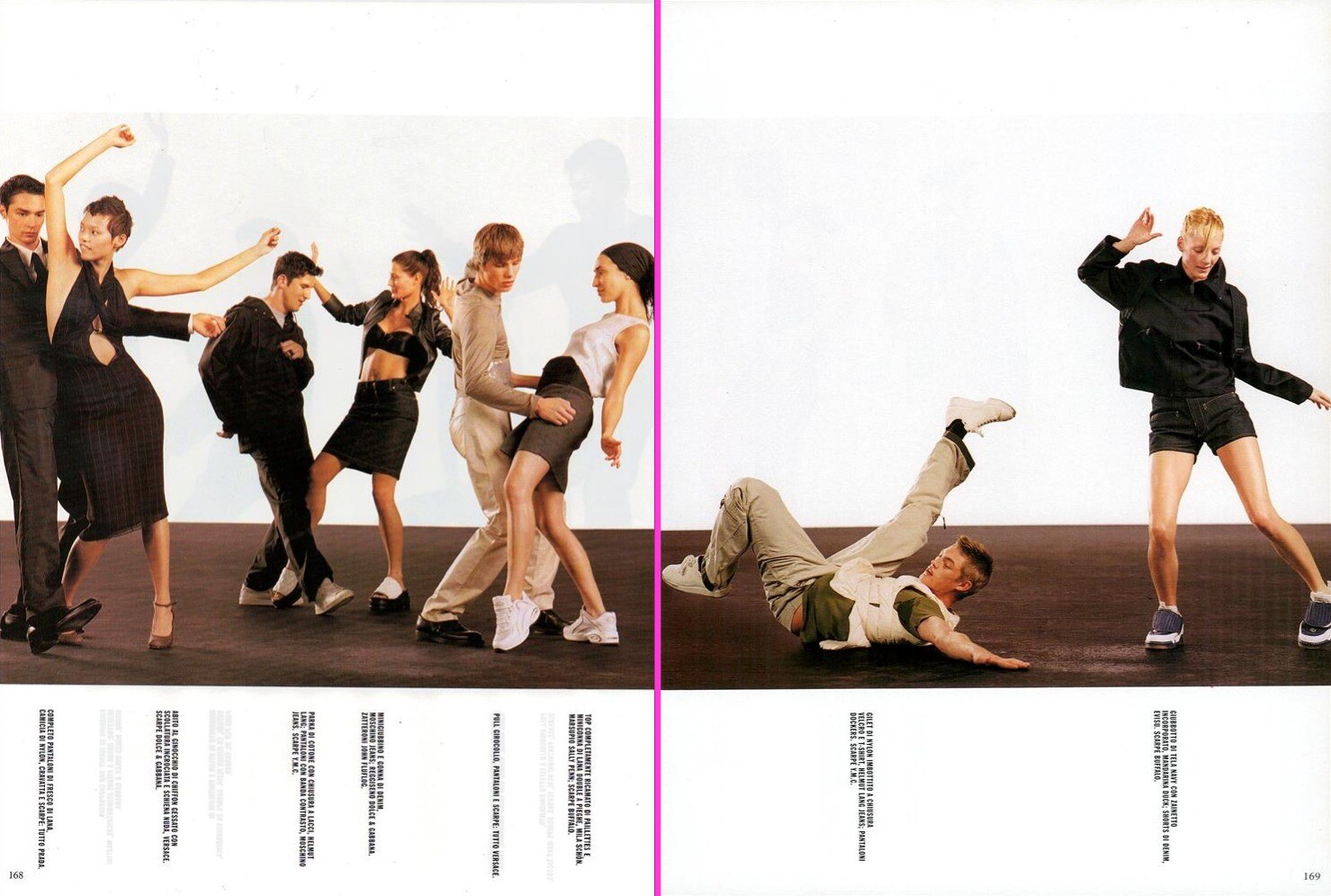
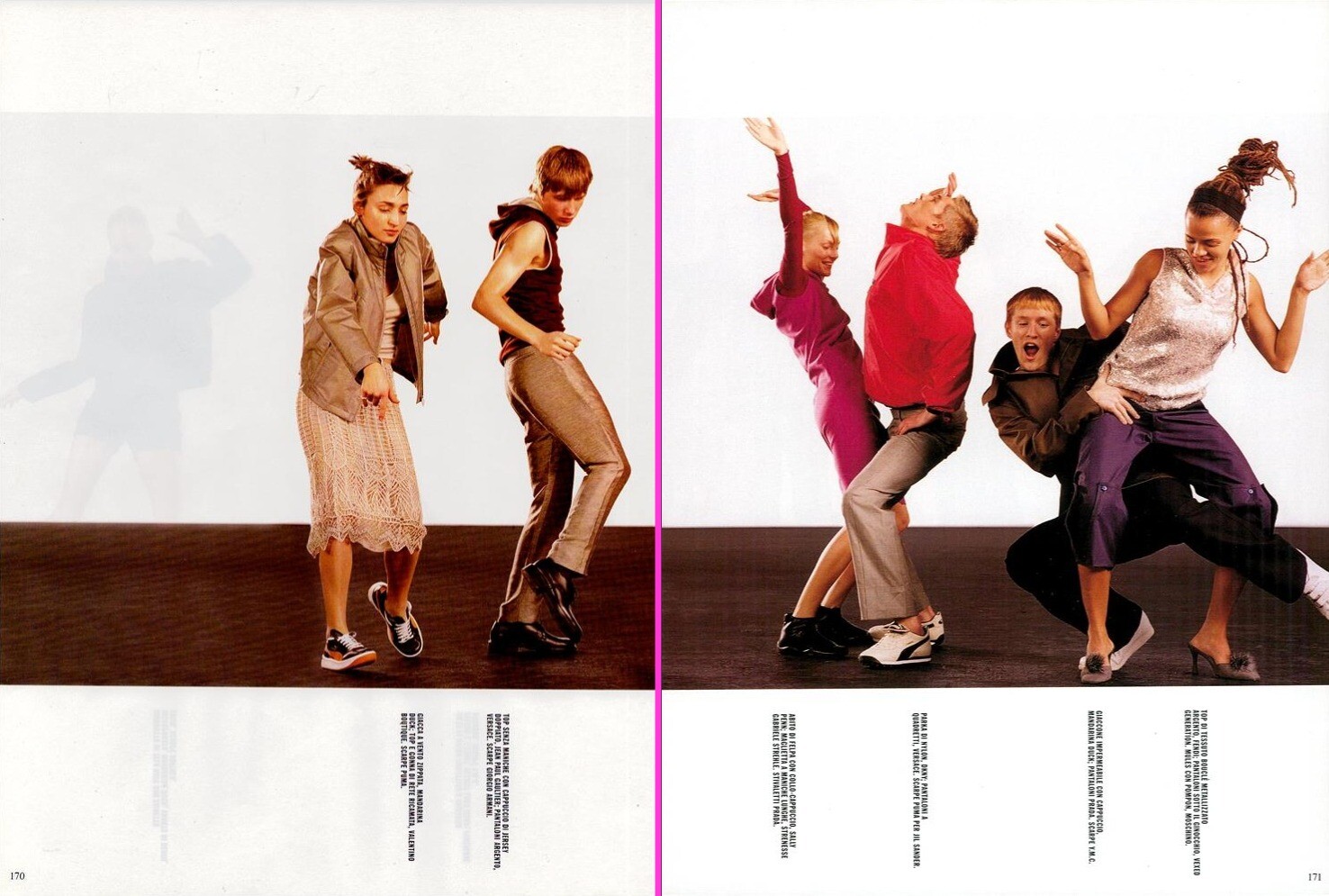
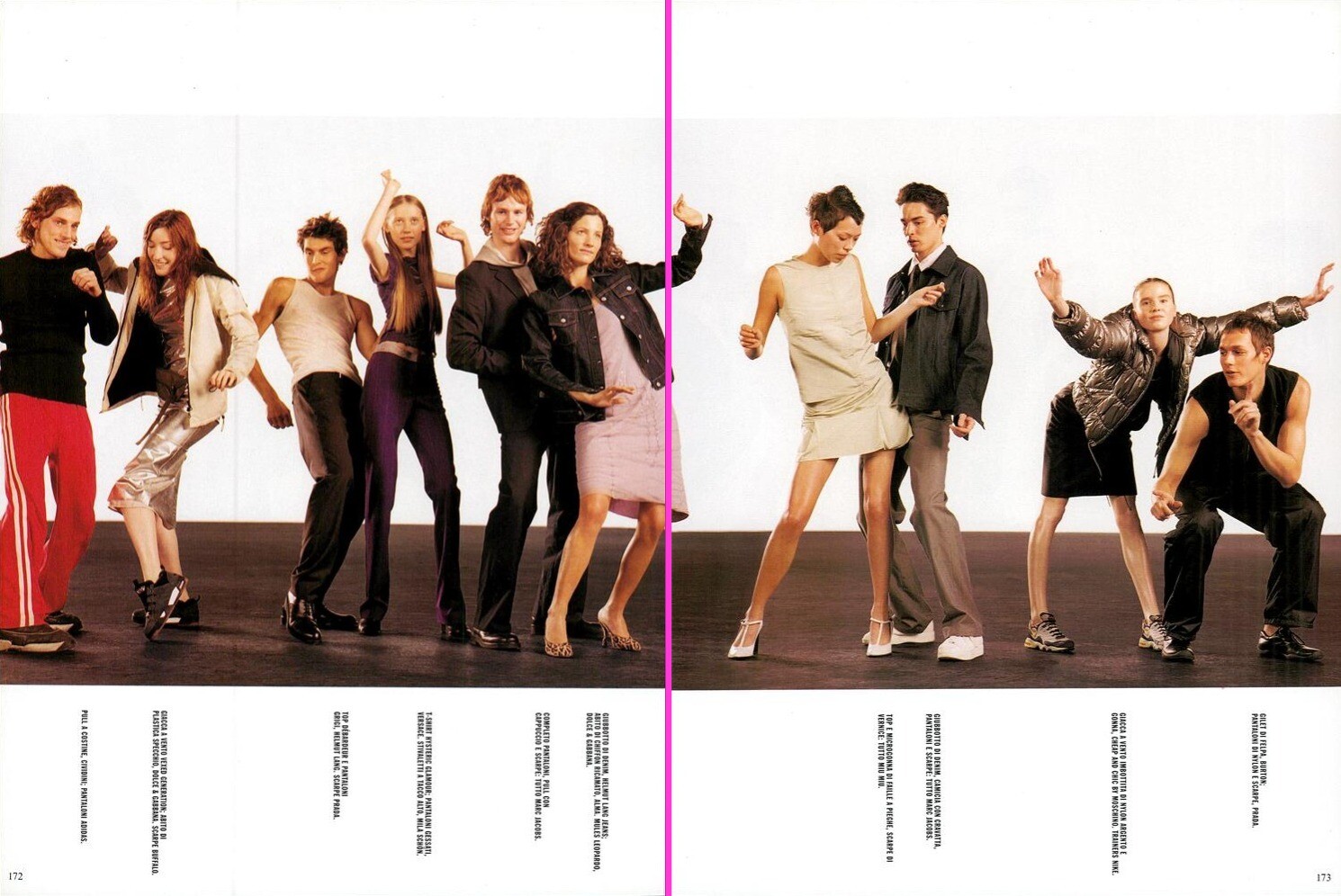
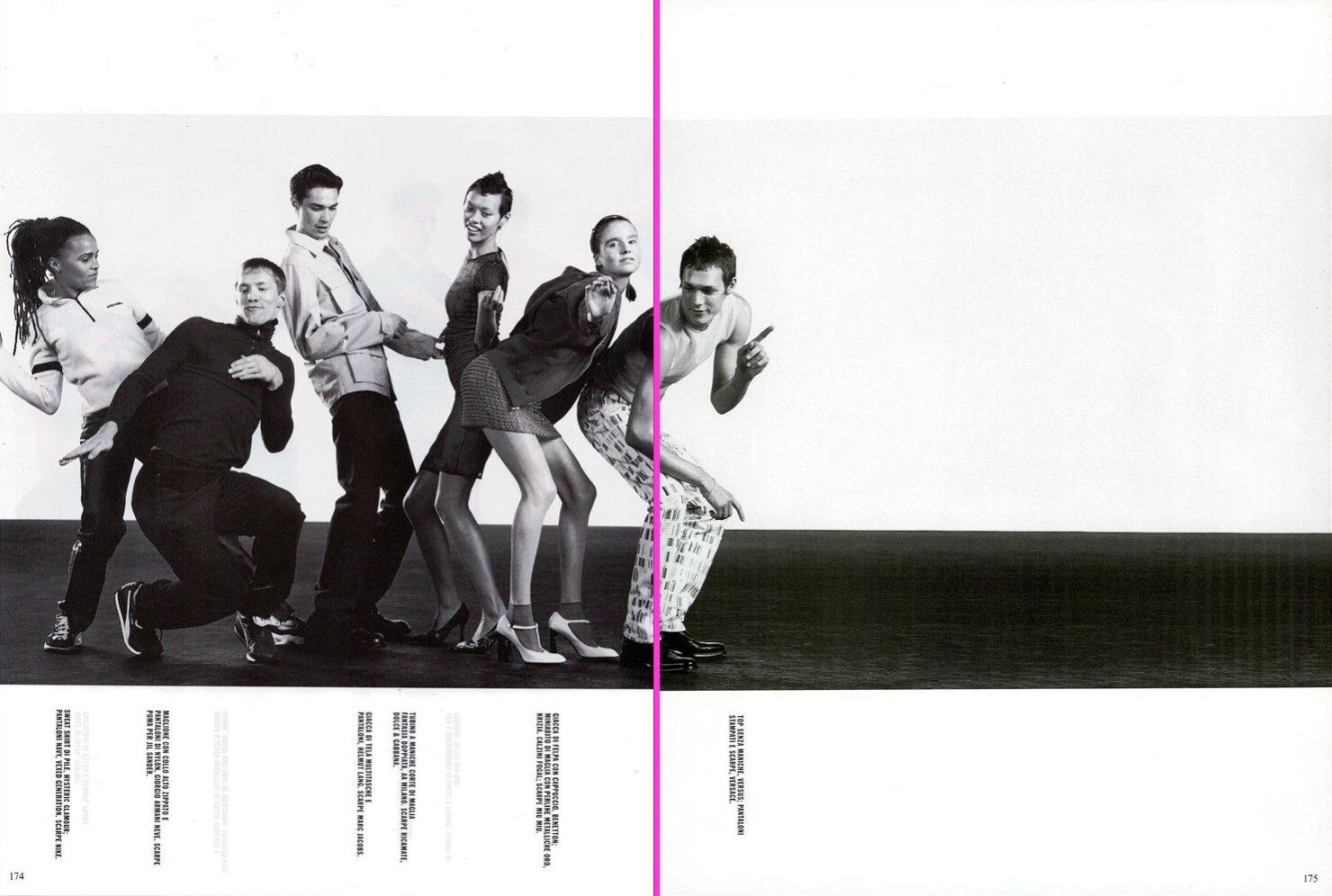
Vogue Italy 12/1998 ''Let's Rock'' Photographer: Steven Meisel Stylist: Brana Wolf Make-Up: Pat McGrath Hair: Jimmy Paul Models: Sienna Guillory,Colette Pechekhonova, Heather Stohler, Filippa von Stackelberg, Inge Geurts, Kirsten Pieters, (Lieke Smets?), Marlen Berkova, Lucy Gordon, (Kae Lee Iwakawa?), utm
shadowkenny joined the community
Vogue Italy 12/1998 ''Let's Rock'' Photographer: Steven Meisel Stylist: Brana Wolf Make-Up: Pat McGrath Hair: Jimmy Paul Models: Sienna Guillory,Colette Pechekhonova, Heather Stohler, Filippa von Stackelberg, Inge Geurts, Kirsten Pieters, (Lieke Smets?), Marlen Berkova, Lucy Gordon, (Kae Lee Iwakawa?), utm






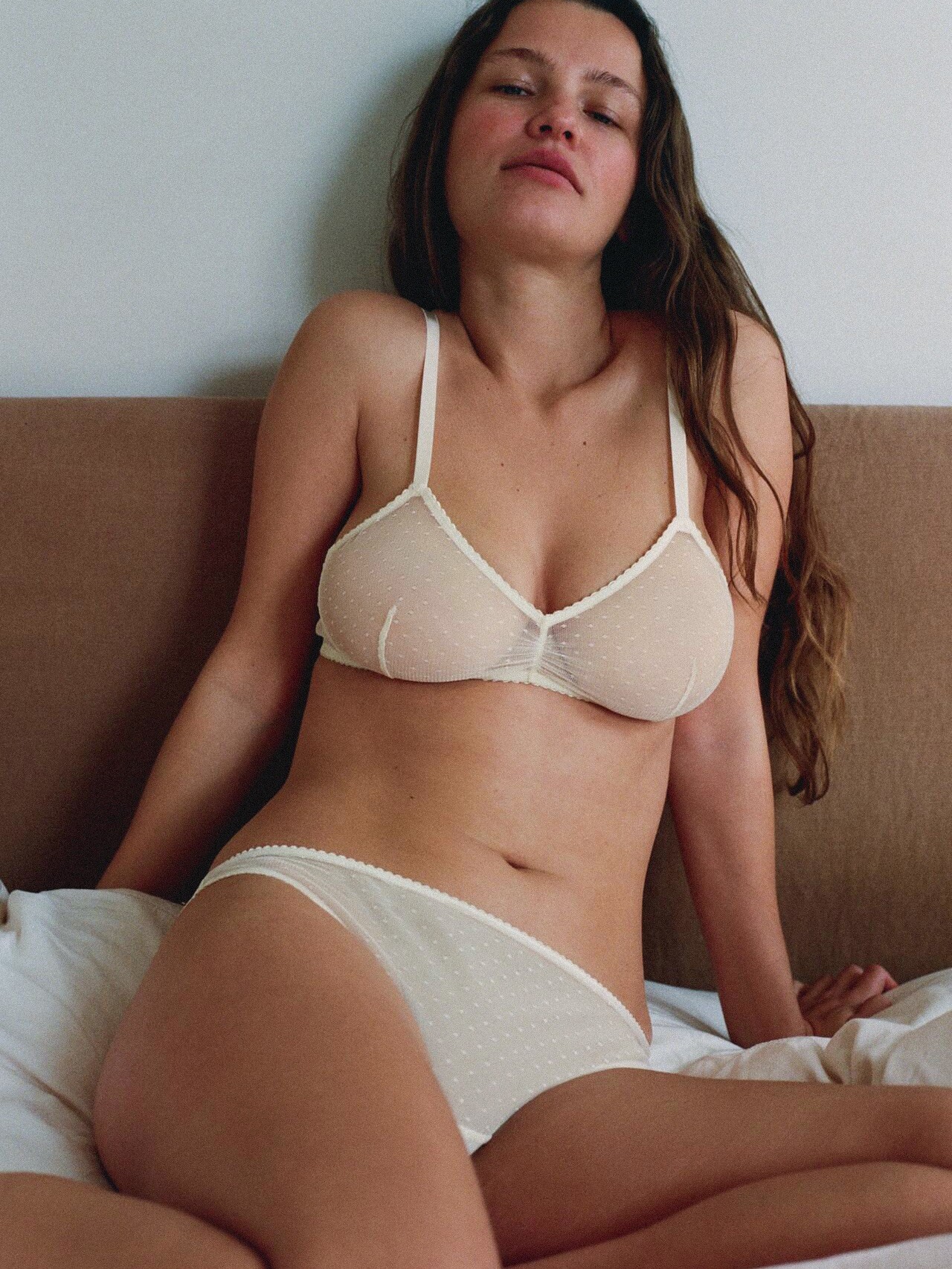
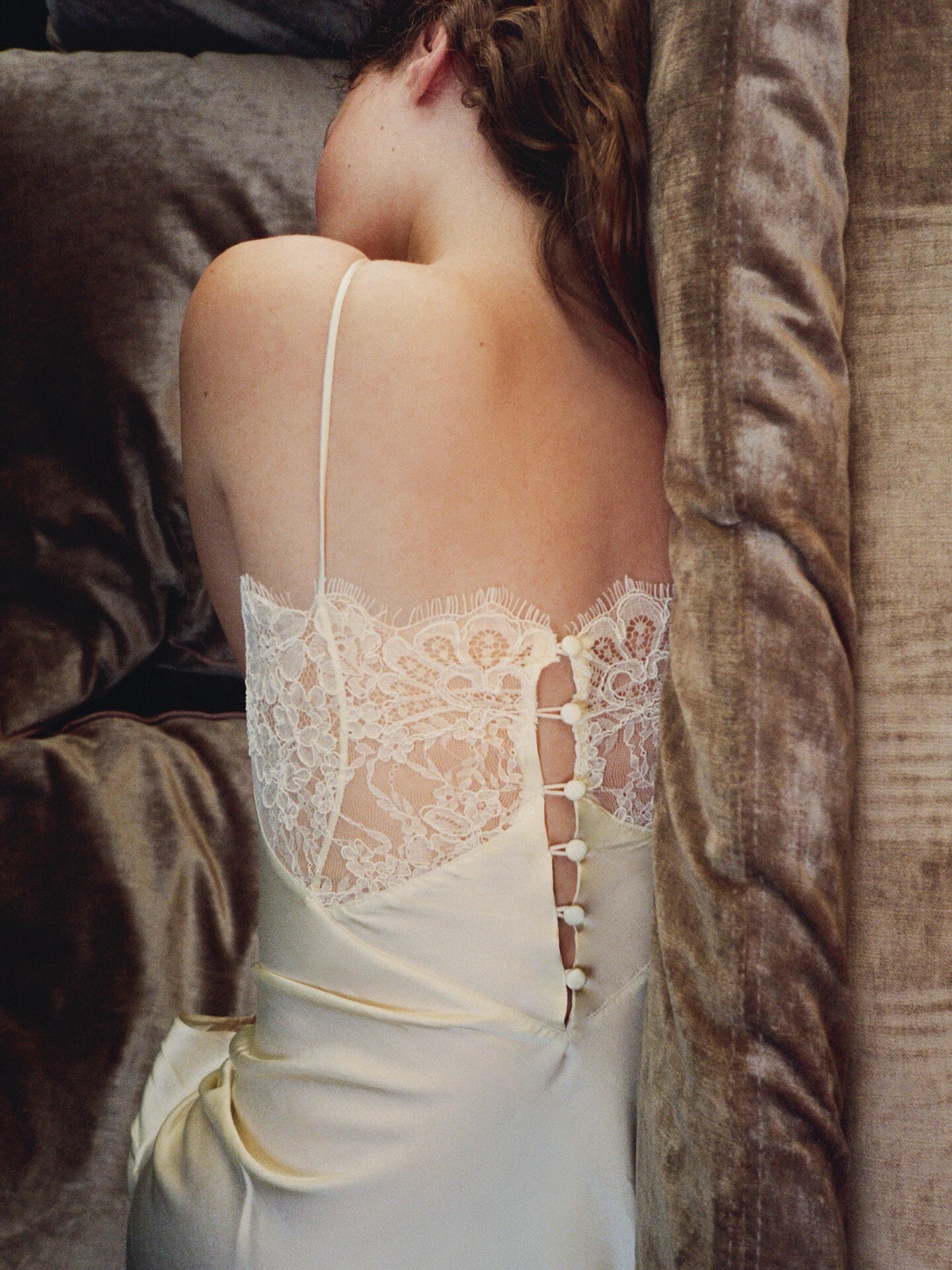
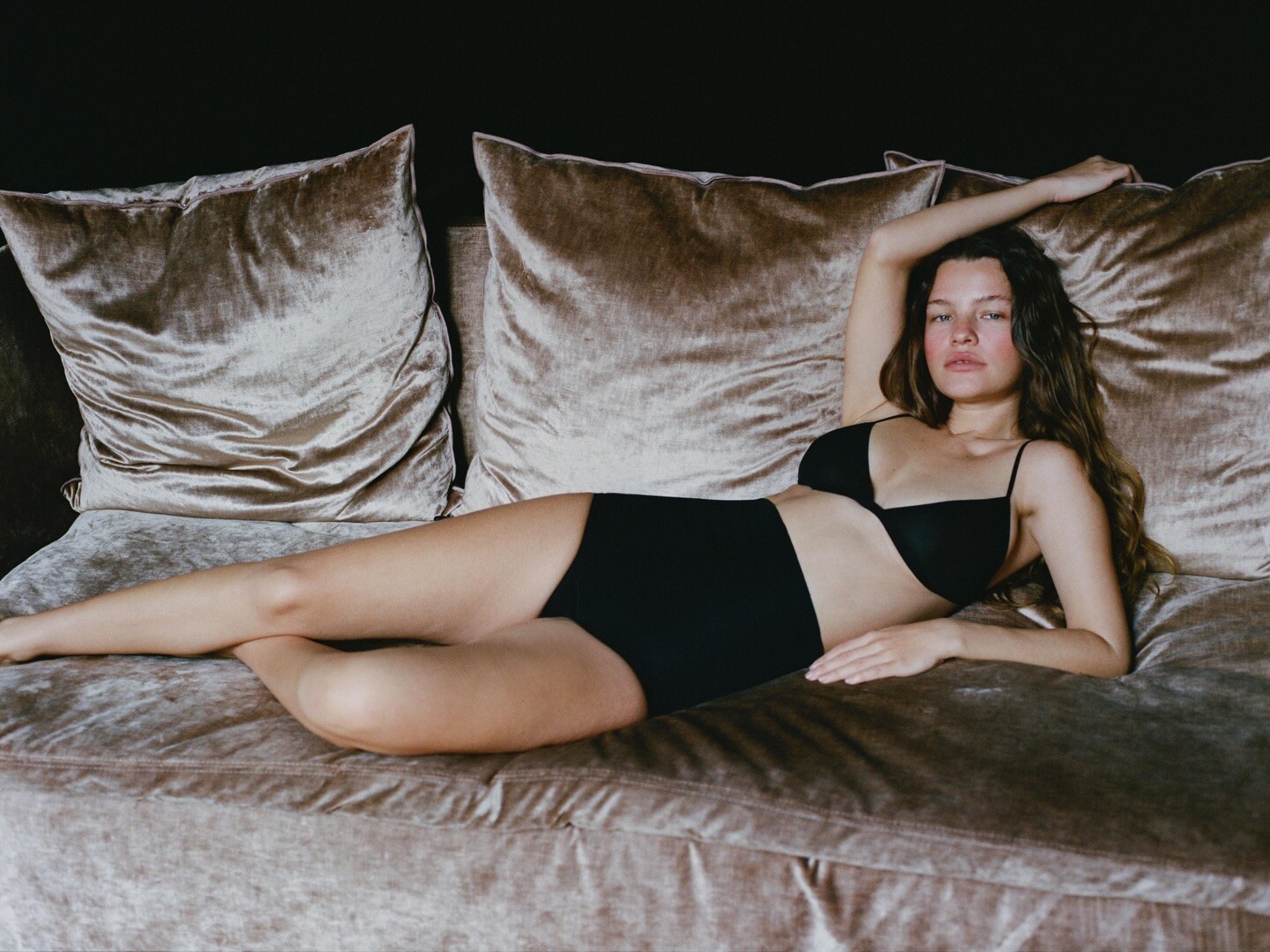
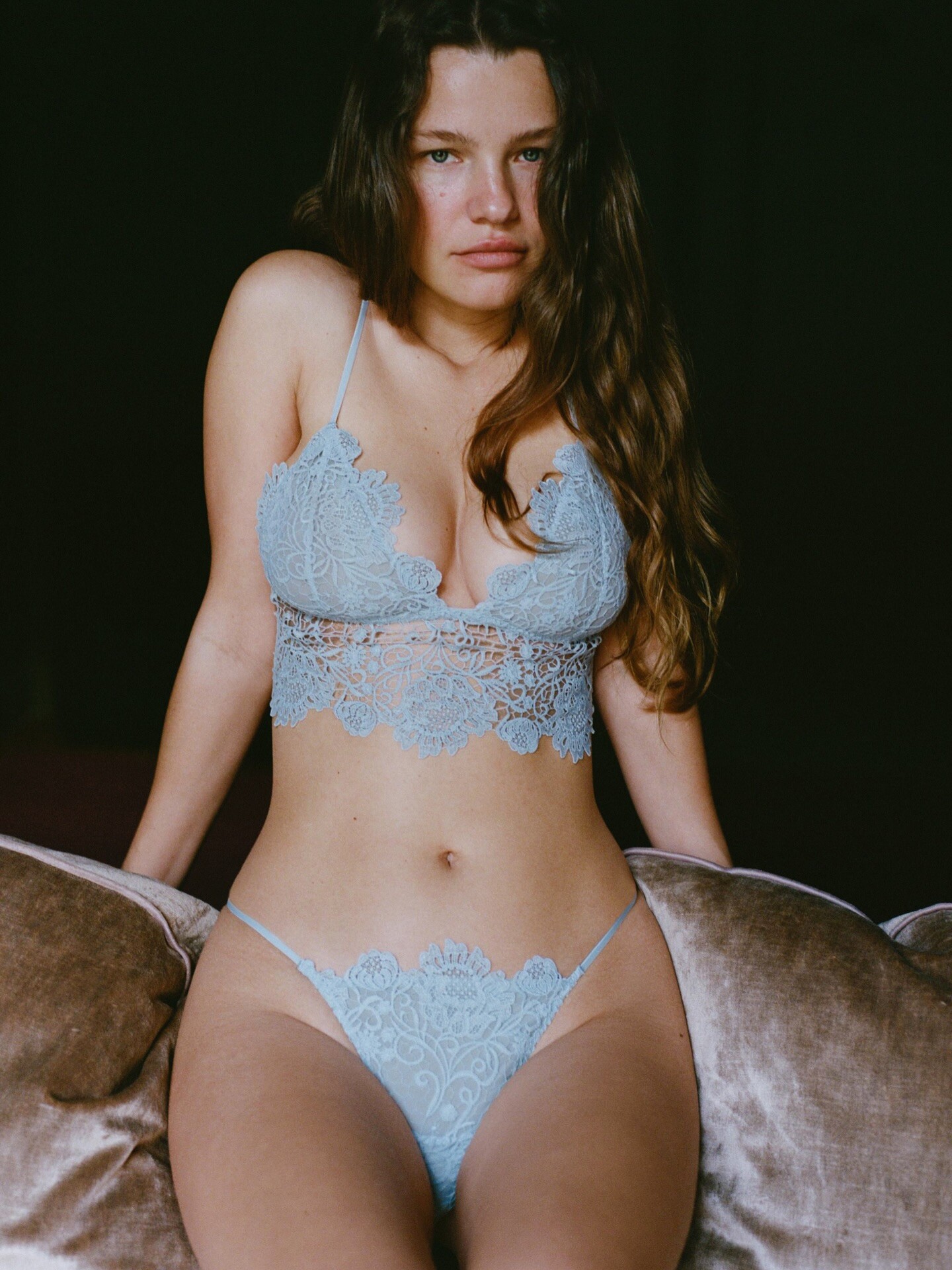


























Account
Navigation
Search
Configure browser push notifications
Chrome (Android)
- Tap the lock icon next to the address bar.
- Tap Permissions → Notifications.
- Adjust your preference.
Chrome (Desktop)
- Click the padlock icon in the address bar.
- Select Site settings.
- Find Notifications and adjust your preference.
Safari (iOS 16.4+)
- Ensure the site is installed via Add to Home Screen.
- Open Settings App → Notifications.
- Find your app name and adjust your preference.
Safari (macOS)
- Go to Safari → Preferences.
- Click the Websites tab.
- Select Notifications in the sidebar.
- Find this website and adjust your preference.
Edge (Android)
- Tap the lock icon next to the address bar.
- Tap Permissions.
- Find Notifications and adjust your preference.
Edge (Desktop)
- Click the padlock icon in the address bar.
- Click Permissions for this site.
- Find Notifications and adjust your preference.
Firefox (Android)
- Go to Settings → Site permissions.
- Tap Notifications.
- Find this site in the list and adjust your preference.
Firefox (Desktop)
- Open Firefox Settings.
- Search for Notifications.
- Find this site in the list and adjust your preference.