All Activity
- Past hour
-

-
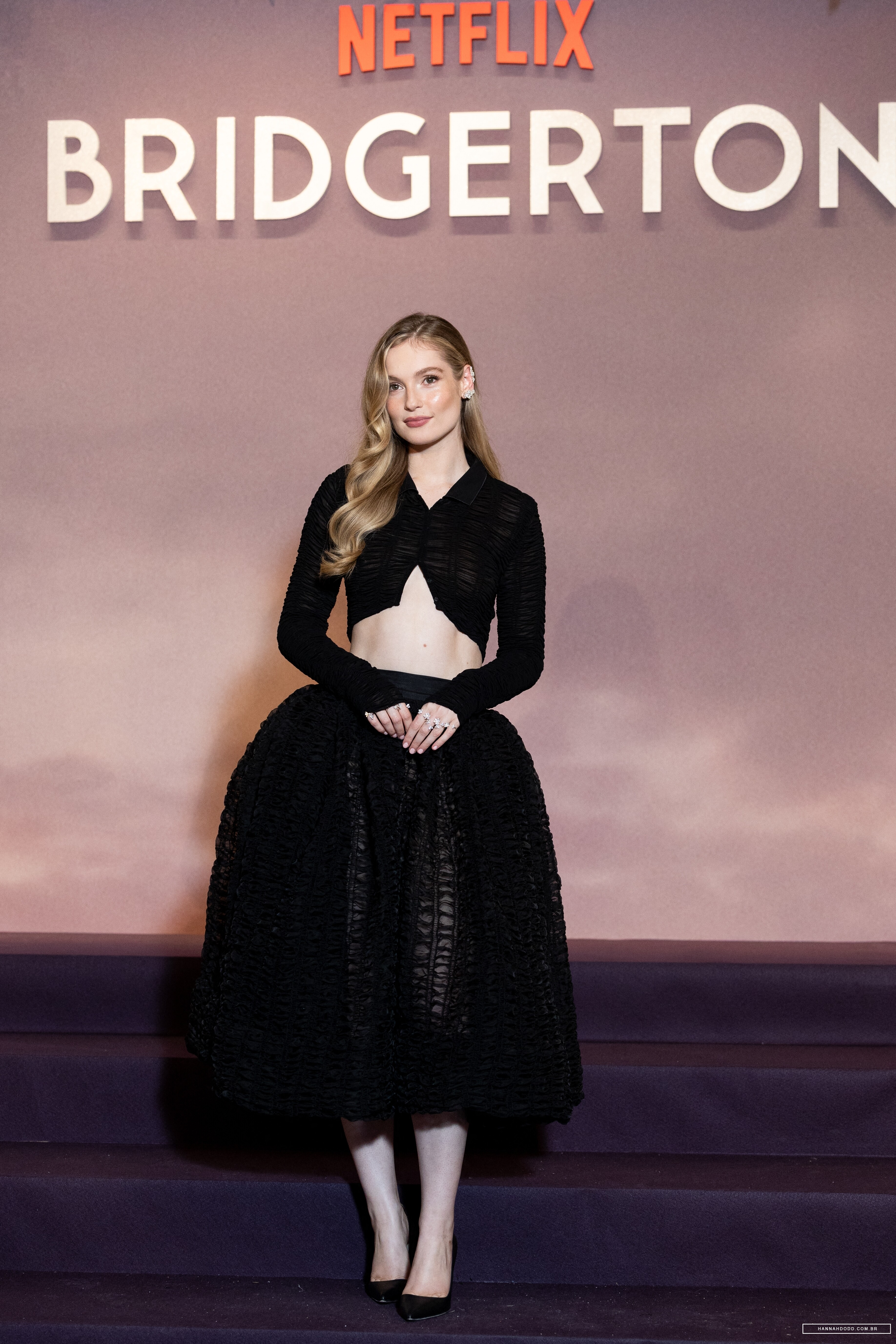
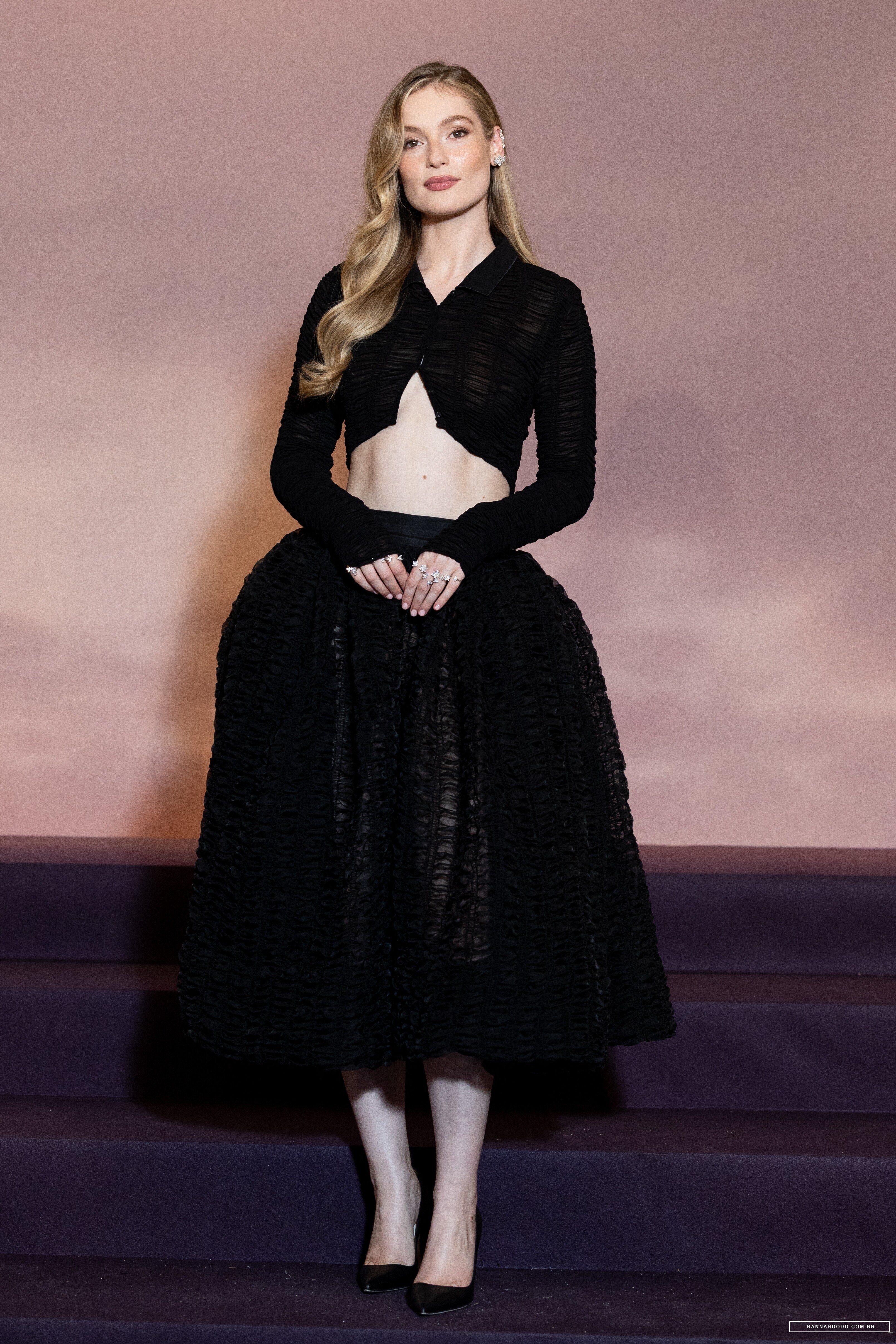
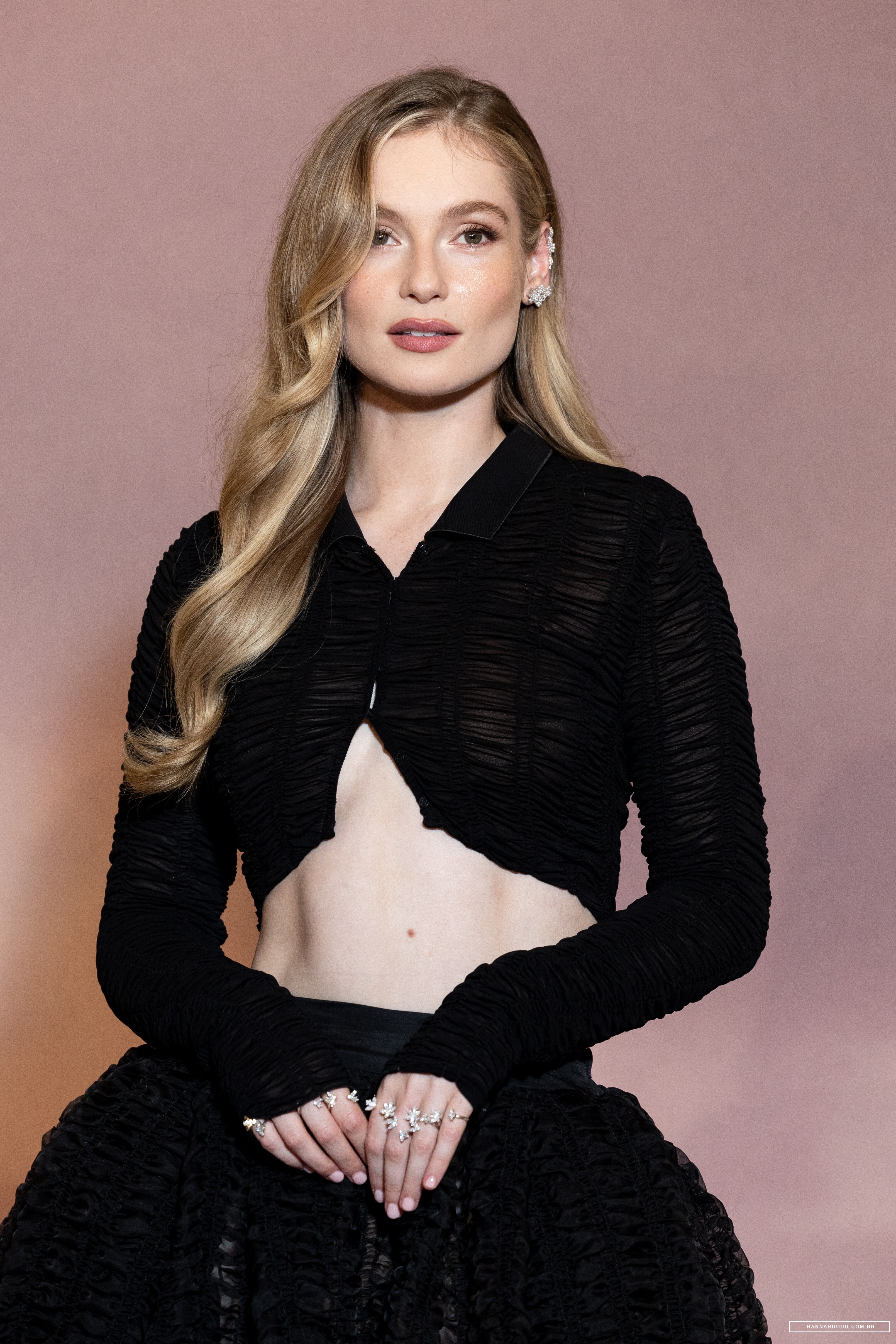
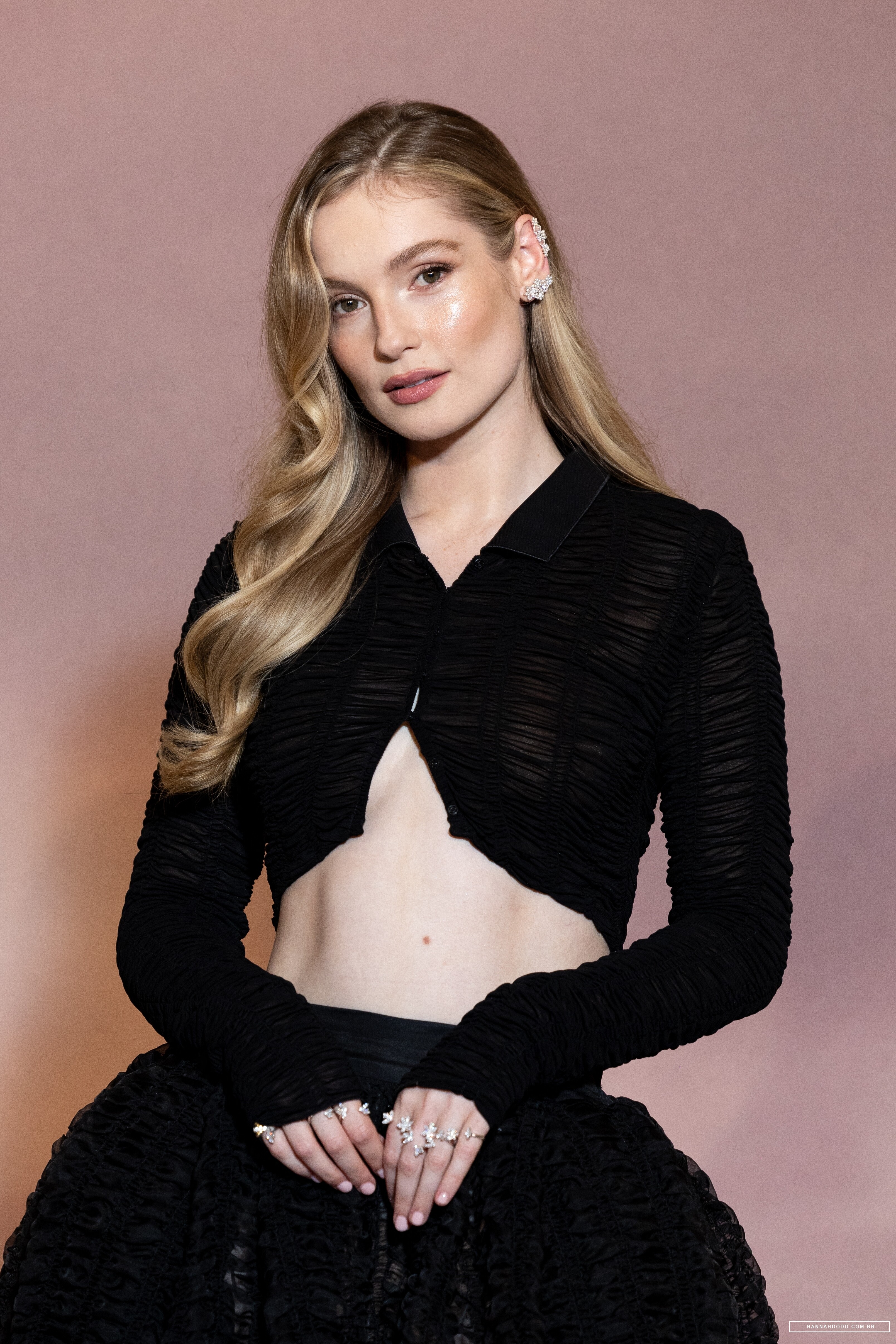
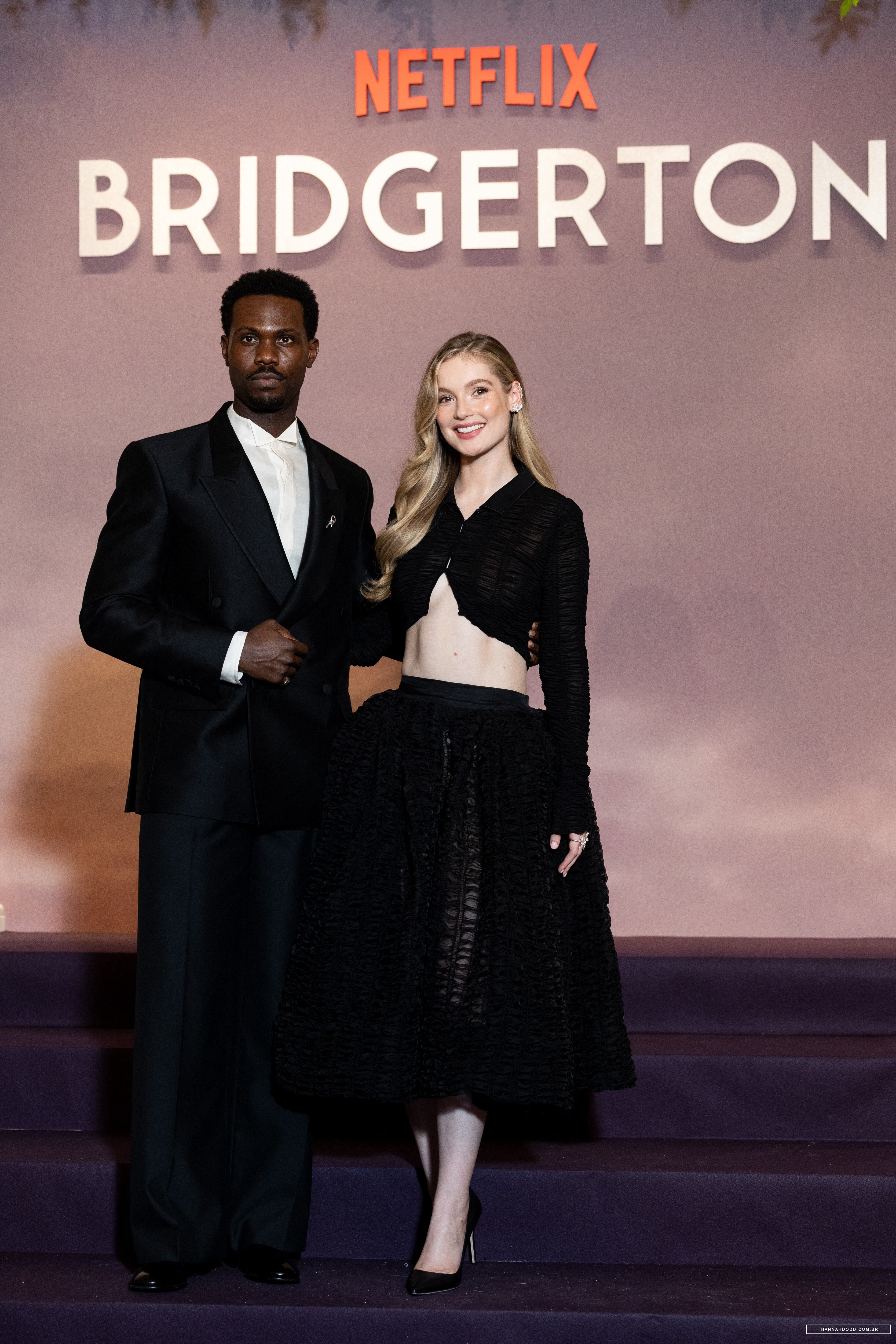
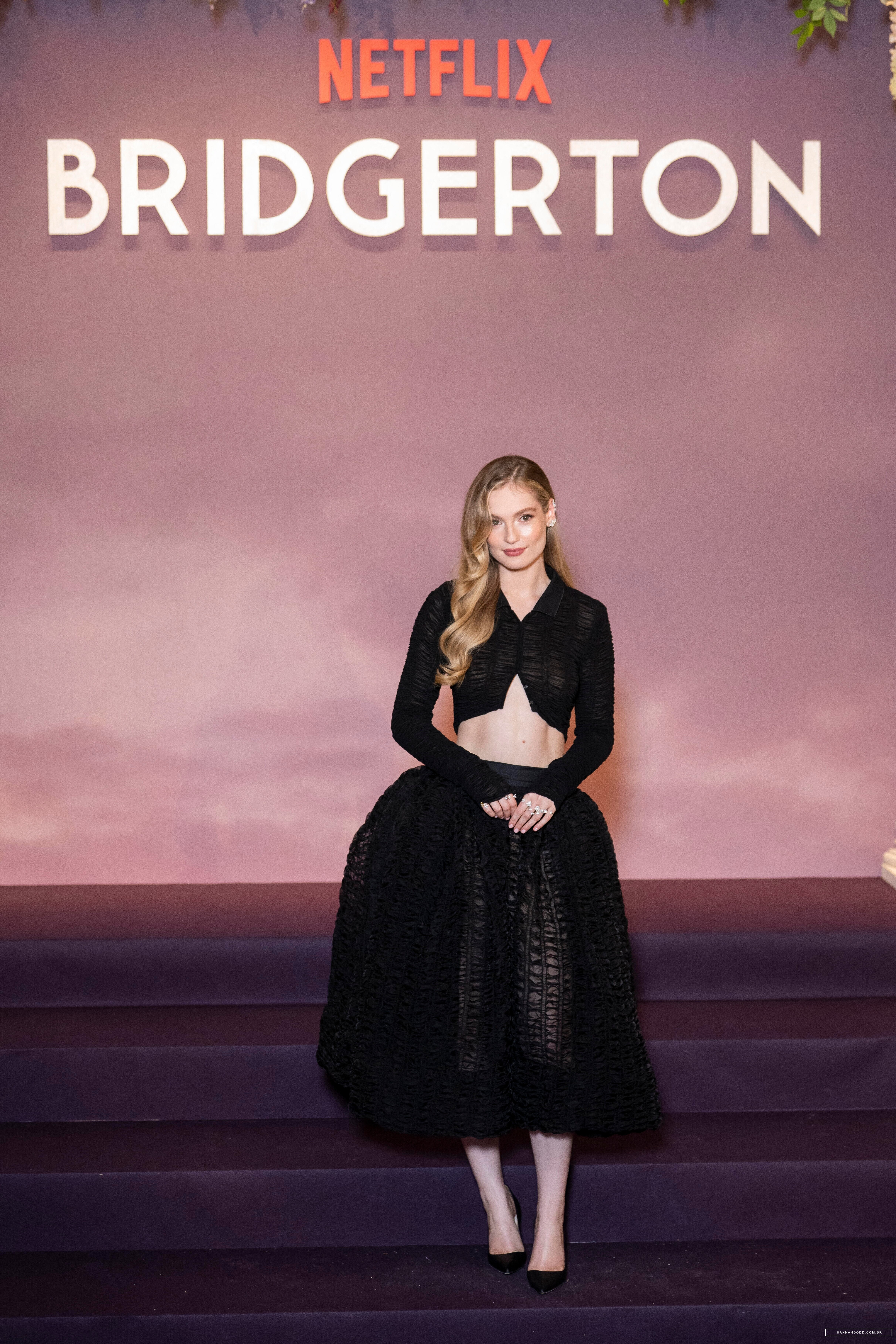
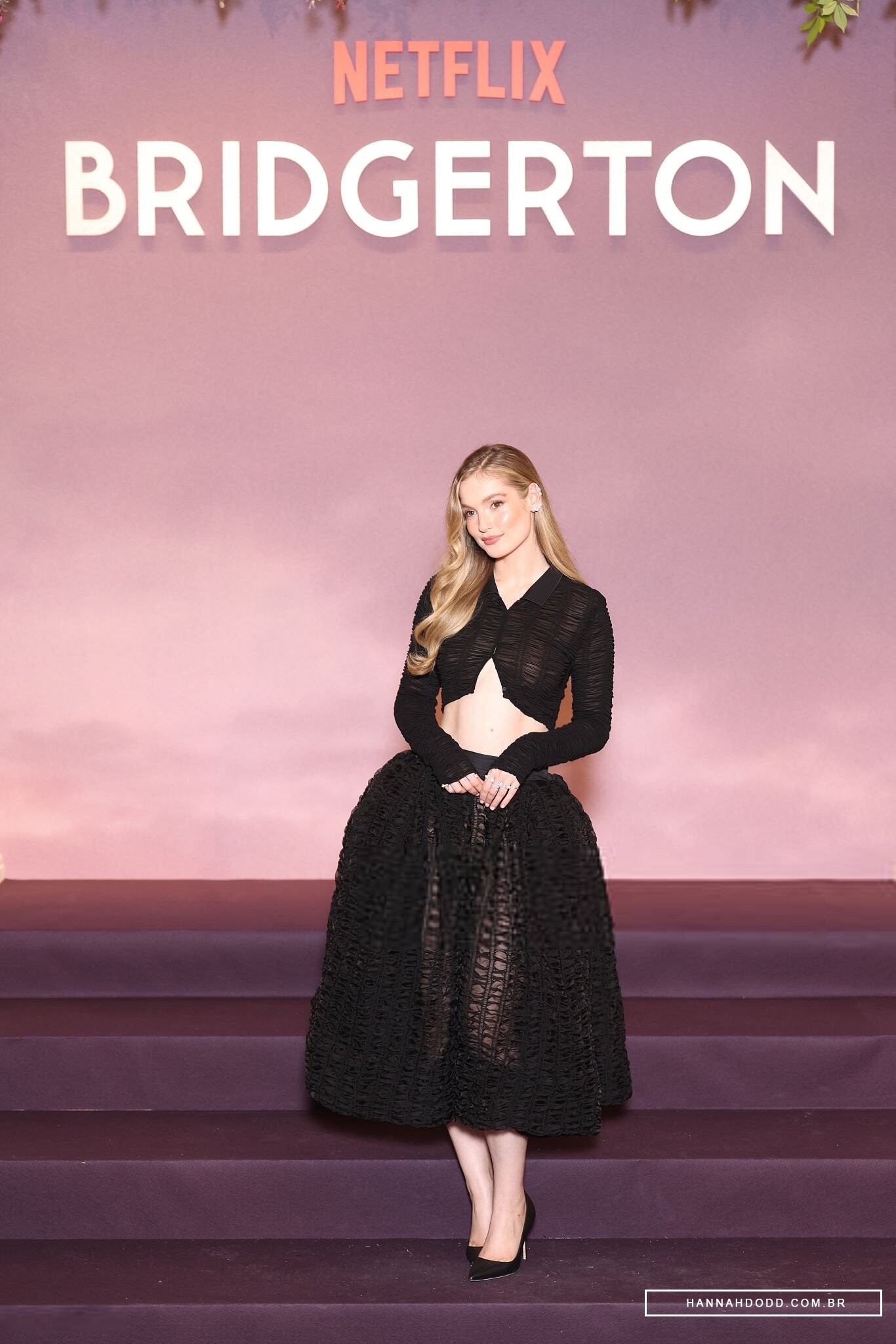
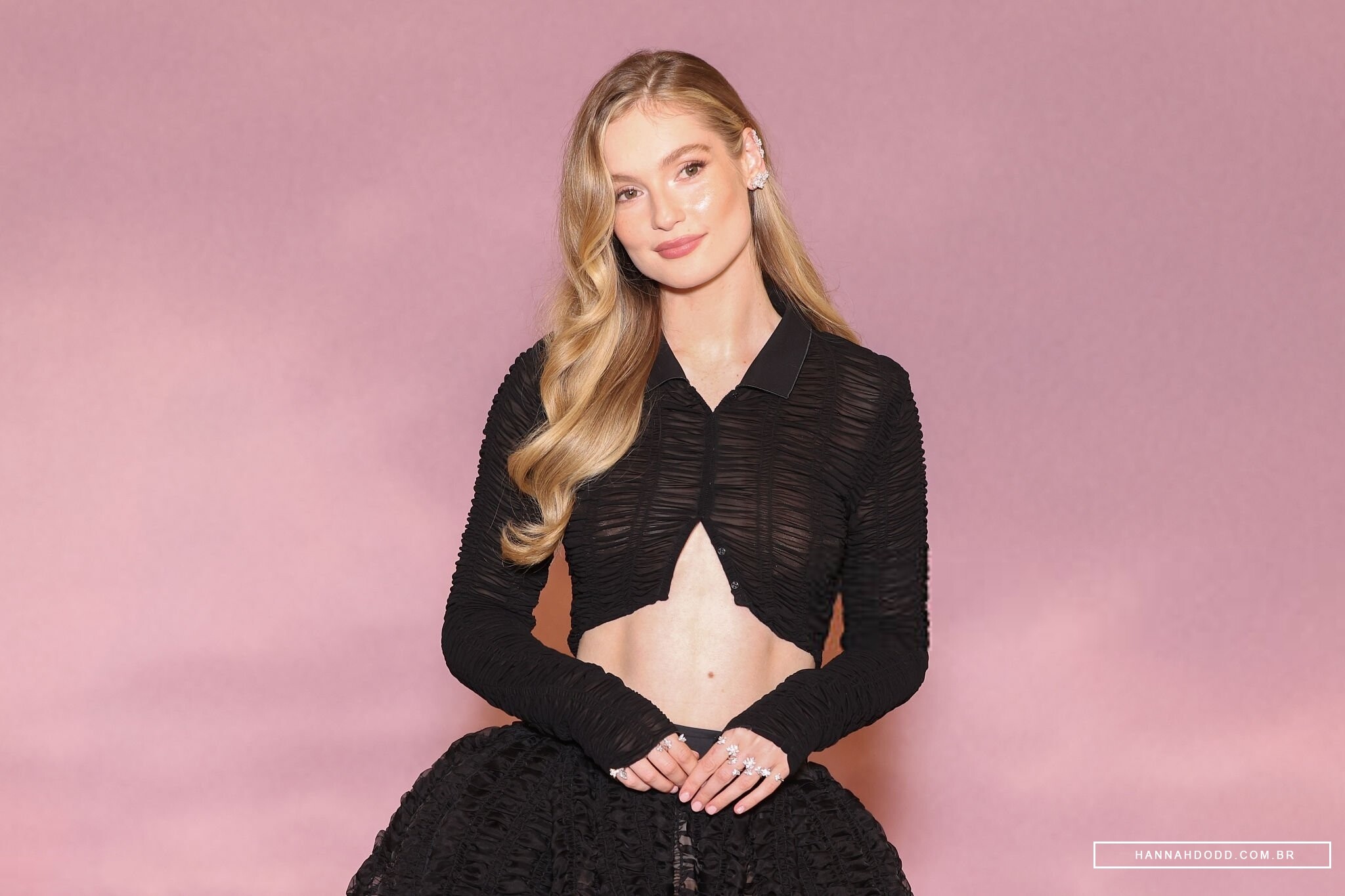
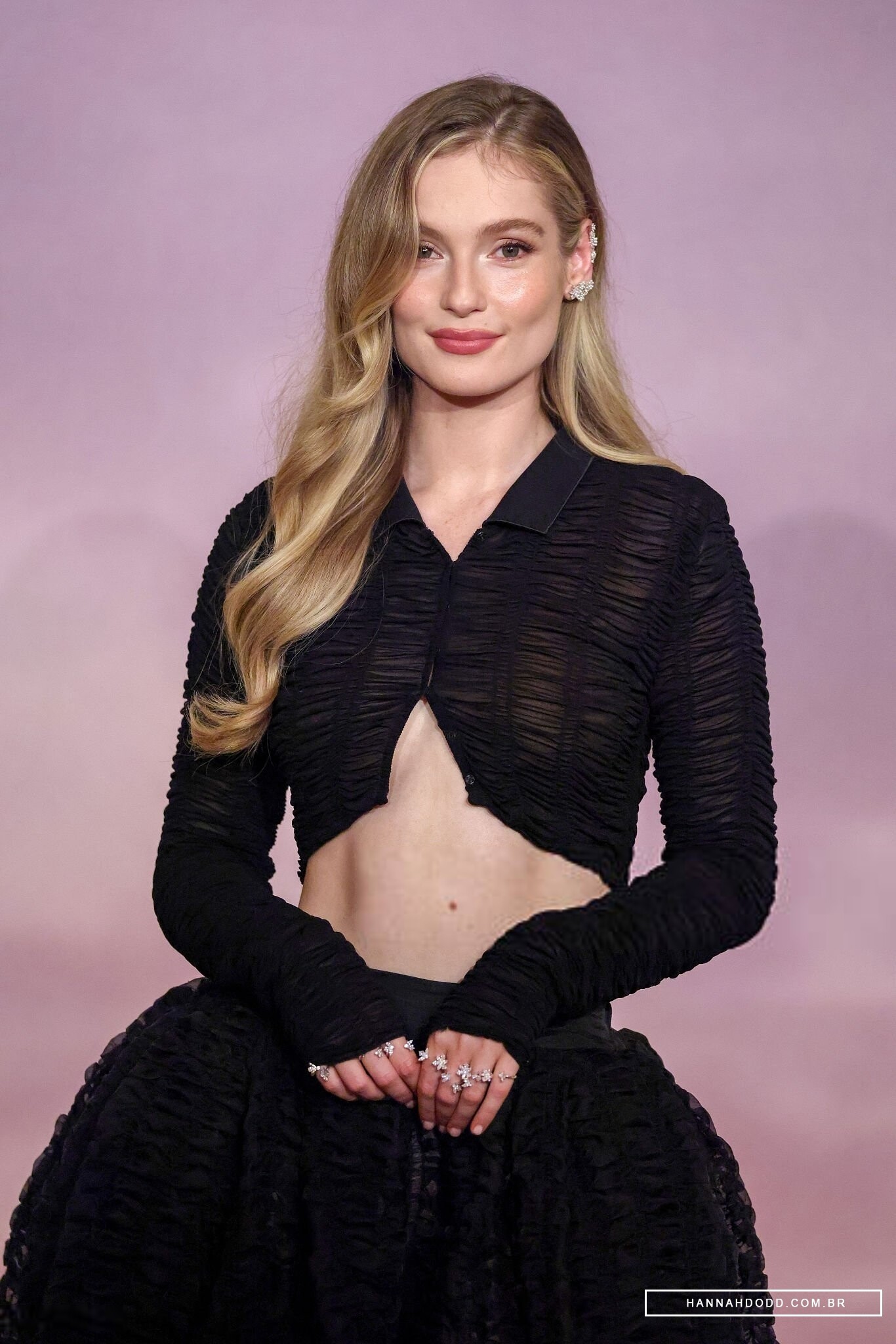
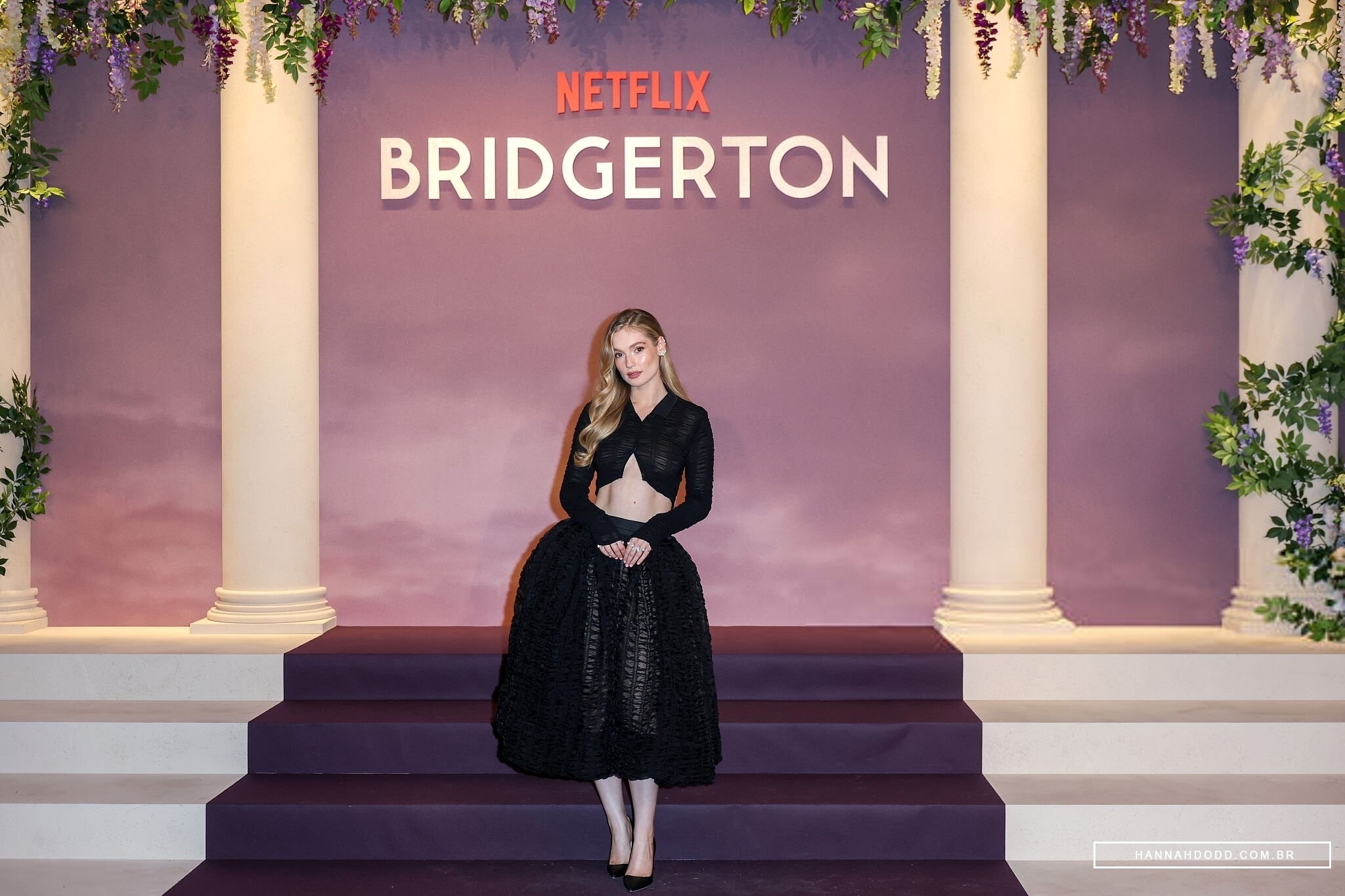
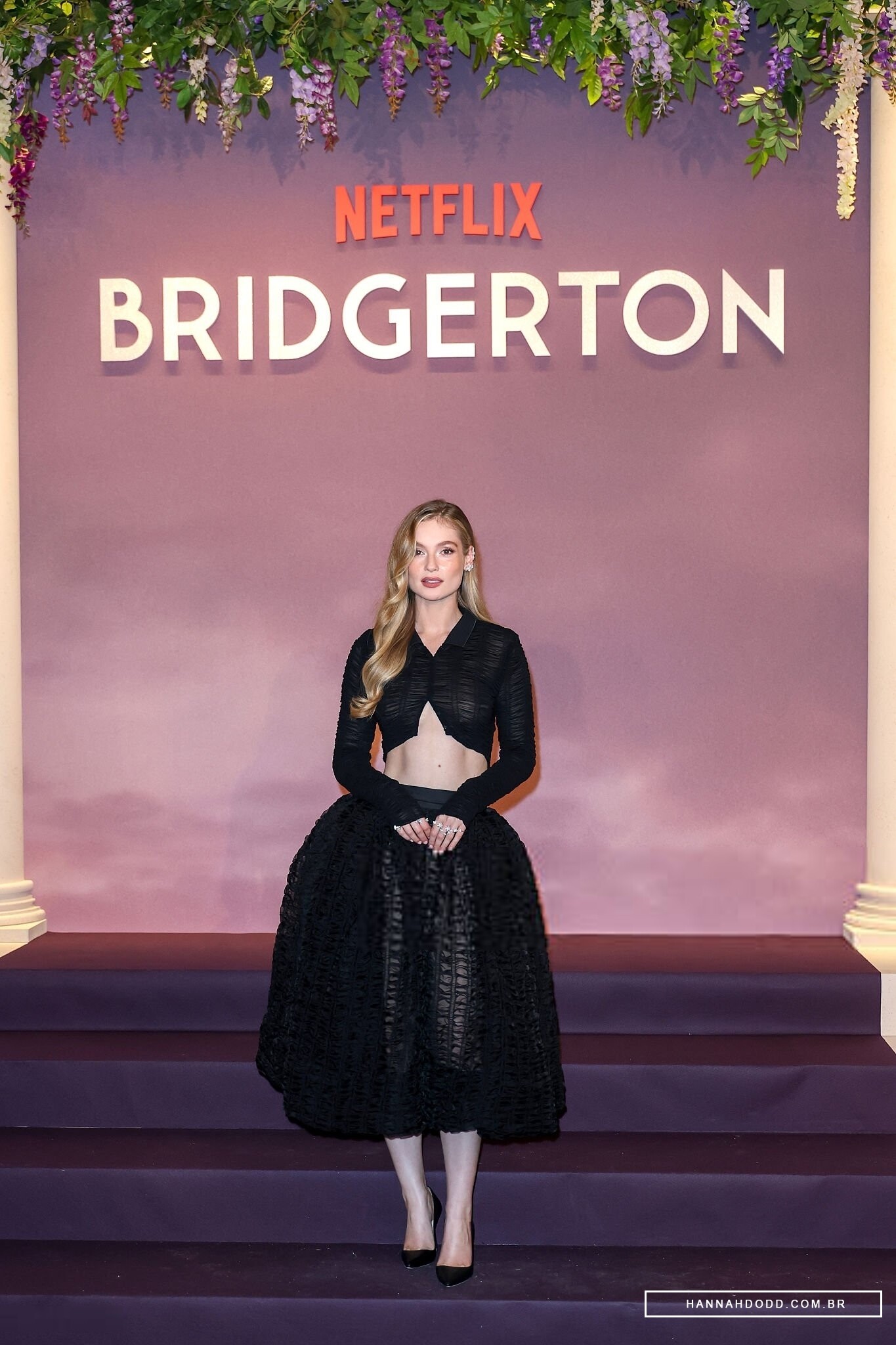
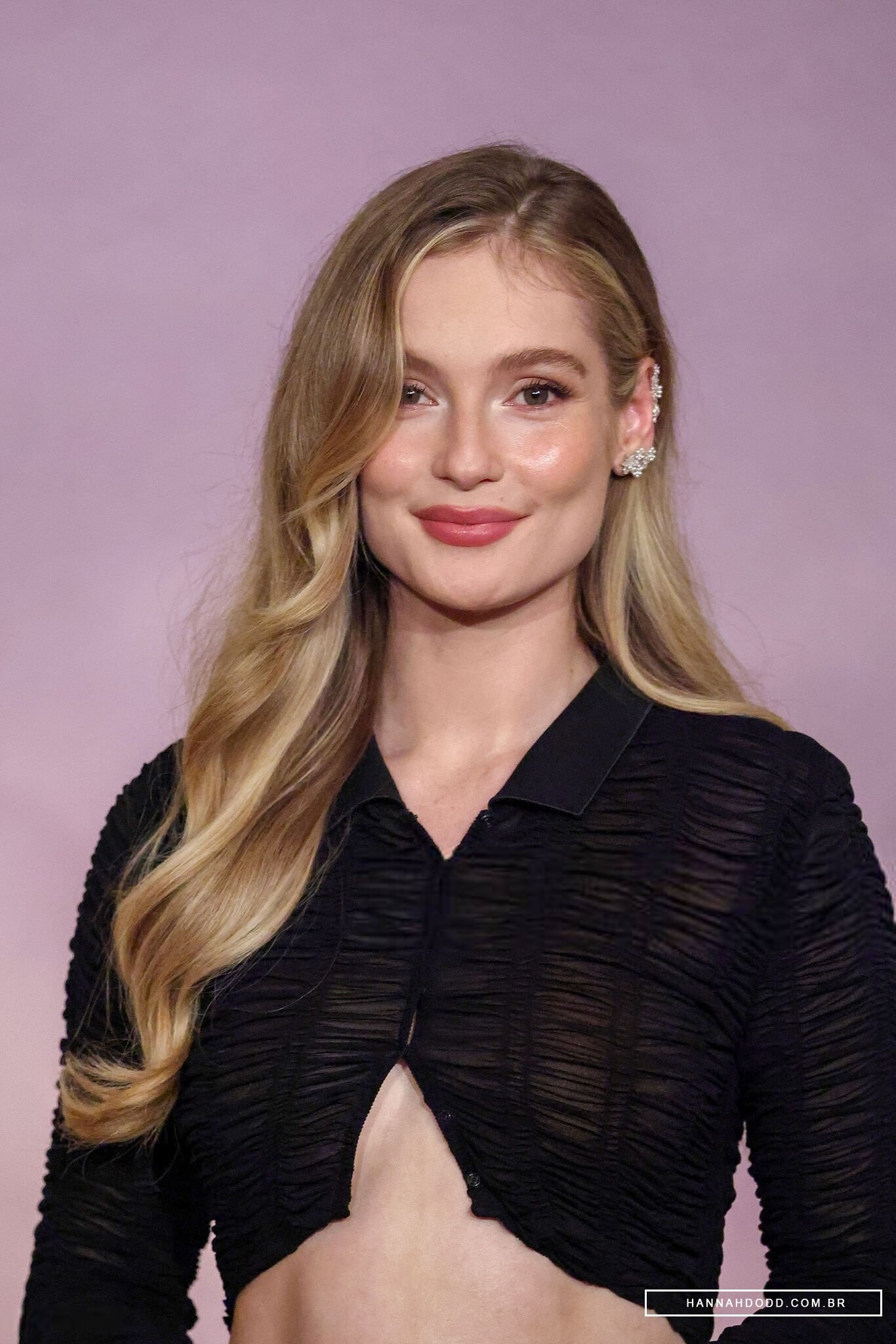
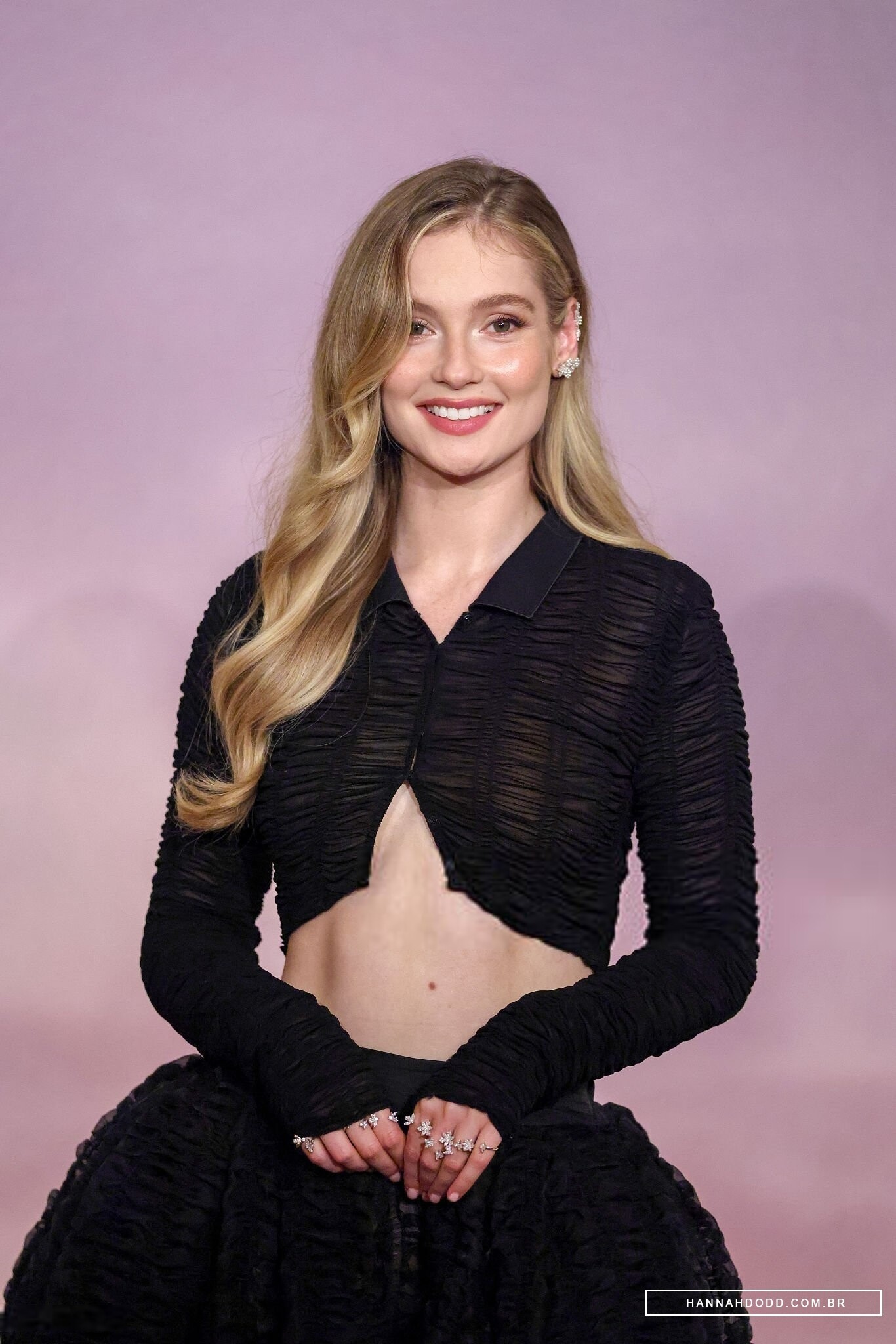
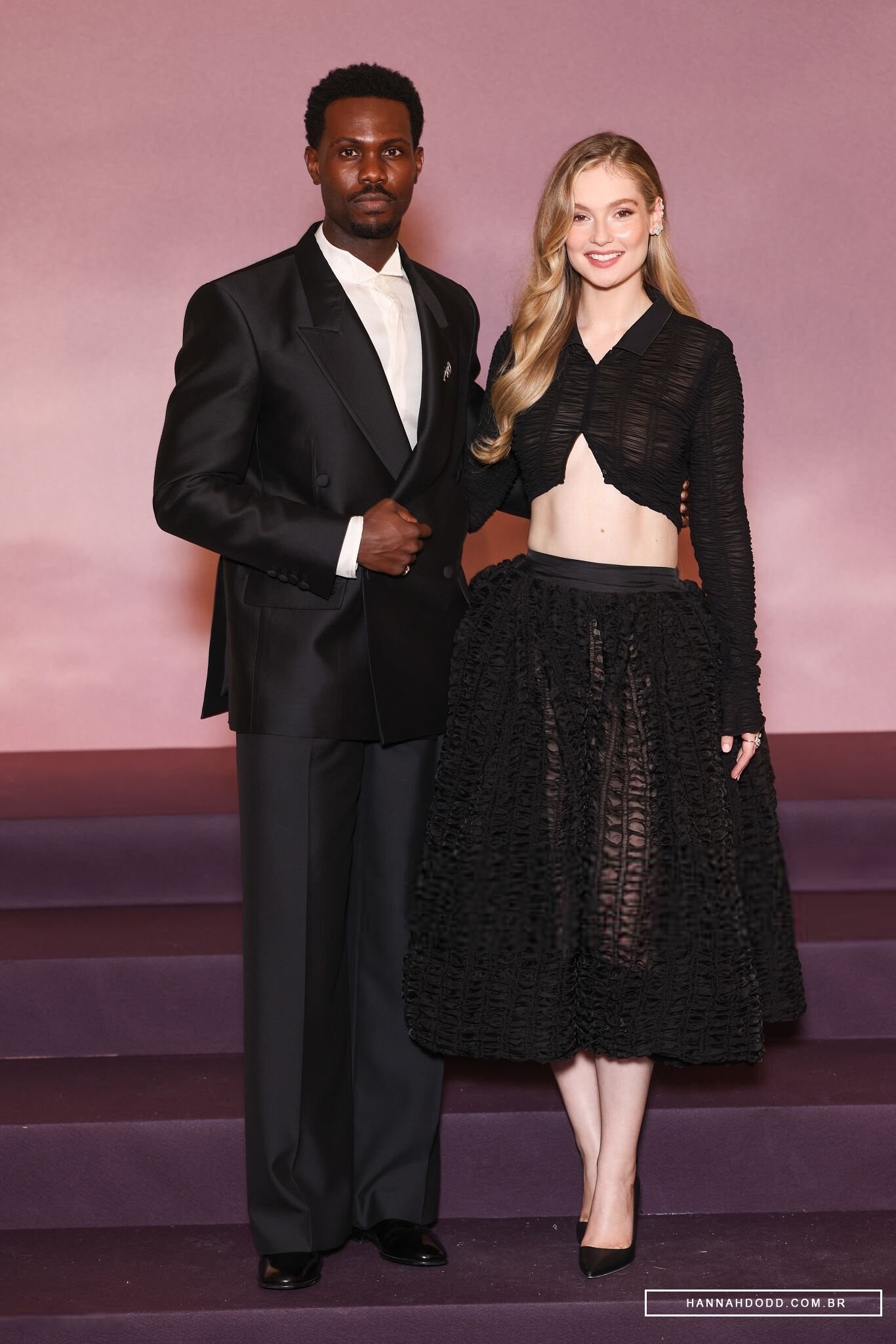
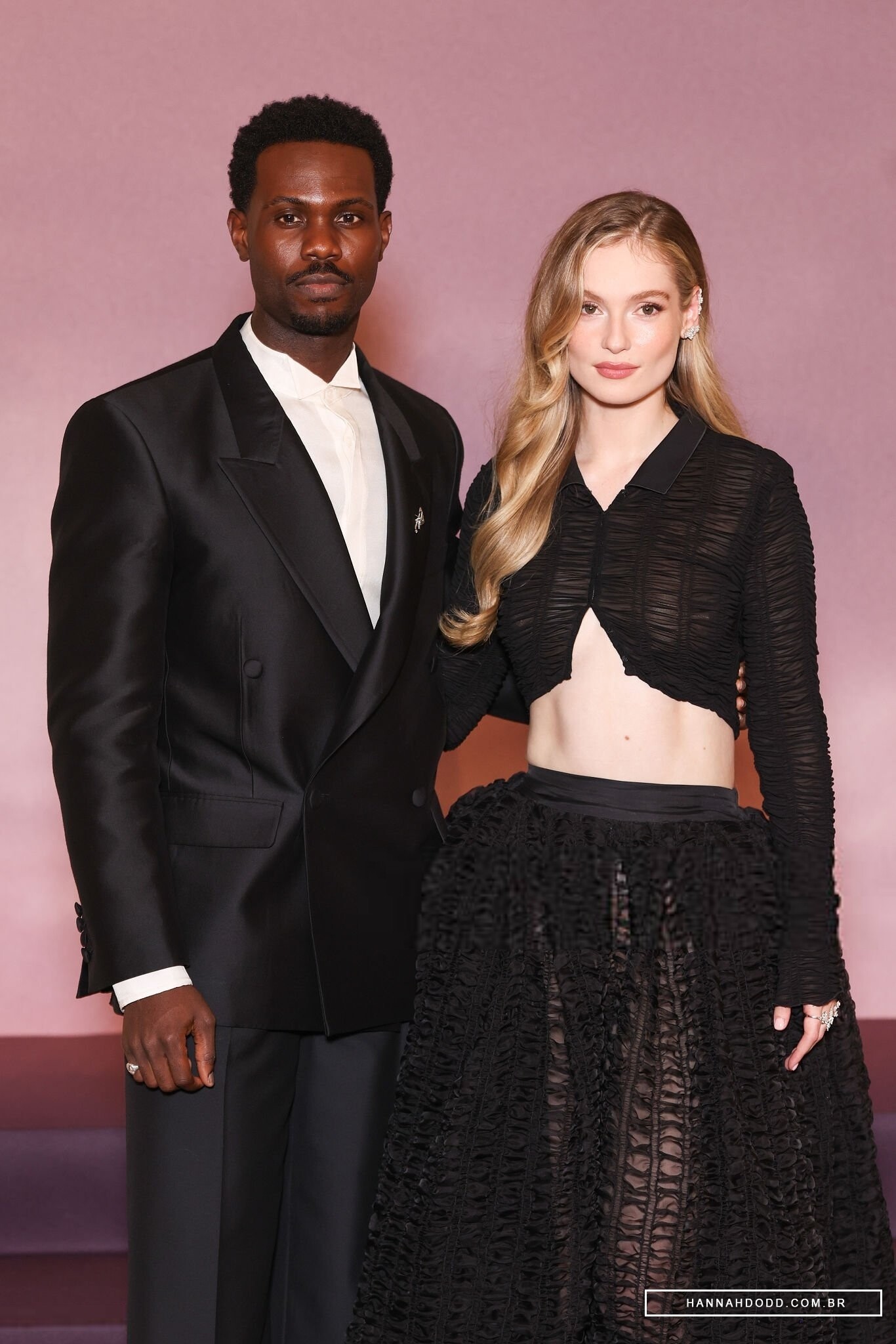
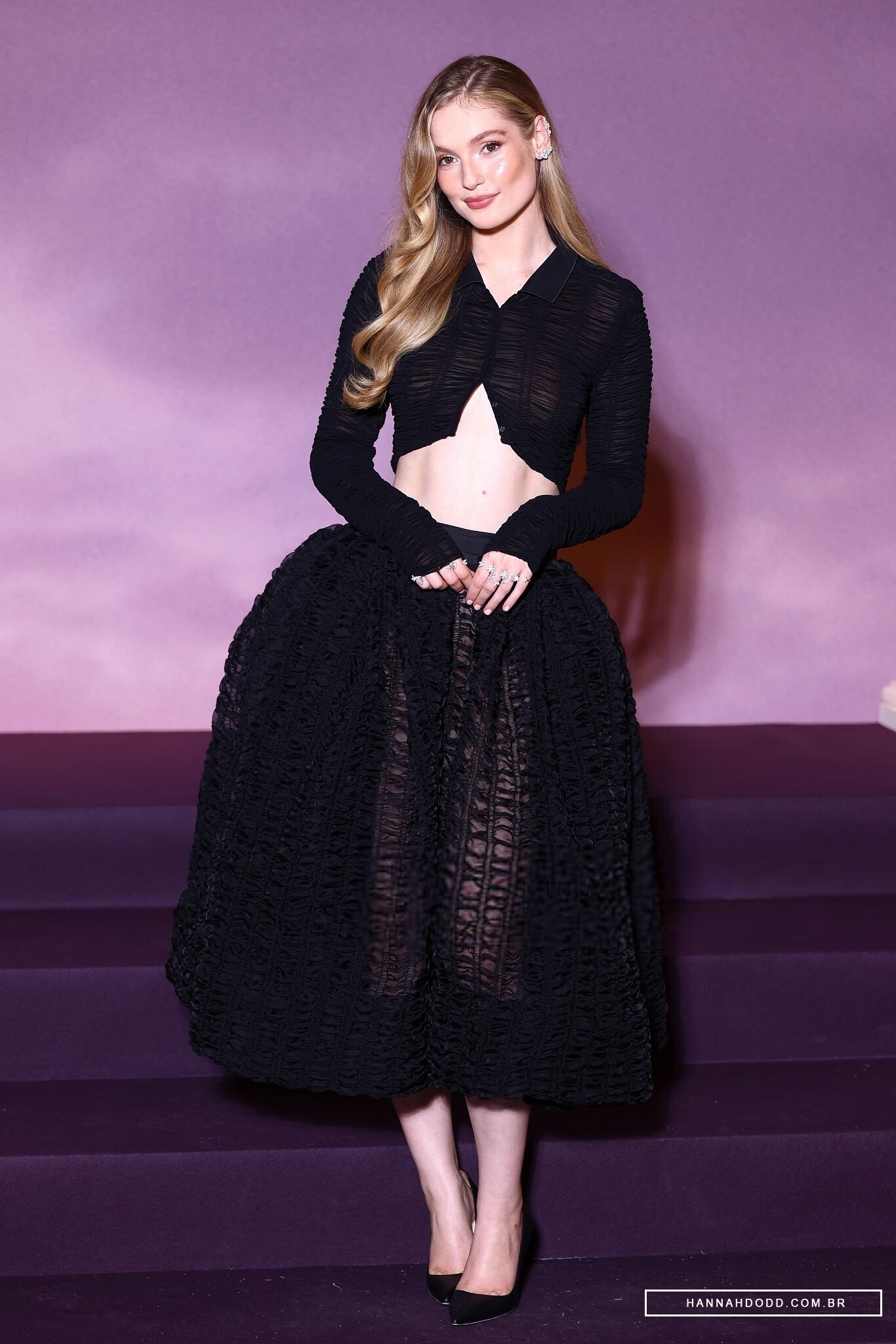
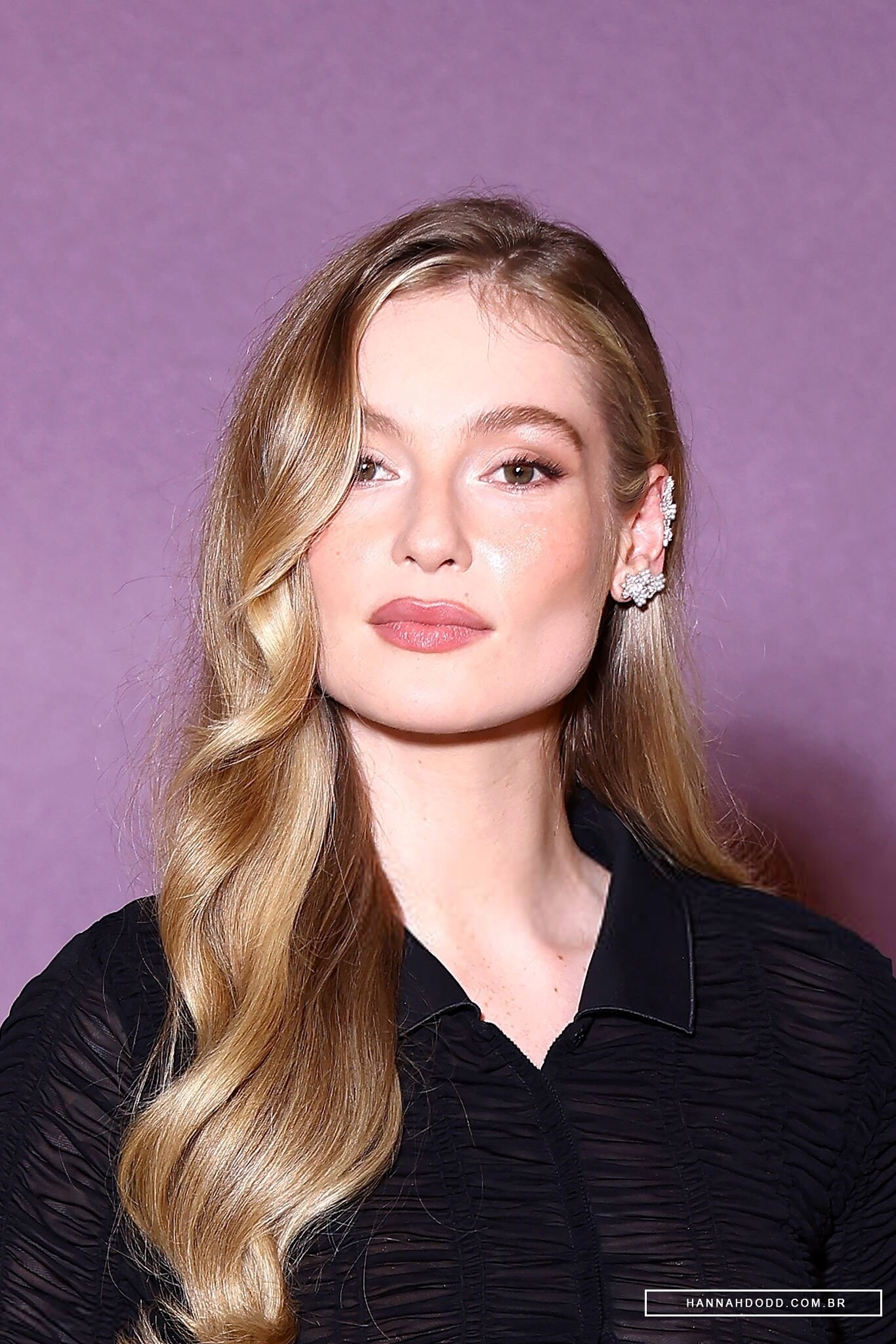
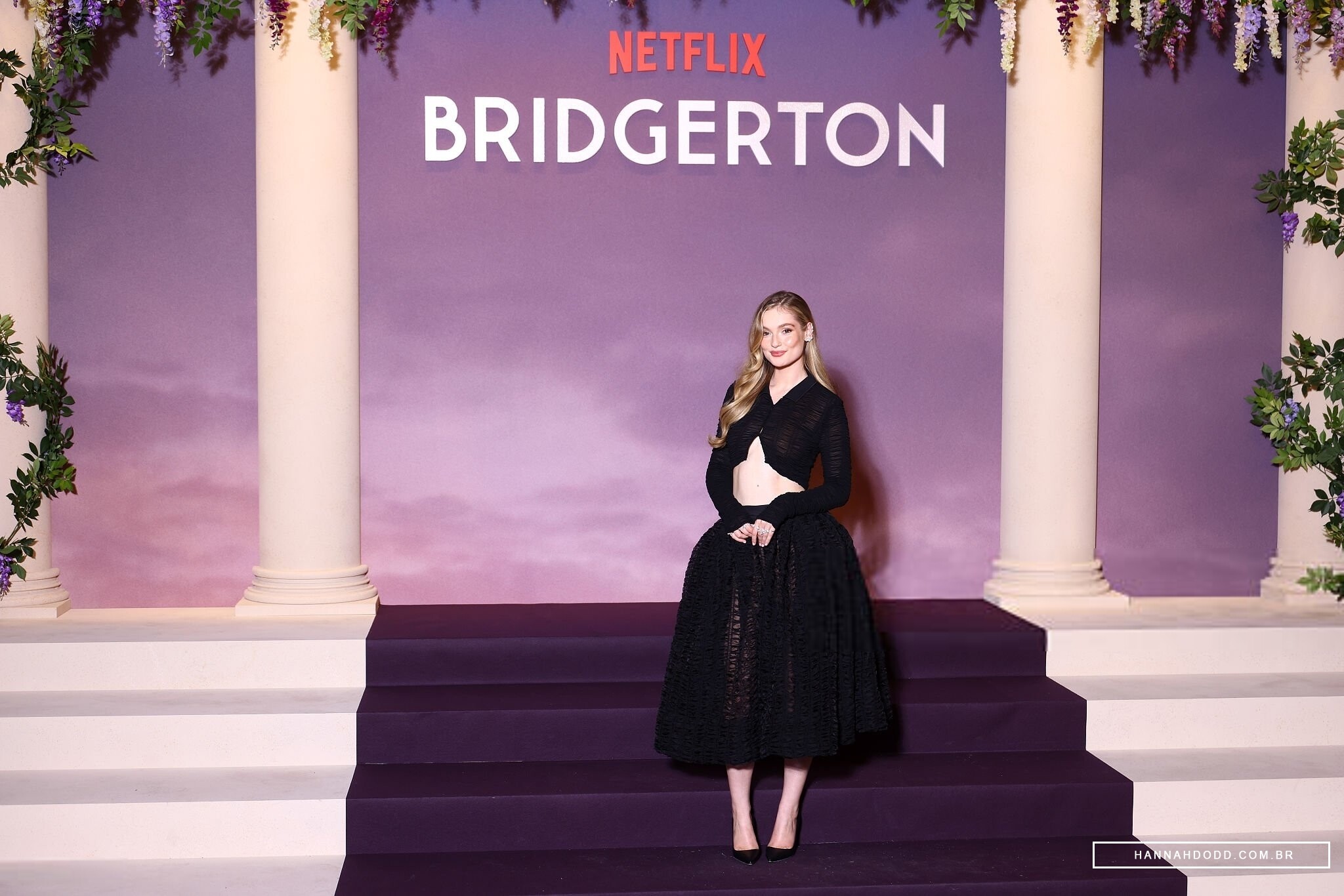
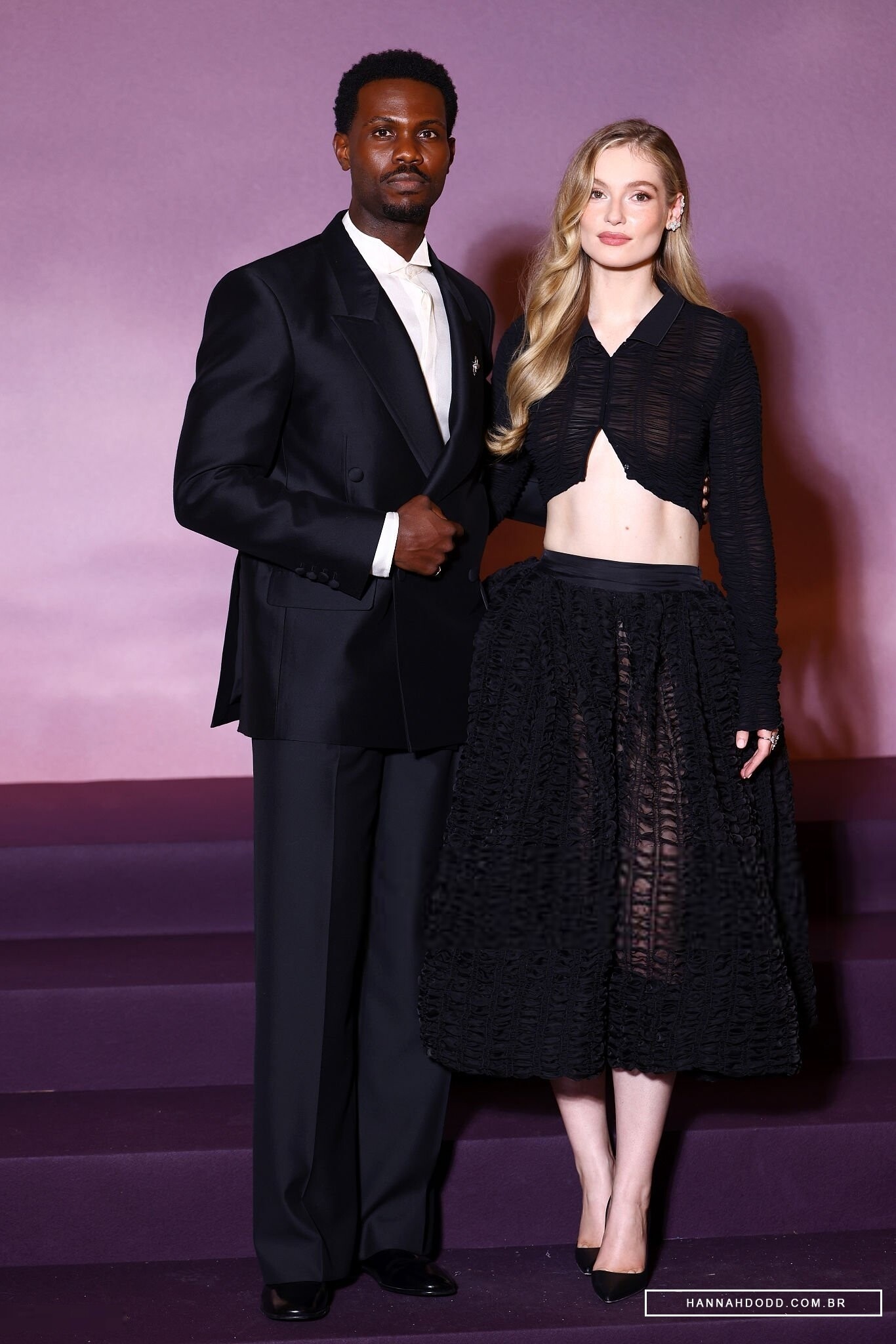
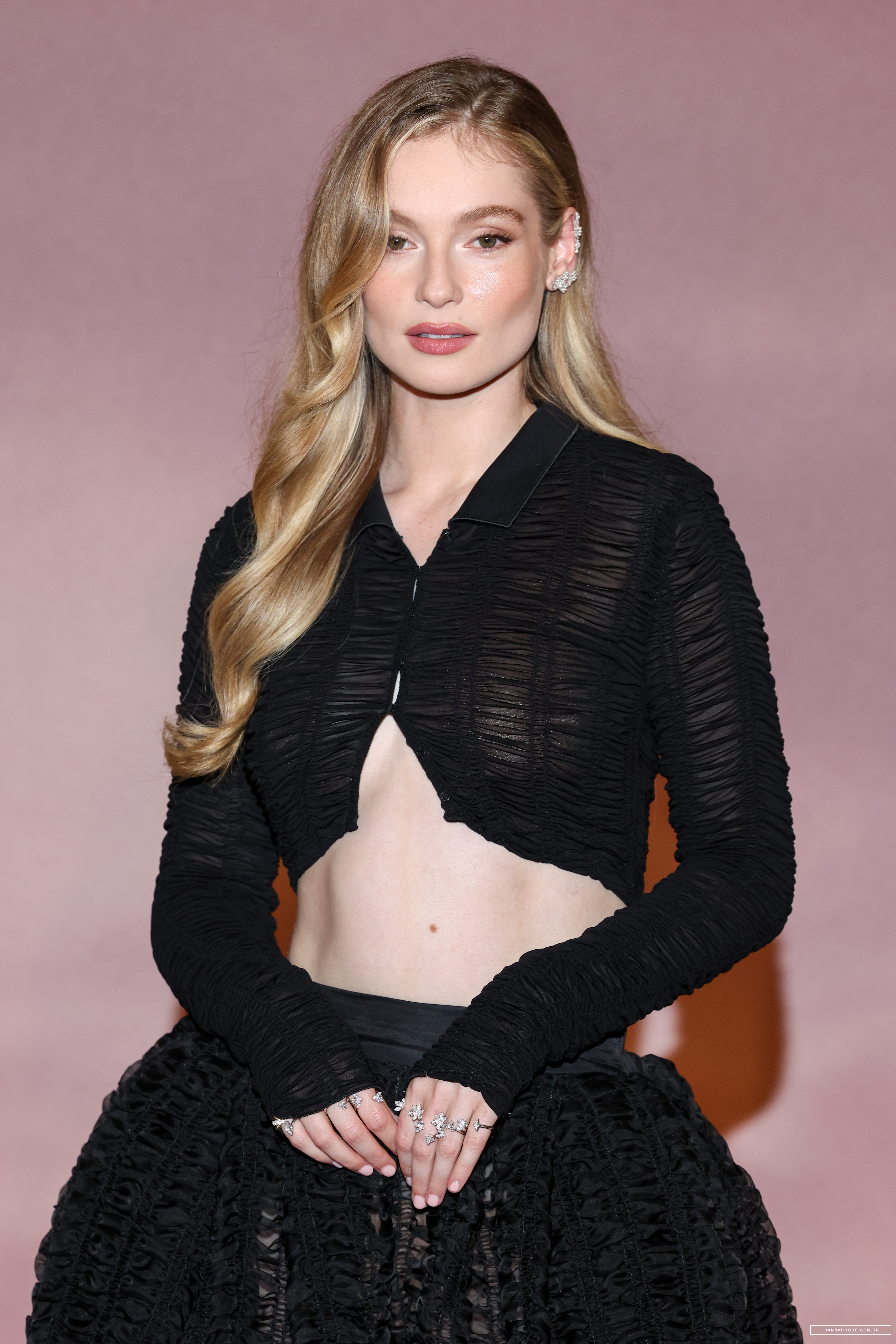
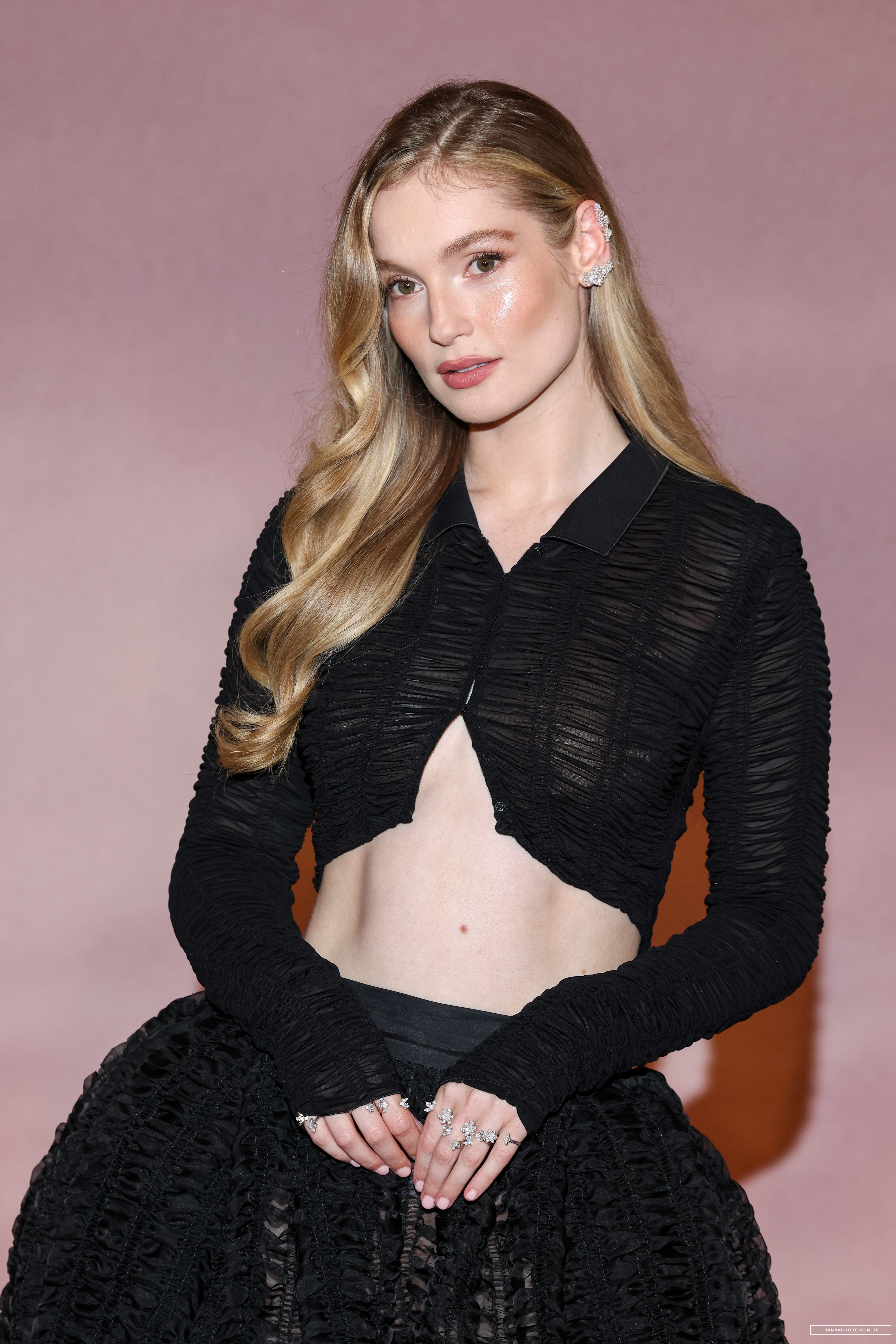
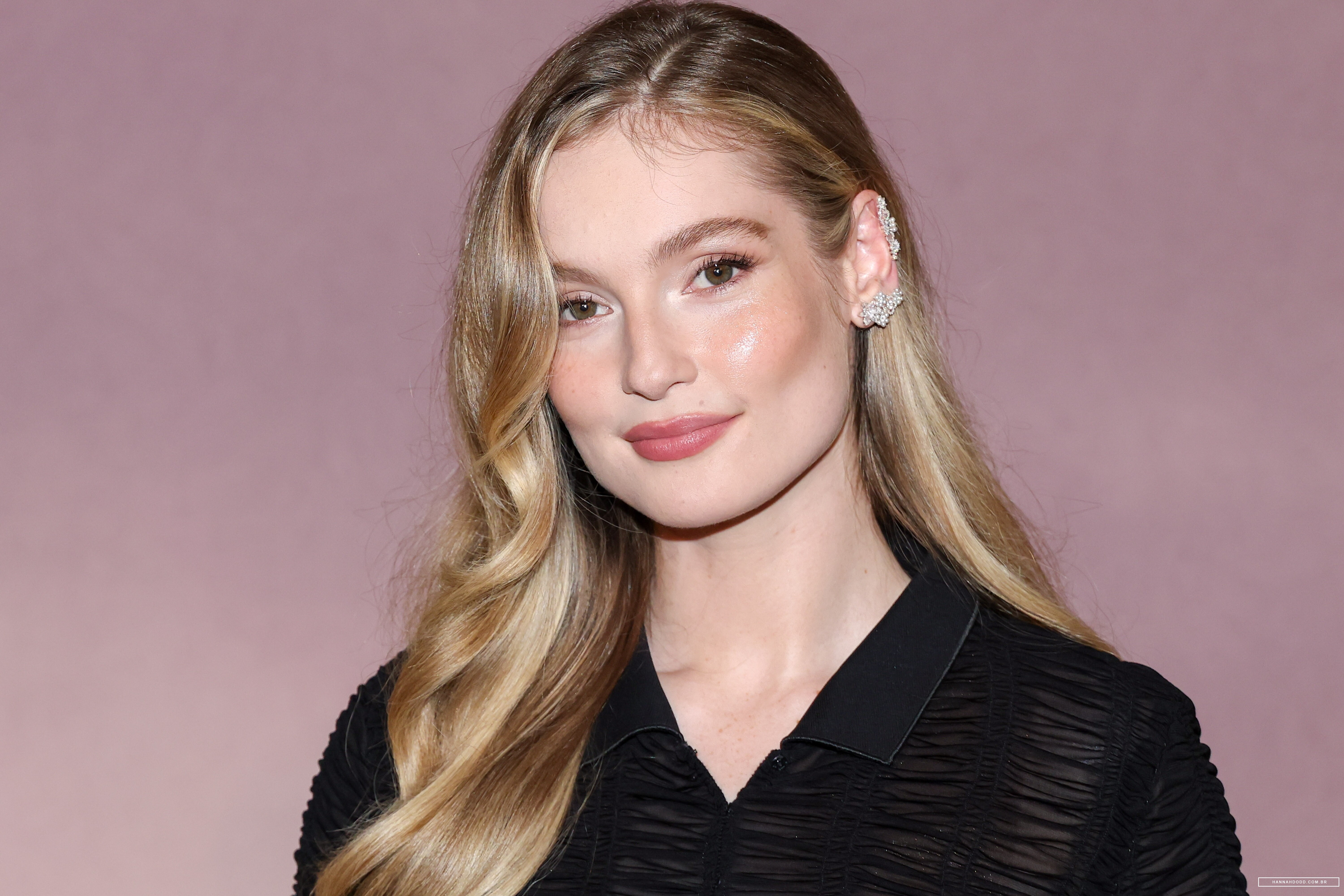
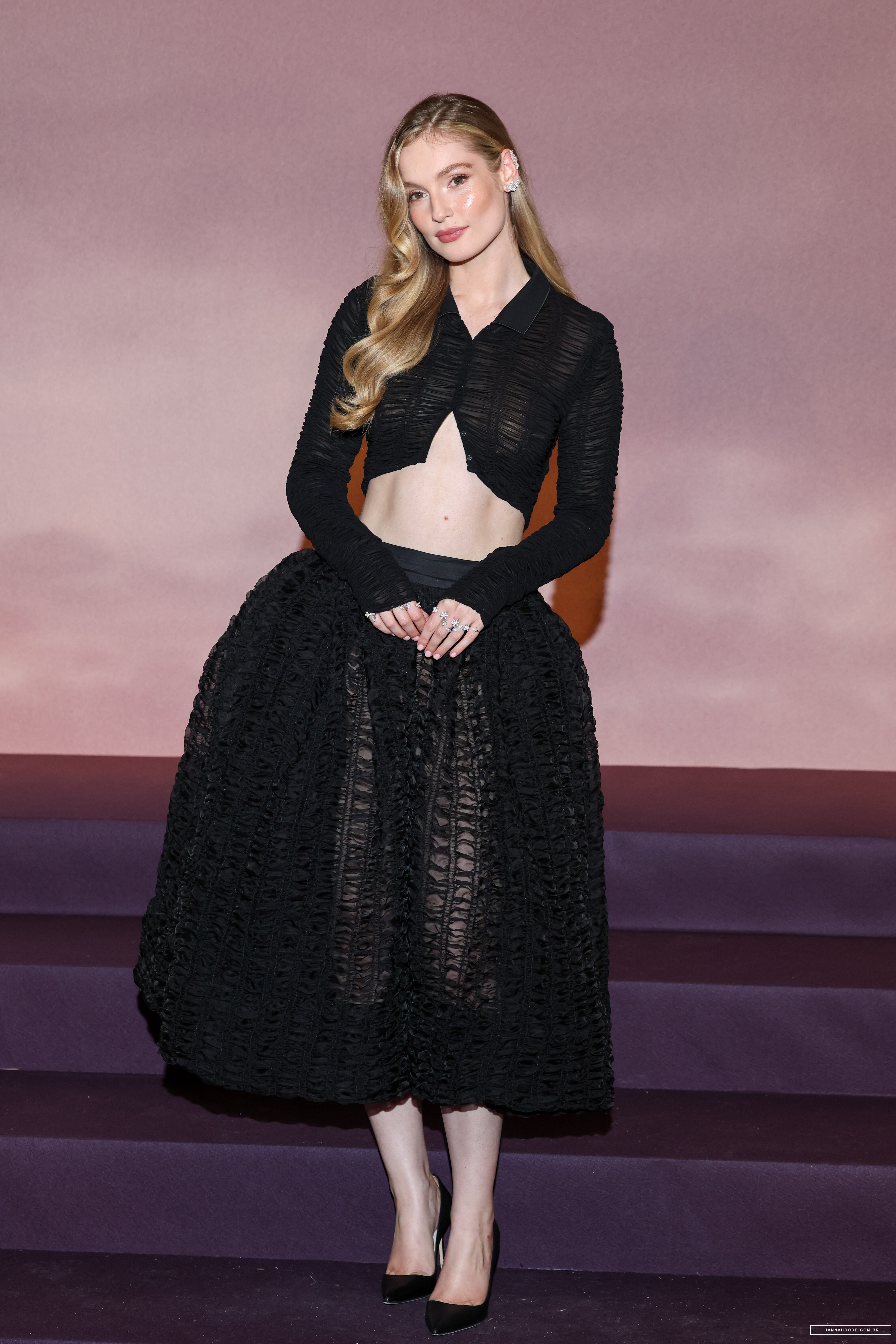
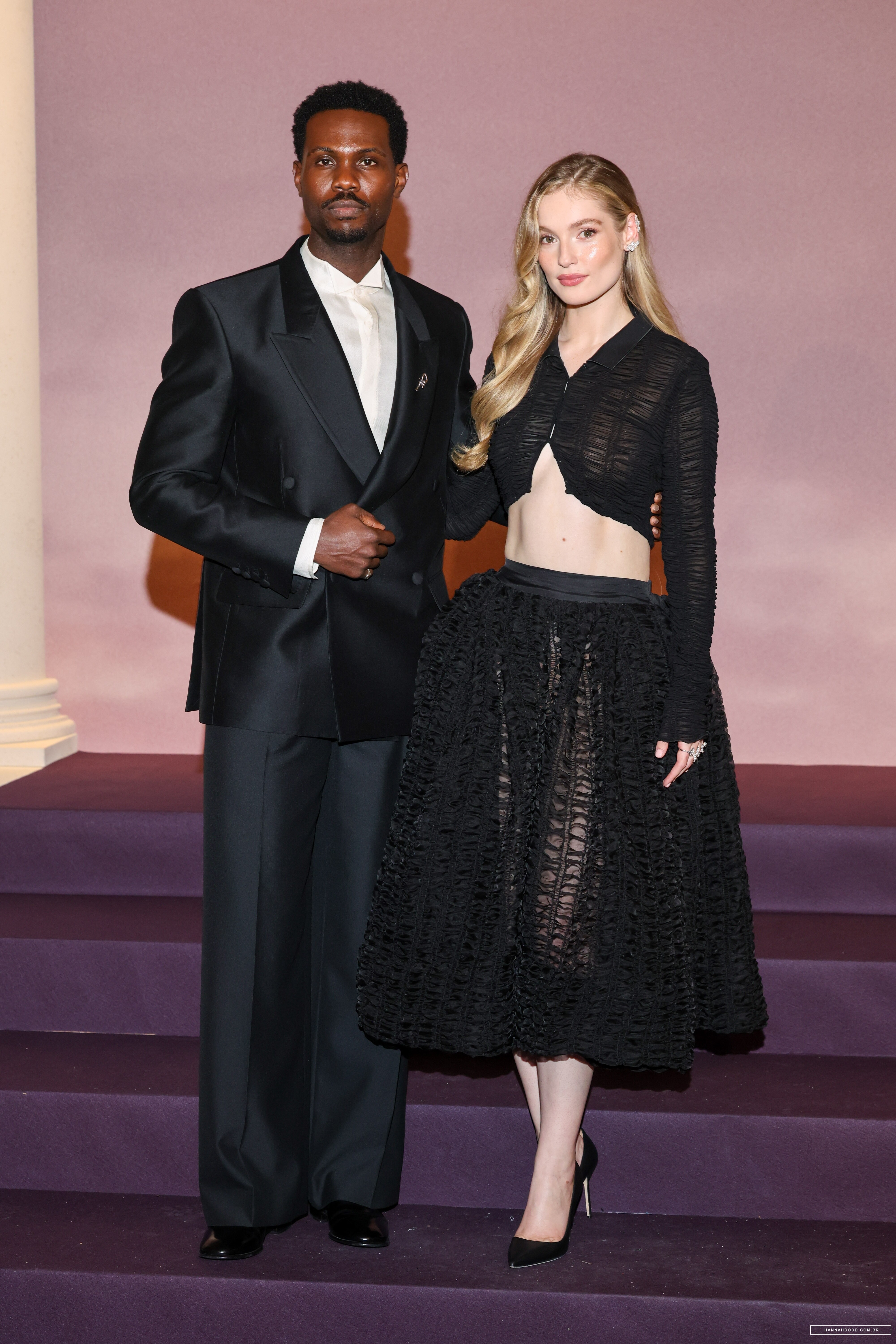
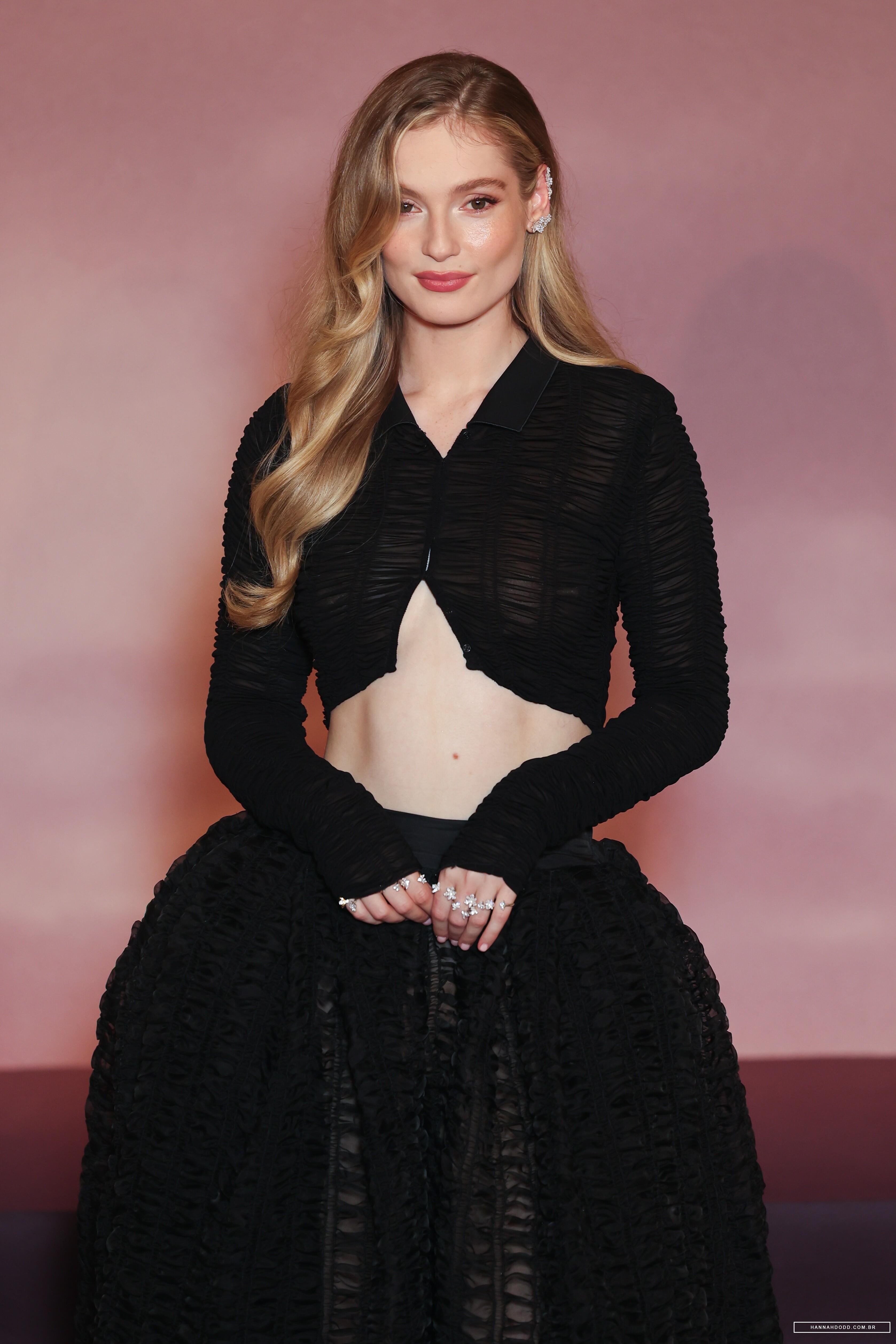
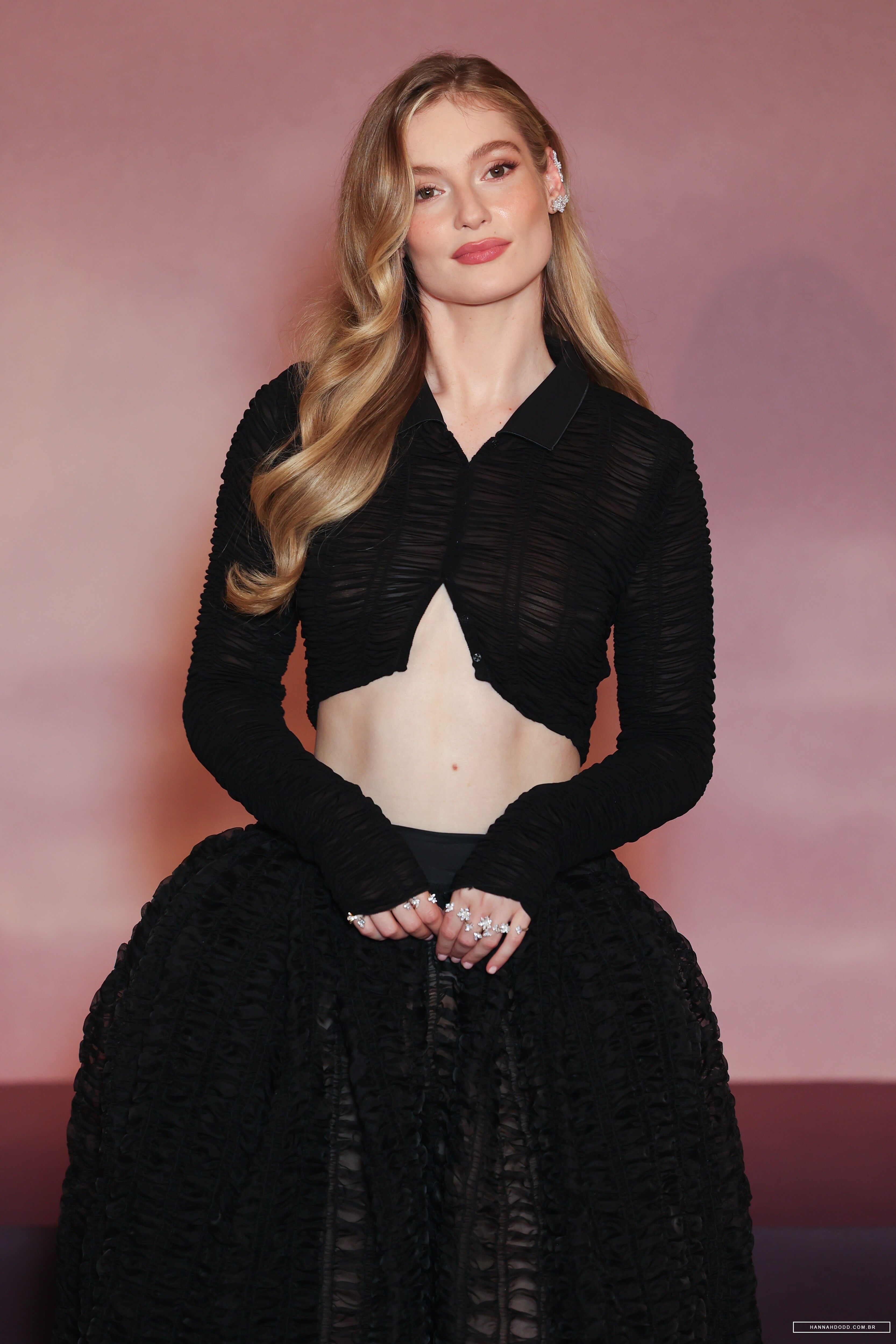
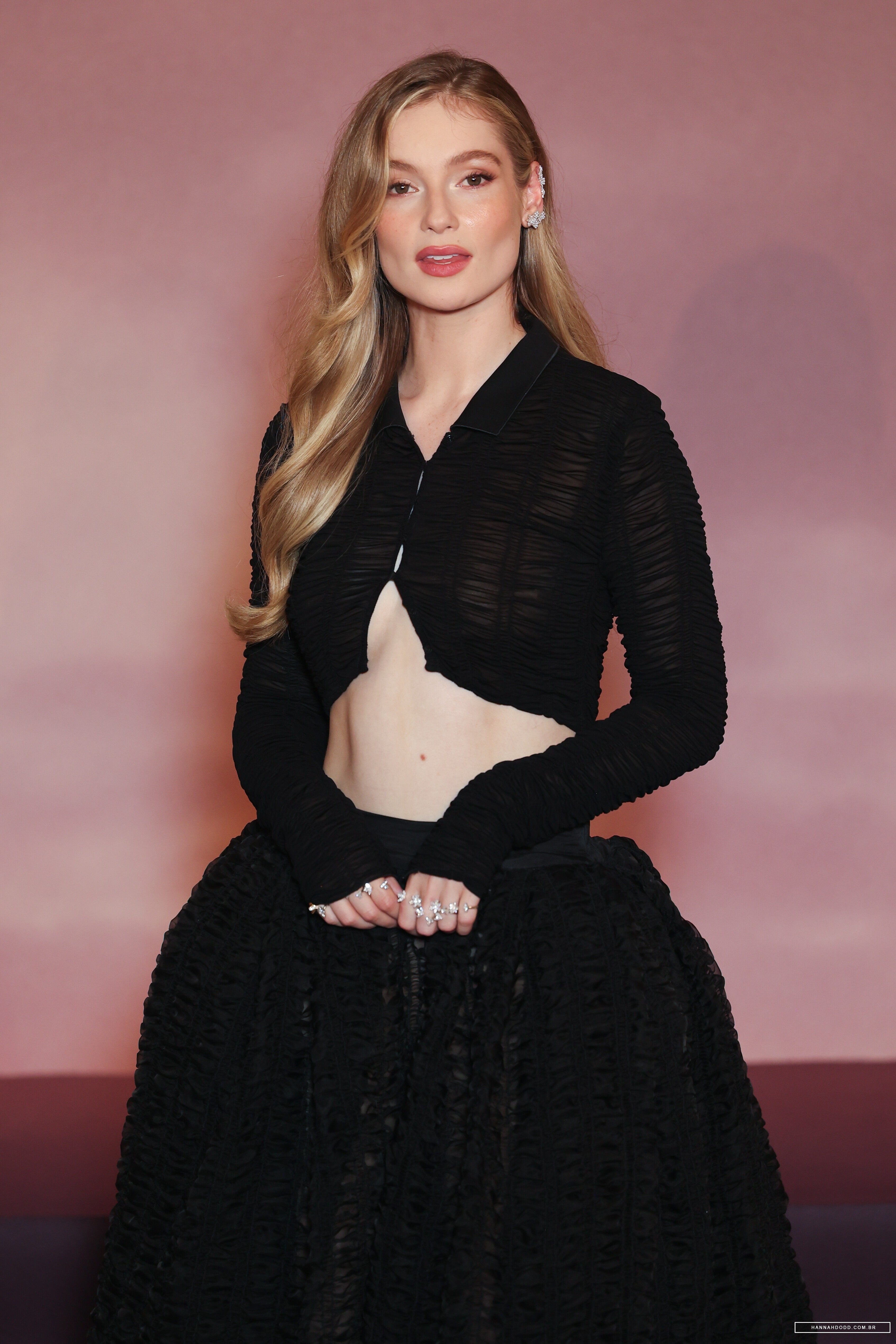
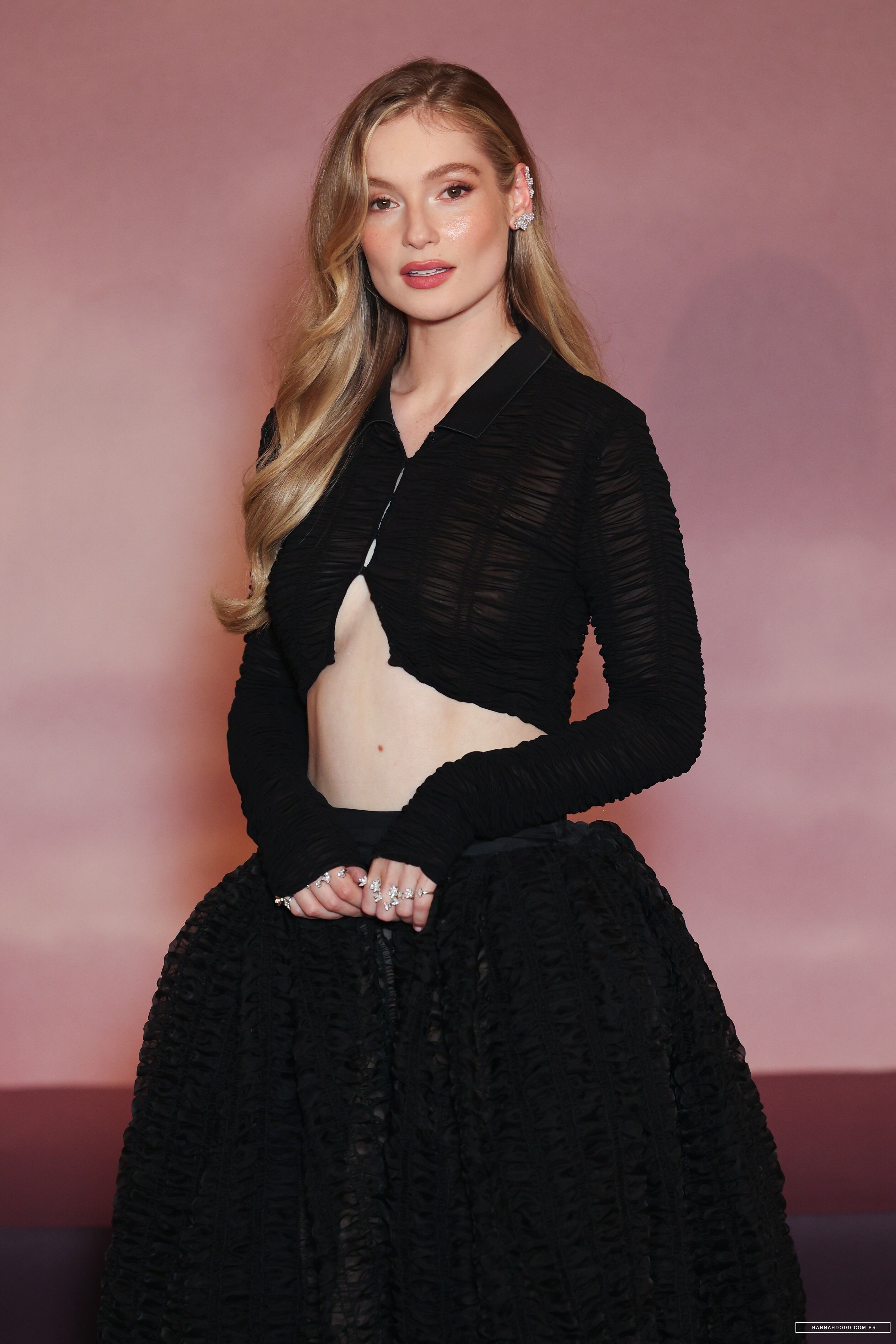
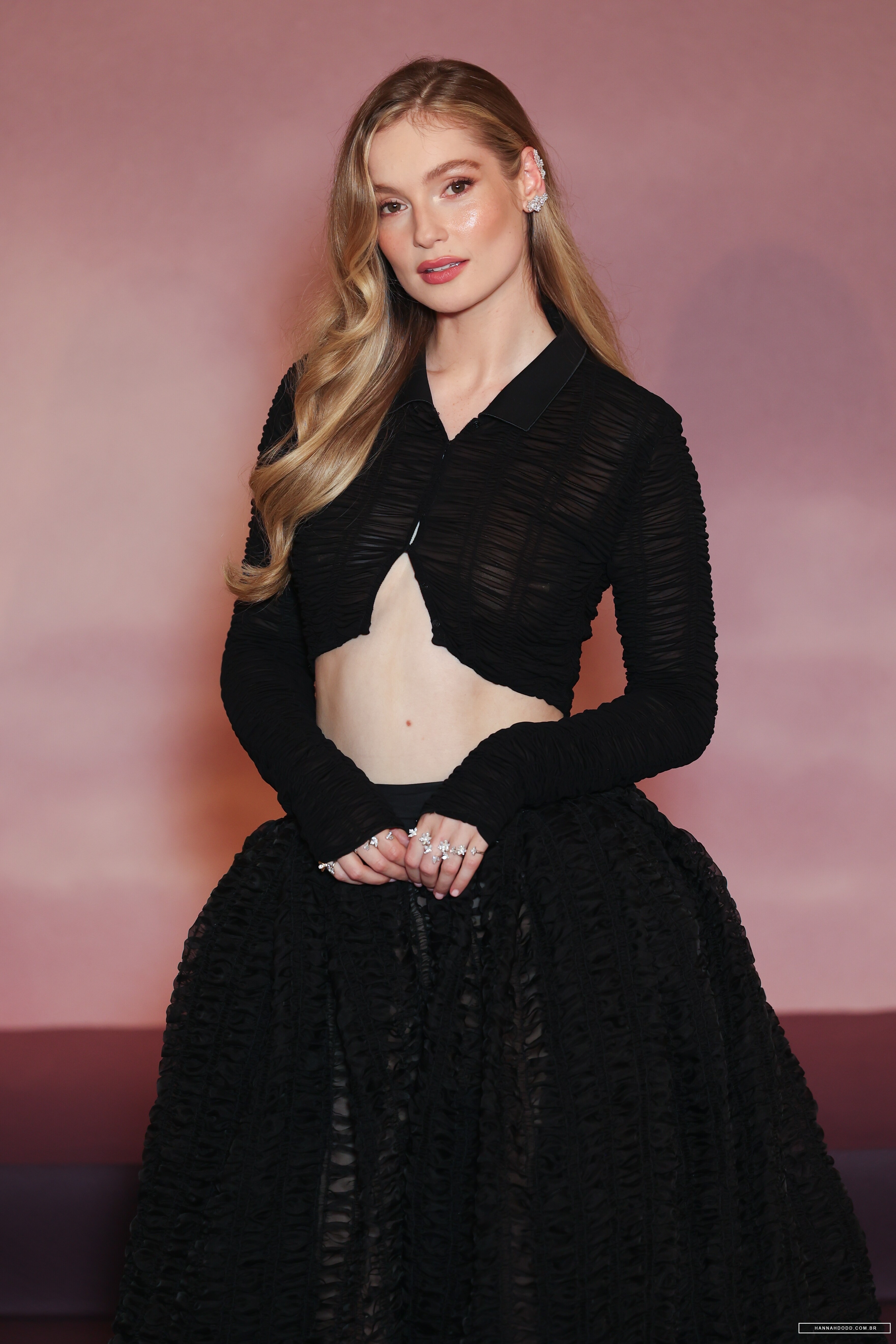
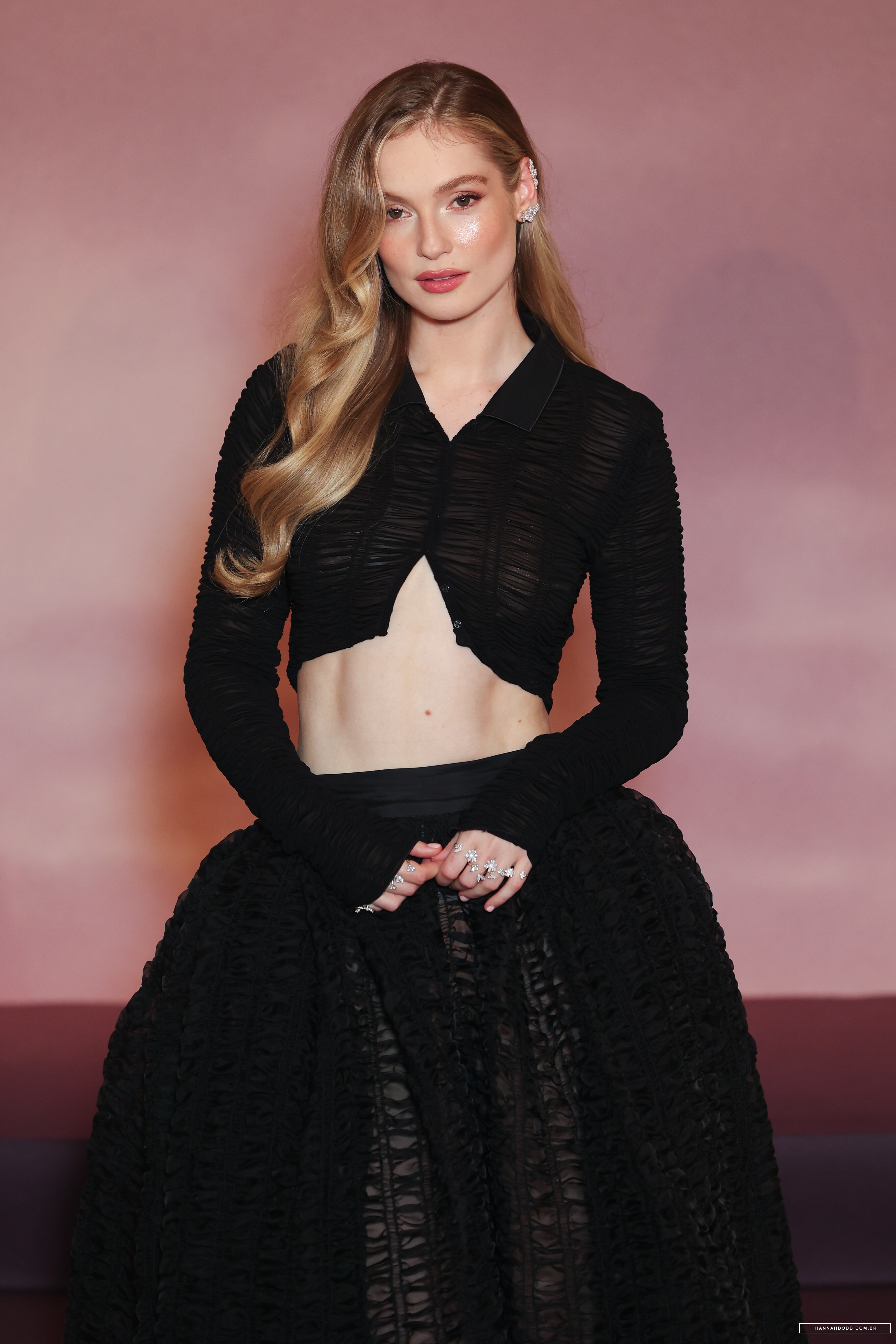
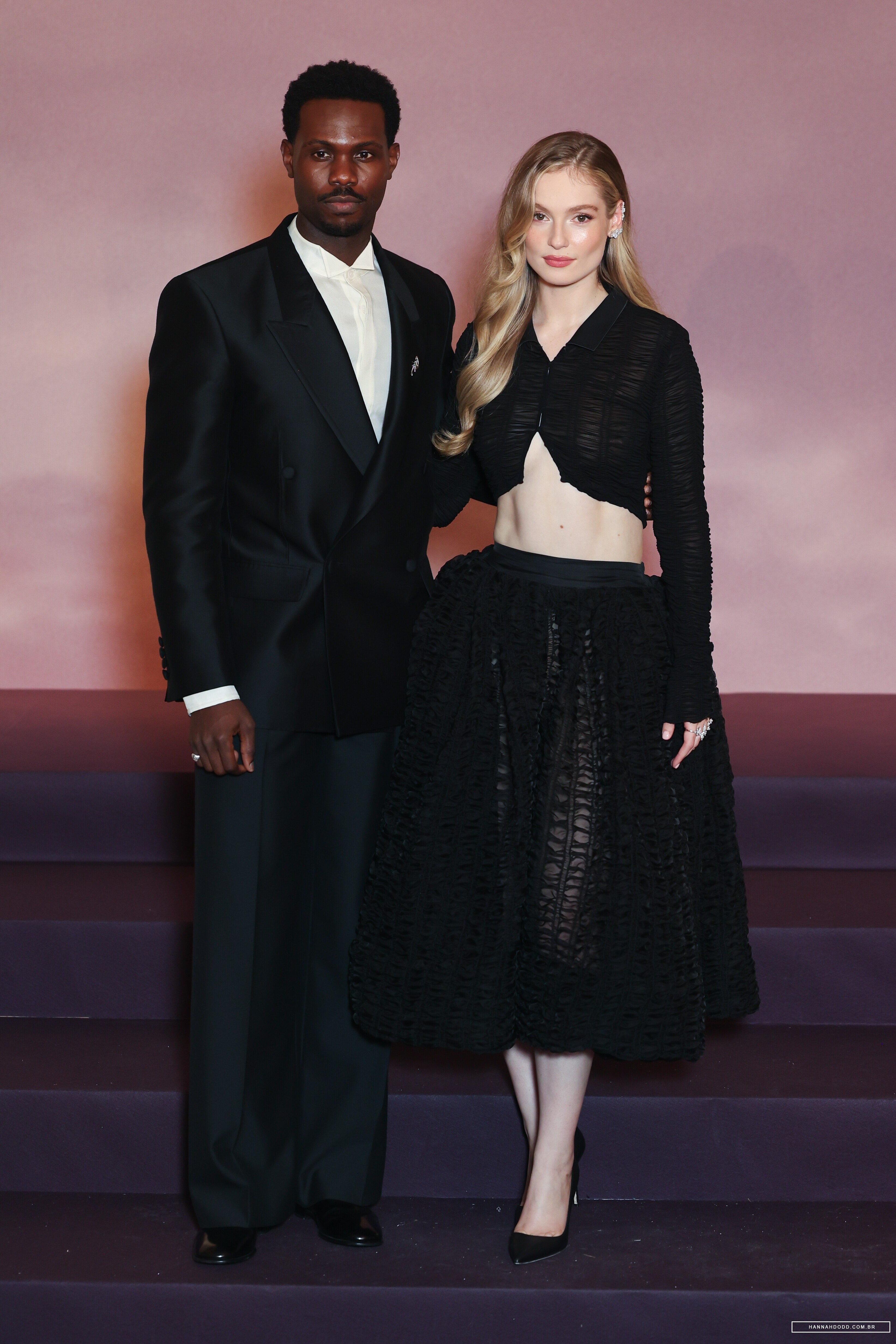
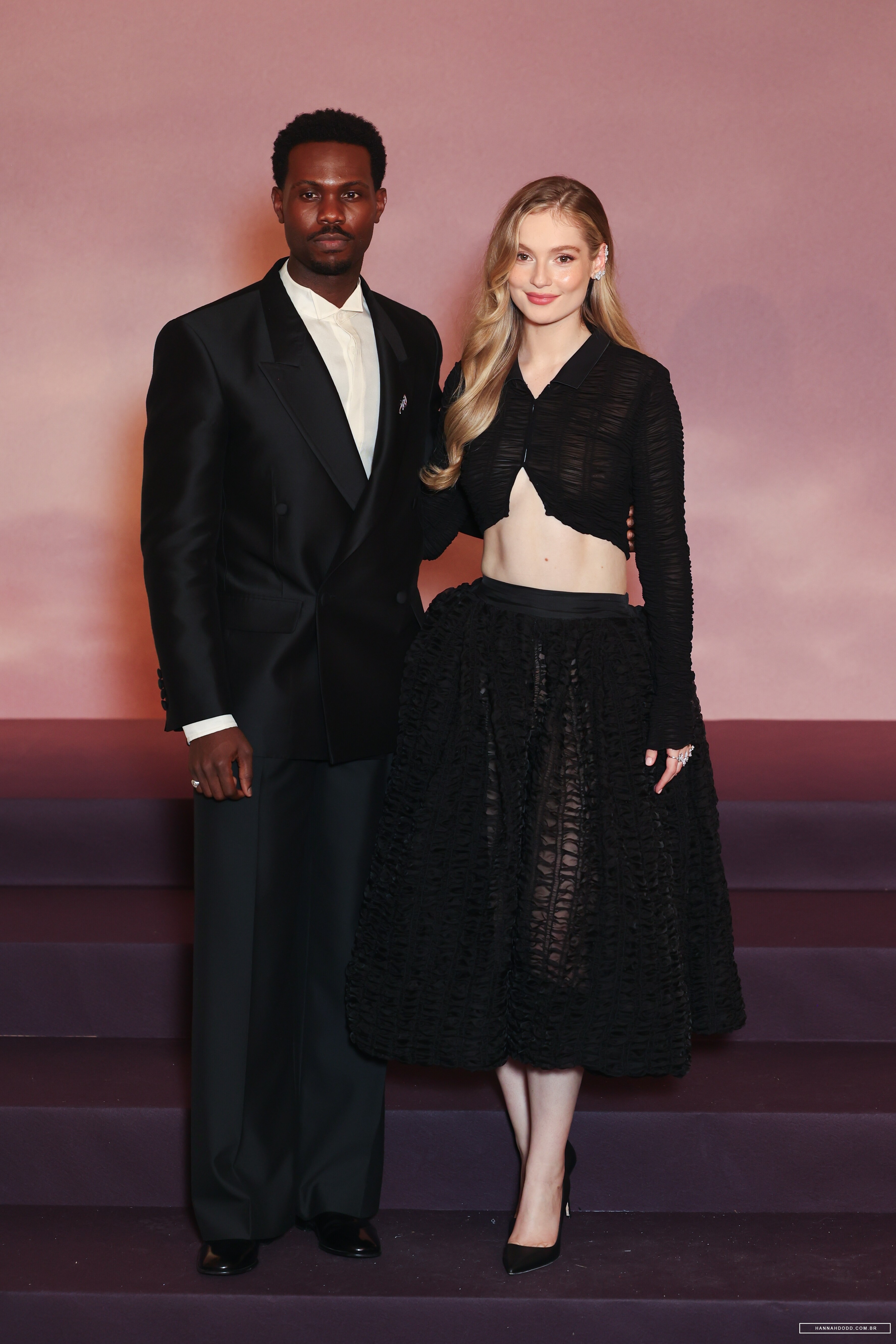
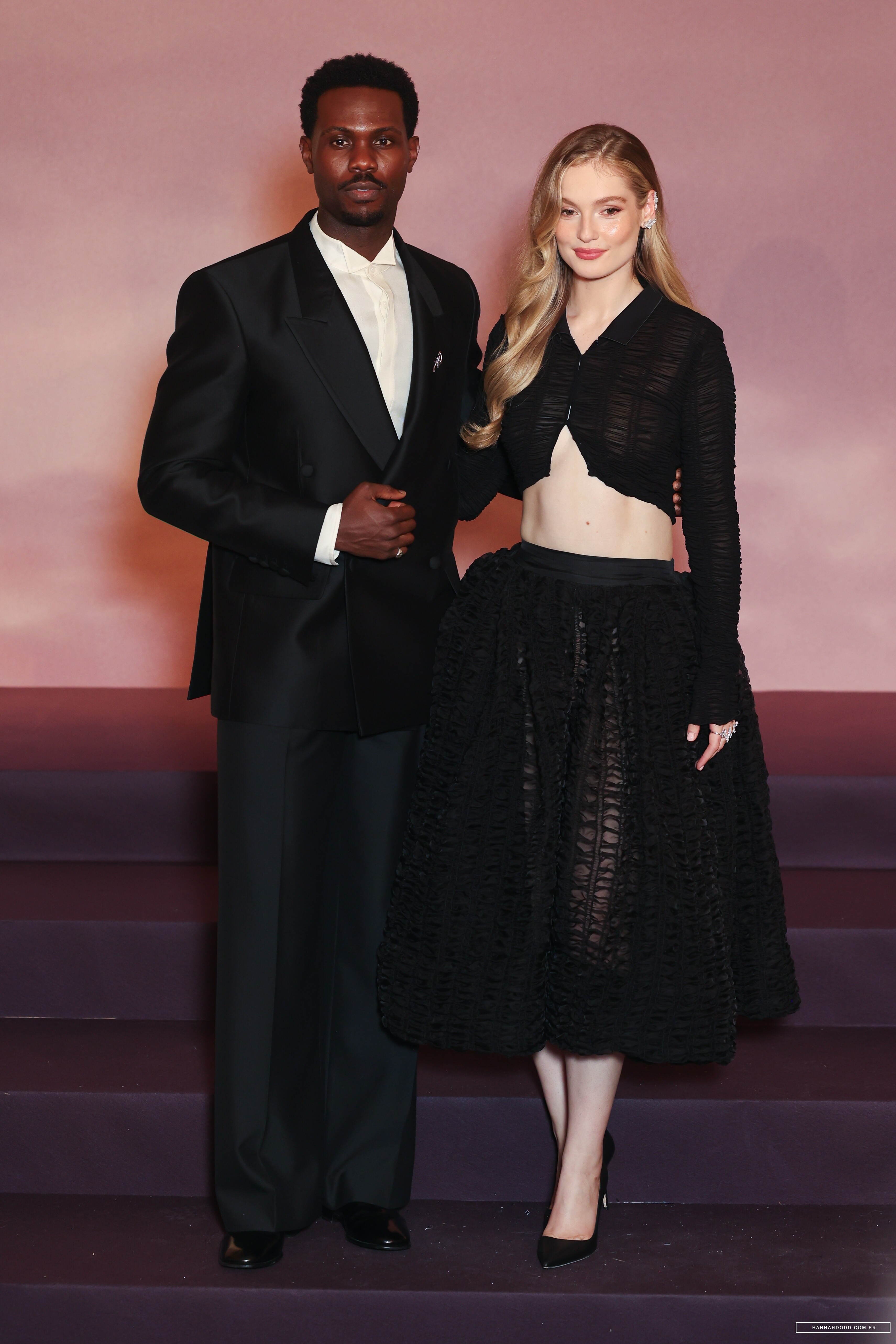
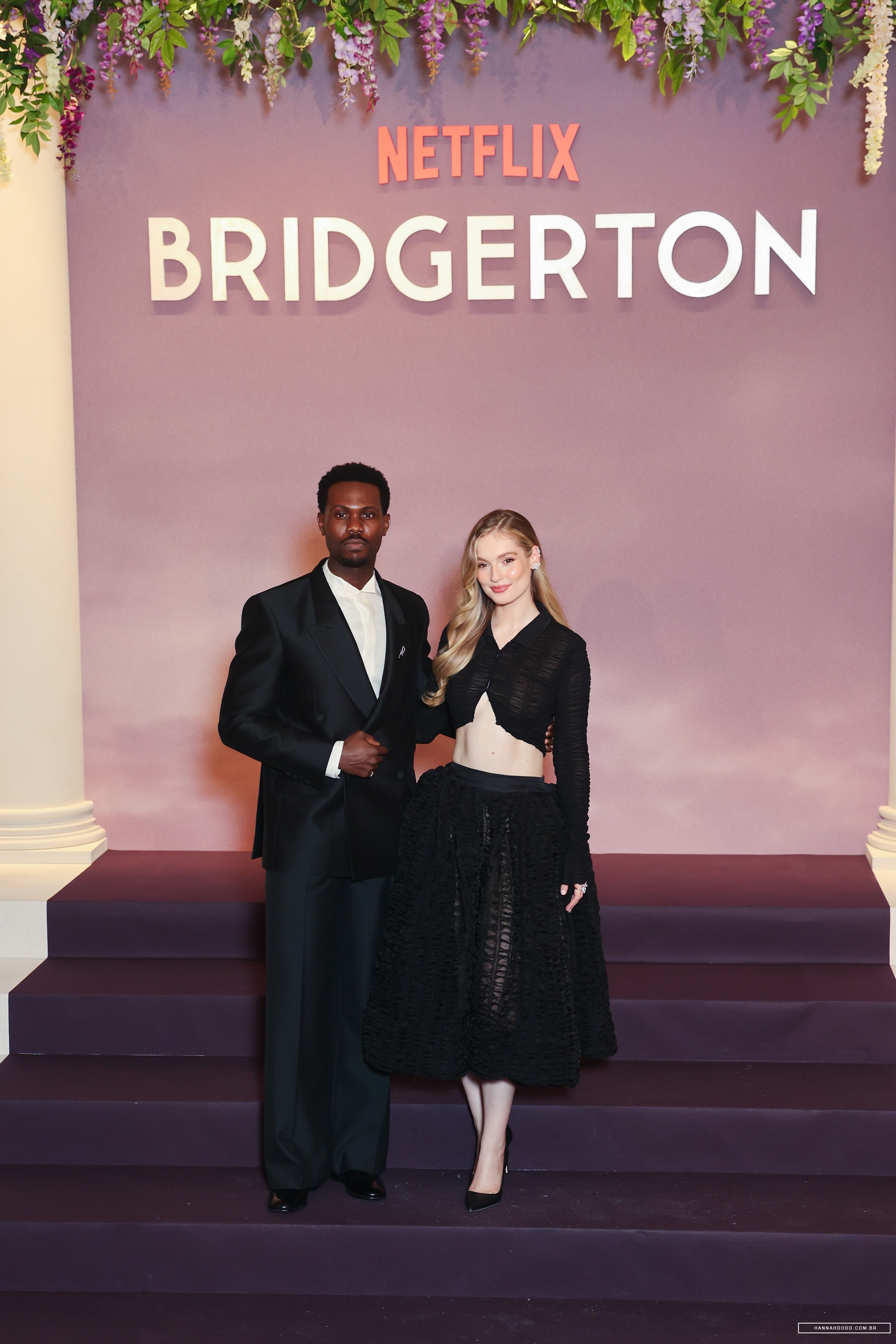
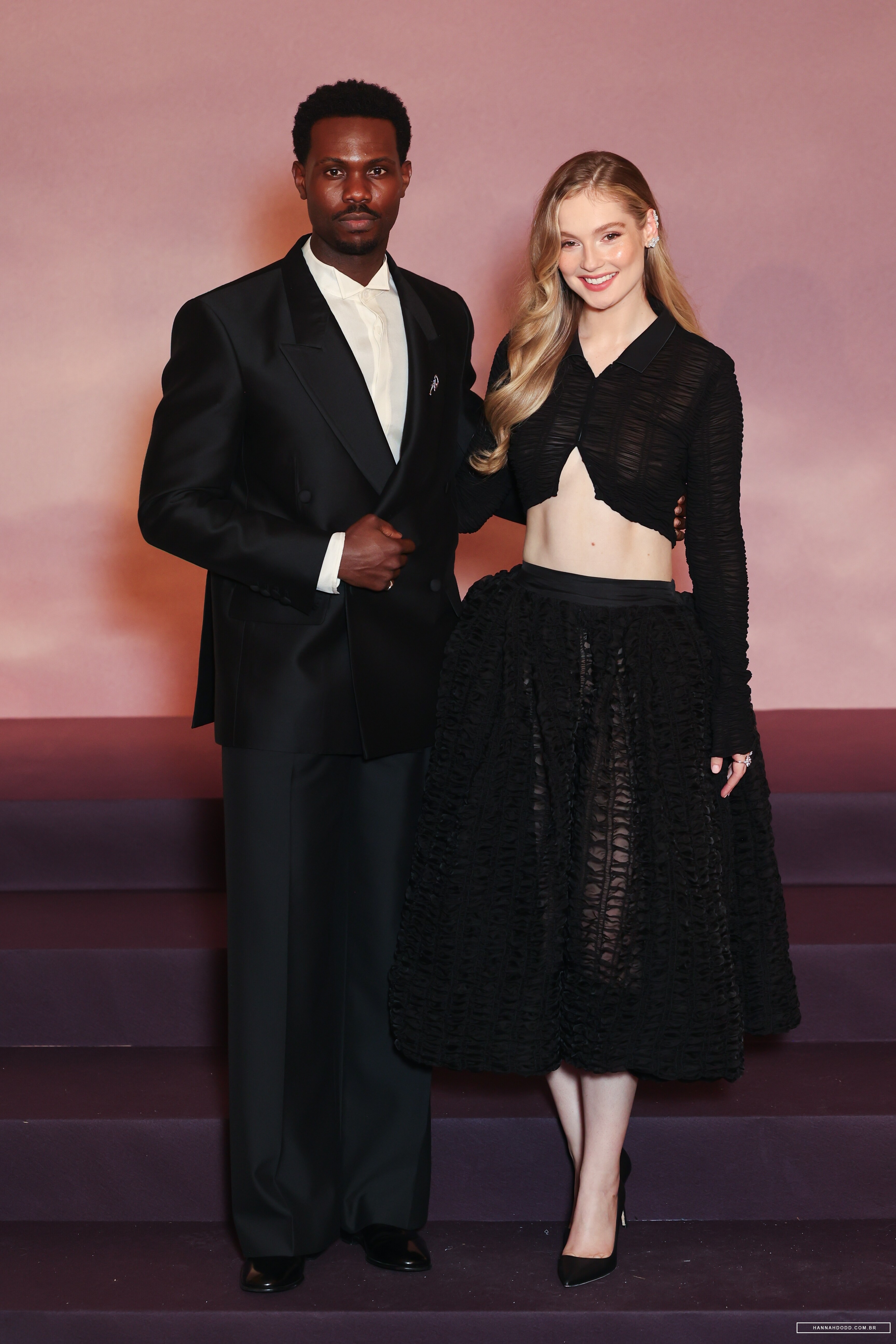
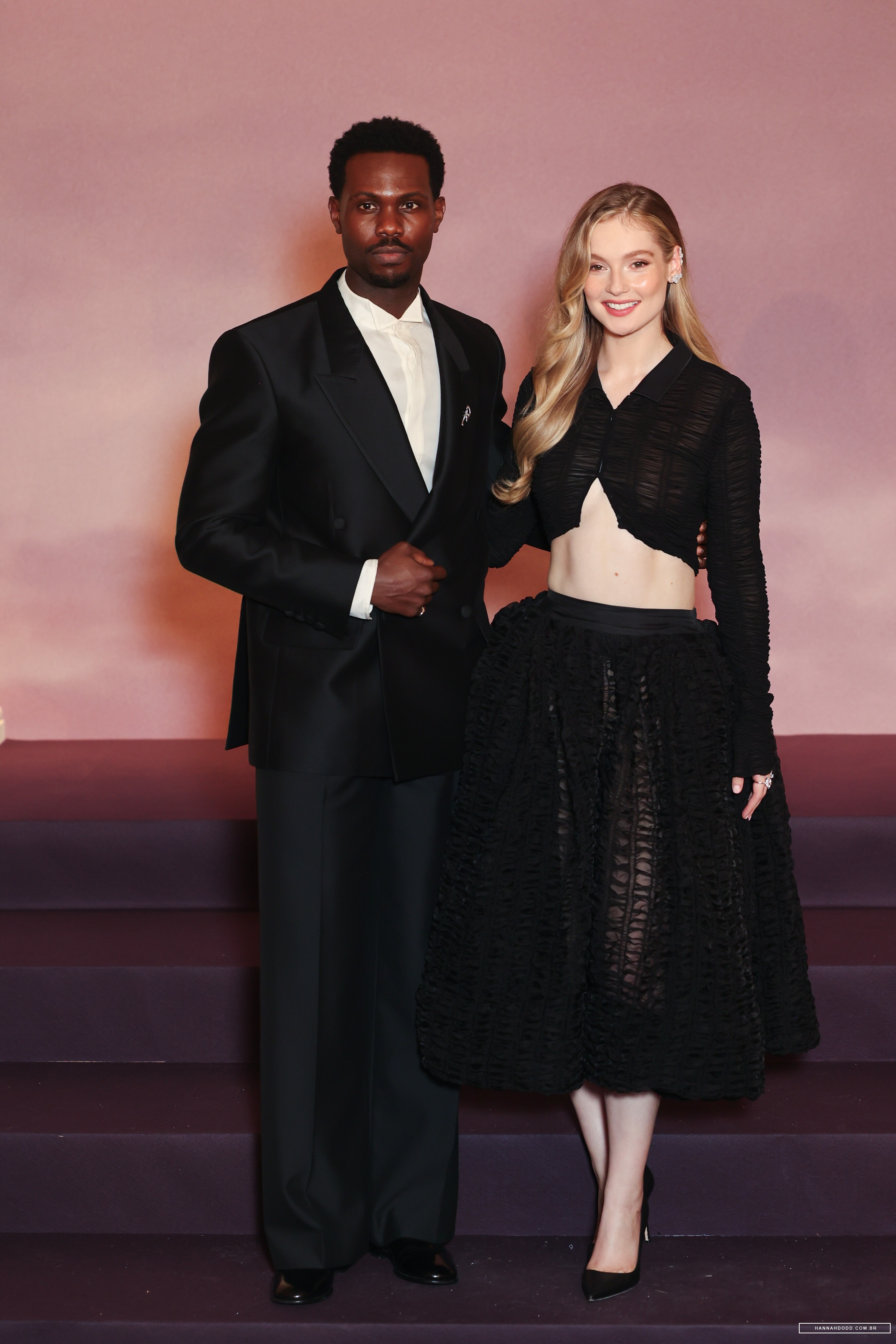
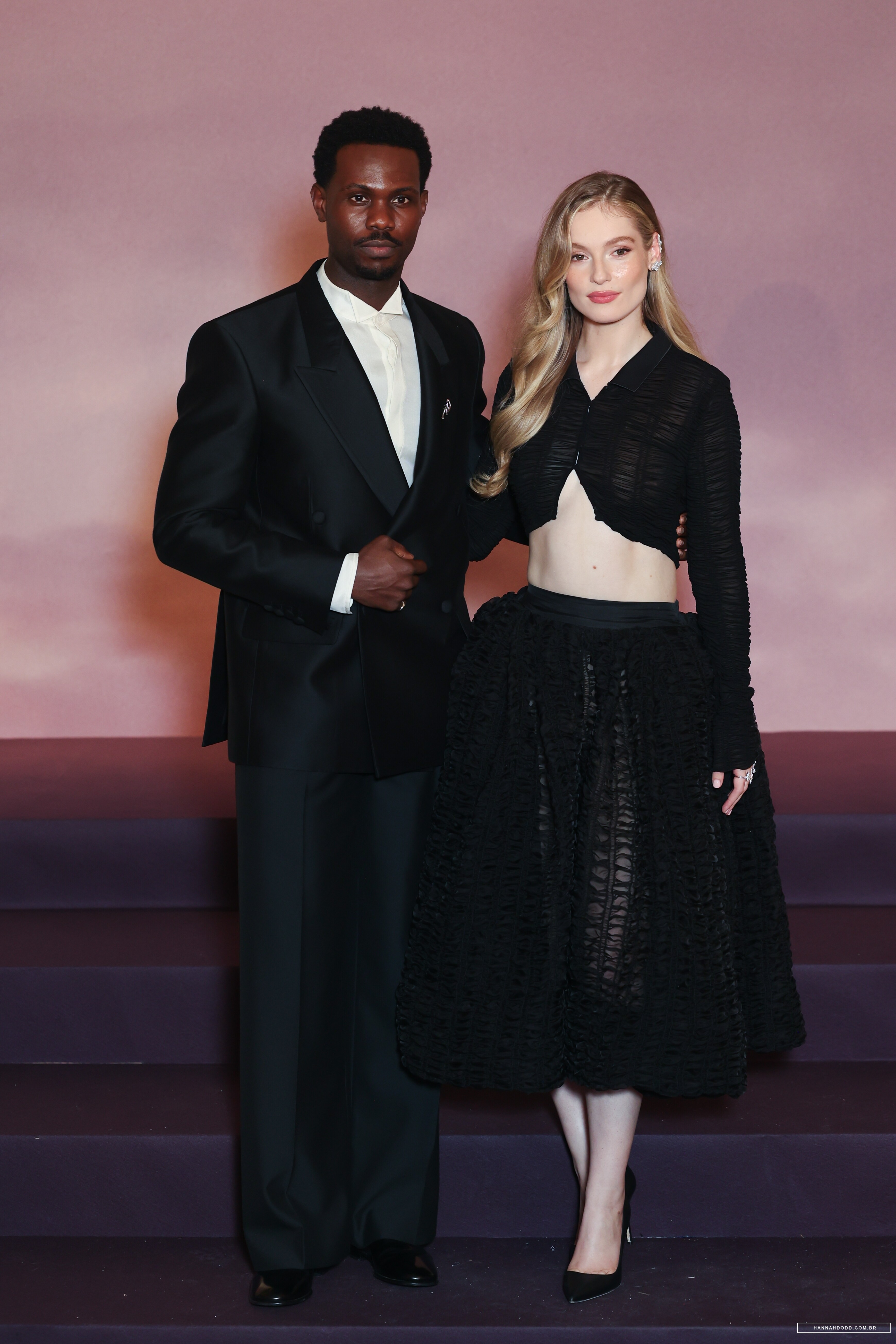
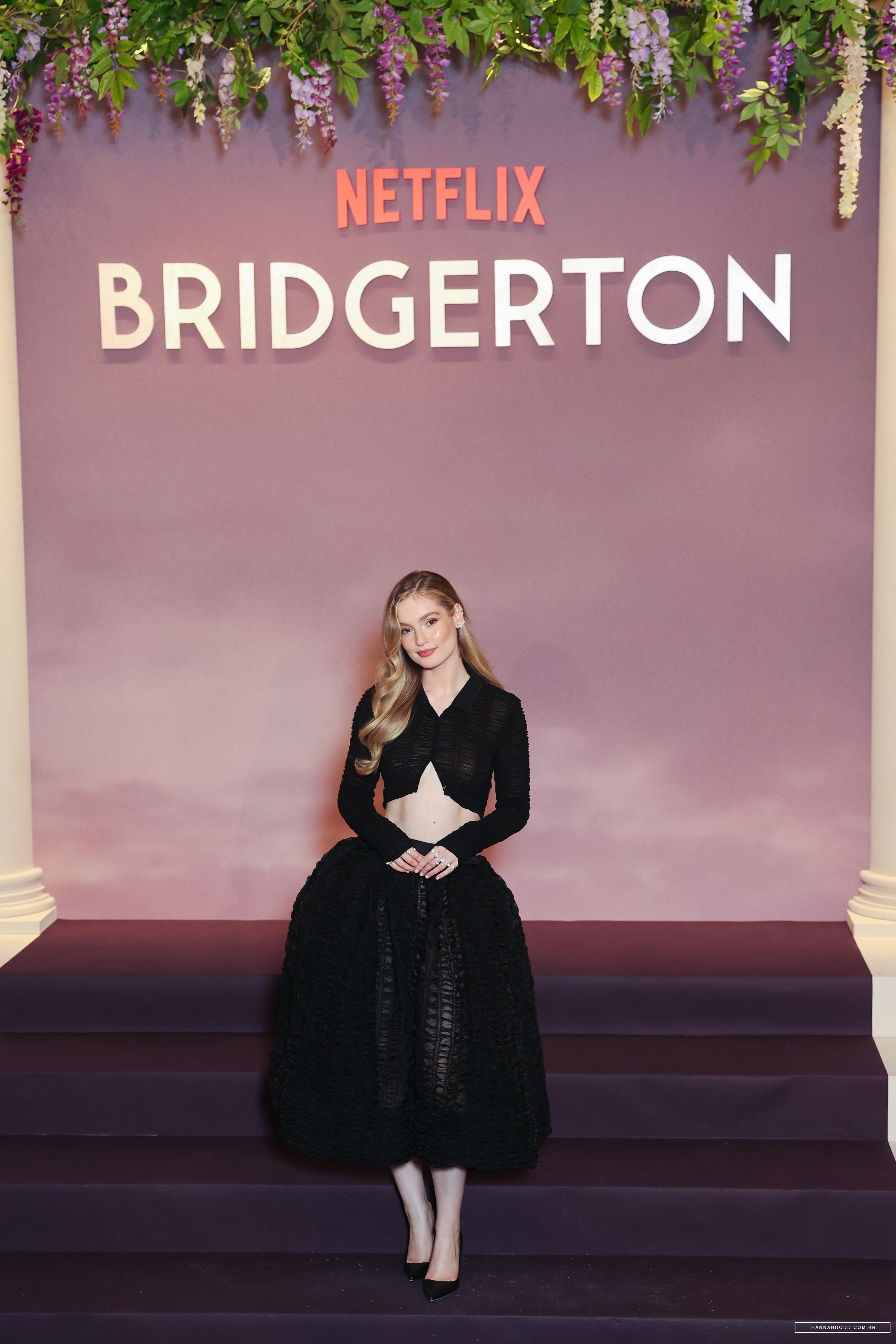
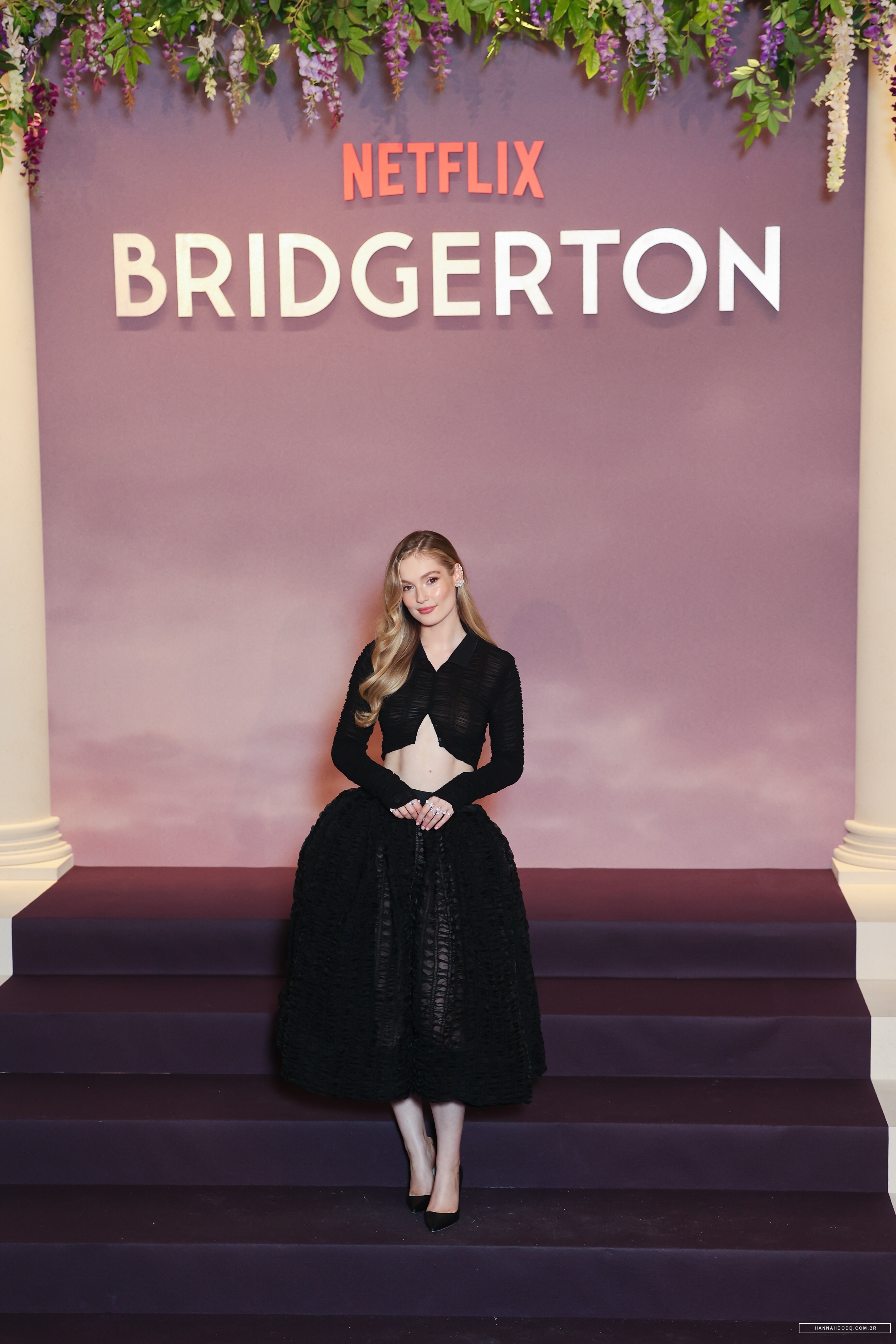
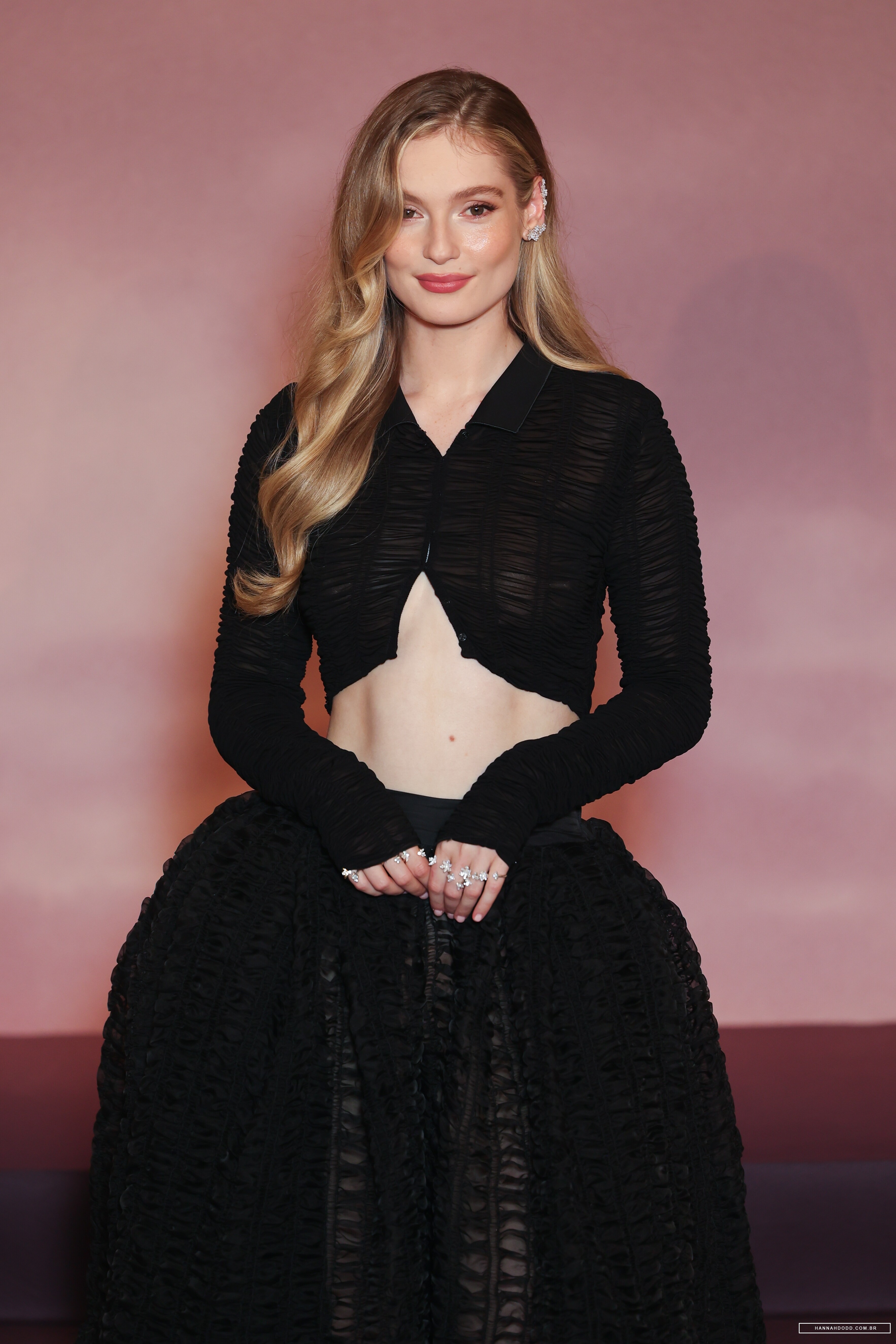
 January 14 2026- Premiere of "Bridgerton Season 4" in Paris adds hannahdodd.com.br
















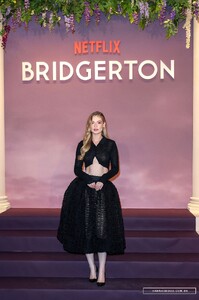









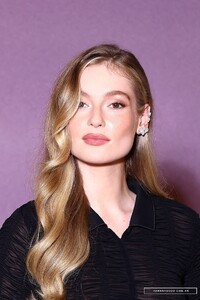








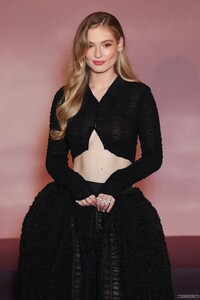


















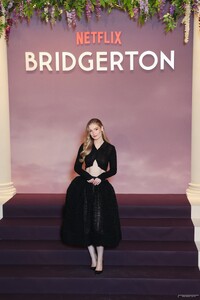



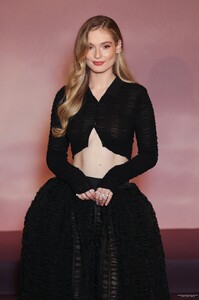
-
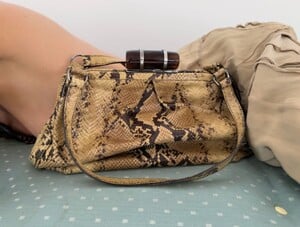
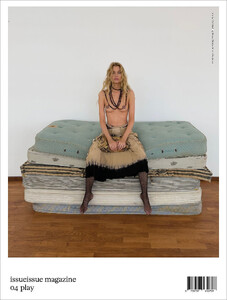
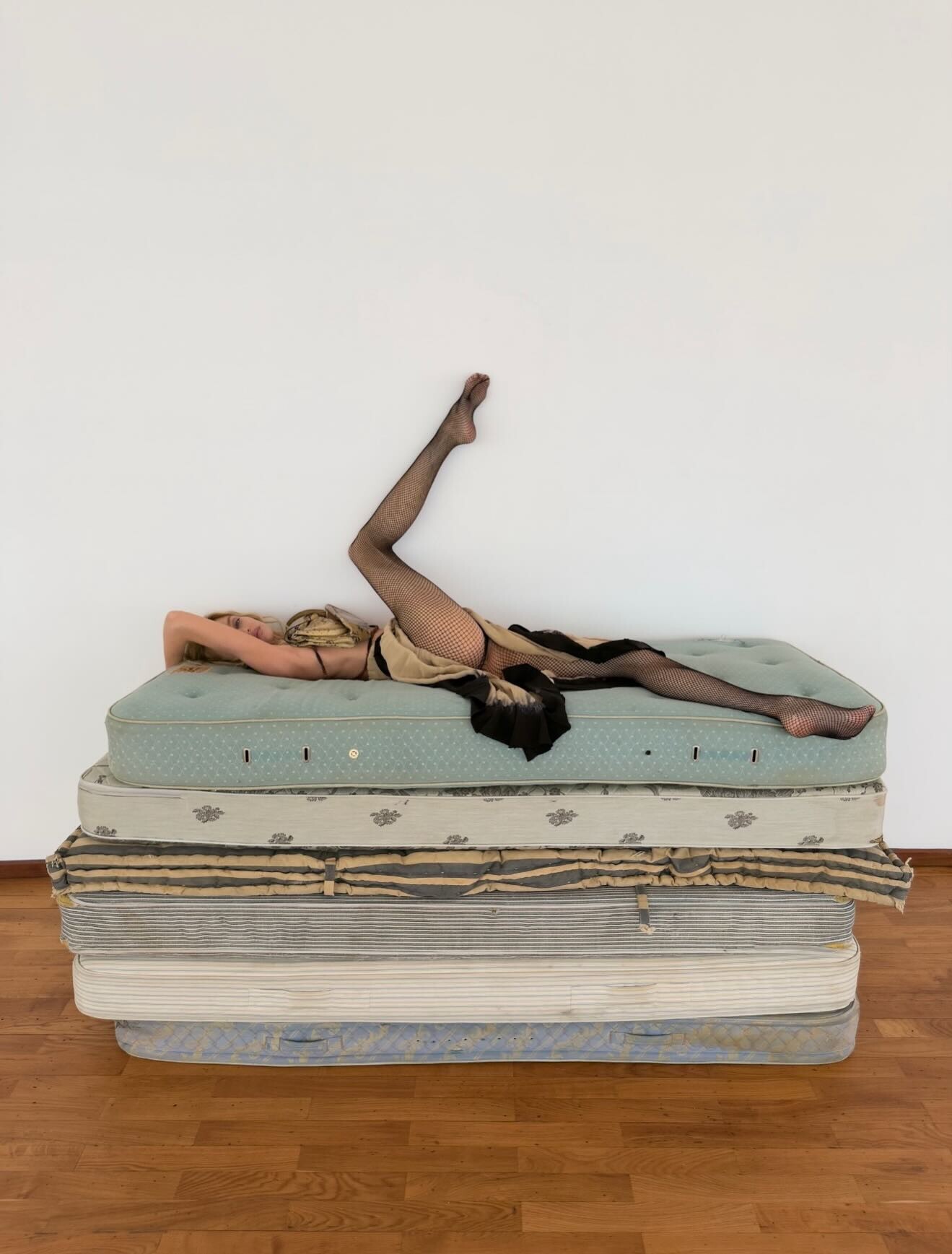
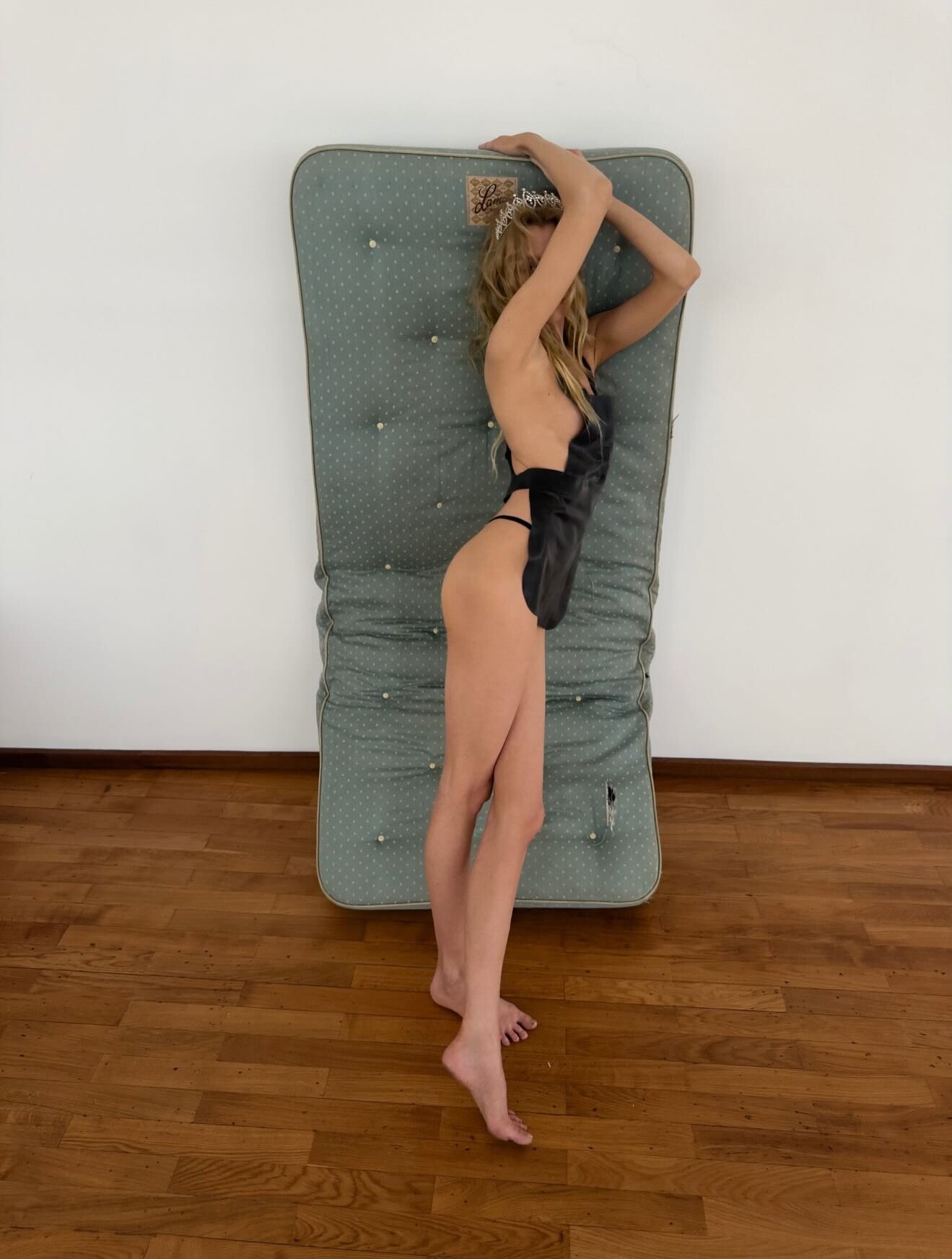
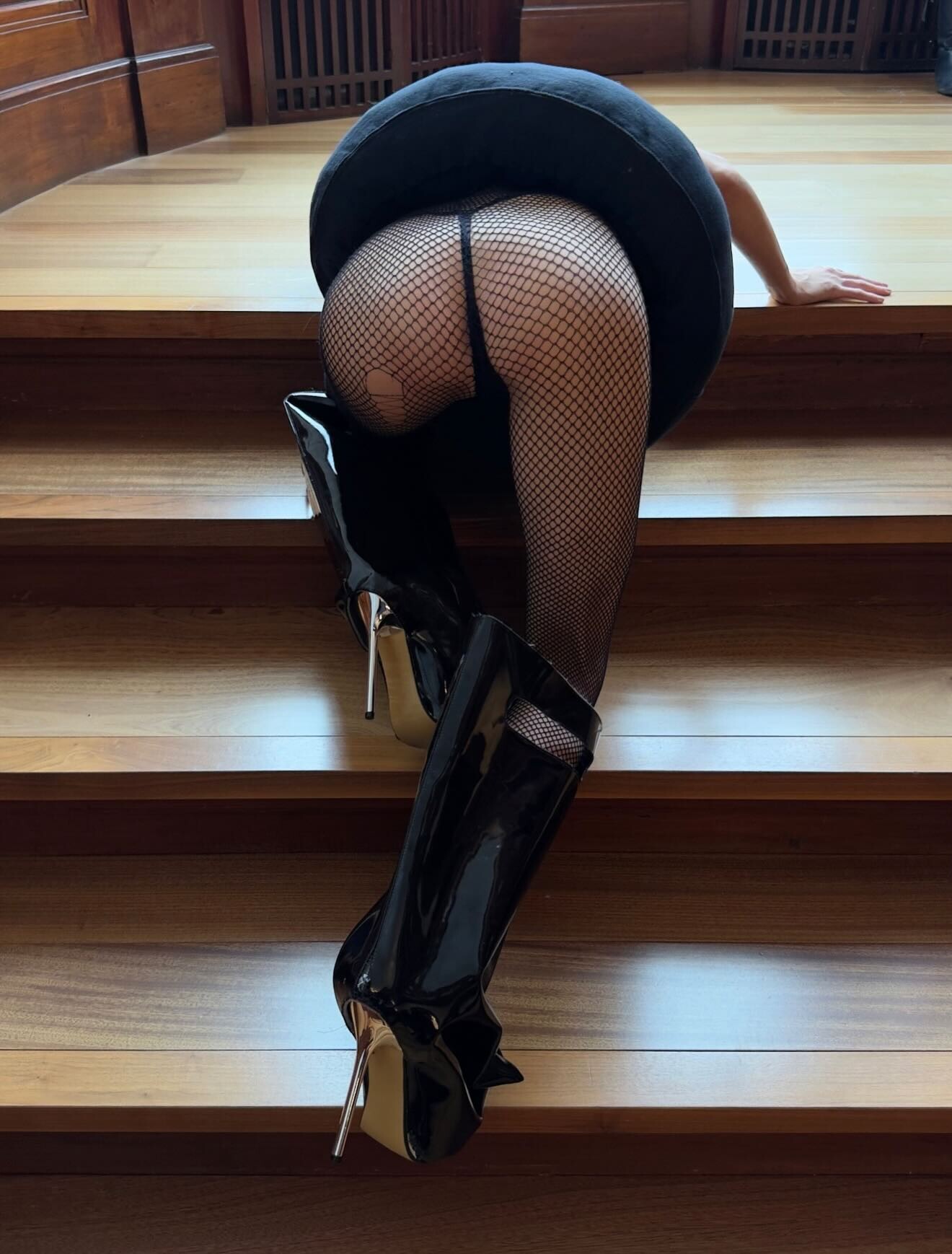
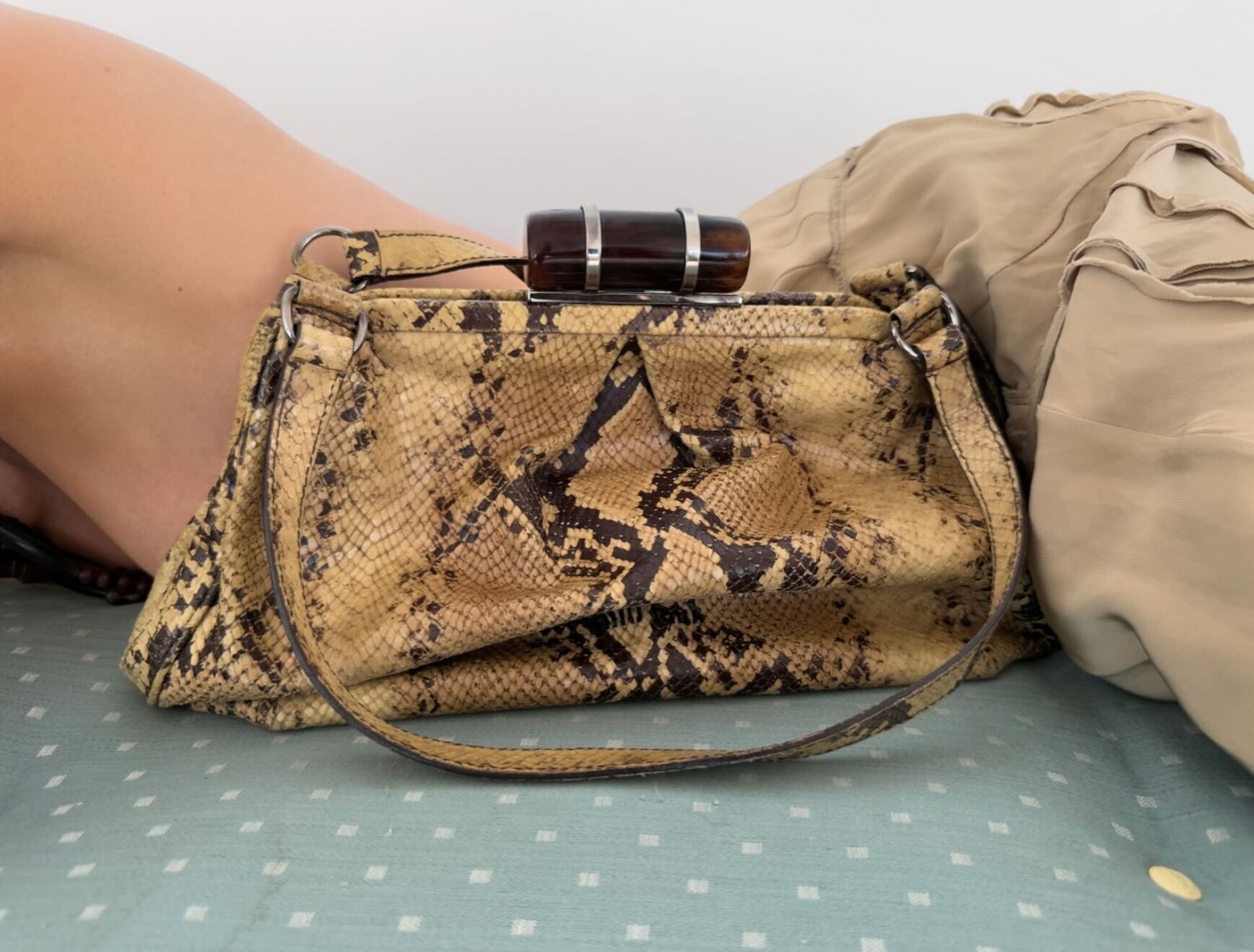
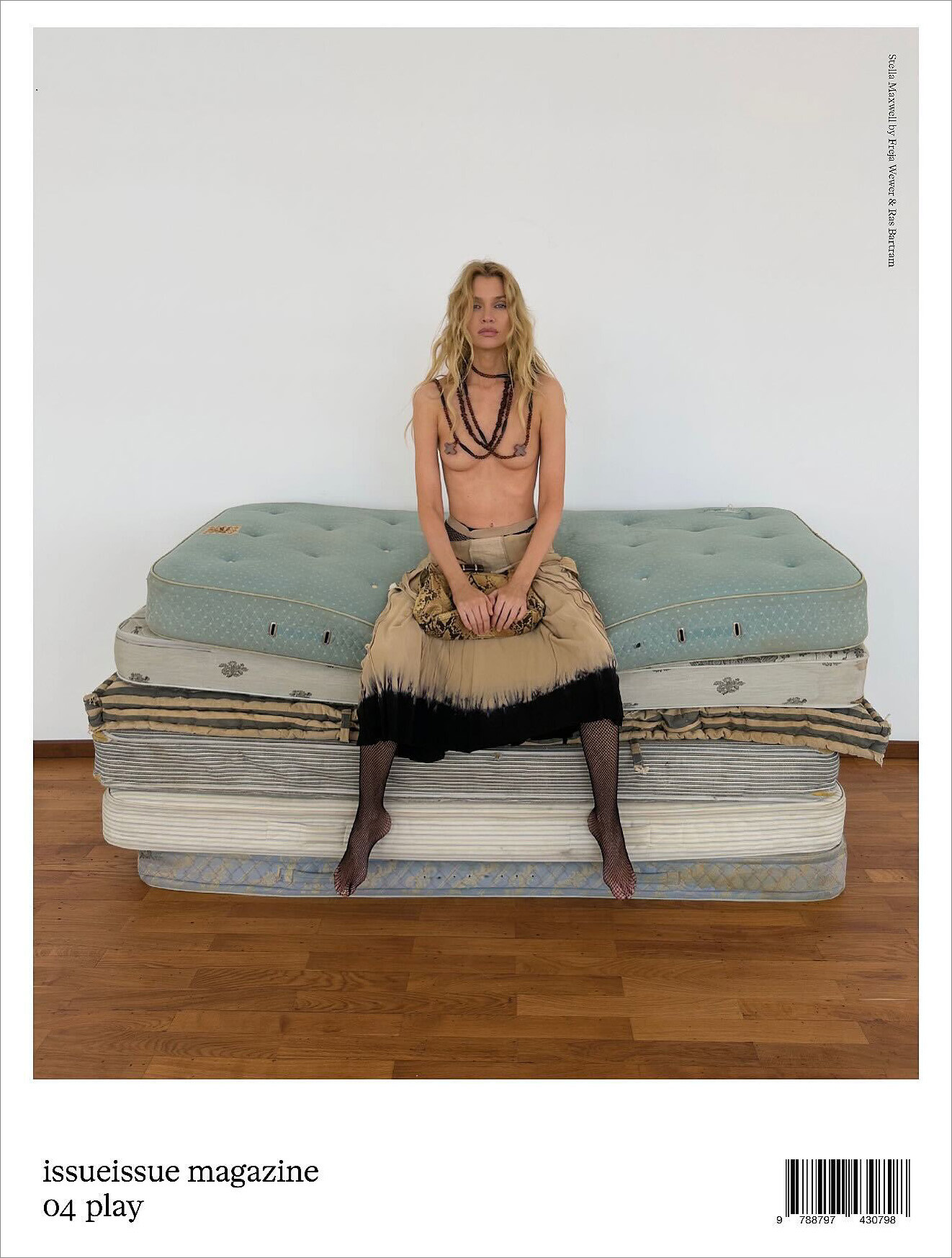
 issueissueissueissue shot in Copenhagen by frejawewer & rasbartram Issueissue Magazine 04 PLAY “How did you sleep?” asked the Queen. “Oh, very badly!” said the princess.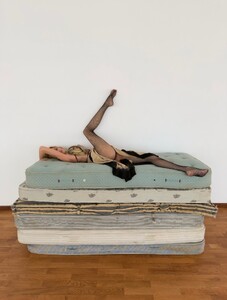
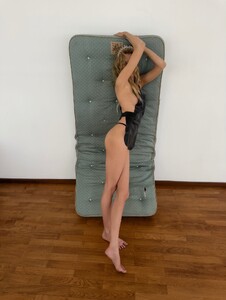
-
-

-
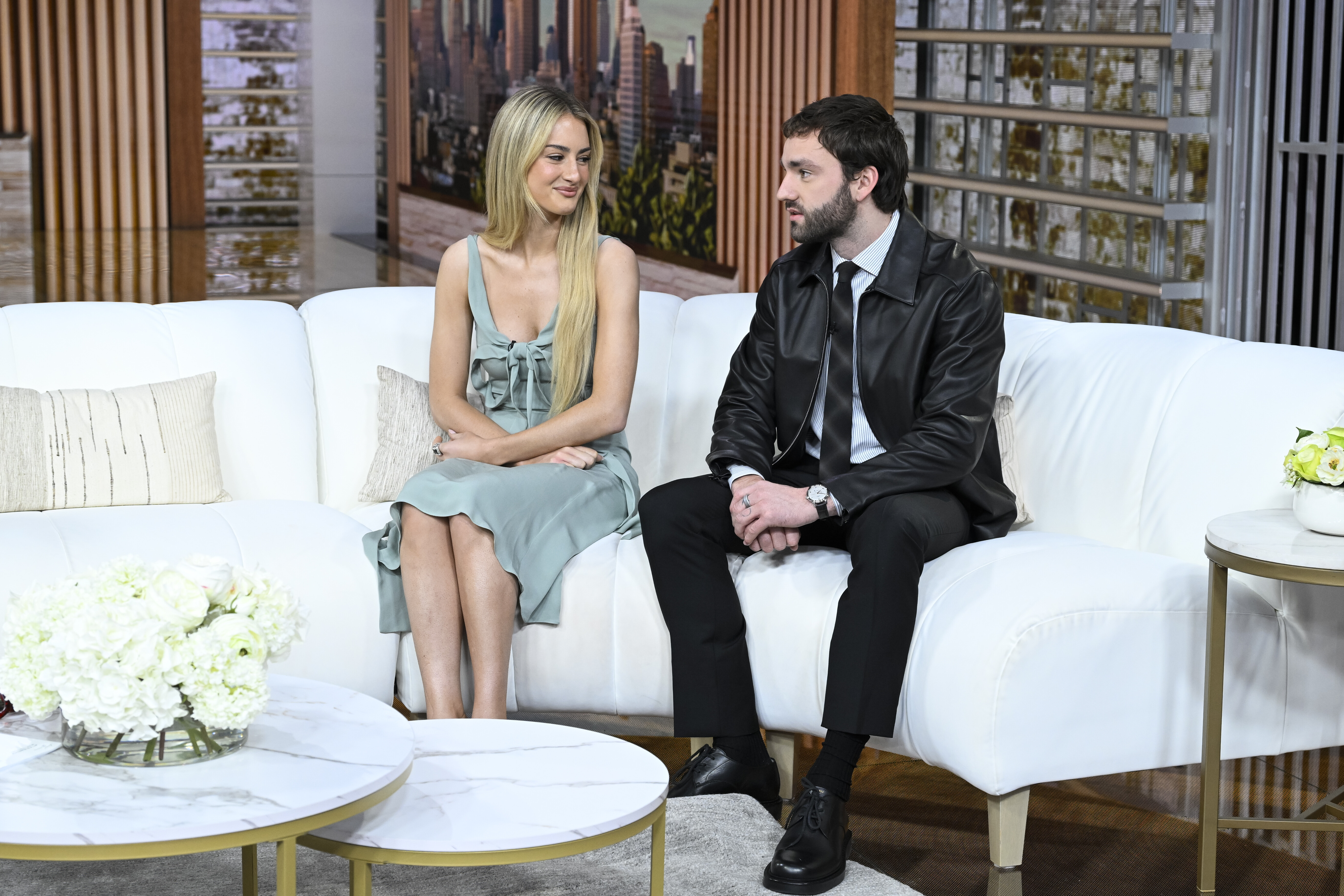
TELL ME LIES' Grace Van Patten & Jackson White break down the Season 2 premiere battles | TV Insider
-
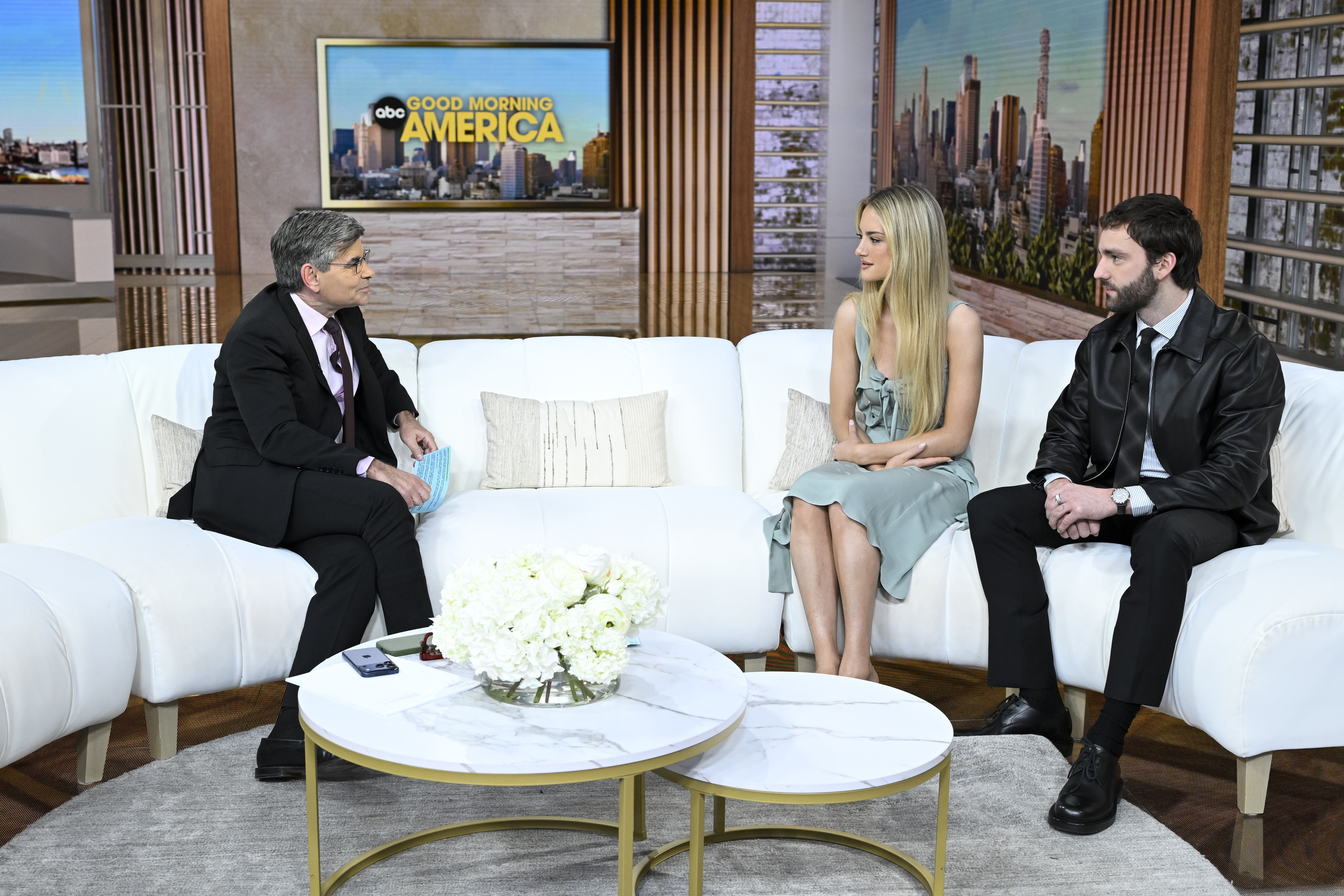
Good Morning America - January 12, 2026 joe d at picturepub


-
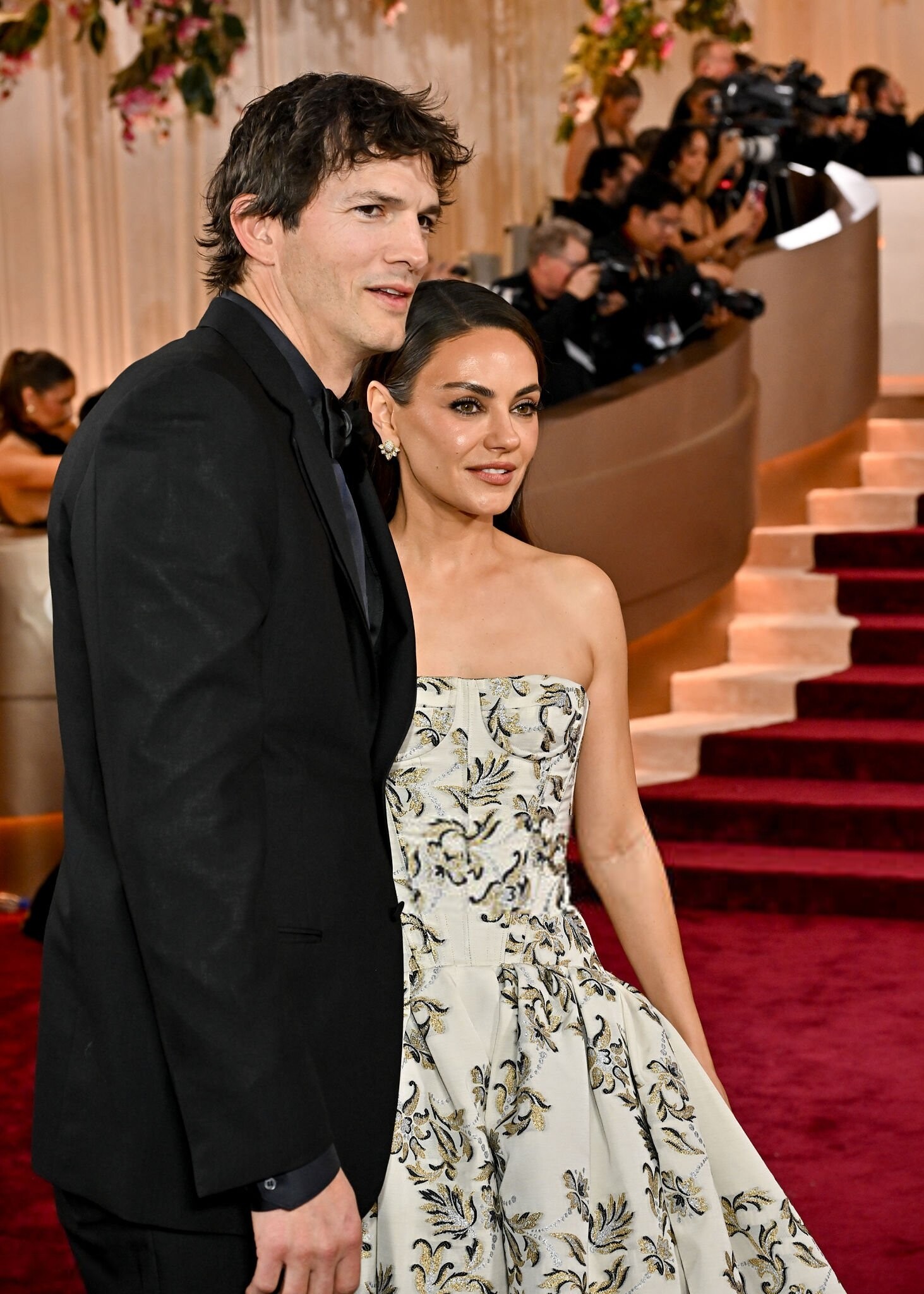
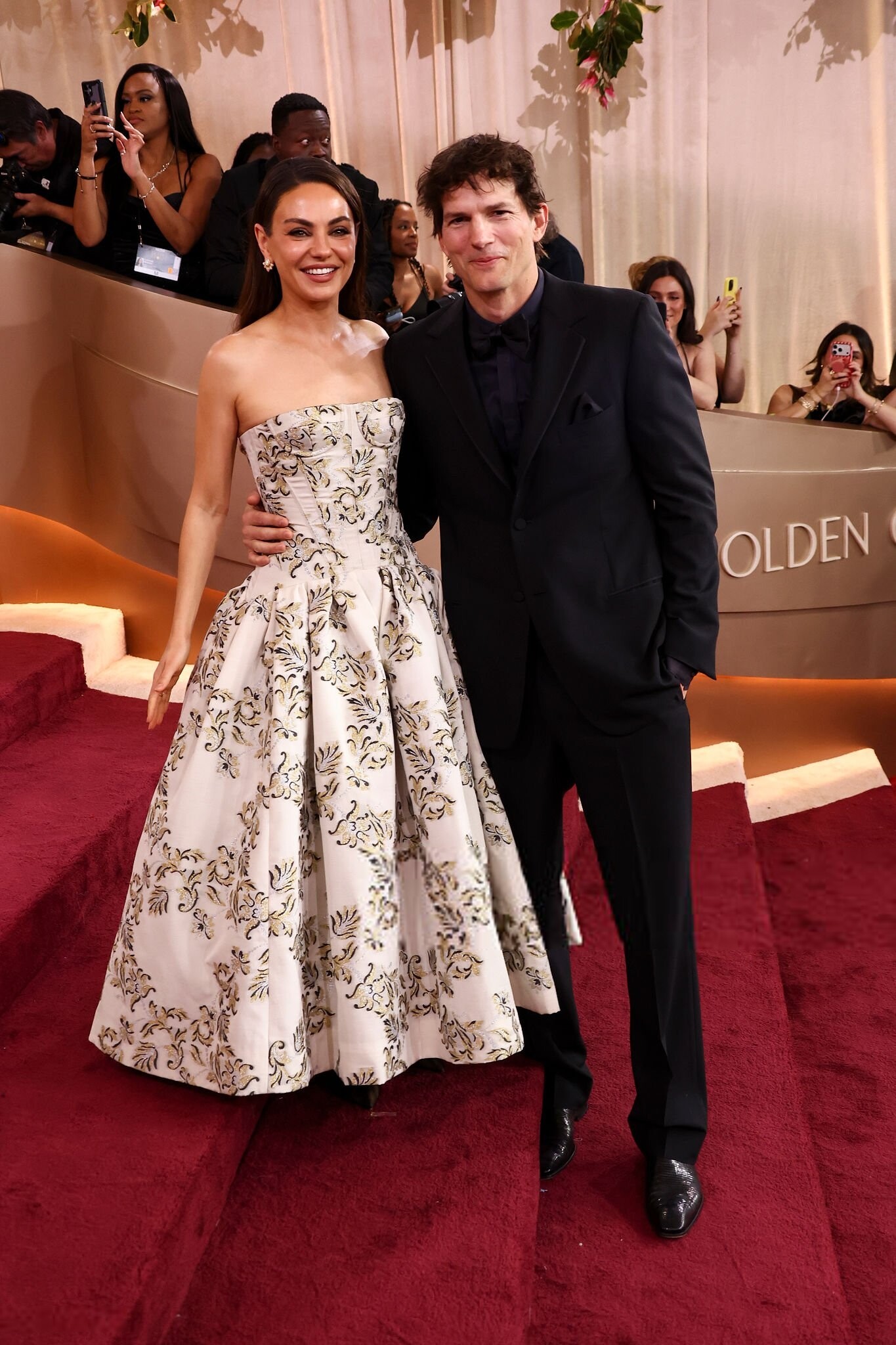
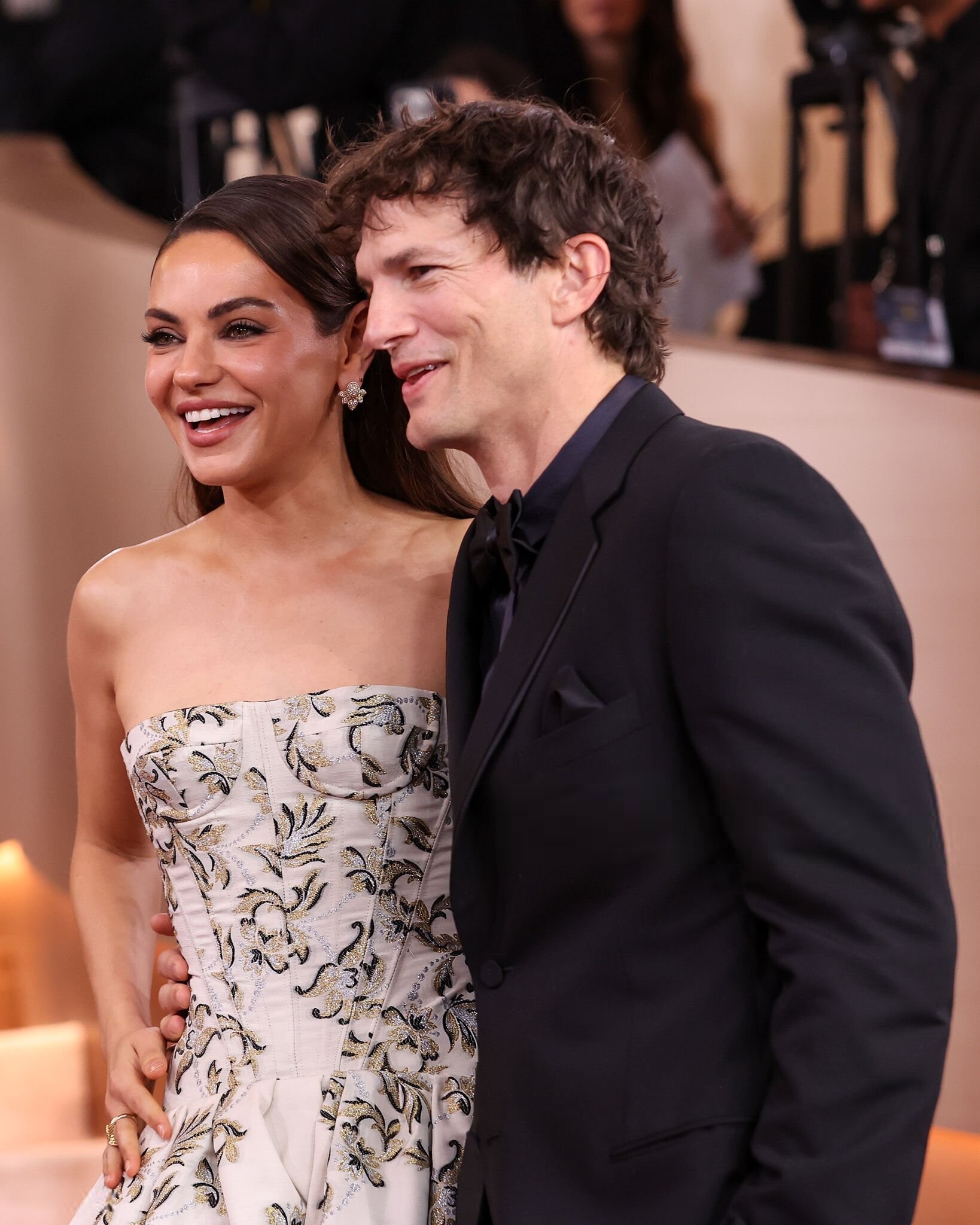
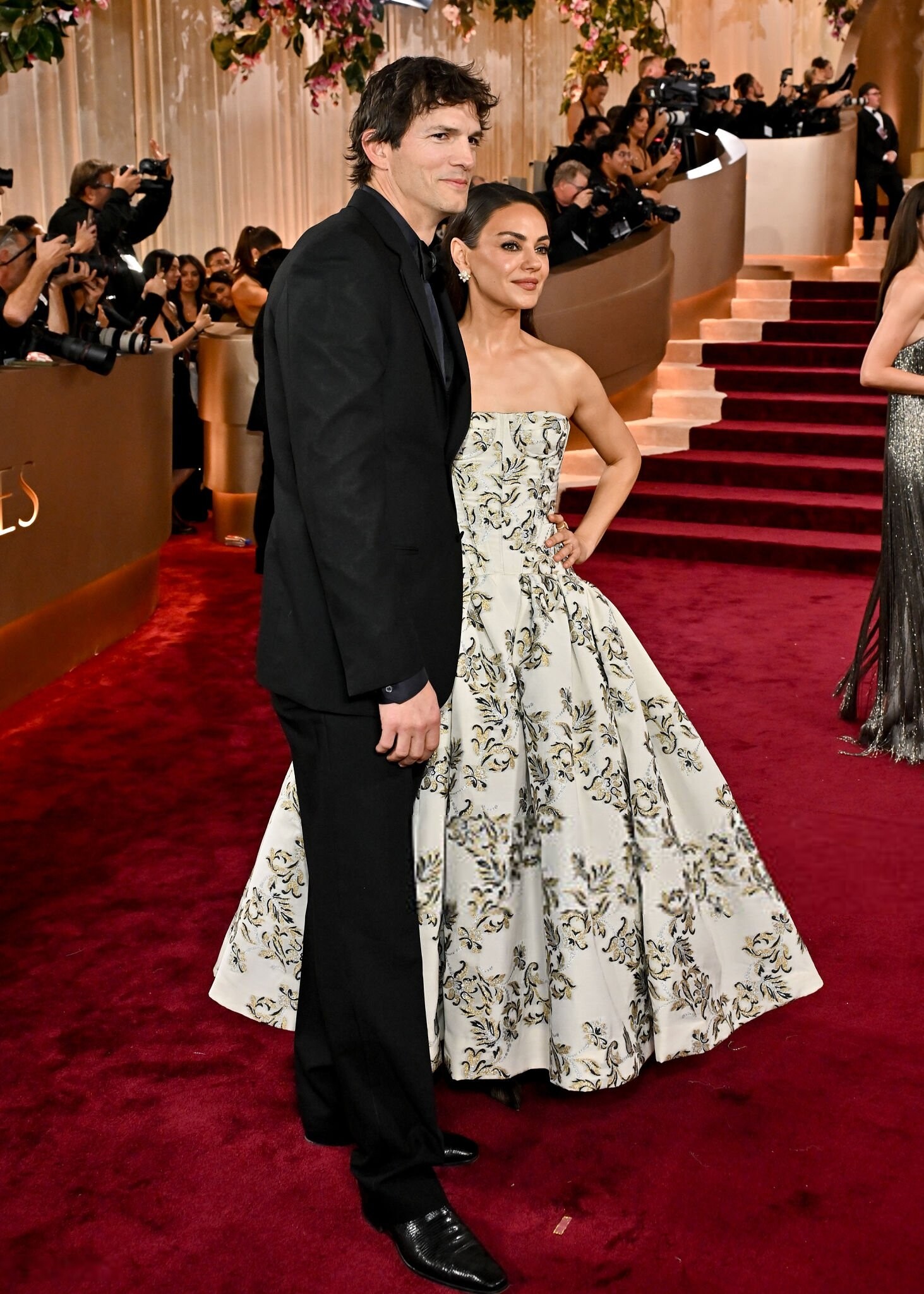
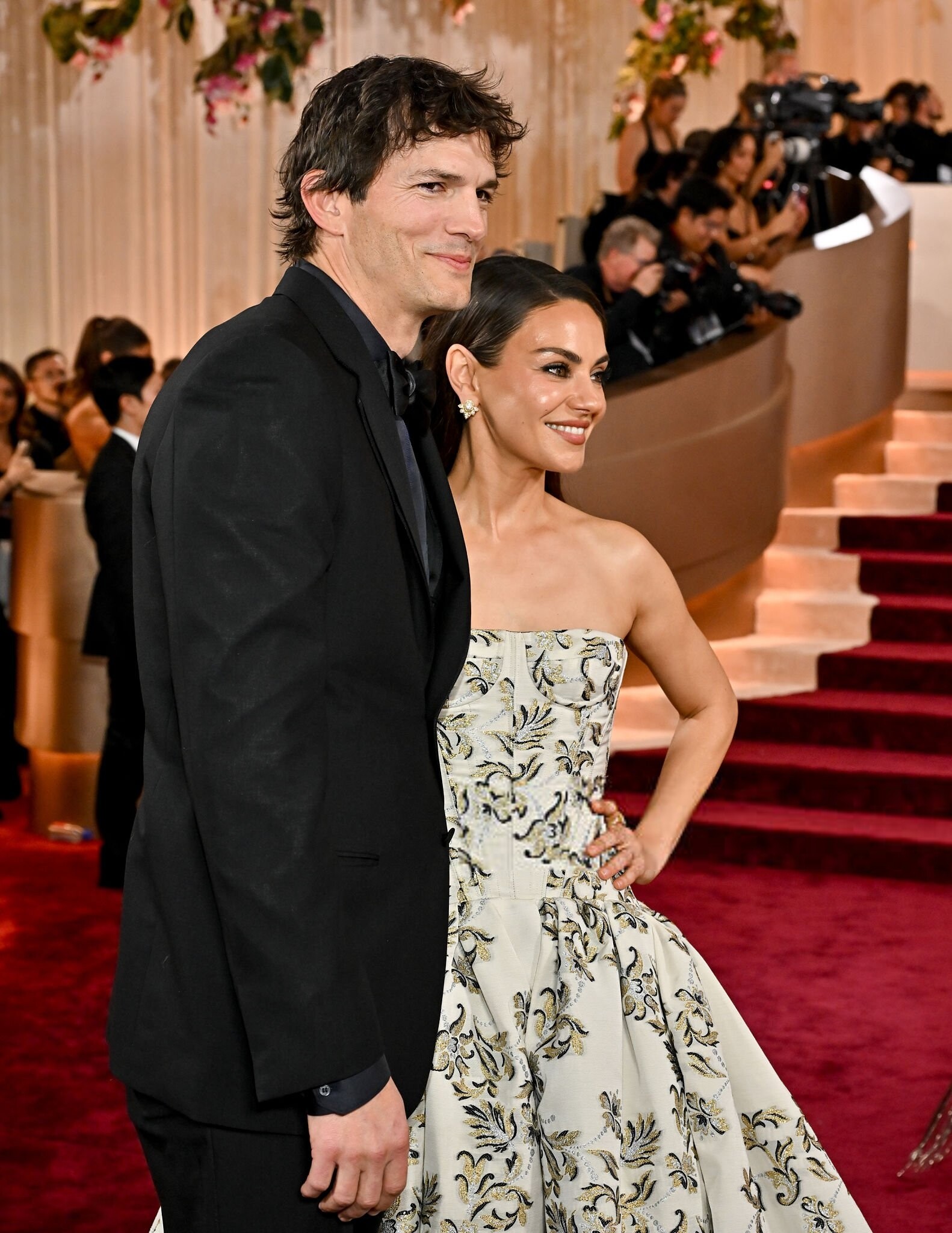
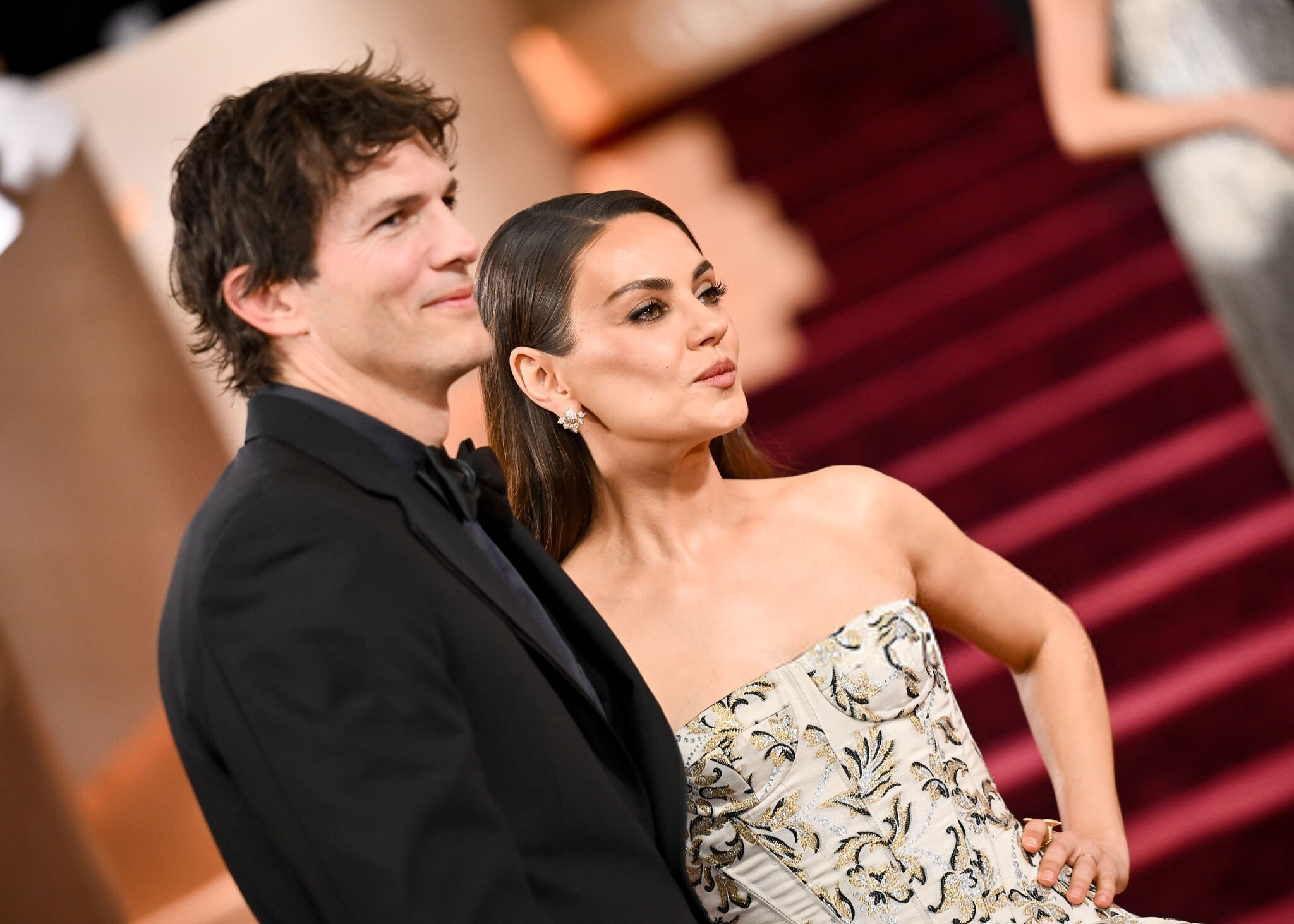
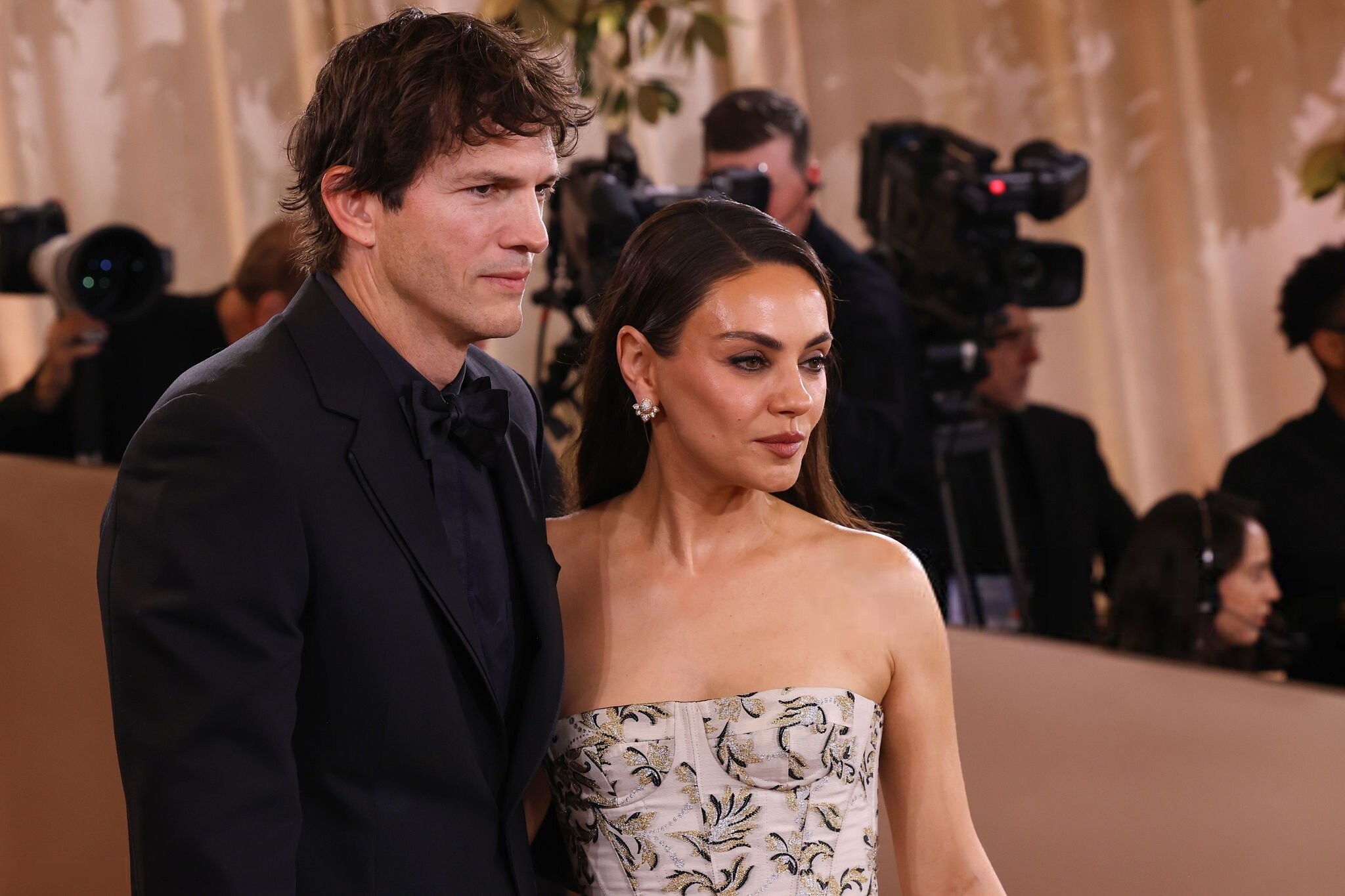
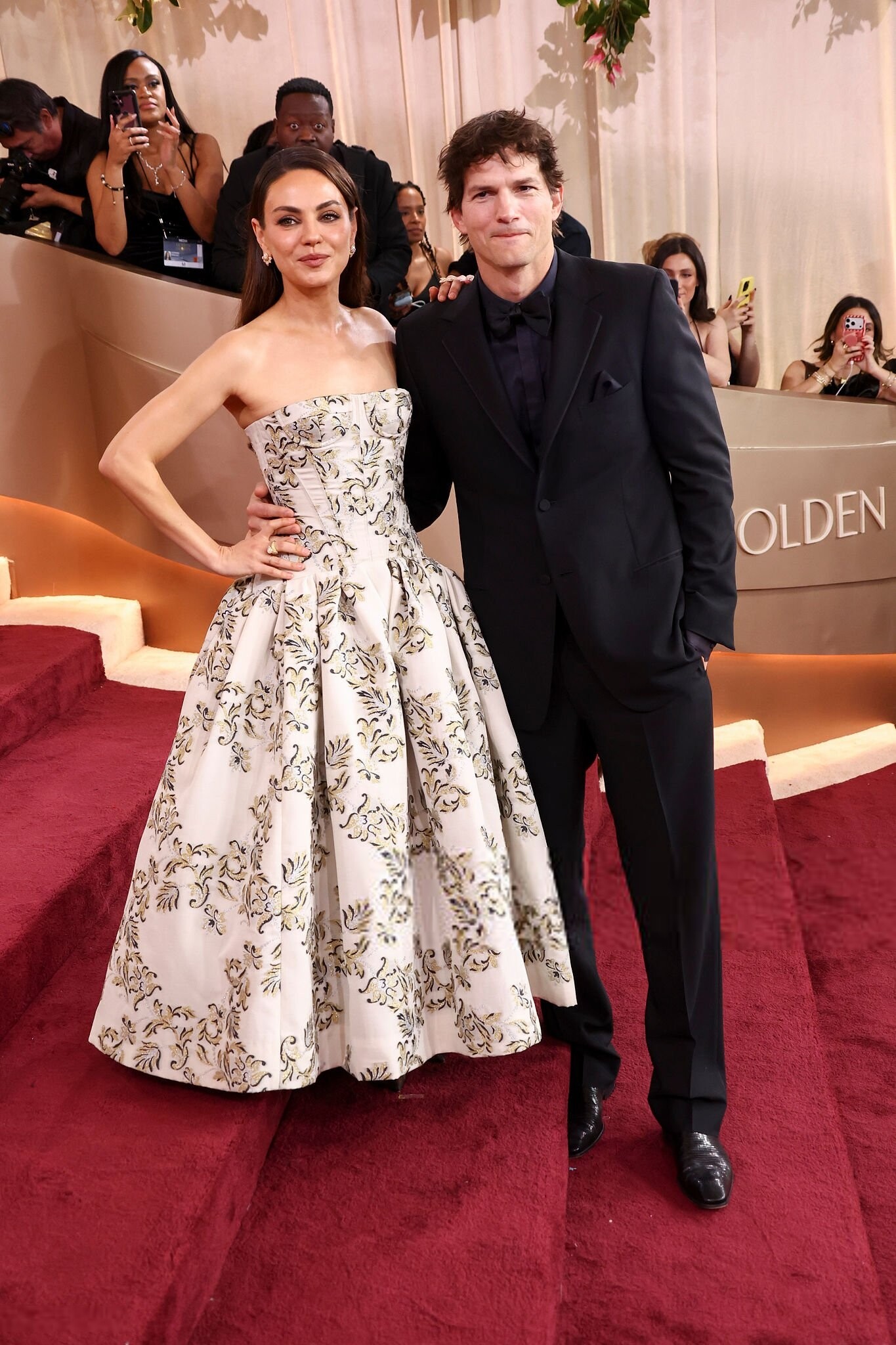
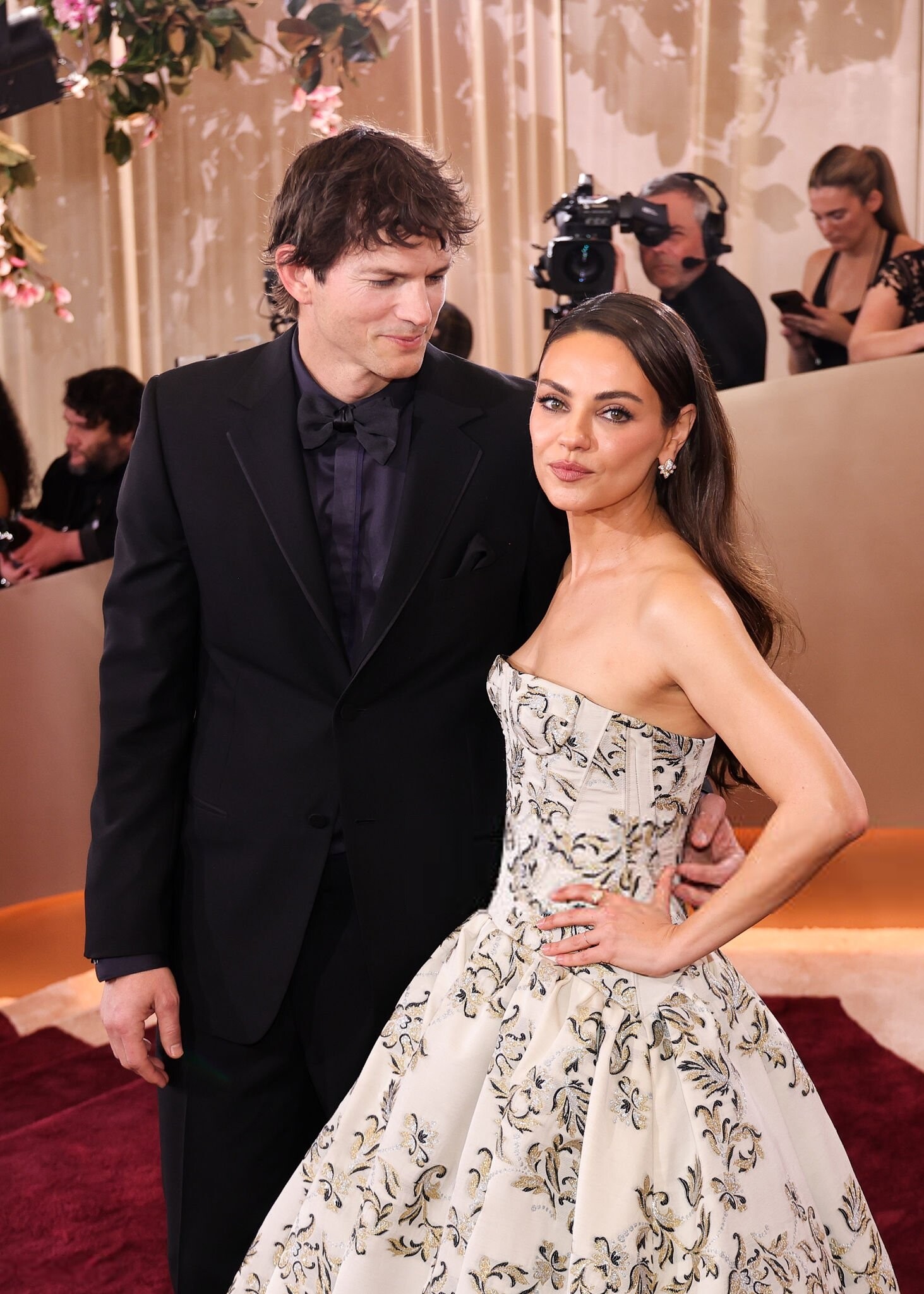
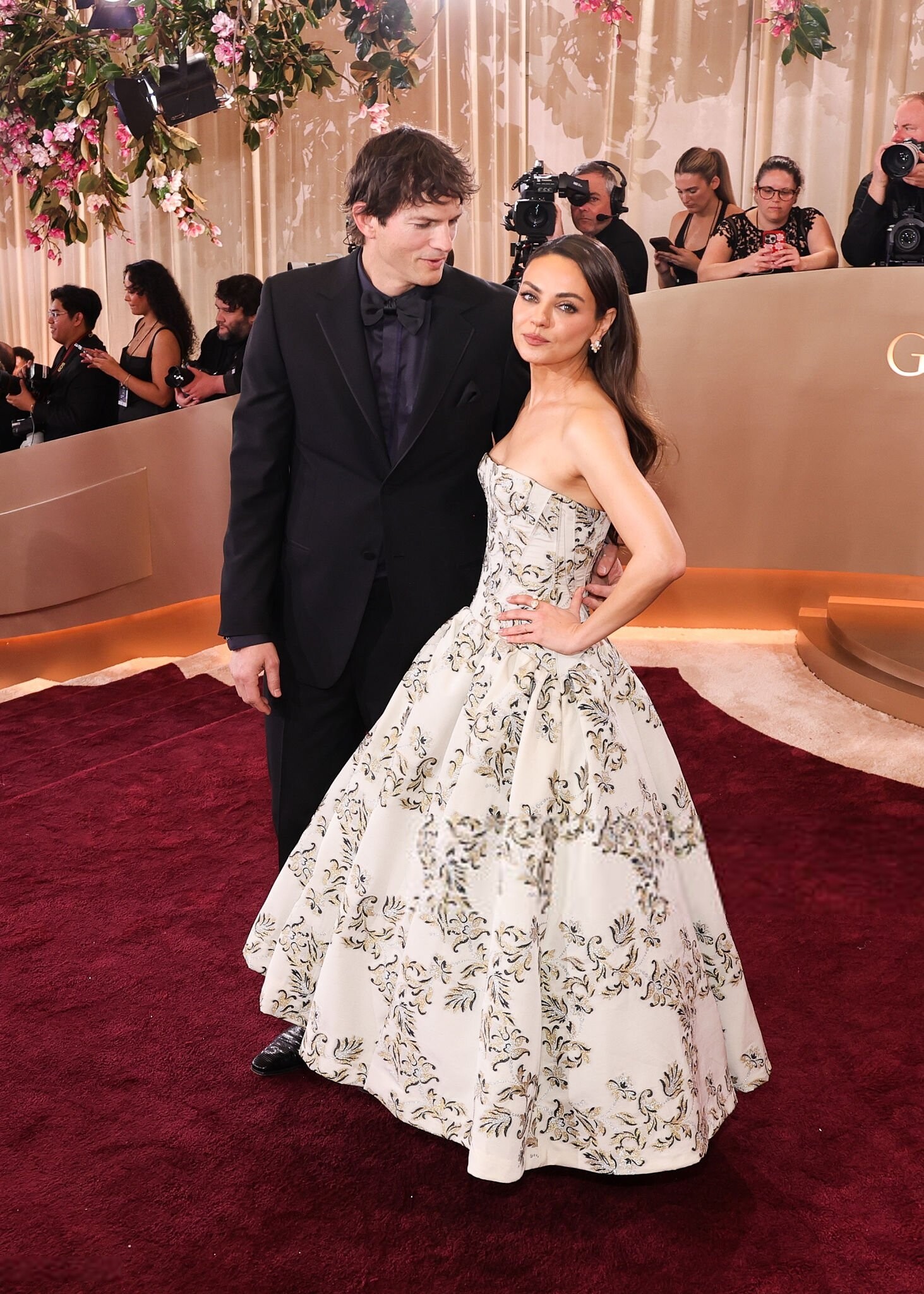
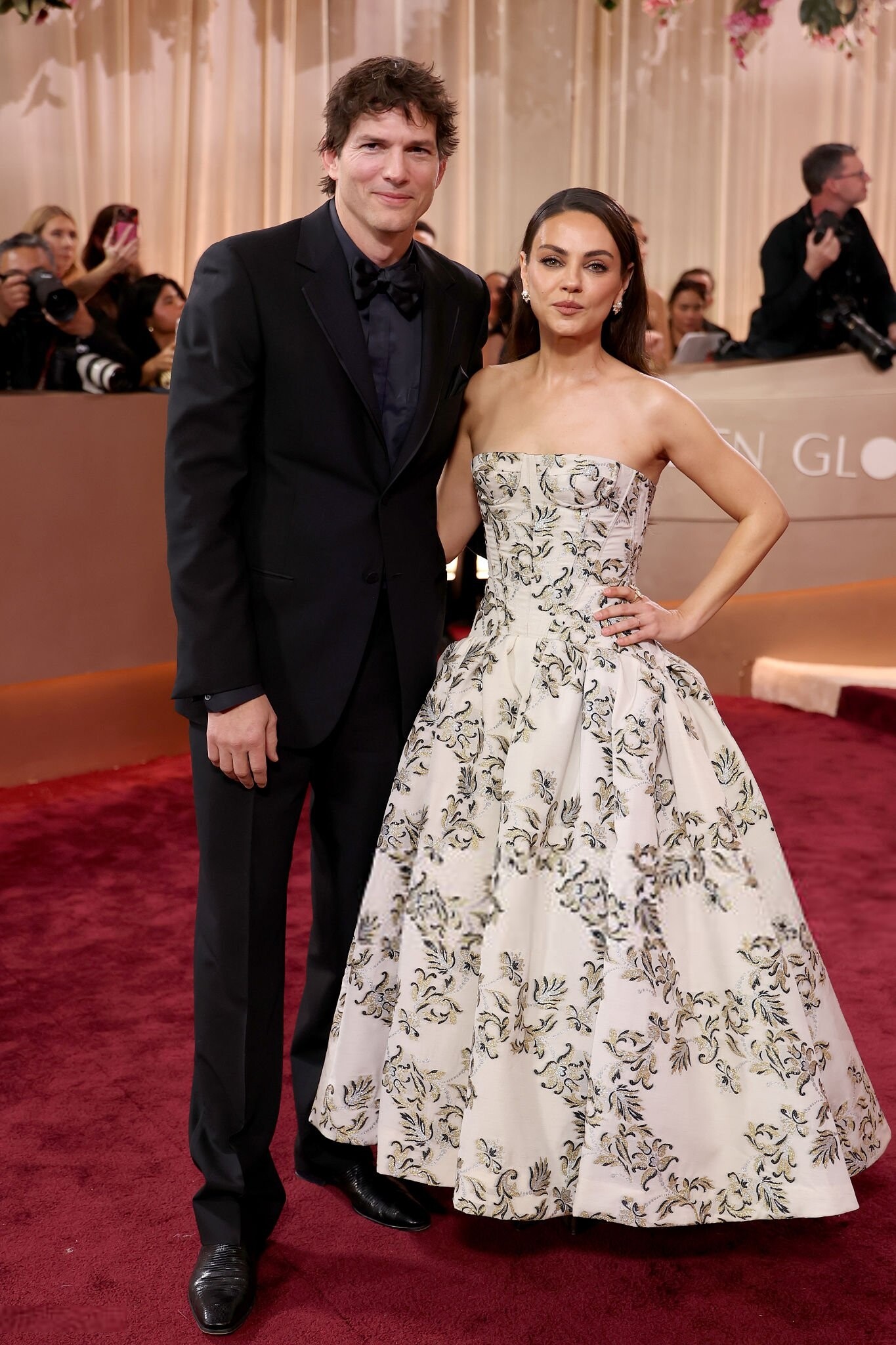
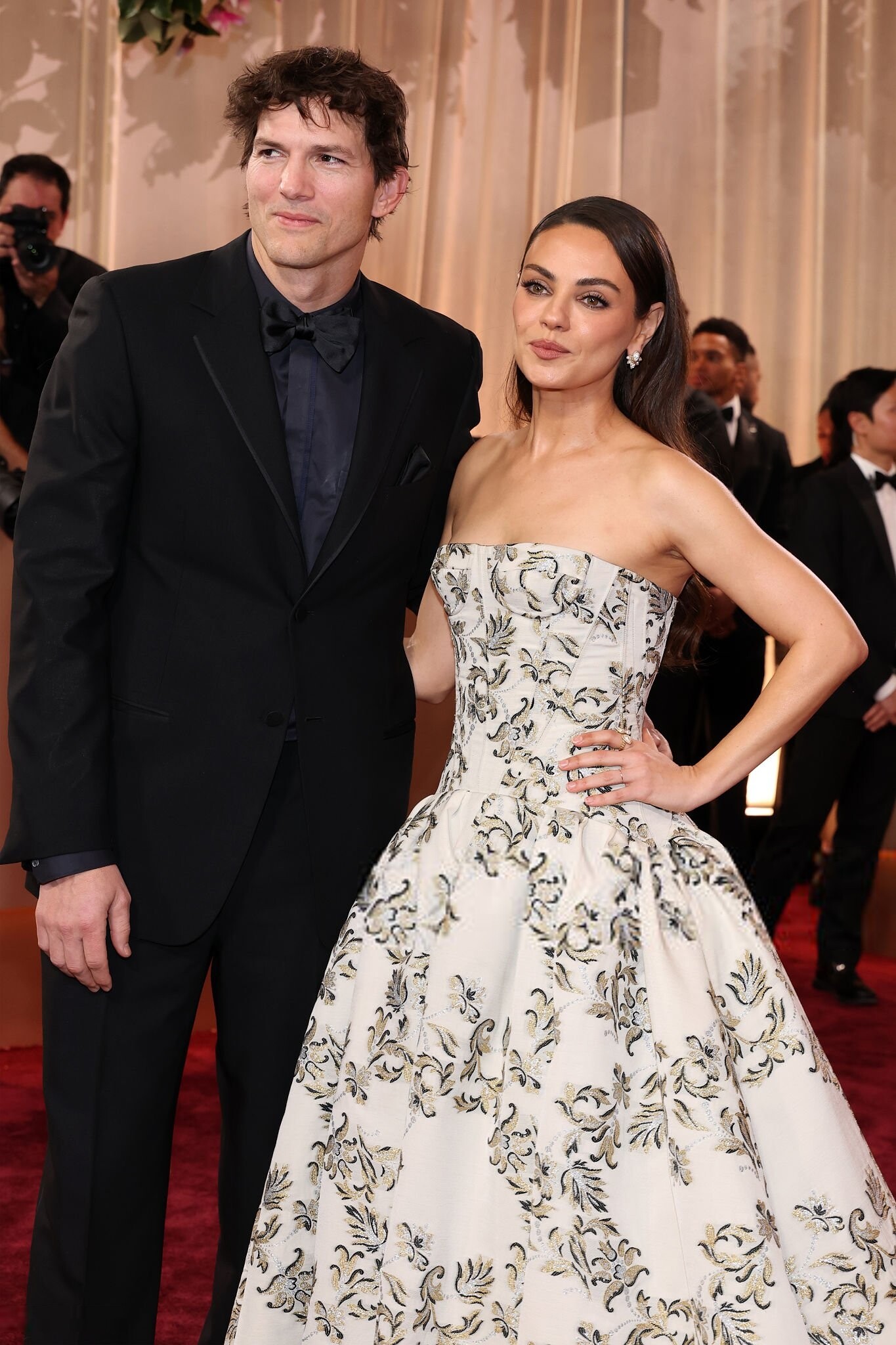
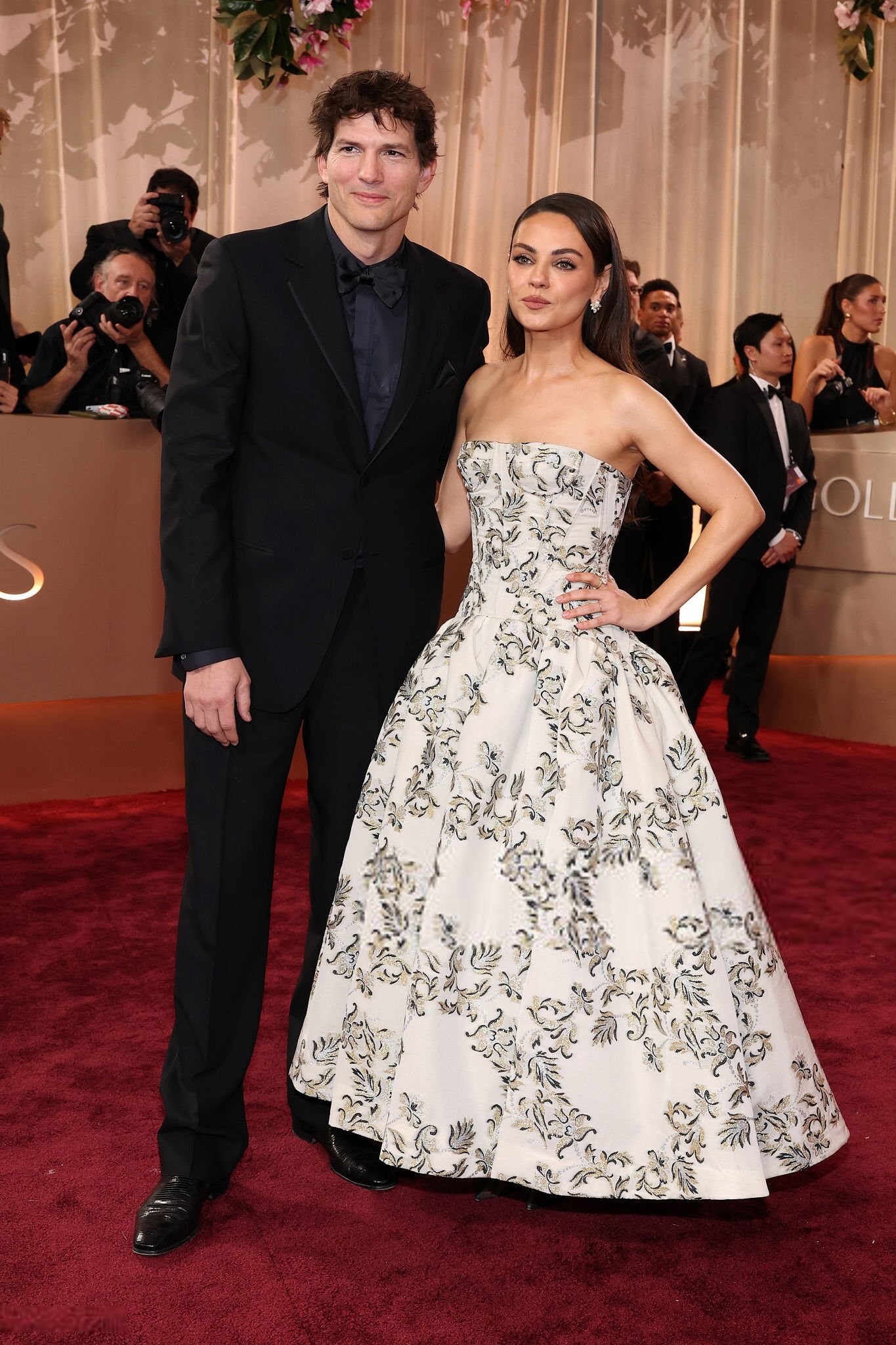
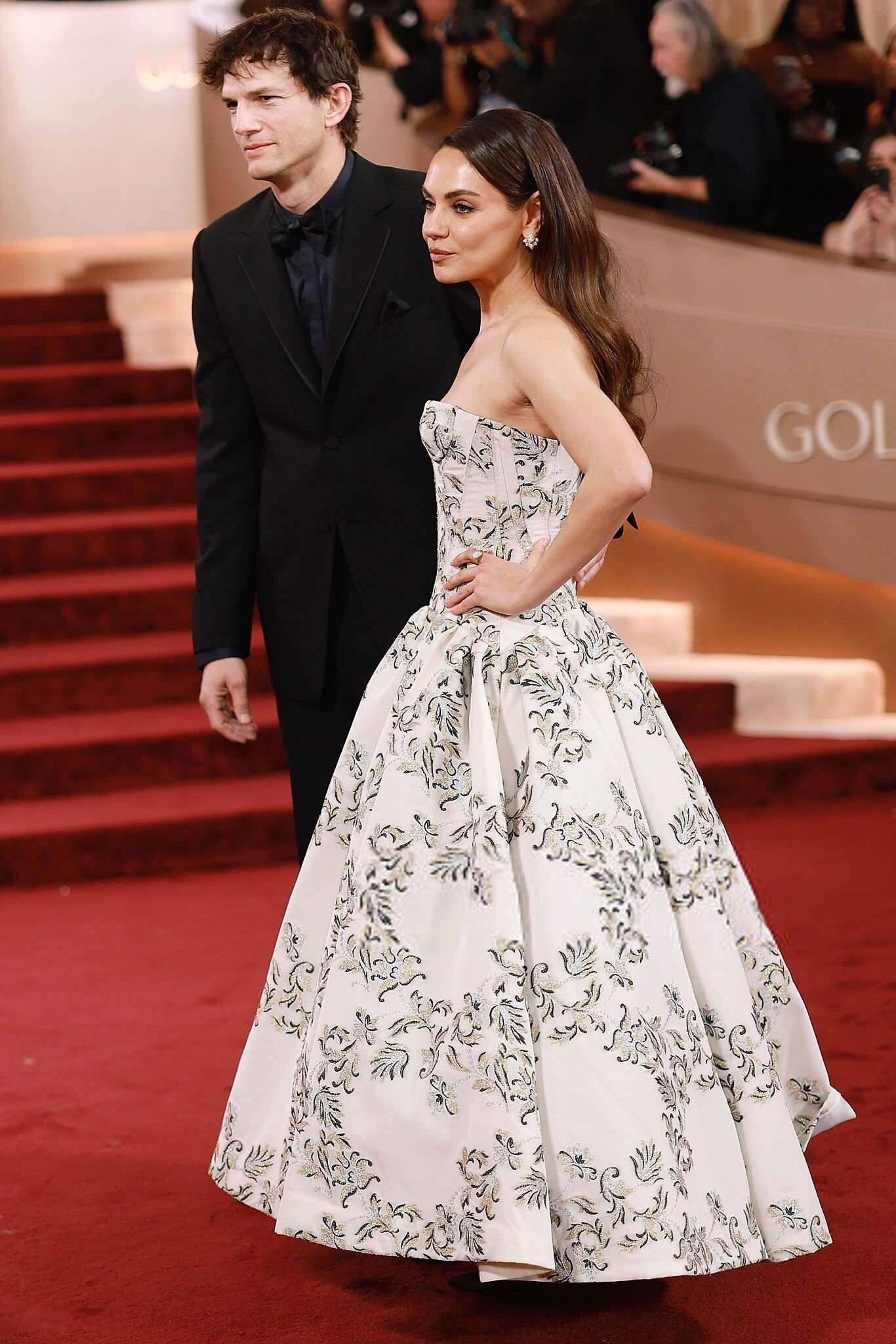
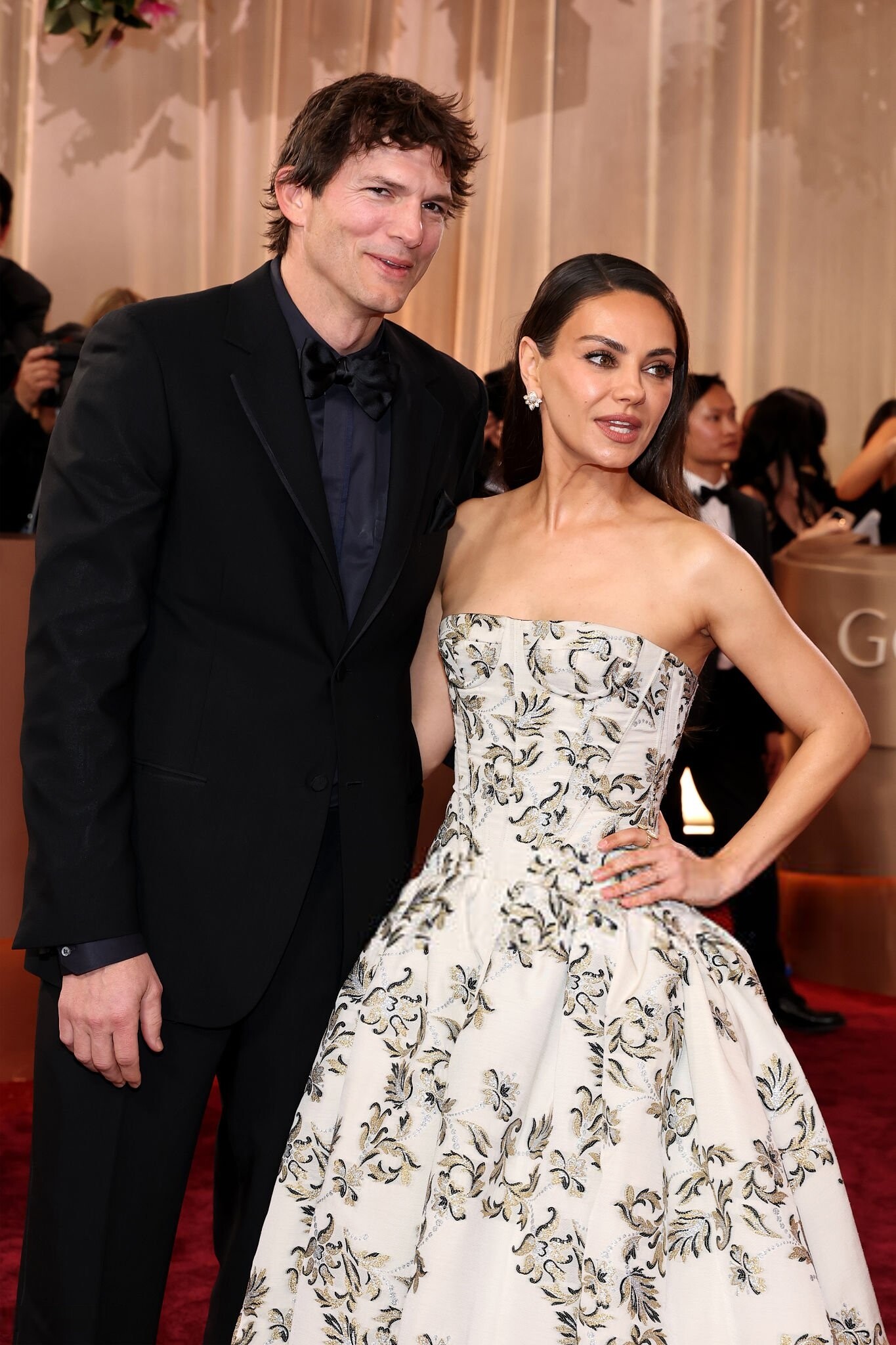
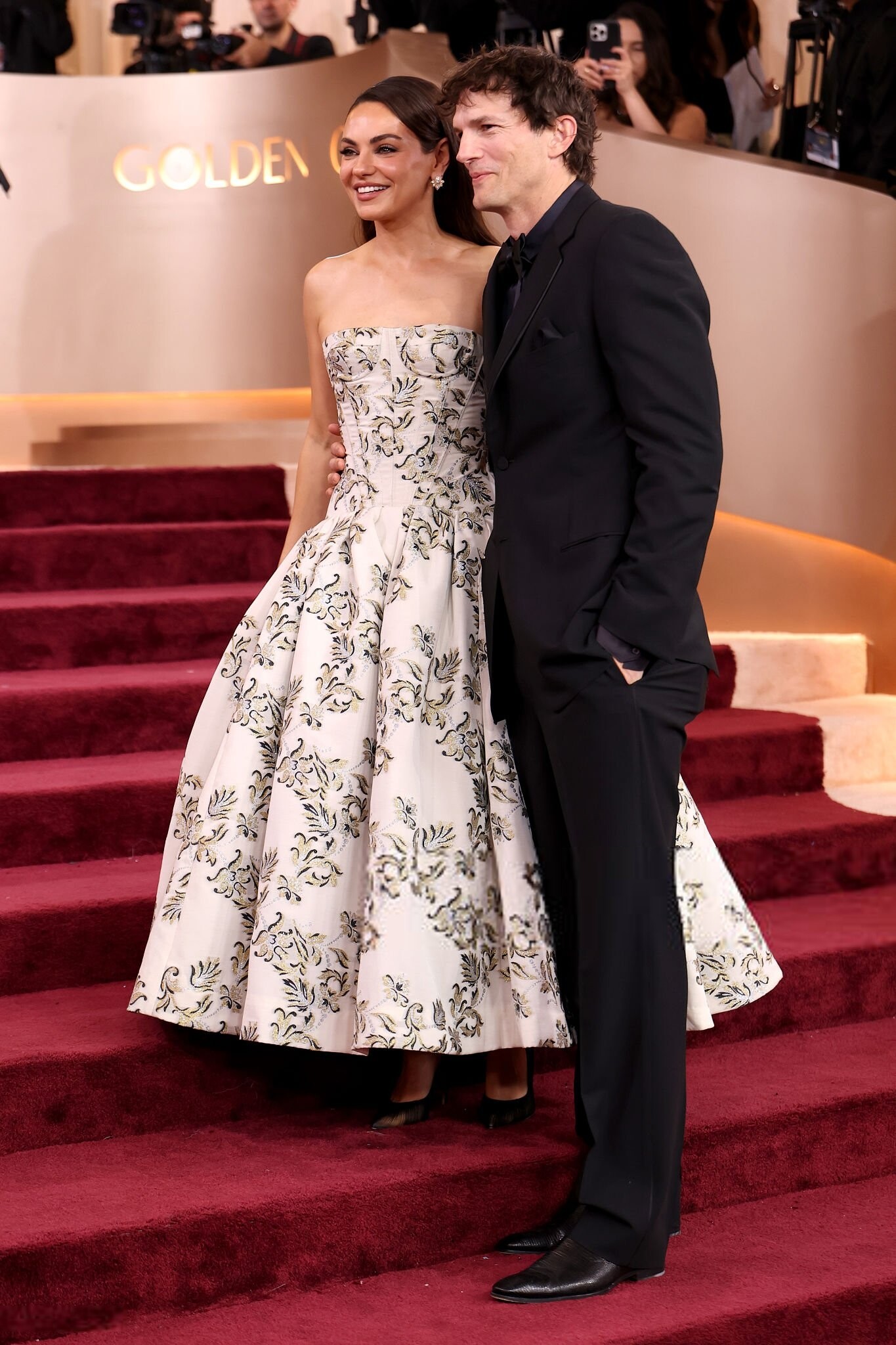
83rd annual Golden Globe Awards, Beverly Hills CA - January 11, 2026 joe d at picturepub





































































-
 Star Wars: Kathleen Kennedy Exits Lucasflim, Dave Filoni Takes Over KK out- after screwing up star wars..
 - Today
-
Locket madisonbeerfrance.com


-
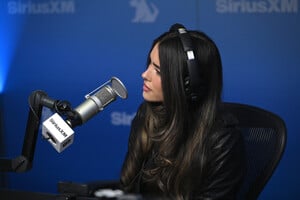
 Madison Beer on 'Dangerous', playing Reading & Leeds, and new music NME
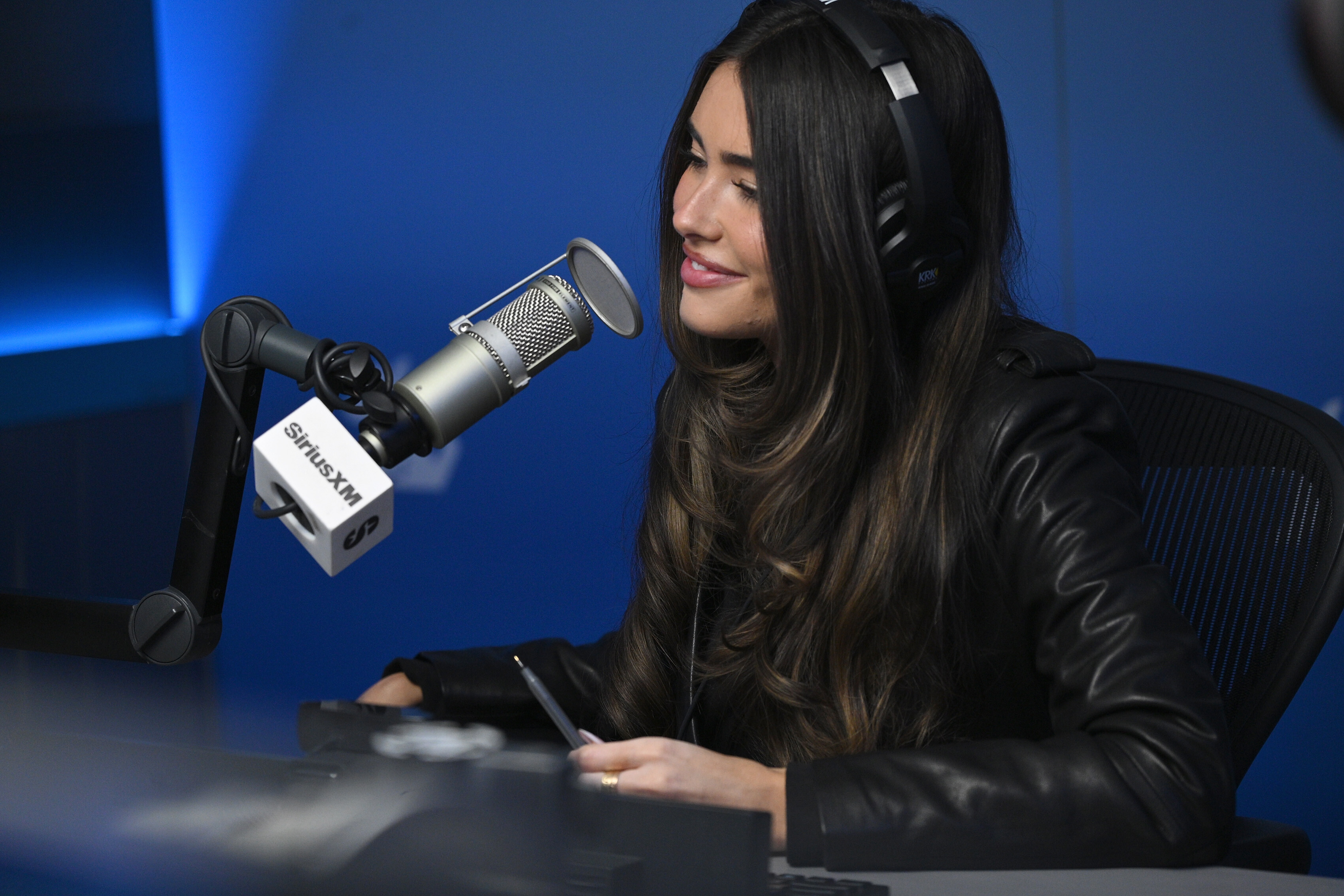
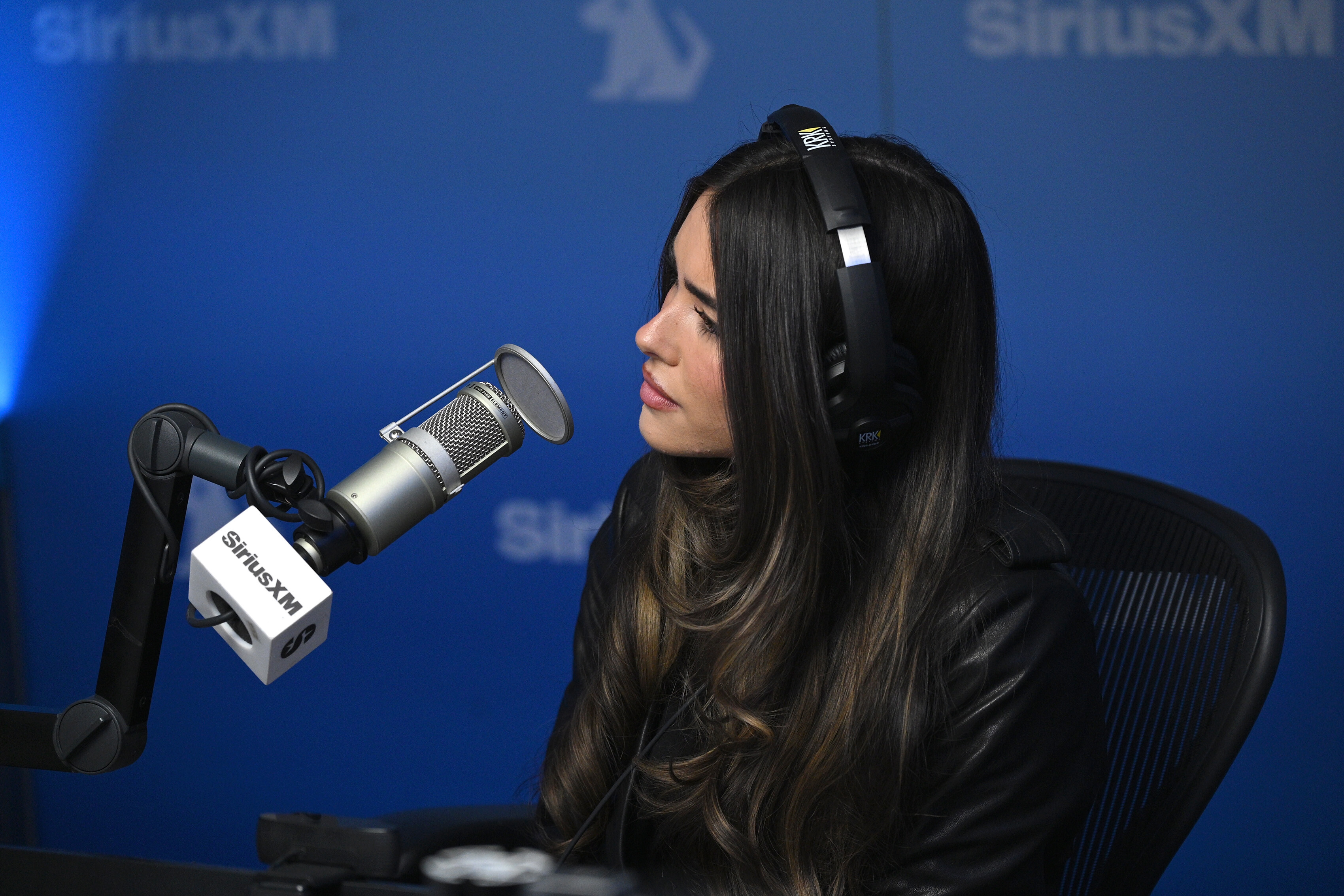
visits SiriusXM Studios in New York City (January 15, 2026) barbarapaIvin at picturepub
Madison Beer on 'Dangerous', playing Reading & Leeds, and new music NME
visits SiriusXM Studios in New York City (January 15, 2026) barbarapaIvin at picturepub
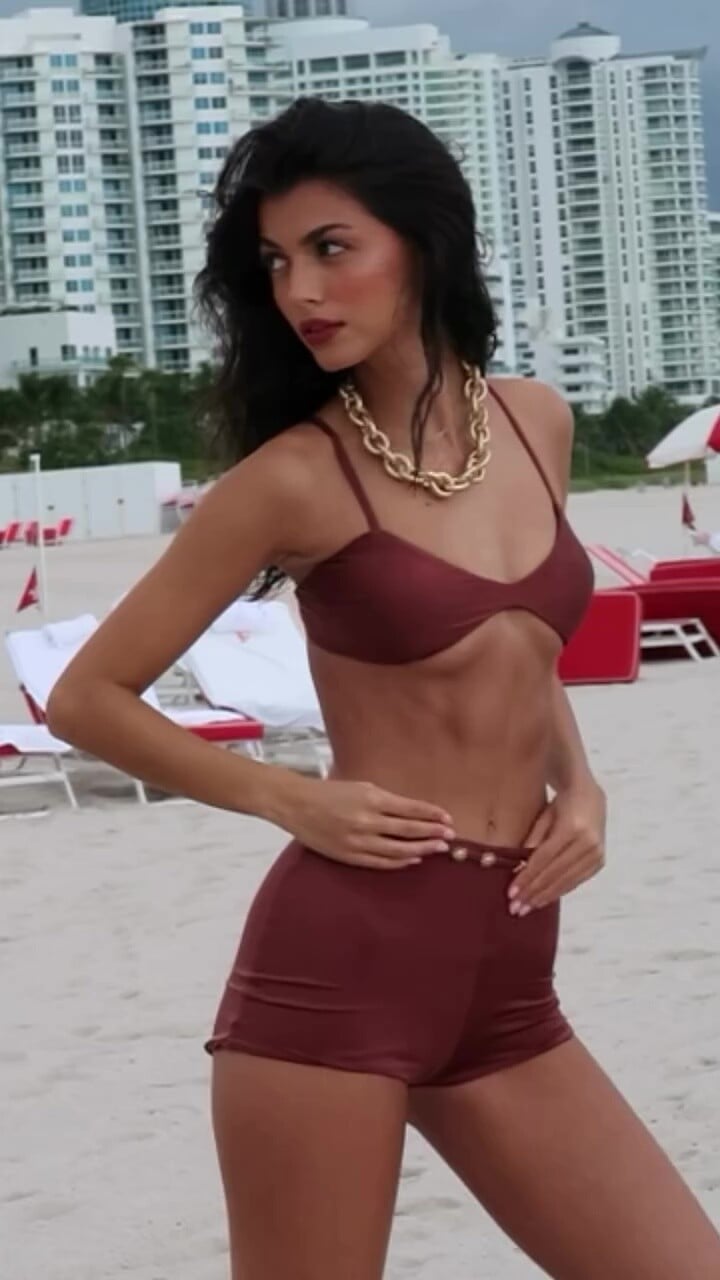
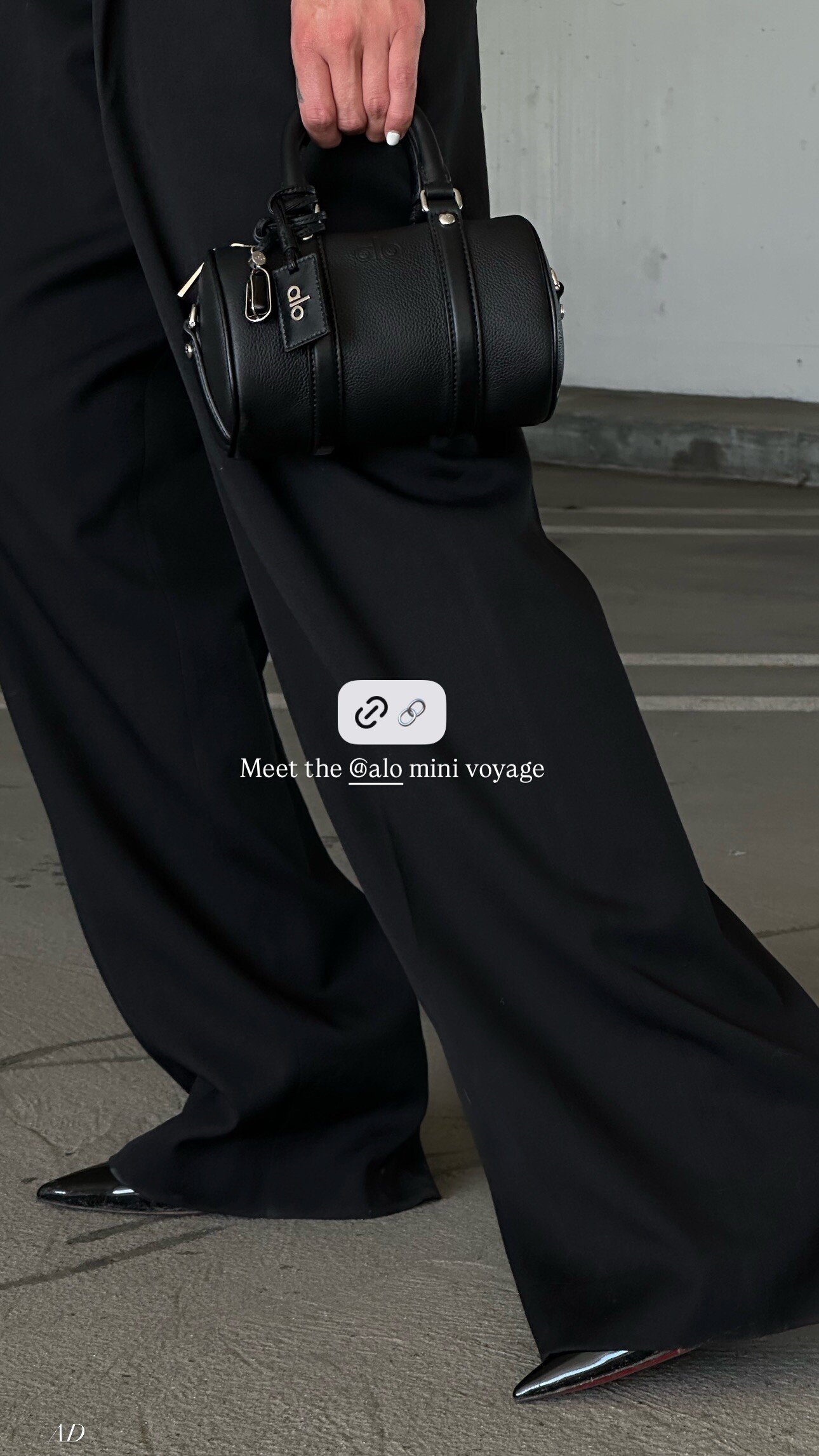
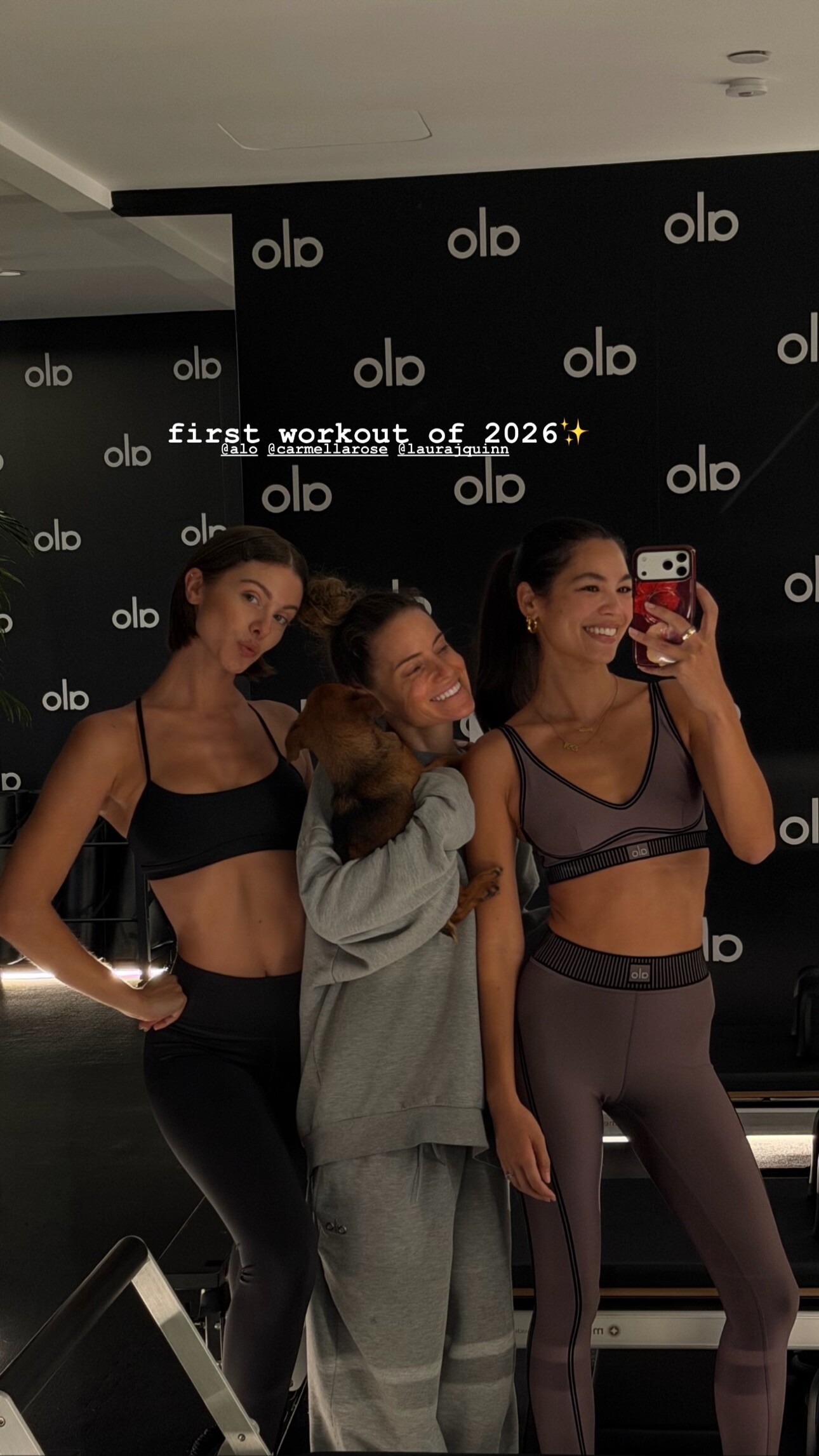
 Drope: stories video [2026.01.15] dropeclothing's2026-1-15-21.44.652 story.mp4

 Neil Dixon






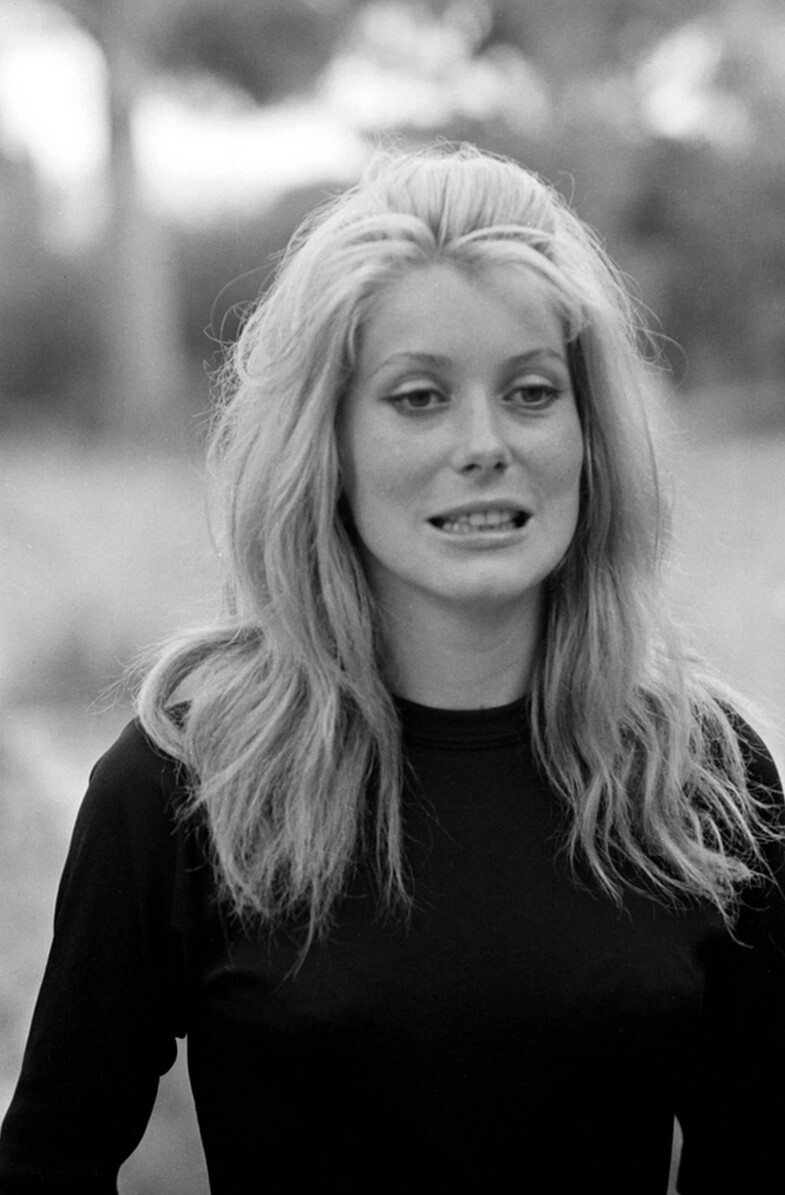
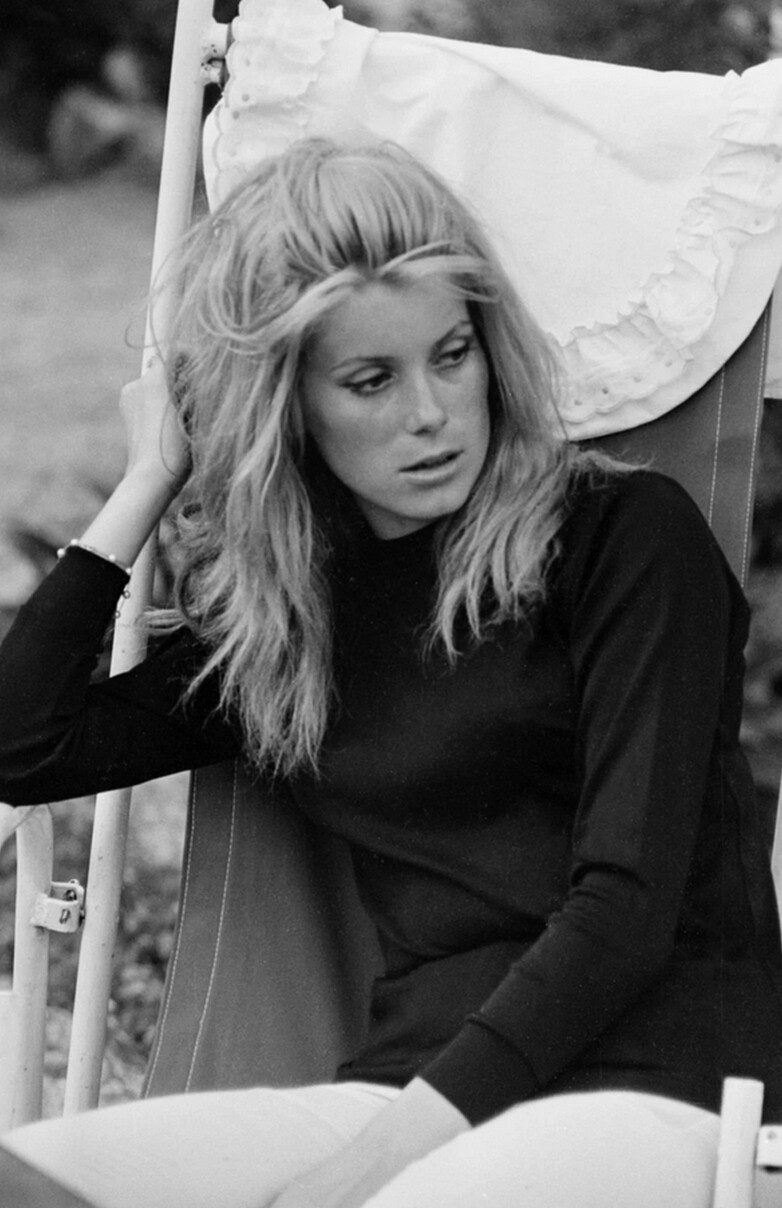
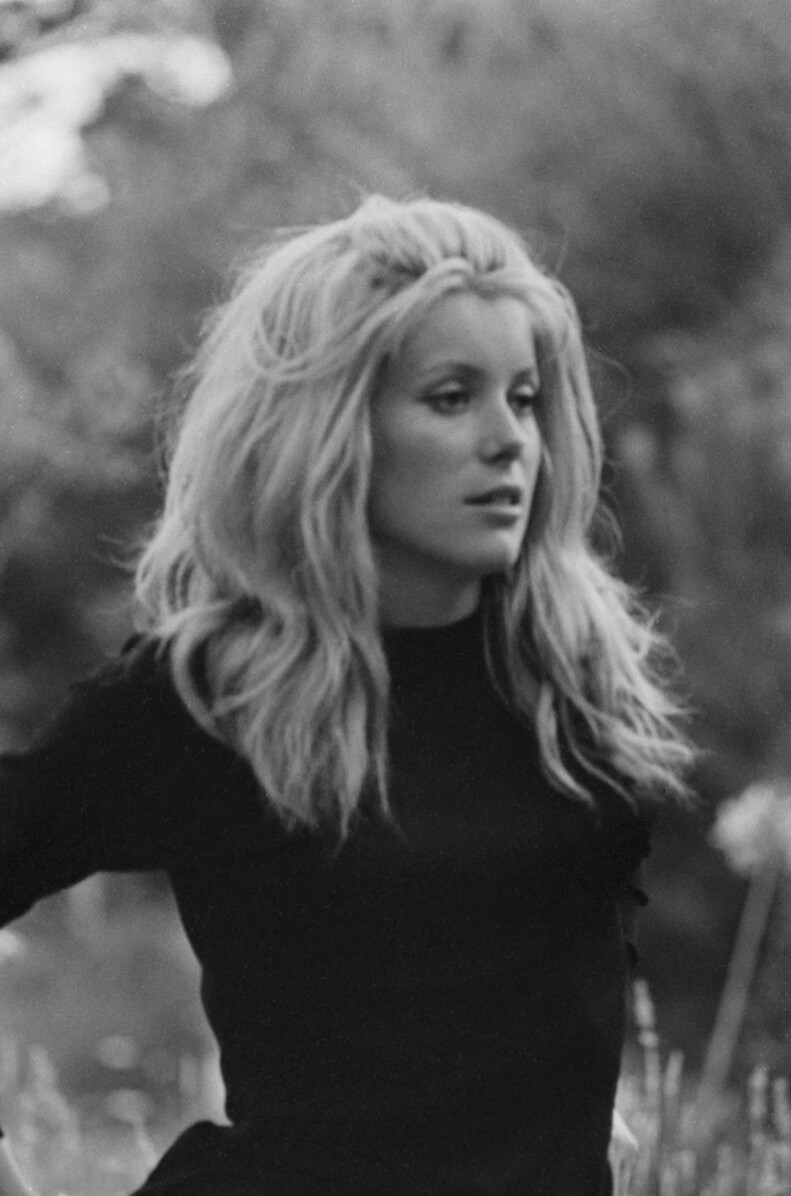
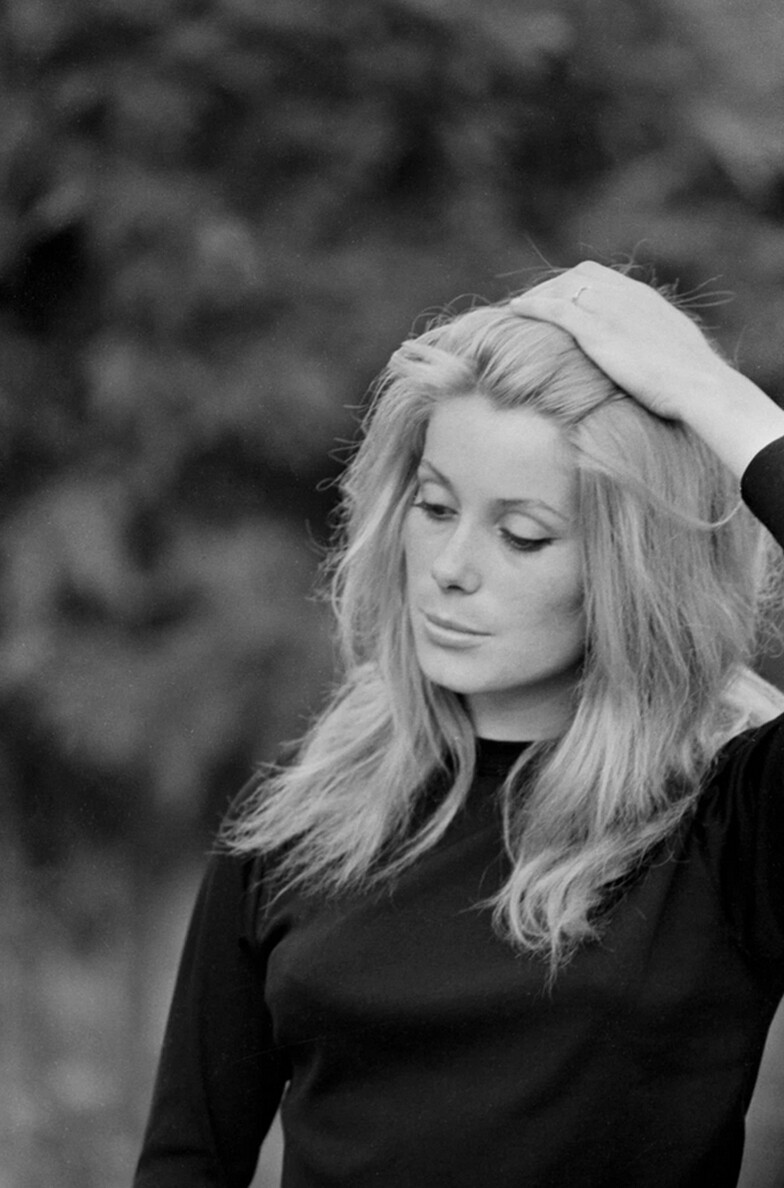
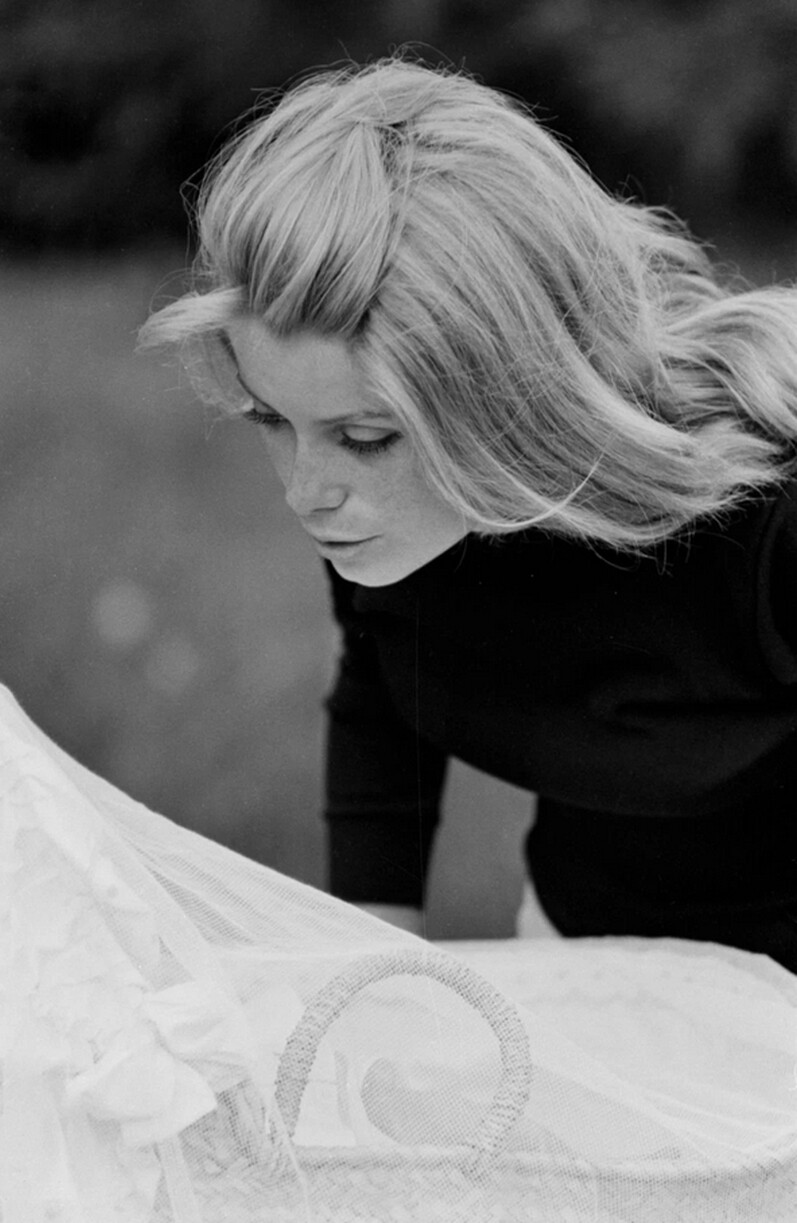
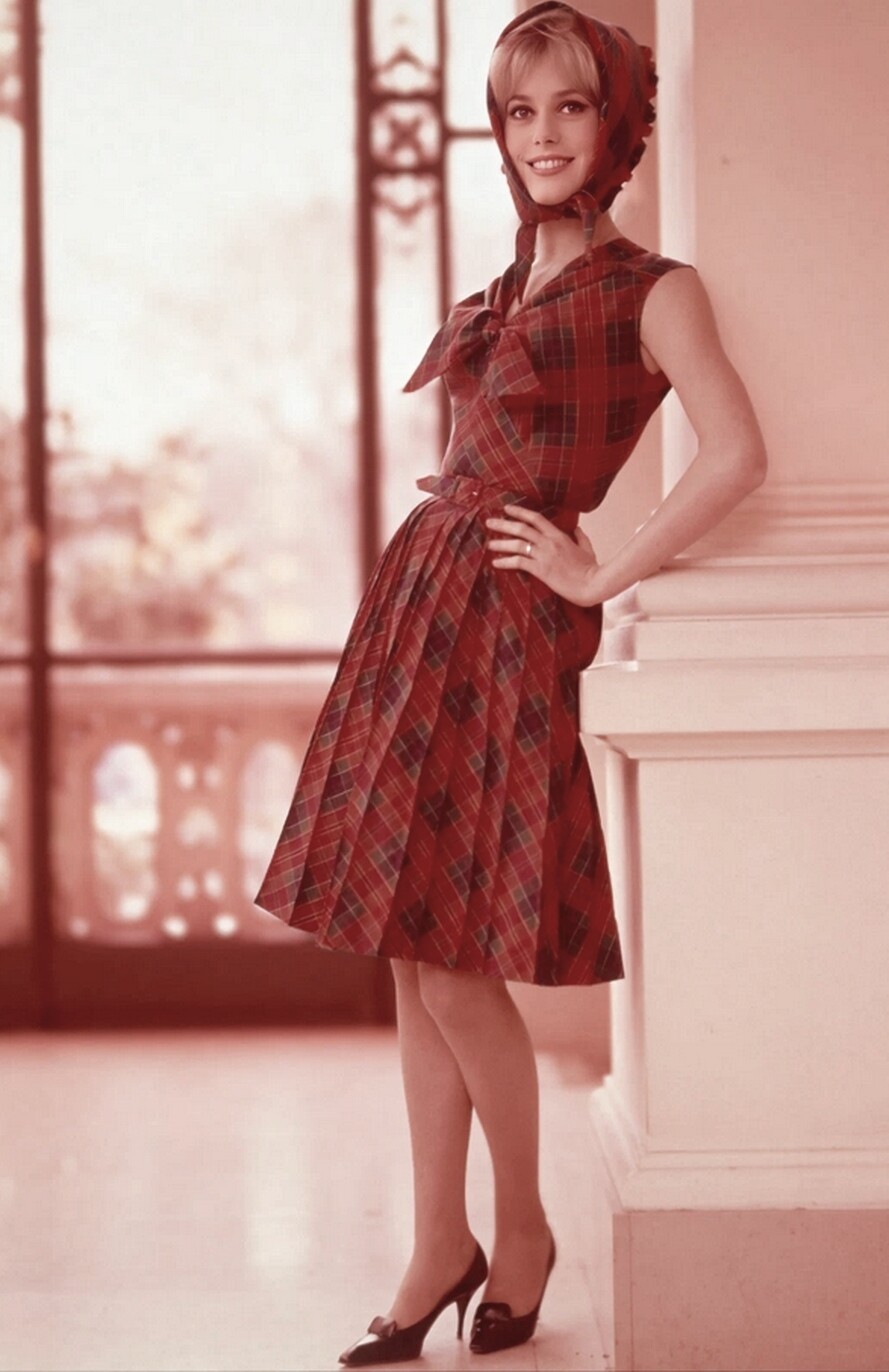
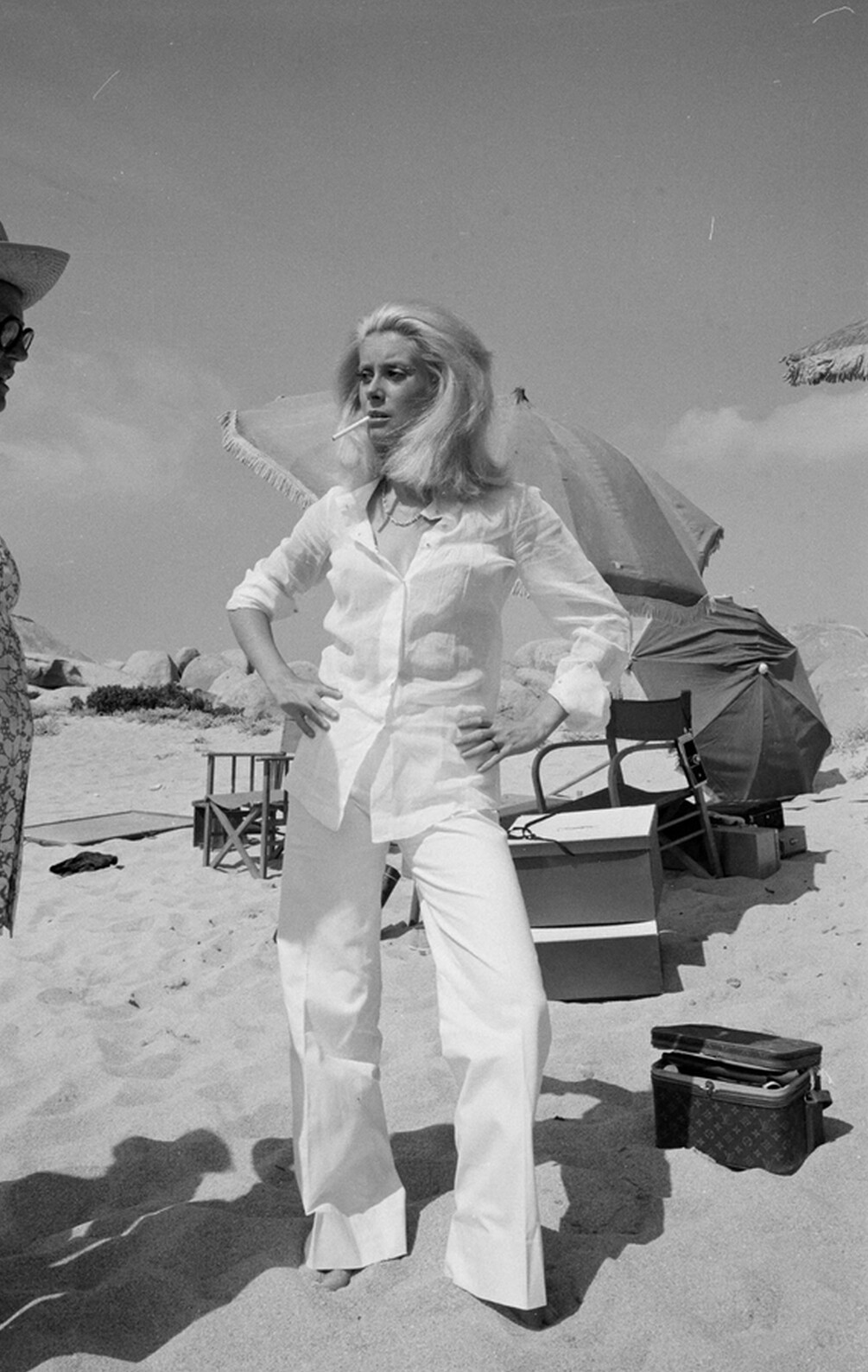
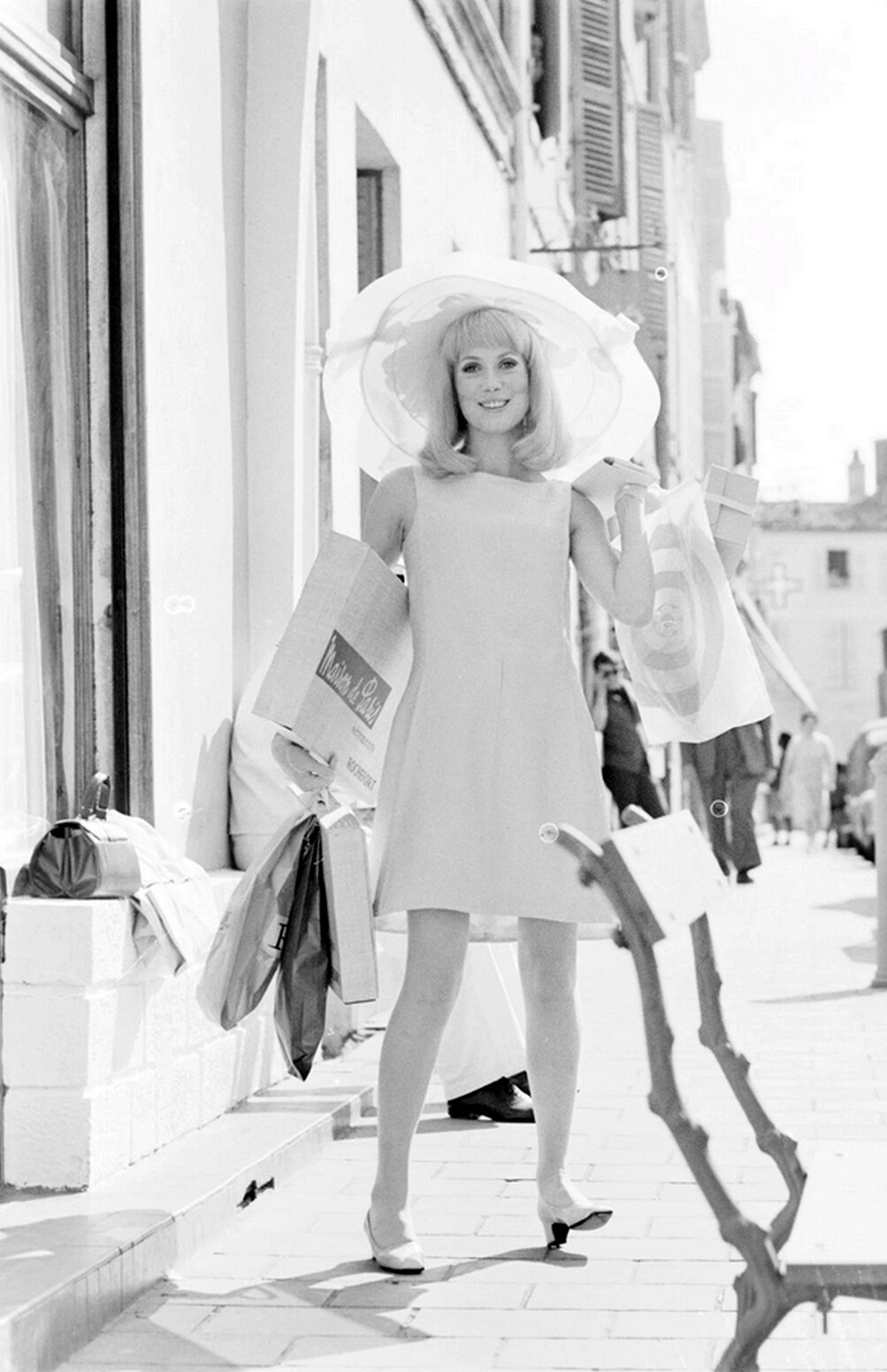
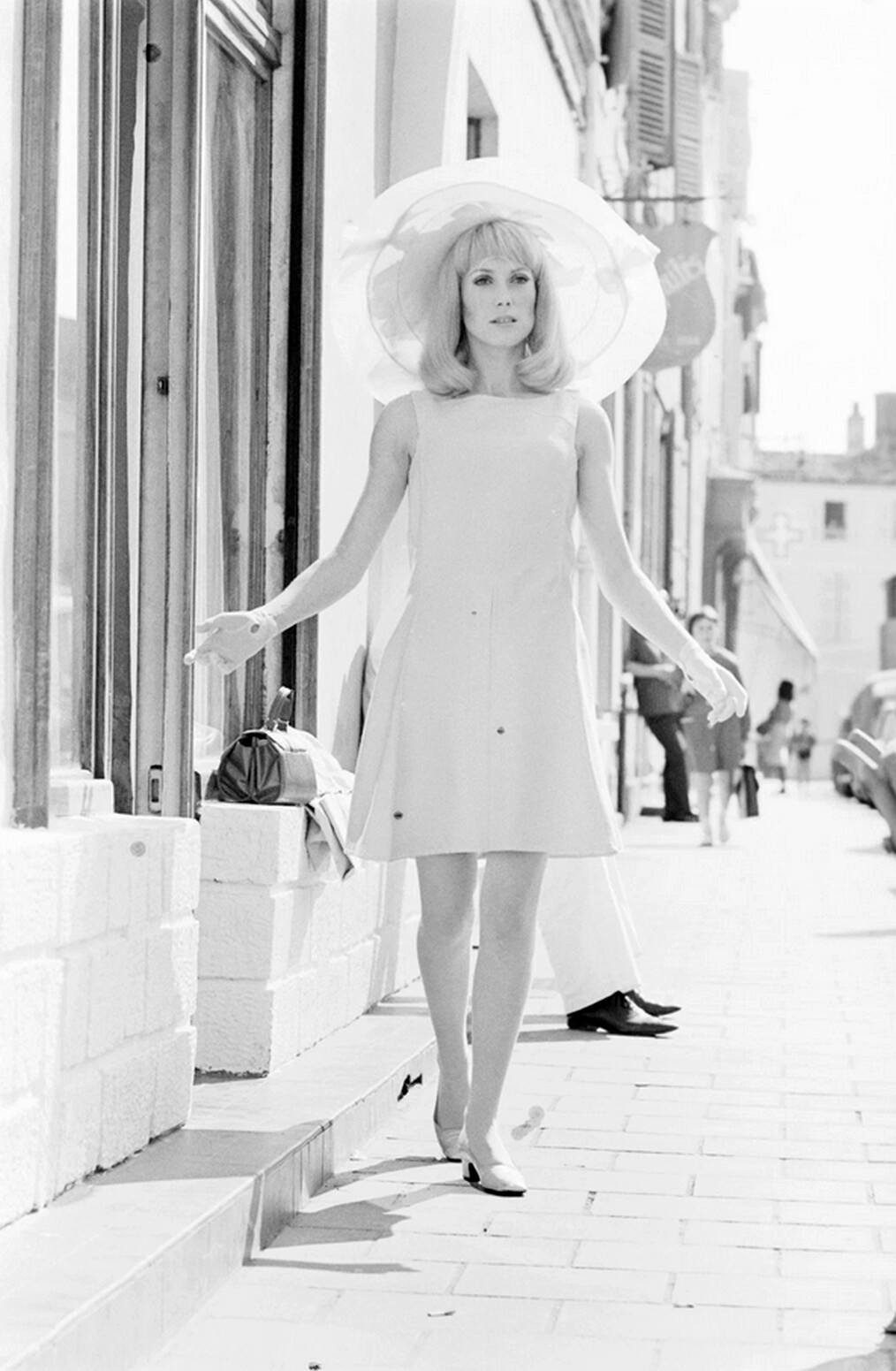
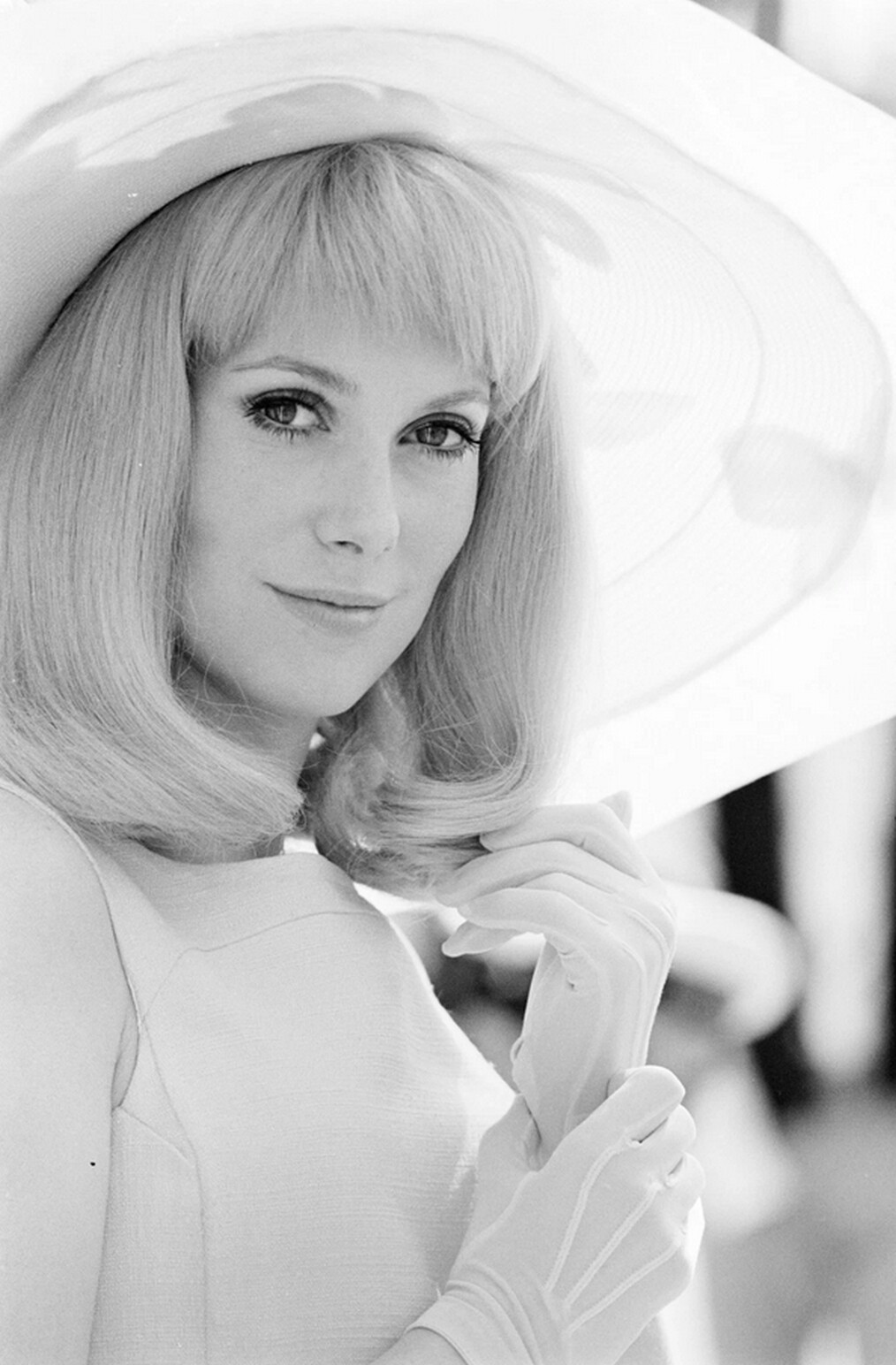
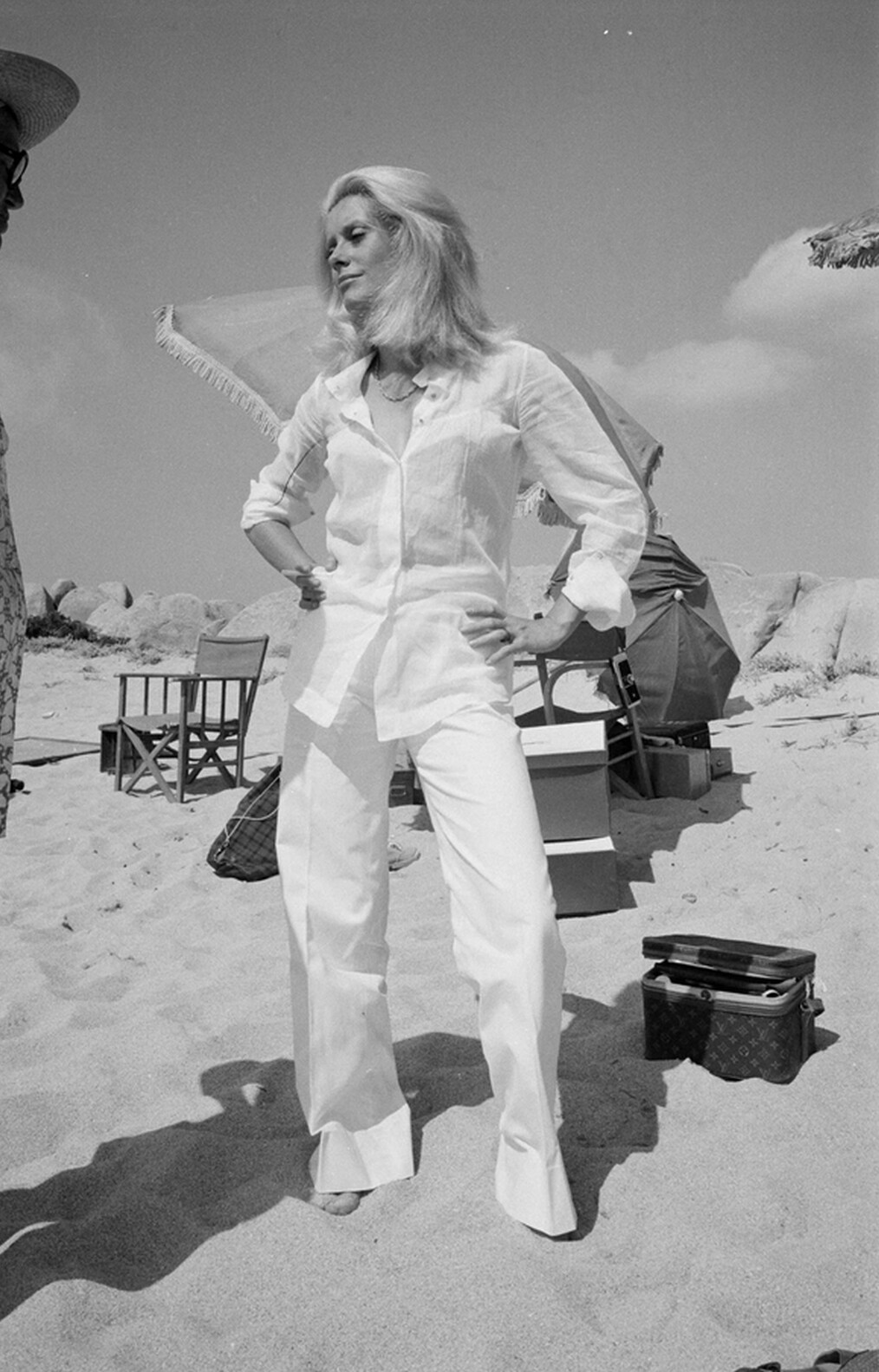
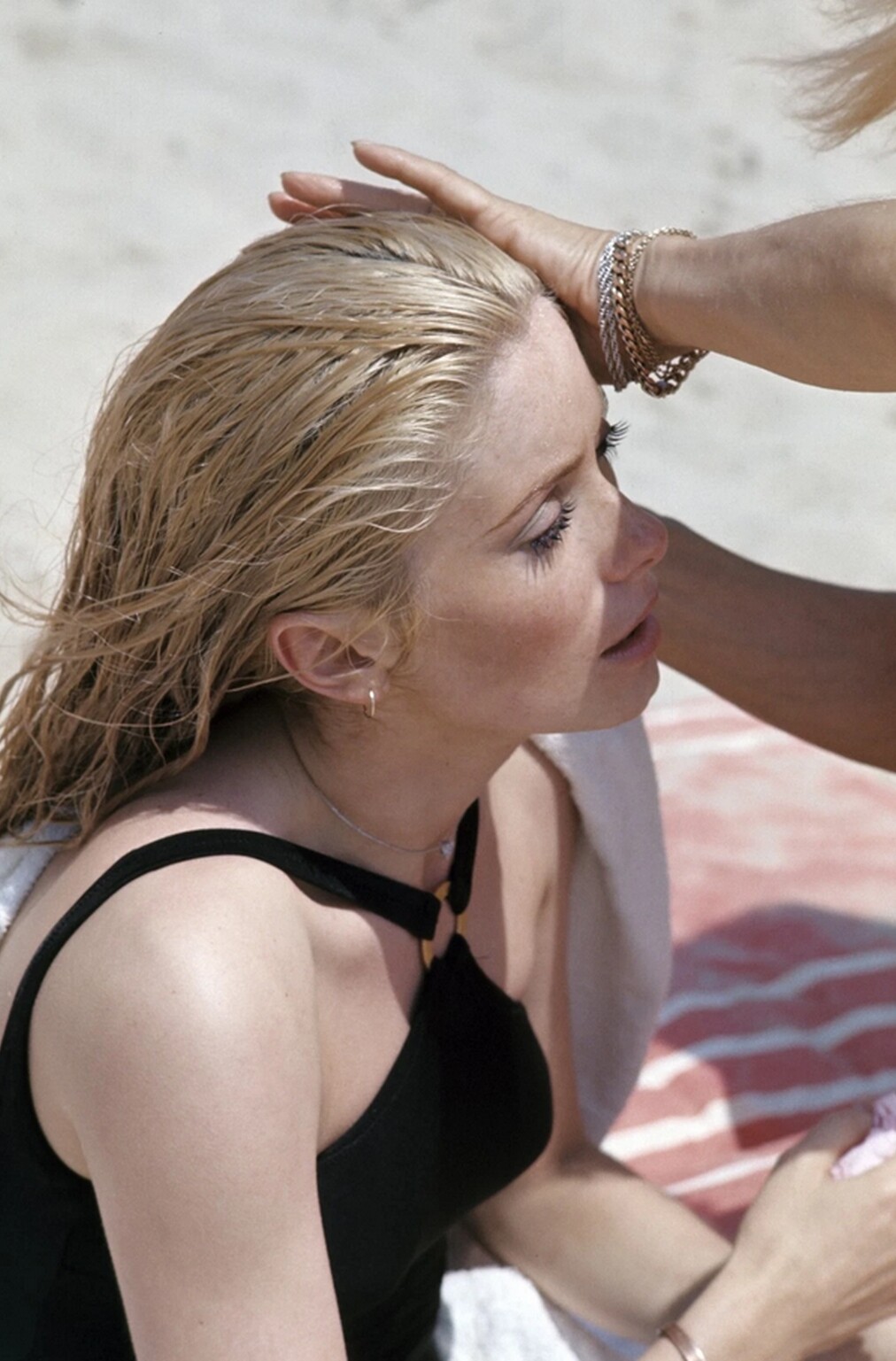
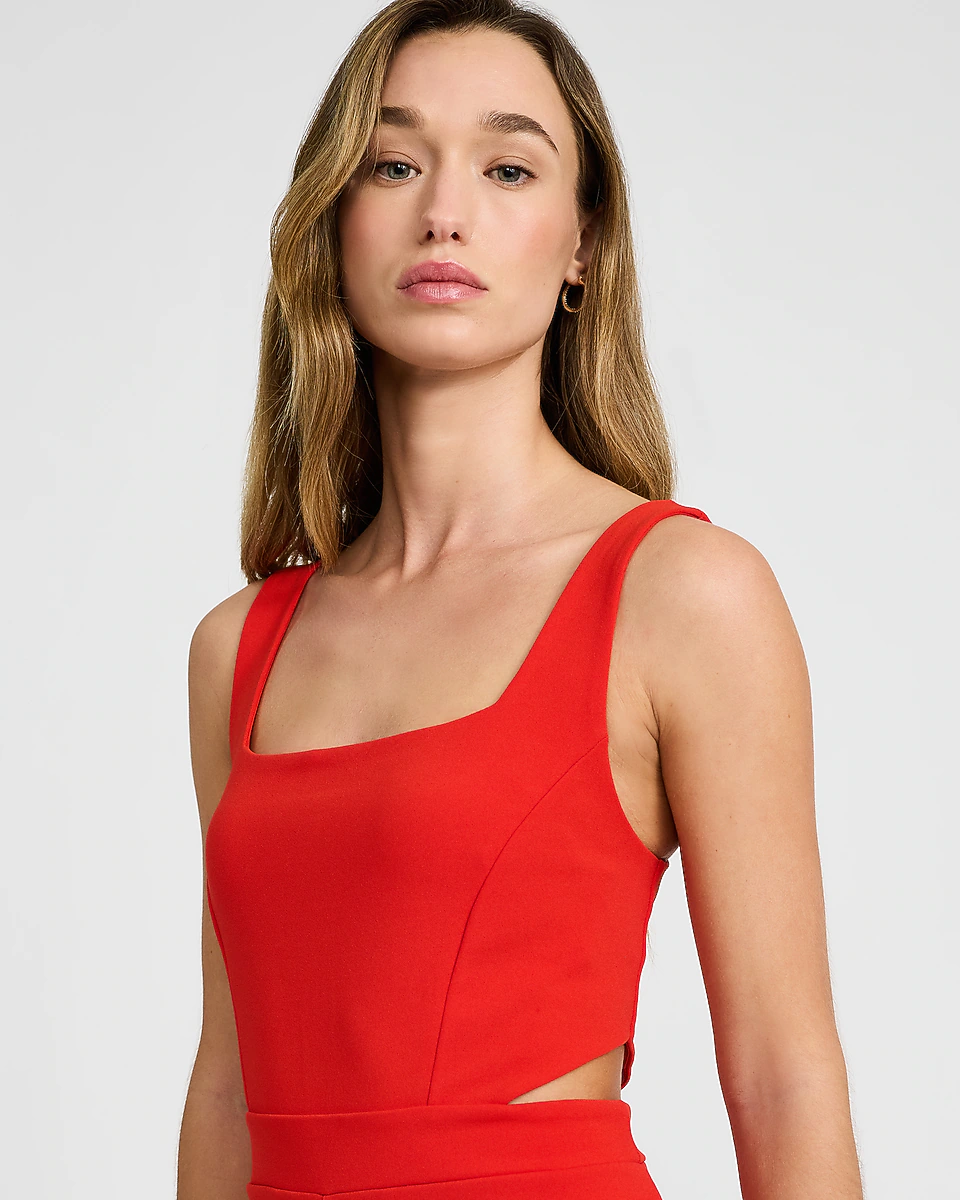
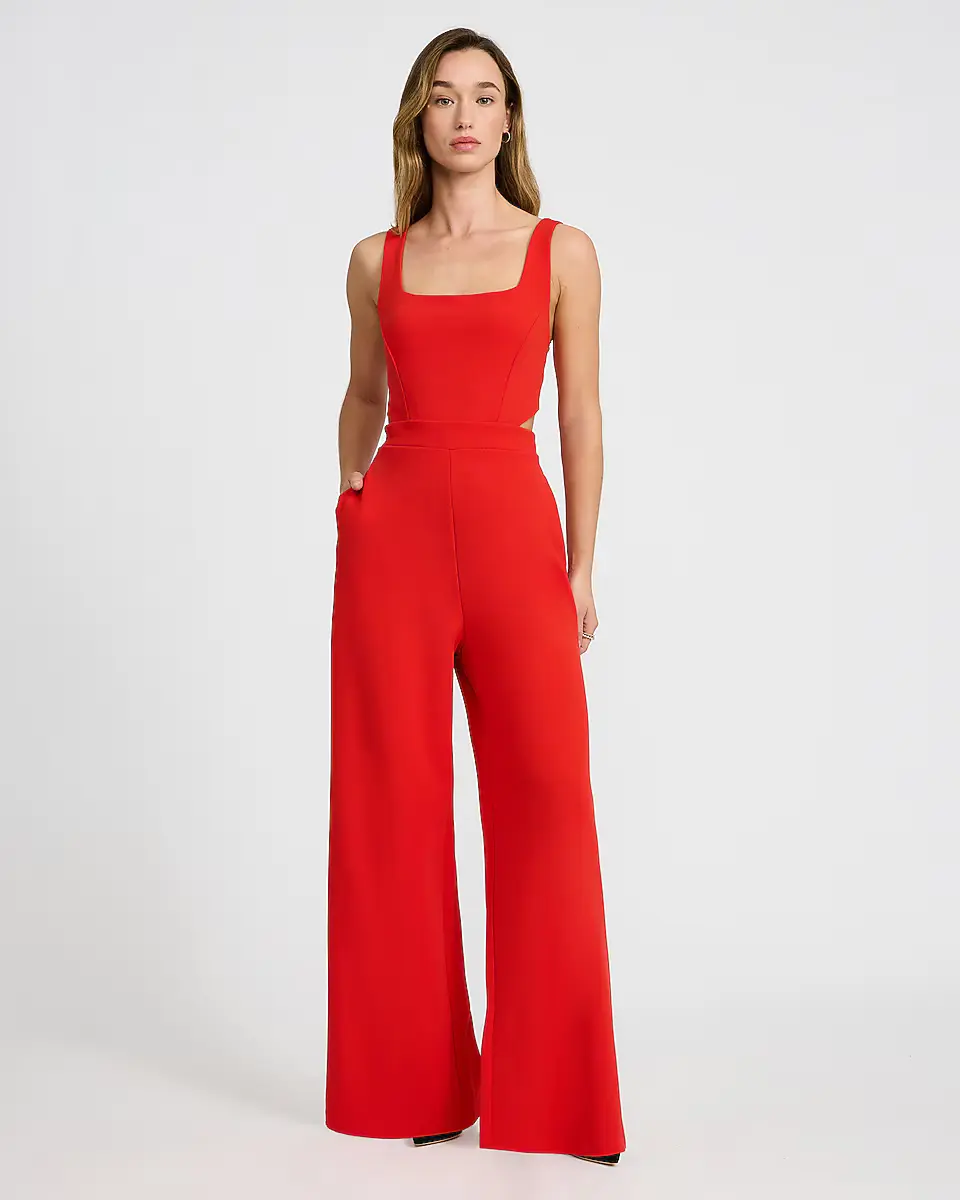
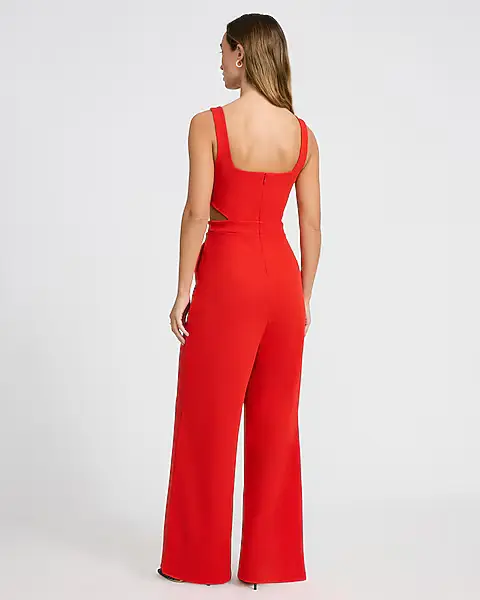
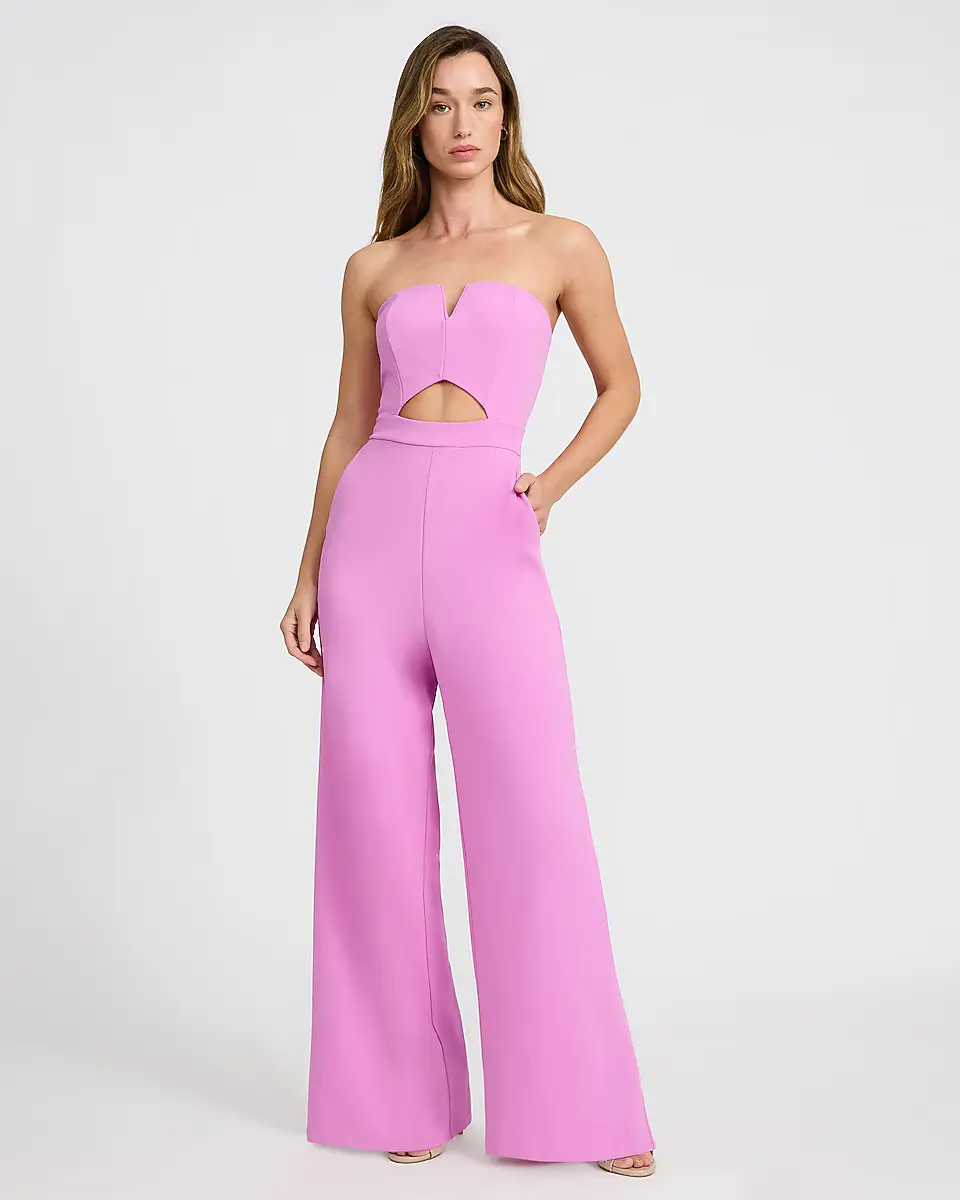
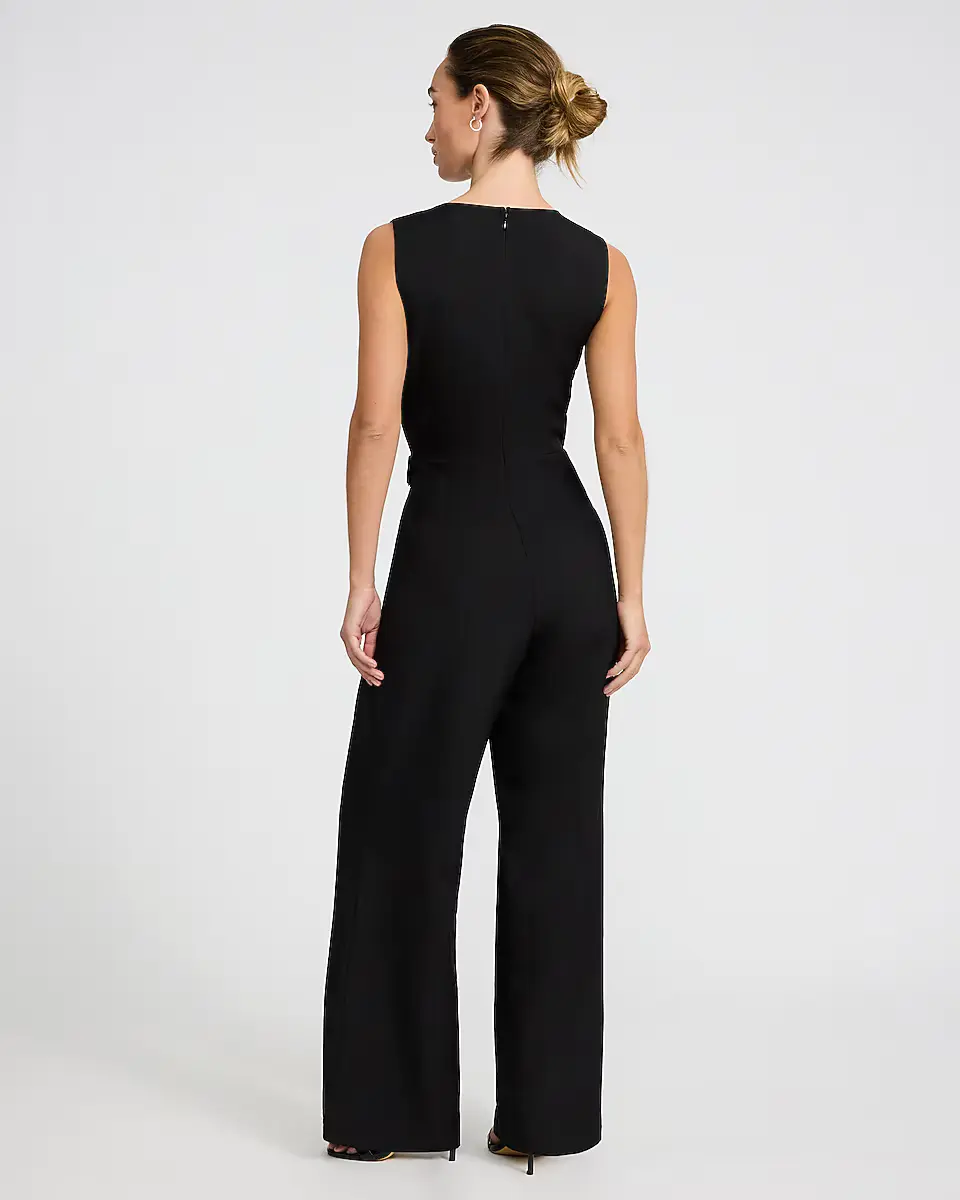
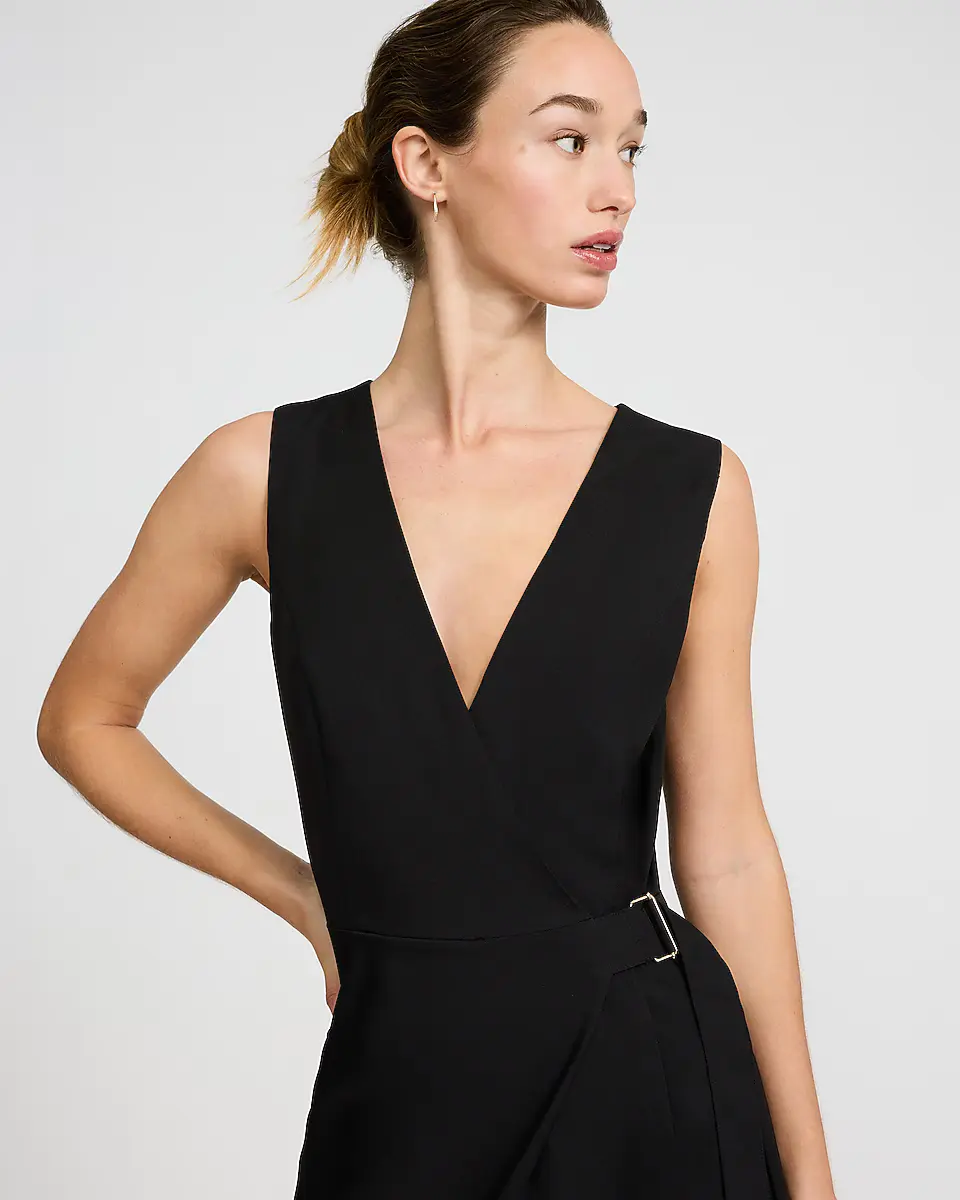
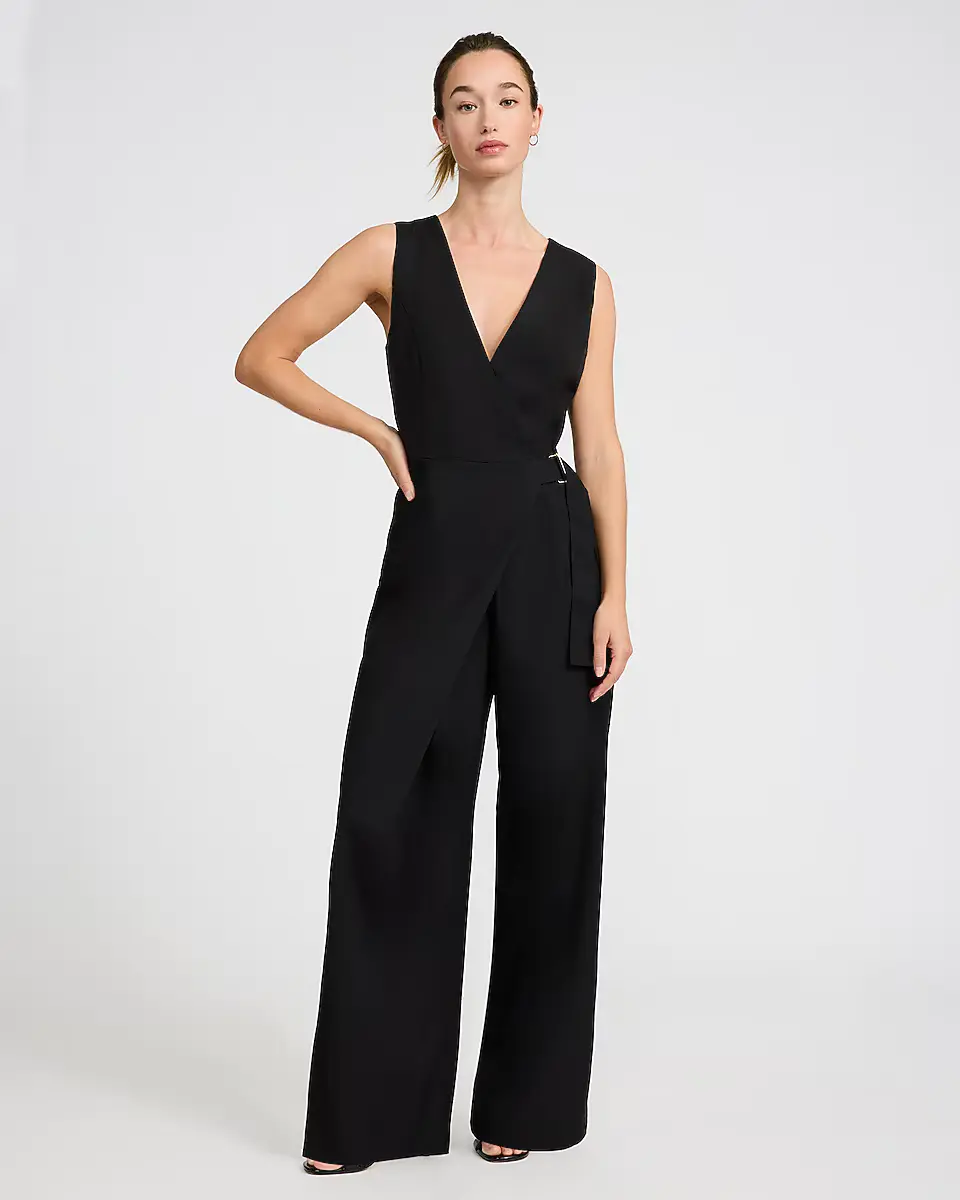
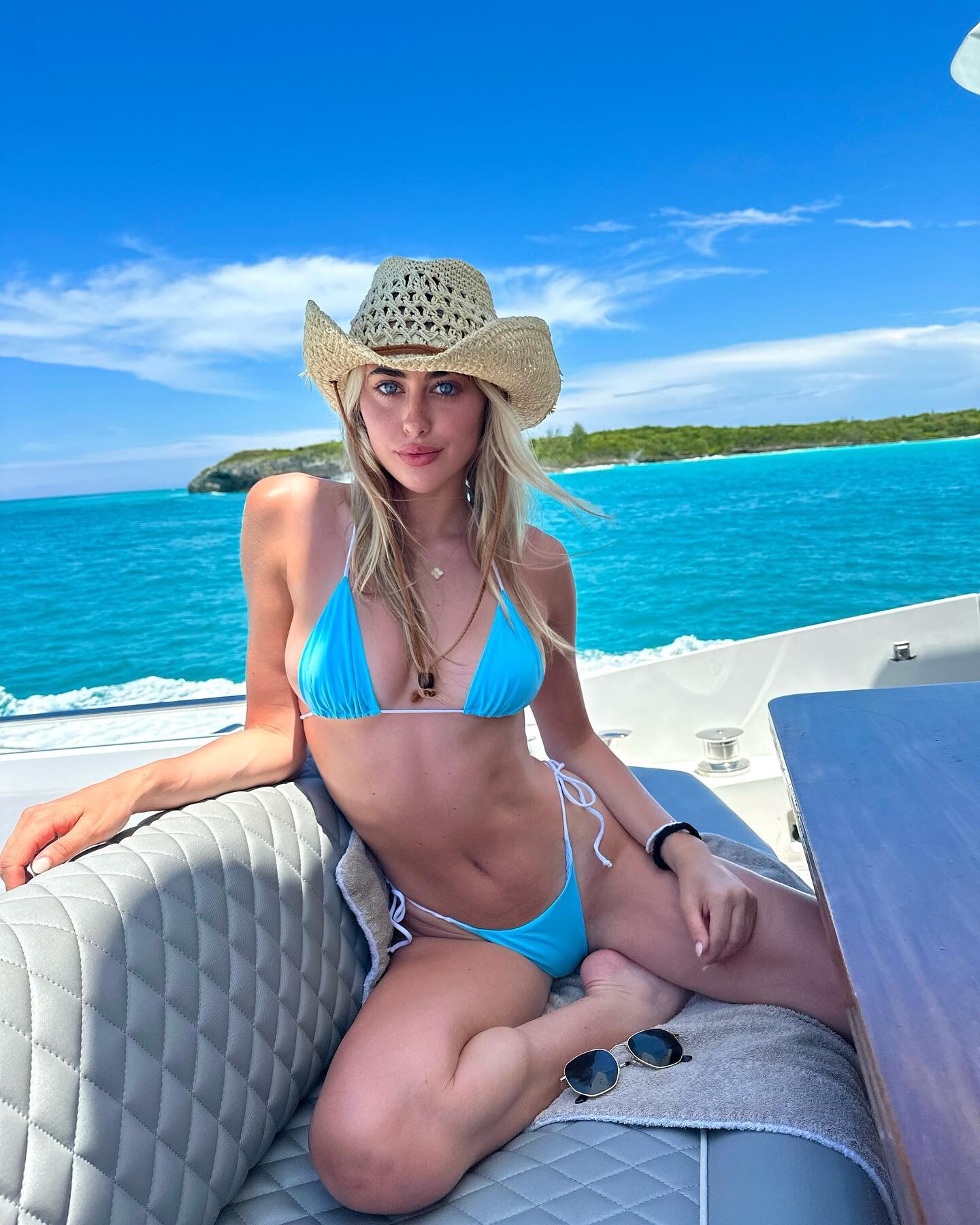
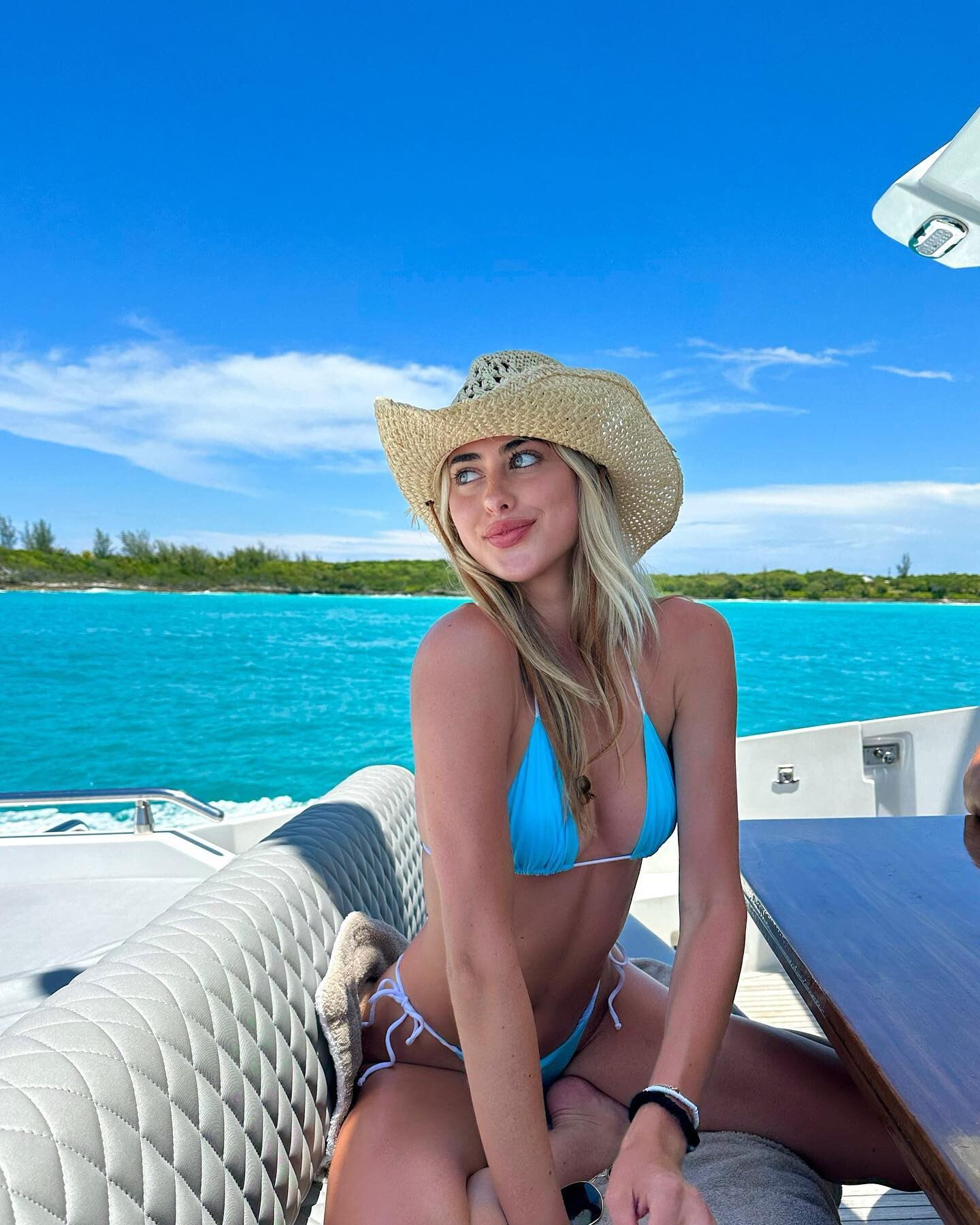
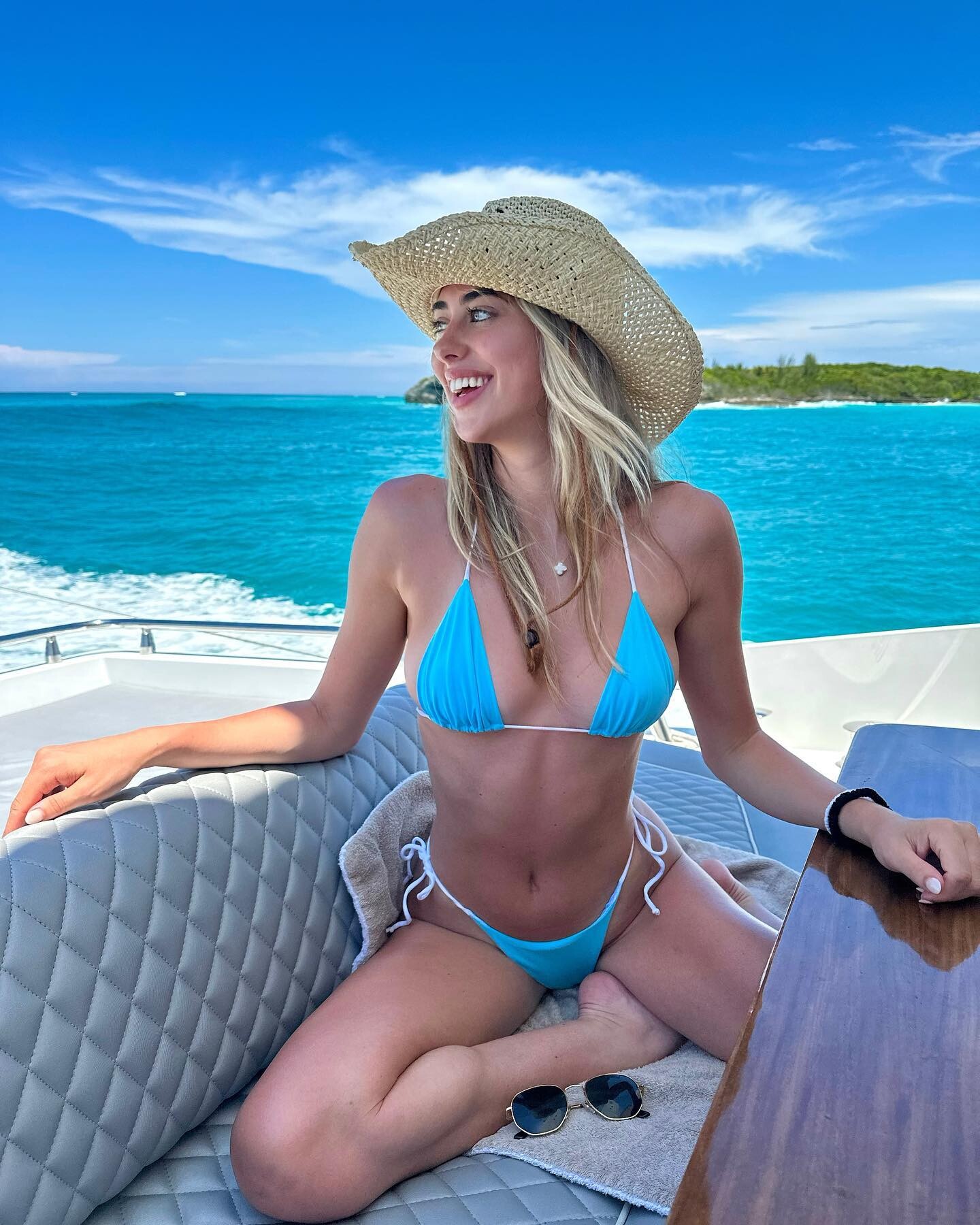
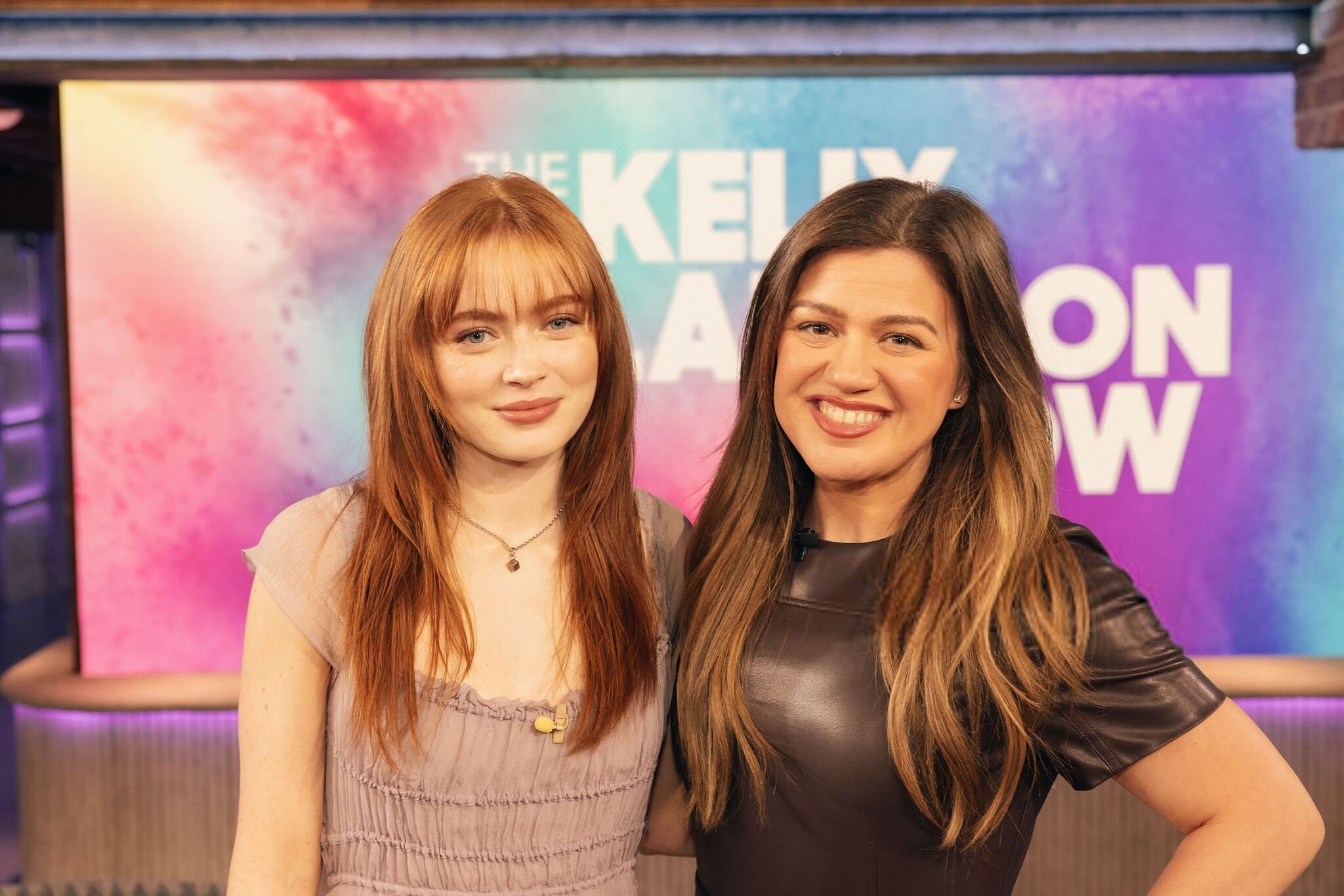
 Julia as a Guess cowgirl 🤠🪢🌵, an outtake from the Josh Ryan photo-shoot: JSHamilton - GuessJoshRynaRopePlay - 2025-02-10 HD (JShea)+Audio.mp4 The video was silent, so I just added some old but appropriate audio. And 6 of her older images, from ~ 3 years ago:







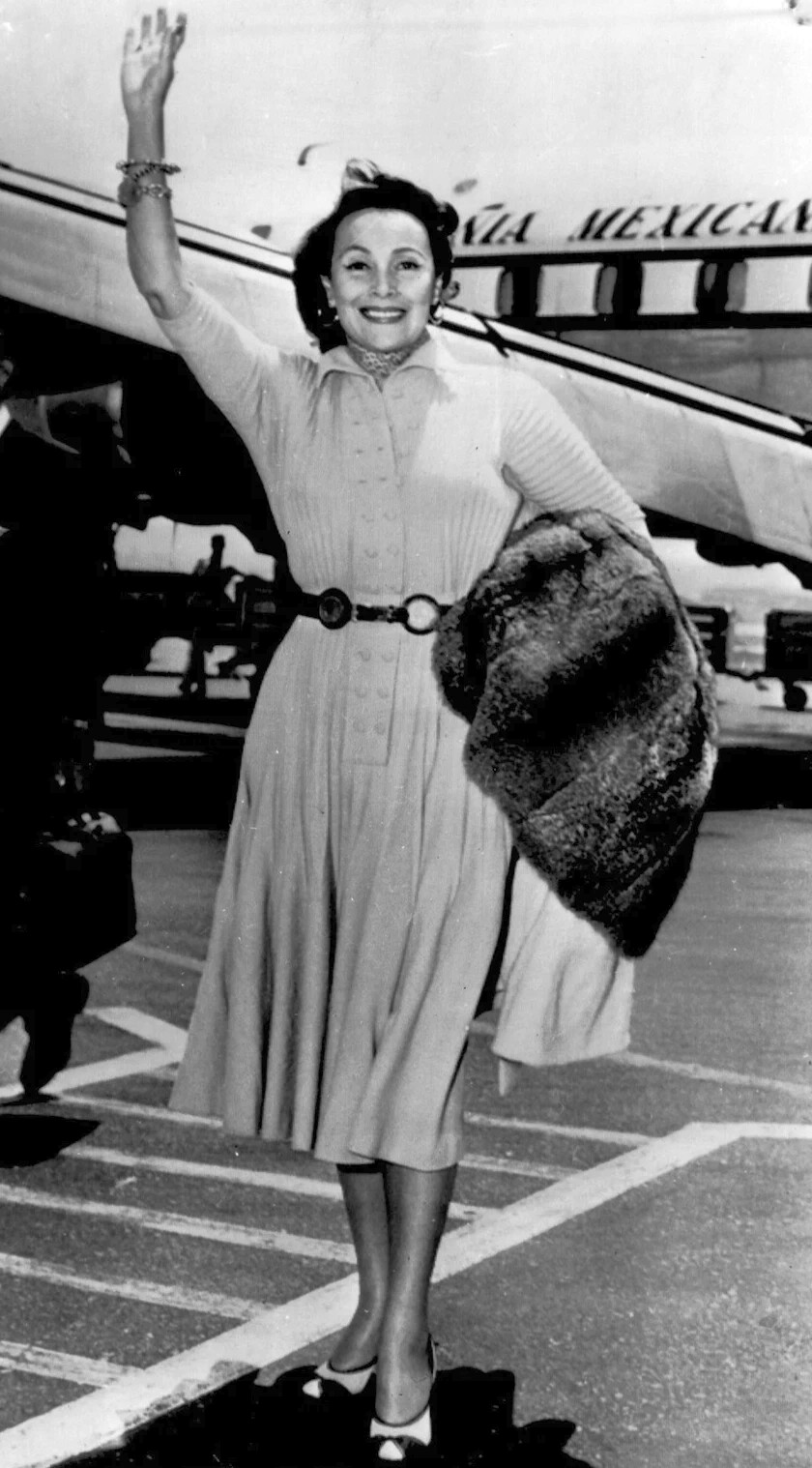
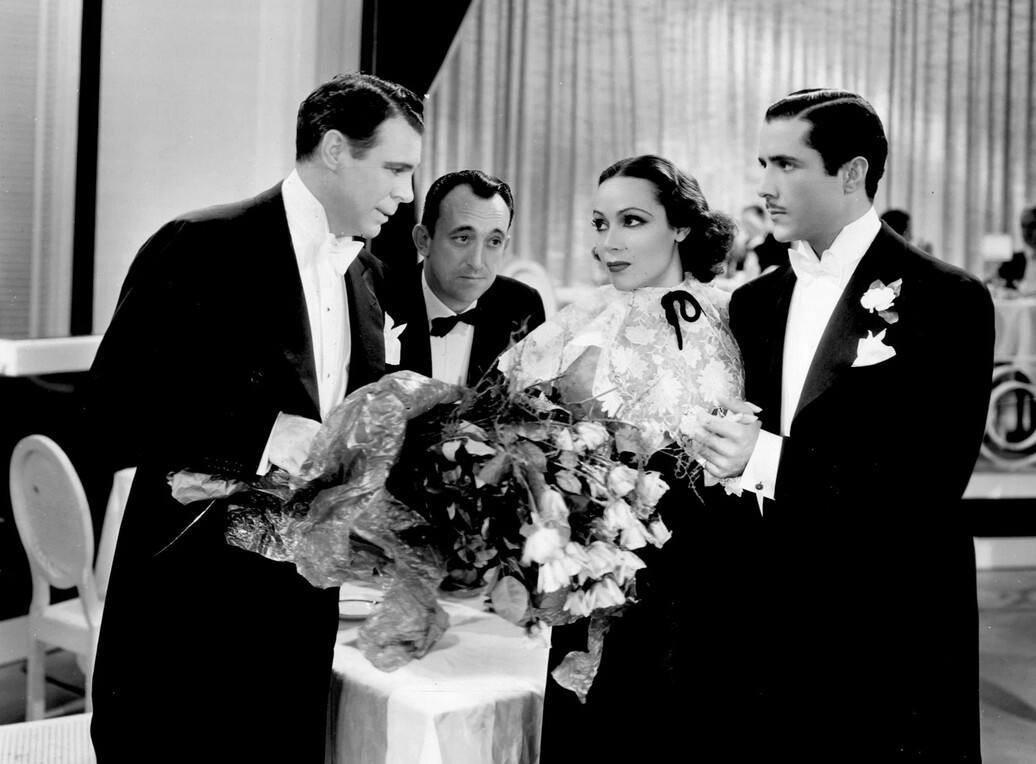
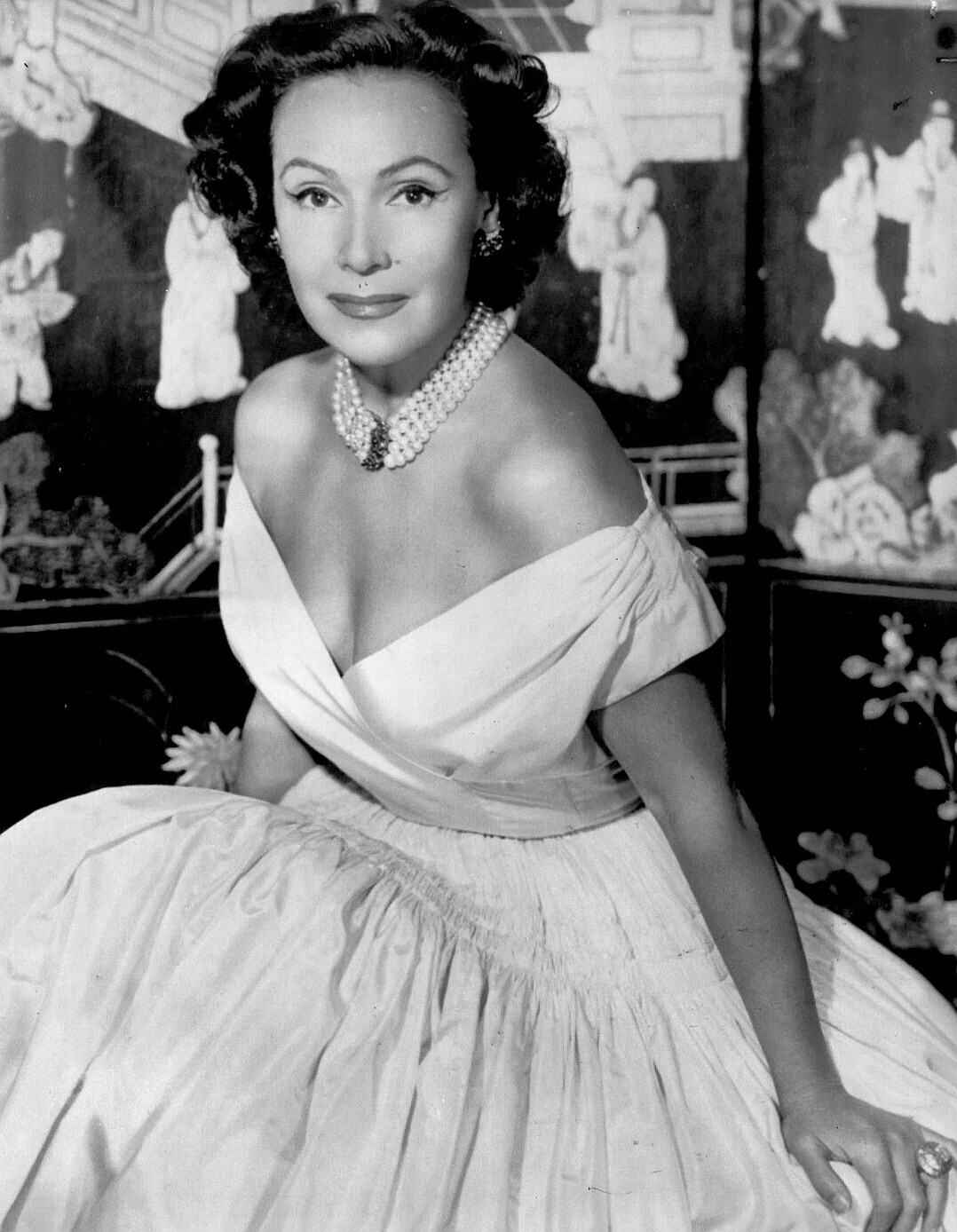

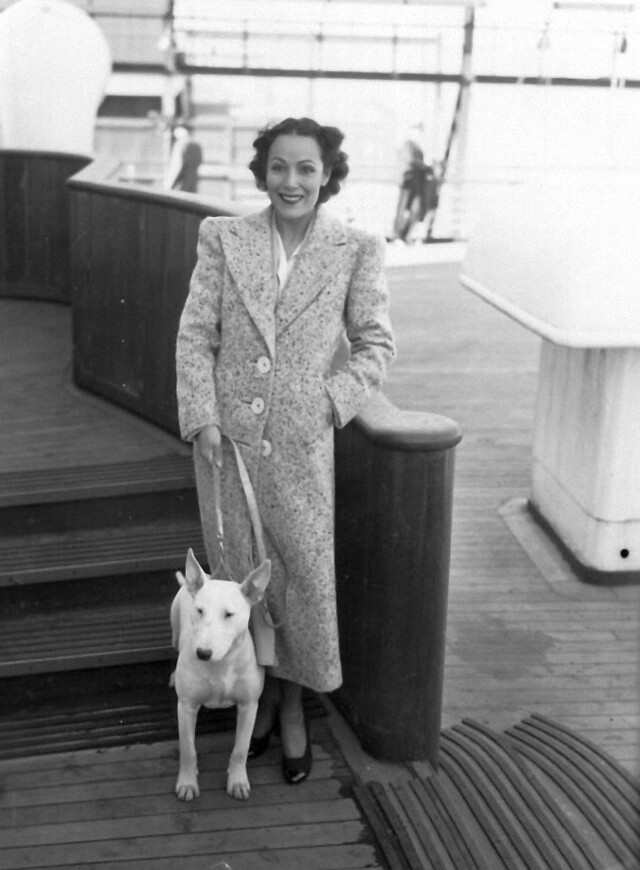























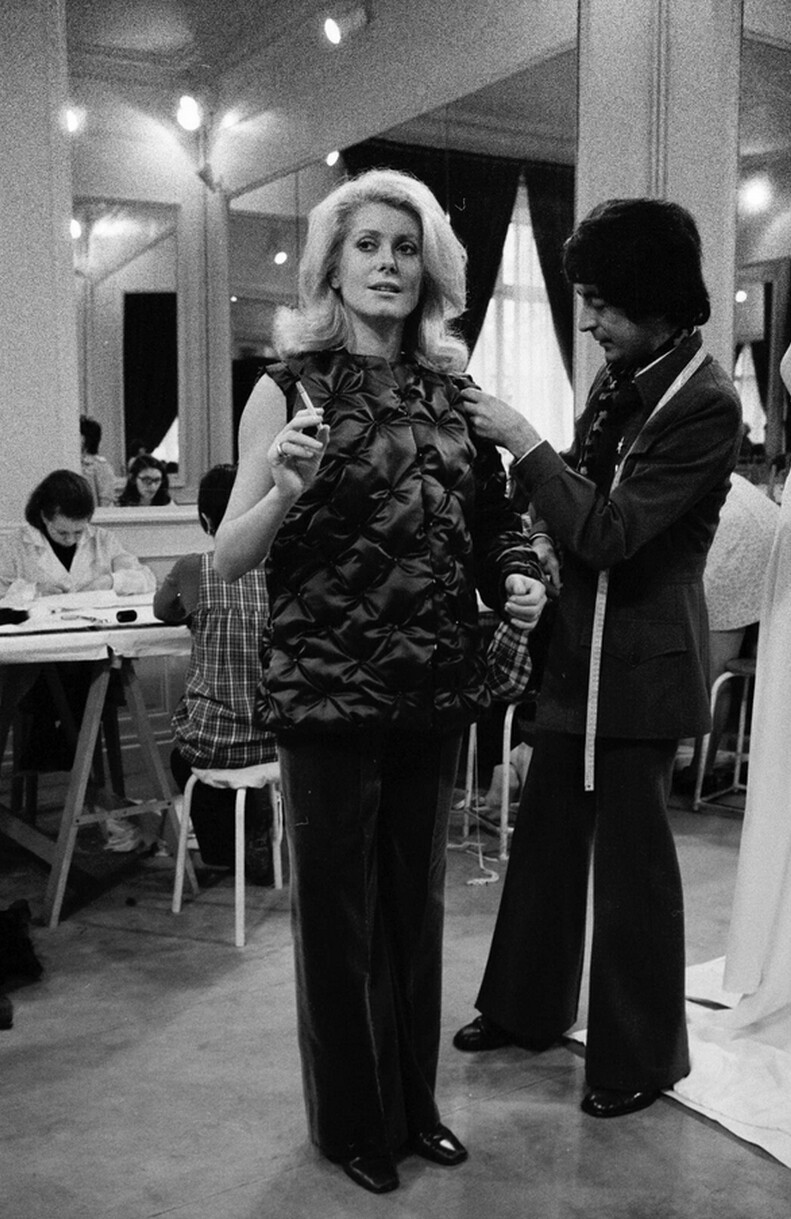
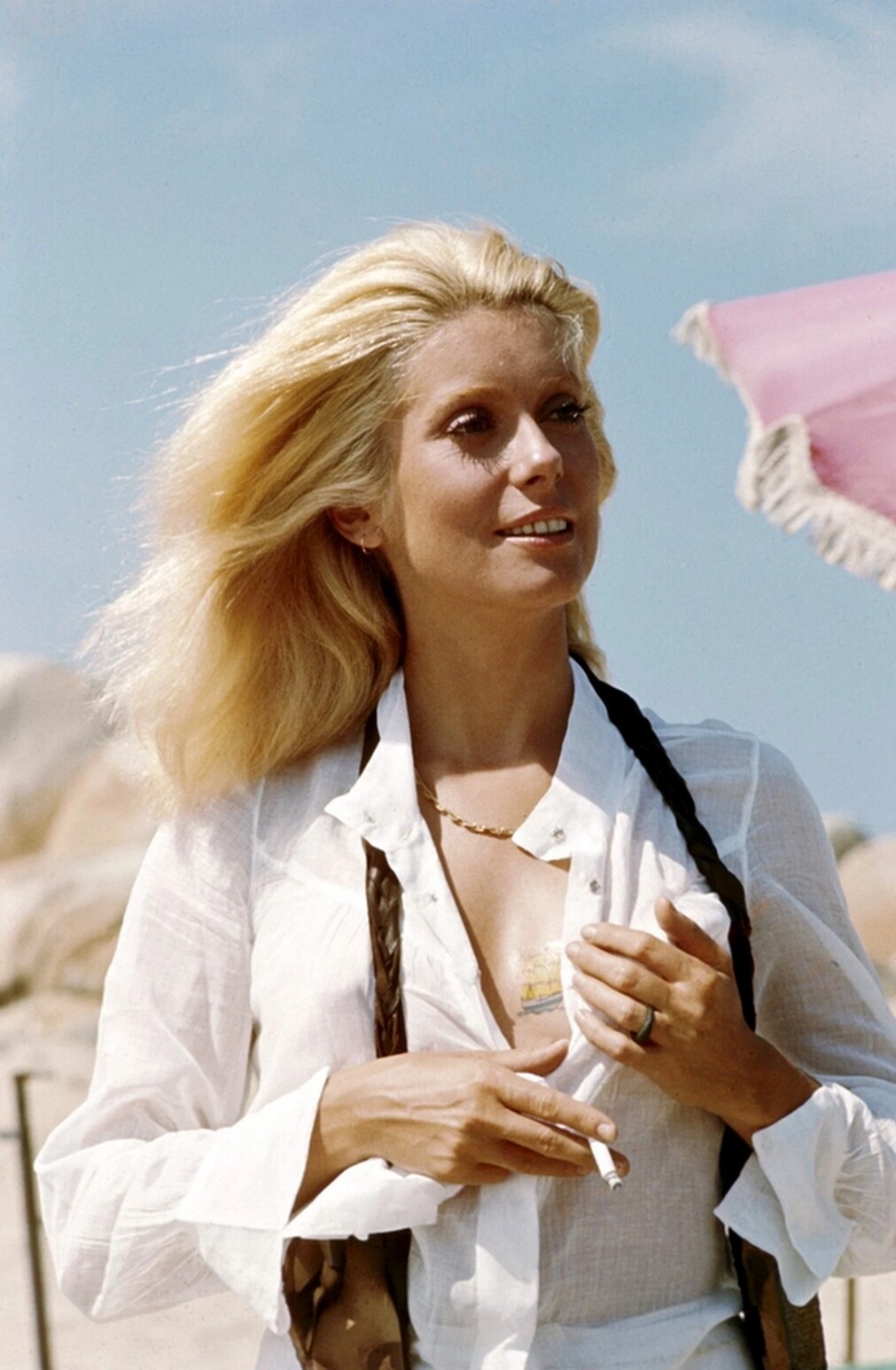
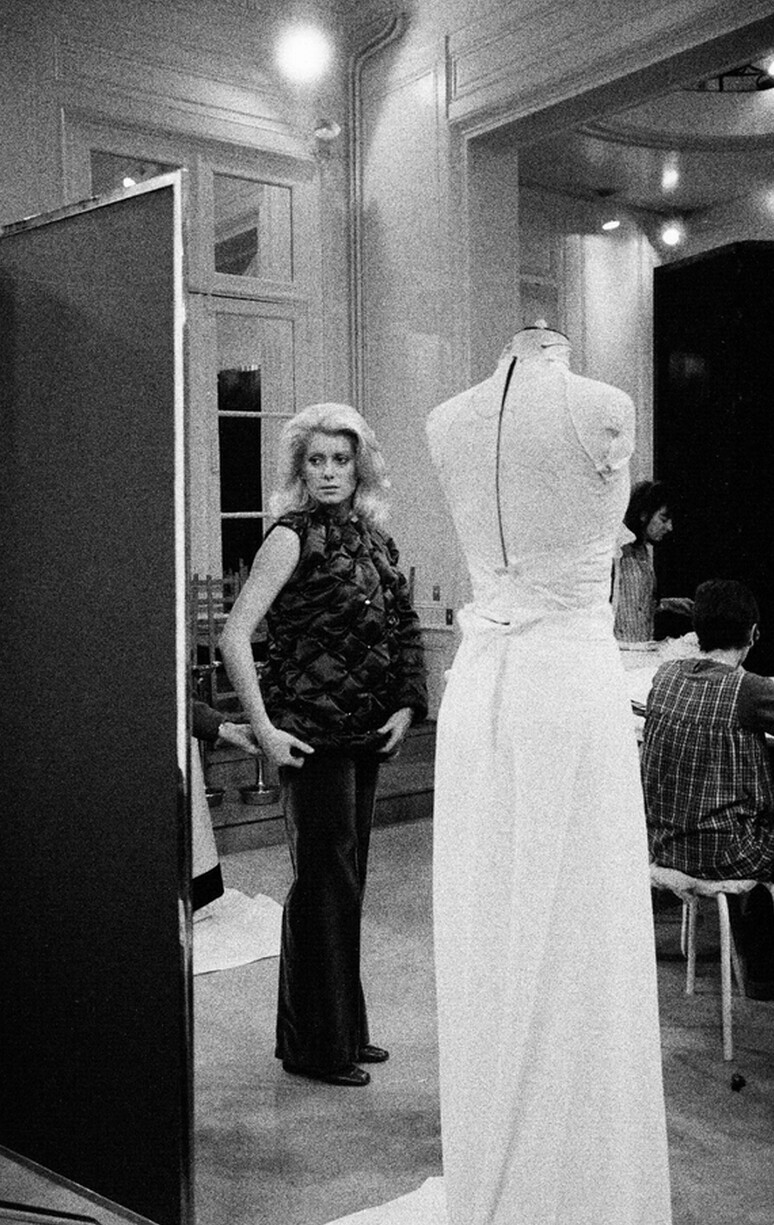
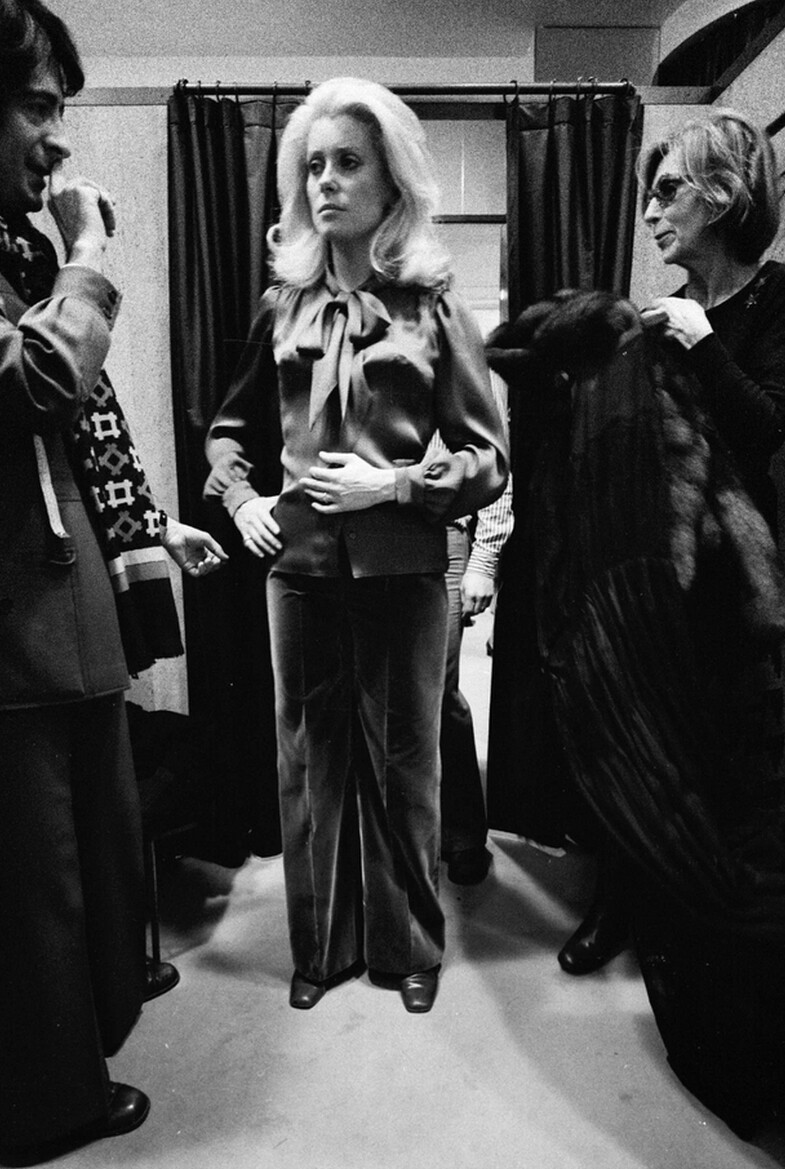













































































Account
Search
Configure browser push notifications
Chrome (Android)
- Tap the lock icon next to the address bar.
- Tap Permissions → Notifications.
- Adjust your preference.
Chrome (Desktop)
- Click the padlock icon in the address bar.
- Select Site settings.
- Find Notifications and adjust your preference.
Safari (iOS 16.4+)
- Ensure the site is installed via Add to Home Screen.
- Open Settings App → Notifications.
- Find your app name and adjust your preference.
Safari (macOS)
- Go to Safari → Preferences.
- Click the Websites tab.
- Select Notifications in the sidebar.
- Find this website and adjust your preference.
Edge (Android)
- Tap the lock icon next to the address bar.
- Tap Permissions.
- Find Notifications and adjust your preference.
Edge (Desktop)
- Click the padlock icon in the address bar.
- Click Permissions for this site.
- Find Notifications and adjust your preference.
Firefox (Android)
- Go to Settings → Site permissions.
- Tap Notifications.
- Find this site in the list and adjust your preference.
Firefox (Desktop)
- Open Firefox Settings.
- Search for Notifications.
- Find this site in the list and adjust your preference.