All Activity
- Past hour
-

-

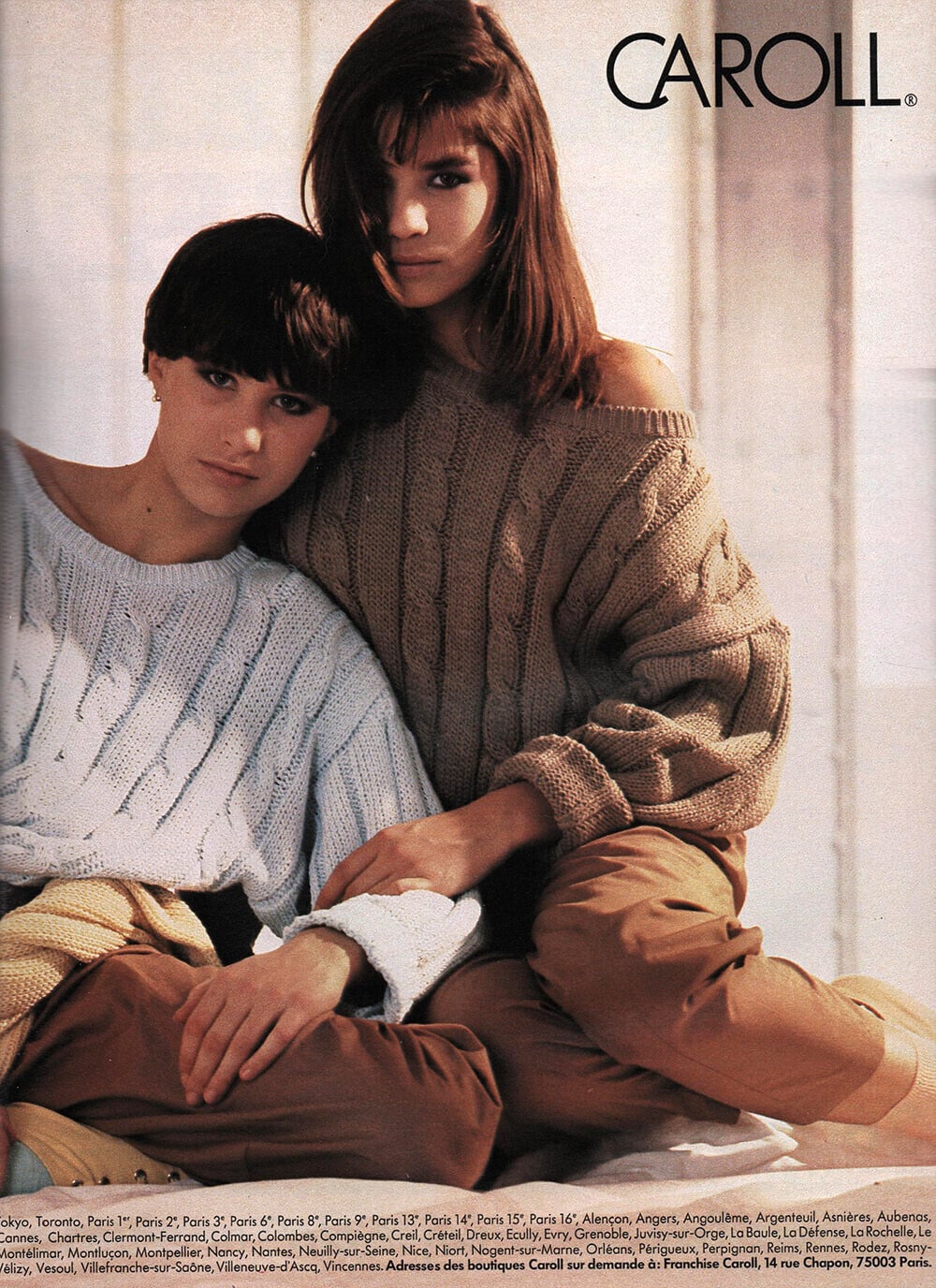
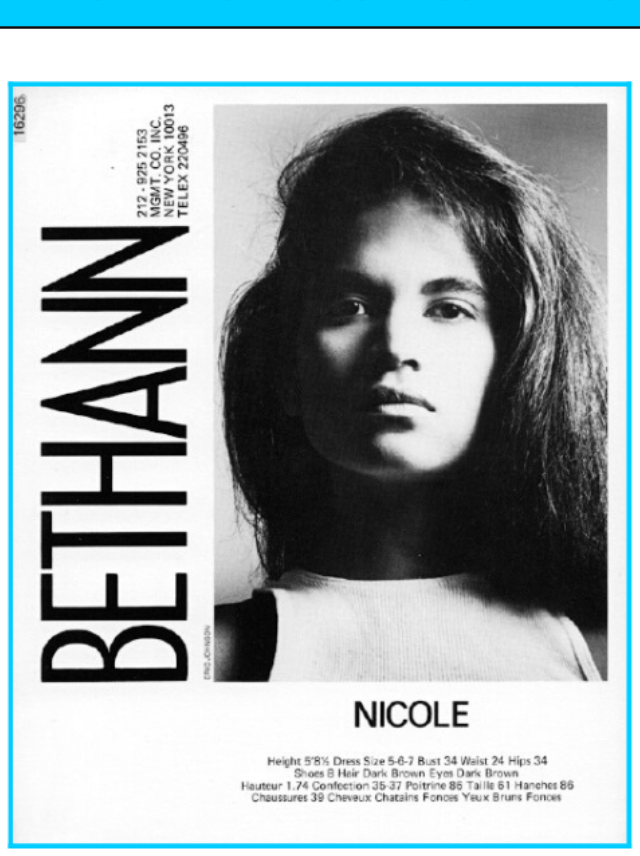
 Caroll 1985 models:Marlijn,unknown,Nicole scanned by RocketQueen/ID model by Chirkomania

 Feliz 2026 ✨🤍❣️🥂🎇 HNY videos [2026.01.01] alessandraambrosio_DSJ9Wkevo1.mp4 [2026.01.01] alessandraambrosio_DSJ9Wkevo2.mp4






 mabiy45154 joined the community
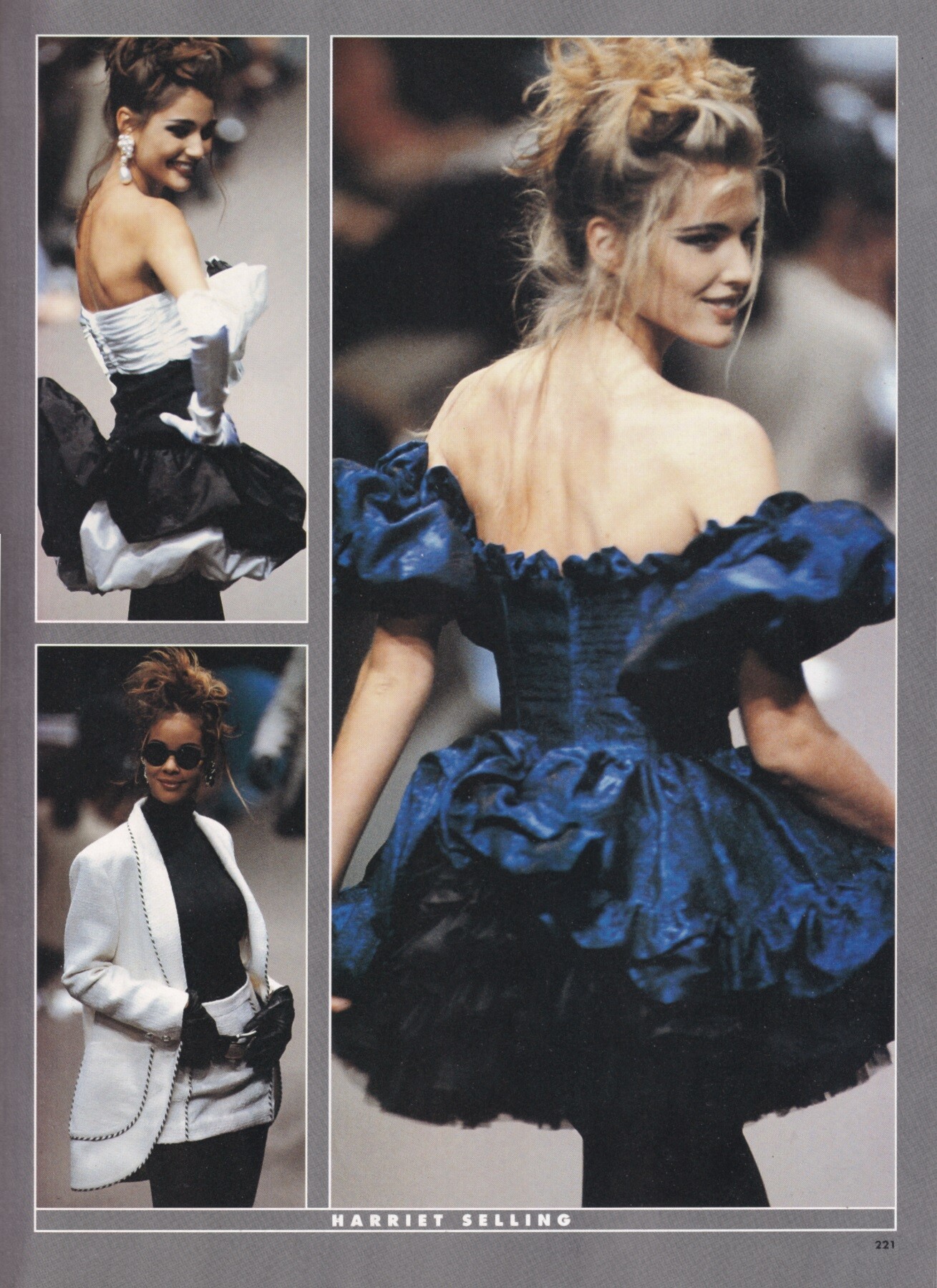
 Judit Masco for Harriet Selling, ready-to-wear, fall/winter 1991 my scan
 videos [2025.12.21] scarlett.mayer_.mp4[2025.12.29] scarlett.mayer__3798236329059449587.mp4[2025.12.30] scarlett.mayer__3798866637253391735.mp4



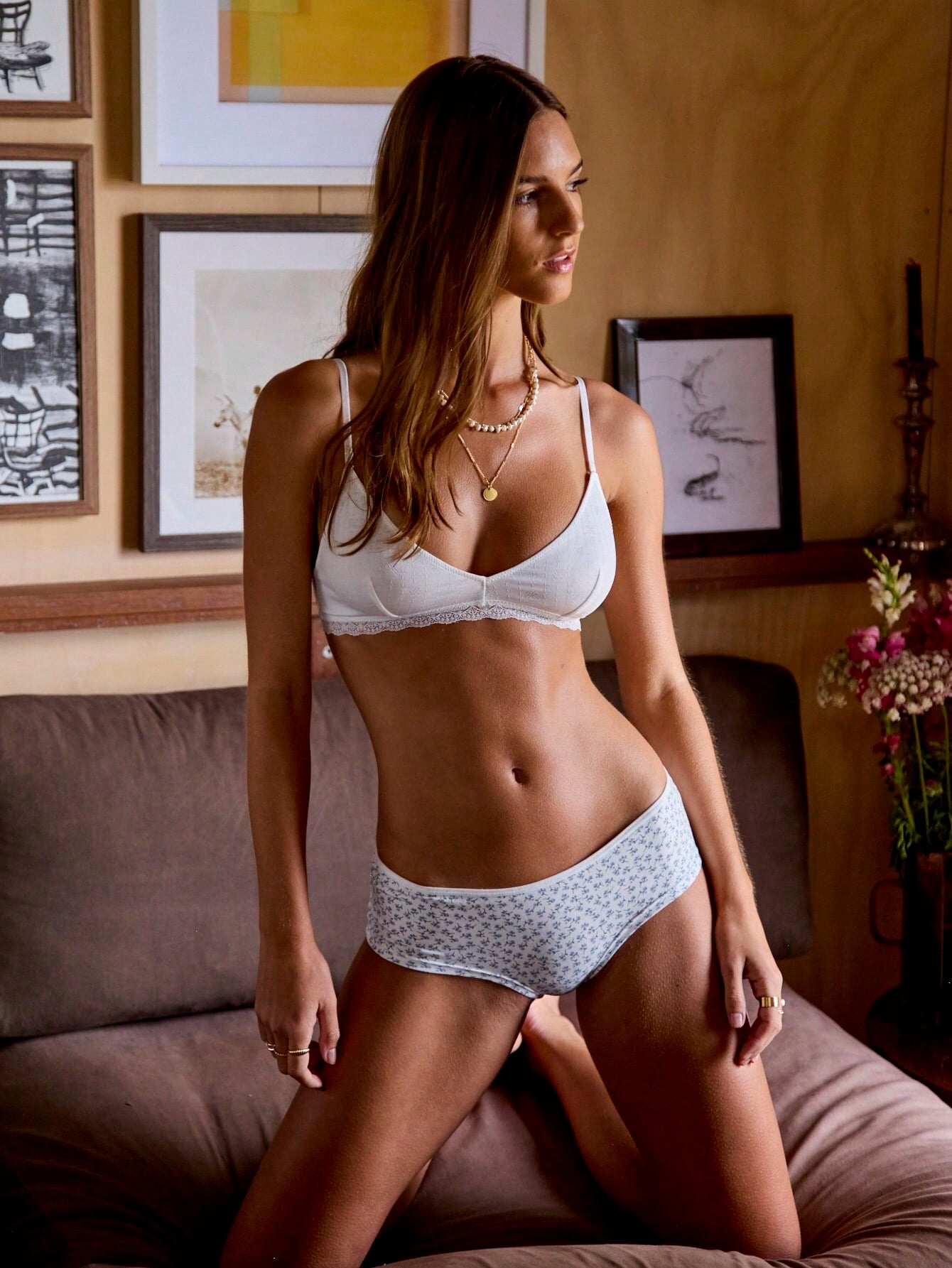
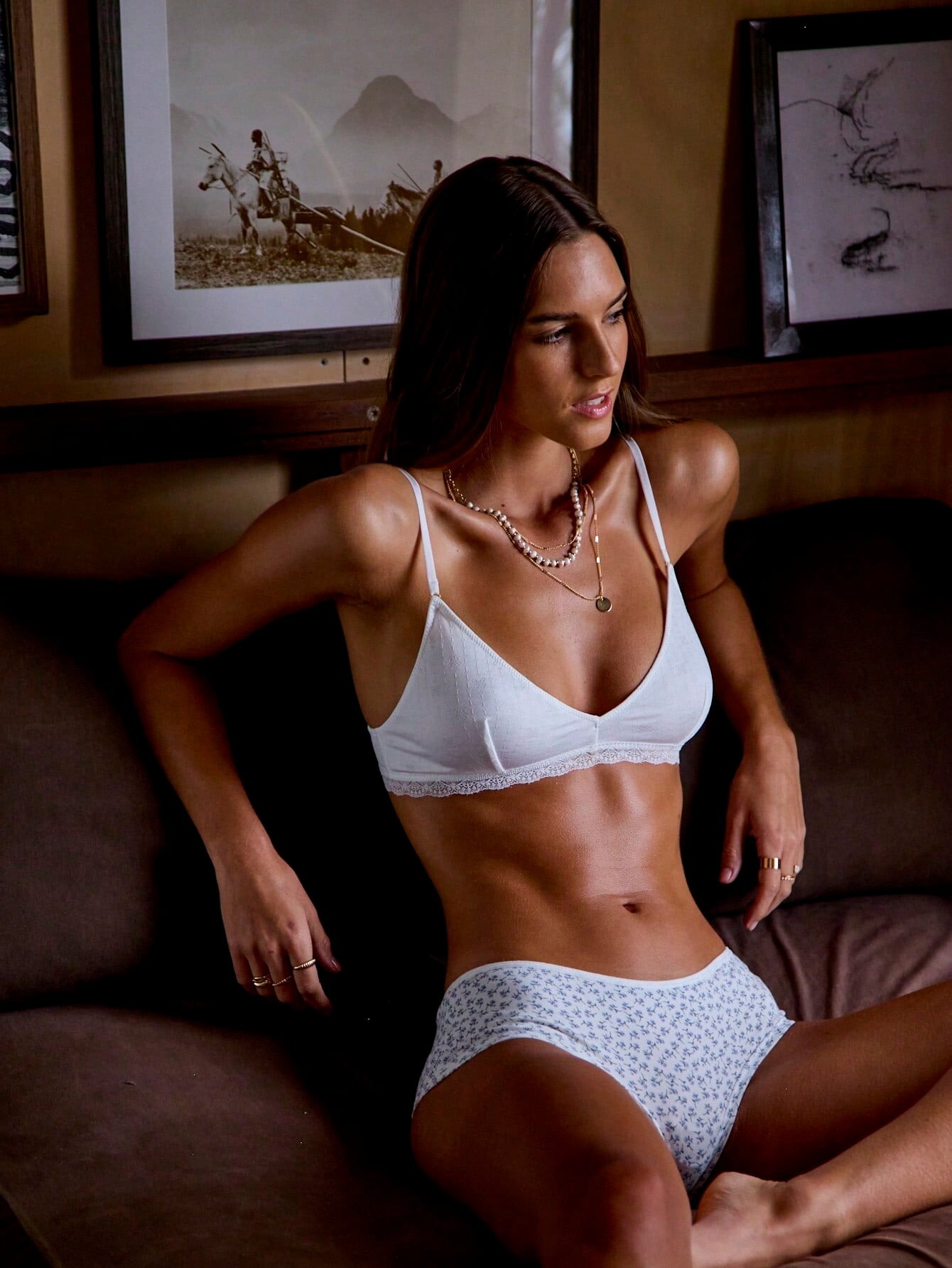
 I can't even deal with how sexy this girl is 😍
Ilonka Toppenberg for Harriet Selling, ready-to-wear, fall/winter 1991 my scan
I can't even deal with how sexy this girl is 😍
Ilonka Toppenberg for Harriet Selling, ready-to-wear, fall/winter 1991 my scan Some updates











 She had Onlyfans apparently

 google say Diana Gartner
 fateophelia joined the community
Account
Search
Configure browser push notifications
Chrome (Android)
- Tap the lock icon next to the address bar.
- Tap Permissions → Notifications.
- Adjust your preference.
Chrome (Desktop)
- Click the padlock icon in the address bar.
- Select Site settings.
- Find Notifications and adjust your preference.
Safari (iOS 16.4+)
- Ensure the site is installed via Add to Home Screen.
- Open Settings App → Notifications.
- Find your app name and adjust your preference.
Safari (macOS)
- Go to Safari → Preferences.
- Click the Websites tab.
- Select Notifications in the sidebar.
- Find this website and adjust your preference.
Edge (Android)
- Tap the lock icon next to the address bar.
- Tap Permissions.
- Find Notifications and adjust your preference.
Edge (Desktop)
- Click the padlock icon in the address bar.
- Click Permissions for this site.
- Find Notifications and adjust your preference.
Firefox (Android)
- Go to Settings → Site permissions.
- Tap Notifications.
- Find this site in the list and adjust your preference.
Firefox (Desktop)
- Open Firefox Settings.
- Search for Notifications.
- Find this site in the list and adjust your preference.