All Activity
- Past hour
-
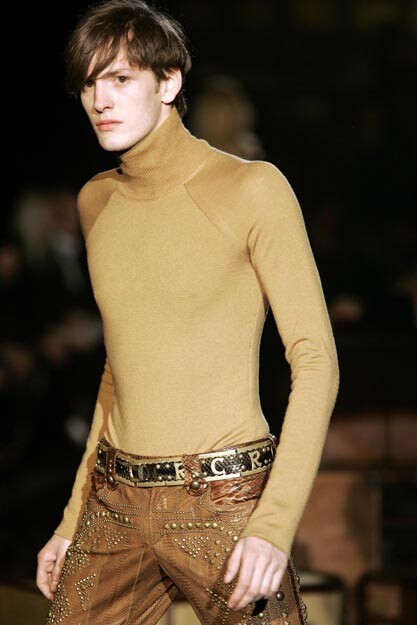
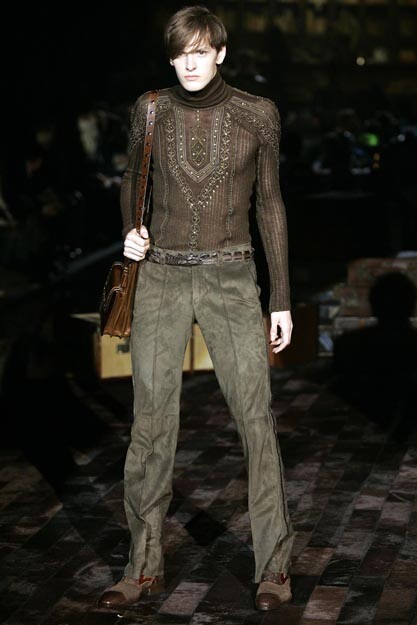
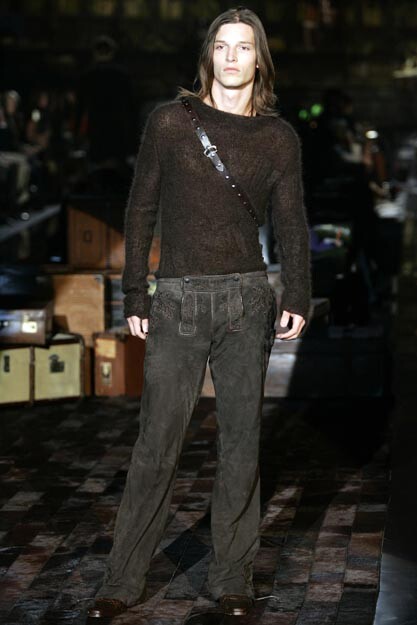
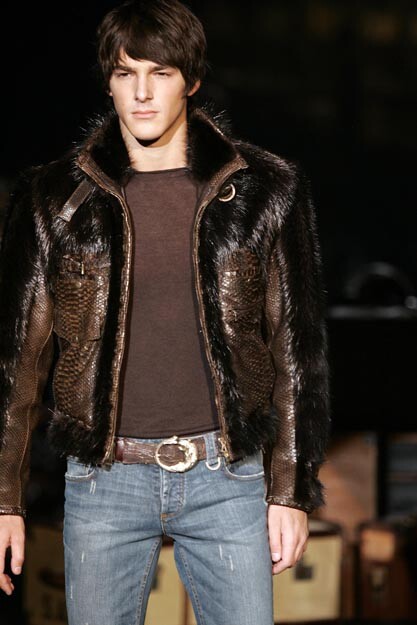
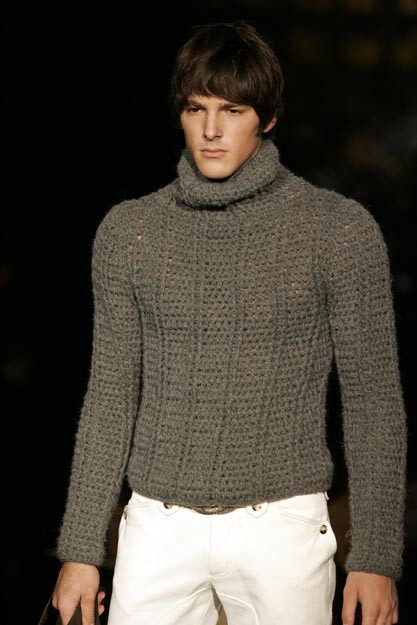
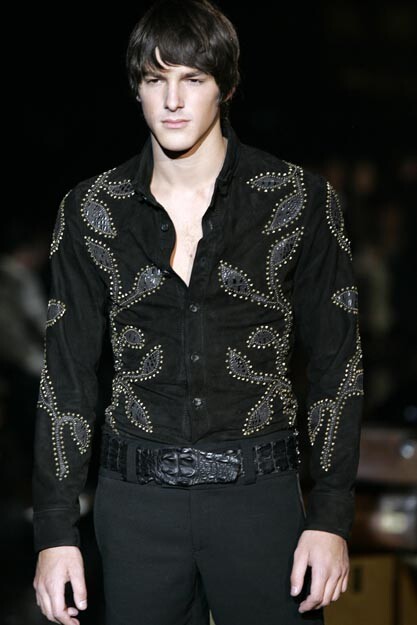
 ROBERTO CAVALLI MENSWEAR FW2005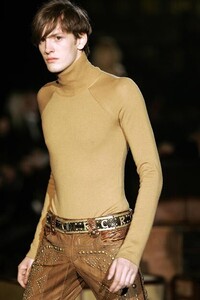

-
 roberto cavalli menswear f/w 2005
 I hope this is true! Code Veronica is probably my favorite after RE2 (original + remake) and RE1.
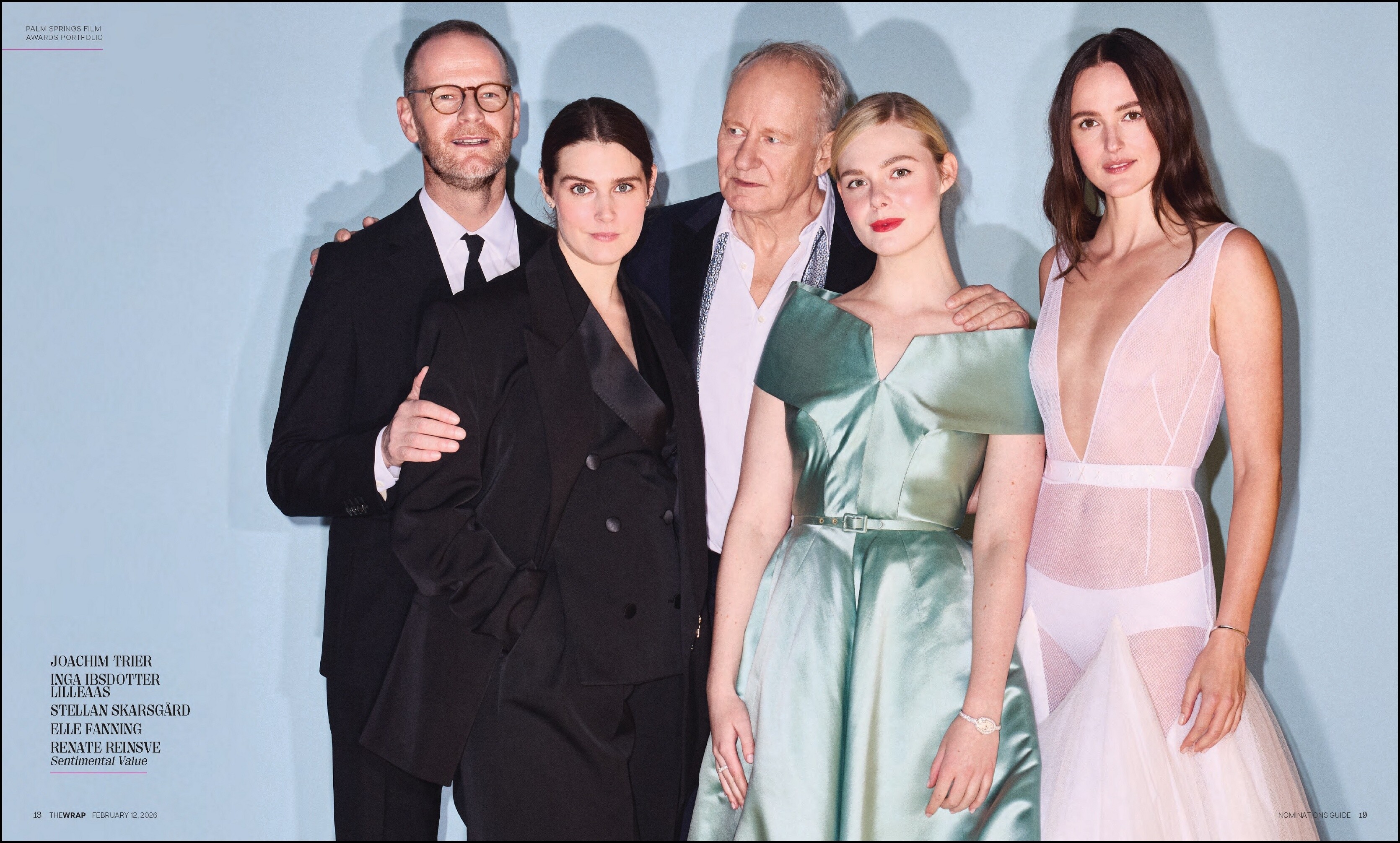
 TheWrap pool21 at picturepub
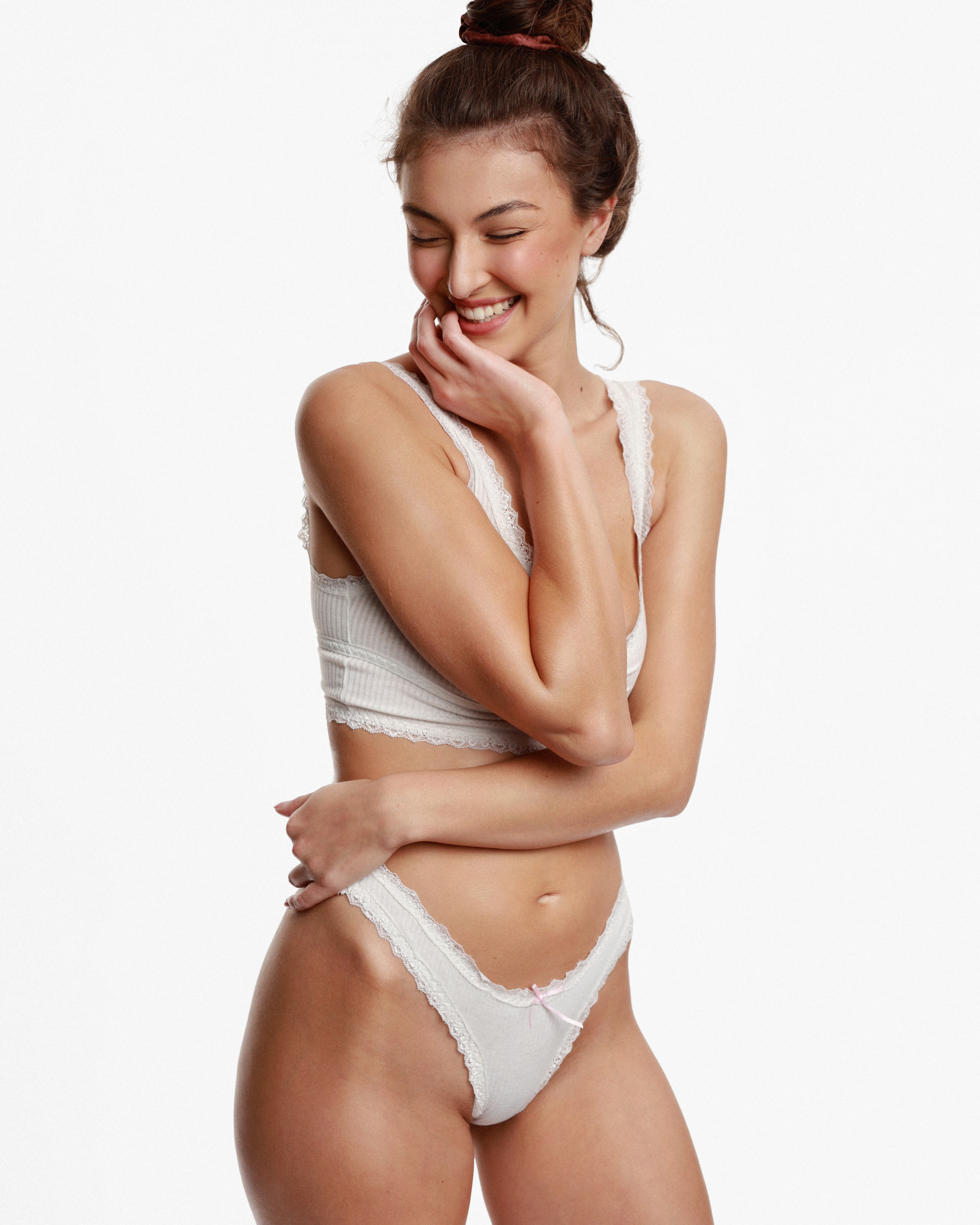
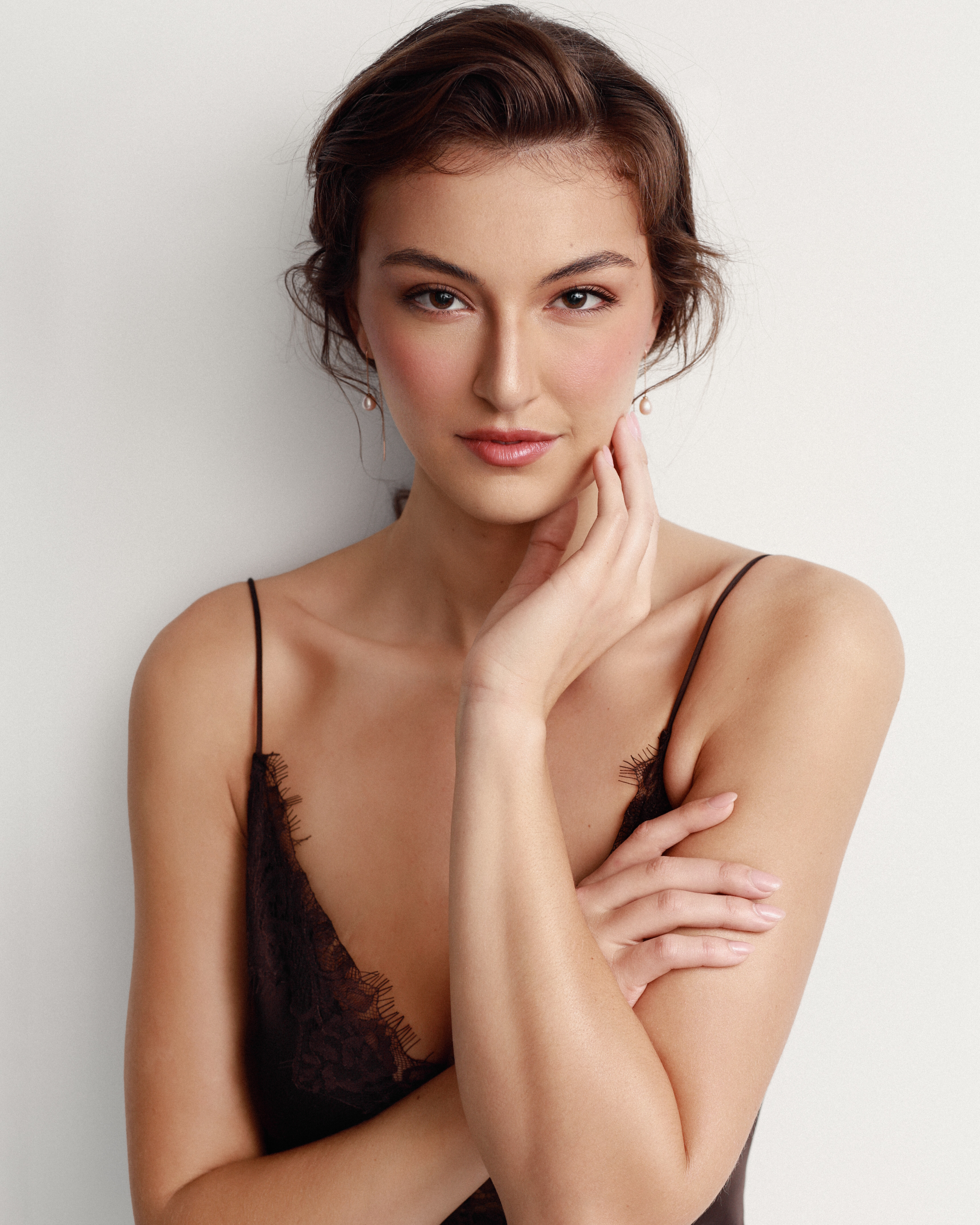
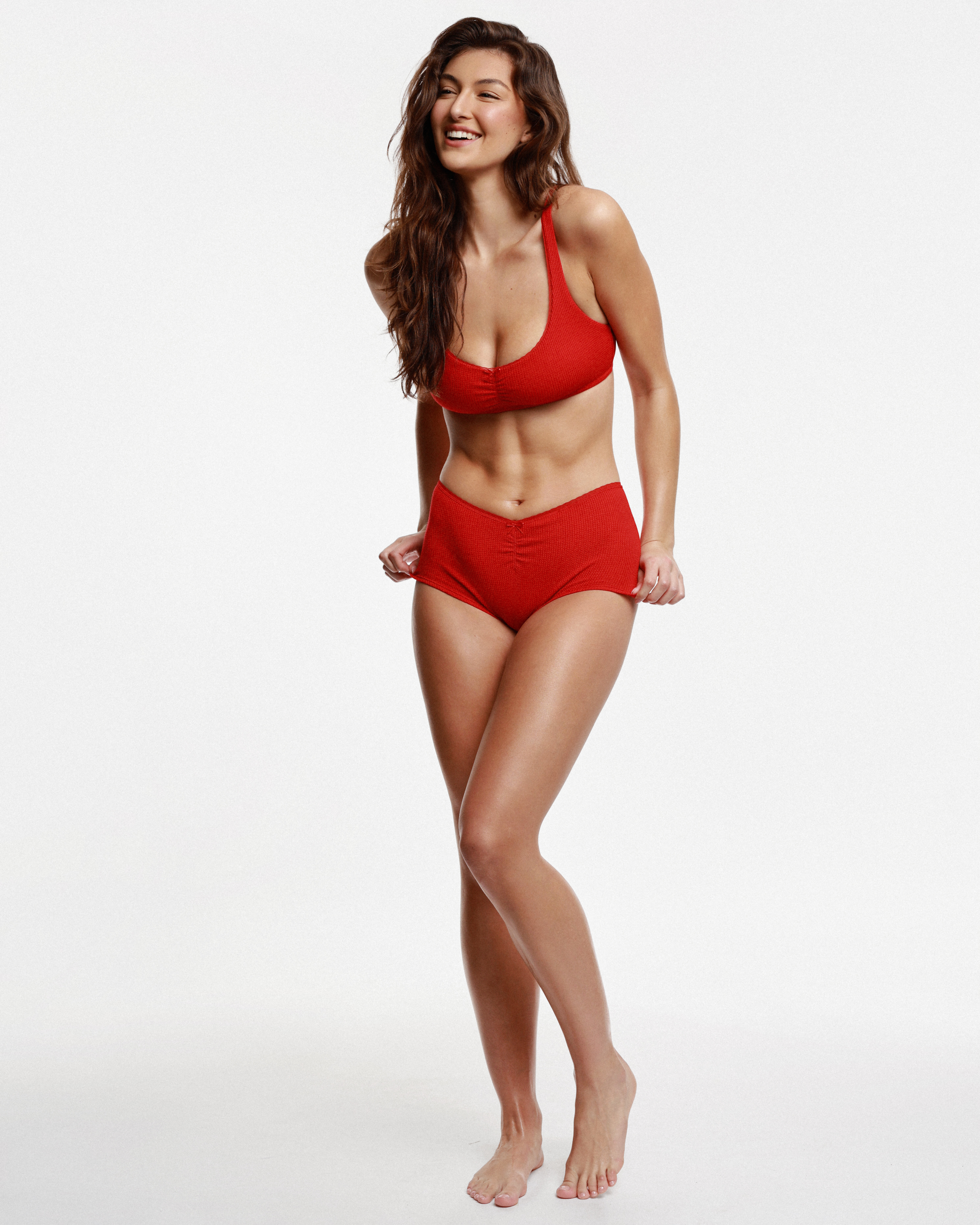
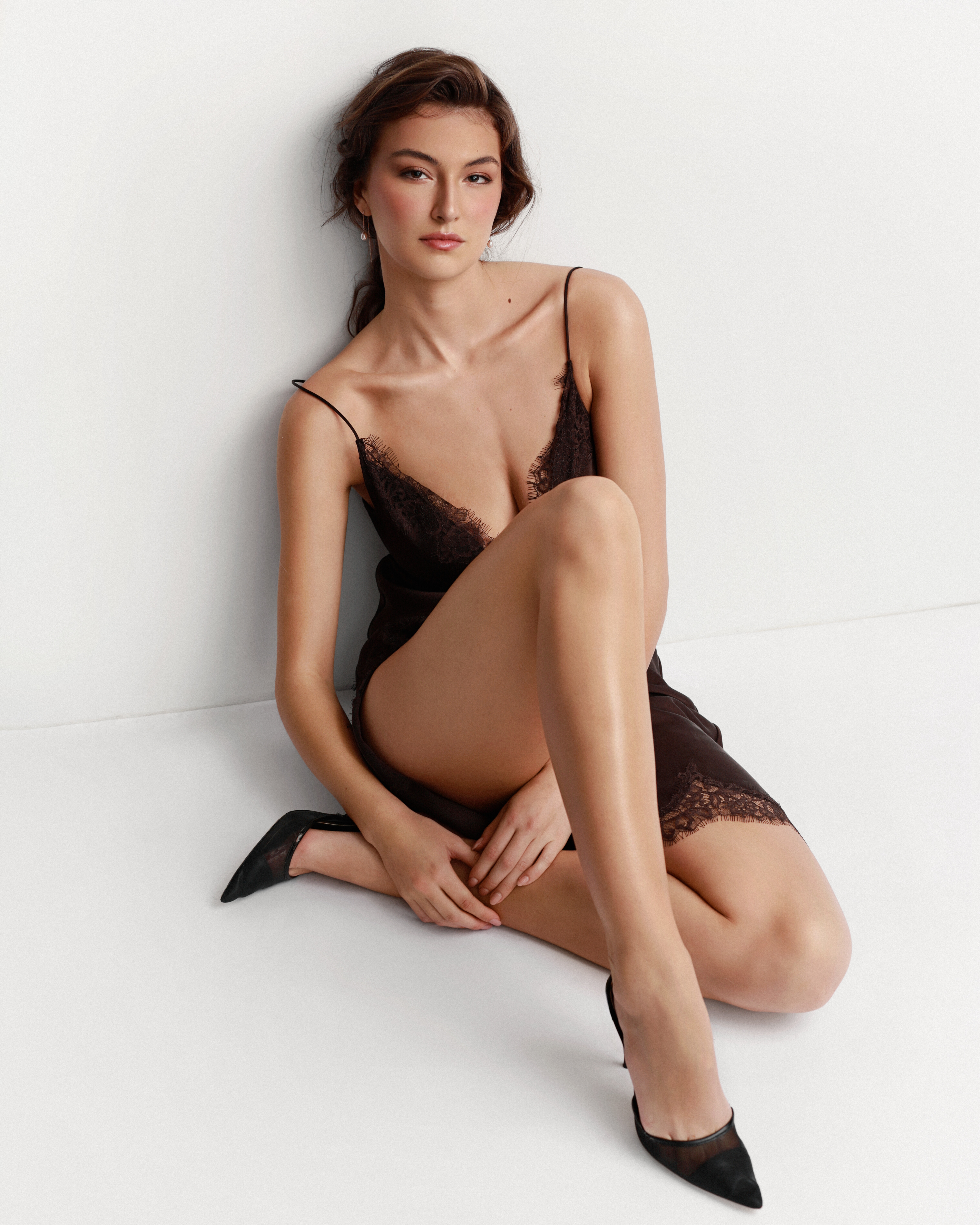
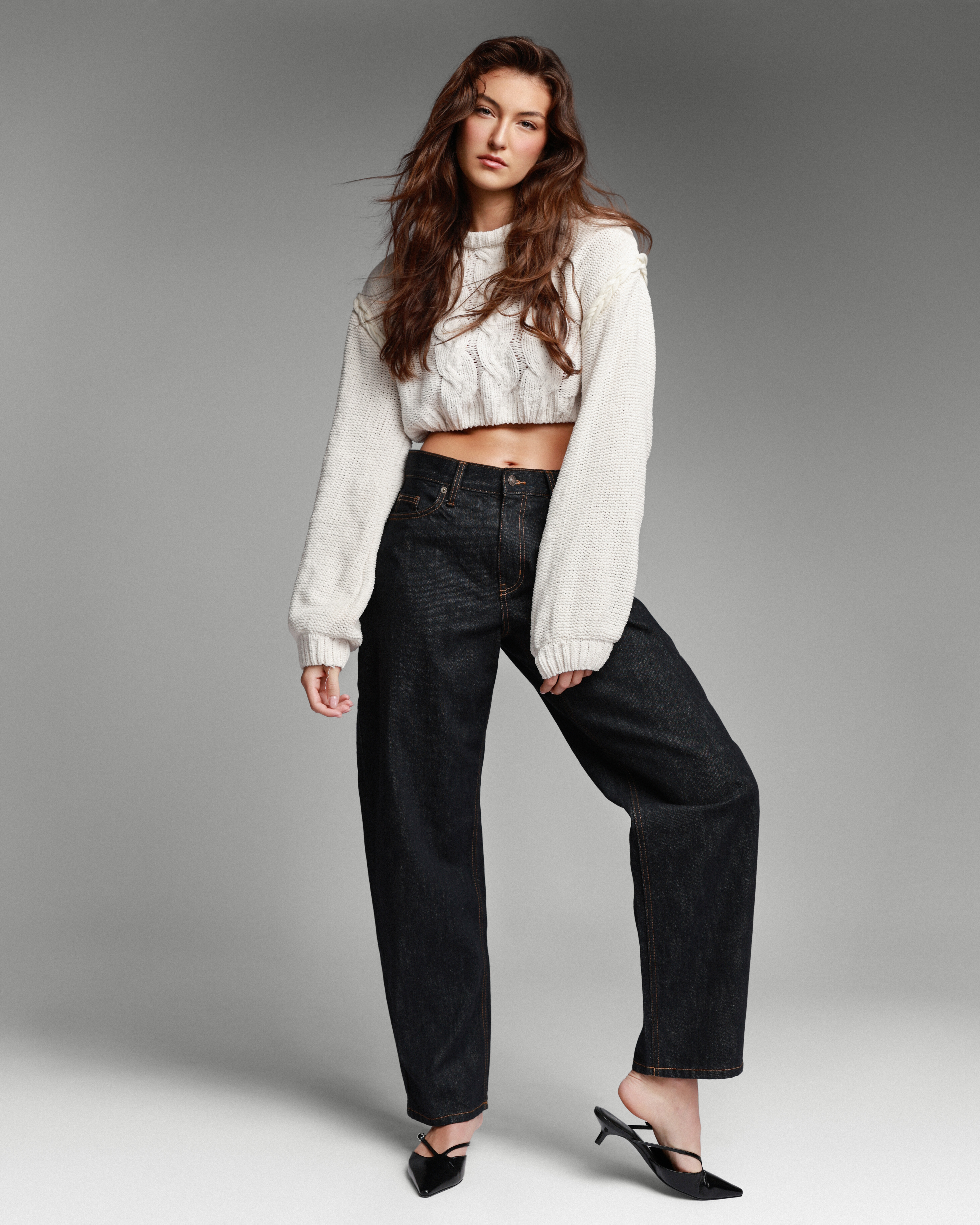
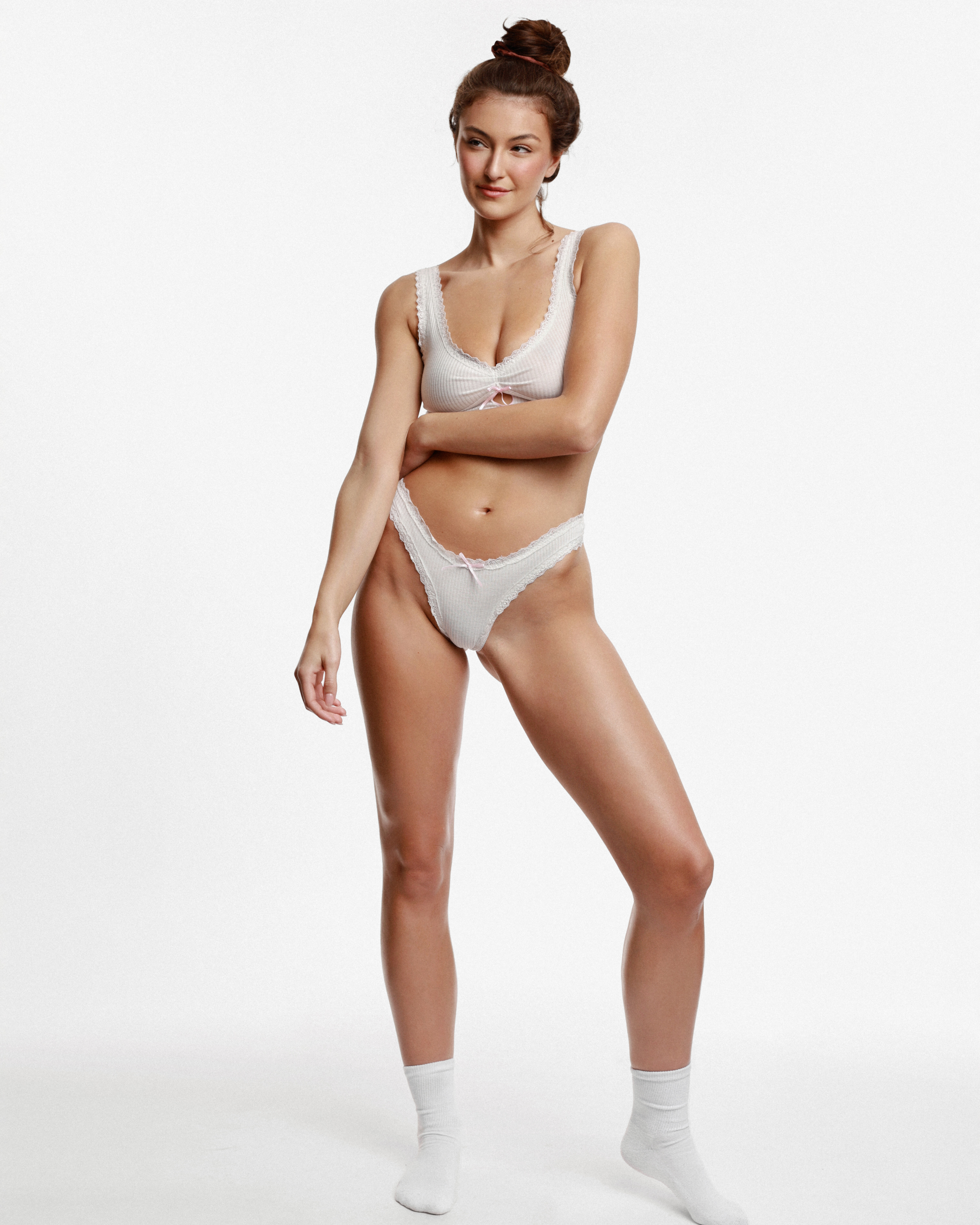
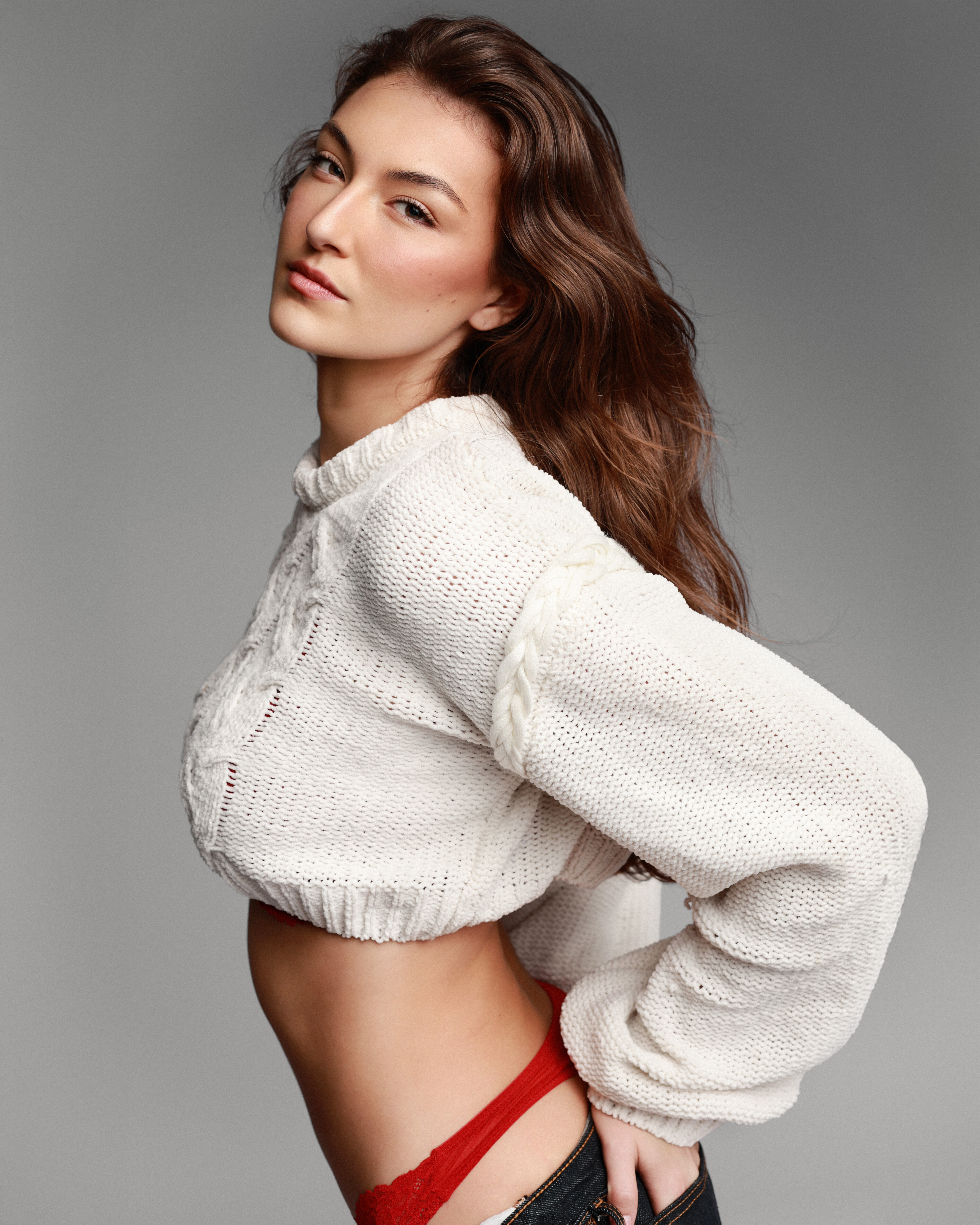
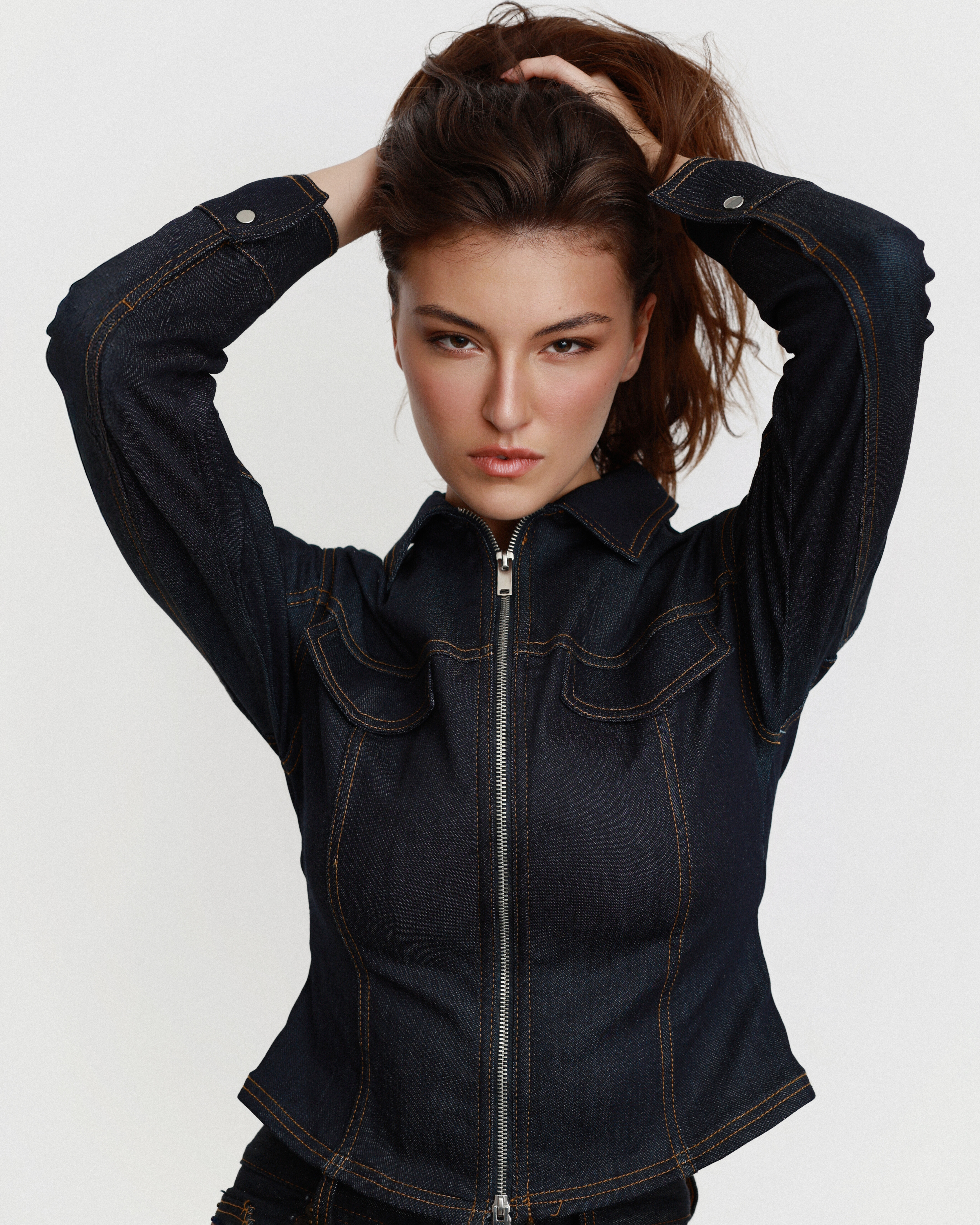
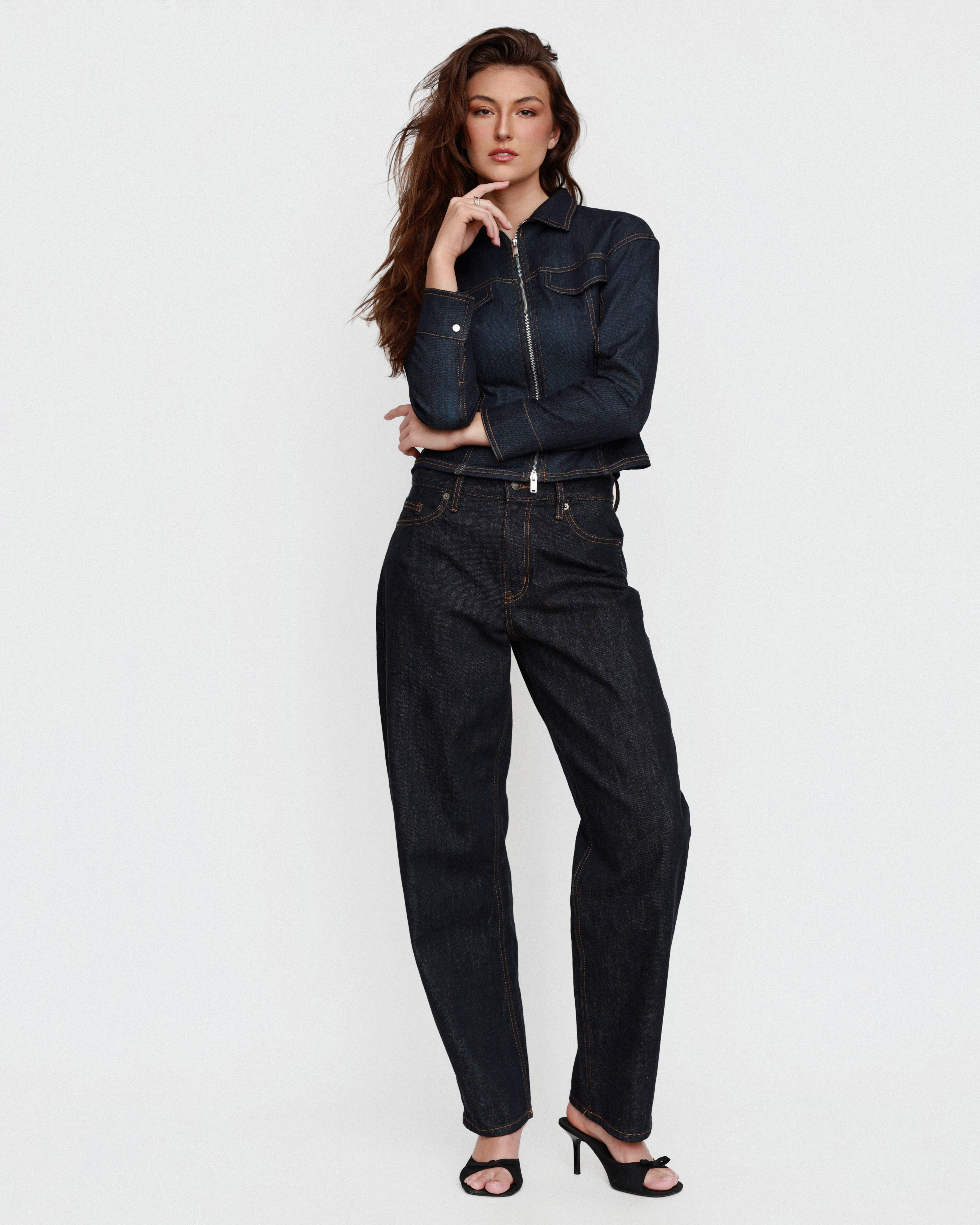
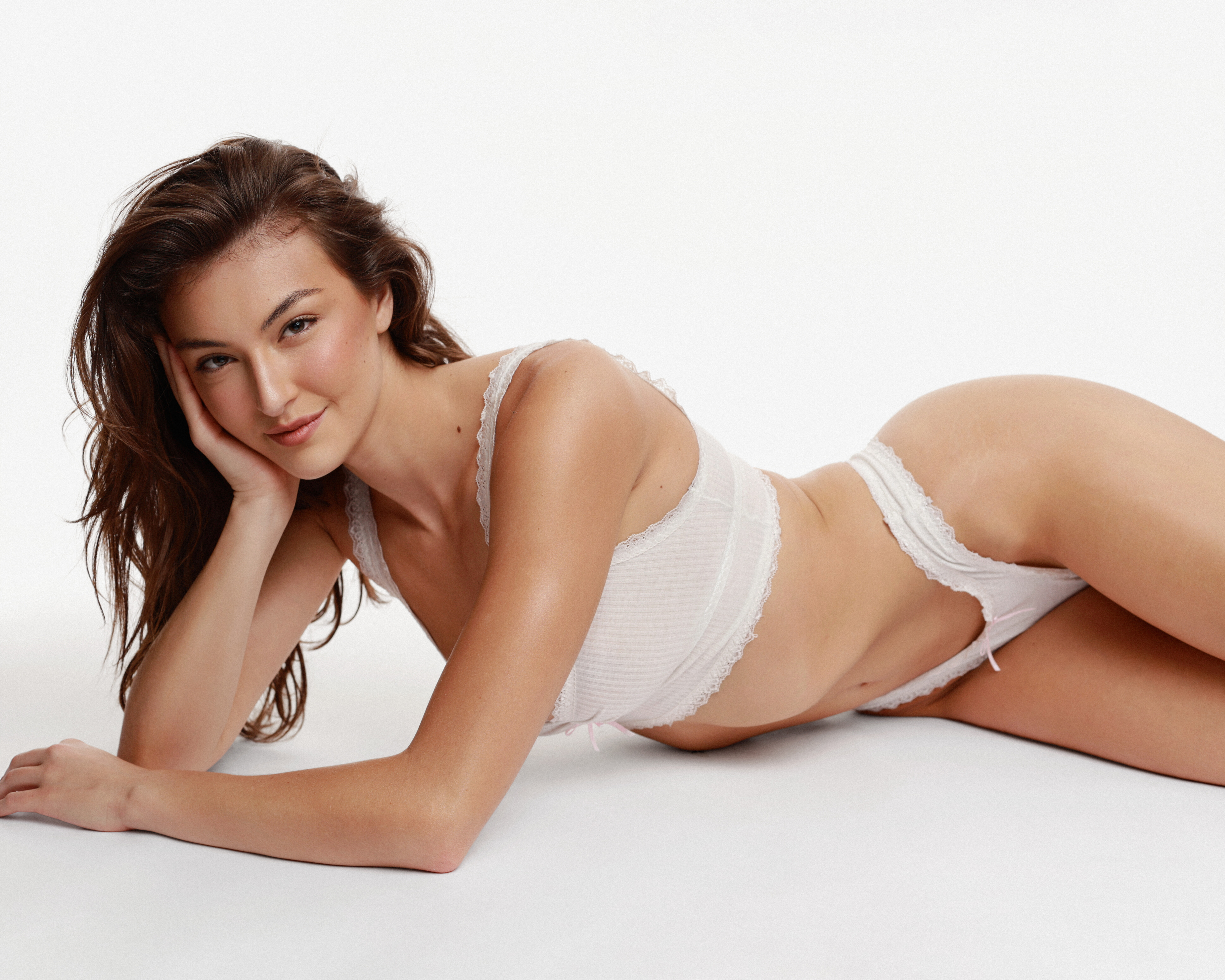
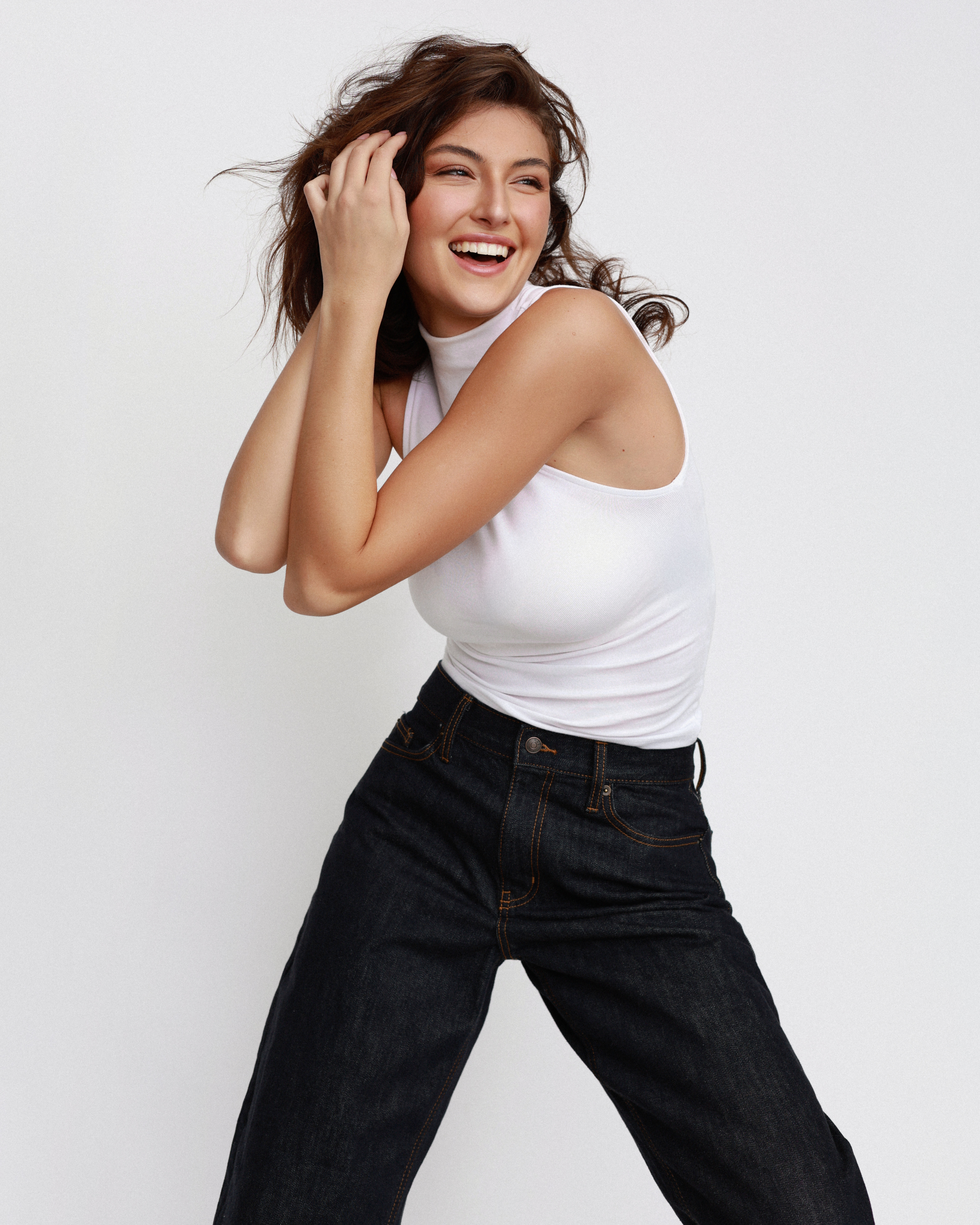
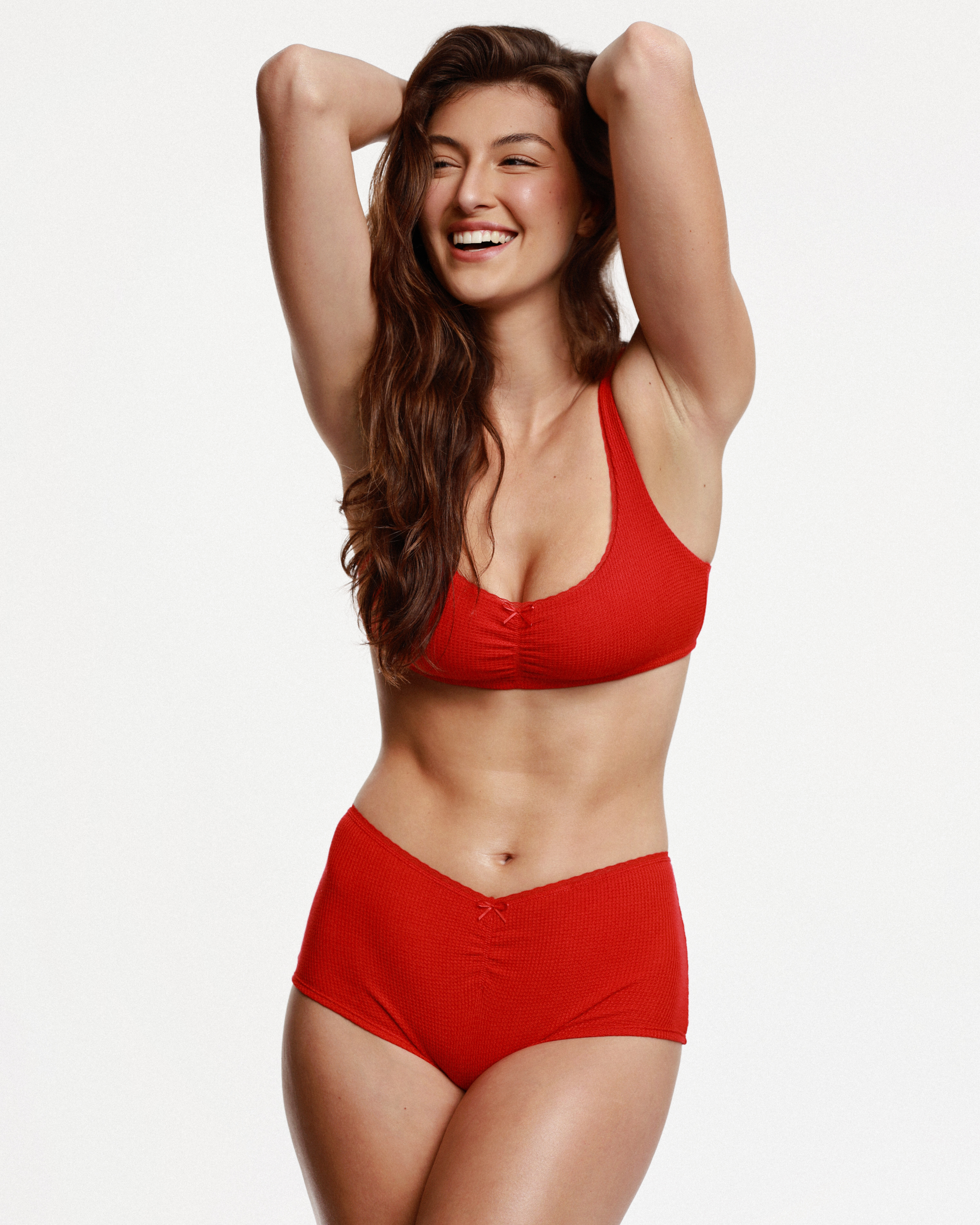
 Rachel is now officially on Natural Models LA. Rachel Pizzolato - Natural Models LA Height: 5'11 Bra: 34D Waist: 25 Hips: 36 Dress: 4 Shoe: 9.5 Some great high res photos on the port. This is now the 4th agency to put her as 5'11 and the least likely to understate her actual height. If Stone Talent's measurements from a year ago were correct, she slimmed down quite a bit hence why some of you have noticed certain changes.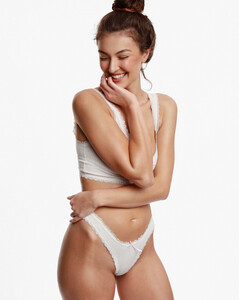
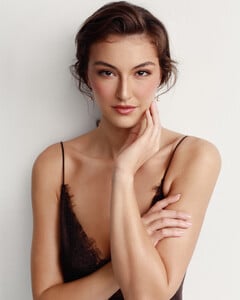
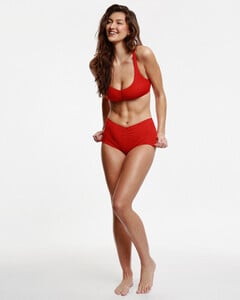

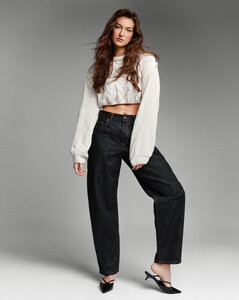
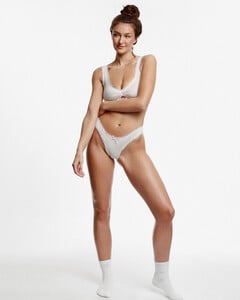
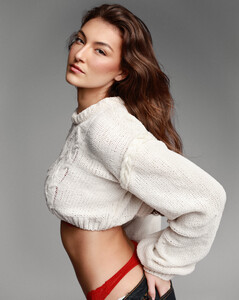
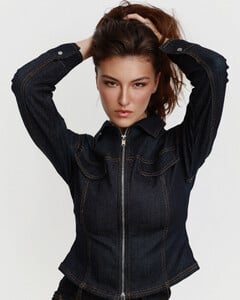
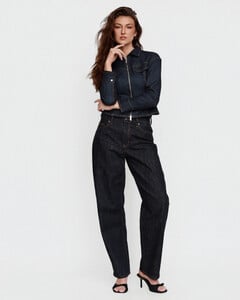
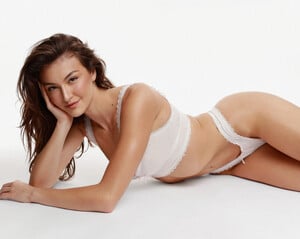

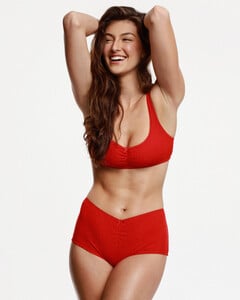

 ph Emma Beiles Howie joe d at picturepub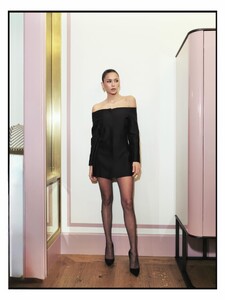
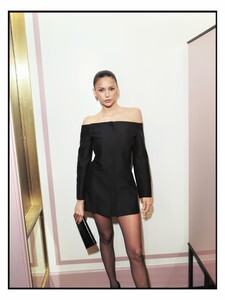
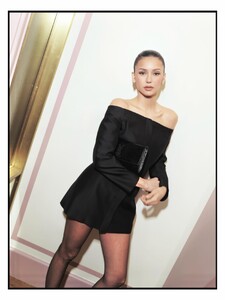

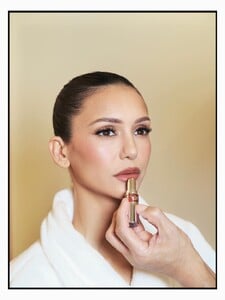
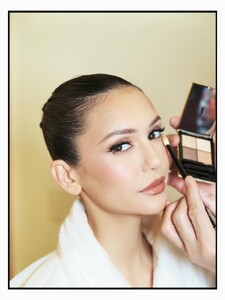




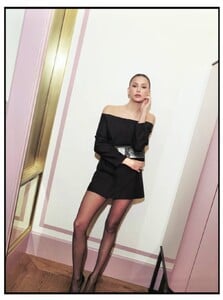
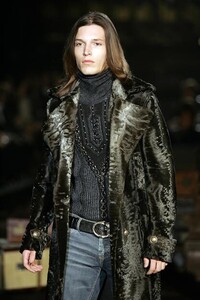
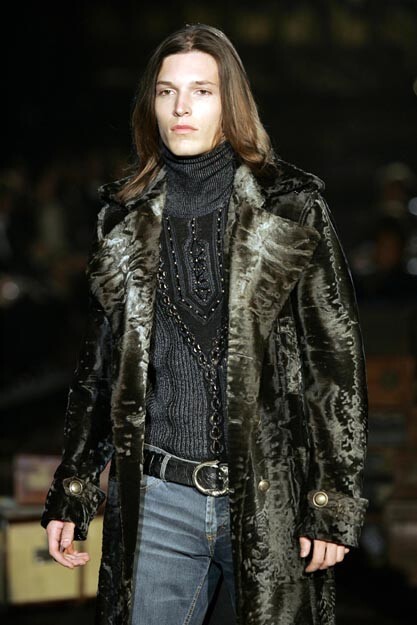
 roberto cavalli menswear f/w 2005




 Trish Wescoat Pound backstage📸
.thumb.jpg.0f07293e75aa9880c79e01dd57301b6f.jpg)
_2.thumb.jpg.e213db97fb82dc8496af79727eb841fb.jpg)
_1.thumb.jpg.946474f570adfd6e13b3a33d048cab7f.jpg)
.thumb.jpg.9e42d22bdc4e0f064209241f14c0448c.jpg) Pauline Trohel - Page 4 - Other Females of Interest - Bellazon
dolce & gabbana fw2005
Pauline Trohel - Page 4 - Other Females of Interest - Bellazon
dolce & gabbana fw2005 Julia Van Hest - Female Fashion Models - Bellazon







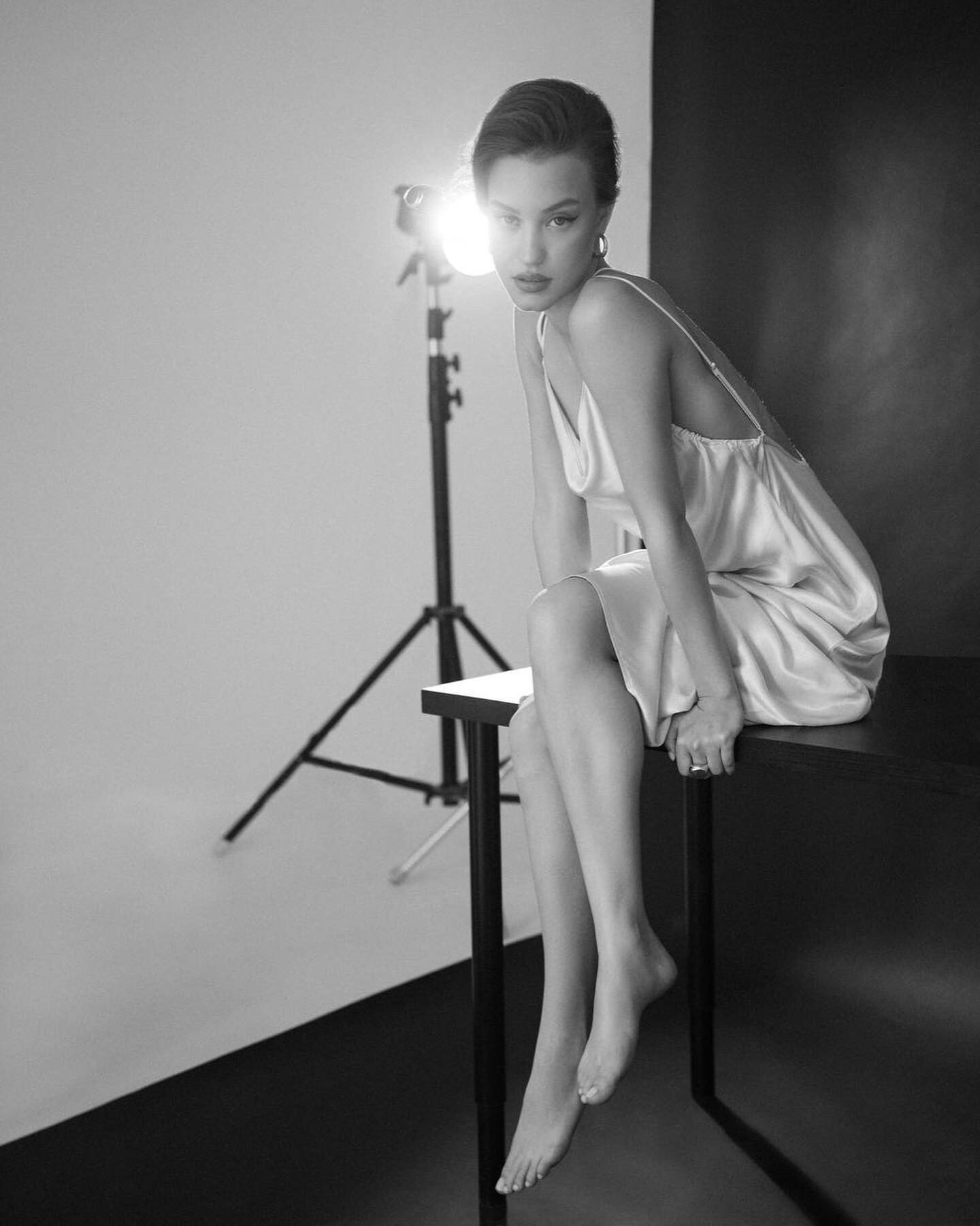



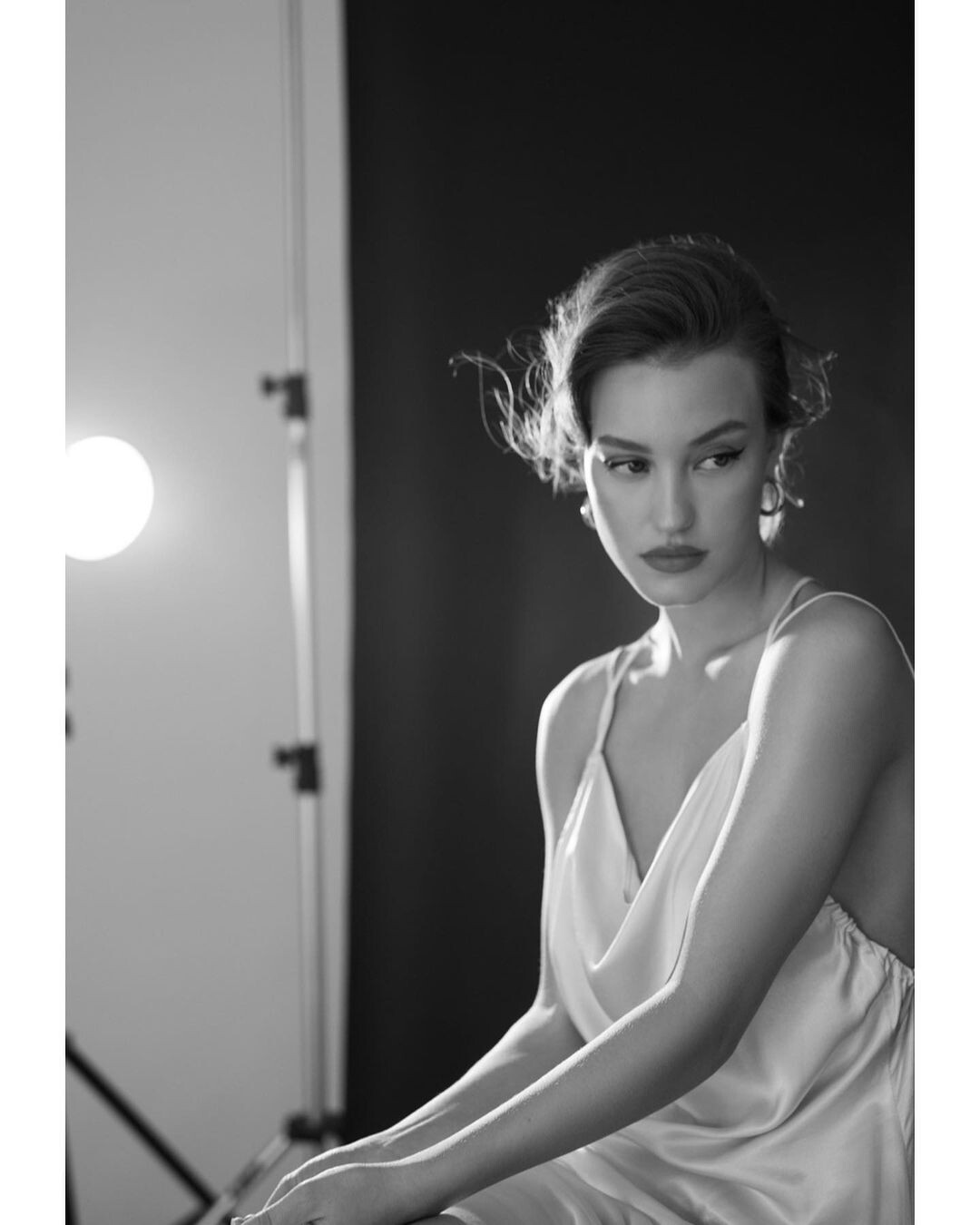




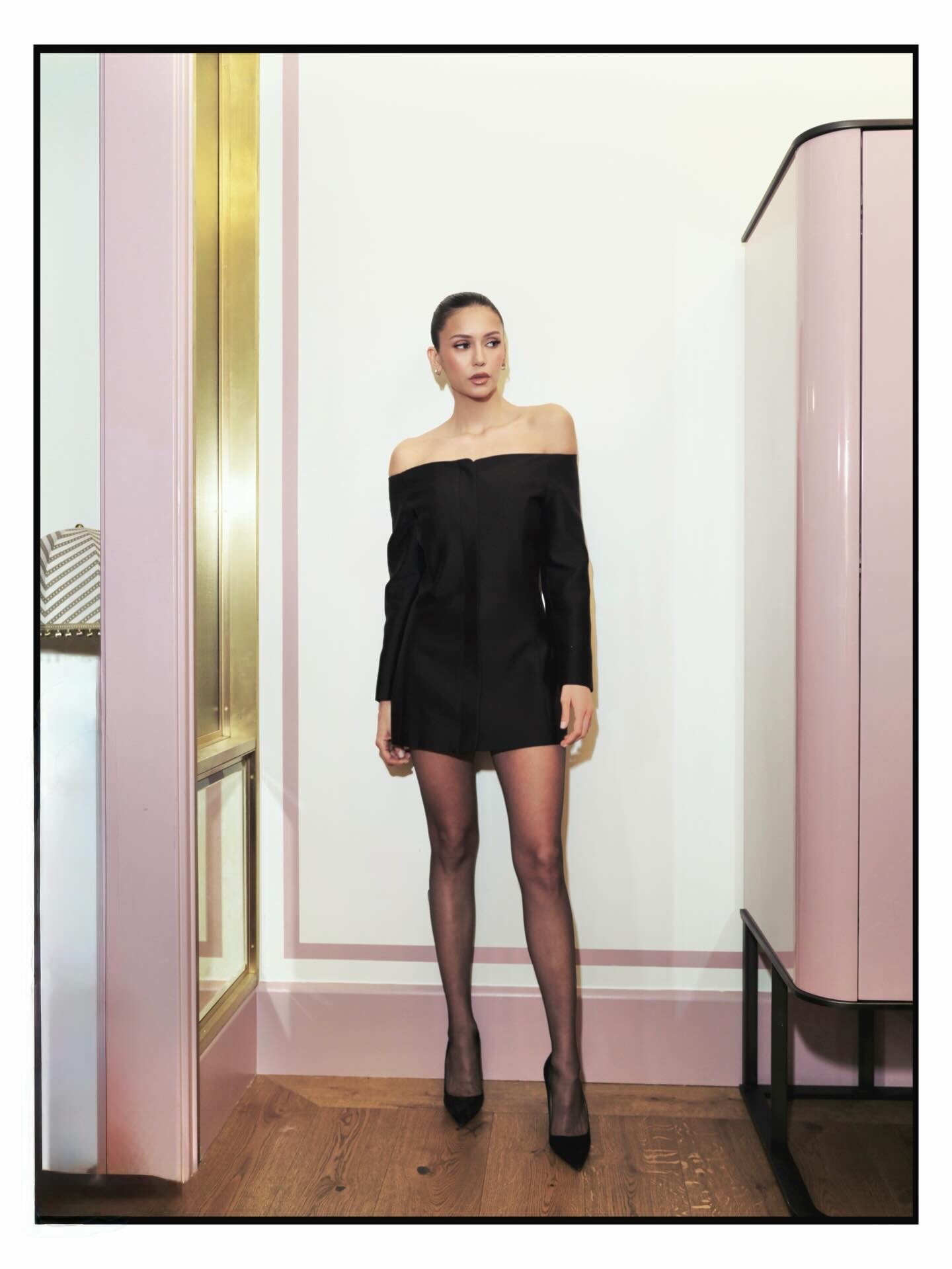
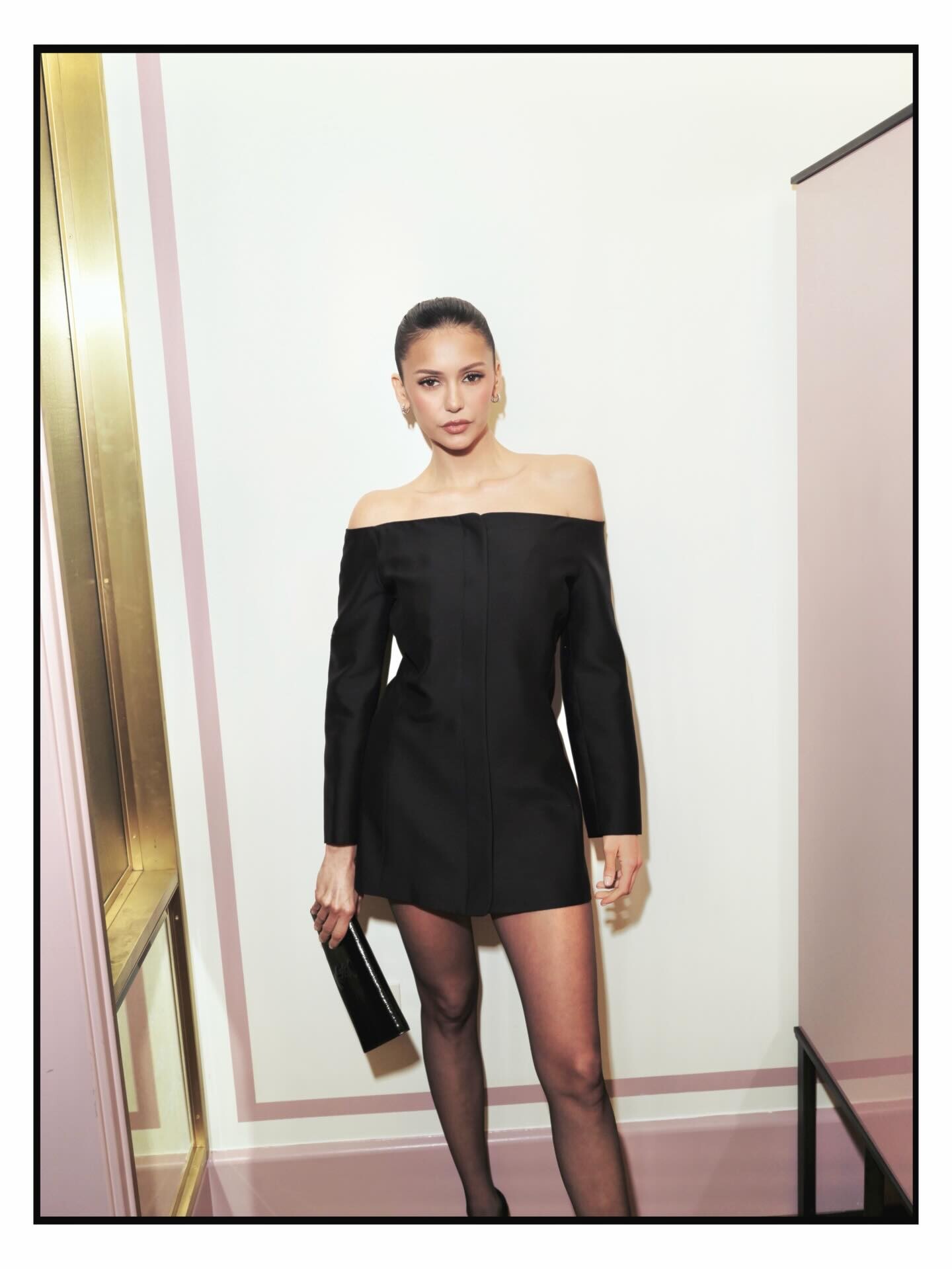
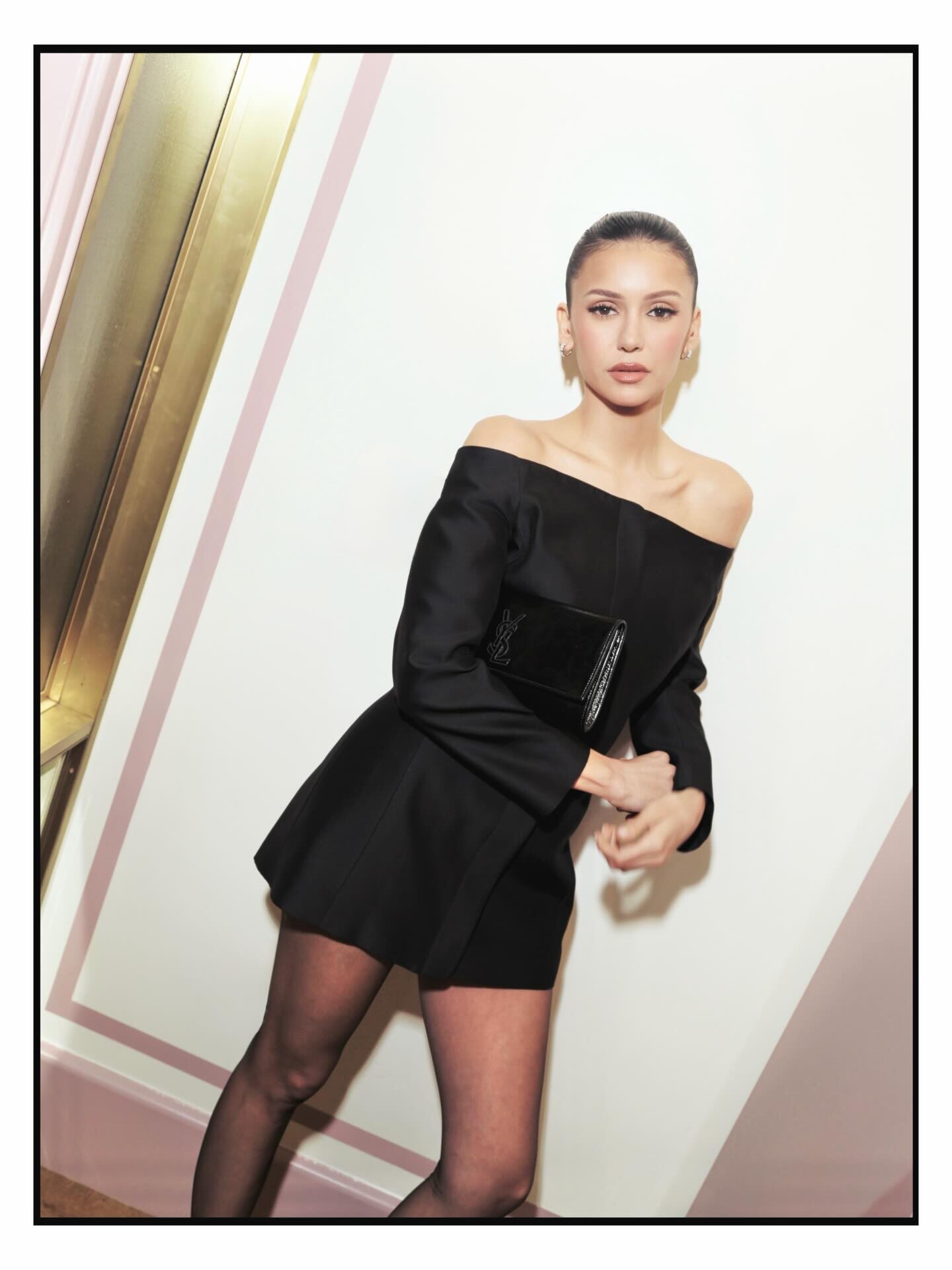
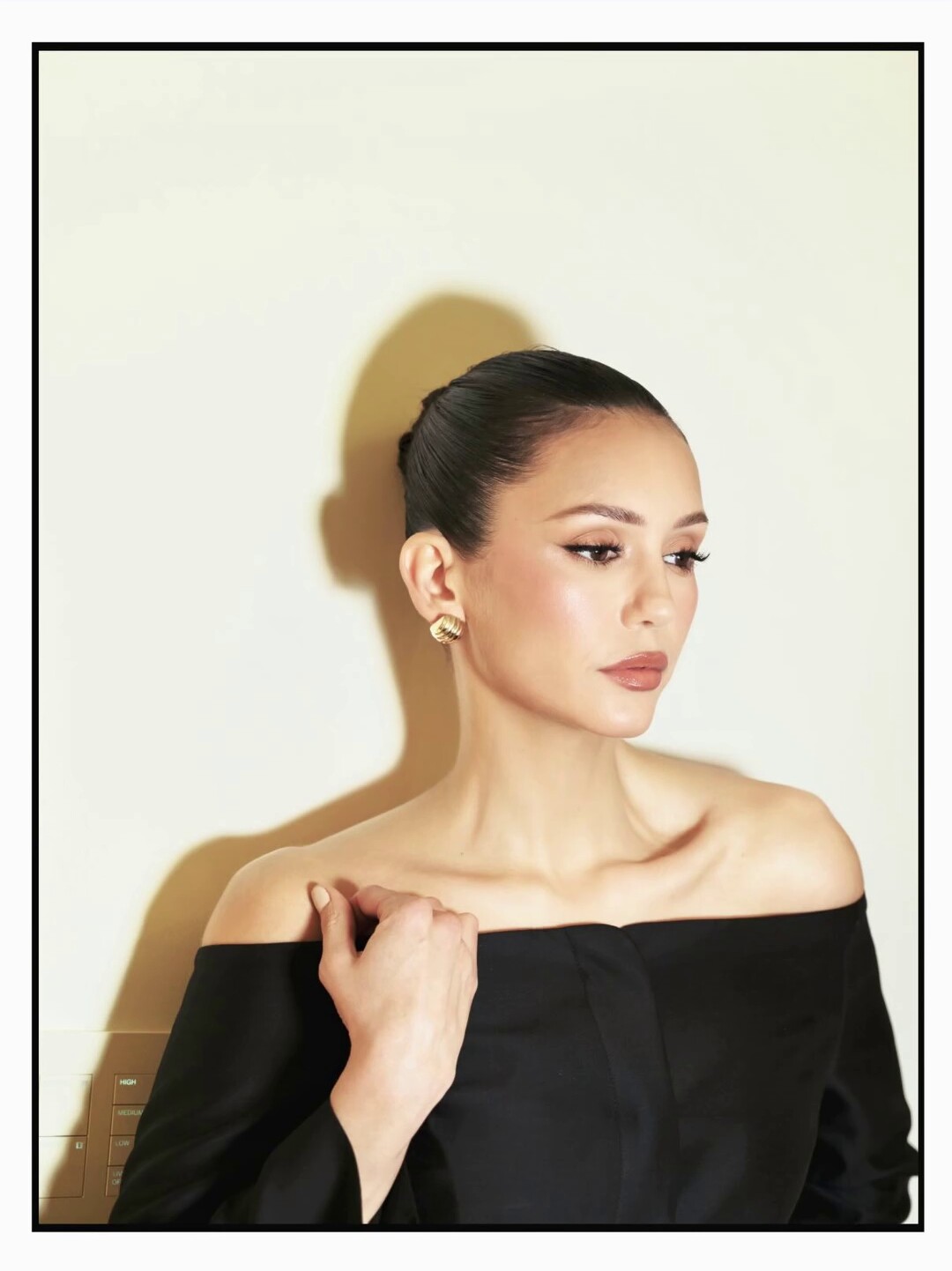
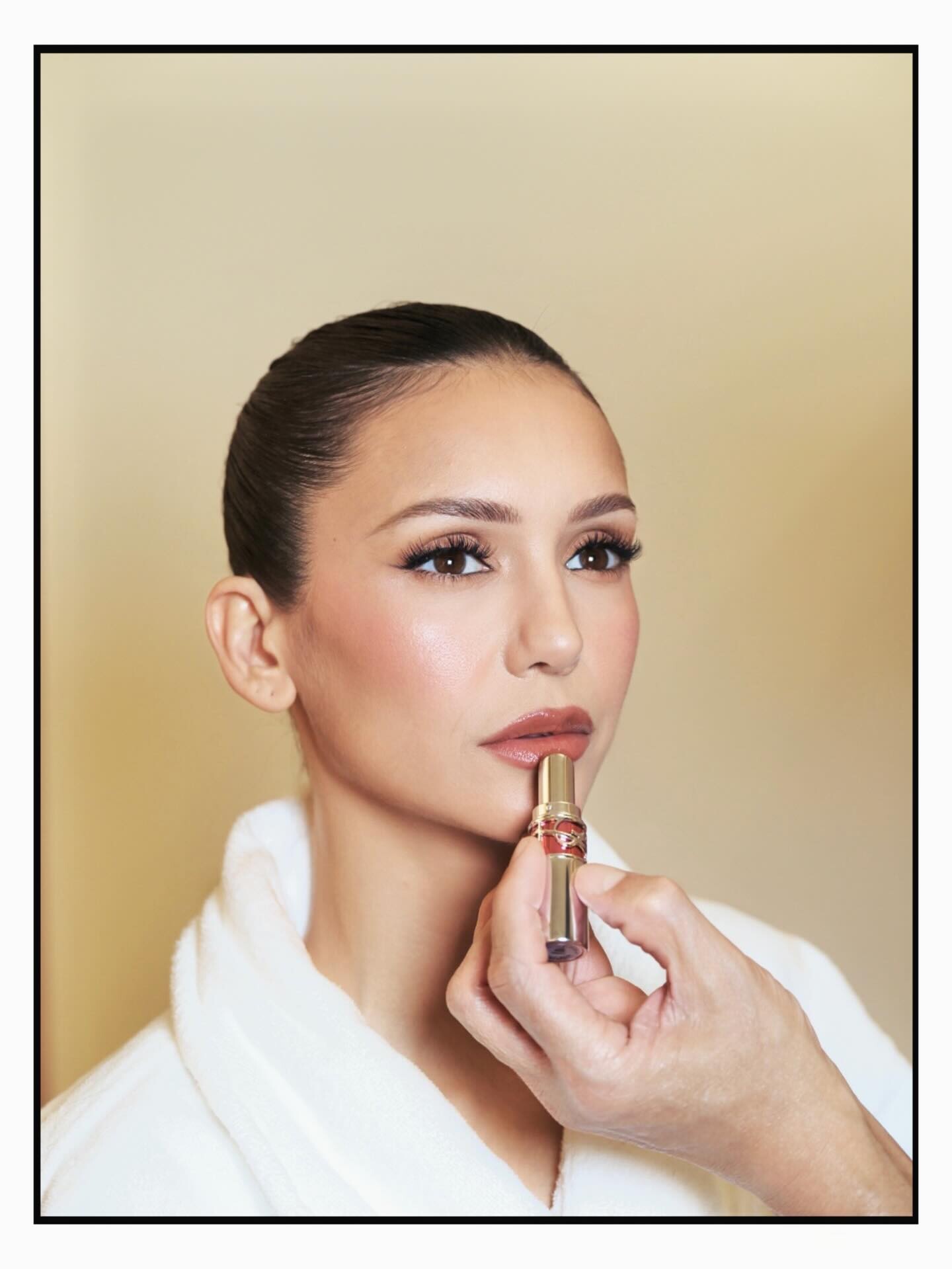
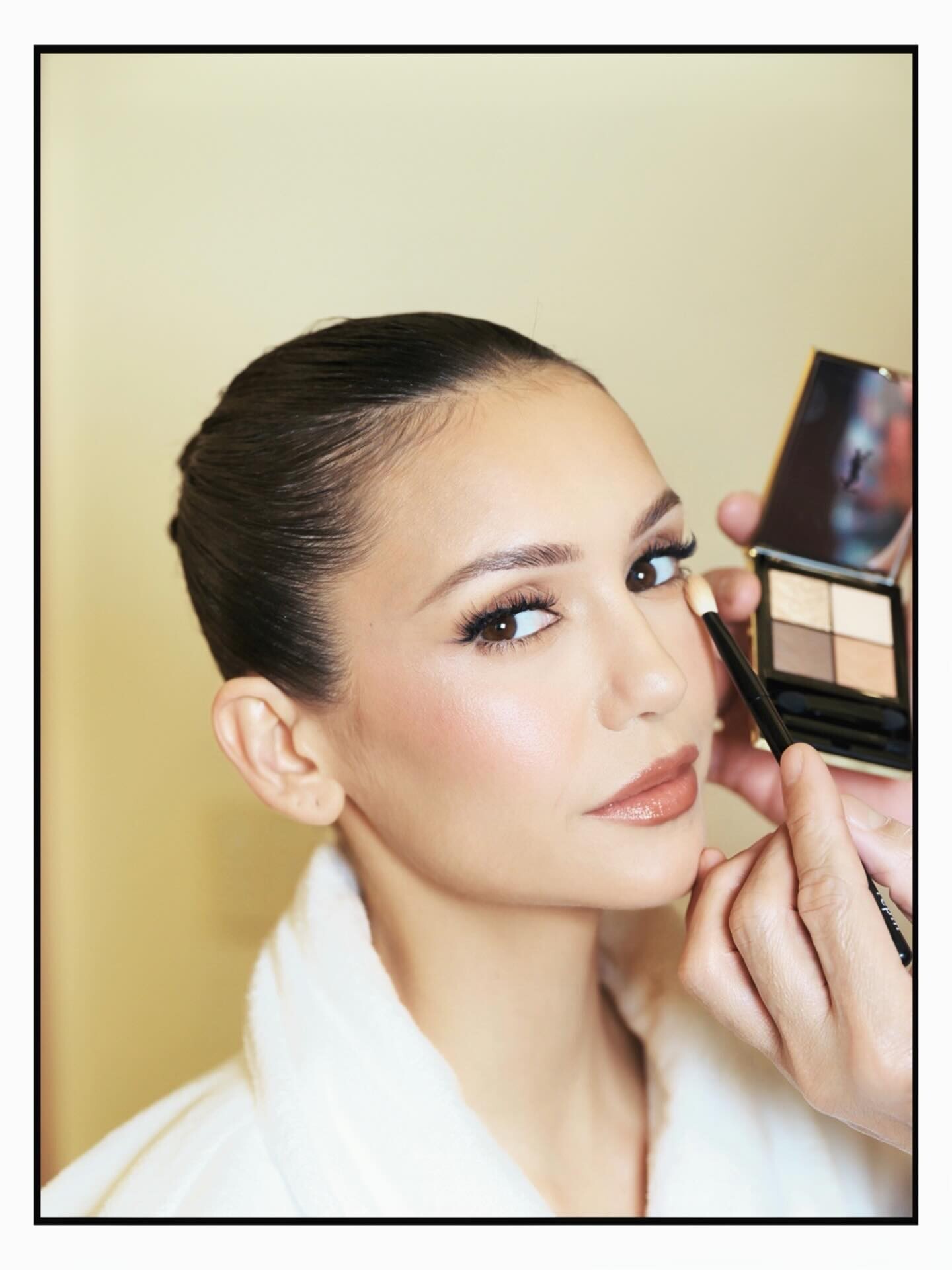


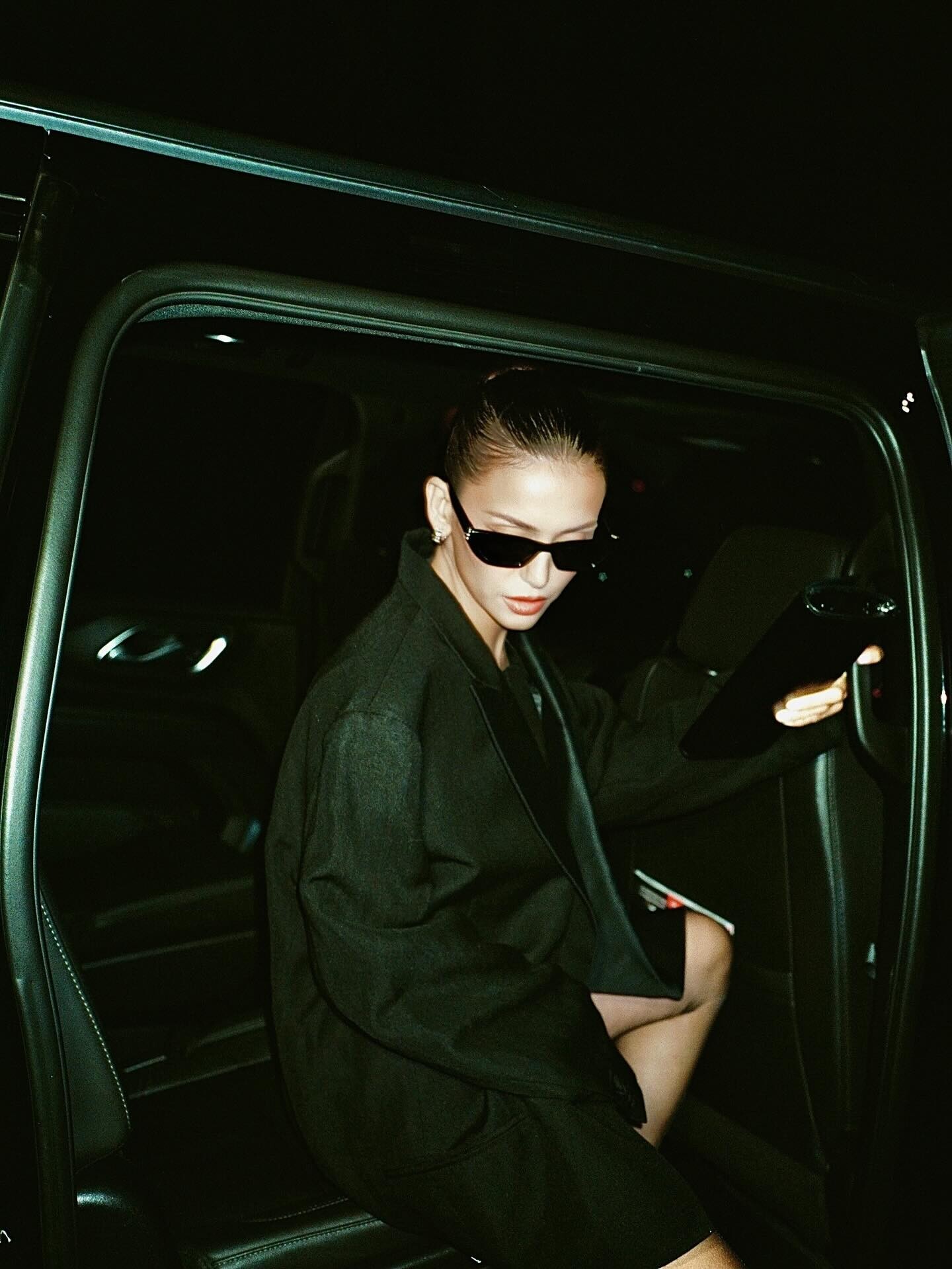
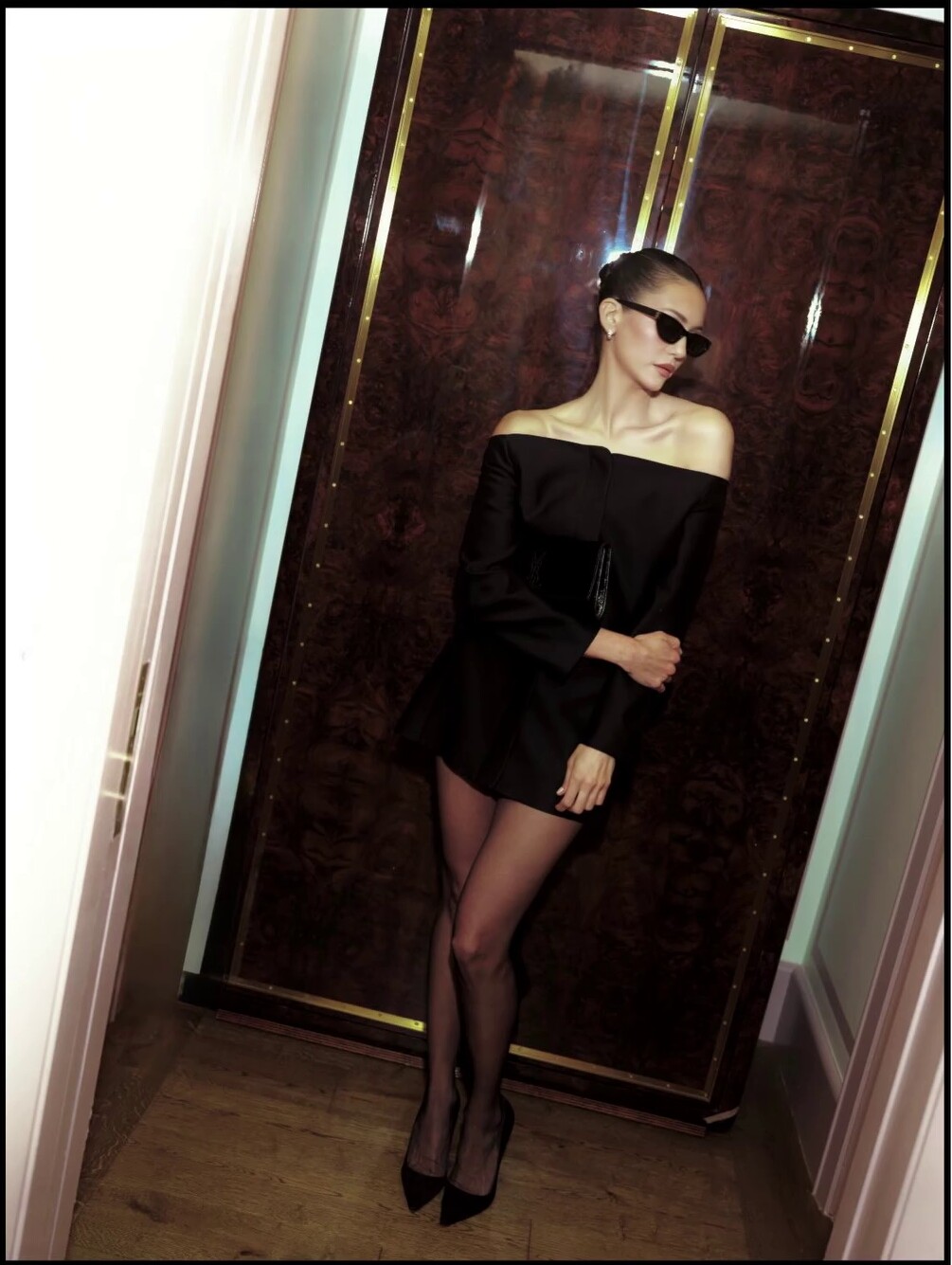
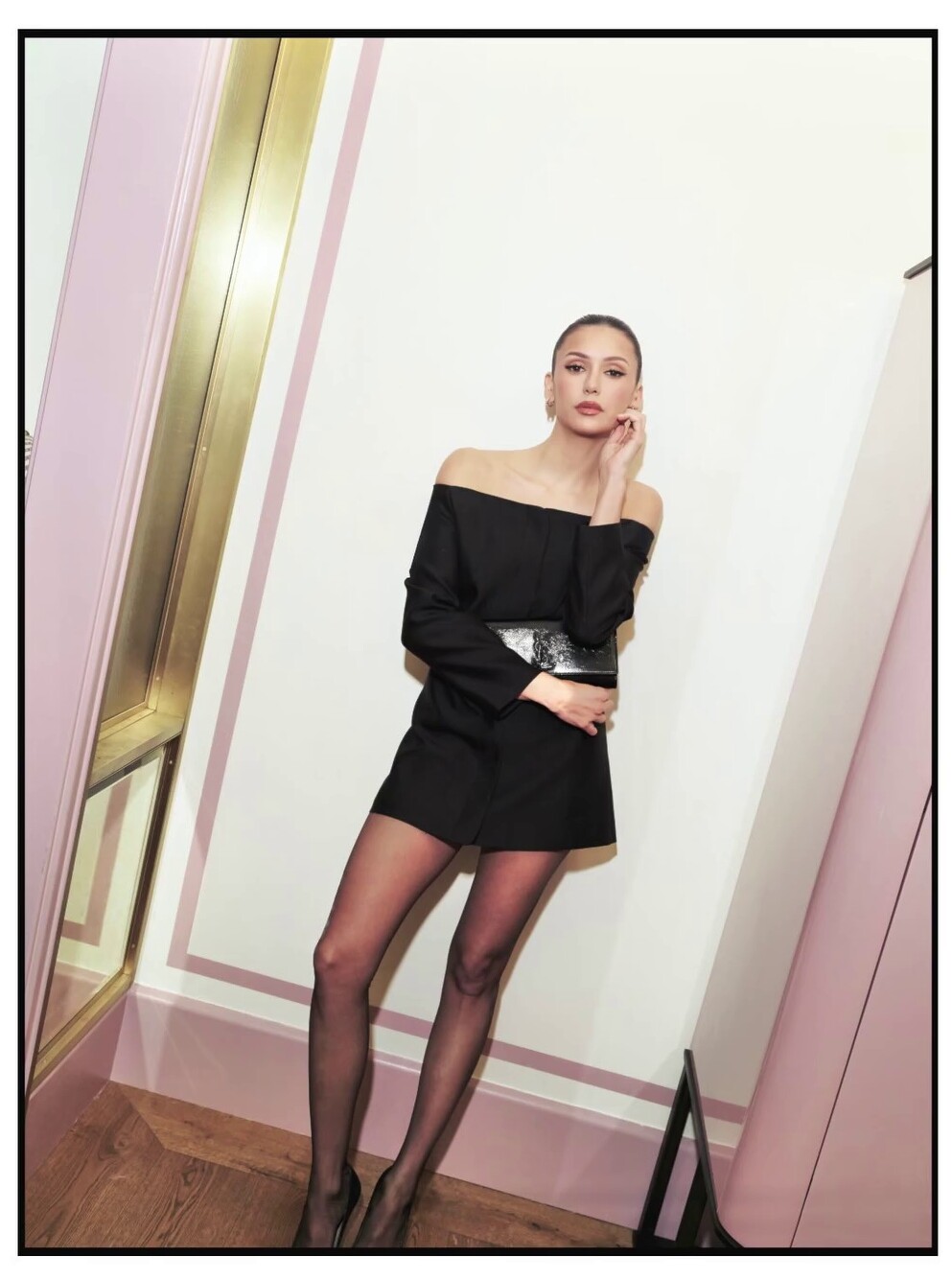
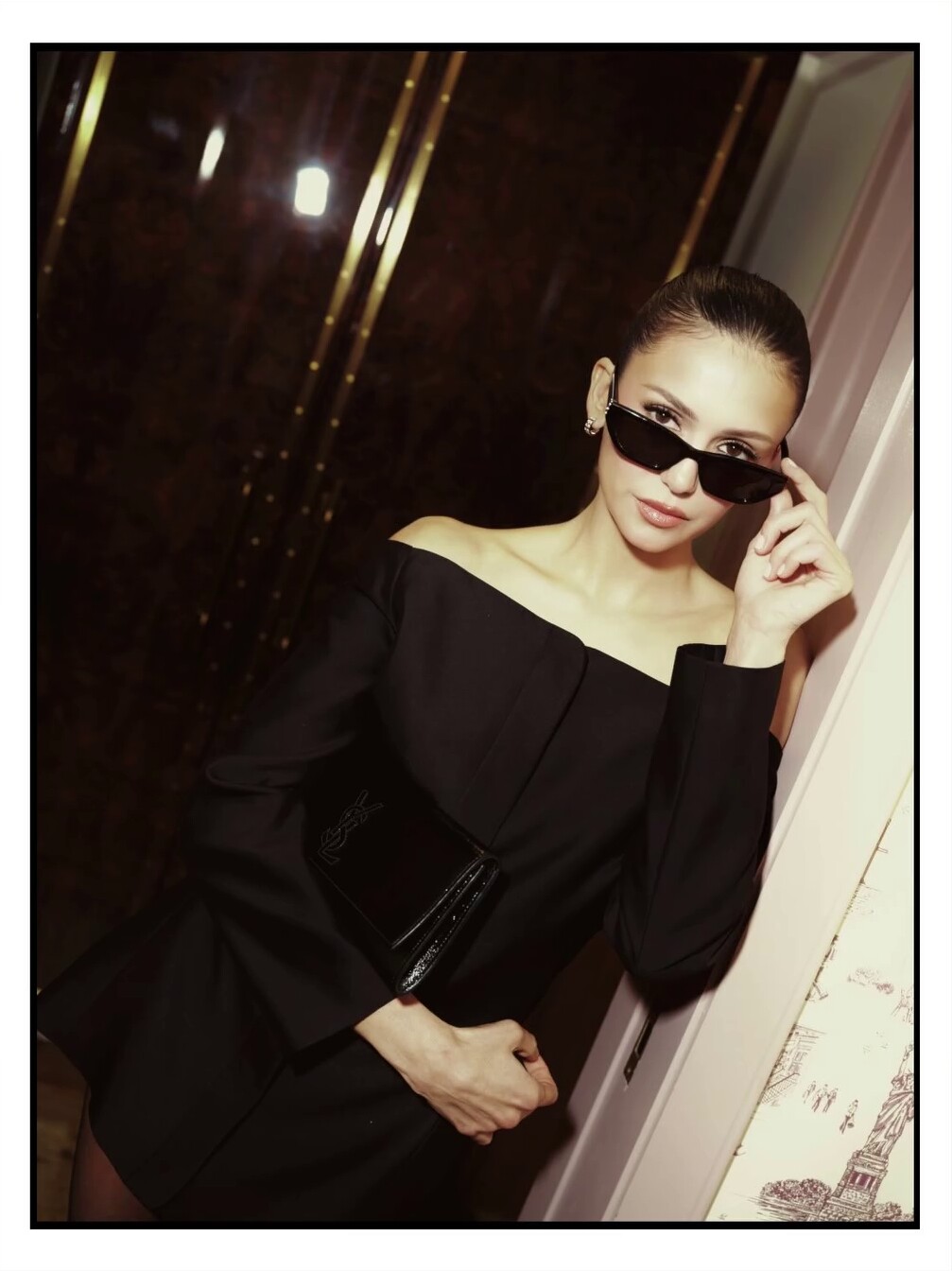
.jpg.5c28562bdf6586cfedc7d74da4a76a84.jpg)
_2.jpg.5b1e60d21d50d6f892fb34e5b5be8fdf.jpg)
_1.jpg.f6ab63582d9809961ea6b222b1f3a262.jpg)
.jpg.8e036d0d83367118eb589644e92a92e1.jpg)



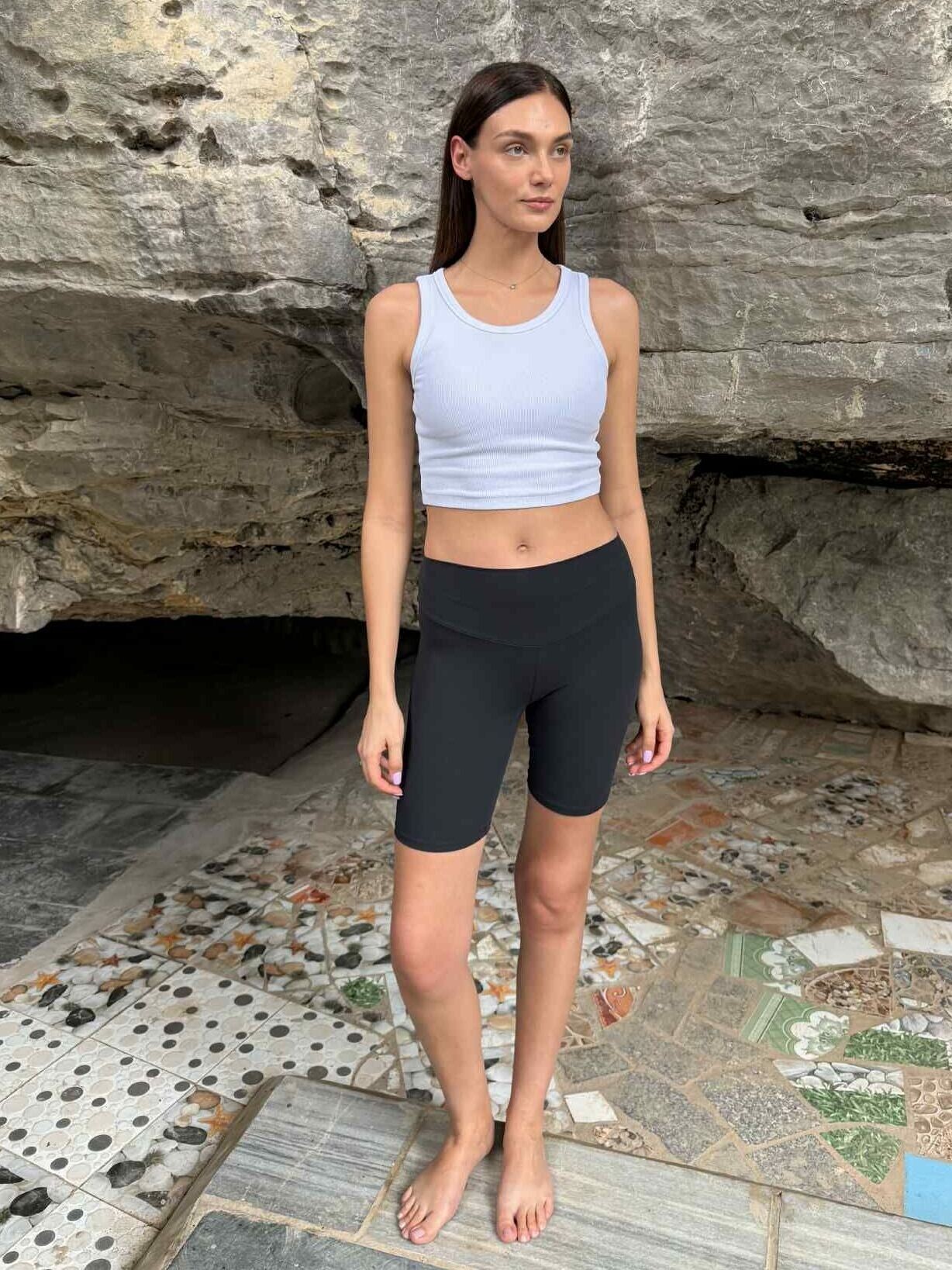
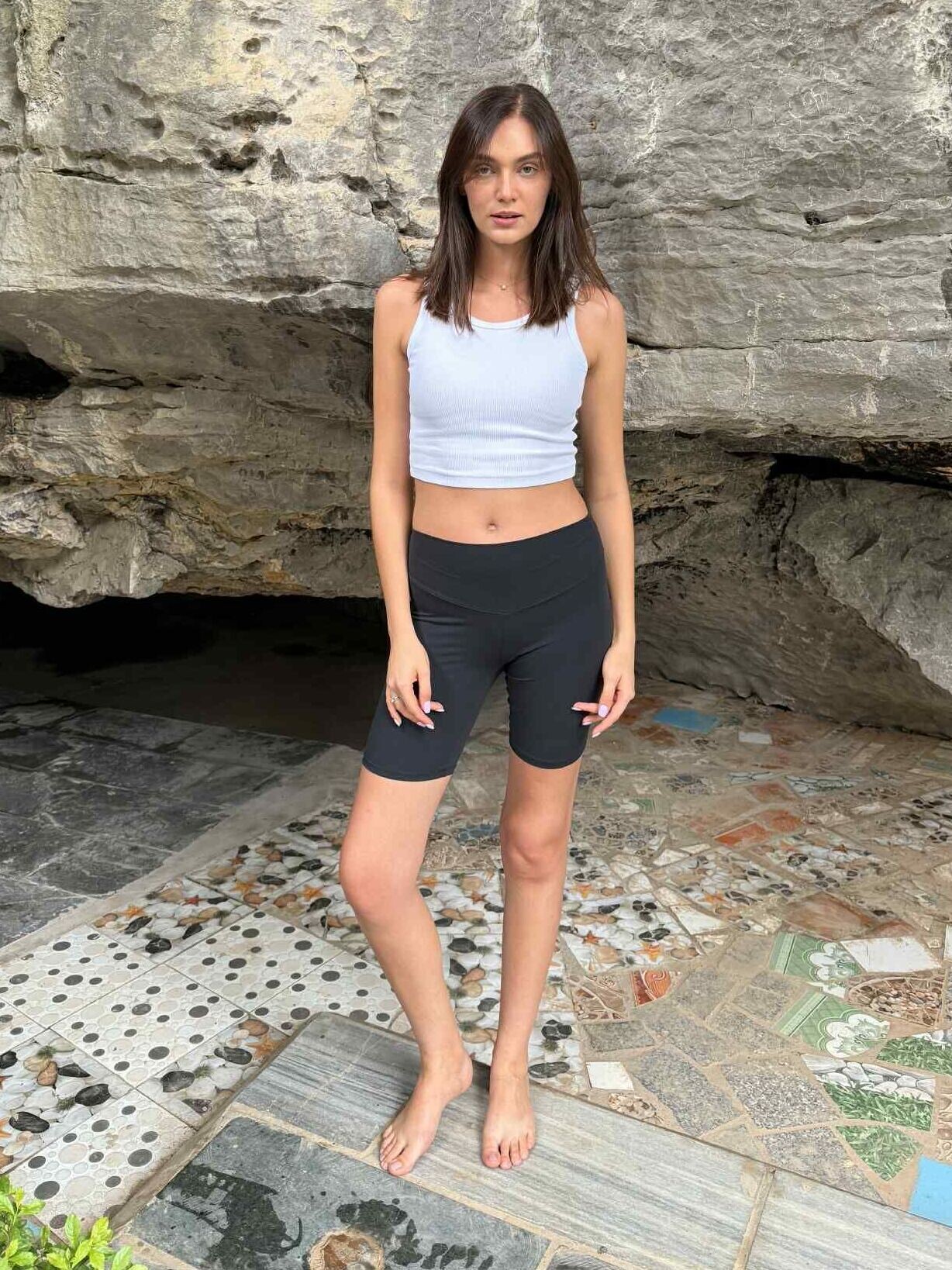
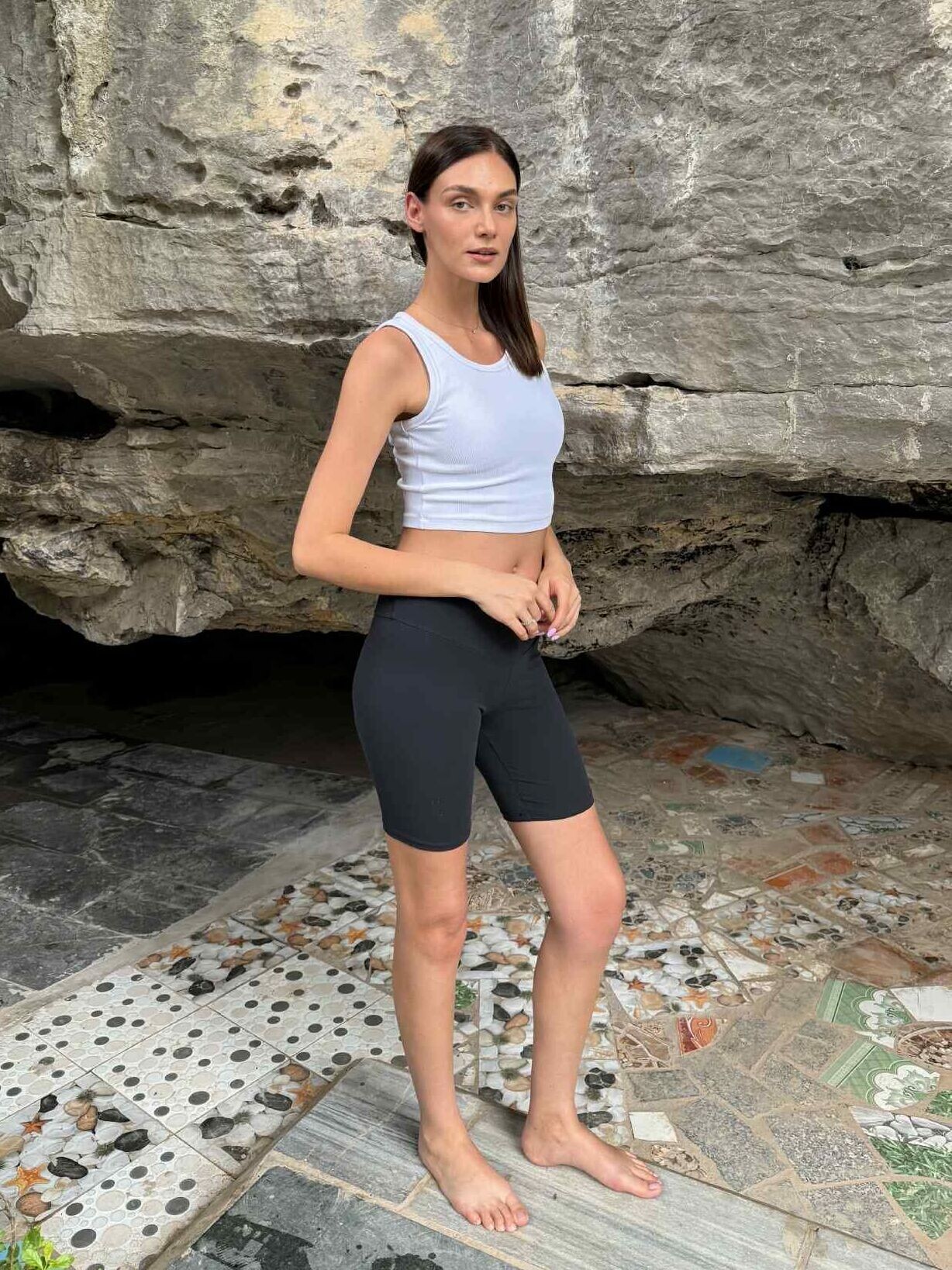
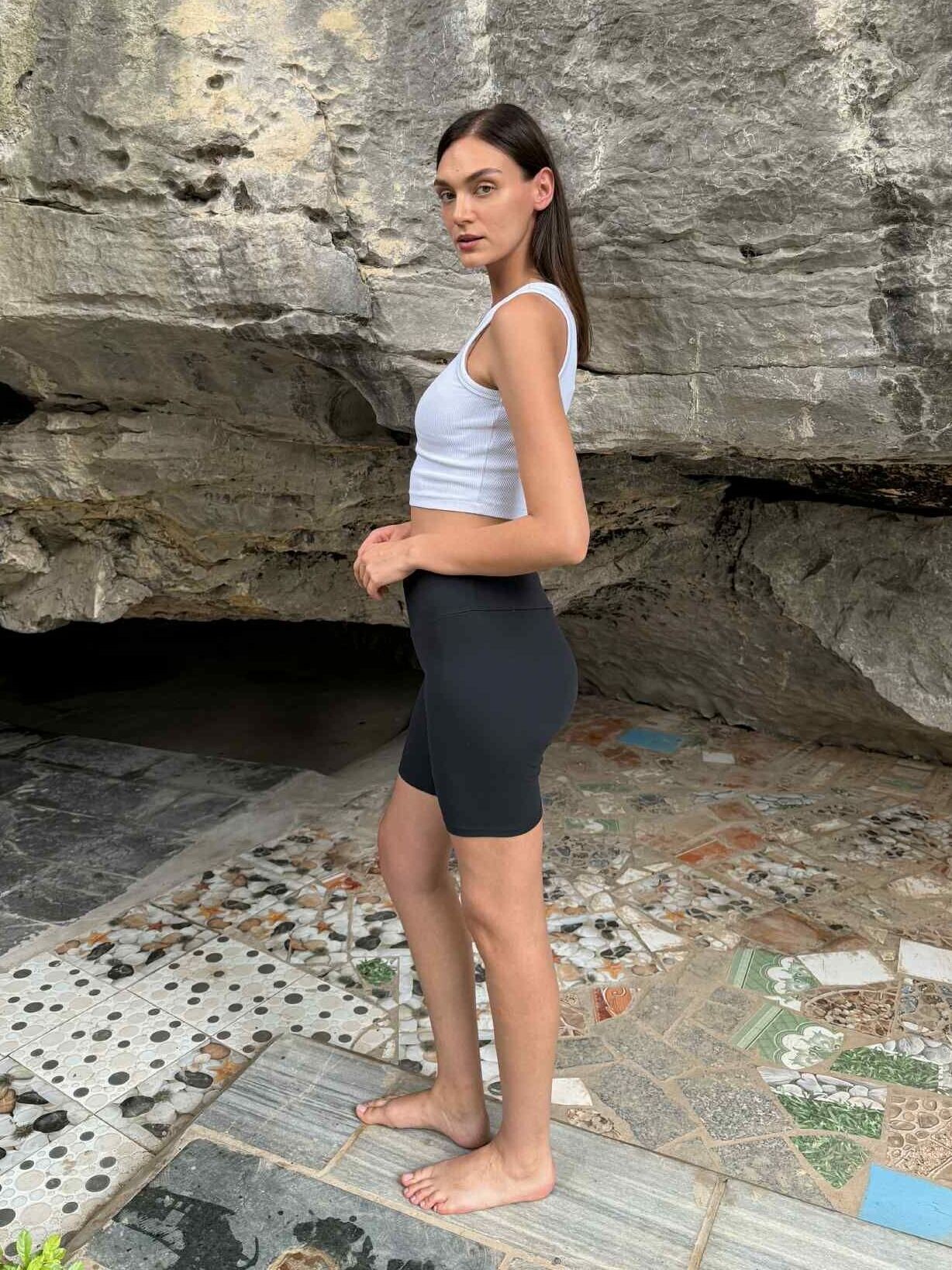
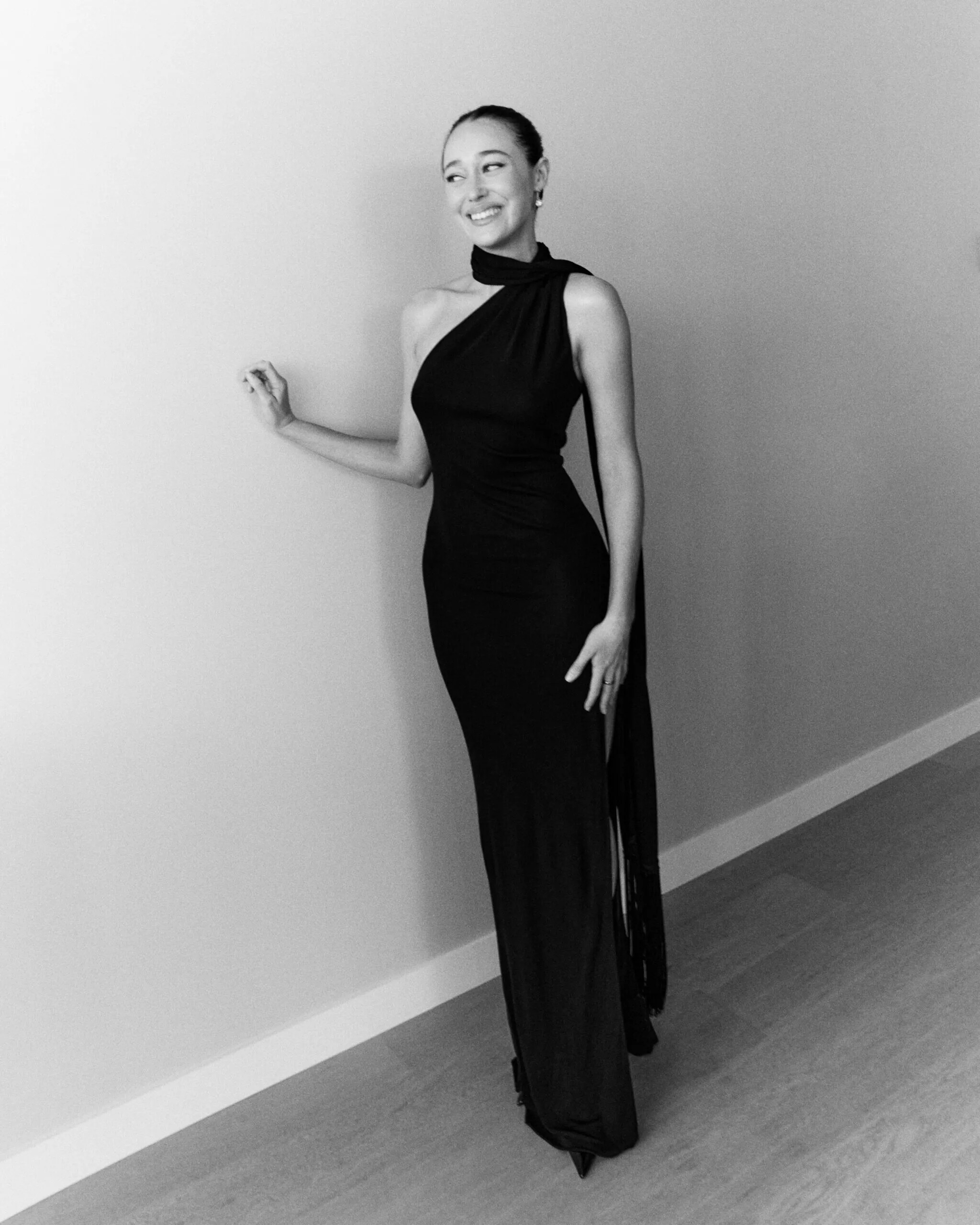
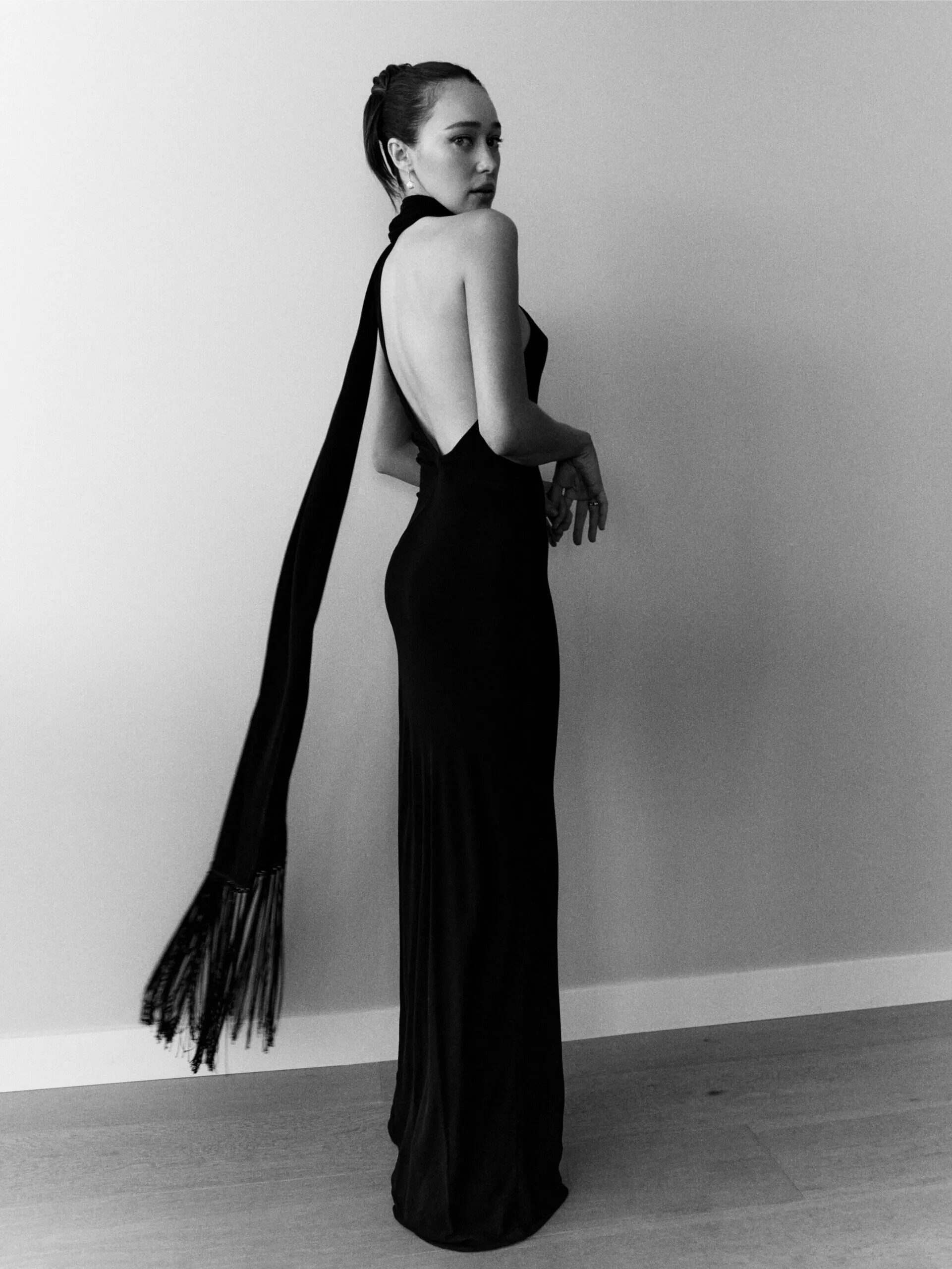
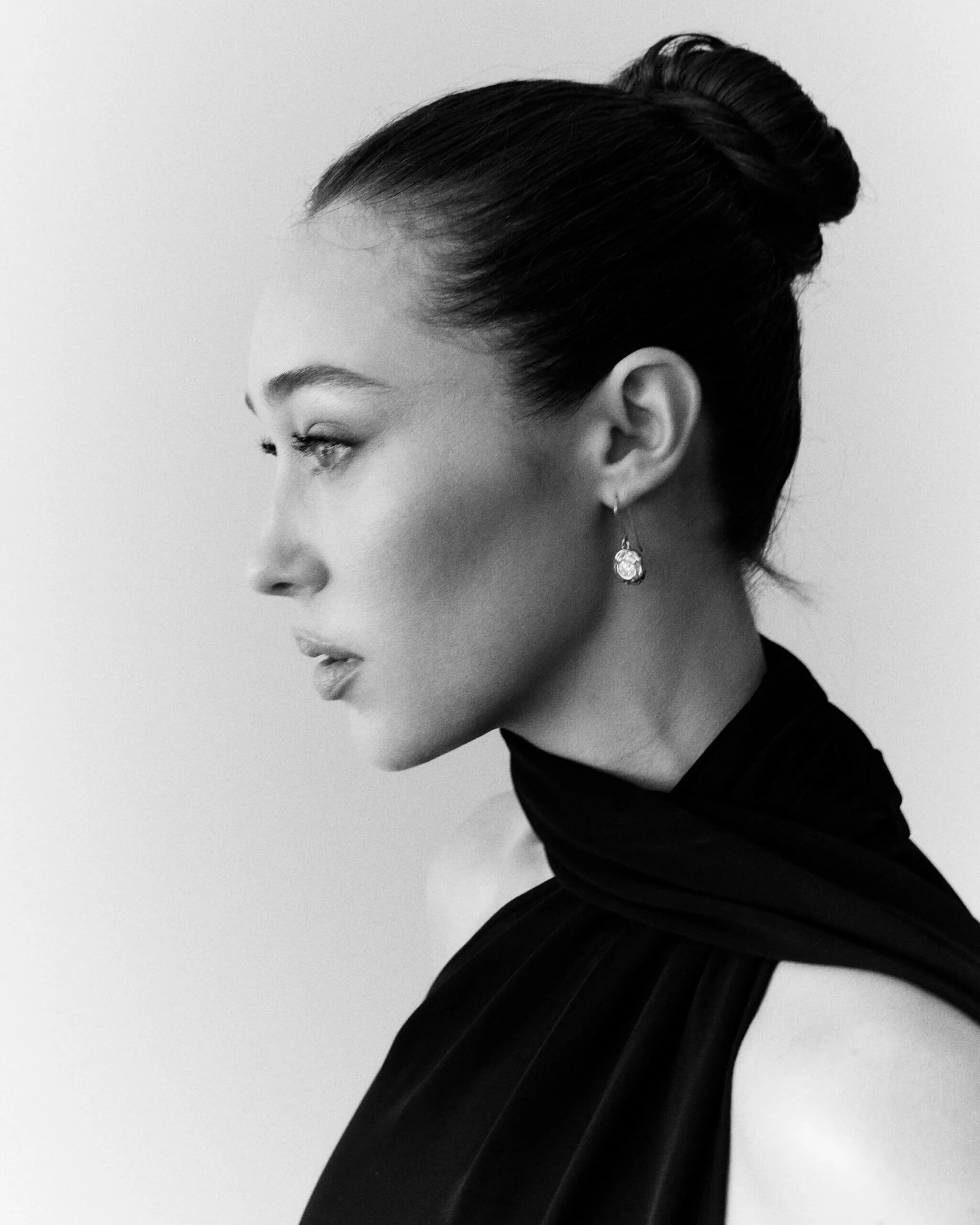

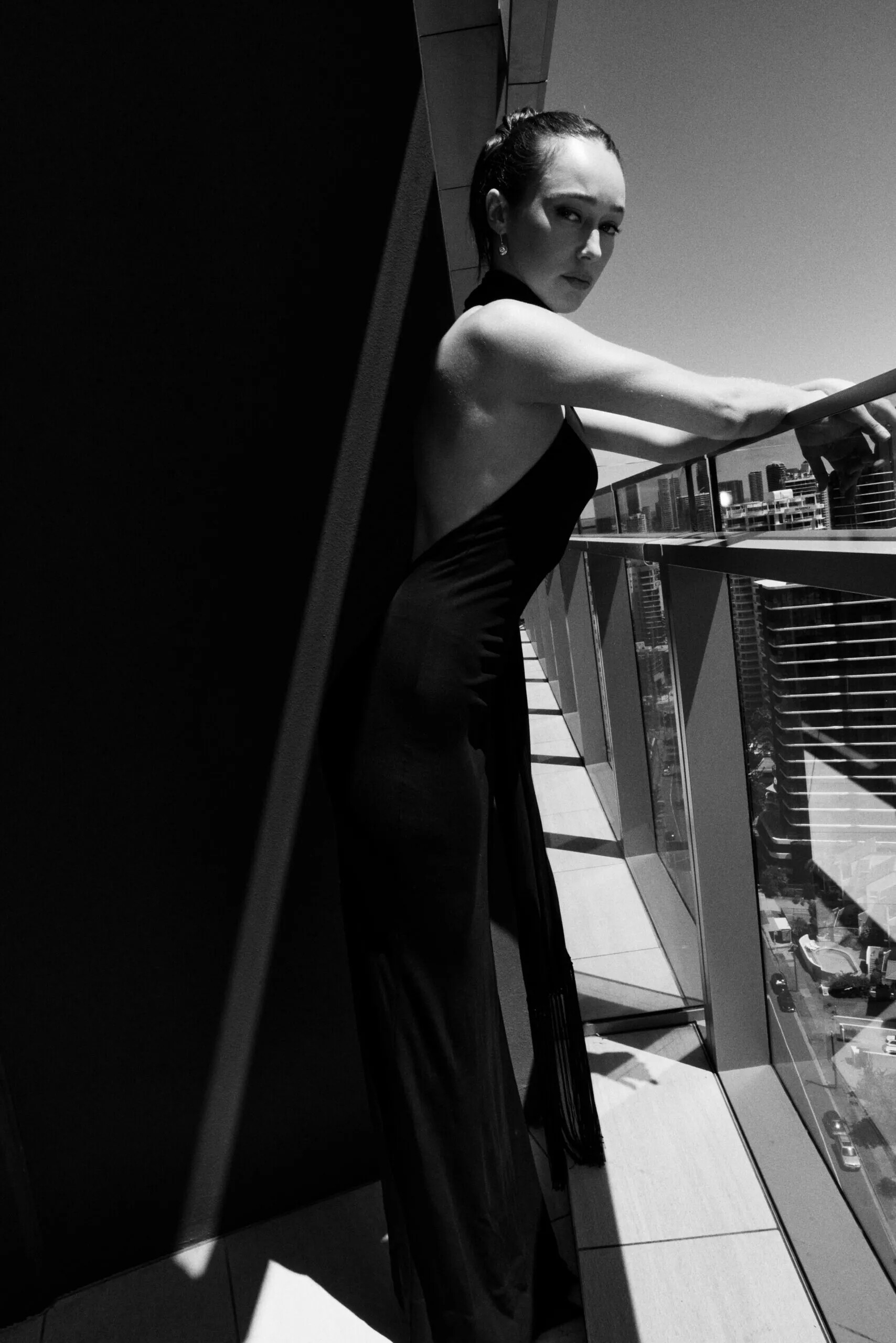
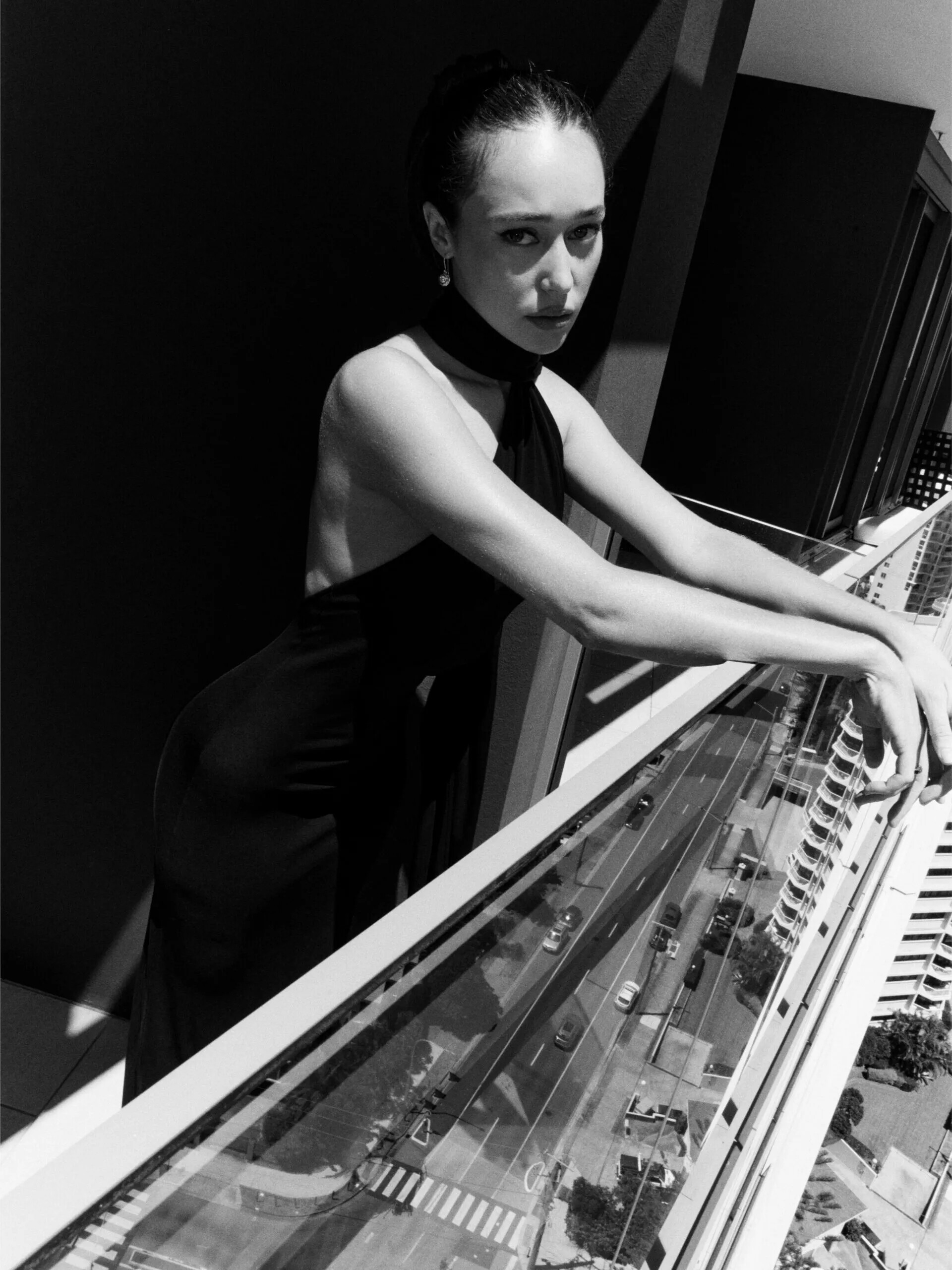


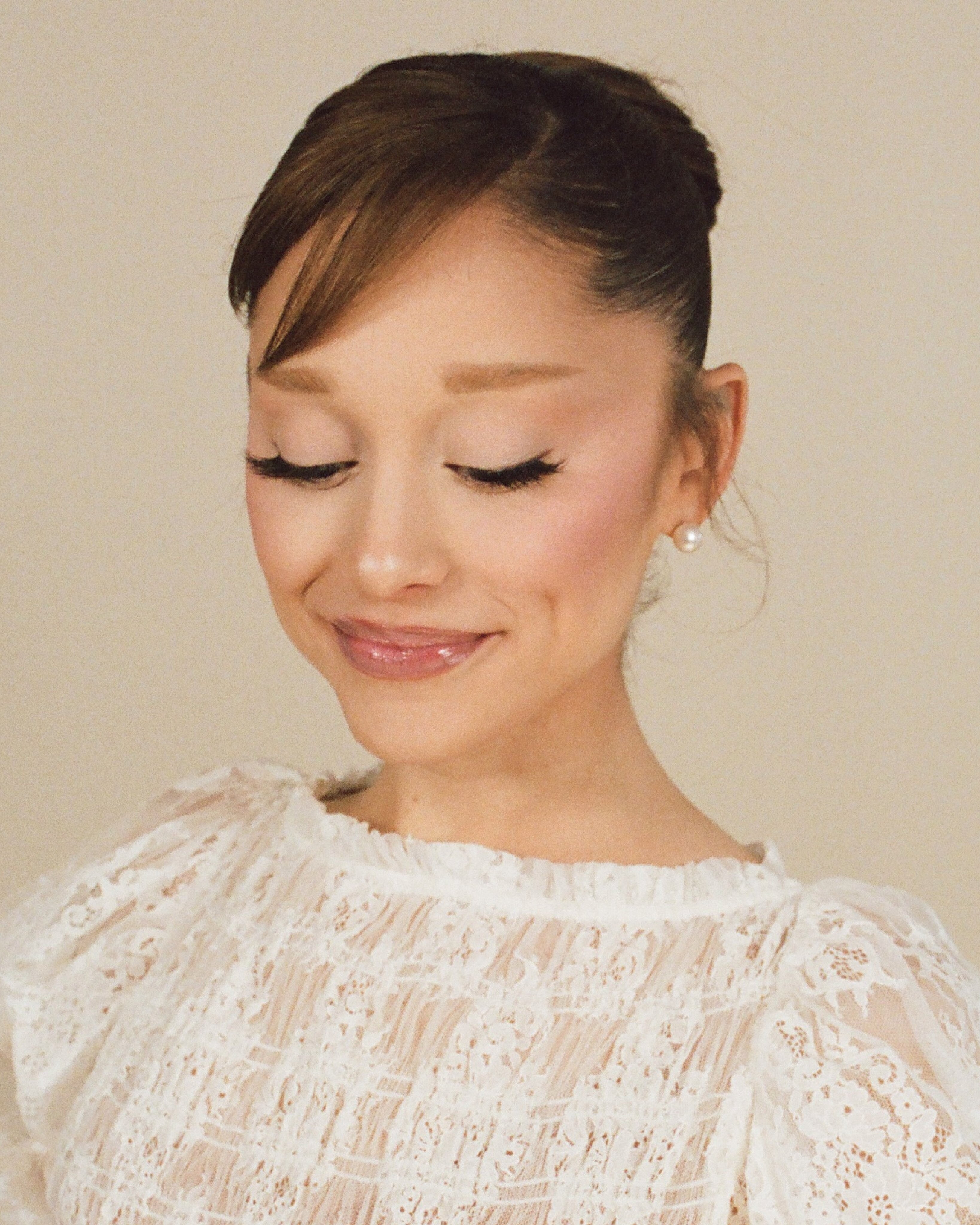
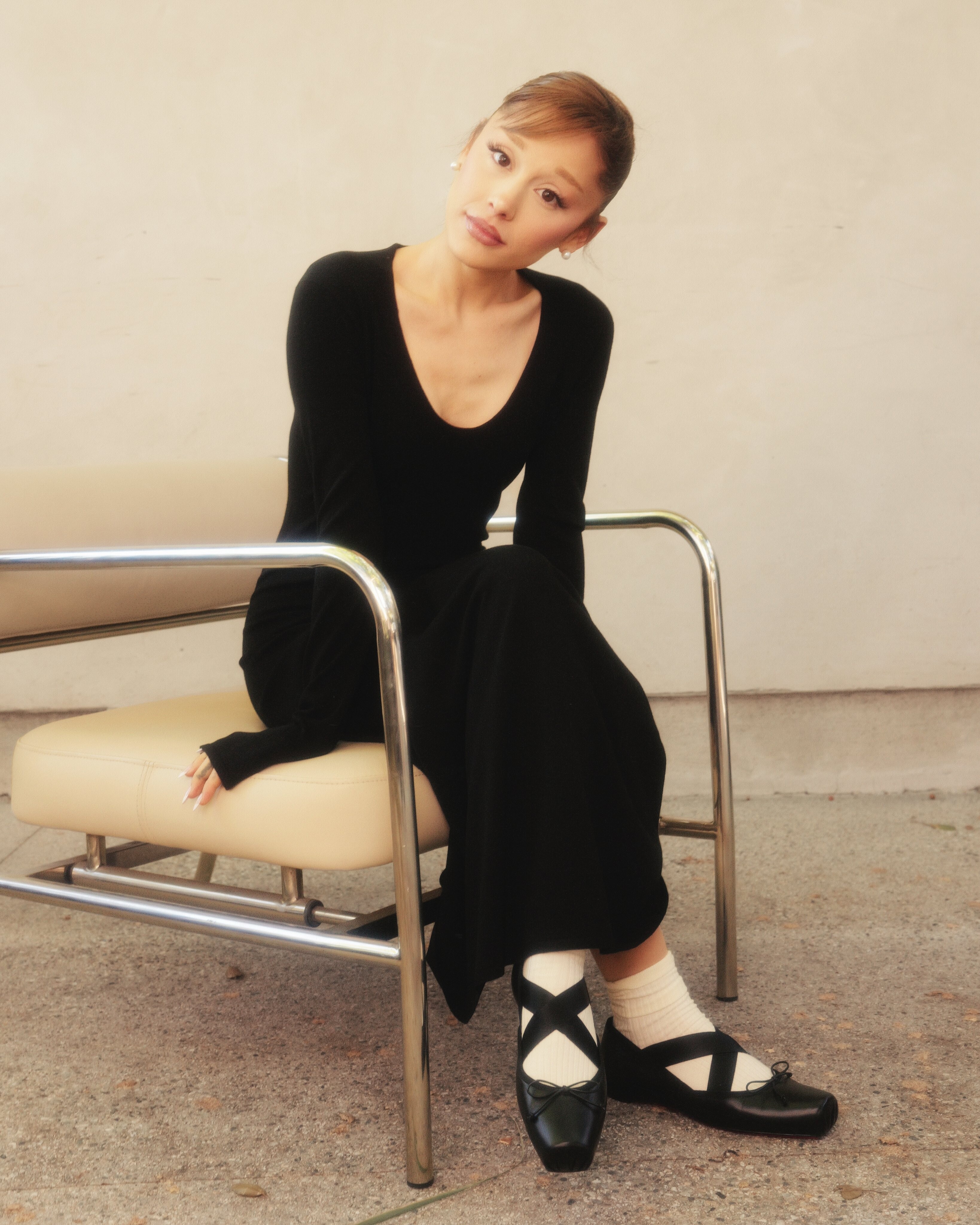
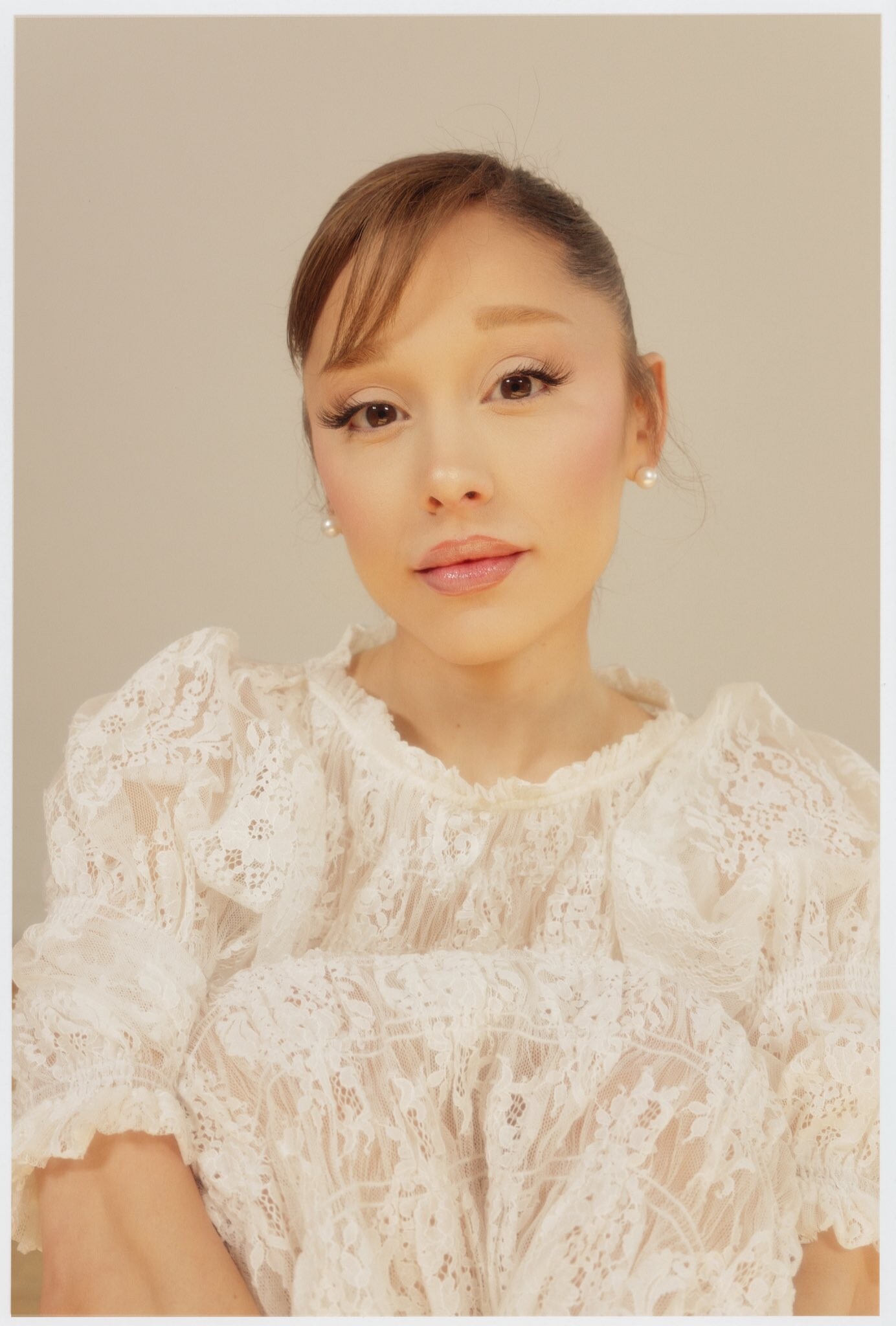
Account
Navigation
Search
Configure browser push notifications
Chrome (Android)
- Tap the lock icon next to the address bar.
- Tap Permissions → Notifications.
- Adjust your preference.
Chrome (Desktop)
- Click the padlock icon in the address bar.
- Select Site settings.
- Find Notifications and adjust your preference.
Safari (iOS 16.4+)
- Ensure the site is installed via Add to Home Screen.
- Open Settings App → Notifications.
- Find your app name and adjust your preference.
Safari (macOS)
- Go to Safari → Preferences.
- Click the Websites tab.
- Select Notifications in the sidebar.
- Find this website and adjust your preference.
Edge (Android)
- Tap the lock icon next to the address bar.
- Tap Permissions.
- Find Notifications and adjust your preference.
Edge (Desktop)
- Click the padlock icon in the address bar.
- Click Permissions for this site.
- Find Notifications and adjust your preference.
Firefox (Android)
- Go to Settings → Site permissions.
- Tap Notifications.
- Find this site in the list and adjust your preference.
Firefox (Desktop)
- Open Firefox Settings.
- Search for Notifications.
- Find this site in the list and adjust your preference.