All Activity
- Past hour
-
 IG January 2026 AQNsTz6eYynNpGsBNqJSmt2IFpJ7GrorYxOfyAa26fsfROP8enVkA09kGghFcsROHR1eLvz4LxsnYYg12Wgt5AwfHokHzmagSI9fQrg.mp4





-

-
-

-
-
Margot's Got Money Troubles Stills and Poster joe d at picturepub




-
IG october 2025. Spoiler AQMDOpqfQY4vvo6-X72aU7XokBNJbBhndRRb-qe2234sVDEfRlKLxxUpF8O-k7Vfv_vESoubfJOqRFqJQYax5NFPhrJNKzkhtfbOvxc.mp4 AQNM-kBOBhlx8C_AuvT--lsORwDT-6aAbtDT6_iQLBKmEj15nqyGCuYogE0AvPcVJRZnOOcUj_mjI1LosbRLAiSNO2gANh1RVUDfHt0.mp4




-
-

- Today


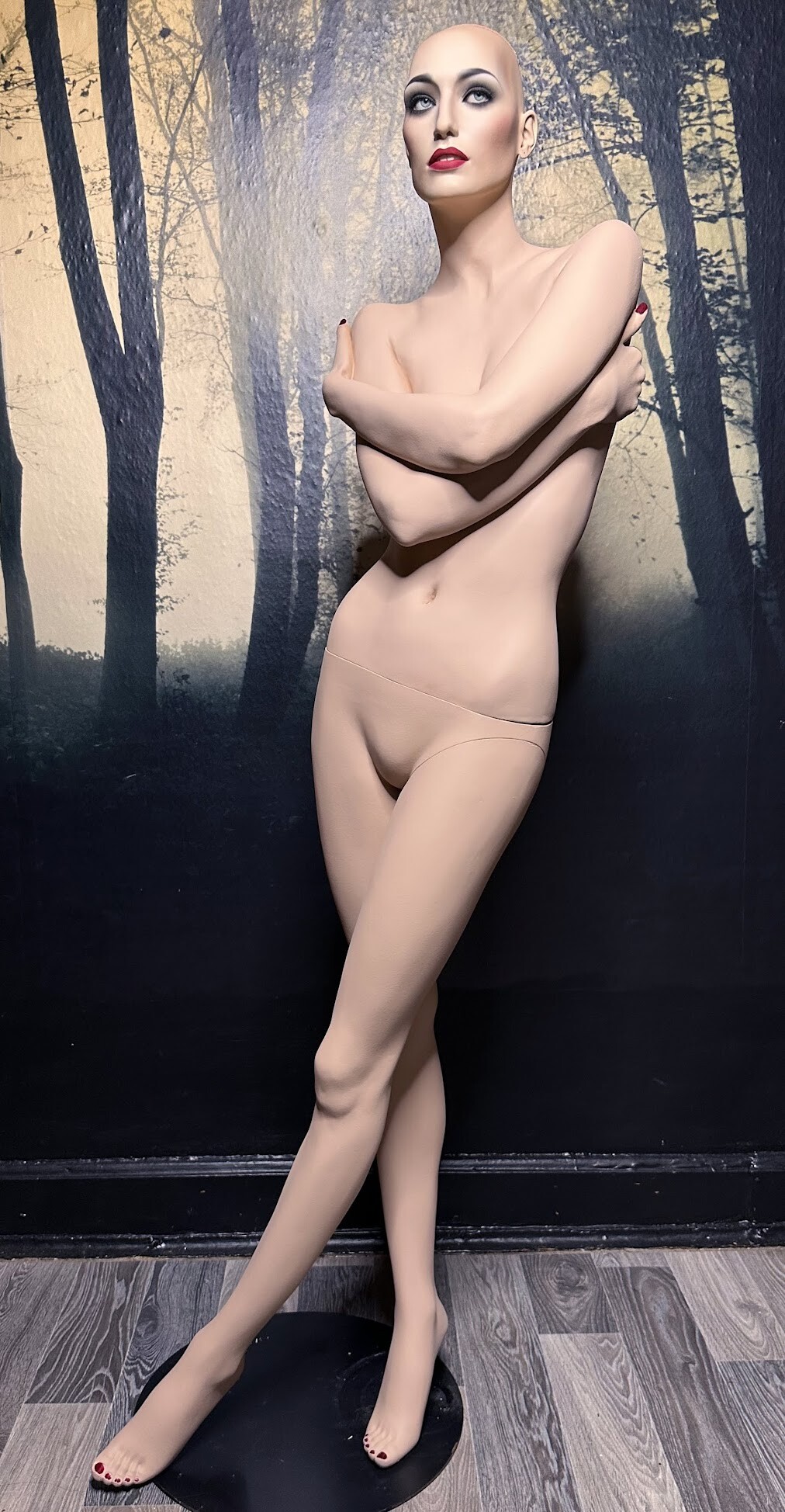
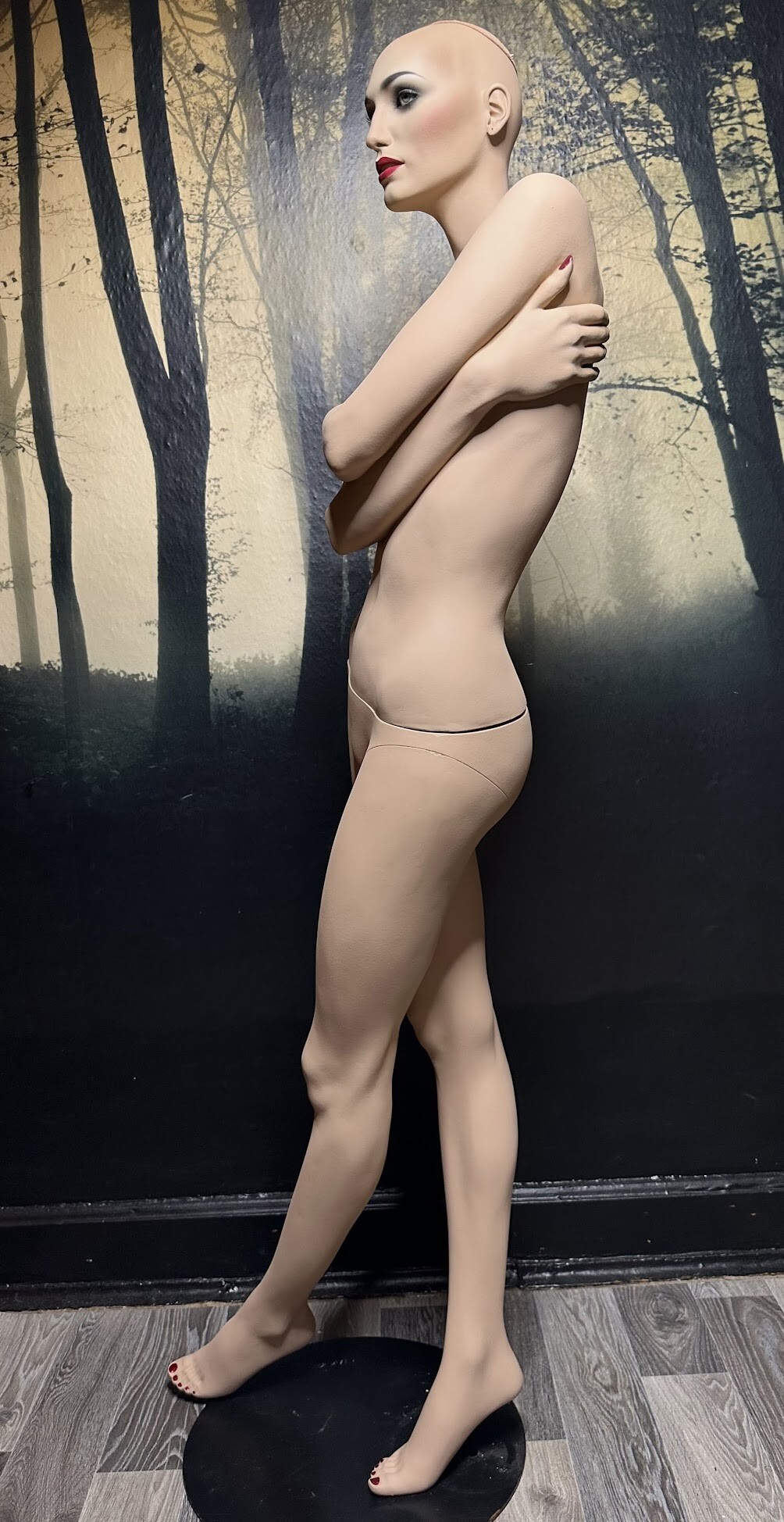
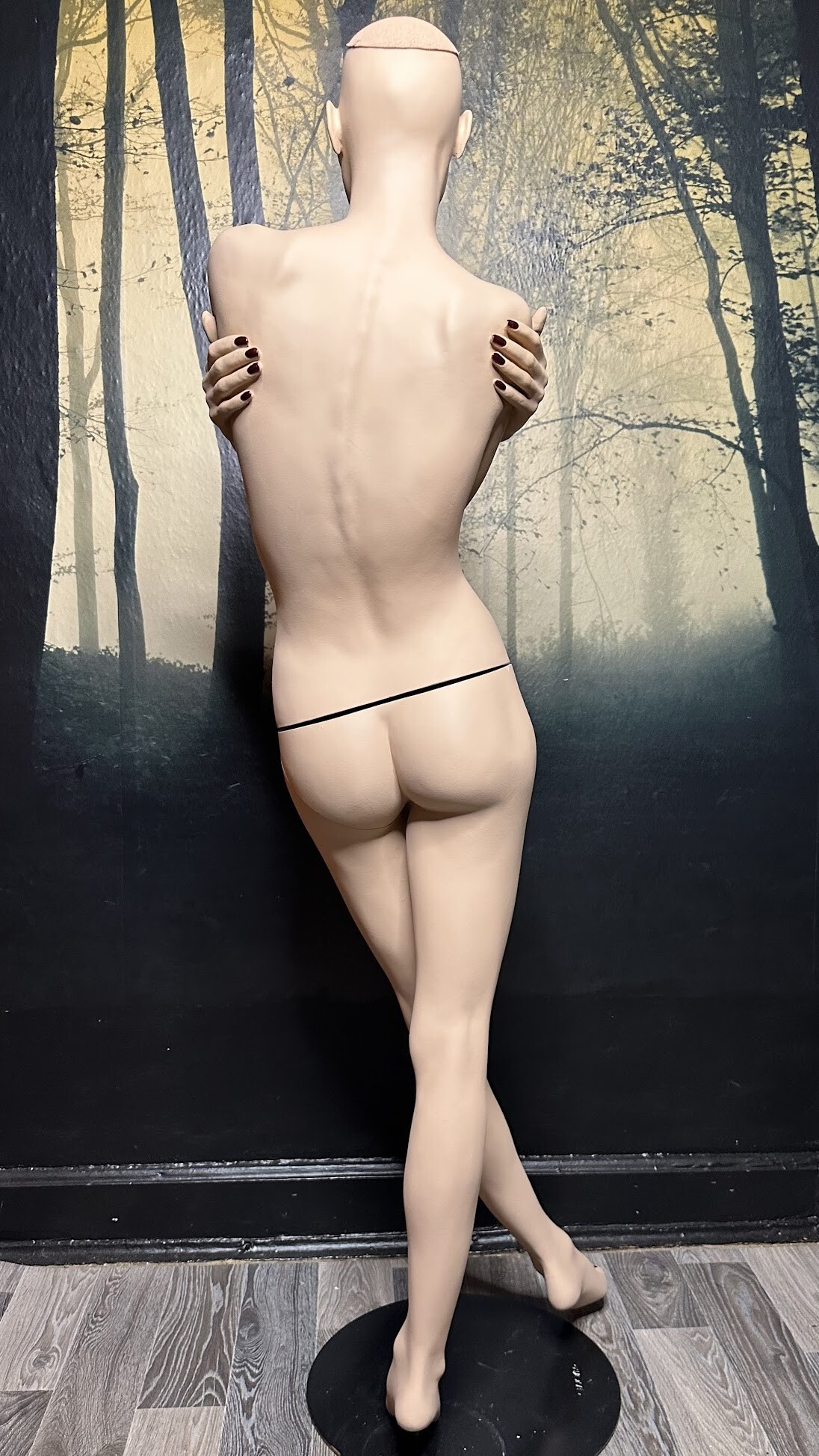
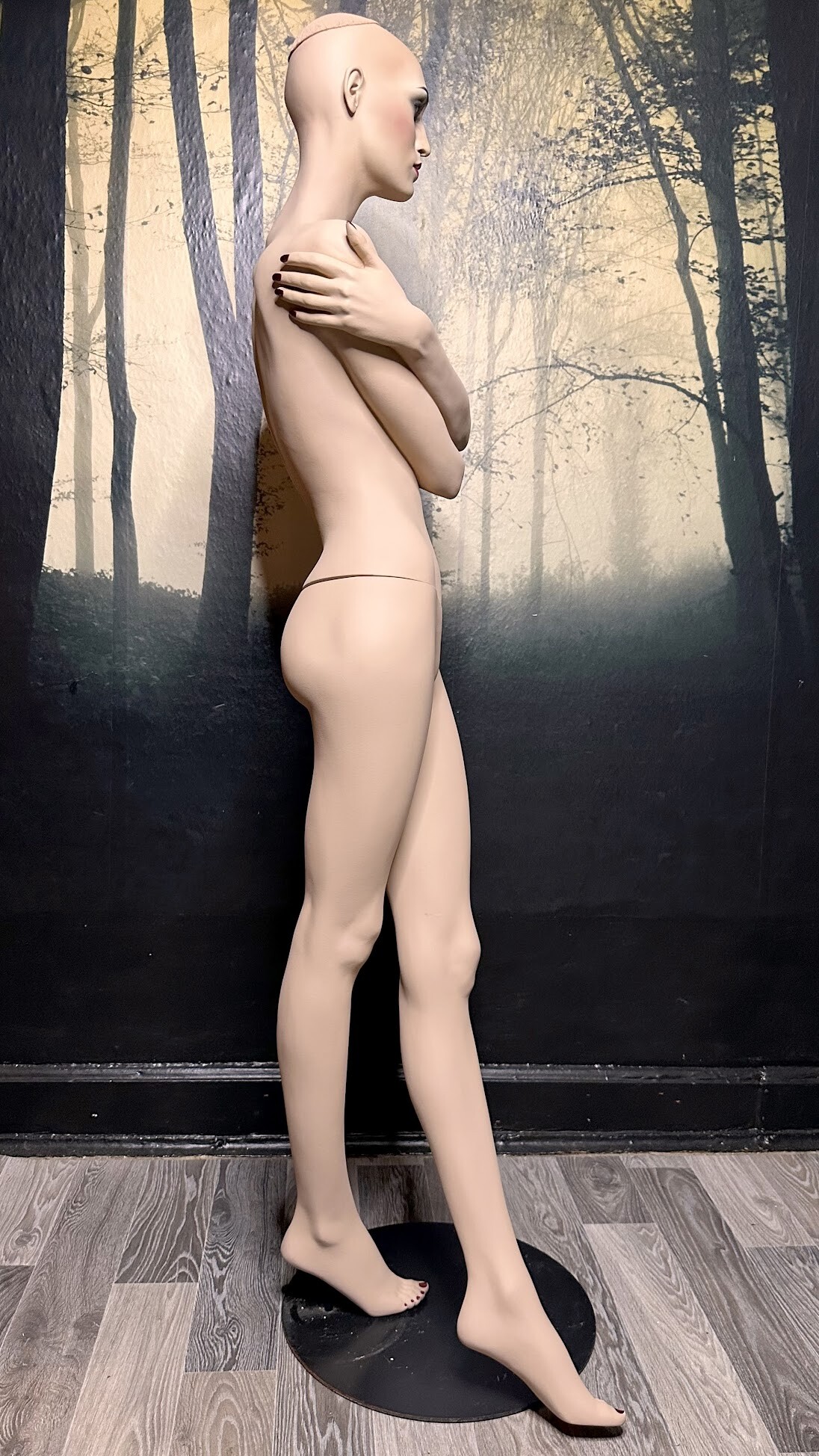
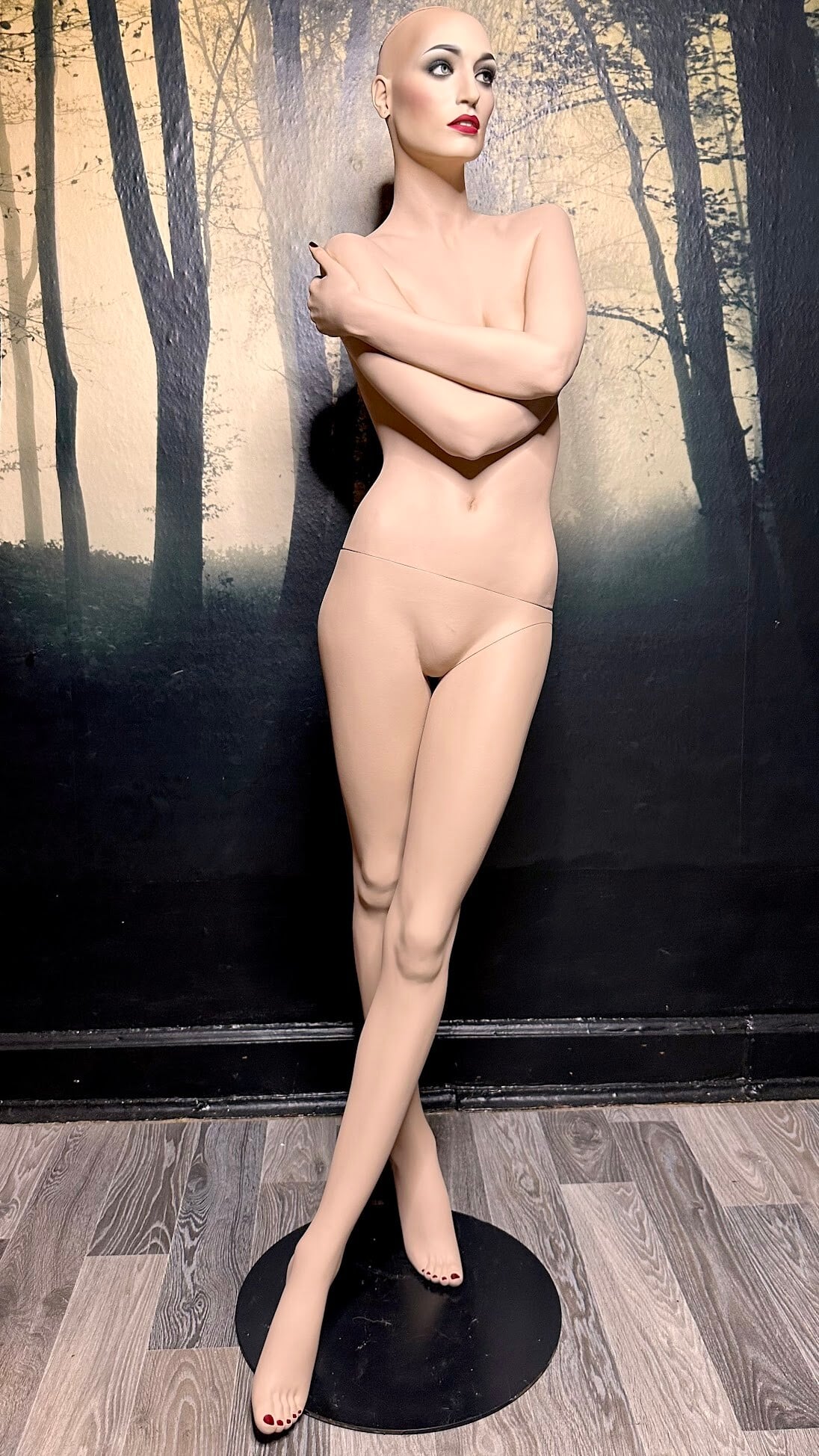
 ADEL ROOTSTEIN press photo „Michelle Legare with her Rootstein Michelle Legare mannequin“ 1993 - photo unknown eBay supermannequin





 Kristina Alexa Abigail Mariana Valeriya Anaastasia Veridiana Mona Bregje Aneeqa Tia Aylin Yeva Erin Summer Laura Zhenya Renee
o 5
Kristina Alexa Abigail Mariana Valeriya Anaastasia Veridiana Mona Bregje Aneeqa Tia Aylin Yeva Erin Summer Laura Zhenya Renee
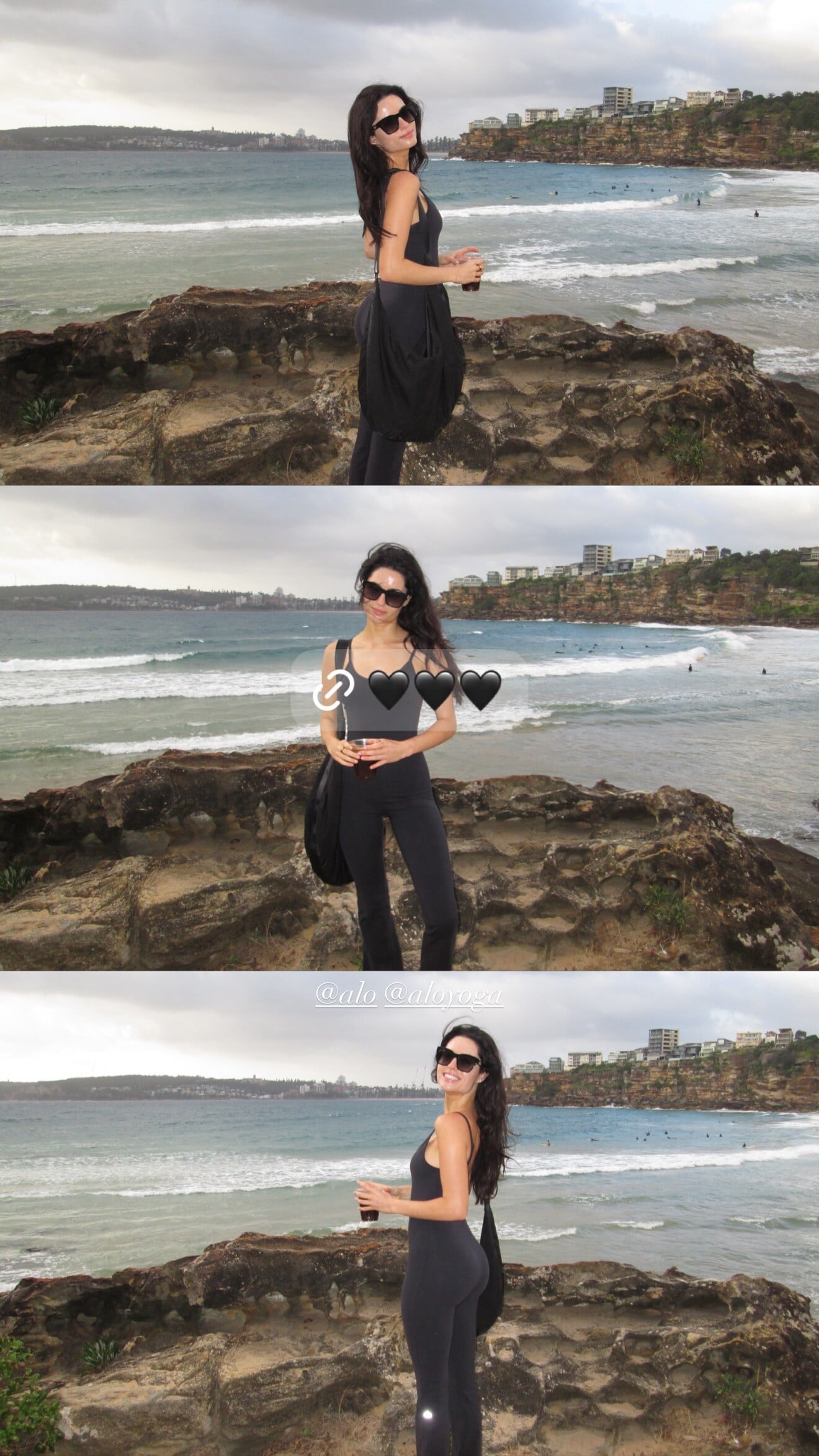
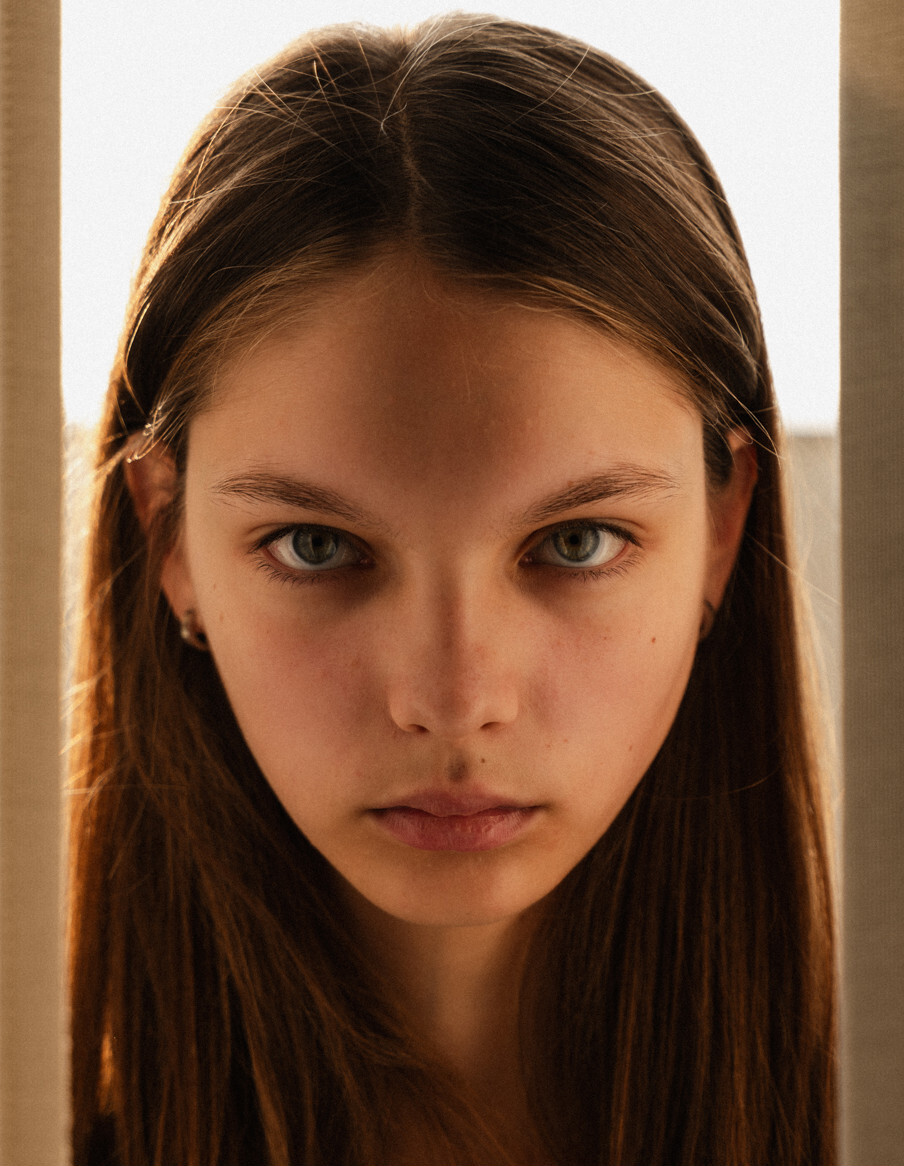
o 5 That's definitely Taylor Morland, one of my followers from Instagram! 🥰❤️




































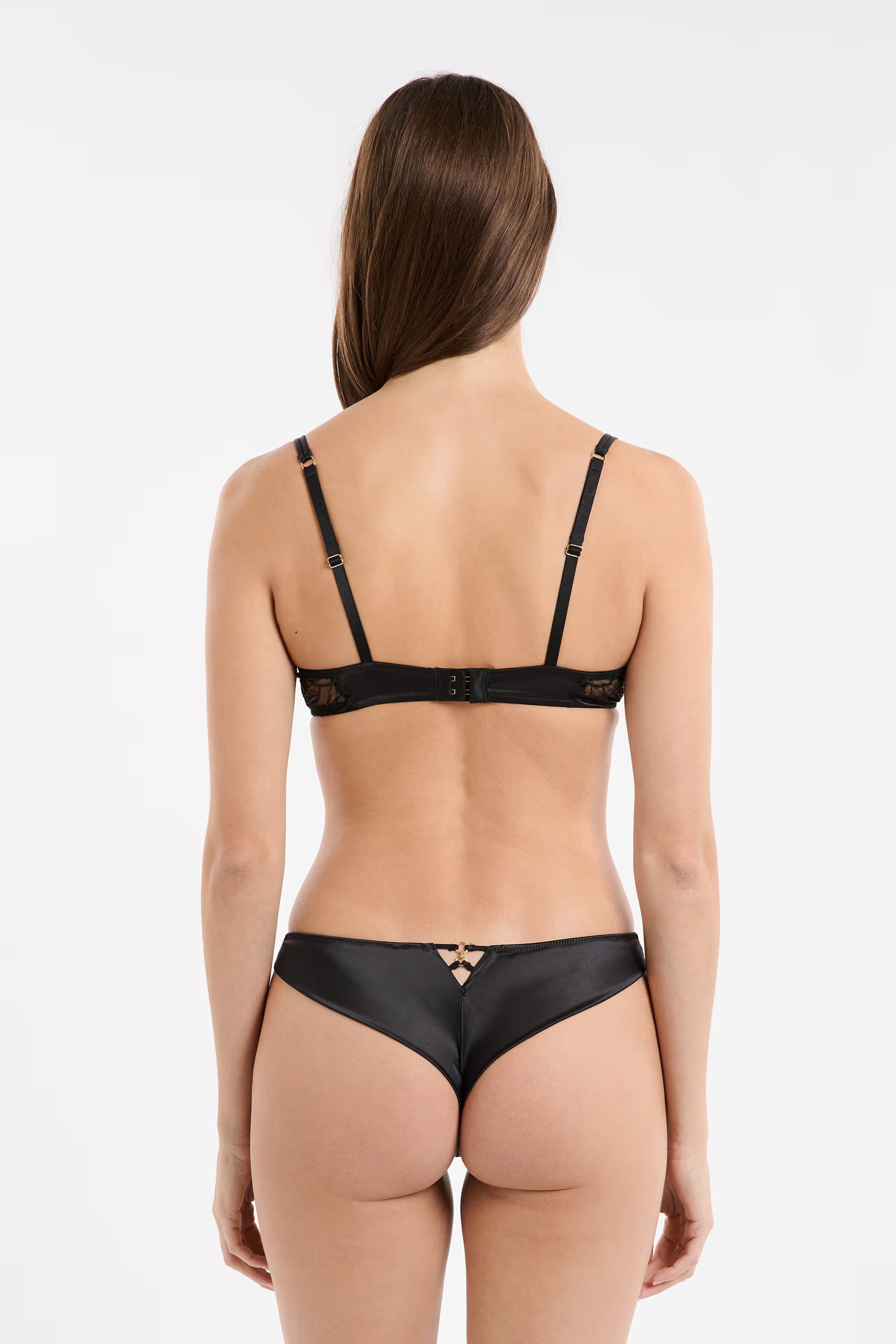

















.jpg.2d29d1fa007469a43b583cf763b978cd.jpg)

















































Account
Search
Configure browser push notifications
Chrome (Android)
- Tap the lock icon next to the address bar.
- Tap Permissions → Notifications.
- Adjust your preference.
Chrome (Desktop)
- Click the padlock icon in the address bar.
- Select Site settings.
- Find Notifications and adjust your preference.
Safari (iOS 16.4+)
- Ensure the site is installed via Add to Home Screen.
- Open Settings App → Notifications.
- Find your app name and adjust your preference.
Safari (macOS)
- Go to Safari → Preferences.
- Click the Websites tab.
- Select Notifications in the sidebar.
- Find this website and adjust your preference.
Edge (Android)
- Tap the lock icon next to the address bar.
- Tap Permissions.
- Find Notifications and adjust your preference.
Edge (Desktop)
- Click the padlock icon in the address bar.
- Click Permissions for this site.
- Find Notifications and adjust your preference.
Firefox (Android)
- Go to Settings → Site permissions.
- Tap Notifications.
- Find this site in the list and adjust your preference.
Firefox (Desktop)
- Open Firefox Settings.
- Search for Notifications.
- Find this site in the list and adjust your preference.