All Activity
- Past hour
-
 stories video



-
 there is much more: https://malimarea.com/collections/luria
 -
-
 This beauty might make me rethink my belief that God doesn’t exist.
 -

-
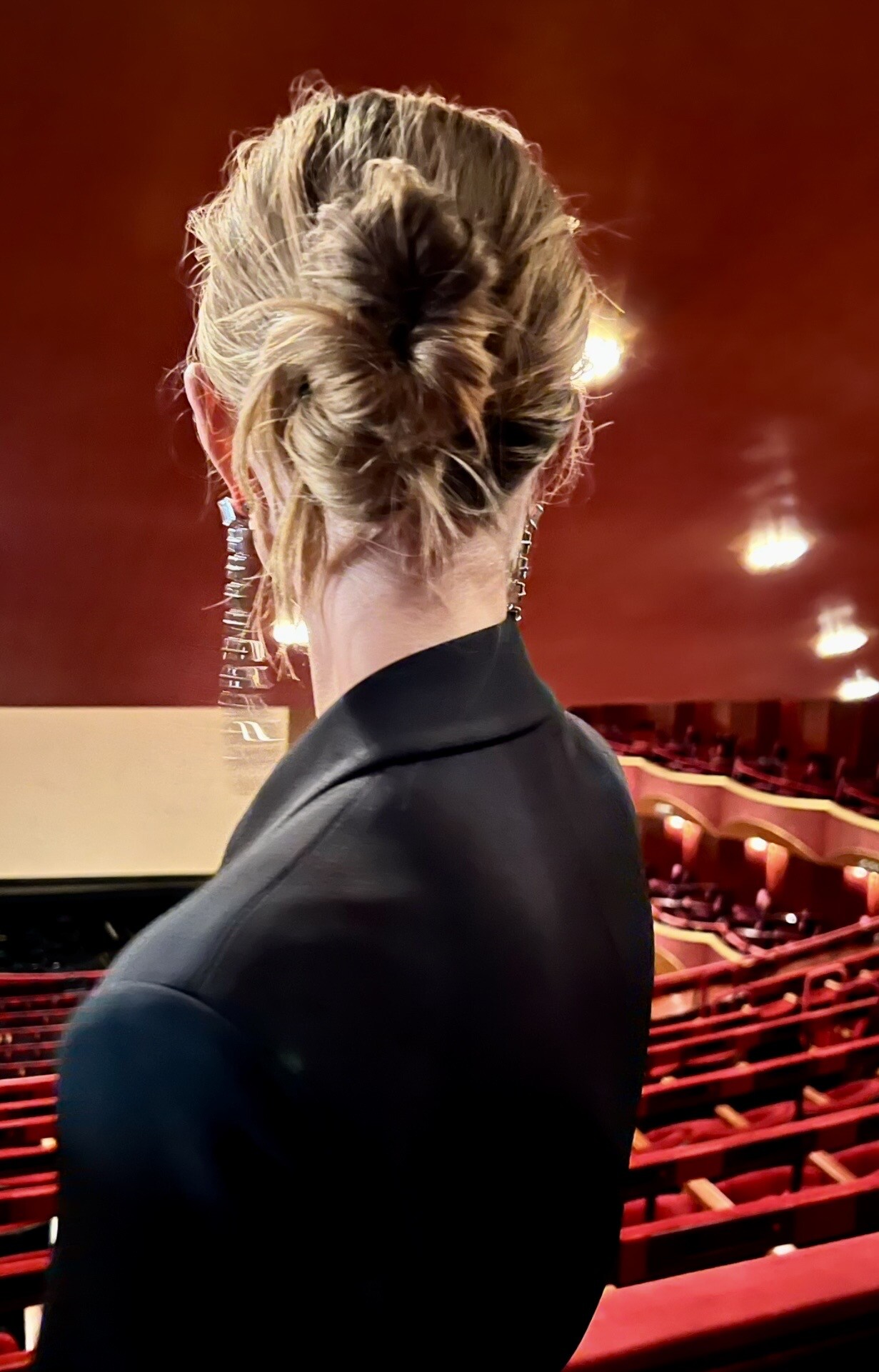
 Backstage Michael Kors FW 2026 🖤



-
Bronx & Banco F/W 26 ( C )

-
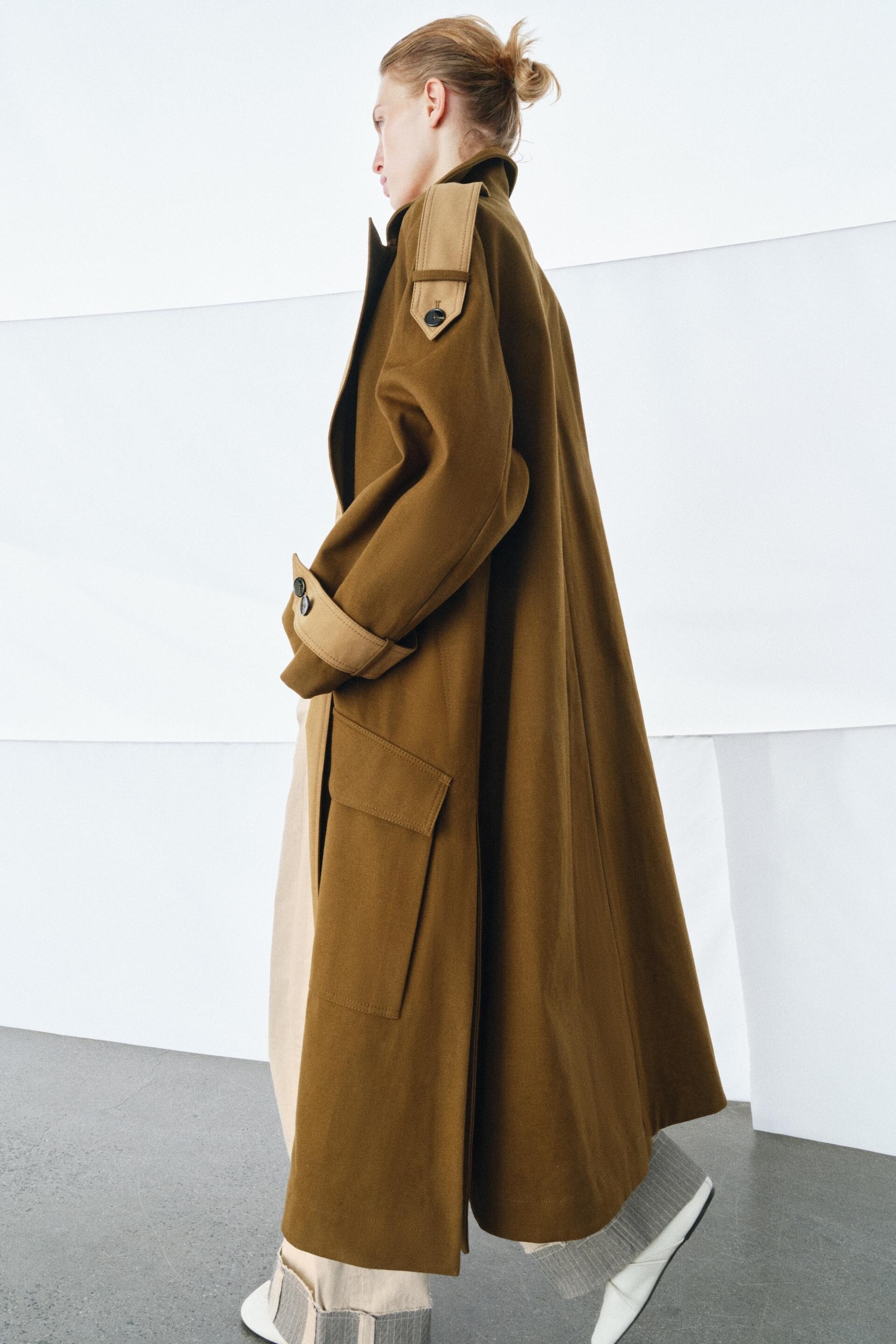
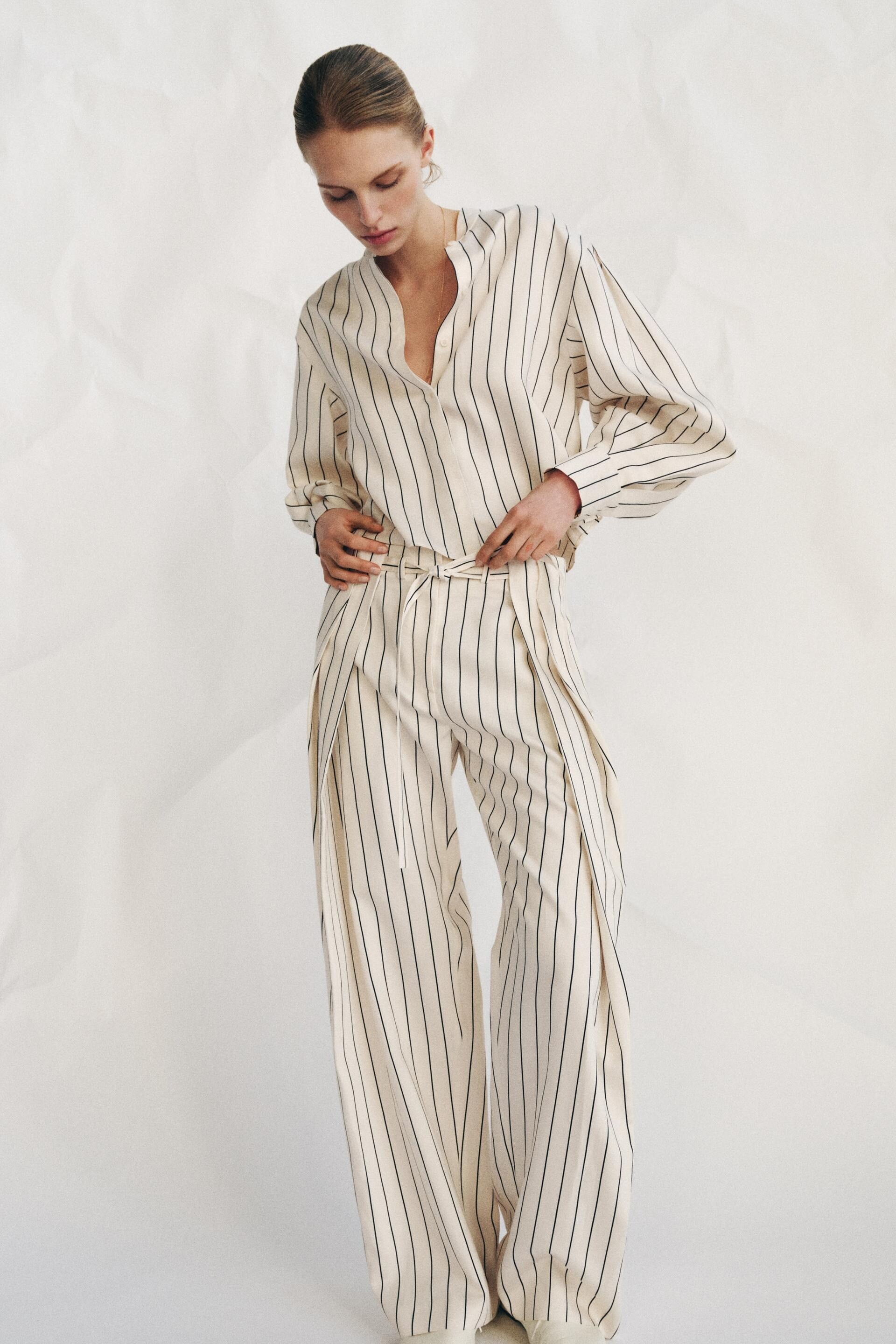
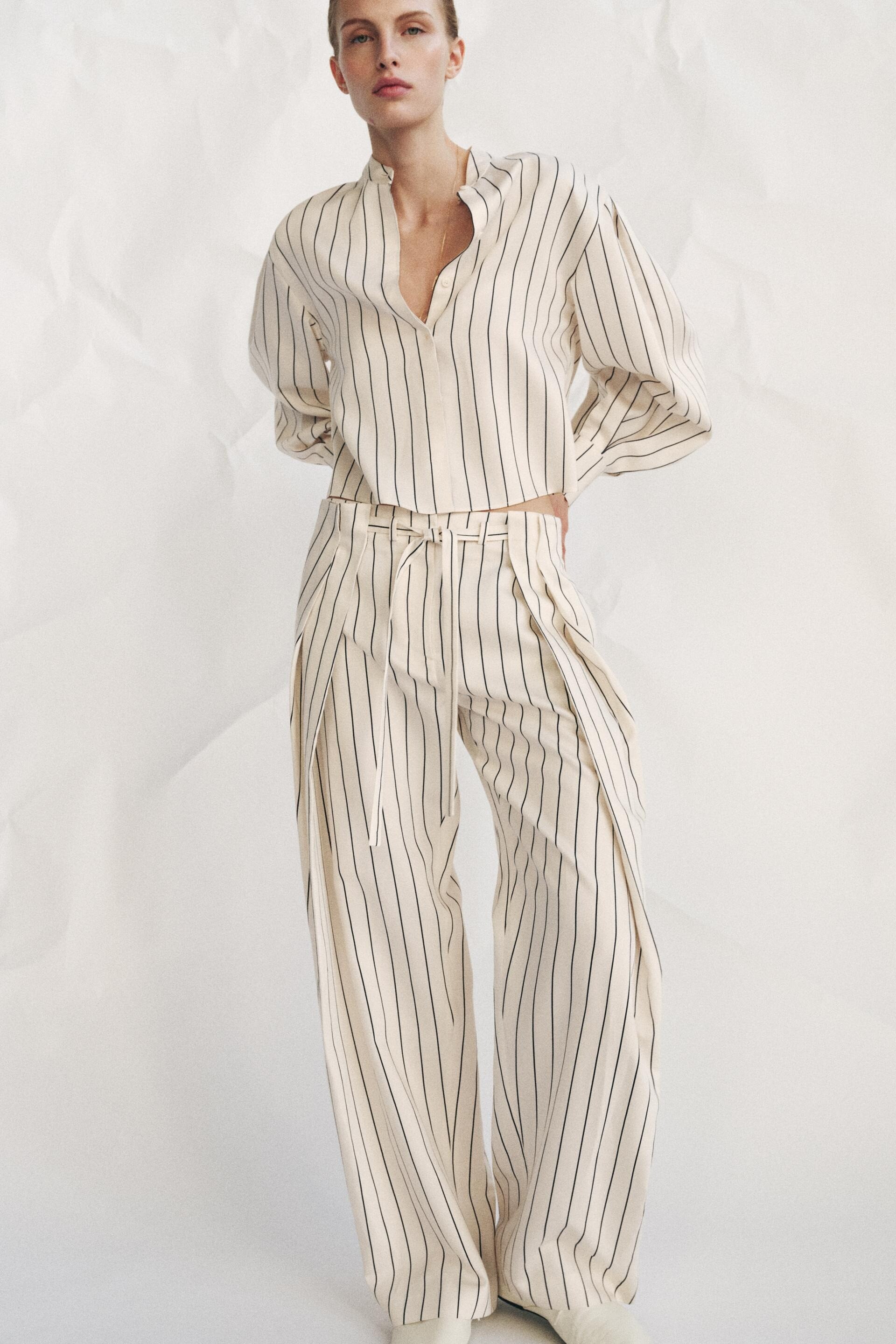
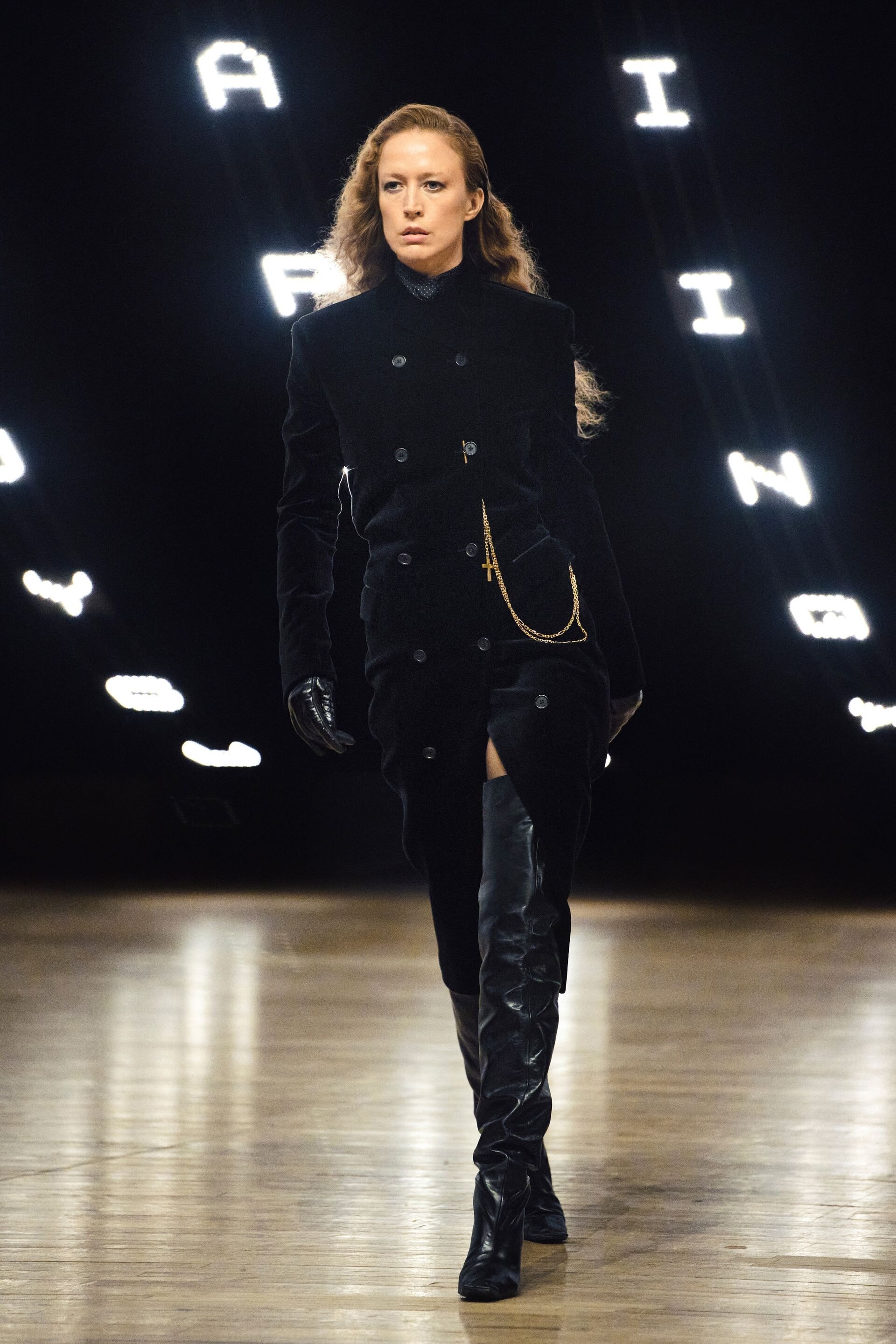
Khaite F/W 26

-

 AQO4tiKEHiyoE8PQZfmQA9xp5UK0TAV44u6T6MvInlqVlOw5EVwPVYKG1bEAz0nWngby4wlIDqgboknHNgEUVkzOfqyuyzpR.mp4
Khaite F/W 26 ( O )
AQO4tiKEHiyoE8PQZfmQA9xp5UK0TAV44u6T6MvInlqVlOw5EVwPVYKG1bEAz0nWngby4wlIDqgboknHNgEUVkzOfqyuyzpR.mp4
AQO4tiKEHiyoE8PQZfmQA9xp5UK0TAV44u6T6MvInlqVlOw5EVwPVYKG1bEAz0nWngby4wlIDqgboknHNgEUVkzOfqyuyzpR.mp4
Khaite F/W 26 ( O ) Khaite F/W 26
 Great entry. Thanks.
Khaite F/W 26
Great entry. Thanks.
Khaite F/W 26
- Today
 sexylexxxyp joined the community
 Sonia Rykiel SS 1993: See-through nudity:

 Giorgio Armani SS 1993:


 Marina Spadafora FW 1996:







 Lanvin SS 1993:









































































Account
Navigation
Search
Configure browser push notifications
Chrome (Android)
- Tap the lock icon next to the address bar.
- Tap Permissions → Notifications.
- Adjust your preference.
Chrome (Desktop)
- Click the padlock icon in the address bar.
- Select Site settings.
- Find Notifications and adjust your preference.
Safari (iOS 16.4+)
- Ensure the site is installed via Add to Home Screen.
- Open Settings App → Notifications.
- Find your app name and adjust your preference.
Safari (macOS)
- Go to Safari → Preferences.
- Click the Websites tab.
- Select Notifications in the sidebar.
- Find this website and adjust your preference.
Edge (Android)
- Tap the lock icon next to the address bar.
- Tap Permissions.
- Find Notifications and adjust your preference.
Edge (Desktop)
- Click the padlock icon in the address bar.
- Click Permissions for this site.
- Find Notifications and adjust your preference.
Firefox (Android)
- Go to Settings → Site permissions.
- Tap Notifications.
- Find this site in the list and adjust your preference.
Firefox (Desktop)
- Open Firefox Settings.
- Search for Notifications.
- Find this site in the list and adjust your preference.