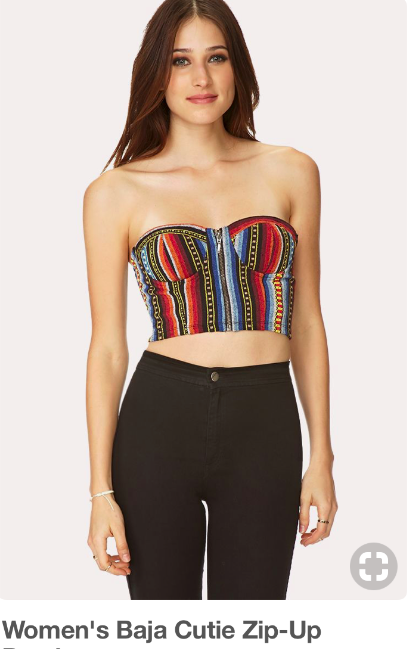
# help
-
- 2 comments
- 103 views
-
- 1 comment
- 243 views
-
- 2 comments
- 816 views
-
- 2 comments
- 502 views
-
- 1 comment
- 338 views
-
- 6 comments
- 1,173 views
-
- 1 comment
- 442 views
-
- model id
- anthropologie
- spring
- catalog
-
Tagged with:
- 4 comments
- 816 views
-
- 2 comments
- 452 views
-
- 2 comments
- 598 views
-
- 3 comments
- 1,382 views
-
- 1 comment
- 618 views
-
- 16 comments
- 6,475 views
-
- 3 comments
- 4,600 views
-
- 2 comments
- 2,168 views
-
- oysho
- oyshomodel
- whoisshe
- help
-
Tagged with:
- 2 comments
- 1,757 views