gedeon67
Members
-
Joined
-
Last visited
Everything posted by gedeon67
-
Tom Ford makeup
Elle Fr n.4138 Photo : Nick Hartley
Sophie Couture FW 25 (hqs ) sophiecouturefwhc25004 cfw2514 (1080p) full.mp4
Allô… Lulu Tenney https://www.harpersbazaar.fr/culture/allo-lulu-tenney_5183 ( google translate) : A phone conversation with the 24-year-old American supermodel, a chameleon with a stunning aura, on the cover, along with Rihanna, of our March 2025 Fashion Special. If you claim to love fashion and haven't yet heard of Lulu Tenney, you're levitating... This 24-year-old American, languidly gracing one of the two covers of Harper's Bazaar this March, is the supermodel everyone's fighting over. With her ultra-slim figure, translucent skin, stormy irises, and mischievous smile, she nonchalantly sways down the most sought-after runways (Chanel, Saint Laurent, Prada, Valentino, Chloé, etc.) and attracts the lenses of photography giants (Steven Meisel, David Sims, Hedi Slimane, Inez & Vinoodh, etc.). Her boyish exterior and effervescent personality are reminiscent of modeling idols like Twiggy, Stella Tennant, and Kristen McMenamy. A very special aura that allowed this young tornado to launch her career nearly ten years ago with an exclusive contract for the giant Calvin Klein, and to follow in the footsteps of another glossy legend, Brooke Shields. And if Lulu sees her future on the big screen, you can already get an idea of her cinematic potential by watching the music video for the song "I Dare You" by the band The xx, directed by Alasdair McLellan, in which she co-stars with Paris Jackson and Millie Bobby Brown. In the meantime, Lulu is just a phone call away... Interview. Harper's Bazaar: Hello Lulu, where are you? Lulu Tenney: I'm in Paris. H.B.: I read you're living there now. L.T.: Yes, for a few months now, and I'm in the process of changing apartments. I just got back from New York, my parents helped me pack my things, and there you have it, it's official: I'm a Parisian! H.B.: Why did you decide to settle here? L.T.: I've always lived in New York and I often go back for work. I wanted a change of scenery, to discover a new place. I spend a lot of time in Paris, I have quite a few friends there, it seemed like a natural choice. H.B.: How do you feel here? L.T.: Above all, very free! I have no history tied to this city, no memories, no preconceived notions of what my life should look like; I feel like I can do whatever I want. I'm moving to the Right Bank, in the Marais. H.B.: Can you describe to me what you see in front of you... L.T.: I'm sitting at the living room table, watching the sun filter through the curtains. It's probably the first time it's ever appeared in this apartment. The only pictures I have hanging on the walls are X-rays of my knee. I sprained it at the end of the last few shows. I find it funny. H.B.: You're one of the most sought-after models today. How were you discovered? L.T.: I was 13 and shopping in Soho with two friends. Since we were from Brooklyn, going to Manhattan was an adventure. We were super excited. And that's when the woman who would become my agent stopped me on the street. Nothing important happened for several months, until the day Steven Meisel wanted to meet me. H.B.: And that he interrupted your vacation, right? L.T.: Exactly! I was at a summer camp for teens, without phone access, literally cut off from the world, and I received a letter from my parents saying they were coming to pick me up. Two days before the end of my vacation... My agent had called them to tell them I was doing a shoot for Vogue Italia with Steven Meisel. And instead of being happy, I was desperate to have to leave my friends, to miss the end-of-summer bonfire party. At the same time, I was 14... H.B.: Did you know who Steven Meisel was? L.T.: I had heard his name, but my parents, even though they don't work in fashion, knew it was a big deal. H.B.: Were you warned that you would be on the cover of the magazine? L.T.: Not at all. I discovered it on Instagram when the issue came out. You have to know that a cover is rarely guaranteed. I showed up, I didn't even know what a photo studio looked like! They had me pose with a few looks and asked me what music I wanted to listen to. I remember choosing "She's Not There." H.B.: By Carlos Santana? L.T.: No, no, "She's Not There" by The Zombies. Since then, every time I hear that song, I think of that shoot and I feel like a star. It remains a very cinematic moment. H.B.: Did that cover accelerate things? L.T.: Let's say that people in the fashion world started wondering who I was. I think it was after seeing that shot that Raf Simons, then at Calvin Klein, spotted me and my career took off. Even though, since I was still in school, I wasn't 100% available for this job. H.B.: And you landed an exclusive contract for Calvin Klein... L.T.: Yes, the entire time Raf was artistic director there. H.B.: Before you were discovered, had you thought about becoming a model? Did you think you were pretty? L.T.: Even though I'd been scouted several times on the street, I'd never thought about modeling. I was 13, and like many teenagers, I wasn't very comfortable with my body; I was too tall, in my case... But I loved putting on a show. In fact, my parents saw me becoming an actress. I wrote short plays, performed them for them, and I loved being the center of attention. Back then, on stage, and now, in front of the camera. Eventually, I know I want to be an actress. H.B.: Did you ever get discouraged? L.T.: Yes, obviously. There were moments of doubt; I repeatedly asked myself why I persisted in this path, especially before the experience with Meisel because not much was happening. After the collaboration with Raf, and during Covid-19, I was no longer sure that my future lay in modeling. H.B.: You no longer have any doubts today? L.T.: Not at all. Because it's going very well, I've been doing this job for quite a few years now, I know most of the people I meet "on set"—the photographers, the stylists, the models... I no longer have the anxieties I did in the beginning. I even enjoy it! H.B.: Has being a top model changed the way you see yourself? L.T.: Very good question. And the answer is yes, to the extent that I've learned to see myself, to understand myself through the eyes of others. I see myself in another dimension. I wouldn't look at my face, my hair, my body in the same way if I weren't a model. I probably wouldn't style my hair the way I do, I wouldn't do as many facials. I'm not allowed to let myself go; everything is more under control. But even if the way others look at me has shaped me, my self-confidence comes from within. H.B.: Is there a model whose career path inspires you? L.T.: Rianne [Van Rompaey] has had a fantastic career. Plus, she's a cool girl, down to earth. I think she's devoting herself more and more to her acting career. Obviously, that speaks to me... H.B.: What is the best memory of your career? L.T.: These are rare, euphoric moments, when you feel like you're seeing what's happening to you from the outside. And you find it hard to believe. To name just one, I'd say the Margiela haute couture show by John Galliano. As crazy to experience as it was to watch, no doubt! H.B.: And the worst? L.T.: The castings when I was starting out, when I had to wait for hours amidst dozens of girls all dressed like me. H.B.: Who impressed you the most? L.T.: I'm lucky to have special relationships with John Galliano, Hedi Slimane, and Raf Simons. They fascinate me. H.B.: What do you do when you're not working? L.T.: I don't like having a pre-established schedule. I stroll around town, in parks, with my nose in the air, I get back into yoga, I meet my friends on a terrace for a glass of wine... H.B.: Do you like wine? L.T.: I love it! Yesterday, it was champagne with my friends, precisely to celebrate my move to Paris. Otherwise, in winter, I like red wine. H.B.: Is it true that you love cars and that you collect them? L.T.: Cars? Oh no! Not at all. Where did you read that? H.B.: In an article on the internet. L.T.: It's very funny, but it's false! Always be wary of the internet... H.B.: So what do you do with your money? L.T.: I put some aside, but I spend quite a bit too. On rent, dinners, or drinks with my friends. Oddly enough, I don't buy many clothes. H.B.: What do you like most about yourself? L.T.: My curiosity, my zest for life. Not everyone sees that side of my personality. I love to laugh and dance. H.B.: And what do you like least? L.T.: My indecisiveness. And my extreme perfectionism, which often pushes me to be very hard on myself. H.B.: Finally, Lulu, imagine an ideal dinner party where you could invite three people, famous or not, living or dead, to meet you. Who would you choose? L.T.: David Bowie without hesitation... [long silence]. That's a tough question. I have so many names jostling around in my head, and I can't choose. I would say my father because he's the biggest Bowie fan I know. And finally, Cher. It should be fun. H.B.: Aren't you afraid your mother will be jealous? L.T.: Yes, you're right. Let's invite my mother too! H.B.: Thanks, Lulu, and good luck with the shows. L.T.: Thanks. We'll probably run into each other. H.B.: Definitely. I'll come say hello. L.T.: I'm counting on you...
Vanity Fair It 16/2025 "Bianca como la Luce" Photo : Noémie Ottila Szabo Styling : Simone Rutigliano
Booby Brown bobbybrown2025.mp4
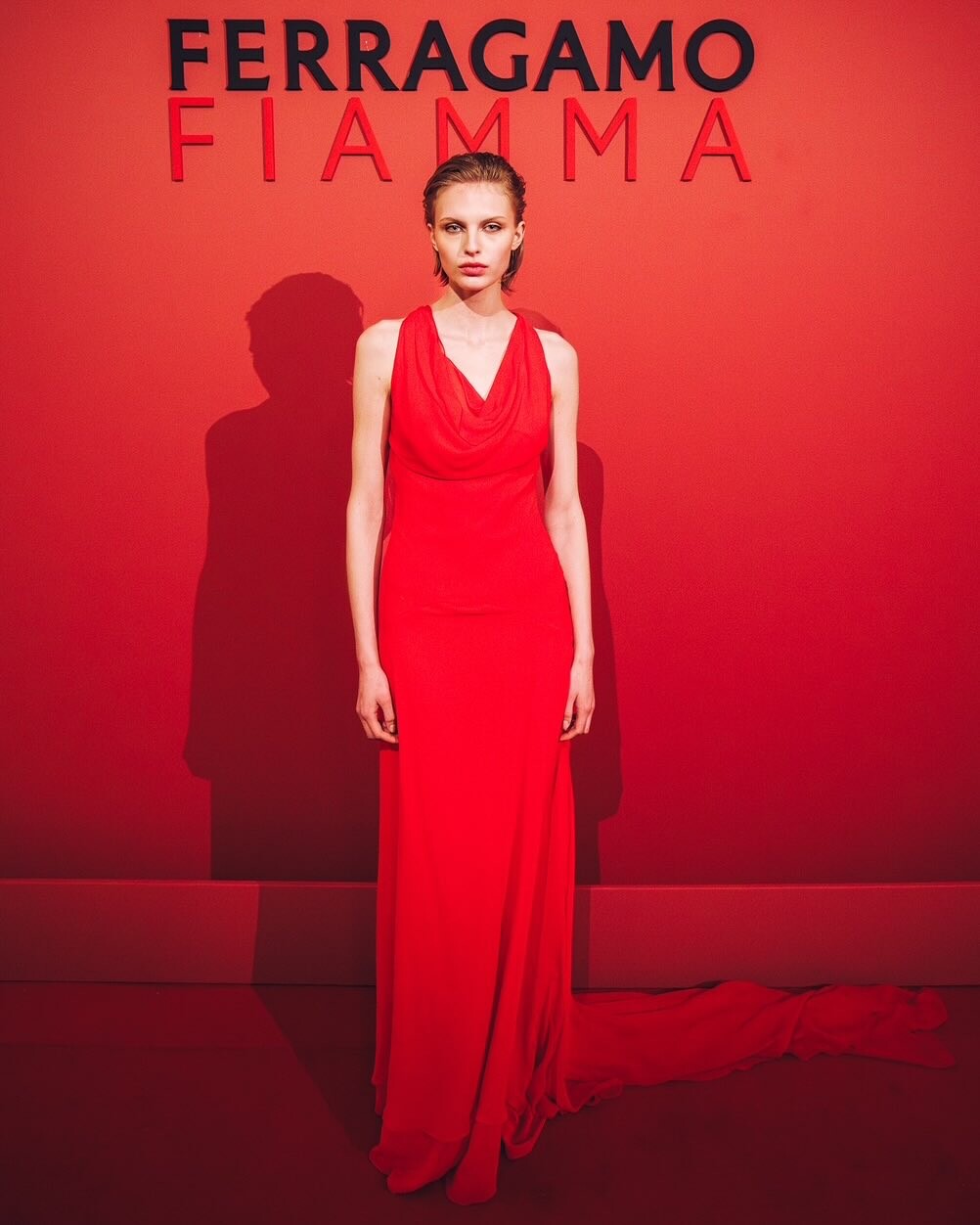
FerragamoFiamma2025.mp4
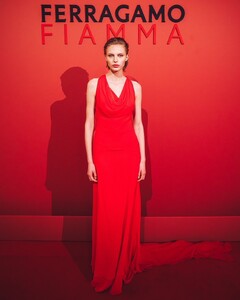 BTS vanessa moody Madame Figaro - 2118.mp4
Calarena SS25
BTS vanessa moody Madame Figaro - 2118.mp4
Calarena SS25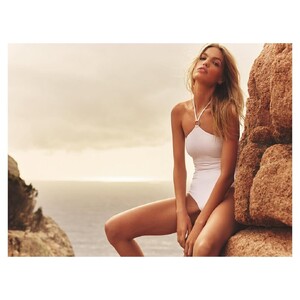
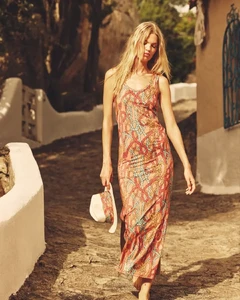
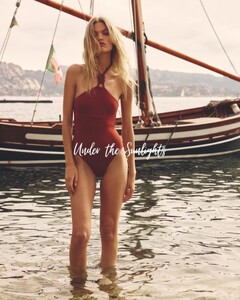
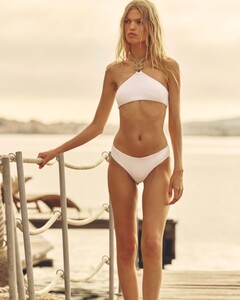
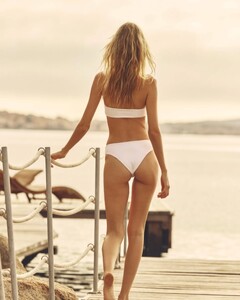
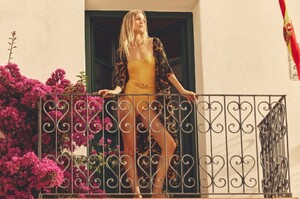
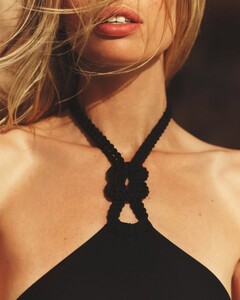 HB Turkey #250 Photo : Andreas Ortner
Crosscurrent Issue 6
Versace versace eyewearss25.mp4
Self Service Magazine No.62 Photo : Mark Kean
Strathberry
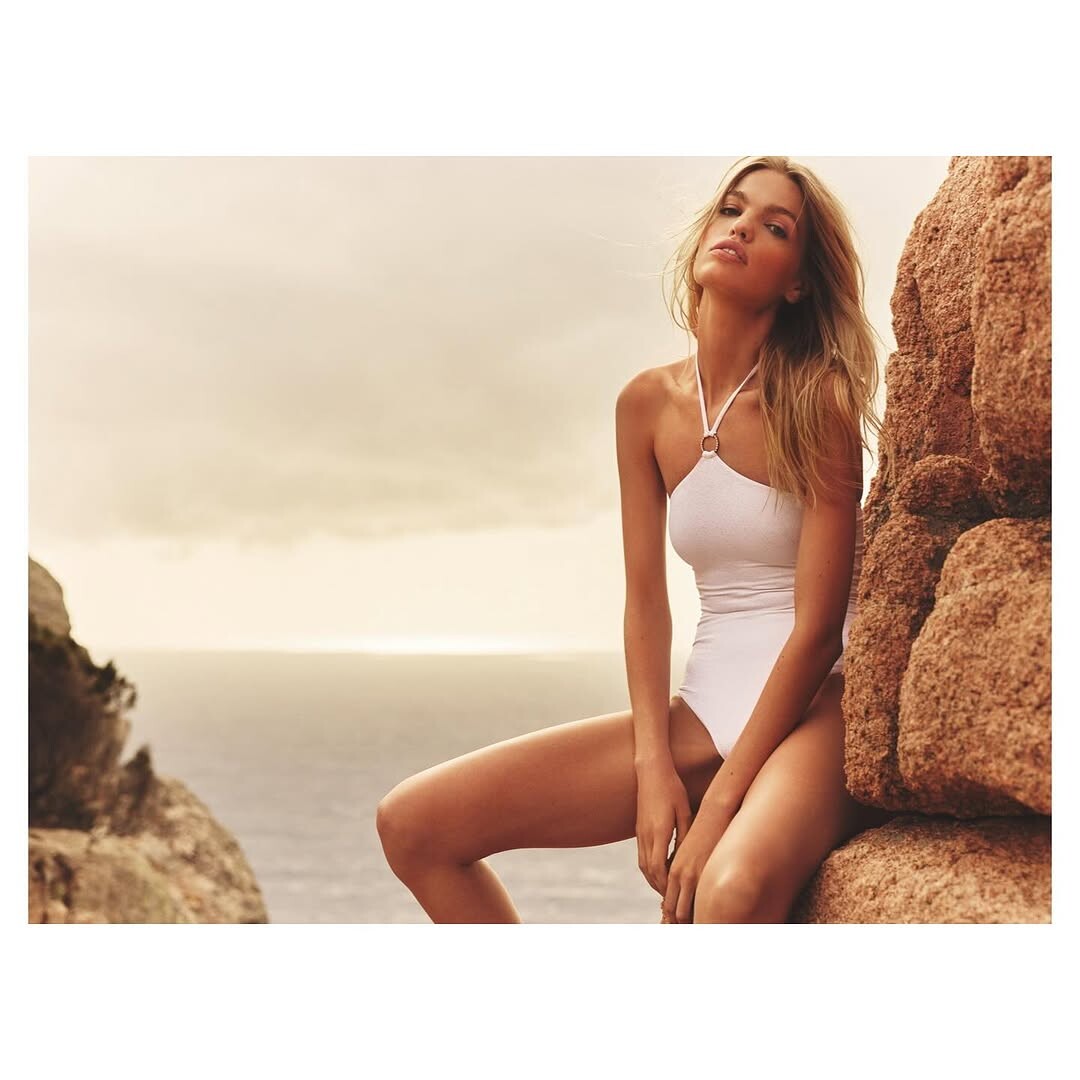
Emilio Pucci S/S 25 Portofino ( C )
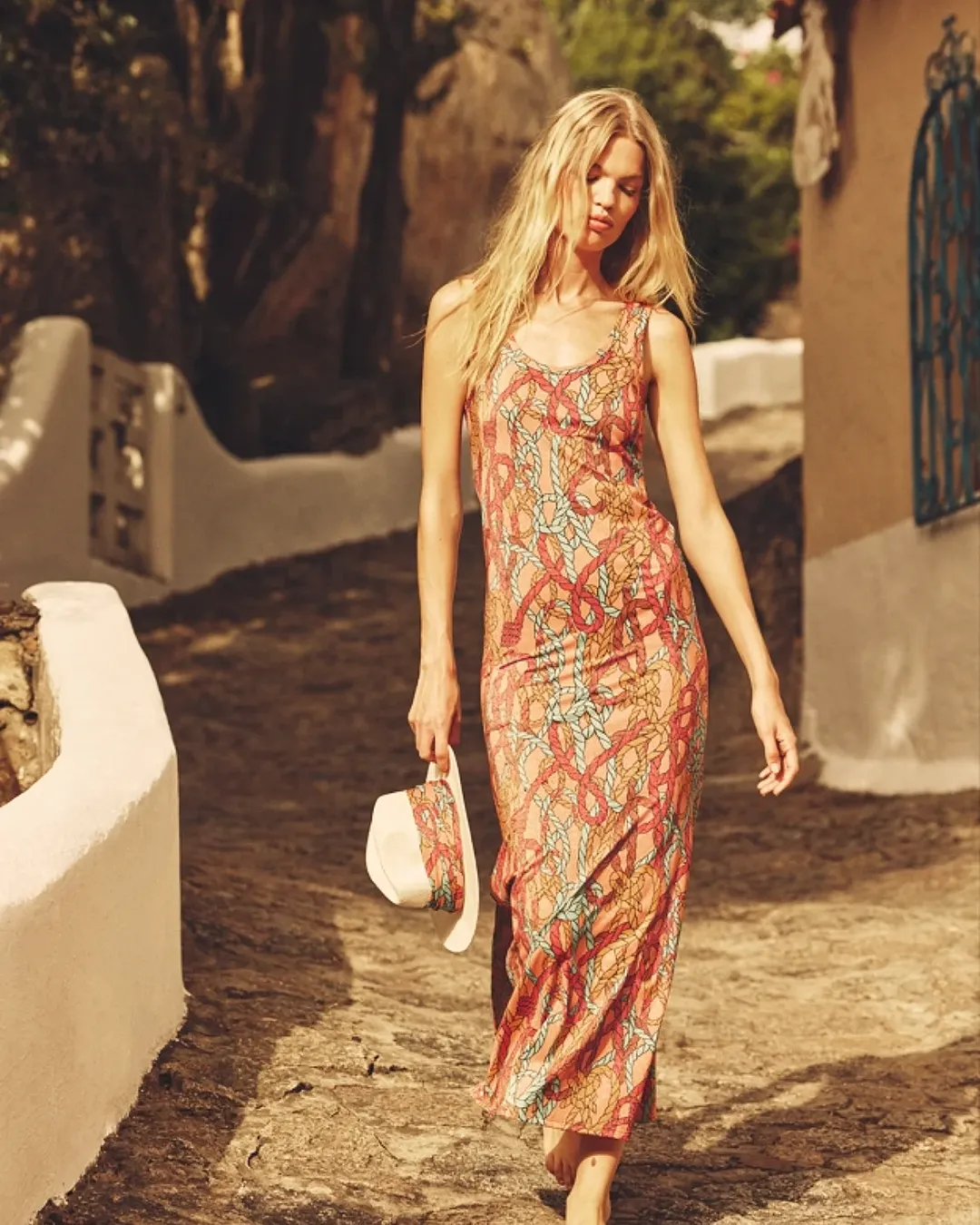
Emilio Pucci S/S 25 Portofino
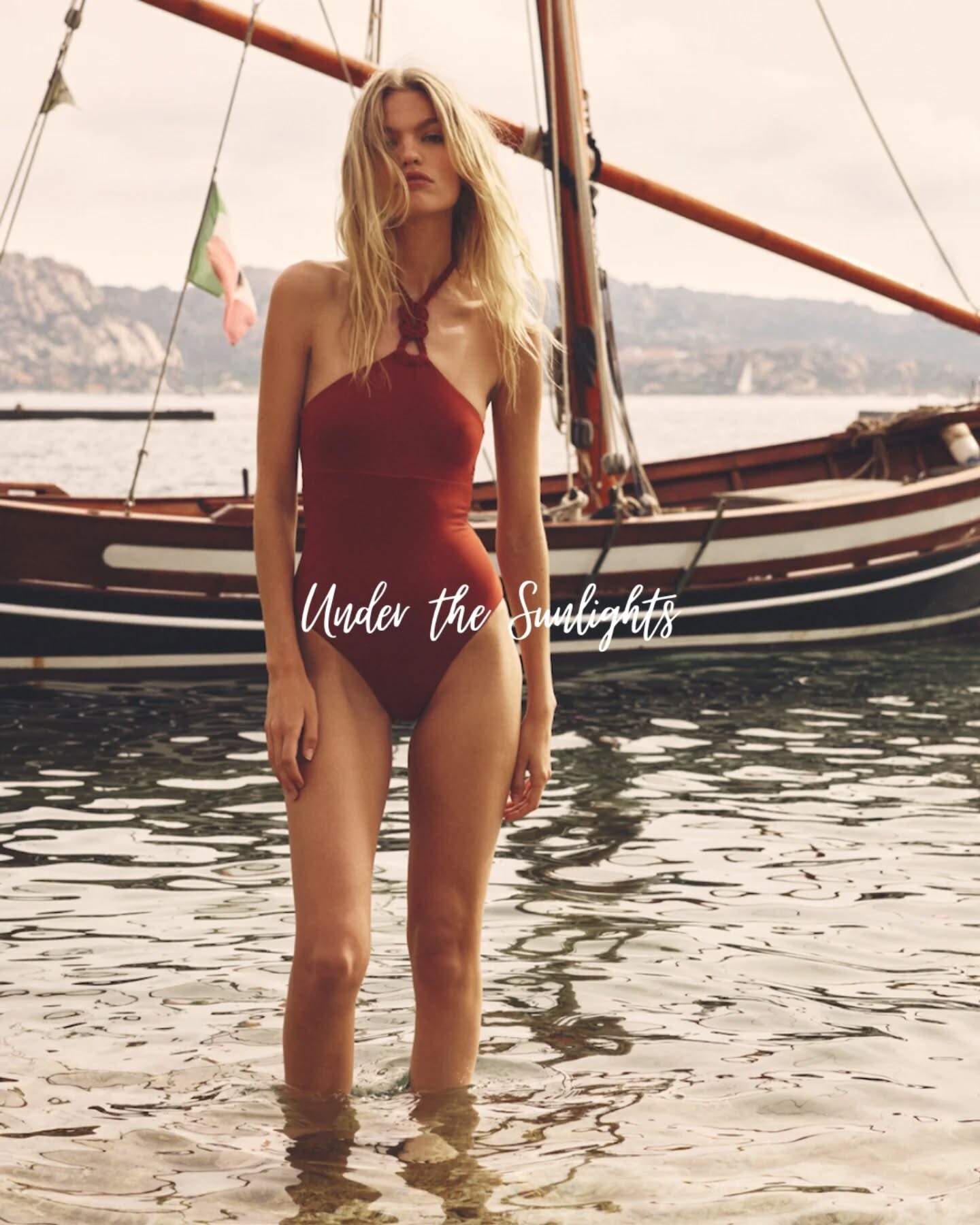
Emilio Pucci S/S 25 Portofino
M de Milenio Photo : Rocio Ramos Nikki MdeMilenio 04-2025.mp4
HB Turkey #250 Photo : Andreas Ortner
Crosscurrent Issue 6
Versace versace eyewearss25.mp4
Self Service Magazine No.62 Photo : Mark Kean
Strathberry
Emilio Pucci S/S 25 Portofino ( C )
Emilio Pucci S/S 25 Portofino
Emilio Pucci S/S 25 Portofino
M de Milenio Photo : Rocio Ramos Nikki MdeMilenio 04-2025.mp4