
balenciagaaa
Members
-
Joined
-
Last visited
Everything posted by balenciagaaa
-
 ‘Prelude To The Olympics’ at Fondation Louis Vuitton in Paris







-
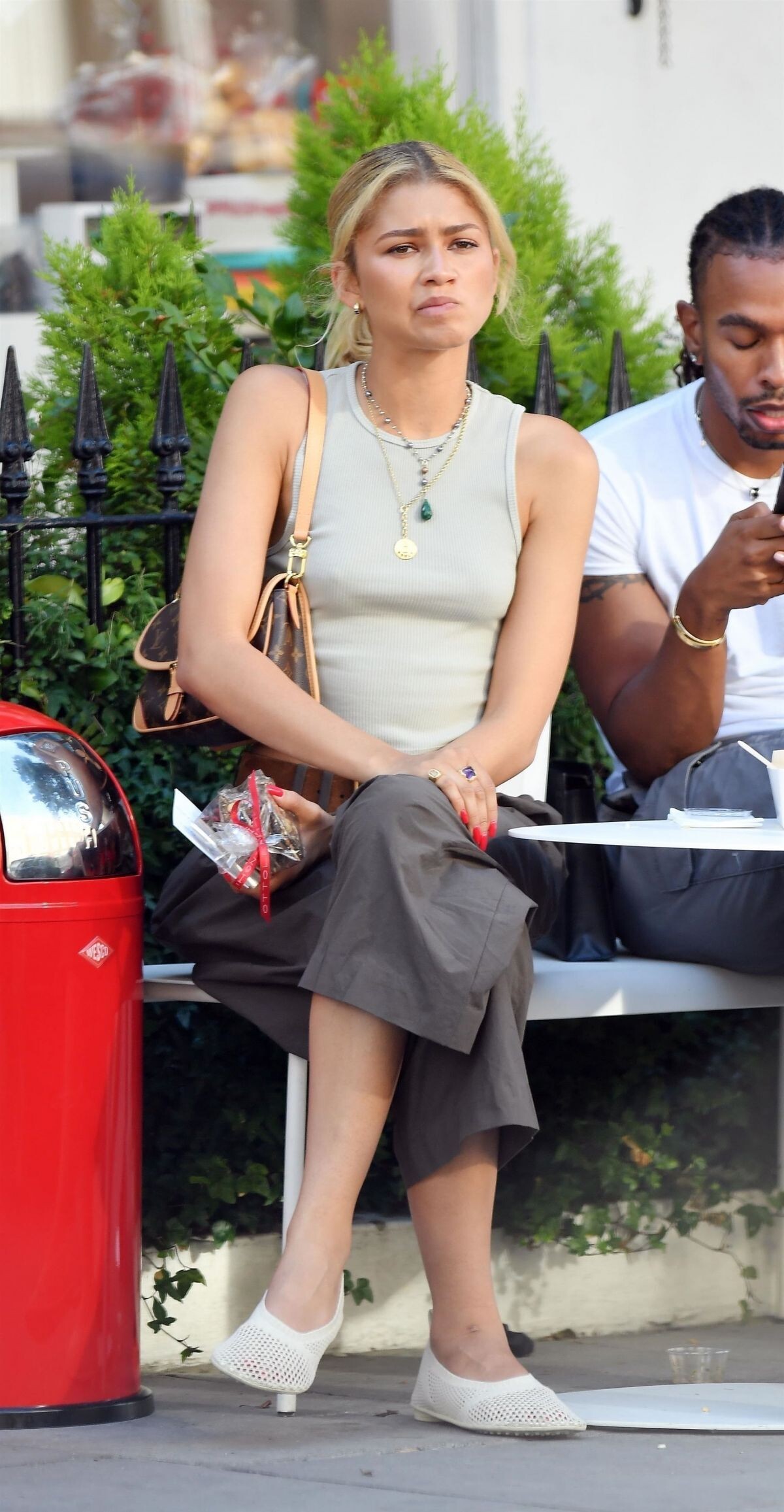
Out and About in London 07/18/2024




-
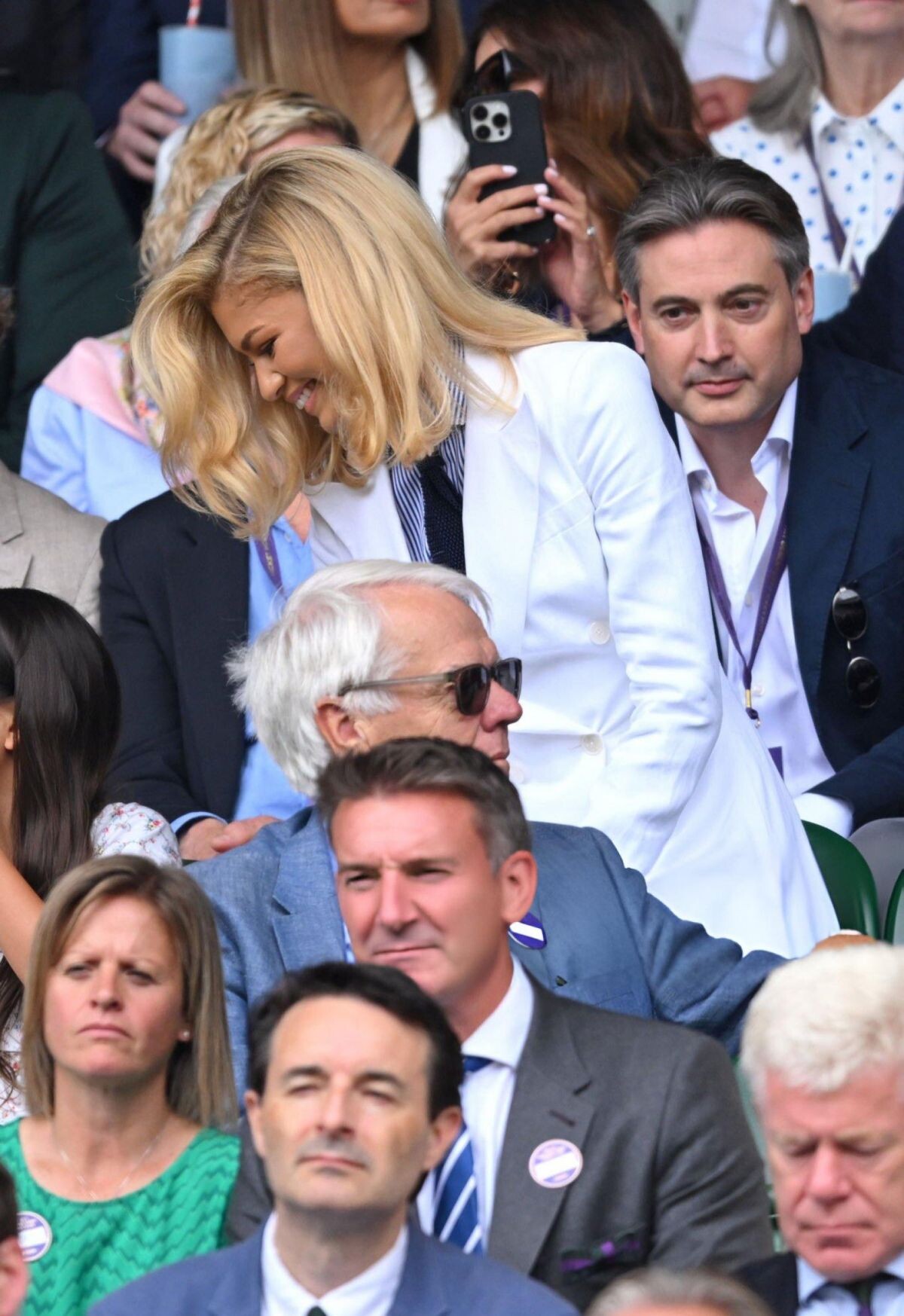
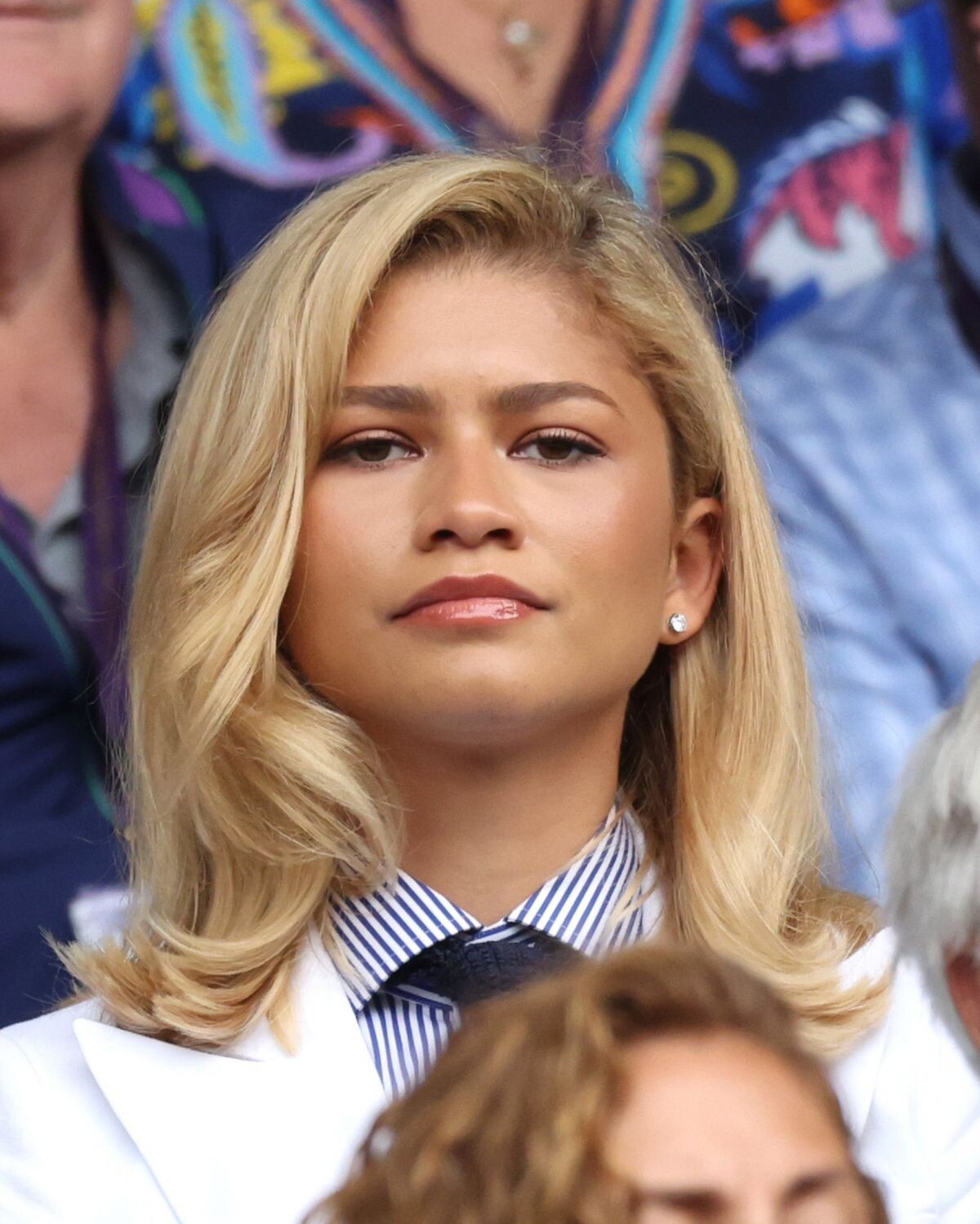
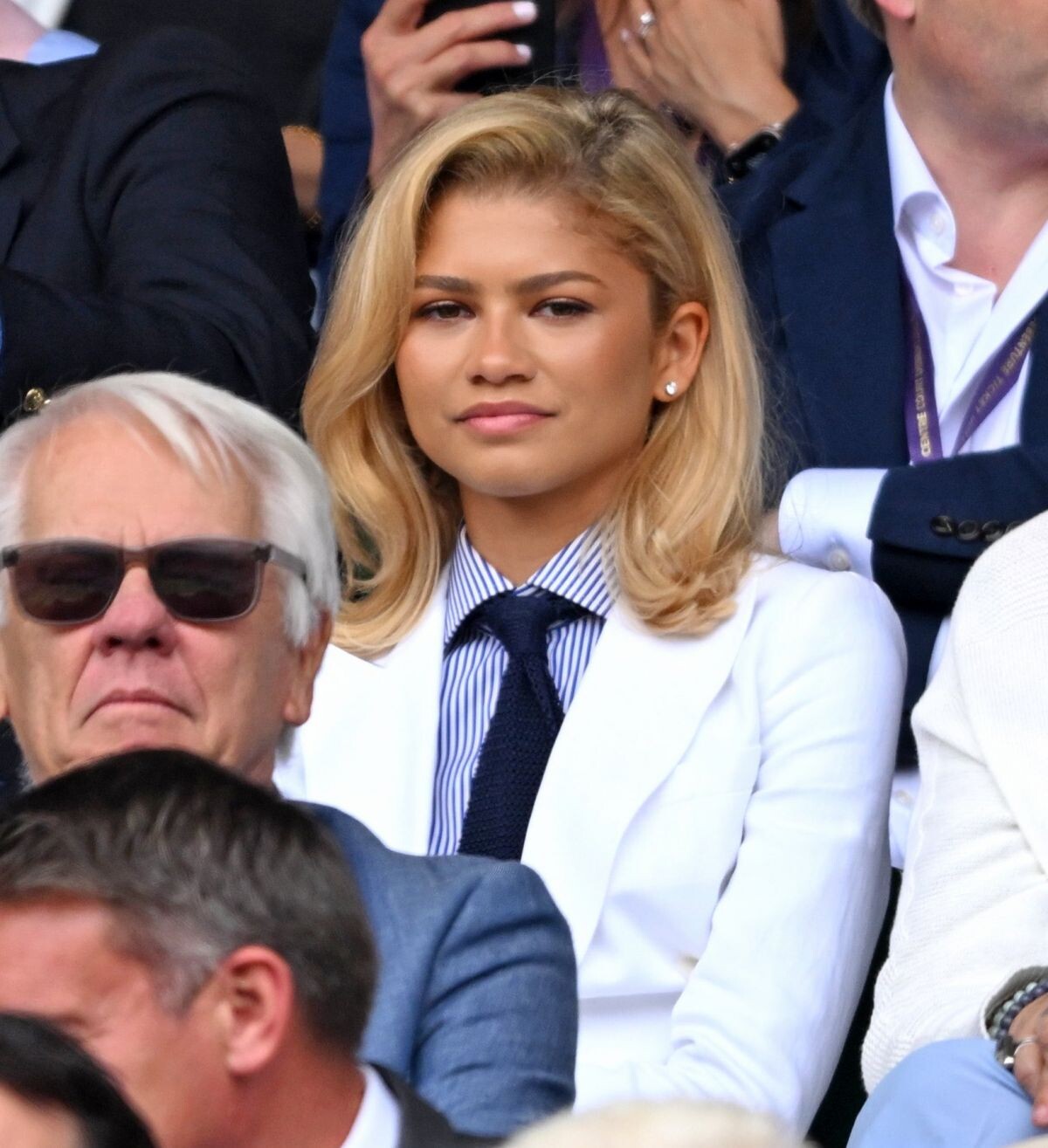
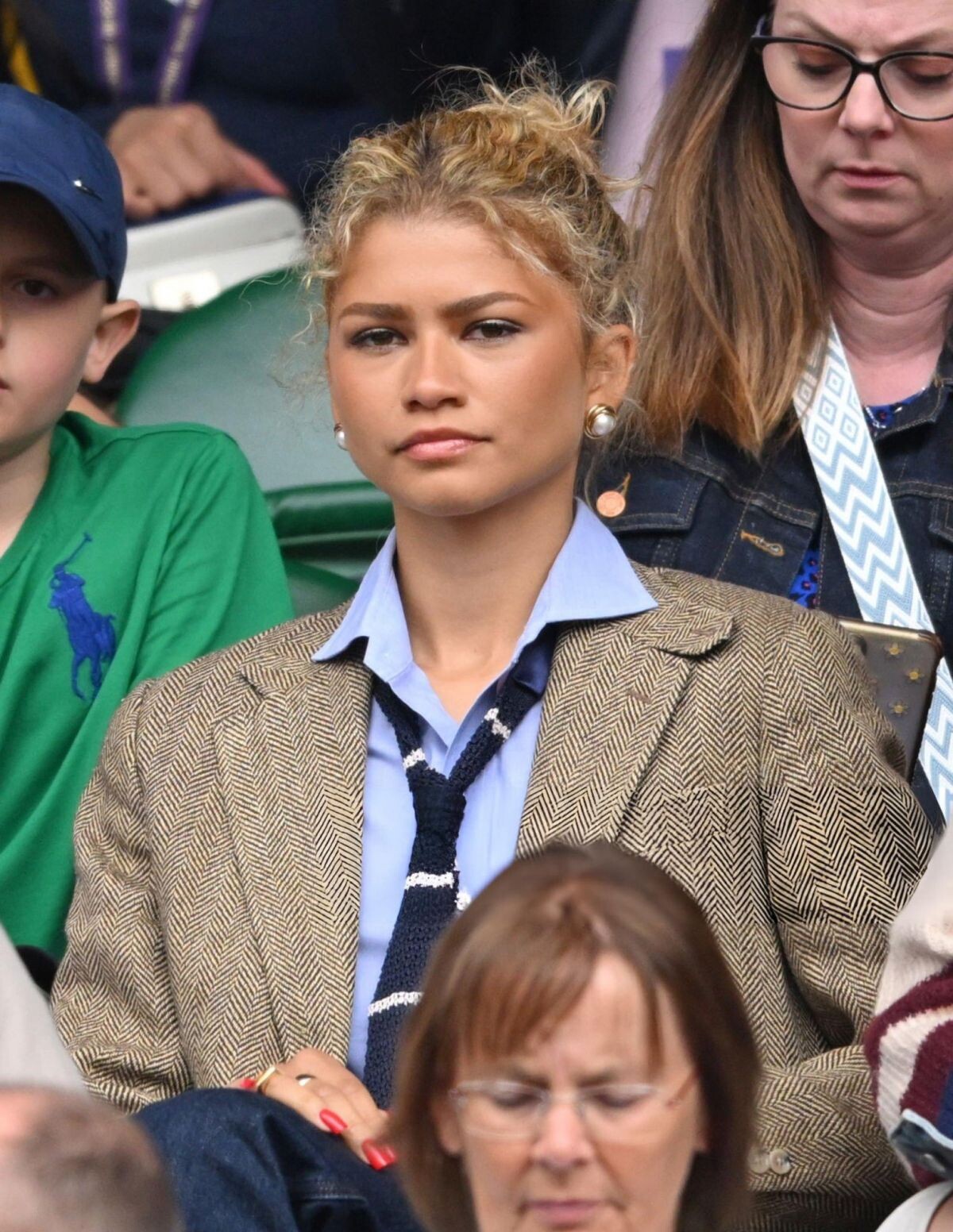
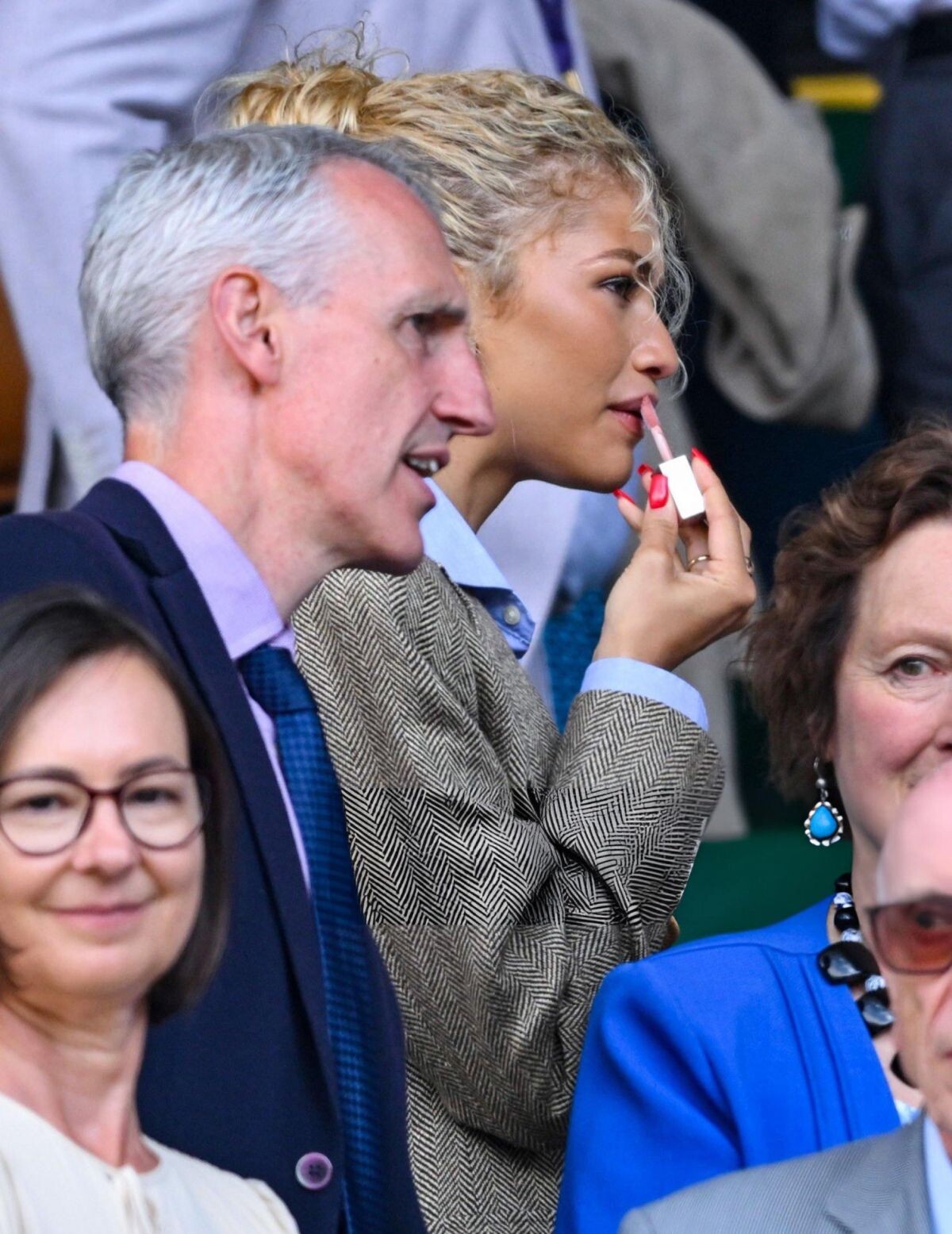
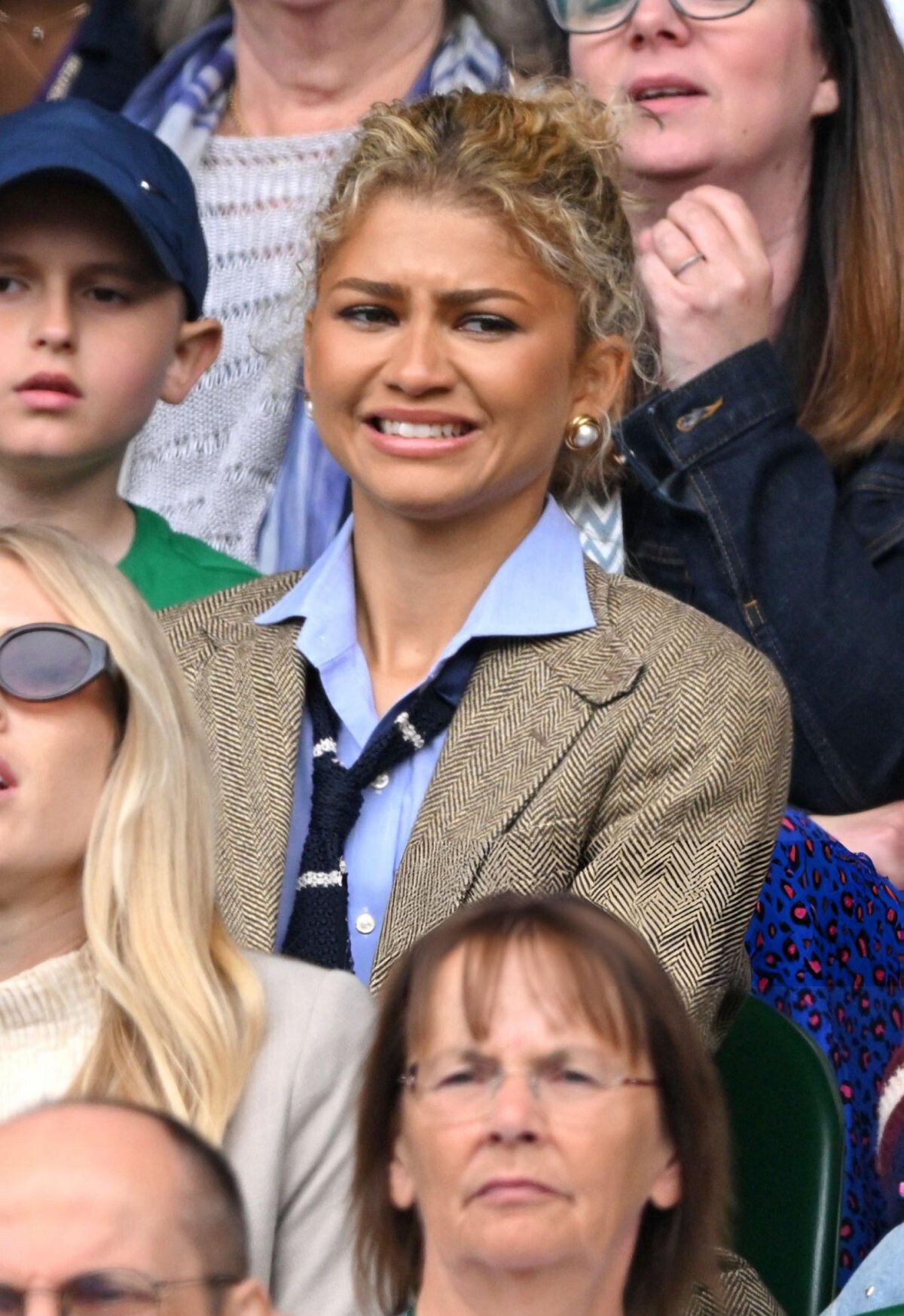
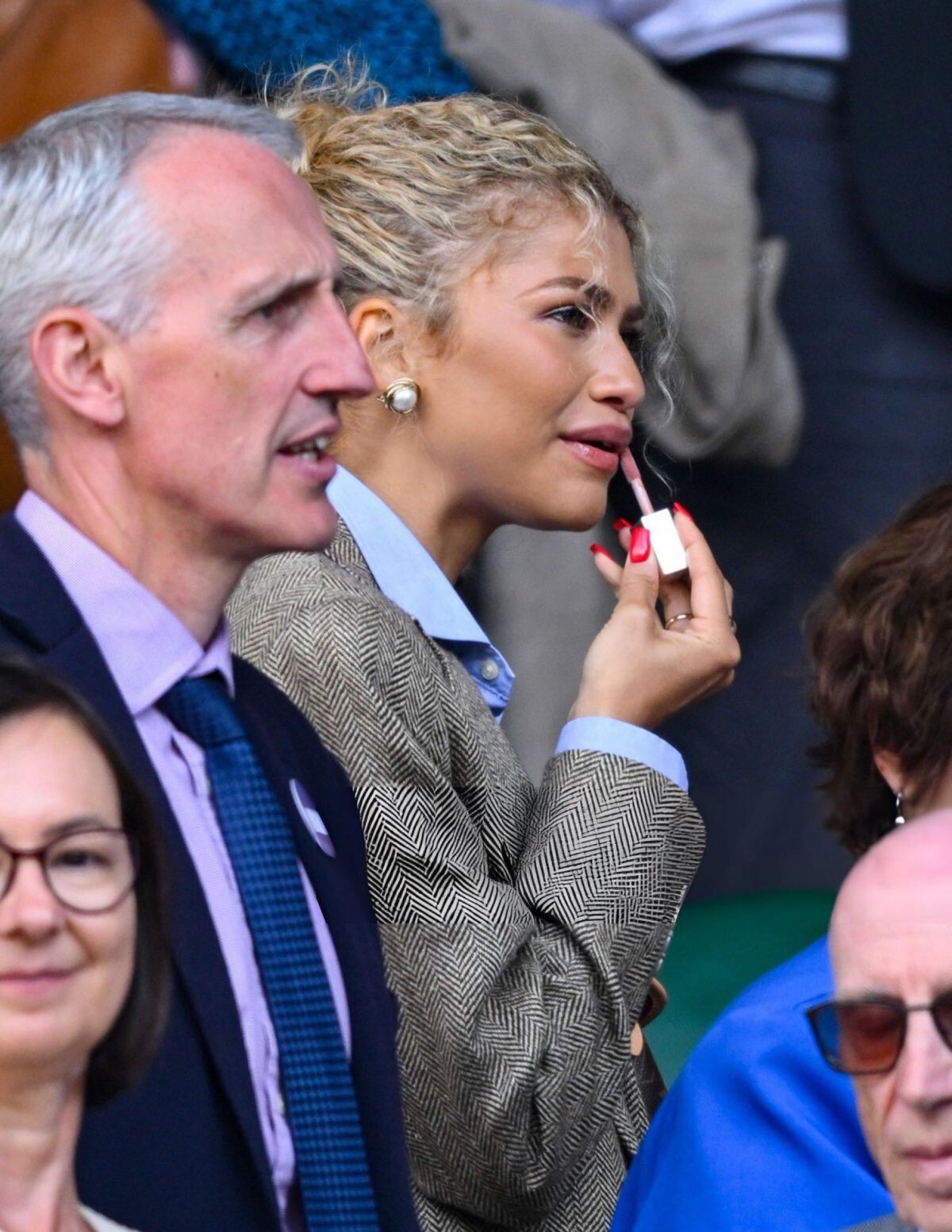
Men’s Final at Wimbledon Tennis Championships in London 07/14/2024







-
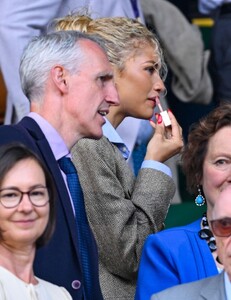
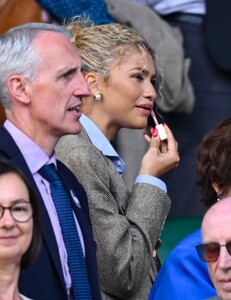
Wimbledon Tennis Championships in London 07/13/2024





-
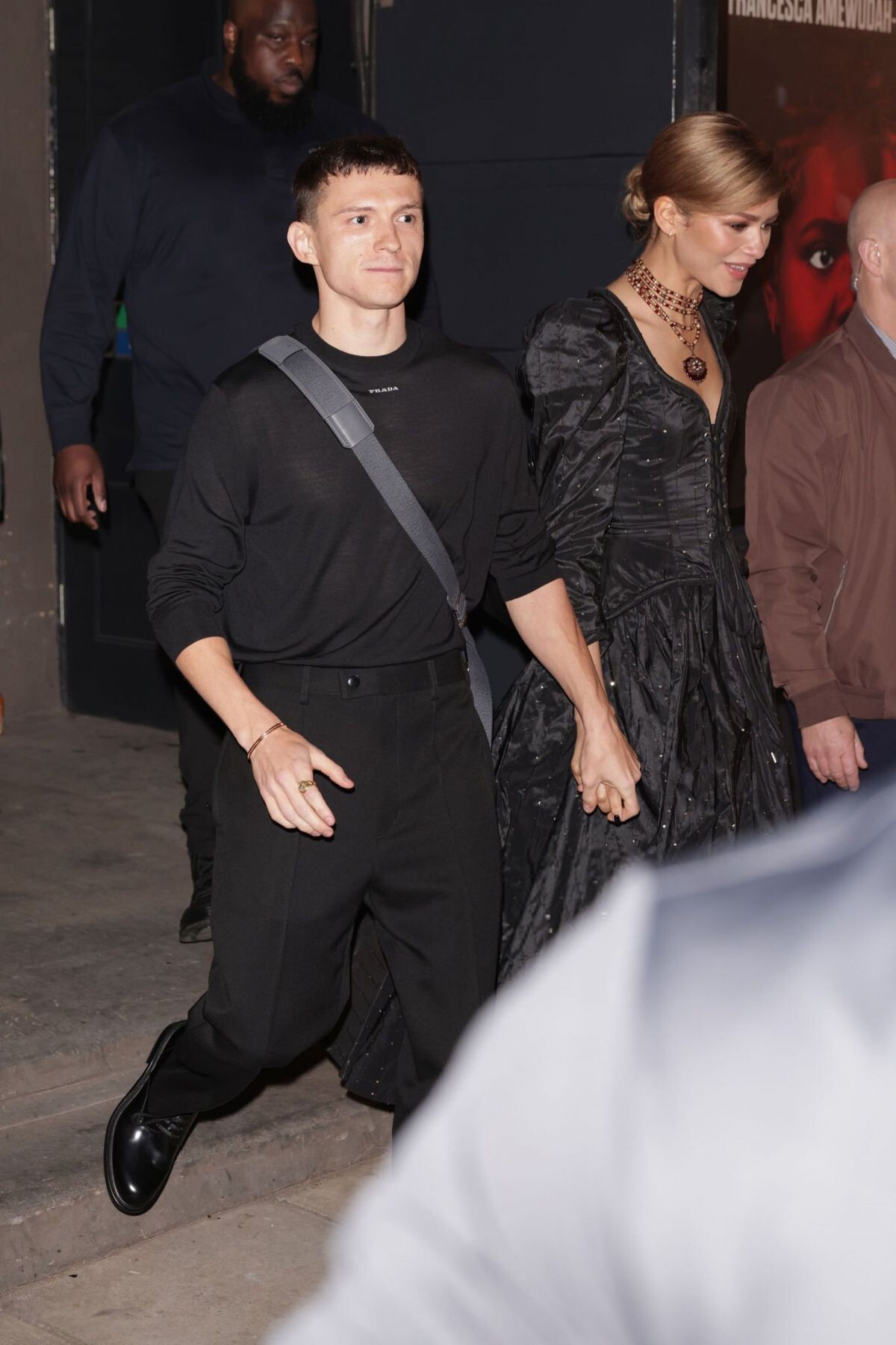
ZENDAYA and Tom Holland Leaves Romeo and Juliet Press Night in London 05/23/2024




-
Burberry Winter 2024 Campaign

-
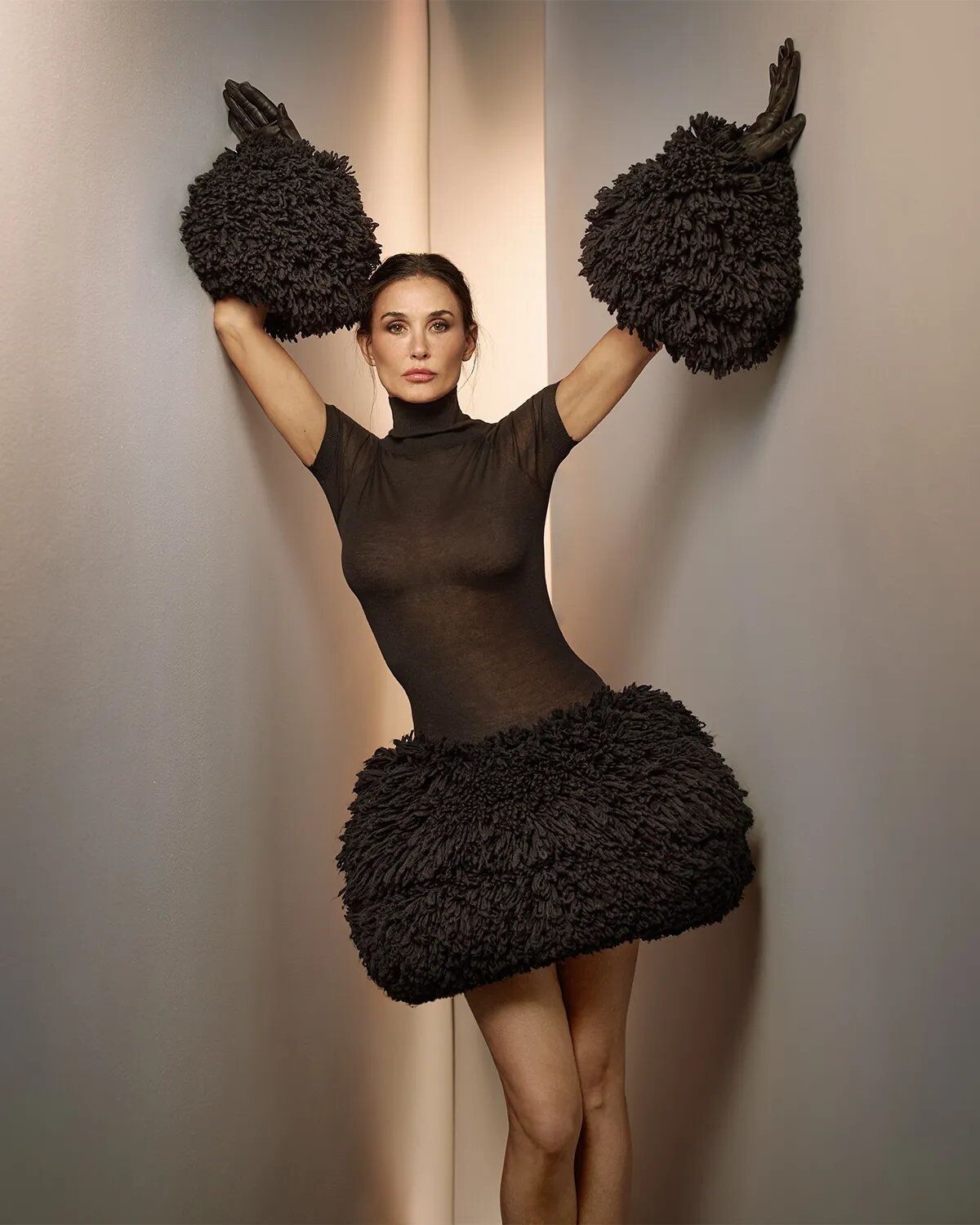
Variety Magazine, September 2024




-
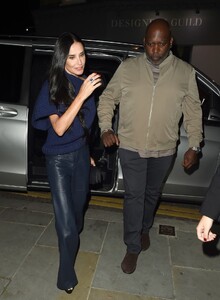
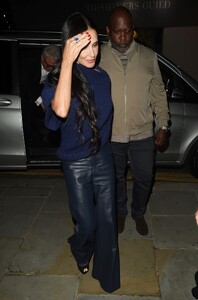
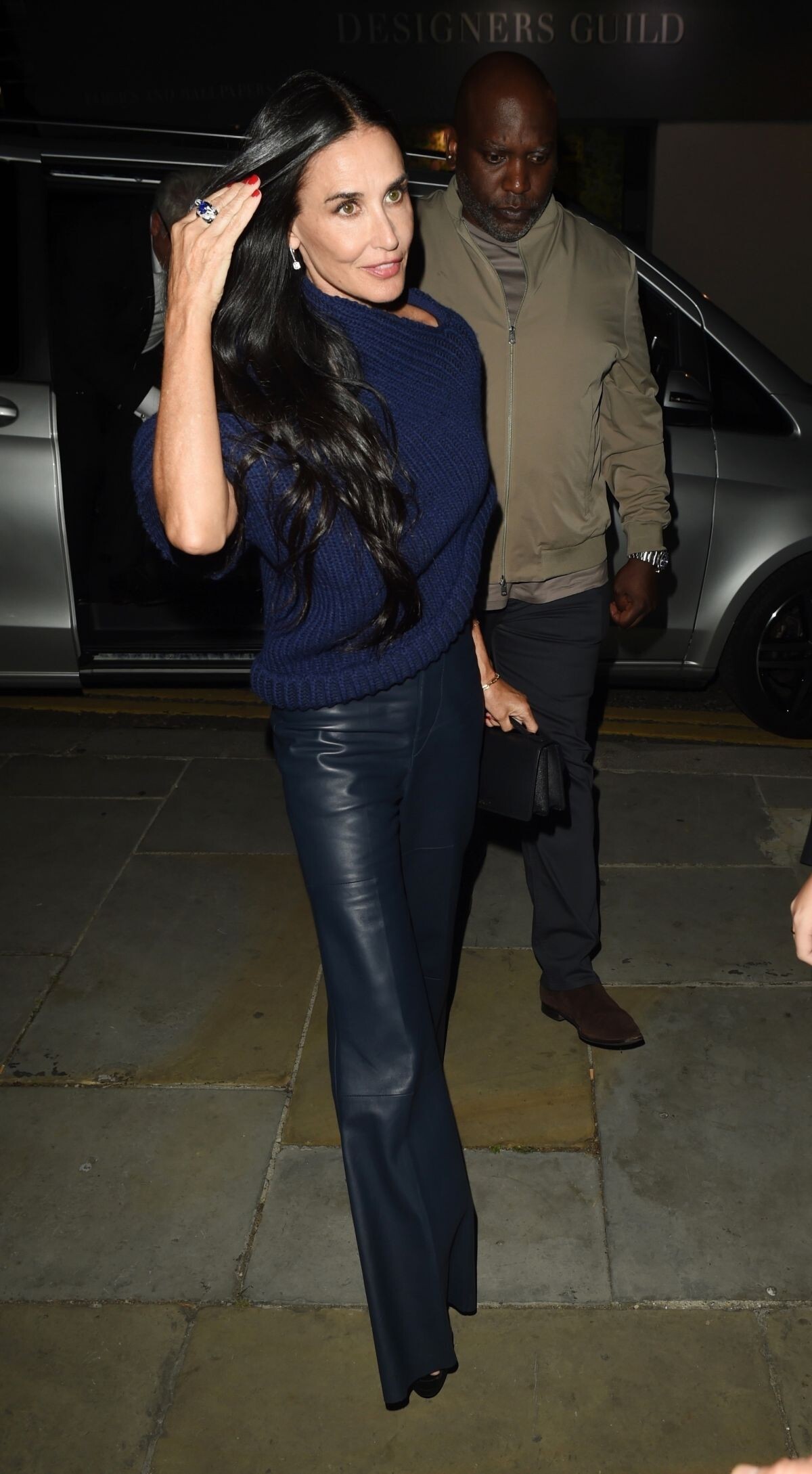
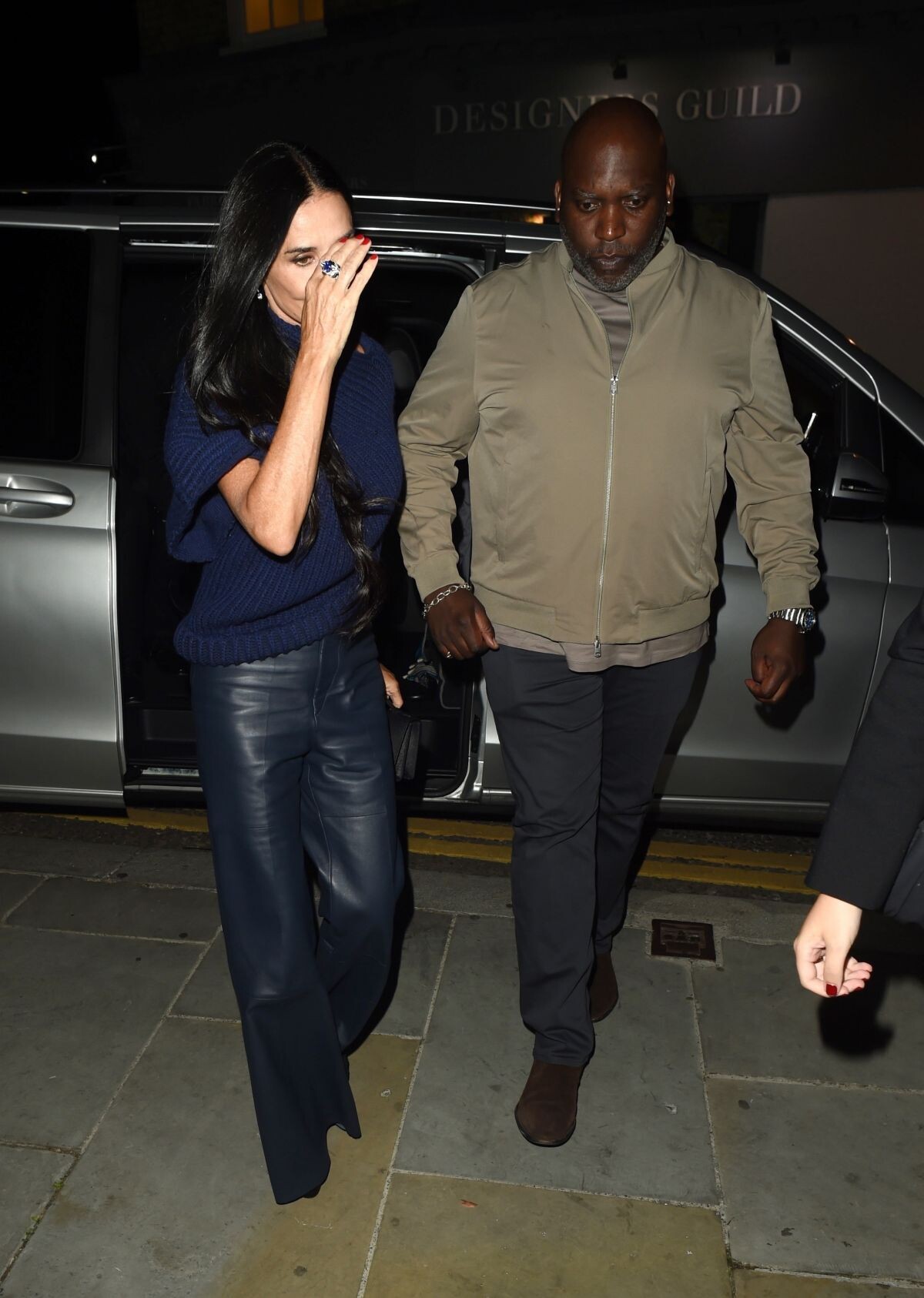
Arrives at The Substance Screening in London 08/27/2024





-
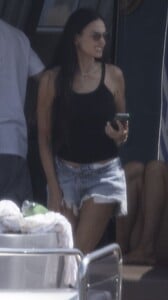
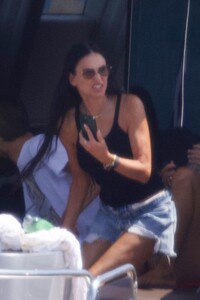
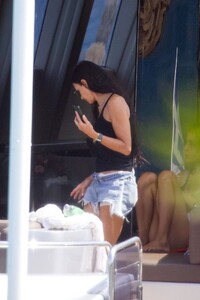
DEMI MOORE on Board a Yacht While Vacationing with Friends in Athens 08/20/2024






-
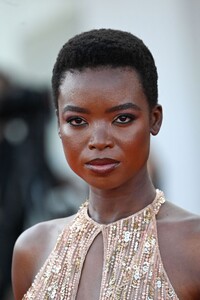
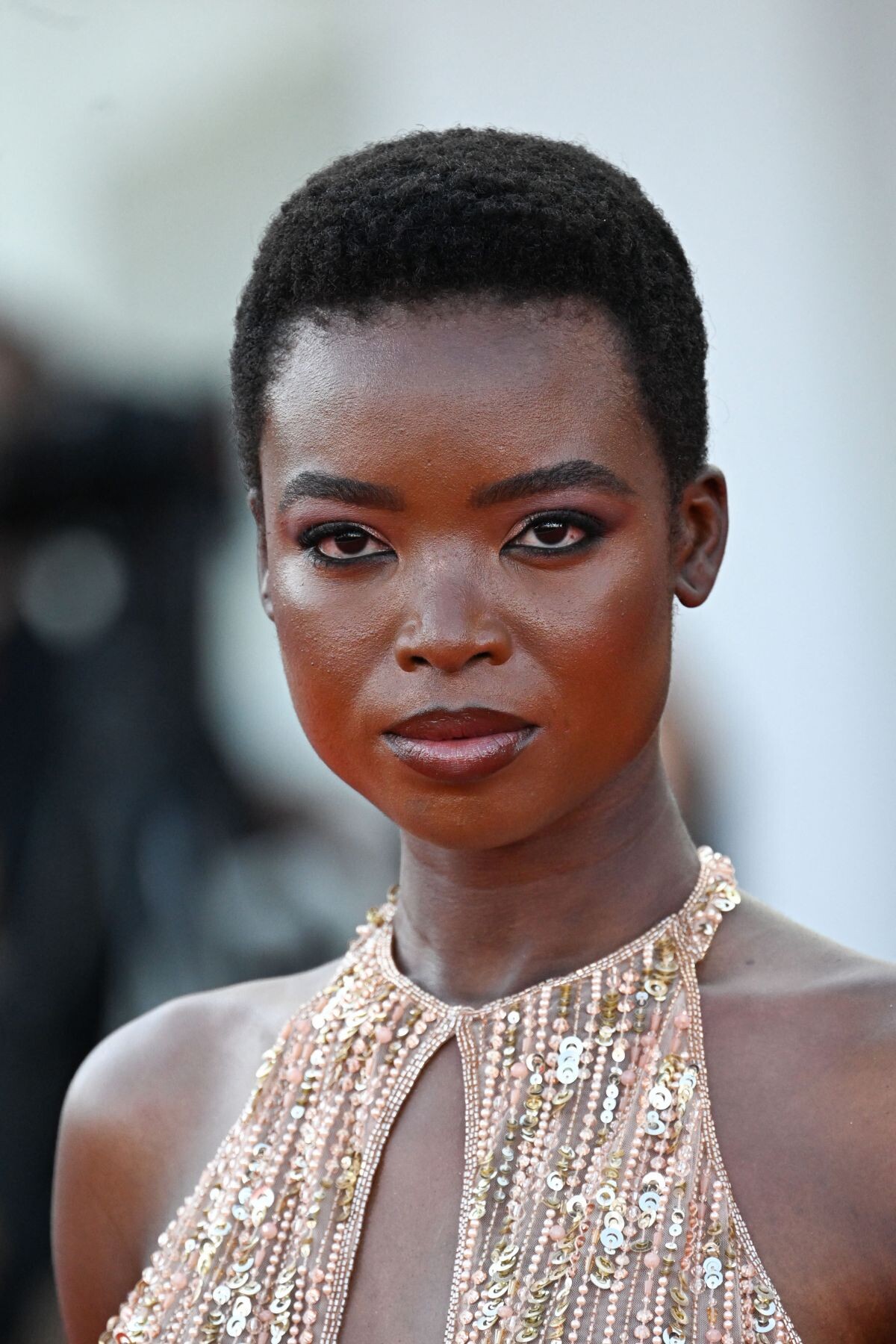
Queer Premiere at 81st Venice International Film Festival 09/03/2024


-
Ports 1961 F/W 2024 Campaign


-
Sergio Hudson F/W 24 Show Pamella Roland F/W 24 Show


-
Ports 1961 S/S 2024 Campaign



-
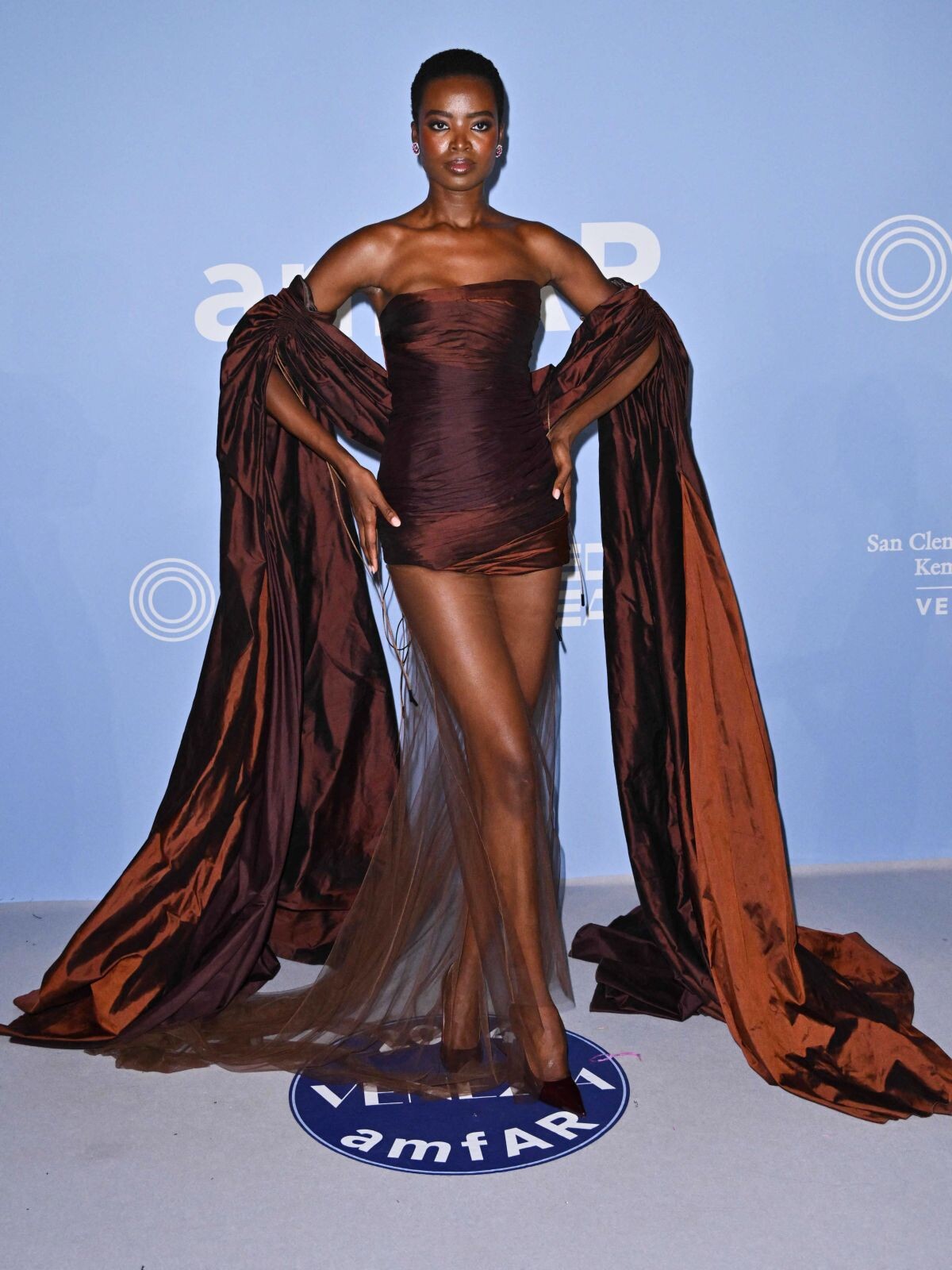
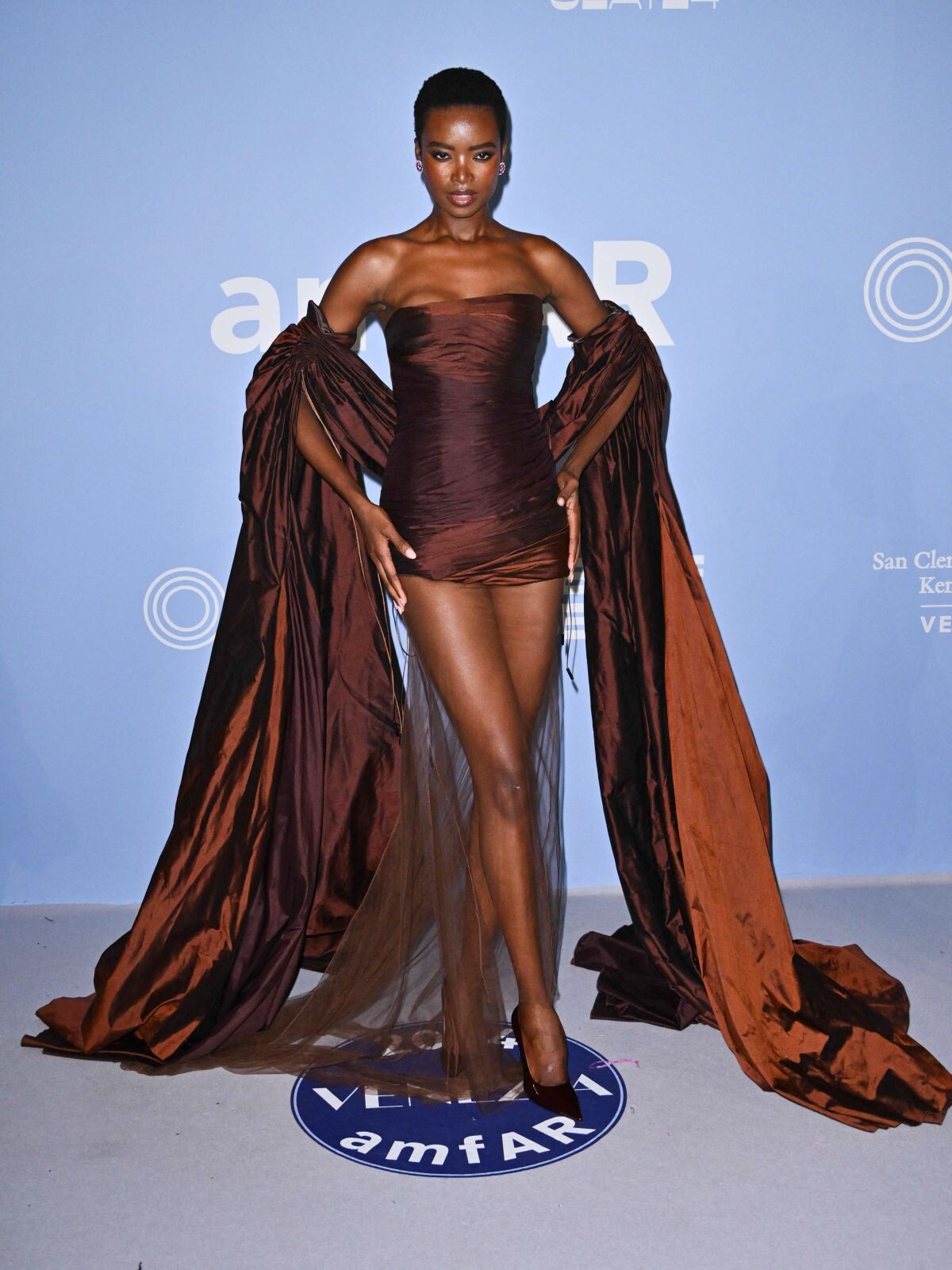
AmfAR Gala at 81st Venice Film Festival 09/01/2024







-
amfAR Gala at 77th Cannes Film Festival 05/23/2024








 Kilian Party to Celebrate New Fragrance Sunkissed Goddess at 77th annual Cannes Film Festival 05/21/2024



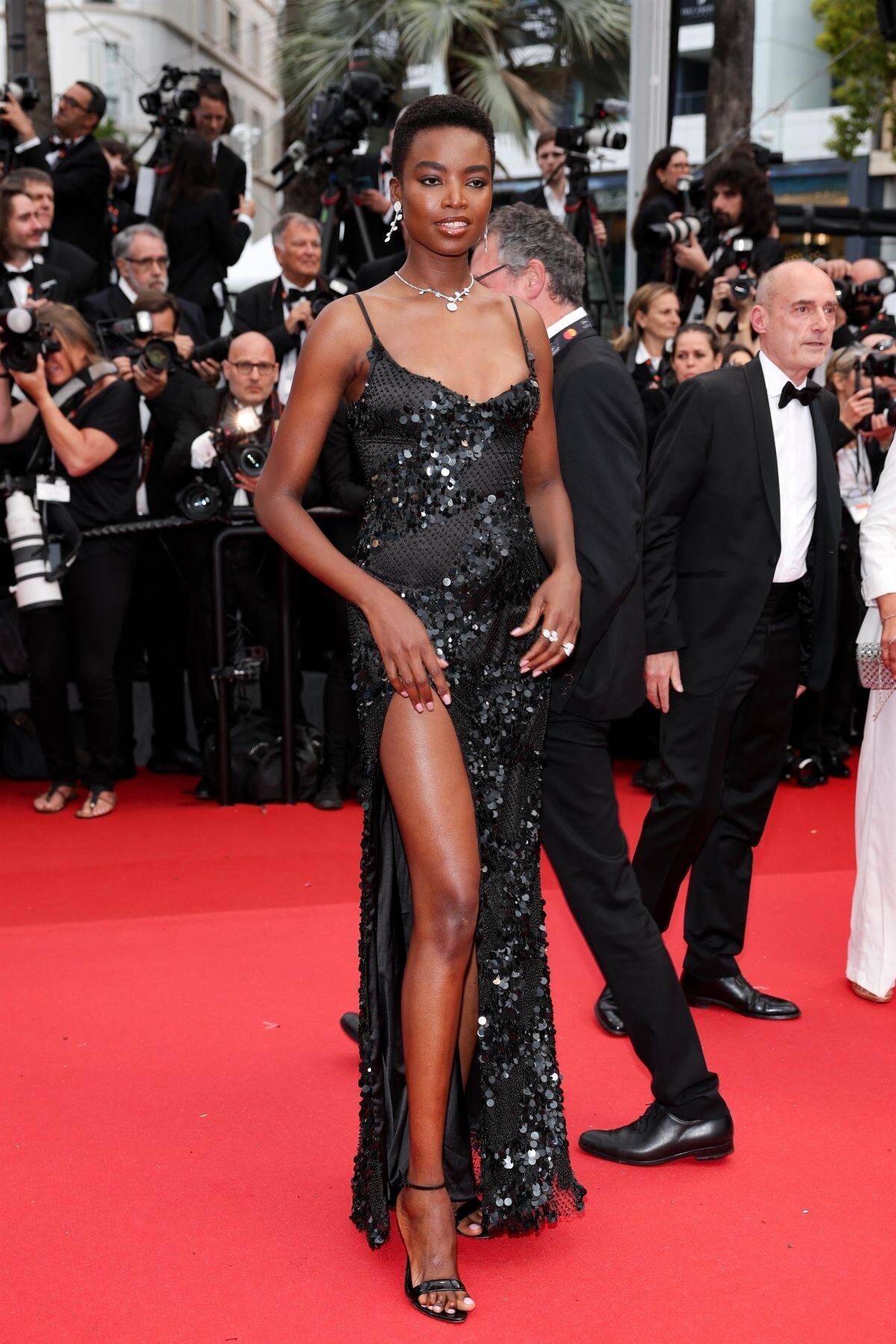
 Furiosa : A Mad Max Saga Premiere at 2024 Cannes Film Festival 05/15/2024








 Queer Premiere at 81st Venice International Film Festival 09/03/2024





 instagram











 instagram
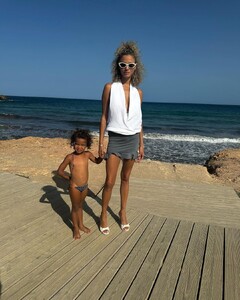









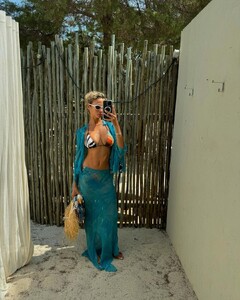






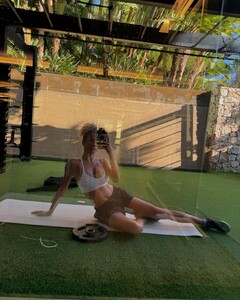
 instagram















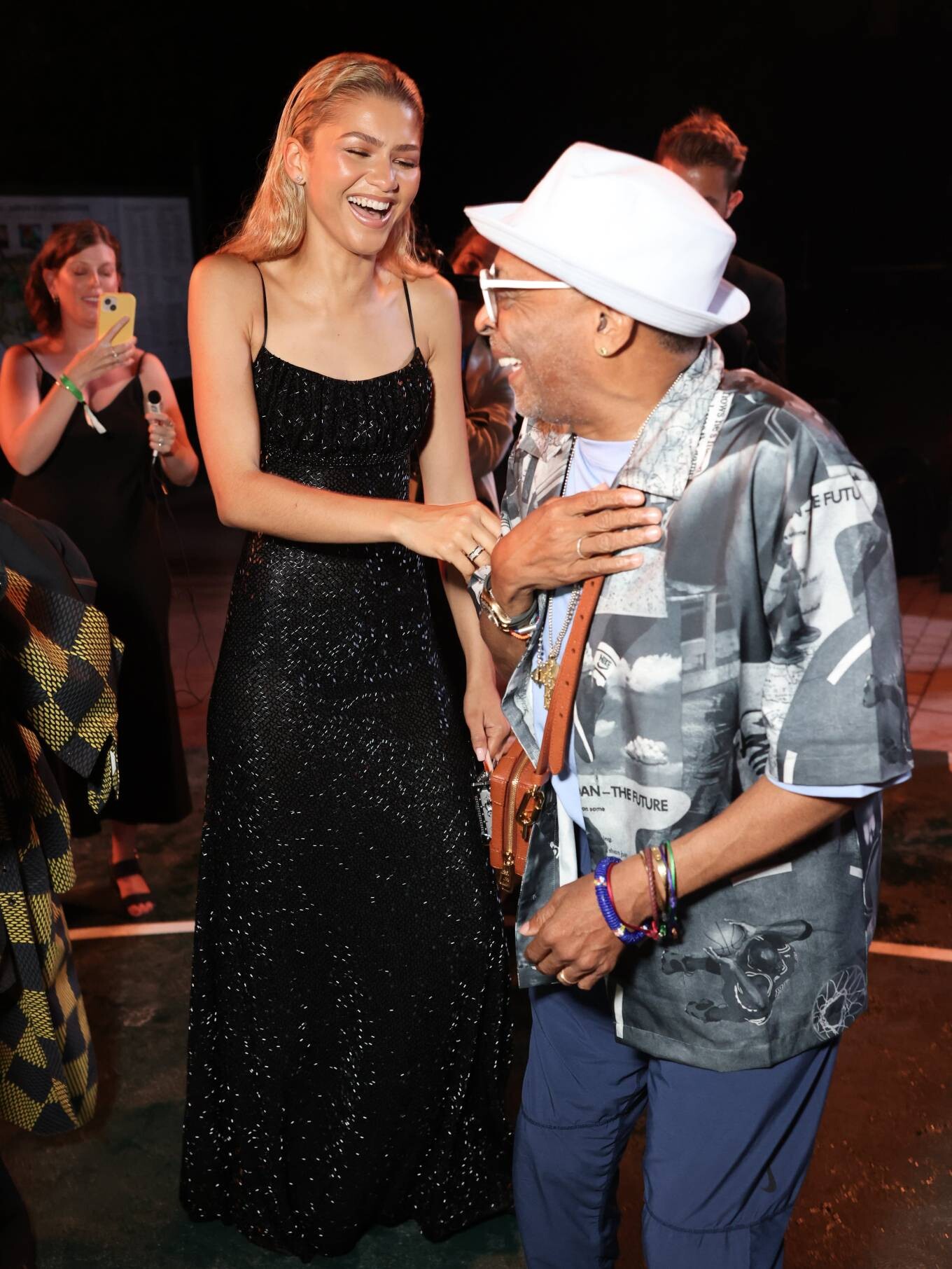



















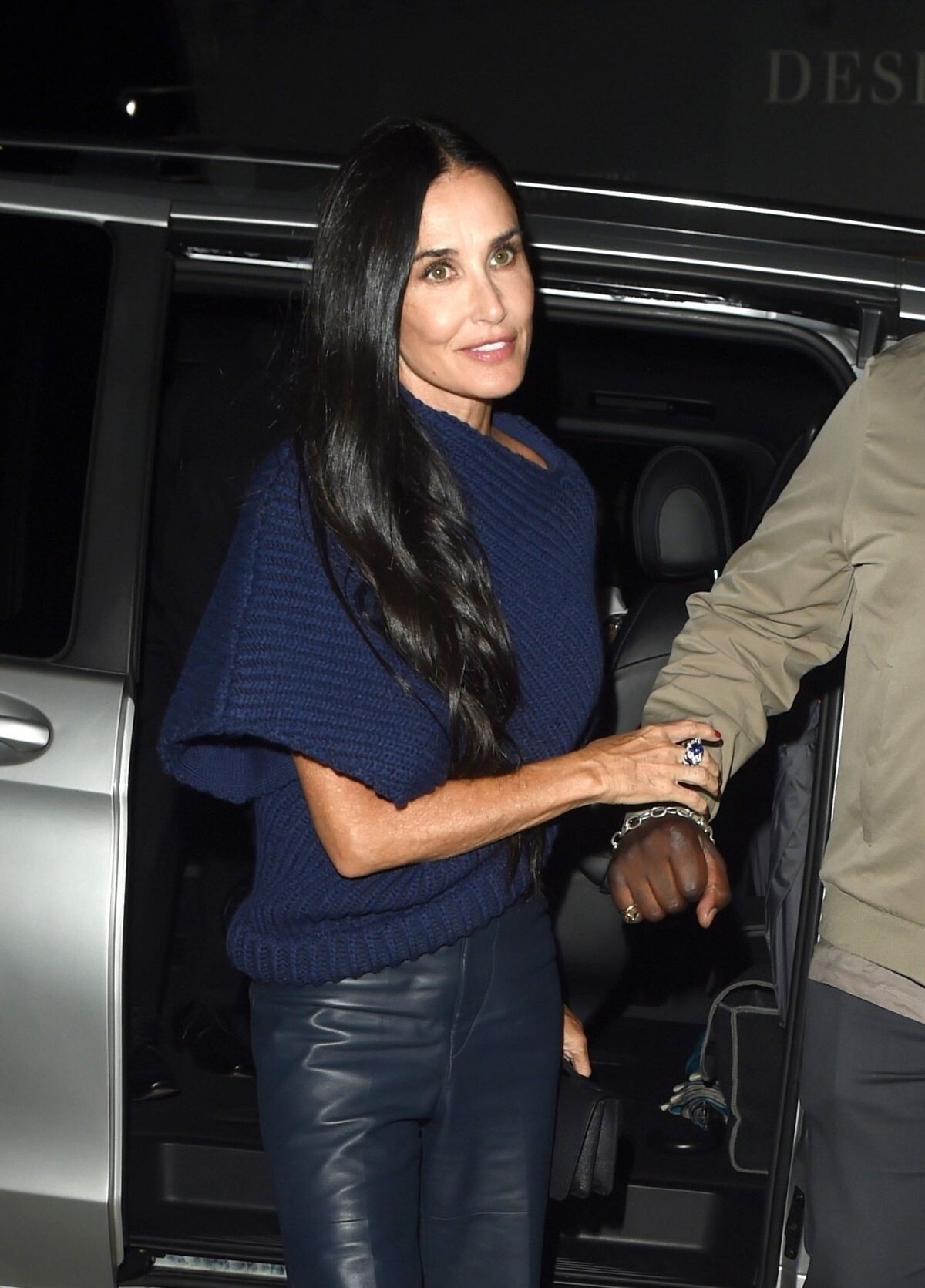
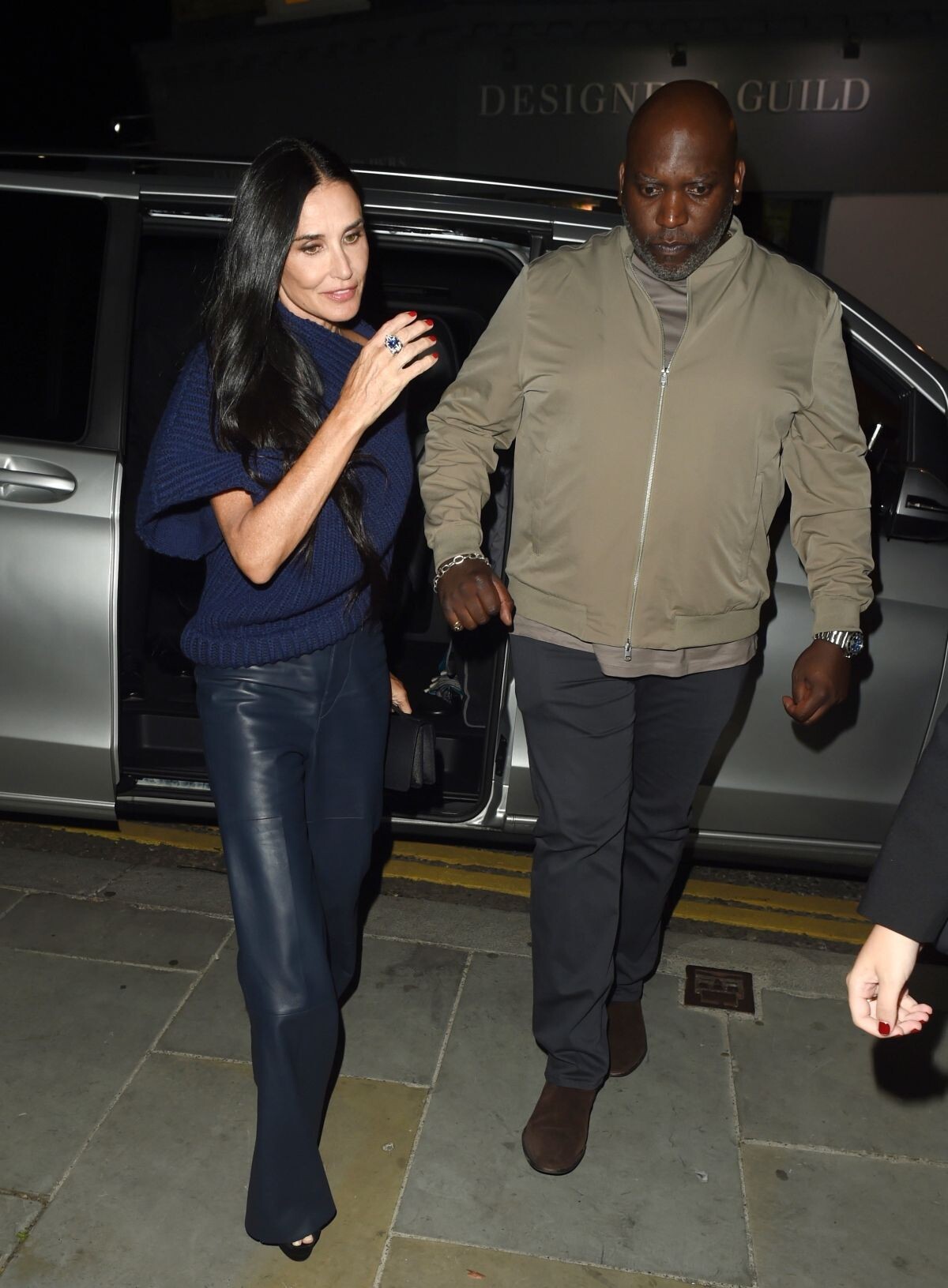
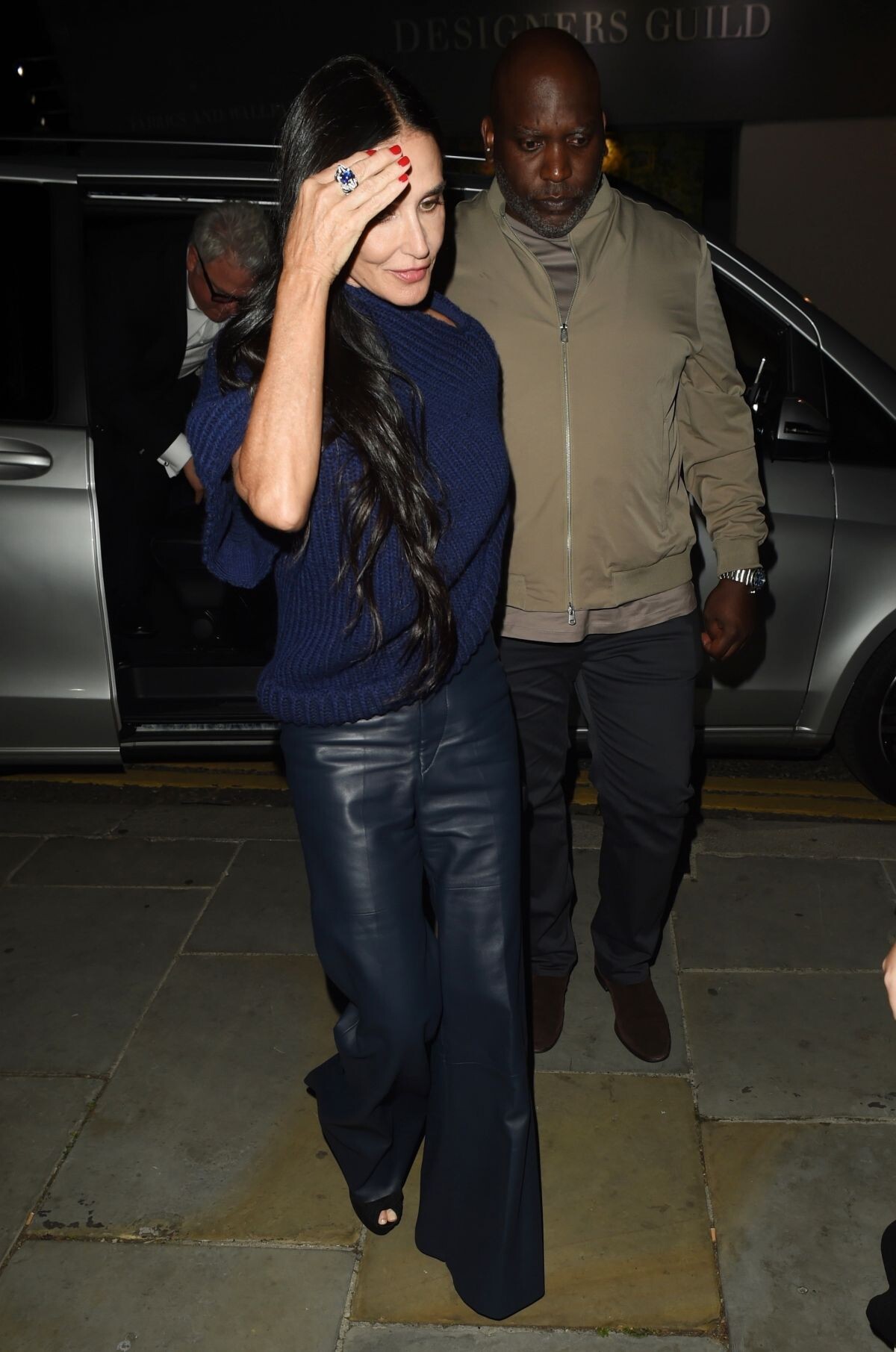

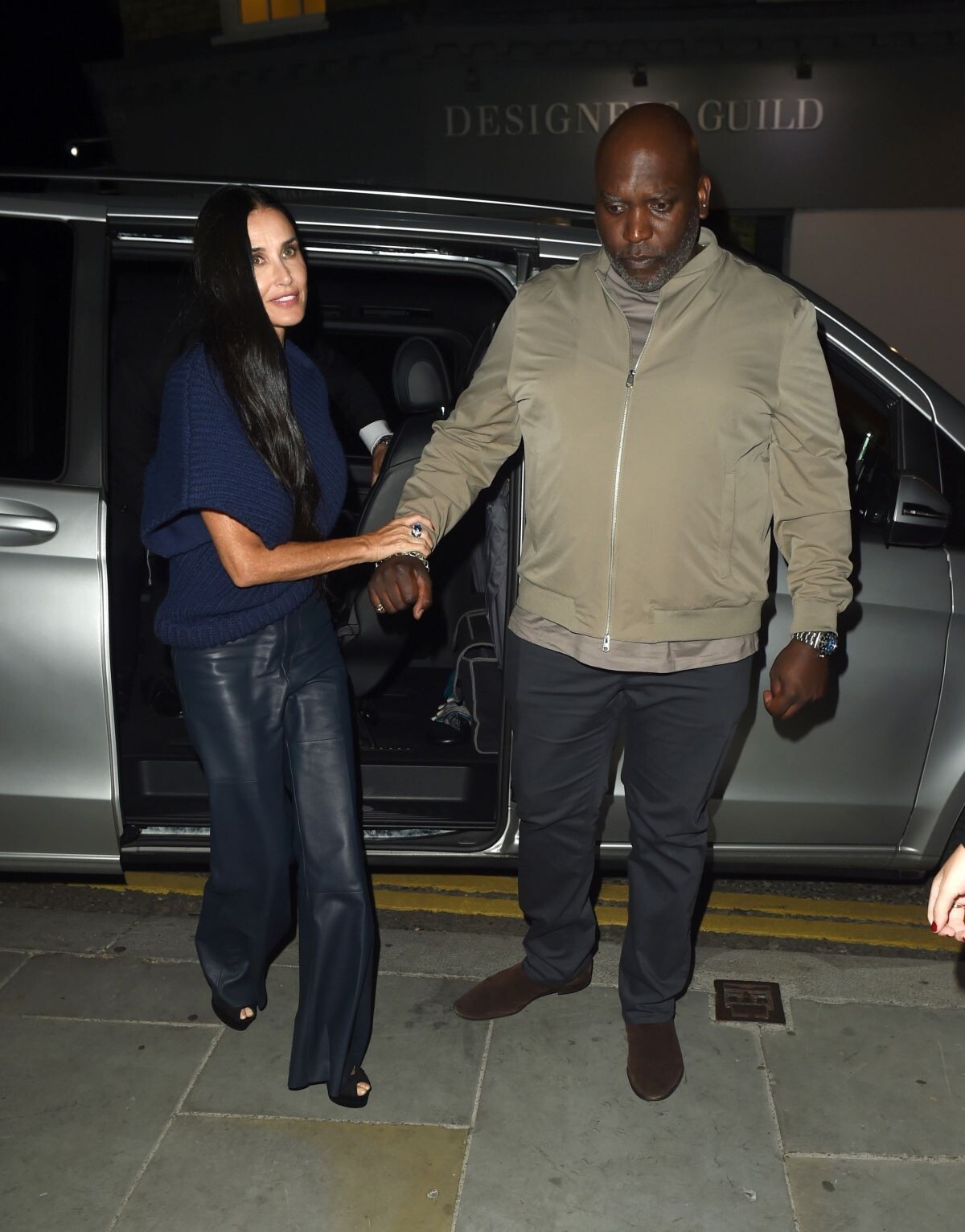



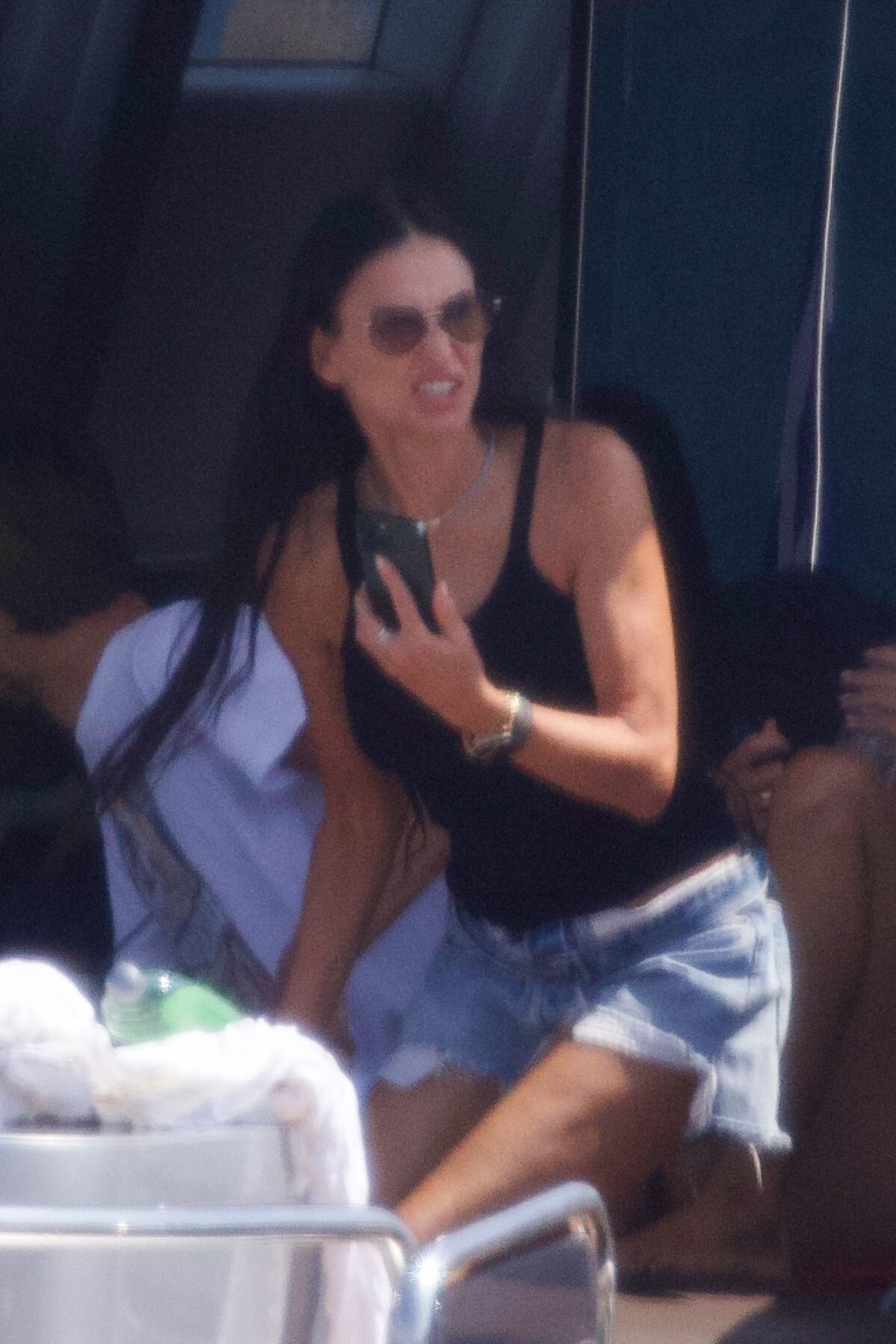

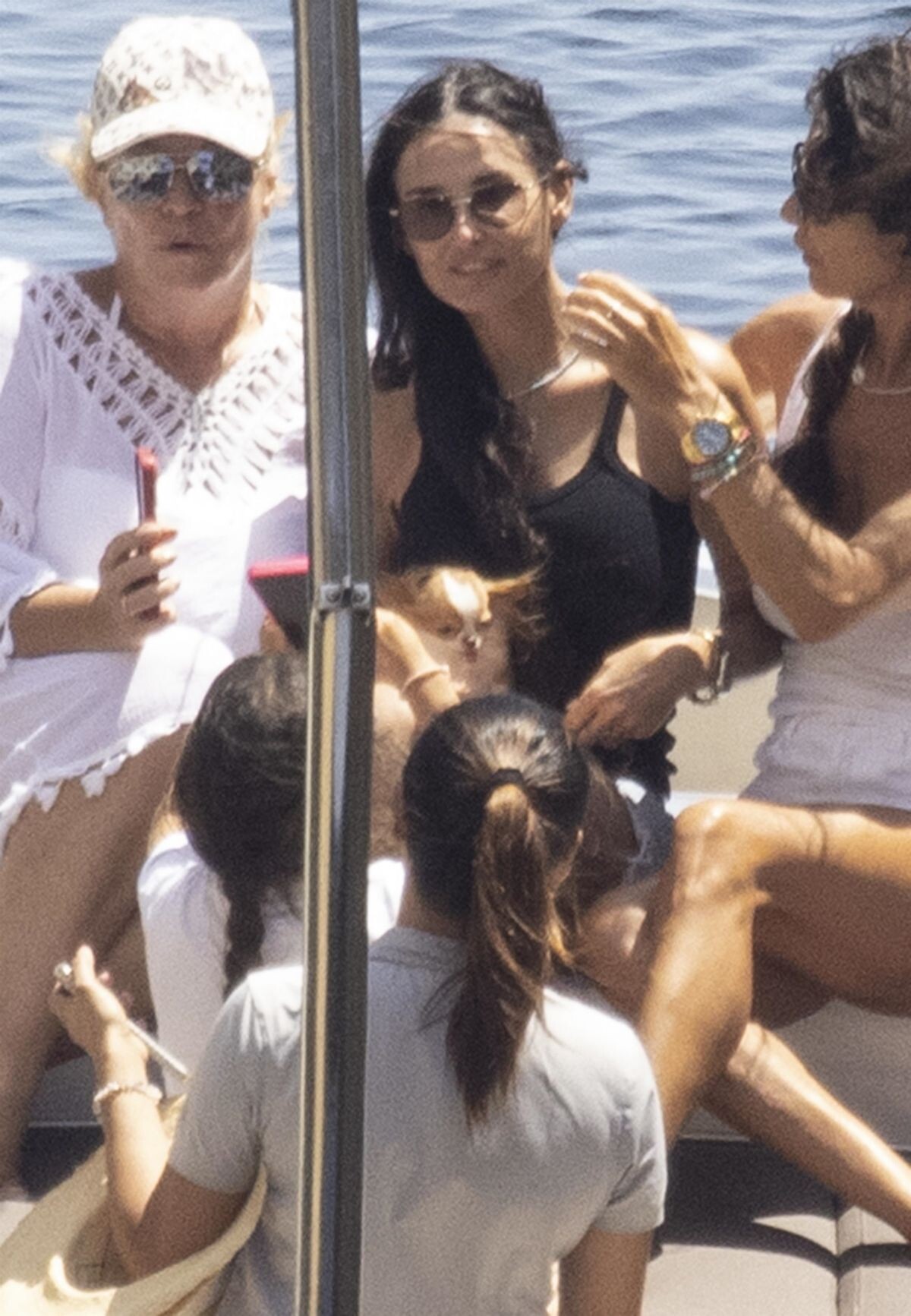
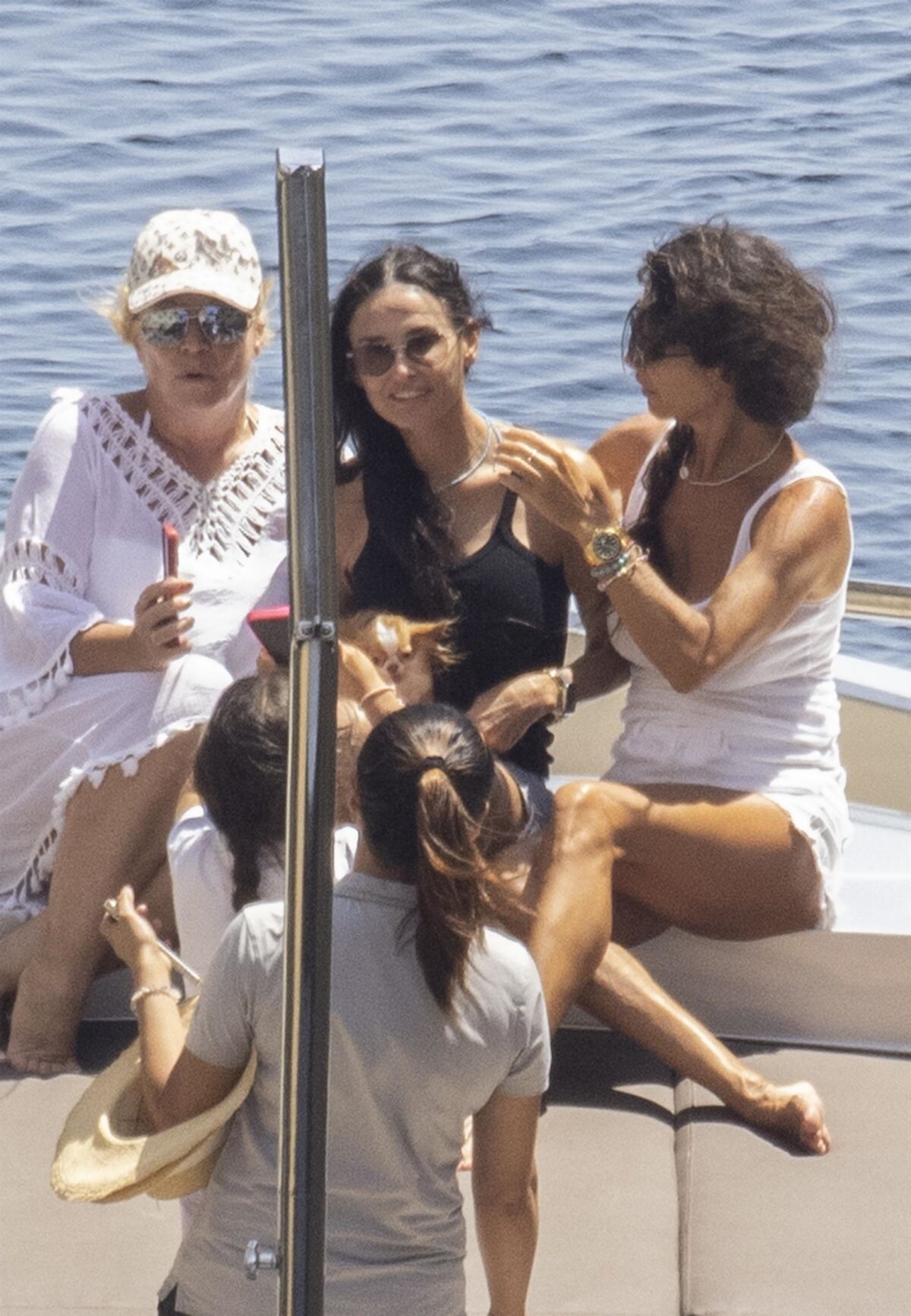

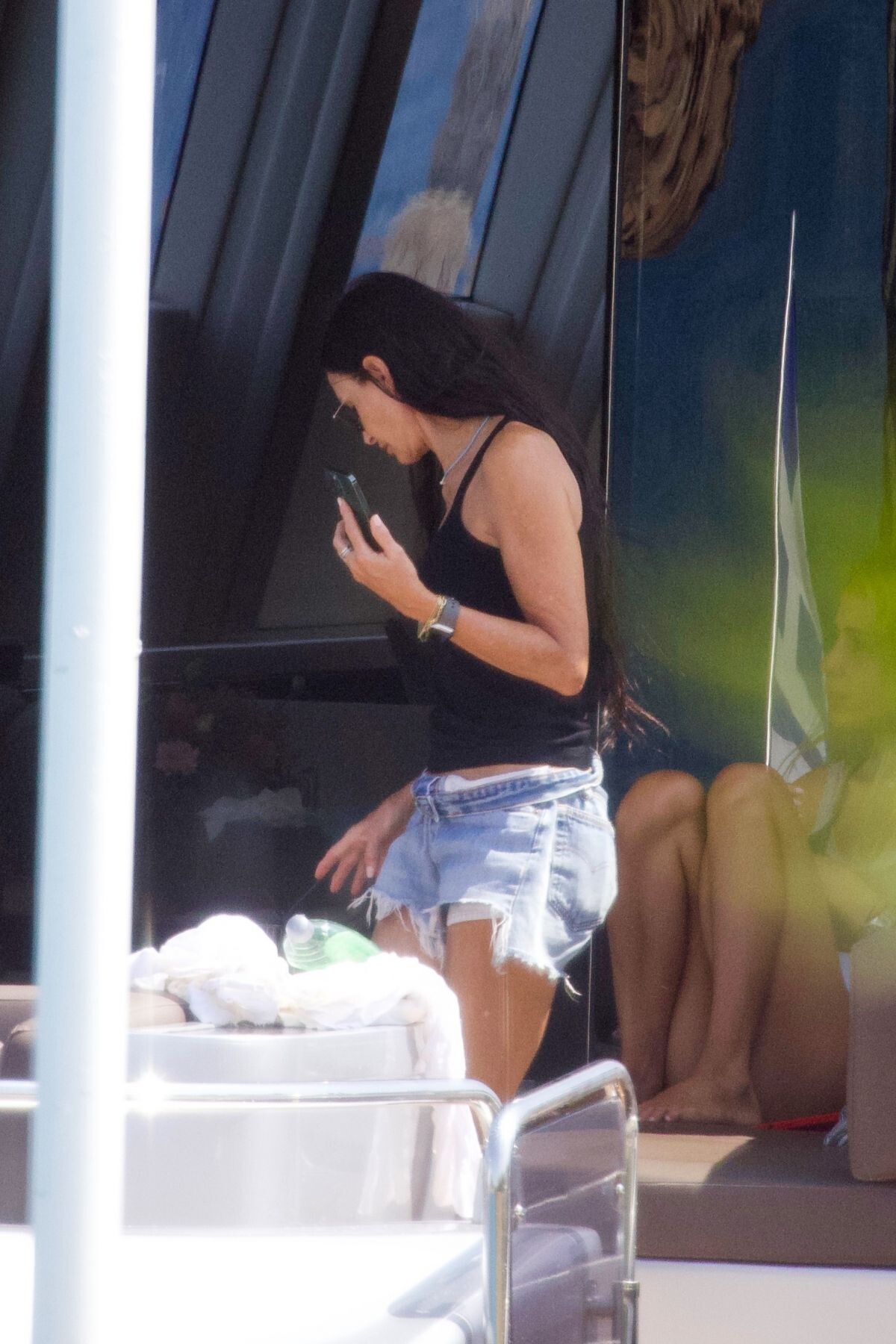




























































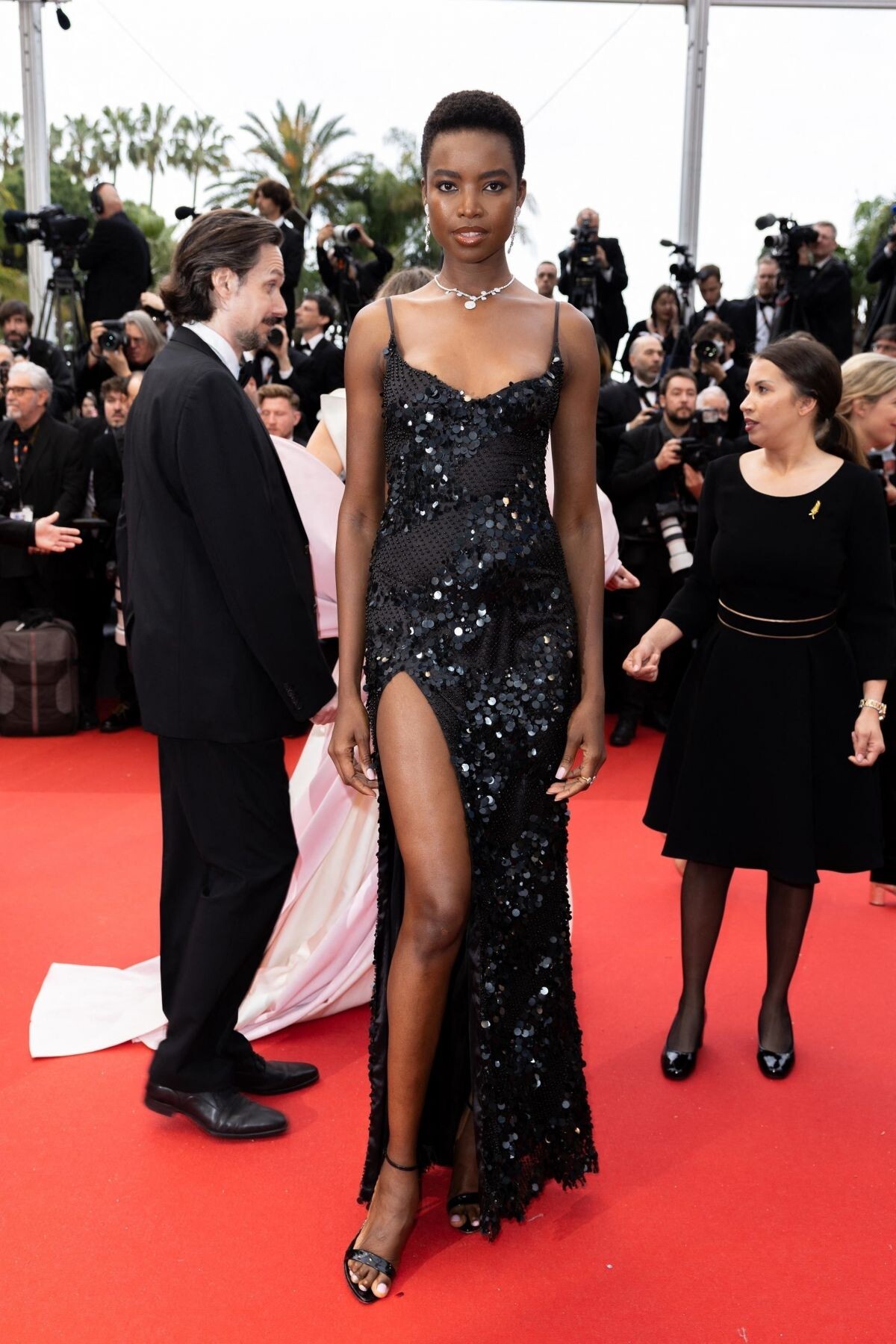




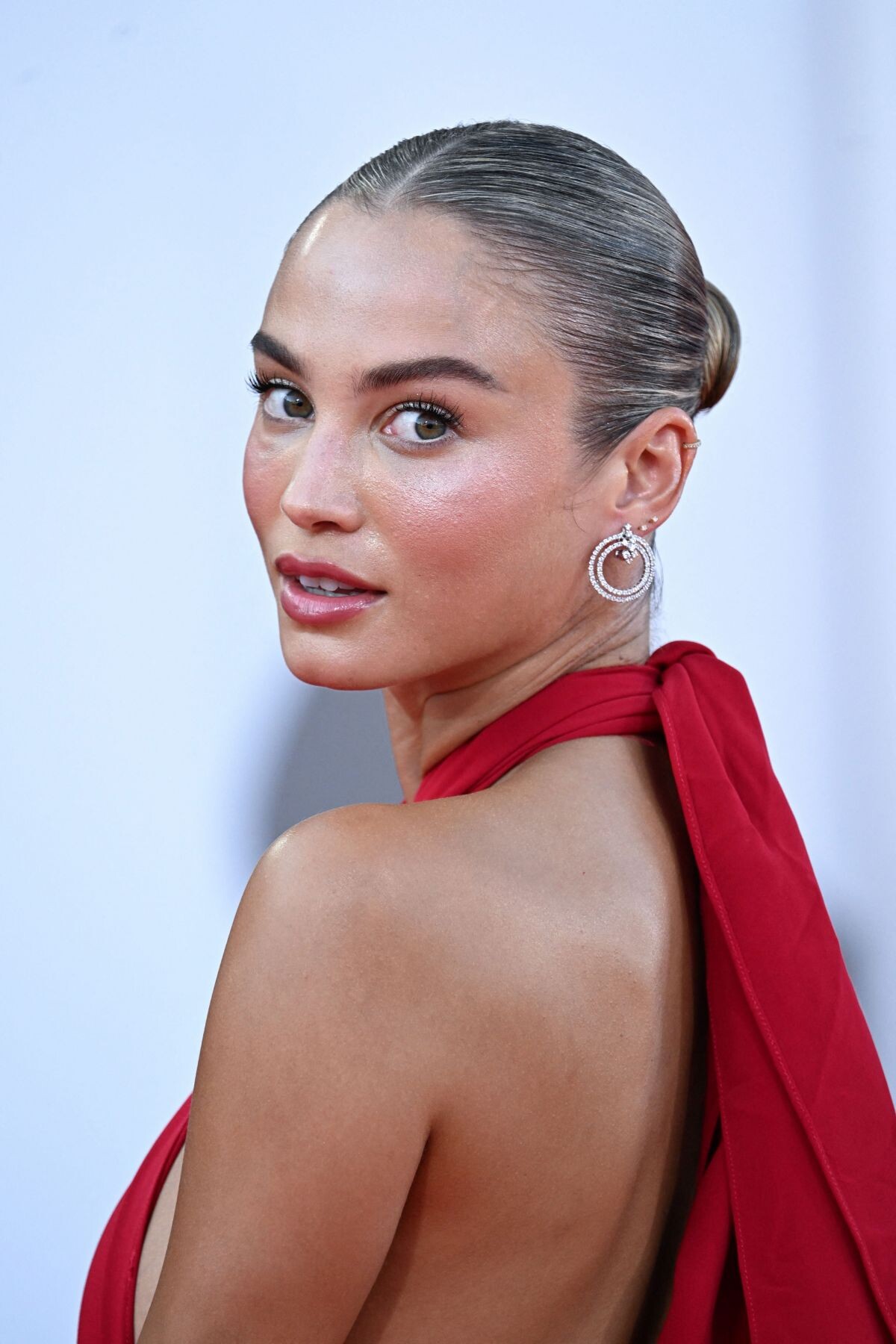



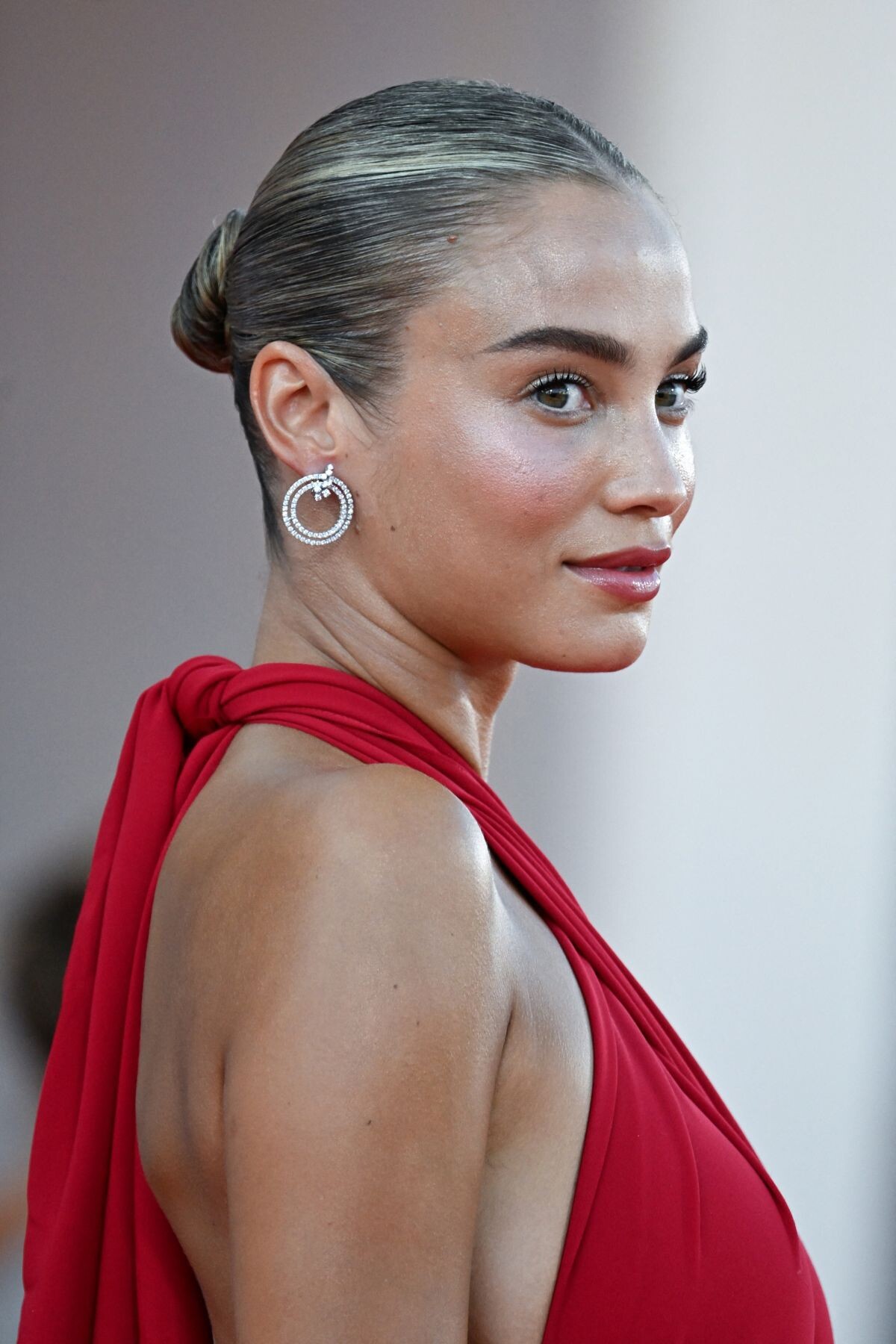


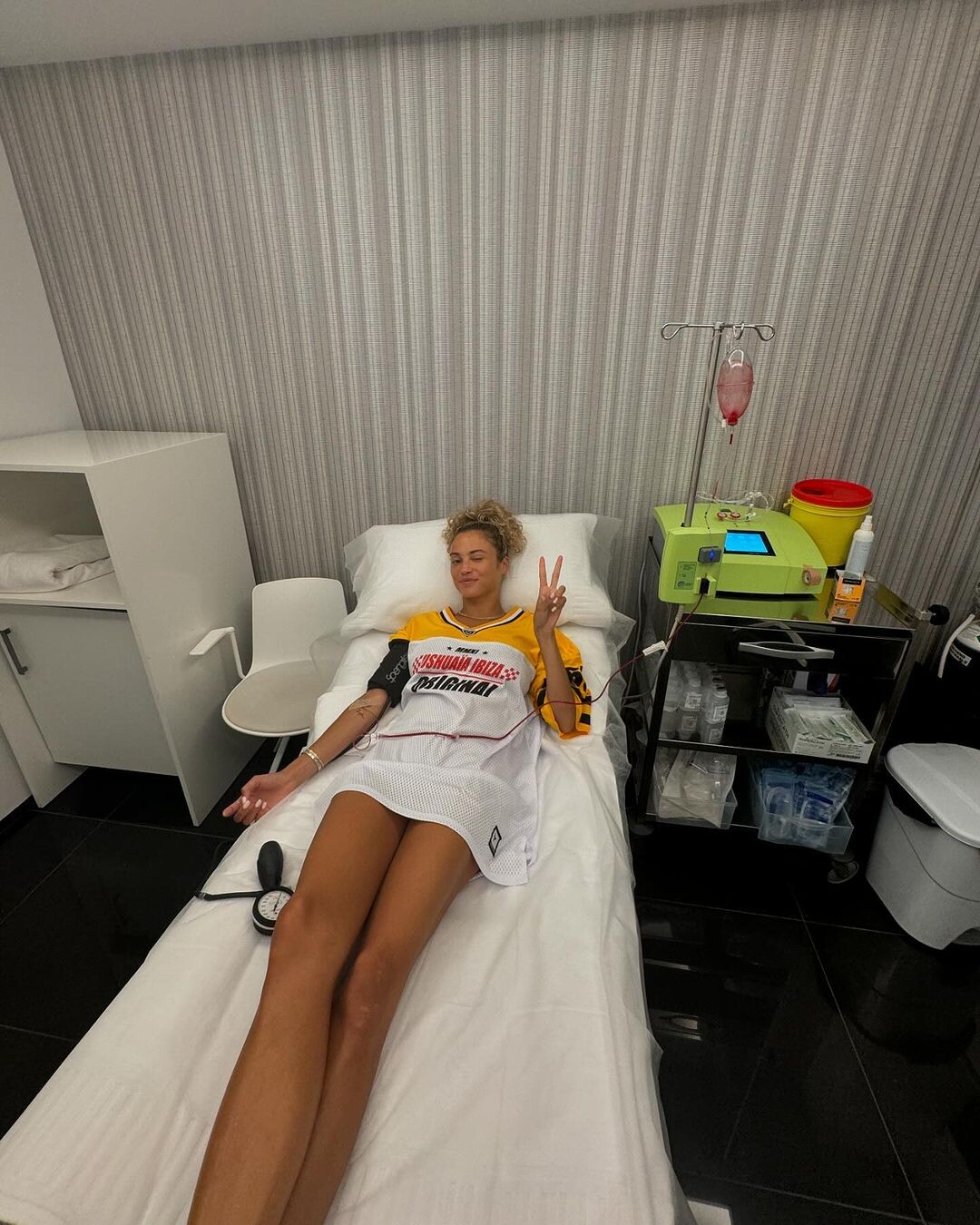




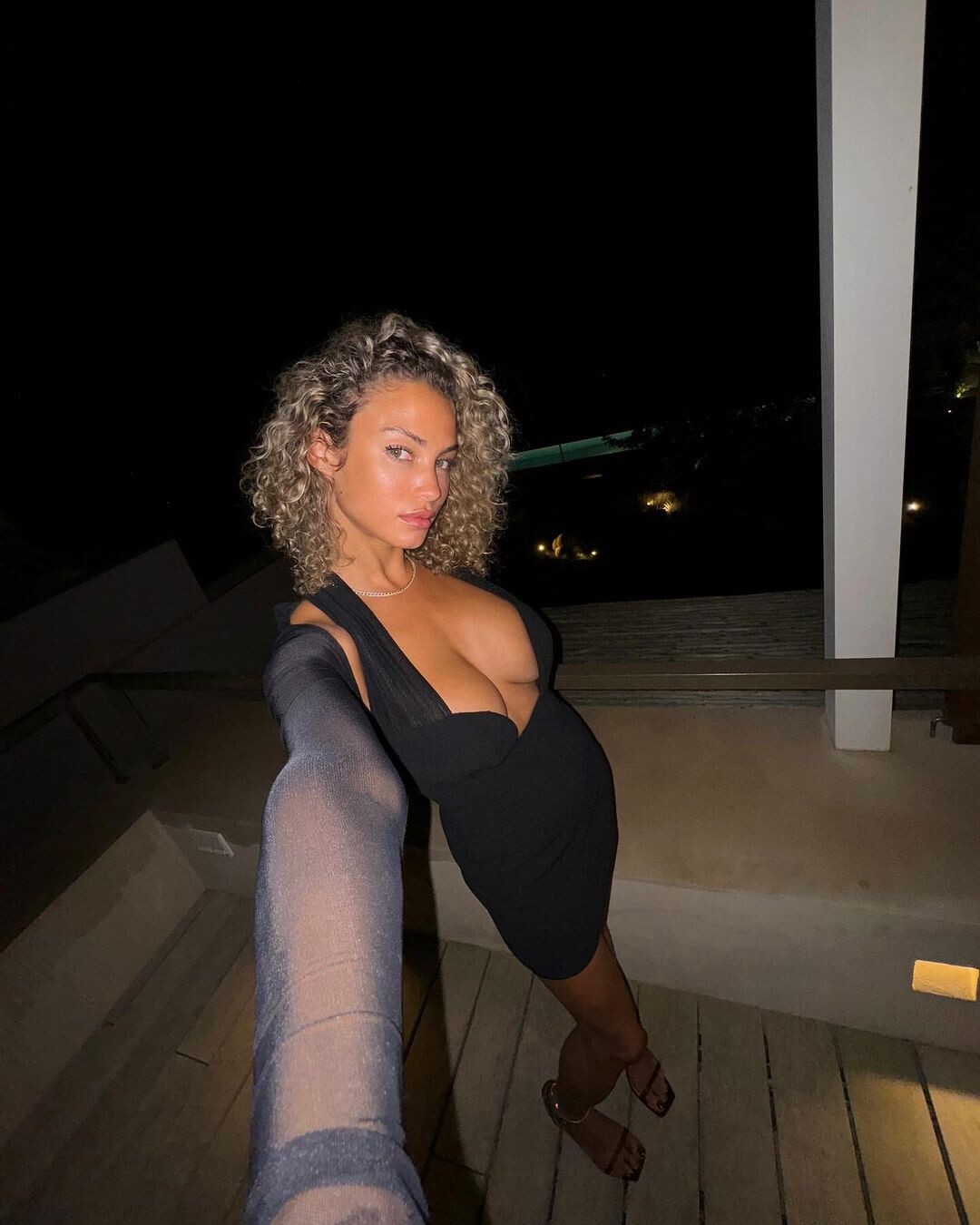

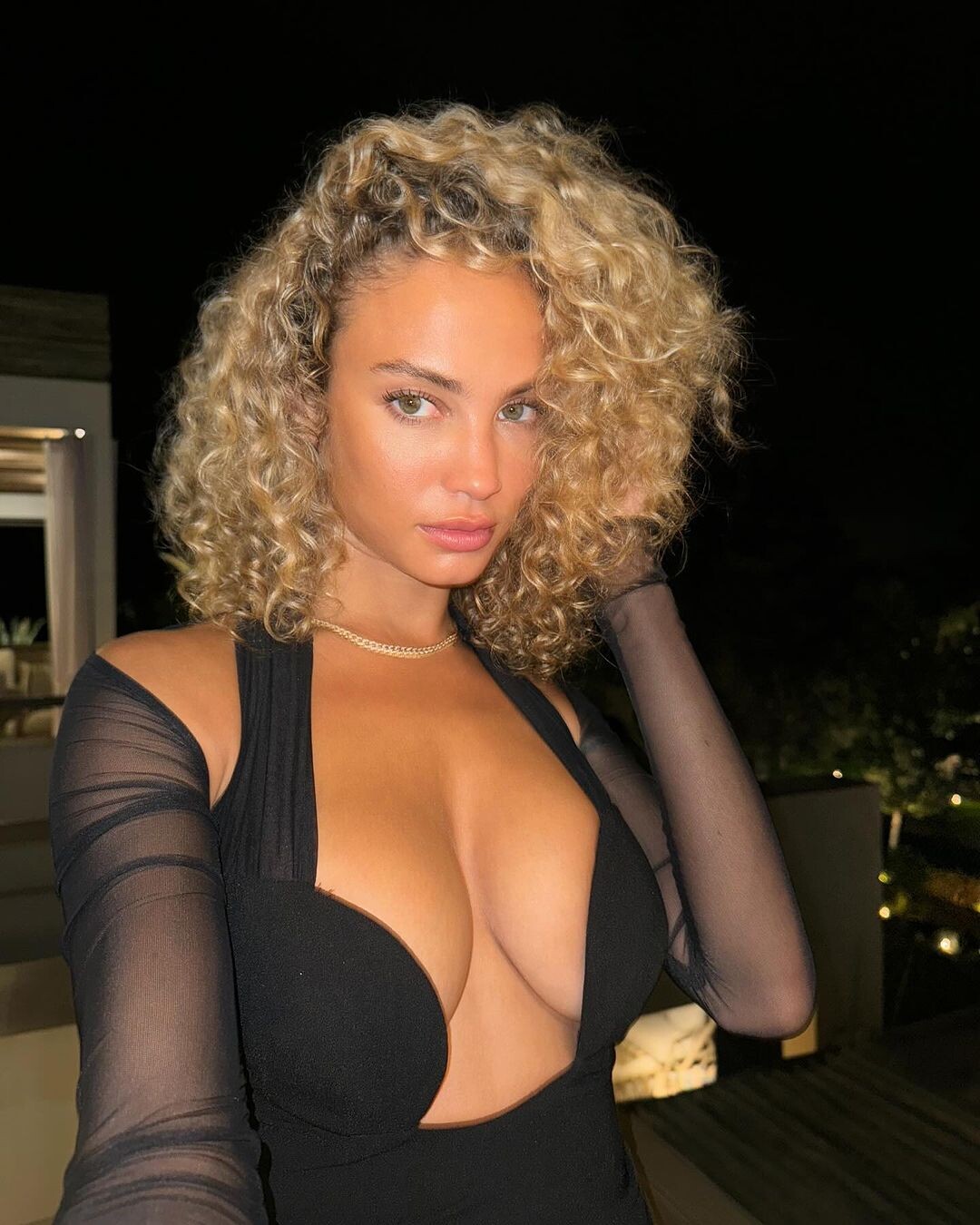






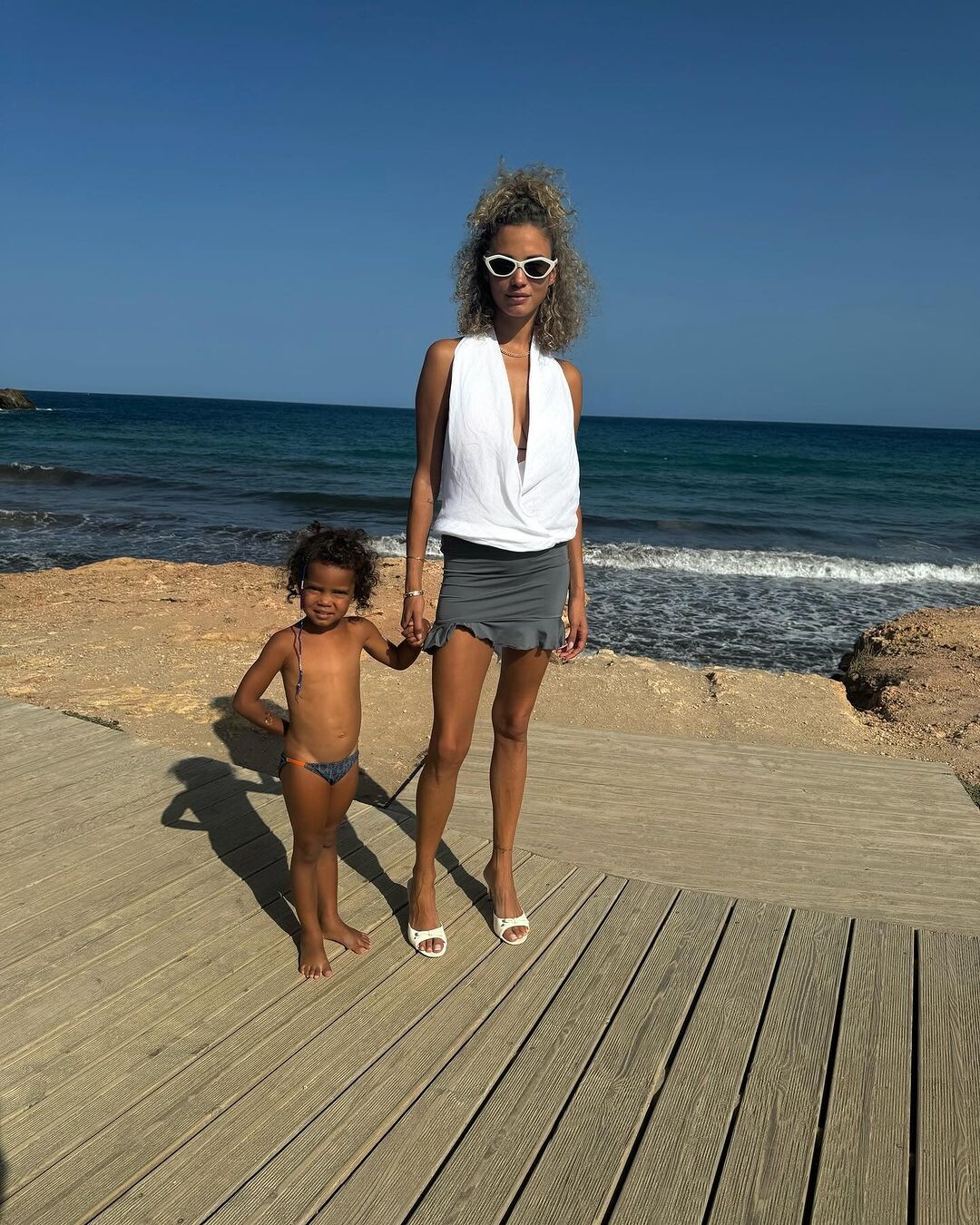



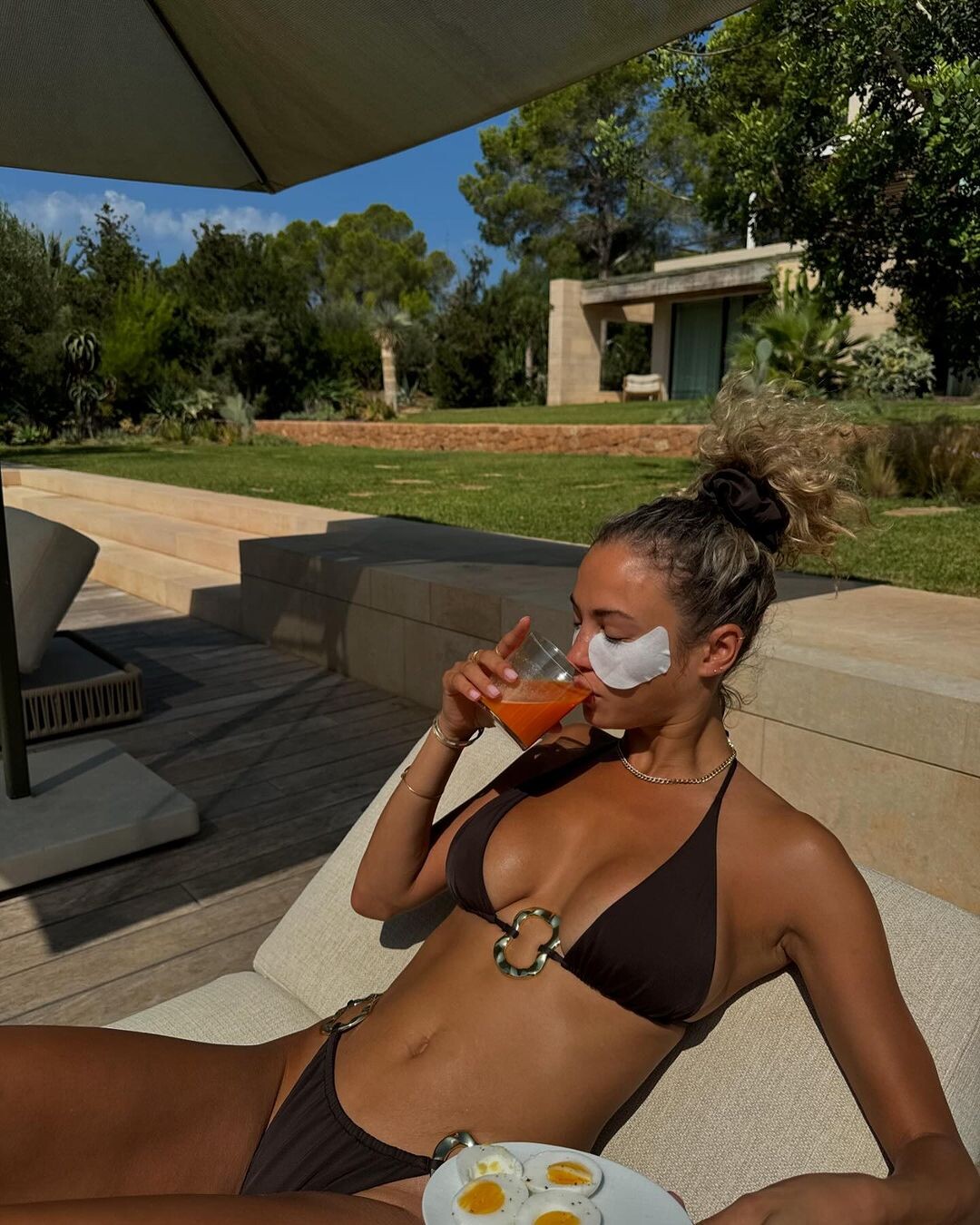
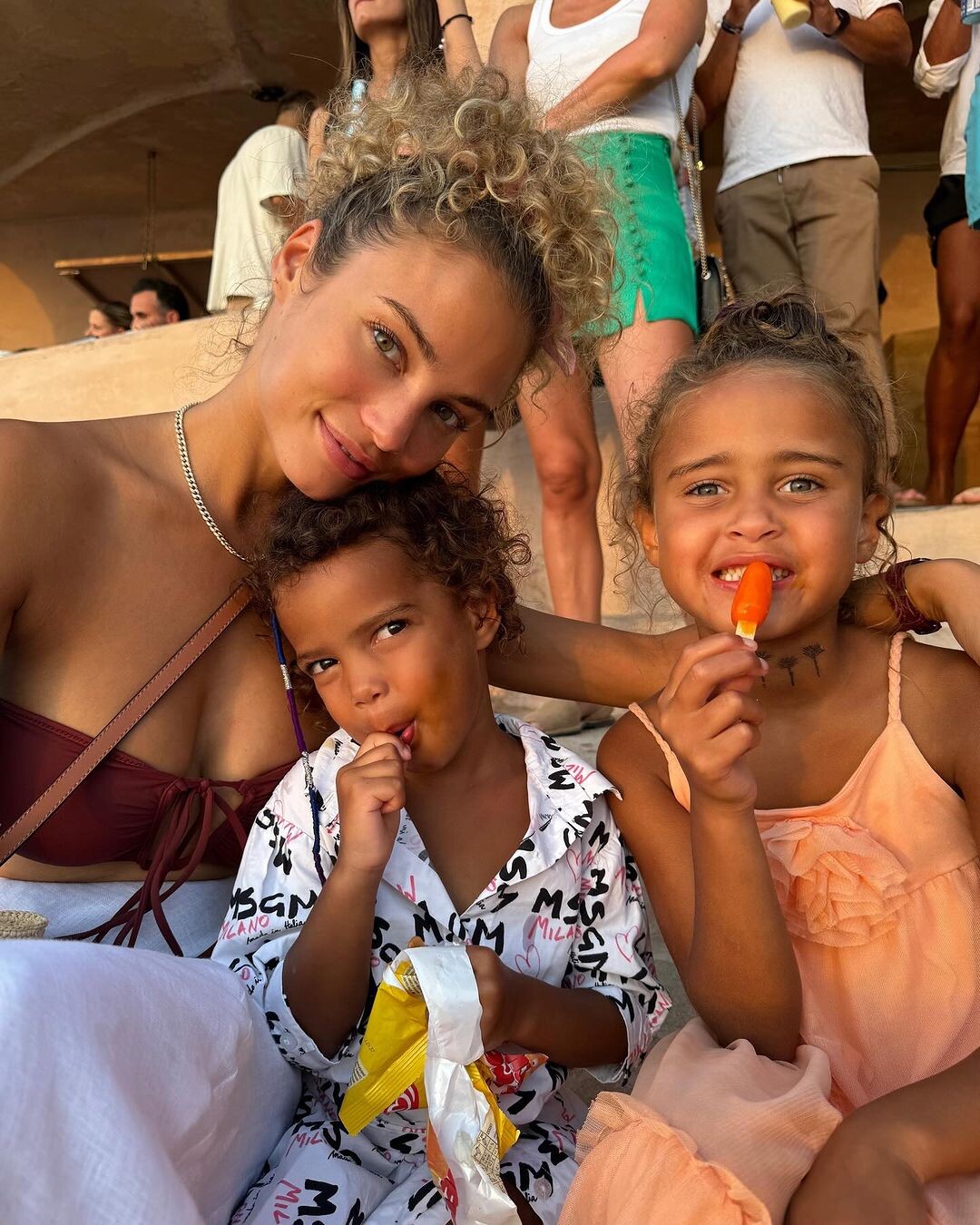


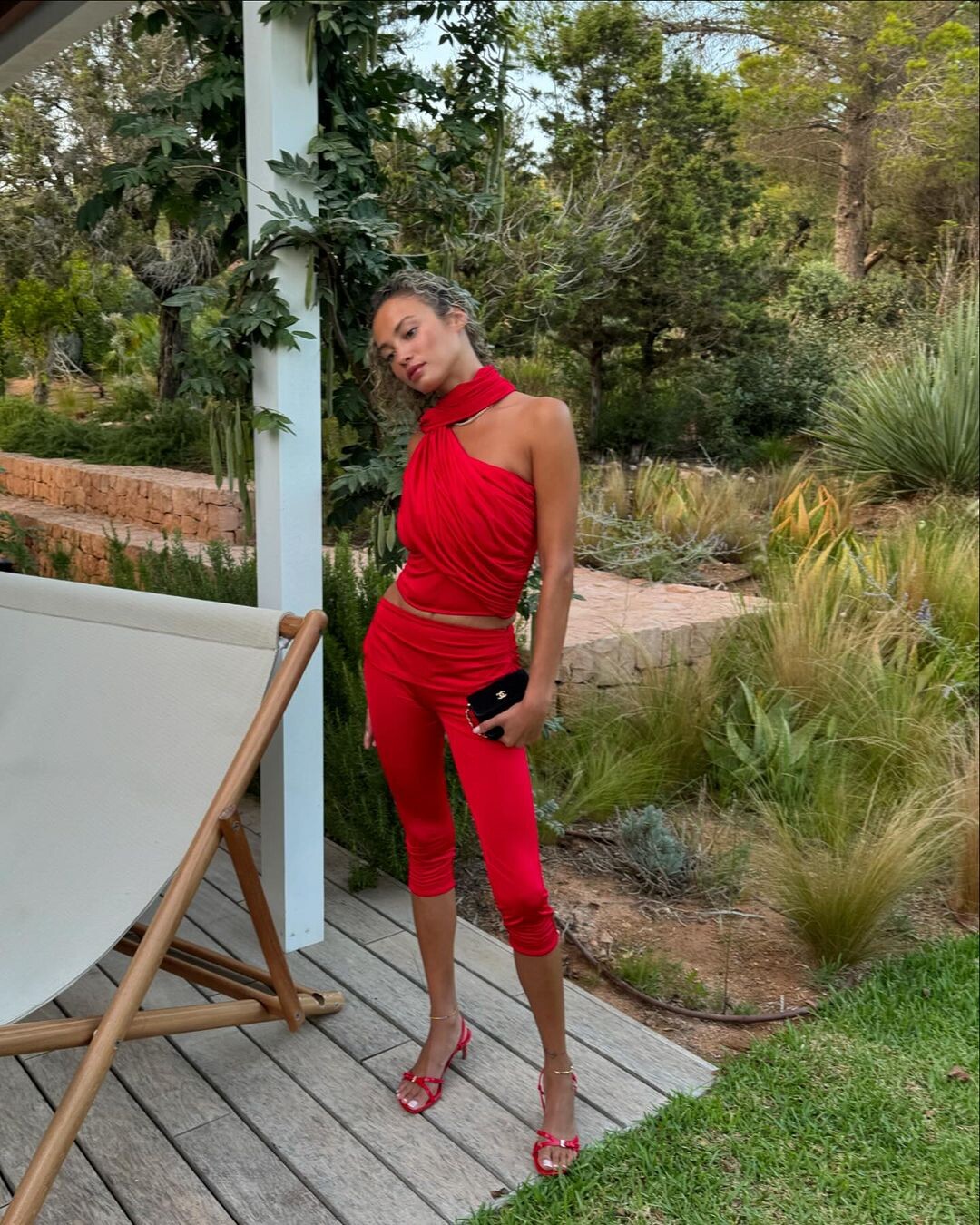

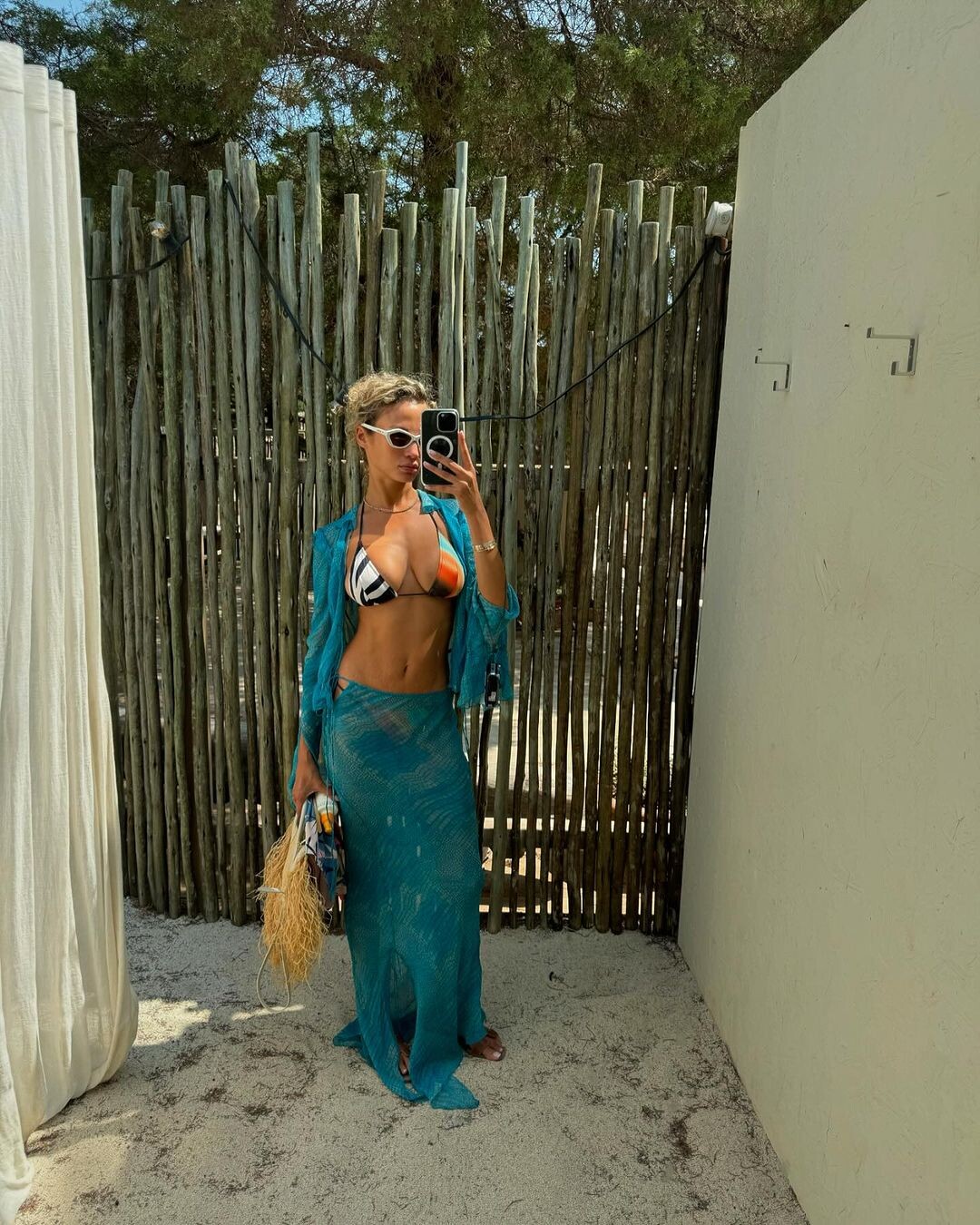






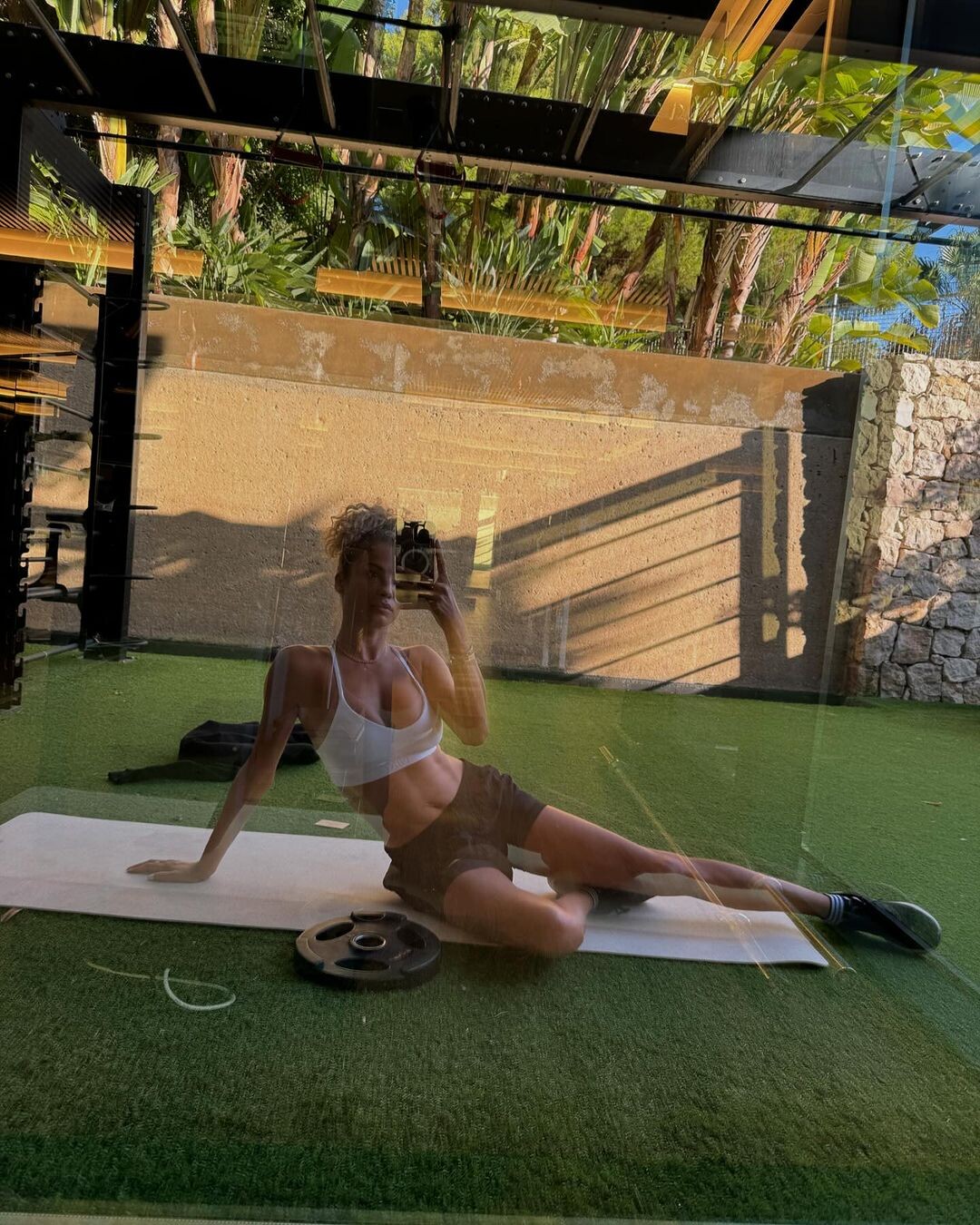















.jpg.20cd30f65759052eaafe3256c45321dd.jpg)


.jpg.c3360a22762612cf4d710ebf67c7aac8.jpg)
.jpg.9d9286a052d576564d2579ea64bc6c3b.jpg)
.jpg.7a860115cd76b38babd98ce4ab0f1222.jpg)
.jpg.e4252cc7933800e8028f39deb5200704.jpg)
.jpg.82d91e13b72fe06b6903f039244fd42f.jpg)




Account
Navigation
Search
Configure browser push notifications
Chrome (Android)
- Tap the lock icon next to the address bar.
- Tap Permissions → Notifications.
- Adjust your preference.
Chrome (Desktop)
- Click the padlock icon in the address bar.
- Select Site settings.
- Find Notifications and adjust your preference.
Safari (iOS 16.4+)
- Ensure the site is installed via Add to Home Screen.
- Open Settings App → Notifications.
- Find your app name and adjust your preference.
Safari (macOS)
- Go to Safari → Preferences.
- Click the Websites tab.
- Select Notifications in the sidebar.
- Find this website and adjust your preference.
Edge (Android)
- Tap the lock icon next to the address bar.
- Tap Permissions.
- Find Notifications and adjust your preference.
Edge (Desktop)
- Click the padlock icon in the address bar.
- Click Permissions for this site.
- Find Notifications and adjust your preference.
Firefox (Android)
- Go to Settings → Site permissions.
- Tap Notifications.
- Find this site in the list and adjust your preference.
Firefox (Desktop)
- Open Firefox Settings.
- Search for Notifications.
- Find this site in the list and adjust your preference.