
balenciagaaa
Members
-
Joined
-
Last visited
Everything posted by balenciagaaa
-
 AmfAR Gala at 81st Venice Film Festival 09/01/2024




-
amfAR Gala at 77th Cannes Film Festival 05/23/2024


 Kilian Party to Celebrate New Fragrance Sunkissed Goddess at 77th annual Cannes Film Festival 05/21/2024





 The Count of Monte Cristo Premiere at 77th Cannes Film Festival 05/22/2024





 Marcello Mio Premiere at 77th Cannes Film Festival 05/21/2024





 Jhpiego’s Laughter is Best Medicine Gala in Los Angeles 05/02/2024





 Leaves 17th Annual WIF Women Oscar Nominees Party in Los Angeles 03/08/2024




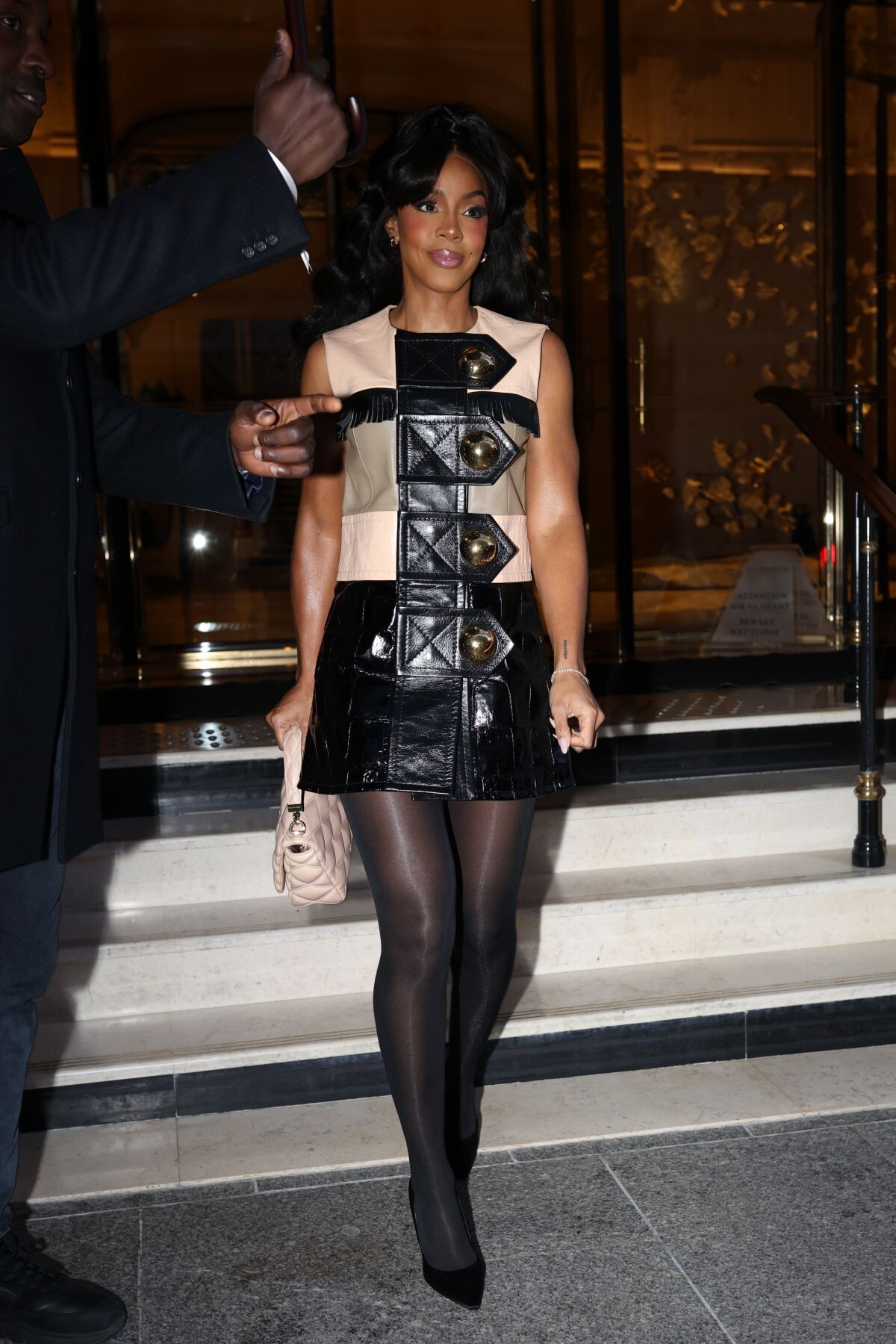
 Louis Vuitton Womenswear FW24-25 Fashion Show at Paris Fashion Week 03/05/2024









 at Christopher Esber SS24 Fashion Show at PFW in Paris 09/28/2023







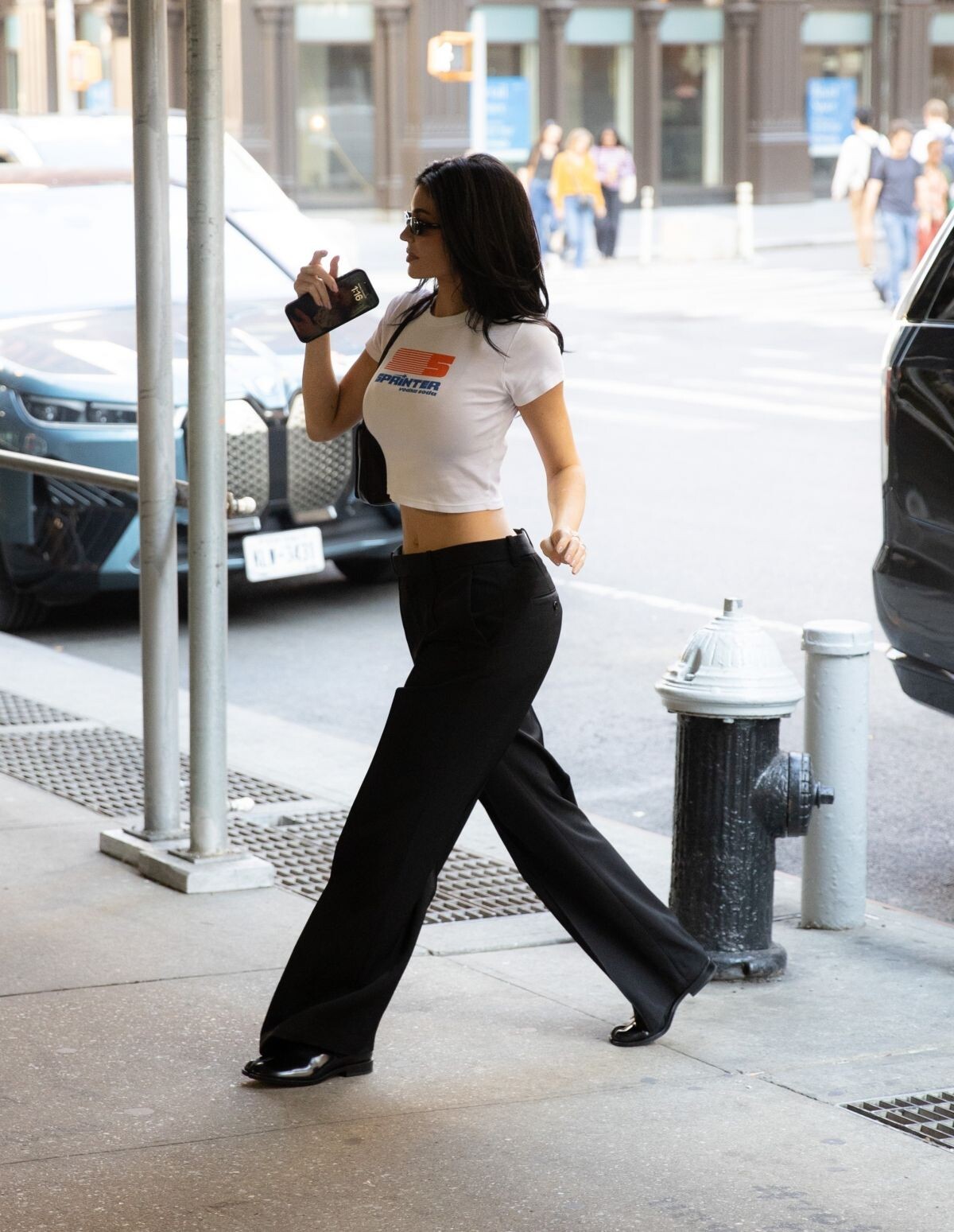
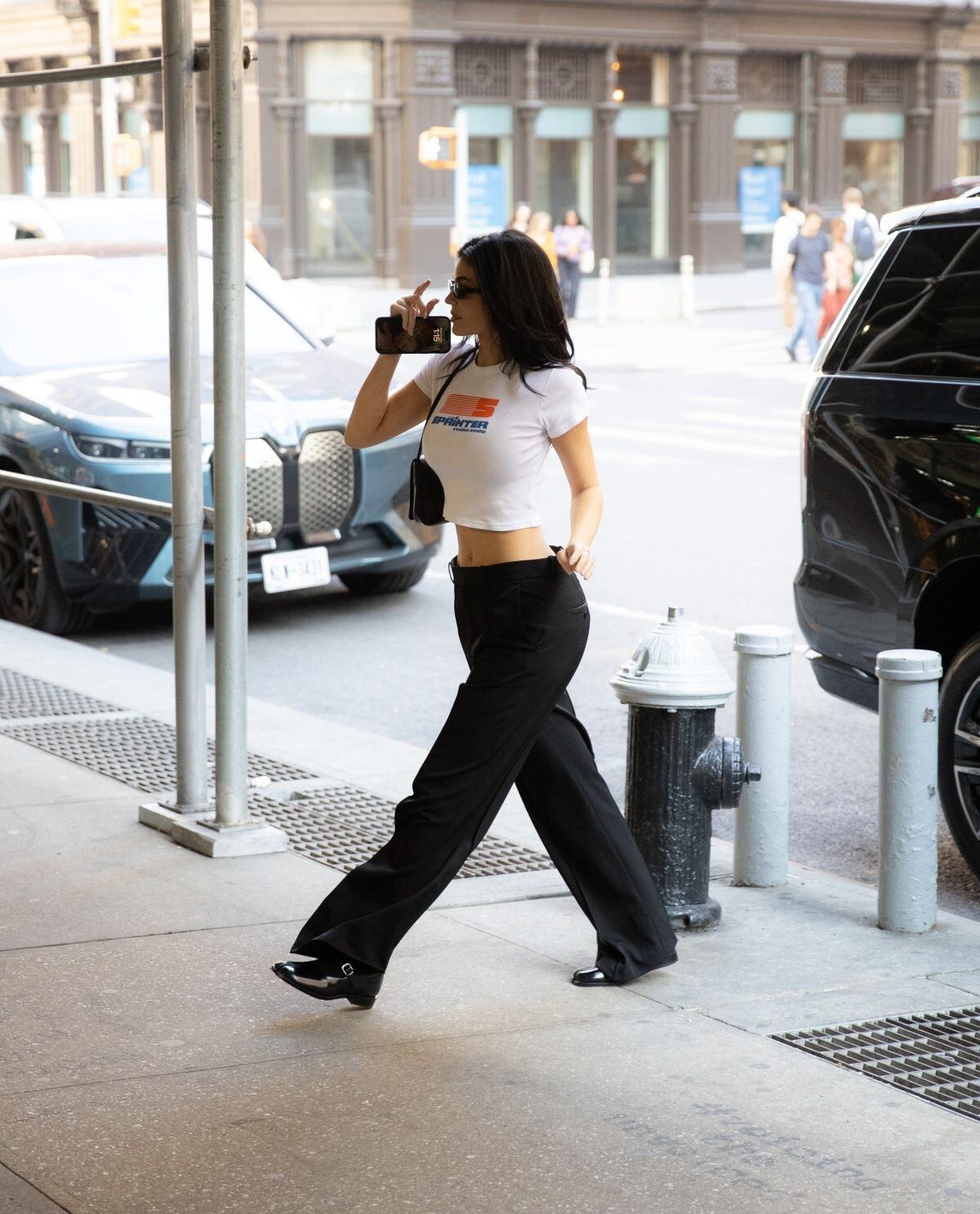
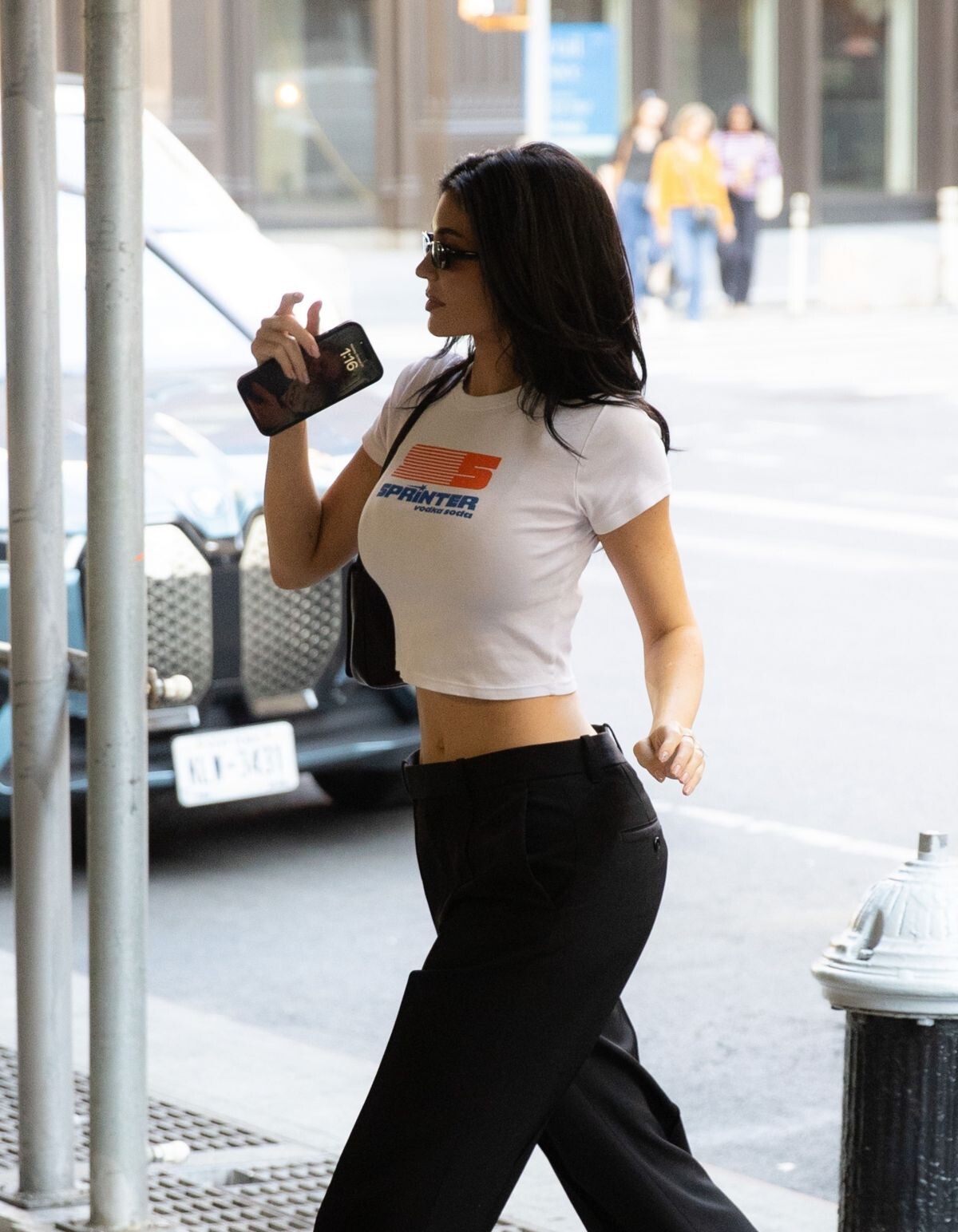
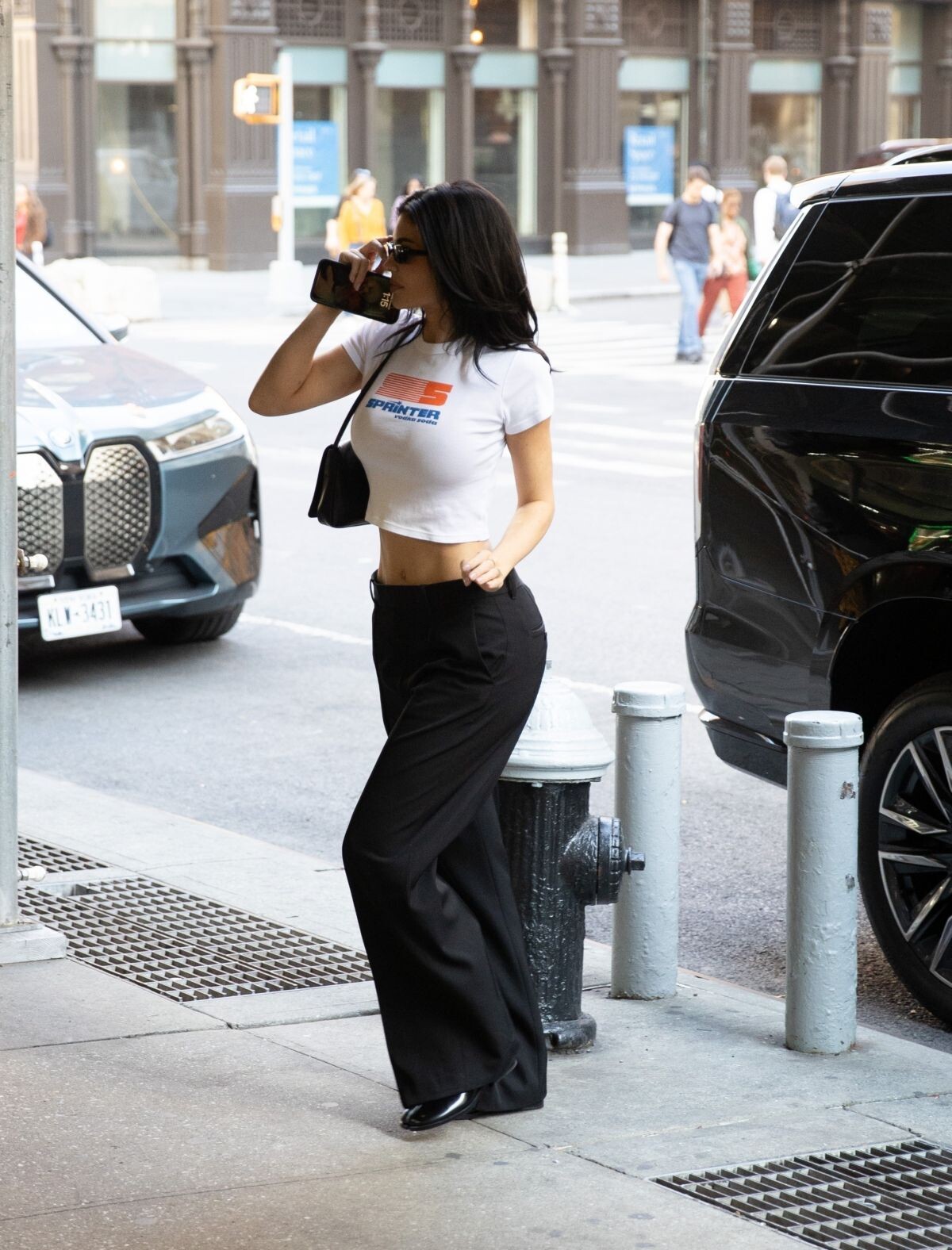
 Out and About in New York 02/15/2024





 Steps Out to Greet Some Fans in Hollywood 10/21/2024

 Emilia Perez Premiere at Egyptian Theatre in Hollywood 10/21/2024








 Leaves Emilia Perez Premiere in Los Angeles 10/21/2024





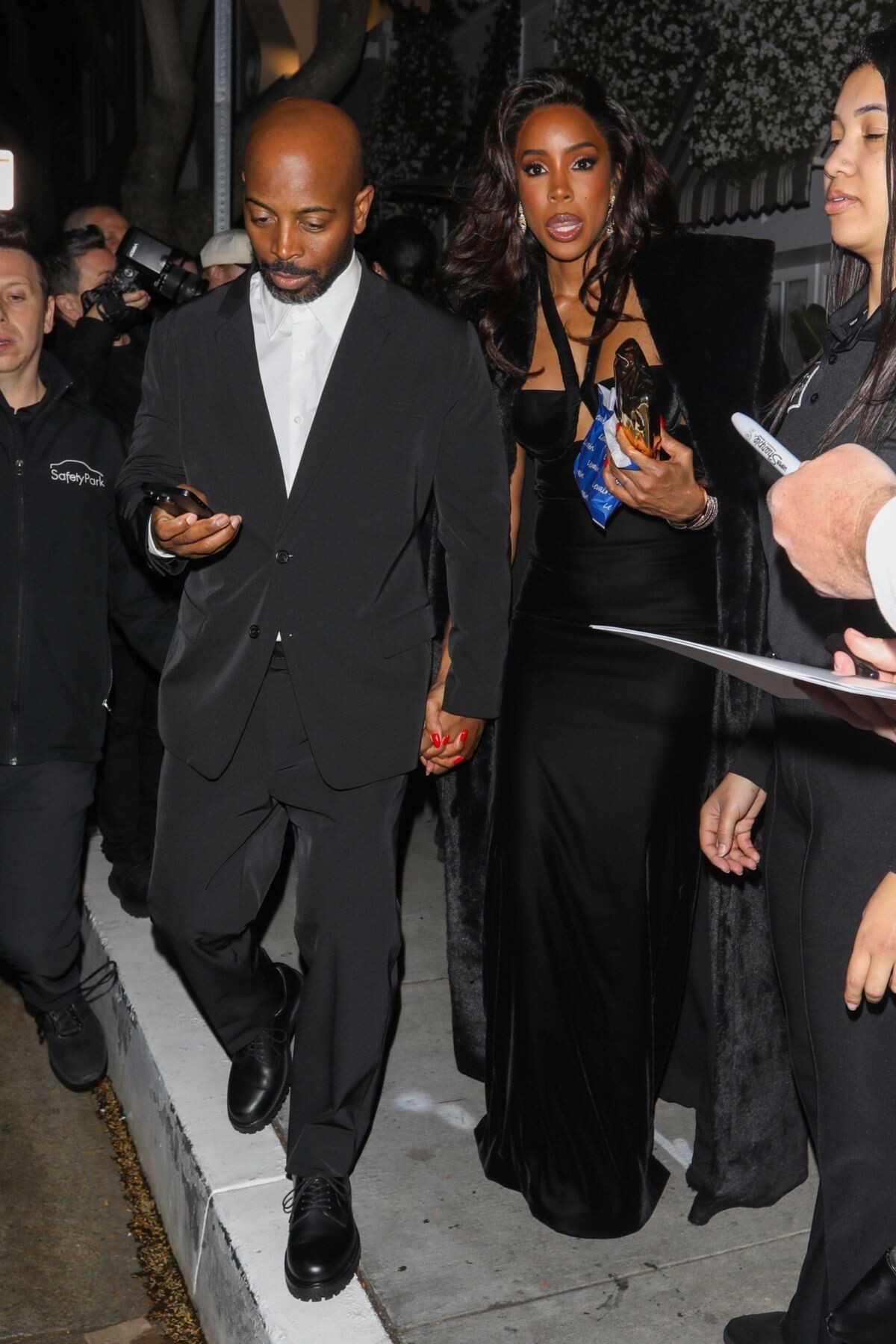
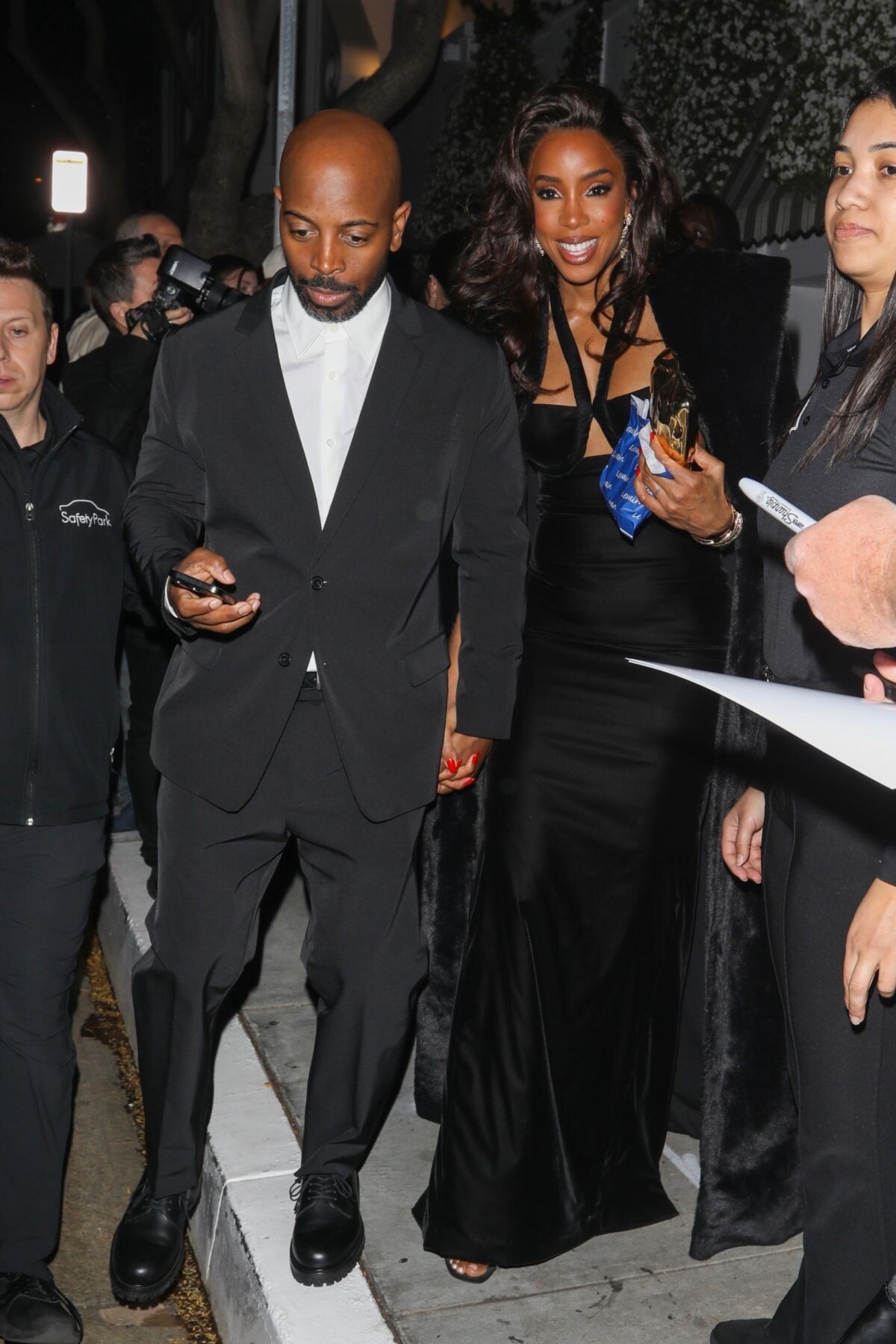
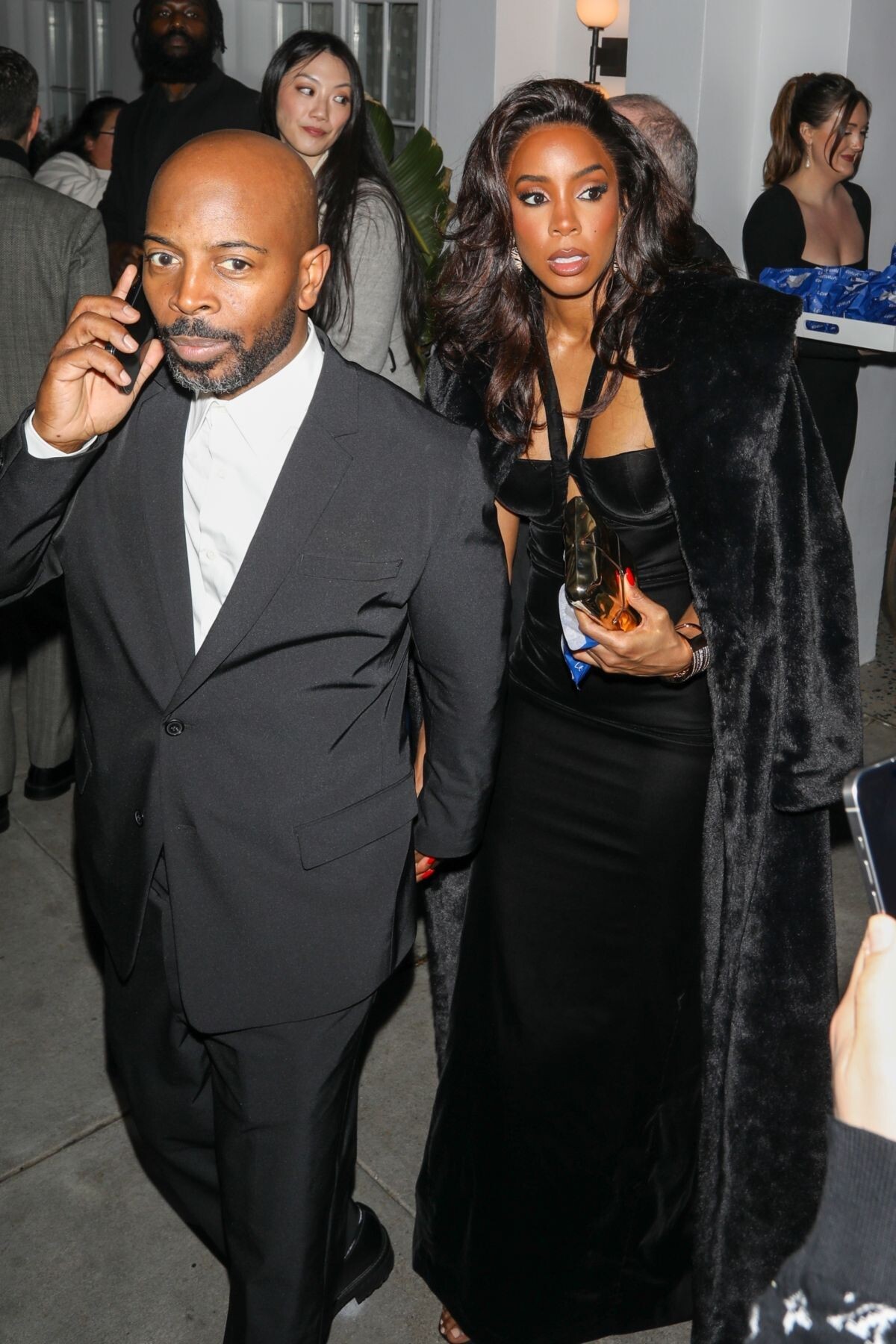
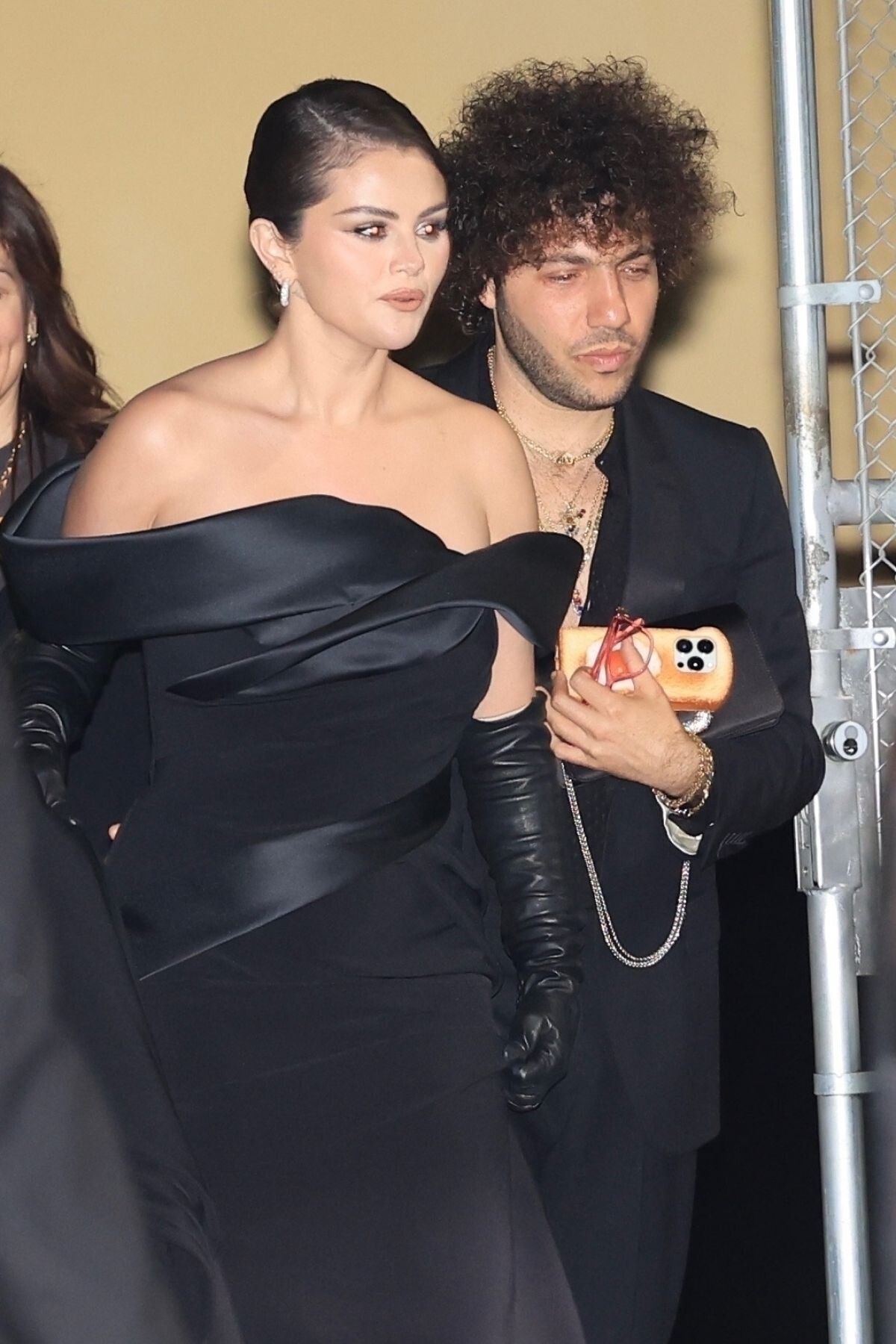
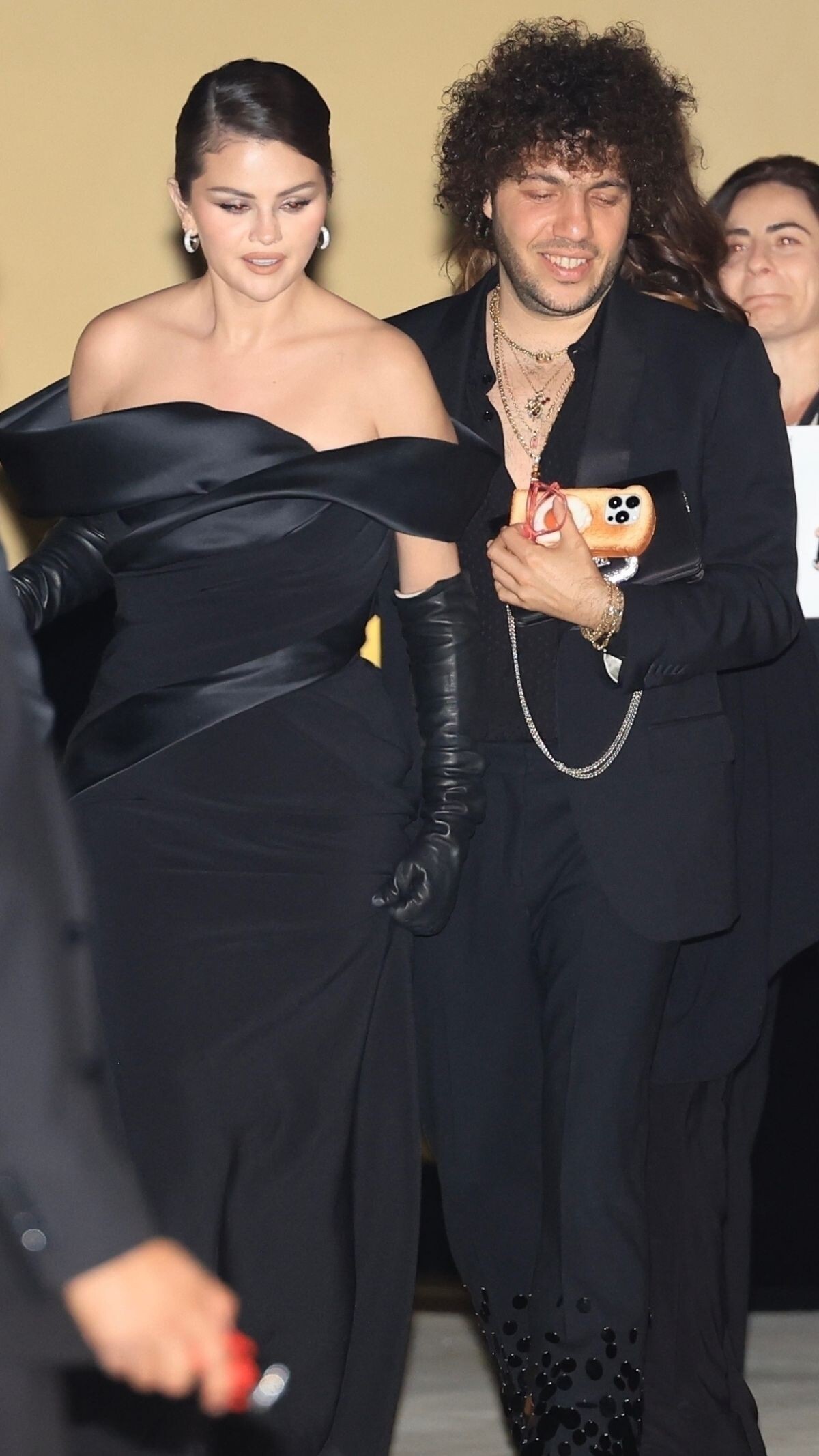
 4th Annual Academy Museum Gala at Academy Museum of Motion Pictures in Los Angeles 10/19/2024





 Love Your Rare Beauty, October 2024










































































































































































Account
Navigation
Search
Configure browser push notifications
Chrome (Android)
- Tap the lock icon next to the address bar.
- Tap Permissions → Notifications.
- Adjust your preference.
Chrome (Desktop)
- Click the padlock icon in the address bar.
- Select Site settings.
- Find Notifications and adjust your preference.
Safari (iOS 16.4+)
- Ensure the site is installed via Add to Home Screen.
- Open Settings App → Notifications.
- Find your app name and adjust your preference.
Safari (macOS)
- Go to Safari → Preferences.
- Click the Websites tab.
- Select Notifications in the sidebar.
- Find this website and adjust your preference.
Edge (Android)
- Tap the lock icon next to the address bar.
- Tap Permissions.
- Find Notifications and adjust your preference.
Edge (Desktop)
- Click the padlock icon in the address bar.
- Click Permissions for this site.
- Find Notifications and adjust your preference.
Firefox (Android)
- Go to Settings → Site permissions.
- Tap Notifications.
- Find this site in the list and adjust your preference.
Firefox (Desktop)
- Open Firefox Settings.
- Search for Notifications.
- Find this site in the list and adjust your preference.