
balenciagaaa
Members
-
Joined
-
Last visited
Everything posted by balenciagaaa
-
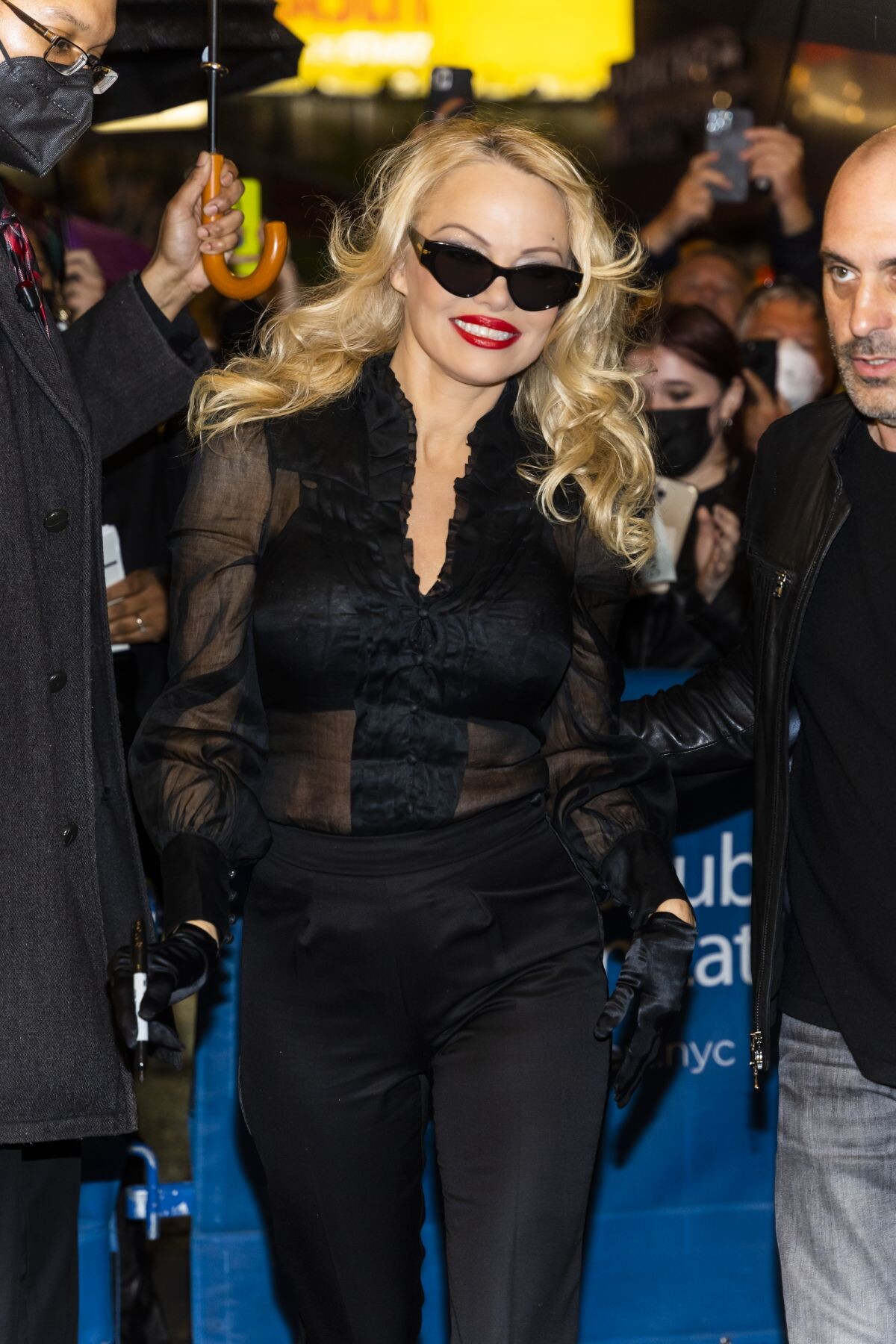
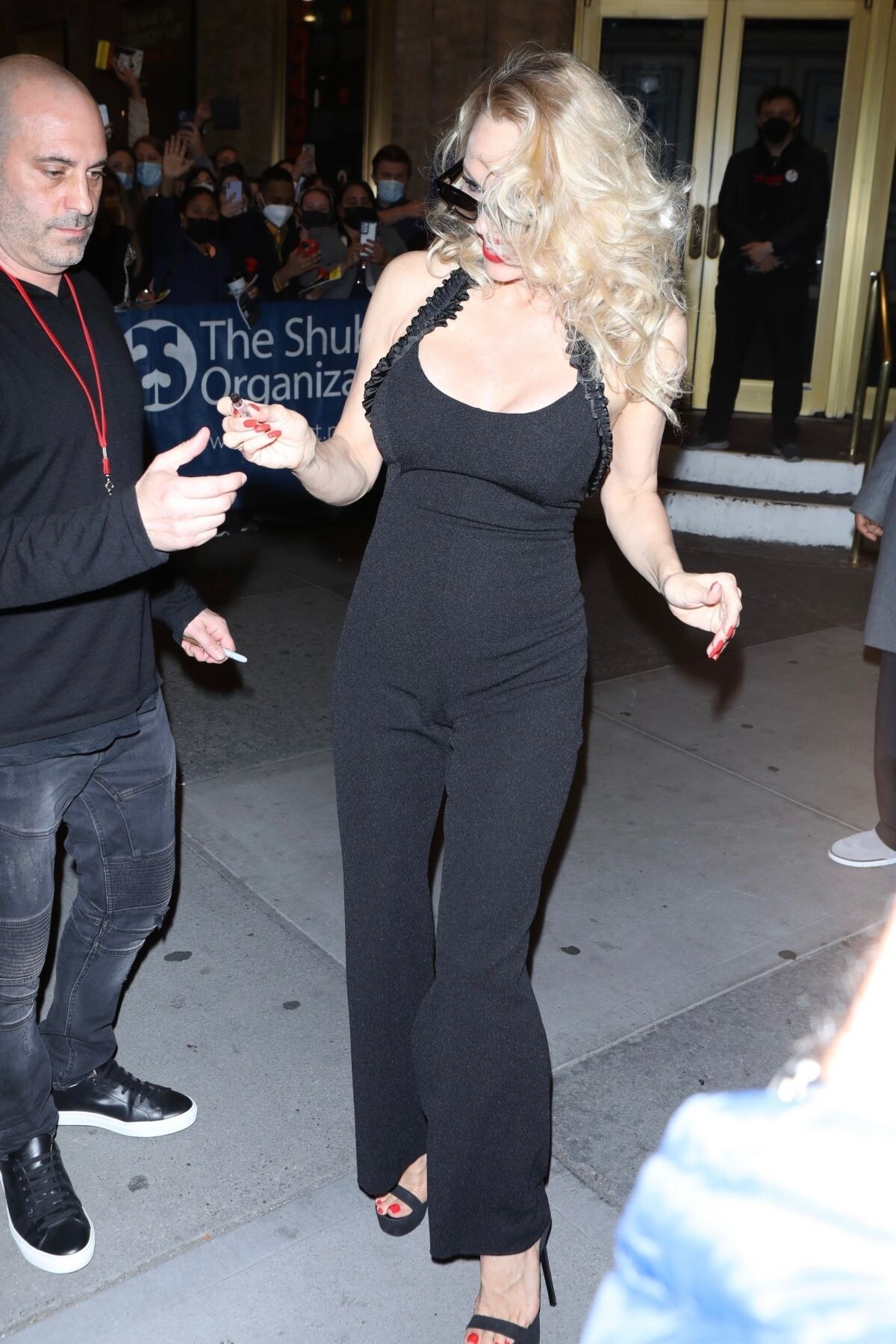
 Leaves Her Final Performance of Chicago in New York 06/05/2022


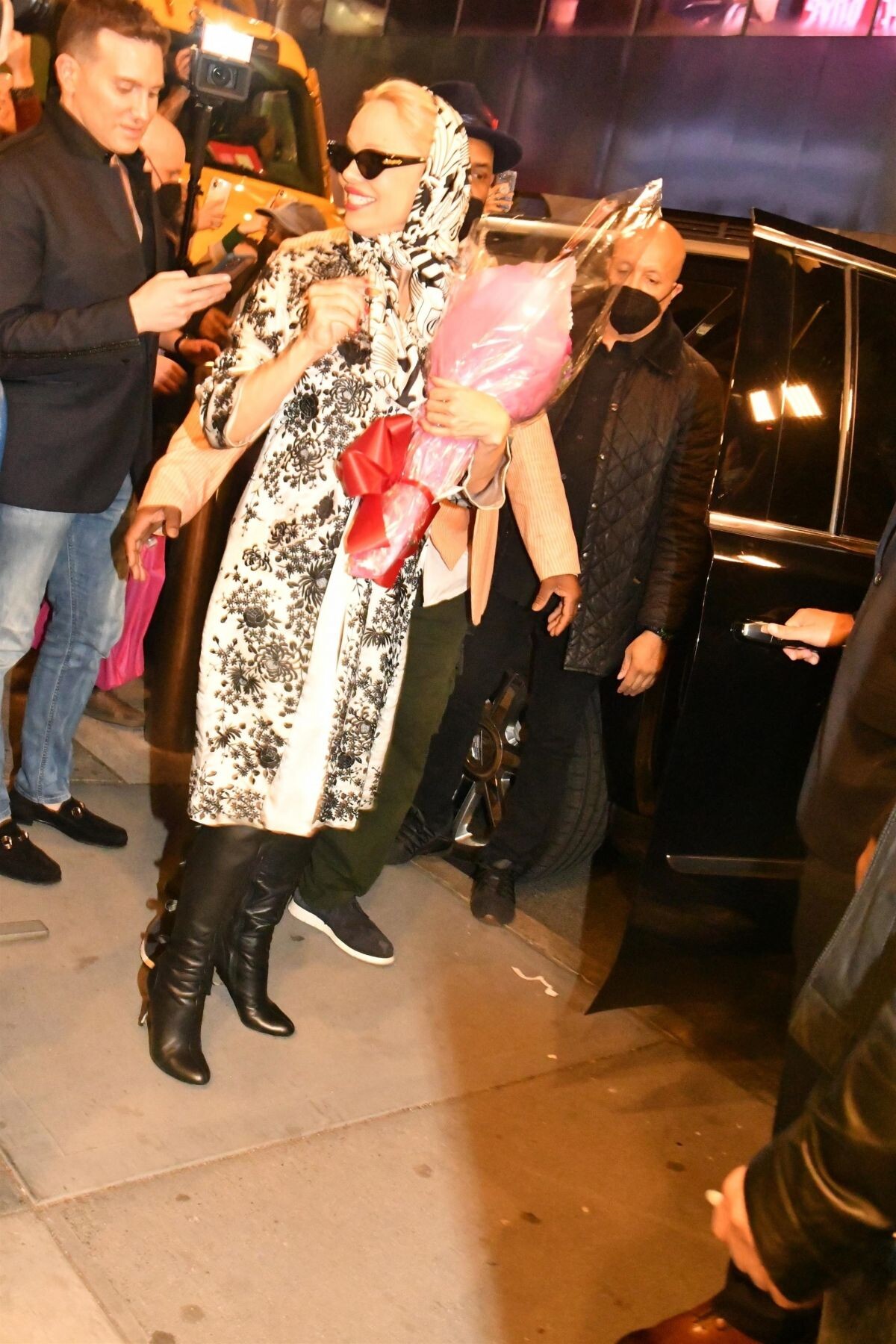
 Leaves Broadway in New York 05/13/2022


 PAMELA ANDERSON Leaves a Theater on Broadway in New York 05/07/2022





 PAMELA ANDERSON and Brandon Thomas Lee Out in New York 04/09/2022


 W Magazine, September 2022
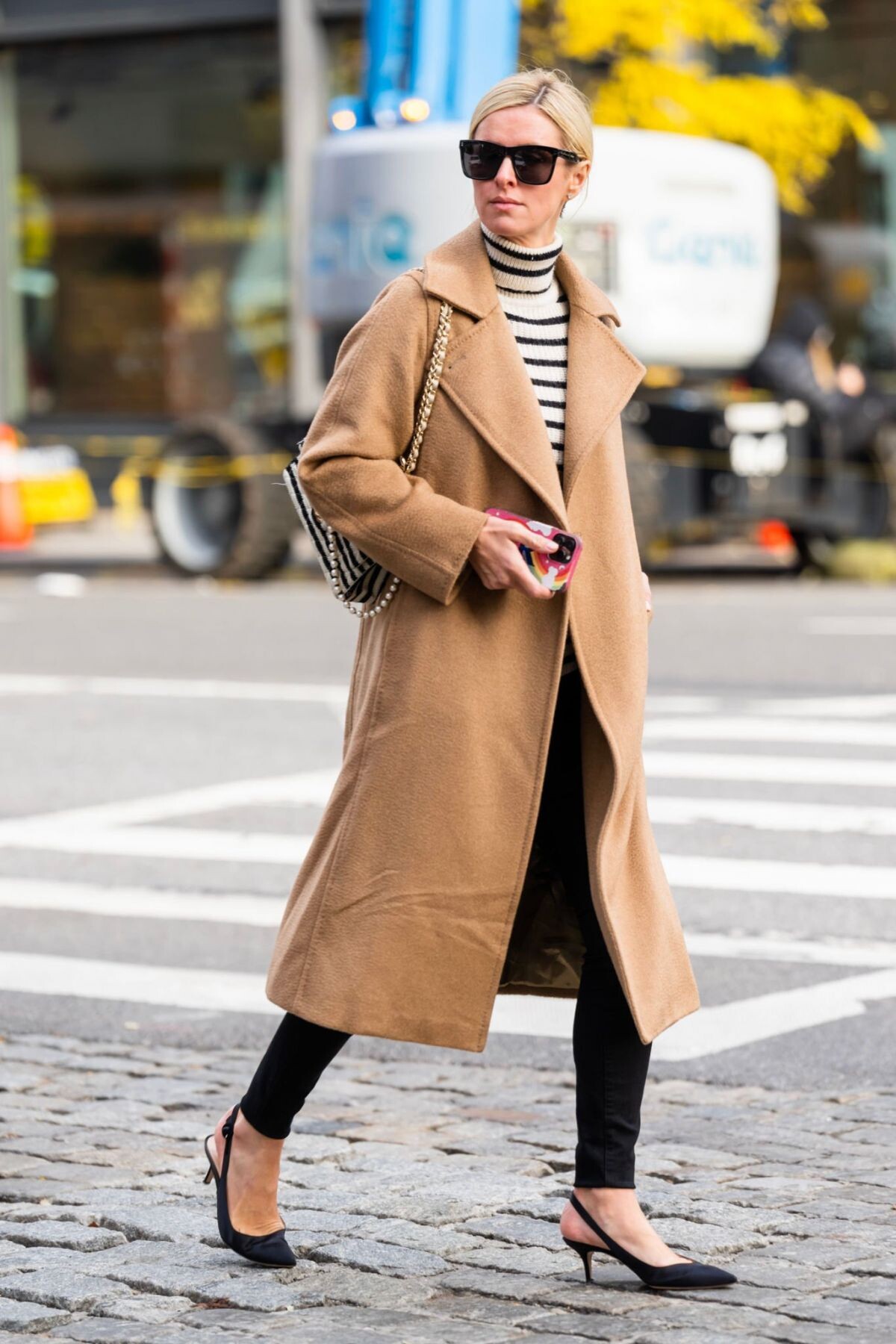
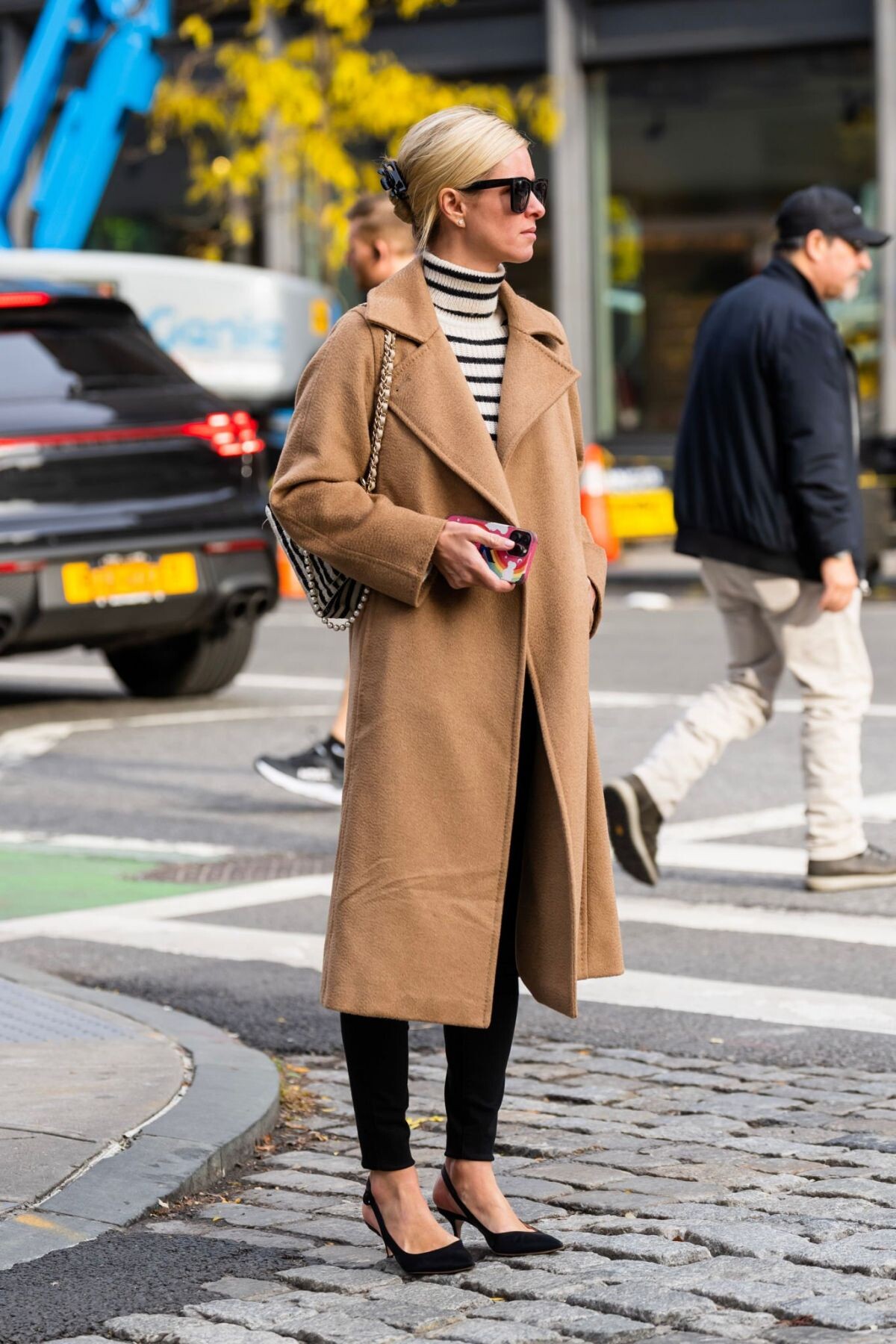
 Clear Cut Celebrates Natural Diamonds in New York 01/12/2023





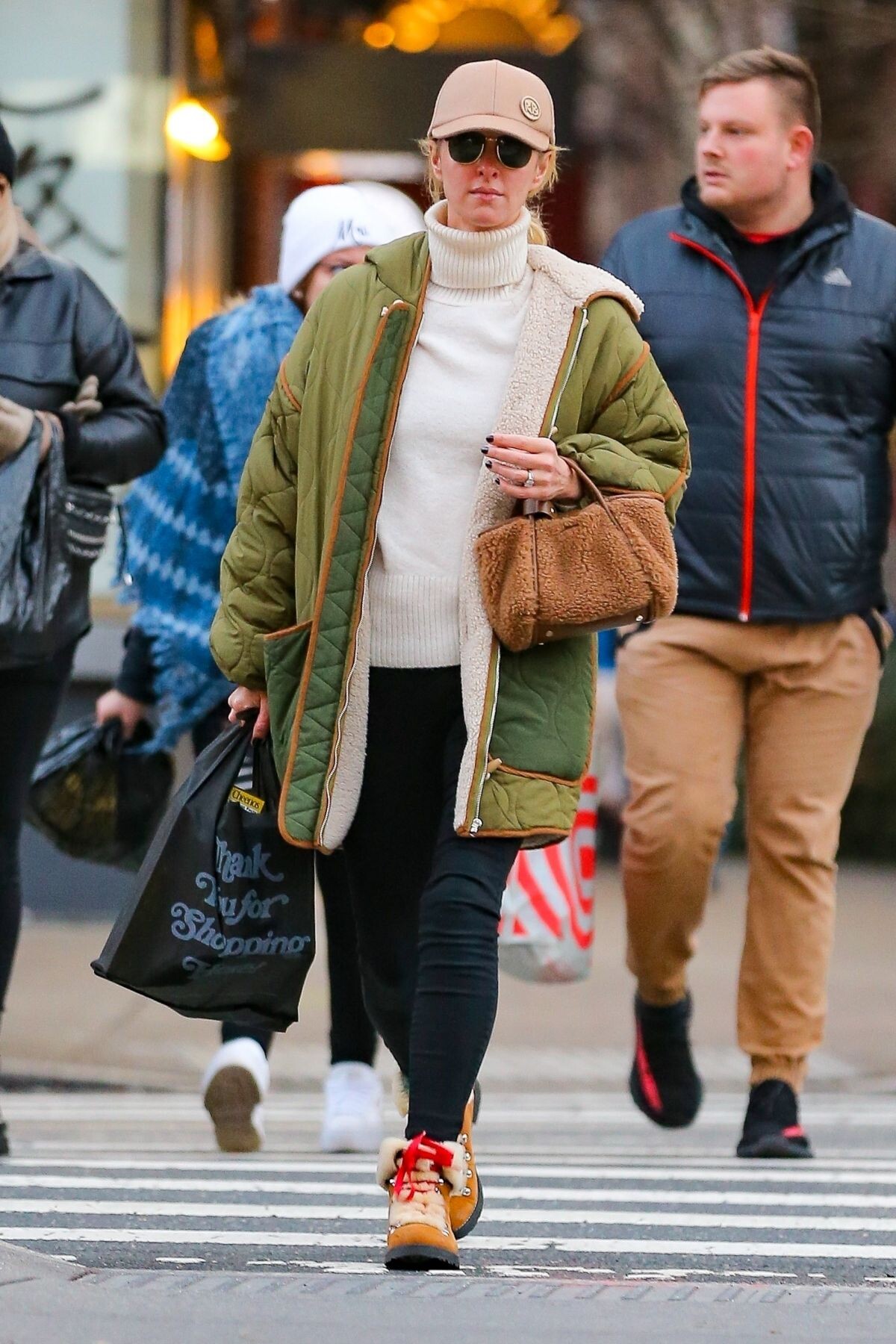
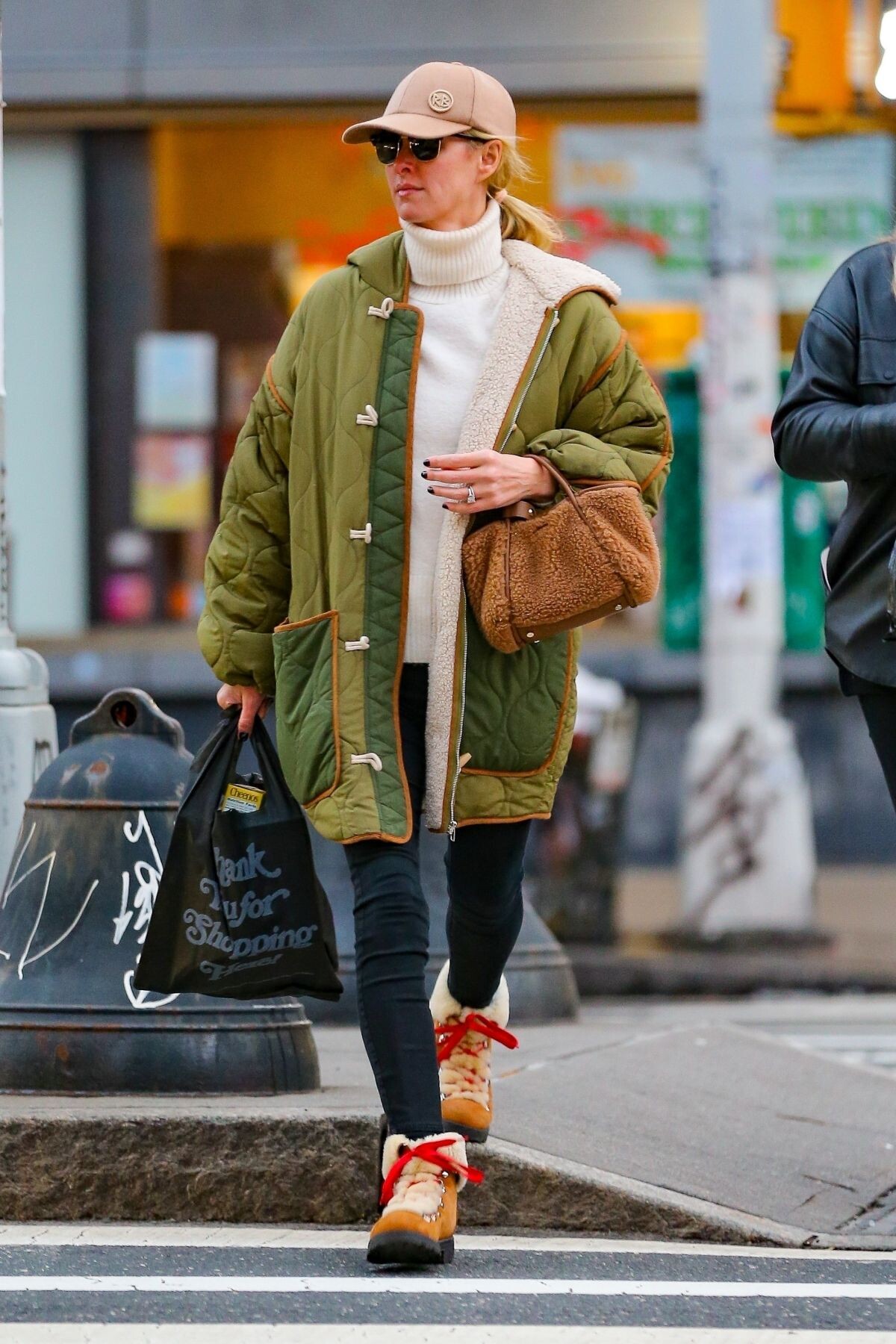
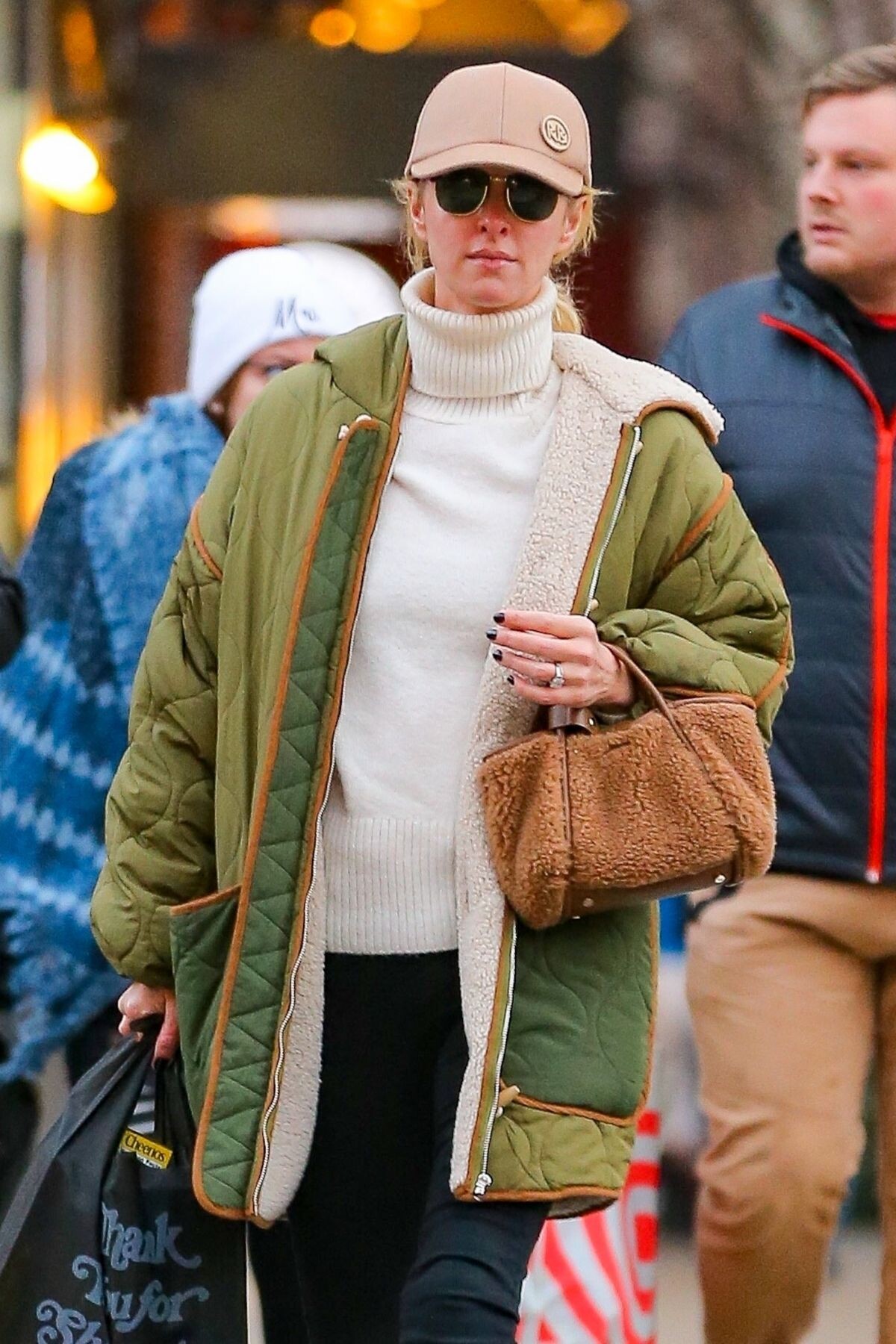
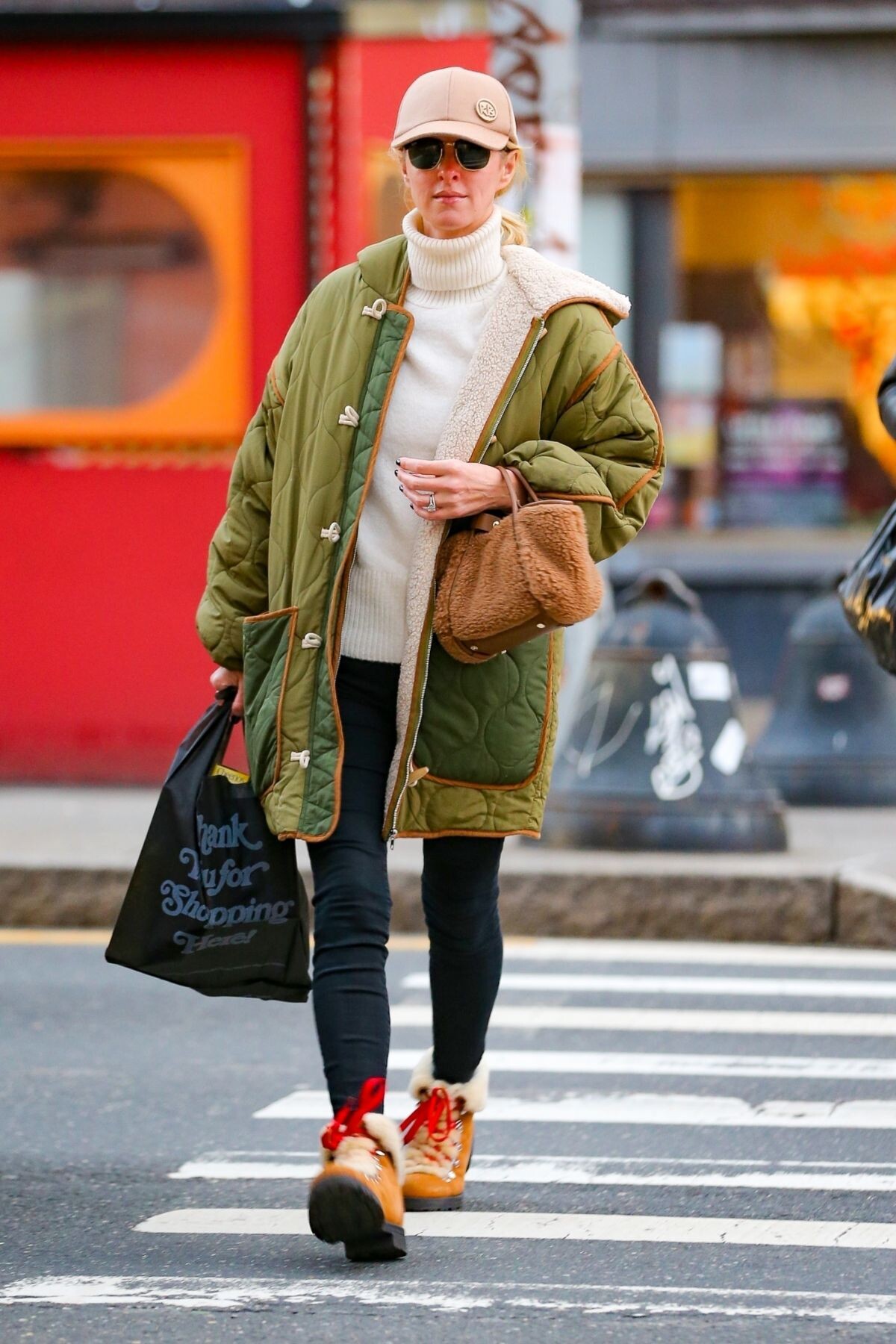
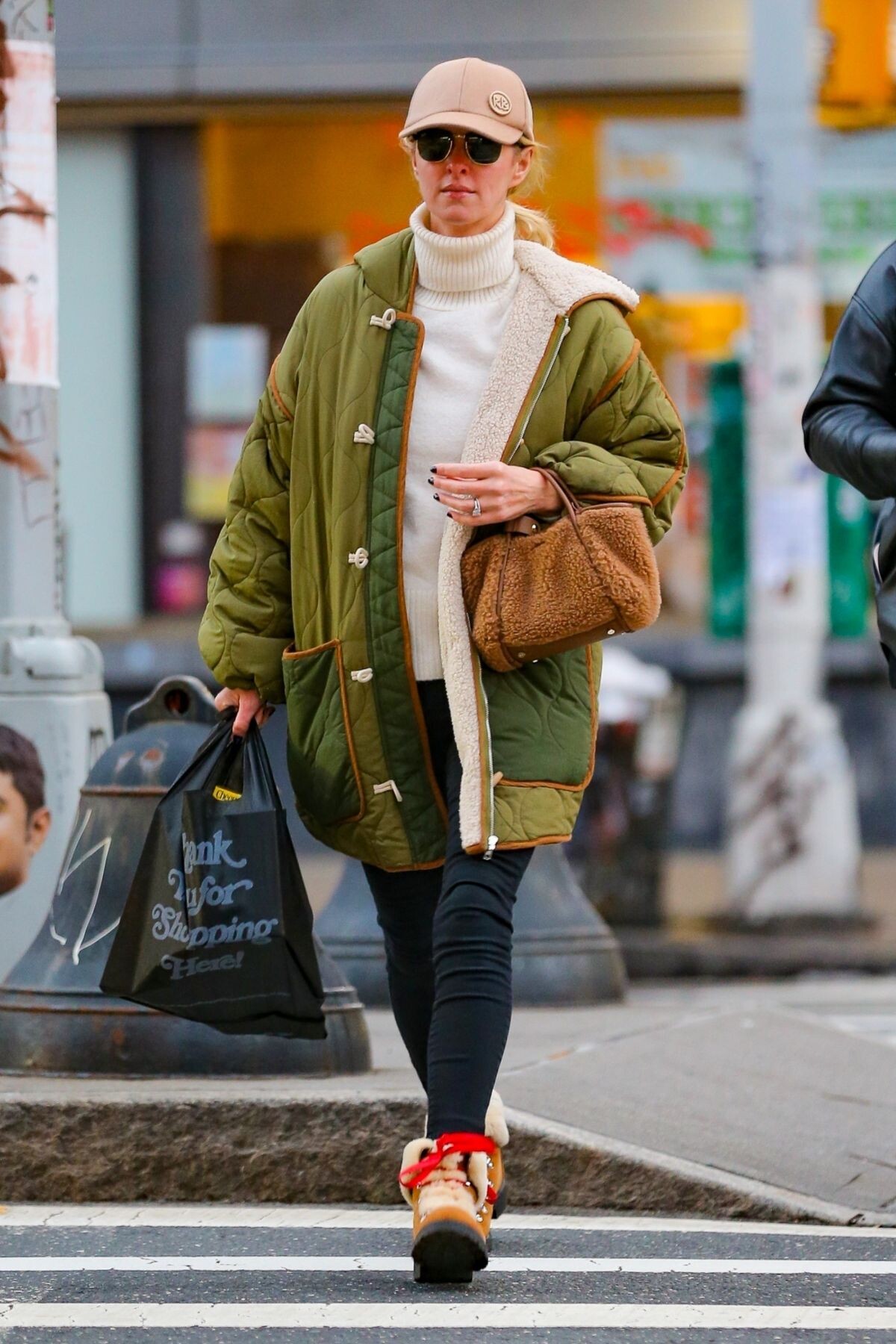
 New York 01/06/2023





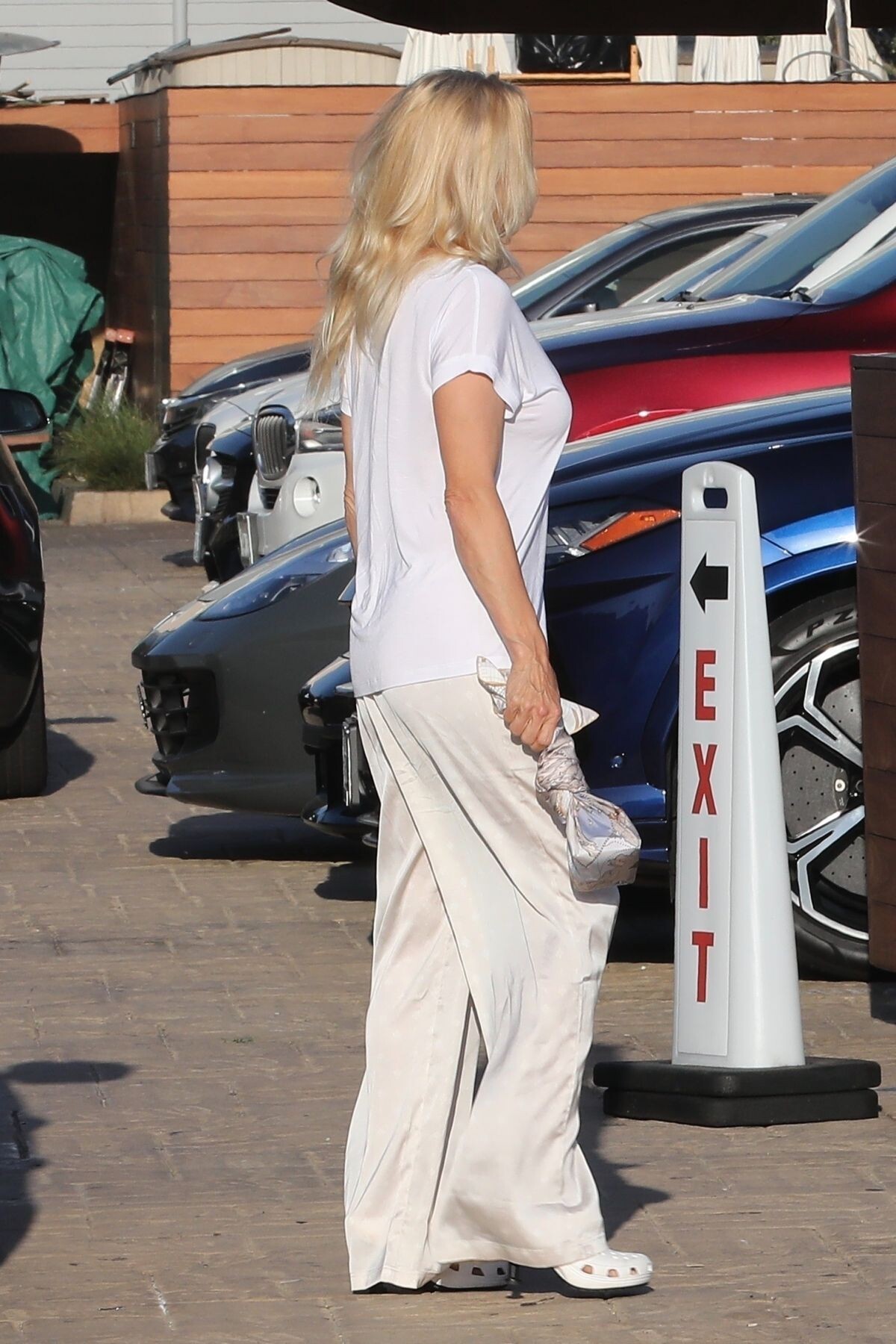
 Out for Dinner with Her Dad in Los Angeles 12/23/2022


 Shopping at Alice + Olivia in Beverly Hills 12/22/2022


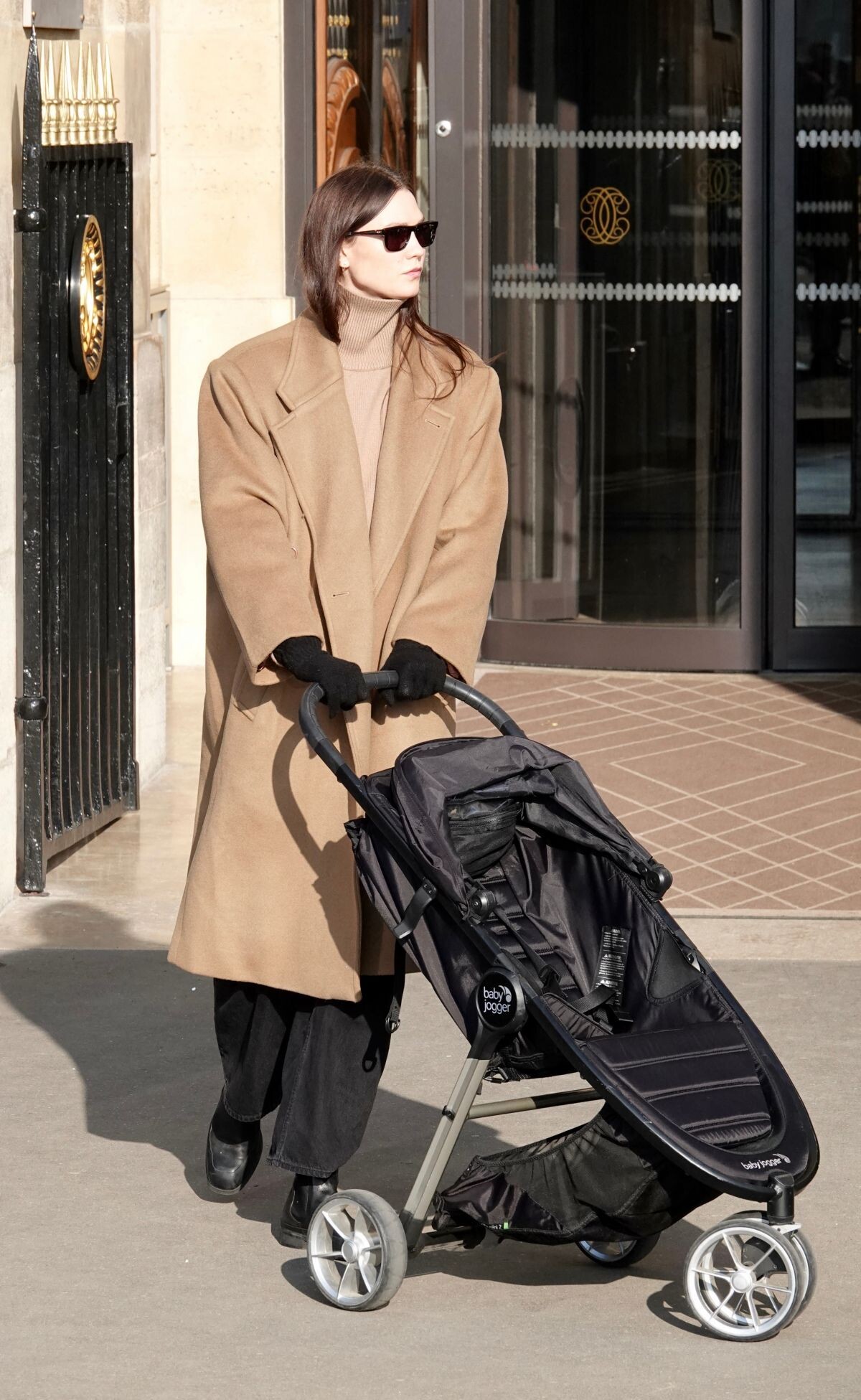
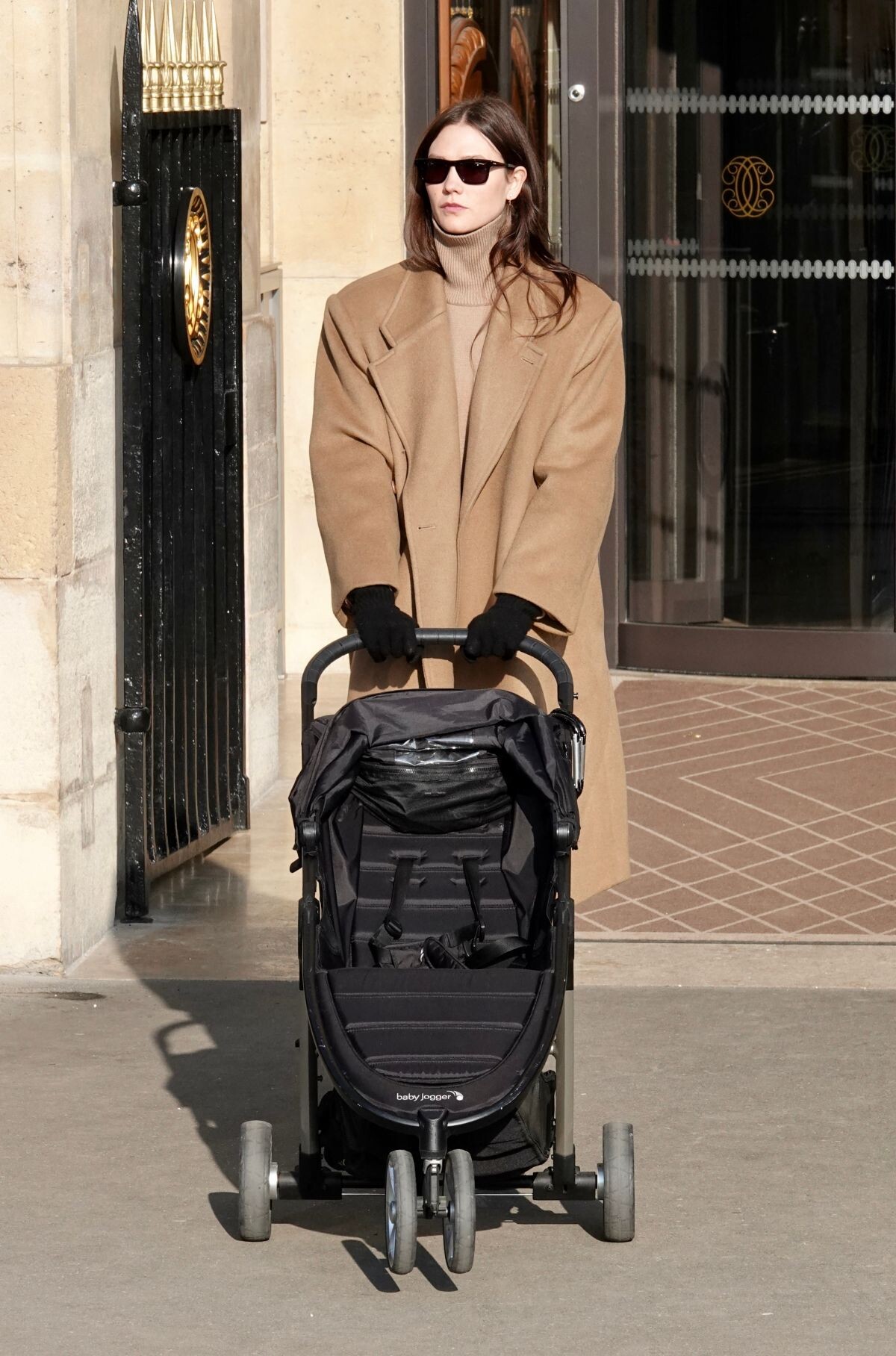
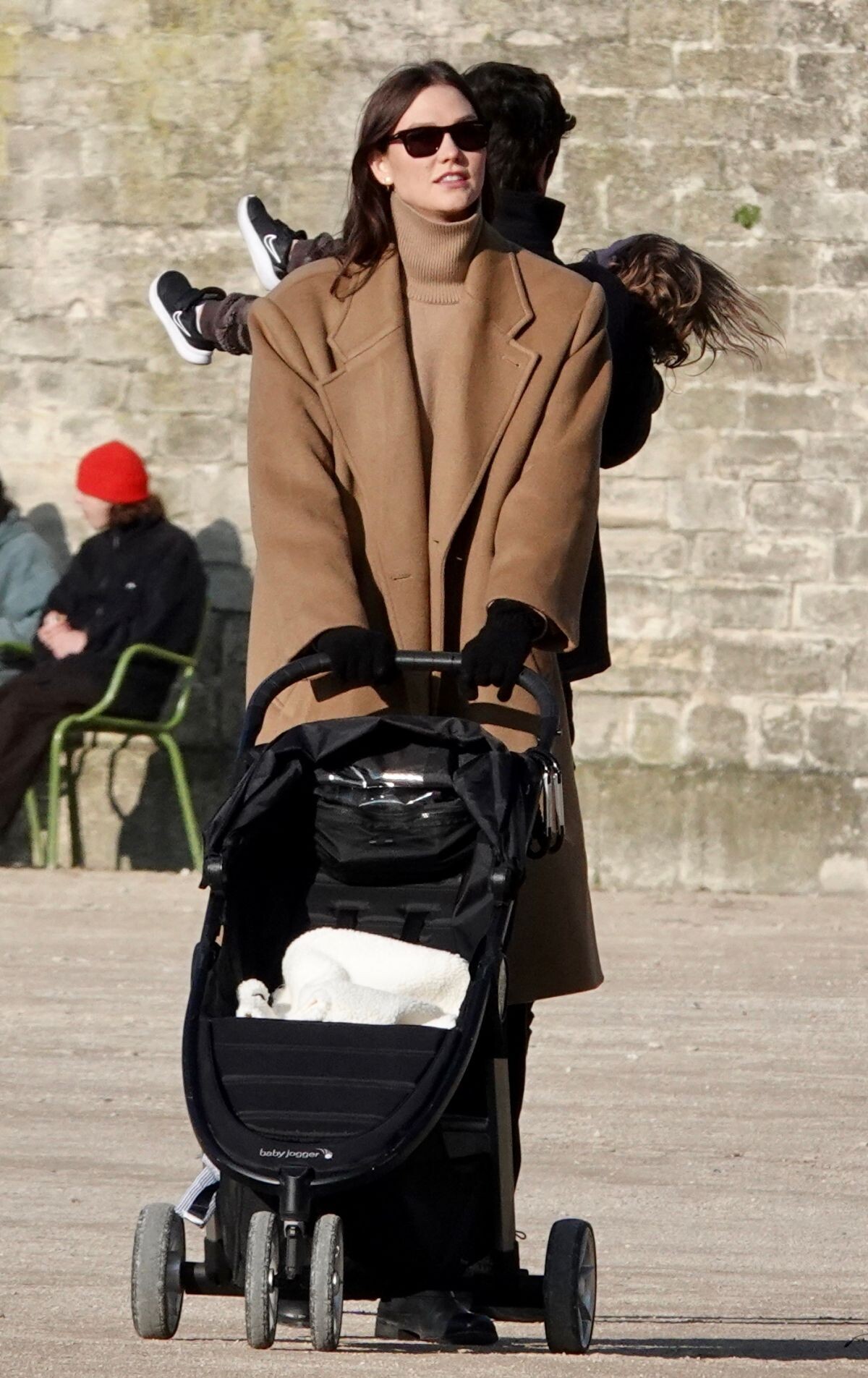
 Paris 01/21/2023

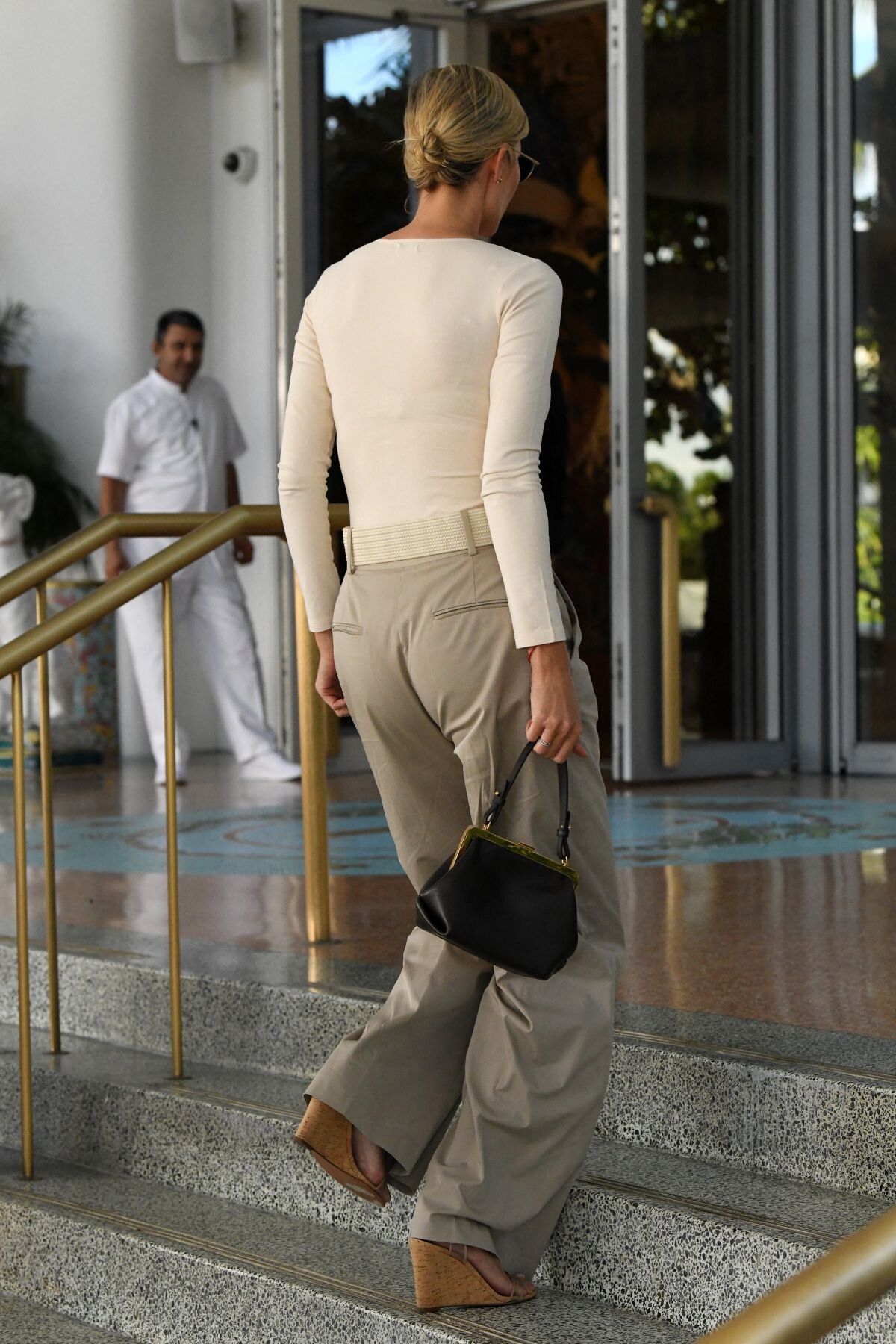
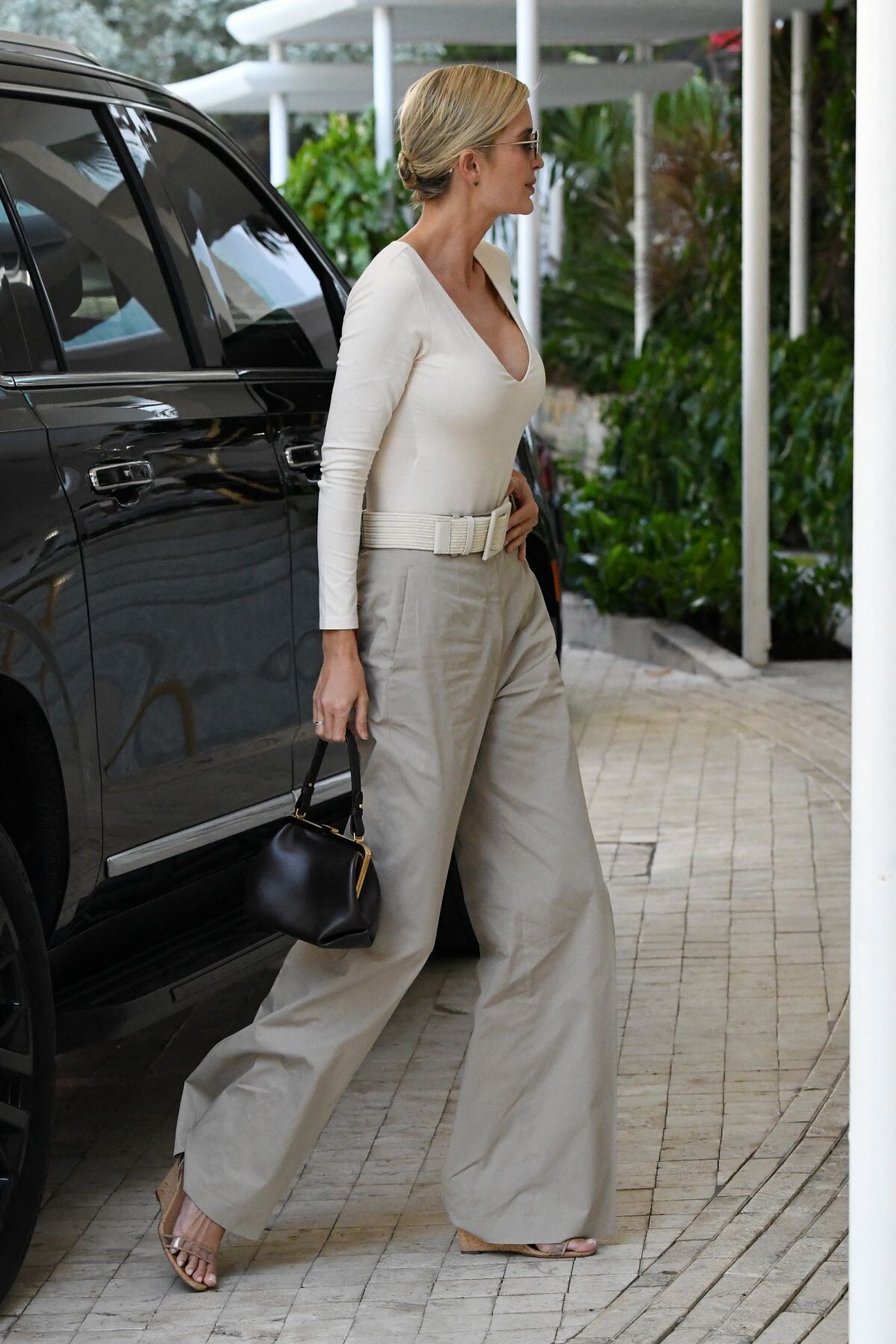
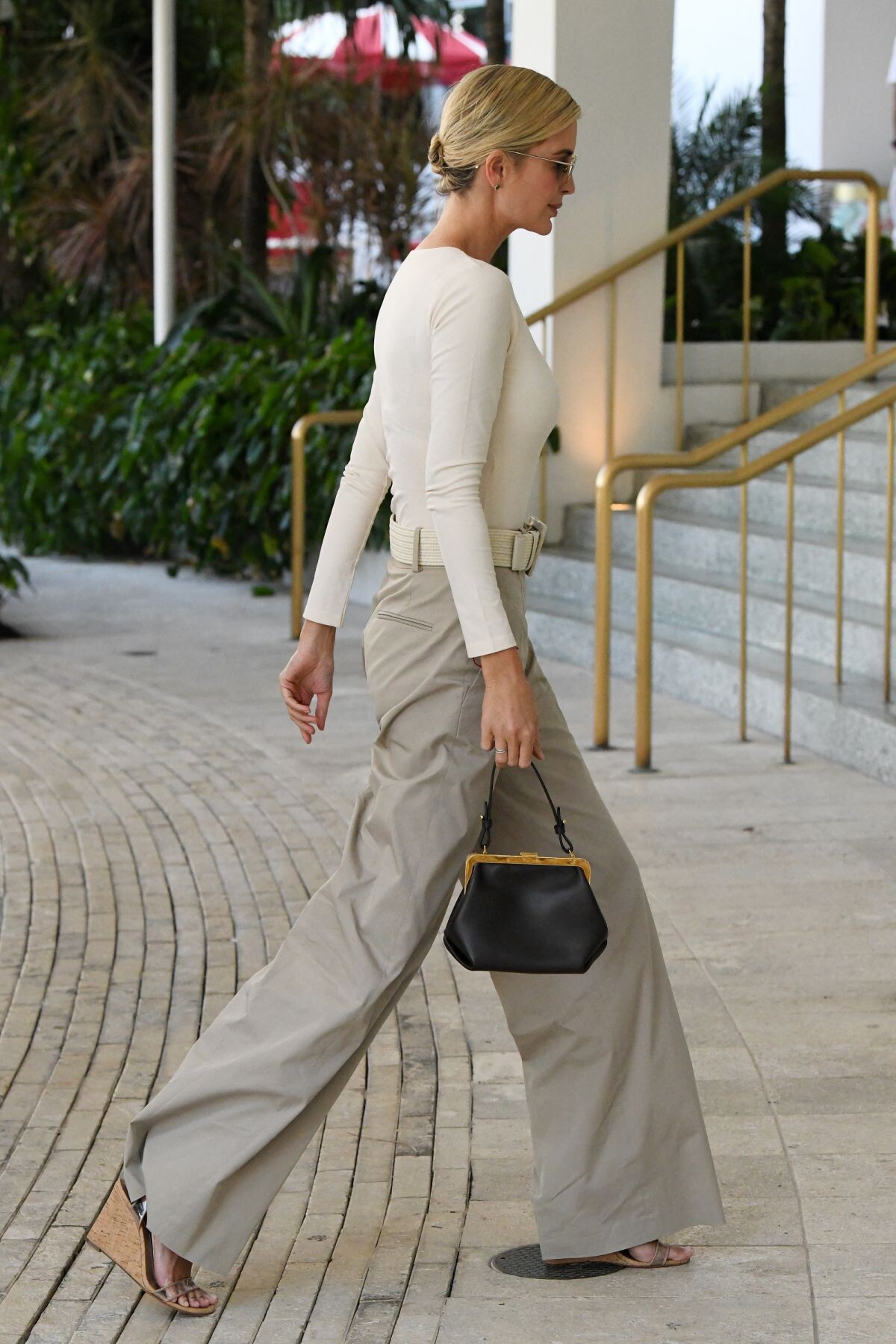
 Arrives at Her Apartment in Miami 01/22/2023

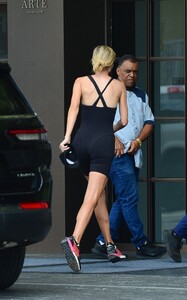
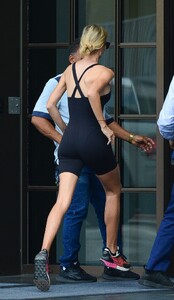 Miami 01/13/2023





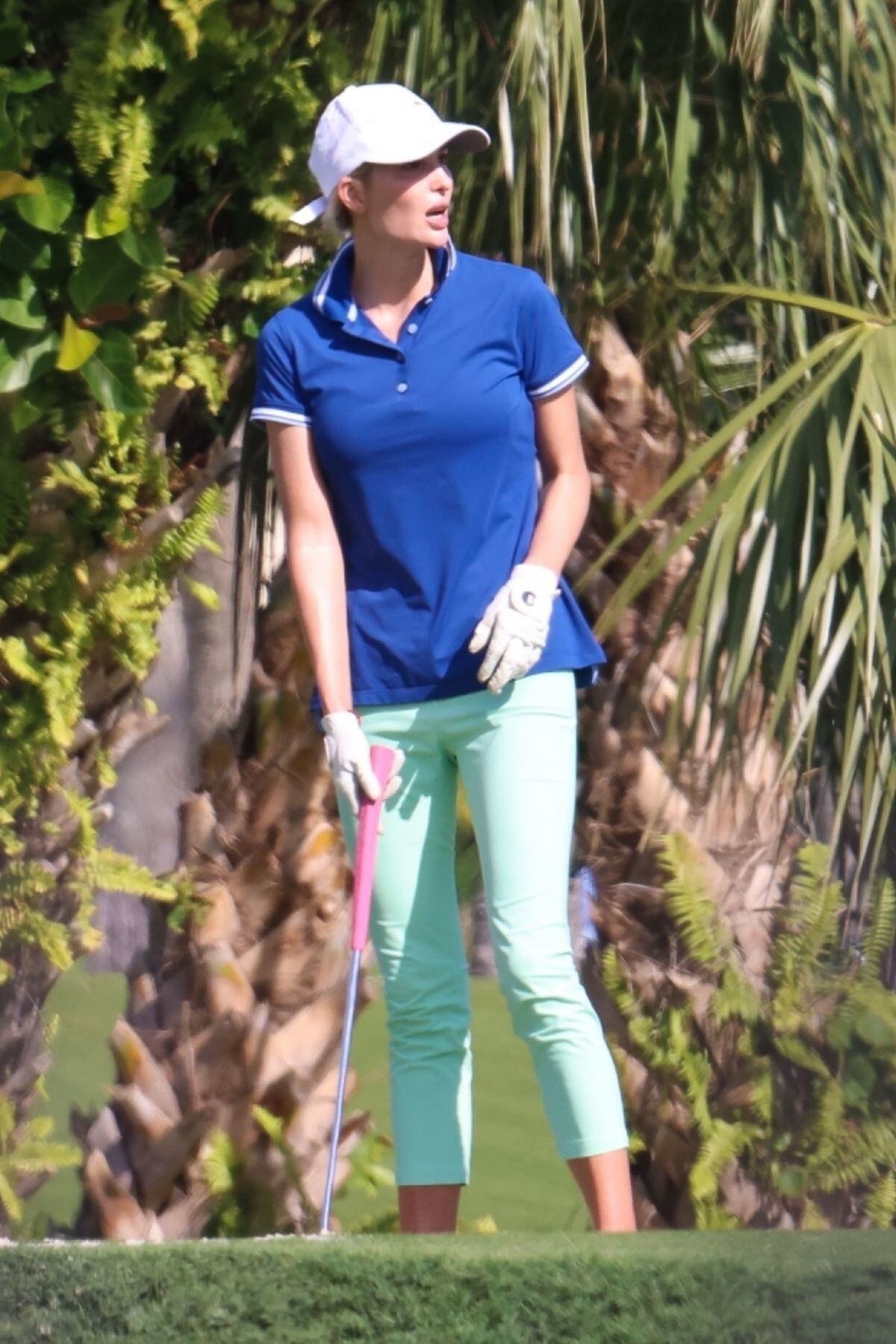
 Playing Golf in Palm Beach 01/12/2023





 Leaves a Hair Salon in Miami 01/13/2023





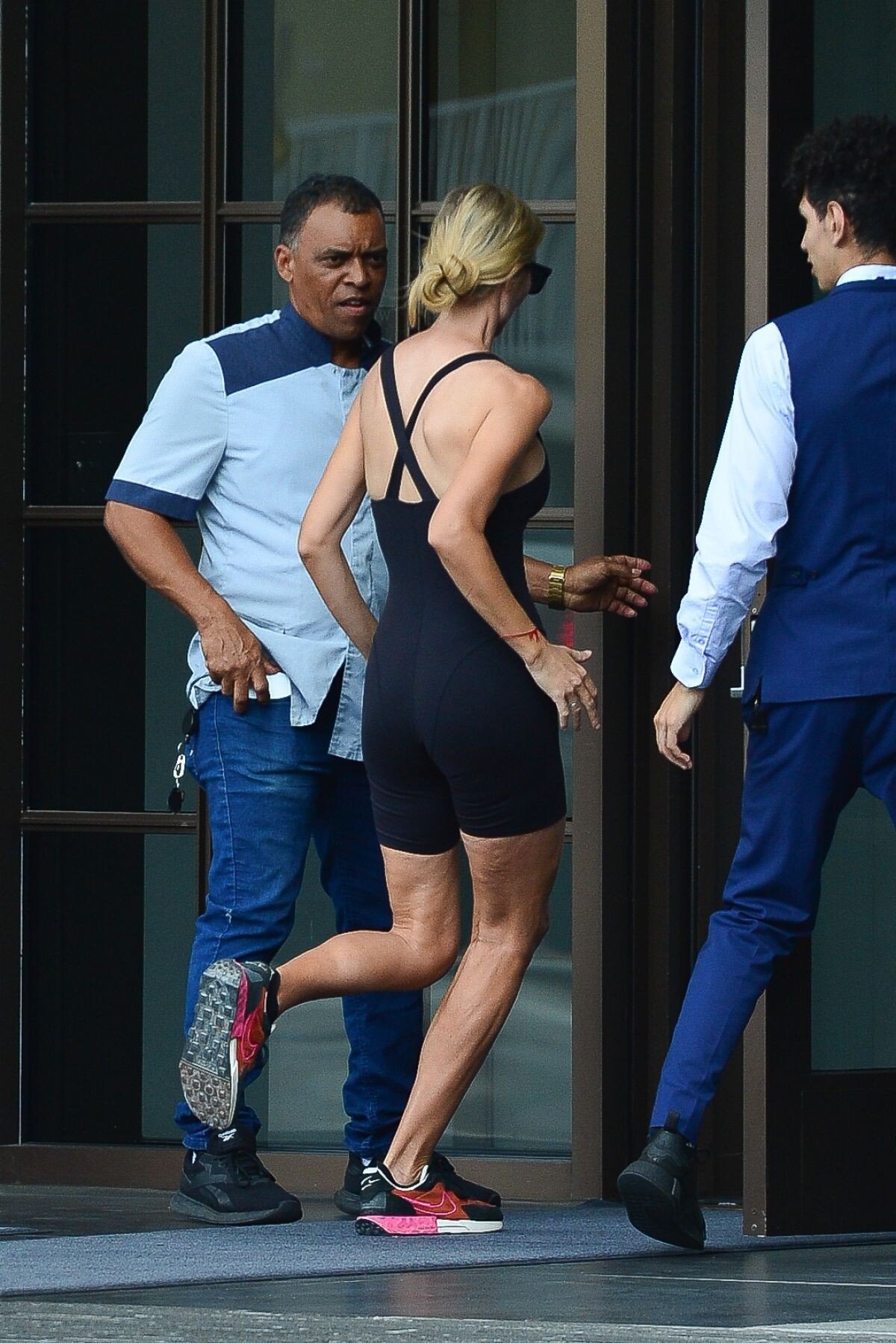
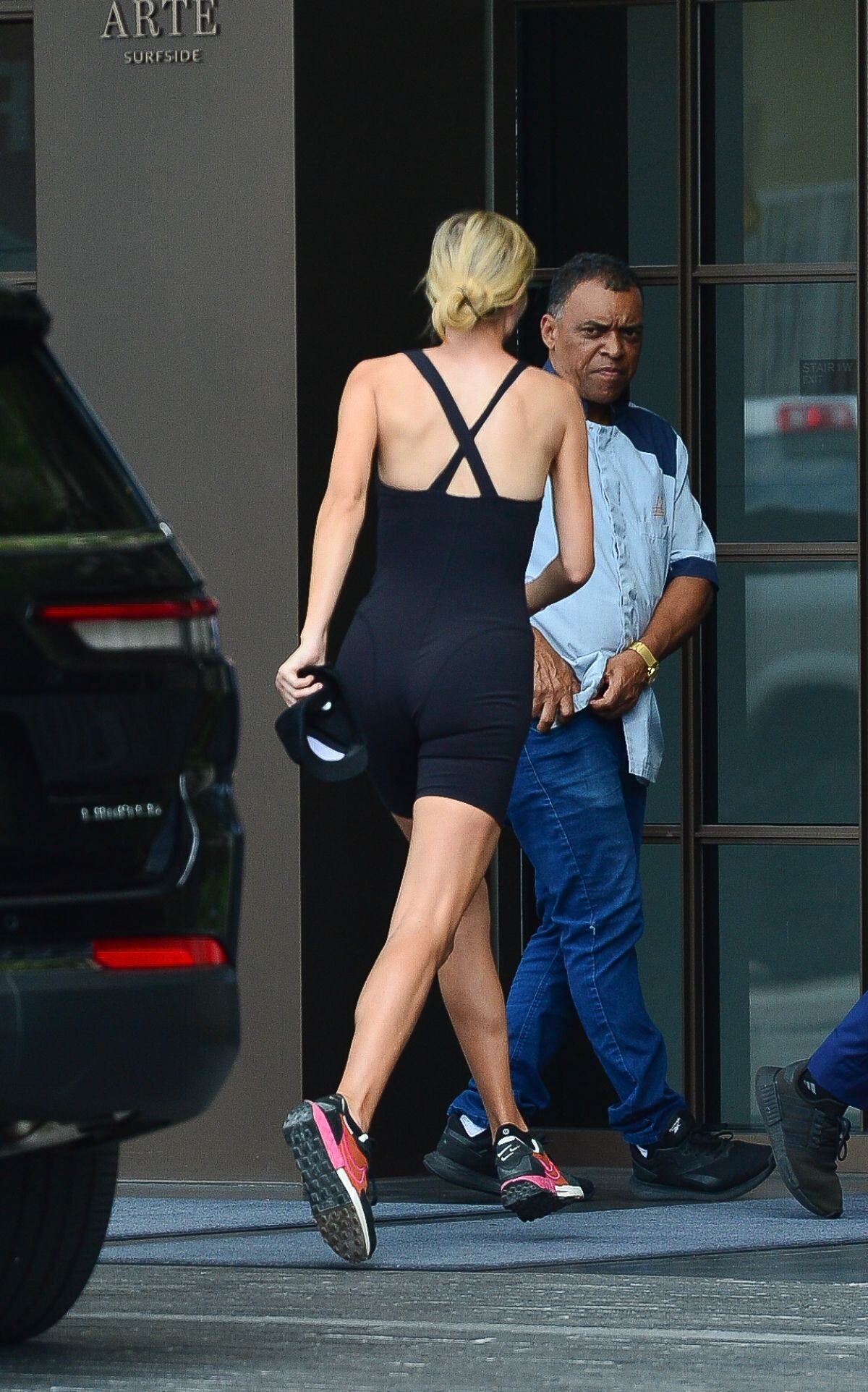
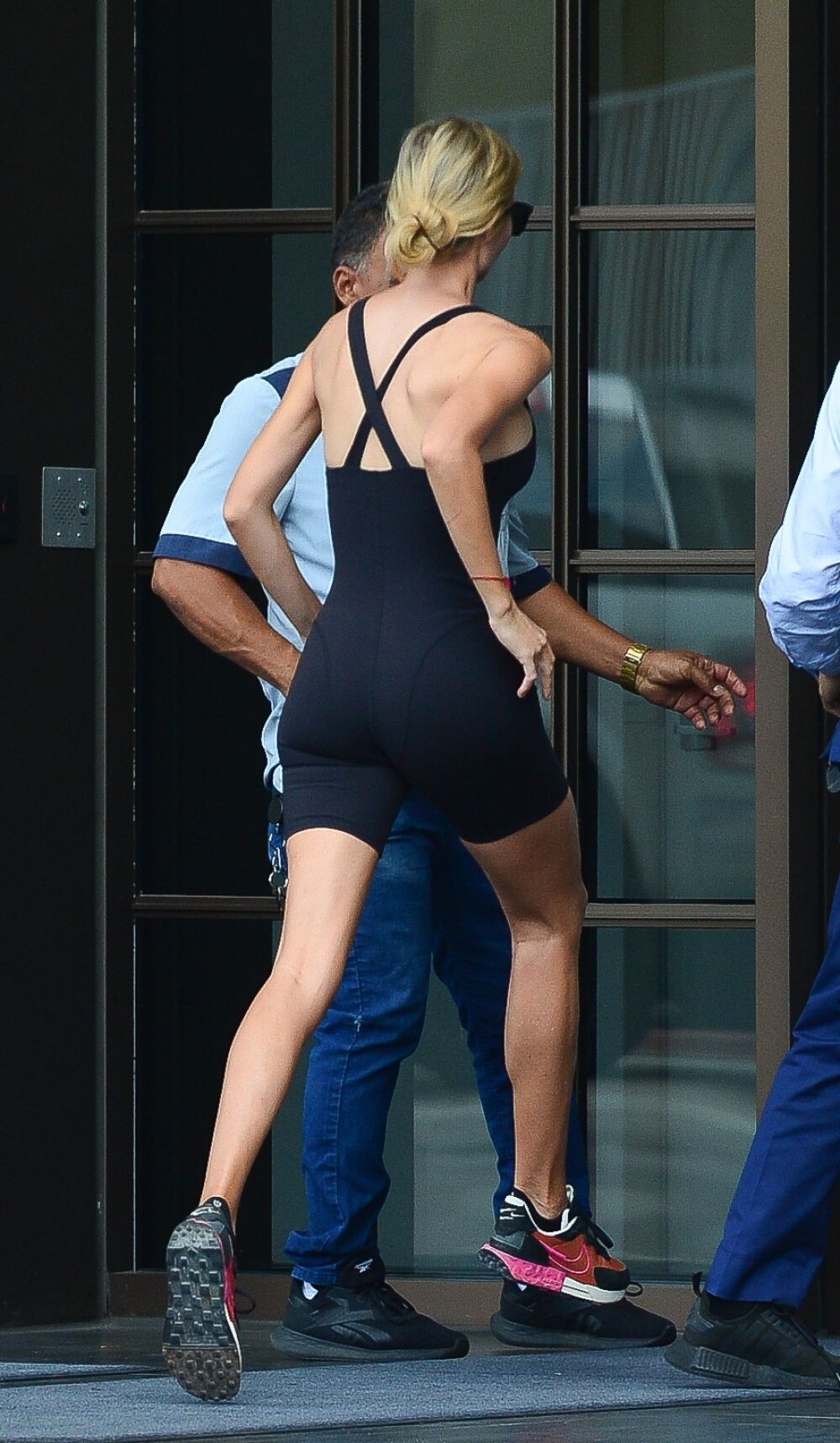
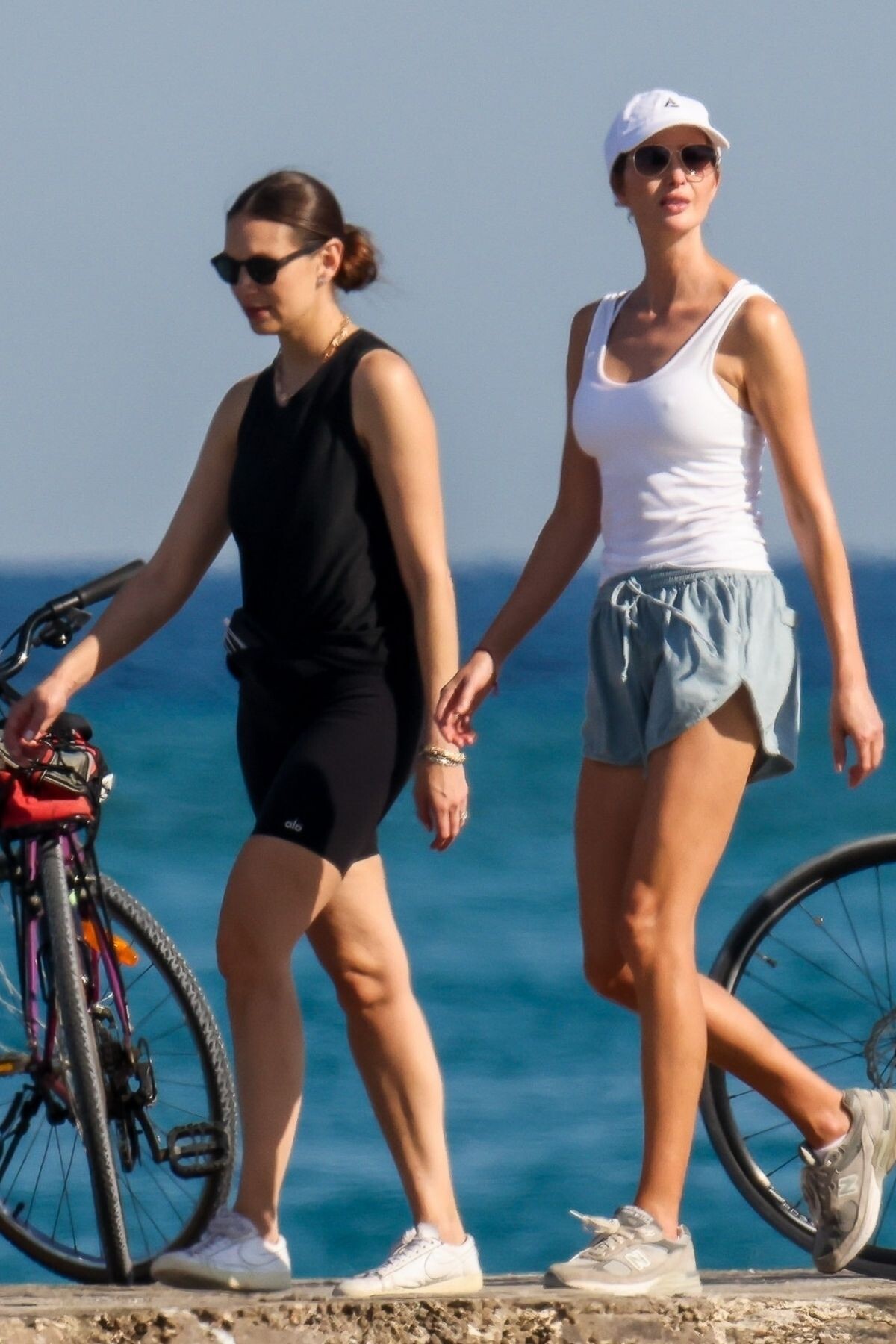
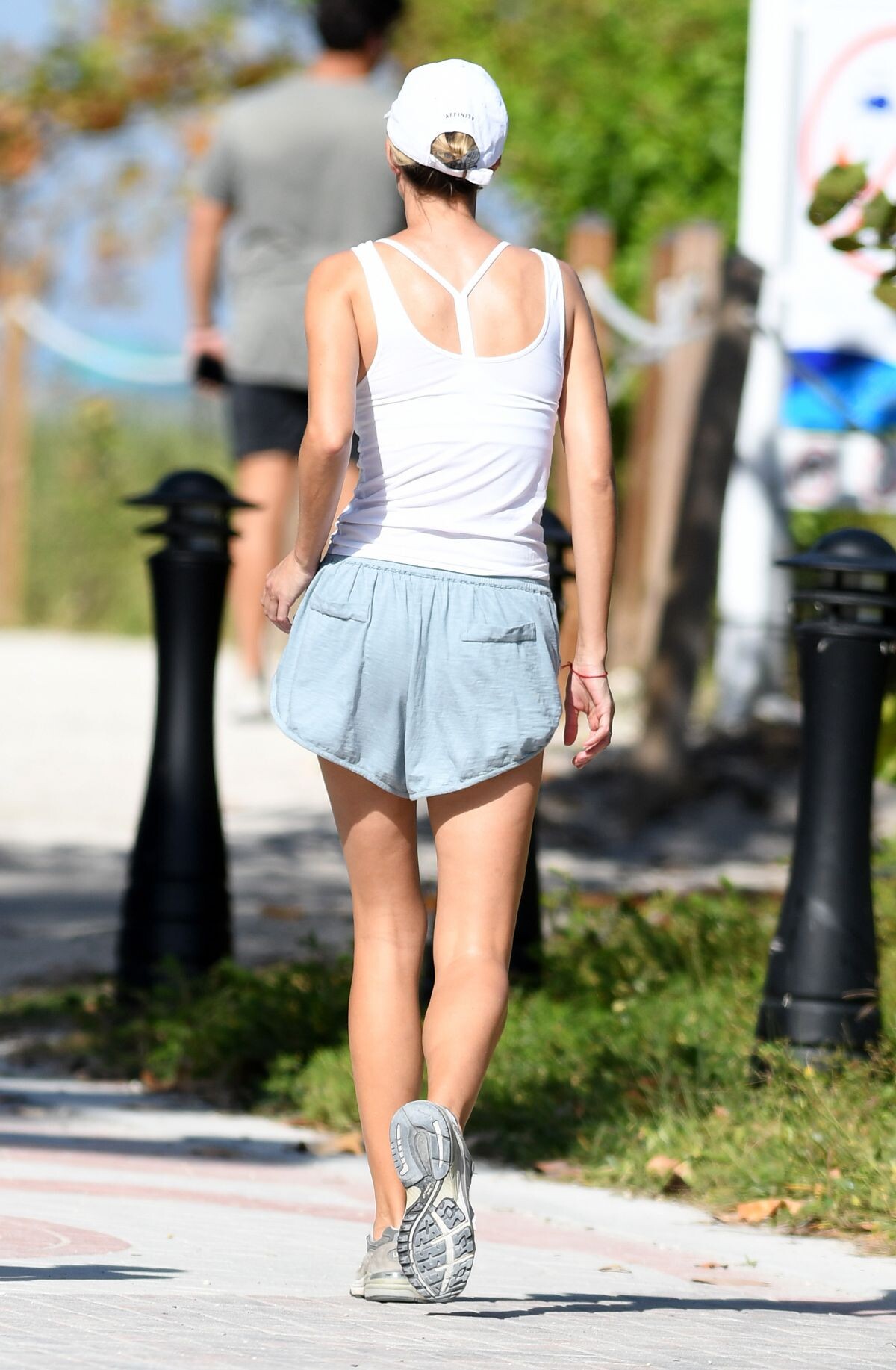
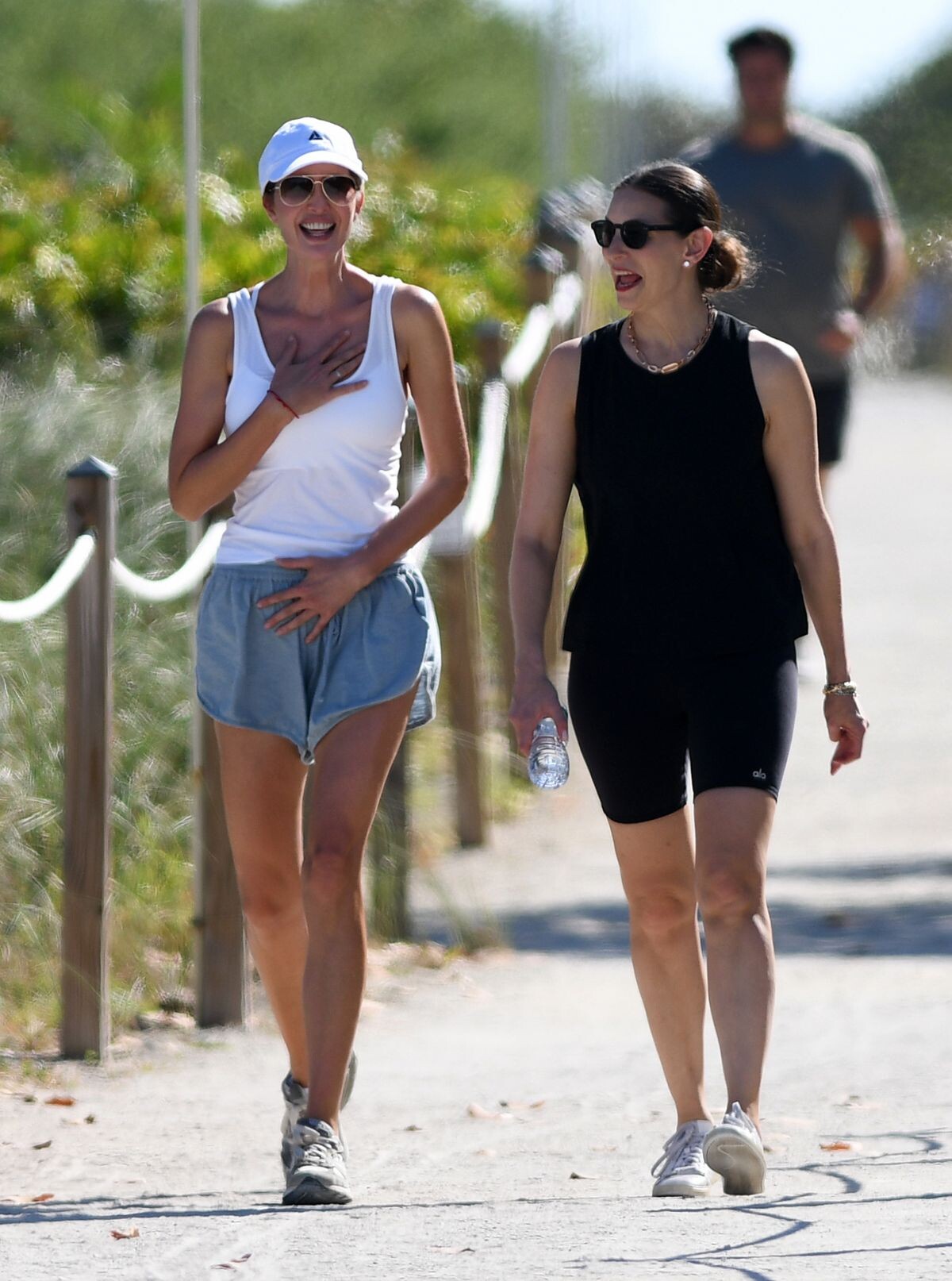
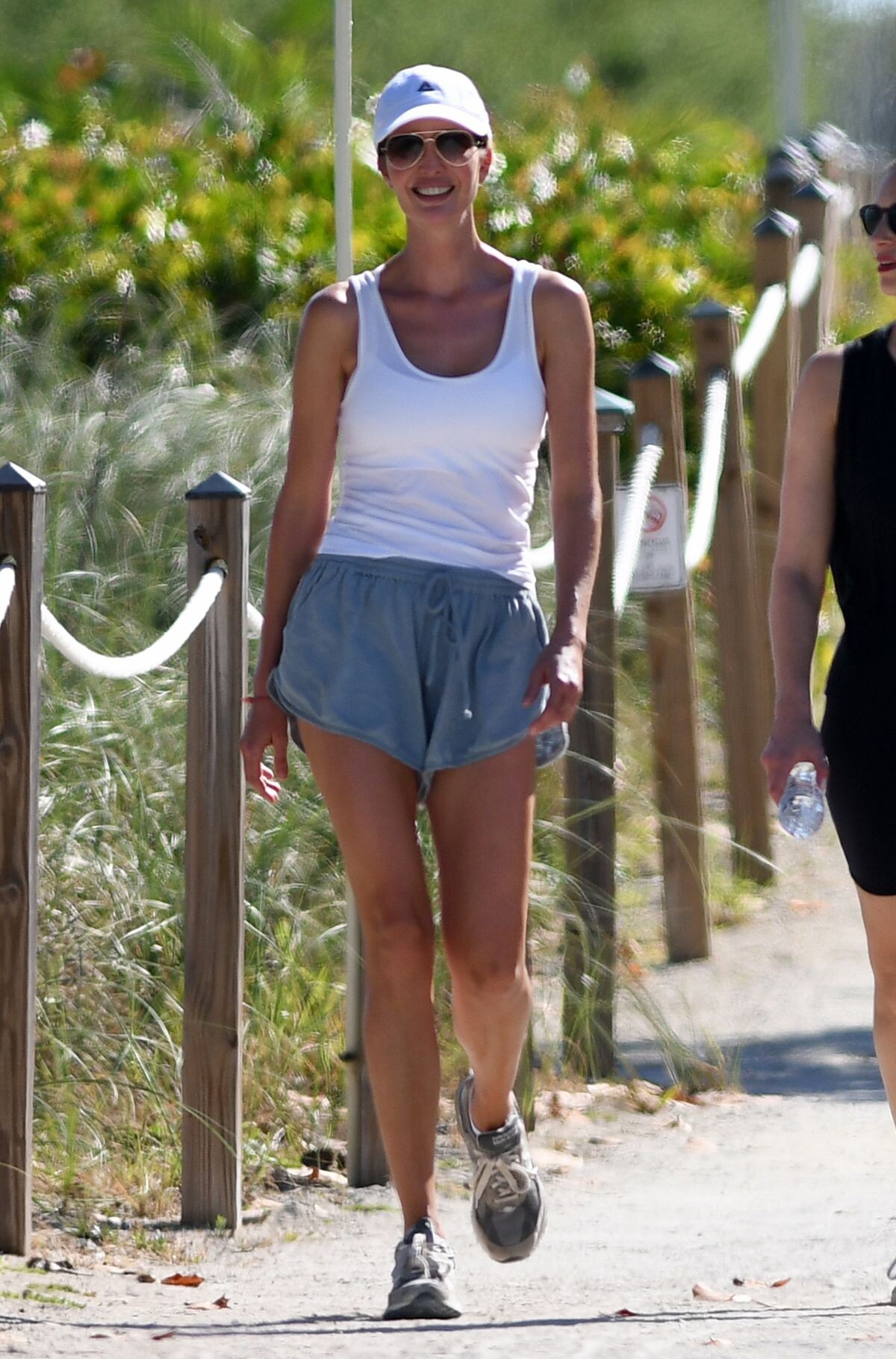
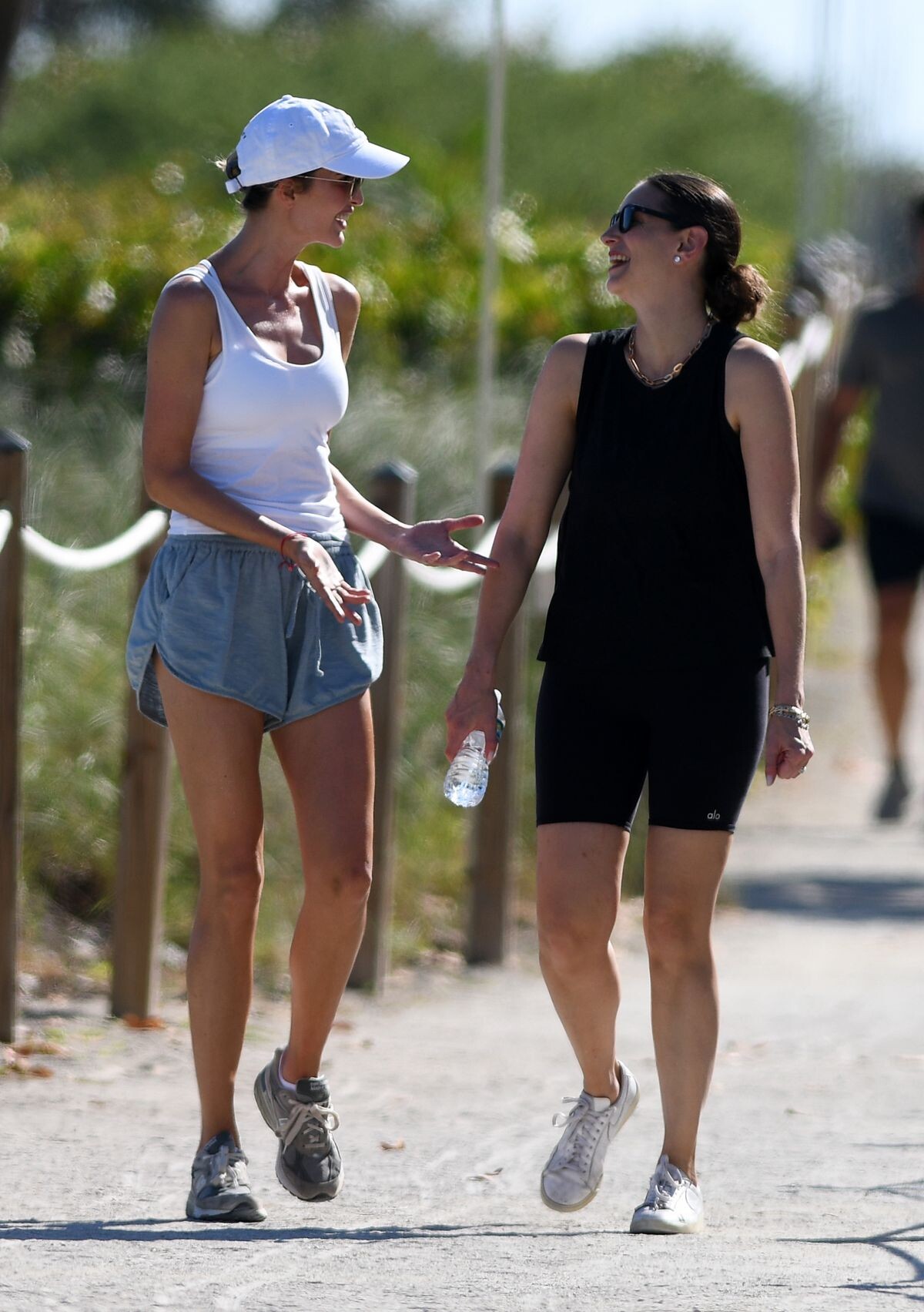
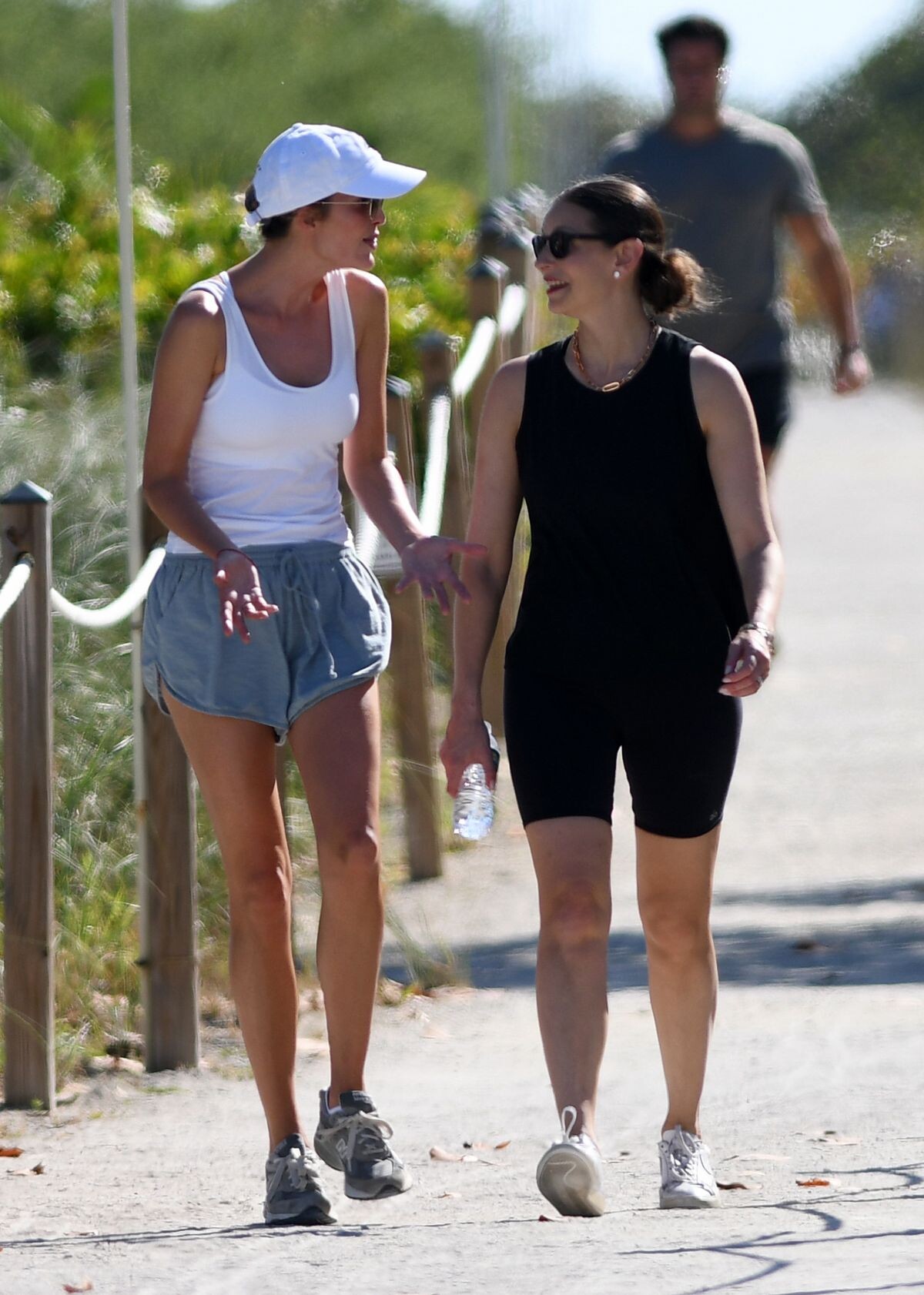
 at a Beach in Surfside 01/09/2023




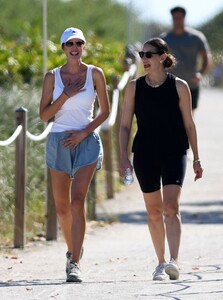


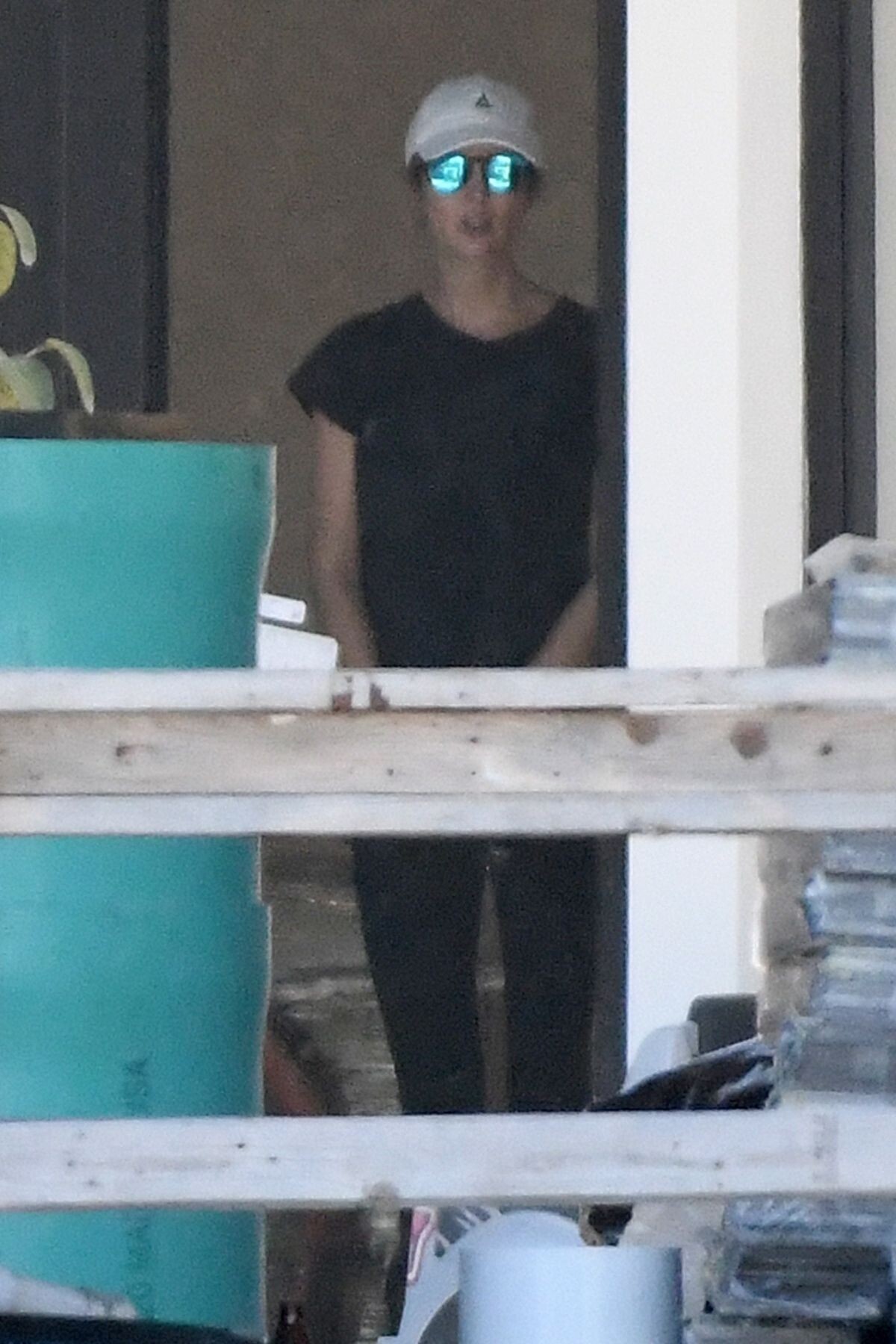
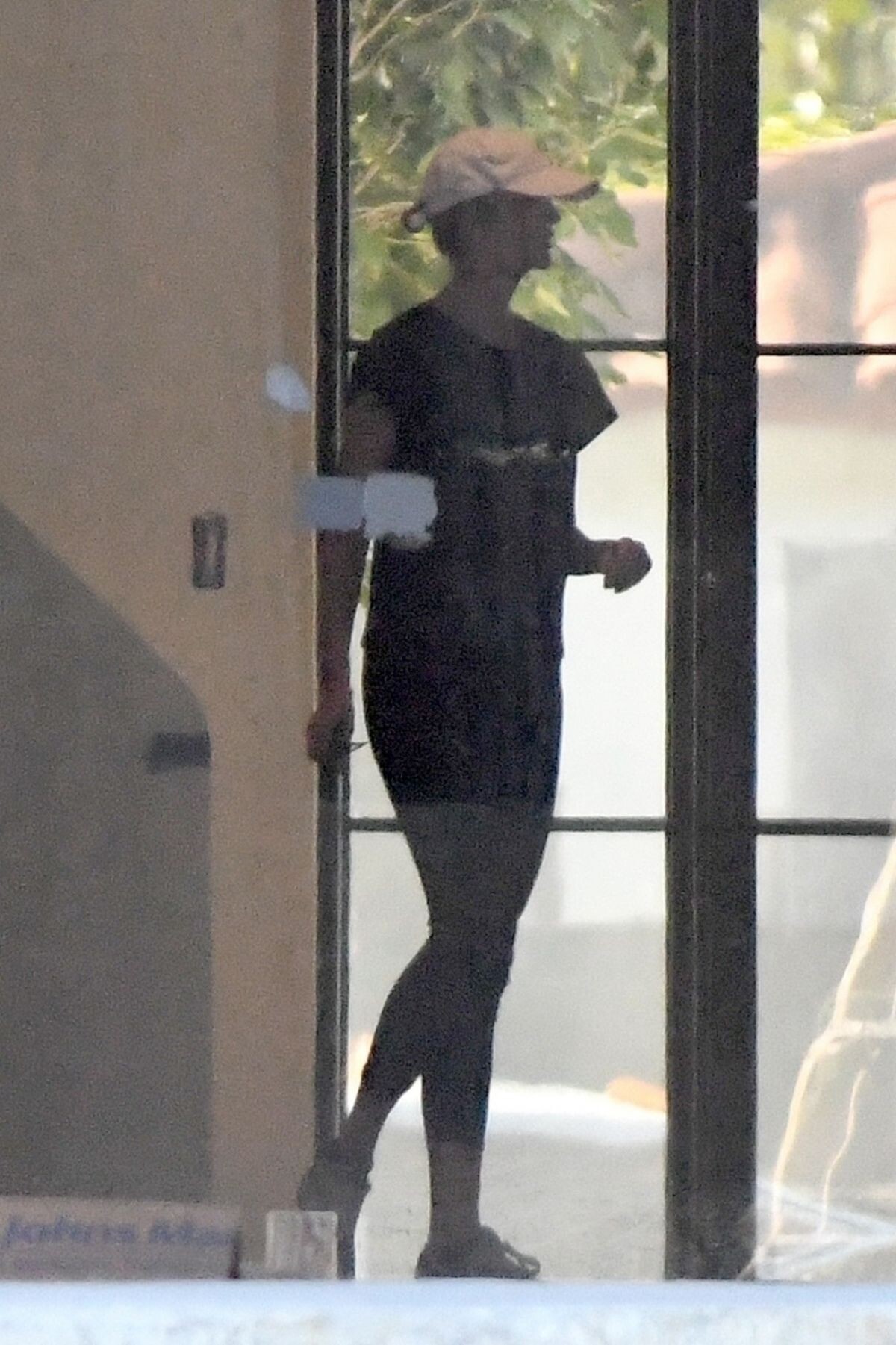
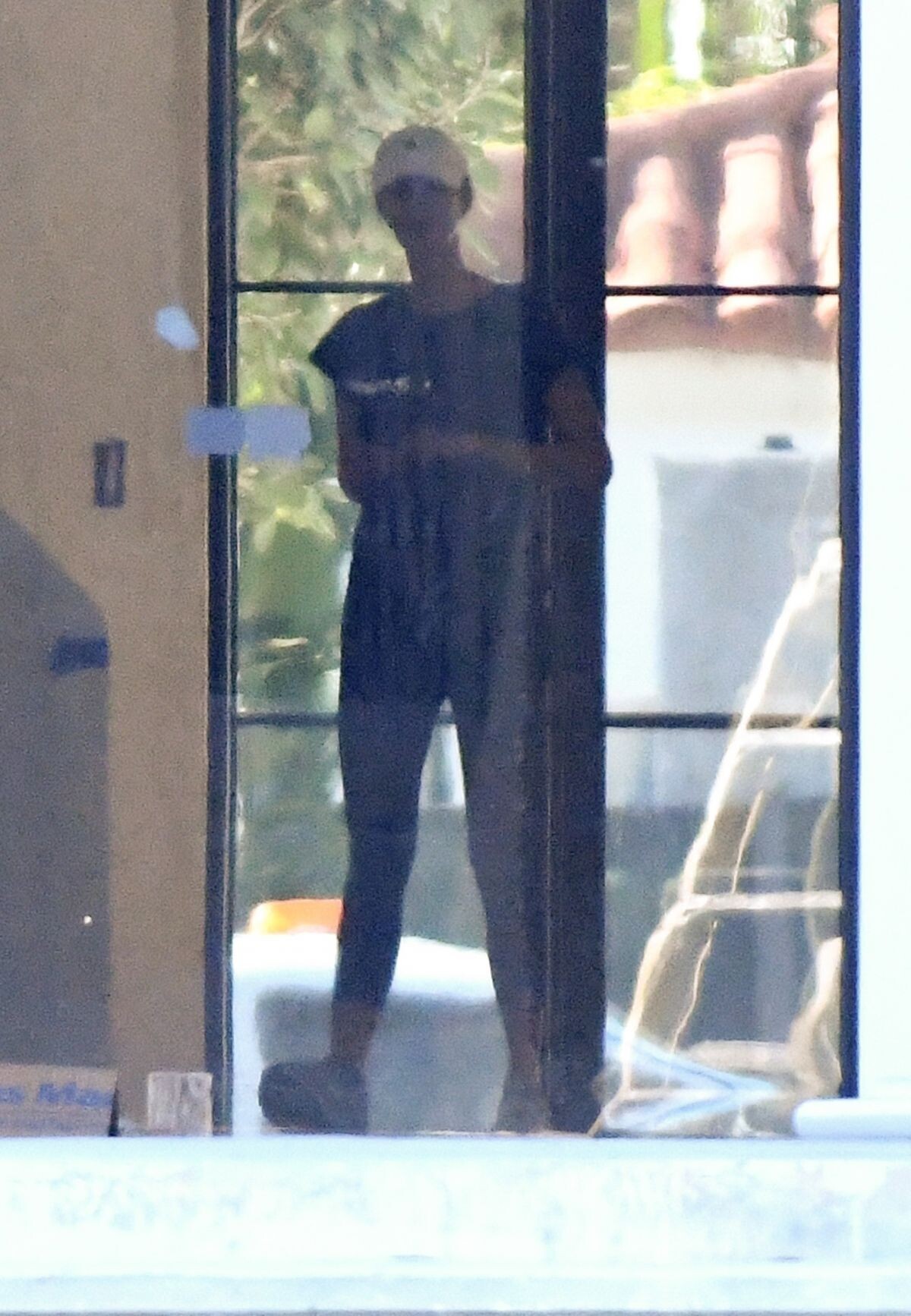
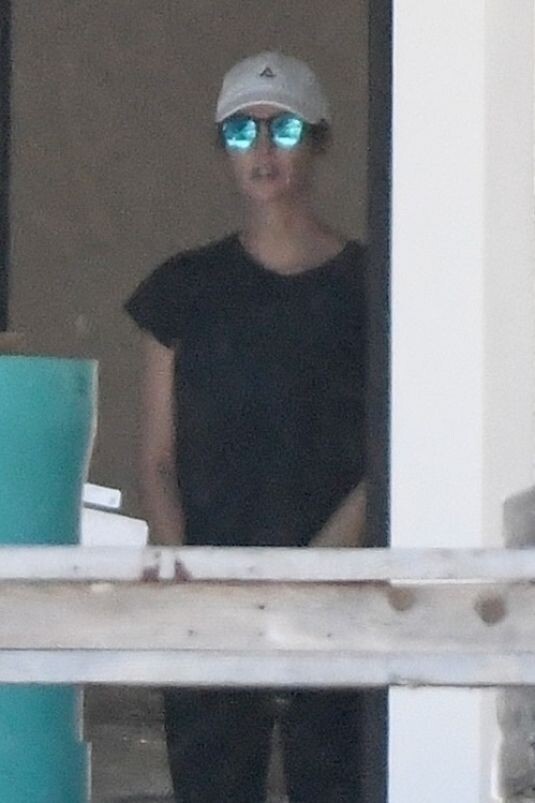
 IVANKA TRUMP at Her New House Being Built on Indian Creek Island in Surfside 01/11/2023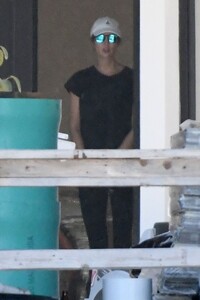


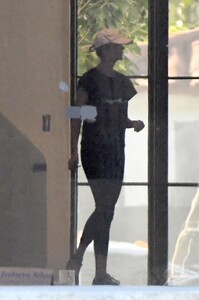
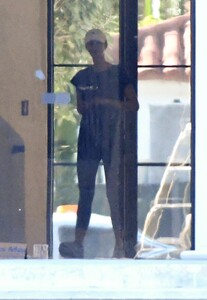
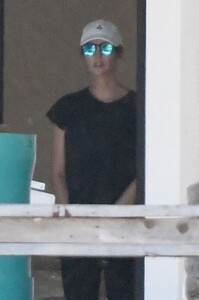
 TYRA BANKS at Fashion Show at Casino de Paris at Paris Fashion Week 01/21/2023





 MBFW Marc Cain Fashion Show 09/06/2022


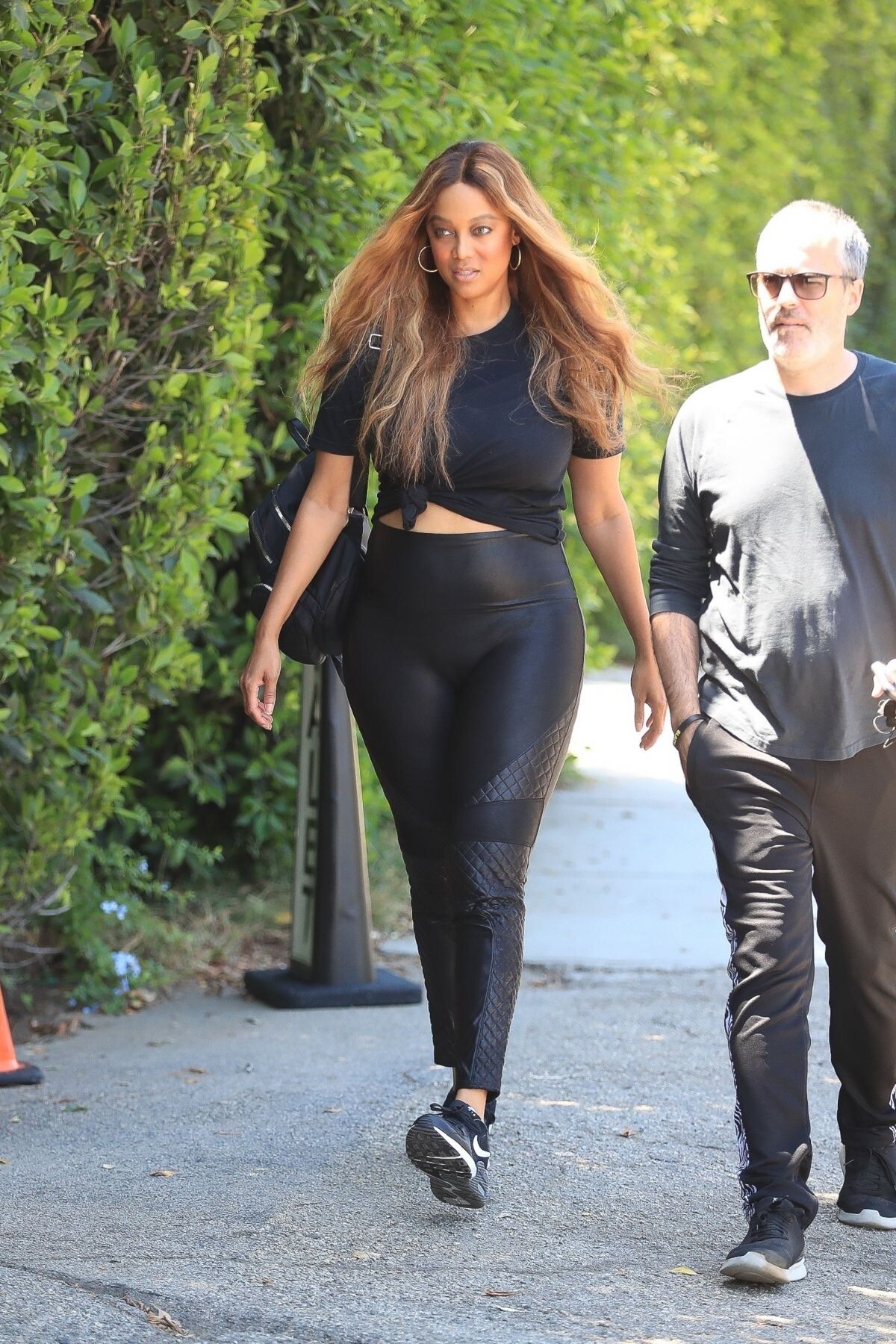
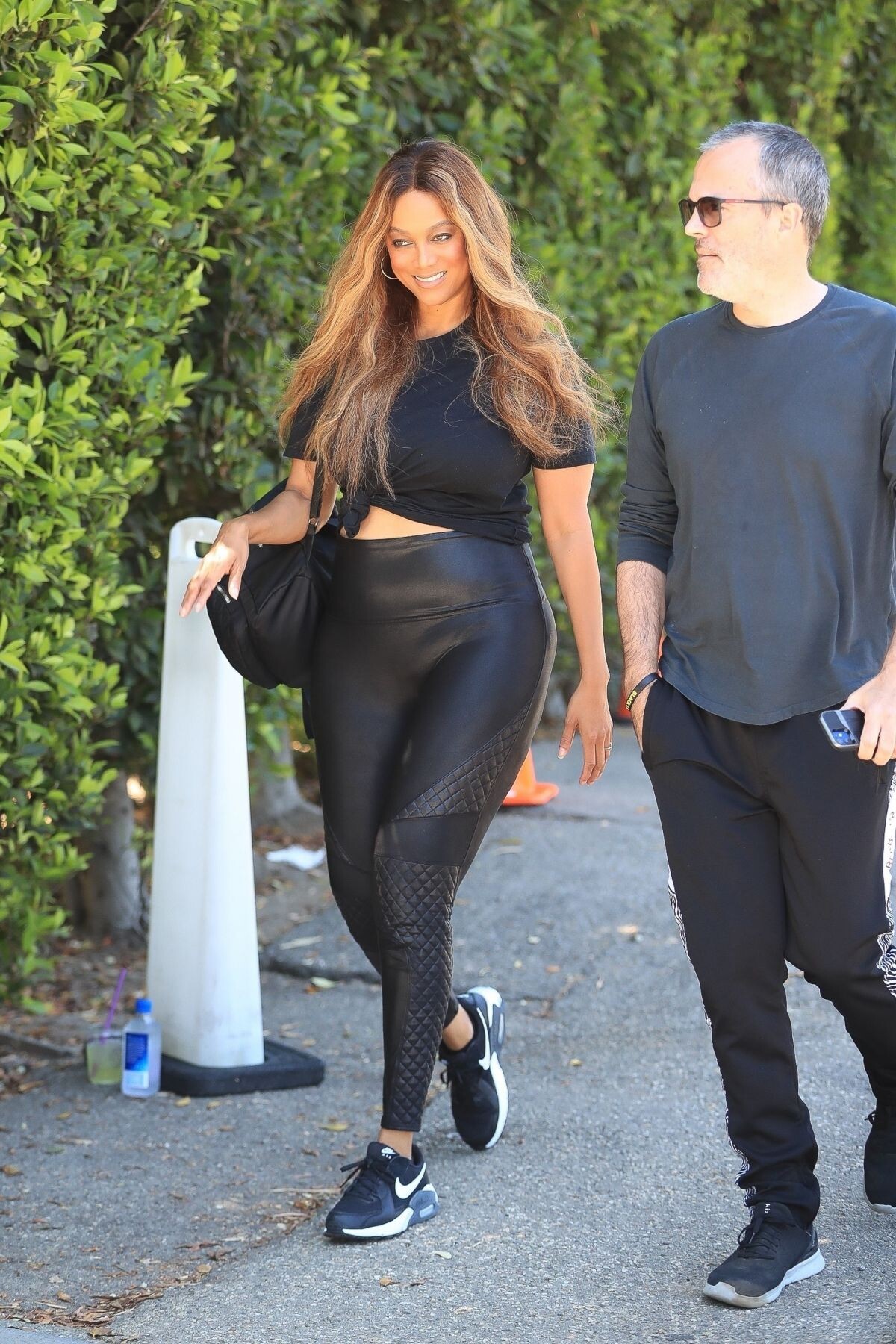
 TYRA BANKS Arrives at Day of Indulgence Party in Brentwood 08/14/2022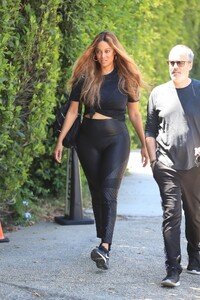








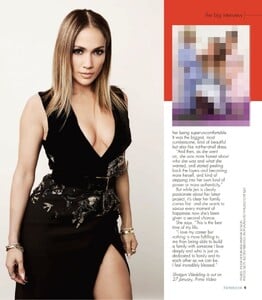
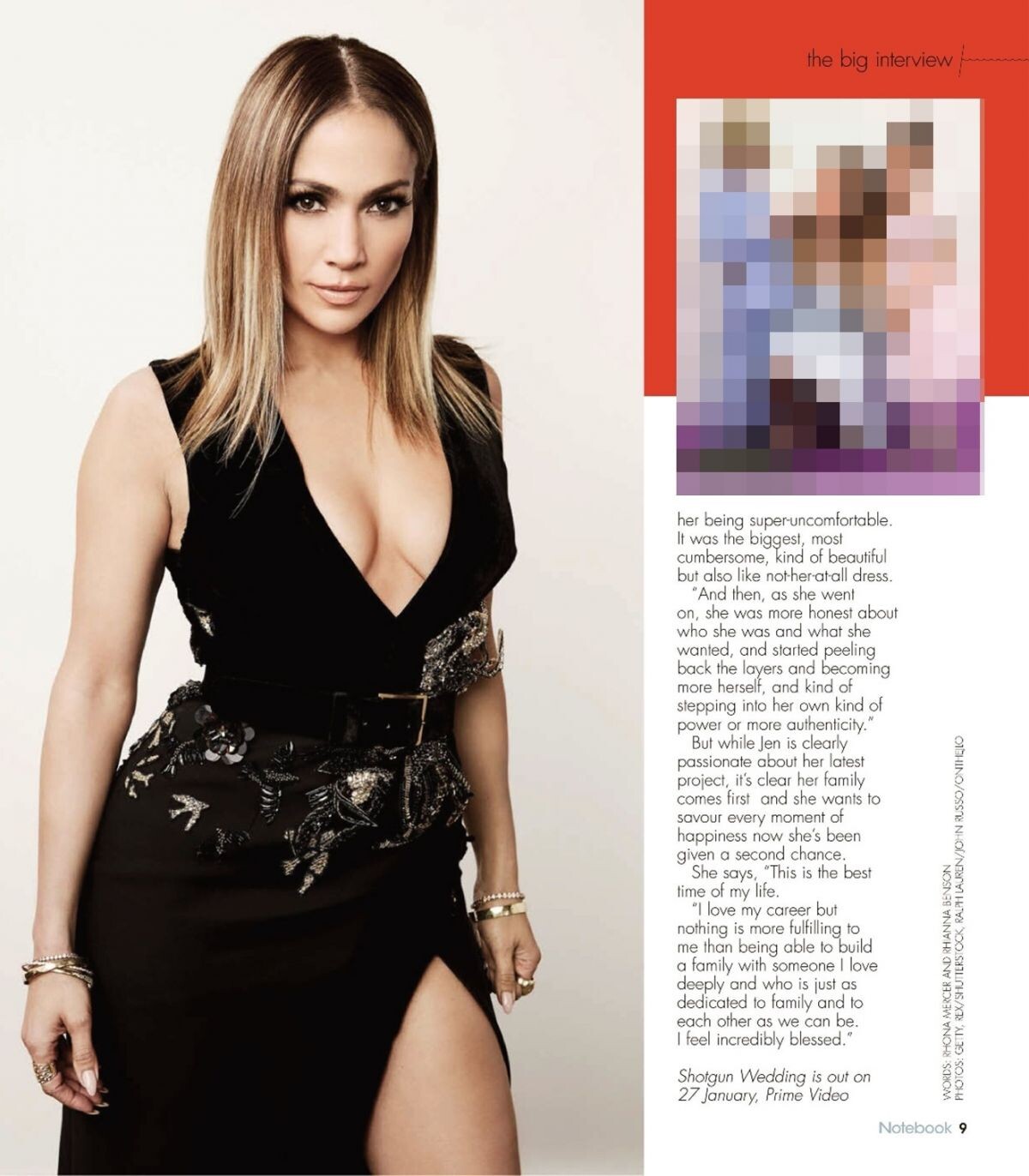
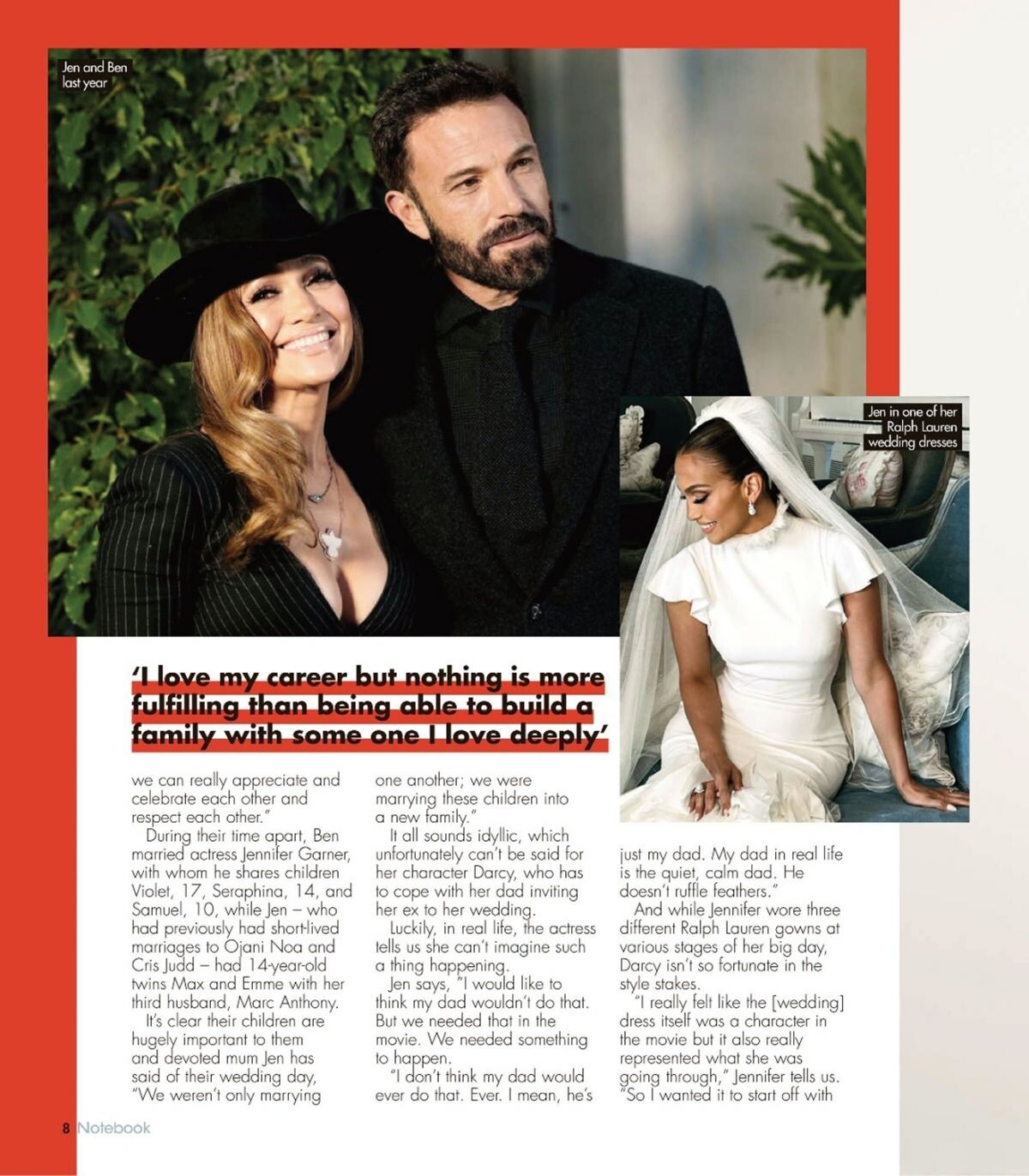
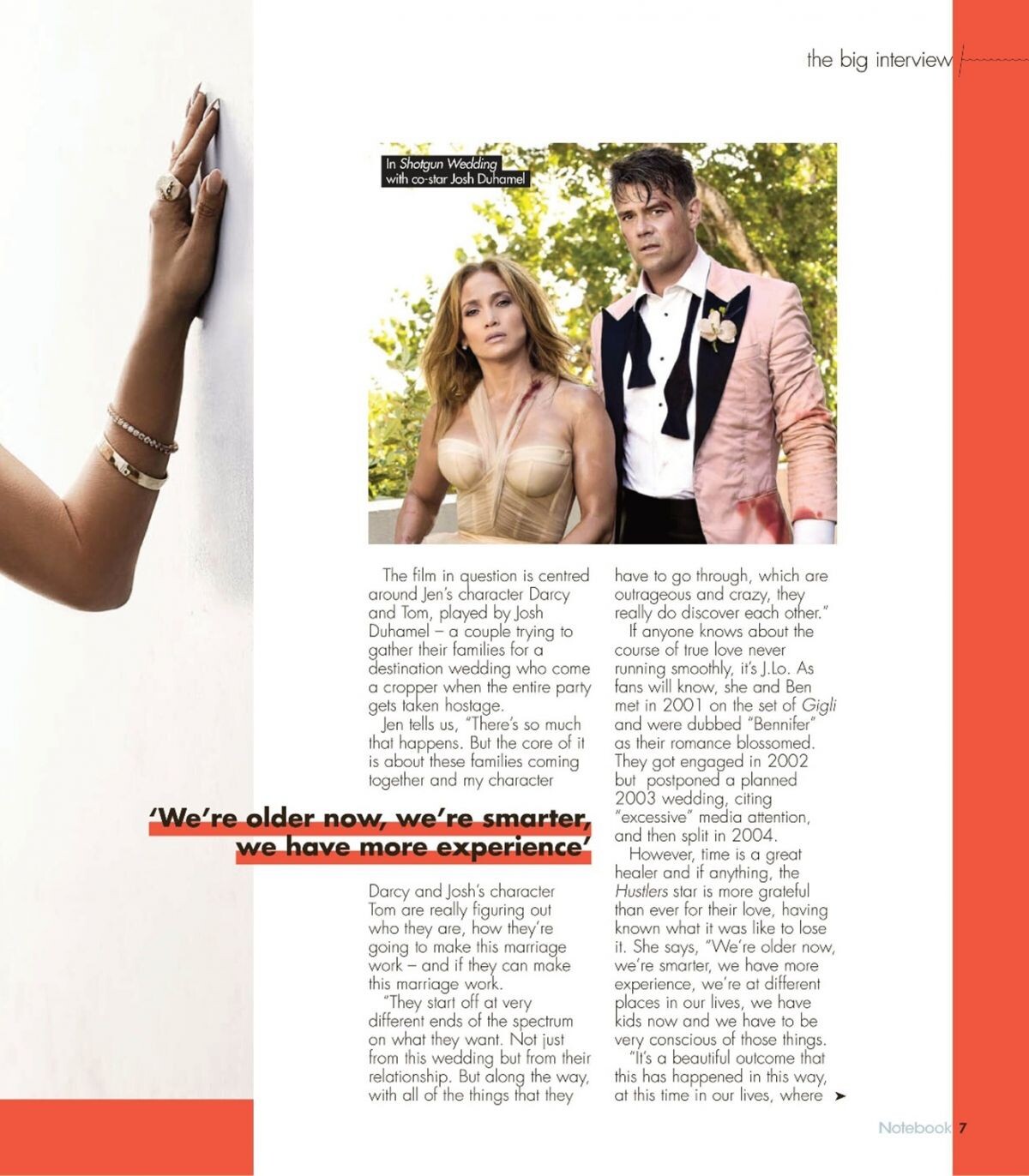
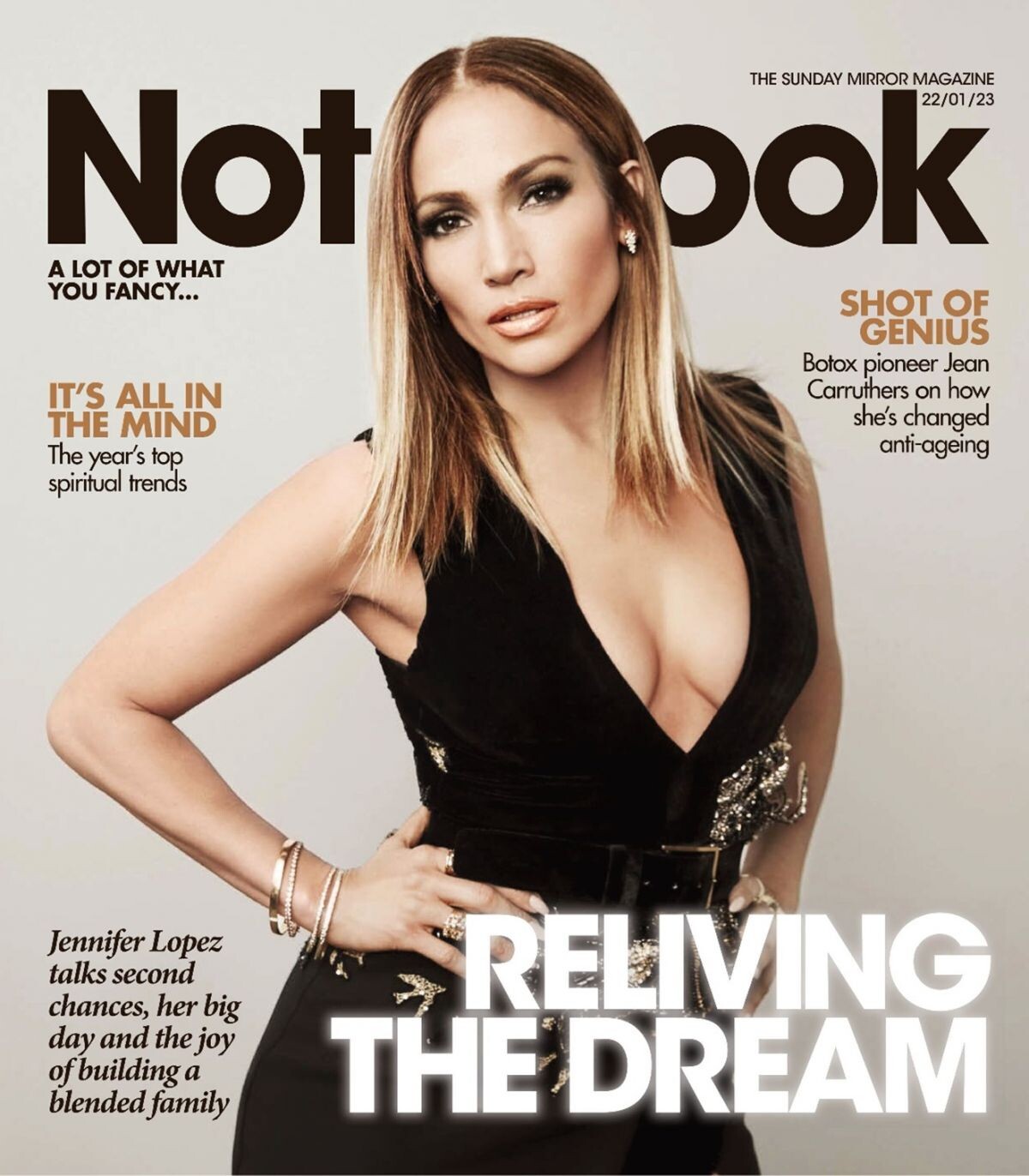
 Notebook Magazine, January 2023





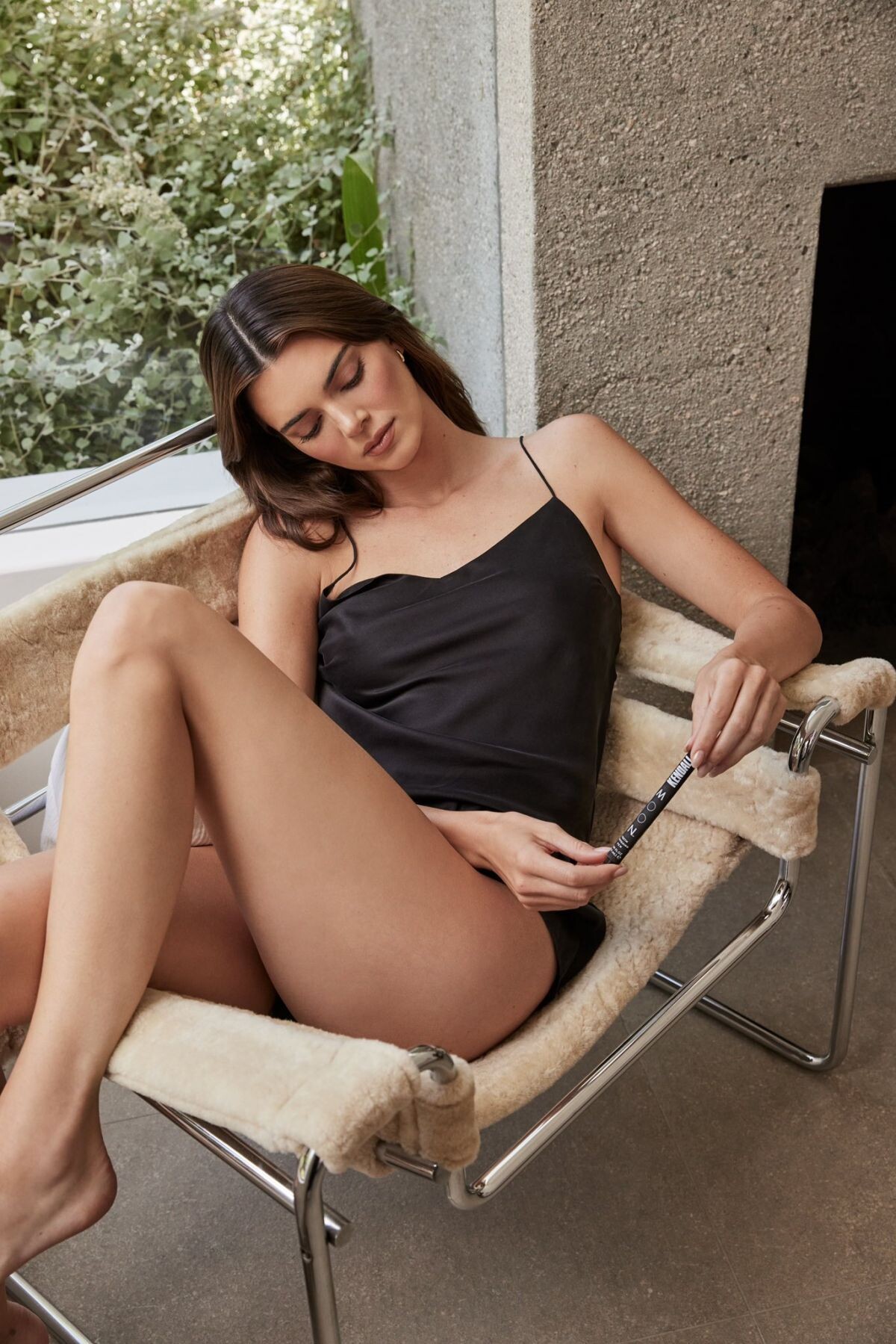
 Moon Oral Beauty 2023
















































































































Account
Navigation
Search
Configure browser push notifications
Chrome (Android)
- Tap the lock icon next to the address bar.
- Tap Permissions → Notifications.
- Adjust your preference.
Chrome (Desktop)
- Click the padlock icon in the address bar.
- Select Site settings.
- Find Notifications and adjust your preference.
Safari (iOS 16.4+)
- Ensure the site is installed via Add to Home Screen.
- Open Settings App → Notifications.
- Find your app name and adjust your preference.
Safari (macOS)
- Go to Safari → Preferences.
- Click the Websites tab.
- Select Notifications in the sidebar.
- Find this website and adjust your preference.
Edge (Android)
- Tap the lock icon next to the address bar.
- Tap Permissions.
- Find Notifications and adjust your preference.
Edge (Desktop)
- Click the padlock icon in the address bar.
- Click Permissions for this site.
- Find Notifications and adjust your preference.
Firefox (Android)
- Go to Settings → Site permissions.
- Tap Notifications.
- Find this site in the list and adjust your preference.
Firefox (Desktop)
- Open Firefox Settings.
- Search for Notifications.
- Find this site in the list and adjust your preference.